































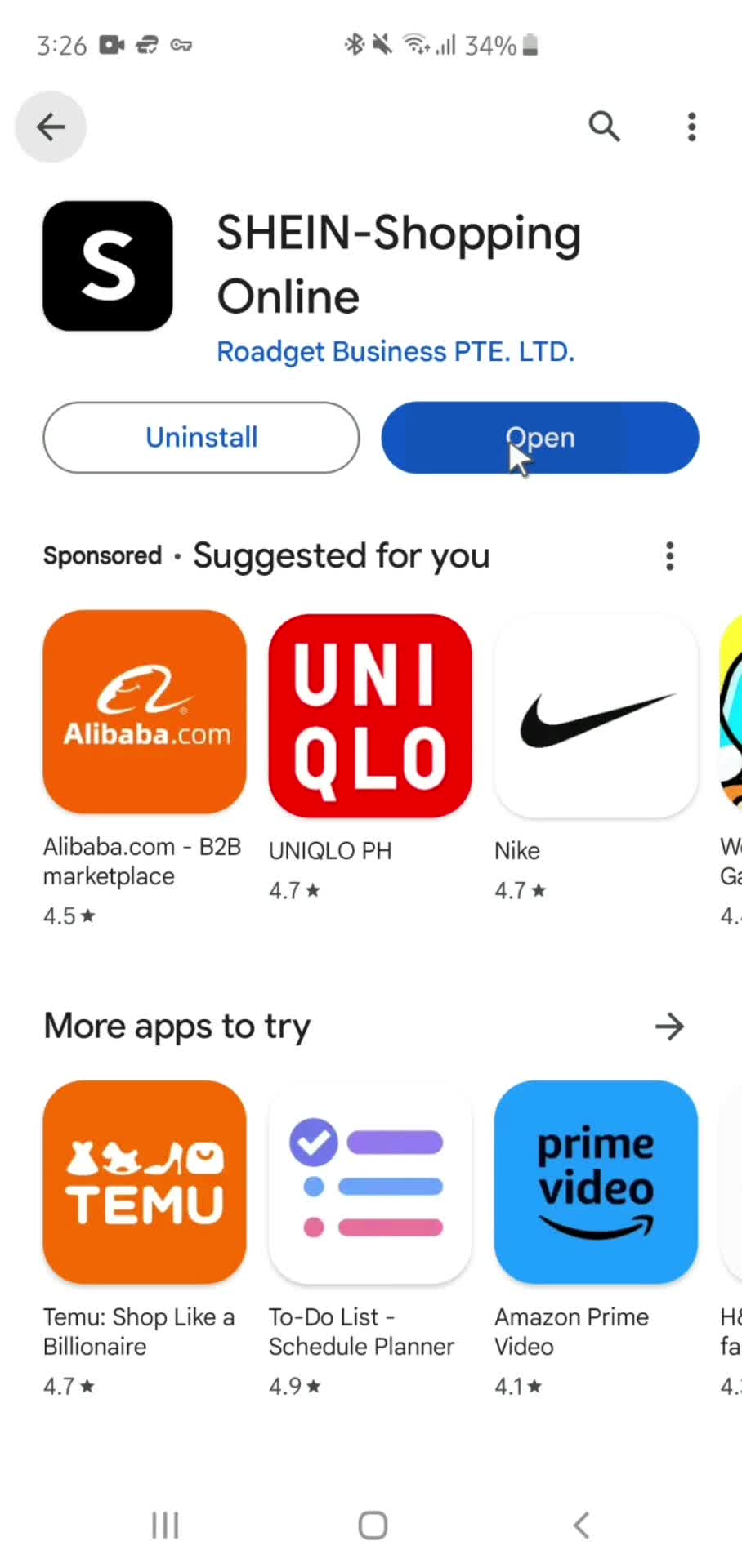
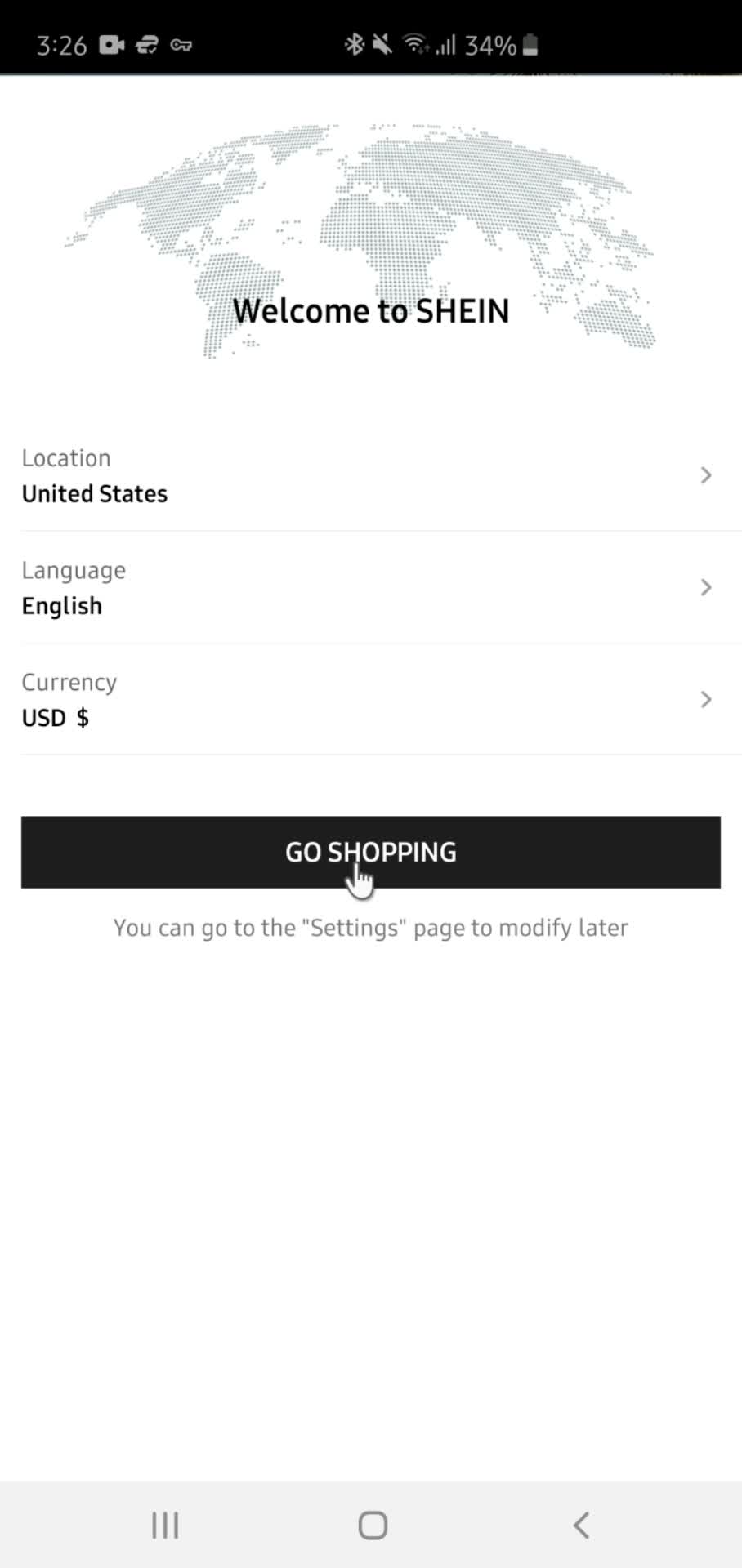
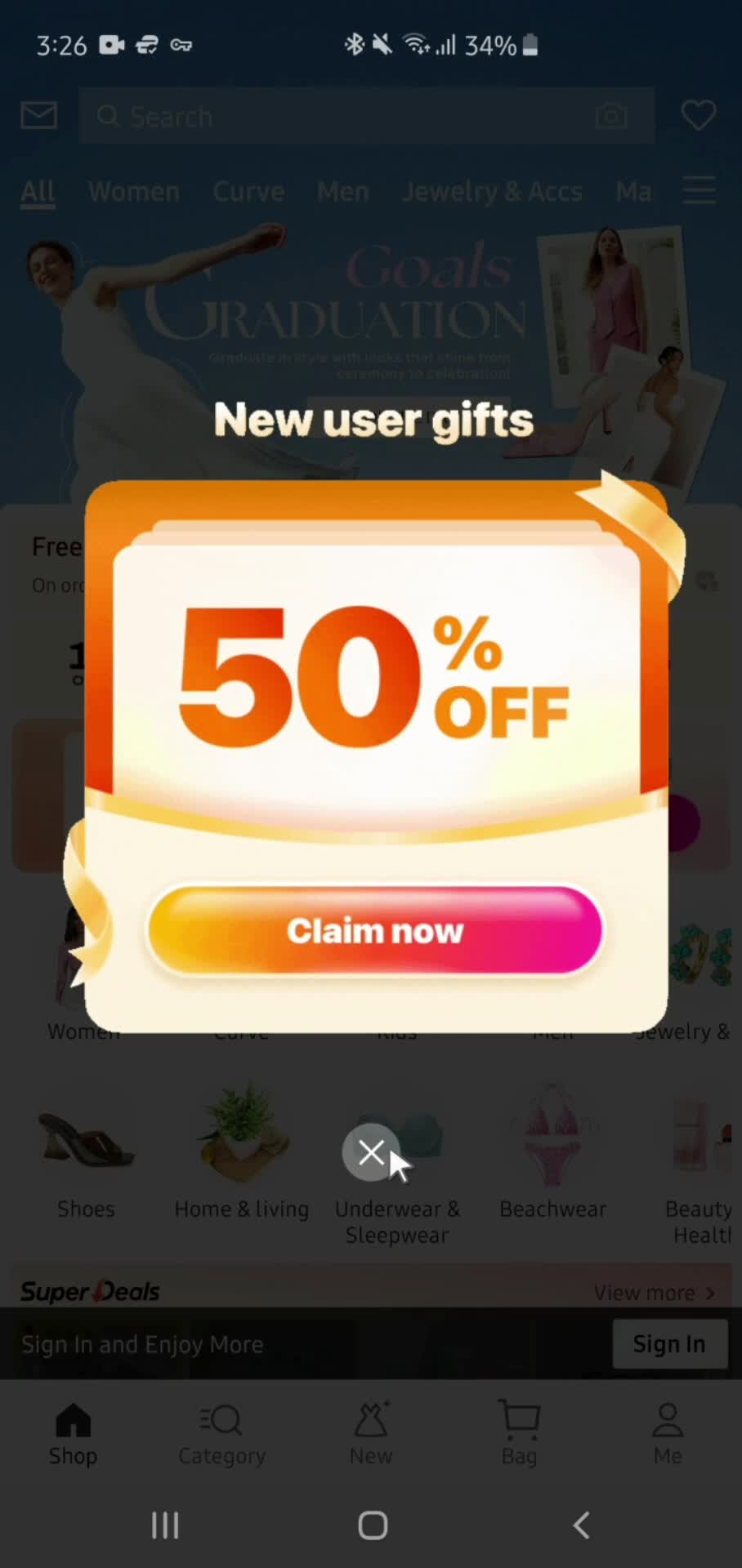





Android Lifestyle Apps — Full UX Library
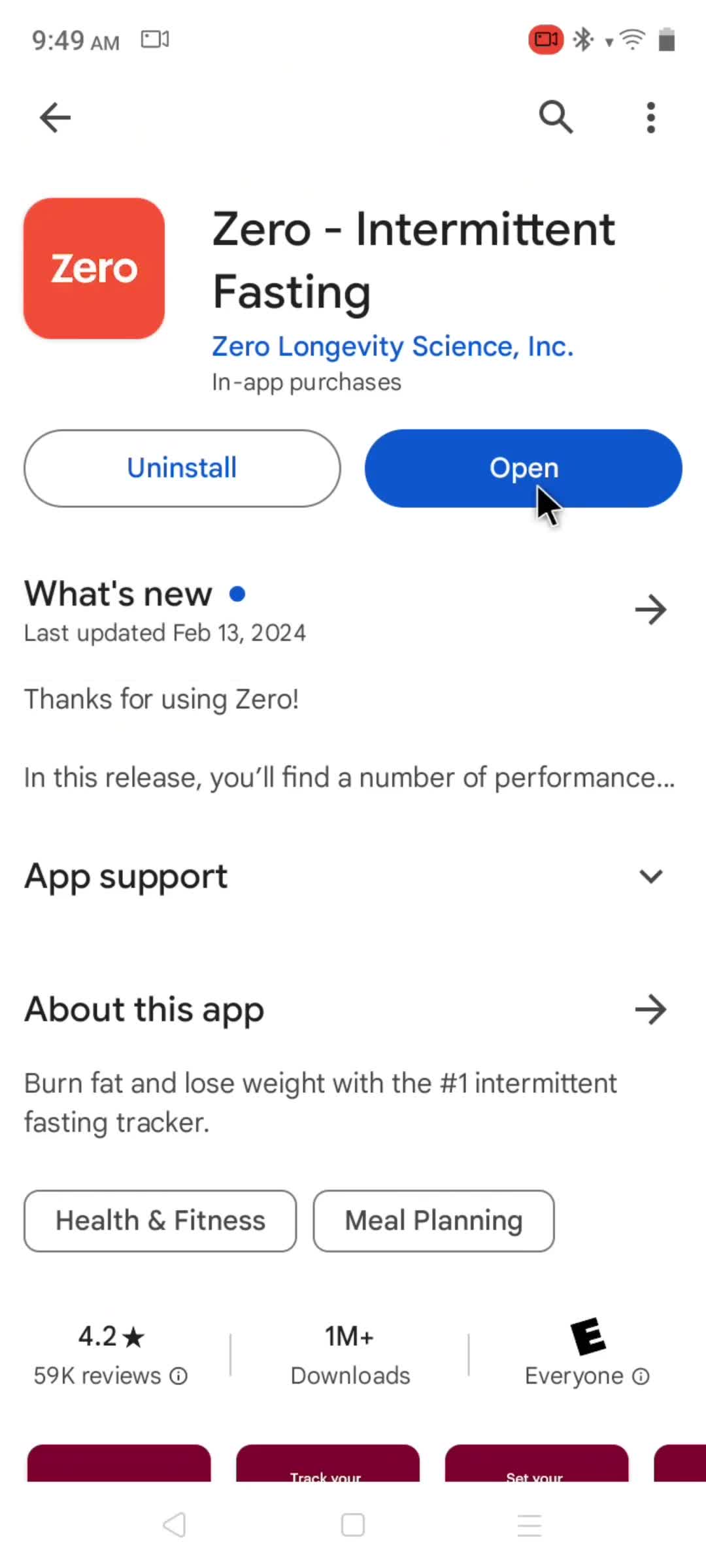
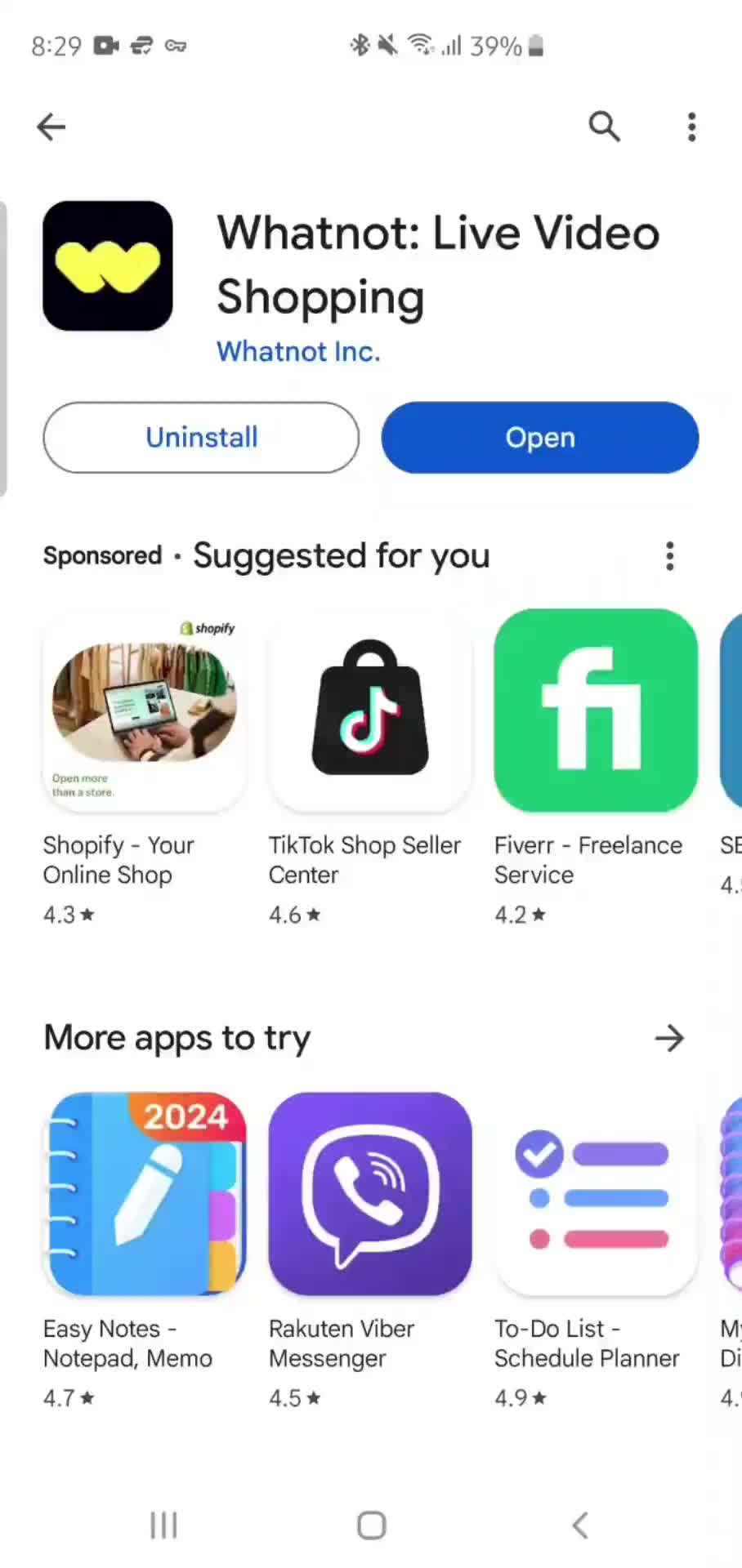
Lifestyle is a competitive space on Android, with apps constantly experimenting on how to convert, engage, and retain users. This page gathers Lifestyle apps from our Android library, letting you study the whole category in one place with recorded flows and tagged screens.
Flow Patterns Across Lifestyle Apps
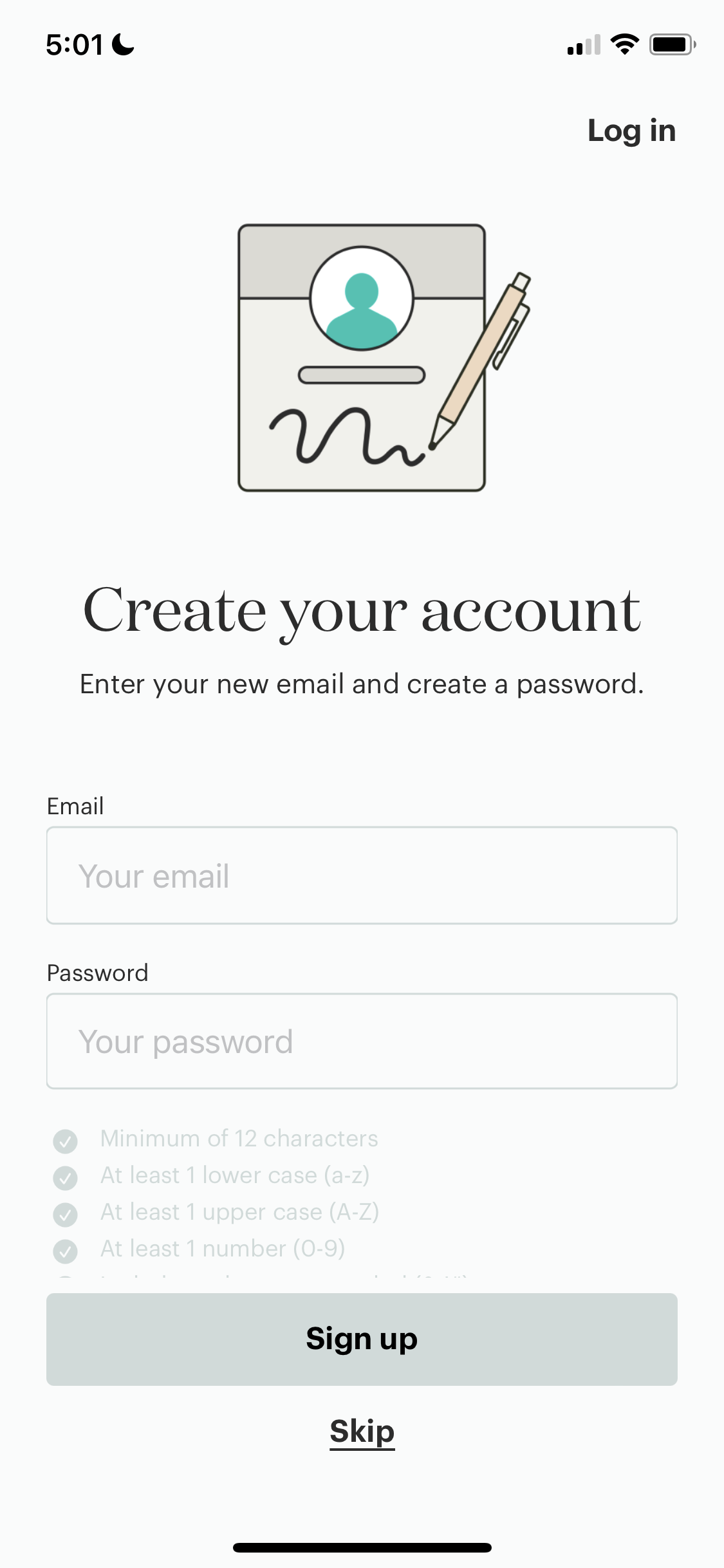
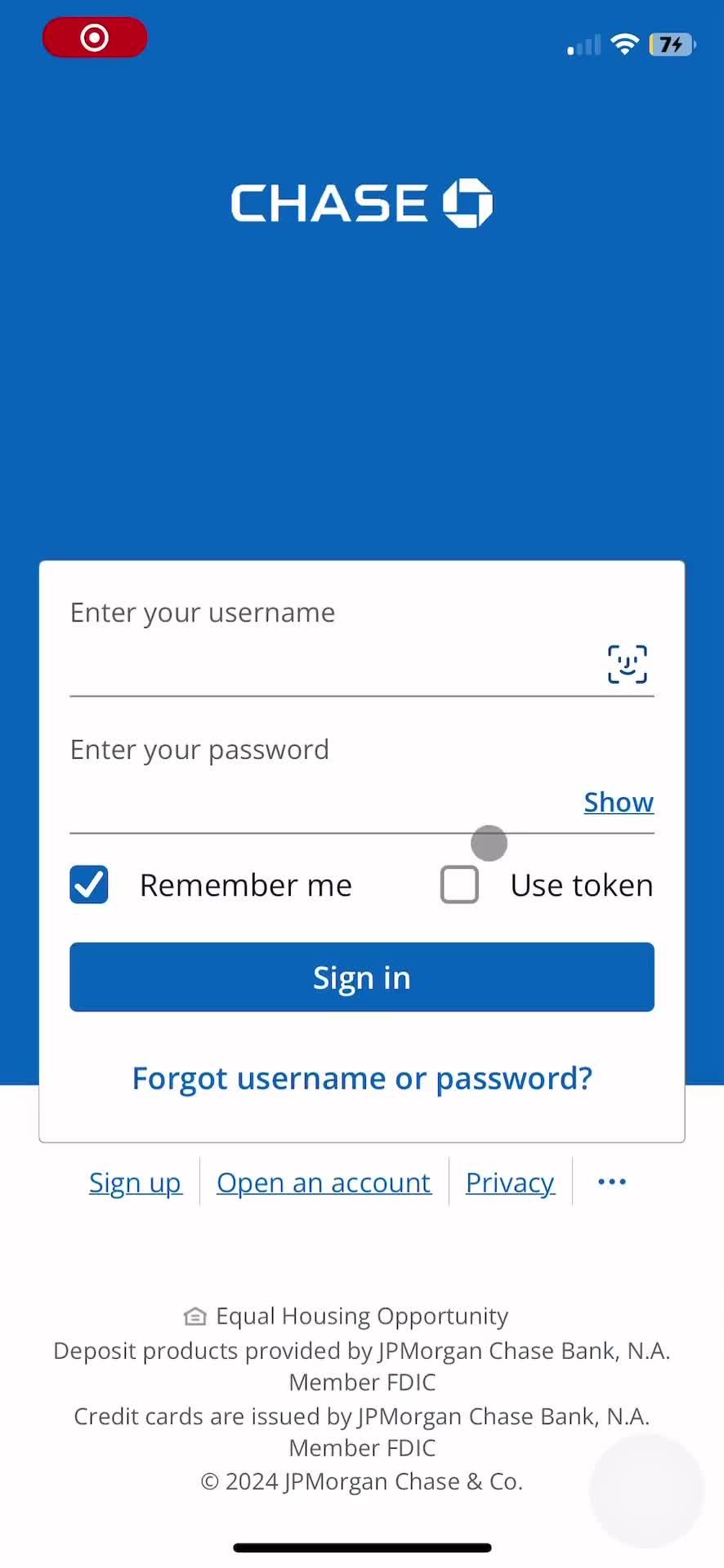
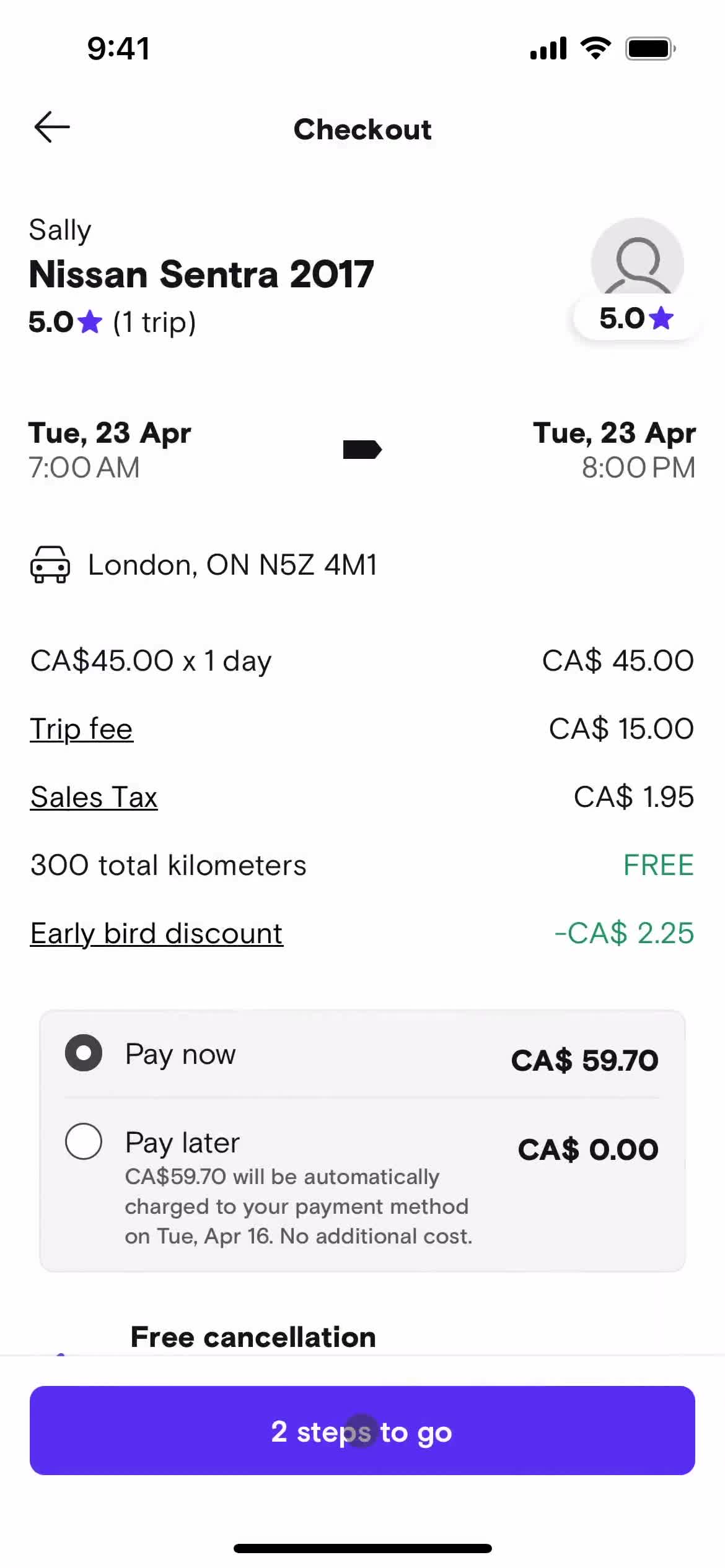
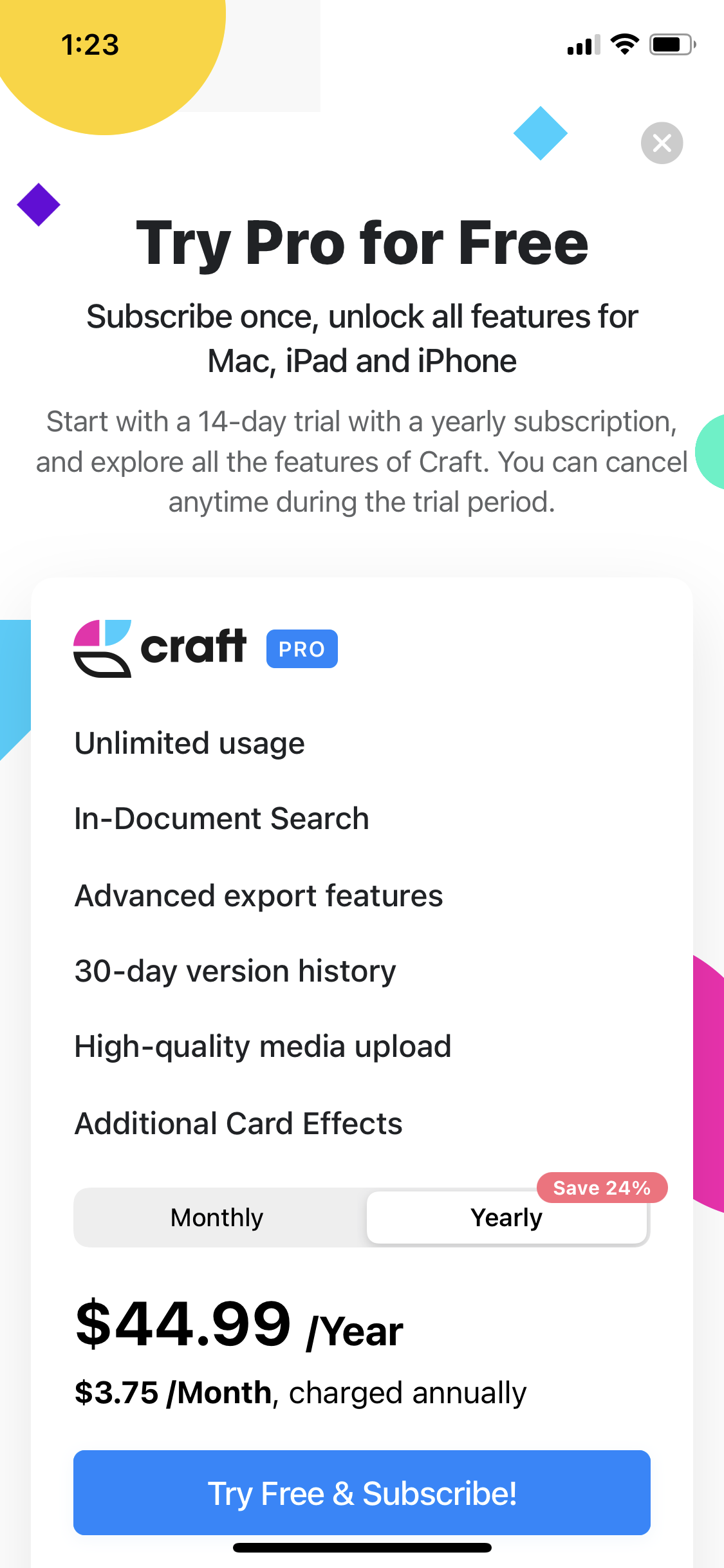
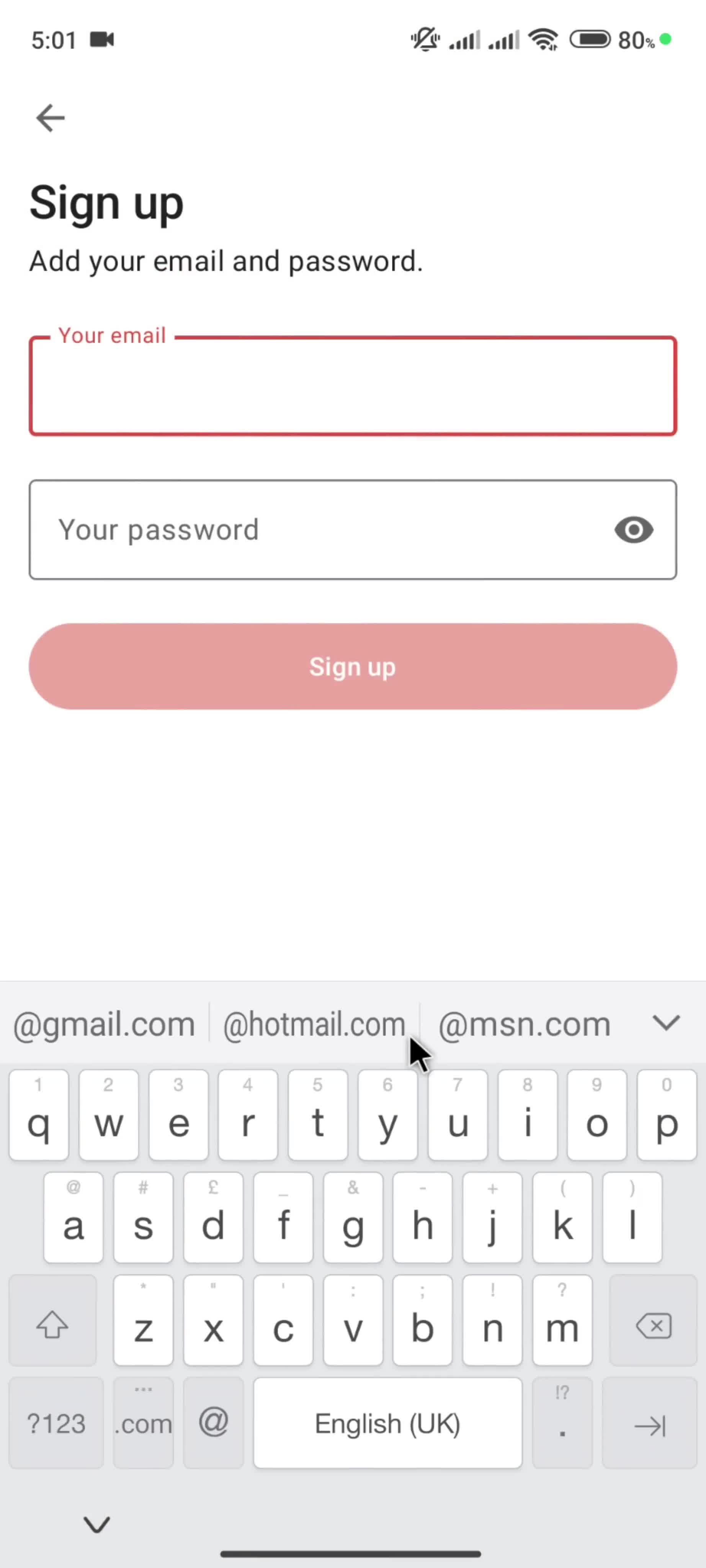
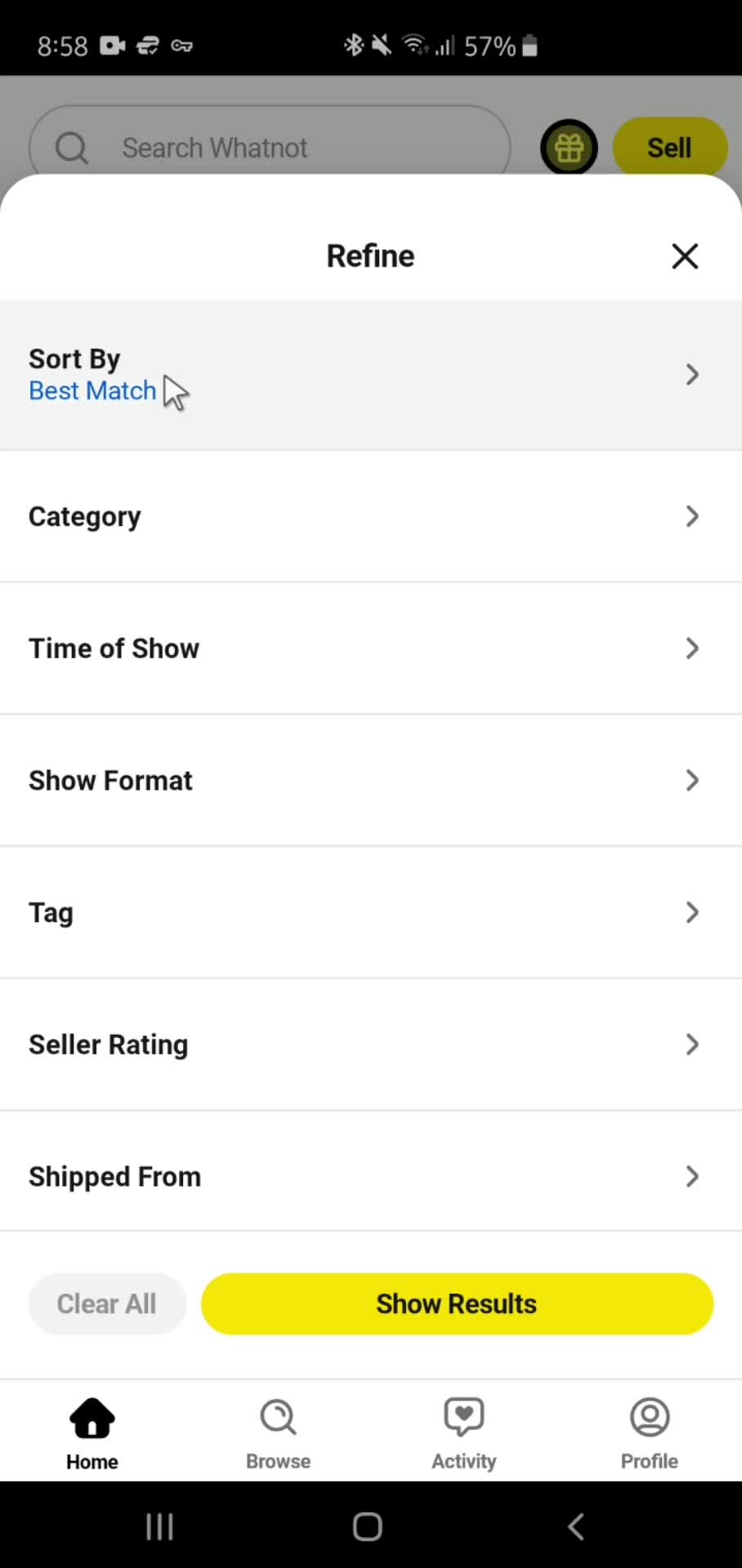
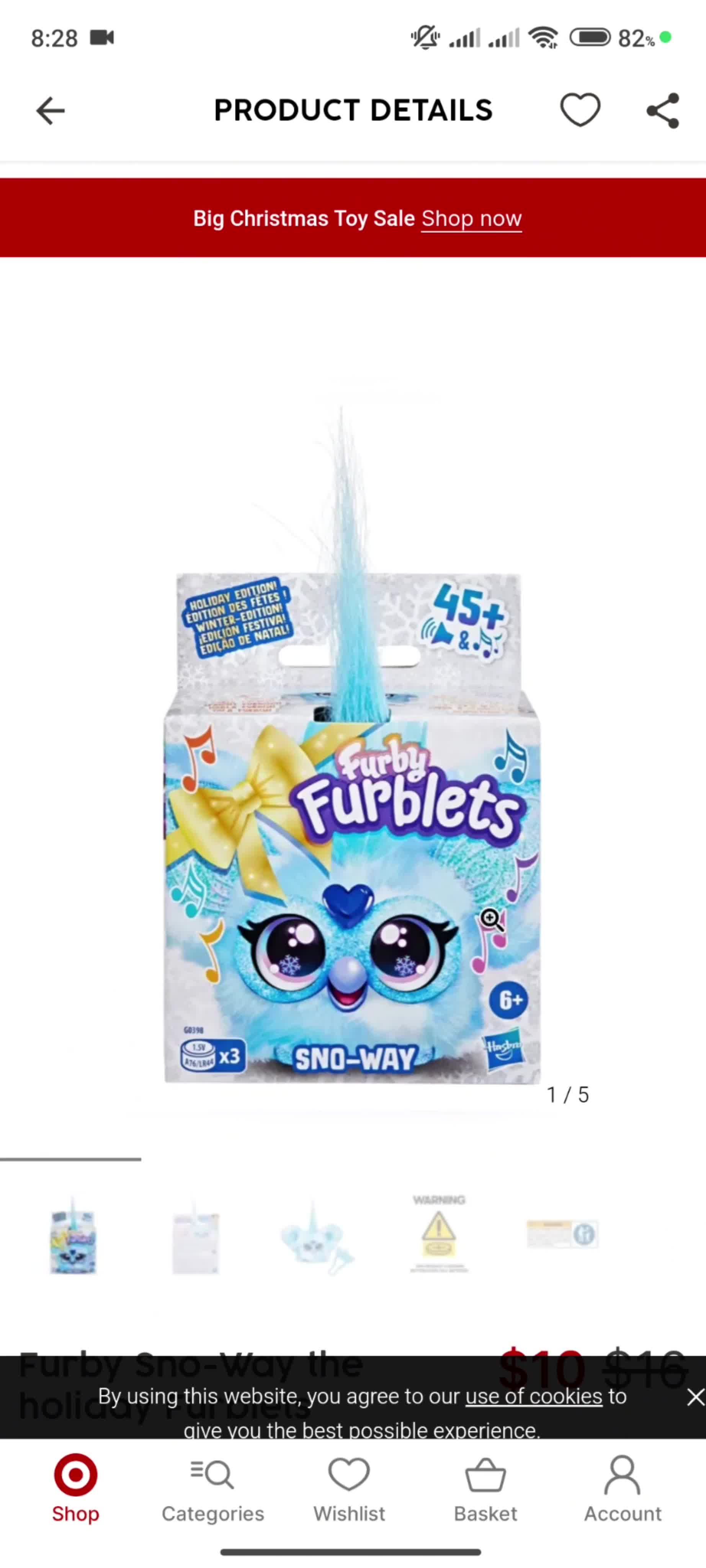
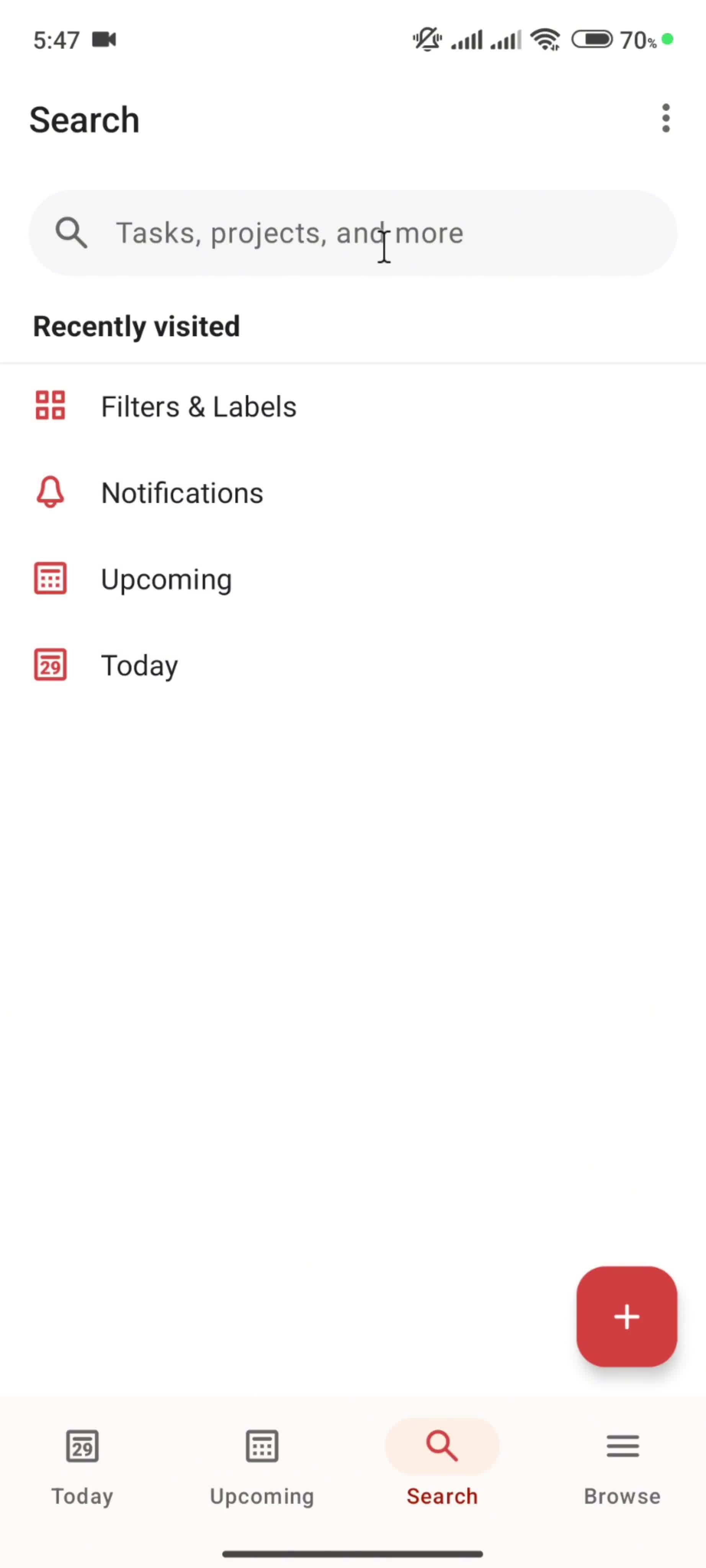
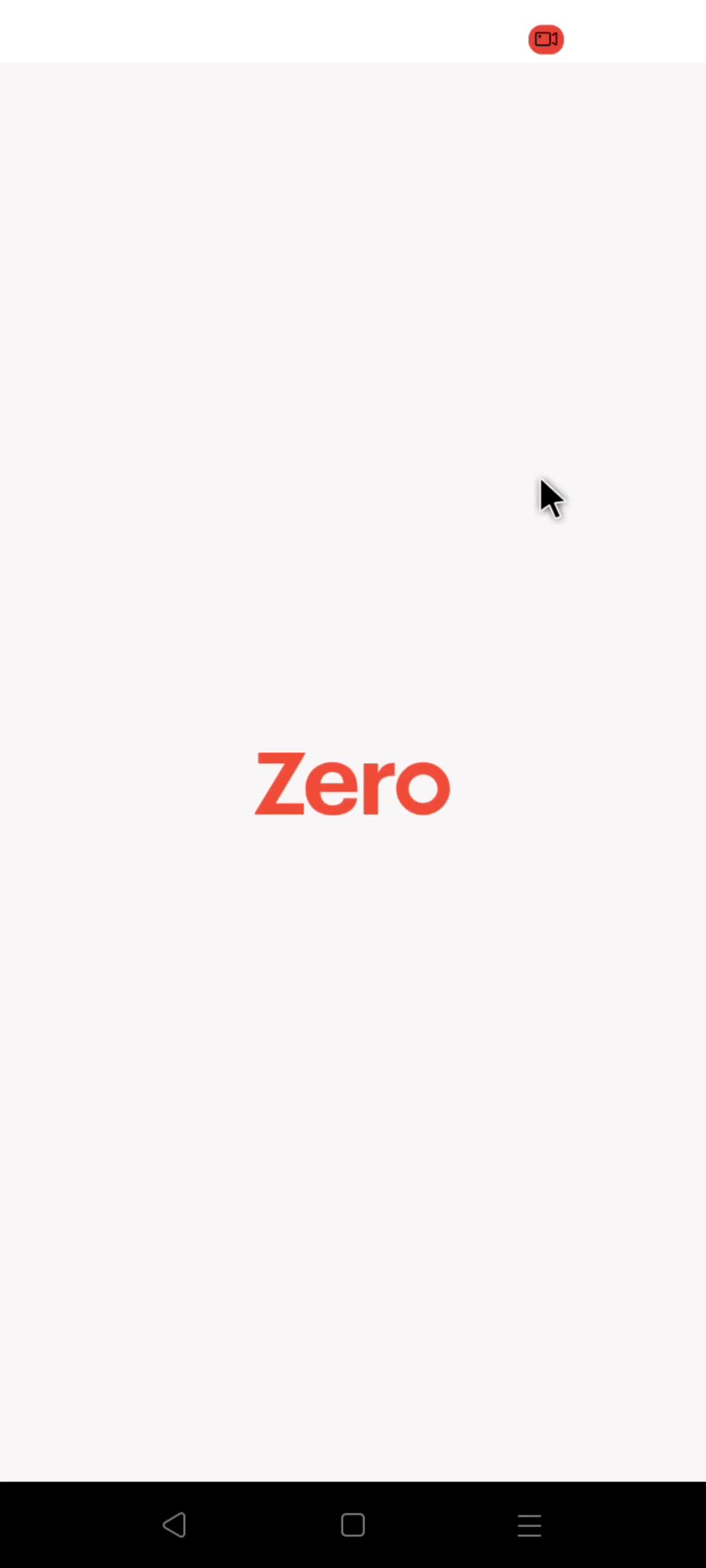
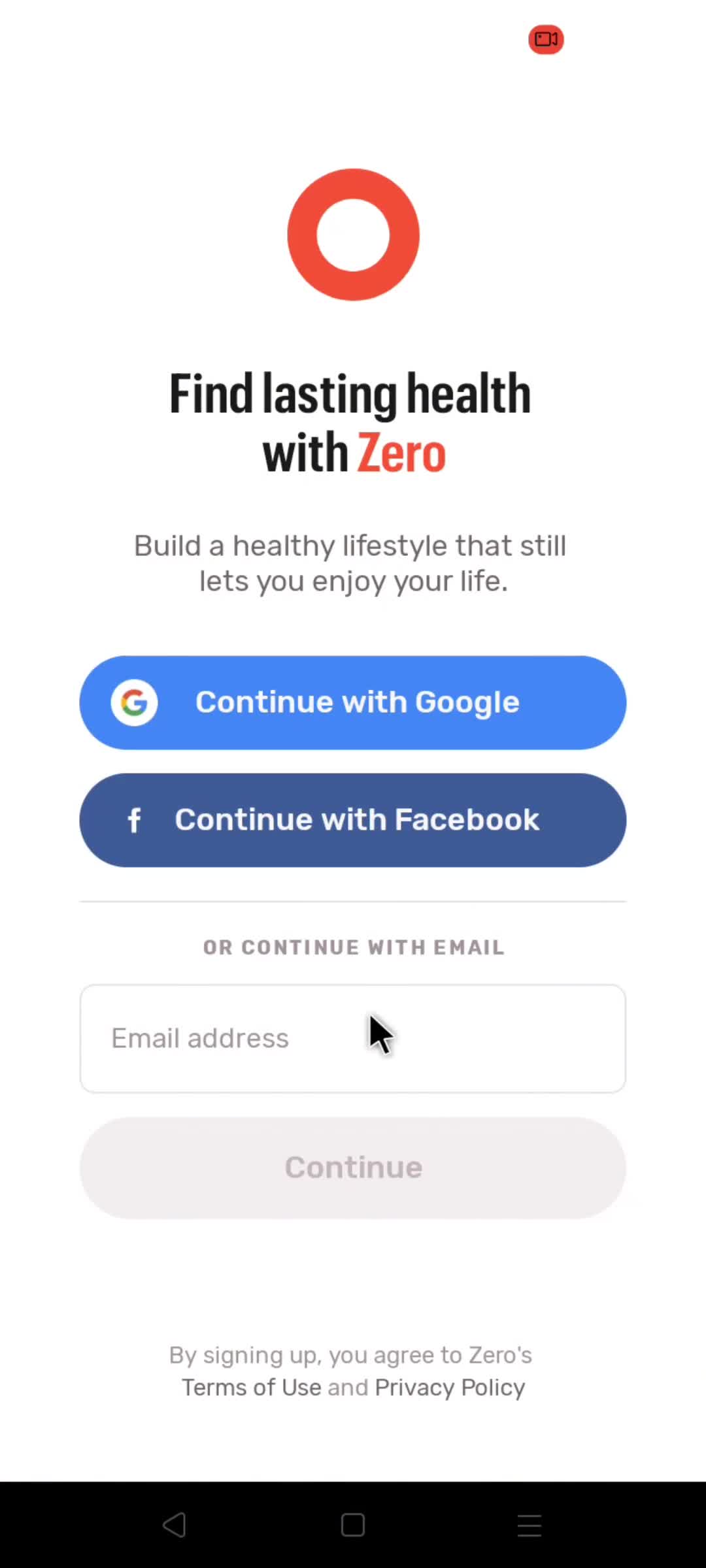
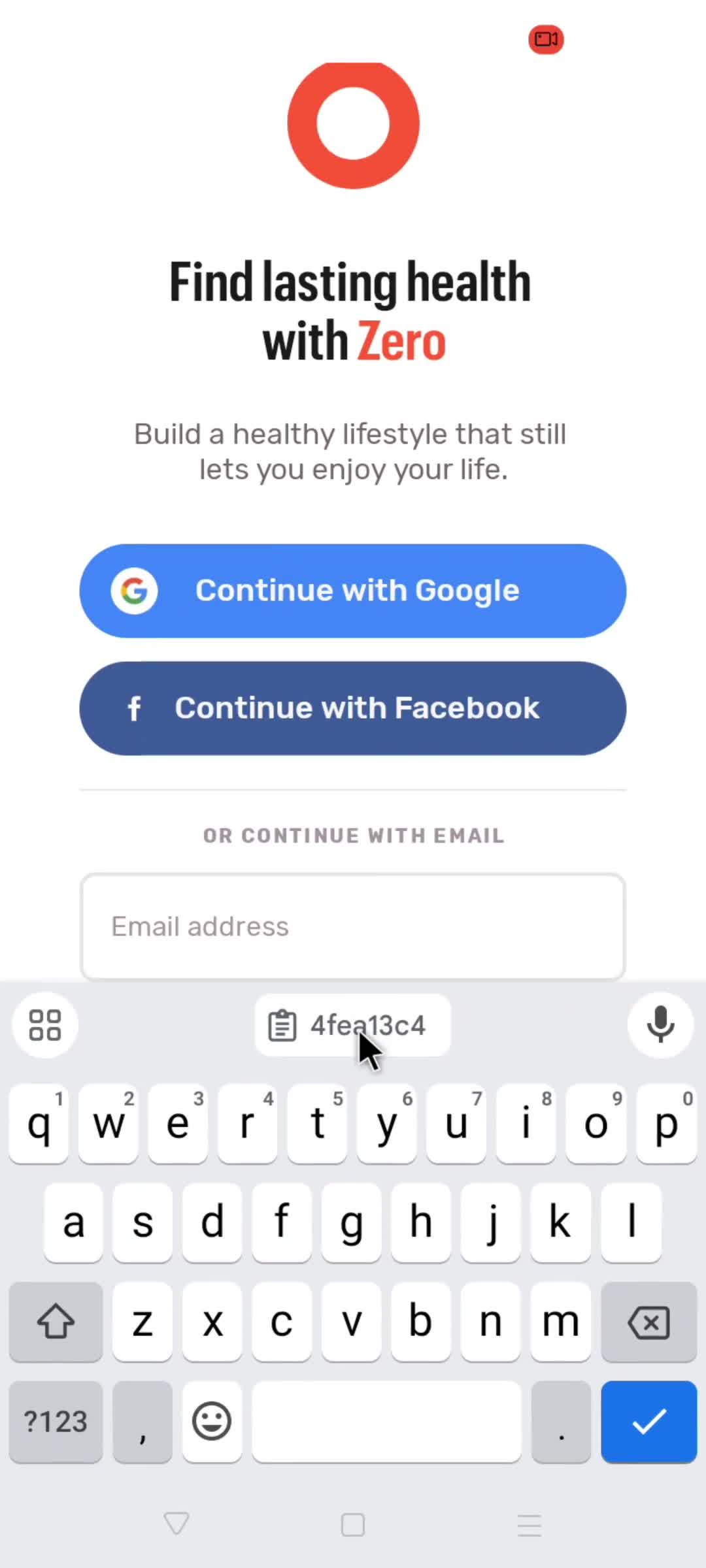
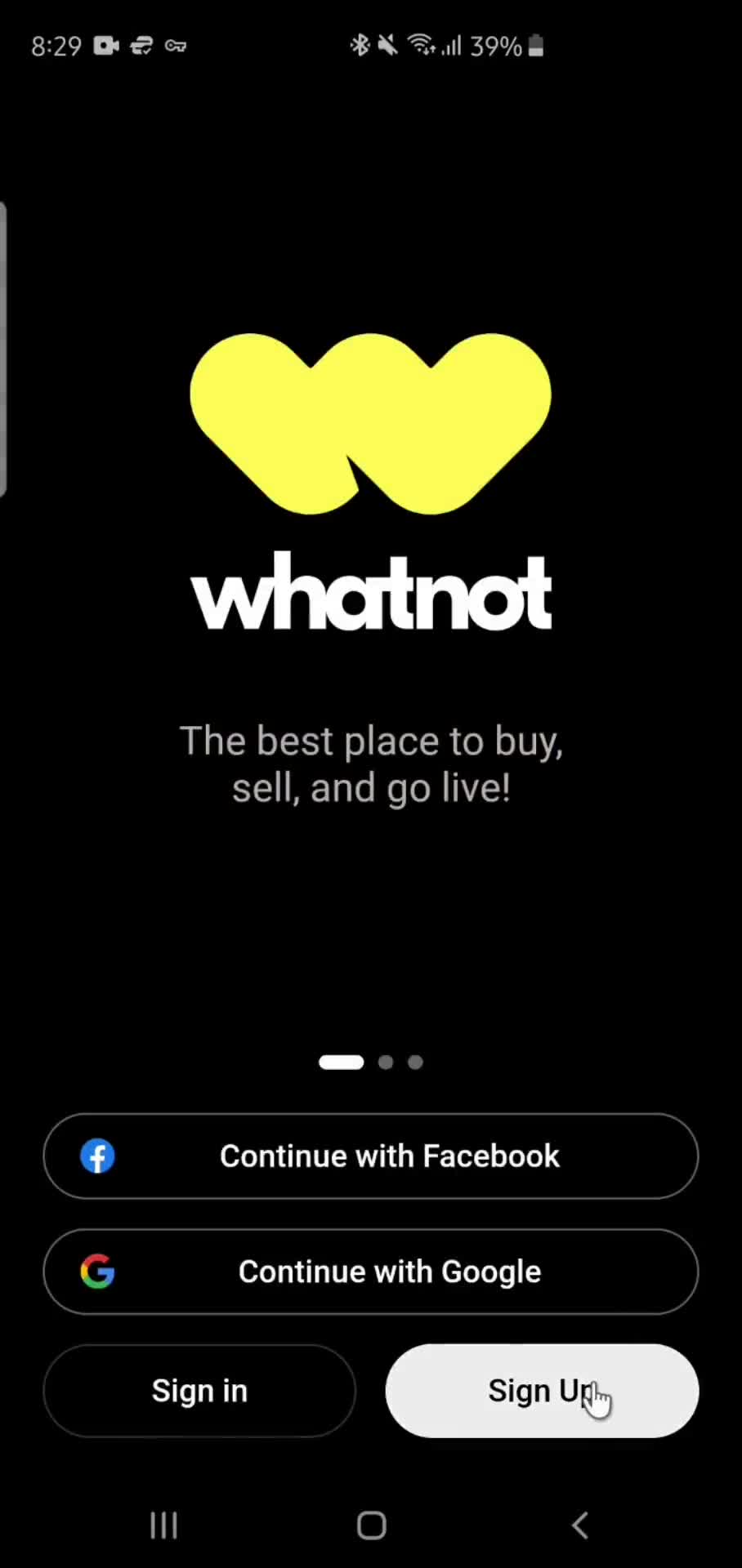
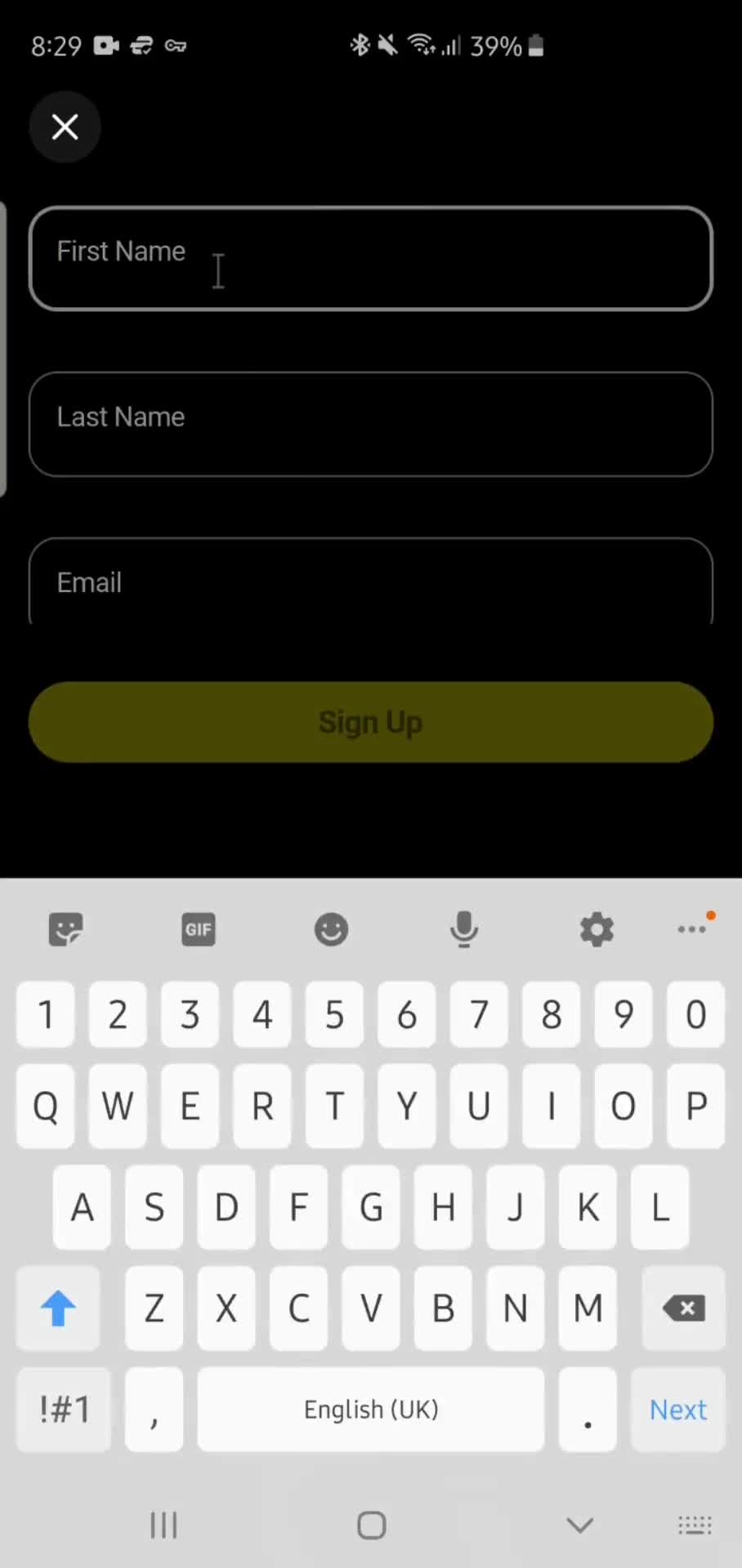
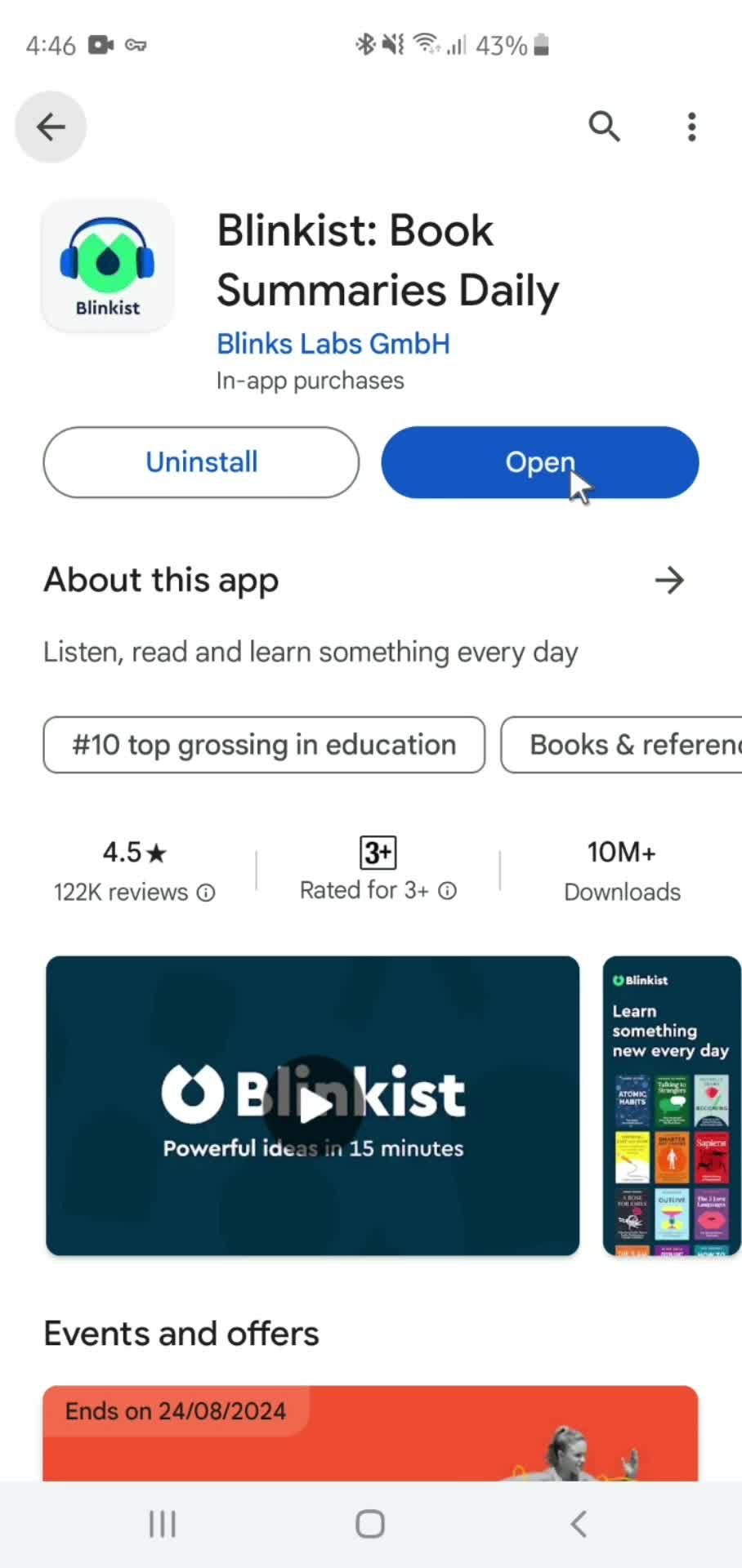
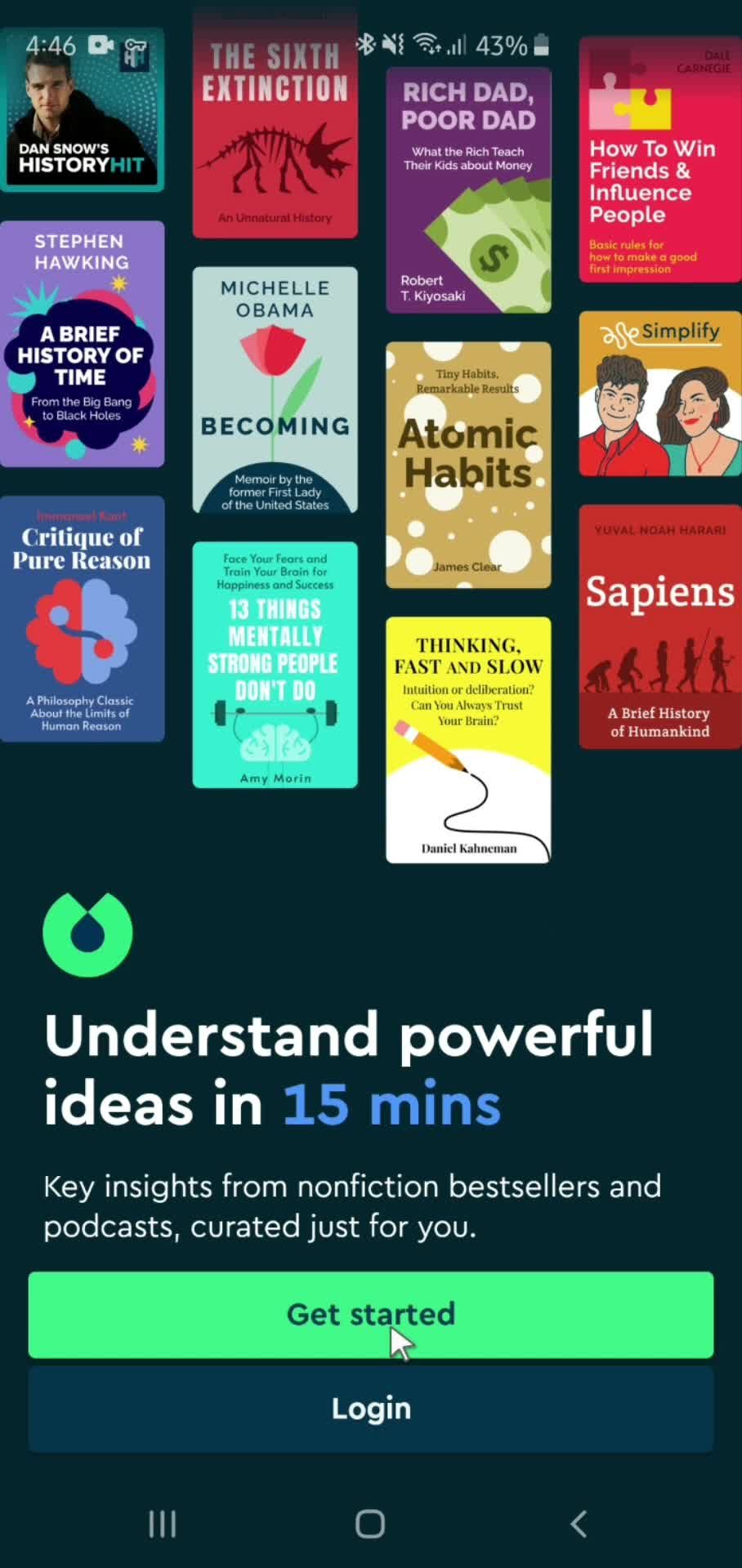
Each app in the Lifestyle collection includes full user flow recordings — onboarding, sign-up, core features, subscription upgrades — captured from the live Google Play version. Because they're grouped by category, shared patterns emerge quickly: which onboarding steps are standard, which UI elements recur, where apps follow Material conventions and where they break from them.
A Research Shortcut for Lifestyle Teams
For teams designing a new Lifestyle app or evolving an existing one, this is the fastest way to build a reference library of what actually ships. Watch how leaders structure their experiences, then take those insights directly into your own Android design work.
Frequently Asked Questions
Which Android Lifestyle apps are documented?
The library includes leading Android Lifestyle apps, with full flow recordings for each. New apps are added regularly as we capture new flows.
Can I see how Lifestyle apps handle Material Design?
Yes. Because each app is captured live from Google Play, you see how Lifestyle apps actually use Material components — bottom sheets, navigation drawers, snackbars — in production, not theoretical implementations.
What Lifestyle-specific Android patterns can I find?
Common patterns include category-specific navigation structures, onboarding approaches, and monetization flows. Because everything is tagged, you can compare these across apps in the same Lifestyle space.
How are Android Lifestyle flows organized within each app?
Each Android Lifestyle app has its own page with flows grouped by type (onboarding, settings, purchases, etc.), filterable so you can find exactly what you need to benchmark.