




















































The Android Invite Screen — A Design Benchmark
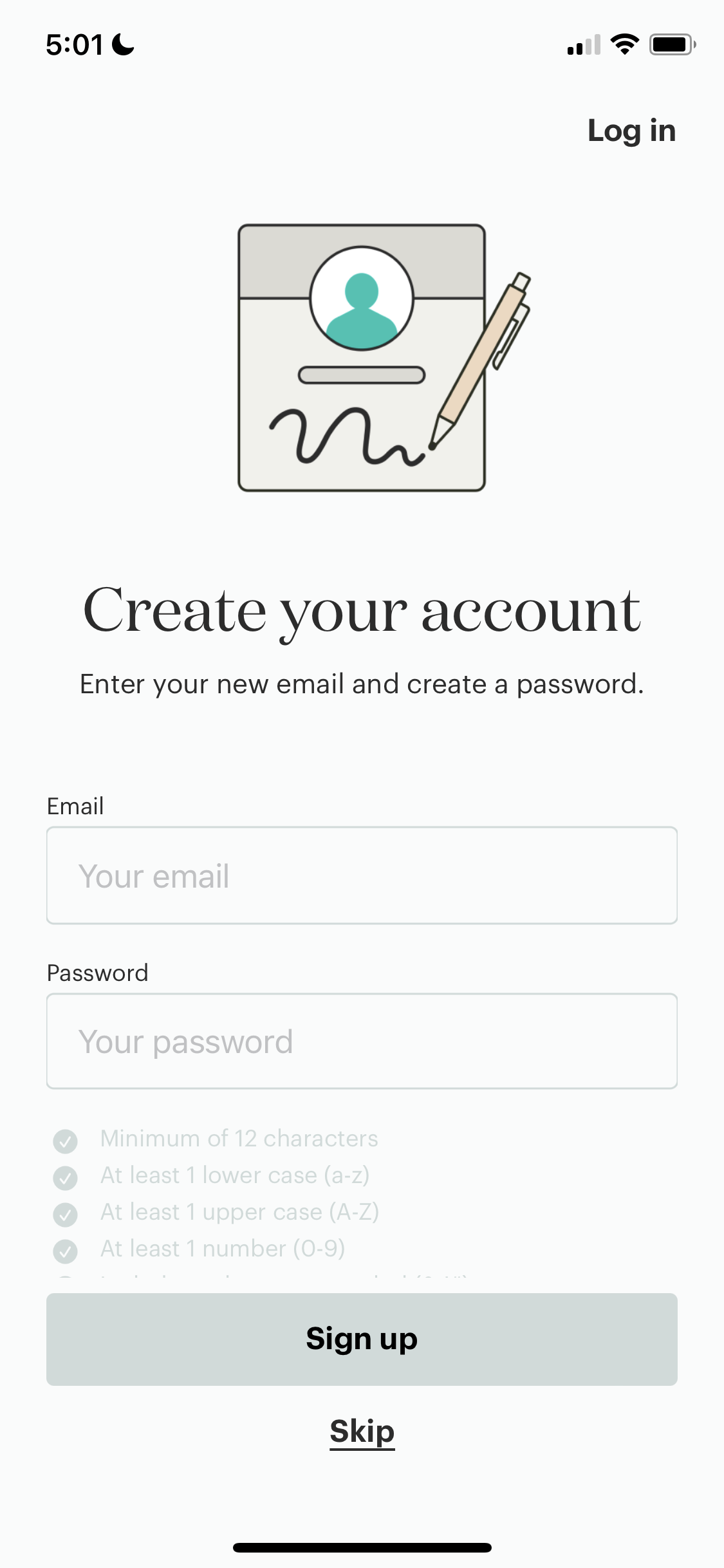
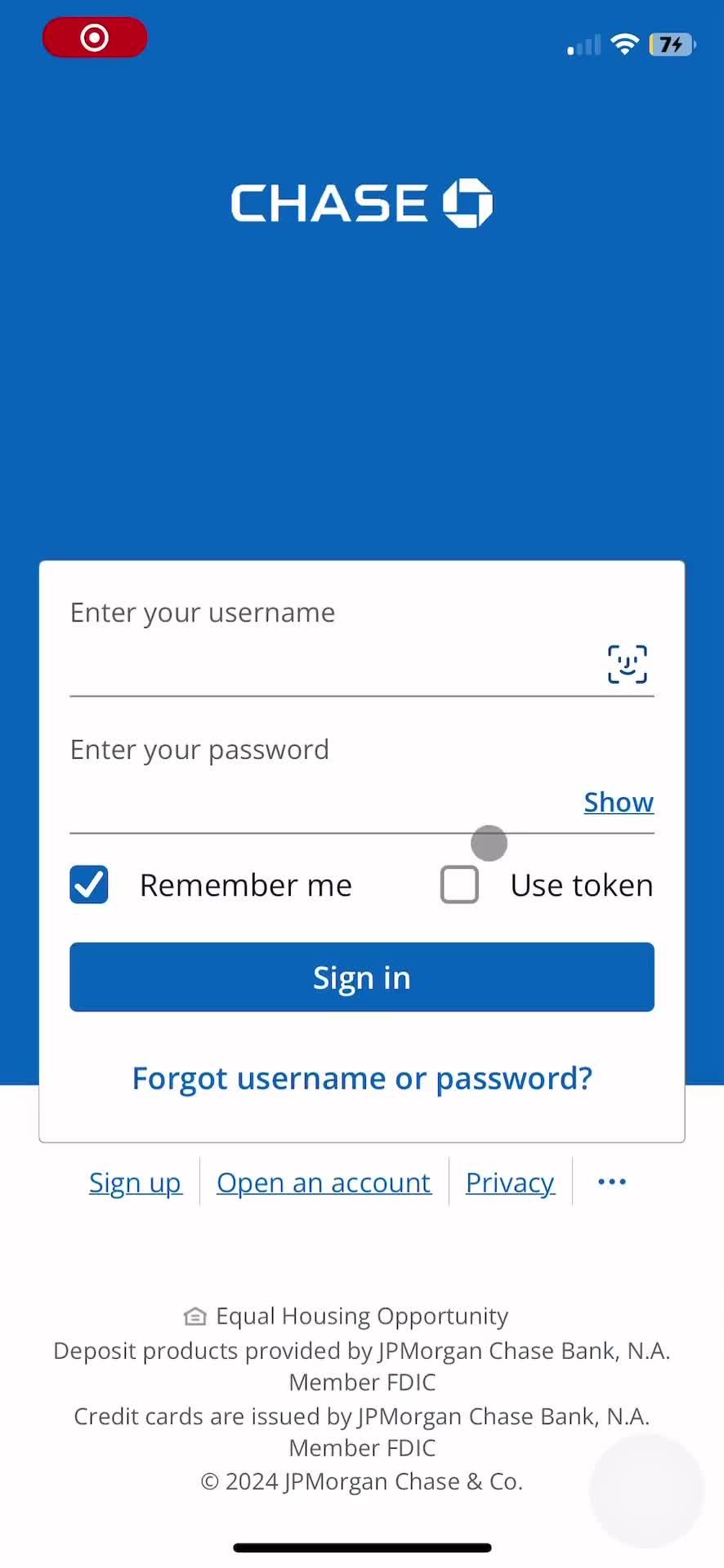
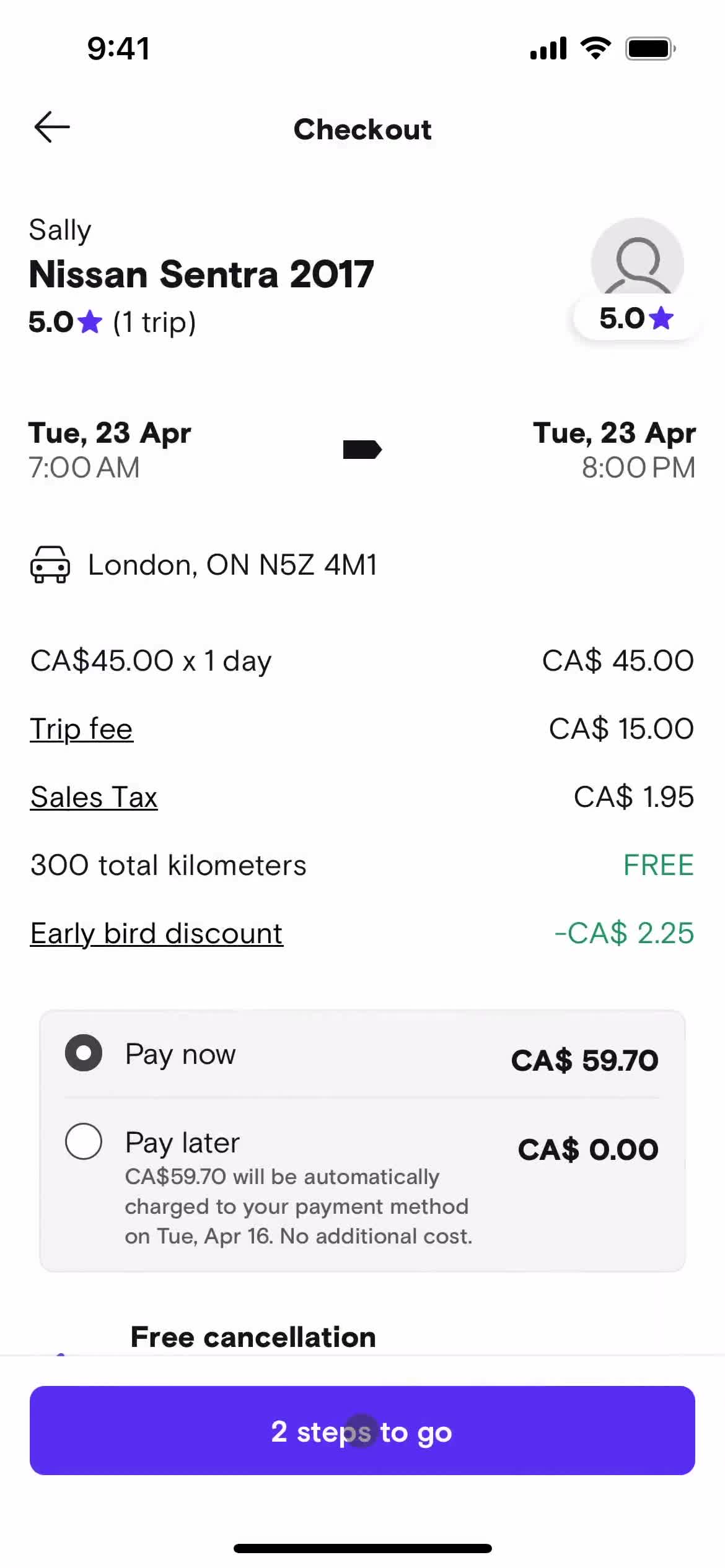
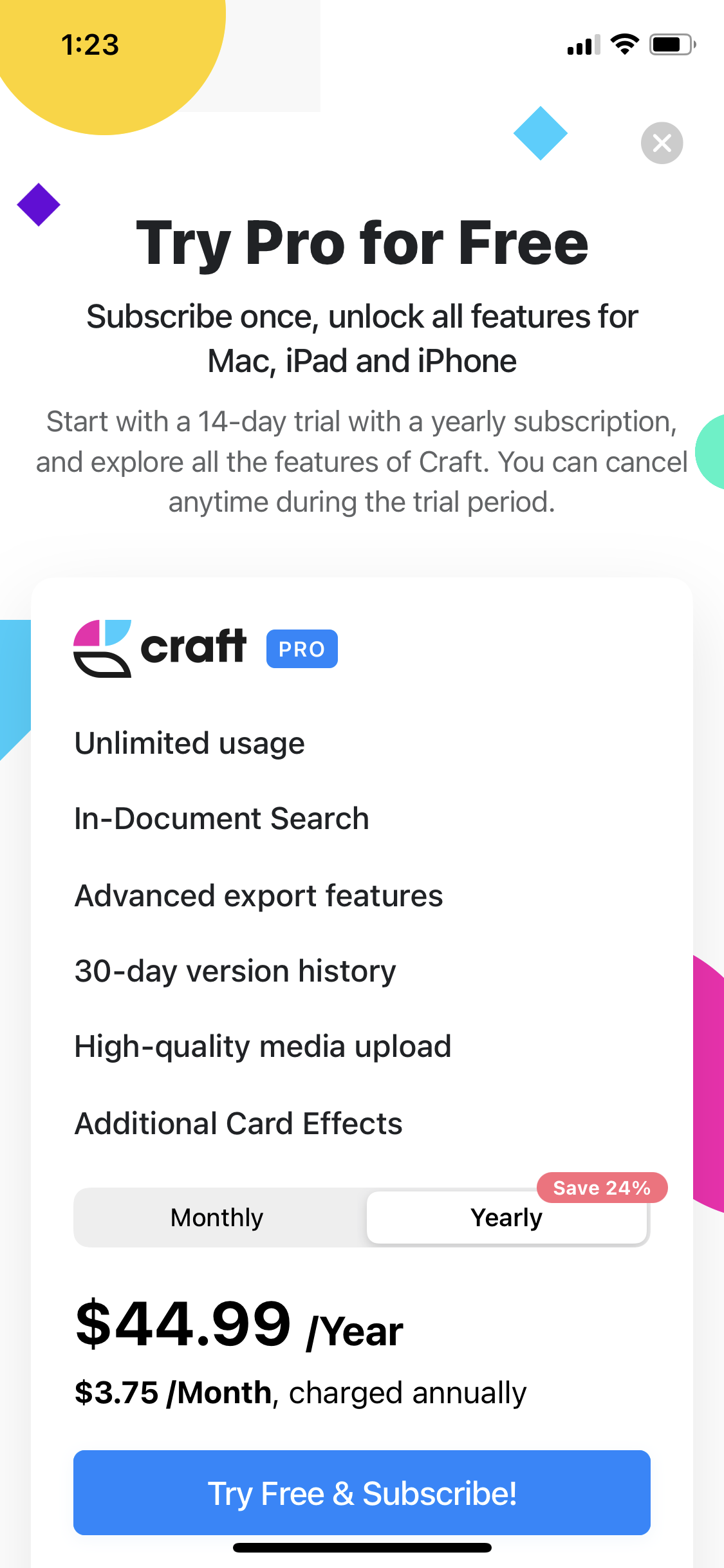
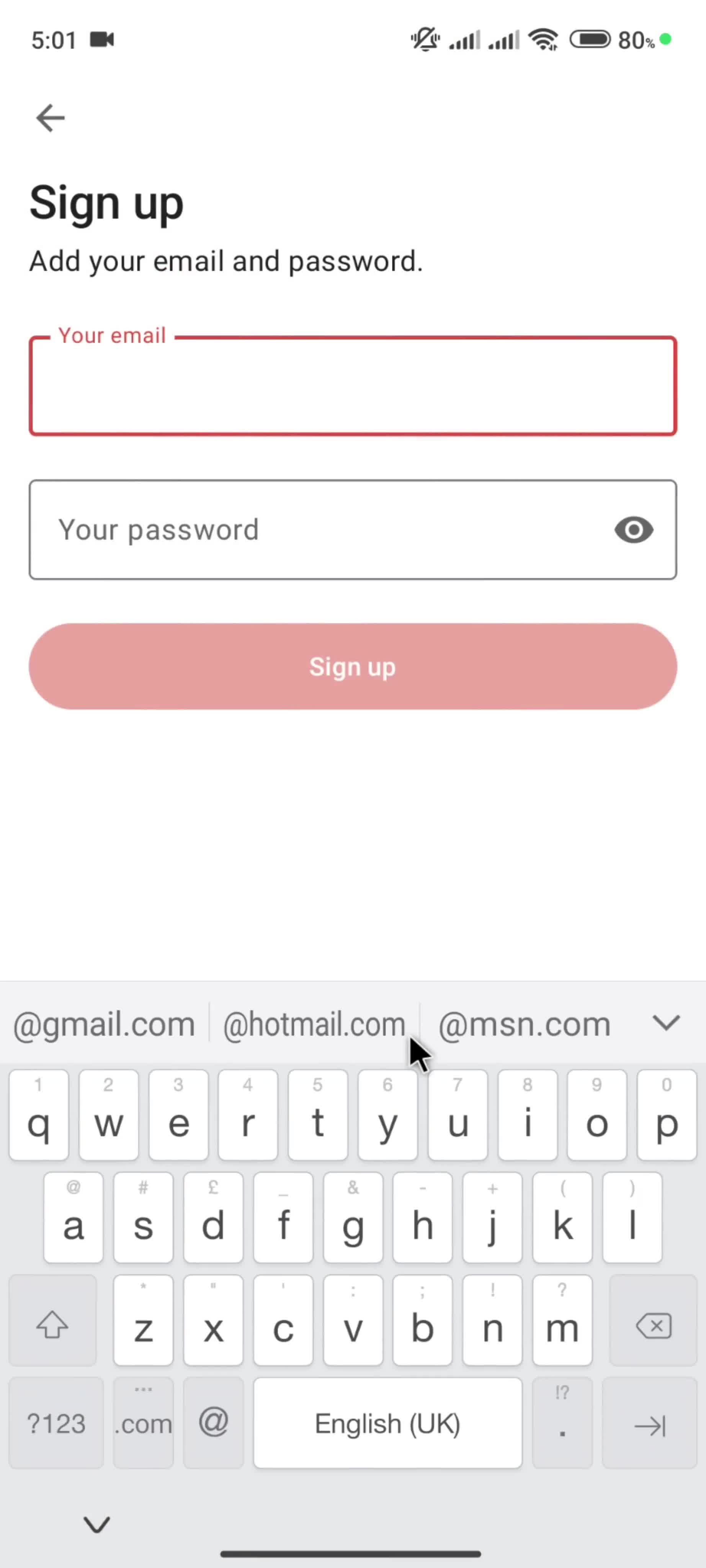
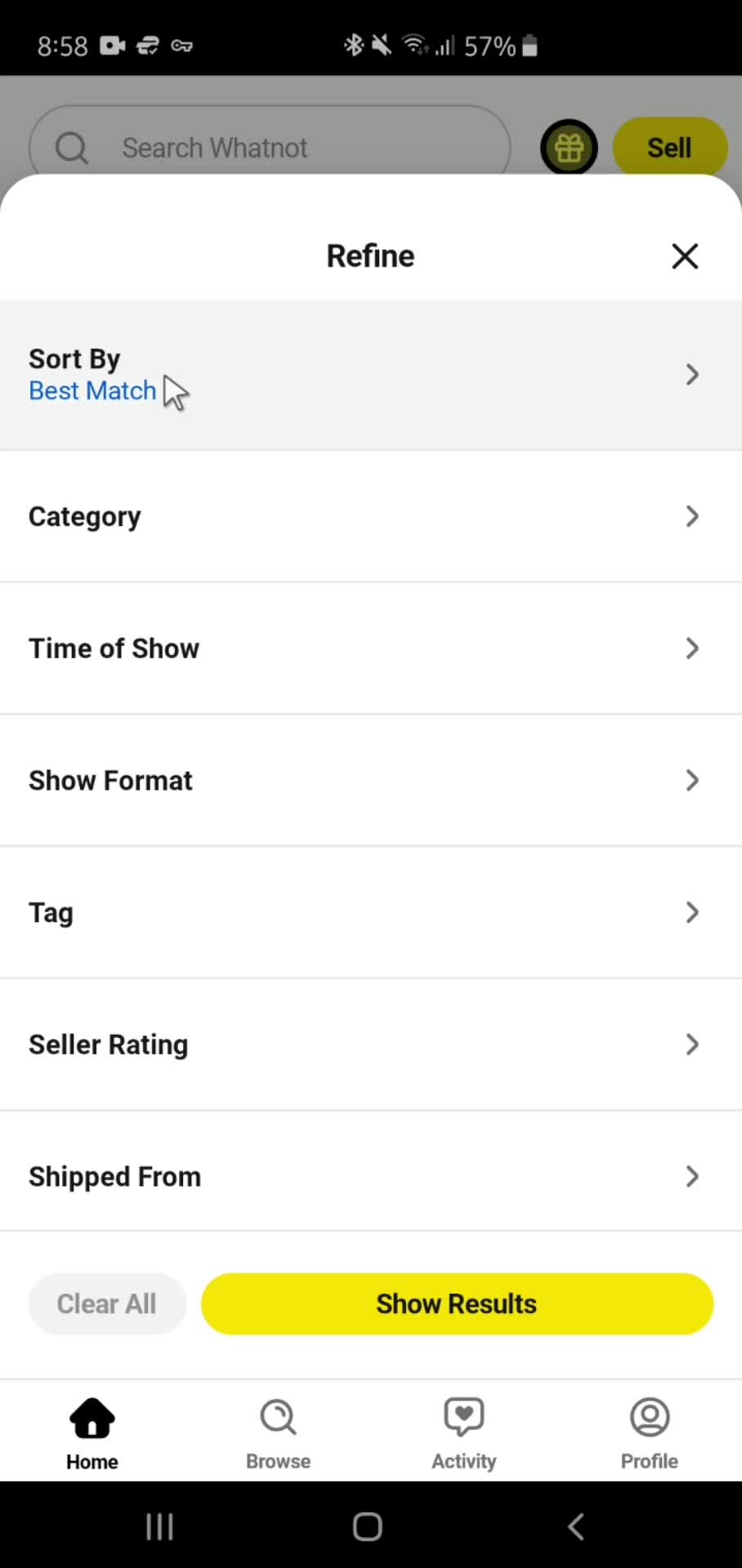
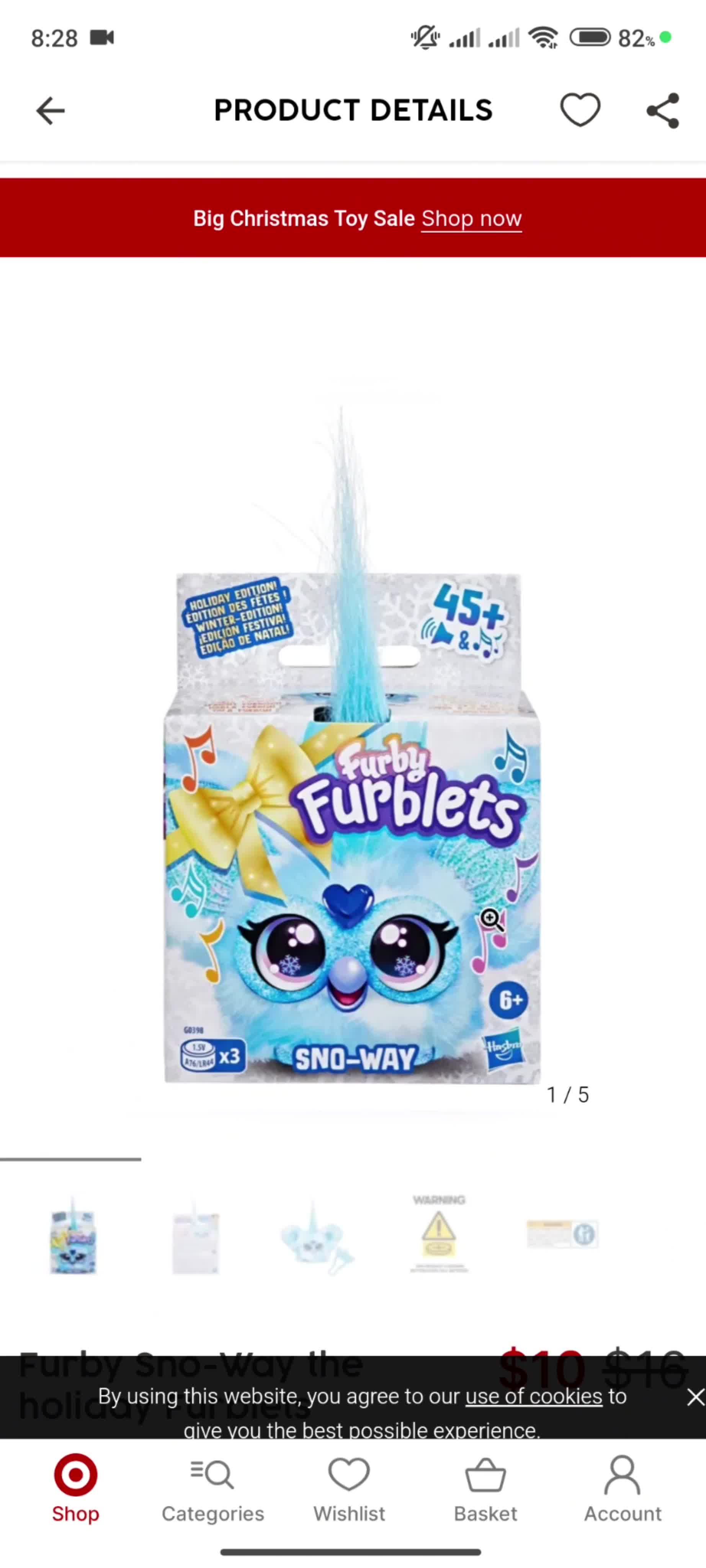
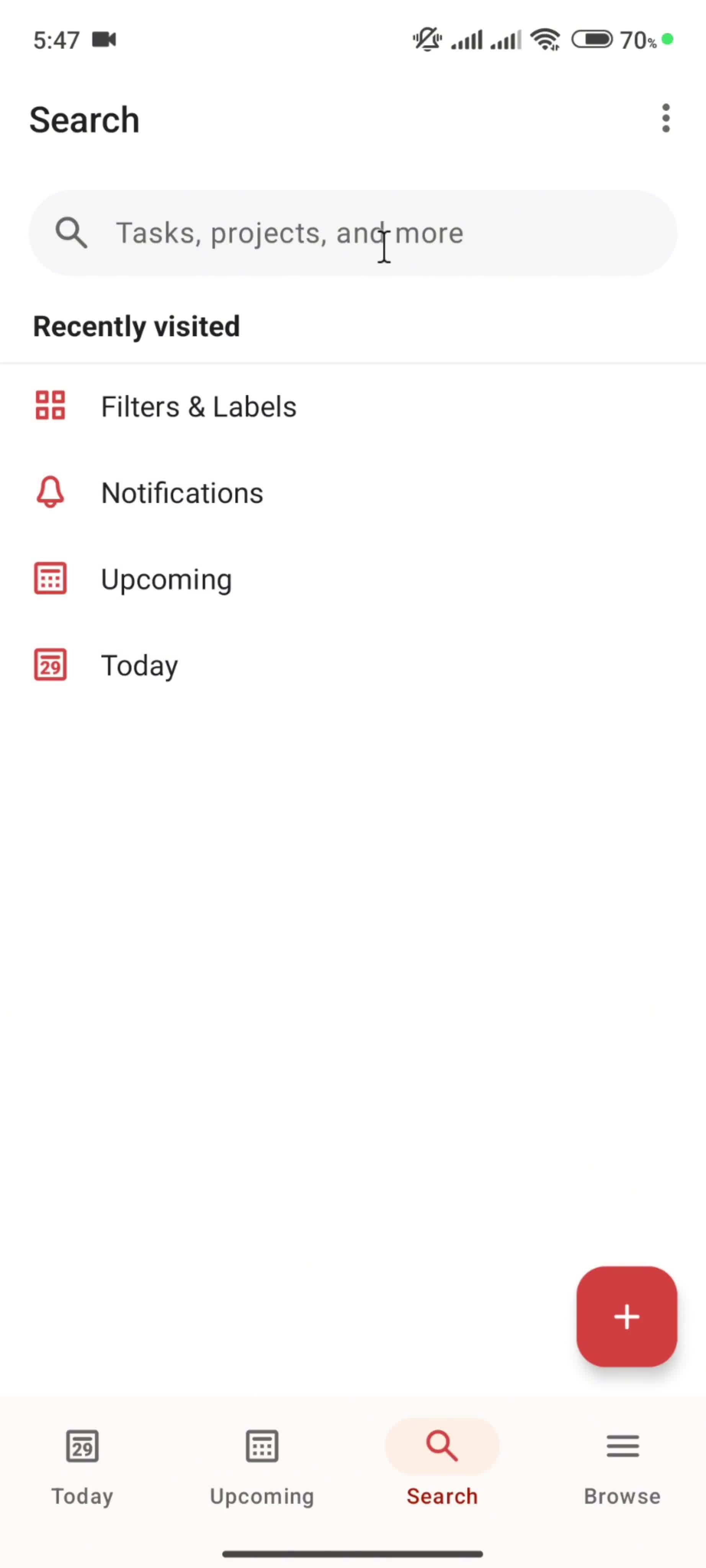
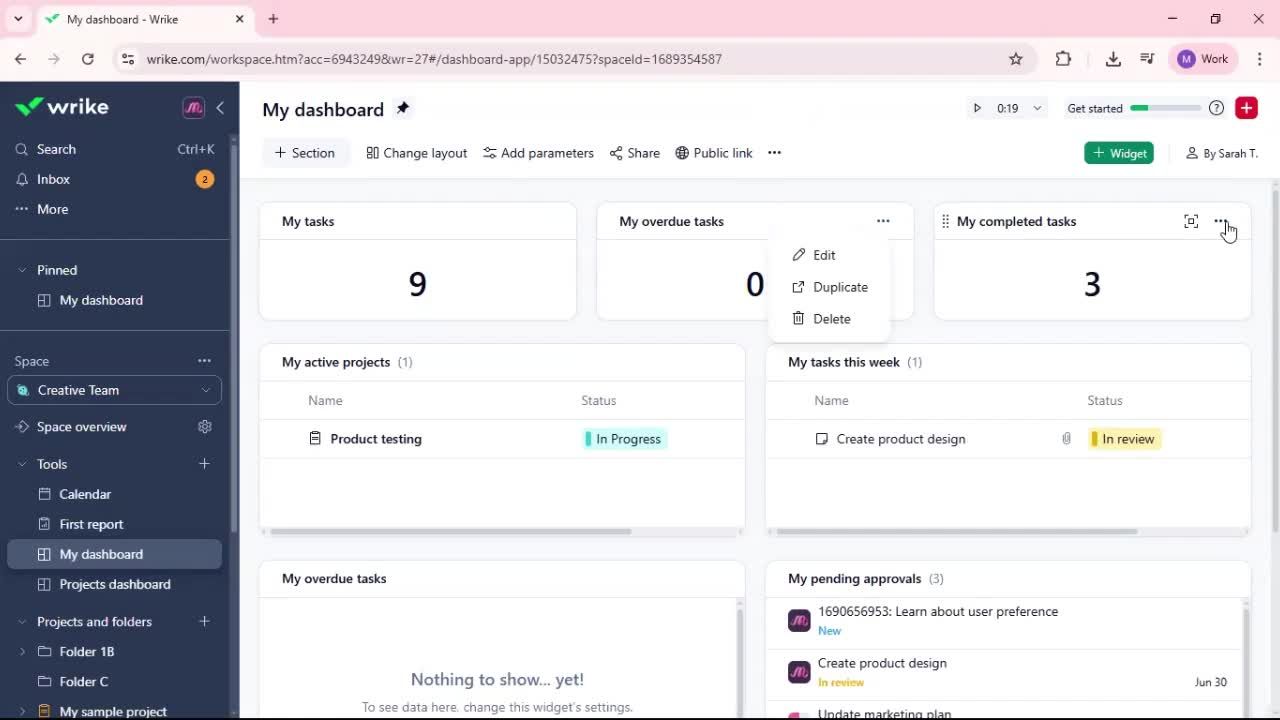
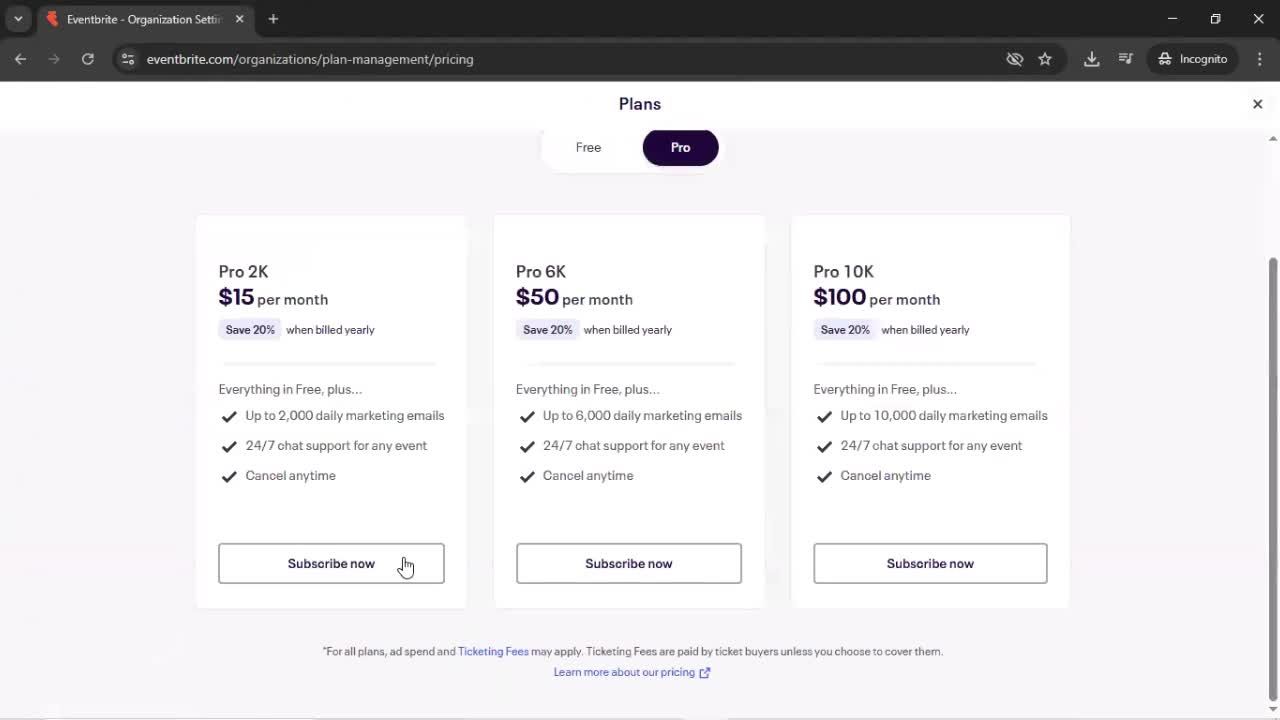
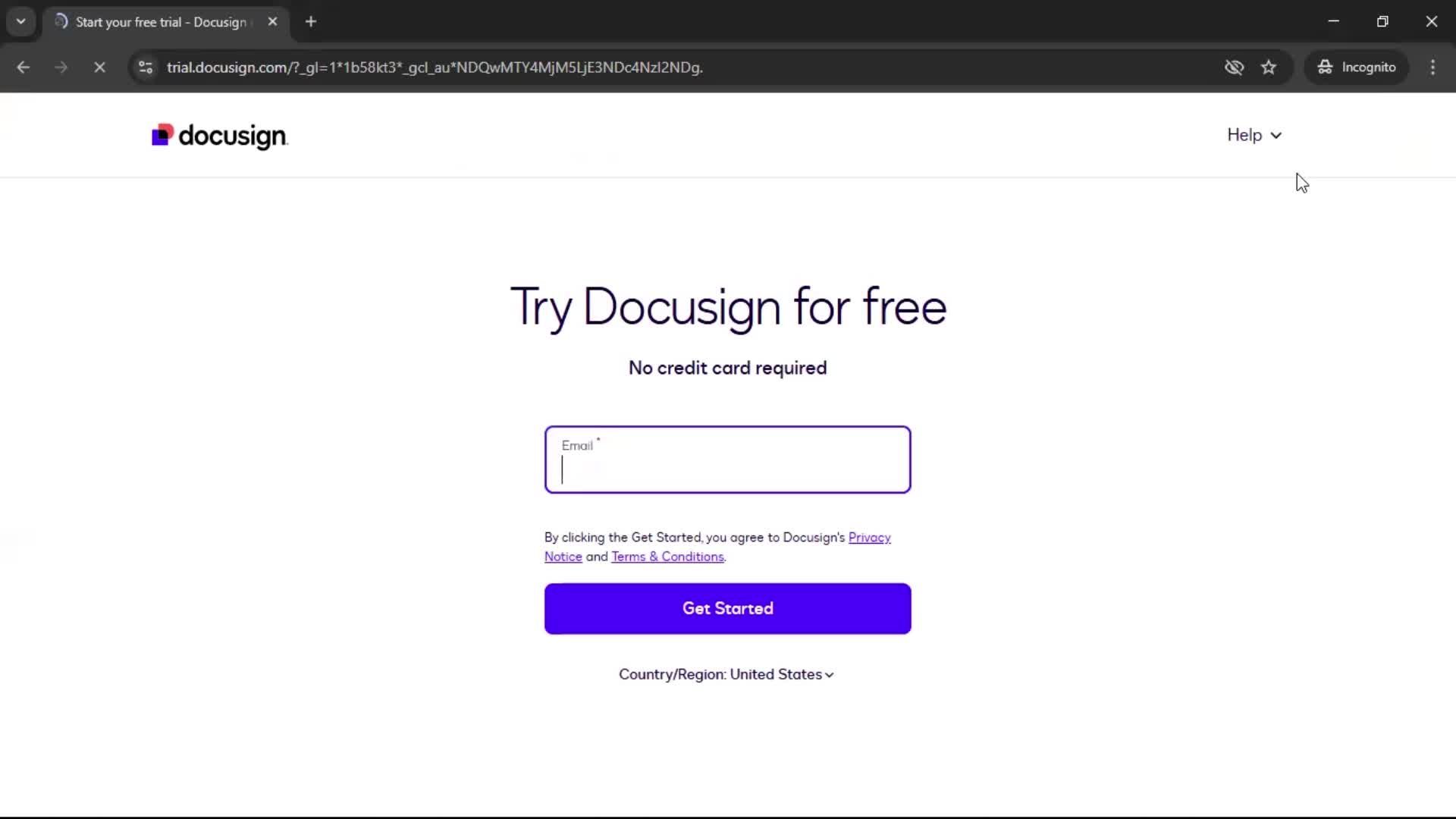
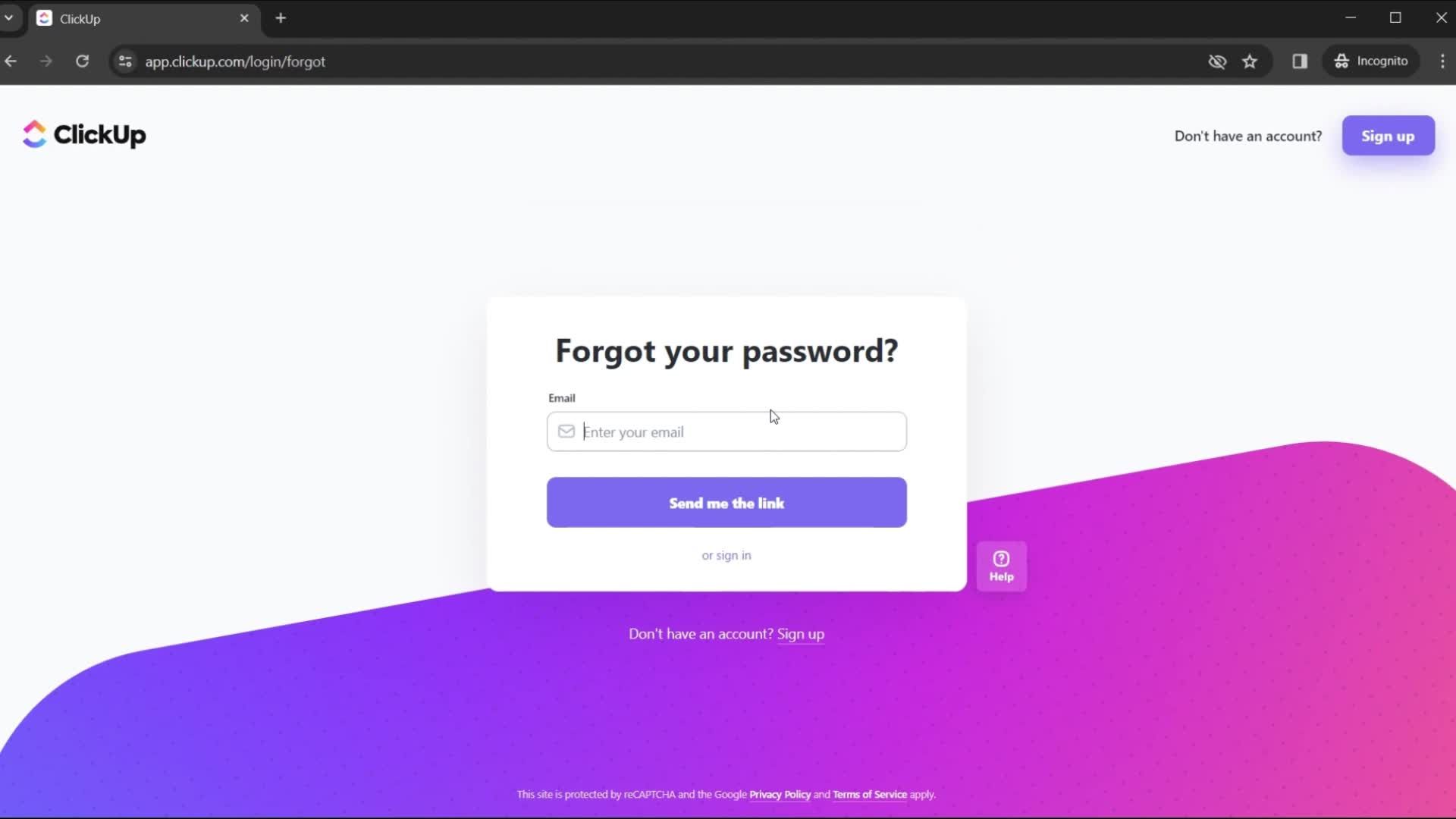
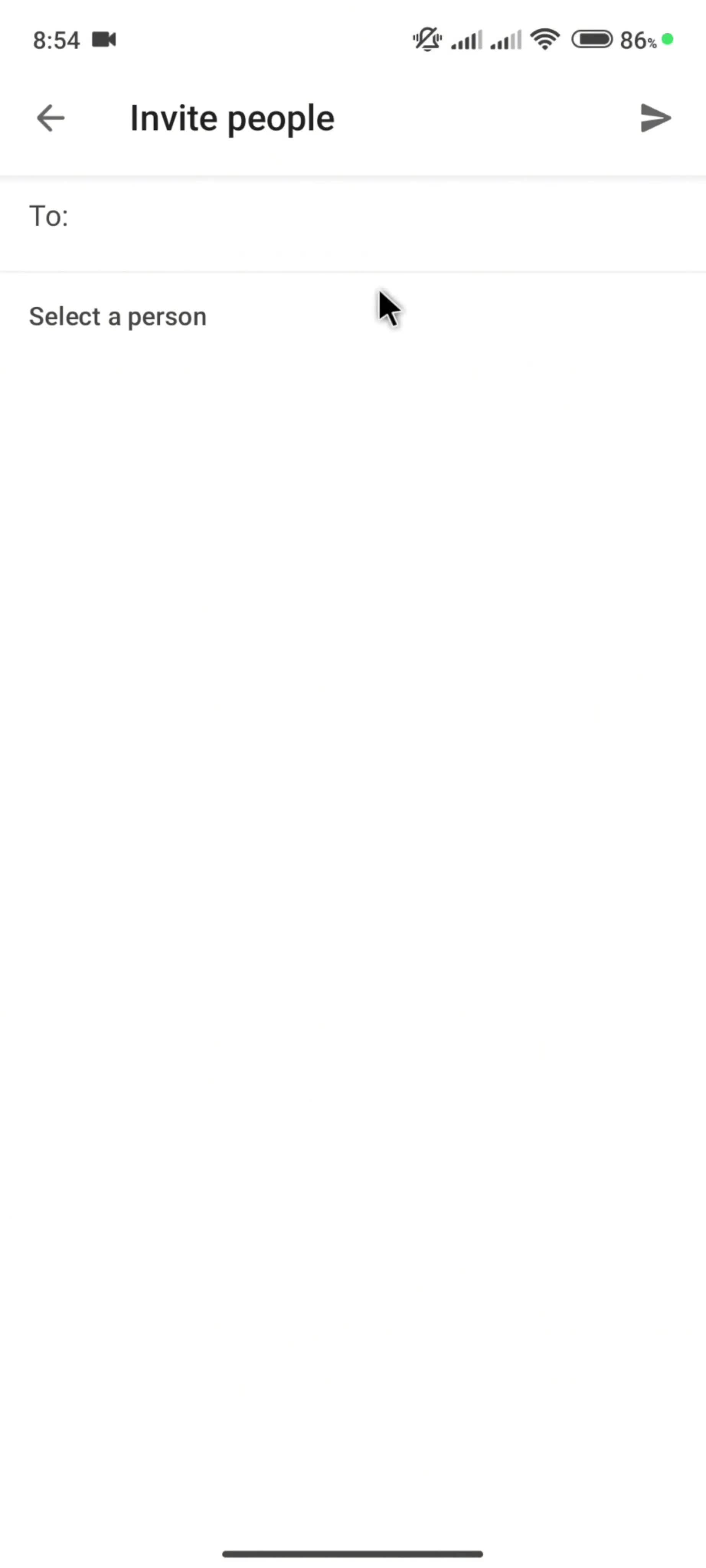
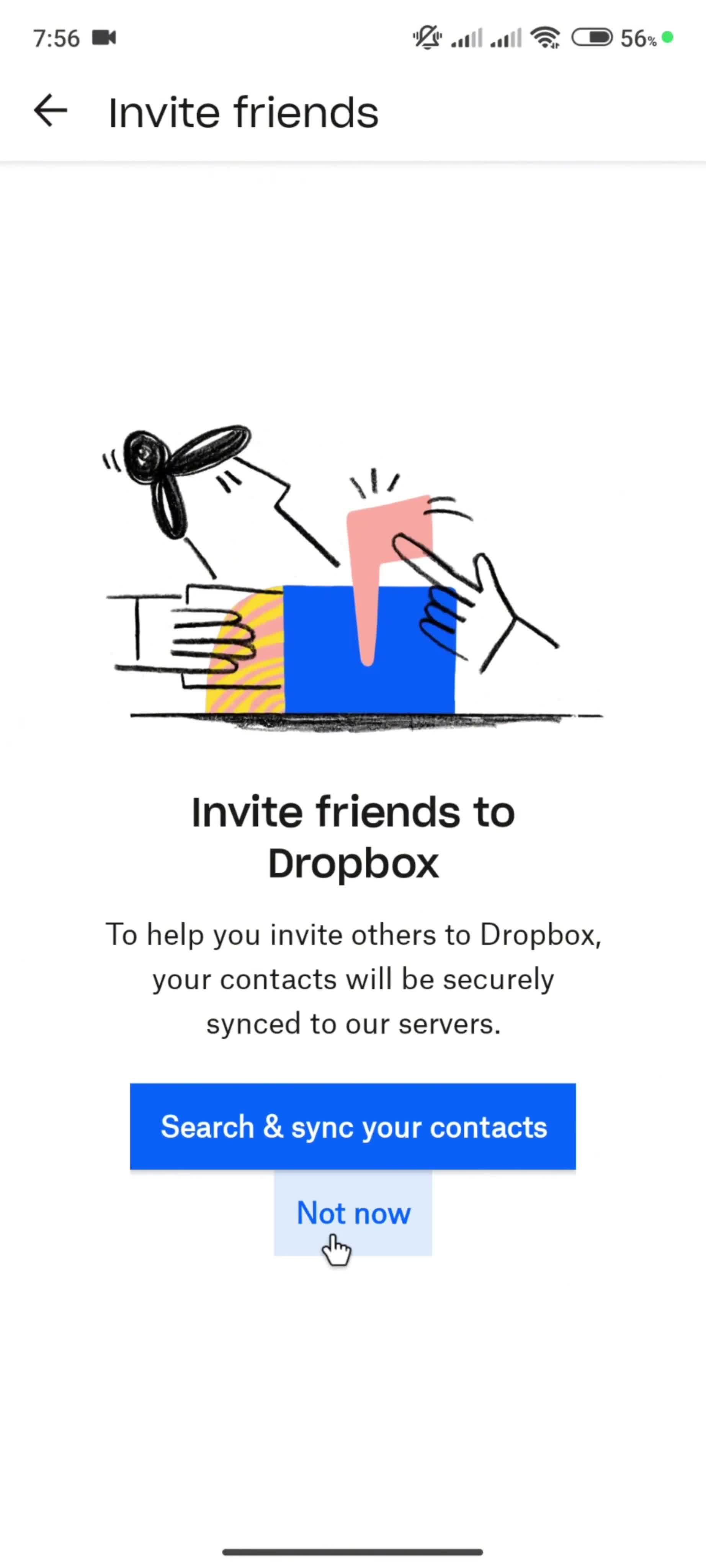
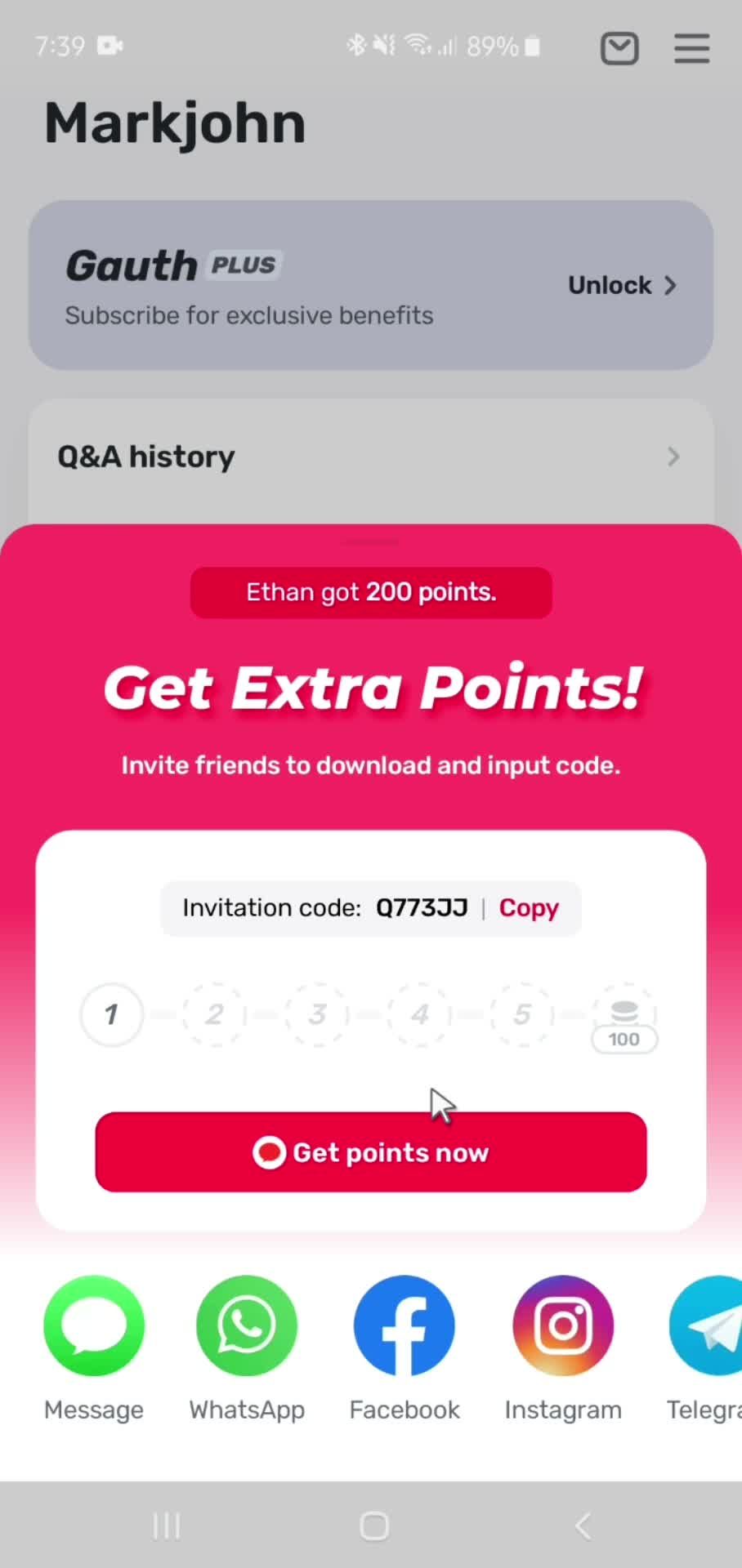
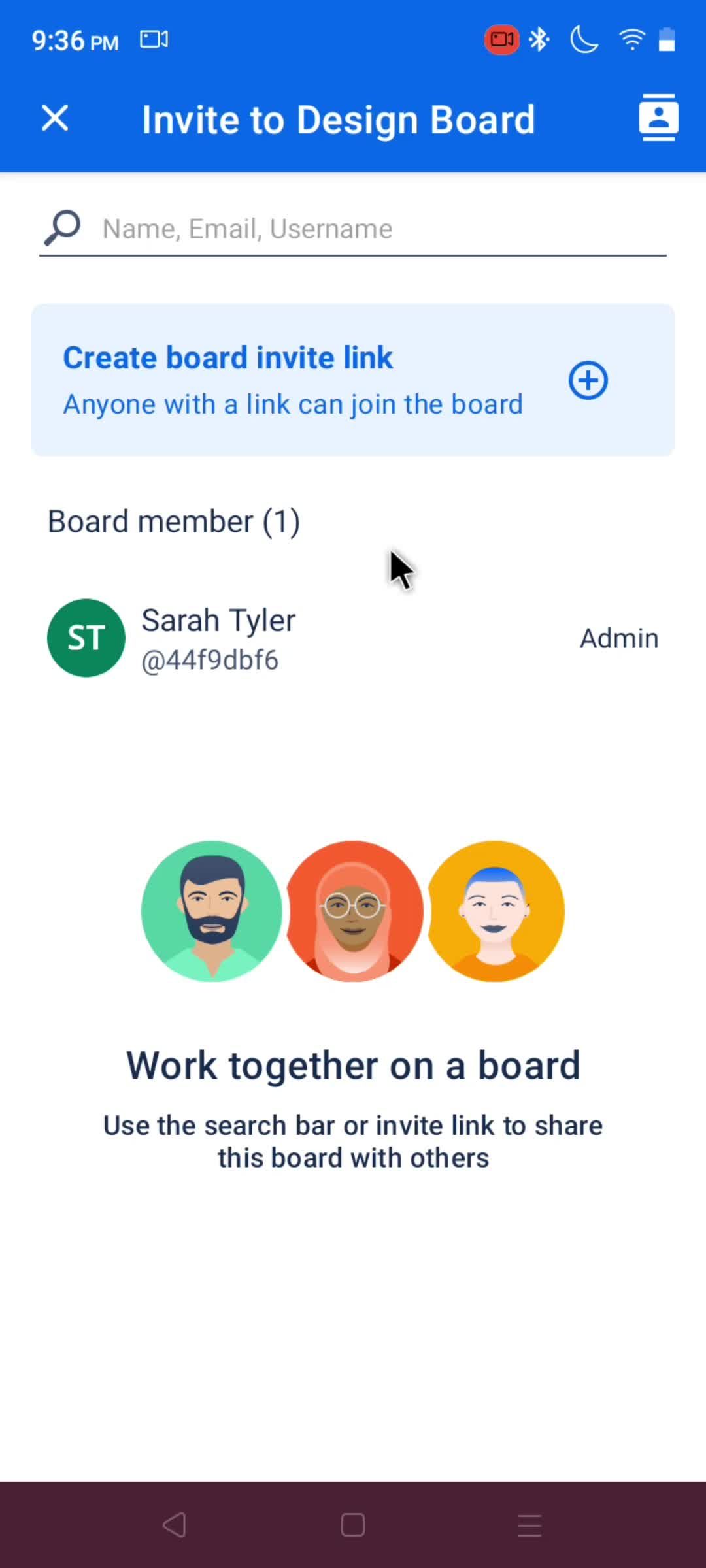
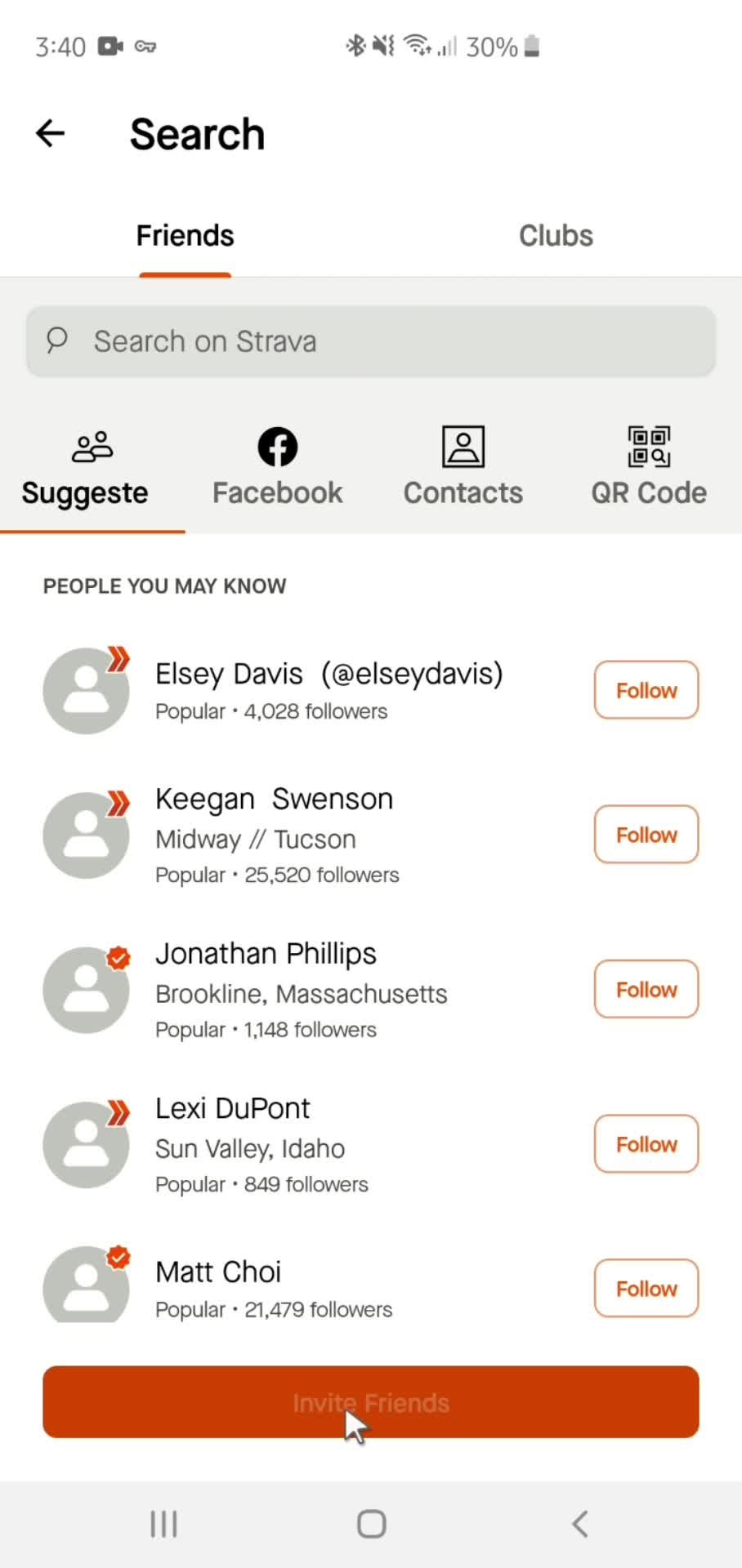
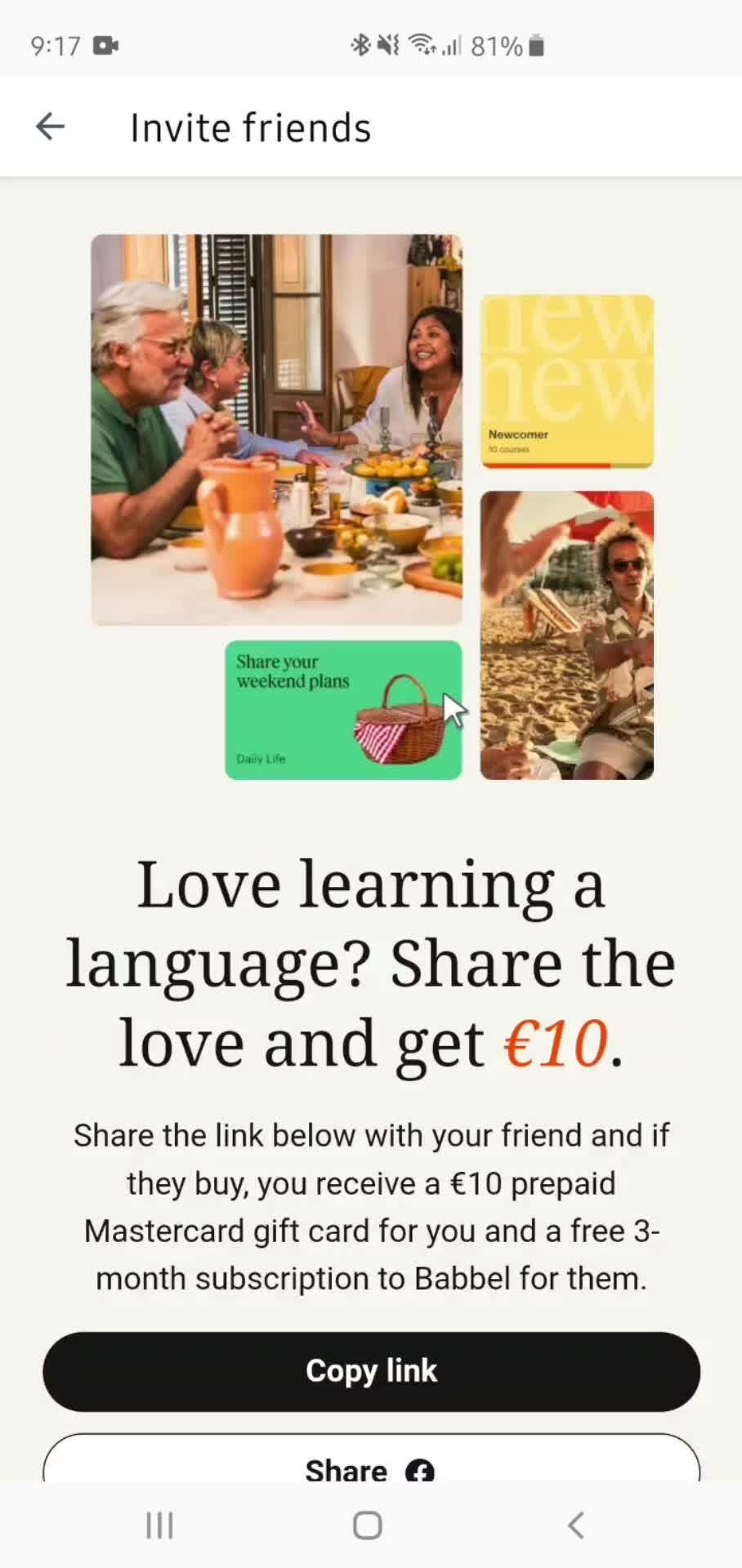
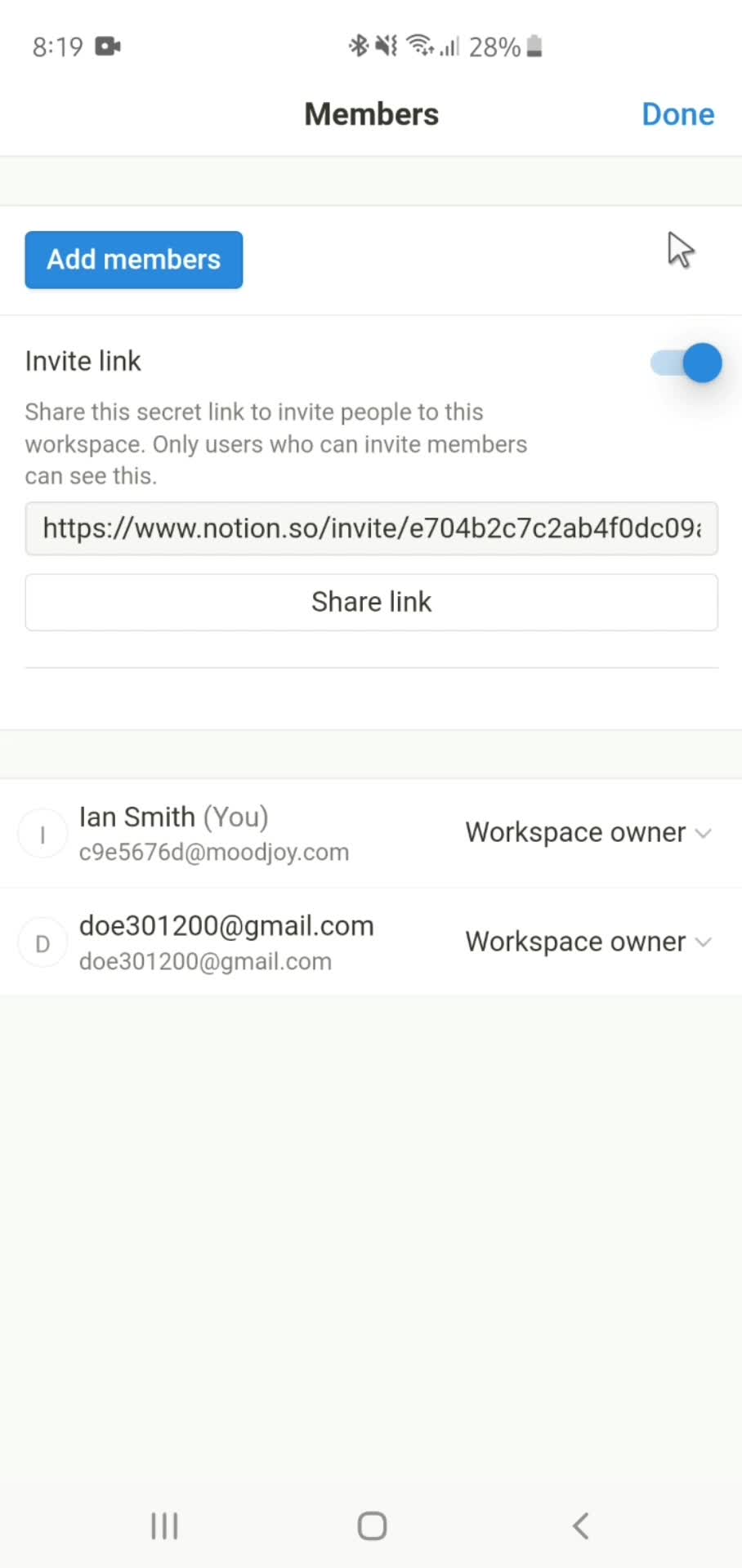
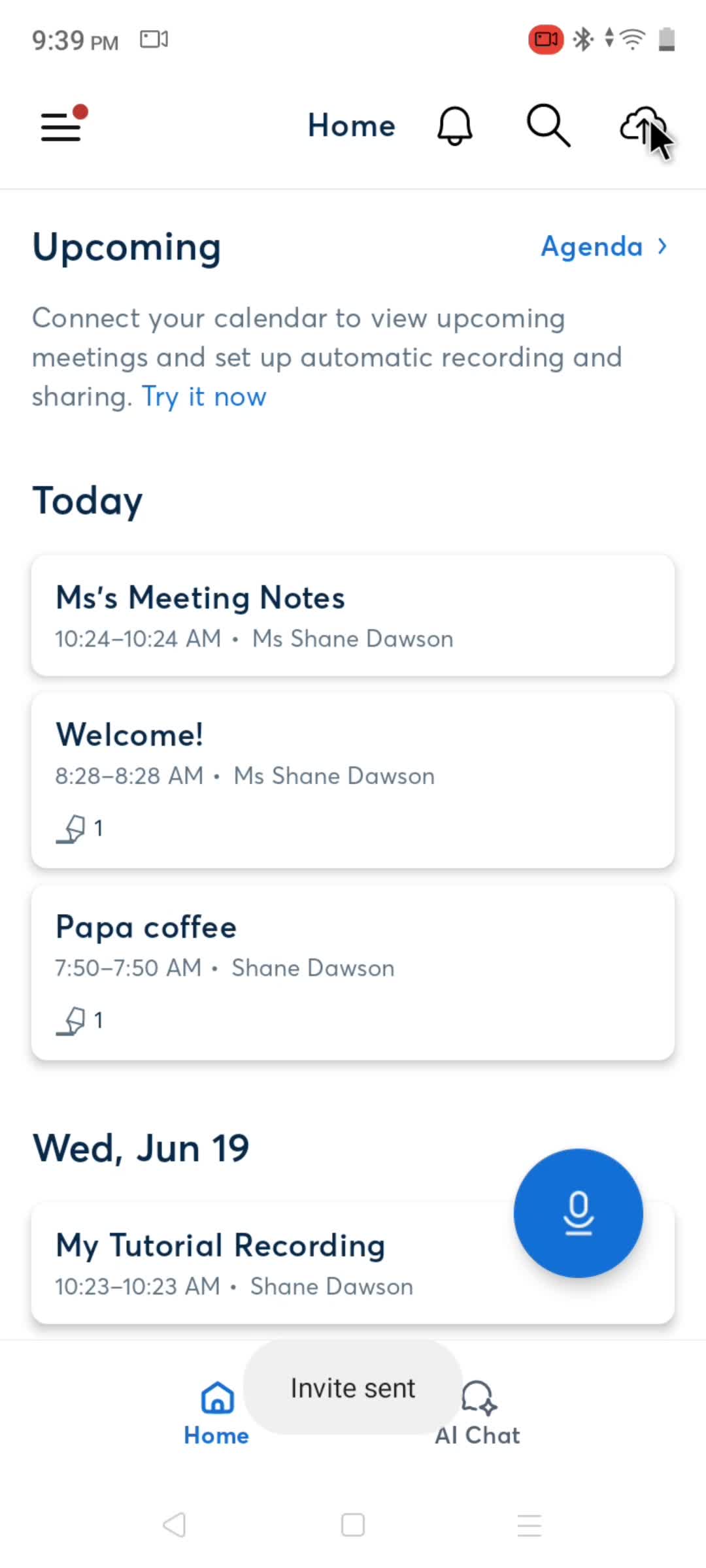
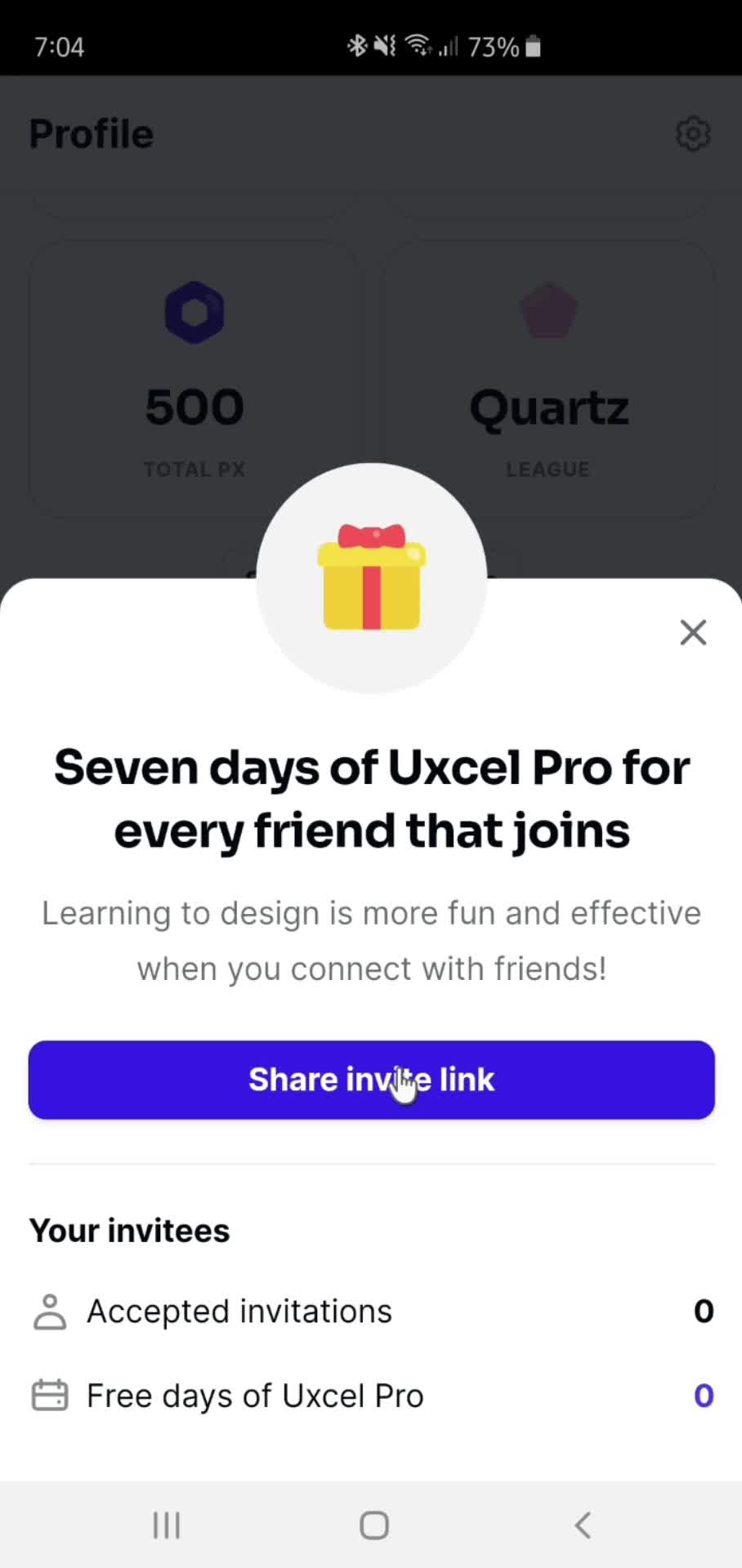
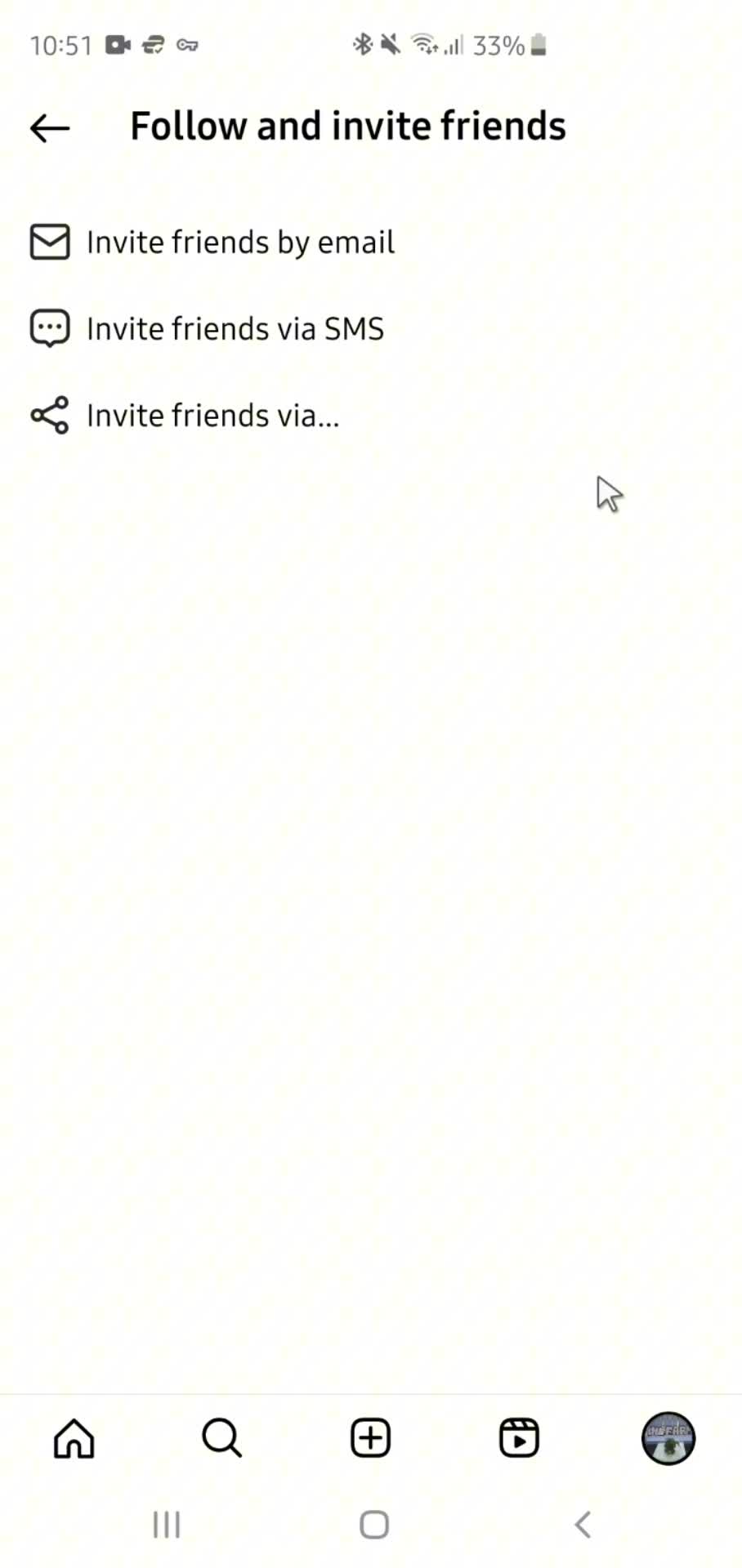
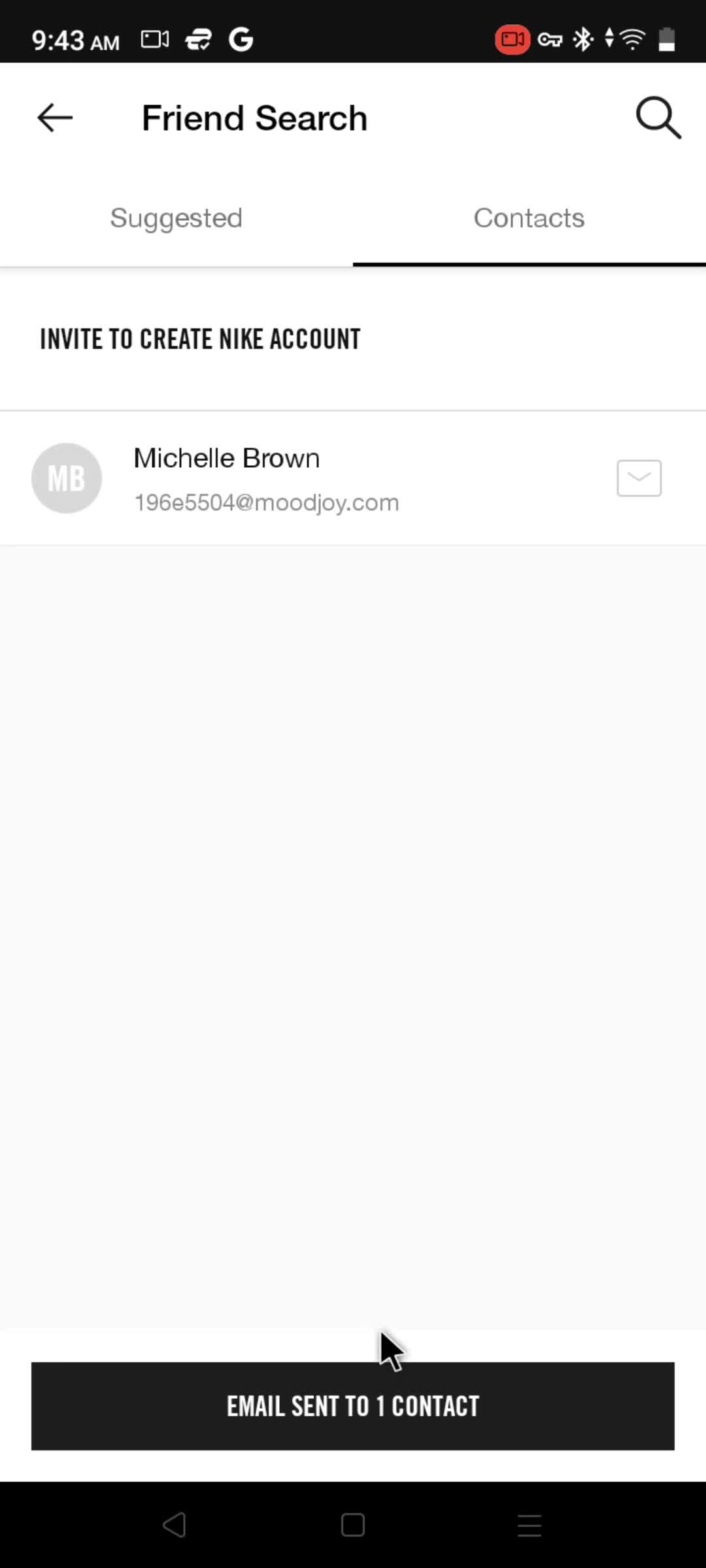
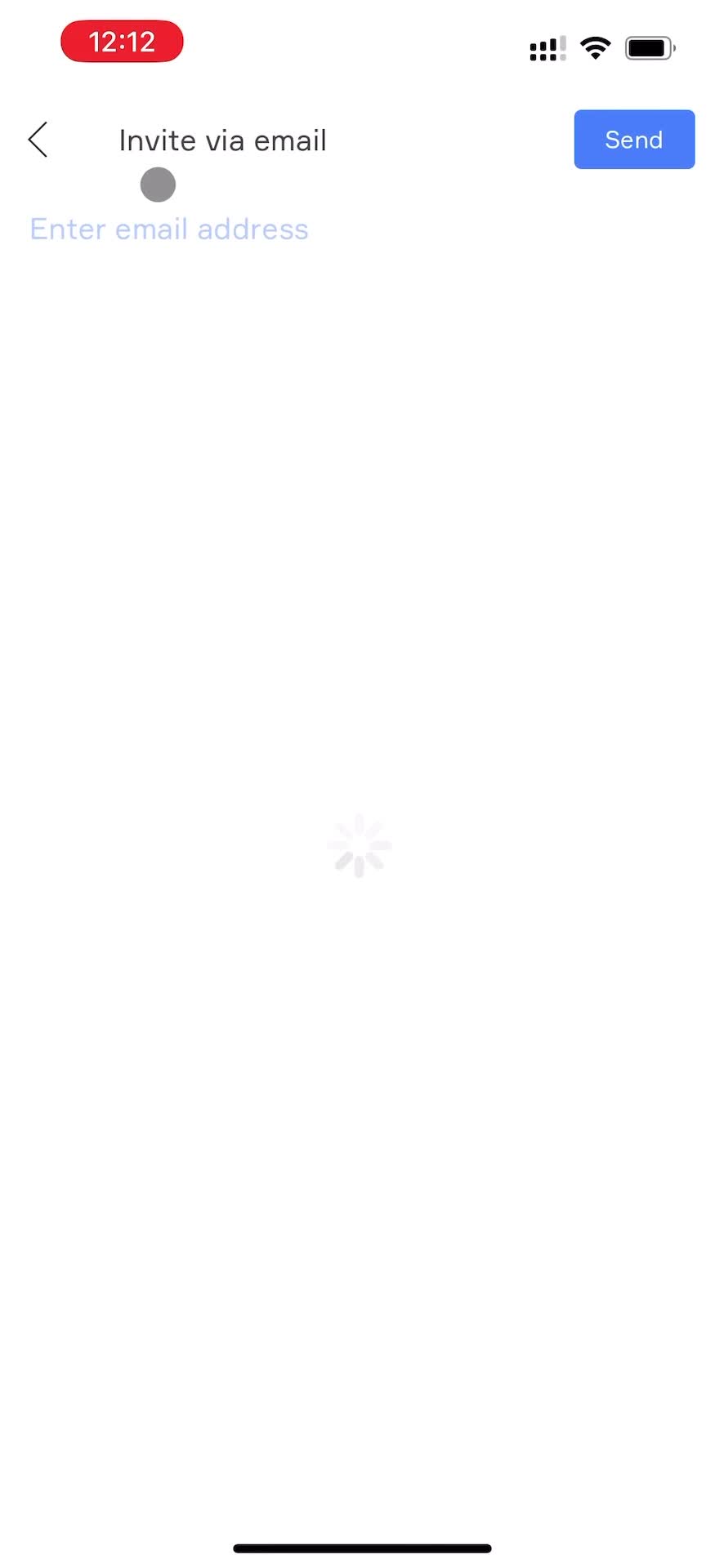
The Invite screen is one of the most visible surfaces inside an Android app, and how it's designed often defines a user's first impression of the whole product. This page collects Invite screens from the Page Flows Android library, giving you dozens of real examples to compare at once.
Material Design and Custom Invite Approaches
Each example comes from a live Google Play app and reflects current Android design realities: Material Design 3 patterns, themed colors, system-bar handling, and device-specific considerations. Whether you're working on a Pixel-first design or a more custom visual system, you can find relevant references here.
Start Your Invite Design with Real References
Studying Invite screens this way is especially valuable when you're early in a project. Instead of designing in isolation, you start with a strong visual library of what top Android apps actually ship — grounded in production, not in Dribbble concepts.
Frequently Asked Questions
What Invite Android examples are included?
The library captures Invite screens from many leading Android apps, spanning categories like fintech, social, productivity, and consumer services.
Do examples follow Material Design or custom design systems?
Both. You'll find strict Material implementations alongside custom Android design languages from brands like Instagram, TikTok, or Snapchat — giving you a full range of references.
Can I see Invite screens from a specific app category?
Yes. You can filter by category to narrow Invite examples to apps in your industry, making benchmarking faster and more relevant.
How are the Android Invite screens updated?
New Invite captures are added whenever we record new Android flows or when leading apps ship redesigns, so the library reflects current Google Play design.