














































Why the iOS Navigation & Organization Screen Matters
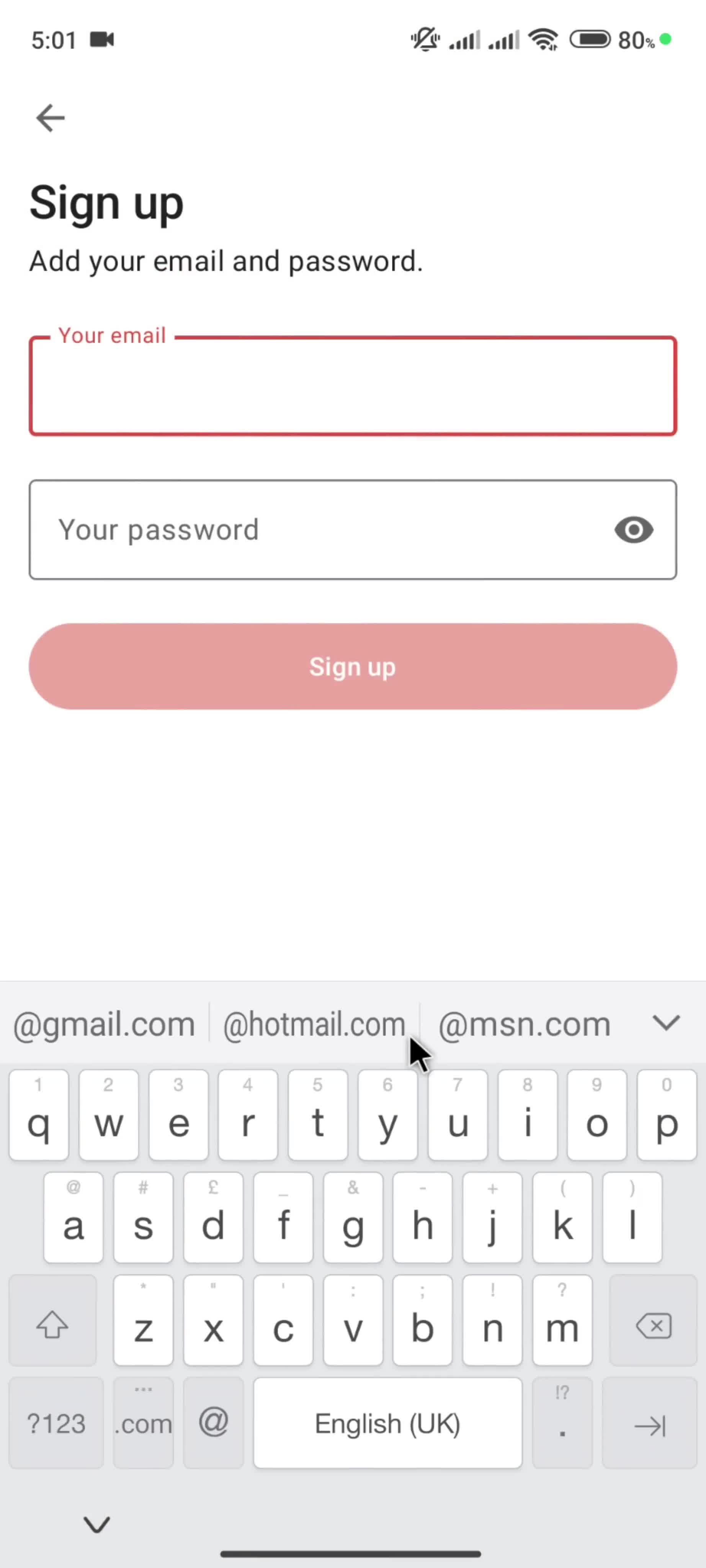
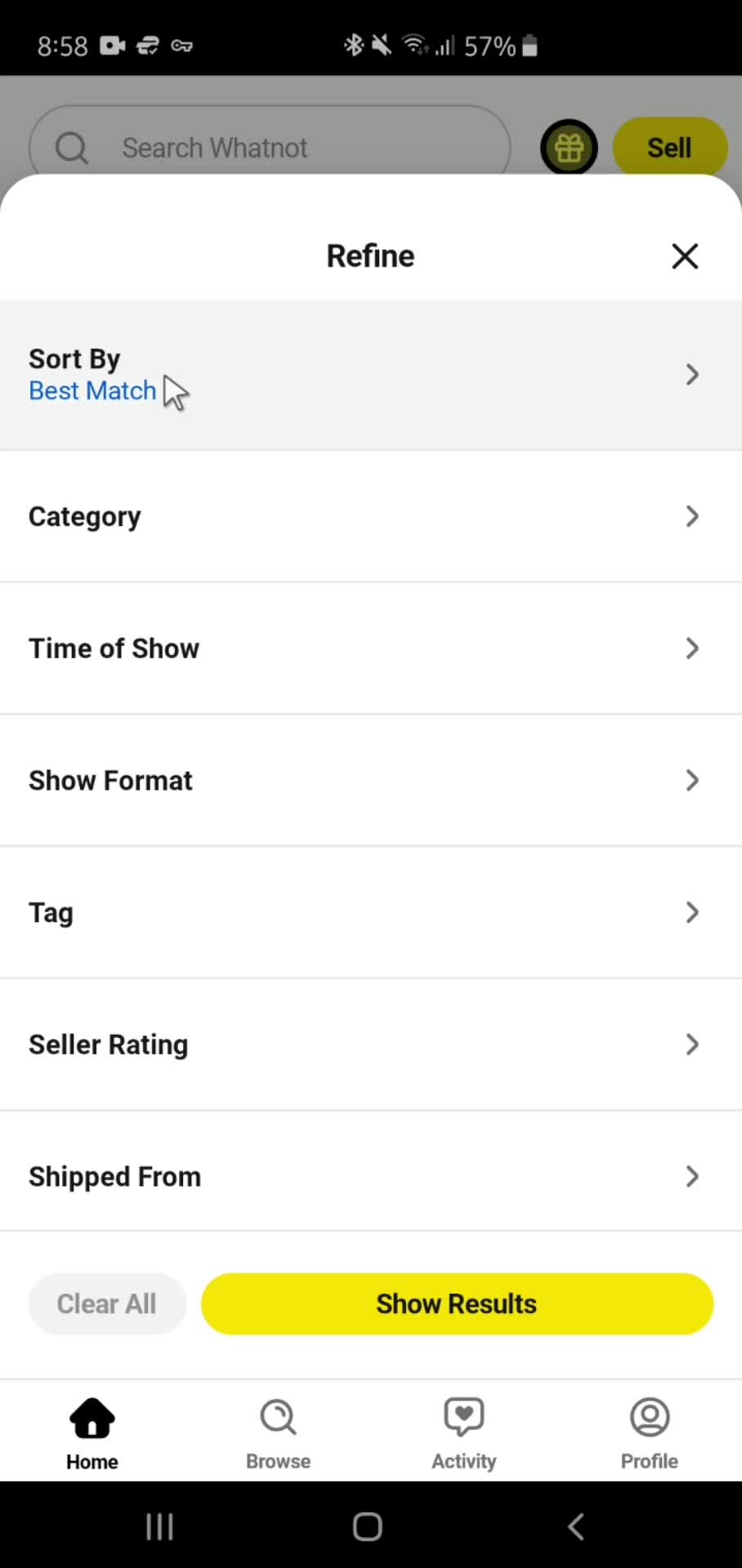
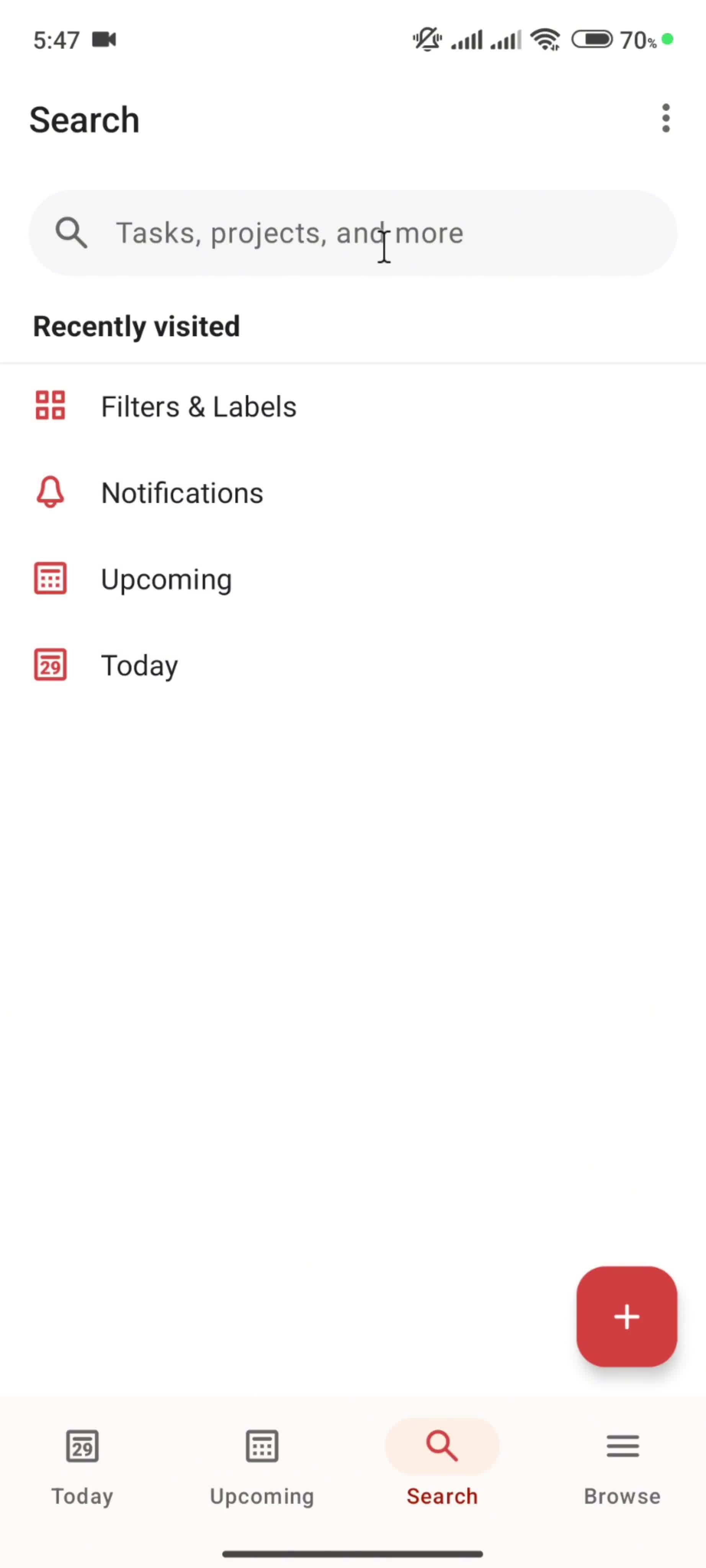
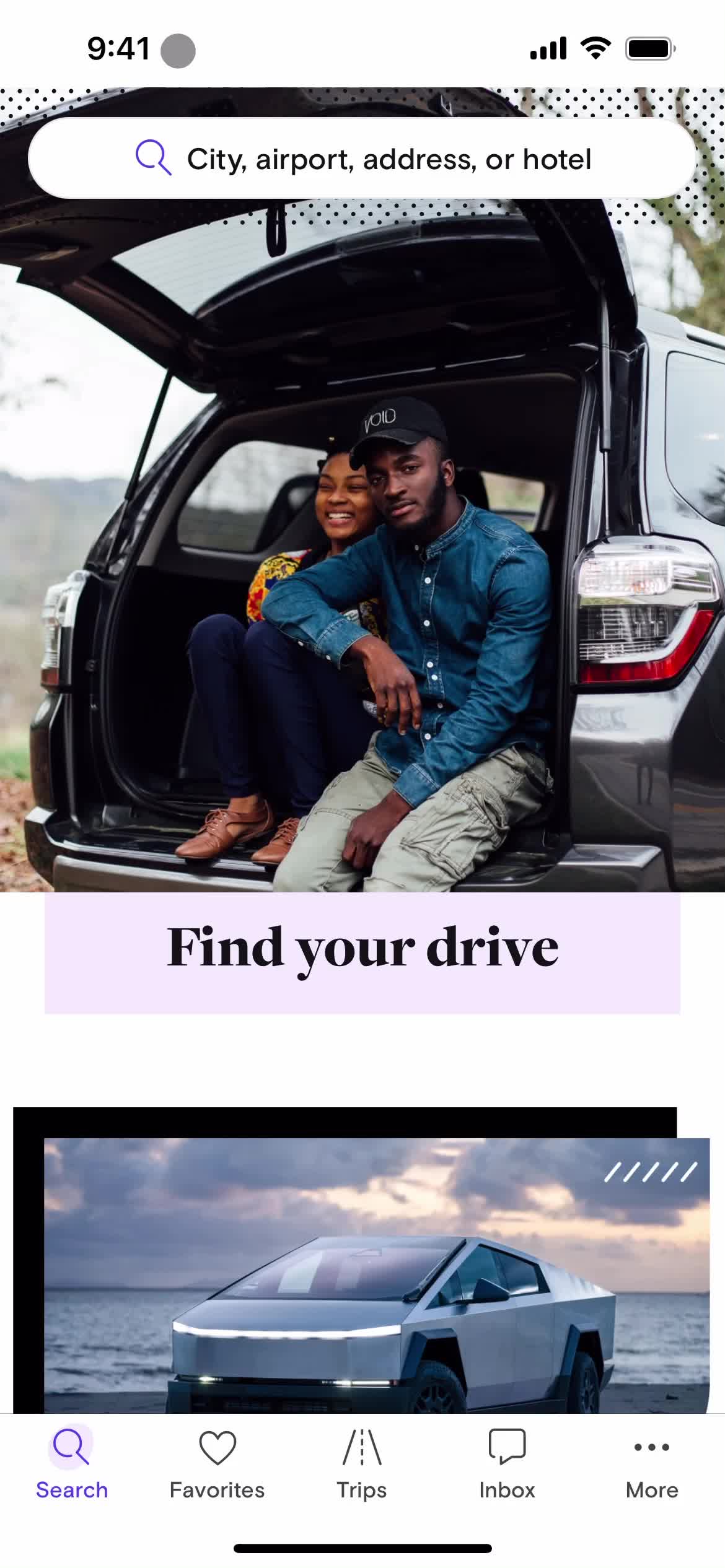
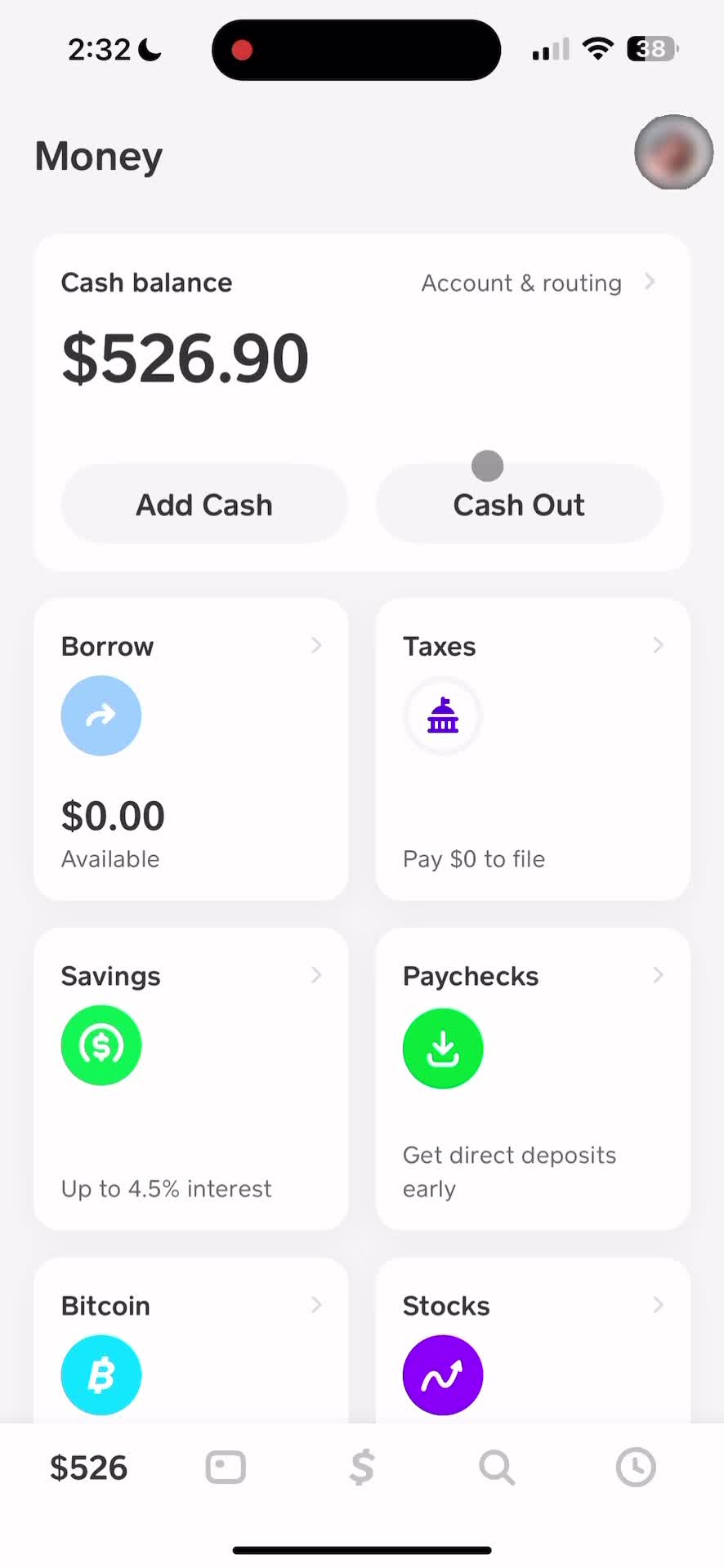
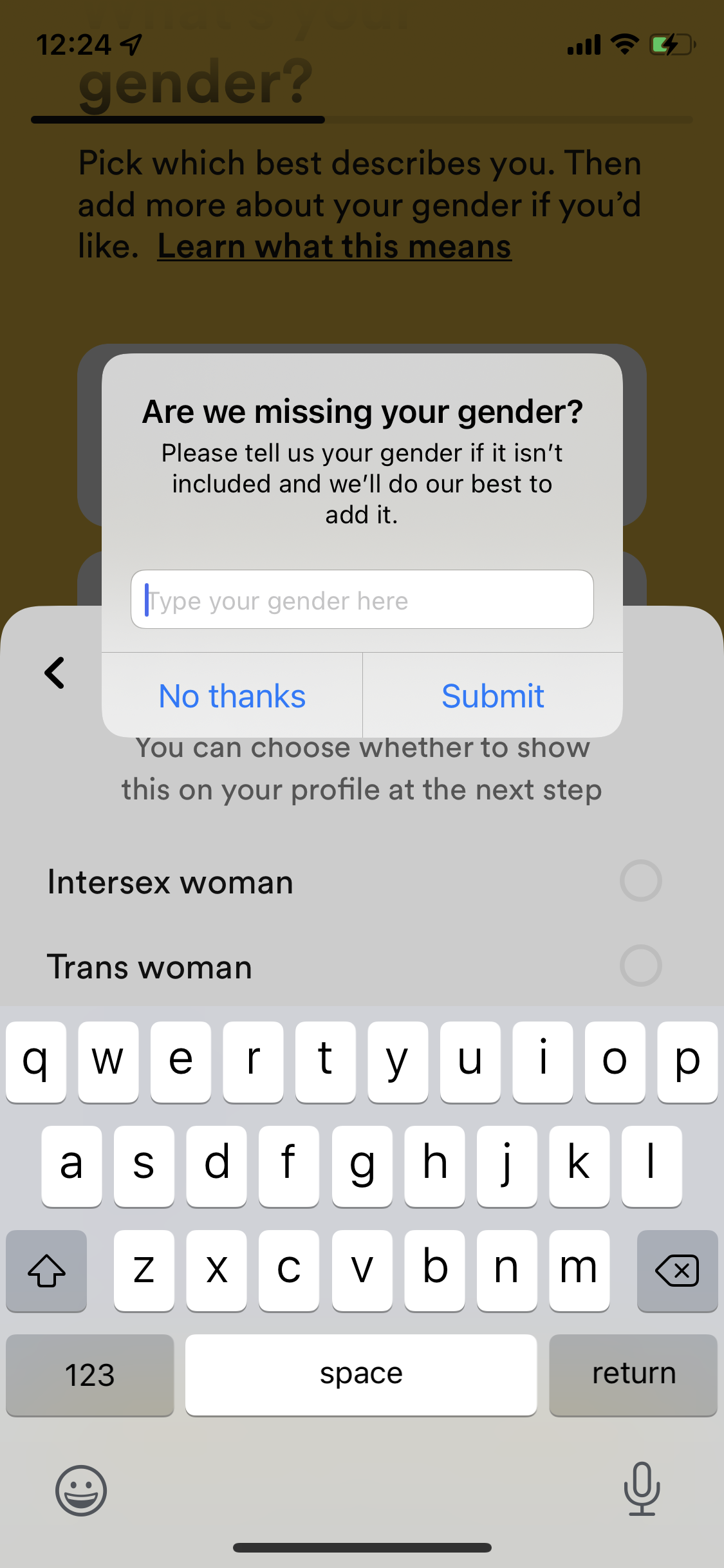
The Navigation & Organization screen is a high-stakes surface in many iOS apps — often the moment where a user either engages or drops off. This page collects Navigation & Organization designs from across the iOS library, letting you compare fifty approaches to the same design problem in one view.
Real iOS Navigation & Organization Examples, Tagged by Brand
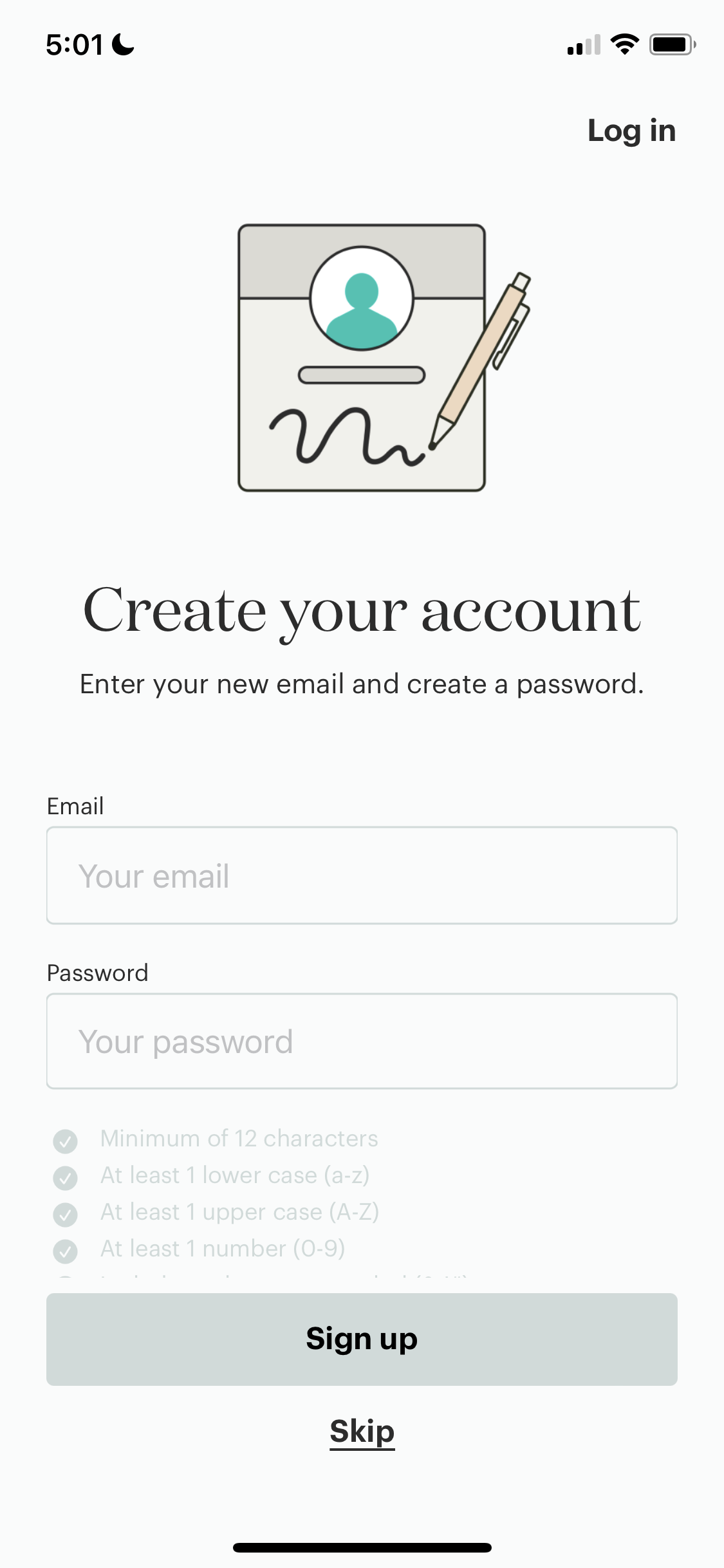
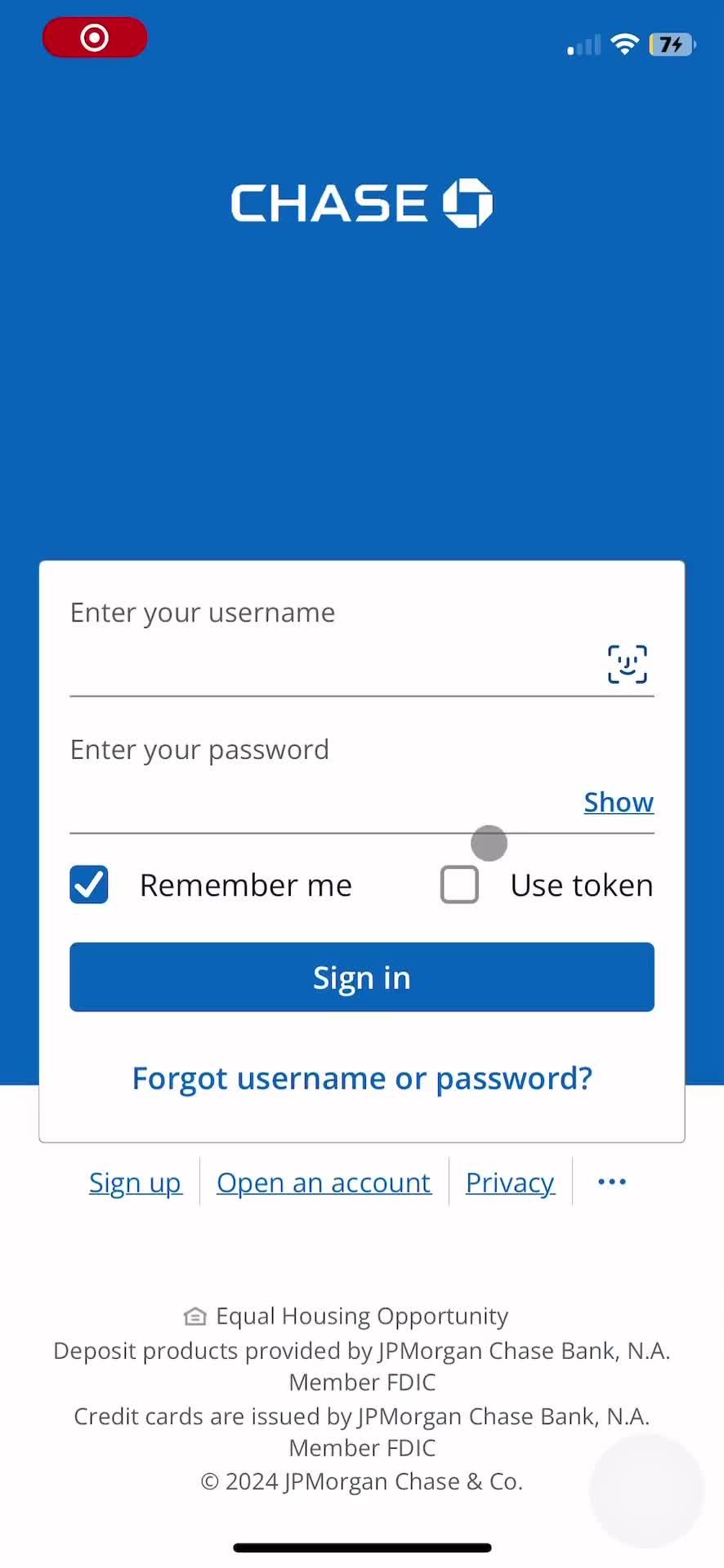
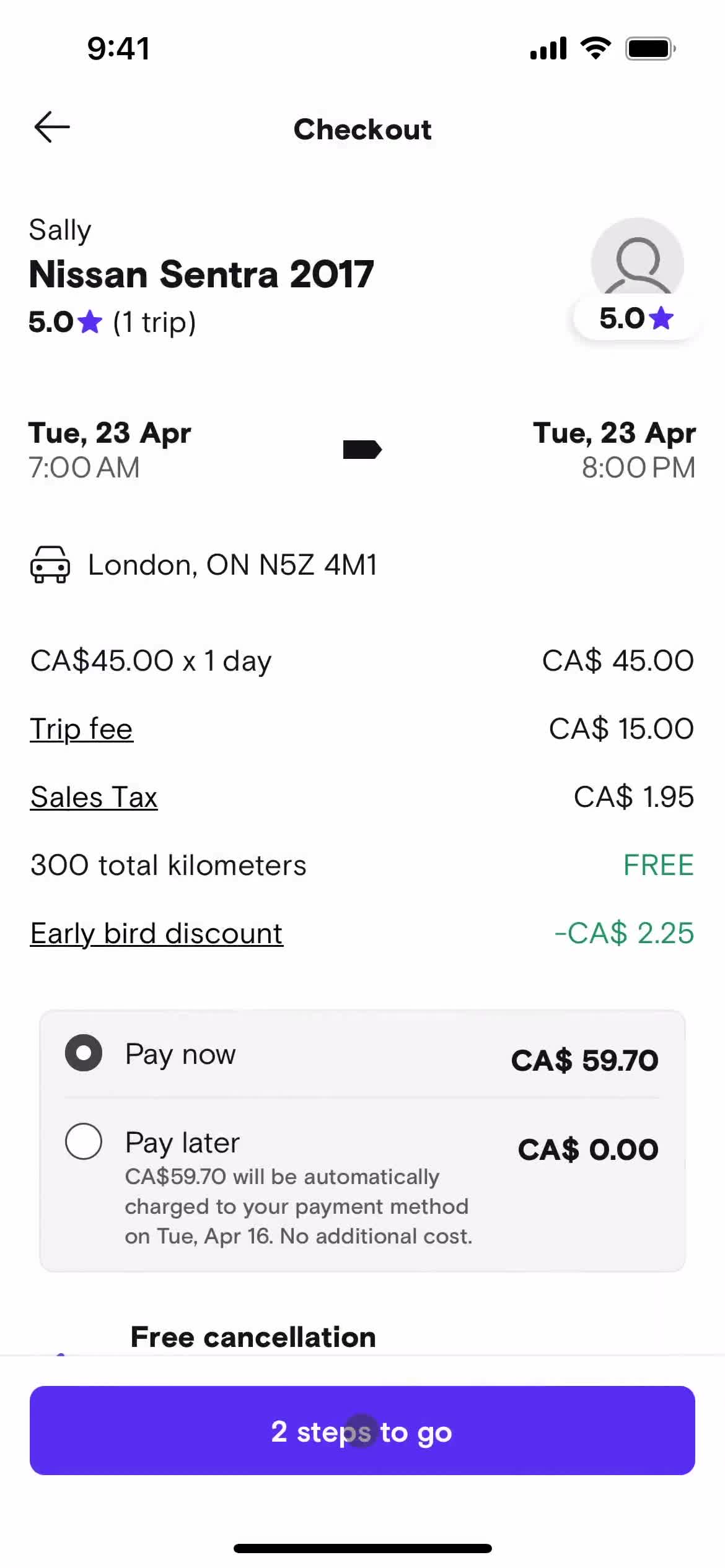
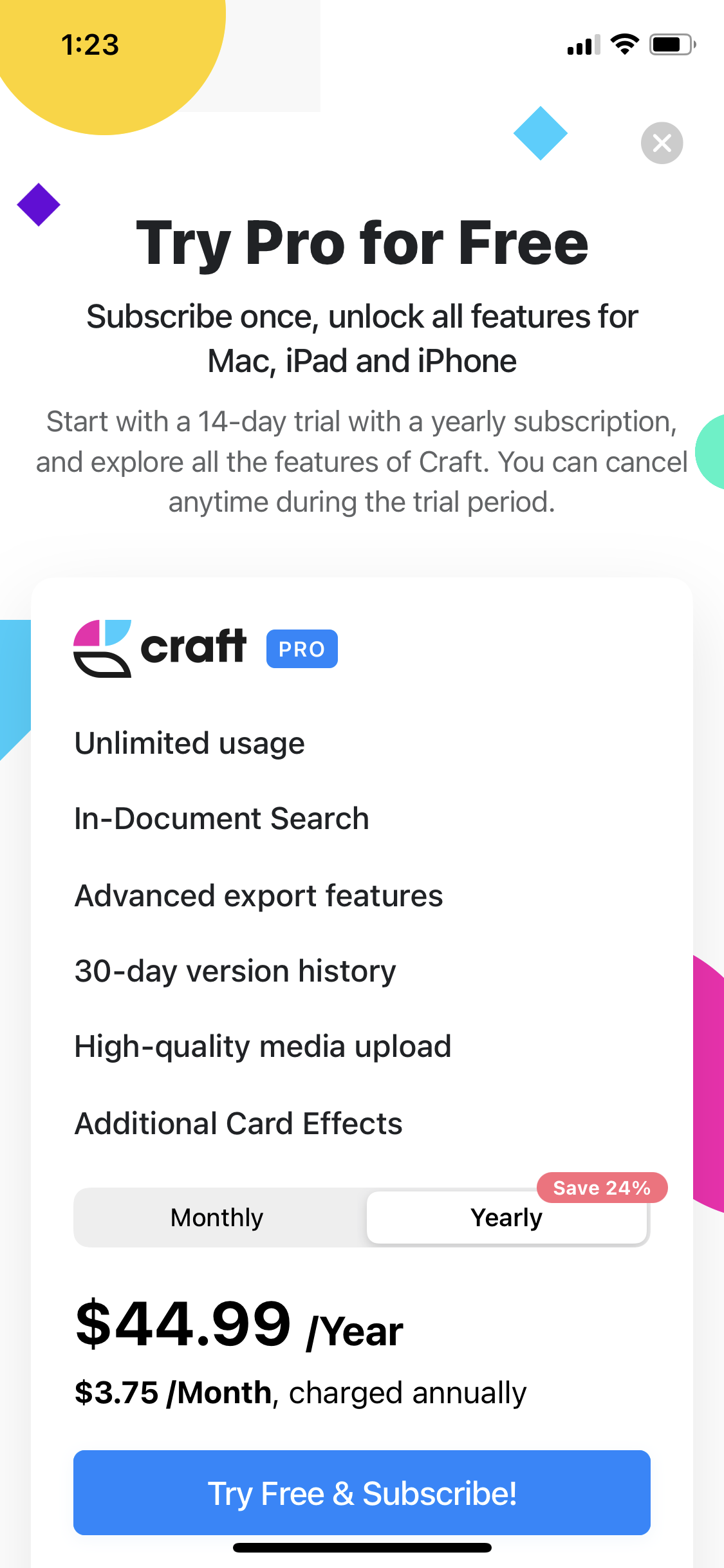
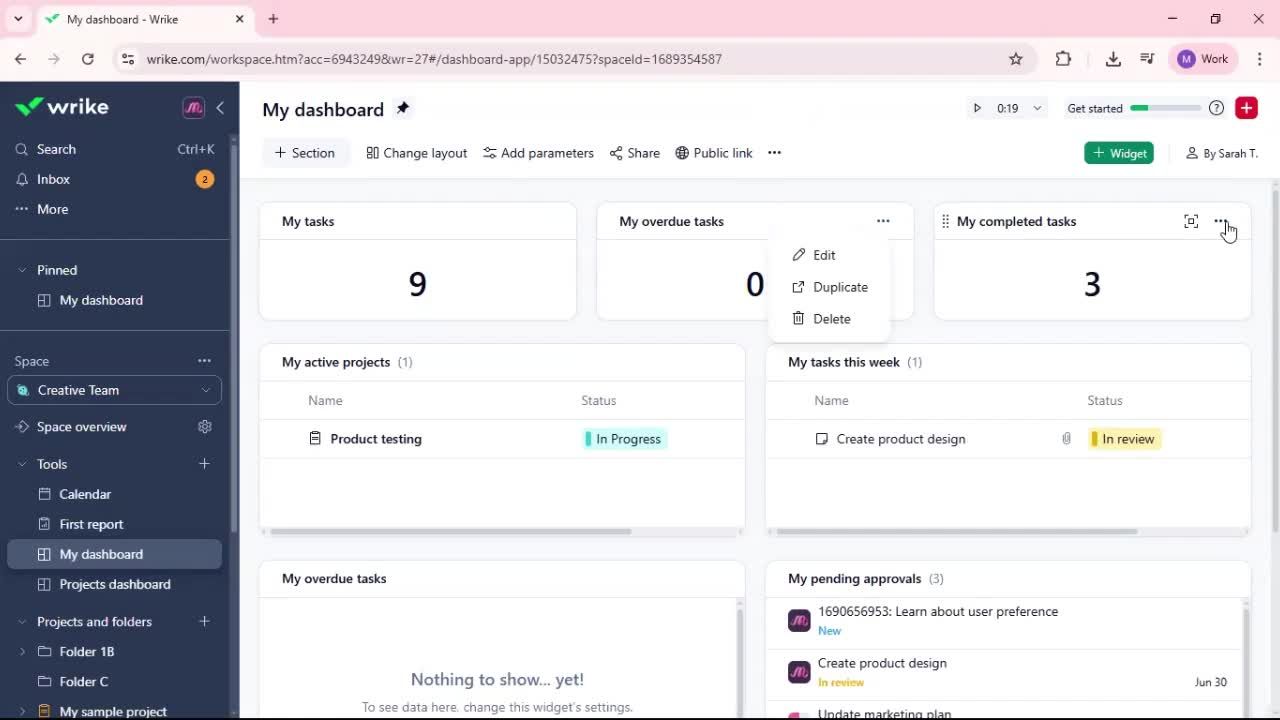
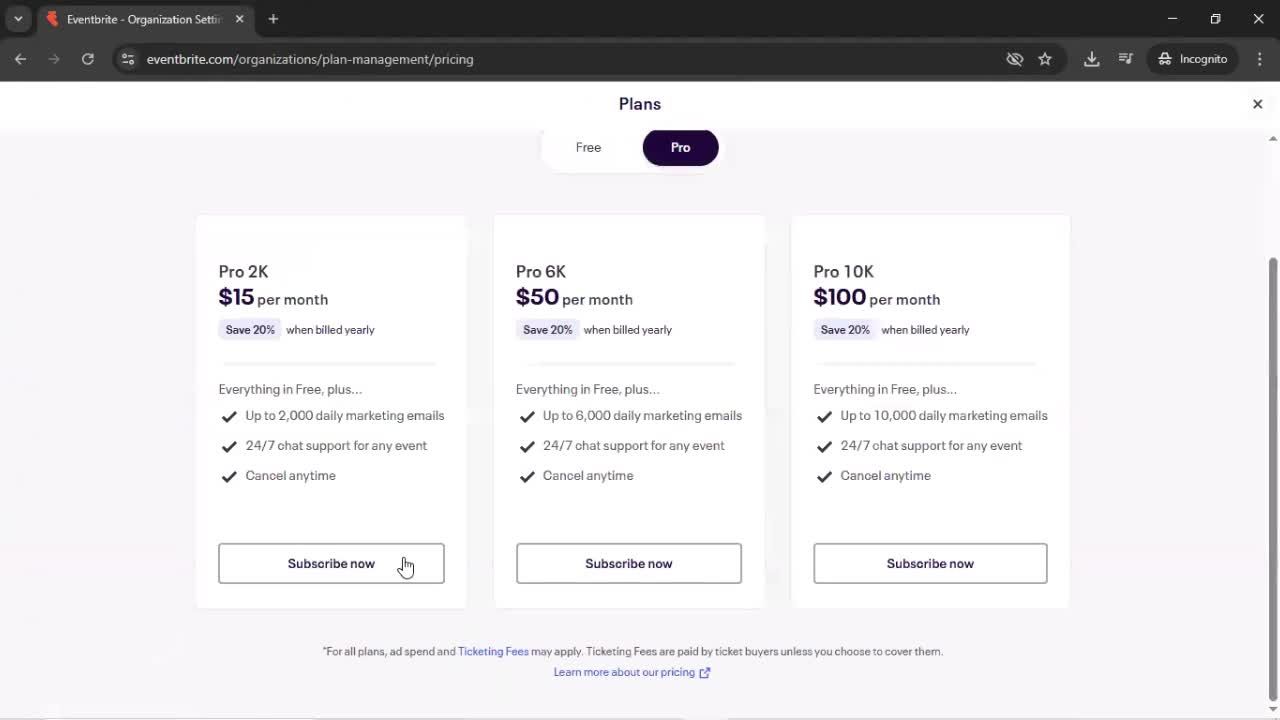
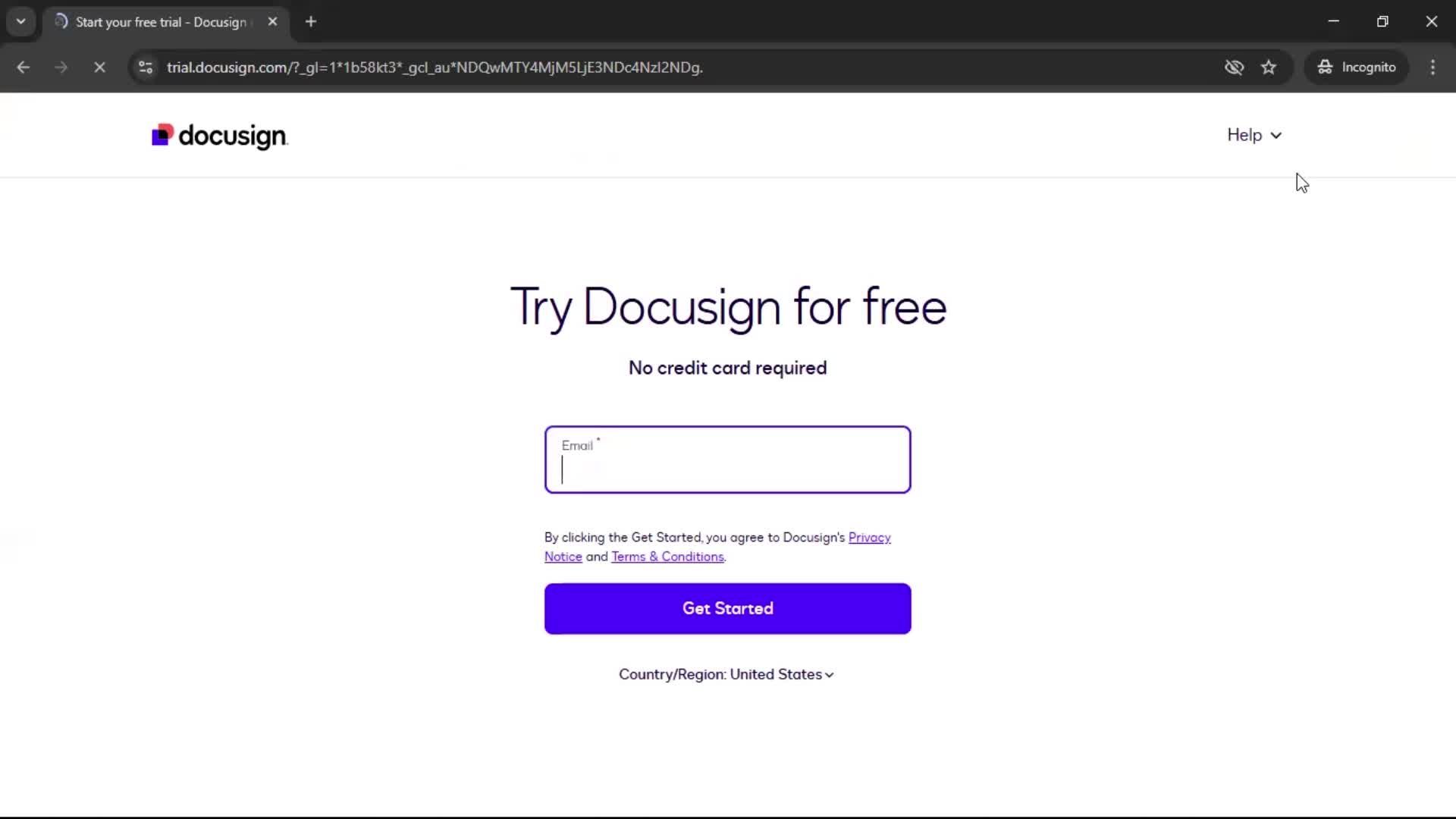
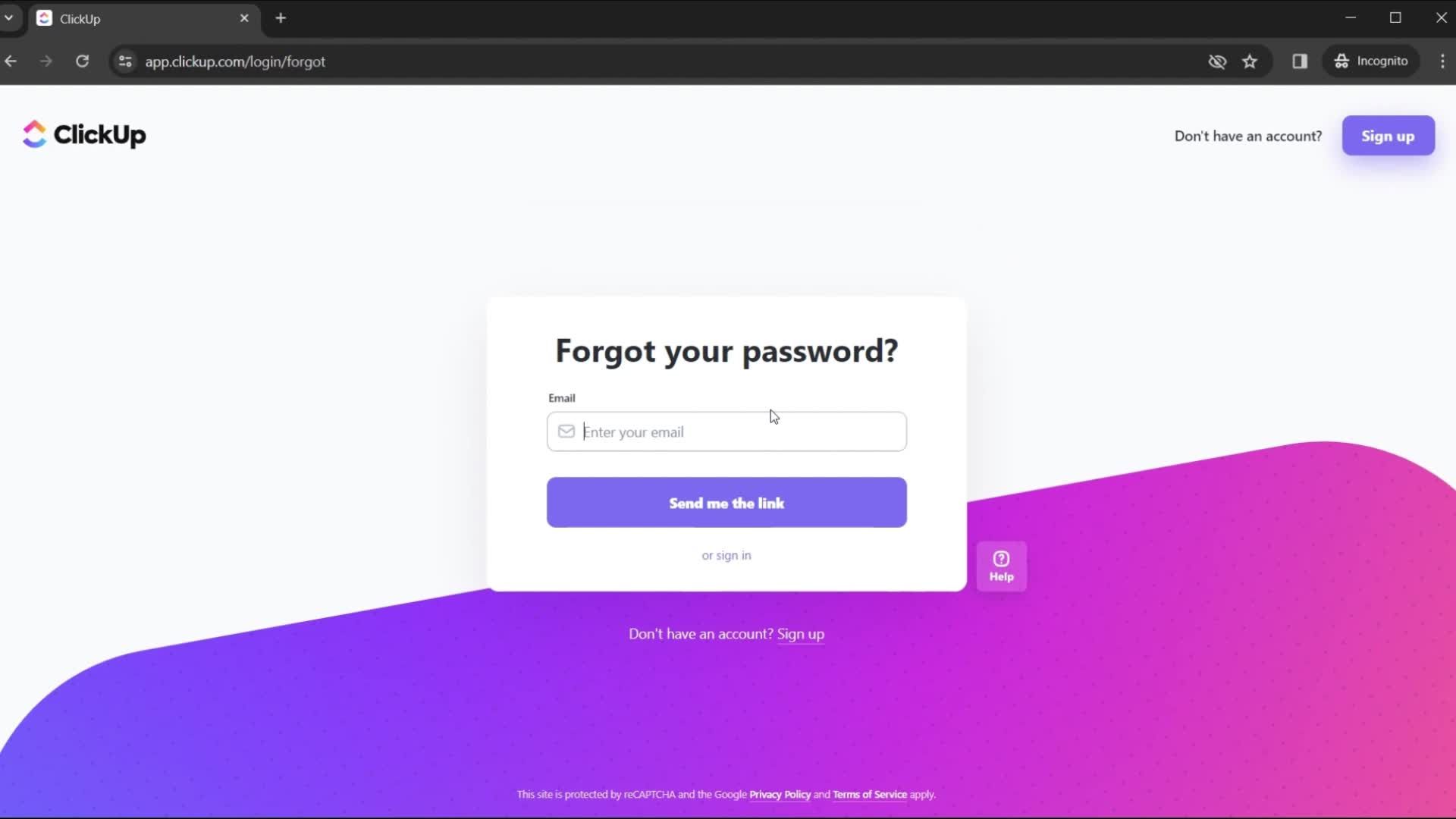
Each example is a real screen from a live iOS app, tagged with the brand and context it comes from. You can see how apps in completely different categories — fintech, entertainment, productivity — approach their Navigation & Organization screens, and spot the conventions that work as well as the bold breaks from convention.
Ground Your Navigation & Organization Design in Production Patterns
This view is especially useful early in a project, when you're defining what "good" looks like for your own Navigation & Organization screen. Rather than sketching from imagination, you can ground your work in real, production-validated patterns.
Frequently Asked Questions
How many iOS Navigation & Organization screen examples are available?
The library contains real Navigation & Organization screen captures from many of the leading iOS apps in our database, with new examples added as apps ship redesigns.
Can I filter Navigation & Organization screens by app category?
Yes. You can narrow to Navigation & Organization screens from specific industries (fintech, social, health, etc.) to find the most relevant examples for your use case.
Are the Navigation & Organization screens shown in context of their flow?
Each screen is captured within its full user flow, so you can click through and see how users actually arrive at and leave the Navigation & Organization screen in the broader experience.
How does the iOS Navigation & Organization screen differ from Android?
iOS Navigation & Organization screens often follow Human Interface Guidelines, with specific gestures, safe-area handling, and visual patterns that differ from Material Design on Android. You can compare them by visiting the Android equivalents.