























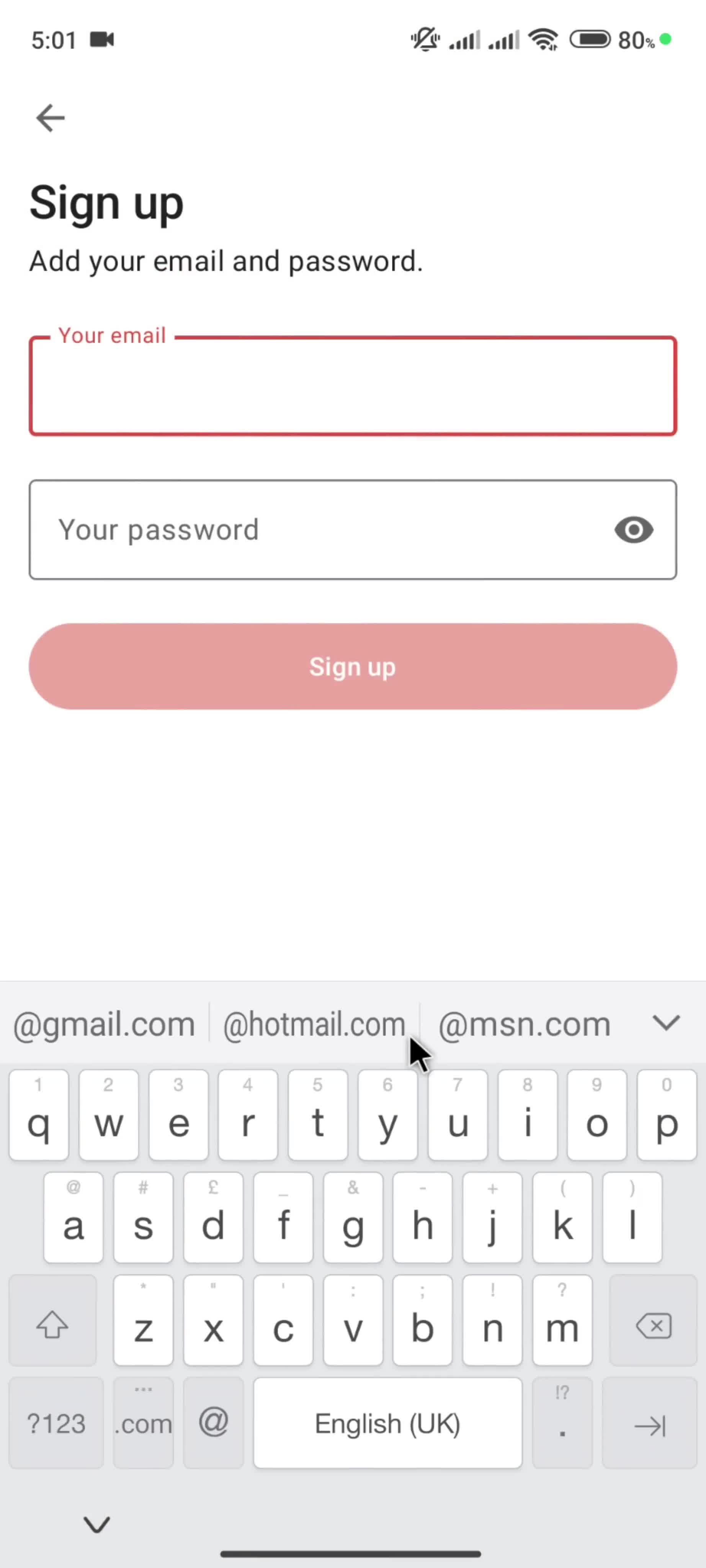
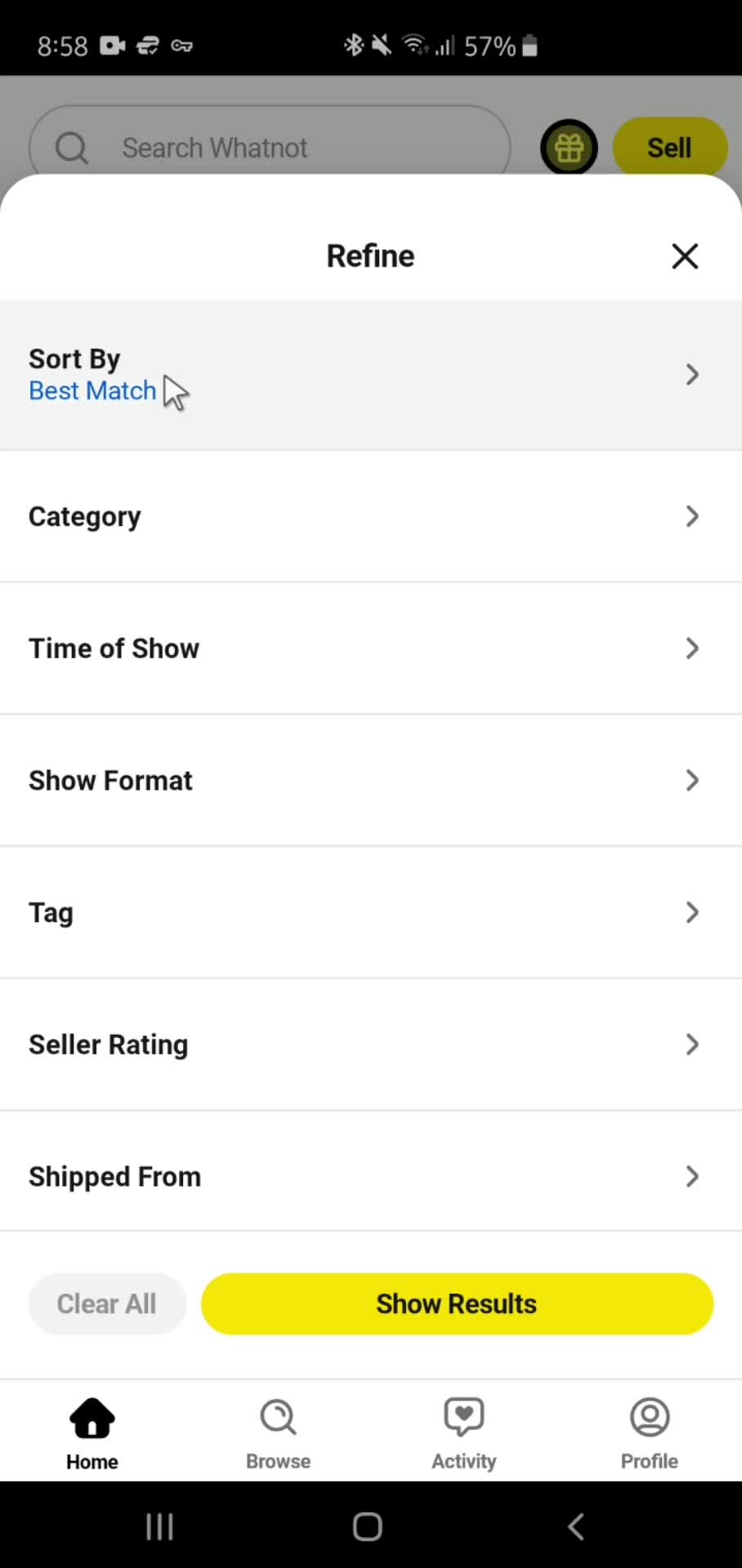
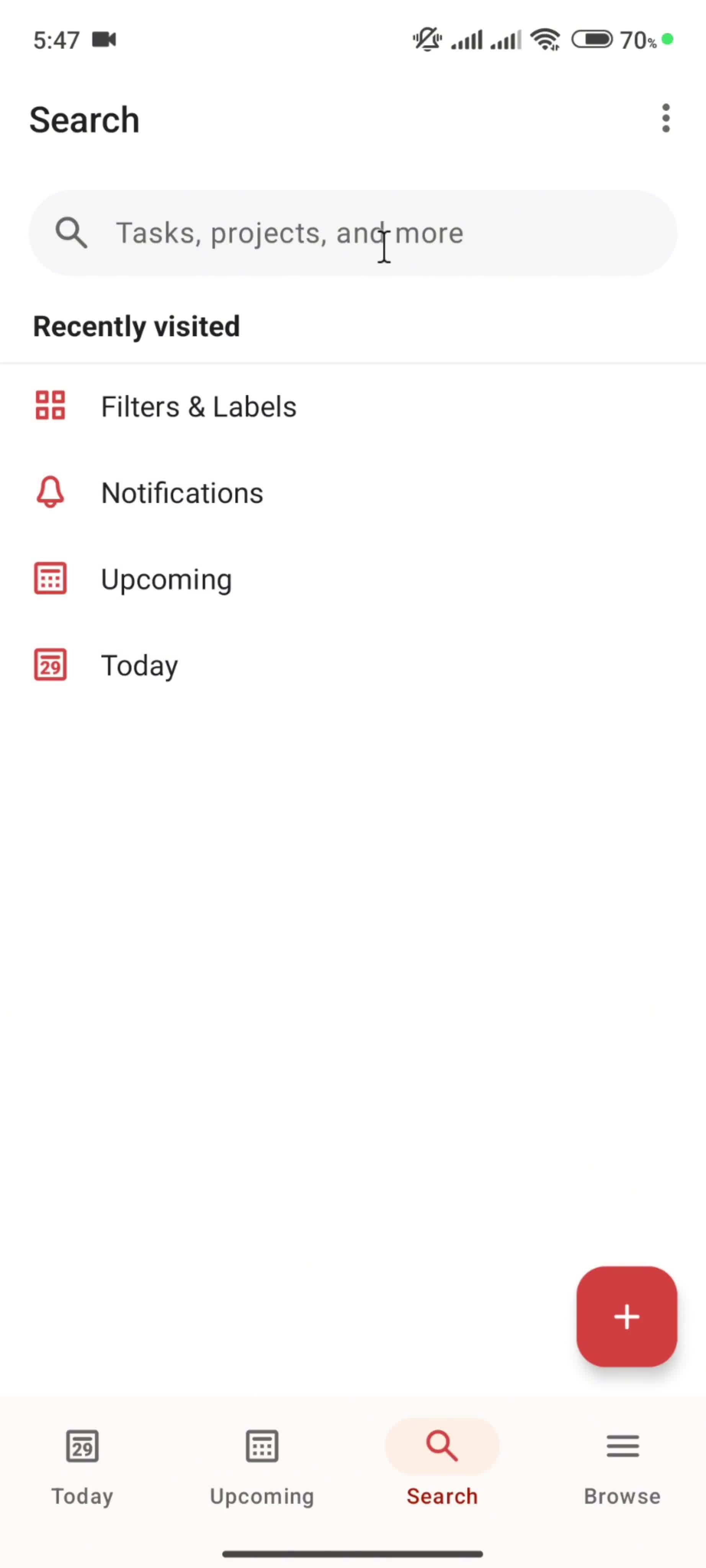






 Download all screens


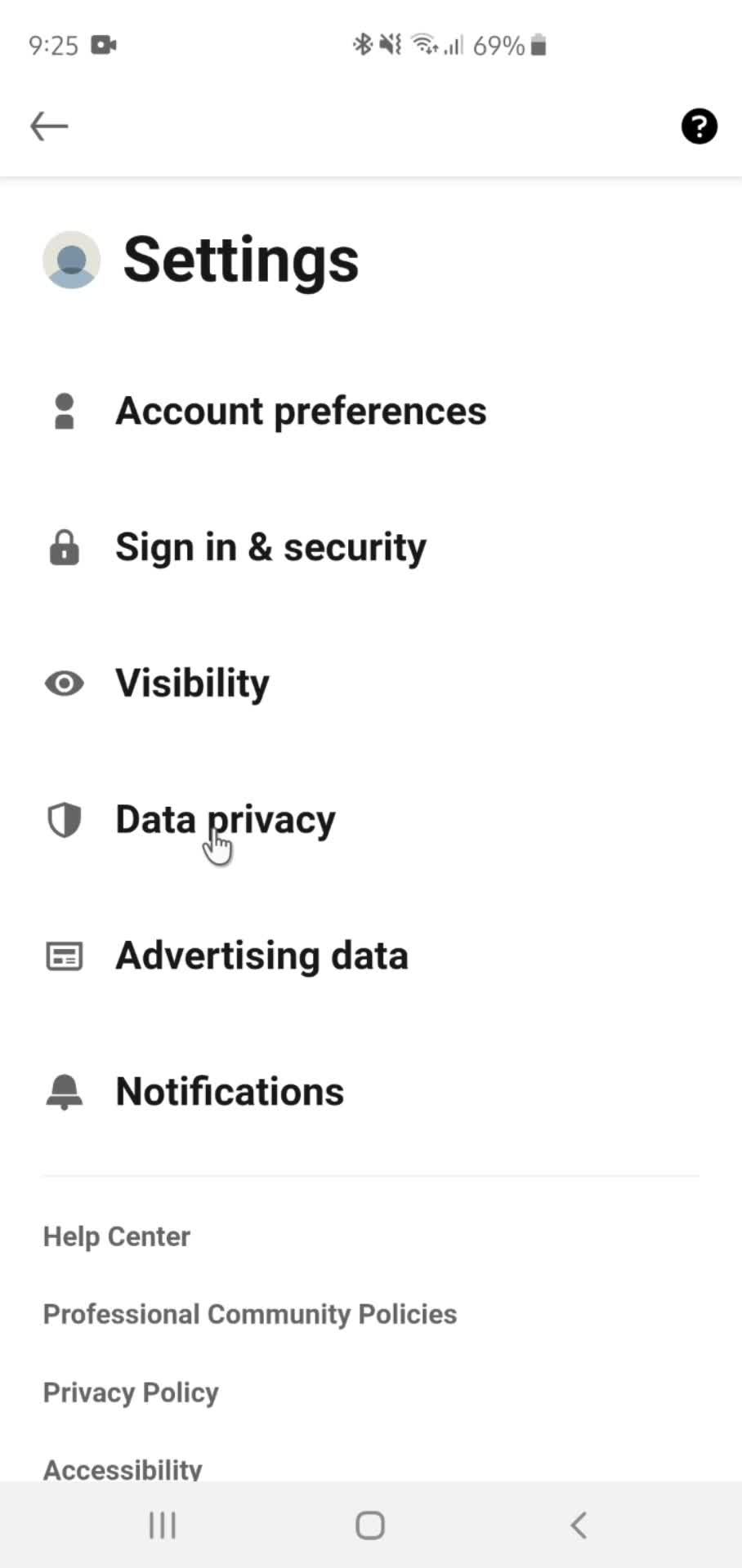






LinkedIn Logging out Flow on Android — Full Recording
This recording documents the Logging out flow inside LinkedIn on Android, captured from the live Google Play app. Unlike cropped screenshots or marketing videos, it preserves the full sequence — every screen, every transition, every design choice — so you can study the real user experience rather than a polished summary.
Android-Specific Design Decisions in LinkedIn
Android Logging out flows often differ meaningfully from their iOS counterparts: back-button handling, Material Design patterns, system-level behaviors, and device considerations all shape the experience. Studying LinkedIn's Android Logging out specifically helps you understand how the brand has adapted for Google Play users rather than assuming the iOS version translates directly.
Research Value for LinkedIn Benchmarking
This is a focused reference for designers researching Logging out patterns on Android, PMs benchmarking against LinkedIn, or researchers building competitive analyses. Every detail is preserved in the recording, giving you evidence rather than impressions.
Frequently Asked Questions
How is the LinkedIn Android Logging out flow different from iOS?
Android versions typically use Material Design components, different navigation patterns, and back-button behaviors that don't exist on iOS. If LinkedIn is also in our iOS library, you can directly compare the two versions.
What device was the LinkedIn Logging out flow recorded on?
Android flows are typically captured on recent Pixel devices to show stock Android behavior. The patterns apply broadly across manufacturers.
Can I compare LinkedIn's Logging out flow to competitors?
Yes. Visit the Android Logging out flows category to see LinkedIn alongside other apps that have implemented the same flow type.
How current is the LinkedIn Android recording?
Recordings are updated as LinkedIn ships significant redesigns, so the Logging out flow reflects the current Android experience rather than an old version.