































 Download all screens
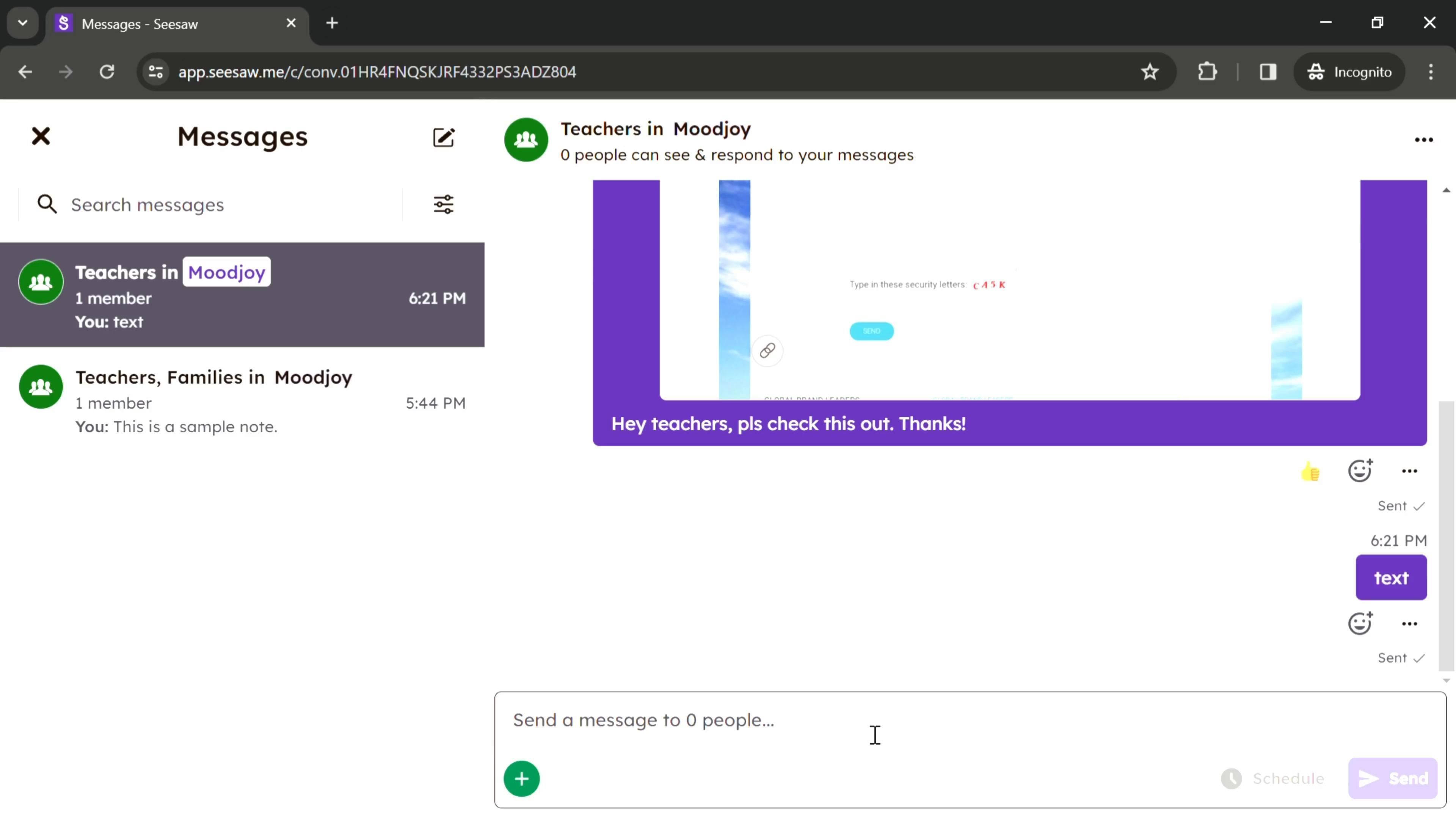





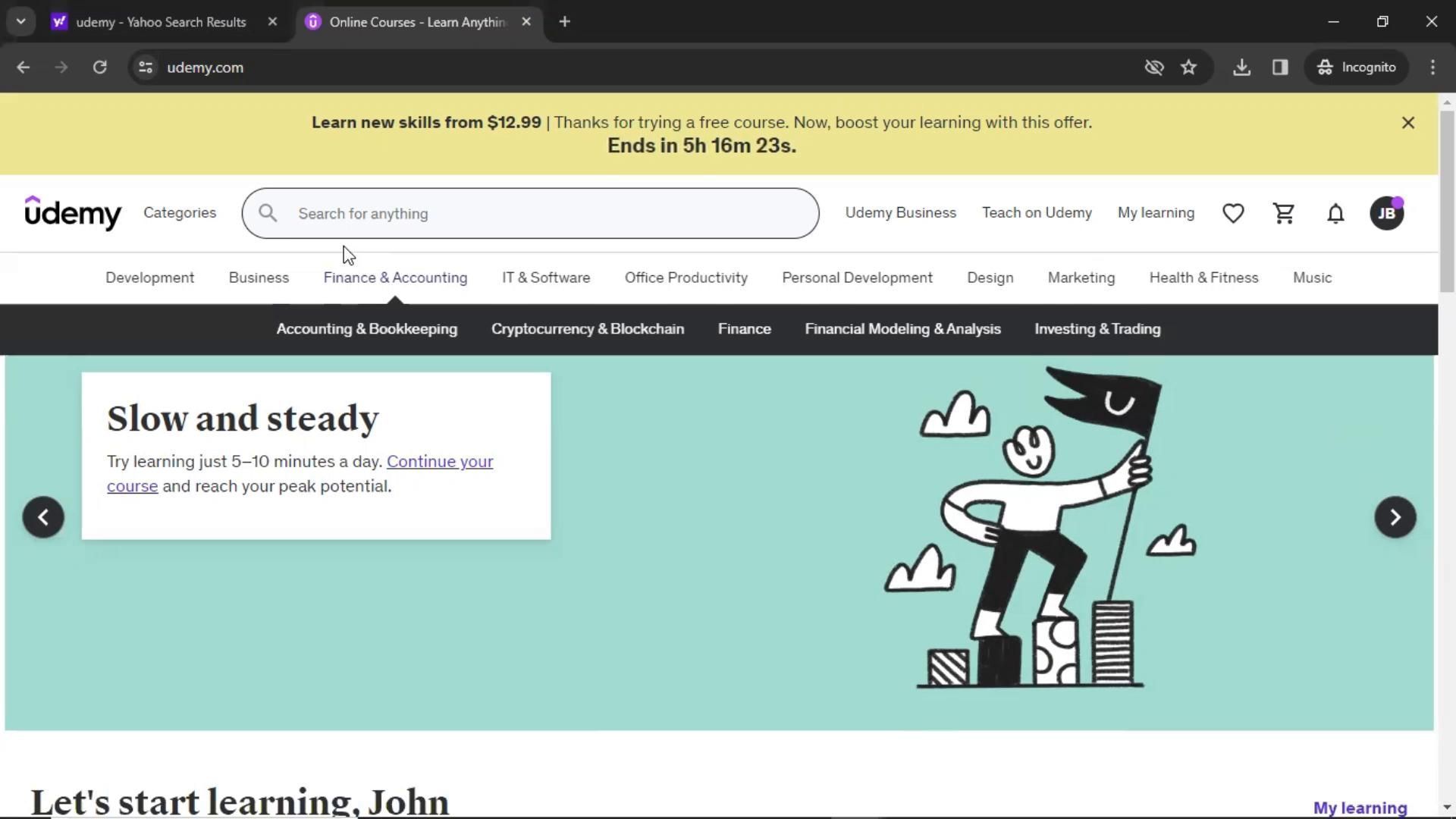

Seesaw Scheduling a message Flow on Web — Full Sequence
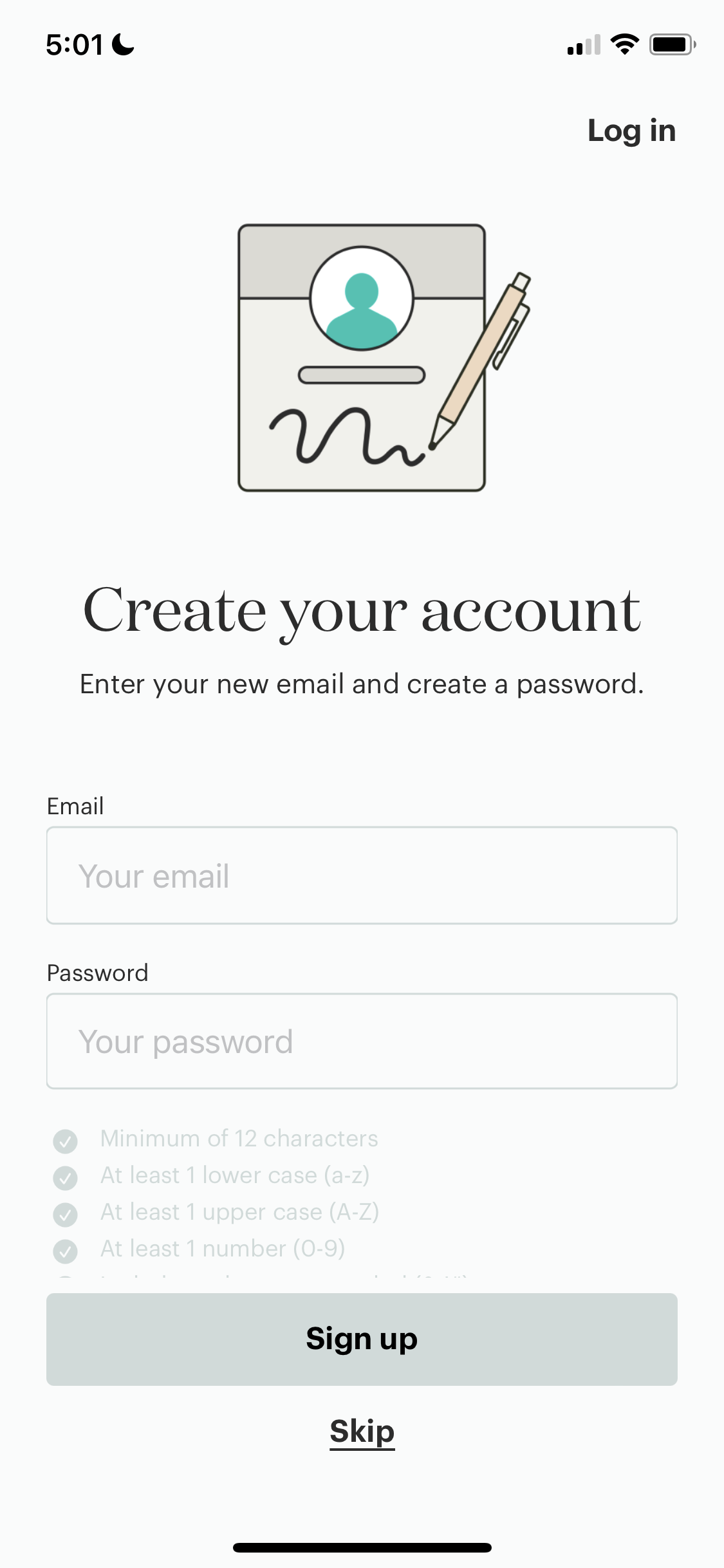
This recording documents the Scheduling a message flow inside Seesaw's web experience, captured from the live desktop product. Rather than showing summarized highlights, it preserves the full flow — every screen, hover state, transition, and UX decision — so you can study the real experience, not a press-ready version.
Web-Specific Scheduling a message Design Considerations
Scheduling a message on the web comes with different constraints than mobile: larger screens, multi-column layouts, keyboard shortcuts, and richer interaction possibilities. Seesaw's approach to Scheduling a message on web reflects those realities, and seeing it in full makes it easy to understand the design decisions behind the flow.
A Reference for Scheduling a message Research on the Web
For growth teams, designers, and PMs researching Scheduling a message patterns on the web, this recording provides a direct reference to a production implementation. For teams benchmarking against Seesaw specifically, it's a detailed look at how the brand handles this moment of the experience.
Frequently Asked Questions
What does the Seesaw Scheduling a message flow cover?
The recording captures the full Scheduling a message sequence inside Seesaw on desktop web — every step, every transition, and every significant design decision from start to finish.
How does Seesaw's web Scheduling a message differ from its mobile versions?
Web Scheduling a message flows typically use more screen real estate, richer hover interactions, and keyboard-friendly patterns that don't work on mobile. If Seesaw also has iOS or Android entries, you can cross-reference to see the platform differences.
Can I see Scheduling a message flows from other web products?
Yes. The web Scheduling a message flows category gathers the same flow type from many different web products, so you can compare Seesaw's approach against competitors and alternatives.
How up to date is the Seesaw Scheduling a message recording?
Recordings are refreshed when Seesaw ships notable redesigns, so the Scheduling a message flow reflects the current web experience.