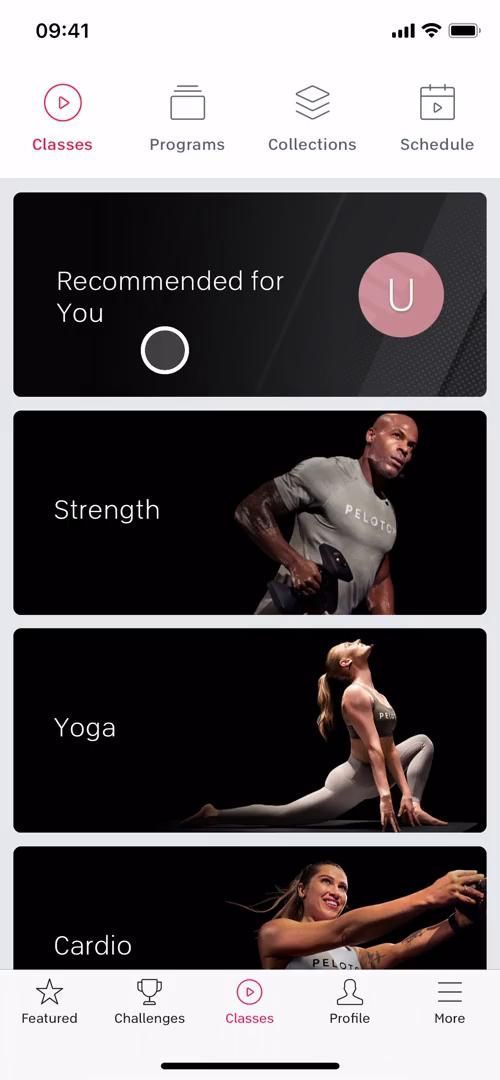




























General browsing Flow in Peloton for iOS

Watch a recorded General browsing flow inside Peloton for iOS. Every screen, tap, and transition is captured step by step — see exactly how Peloton designs the General browsing experience on iPhone.

Peloton is best known for its original Peloton Bike, but they also have a subscription service that gives you access to online fitness classes.

  • iOS
Video preview
In this video
  • Classes
  • Programs
  • Collections
  • Live schedule
  • Scheduled
  • Your schedule
  • Collections
  • Collection
  • Category
  • Class details
  • Download
  • Error
  • Select time
  • Scheduled
  • Class details
  • Category
  • Plan details
  • Class details
  • Classes
  • Featured
  • Challenges
  • Challenge
  • Profile
  • Achievements
  • Tags
  • Explore
  • Tag added
  • Explore
  • Profile
  • Settings
  • Classes
General browsing 31 Screens
General browsing screenshot
Classes
General browsing screenshot
Programs
General browsing screenshot
Collections
General browsing screenshot

Sign up to unlock this user flow

Try 3 Days
Live schedule
General browsing screenshot

Sign up to unlock this user flow

Try 3 Days
Scheduled
General browsing screenshot

Sign up to unlock this user flow

Try 3 Days
Your schedule
General browsing screenshot

Sign up to unlock this user flow

Try 3 Days
Collections
General browsing screenshot

Sign up to unlock this user flow

Try 3 Days
Collection
General browsing screenshot

Sign up to unlock this user flow

Try 3 Days
Category
General browsing screenshot

Sign up to unlock this user flow

Try 3 Days
Class details
General browsing screenshot

Sign up to unlock this user flow

Try 3 Days
Download
General browsing screenshot

Sign up to unlock this user flow

Try 3 Days
Error
General browsing screenshot

Sign up to unlock this user flow

Try 3 Days
Select time
General browsing screenshot

Sign up to unlock this user flow

Try 3 Days
Scheduled
General browsing screenshot

Sign up to unlock this user flow

Try 3 Days
Class details
General browsing screenshot

Sign up to unlock this user flow

Try 3 Days
Category
General browsing screenshot

Sign up to unlock this user flow

Try 3 Days
Plan details
General browsing screenshot

Sign up to unlock this user flow

Try 3 Days
Class details
General browsing screenshot

Sign up to unlock this user flow

Try 3 Days
Classes
General browsing screenshot

Sign up to unlock this user flow

Try 3 Days
Featured
General browsing screenshot

Sign up to unlock this user flow

Try 3 Days
Challenges
General browsing screenshot

Sign up to unlock this user flow

Try 3 Days
Challenge
General browsing screenshot

Sign up to unlock this user flow

Try 3 Days
Profile
General browsing screenshot

Sign up to unlock this user flow

Try 3 Days
Achievements
General browsing screenshot

Sign up to unlock this user flow

Try 3 Days
Tags
General browsing screenshot

Sign up to unlock this user flow

Try 3 Days
Explore
General browsing screenshot

Sign up to unlock this user flow

Try 3 Days
Tag added
General browsing screenshot

Sign up to unlock this user flow

Try 3 Days
Explore
General browsing screenshot

Sign up to unlock this user flow

Try 3 Days
Profile
General browsing screenshot

Sign up to unlock this user flow

Try 3 Days
Settings
General browsing screenshot

Sign up to unlock this user flow

Try 3 Days
Classes
Unlock 5 hidden flows

Log In or Sign Up to See All
Peloton Flows

  • Classes
  • Programs
  • Collections
  • Live schedule
  • Scheduled
  • Your schedule
  • Collections
  • Collection
  • Category
  • Class details
  • Download
  • Error
  • Select time
  • Scheduled
  • Class details
  • Category
  • Plan details
  • Class details
  • Classes
  • Featured
  • Challenges
  • Challenge
  • Profile
  • Achievements
  • Tags
  • Explore
  • Tag added
  • Explore
  • Profile
  • Settings
  • Classes

Other Health & Fitness apps you might like

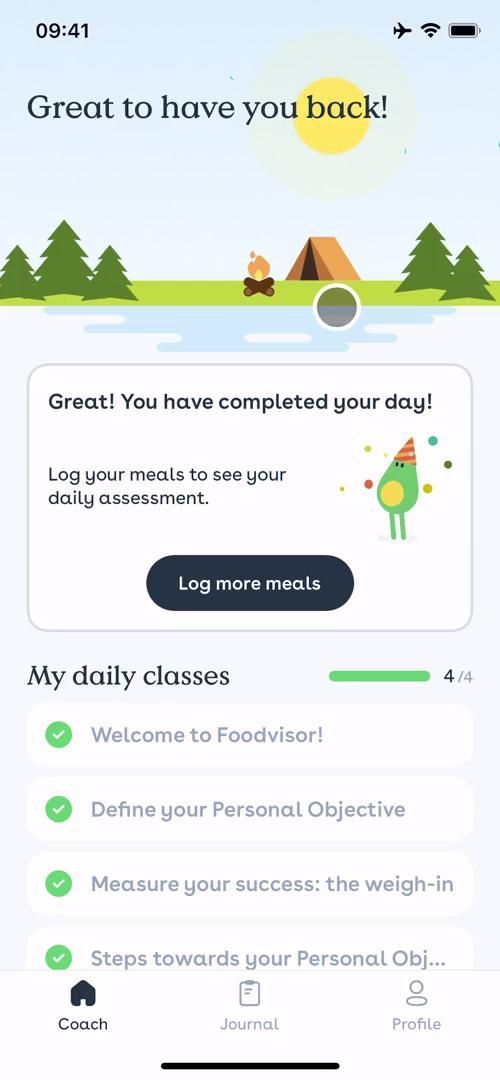
Foodvisor screenshot
Sweatcoin screenshot
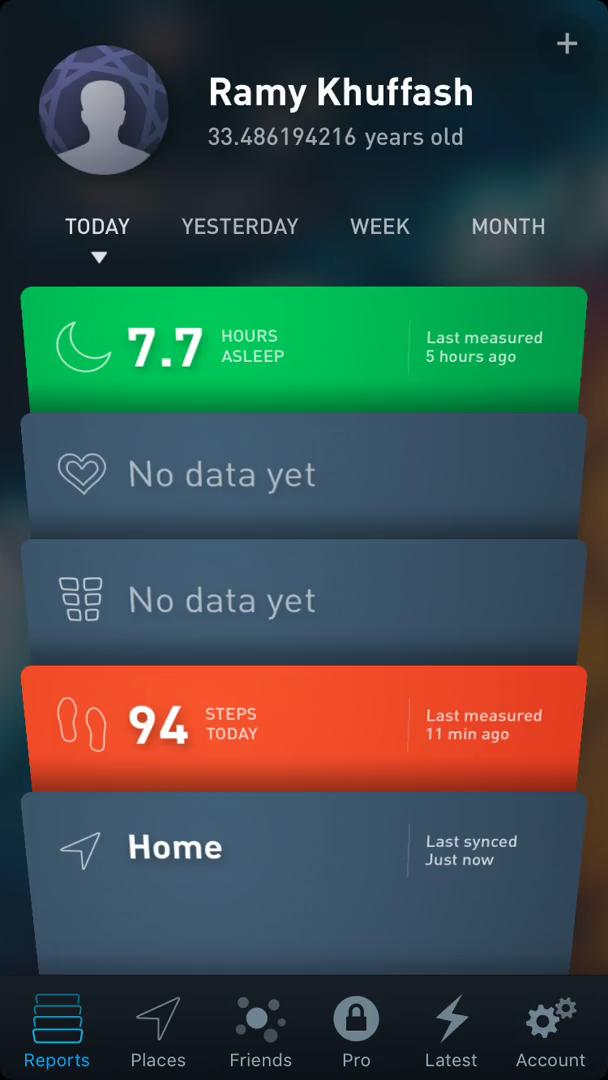
Gyroscope screenshot
Headspace screenshot

Peloton General browsing Flow on iOS — Screen by Screen

This recording documents the General browsing flow inside Peloton on iOS, captured screen by screen from the live app. Rather than showing a static screenshot or a summarized case study, it preserves the full sequence — every transition, microcopy change, and UX decision — so you can study what Peloton actually ships, not what they describe.

How Peloton Structures the General browsing Experience

The General browsing flow is a specific moment inside the Peloton experience, and studying it in isolation (while still showing it in the context of a real product) makes it easier to extract patterns you can apply elsewhere. Notice how Peloton structures the flow: what it shows first, how it builds momentum, where it places friction, and how it handles completion.

A Real Reference for General browsing Research

For designers researching General browsing patterns, this recording gives you a direct, real-world reference. For Peloton enthusiasts or competitors, it's a detailed look at how the brand approaches this specific user journey on iOS.

Frequently Asked Questions

How was this General browsing flow in Peloton recorded?

The flow was captured directly from the live iOS version of Peloton, preserving the full sequence of screens and interactions exactly as a real user would experience them.

How long is the General browsing flow in Peloton?

Length depends on how Peloton has designed the flow — some General browsing sequences are intentionally brief, others include multiple steps. Watch the full recording to see the complete timing.

How often is the Peloton General browsing flow updated?

Recordings are refreshed when Peloton ships significant redesigns, so the documentation reflects the current iOS experience rather than an outdated version.

Can I see General browsing flows from other iOS apps to compare?

Yes. The iOS General browsing flows category collects the same flow type from many different iOS apps, so you can benchmark Peloton against competitors and alternative approaches.