






















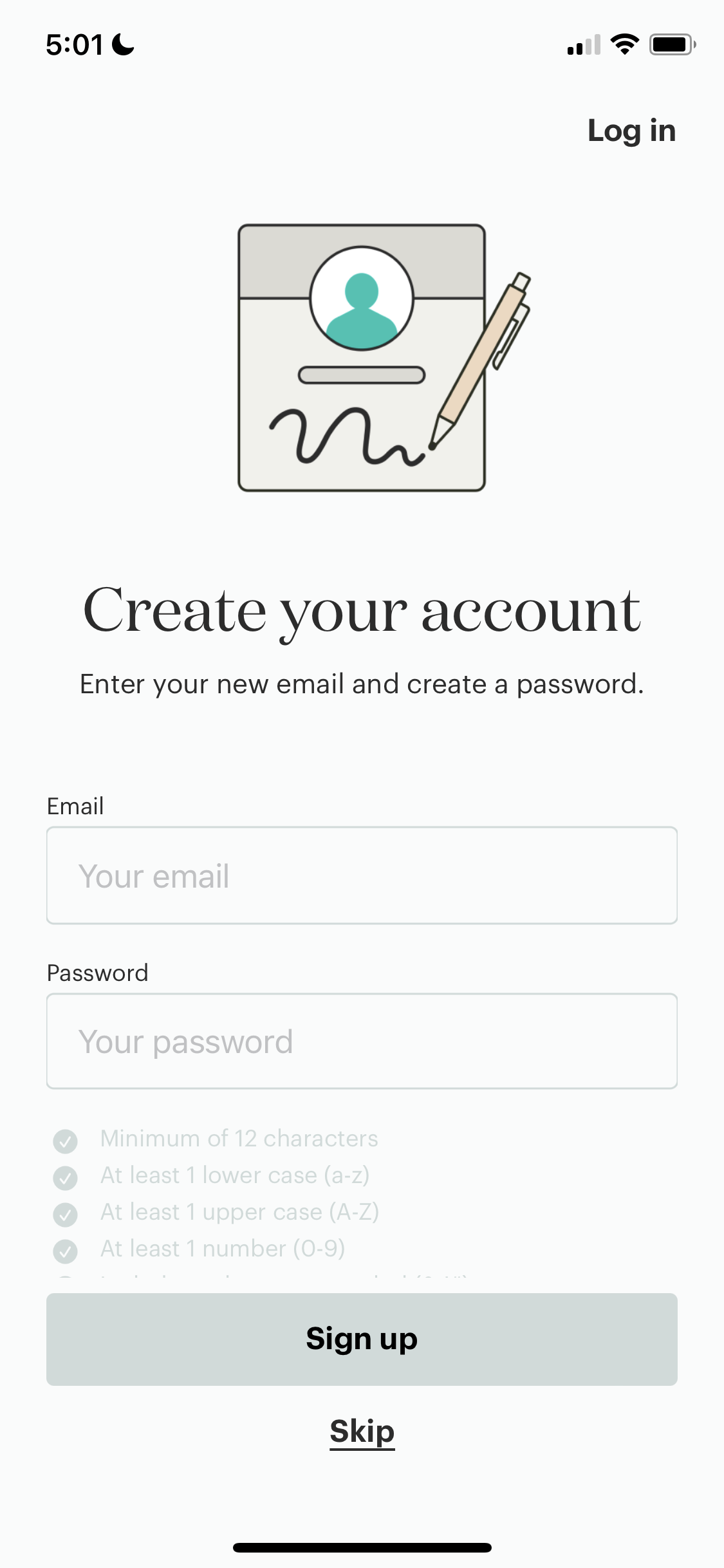
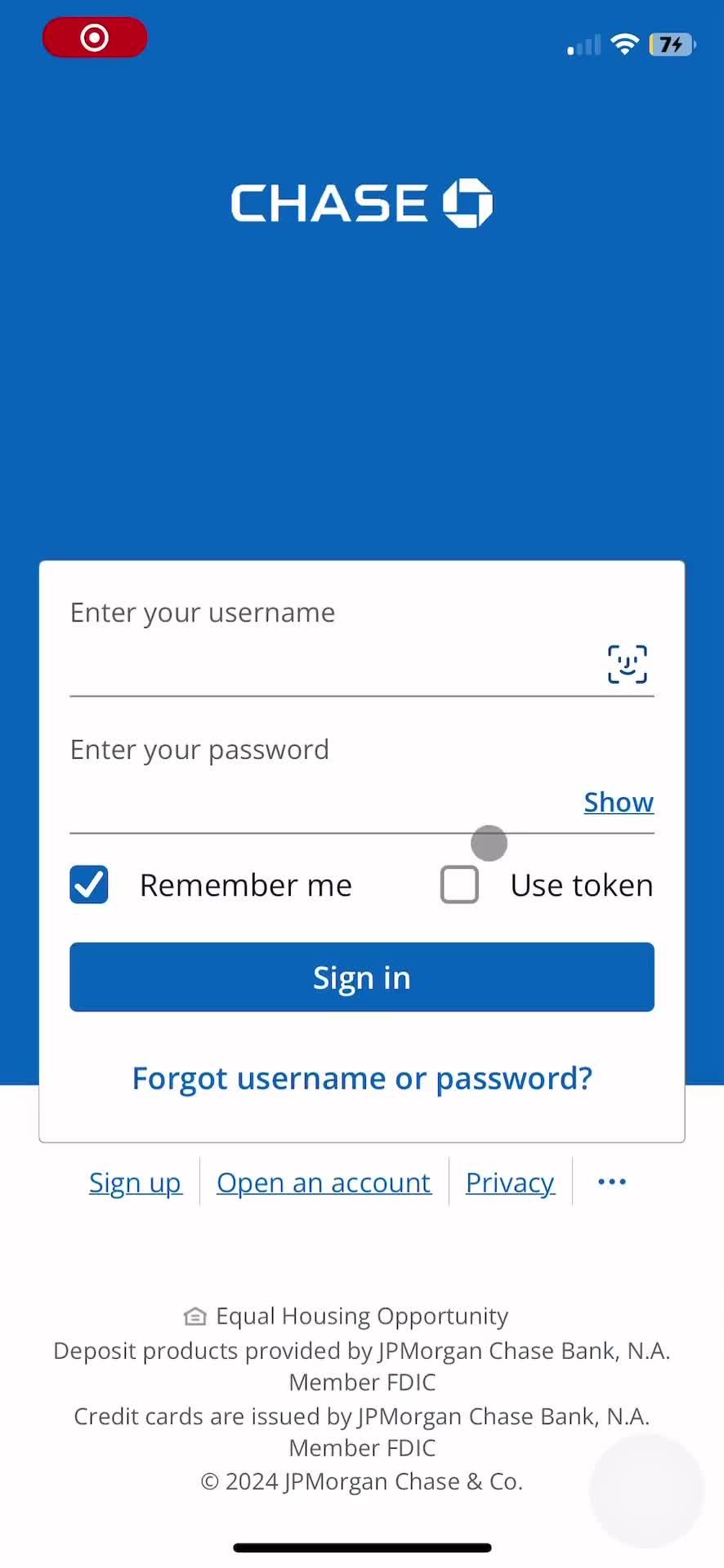
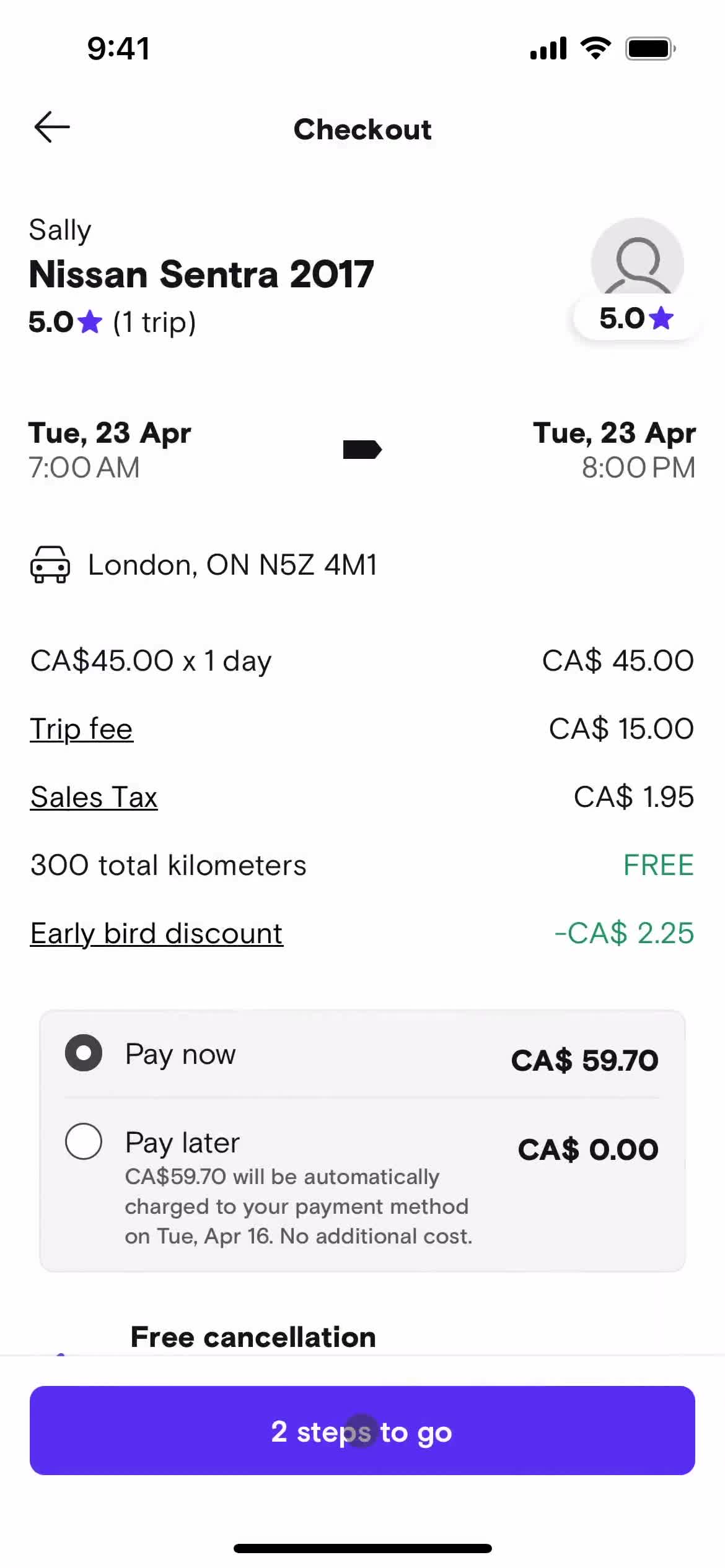
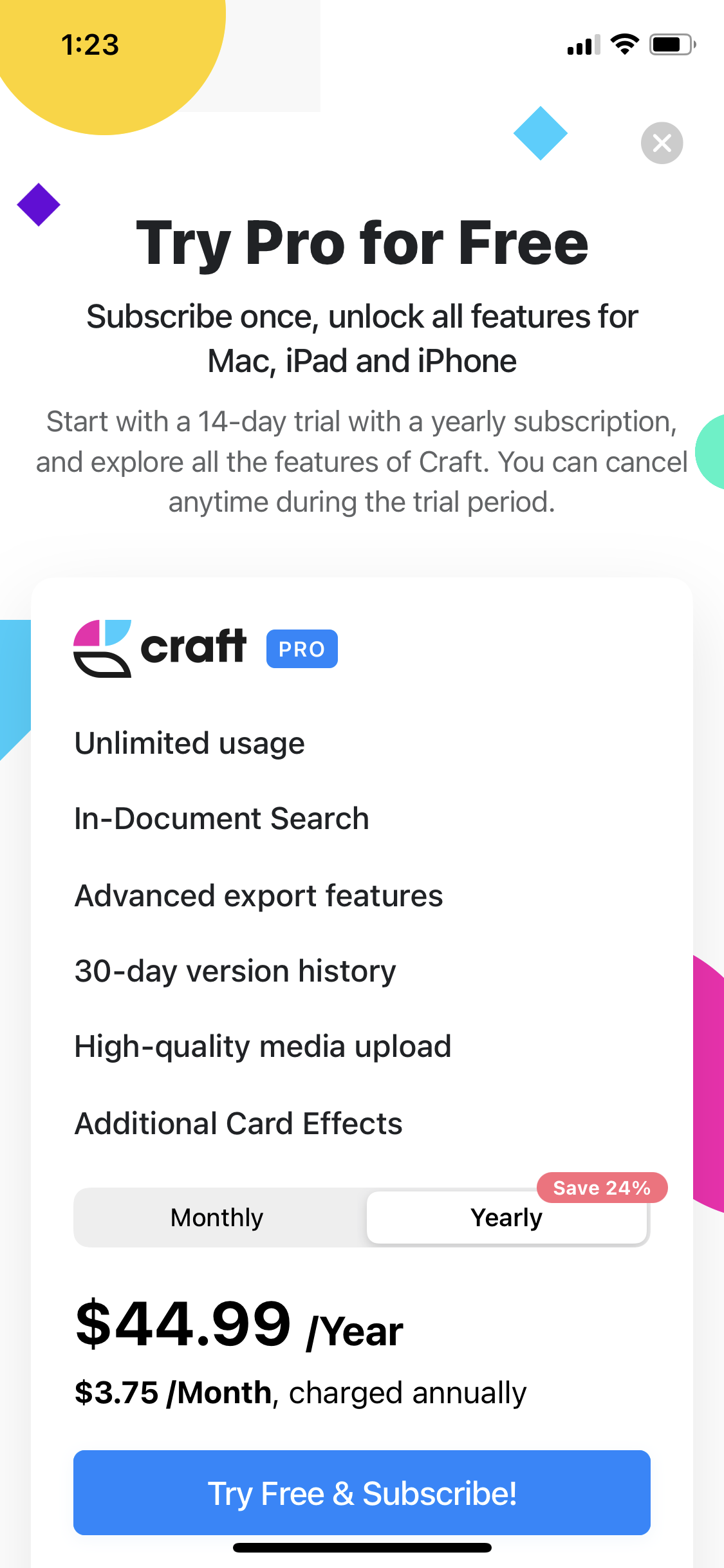




Web Date & Time Patterns – How Top Apps Use Them

Explore how leading web apps implement the Date & Time component. Every example is captured inside a real user flow from a top SaaS or consumer product, so you see the element in context, not isolated.

Sign up to unlock this user flow

Try 3 Days
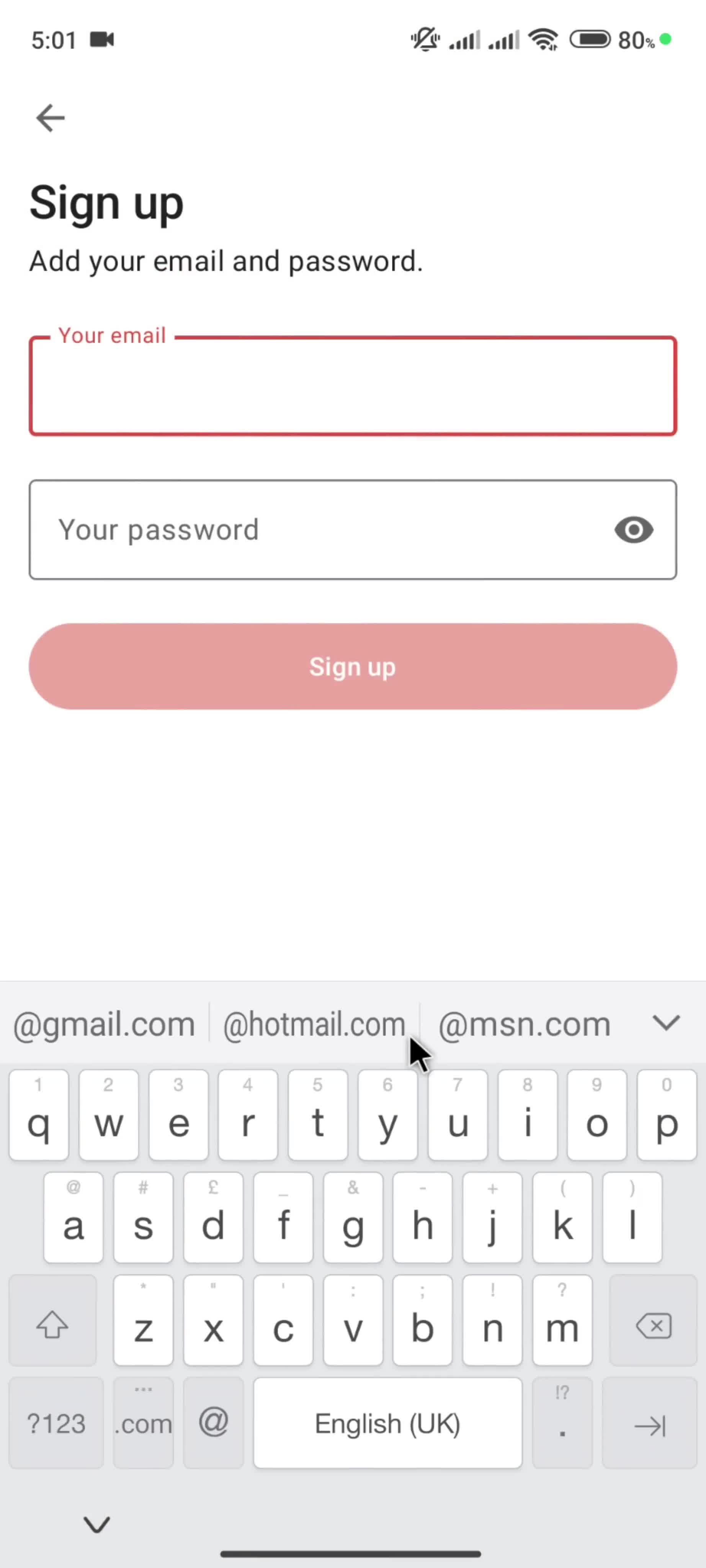
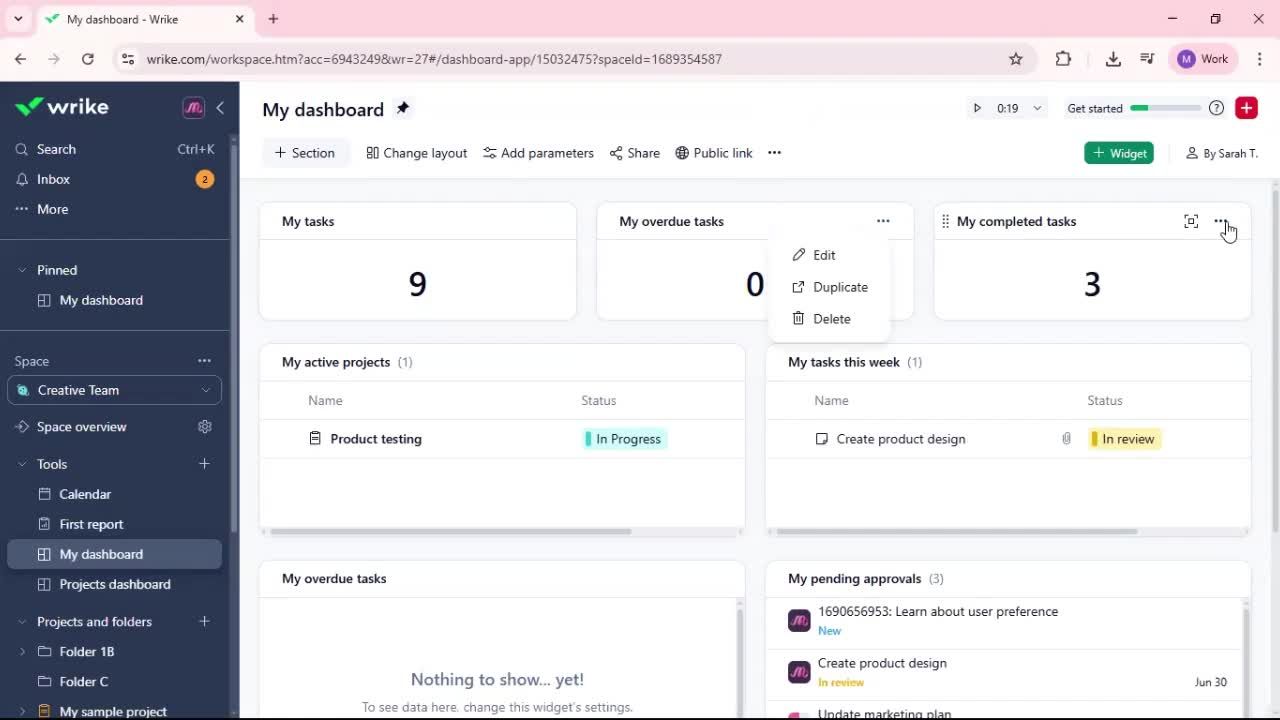
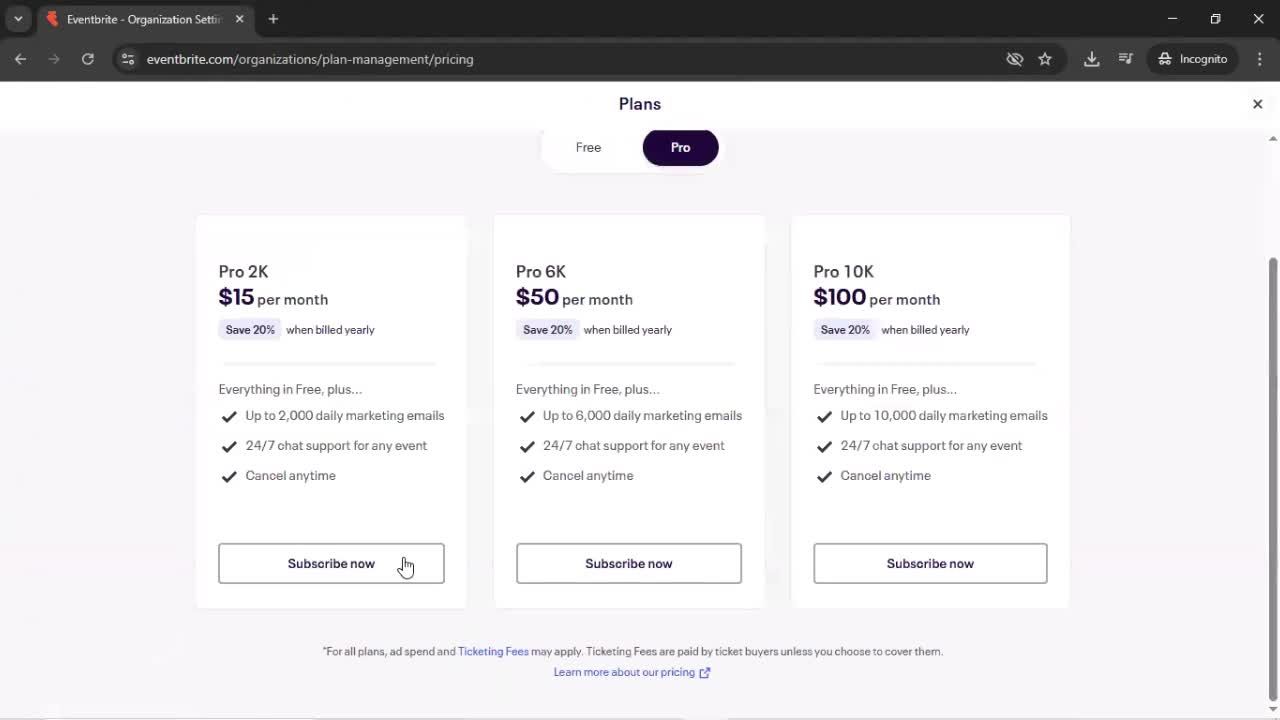
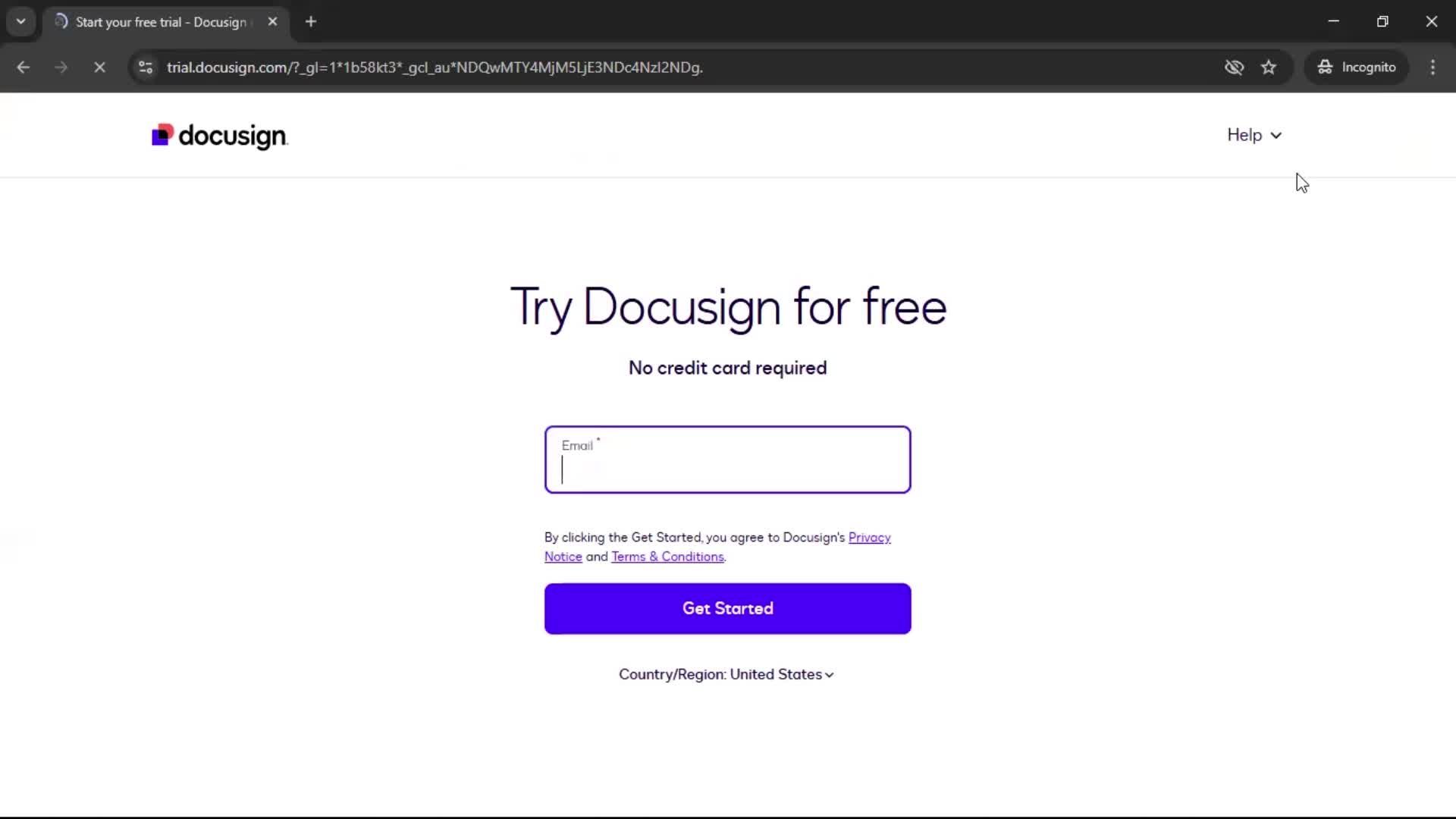
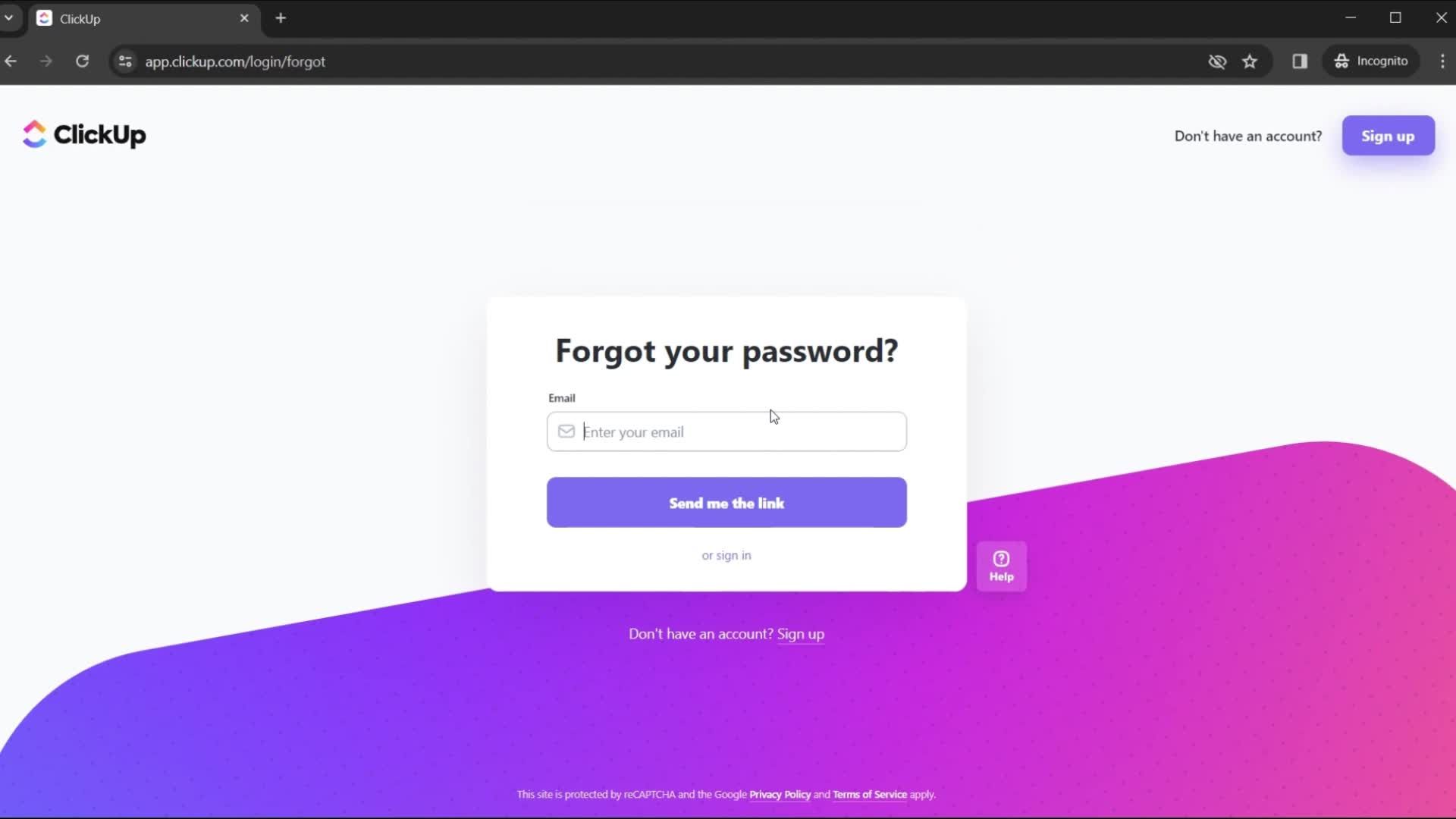
Onboarding on Basecamp video thumbnail

Sign up to unlock this user flow

Try 3 Days
General browsing on Basecamp video thumbnail

Sign up to unlock this user flow

Try 3 Days
General browsing on Teamhood video thumbnail

Sign up to unlock this user flow

Try 3 Days
General browsing on Teamhood video thumbnail

Sign up to unlock this user flow

Try 3 Days
General browsing on Teamhood video thumbnail

Sign up to unlock this user flow

Try 3 Days
Creating a project on Teamhood video thumbnail

Sign up to unlock this user flow

Try 3 Days
Onboarding on Upbase video thumbnail

Sign up to unlock this user flow

Try 3 Days
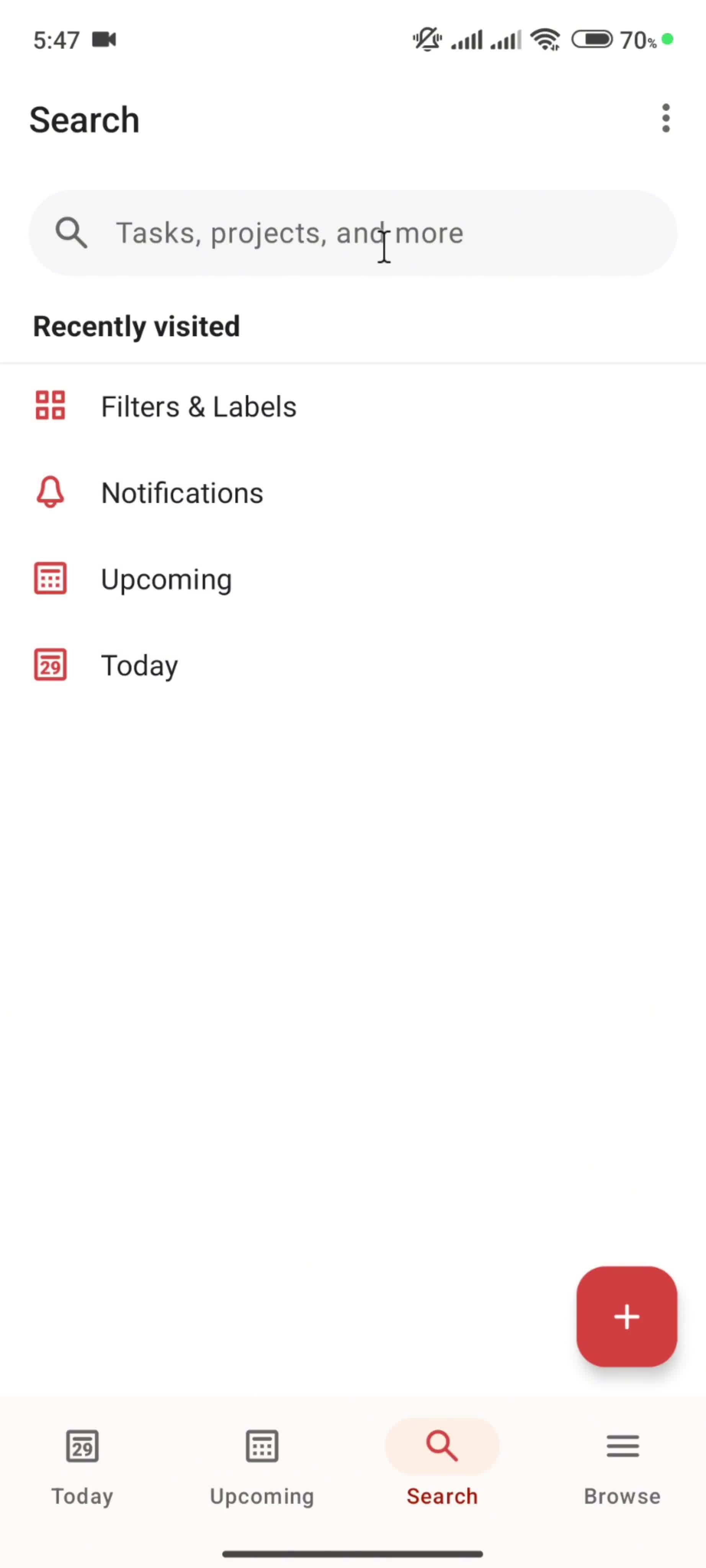
General browsing on Upbase video thumbnail

Sign up to unlock this user flow

Try 3 Days
Onboarding on Suno video thumbnail

Sign up to unlock this user flow

Try 3 Days
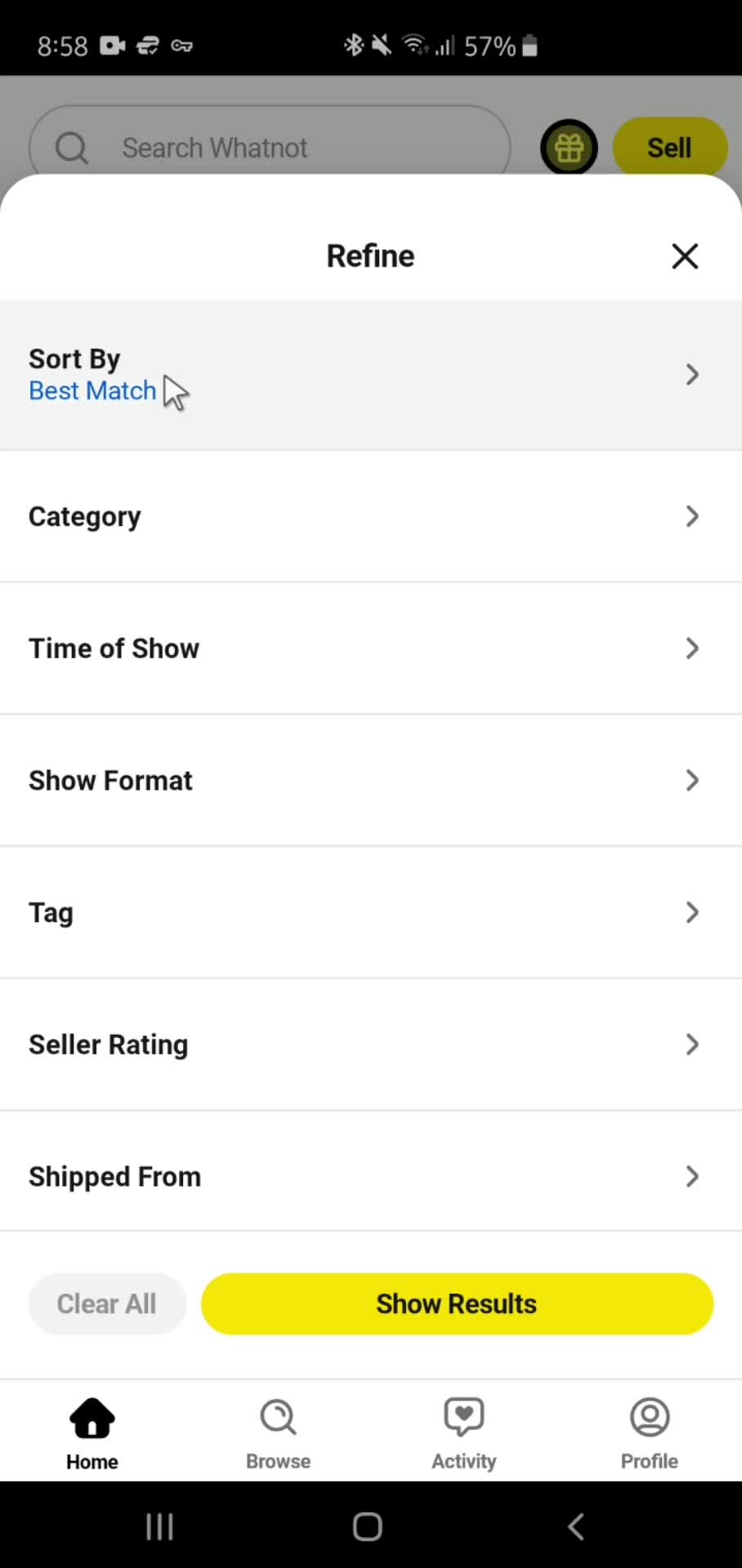
General browsing on Whop video thumbnail

Sign up to unlock this user flow

Try 3 Days
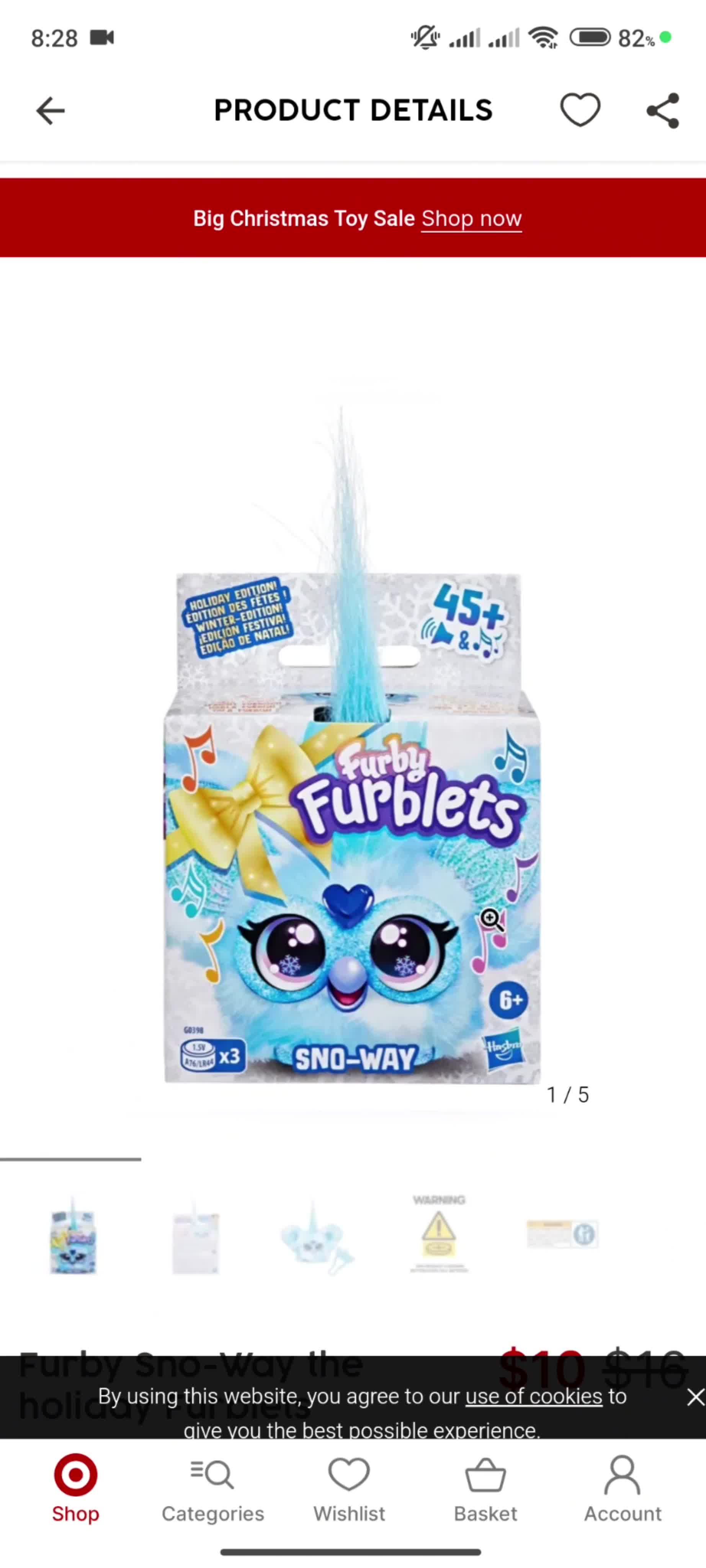
General browsing on Julienne video thumbnail

Sign up to unlock this user flow

Try 3 Days
Adding a project on MeisterTask video thumbnail

Sign up to unlock this user flow

Try 3 Days
General browsing on Mozello video thumbnail

Sign up to unlock this user flow

Try 3 Days
Creating a task on Zenkit video thumbnail

Sign up to unlock this user flow

Try 3 Days
Onboarding on Picktime video thumbnail

Sign up to unlock this user flow

Try 3 Days
General browsing on Picktime video thumbnail

Sign up to unlock this user flow

Try 3 Days
General browsing on Sana video thumbnail

Sign up to unlock this user flow

Try 3 Days
General browsing on Jira video thumbnail

Sign up to unlock this user flow

Try 3 Days
General browsing on Milanote video thumbnail

Sign up to unlock this user flow

Try 3 Days
Onboarding on Bluesky video thumbnail

Sign up to unlock this user flow

Try 3 Days
Onboarding on Google Gemini video thumbnail

Sign up to unlock this user flow

Try 3 Days
General browsing on Meetup video thumbnail

Sign up to unlock this user flow

Try 3 Days
General browsing on Meetup video thumbnail

Sign up to unlock this user flow

Try 3 Days
Onboarding on Meetup video thumbnail
1 2 3 ... 15

The Date & Time Component in Web Interfaces

The Date & Time is a workhorse component in modern web design — used constantly, often customized heavily, and a frequent source of UX debate. This page collects real Date & Time implementations from the Page Flows web library, letting you compare how leading brands solve the same design problem in production.

Why Date & Time in Context Beats Isolated Mockups

Seeing Date & Time inside a full flow reveals design decisions that static mockups miss: when the element appears, what data it shows, how it behaves on hover or focus, how it adapts to different contexts. These are the details that determine whether your own Date & Time implementation feels polished or rough.

A Reference for Component Libraries and Design Systems

For designers building component libraries, PMs scoping new features, and researchers documenting patterns, this is a browsable reference library of Date & Time in the wild. Each example is tagged by brand and category, so you can find the specific reference you need in seconds.

Frequently Asked Questions

What counts as a Date & Time in the web library?

The Date & Time category includes implementations across many web apps, from simple conventional designs to heavily customized variants used by design-forward brands.

Can I see how Date & Time works across different product types?

Yes. Date & Time appears in SaaS dashboards, e-commerce sites, consumer apps, and more — each tagged by brand and category so you can study cross-industry and within-industry patterns.

Are Date & Time examples shown within full flows or as isolated components?

Always in context. Each Date & Time is tagged within a complete user flow, so you see exactly when and how it's used rather than a decontextualized mockup.

Can I copy the code for these Date & Time implementations?

No. The library is for design research — you study the patterns and apply the ideas to your own implementation, but code isn't provided.