


























Web Media & Display Patterns – How Top Apps Use Them

Explore how leading web apps implement the Media & Display component. Every example is captured inside a real user flow from a top SaaS or consumer product, so you see the element in context, not isolated.

Sign up to unlock this user flow

Try 3 Days
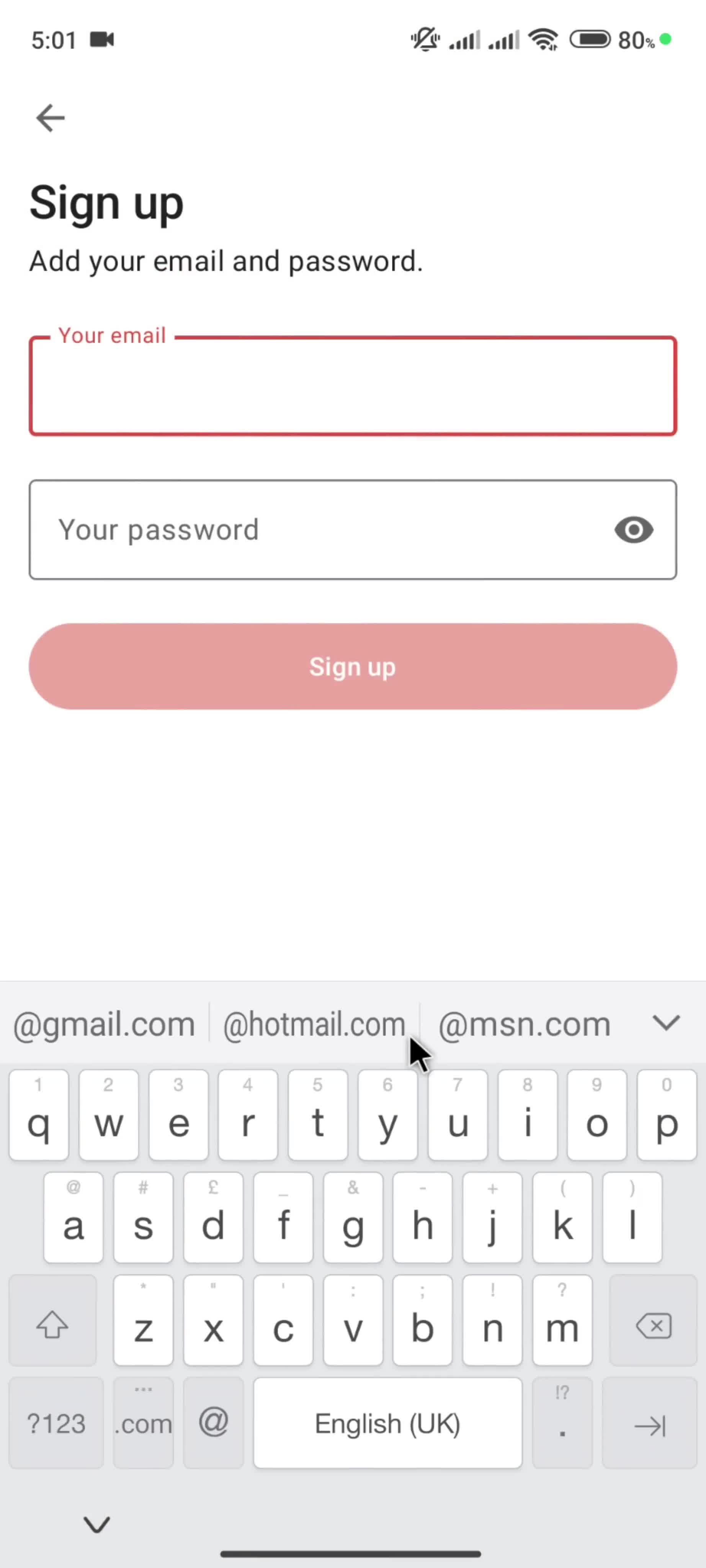
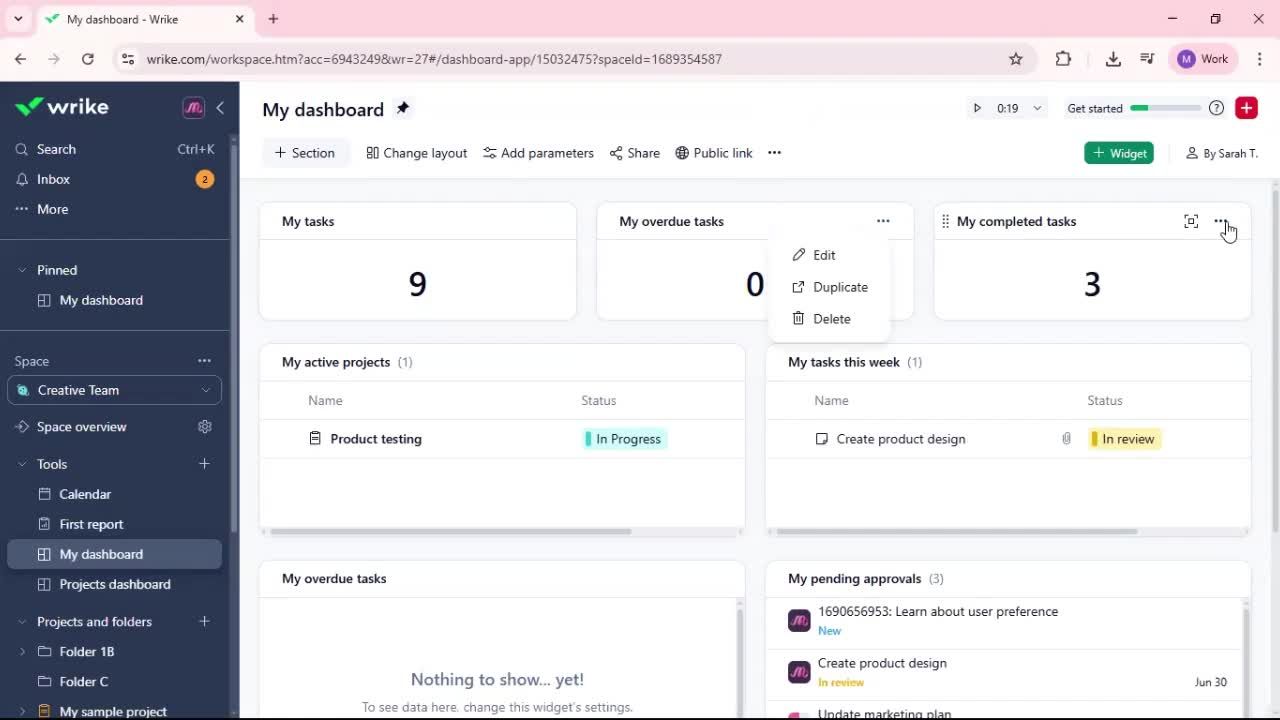
Onboarding on Employment Hero video thumbnail

Sign up to unlock this user flow

Try 3 Days
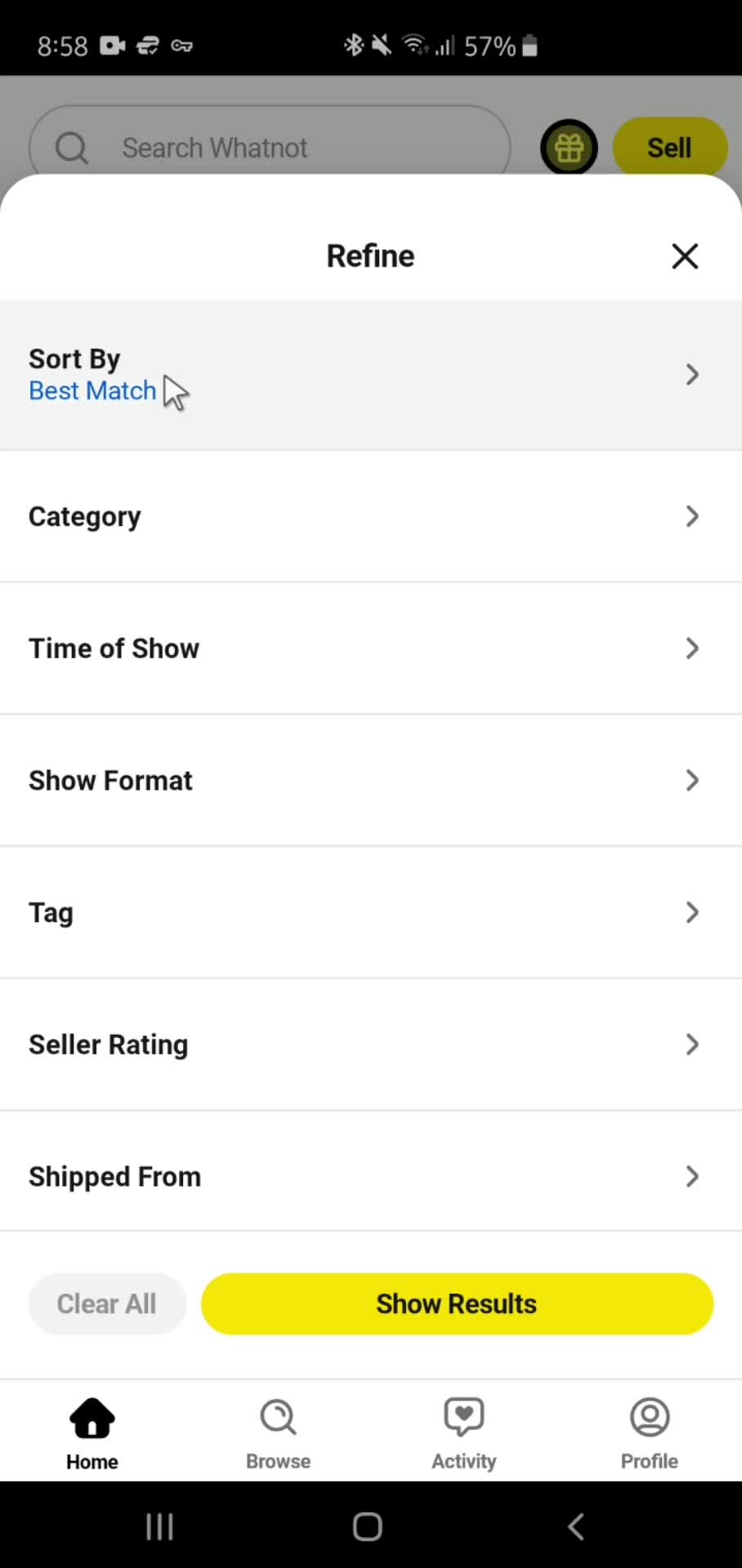
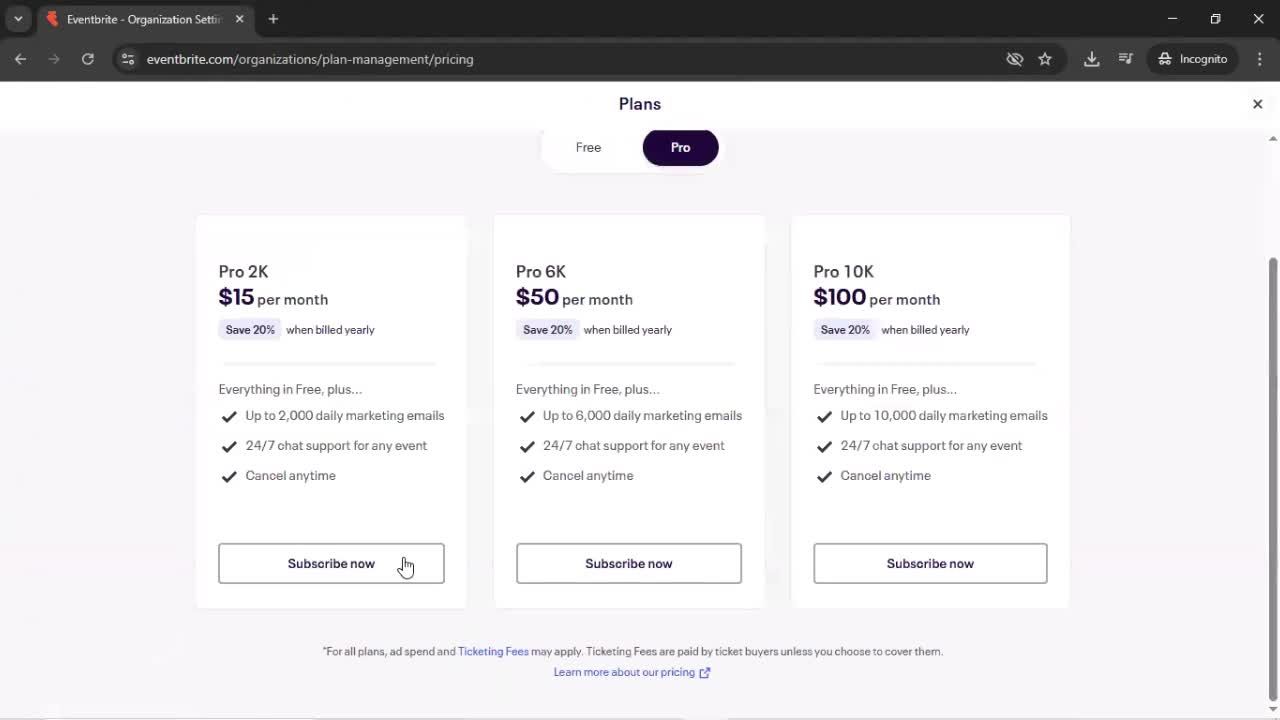
Onboarding on GitBook video thumbnail

Sign up to unlock this user flow

Try 3 Days
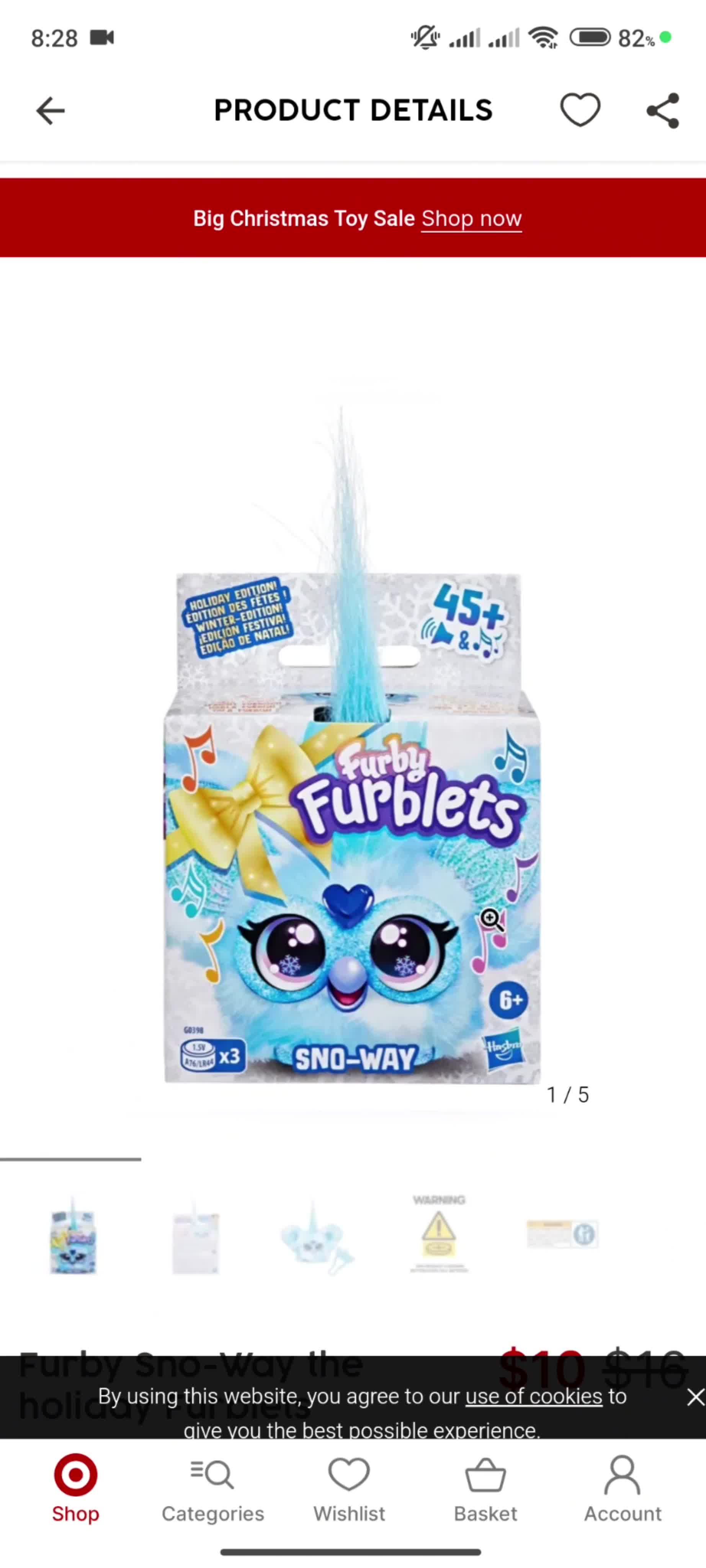
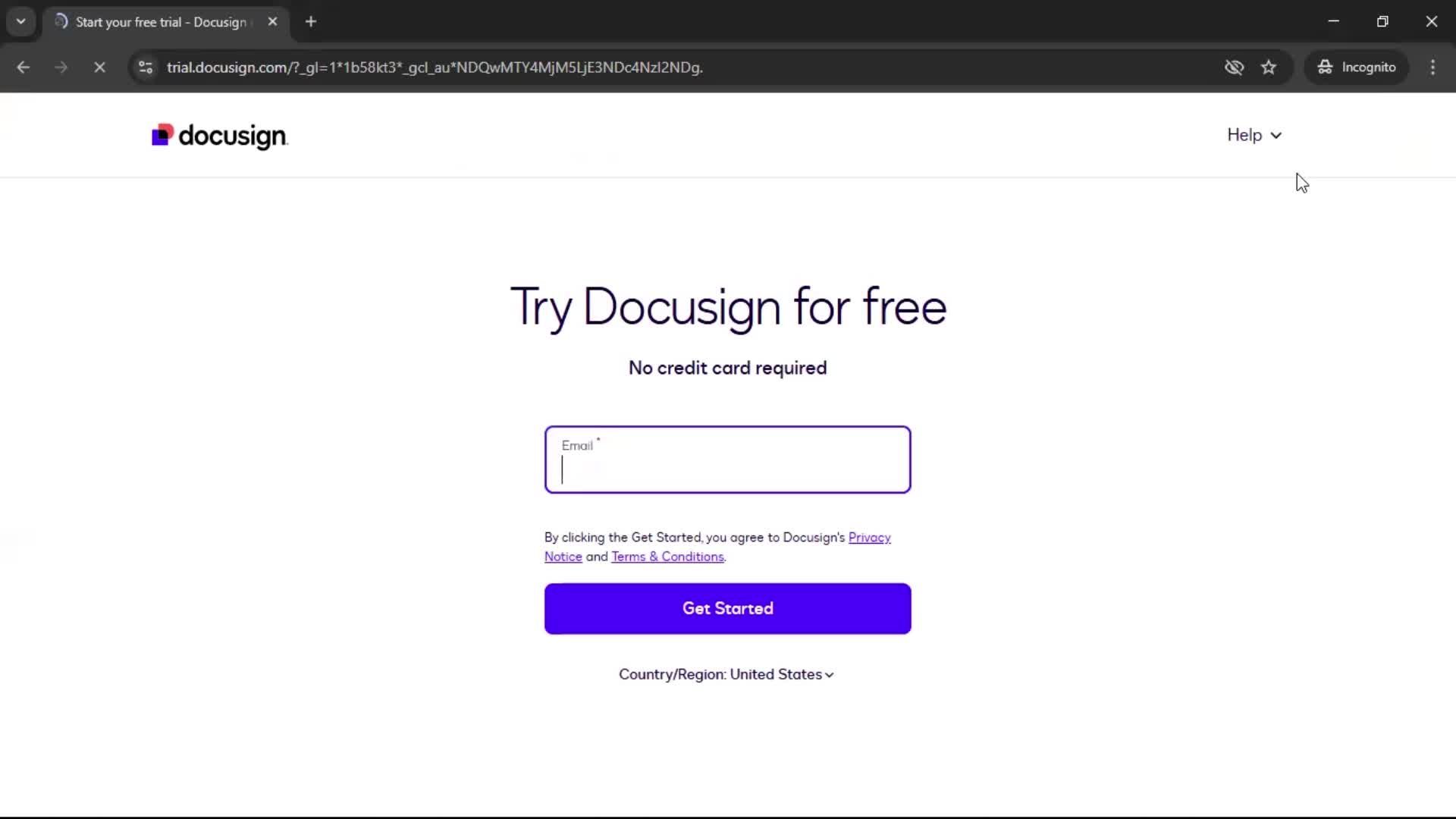
General browsing on GitBook video thumbnail

Sign up to unlock this user flow

Try 3 Days
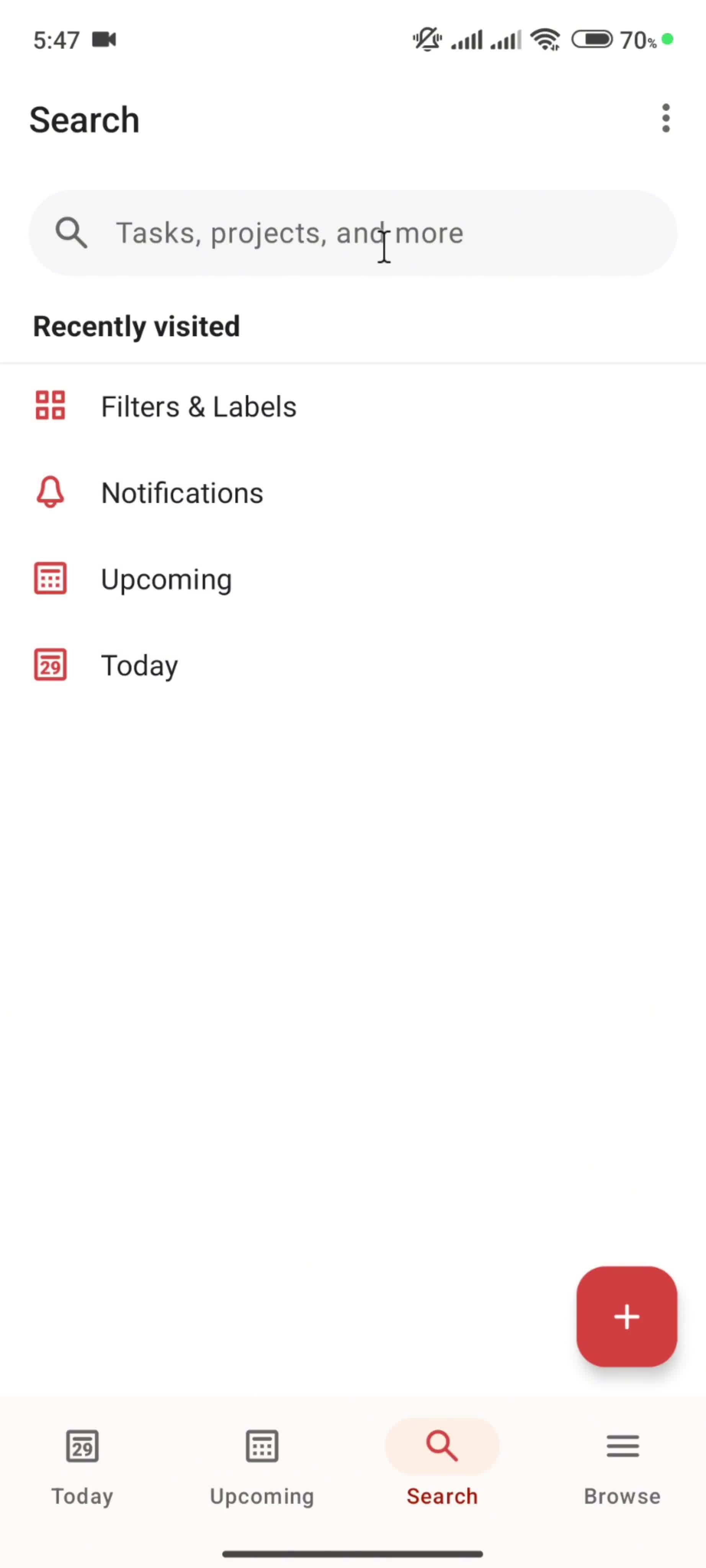
General browsing on Aboard video thumbnail

Sign up to unlock this user flow

Try 3 Days
General browsing on Aboard video thumbnail

Sign up to unlock this user flow

Try 3 Days
Onboarding on Magnific video thumbnail

Sign up to unlock this user flow

Try 3 Days
Onboarding on SchoolAI video thumbnail

Sign up to unlock this user flow

Try 3 Days
Onboarding on Basecamp video thumbnail

Sign up to unlock this user flow

Try 3 Days
General browsing on Cosmos video thumbnail

Sign up to unlock this user flow

Try 3 Days
General browsing on Artlist video thumbnail

Sign up to unlock this user flow

Try 3 Days
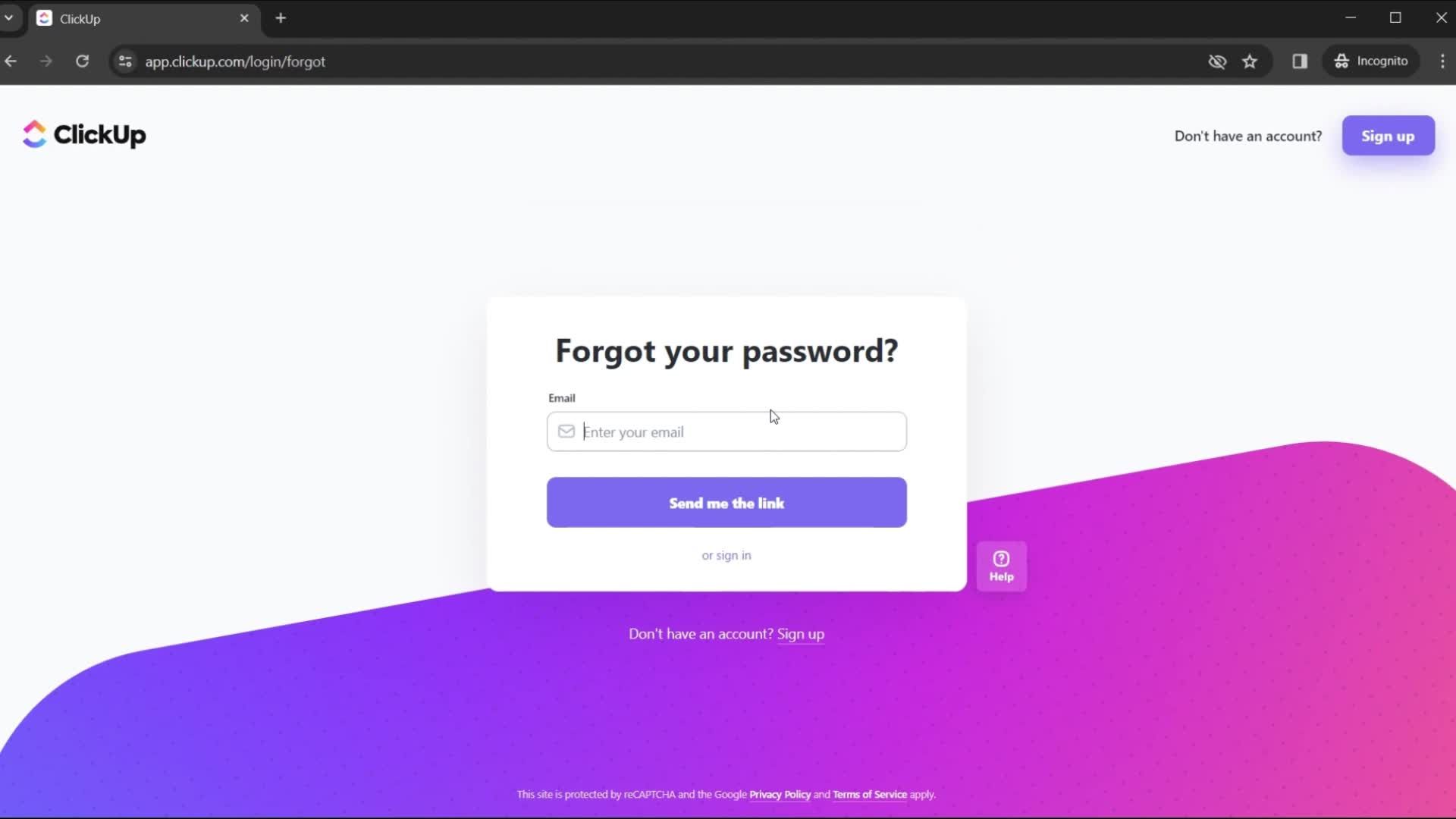
Changing password on Dynalist video thumbnail

Sign up to unlock this user flow

Try 3 Days
General browsing on Suno video thumbnail

Sign up to unlock this user flow

Try 3 Days
General browsing on Savee video thumbnail

Sign up to unlock this user flow

Try 3 Days
Onboarding on Linear video thumbnail

Sign up to unlock this user flow

Try 3 Days
Onboarding on Linear video thumbnail

Sign up to unlock this user flow

Try 3 Days
Onboarding on Ferndesk video thumbnail

Sign up to unlock this user flow

Try 3 Days
Onboarding on Ferndesk video thumbnail

Sign up to unlock this user flow

Try 3 Days
General browsing on Ferndesk video thumbnail

Sign up to unlock this user flow

Try 3 Days
Onboarding on Ayoa video thumbnail

Sign up to unlock this user flow

Try 3 Days
General browsing on Ayoa video thumbnail

Sign up to unlock this user flow

Try 3 Days
Onboarding on Wrangle video thumbnail

Sign up to unlock this user flow

Try 3 Days
General browsing on Wrangle video thumbnail

Sign up to unlock this user flow

Try 3 Days
Onboarding on Neon video thumbnail

Sign up to unlock this user flow

Try 3 Days
Onboarding on Telescope video thumbnail
1 2 3 ... 57

The Media & Display Component in Web Interfaces

The Media & Display is a workhorse component in modern web design — used constantly, often customized heavily, and a frequent source of UX debate. This page collects real Media & Display implementations from the Page Flows web library, letting you compare how leading brands solve the same design problem in production.

Why Media & Display in Context Beats Isolated Mockups

Seeing Media & Display inside a full flow reveals design decisions that static mockups miss: when the element appears, what data it shows, how it behaves on hover or focus, how it adapts to different contexts. These are the details that determine whether your own Media & Display implementation feels polished or rough.

A Reference for Component Libraries and Design Systems

For designers building component libraries, PMs scoping new features, and researchers documenting patterns, this is a browsable reference library of Media & Display in the wild. Each example is tagged by brand and category, so you can find the specific reference you need in seconds.

Frequently Asked Questions

What counts as a Media & Display in the web library?

The Media & Display category includes implementations across many web apps, from simple conventional designs to heavily customized variants used by design-forward brands.

Can I see how Media & Display works across different product types?

Yes. Media & Display appears in SaaS dashboards, e-commerce sites, consumer apps, and more — each tagged by brand and category so you can study cross-industry and within-industry patterns.

Are Media & Display examples shown within full flows or as isolated components?

Always in context. Each Media & Display is tagged within a complete user flow, so you see exactly when and how it's used rather than a decontextualized mockup.

Can I copy the code for these Media & Display implementations?

No. The library is for design research — you study the patterns and apply the ideas to your own implementation, but code isn't provided.