




























Web Media Apps — UX Flow Library
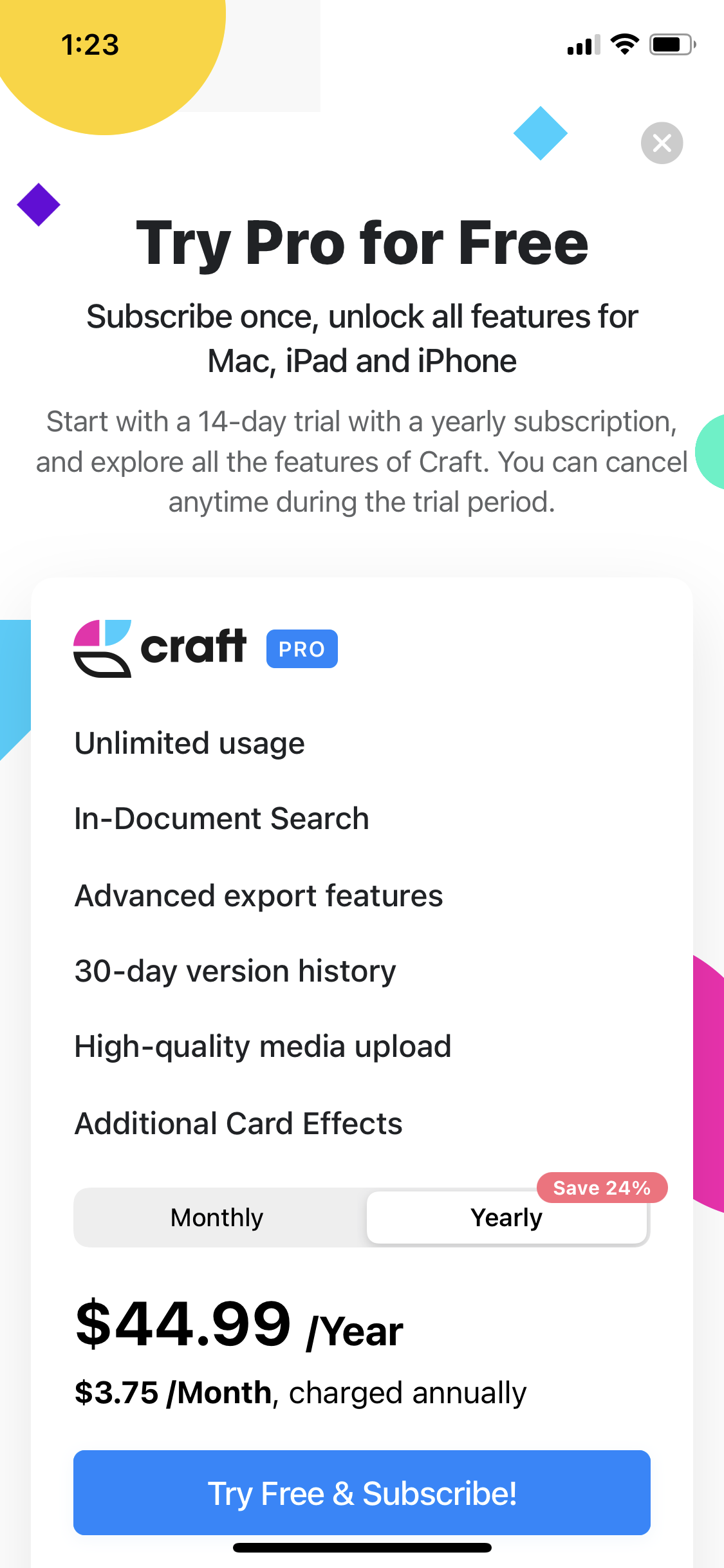
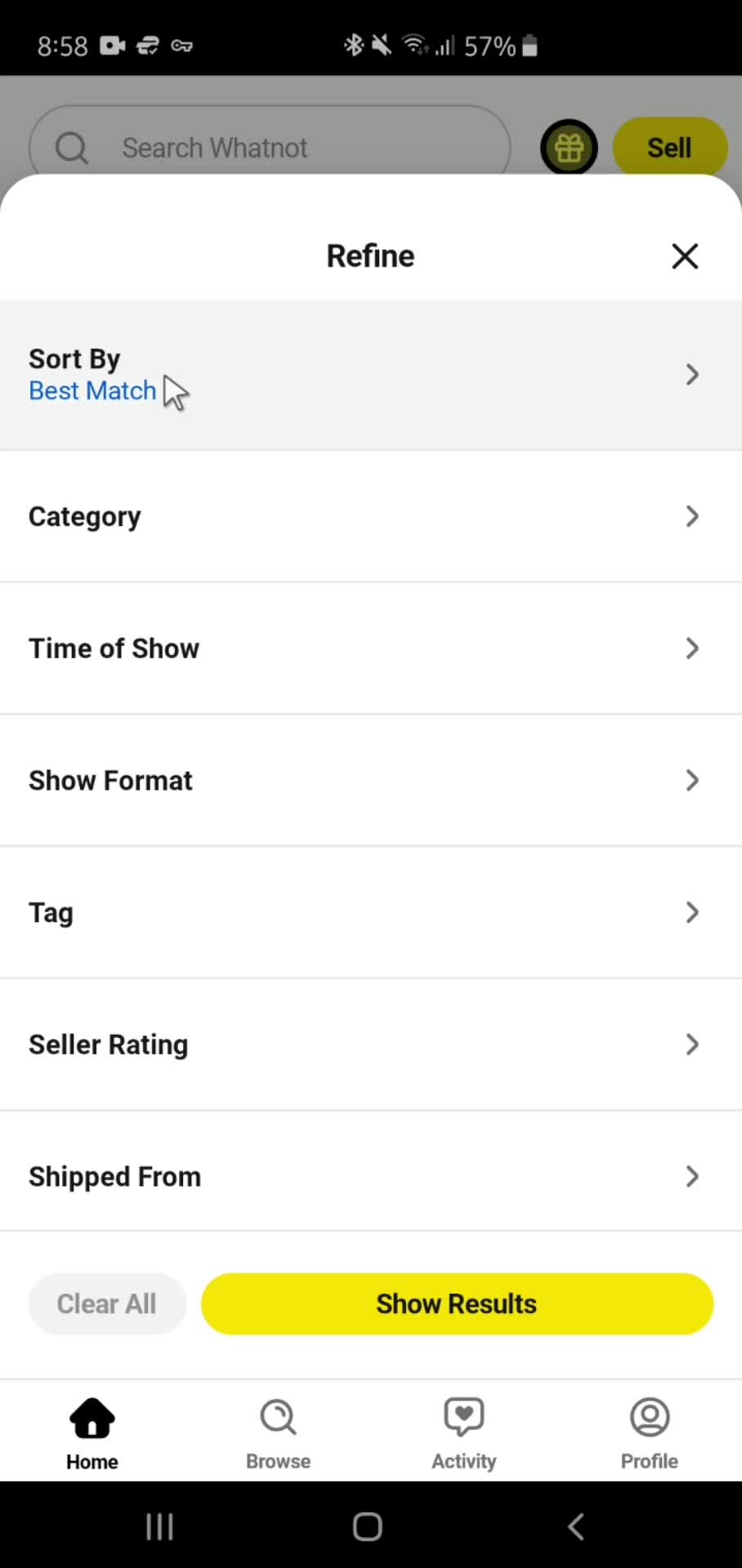
Media web apps solve recurring UX problems — how to onboard complex users, how to present dense data, how to drive conversion from marketing to product — and the best answers come from studying what leaders actually ship. This page gathers Media products from the Page Flows web library, with each product documented through recorded flows.
Study Signup, Onboarding, and Dashboards in Media
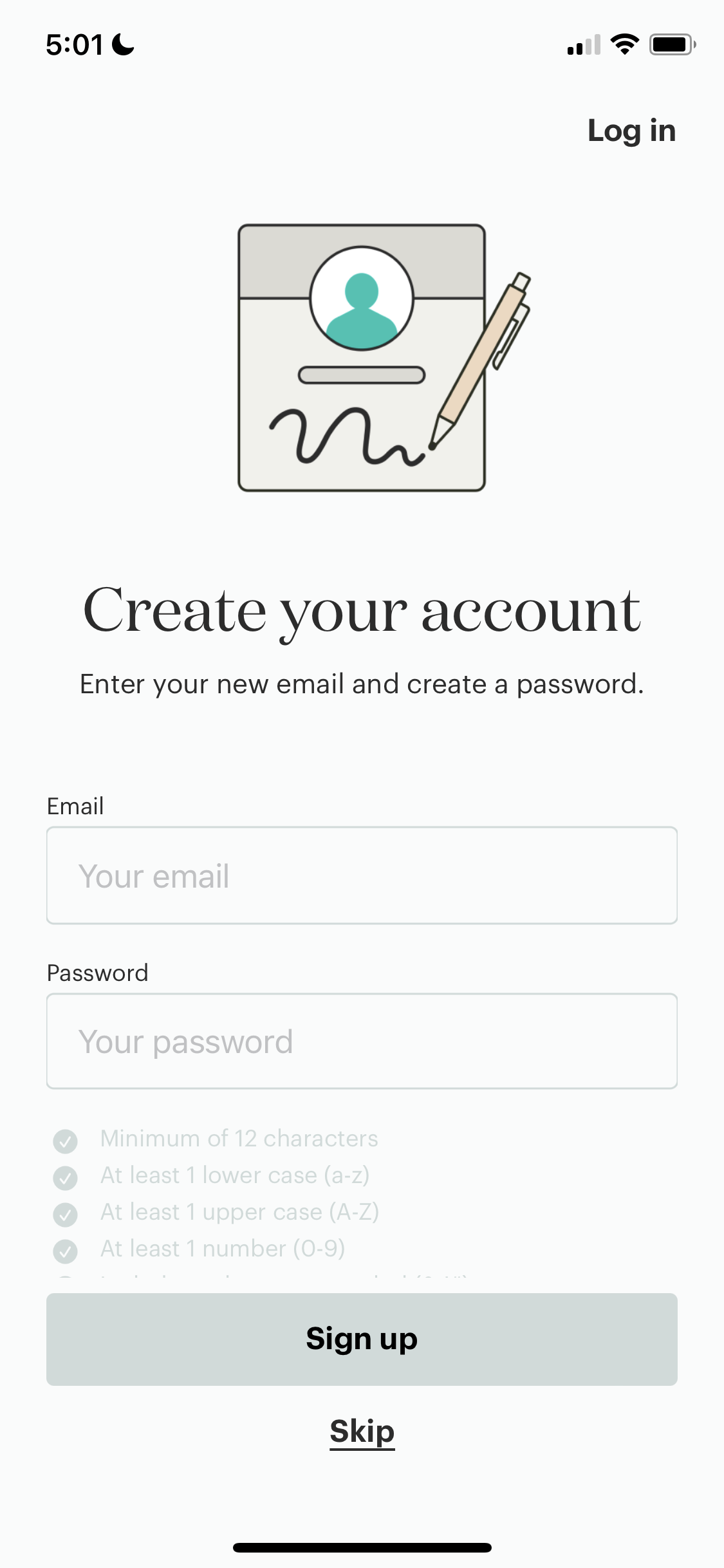
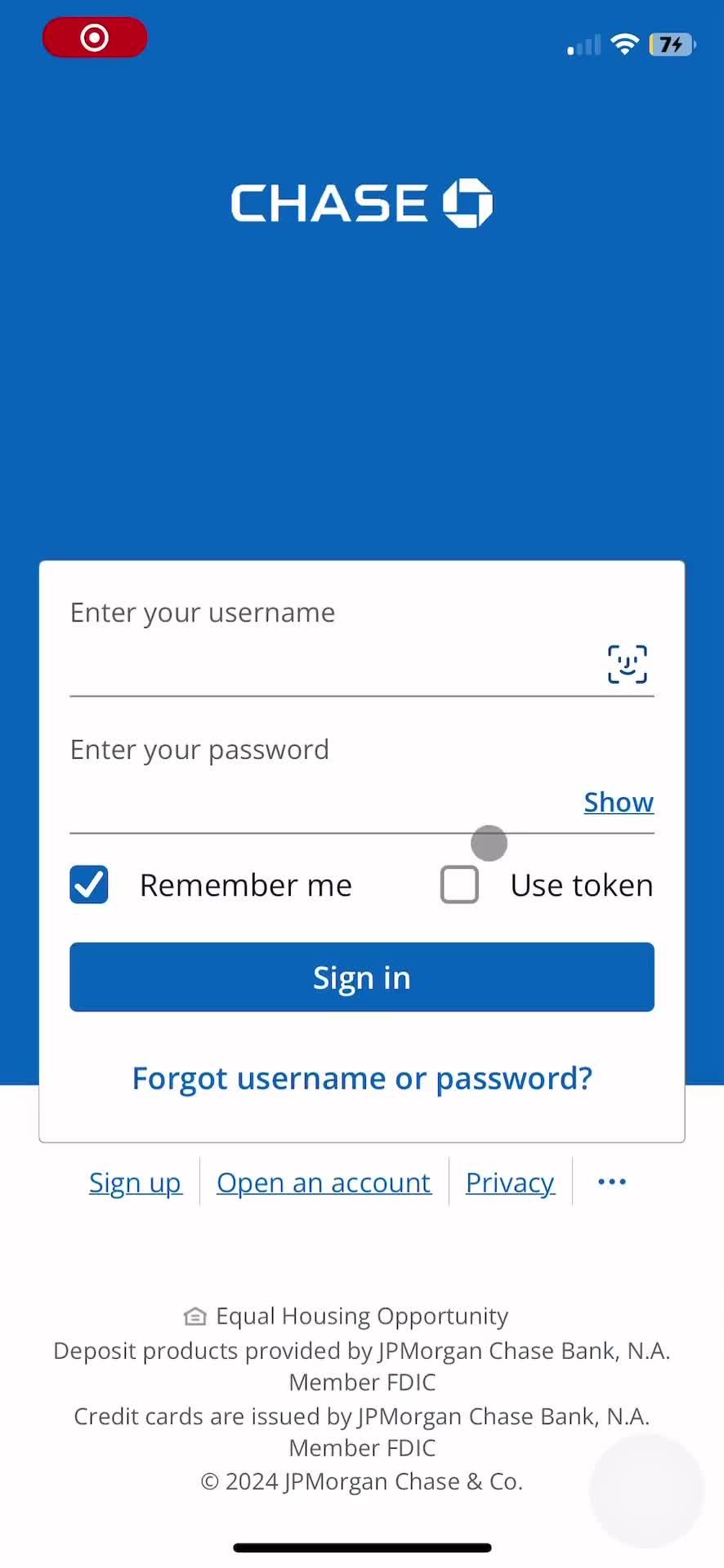
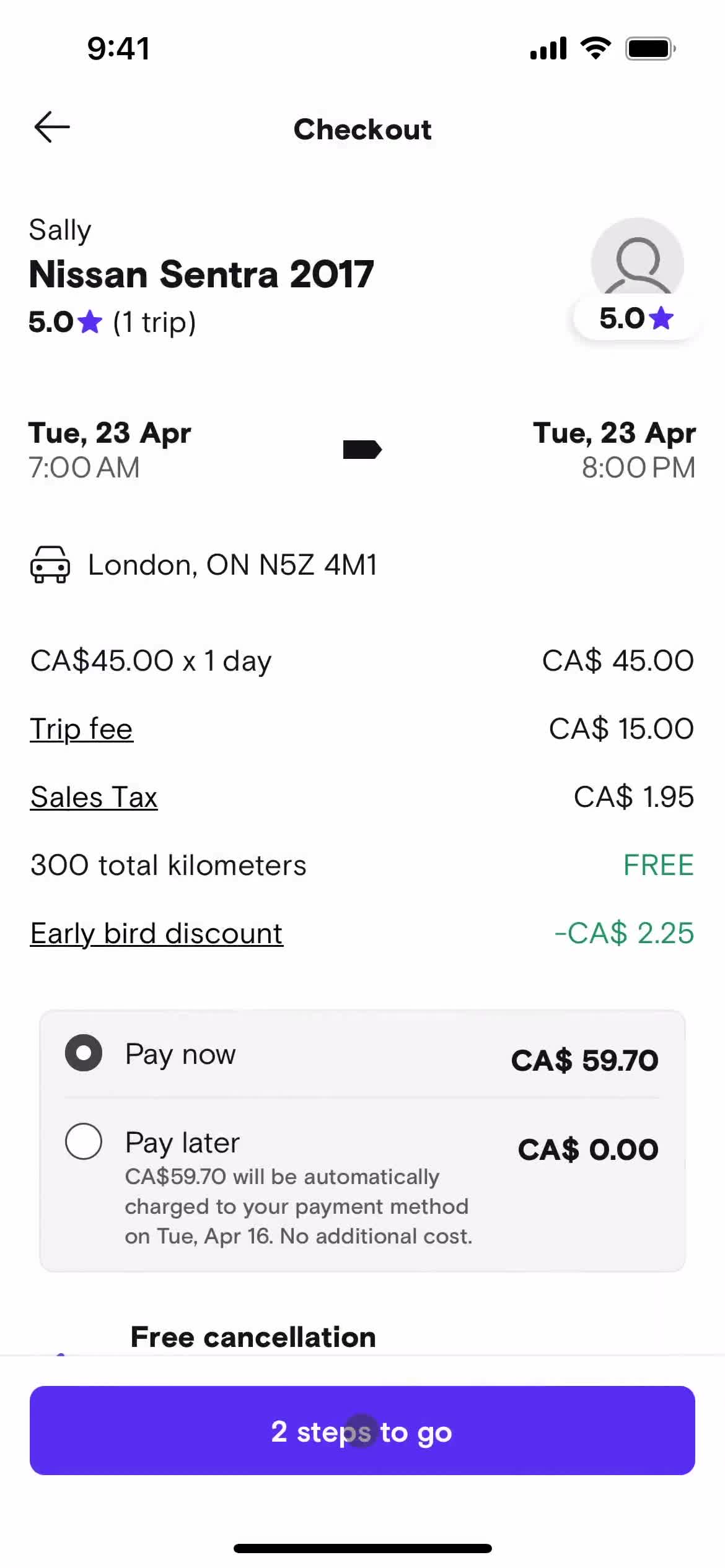
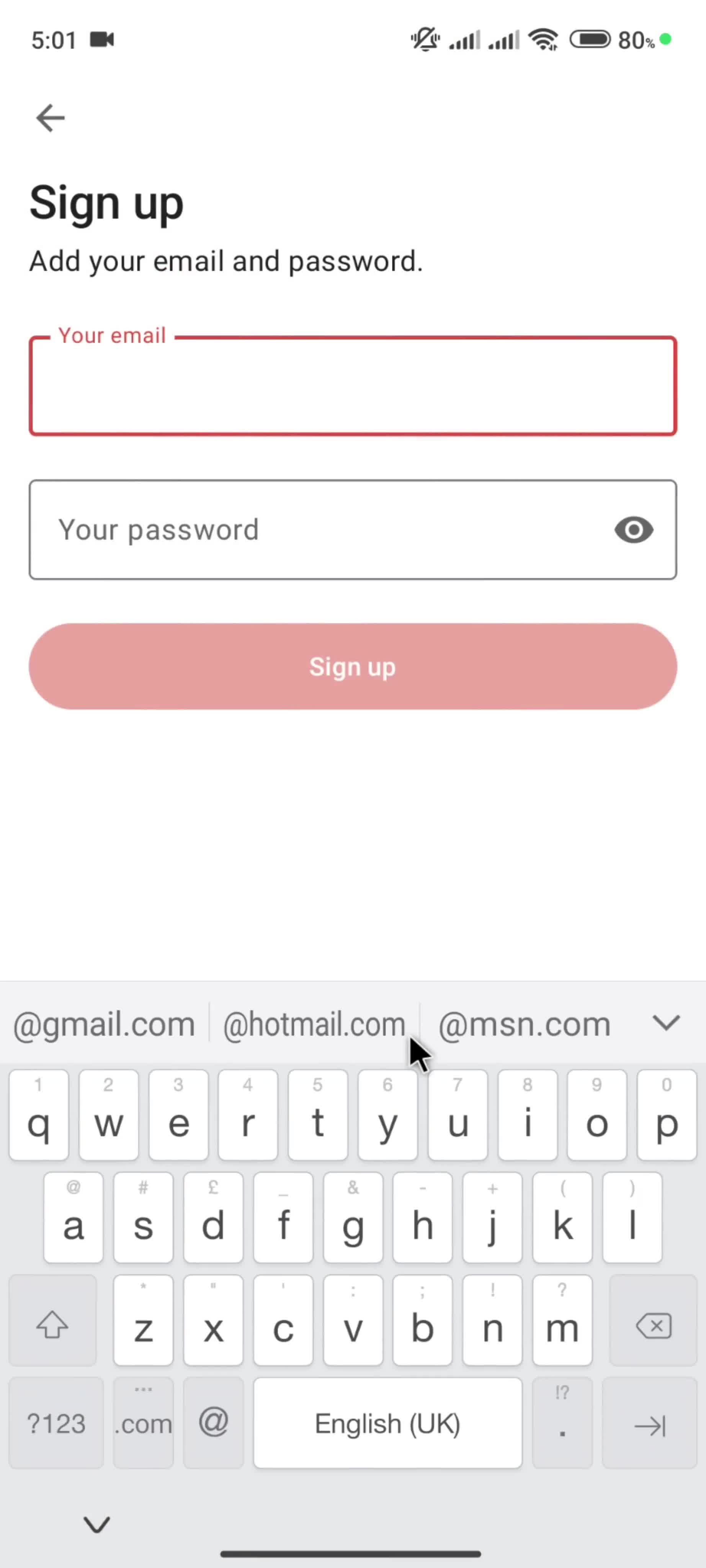
You can study how Media apps approach critical moments: the signup flow that converts visitors into users, the onboarding that drives time-to-value, the dashboard that users rely on daily. Each product is tagged and filterable, so you can find patterns that apply directly to your own Media work.
Competitive Research Made Efficient
For product teams building in the Media space — or adjacent spaces with similar design challenges — this is a shortcut to high-quality competitive research. Rather than gathering screenshots one brand at a time, you get a cross-category view ready to browse.
Frequently Asked Questions
Which Media web apps are documented?
The library features leading Media web products, each with full flow recordings. New products are added regularly as we capture new flows or as companies launch notable new experiences.
What Media-specific patterns can I find?
Because apps are grouped by category, shared patterns — common dashboard layouts, typical signup steps, conversion-focused landing pages — become easy to spot and compare across brands.
Can I see both marketing sites and in-product flows?
Yes. Most Media web products include both the pre-signup marketing experience and the in-product flows, so you can study the full user journey.
How are Media web flows organized within each product?
Each product has its own page with flows grouped by type (signup, onboarding, dashboard, billing, etc.), filterable so you can jump to the exact flow you want to study.