























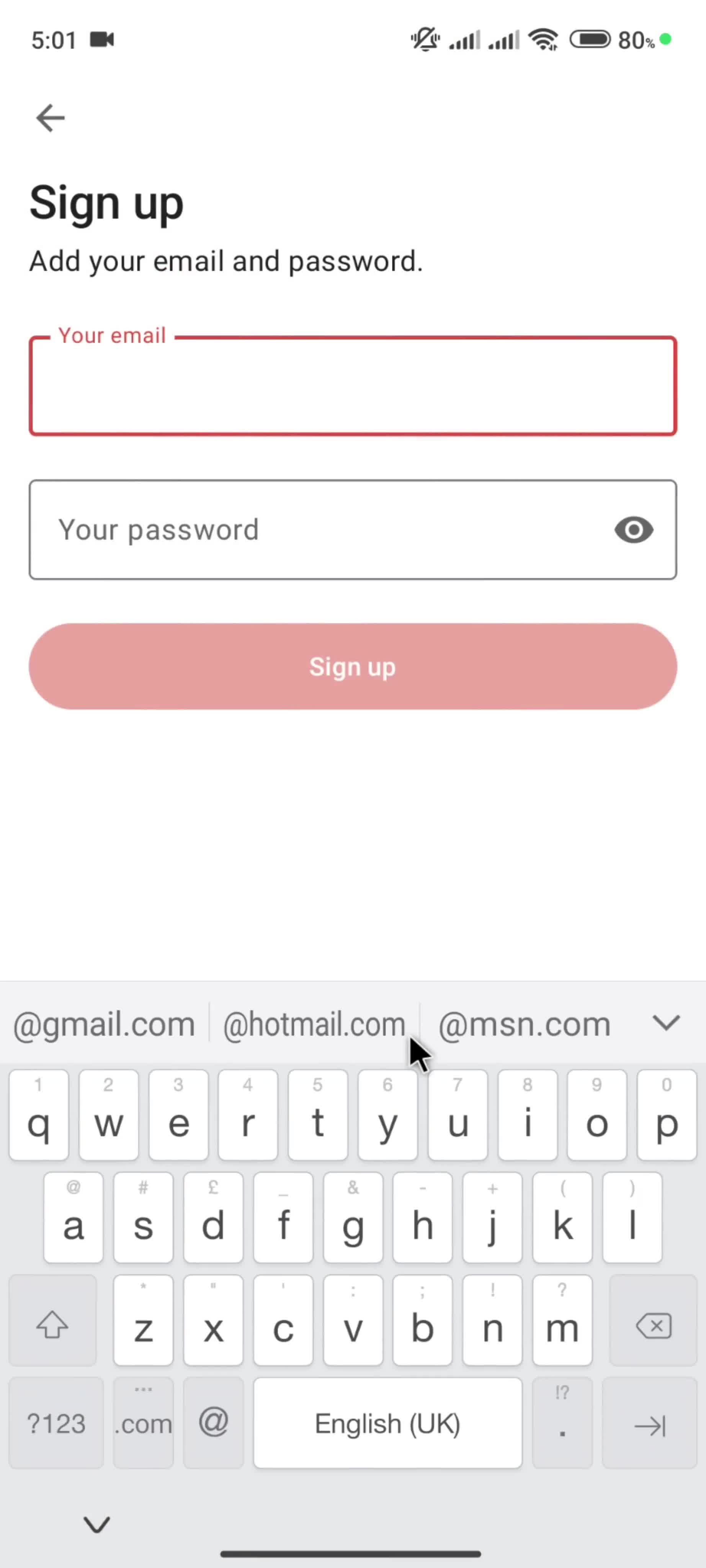
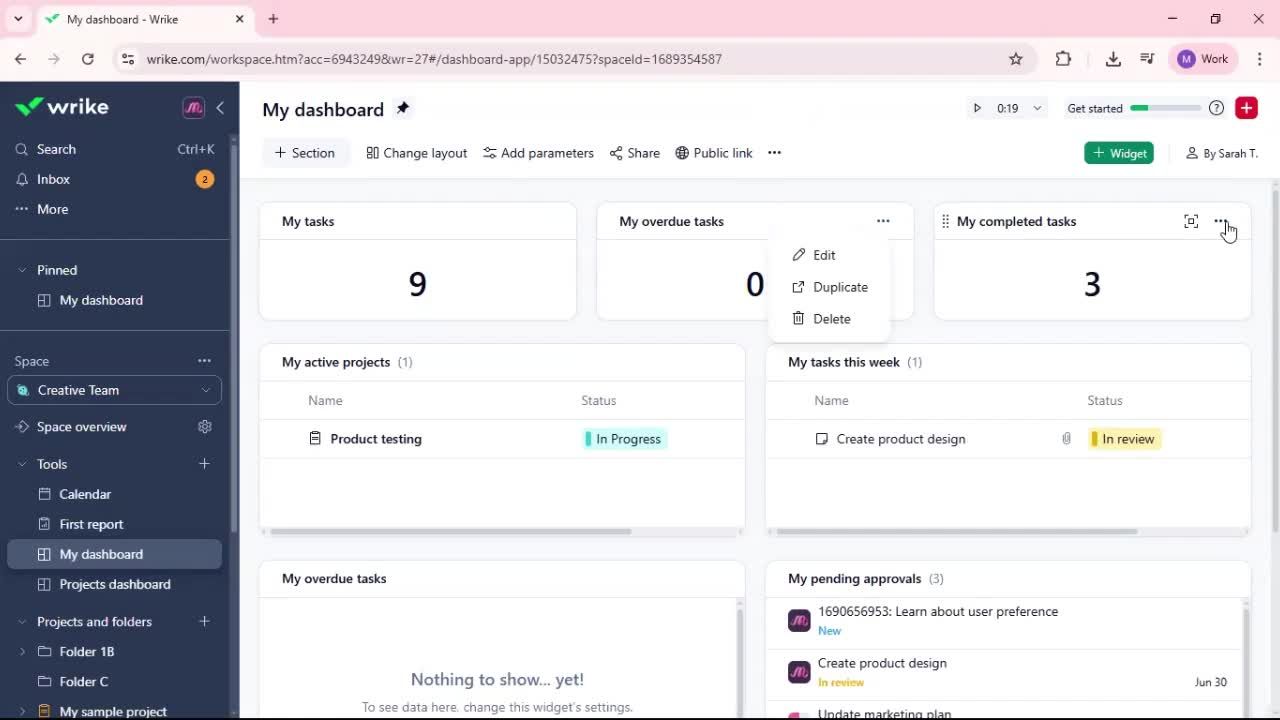
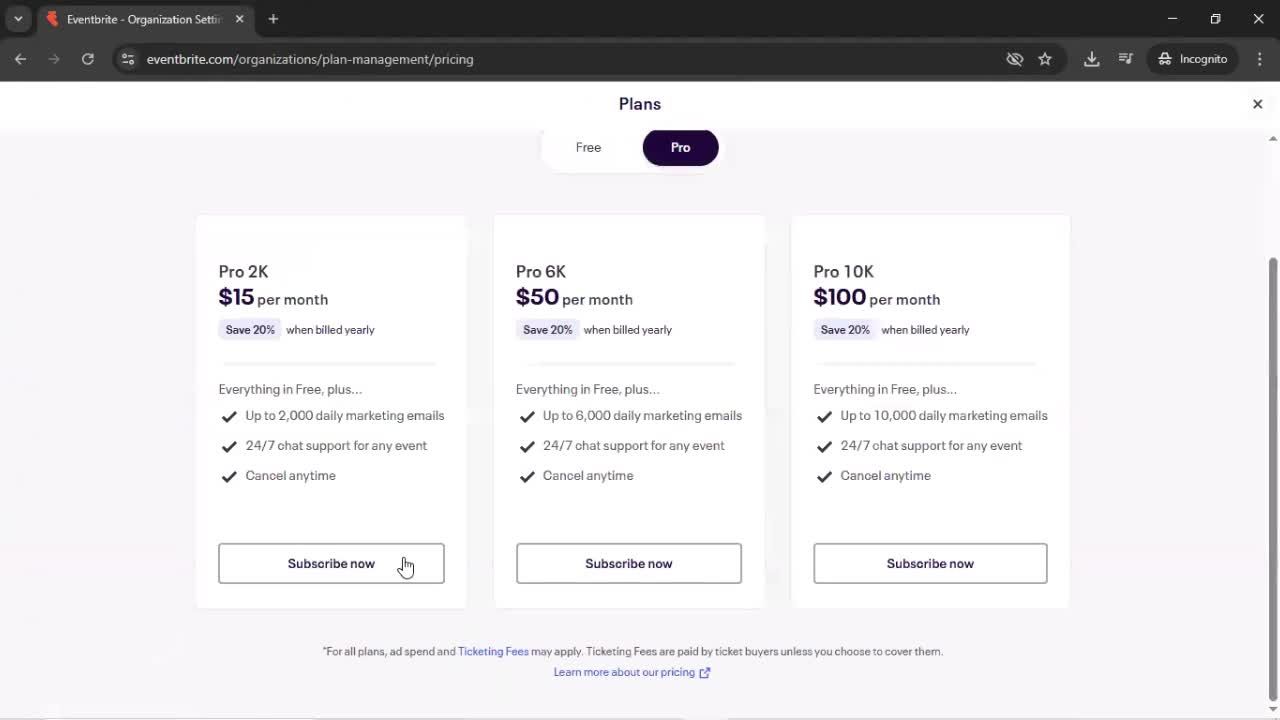
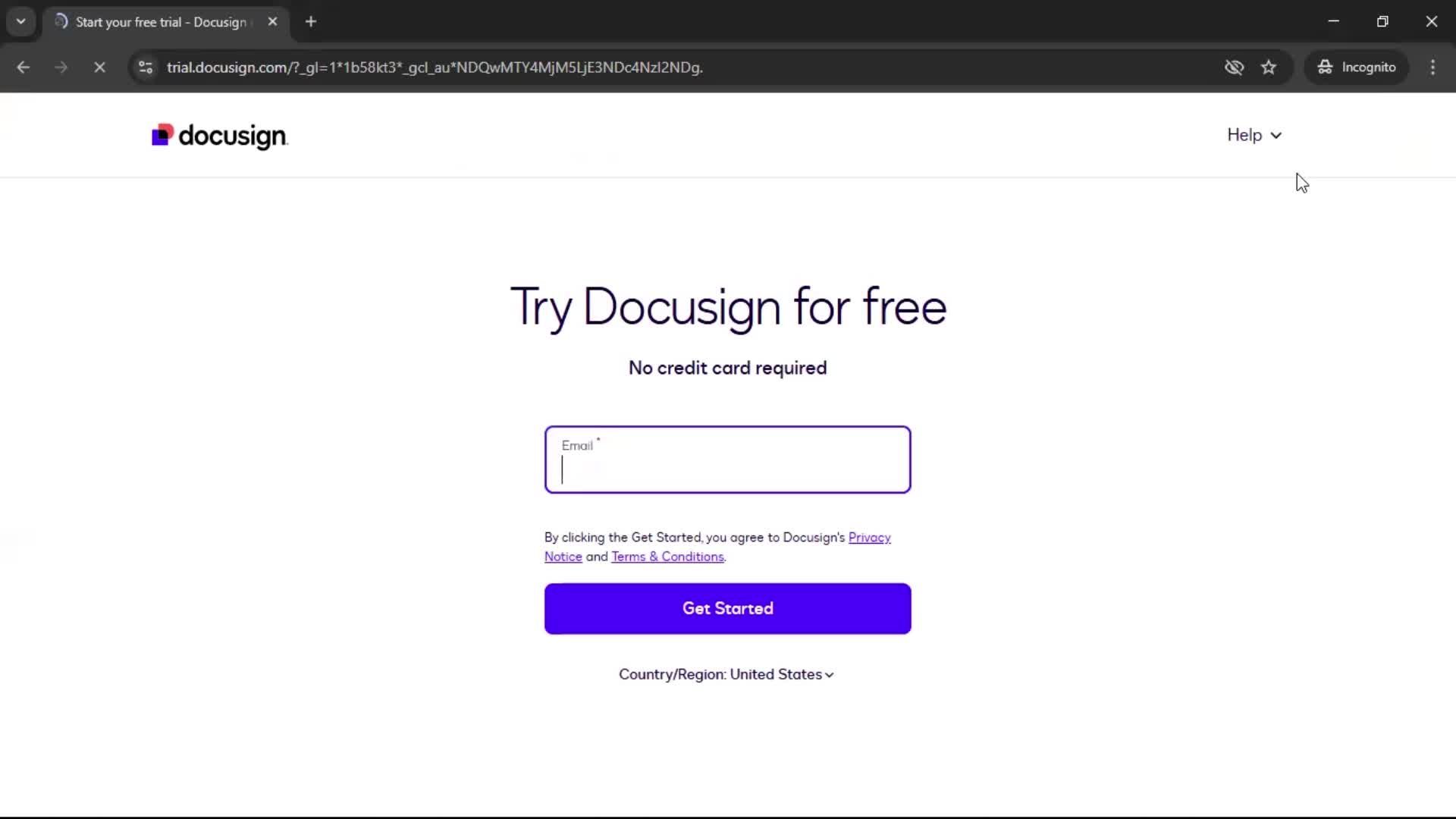
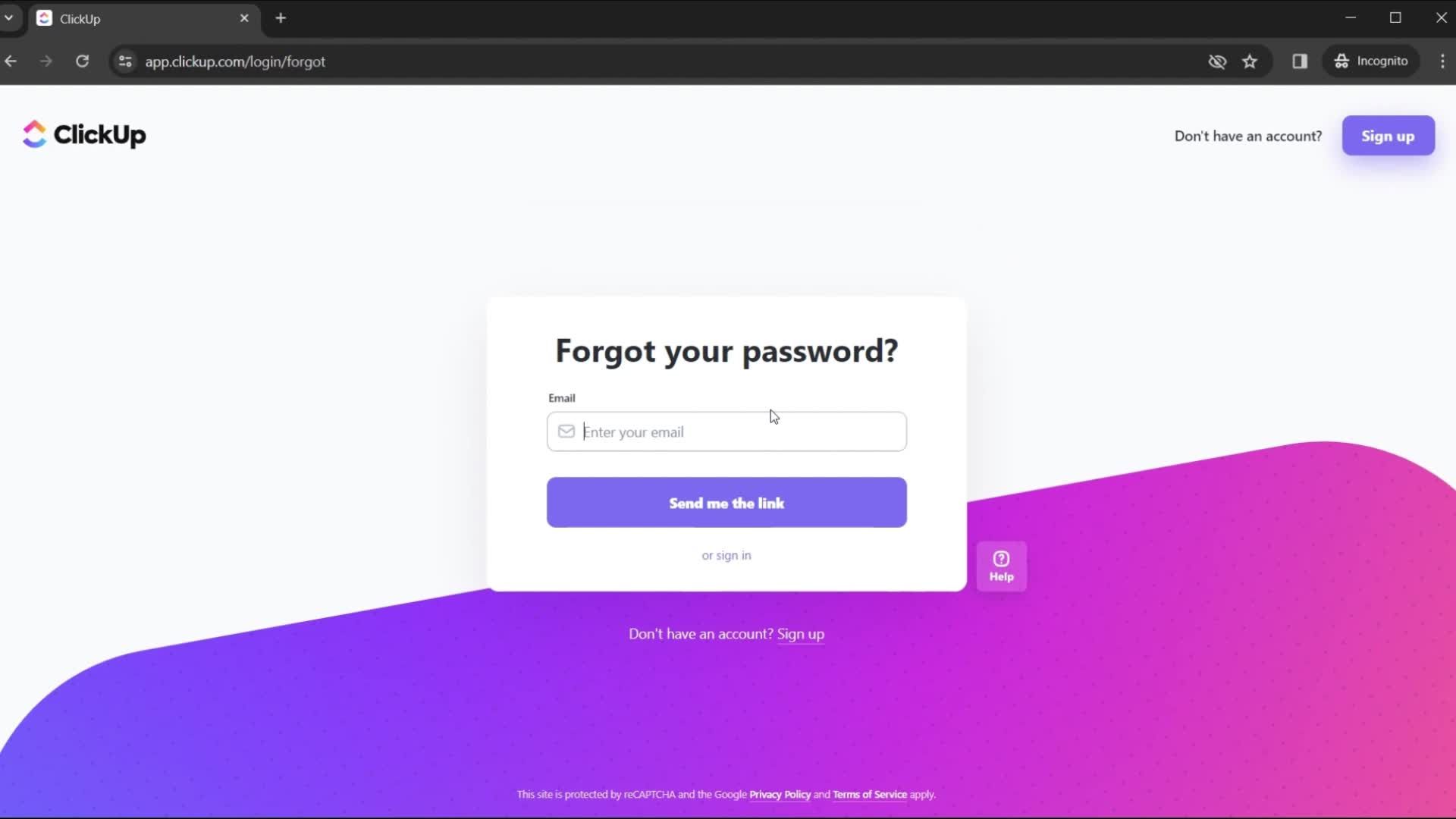









The Authentication & Security Screen in Modern Web Apps
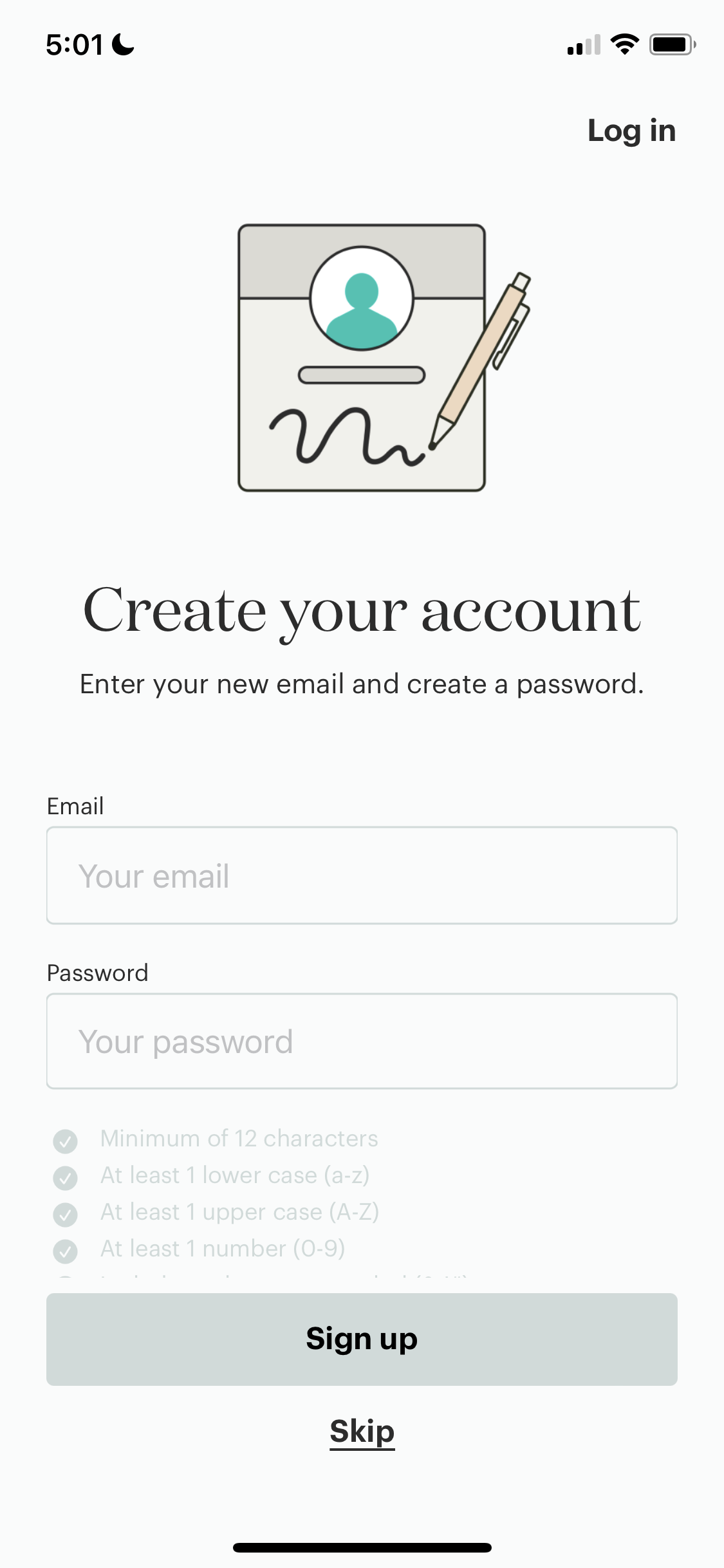
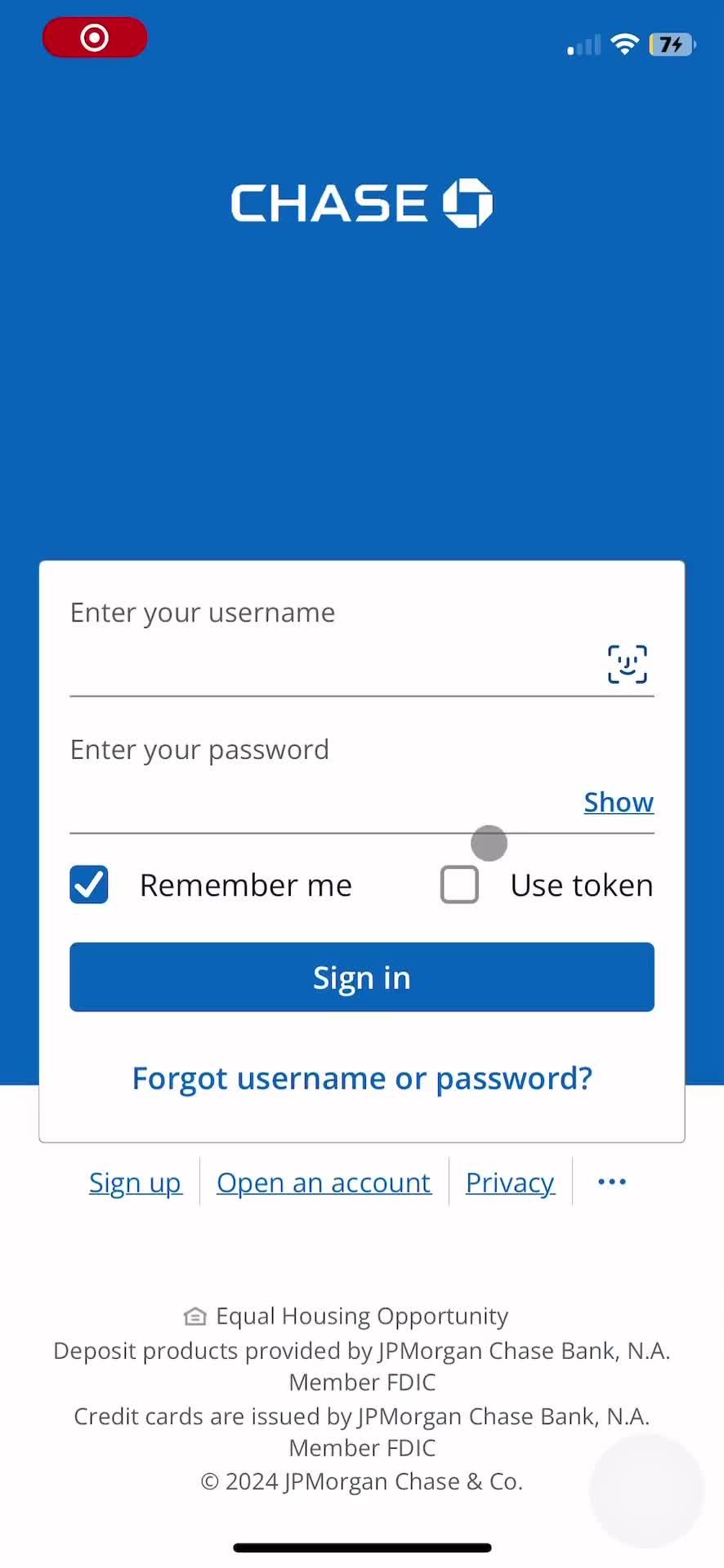
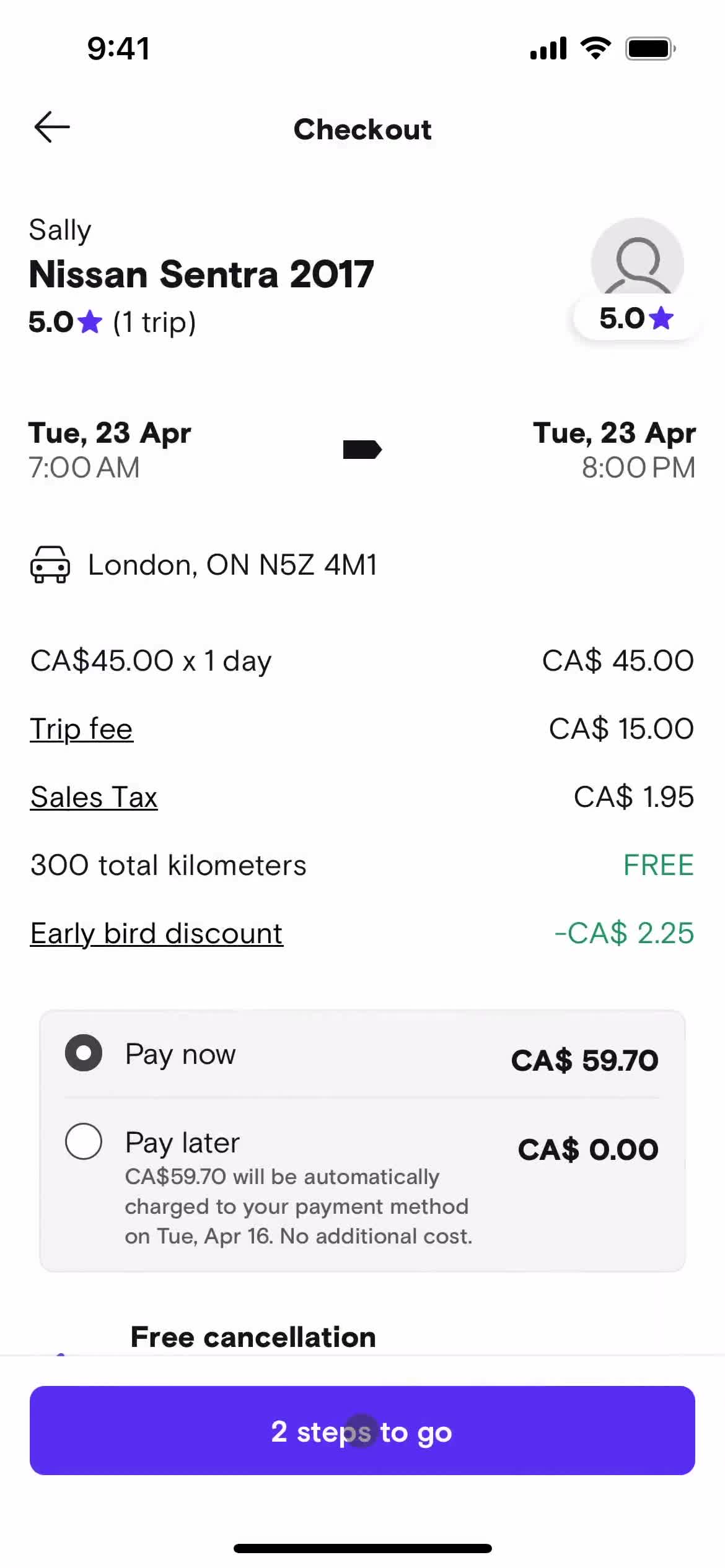
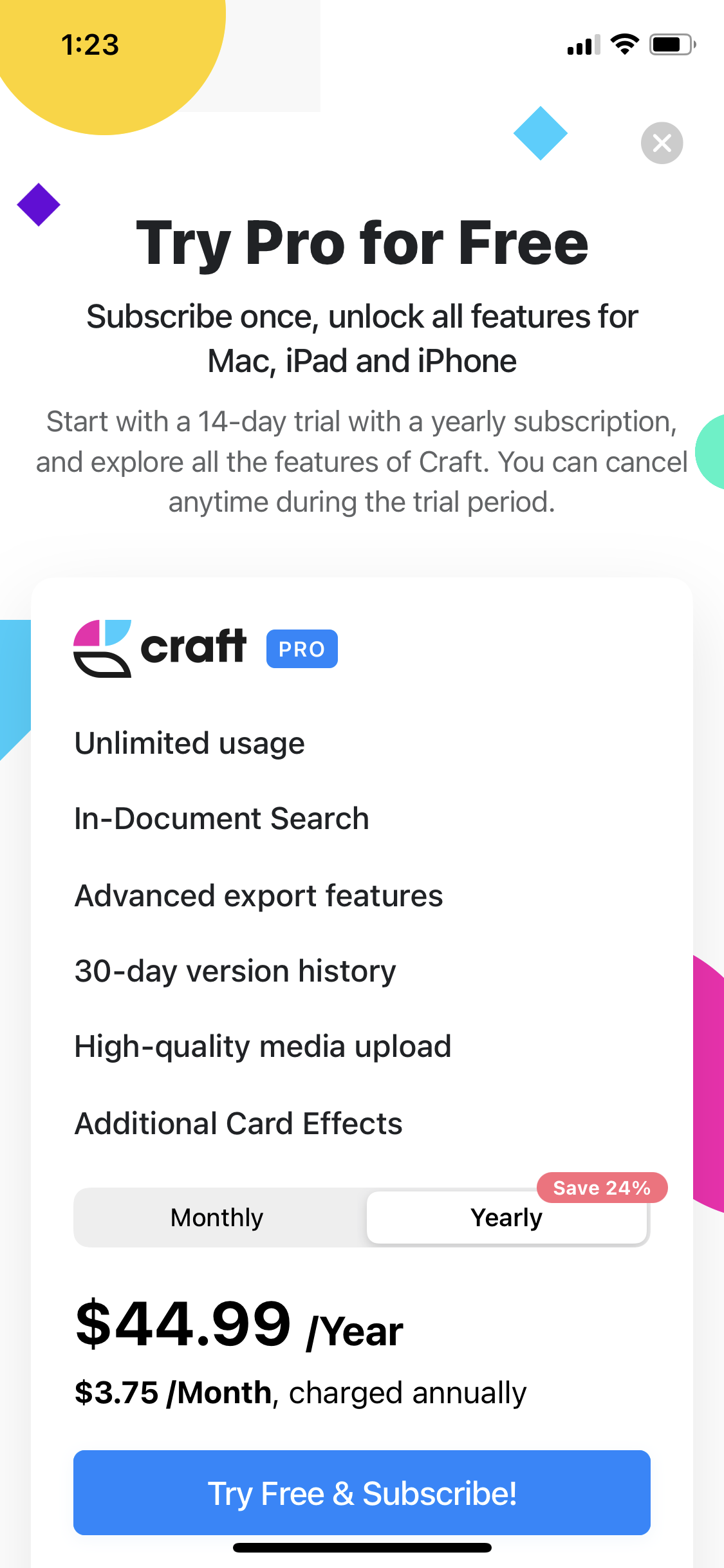
The Authentication & Security screen is a defining surface for many web products — often where users spend the most time or where key conversion decisions happen. This page collects Authentication & Security examples from across the Page Flows web library, giving you a broad view of how leading brands design this specific surface.
Tagged by Brand, Category, and UI Element
Each example is a real screen from a live web product, captured inside its full user flow and tagged with the brand, category, and UI elements it contains. Compared to scrolling Dribbble for mockups, this grounds your research in production design that's been validated with real users and traffic.
Use Cases for Authentication & Security Design Research
Whether you're redesigning a Authentication & Security screen, starting a new project, or documenting patterns for a design system, this view makes it easy to study fifty variations at once and extract the insights that matter.
Frequently Asked Questions
What Authentication & Security web examples are in the library?
The library features Authentication & Security screens from leading web apps across SaaS, e-commerce, fintech, and consumer categories. New examples are added continuously.
Can I filter Authentication & Security screens by industry?
Yes. Category filters let you narrow Authentication & Security screens to specific industries so you can benchmark against direct competitors or adjacent verticals.
Are Authentication & Security screens captured at desktop or mobile resolution?
Most web Authentication & Security screens are captured at desktop resolution, which reflects how they're typically designed for productive work. Mobile-specific patterns are covered separately in the iOS and Android sections.
How do I see a Authentication & Security screen in the context of its full flow?
Each screen links back to the full user flow from the product it comes from, so you can click through and see exactly how users arrive at and leave the Authentication & Security screen.