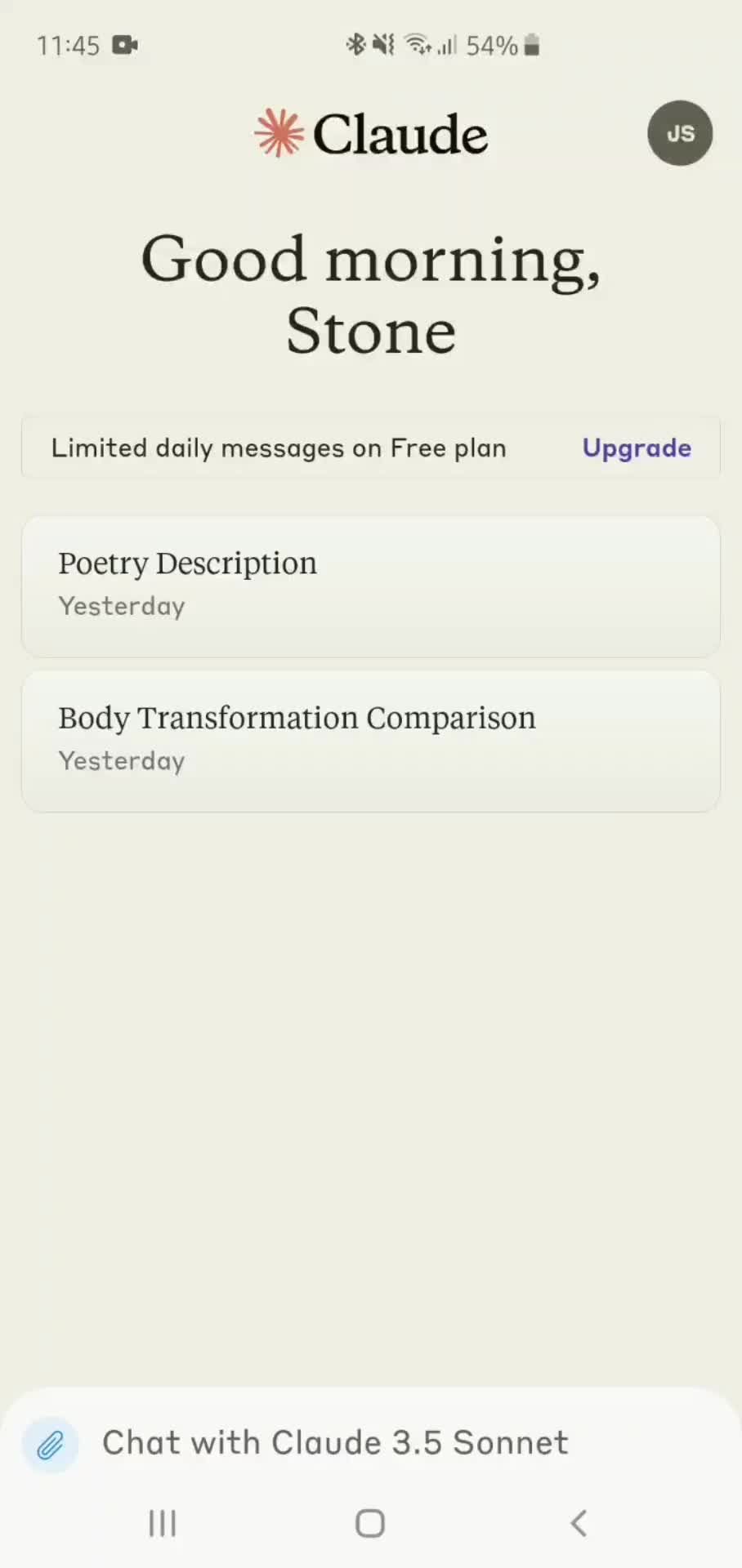
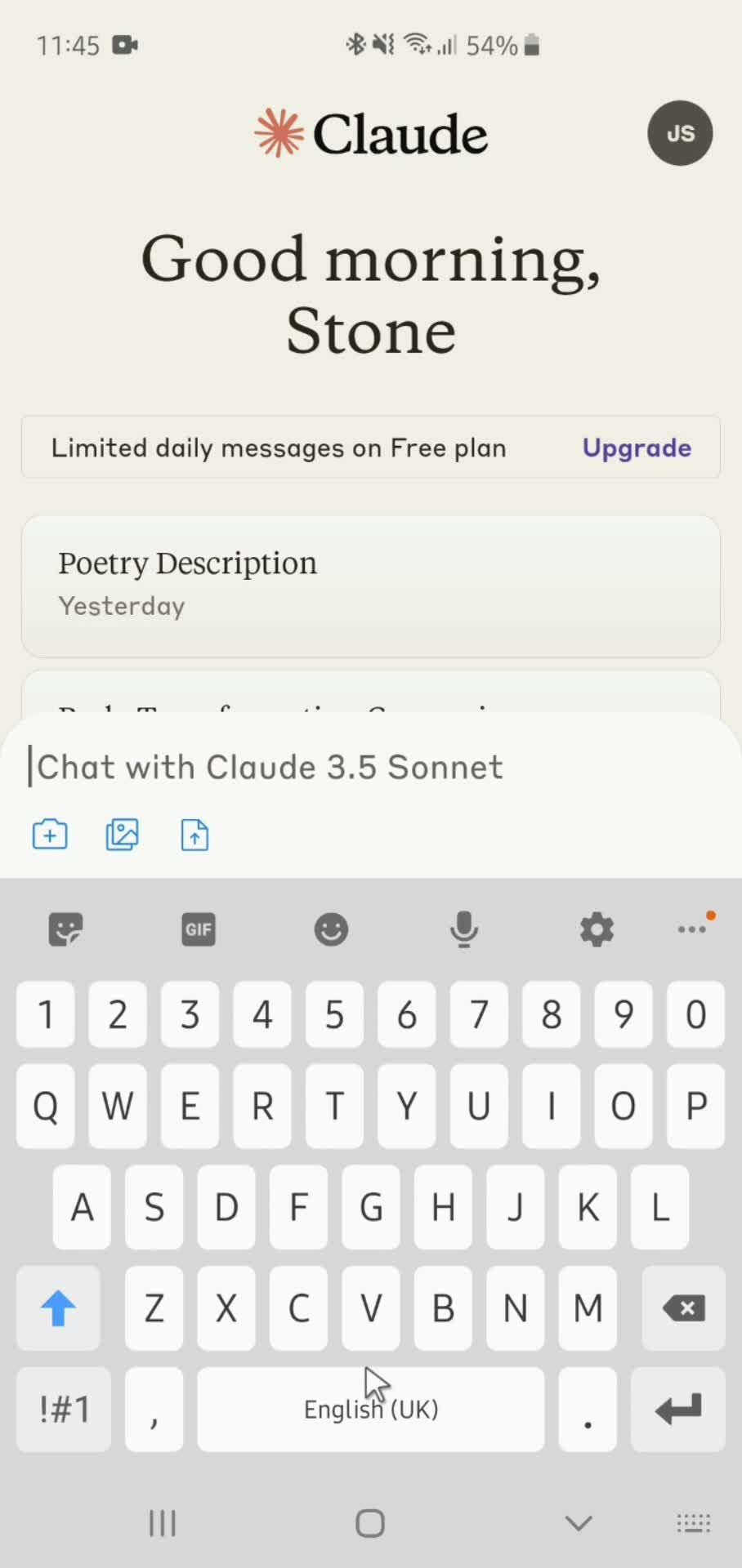
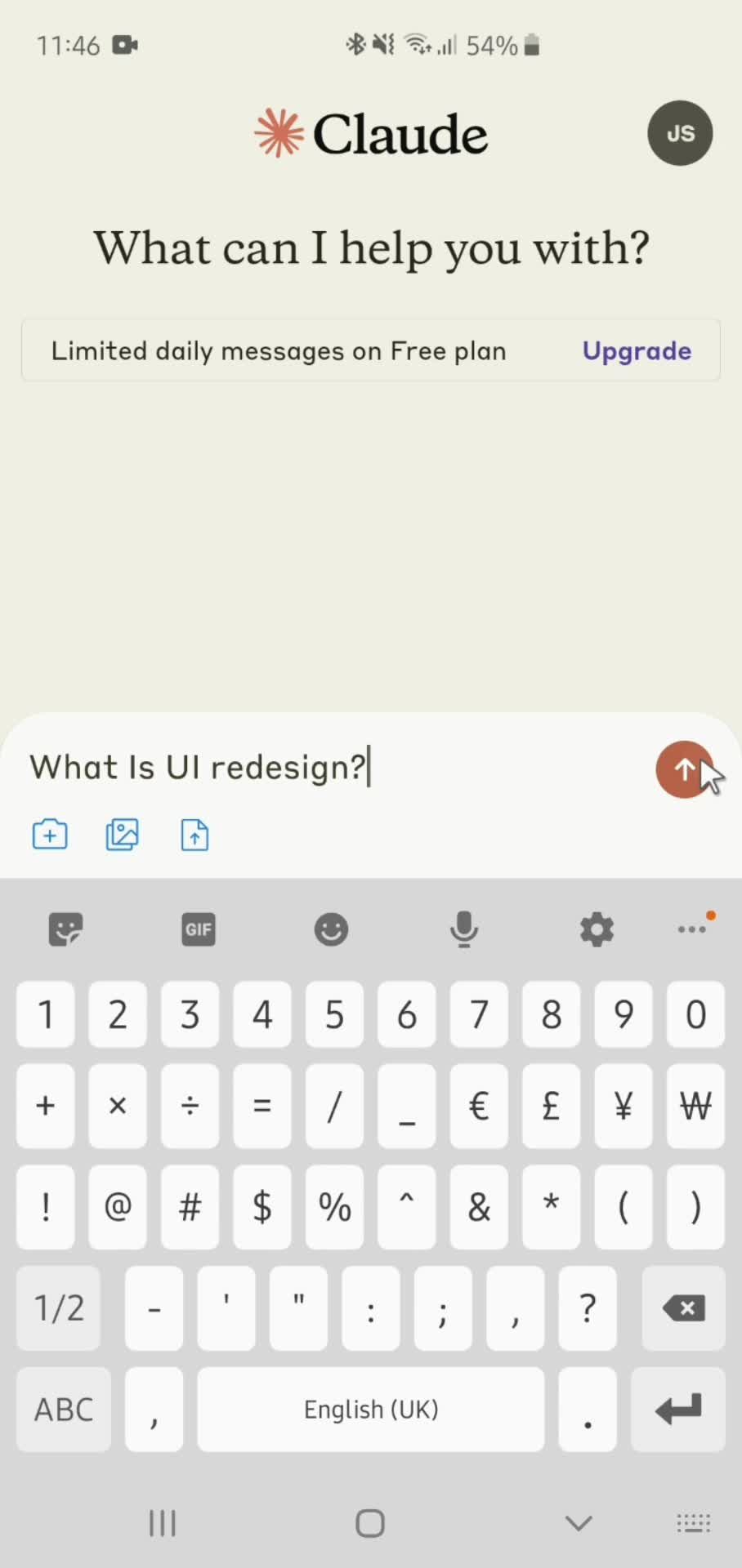
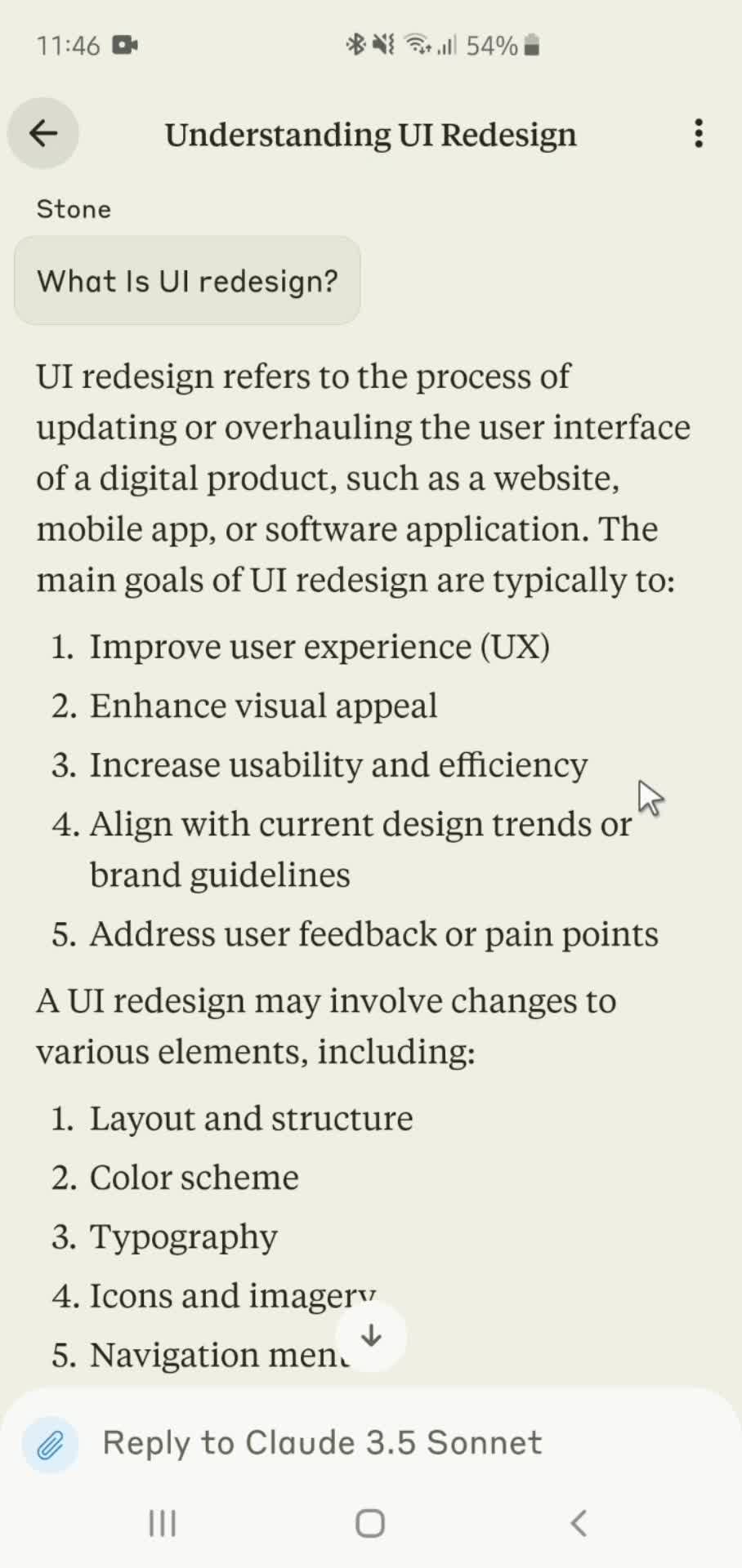
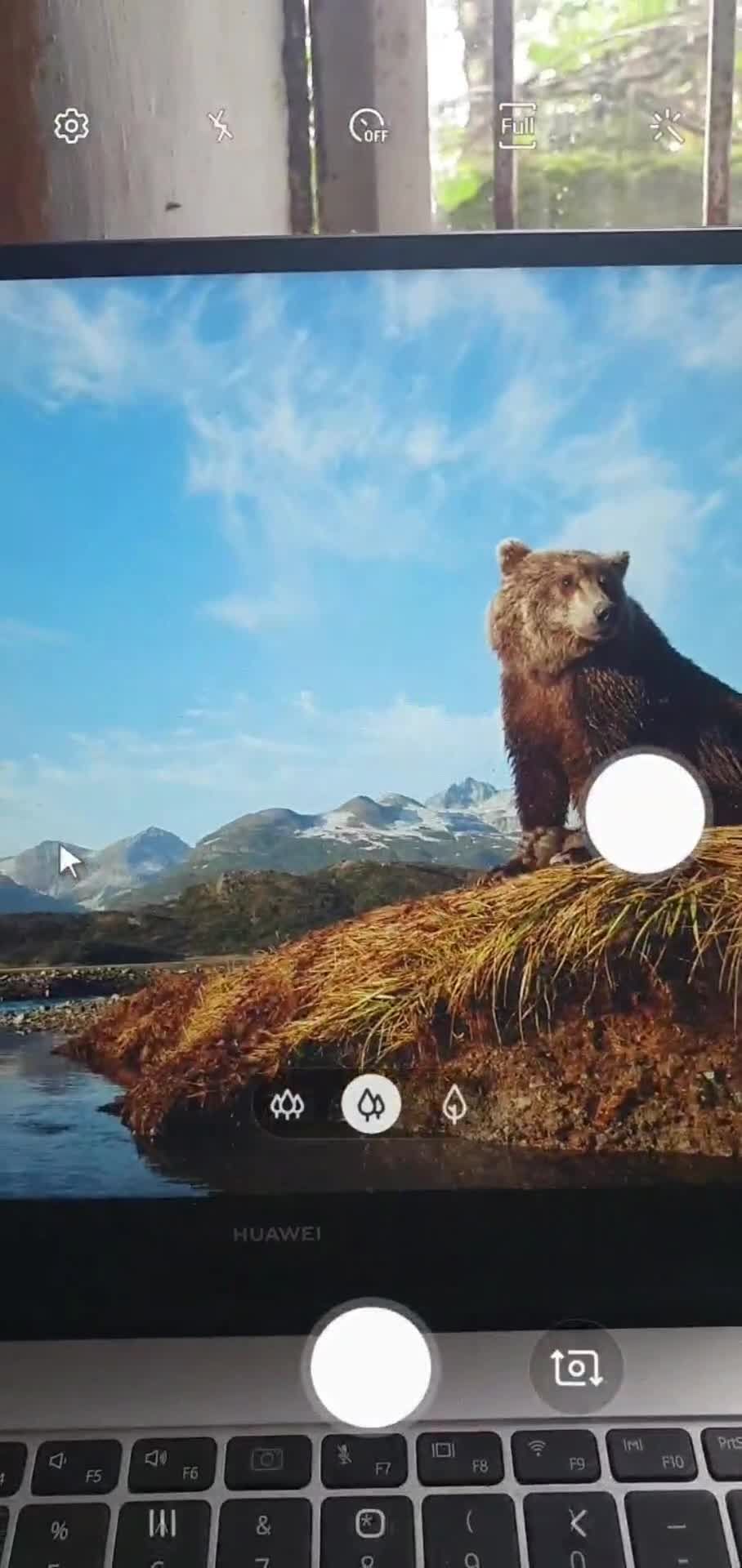
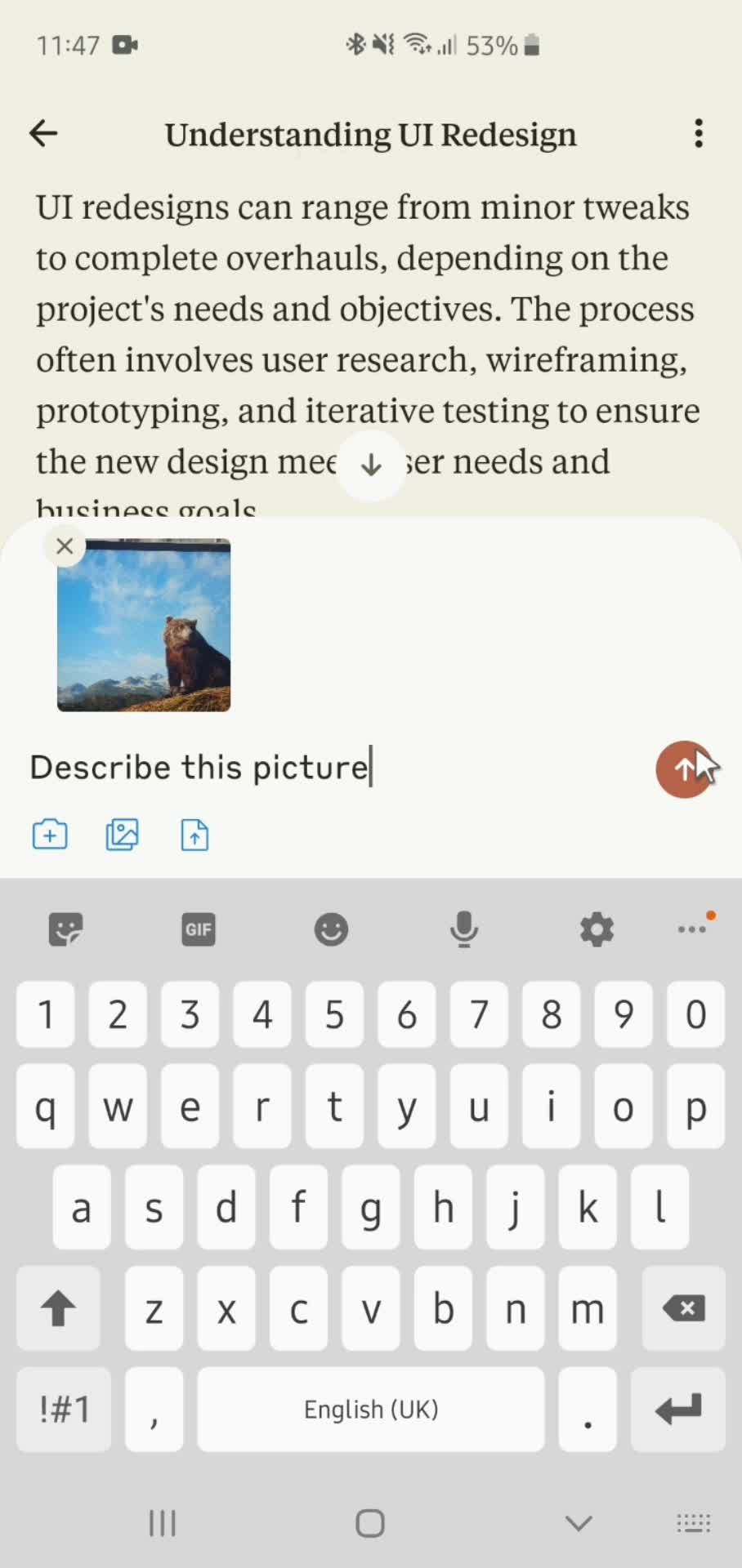
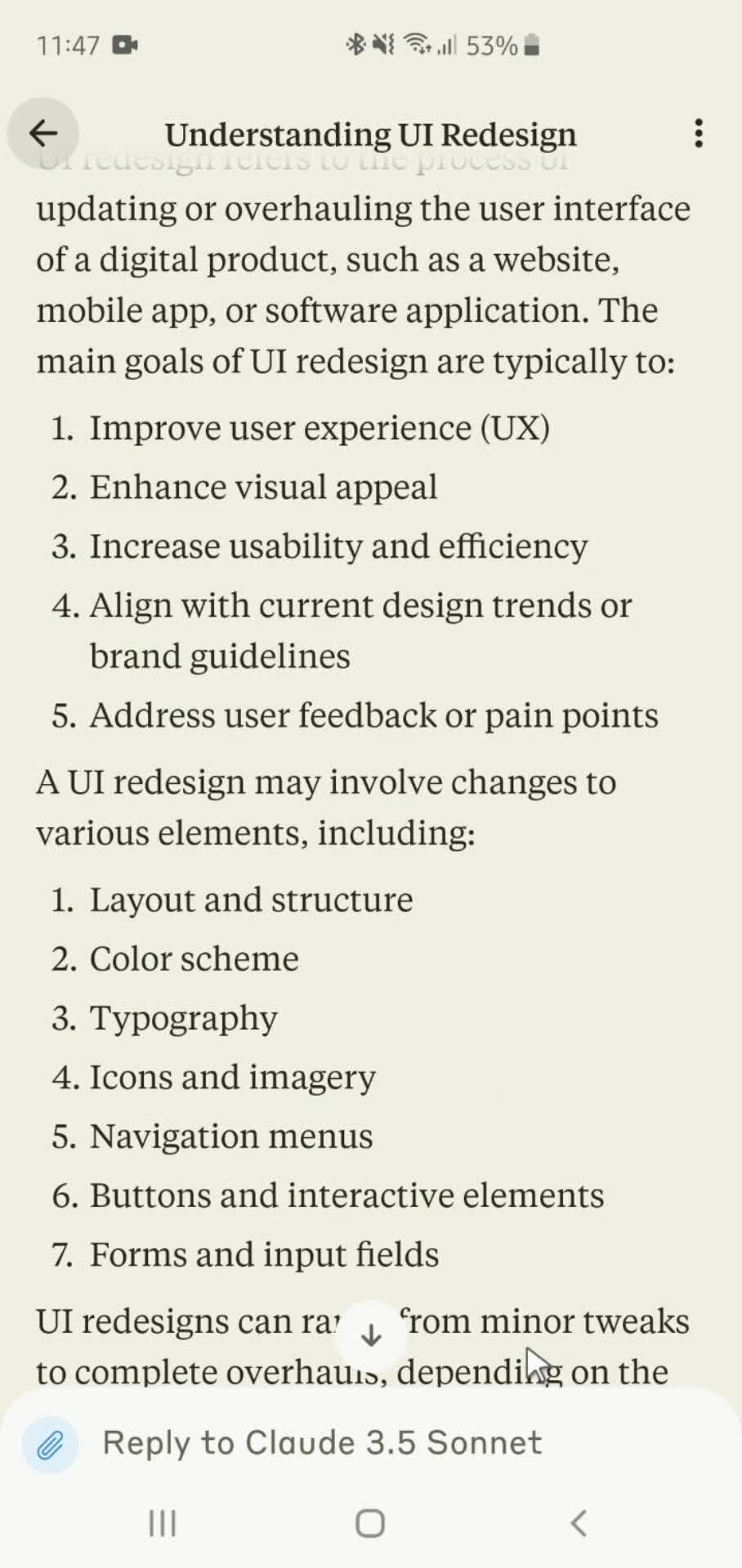
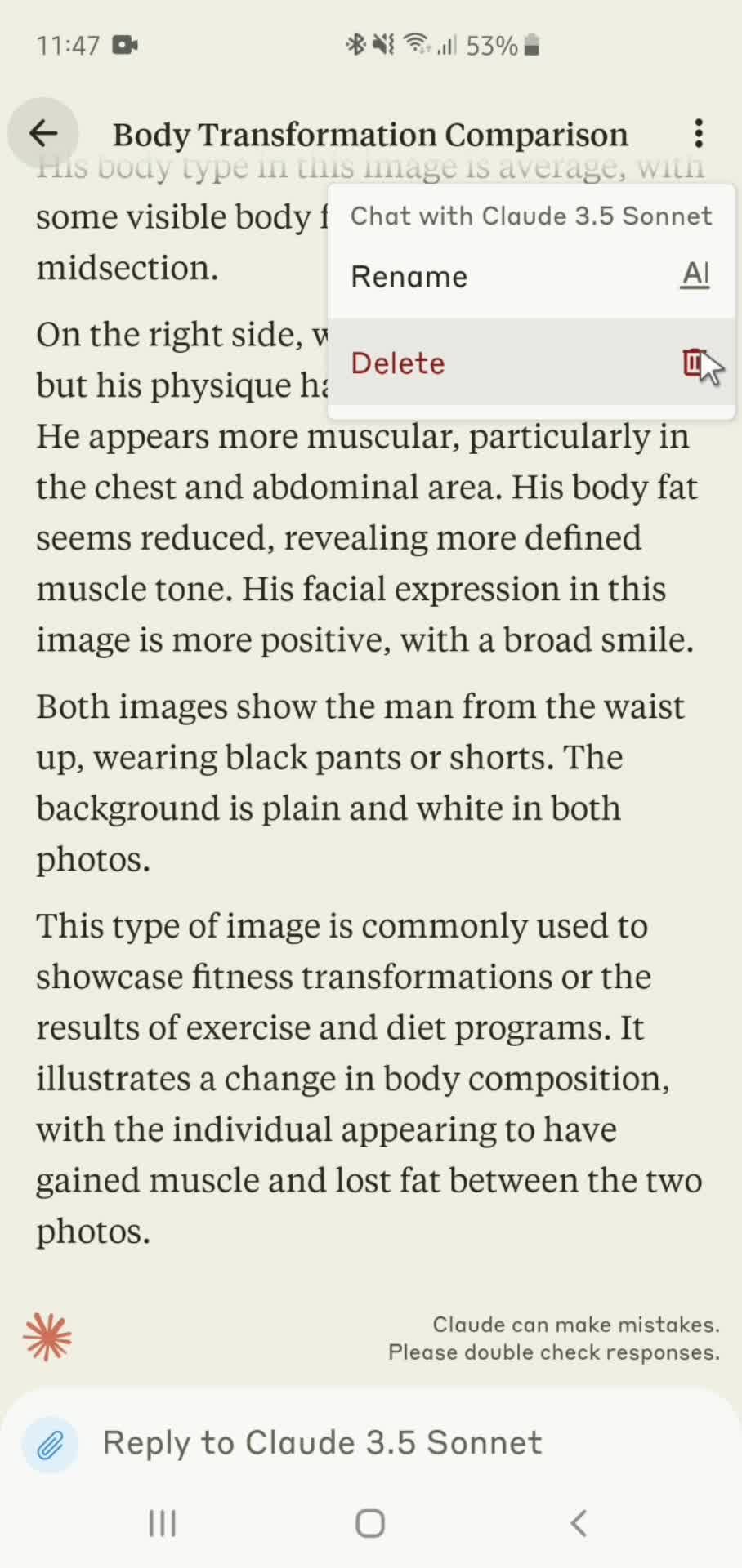
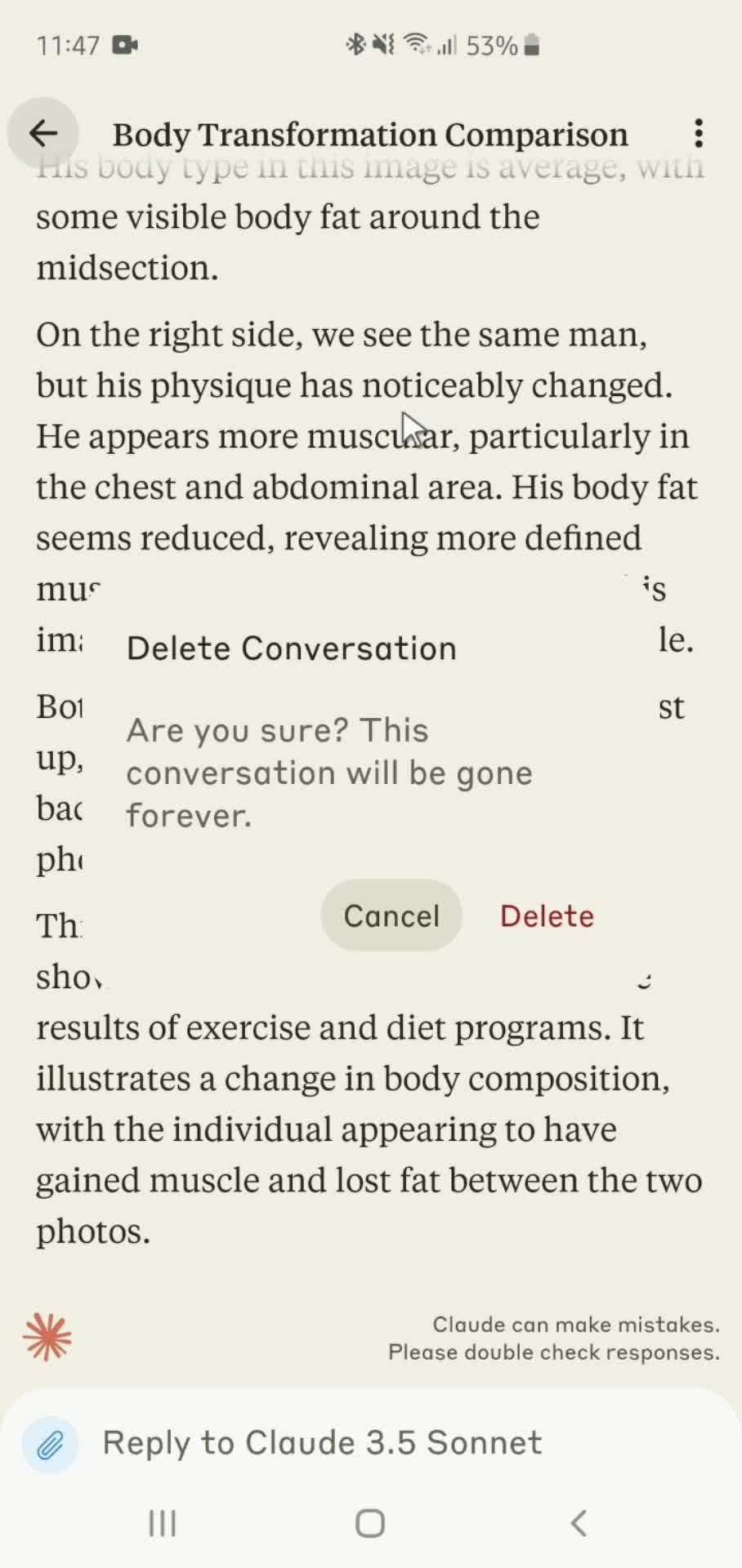
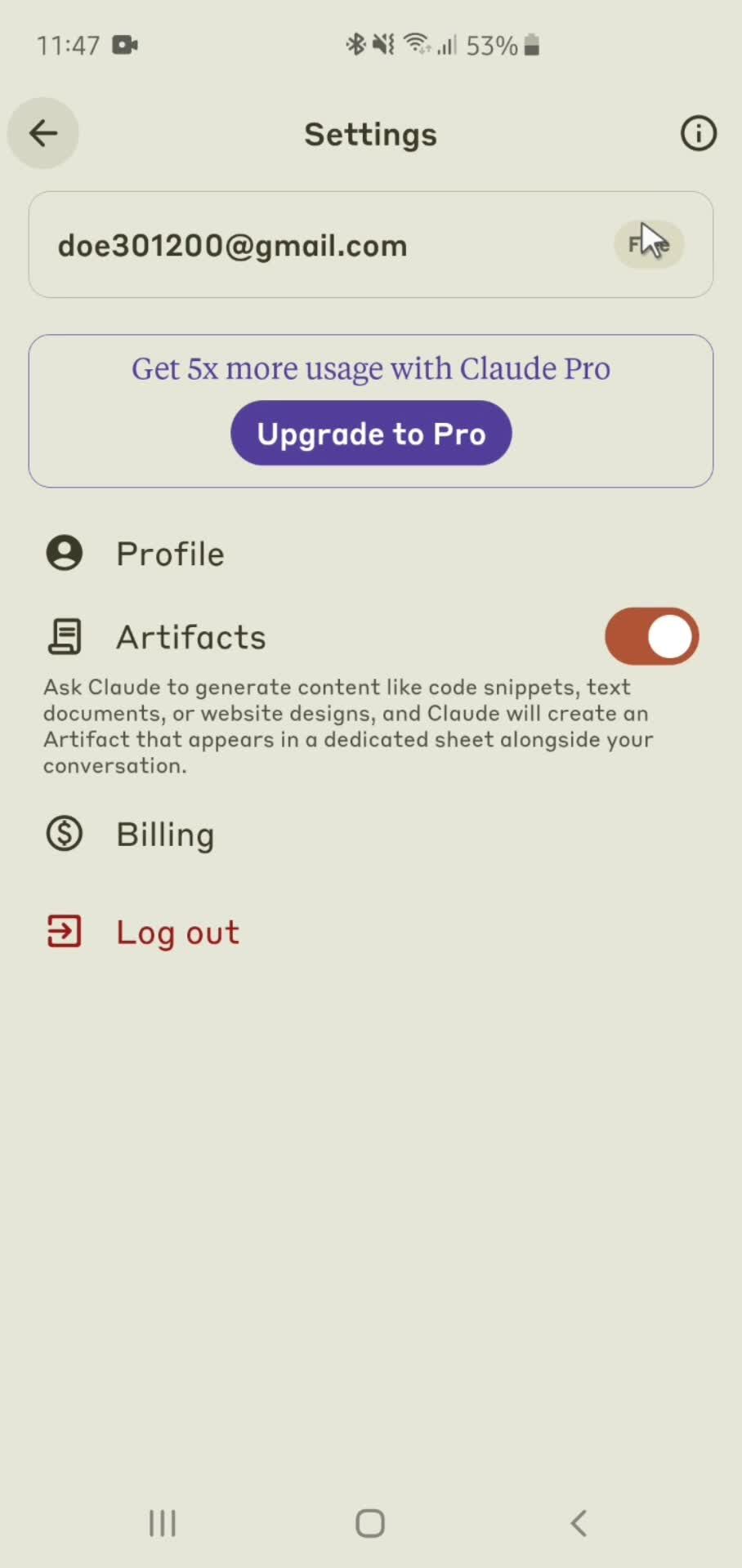
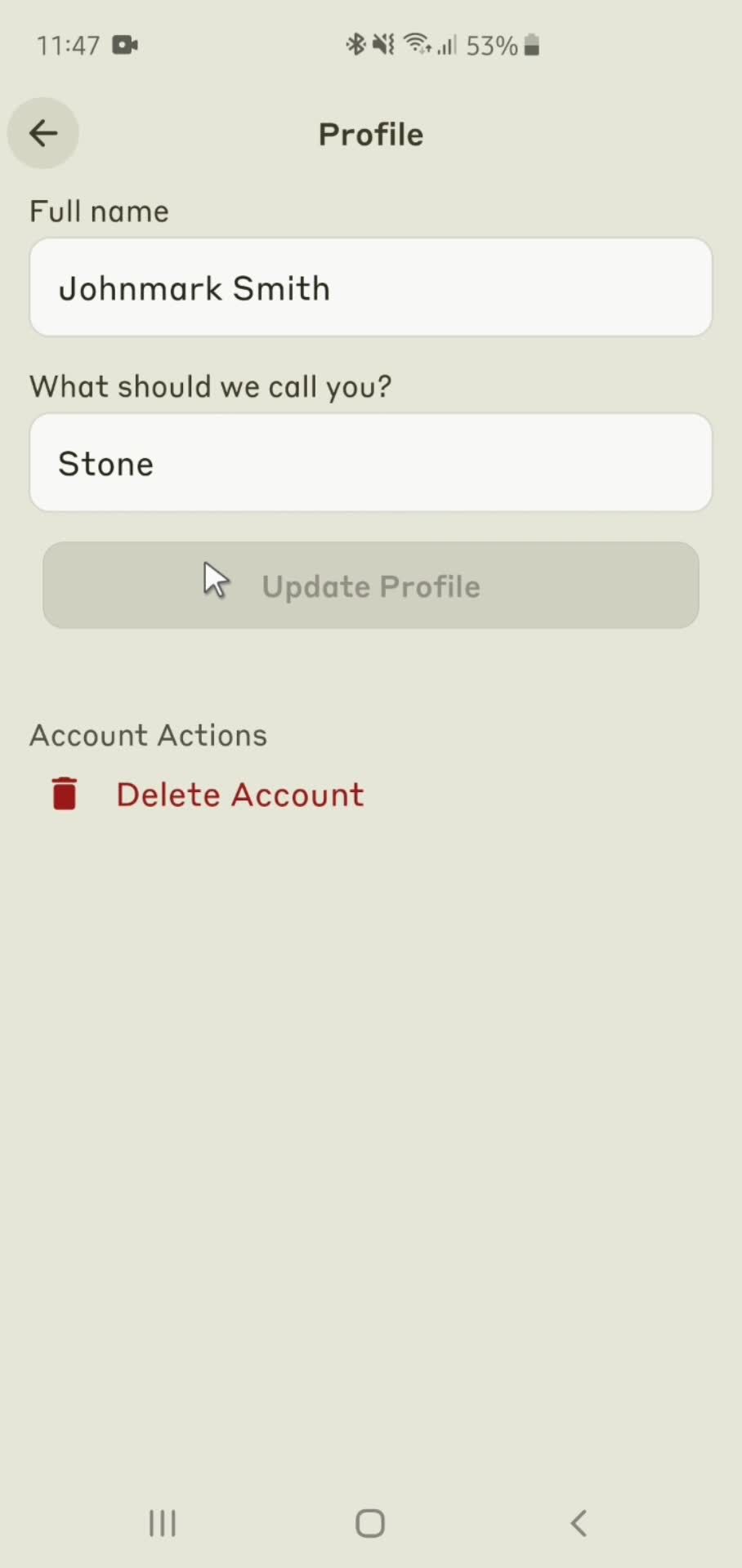
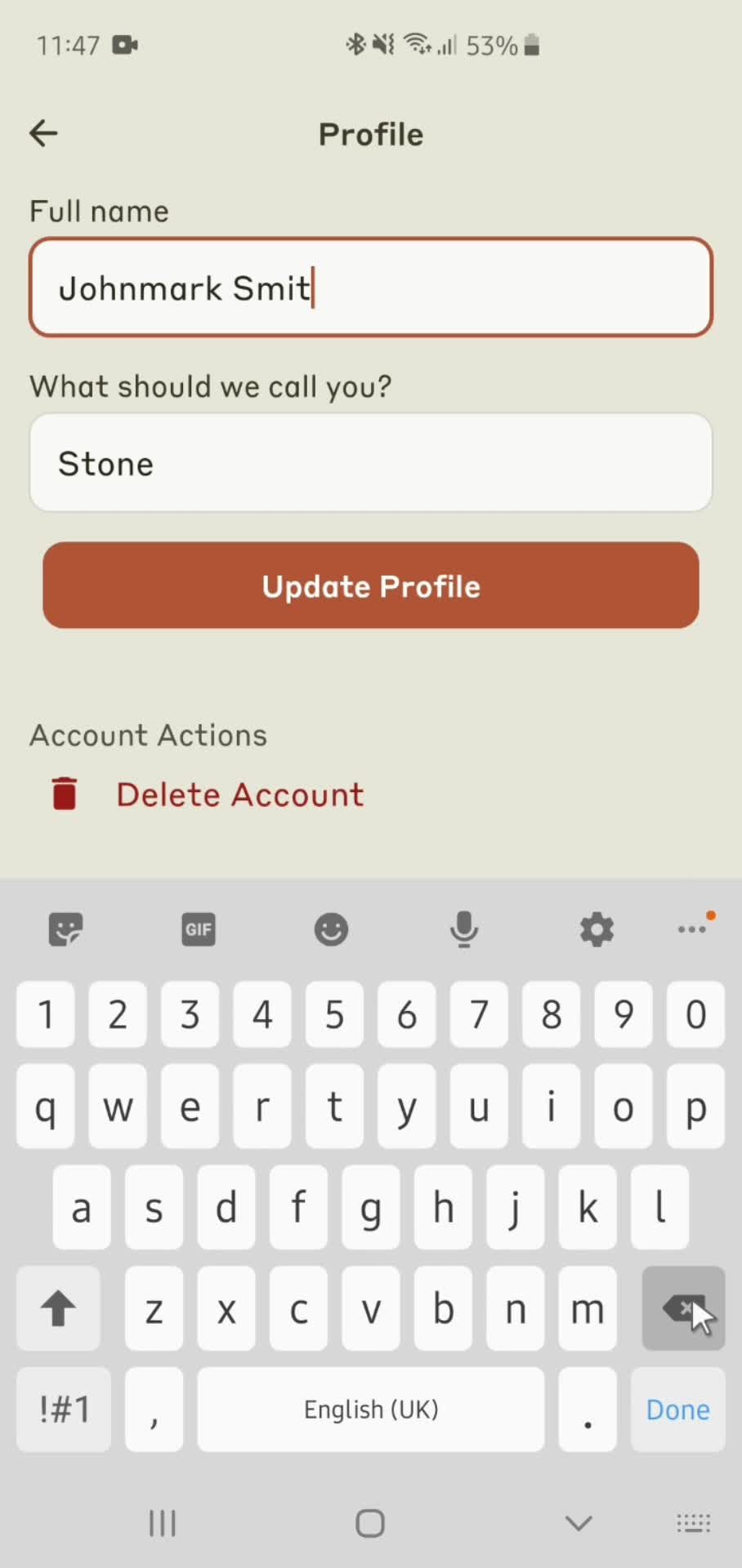
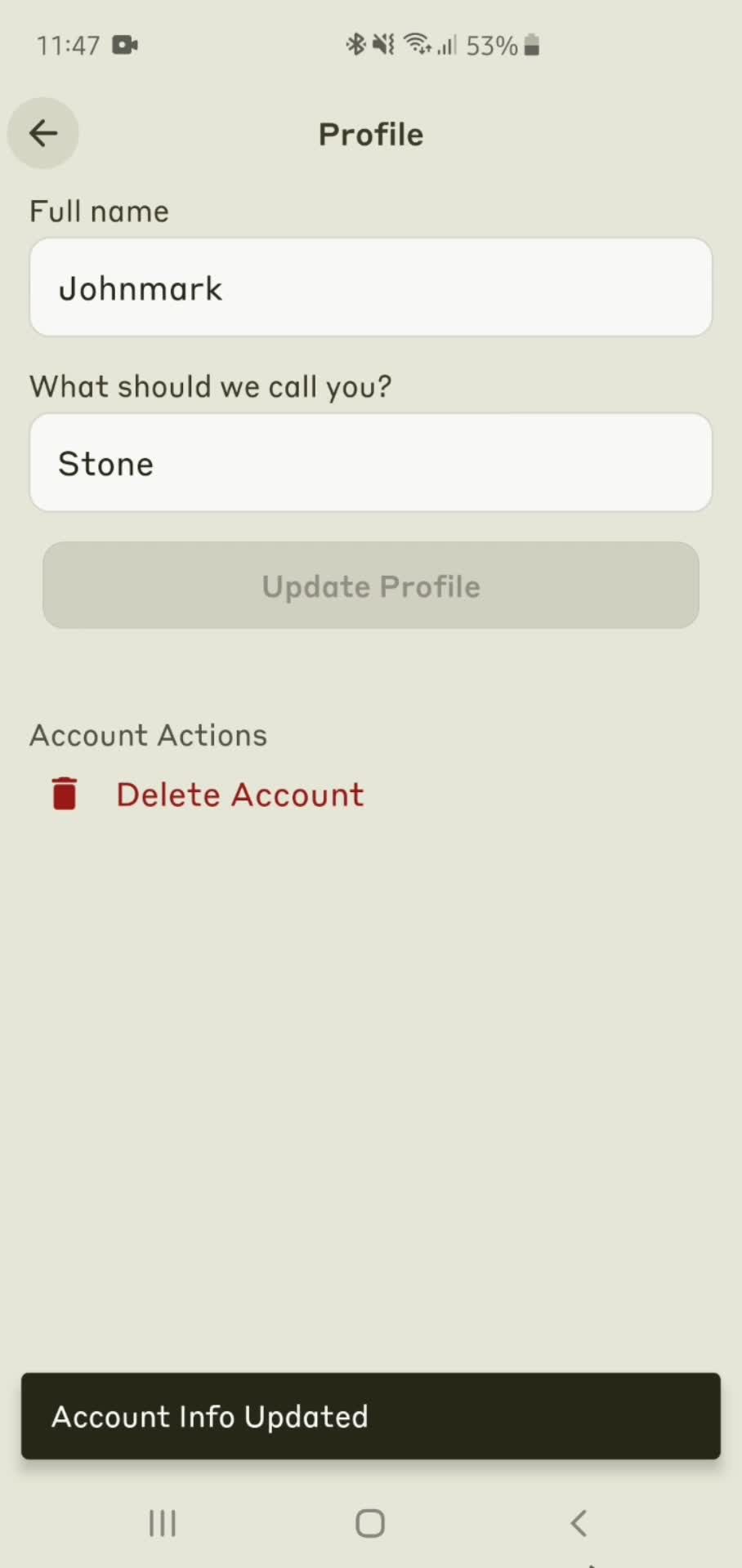
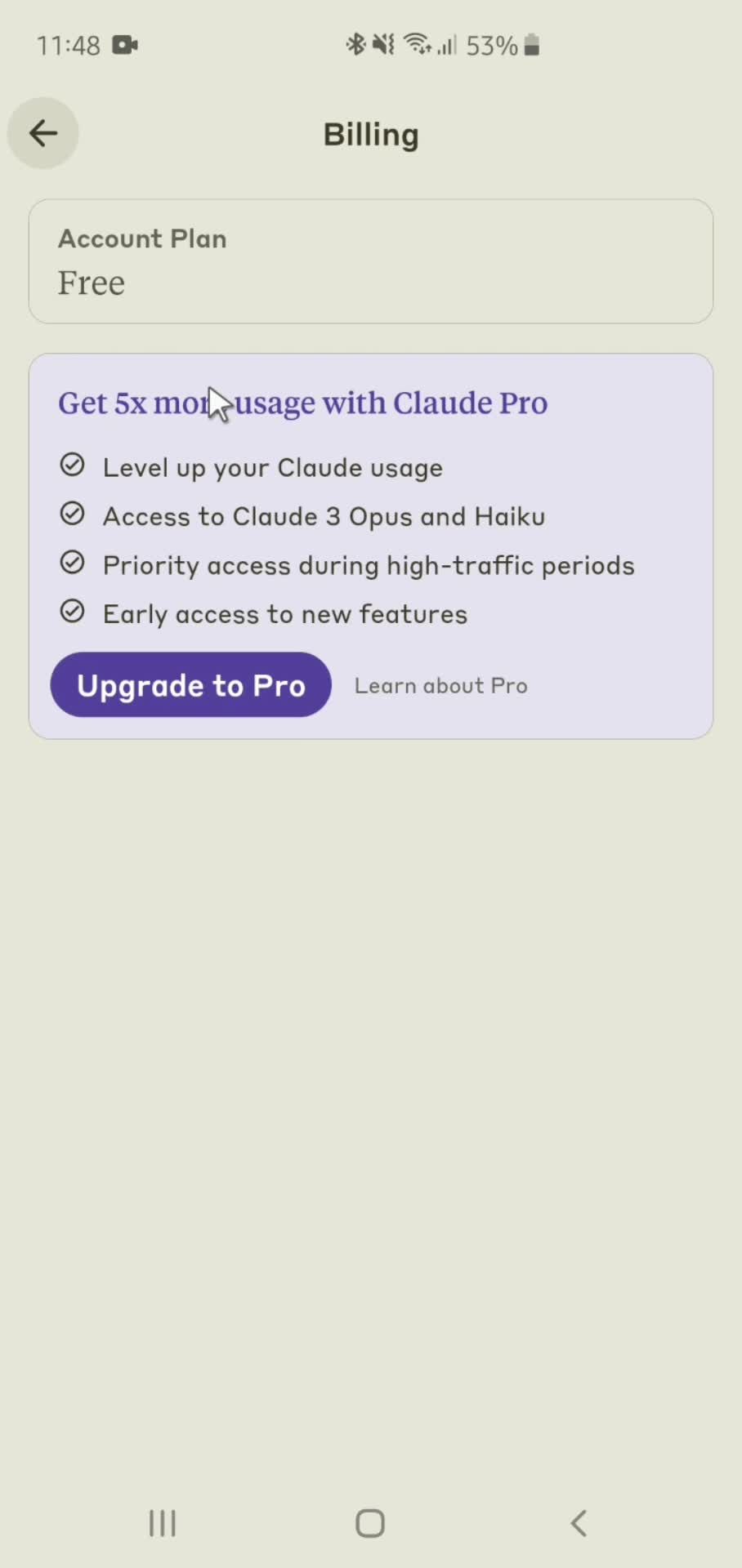
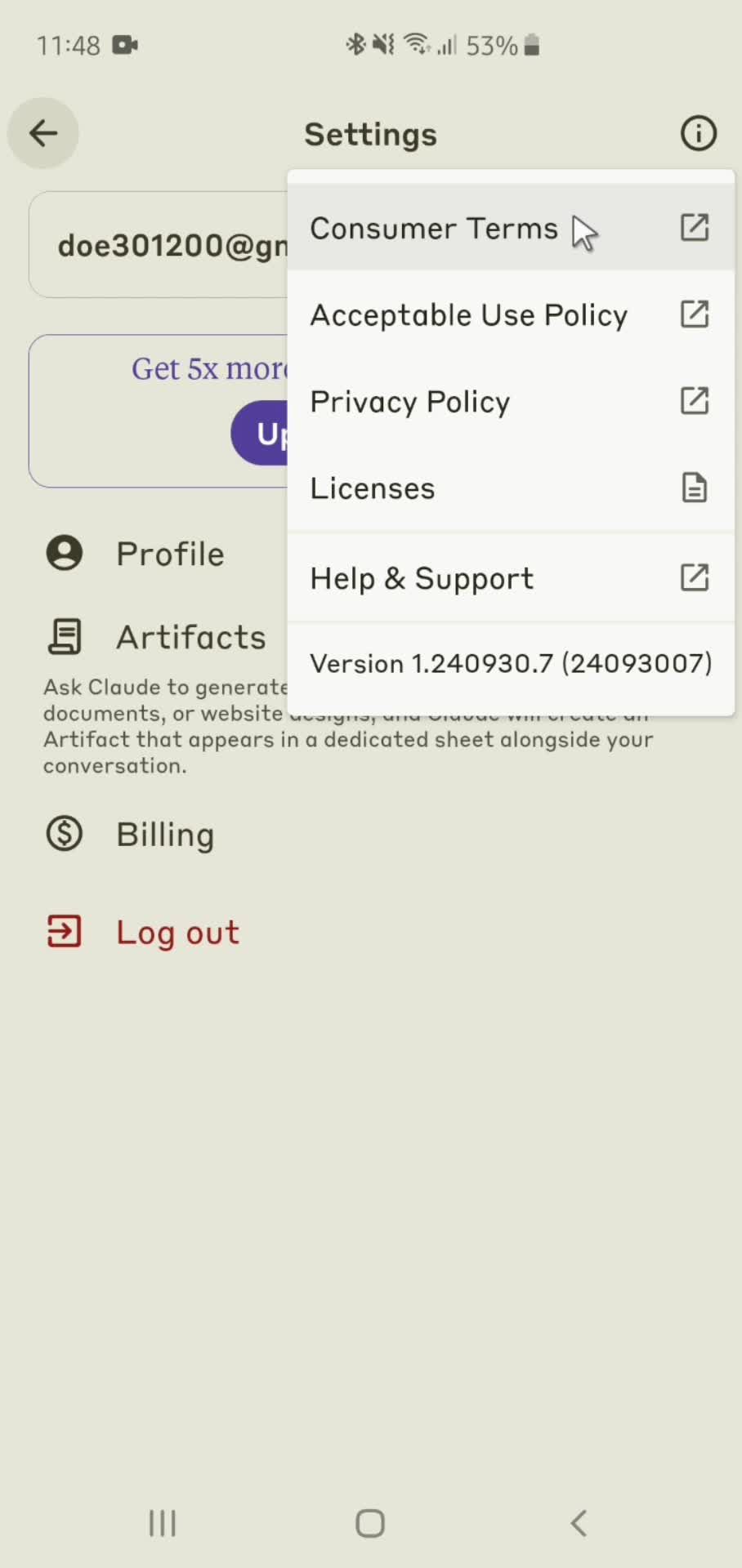
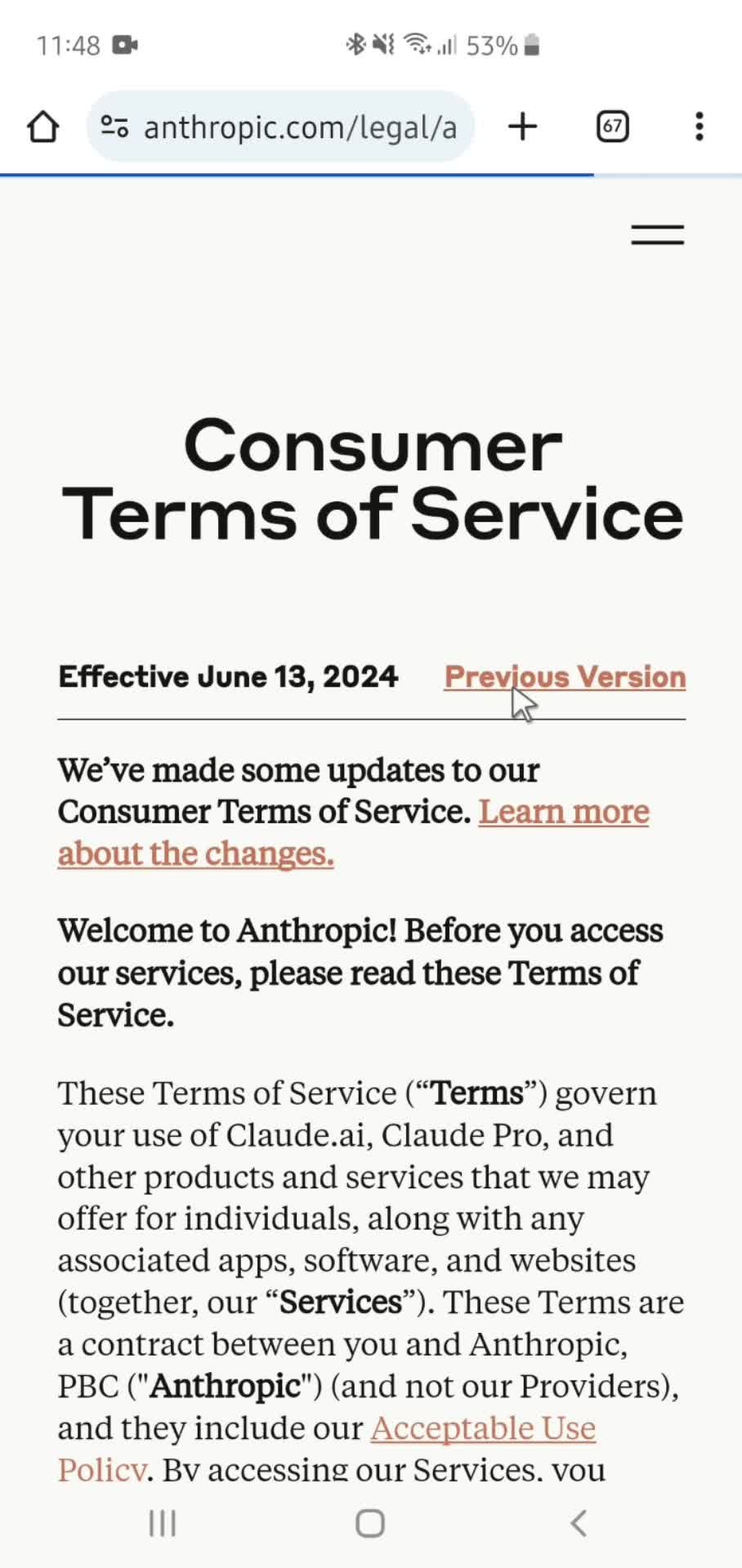
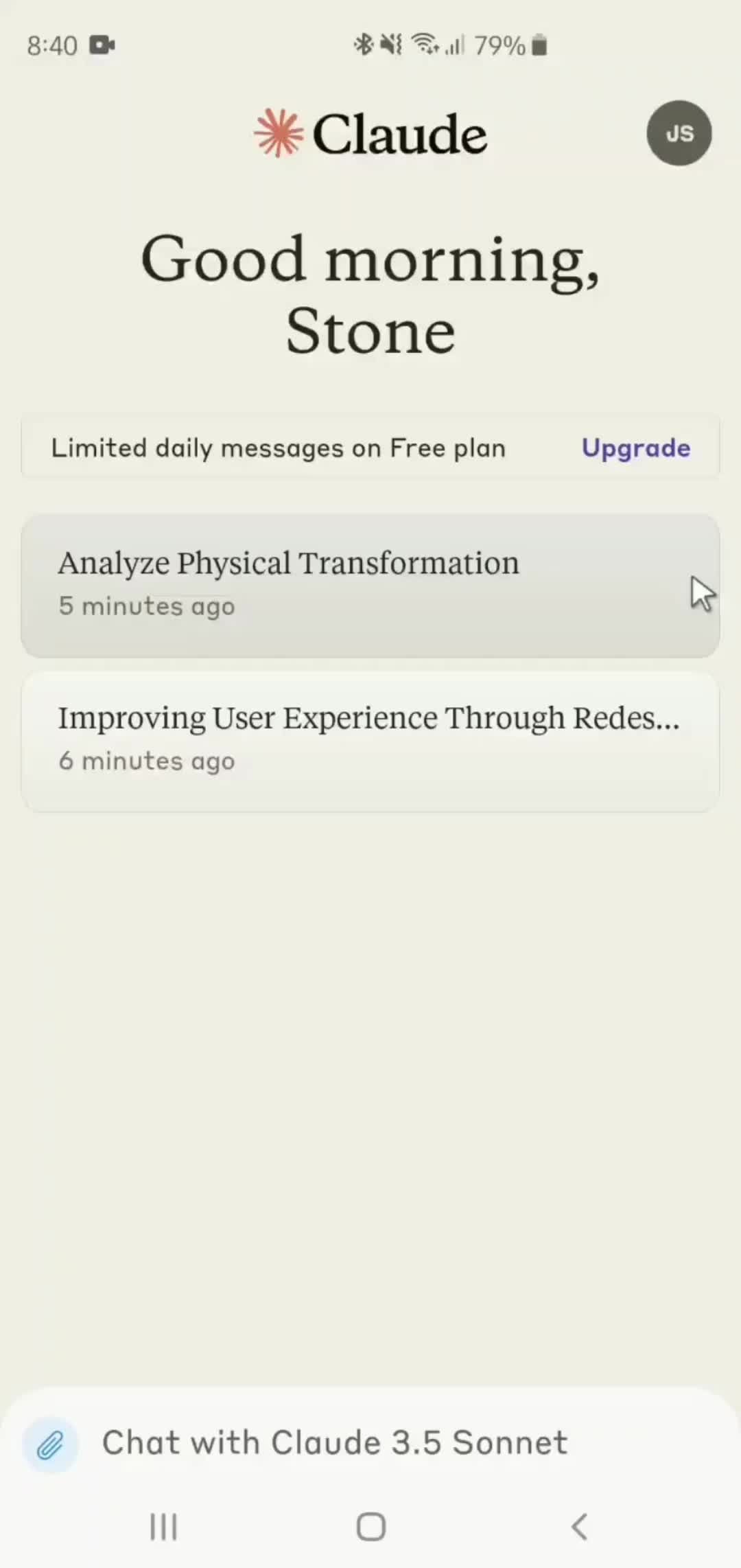
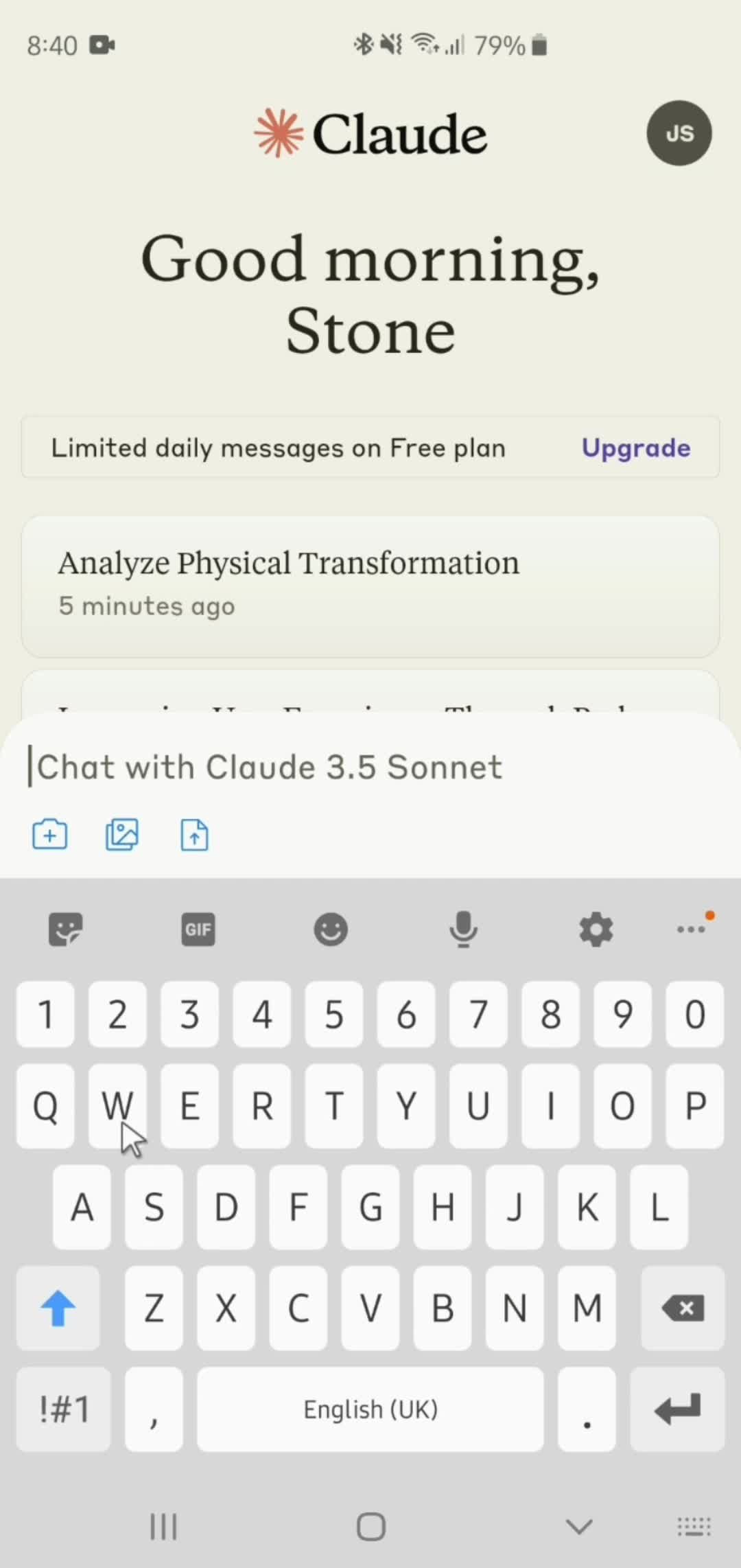
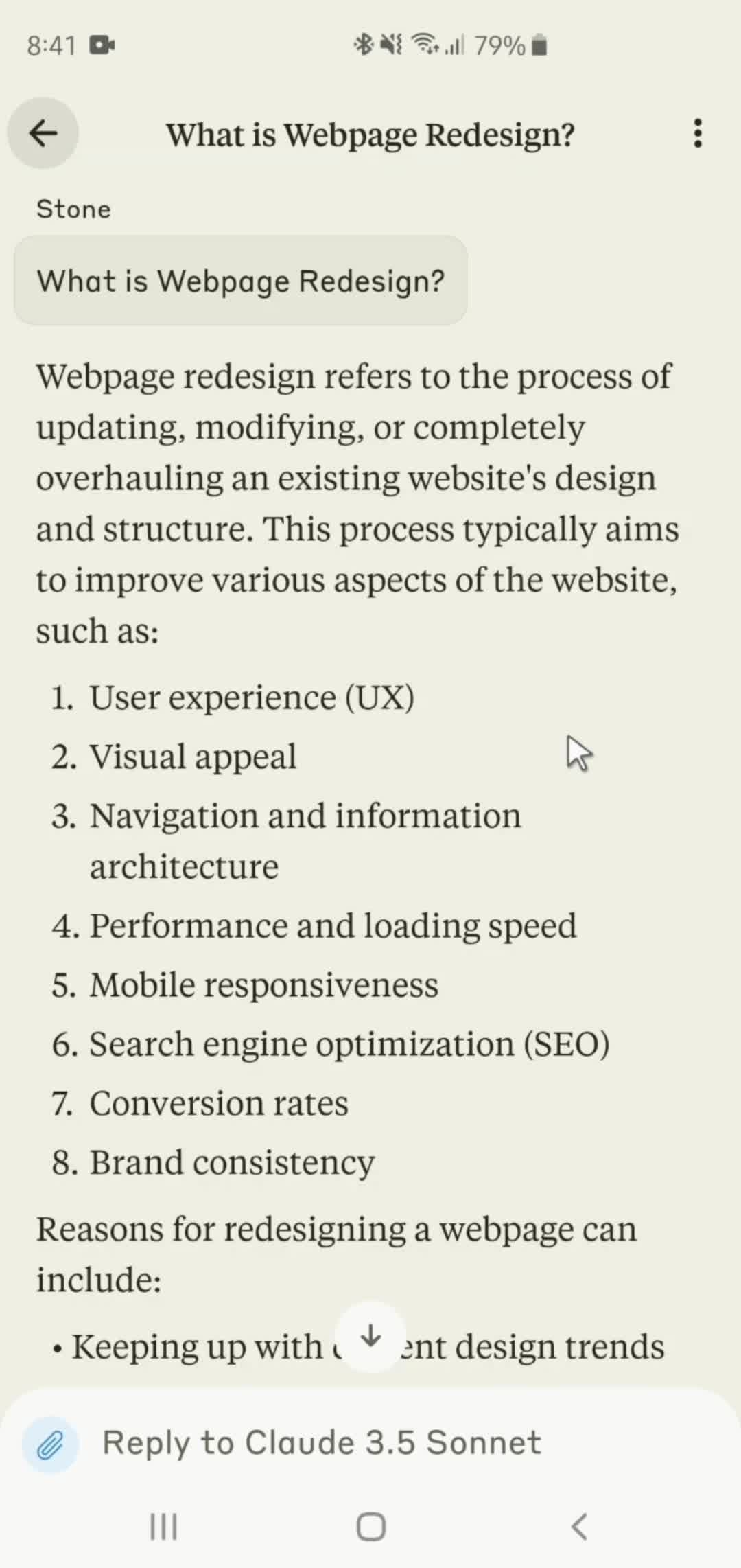
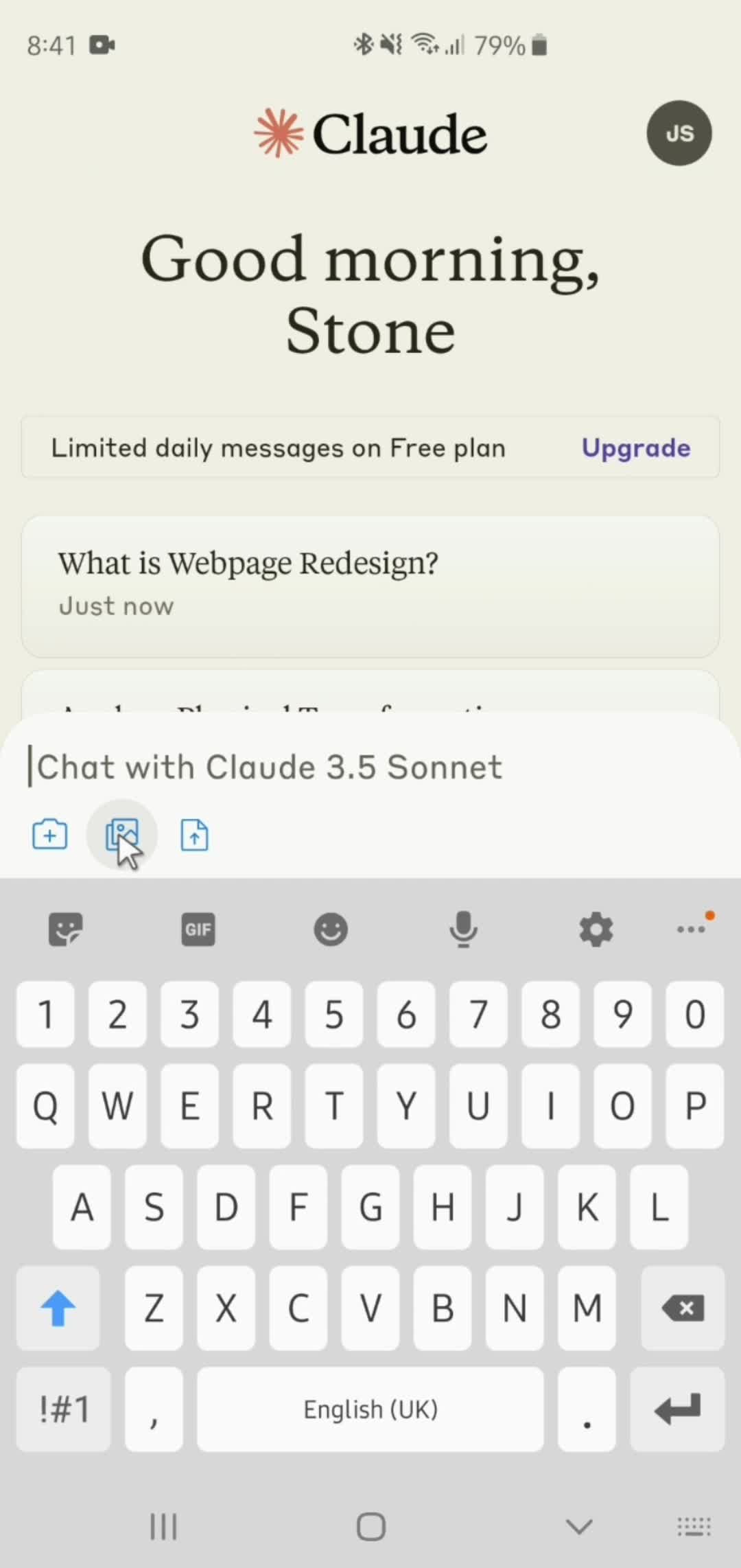
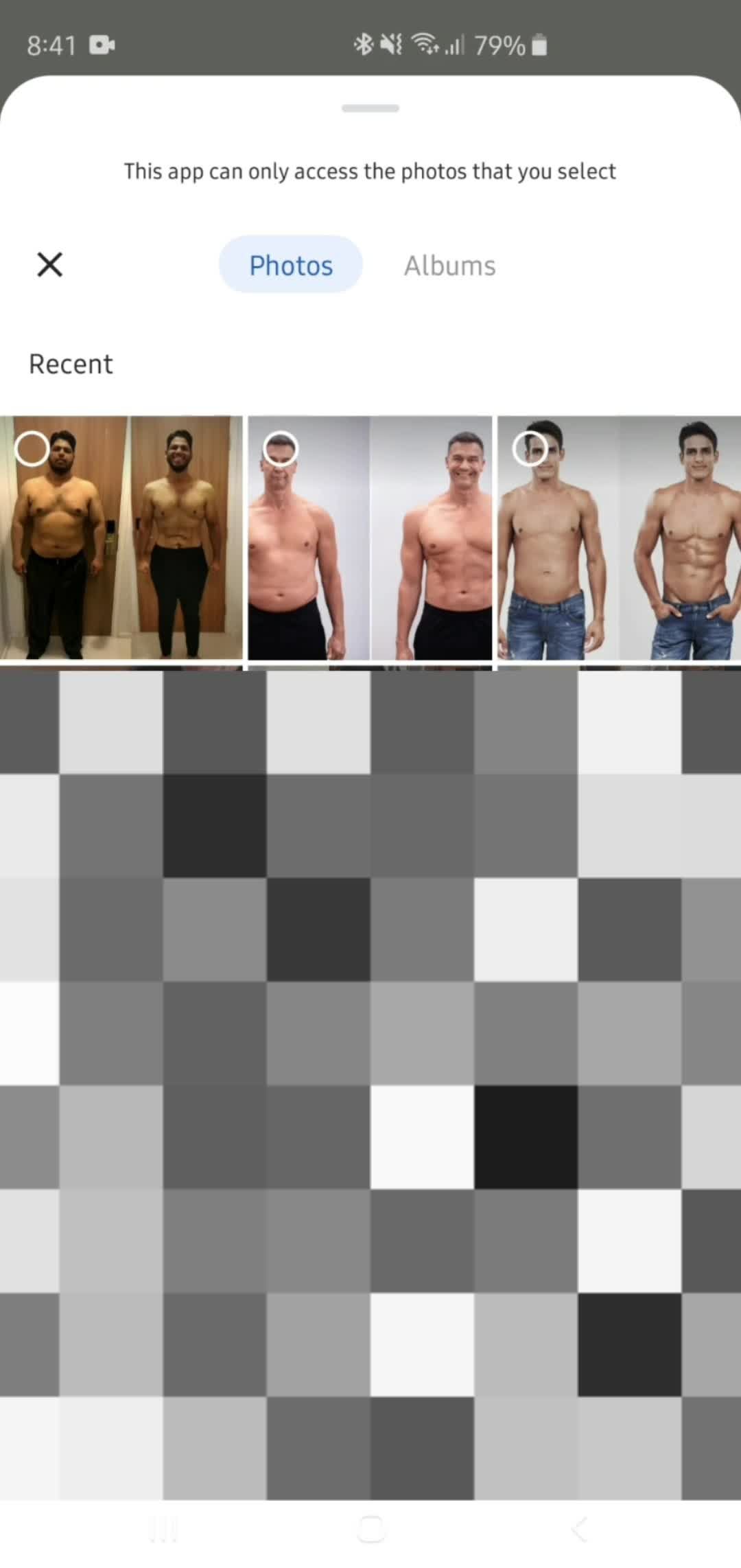
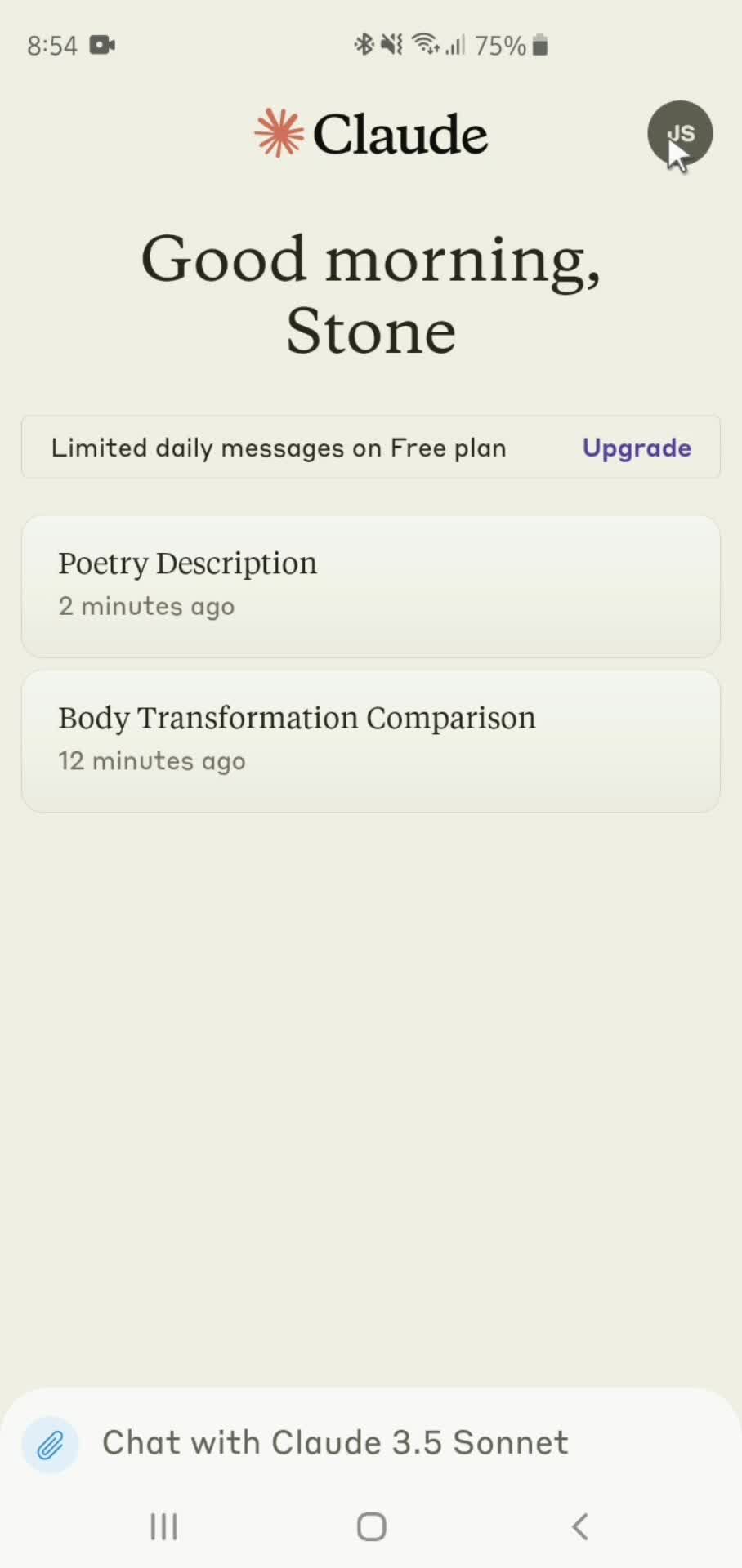
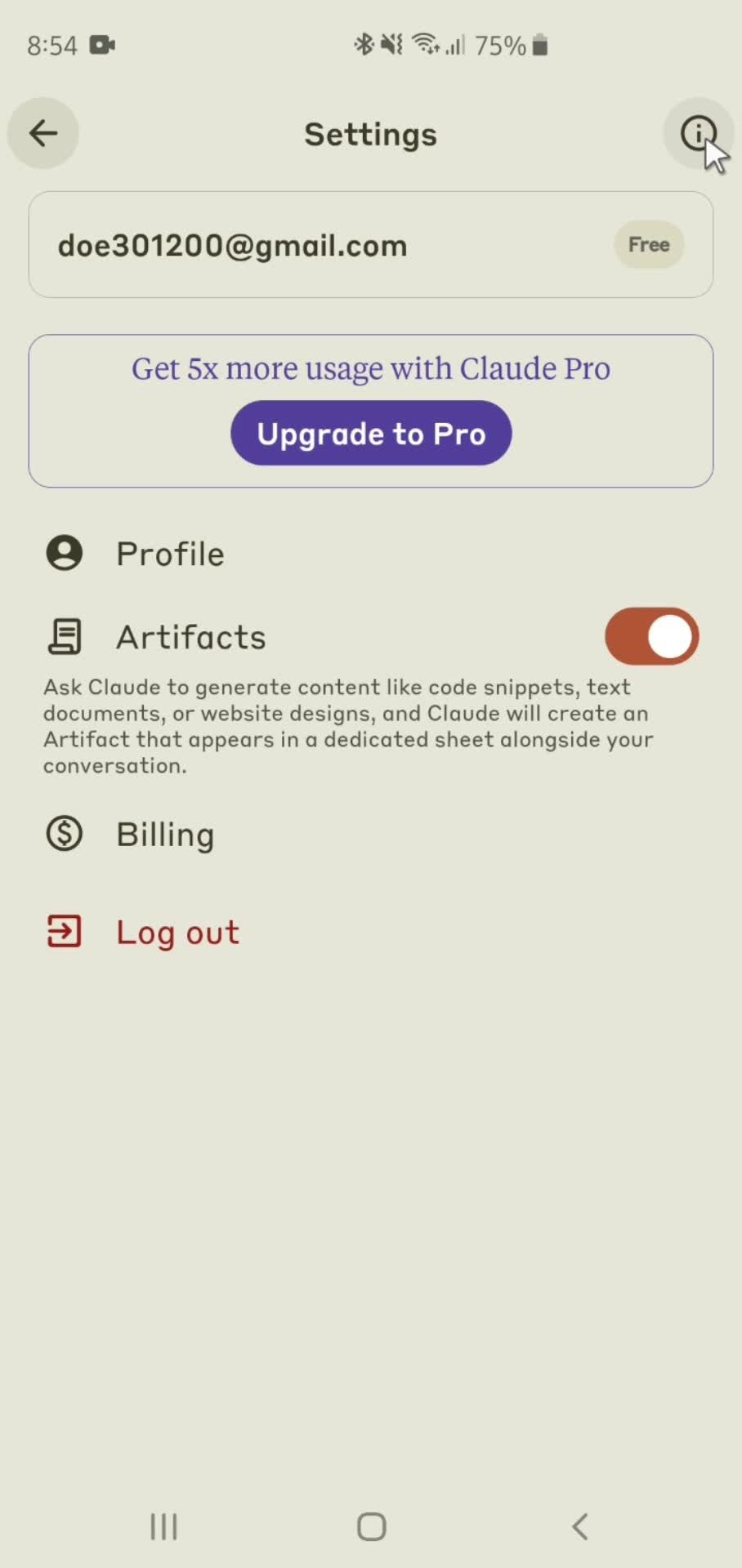
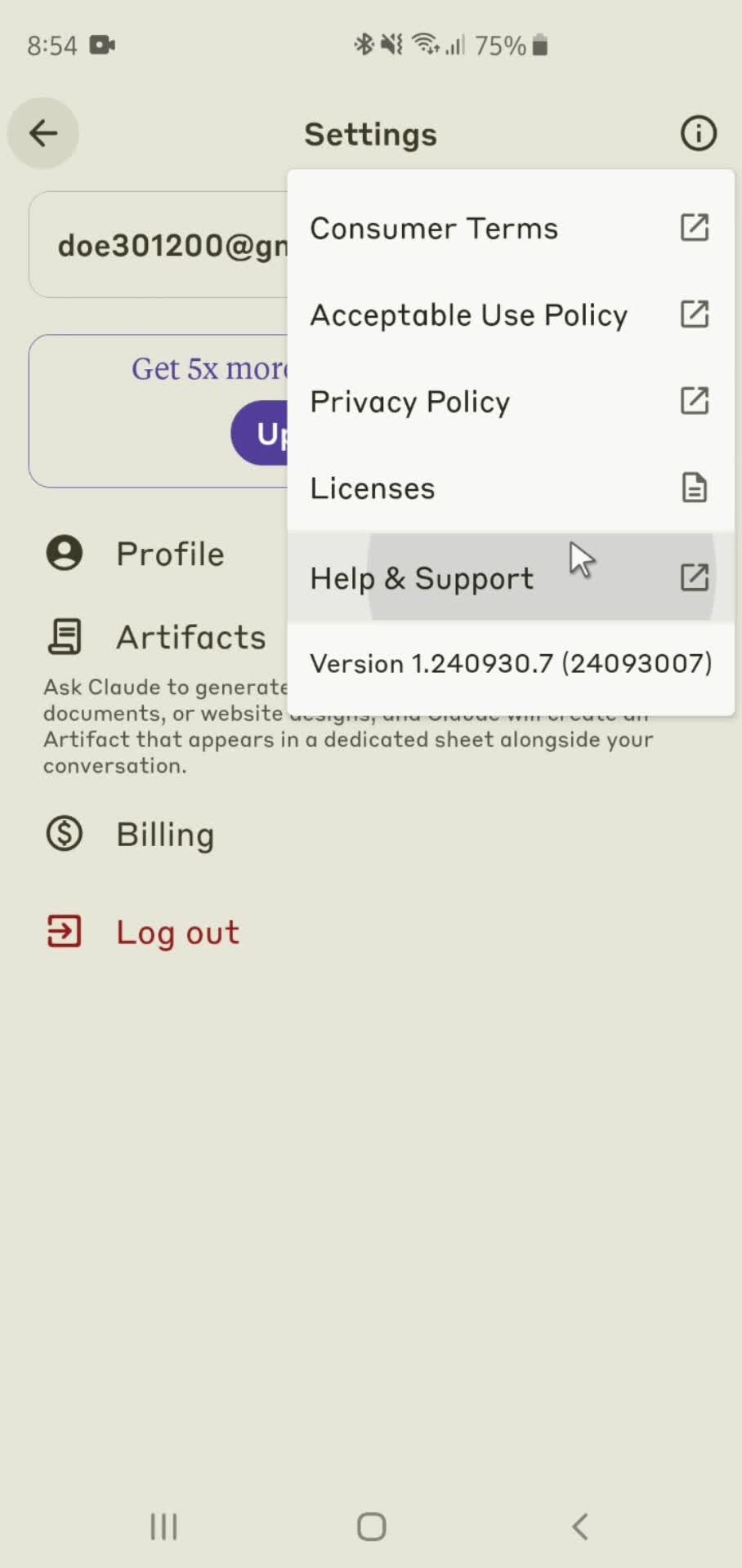
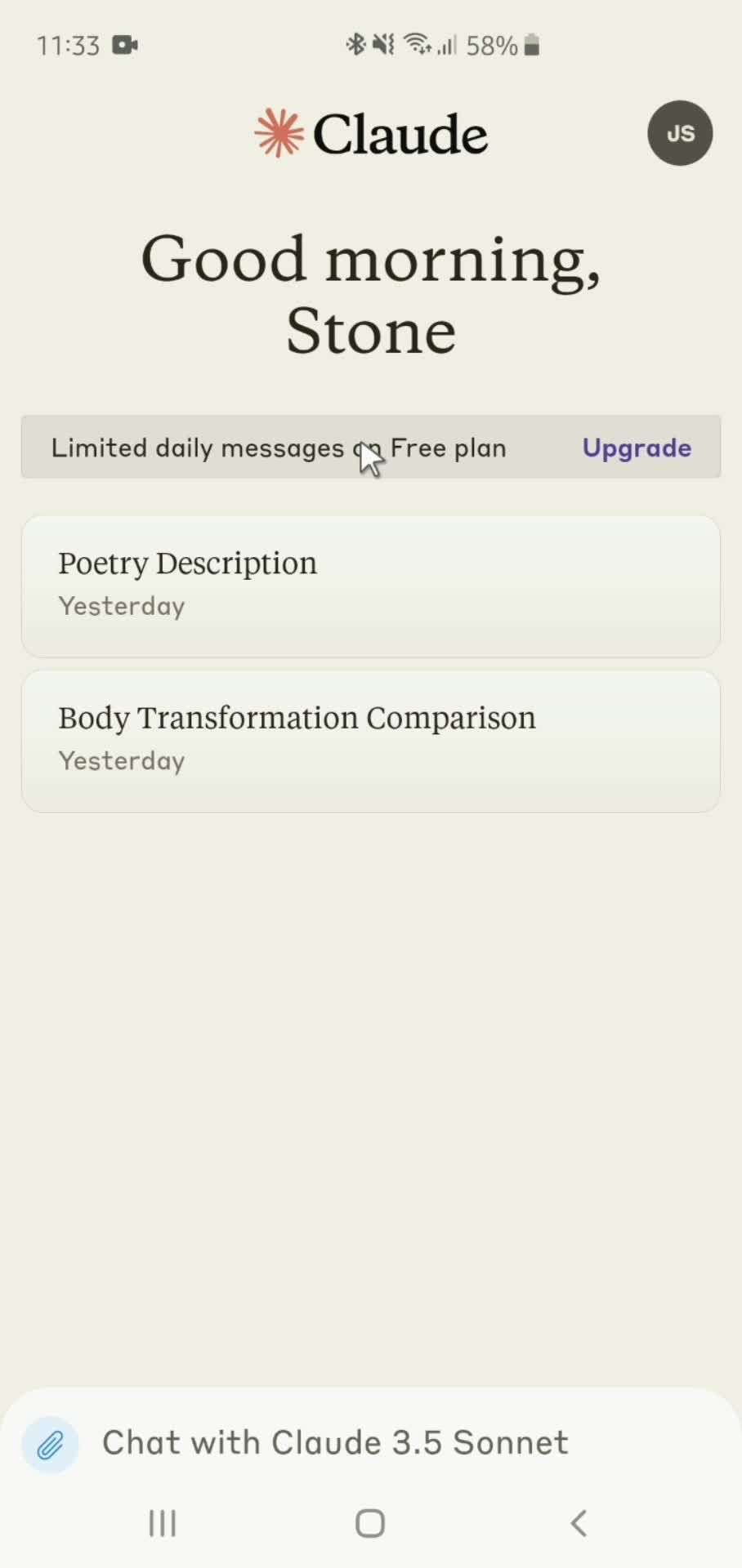
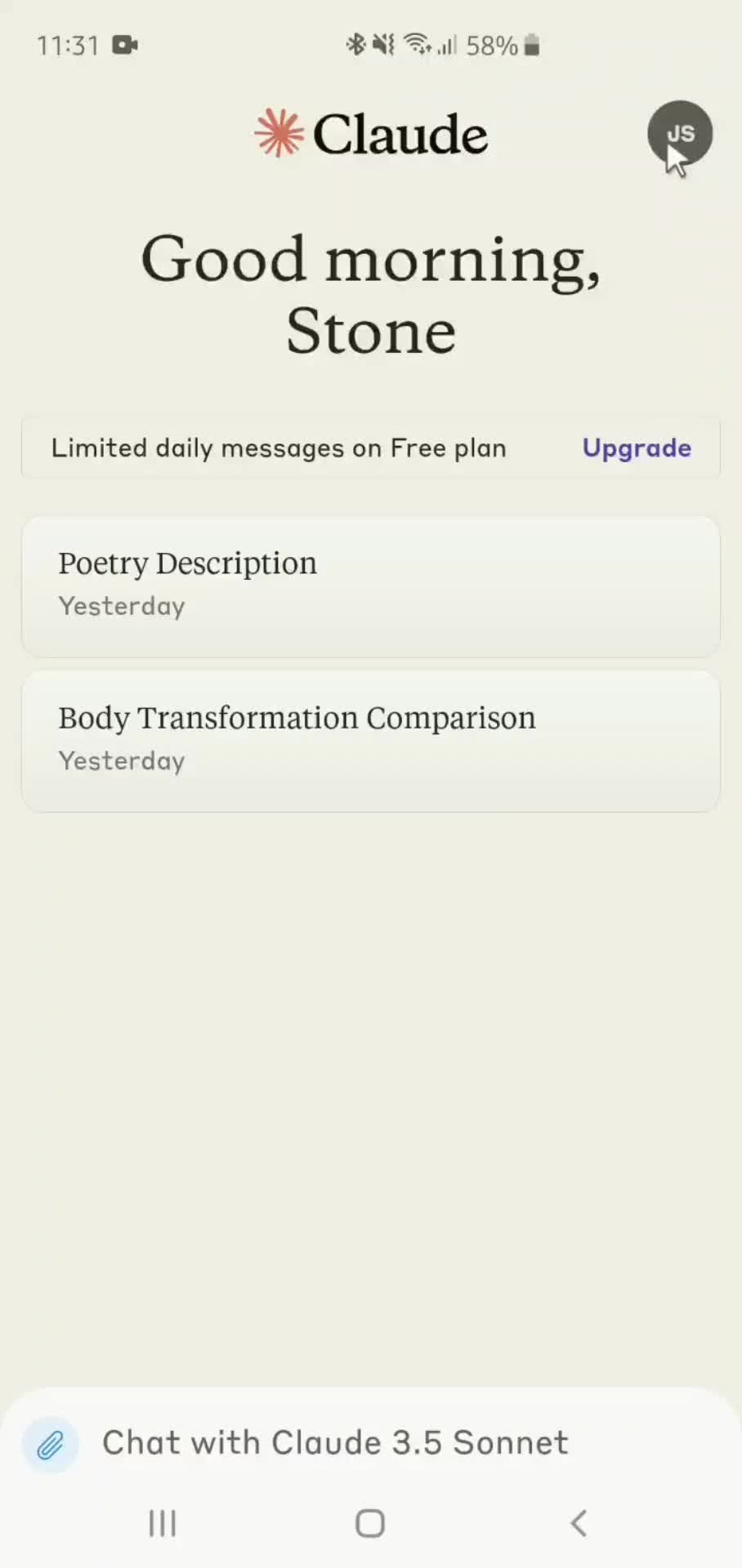
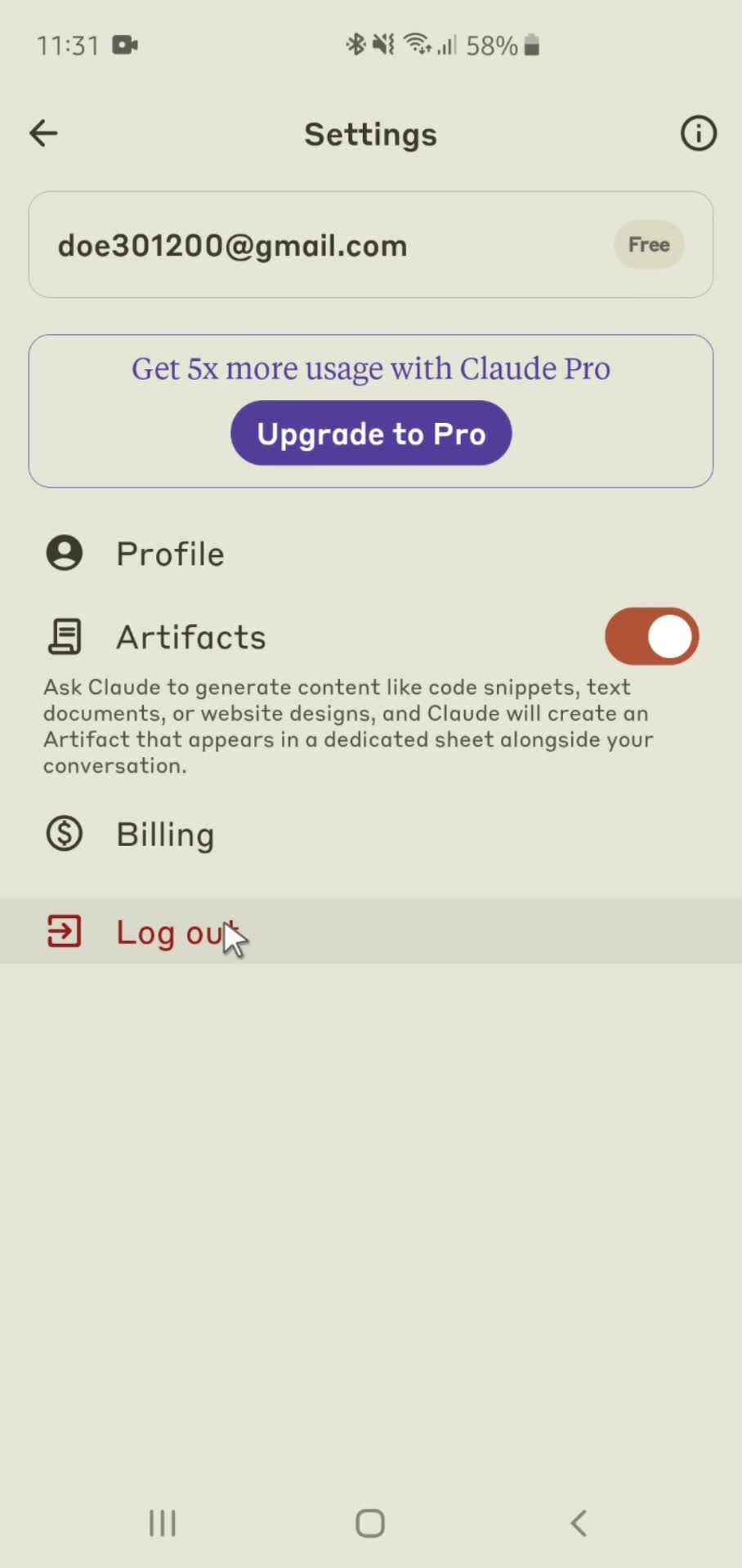
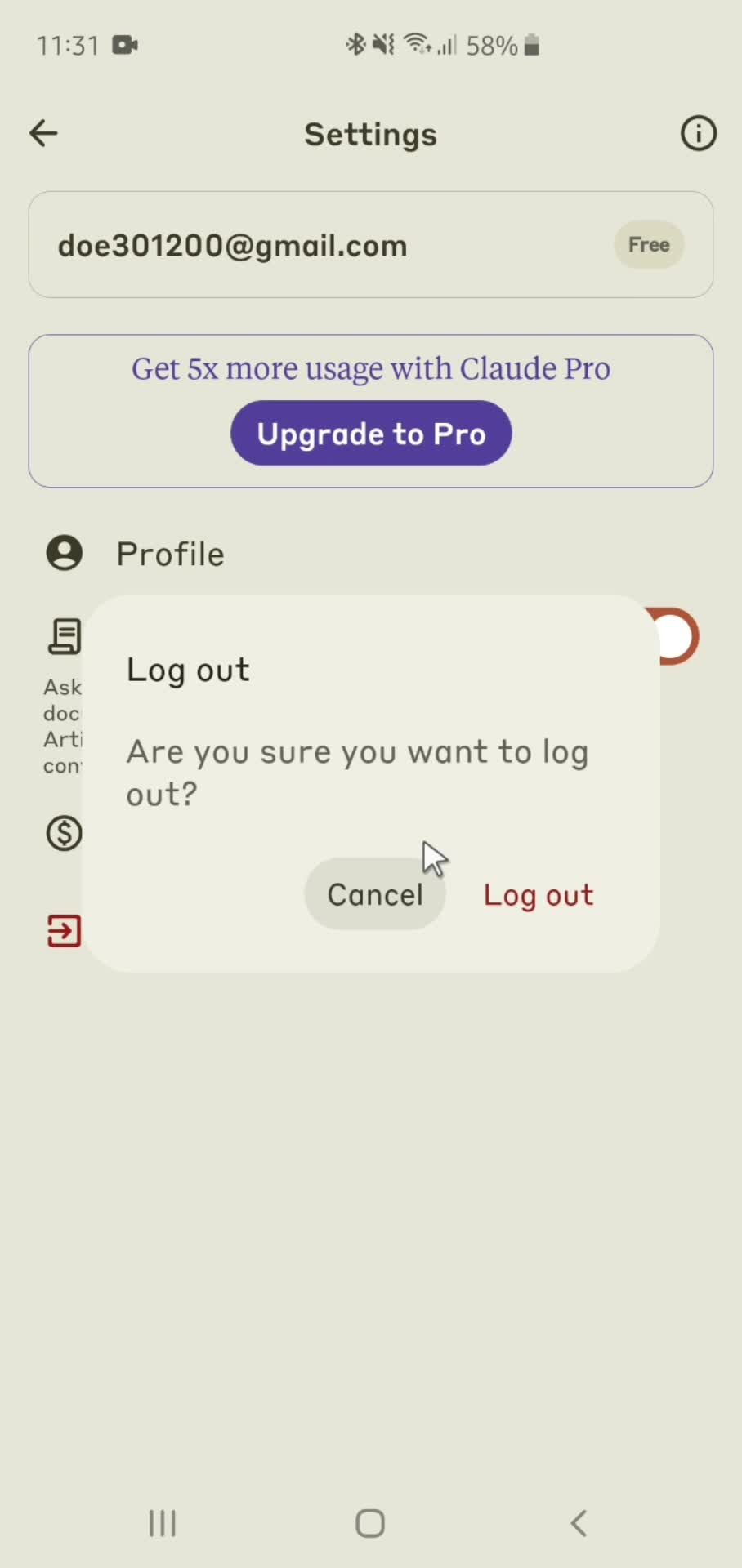
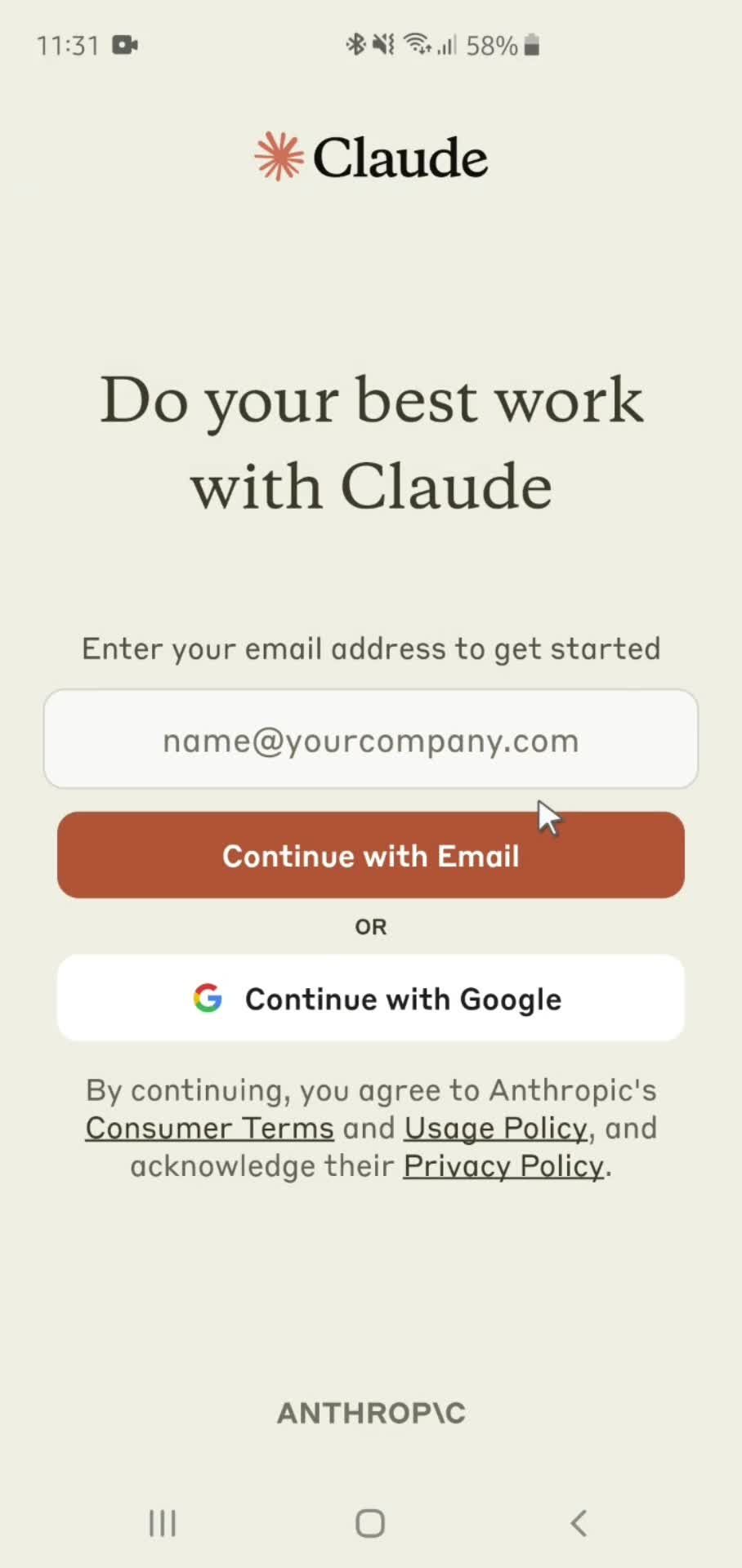
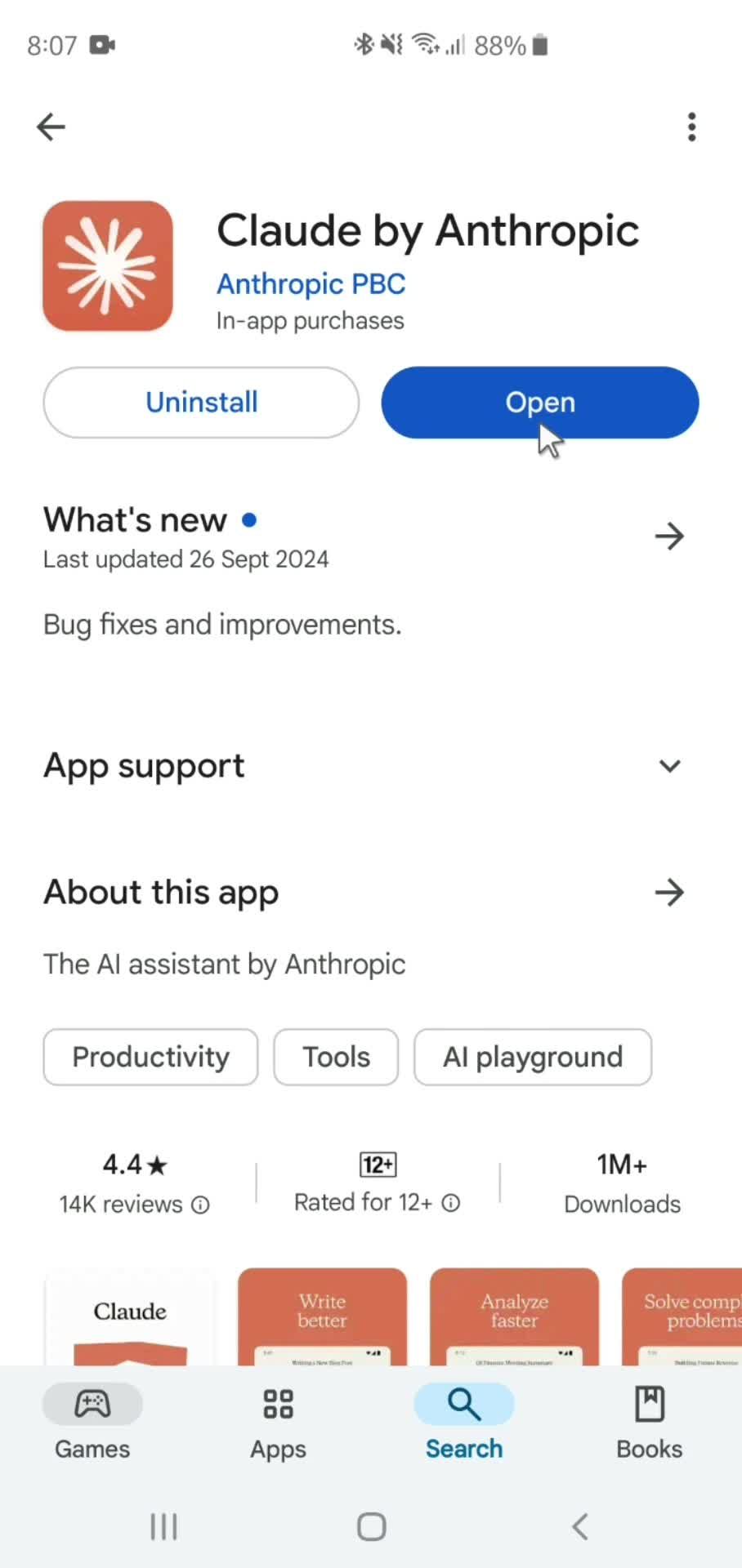
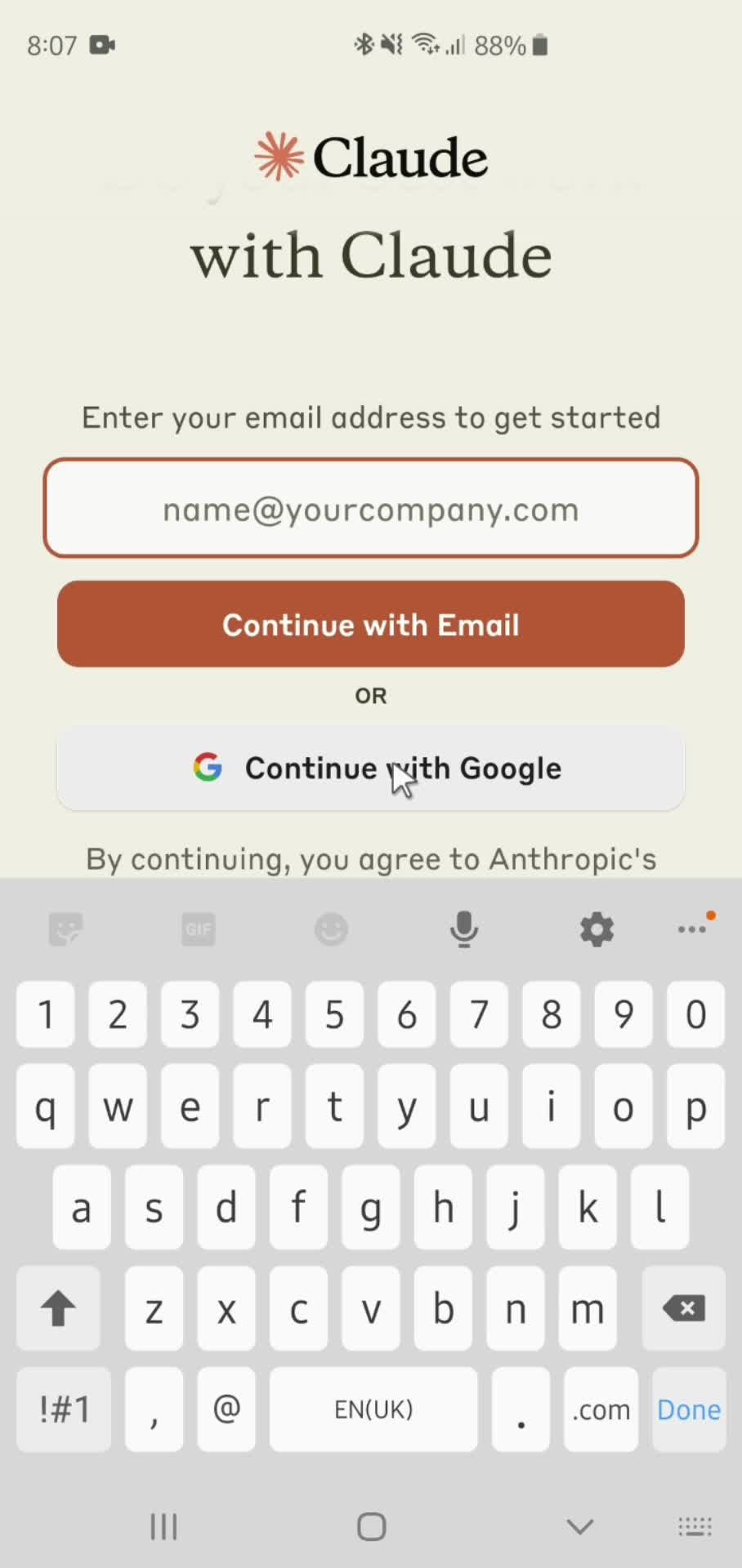
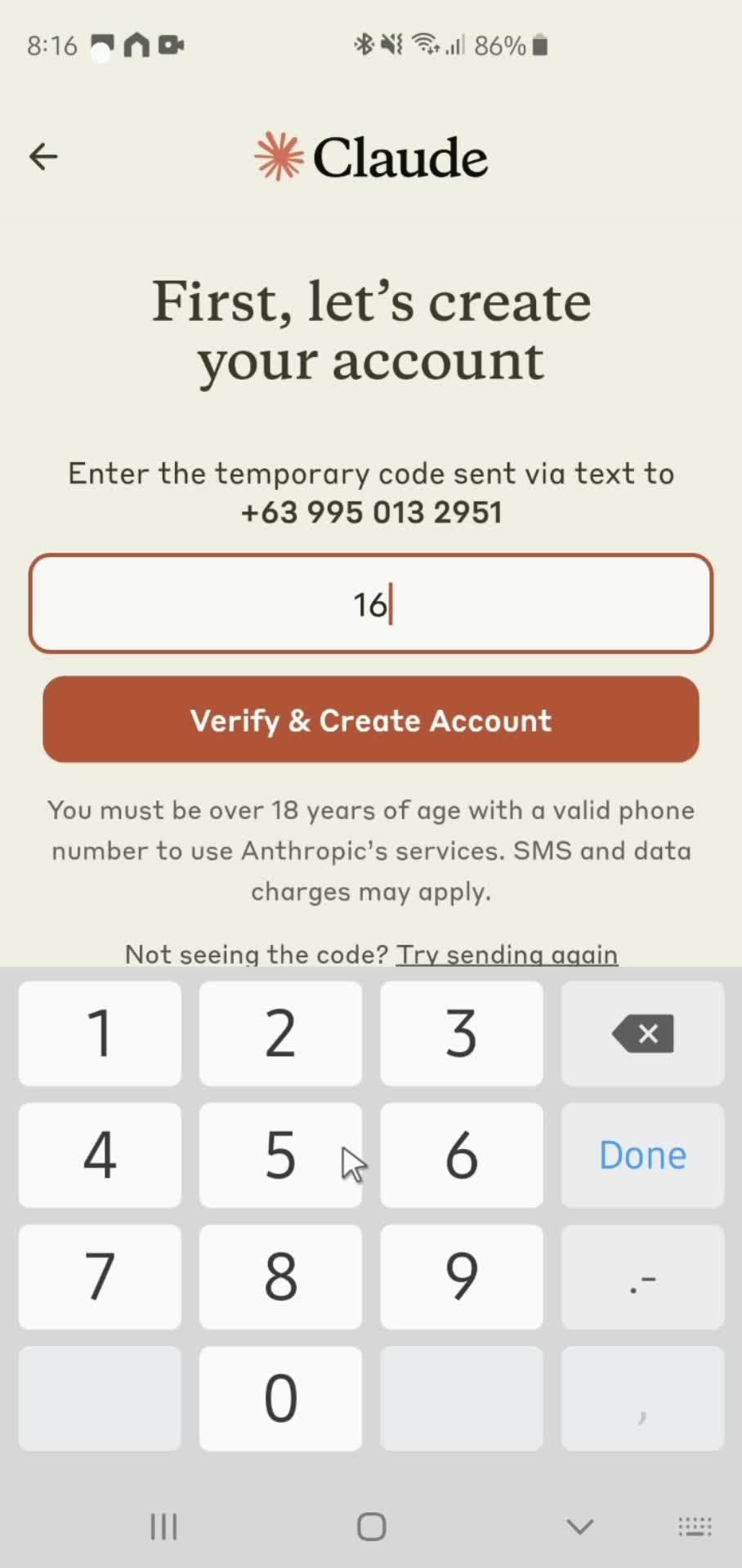
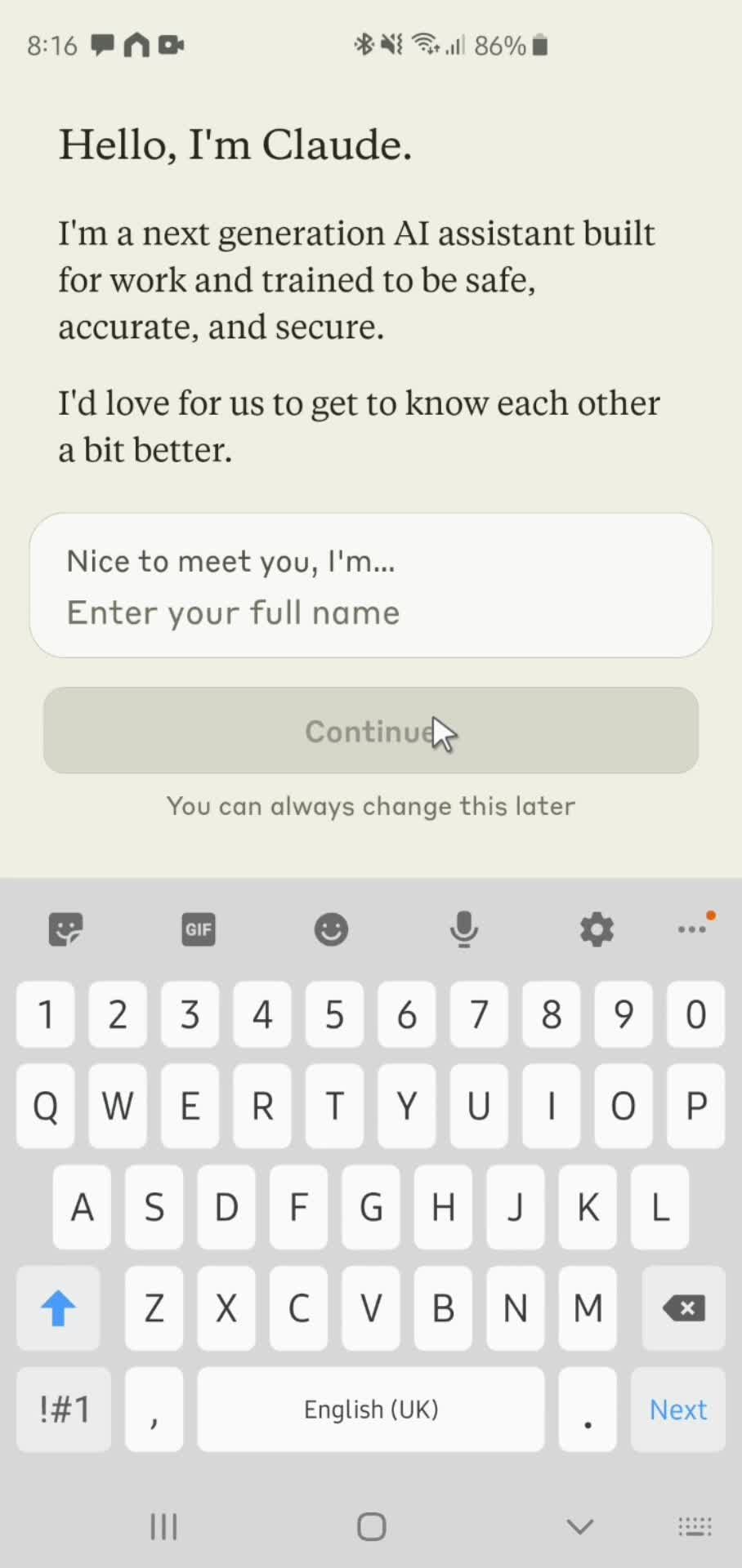
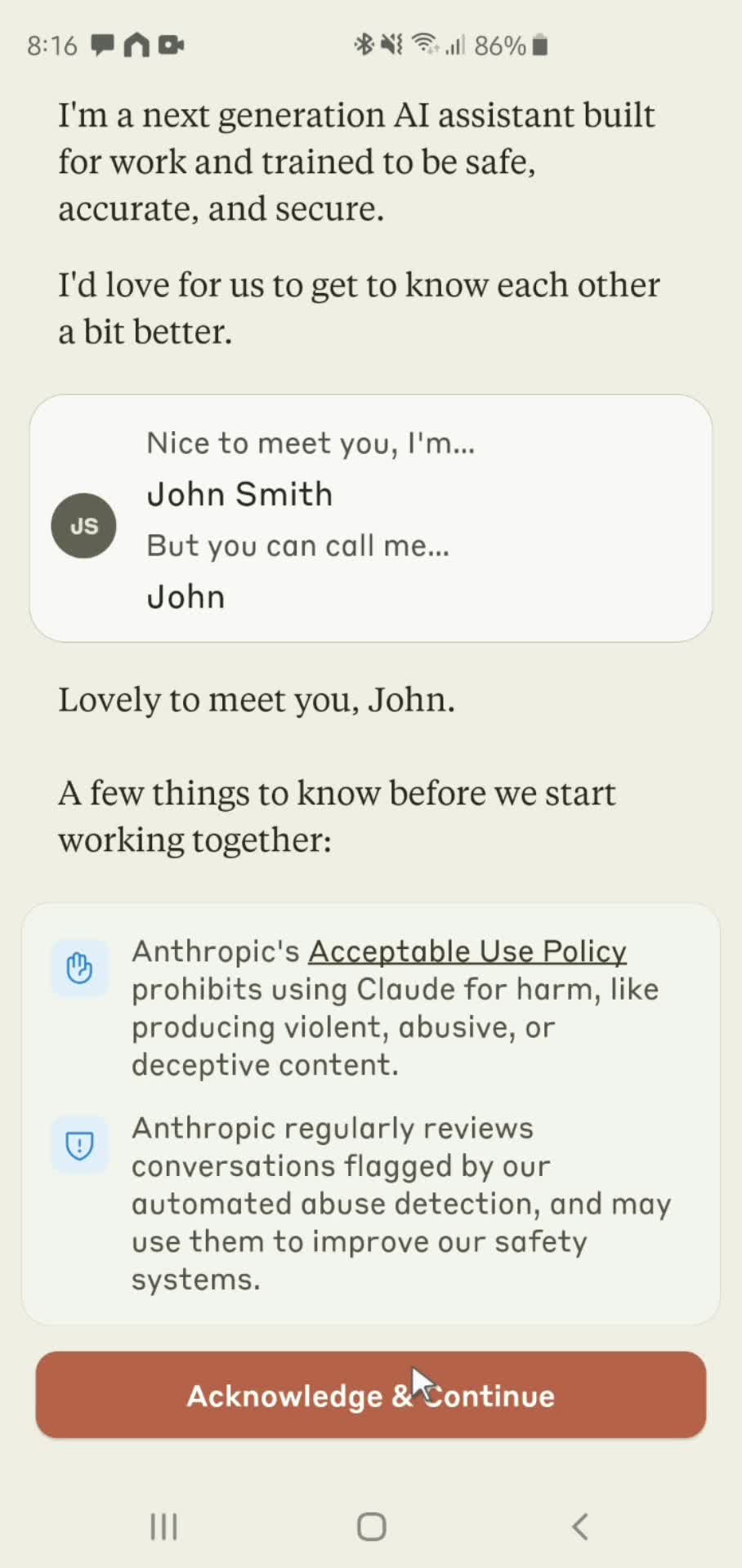
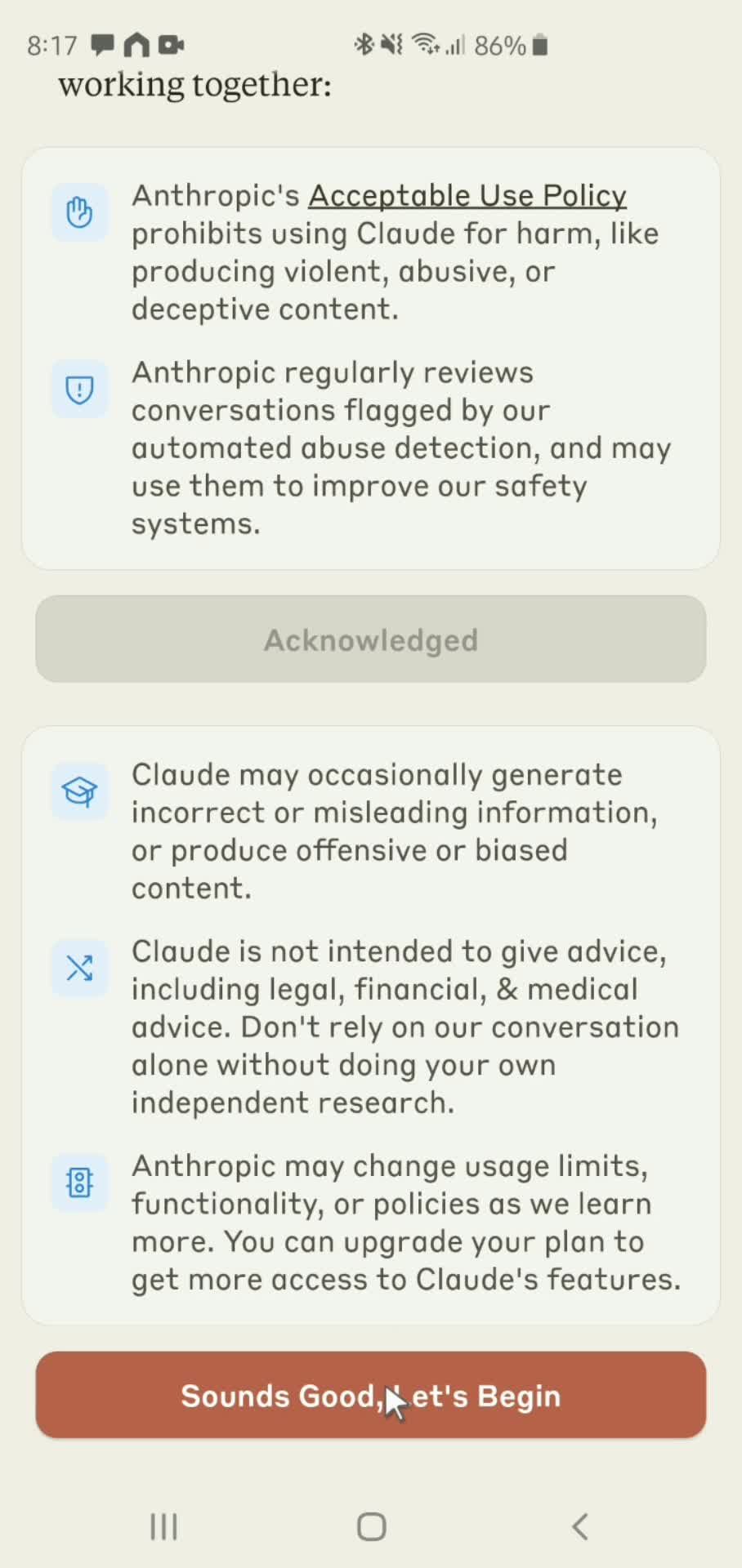
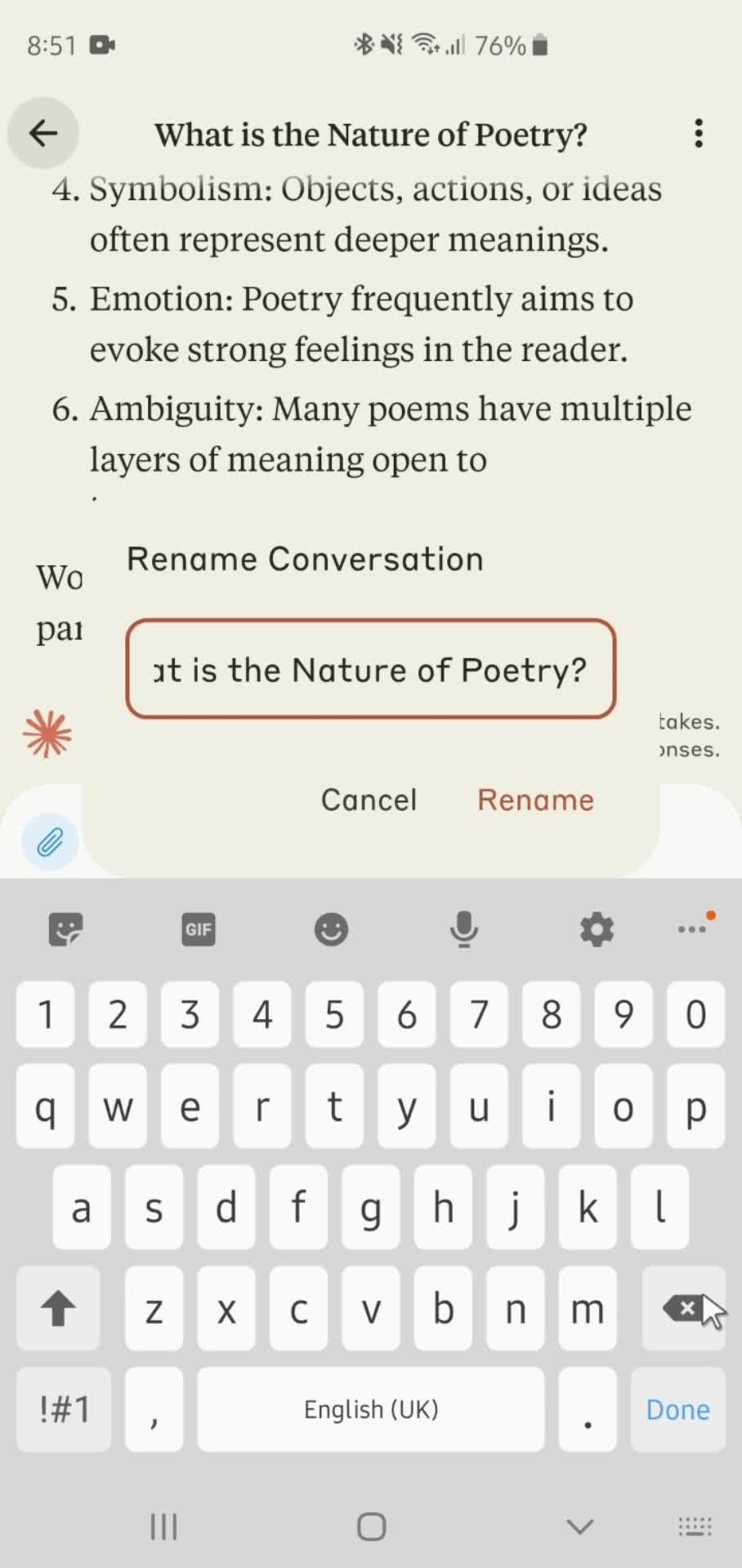
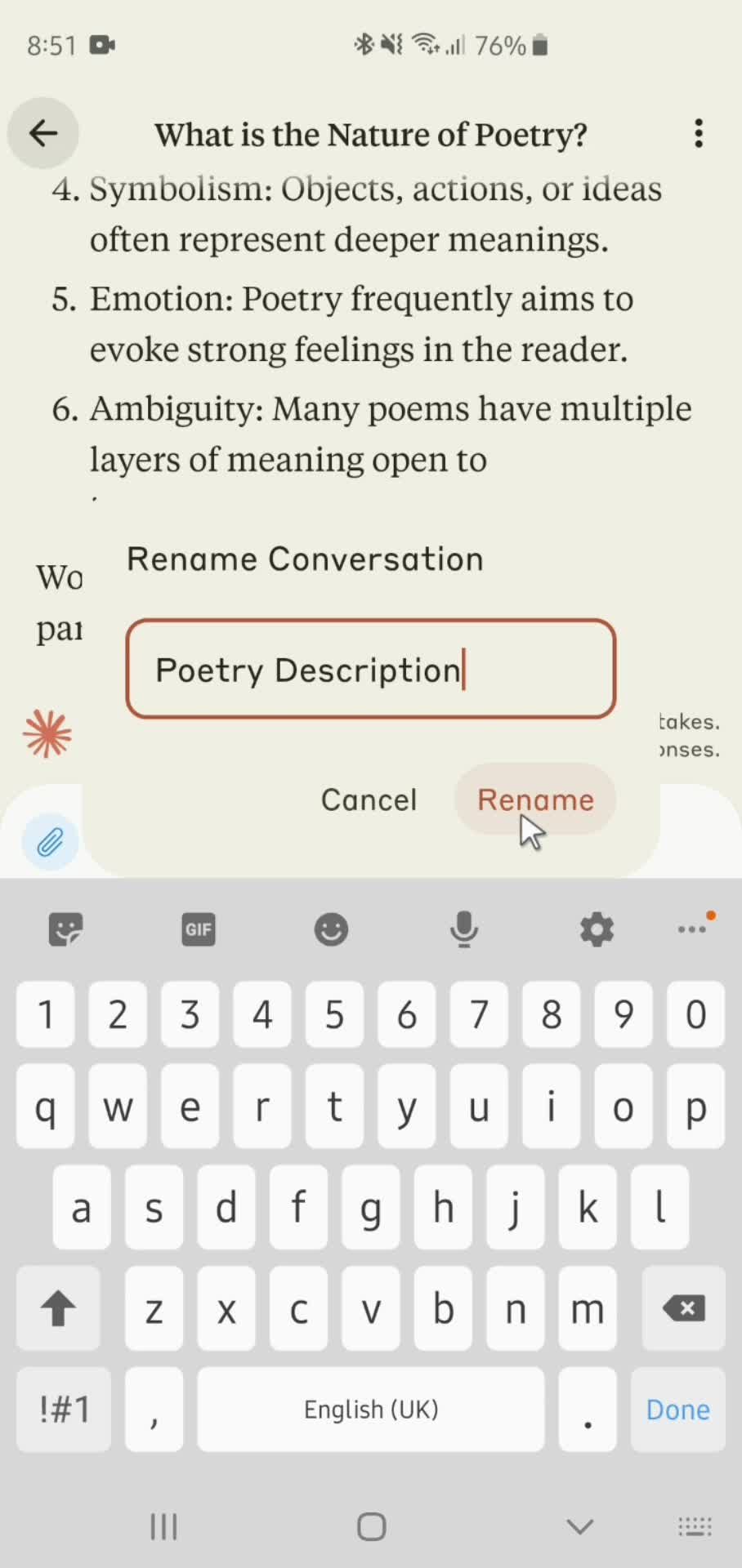
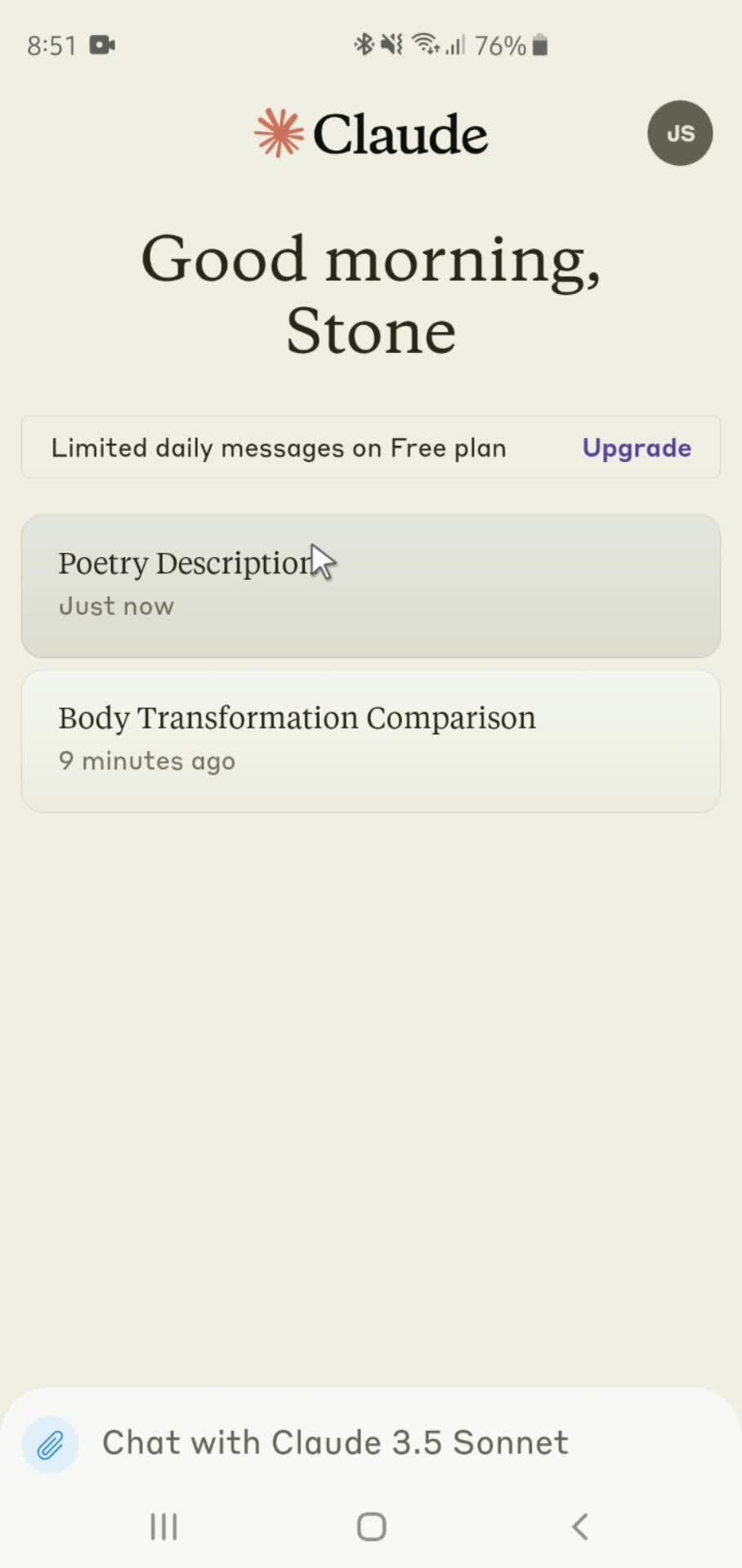
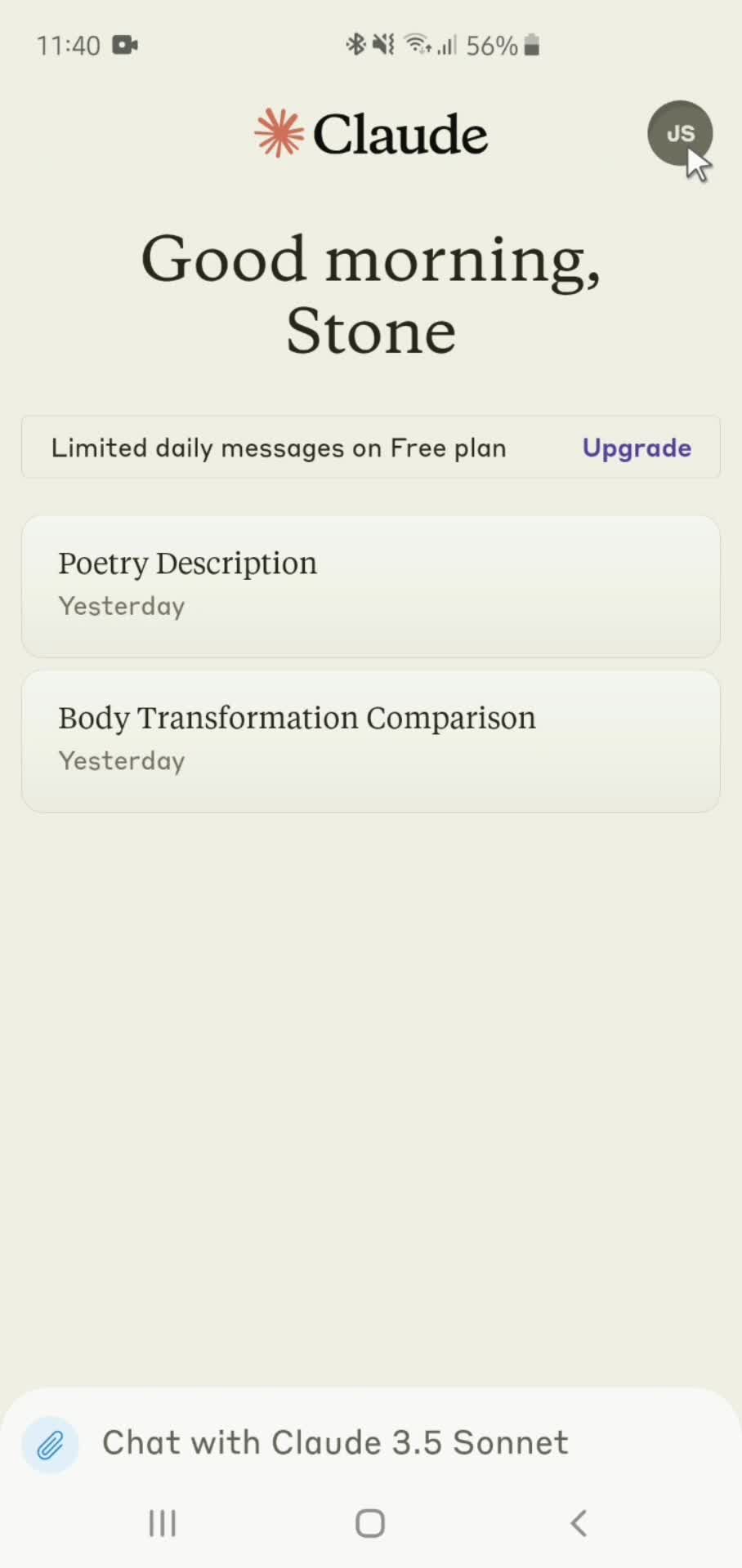
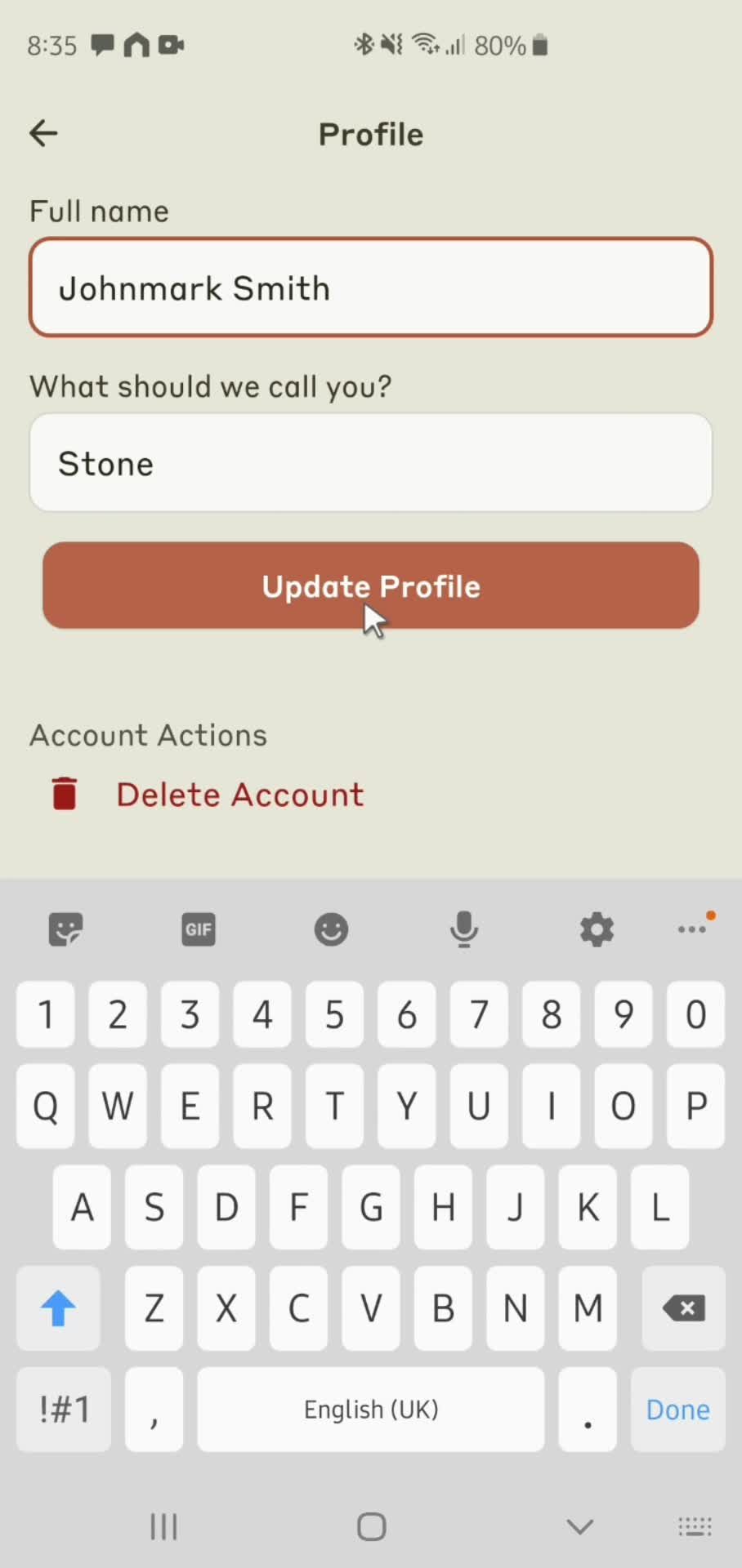
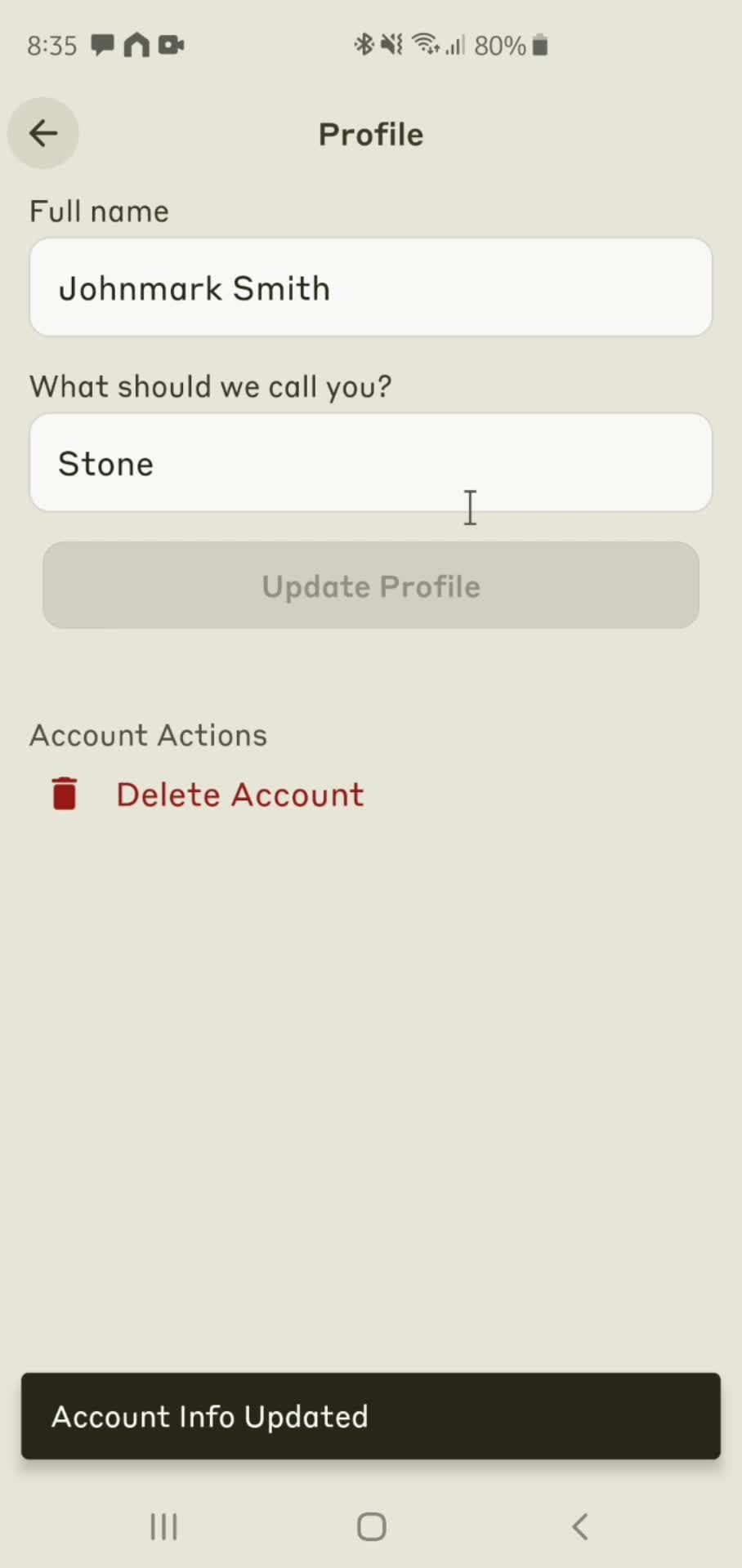
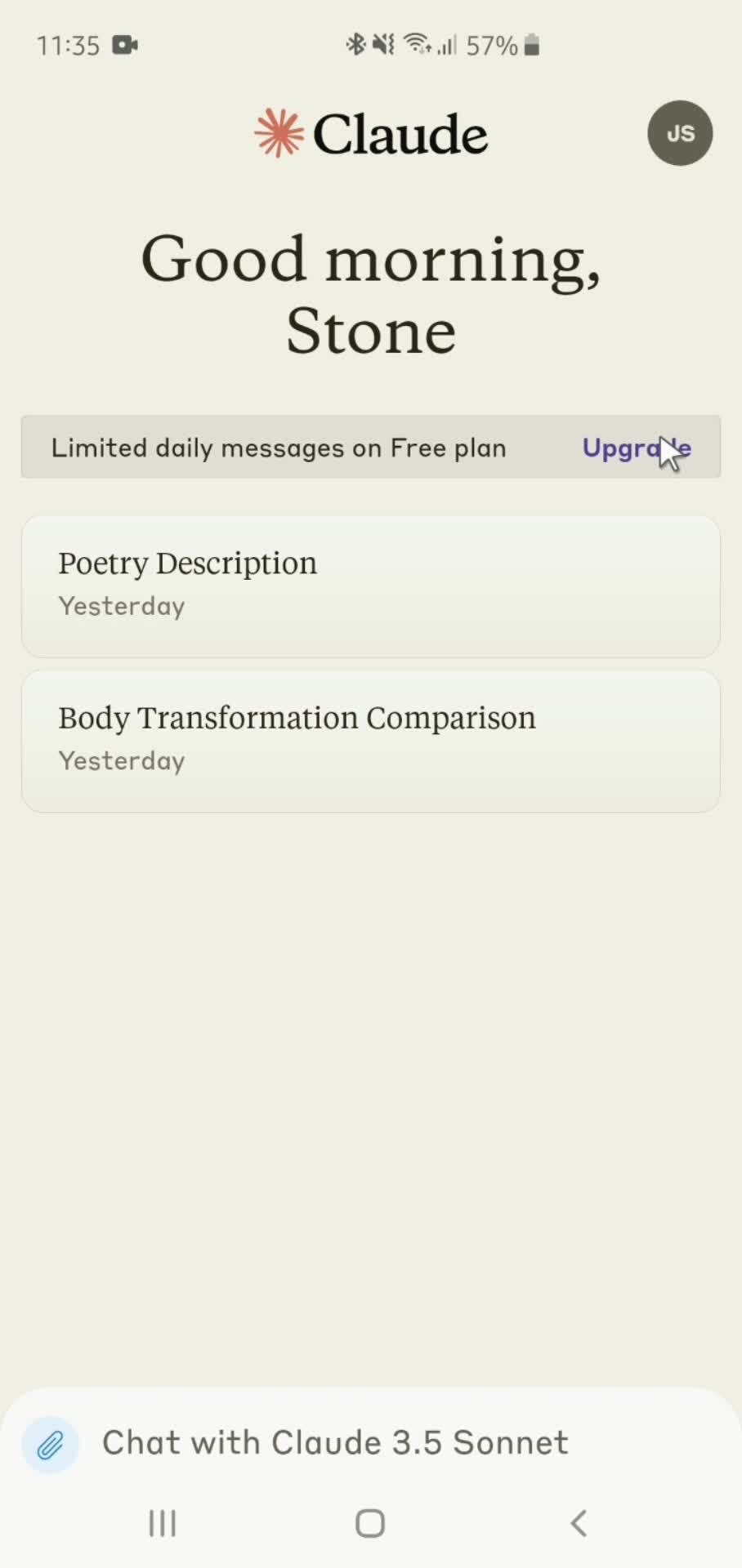
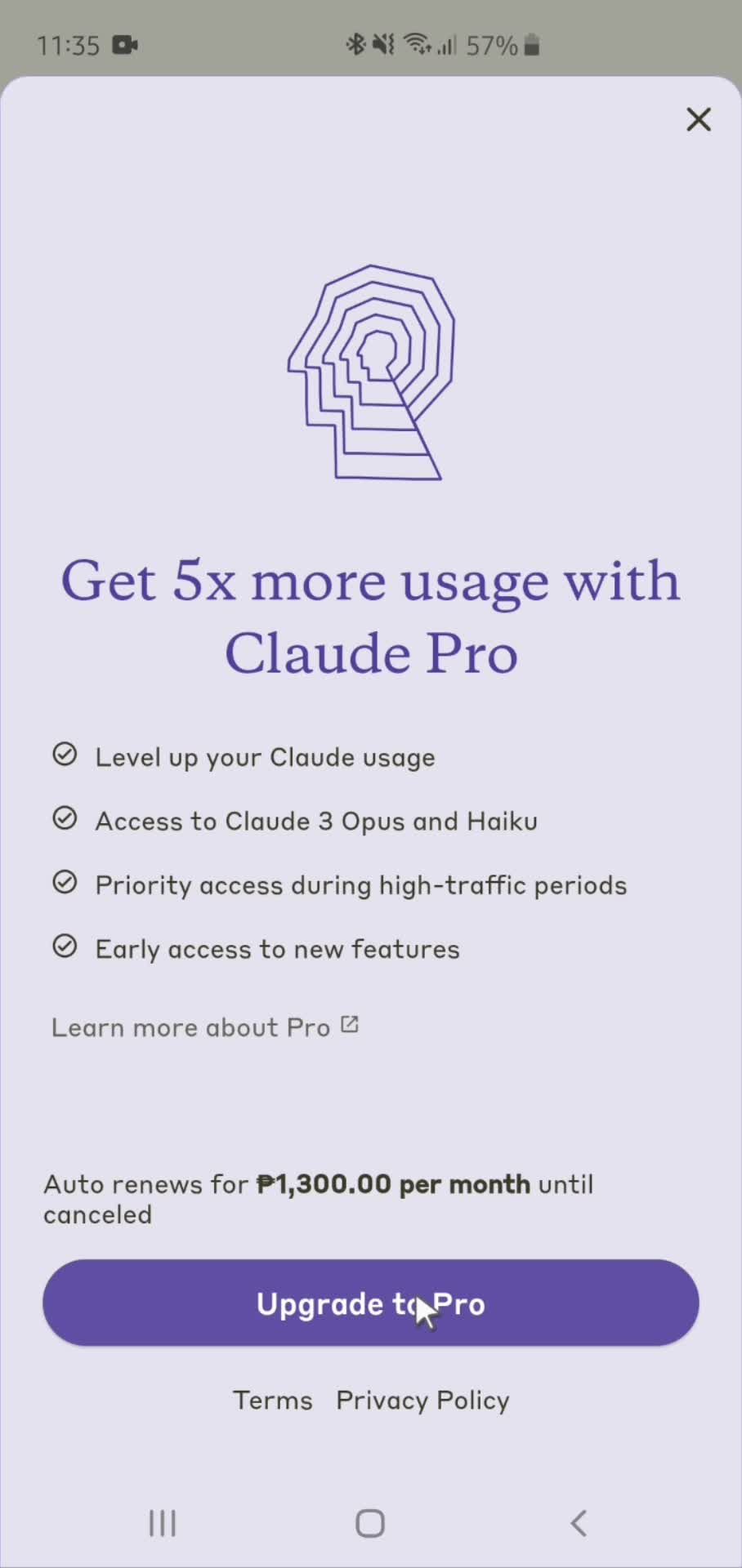
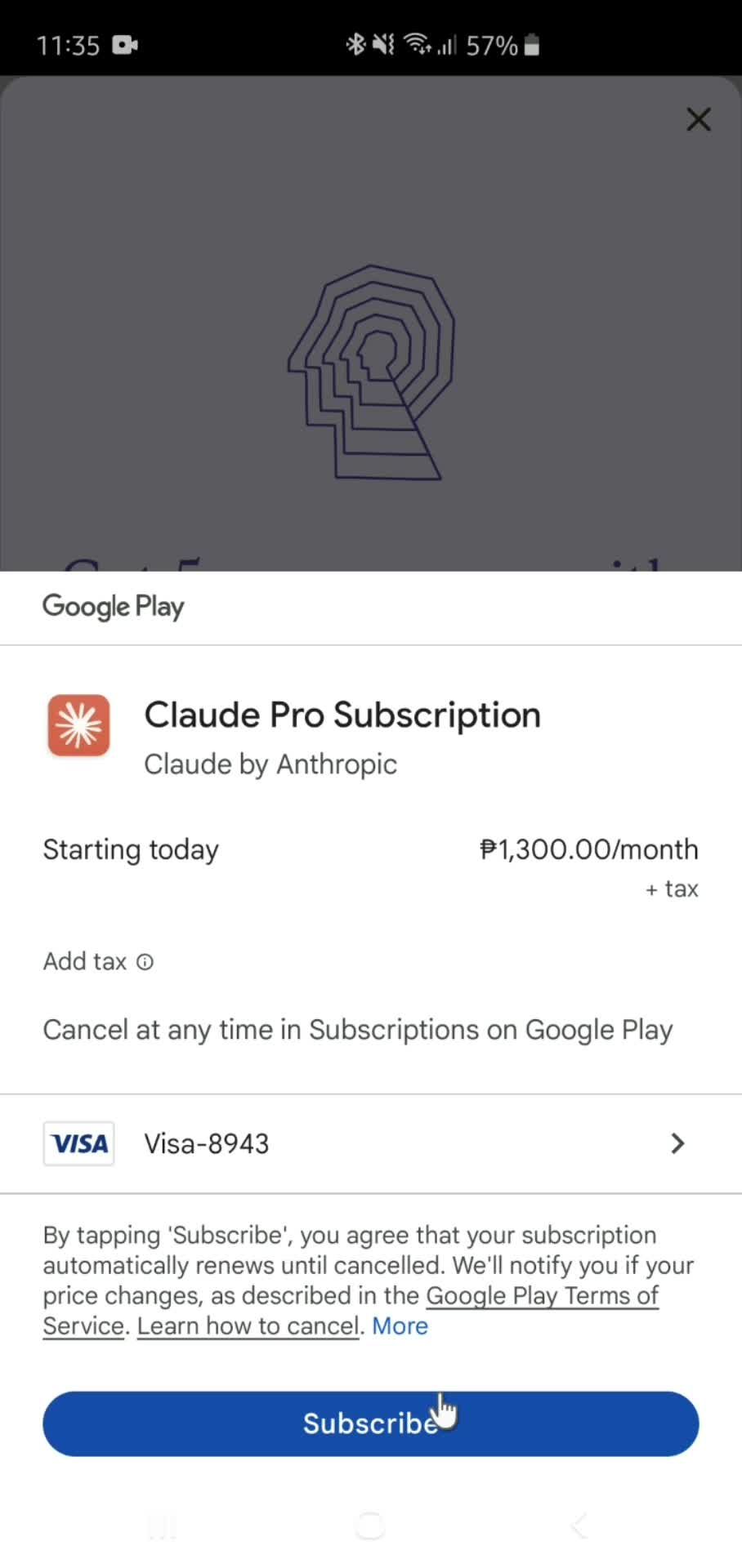
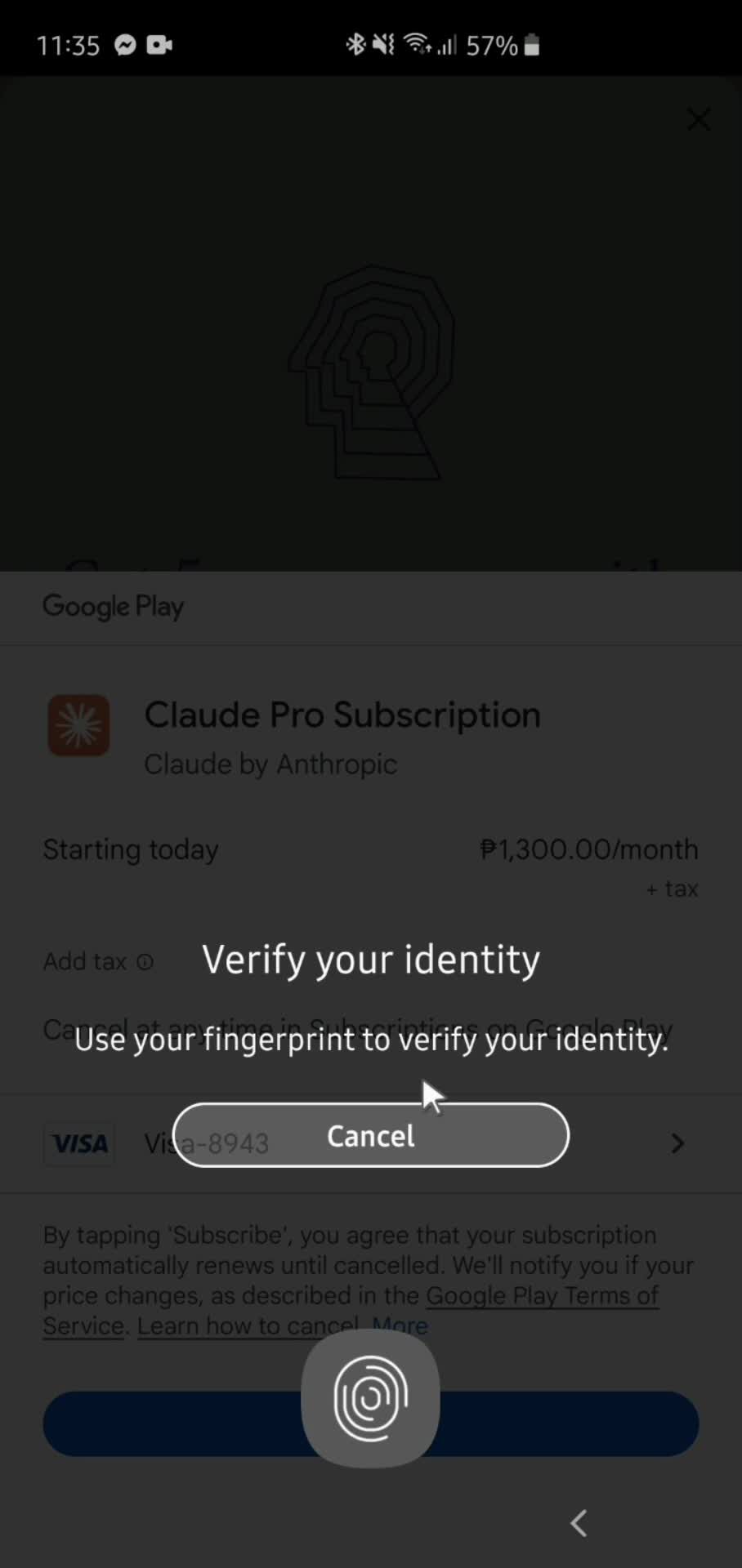
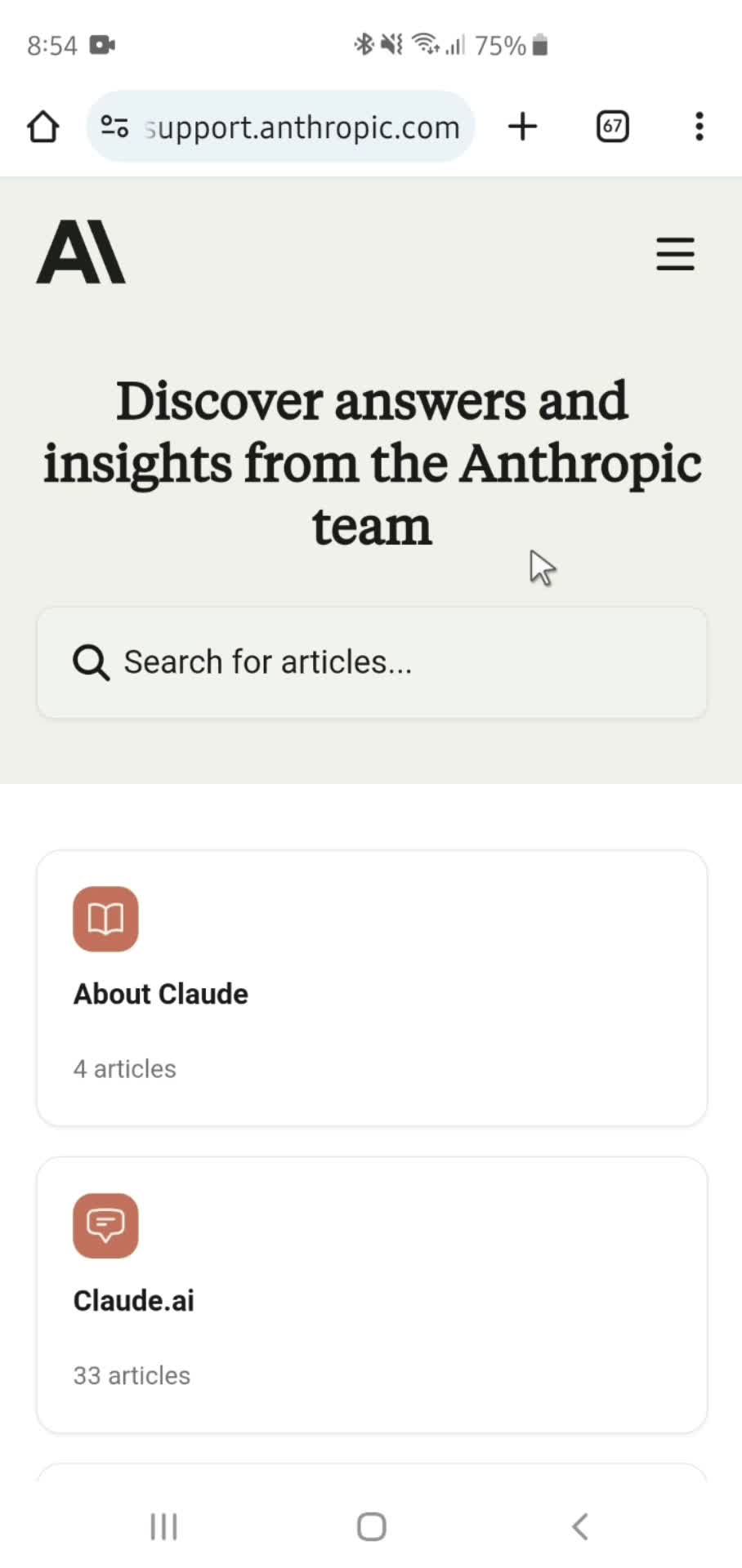
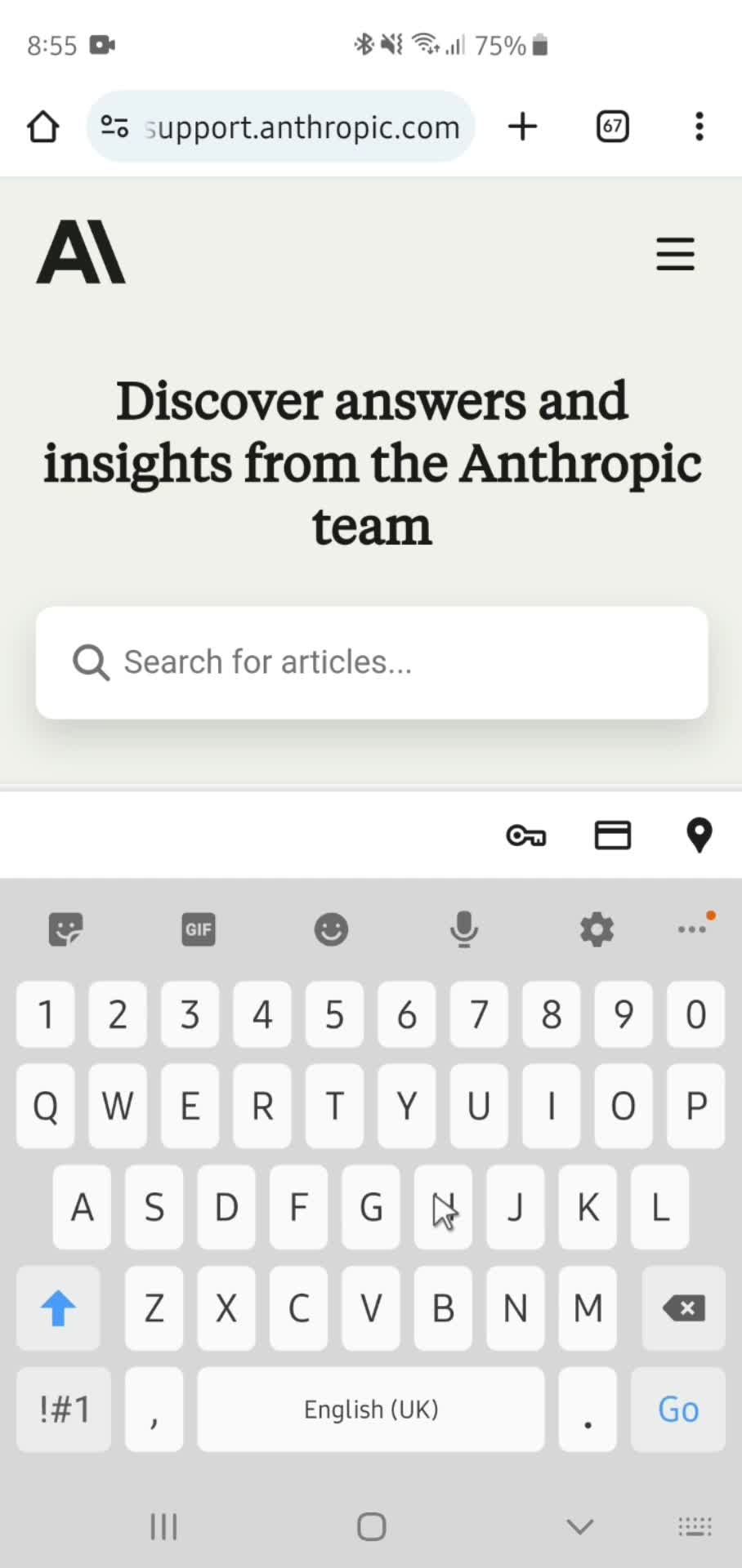
General browsing Flow in Claude on Android

Watch a recorded General browsing flow inside Claude for Android. Every screen and Material Design decision is captured step by step — see exactly how Claude handles General browsing on Google Play.
AI

Claude is an advanced AI language model developed by Anthropic and is known for emphasizing safety, user control, and ethical considerations. Designed to assist with a wide range of tasks, including text generation, conversation, and problem-solving, Claude is built to understand and generate human-like text. It is named after Claude Shannon, a foundational figure in information theory, reflecting its focus on clear and effective communication.
Video preview
In this video
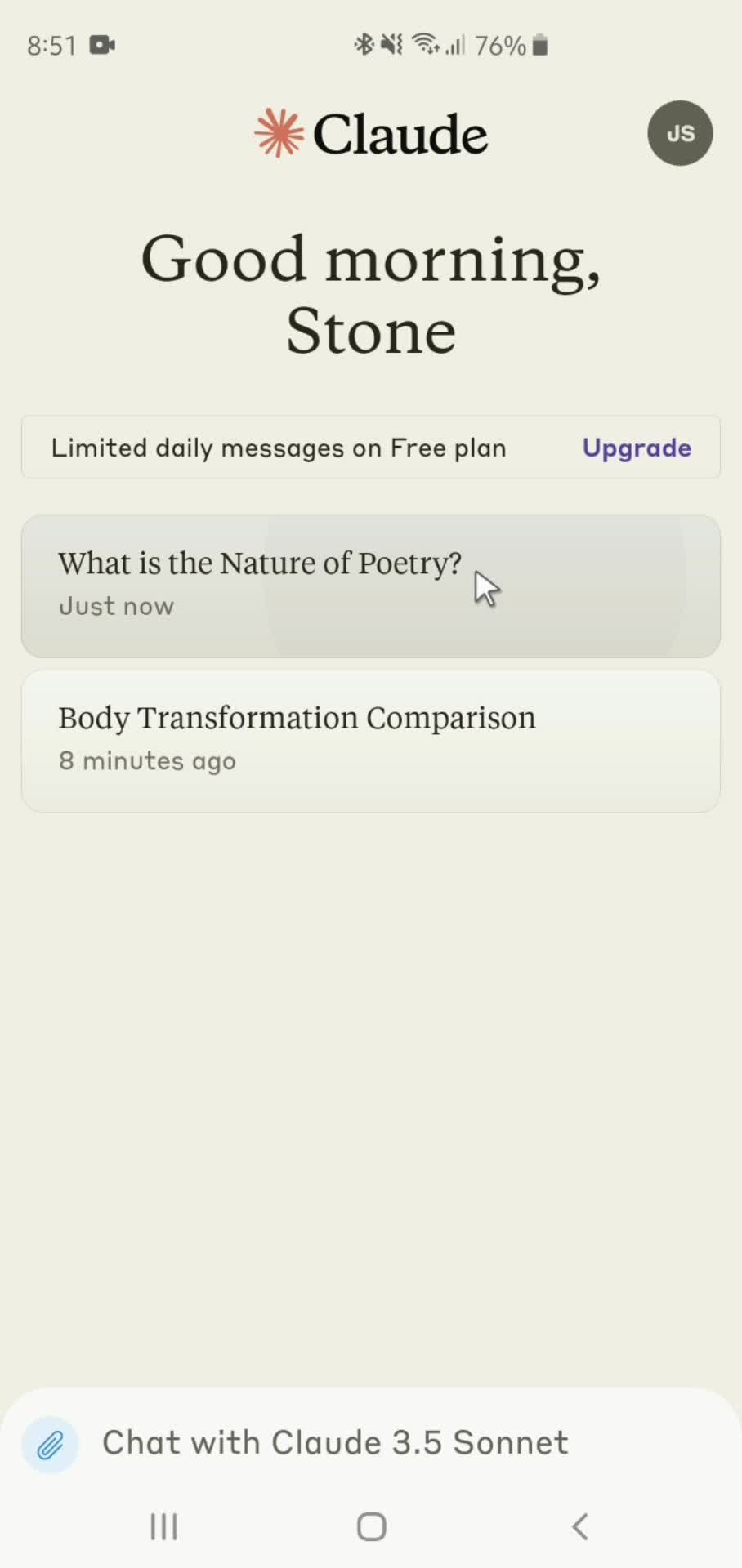
  • Home
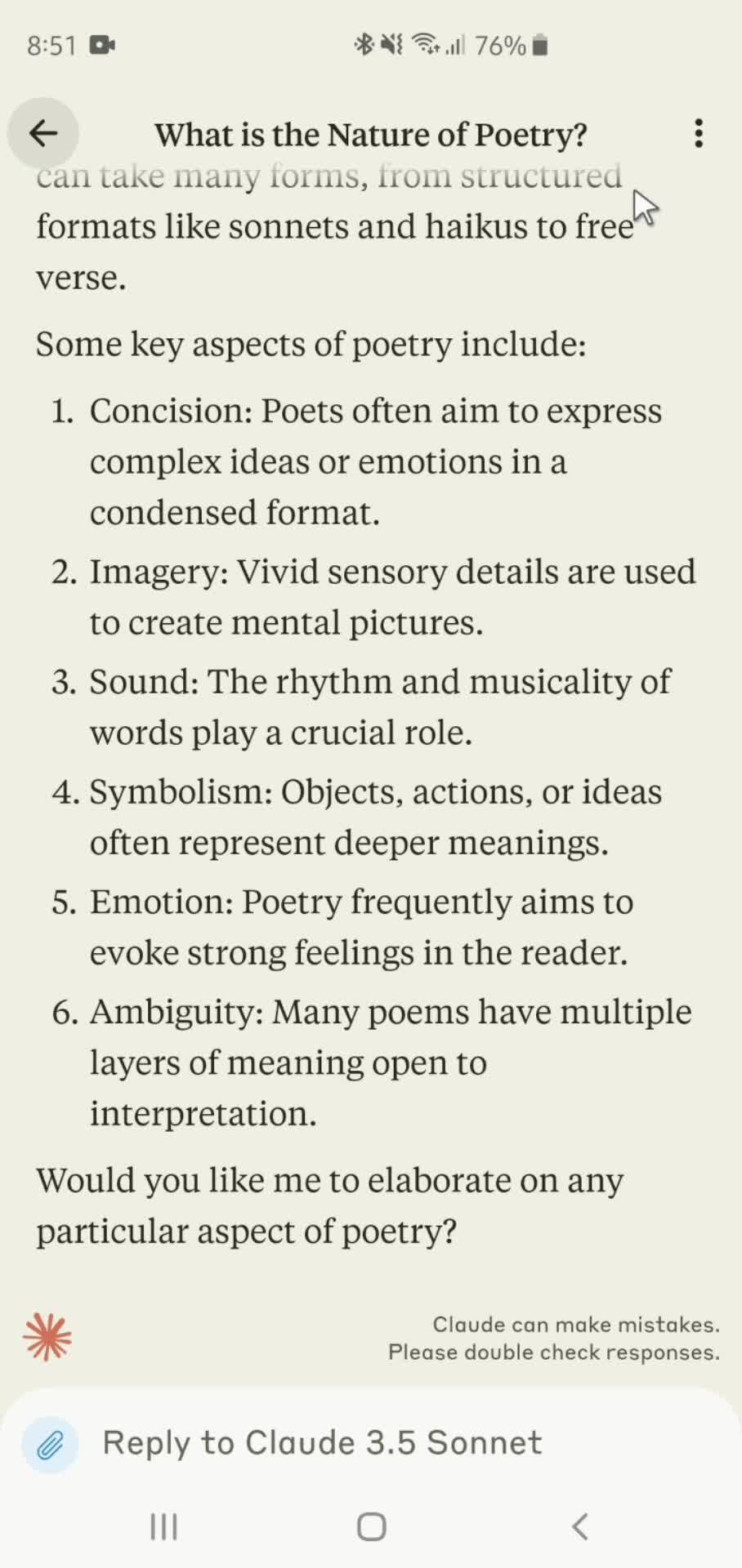
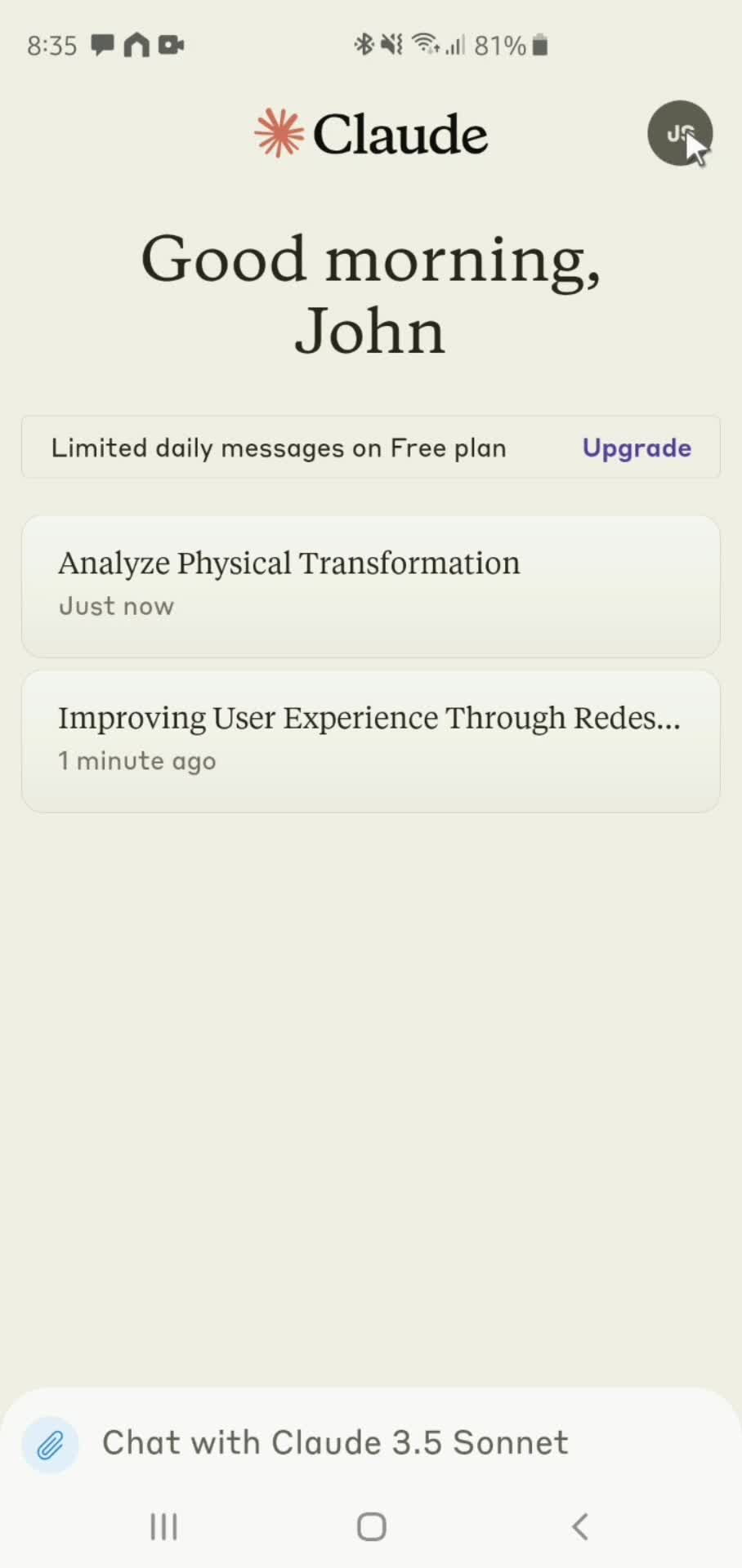
  • AI Chat
  • Send message
  • Chat
  • Take a photo
  • Send message
  • Generated AI
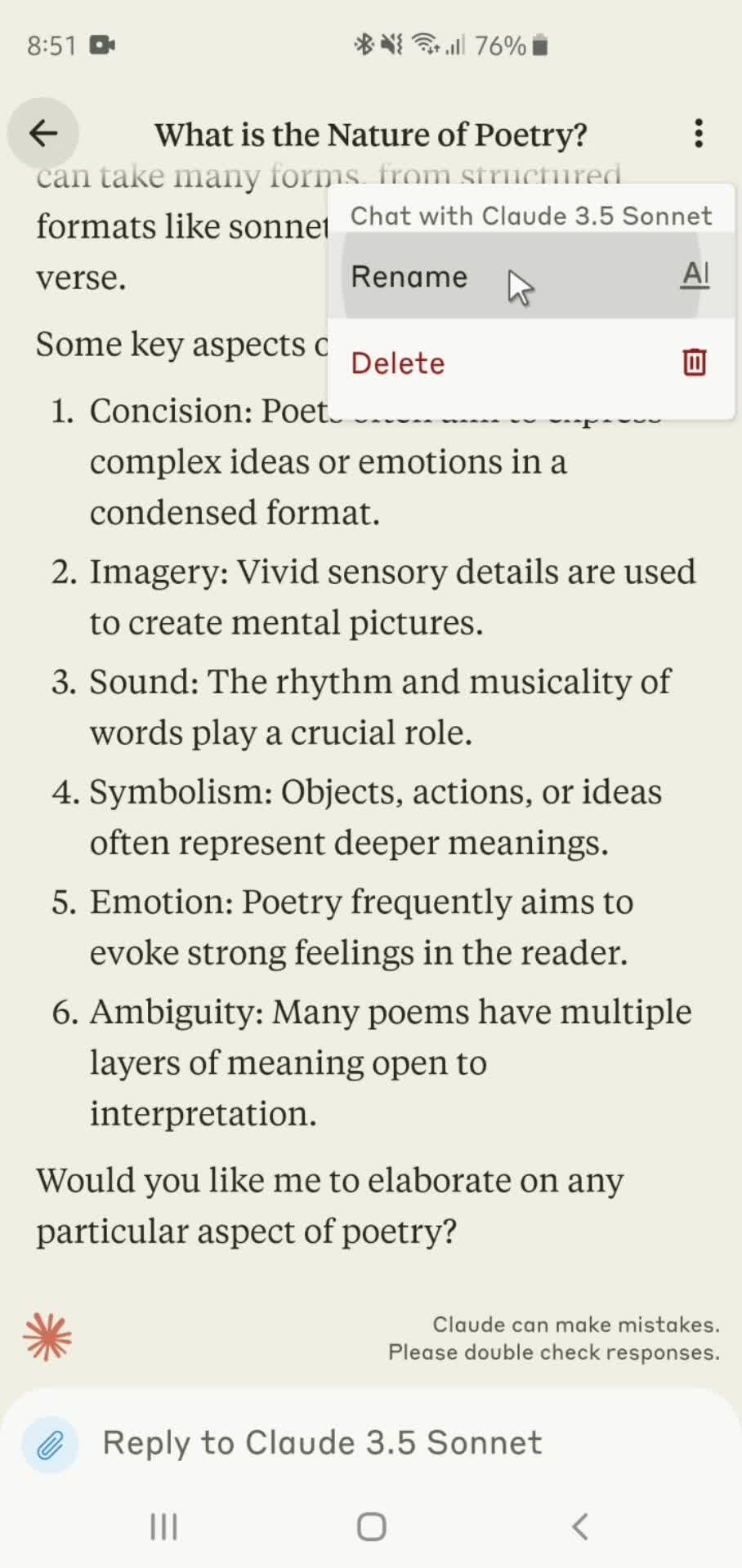
  • Action menu
  • Confirm
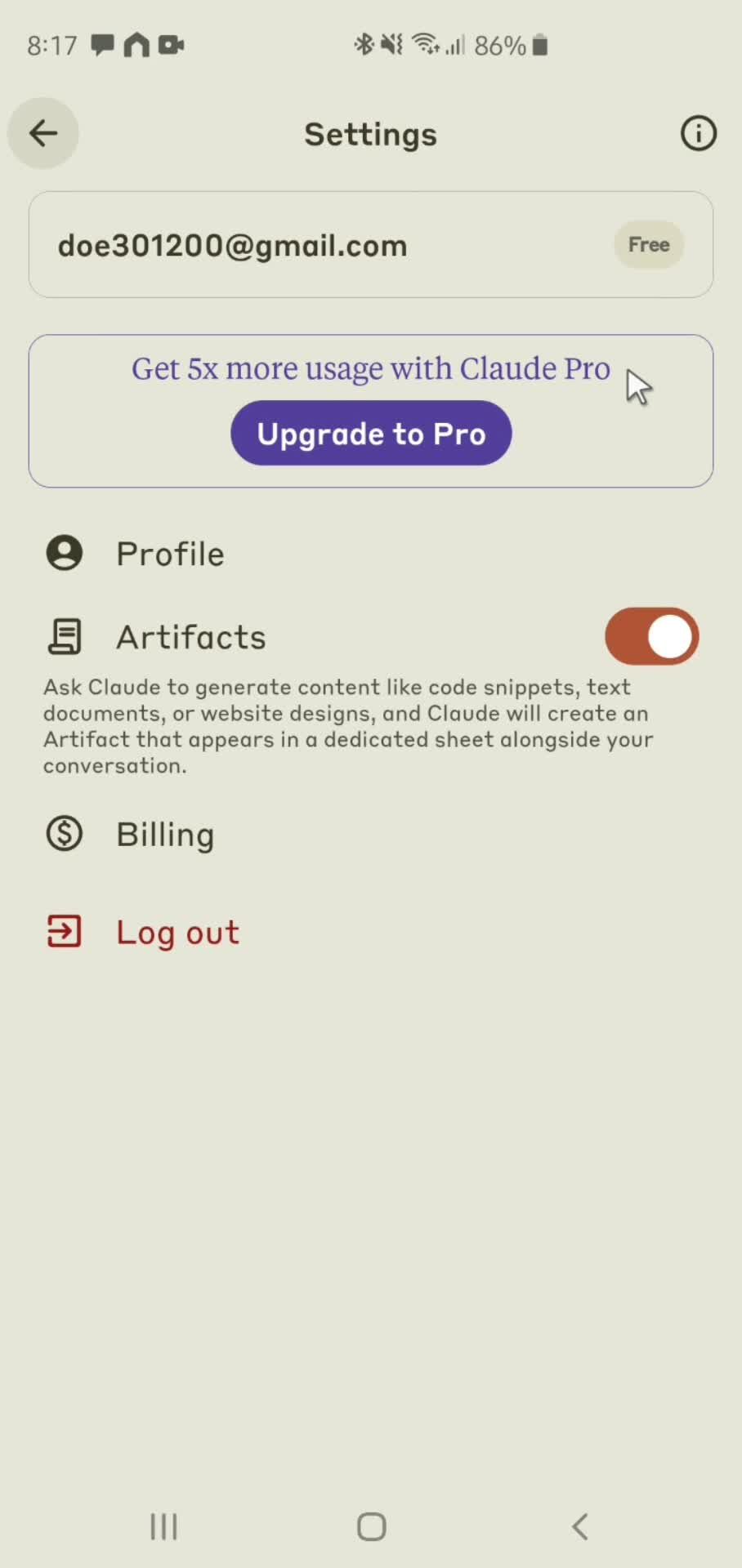
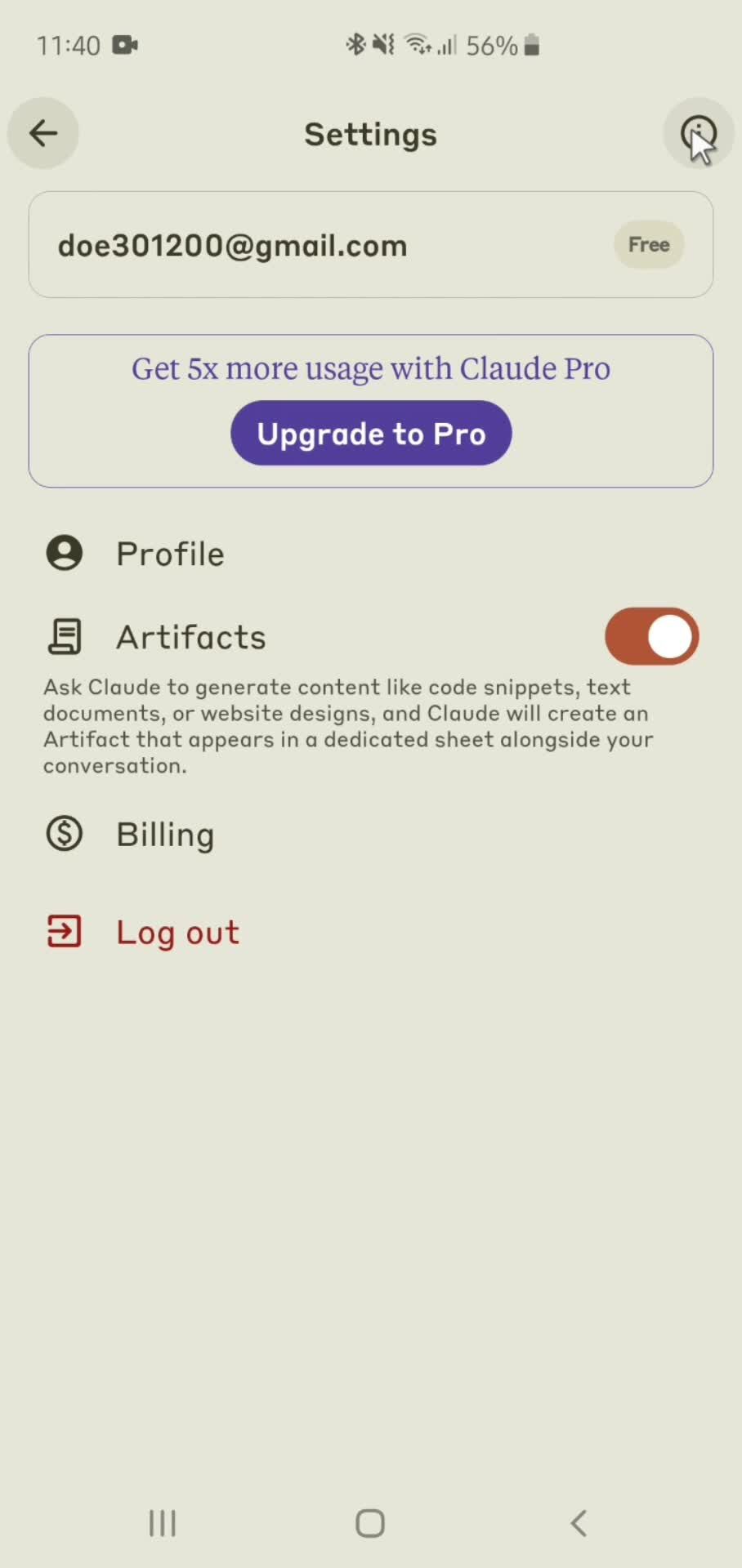
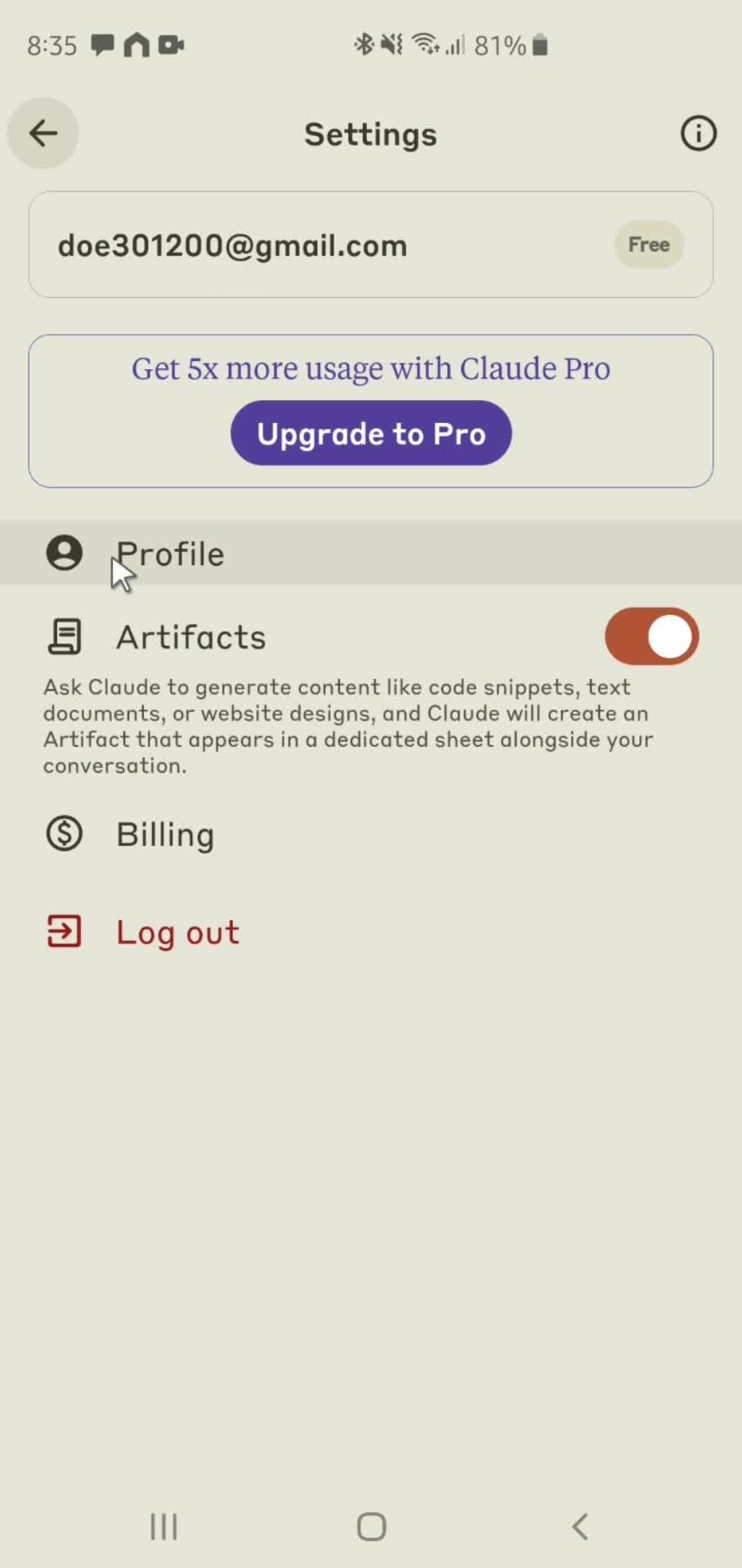
  • Settings
  • Profile
  • Edit name
  • Profile updated
  • Billing
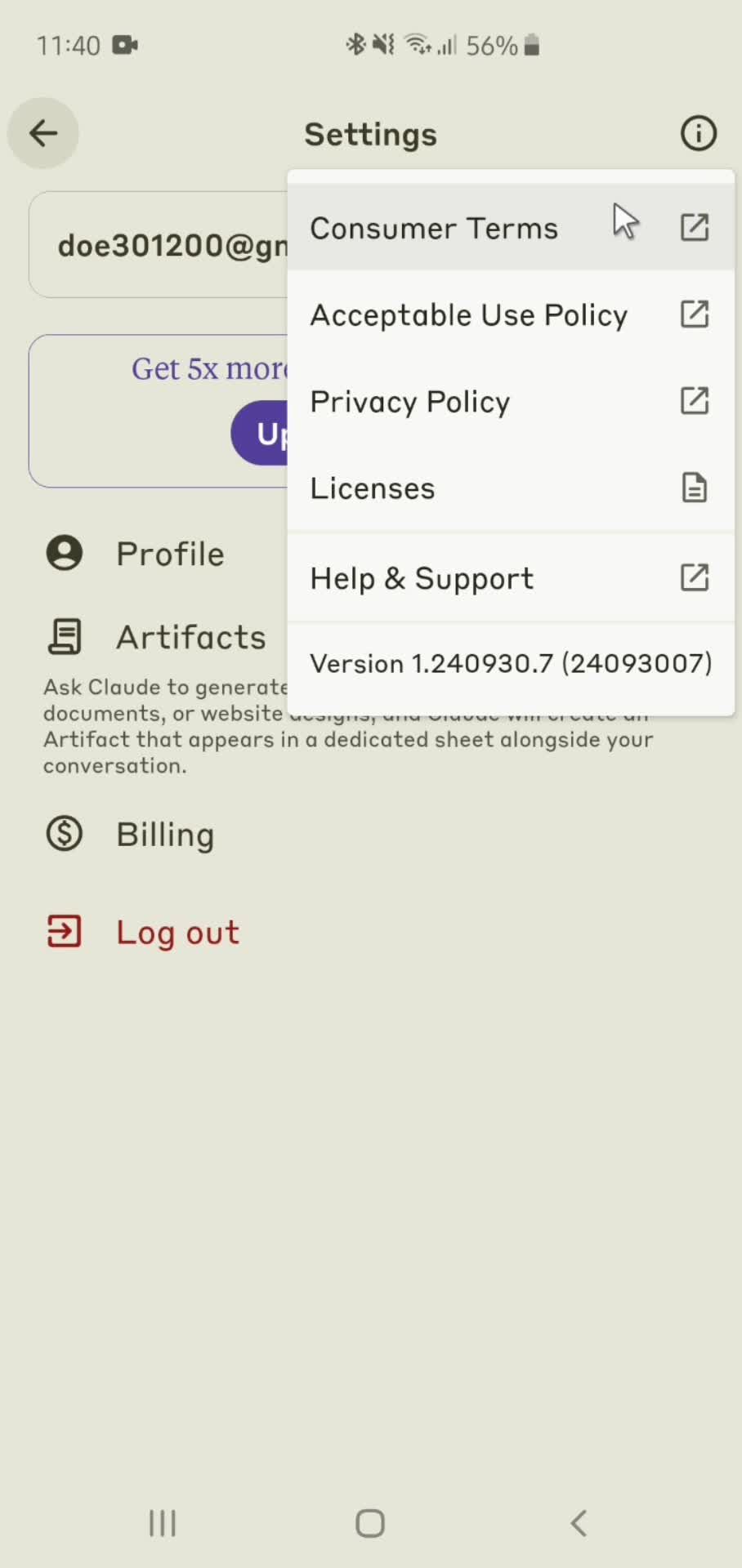
  • Account menu
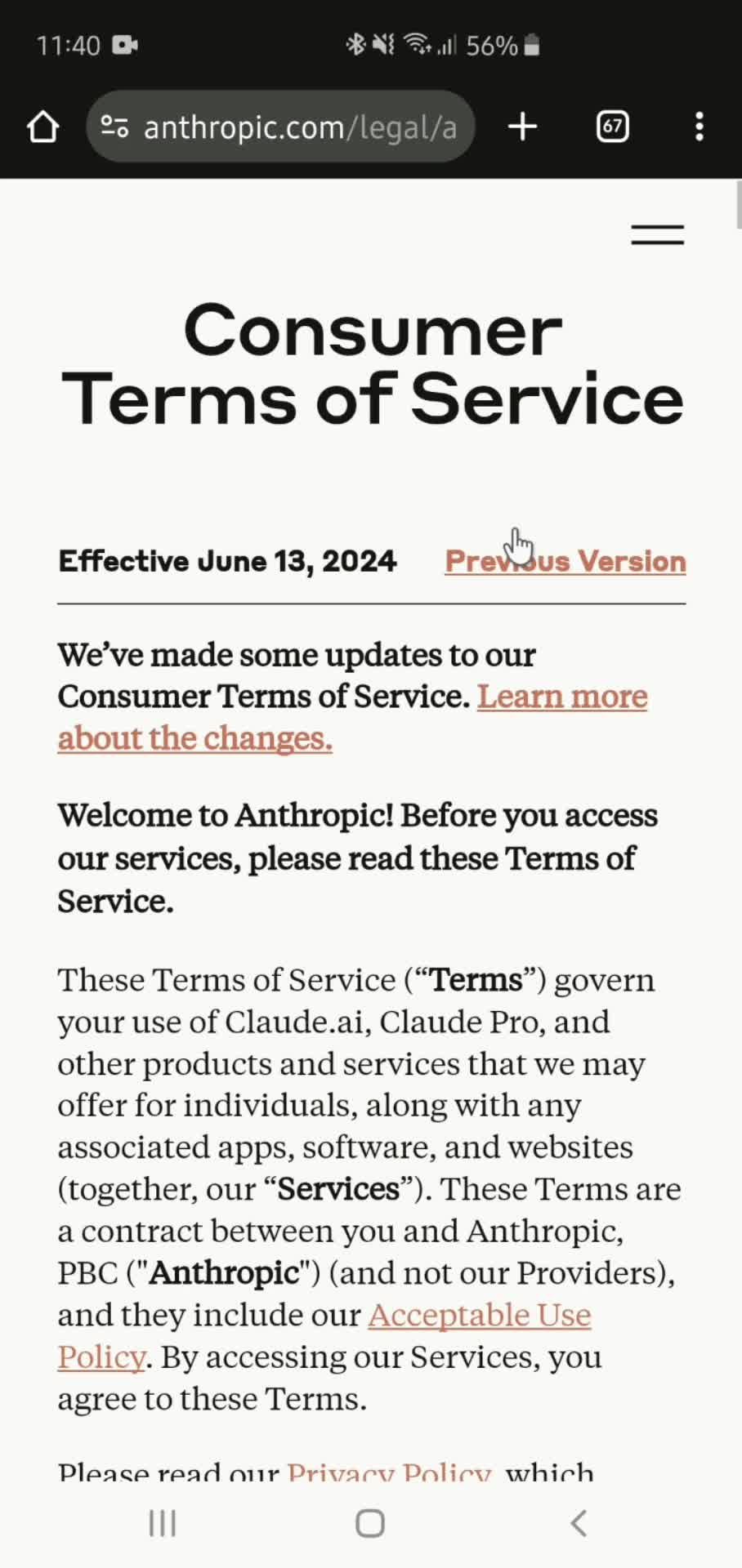
  • Terms of service
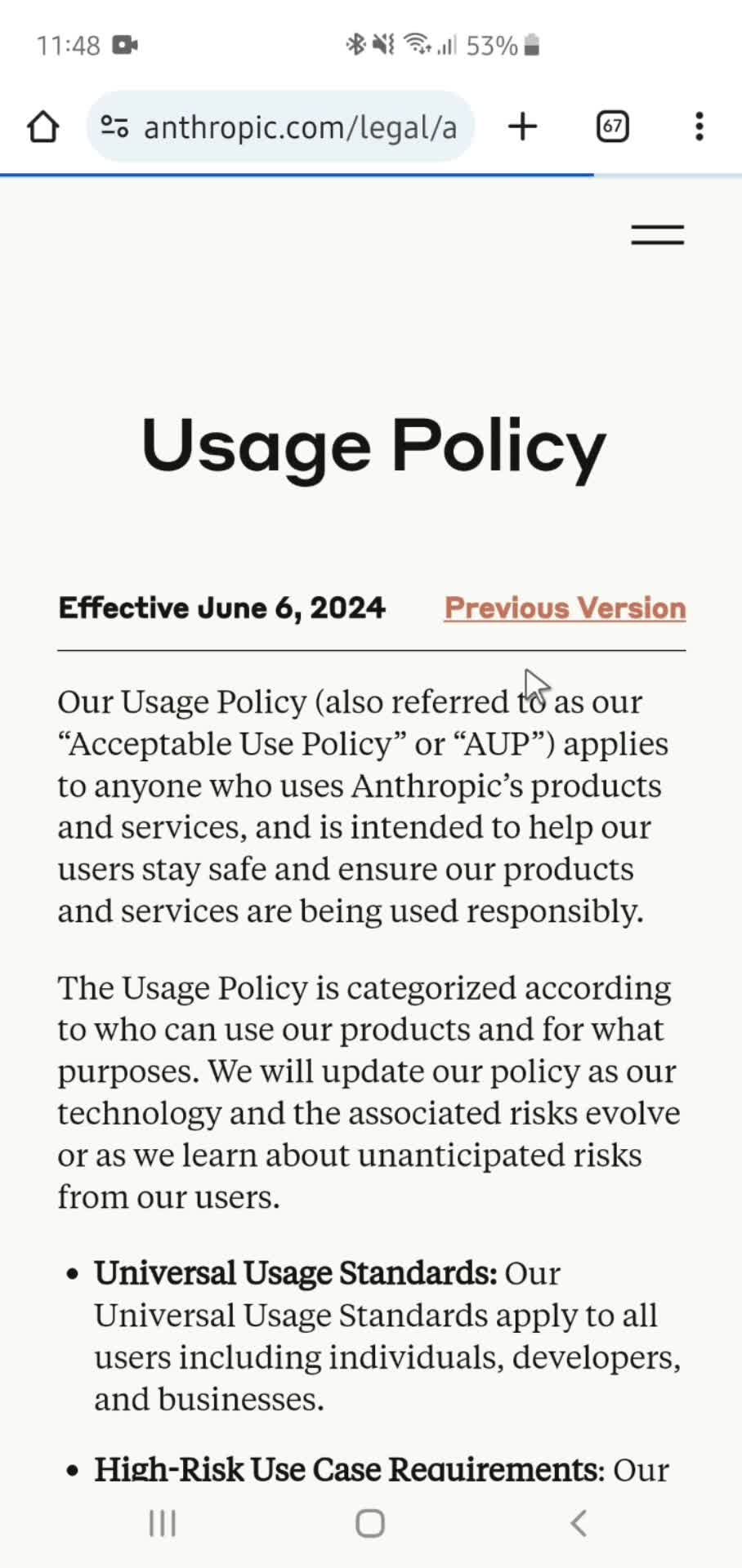
  • Usage policy
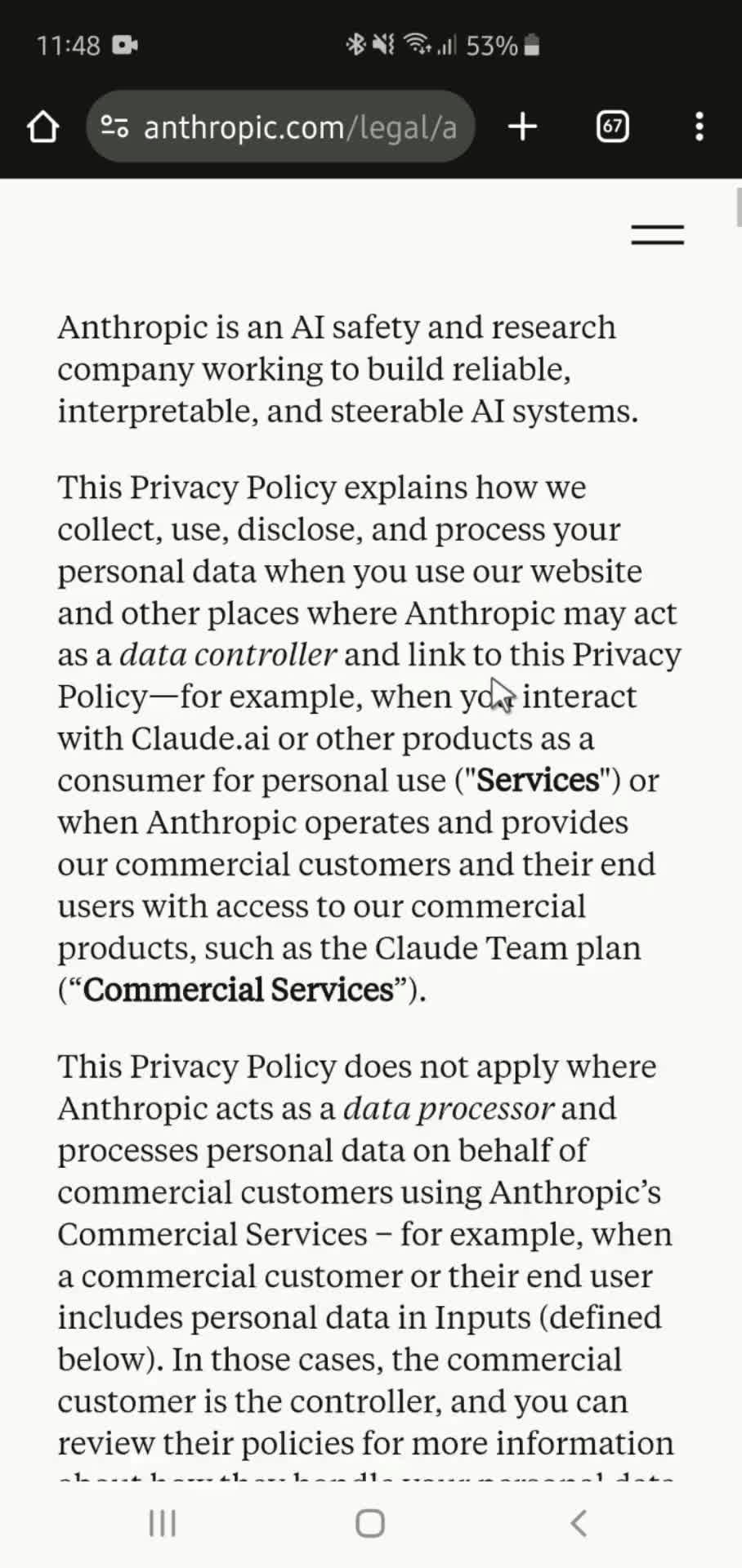
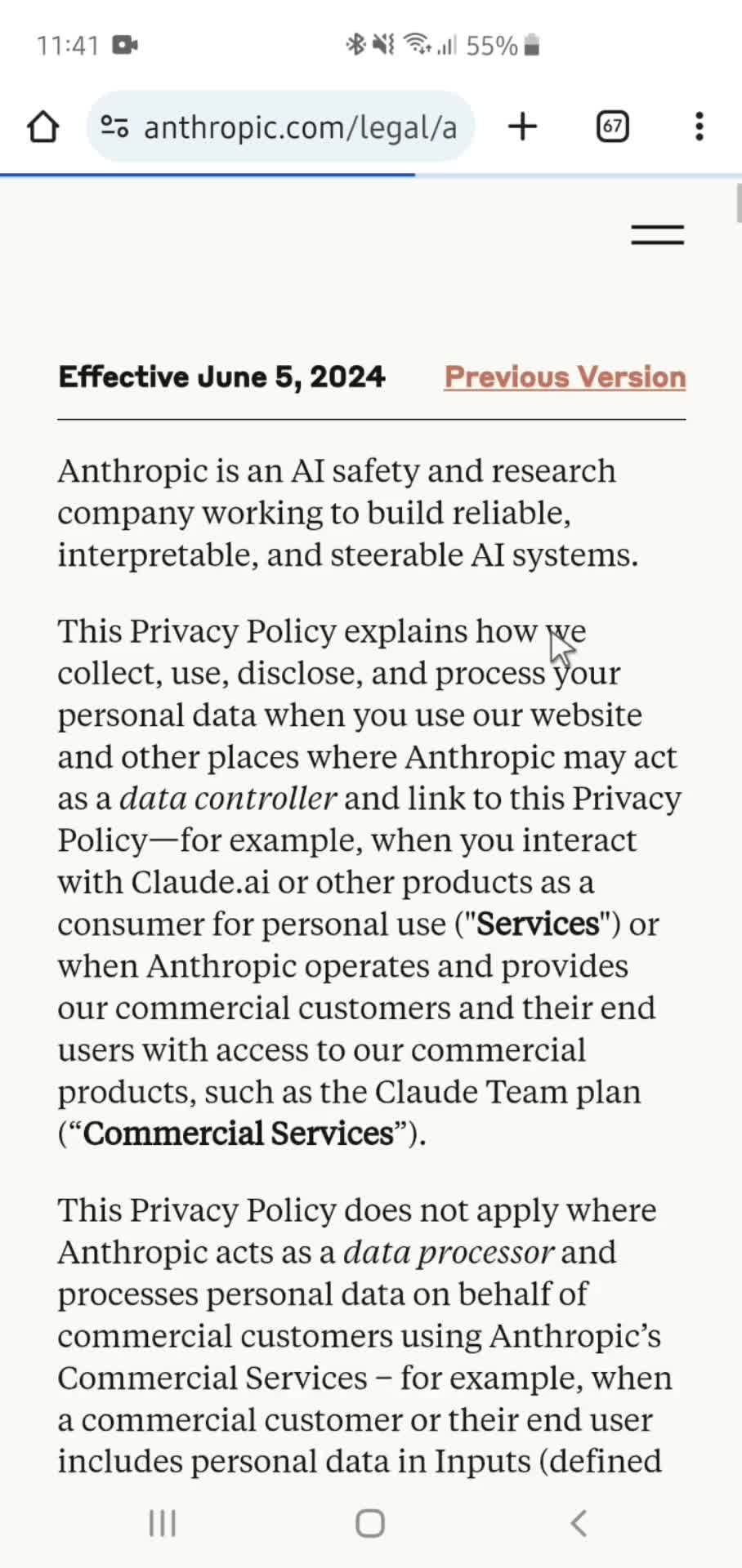
  • Privacy policy
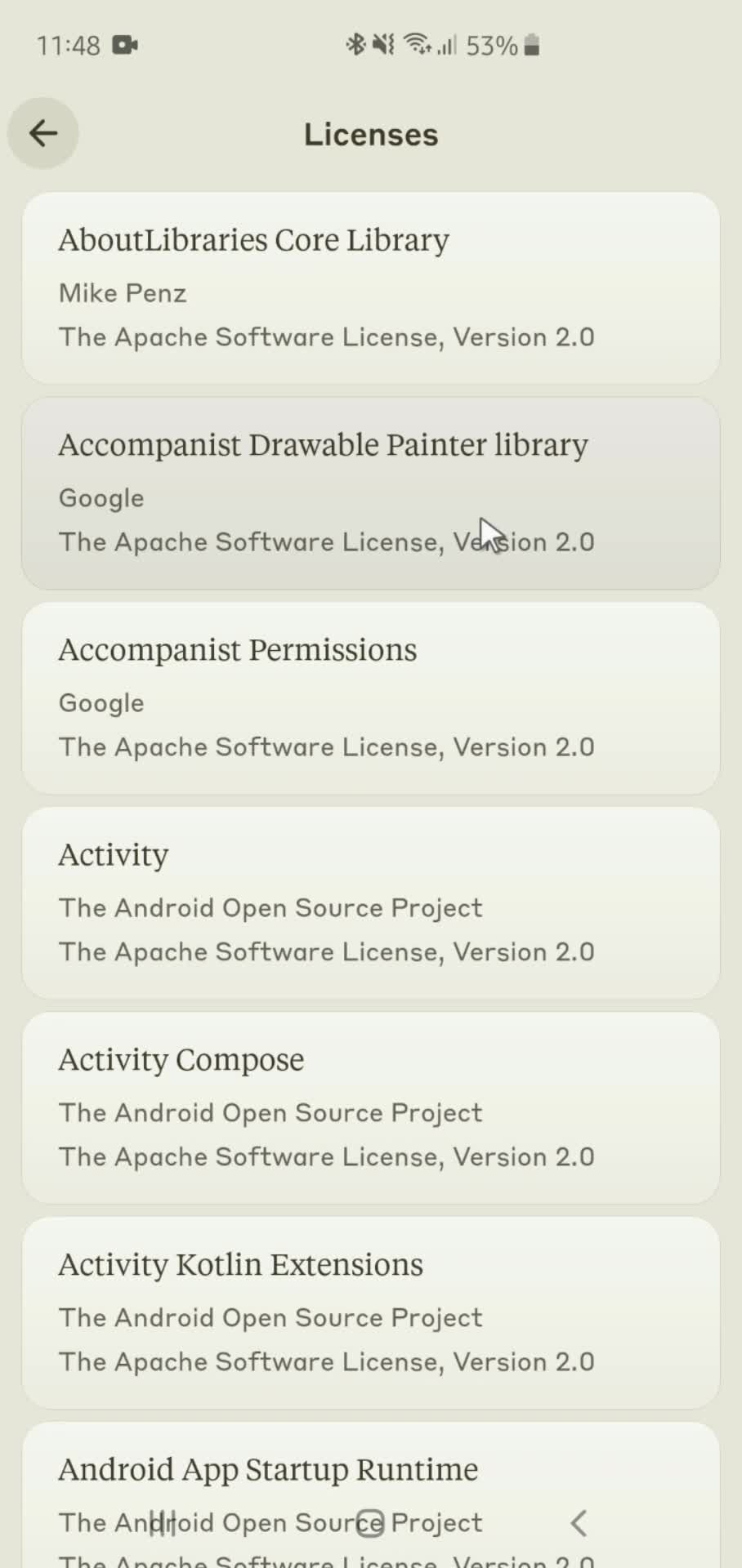
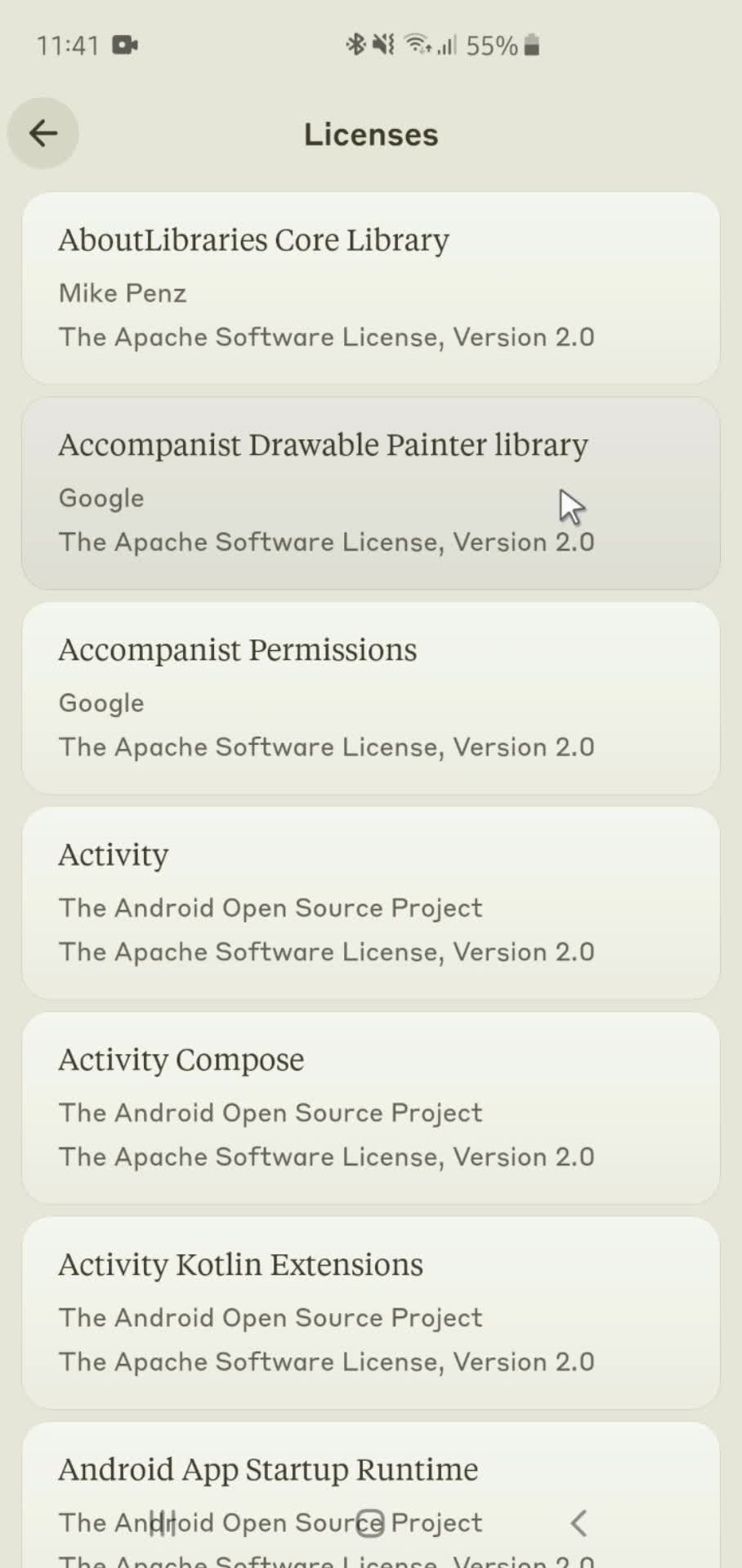
  • Licenses
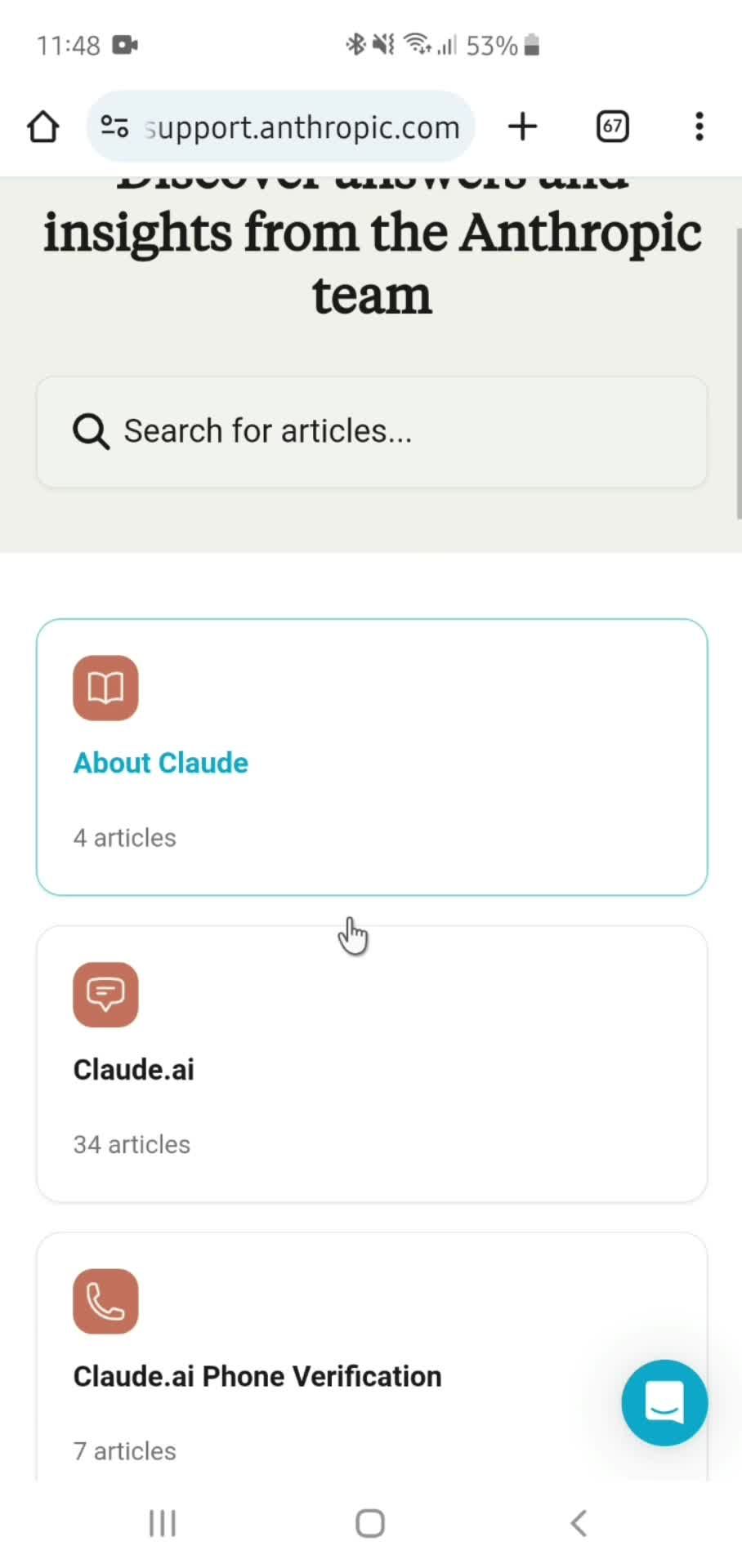
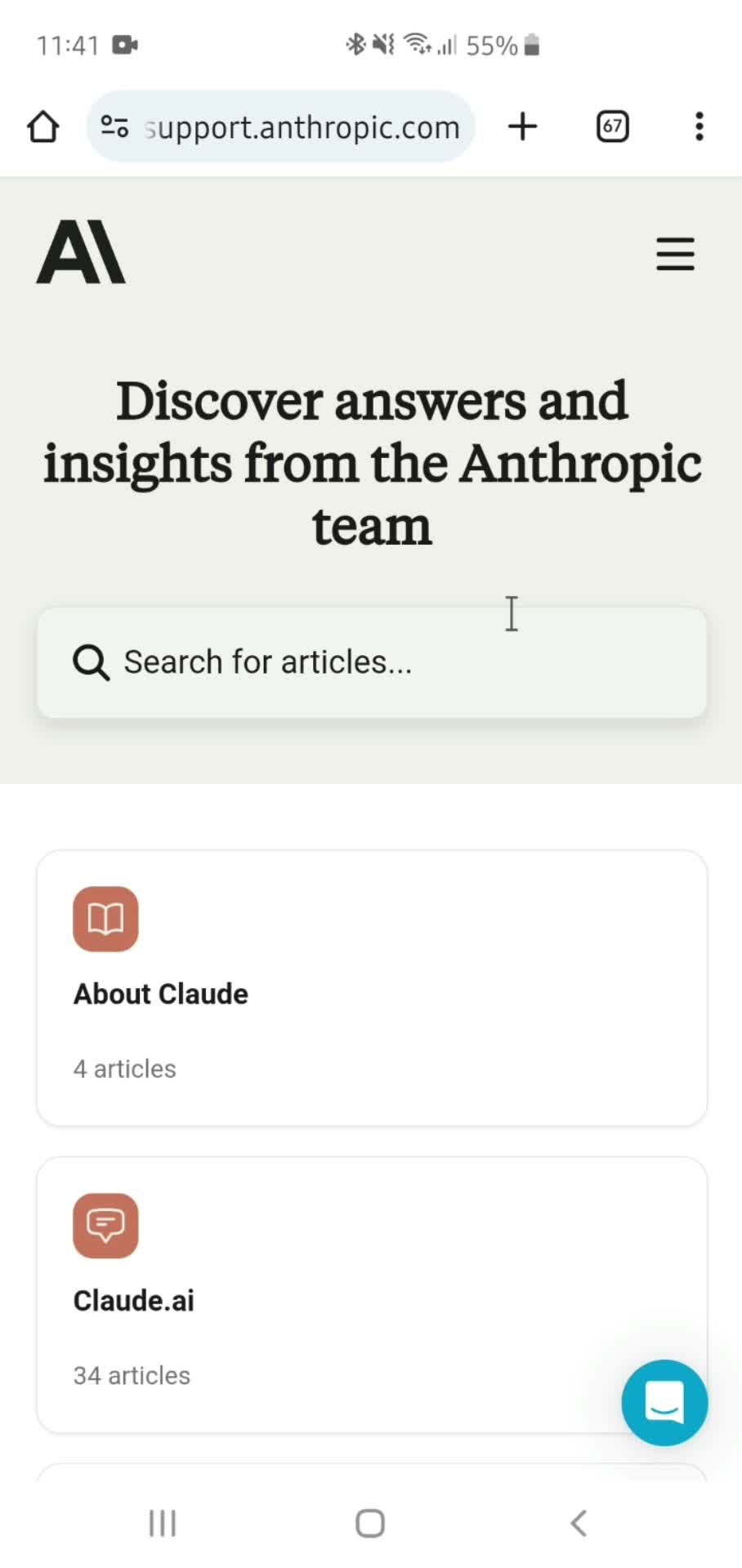
  • Help center
  • Articles
  • Help center article
  • Chat support
  • Related articles
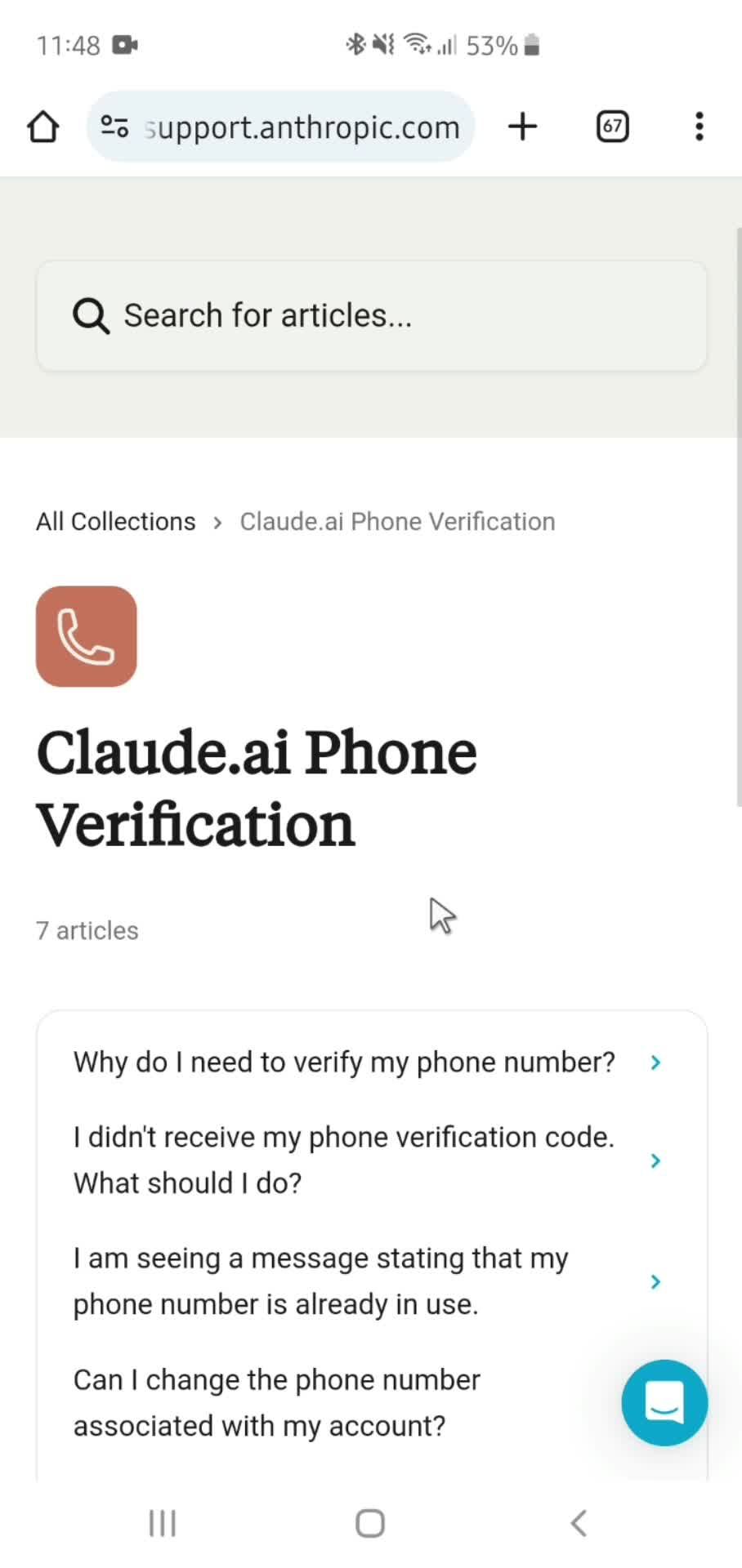
General browsing 24 Screens
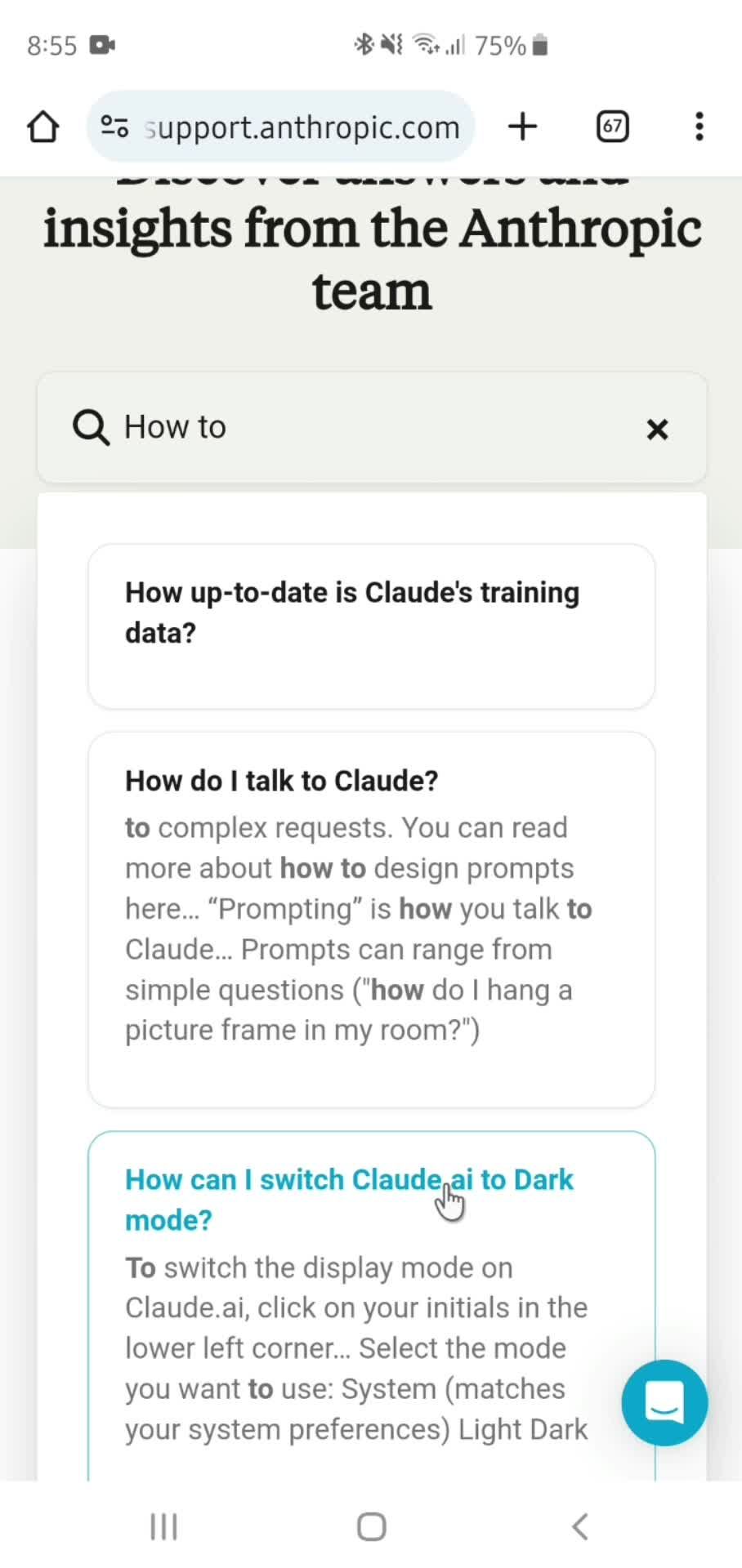
General browsing screenshot
Home
General browsing screenshot
AI Chat
General browsing screenshot
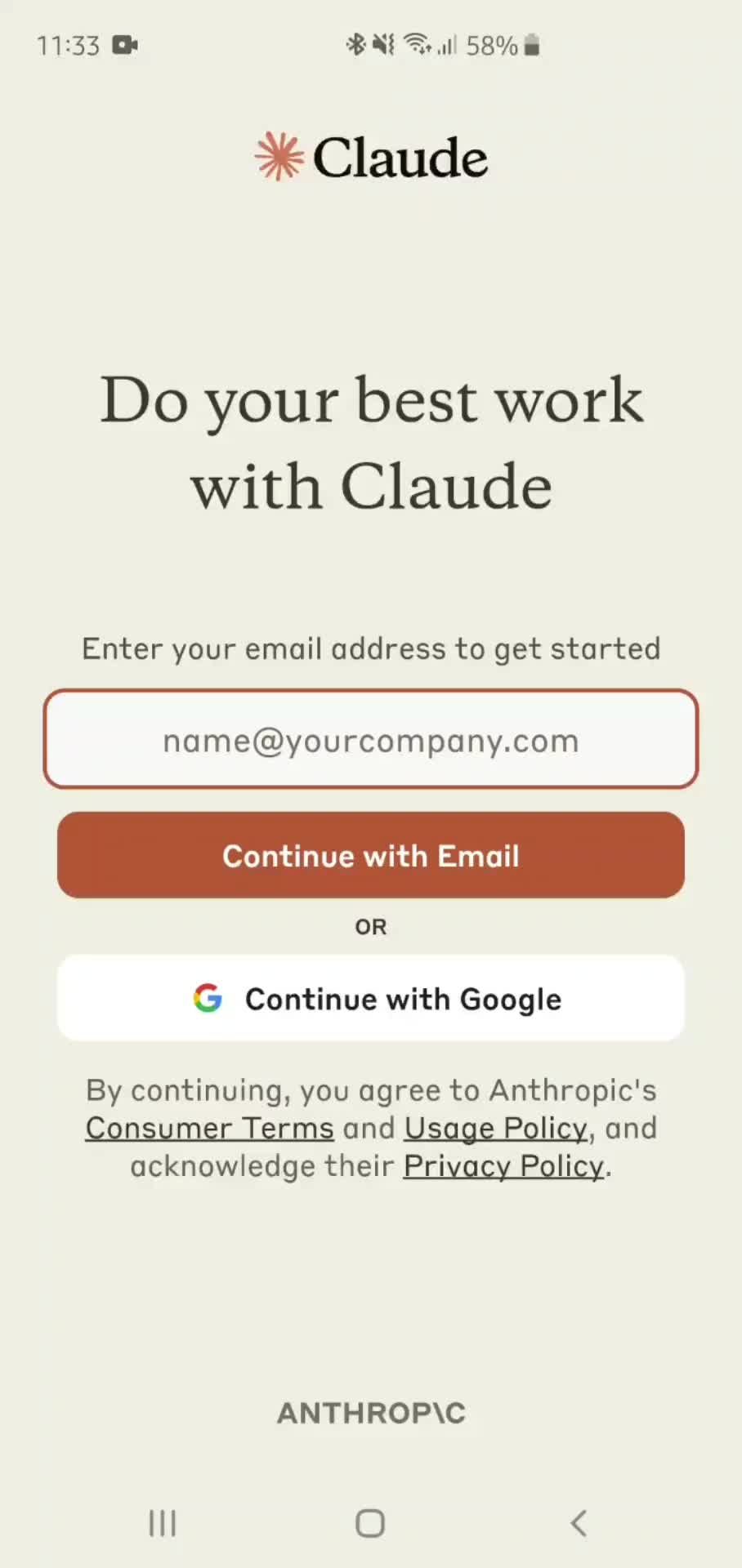
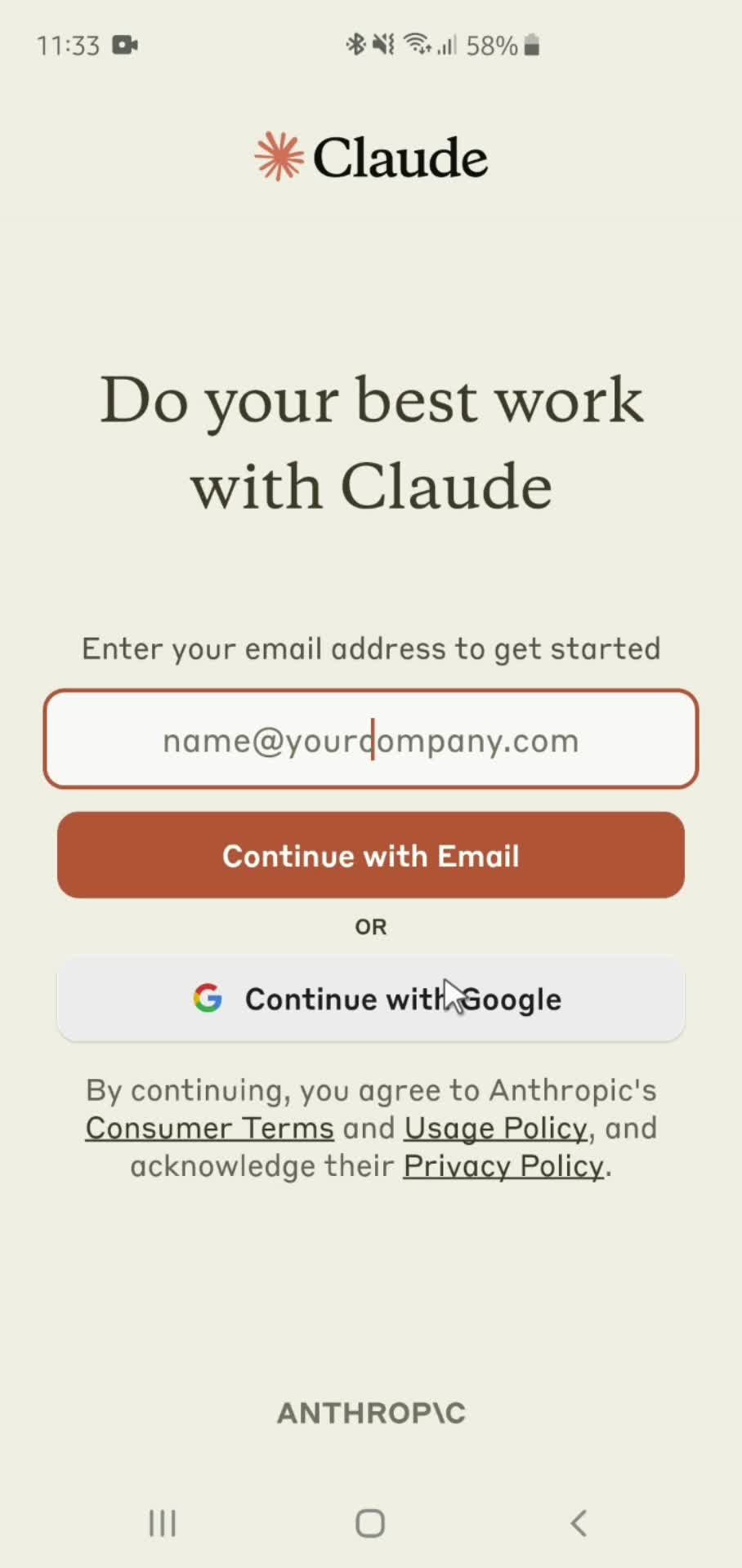
Send message
General browsing screenshot

Sign up to unlock this user flow

Try 3 Days
Chat
General browsing screenshot

Sign up to unlock this user flow

Try 3 Days
Take a photo
General browsing screenshot

Sign up to unlock this user flow

Try 3 Days
Send message
General browsing screenshot

Sign up to unlock this user flow

Try 3 Days
Generated AI
General browsing screenshot

Sign up to unlock this user flow

Try 3 Days
Action menu
General browsing screenshot

Sign up to unlock this user flow

Try 3 Days
Confirm
General browsing screenshot

Sign up to unlock this user flow

Try 3 Days
Settings
General browsing screenshot

Sign up to unlock this user flow

Try 3 Days
Profile
General browsing screenshot

Sign up to unlock this user flow

Try 3 Days
Edit name
General browsing screenshot

Sign up to unlock this user flow

Try 3 Days
Profile updated
General browsing screenshot

Sign up to unlock this user flow

Try 3 Days
Billing
General browsing screenshot

Sign up to unlock this user flow

Try 3 Days
Account menu
General browsing screenshot

Sign up to unlock this user flow

Try 3 Days
Terms of service
General browsing screenshot

Sign up to unlock this user flow

Try 3 Days
Usage policy
General browsing screenshot

Sign up to unlock this user flow

Try 3 Days
Privacy policy
General browsing screenshot

Sign up to unlock this user flow

Try 3 Days
Licenses
General browsing screenshot

Sign up to unlock this user flow

Try 3 Days
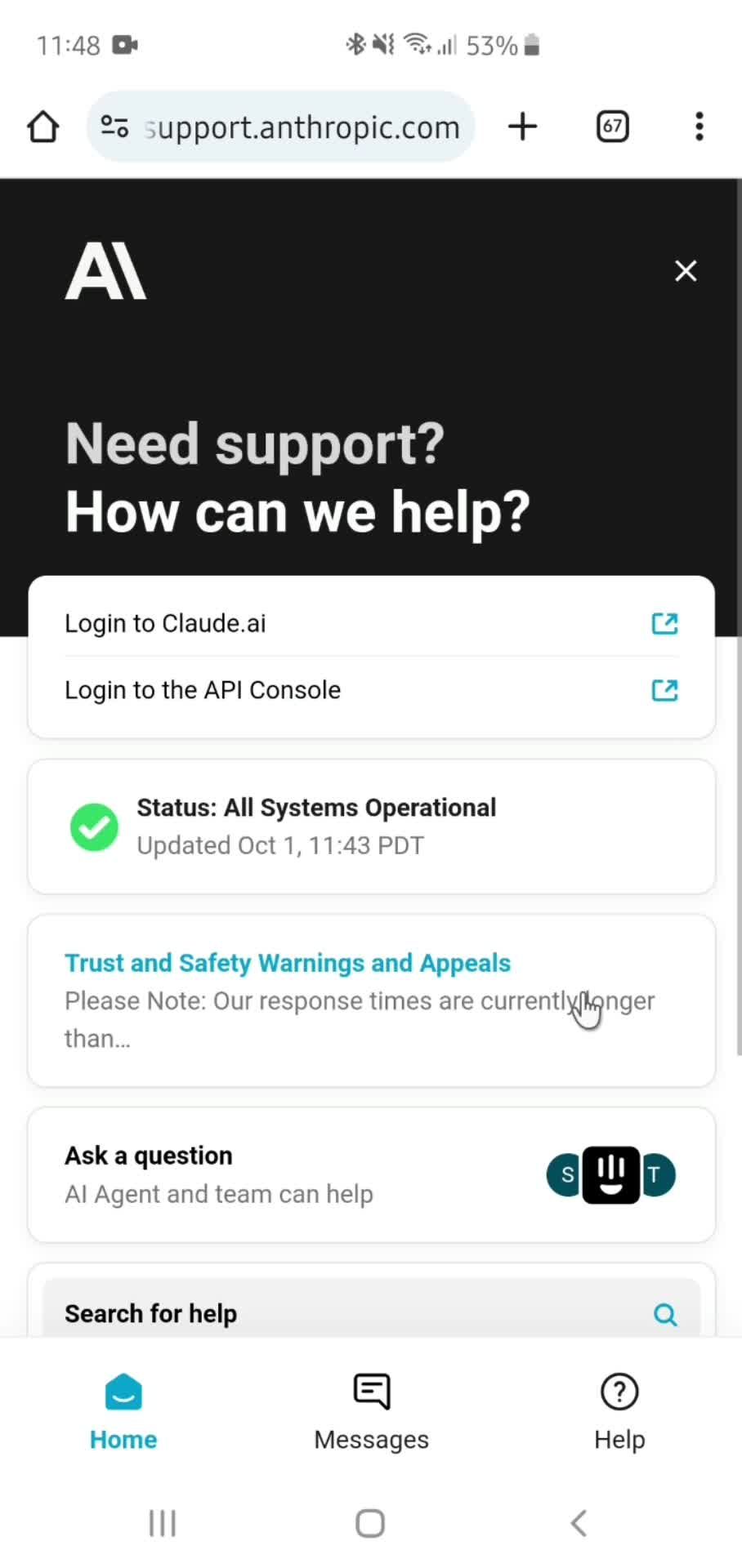
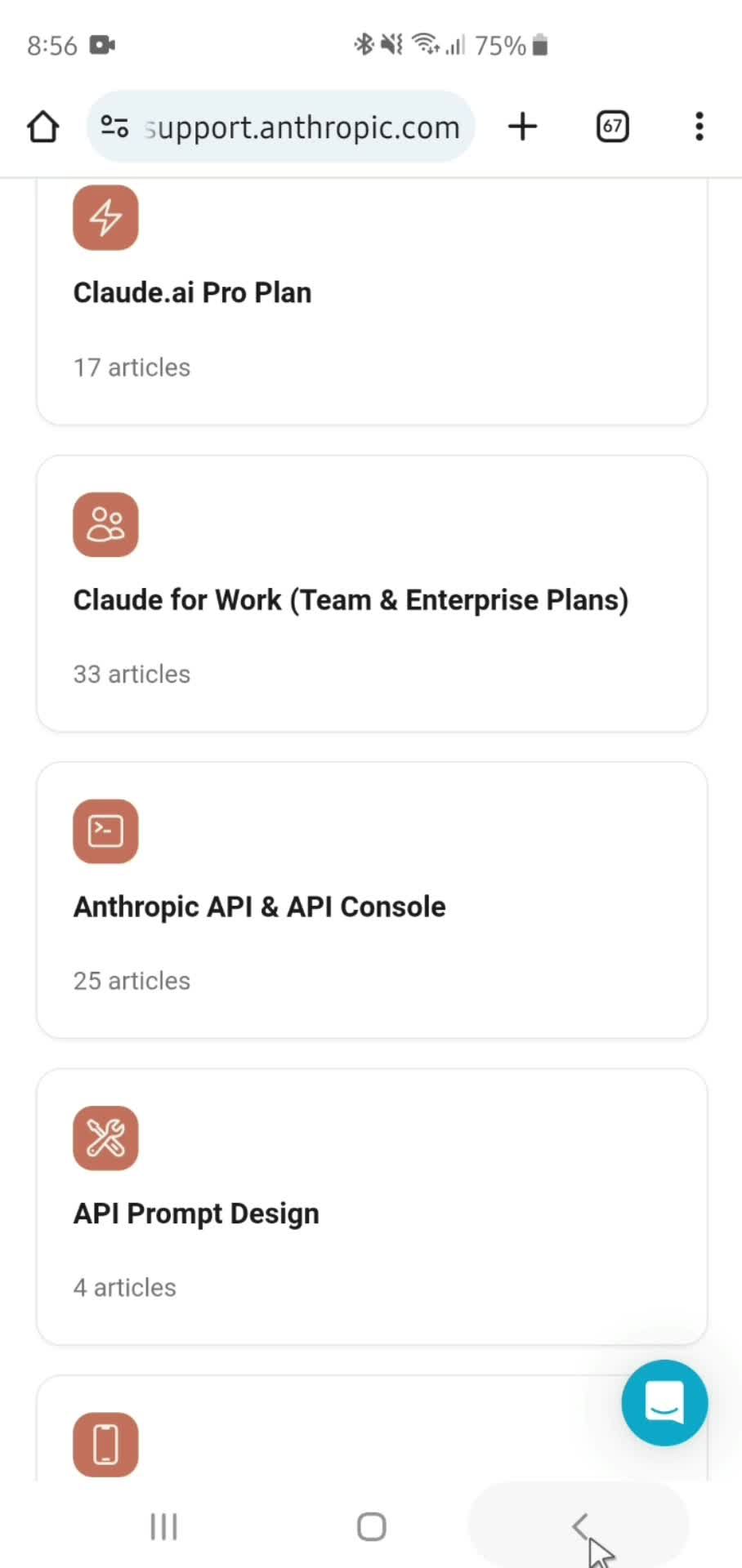
Help center
General browsing screenshot

Sign up to unlock this user flow

Try 3 Days
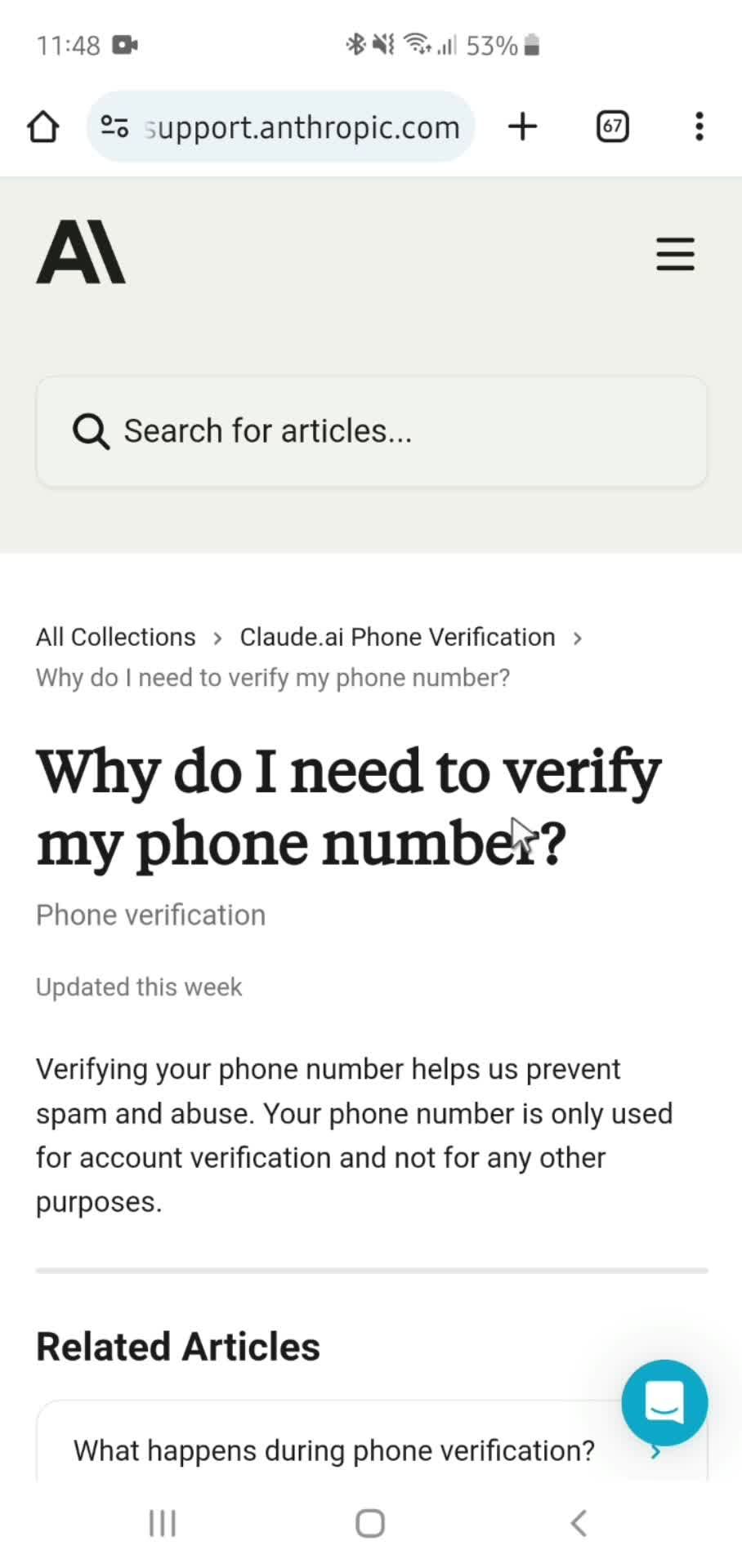
Articles
General browsing screenshot

Sign up to unlock this user flow

Try 3 Days
Help center article
General browsing screenshot

Sign up to unlock this user flow

Try 3 Days
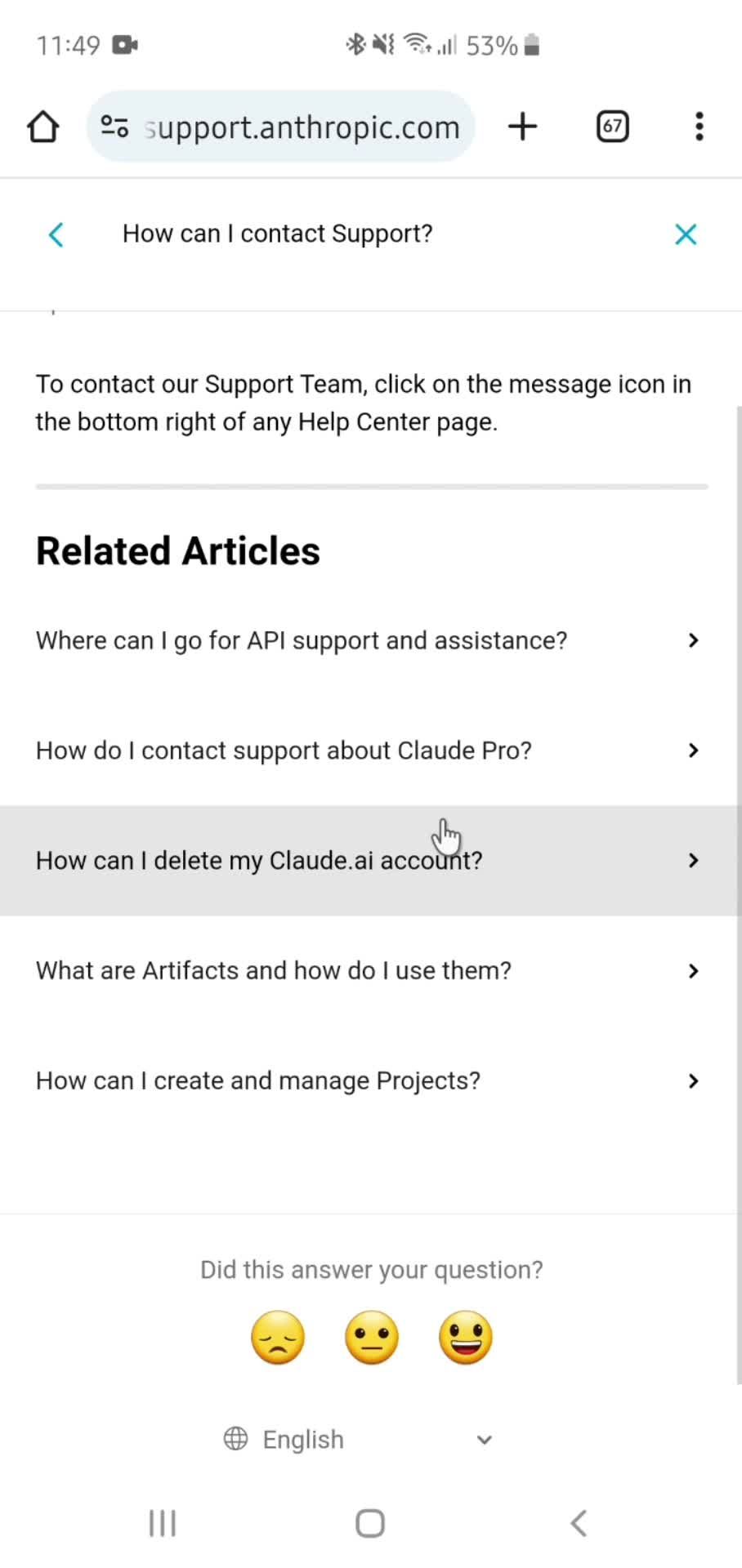
Chat support
General browsing screenshot

Sign up to unlock this user flow

Try 3 Days
Related articles
Unlock 11 hidden flows

Log In or Sign Up to See All
Claude Flows

  • Home
  • AI Chat
  • Send message
  • Chat
  • Take a photo
  • Send message
  • Generated AI
  • Action menu
  • Confirm
  • Settings
  • Profile
  • Edit name
  • Profile updated
  • Billing
  • Account menu
  • Terms of service
  • Usage policy
  • Privacy policy
  • Licenses
  • Help center
  • Articles
  • Help center article
  • Chat support
  • Related articles

Other AI apps you might like

Microsoft Copilot screenshot
Otter.ai screenshot
Gauth screenshot

Claude General browsing Flow on Android — Full Recording

This recording documents the General browsing flow inside Claude on Android, captured from the live Google Play app. Unlike cropped screenshots or marketing videos, it preserves the full sequence — every screen, every transition, every design choice — so you can study the real user experience rather than a polished summary.

Android-Specific Design Decisions in Claude

Android General browsing flows often differ meaningfully from their iOS counterparts: back-button handling, Material Design patterns, system-level behaviors, and device considerations all shape the experience. Studying Claude's Android General browsing specifically helps you understand how the brand has adapted for Google Play users rather than assuming the iOS version translates directly.

Research Value for Claude Benchmarking

This is a focused reference for designers researching General browsing patterns on Android, PMs benchmarking against Claude, or researchers building competitive analyses. Every detail is preserved in the recording, giving you evidence rather than impressions.

Frequently Asked Questions

How is the Claude Android General browsing flow different from iOS?

Android versions typically use Material Design components, different navigation patterns, and back-button behaviors that don't exist on iOS. If Claude is also in our iOS library, you can directly compare the two versions.

What device was the Claude General browsing flow recorded on?

Android flows are typically captured on recent Pixel devices to show stock Android behavior. The patterns apply broadly across manufacturers.

Can I compare Claude's General browsing flow to competitors?

Yes. Visit the Android General browsing flows category to see Claude alongside other apps that have implemented the same flow type.

How current is the Claude Android recording?

Recordings are updated as Claude ships significant redesigns, so the General browsing flow reflects the current Android experience rather than an old version.