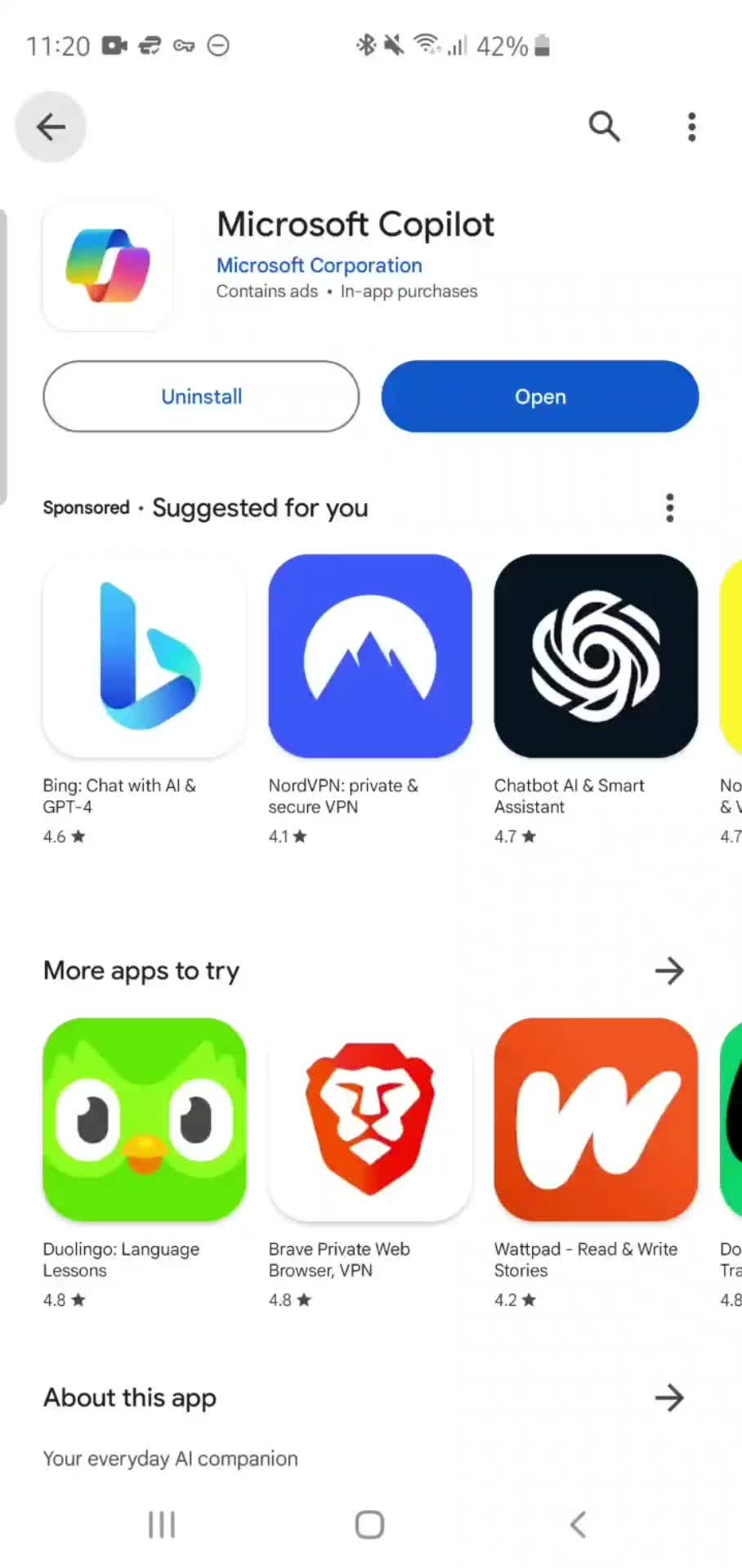
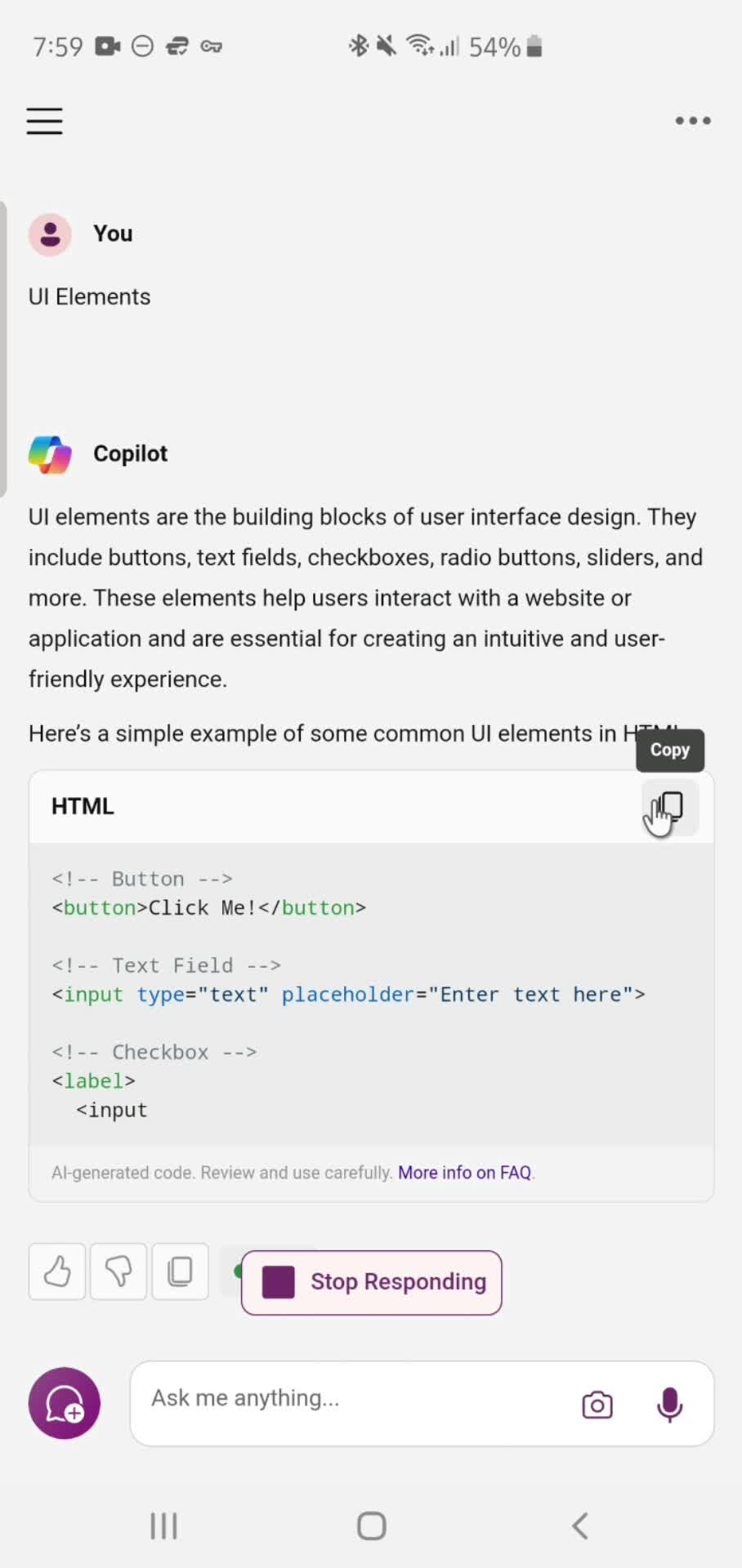
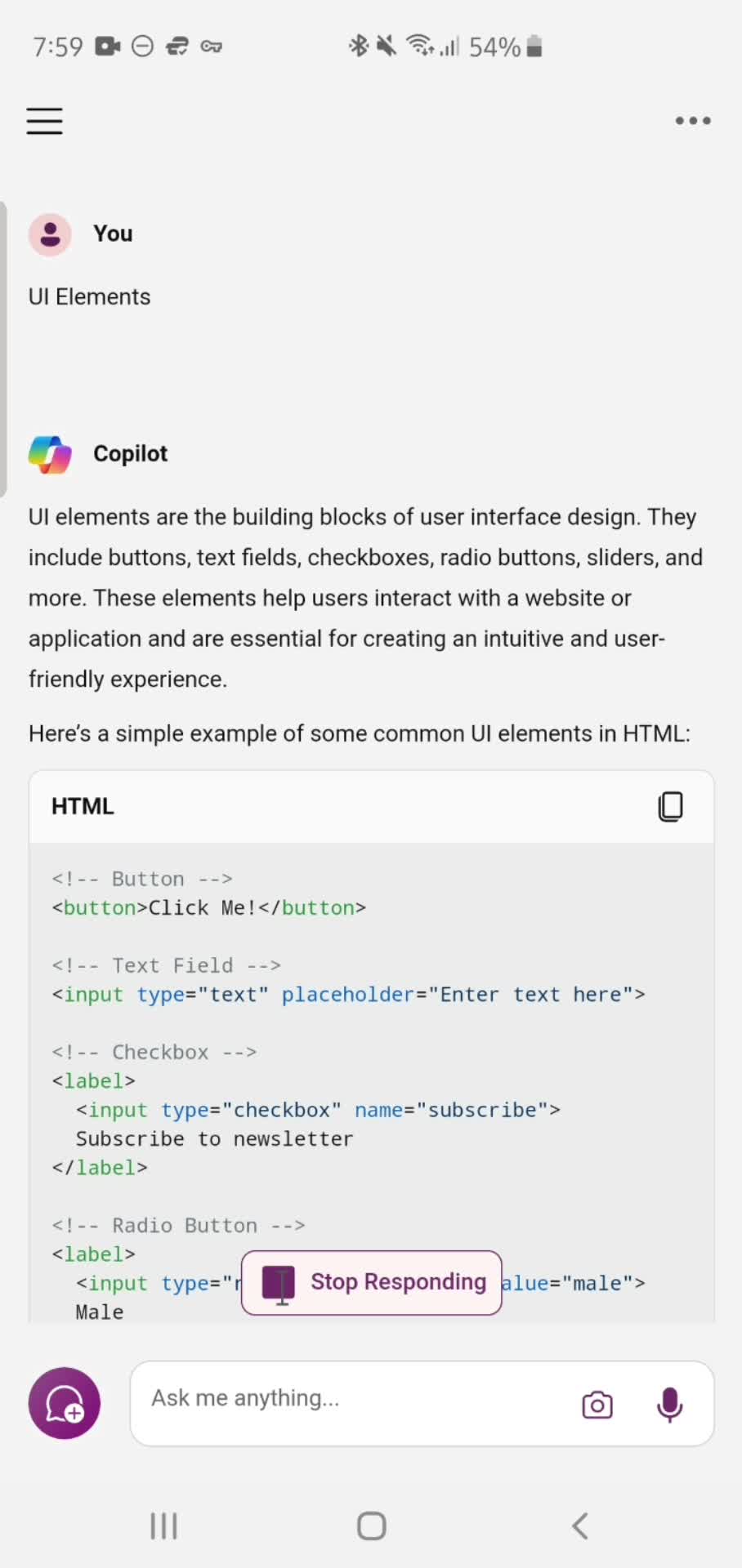
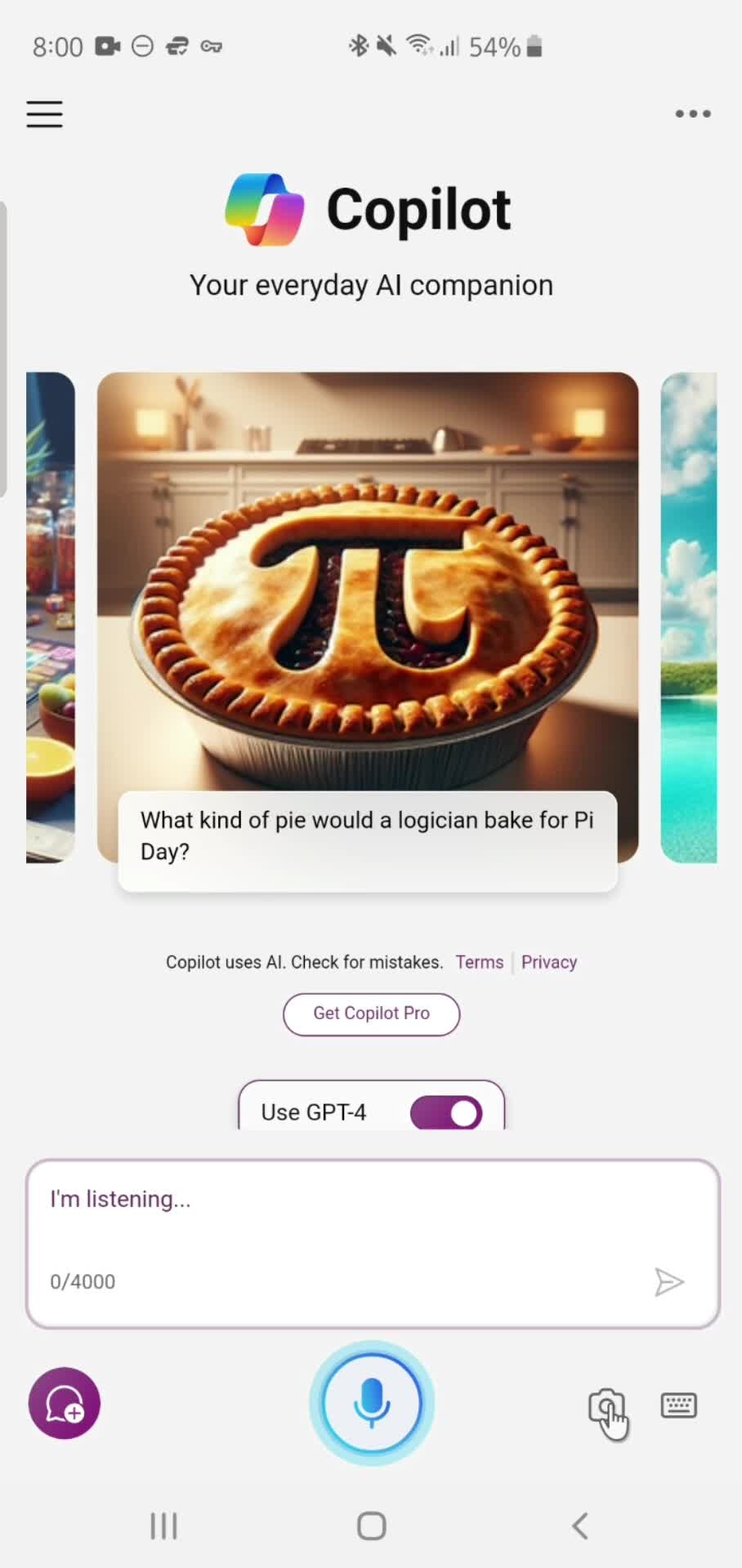
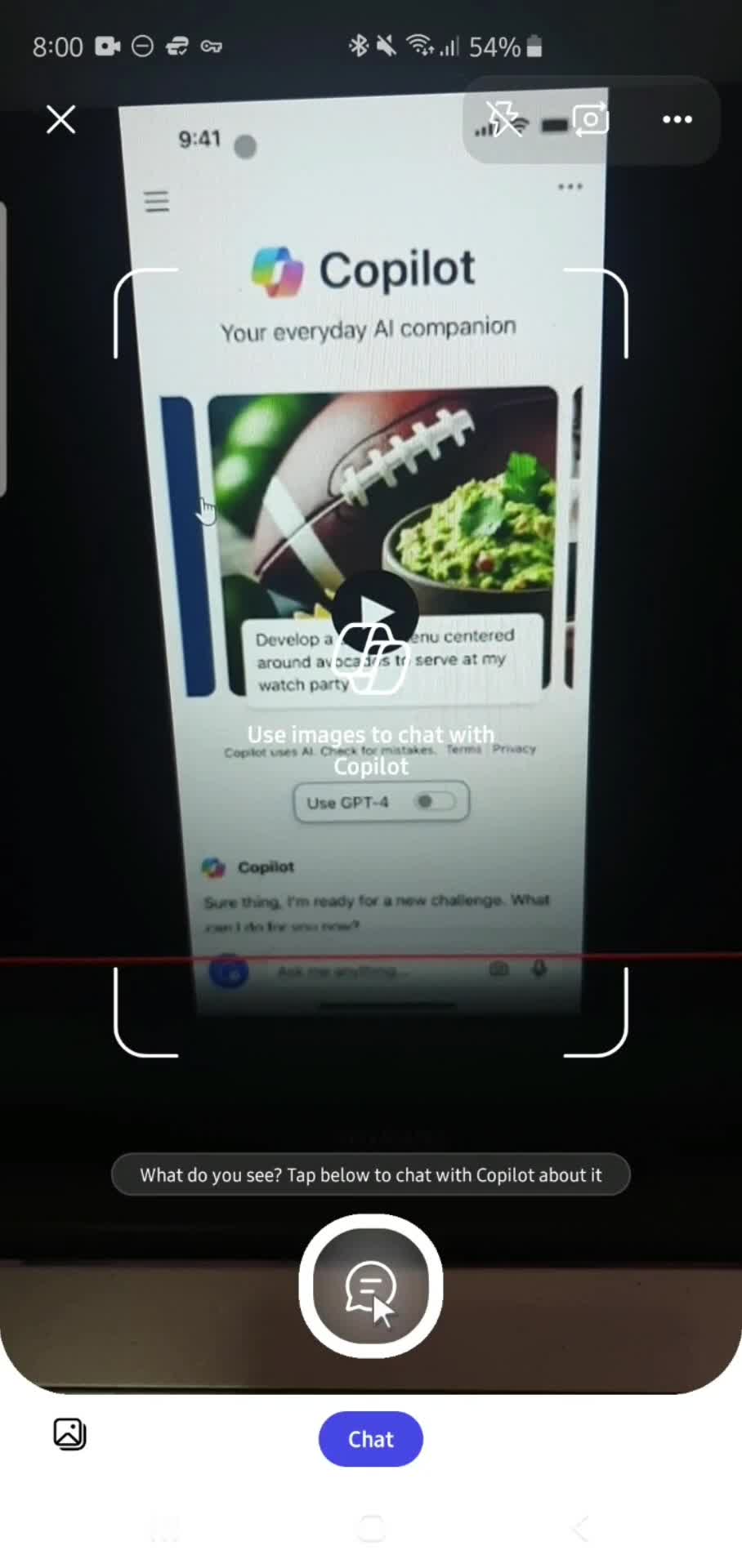
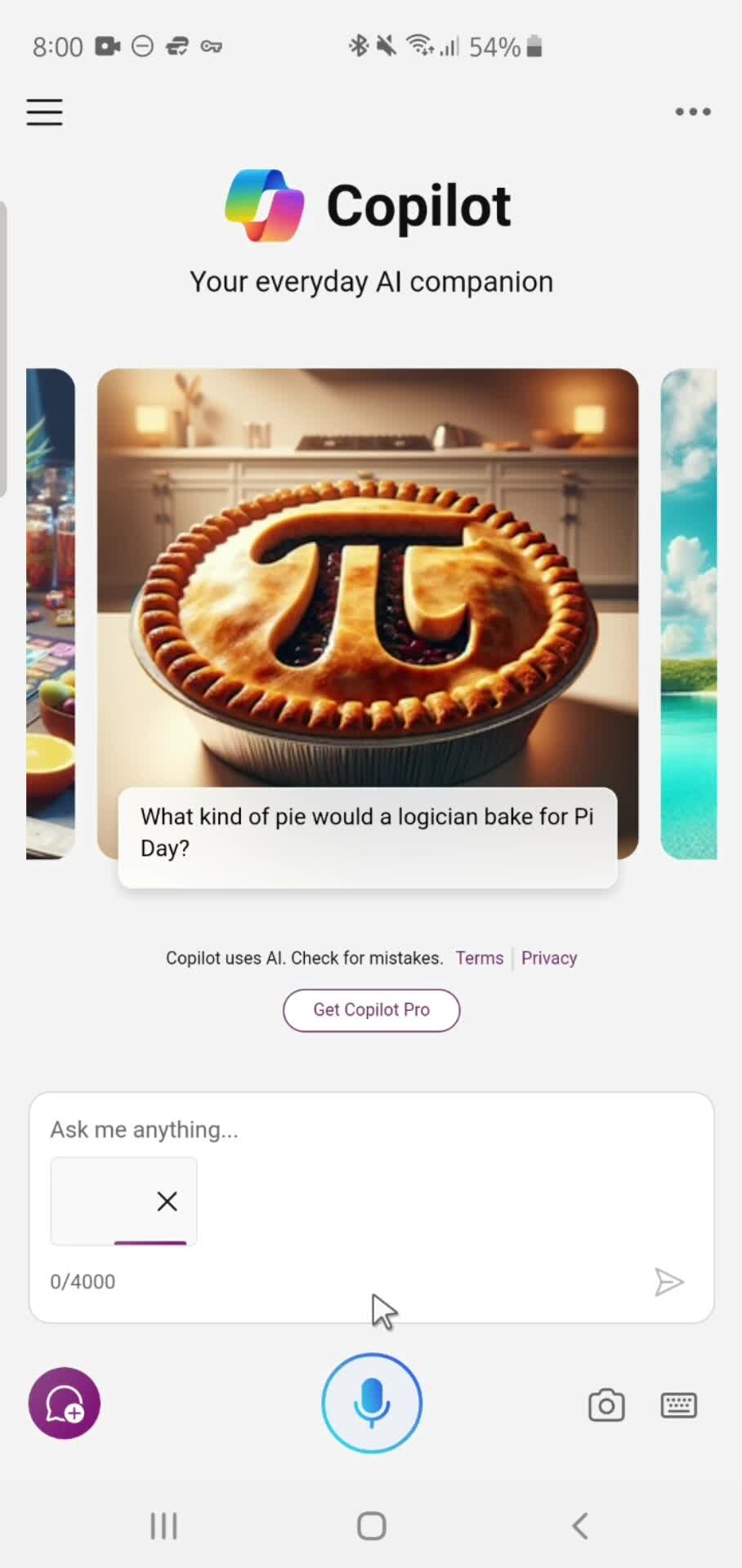
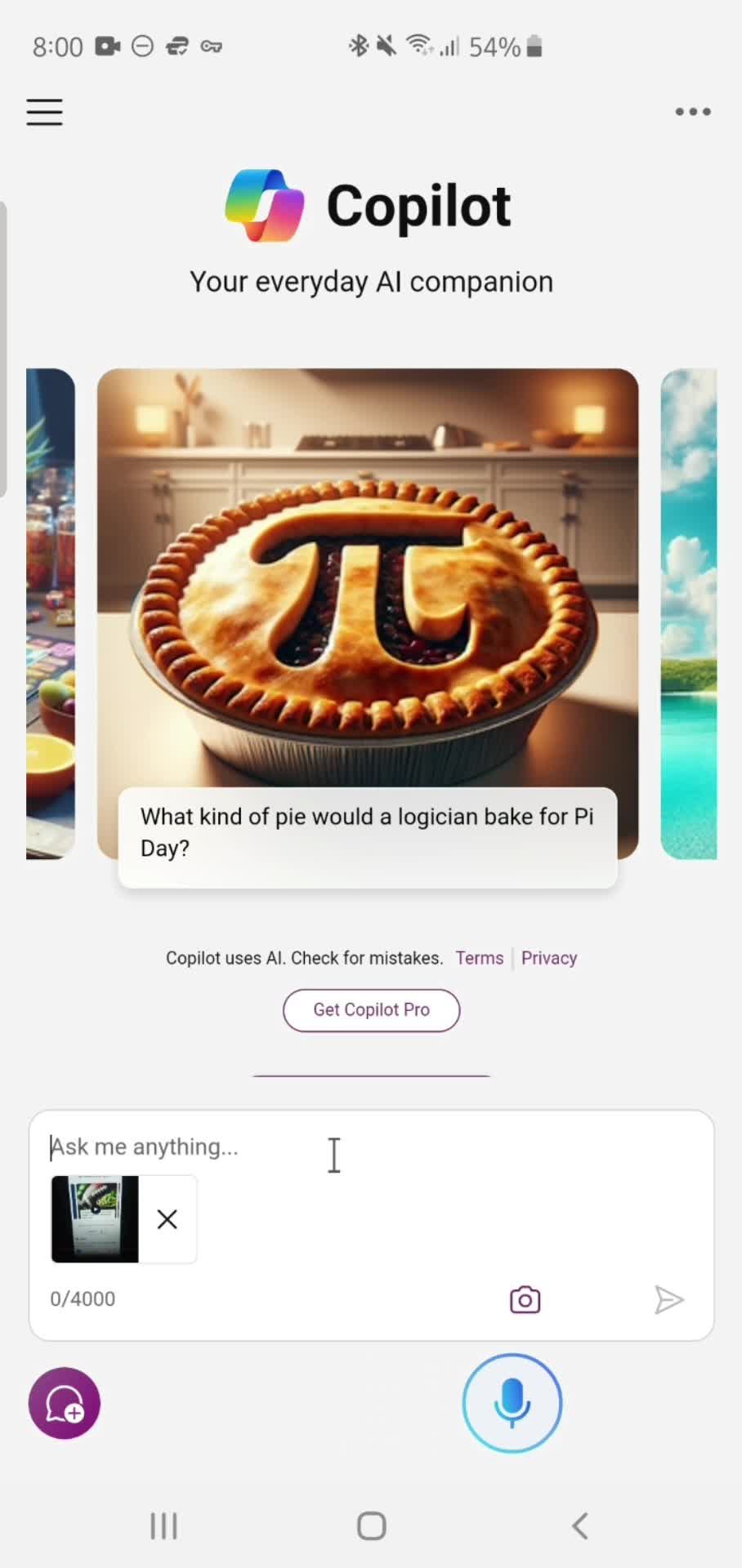
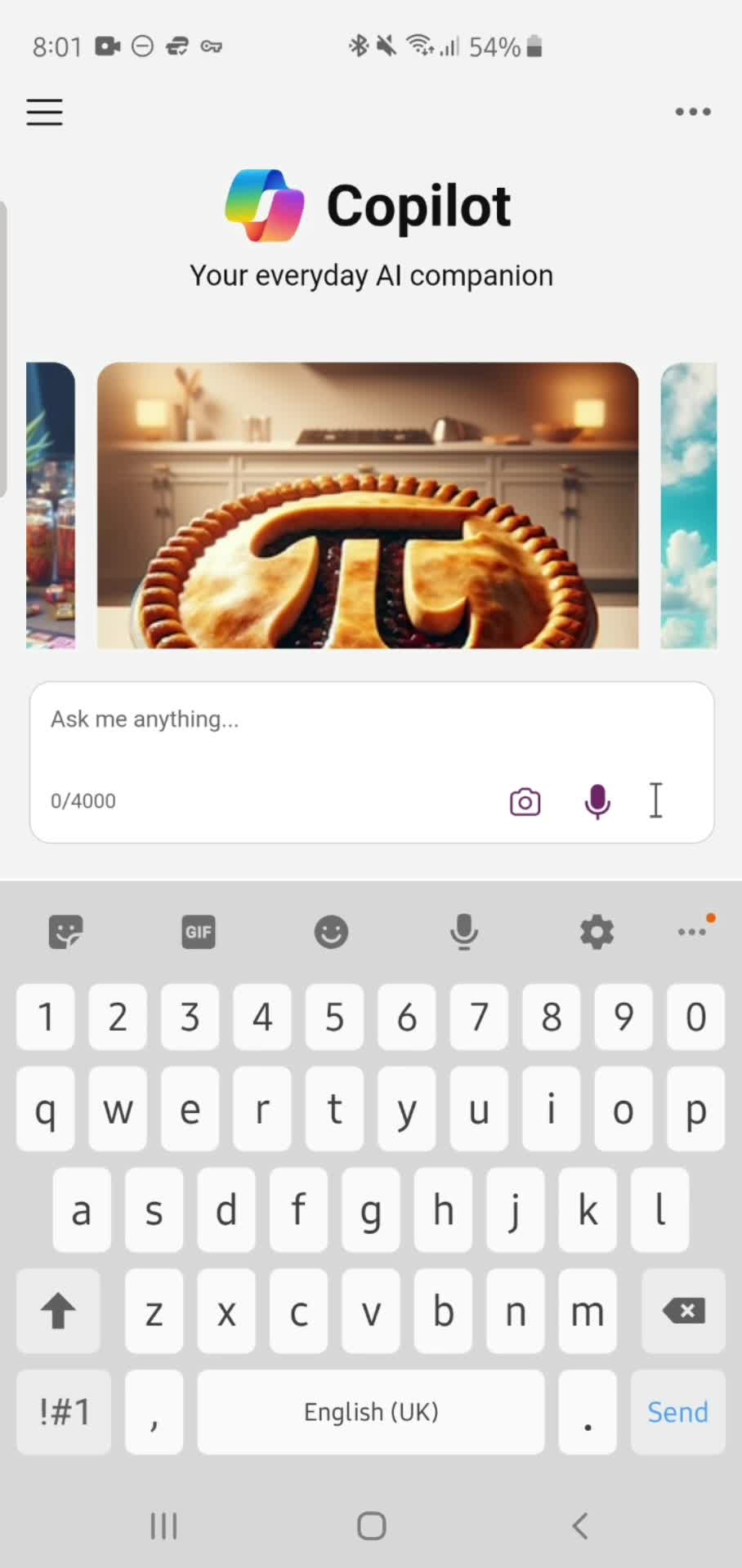
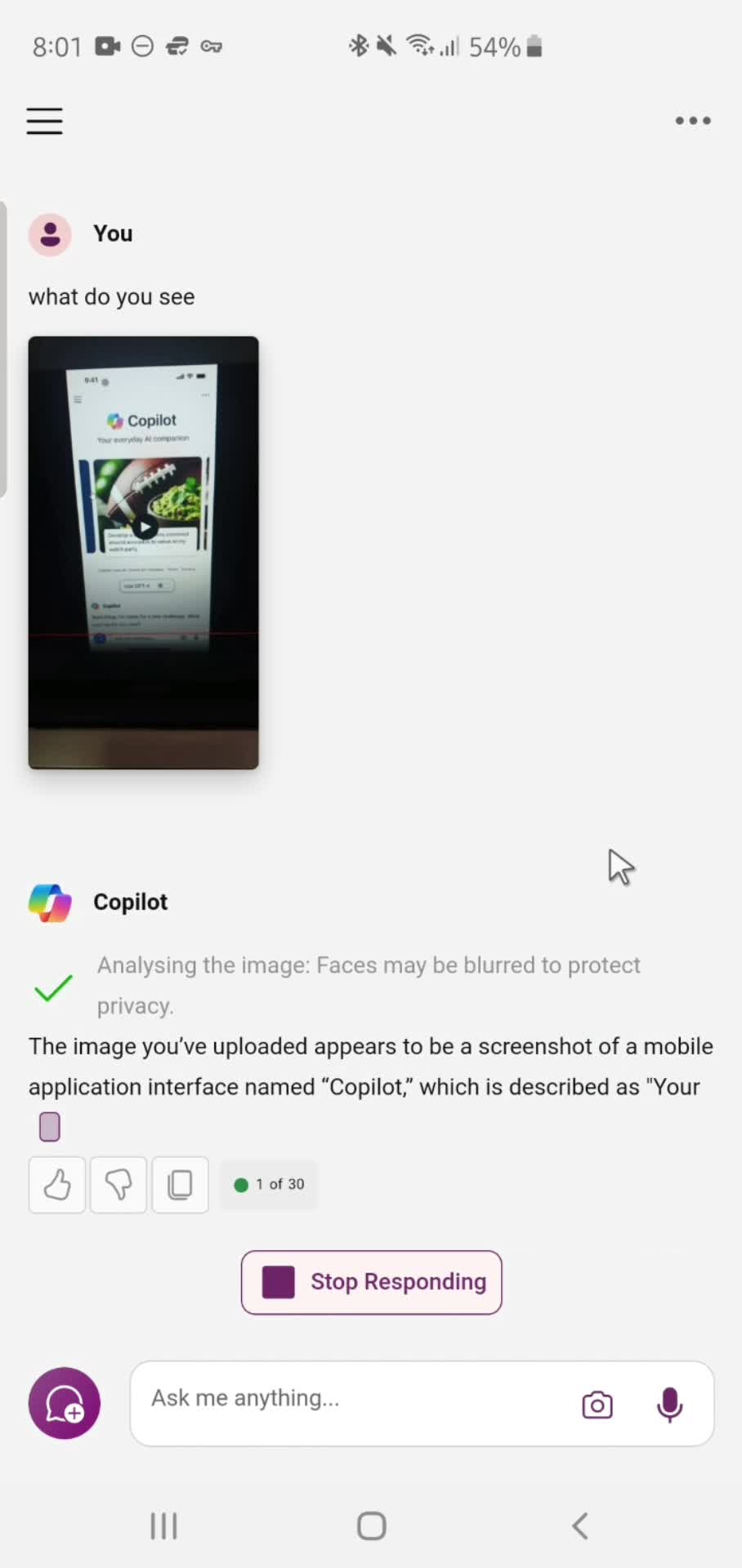
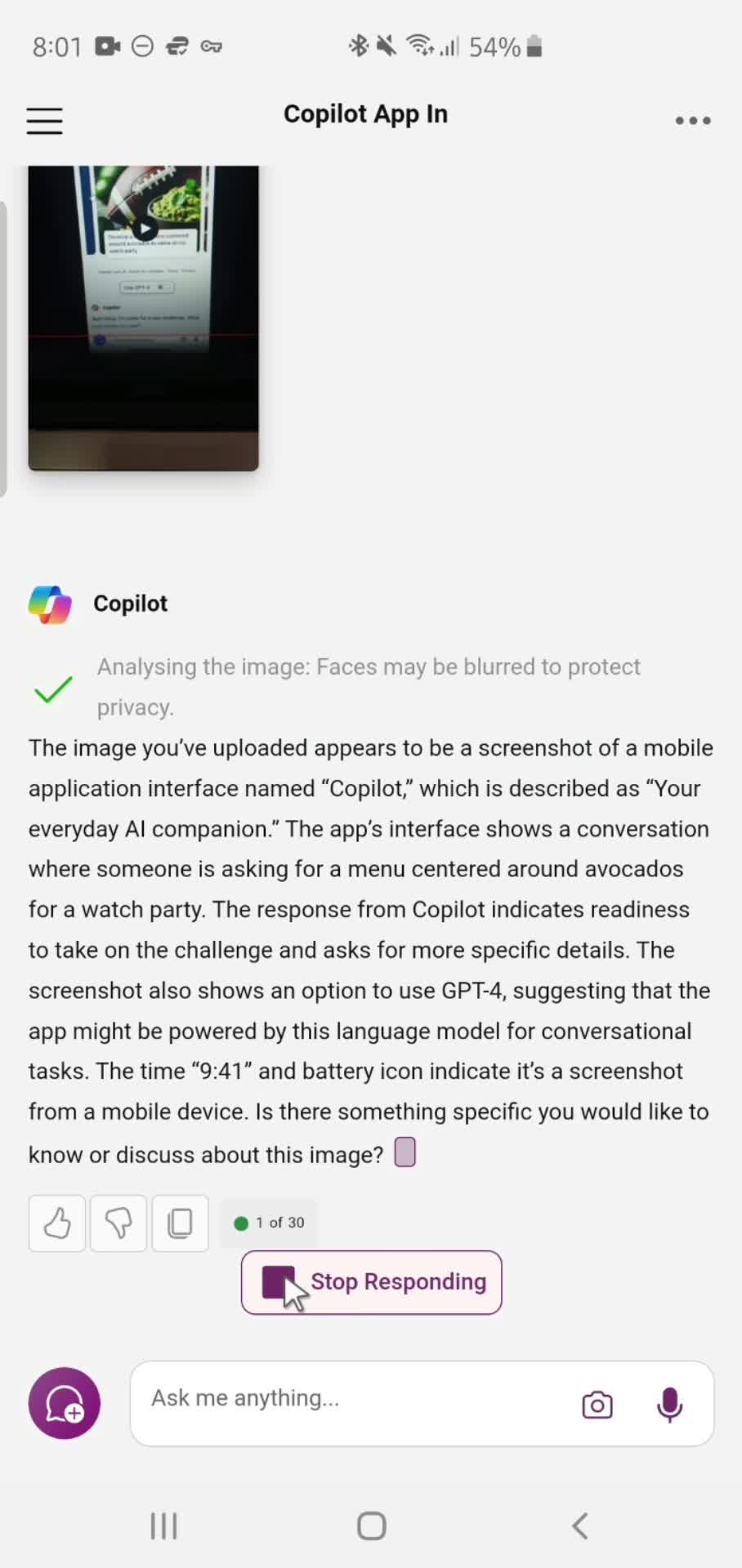
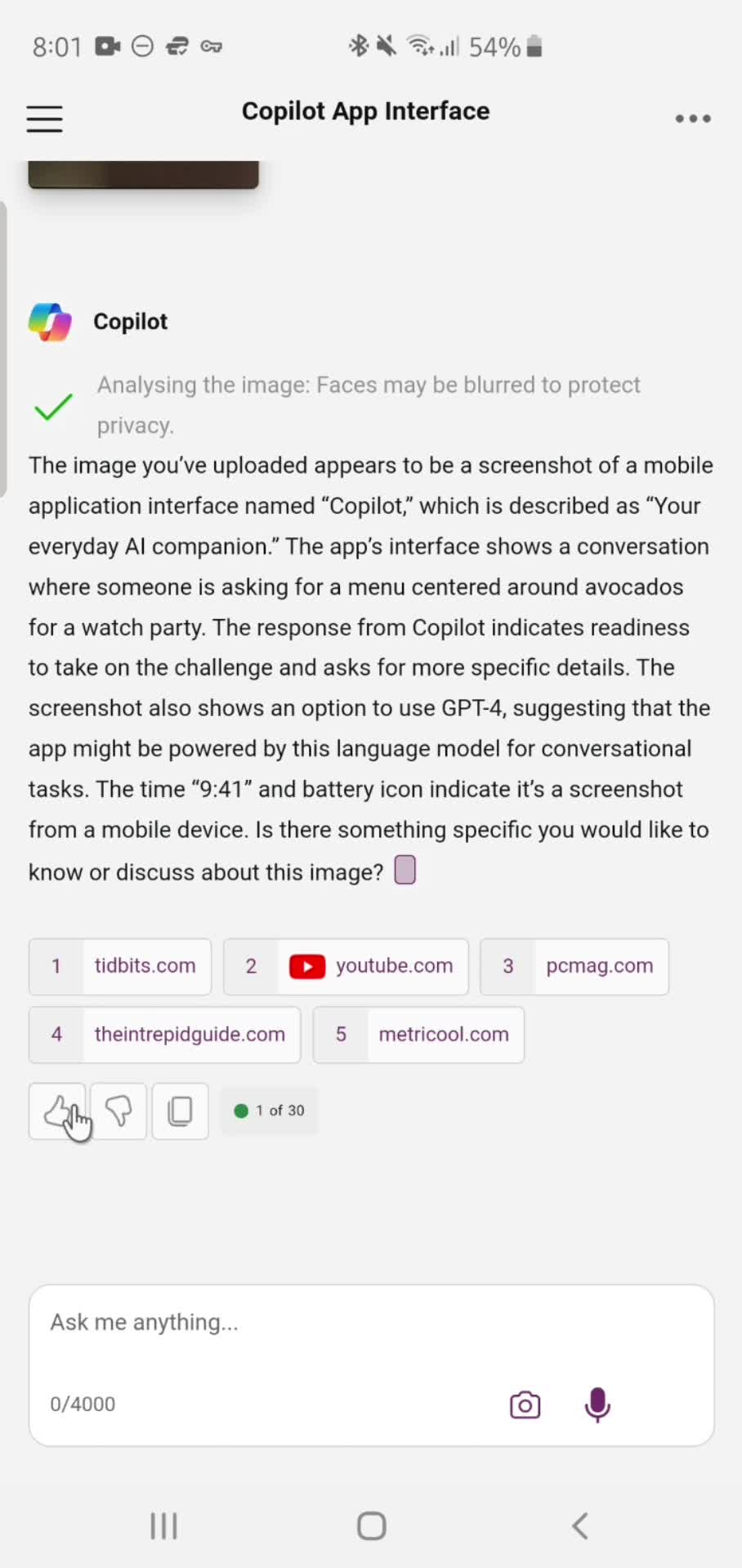
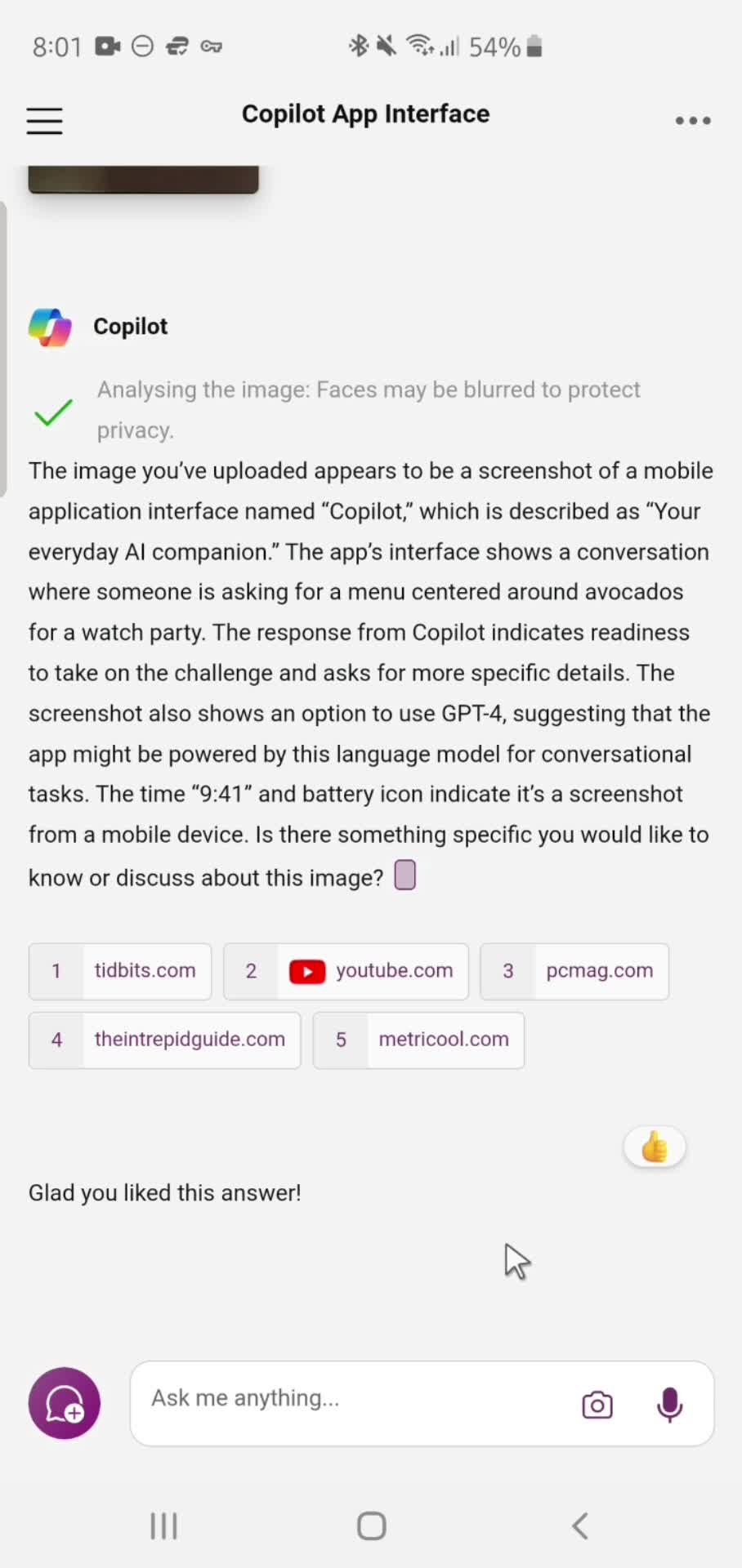
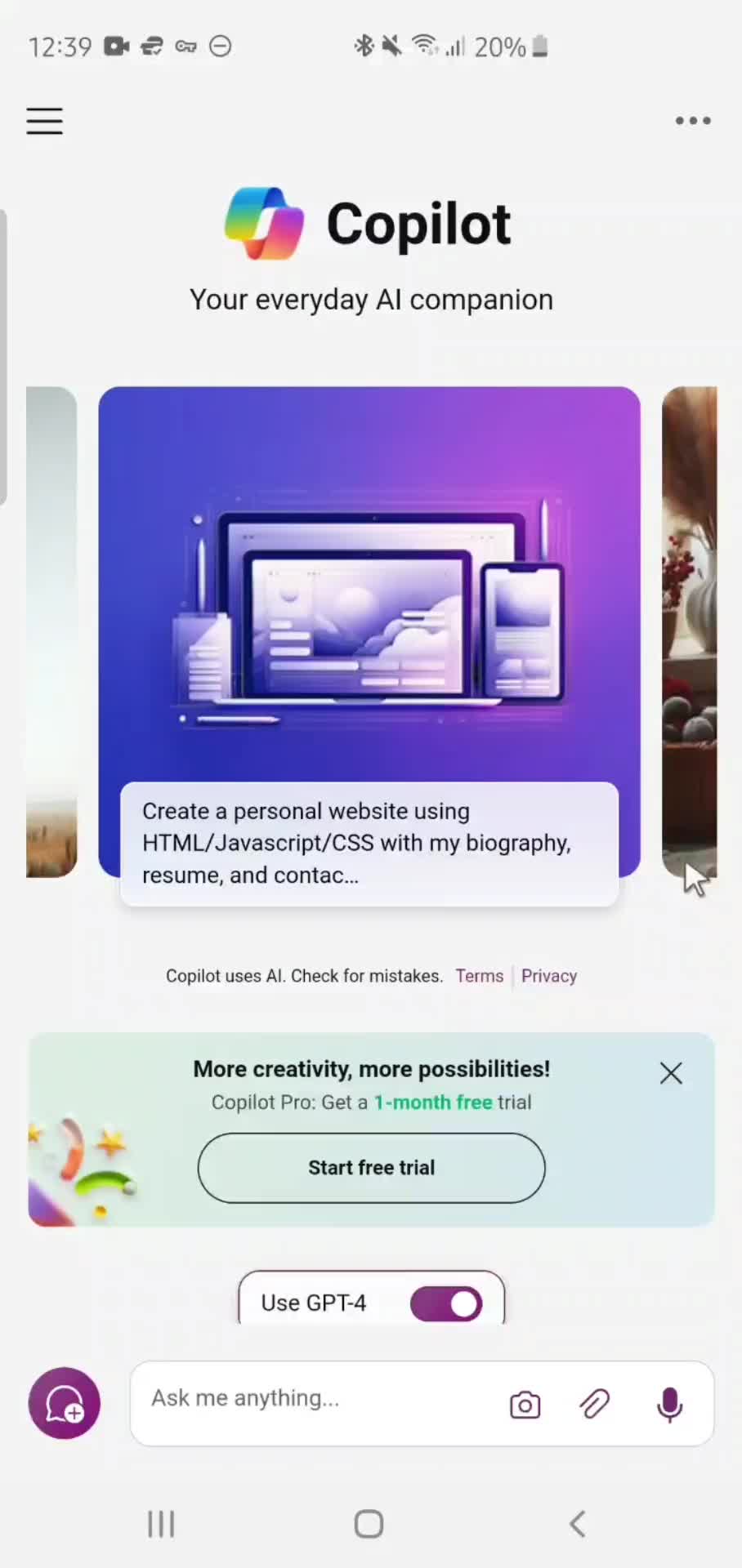
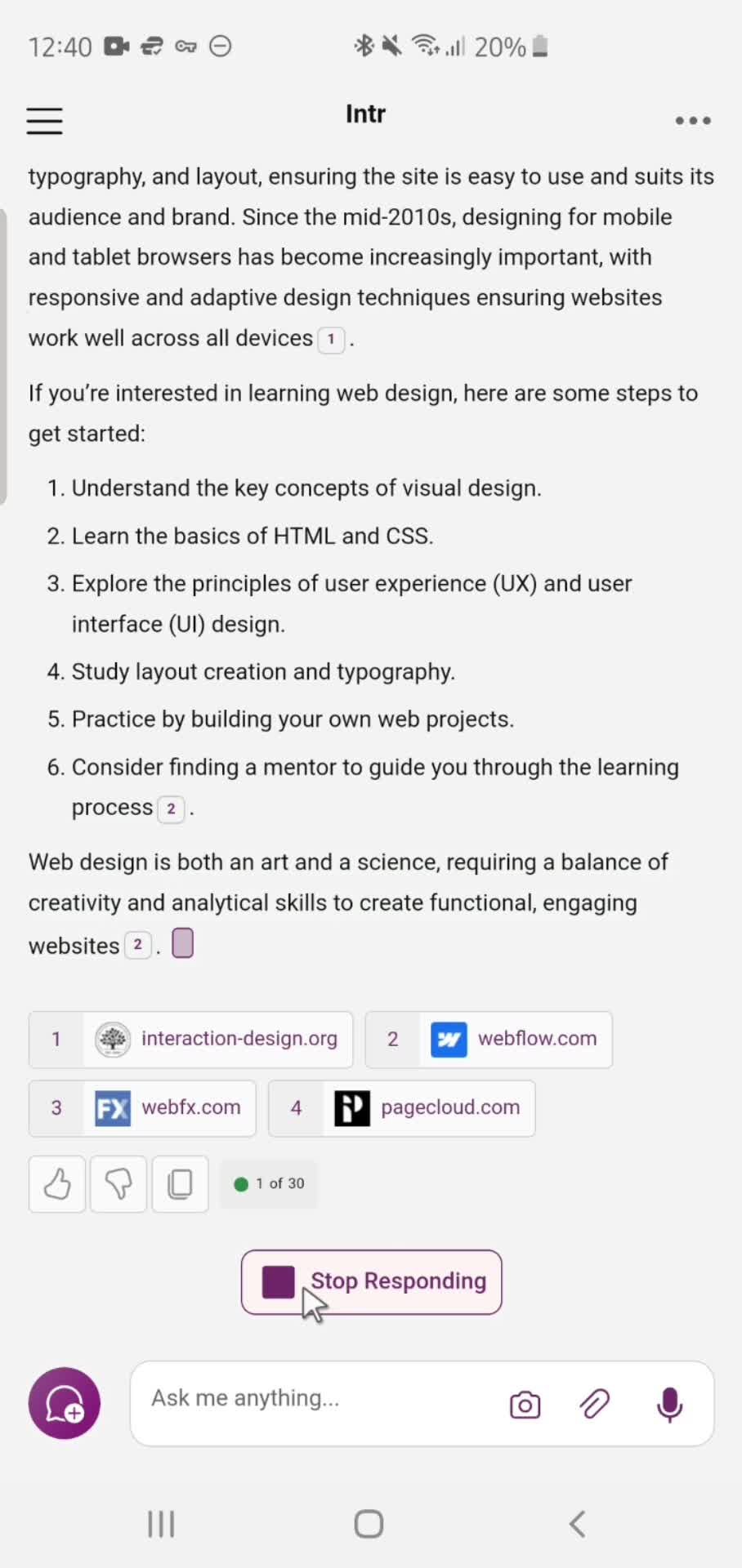
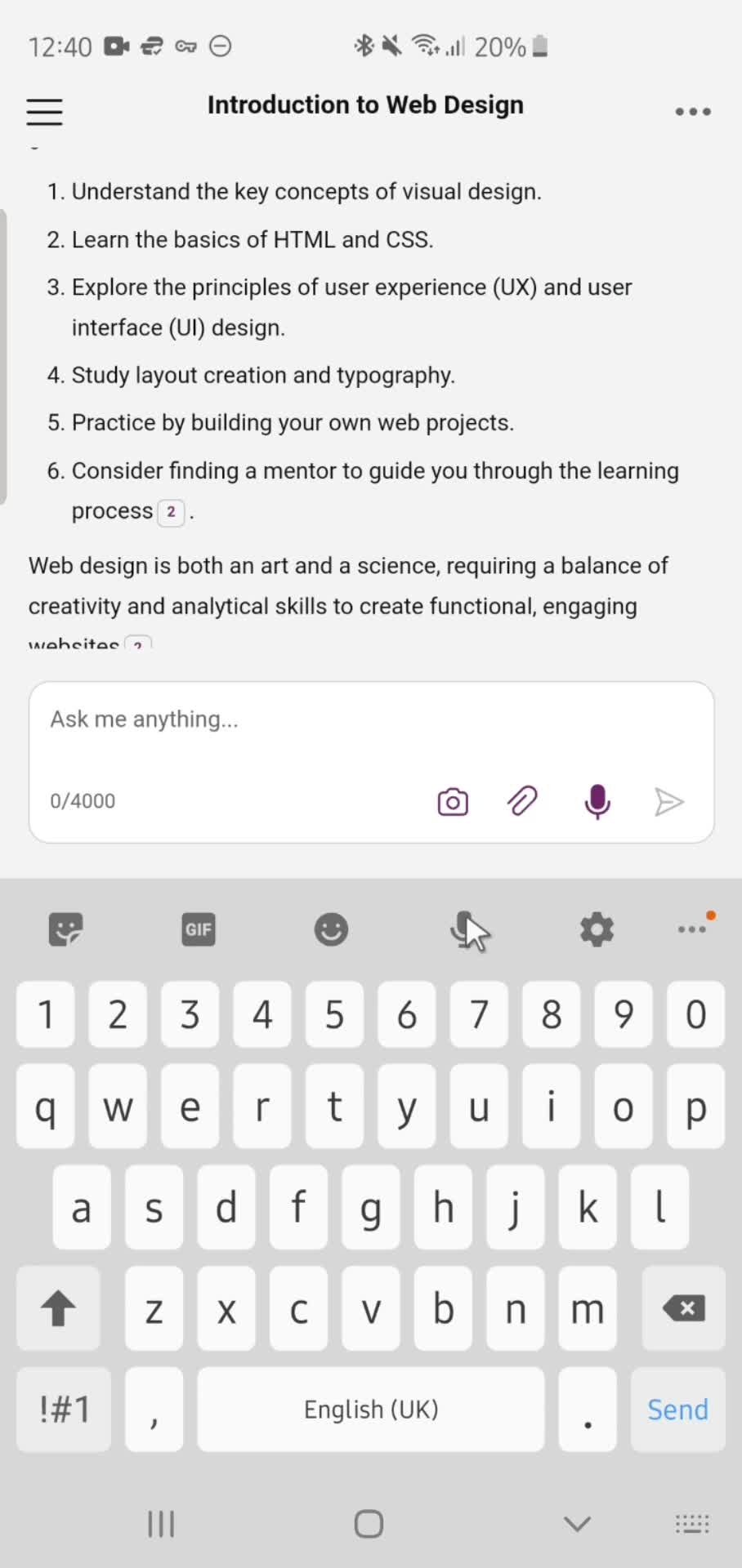
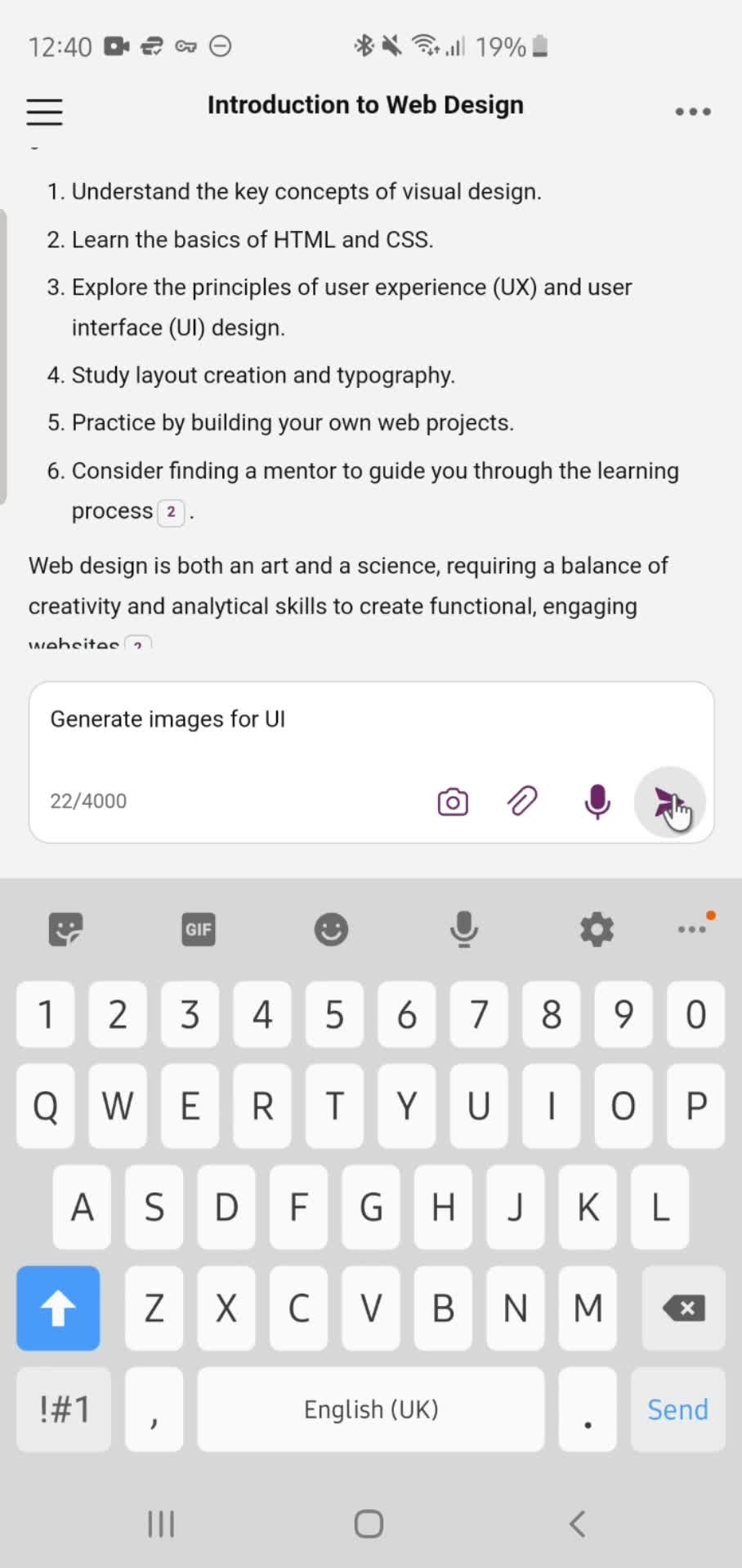
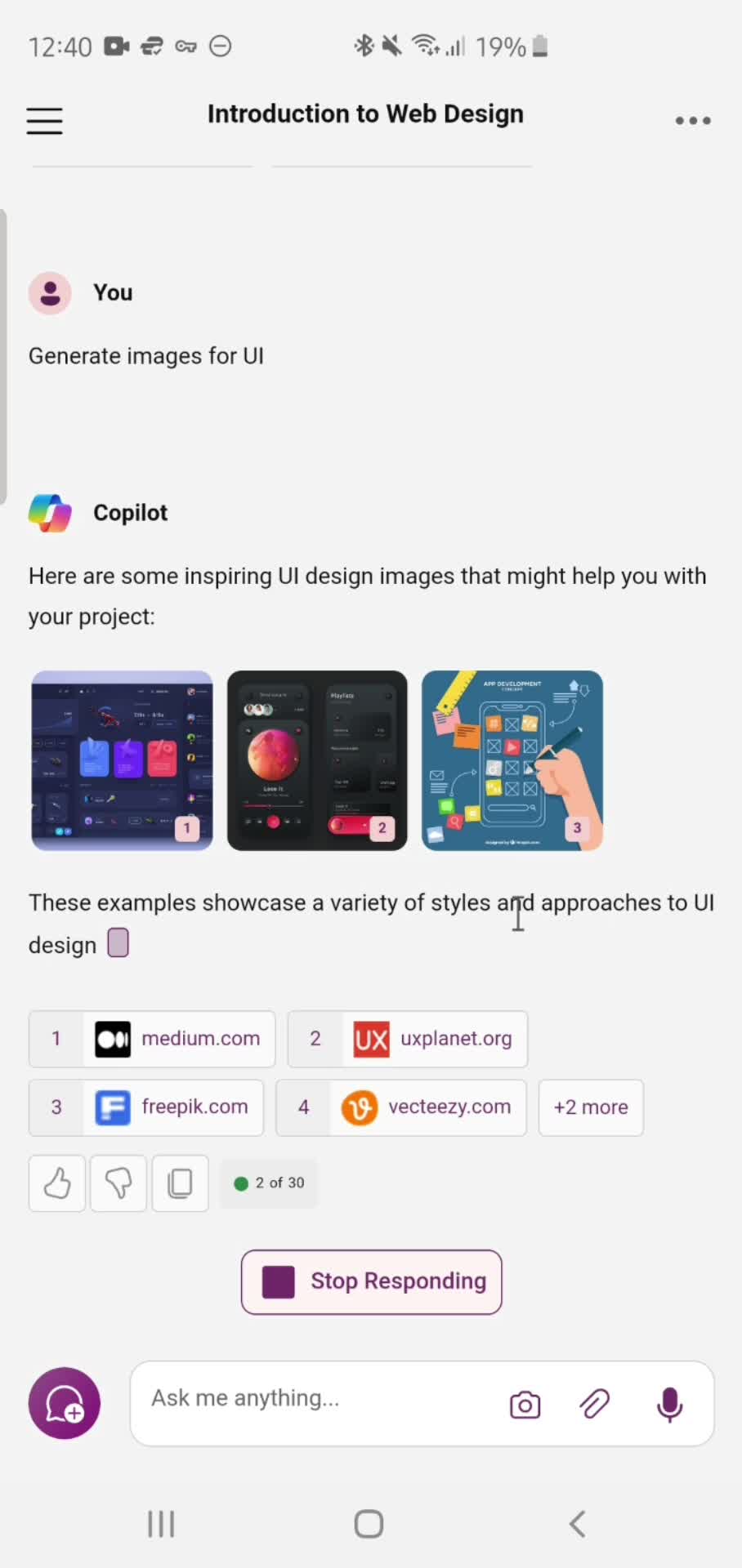
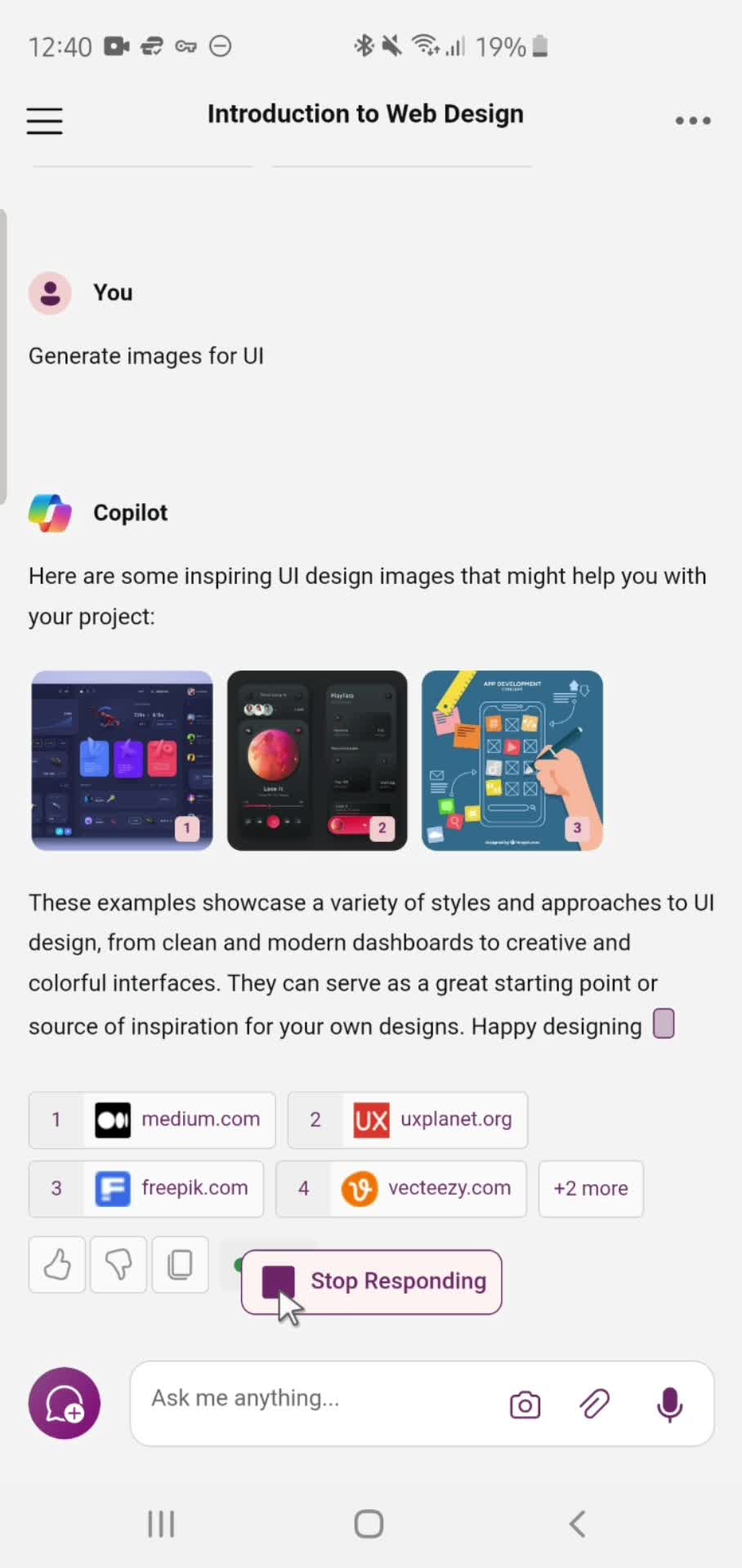
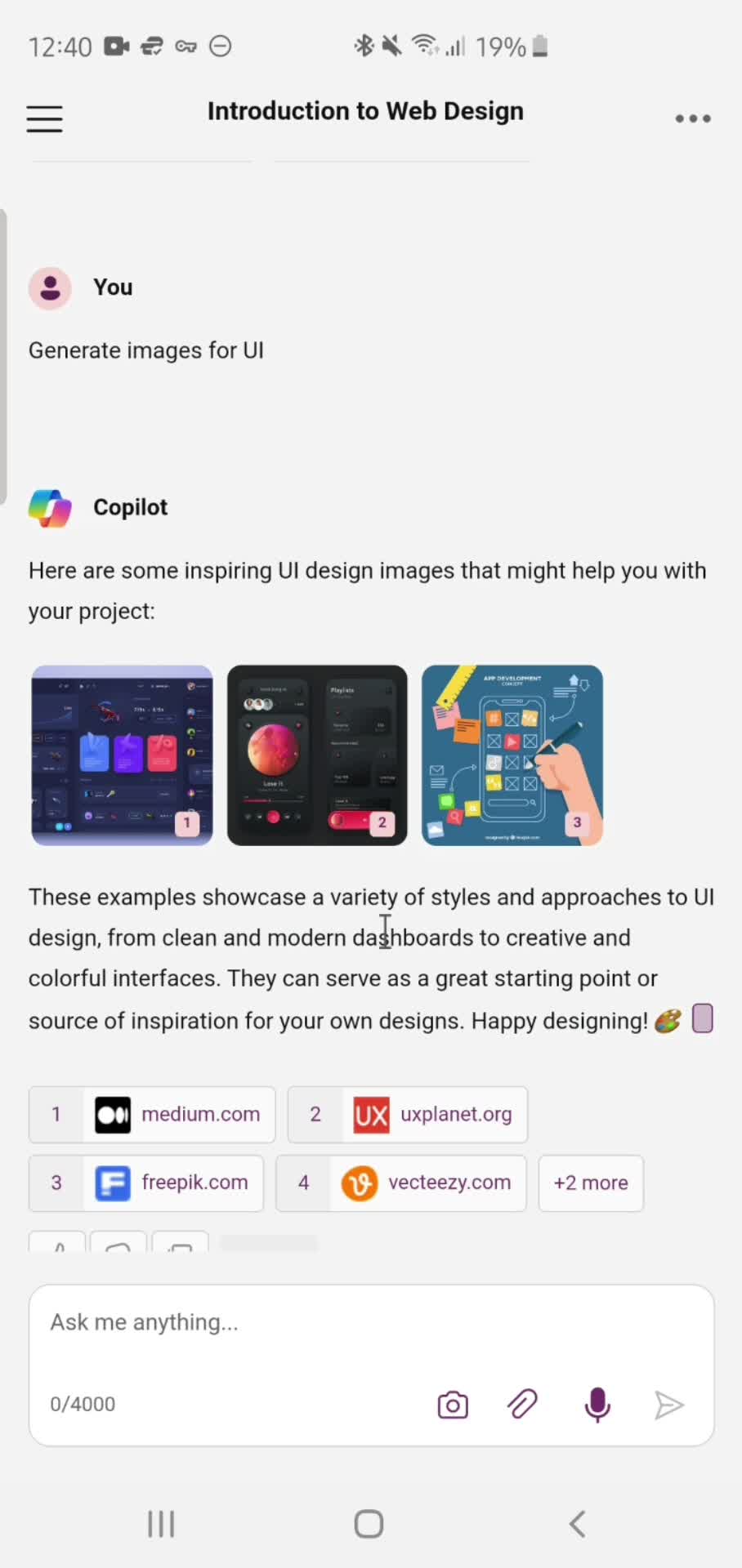
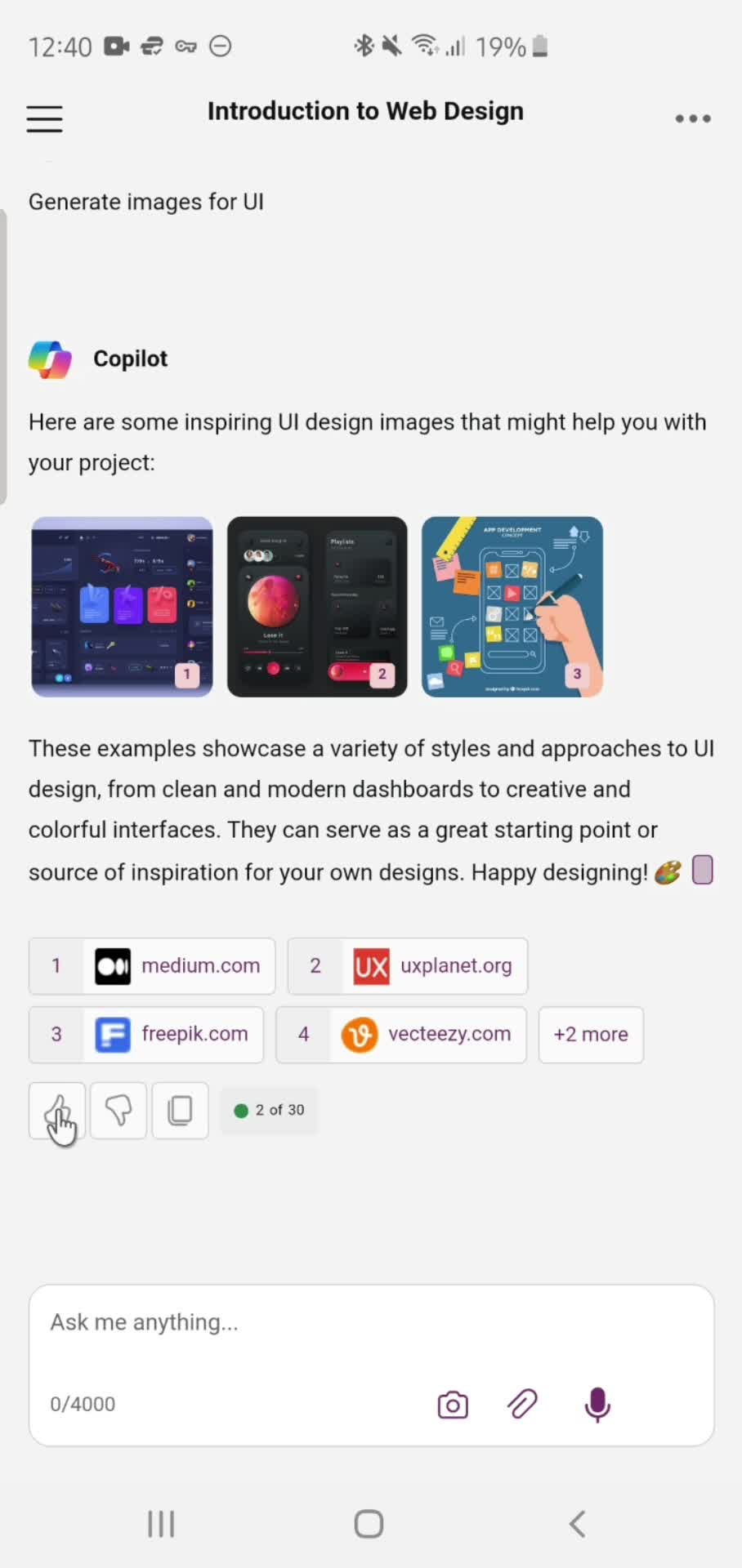
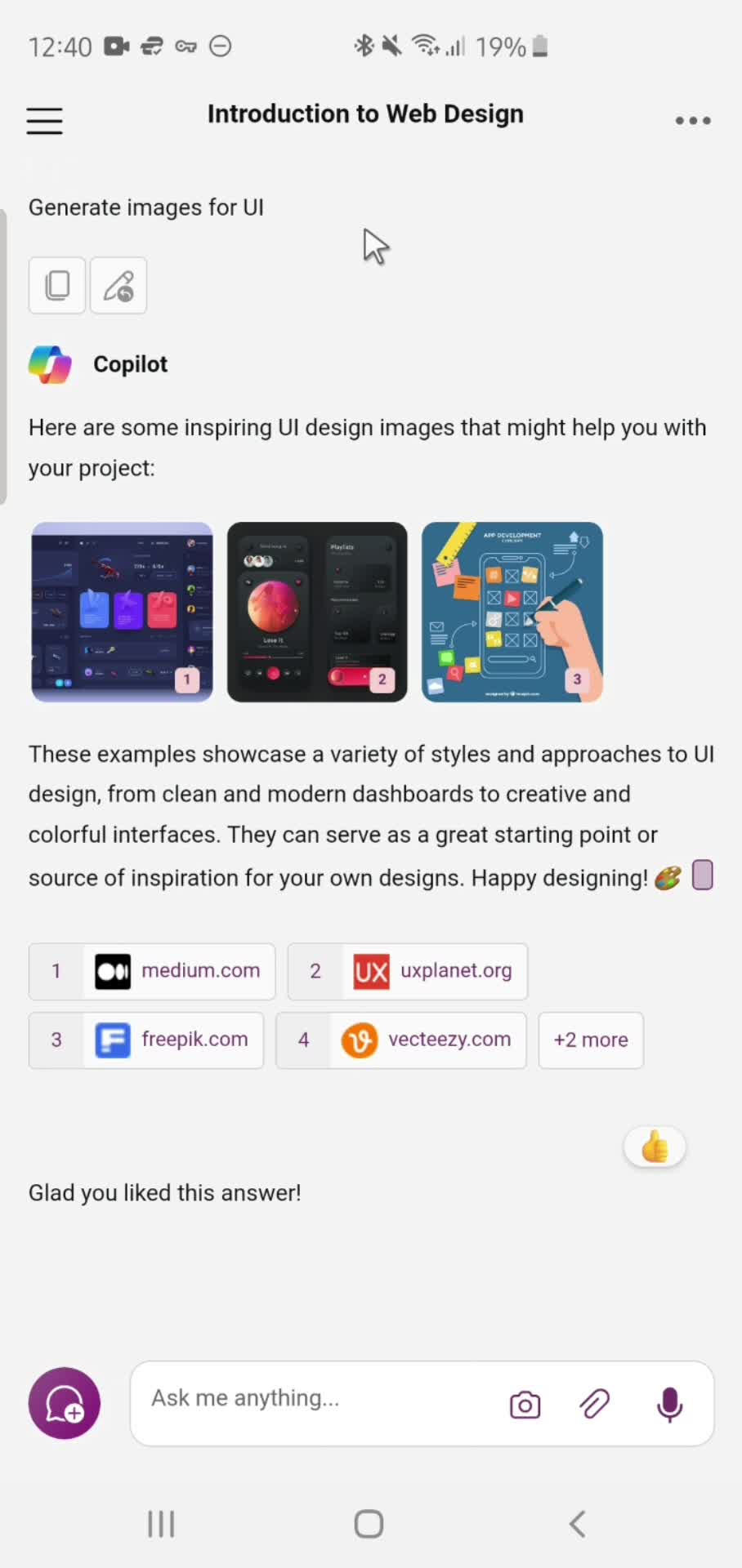
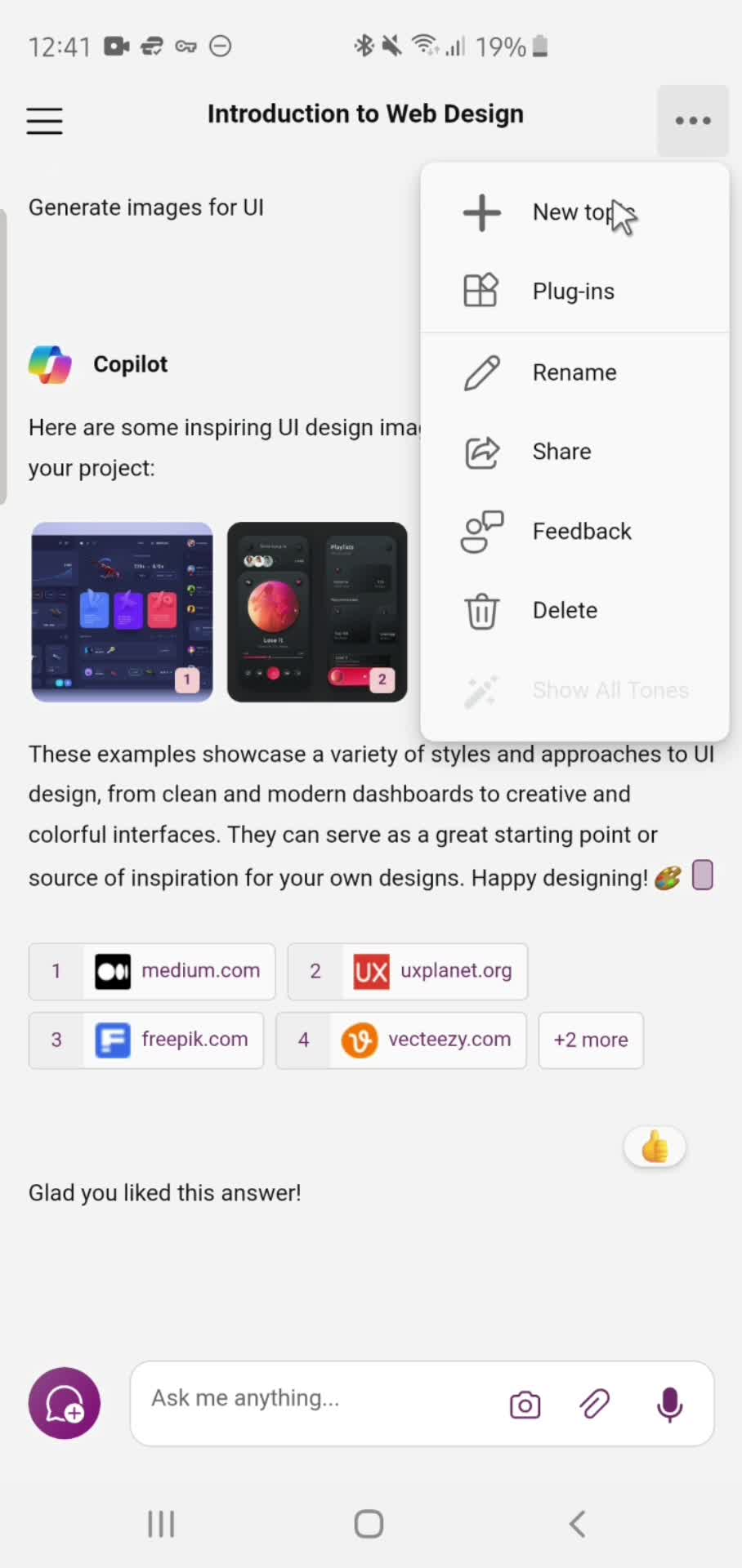
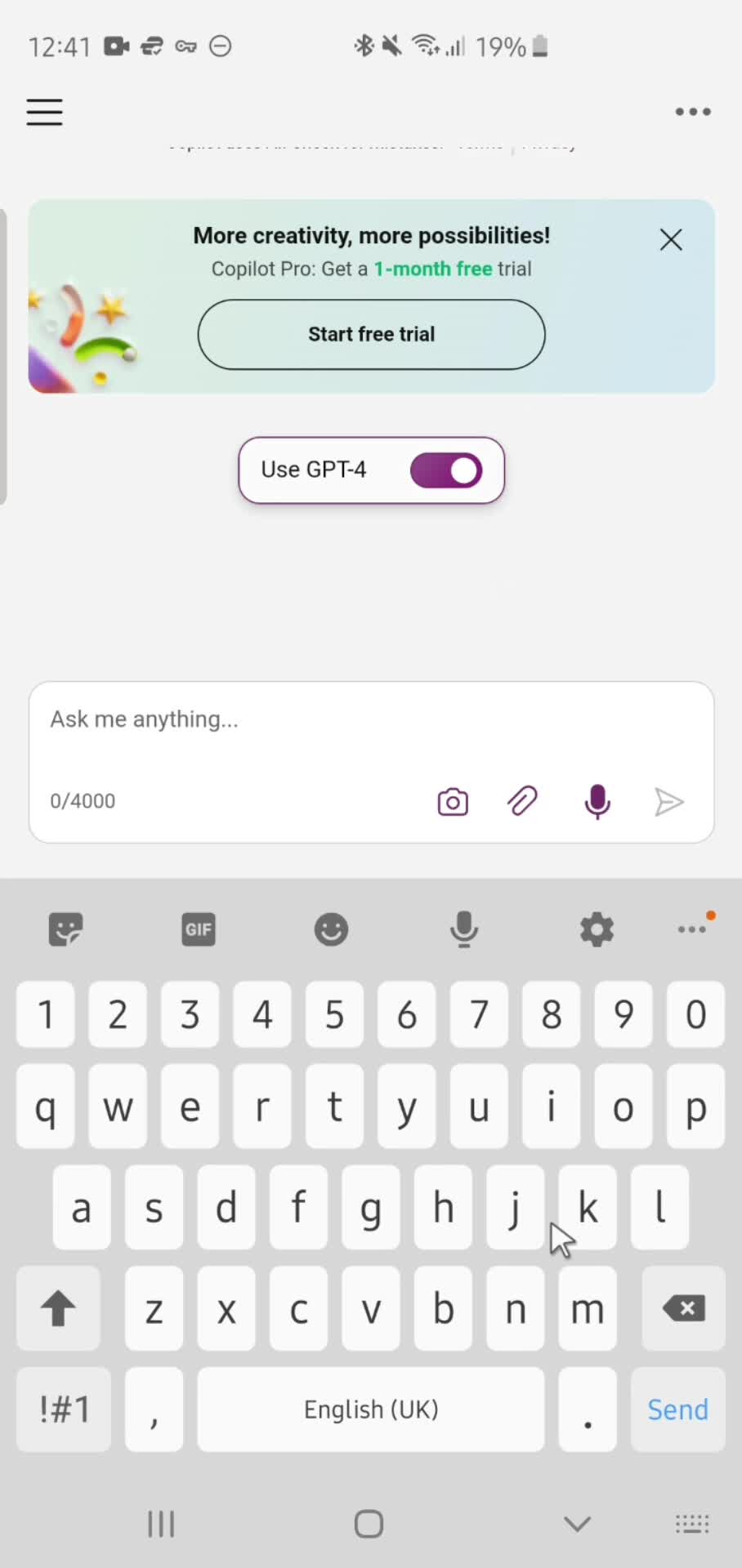
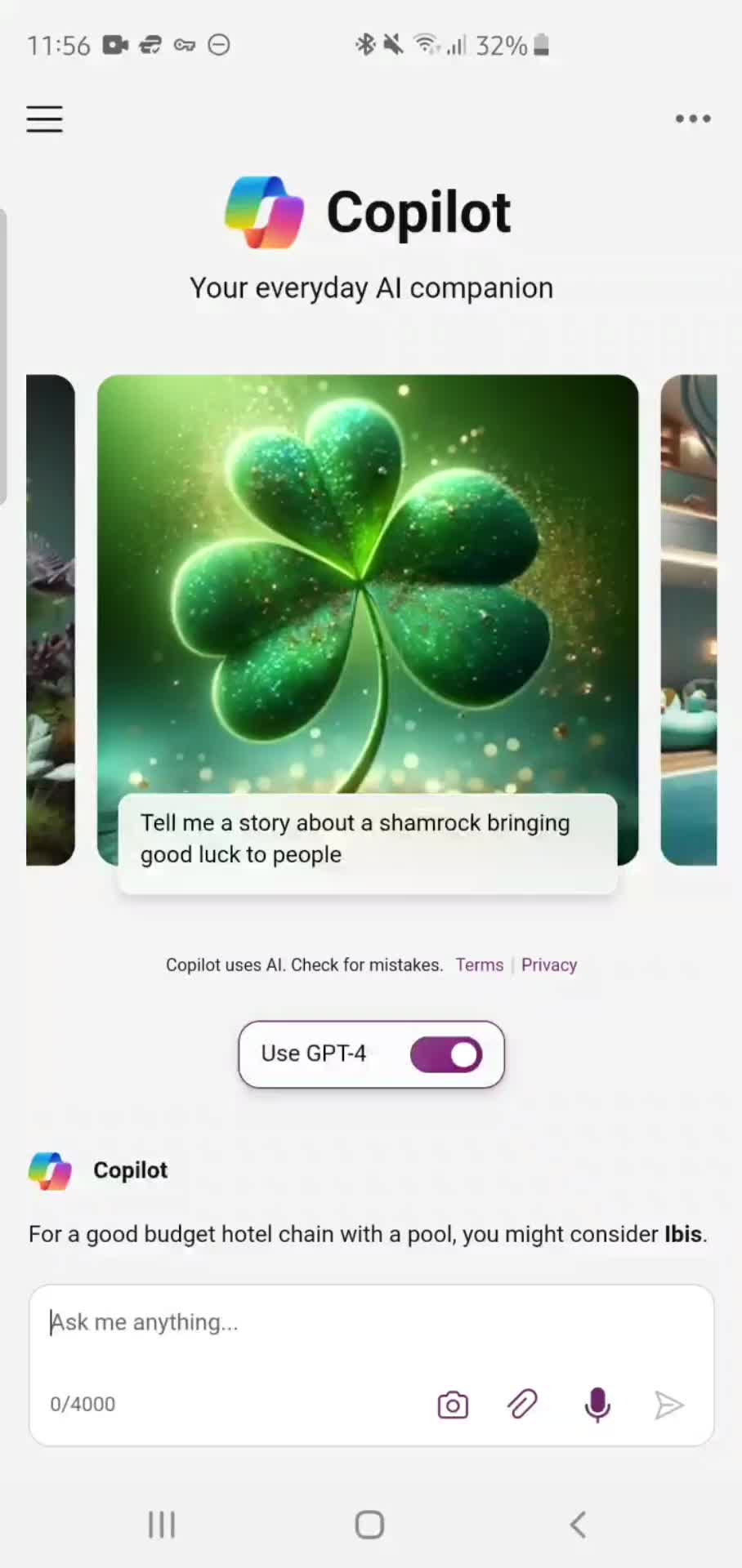
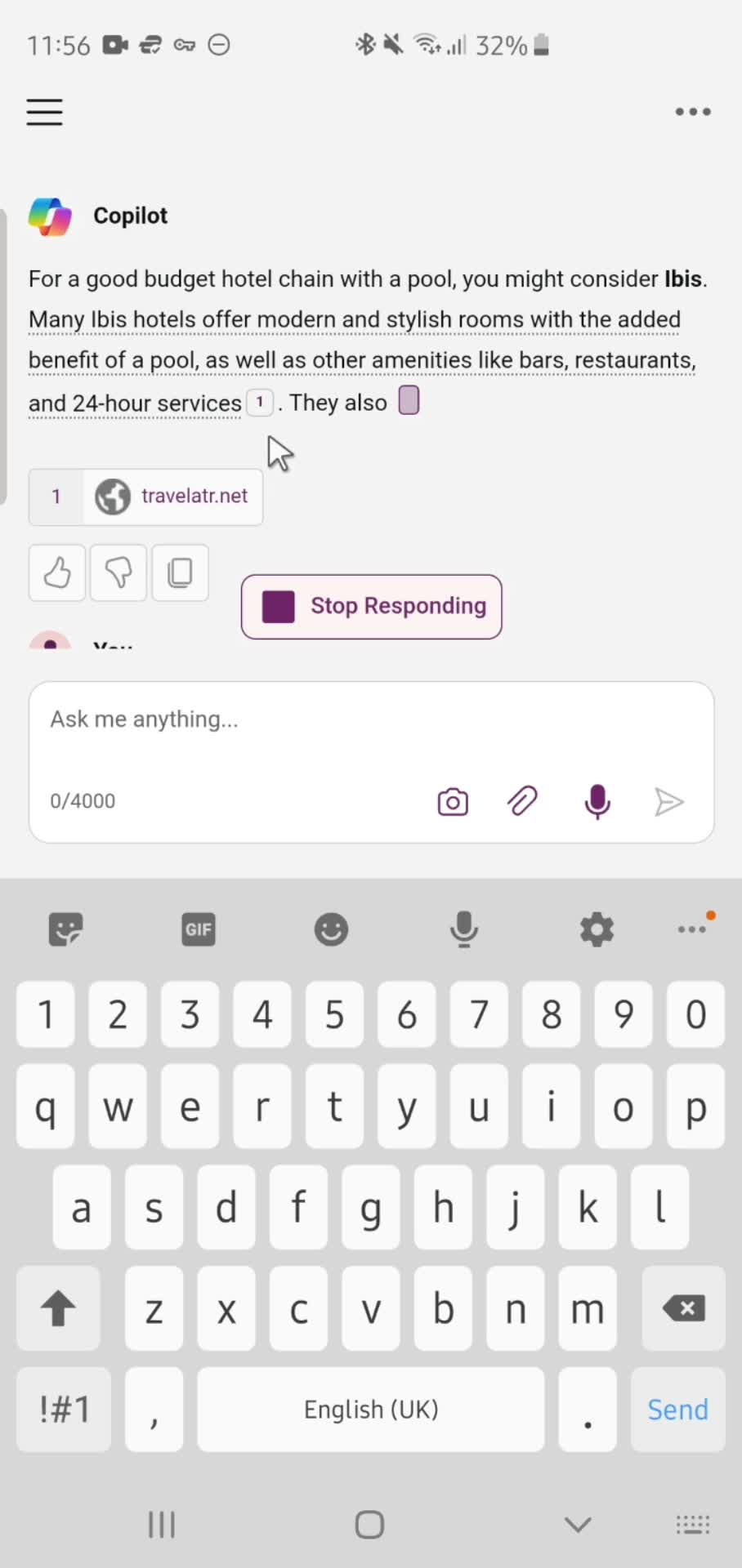
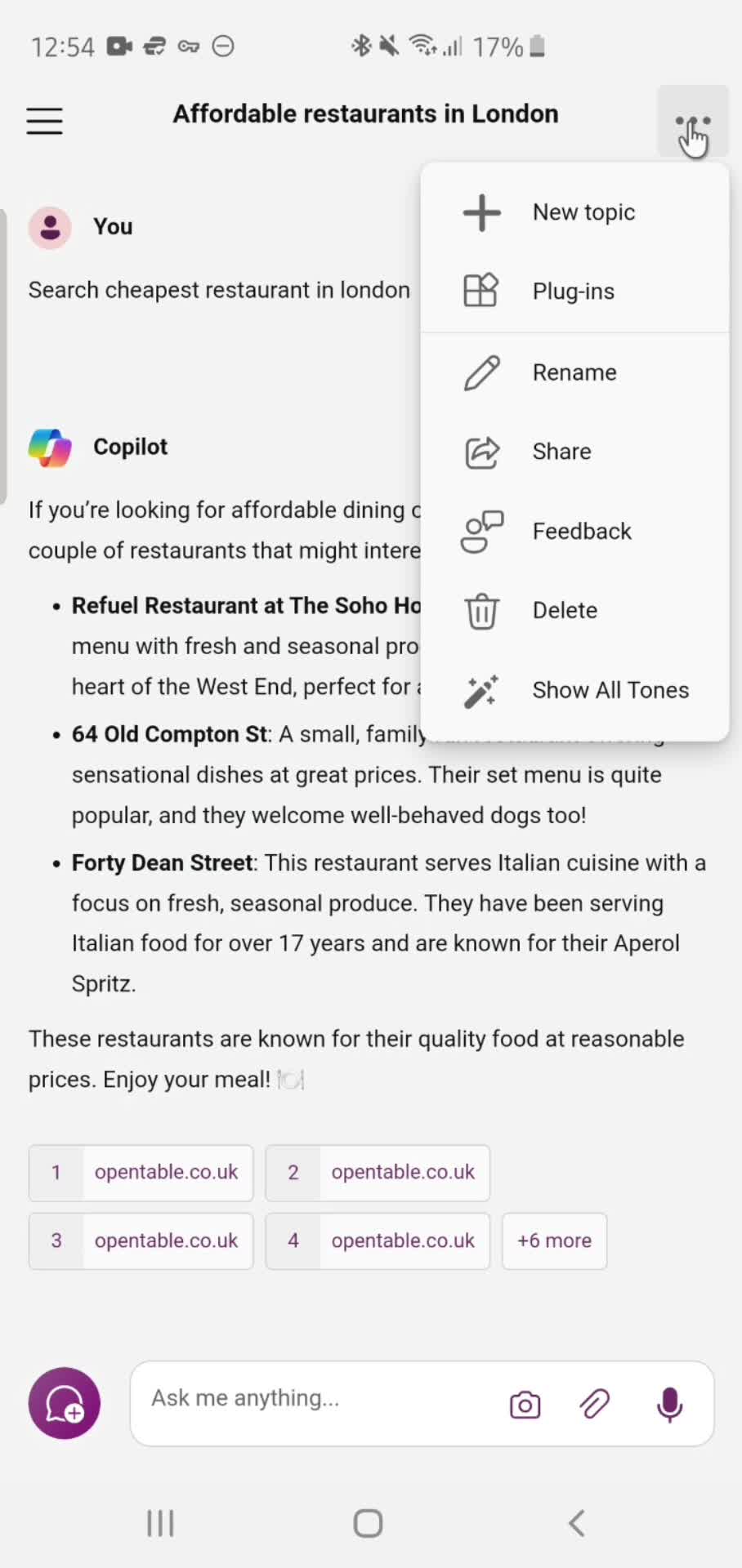
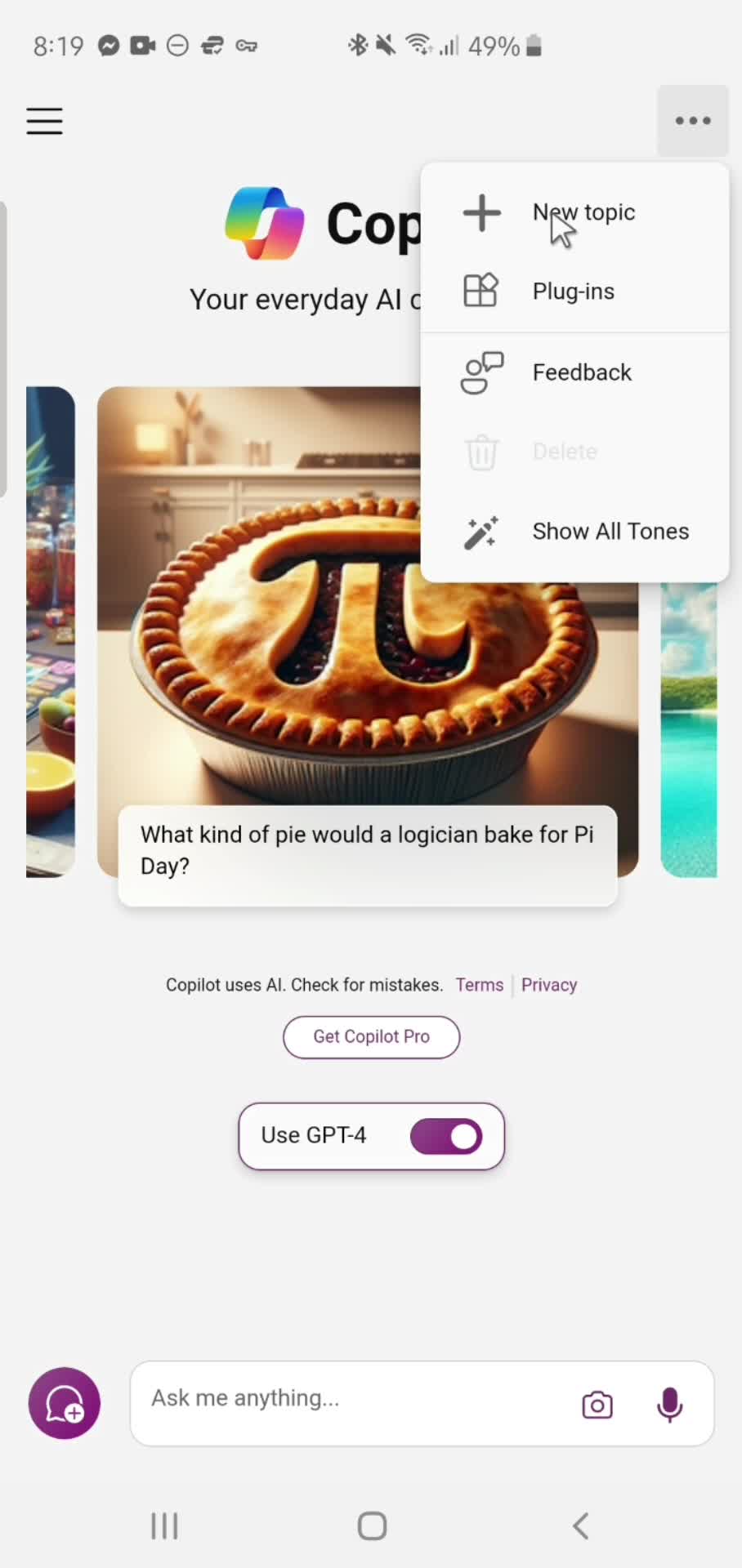
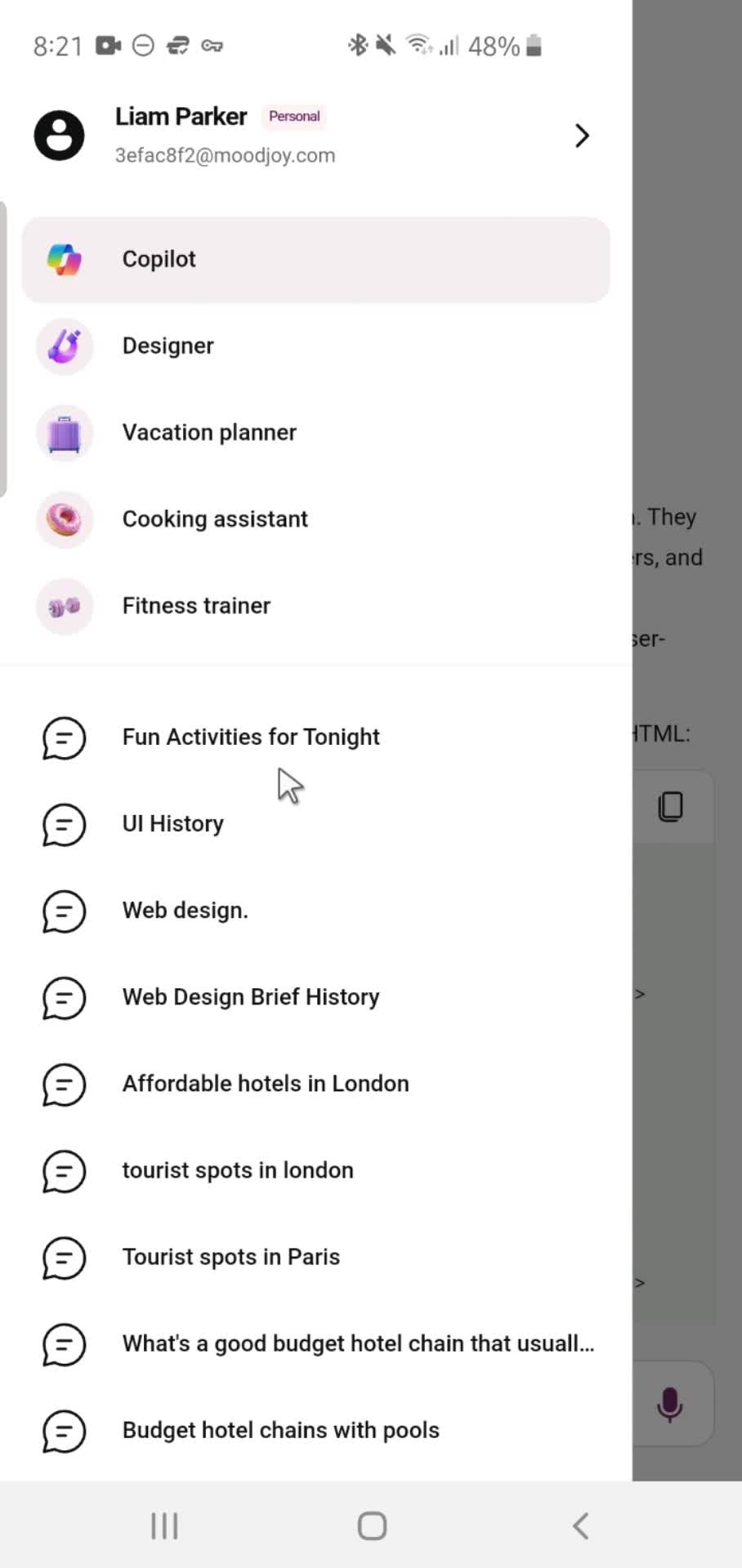
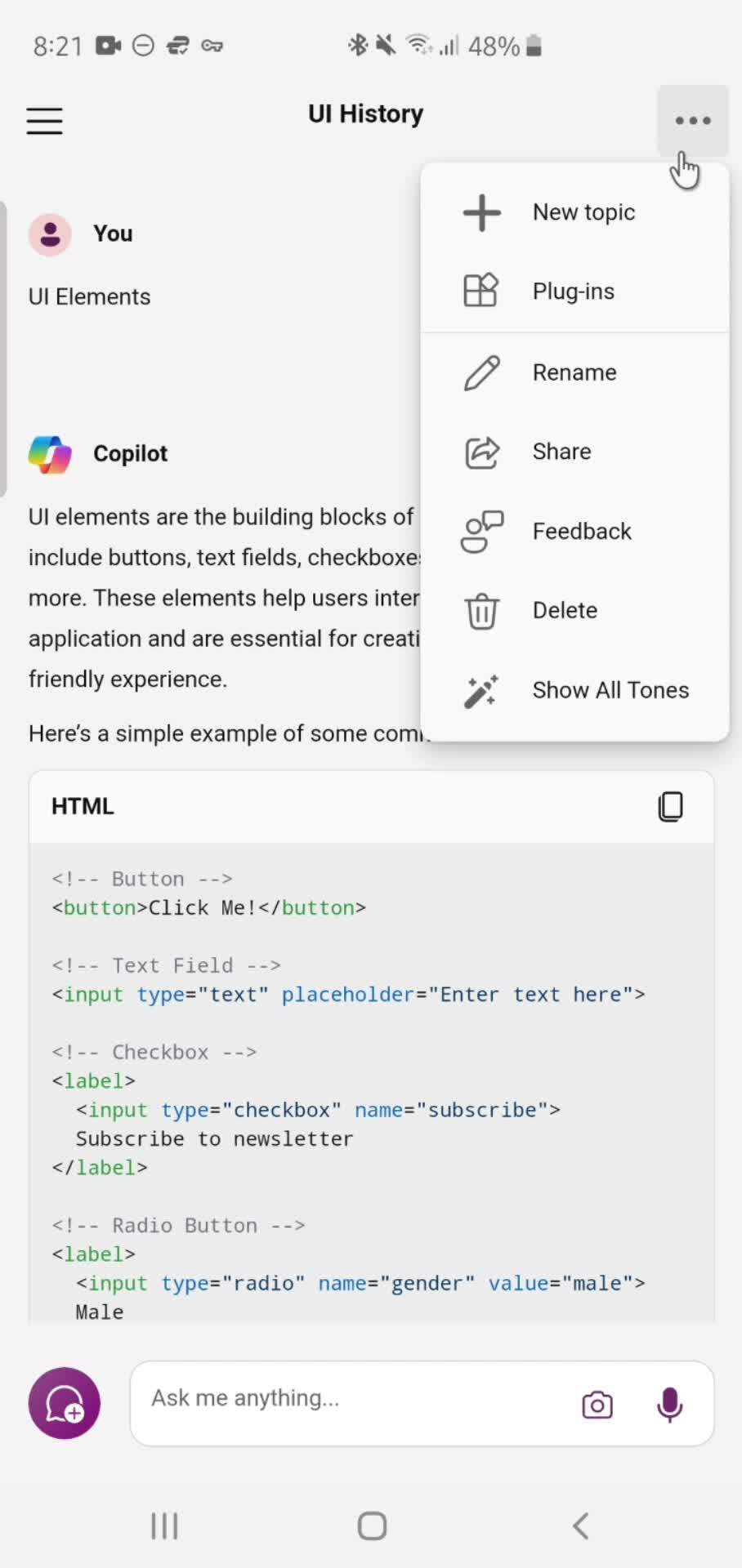
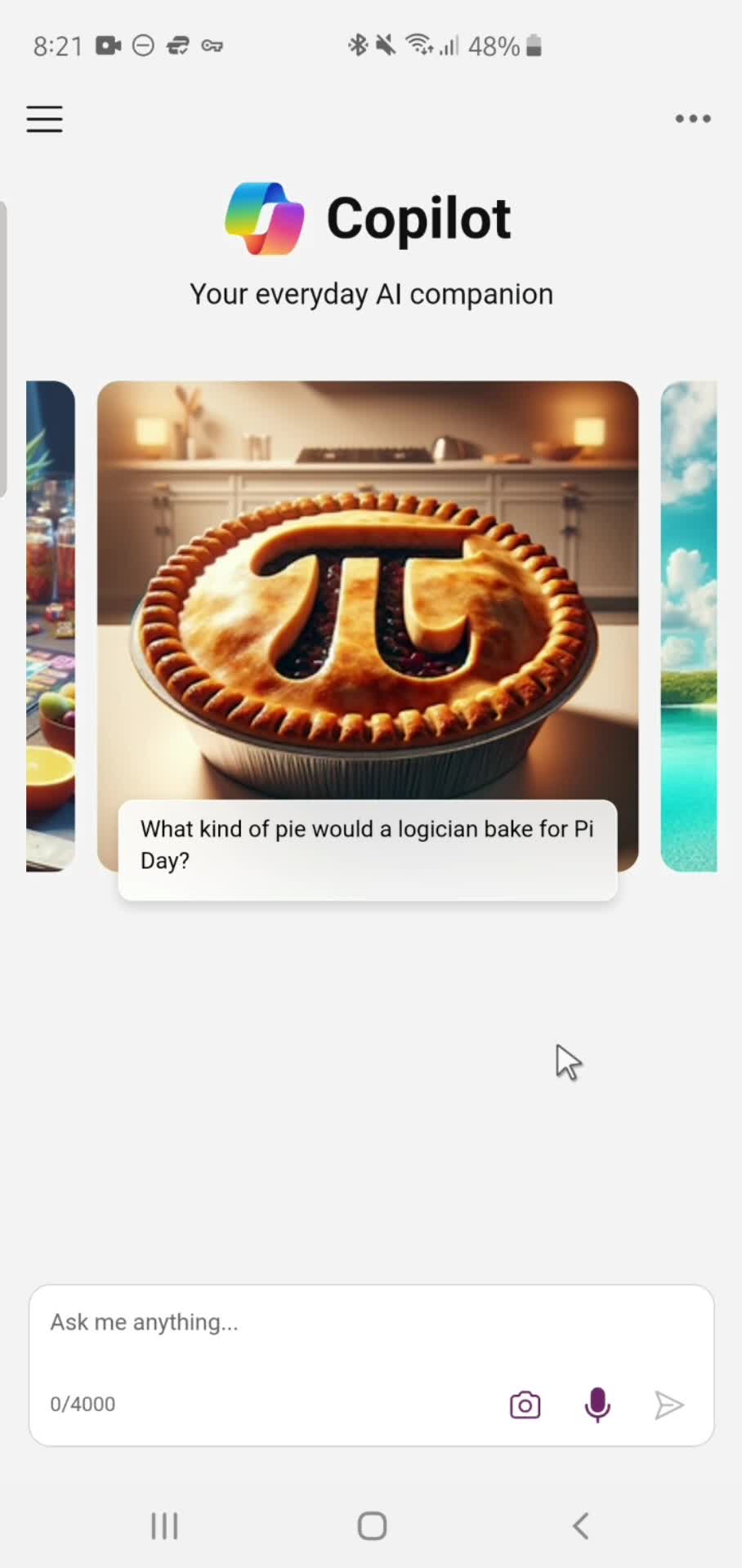
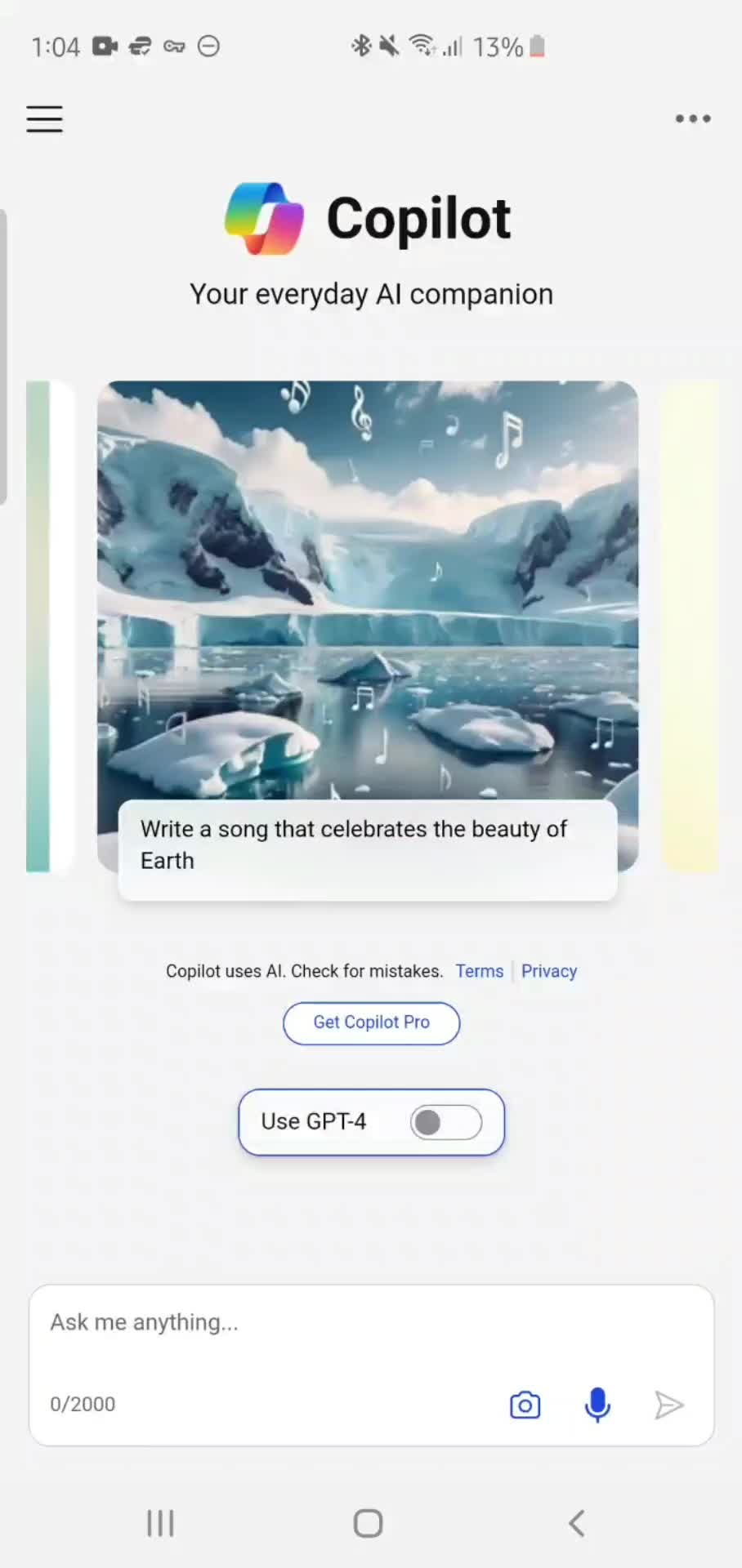
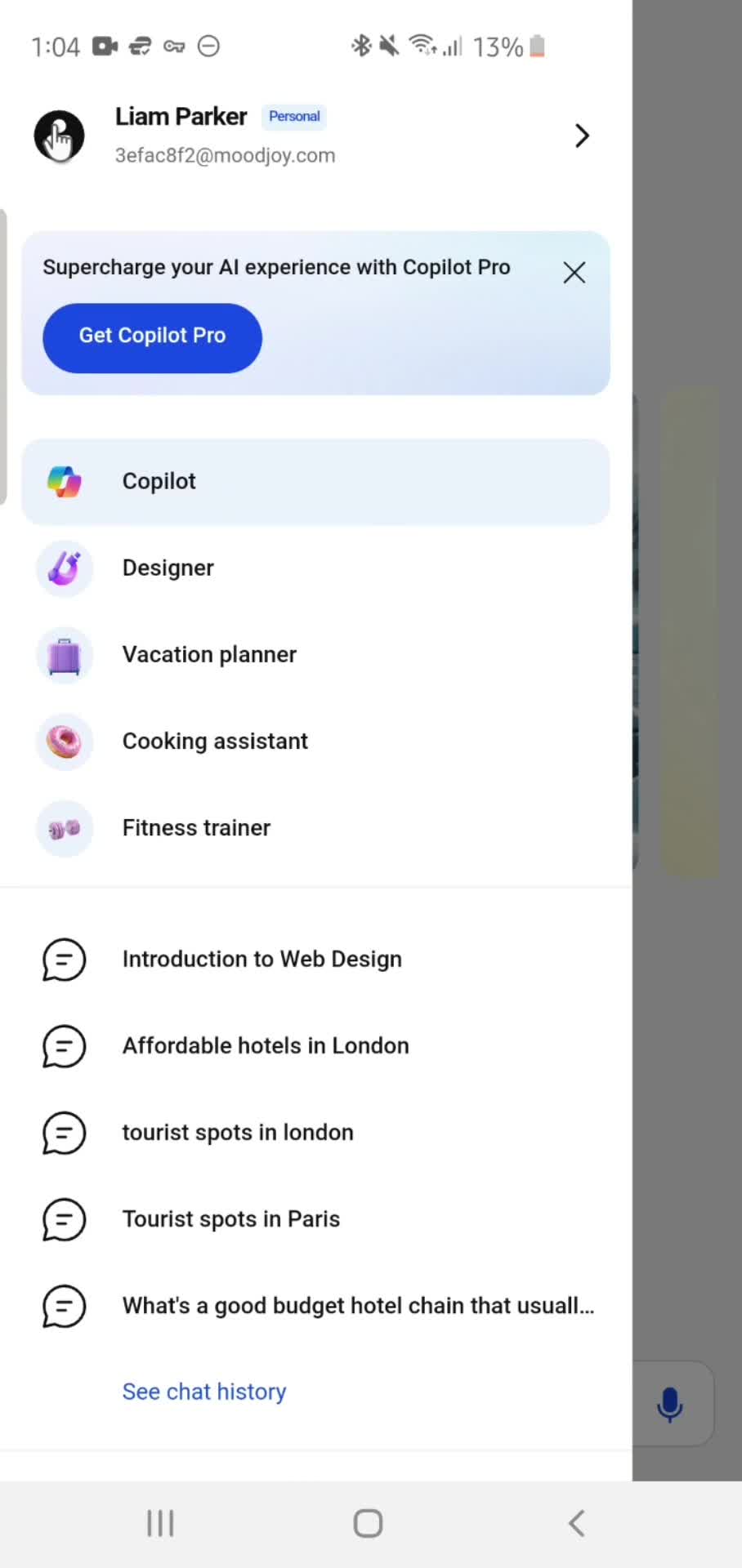
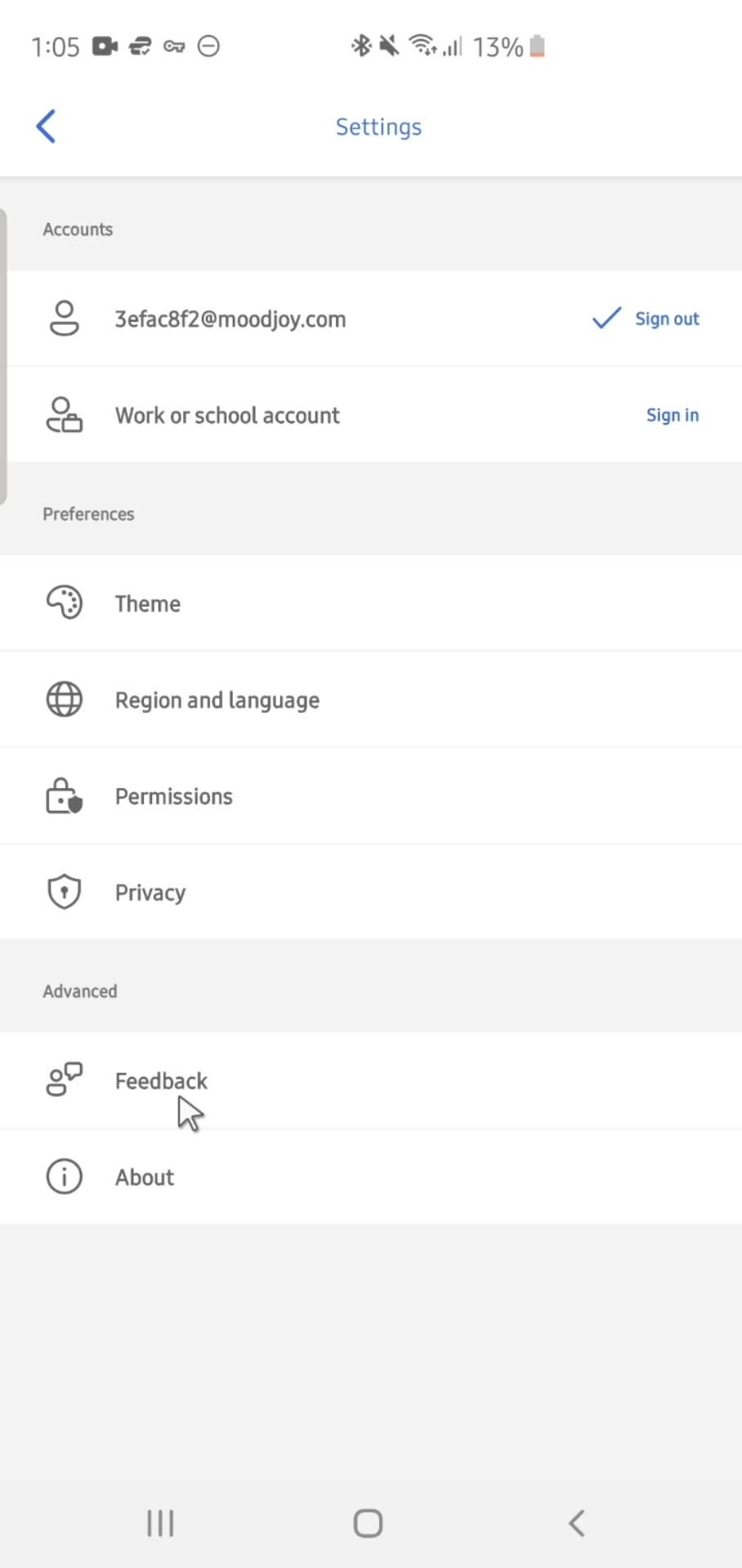
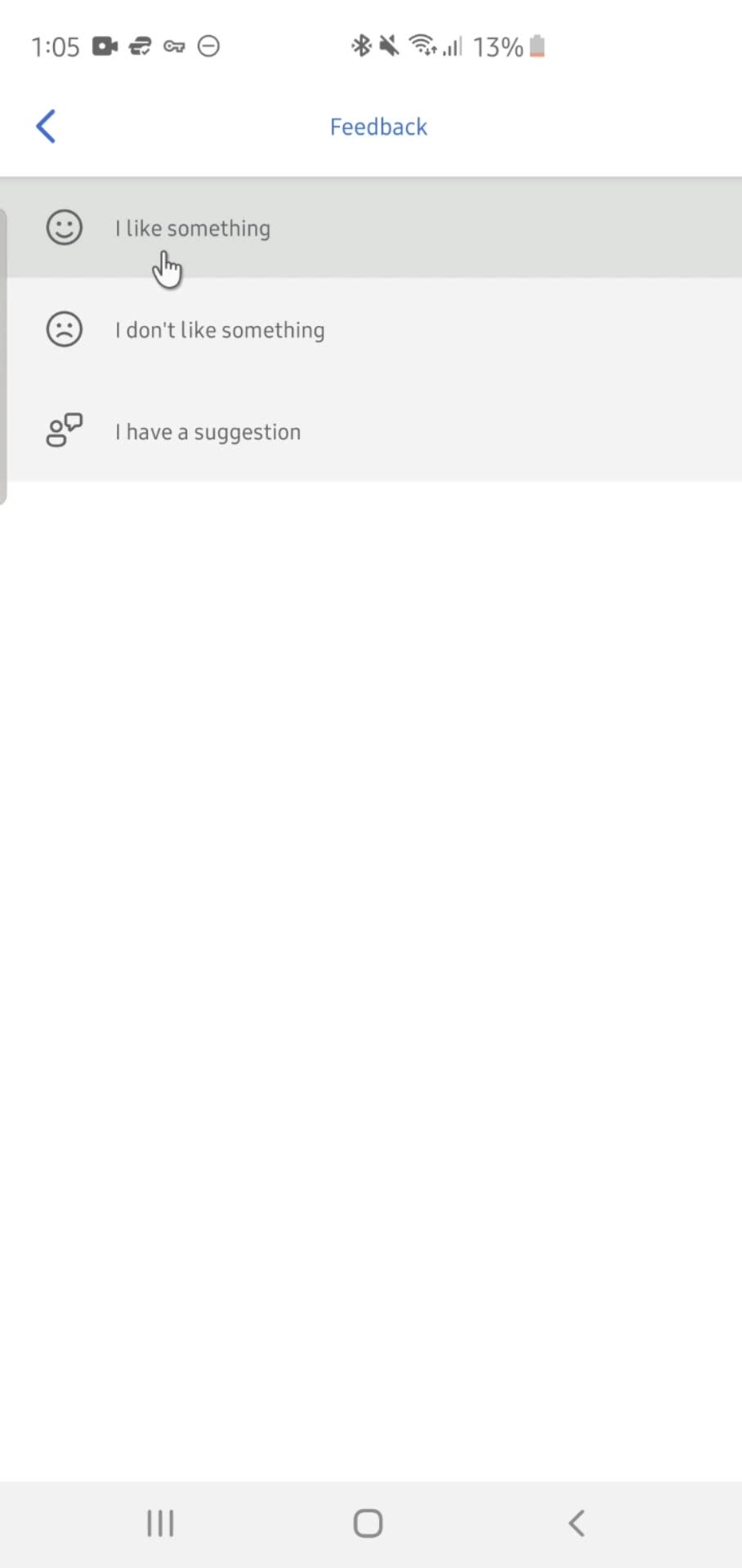
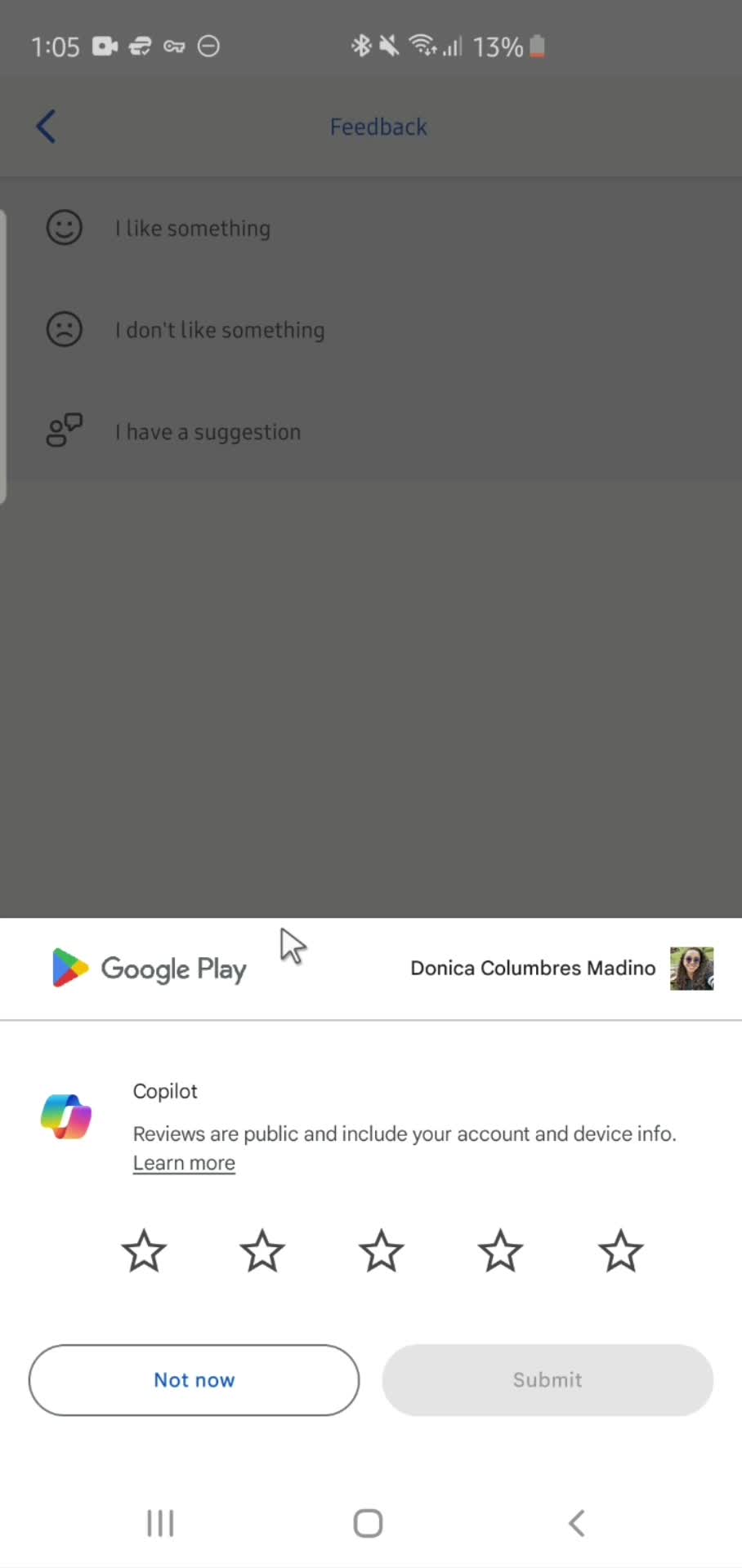
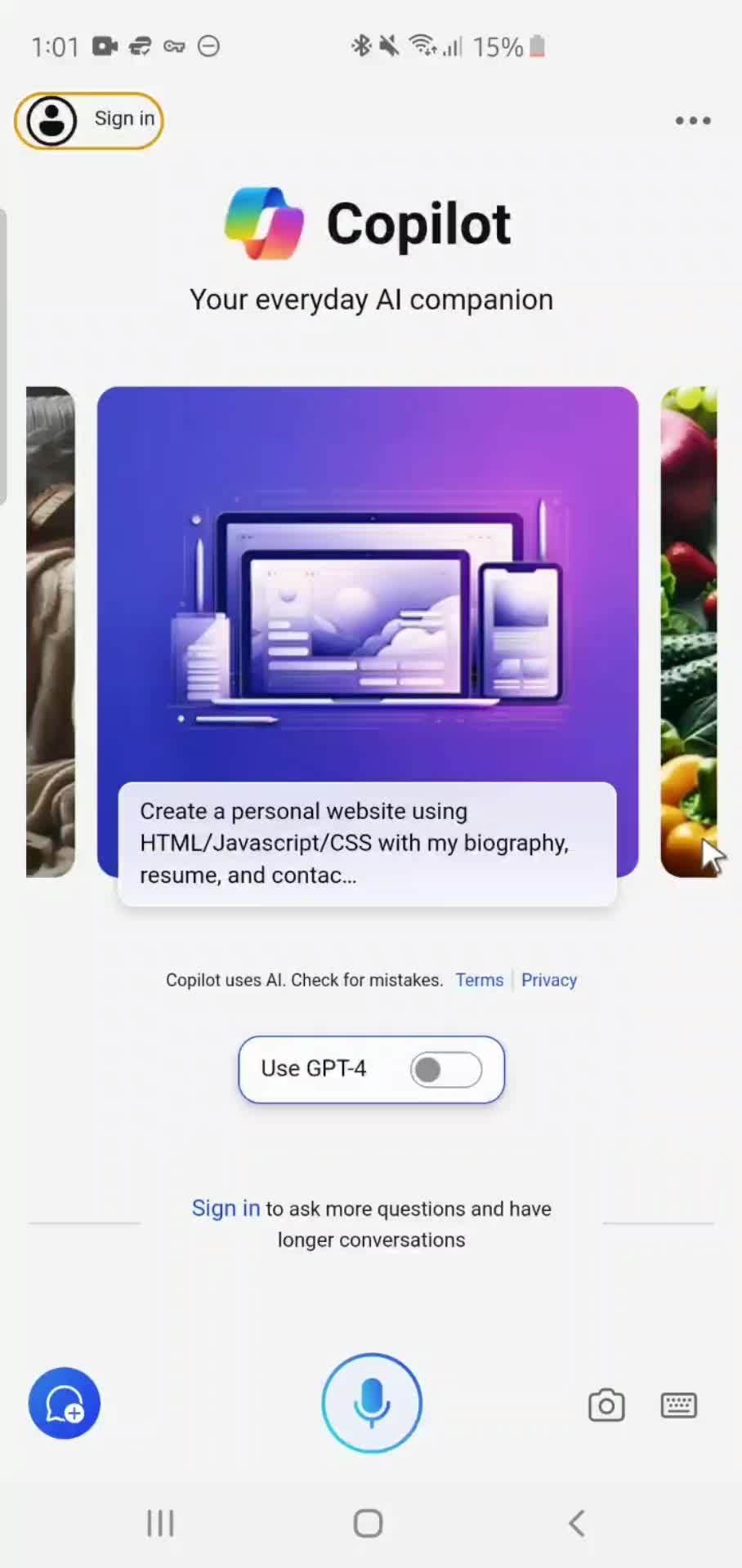
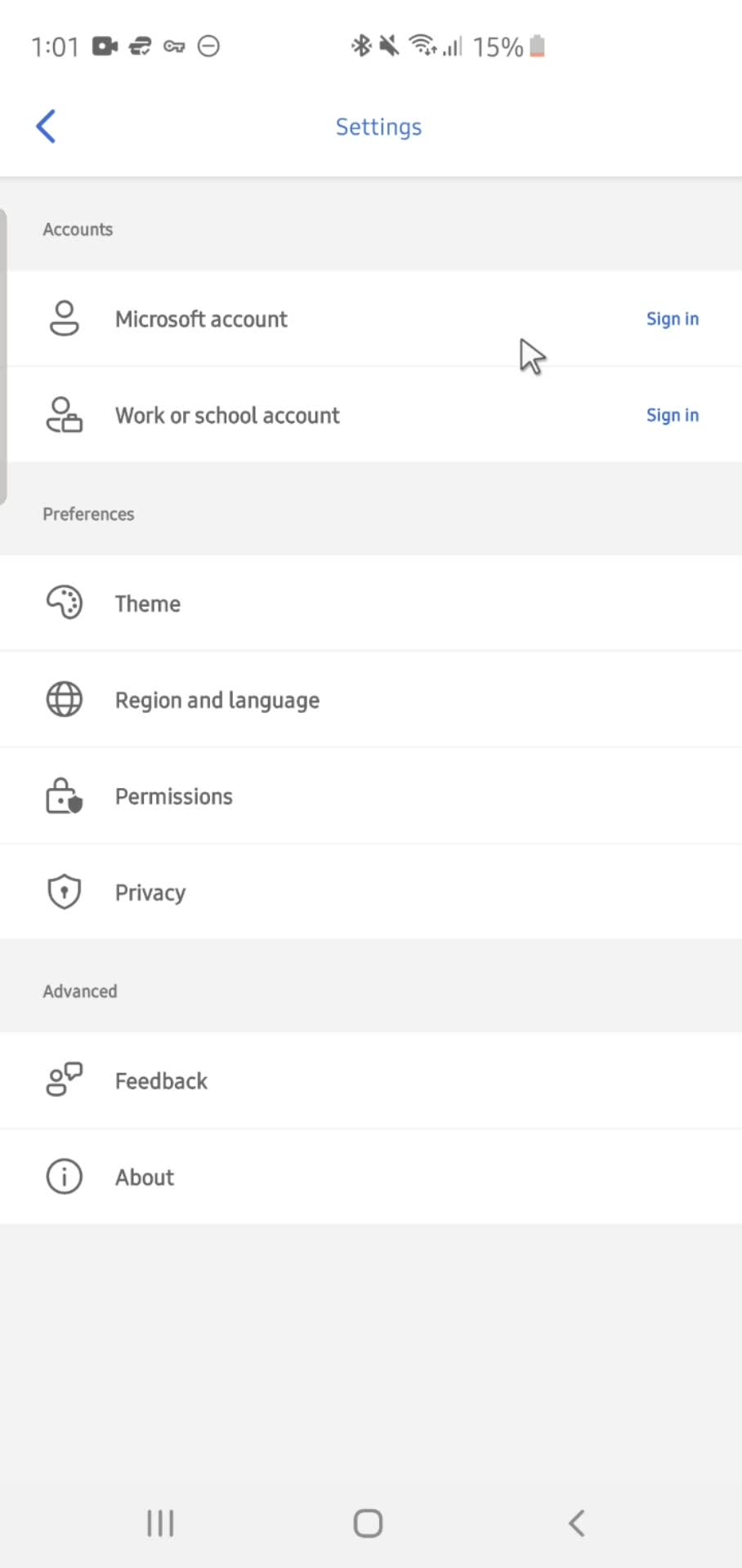
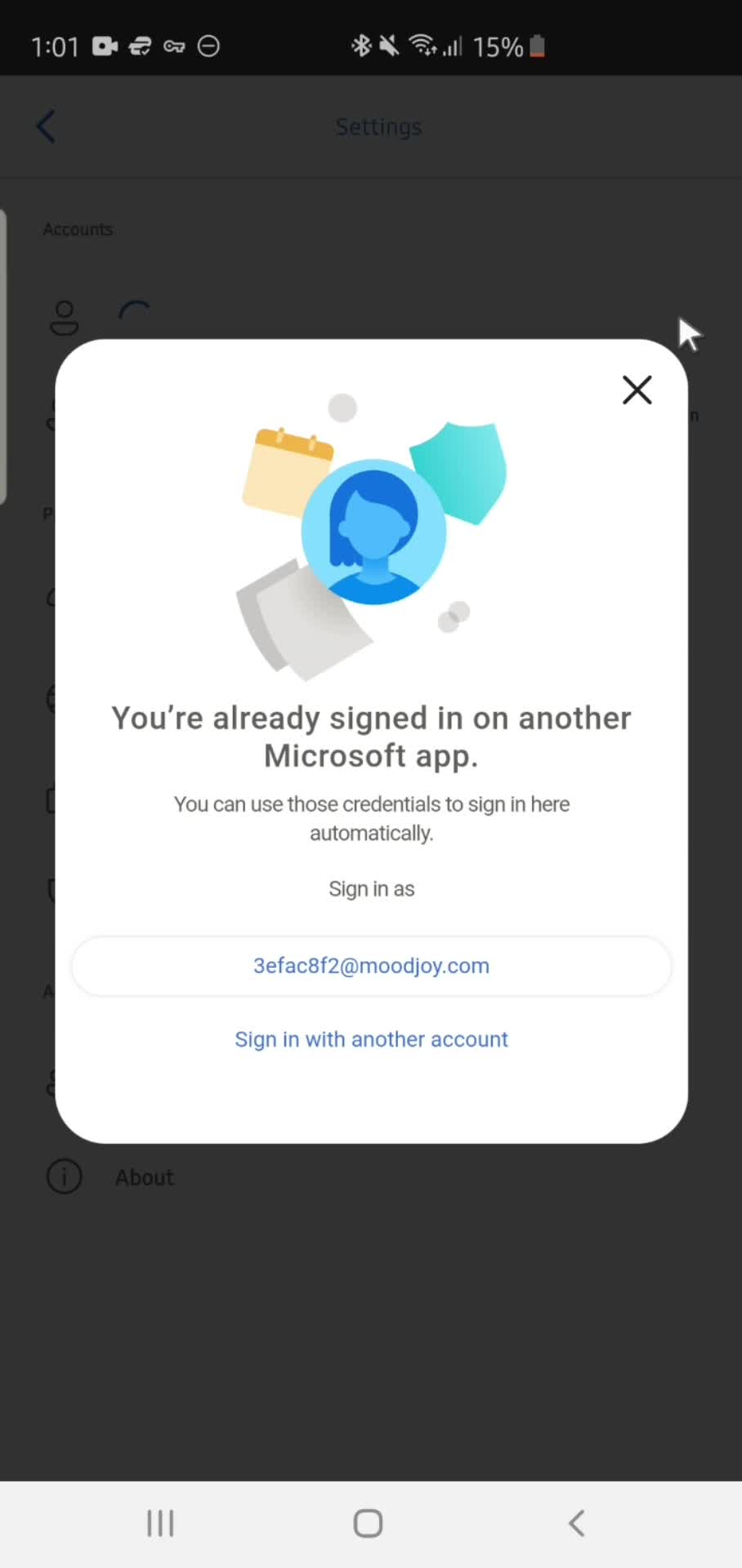
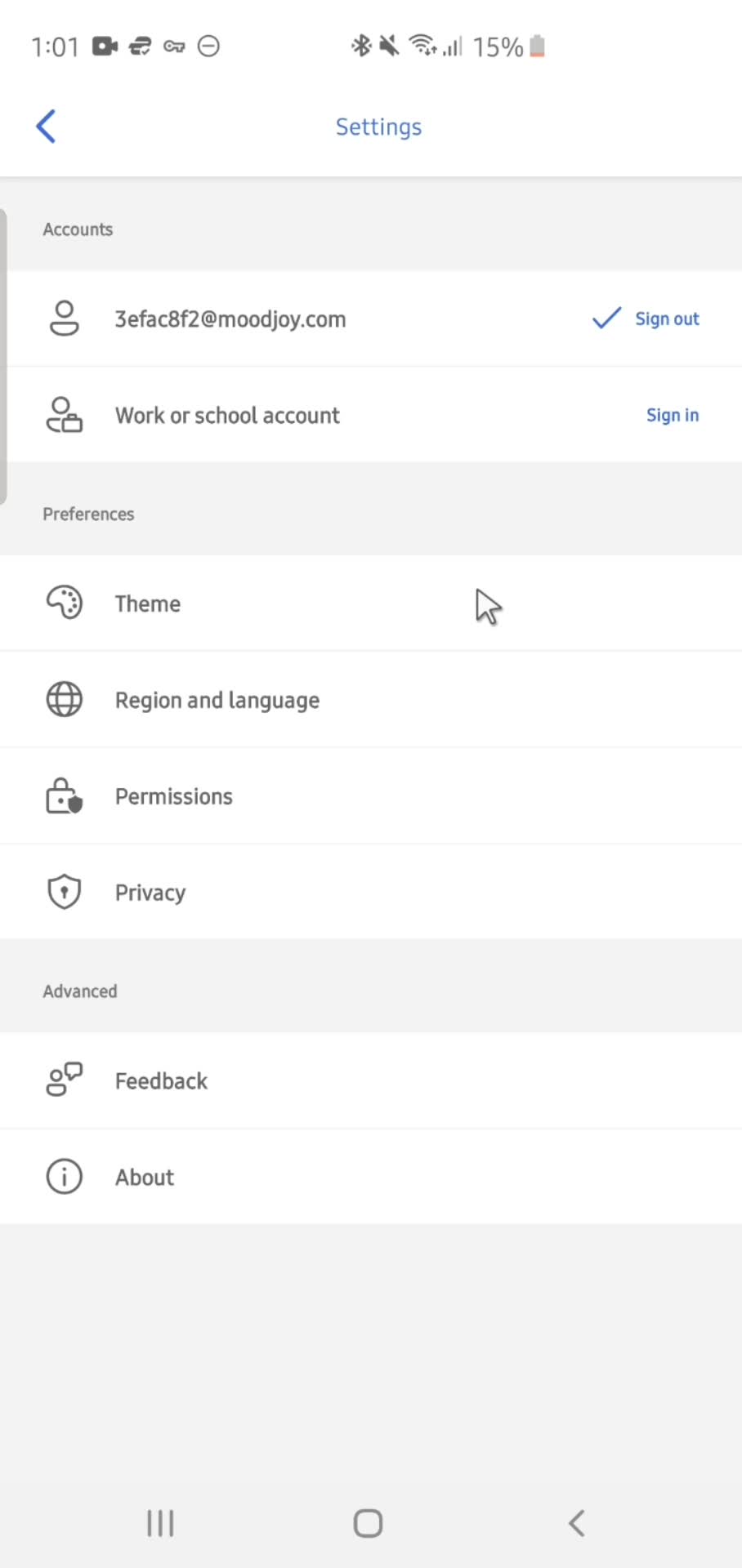
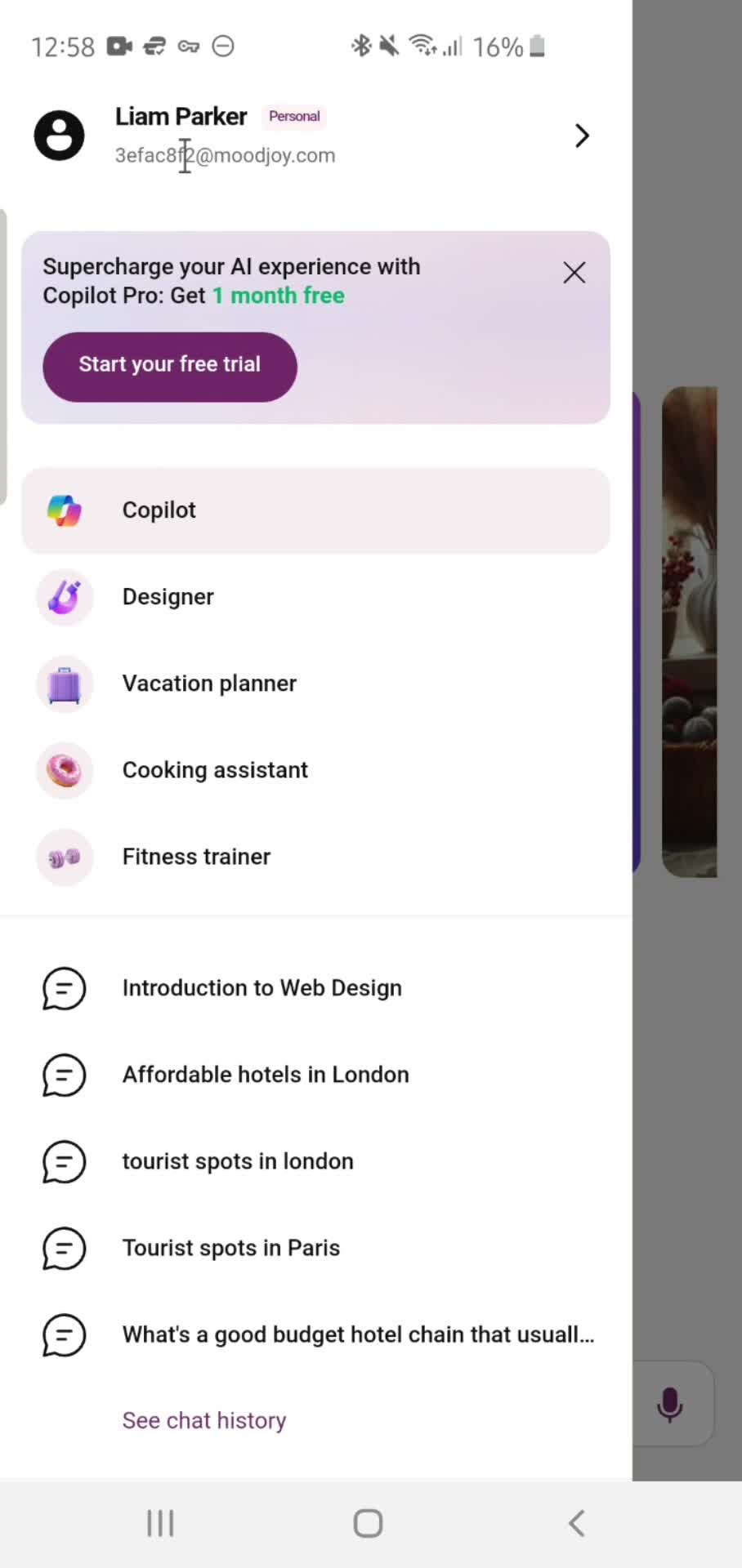
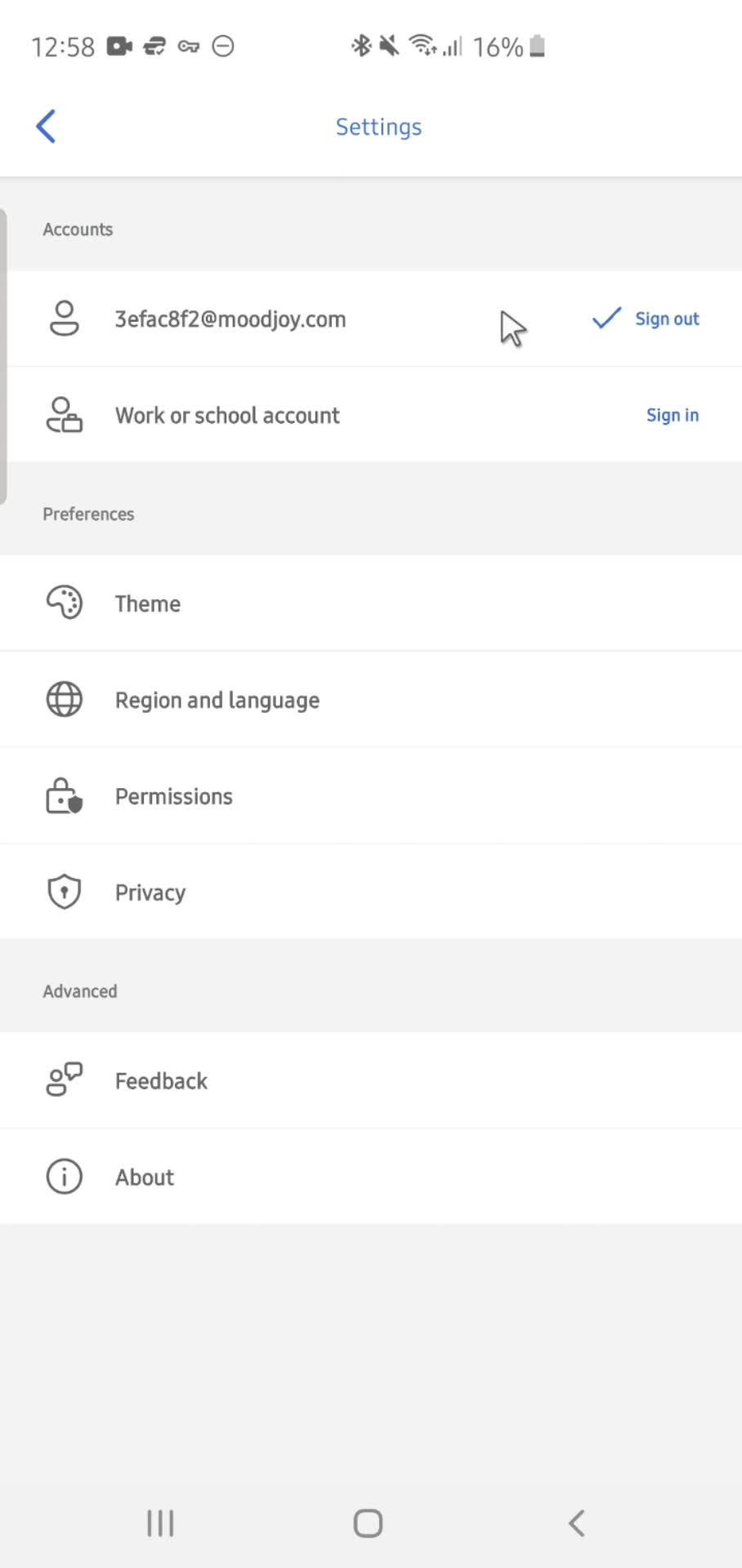
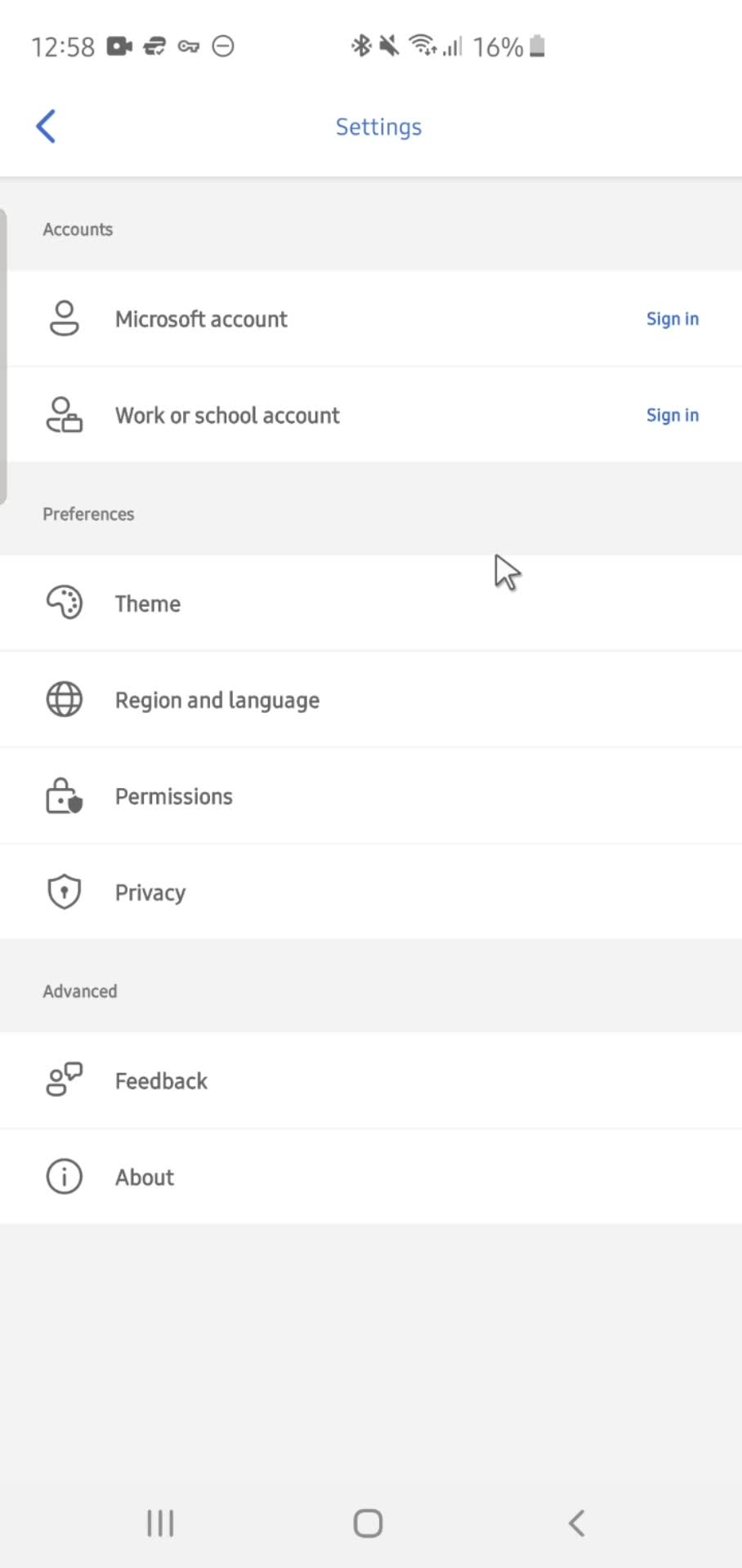
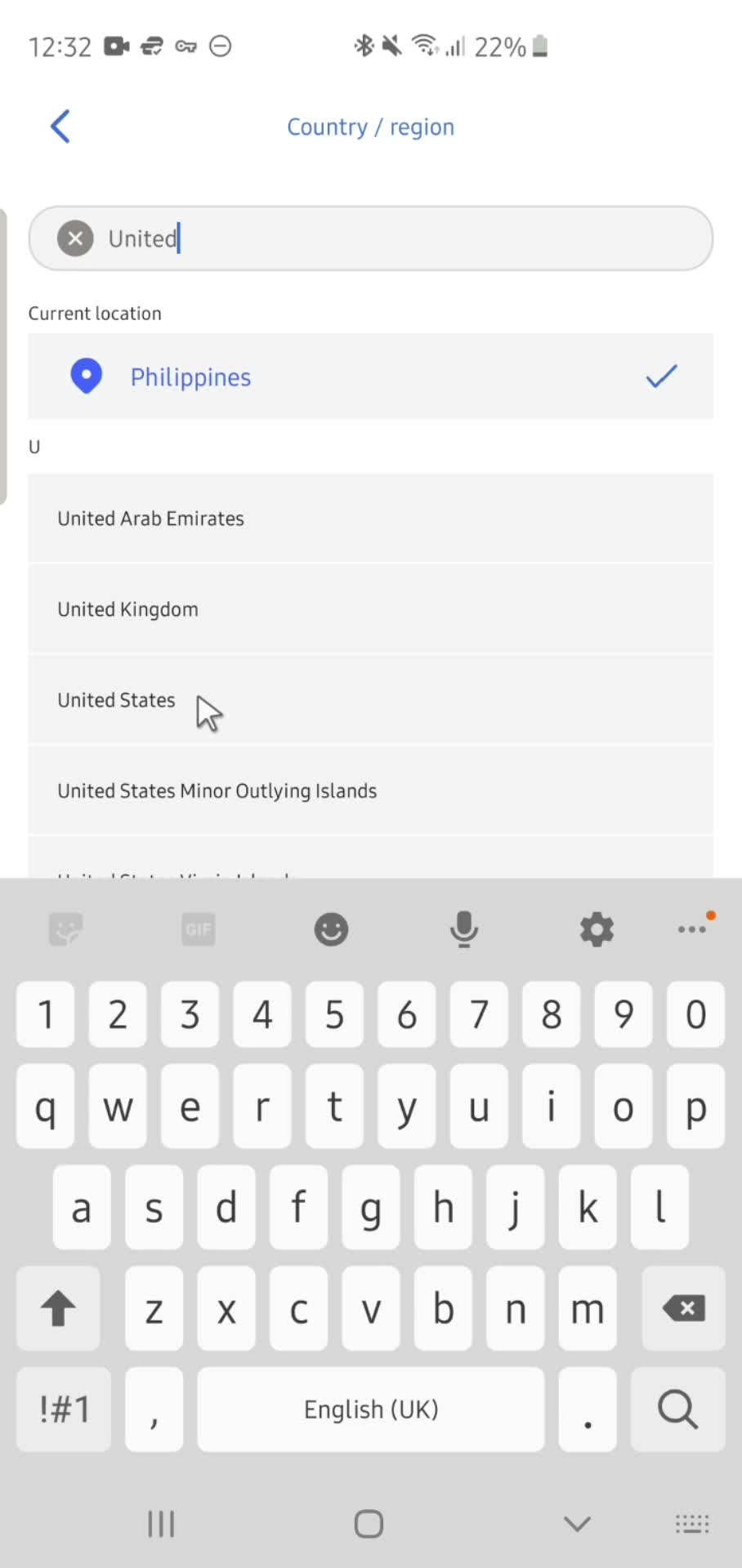
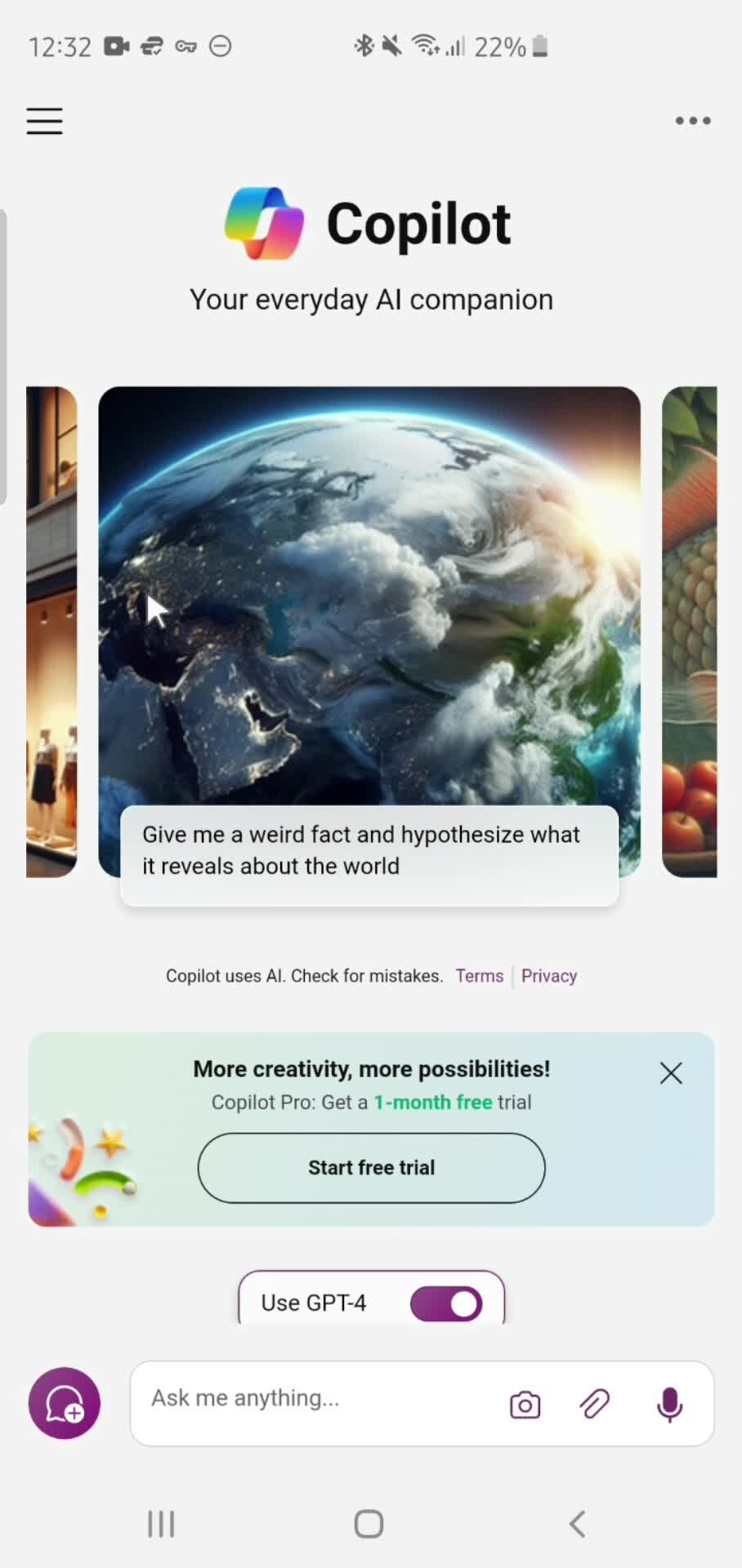
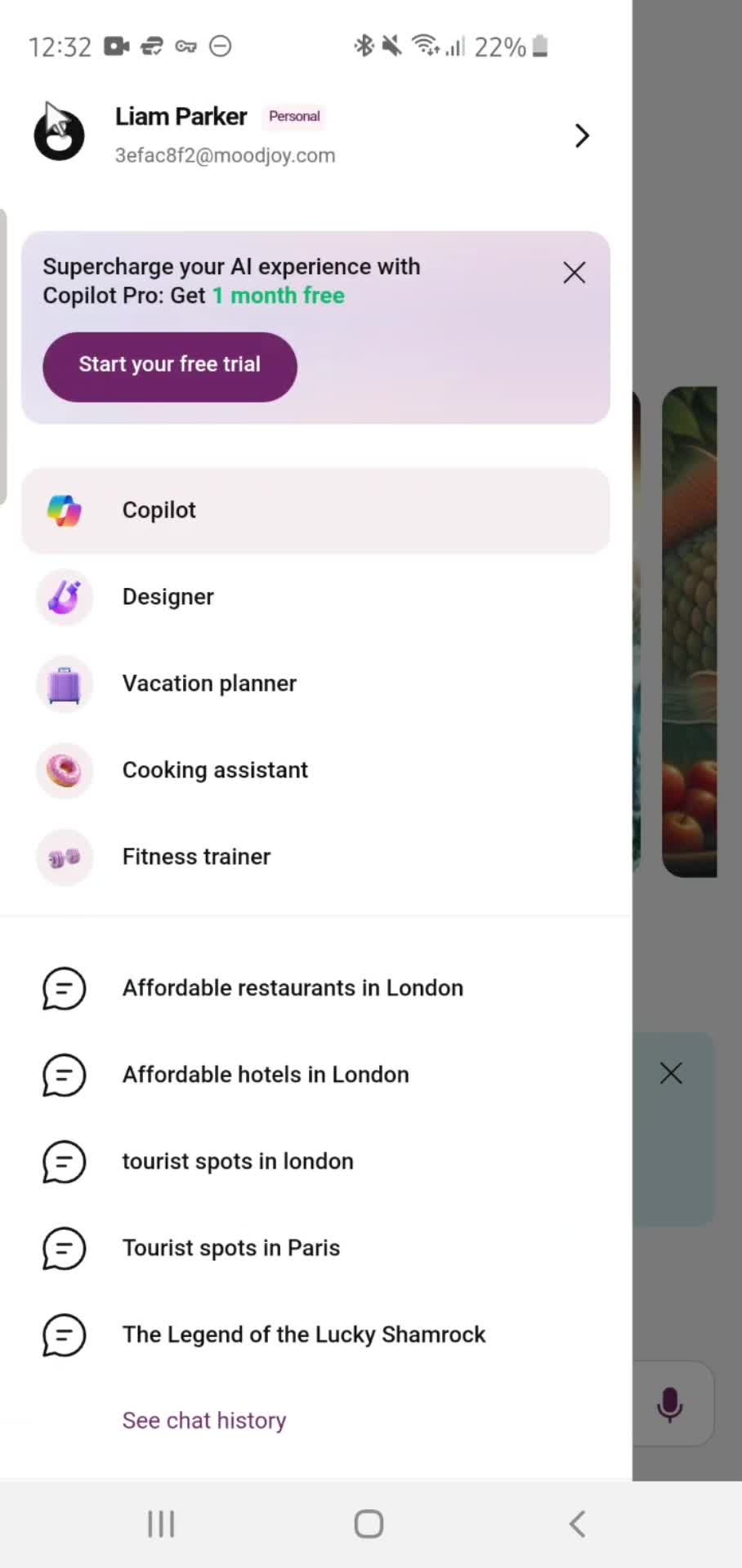
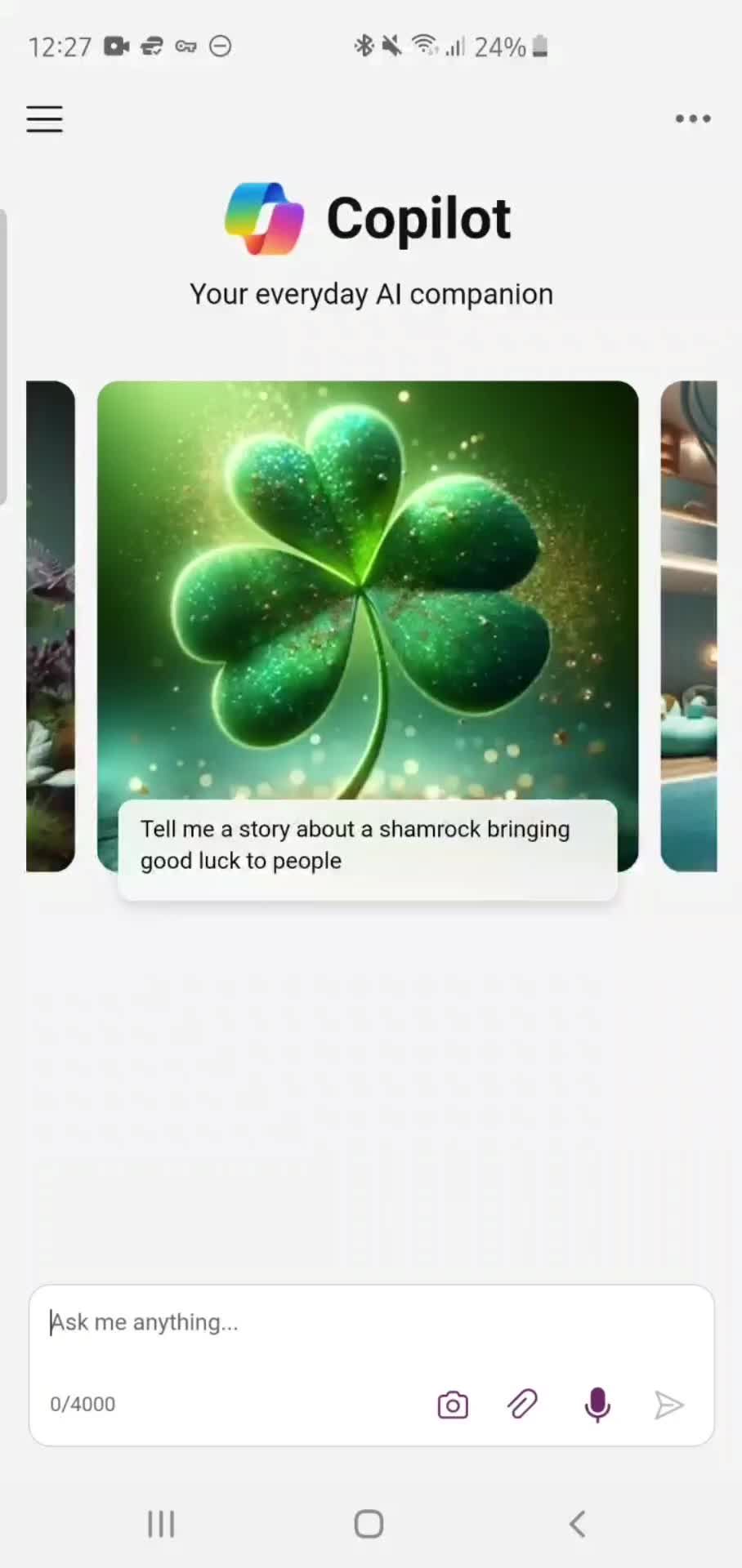
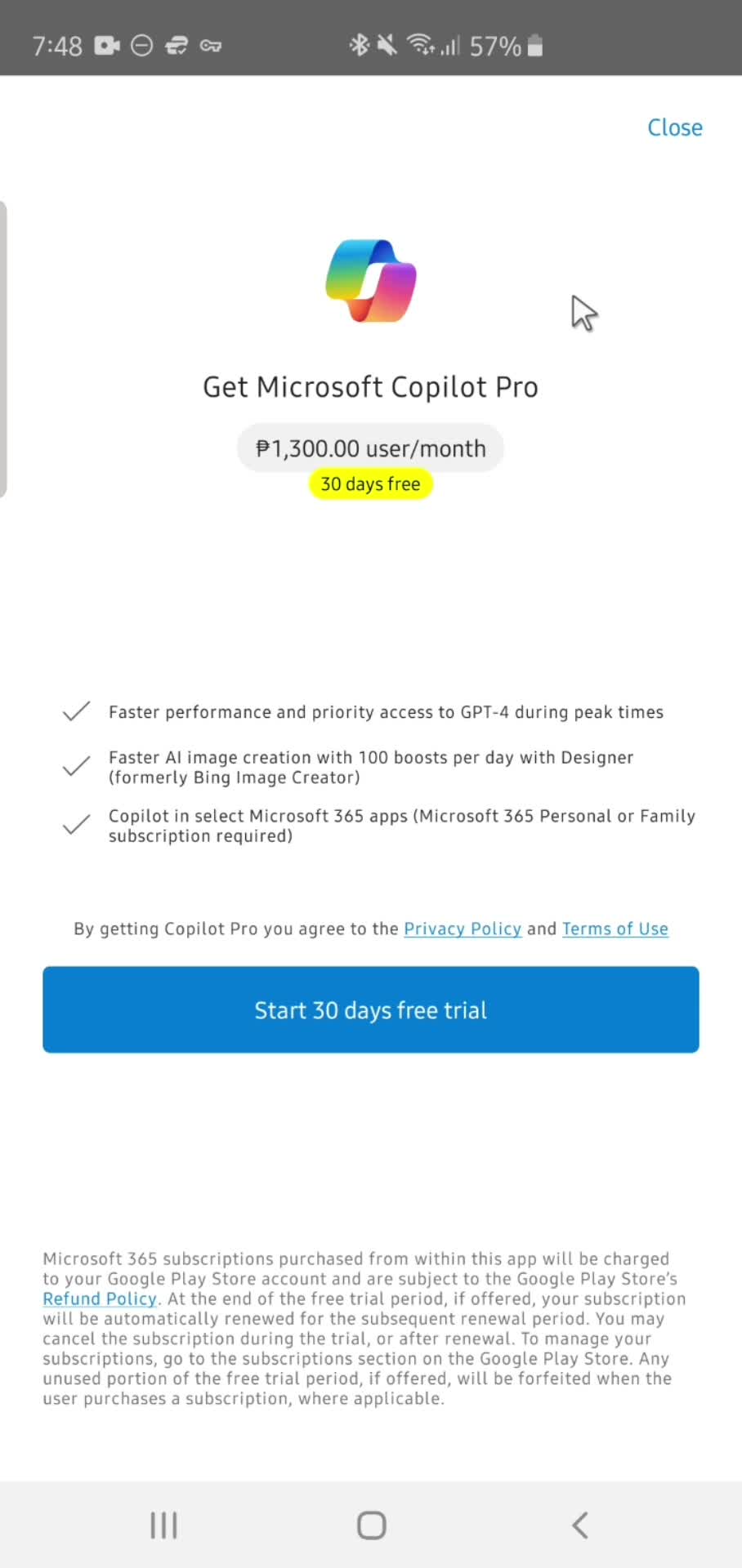
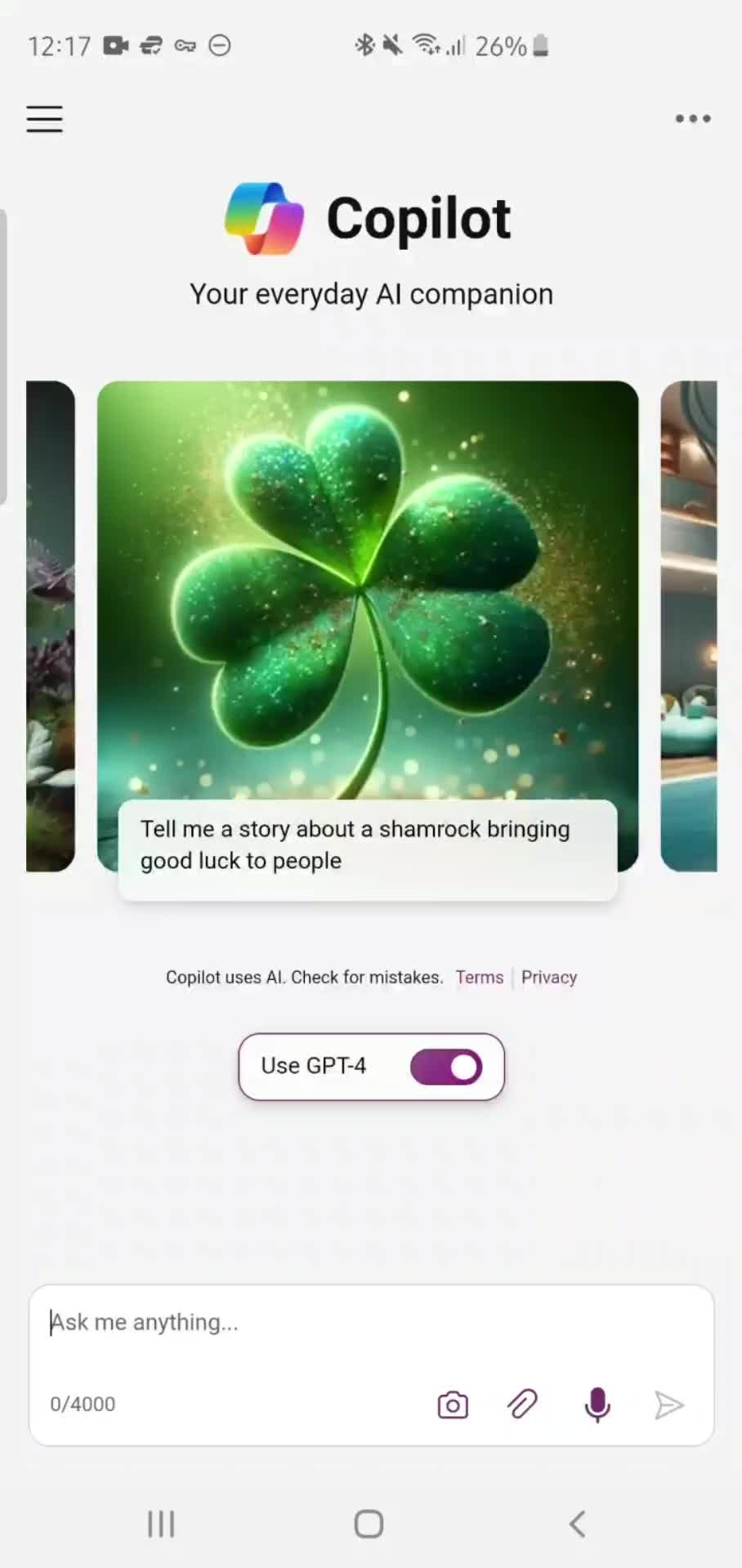
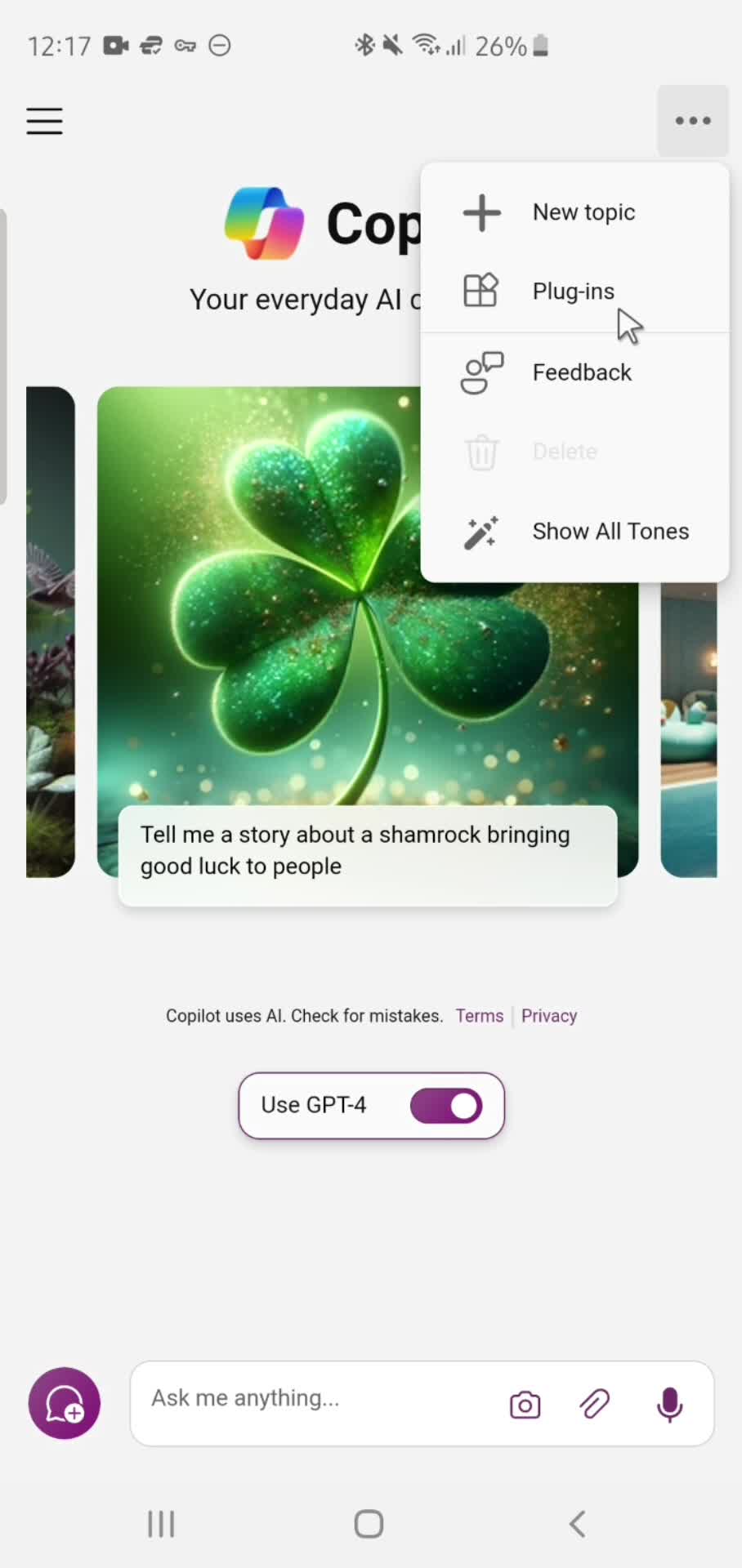
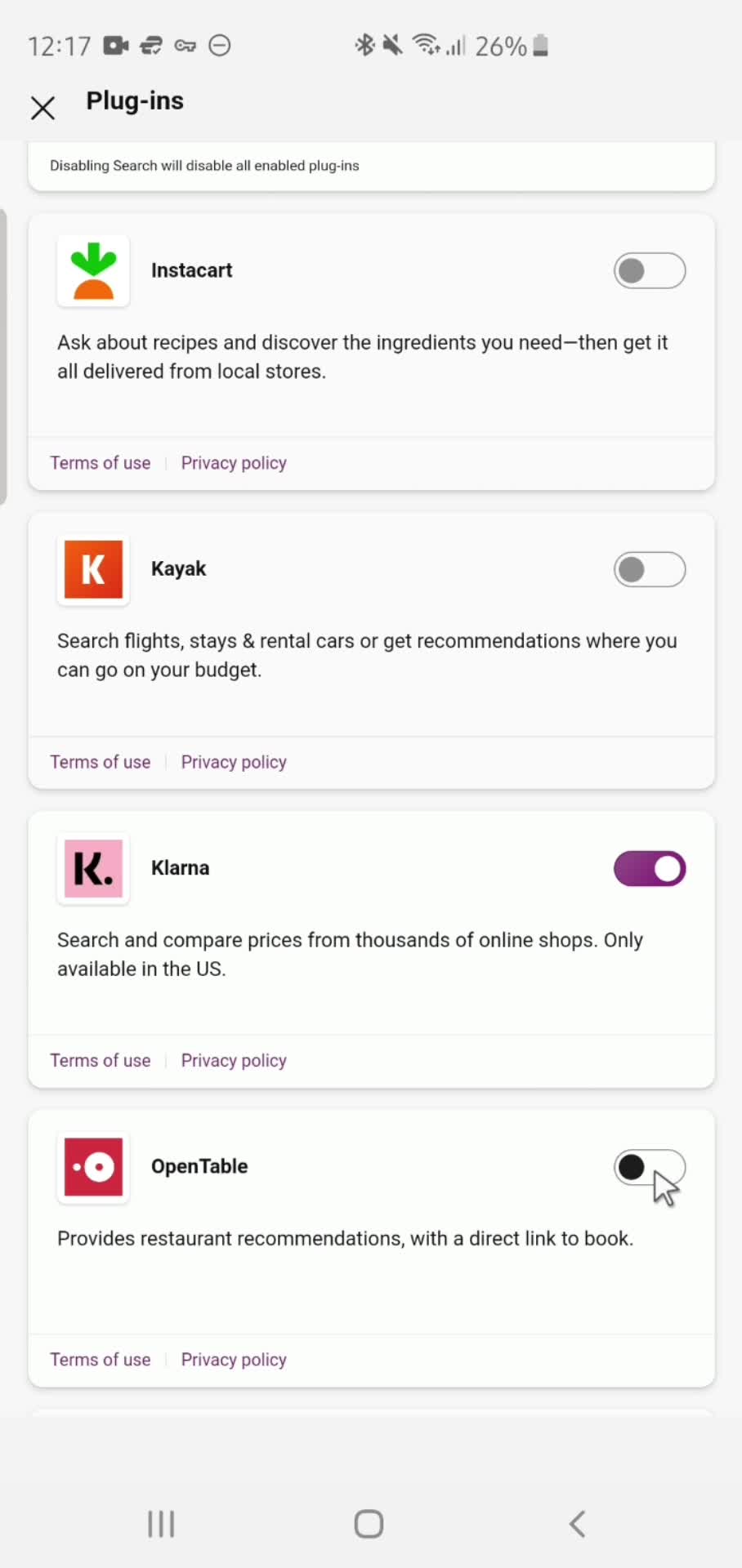
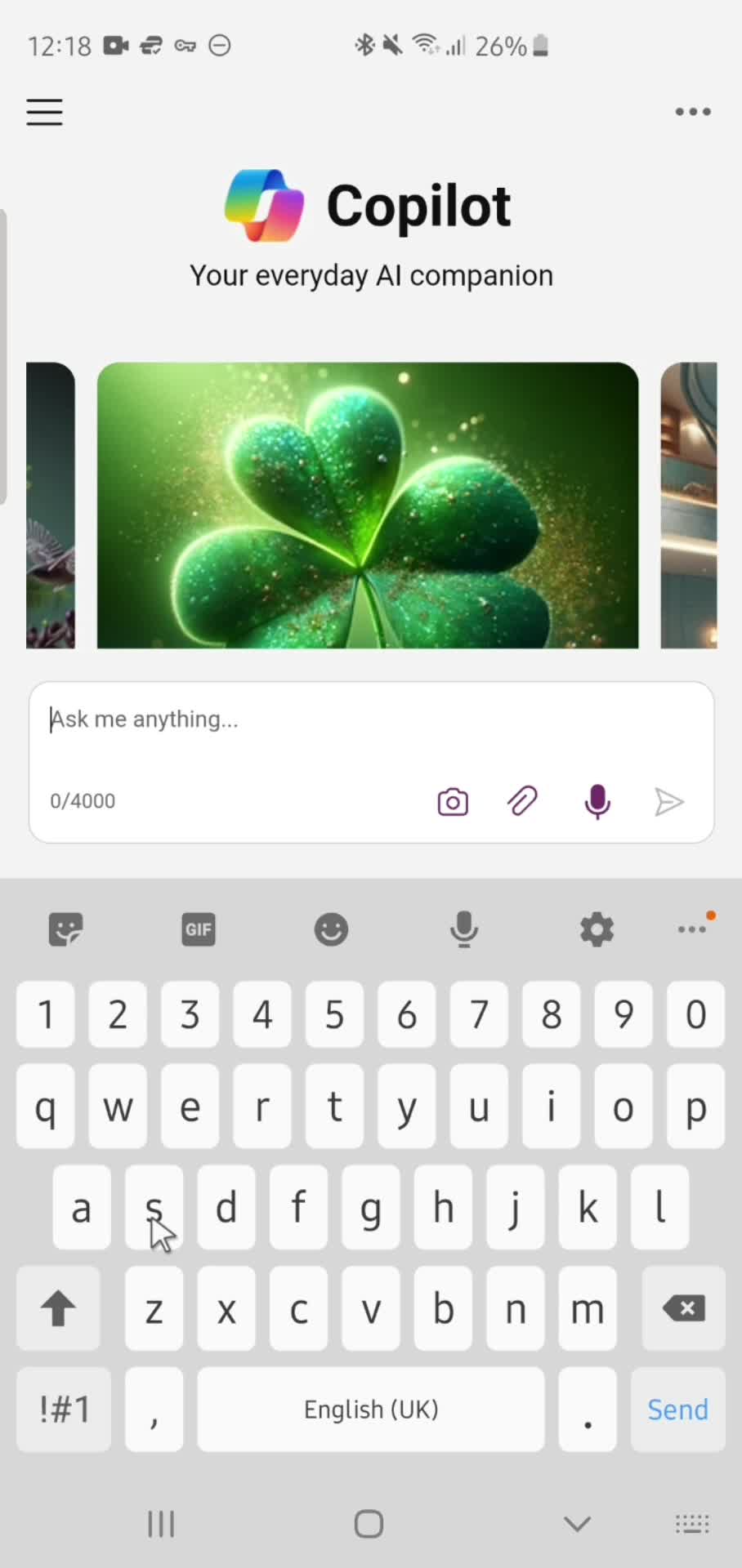
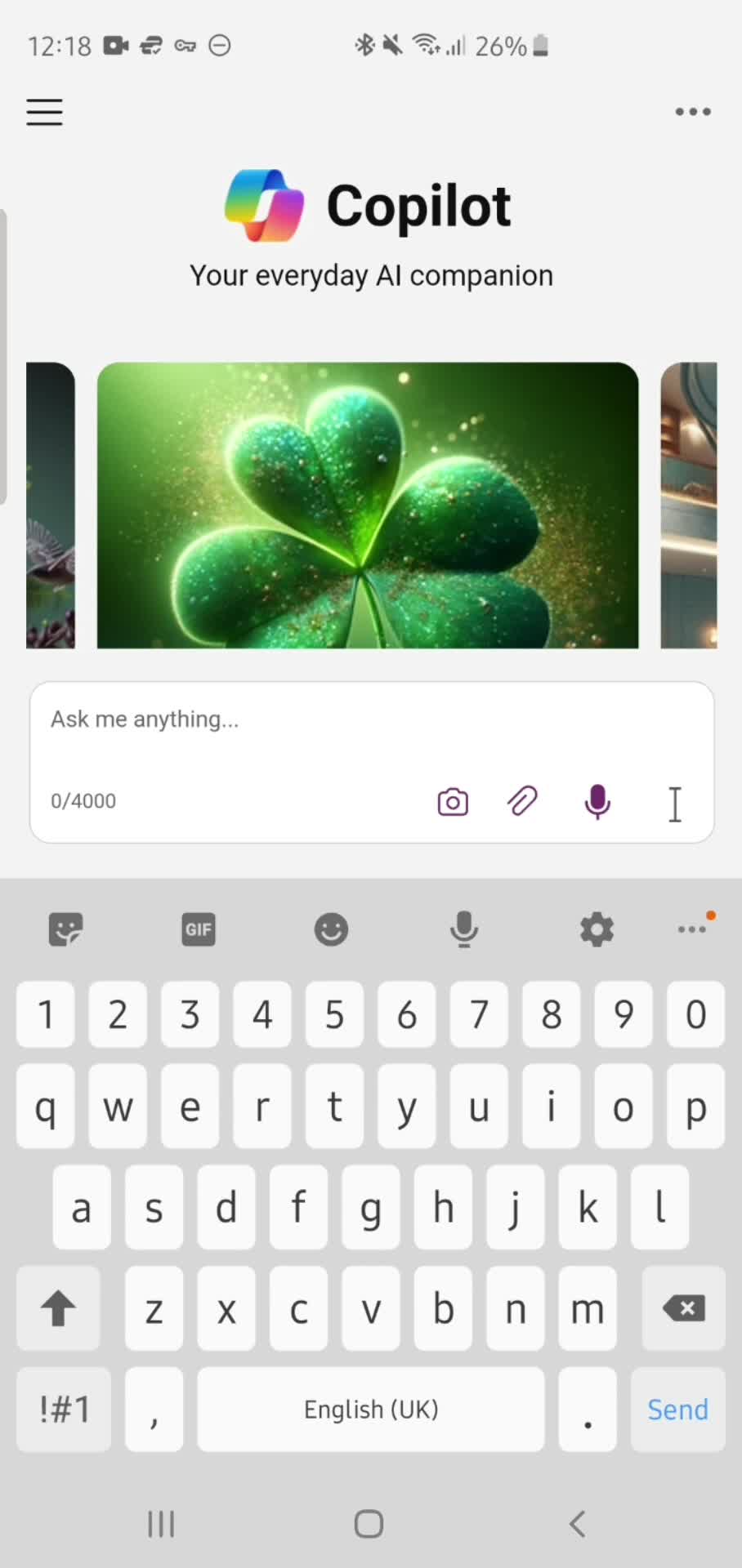
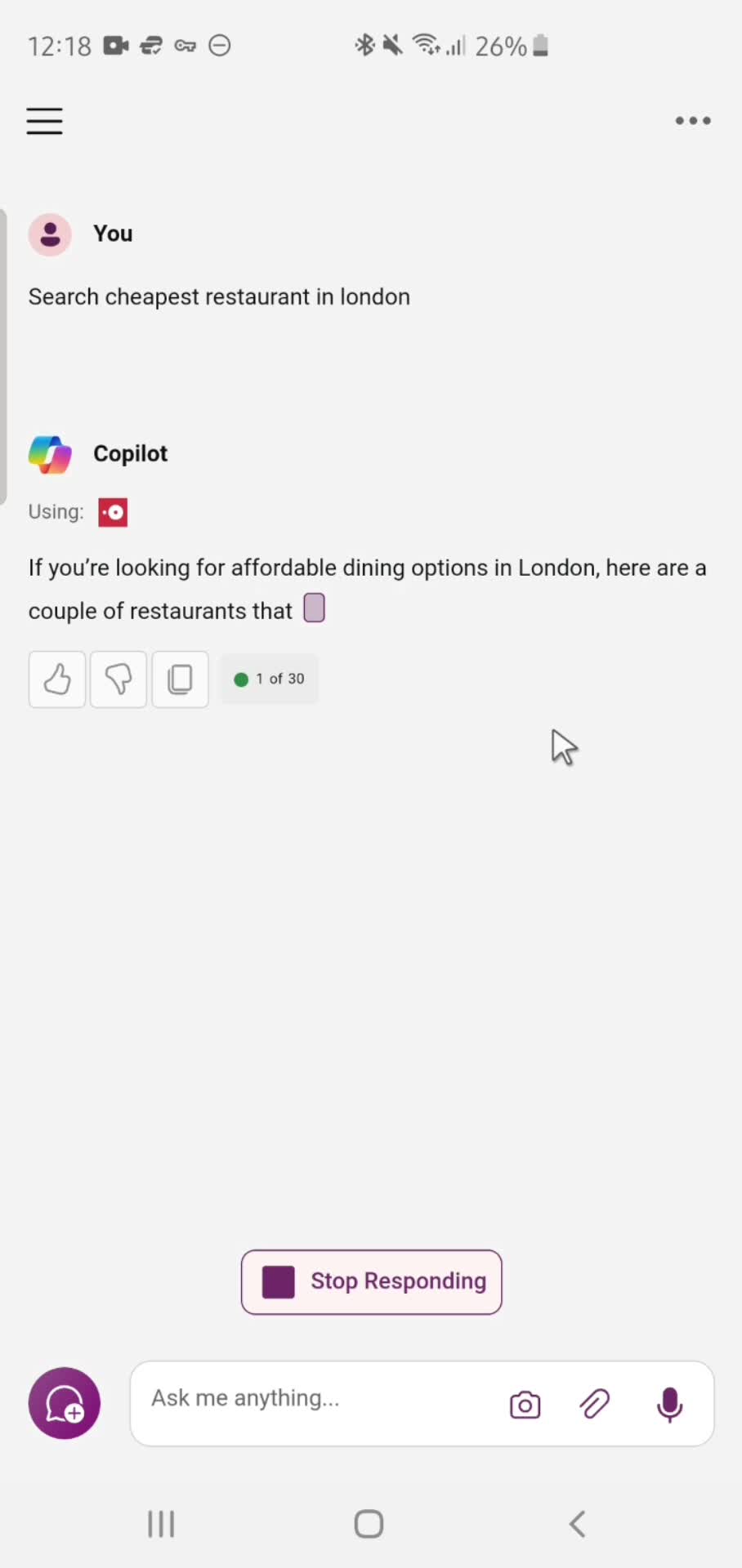
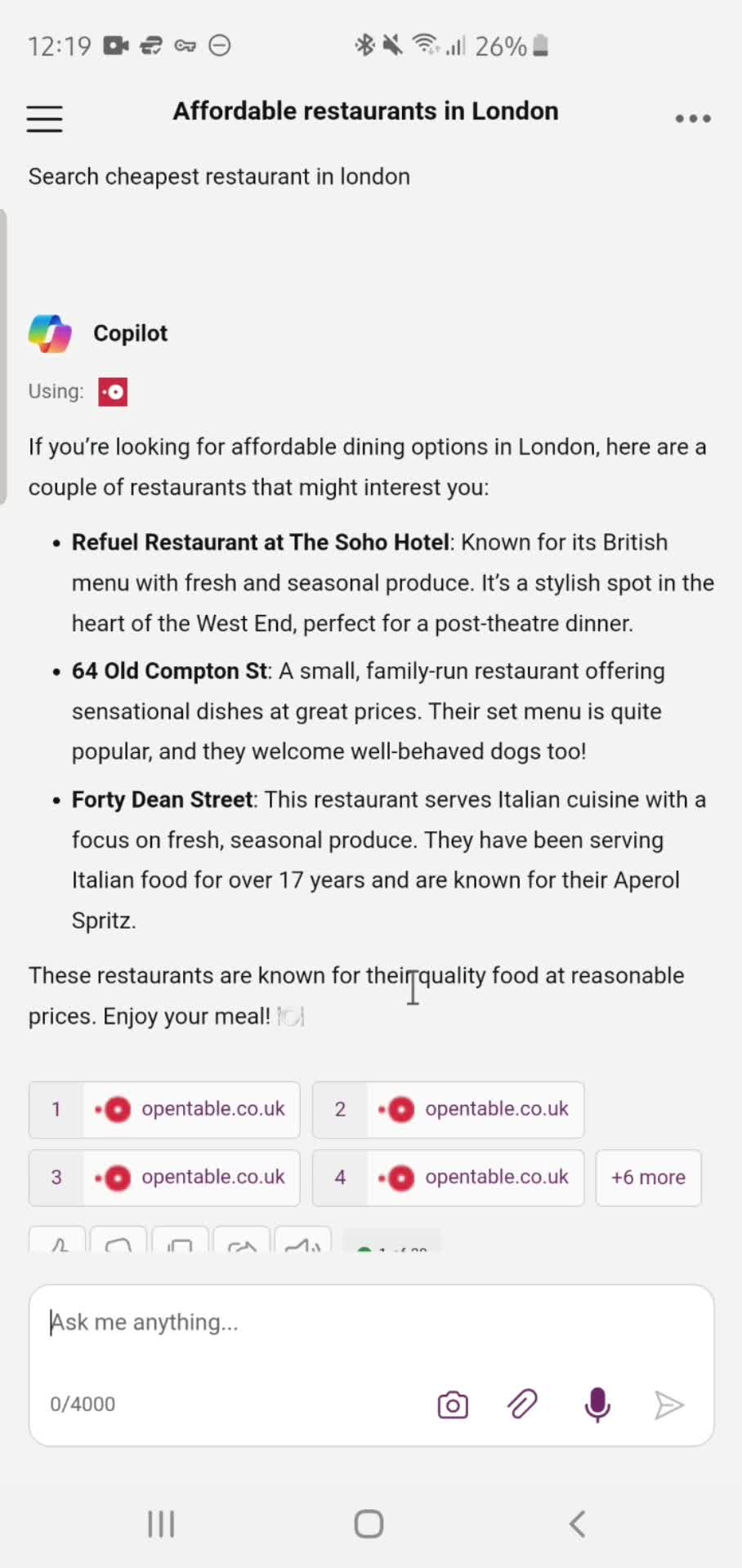
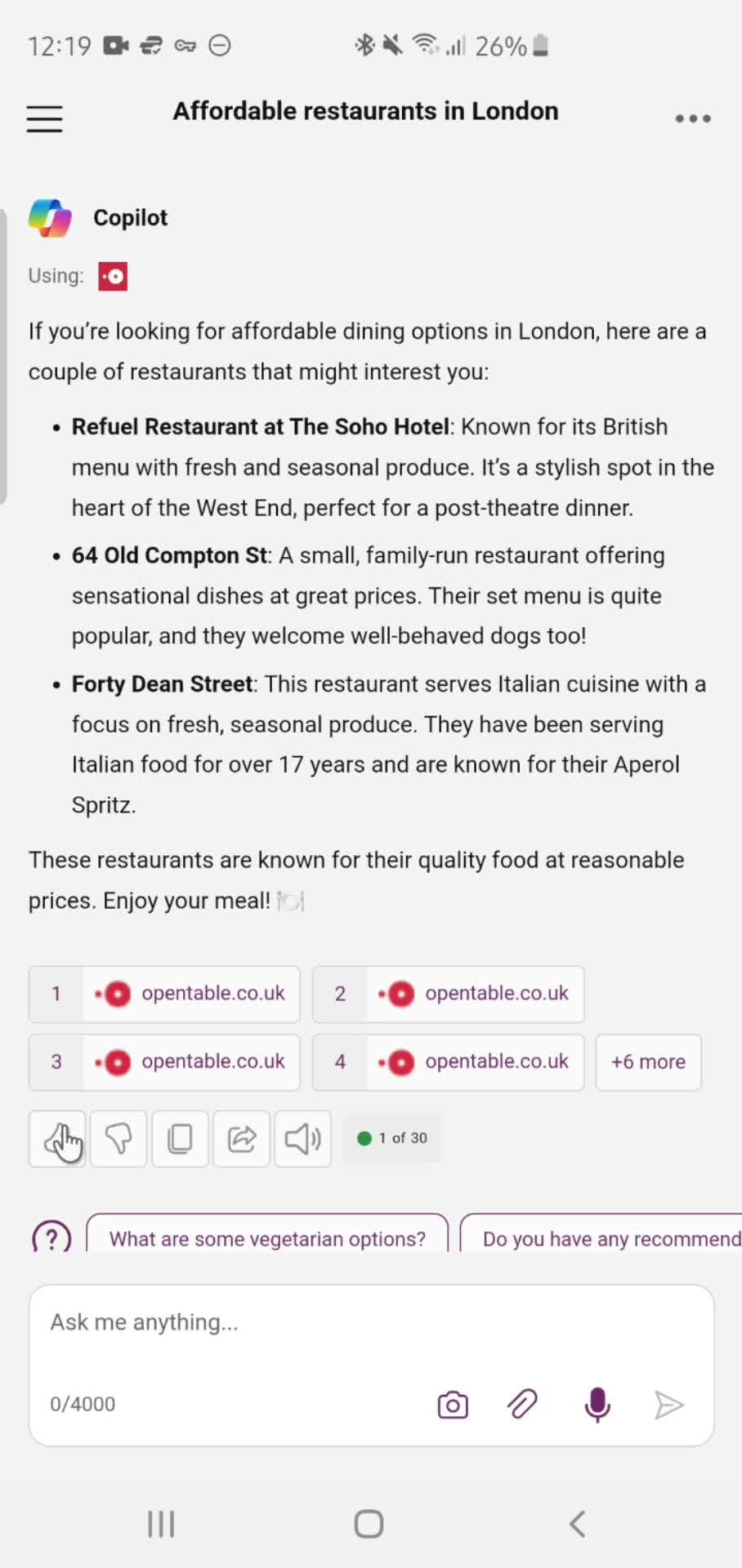
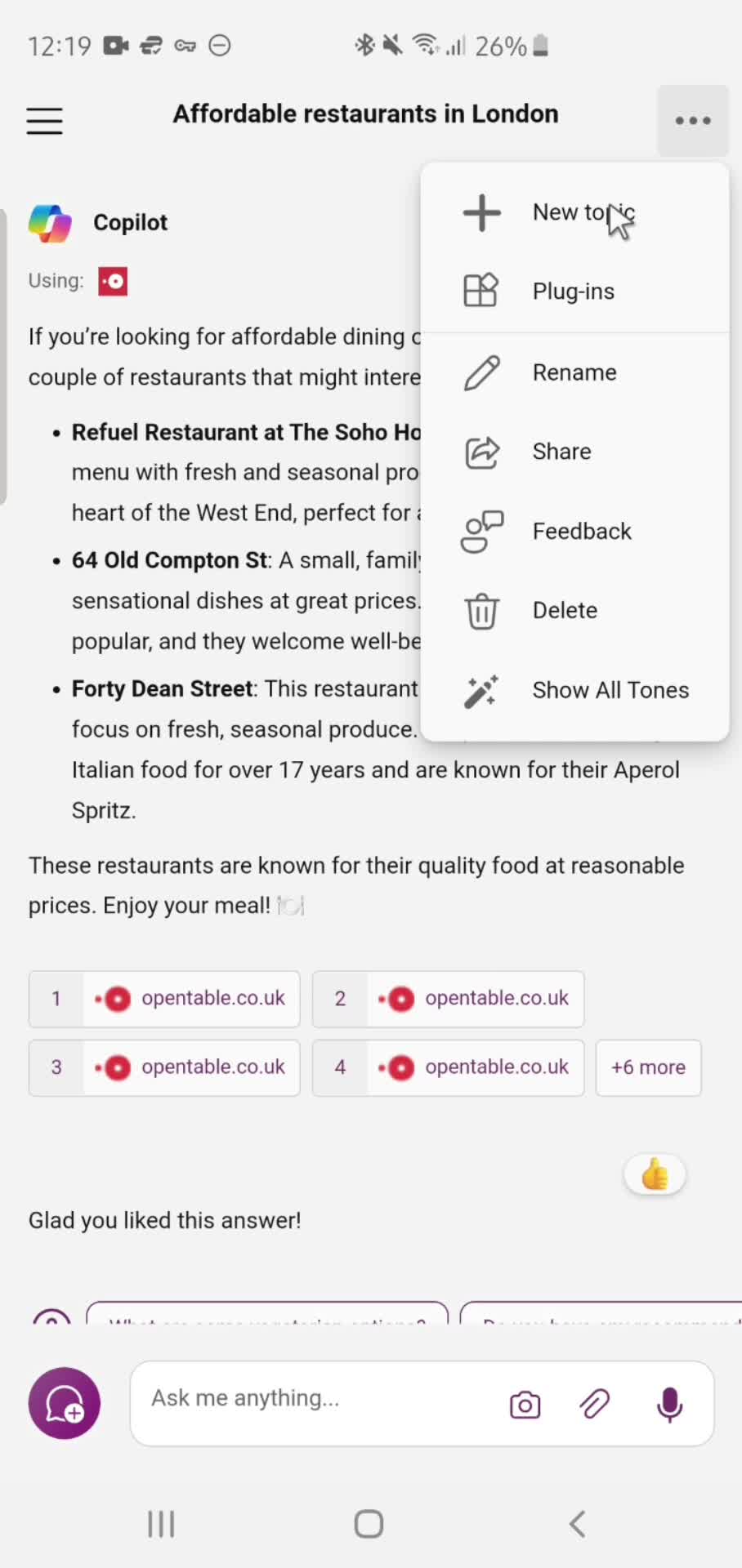
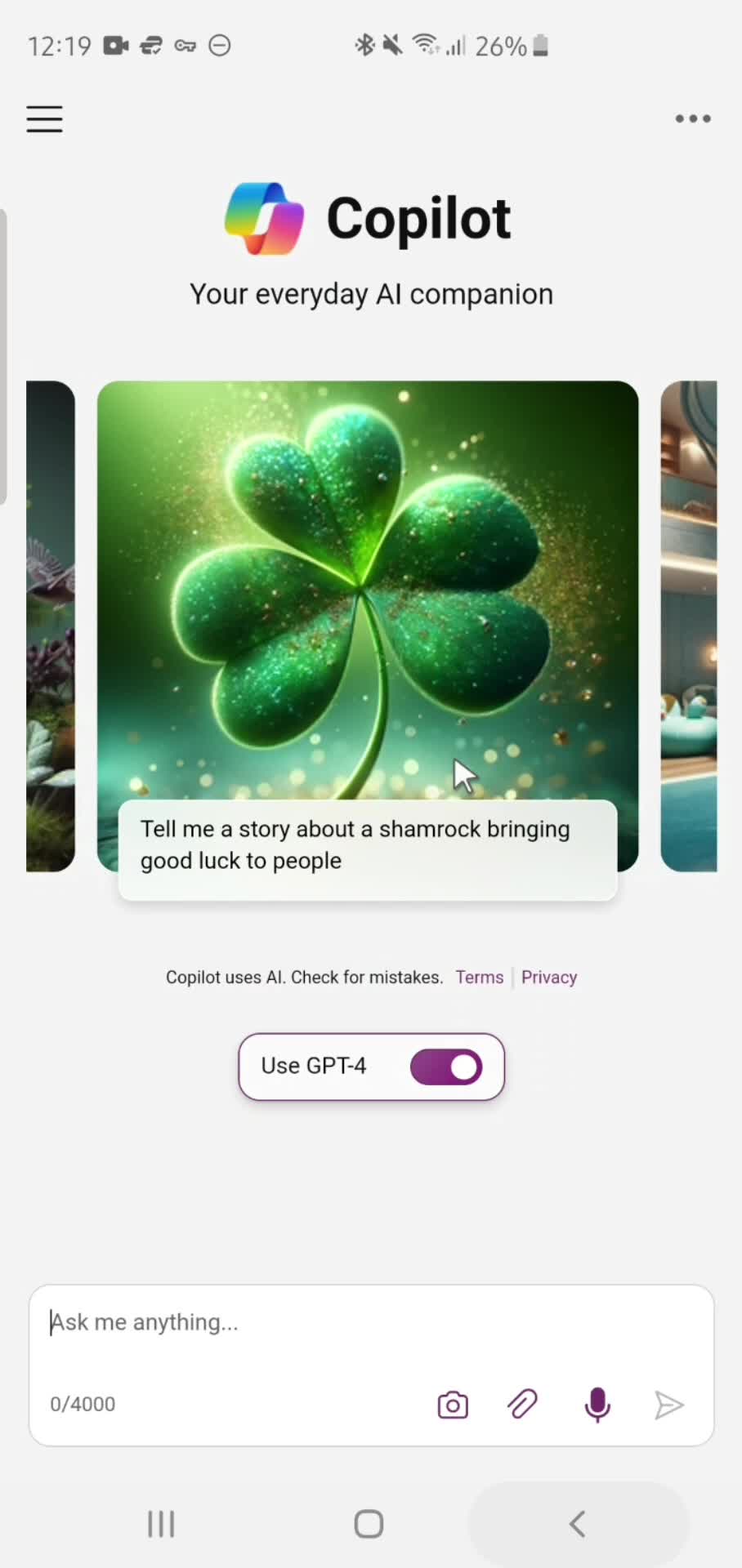
Play Store page
this is title
Continue
this is title
Splash screen
this is title
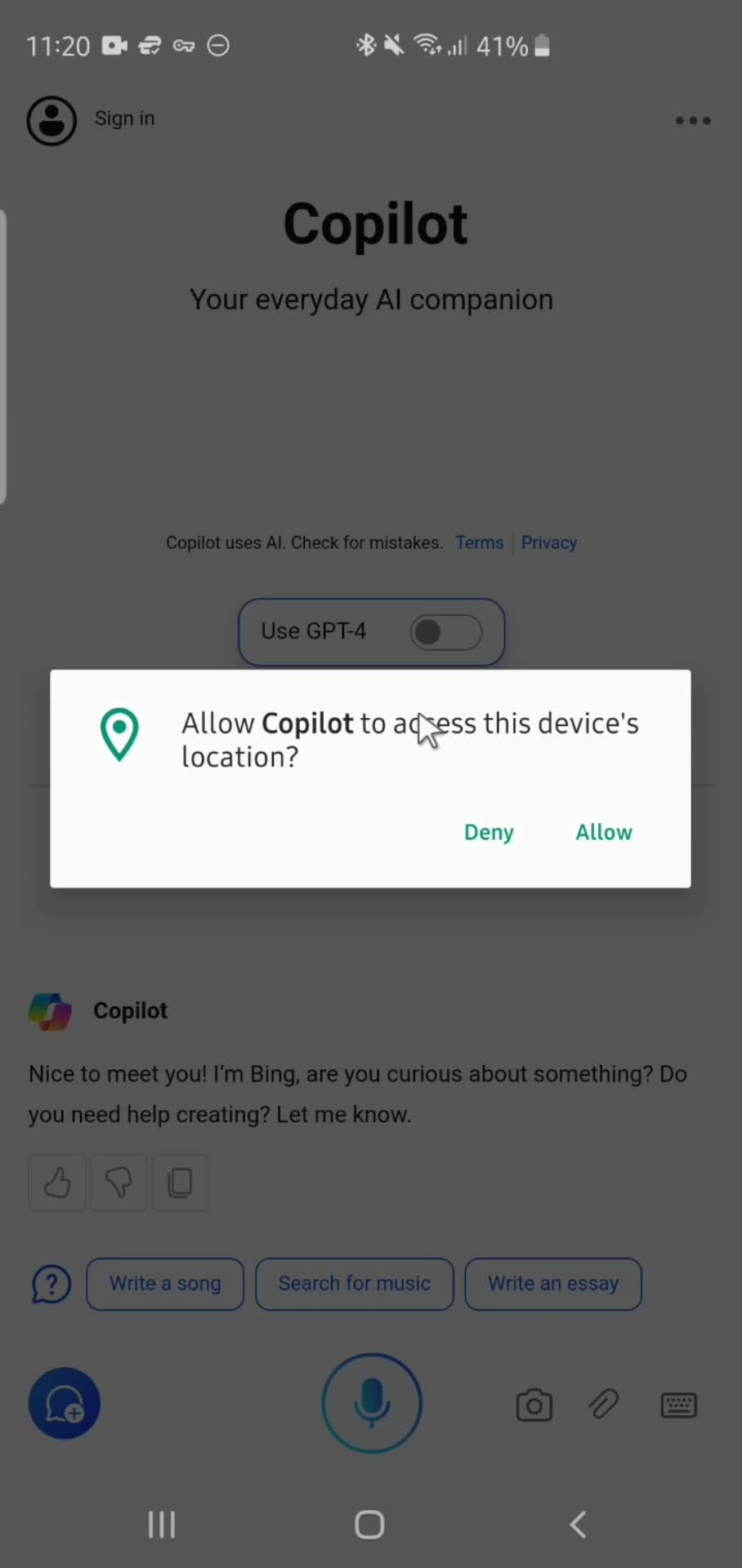
Enable location permissions
this is title
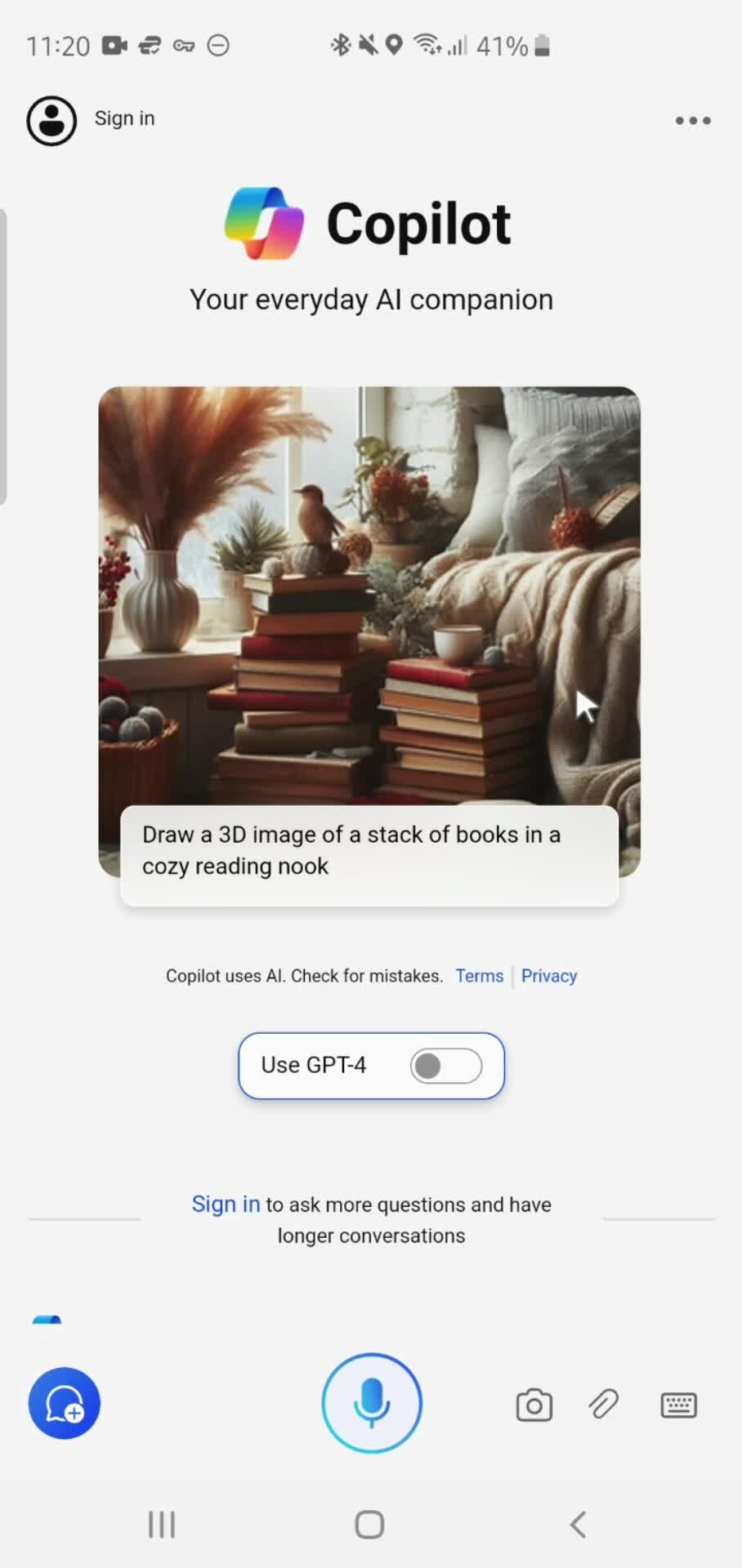
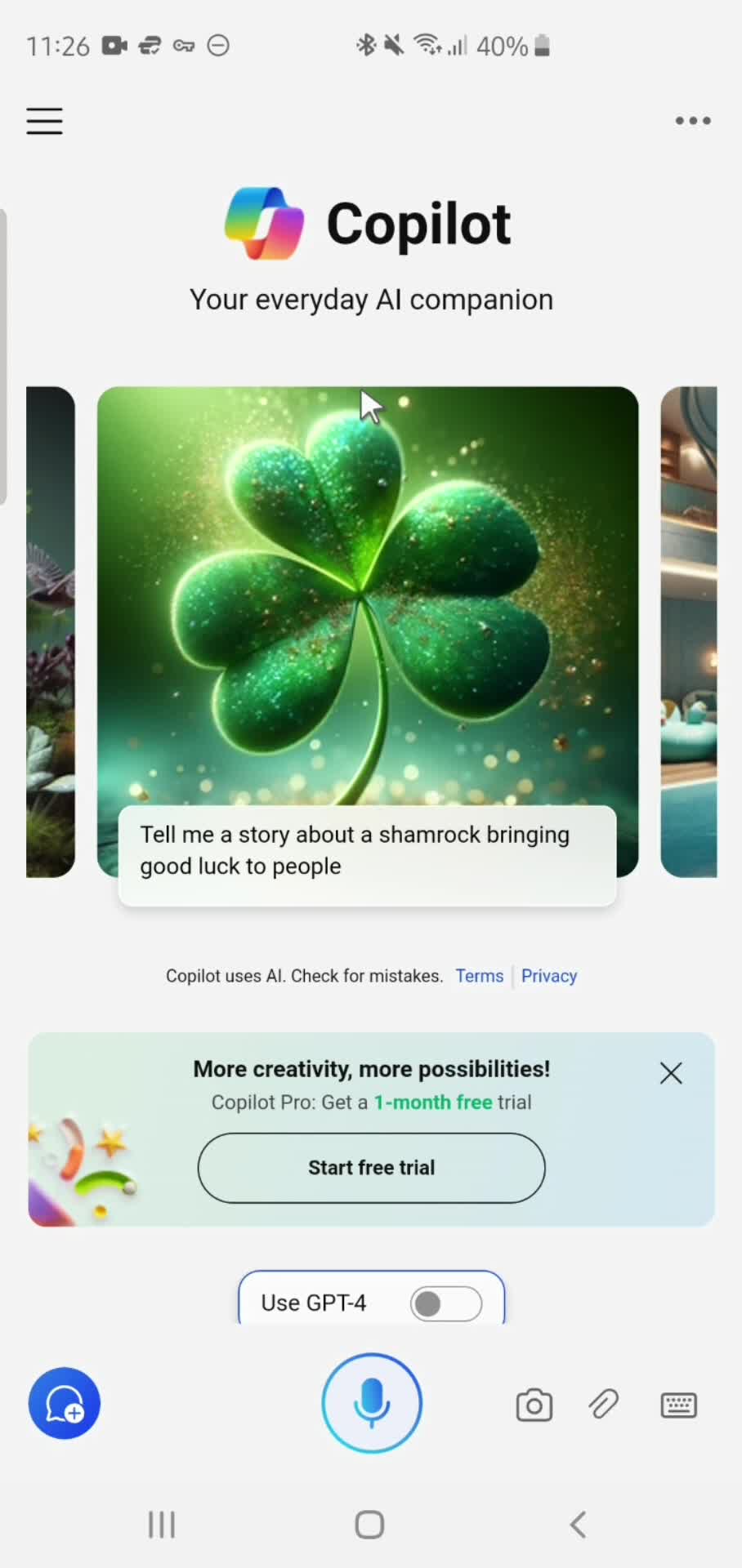
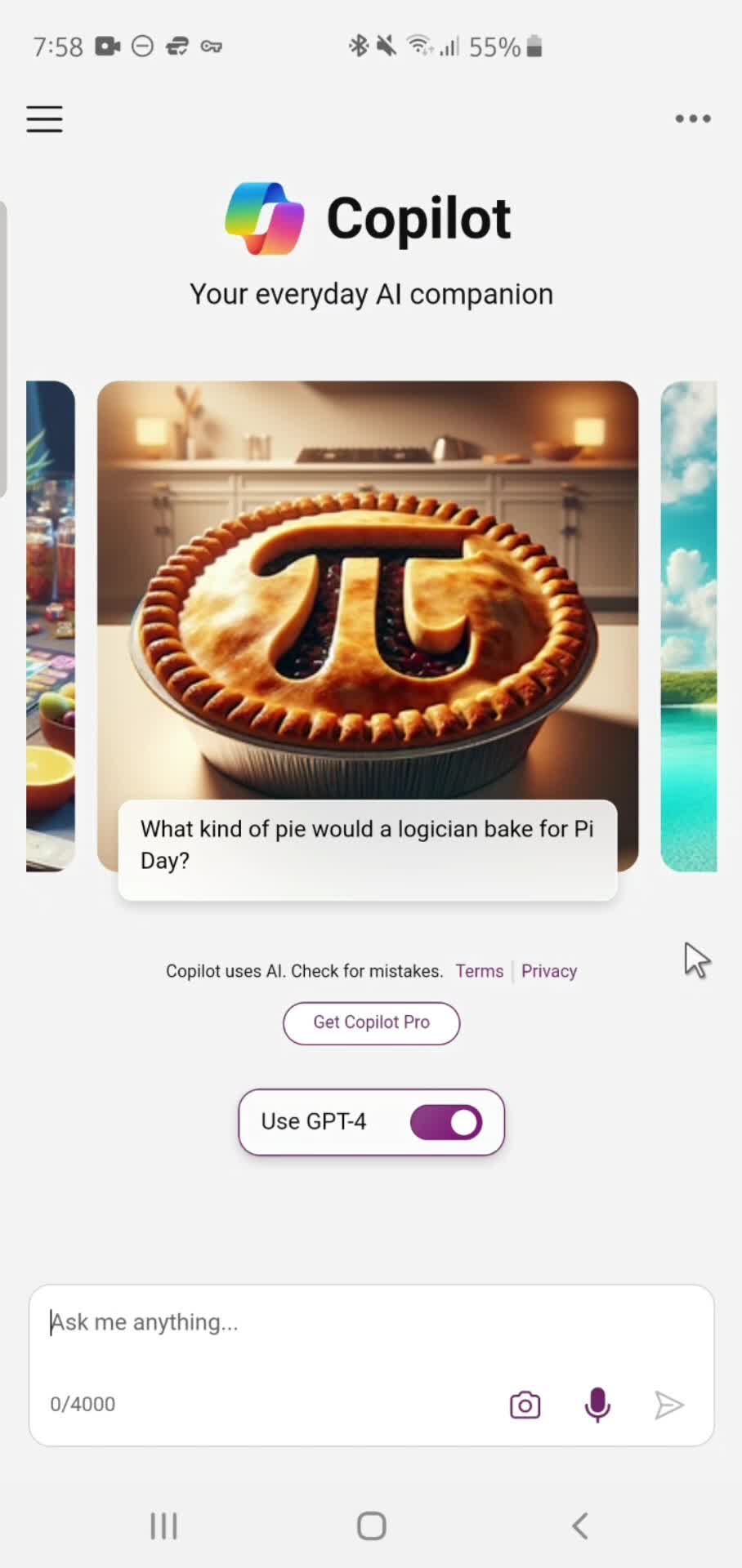
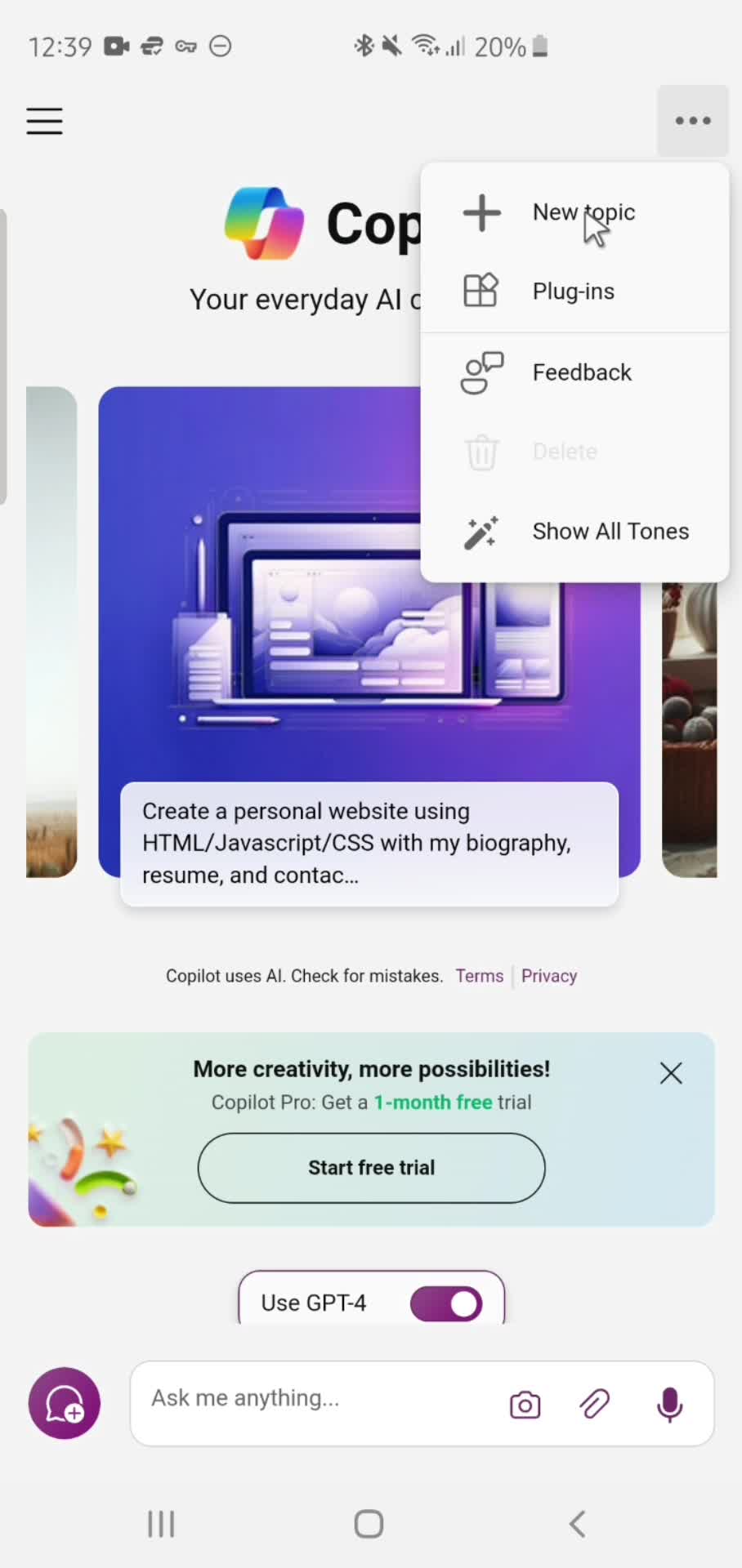
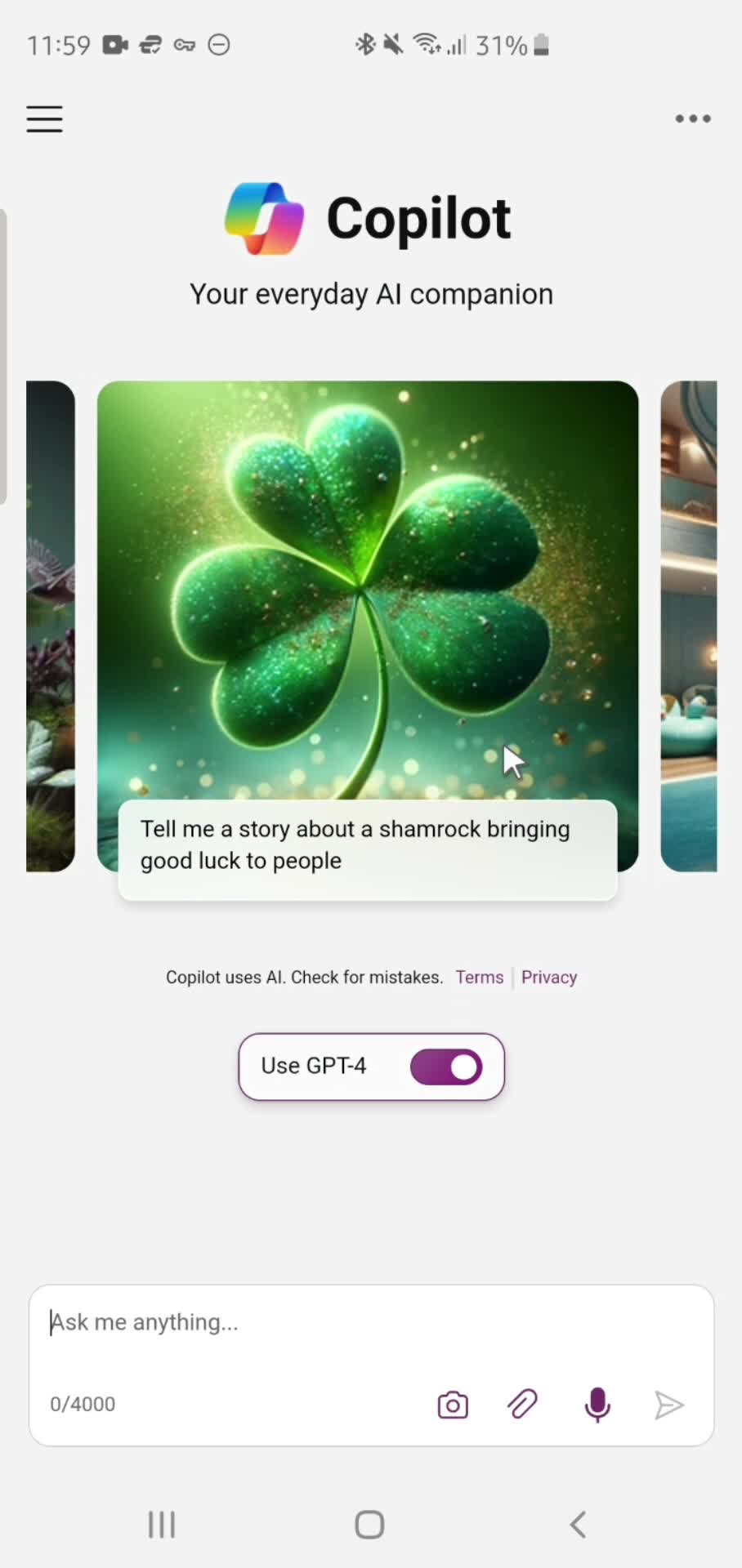
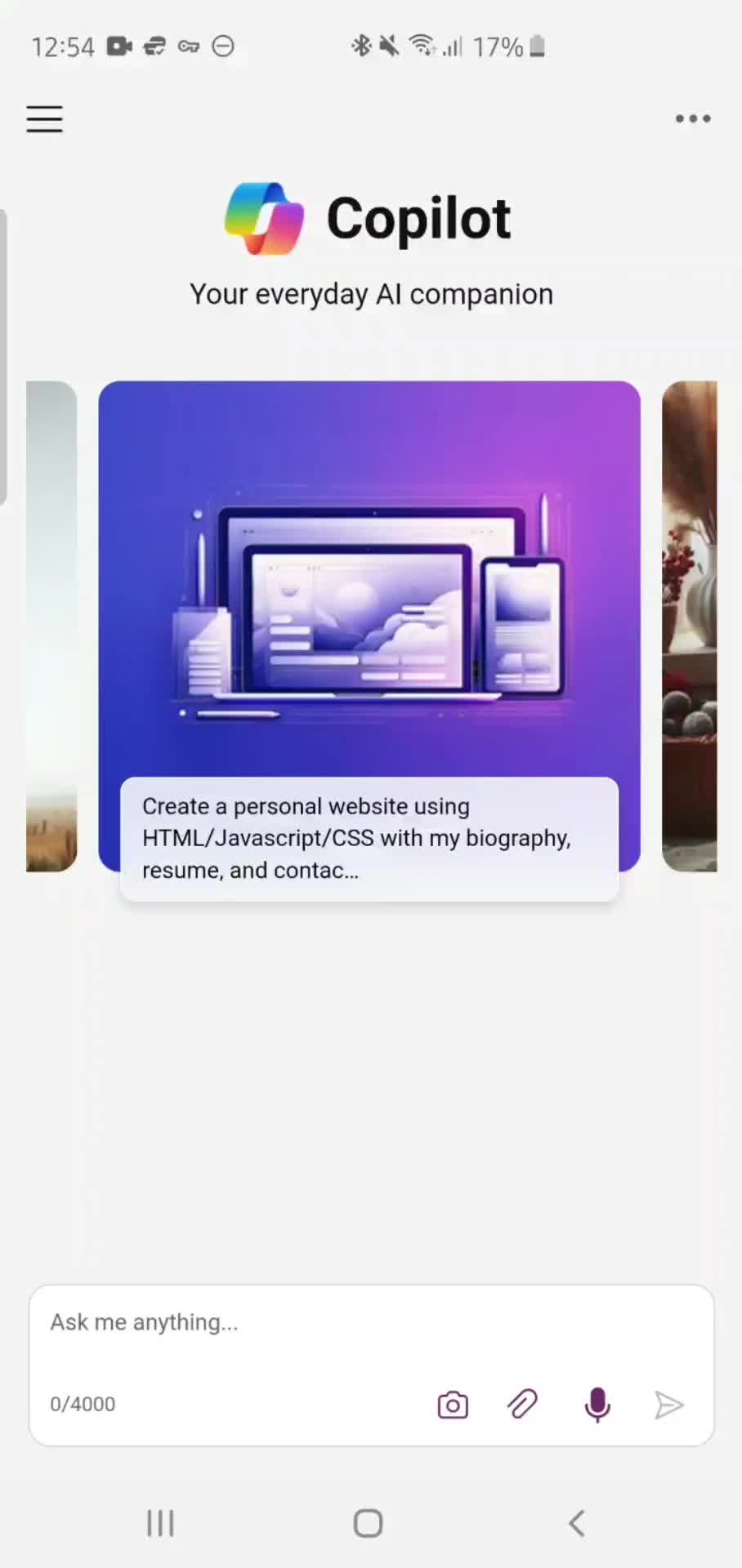
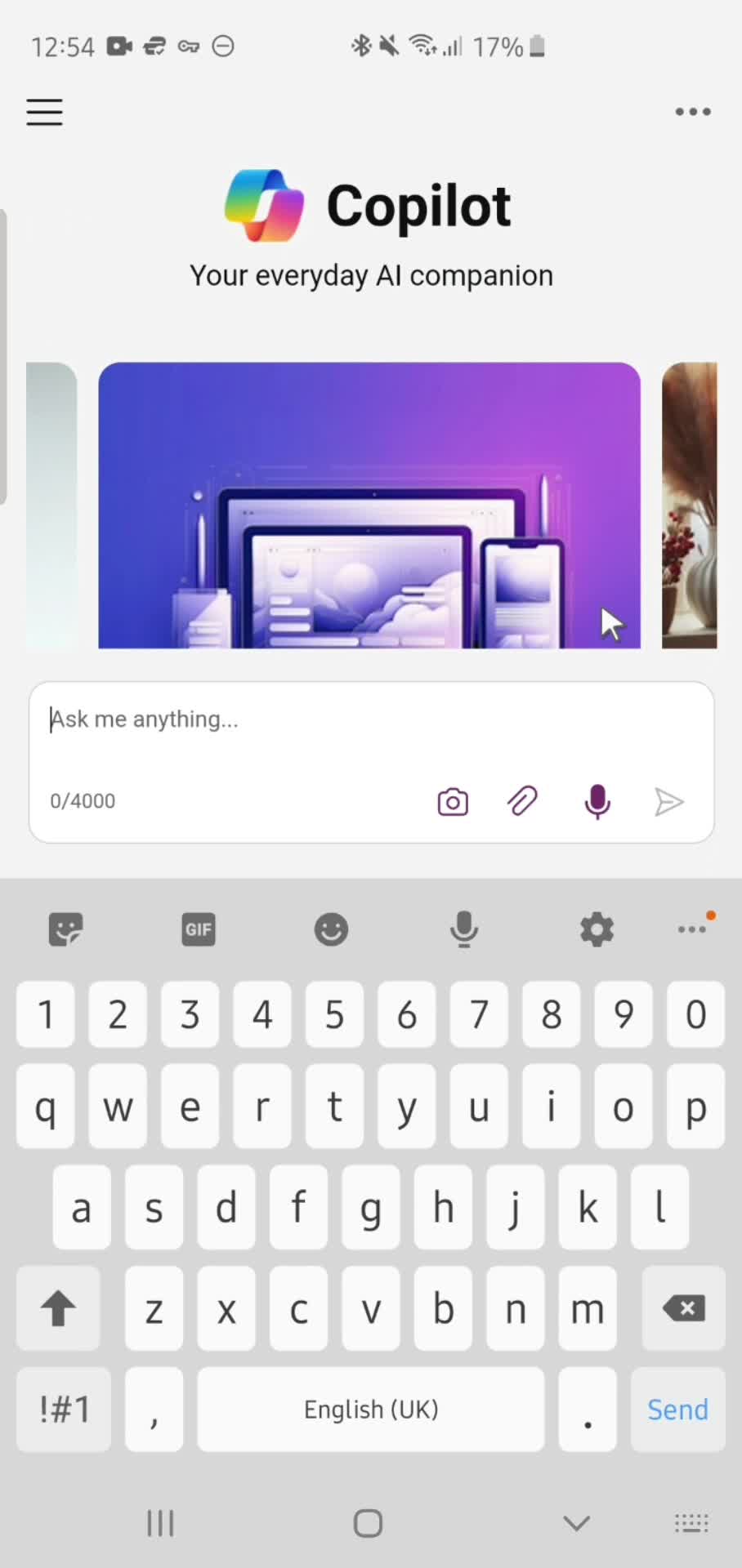
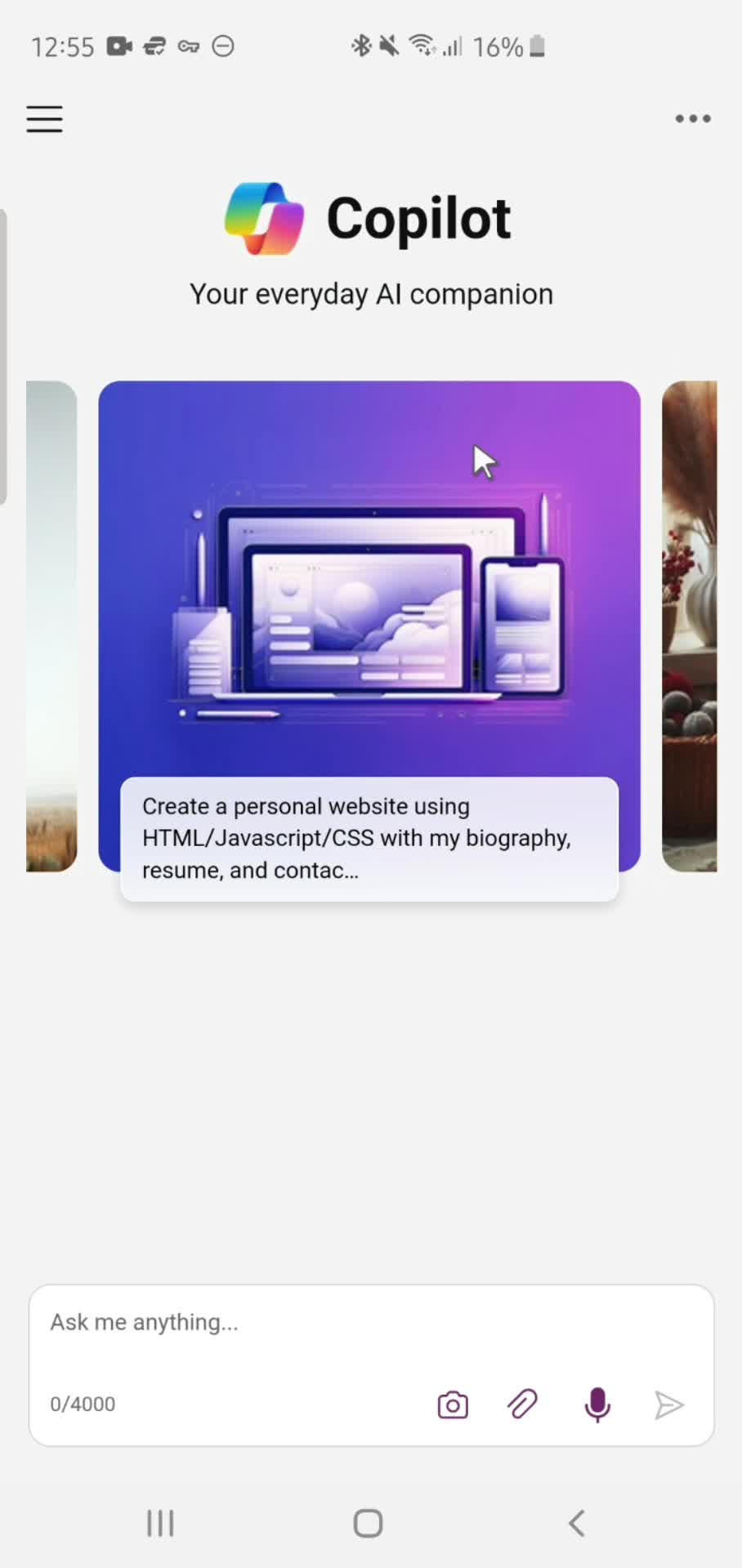
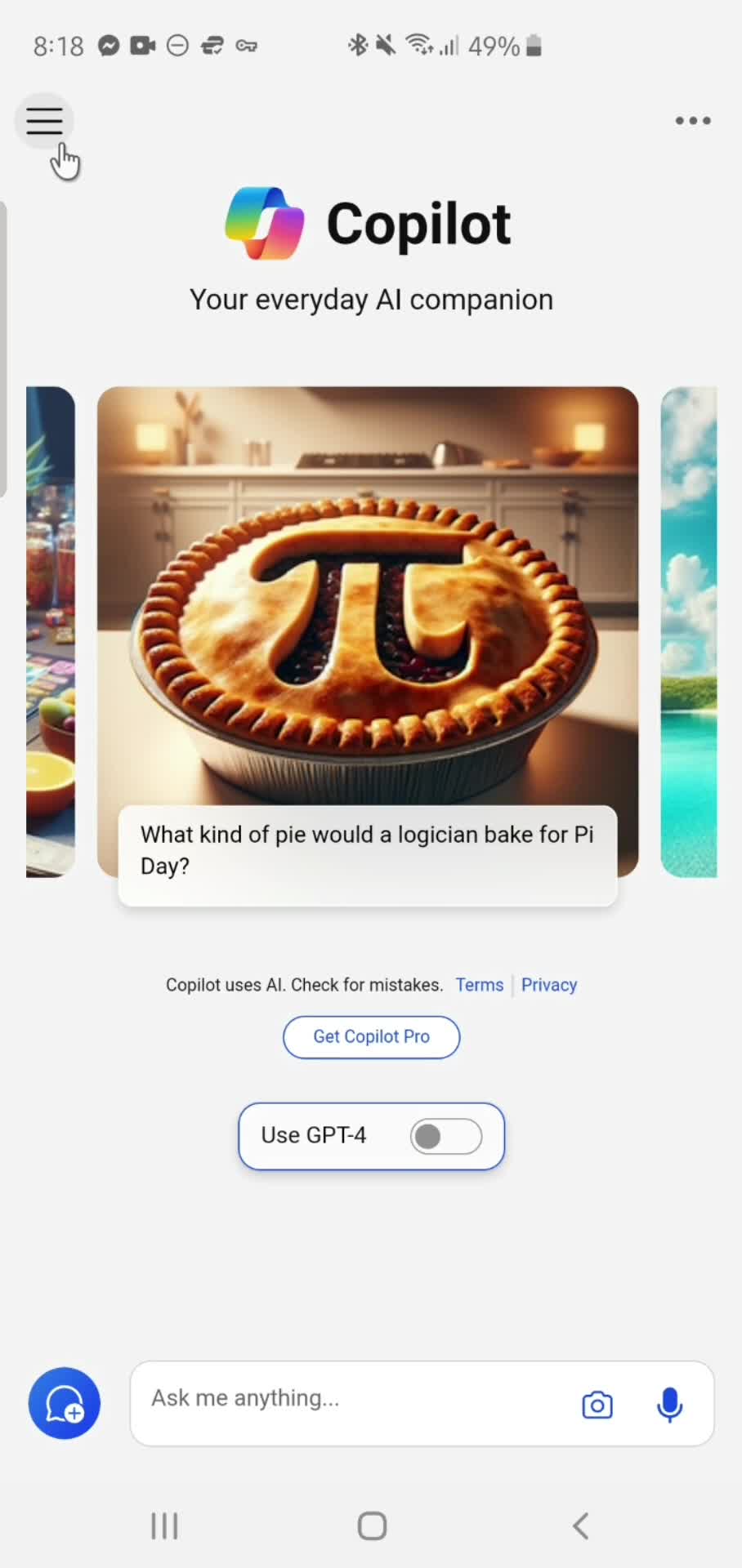
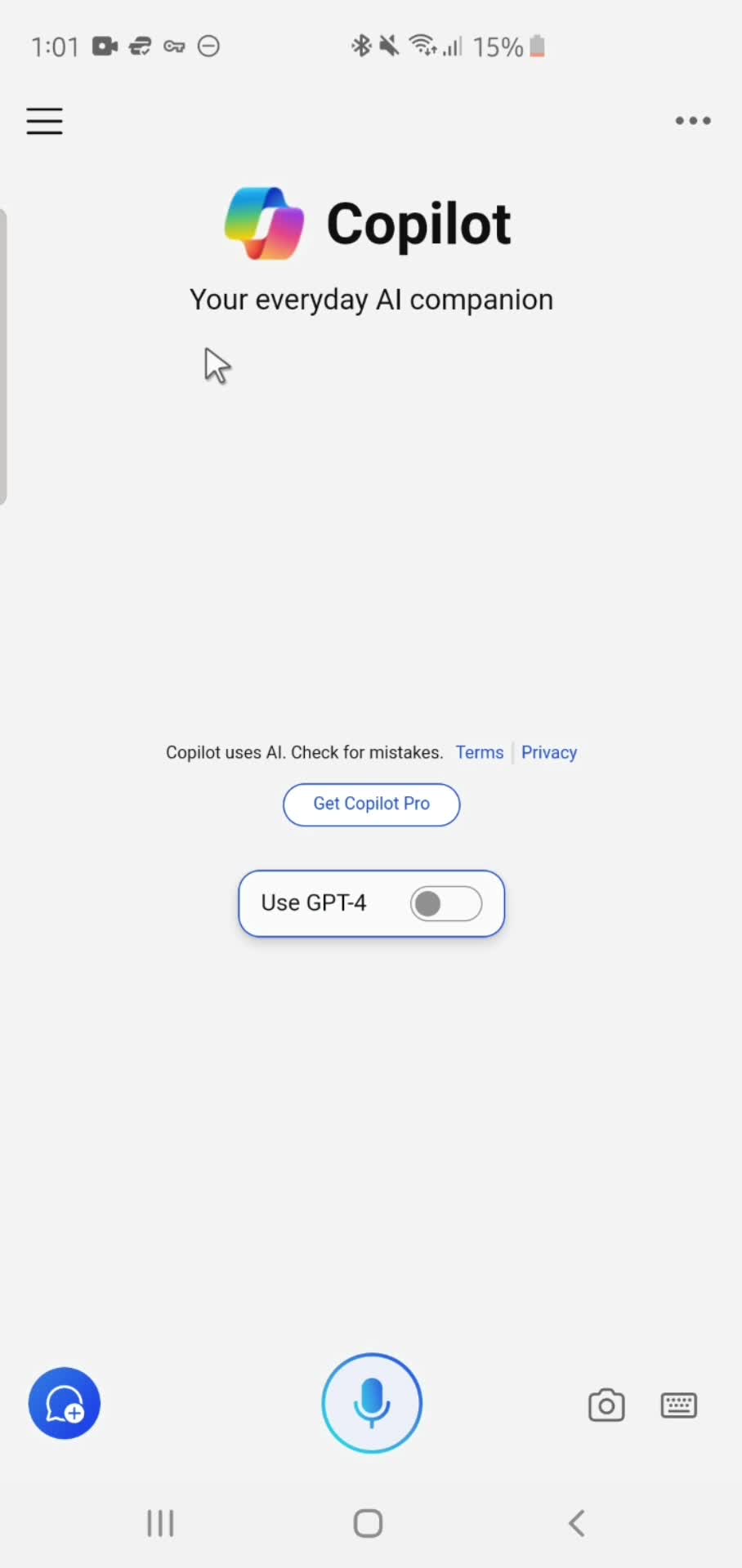
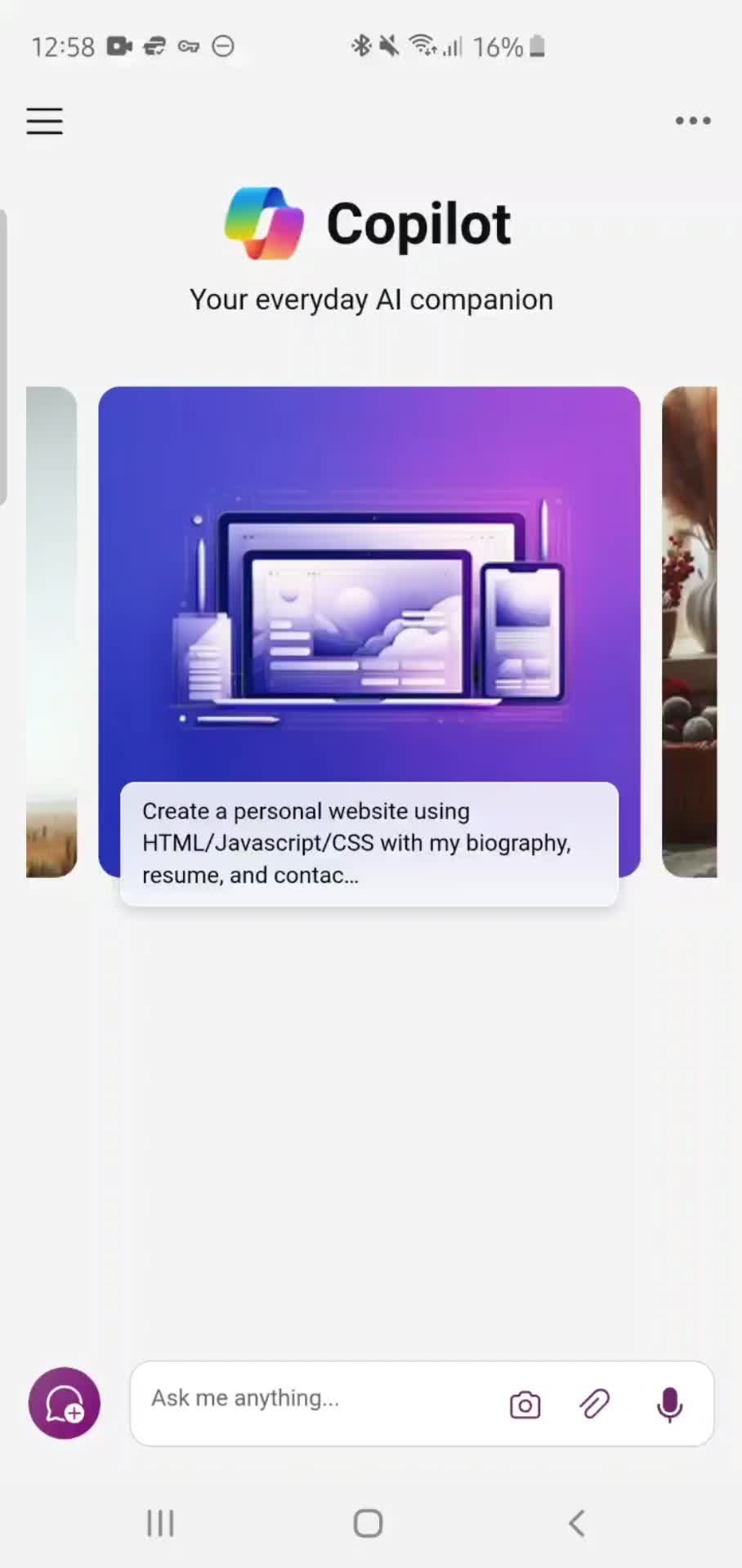
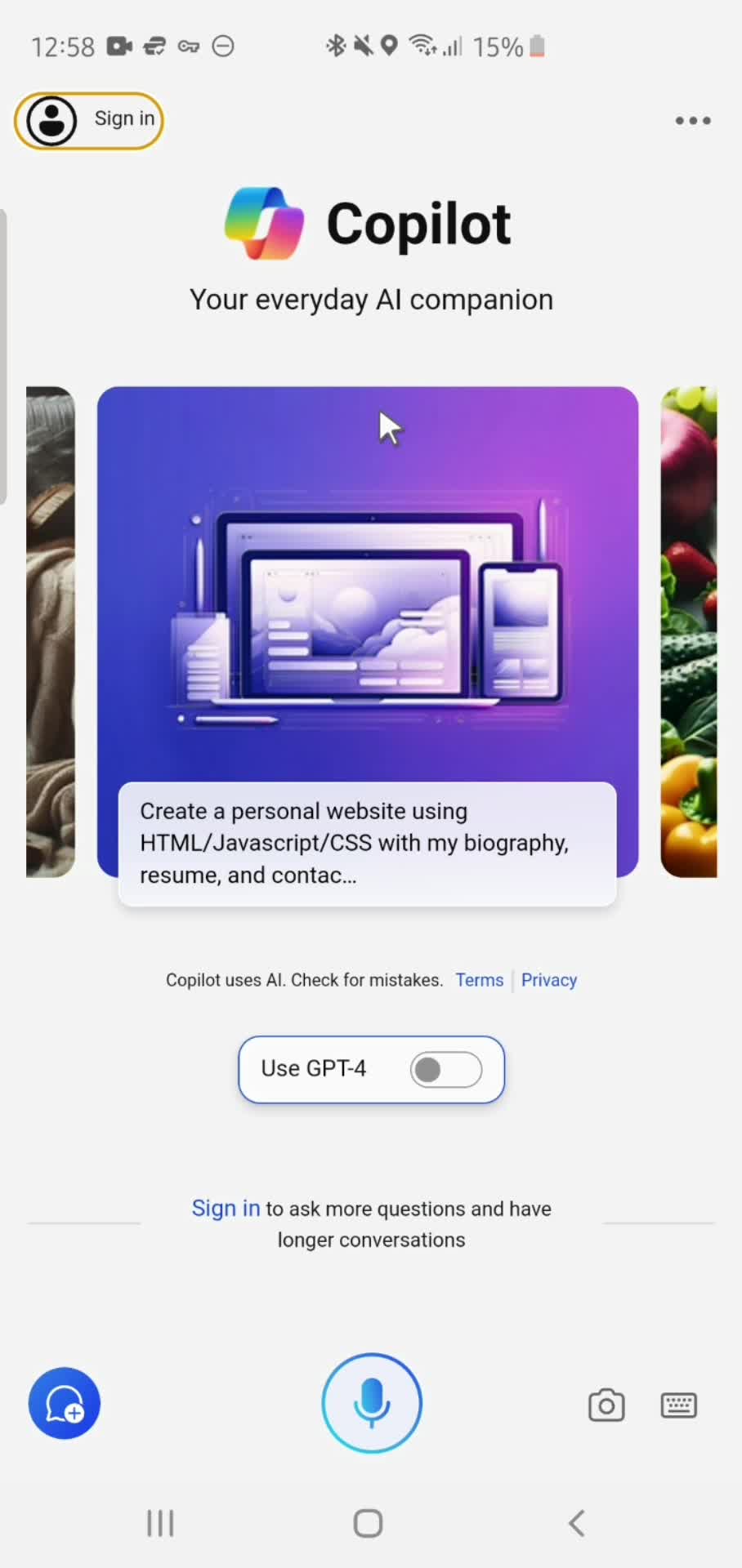
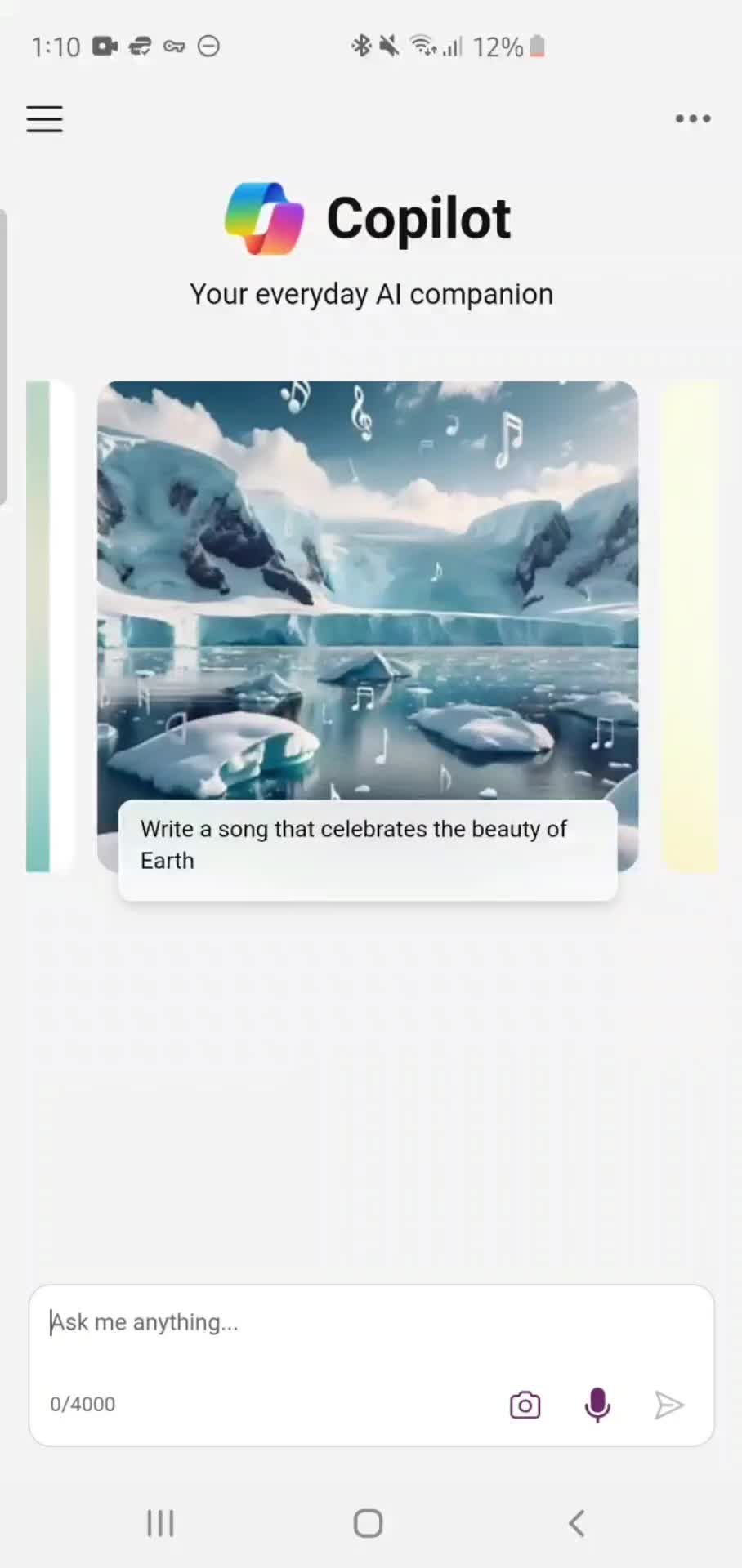
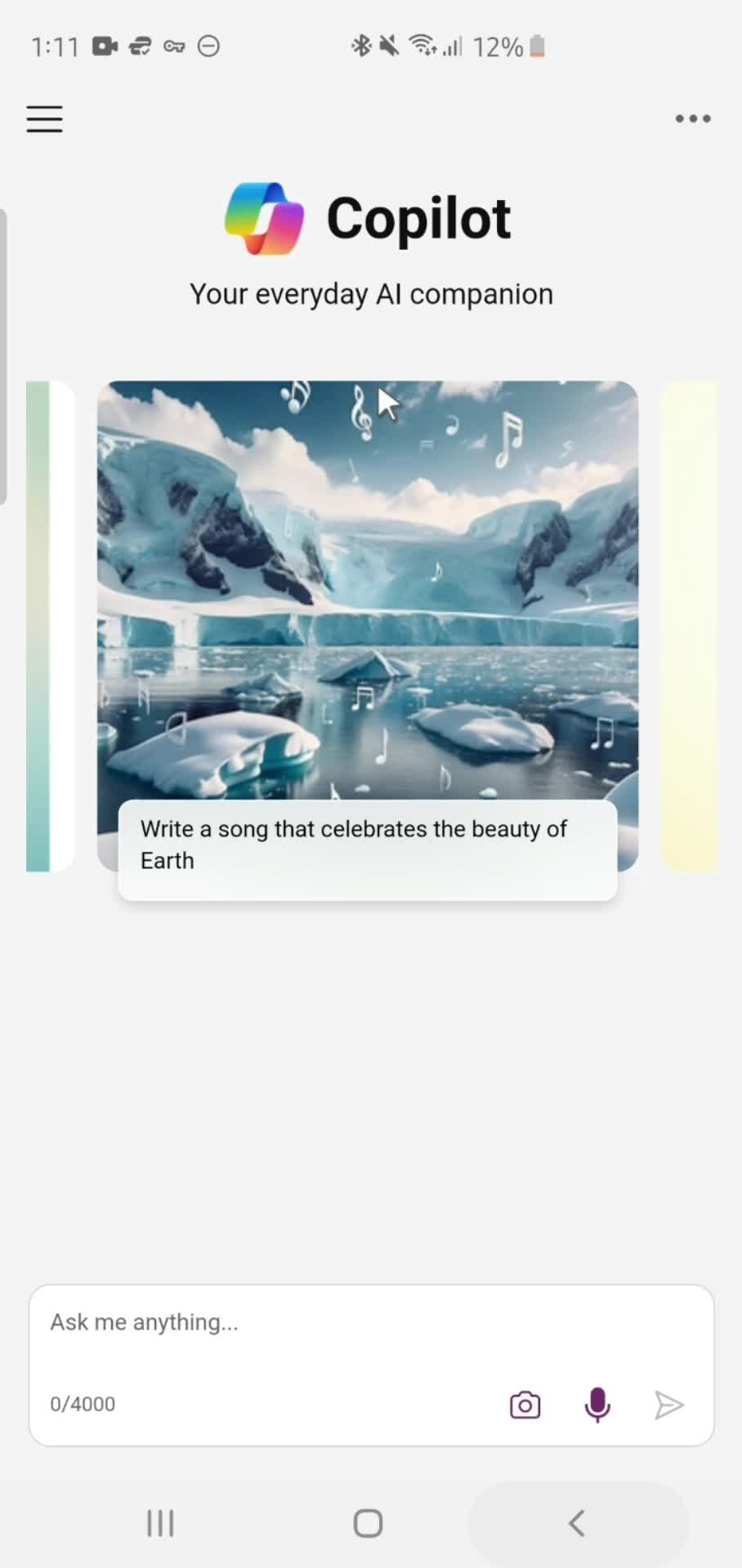
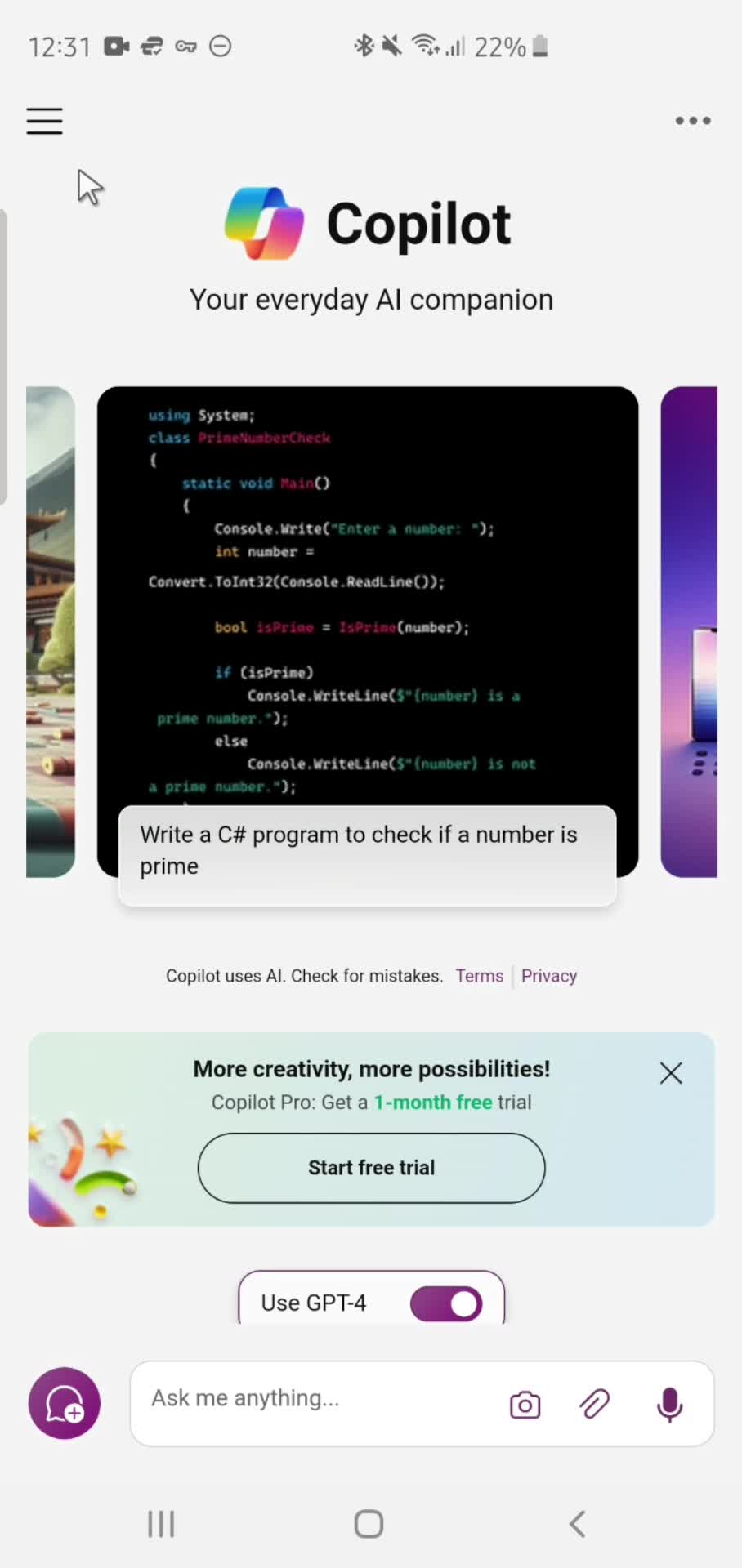
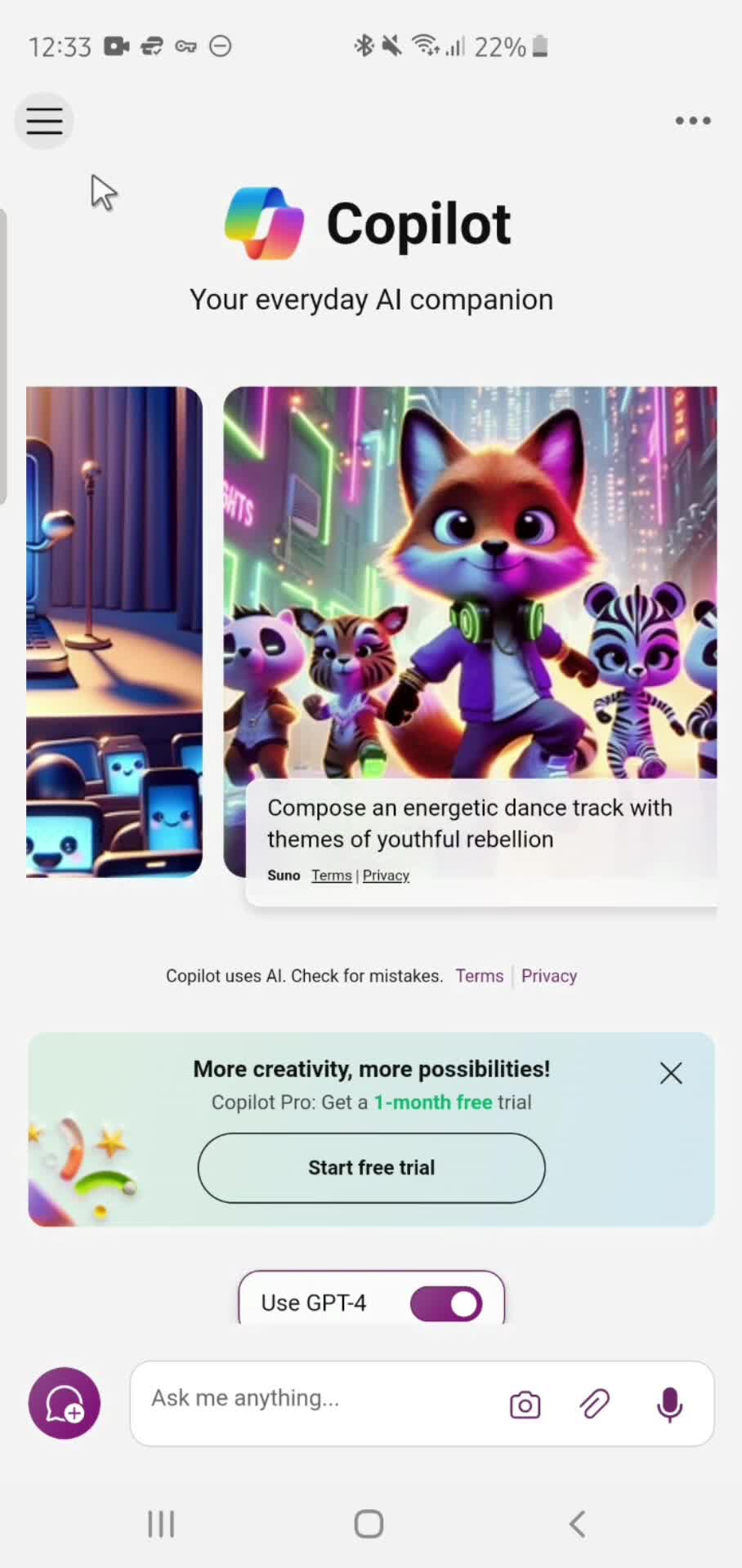
Home
this is title
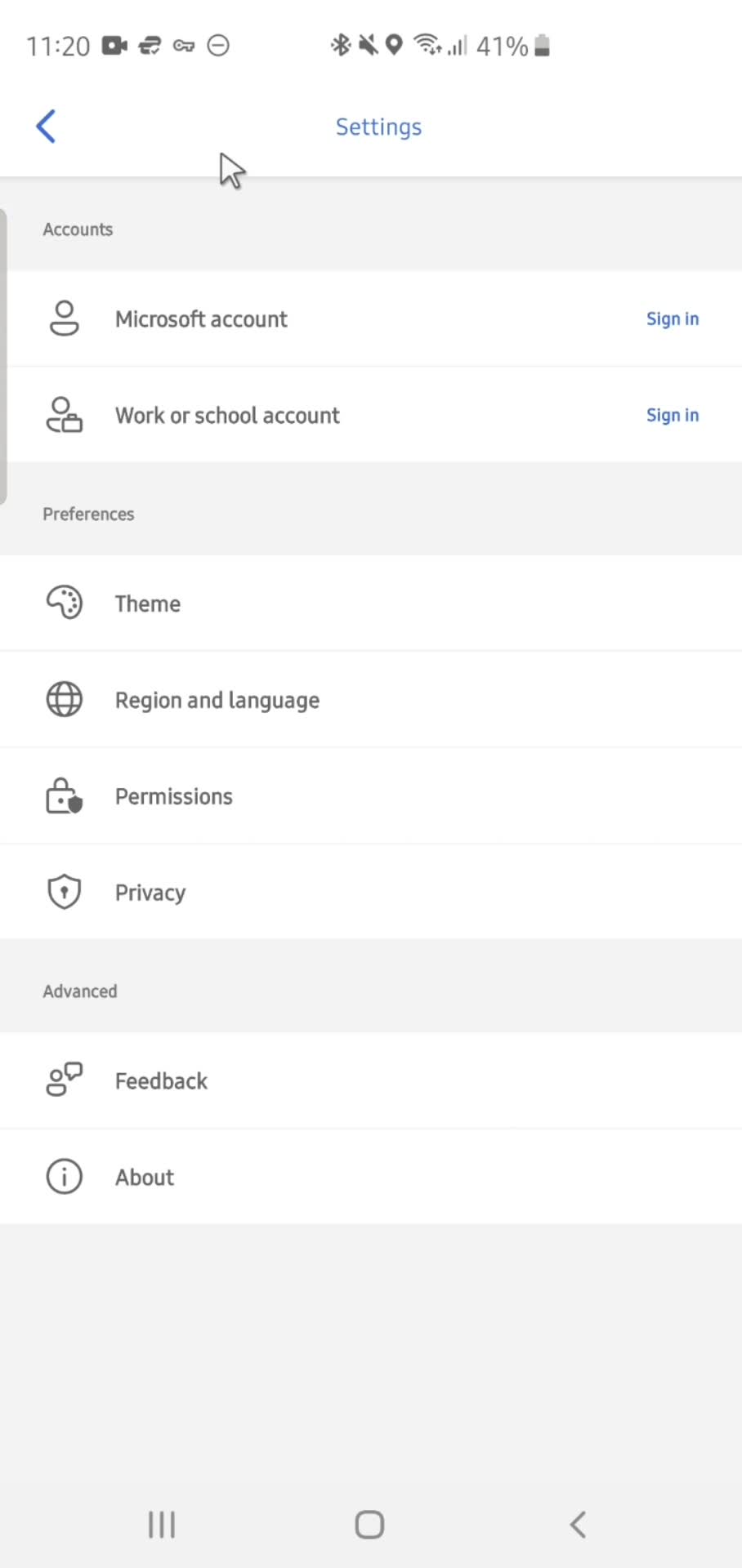
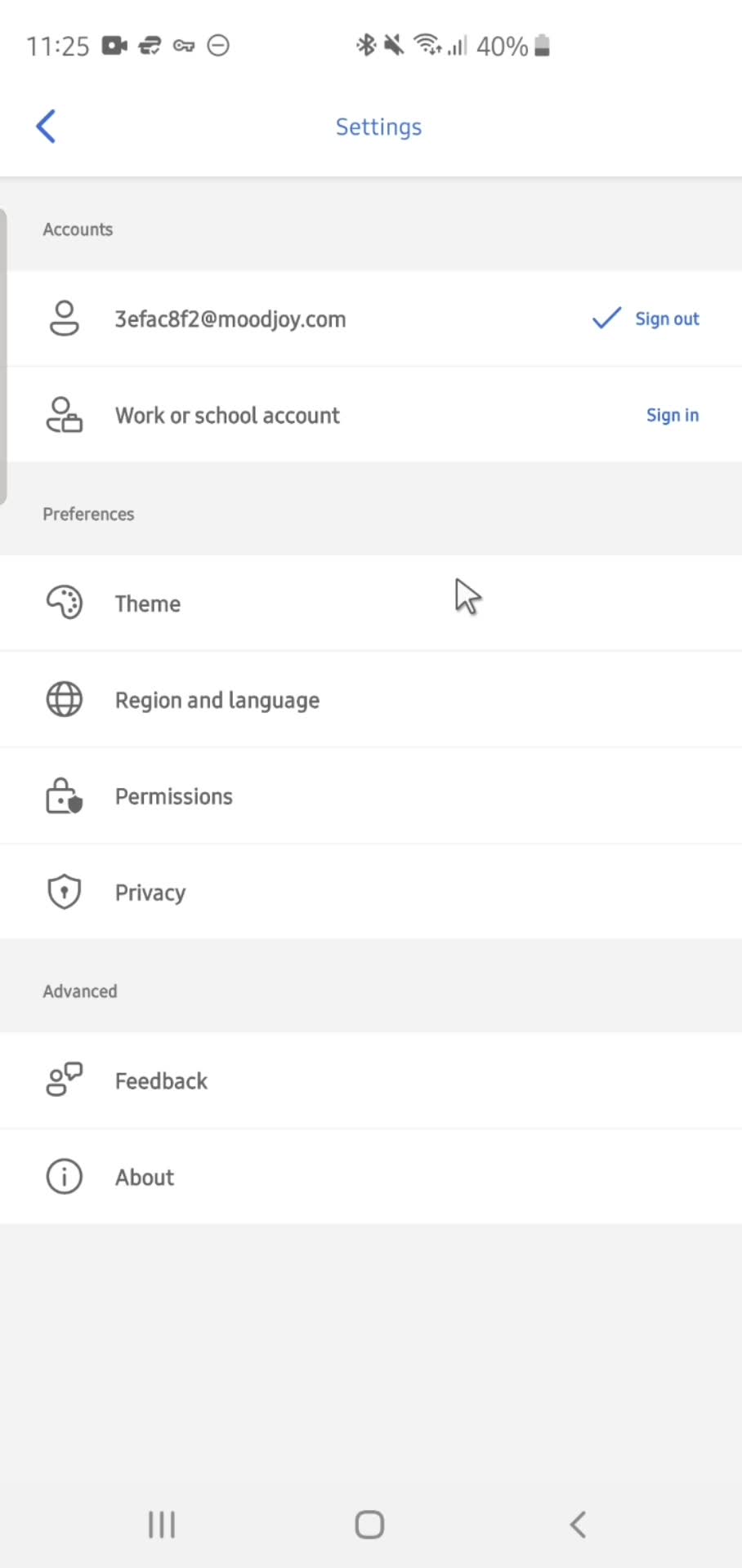
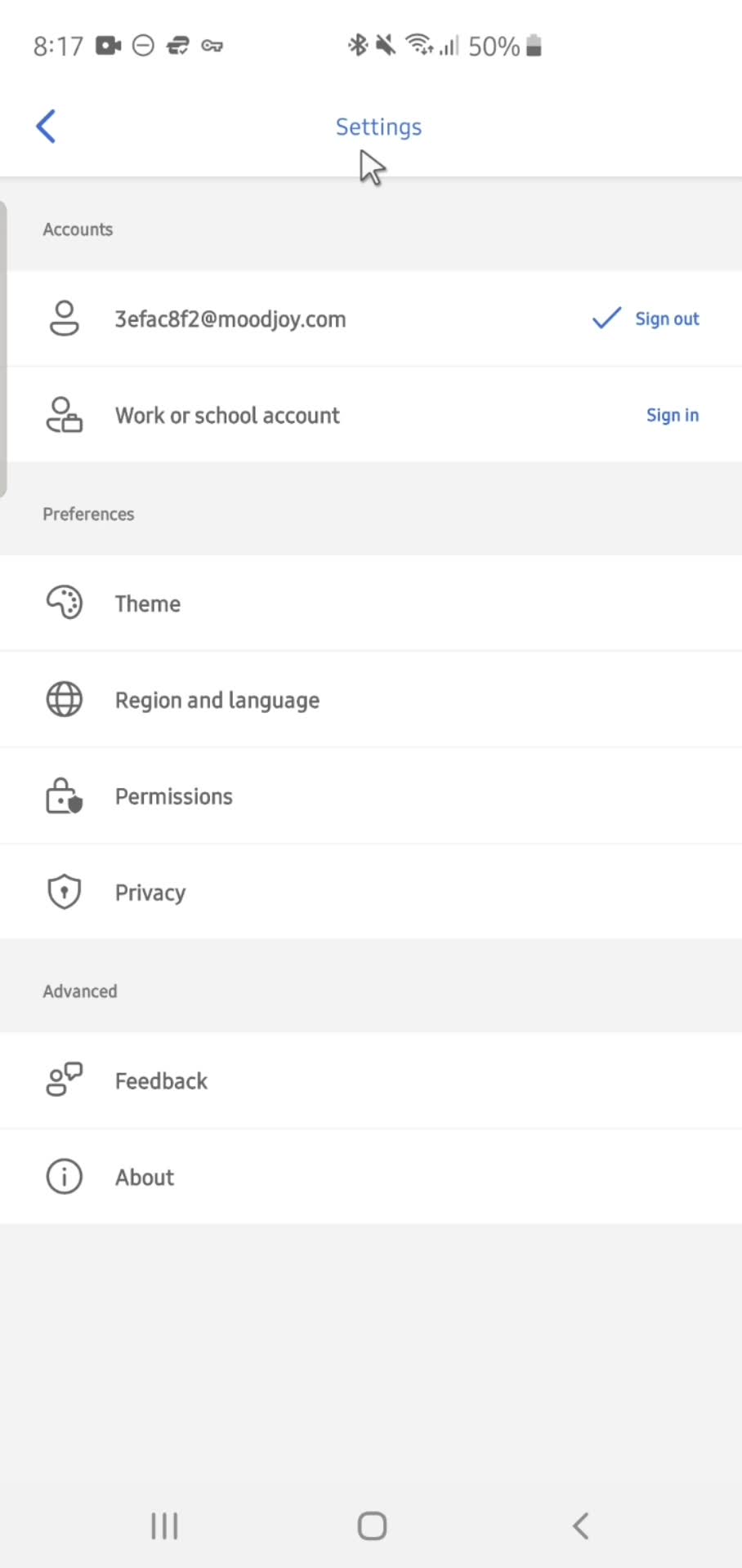
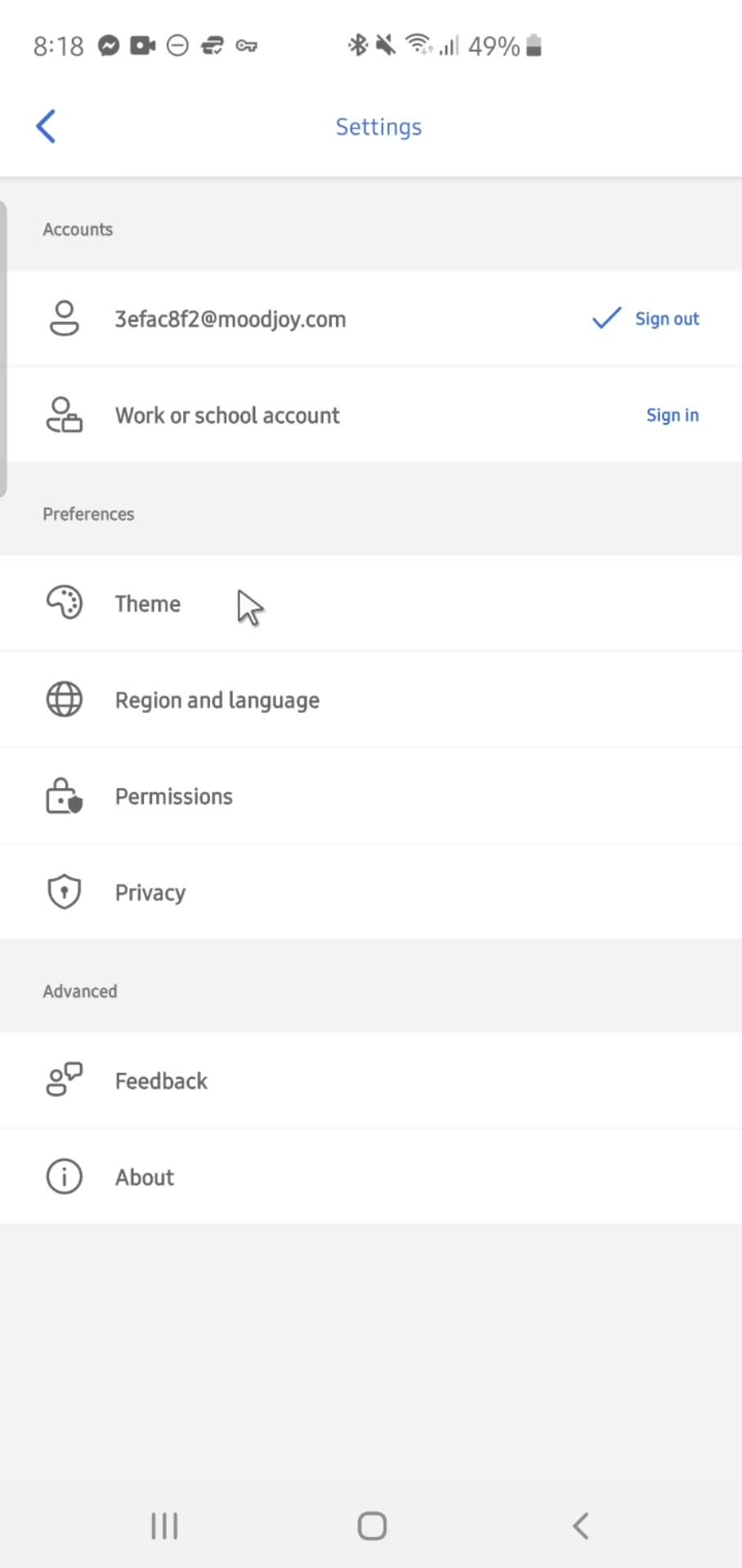
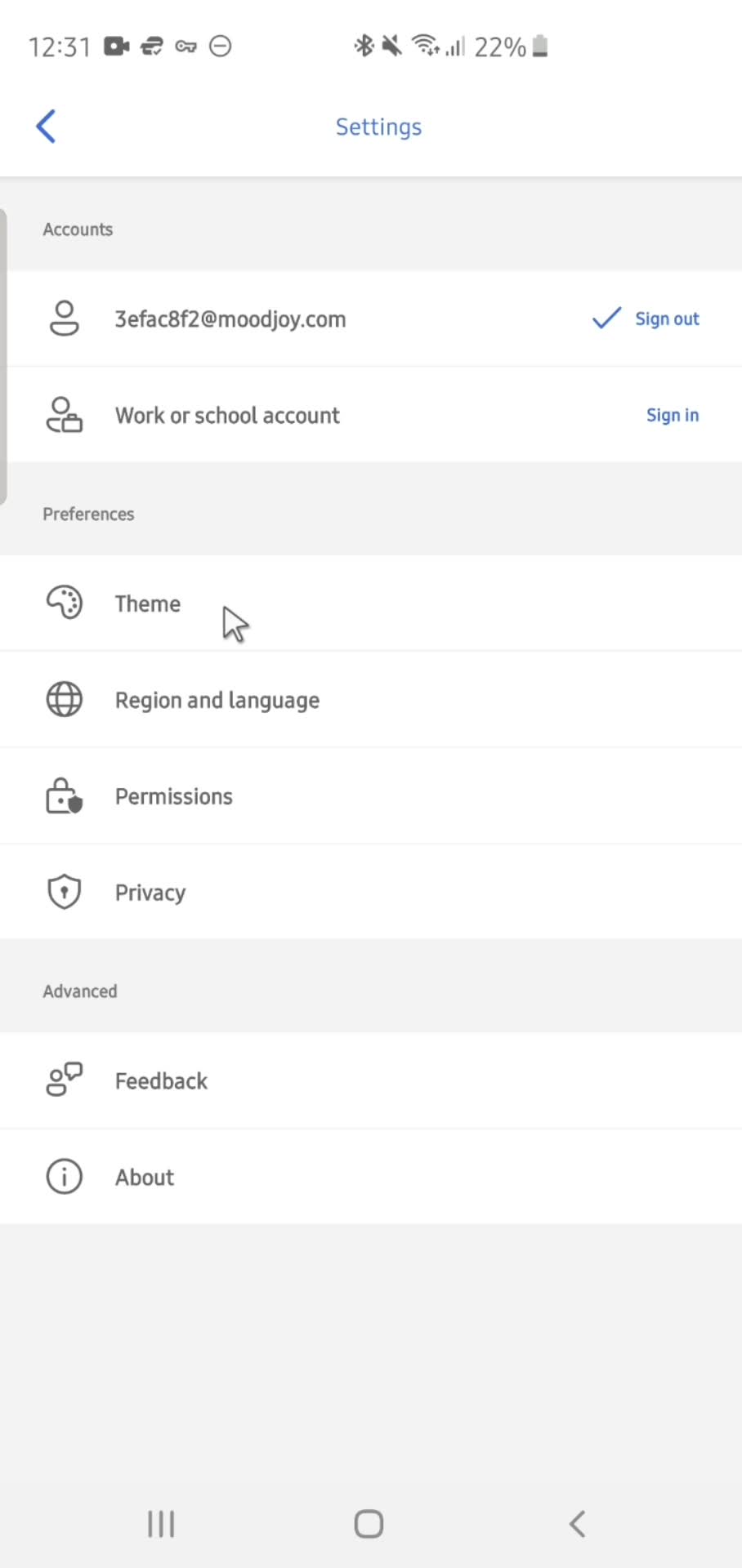
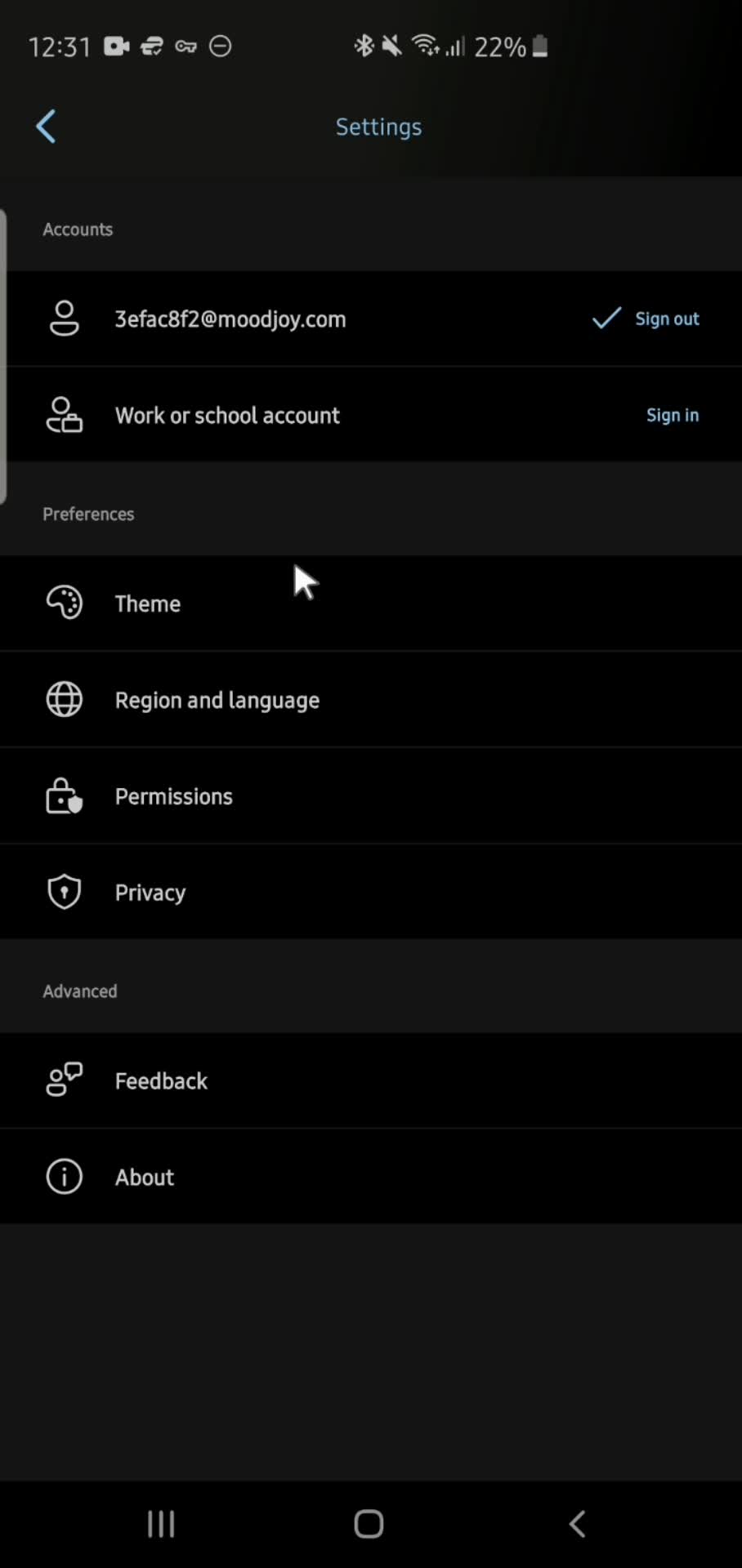
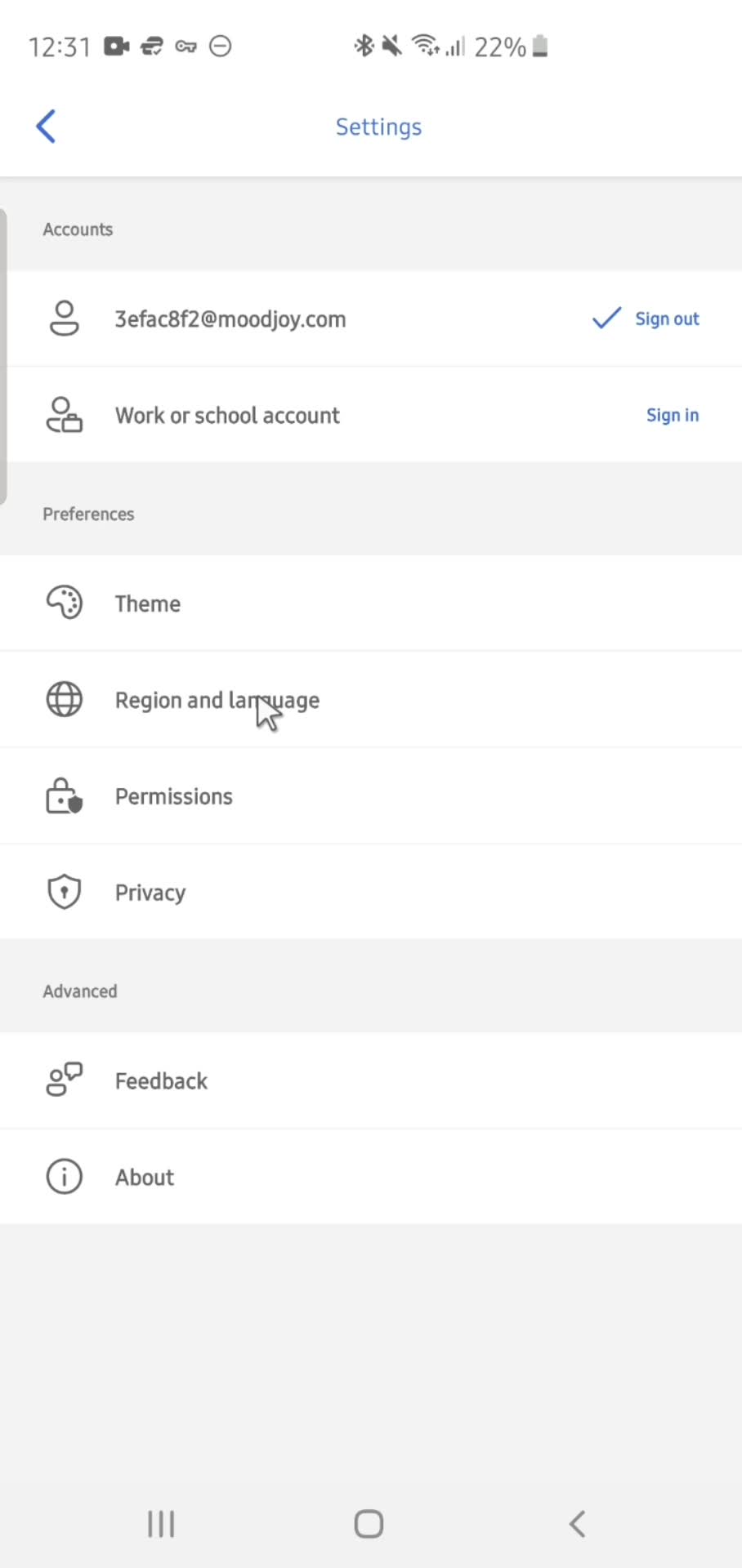
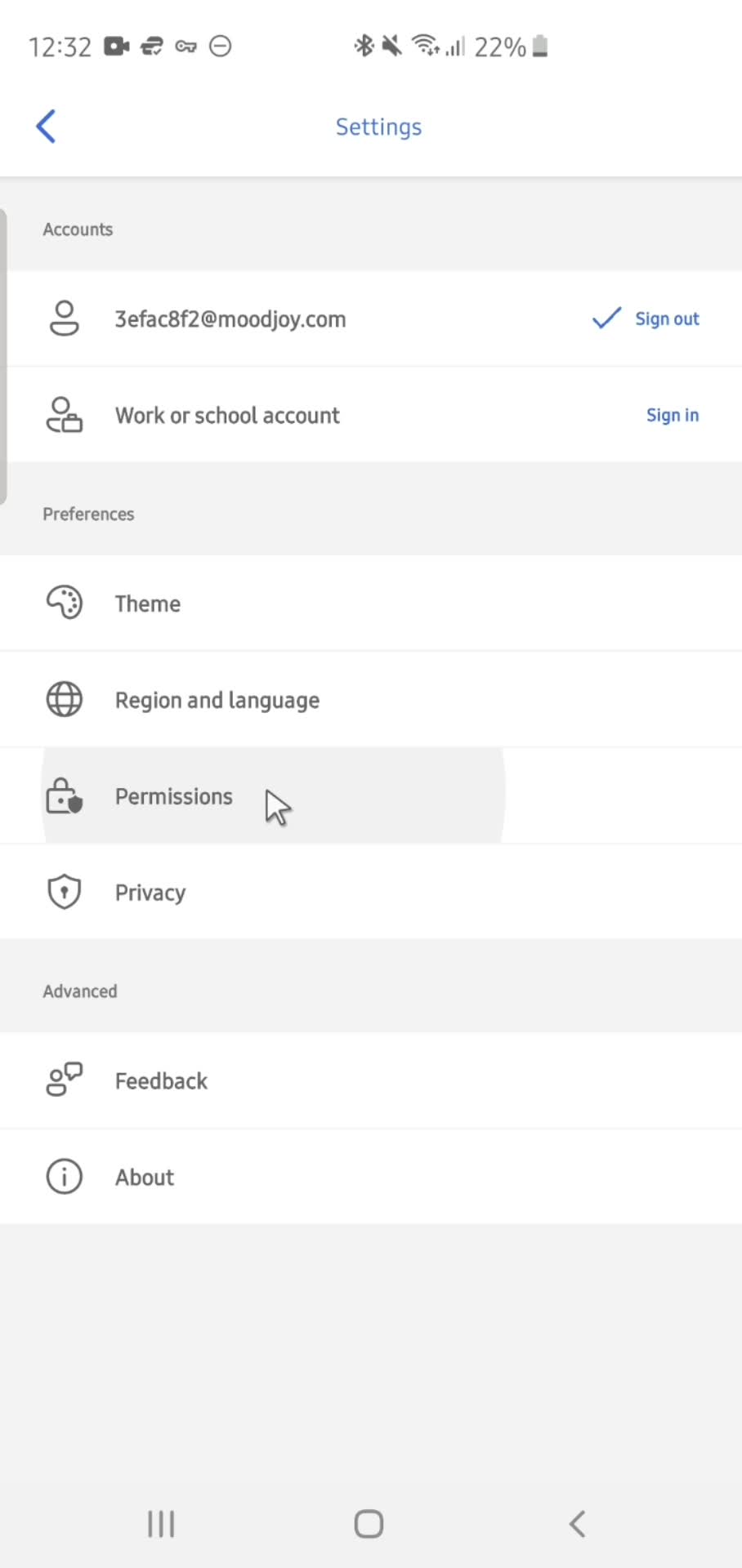
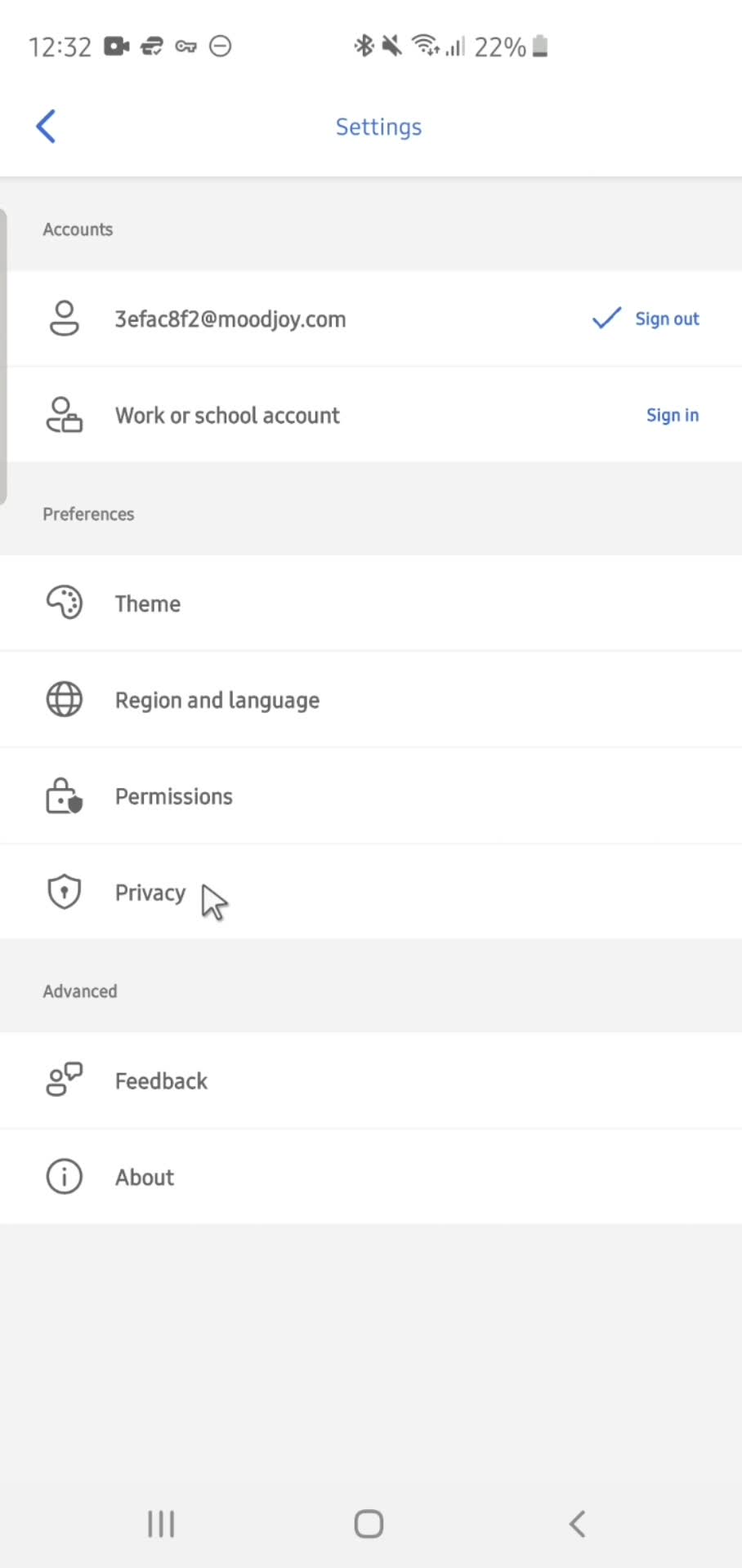
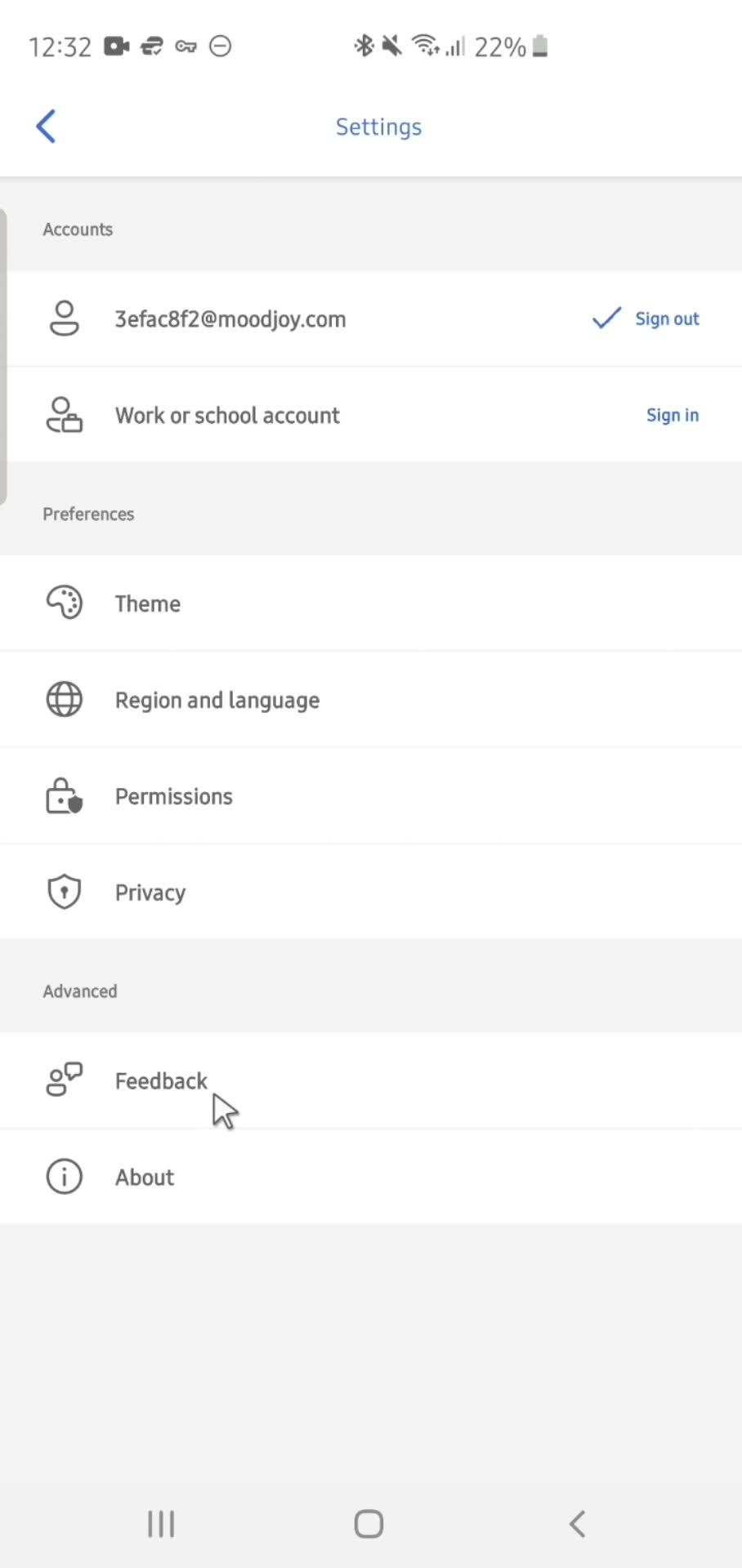
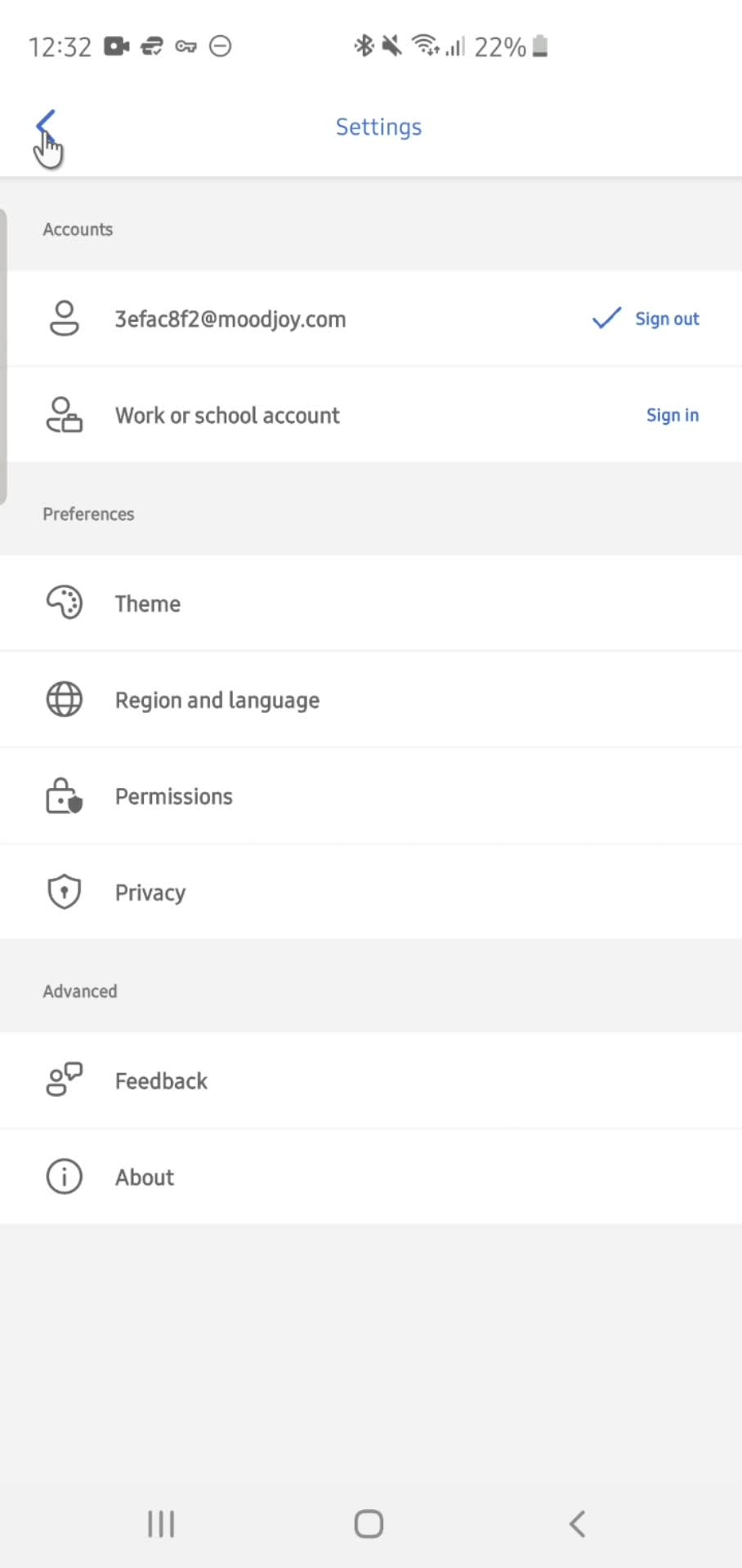
Settings
this is title
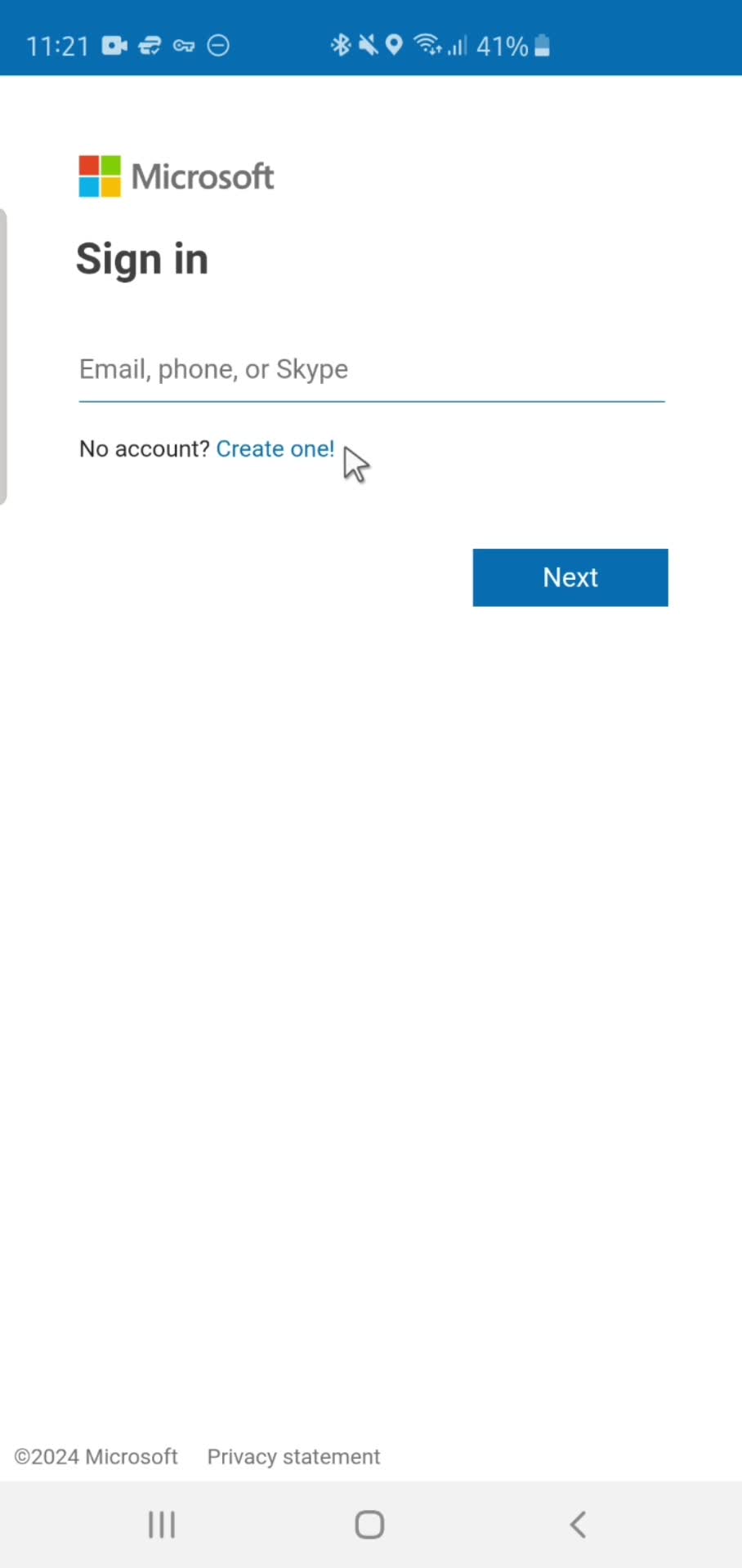
Sign in
this is title
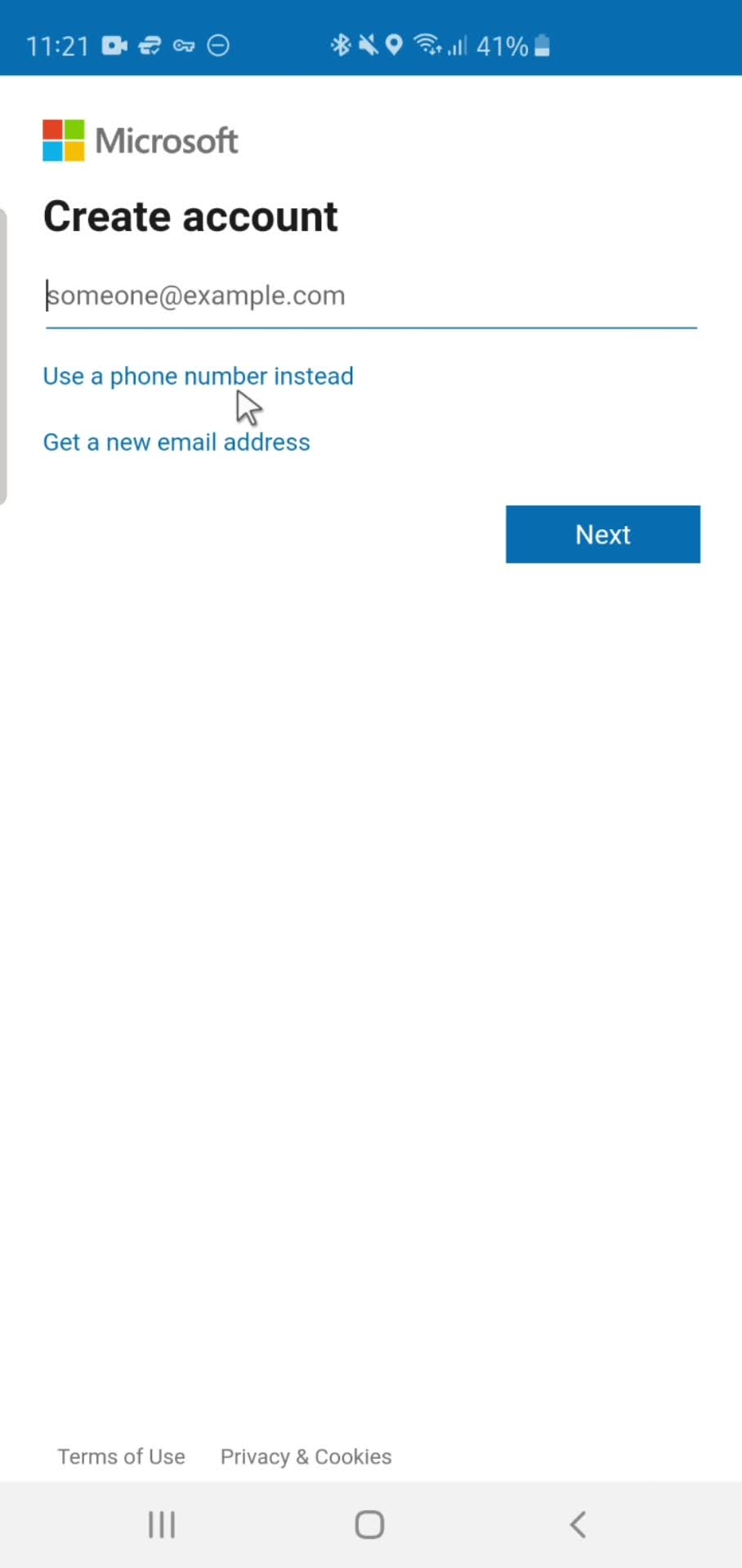
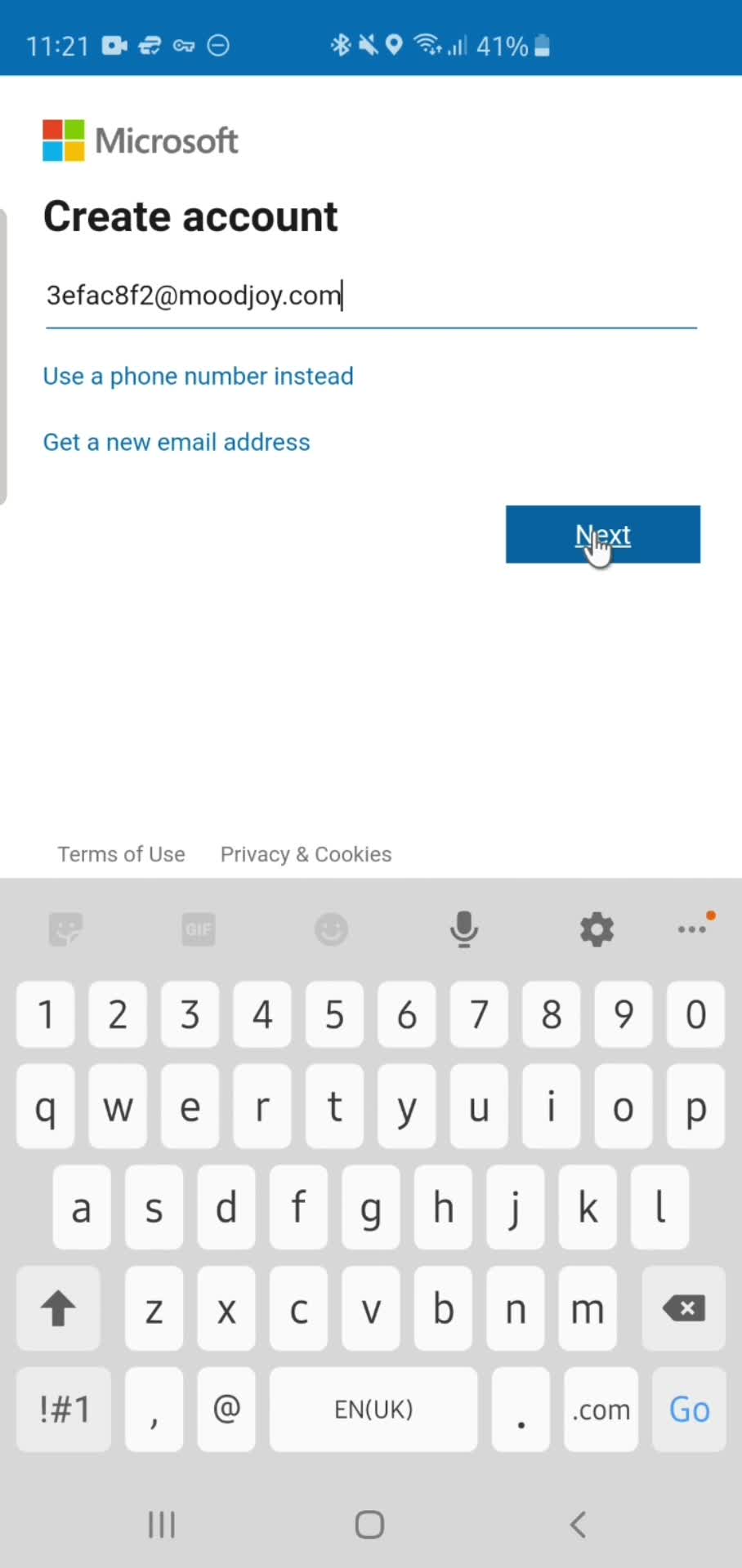
Create account
this is title
Enter email
this is title
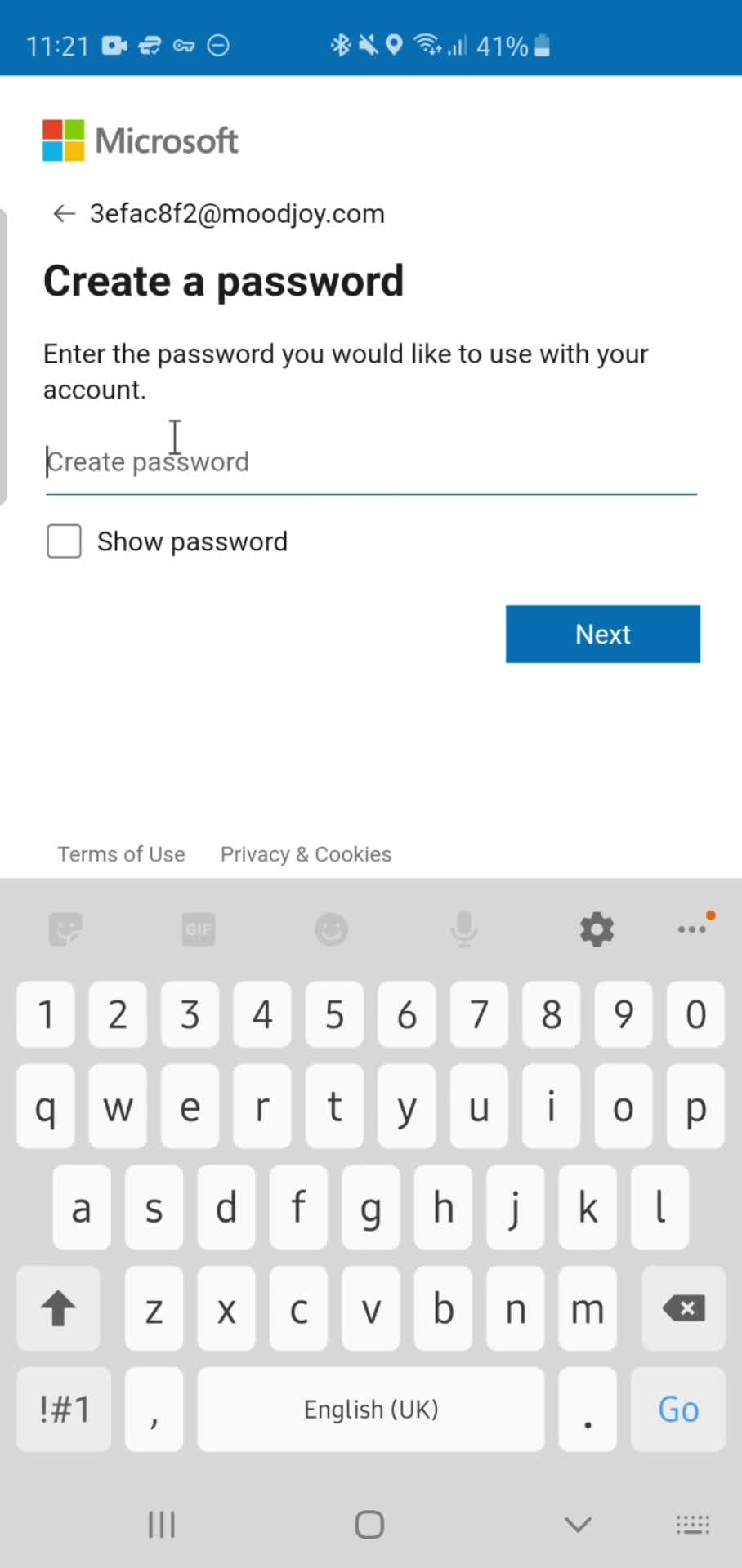
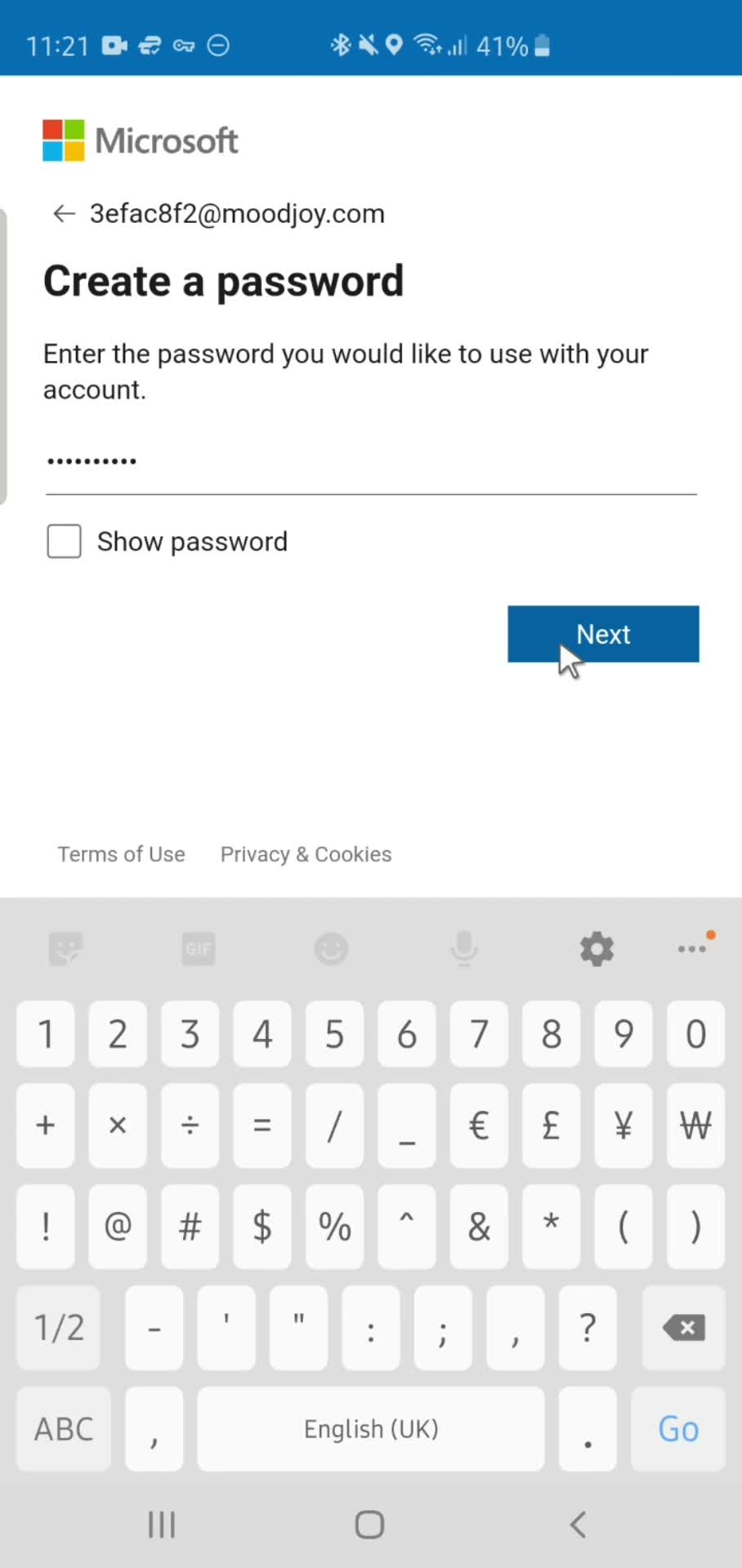
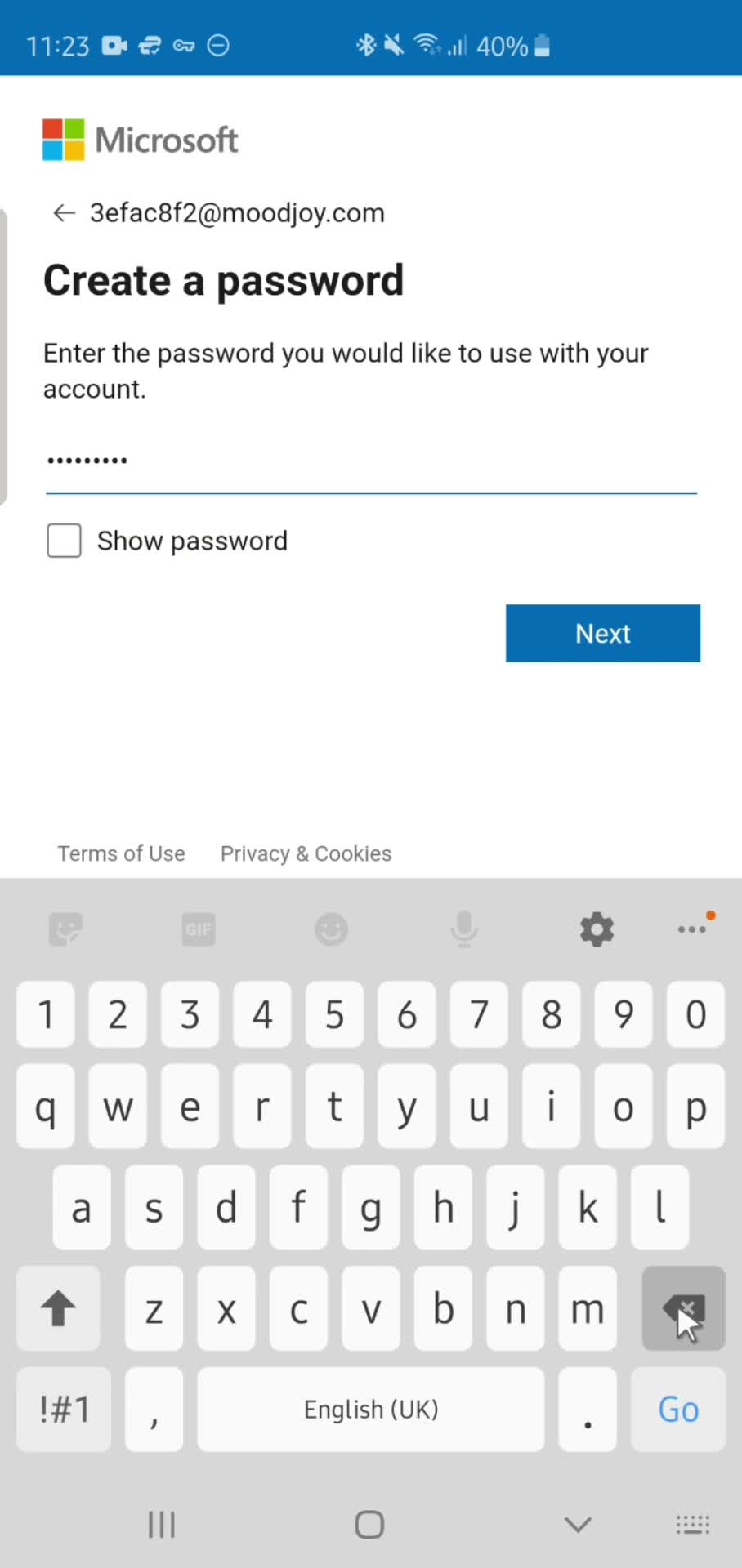
Set password
this is title
Continue
this is title
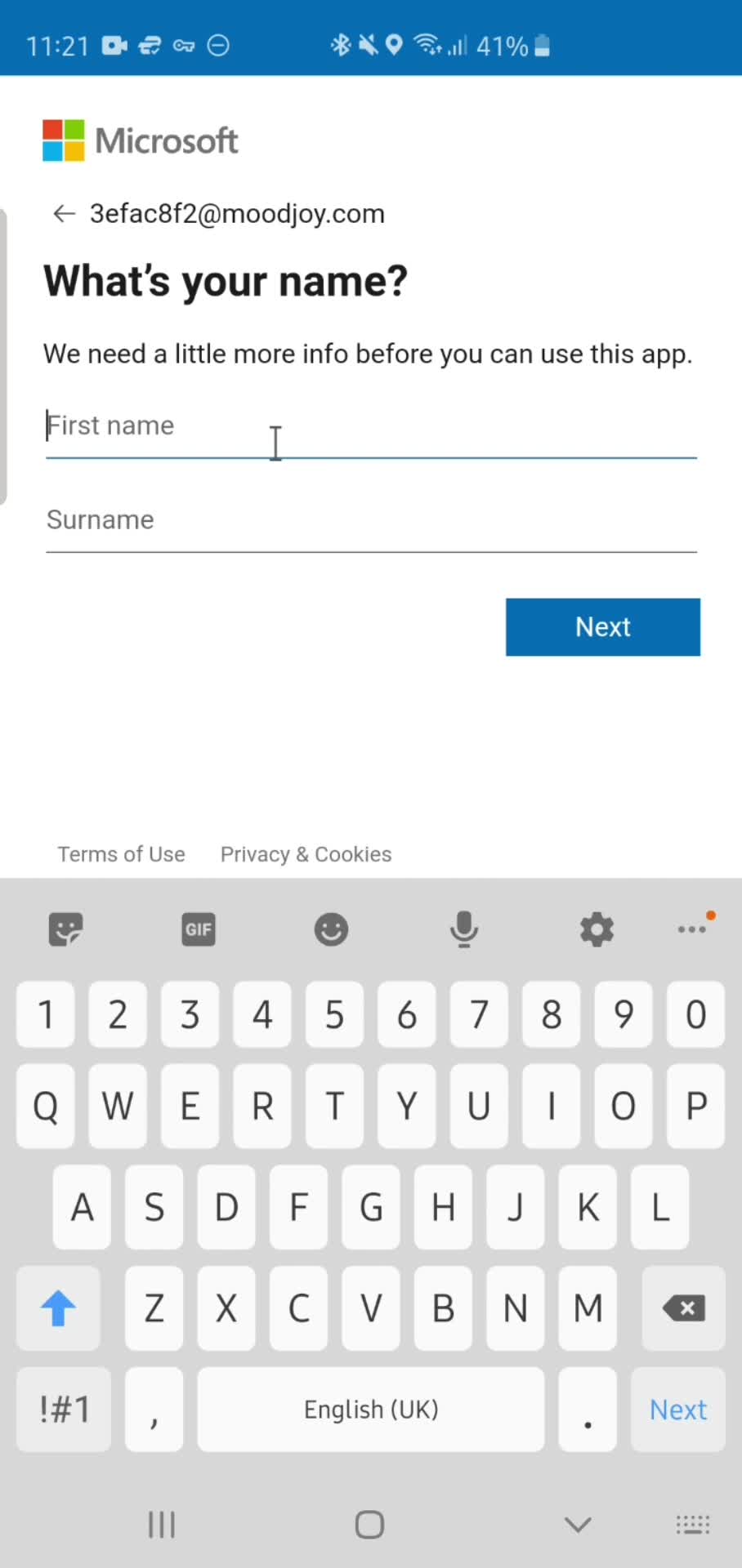
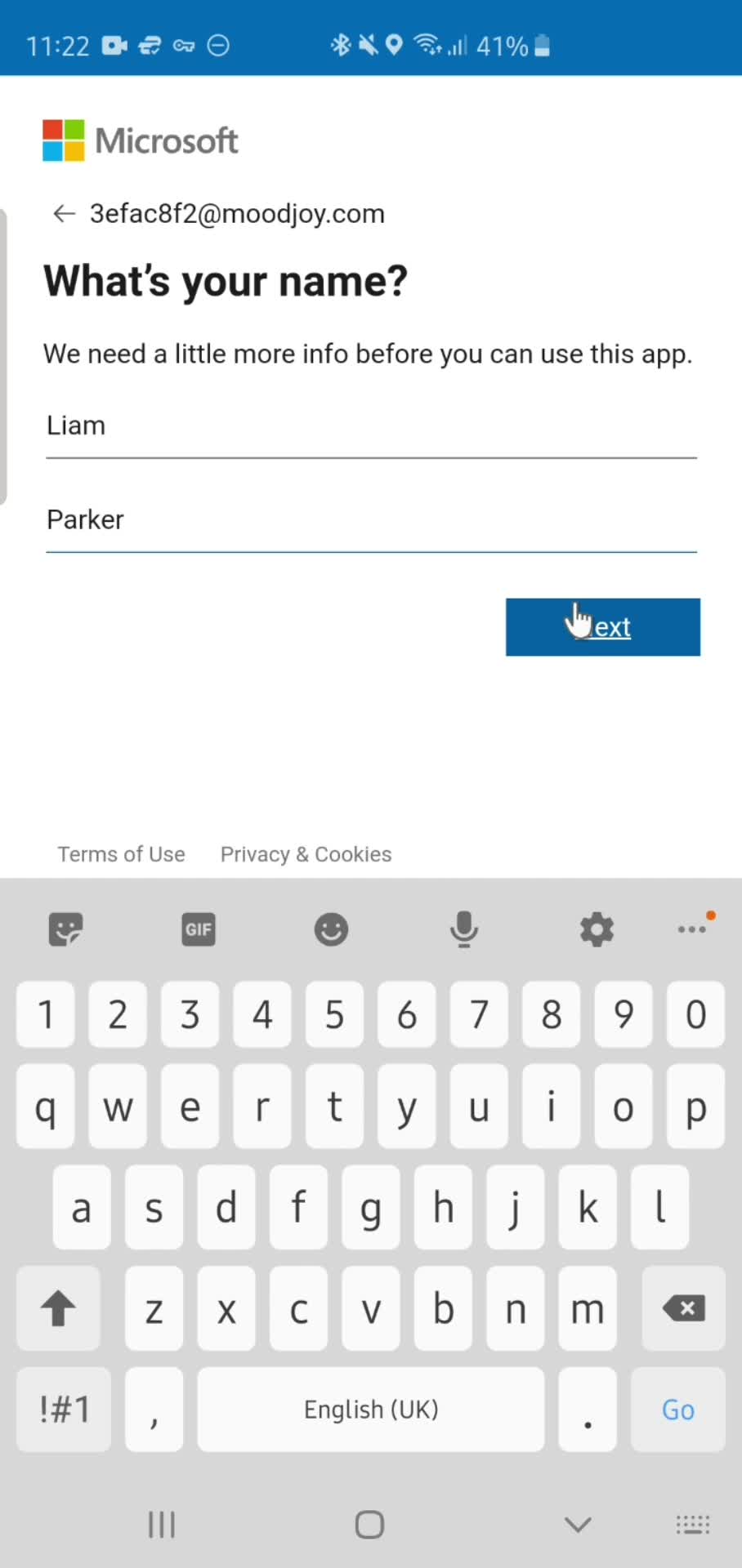
Enter name
this is title
Continue
this is title
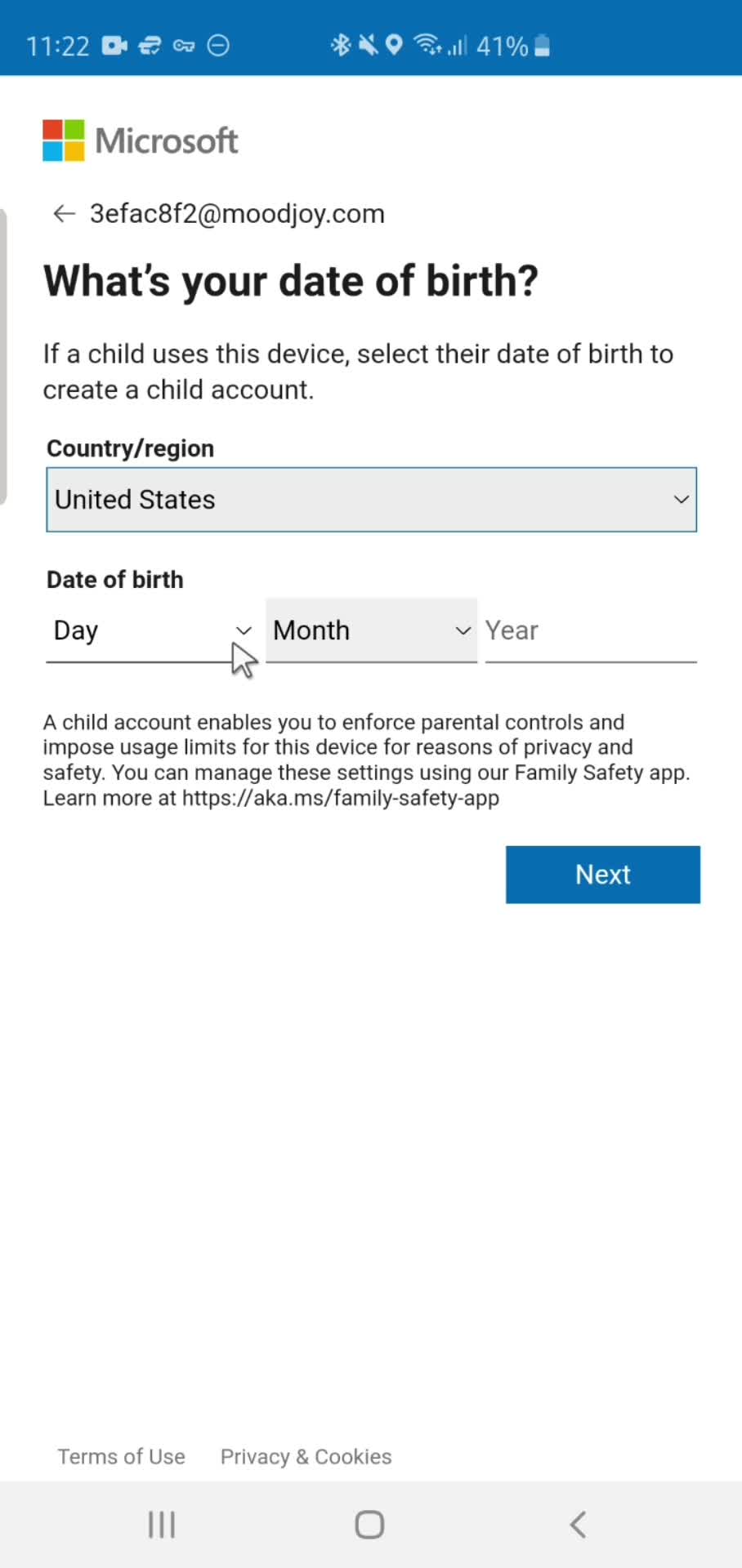
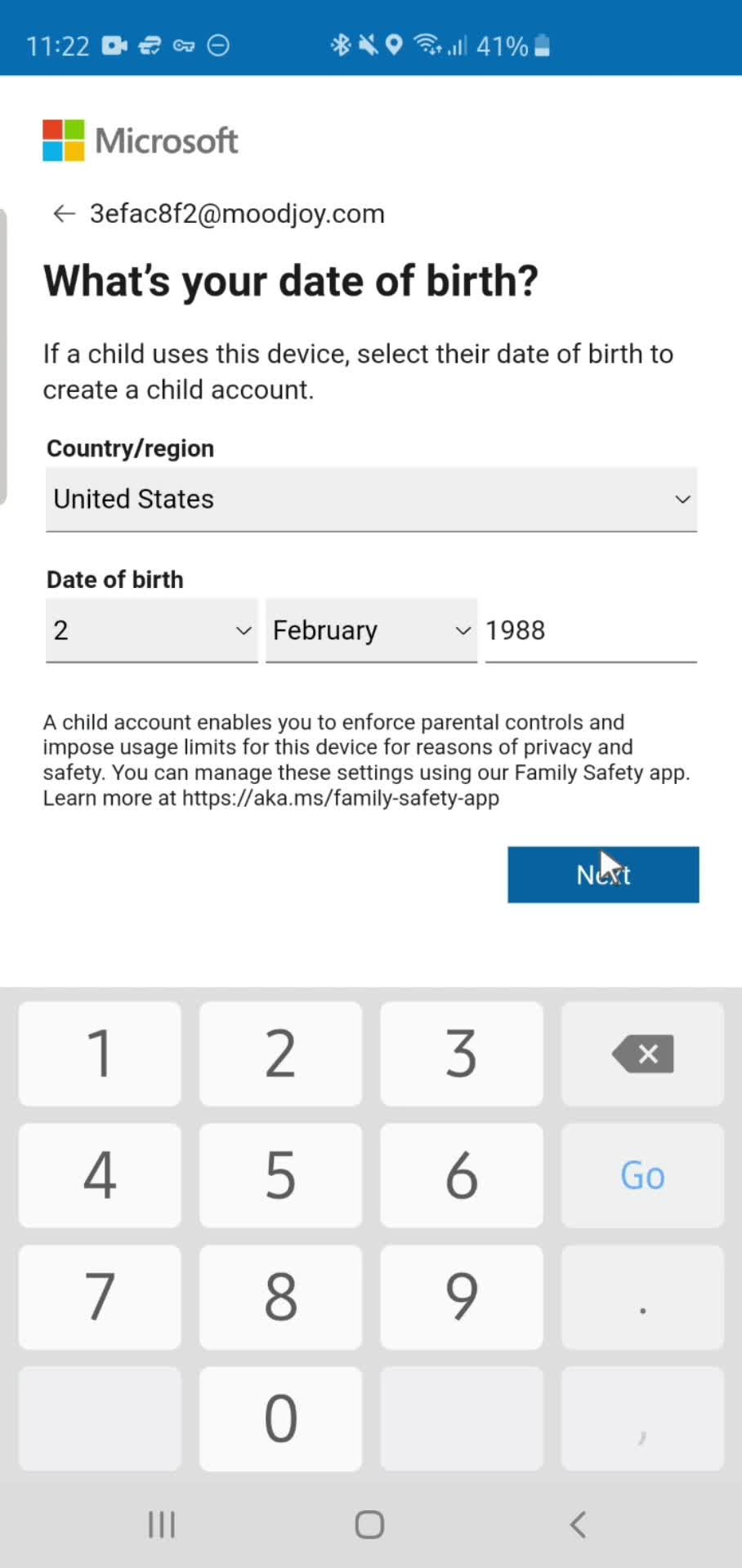
Enter birthday
this is title
Continue
this is title
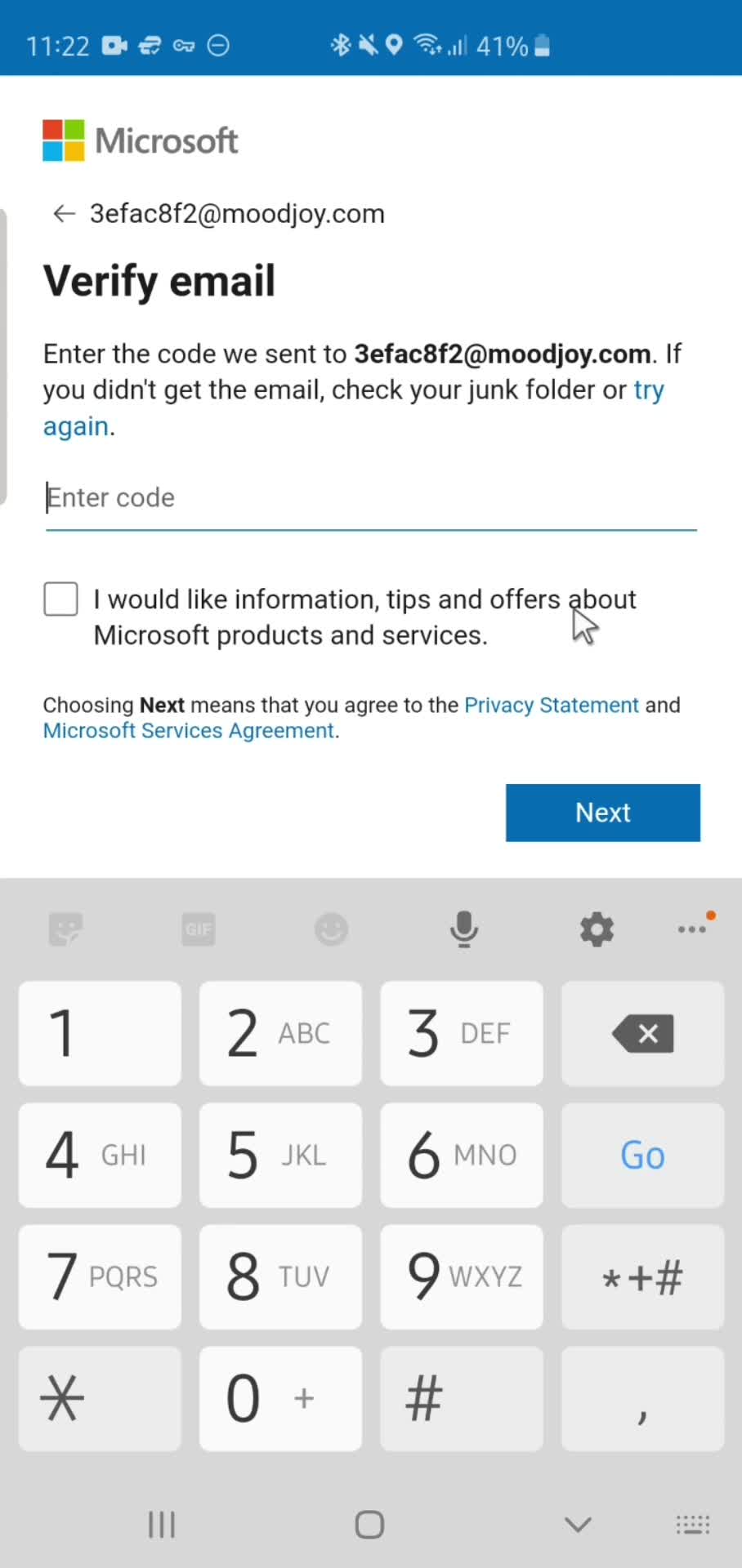
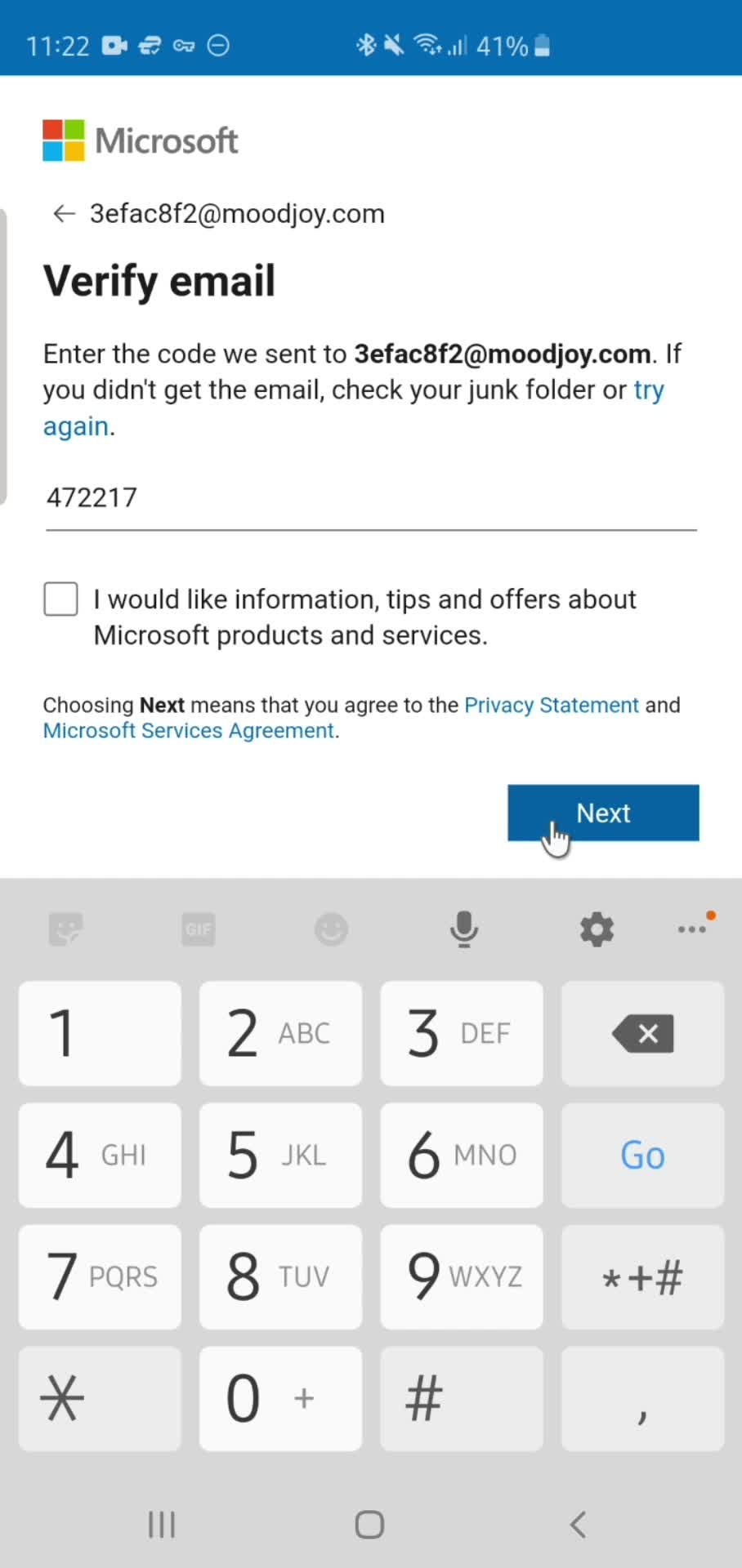
Verify email
this is title
Continue
this is title
Password error
this is title
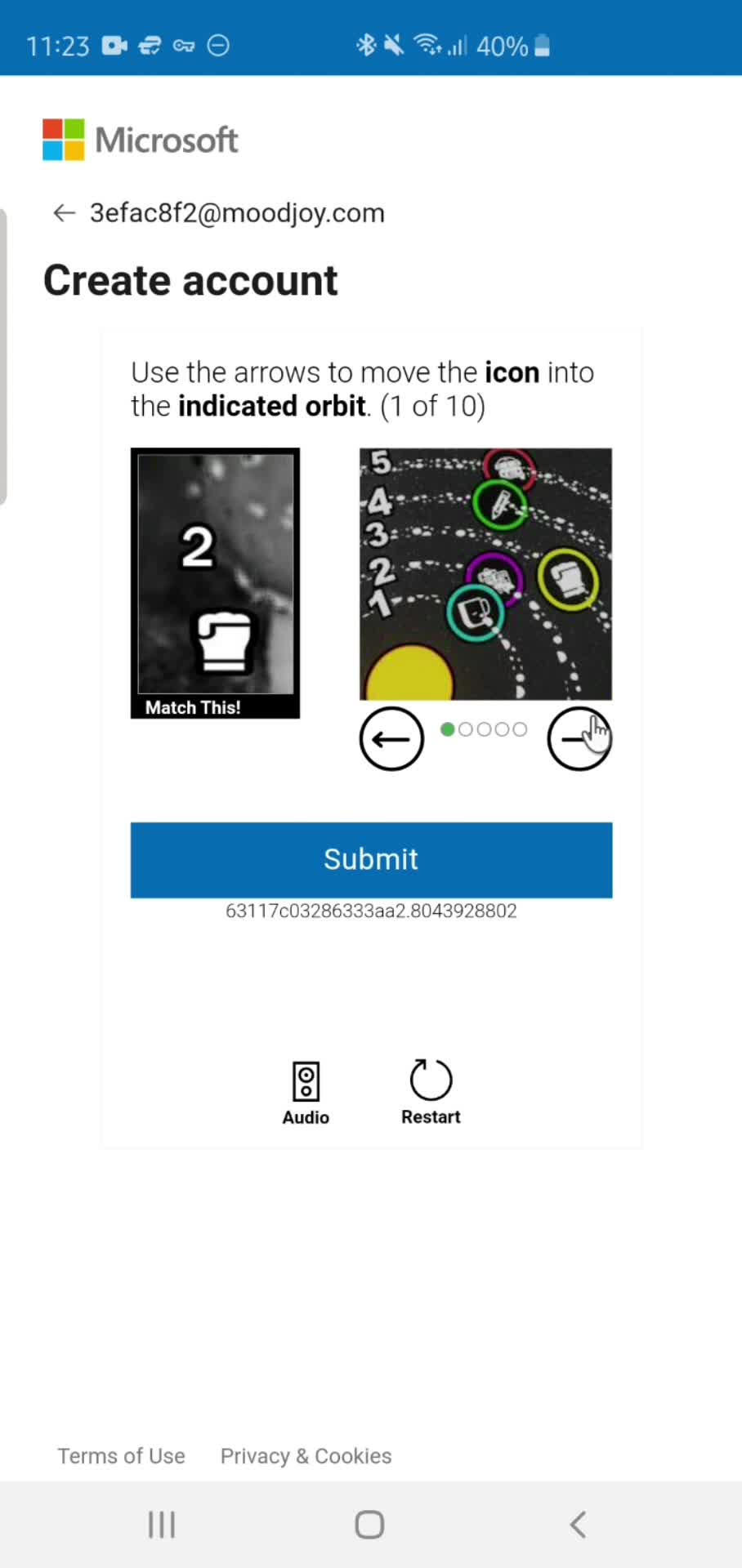
Confirm you're human
this is title
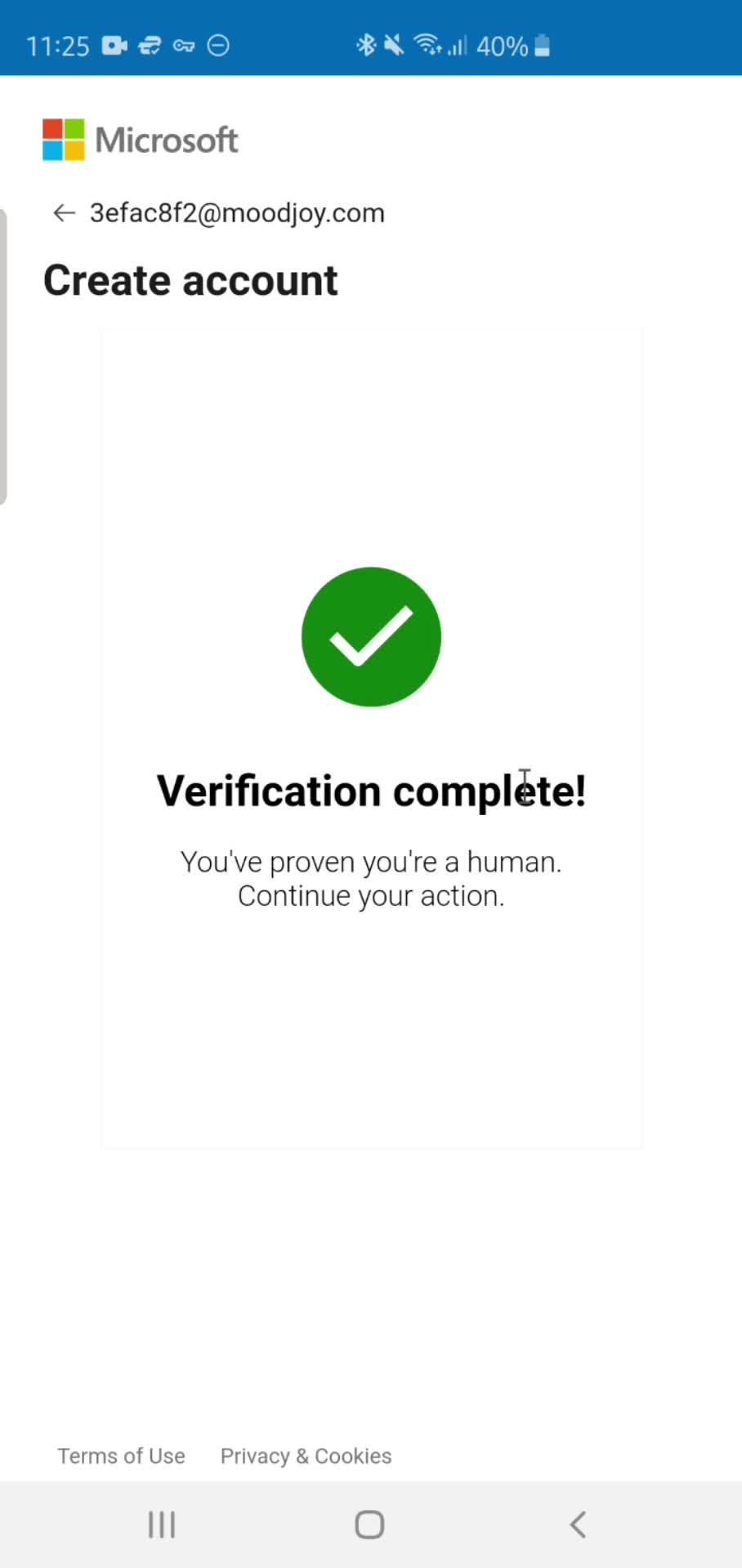
Verification complete
this is title
Settings
this is title
Splash screen
this is title
Home
this is title
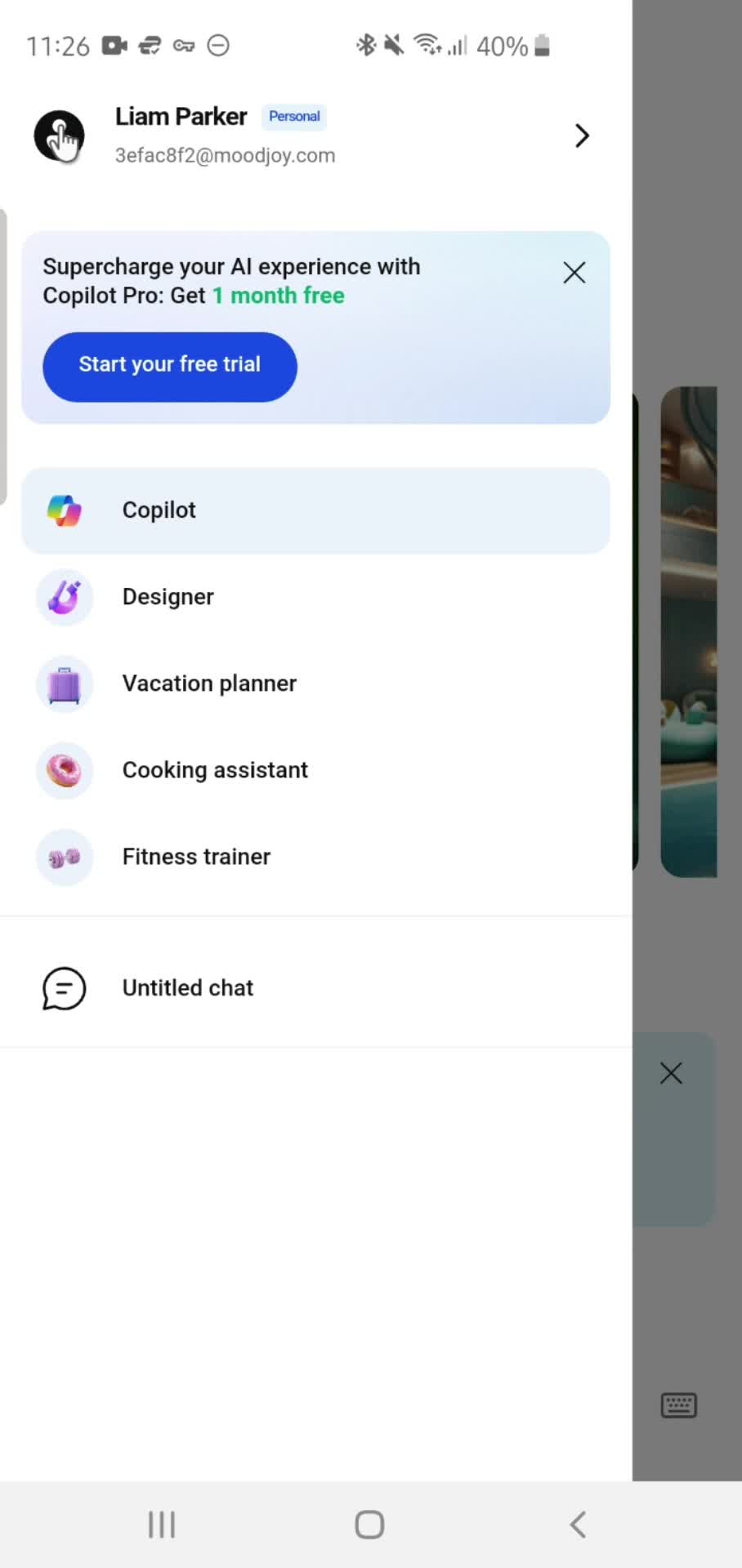
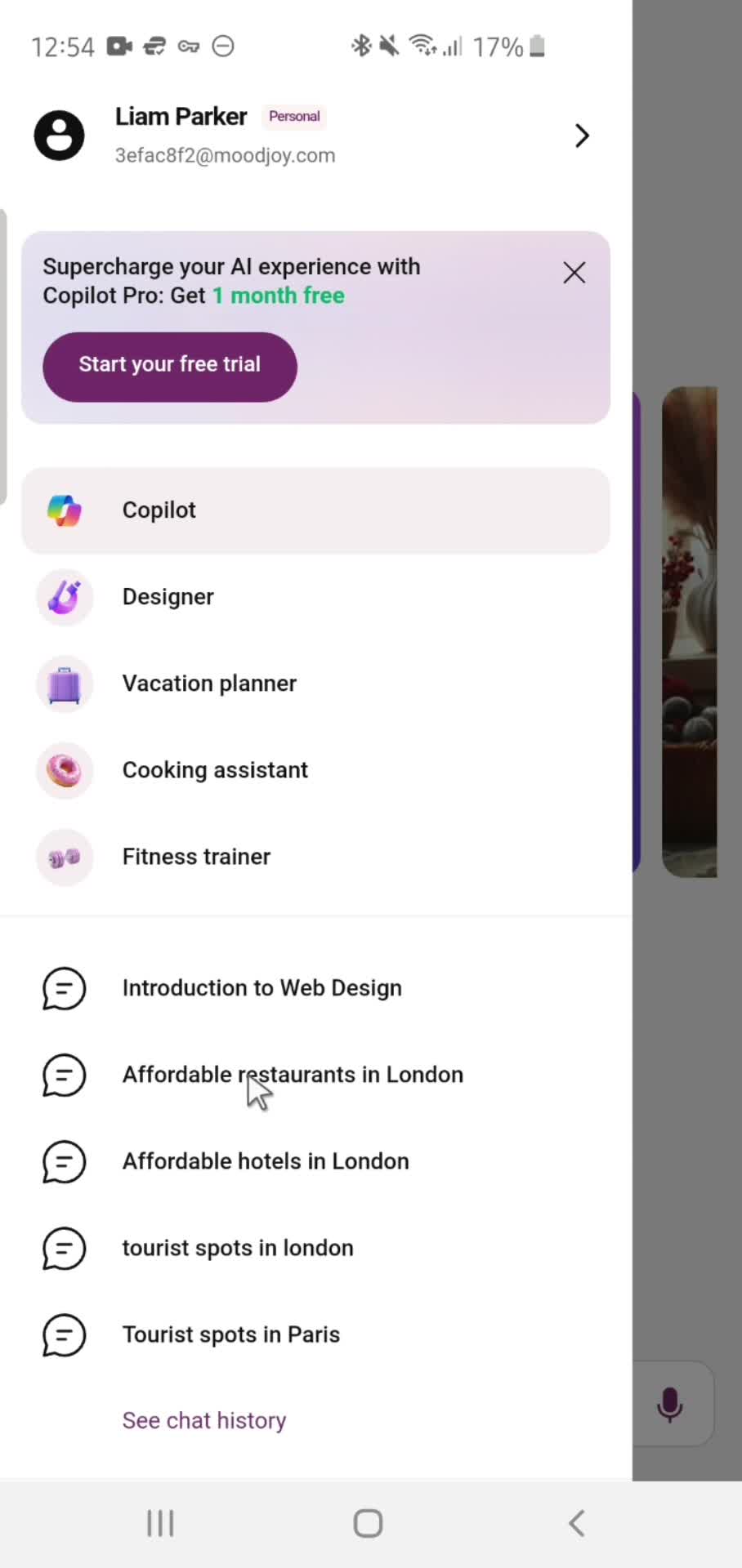
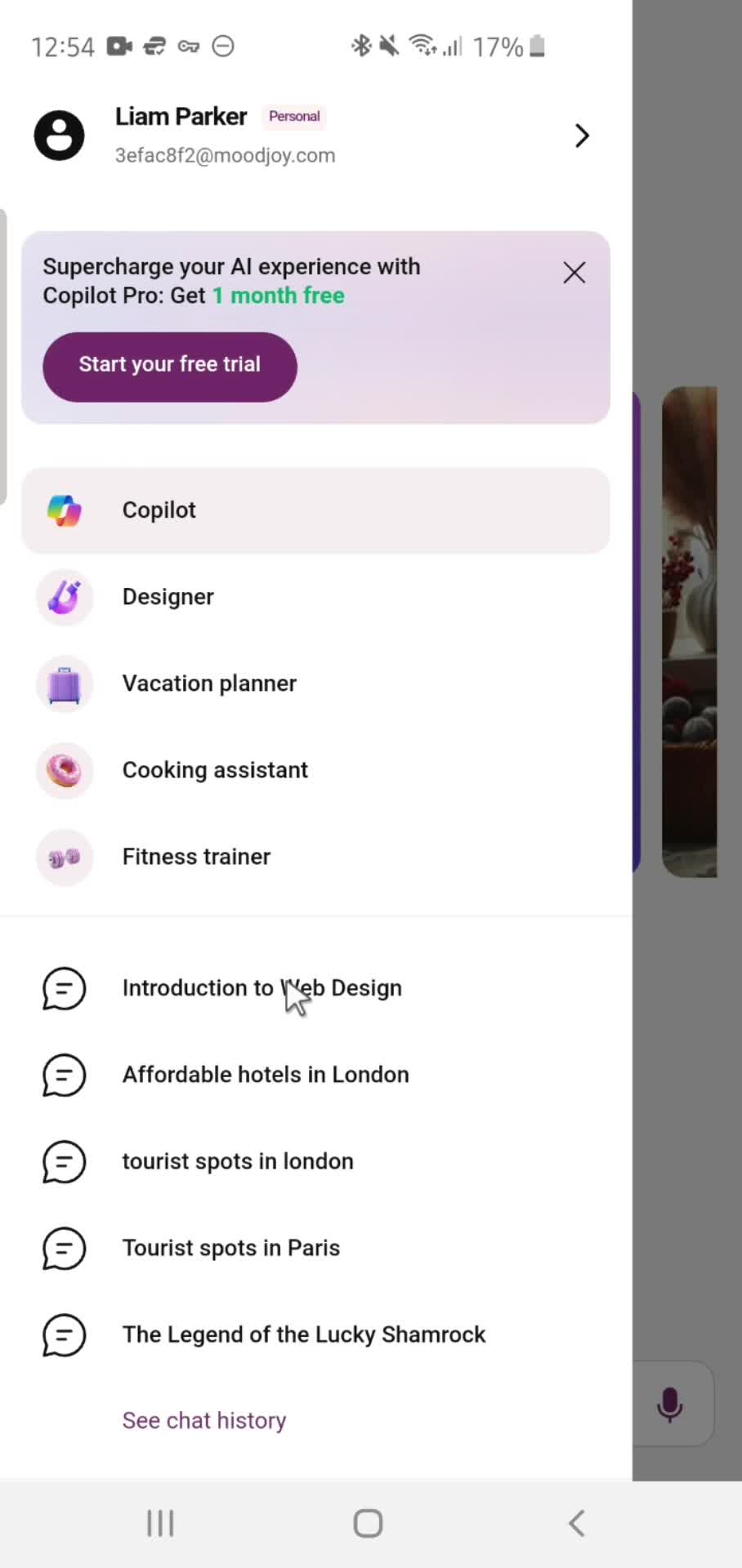
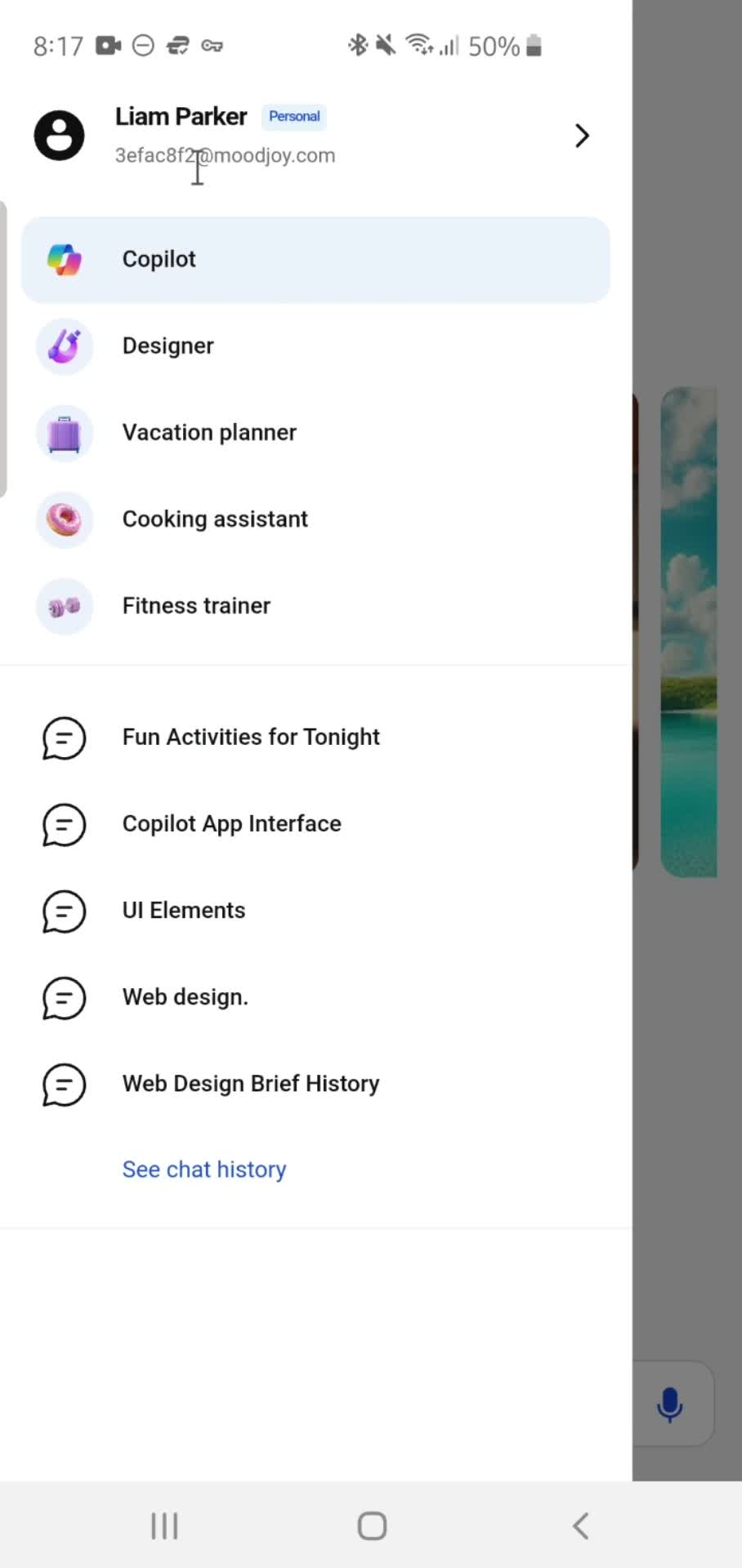
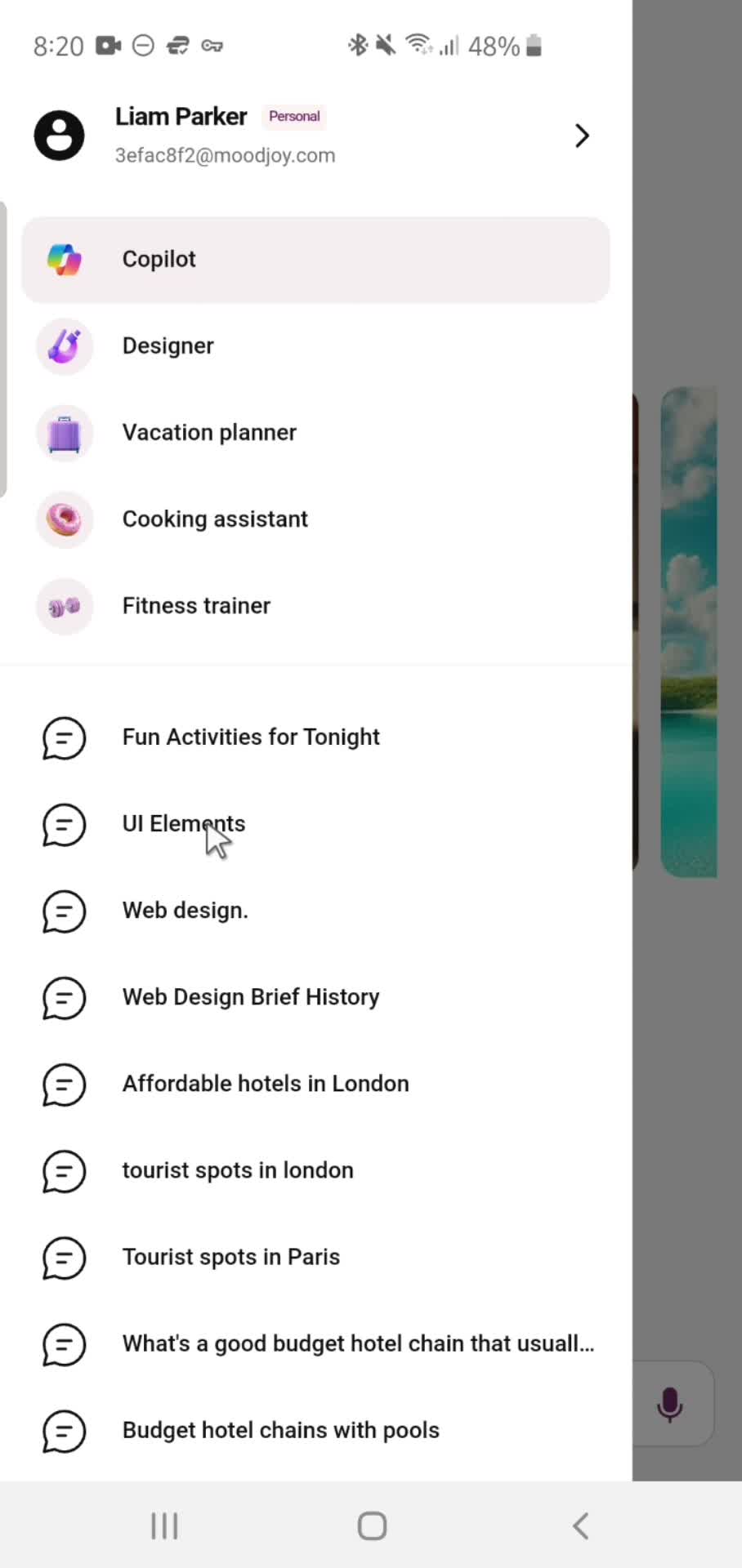
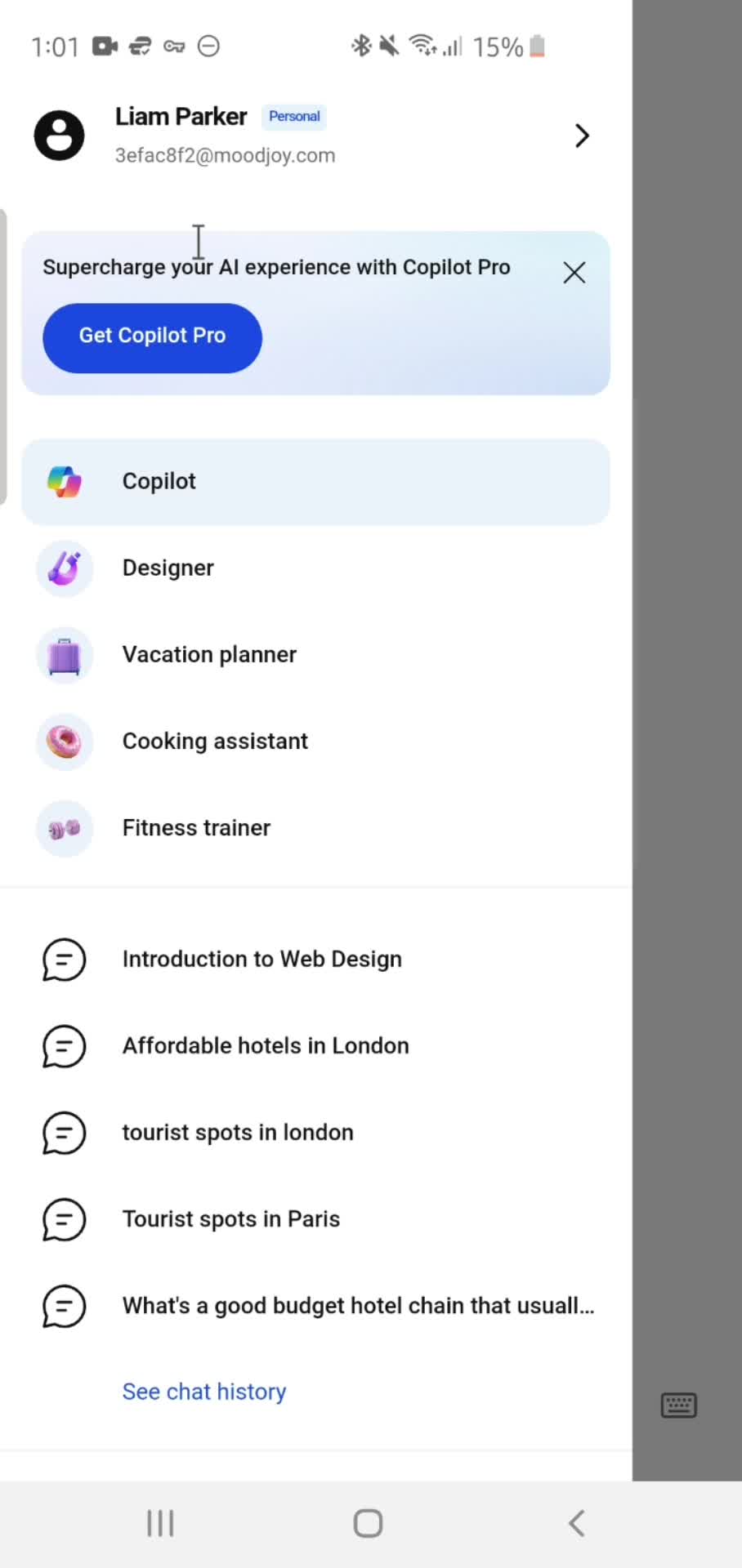
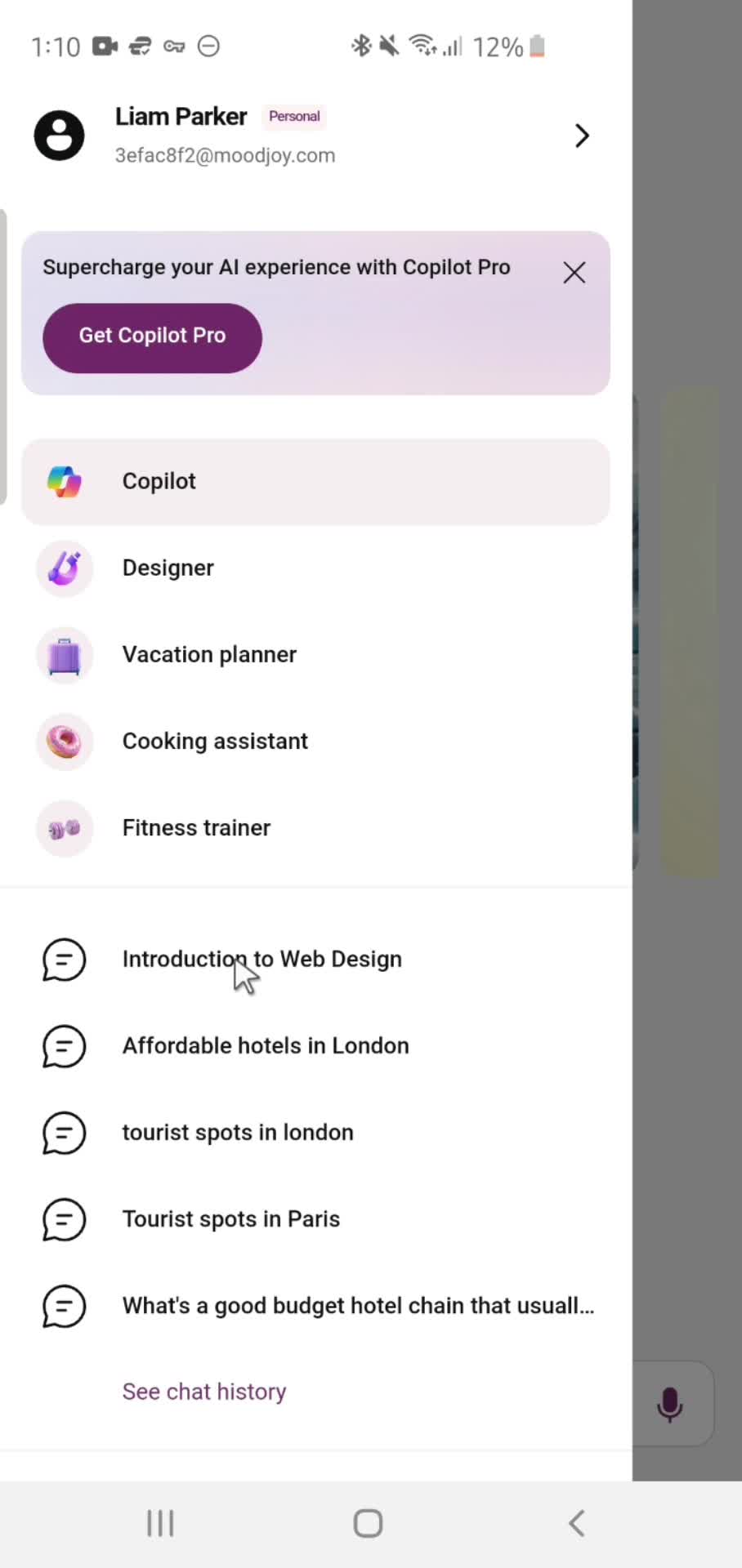
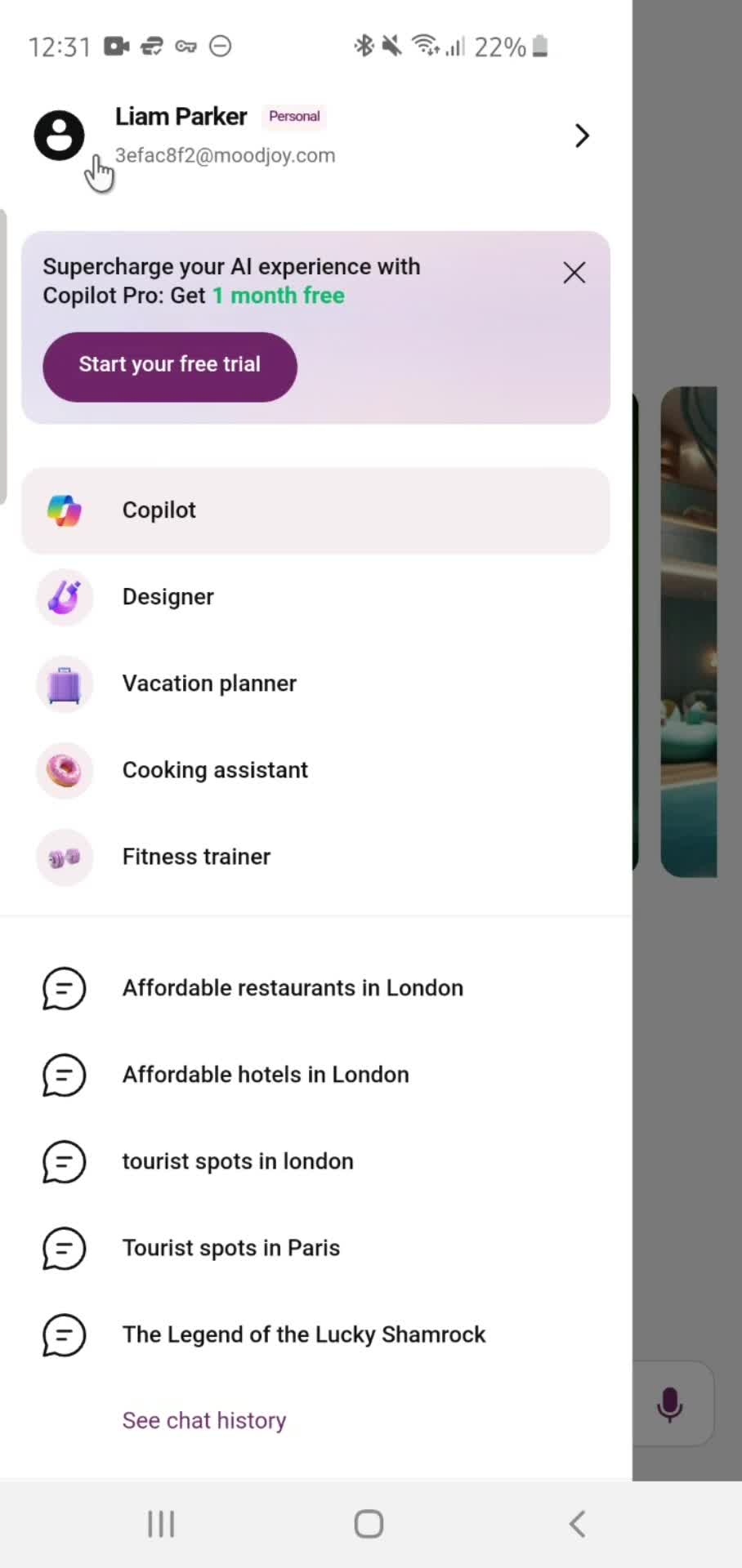
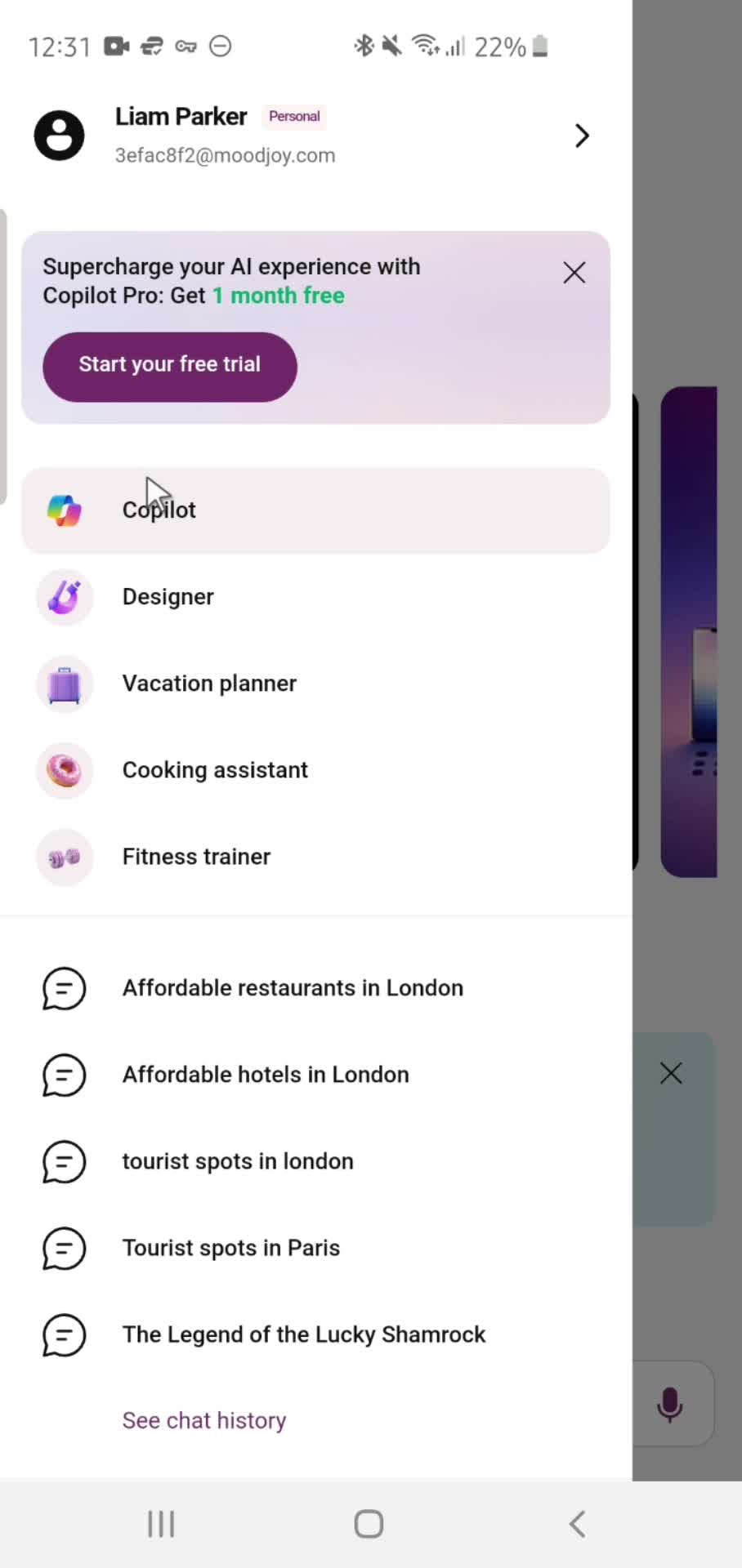
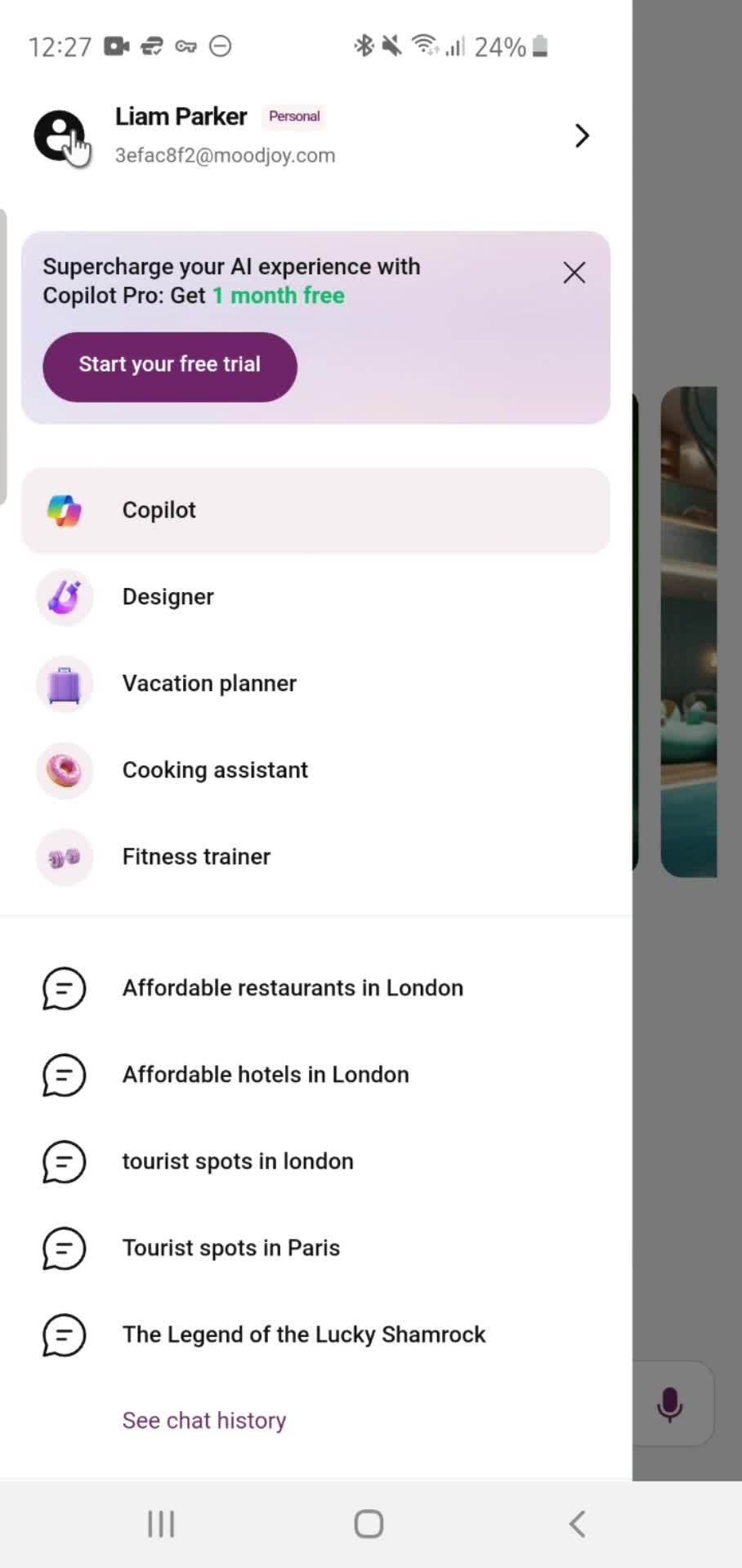
Account menu
this is title
Home
this is title
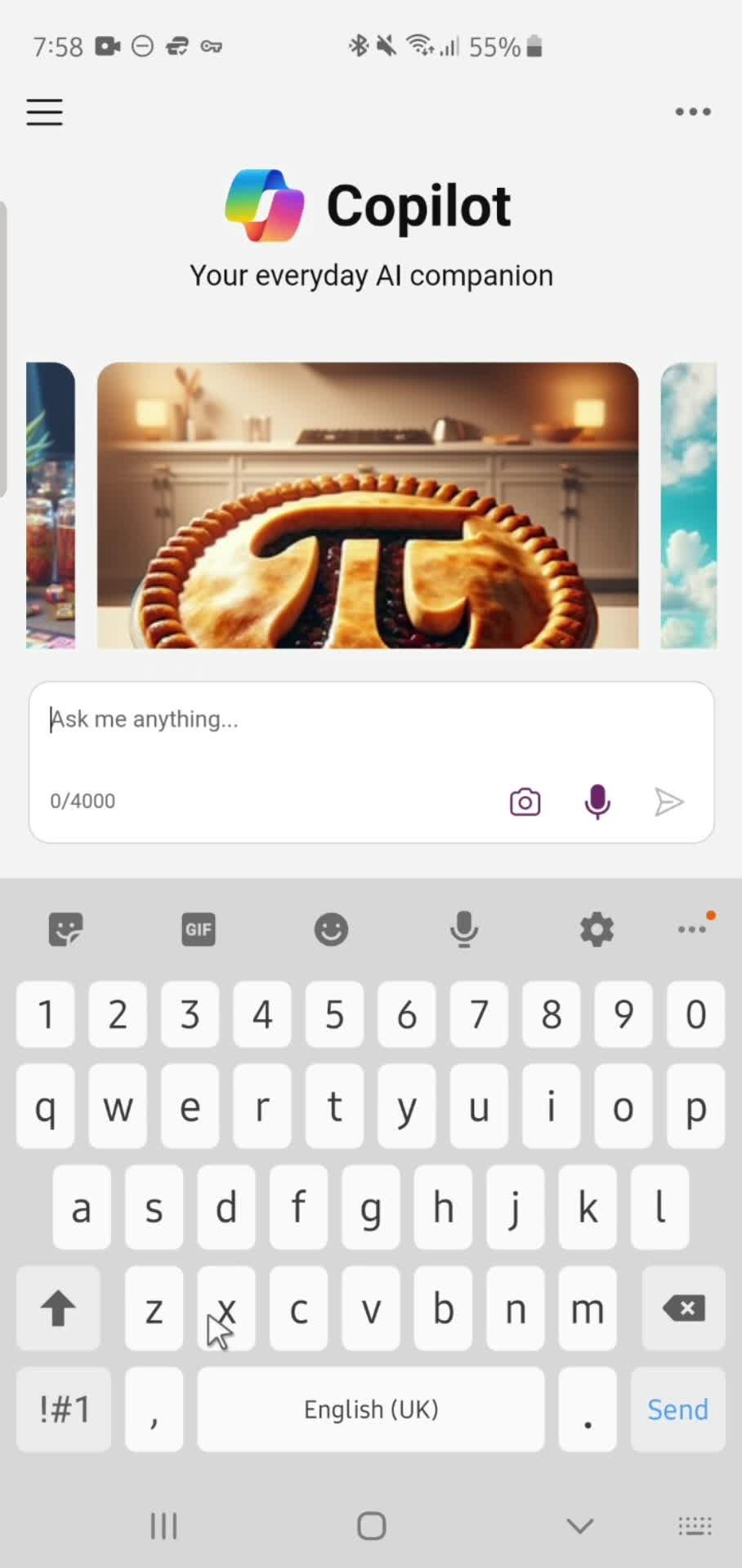
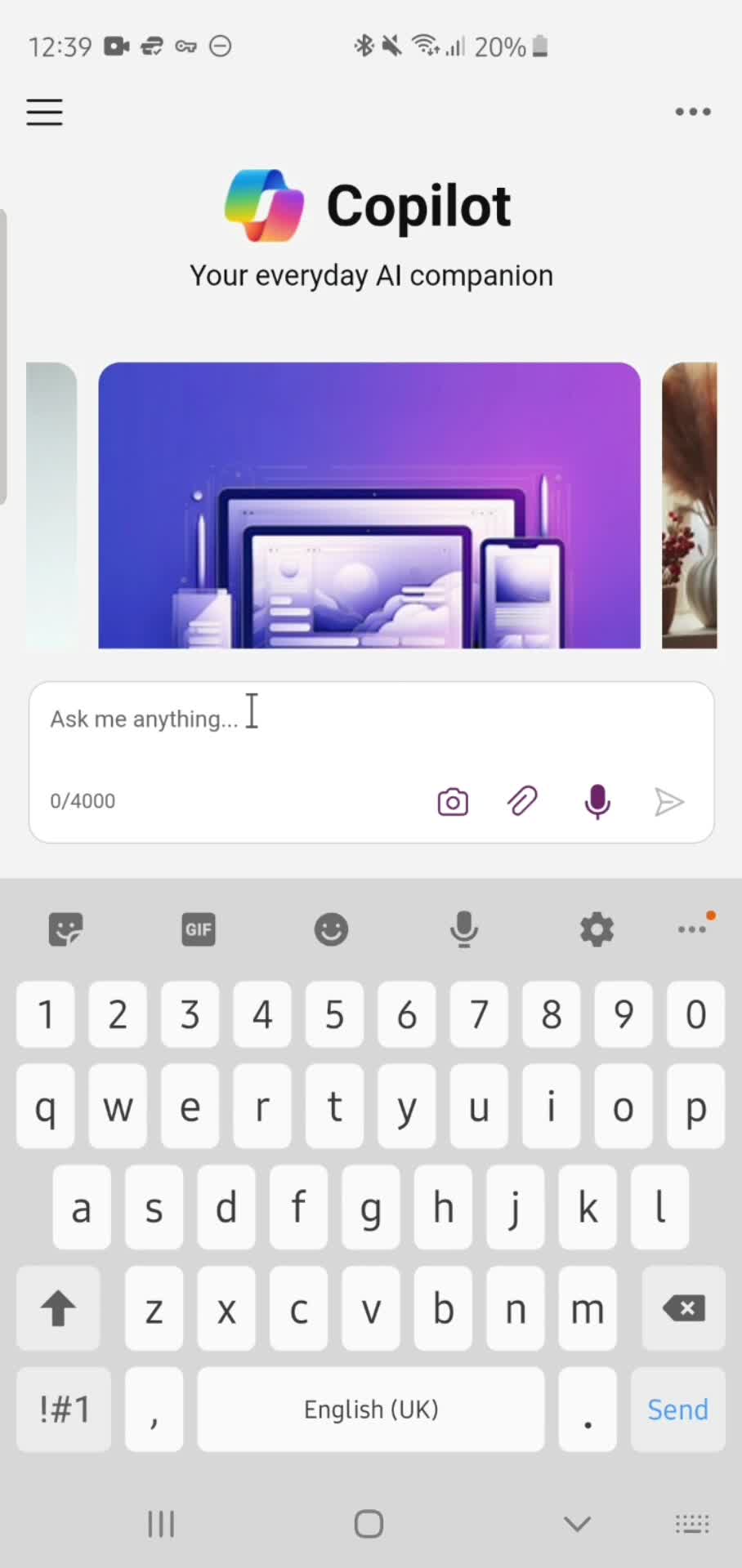
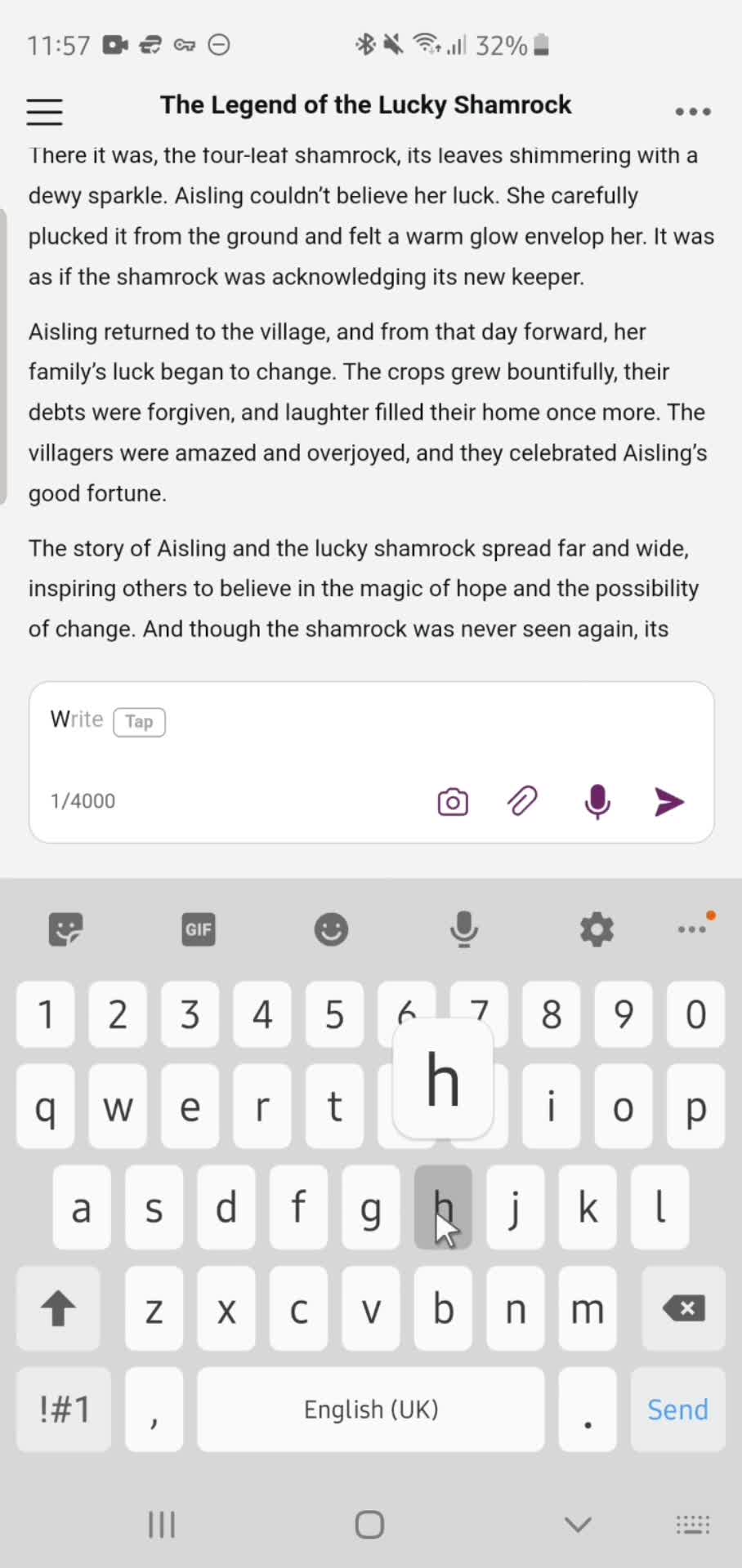
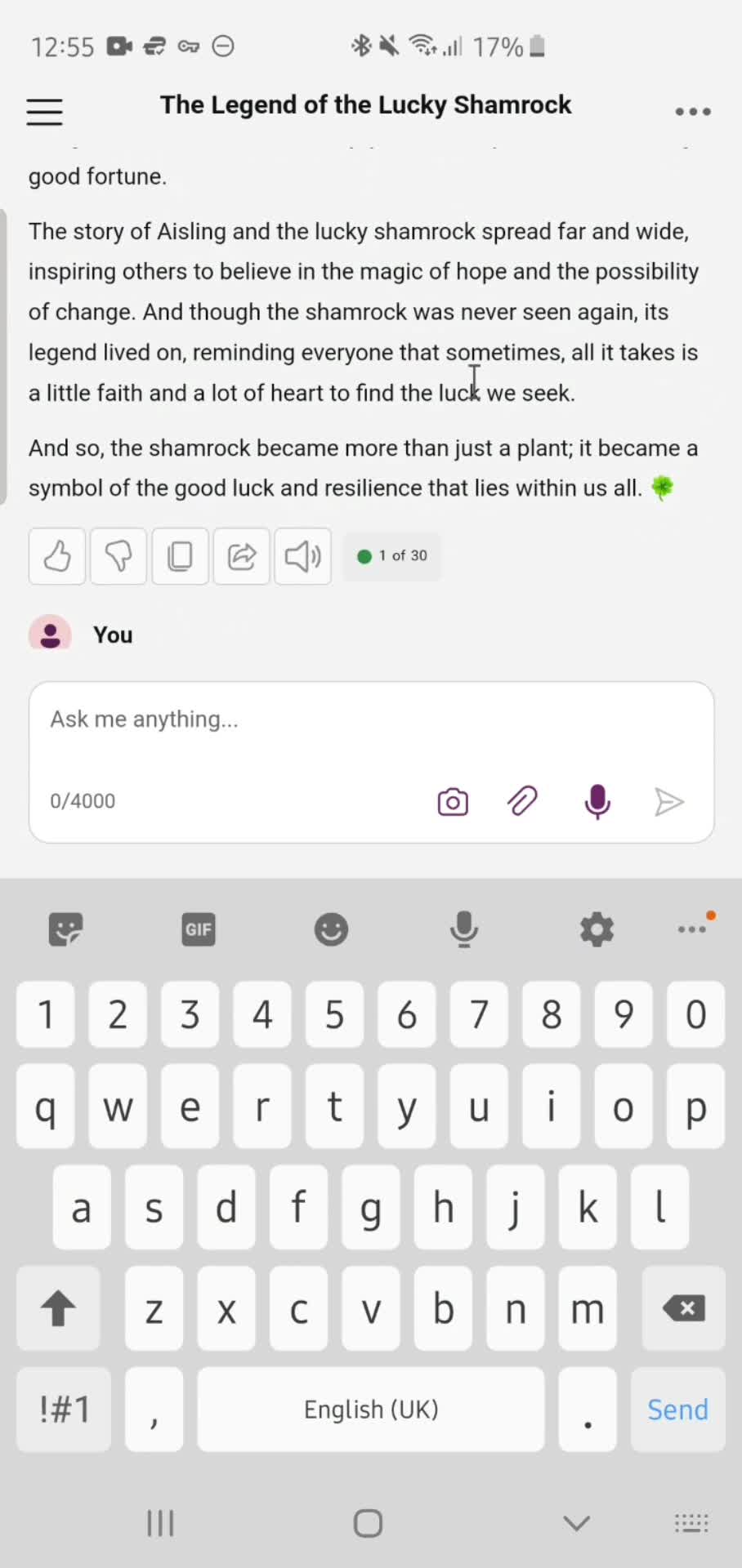
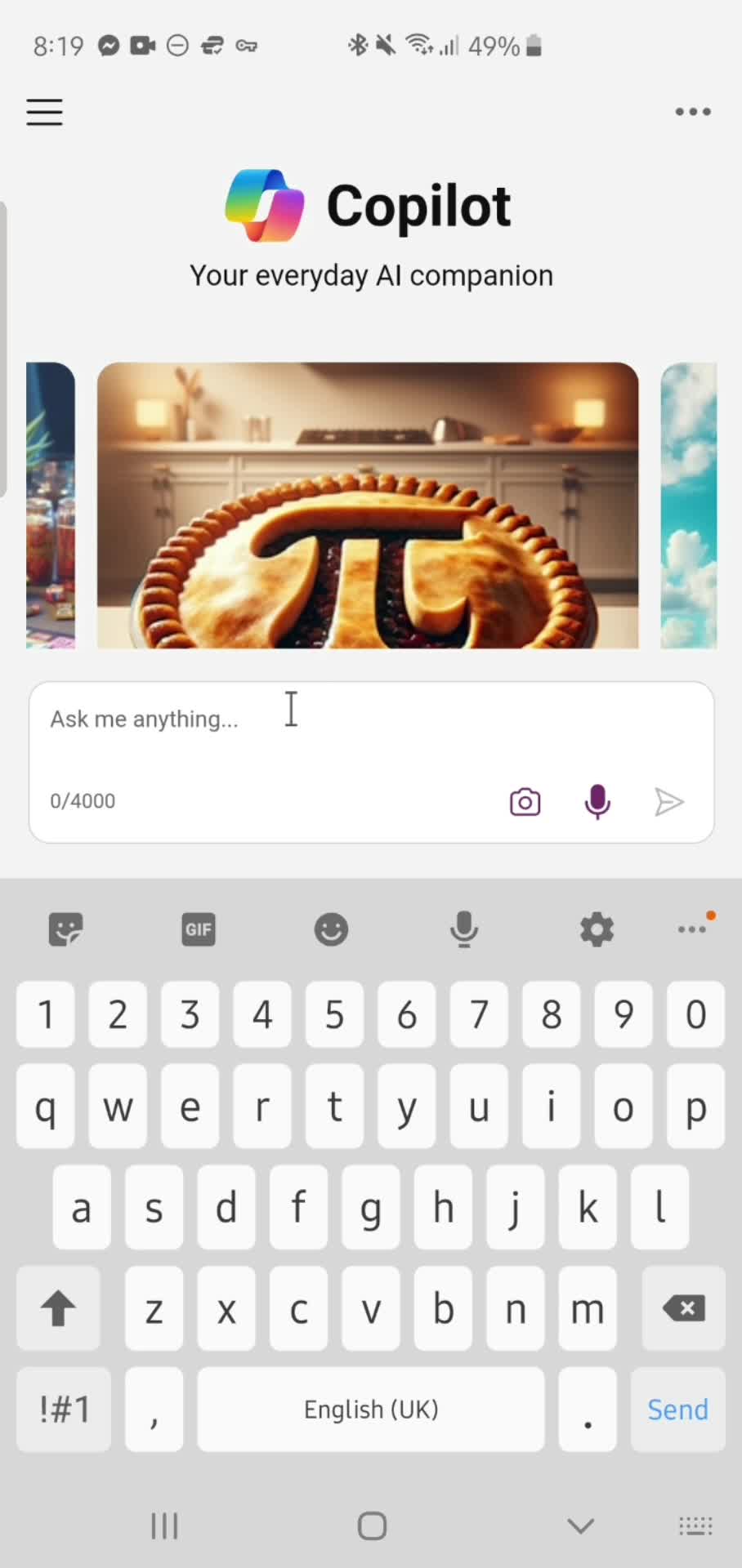
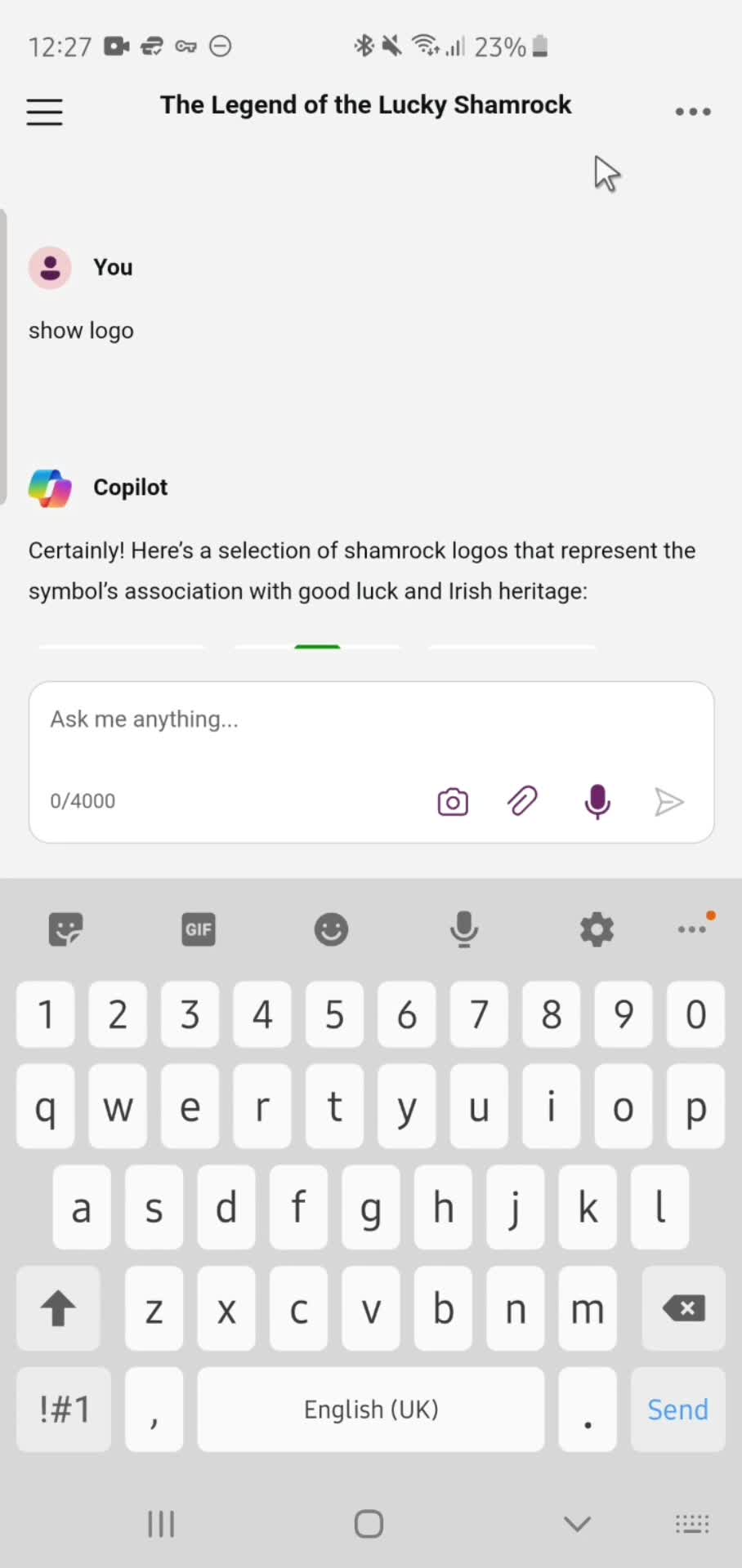
Add prompt
this is title
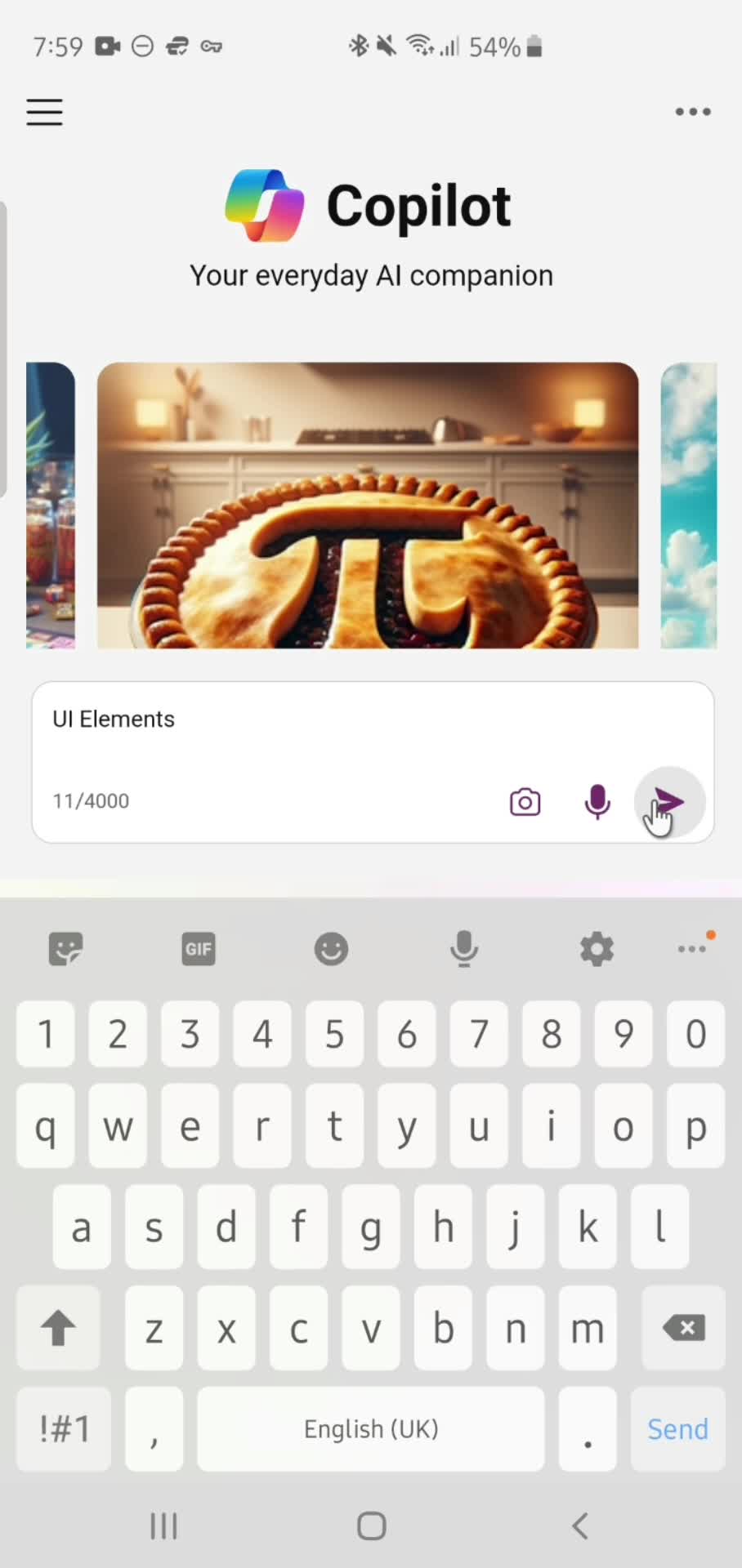
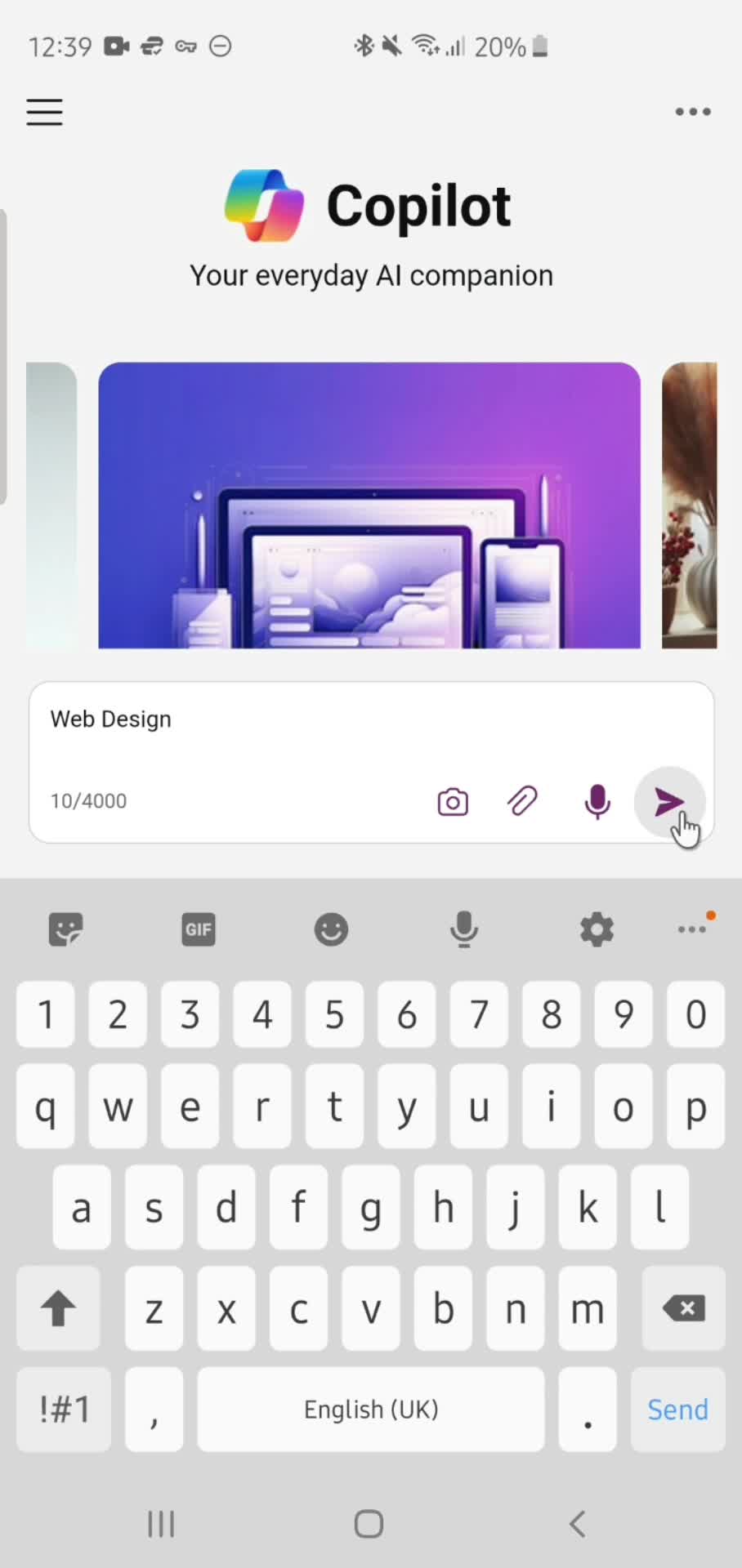
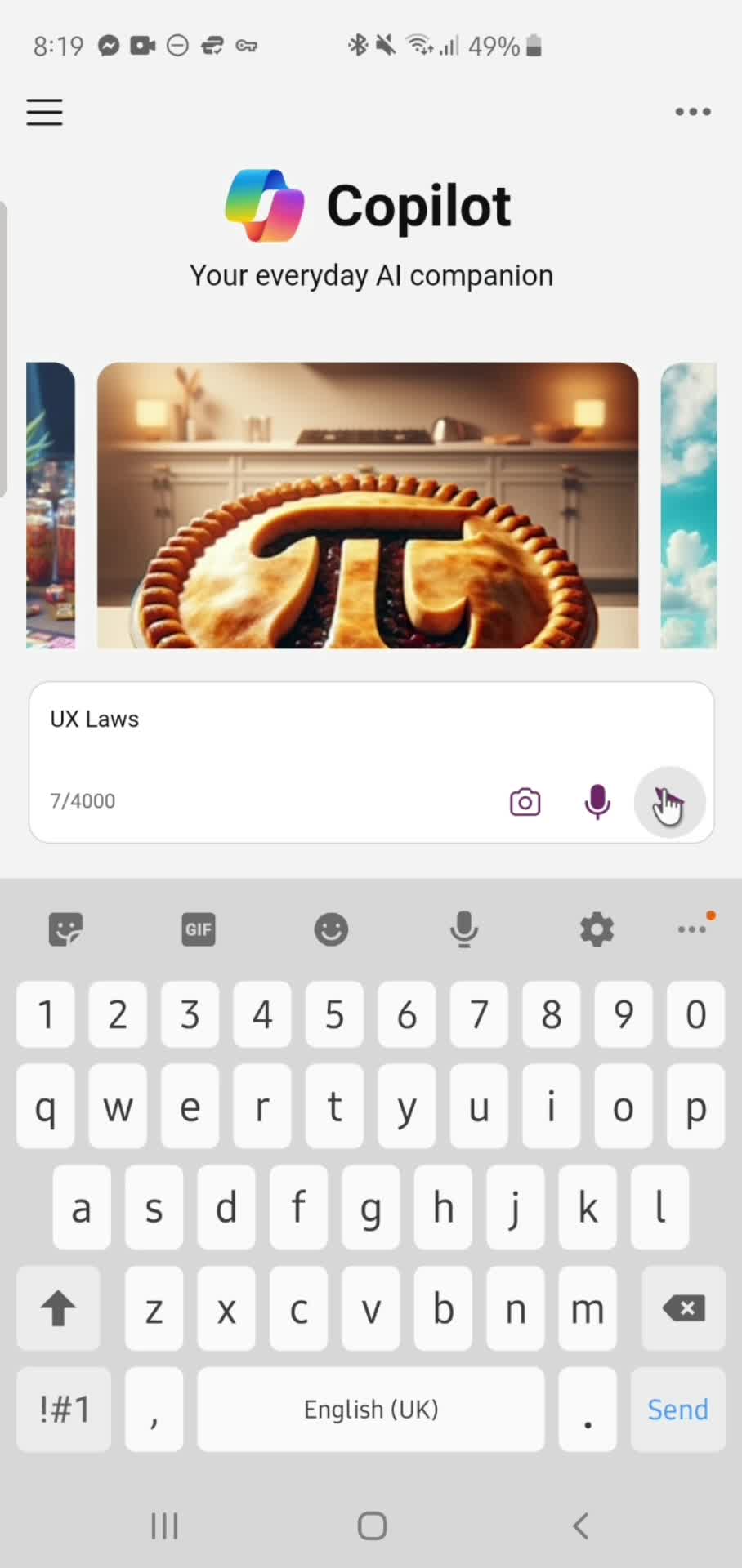
Submit
this is title
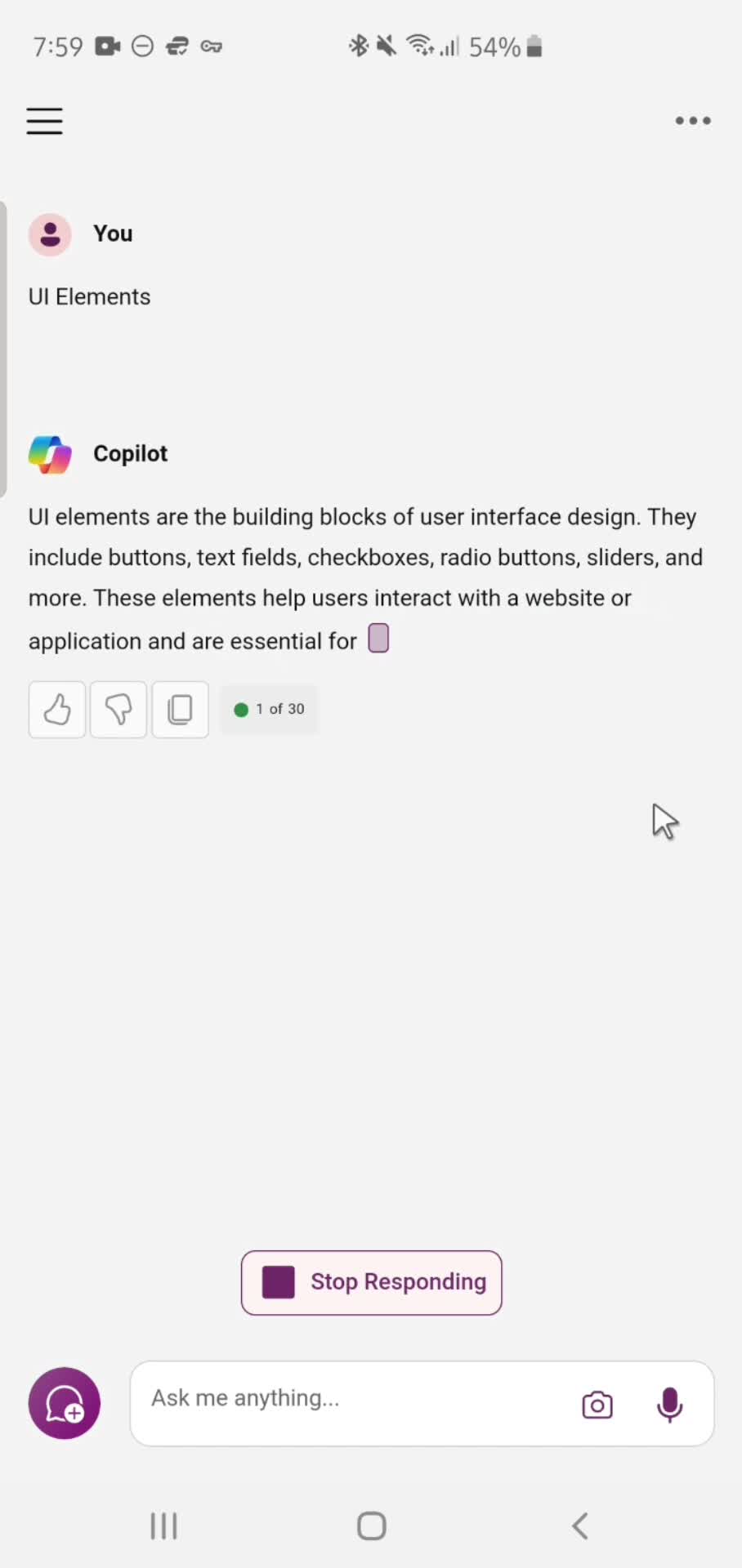
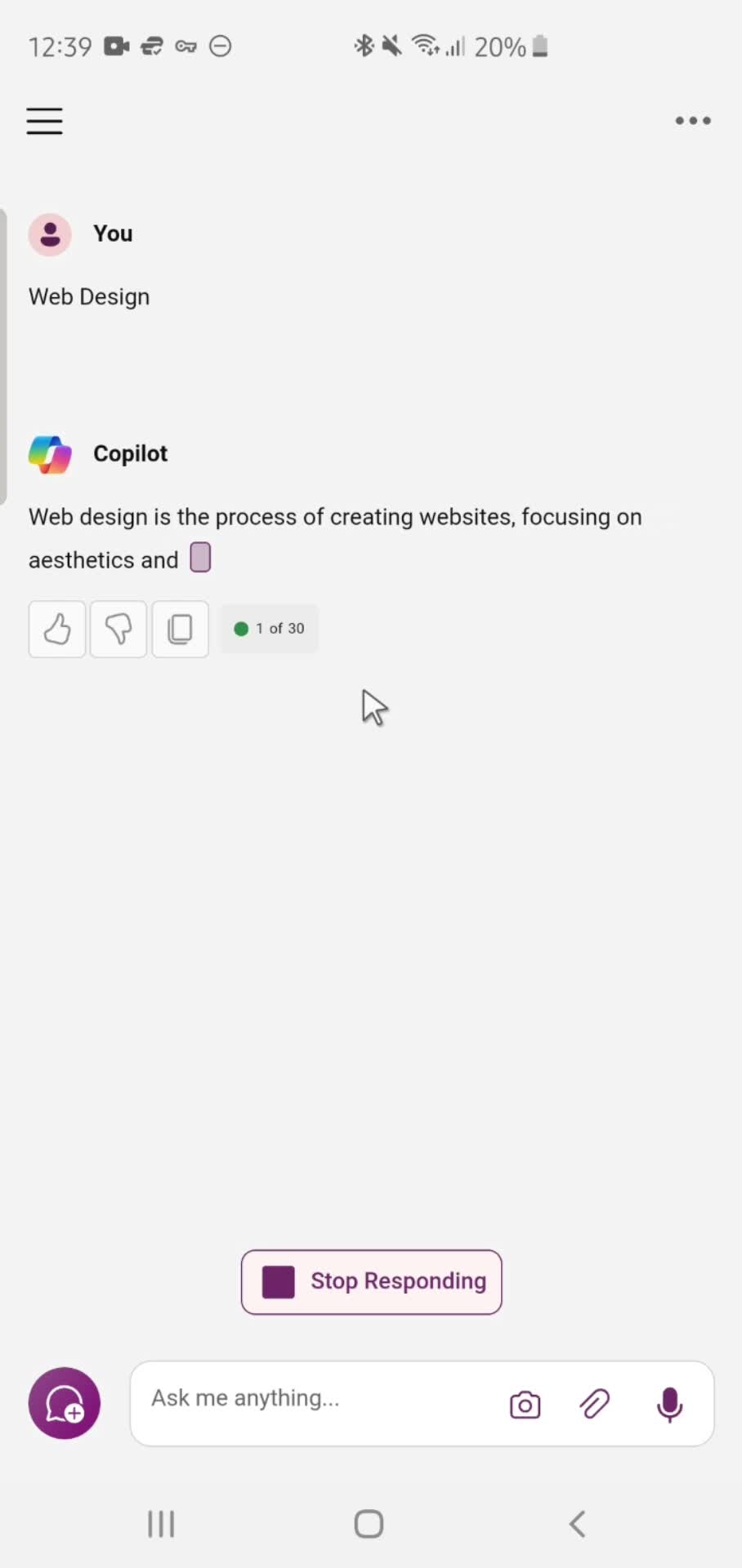
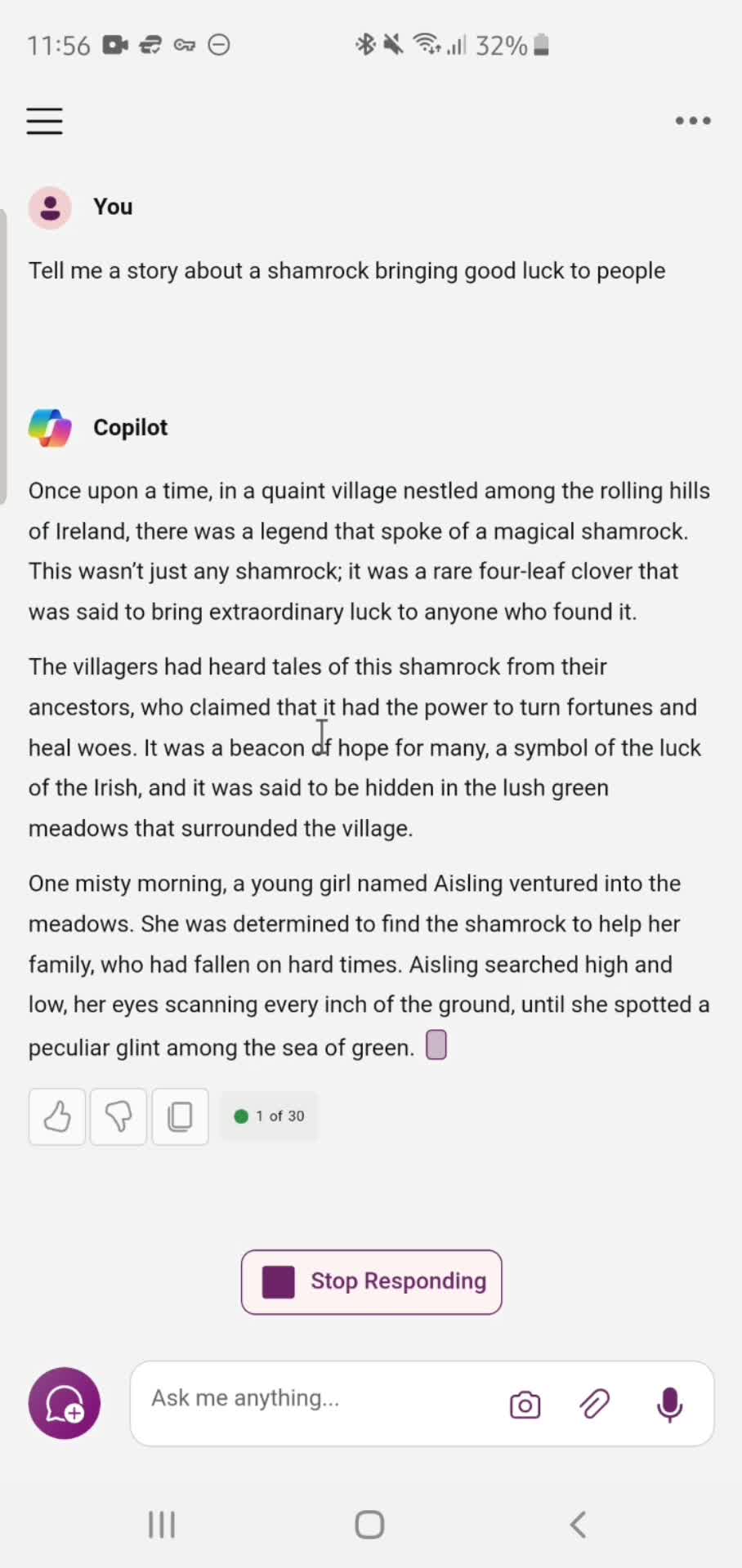
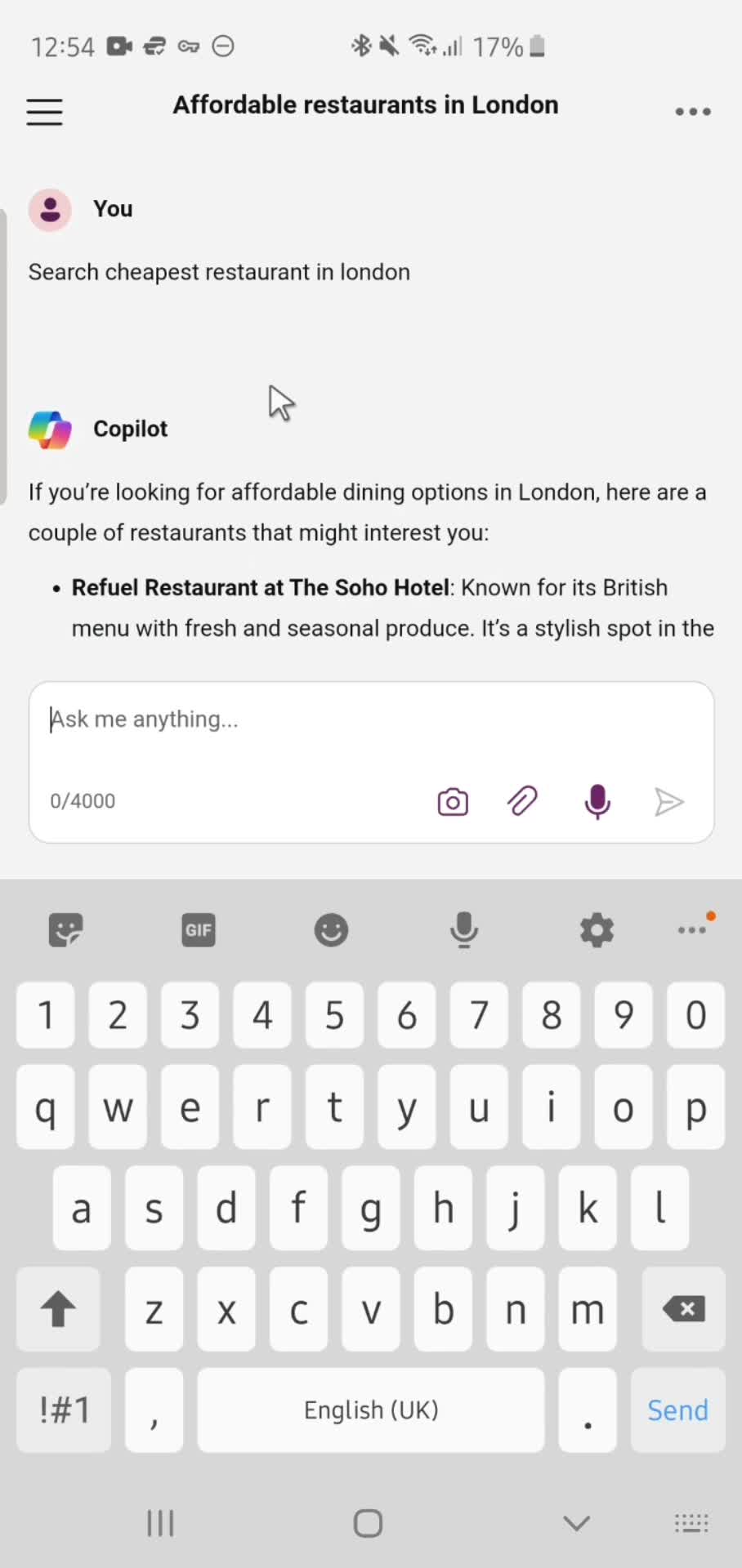
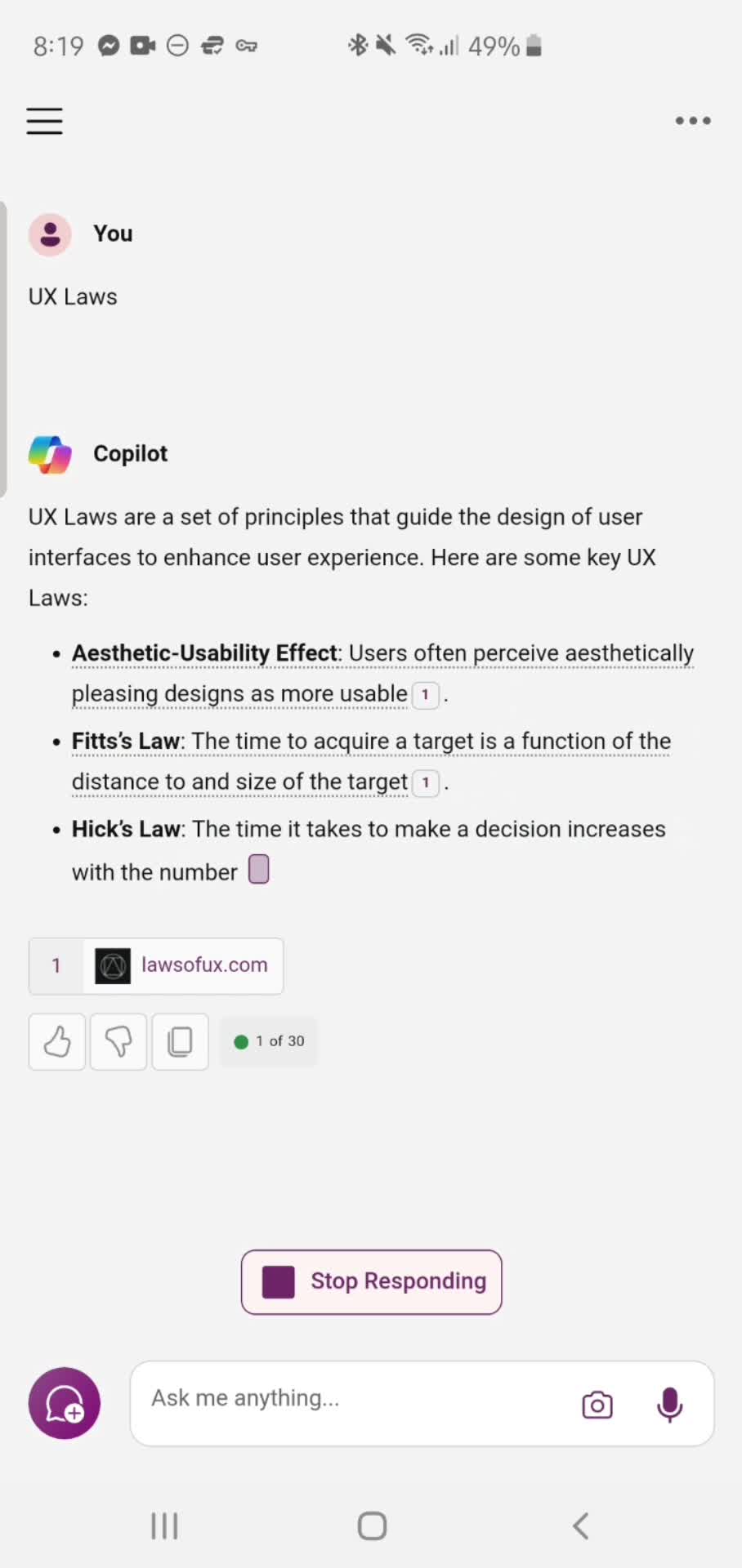
AI Generator
this is title
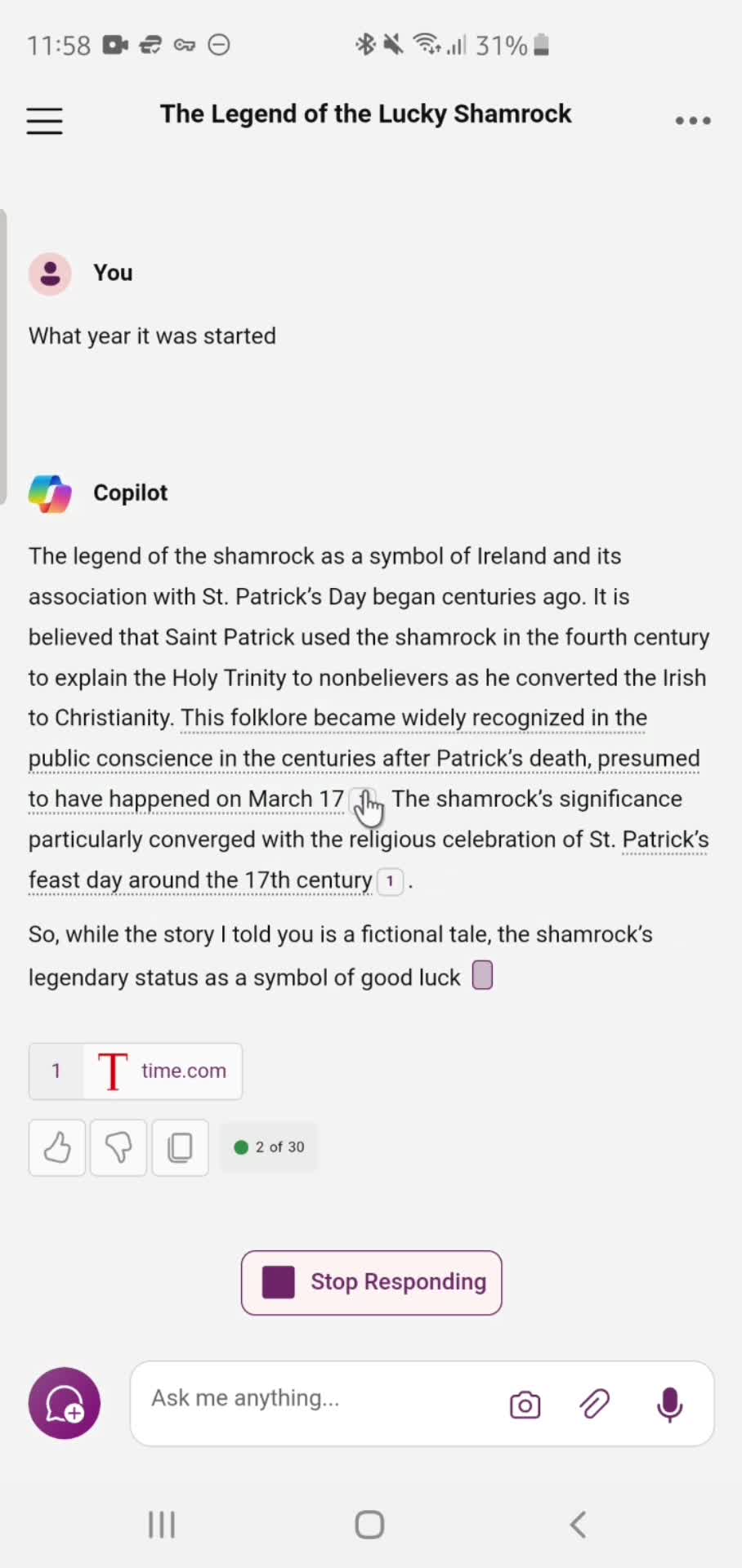
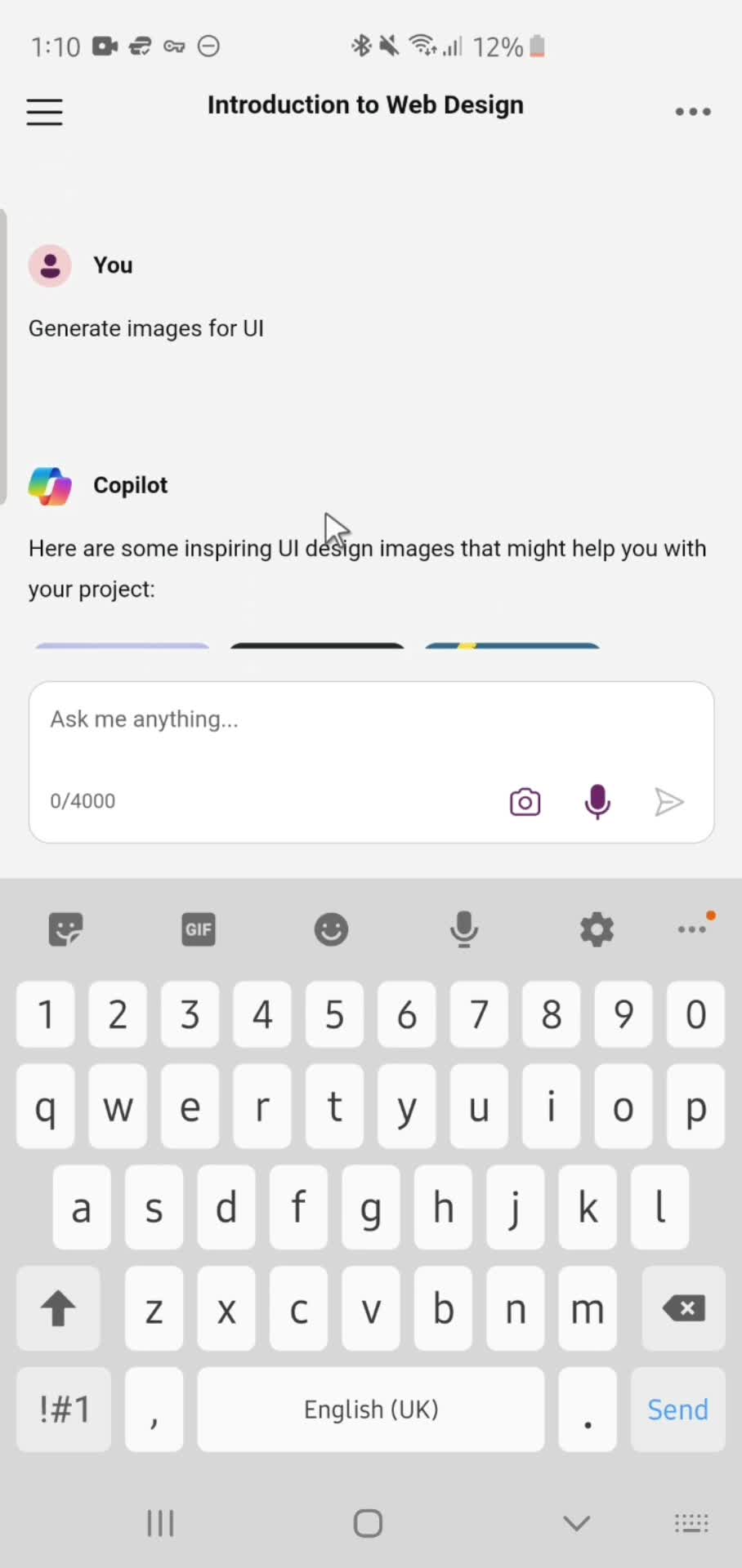
Response details
this is title
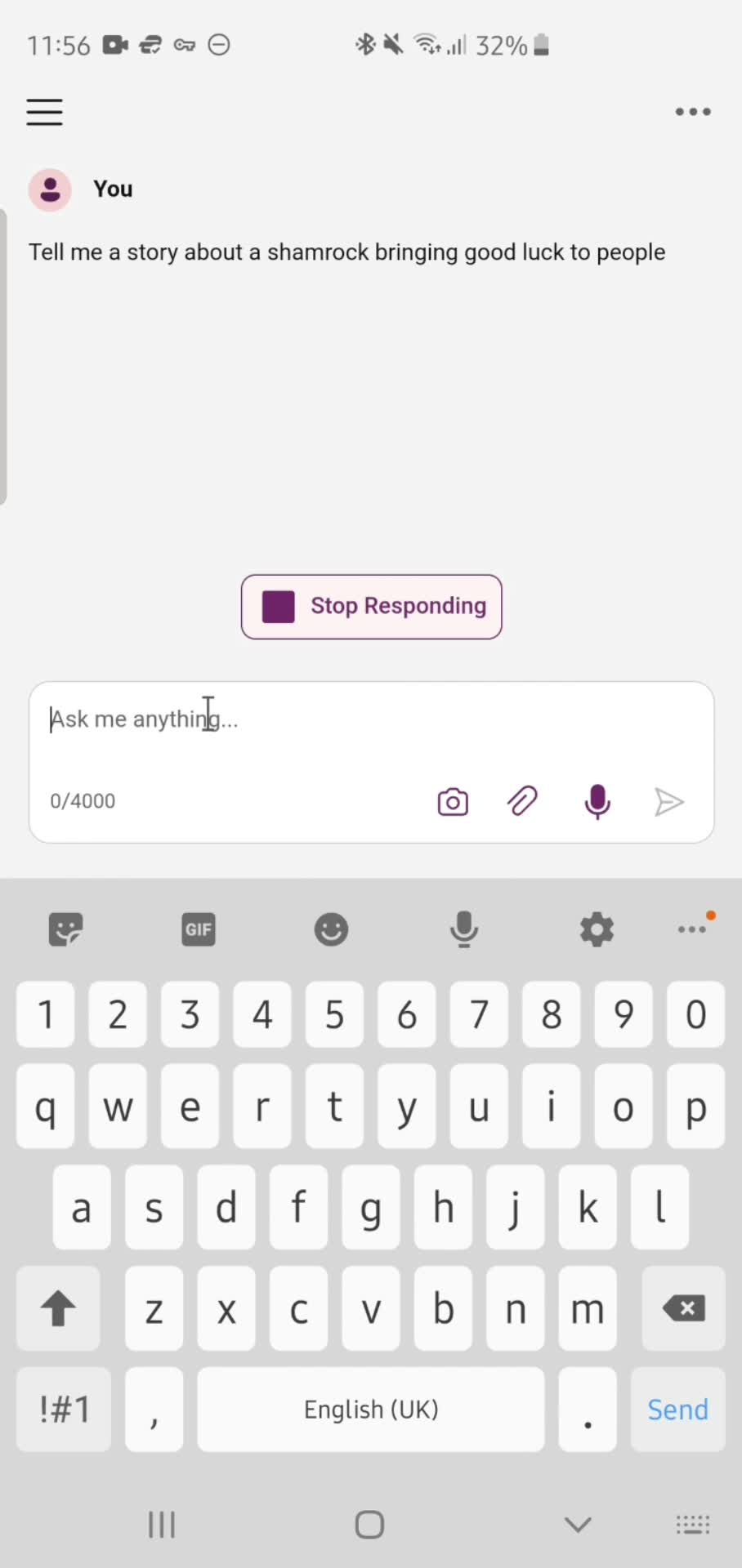
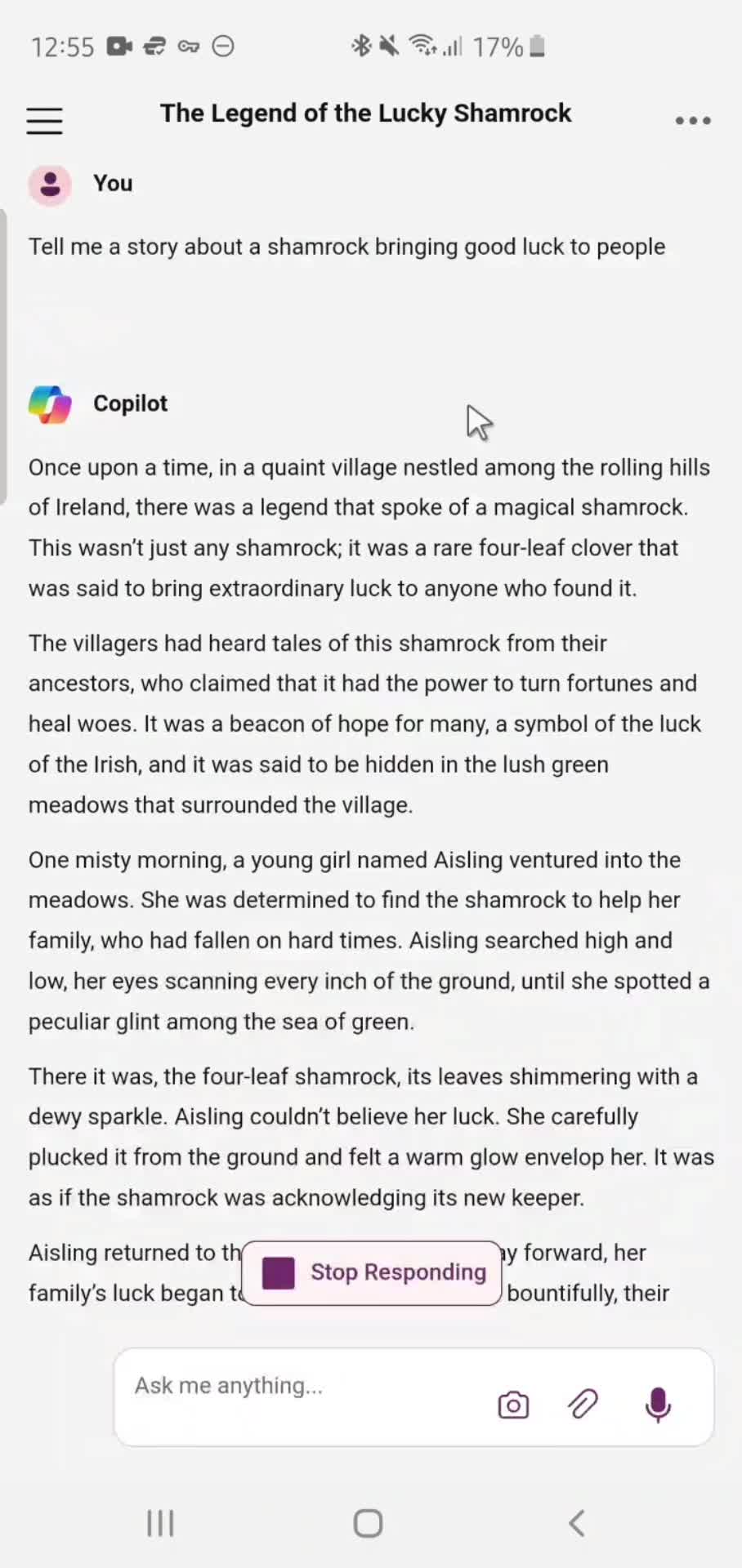
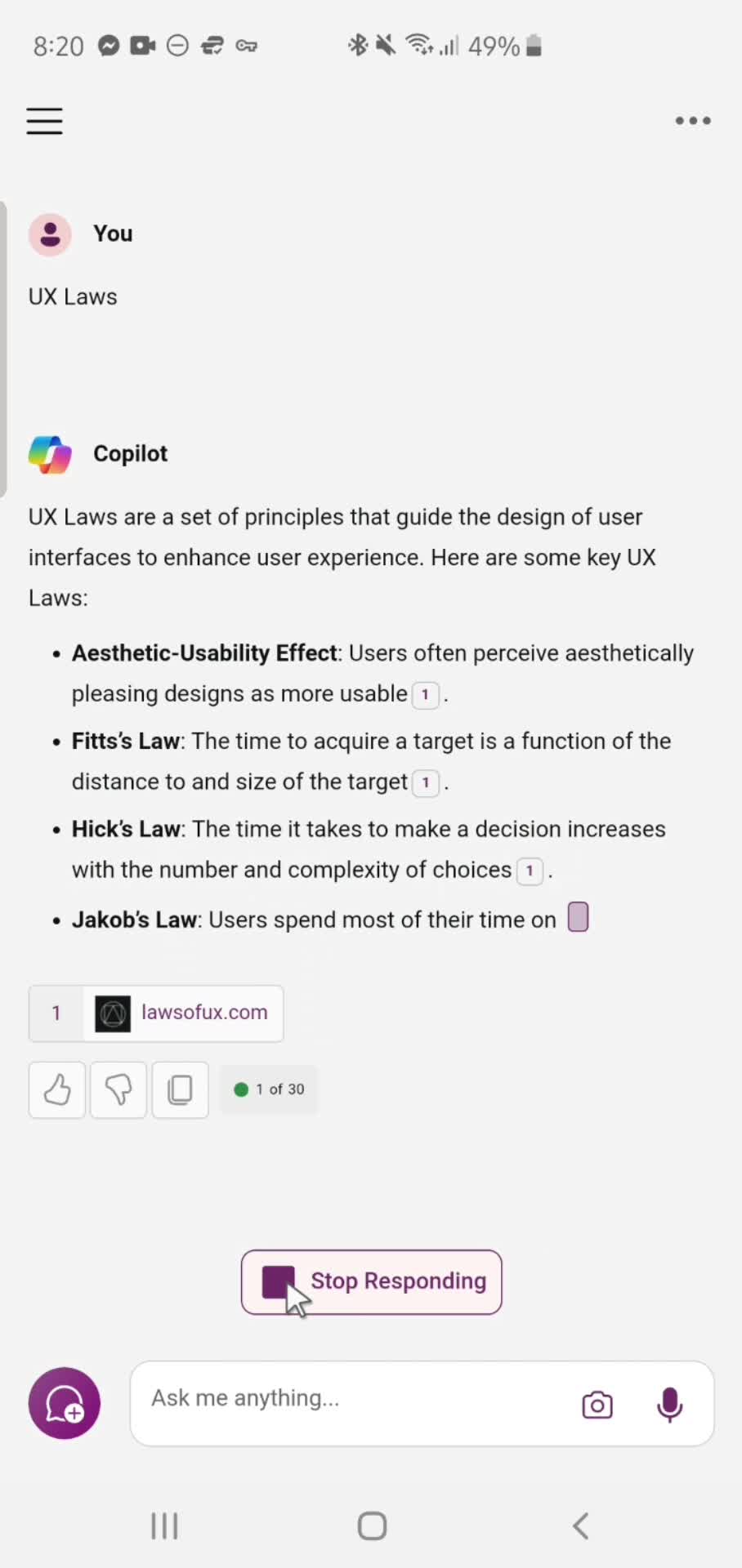
Stop response
this is title
Home
this is title
Upload image
this is title
Uploading
this is title
Add prompt
this is title
Submit
this is title
AI Generator
this is title
Stop response
this is title
Submit feedback
this is title
Feedback submitted
this is title
Home
this is title
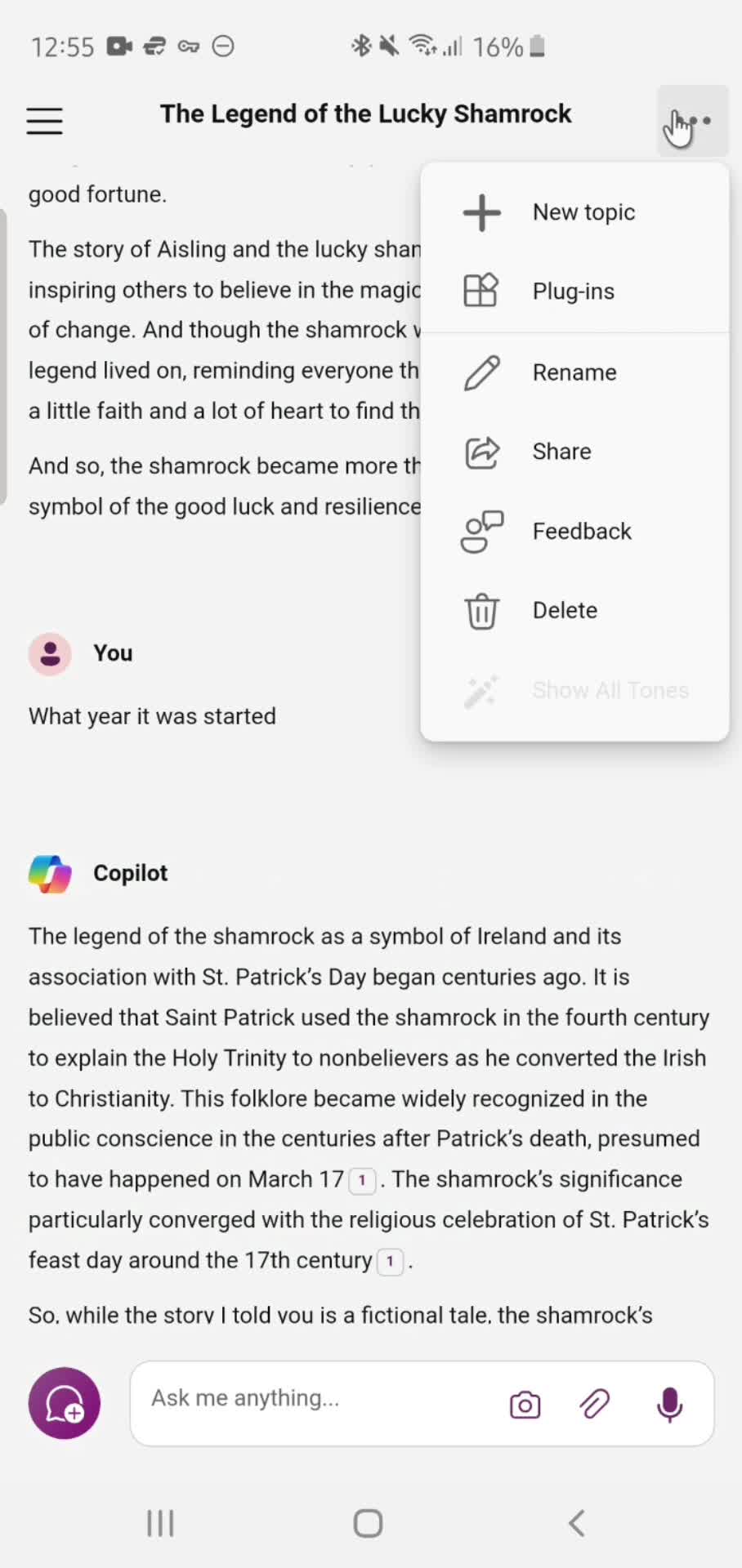
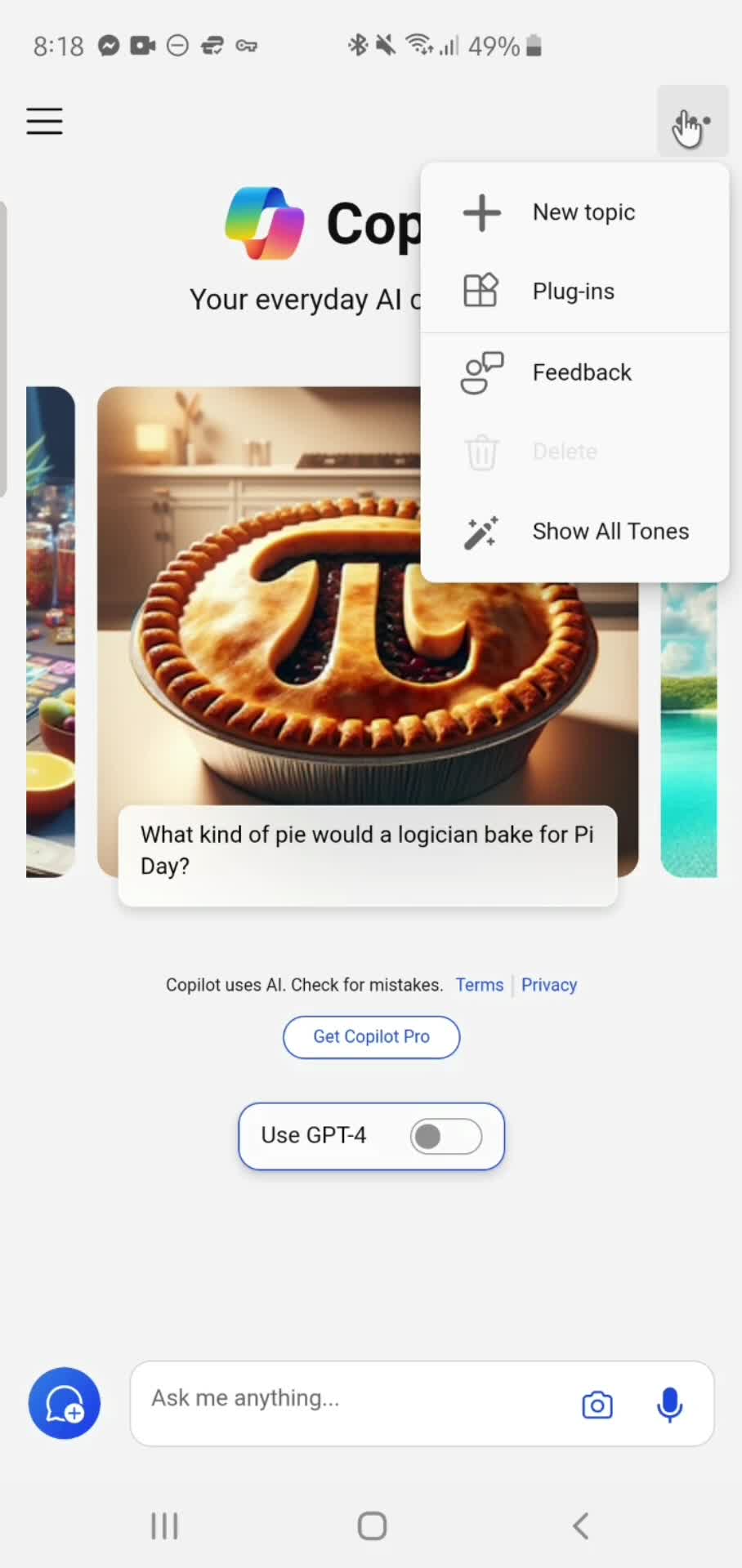
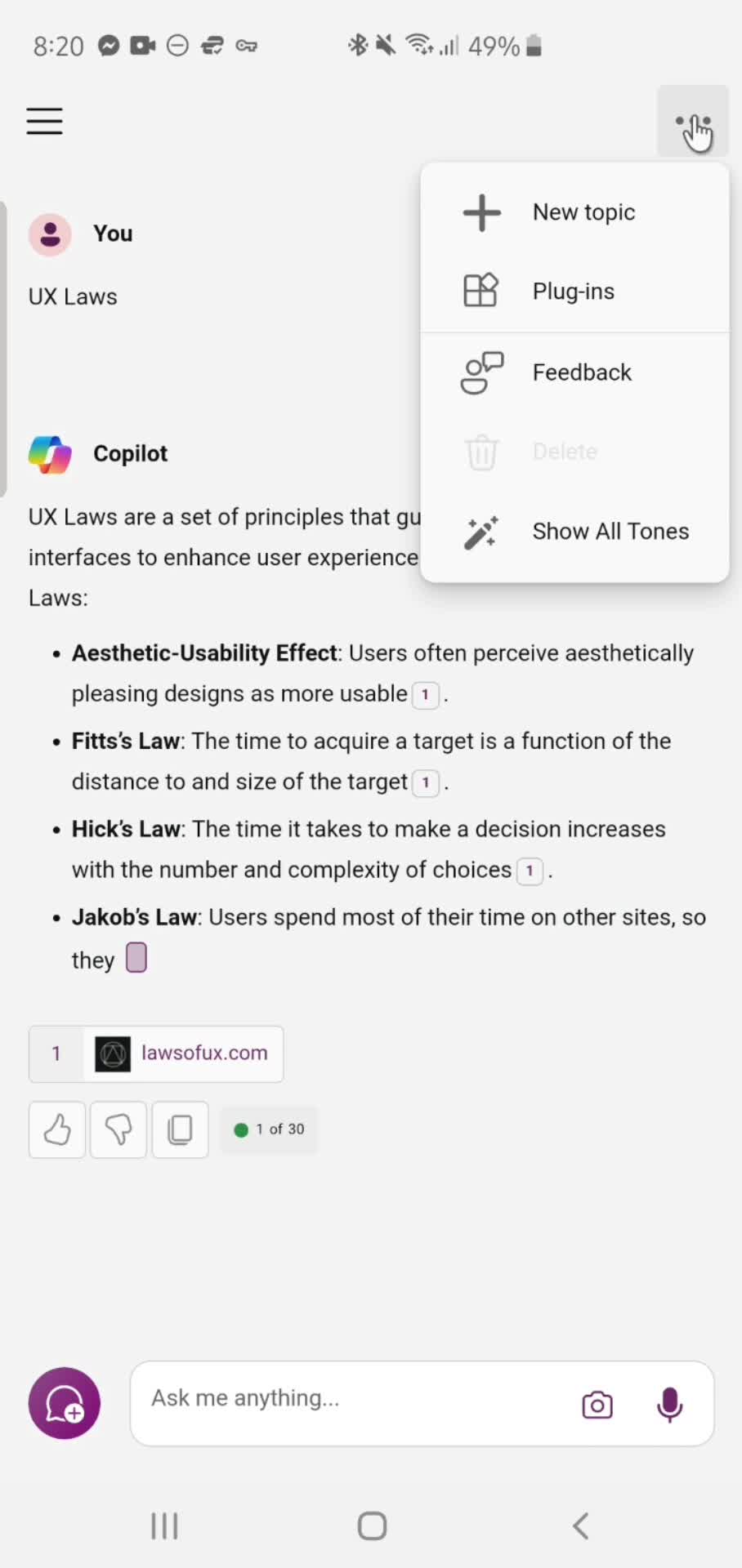
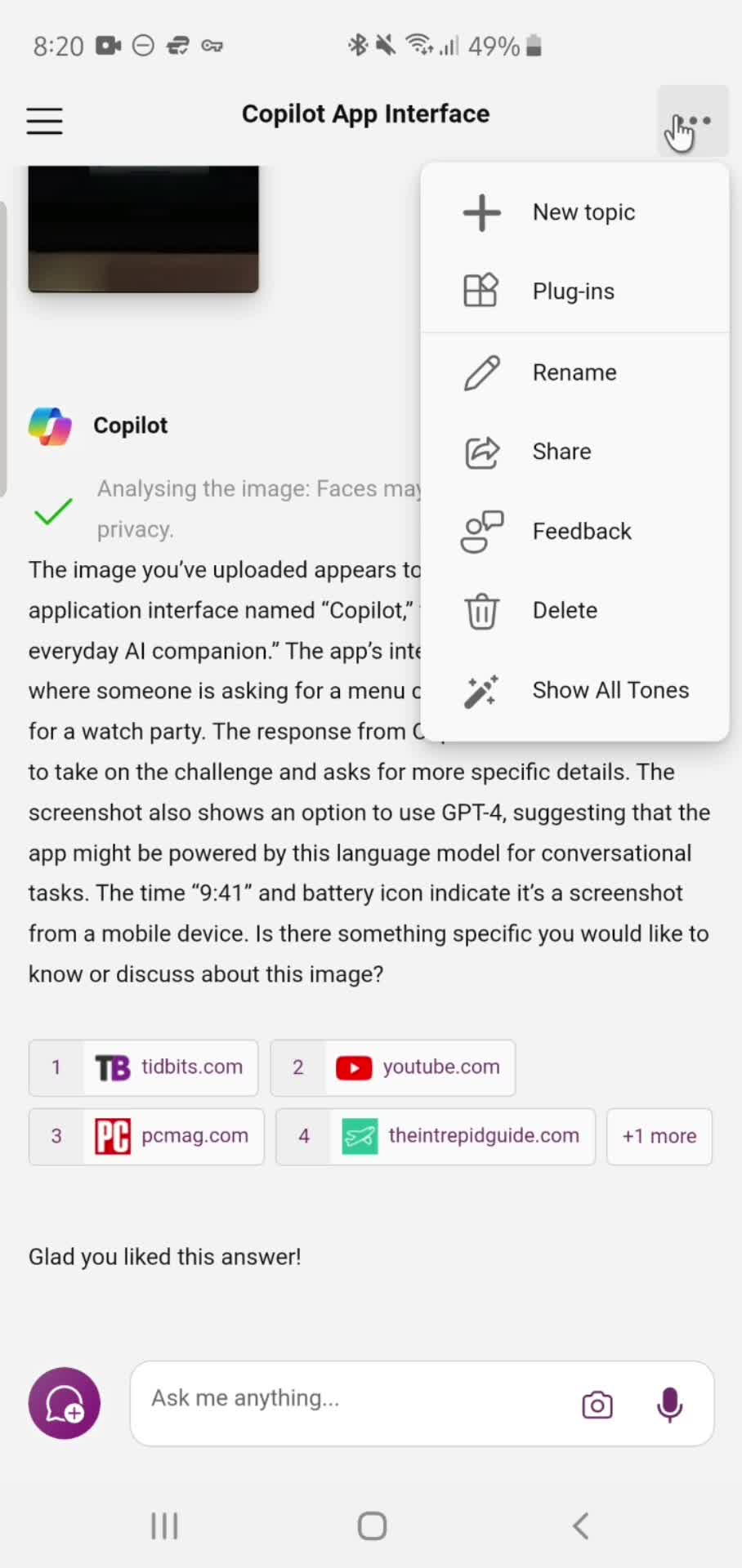
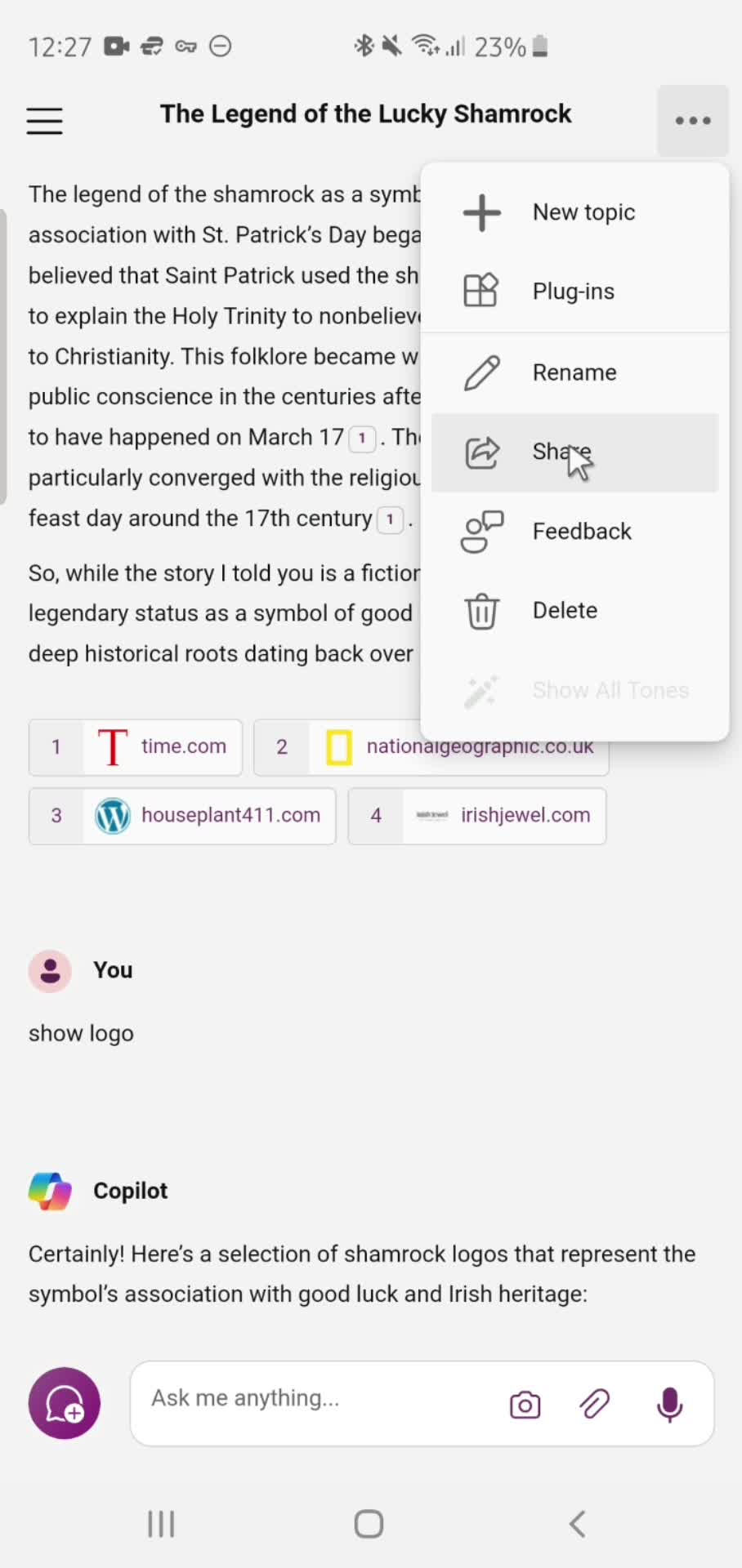
Action menu
this is title
Add prompt
this is title
Submit
this is title
AI Generator
this is title
Stop response
this is title
Add prompt
this is title
Submit
this is title
AI Generator
this is title
Stop response
this is title
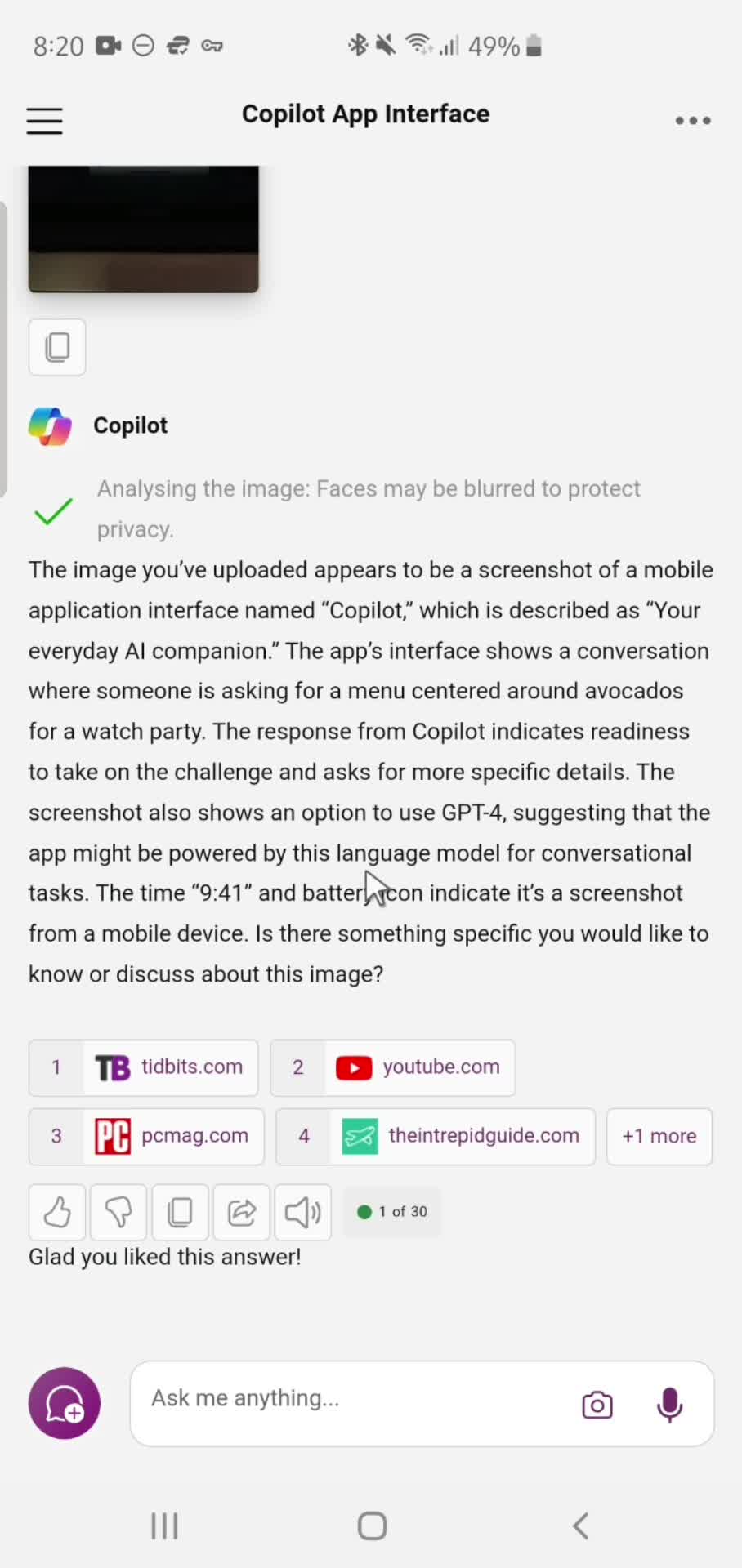
Response details
this is title
Submit feedback
this is title
Feedback submitted
this is title
Action menu
this is title
Home
this is title
Home
this is title
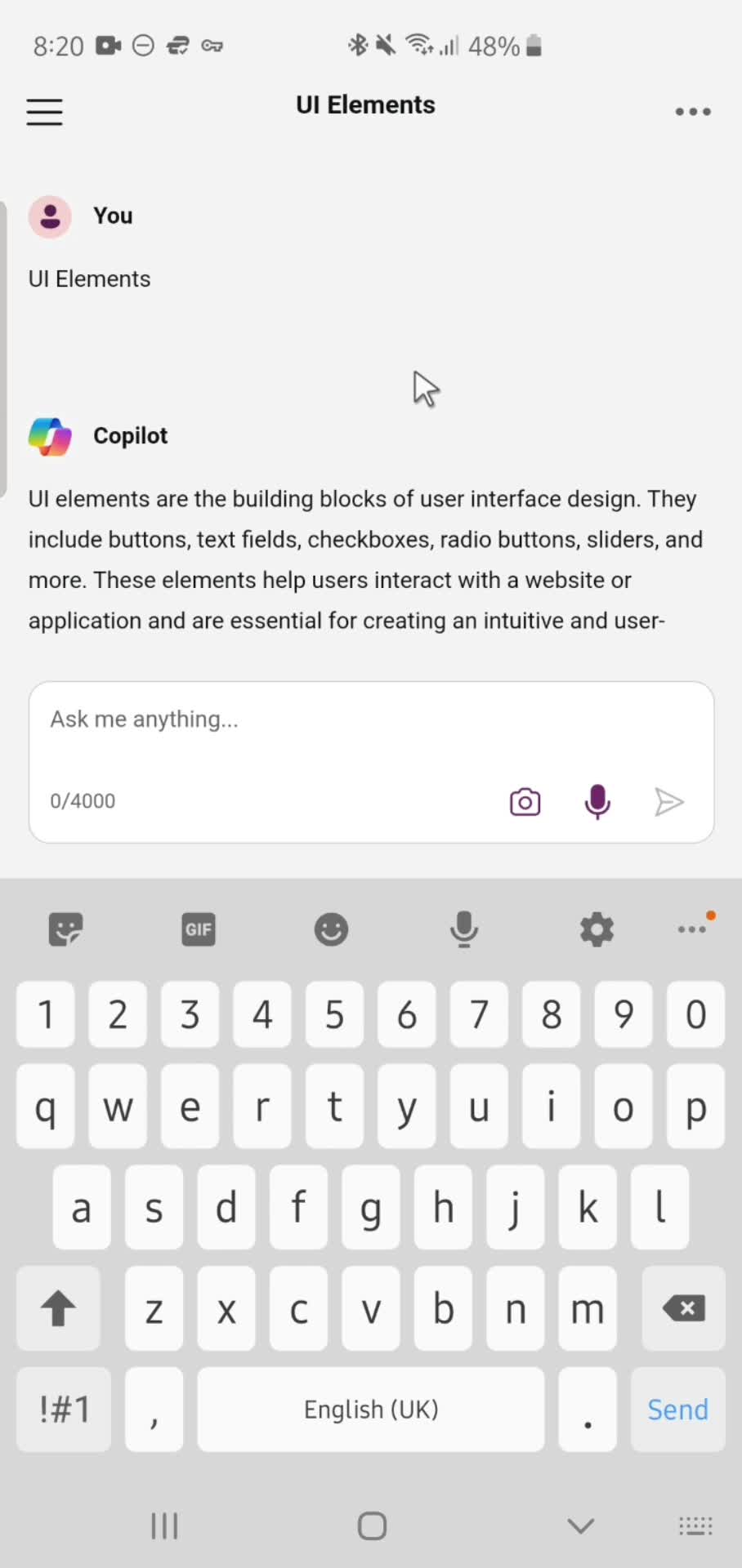
AI Generator
this is title
Add prompt
this is title
Response details
this is title
Add prompt
this is title
Response details
this is title
Add prompt
this is title
Response details
this is title
Stop response
this is title
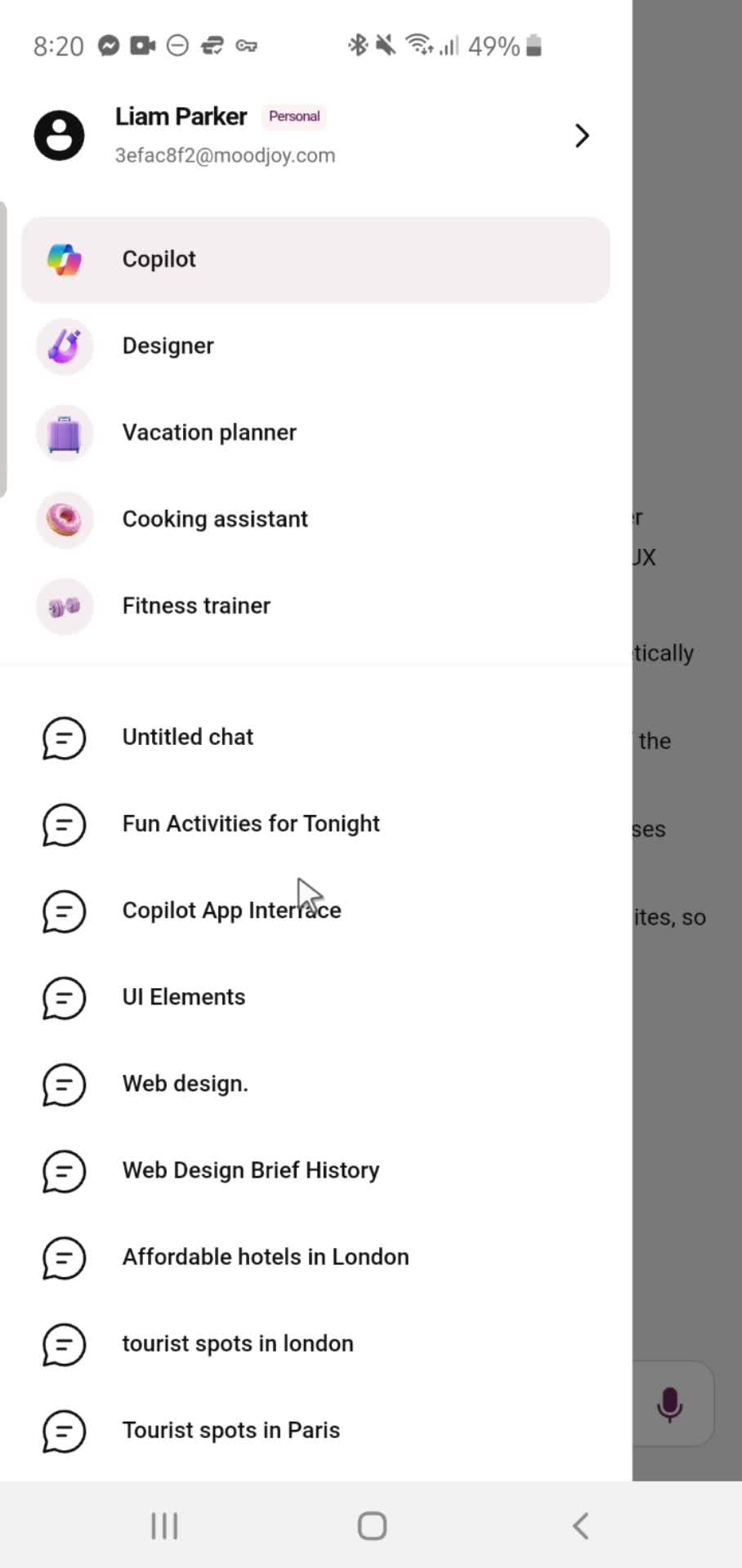
Account menu
this is title
Home
this is title
Home
this is title
Account menu
this is title
AI Generator
this is title
Action menu
this is title
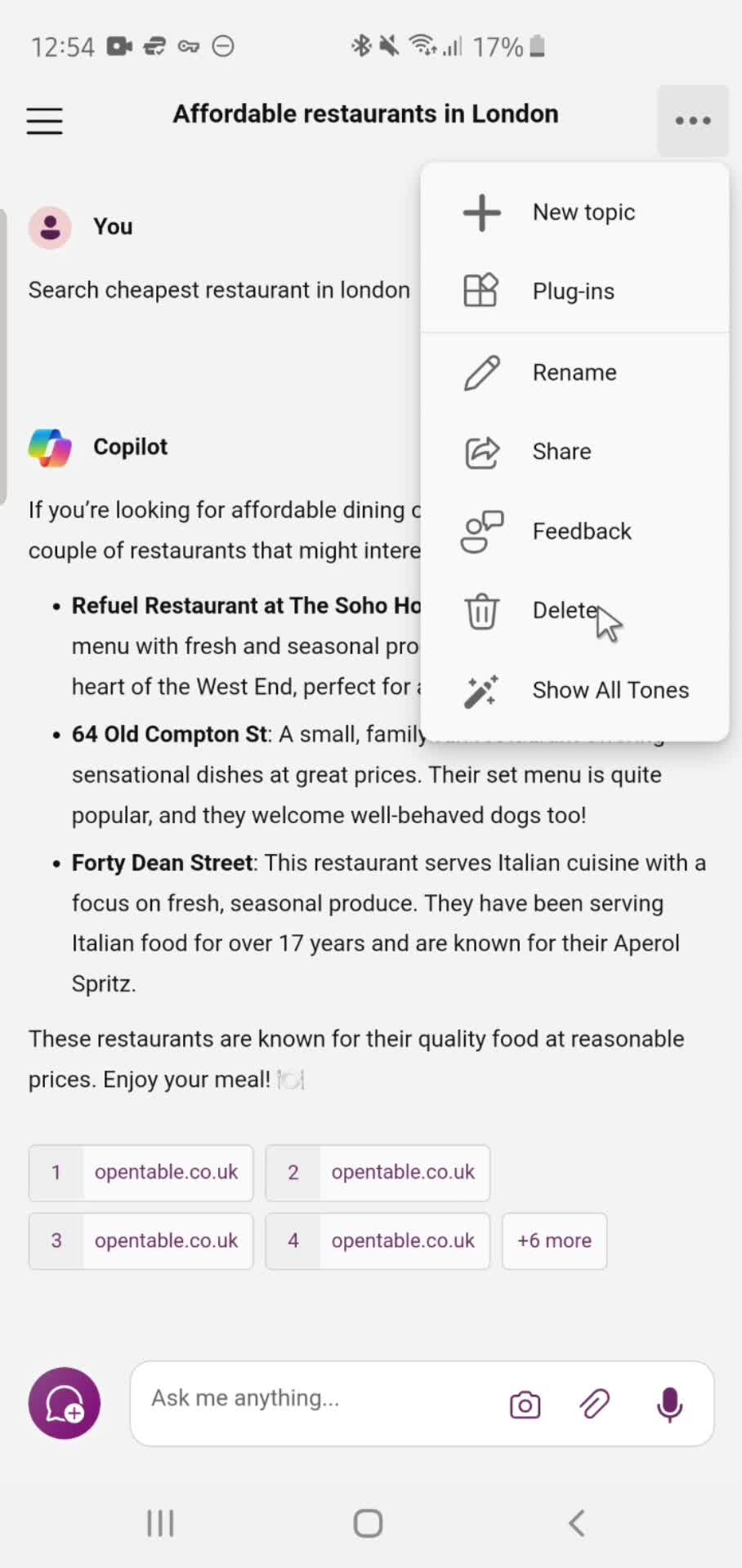
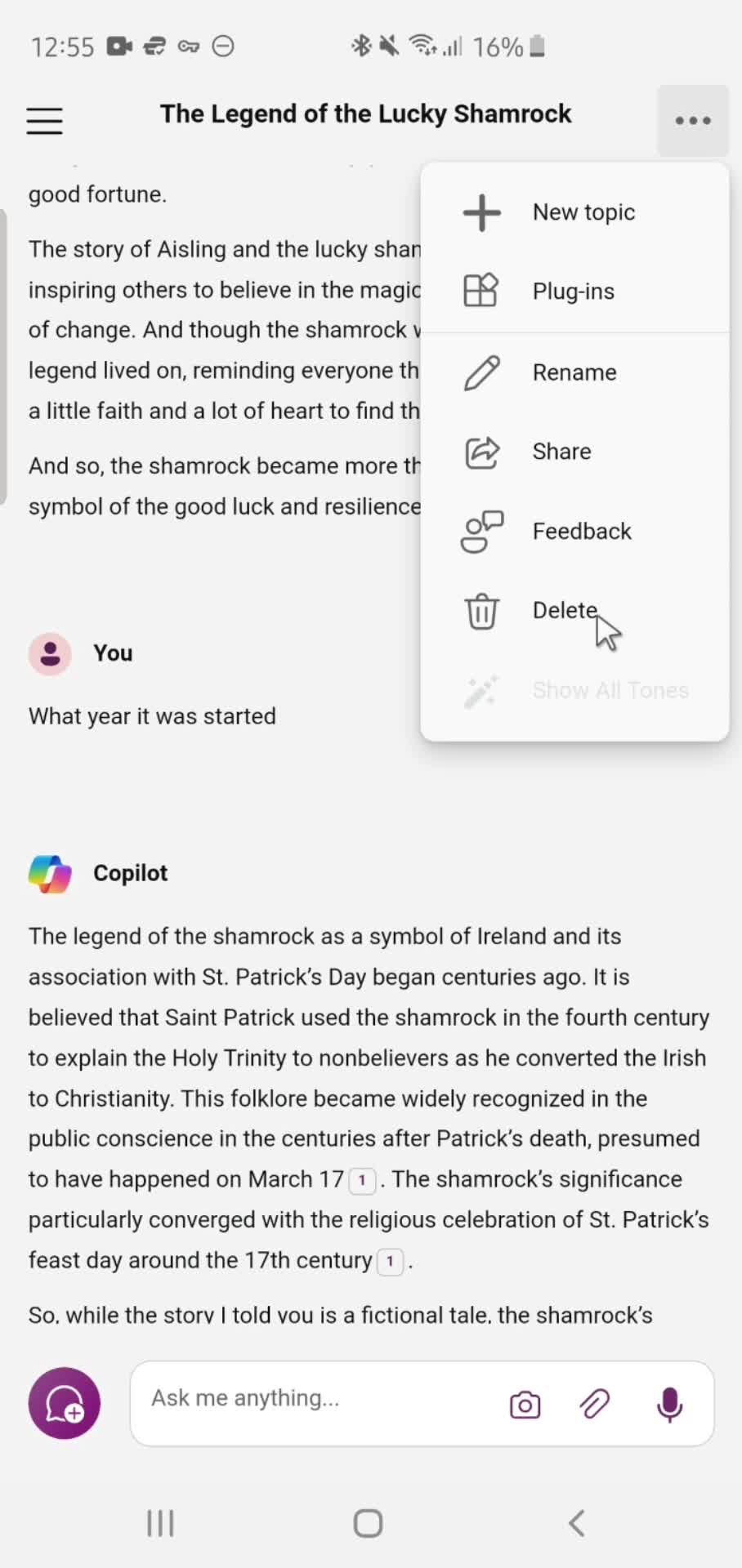
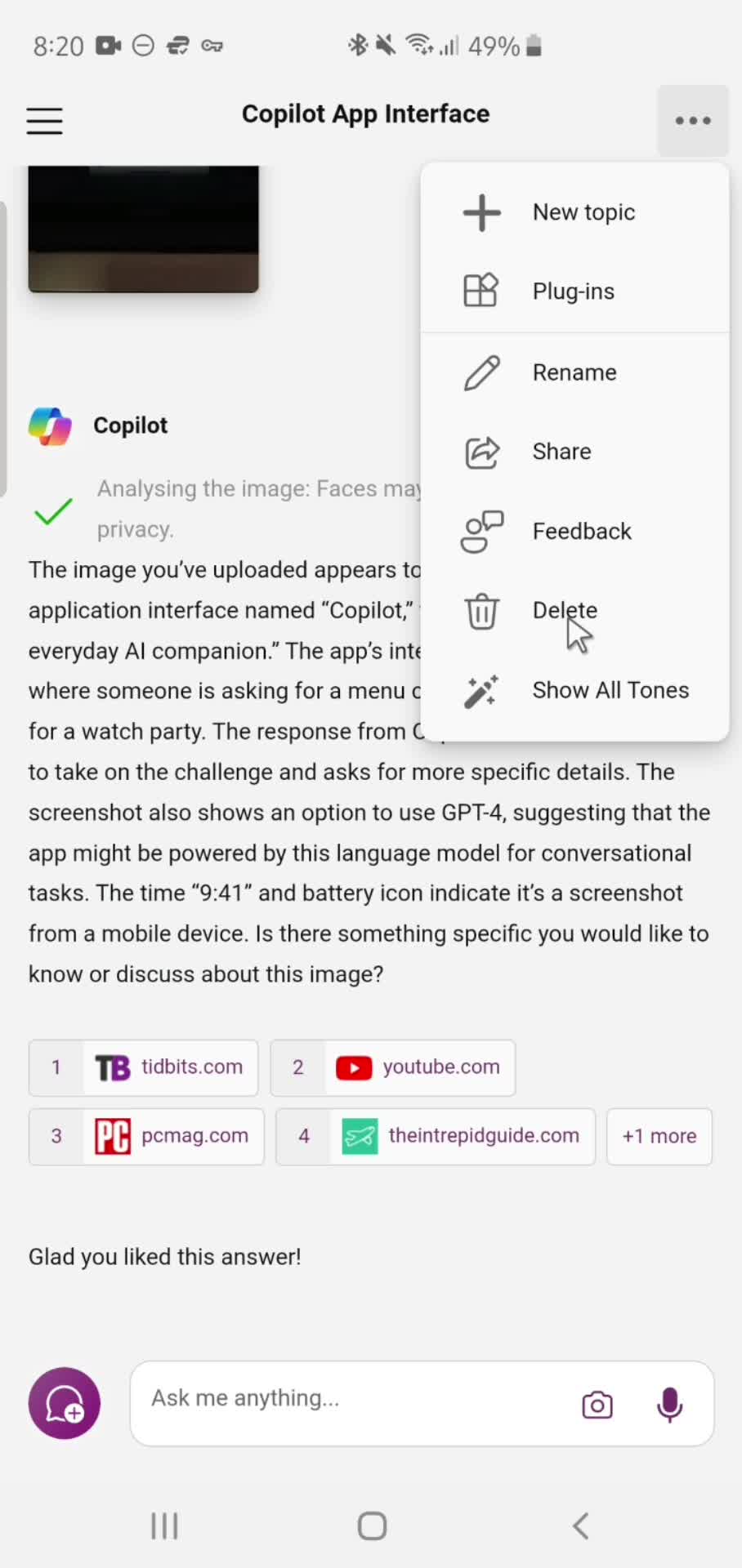
Delete
this is title
Home
this is title
Account menu
this is title
AI Generator
this is title
Response details
this is title
Action menu
this is title
Delete
this is title
Home
this is title
Home
this is title
Account menu
this is title
Settings
this is title
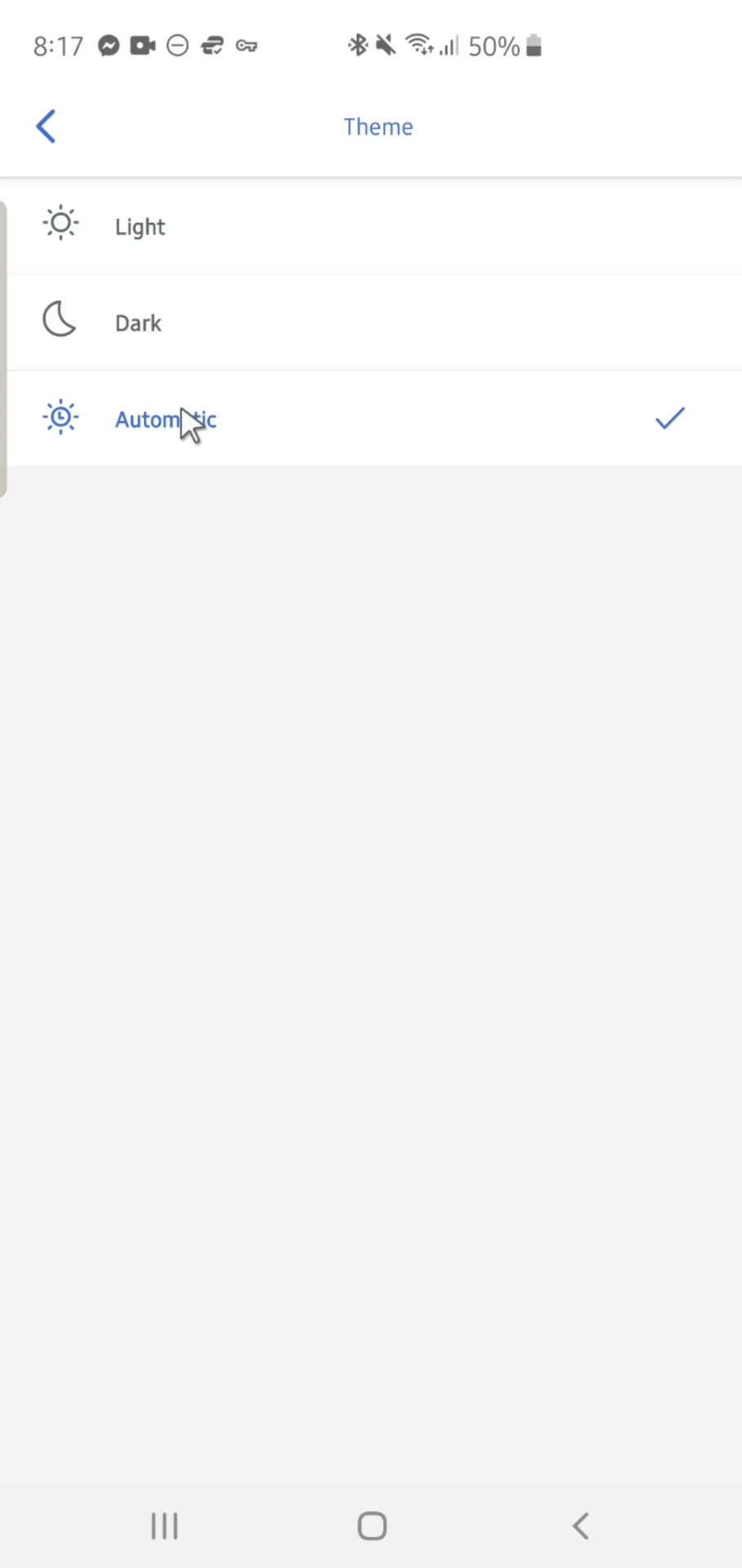
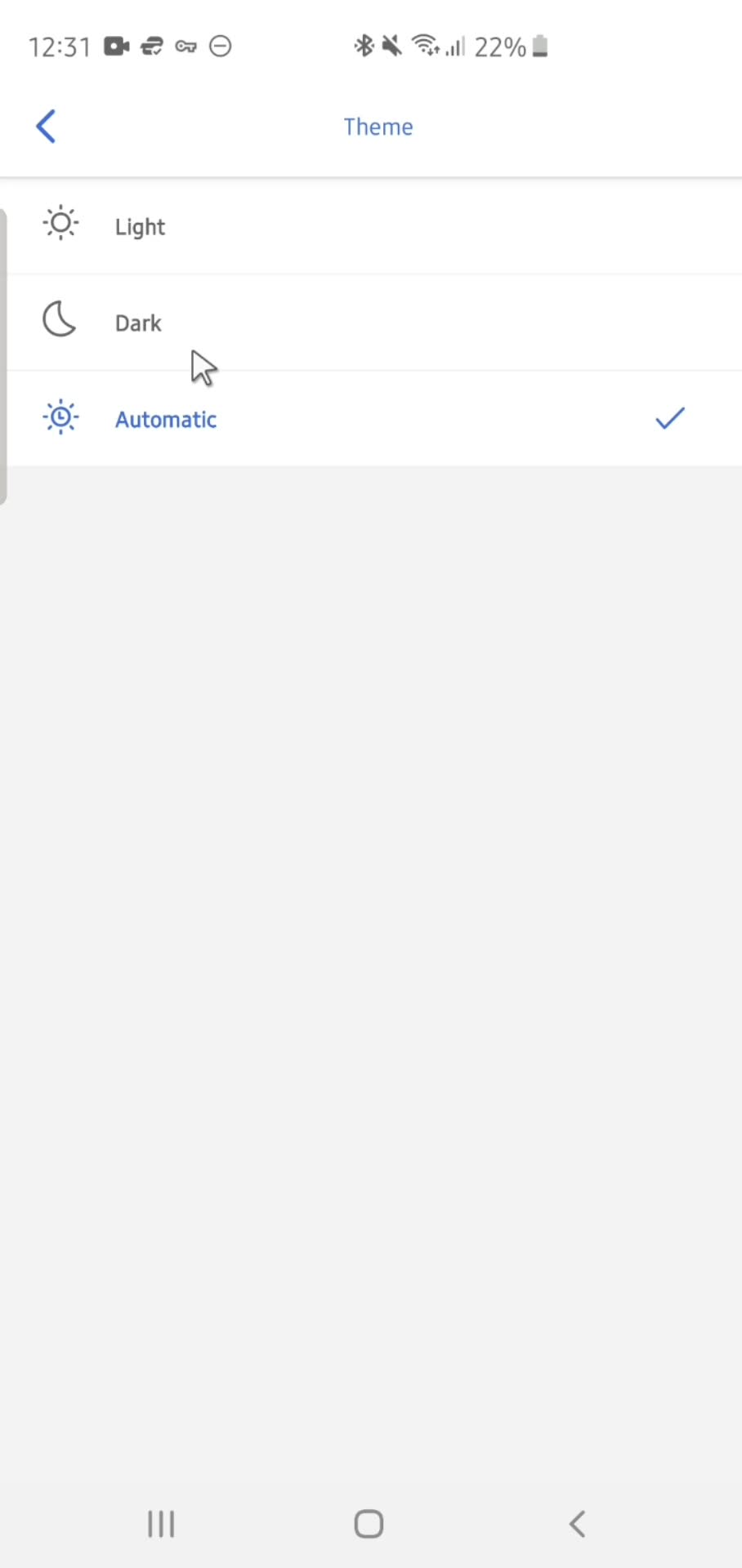
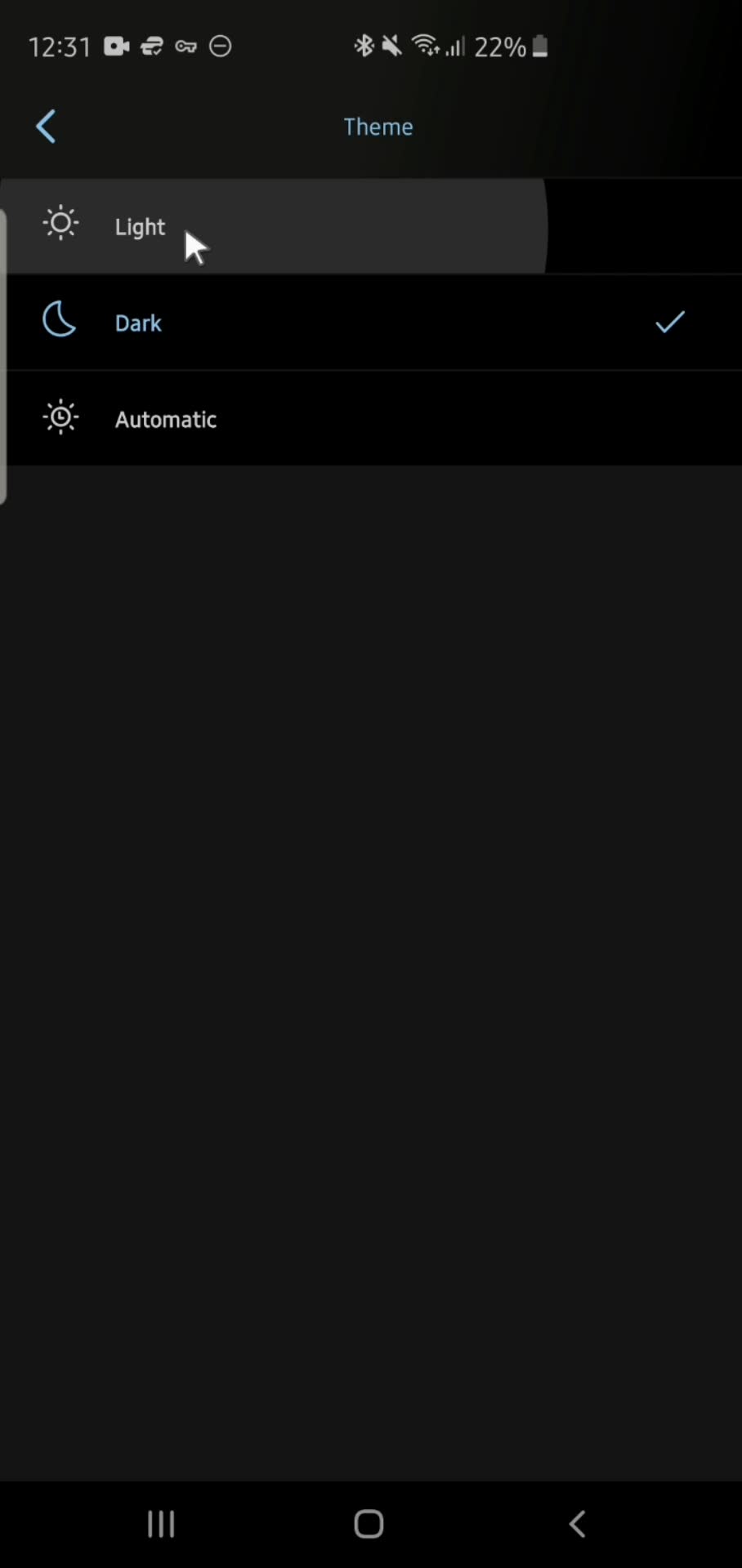
Select theme
this is title
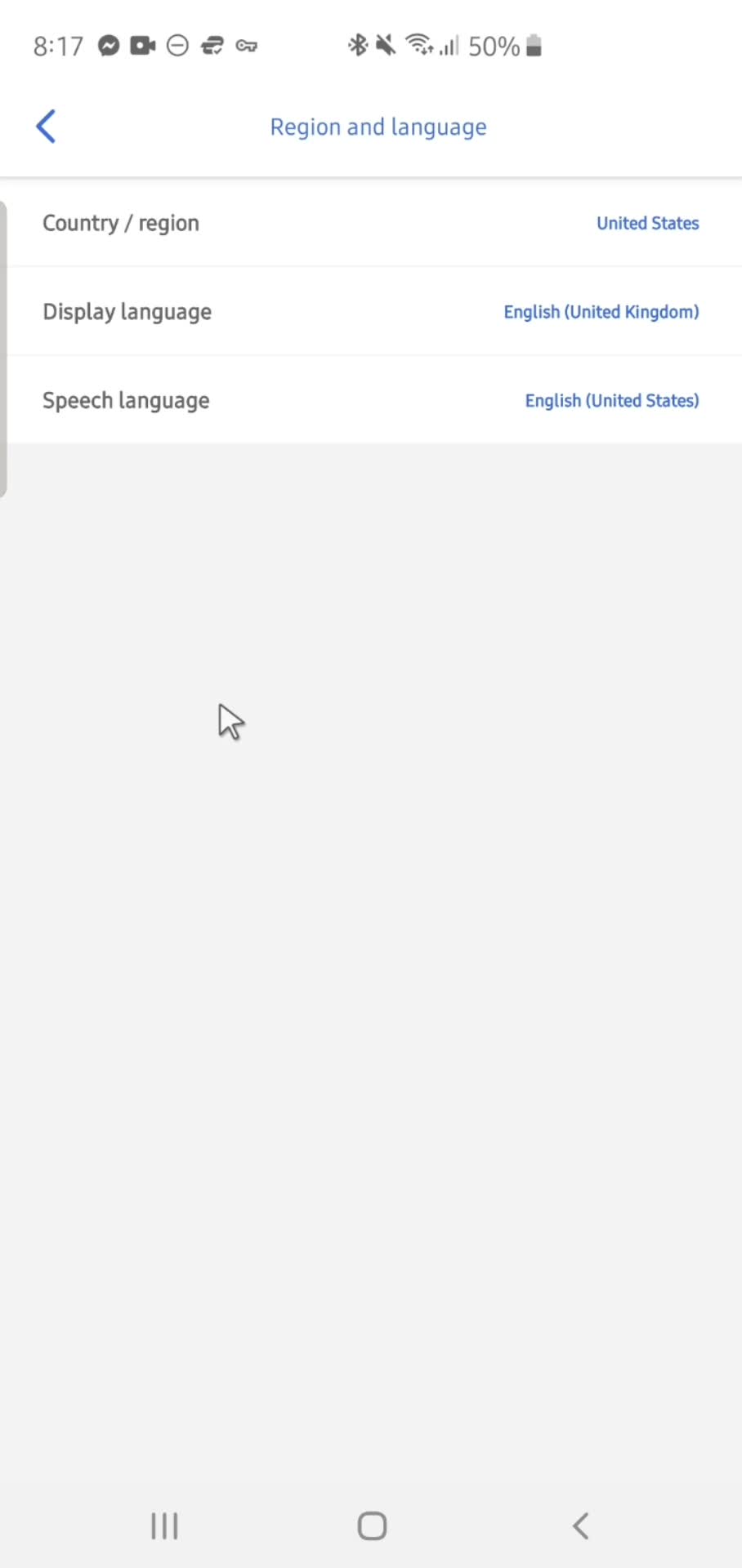
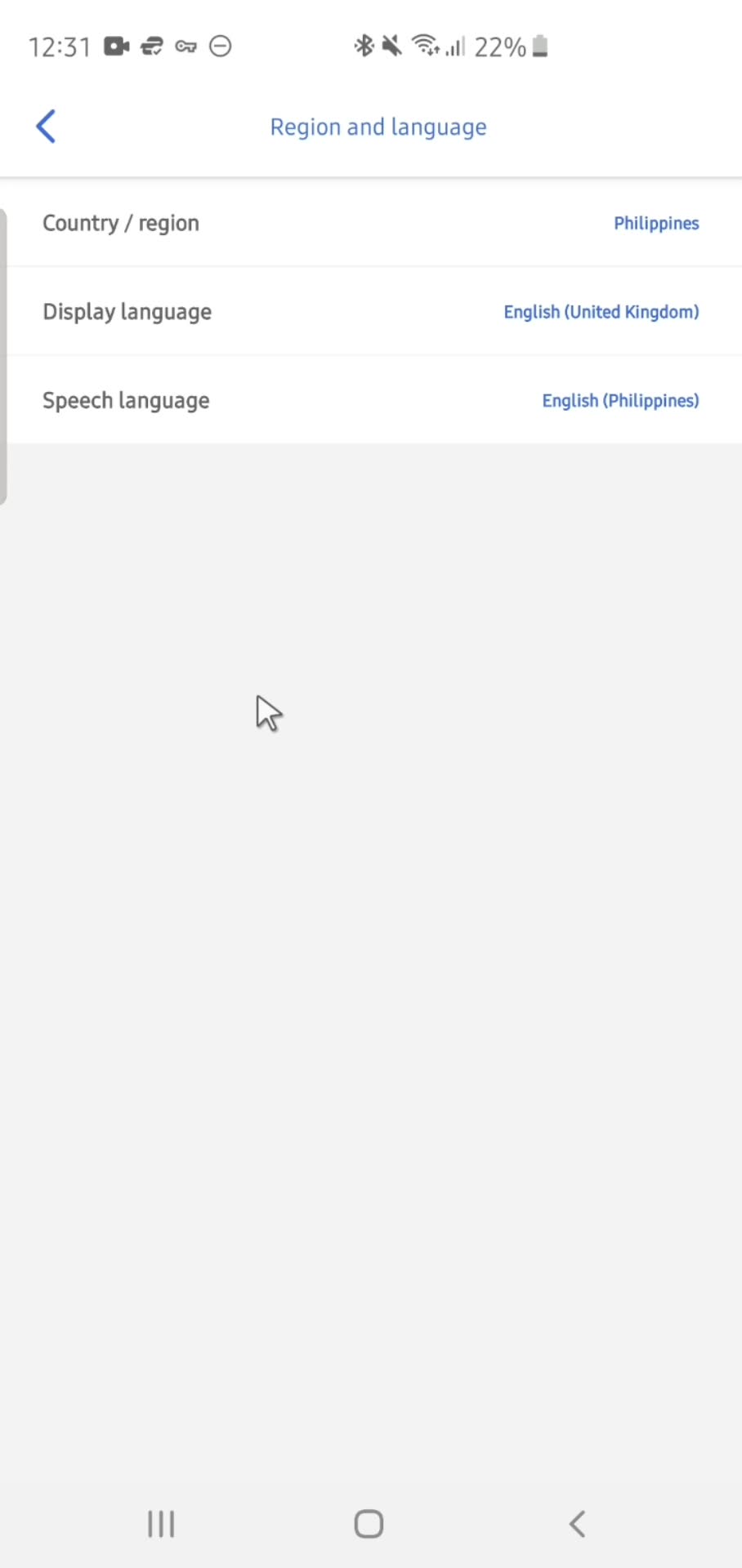
Language & region
this is title
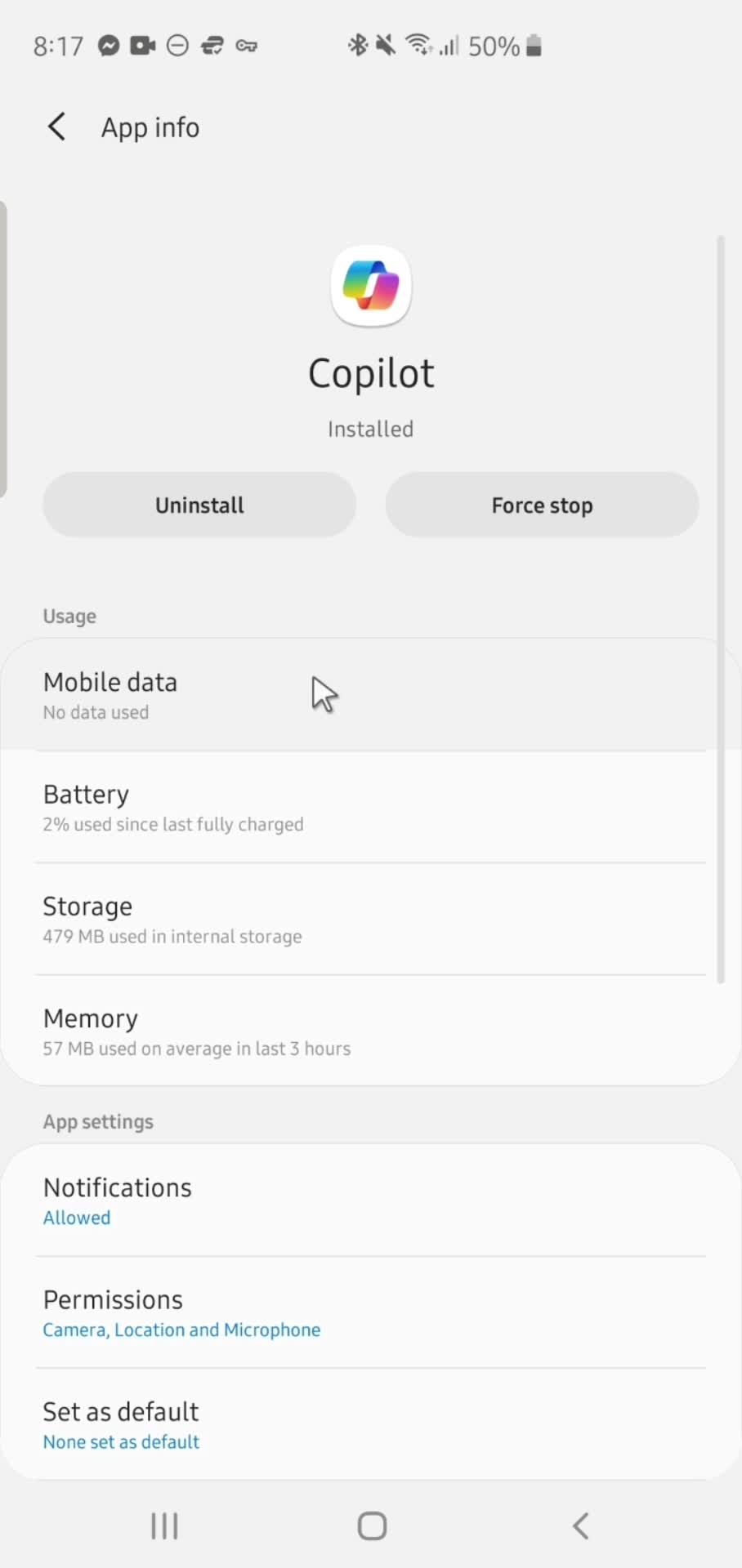
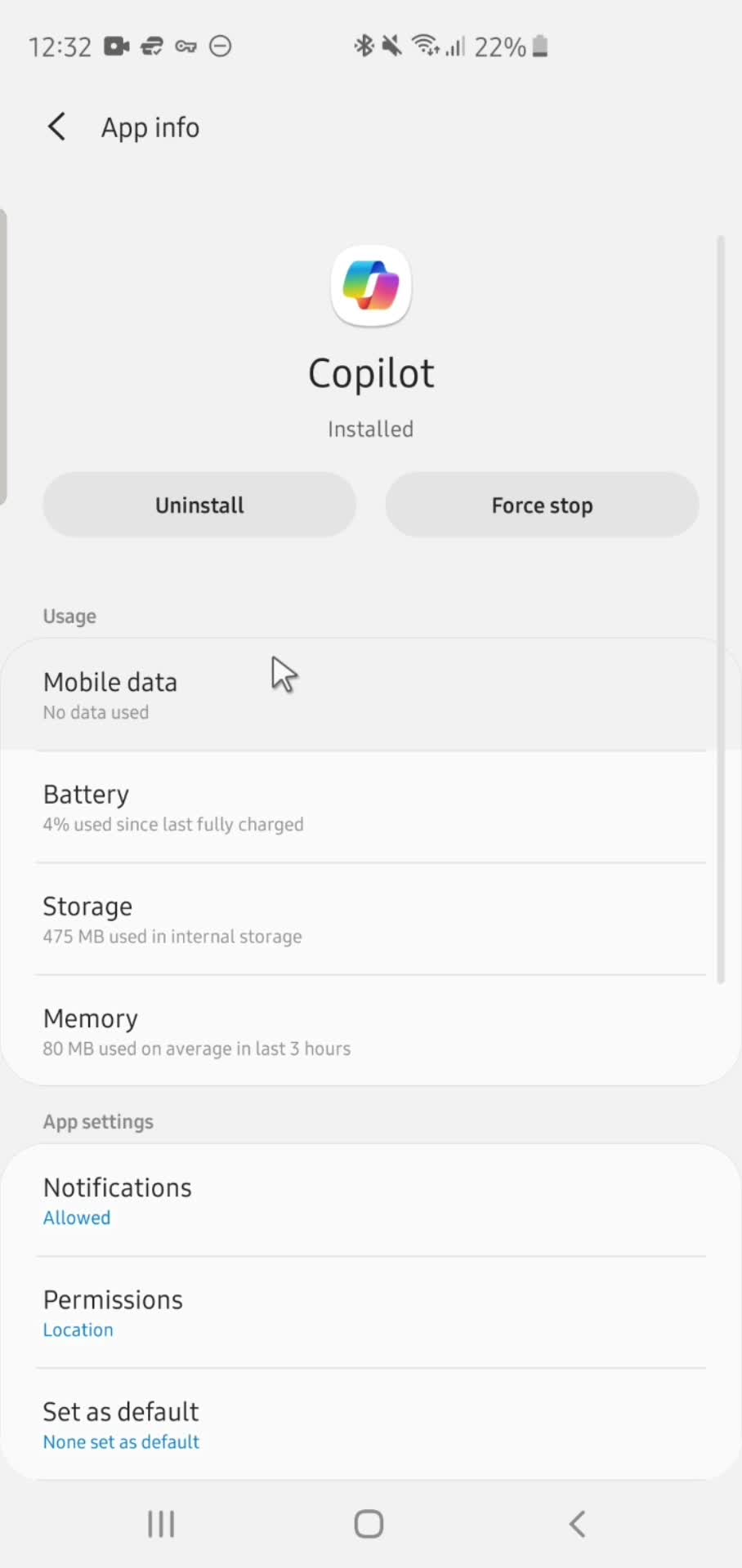
App info
this is title
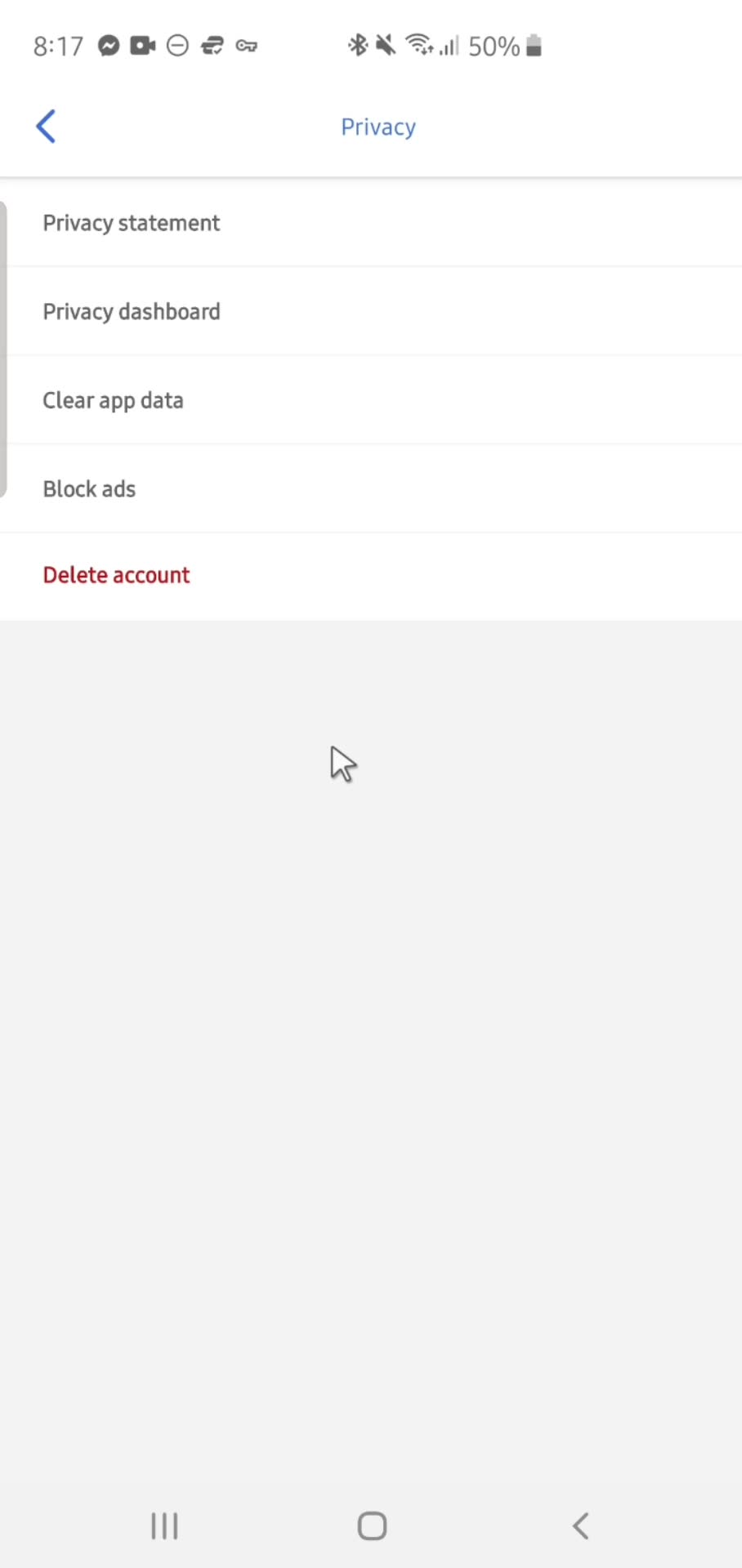
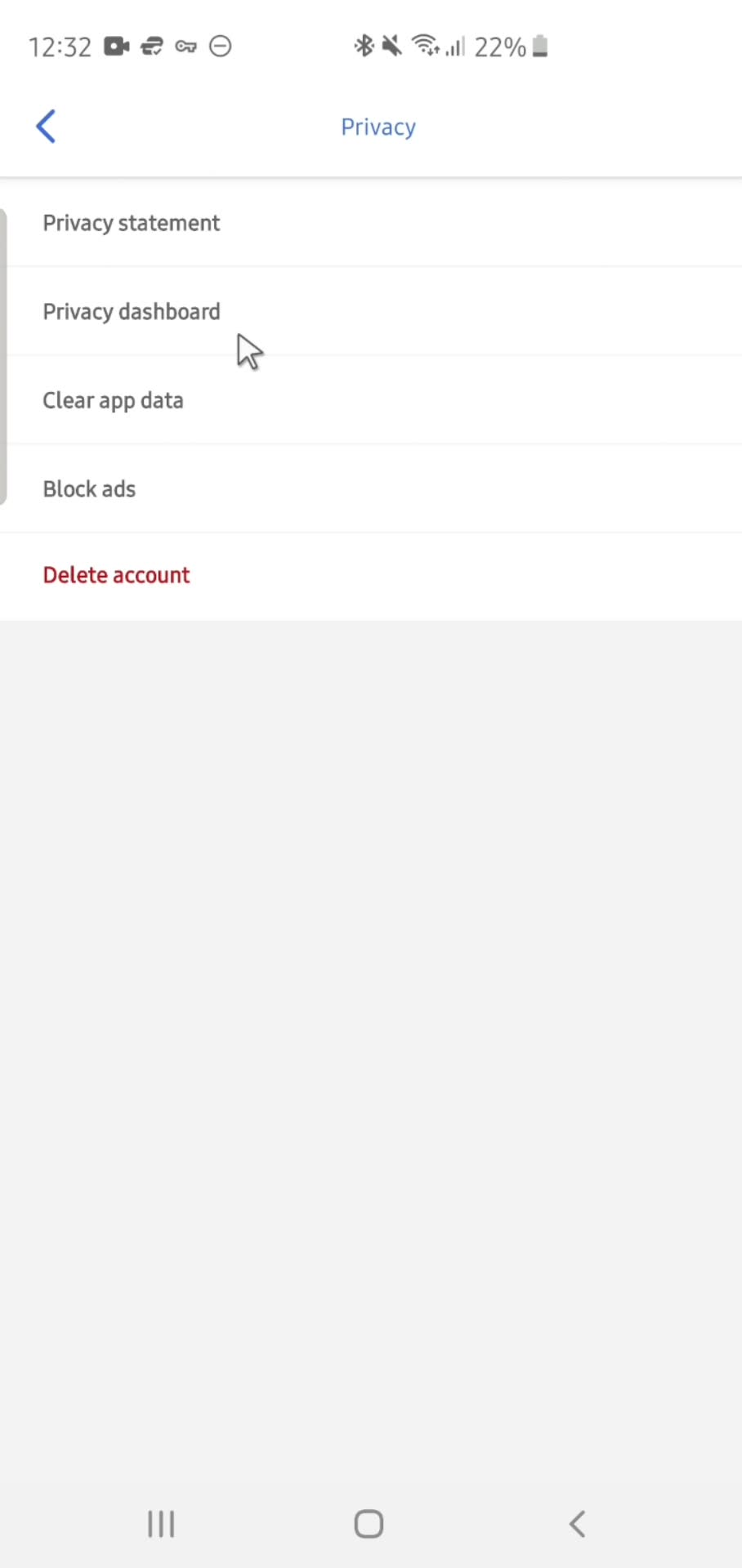
Privacy settings
this is title
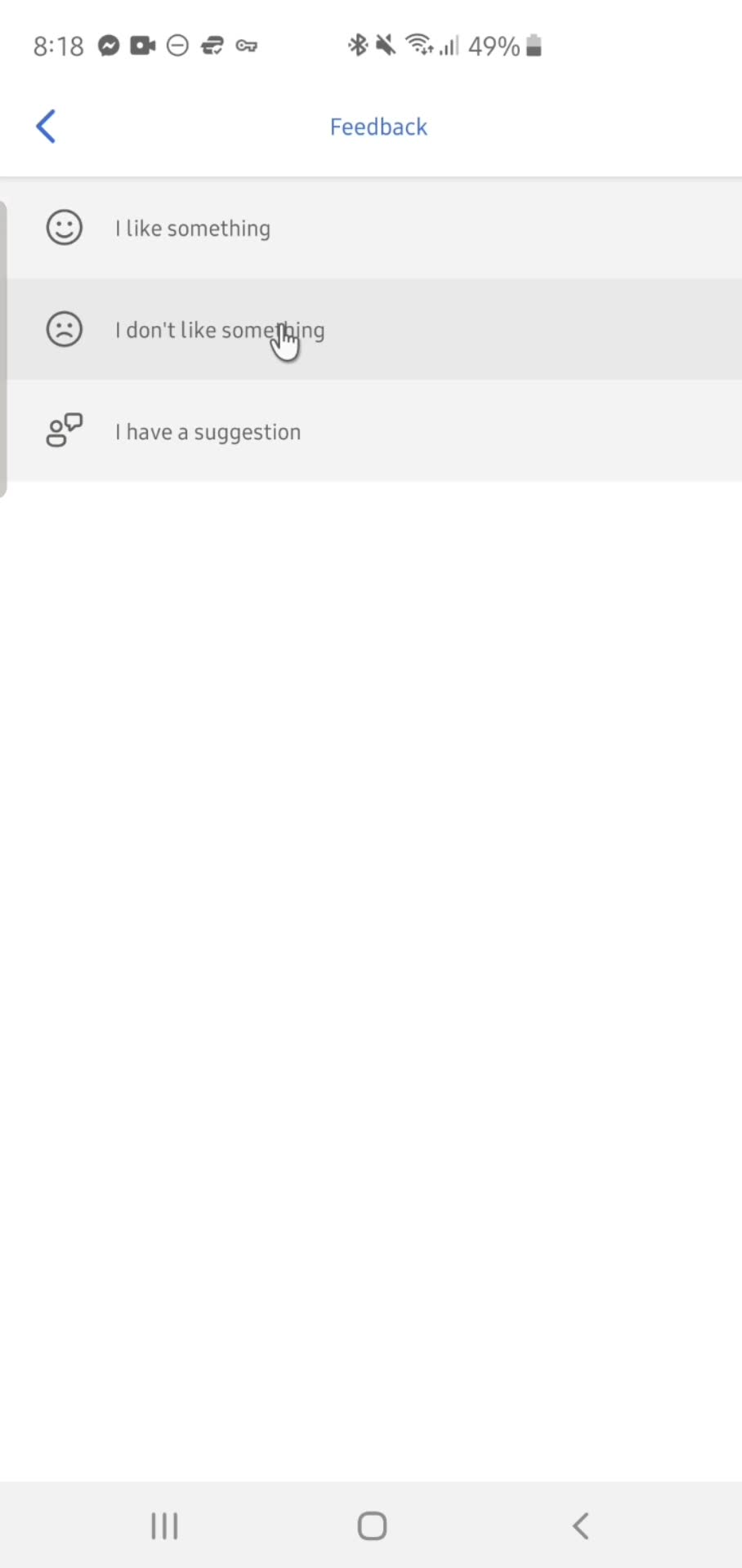
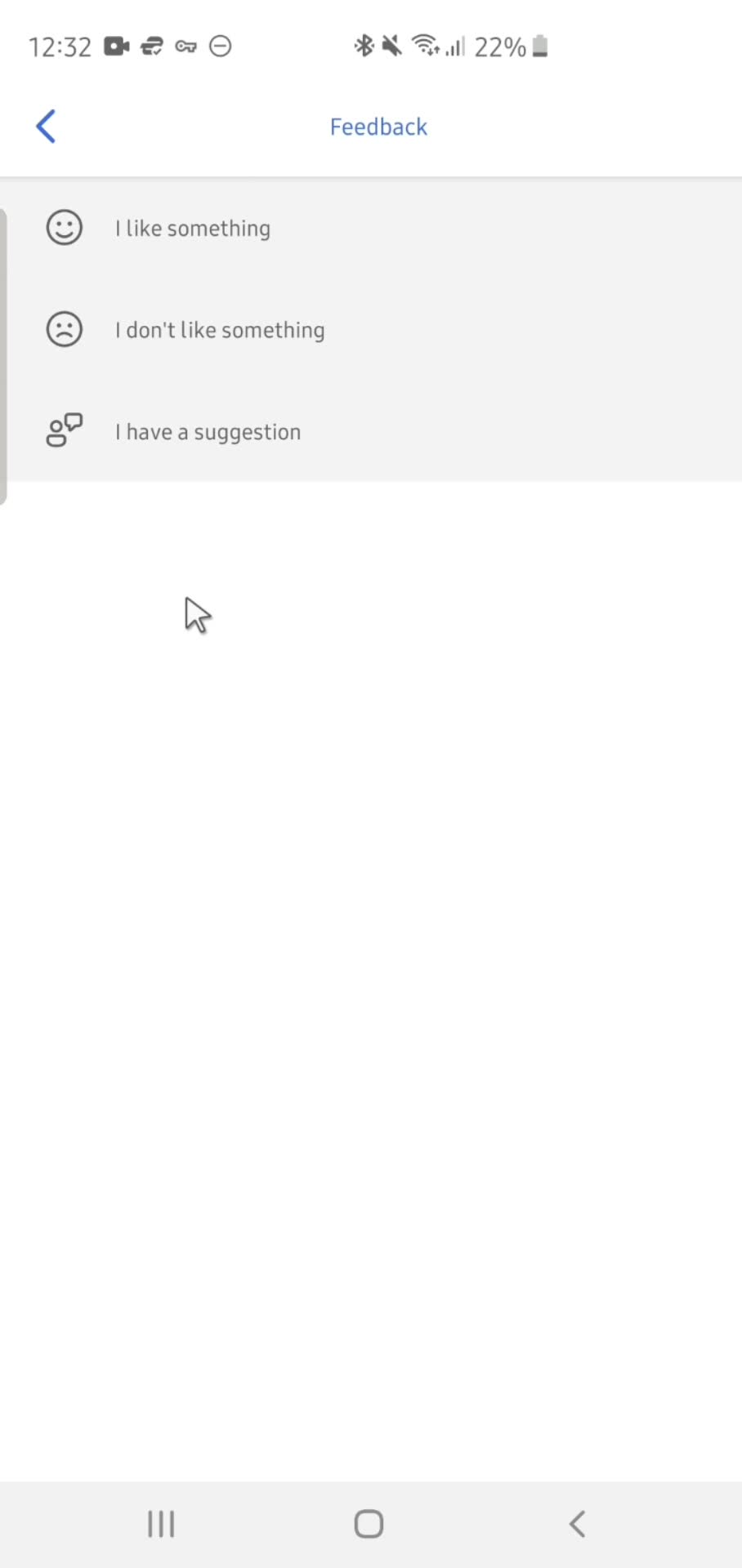
Feedback
this is title
Settings
this is title
Home
this is title
Action menu
this is title
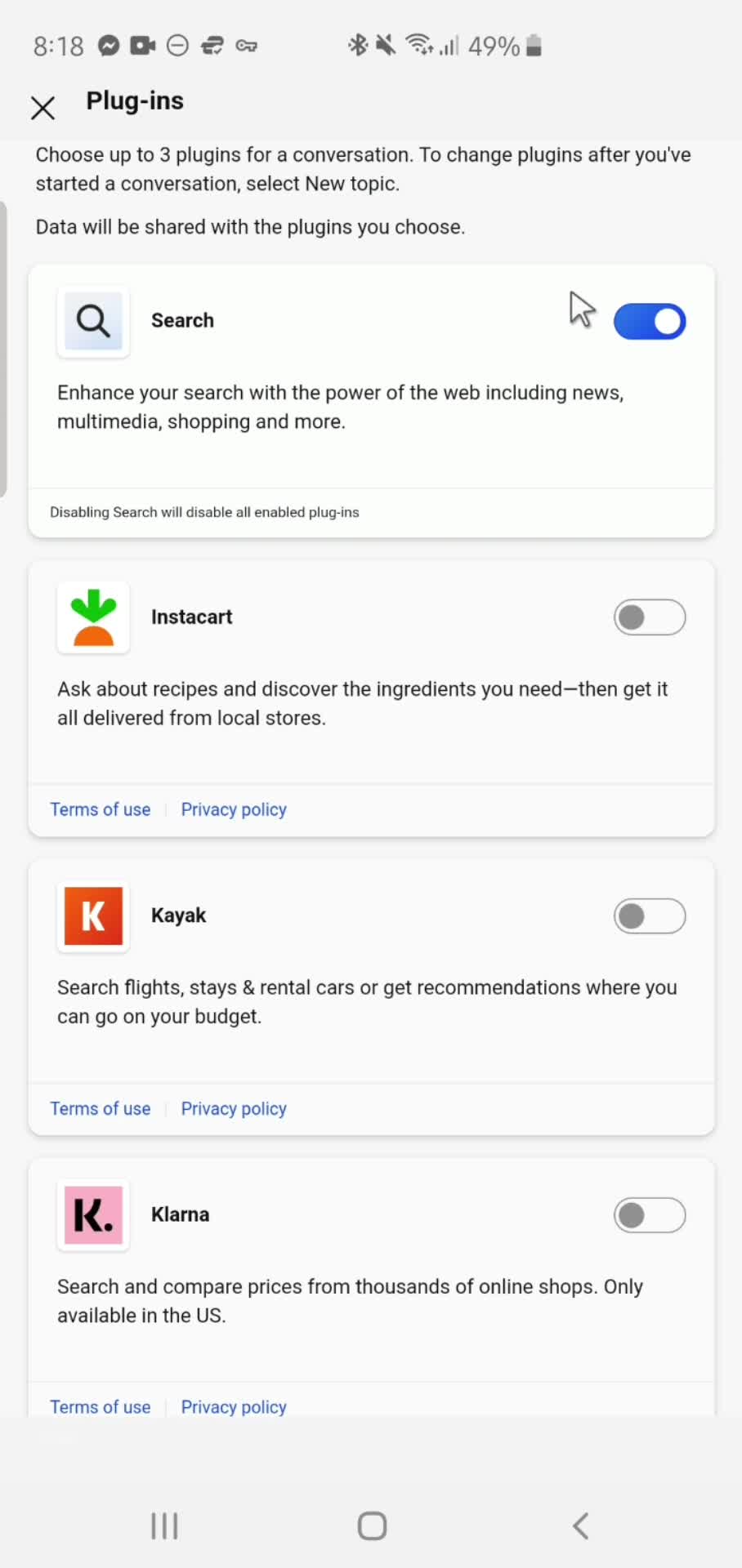
Plugins
this is title
Action menu
this is title
Add prompt
this is title
Submit
this is title
AI Generator
this is title
Stop response
this is title
Action menu
this is title
Account menu
this is title
Response details
this is title
Action menu
this is title
Delete
this is title
Account menu
this is title
Response details
this is title
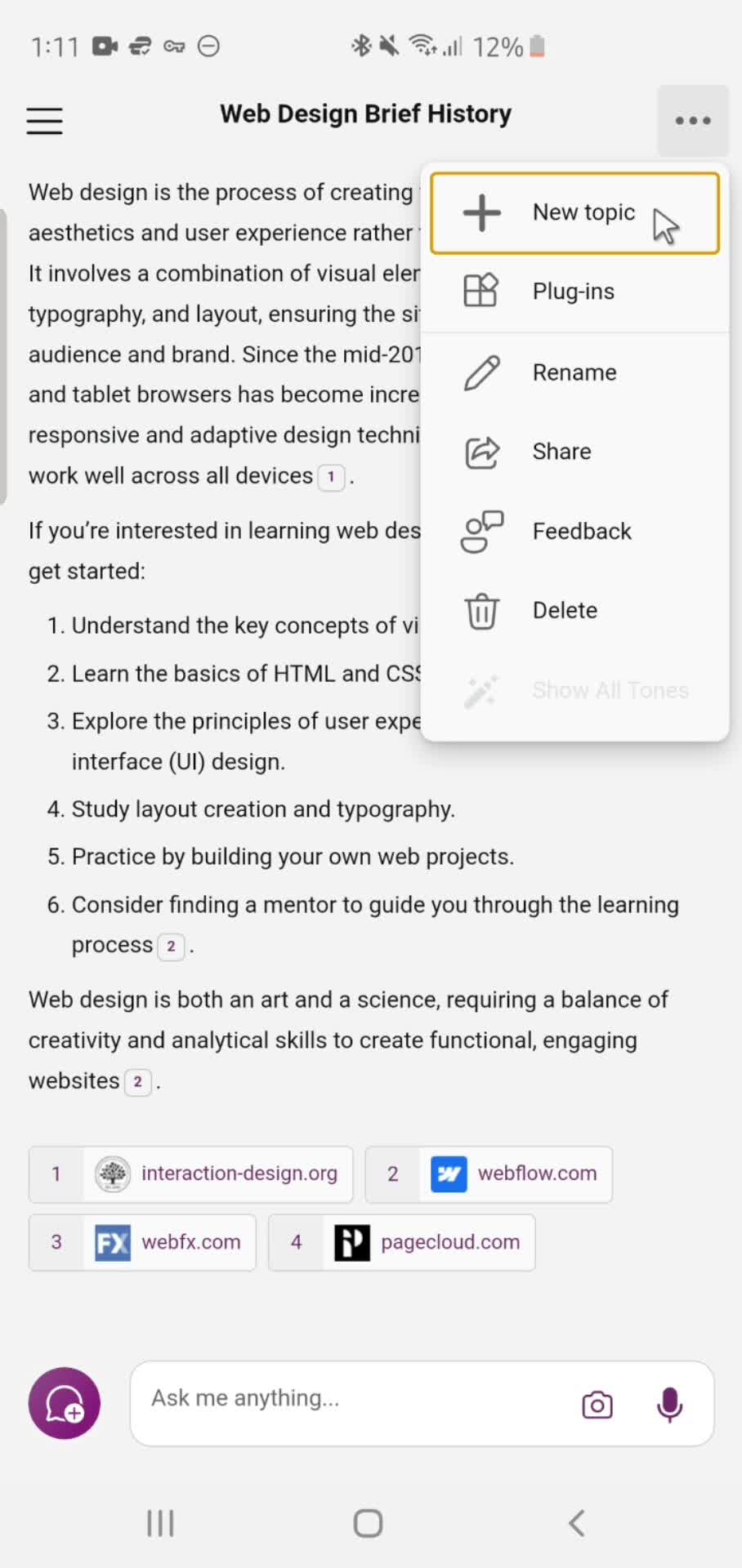
Action menu
this is title
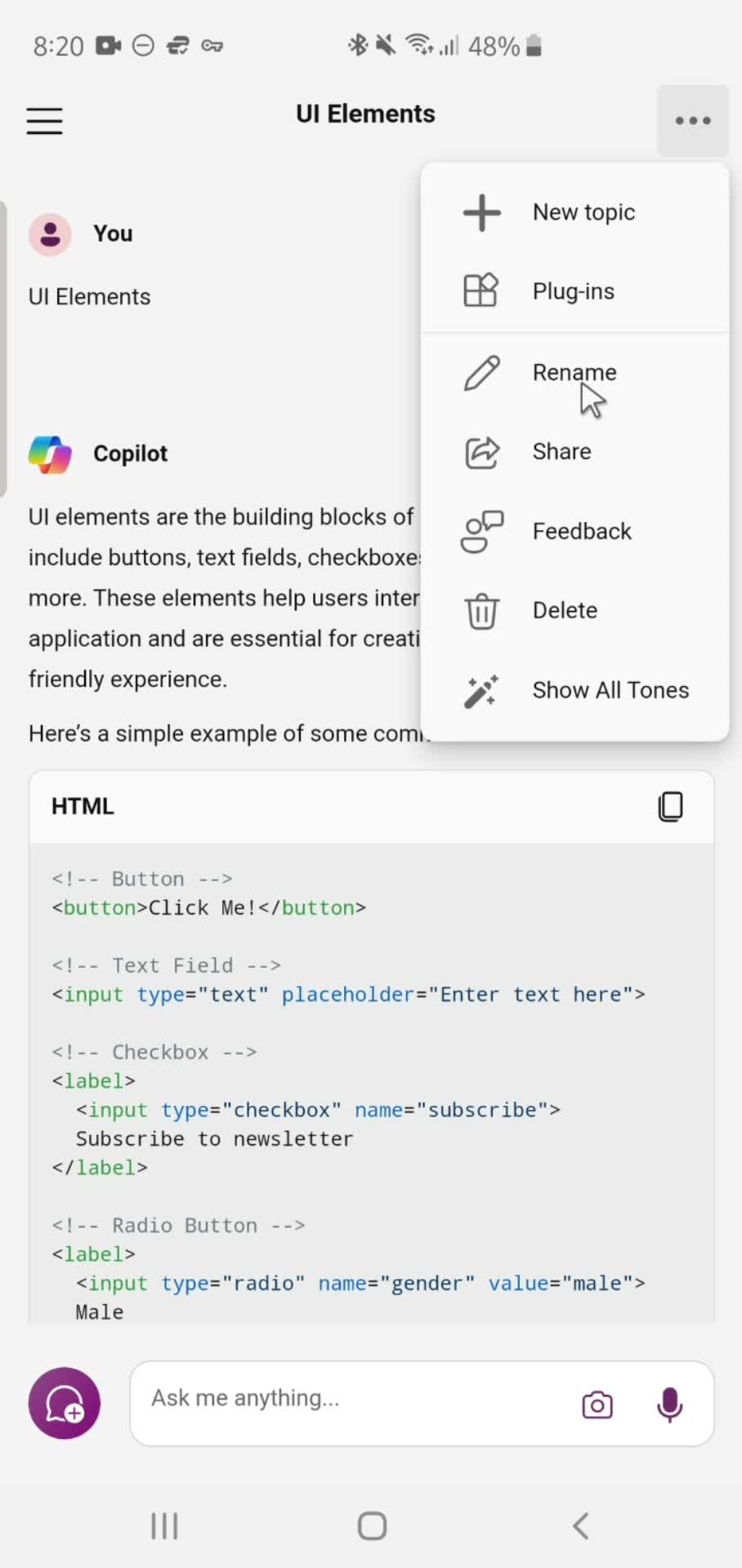
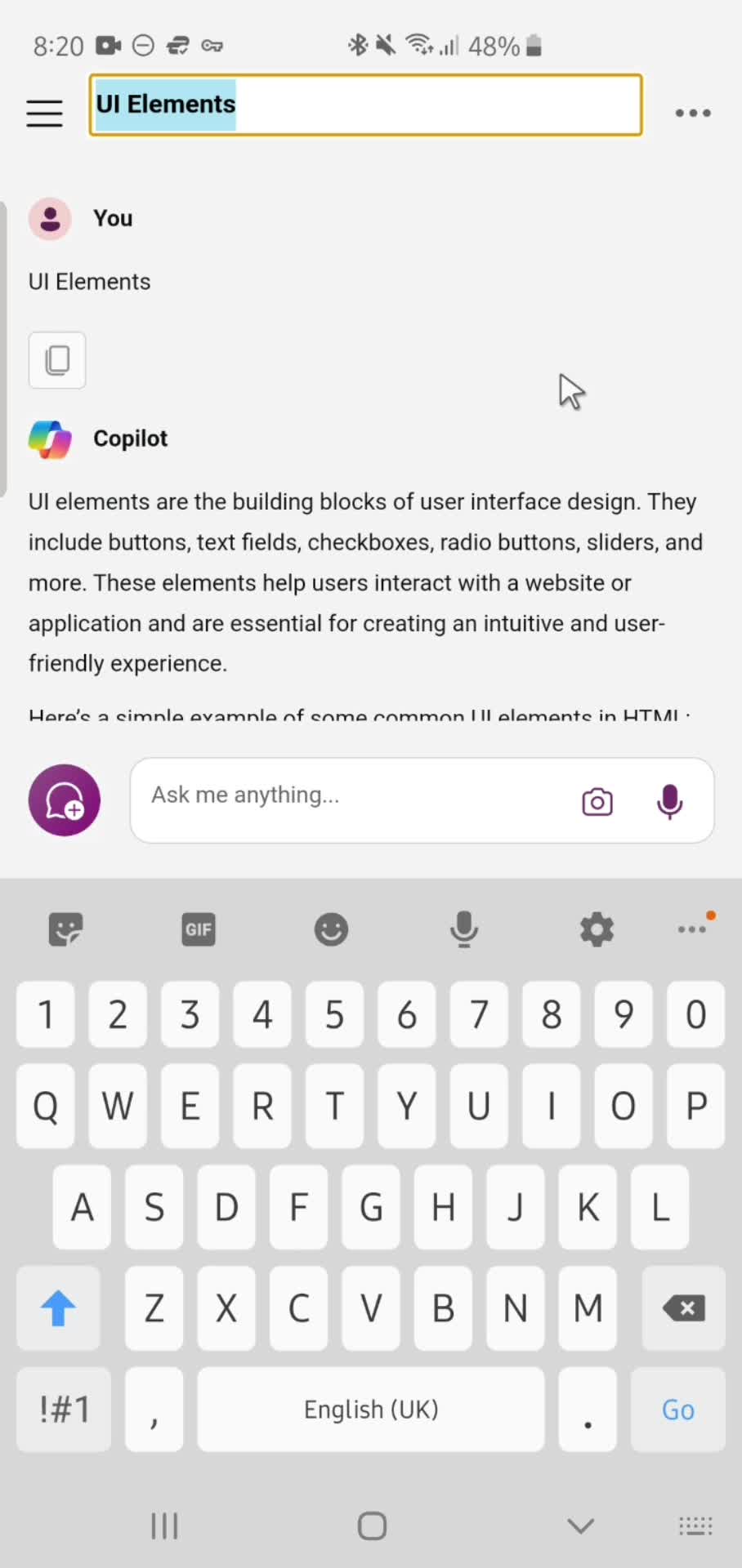
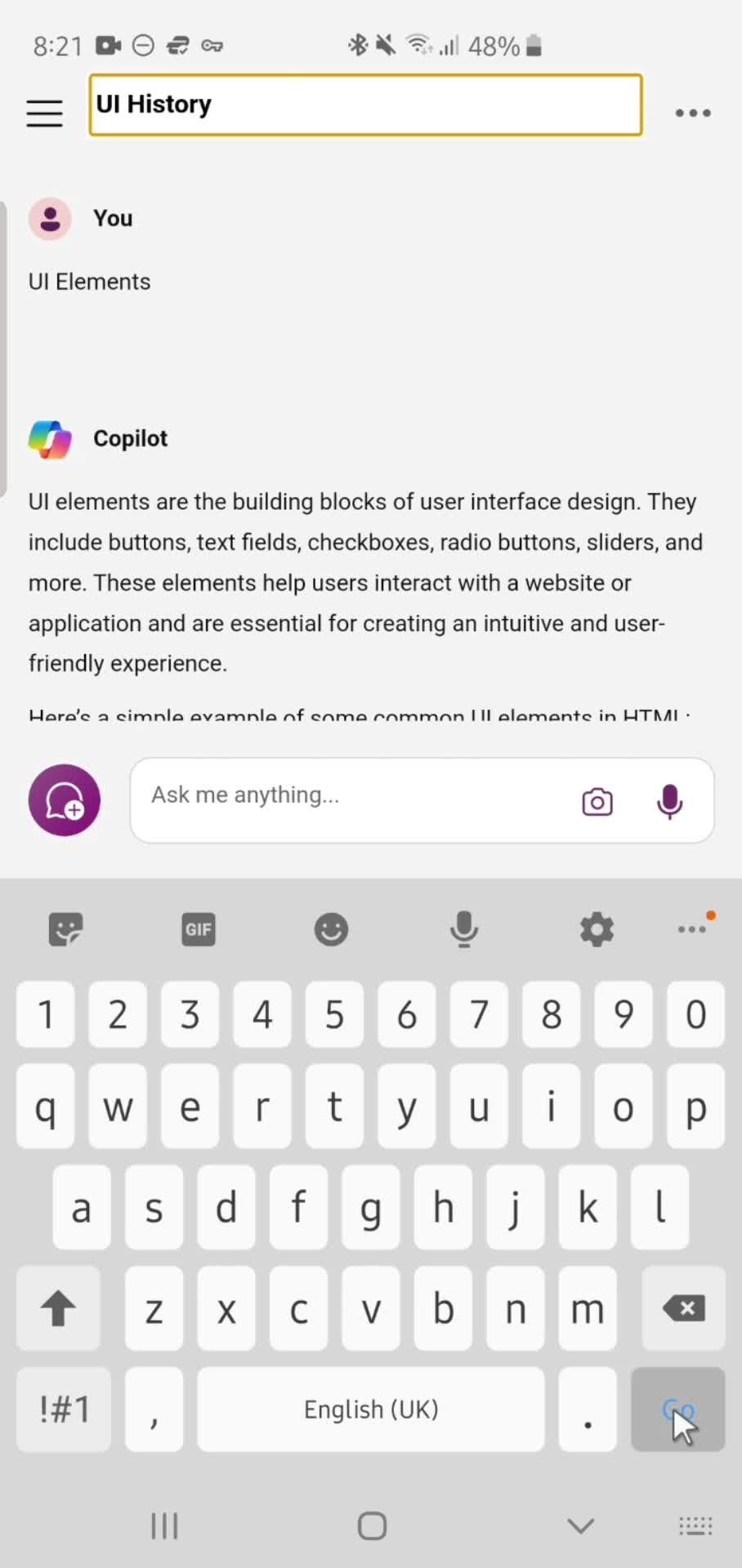
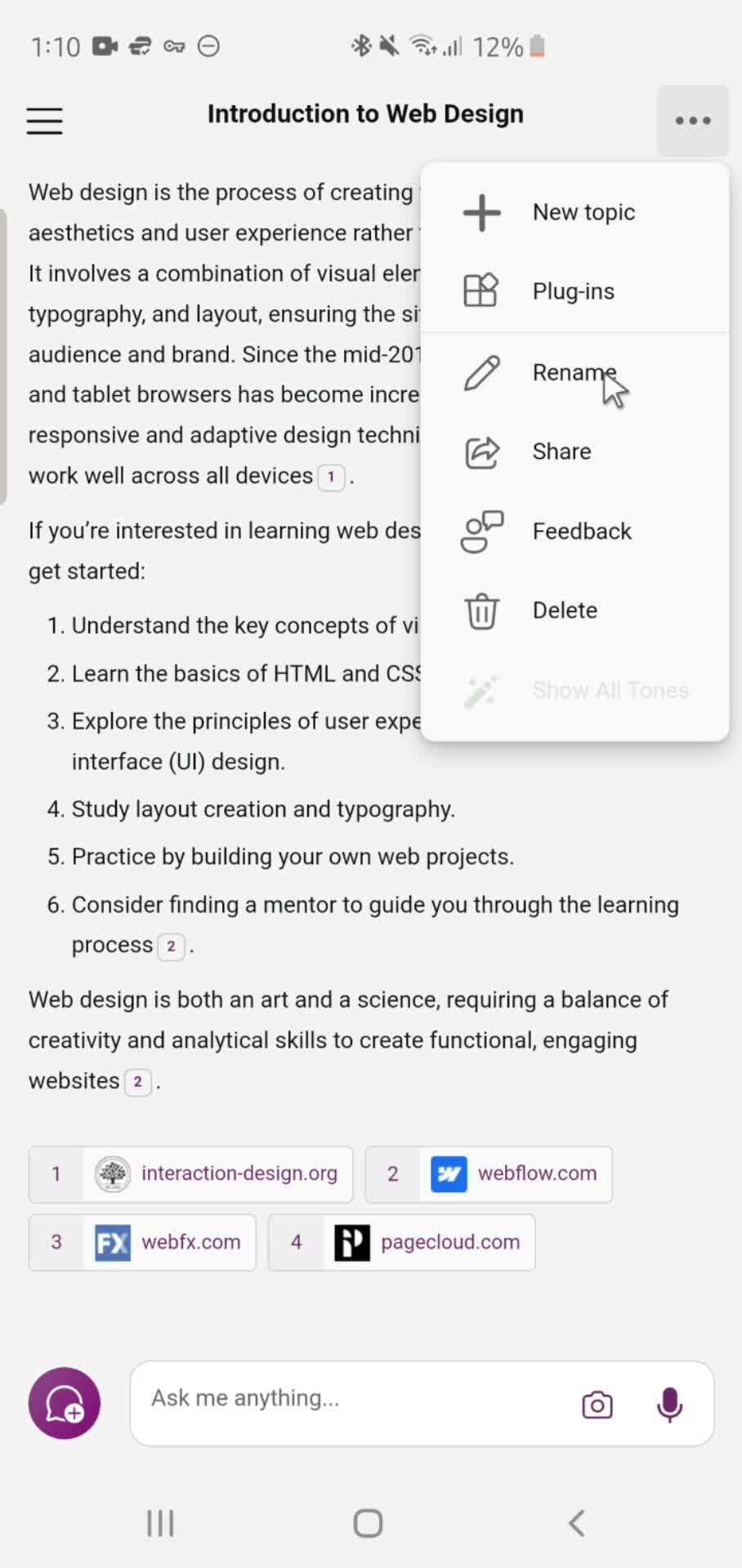
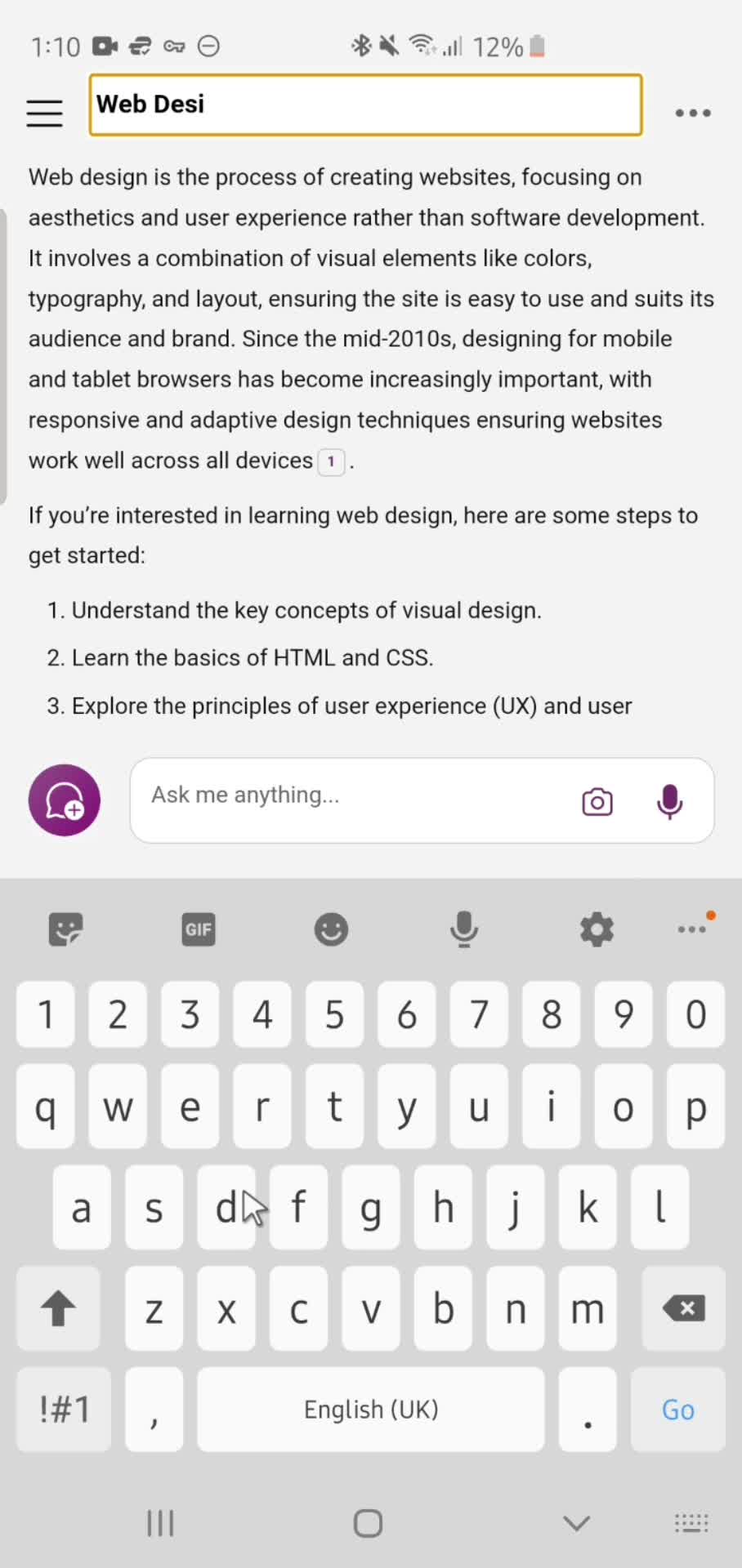
Rename
this is title
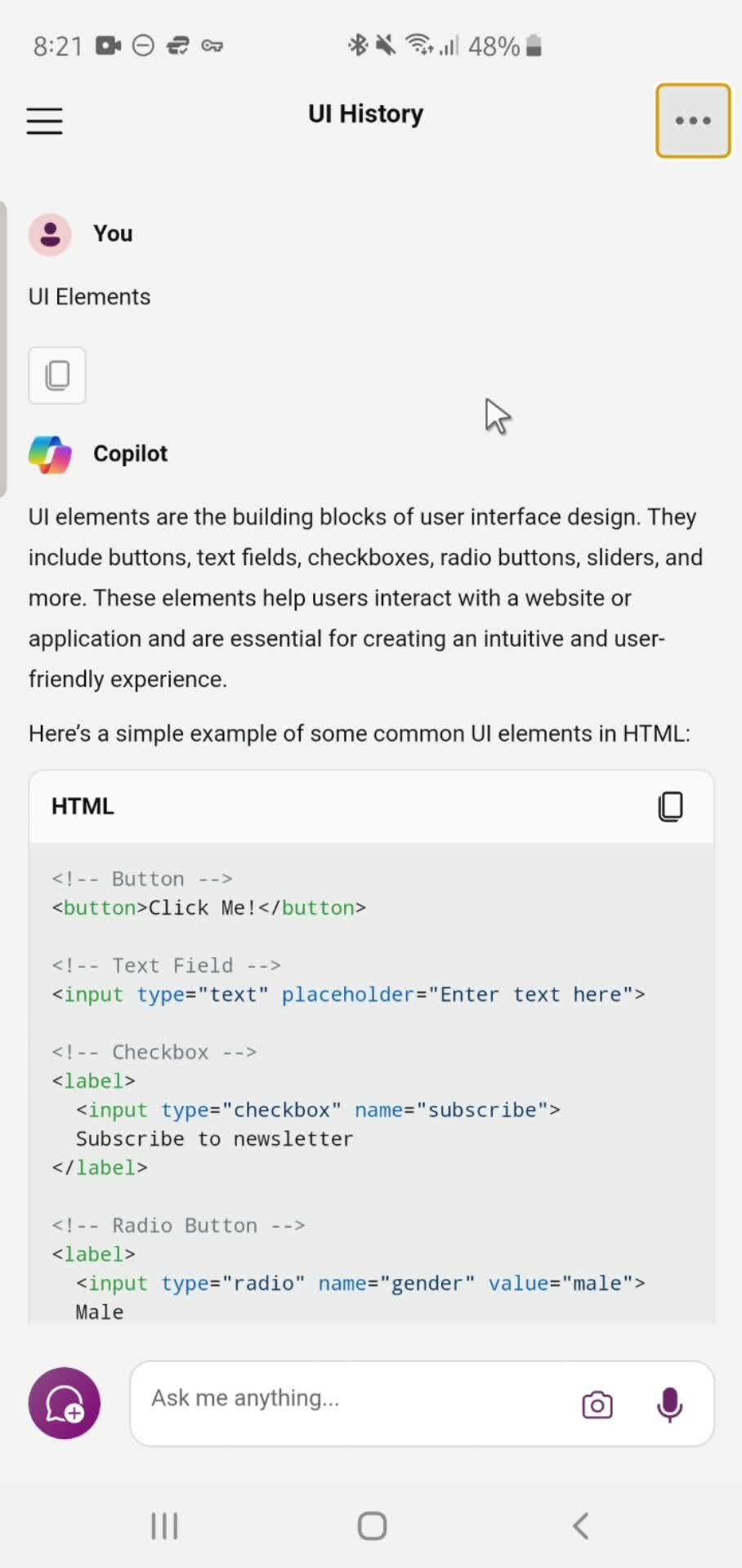
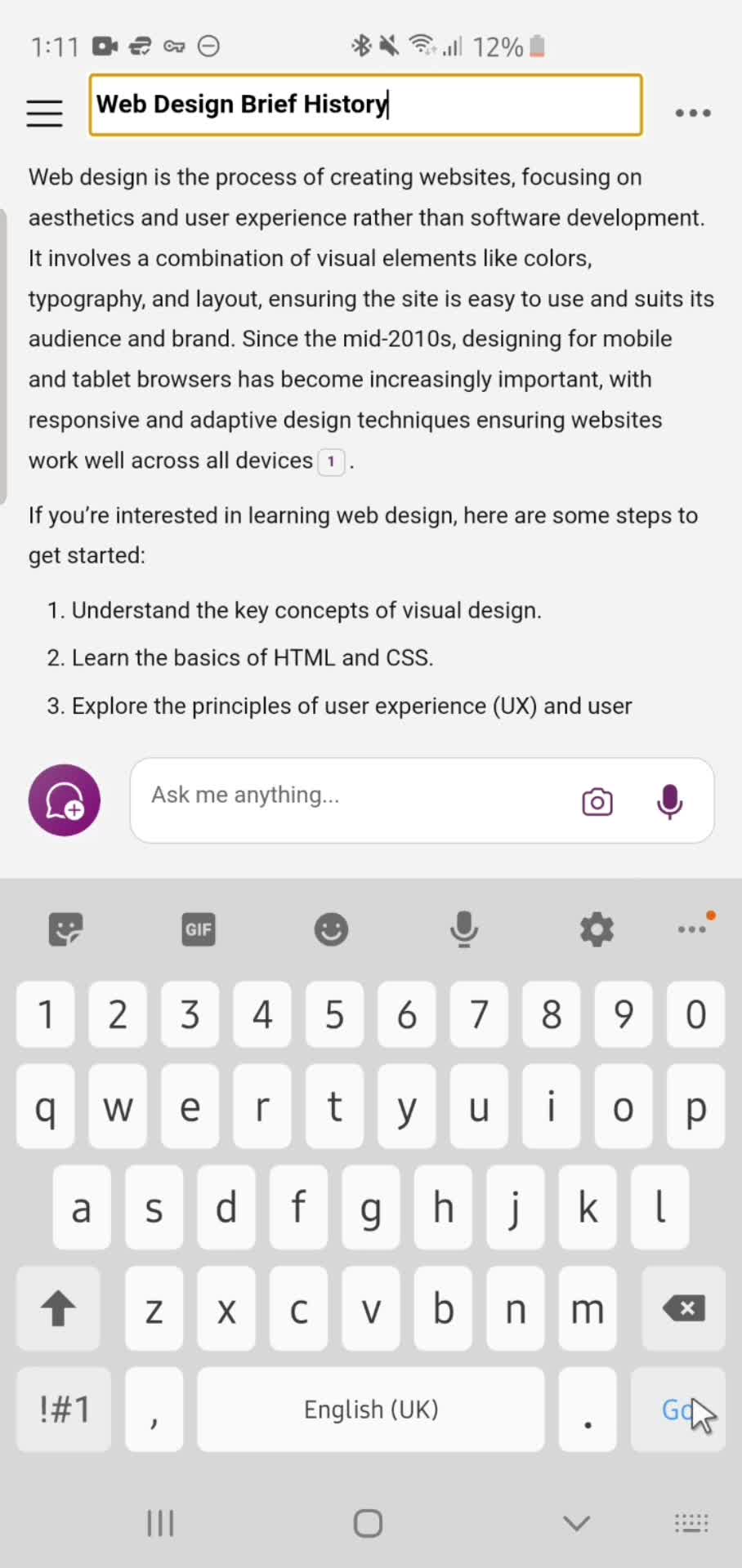
Done
this is title
Response details
this is title
Account menu
this is title
Action menu
this is title
Home
this is title
Home
this is title
Account menu
this is title
Settings
this is title
Submit feedback
this is title
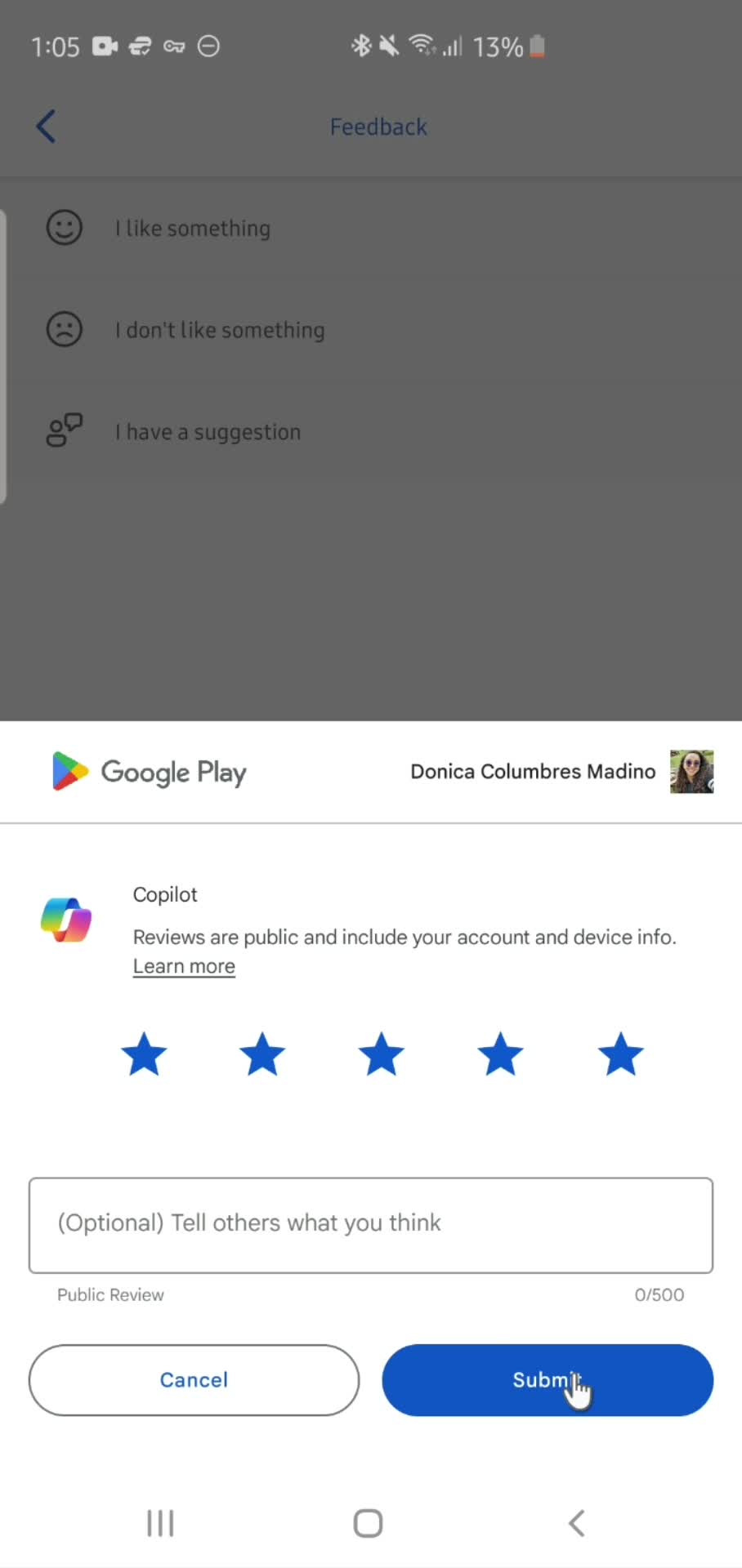
Review prompt
this is title
Submit review
this is title
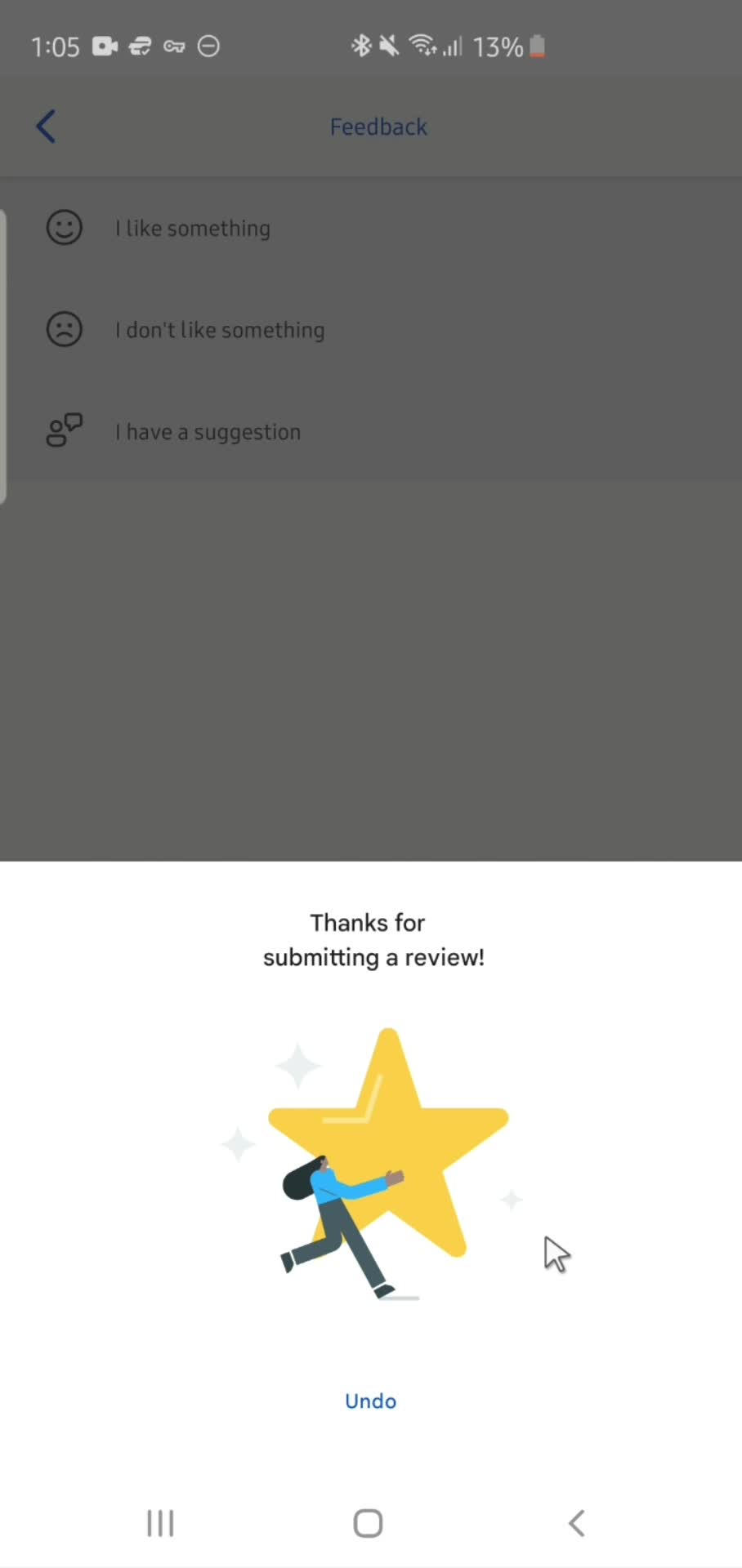
Review submitted
this is title
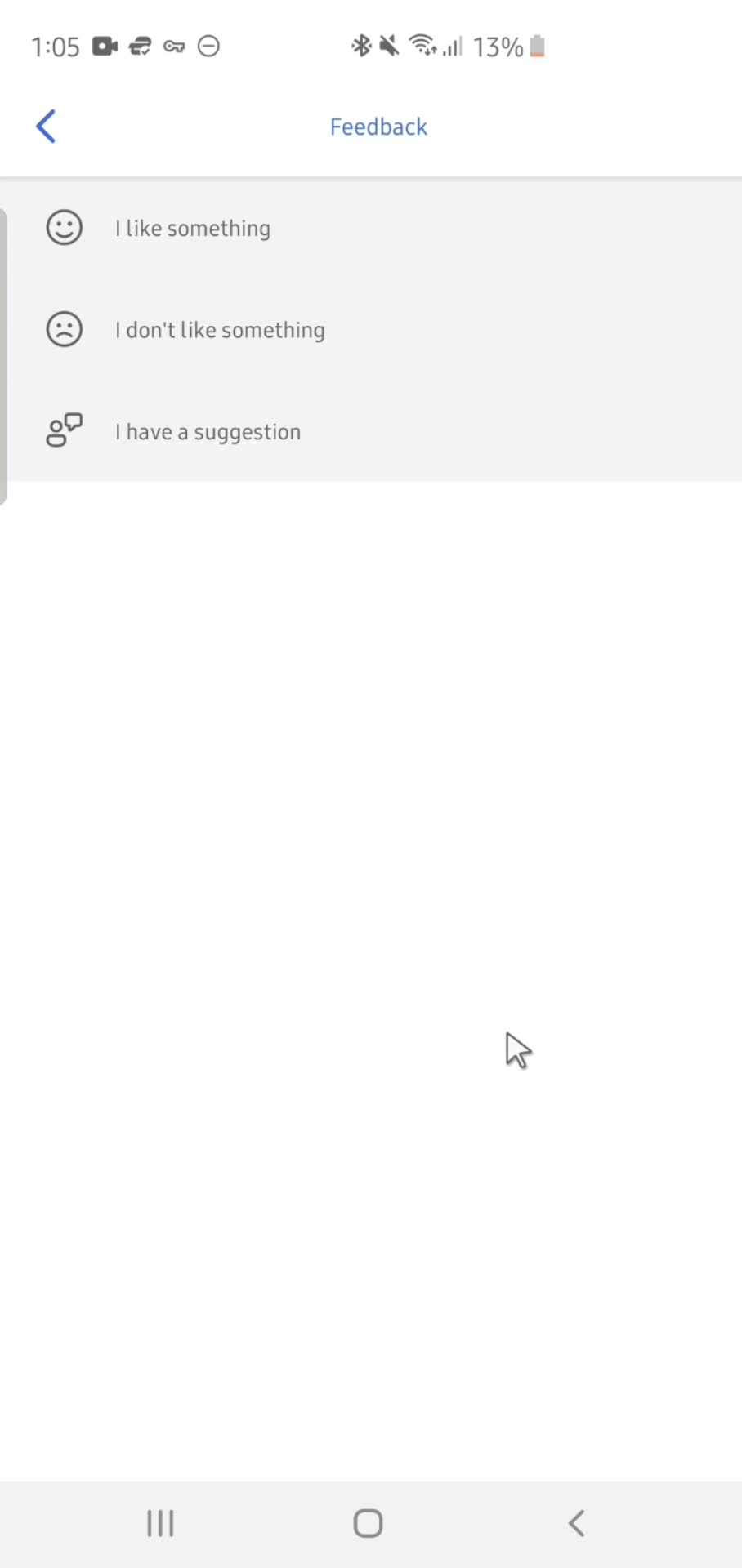
Feedback
this is title
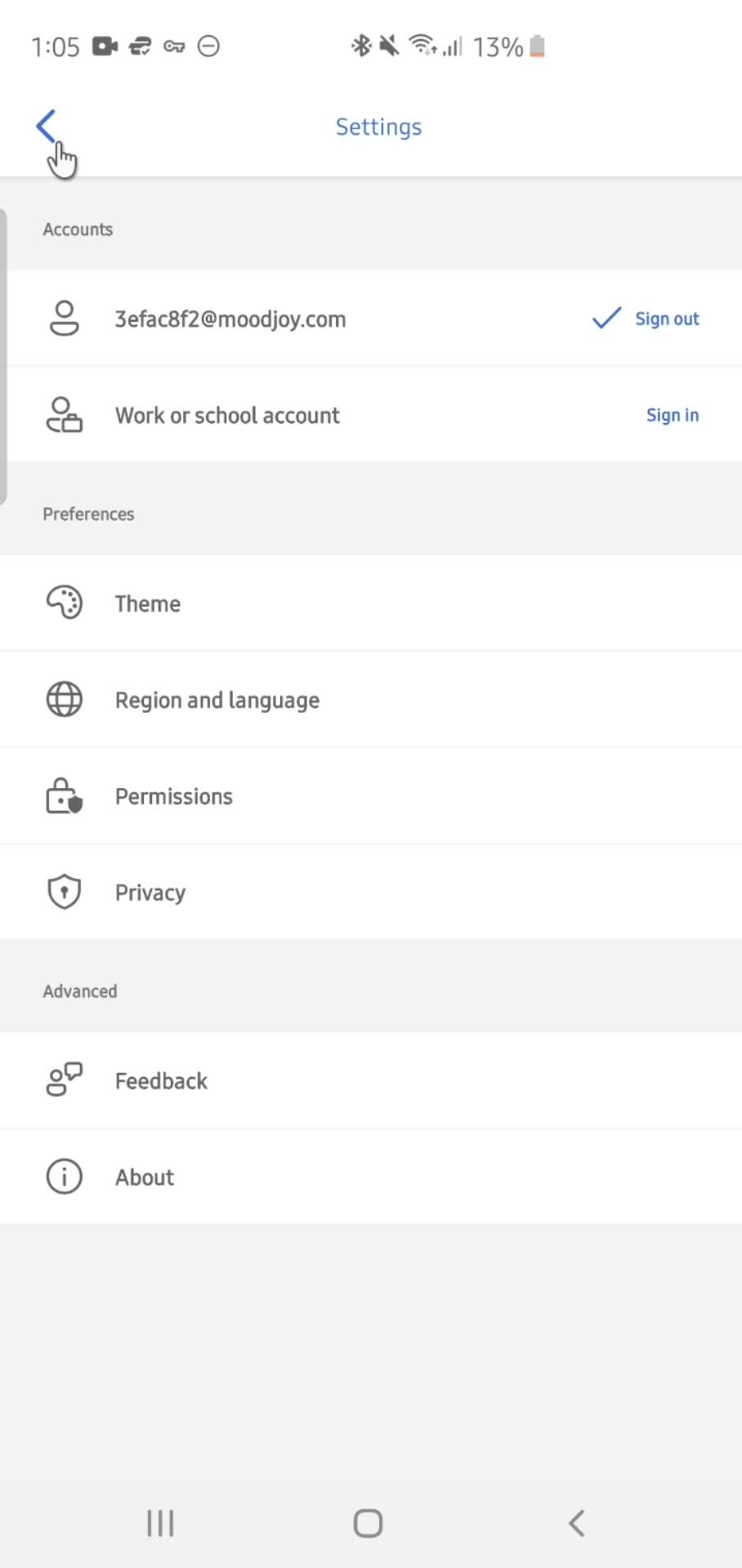
Settings
this is title
Home
this is title
Settings
this is title
Select account
this is title
Settings
this is title
Splash screen
this is title
Home
this is title
Account menu
this is title
Home
this is title
Account menu
this is title
Settings
this is title
Sign out
this is title
Splash screen
this is title
Home
this is title
Home
this is title
Account menu
this is title
AI Generator
this is title
Action menu
this is title
Rename
this is title
Submit
this is title
Action menu
this is title
Home
this is title
Home
this is title
Account menu
this is title
Settings
this is title
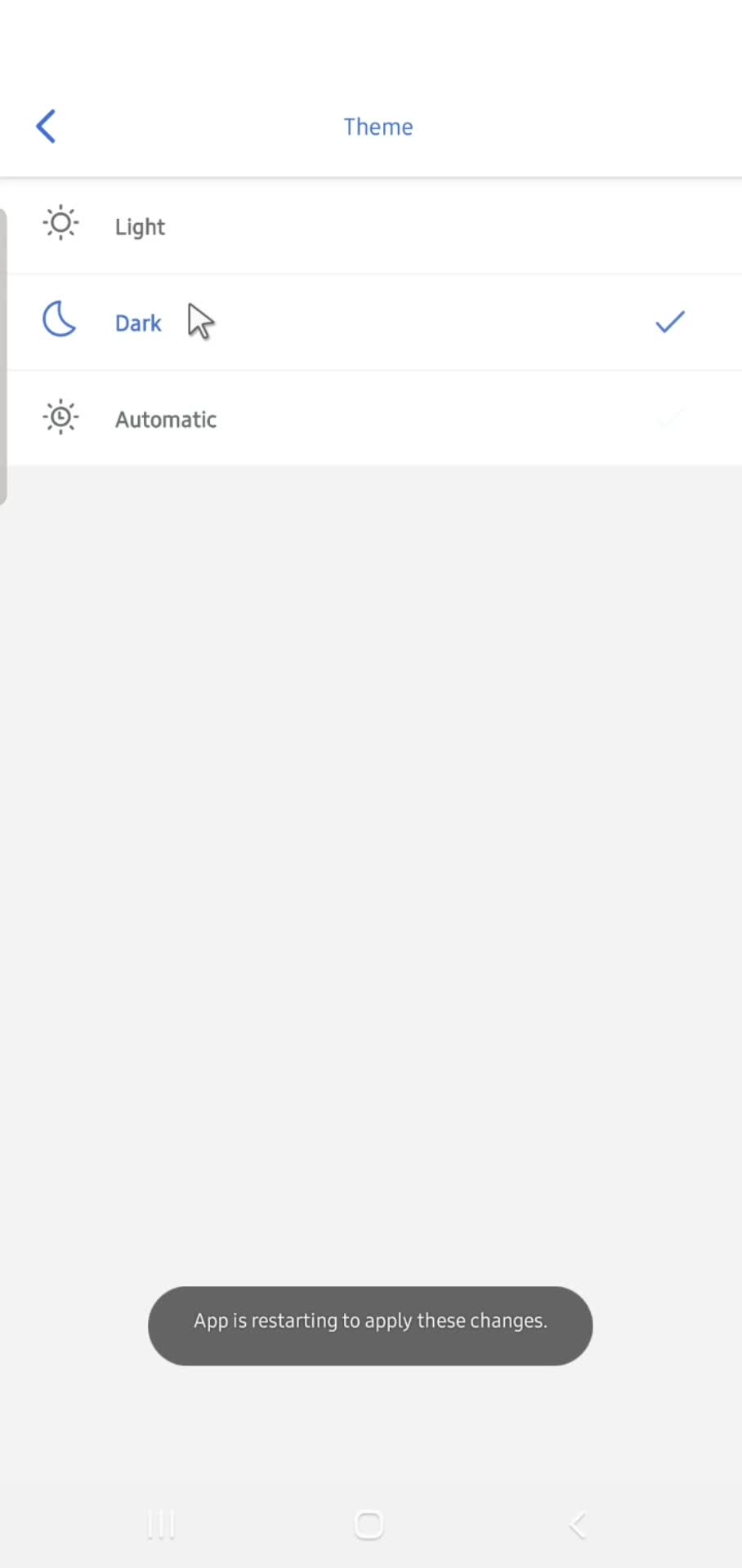
Select theme
this is title
Dark mode
this is title
Splash screen
this is title
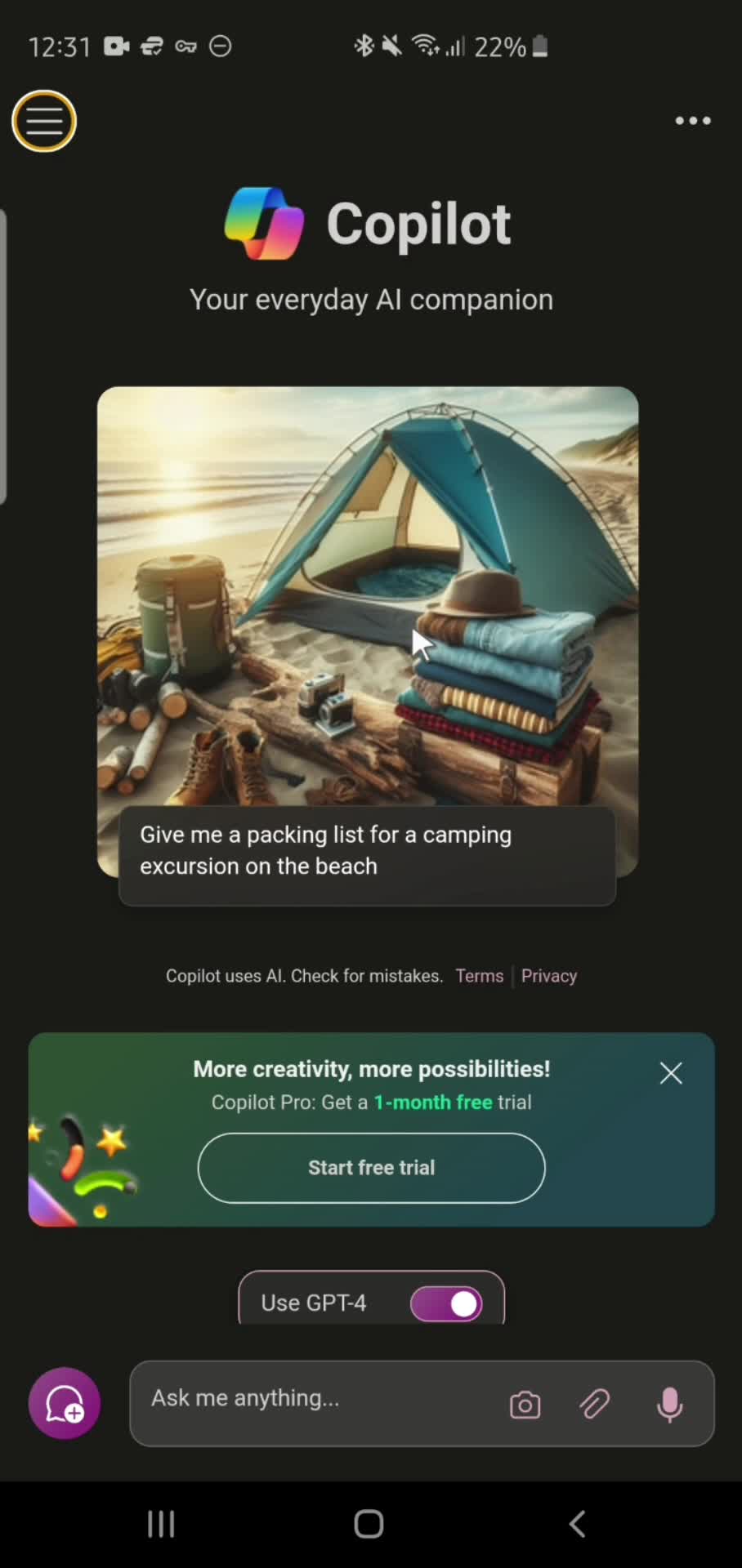
Home
this is title
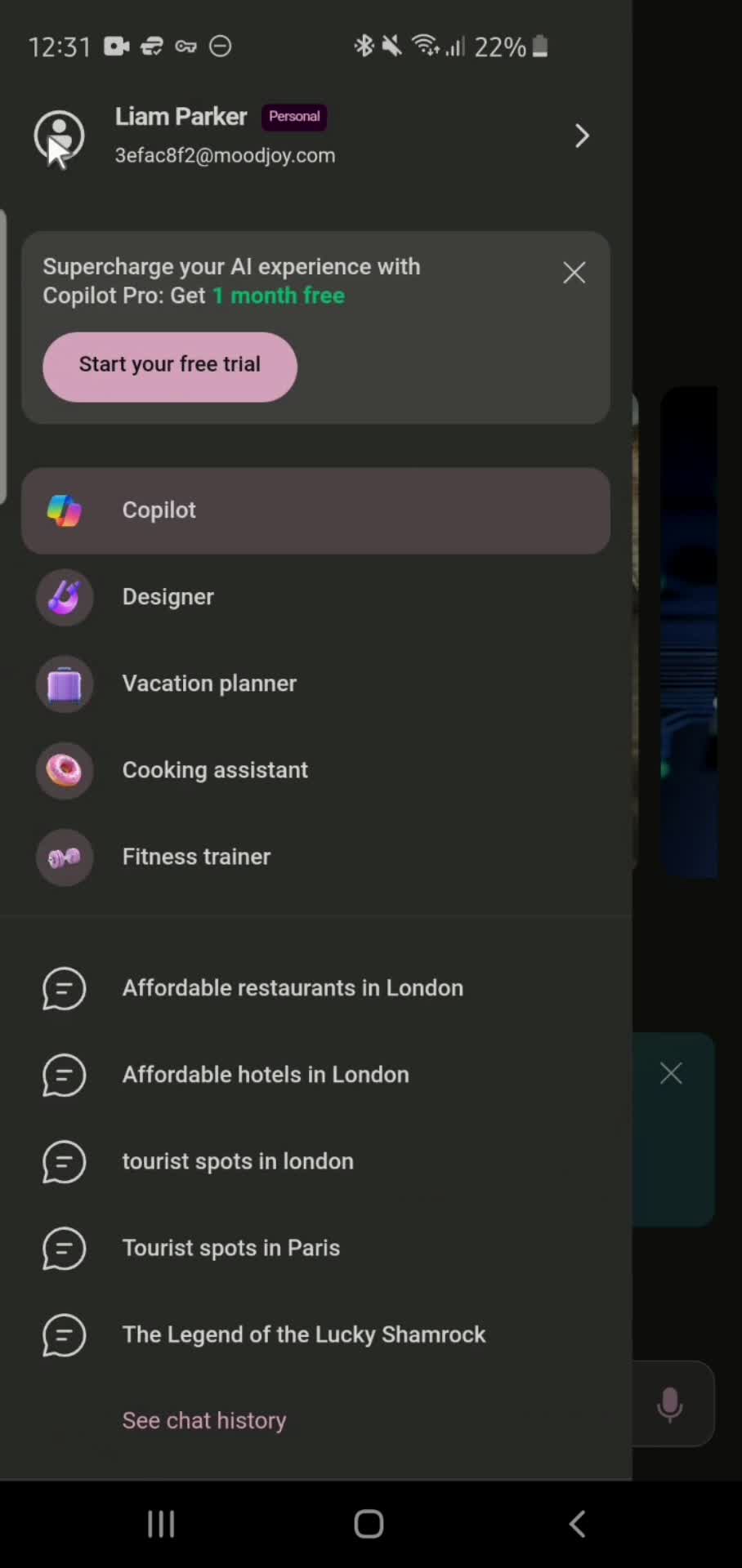
Account menu
this is title
Settings
this is title
Select theme
this is title
Splash screen
this is title
Home
this is title
Account menu
this is title
Settings
this is title
Language & region
this is title
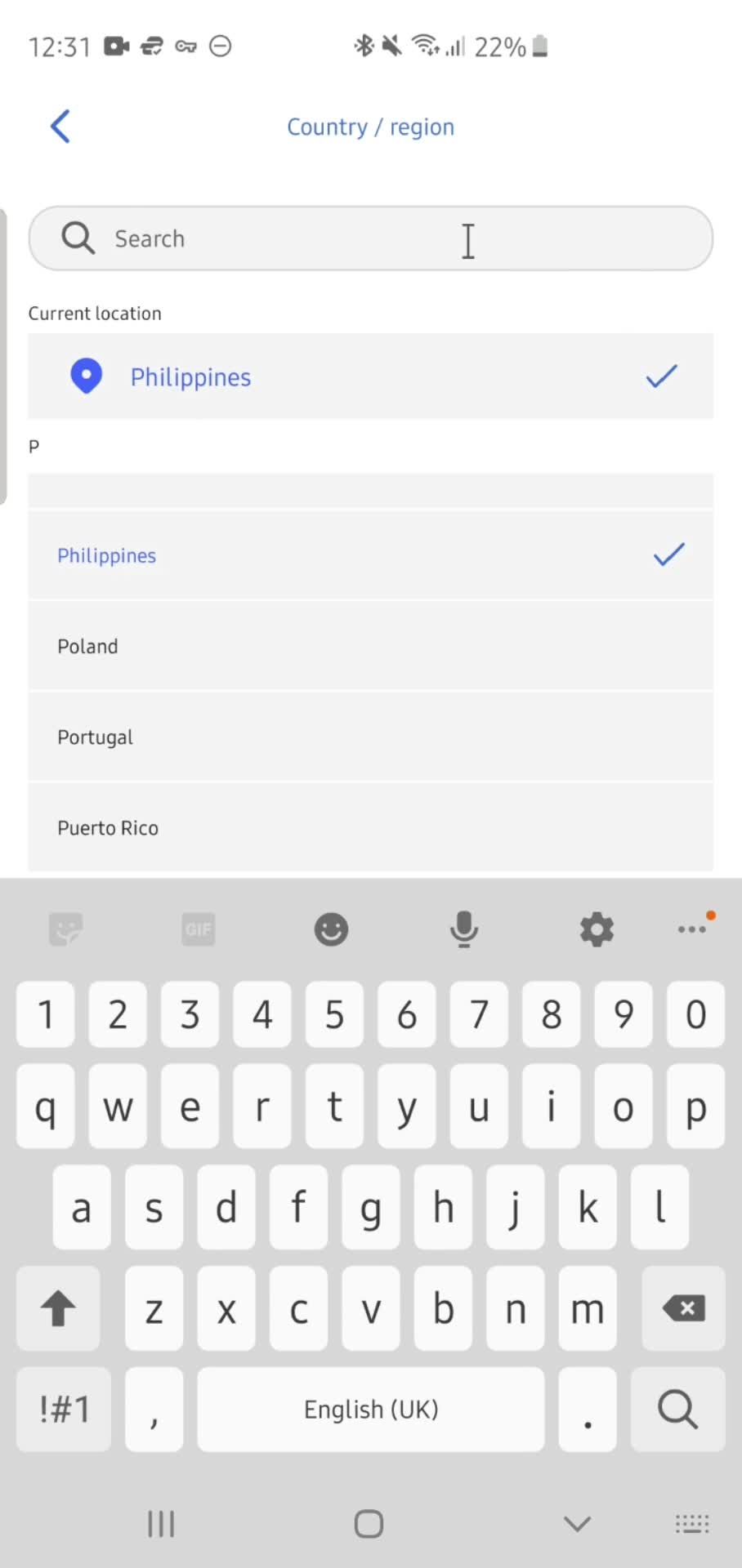
Search location
this is title
Select country
this is title
Splash screen
this is title
Home
this is title
Account menu
this is title
Settings
this is title
App info
this is title
Settings
this is title
Privacy settings
this is title
Settings
this is title
Feedback
this is title
Settings
this is title
Home
this is title
Home
this is title
Account menu
this is title
Response details
this is title
Action menu
this is title
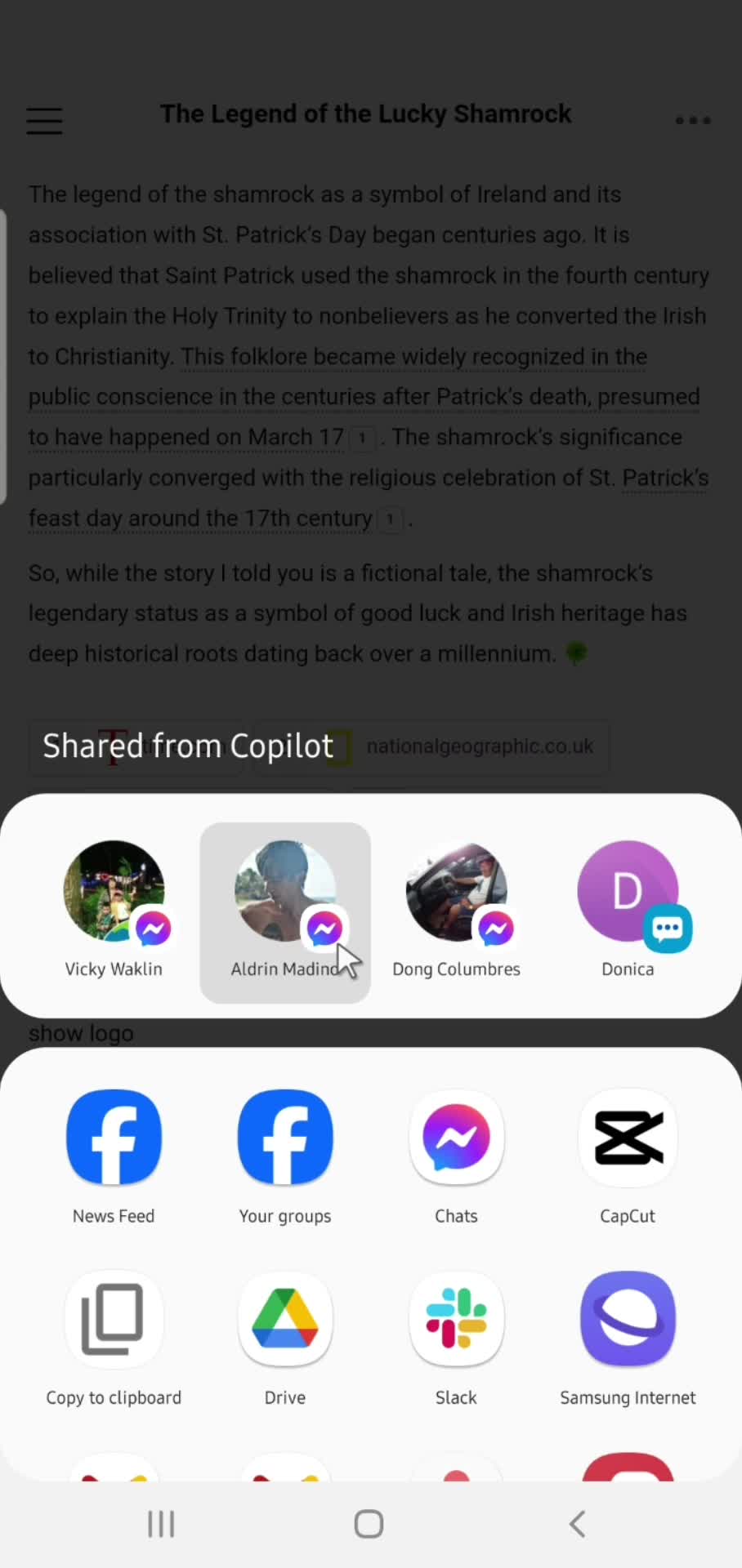
Share
this is title
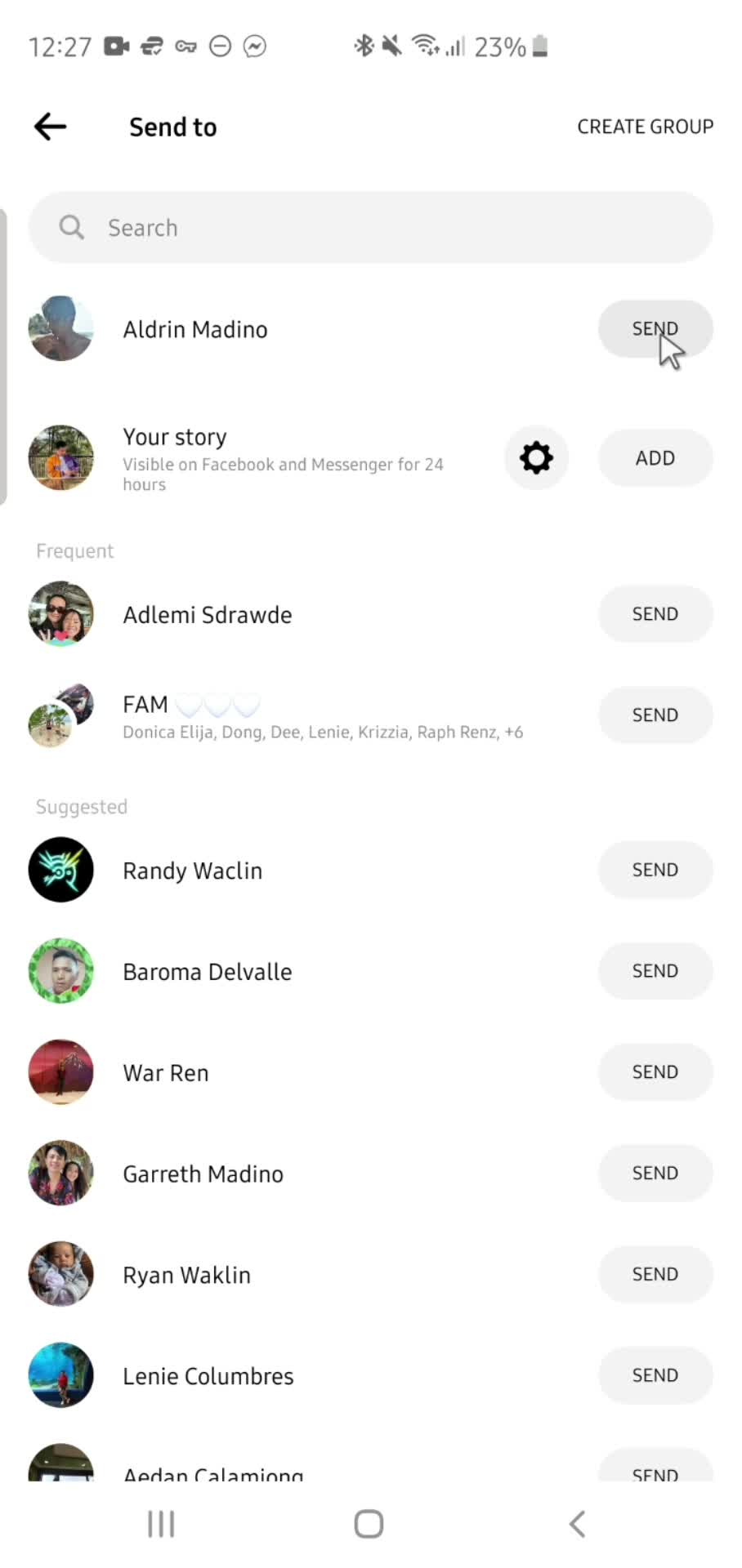
Send now
this is title
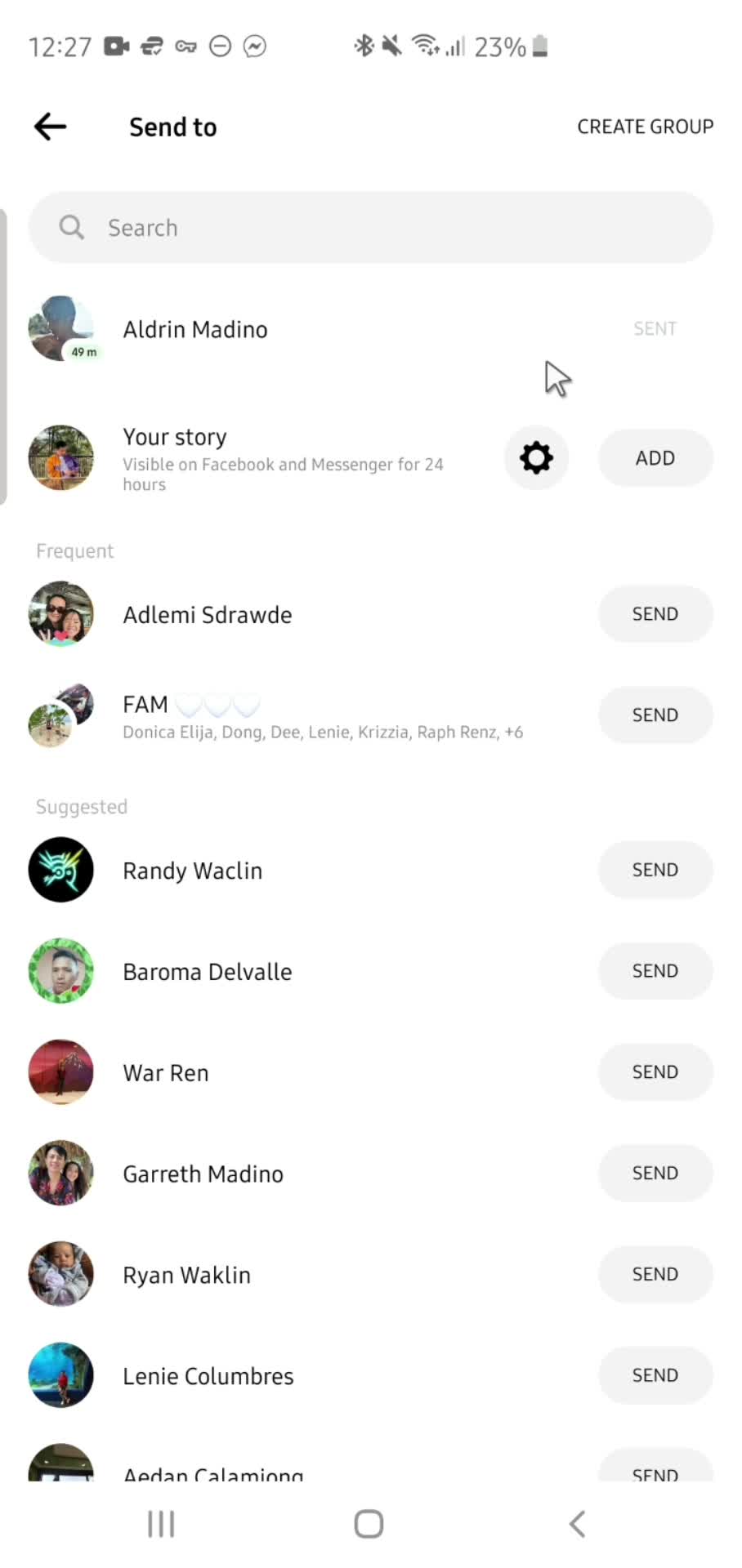
Sent
this is title
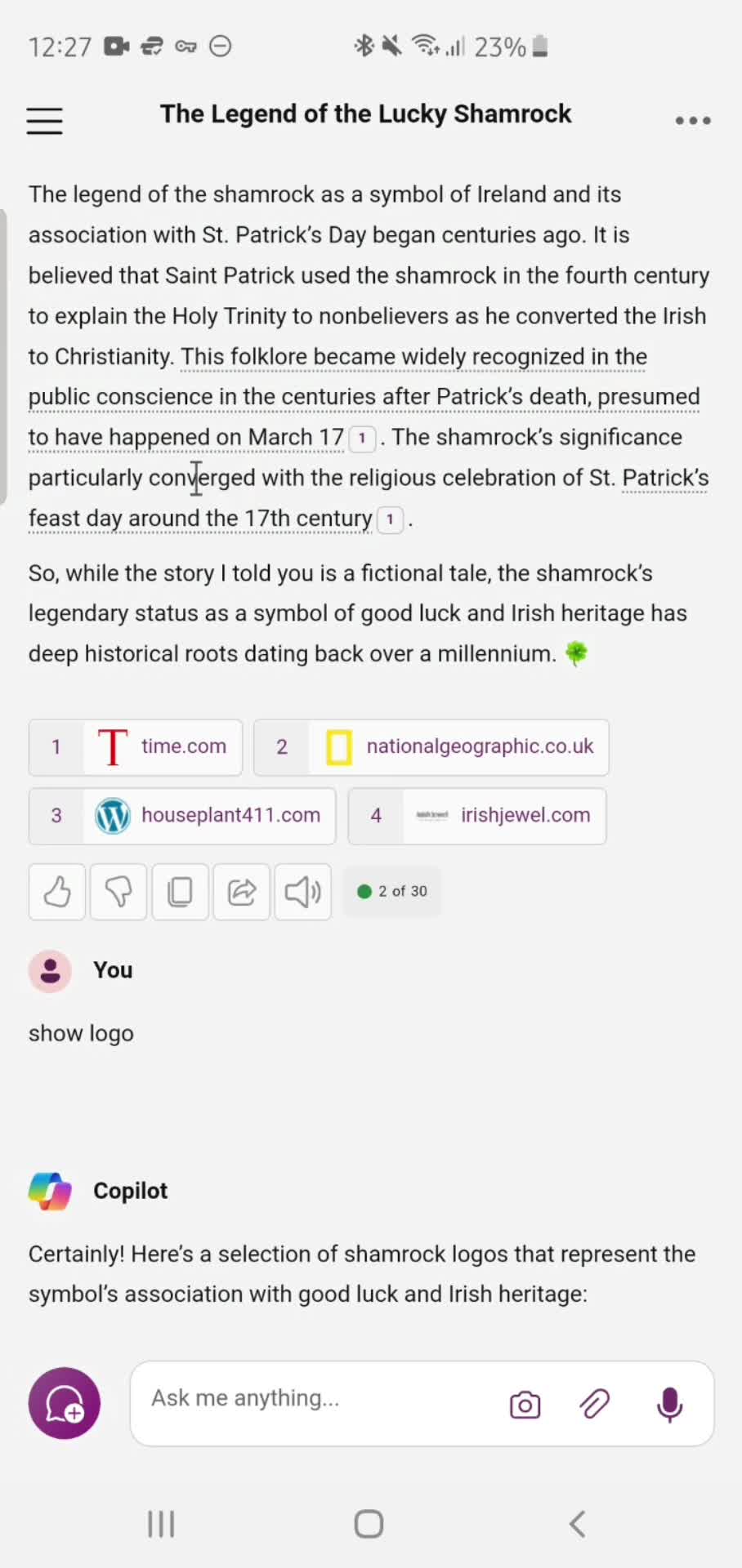
Response details
this is title
Home
this is title
Account menu
this is title
Upgrade
this is title
Home
this is title
Action menu
this is title
Plugins
this is title
Add prompt
this is title
Submit
this is title
AI Generator
this is title
Response details
this is title
Submit feedback
this is title
Action menu
this is title
Home
this is title