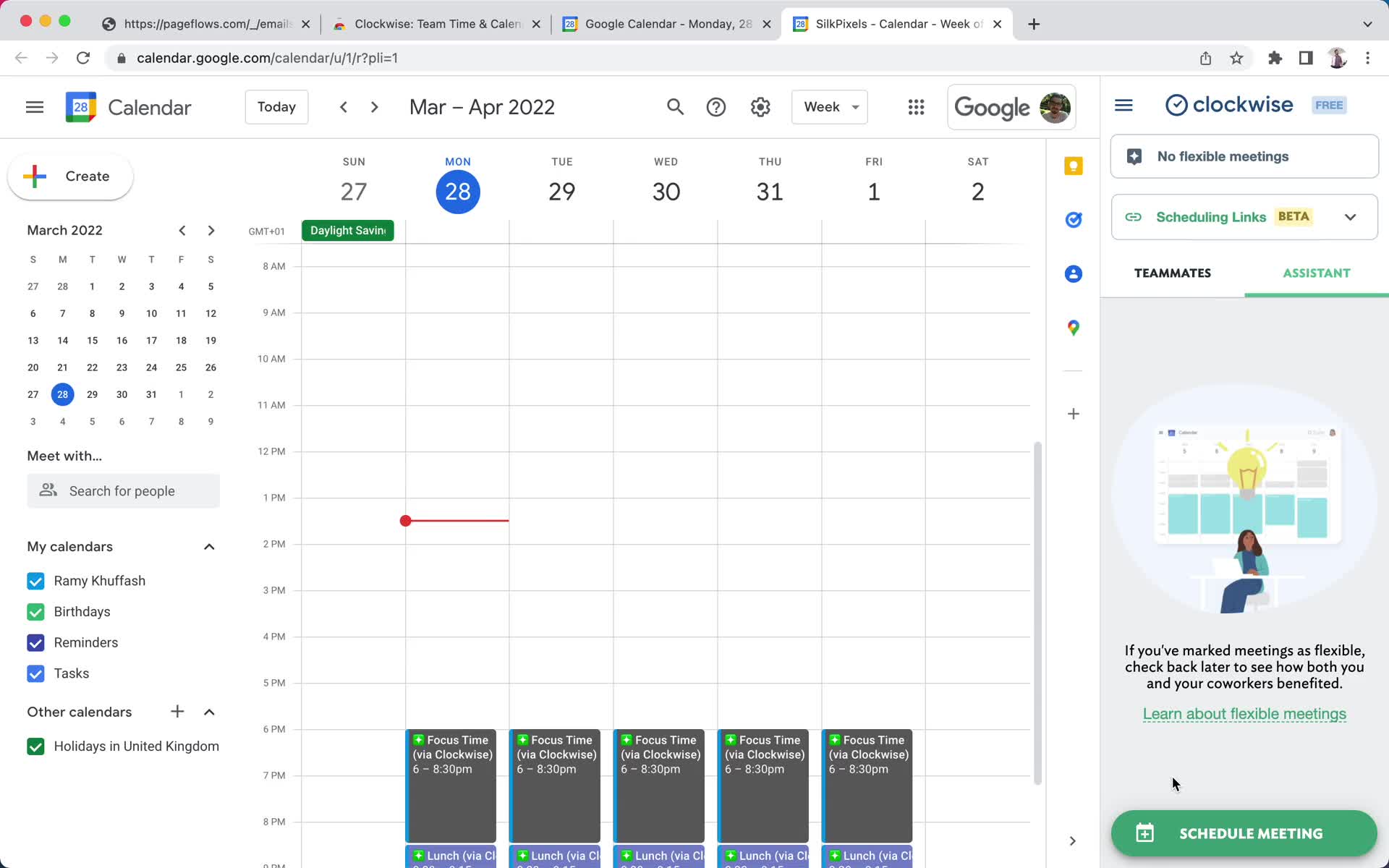
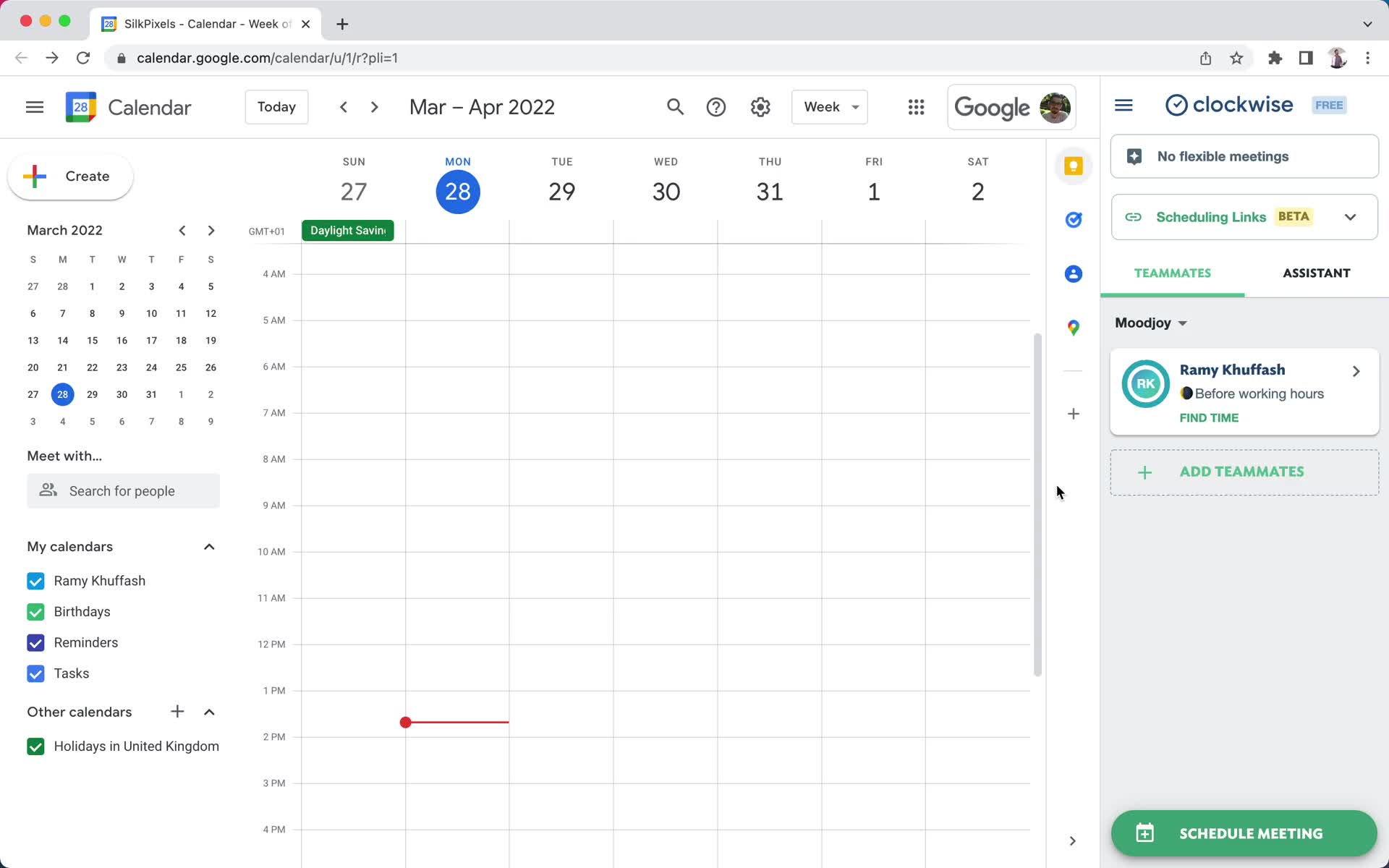
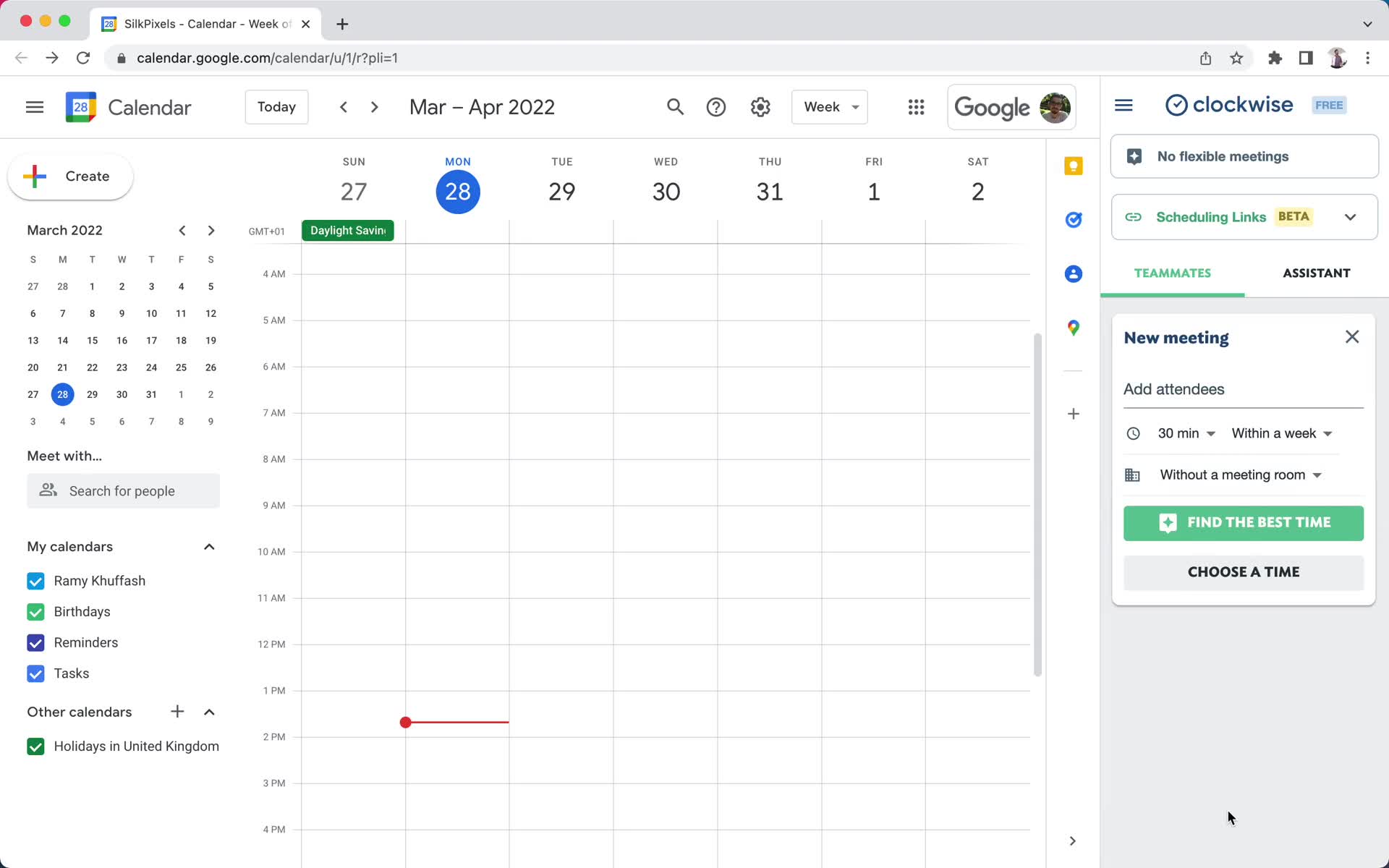
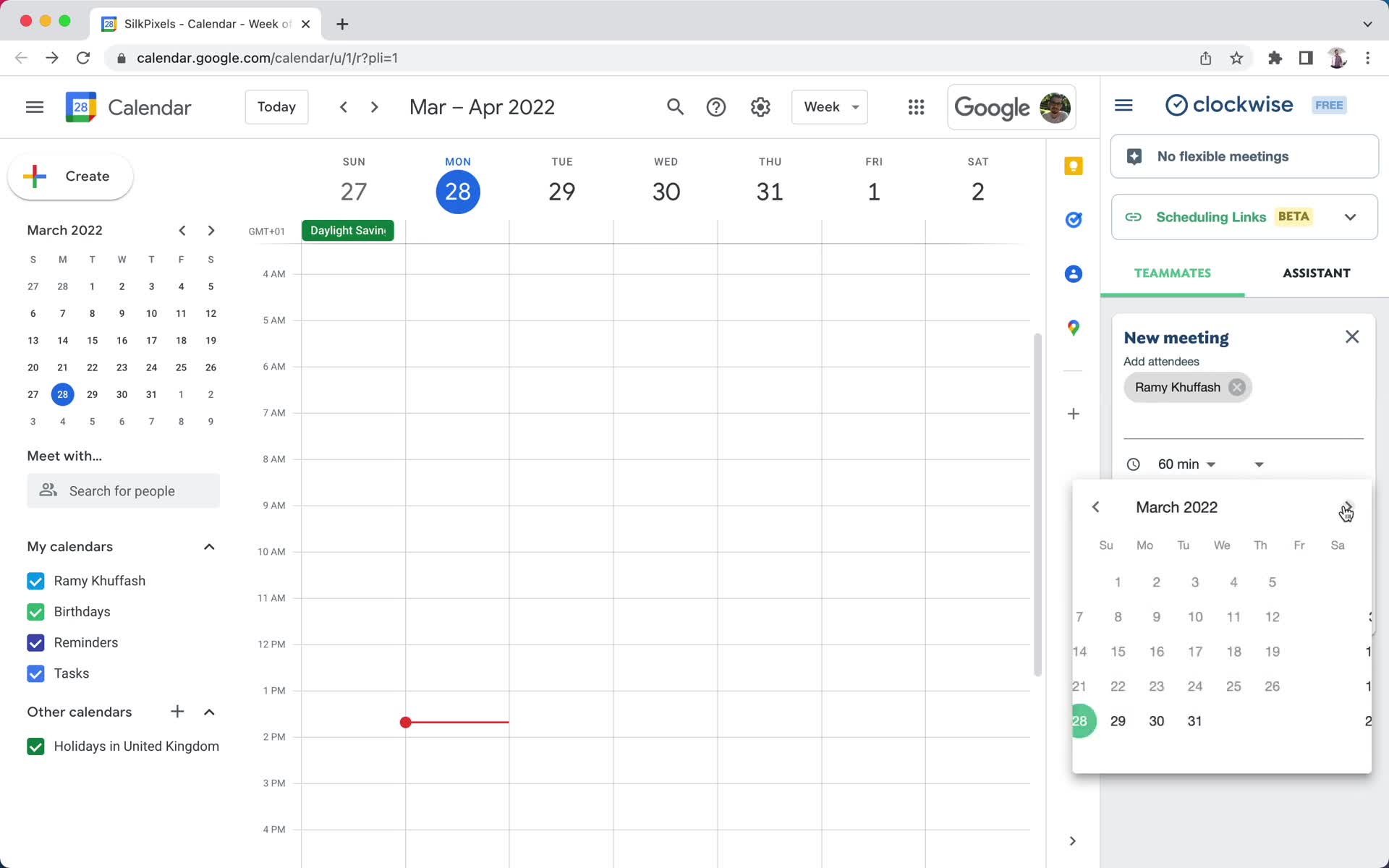
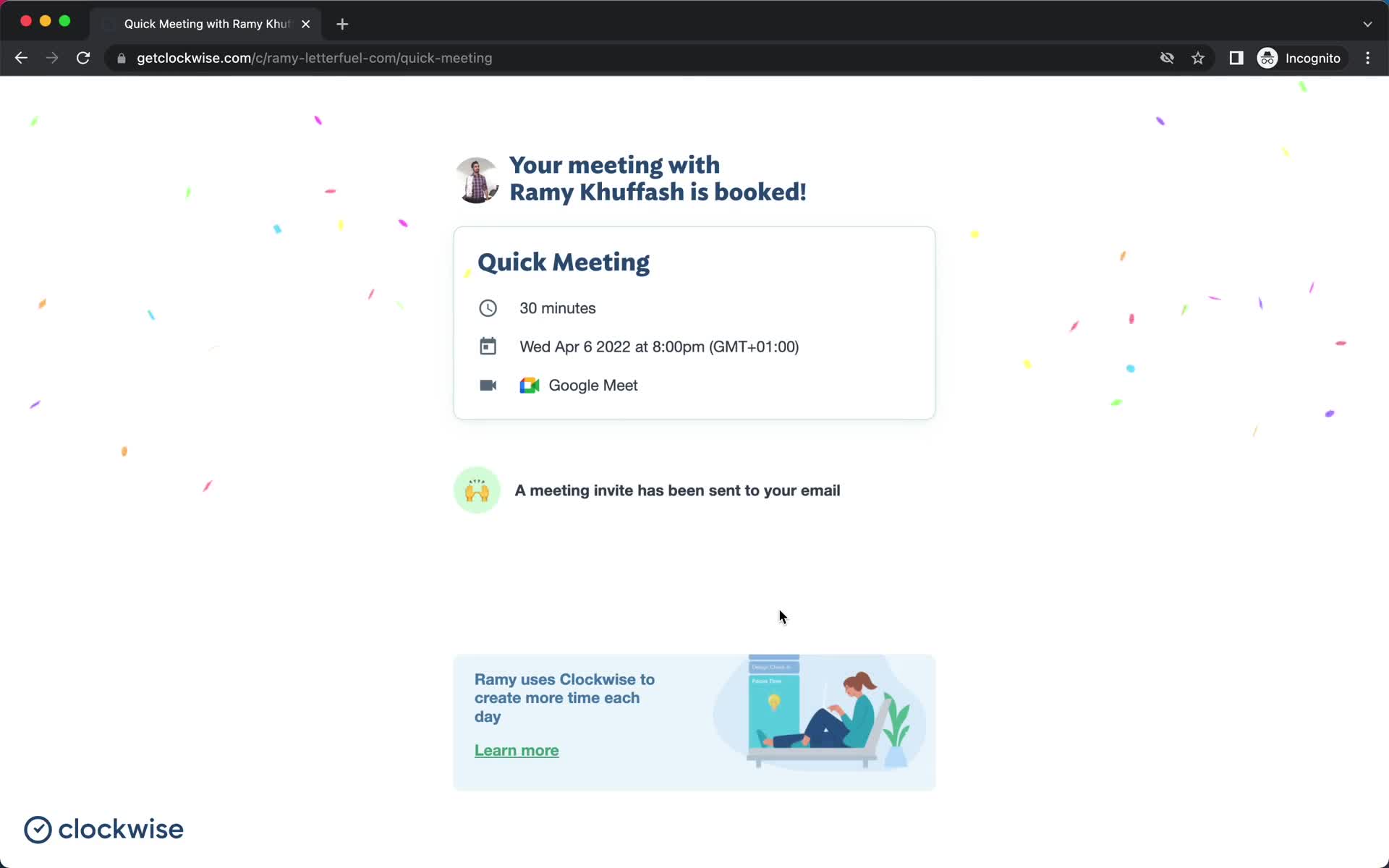
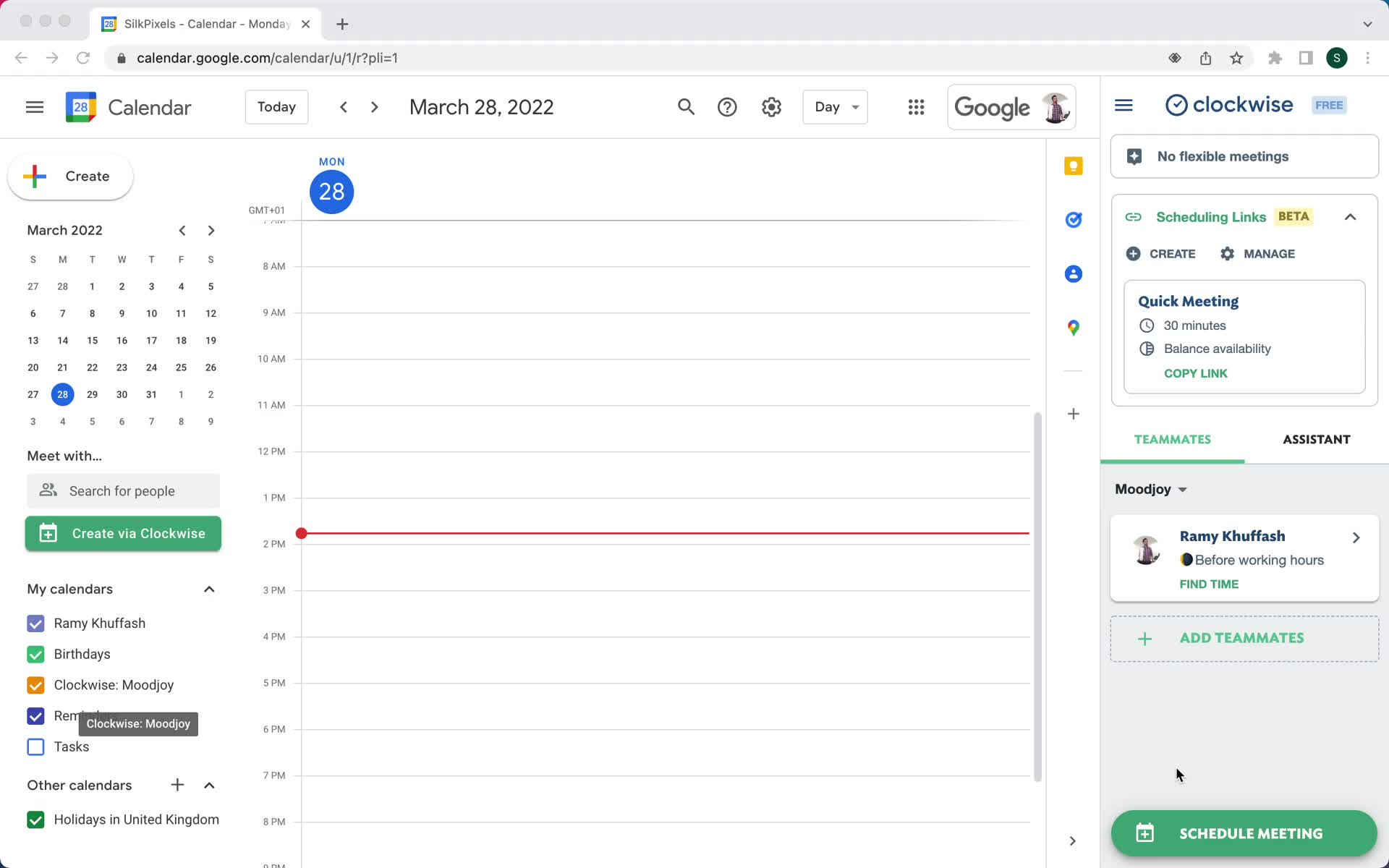
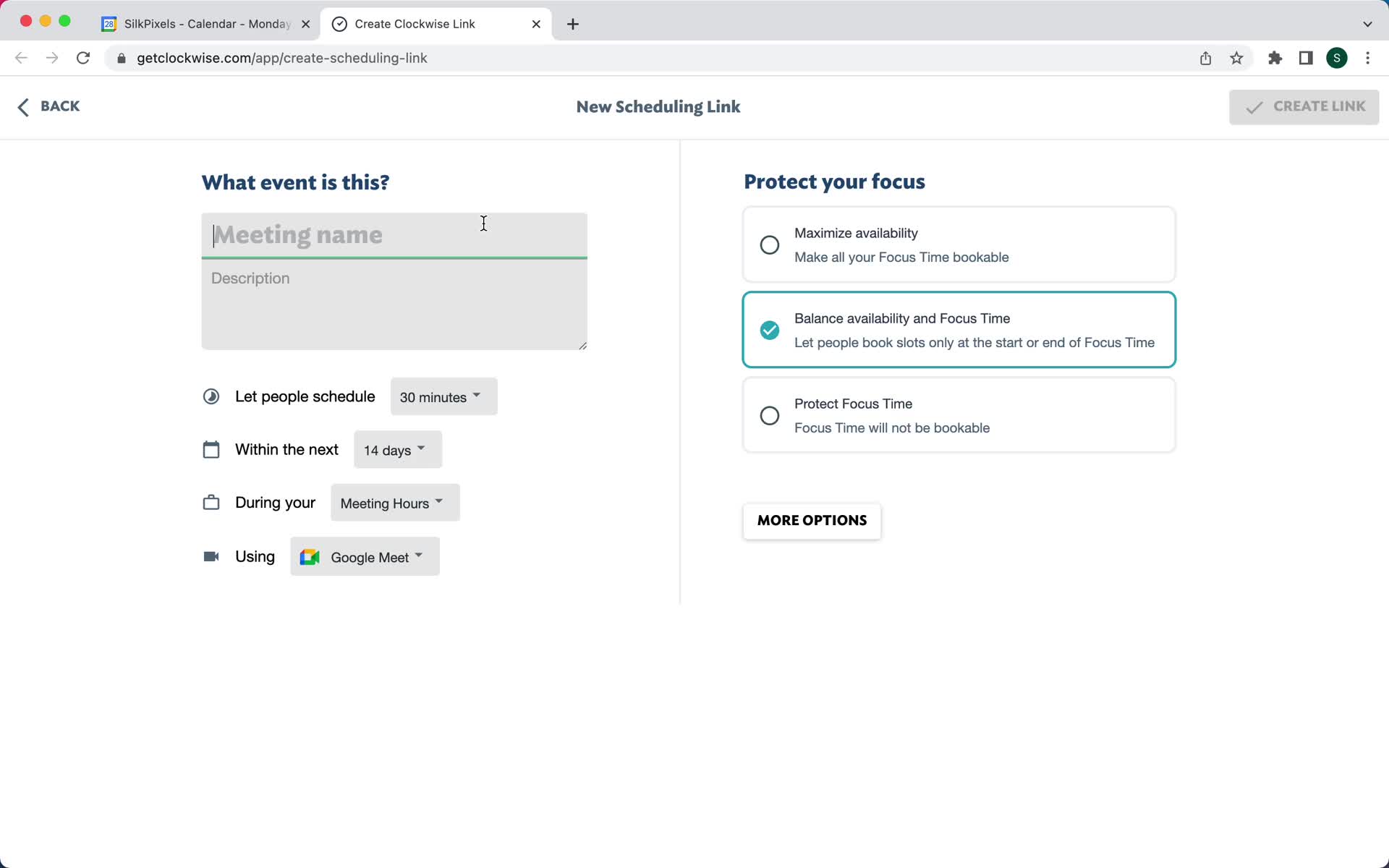
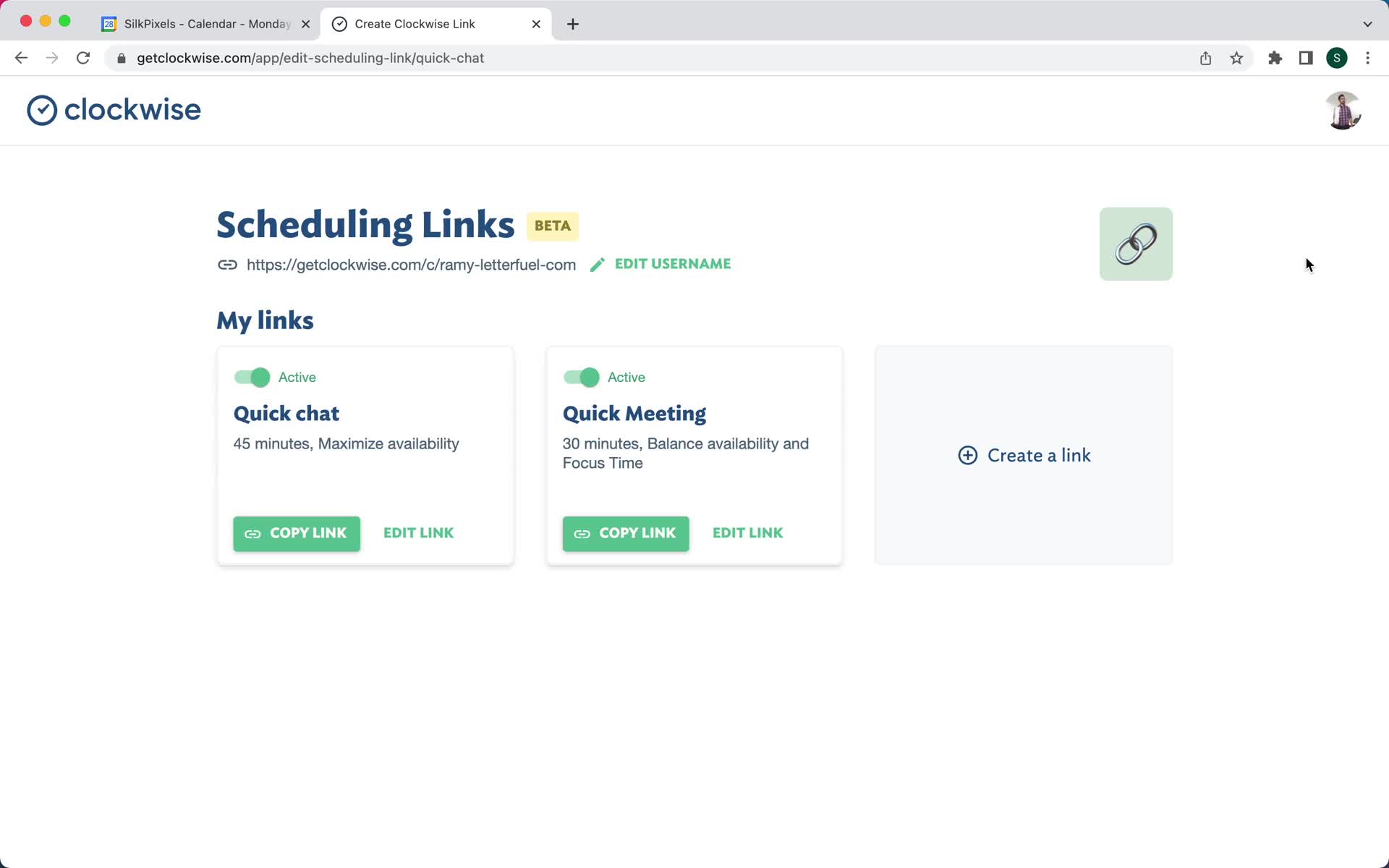
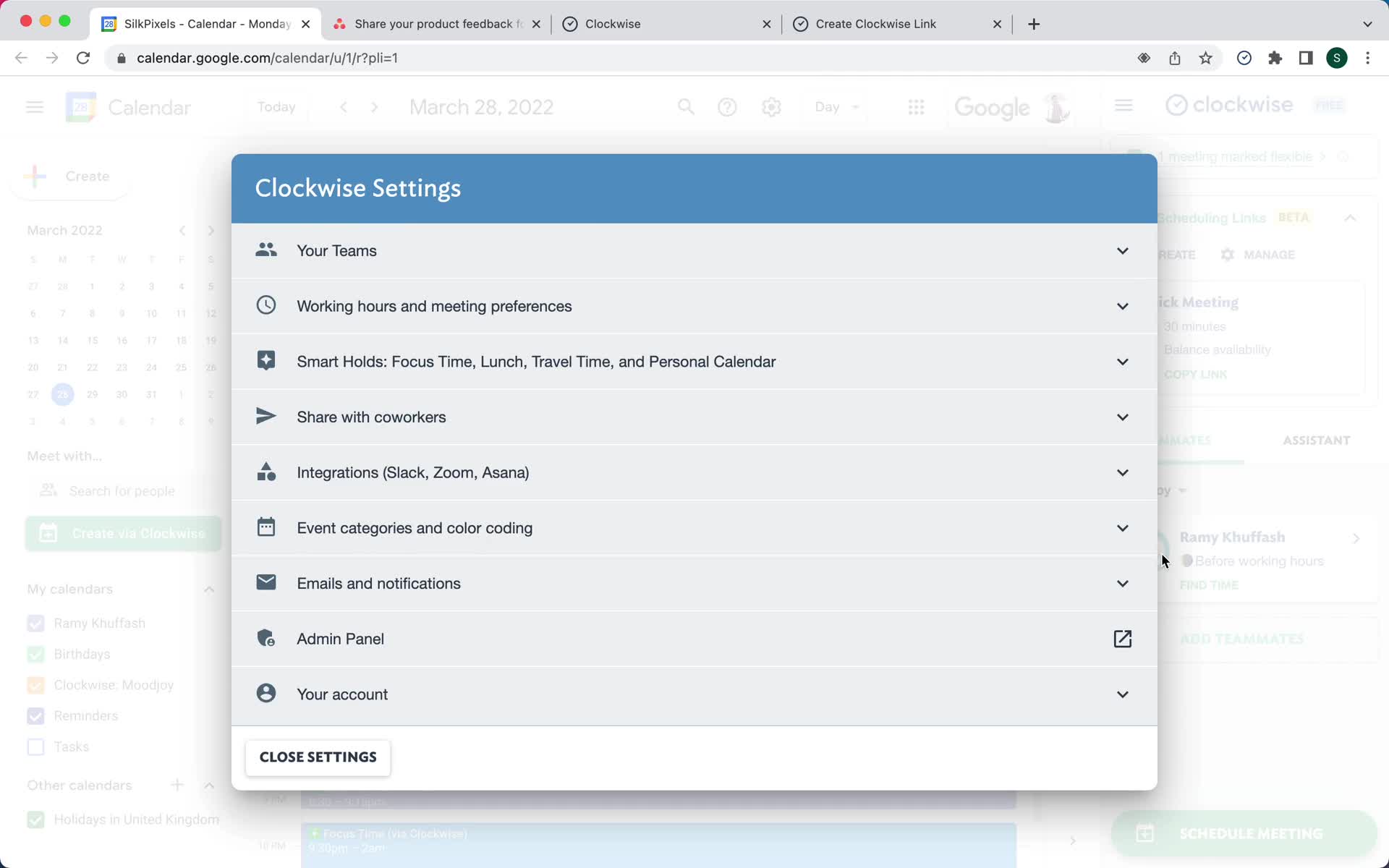
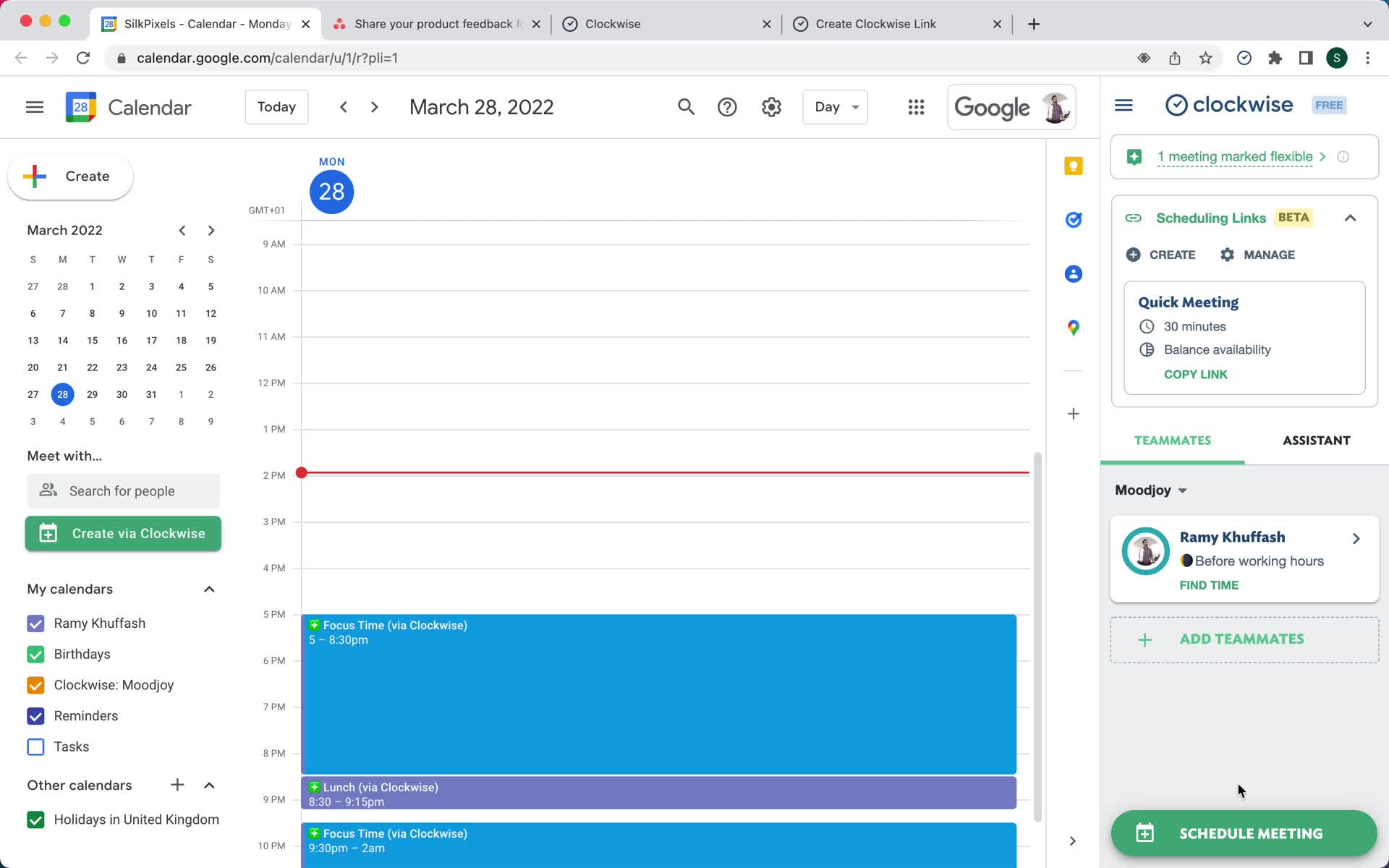
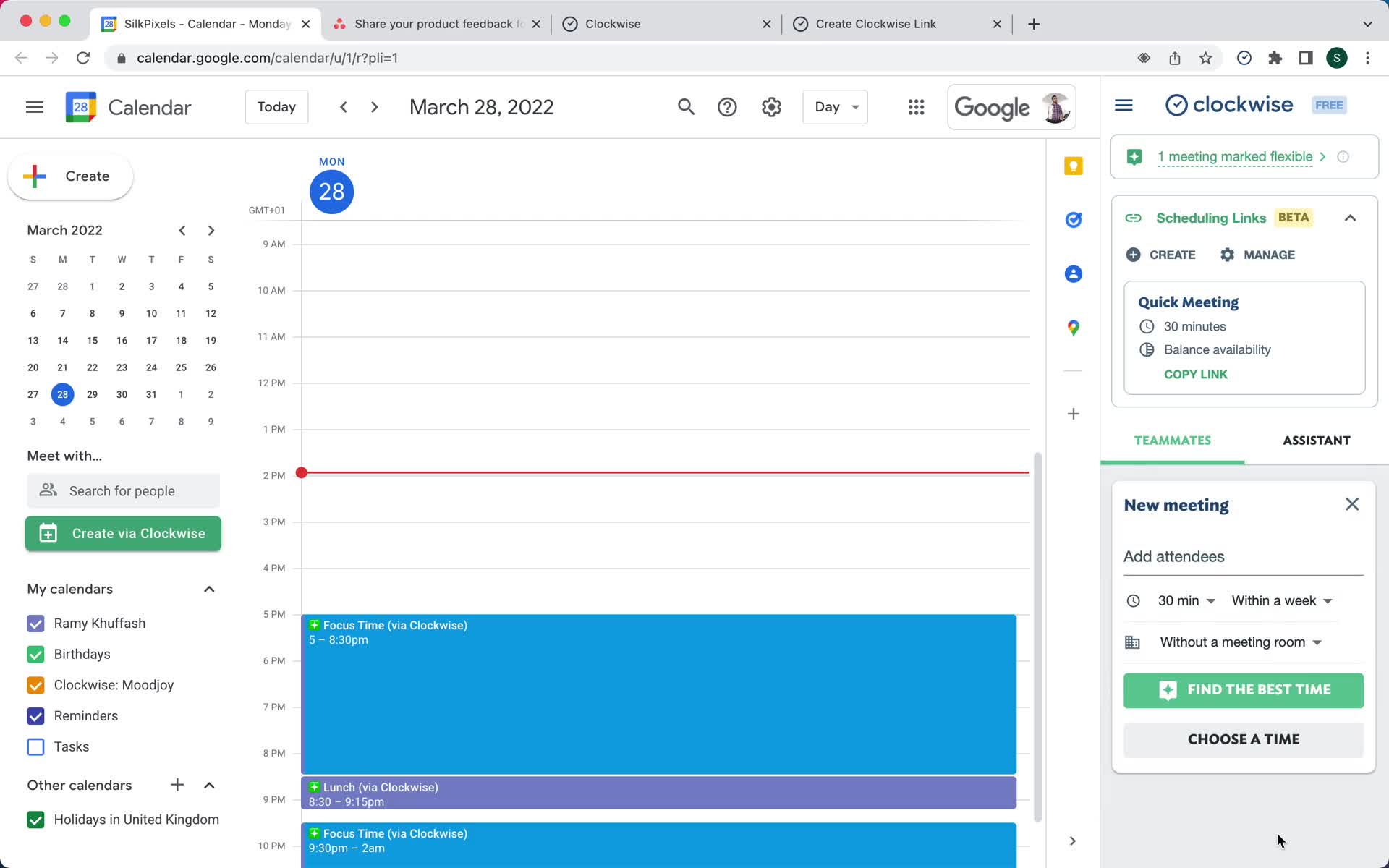
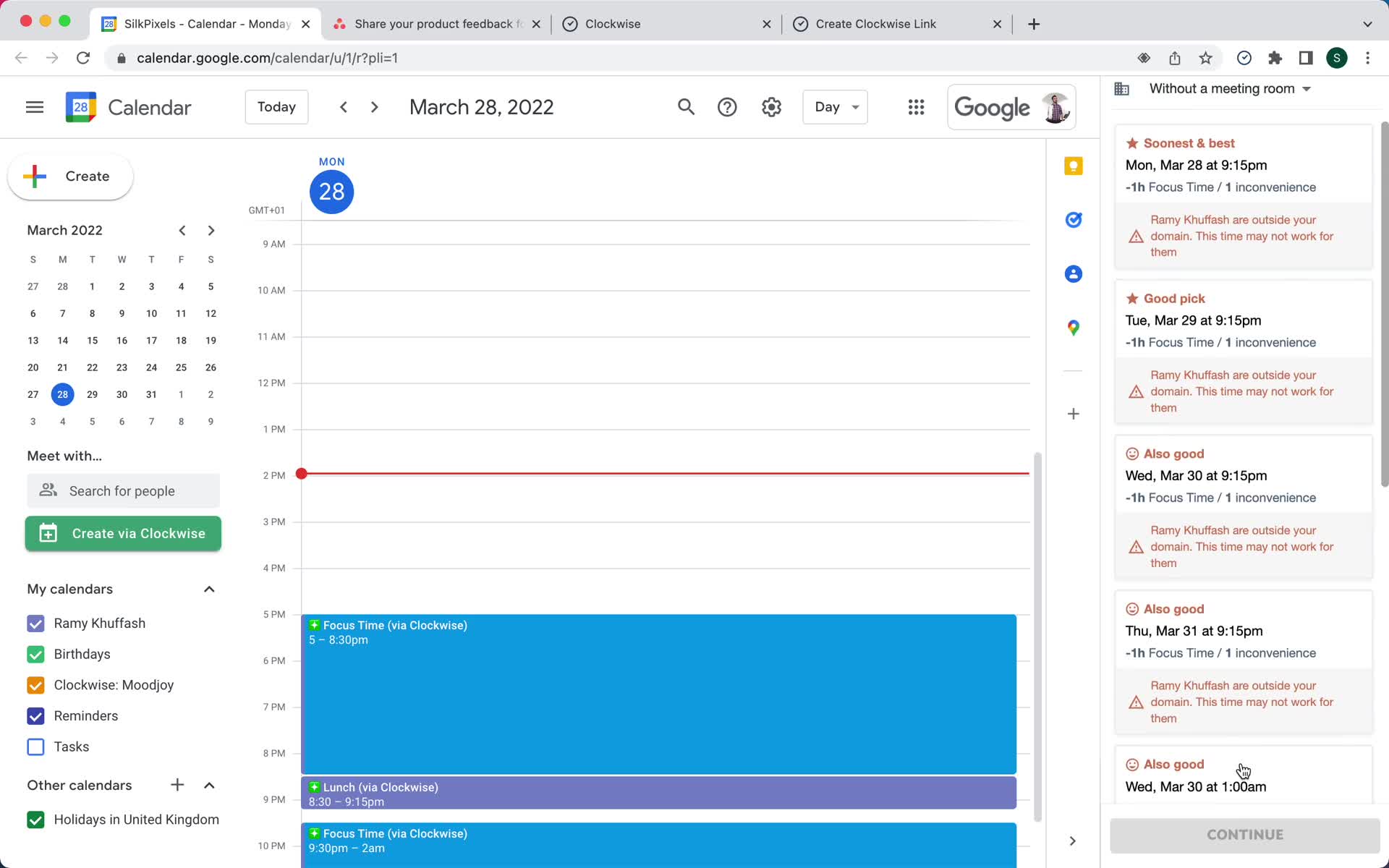
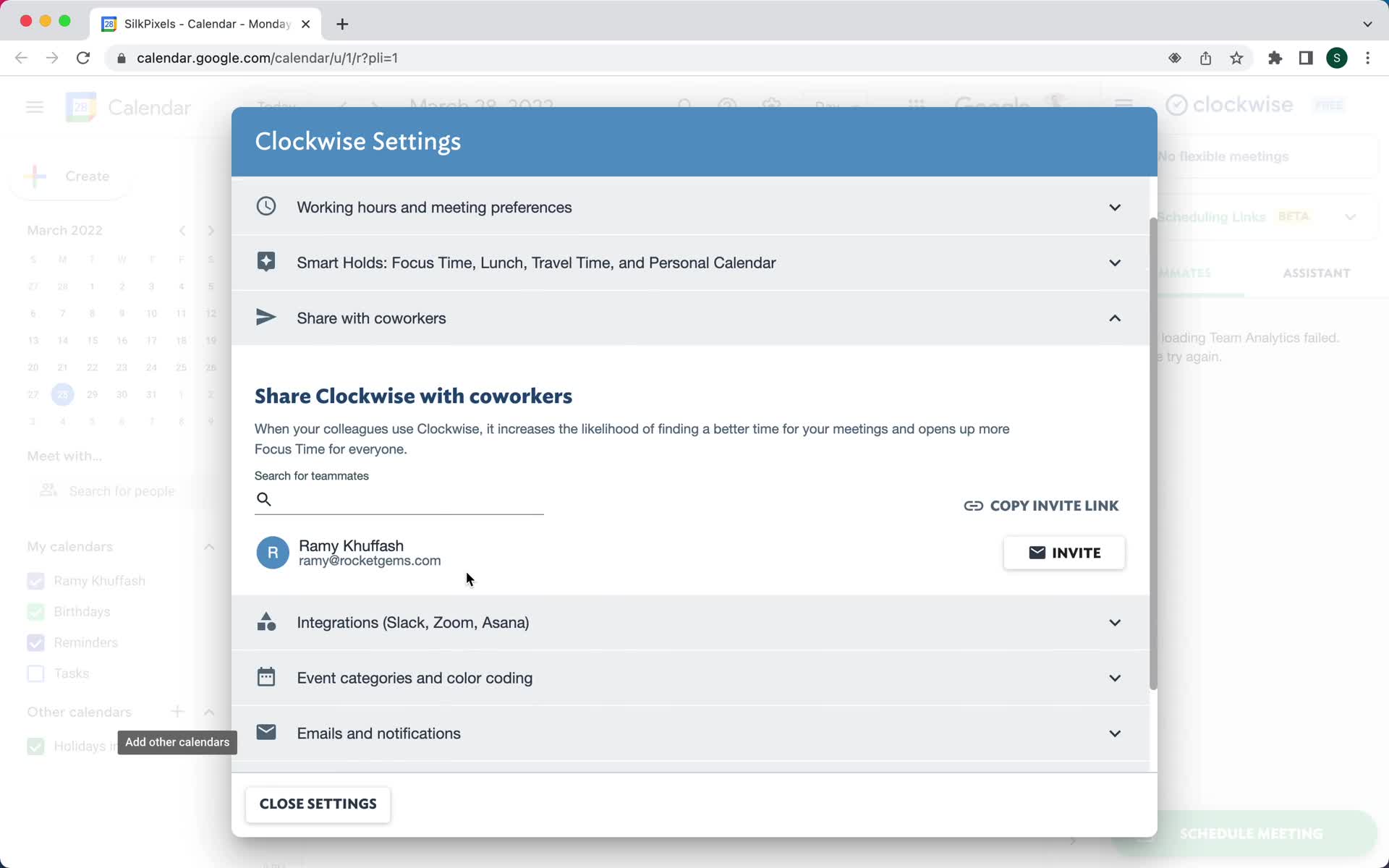
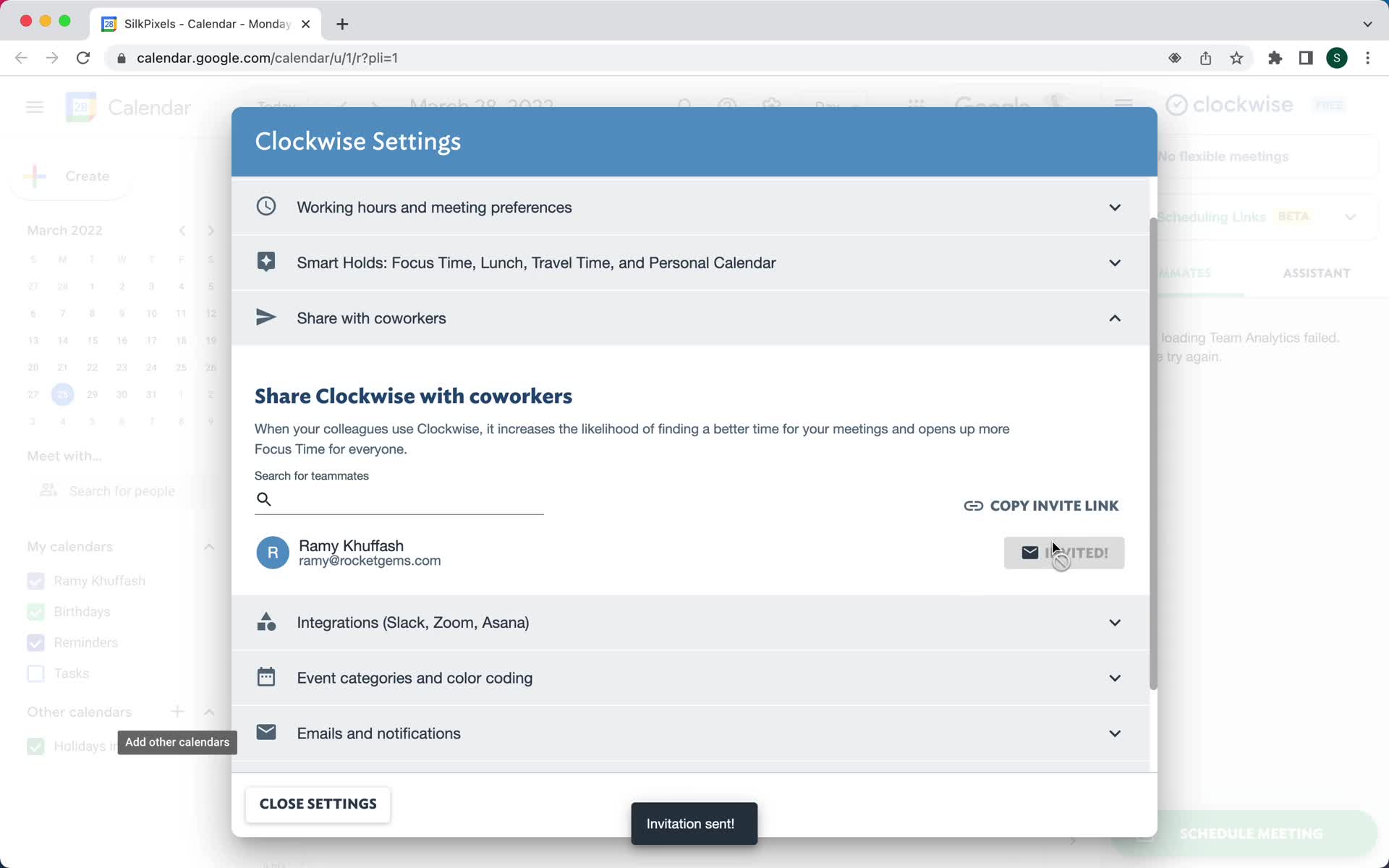
Invite email
this is title
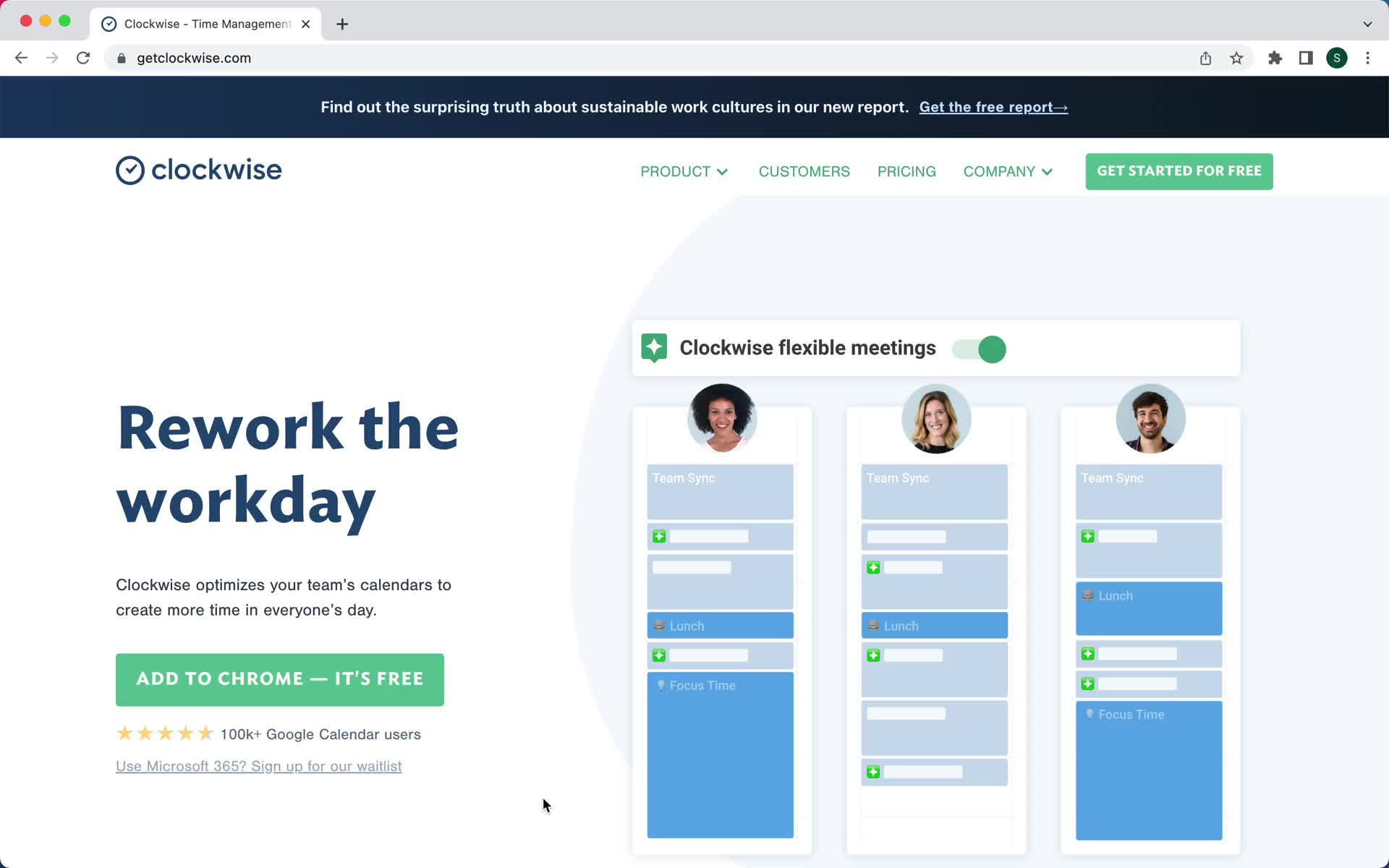
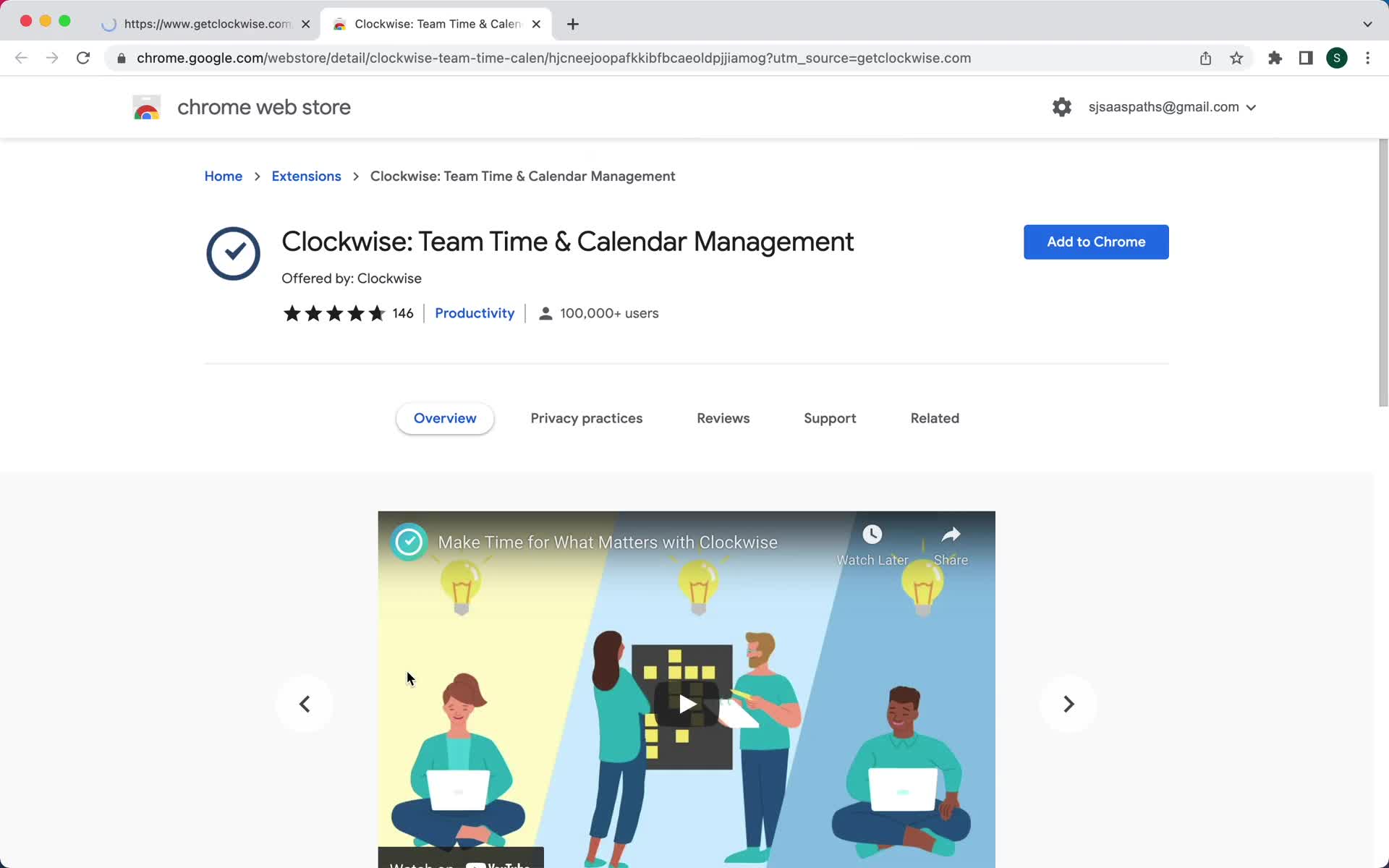
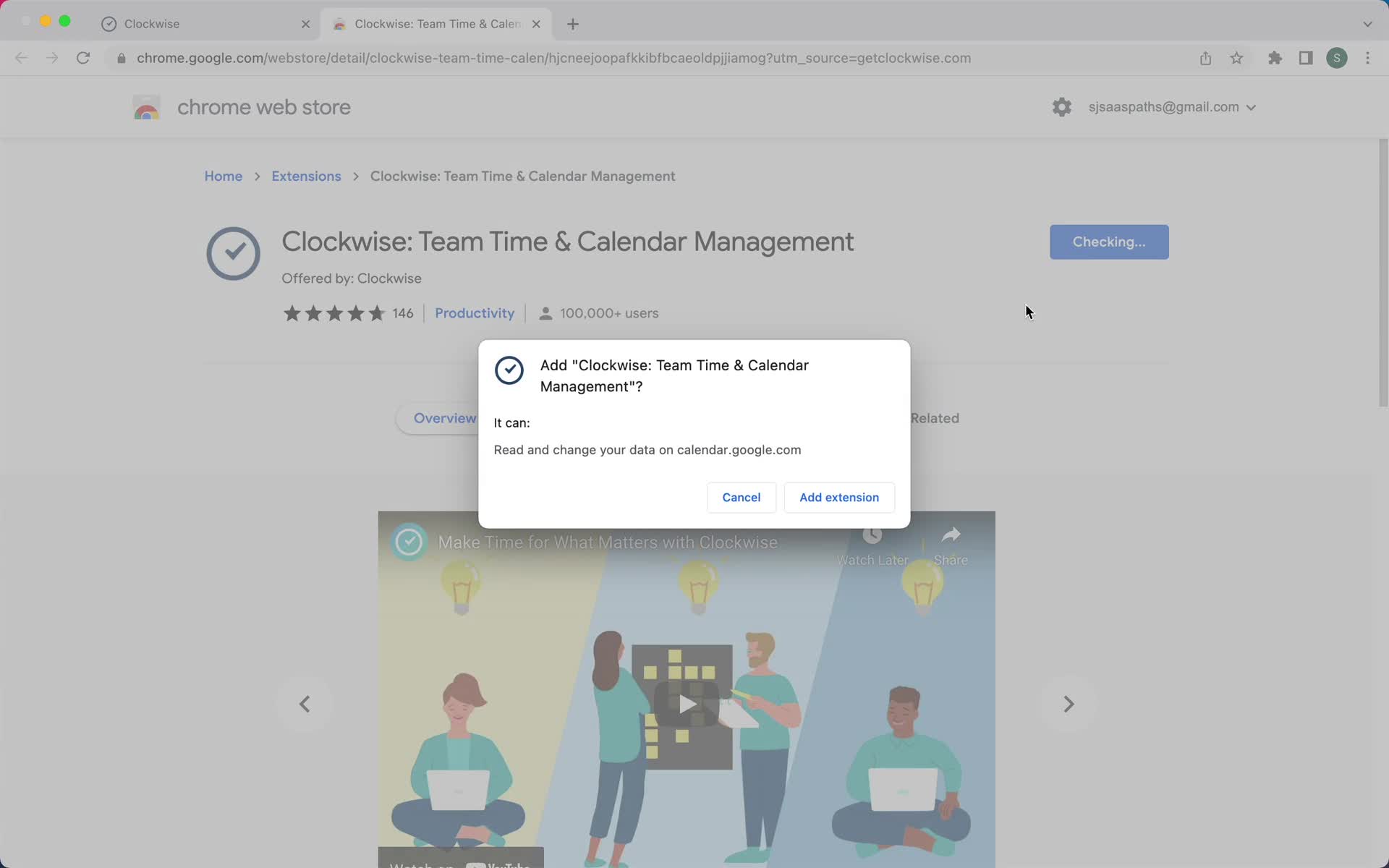
Install plugin
this is title
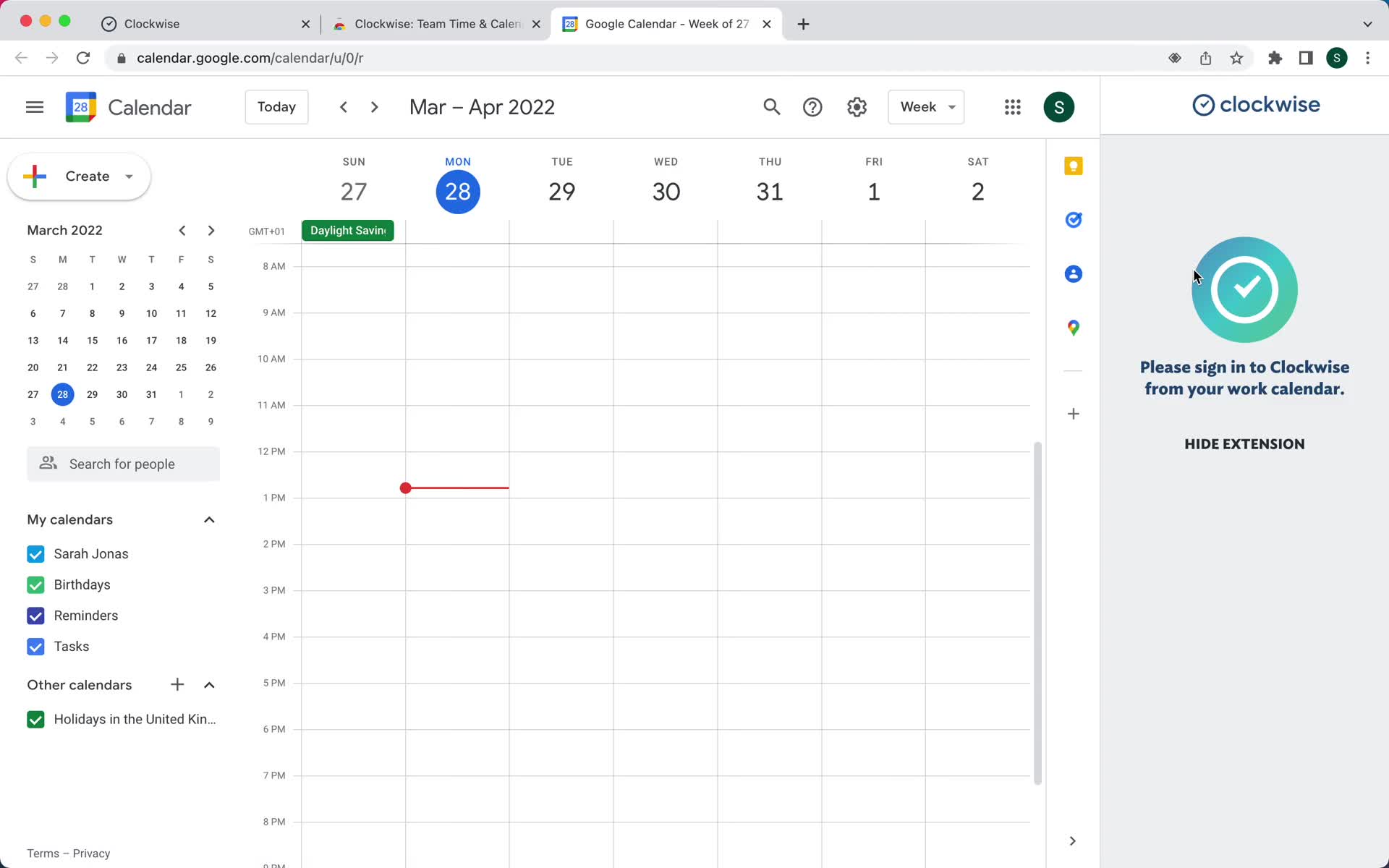
Switch to work account
this is title
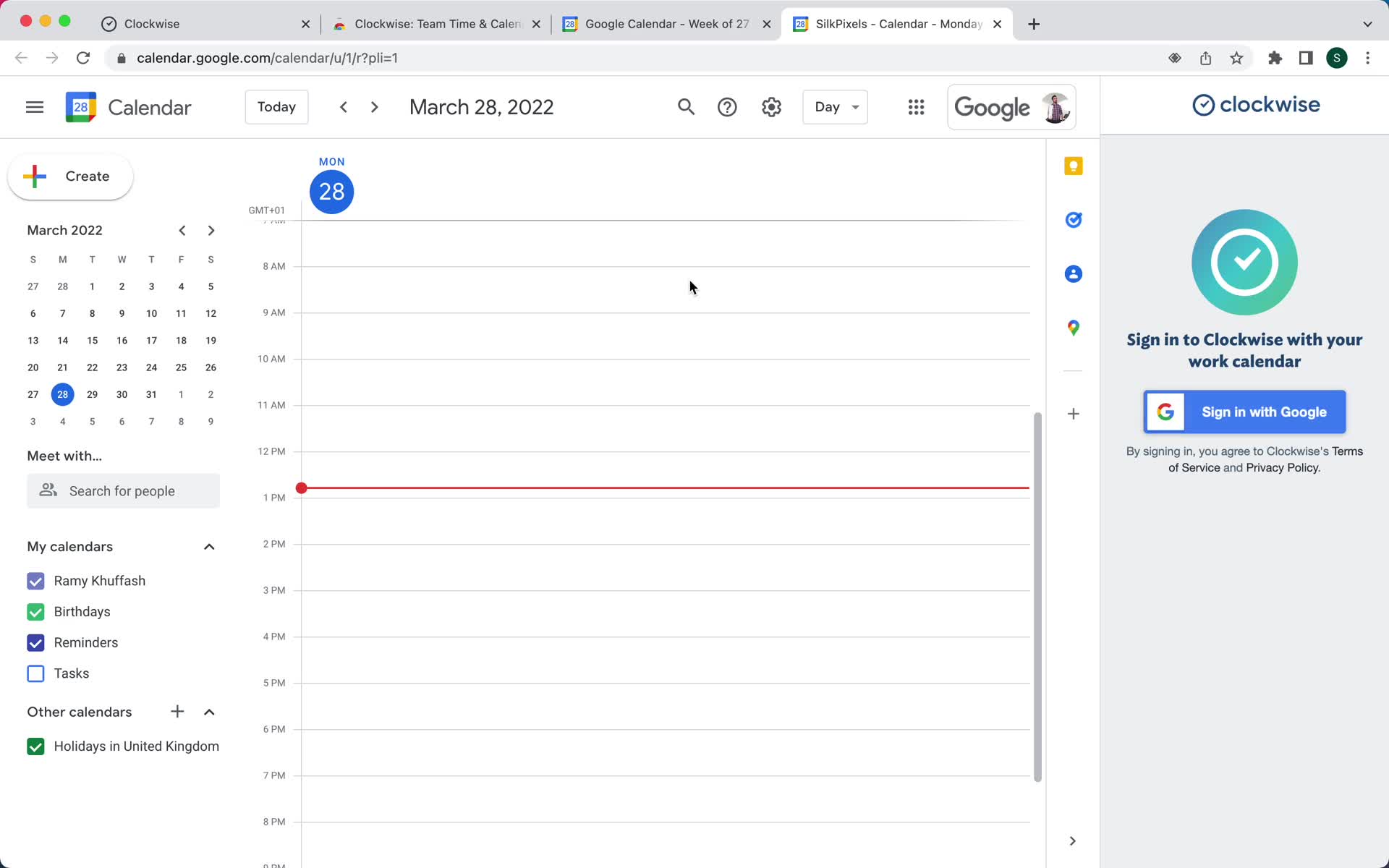
Connect calendar
this is title
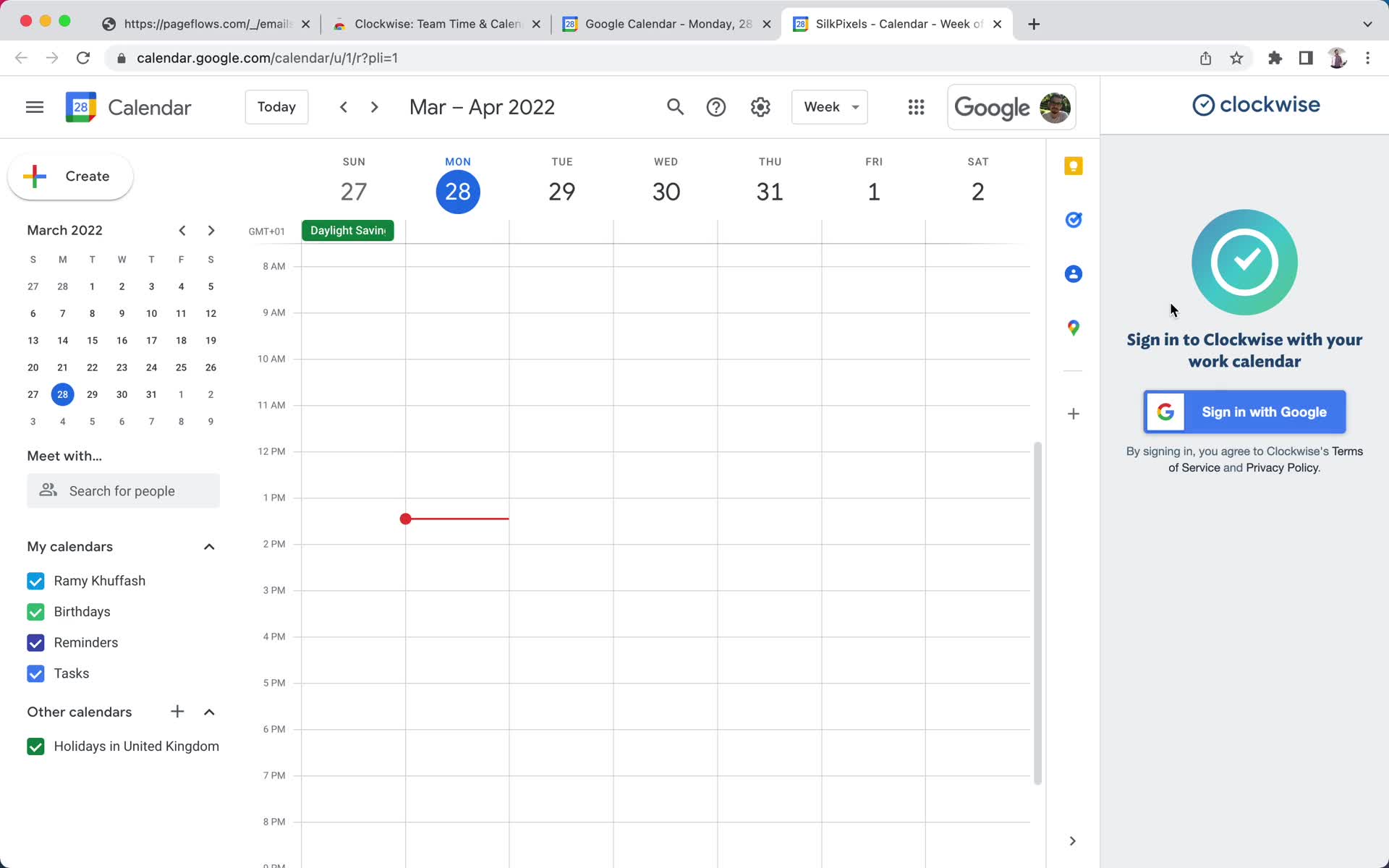
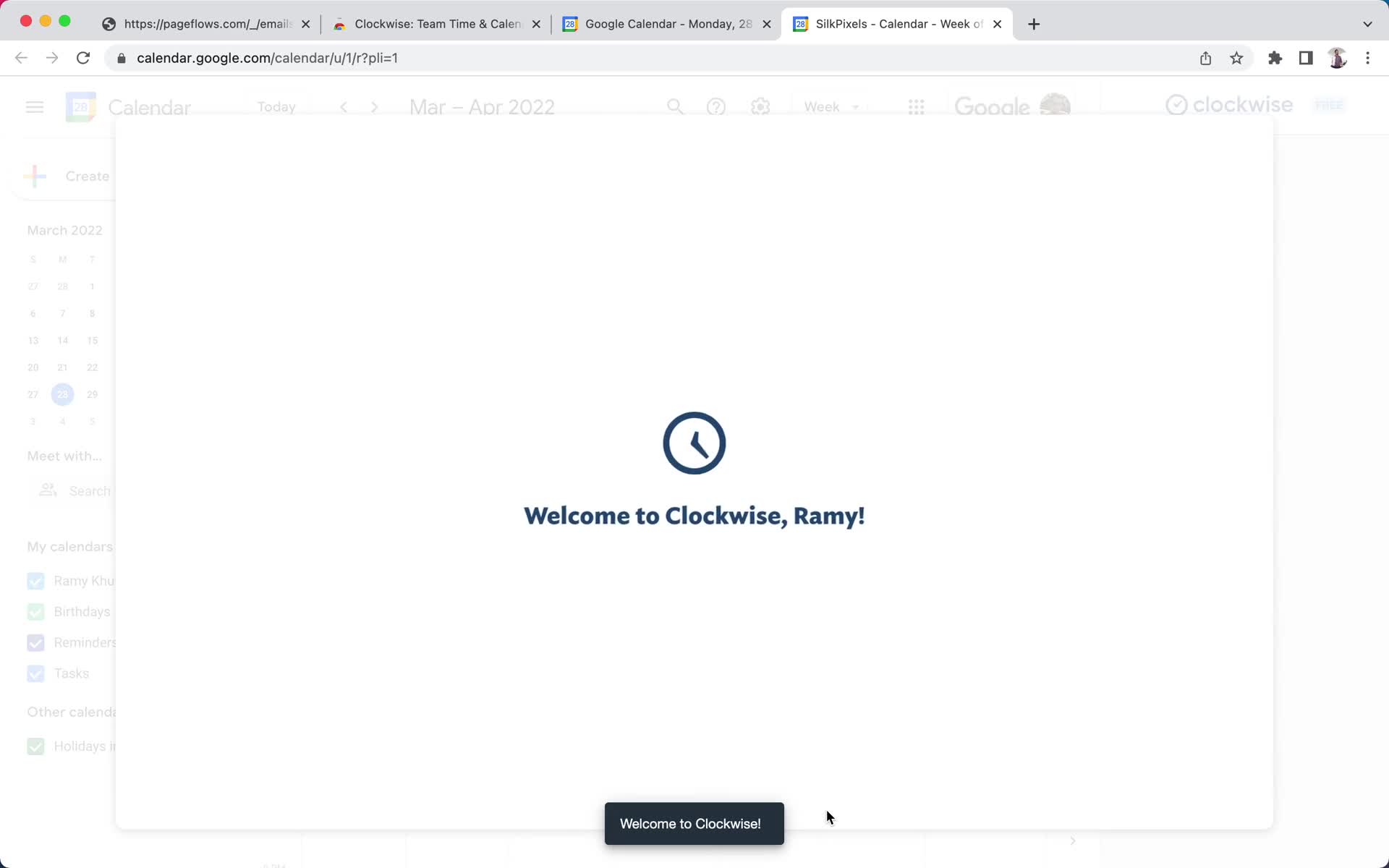
Welcome
this is title
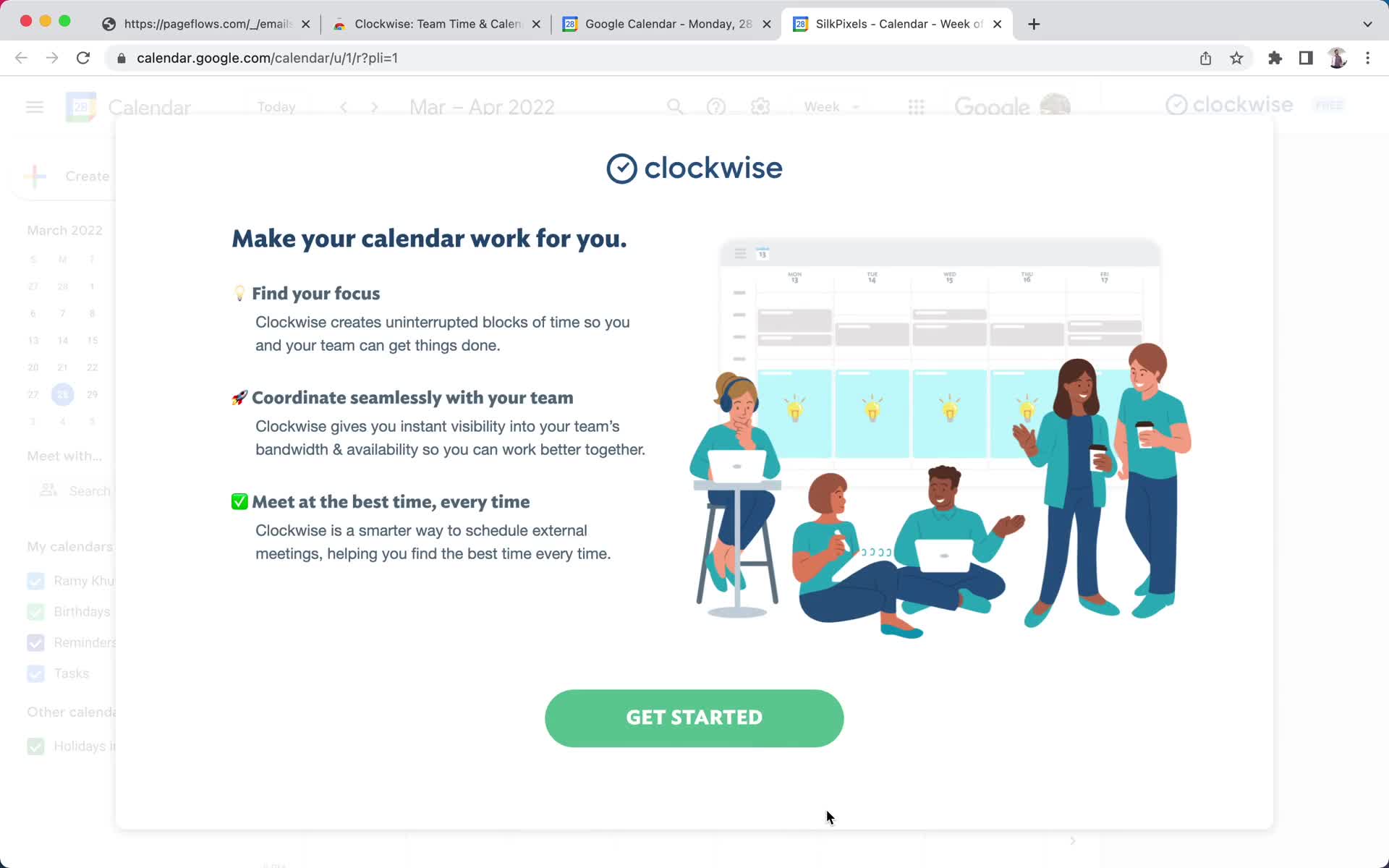
Get started
this is title
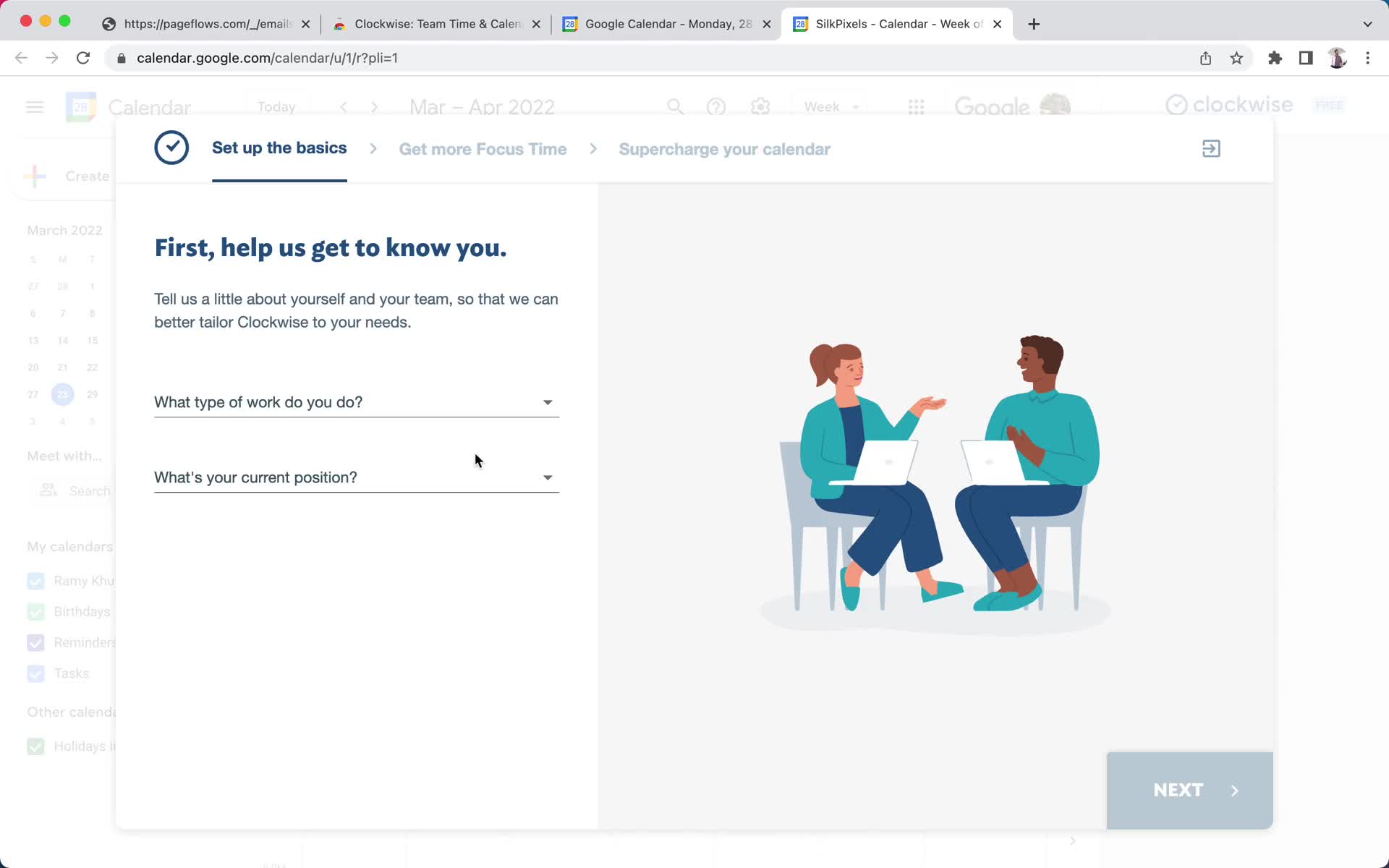
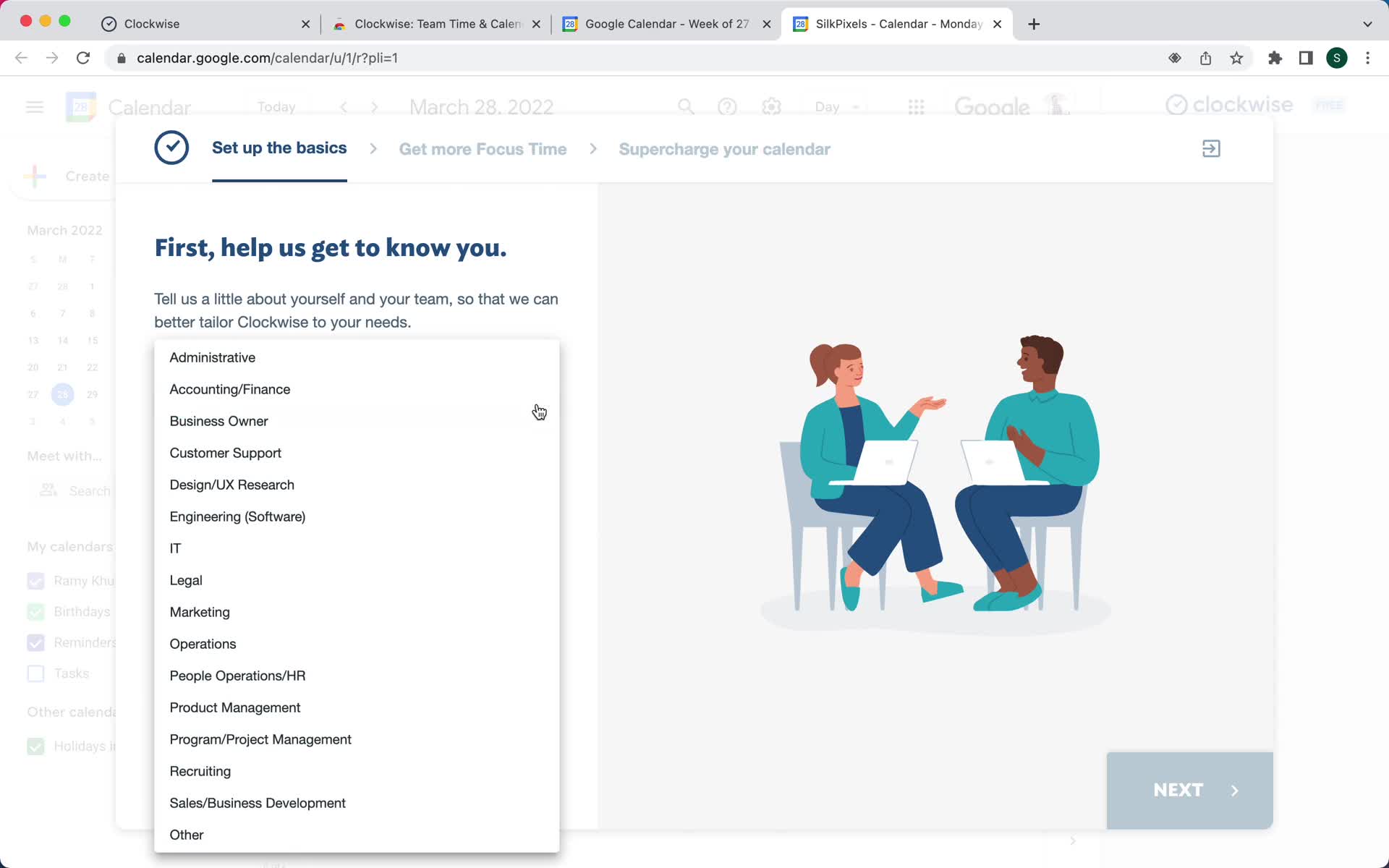
Select role
this is title
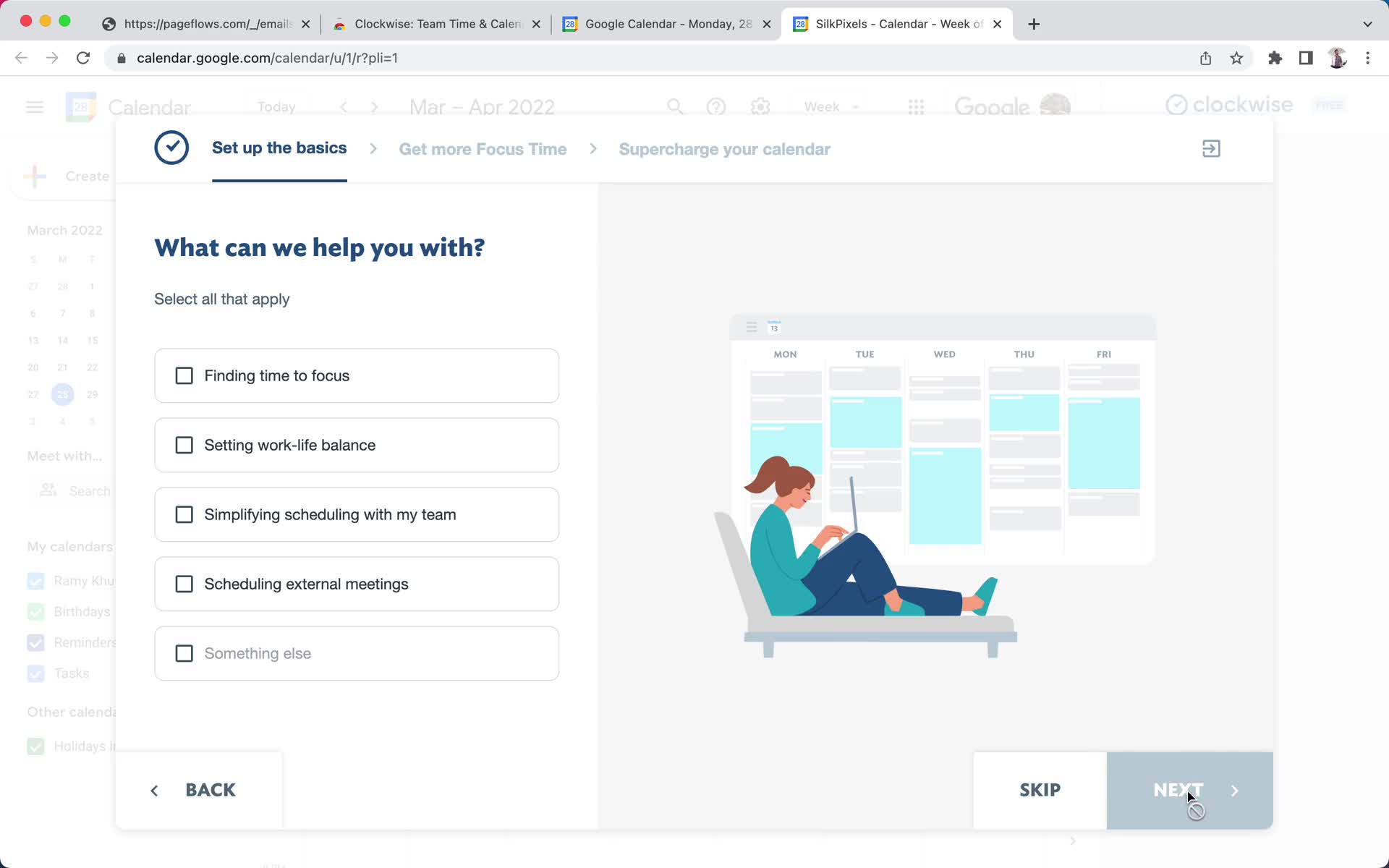
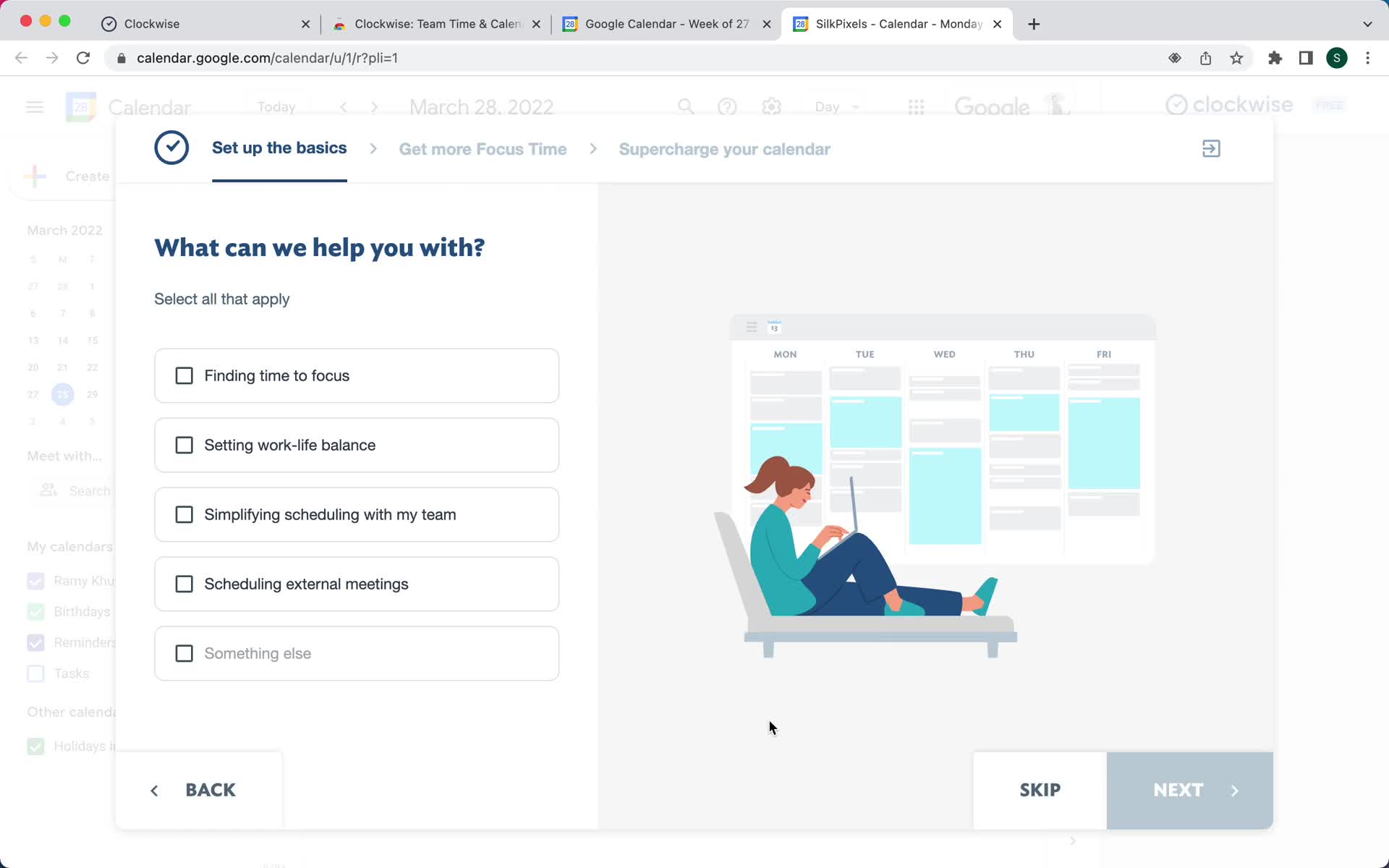
Select goals
this is title
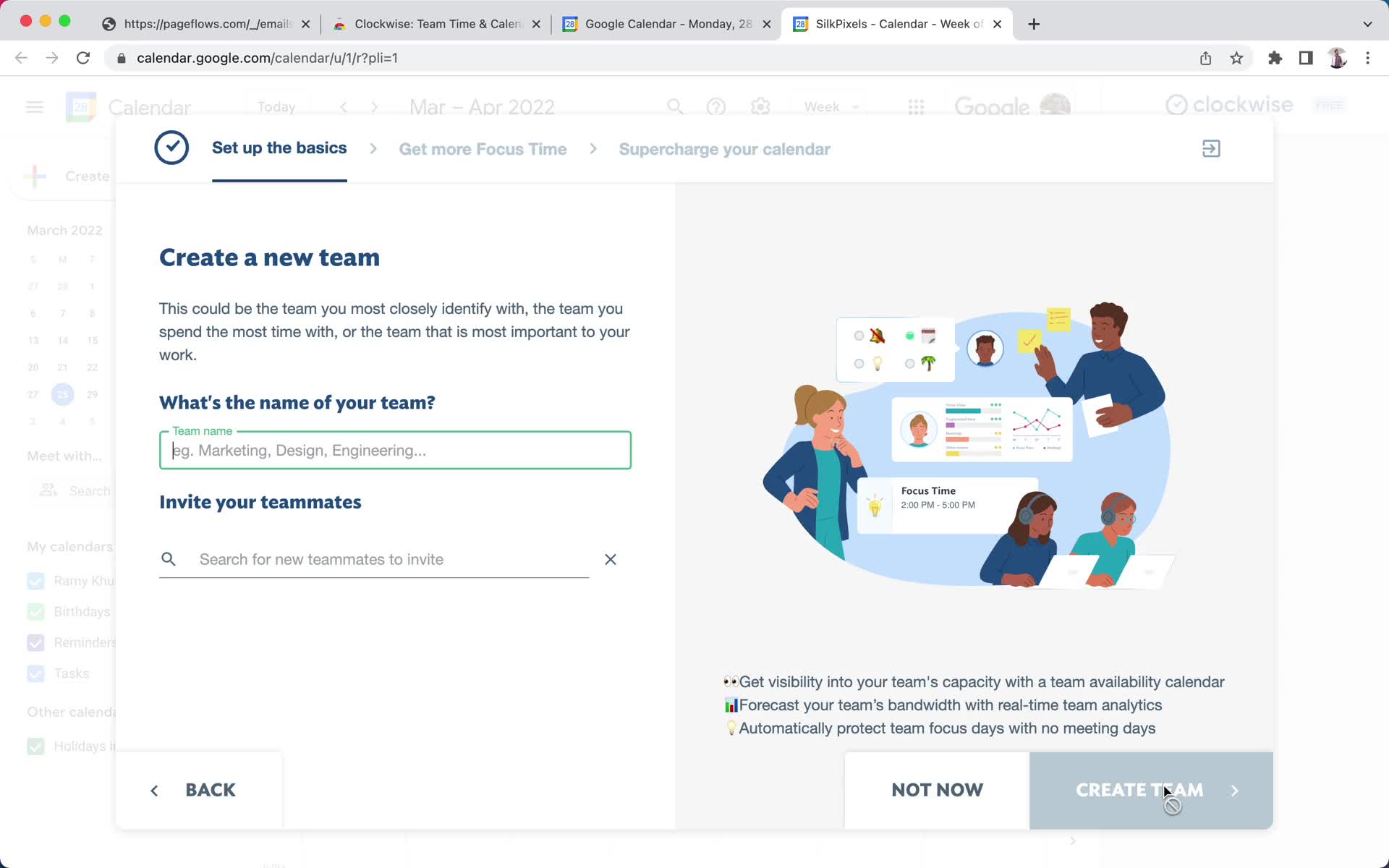
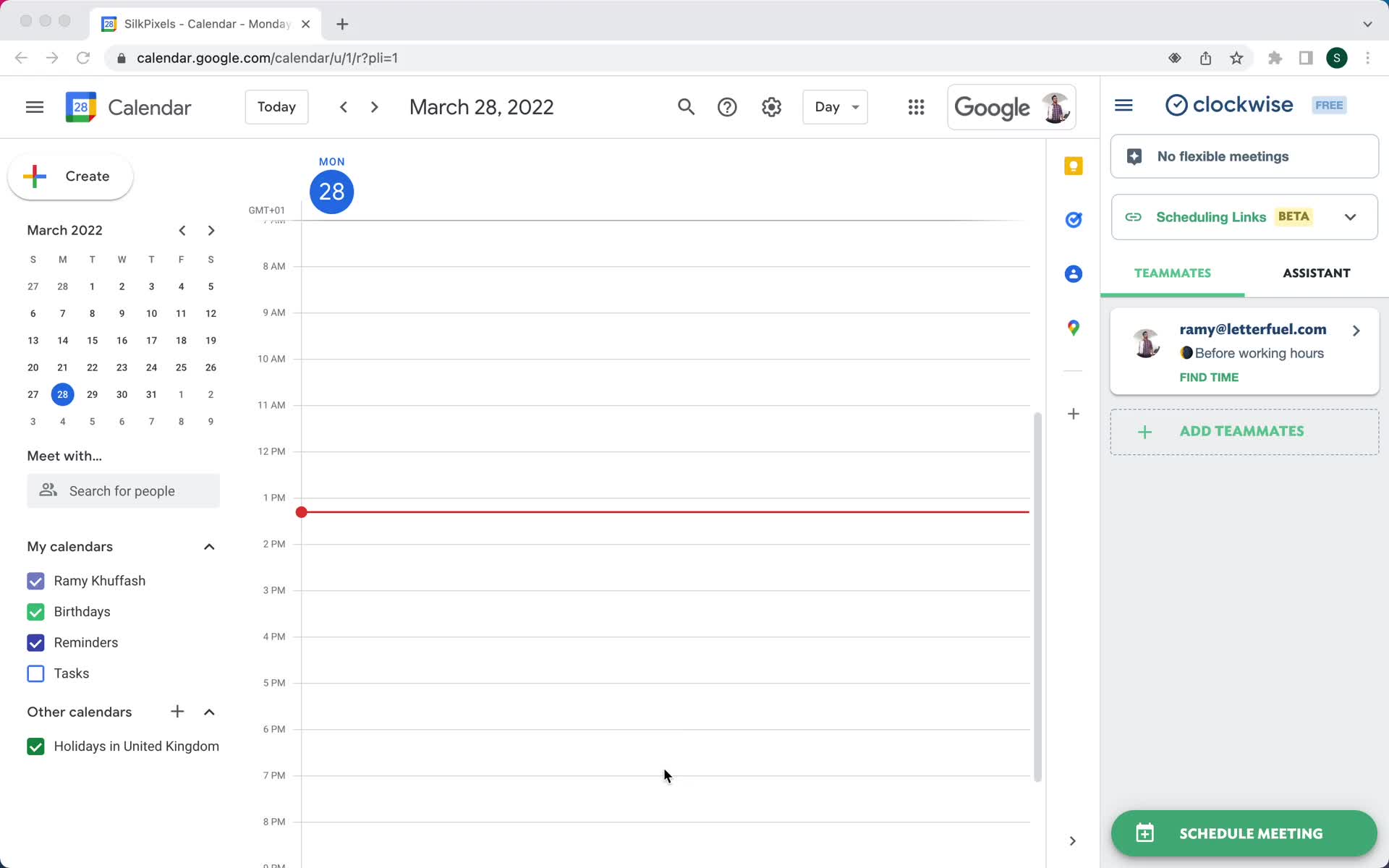
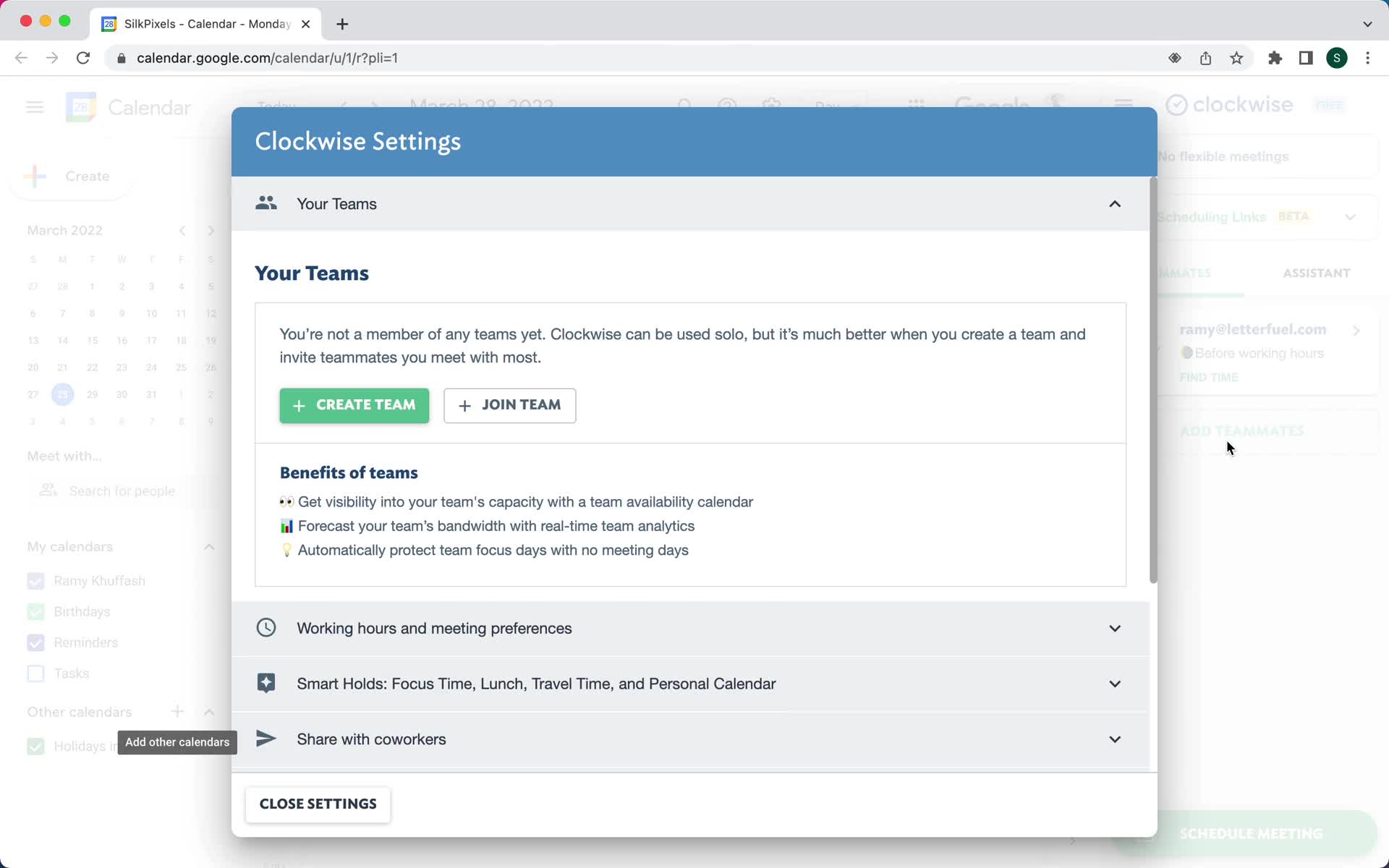
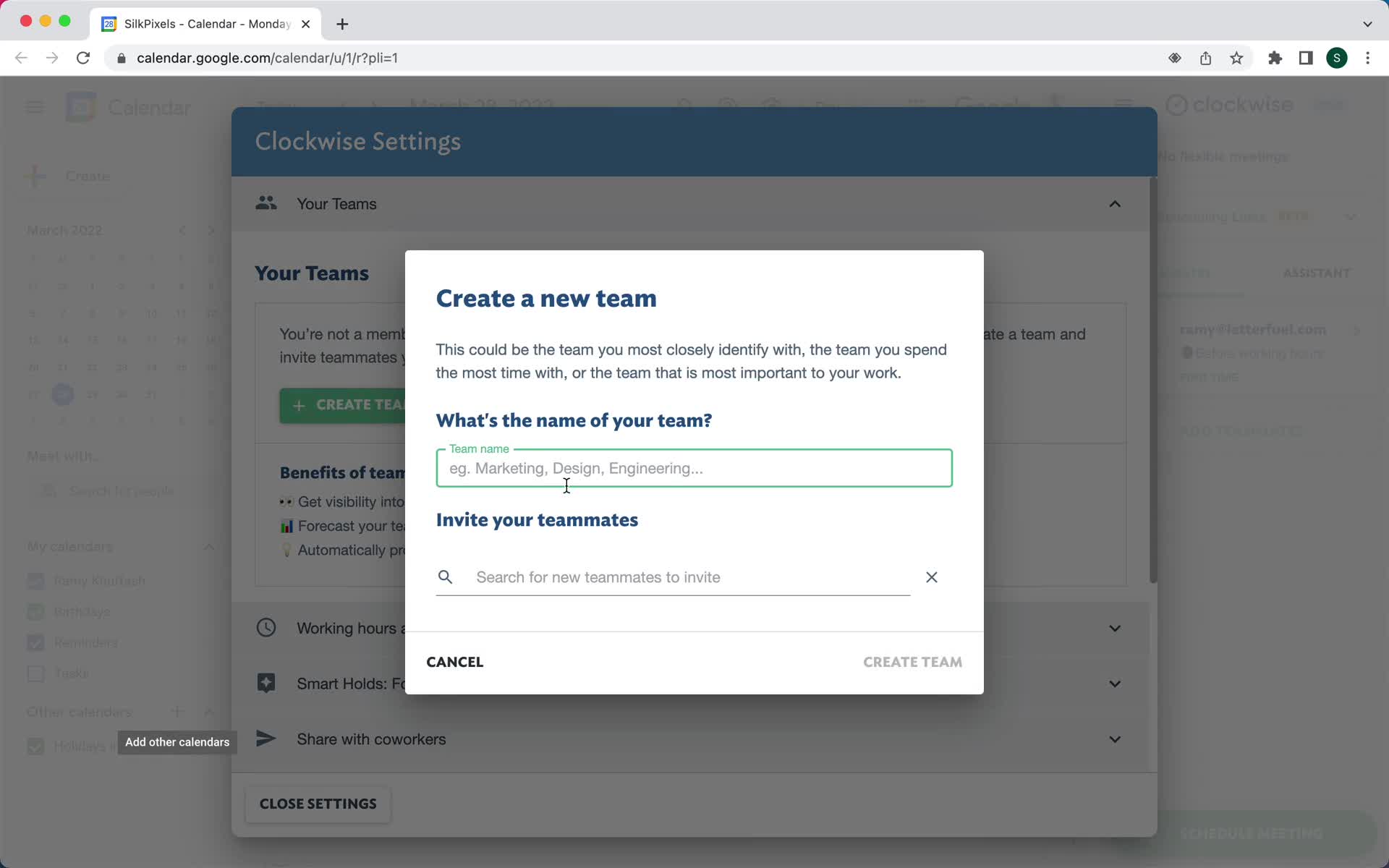
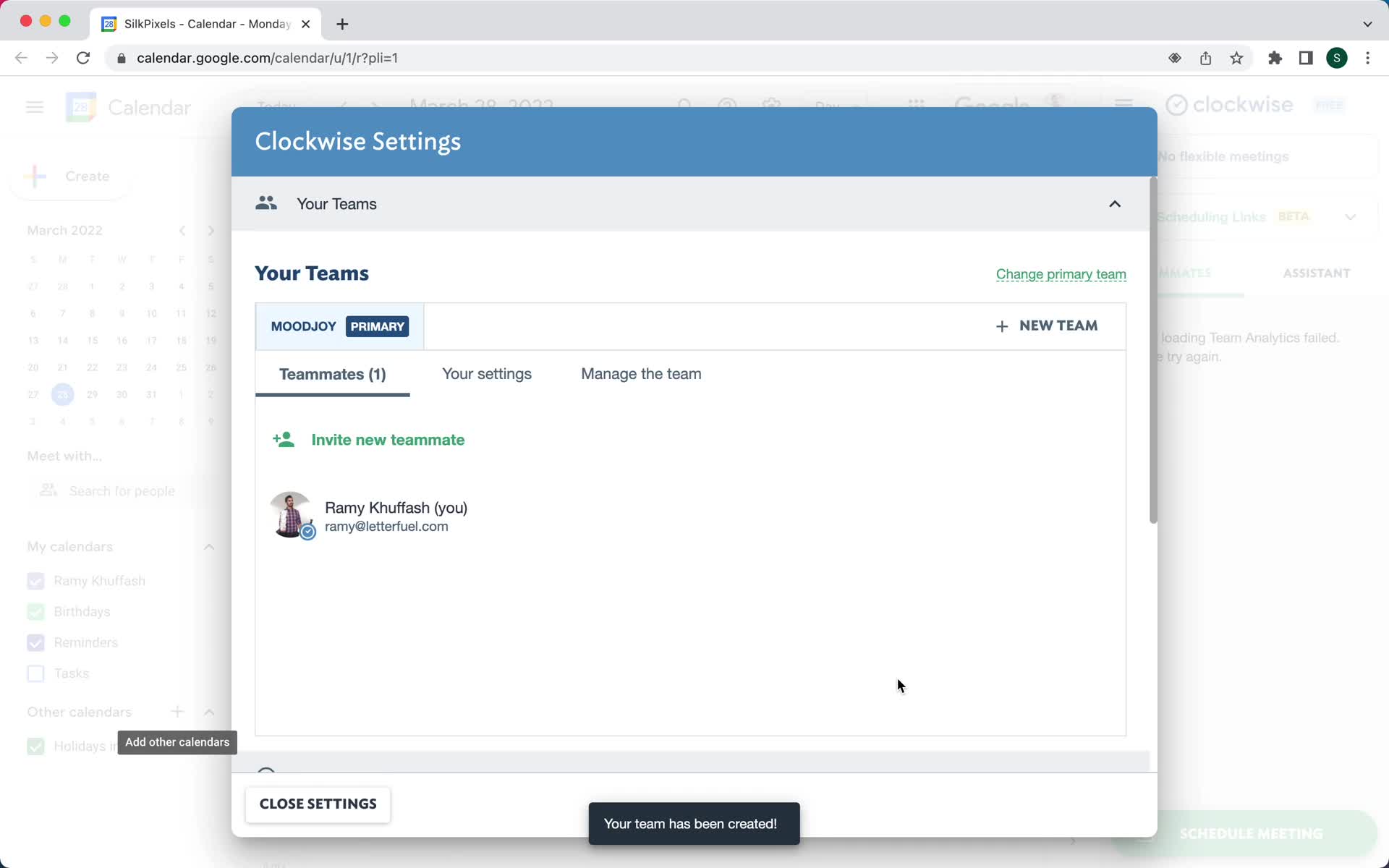
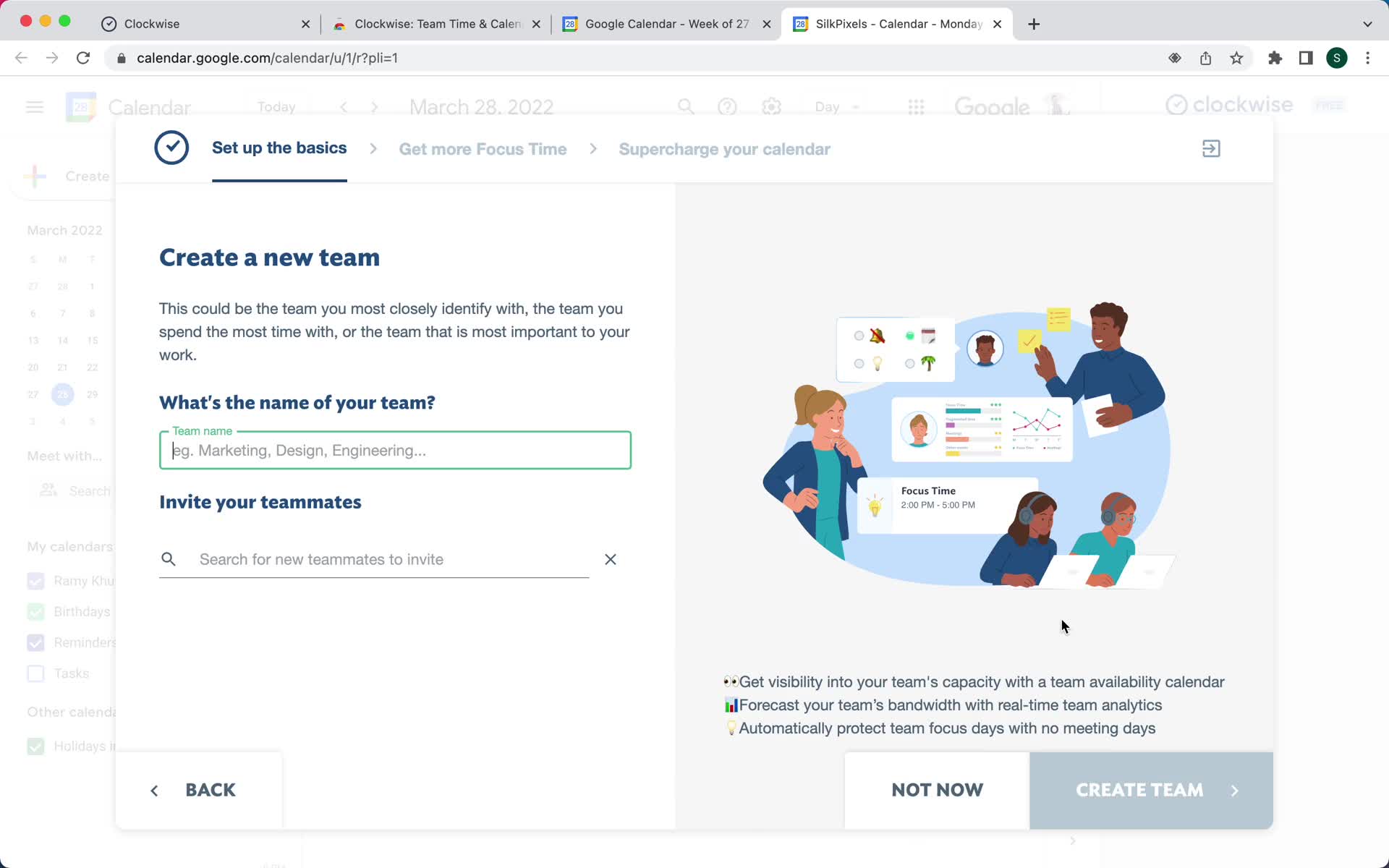
Create team
this is title
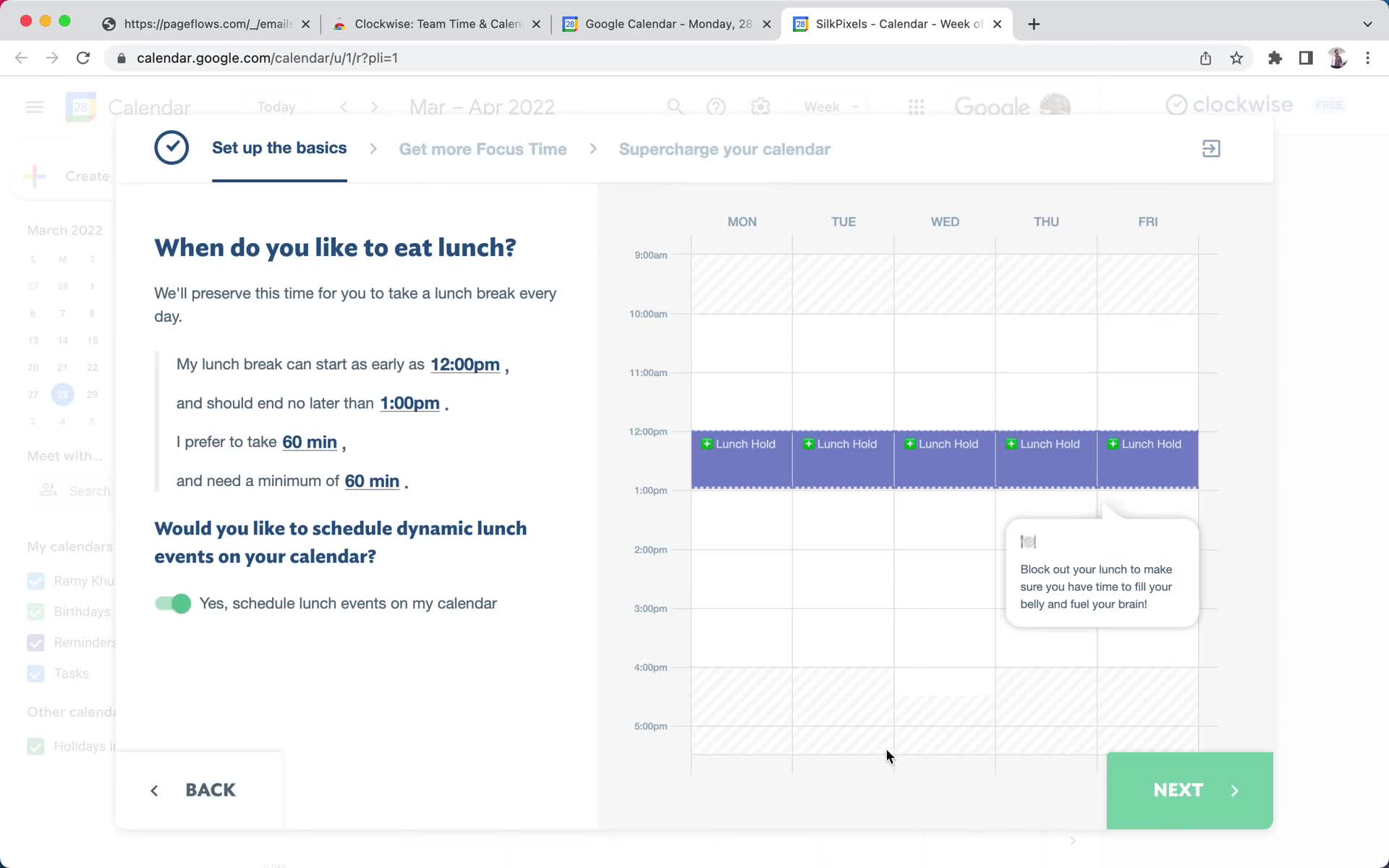
Onboarding question
this is title
Onboarding question
this is title
Continue setup
this is title
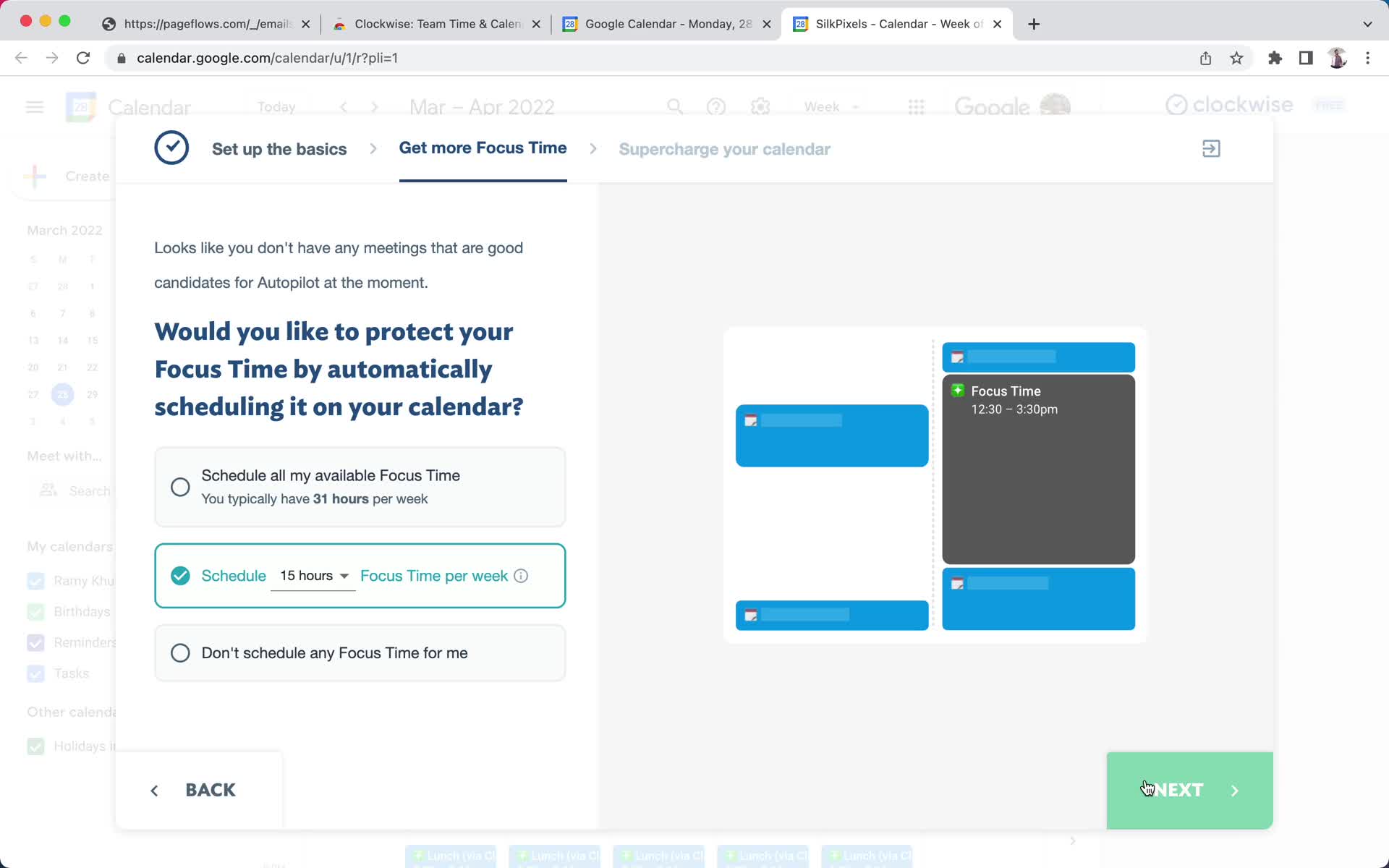
Continue setup
this is title
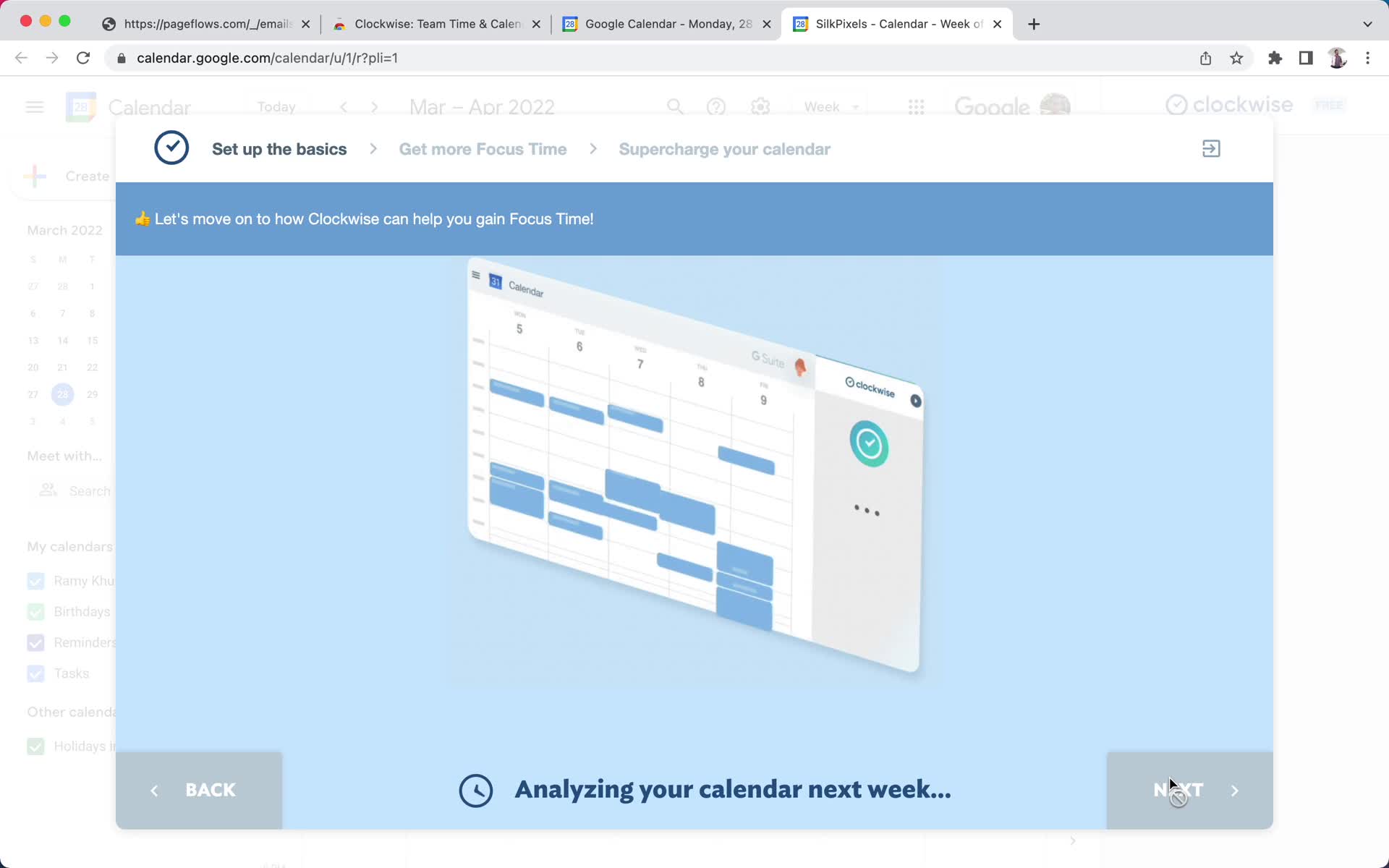
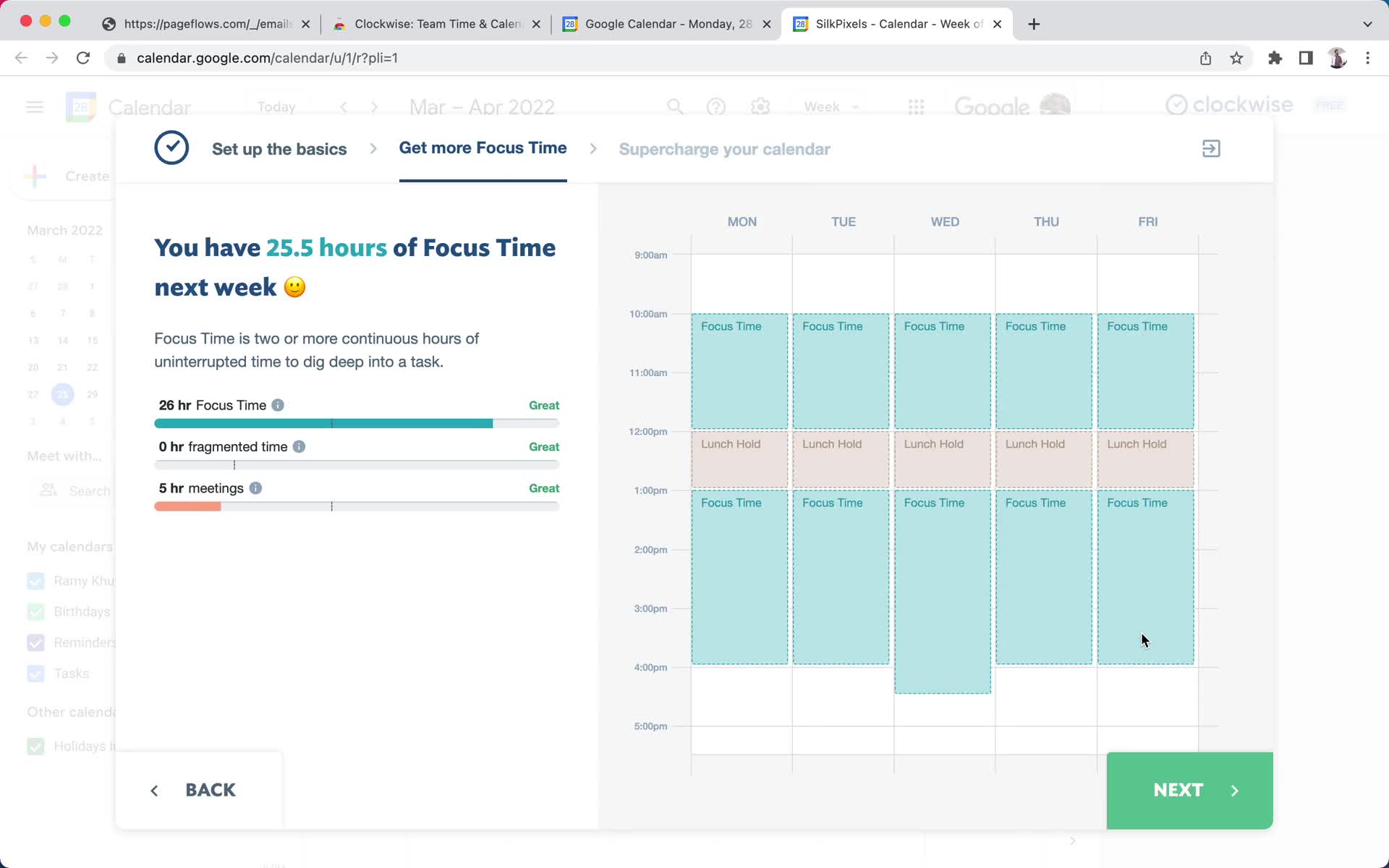
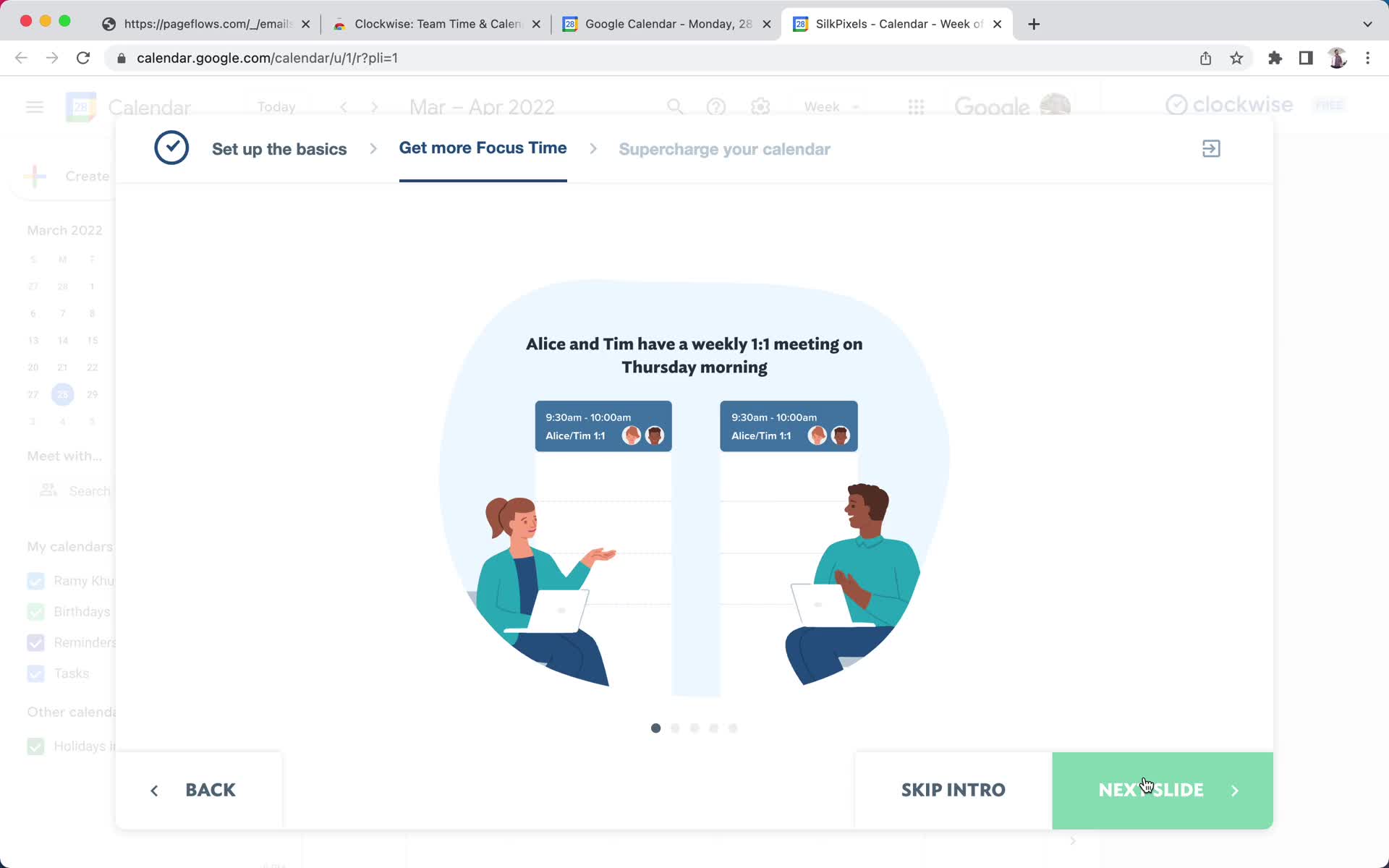
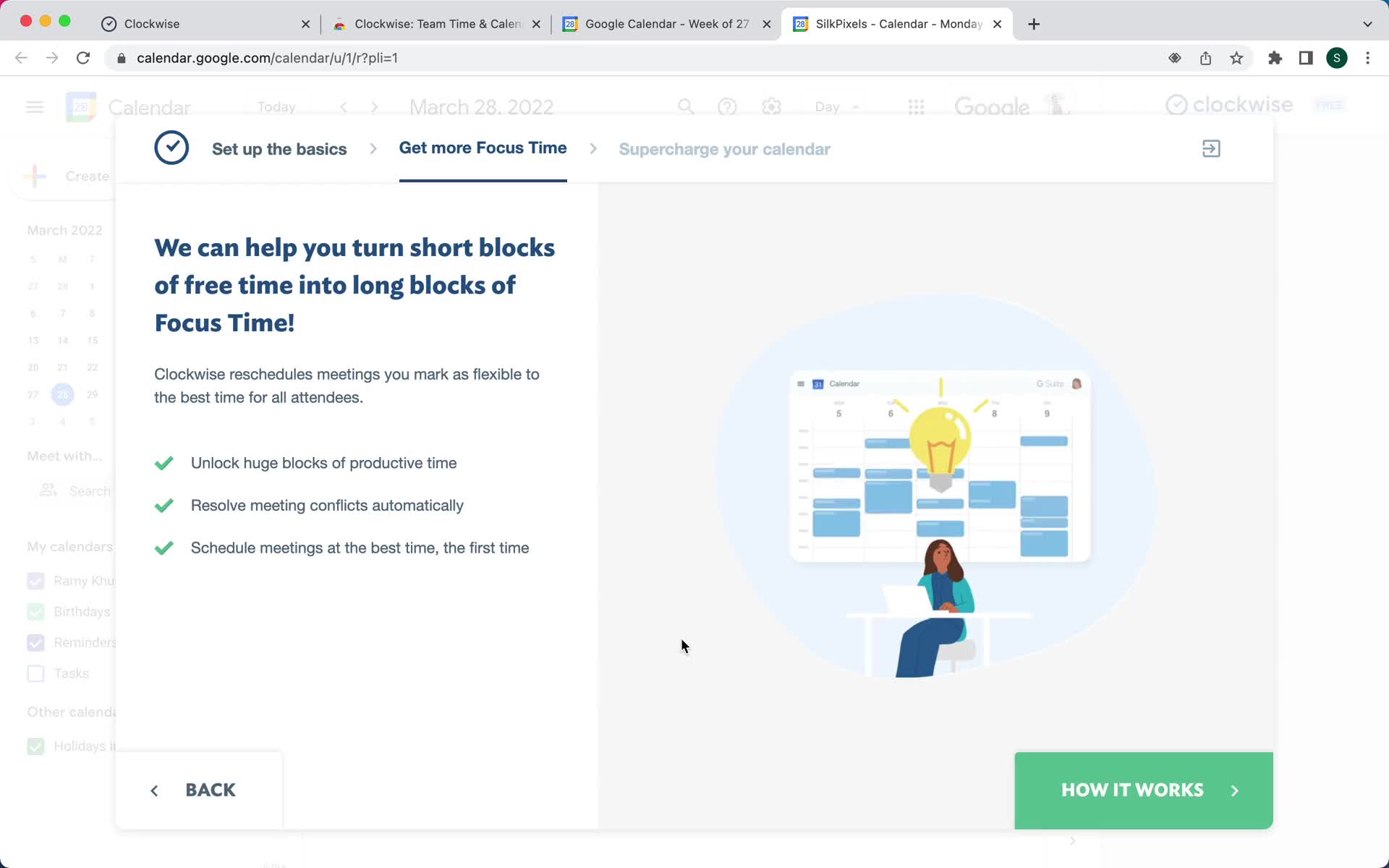
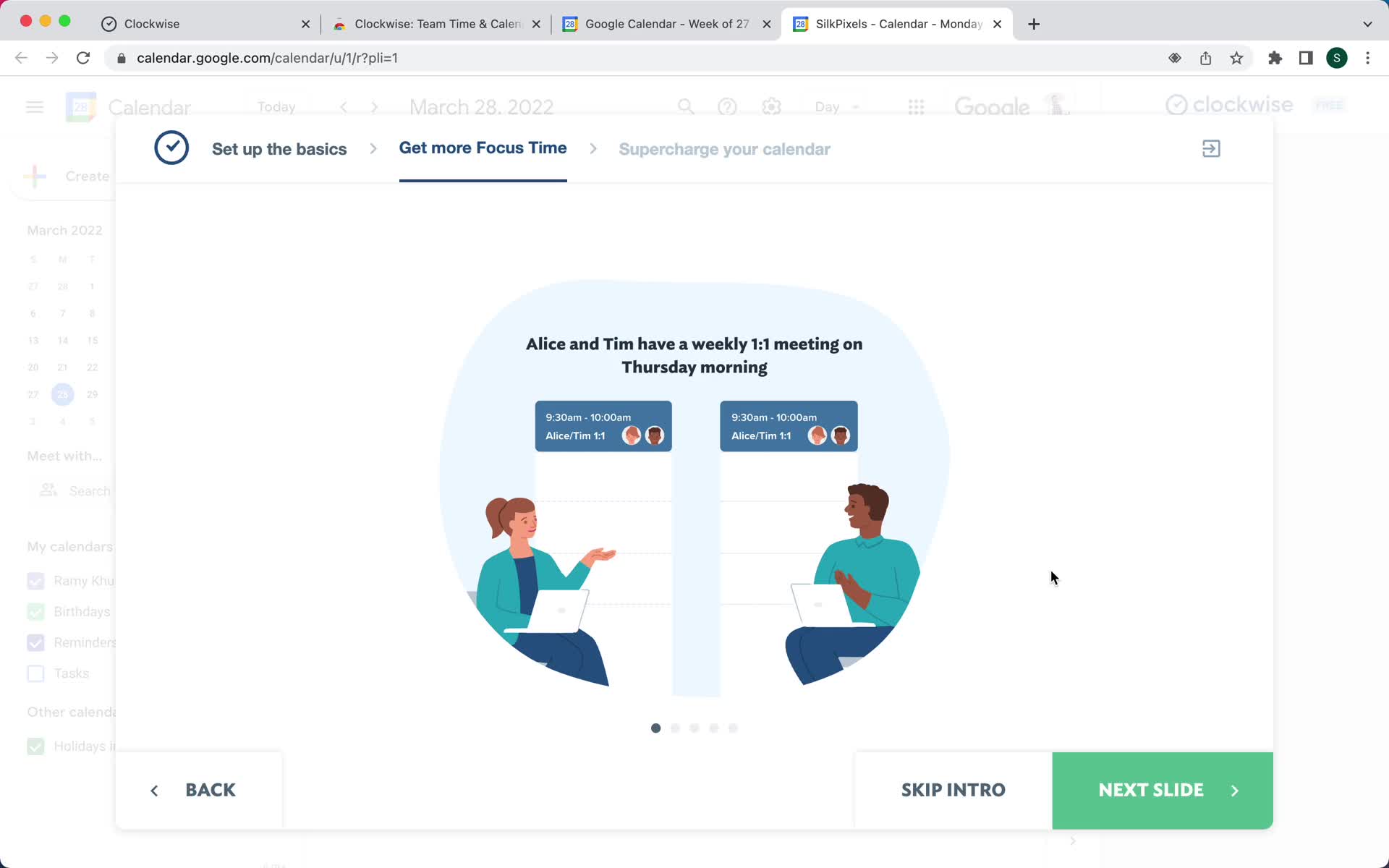
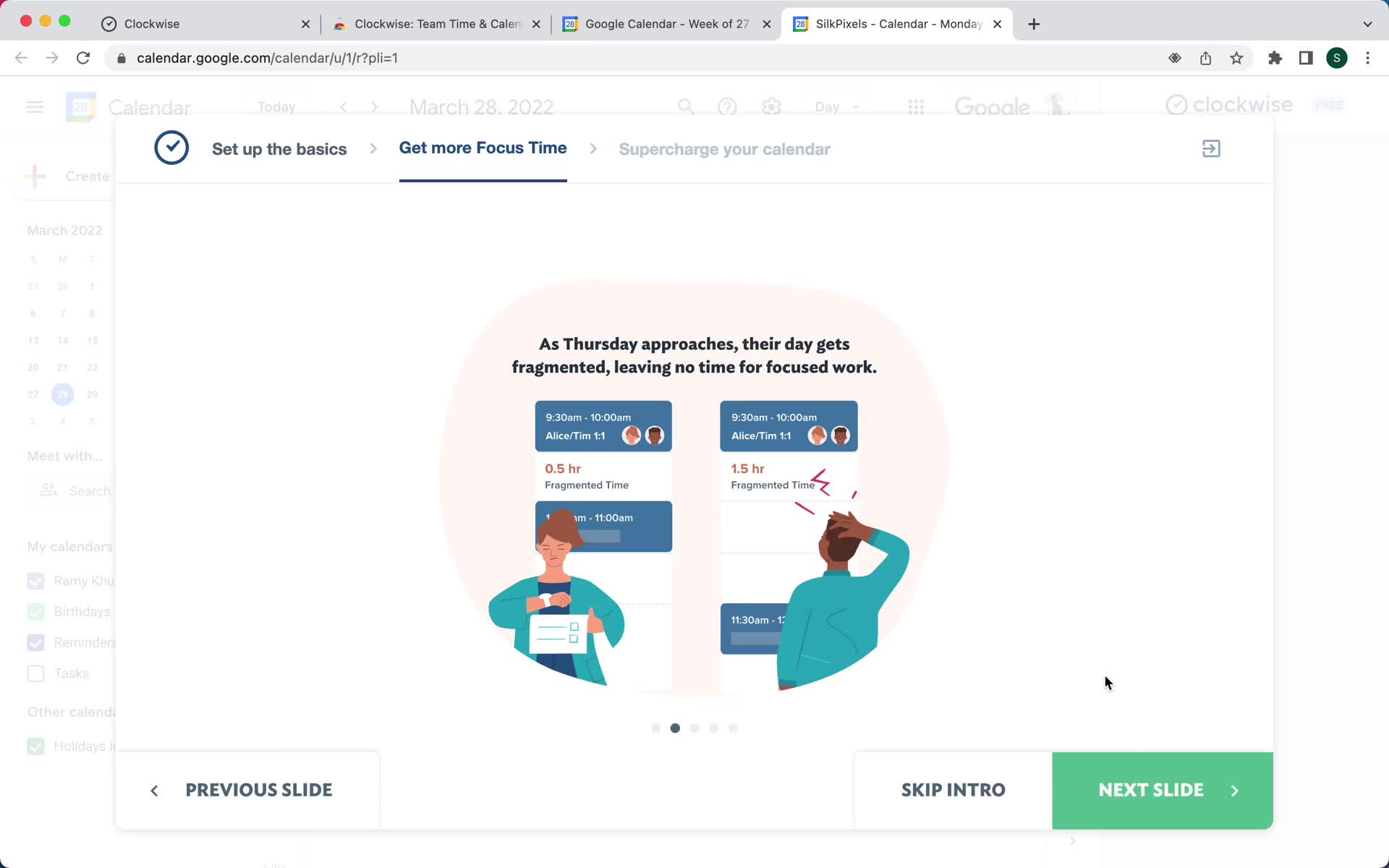
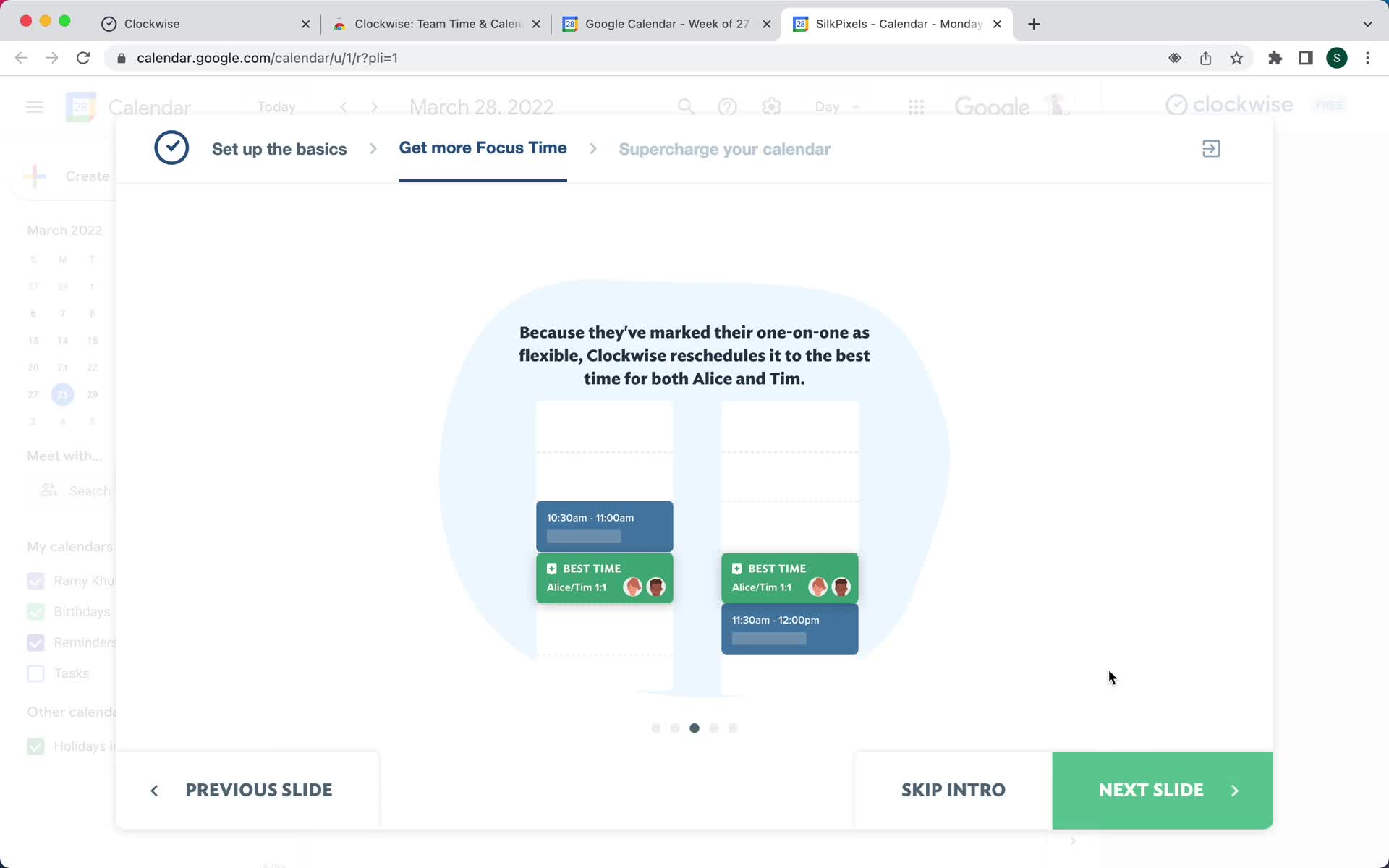
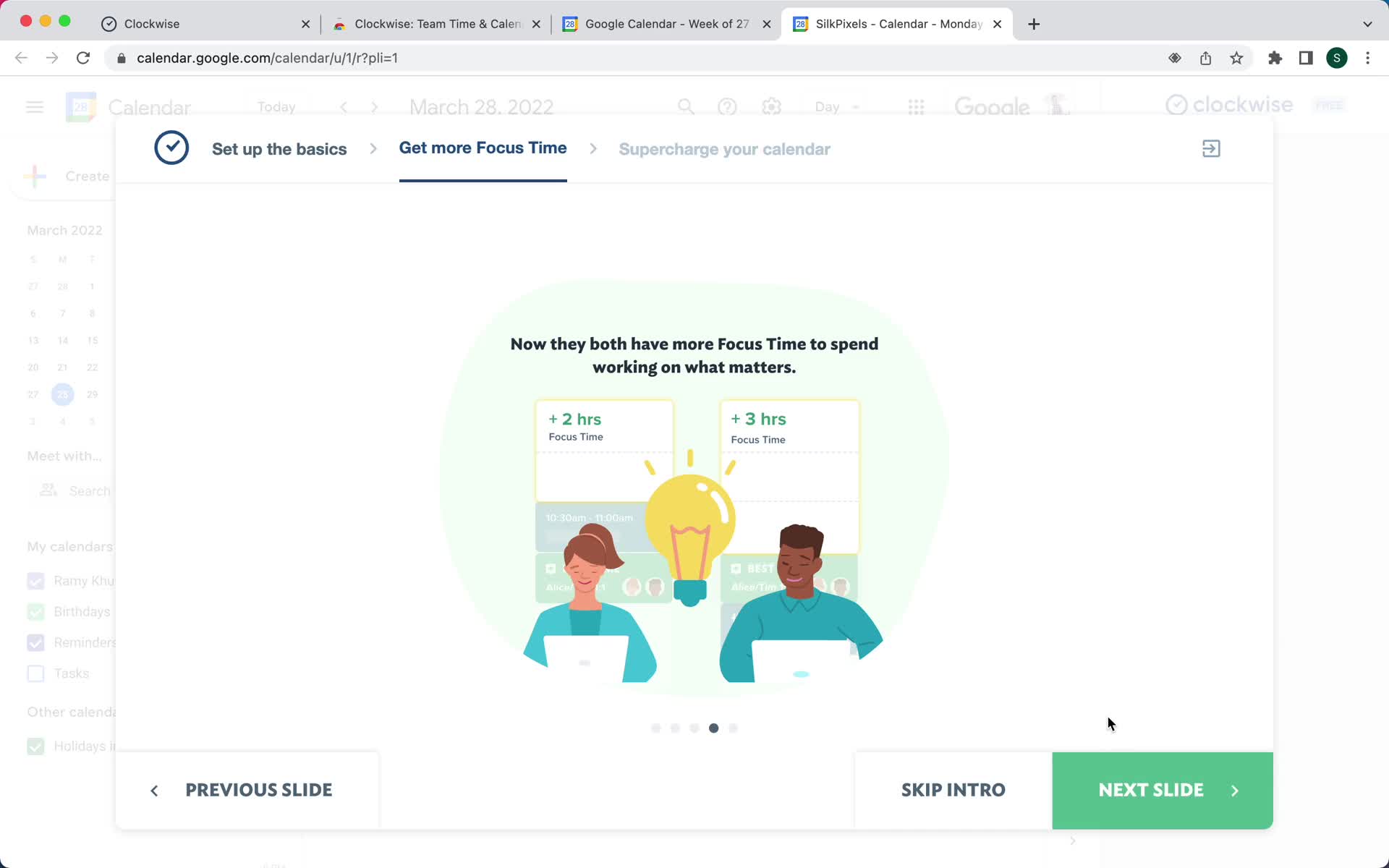
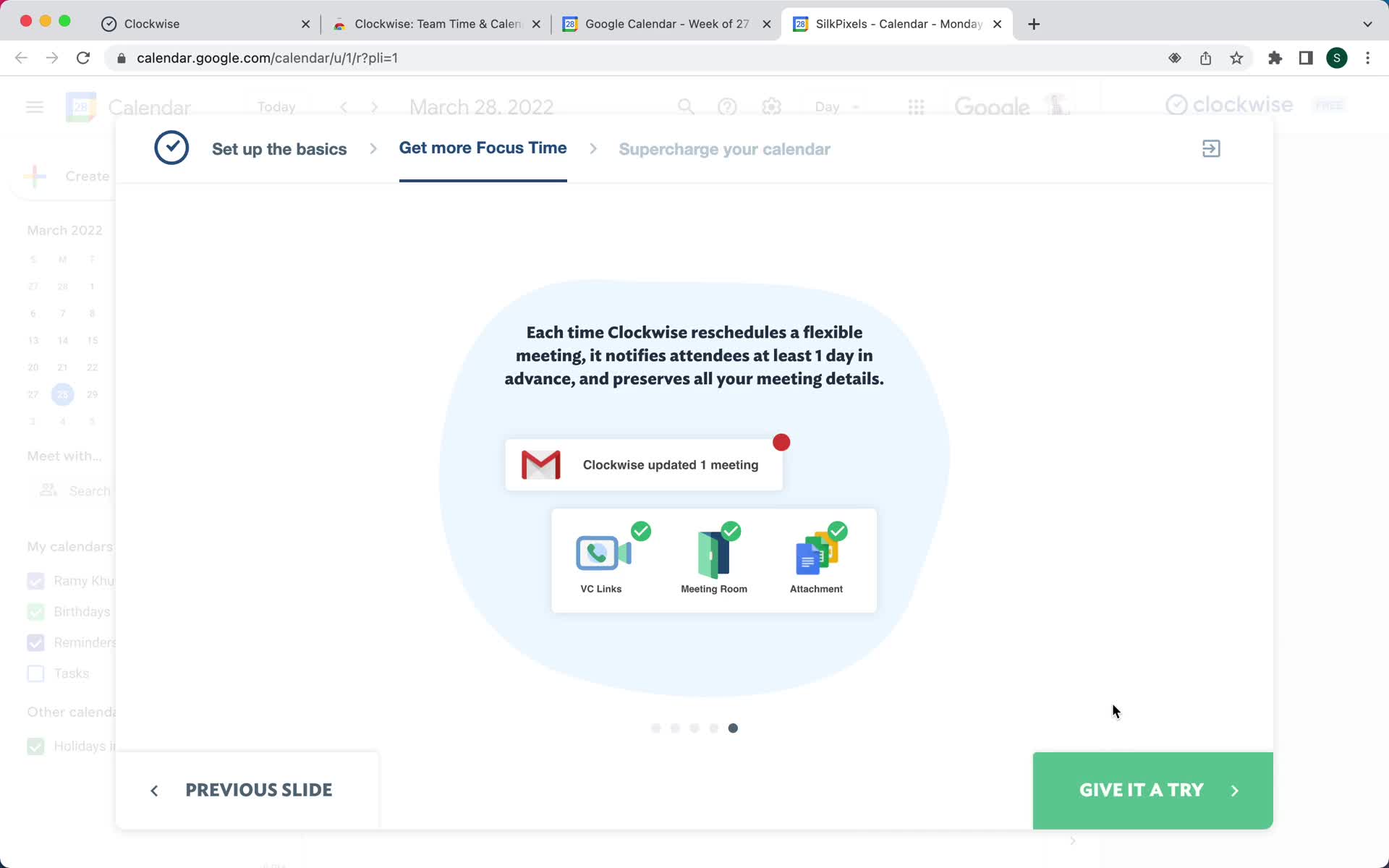
Welcome slides
this is title
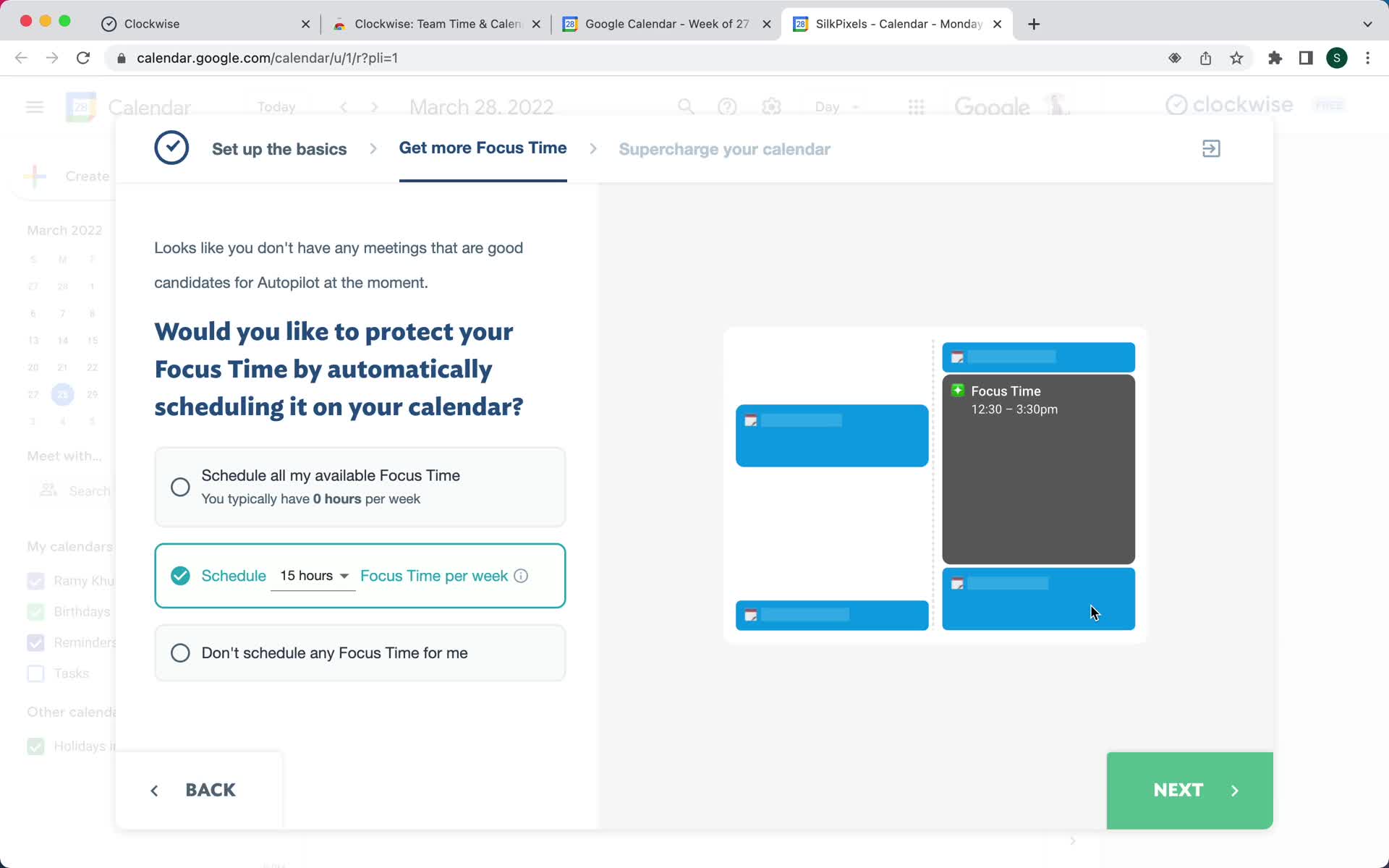
Continue setup
this is title
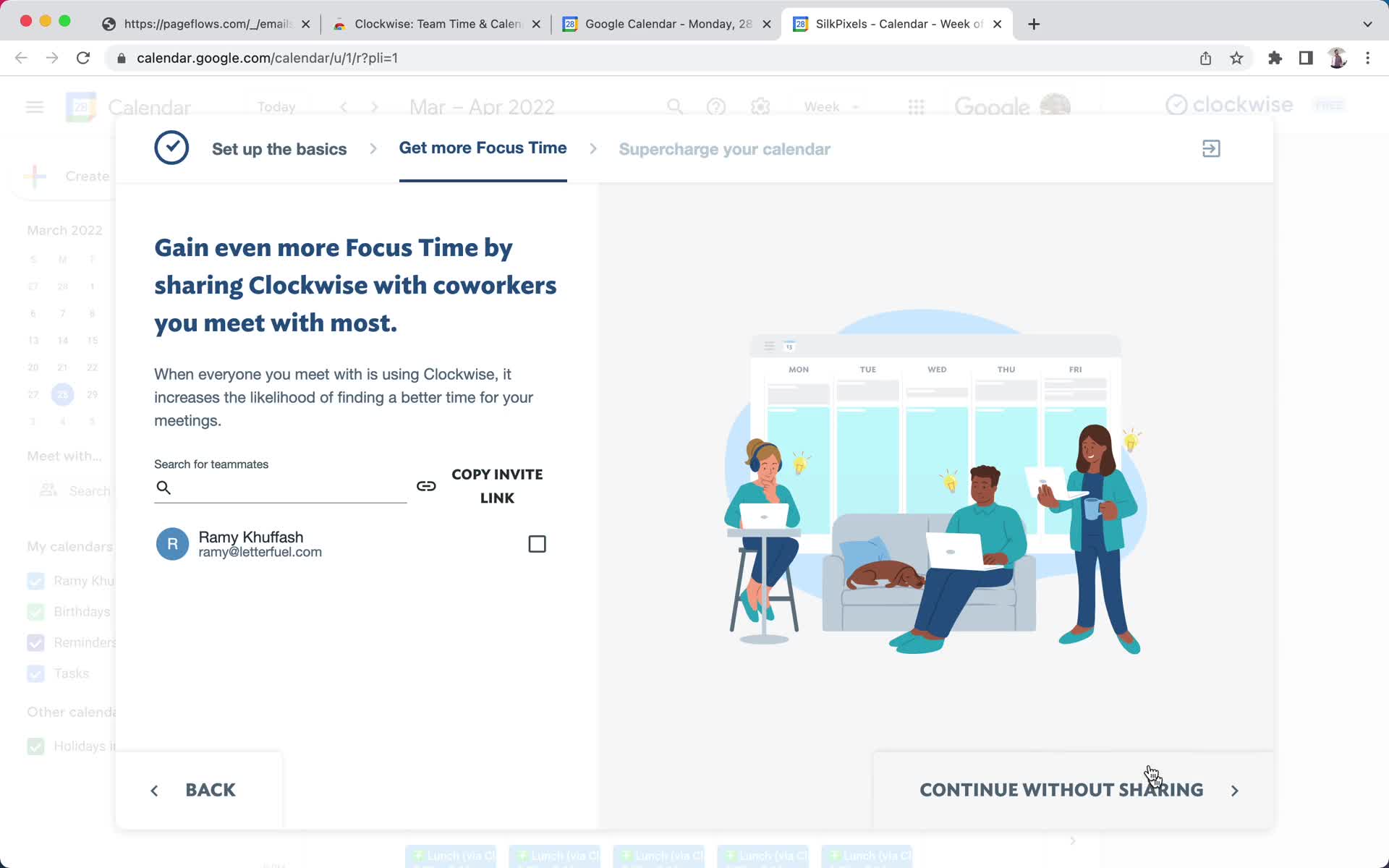
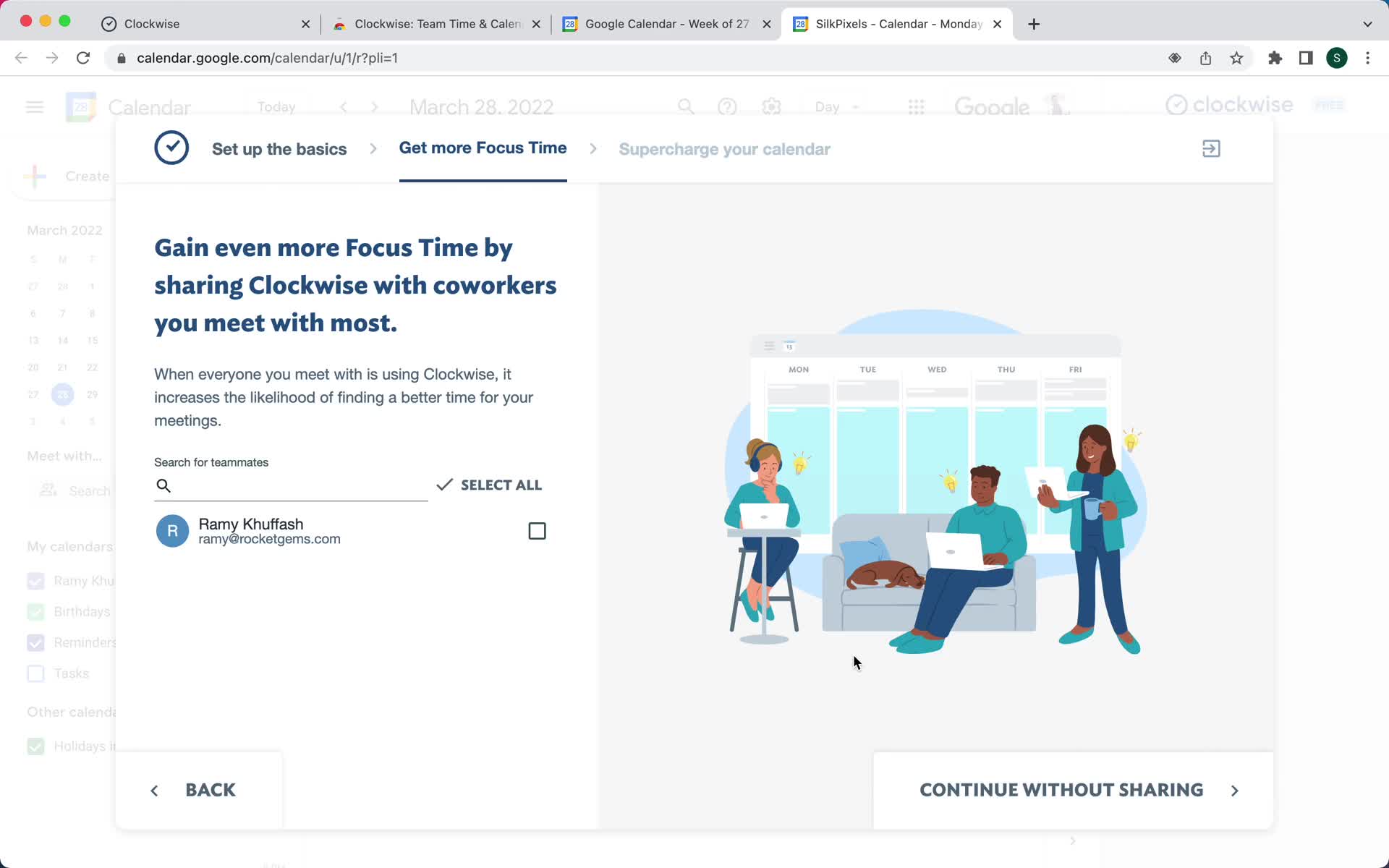
Invite team
this is title
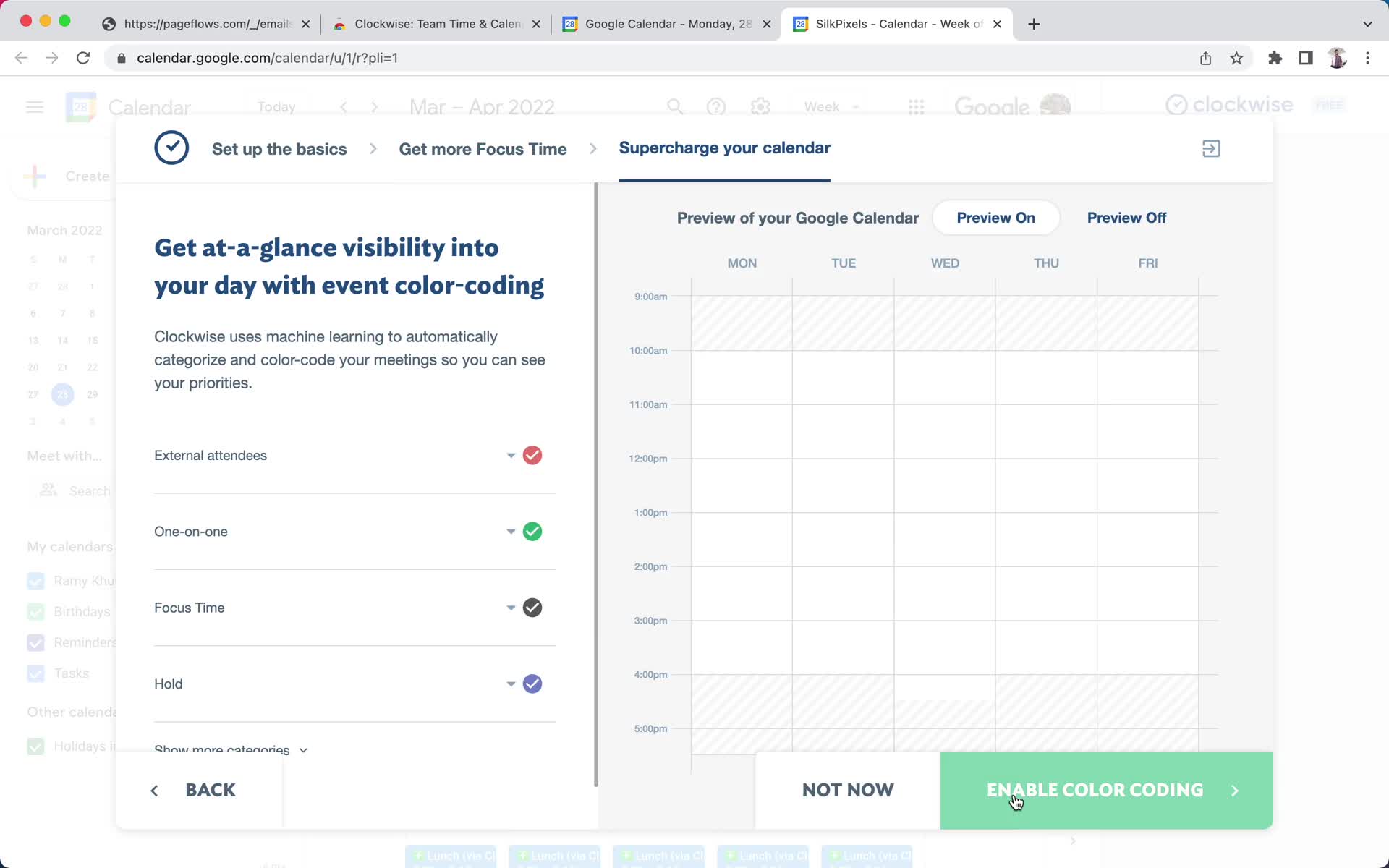
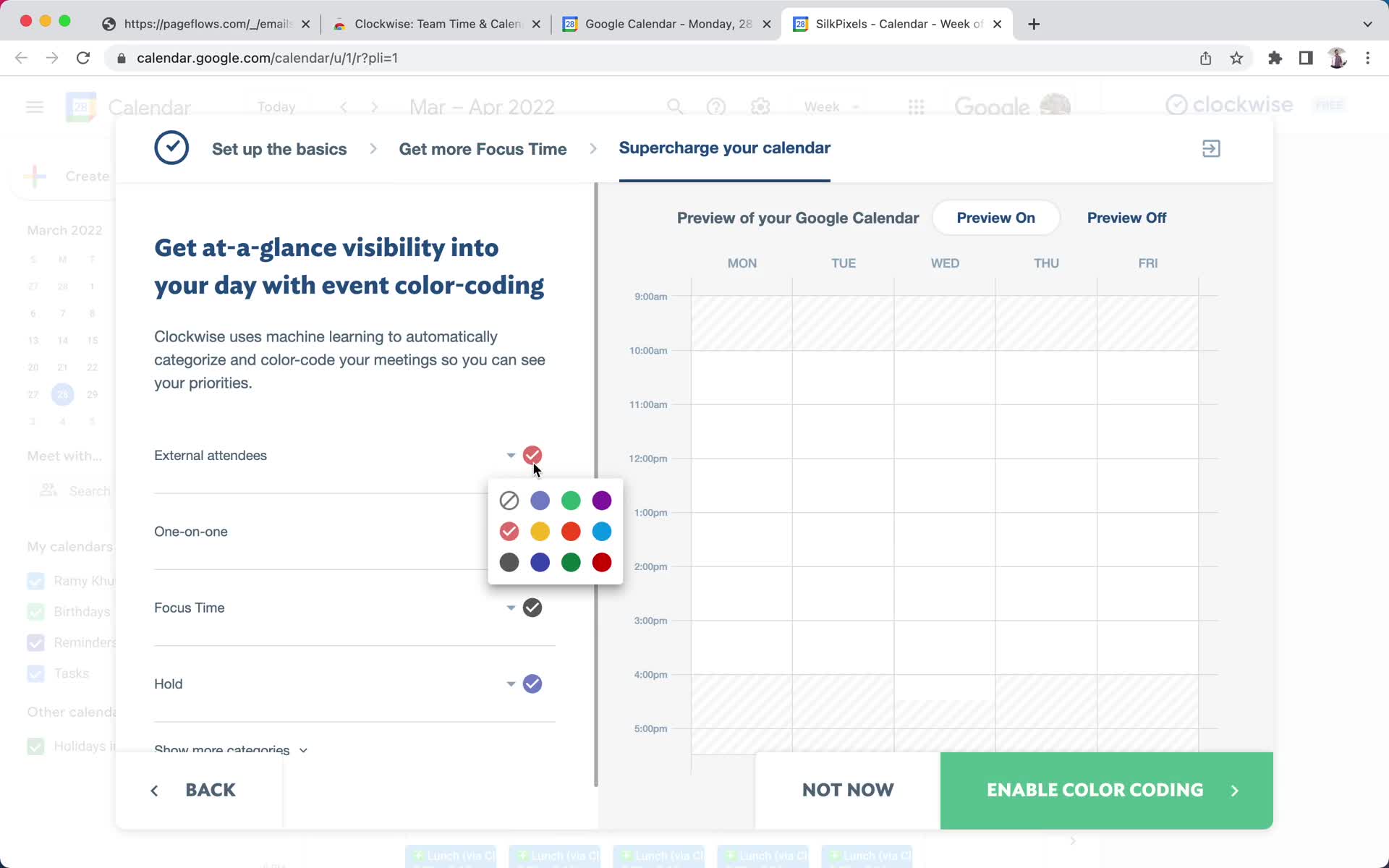
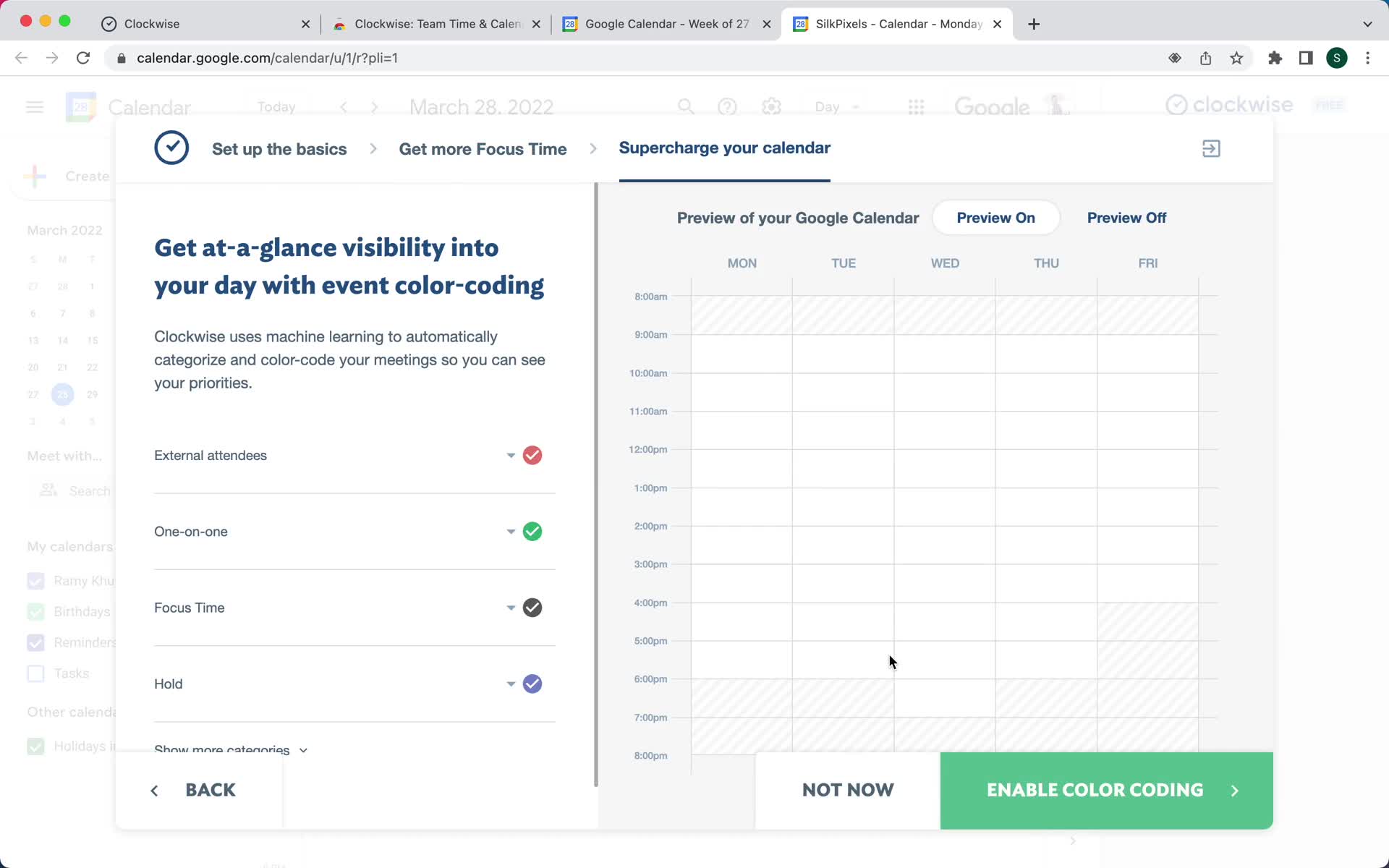
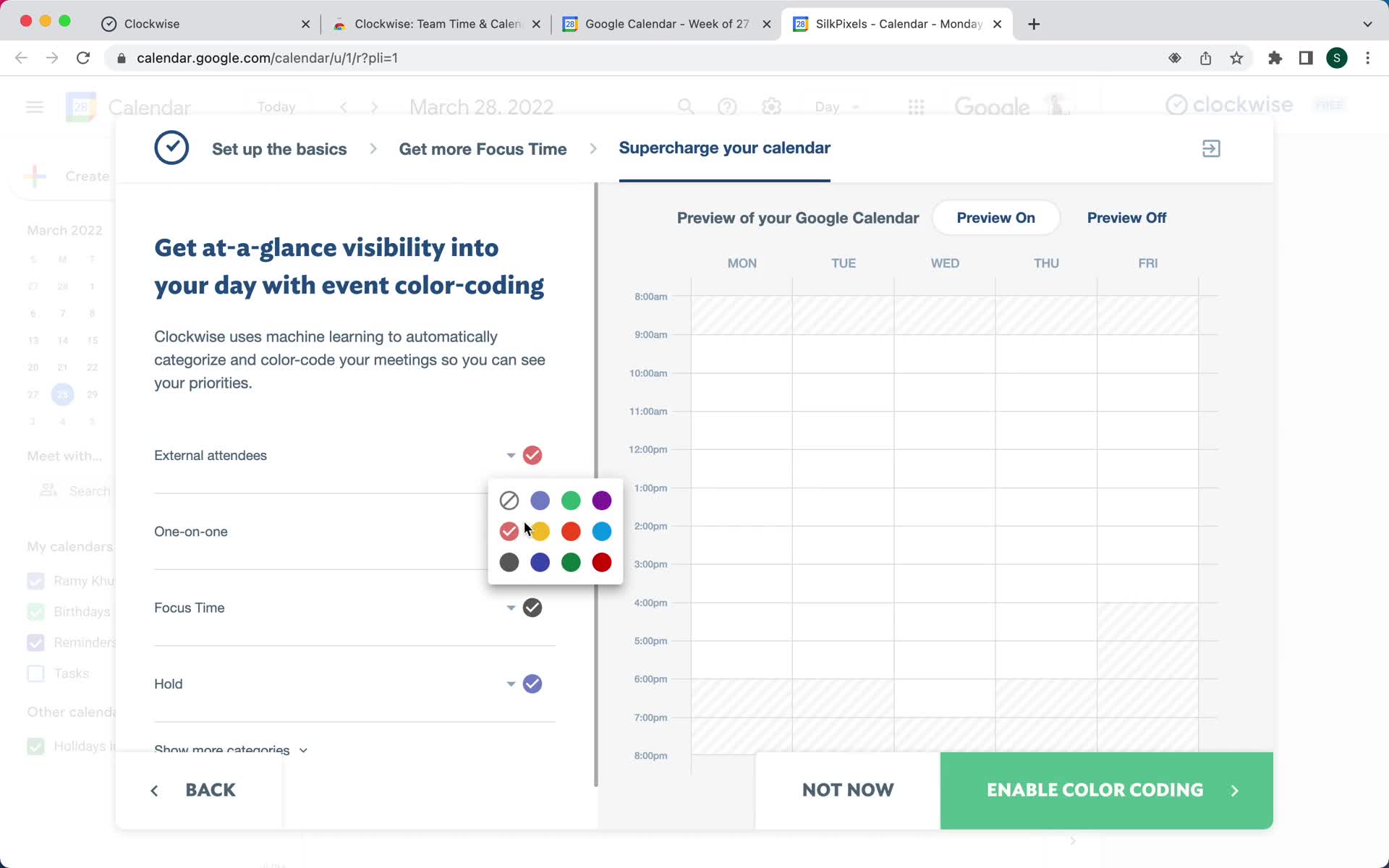
Set colors
this is title
Set colors
this is title
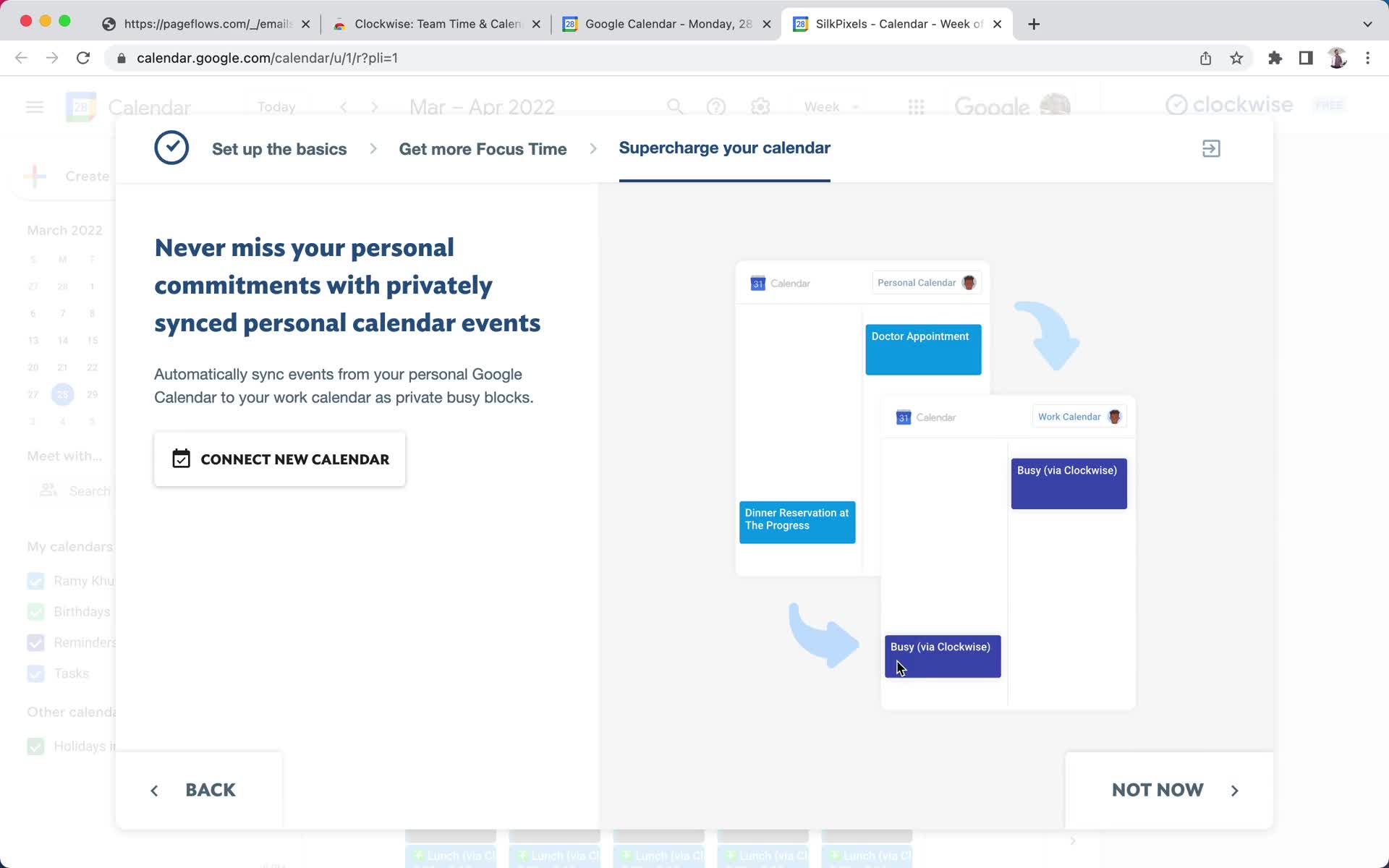
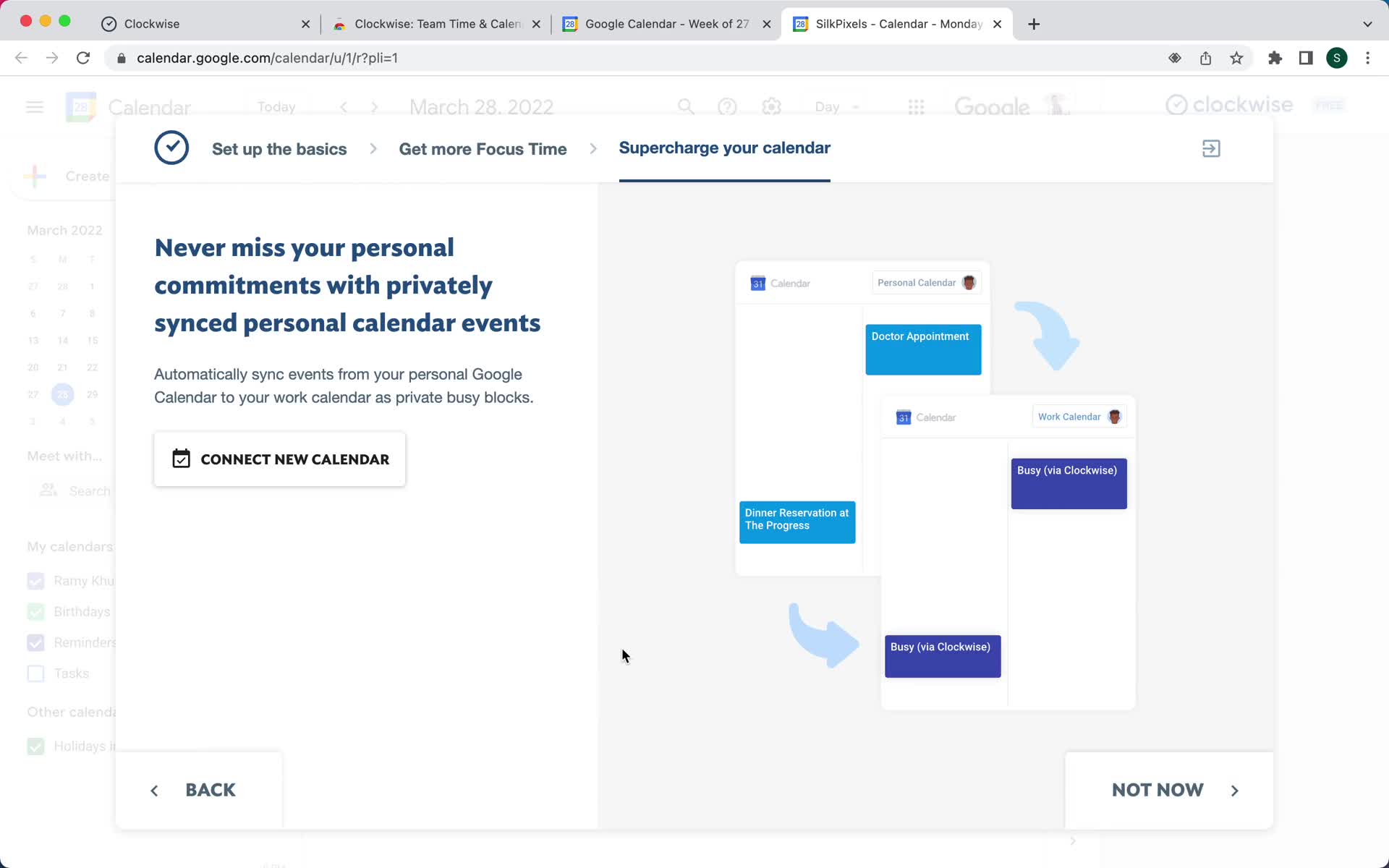
Connect calendar
this is title
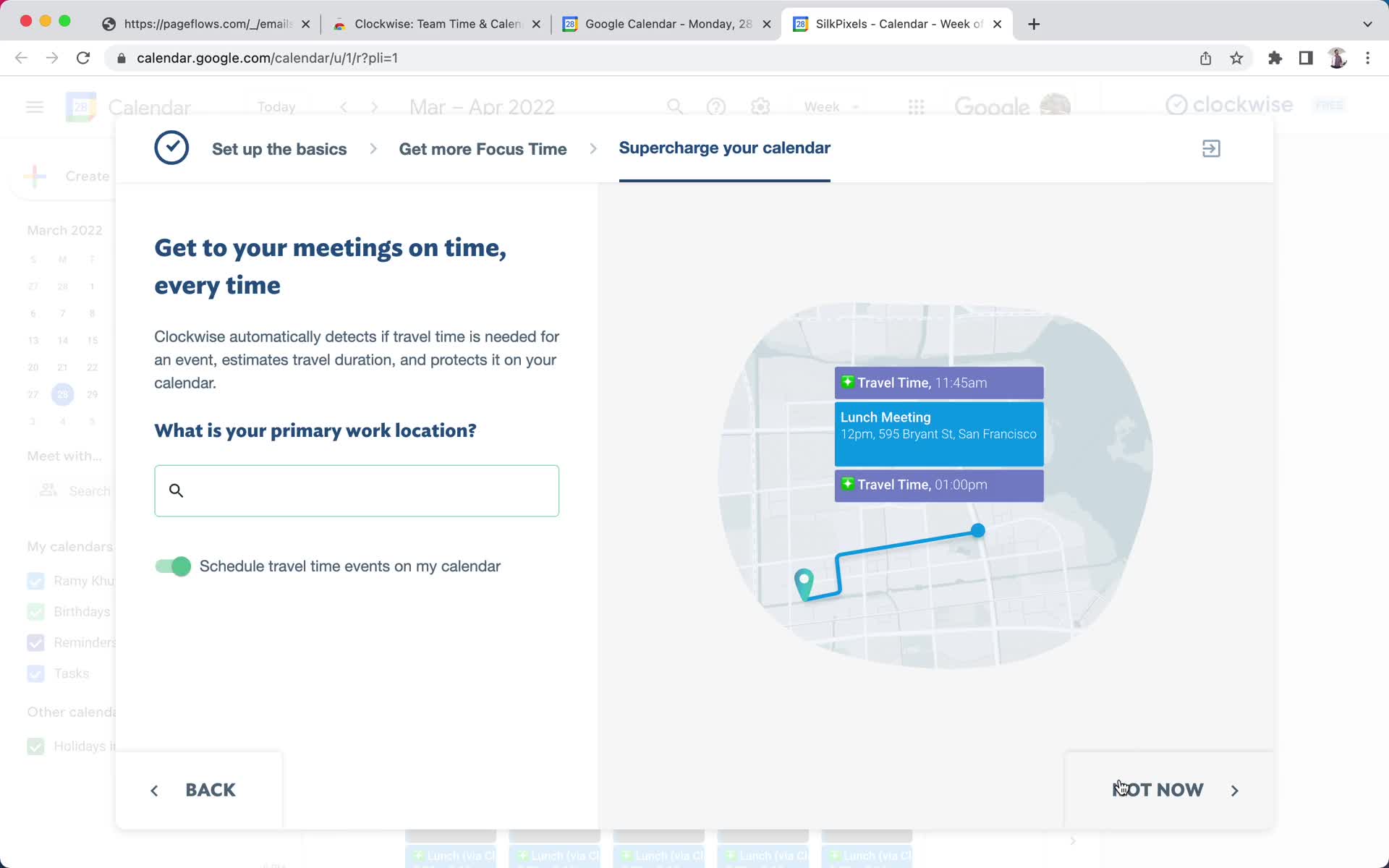
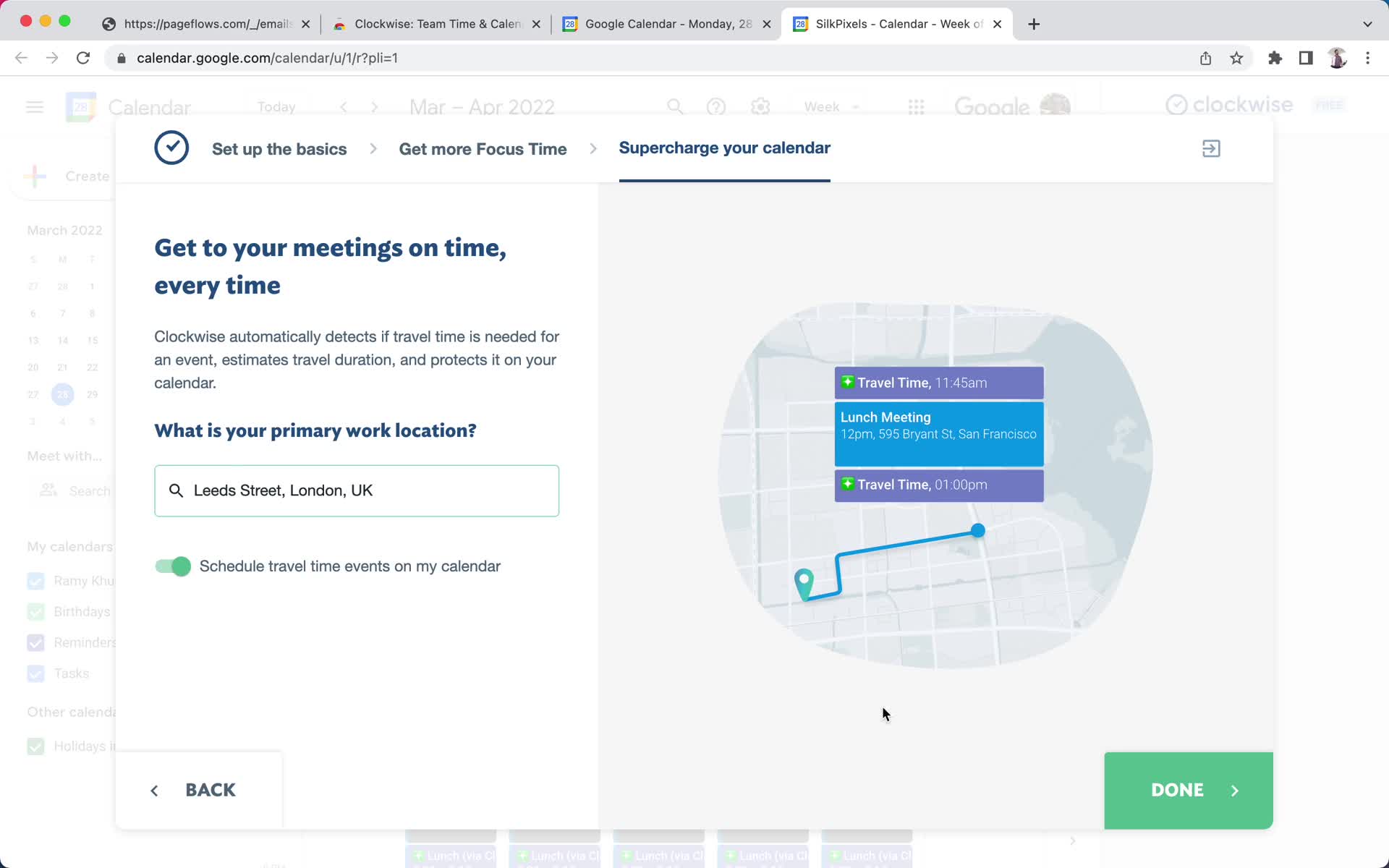
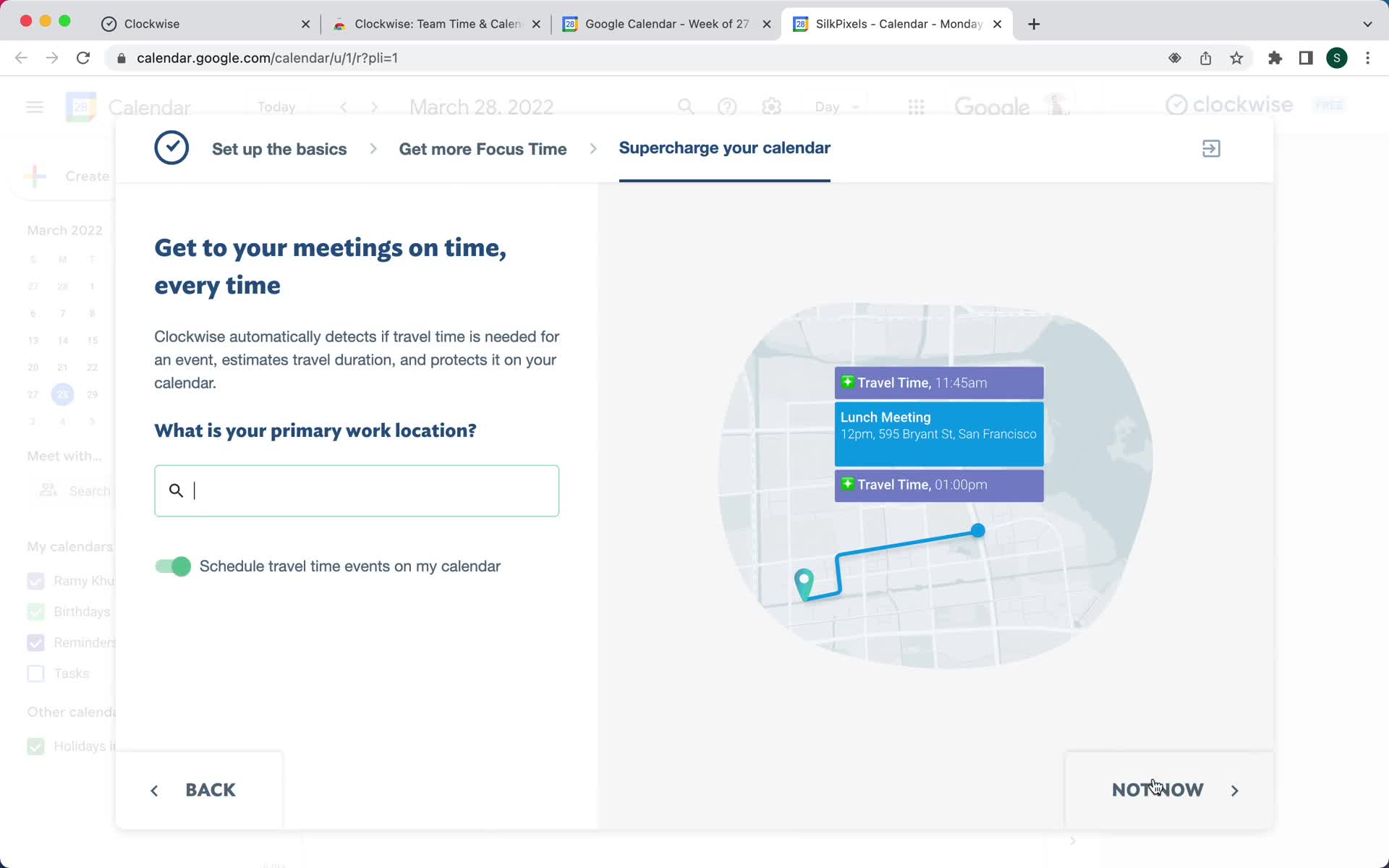
Set location
this is title
Set location
this is title
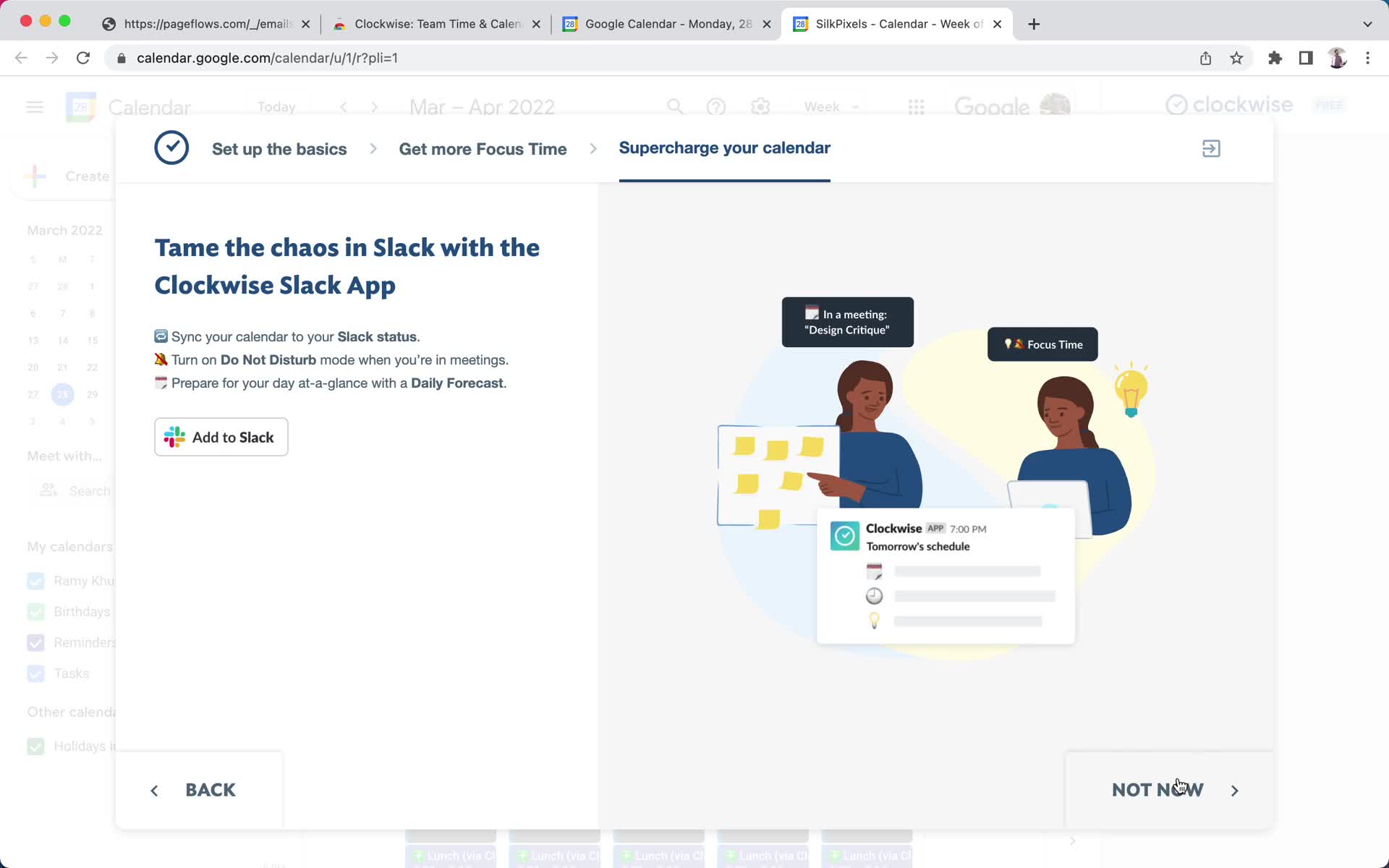
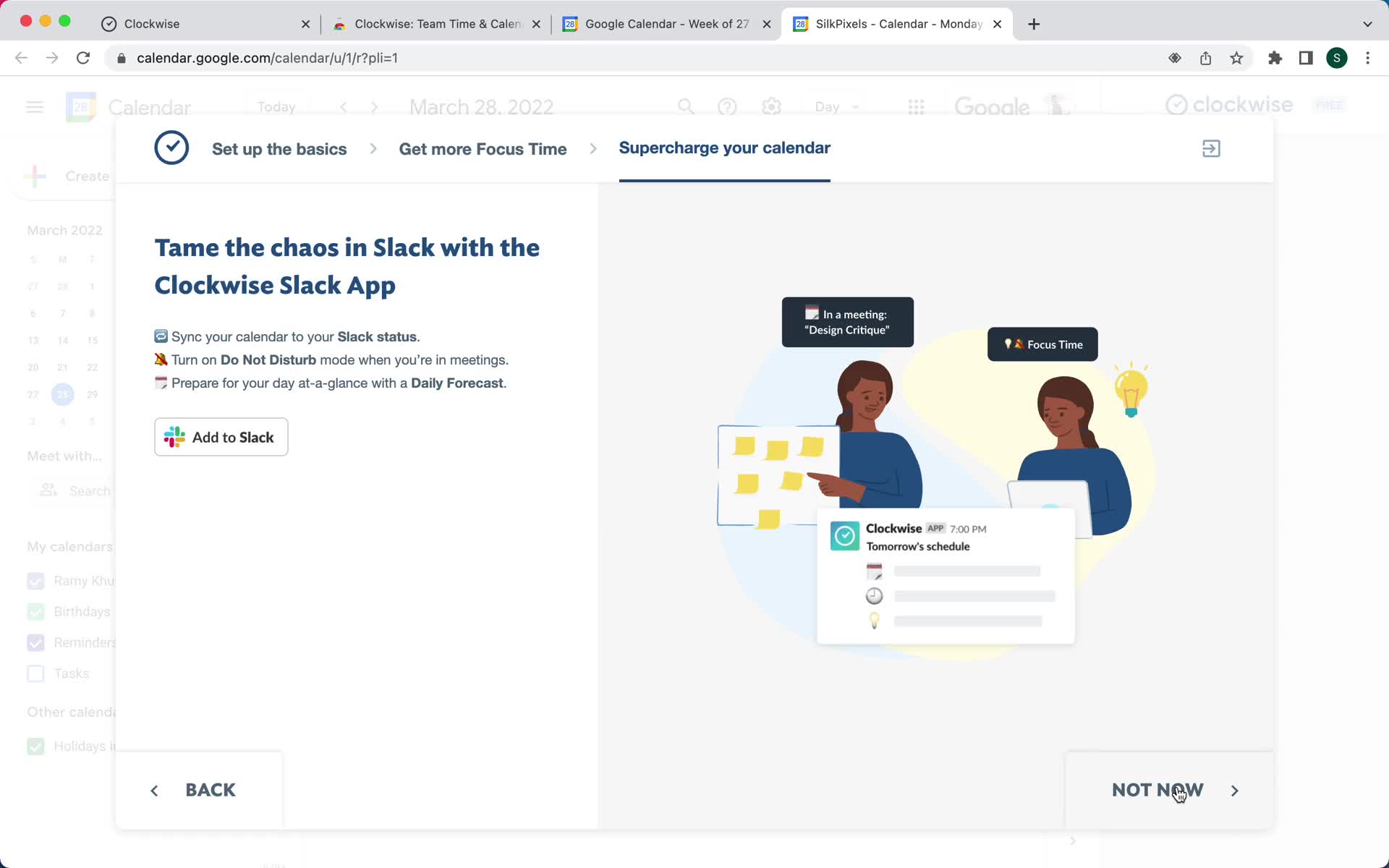
Connect integration
this is title
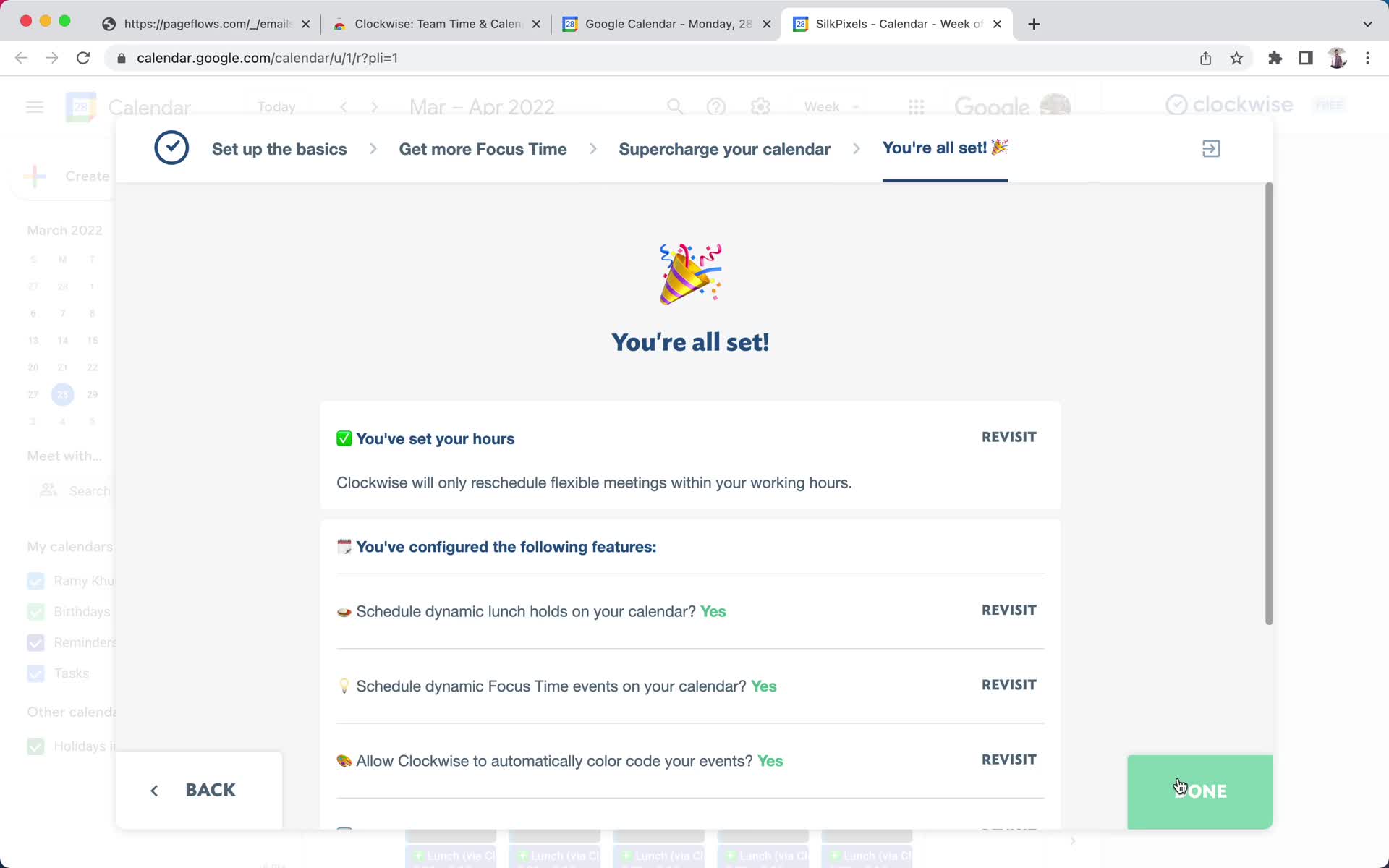
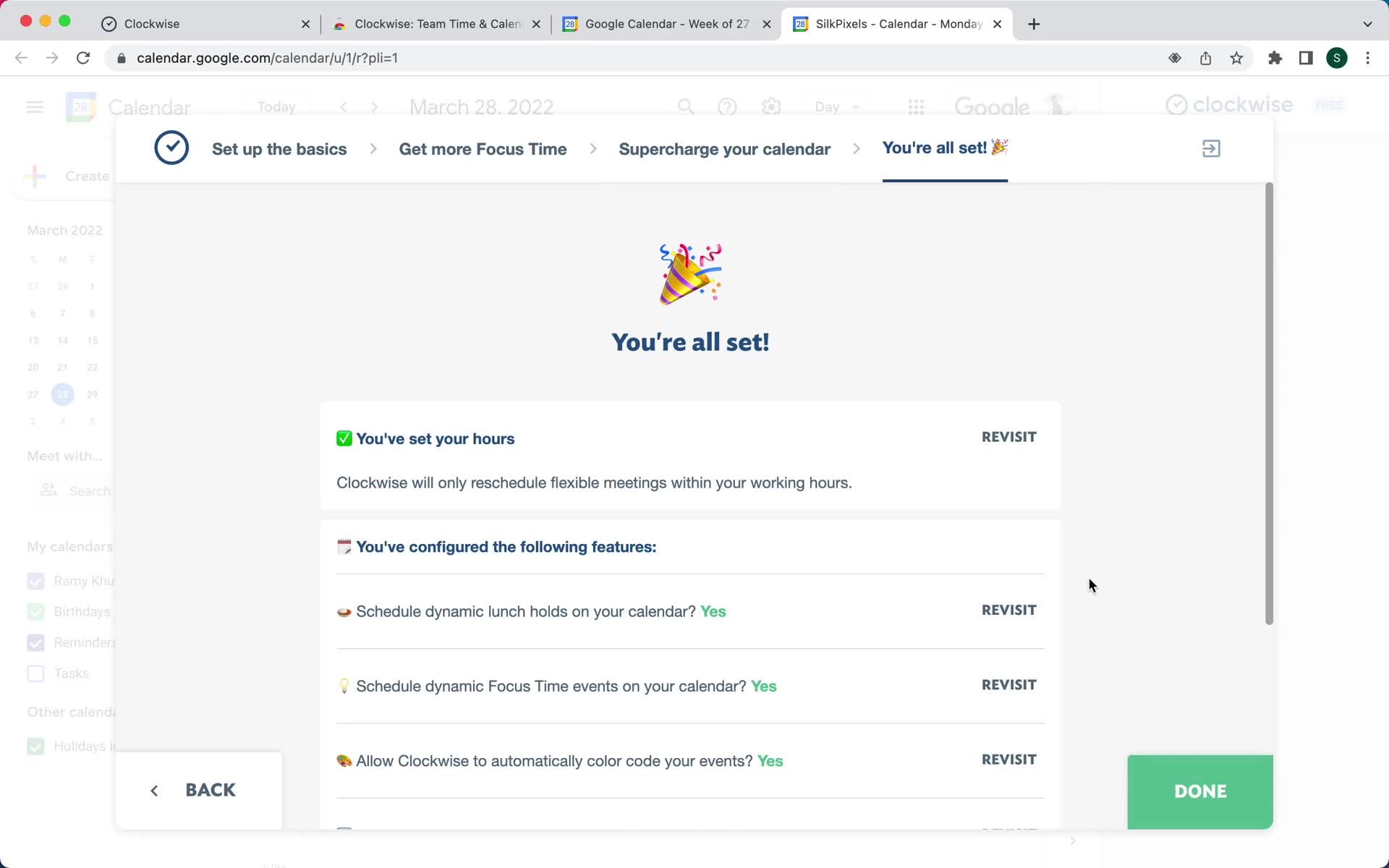
Setup complete
this is title
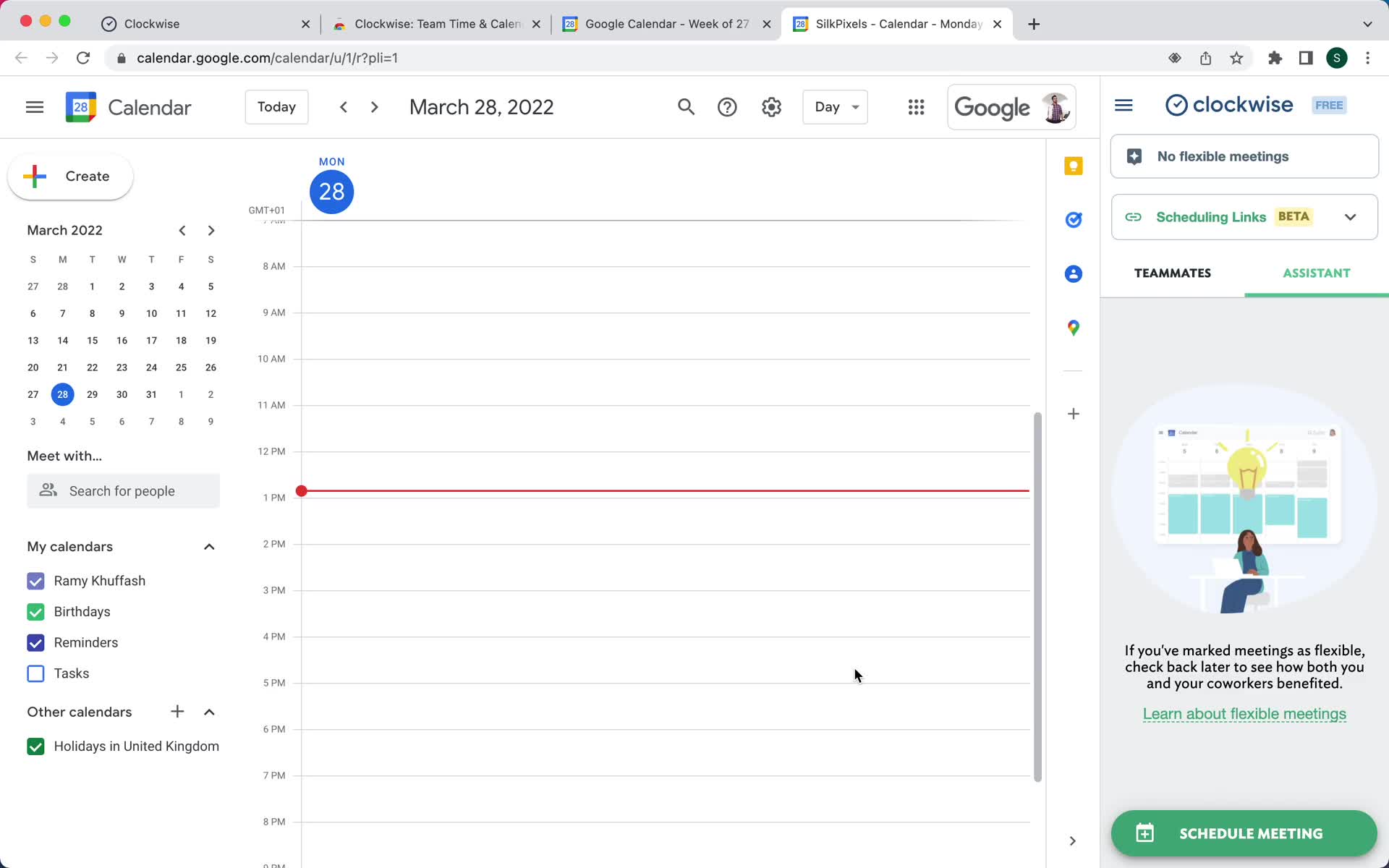
Assistant
this is title
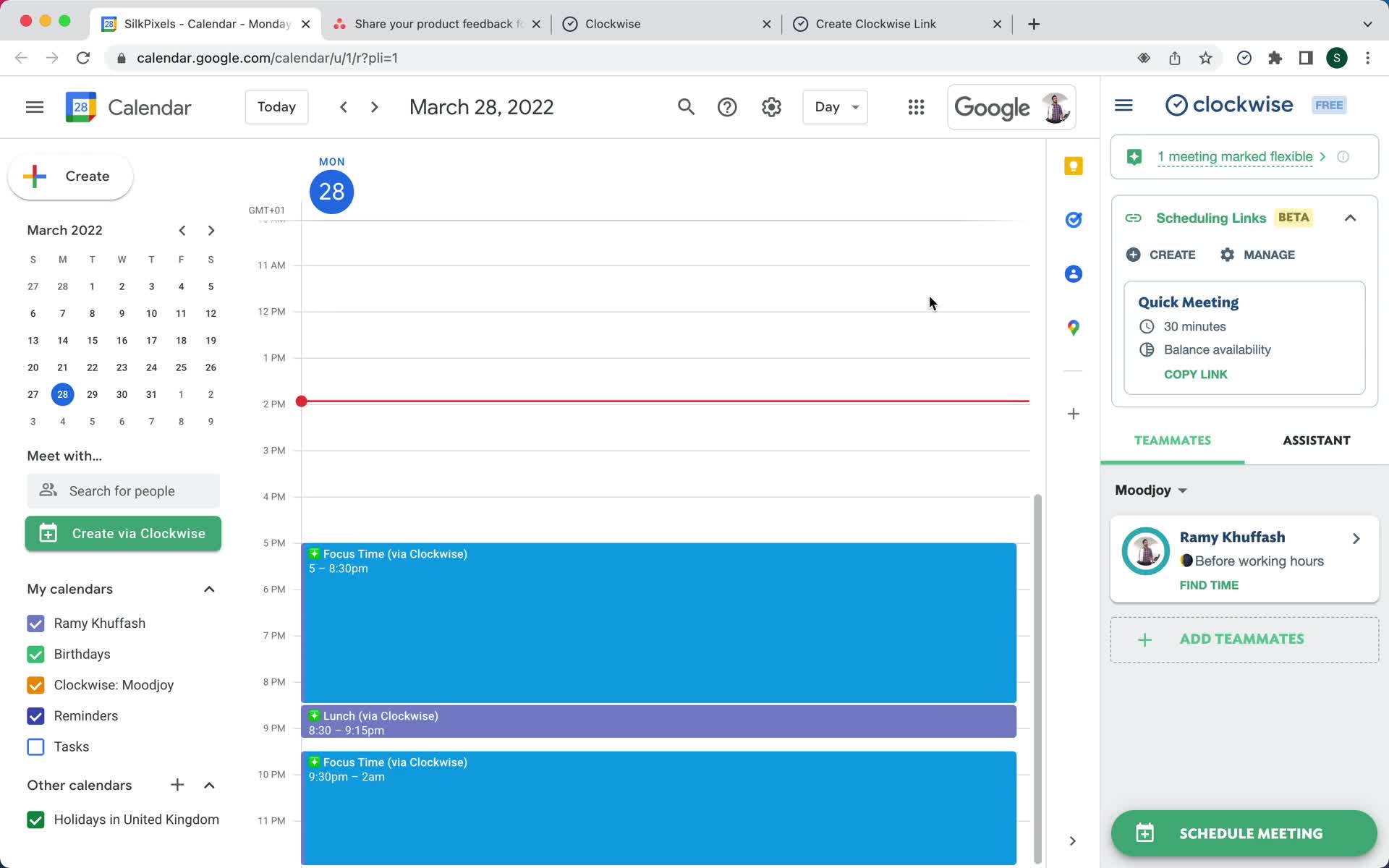
Home
this is title
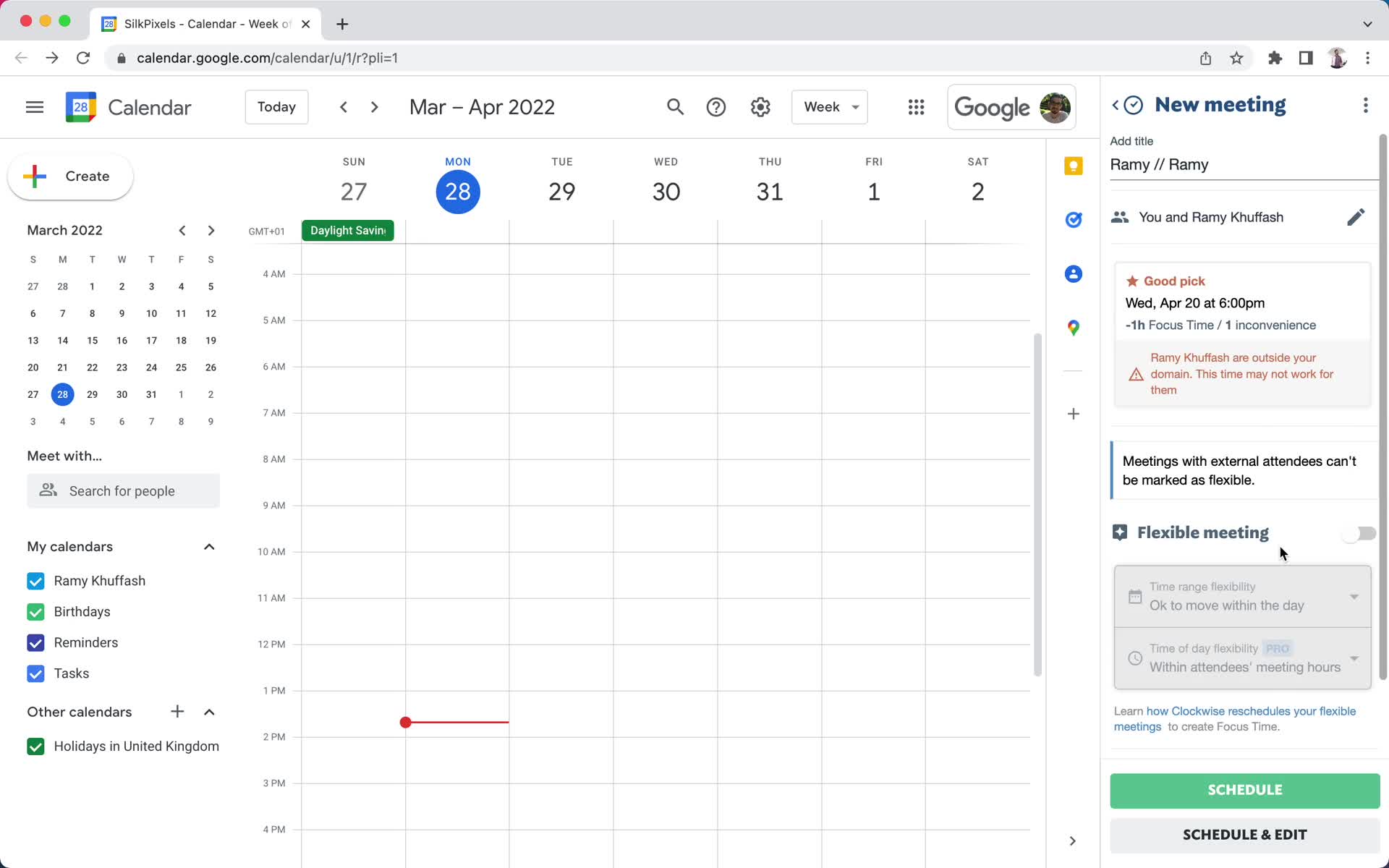
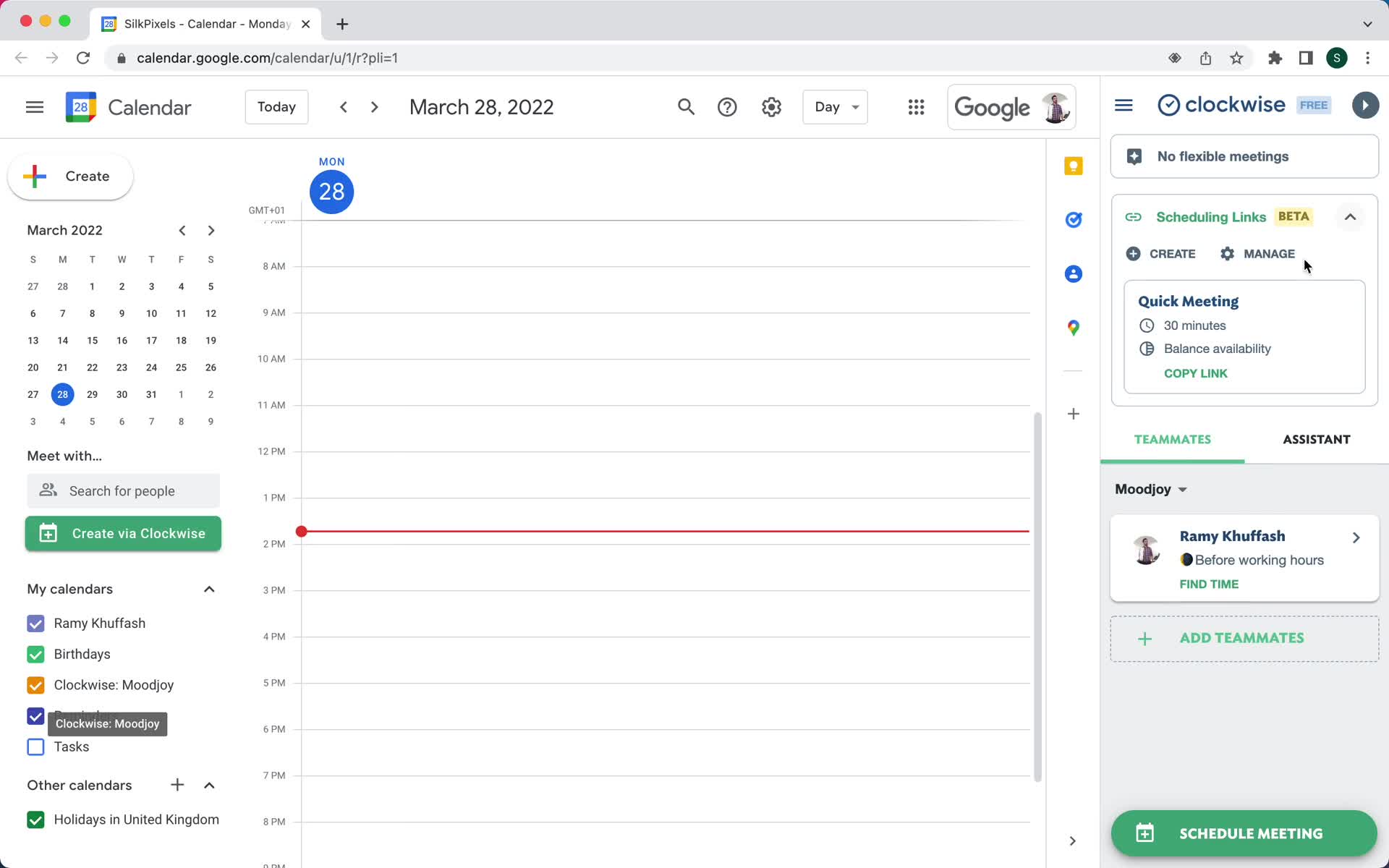
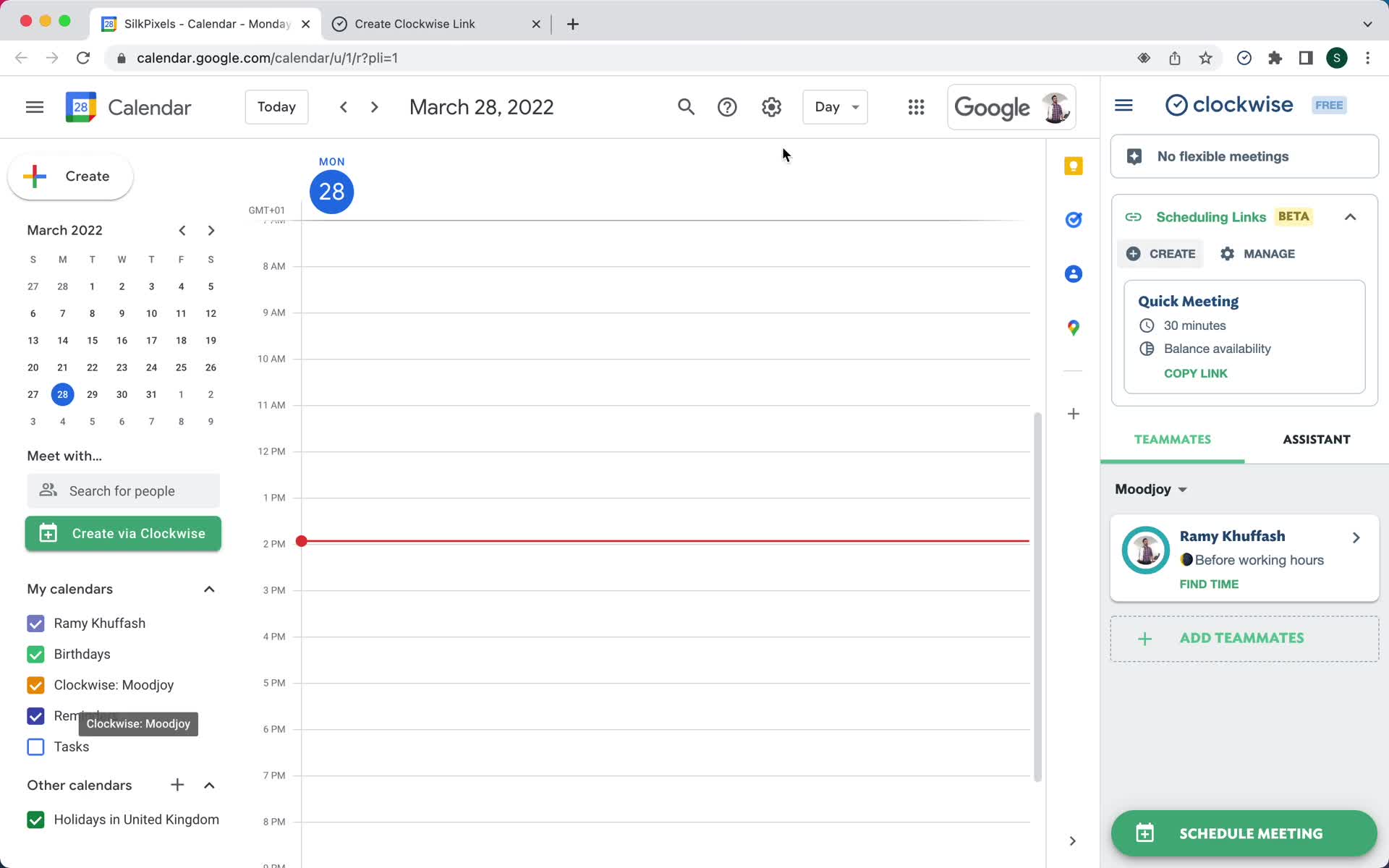
Schedule meeting
this is title
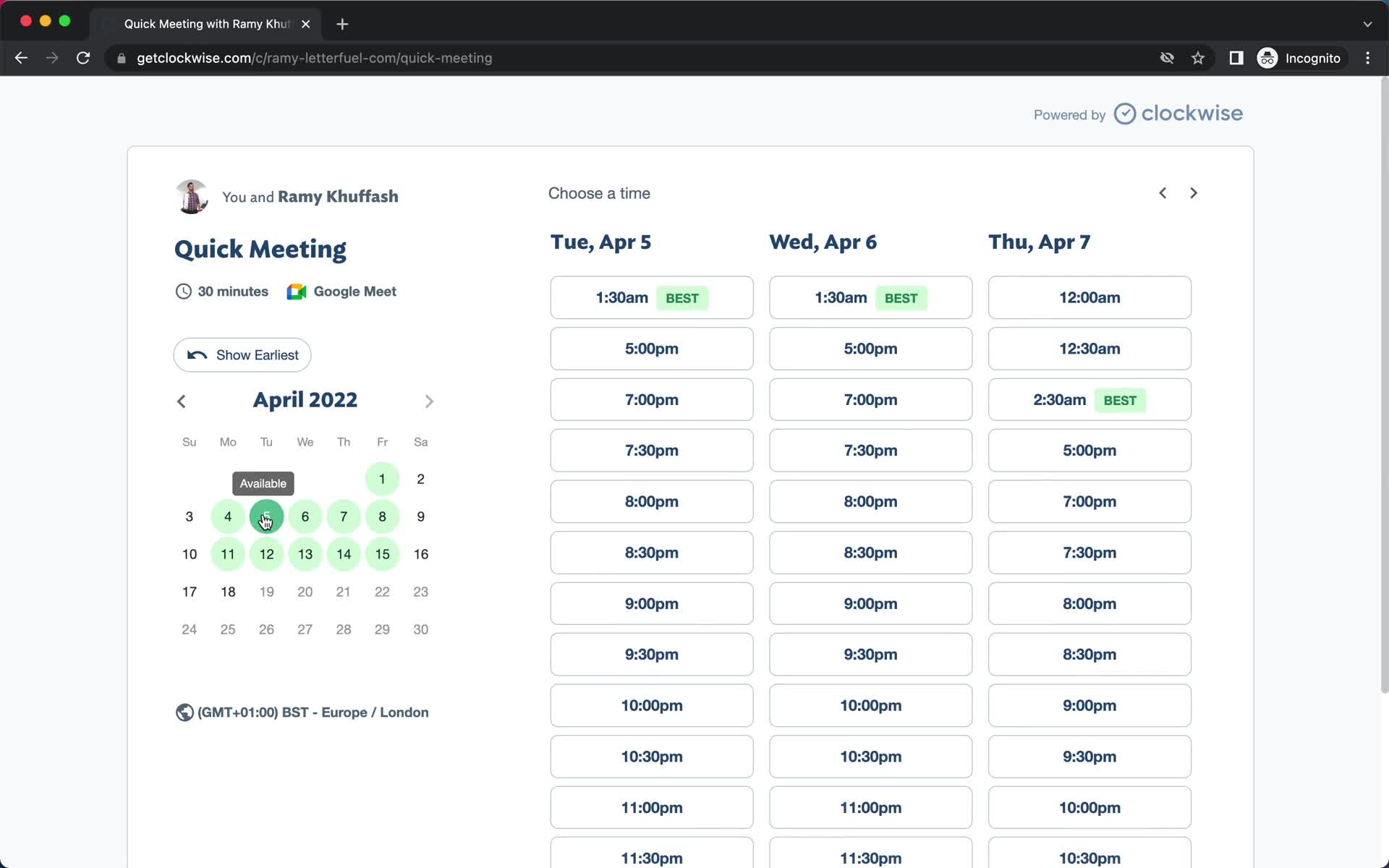
Set date
this is title
Add details
this is title
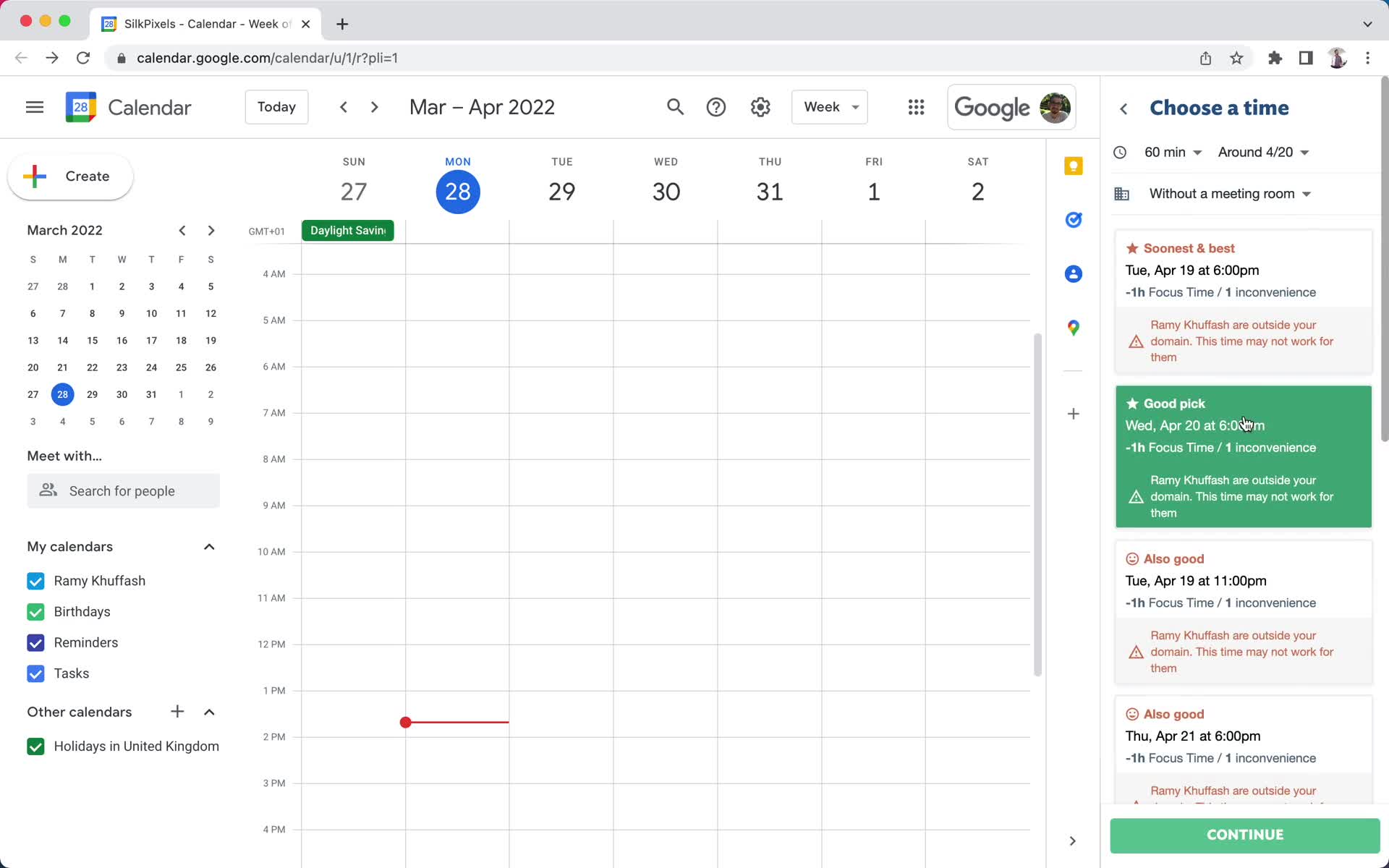
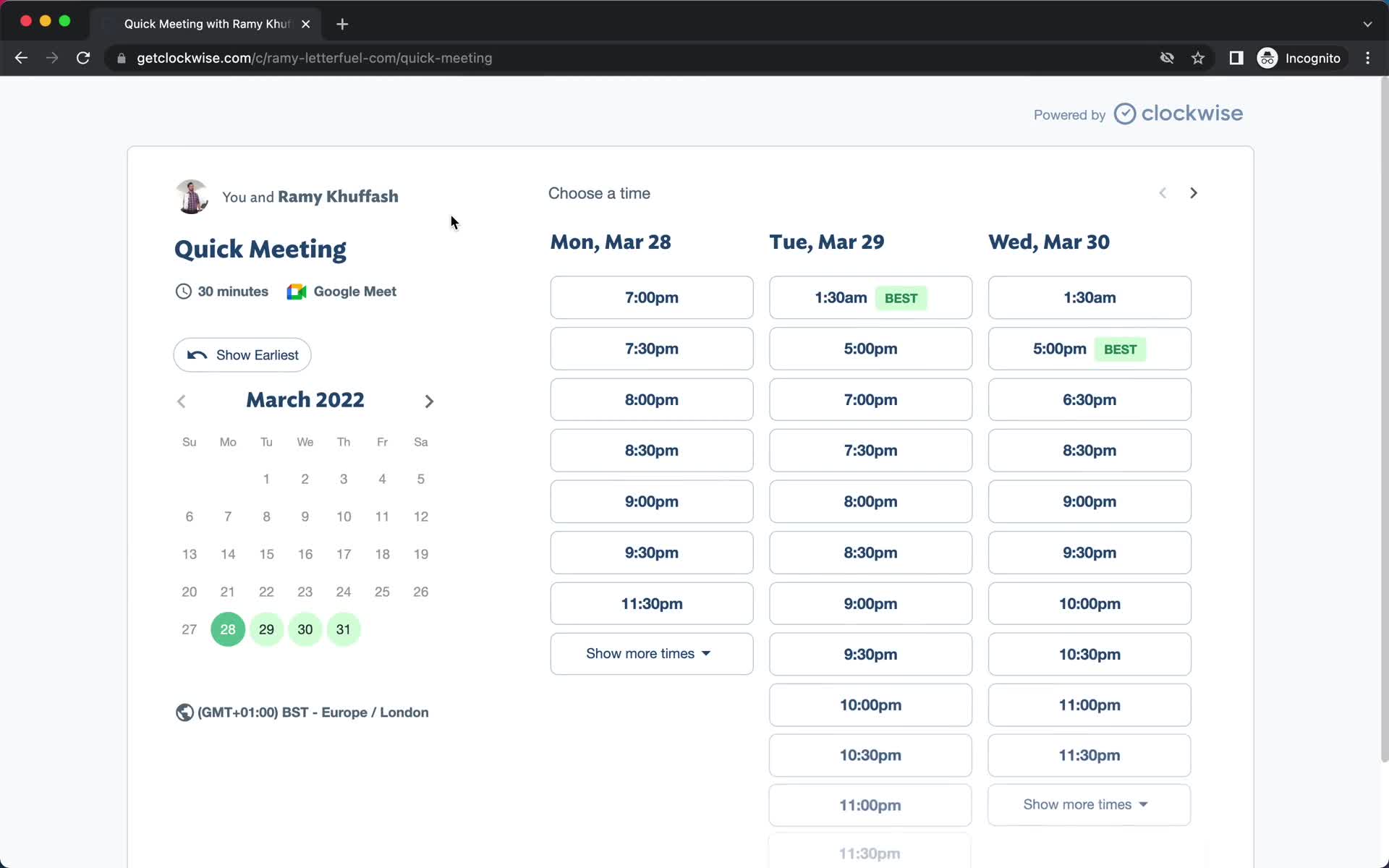
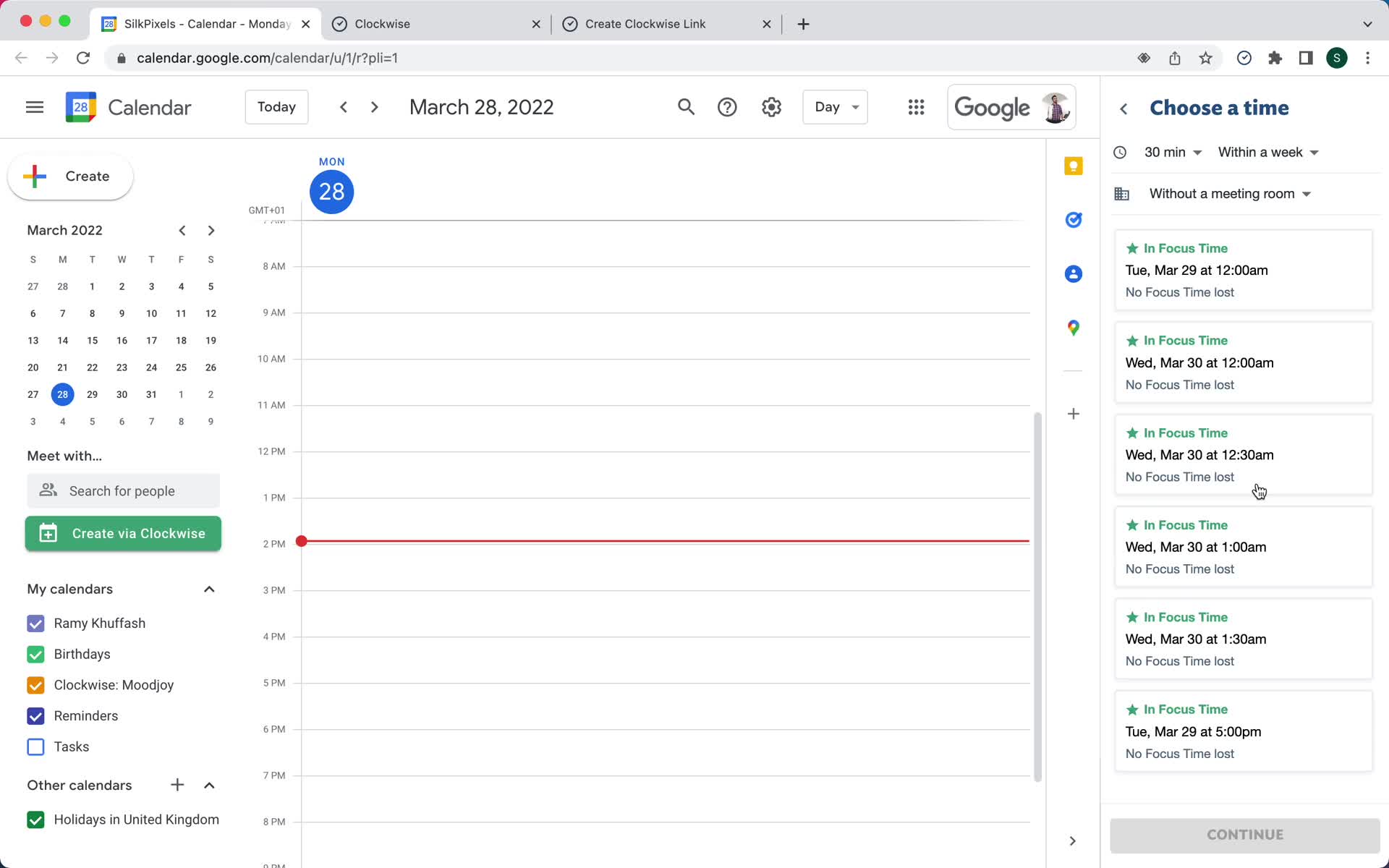
Select time
this is title
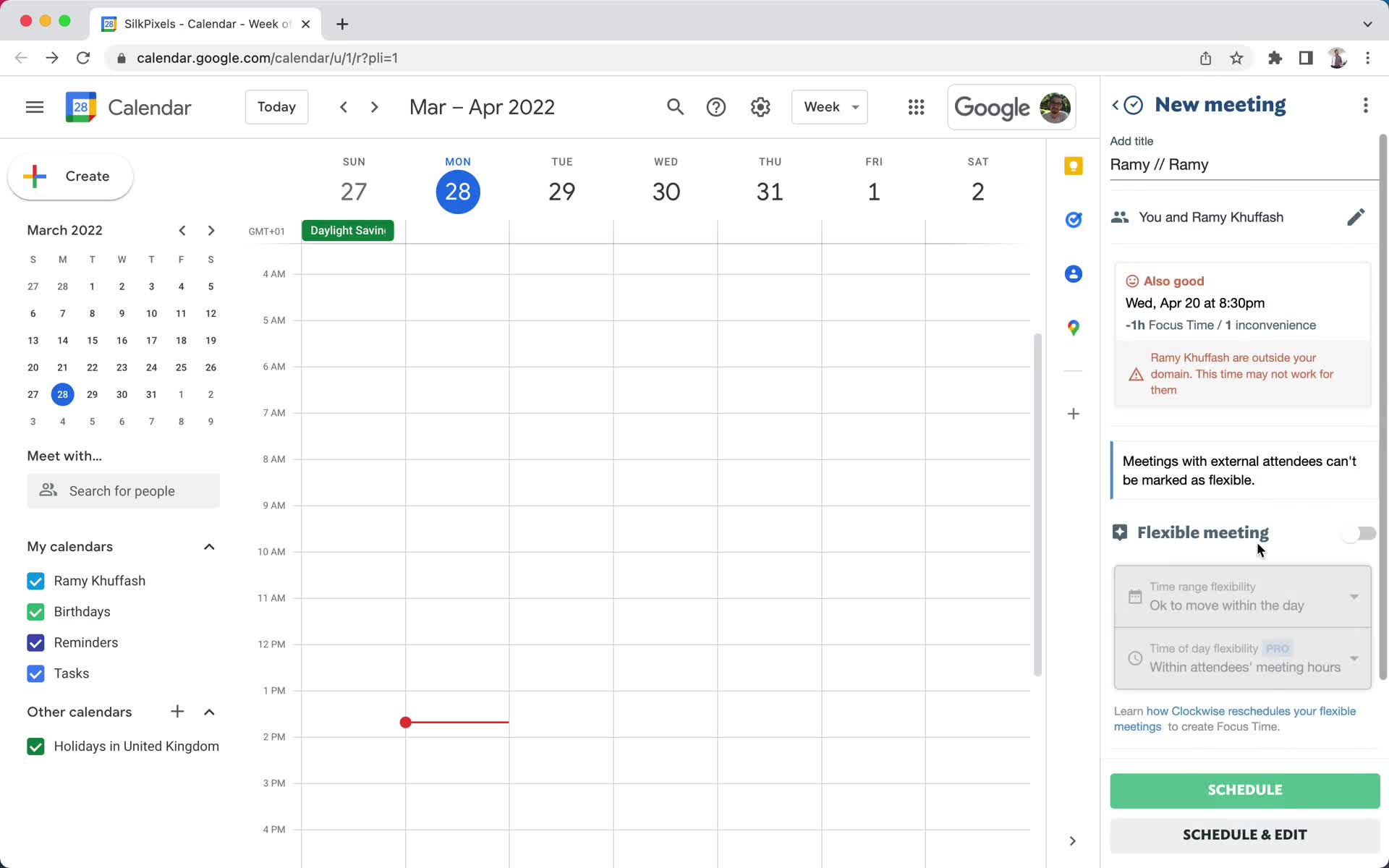
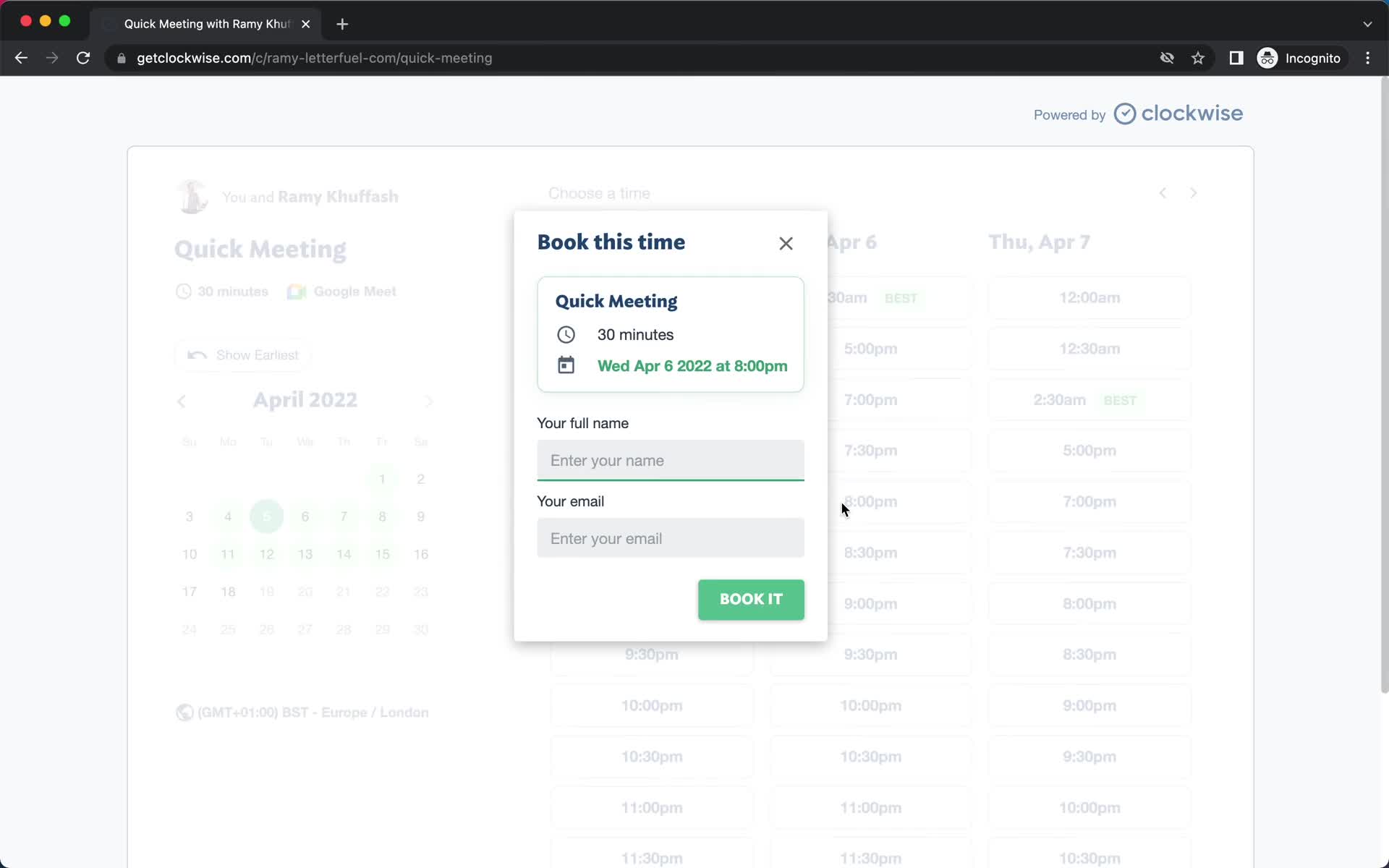
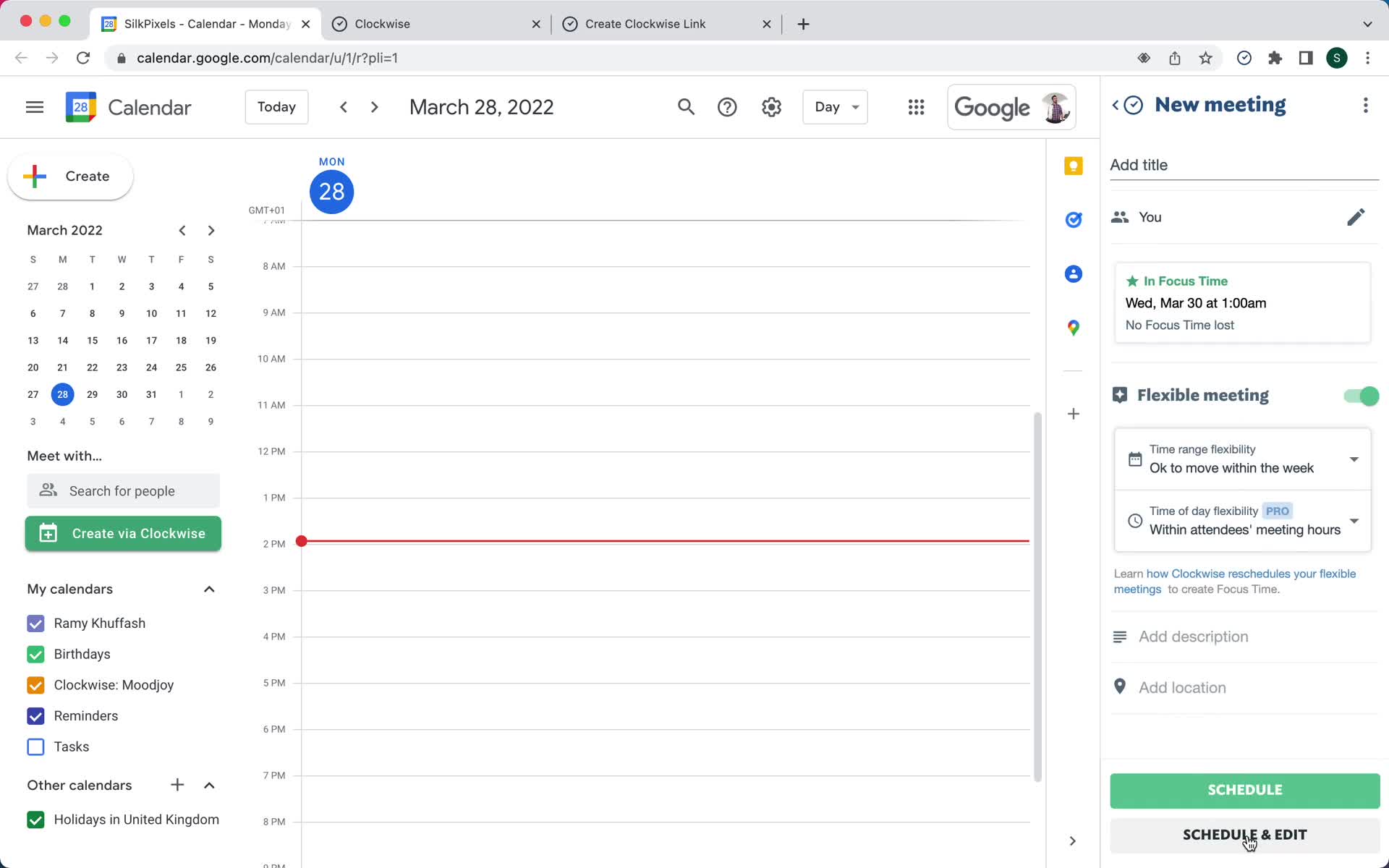
Add details
this is title
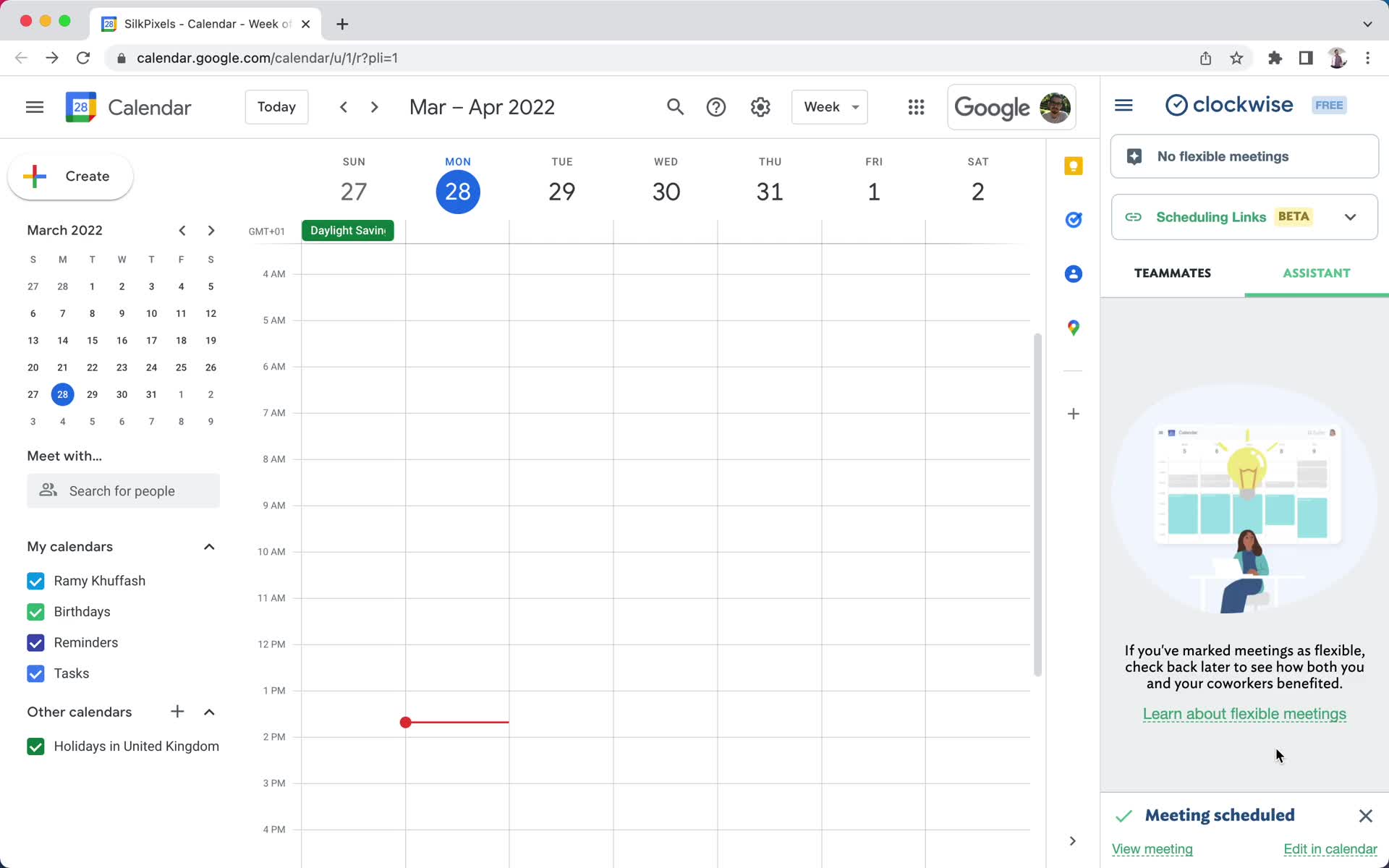
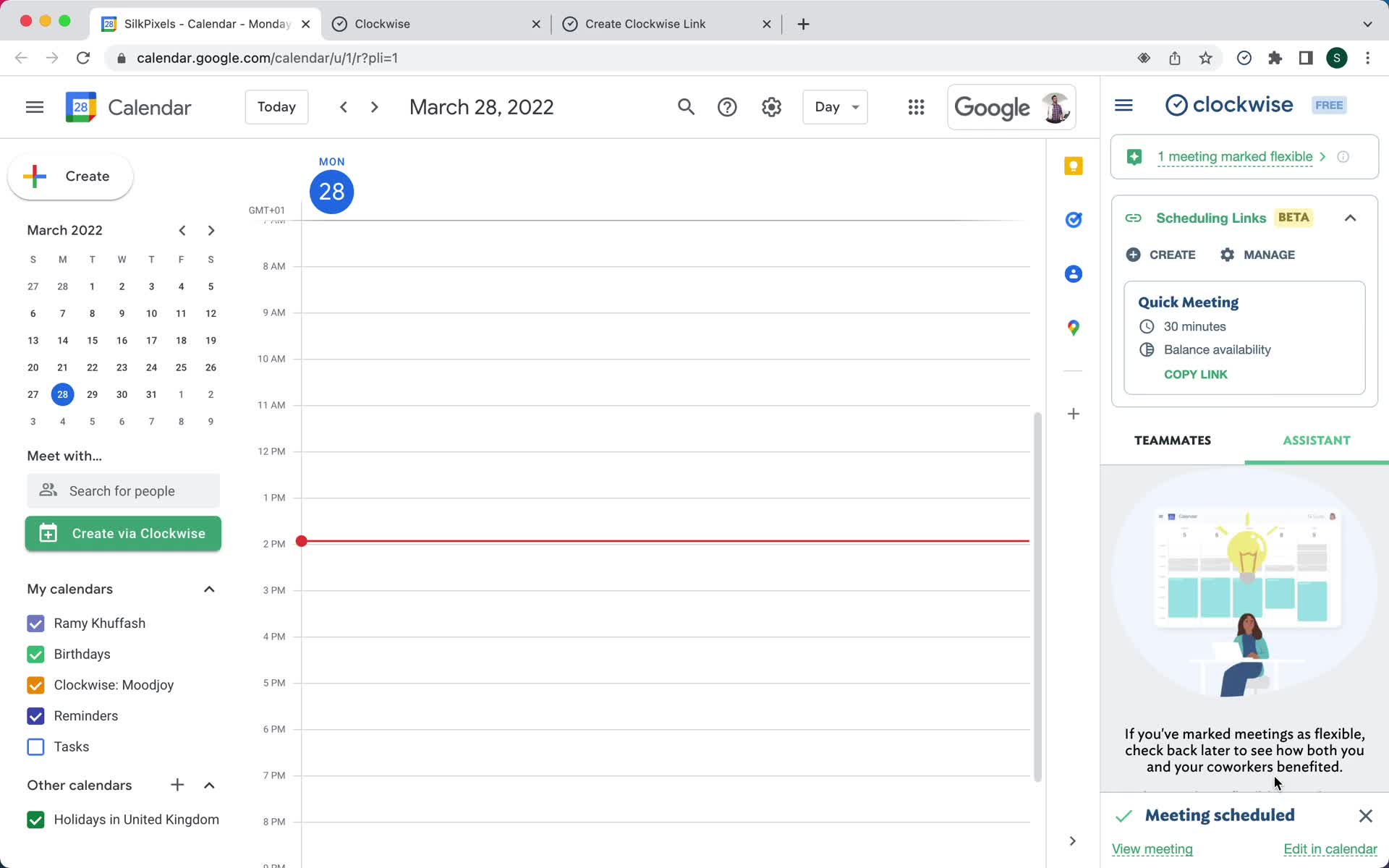
Meeting scheduled
this is title
Home
this is title
Booking link
this is title
Select time
this is title
Add details
this is title
Meeting scheduled
this is title
Home
this is title
Create event type
this is title
Advanced options
this is title
Event type created
this is title
Home
this is title
Create event type
this is title
Scheduling links
this is title
Home
this is title
Select time
this is title
Add details
this is title
Meeting scheduled
this is title
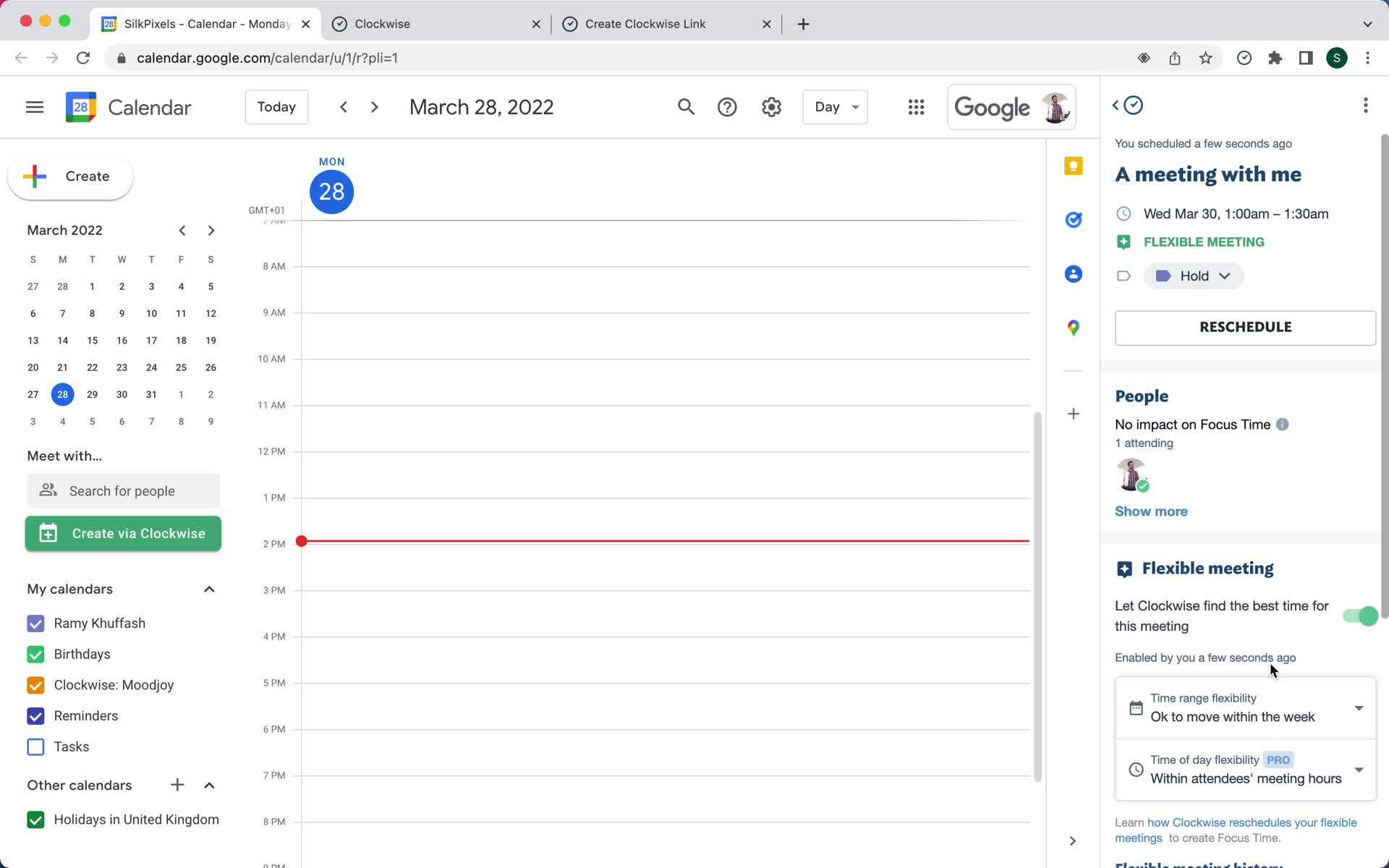
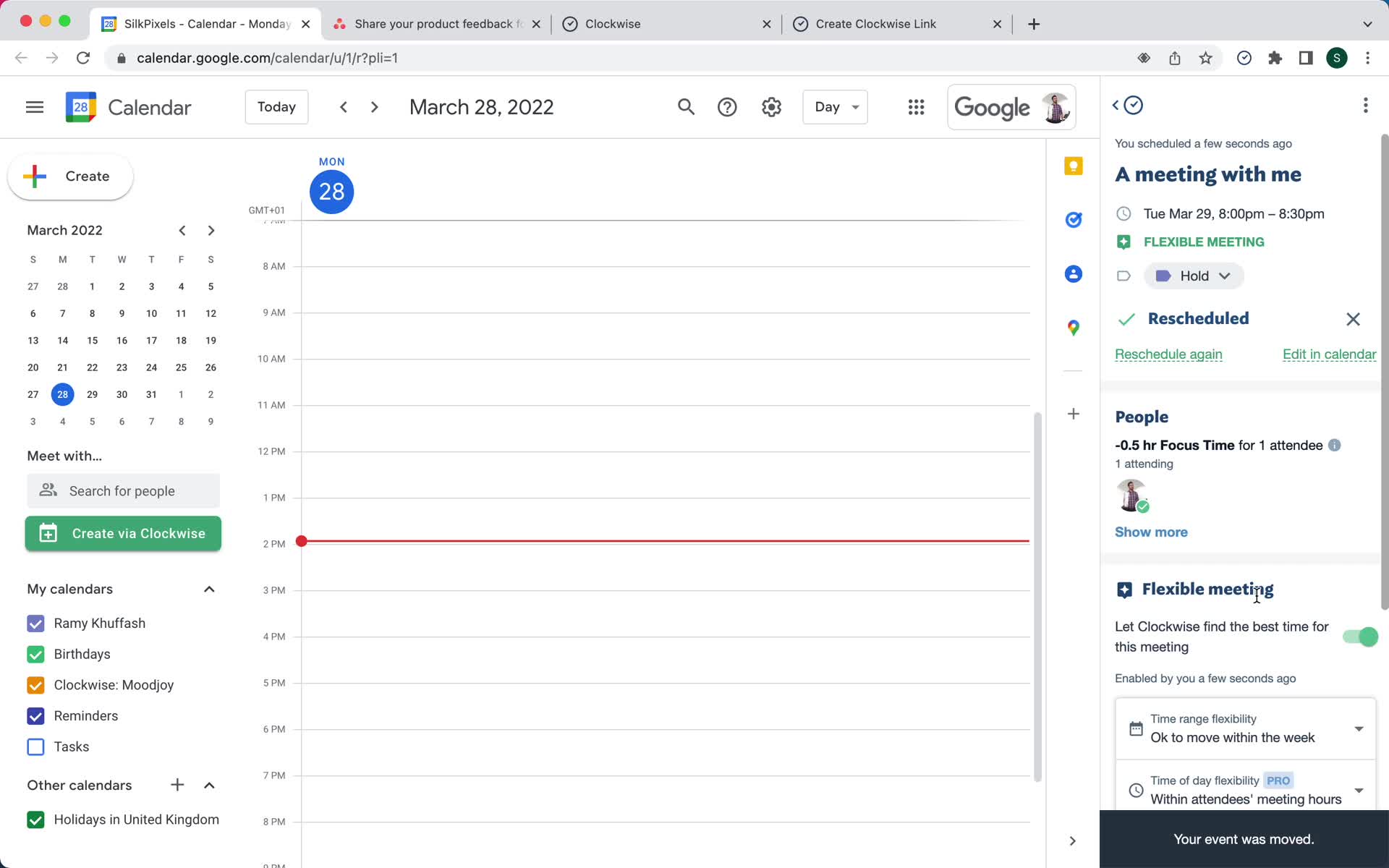
Meeting details
this is title
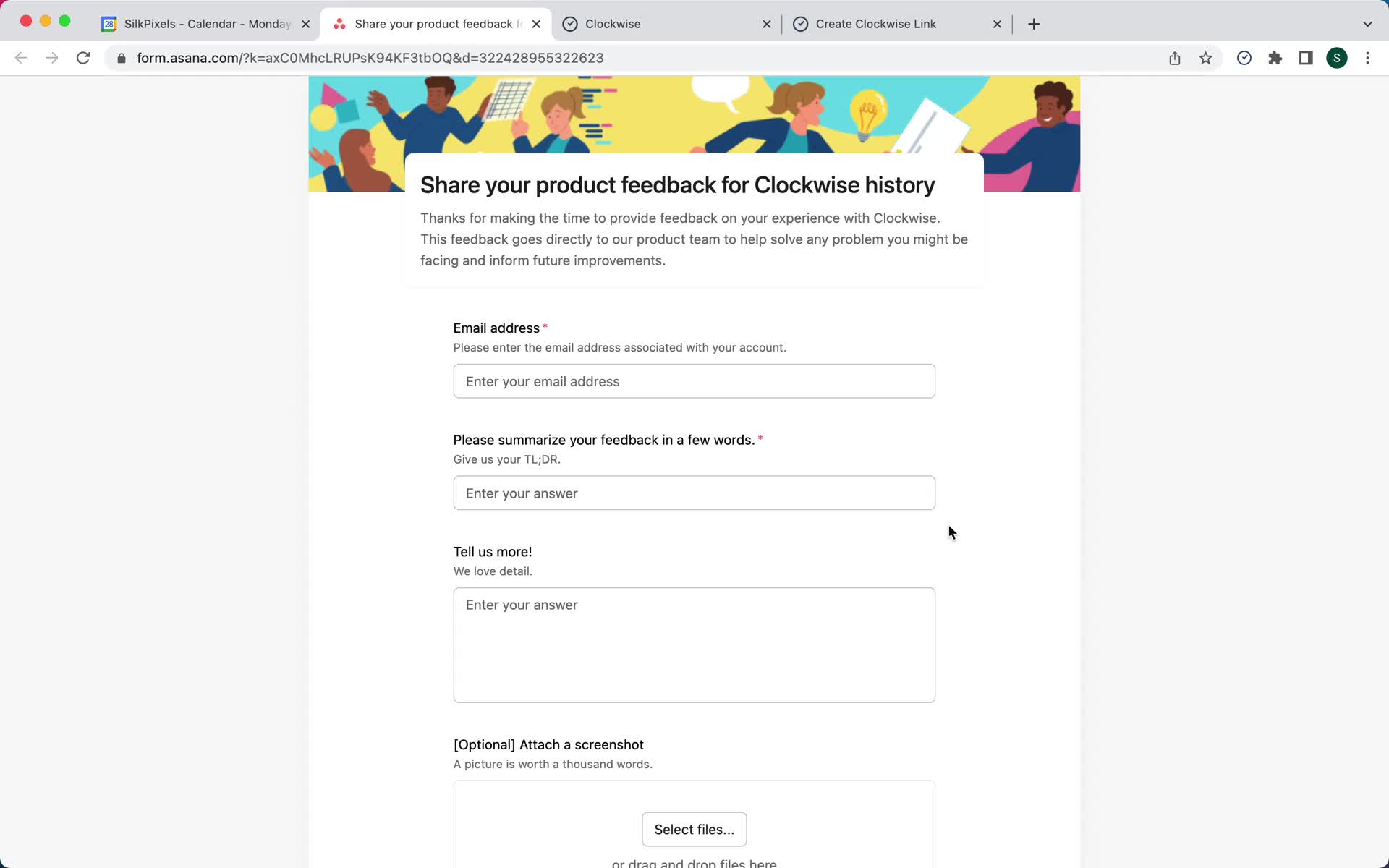
Submit feedback
this is title
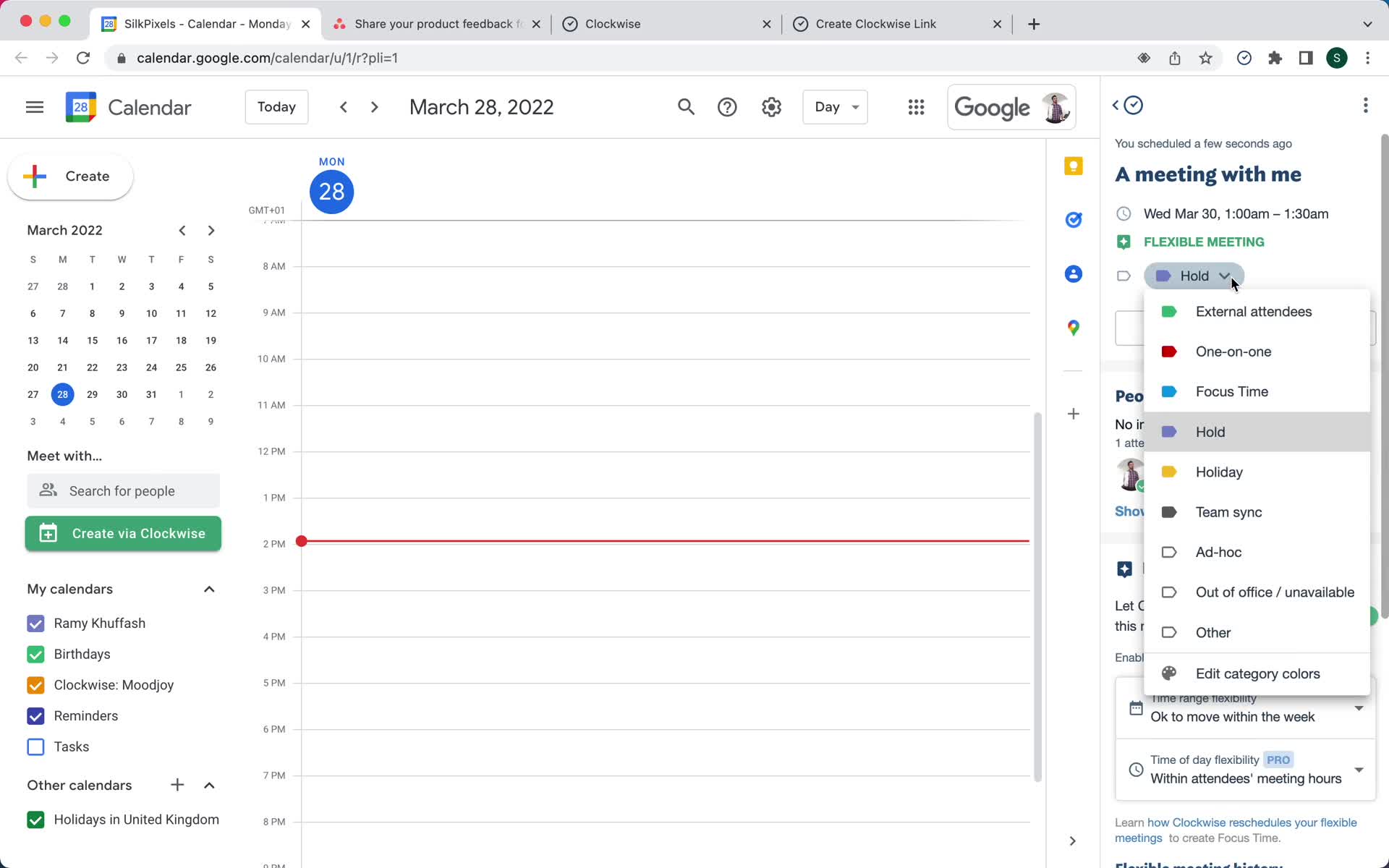
Edit meeting
this is title
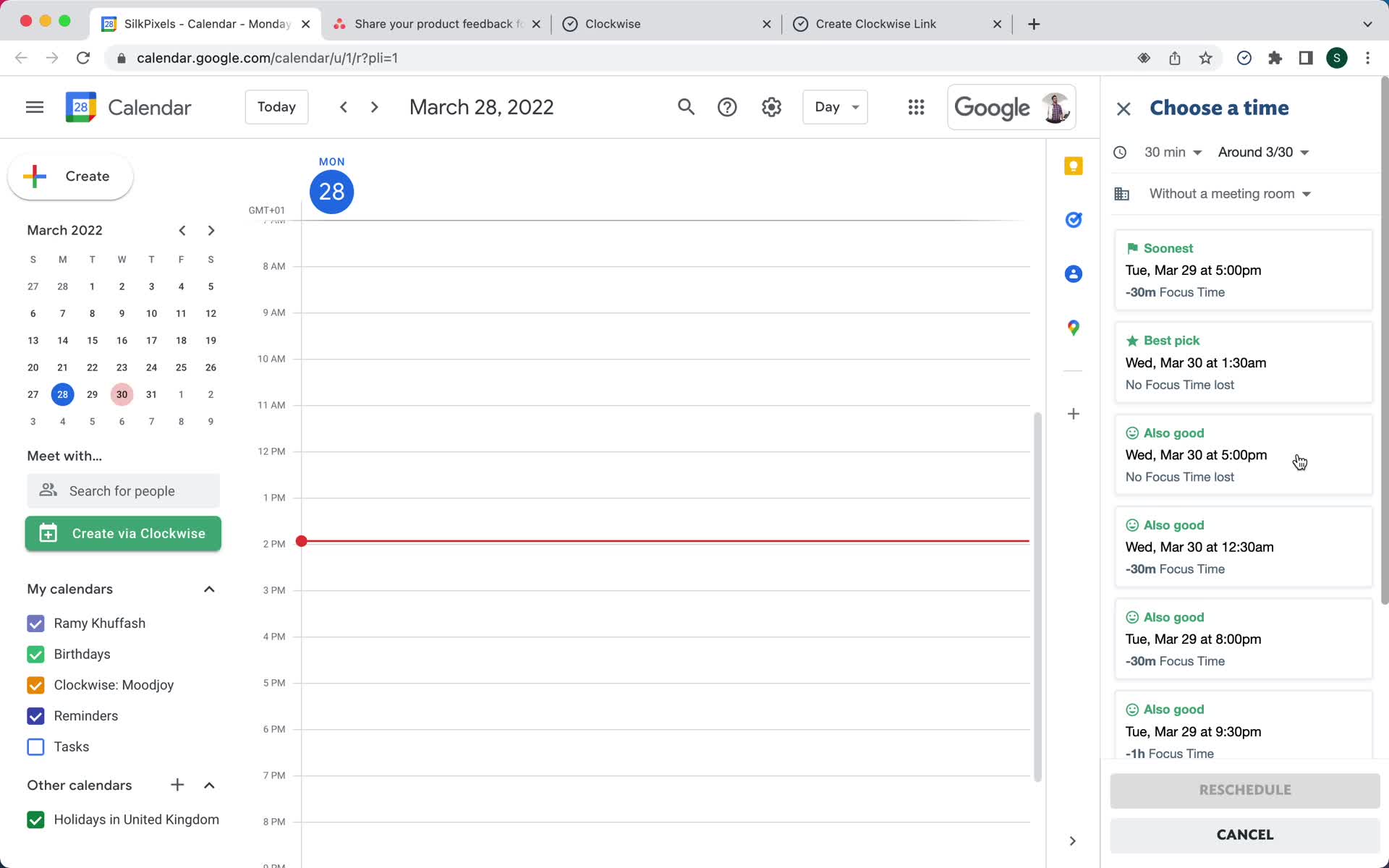
Select time
this is title
Meeting updated
this is title
Home
this is title
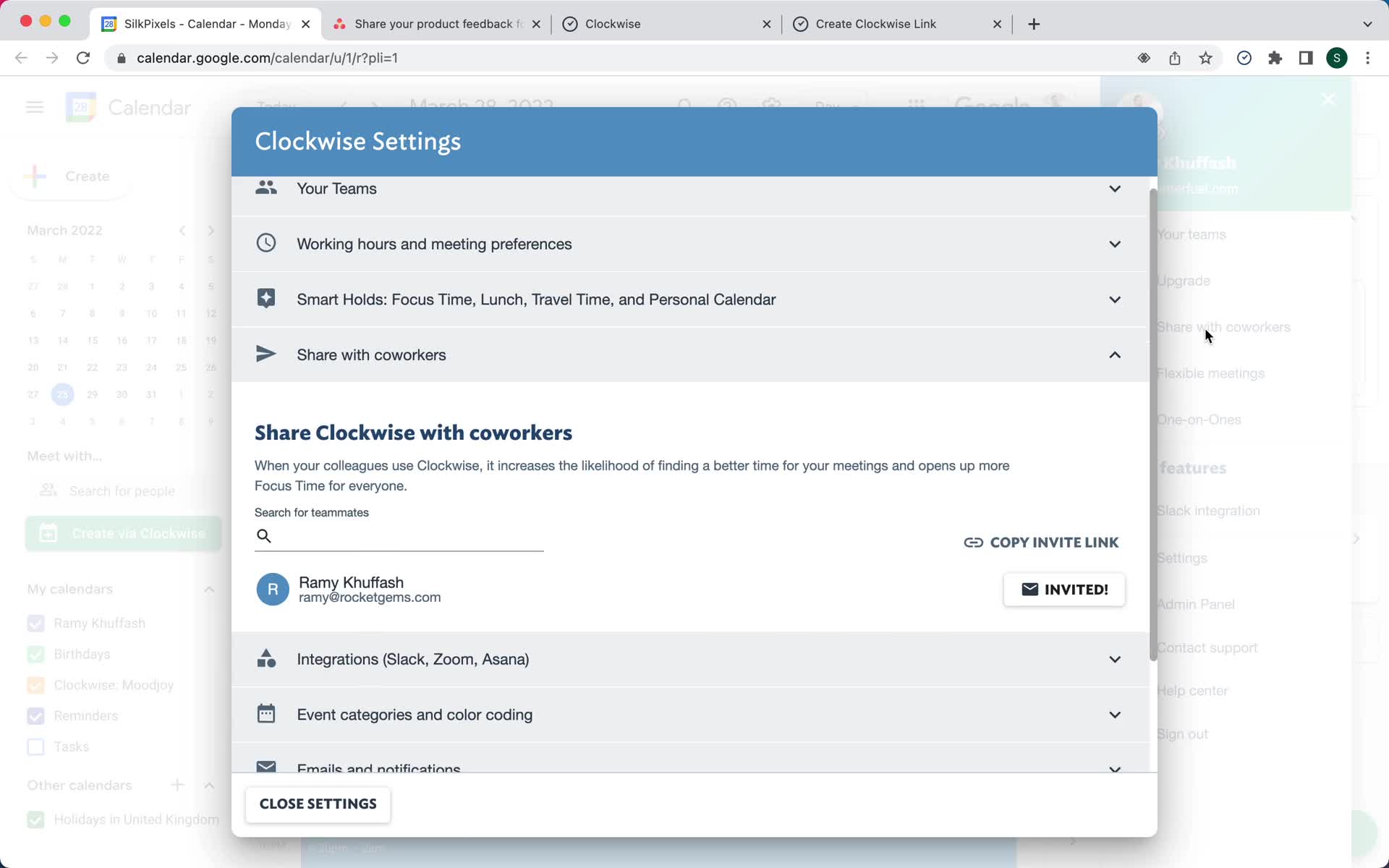
Invite team
this is title
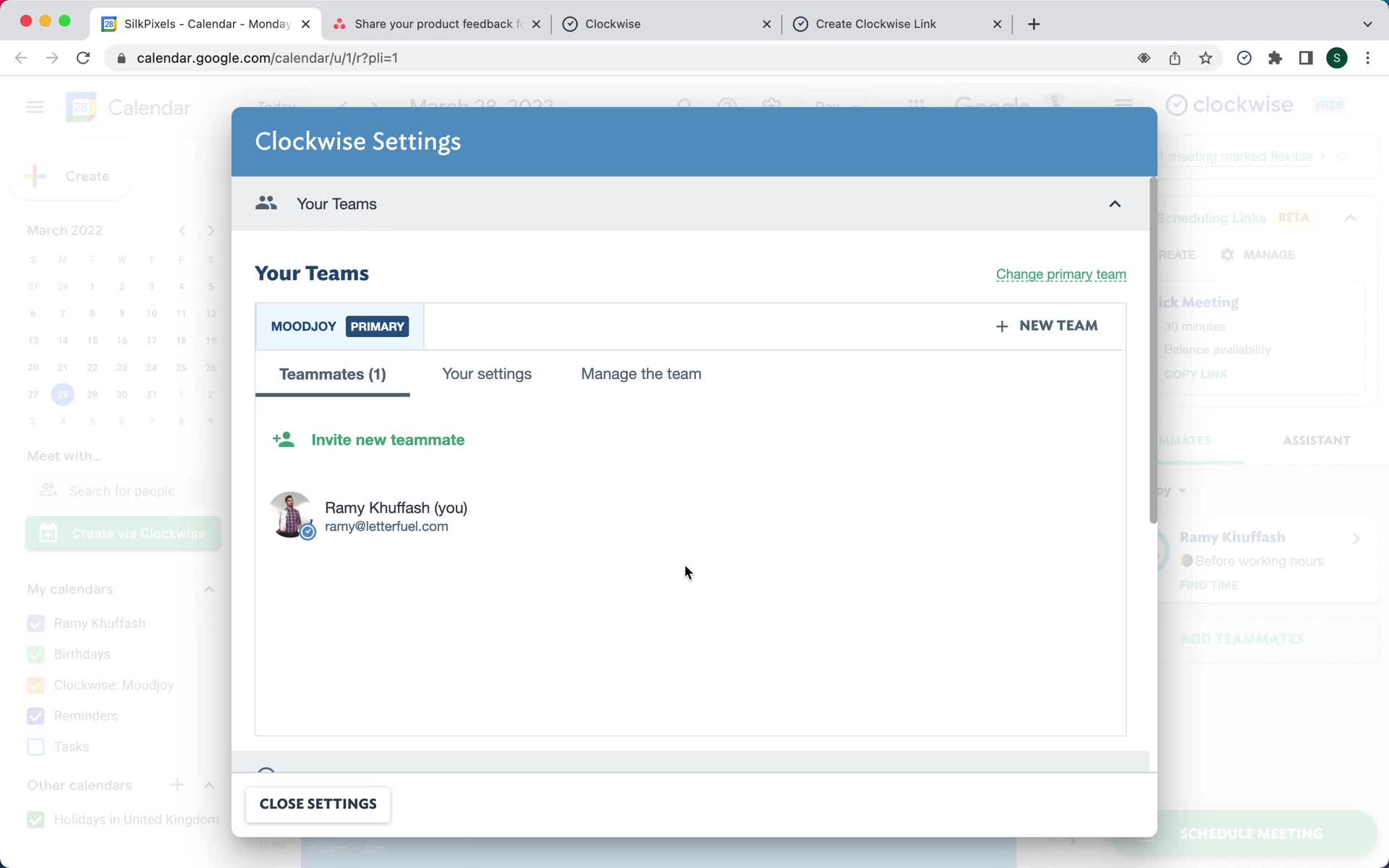
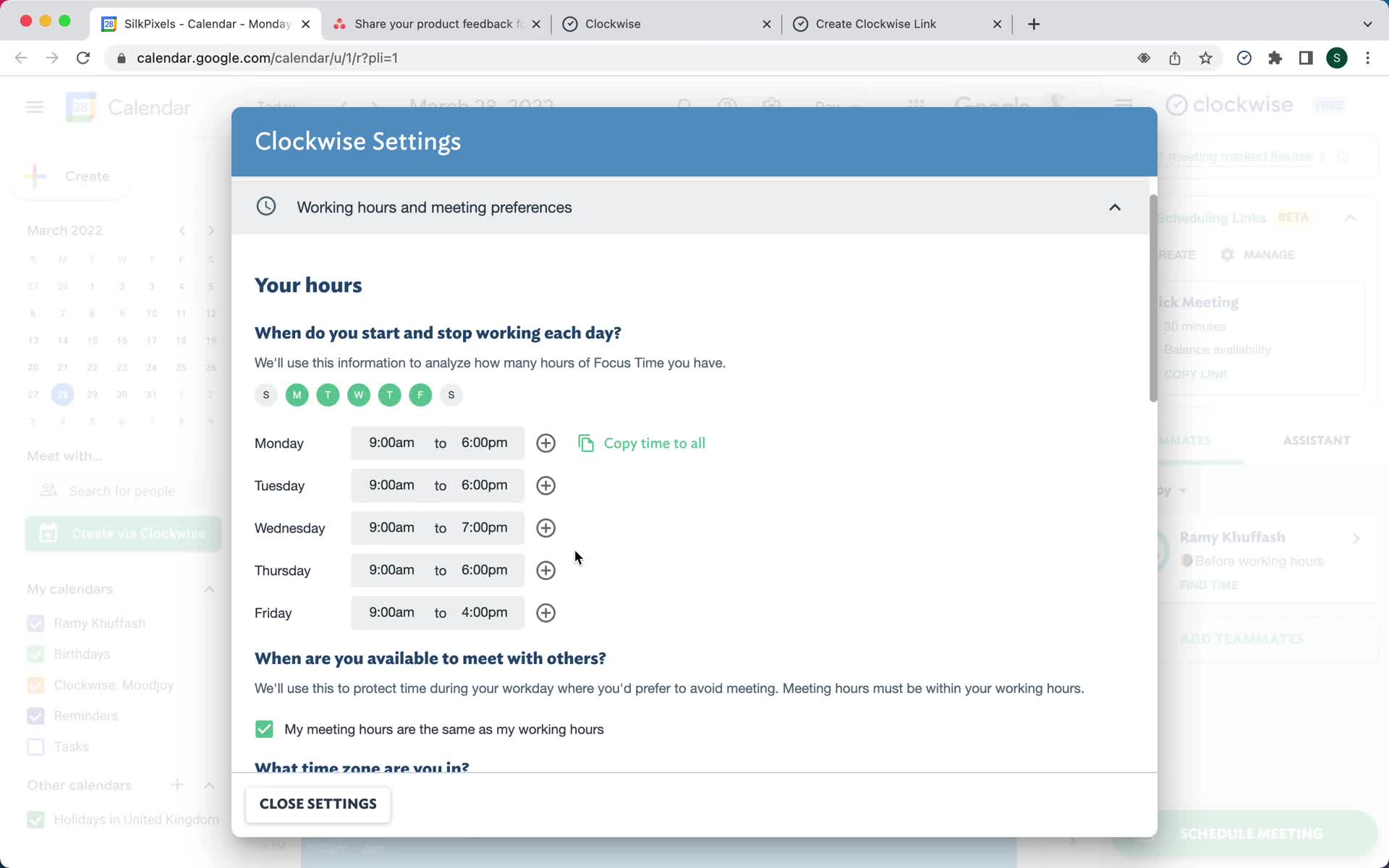
Settings
this is title
Settings
this is title
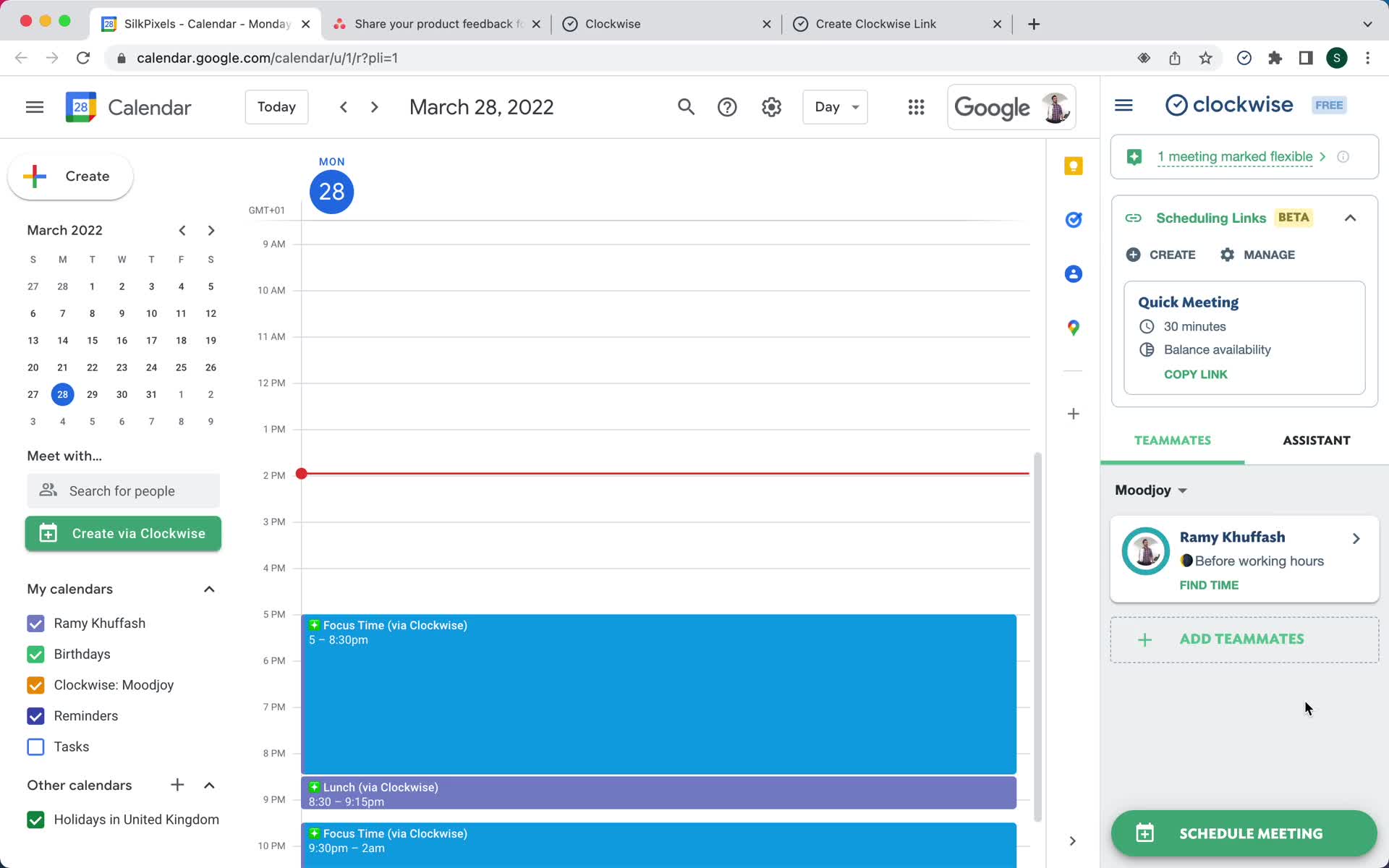
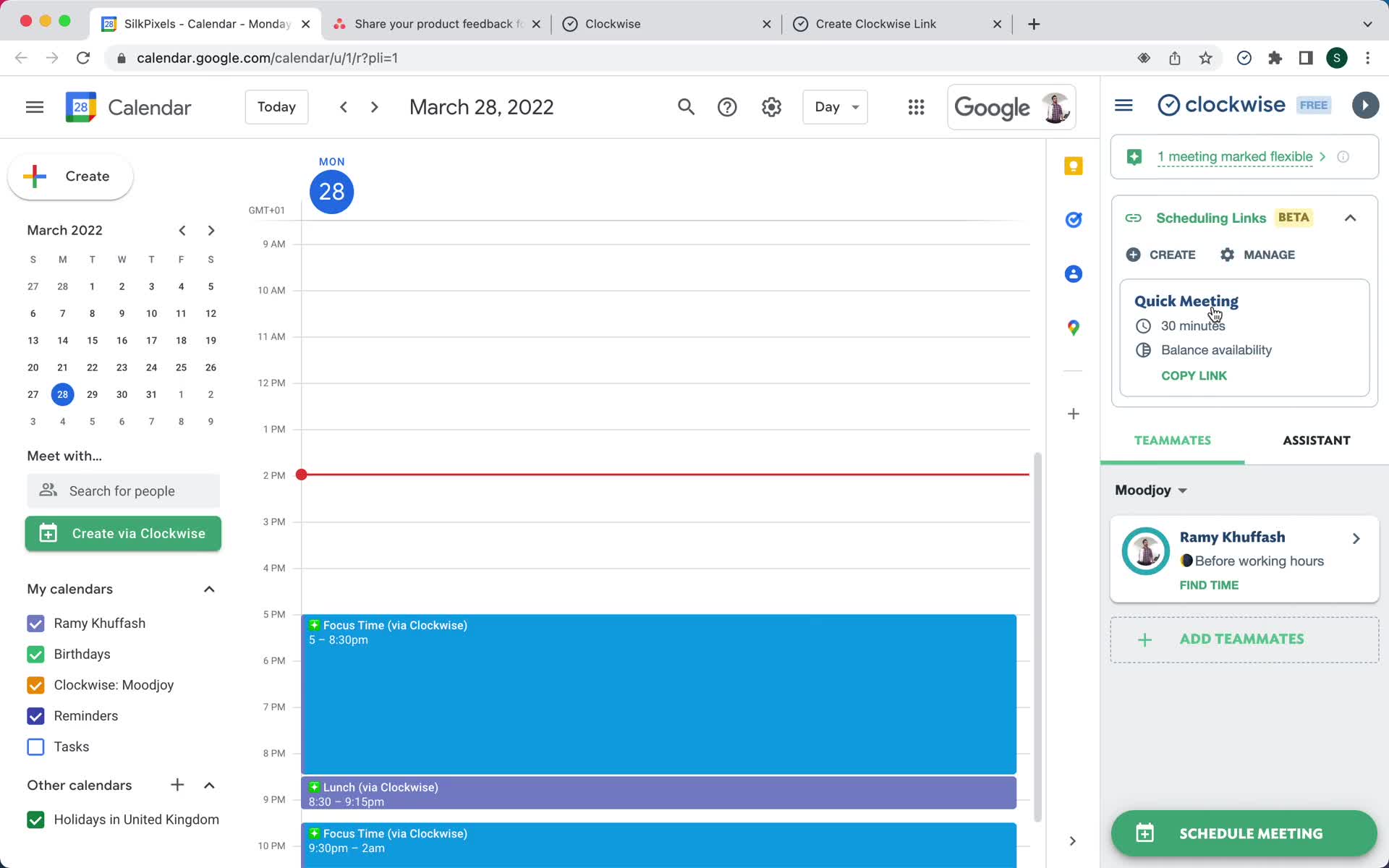
Home
this is title
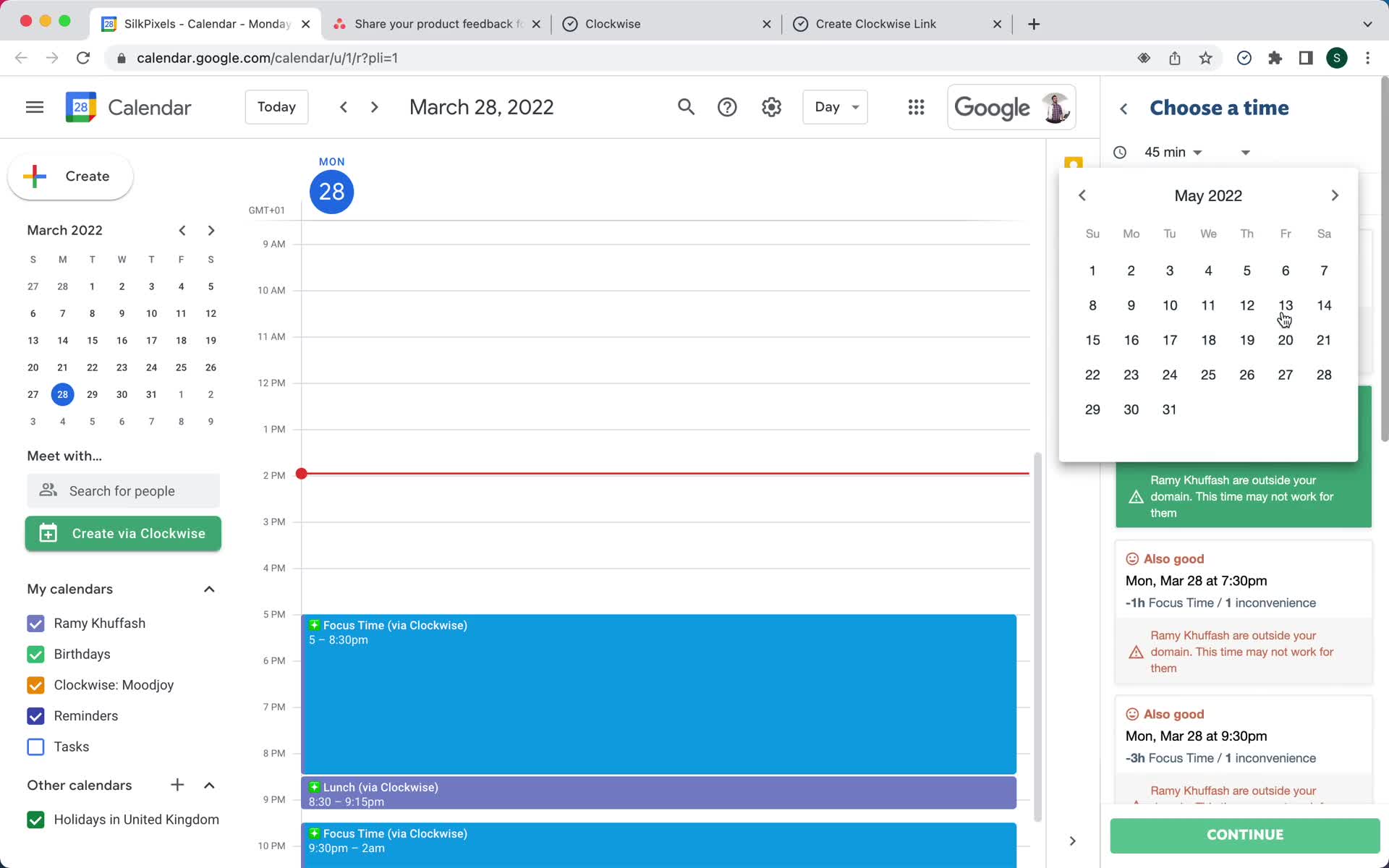
Schedule meeting
this is title
Select time
this is title
Set date
this is title
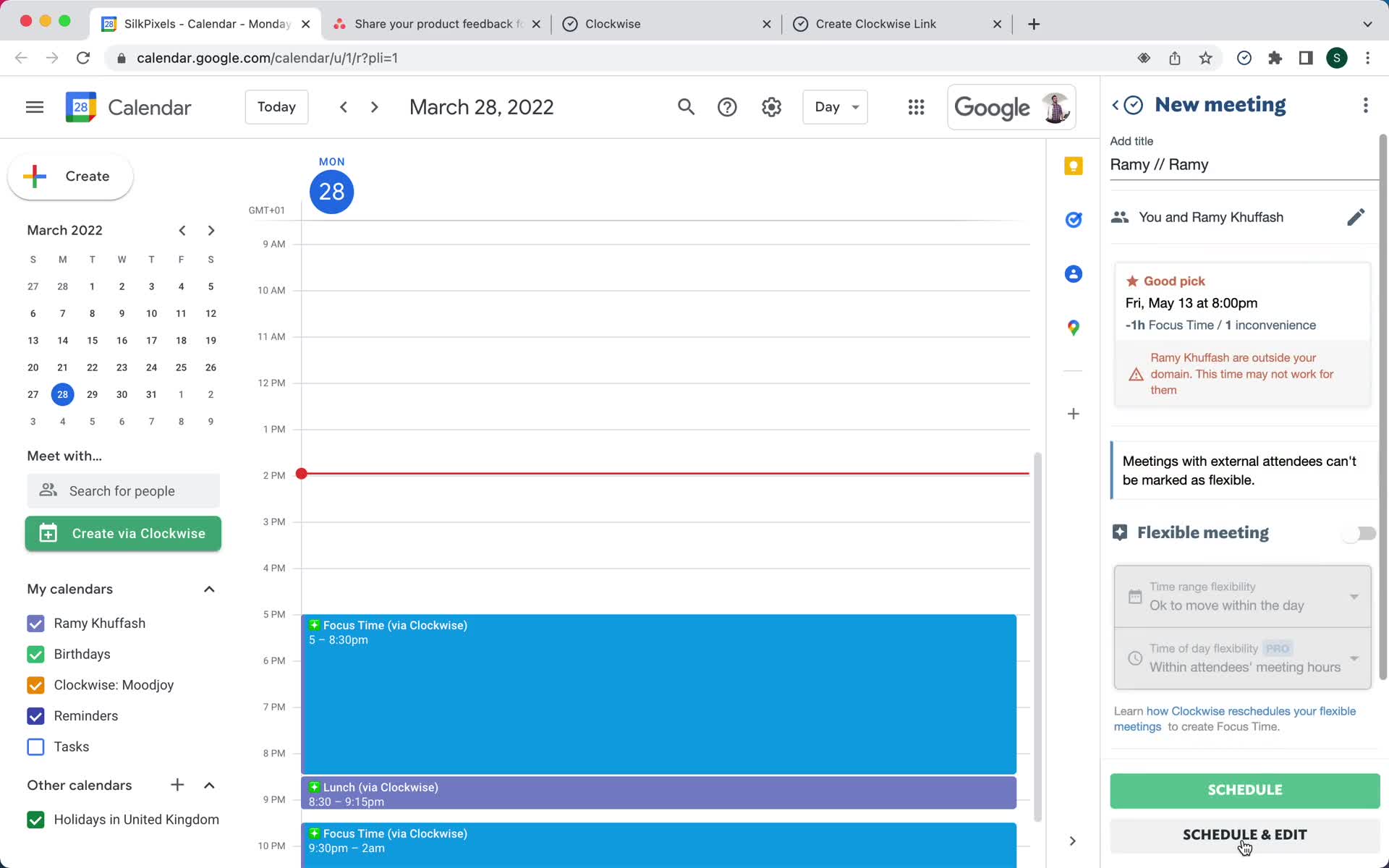
Add details
this is title
Meeting scheduled
this is title
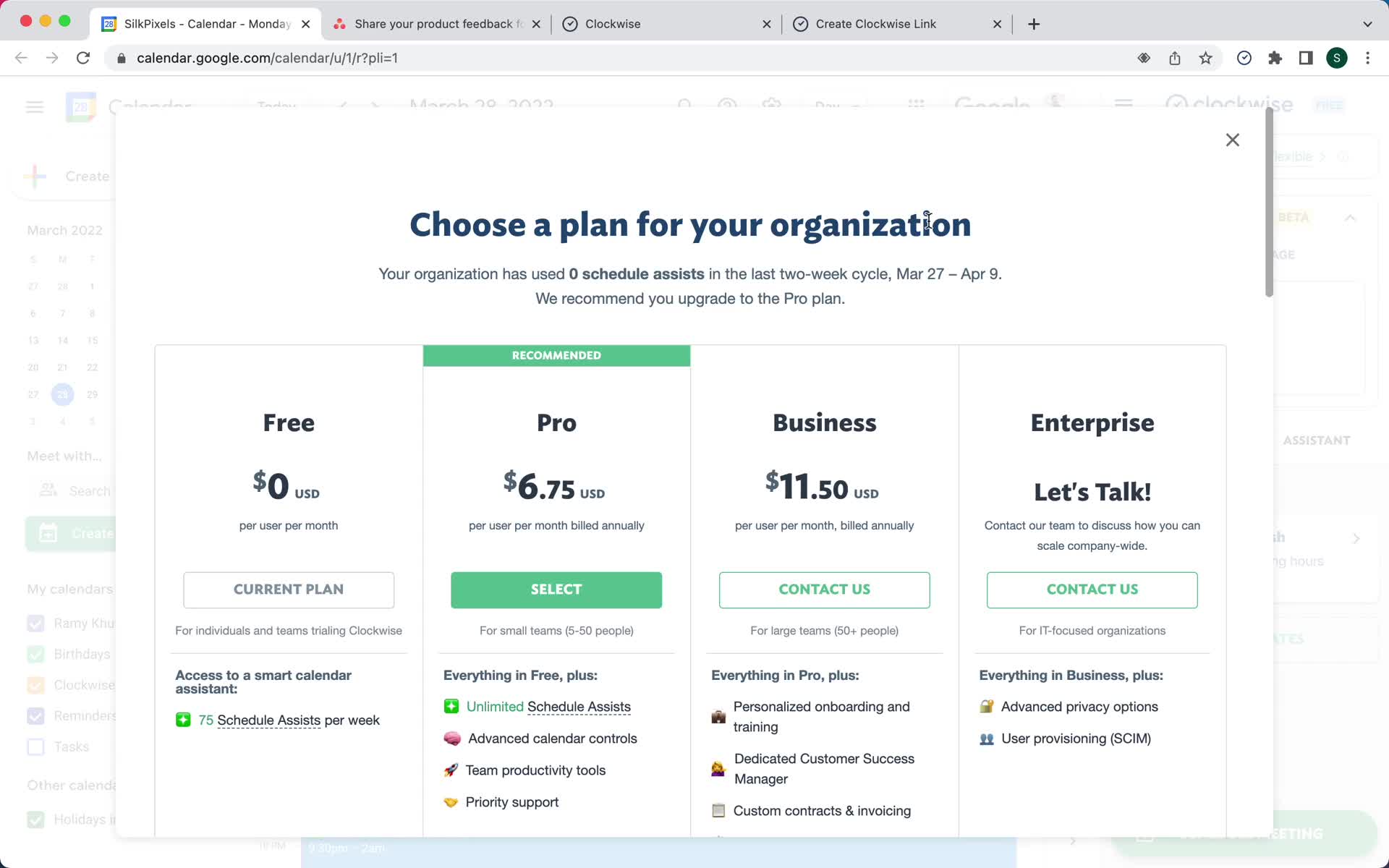
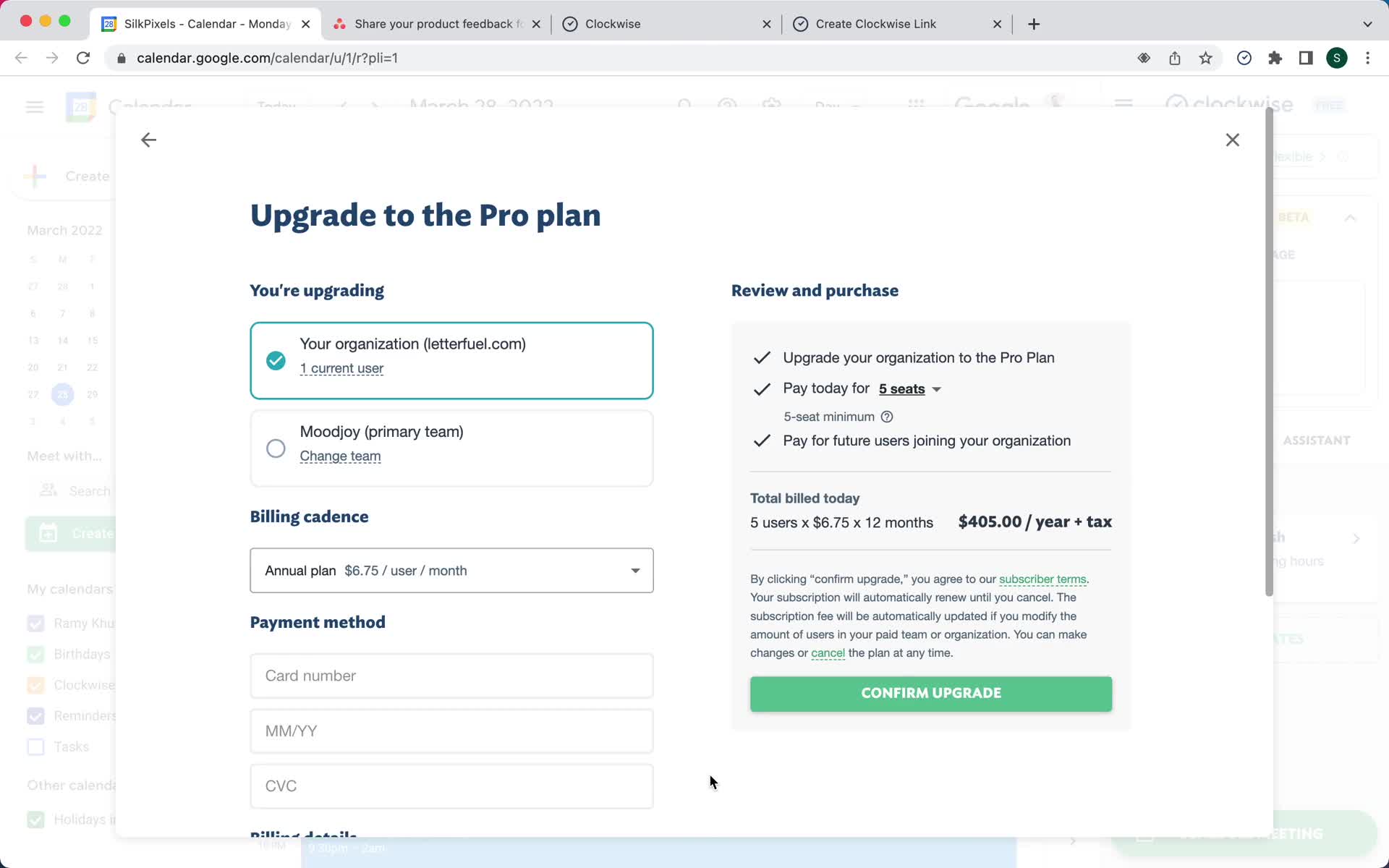
Upgrade
this is title
Add payment details
this is title
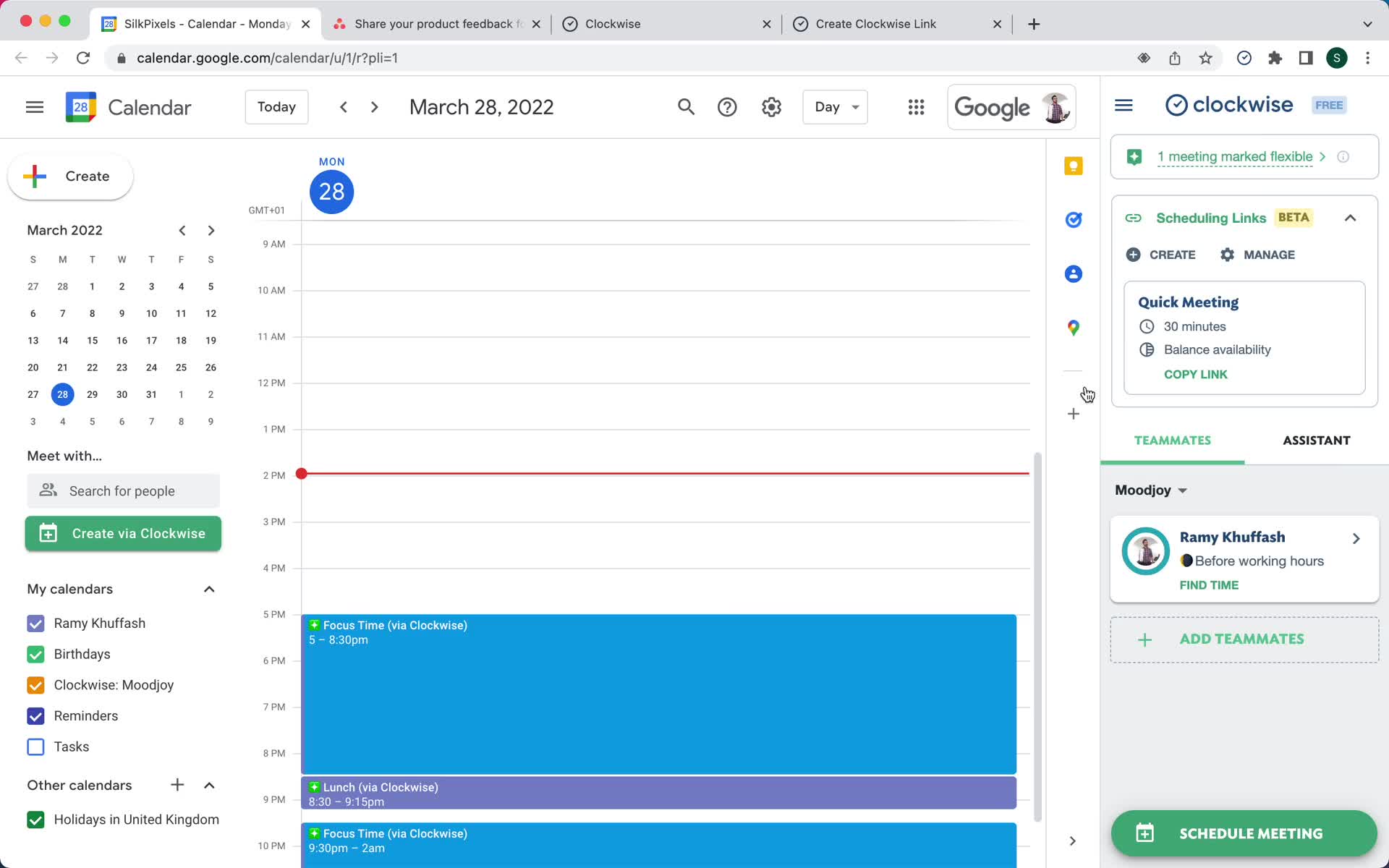
Home
this is title
Invite team
this is title
Home
this is title
Home
this is title
Teams
this is title
Create team
this is title
Teams
this is title
Invite team
this is title
Invite sent
this is title
Homepage
this is title
Install plugin
this is title
Install plugin
this is title
Switch to work account
this is title
Connect calendar
this is title
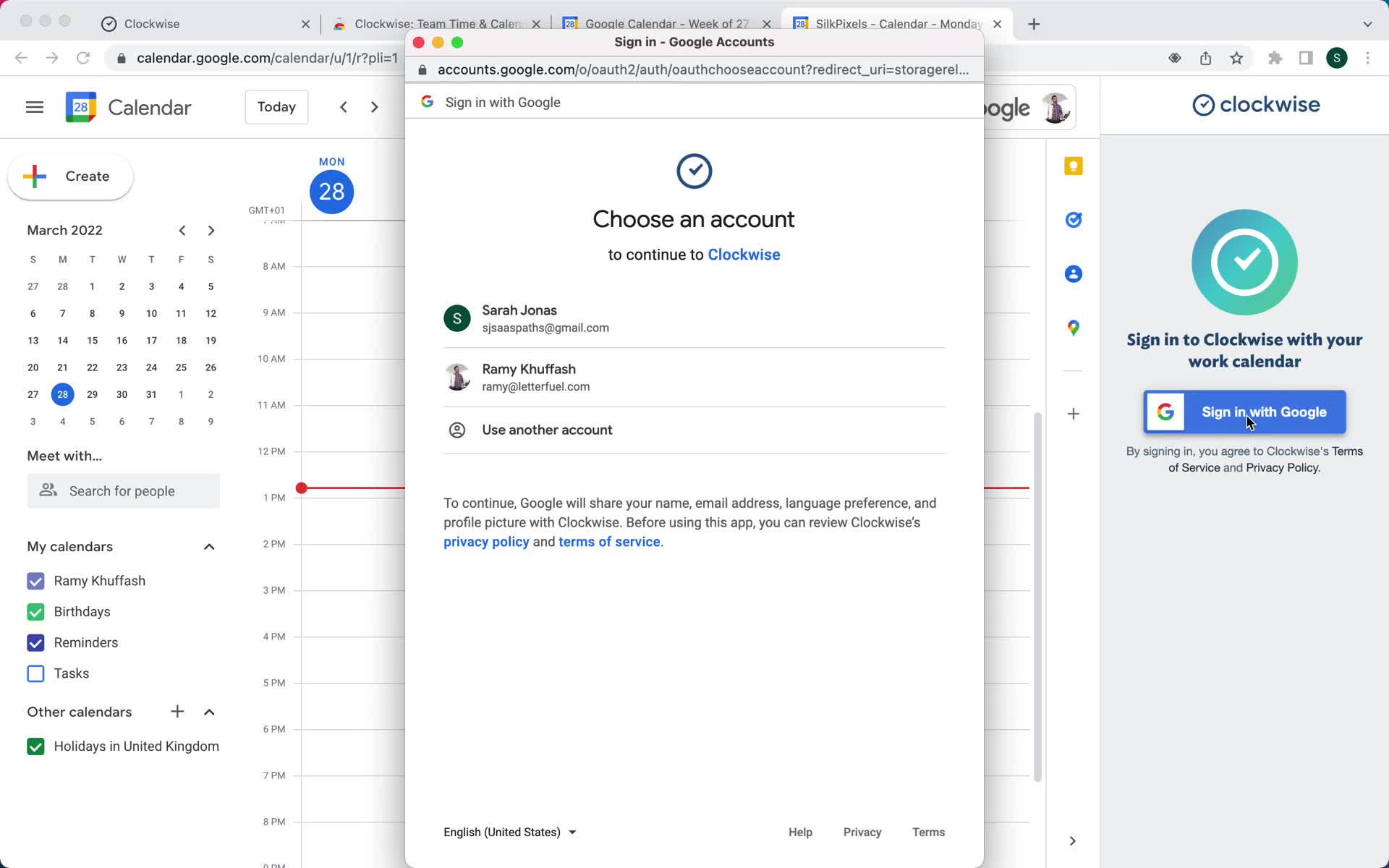
Select account
this is title
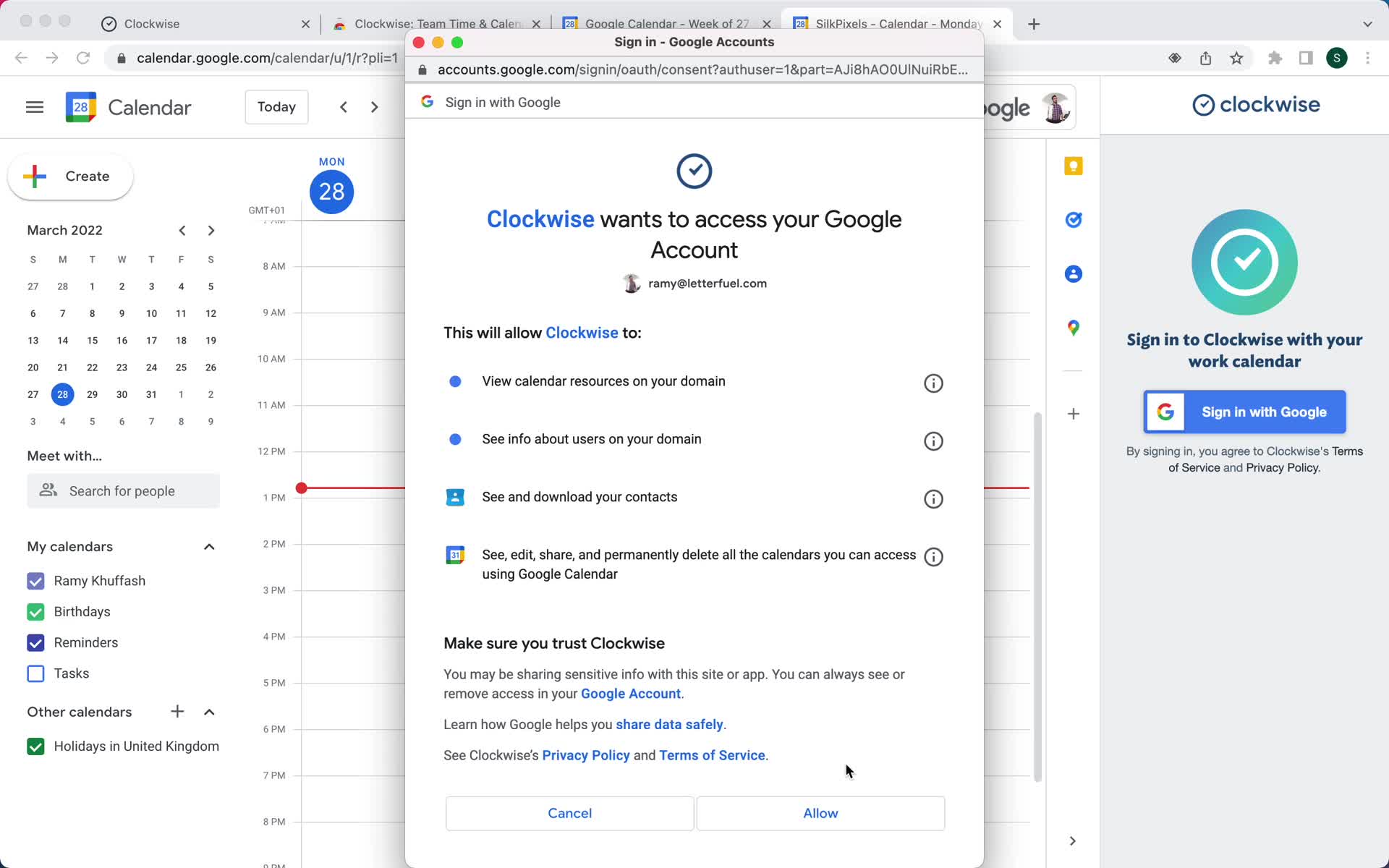
Confirm permissions
this is title
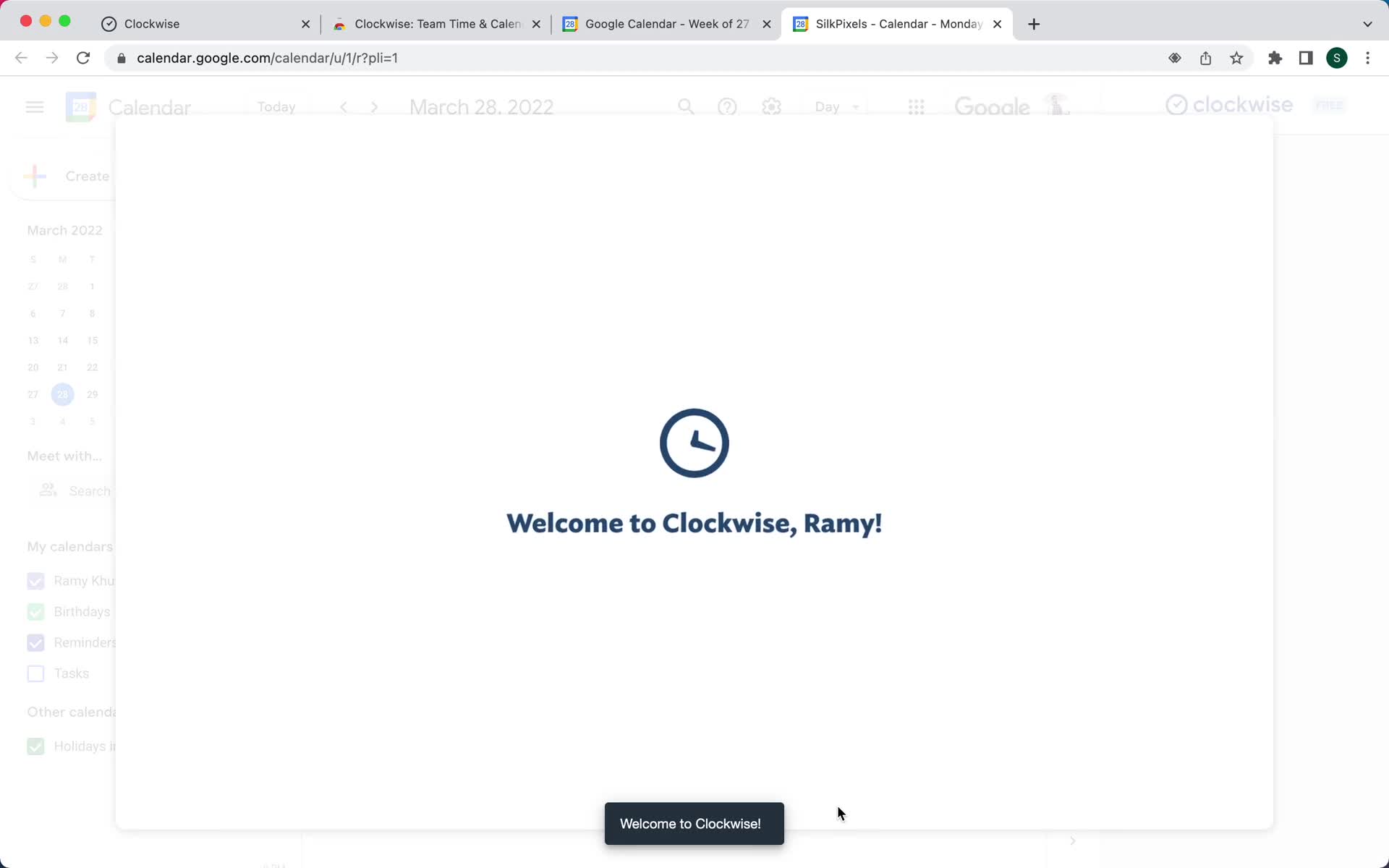
Welcome
this is title
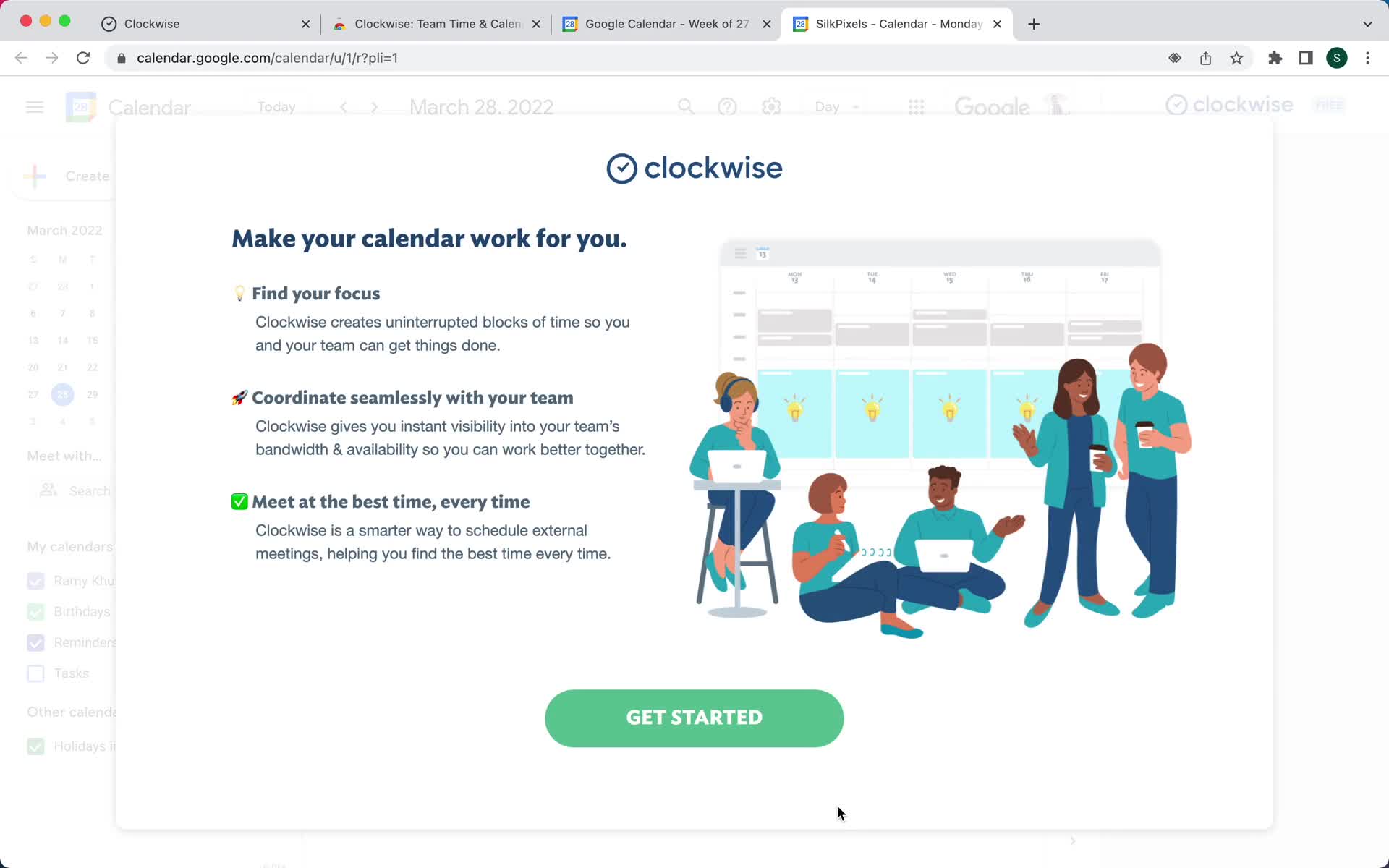
Get started
this is title
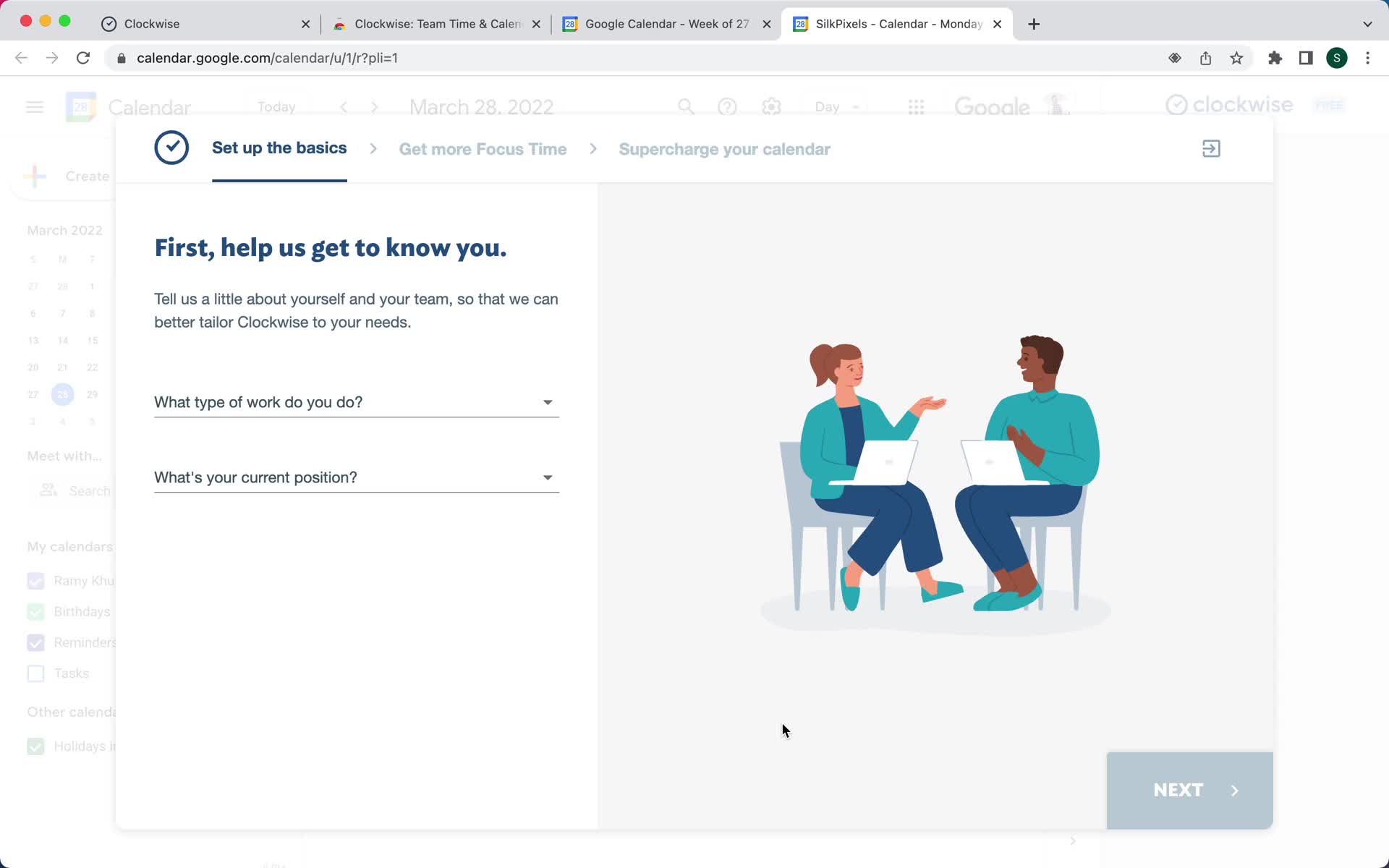
Select role
this is title
Select role
this is title
Select goals
this is title
Create team
this is title
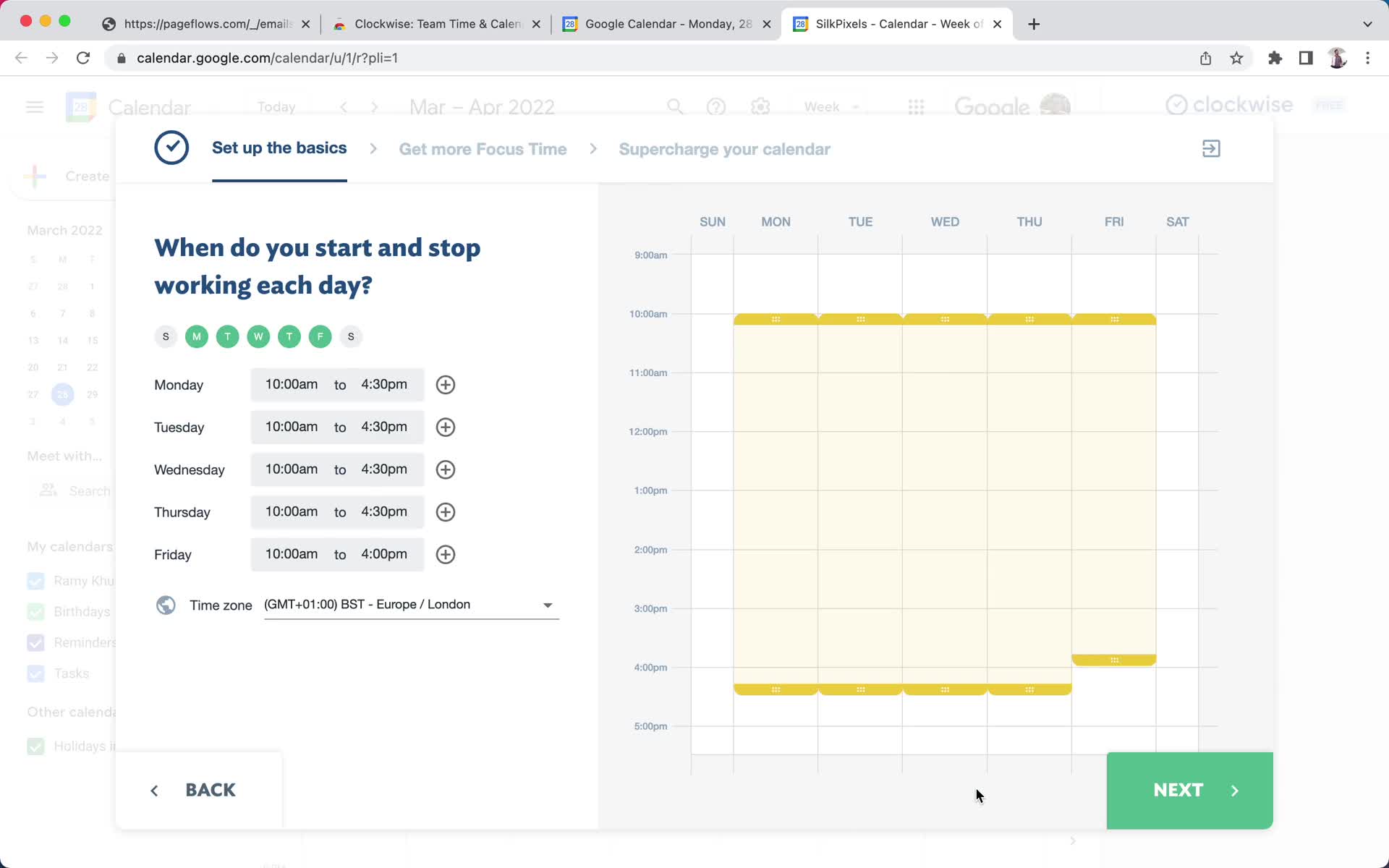
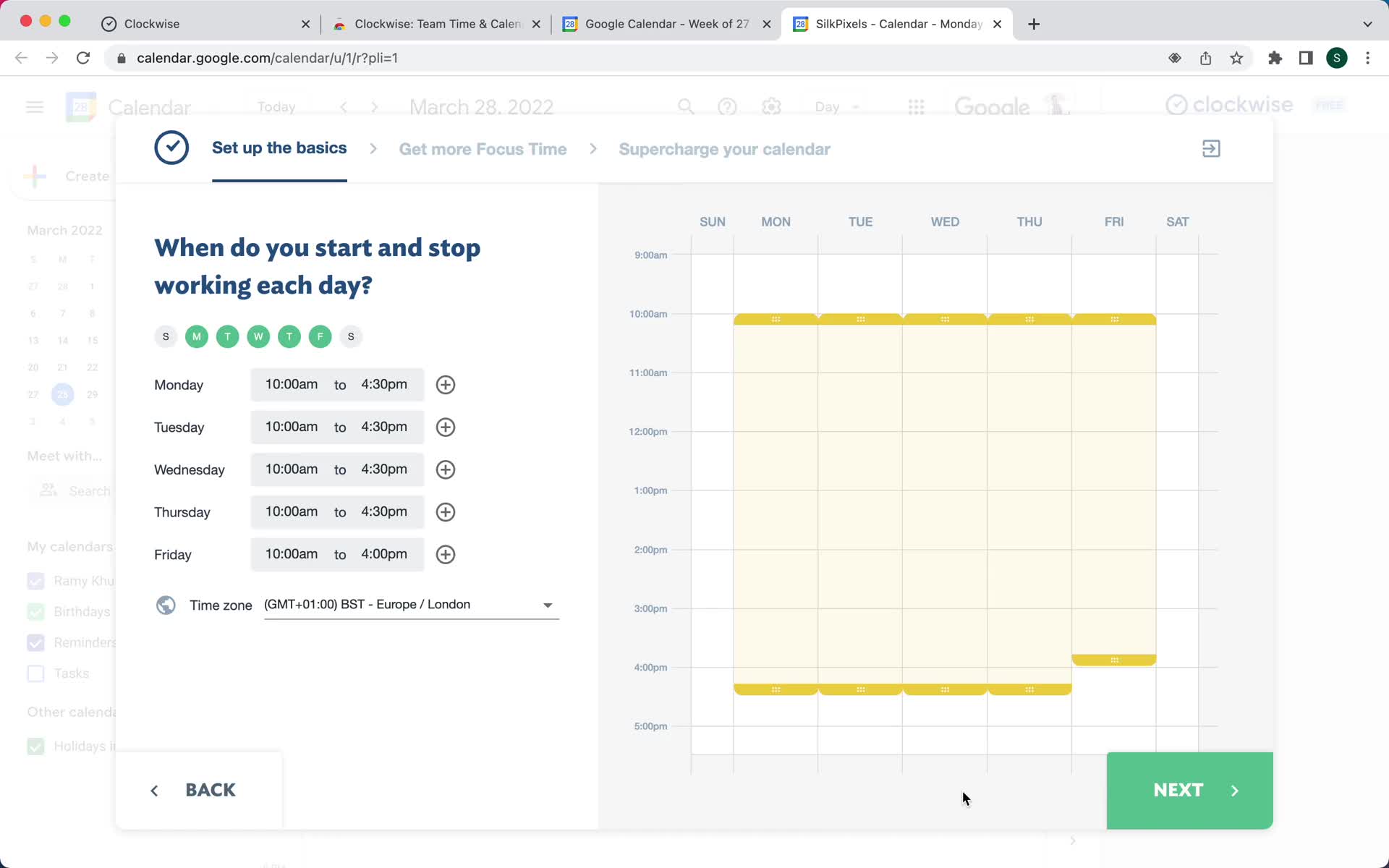
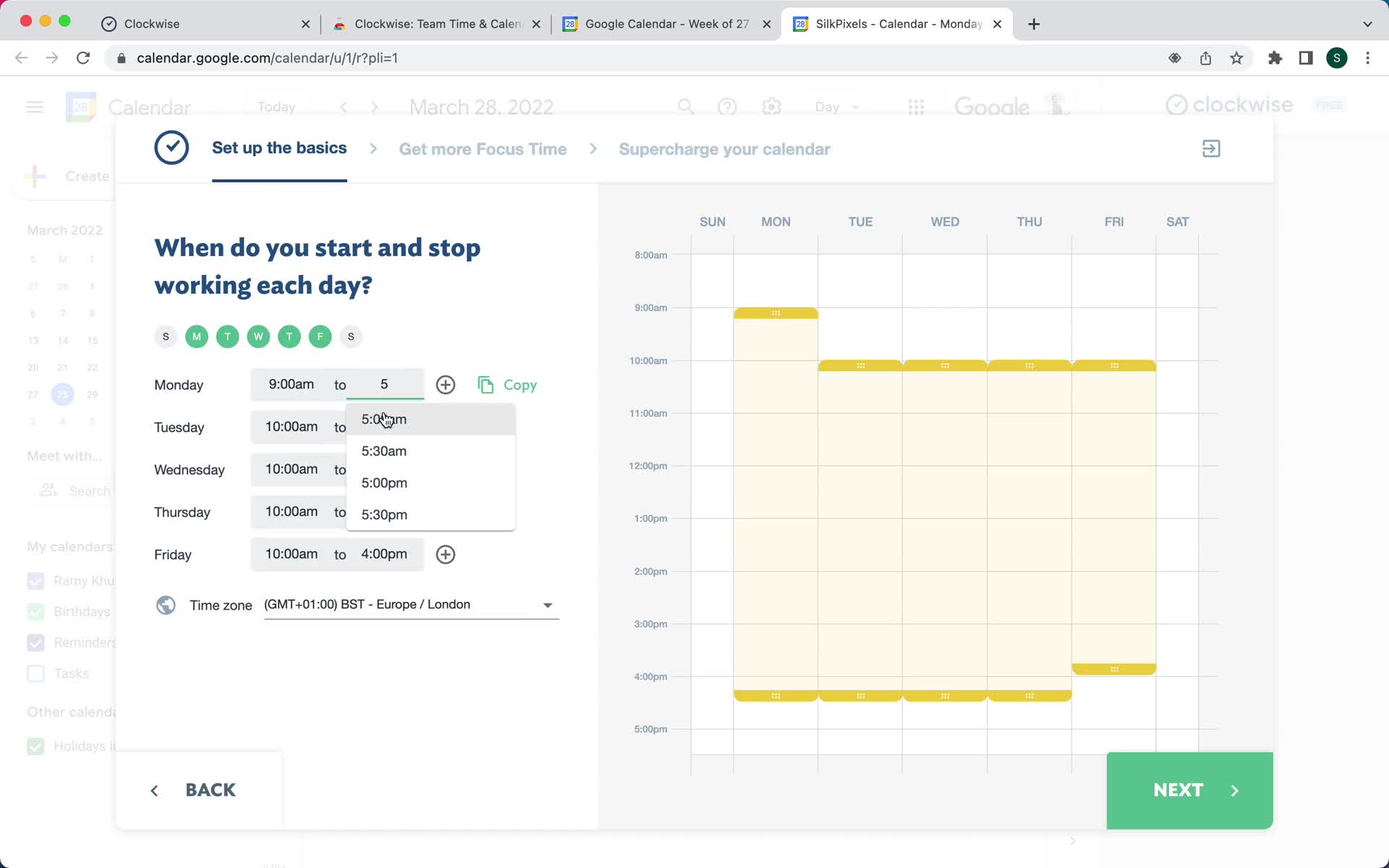
Set times
this is title
Set times
this is title
Onboarding question
this is title
Welcome slides
this is title
Welcome slides
this is title
Welcome slides
this is title
Welcome slides
this is title
Welcome slides
this is title
Welcome slides
this is title
Welcome slides
this is title
Welcome slides
this is title
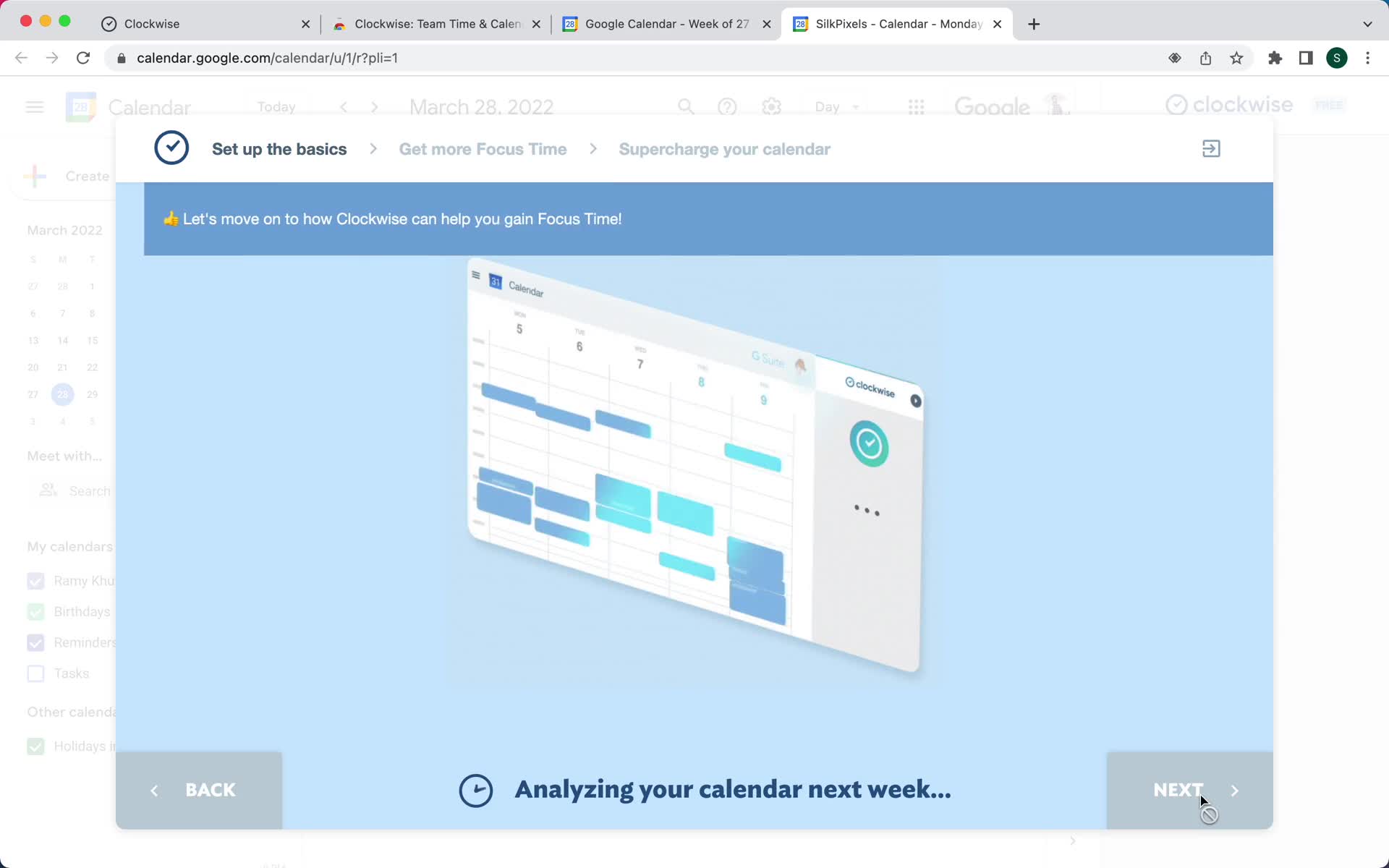
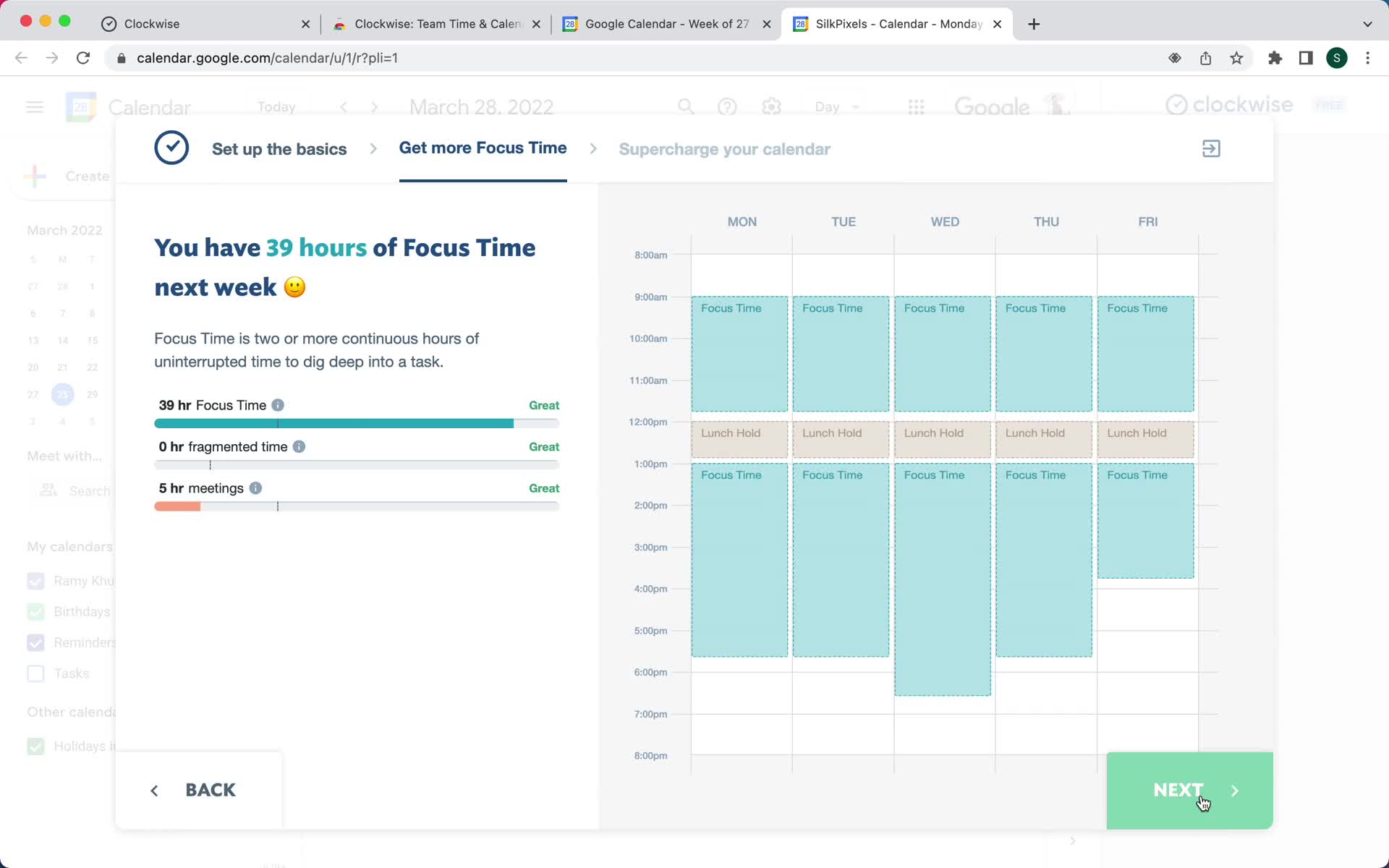
Continue setup
this is title
Invite team
this is title
Set colors
this is title
Set colors
this is title
Connect calendar
this is title
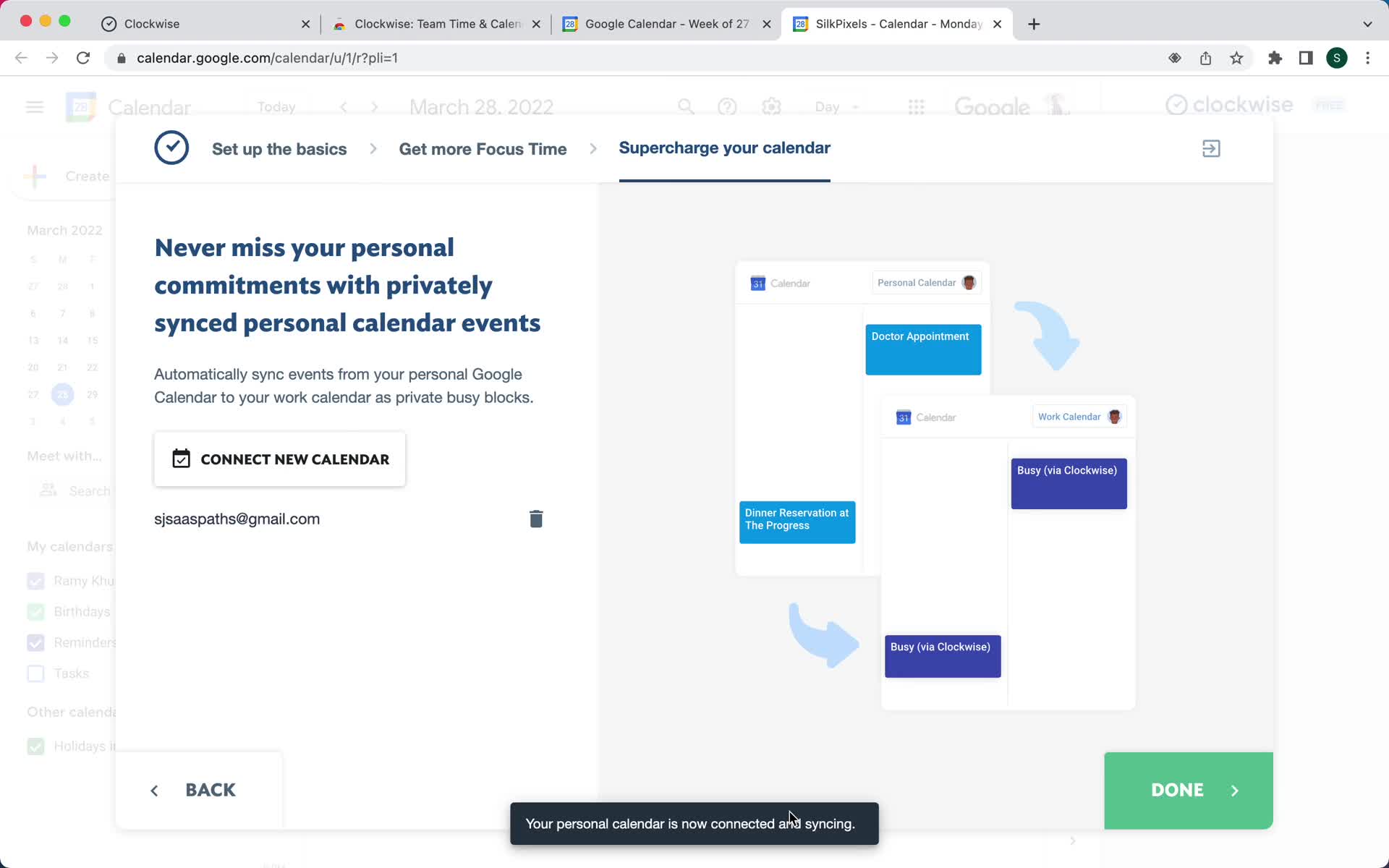
Calendar connected
this is title
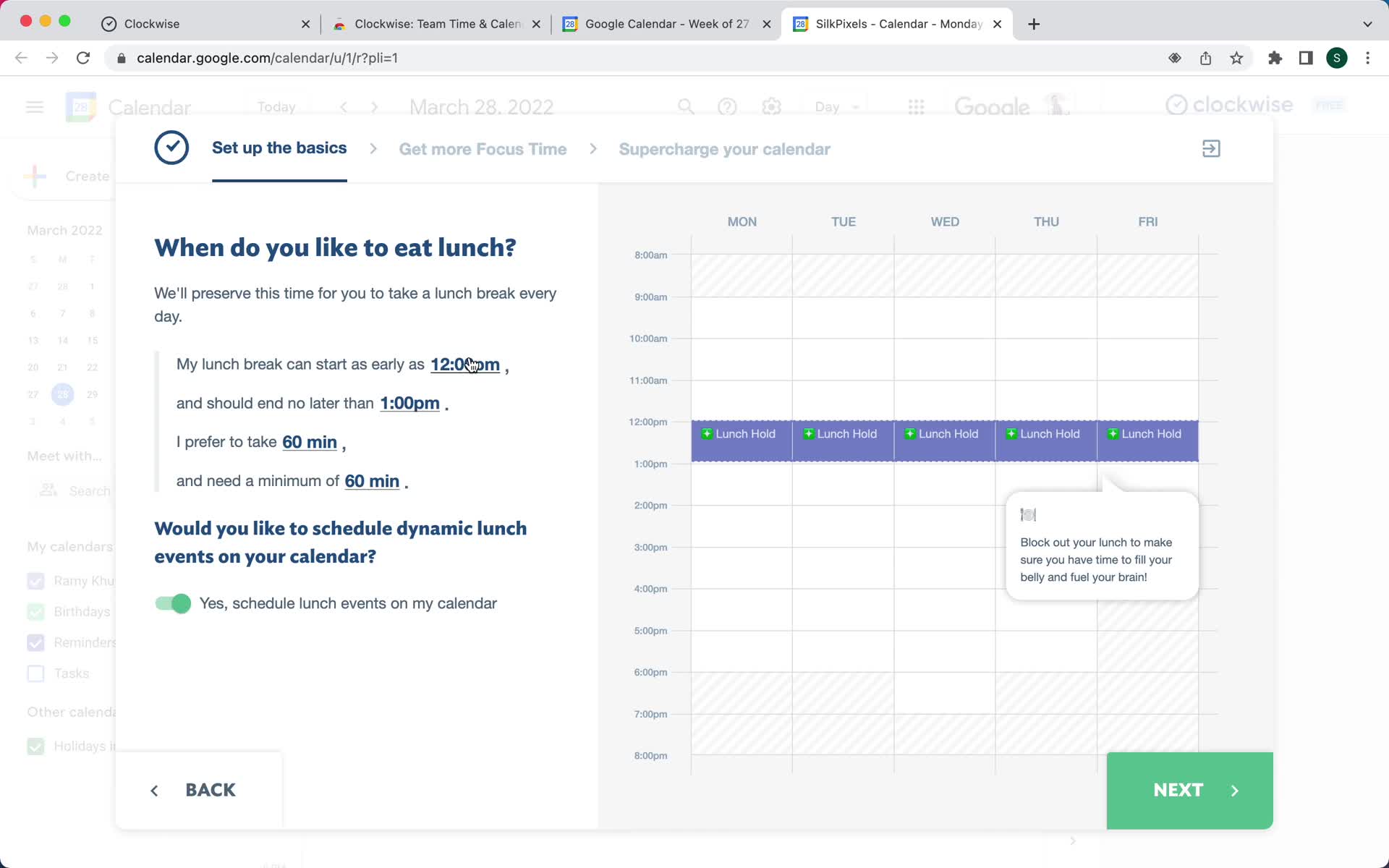
Set location
this is title
Connect integration
this is title
Setup complete
this is title
Assistant
this is title
Home
this is title
Uninstall extension
this is title
Select reason
this is title
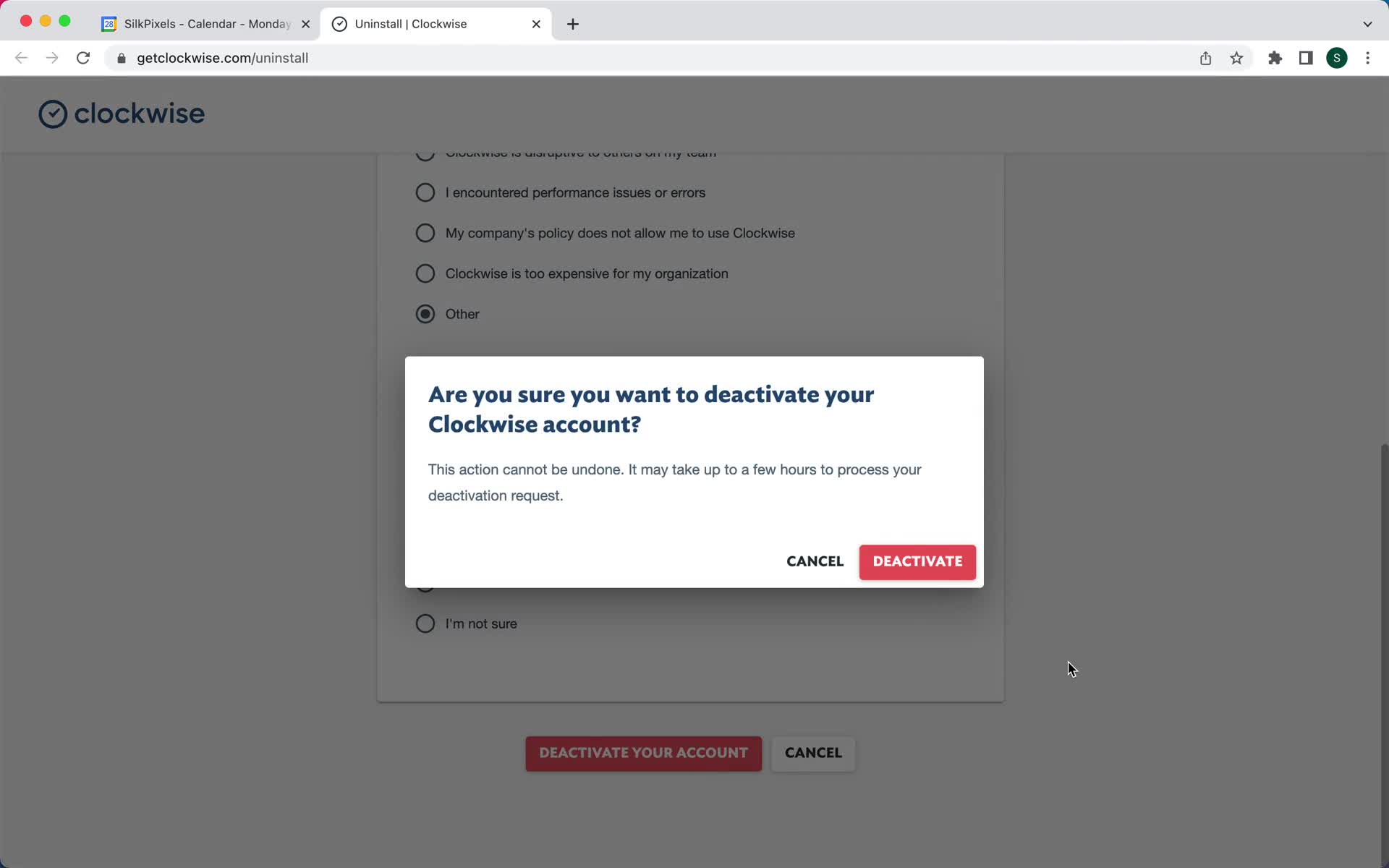
Confirm deactivation
this is title
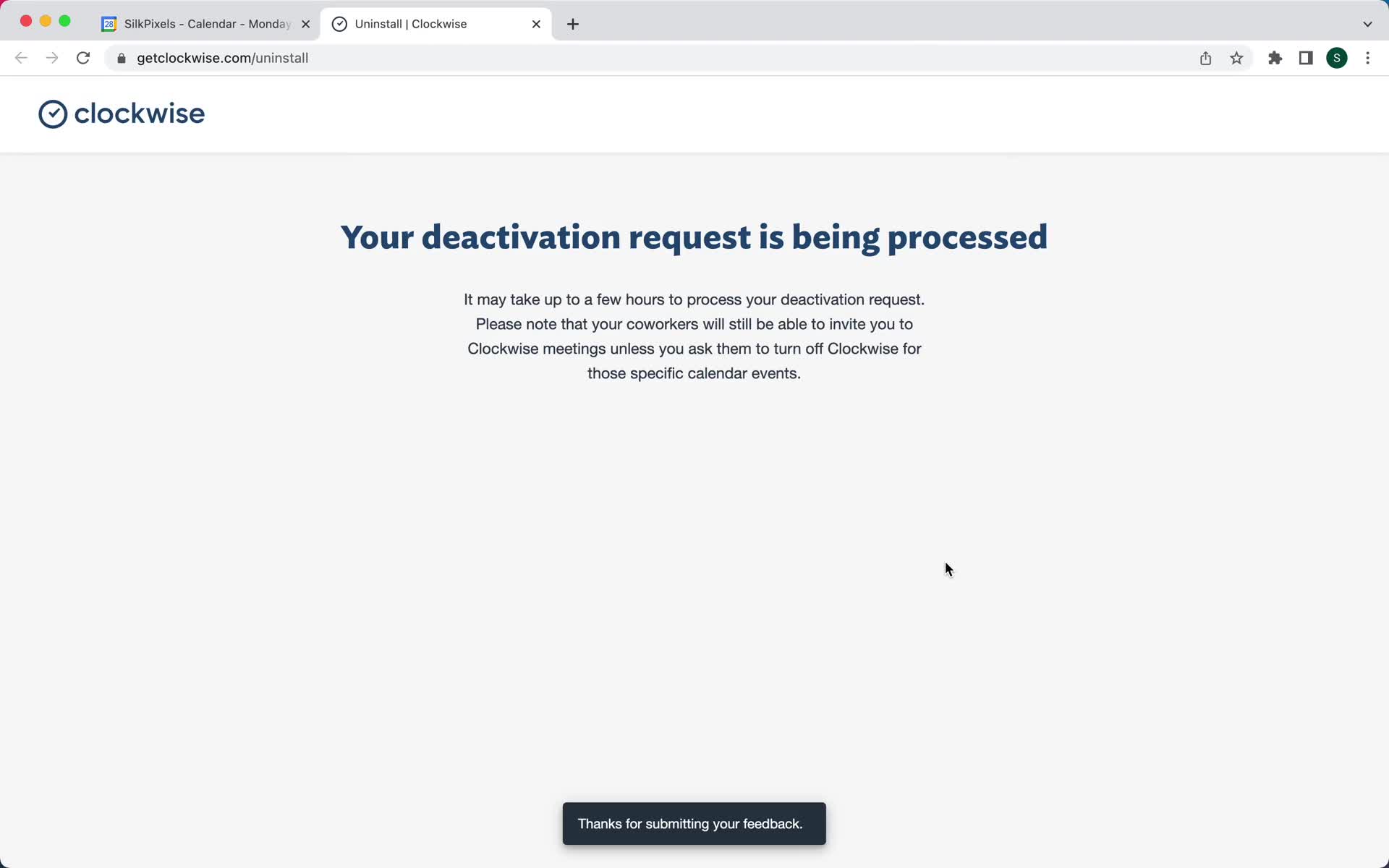
Request submitted
this is title