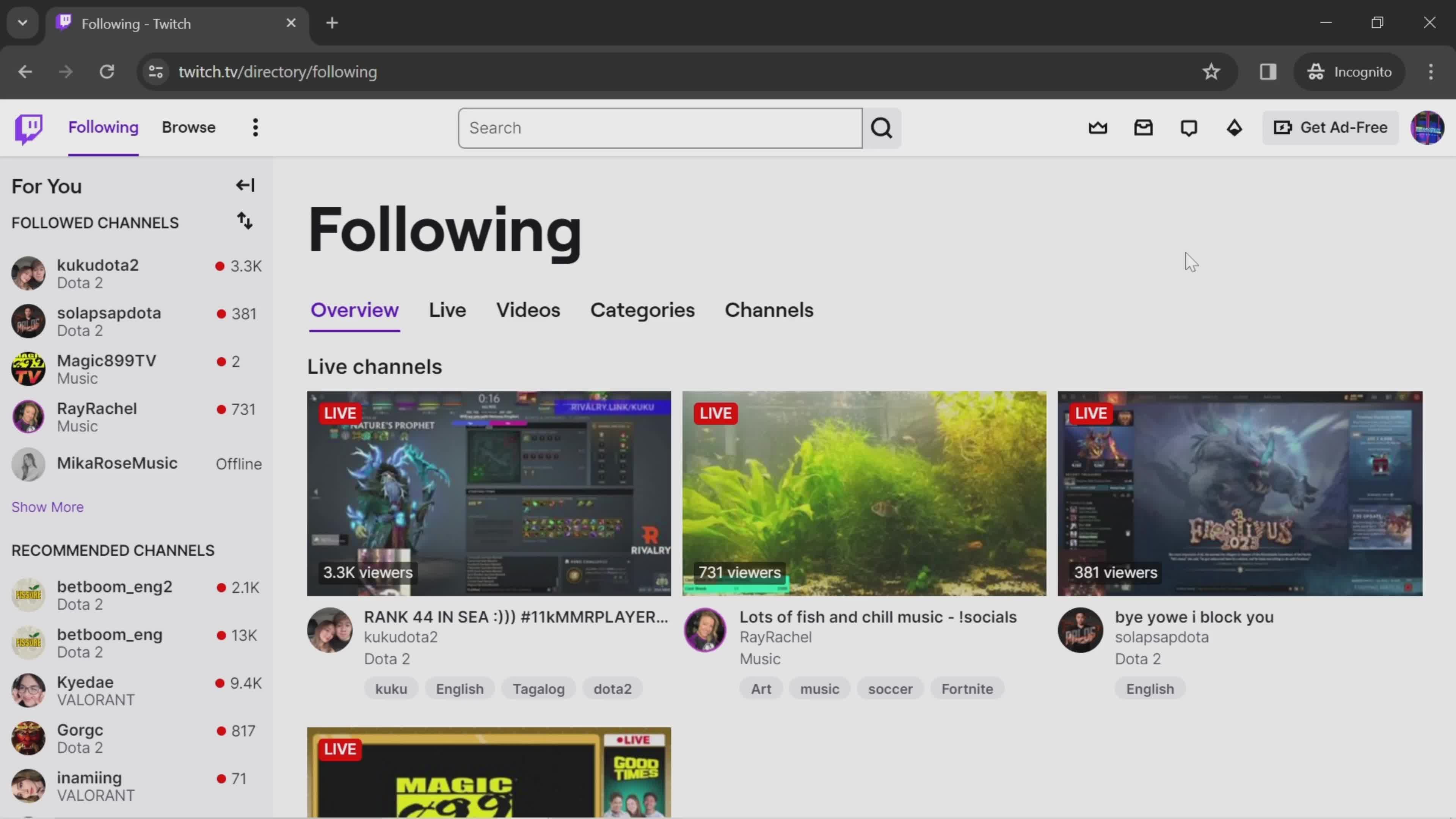
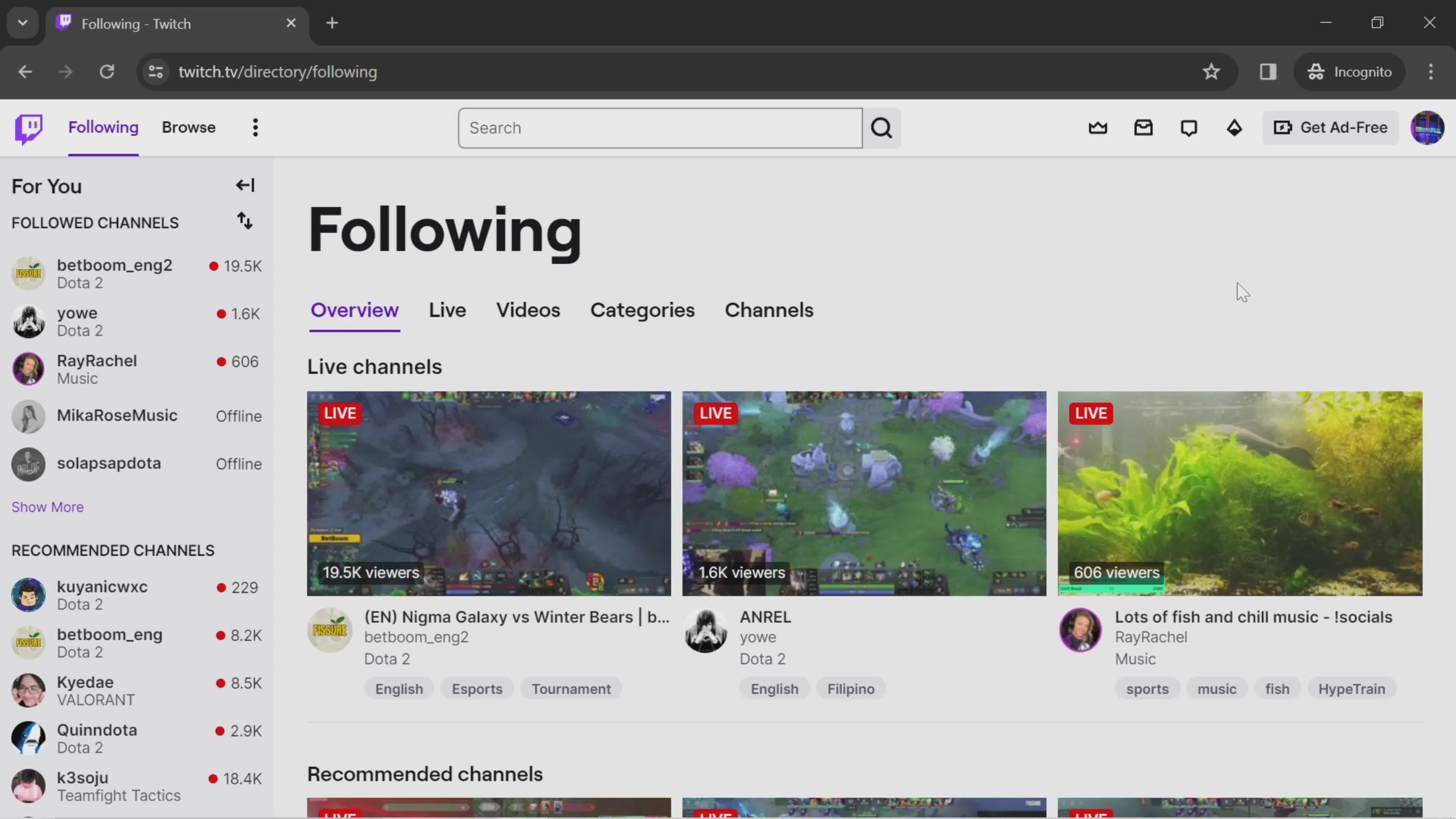
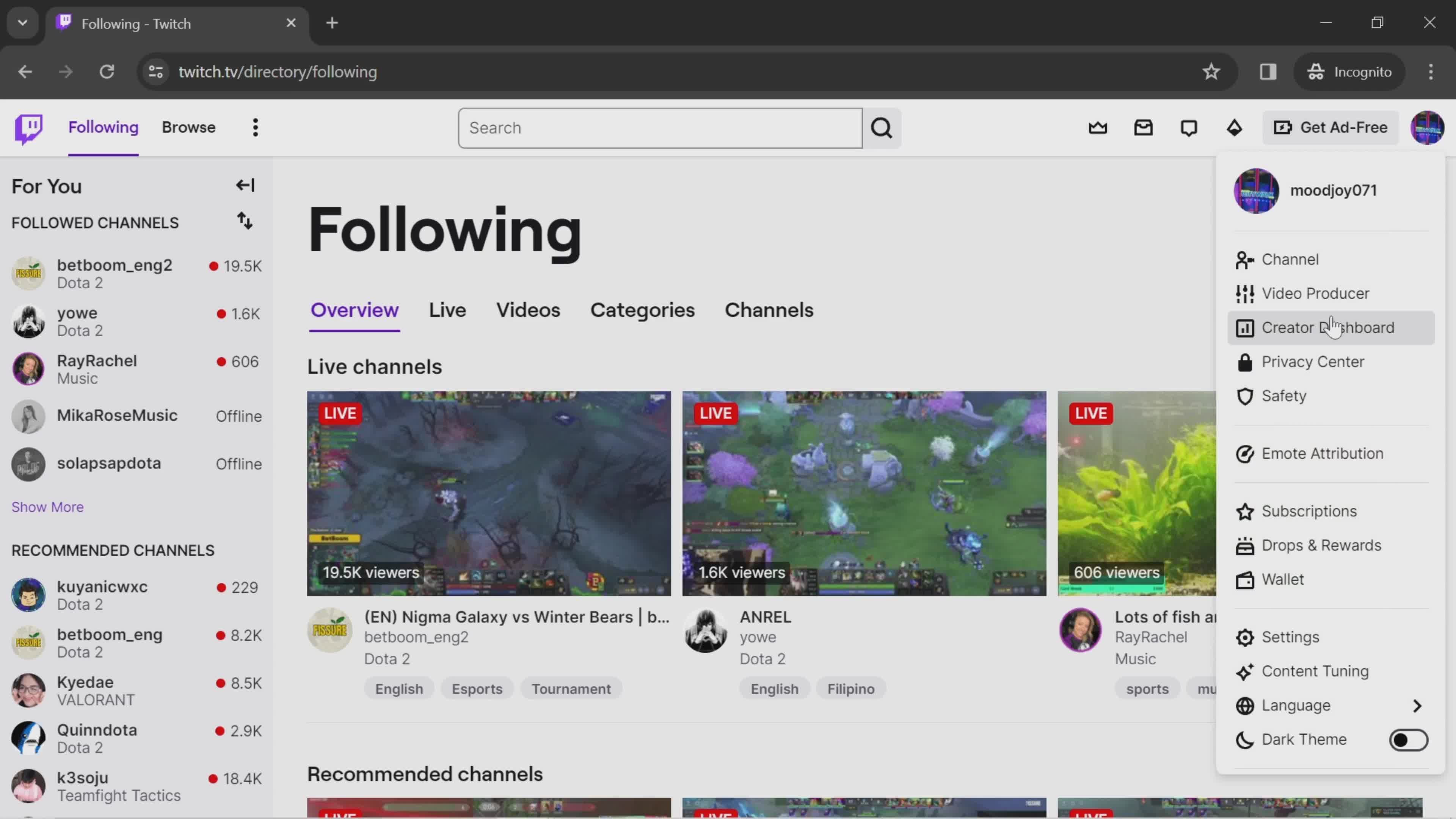
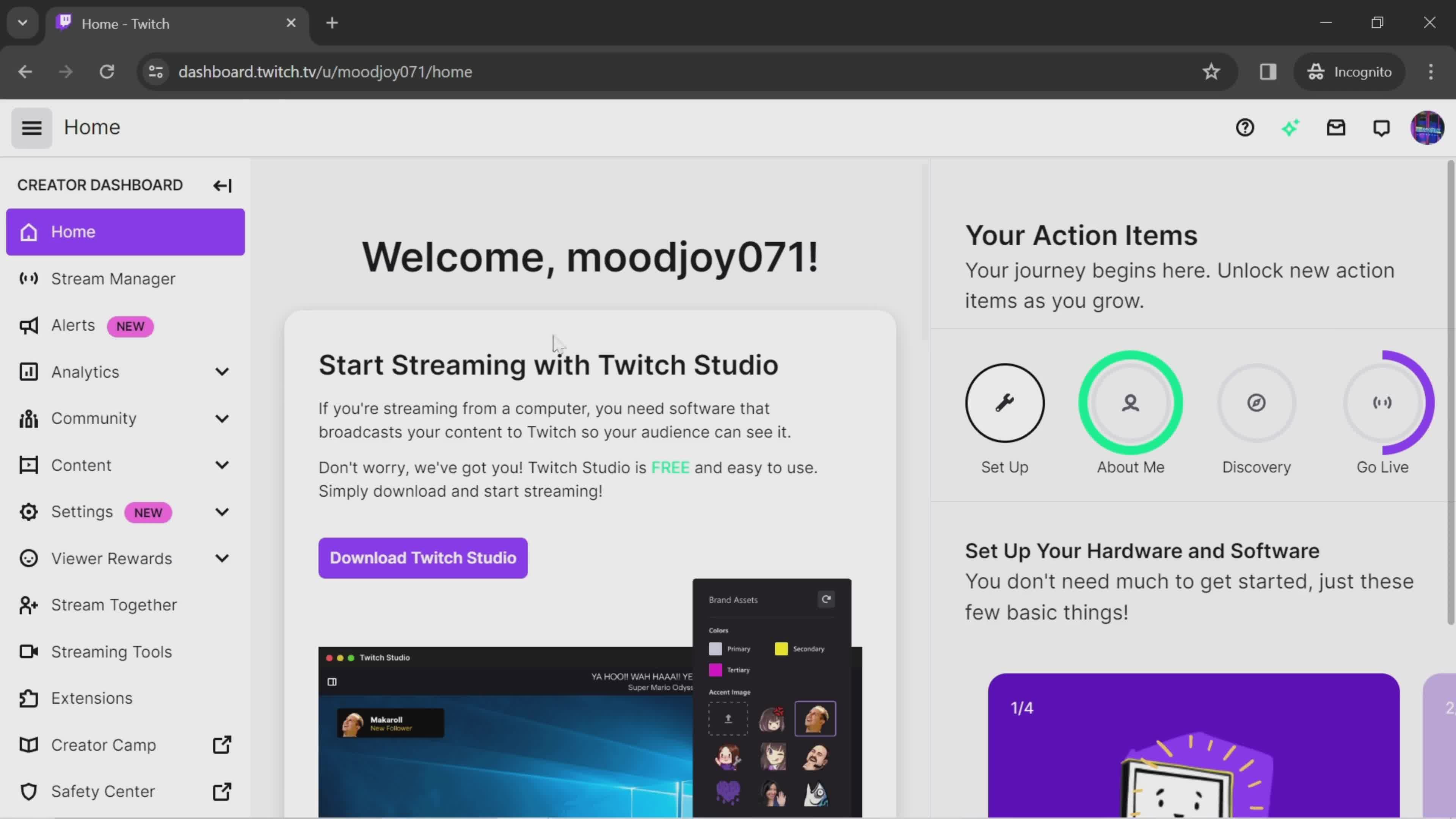
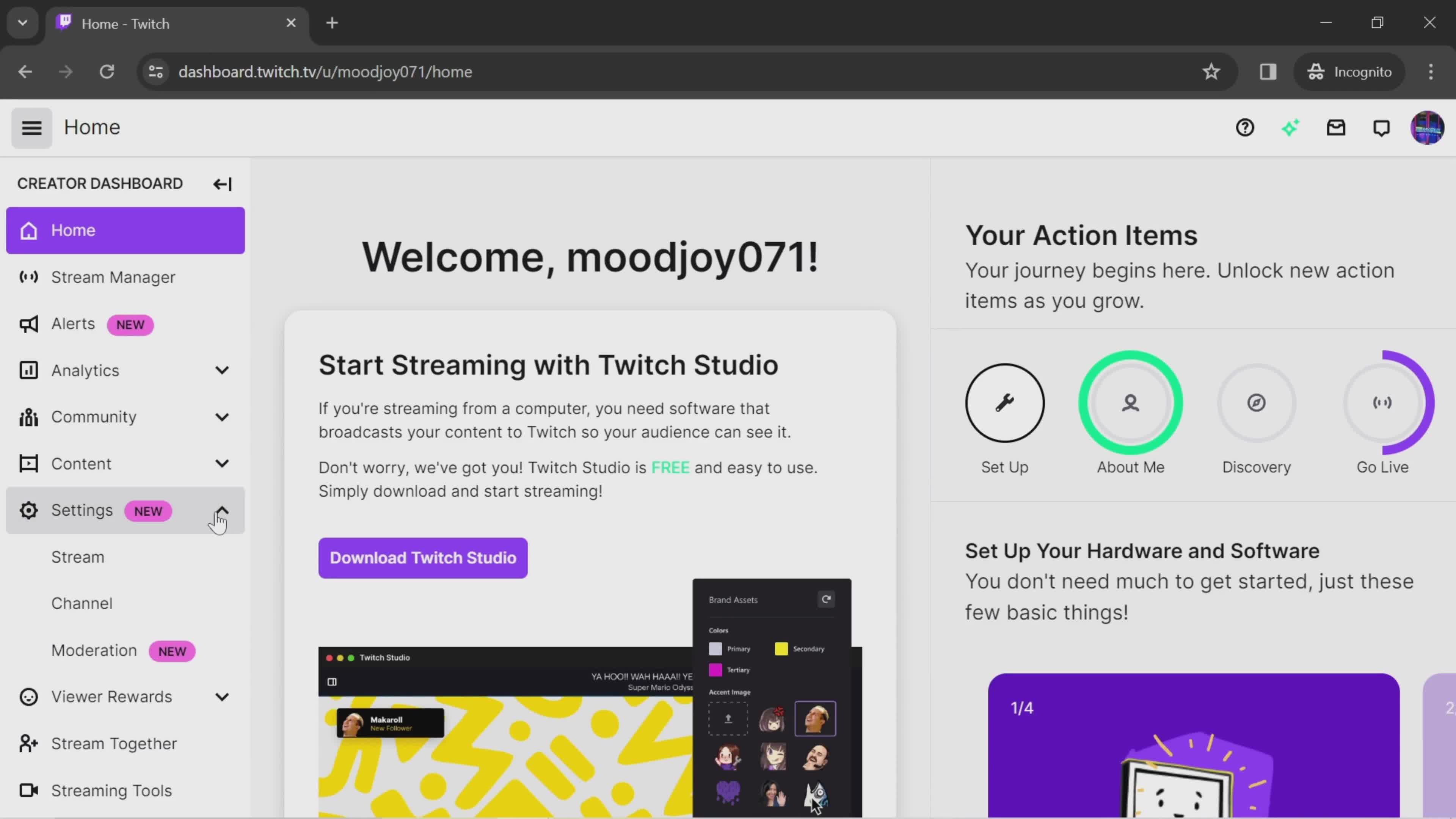
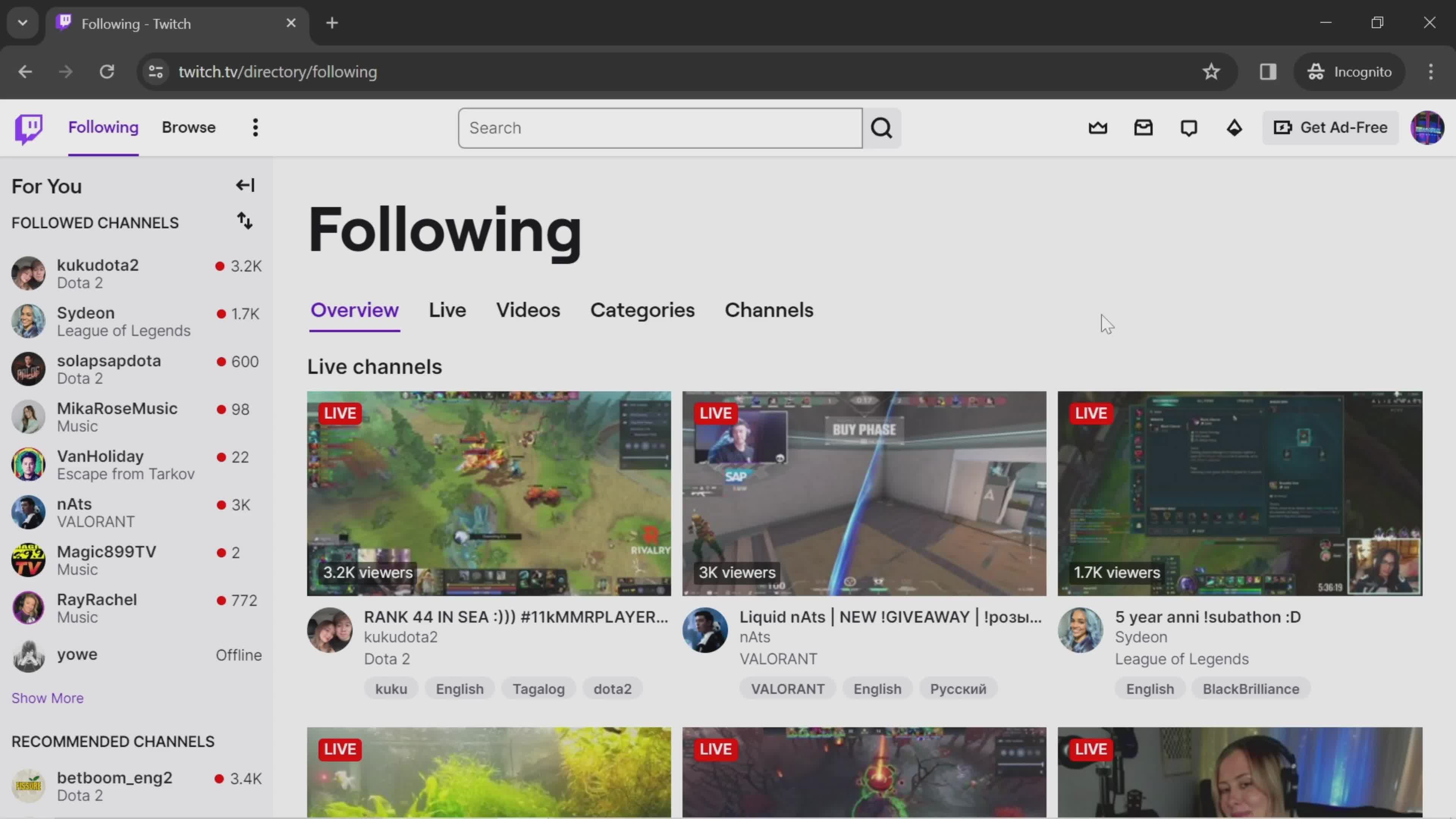
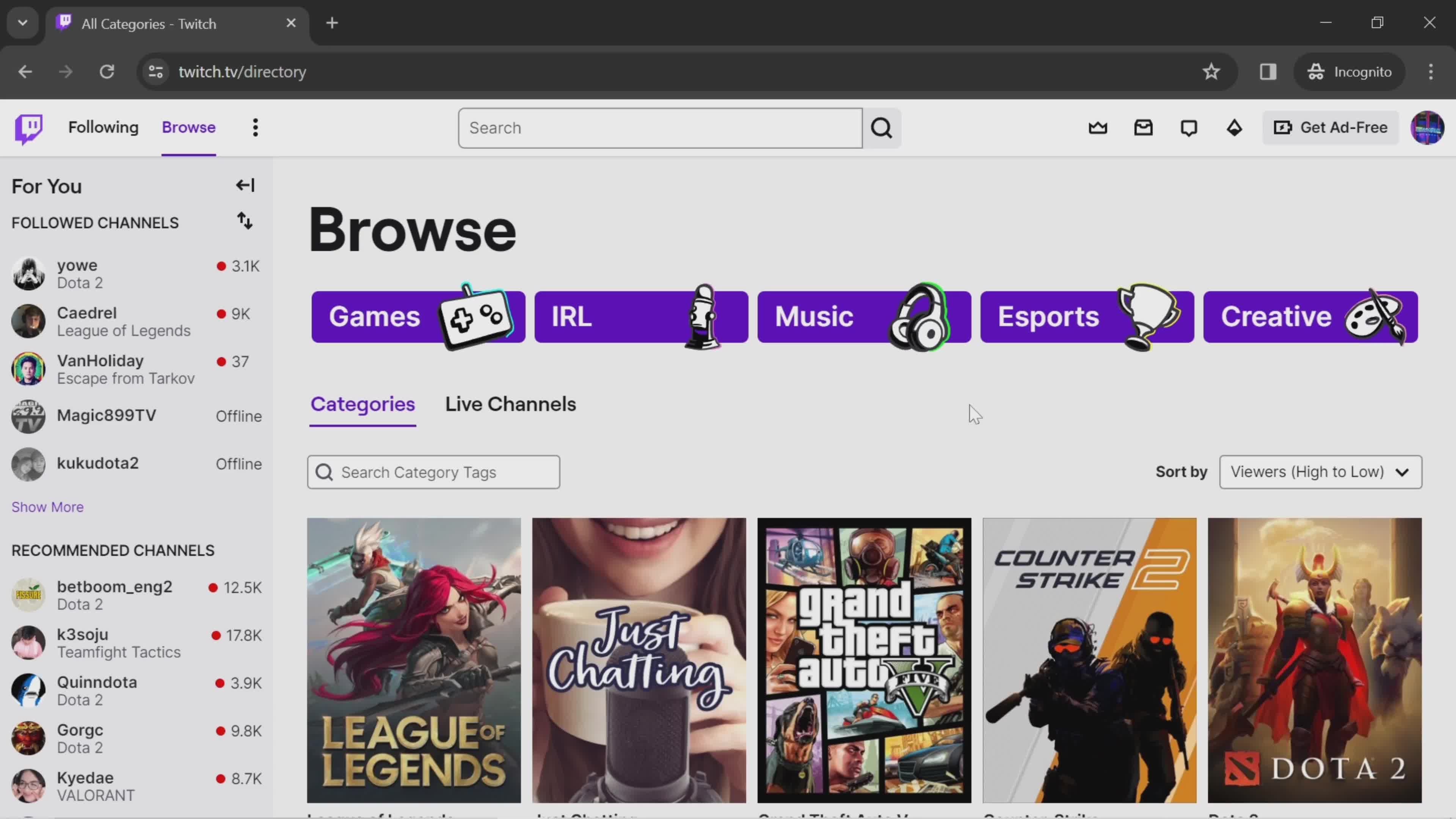
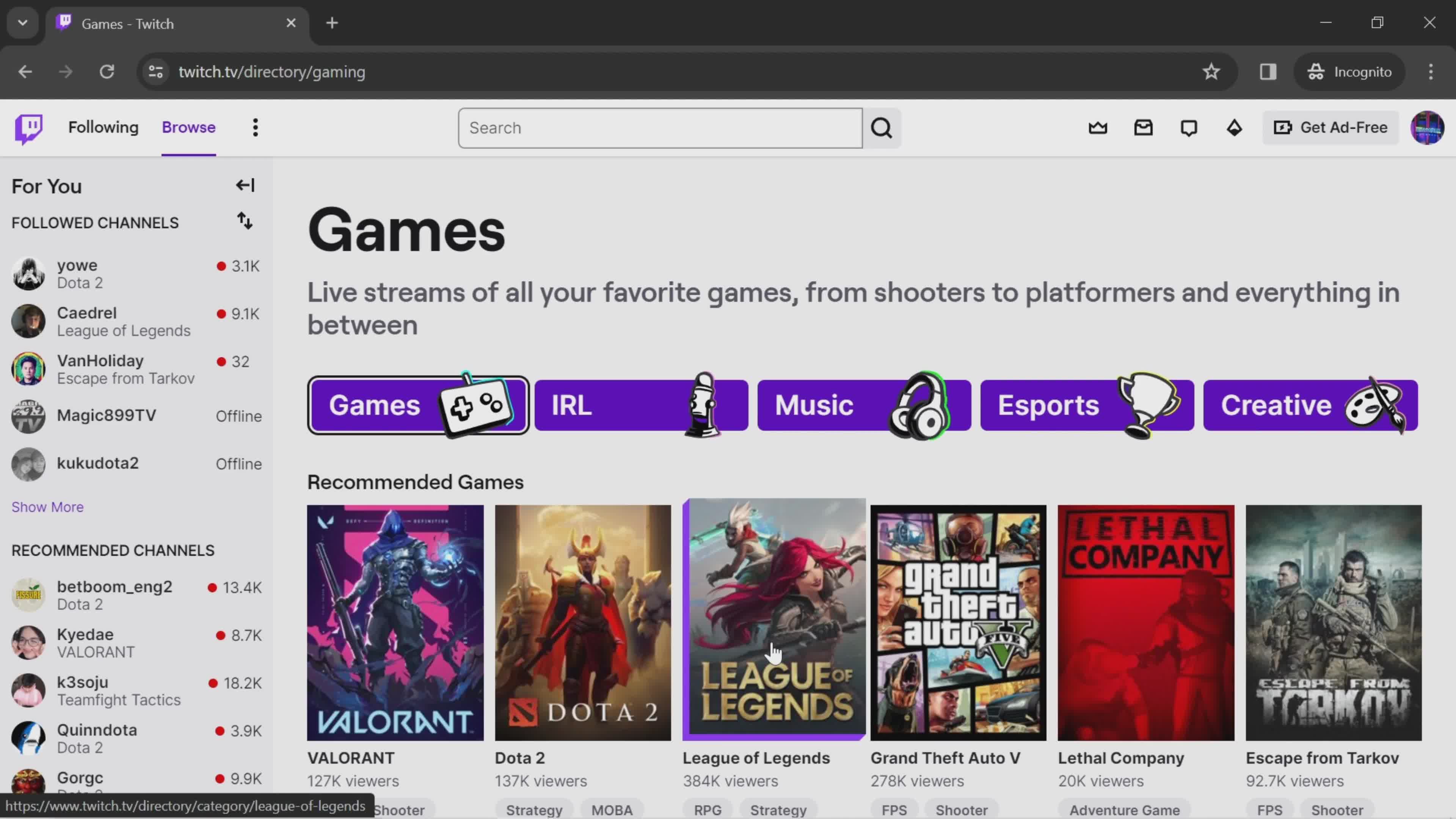
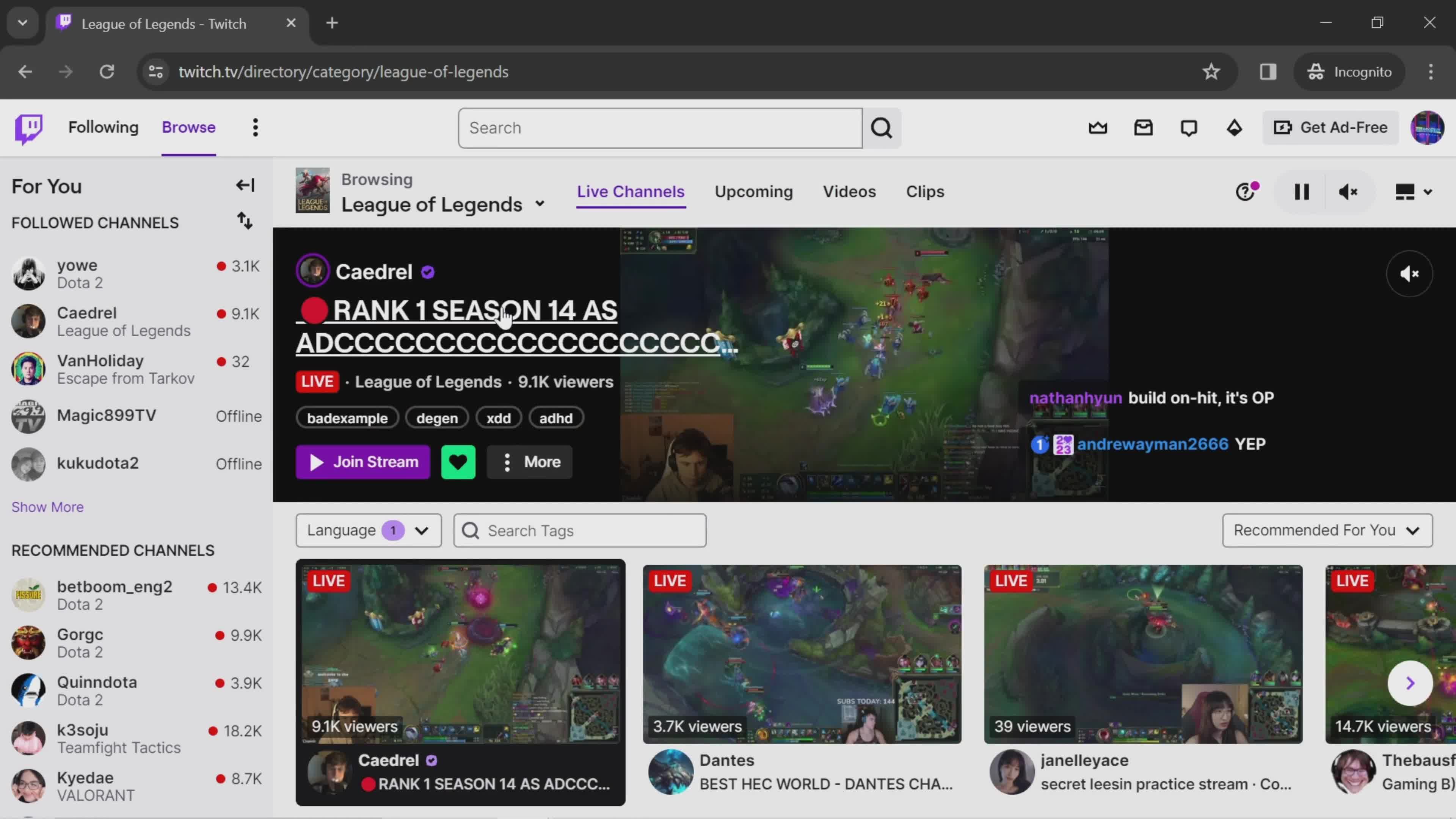
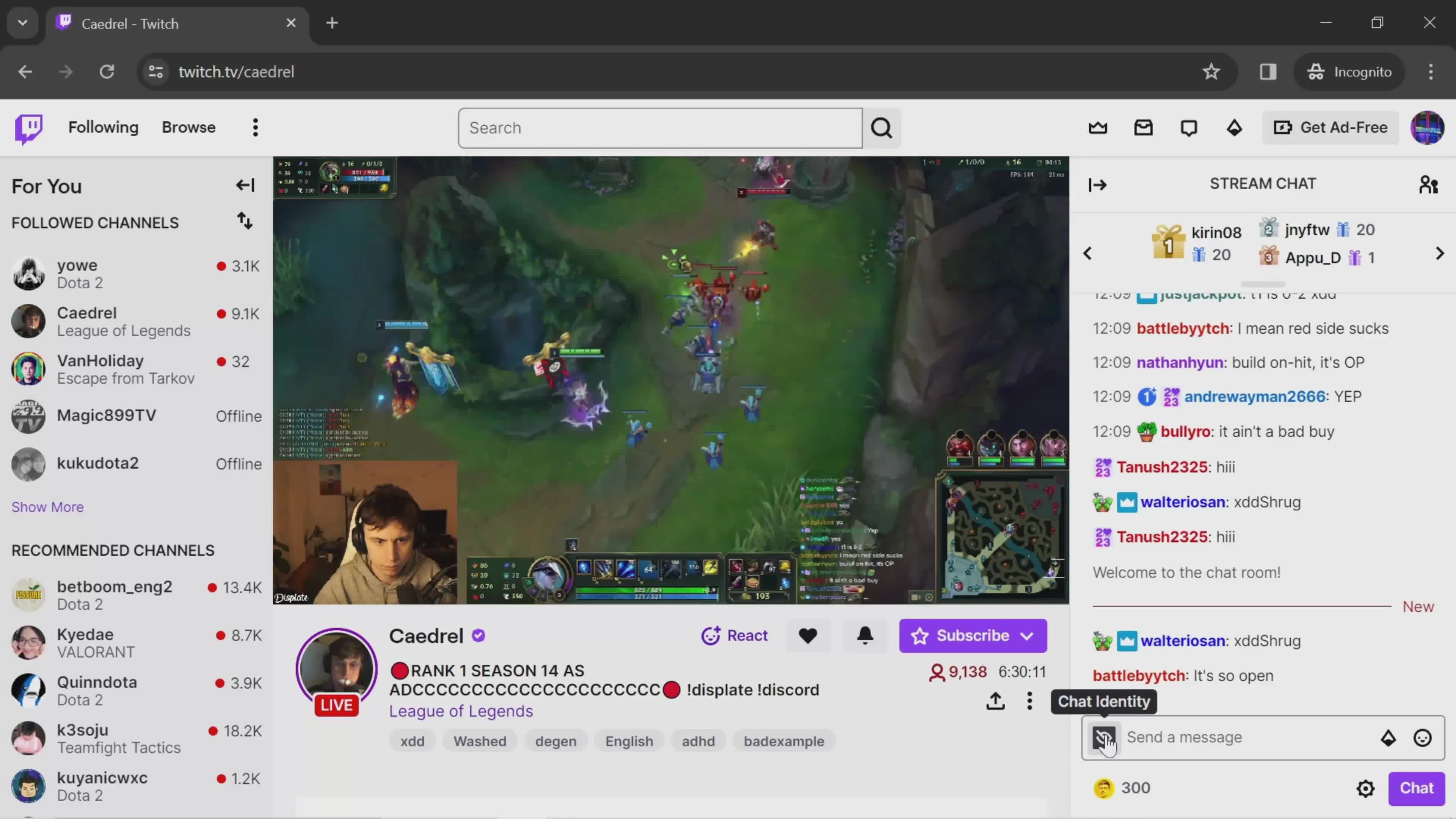
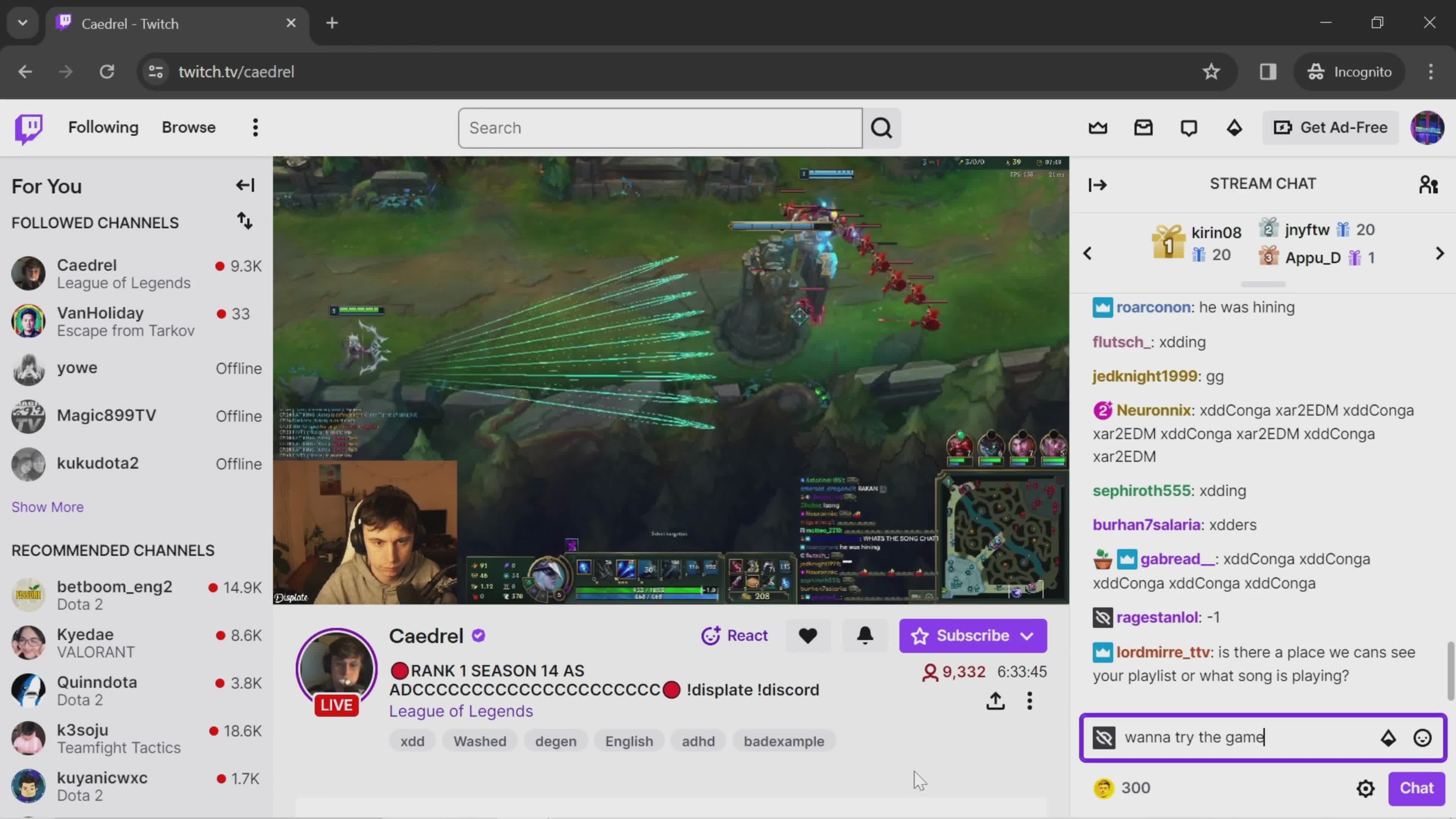
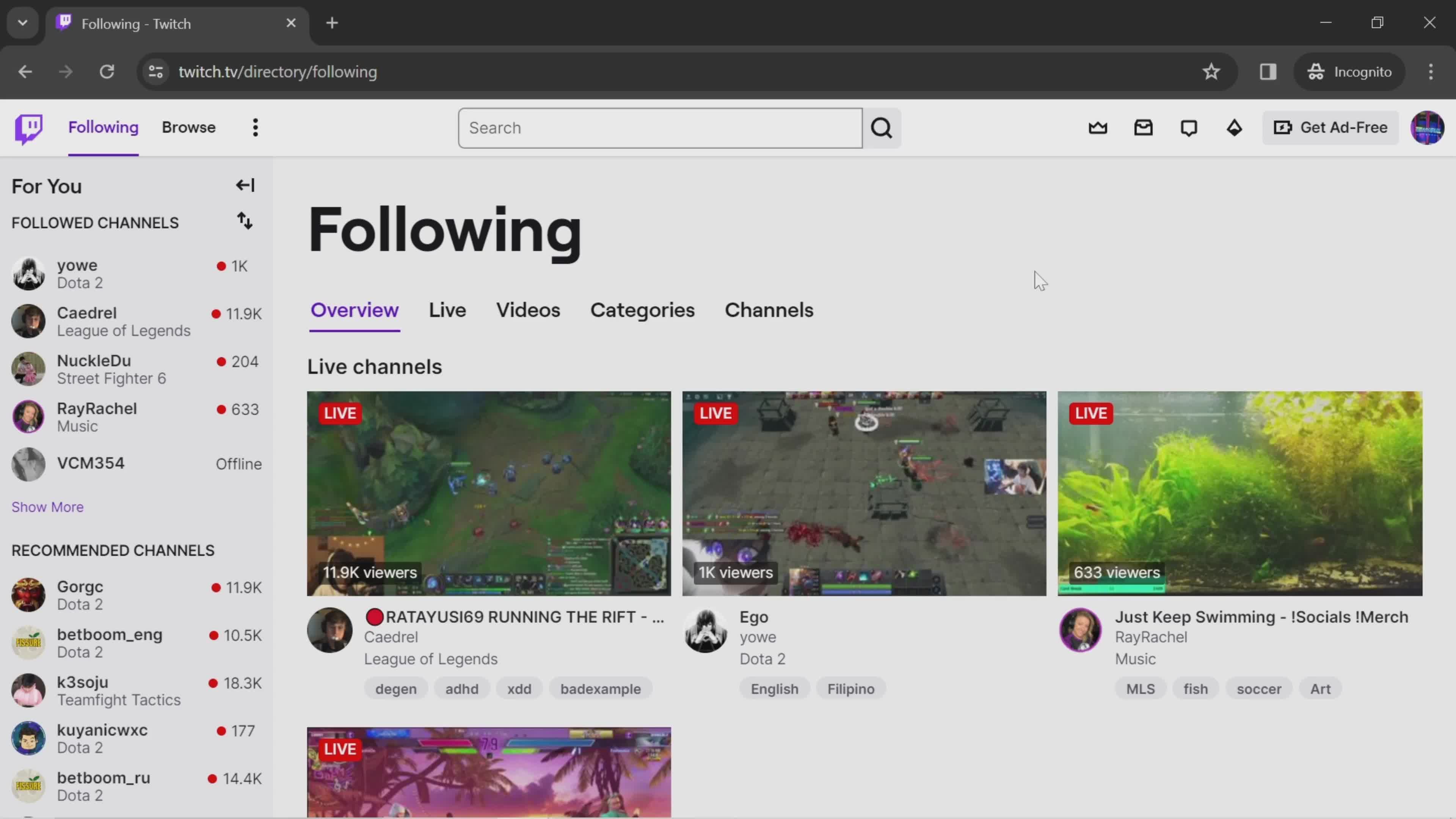
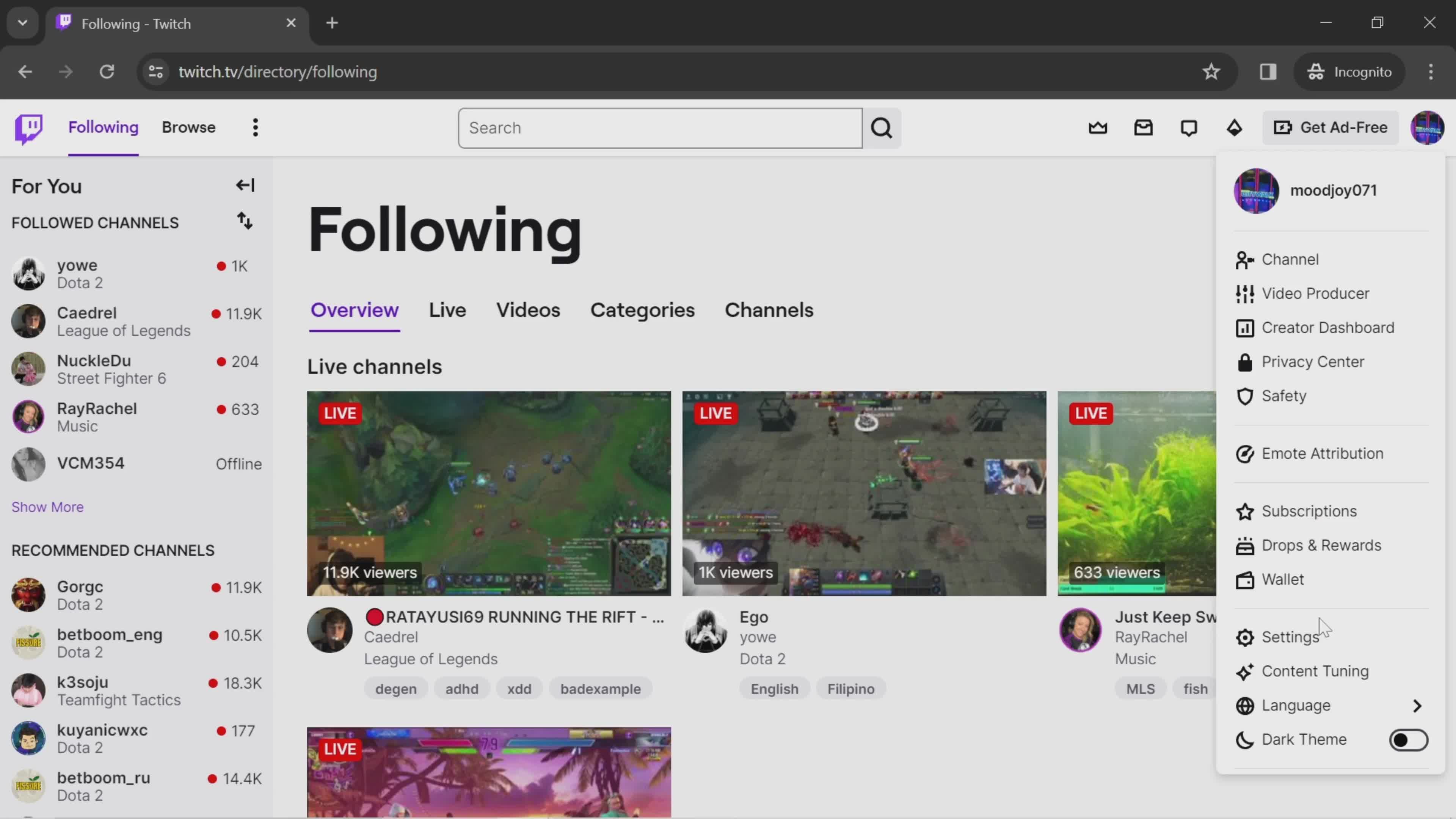
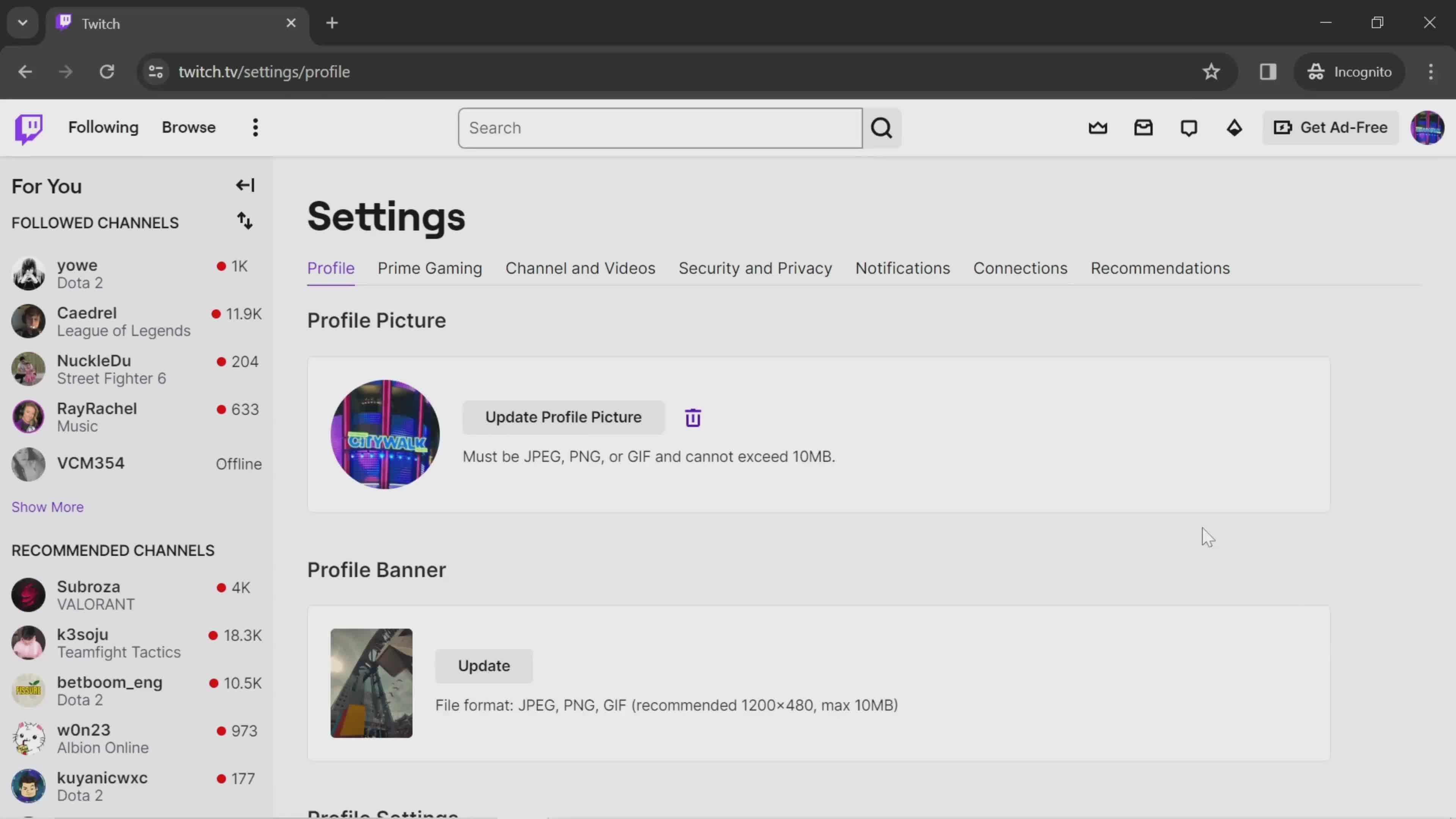
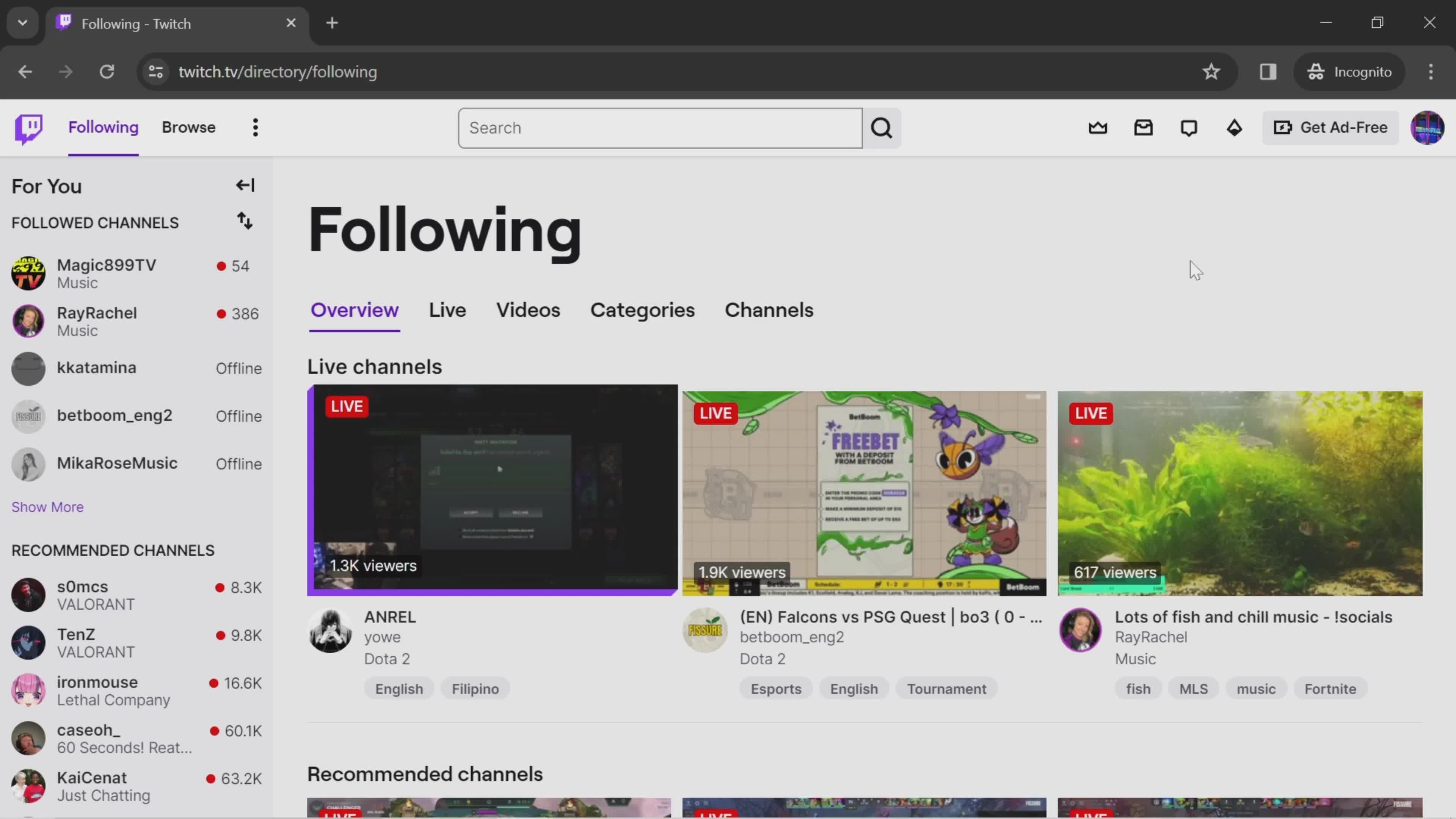
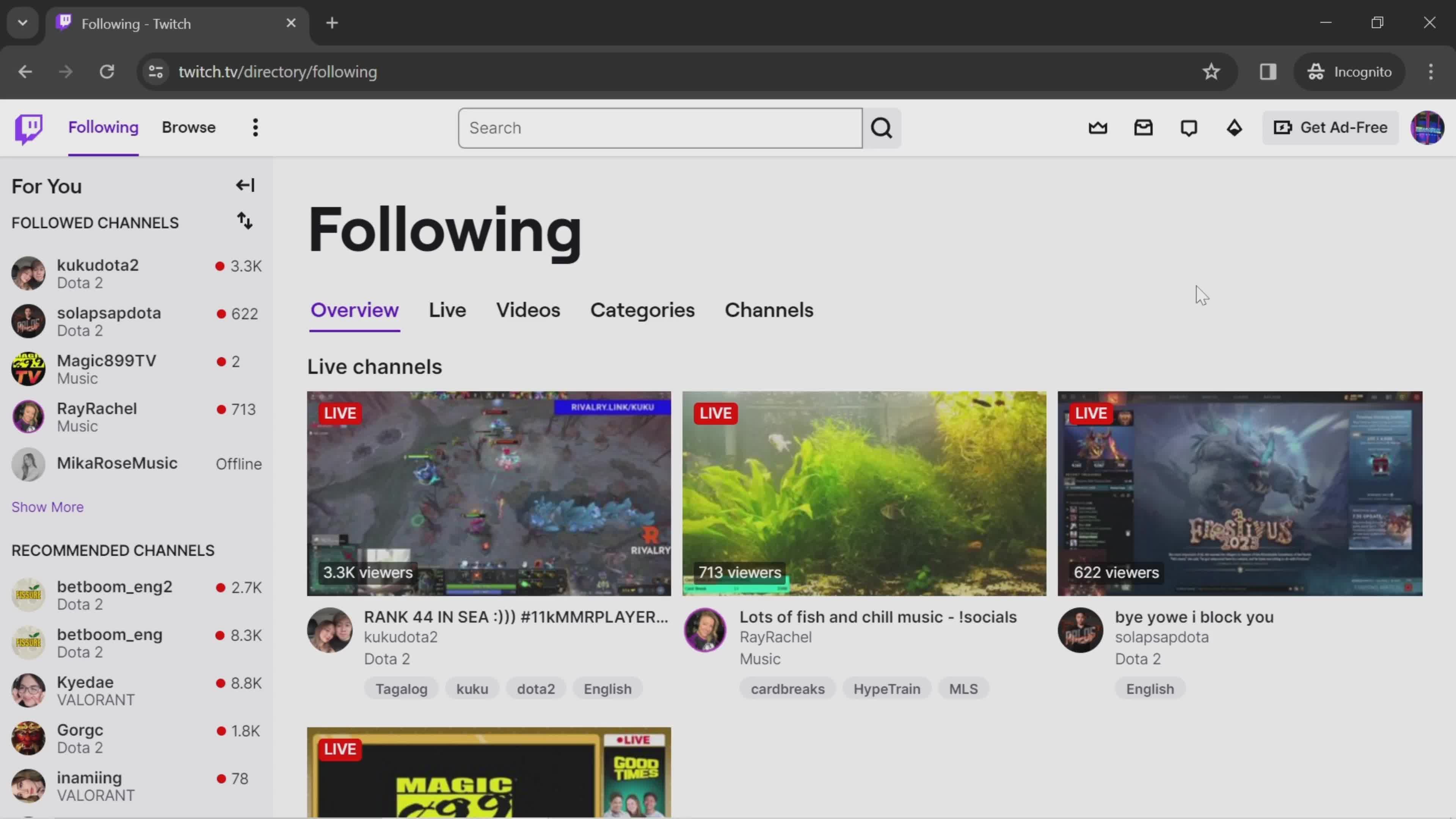
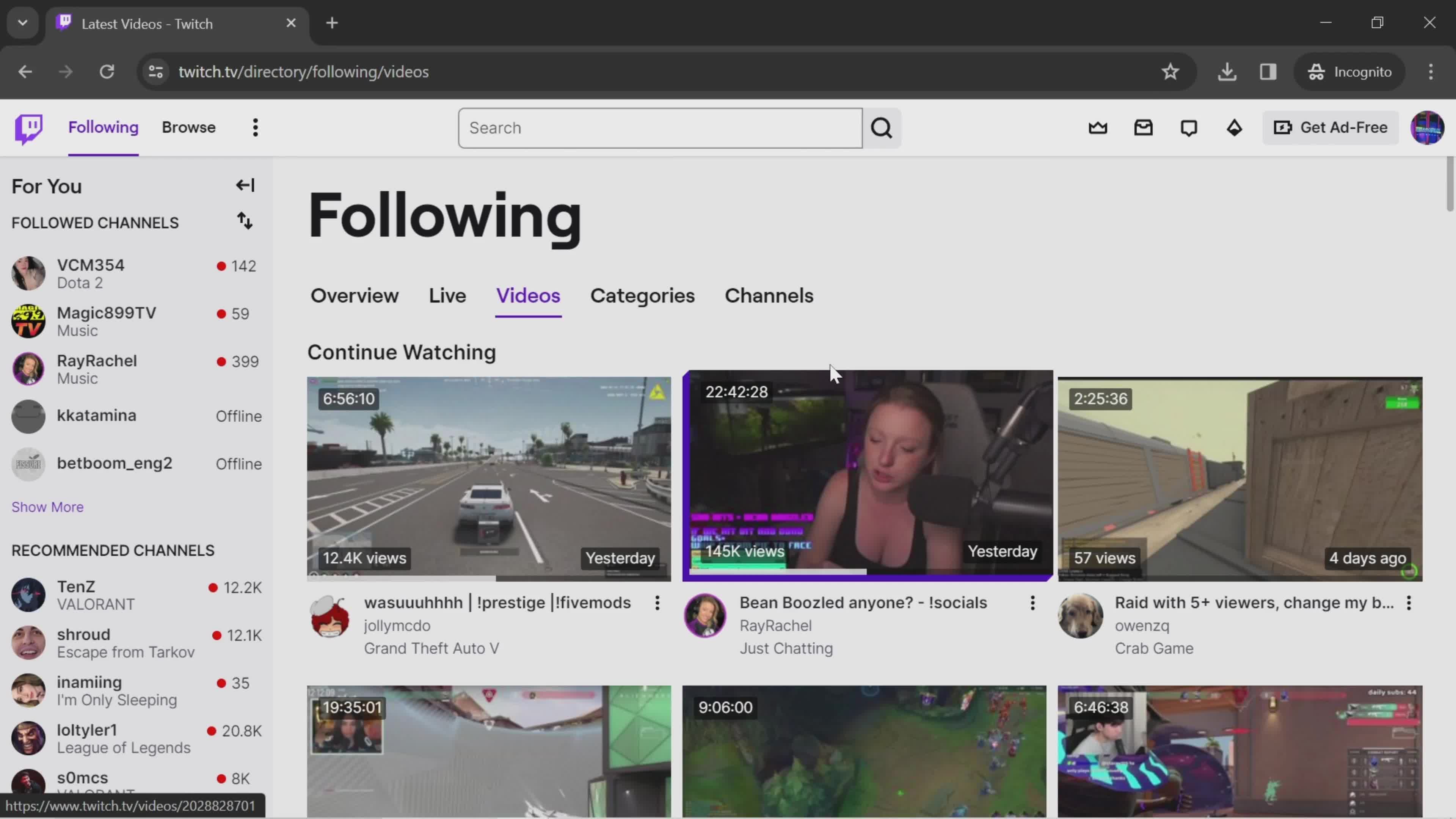
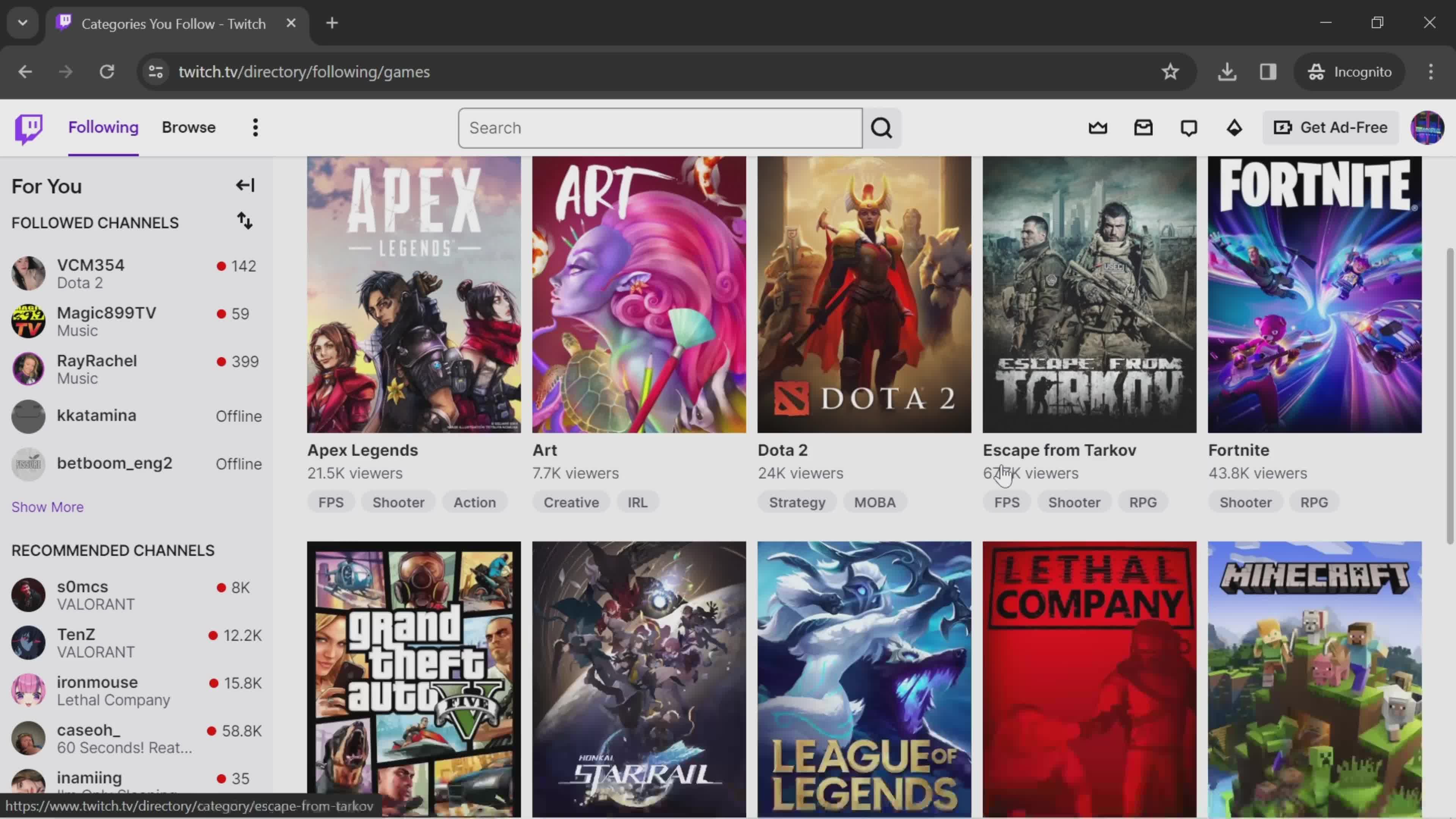
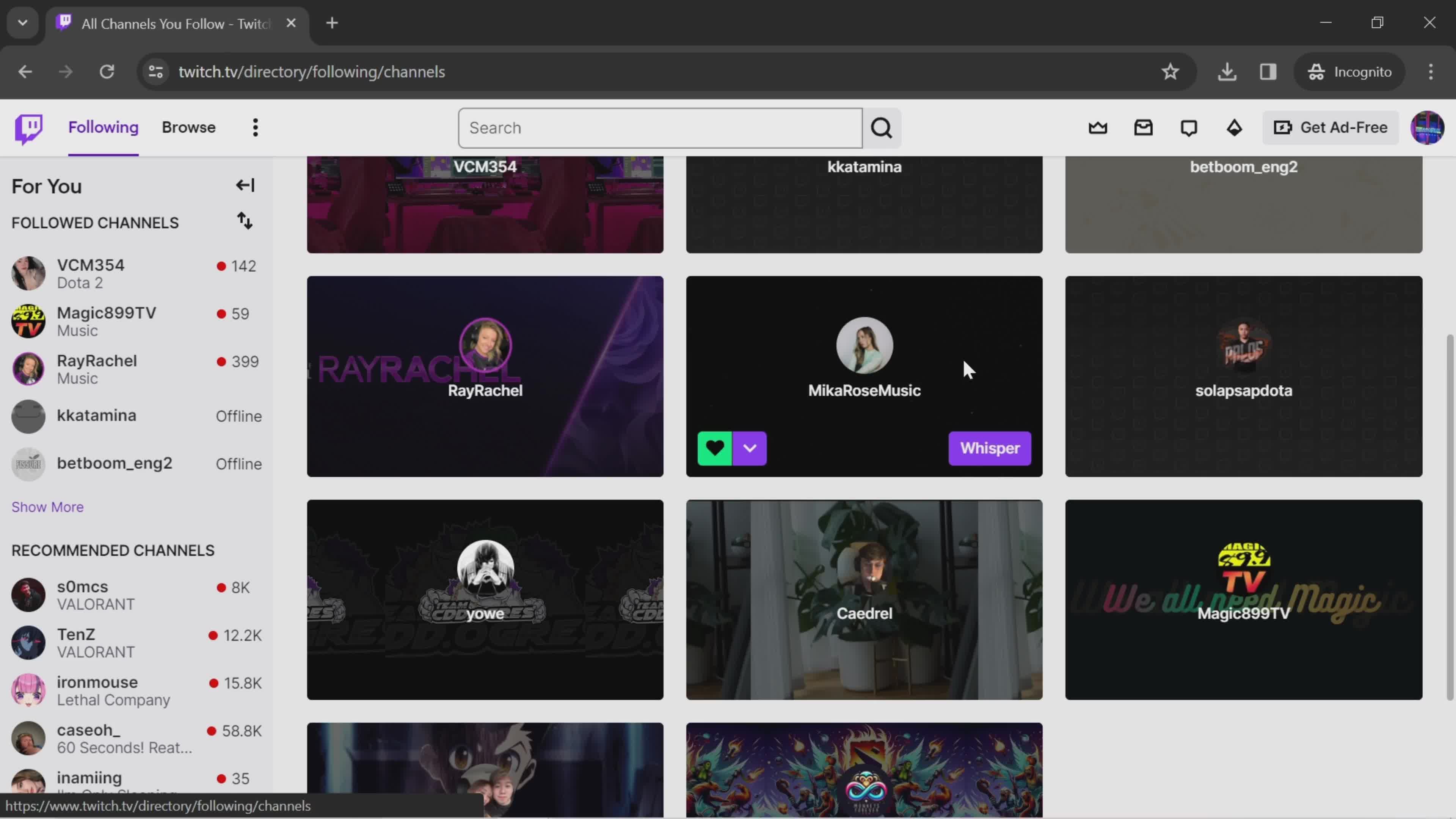
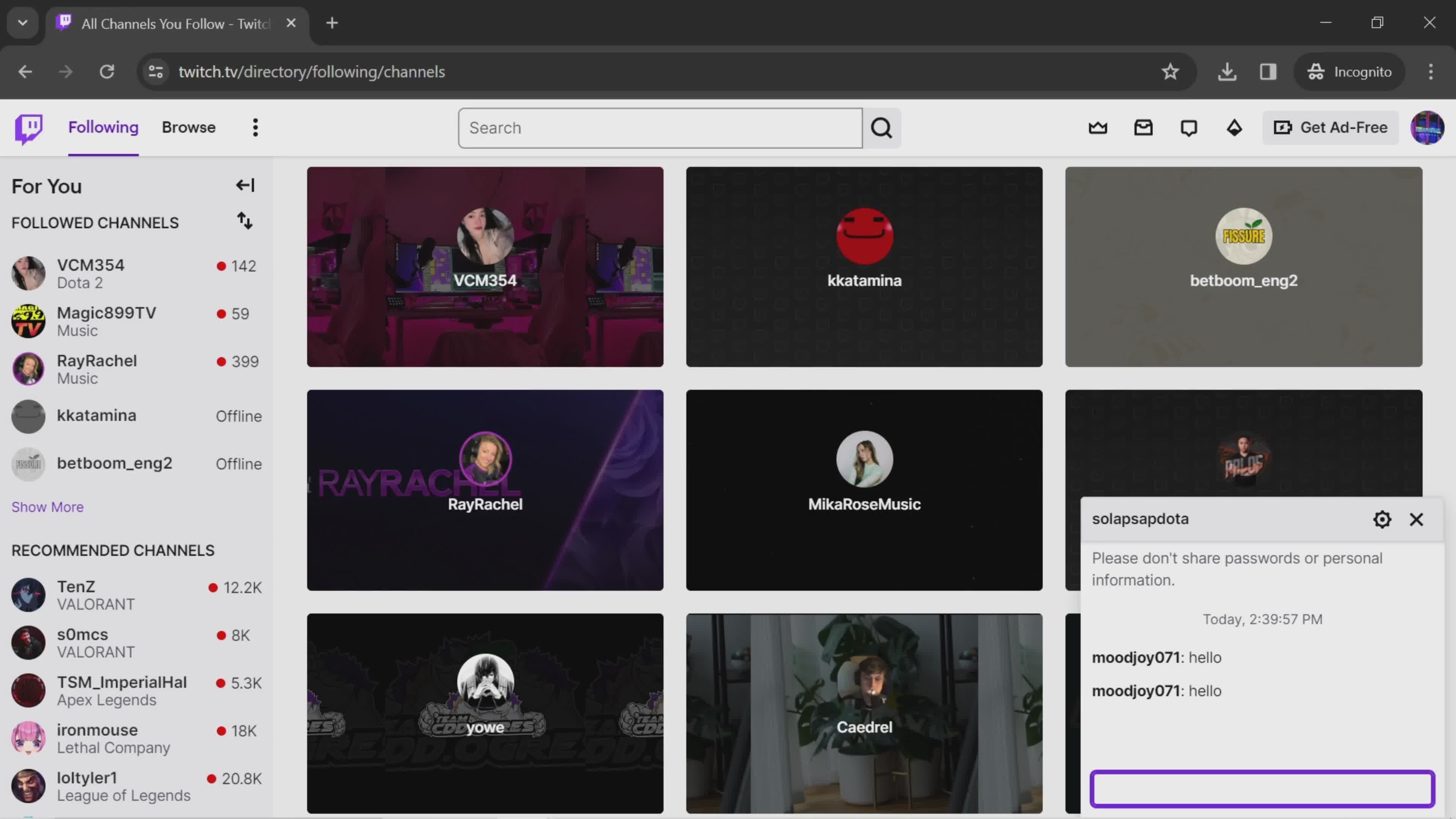
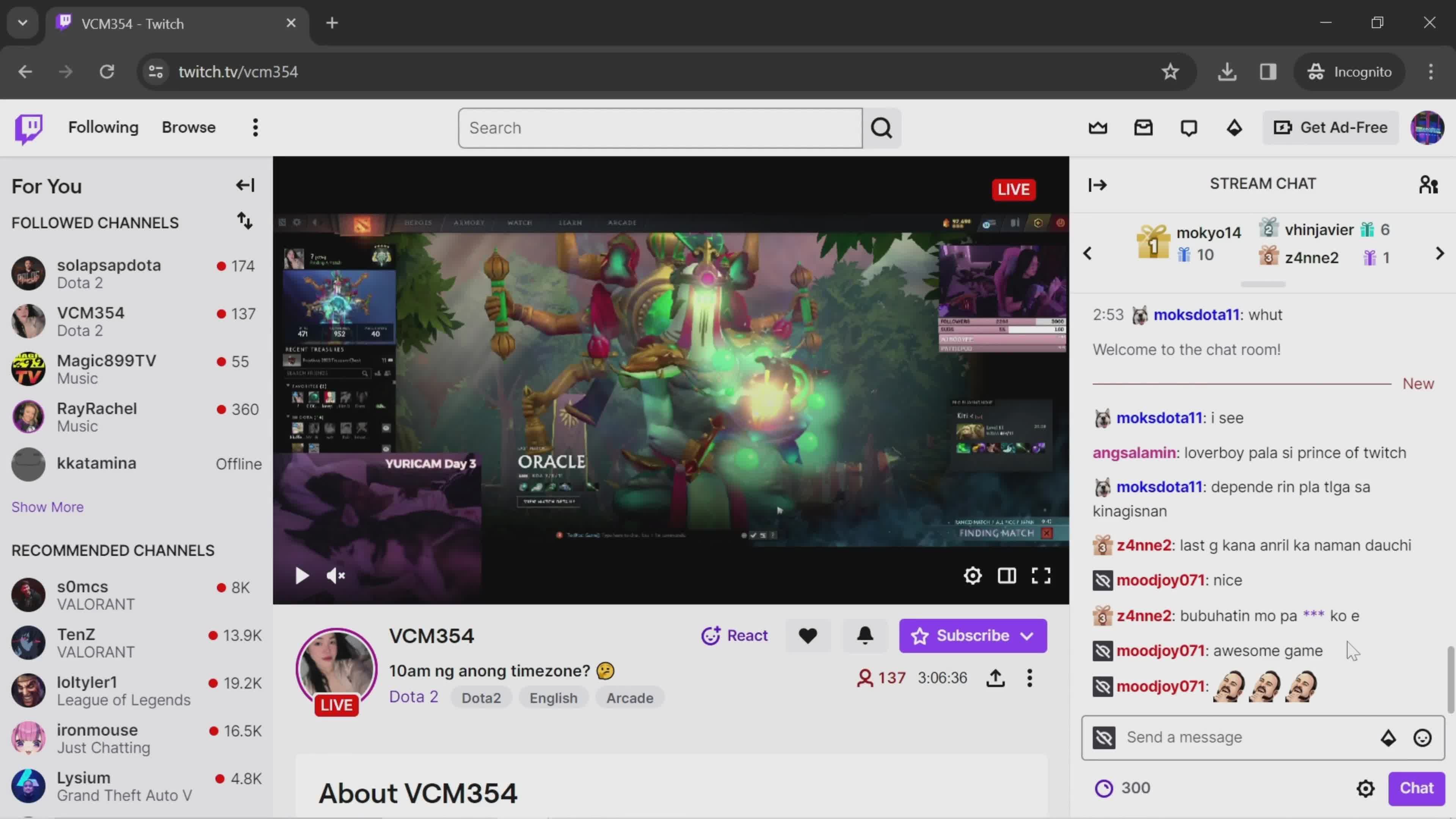
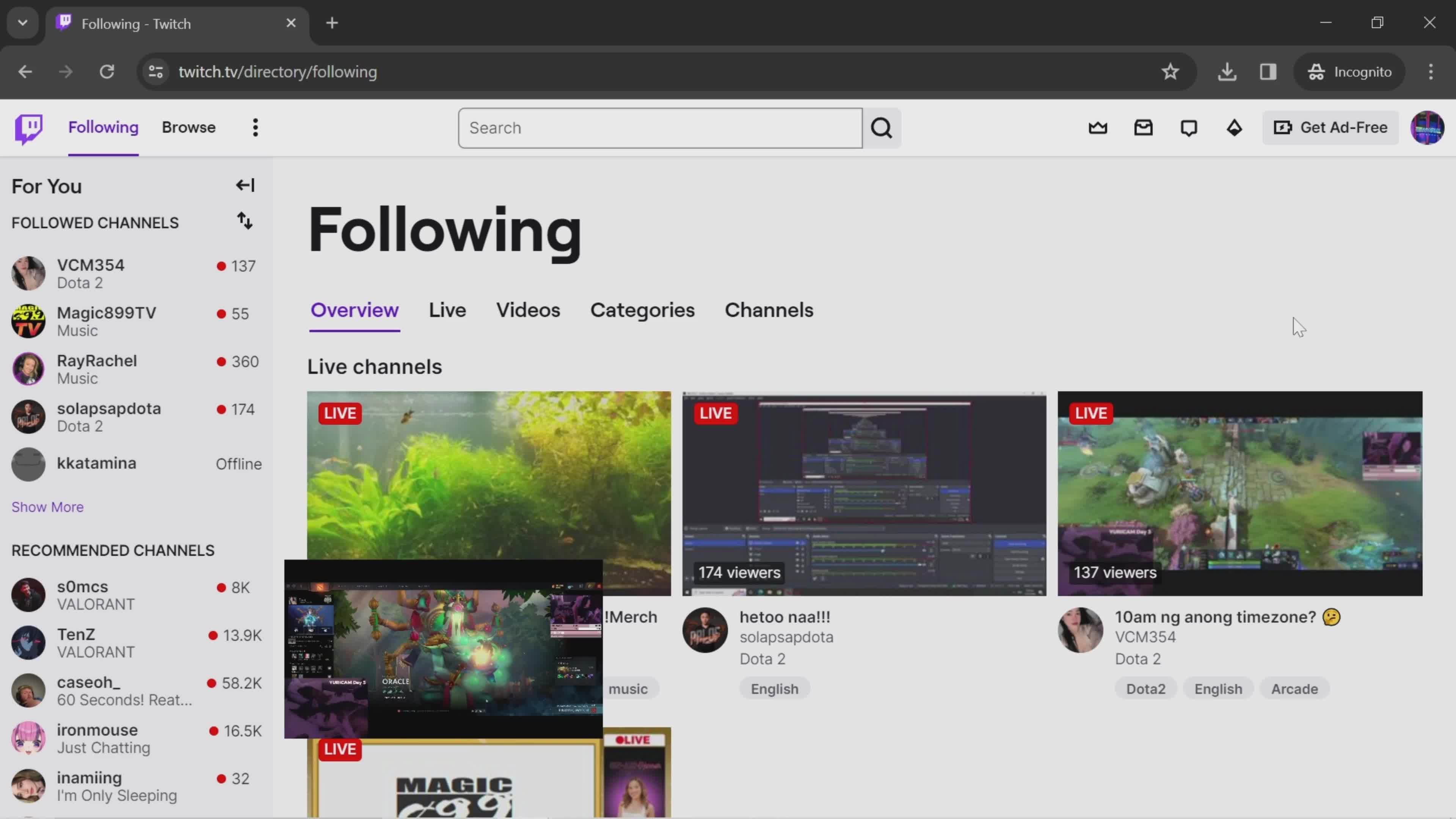
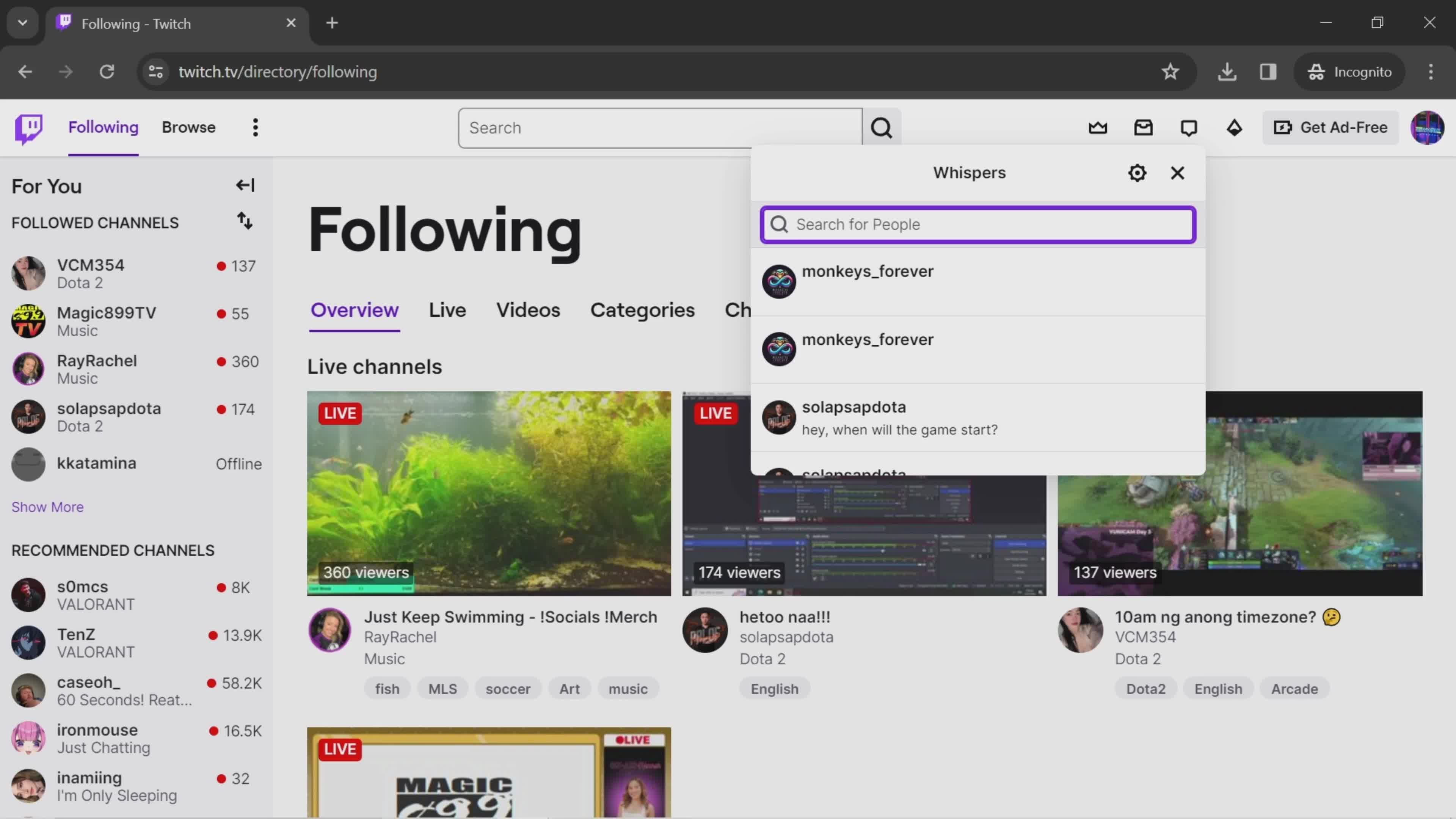
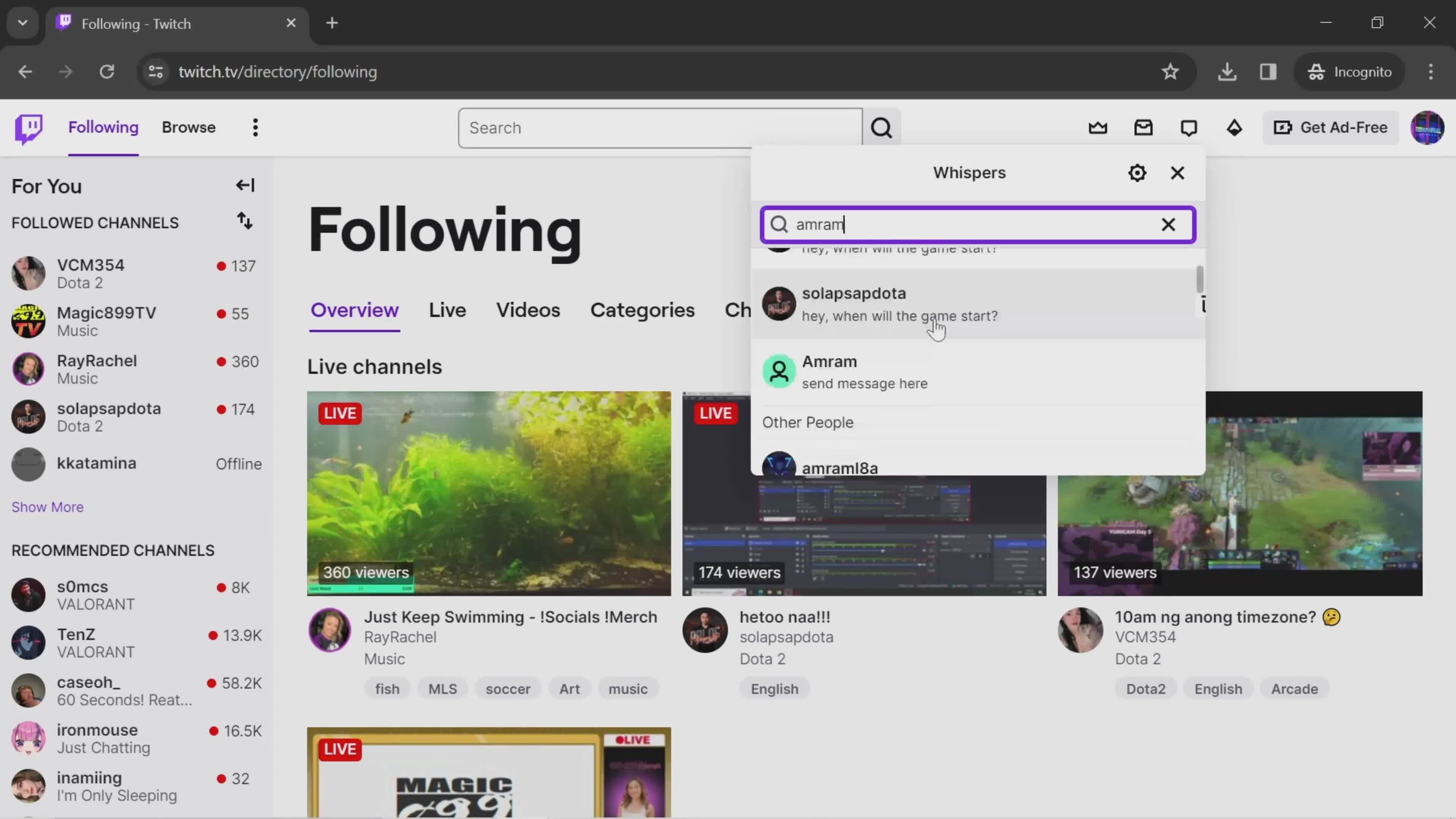
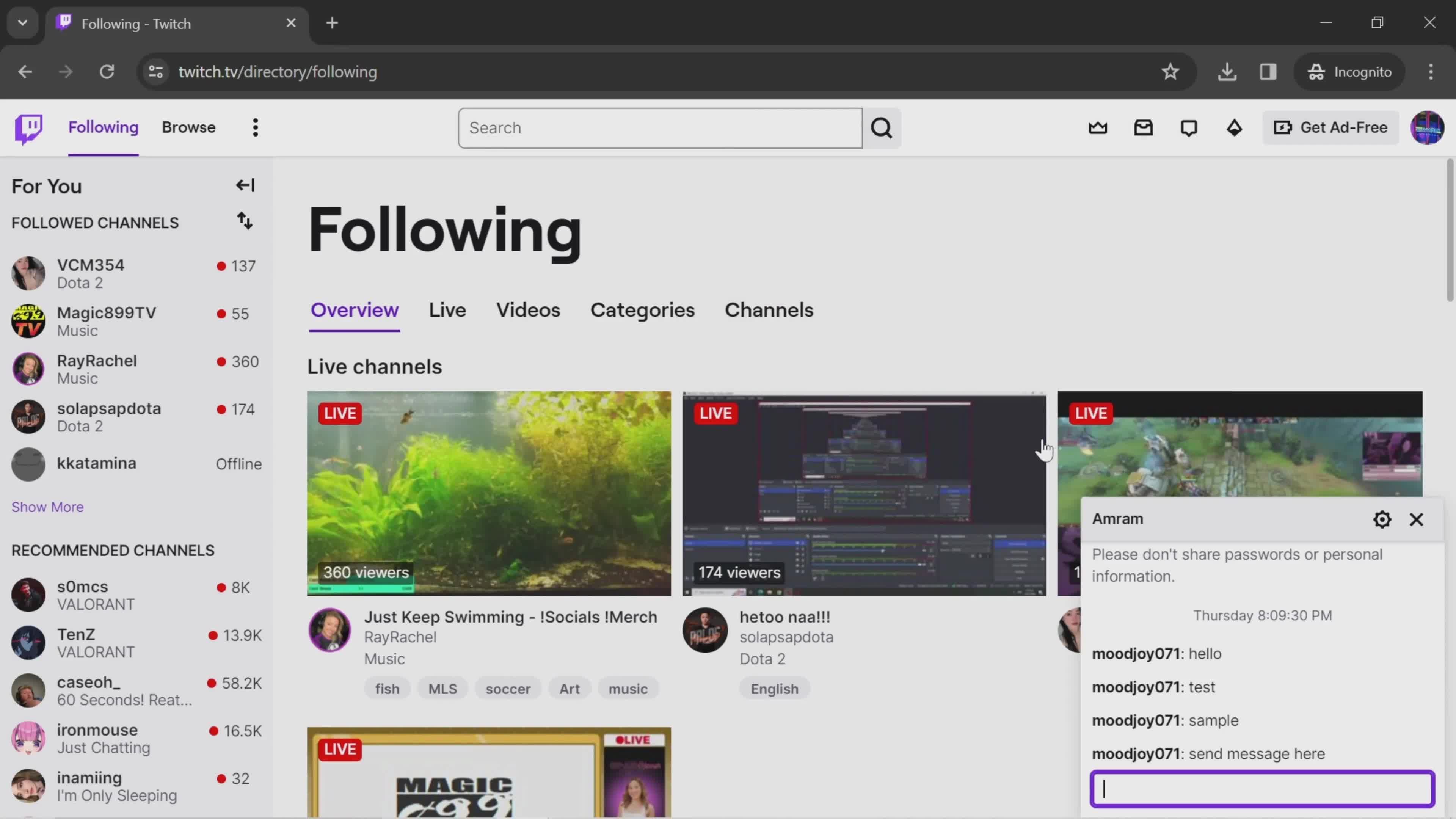
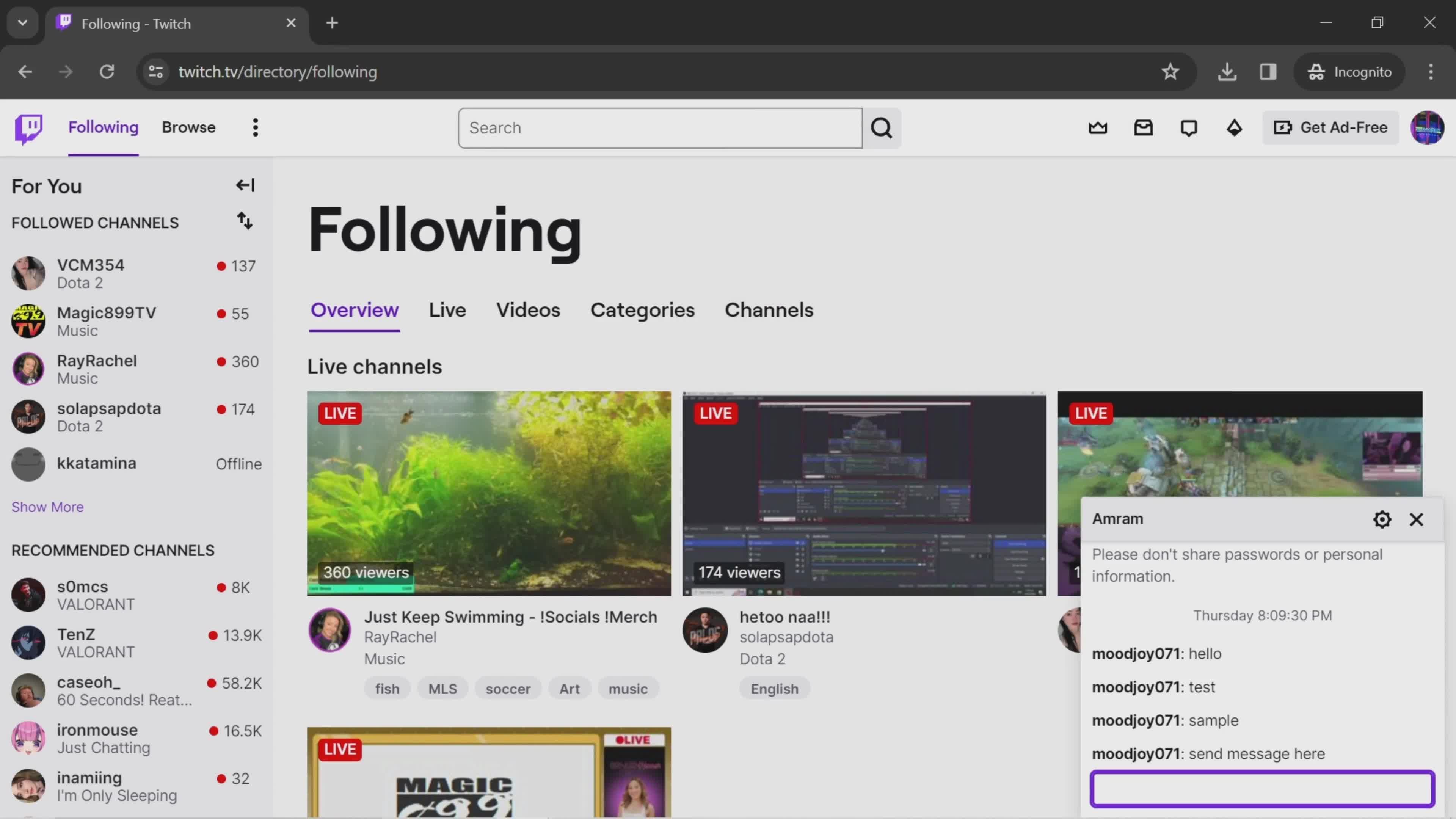
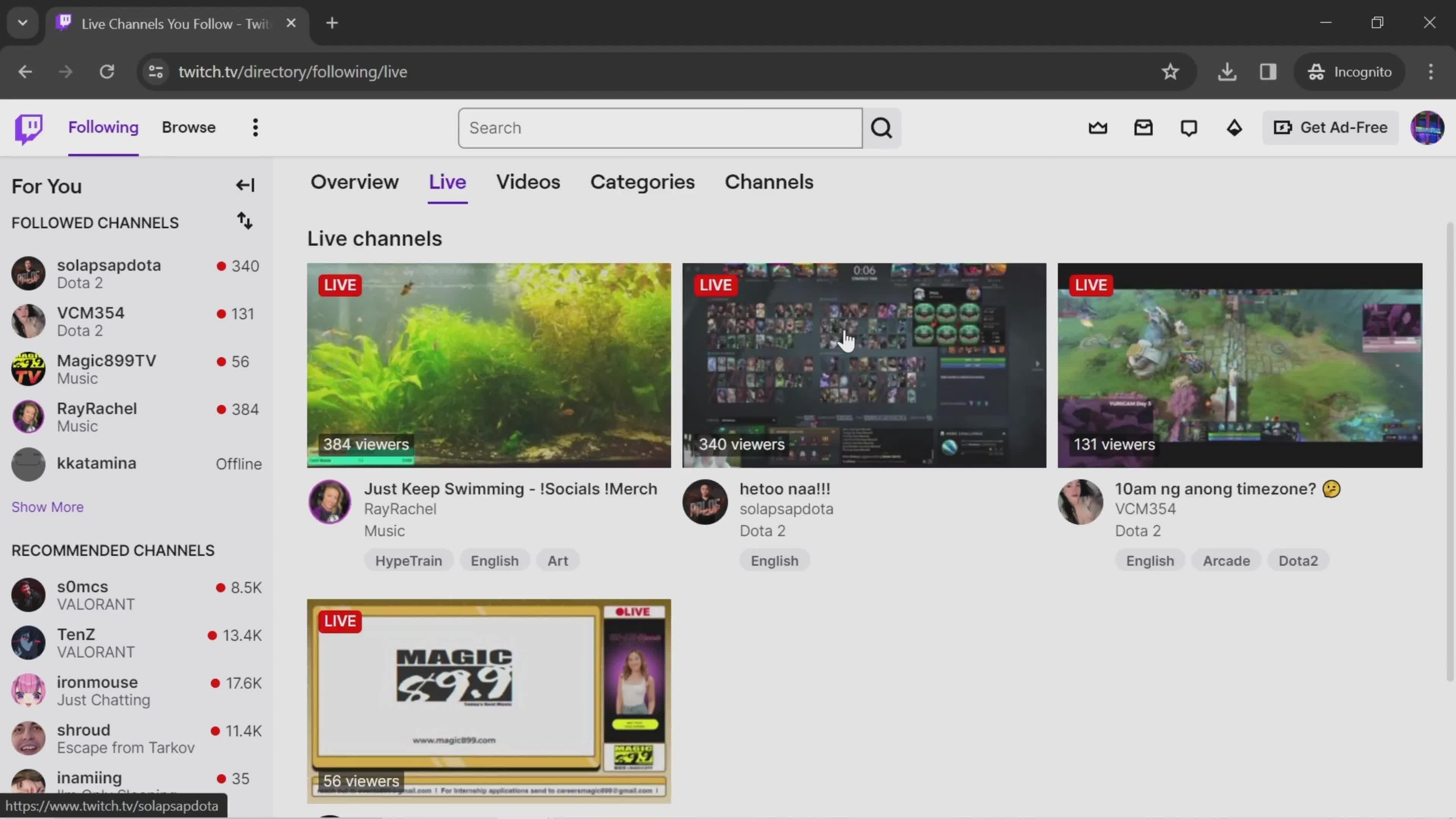
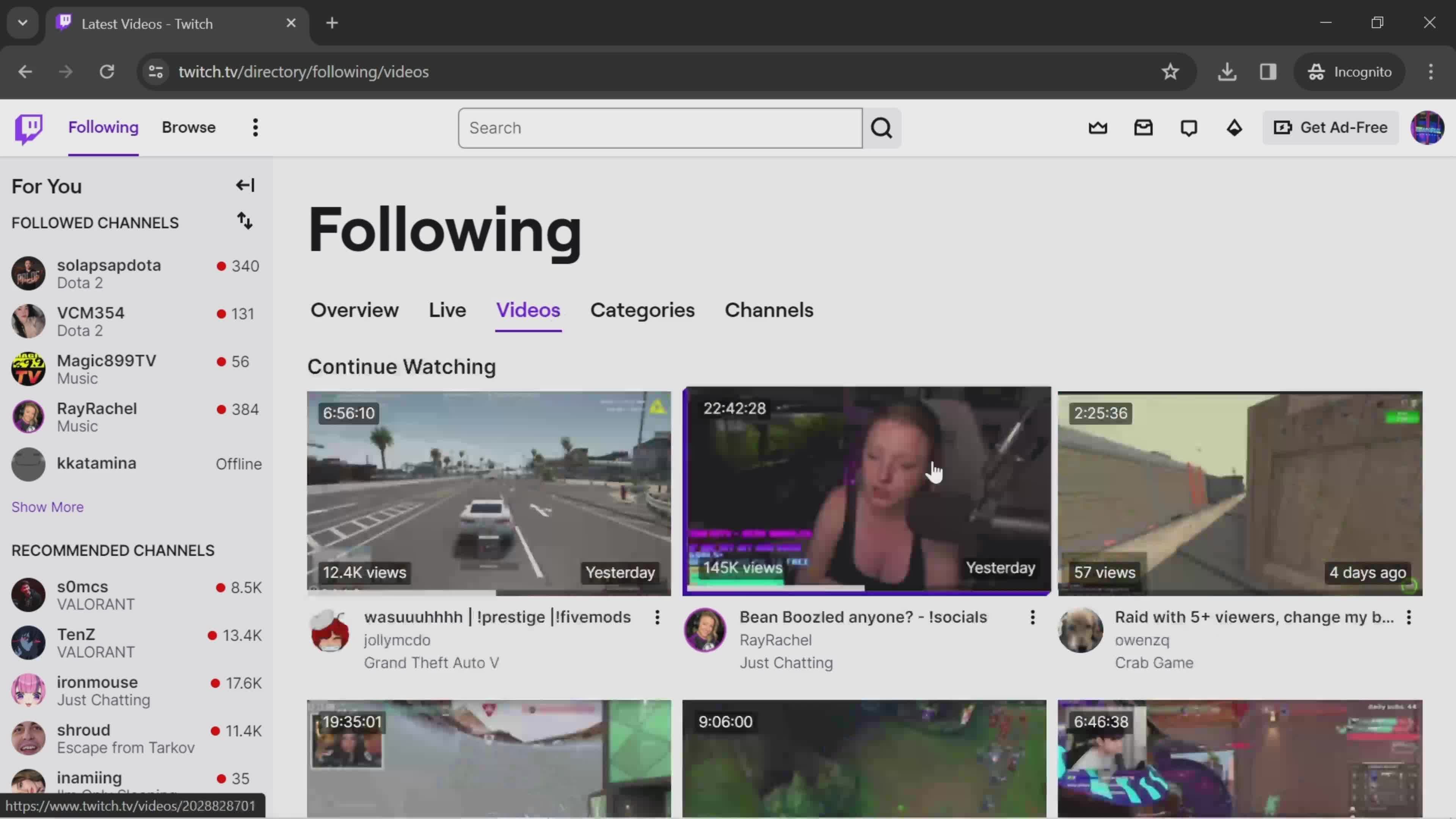
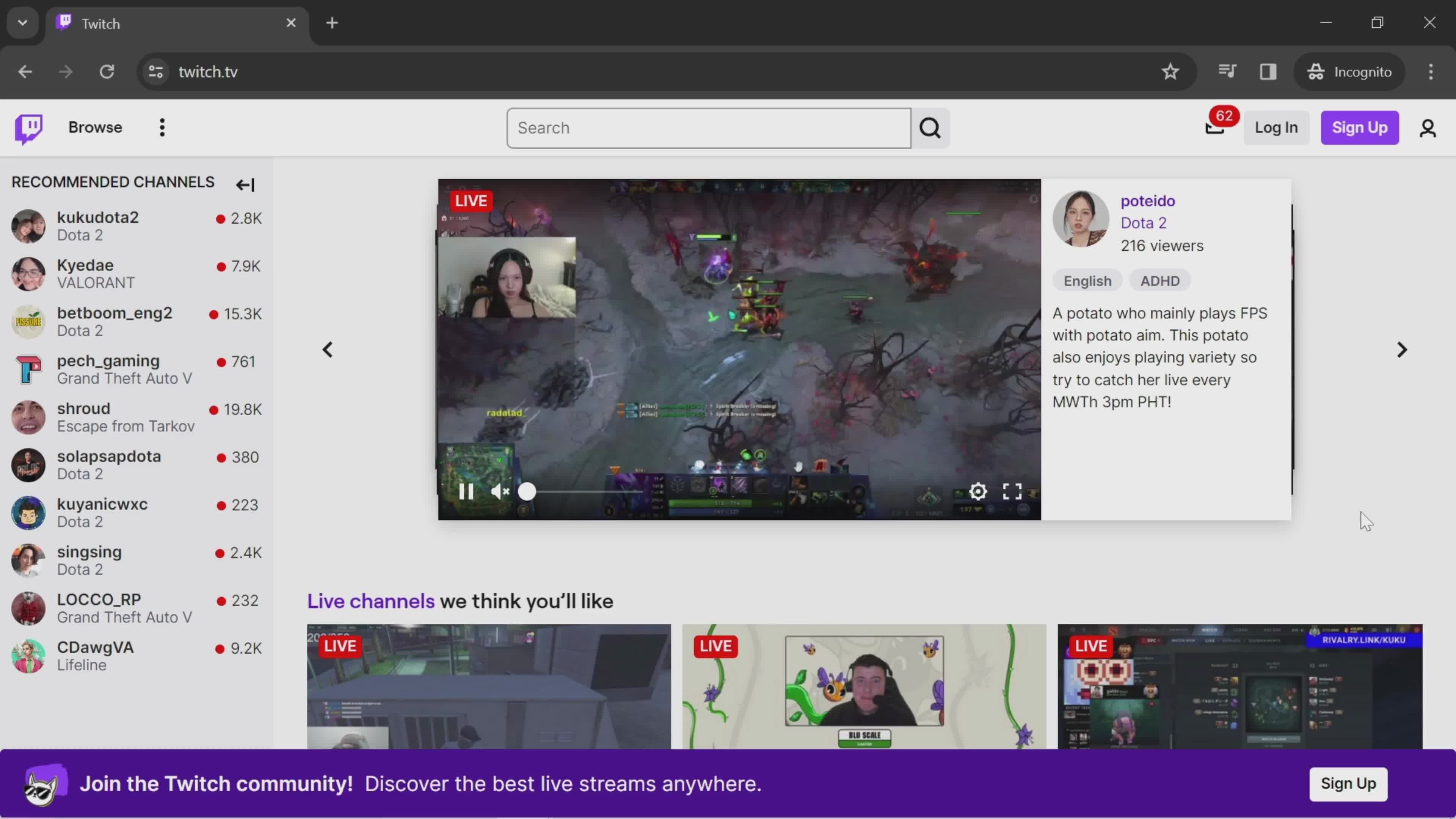
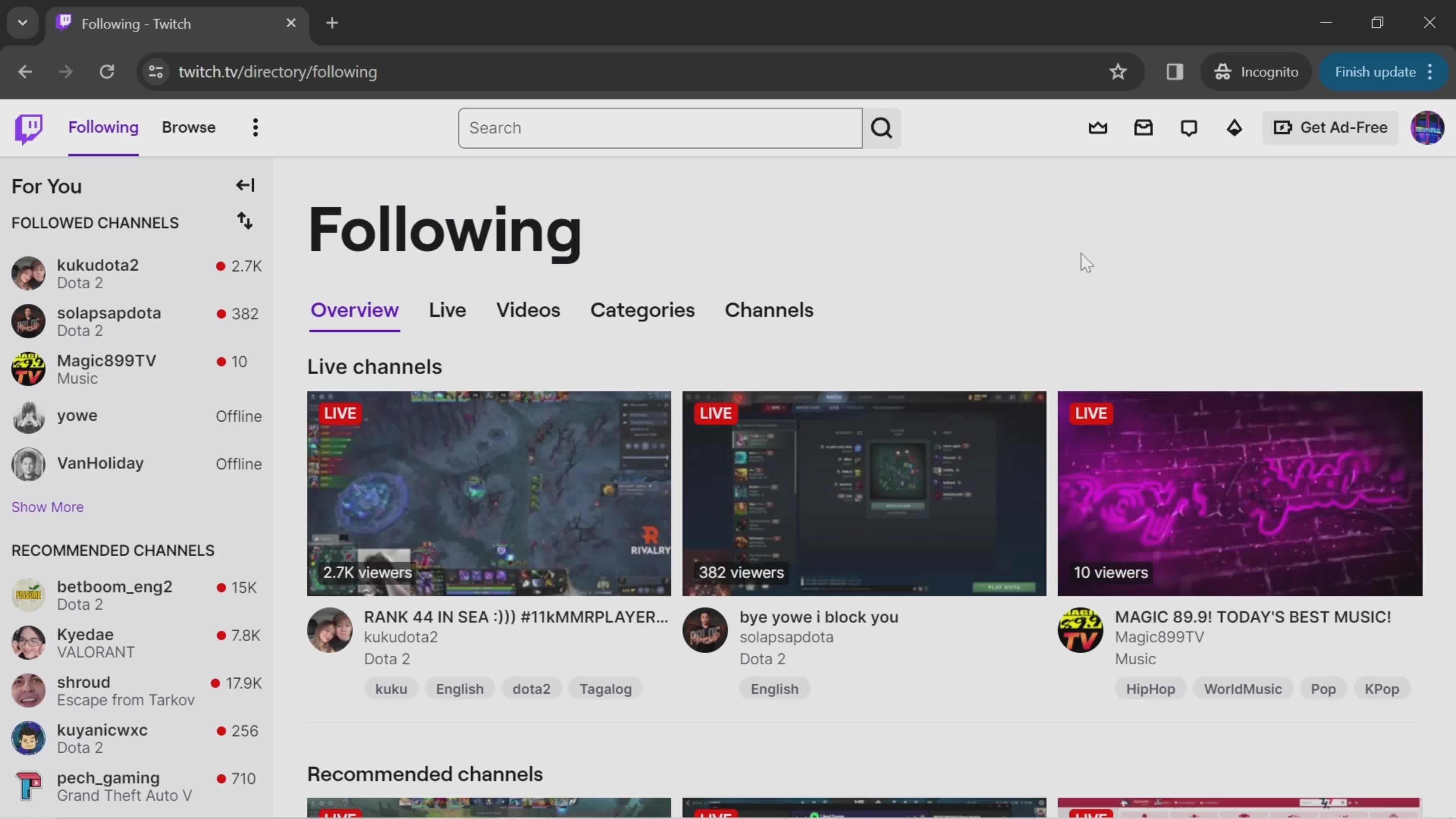
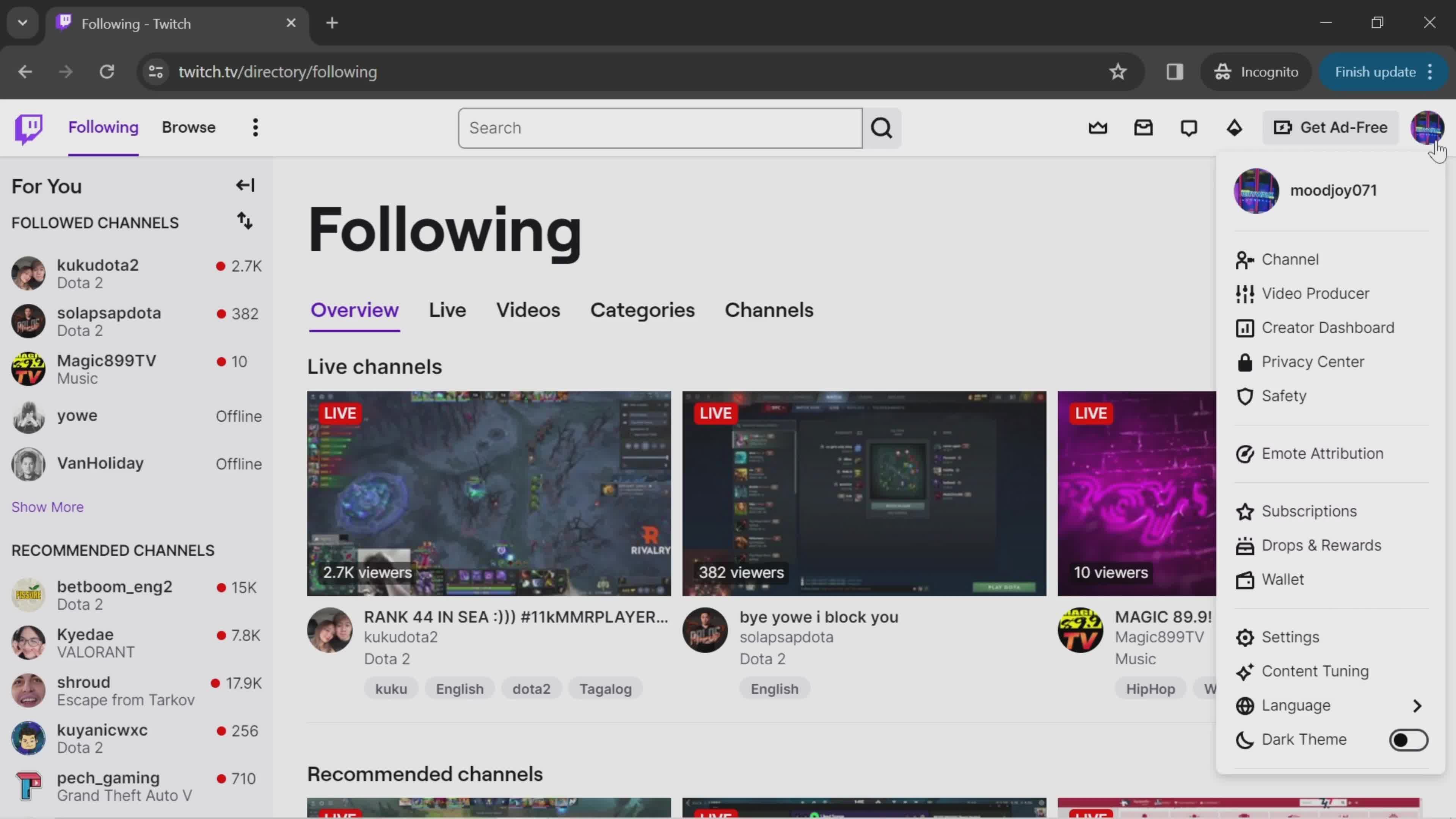
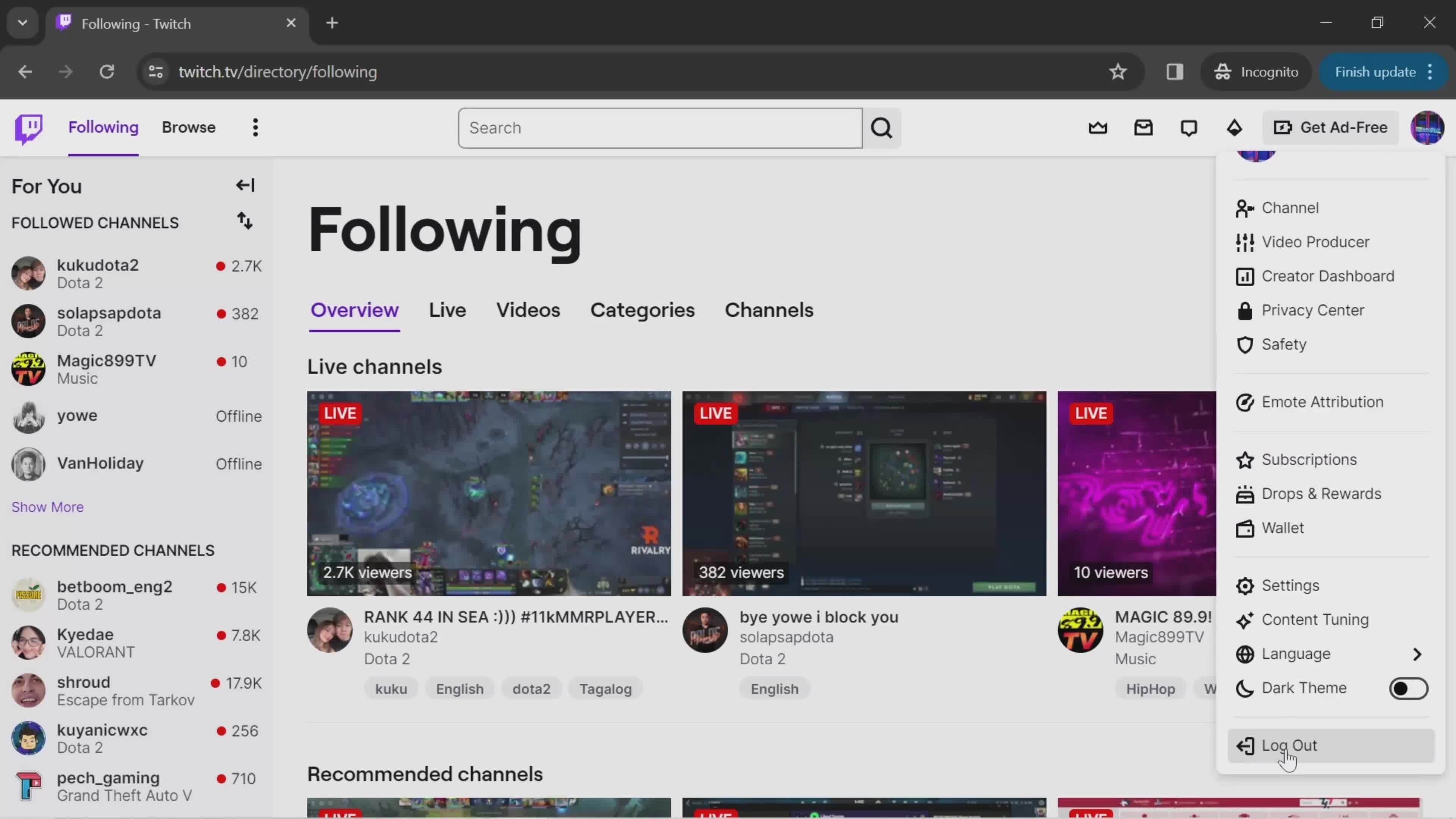
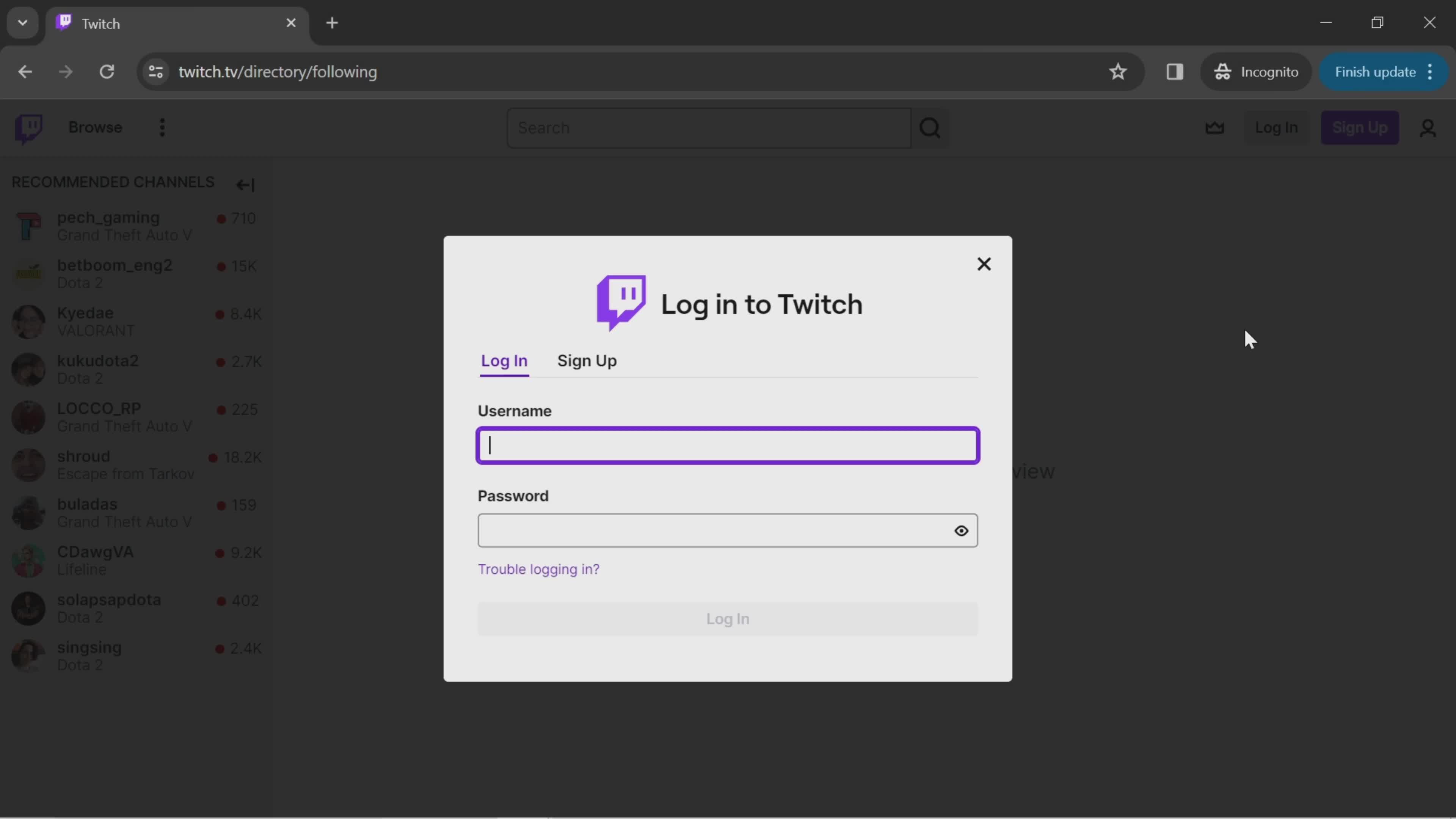
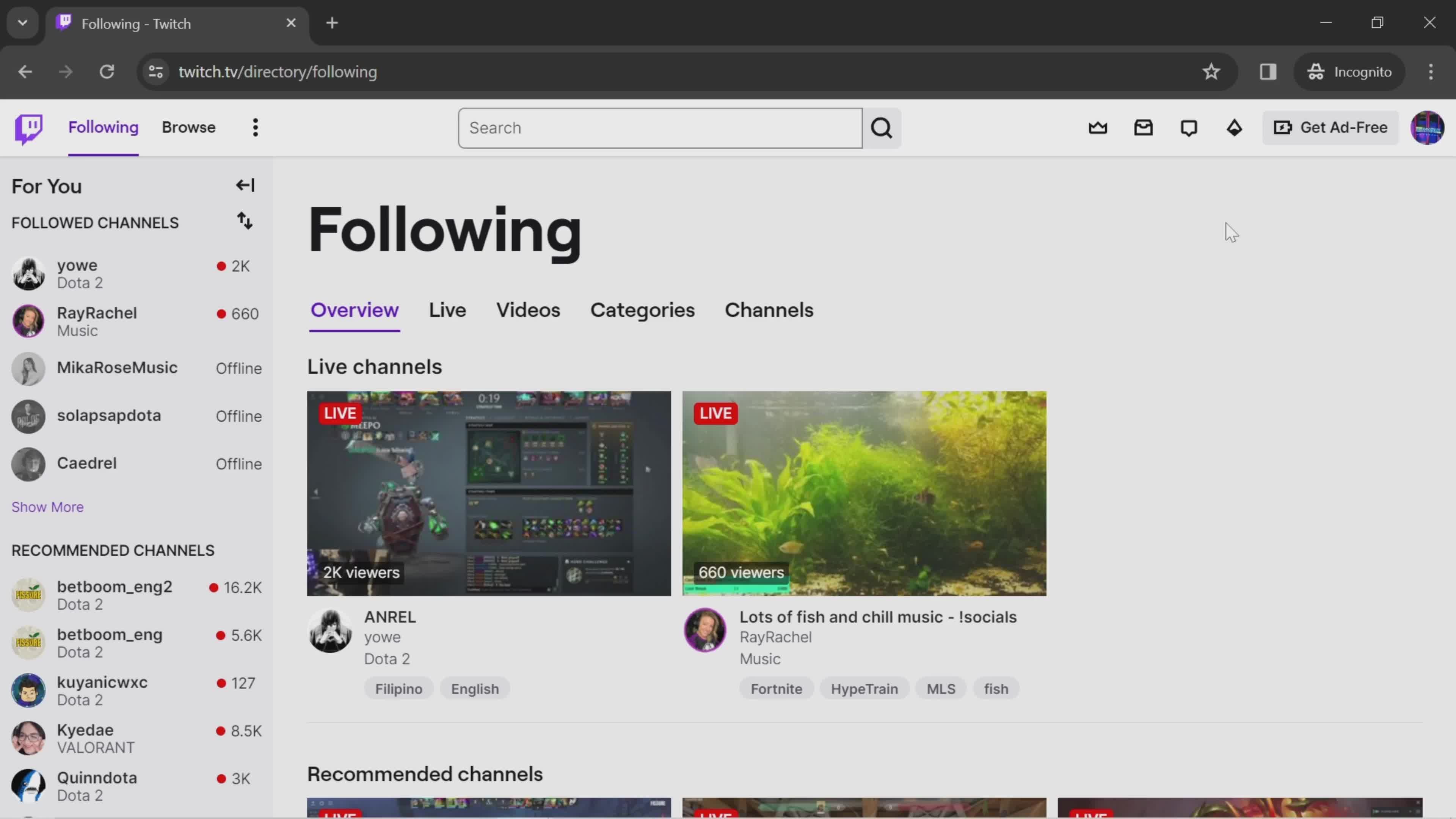
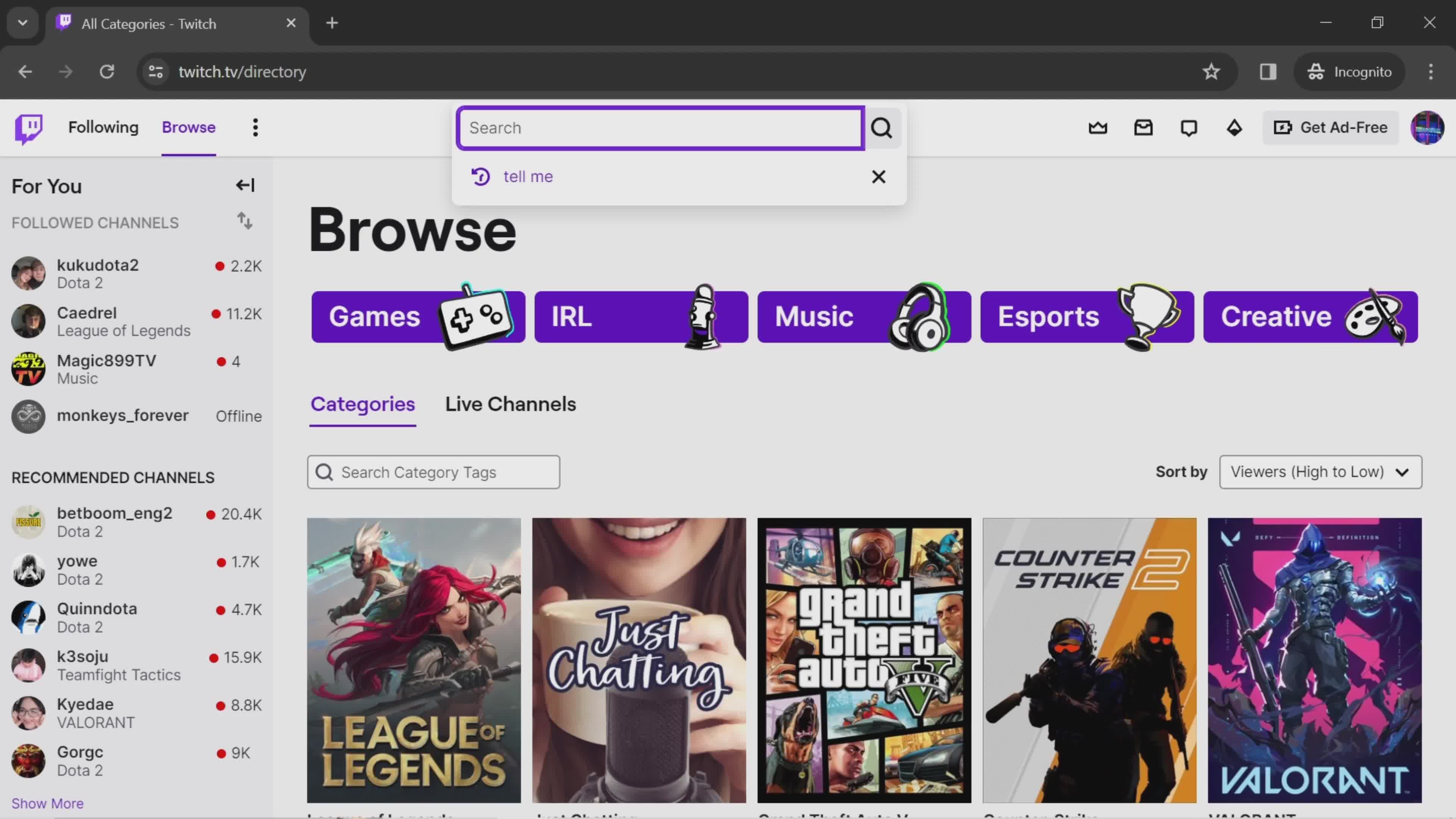
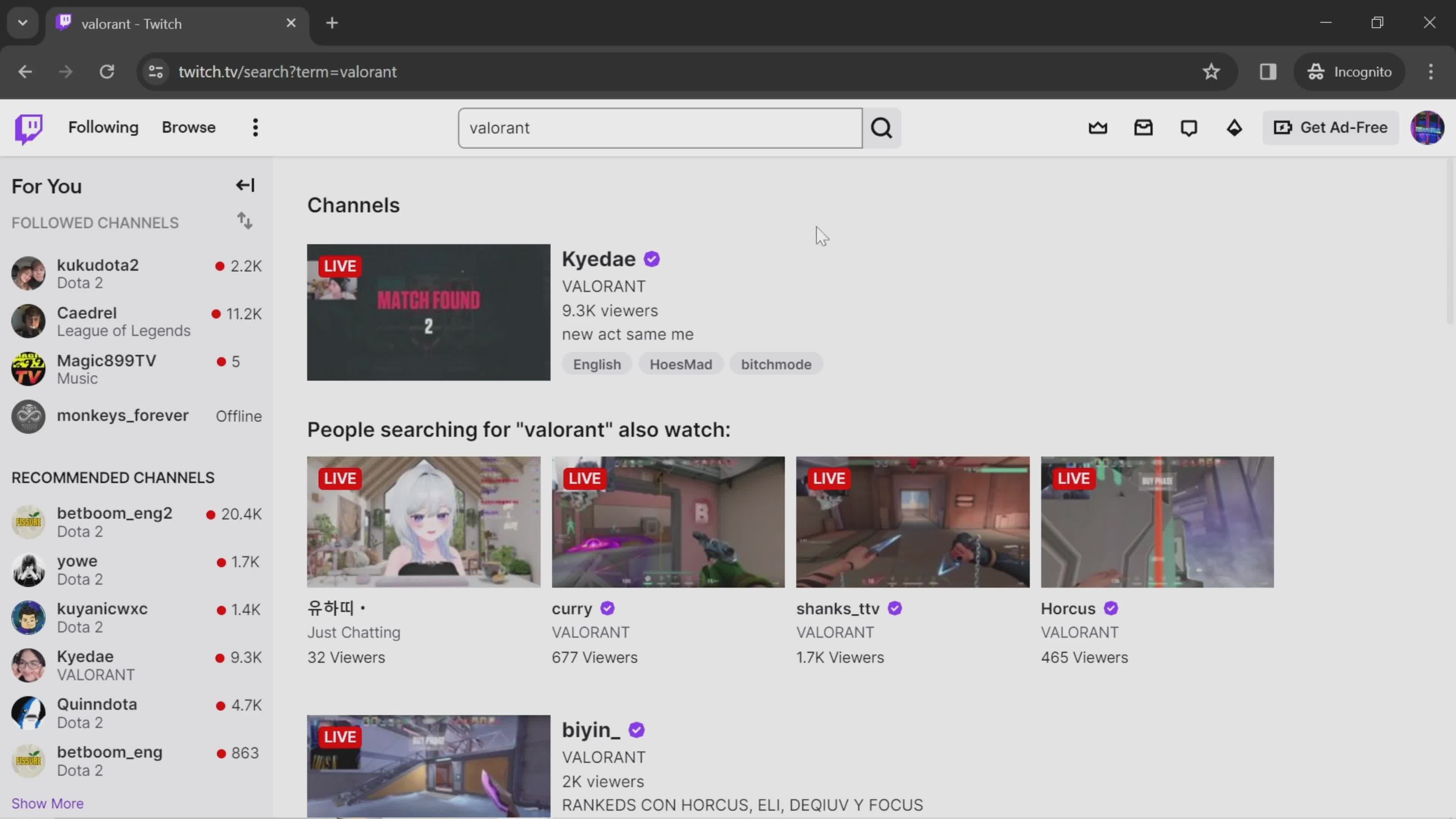
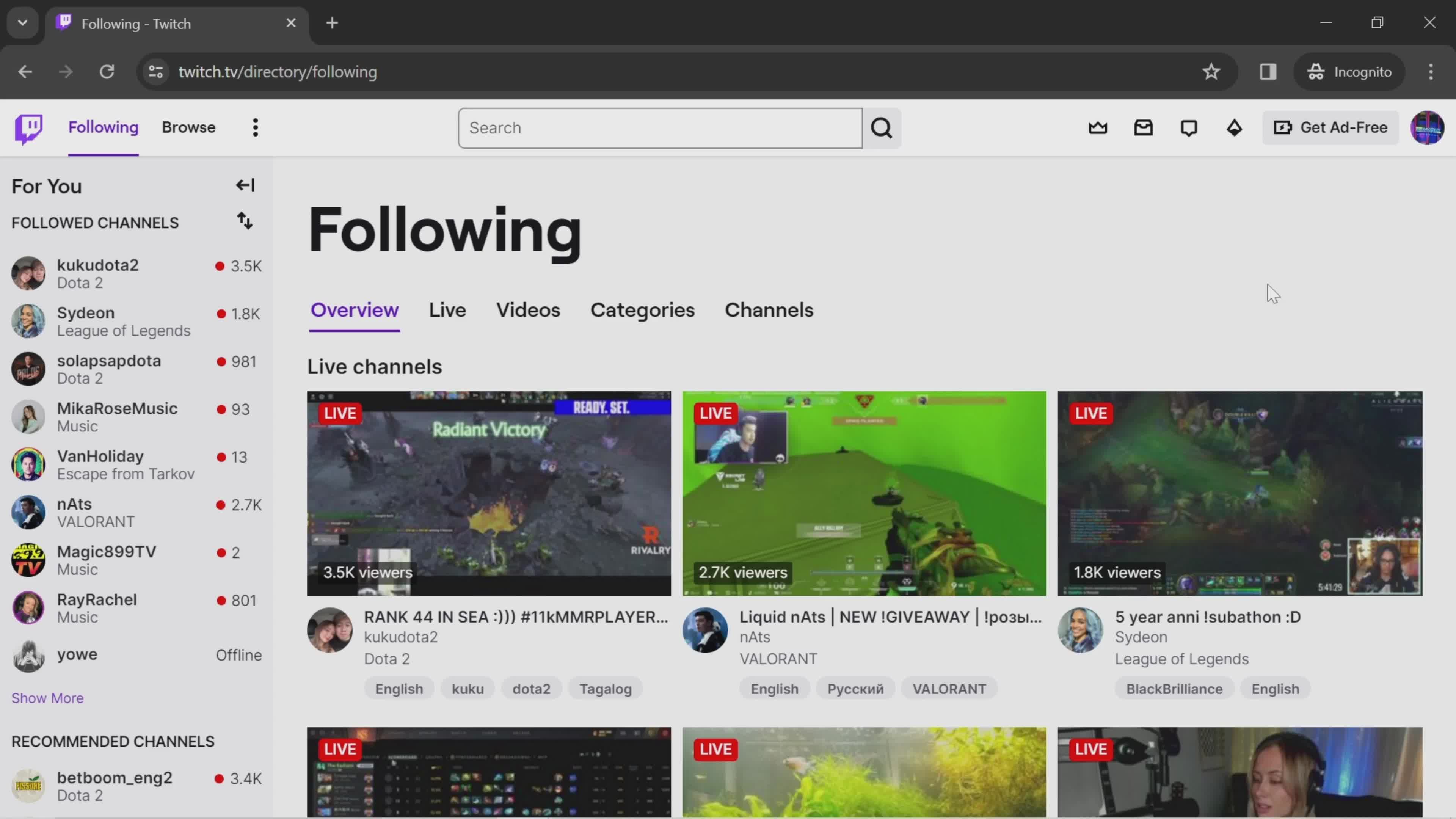
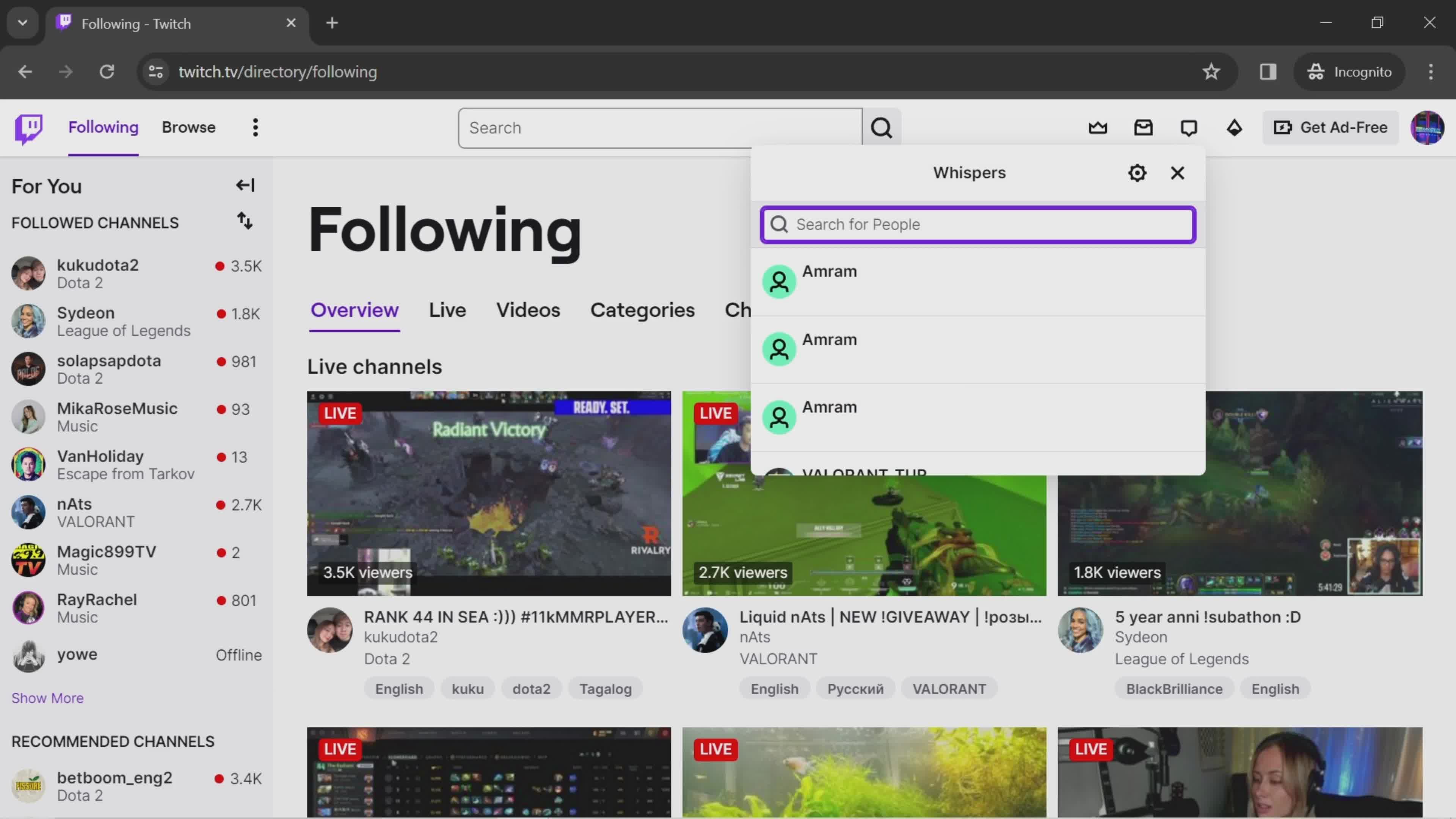
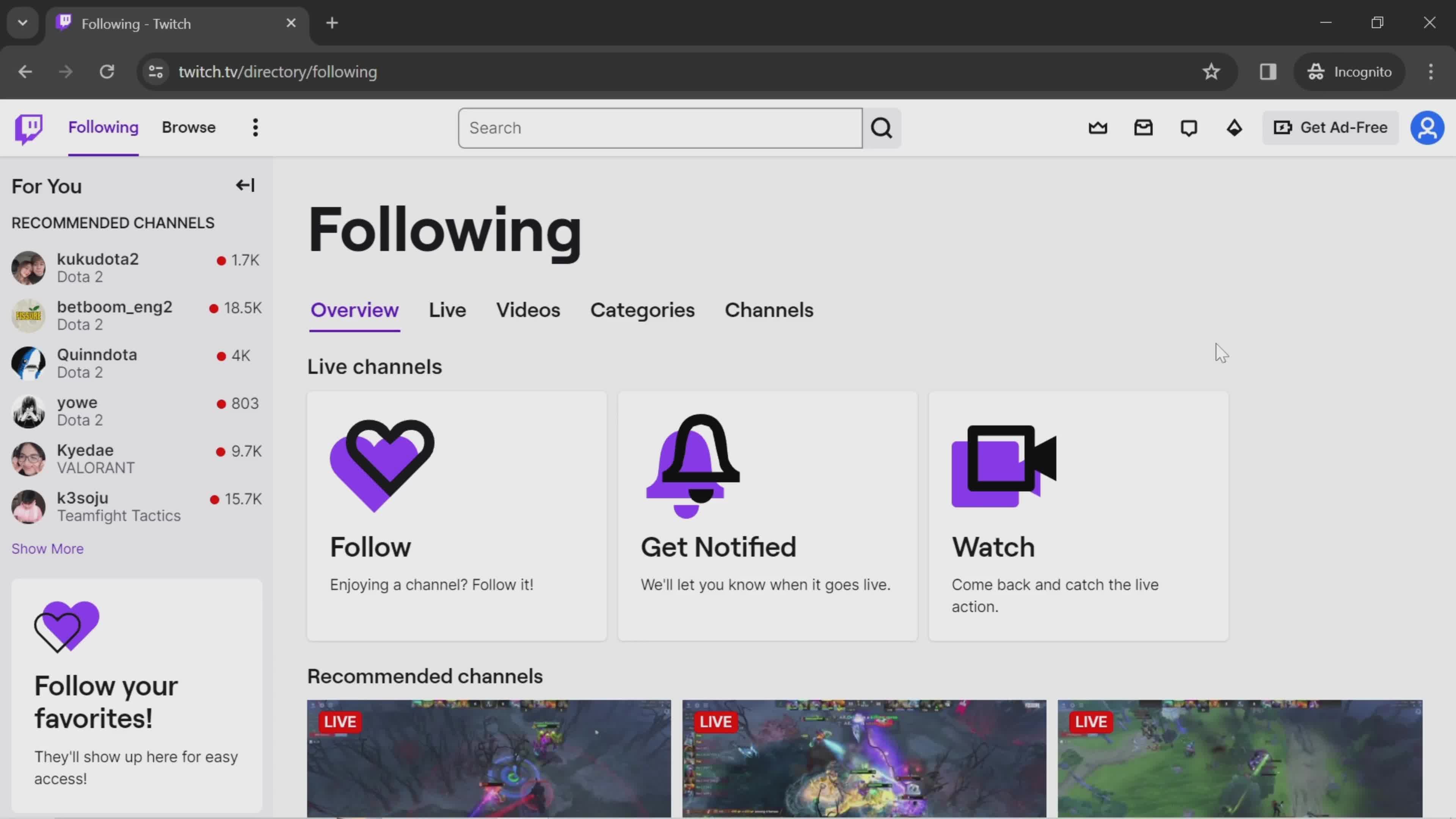
Home
this is title
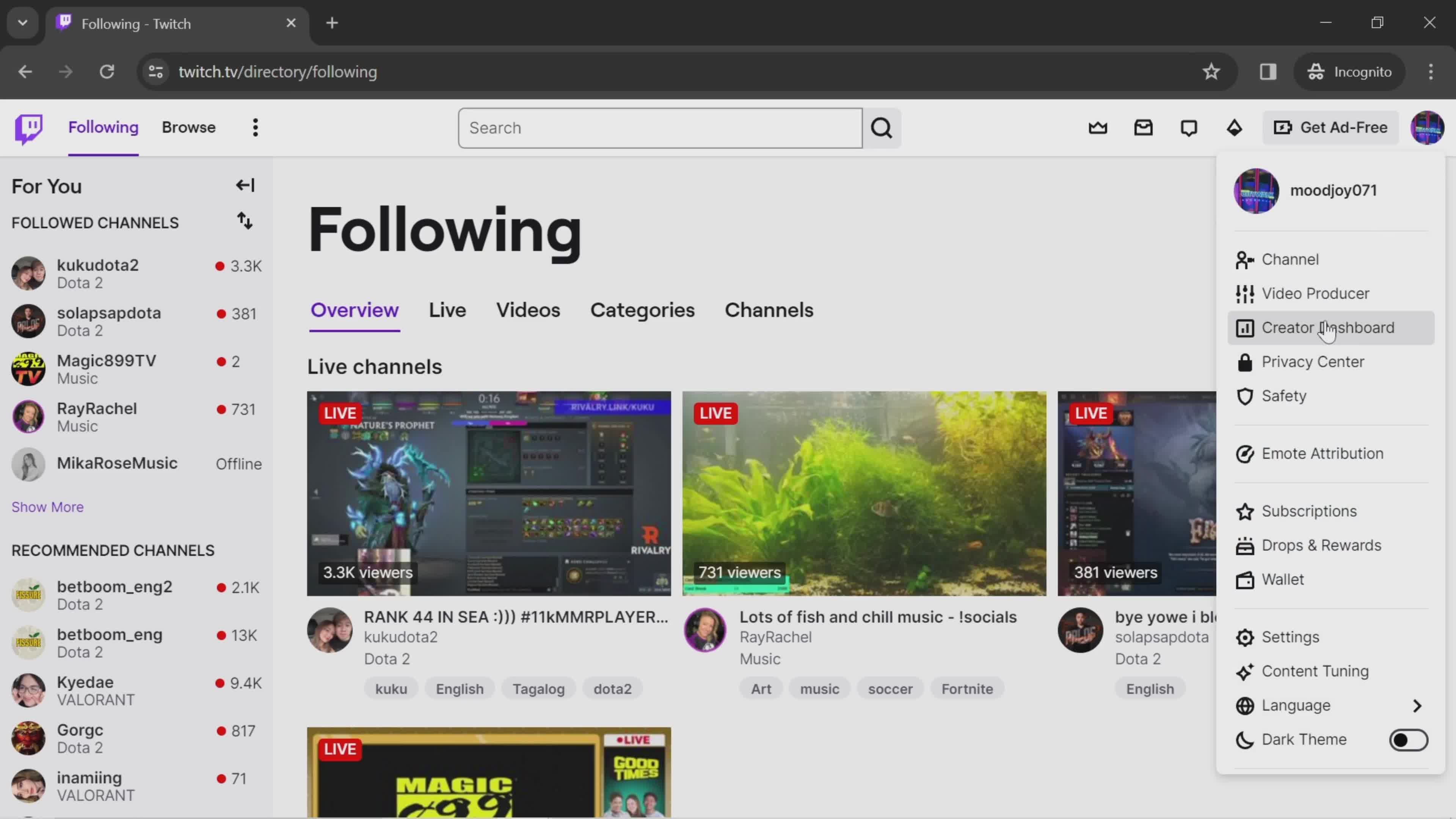
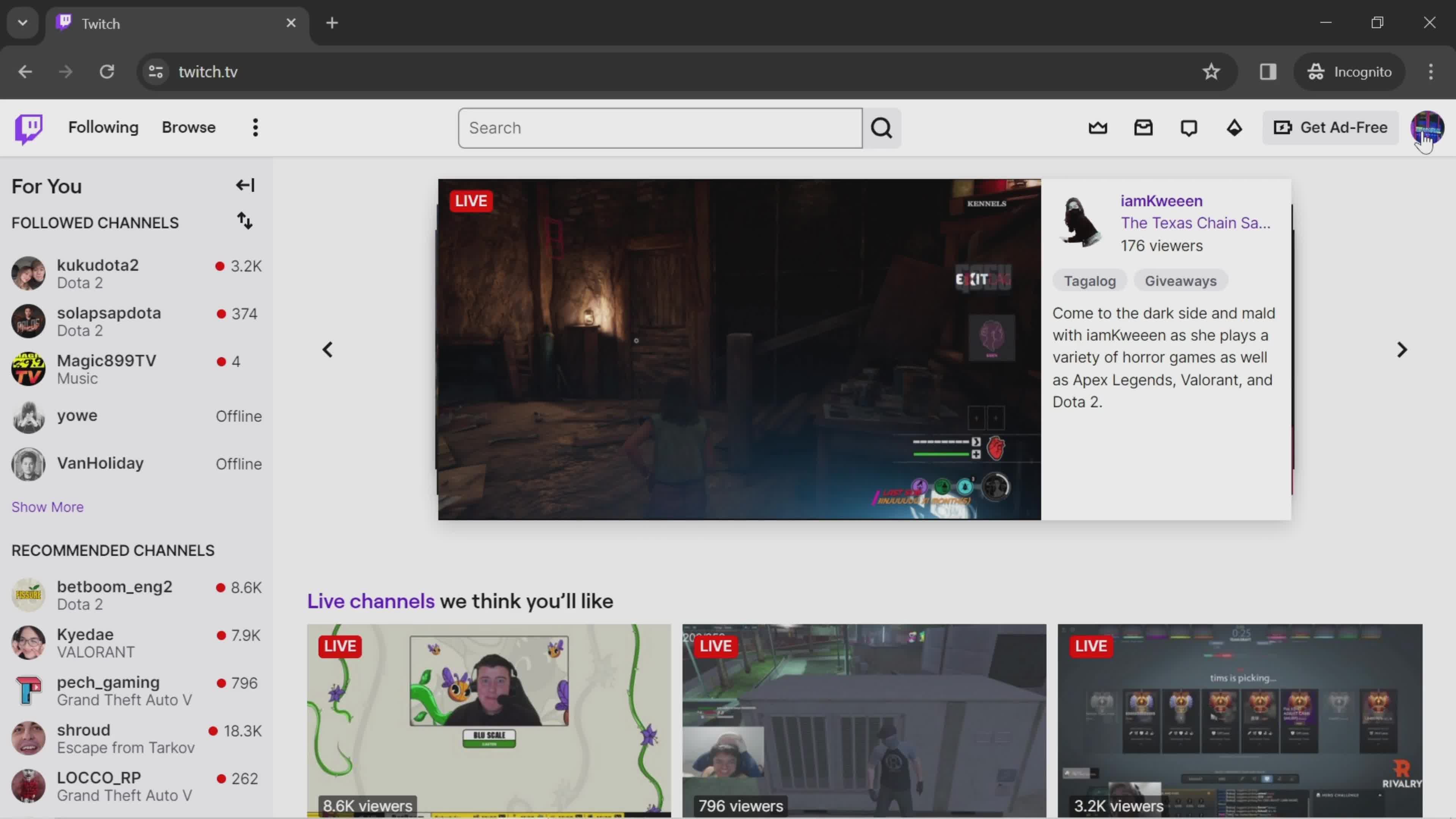
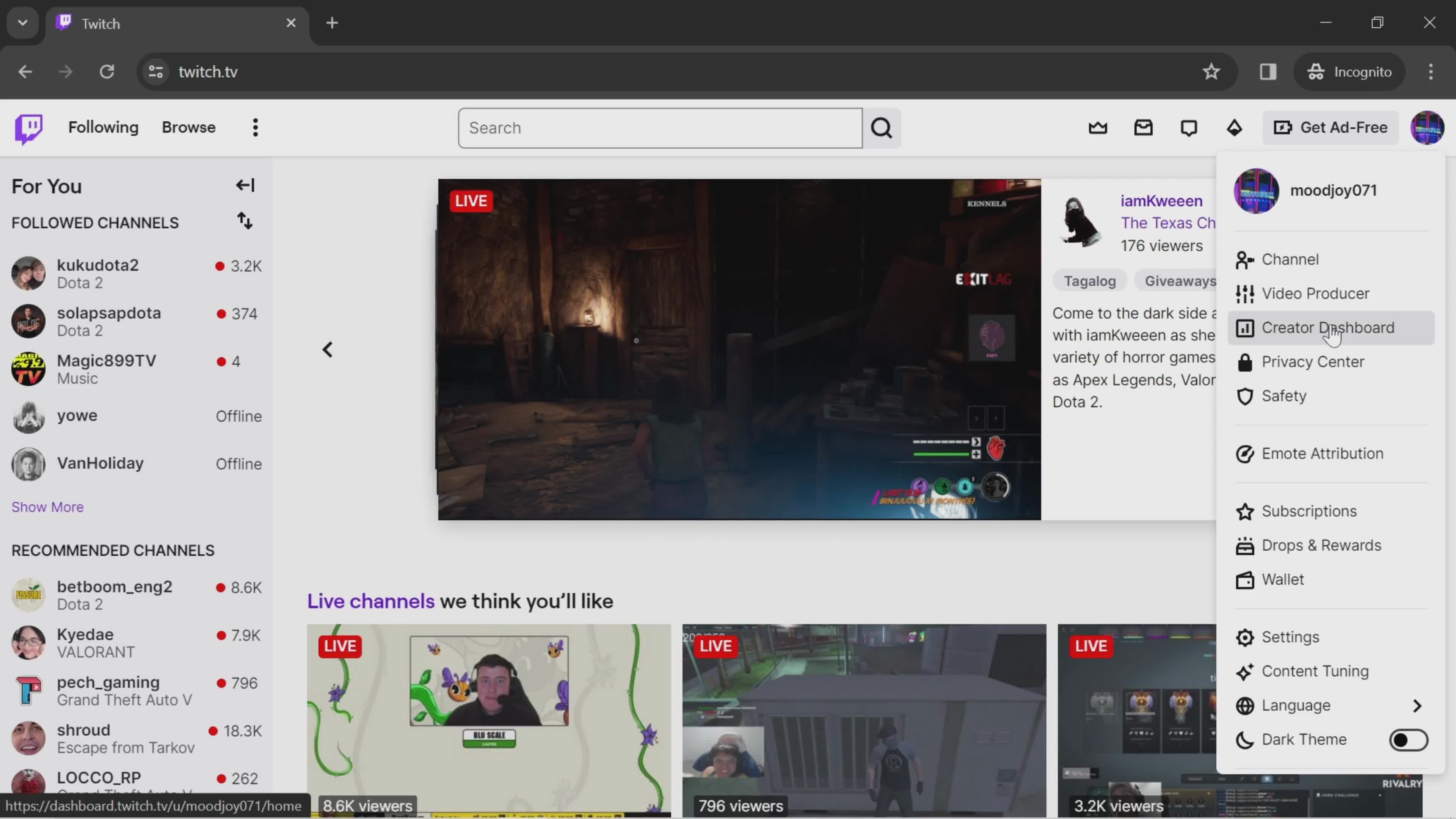
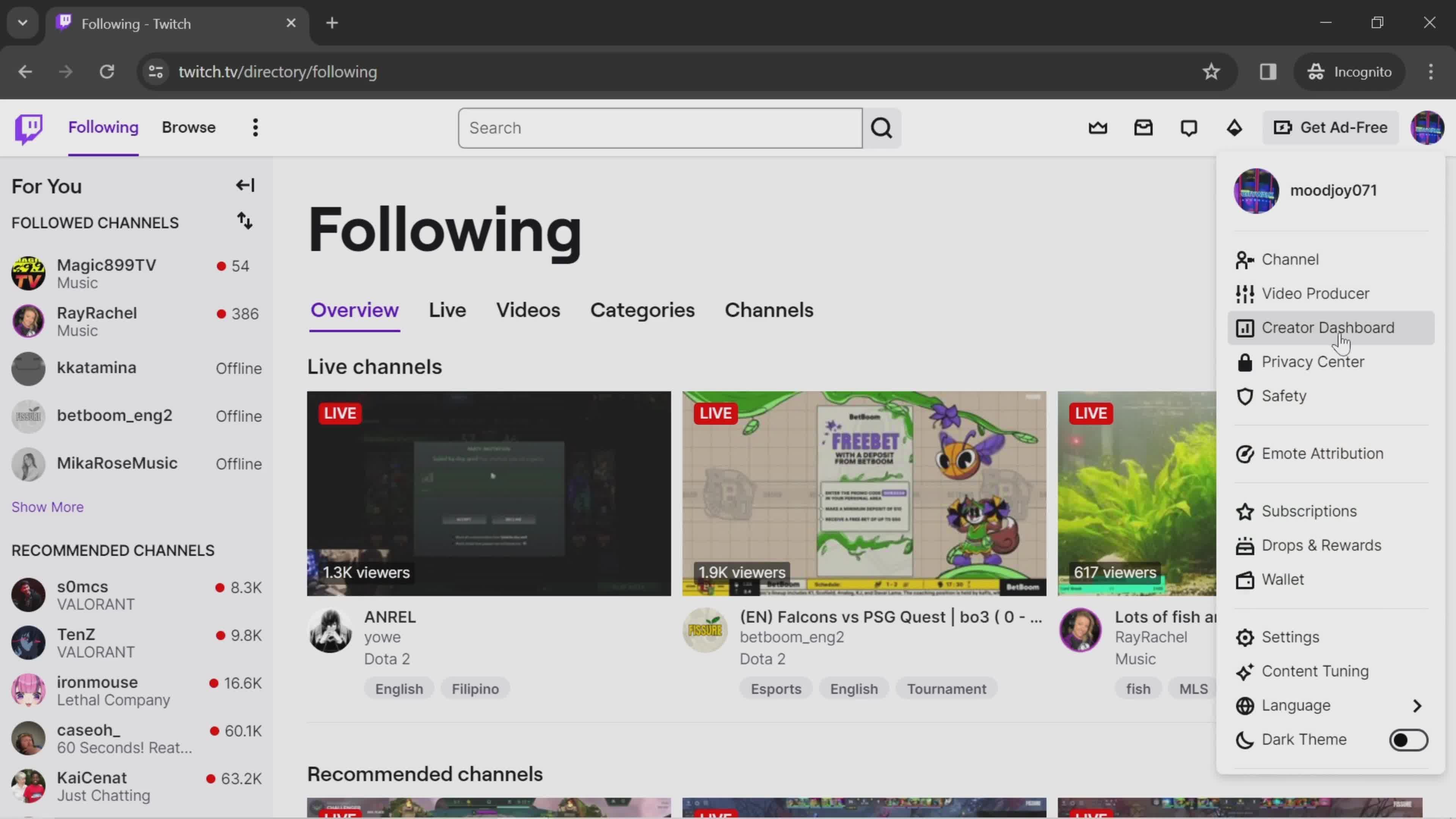
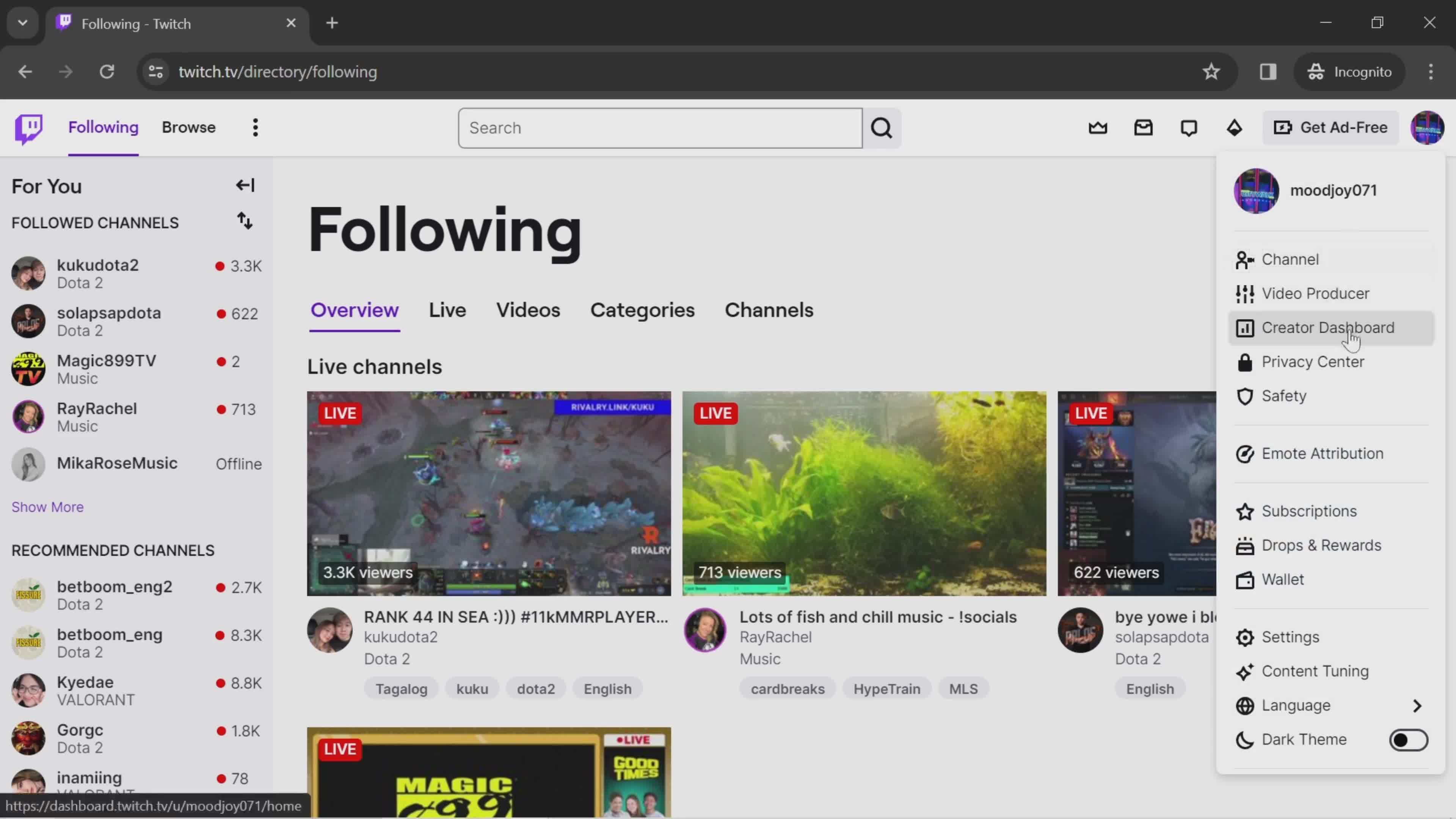
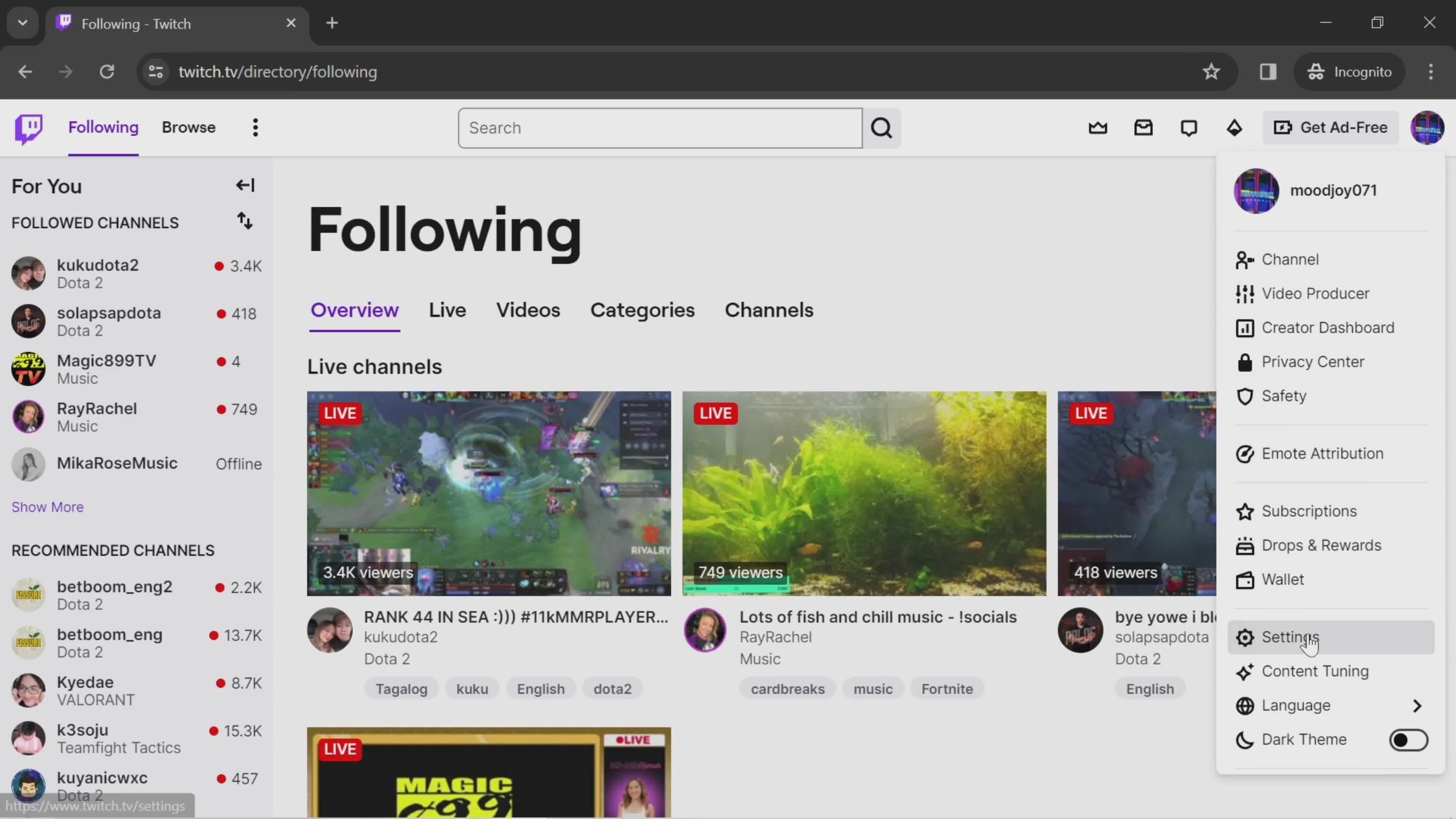
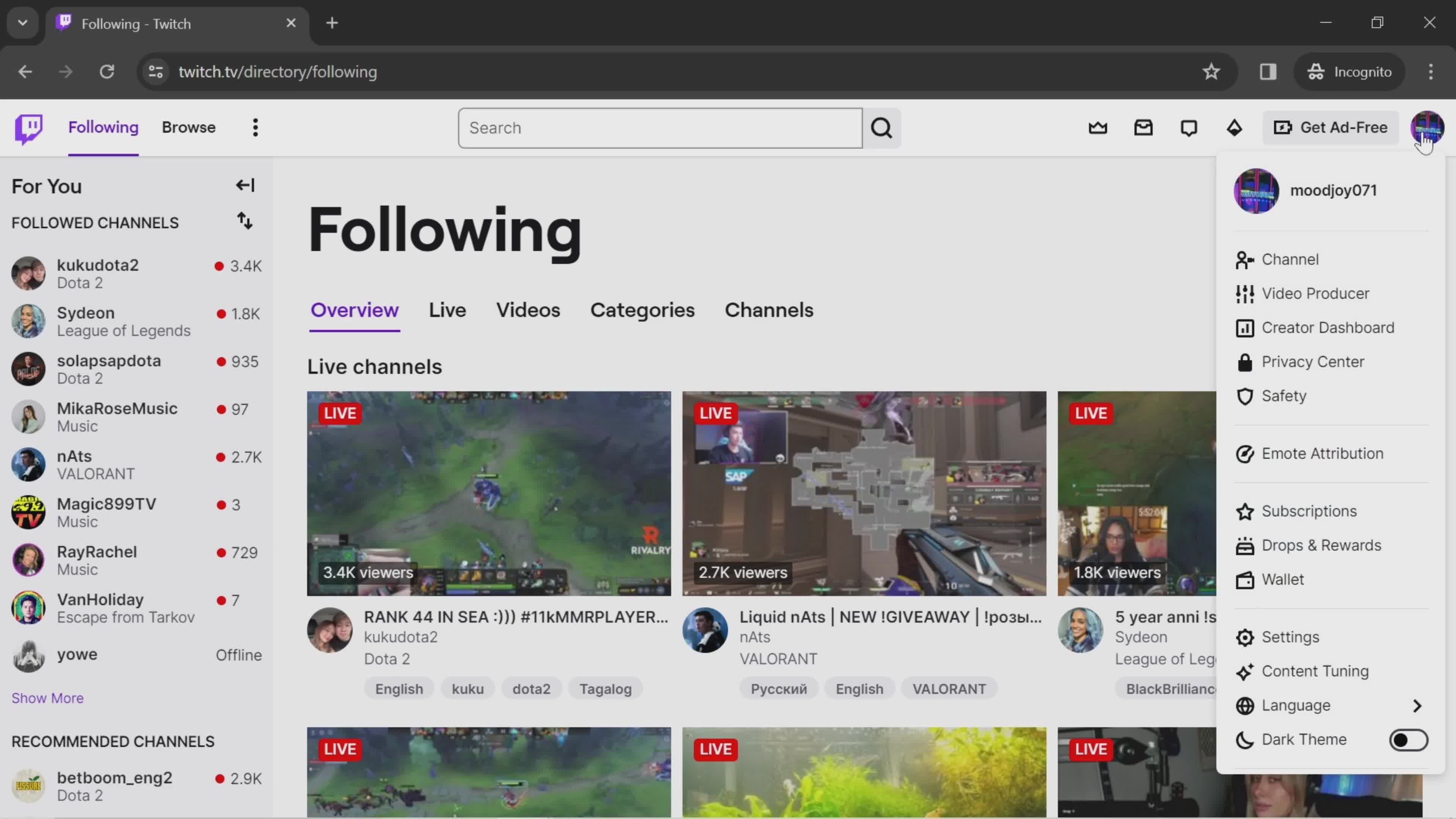
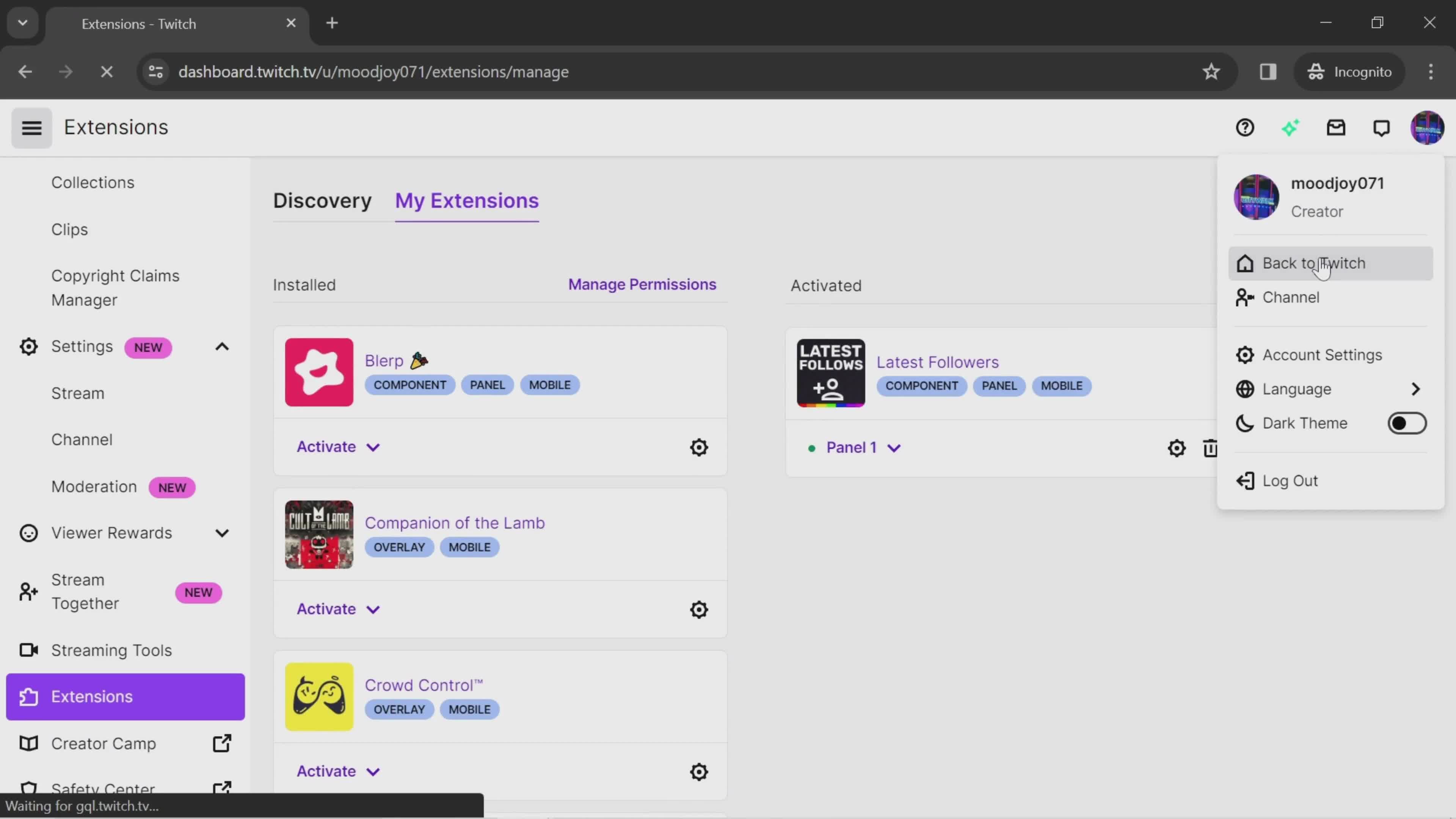
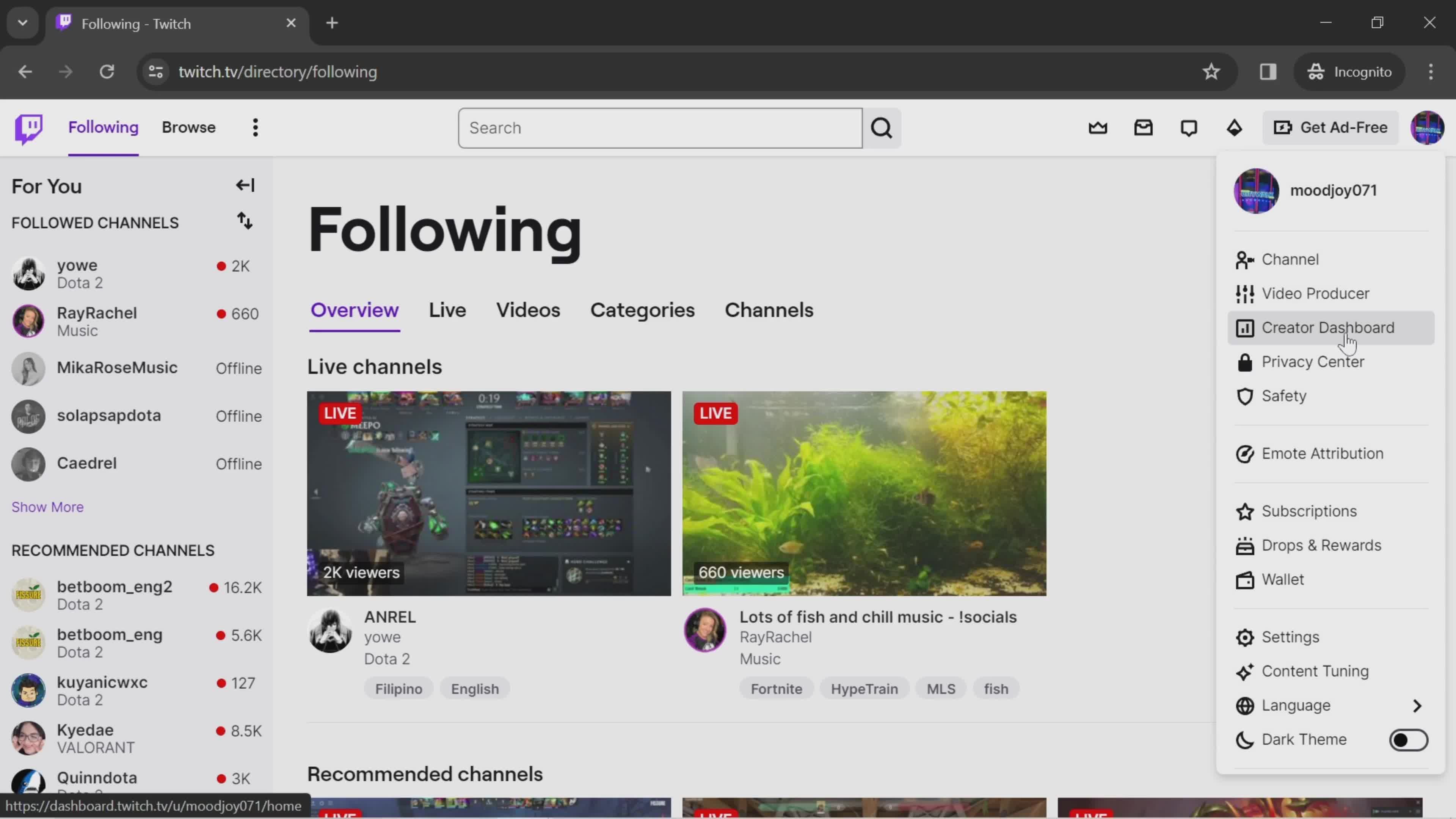
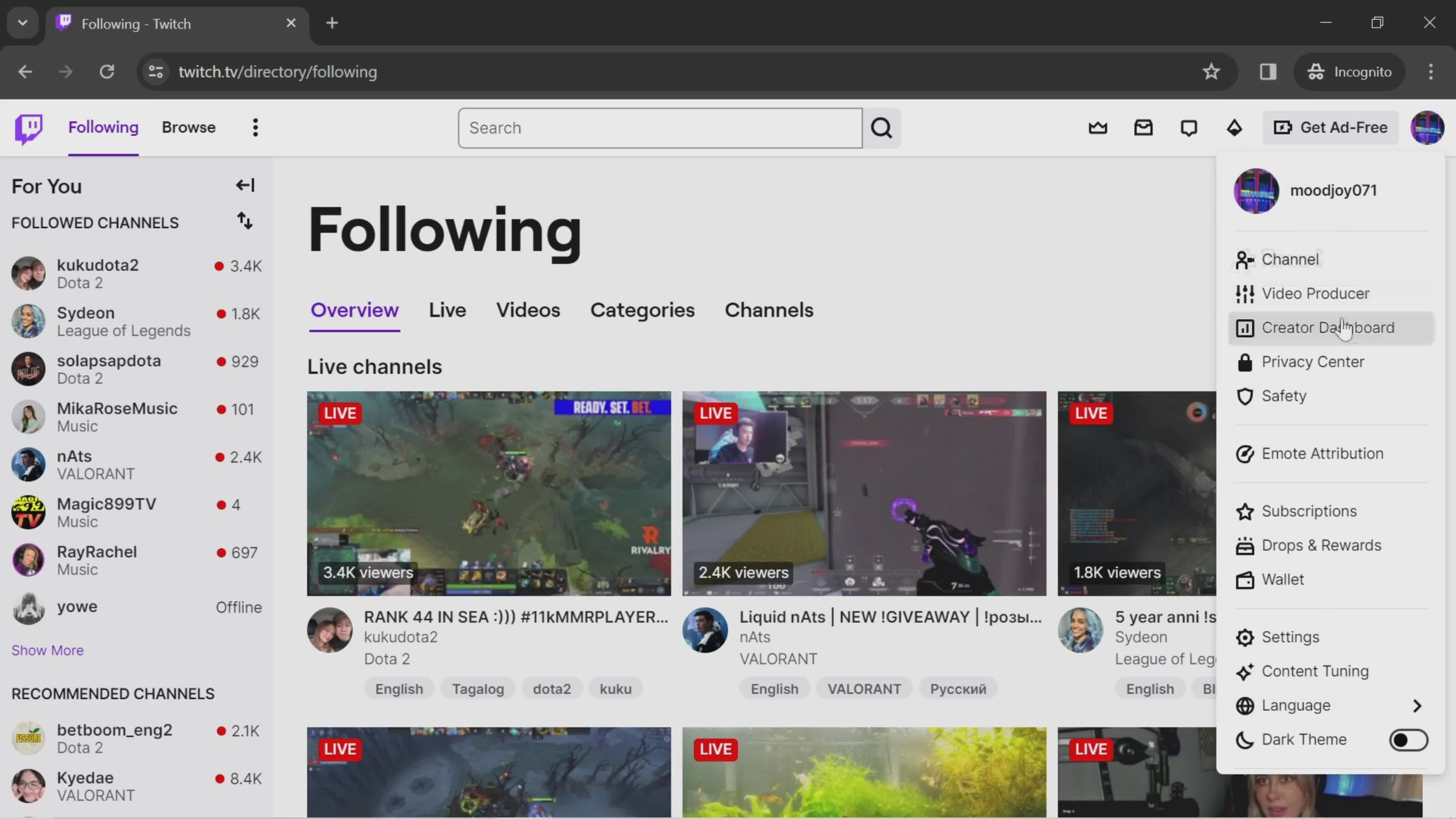
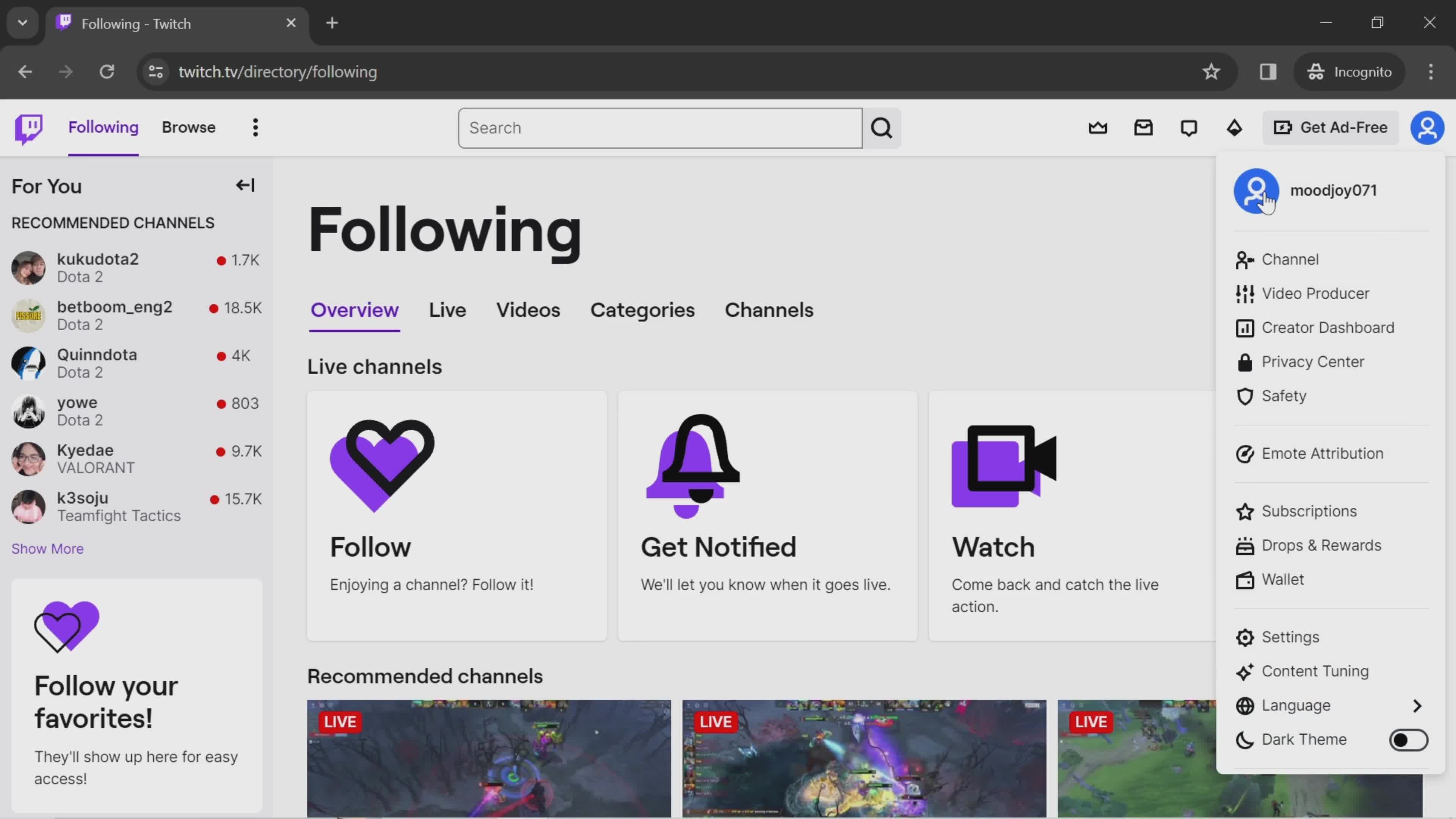
Account menu
this is title
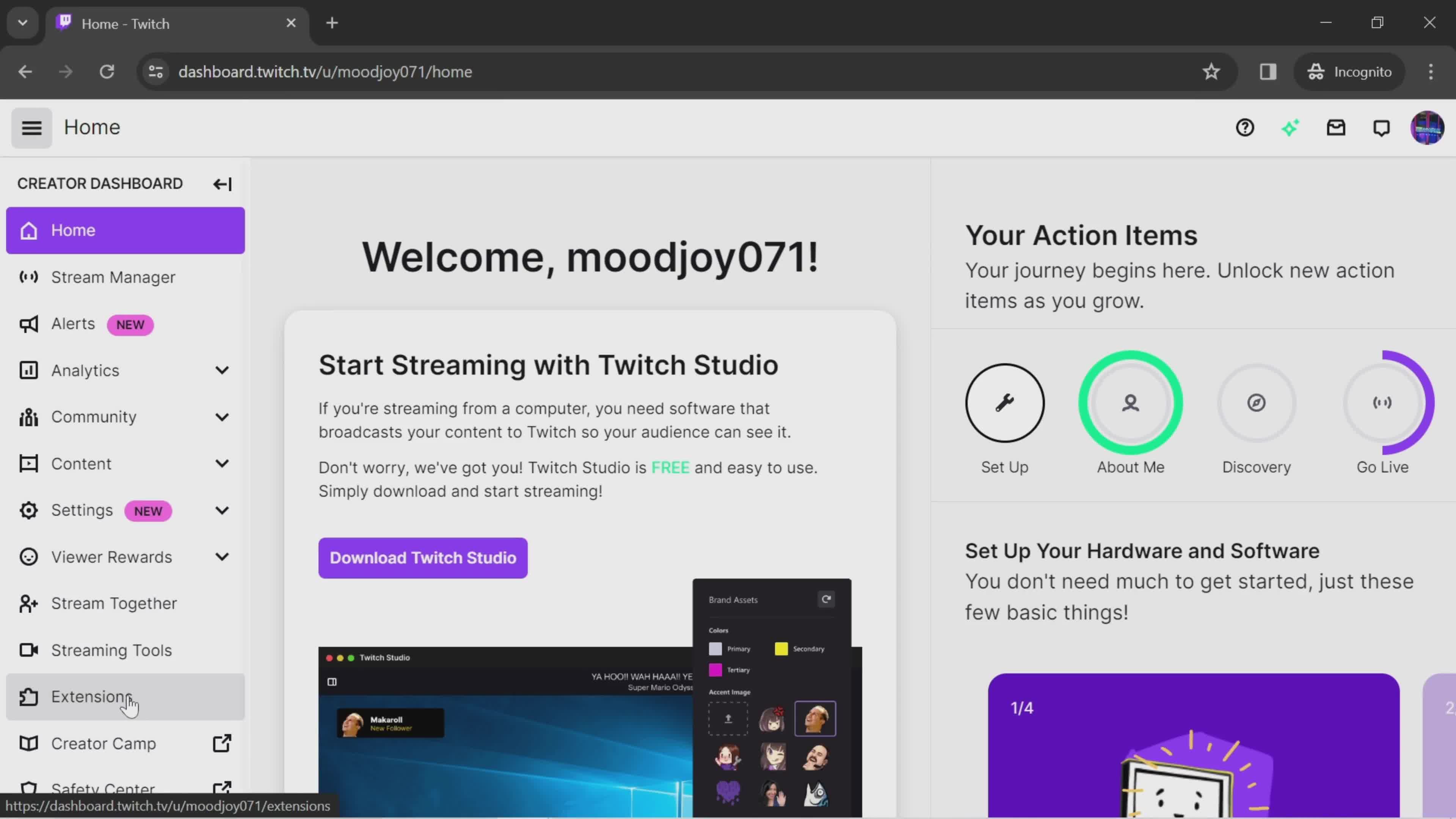
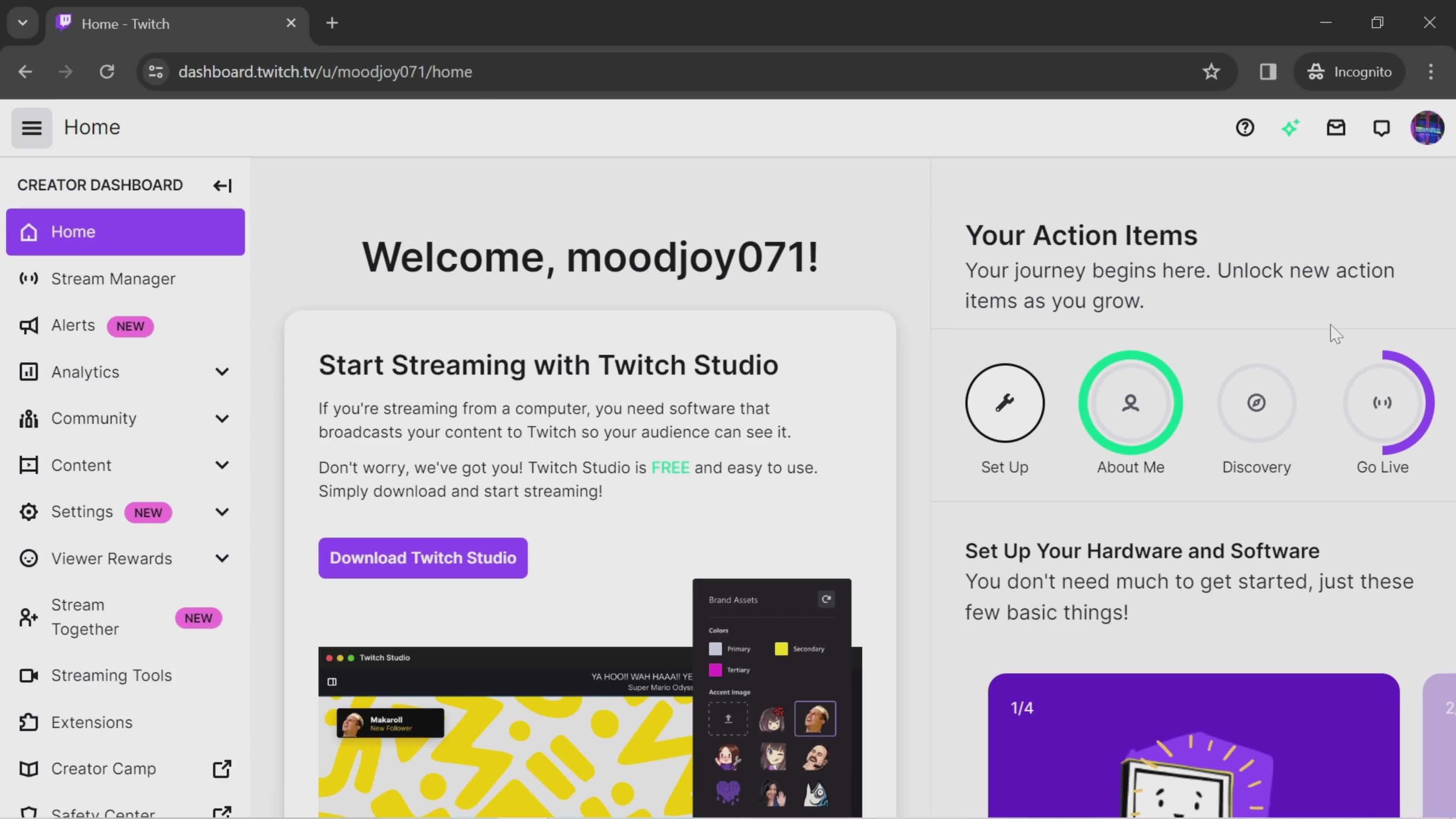
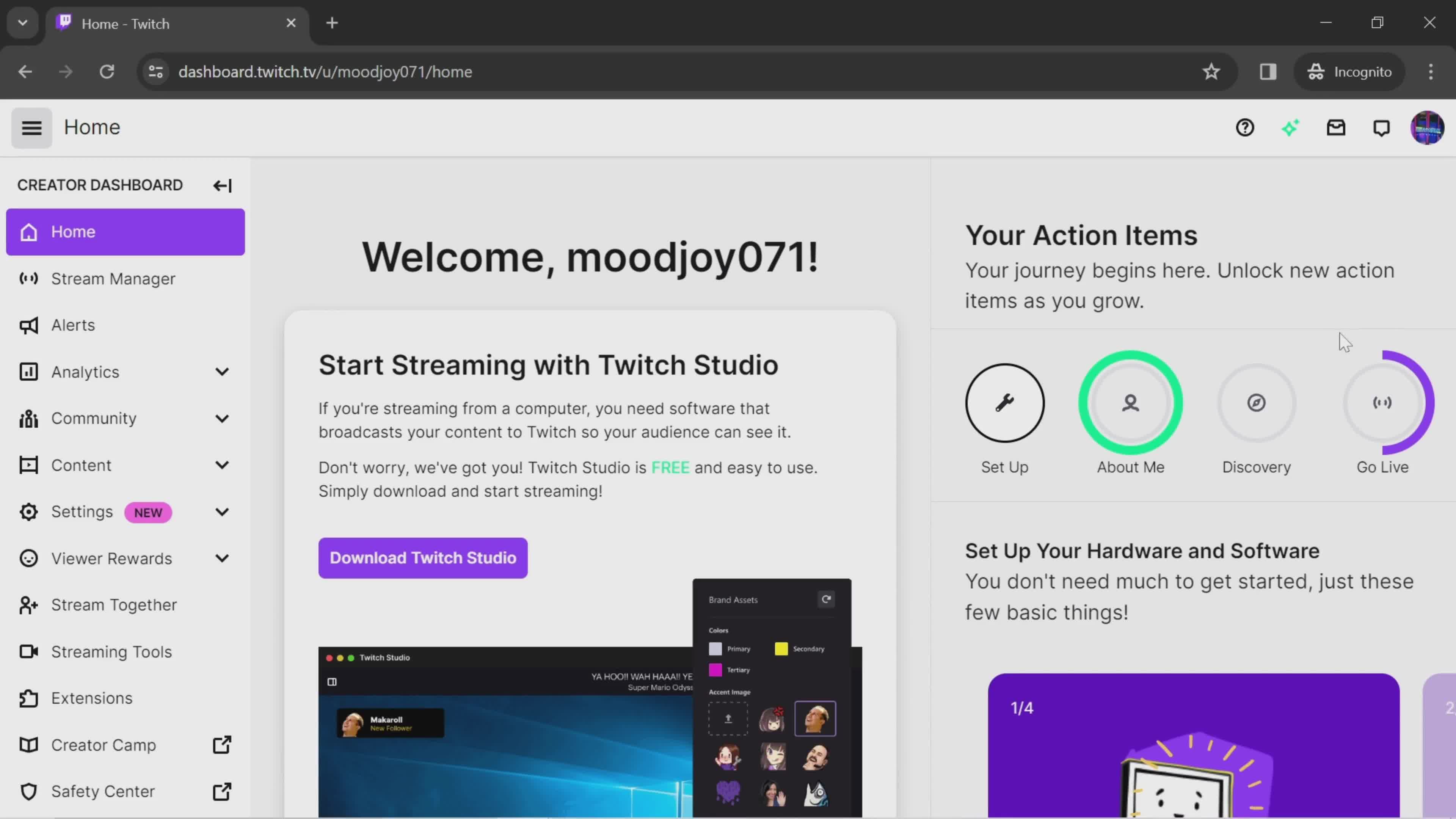
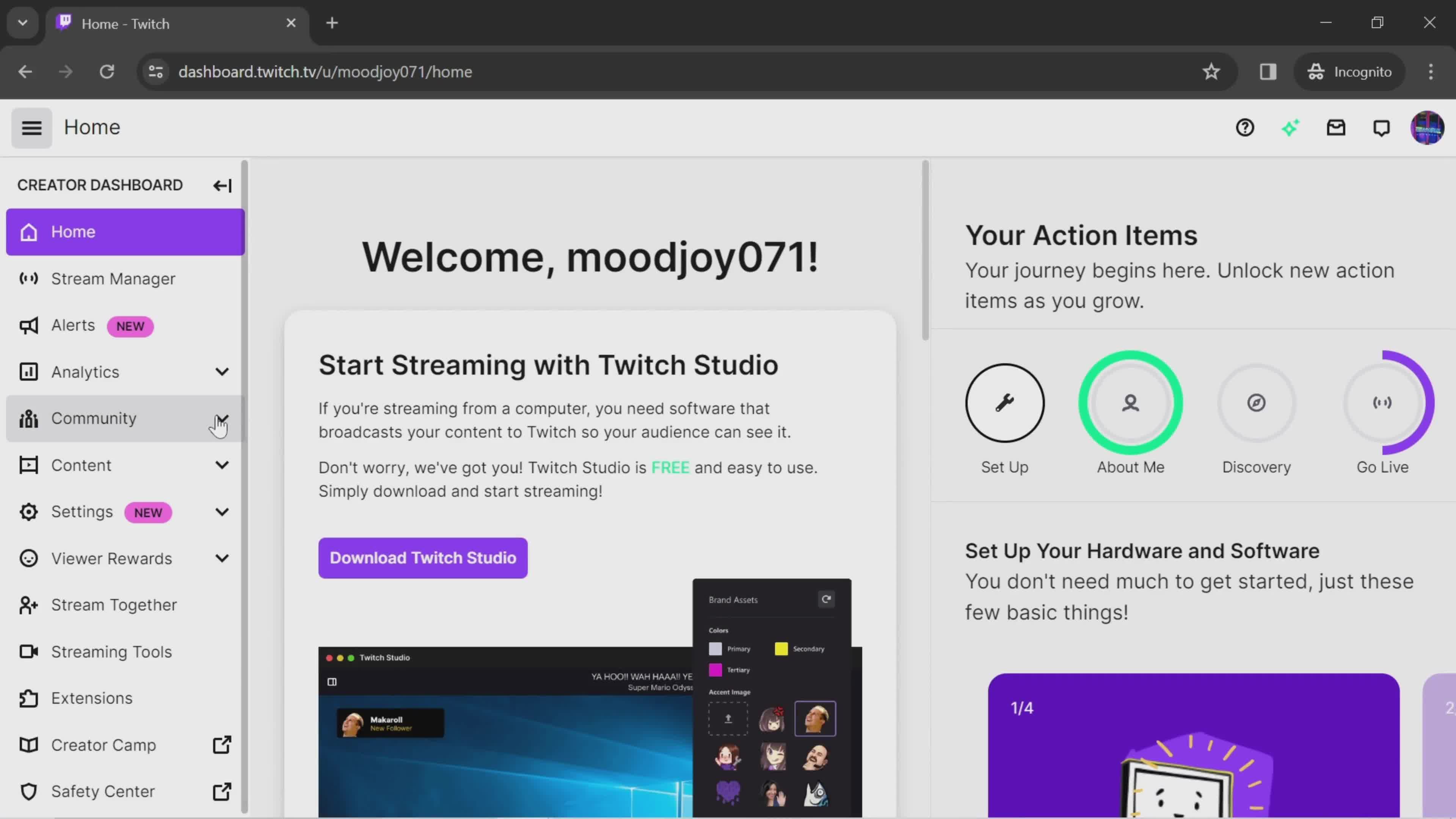
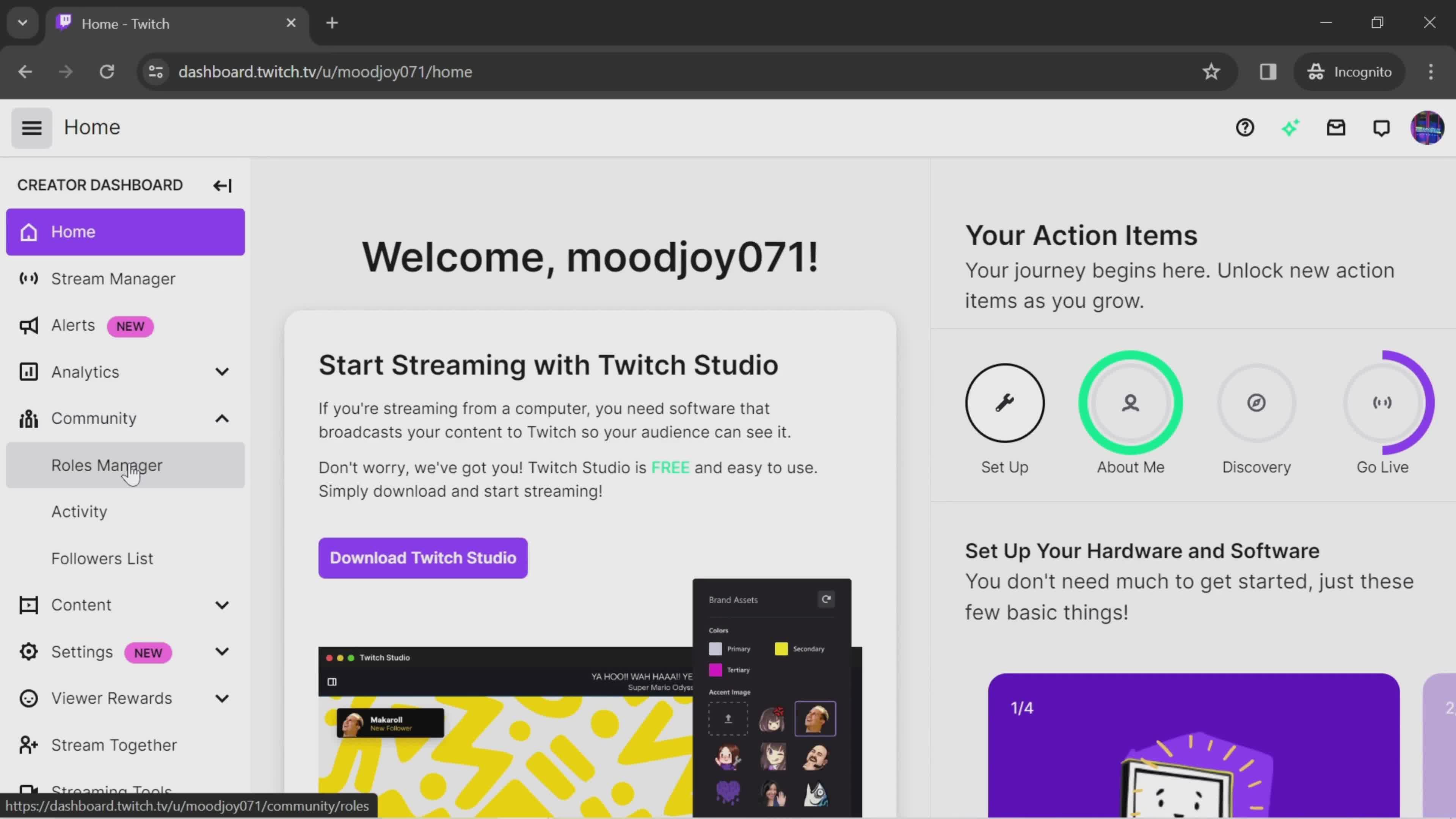
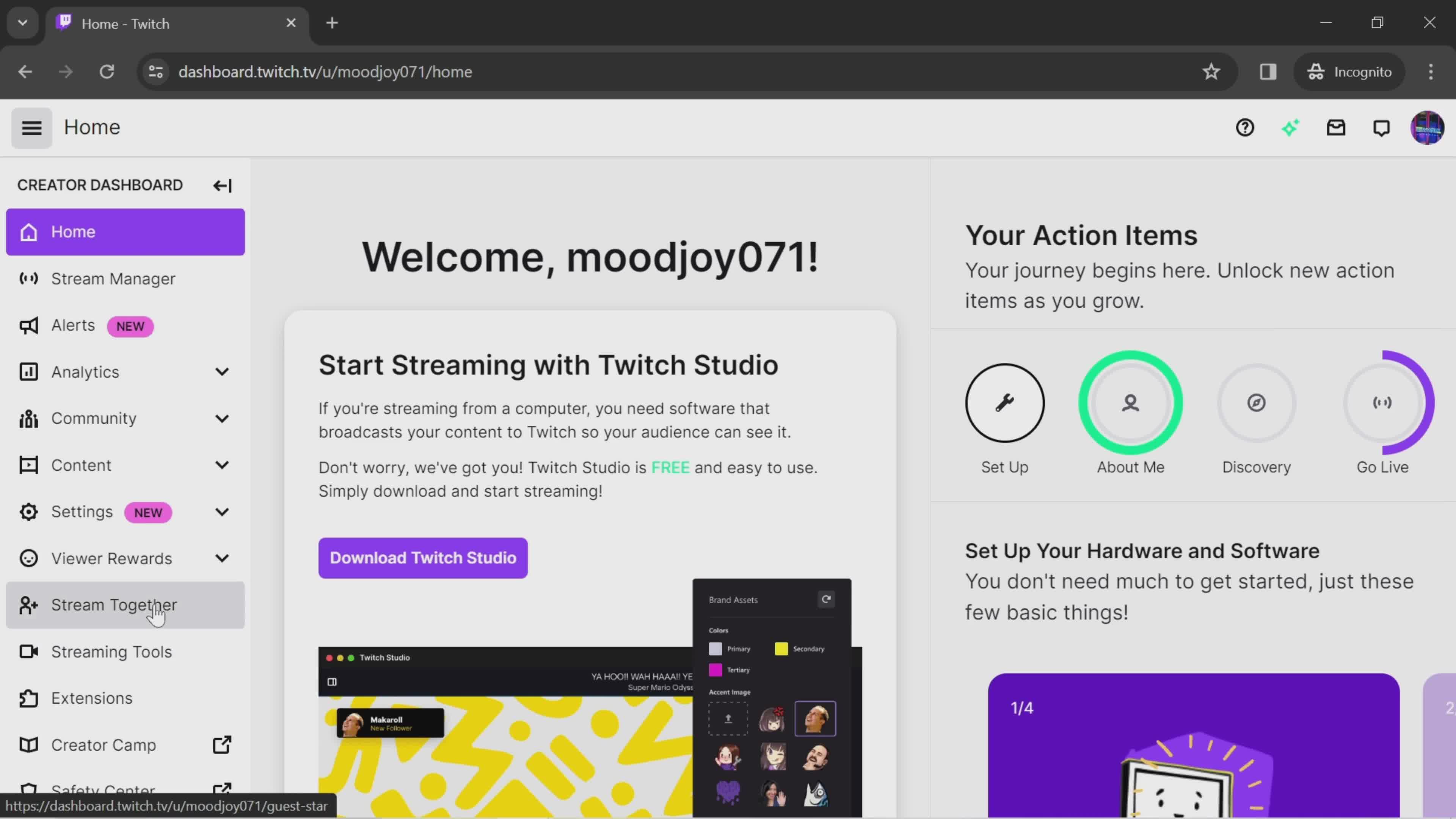
Dashboard
this is title
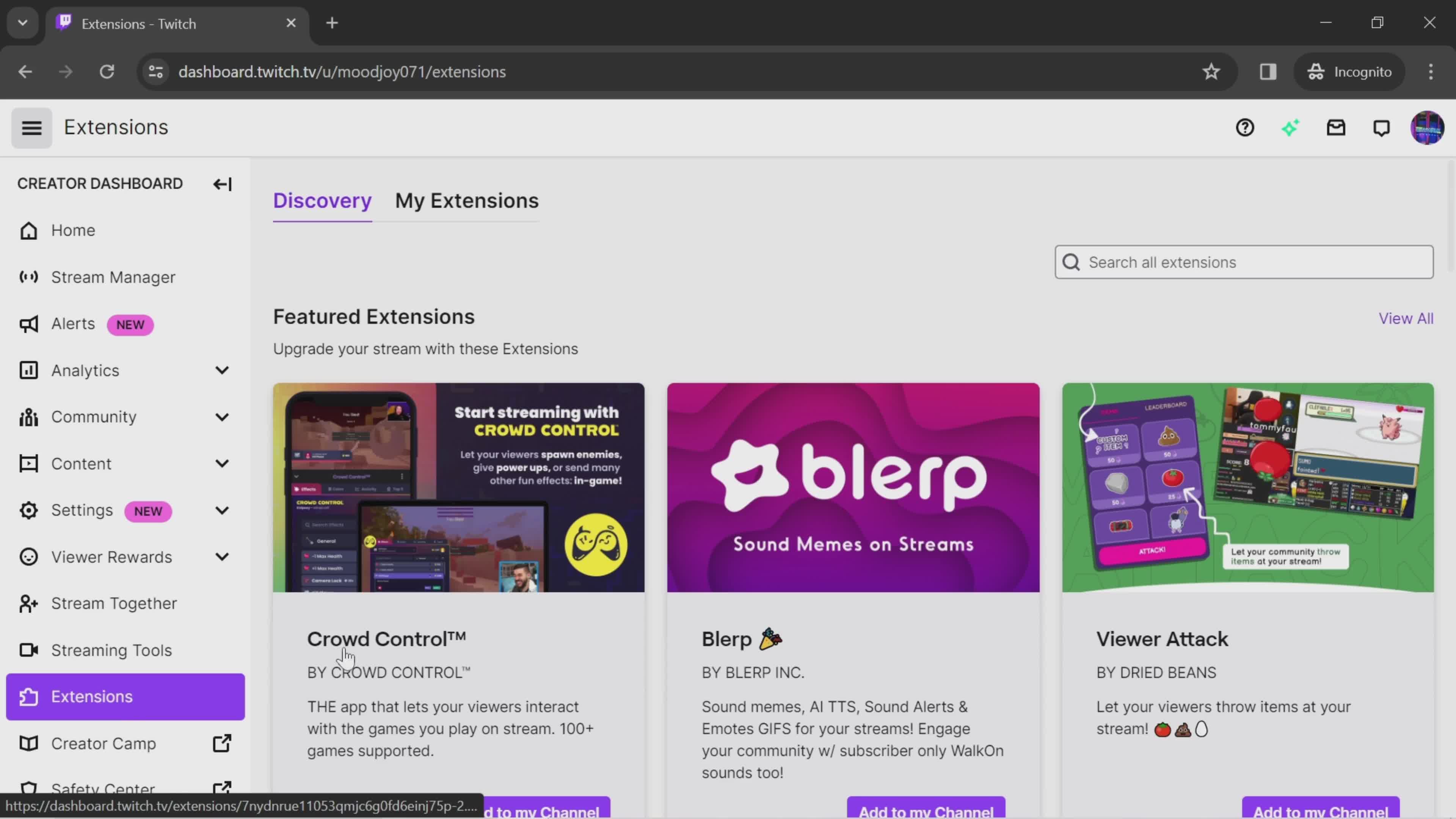
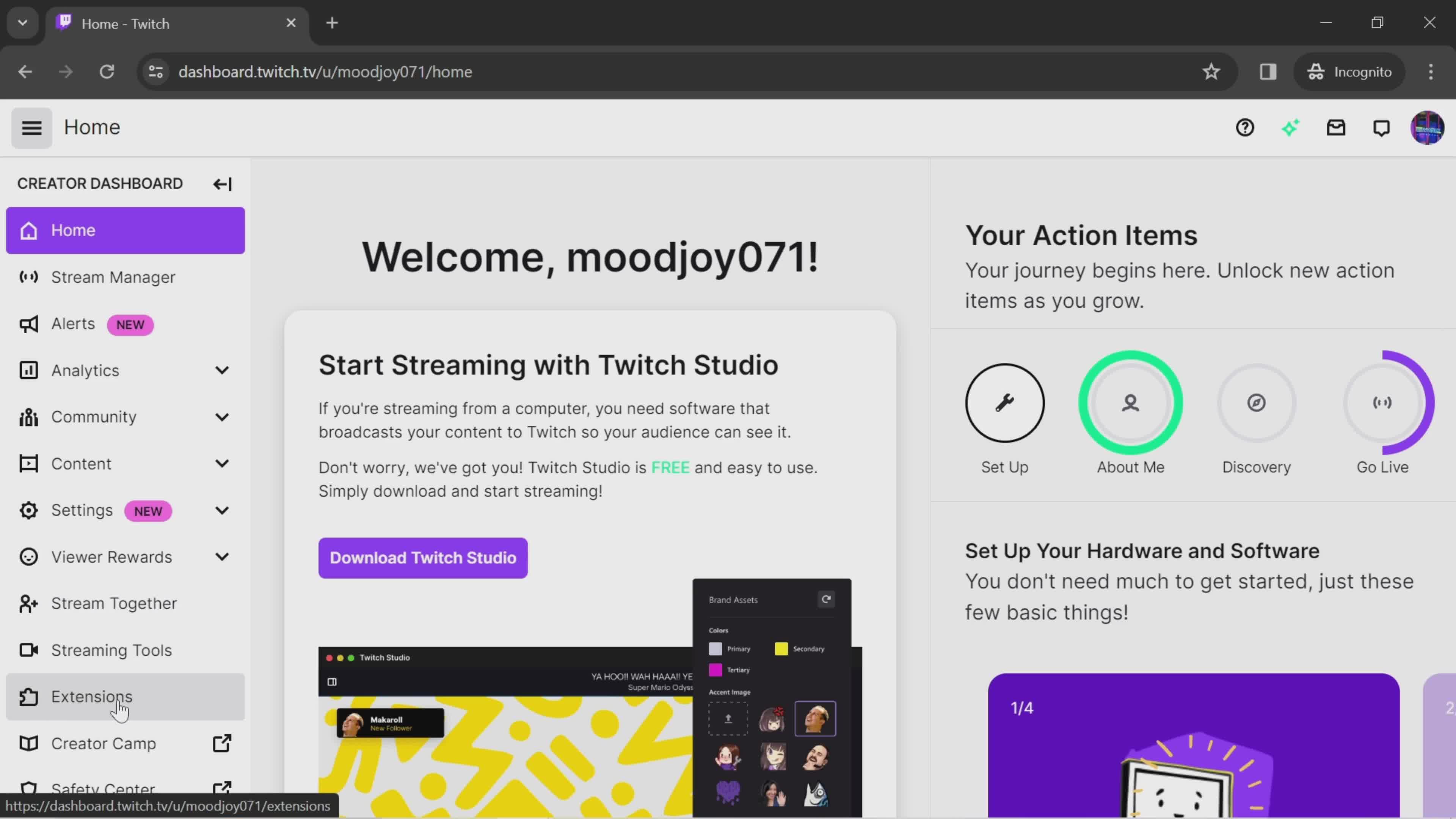
Extension menu
this is title
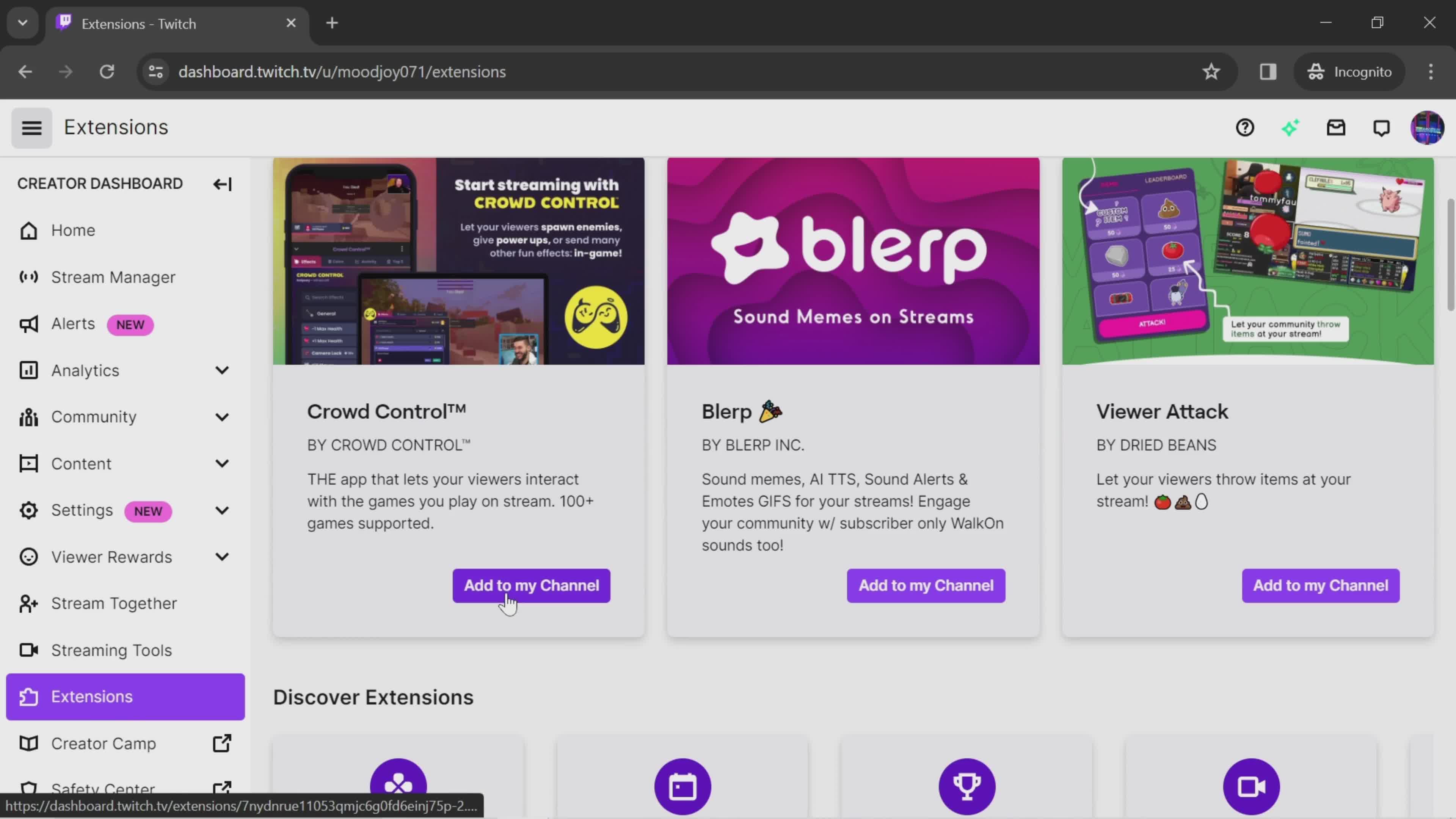
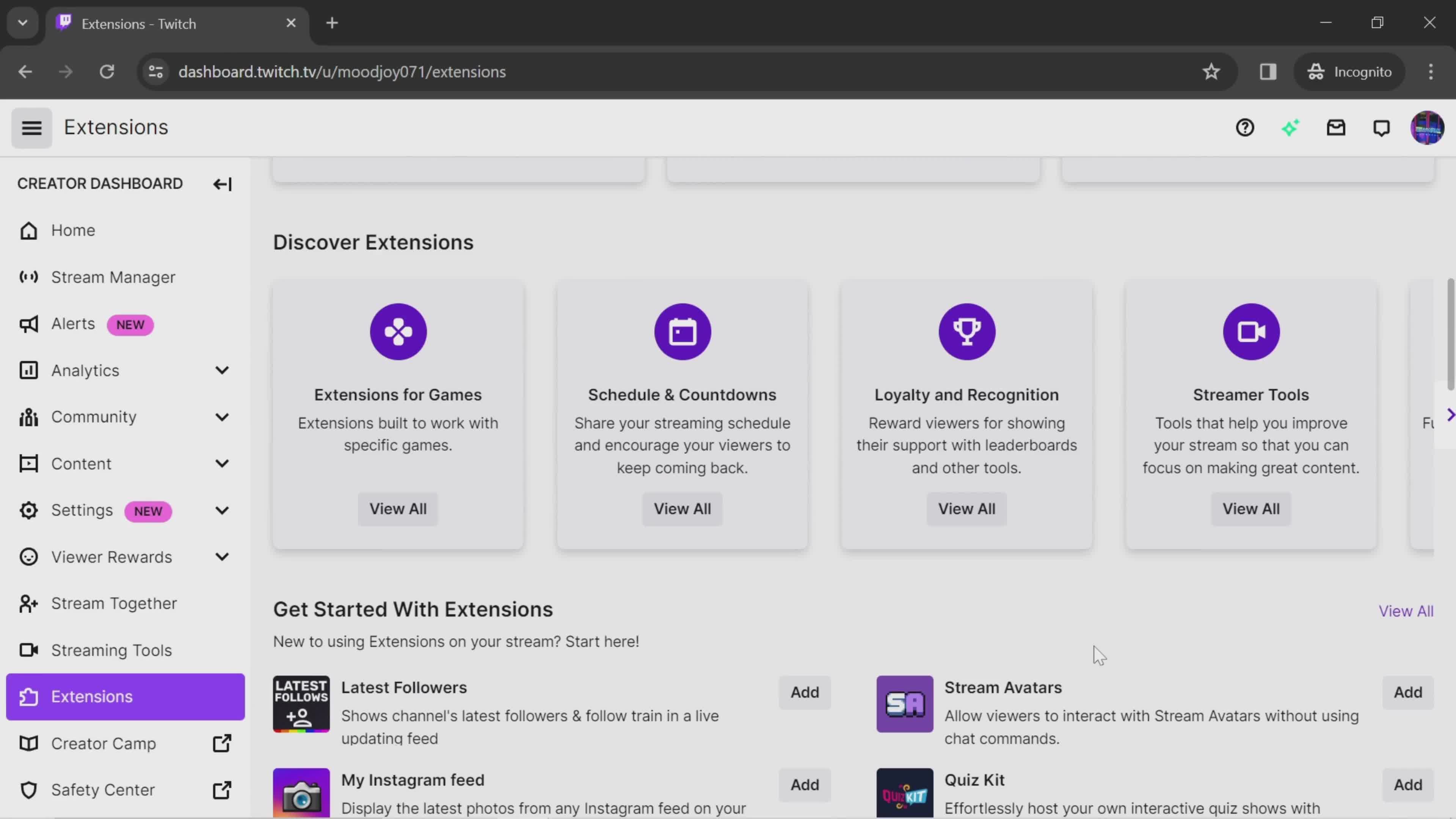
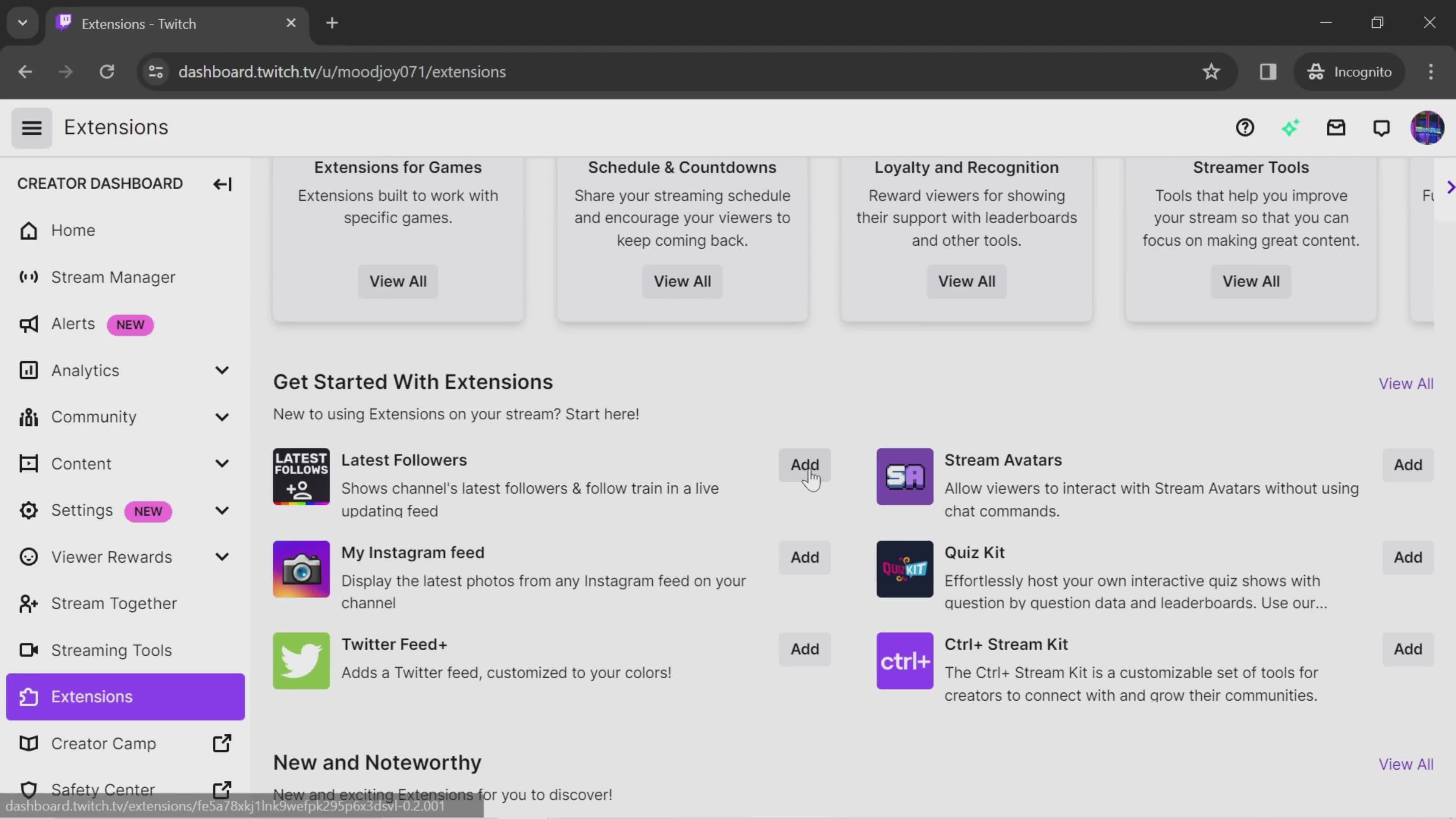
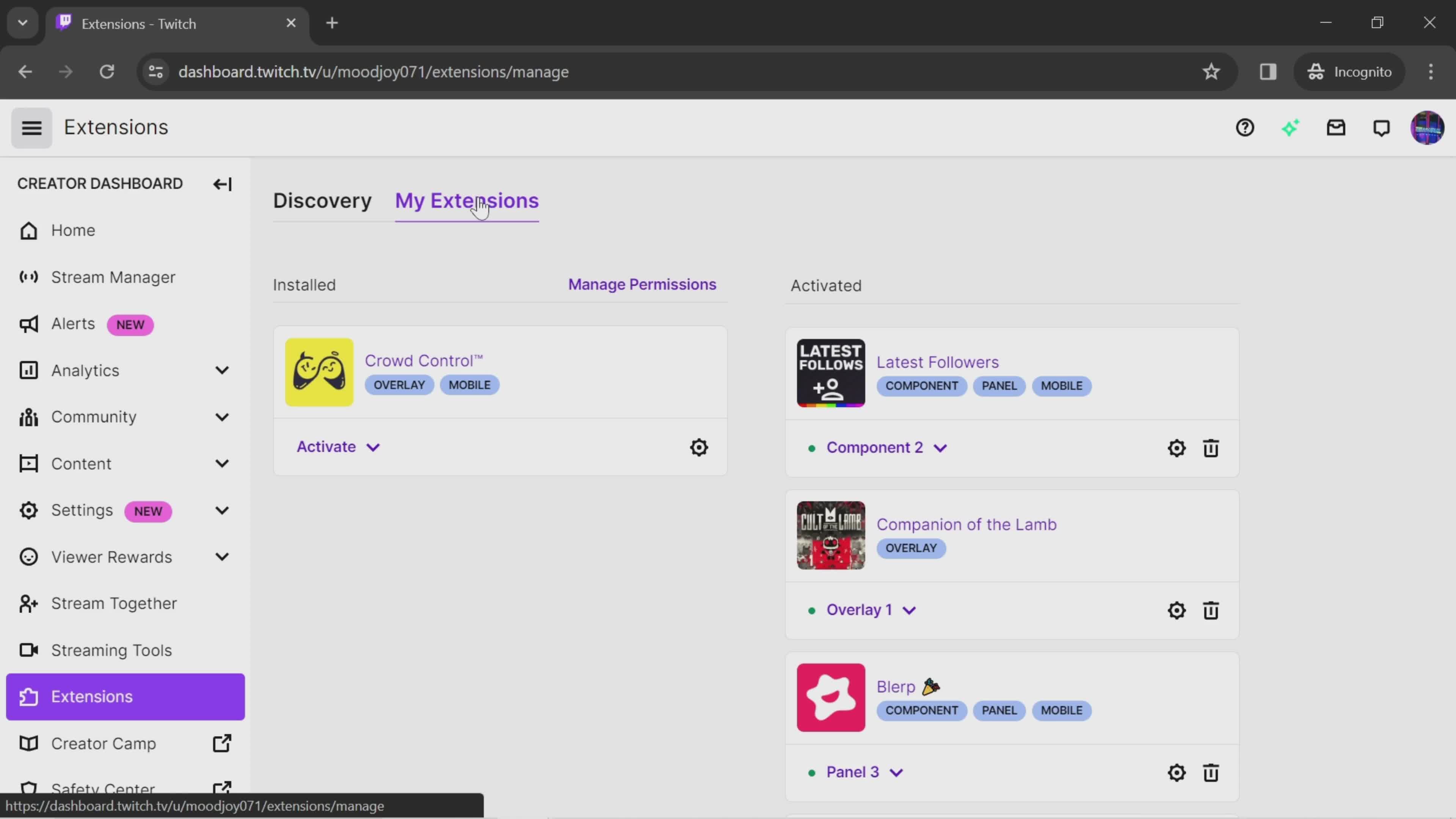
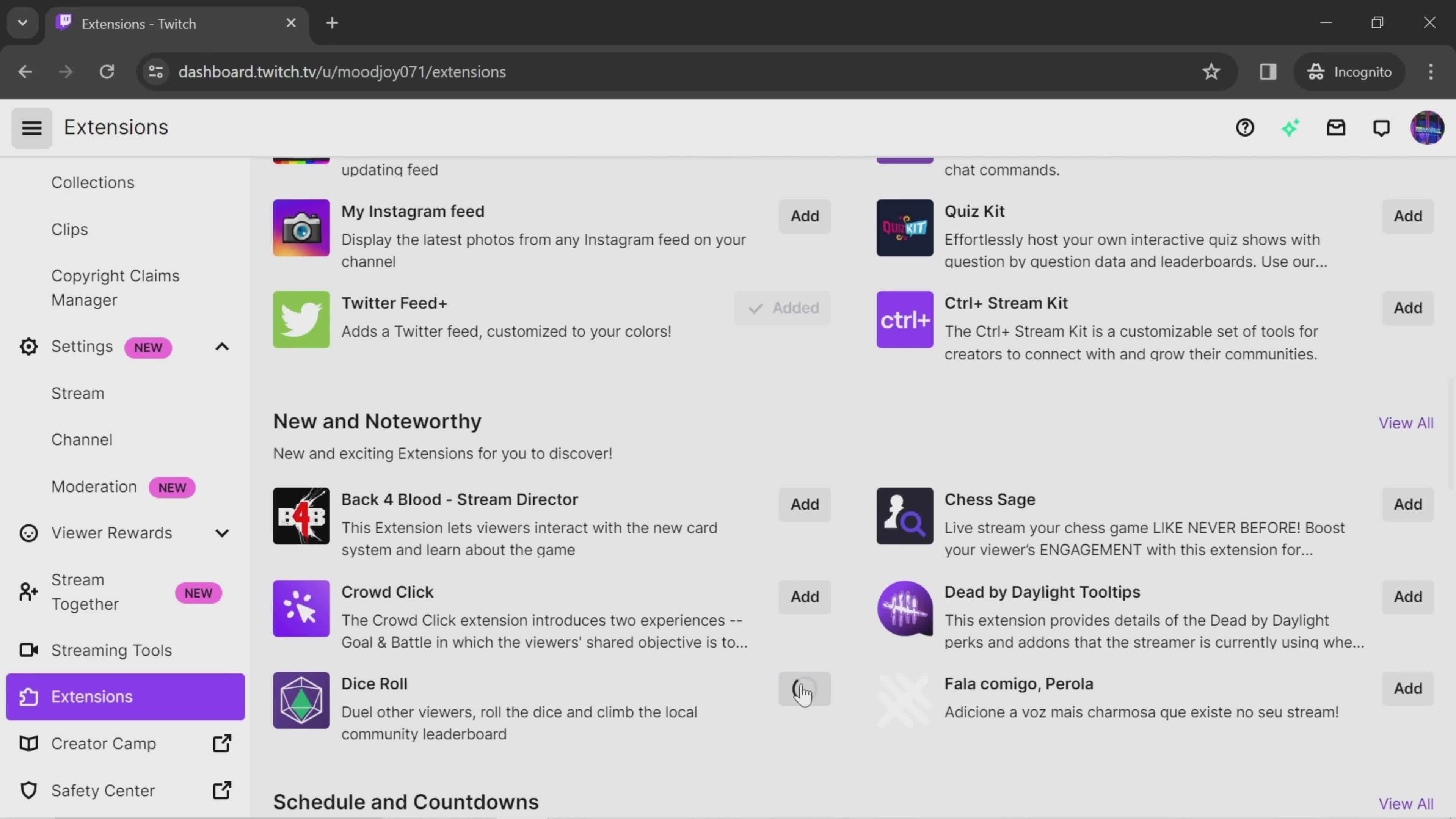
Add to channel
this is title
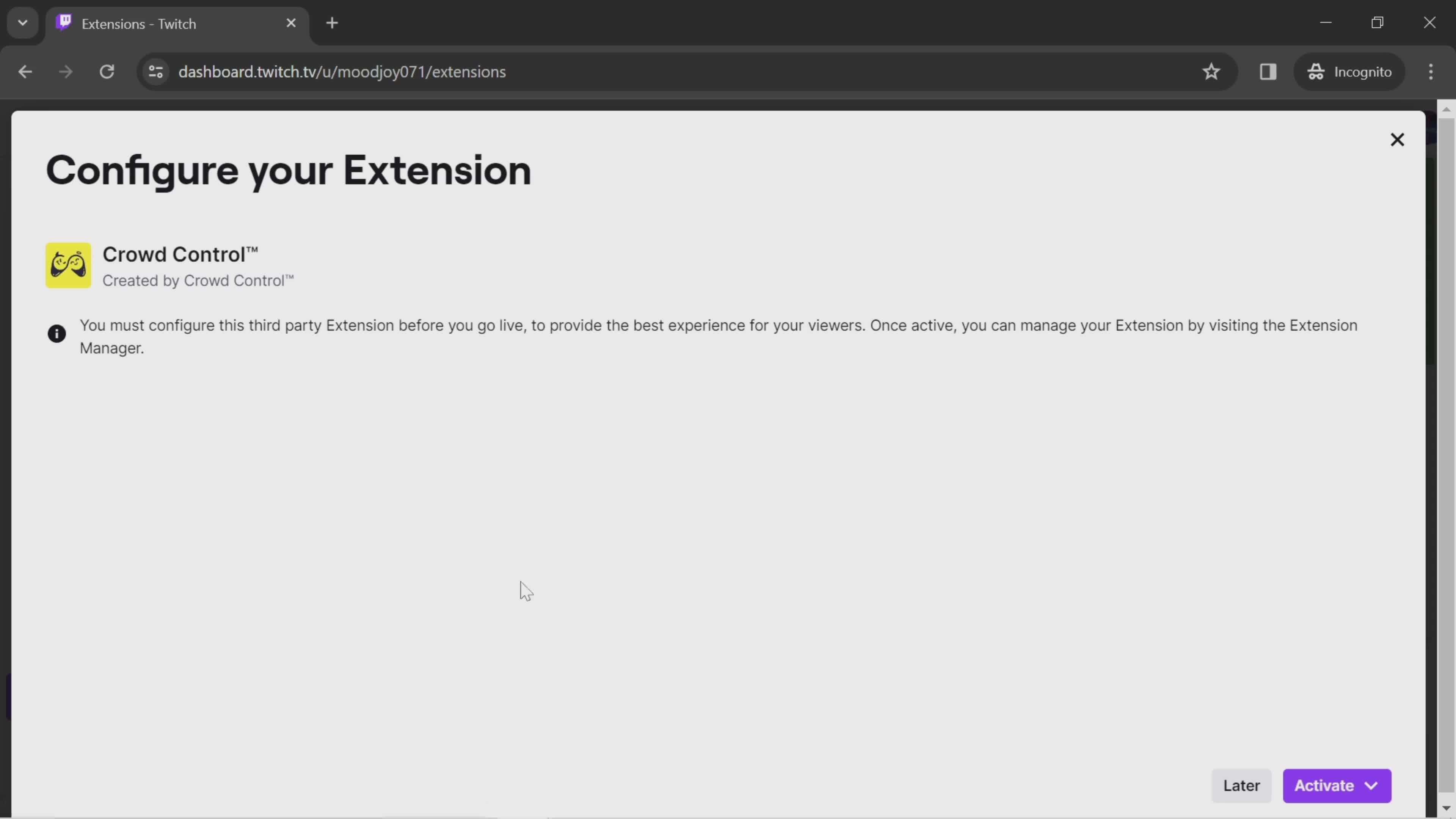
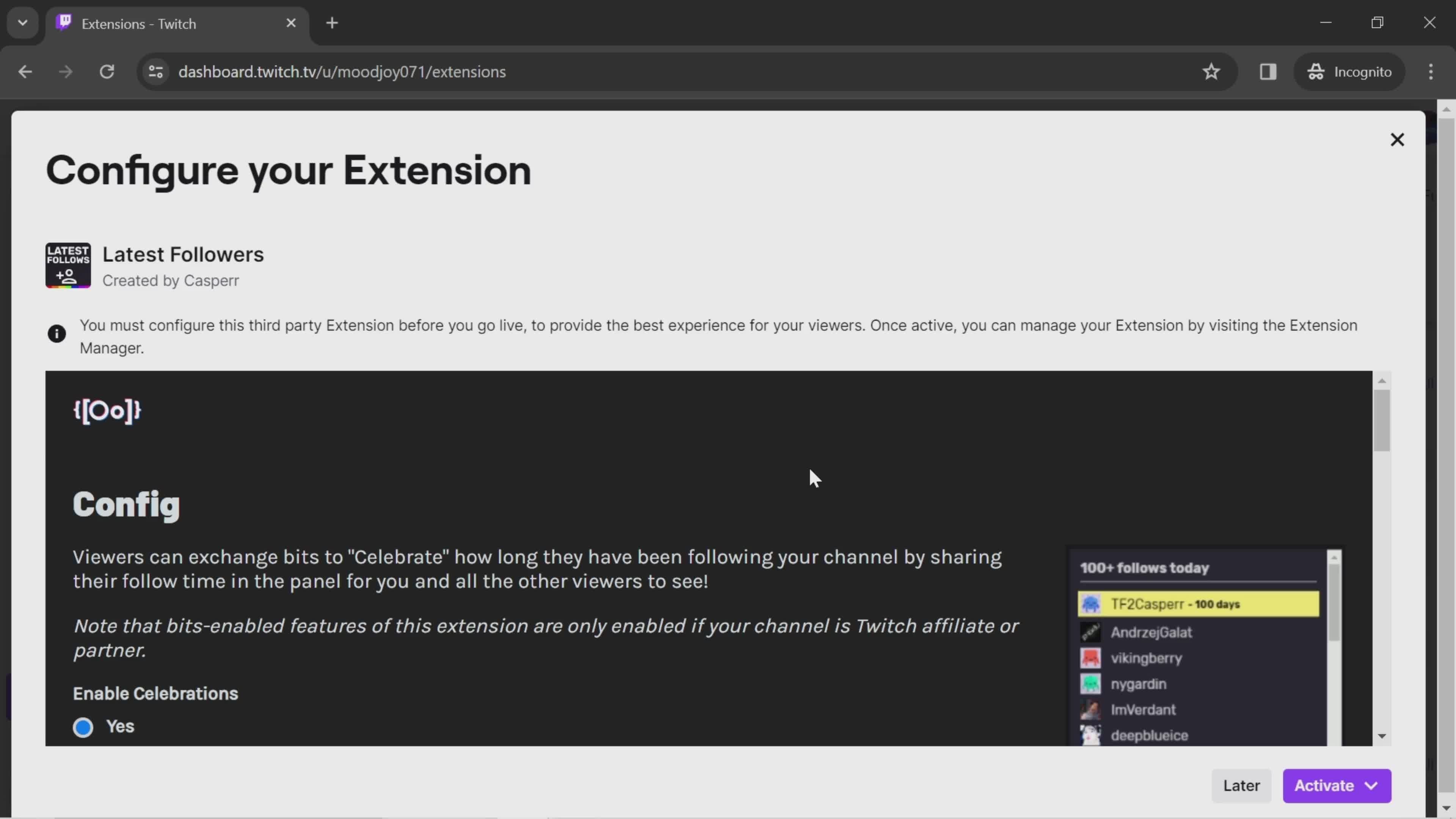
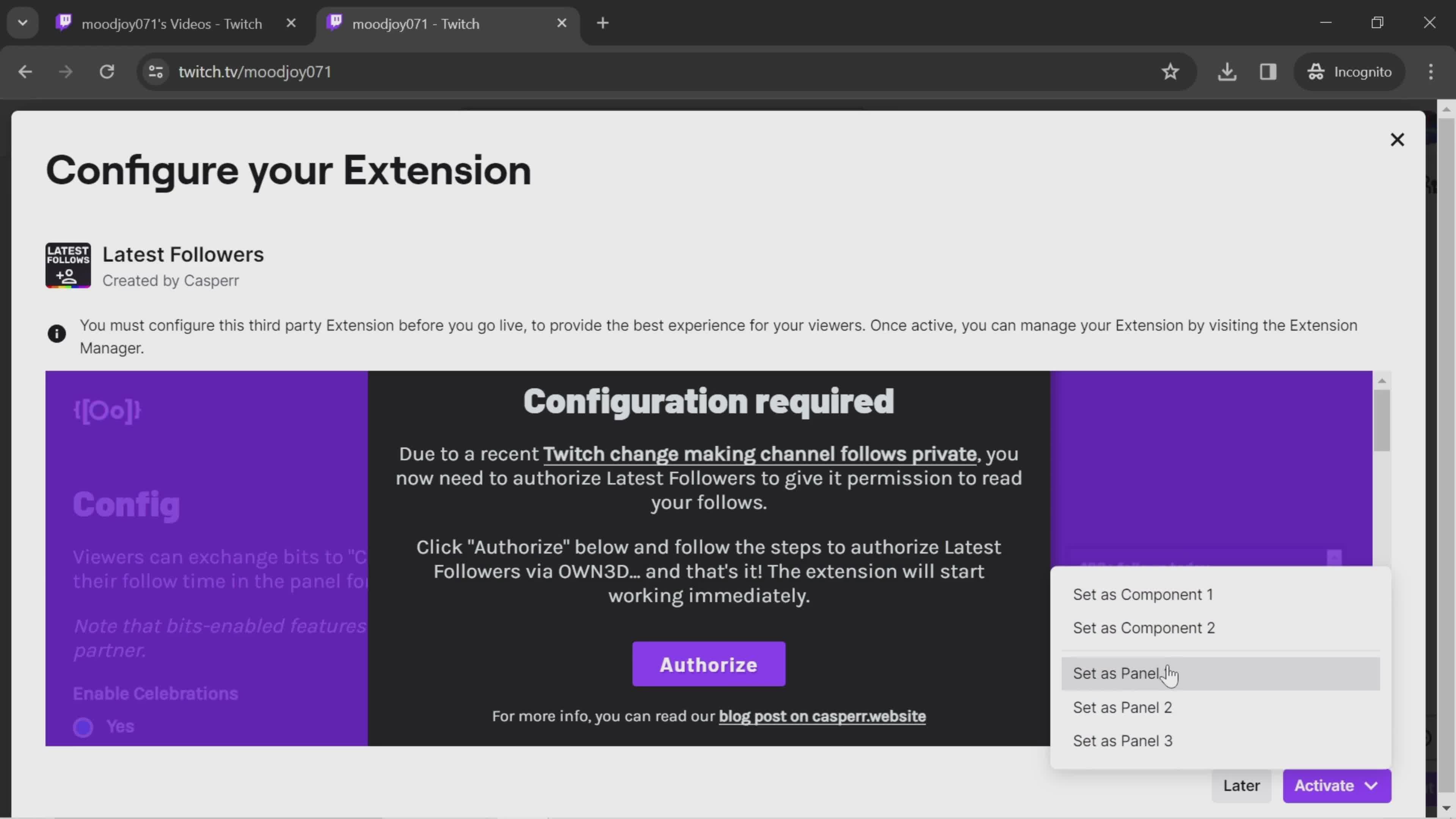
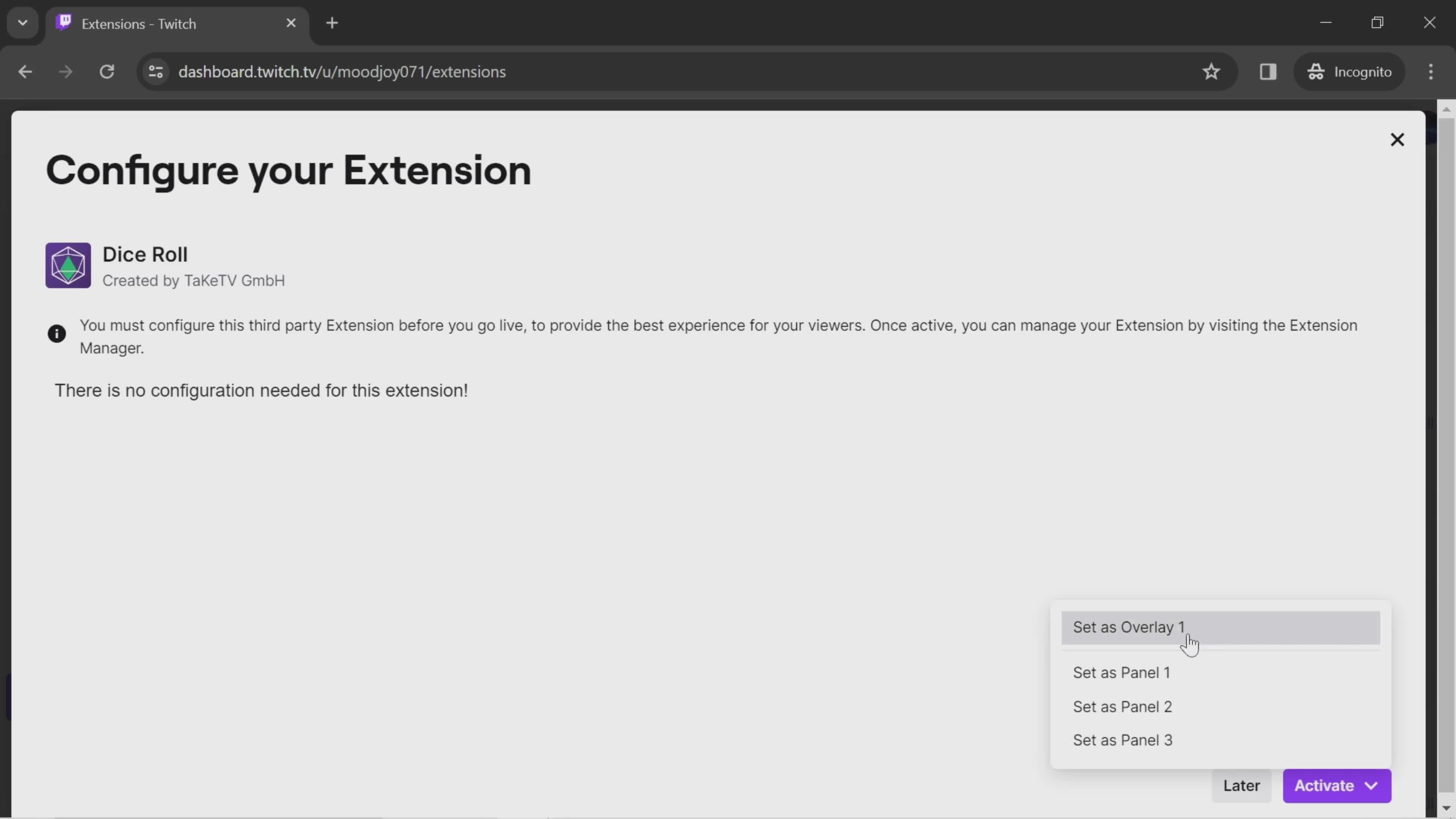
Configure
this is title
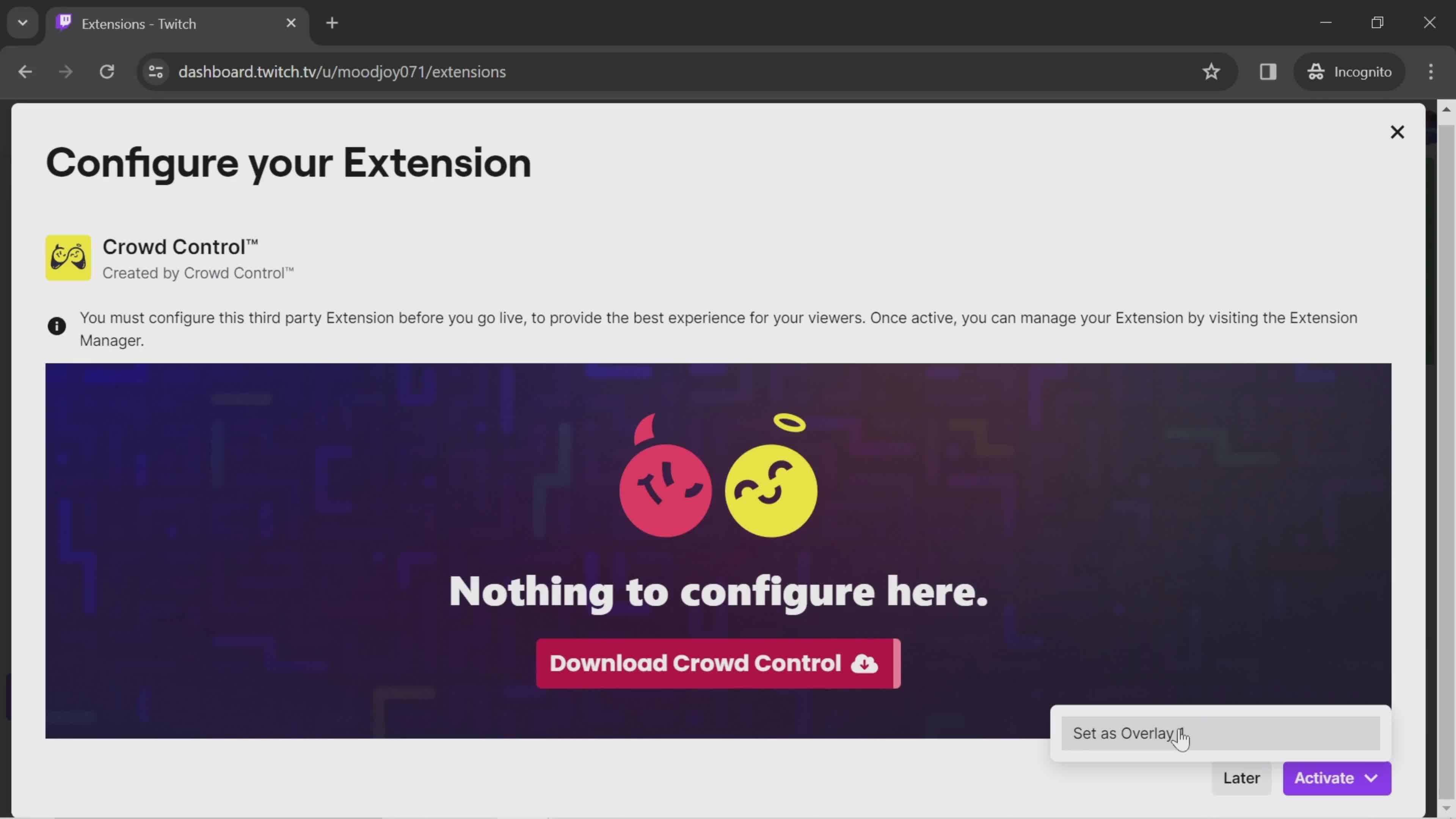
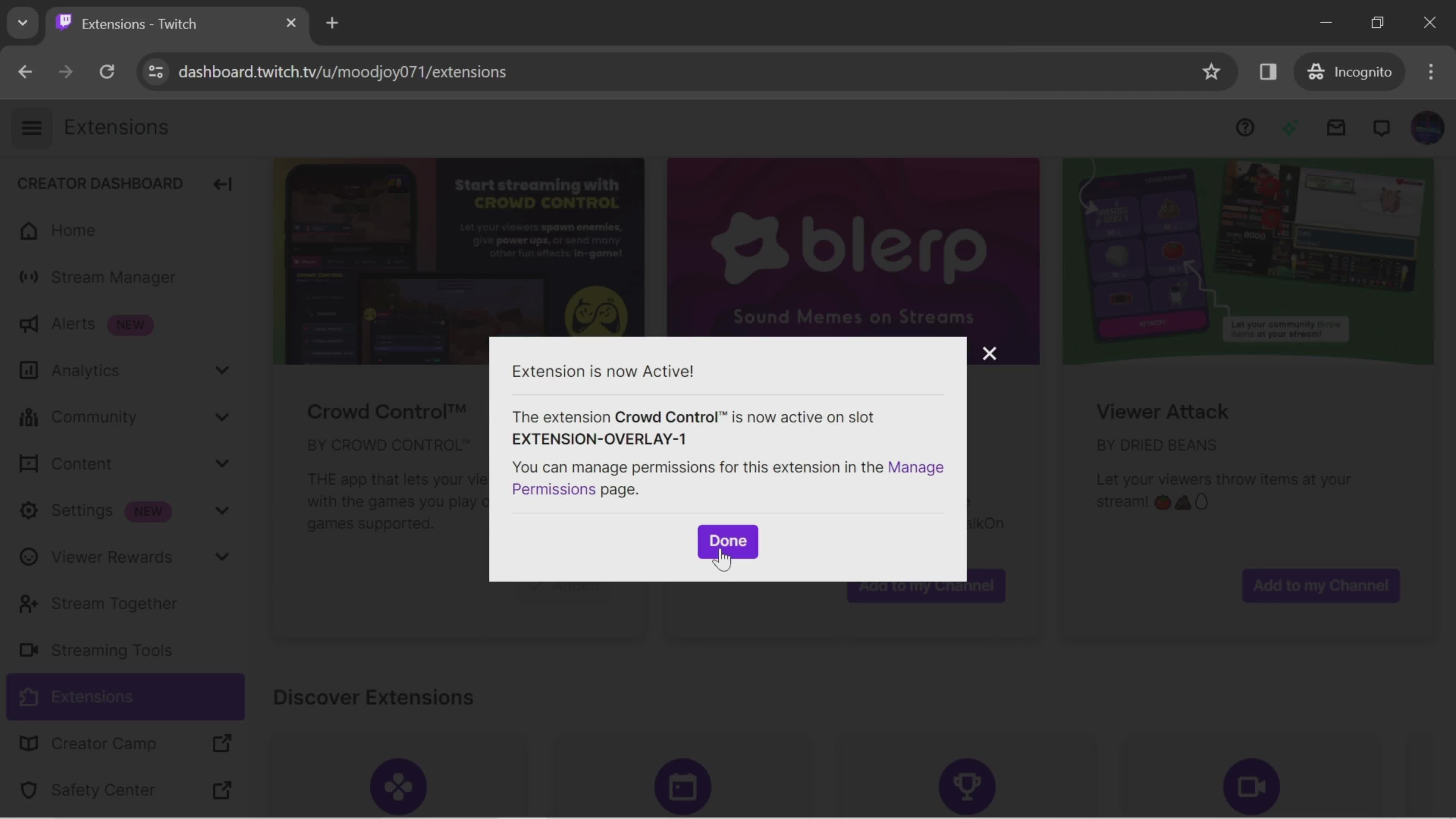
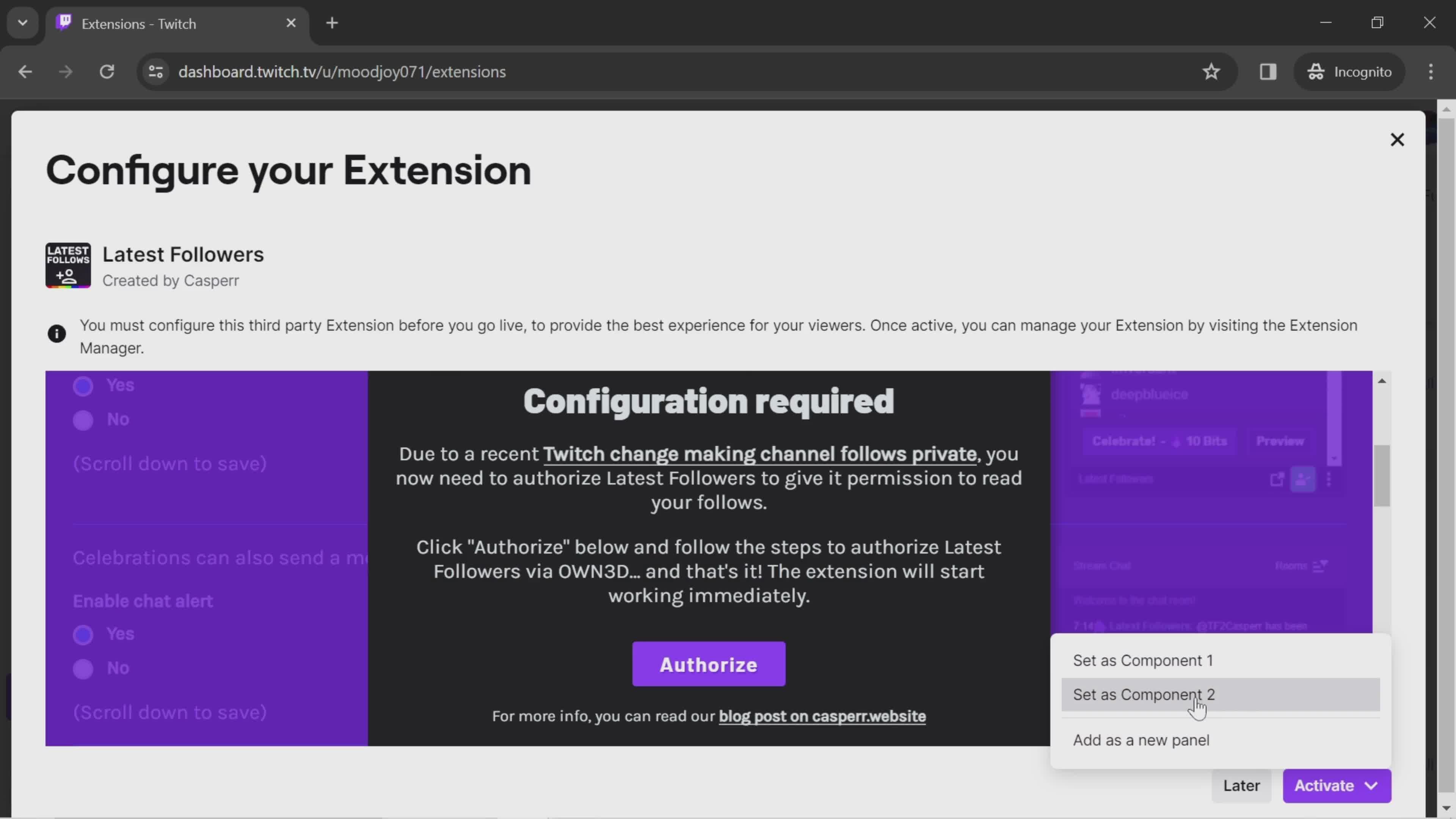
Activate
this is title
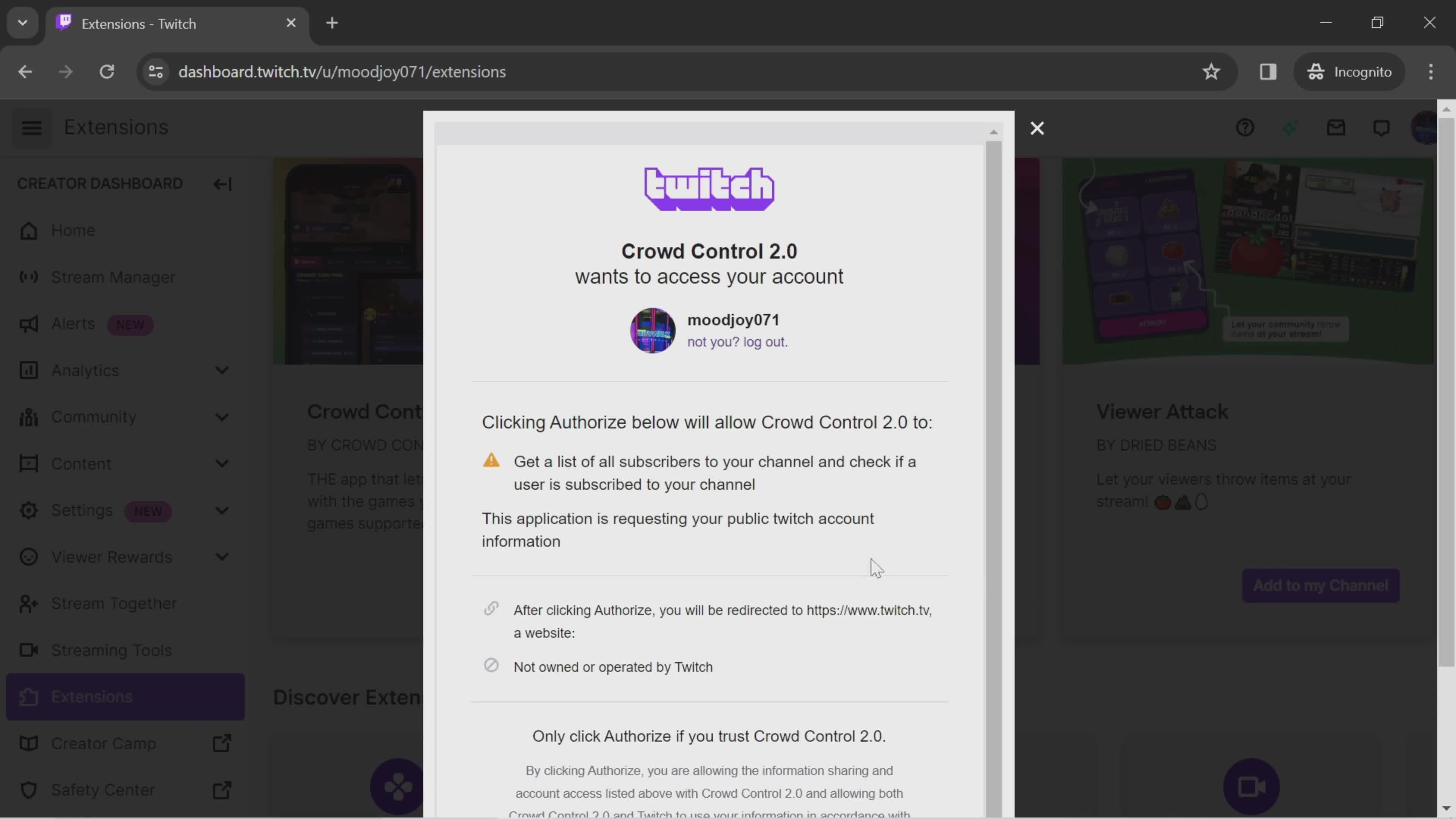
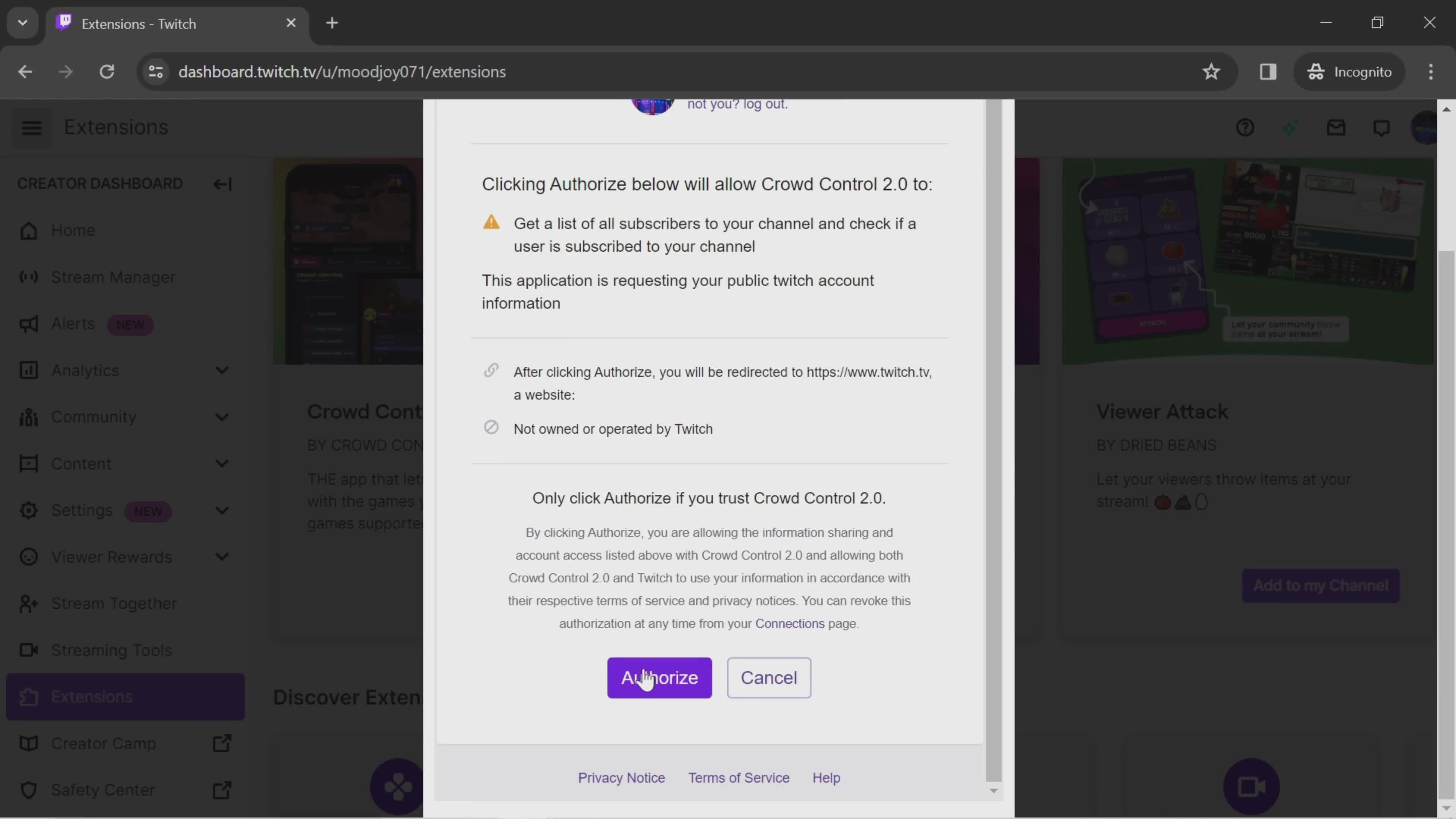
Extension permissions
this is title
Confirm
this is title
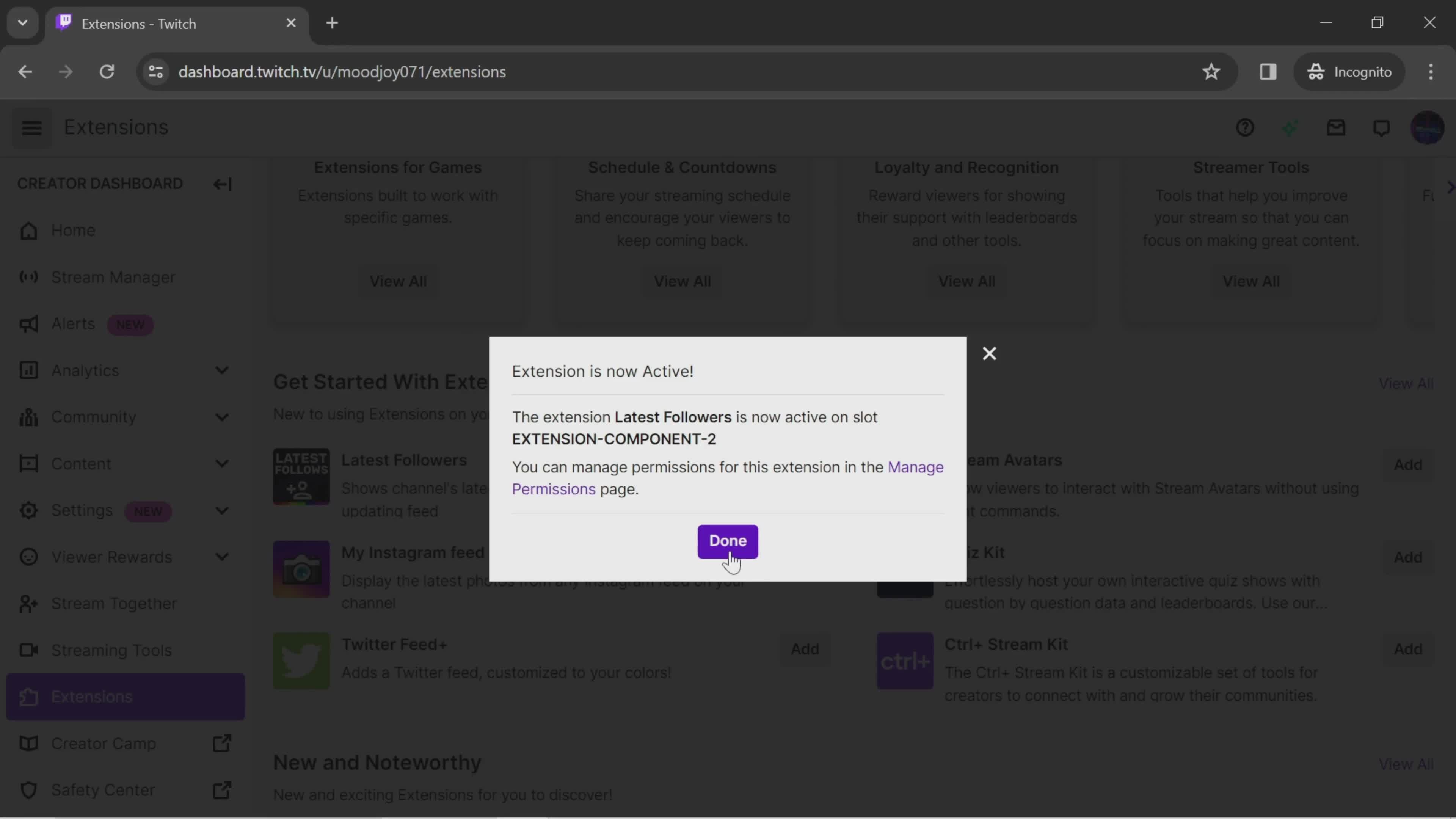
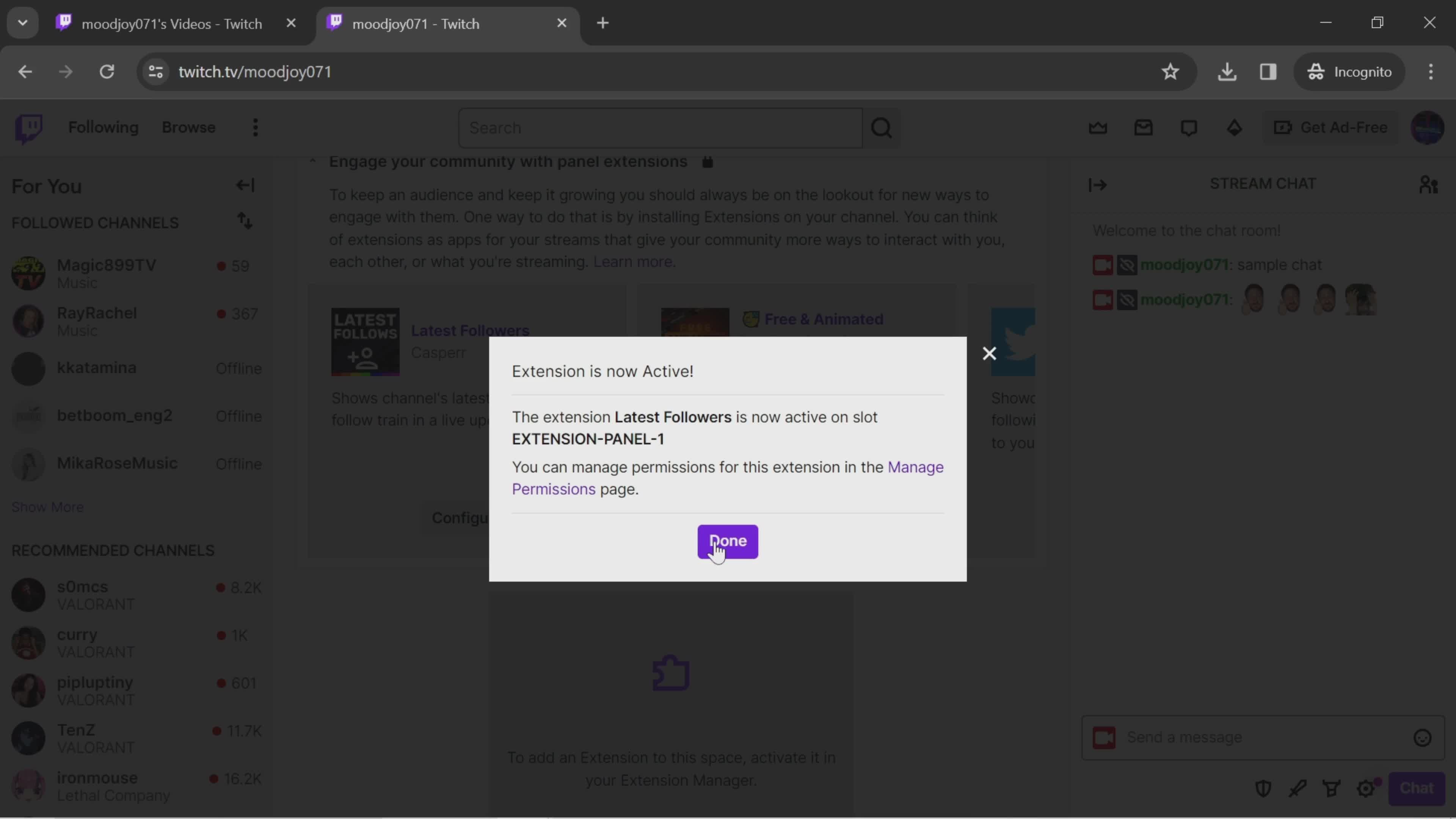
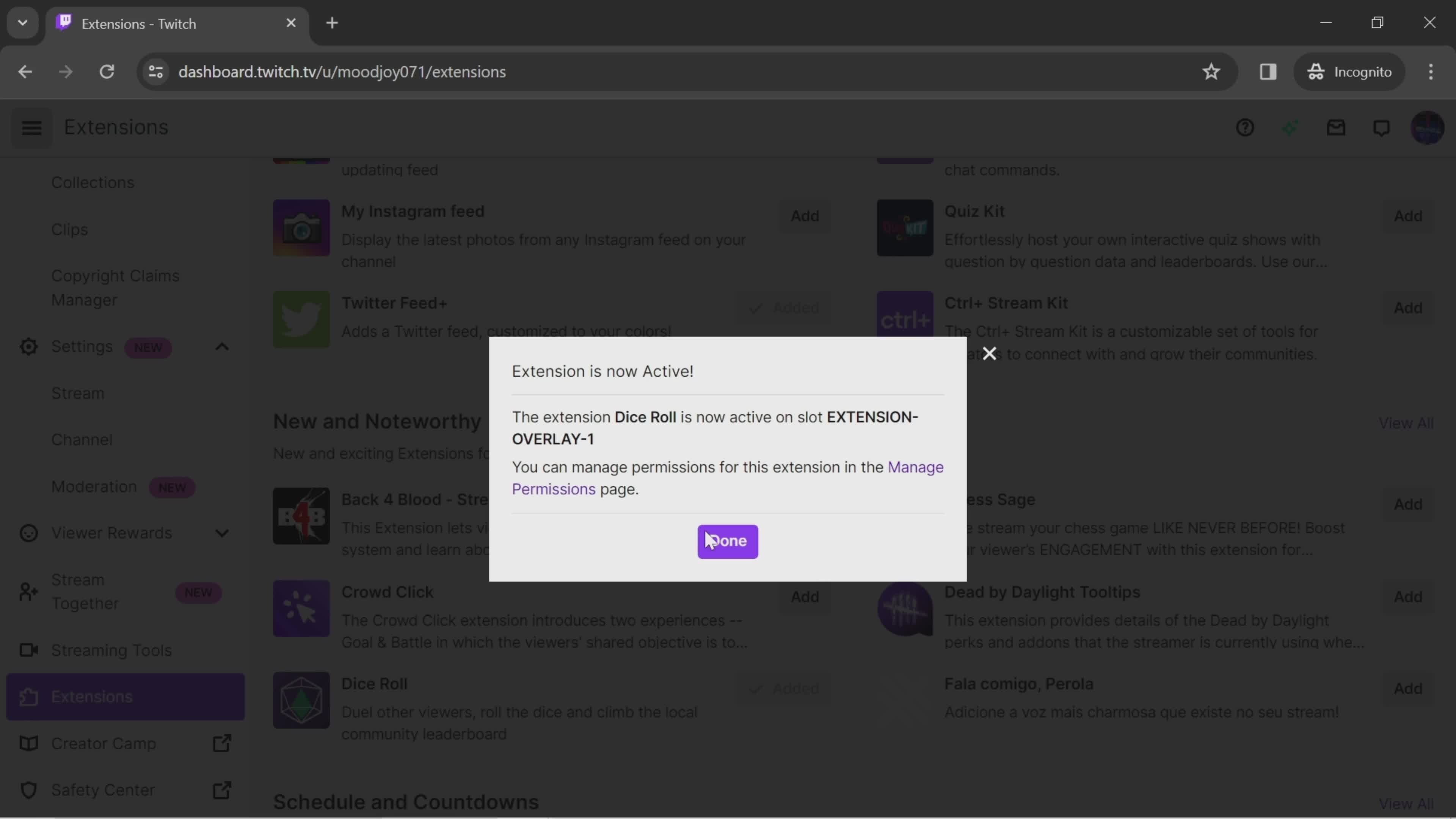
Done
this is title
Extension menu
this is title
Add
this is title
Configure
this is title
Activate
this is title
Done
this is title
Extensions
this is title
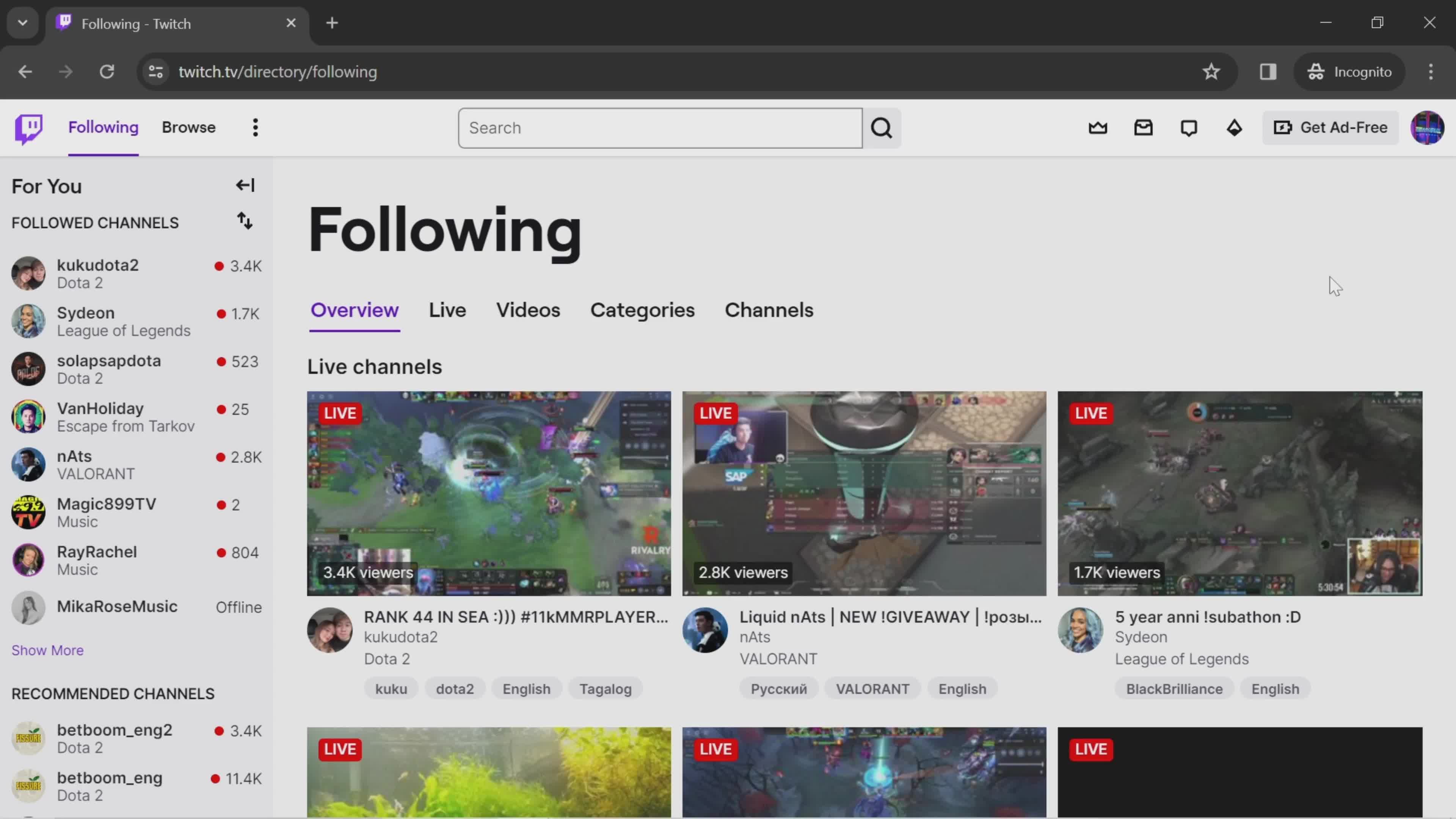
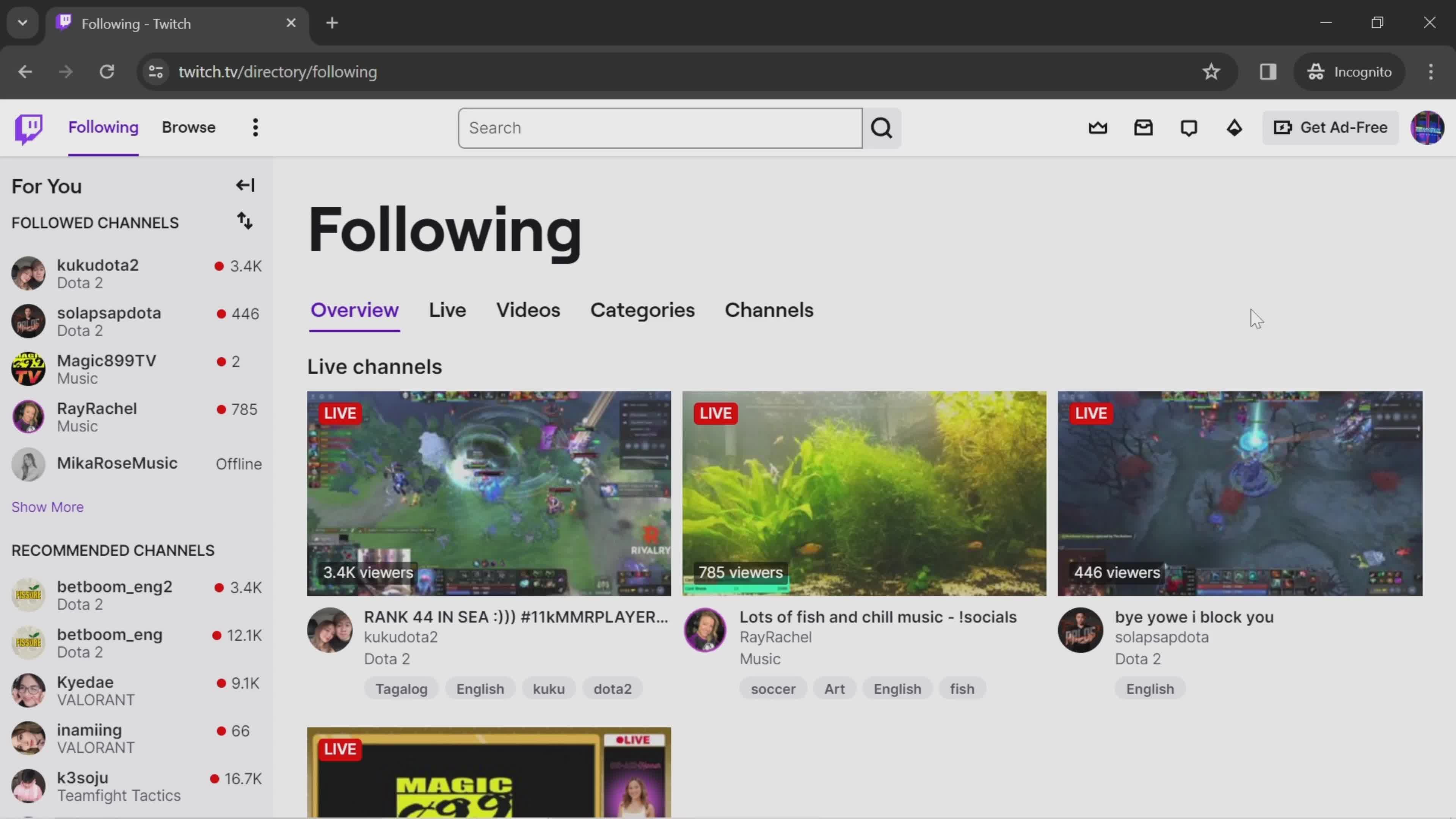
Home
this is title
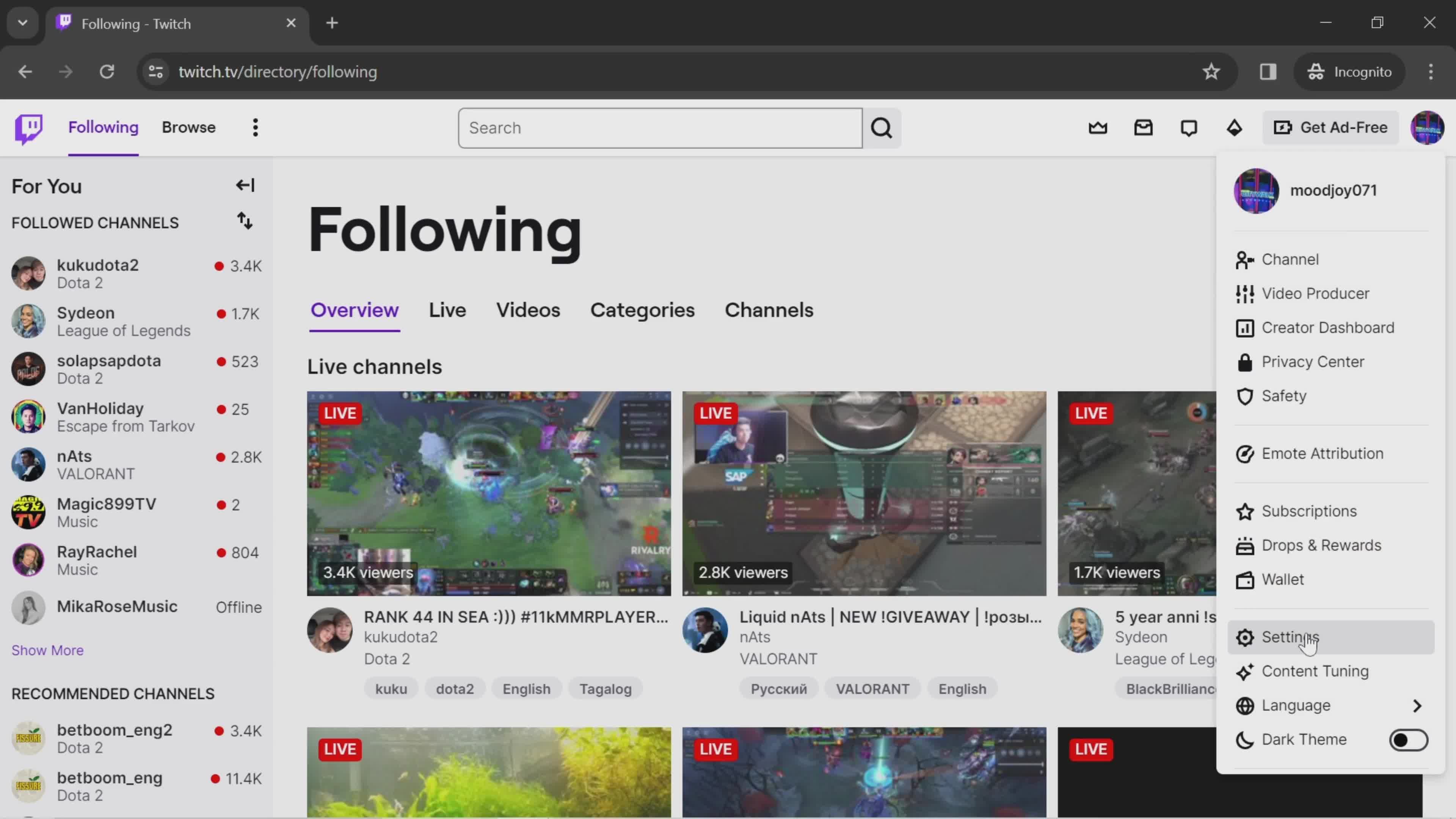
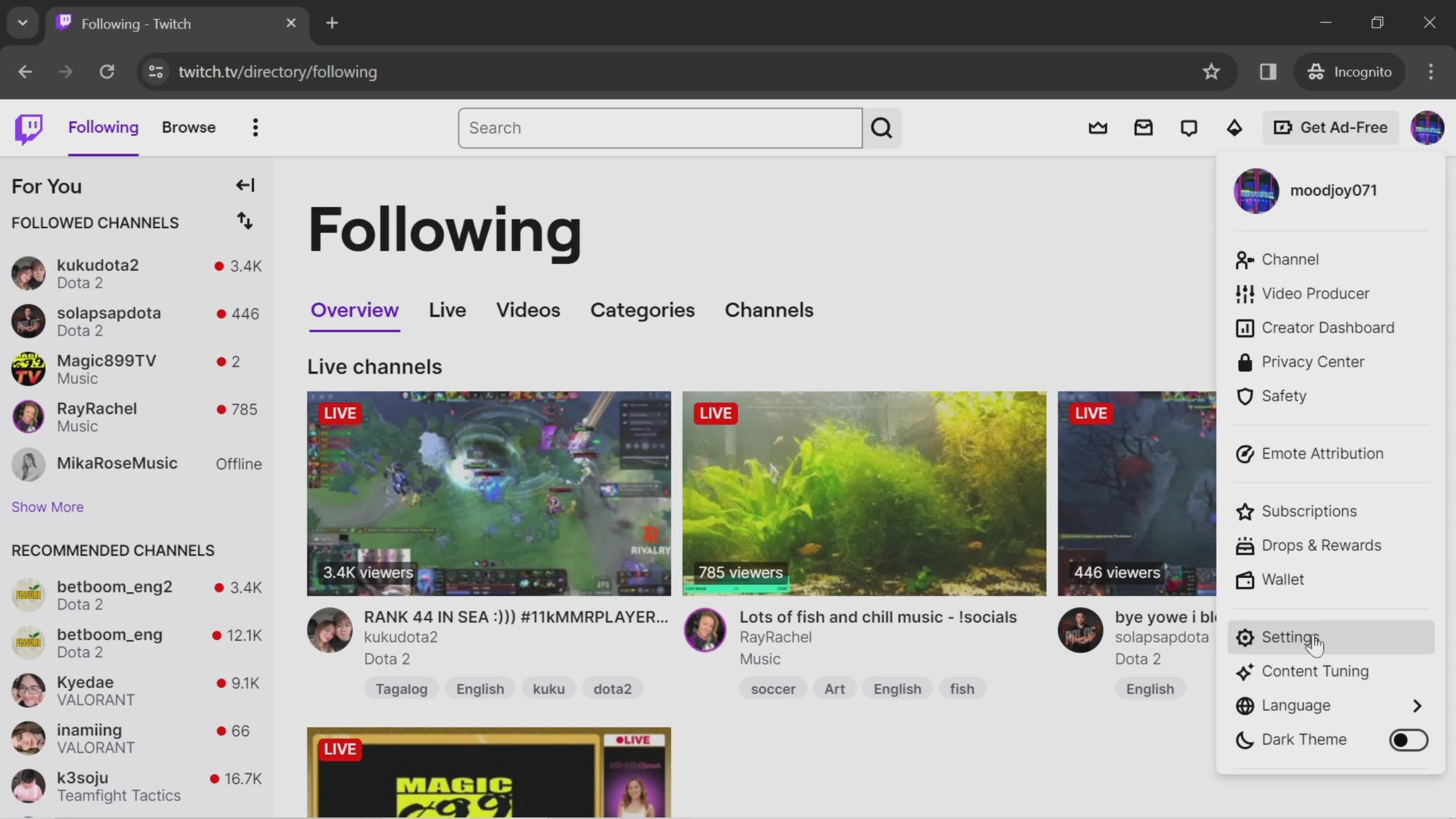
Account menu
this is title
Dashboard
this is title
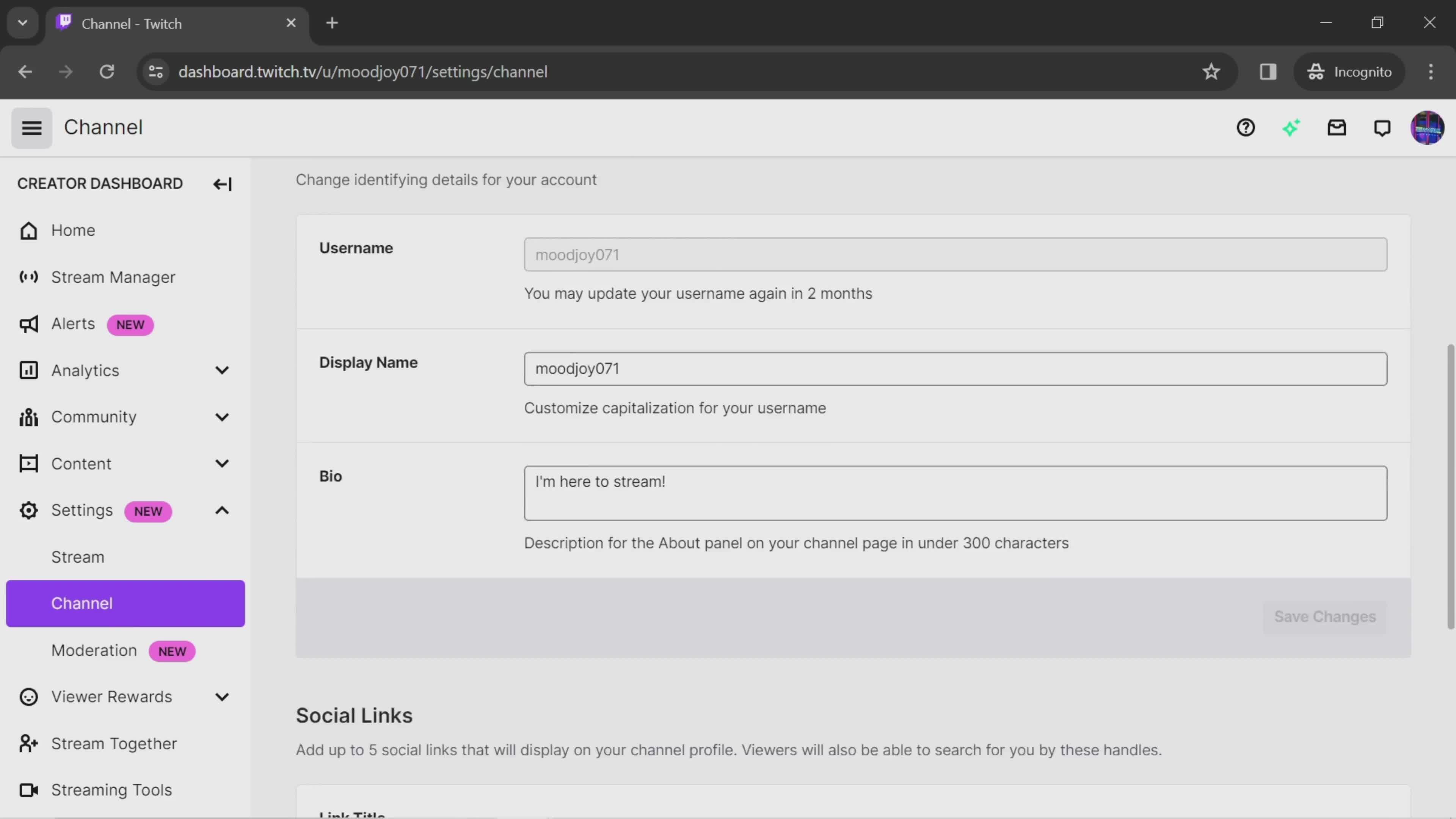
Settings
this is title
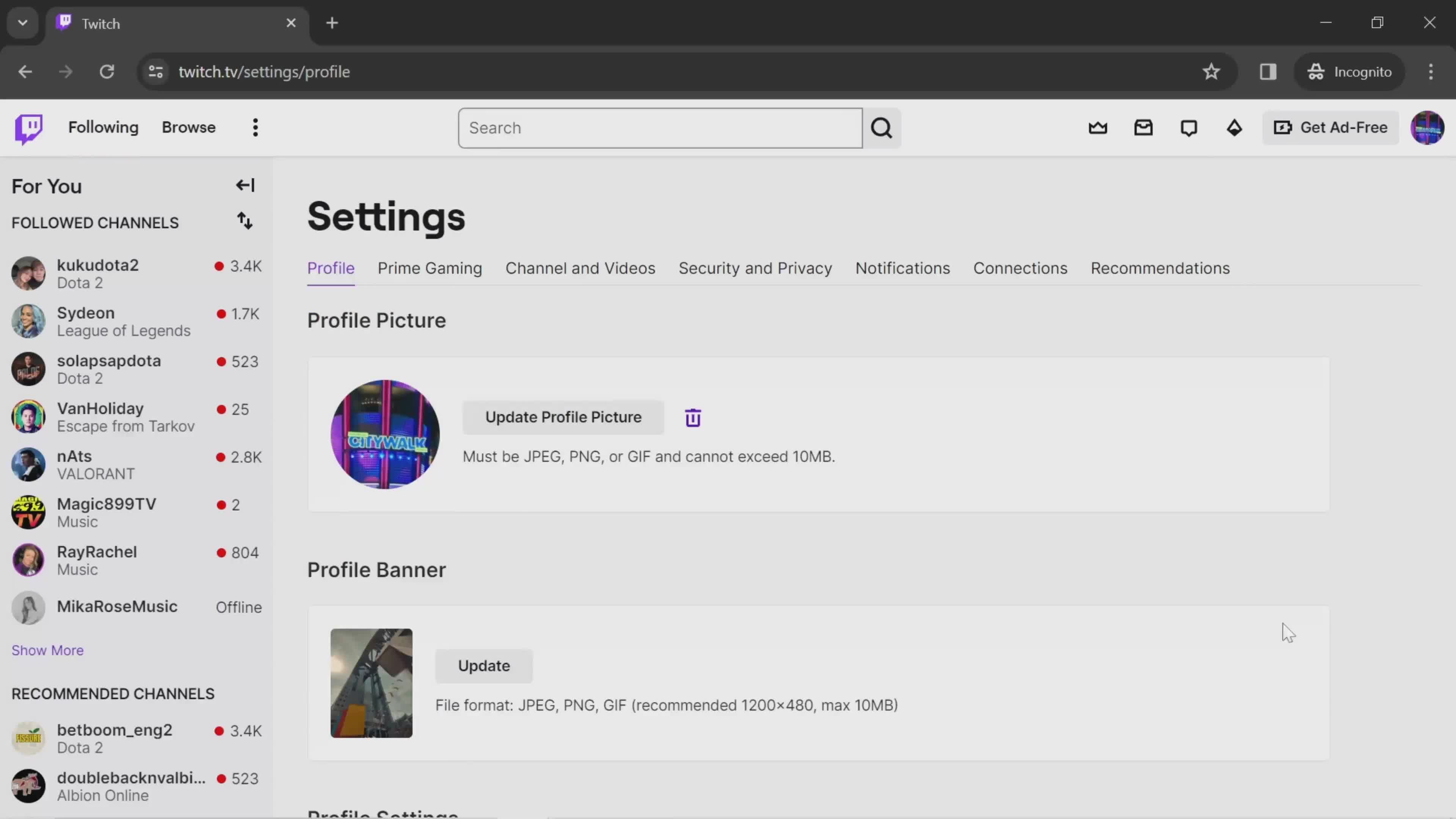
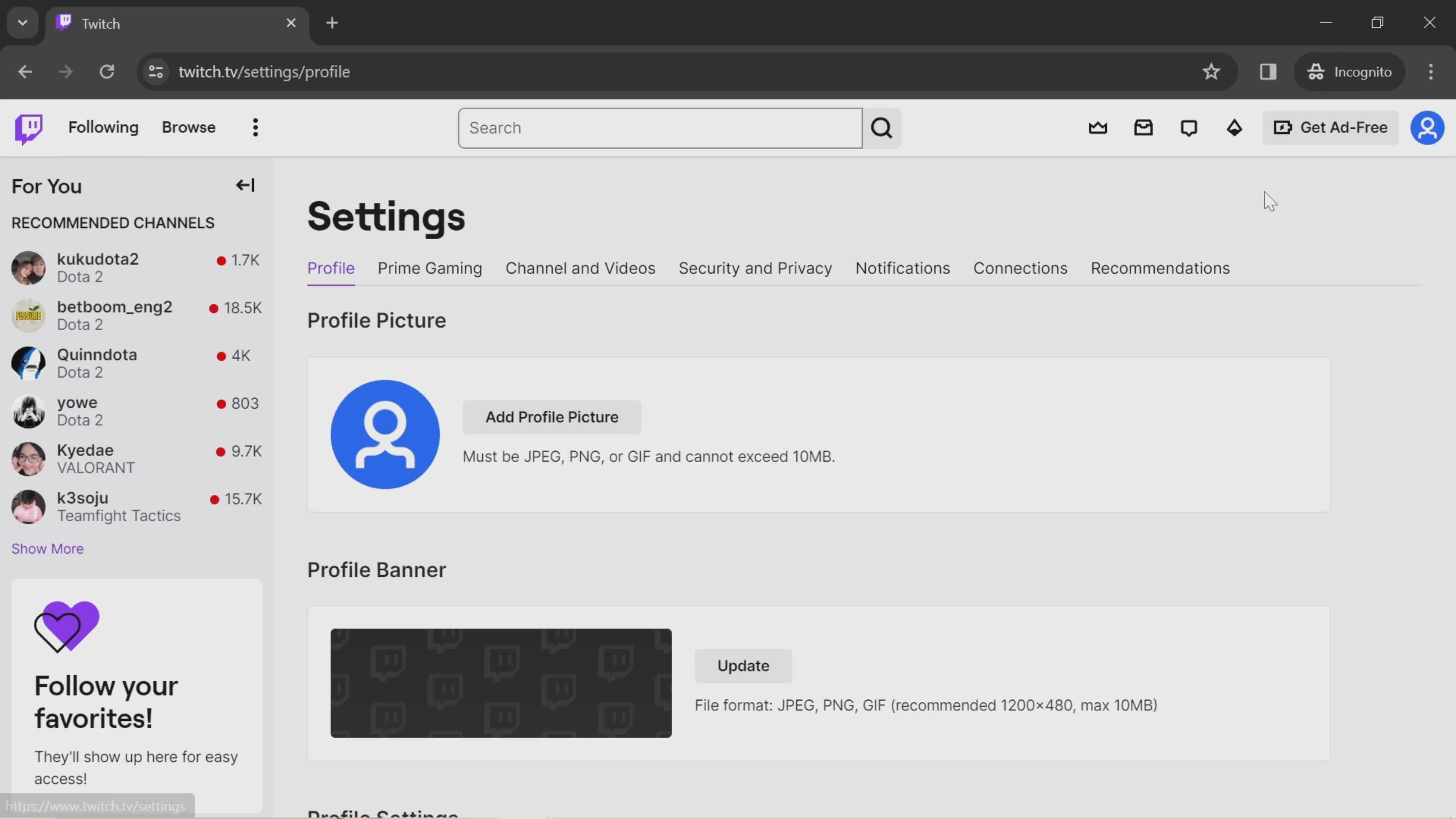
Profile settings
this is title
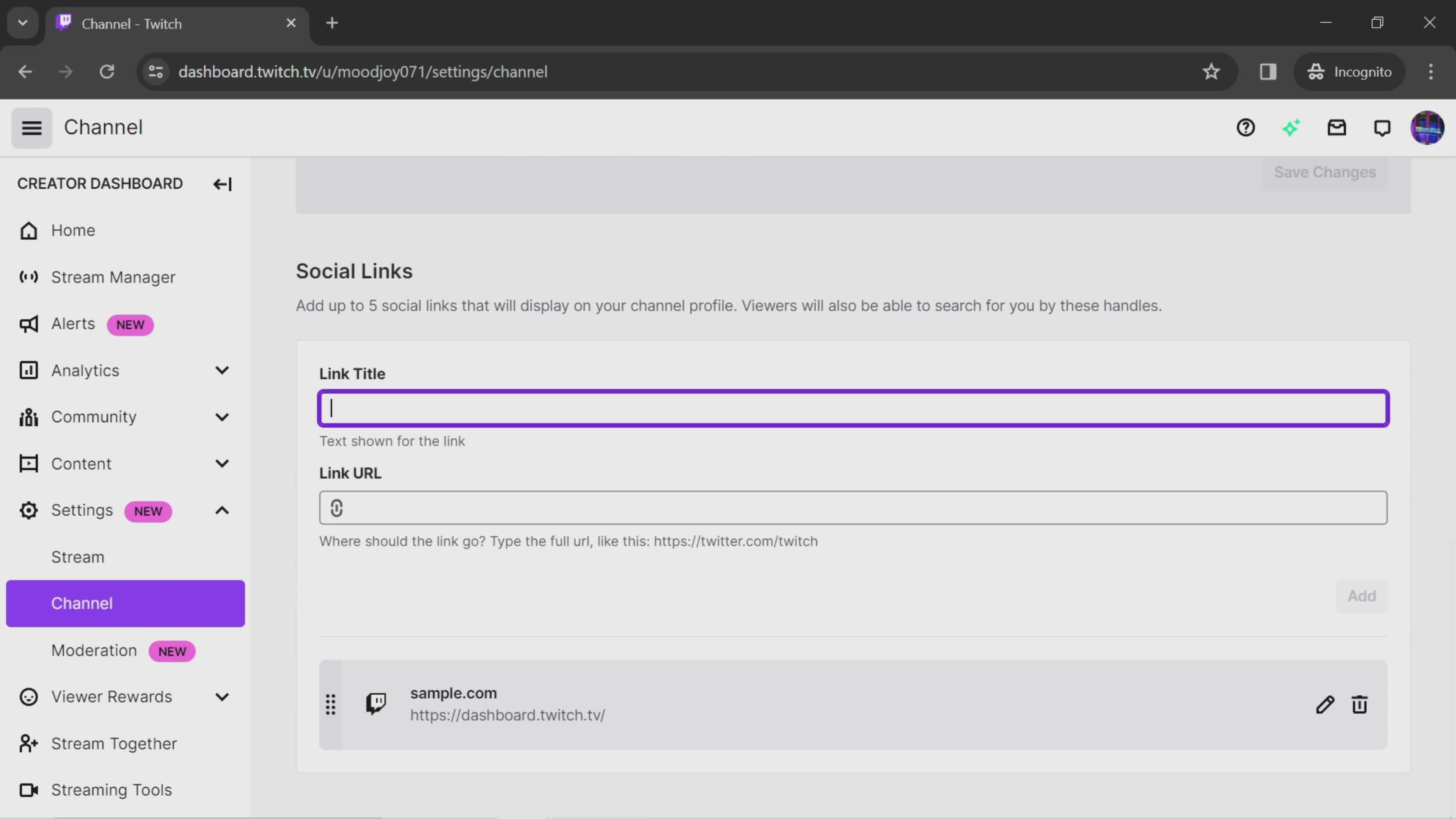
Set title
this is title
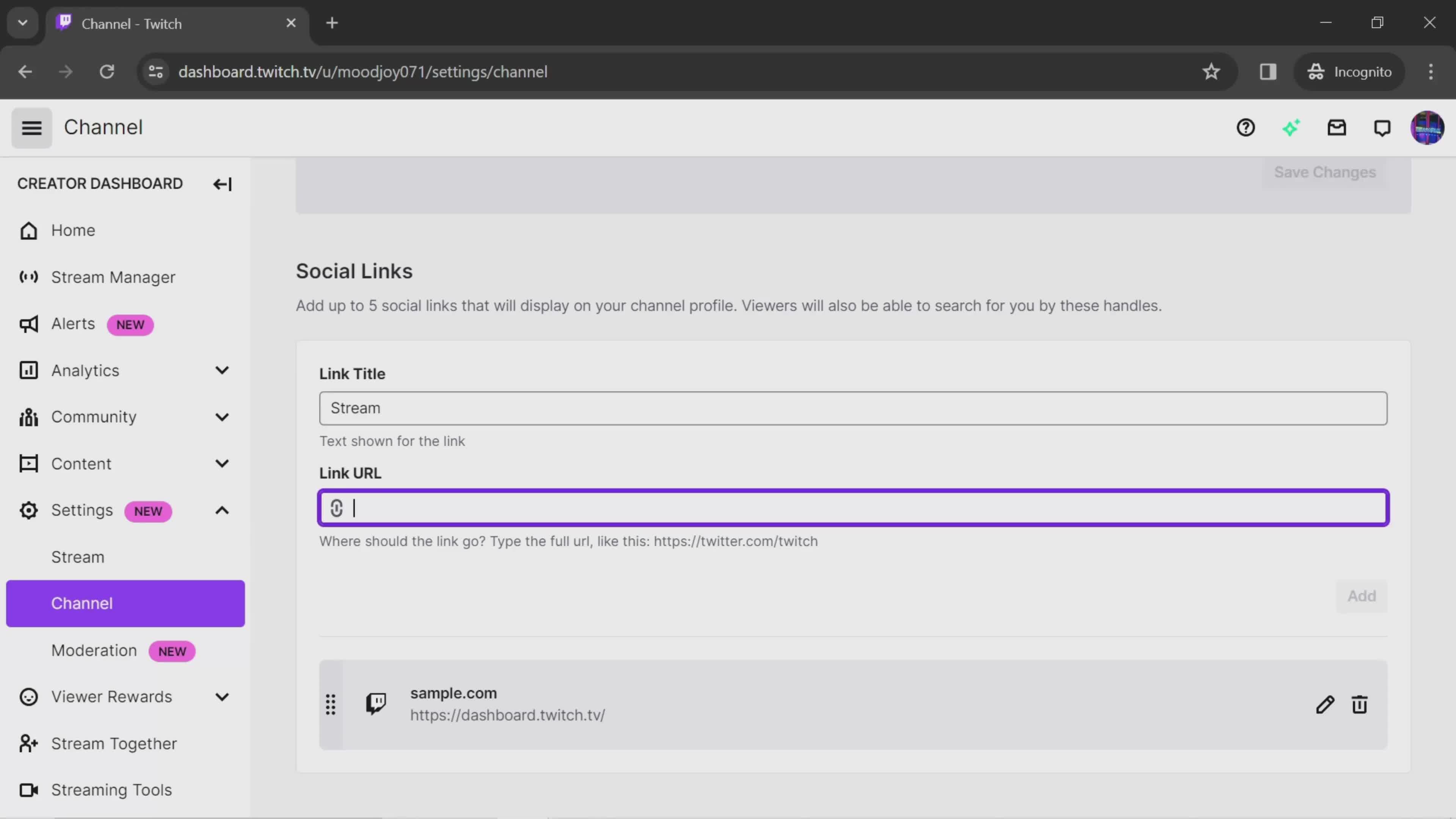
Enter link URL
this is title
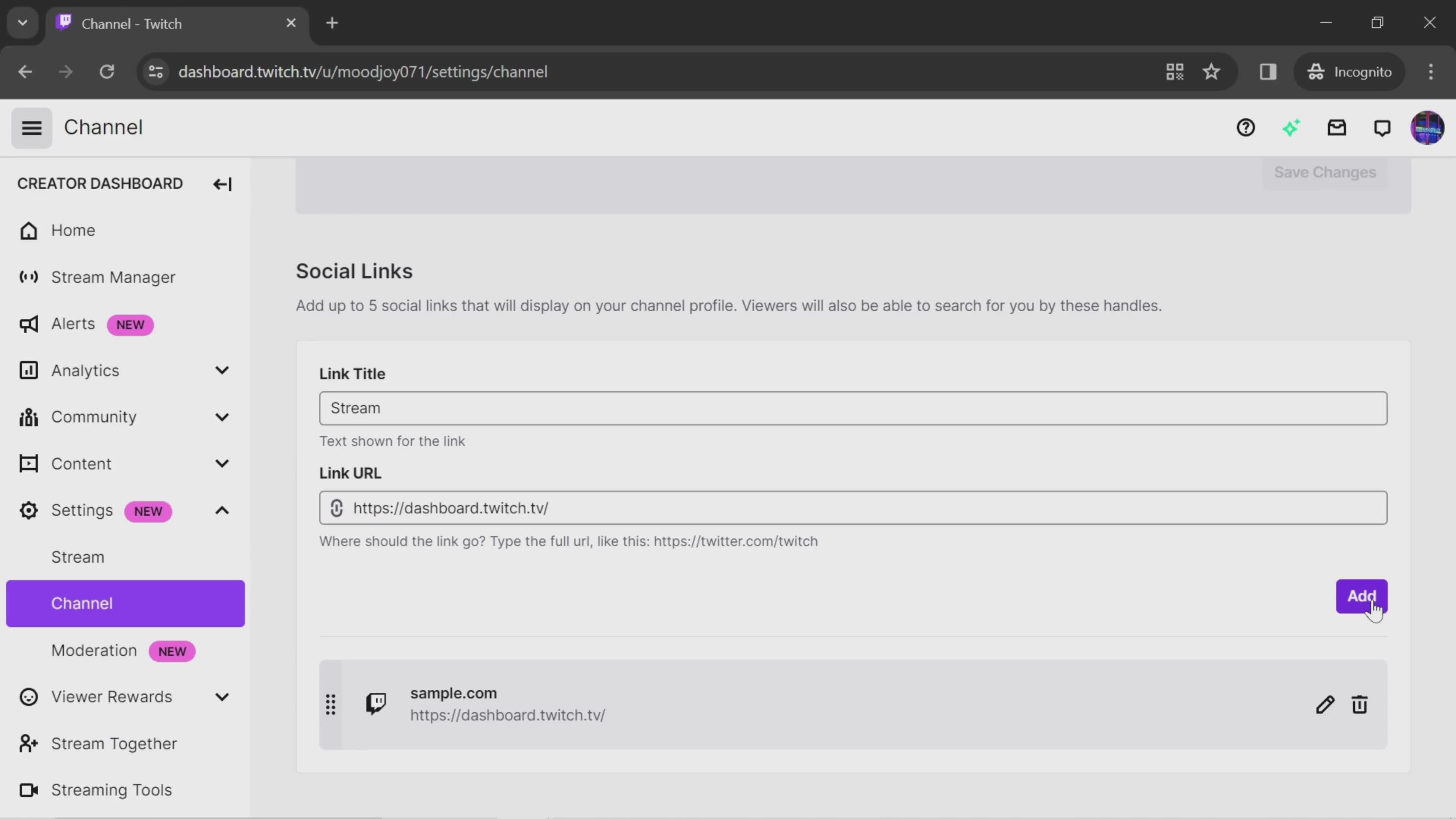
Add link
this is title
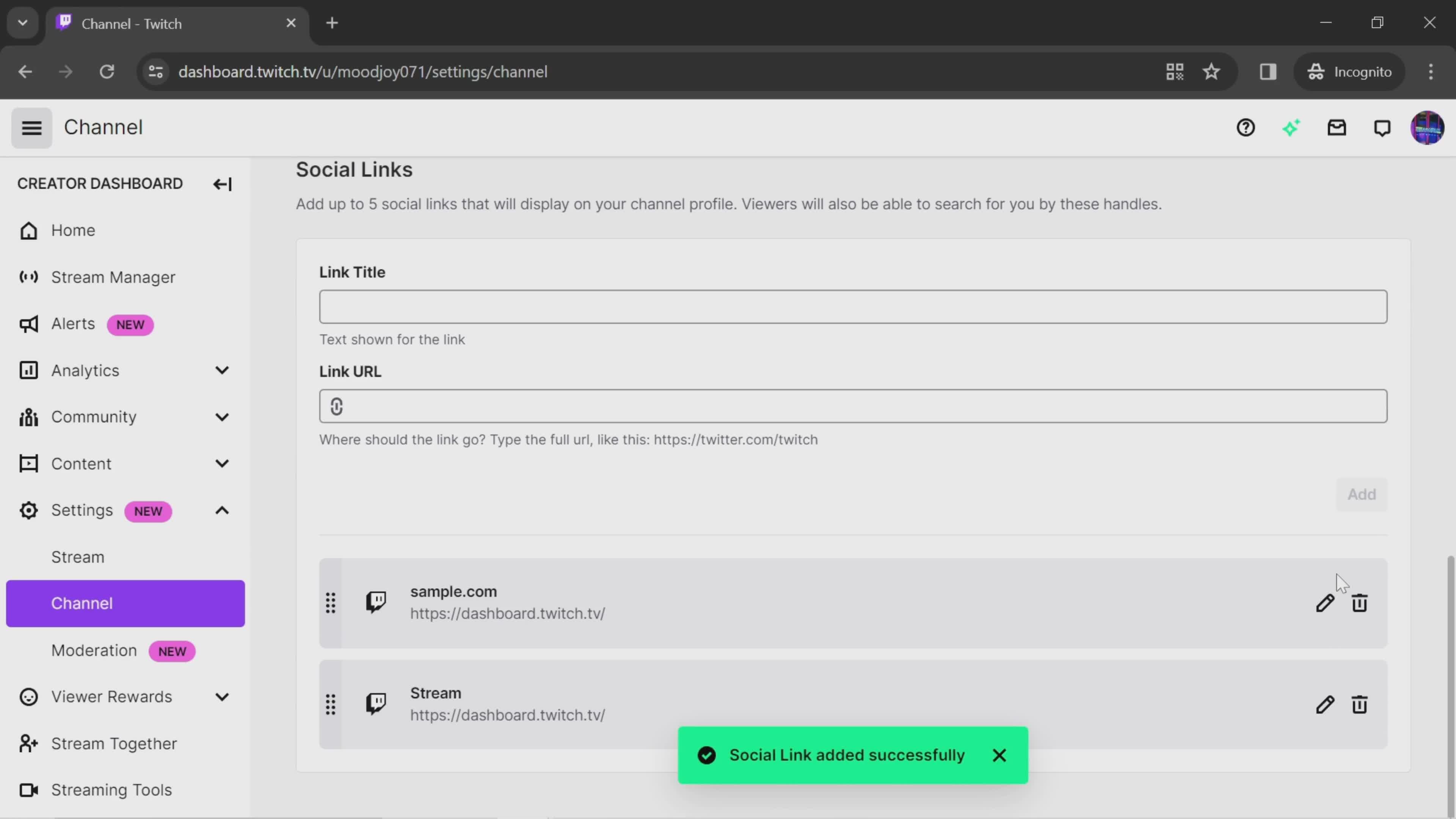
Added
this is title
Home
this is title
Account menu
this is title
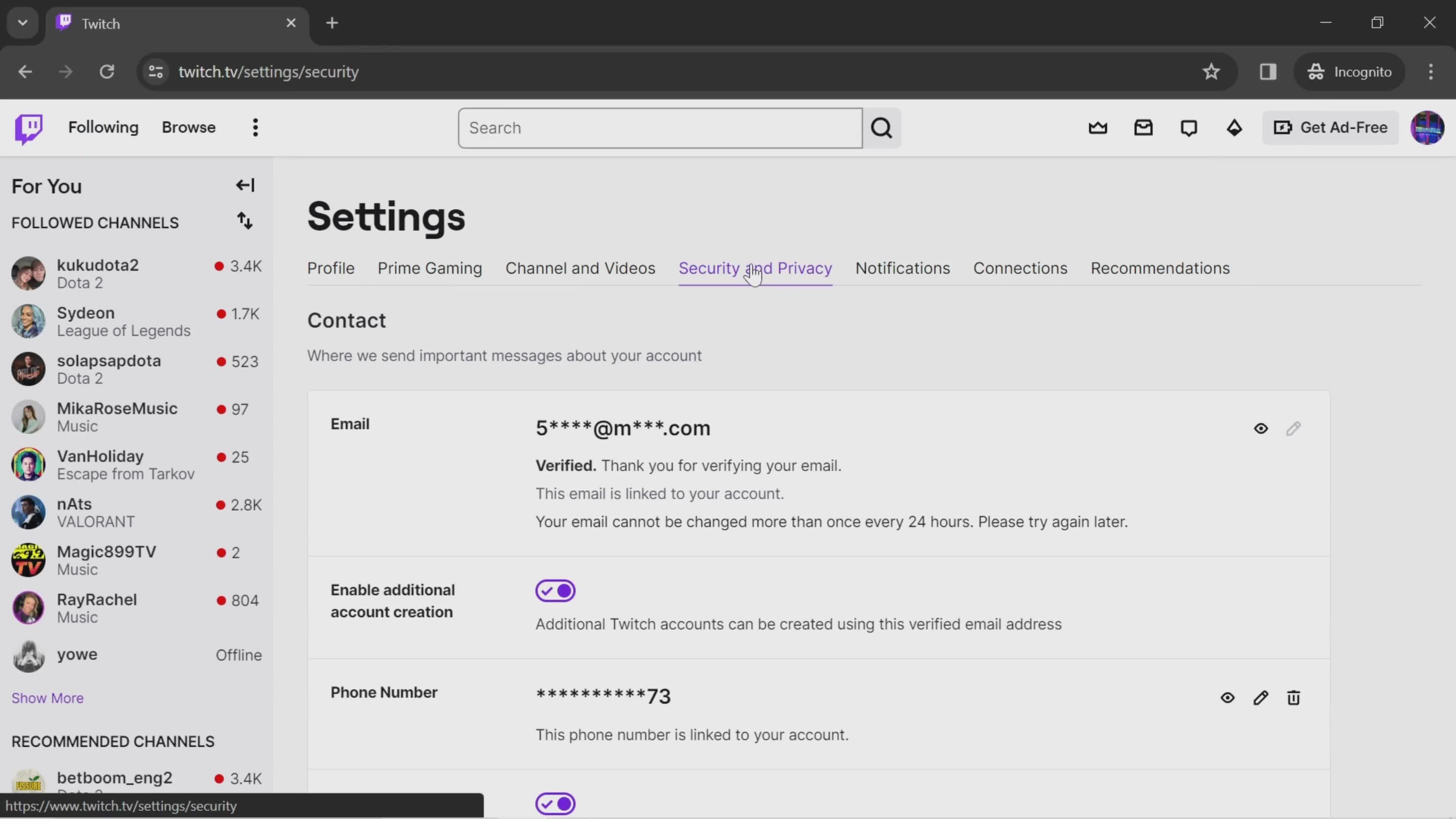
Settings
this is title
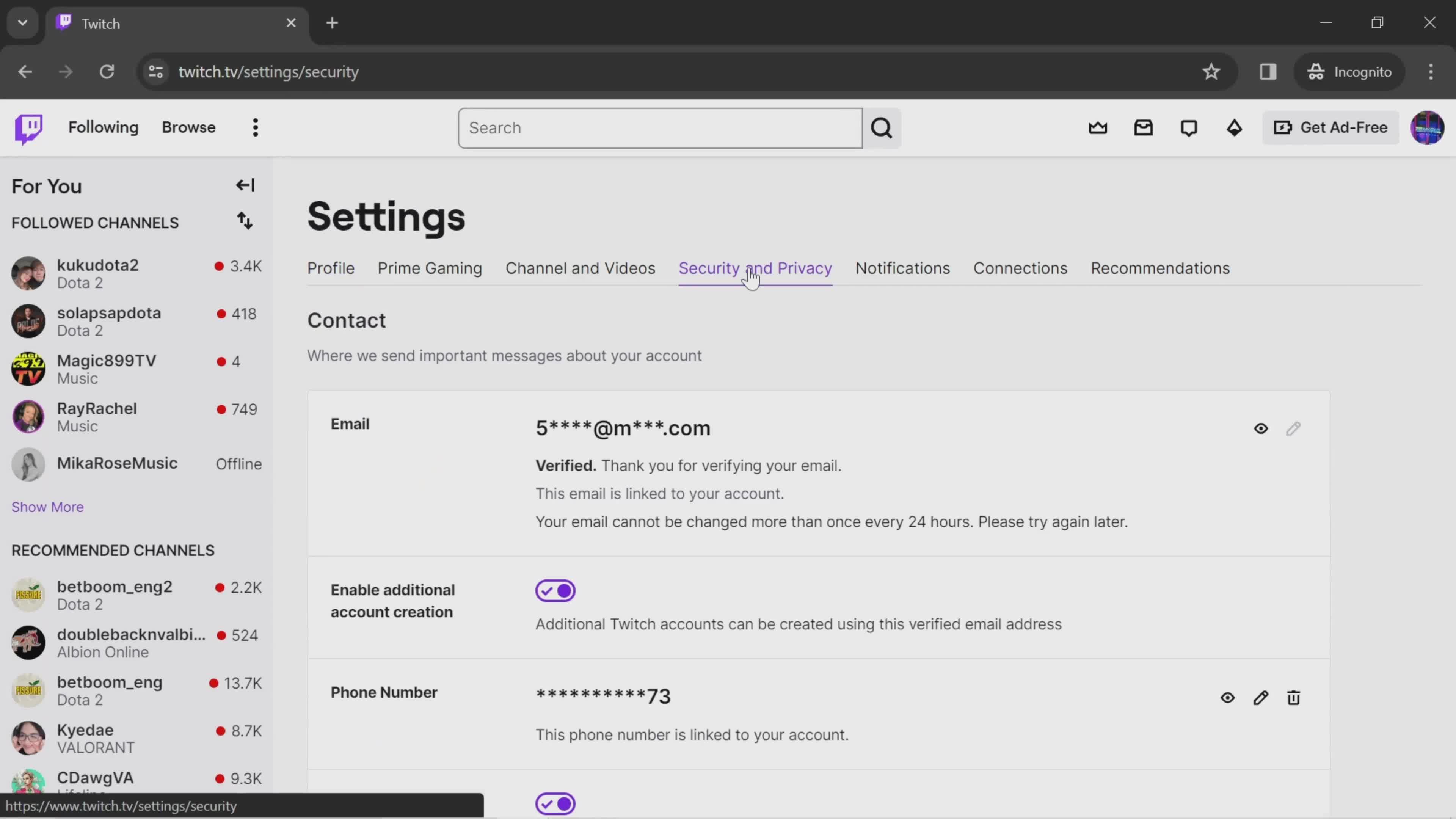
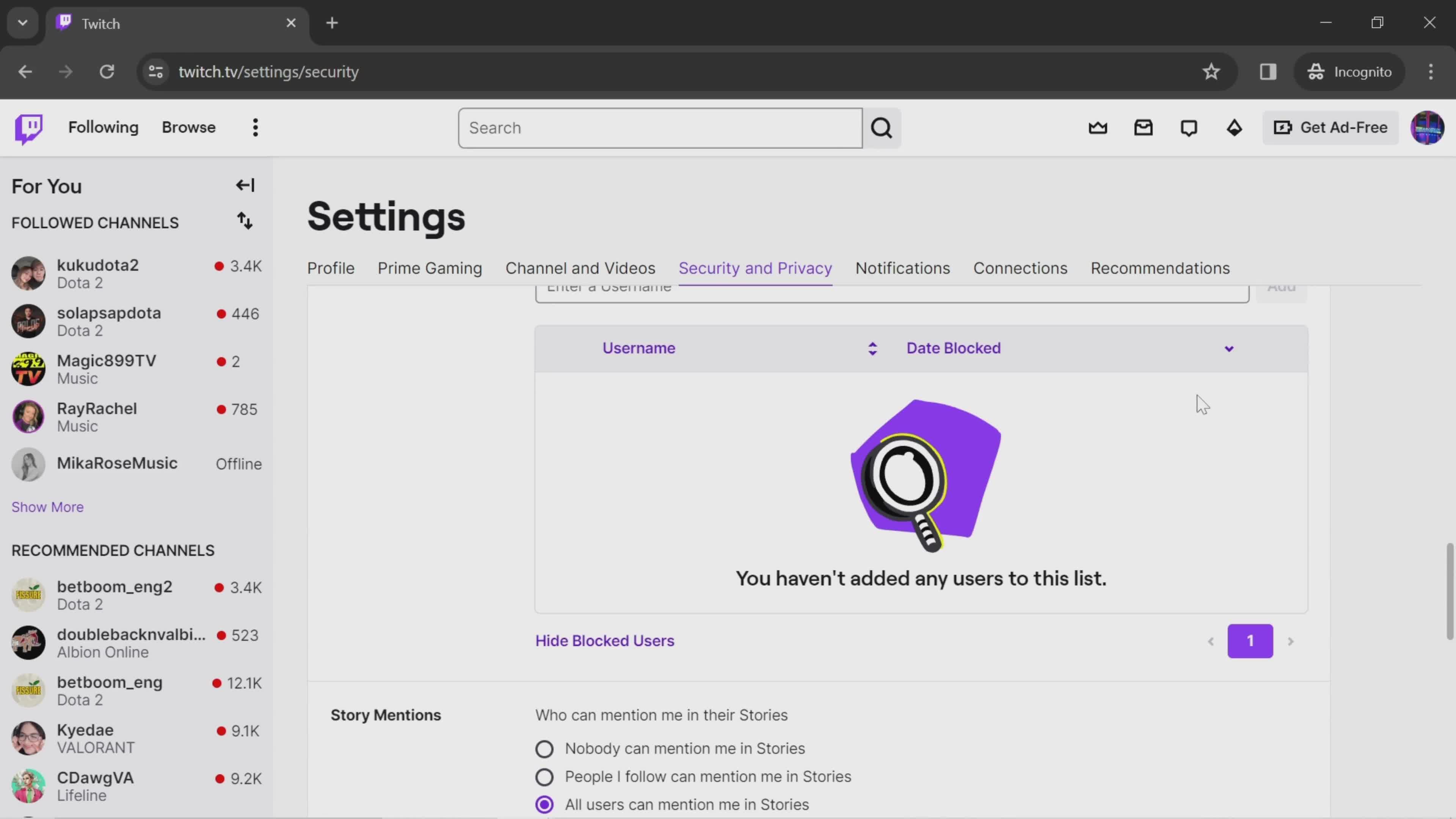
Security & Privacy
this is title
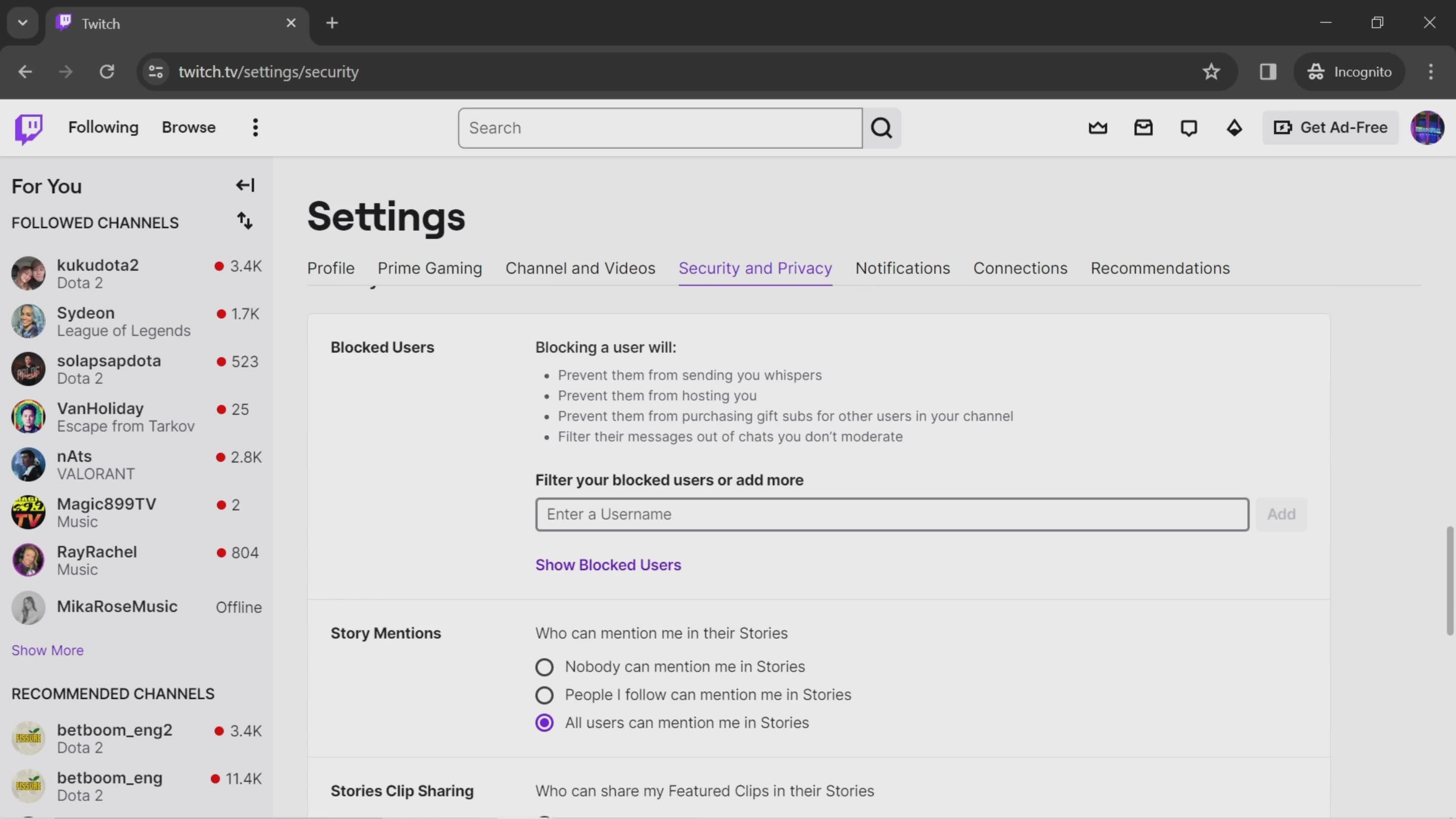
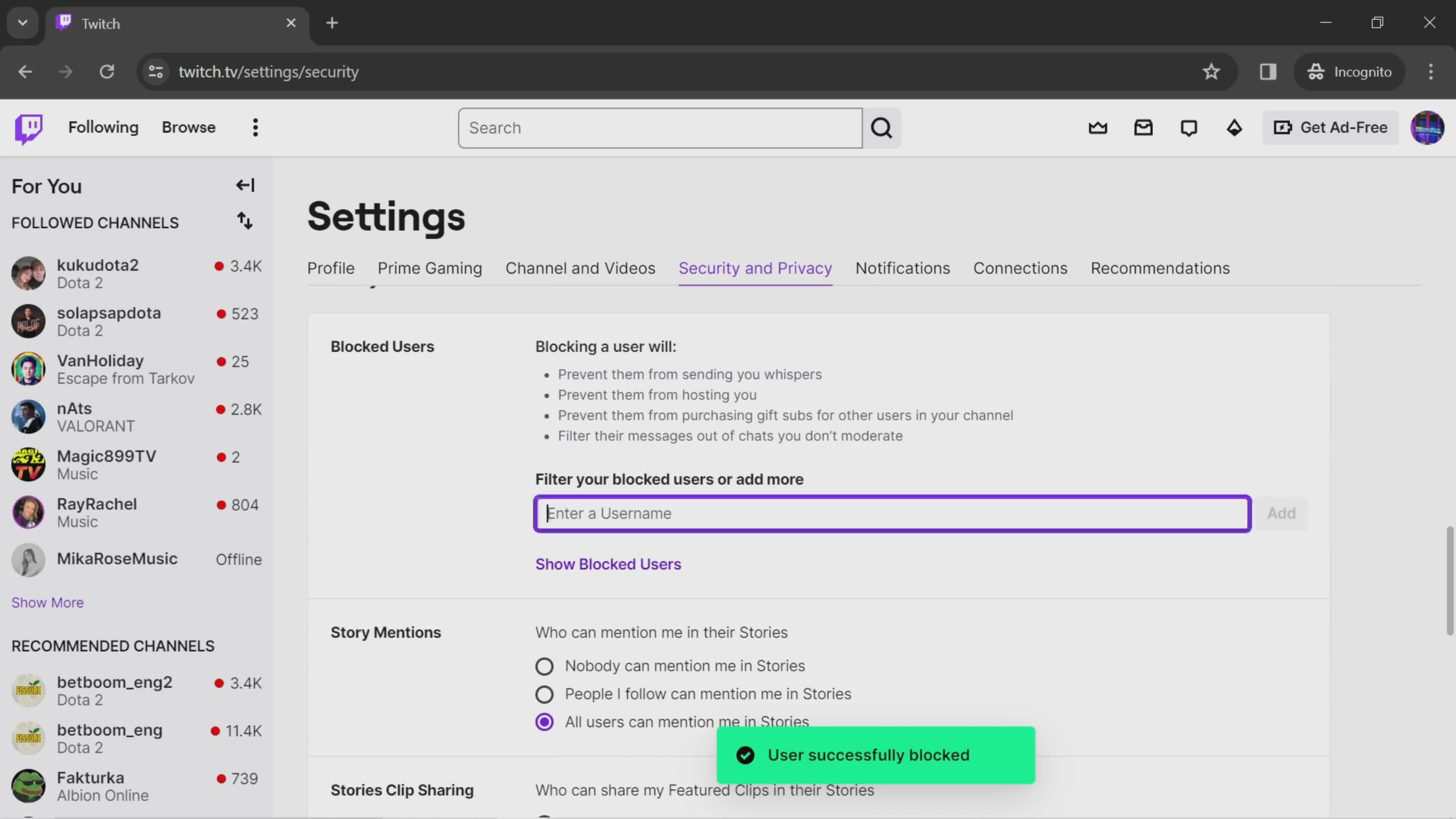
Block user
this is title
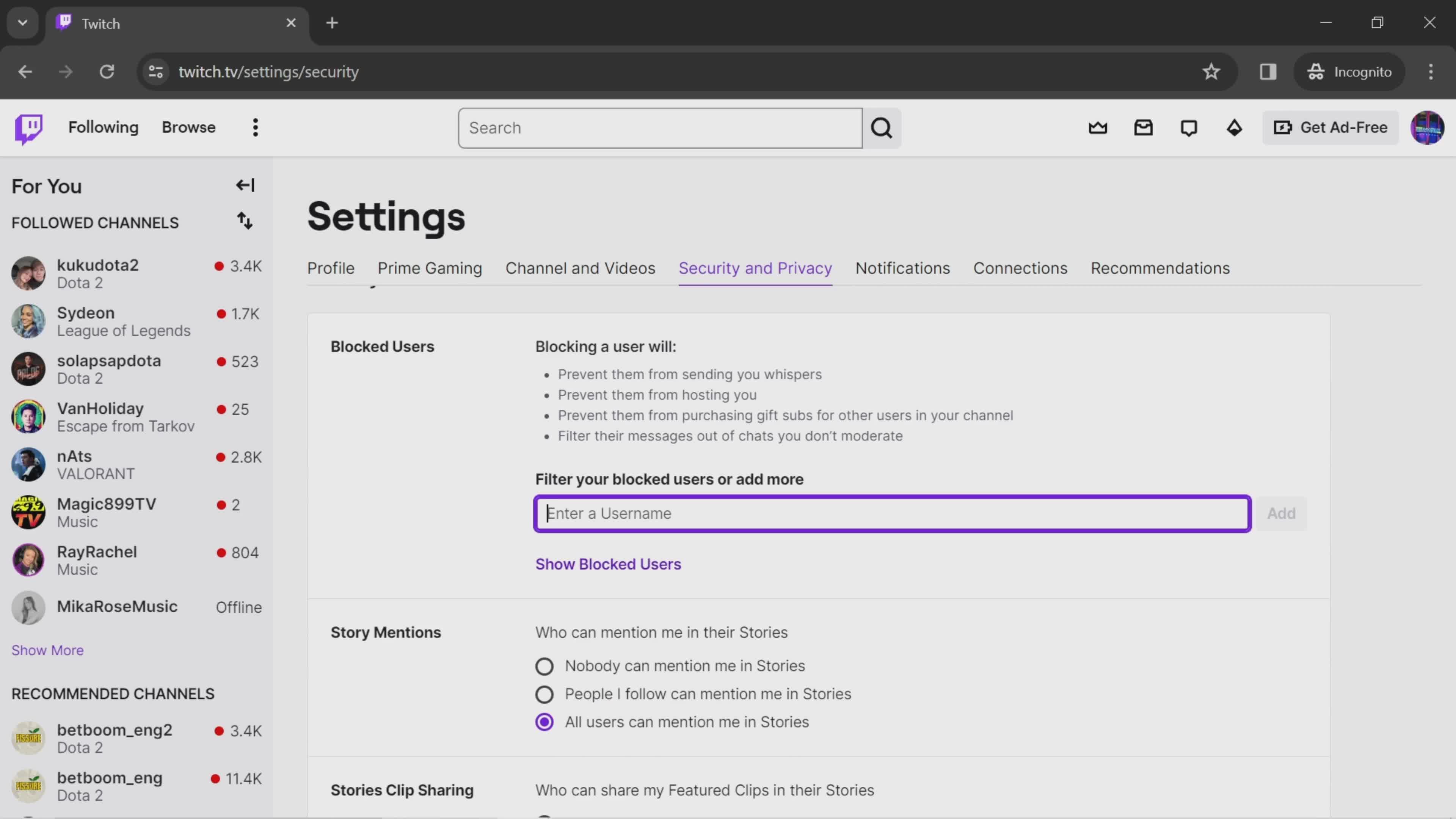
Enter username
this is title
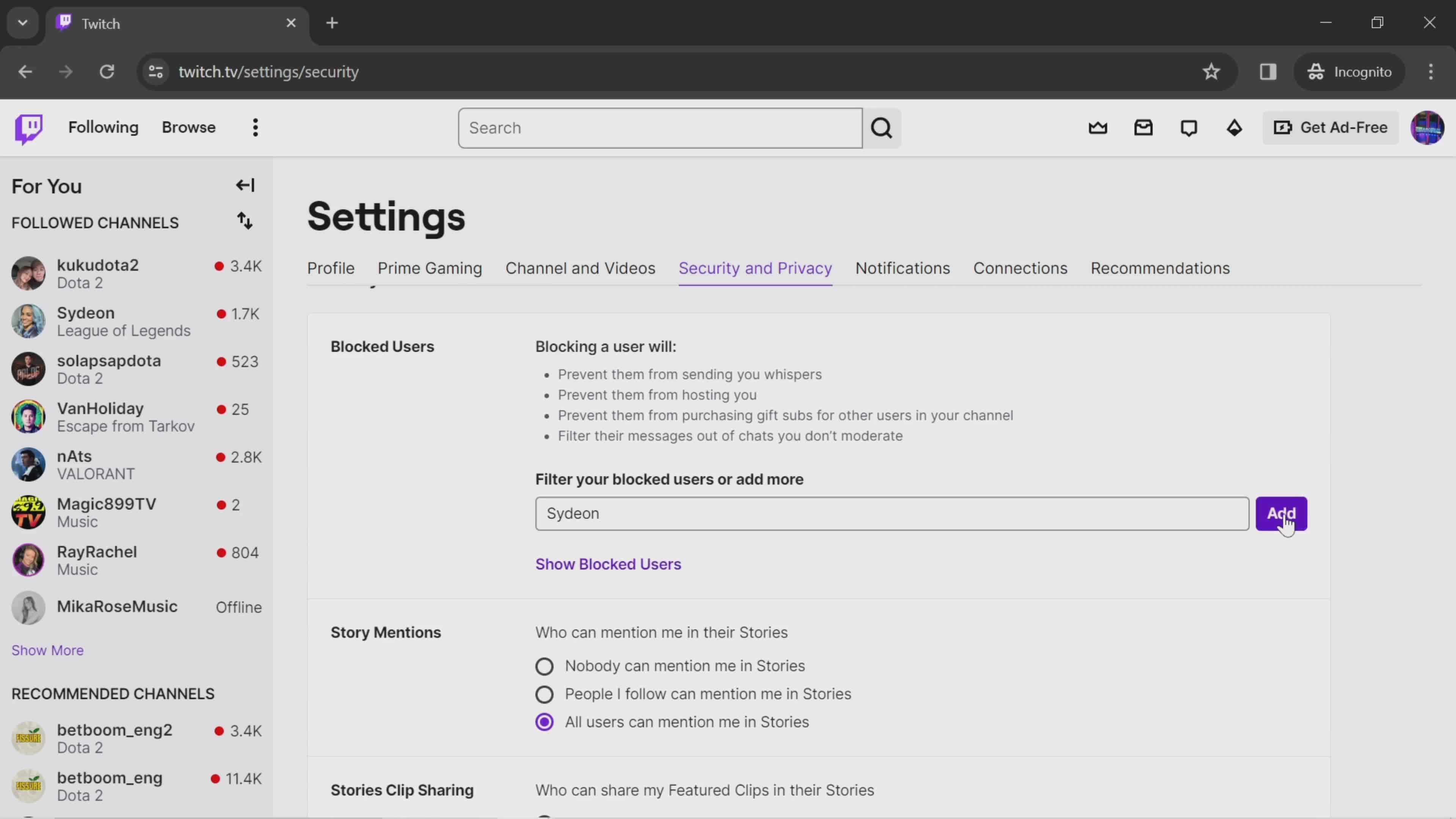
Add
this is title
User blocked
this is title
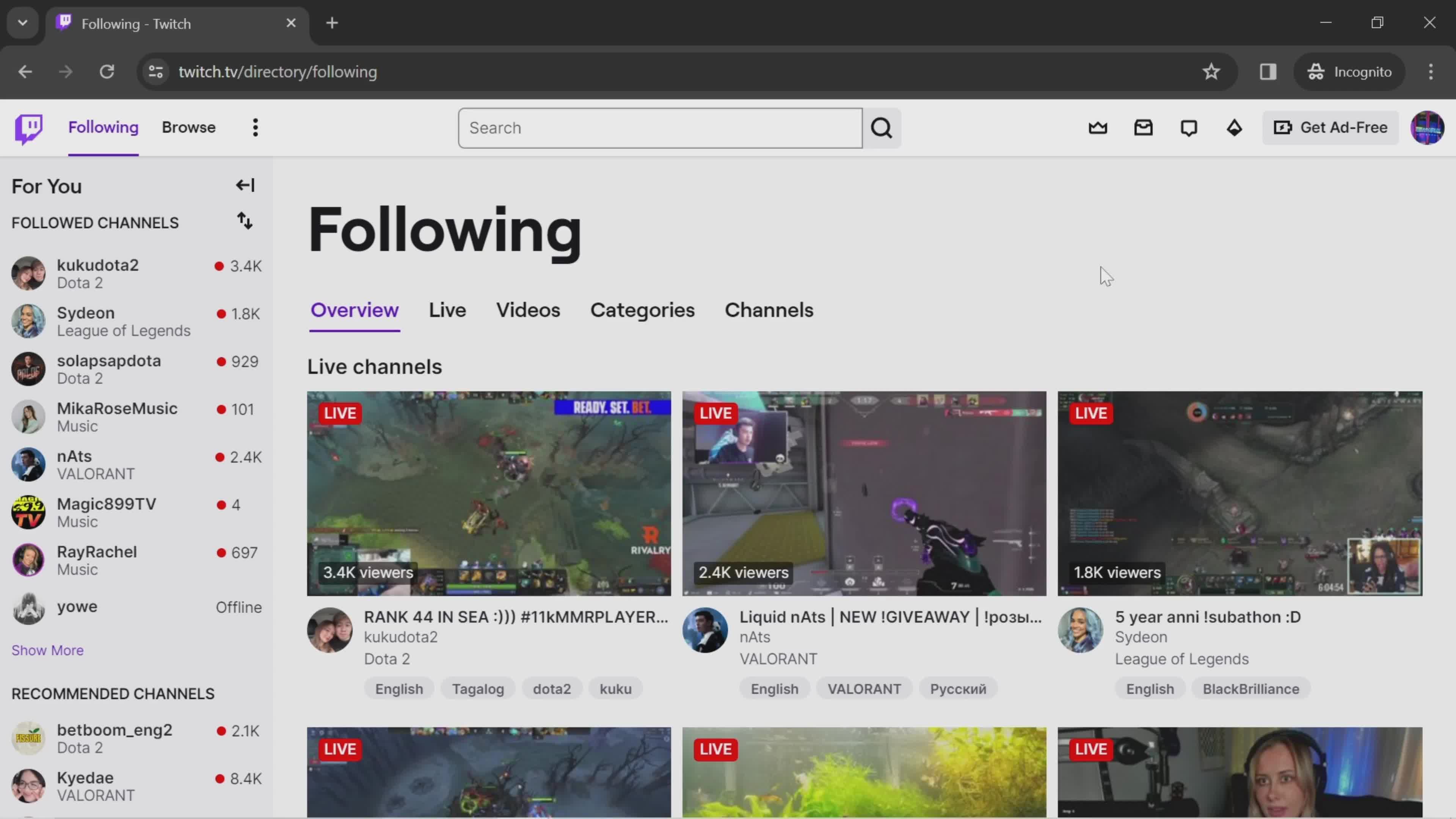
Live channels
this is title
Account menu
this is title
Dashboard
this is title
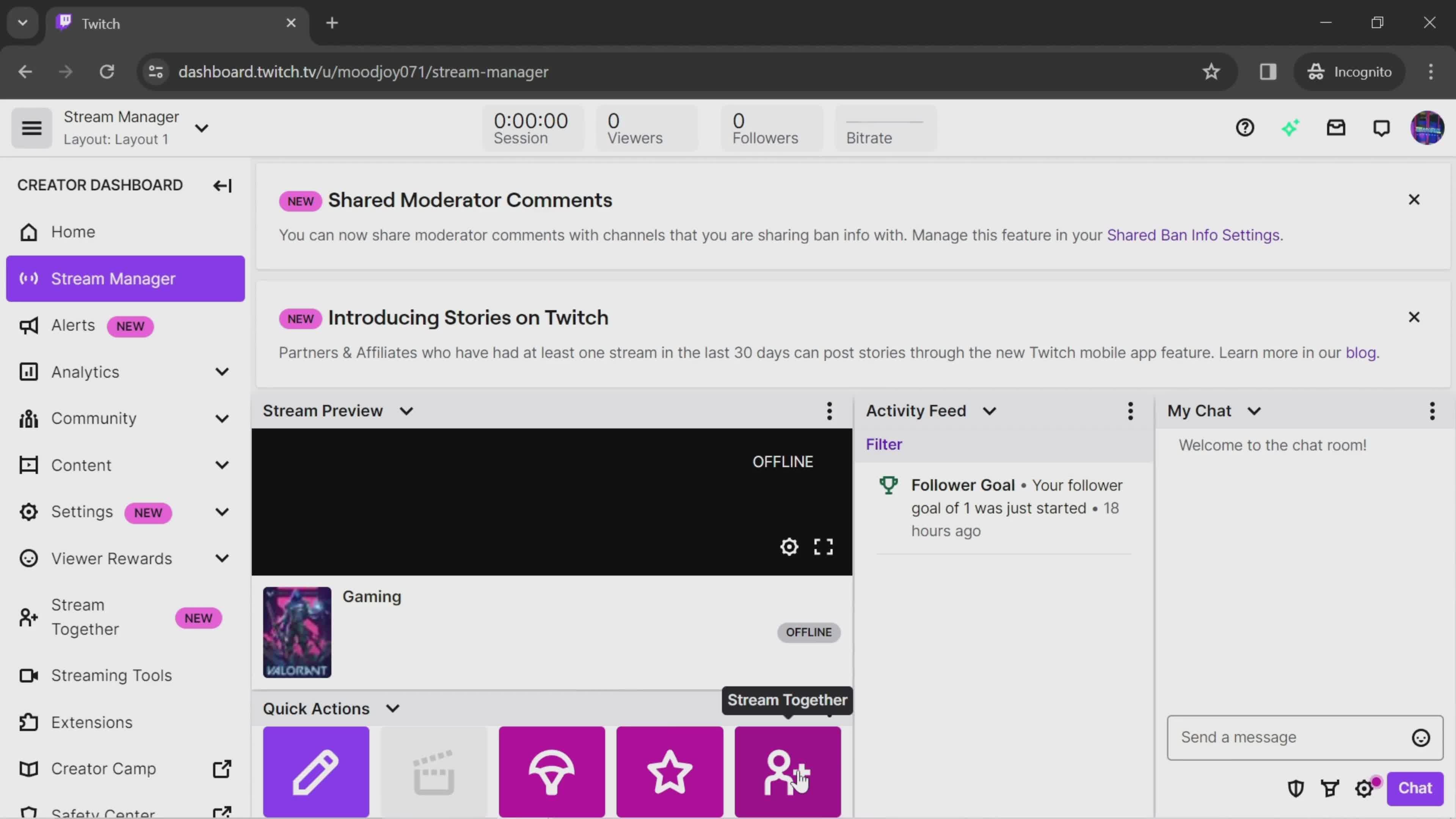
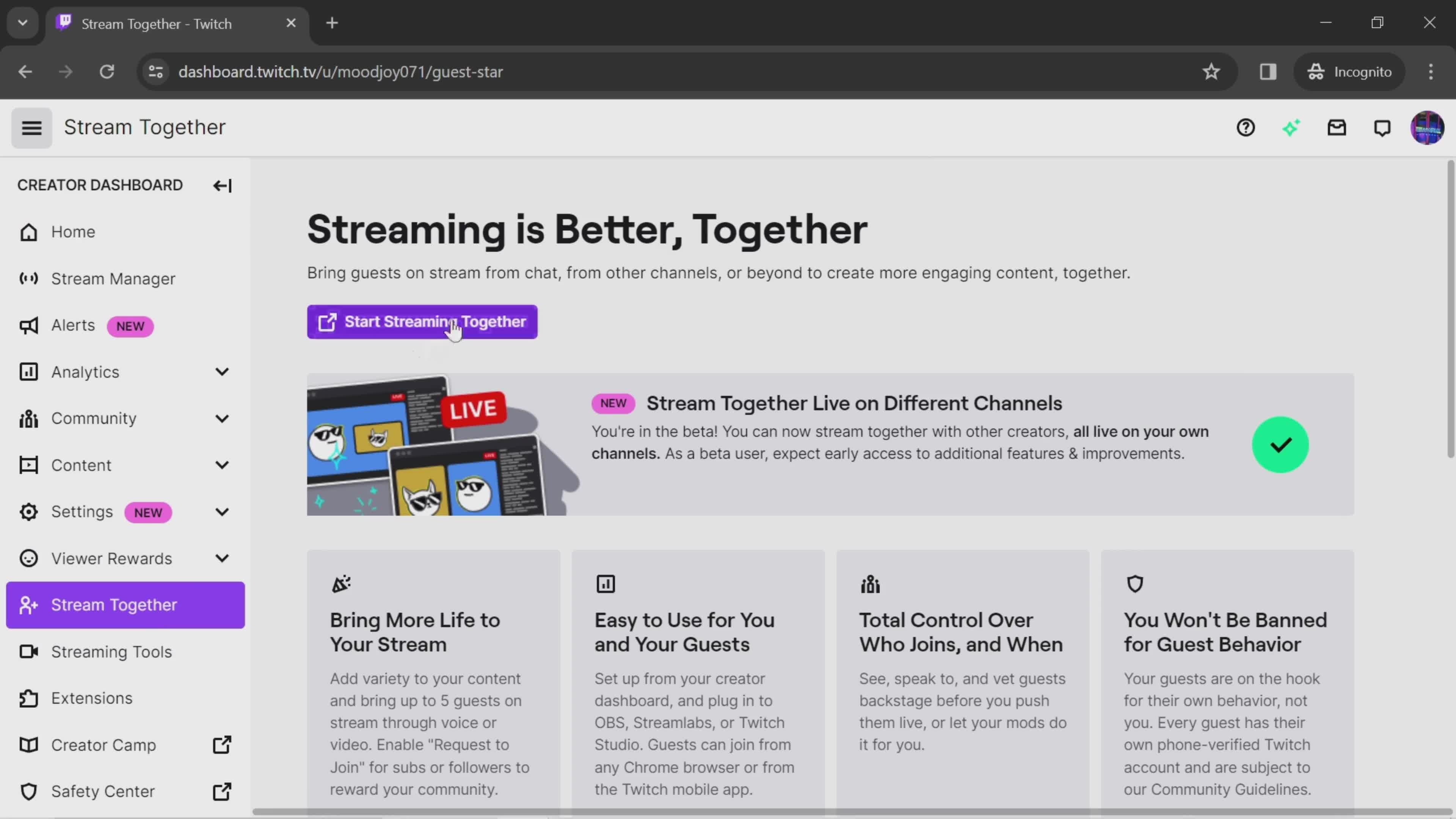
Stream manager
this is title
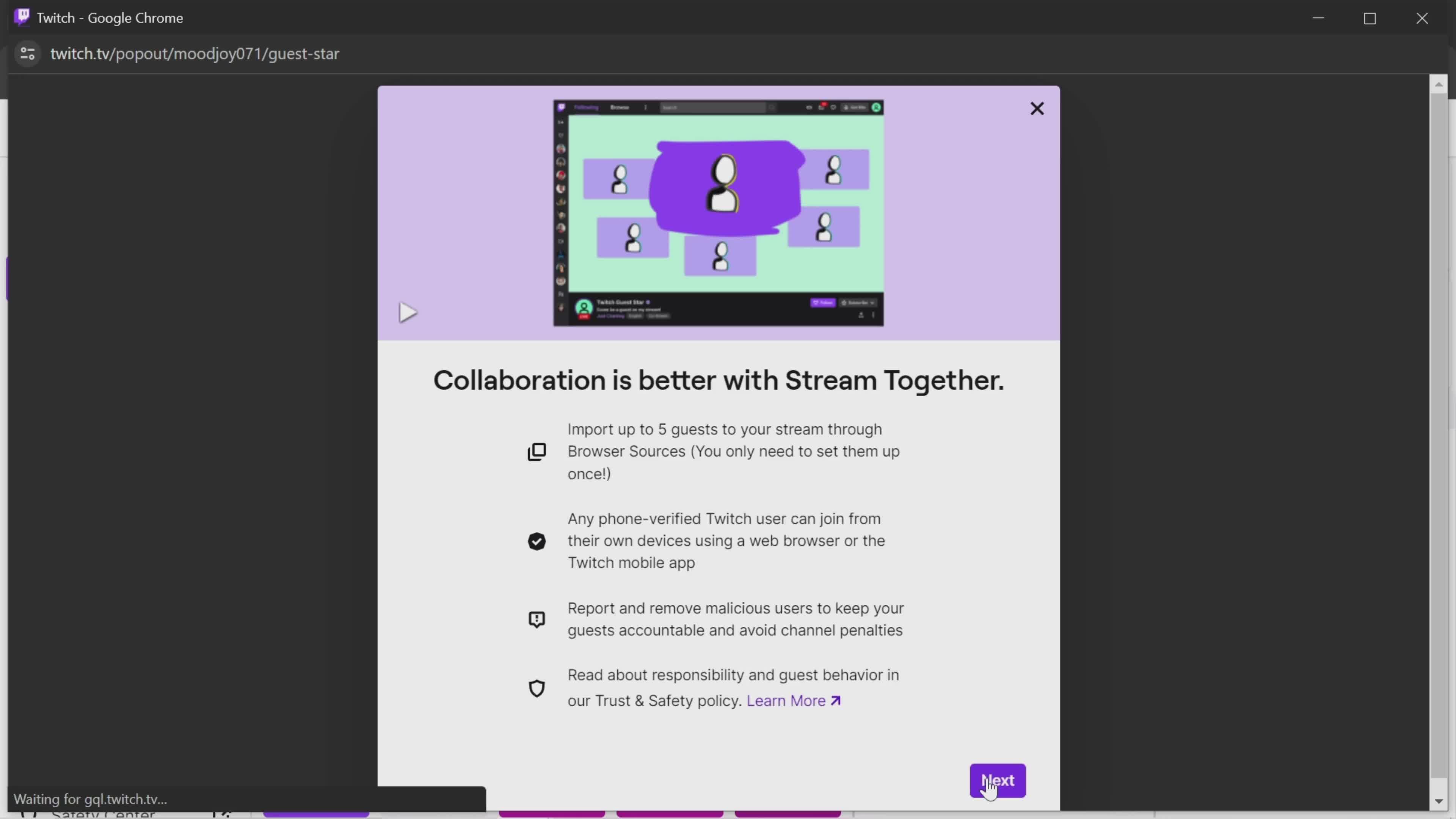
Next
this is title
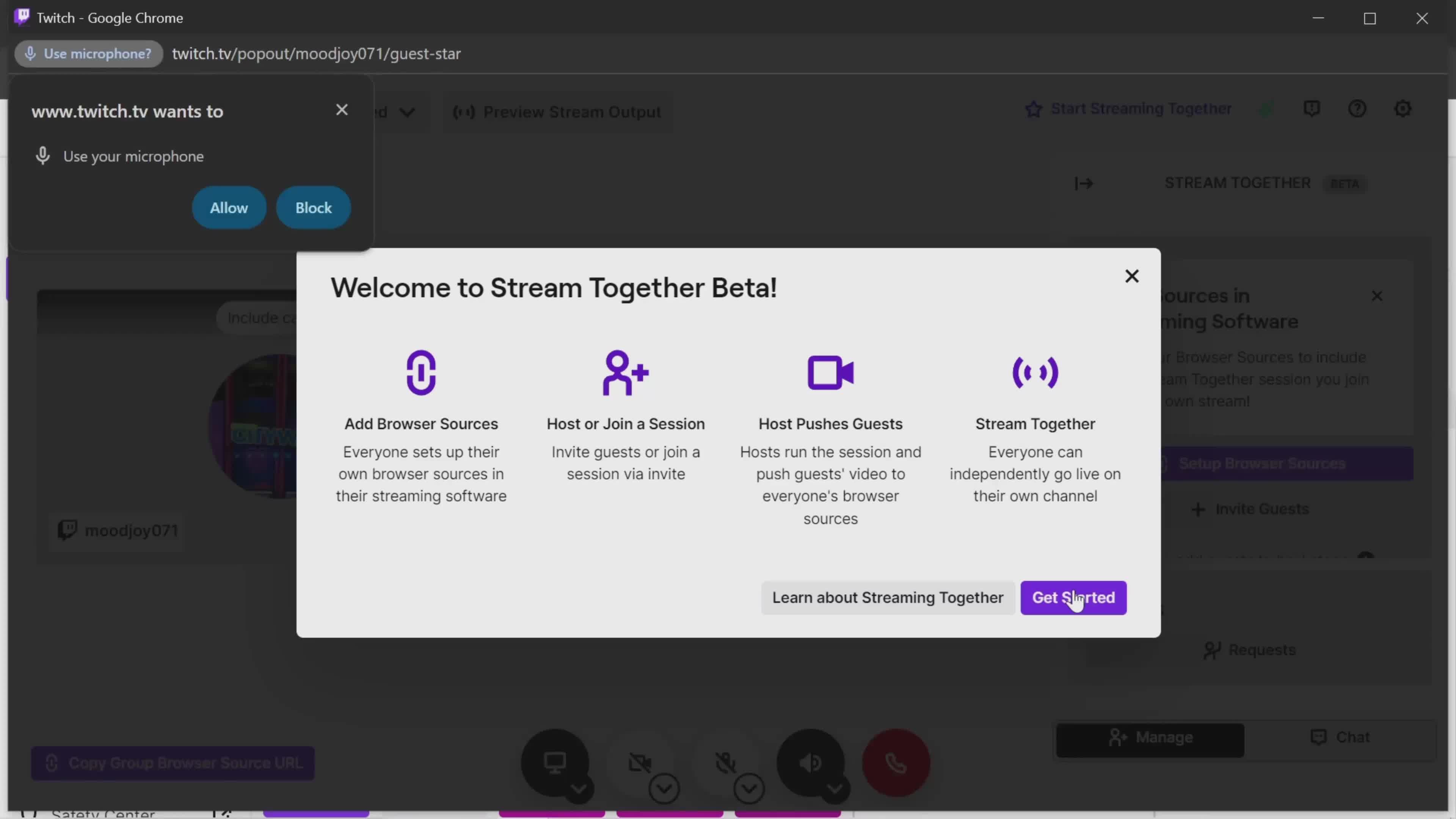
Guide modal
this is title
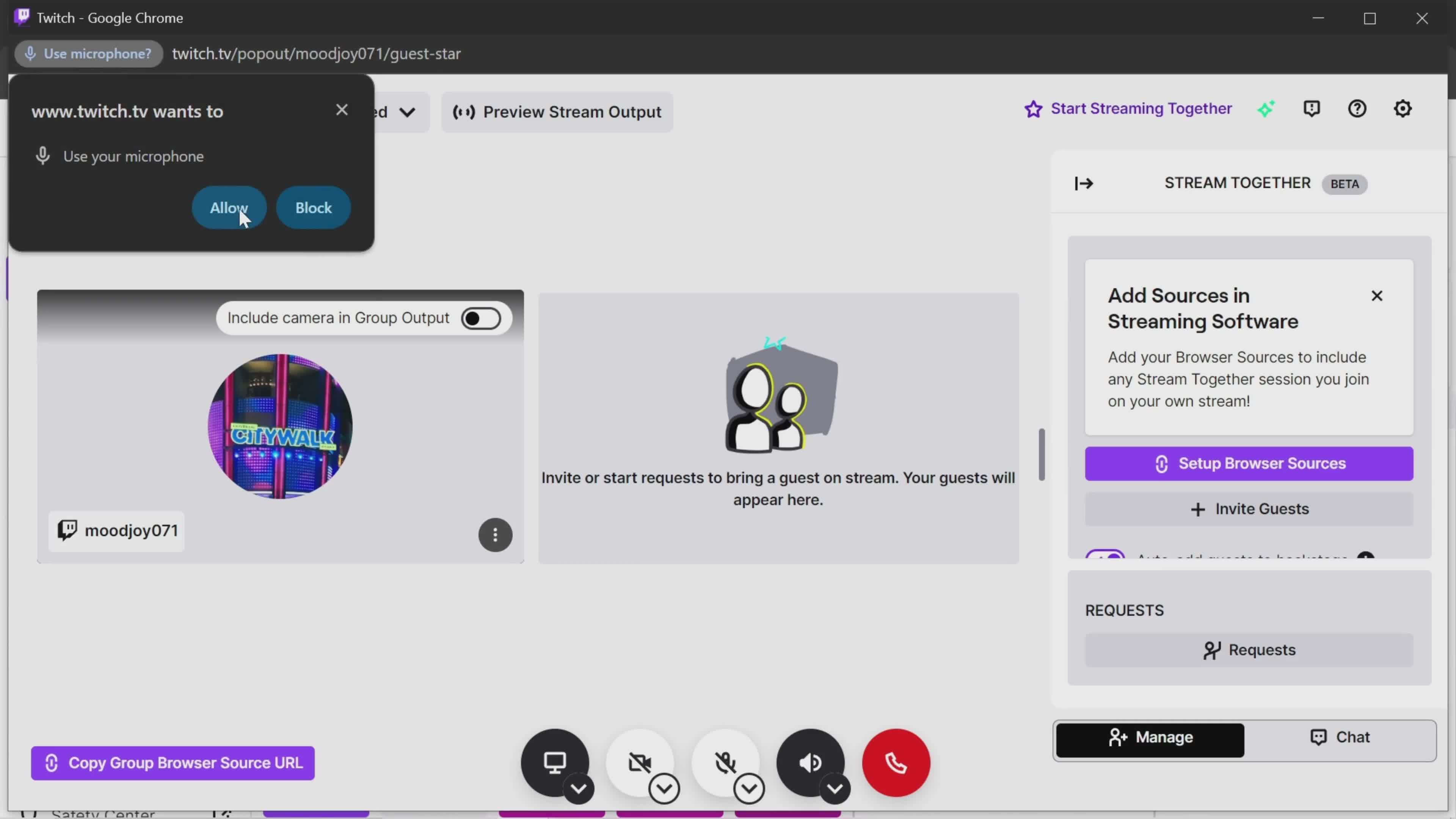
Enable microphone
this is title
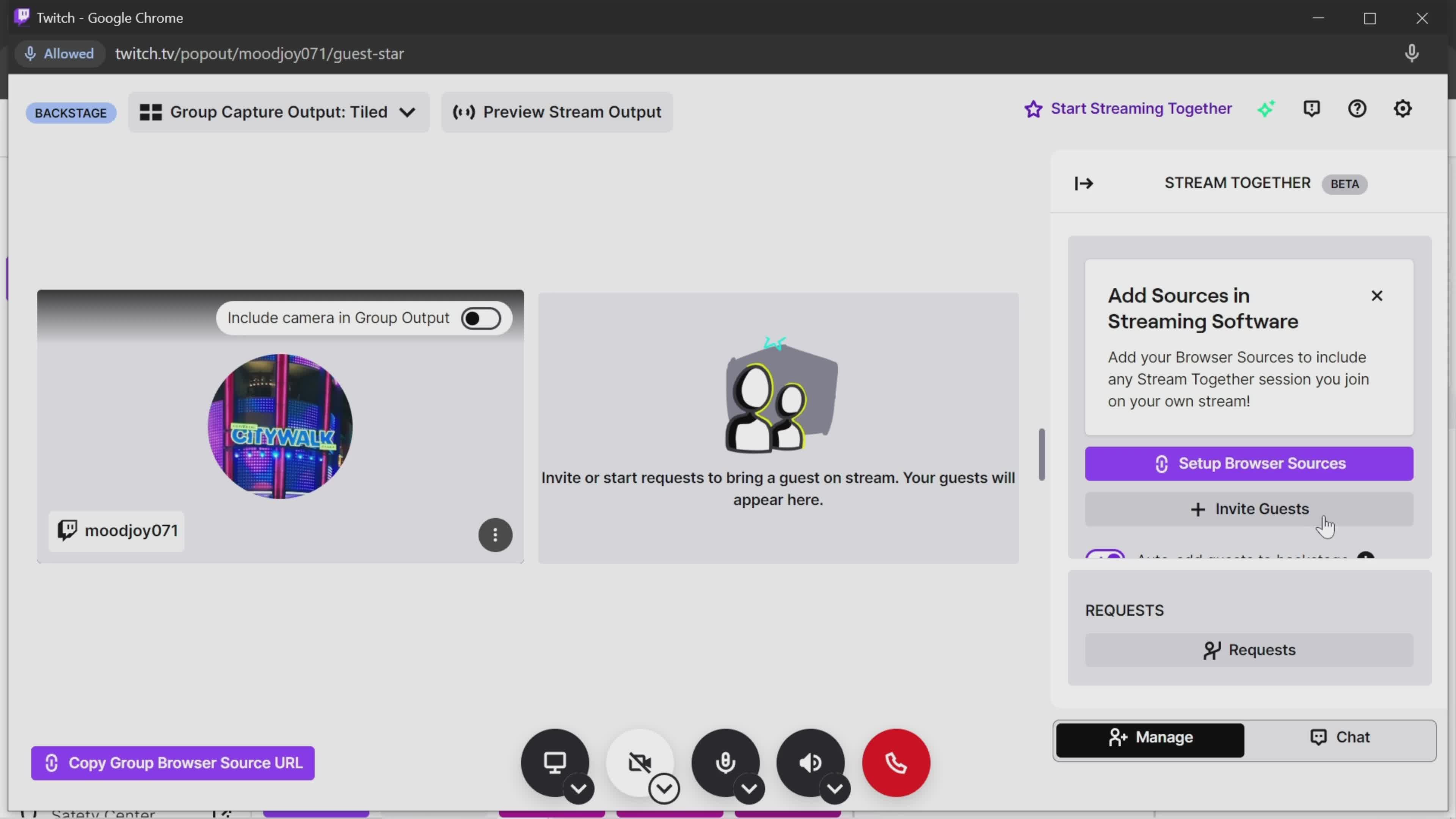
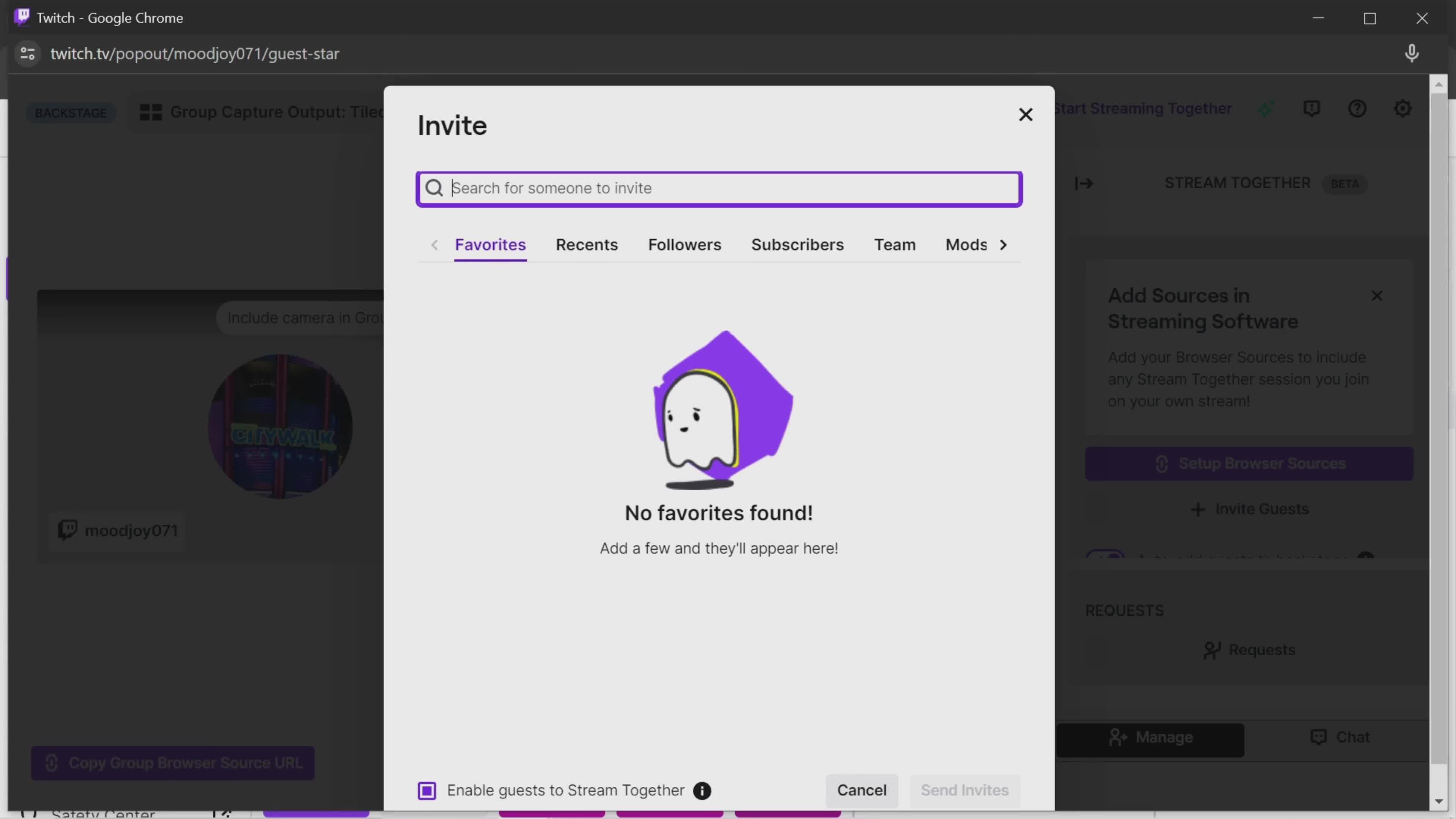
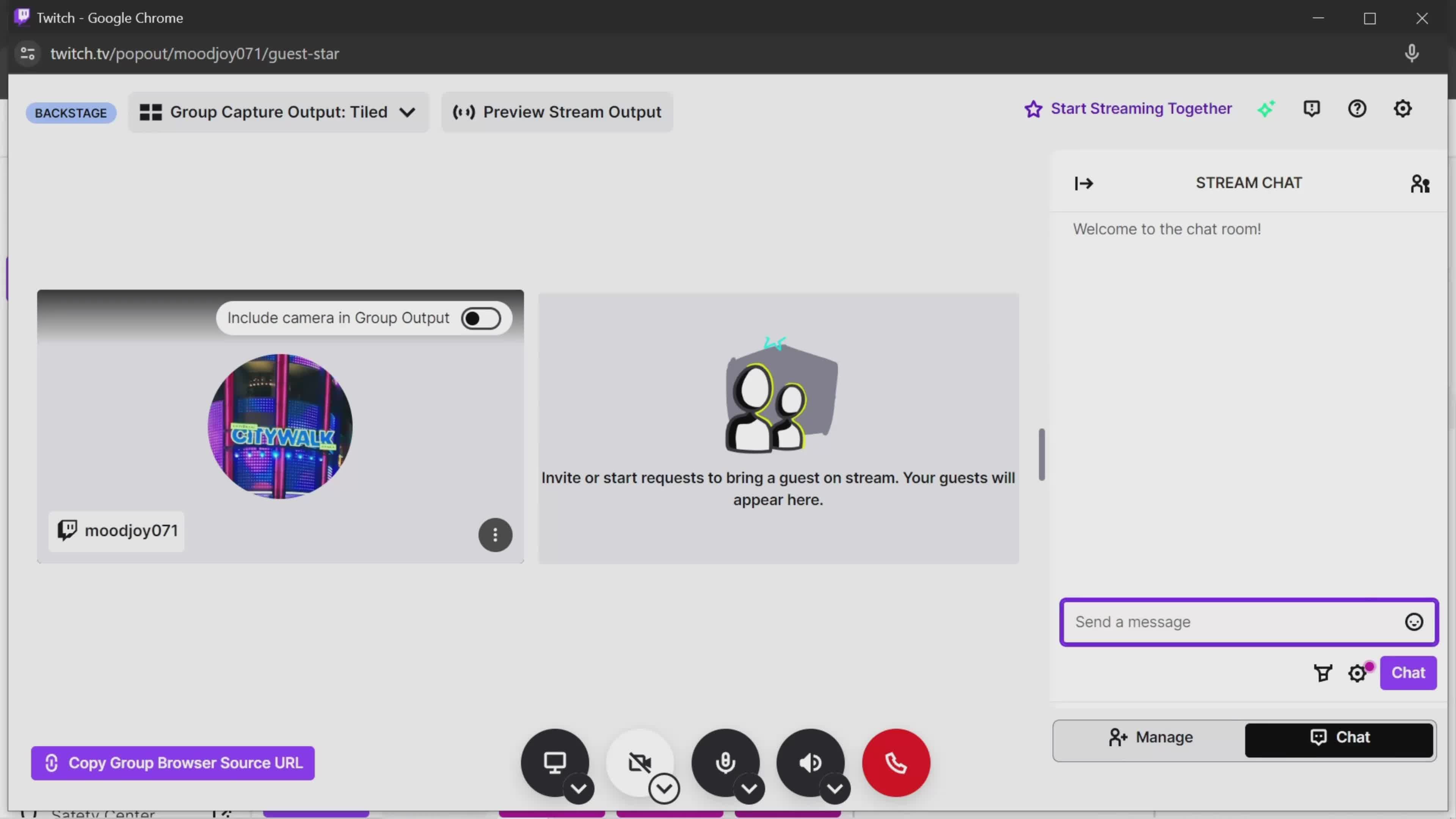
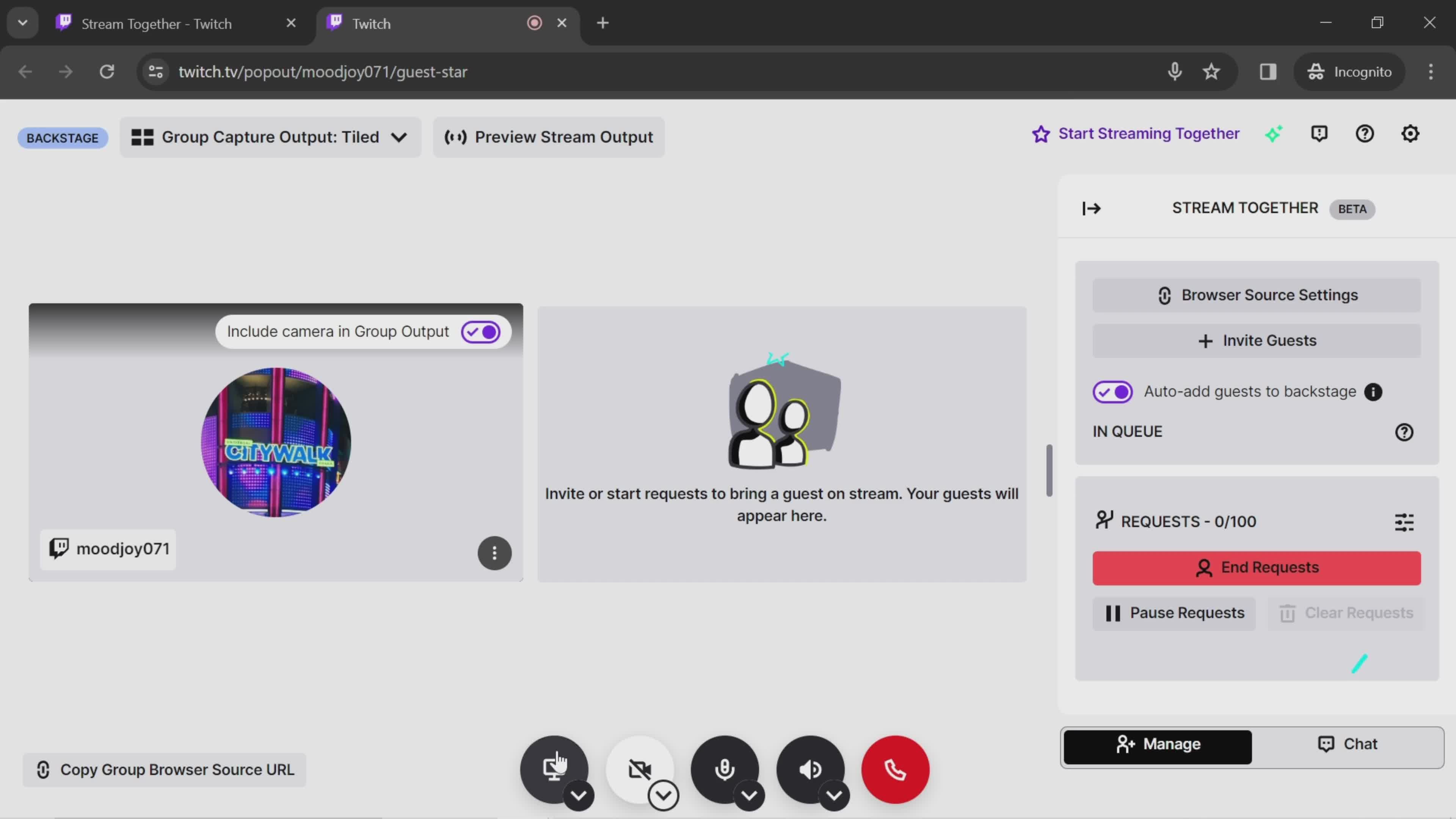
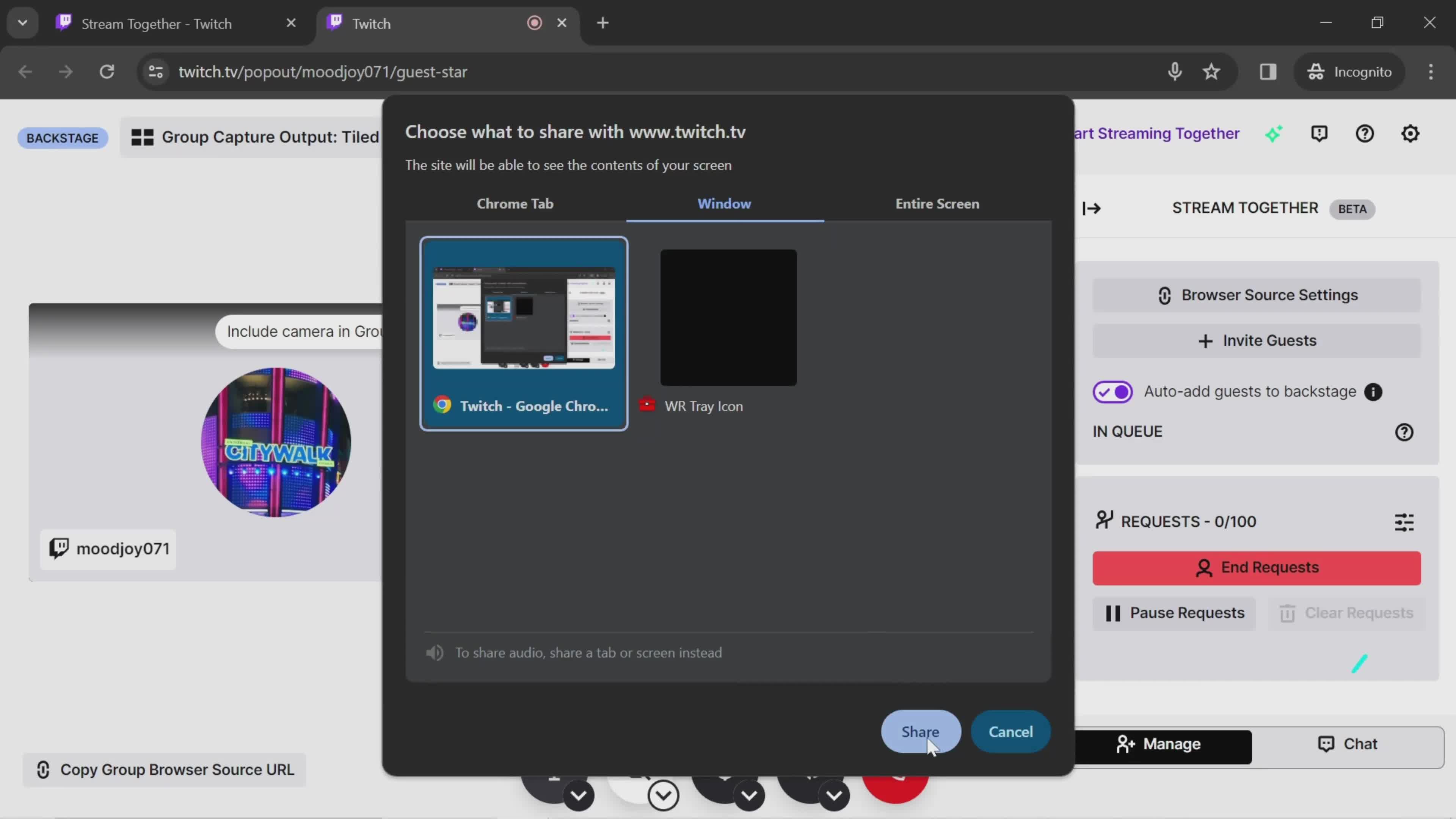
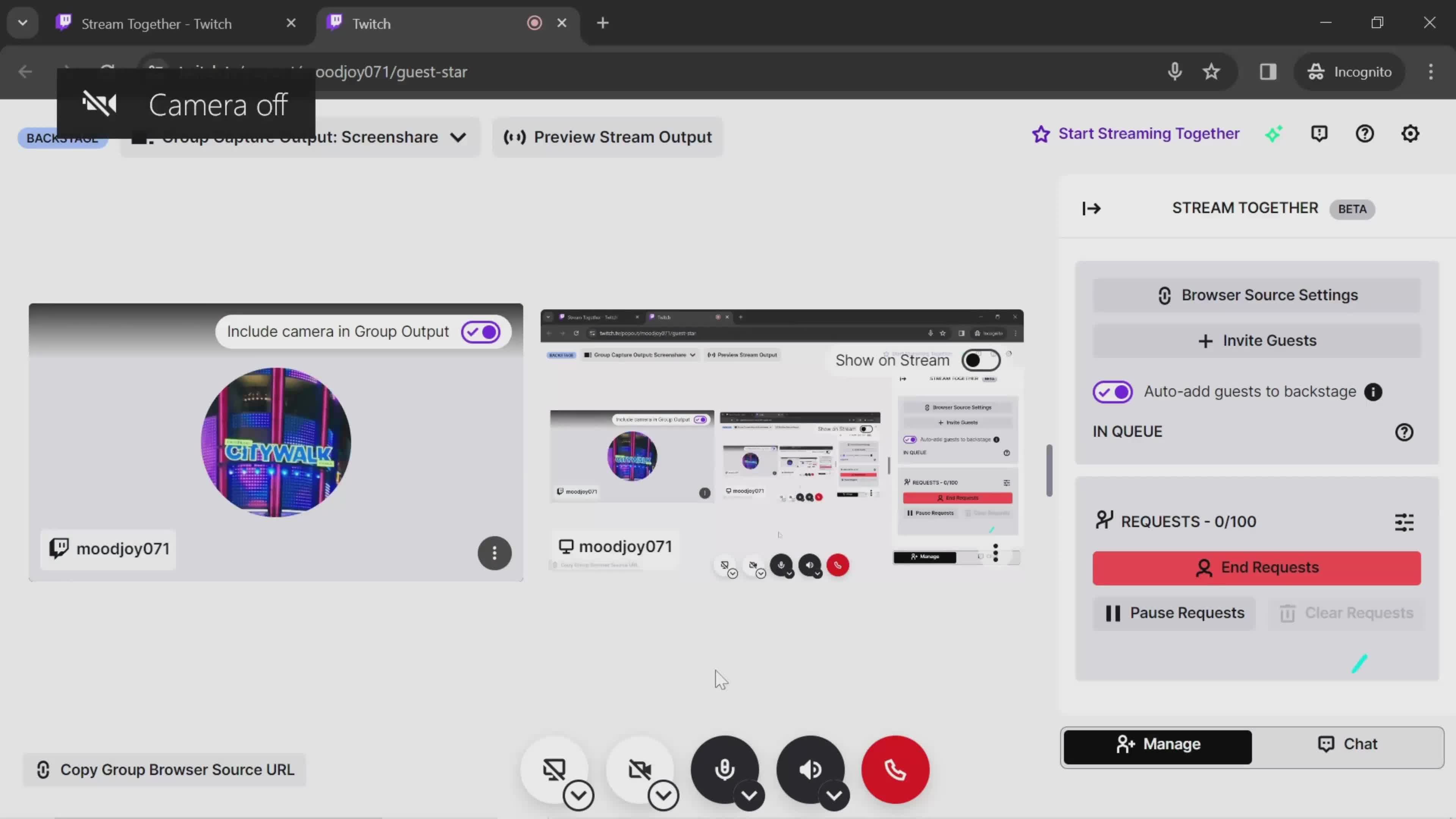
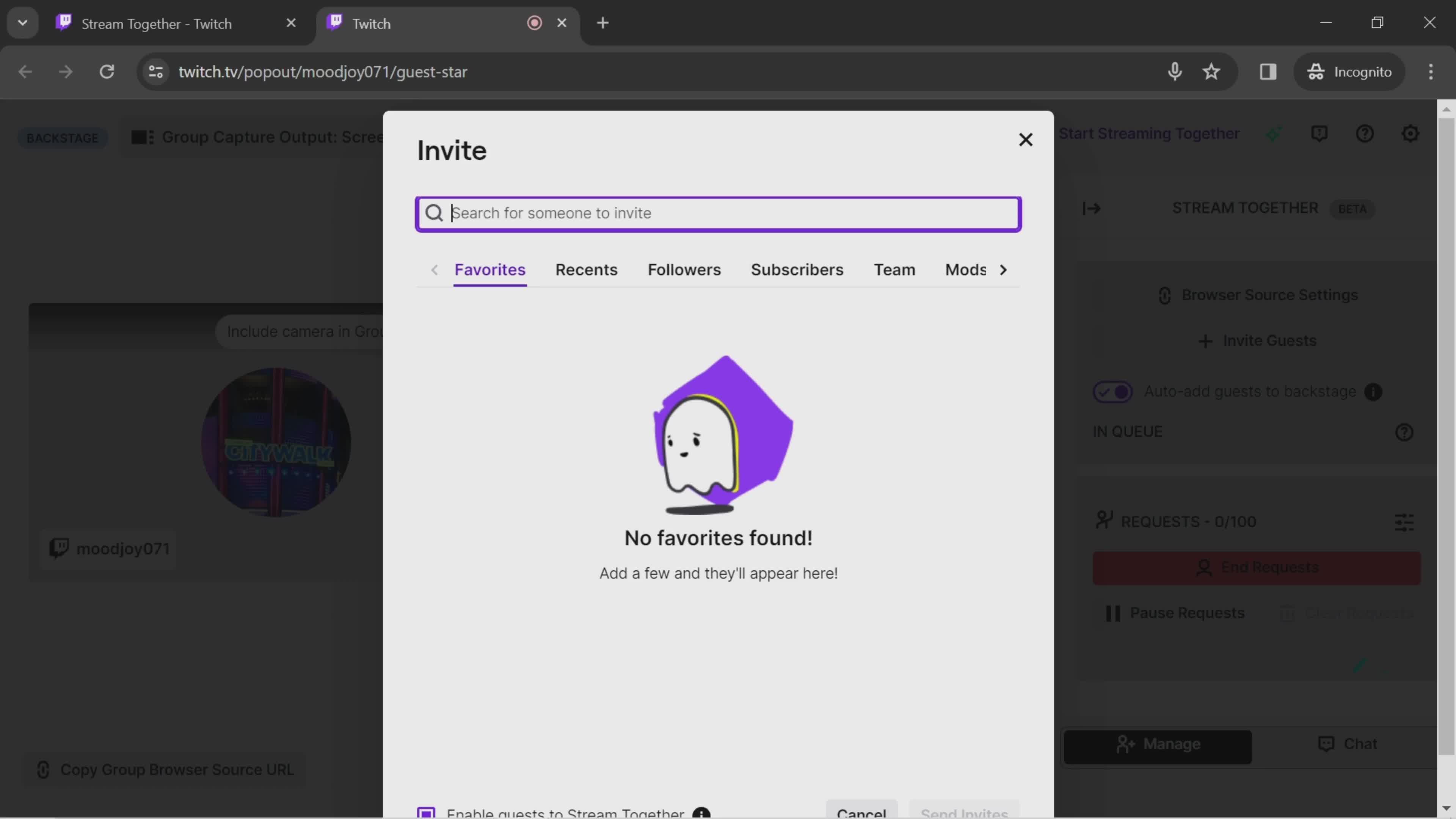
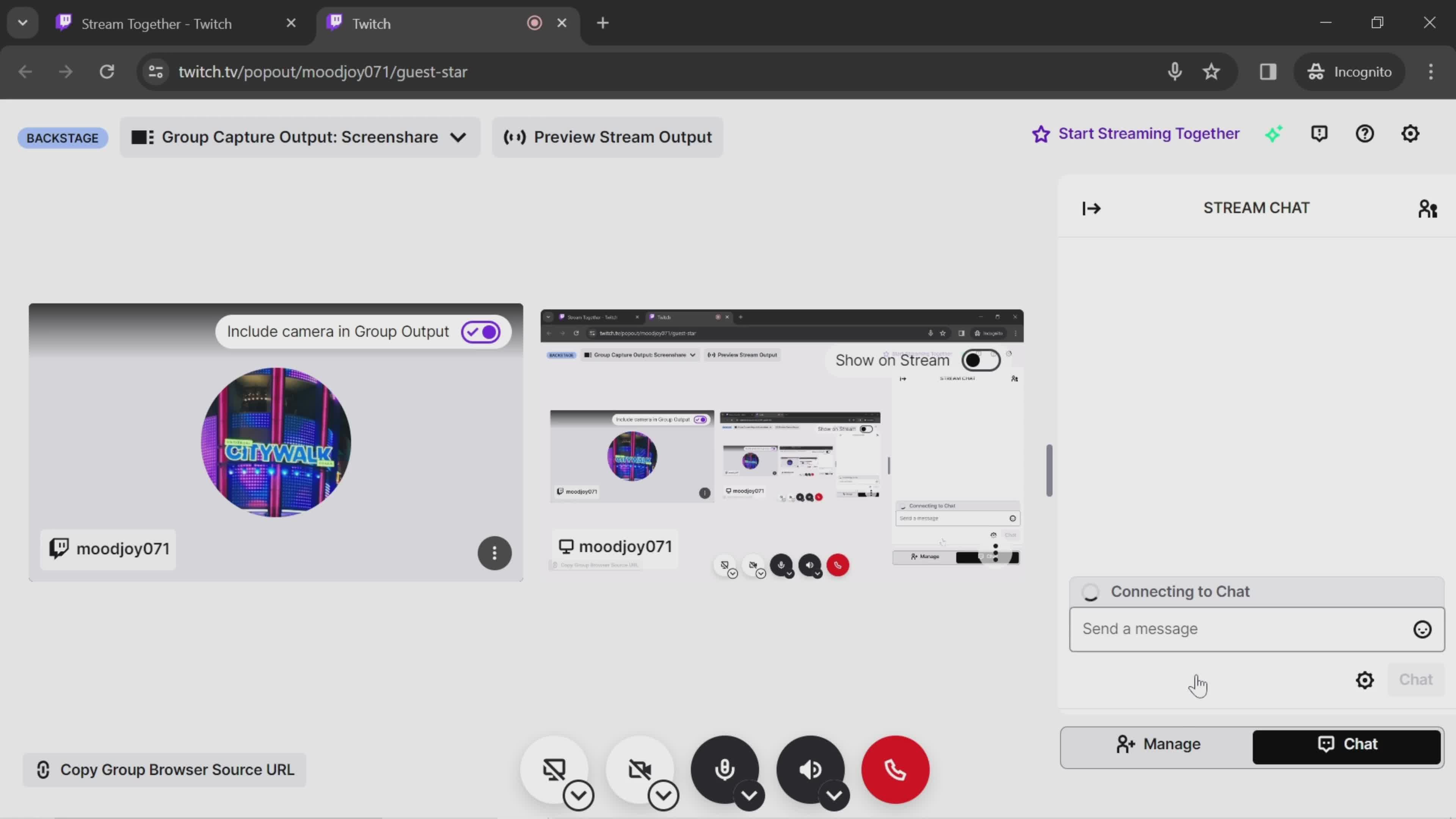
Invite guests
this is title
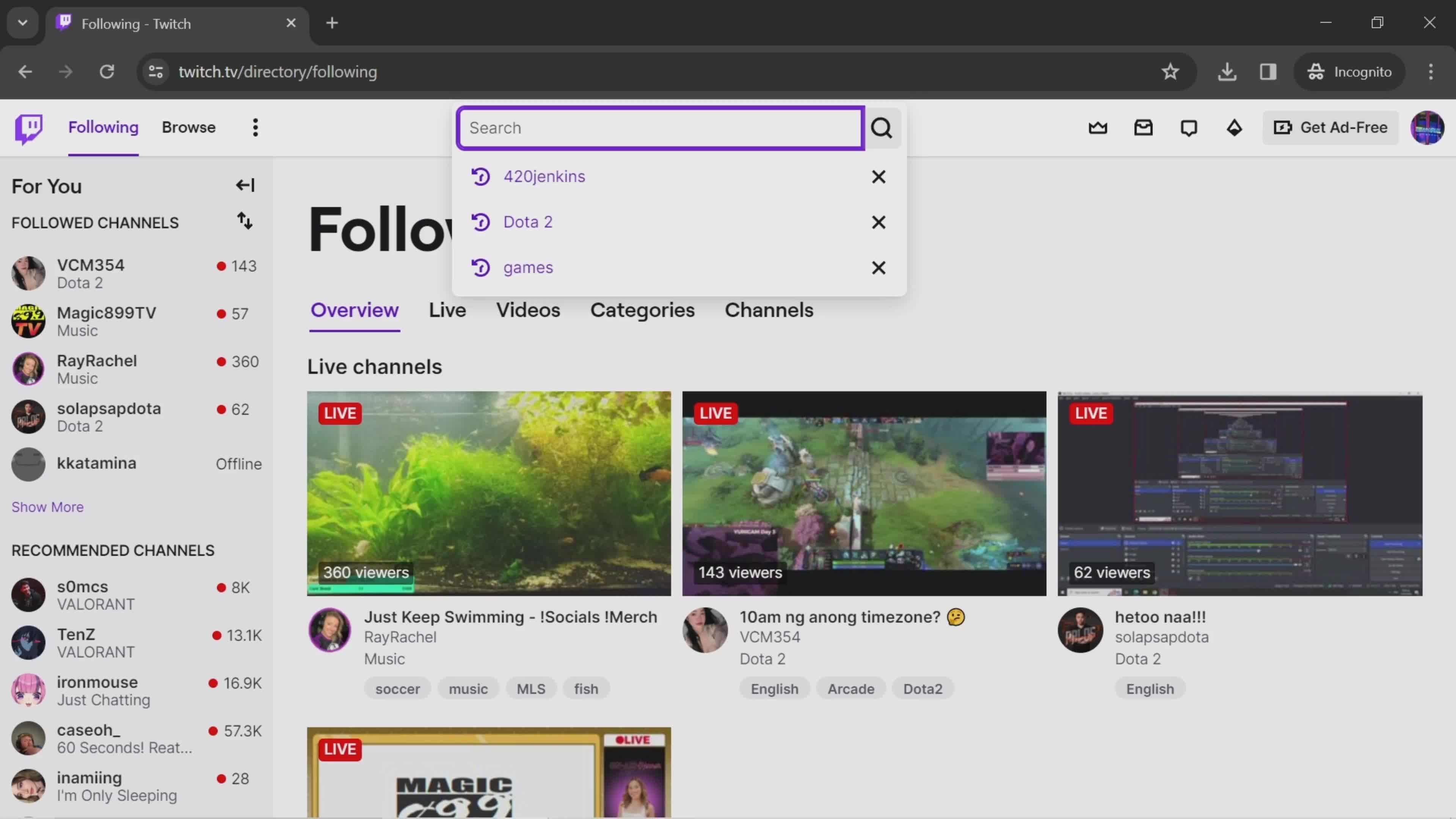
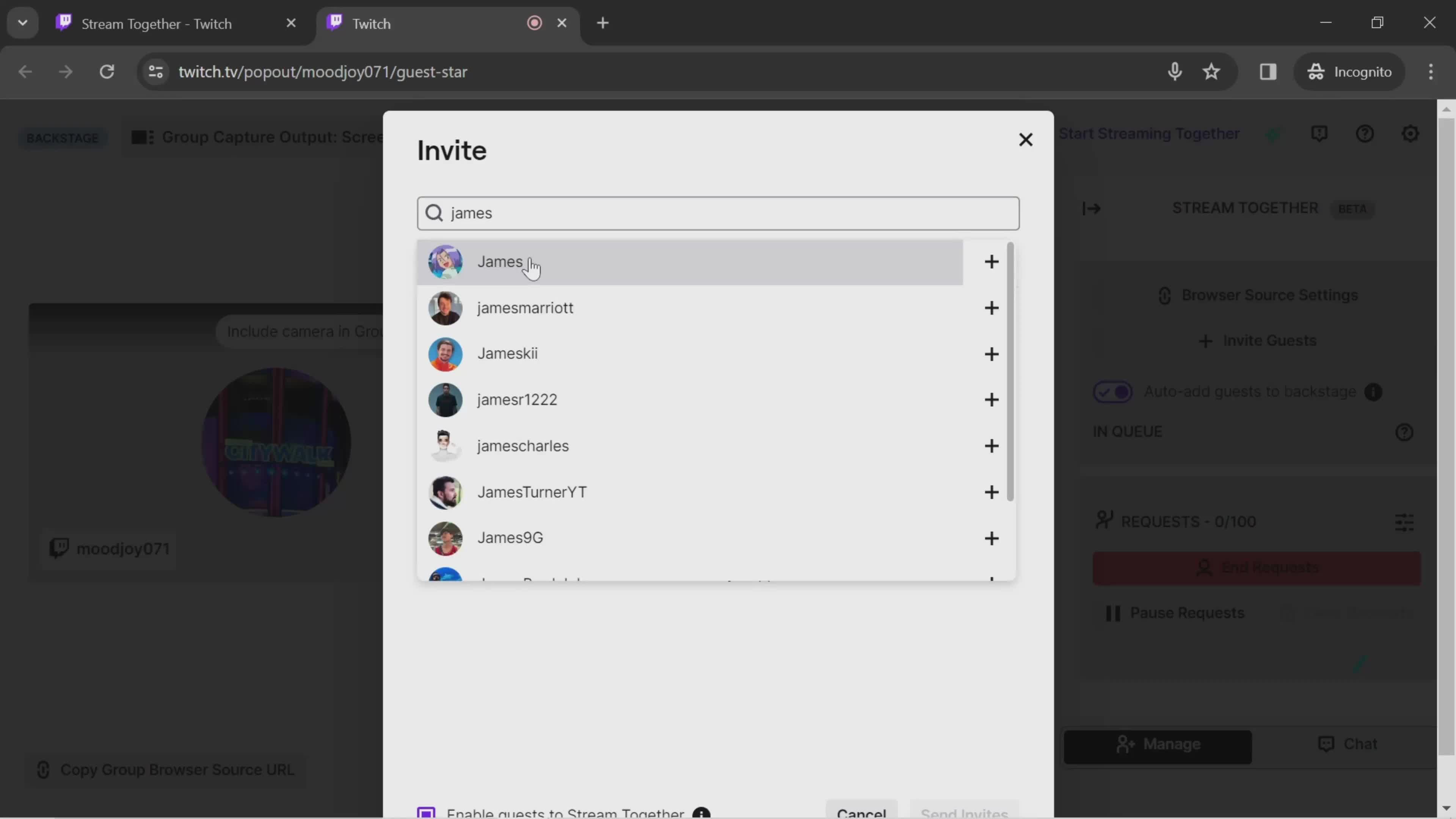
Search
this is title
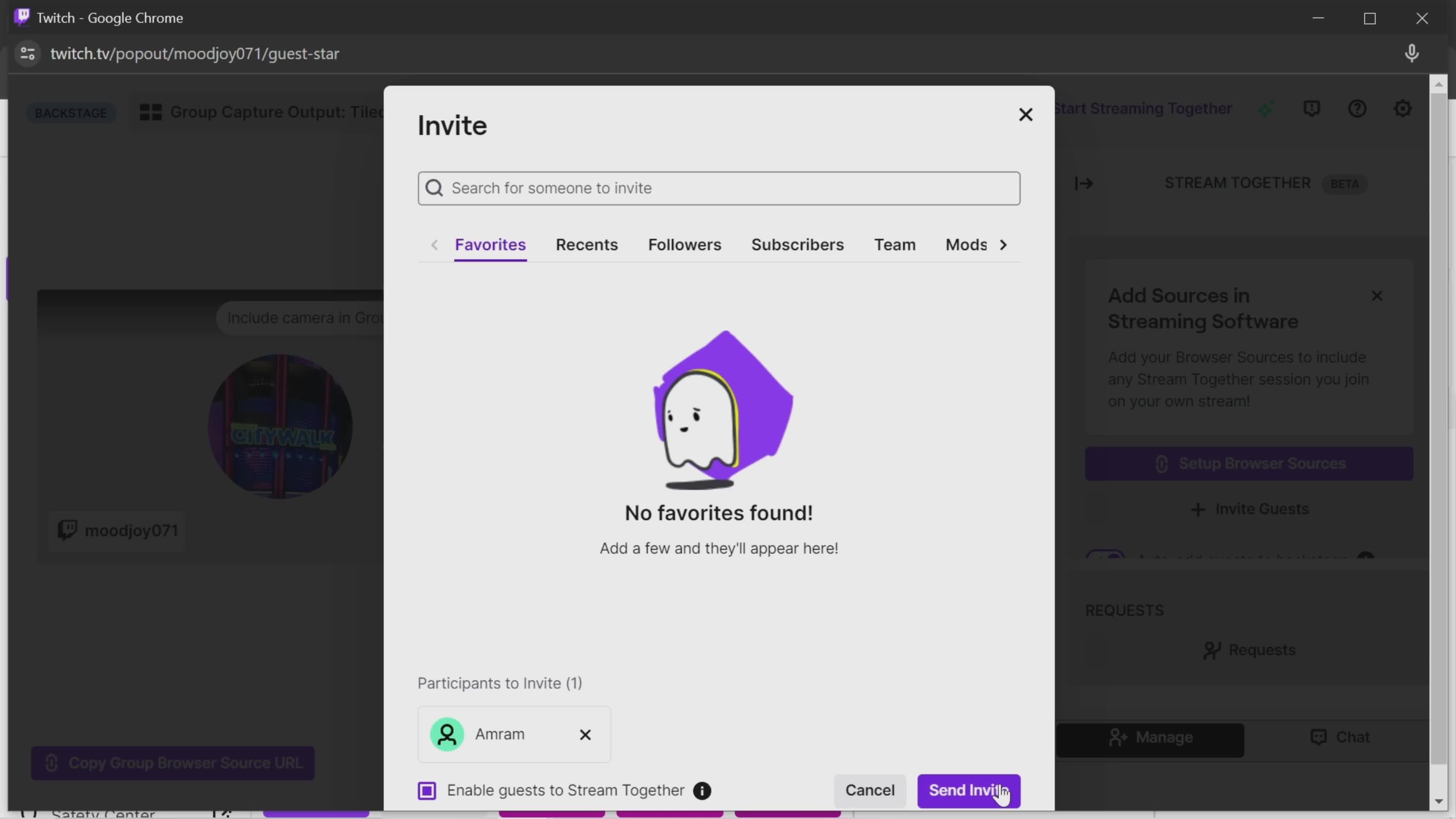
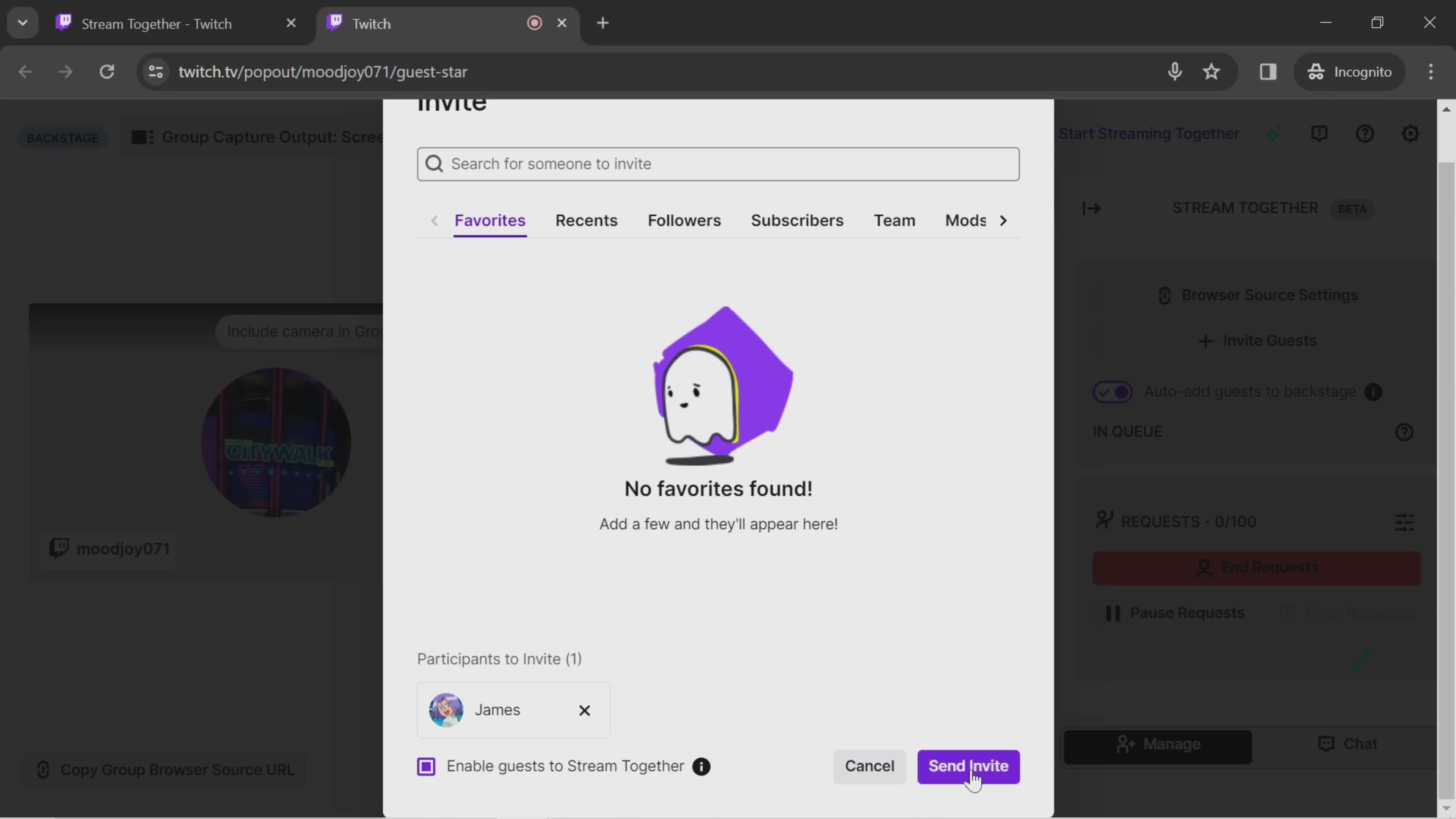
Send invite
this is title
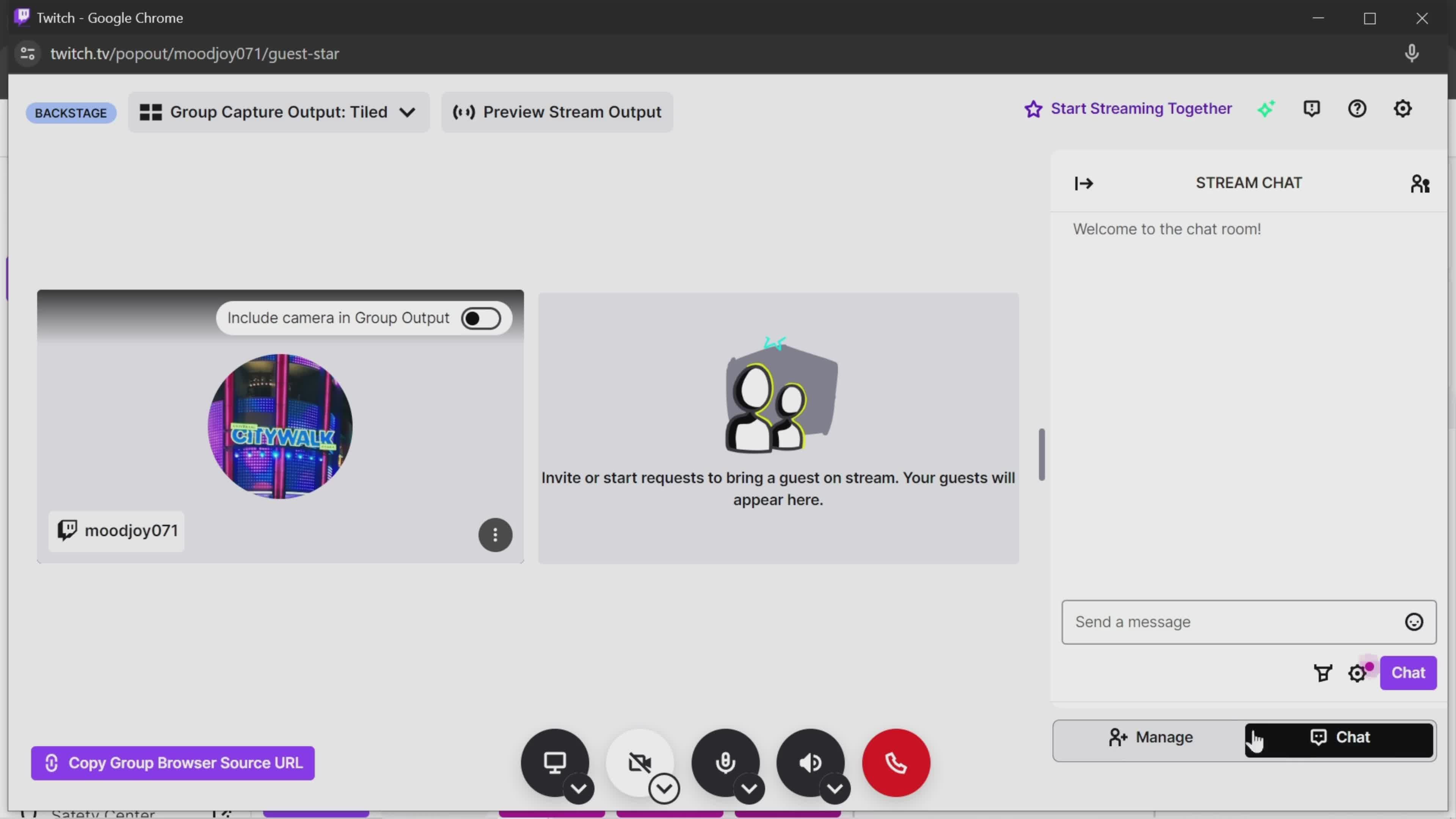
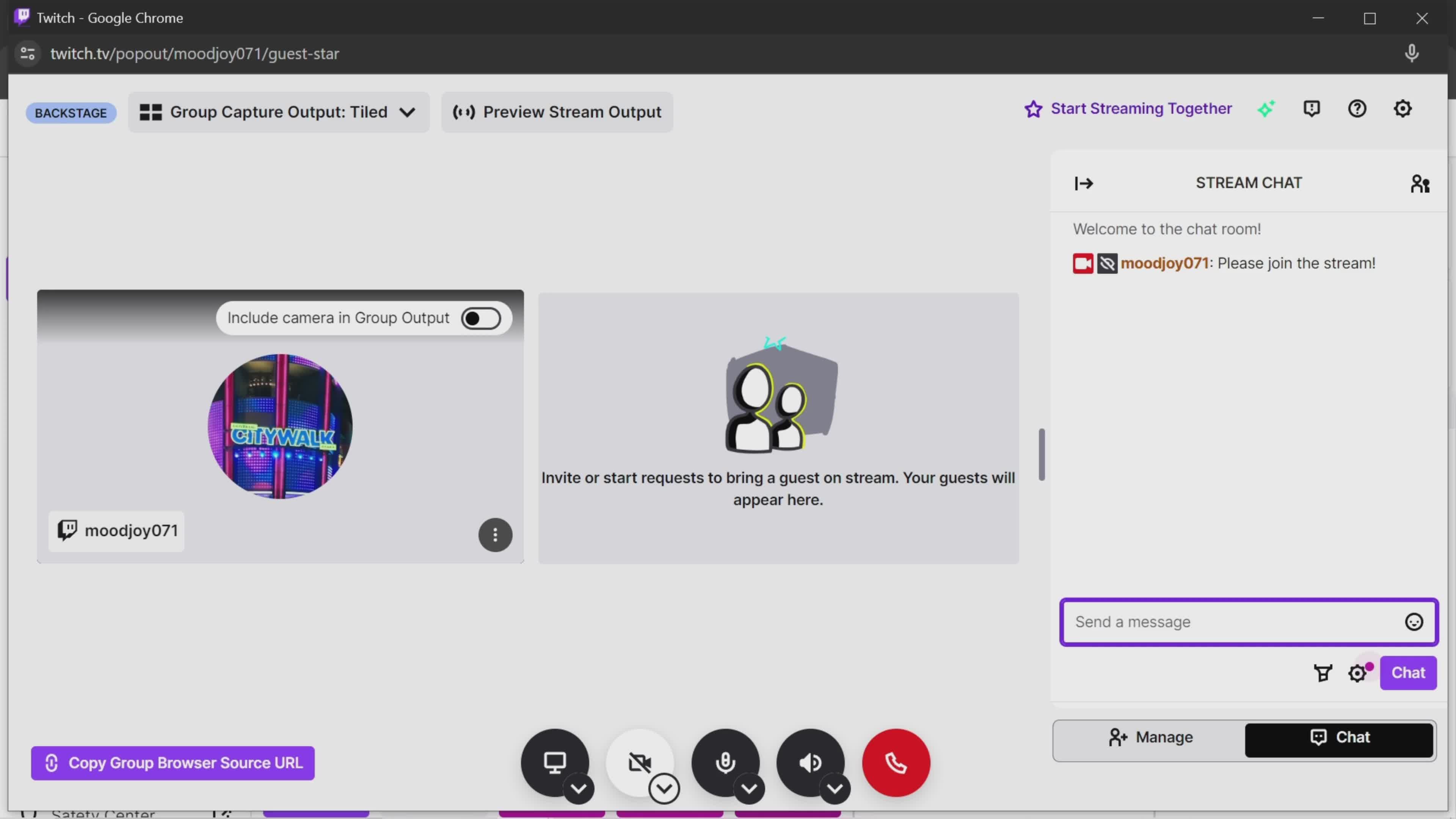
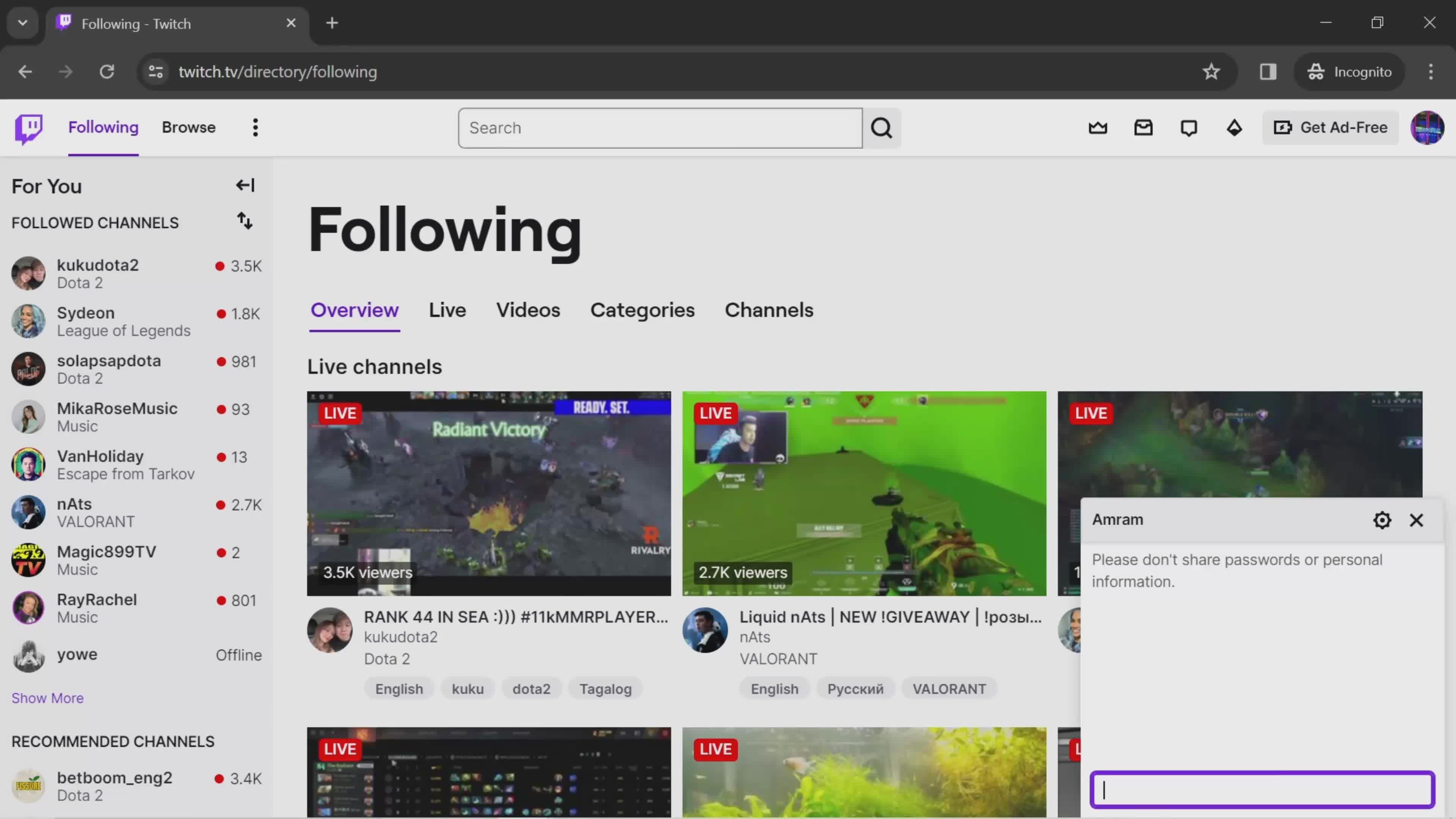
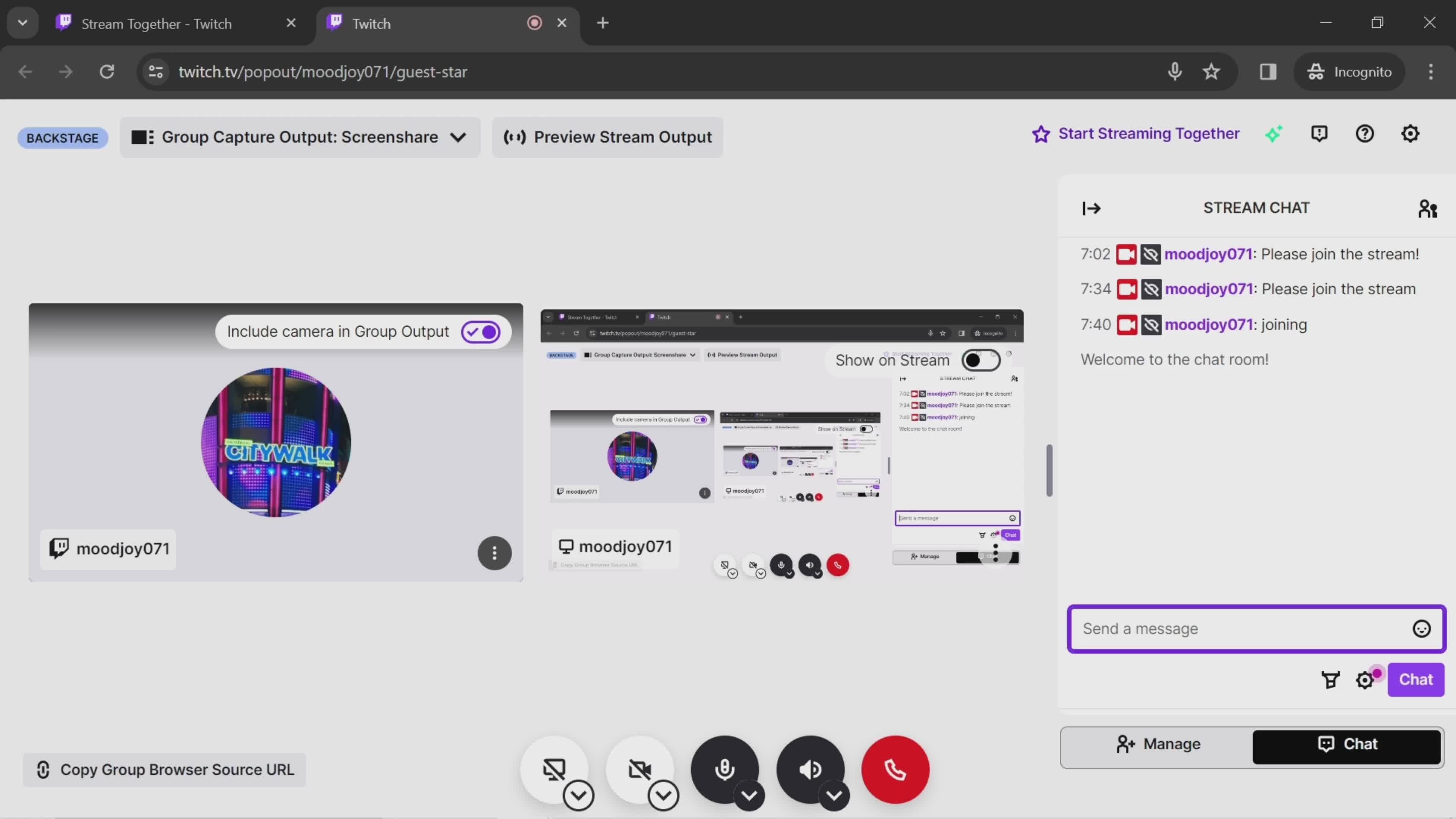
Chat
this is title
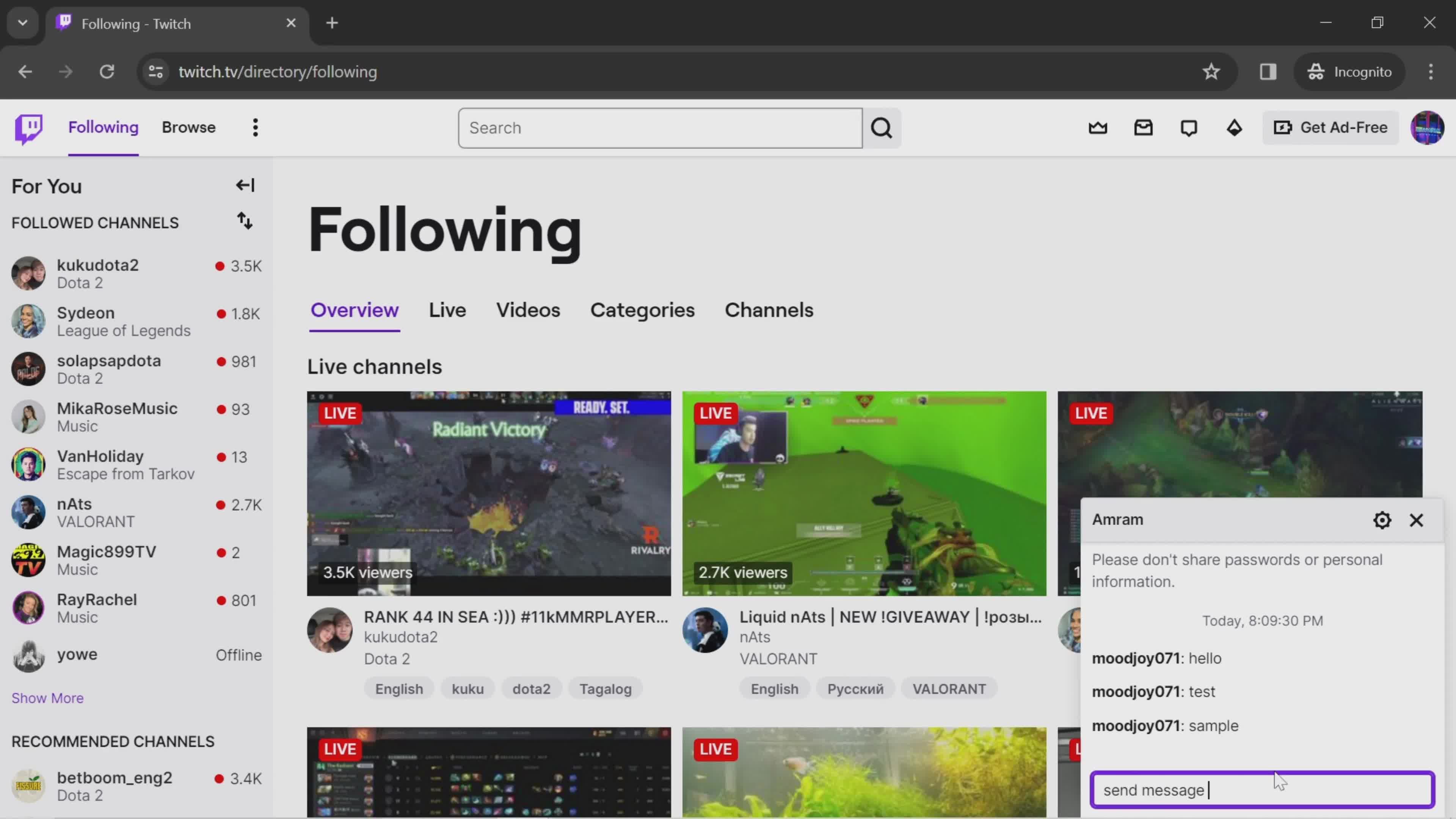
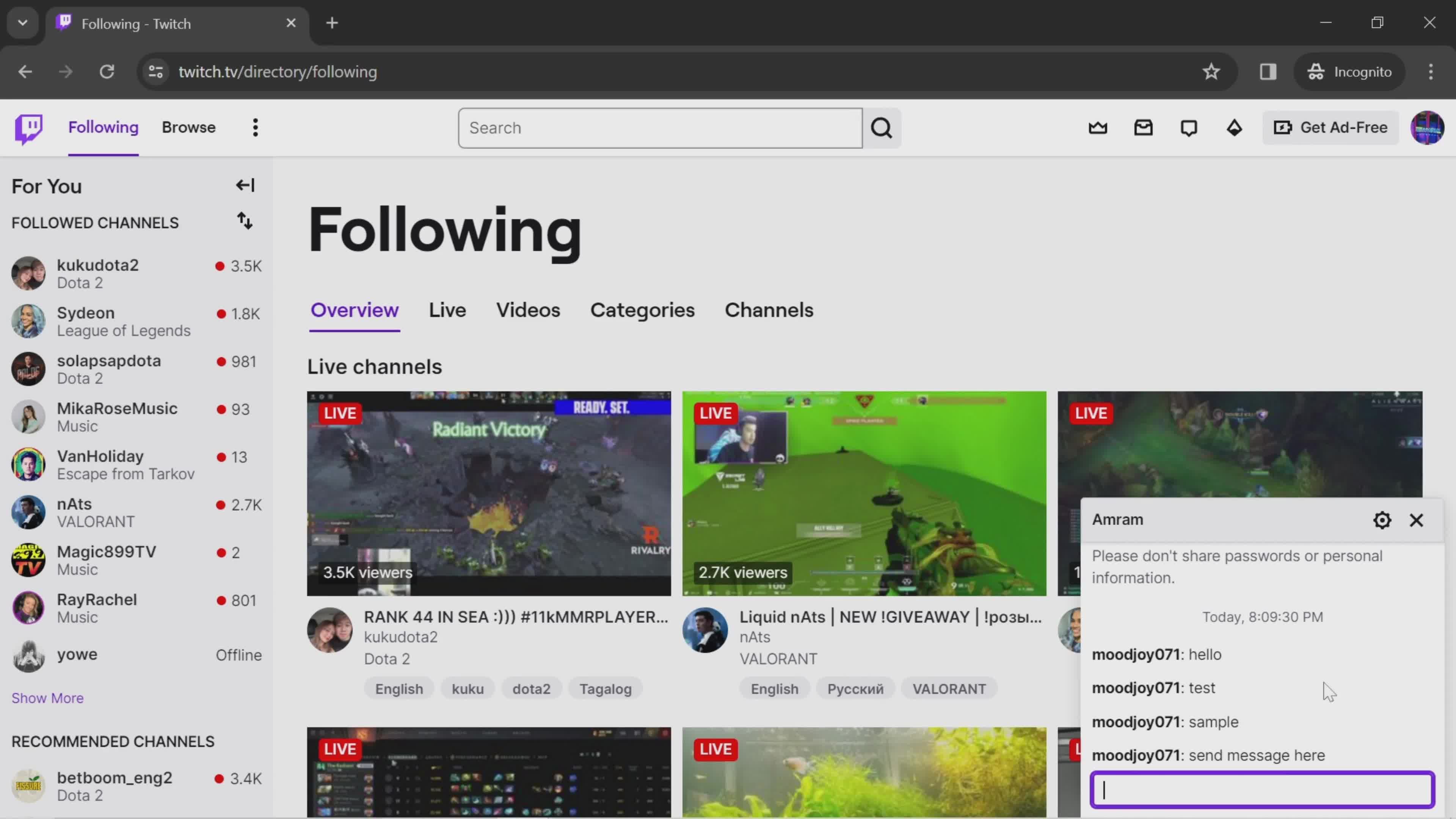
Send a message
this is title
Message sent
this is title
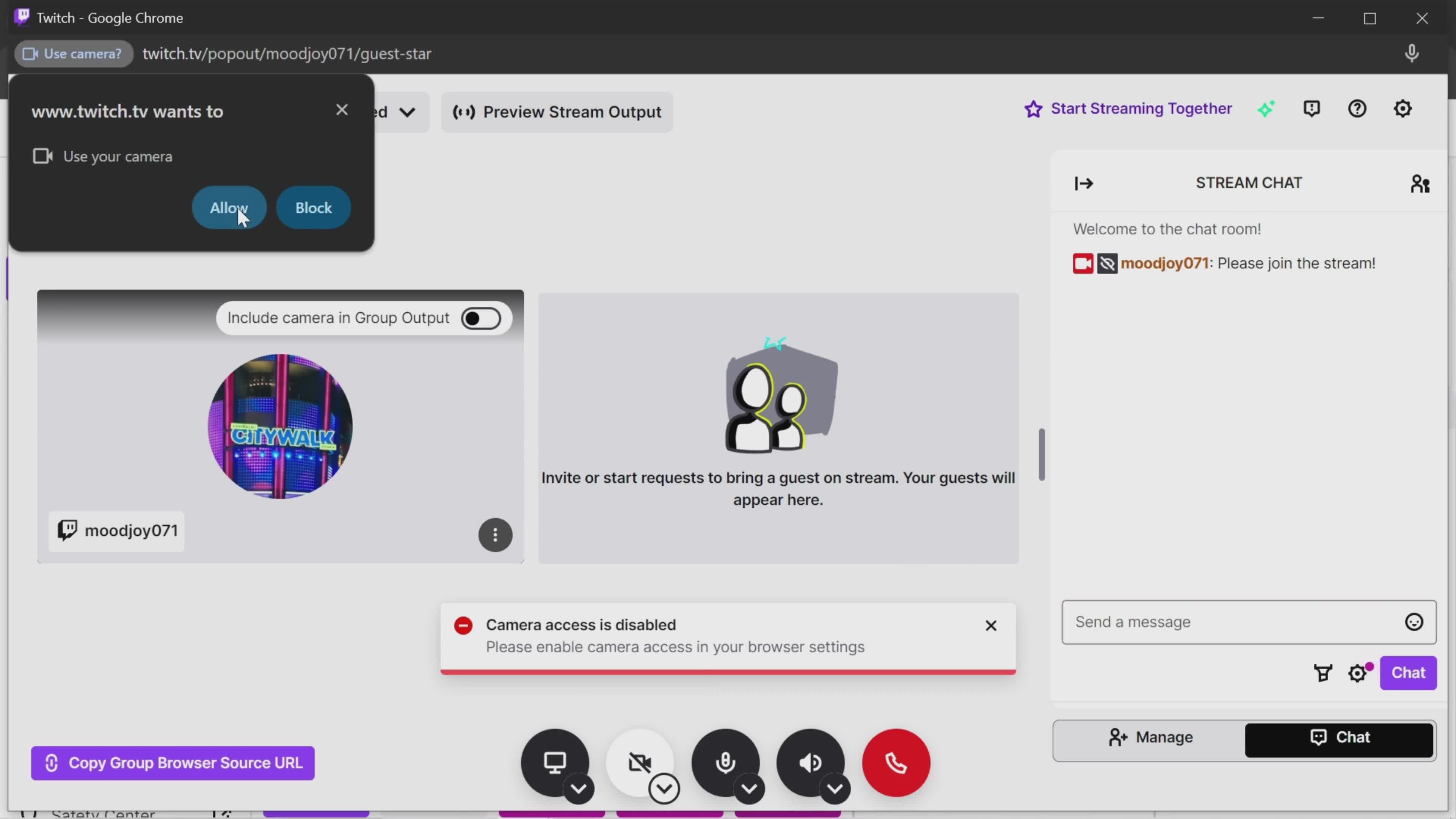
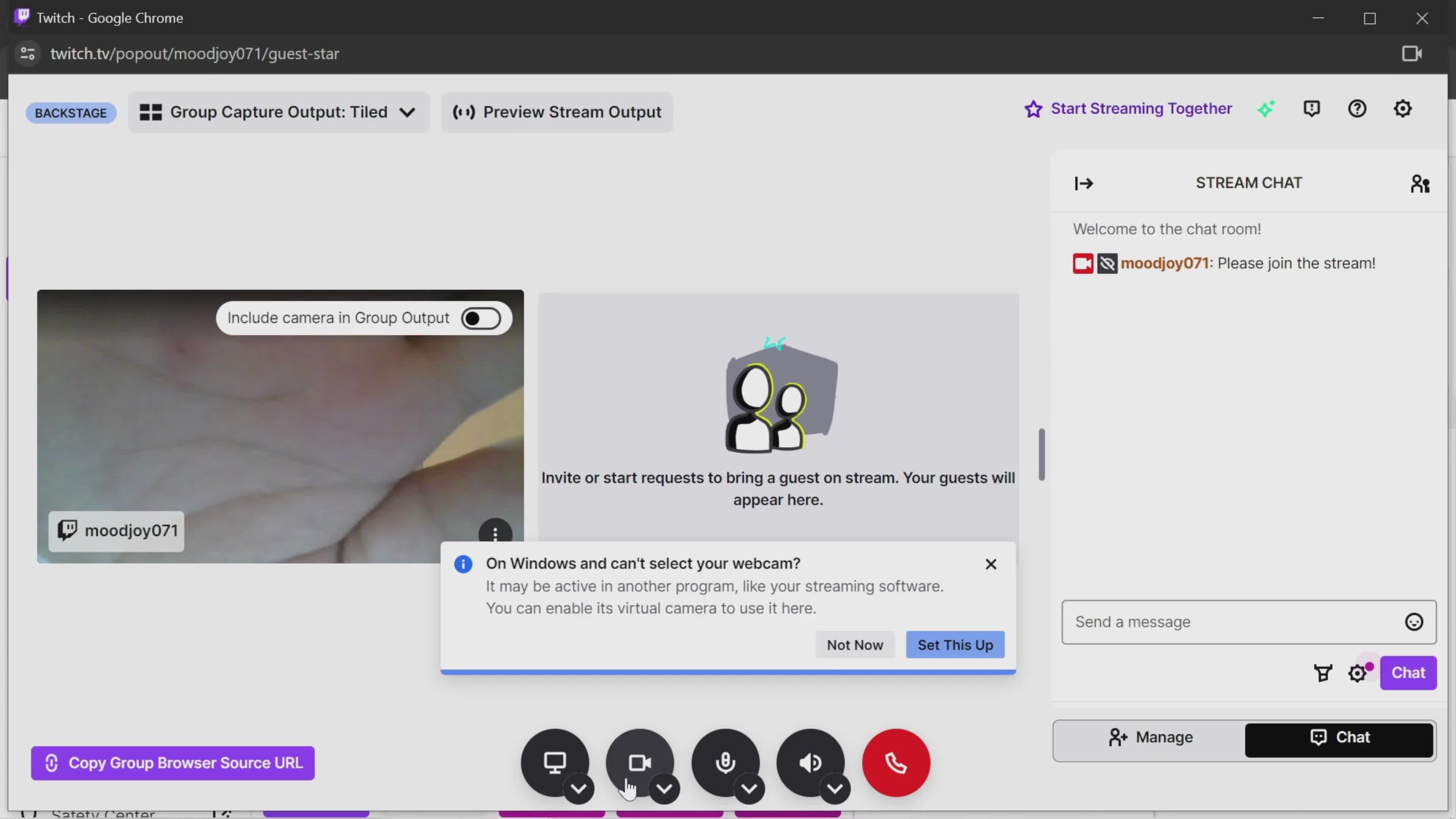
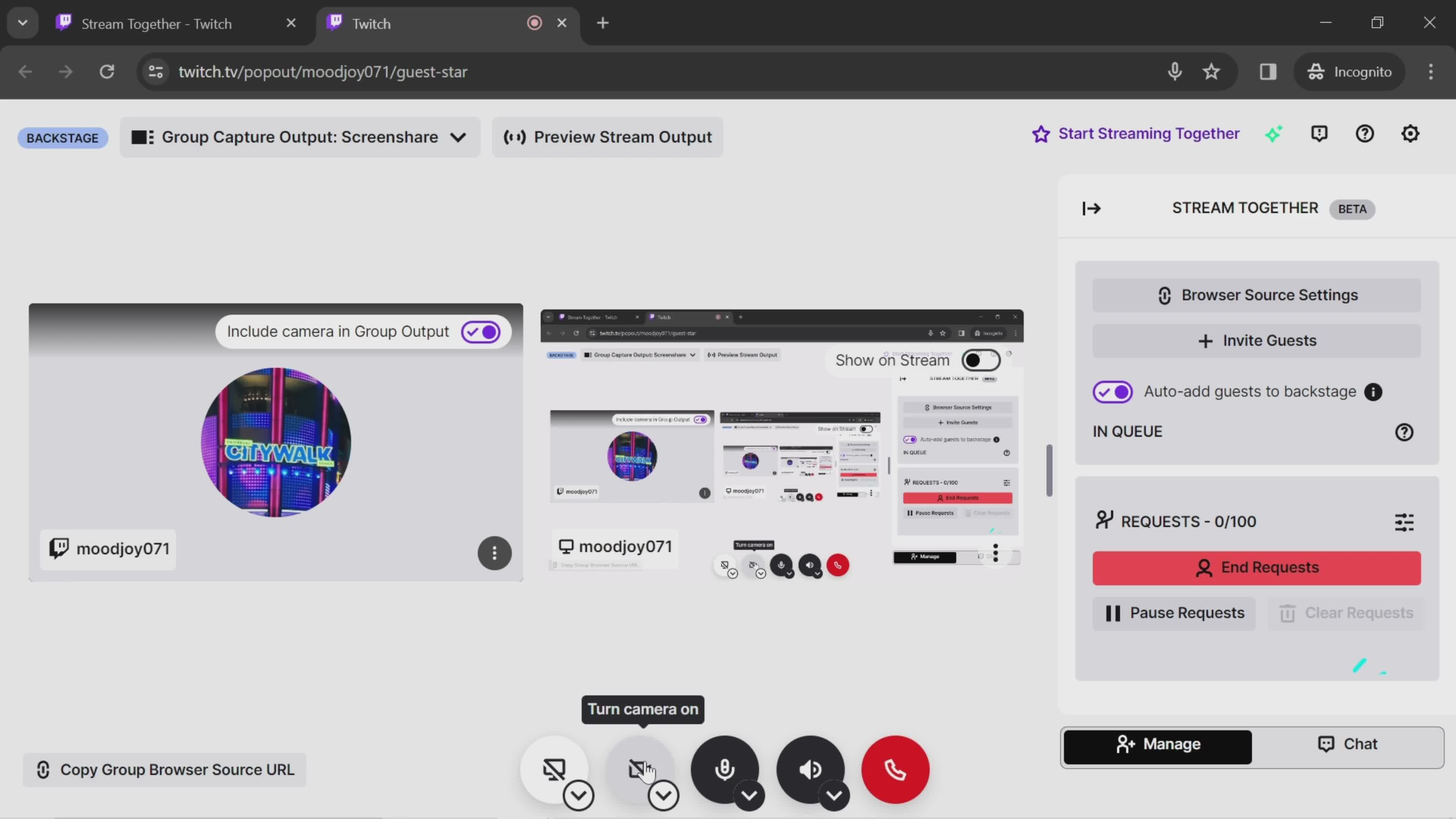
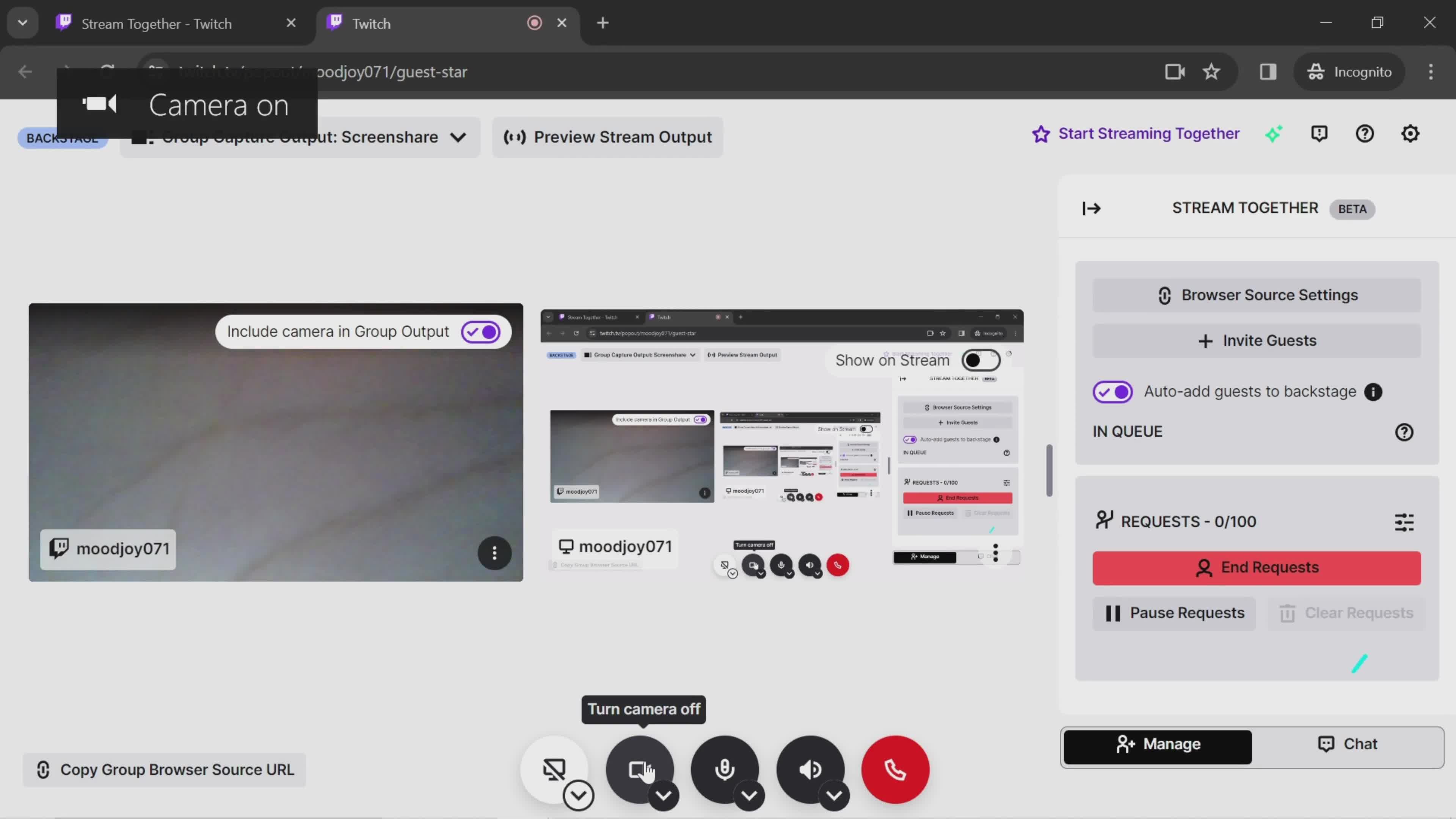
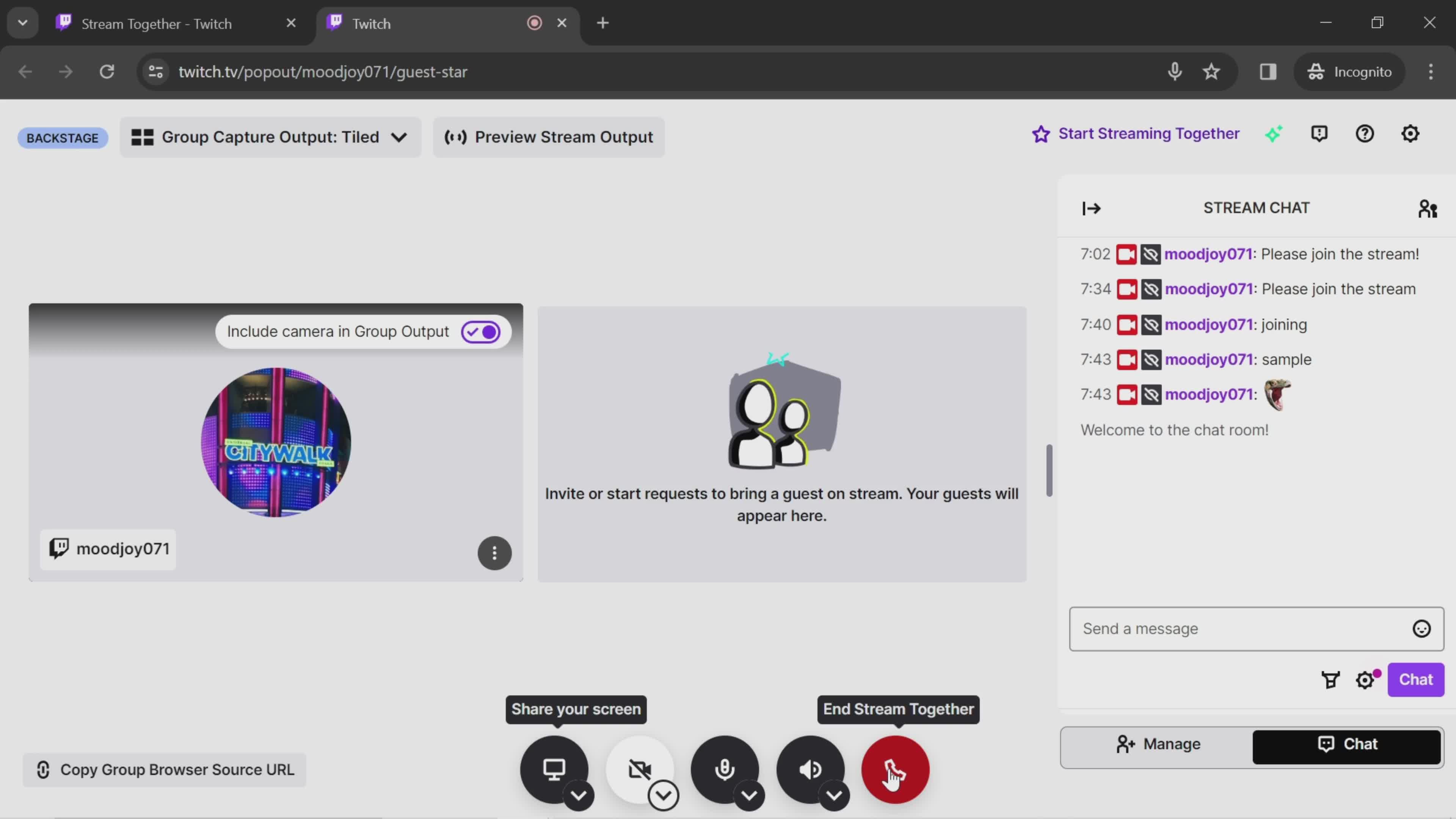
Enable camera
this is title
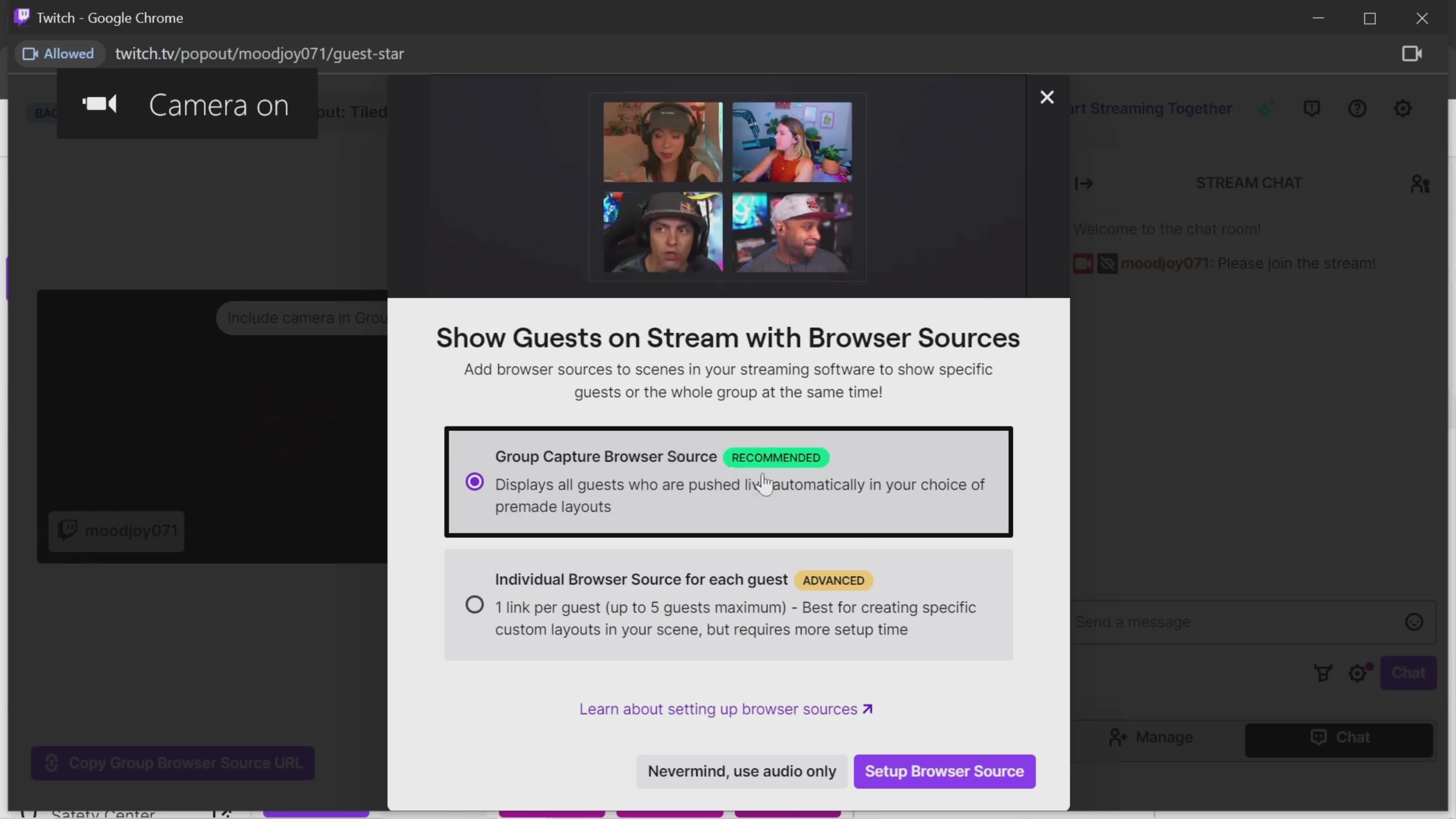
Sources
this is title
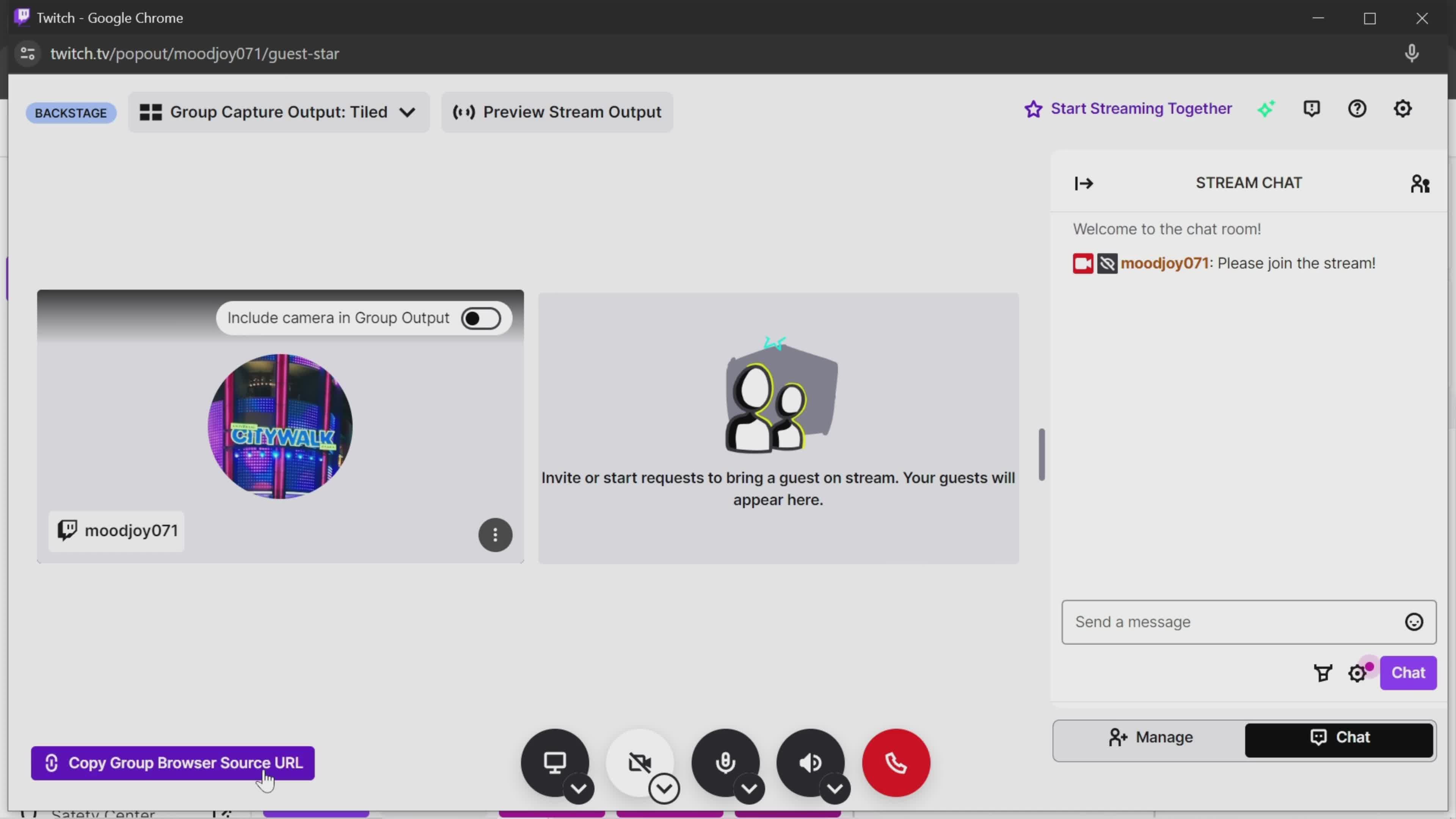
Turn camera off
this is title
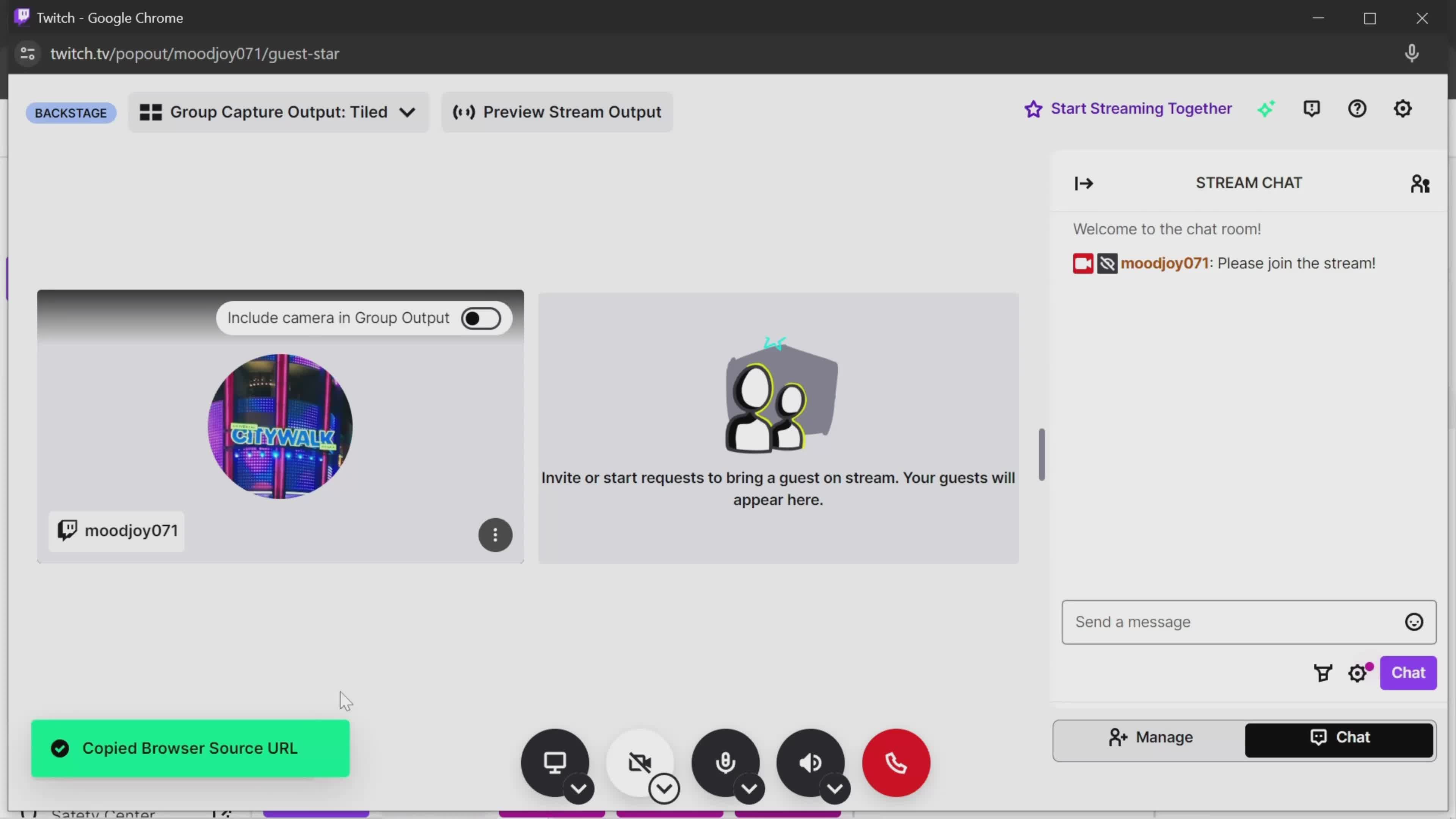
Copy URL
this is title
Copied
this is title
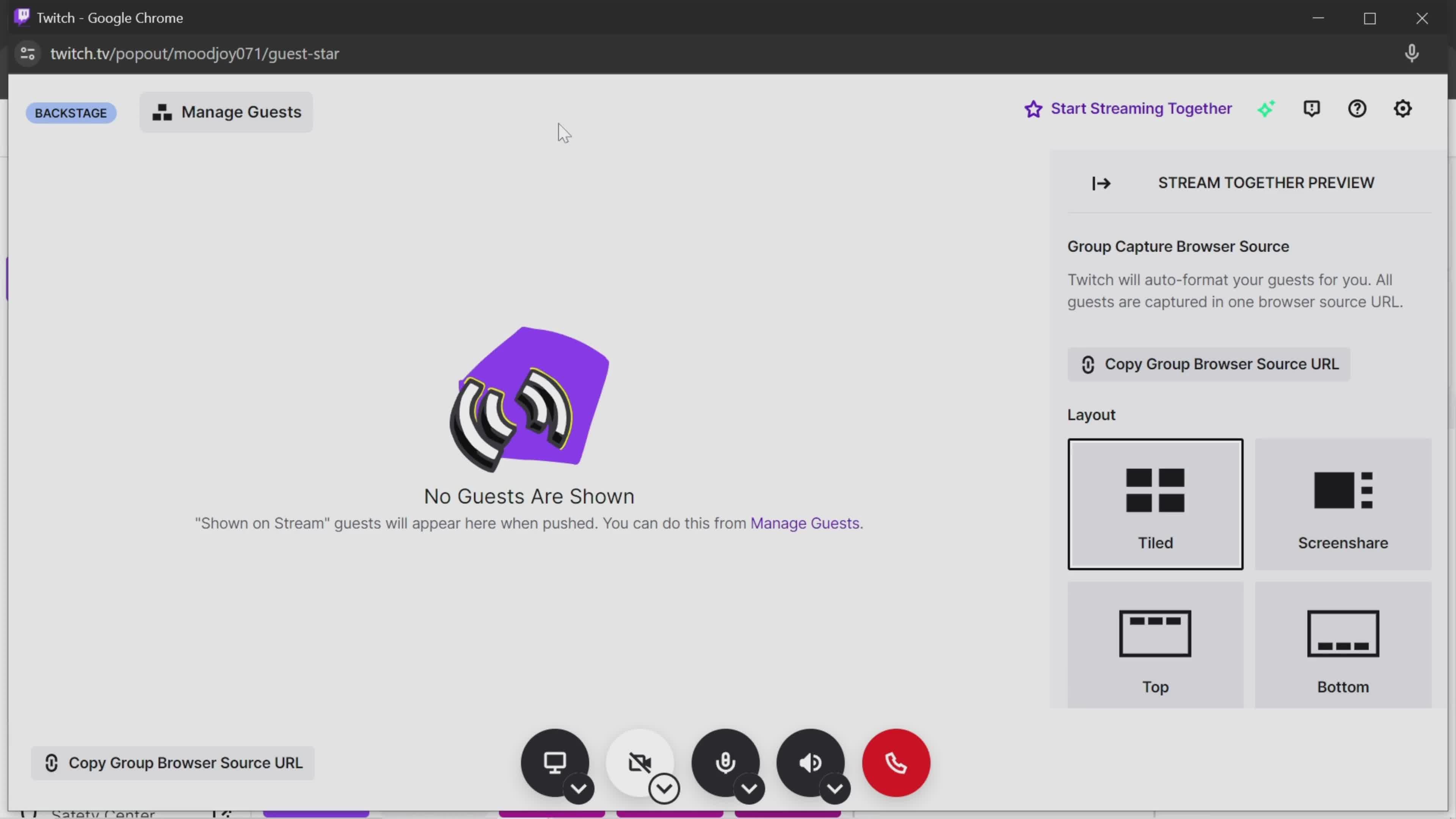
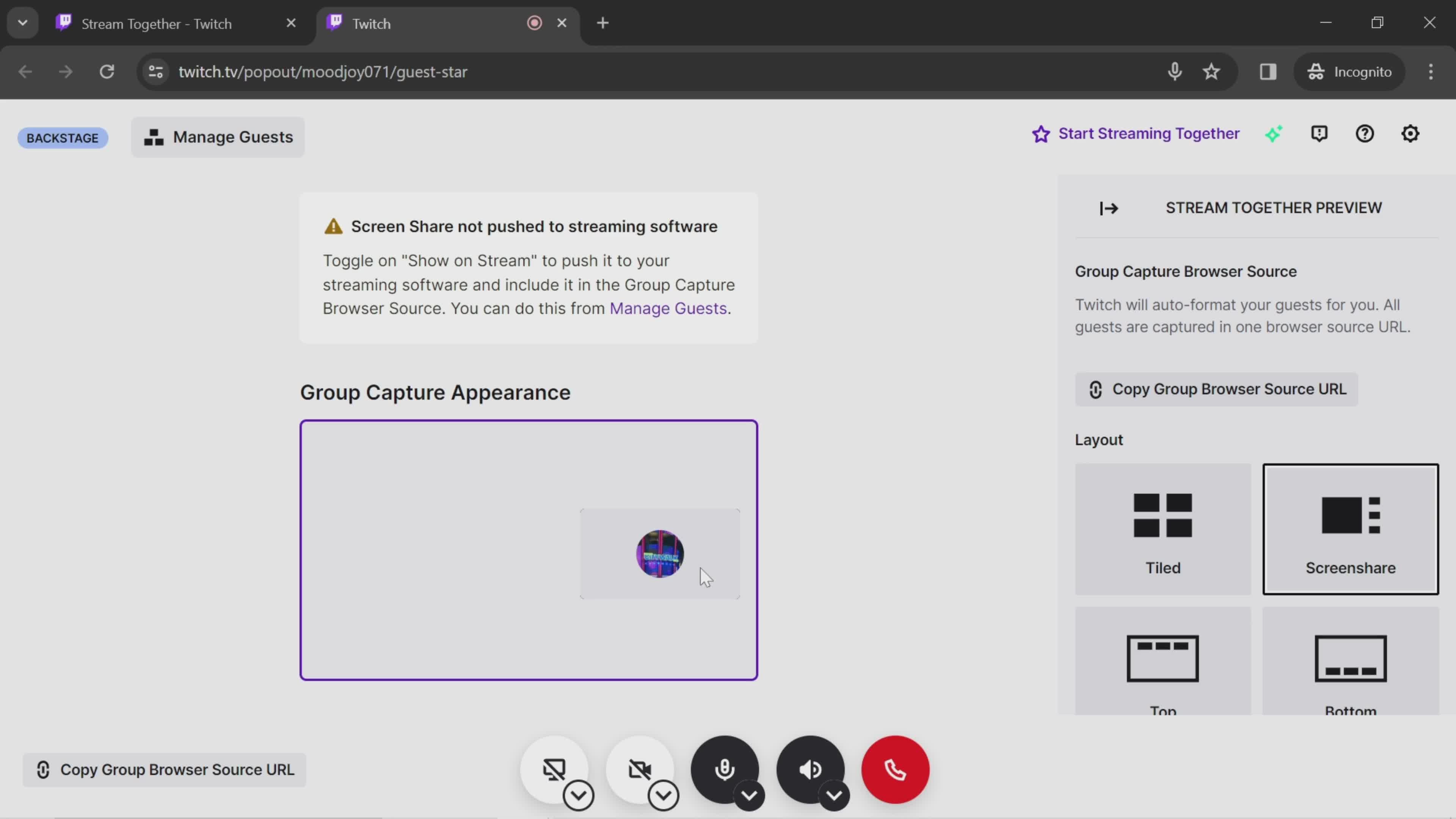
Preview
this is title
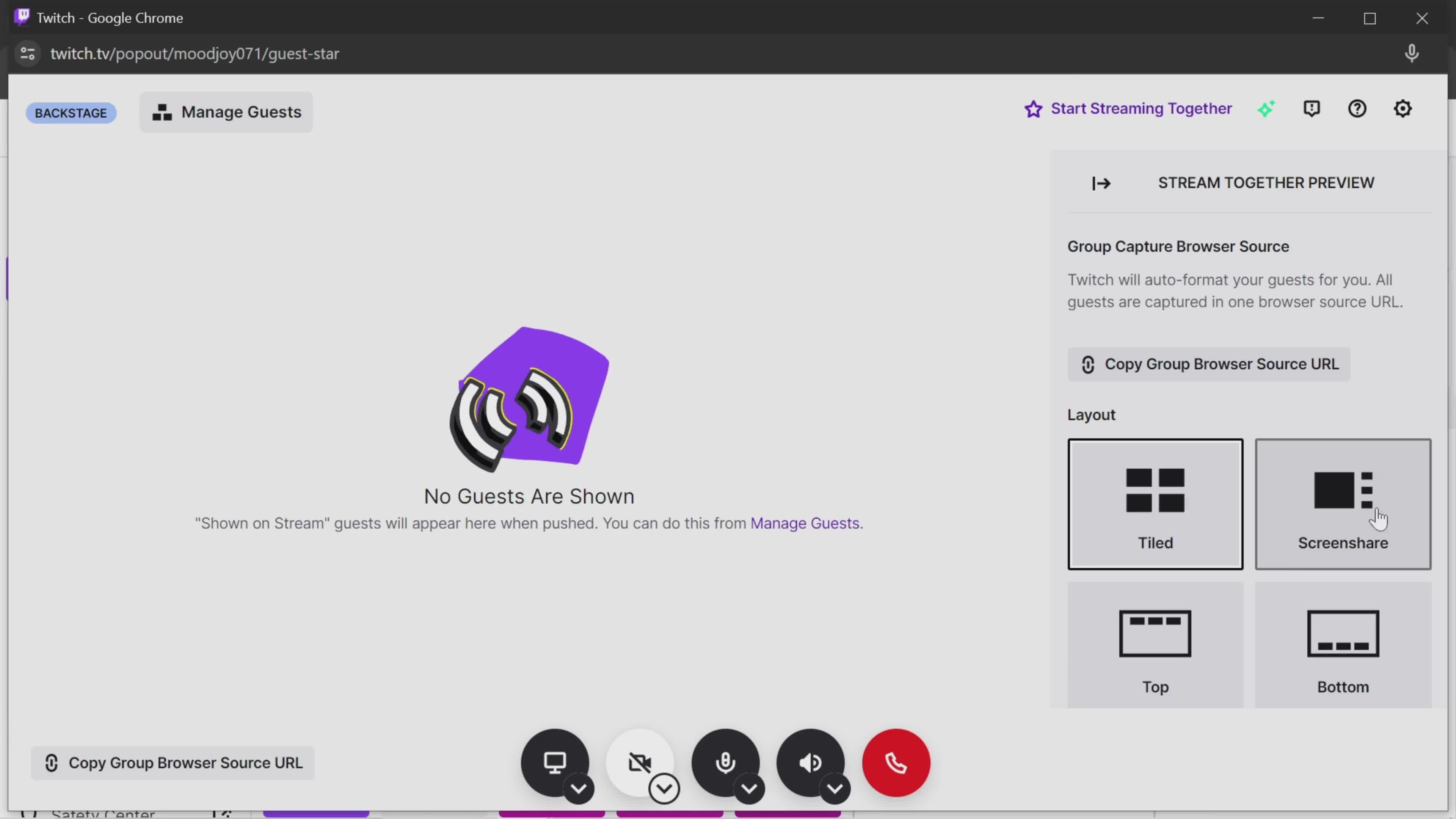
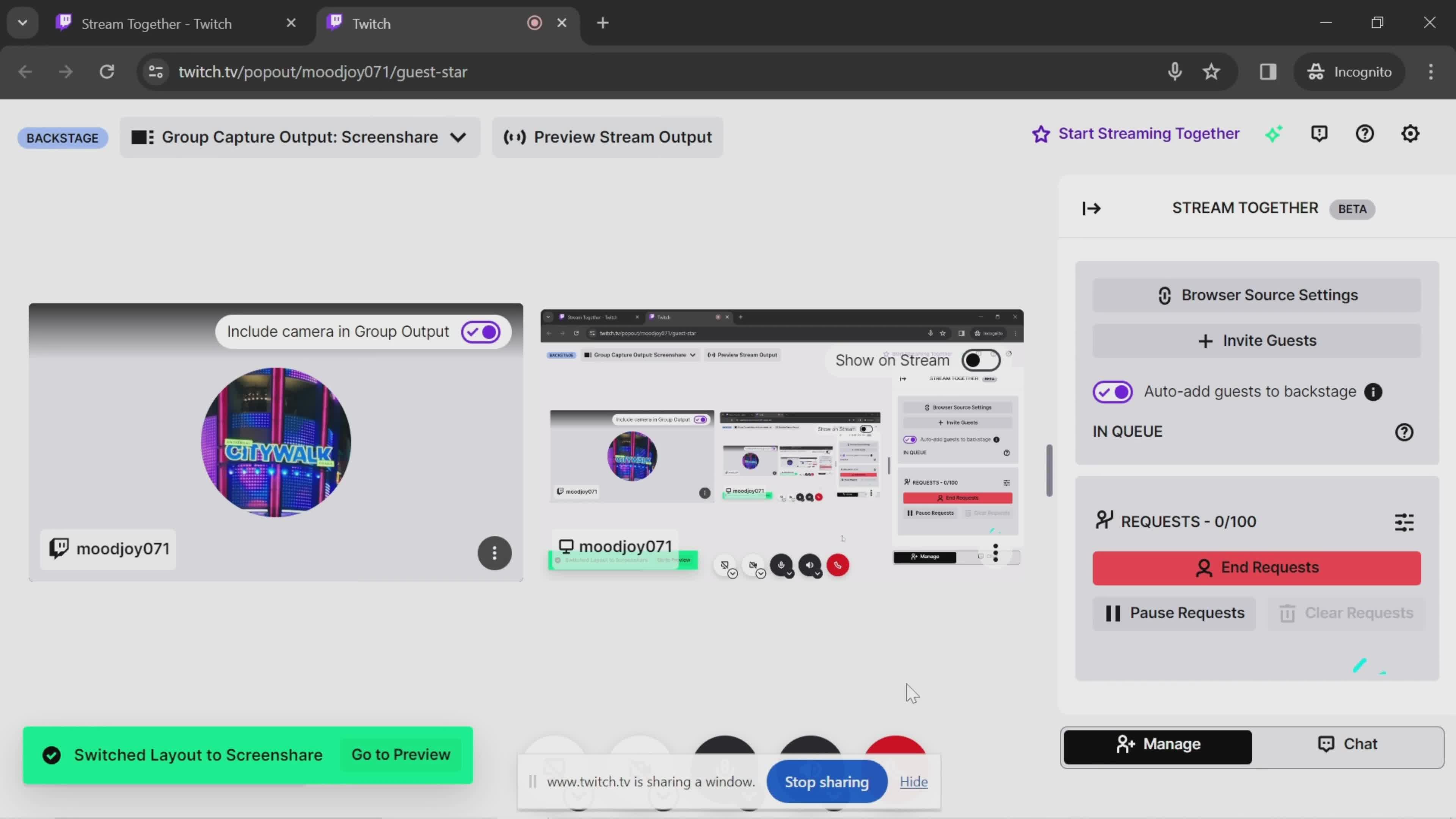
Select layout
this is title
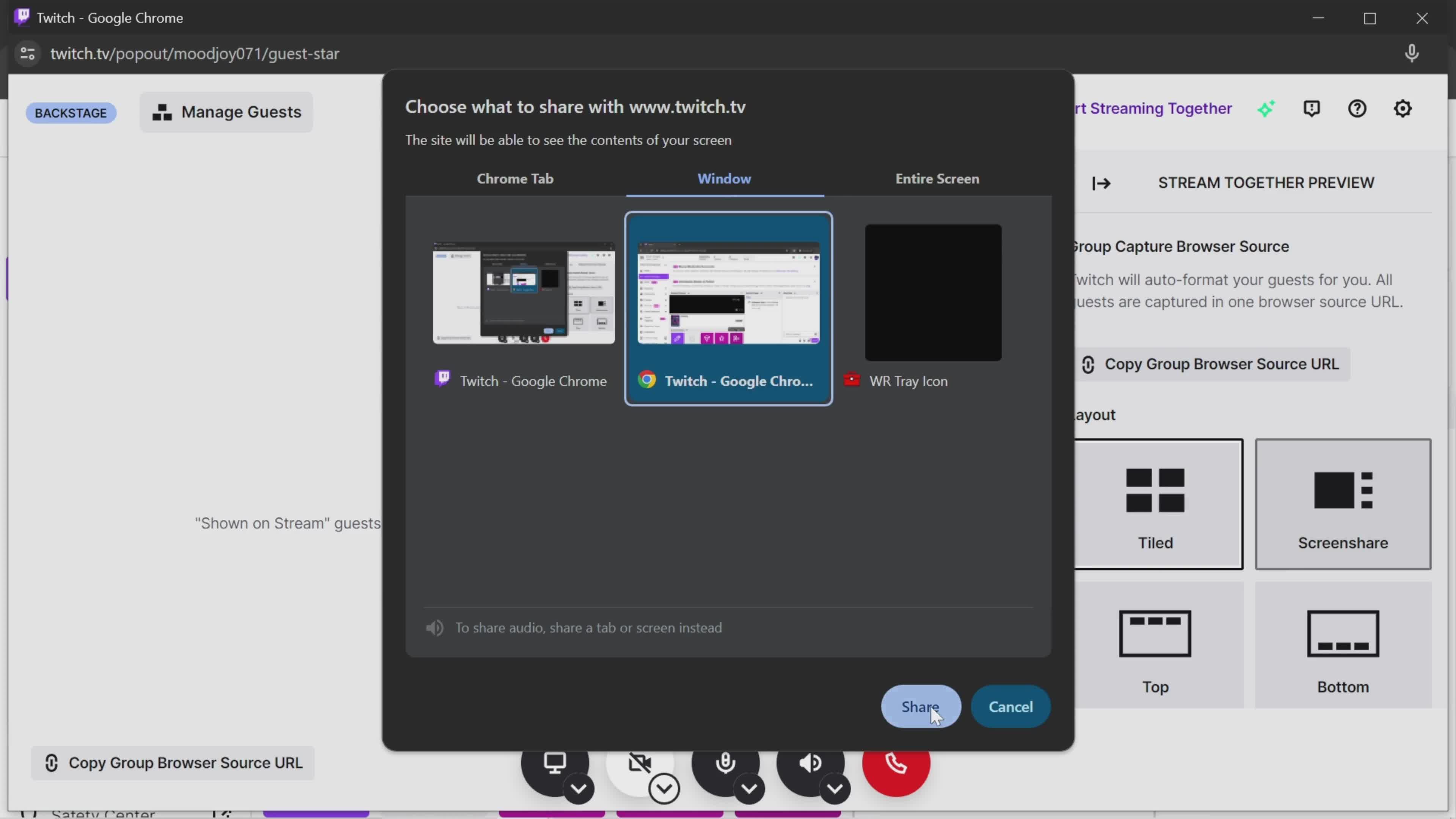
Share
this is title
Home
this is title
Account menu
this is title
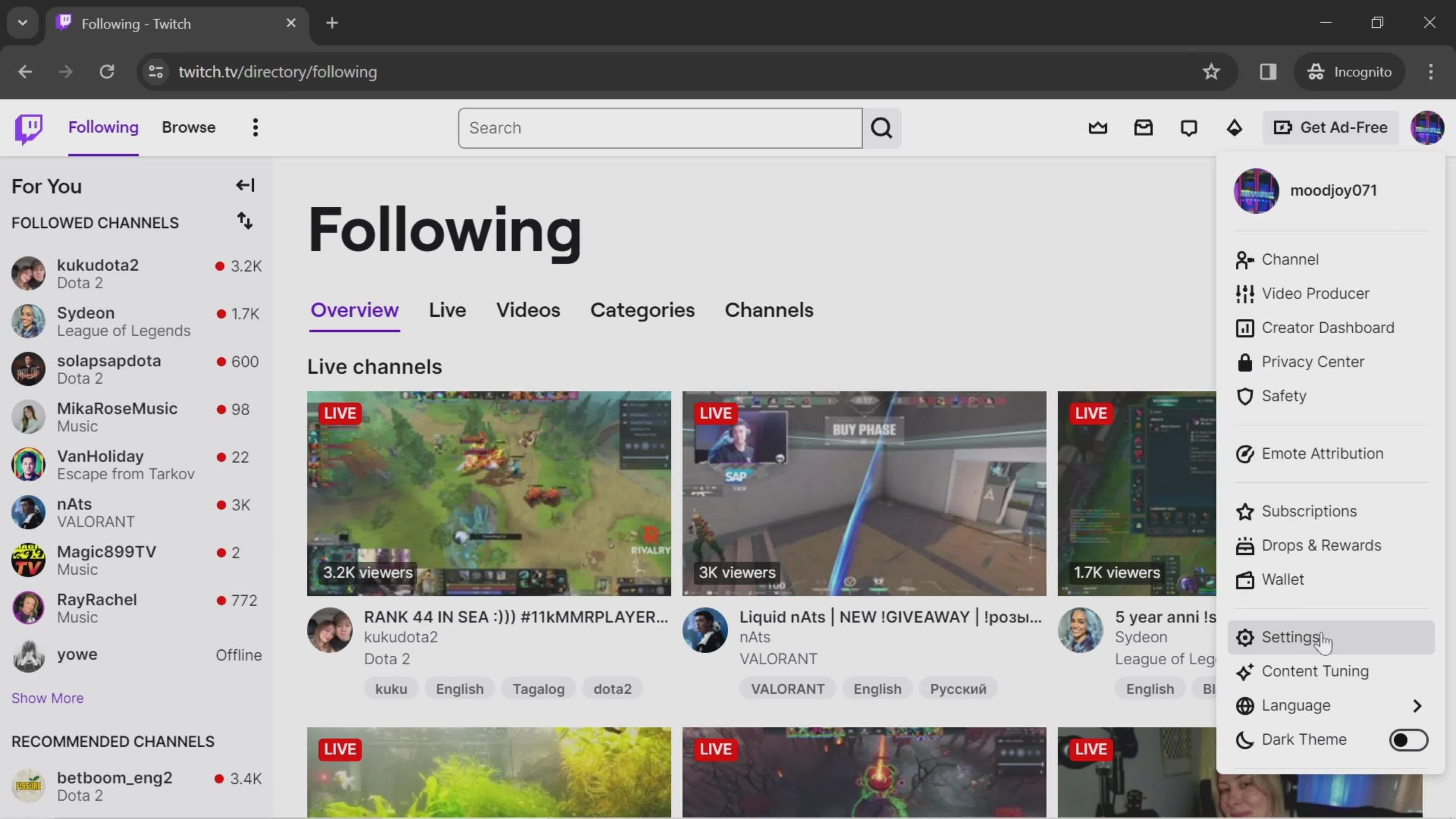
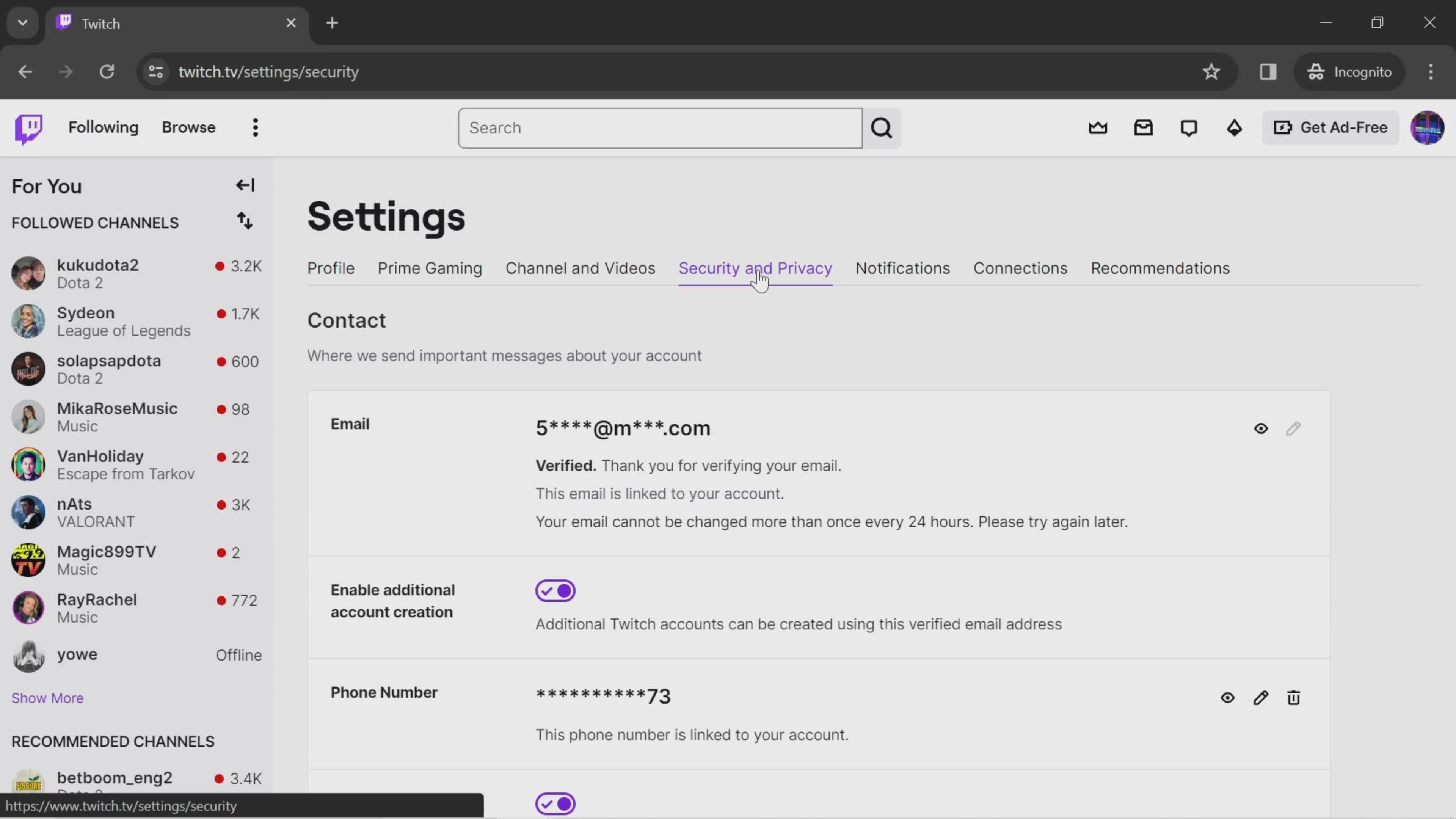
Settings
this is title
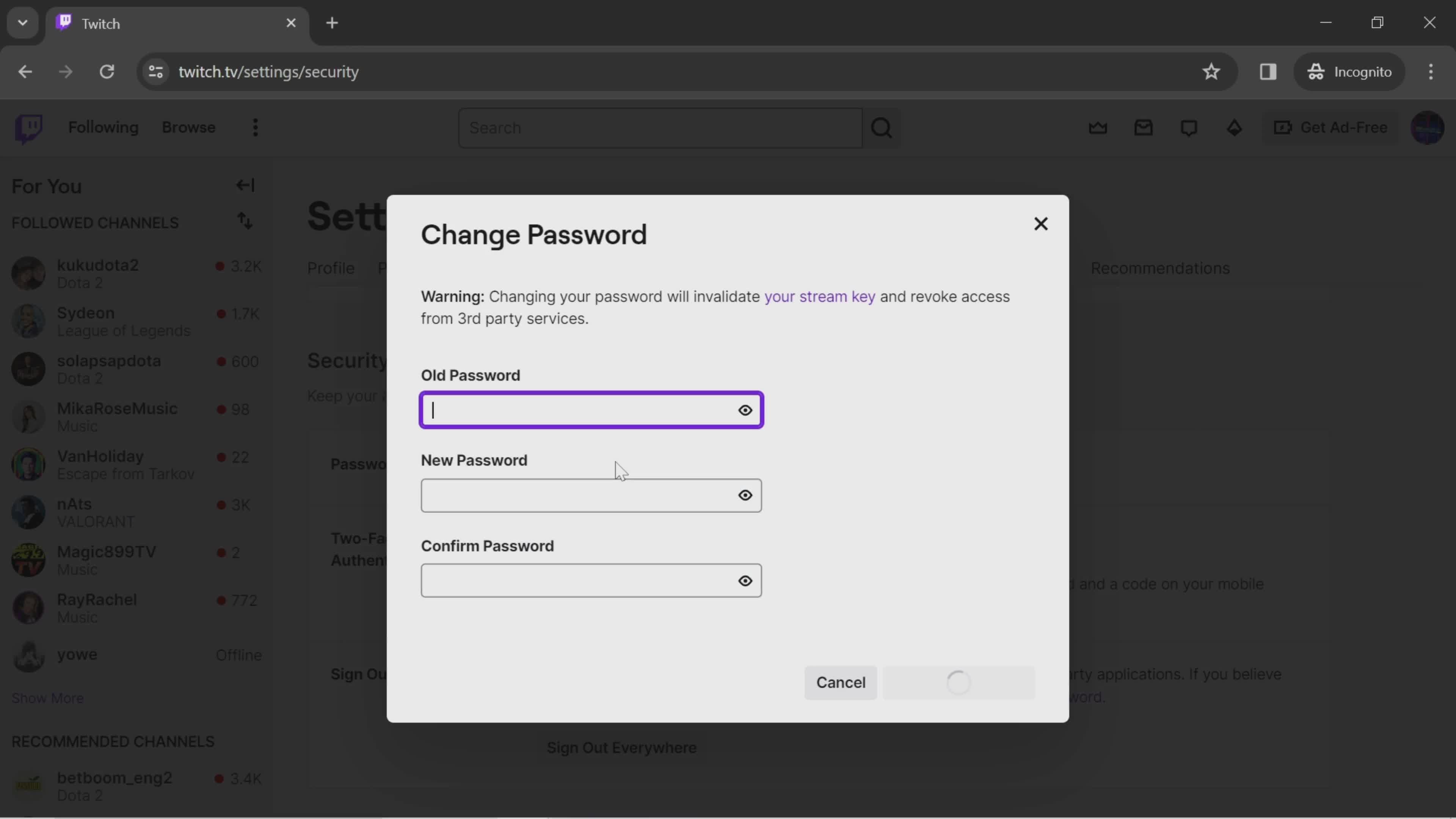
Change password
this is title
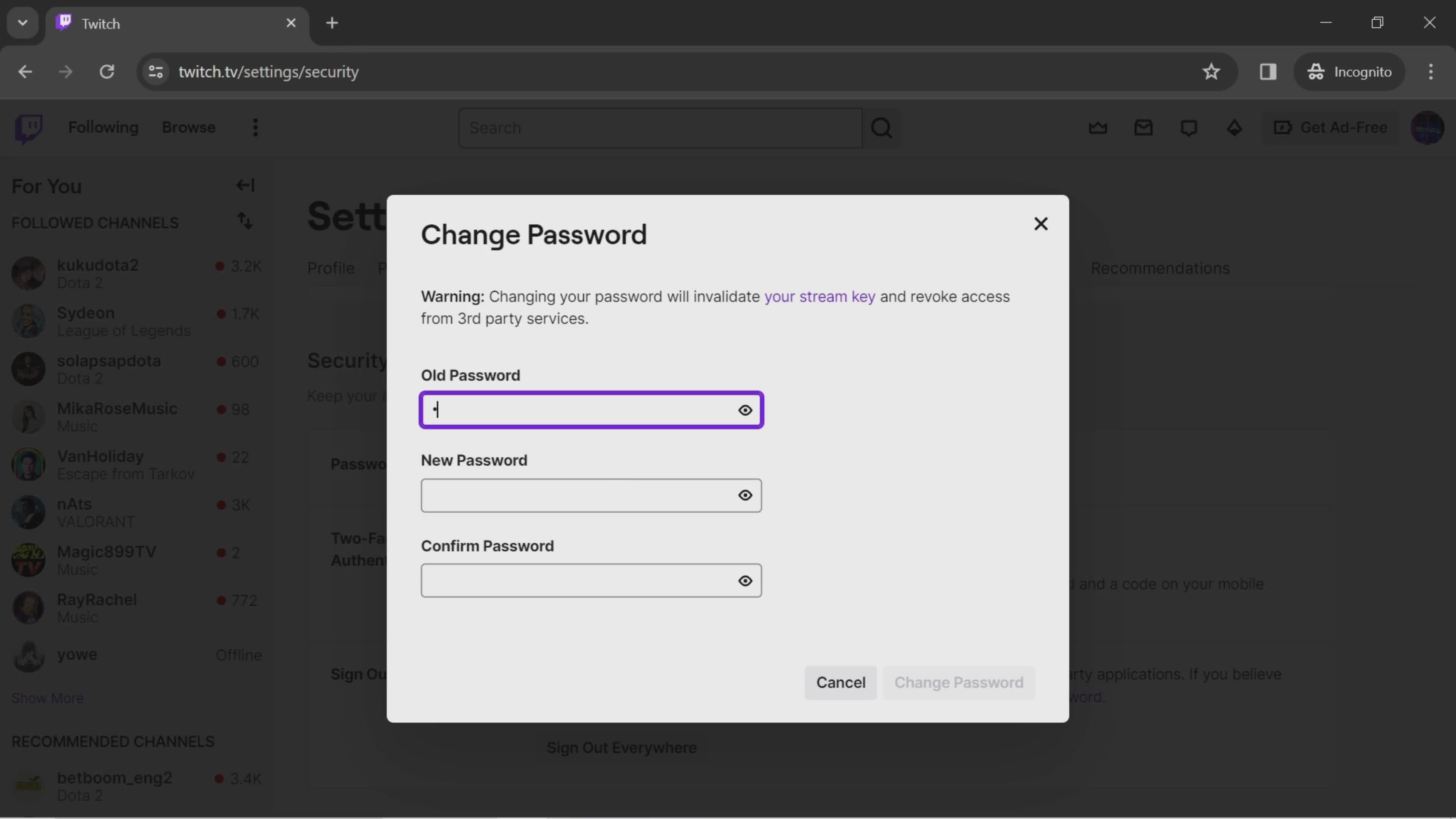
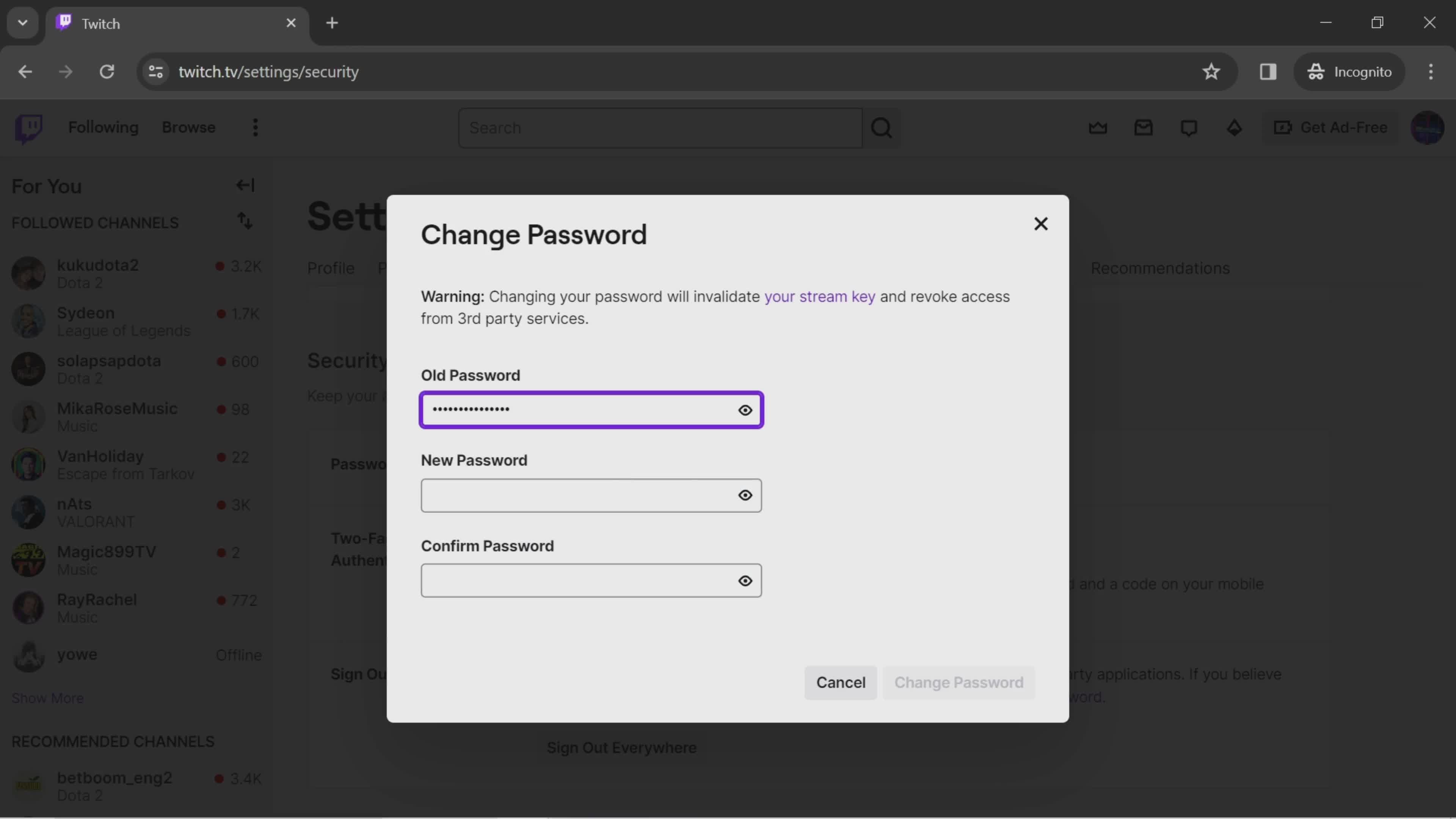
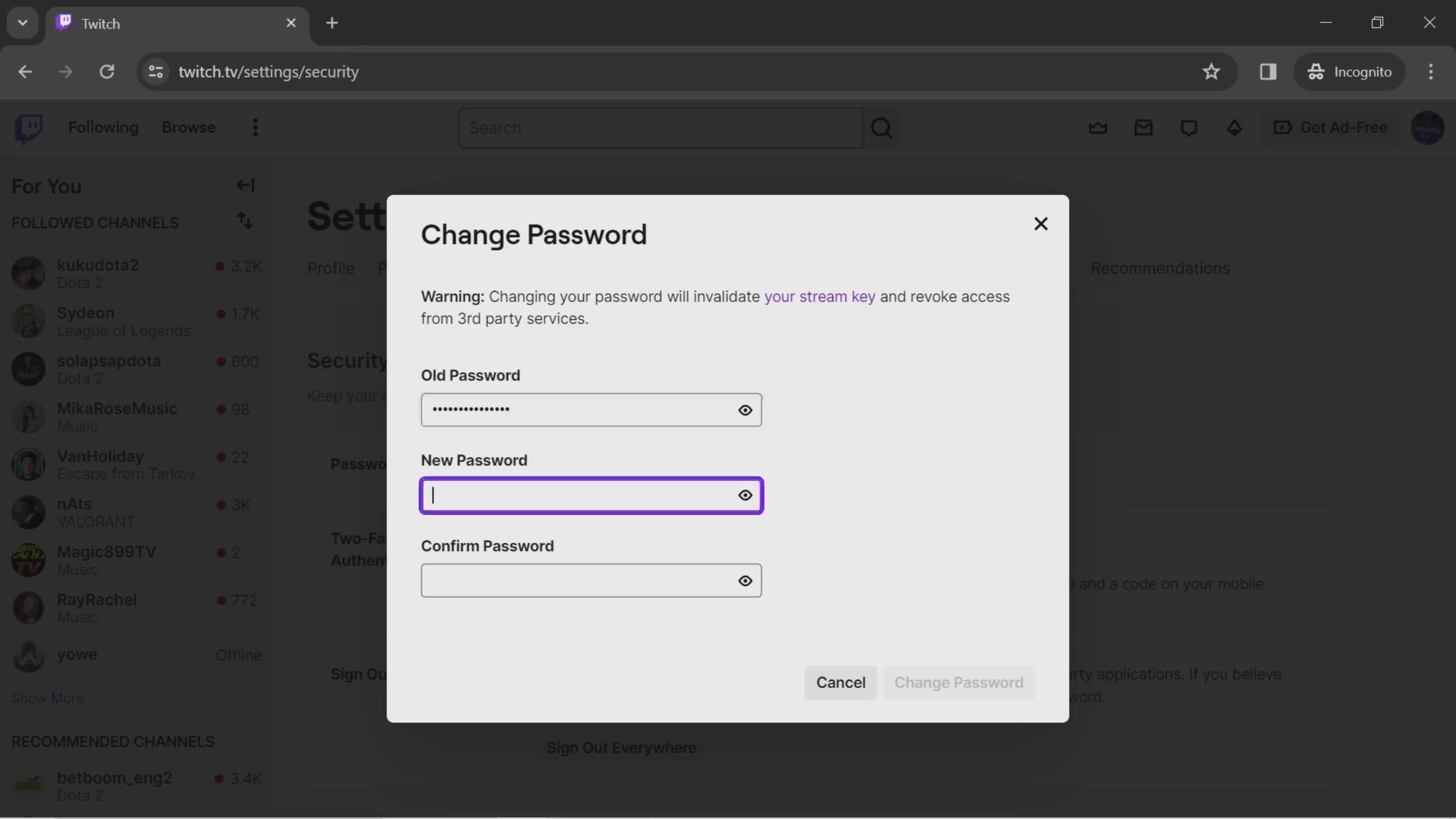
Enter old password
this is title
this is title
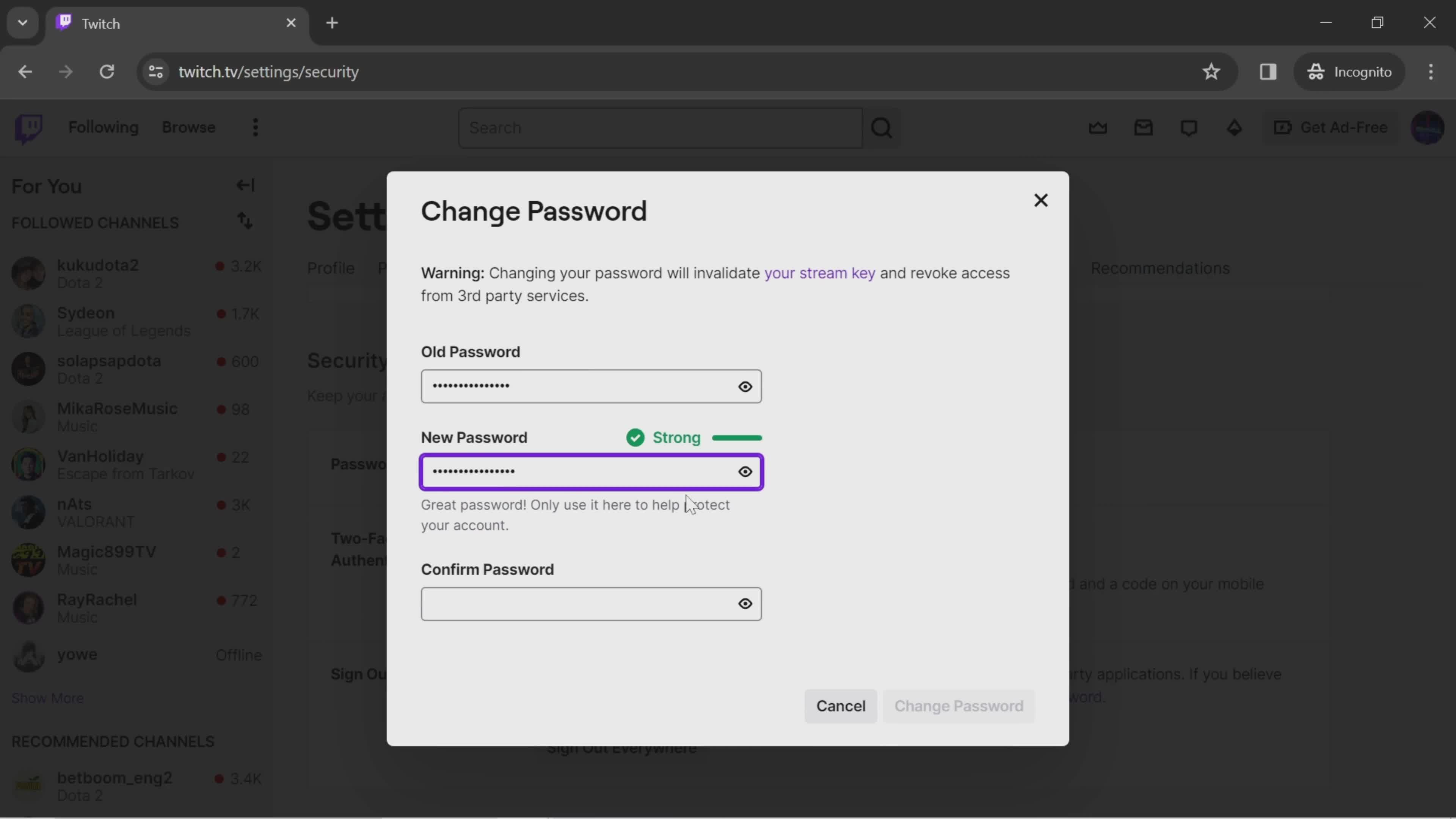
Set new password
this is title
this is title
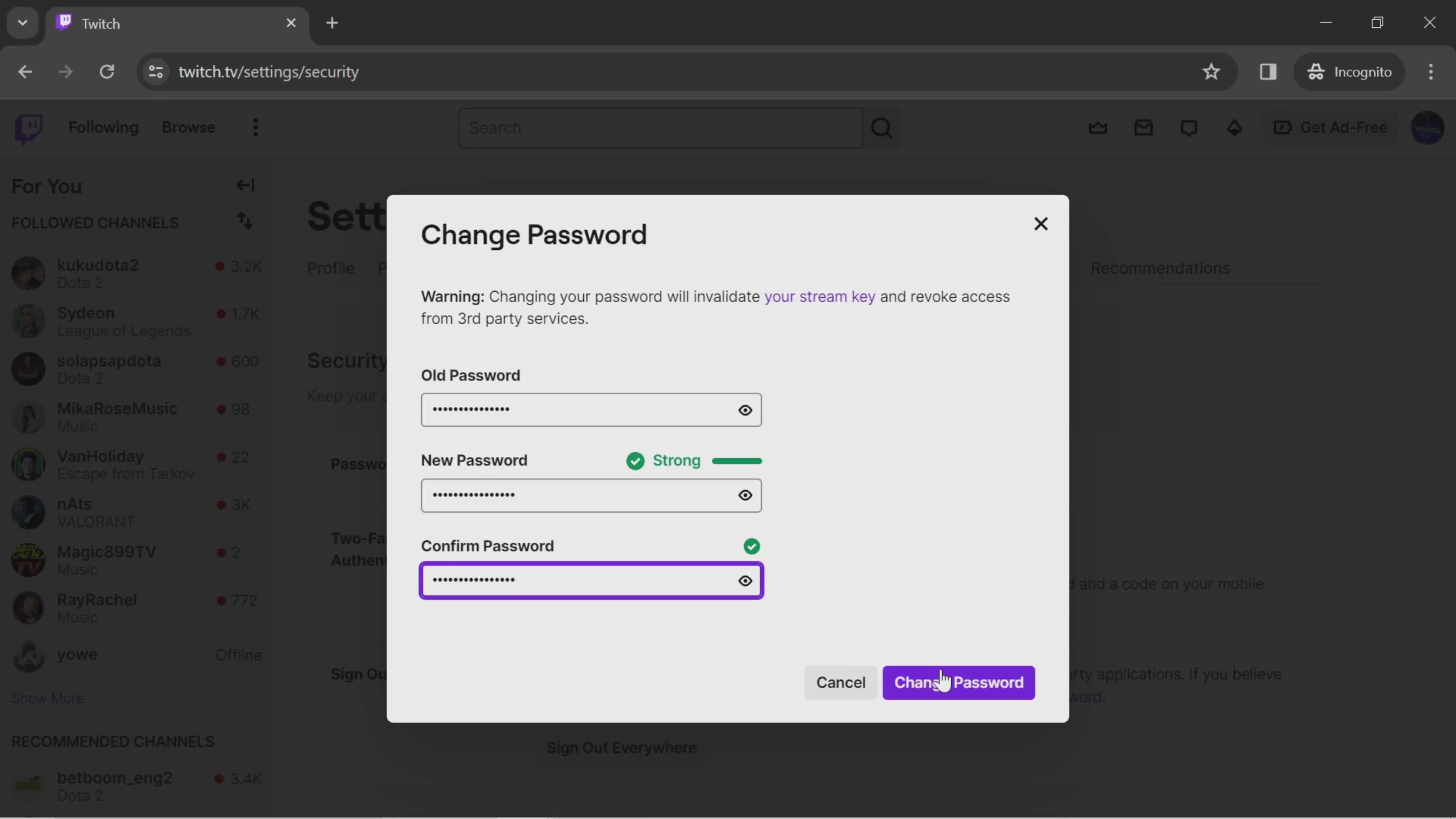
Confirm password
this is title
Confirm change
this is title
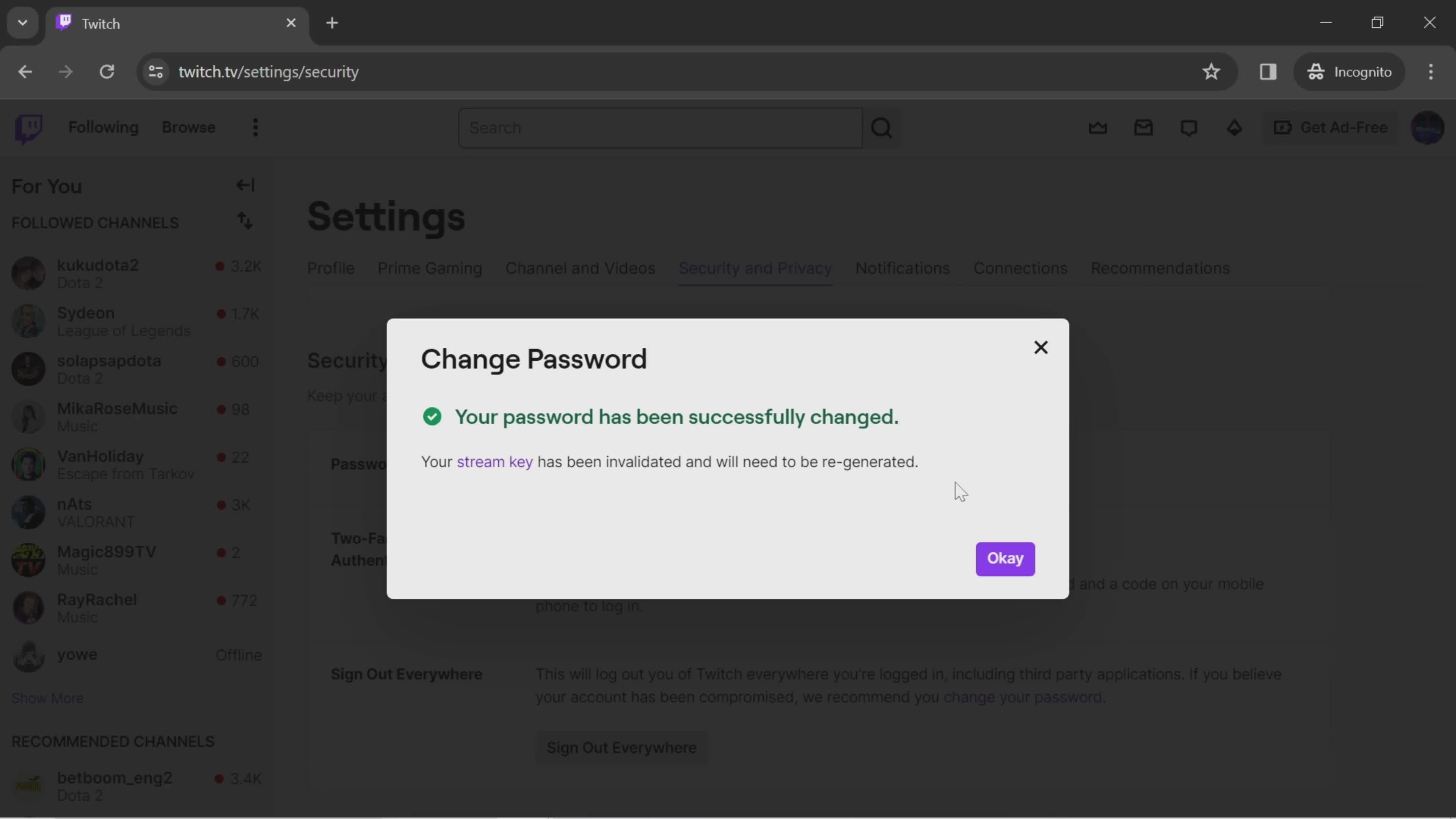
Password saved
this is title
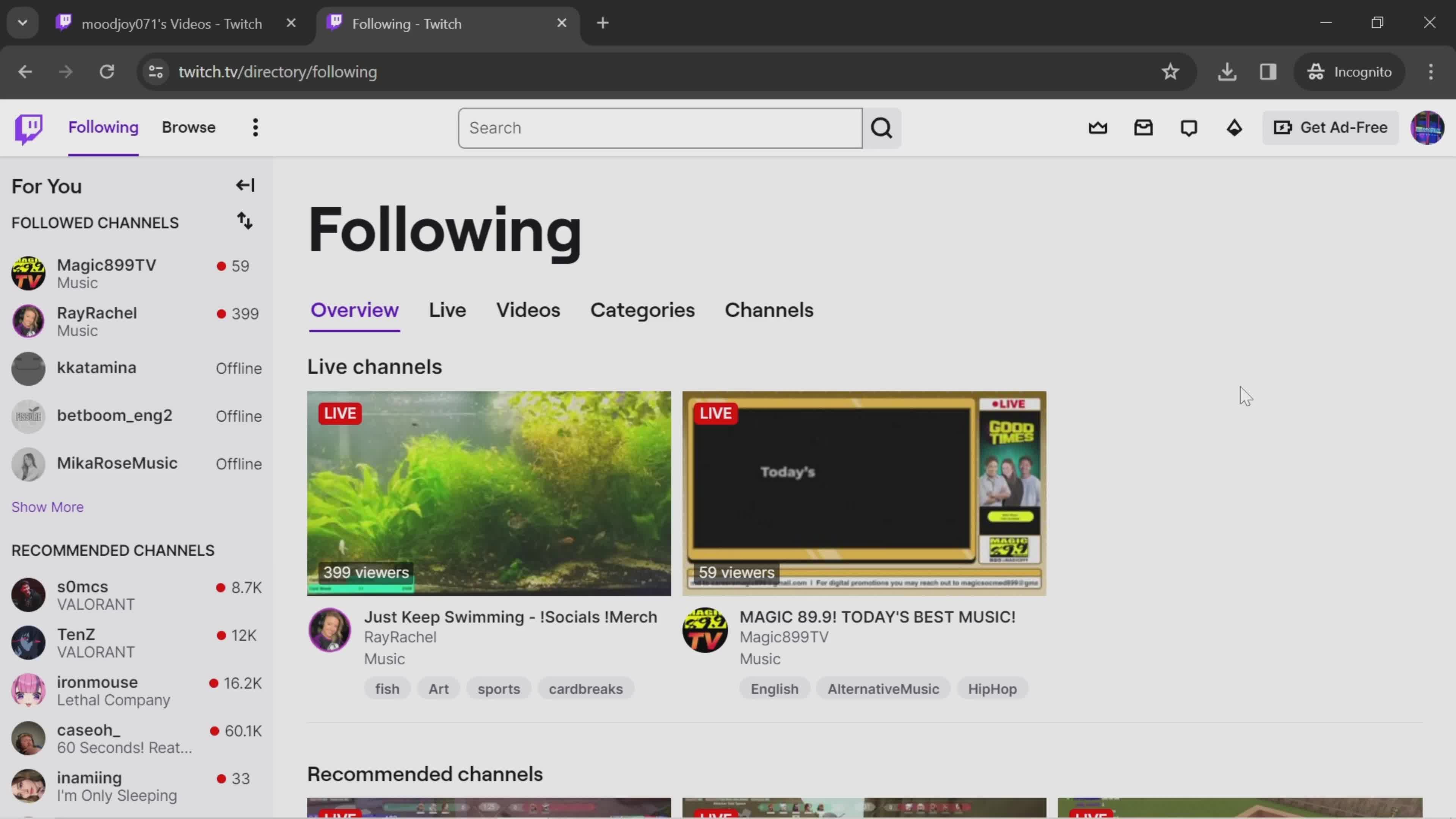
Home
this is title
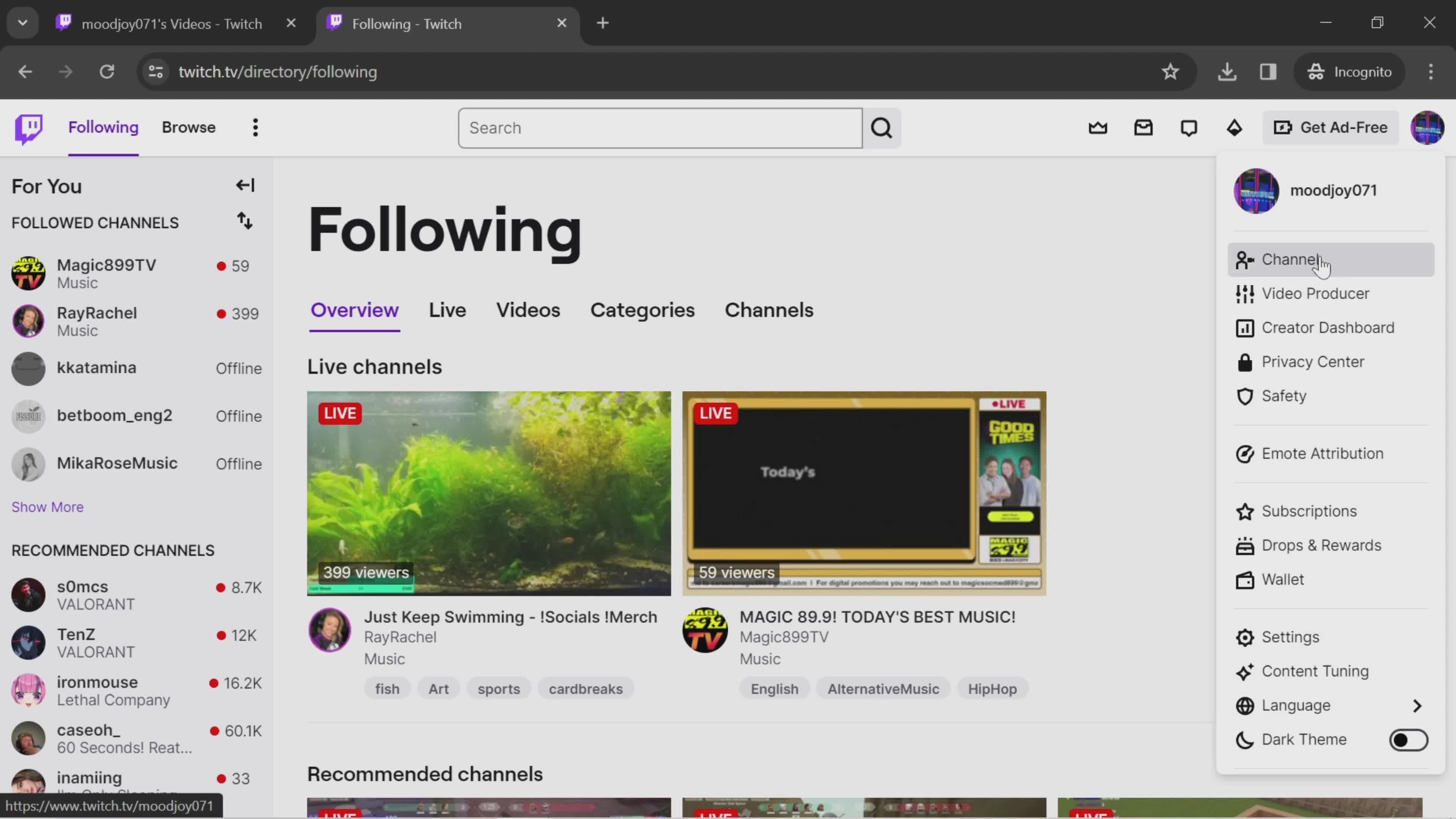
Account menu
this is title
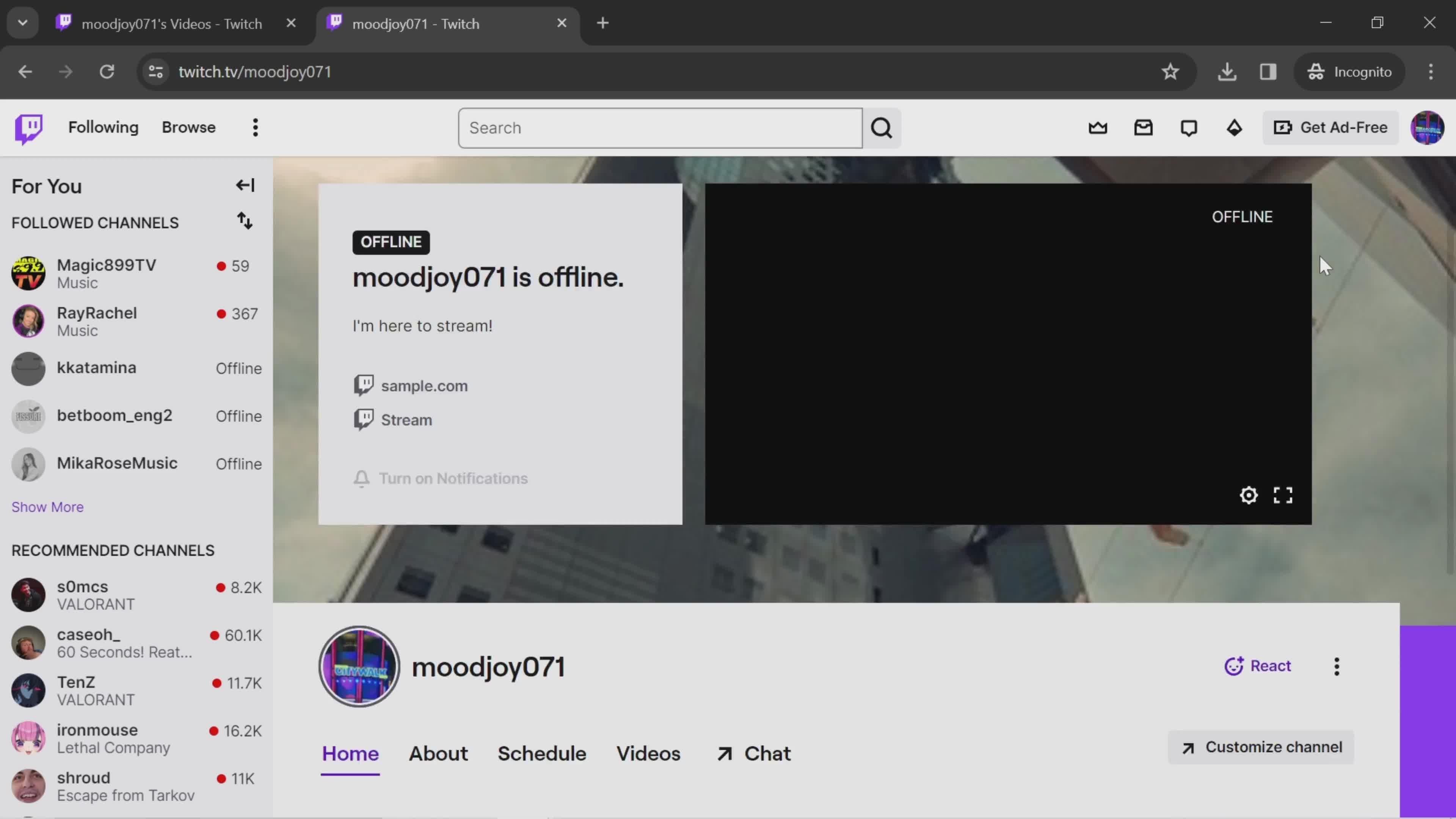
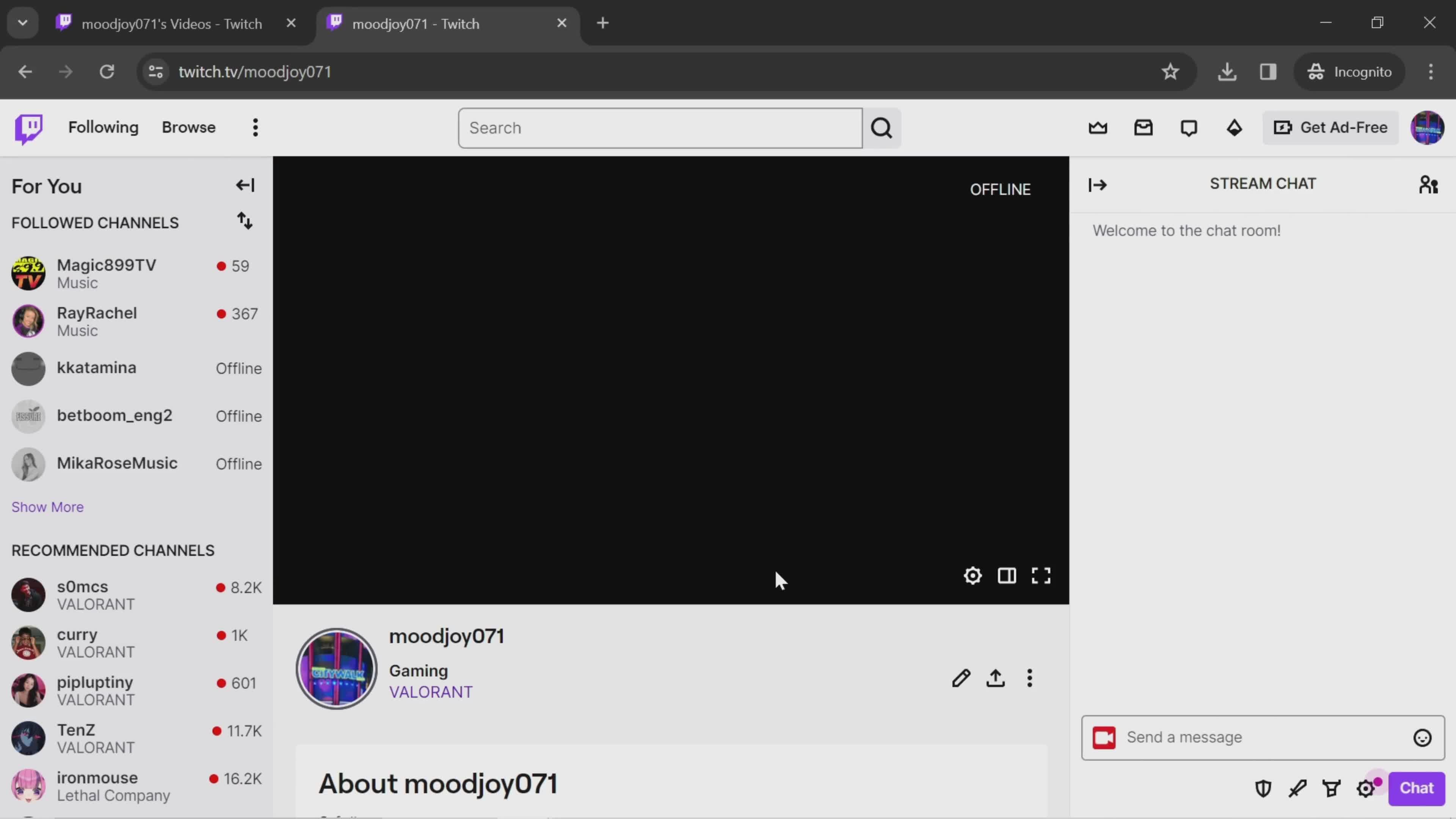
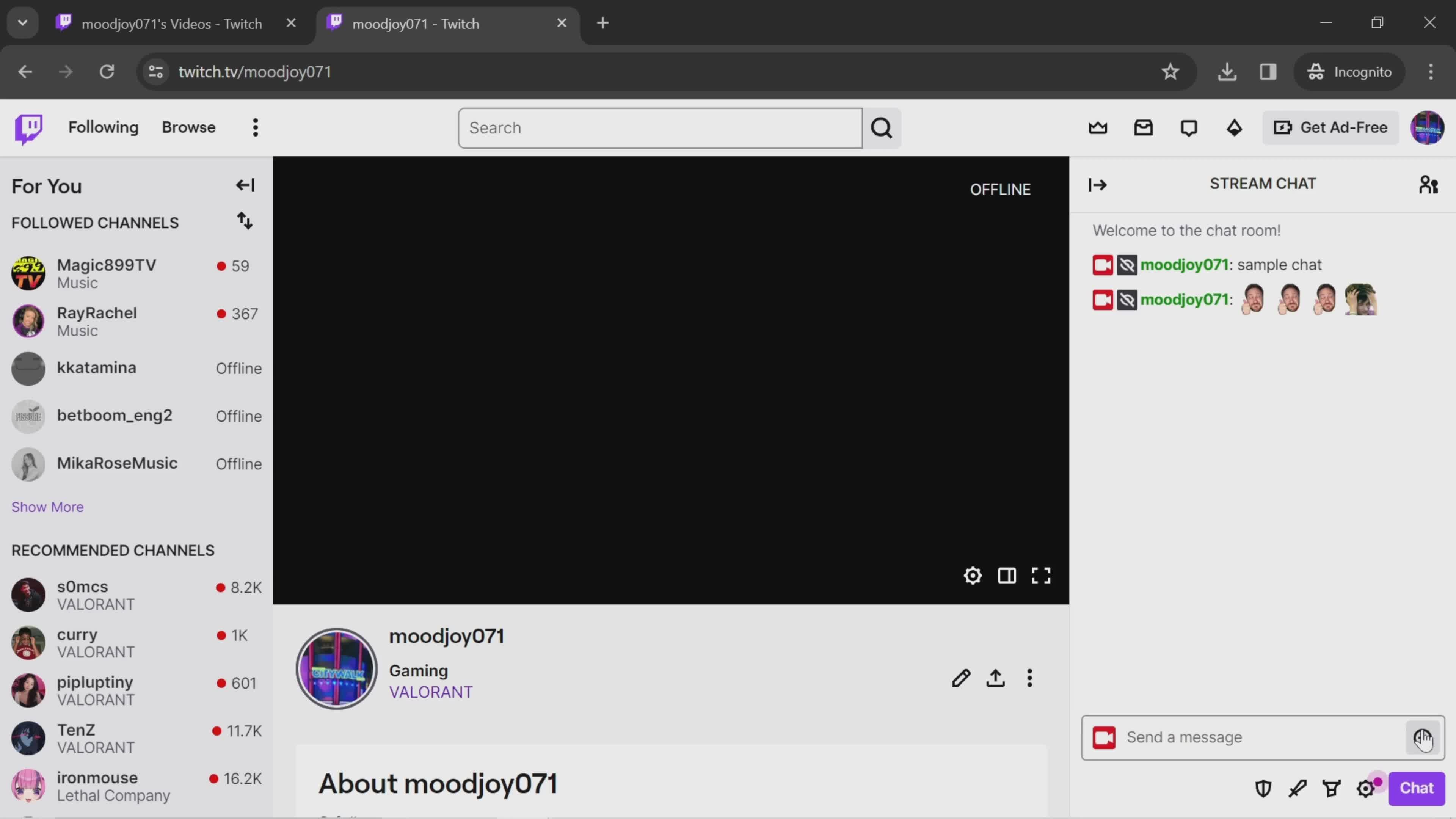
Channel
this is title
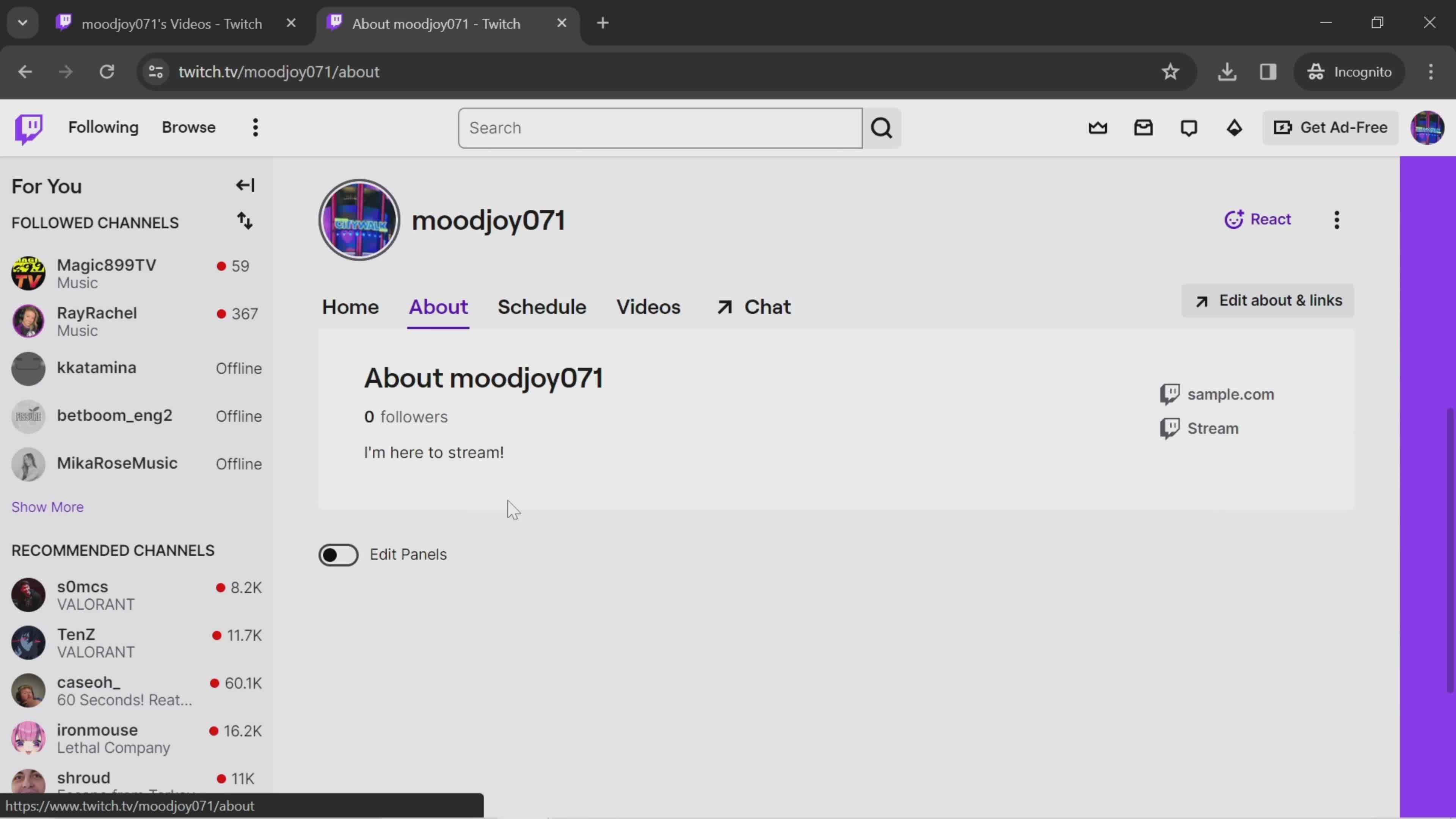
About this channel
this is title
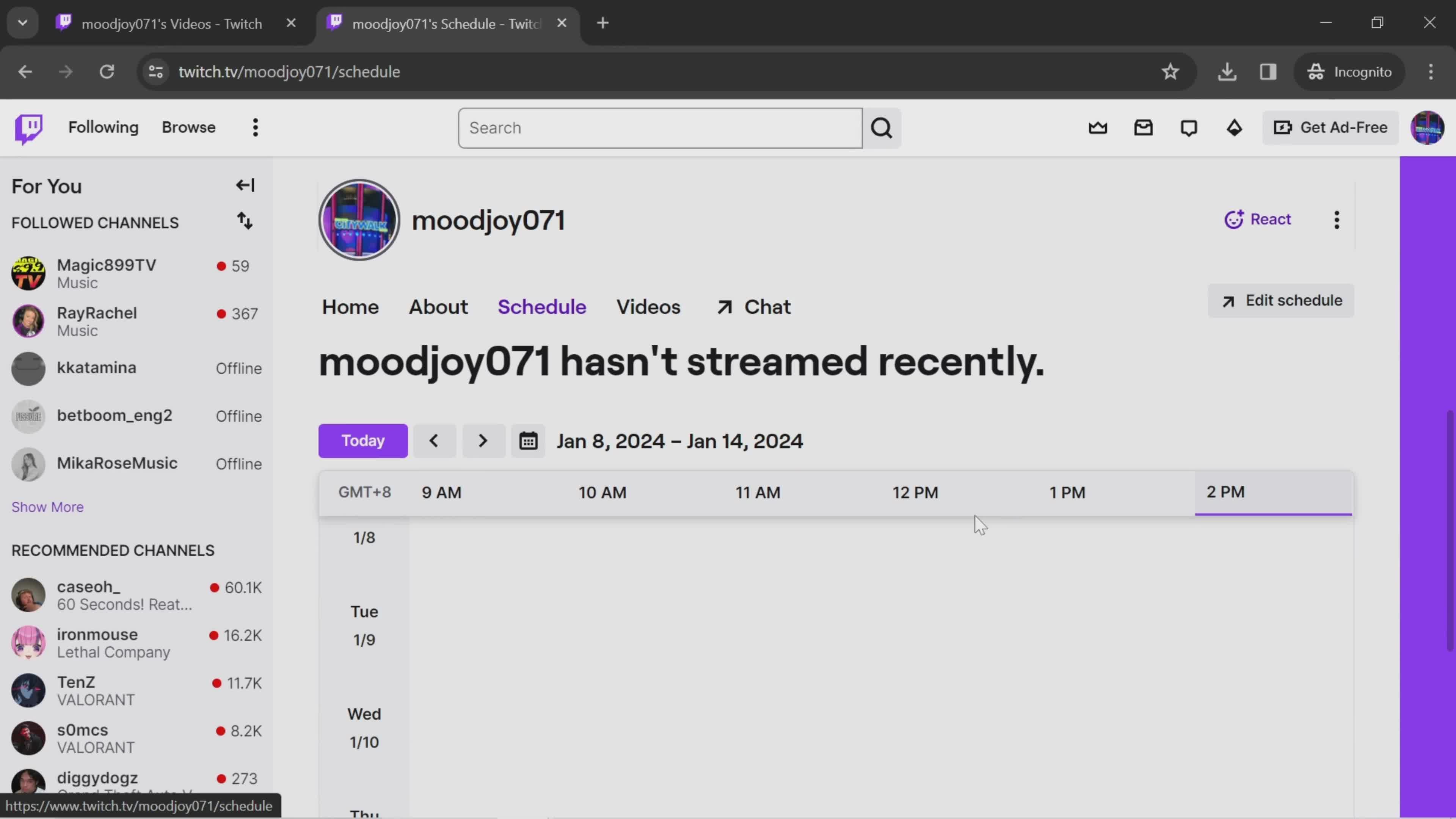
Schedule
this is title
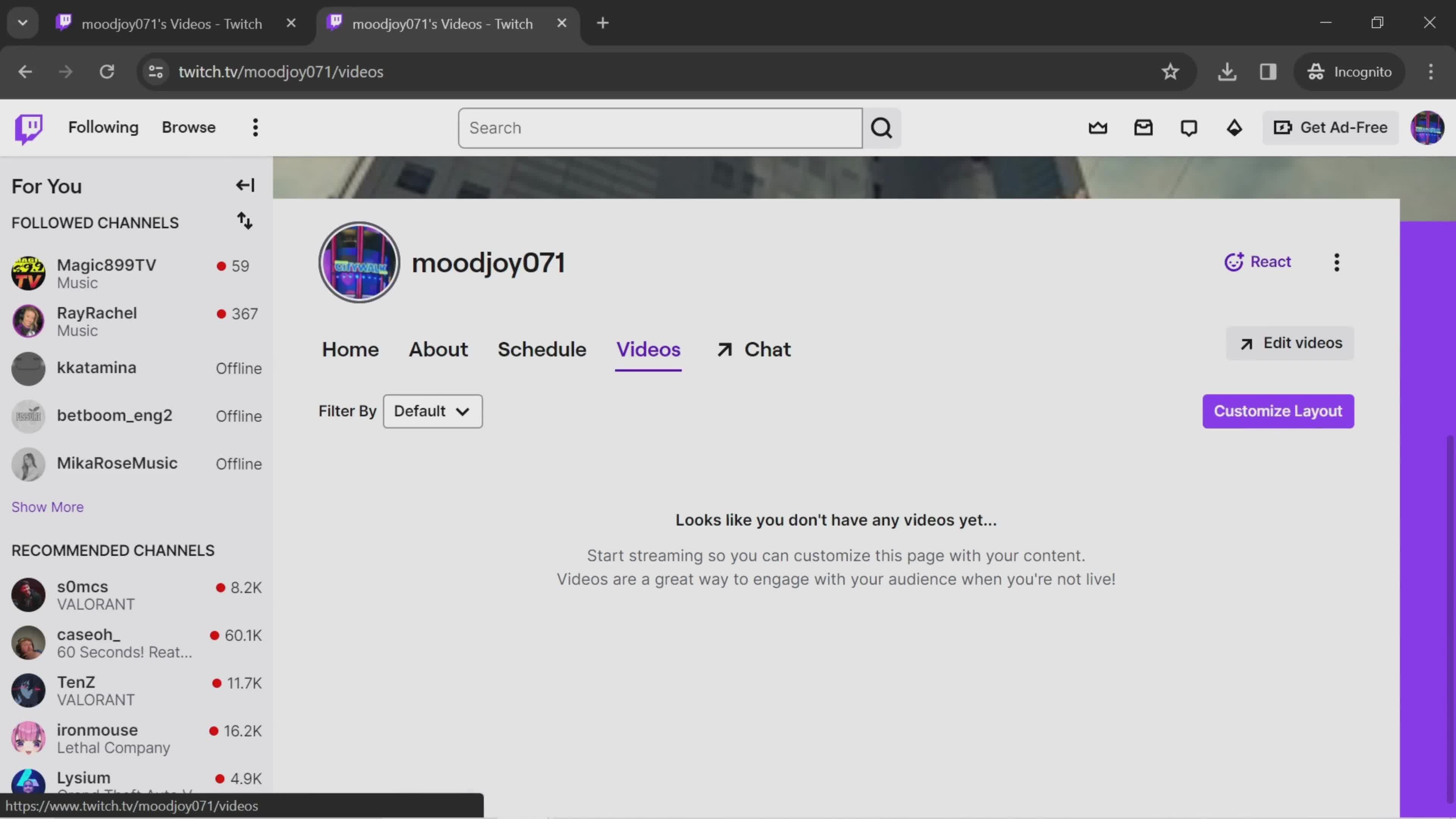
Videos
this is title
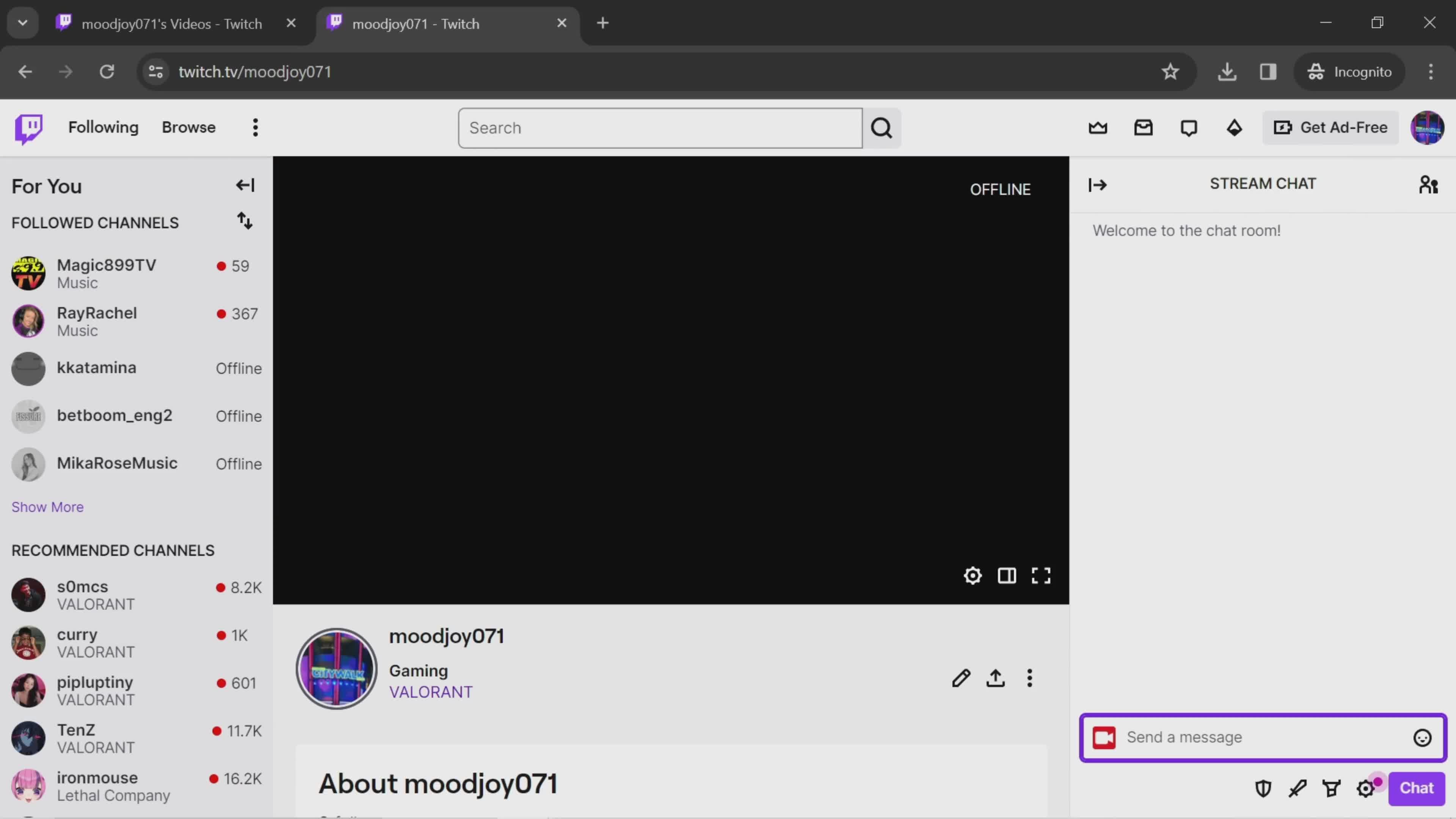
Chat
this is title
Send a message
this is title
Message sent
this is title
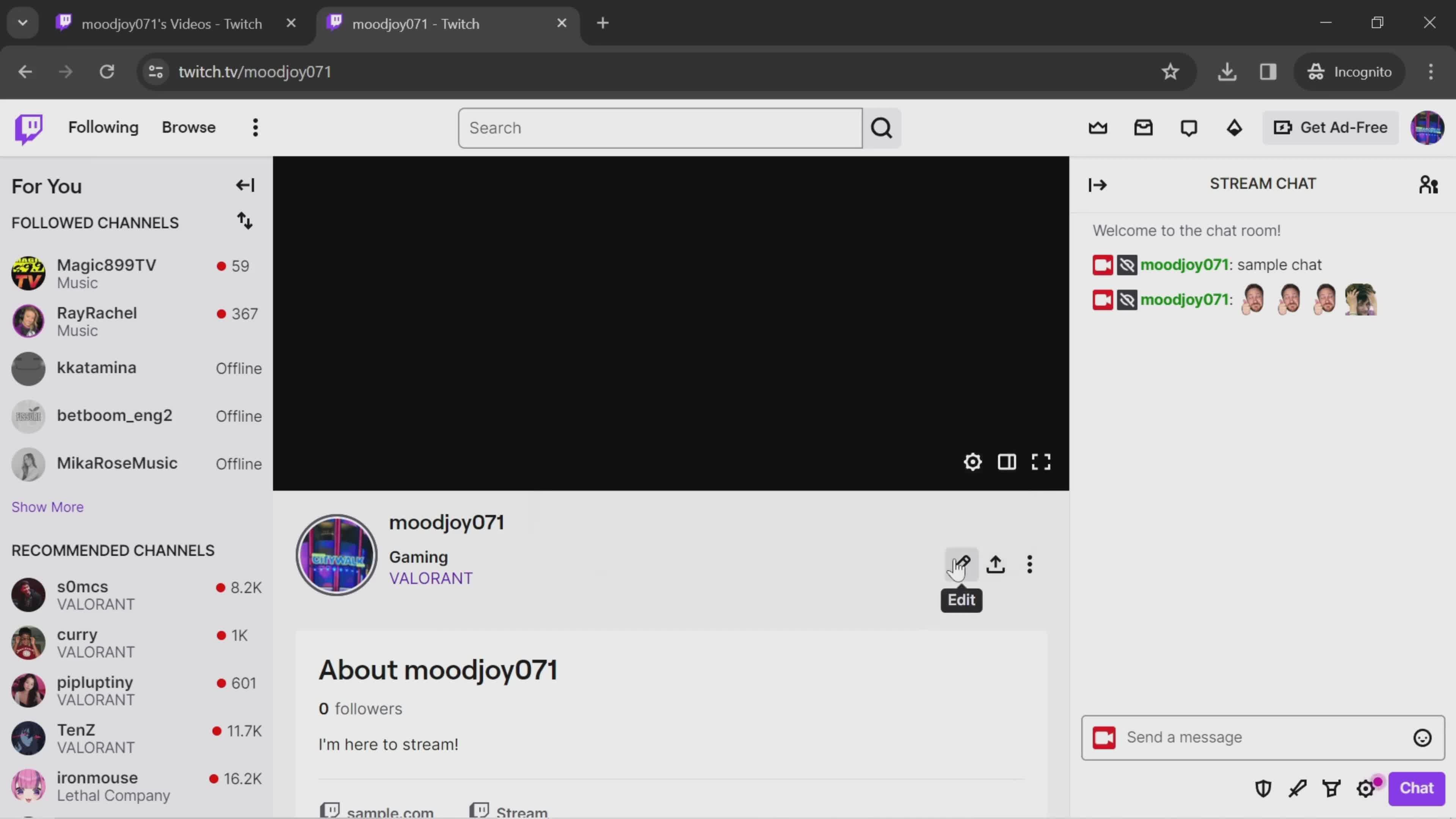
Edit
this is title
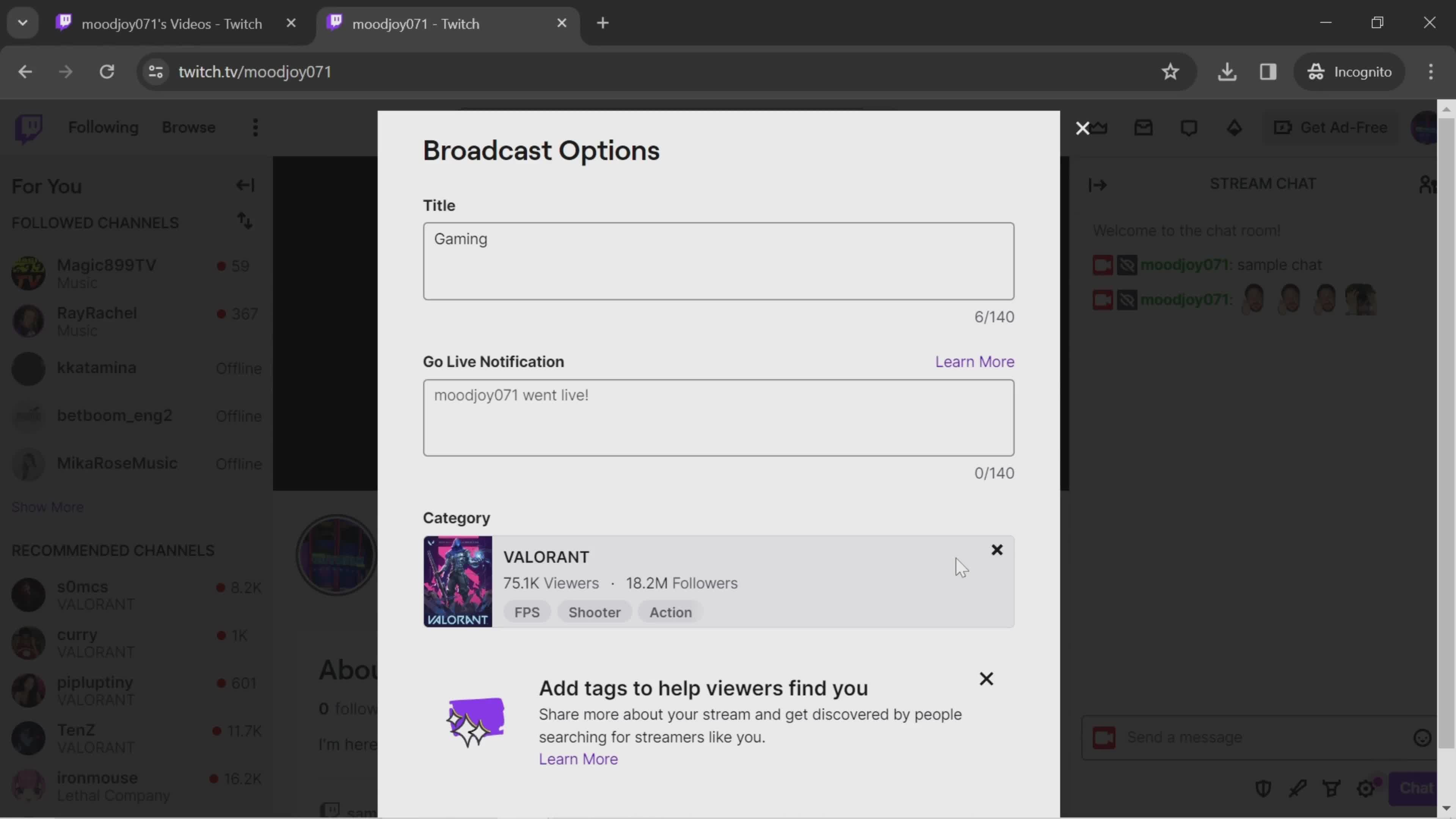
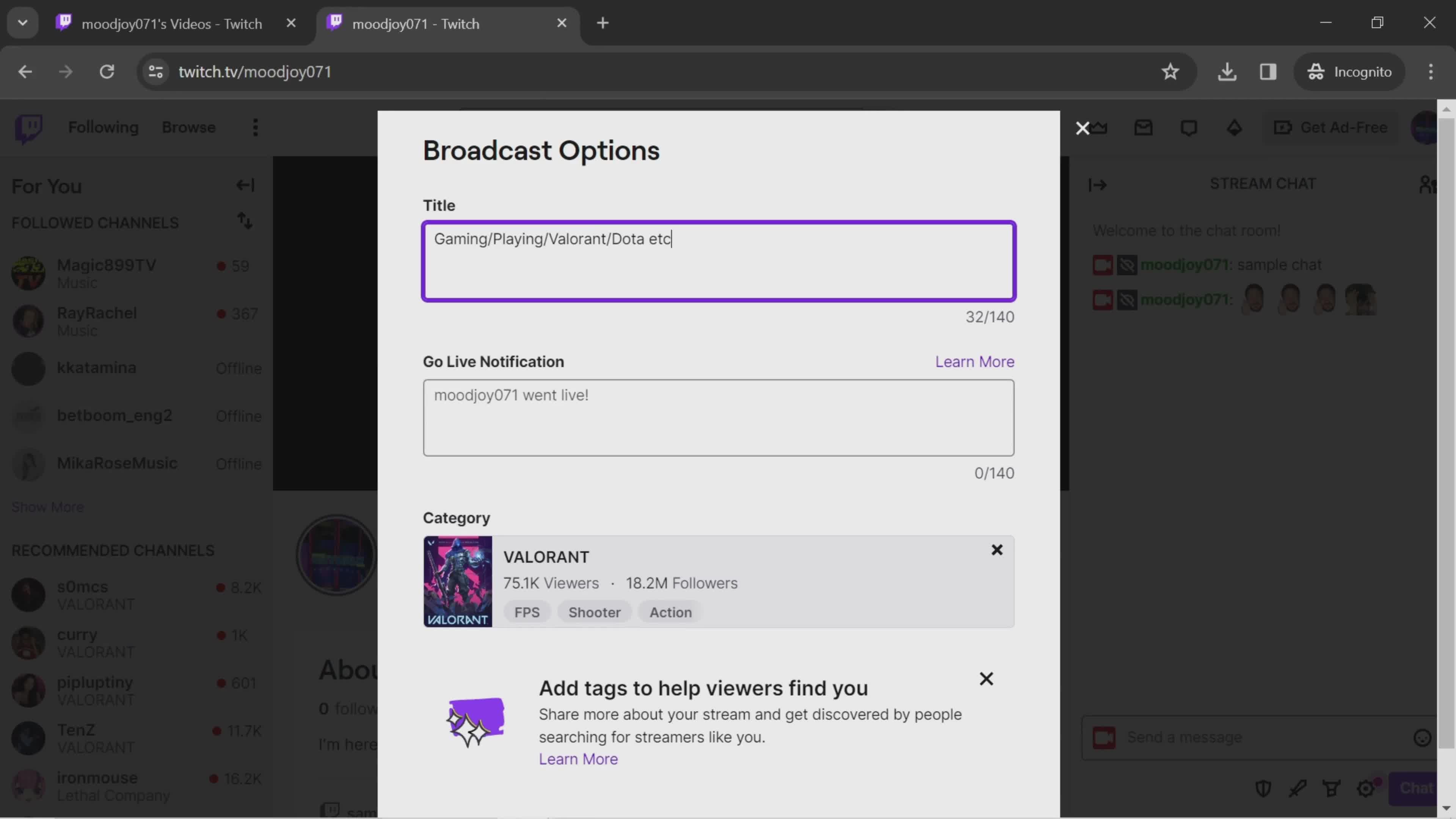
Options
this is title
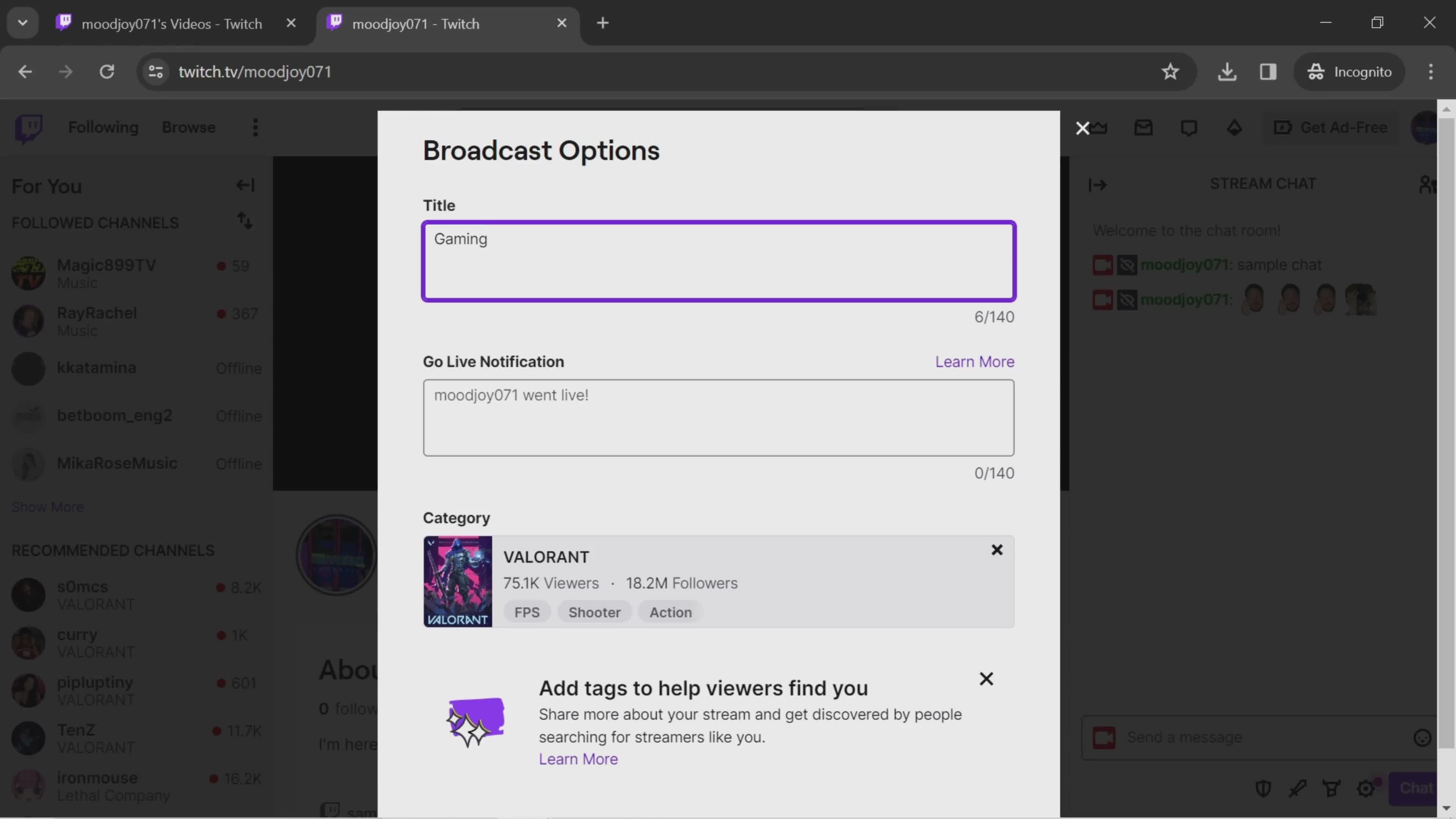
Edit title
this is title
this is title
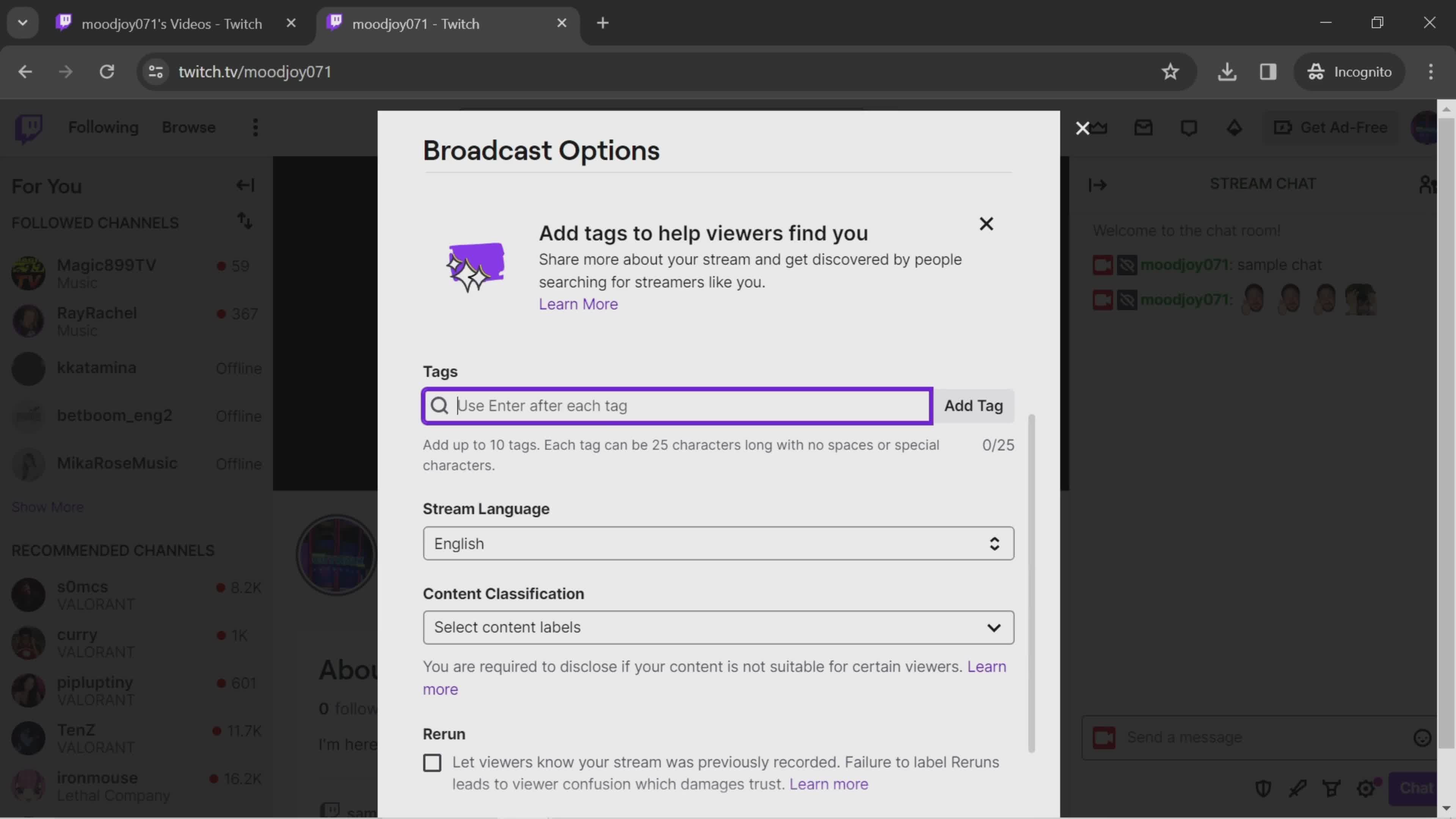
Search
this is title
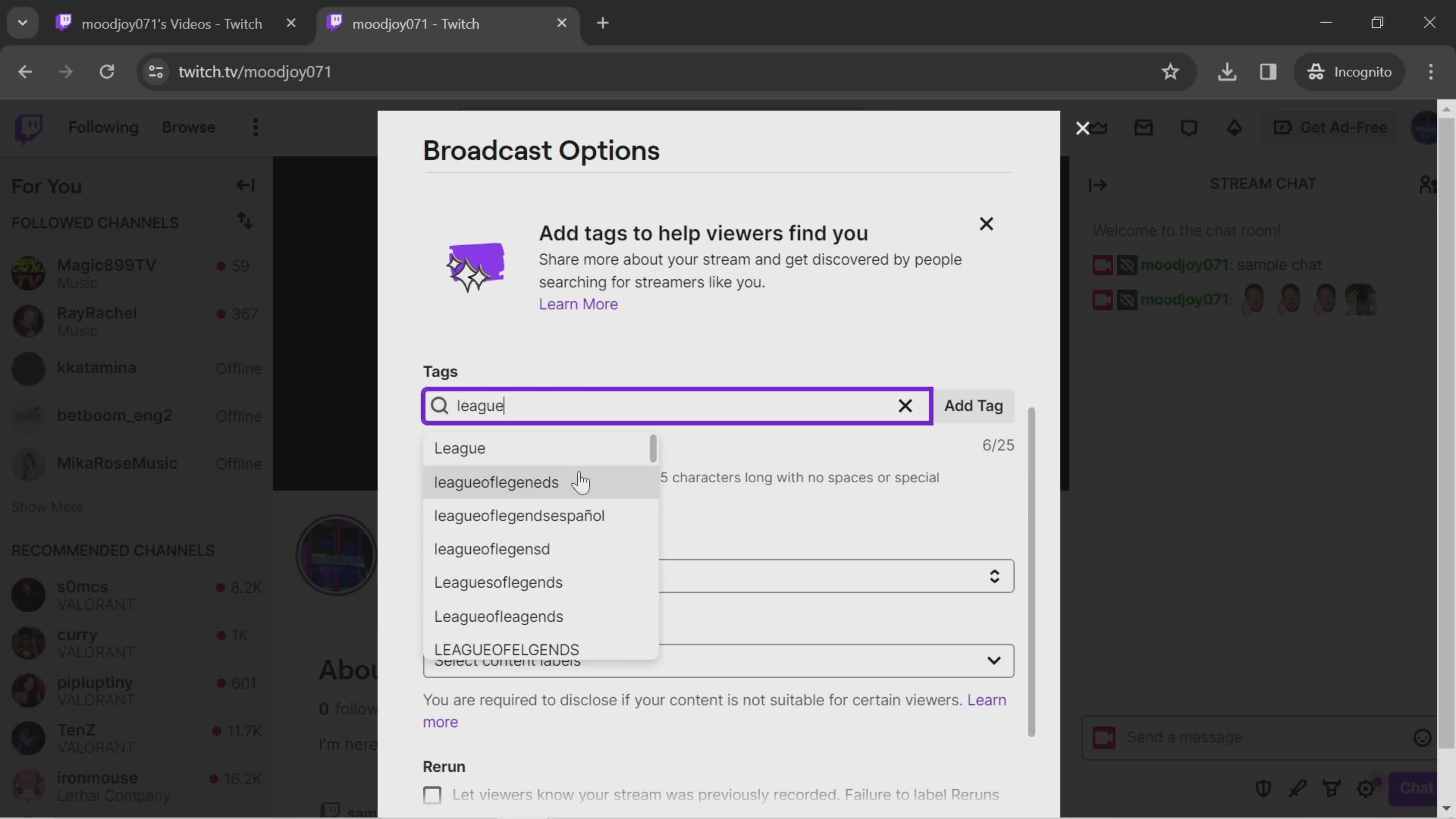
Search results - tags
this is title
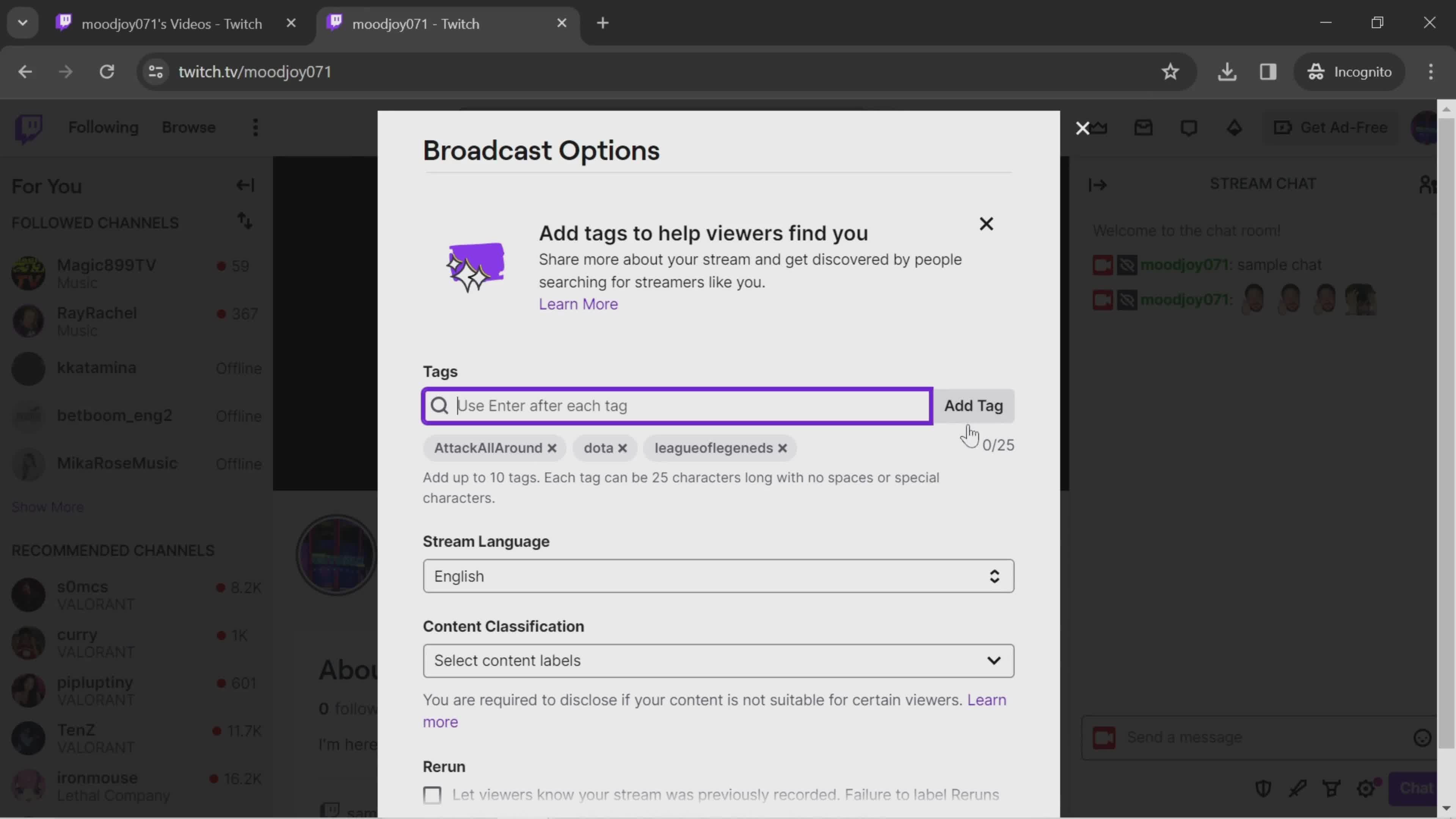
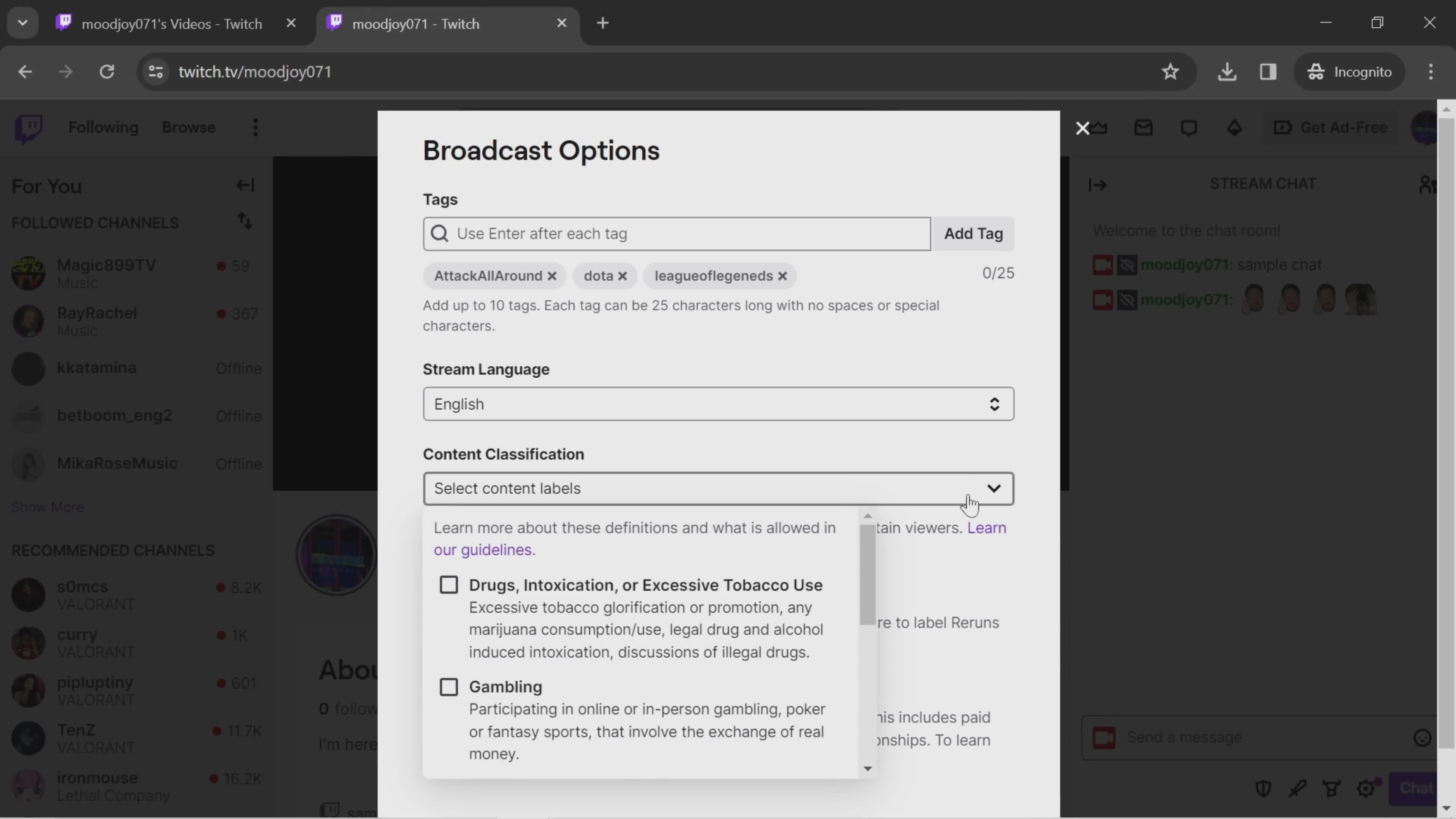
Add tags
this is title
Labels
this is title
Done
this is title
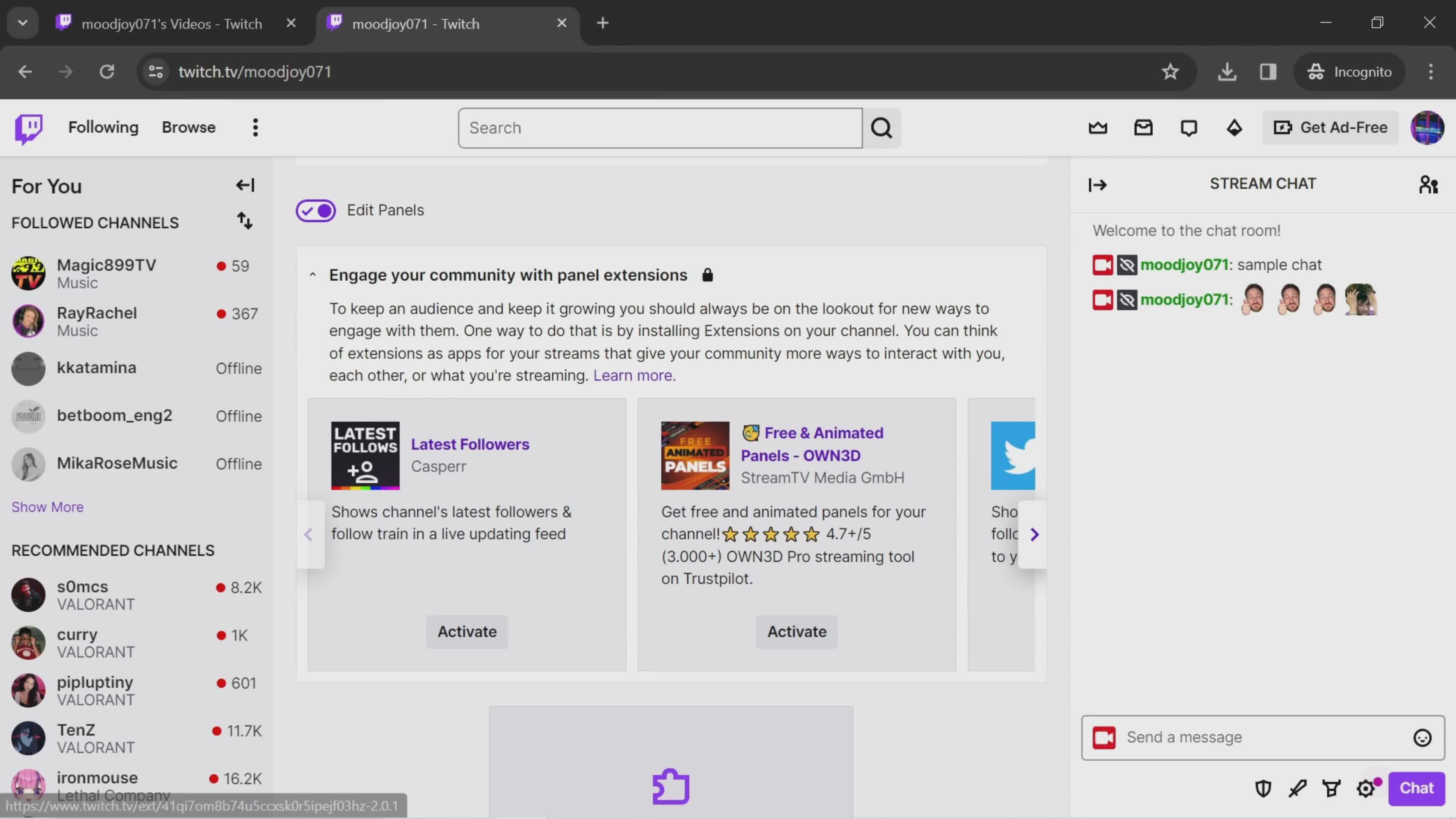
Extensions
this is title
Activate
this is title
Done
this is title
Home
this is title
Games
this is title
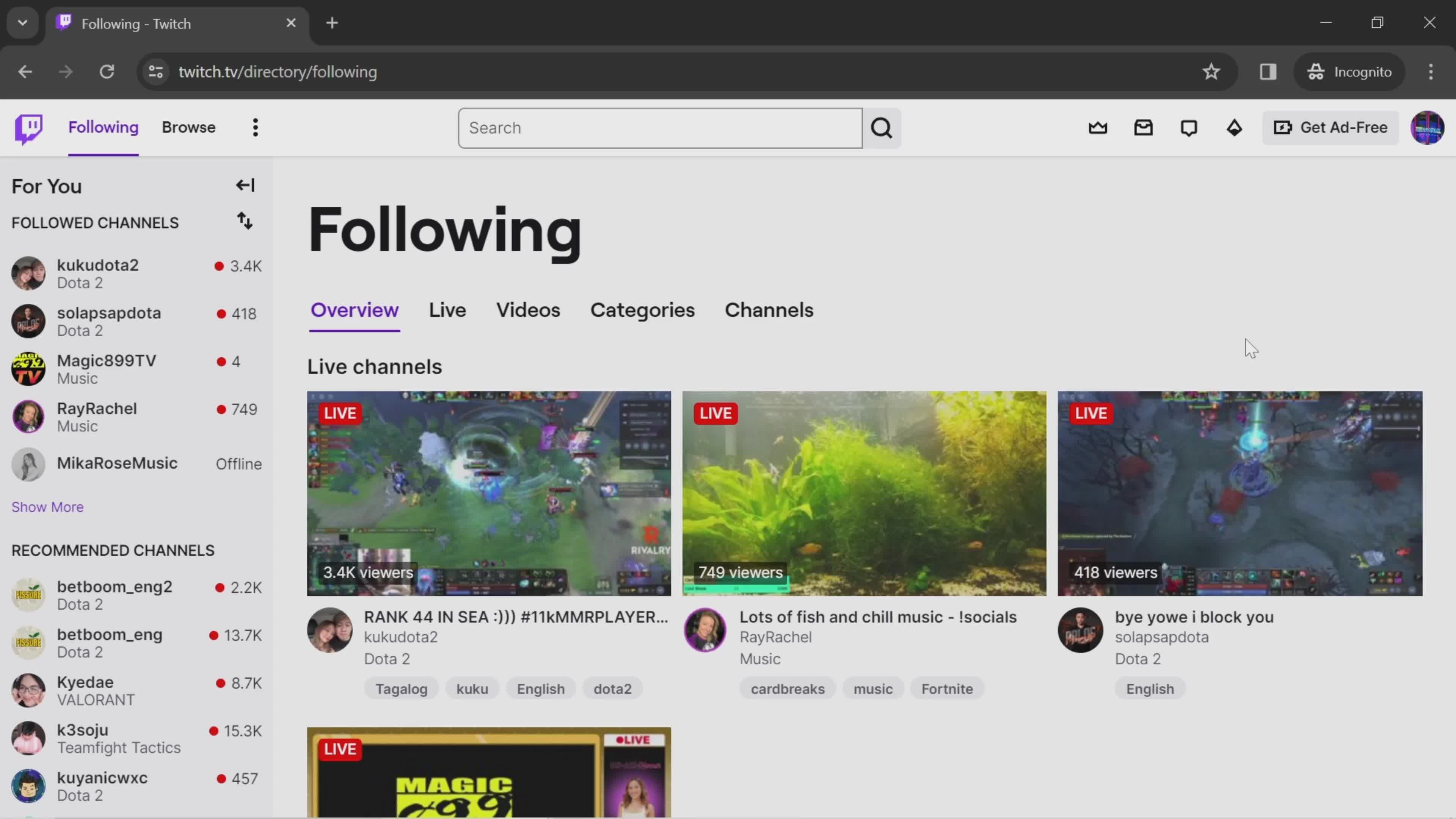
Live channels
this is title
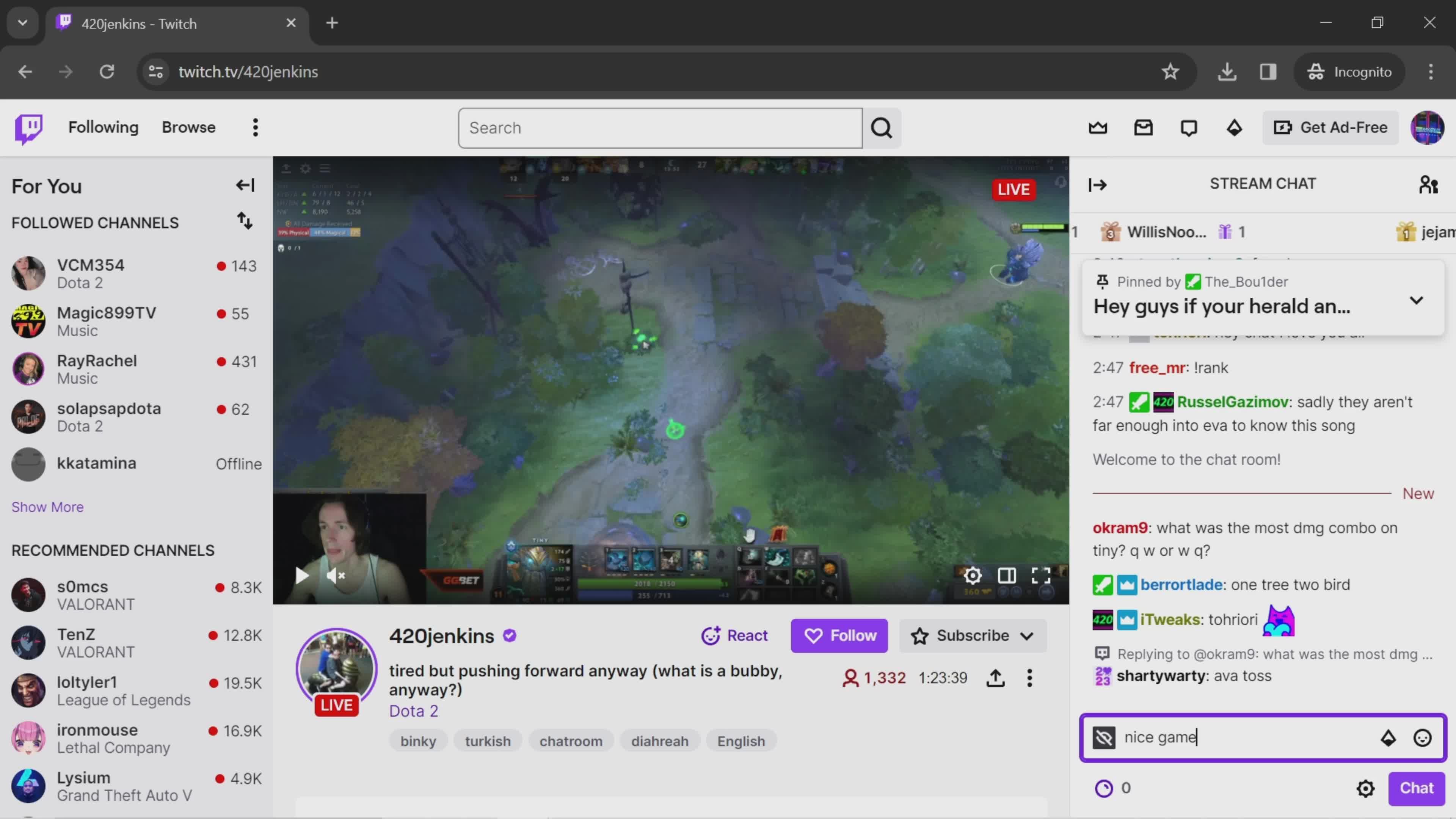
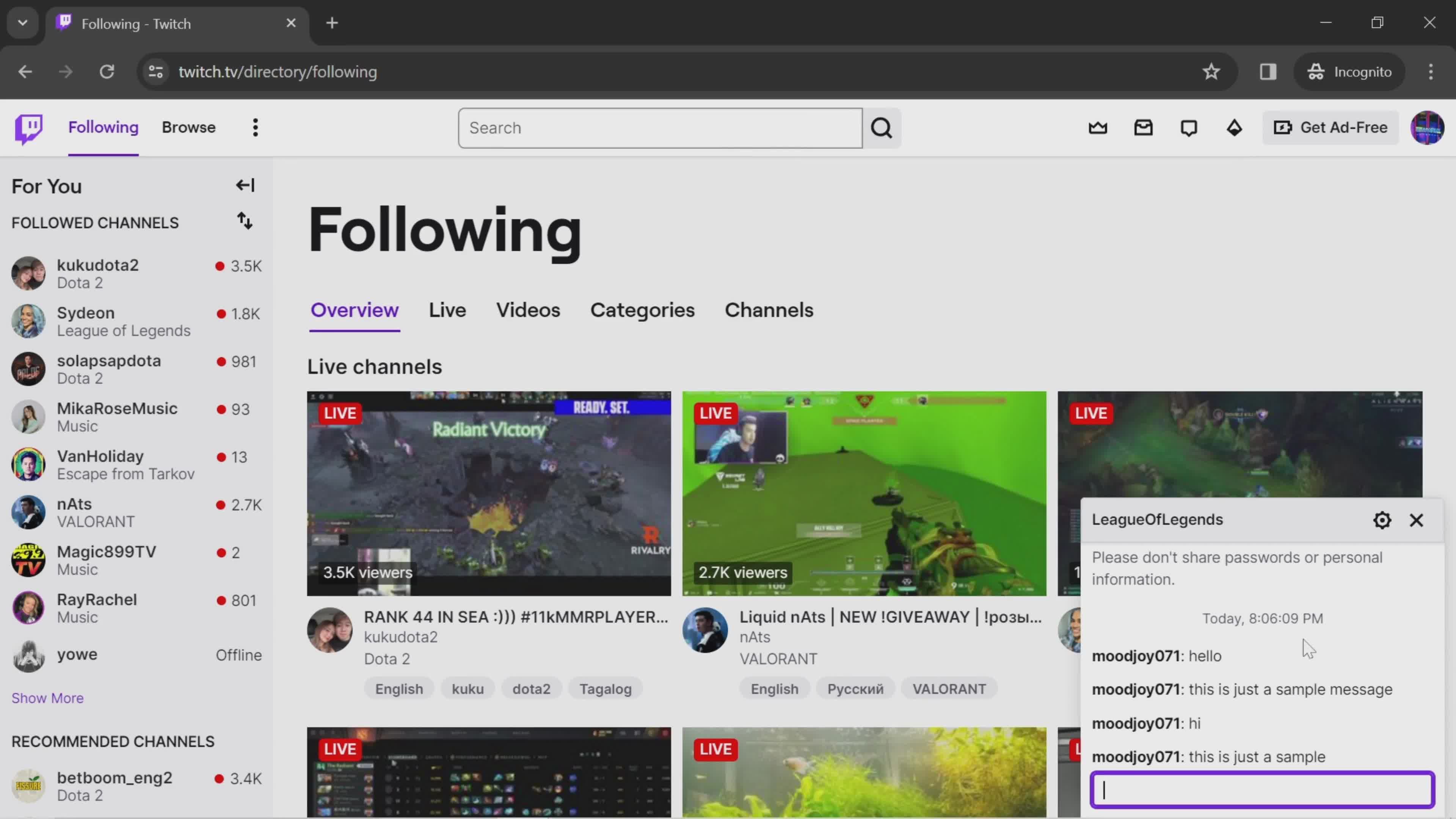
Chat room
this is title
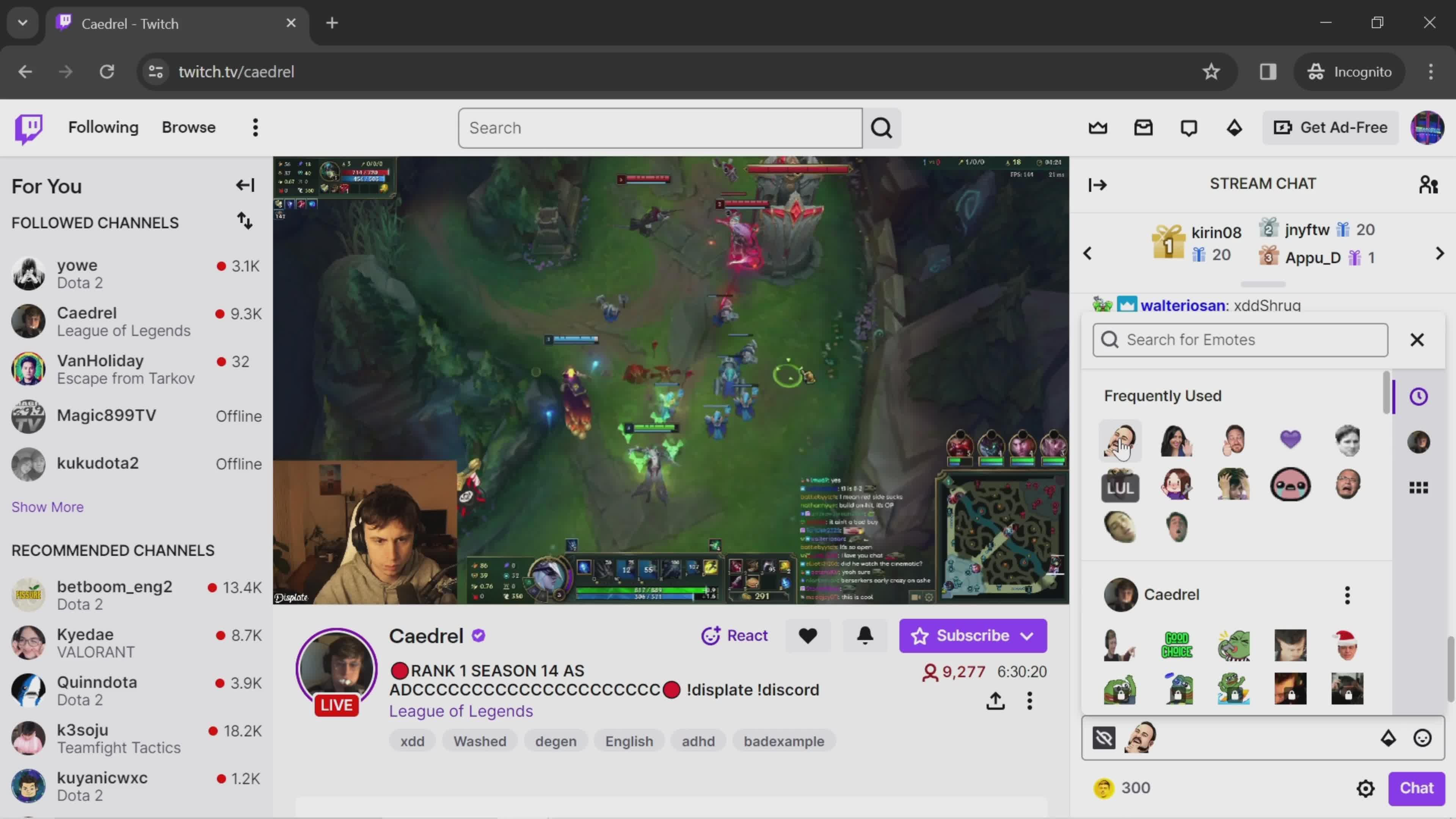
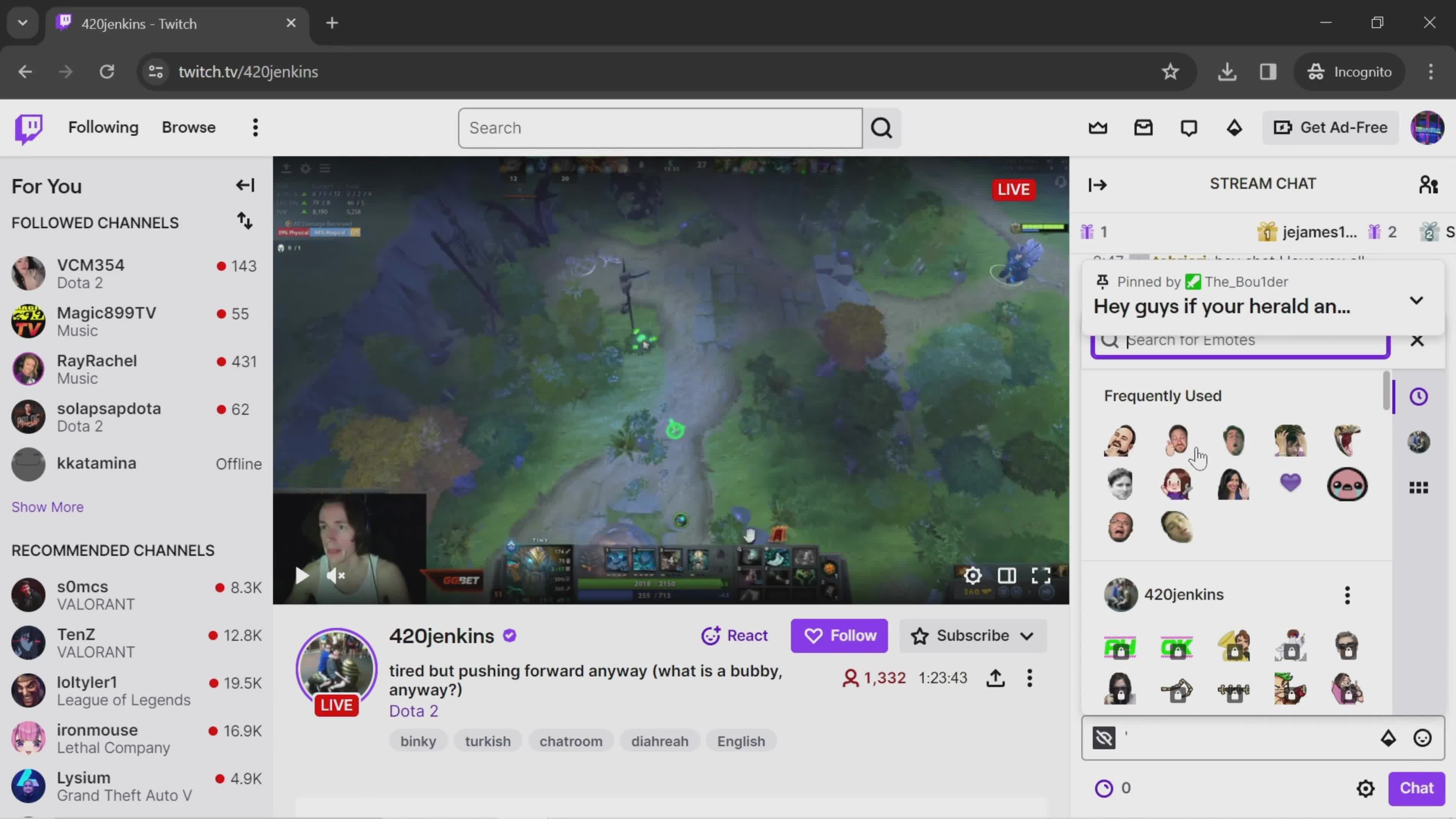
Emoji picker
this is title
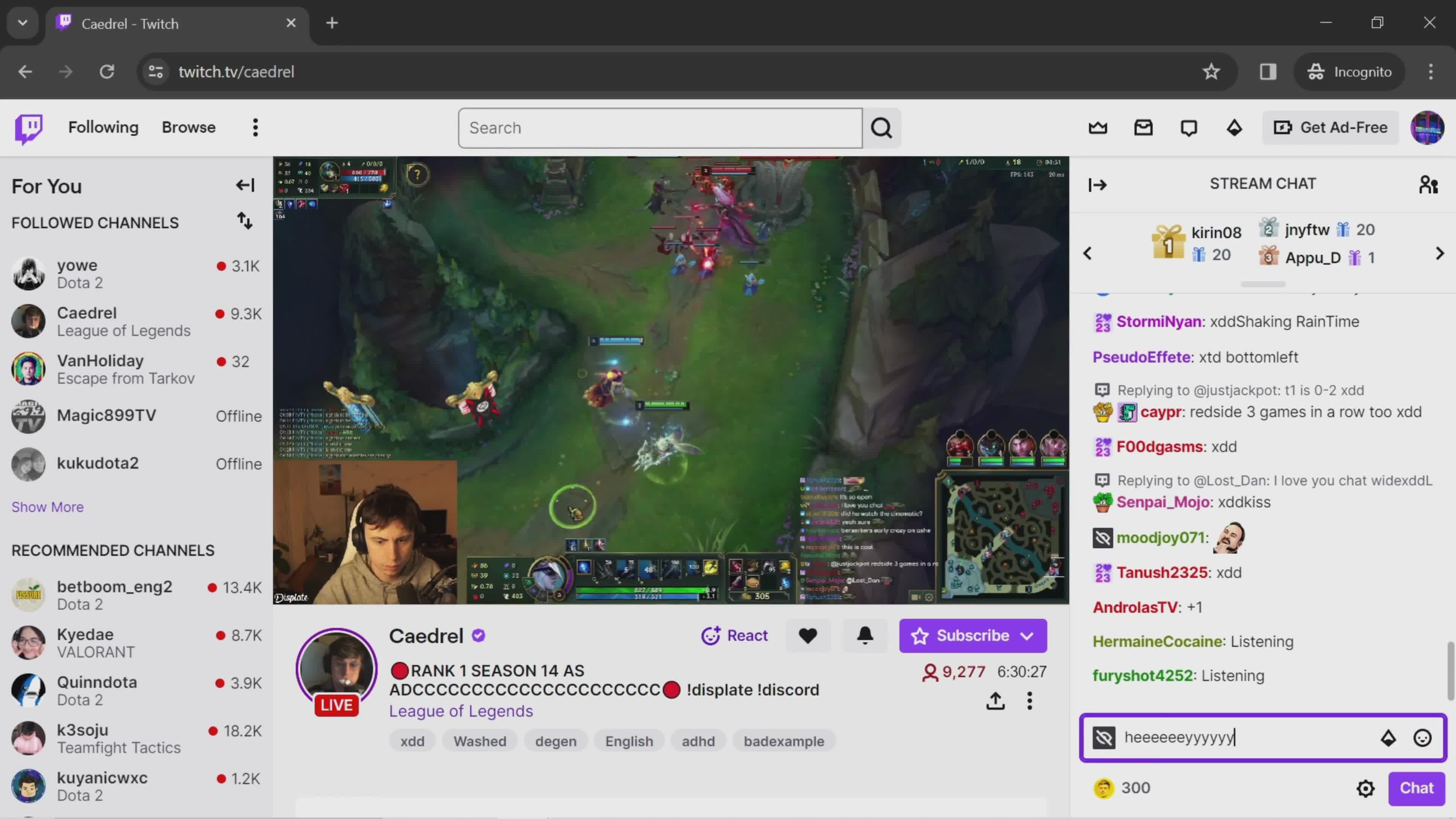
Send a message
this is title
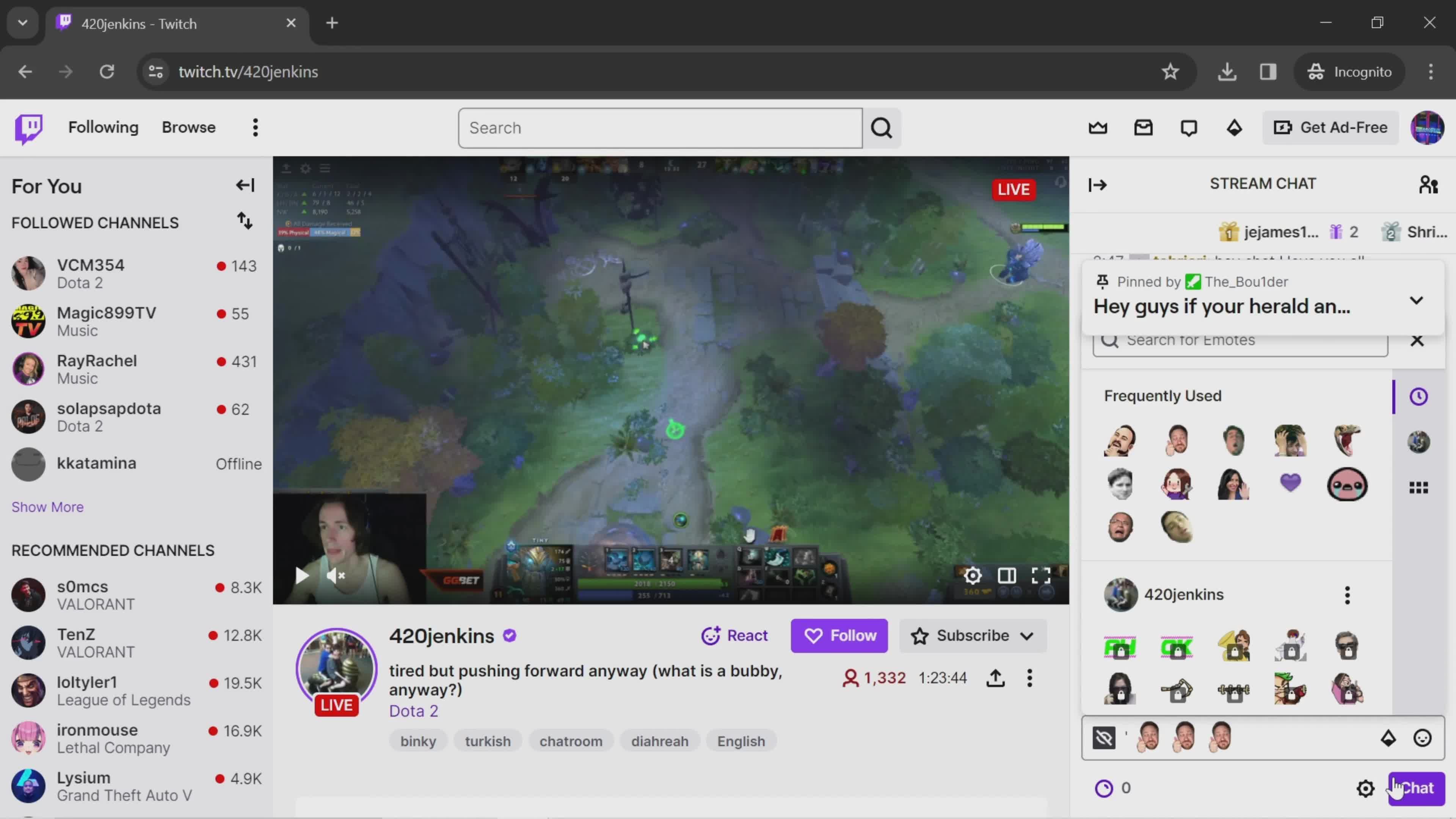
Sent
this is title
Action menu
this is title
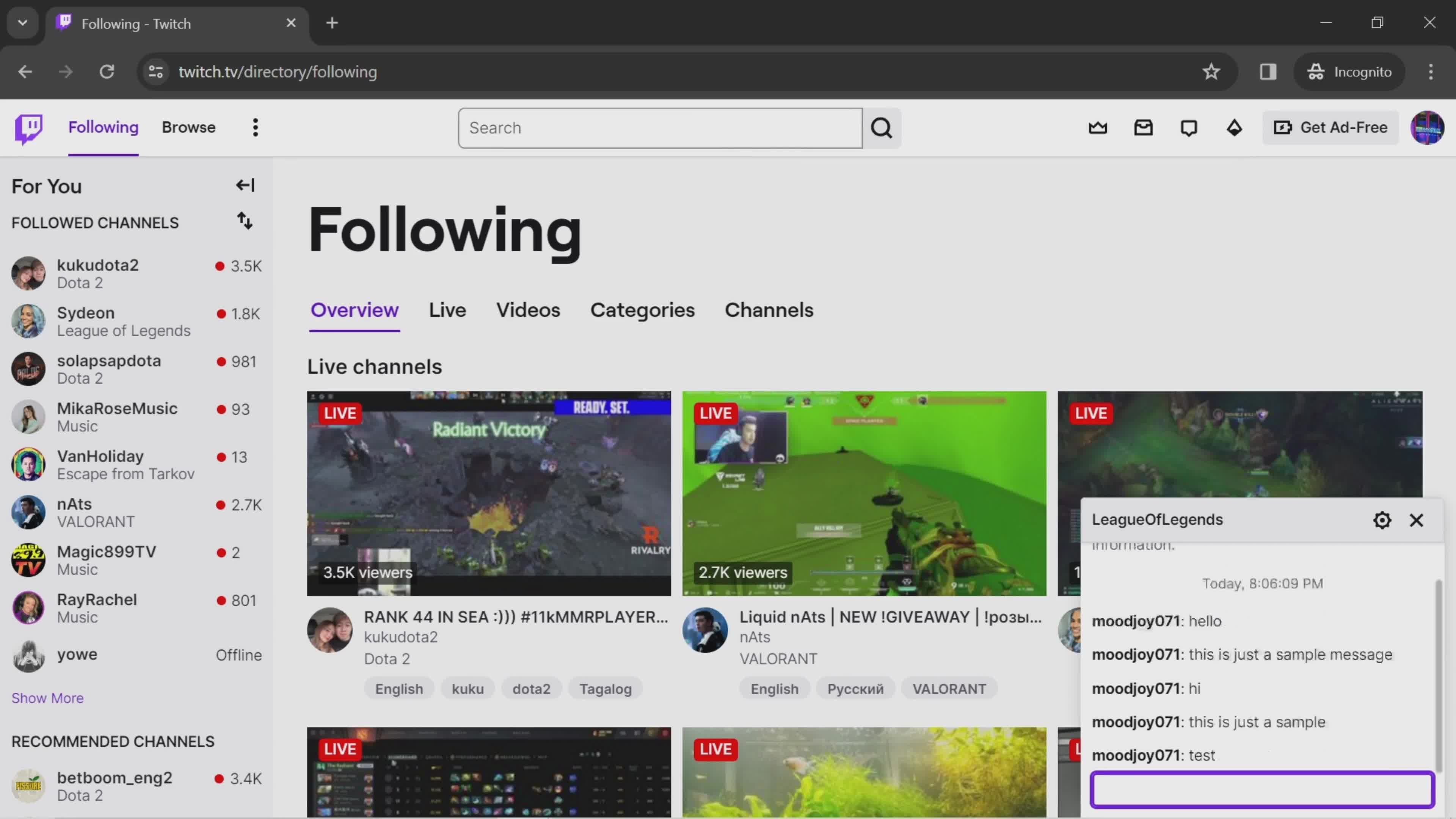
Send a message
this is title
Sent
this is title
Home
this is title
Account menu
this is title
Settings
this is title
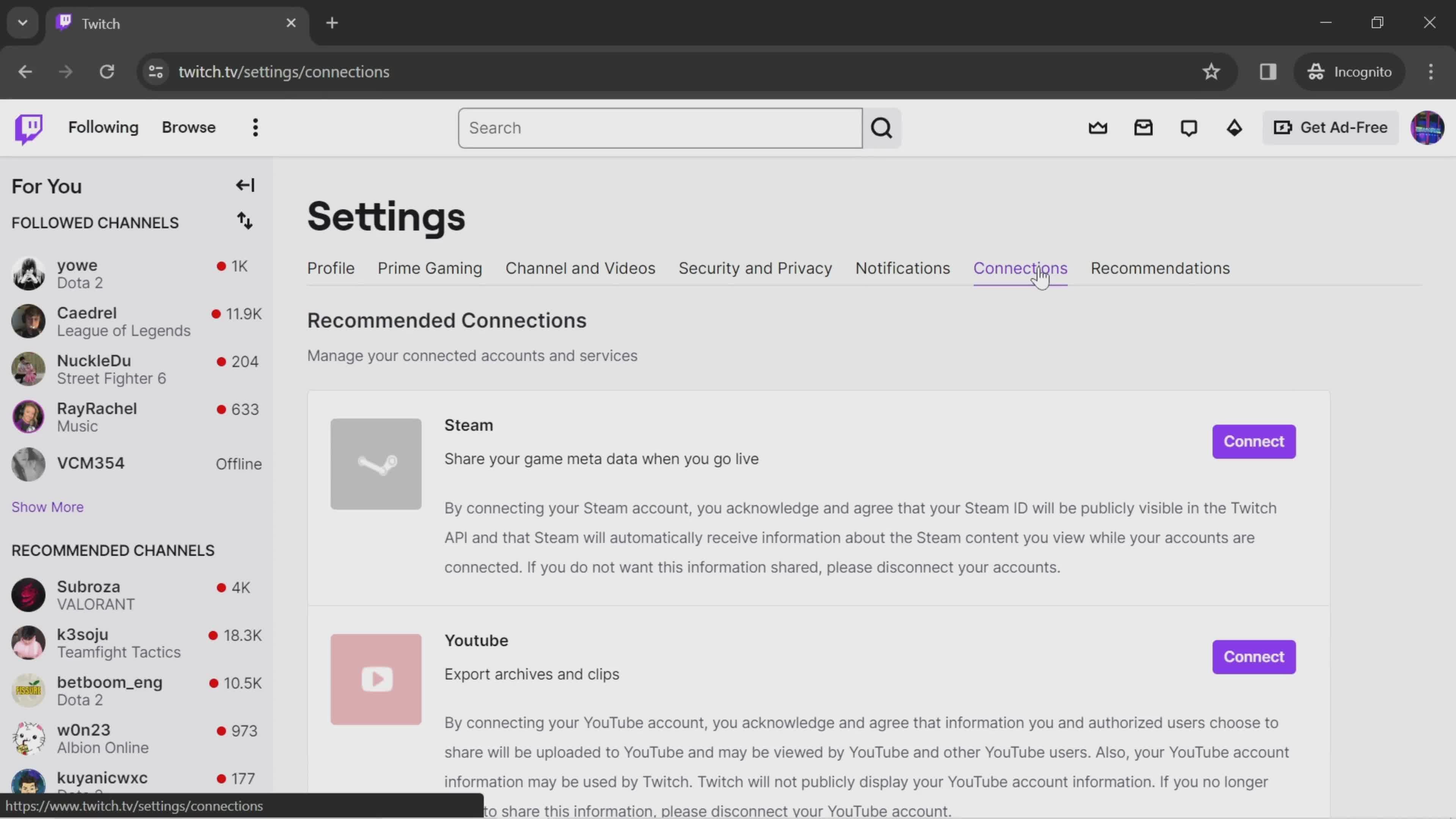
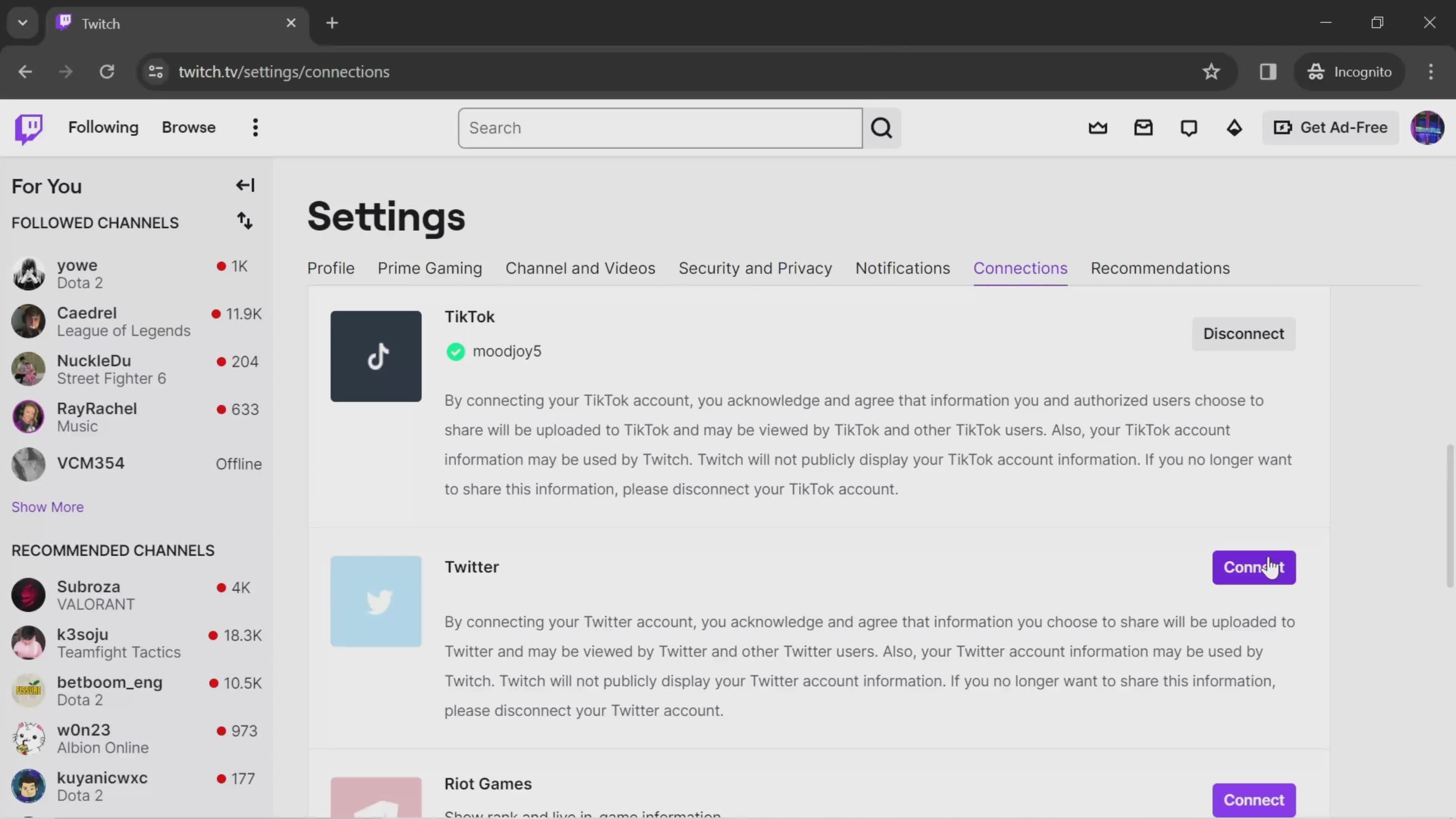
Connections
this is title
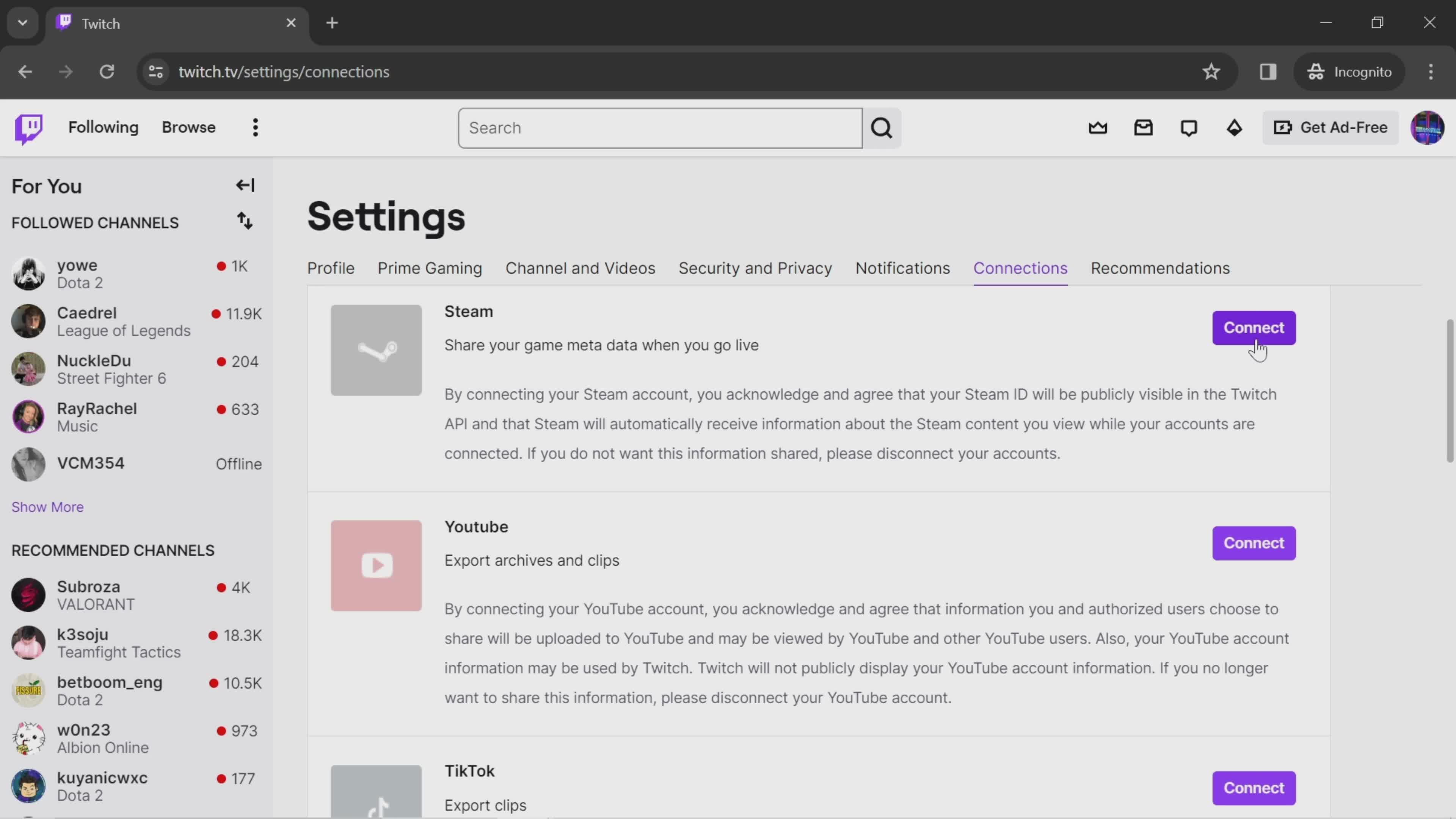
Connect account
this is title
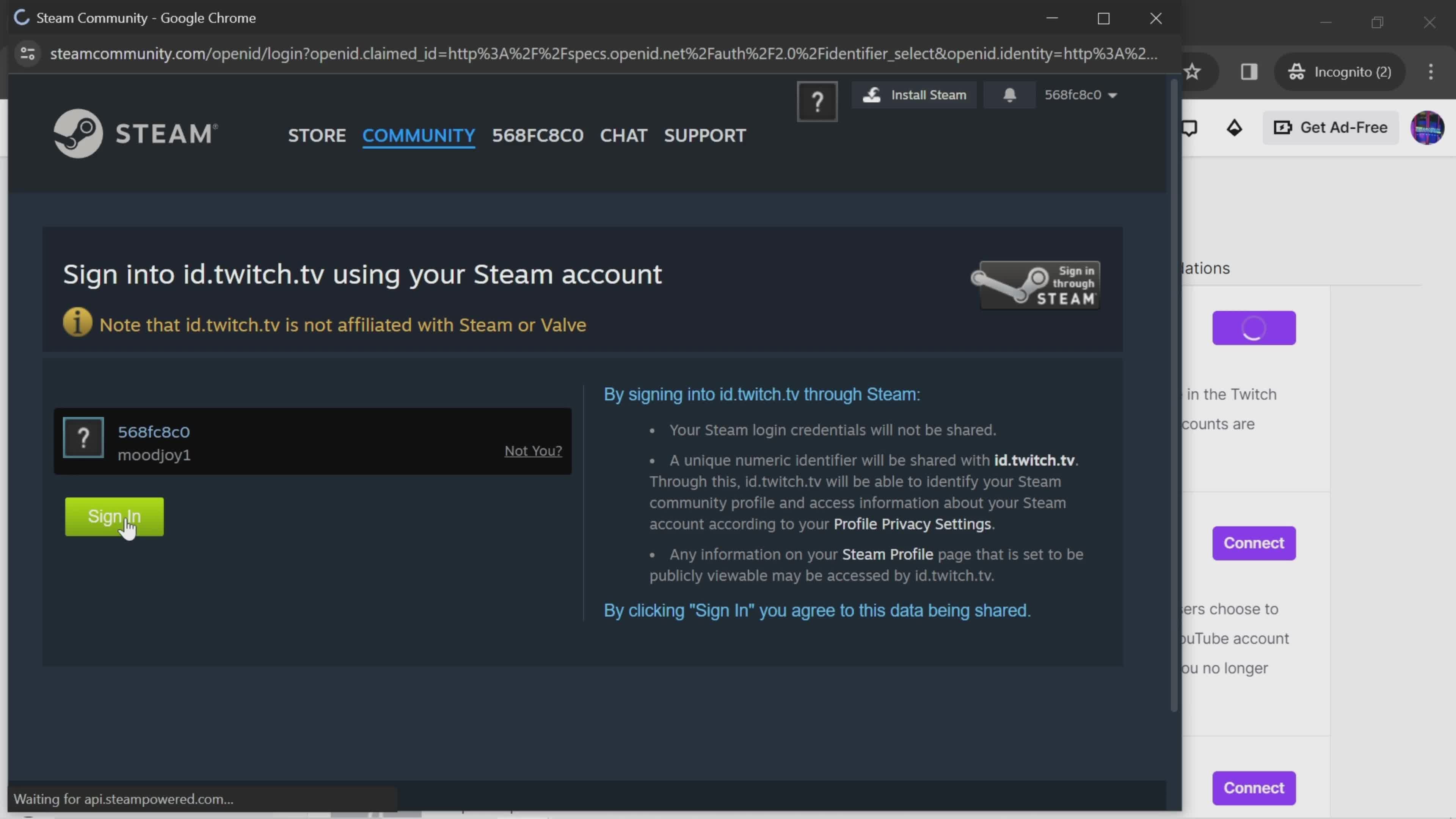
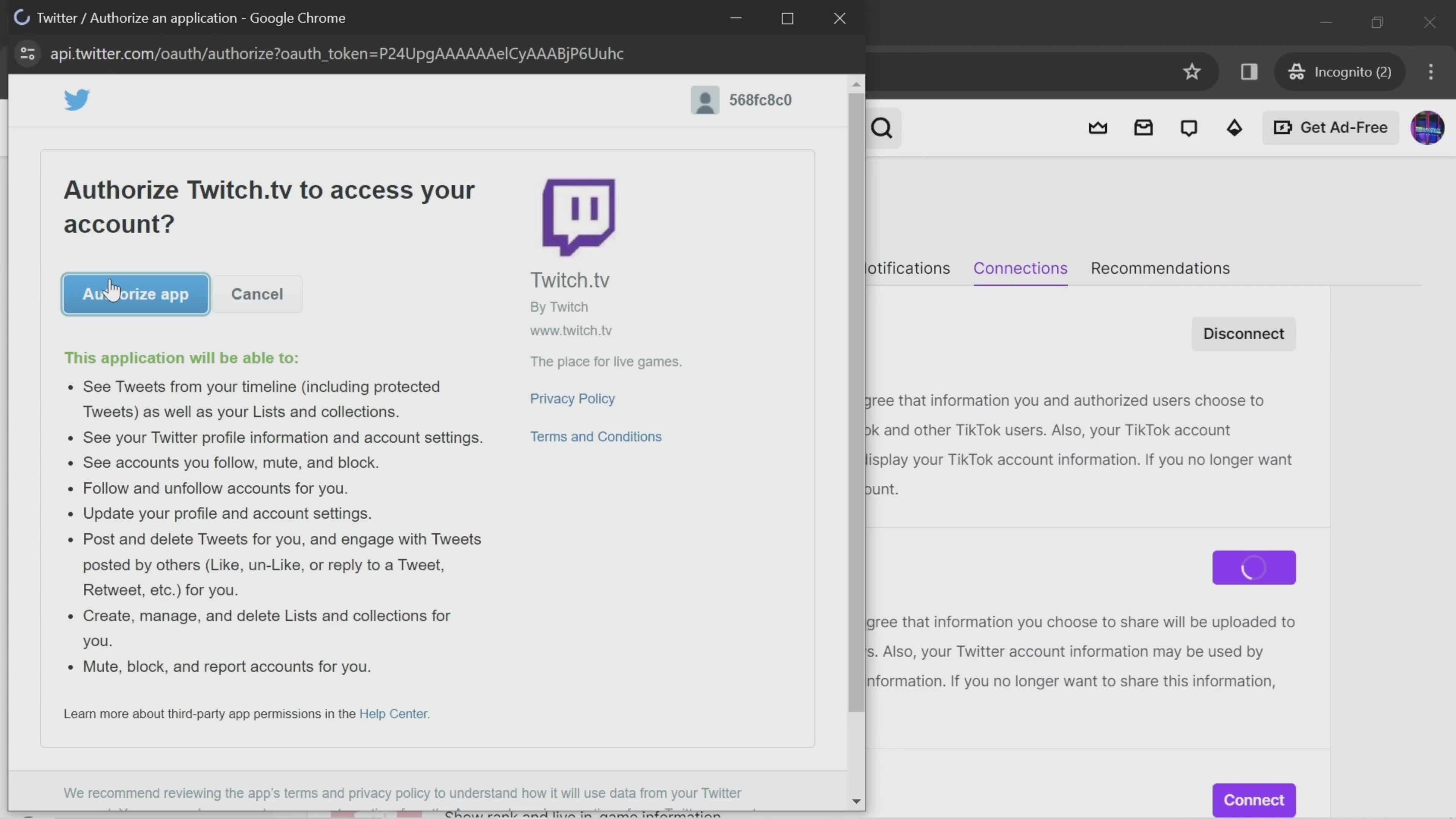
Sign in
this is title
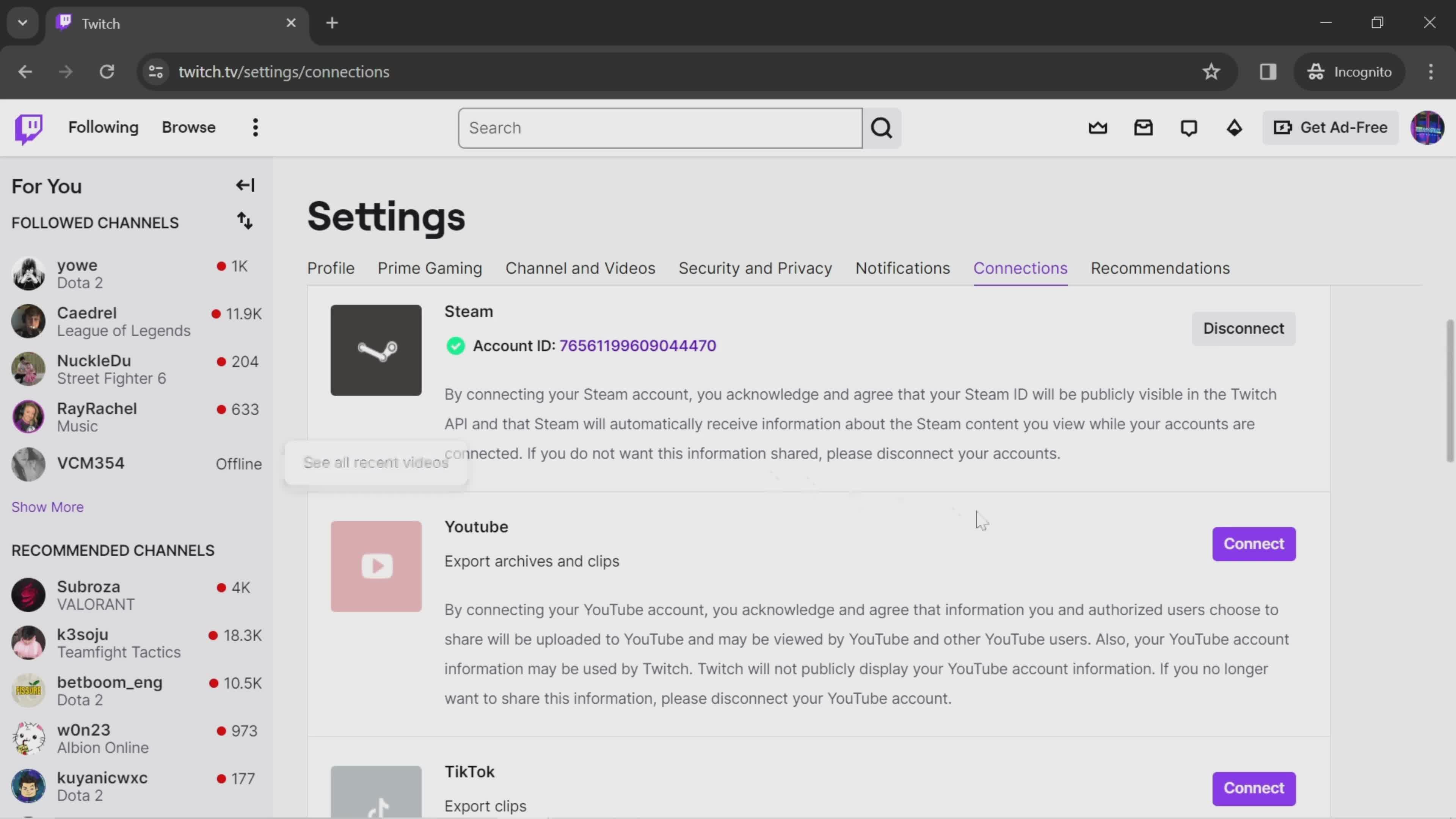
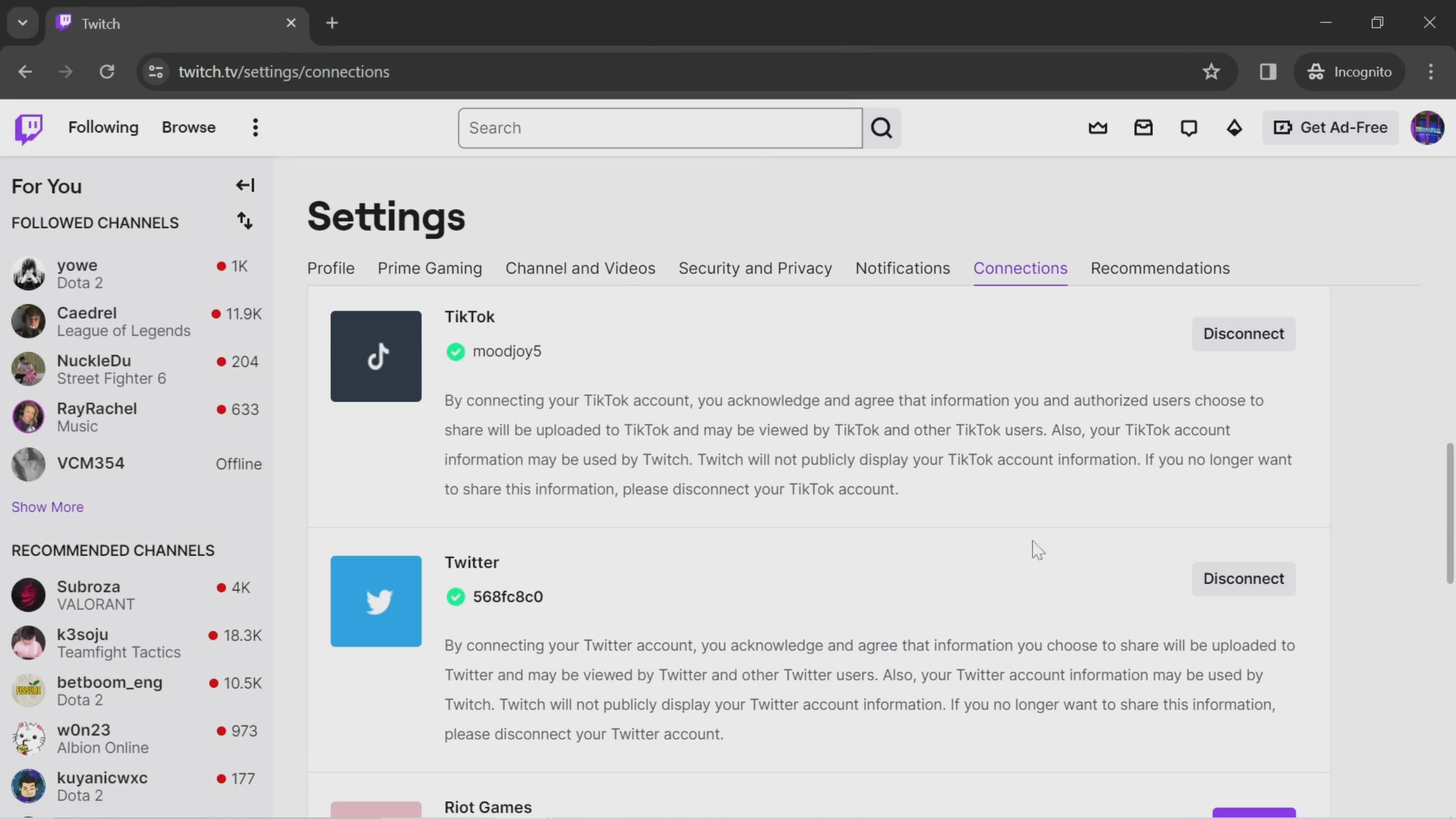
Connected
this is title
Connect account
this is title
Confirm
this is title
Connected
this is title
Home
this is title
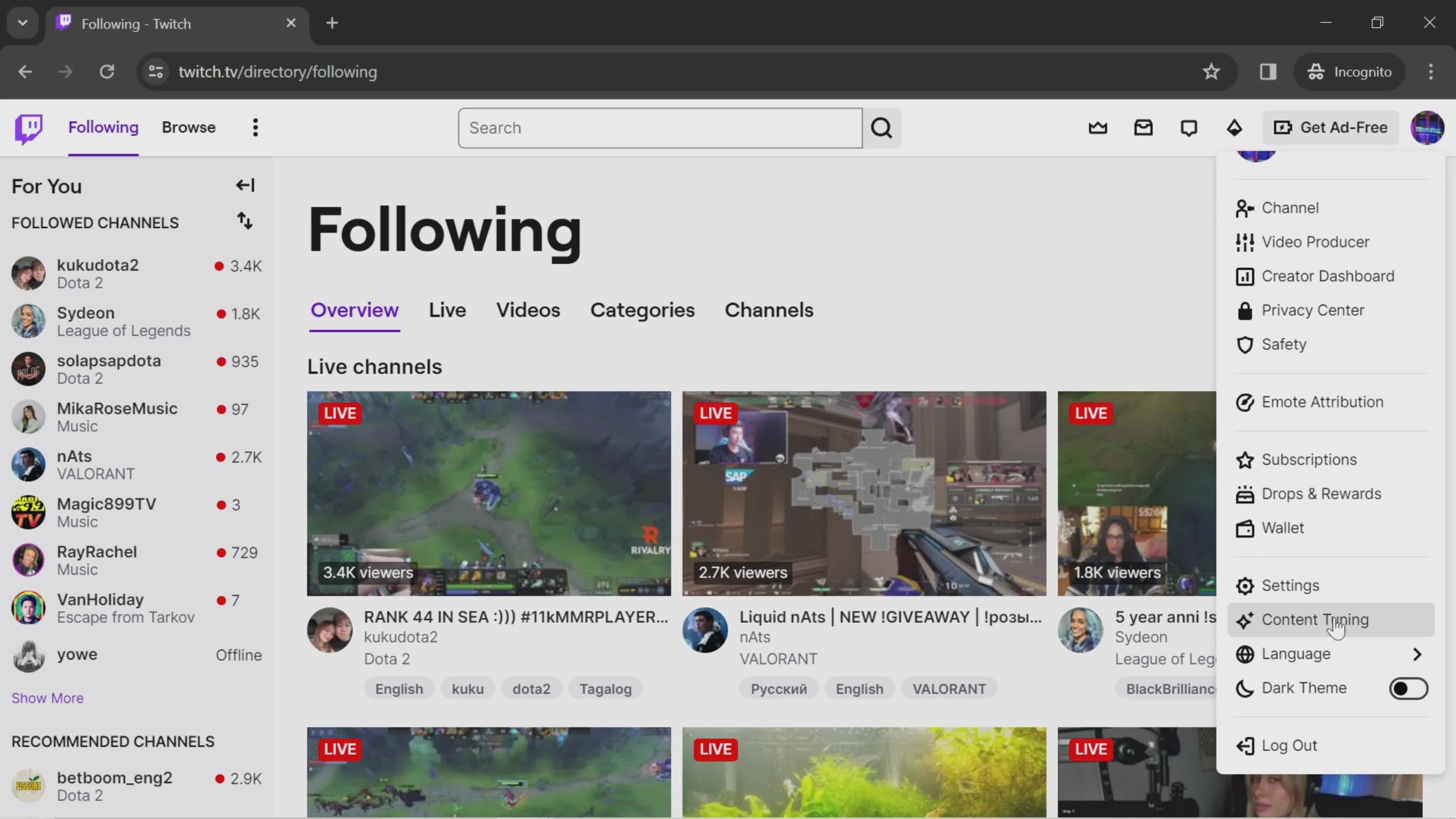
Account menu
this is title
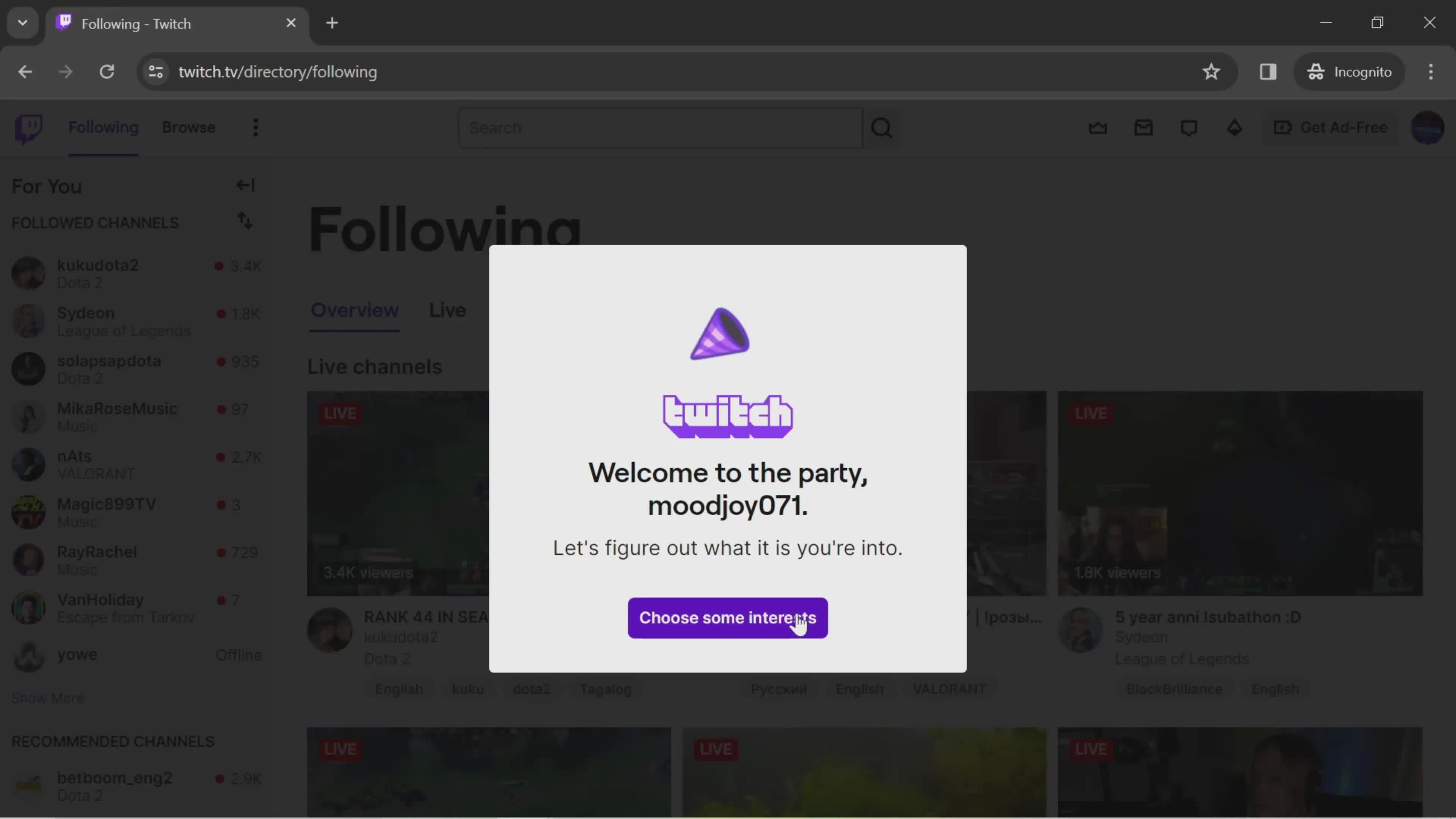
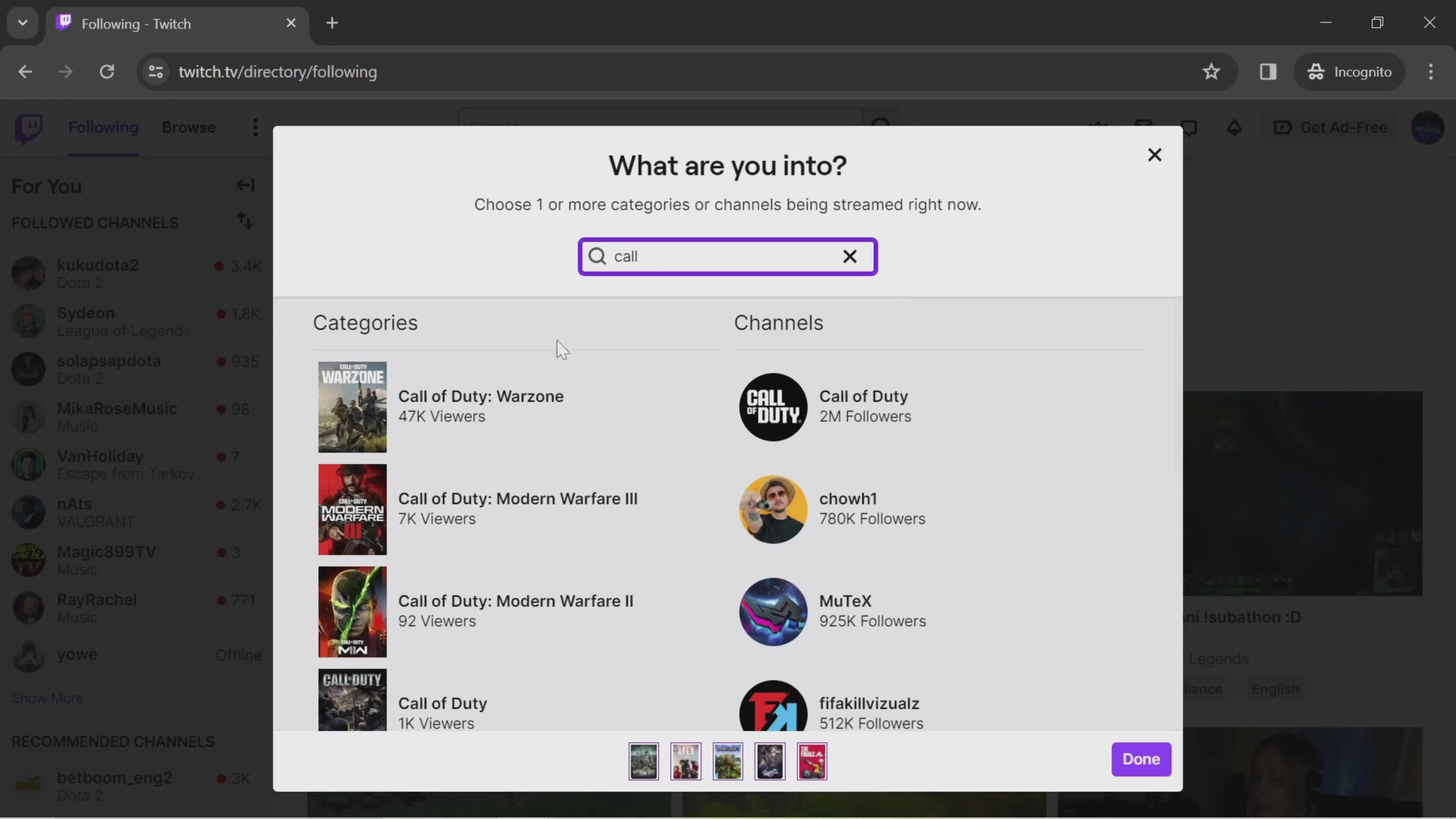
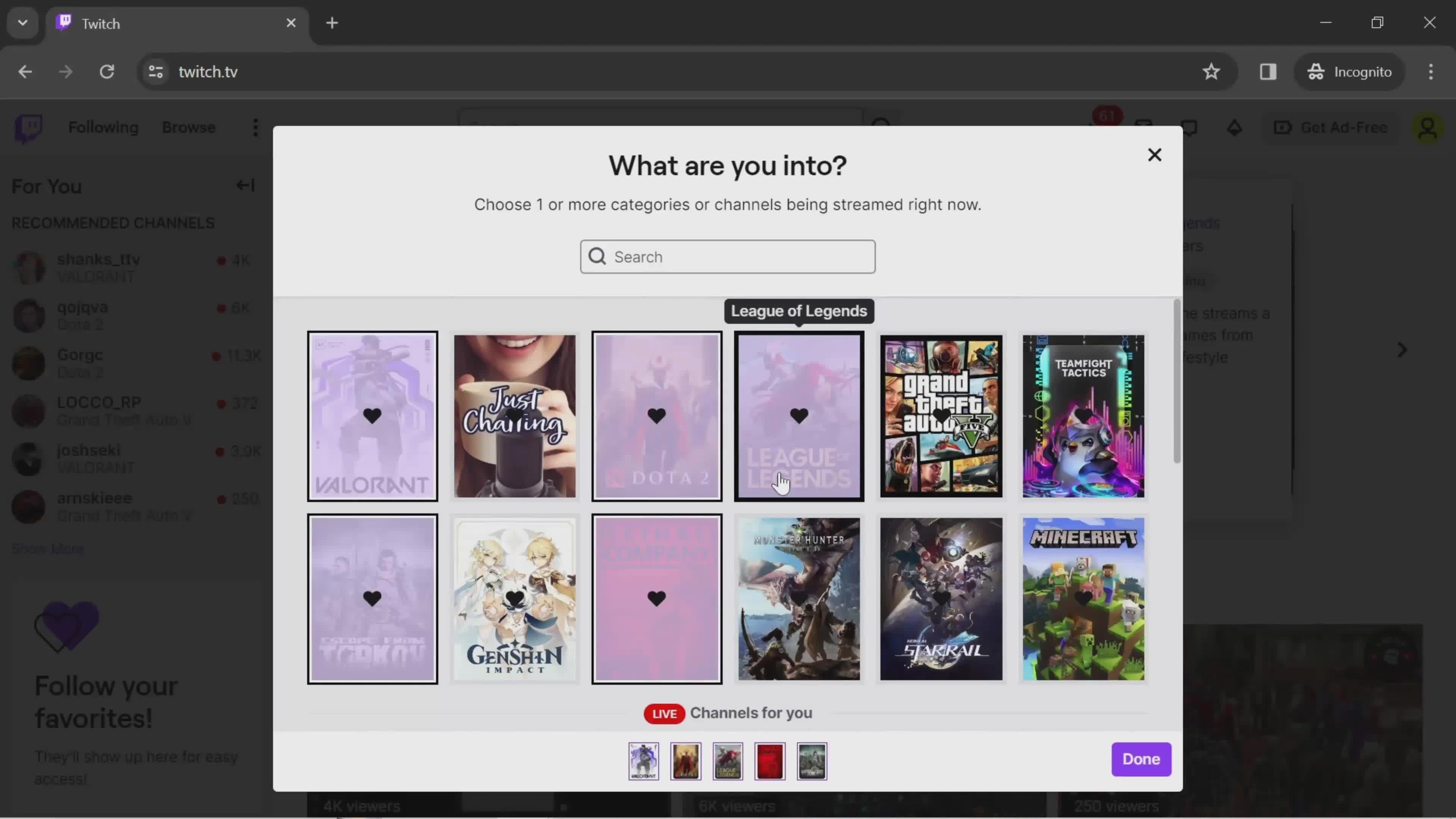
Activate interest
this is title
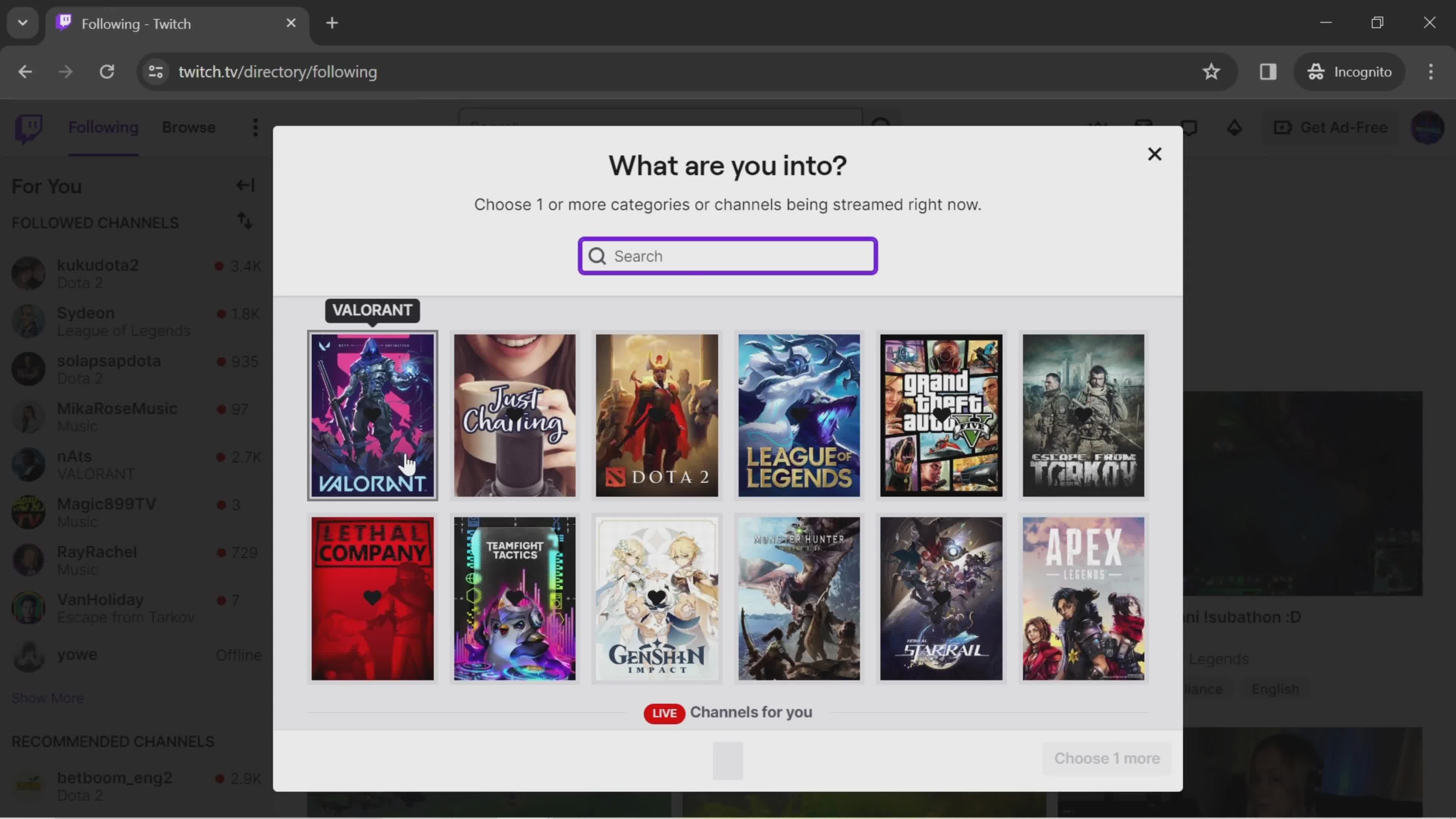
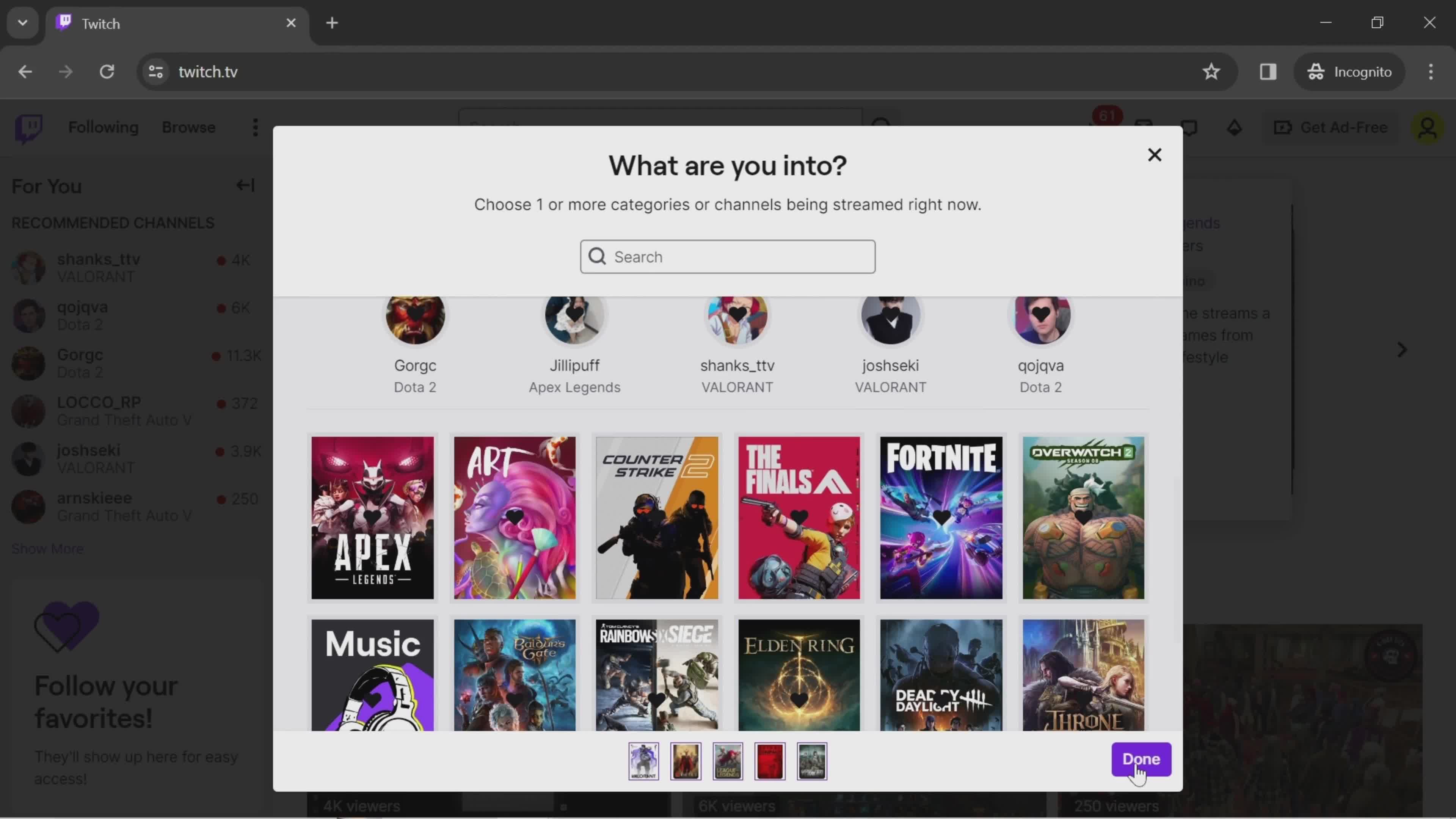
Select channels
this is title
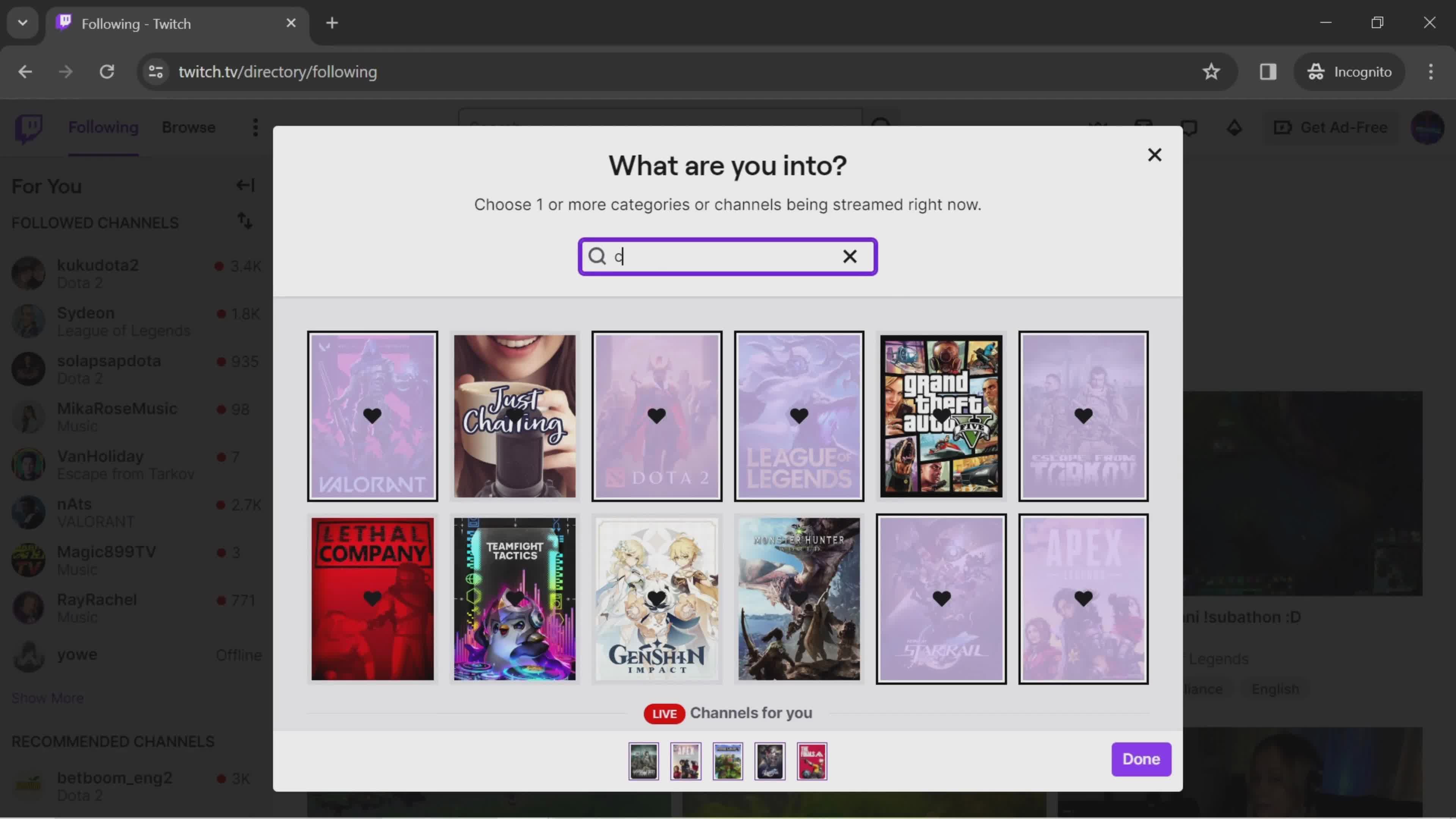
Search
this is title
Search results
this is title
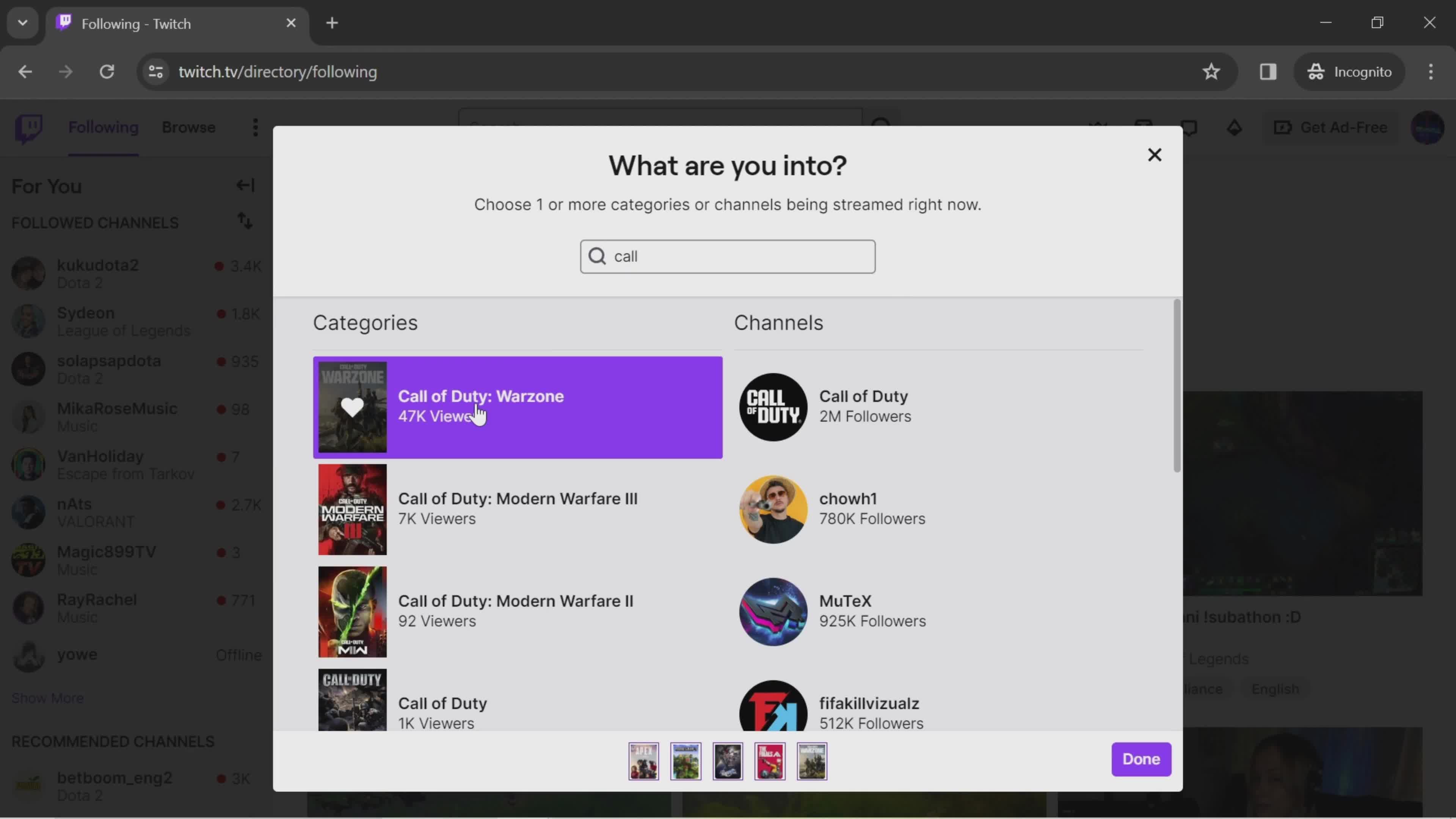
Select category
this is title
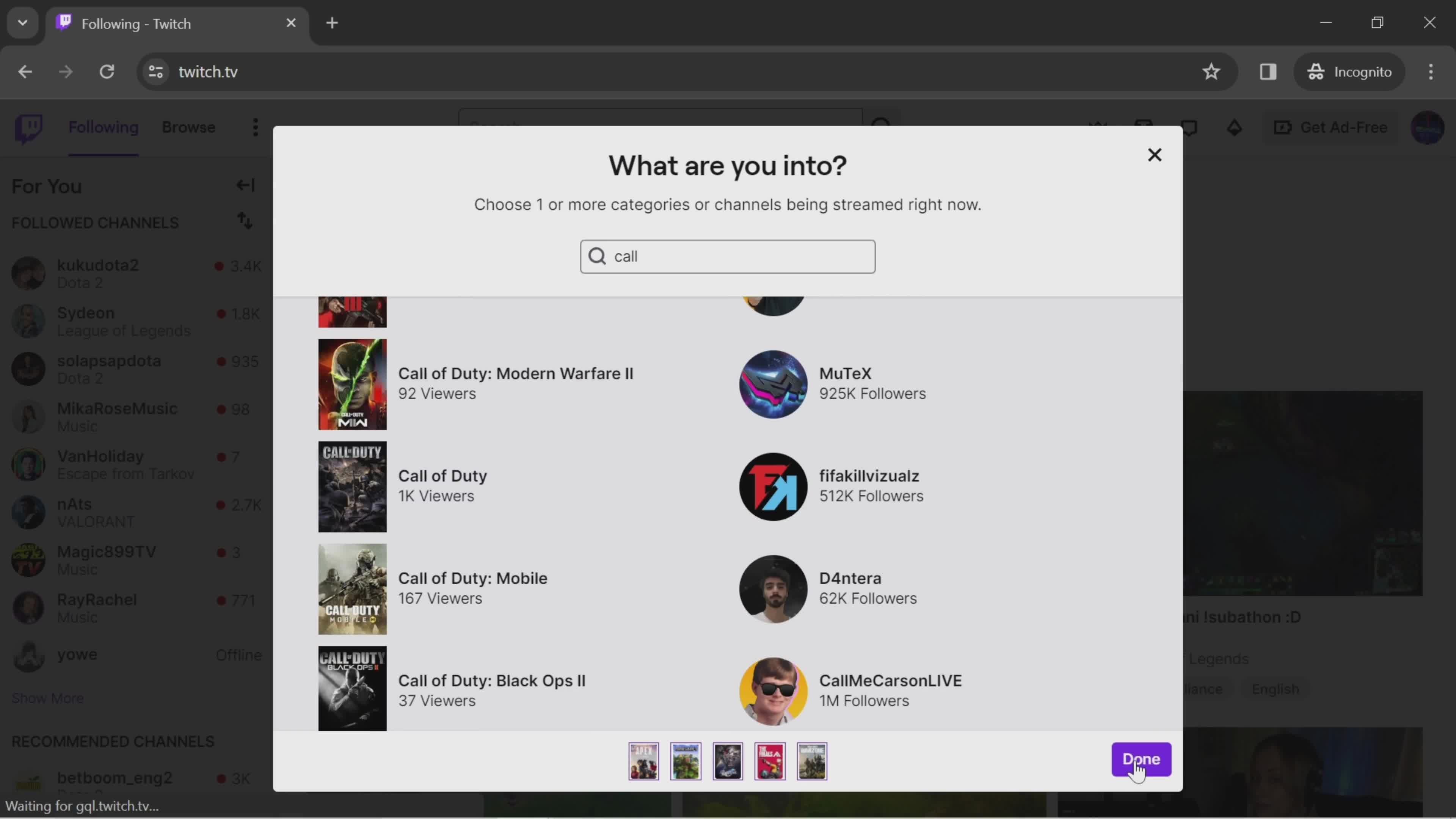
Done
this is title
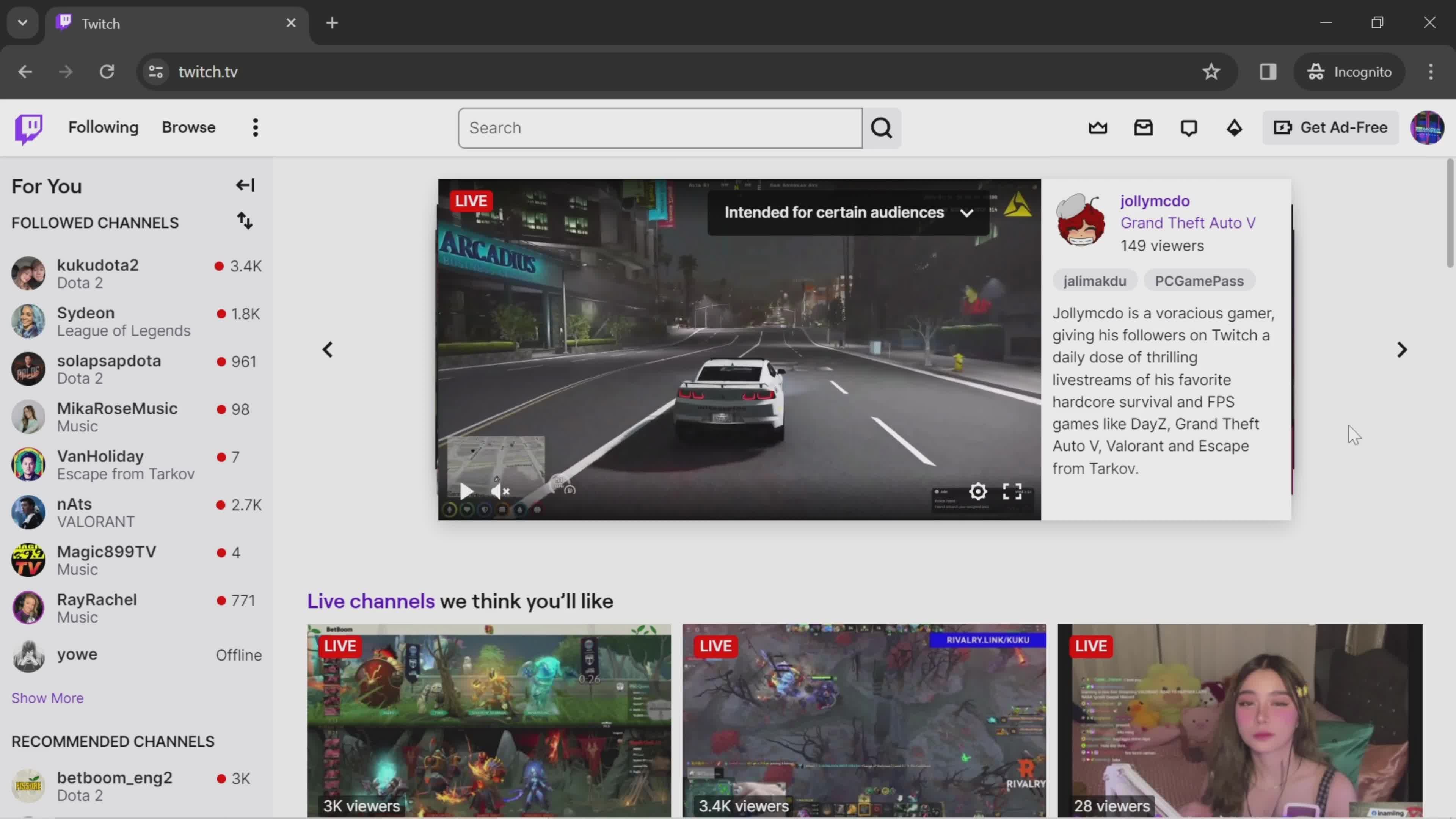
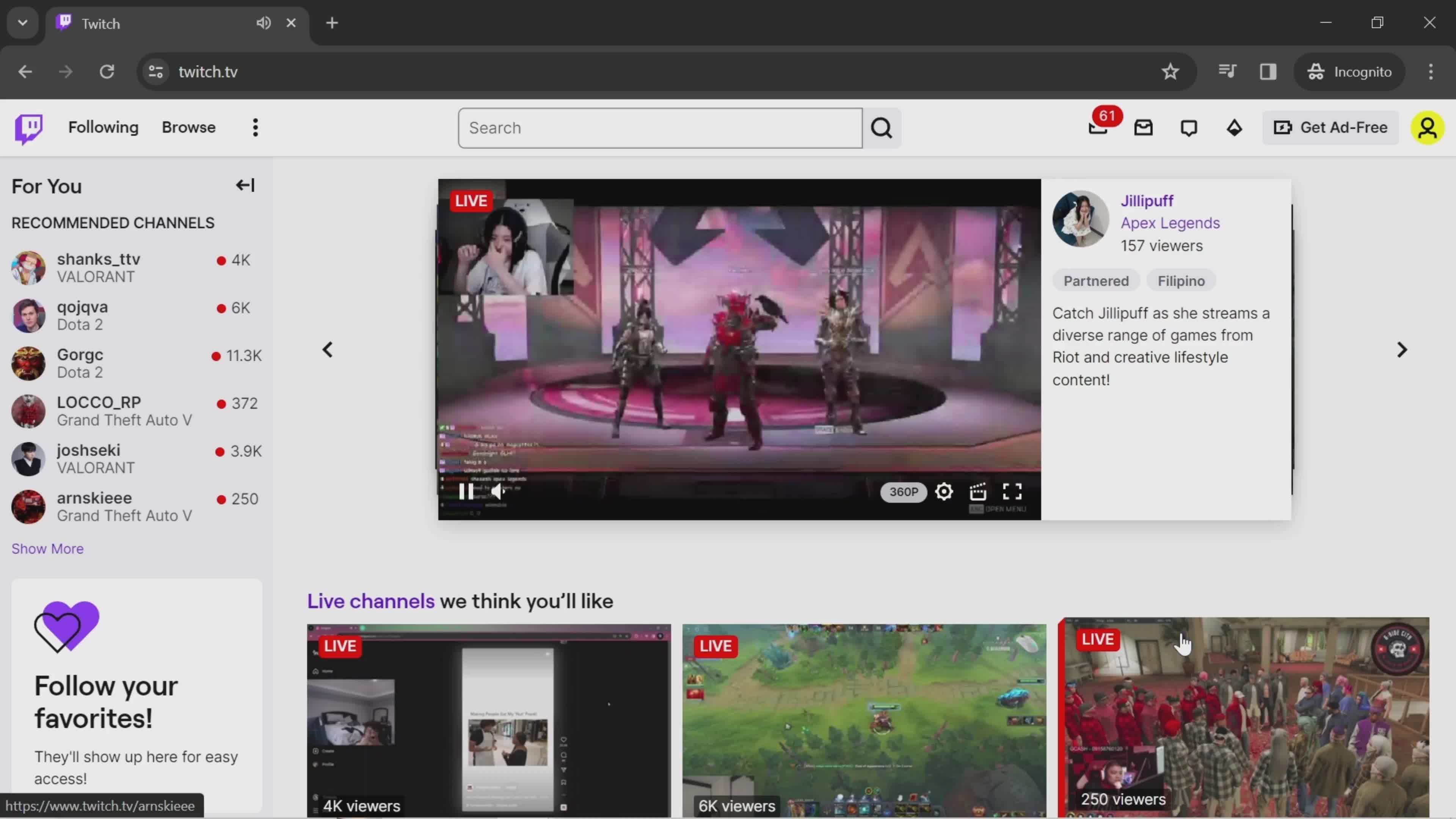
Live channels
this is title
Home
this is title
Account menu
this is title
Dashboard
this is title
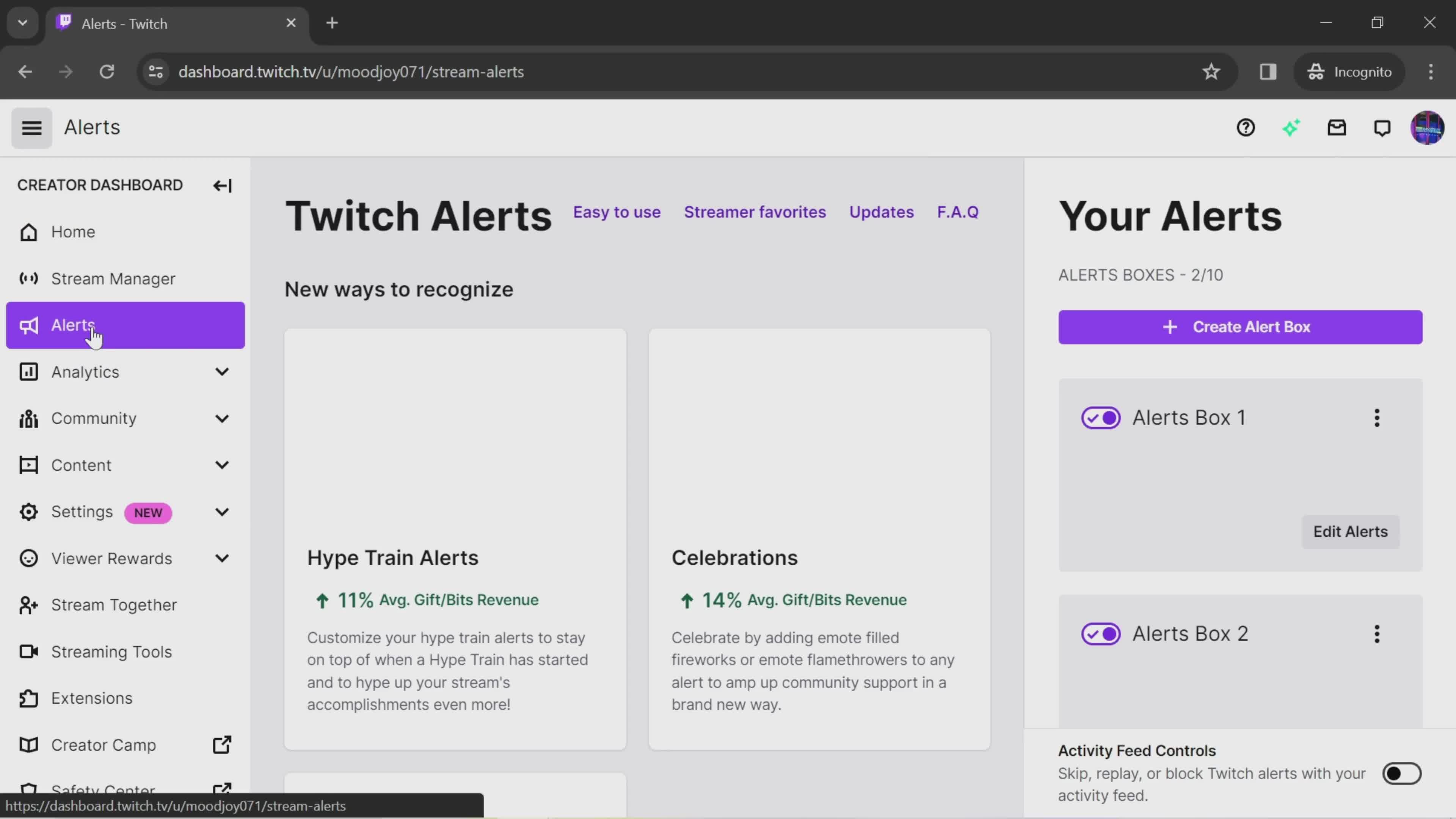
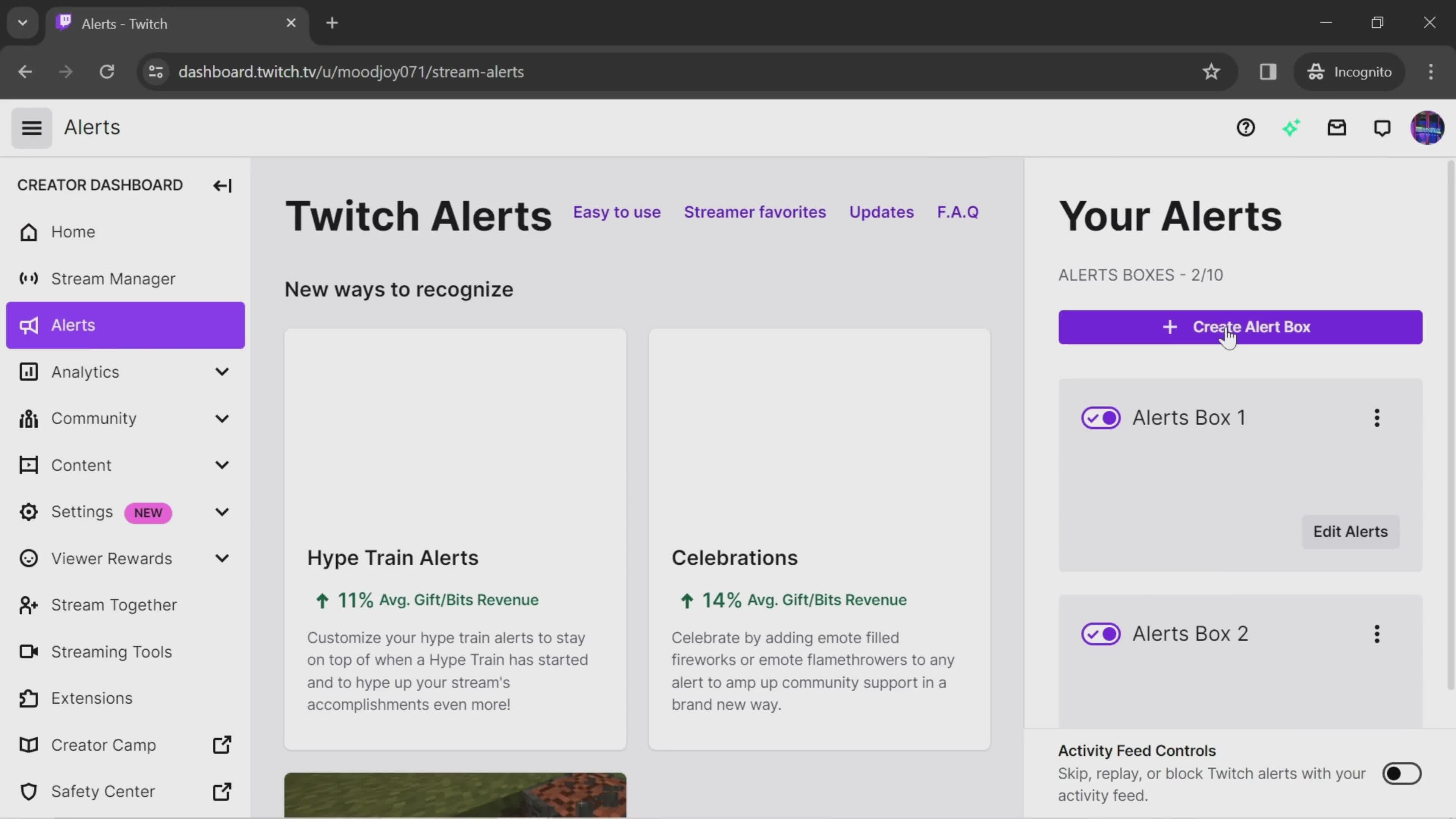
Alerts
this is title
Create alert
this is title
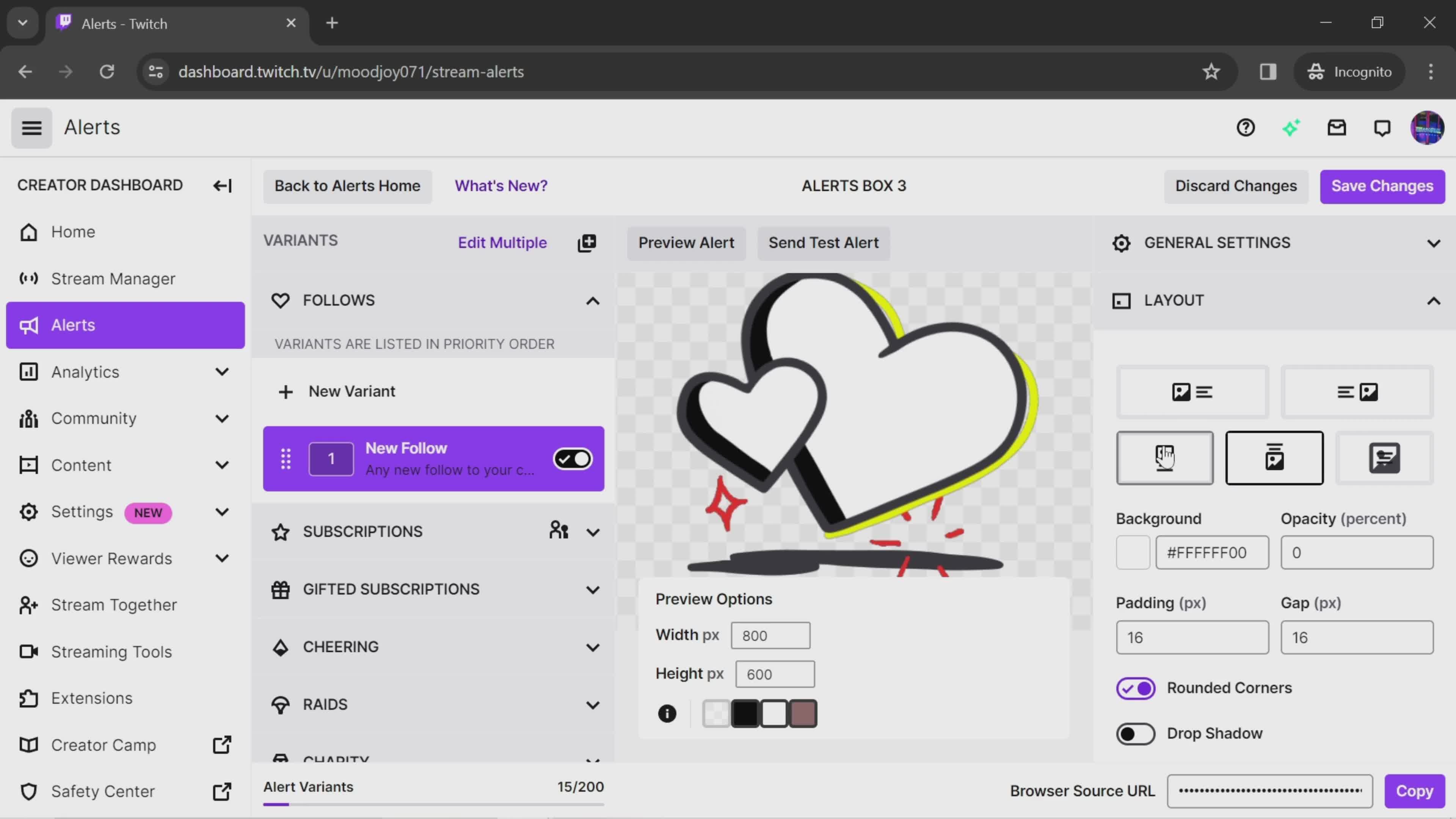
Select layout
this is title
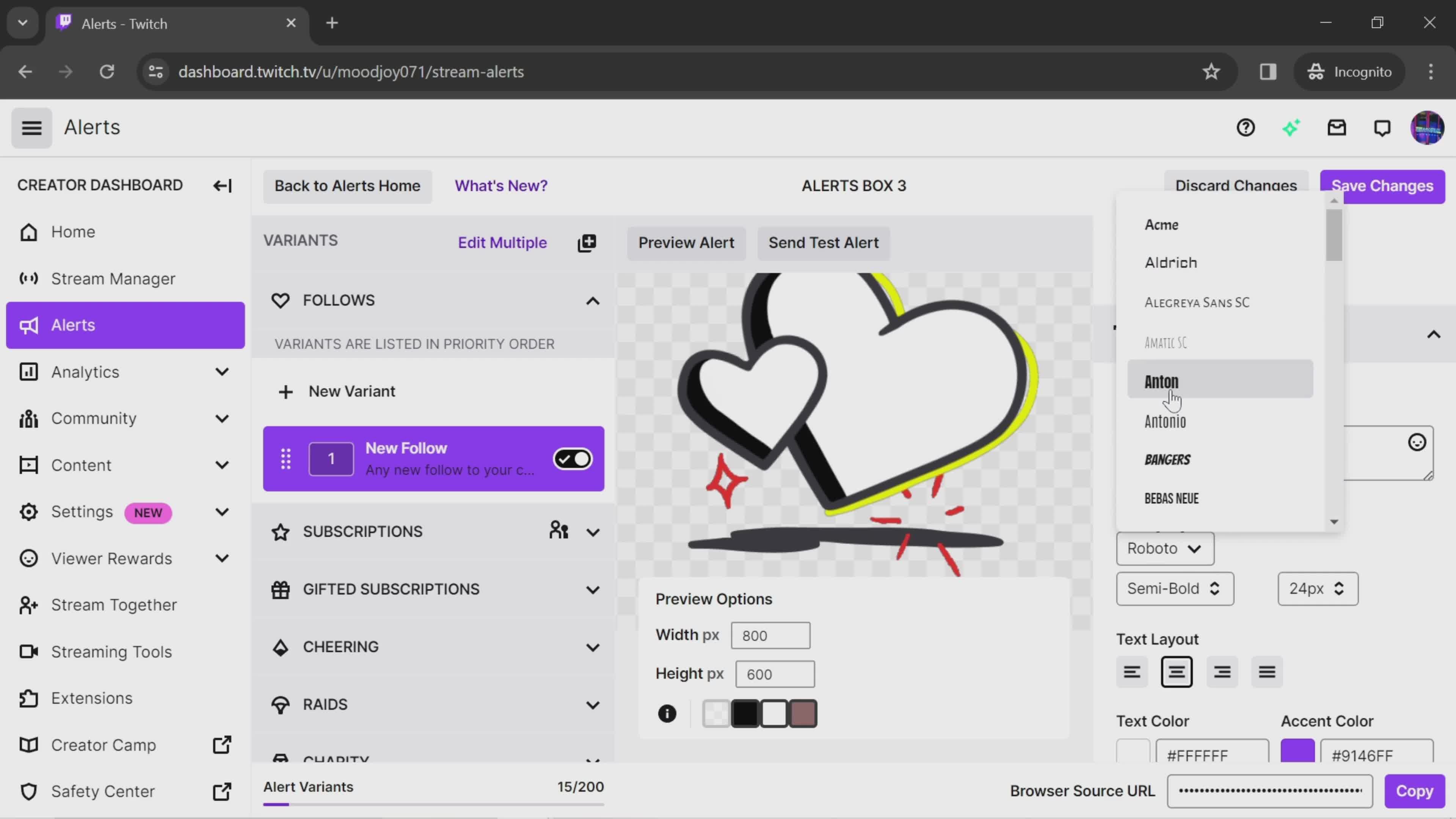
Select font
this is title
Set color
this is title
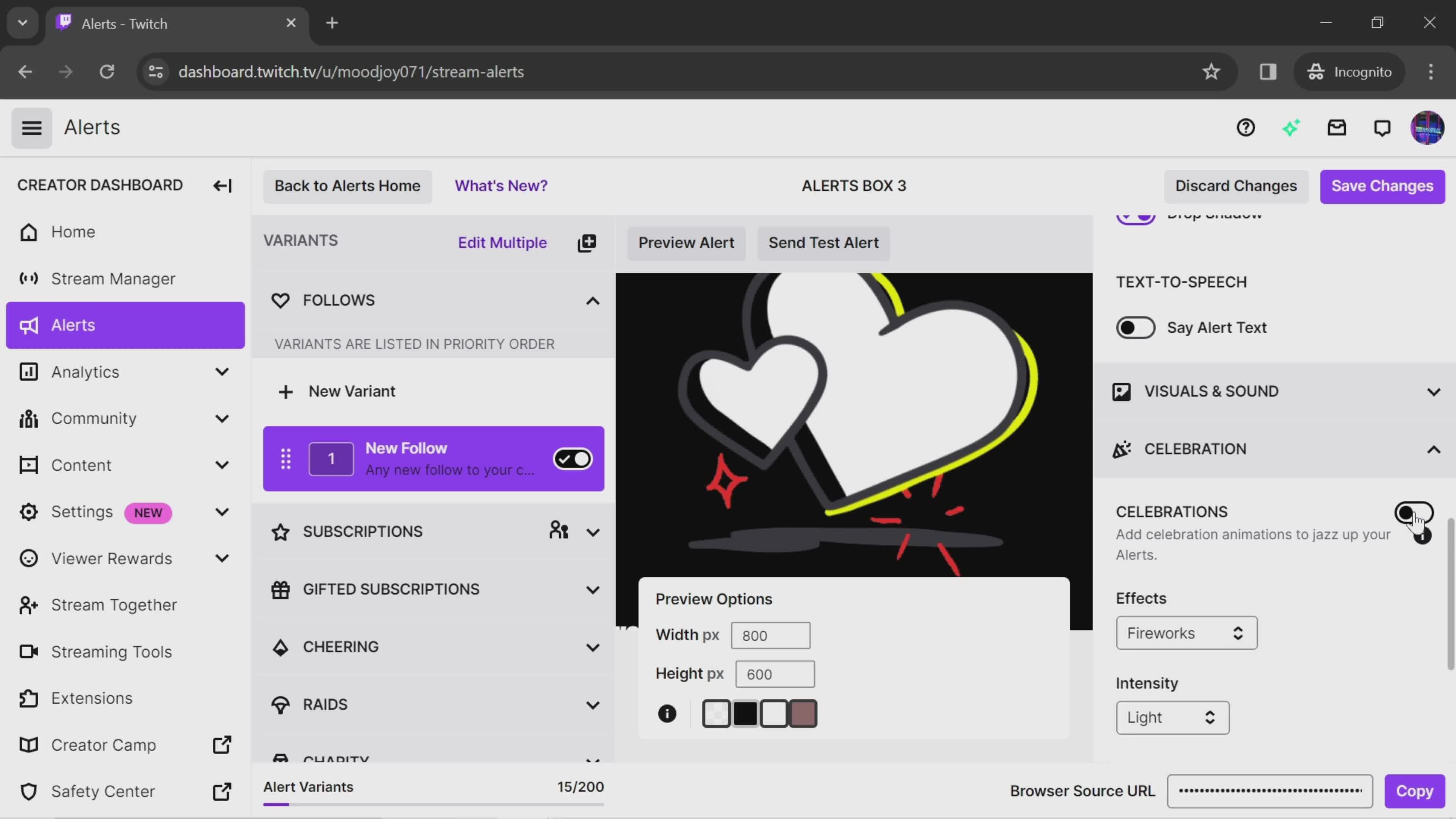
Add animation
this is title
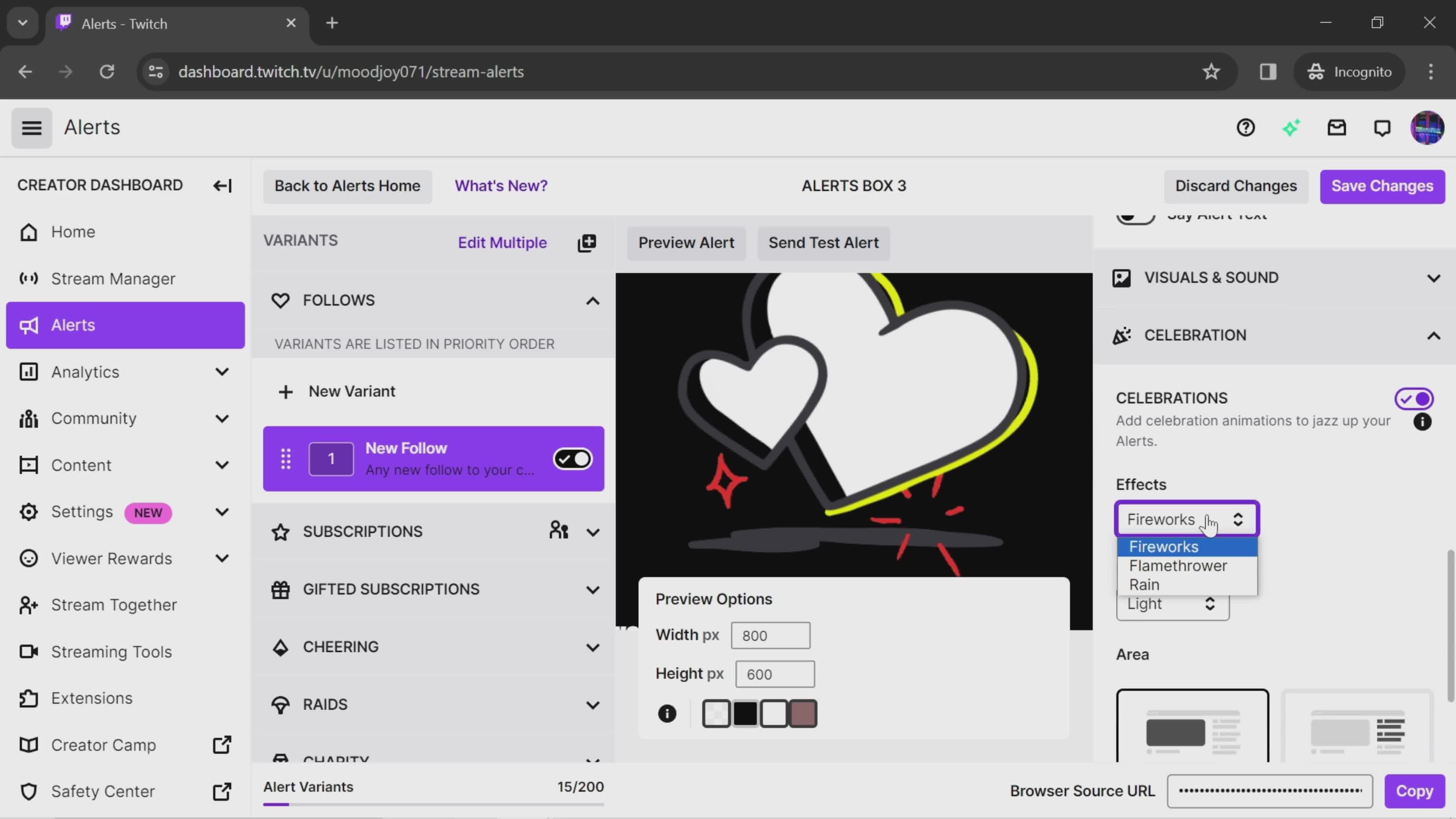
Effects
this is title
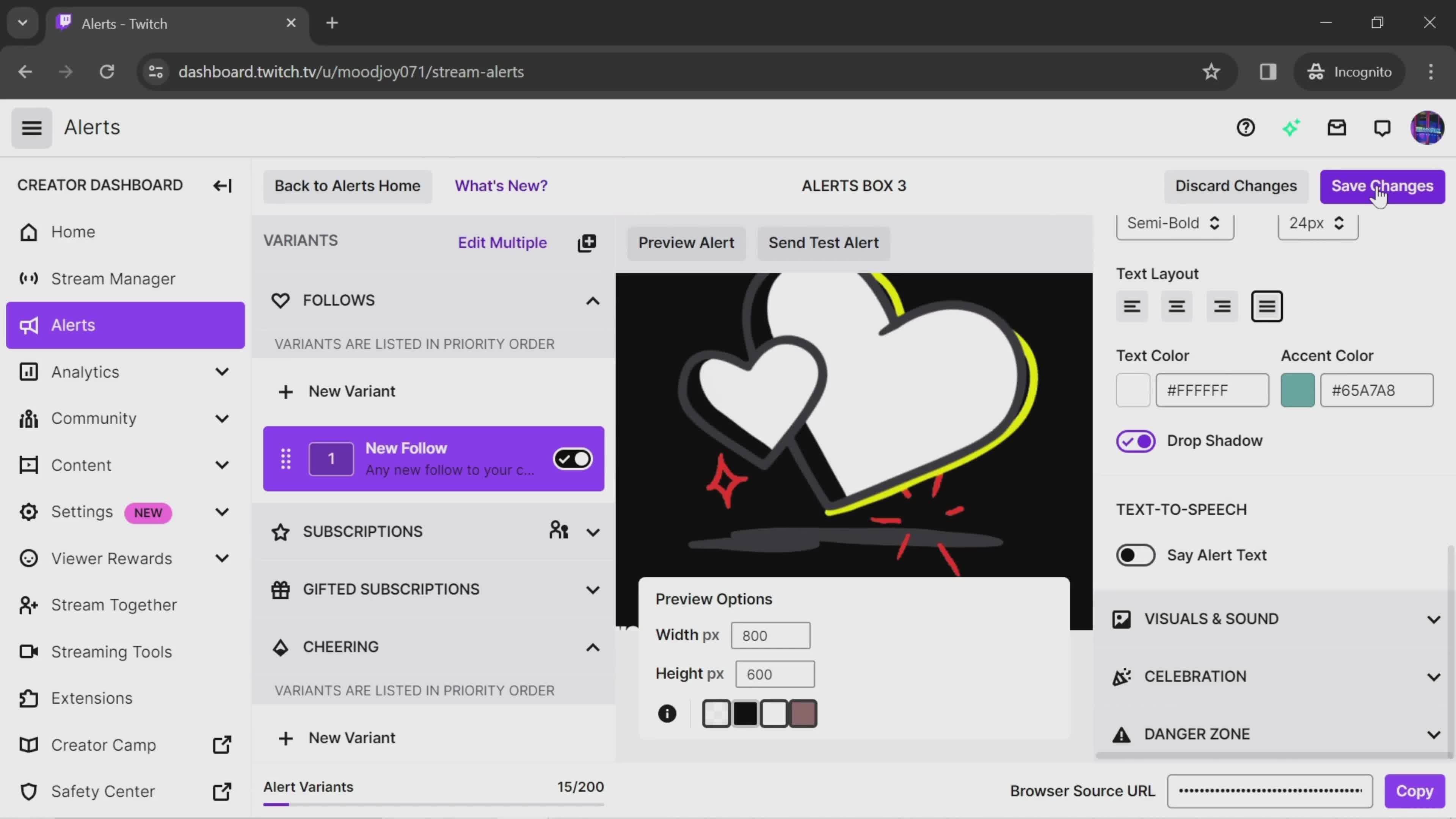
Save changes
this is title
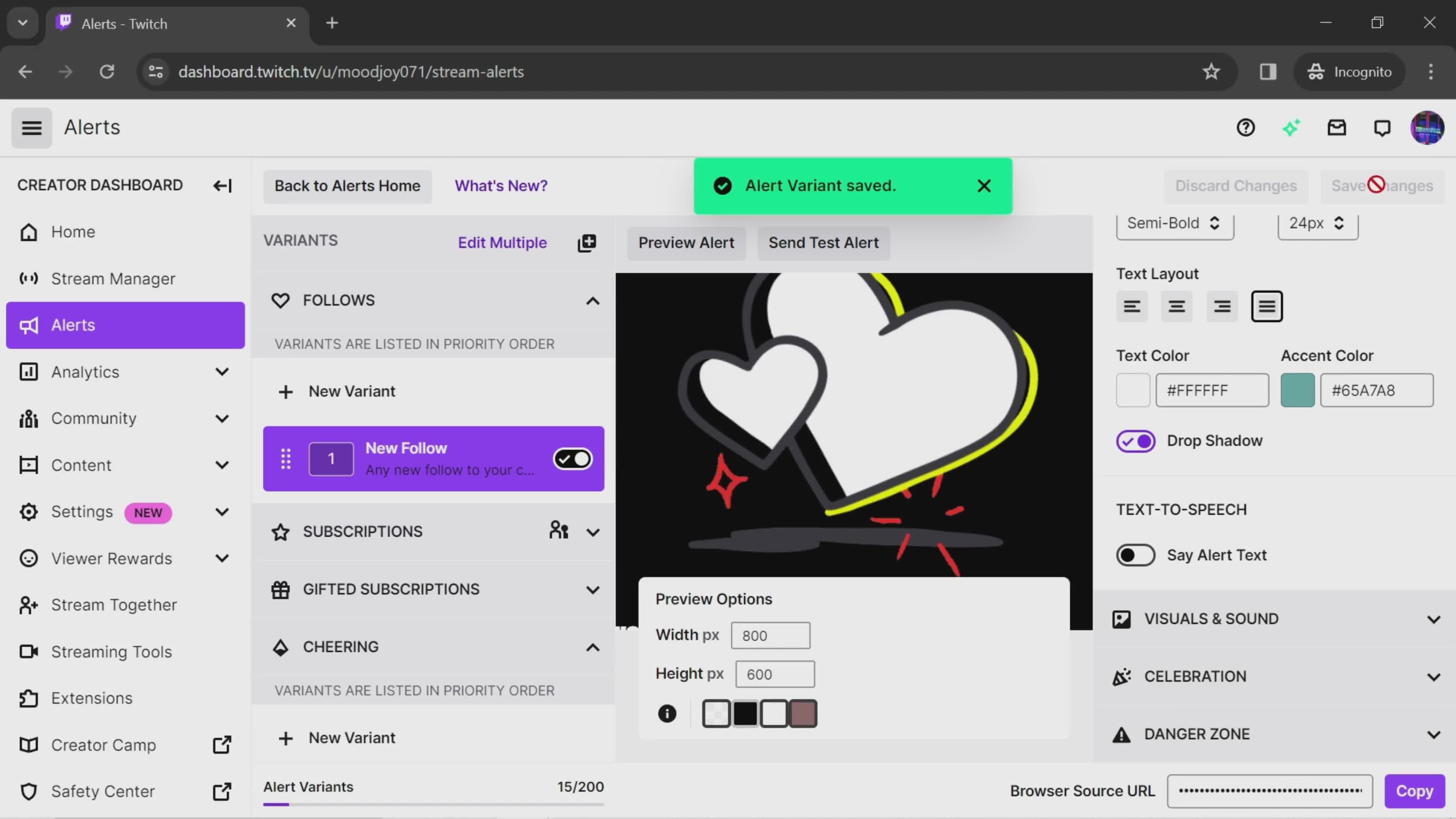
Alert saved
this is title
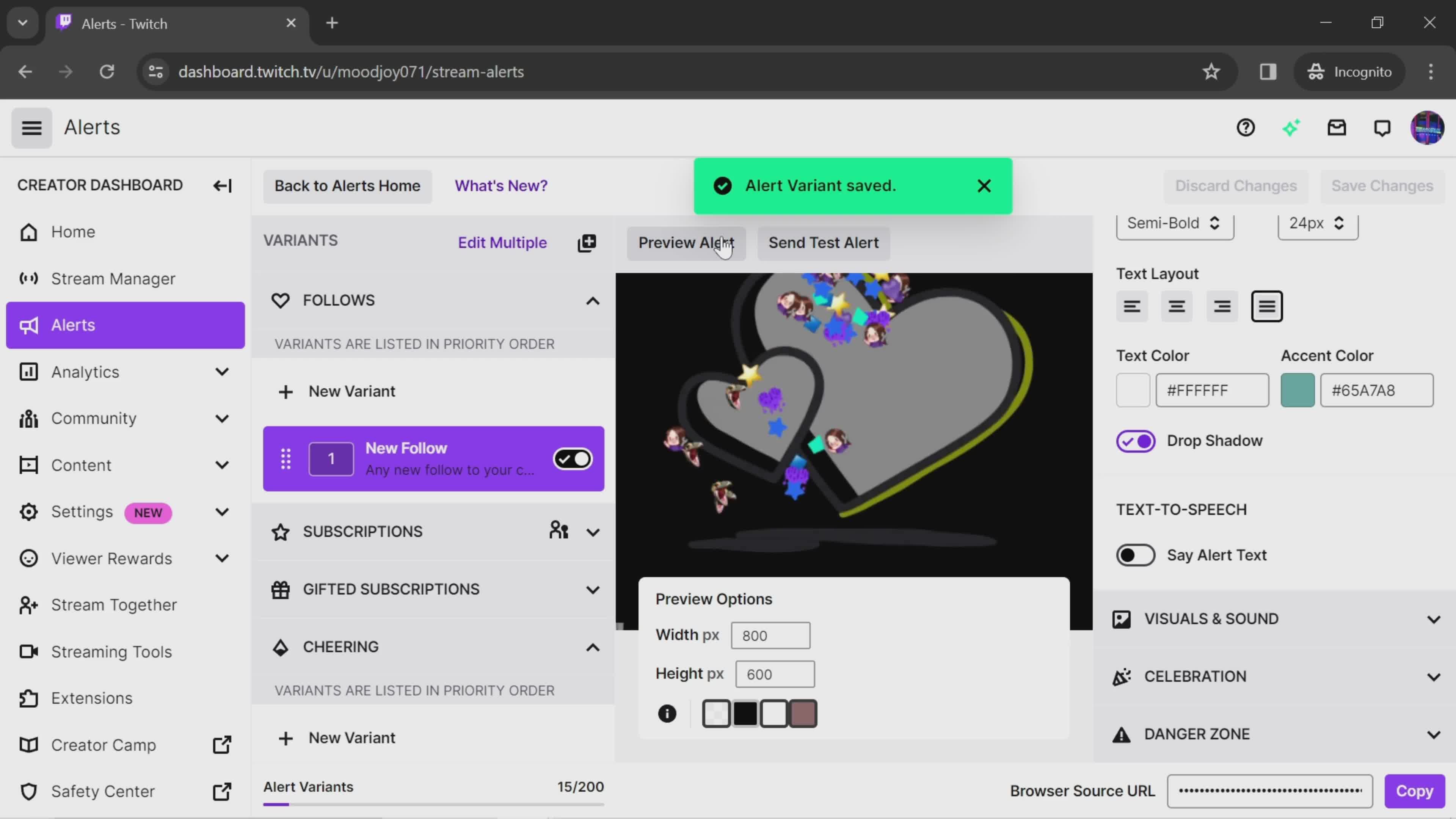
Preview
this is title
Home
this is title
Account menu
this is title
Dashboard
this is title
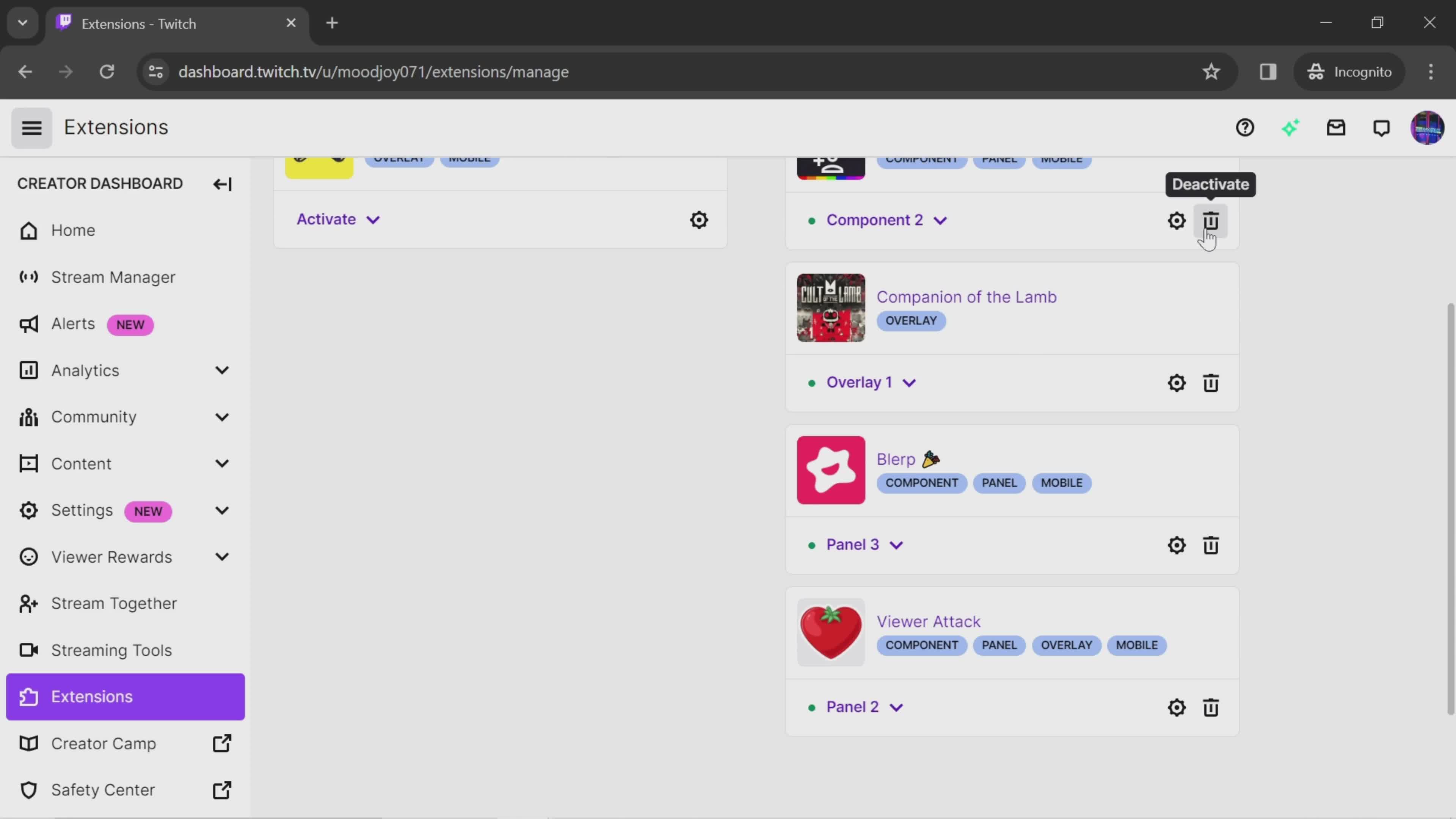
Extensions
this is title
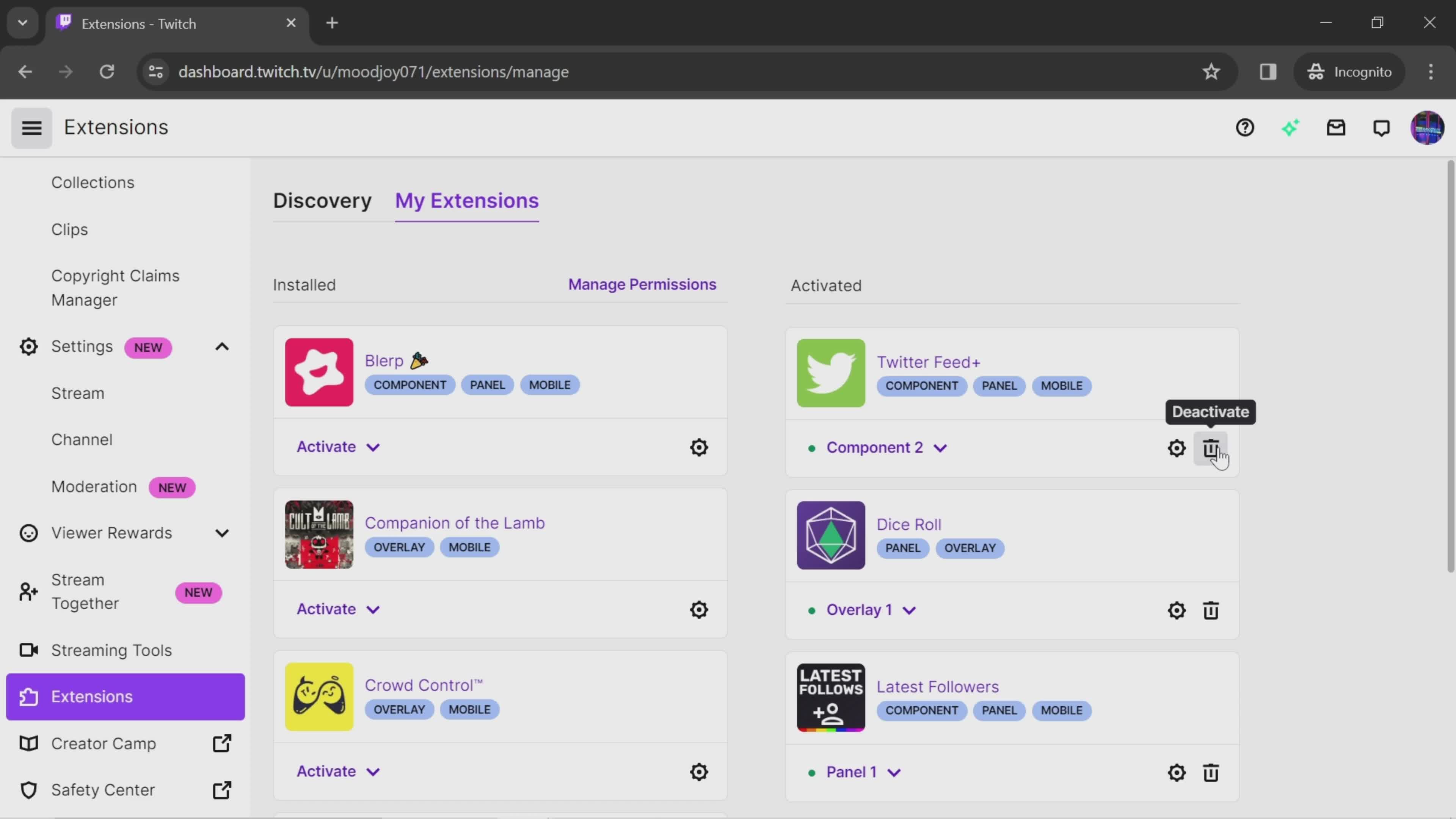
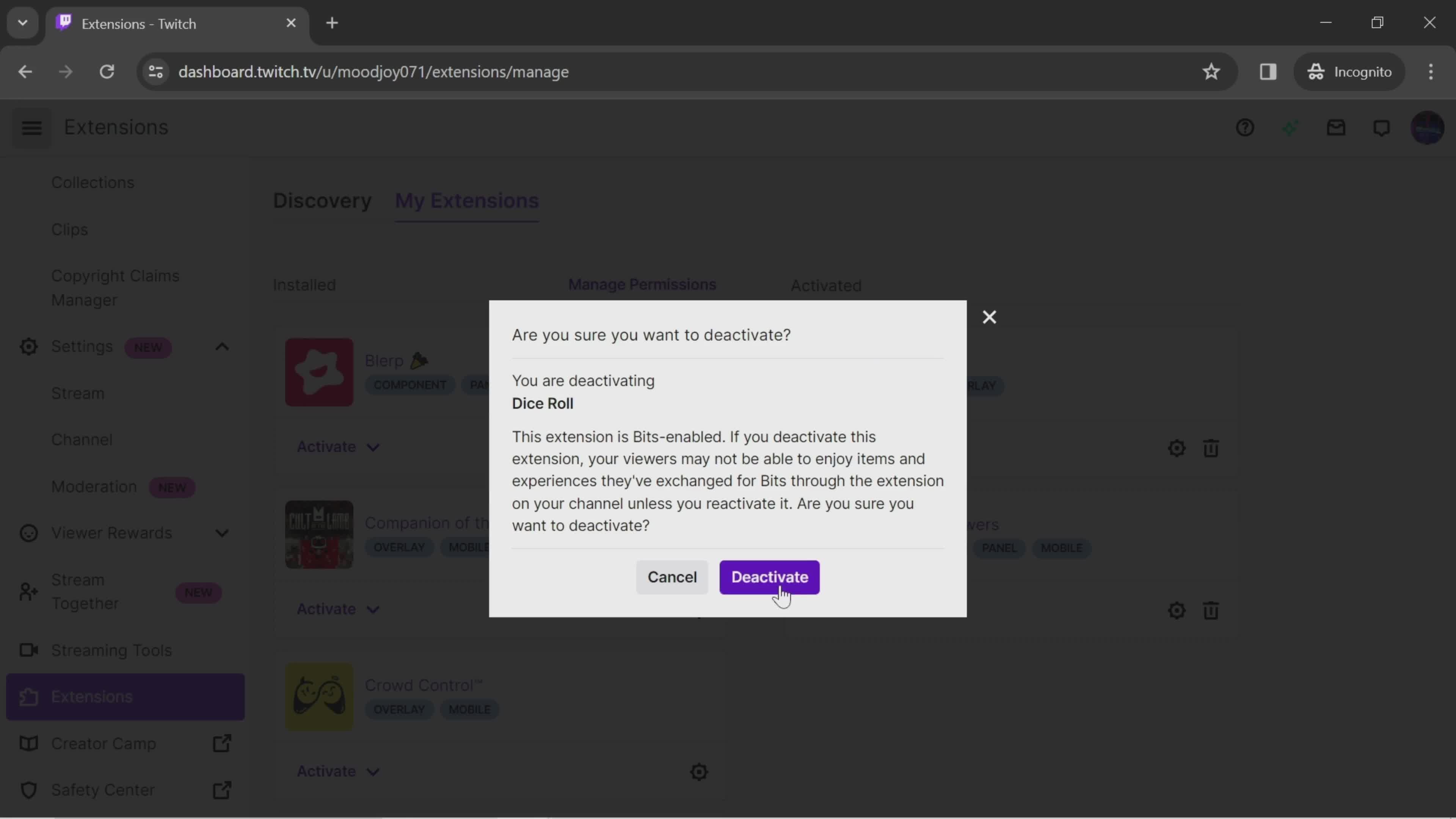
Deactivate
this is title
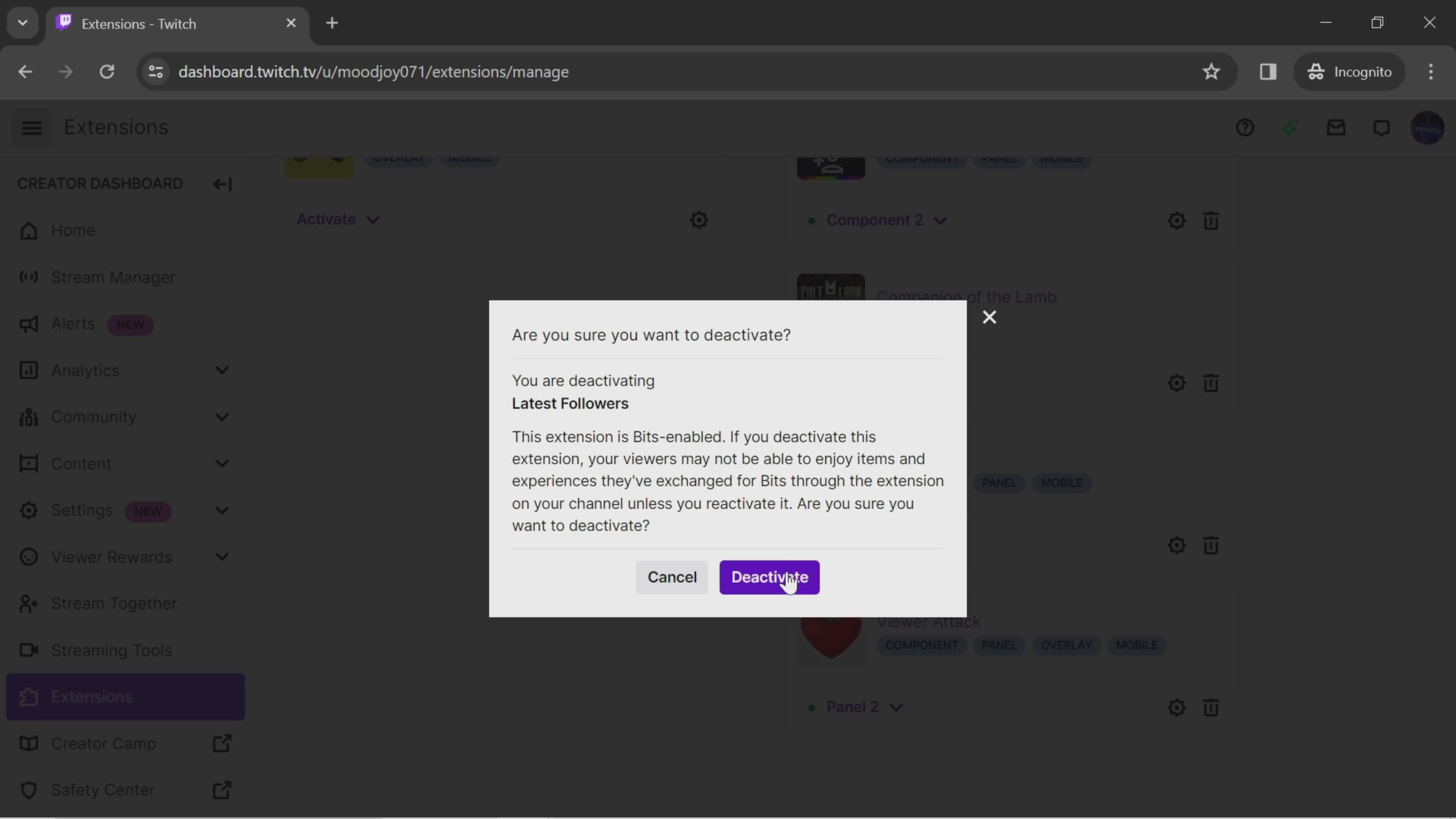
Confirm
this is title
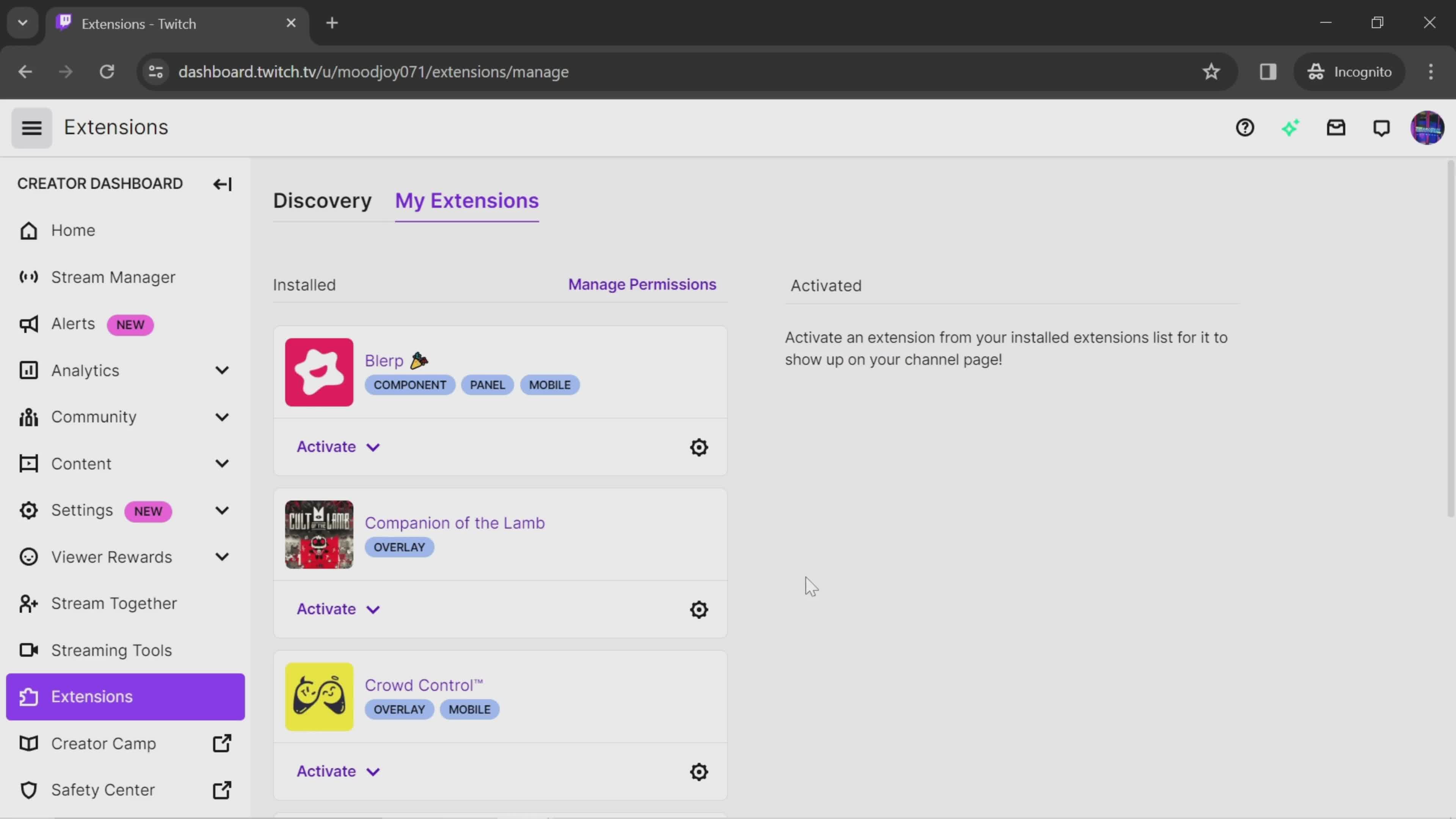
Deactivated
this is title
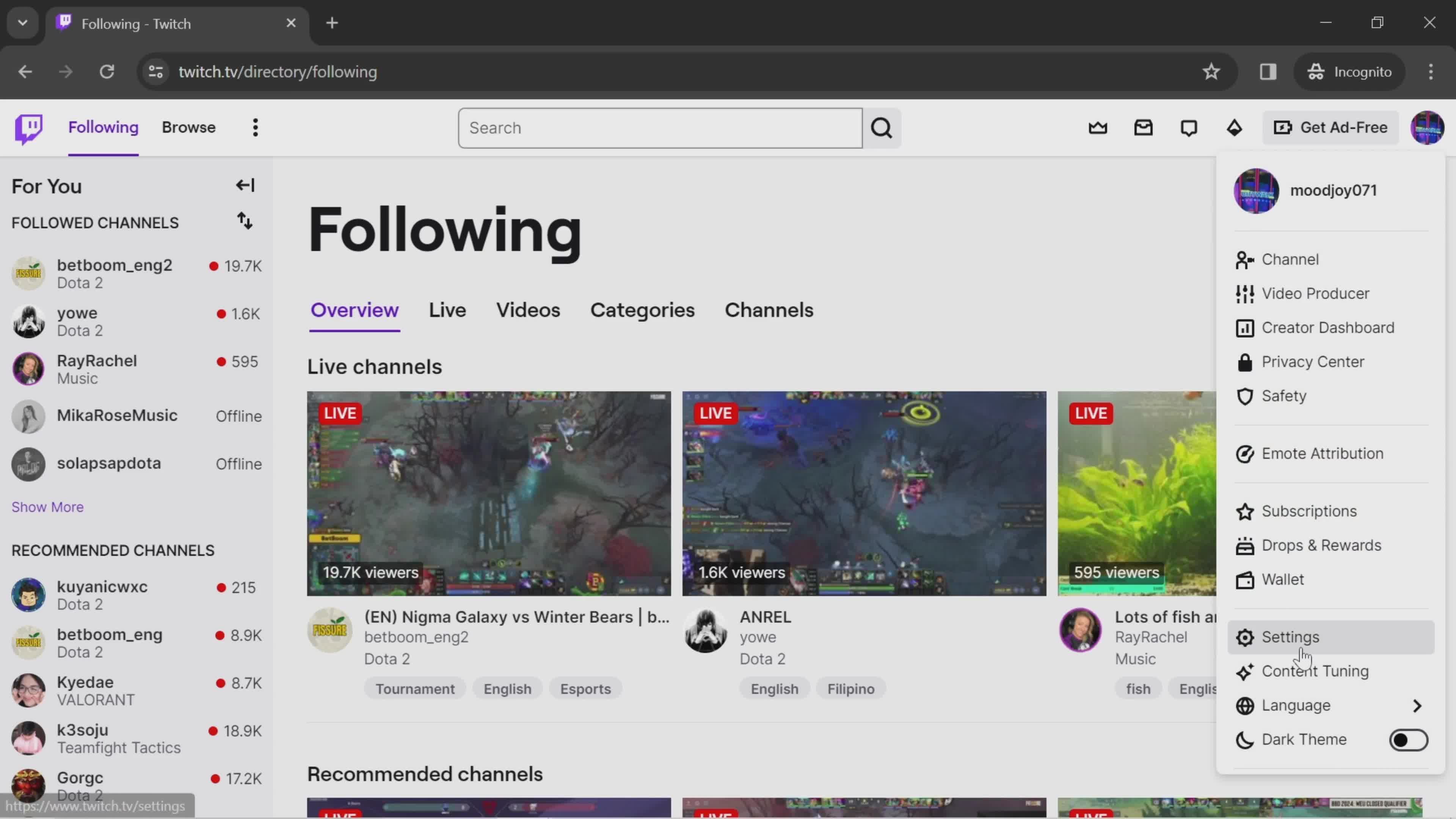
Home
this is title
Account menu
this is title
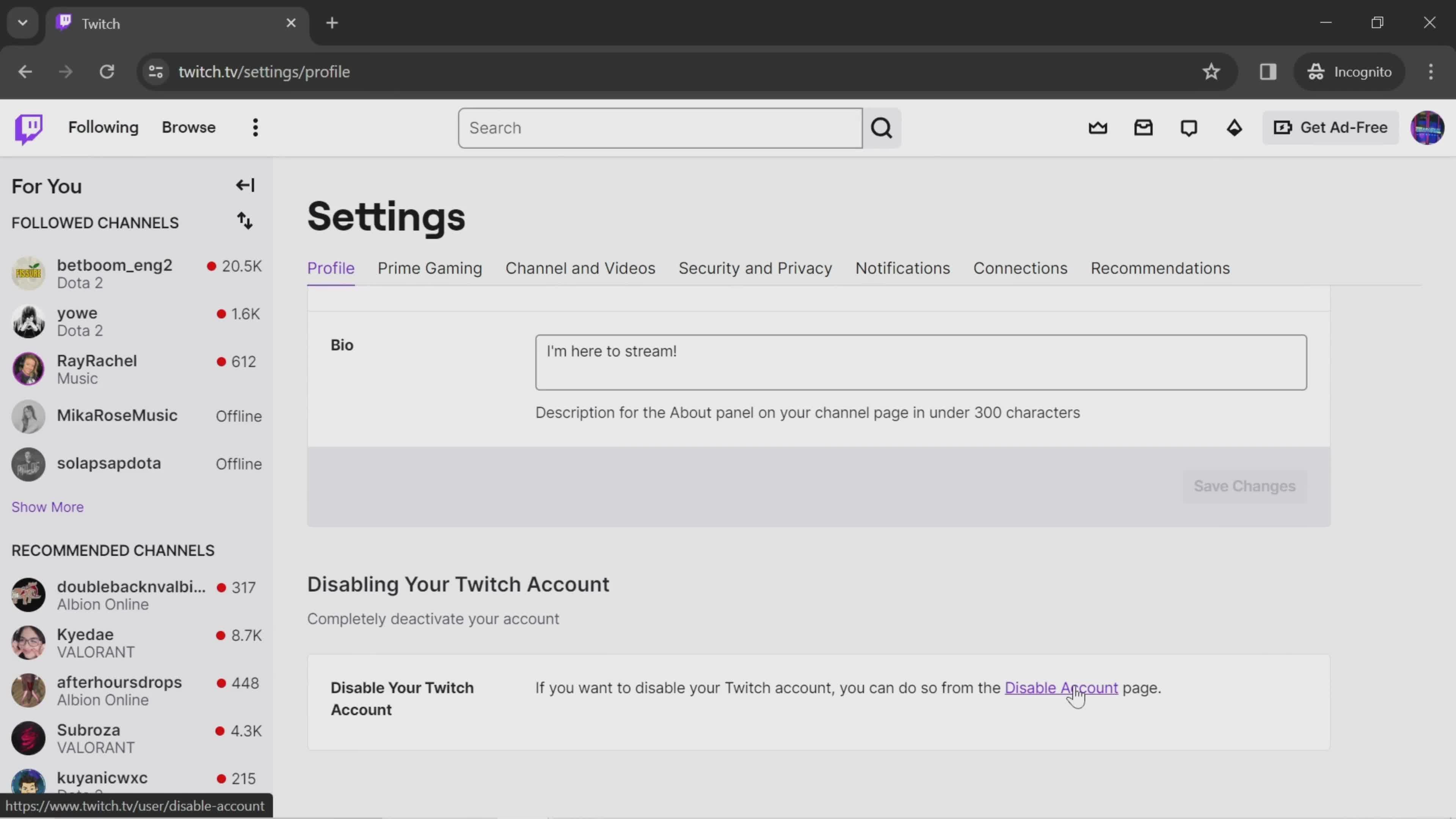
Settings
this is title
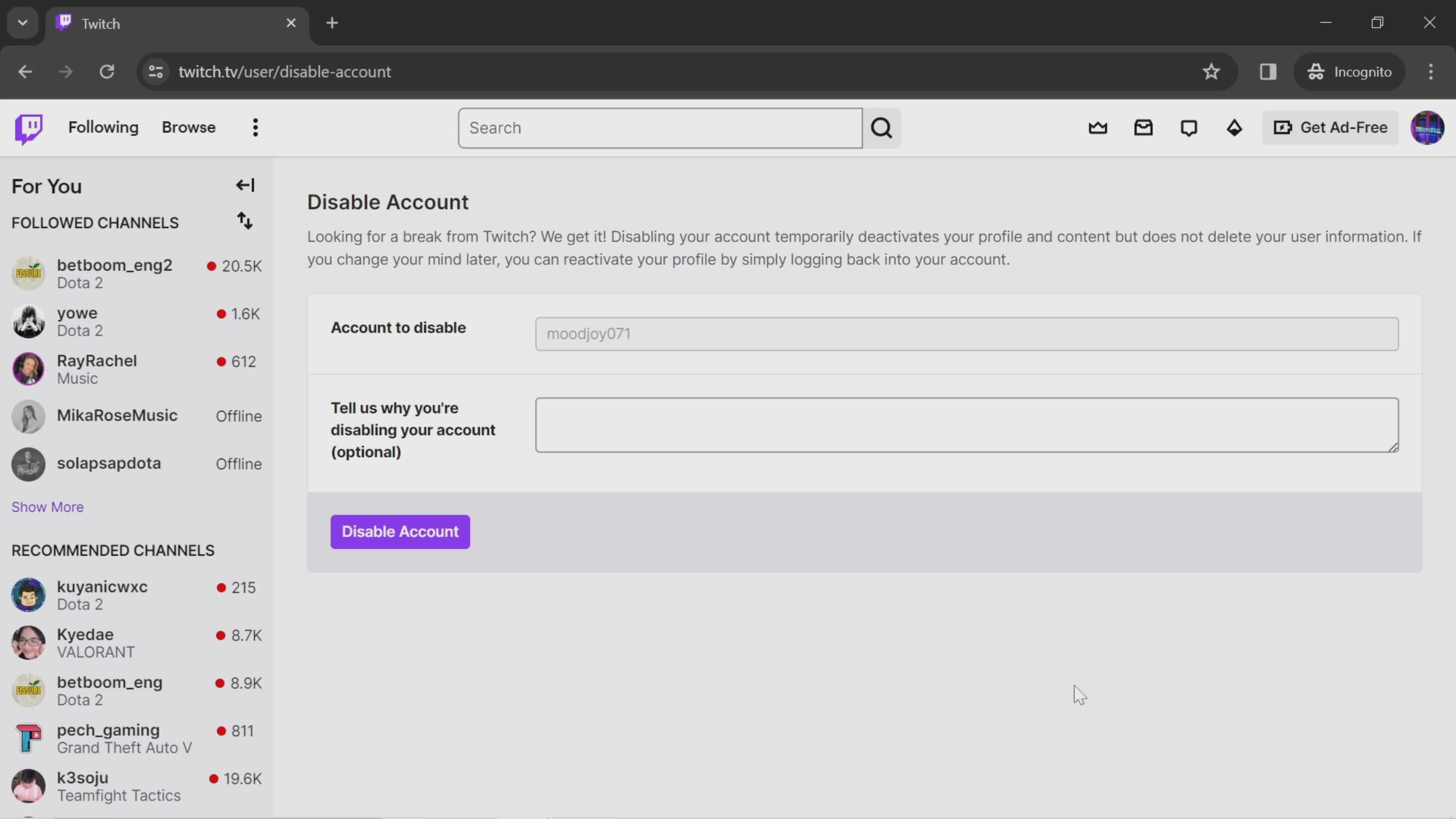
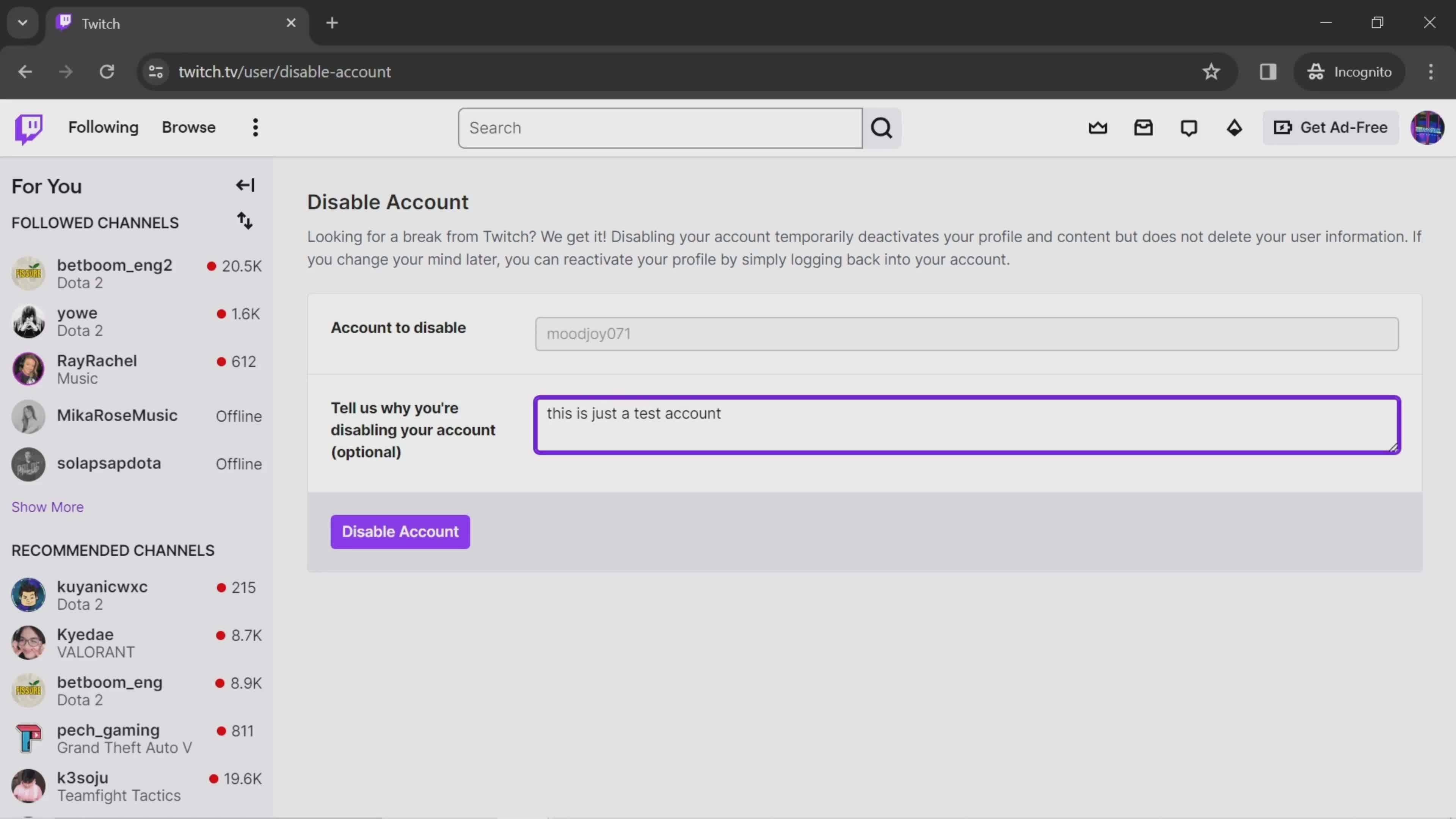
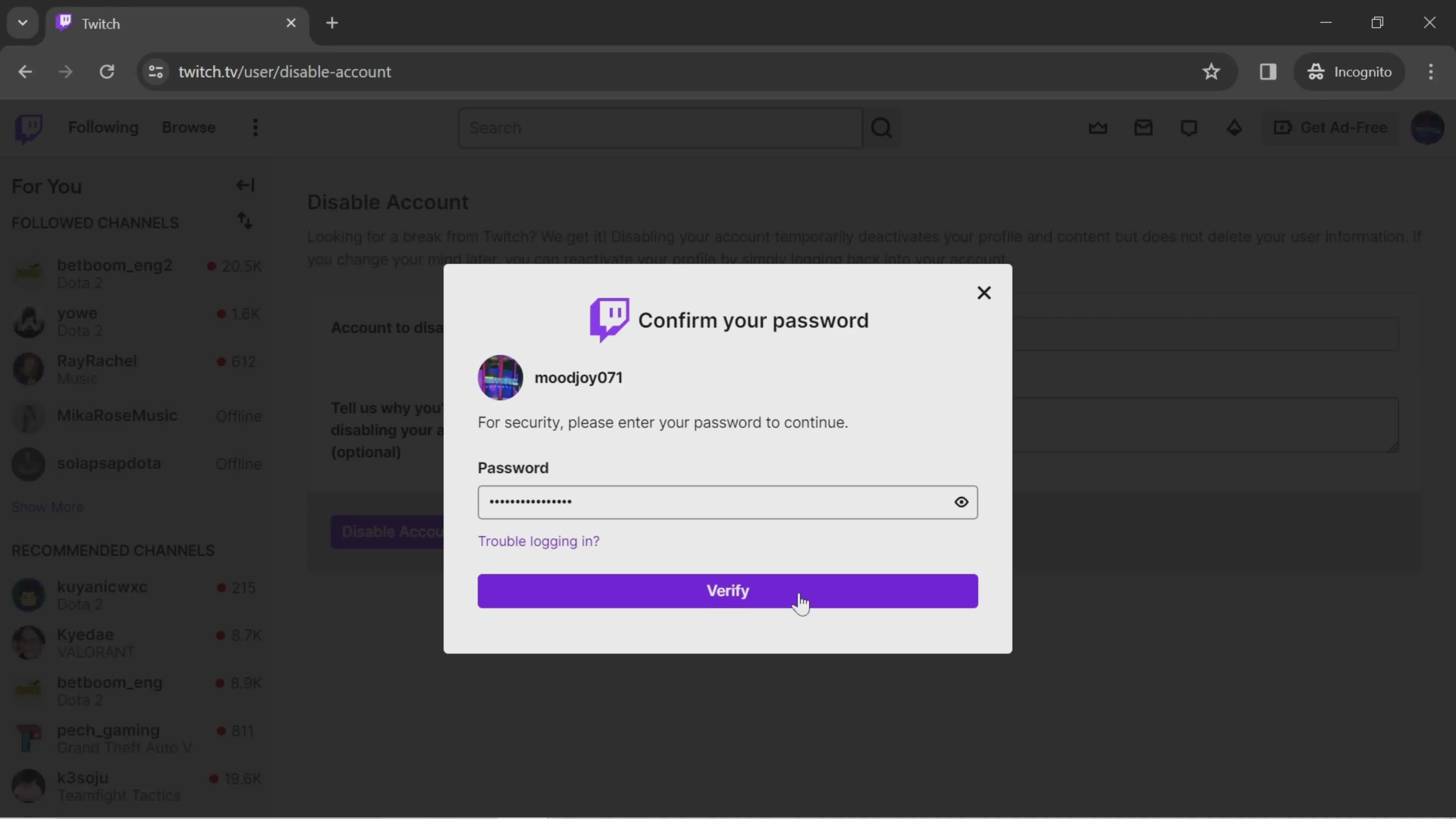
Disable account
this is title
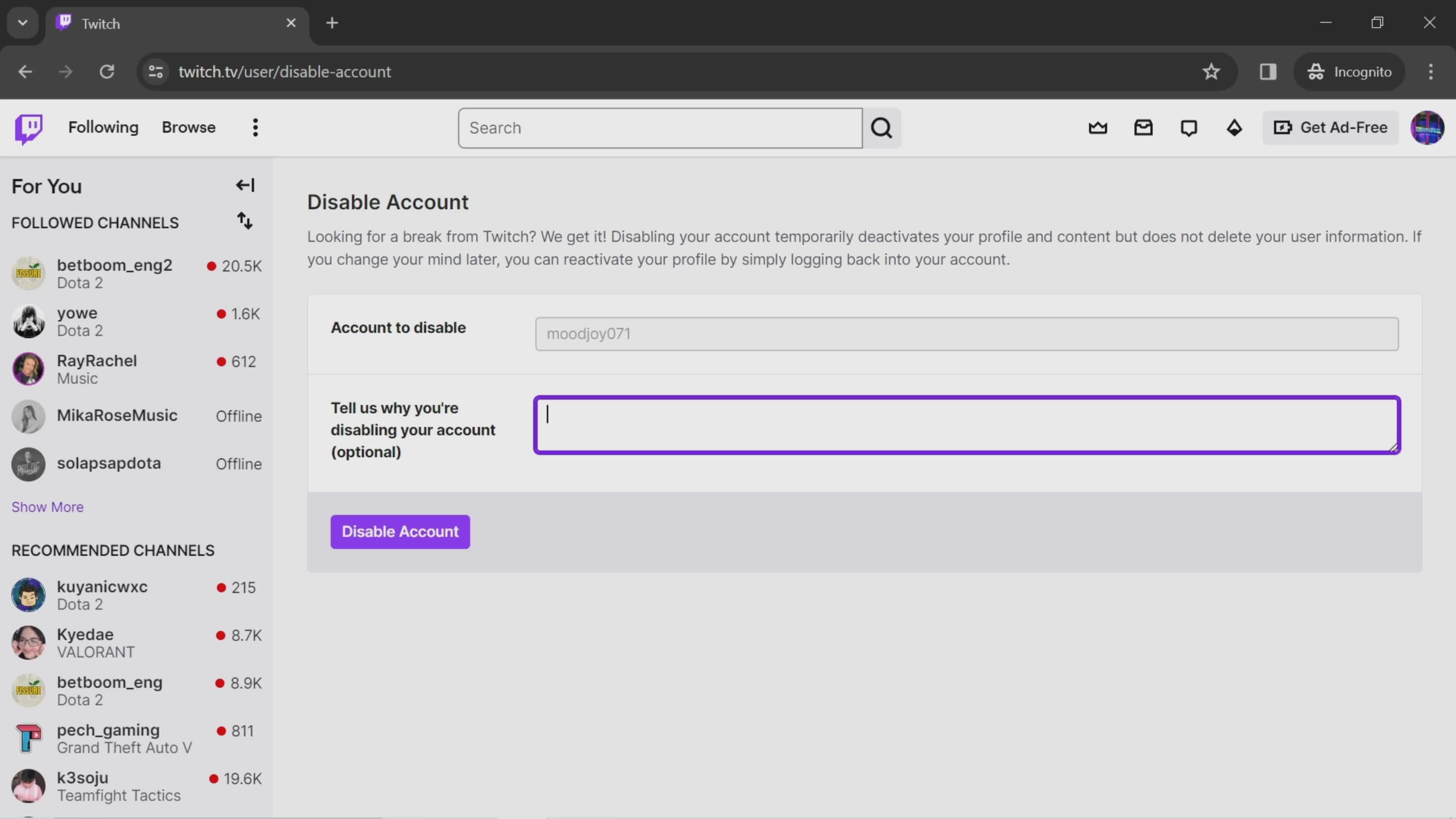
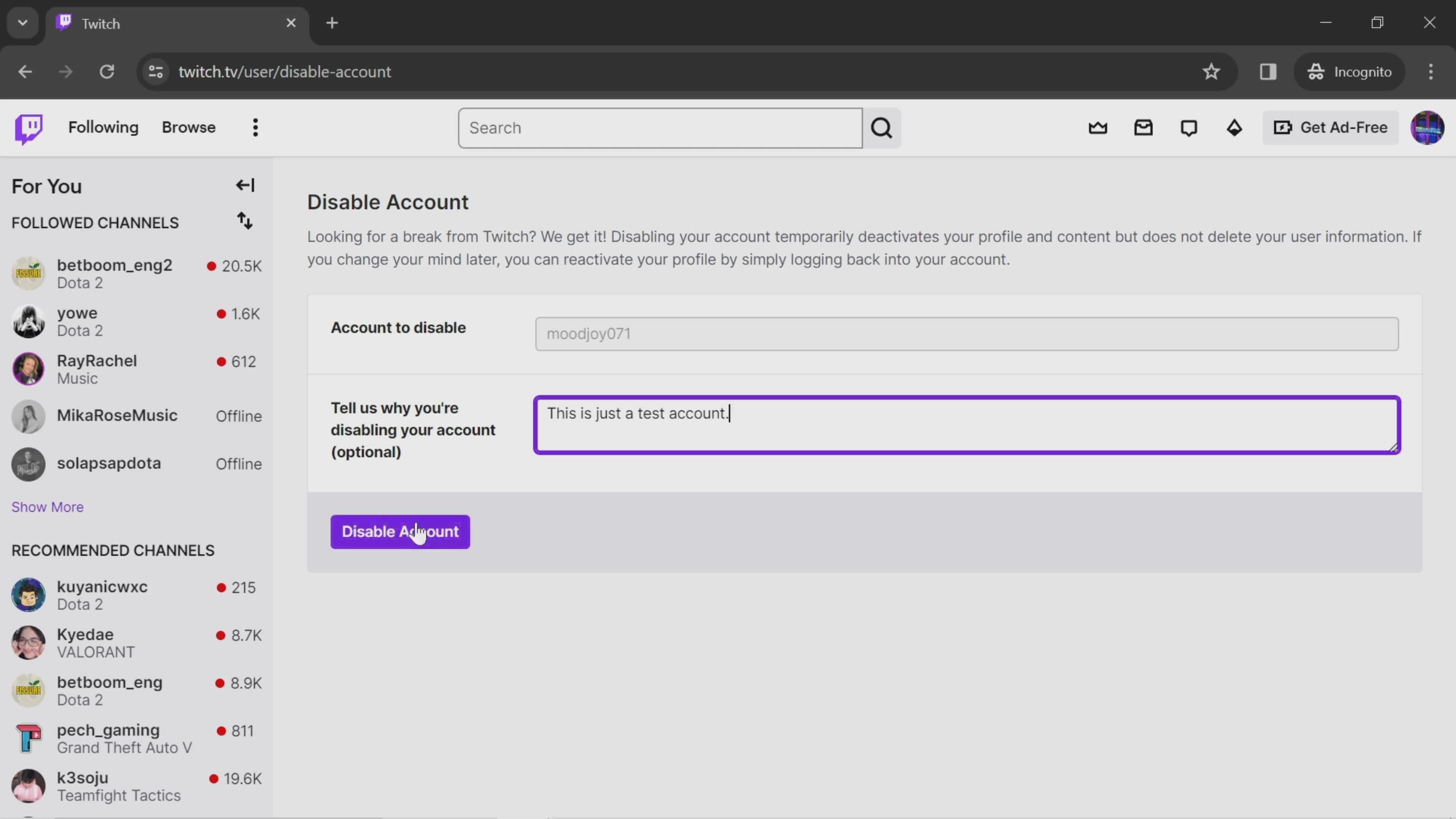
Enter reason
this is title
this is title
Disable account
this is title
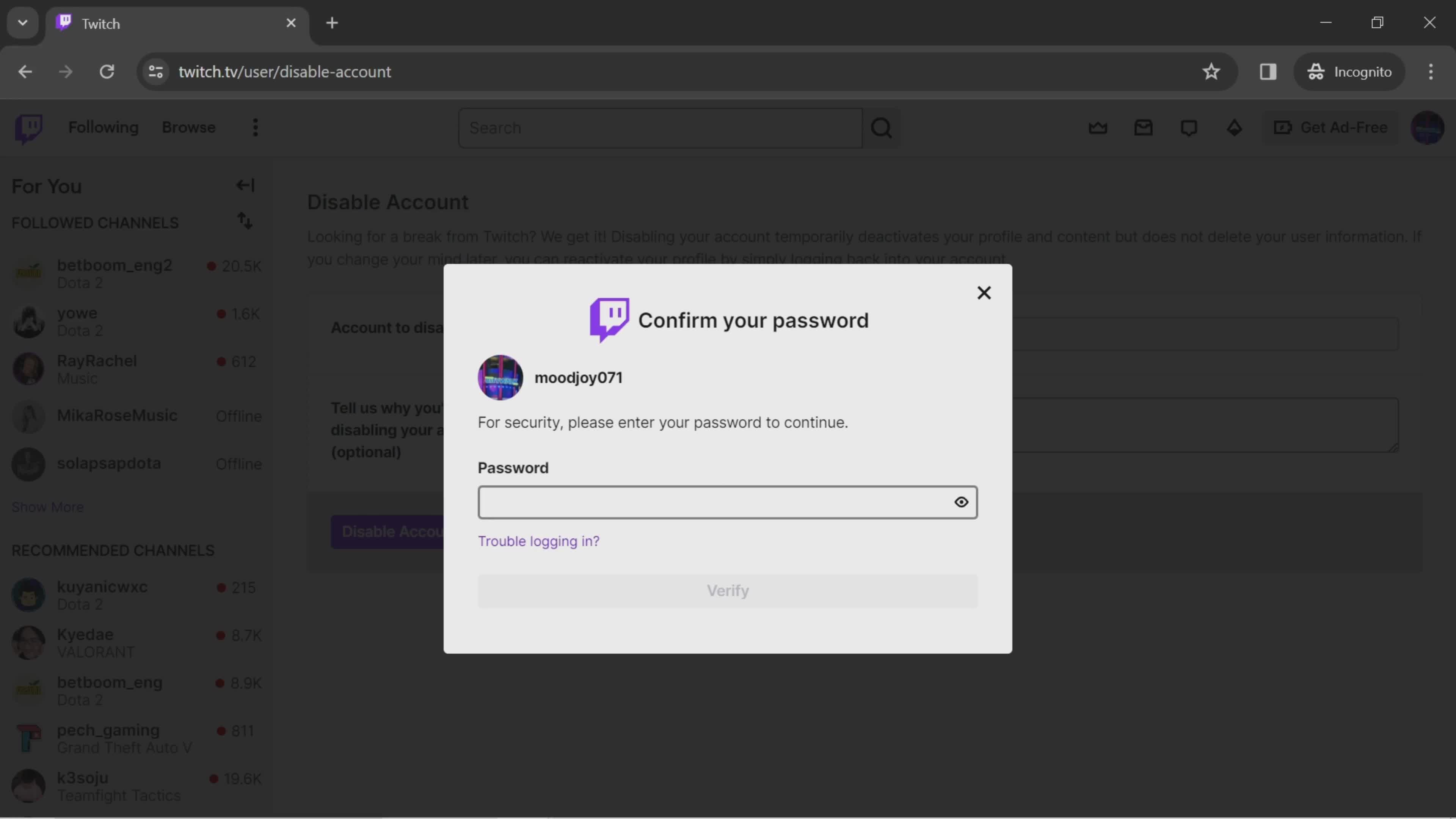
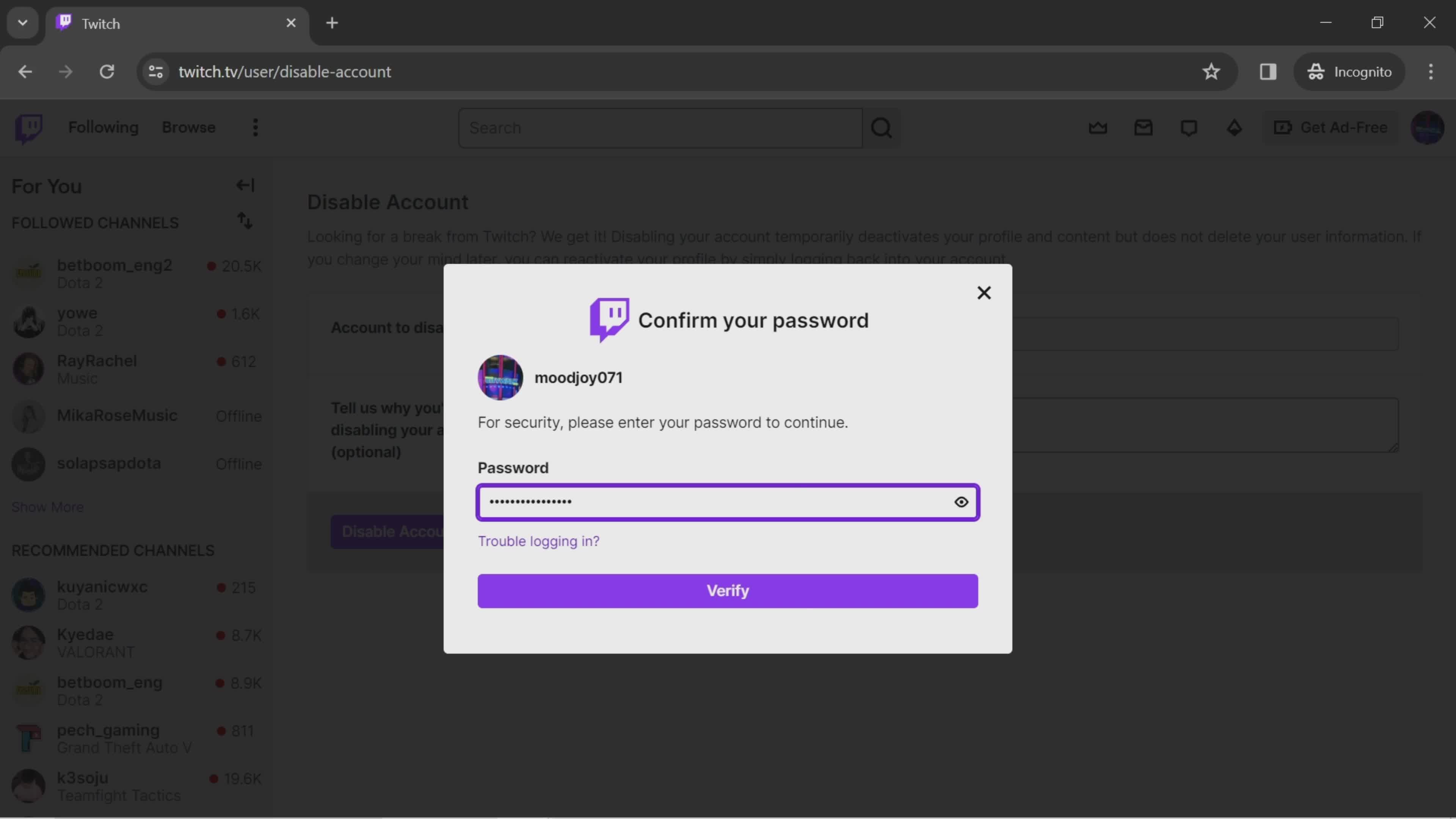
Confirm password
this is title
this is title
Verify
this is title
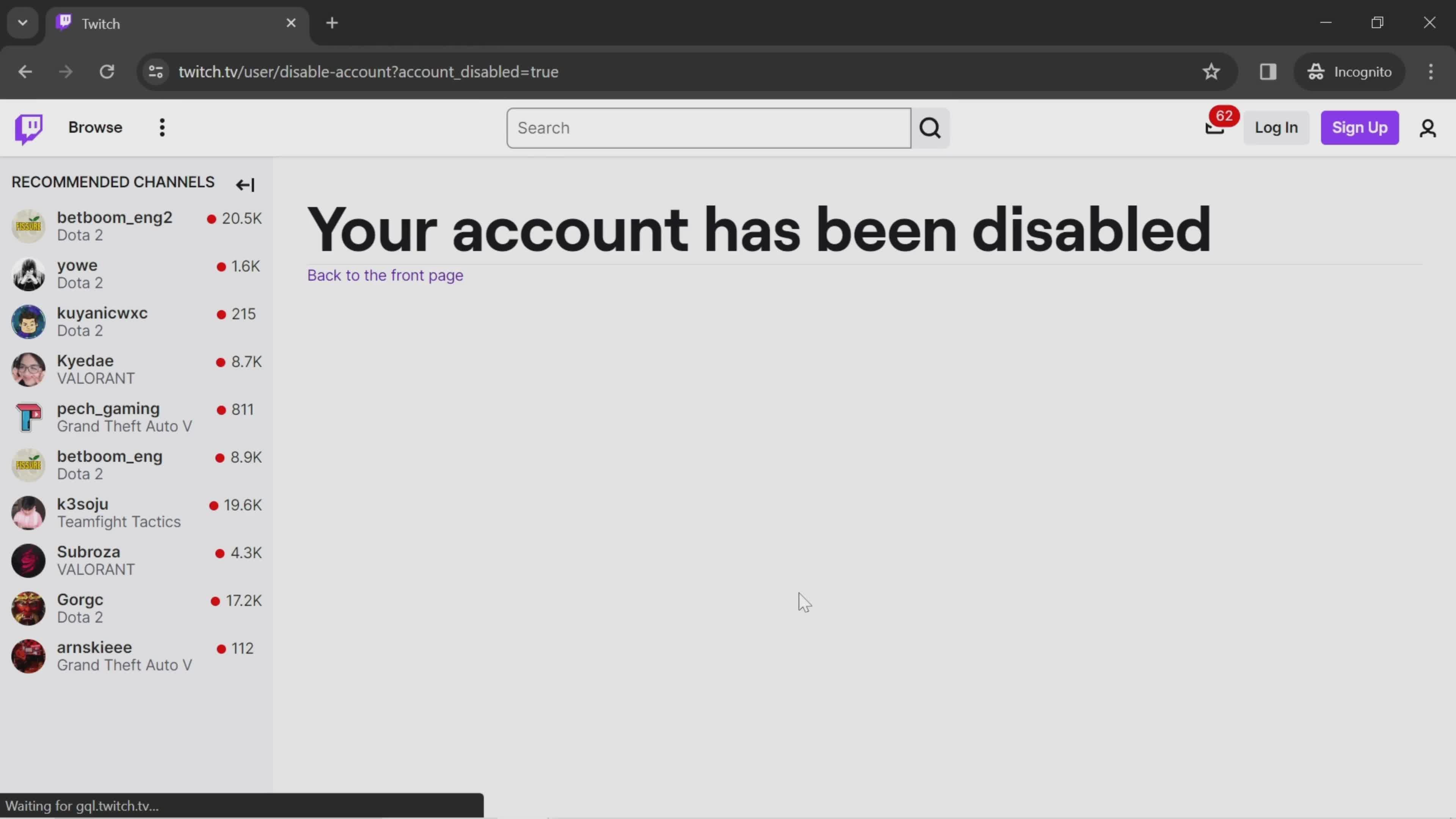
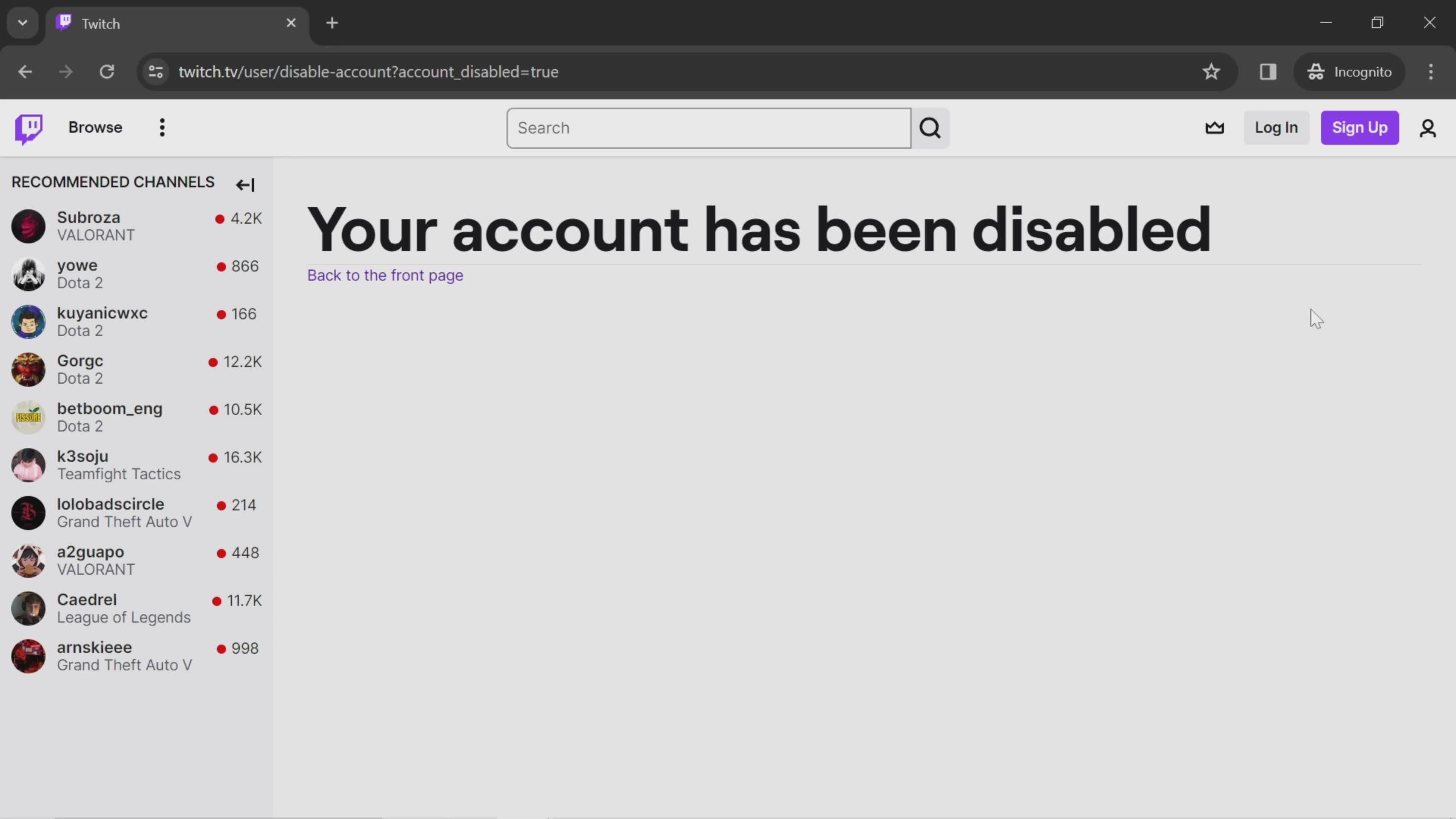
Account disabled
this is title
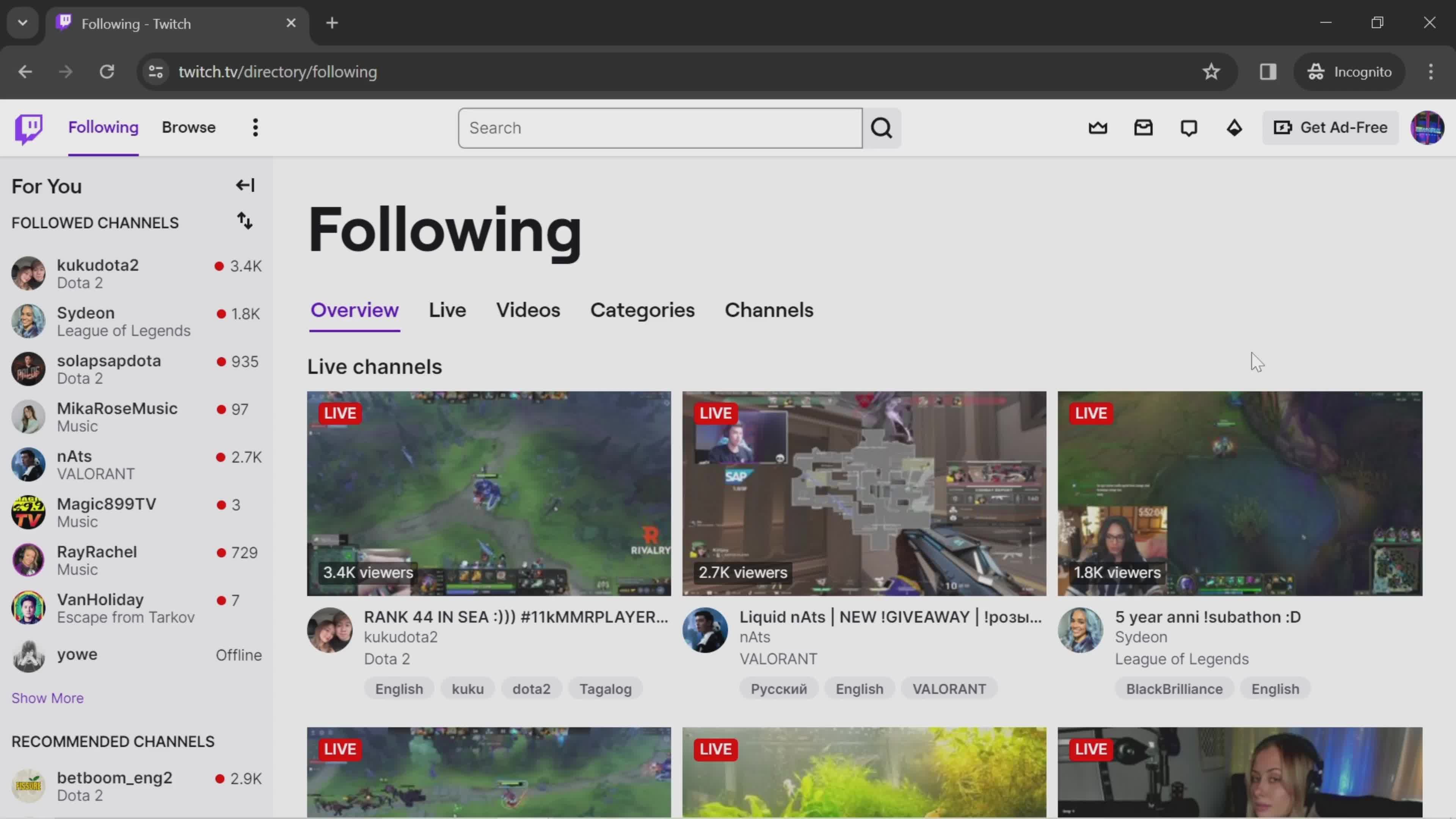
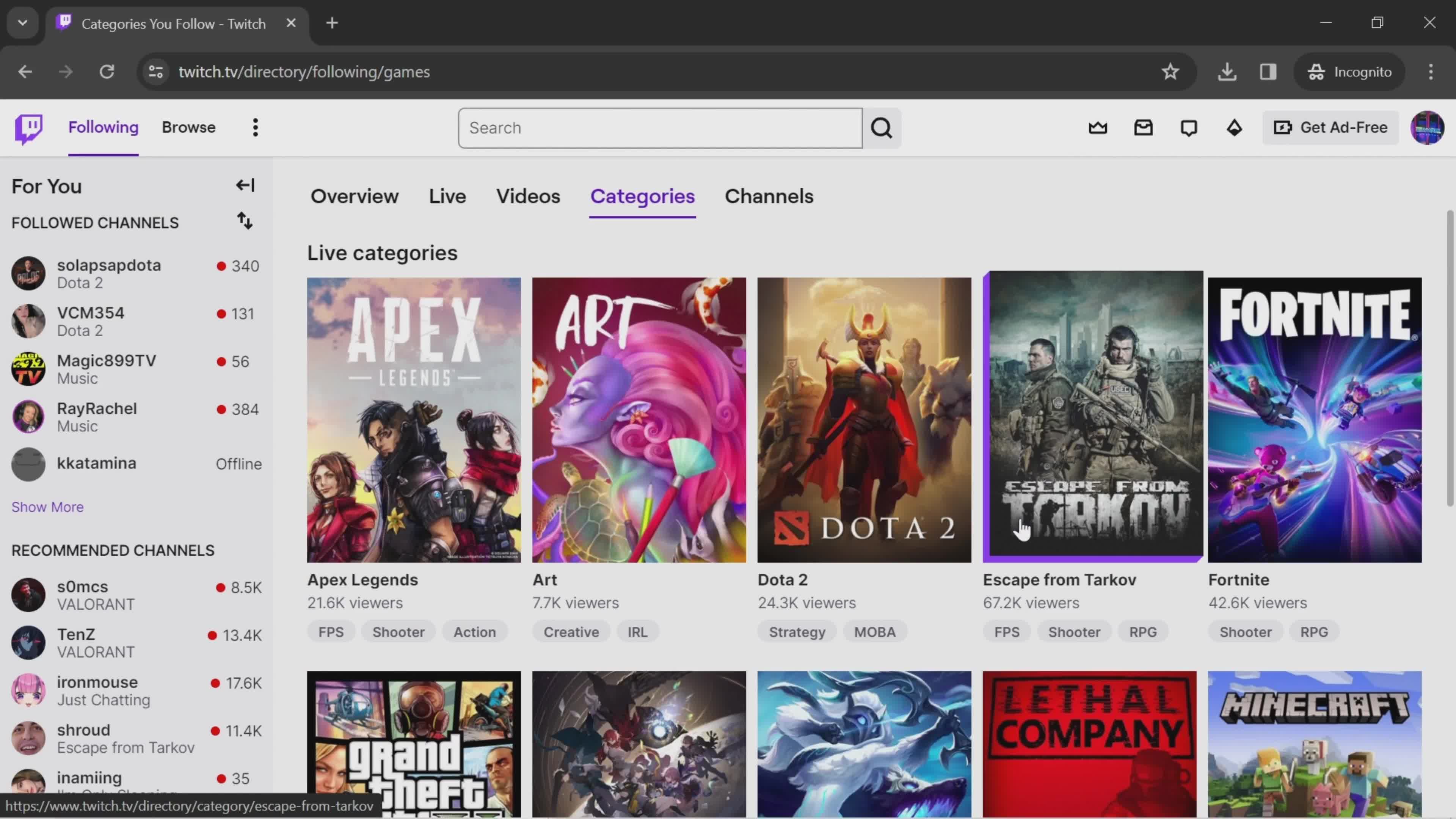
Home
this is title
Live channels
this is title
Videos
this is title
Categories
this is title
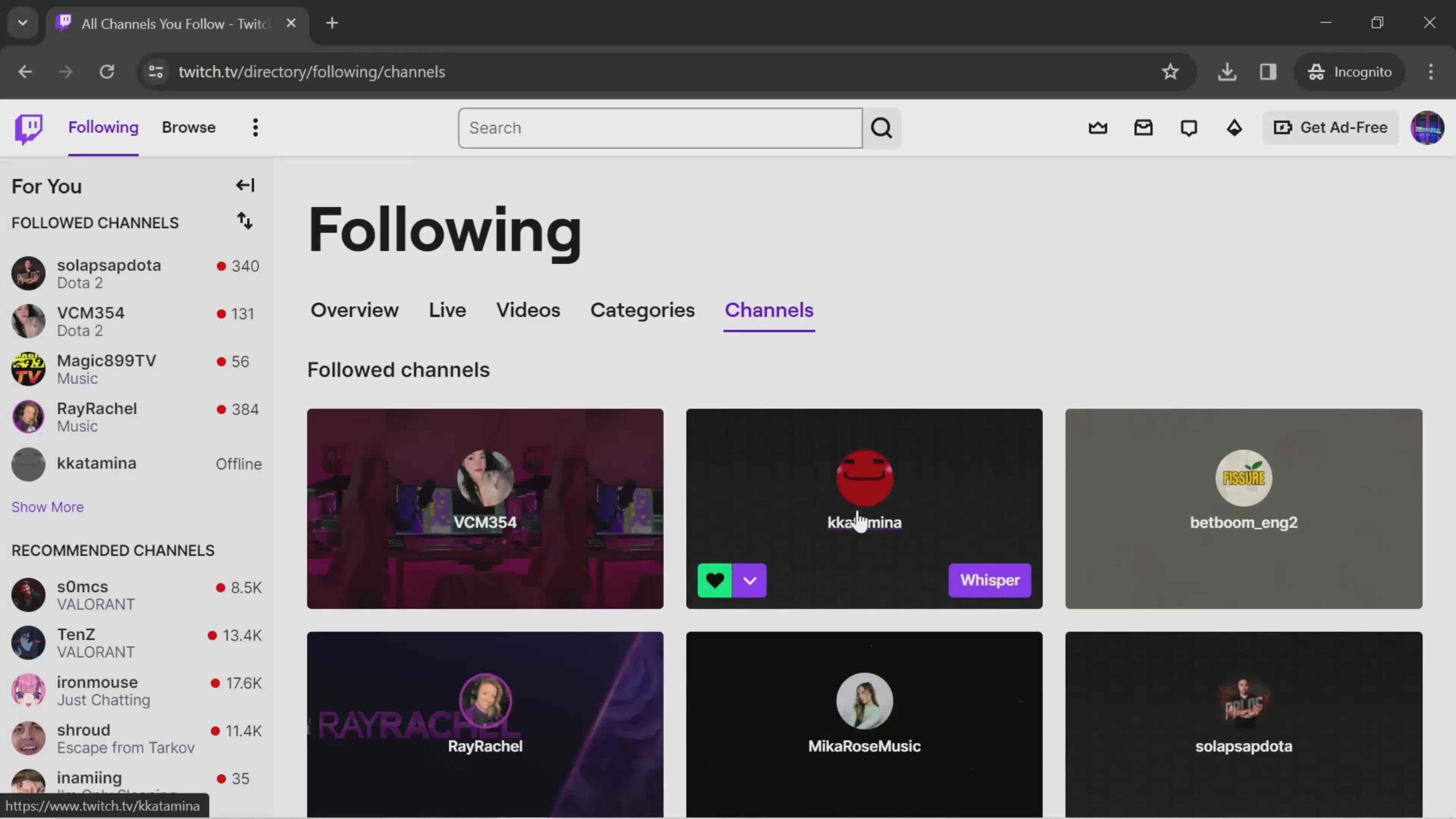
Channels
this is title
Chatbox
this is title
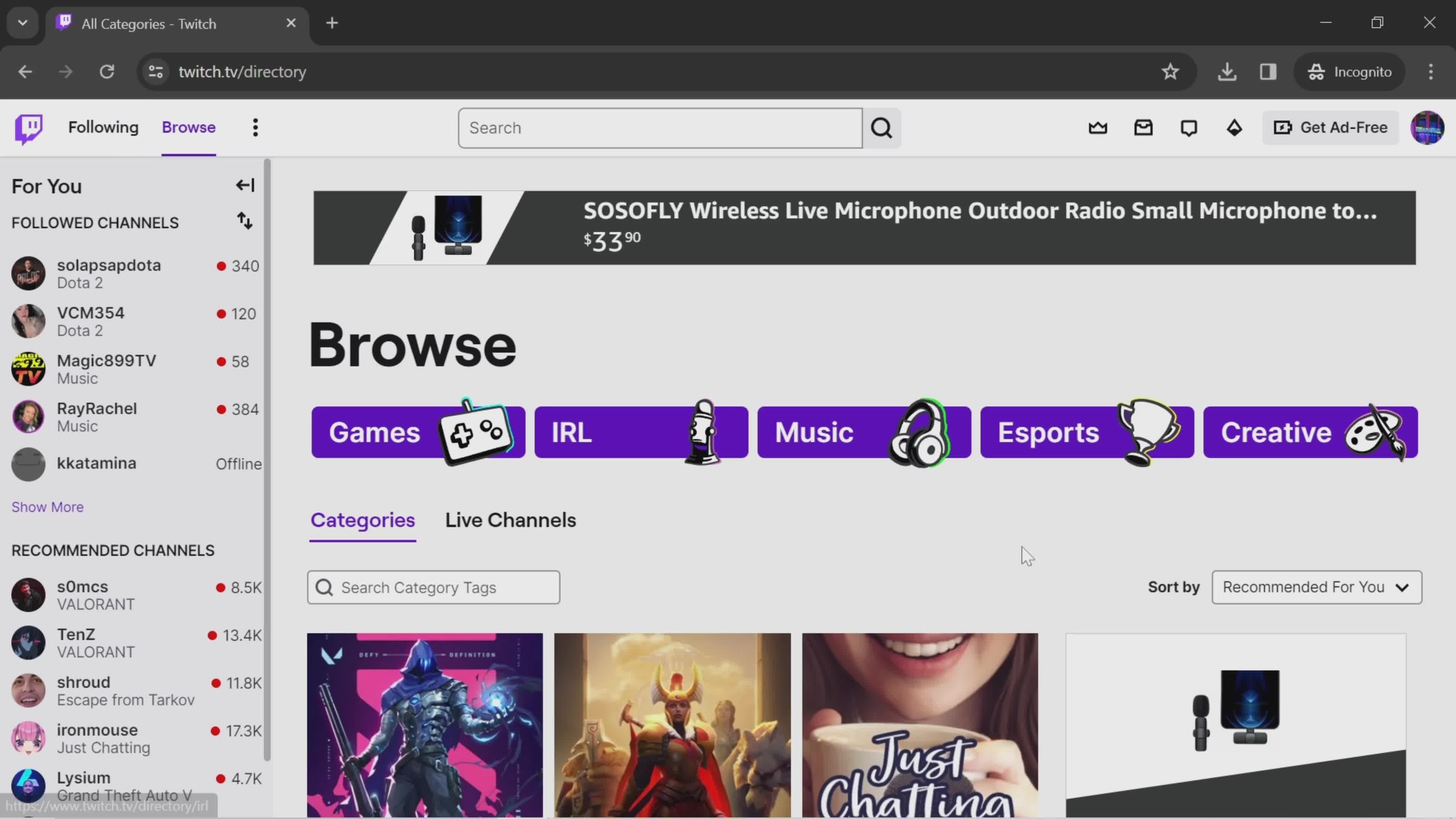
Categories
this is title
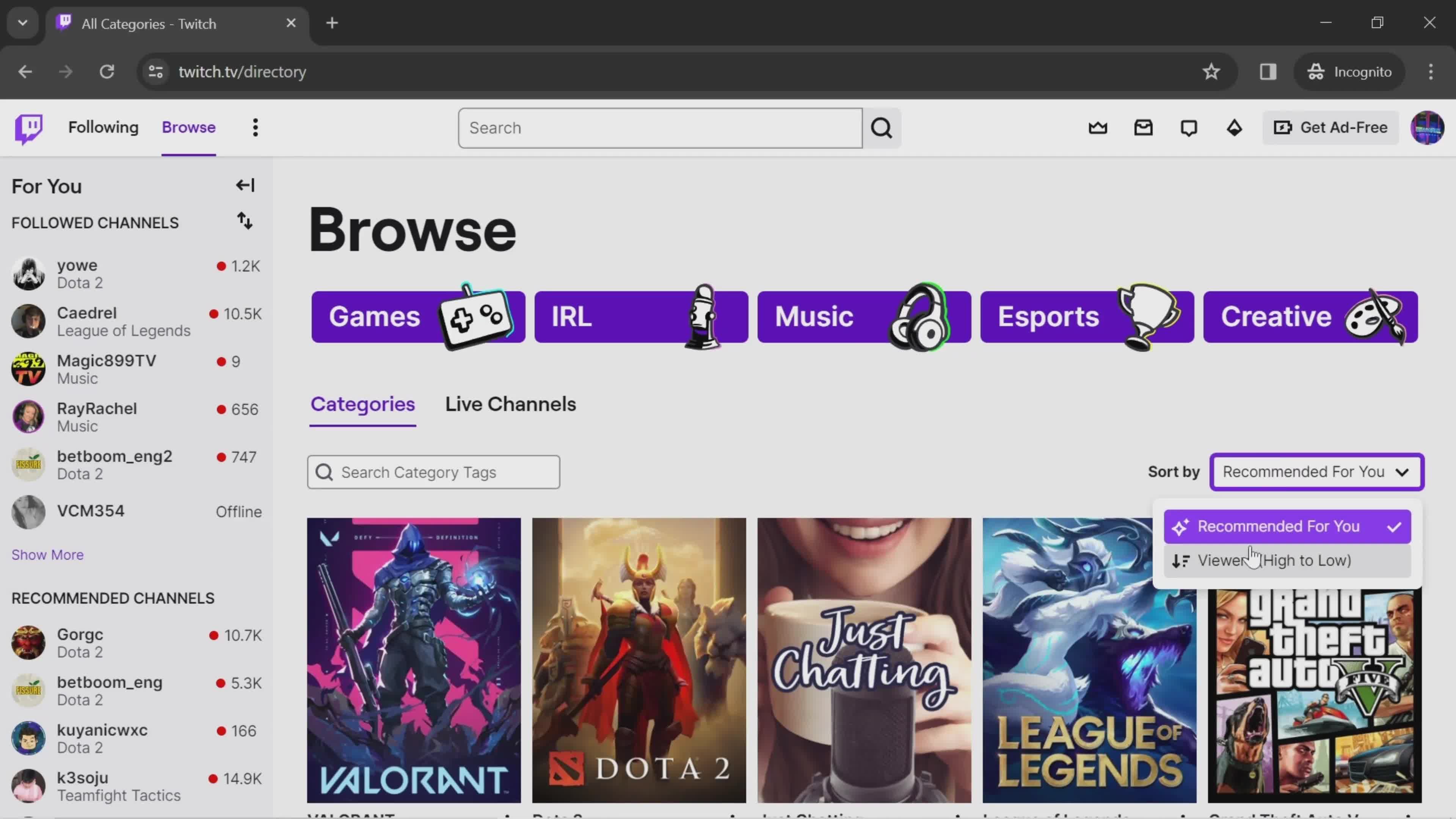
Sort
this is title
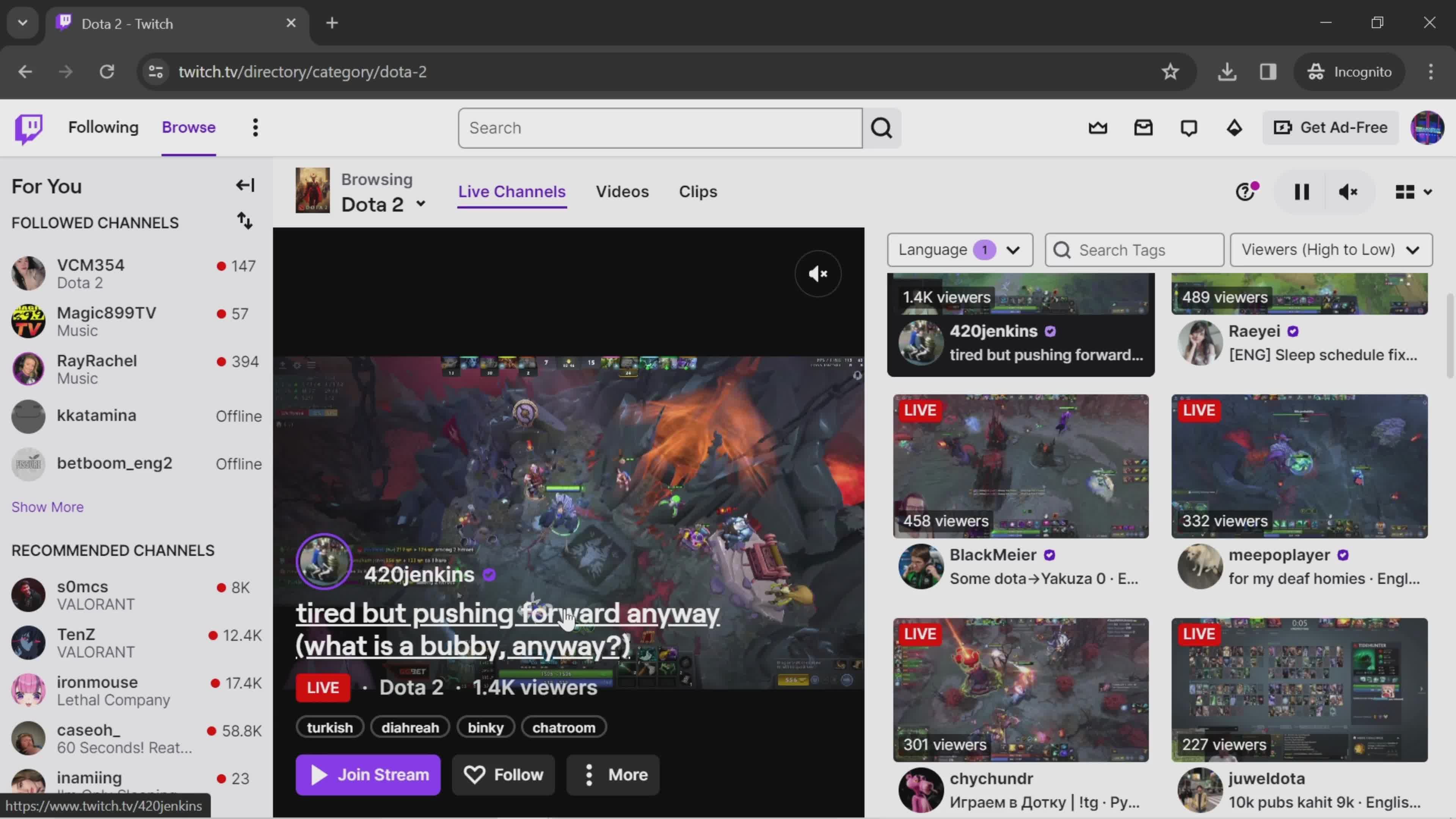
Live channels
this is title
Videos
this is title
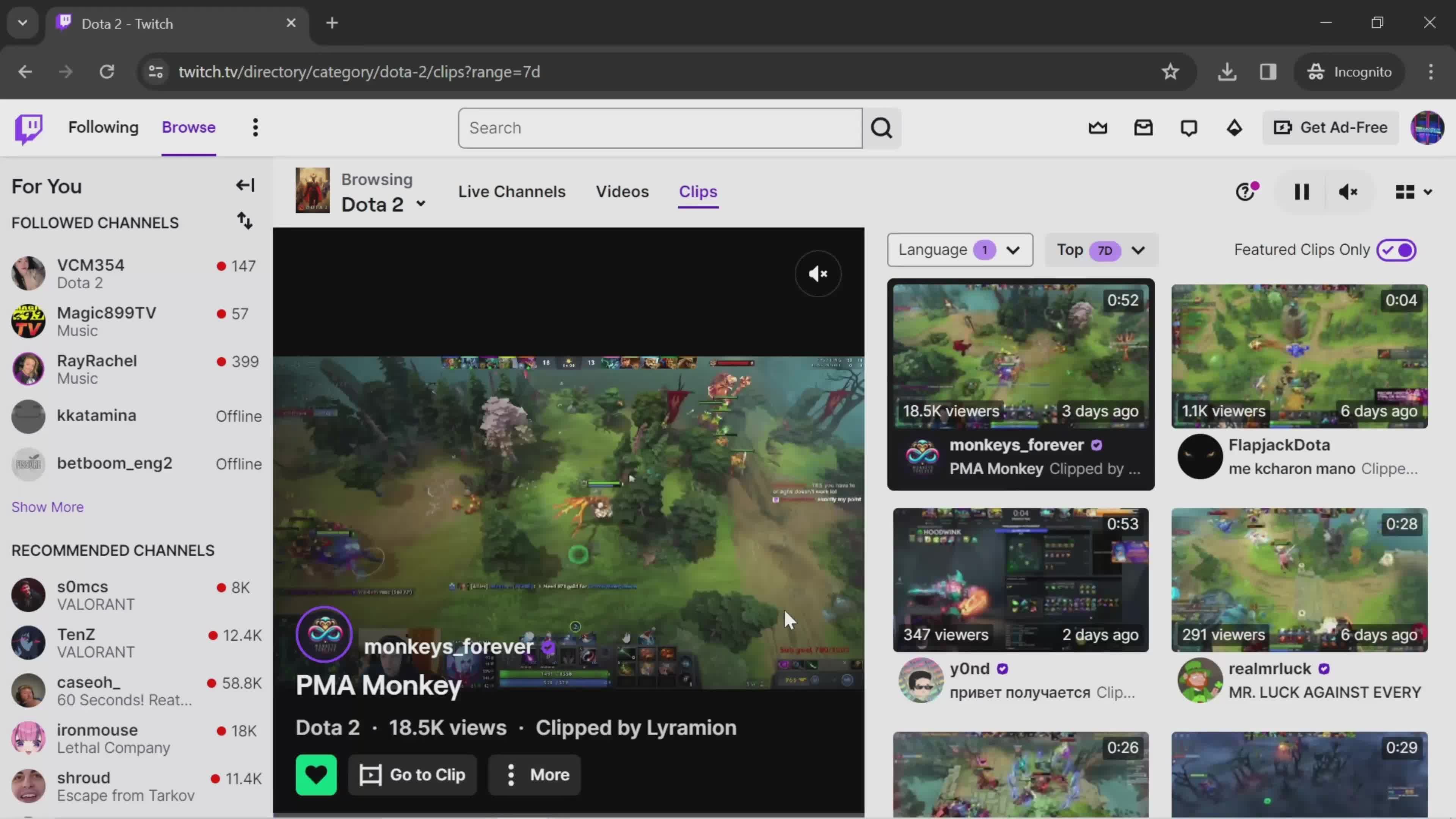
Clips
this is title
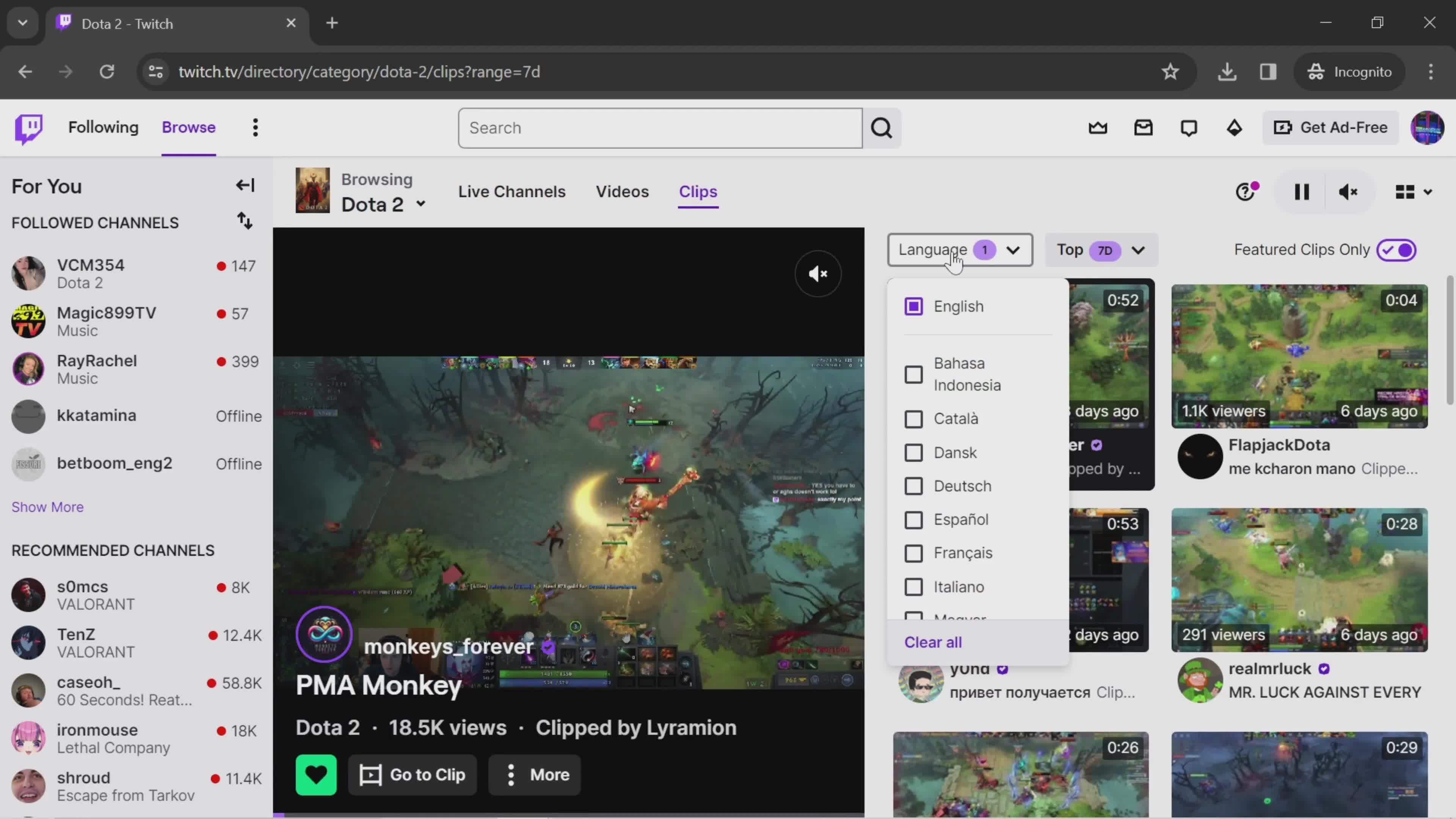
Select language
this is title
Select channel
this is title
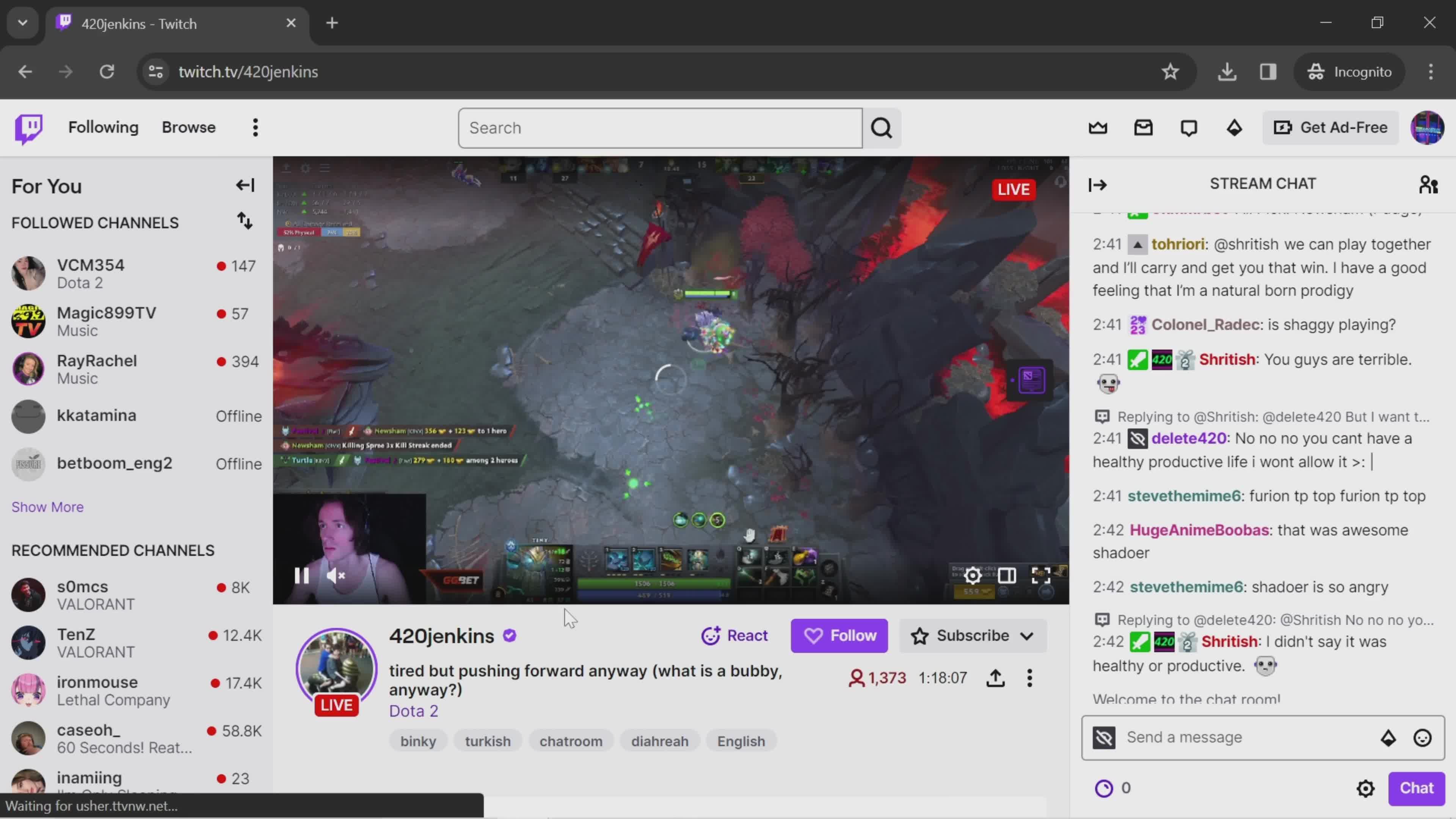
Live stream
this is title
Send a message
this is title
this is title
Emoji picker
this is title
Send
this is title
Home
this is title
Account menu
this is title
Settings
this is title
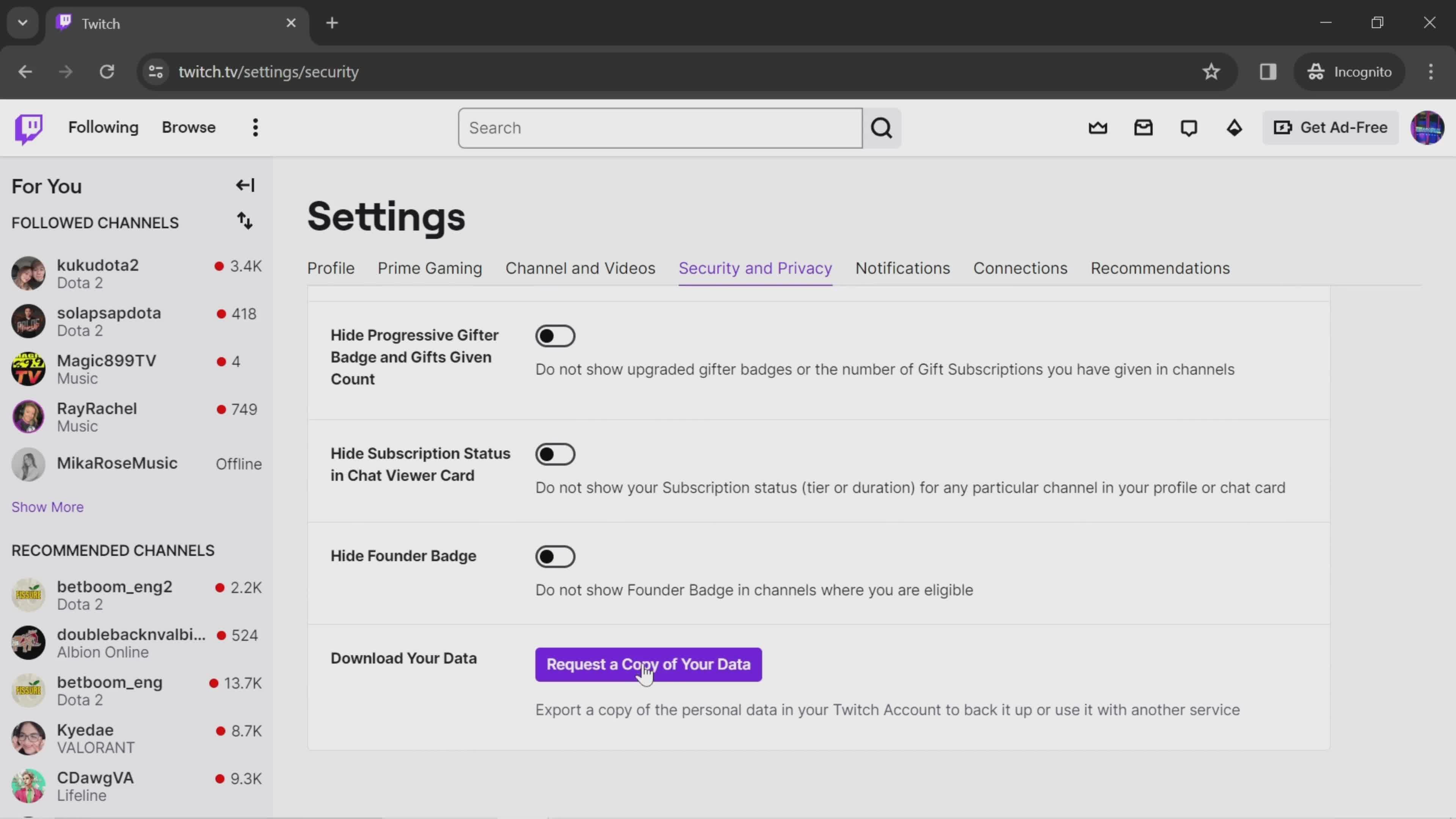
Create request
this is title
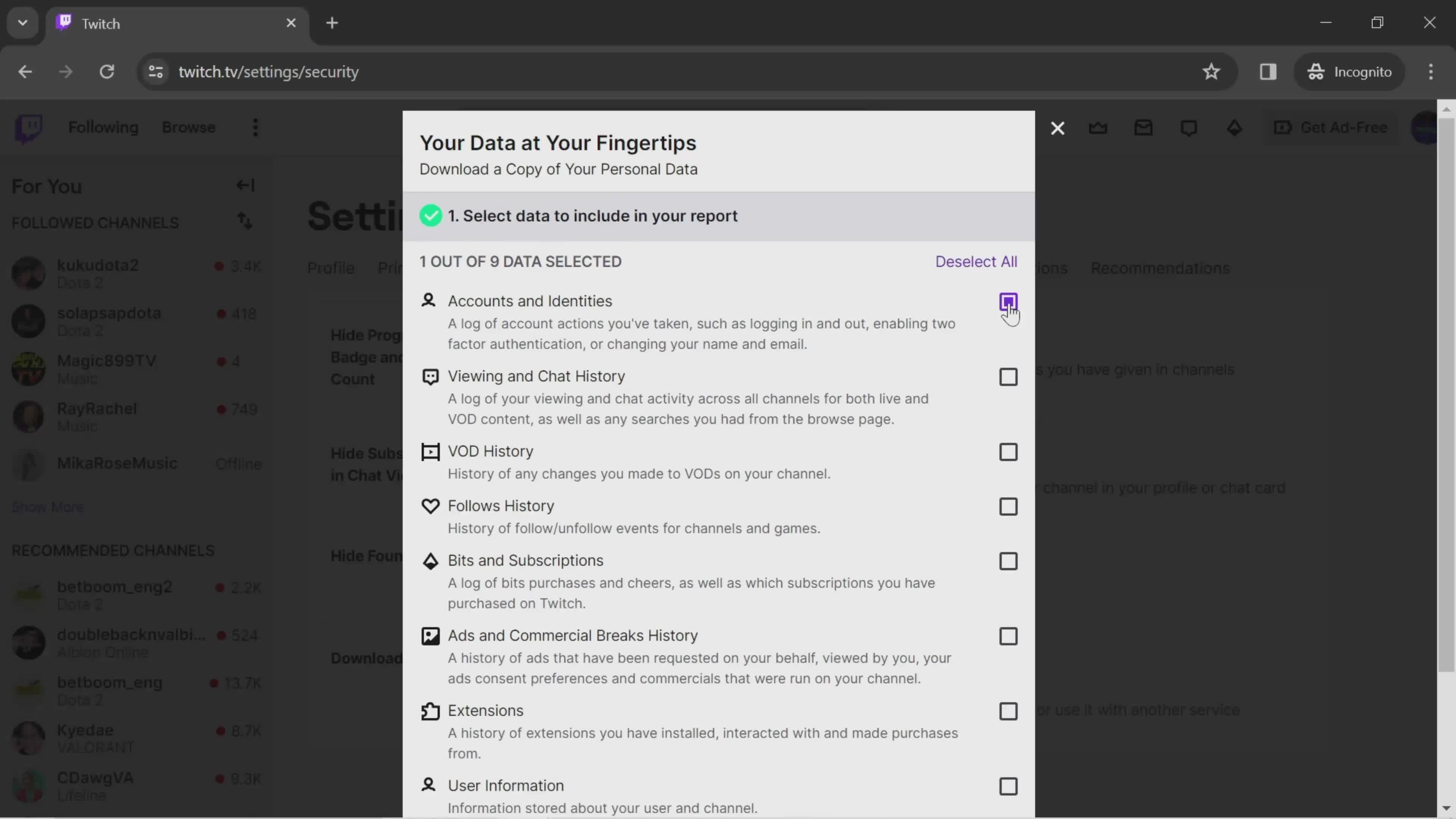
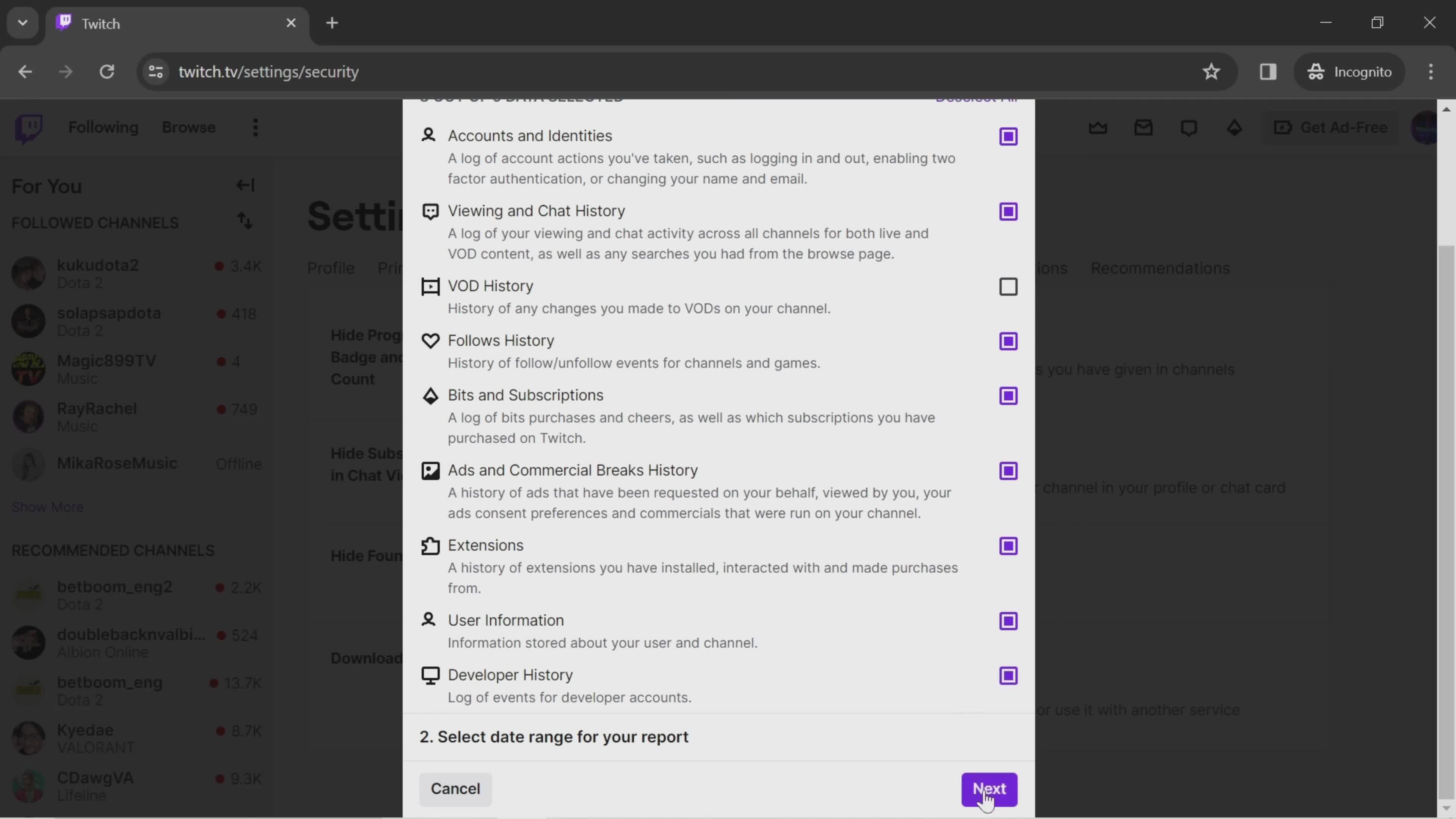
Select data
this is title
Next
this is title
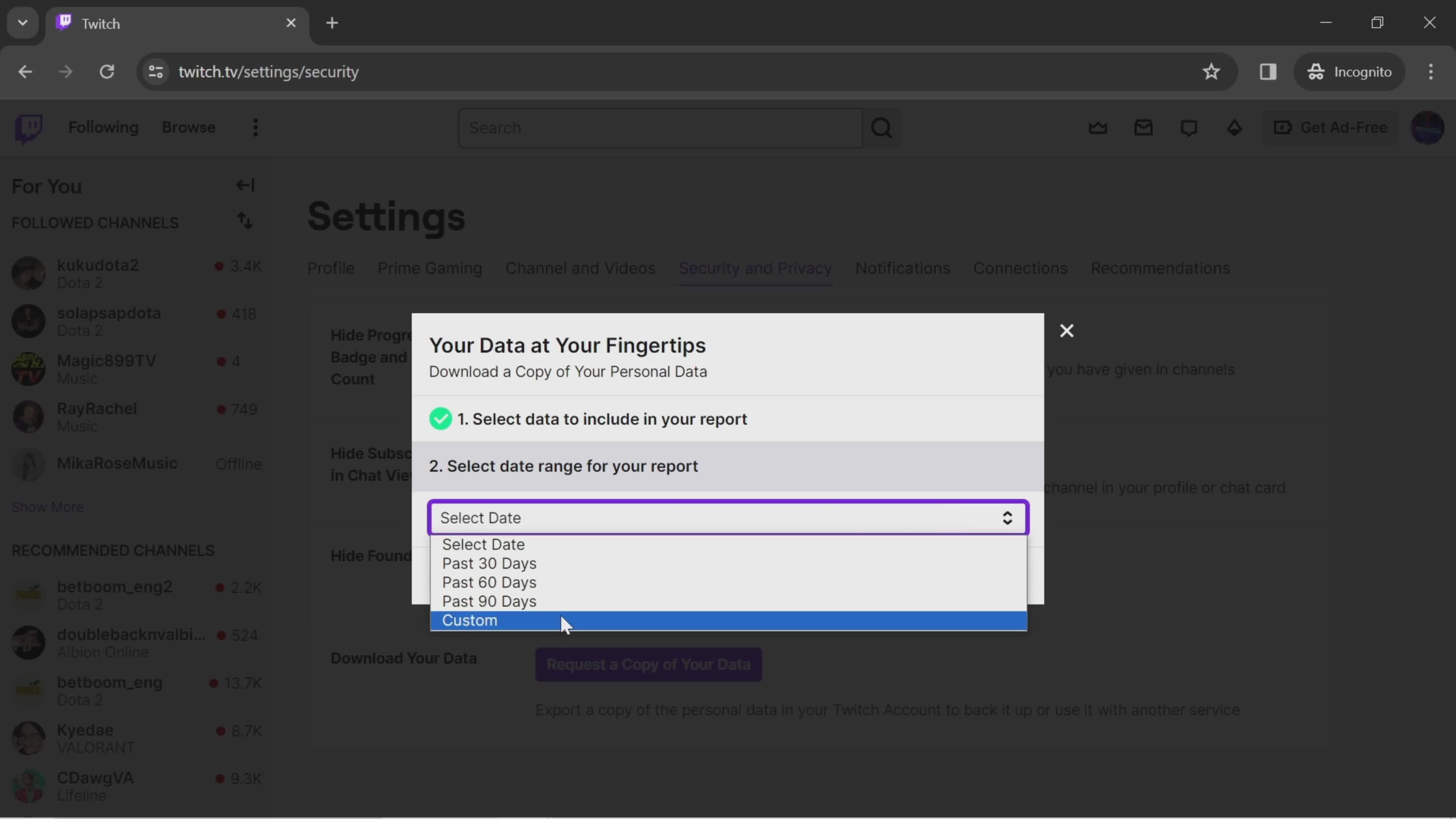
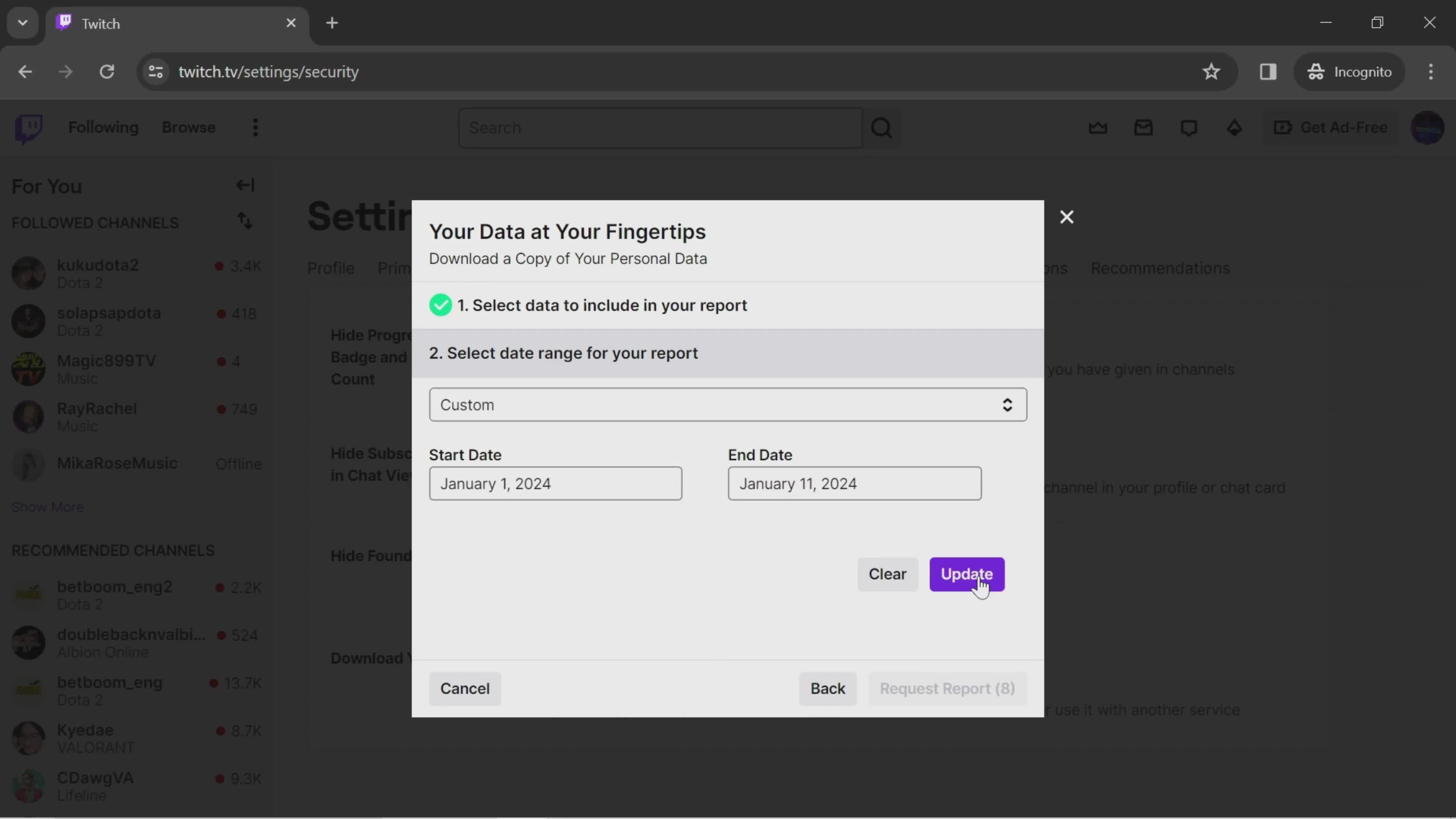
Set date range
this is title
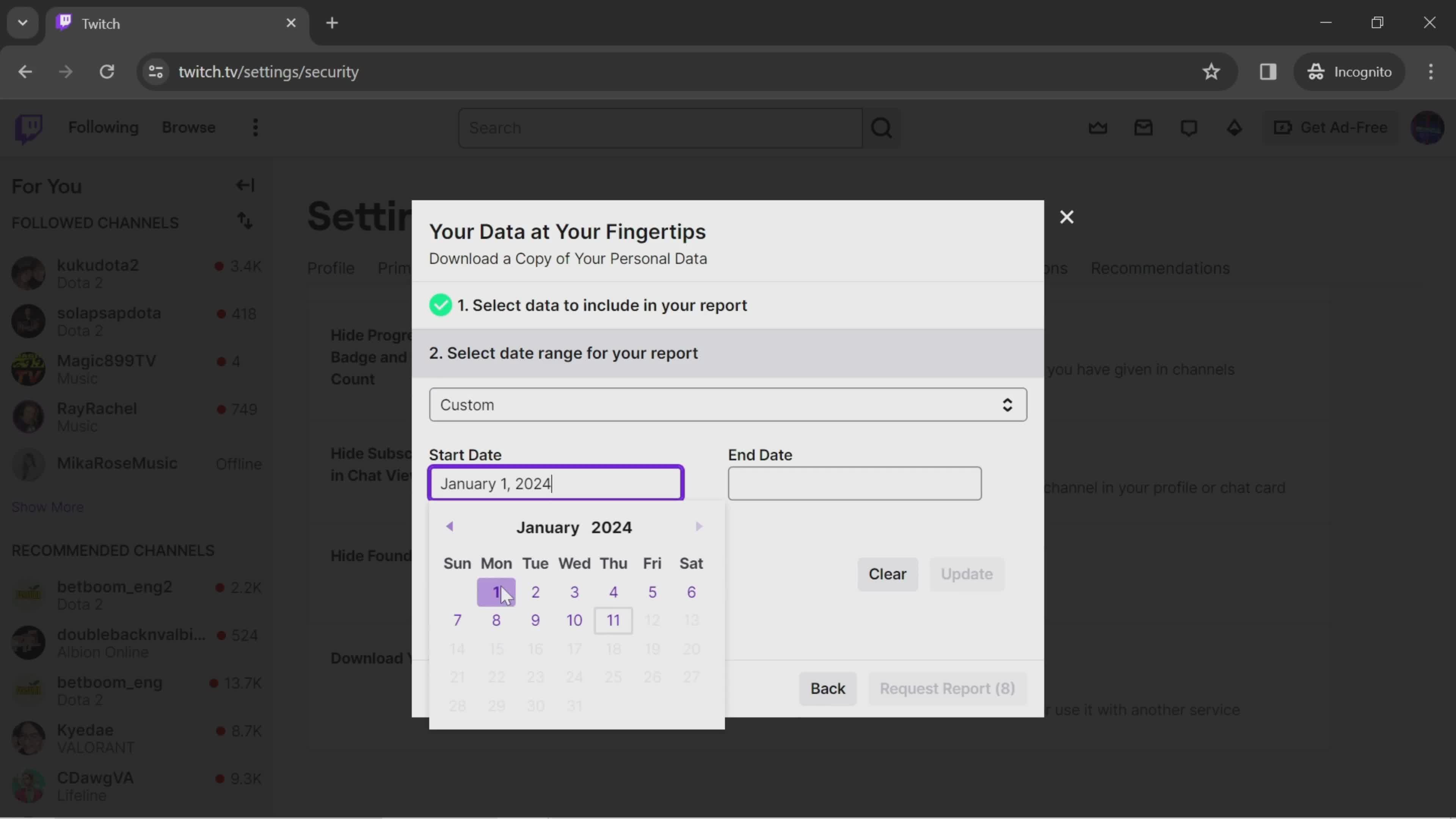
Select start date
this is title
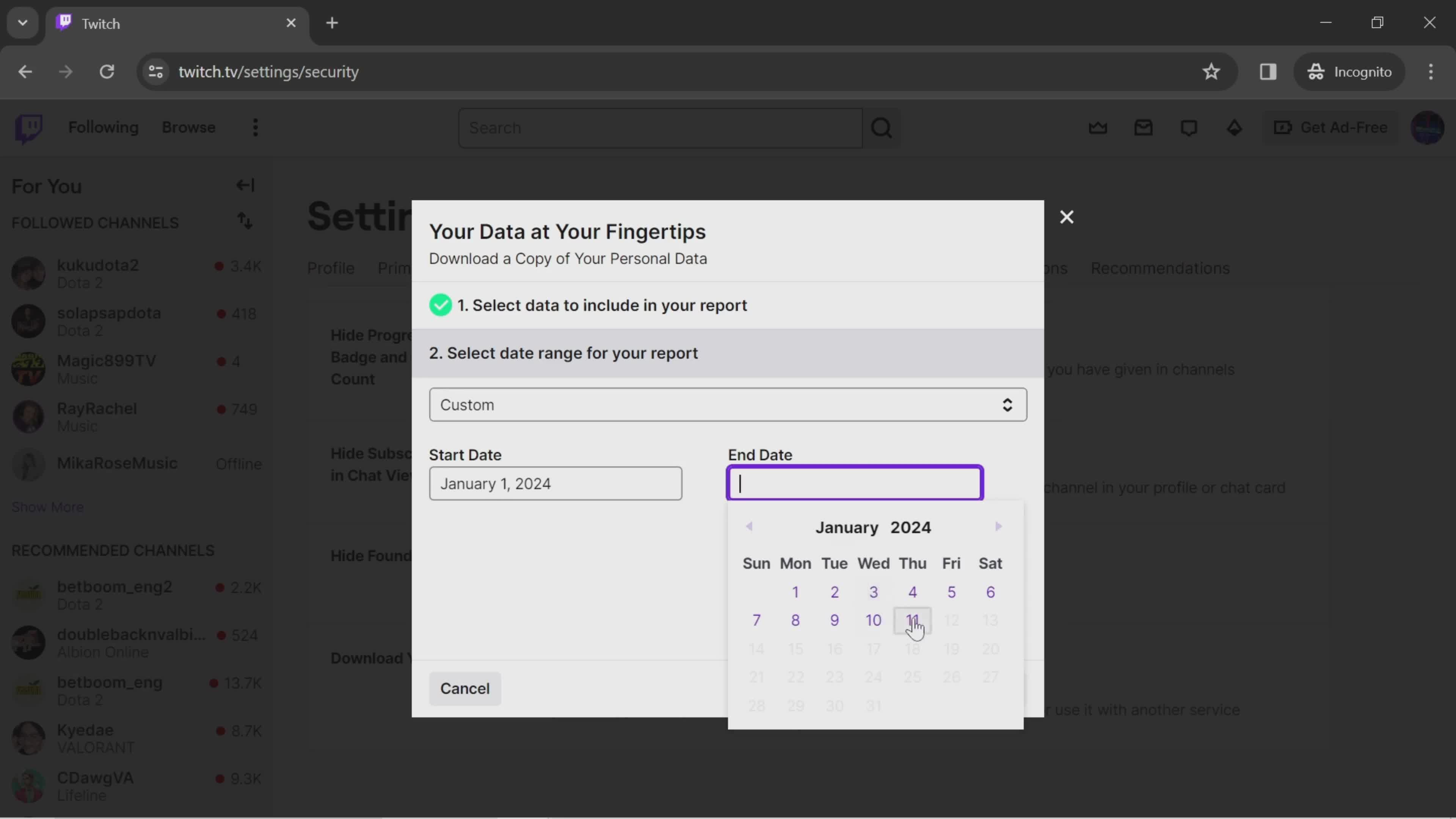
Select end date
this is title
Update
this is title
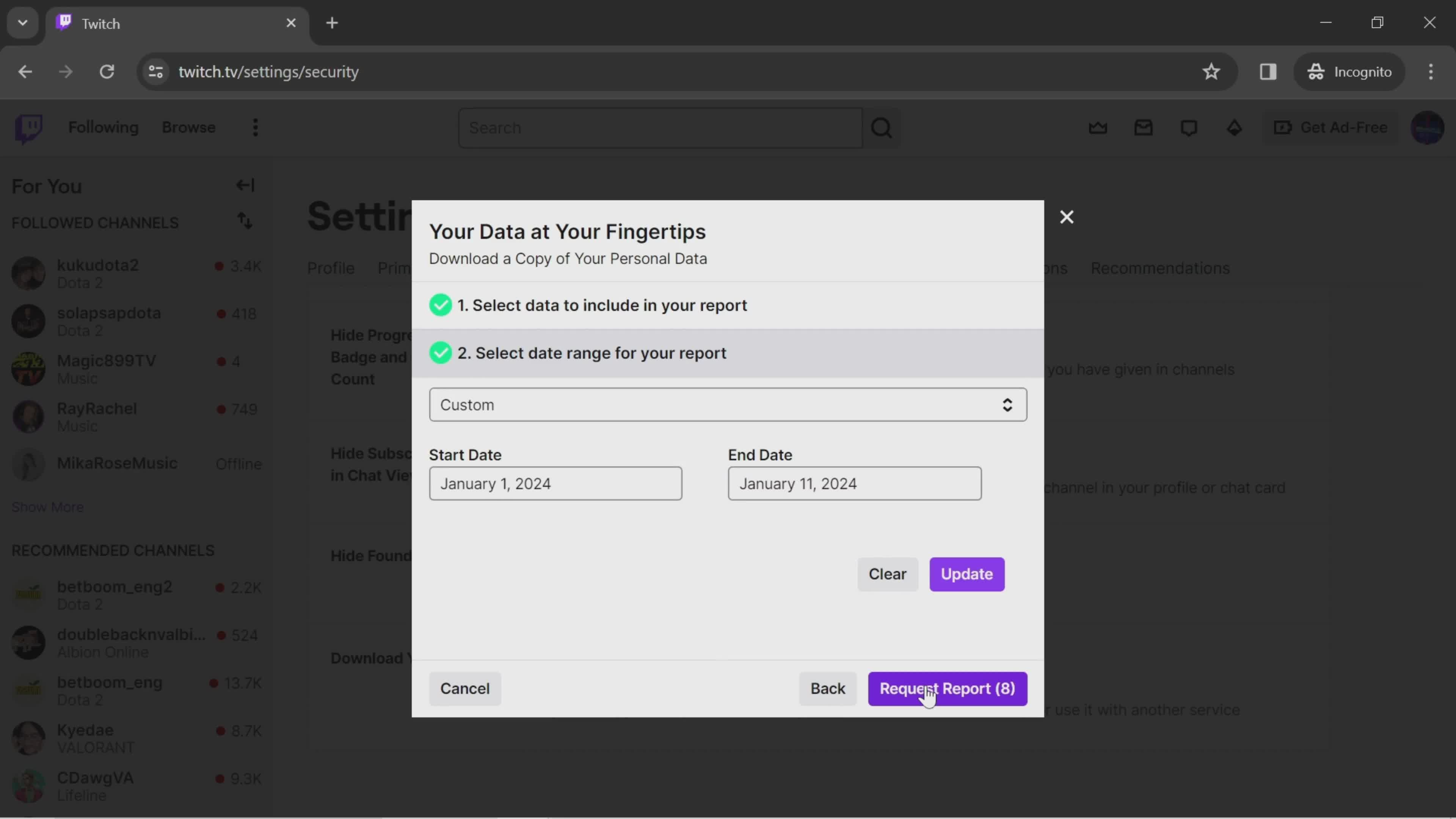
Submit request
this is title
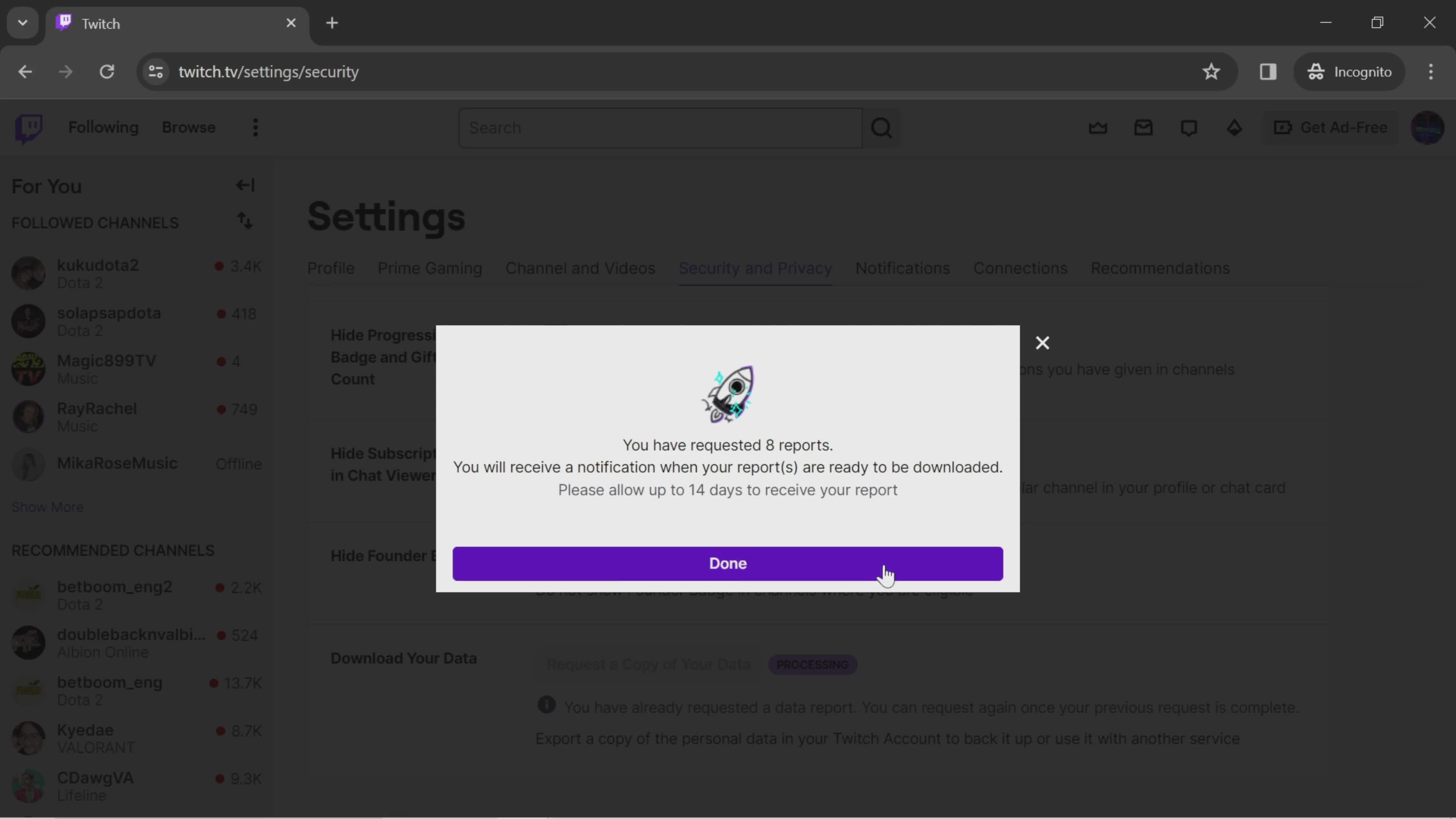
Request sent
this is title
Home
this is title
Account menu
this is title
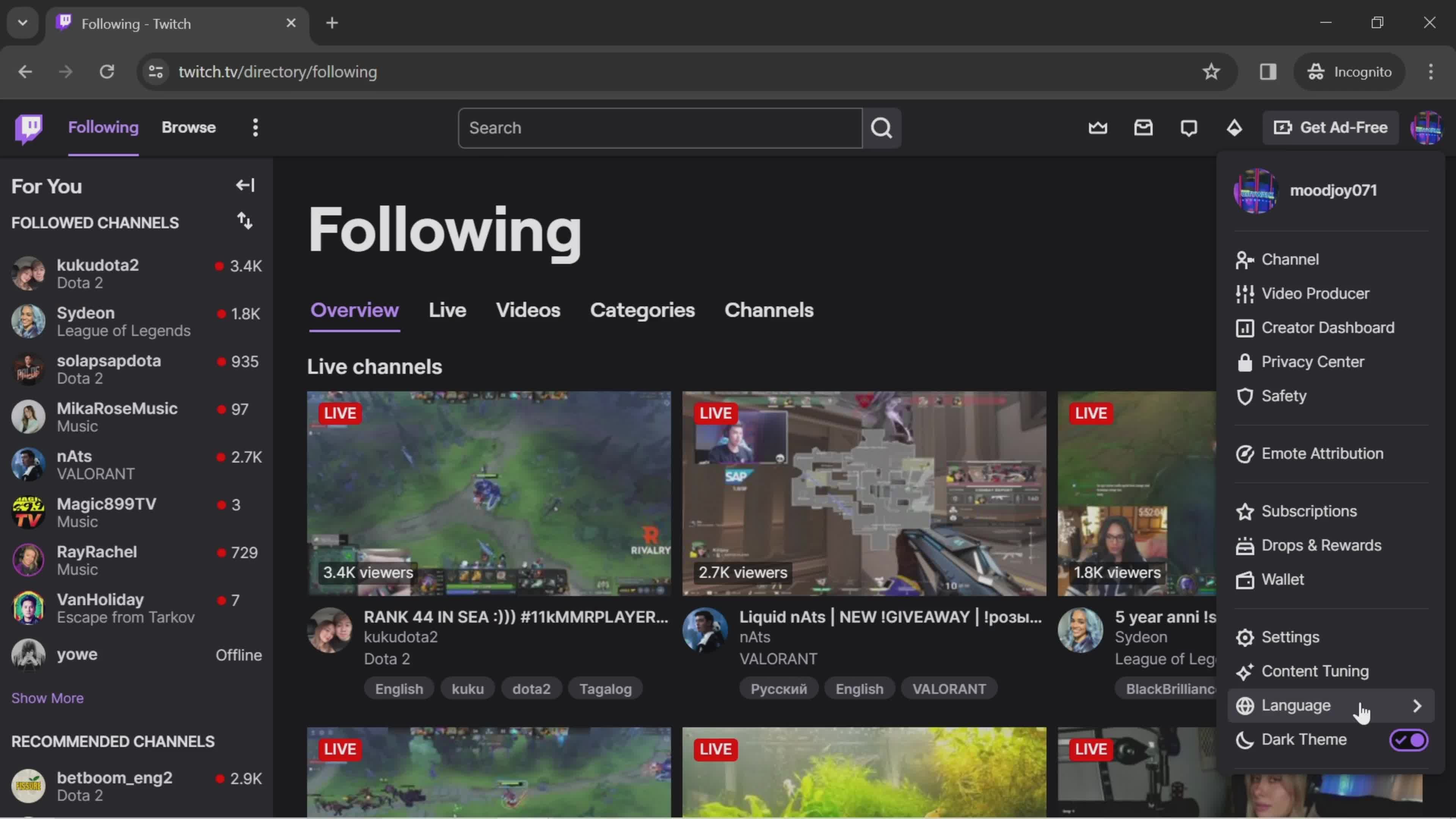
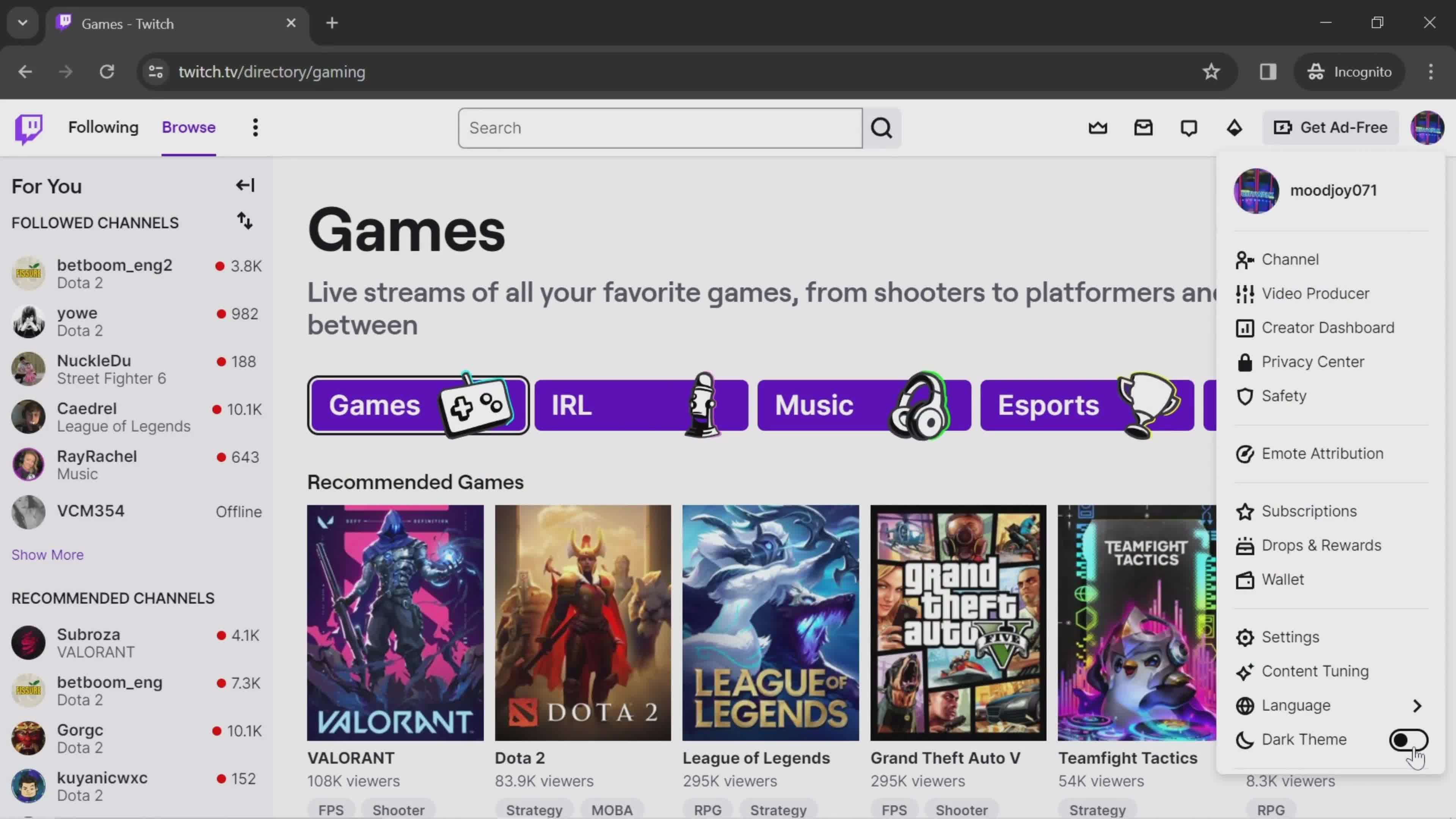
Dark mode
this is title
Home
this is title
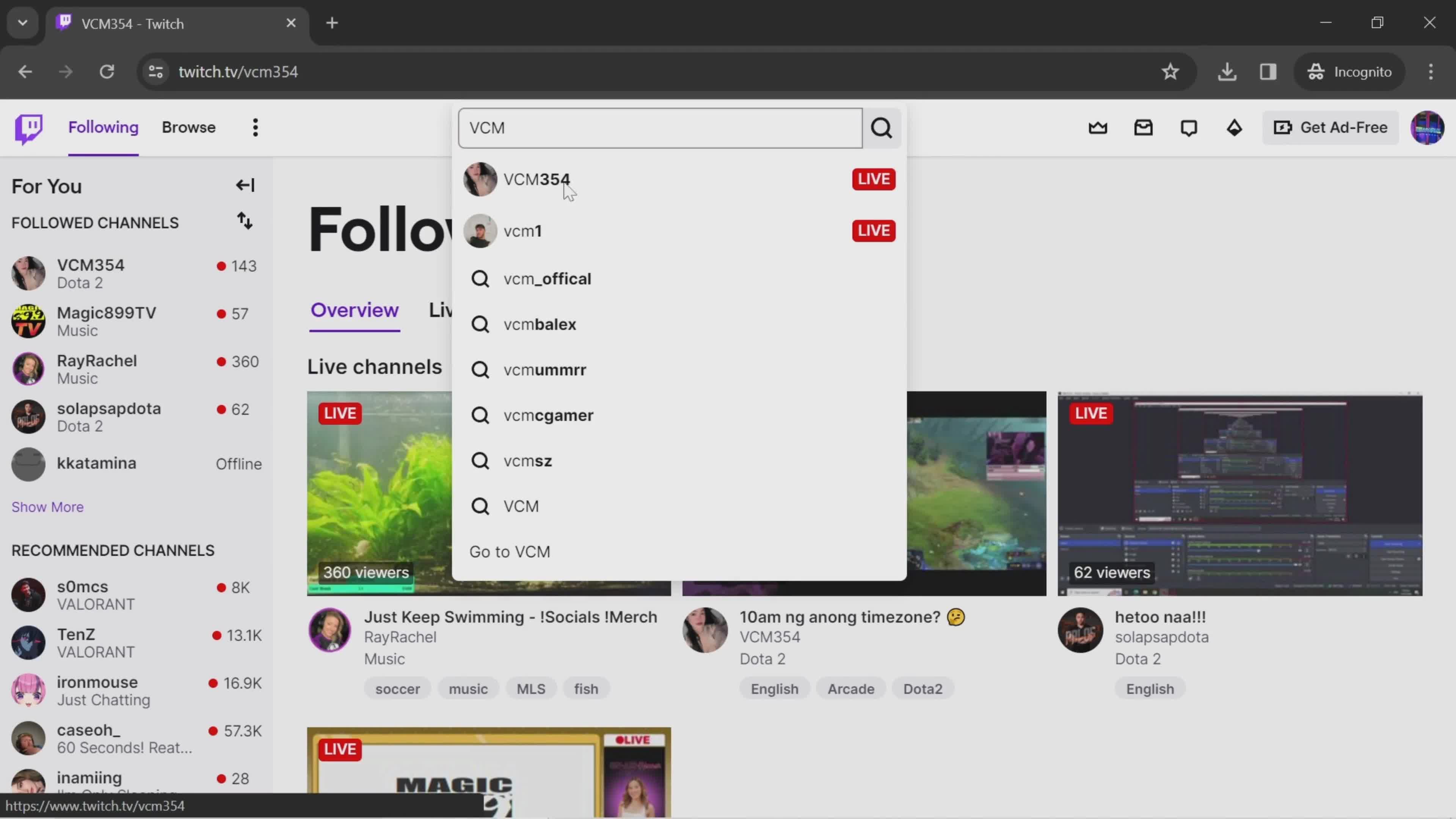
Search
this is title
Search results
this is title
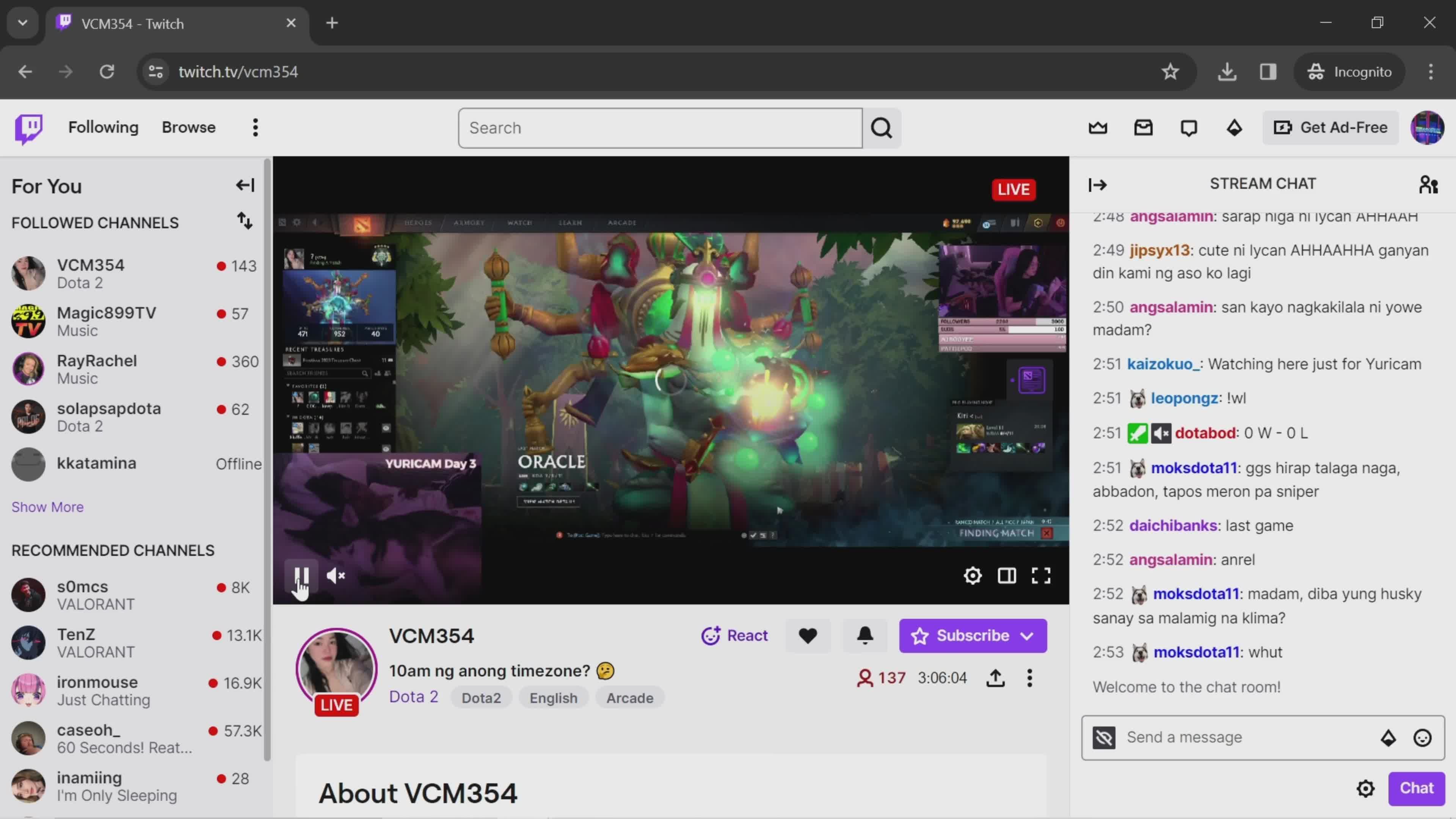
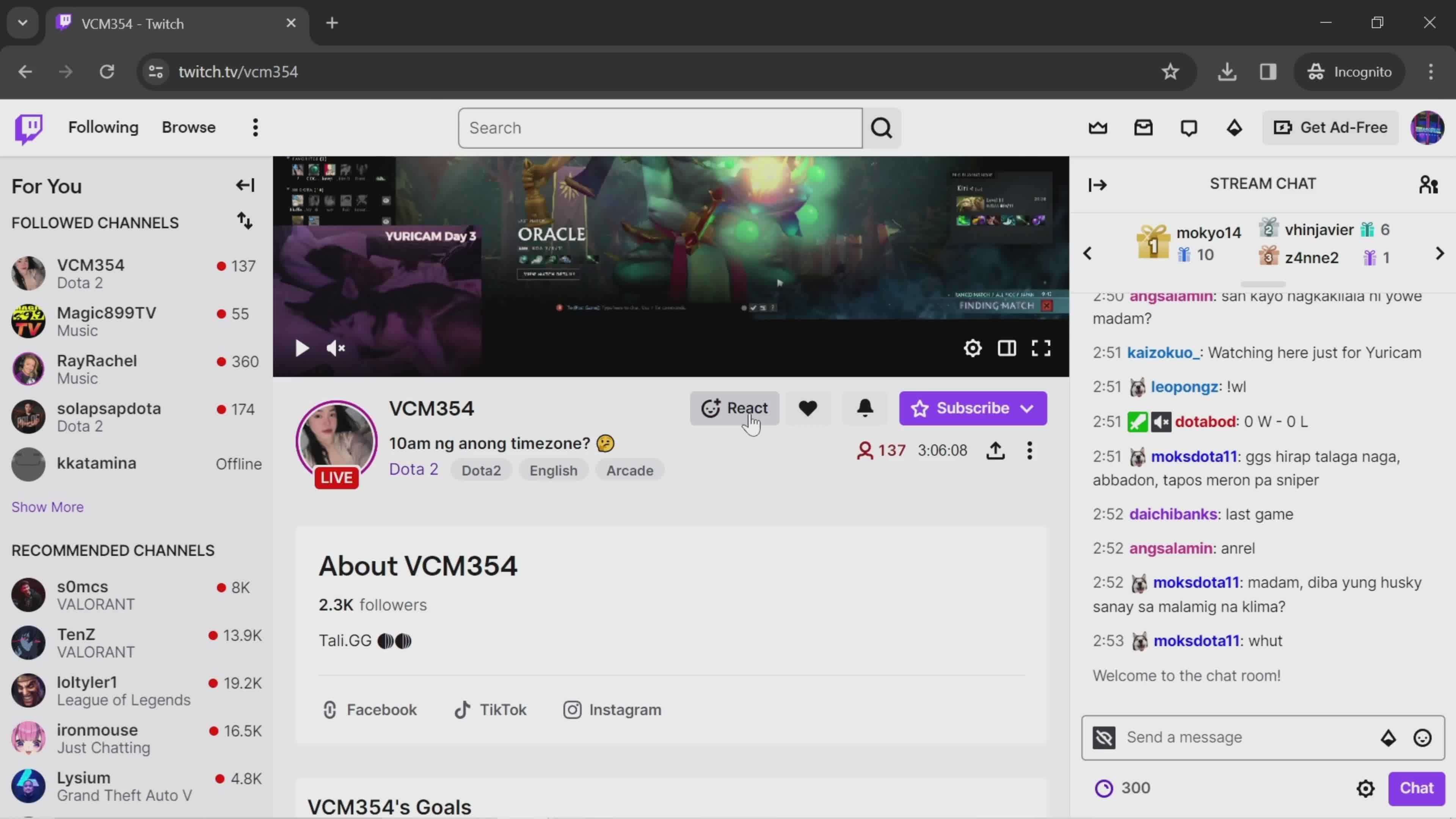
Live stream
this is title
this is title
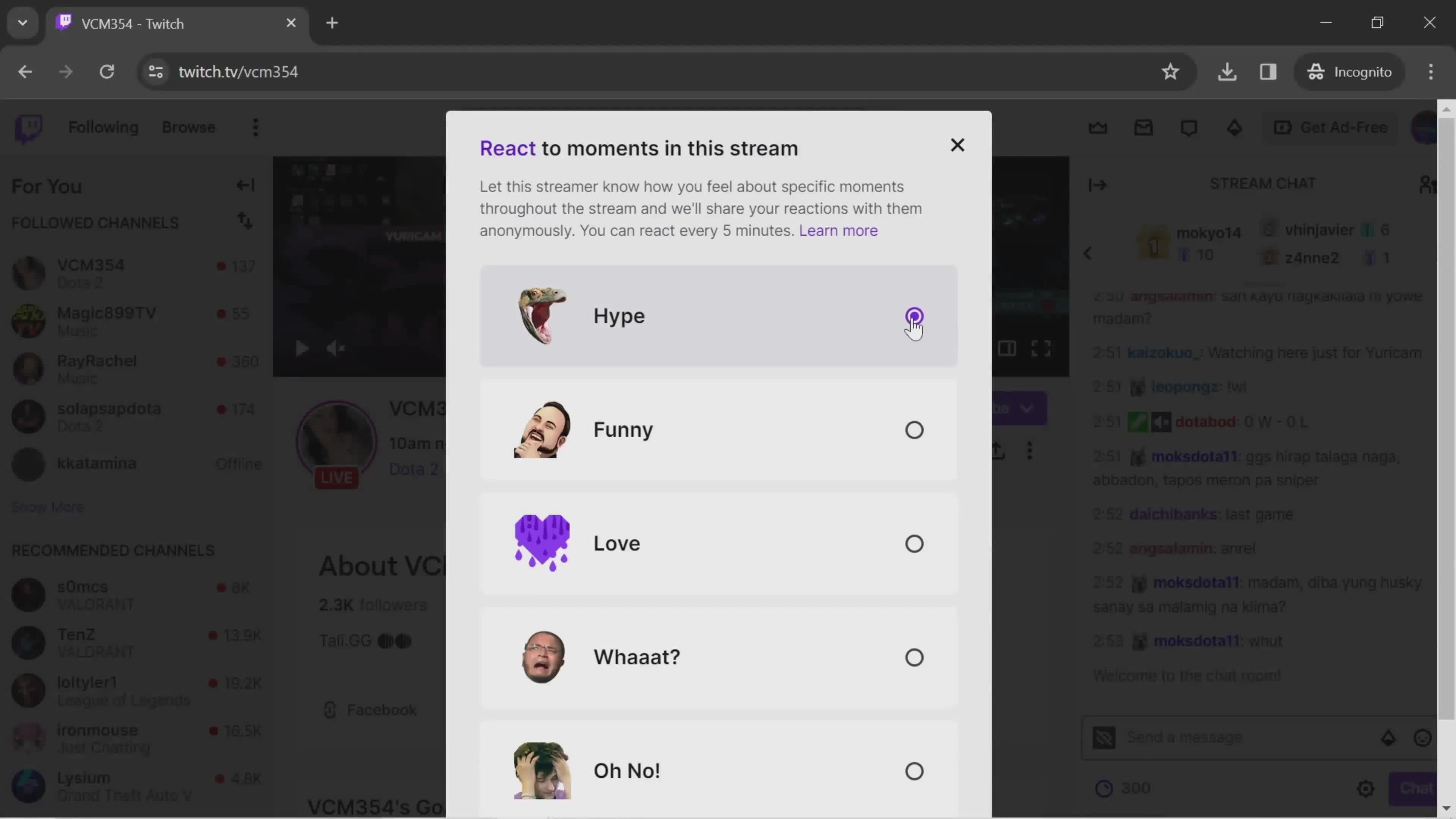
Select reaction
this is title
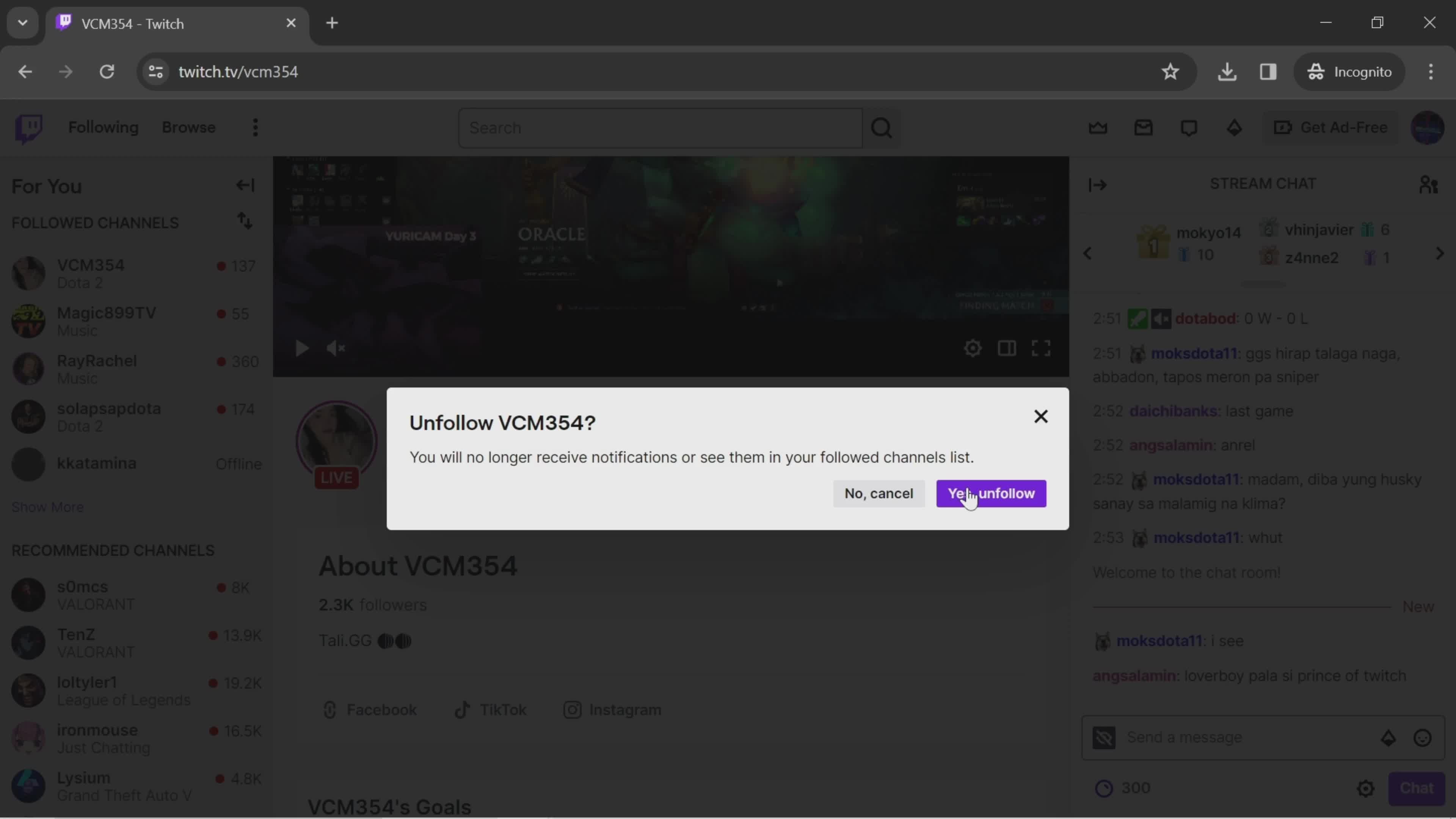
Unfollow
this is title
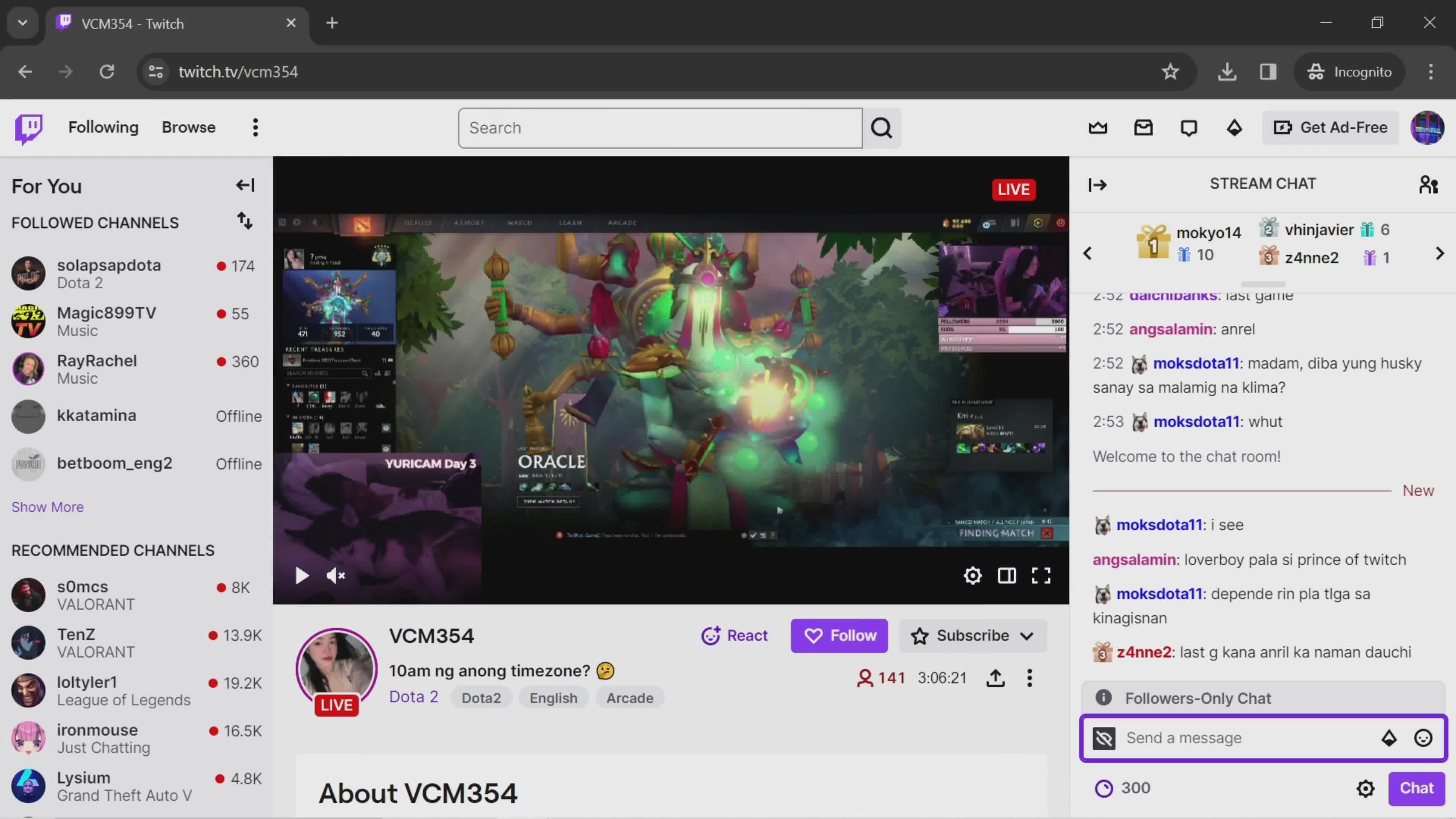
Send a message
this is title
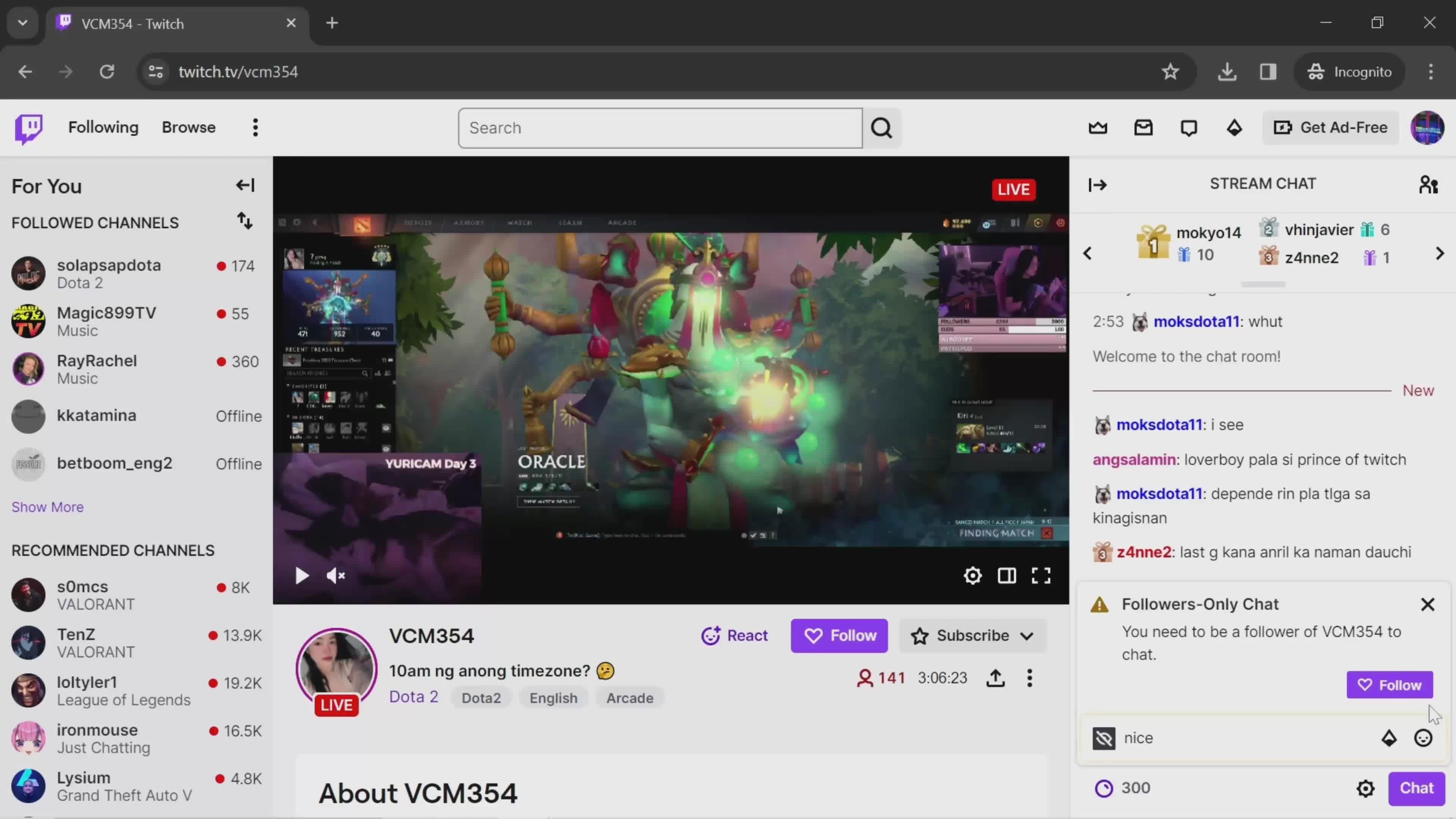
Error
this is title
Send a message
this is title
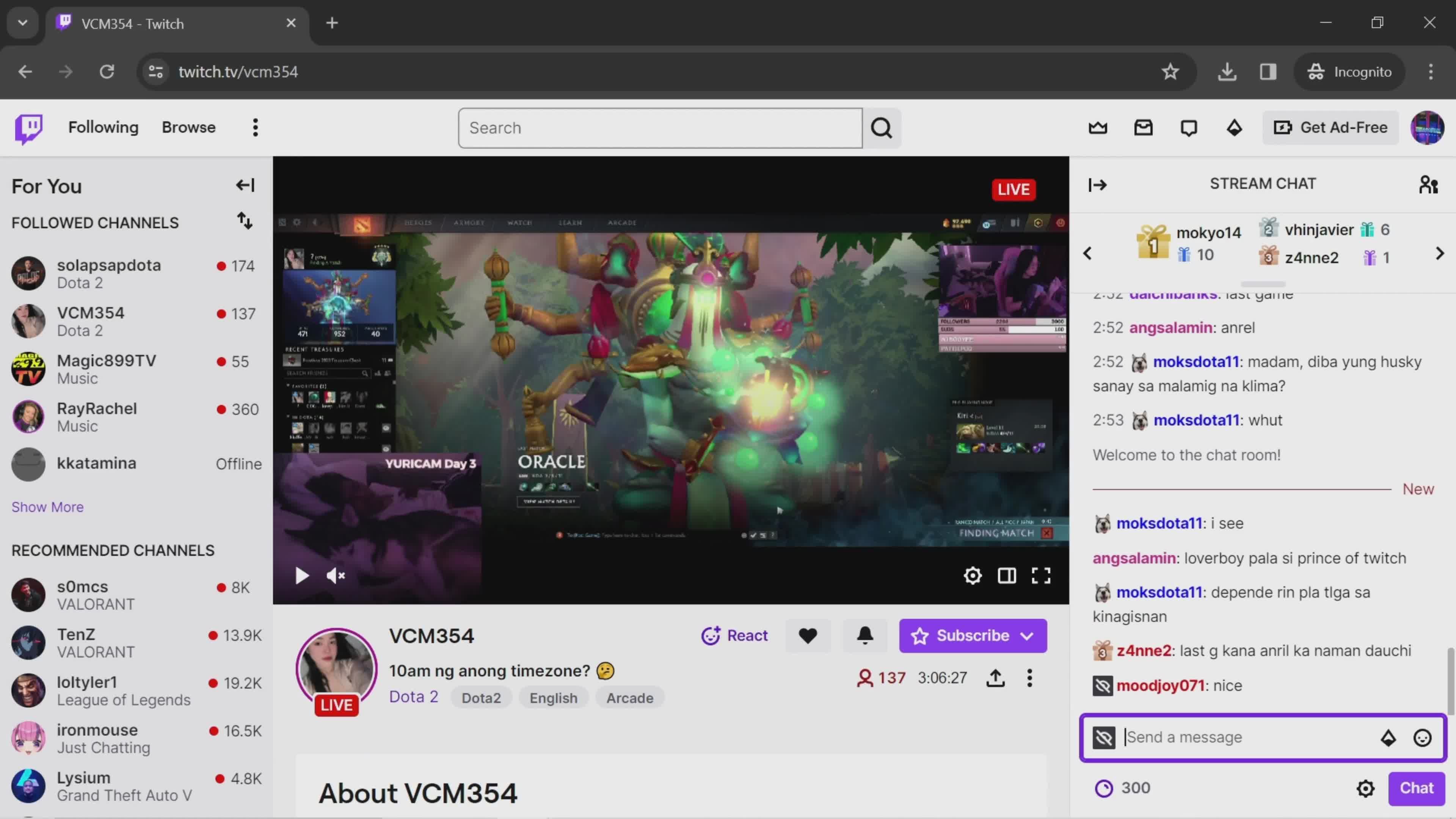
Message sent
this is title
Overview
this is title
Search
this is title
Search results
this is title
Chat room
this is title
Send a message
this is title
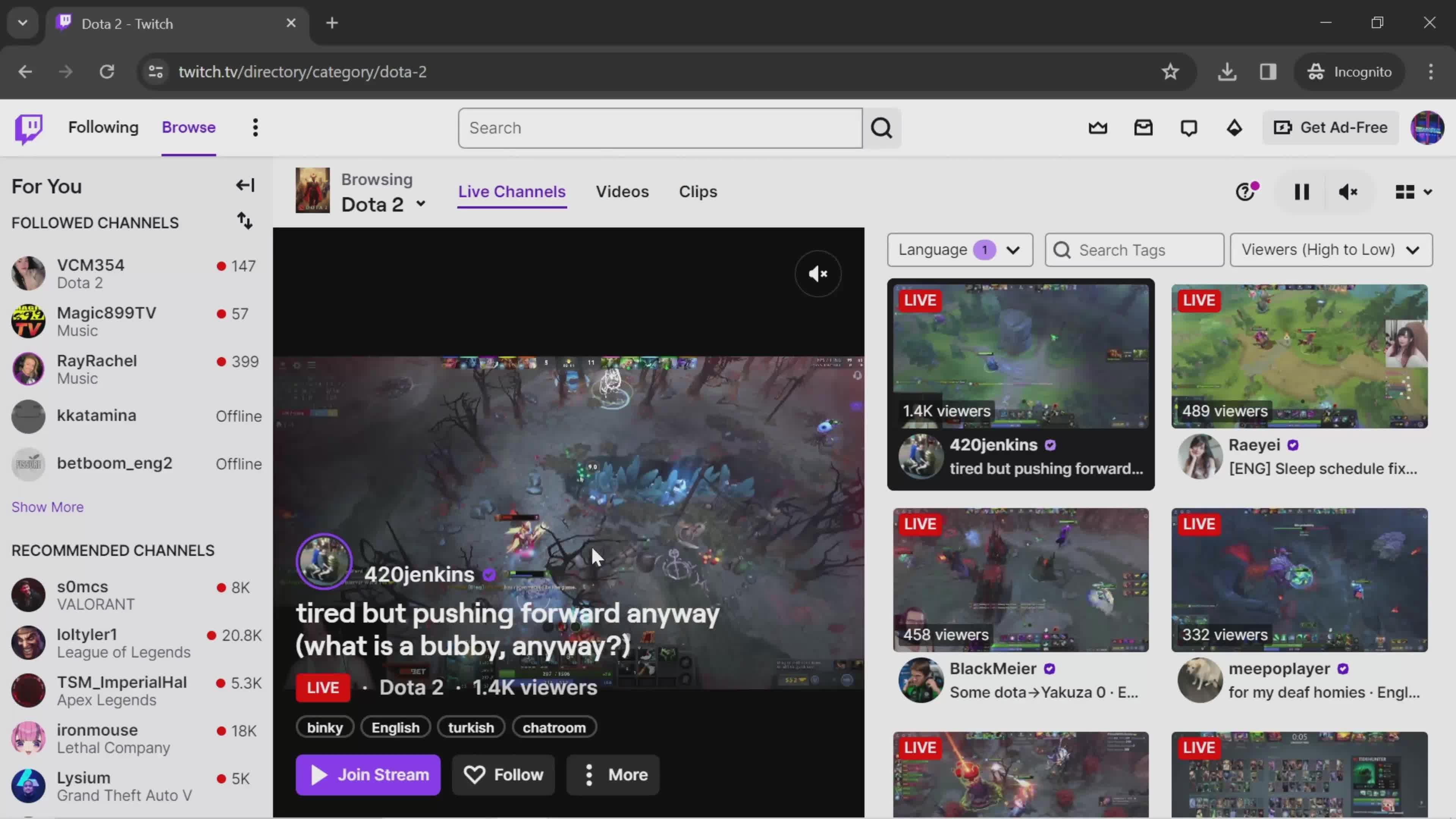
Live channels
this is title
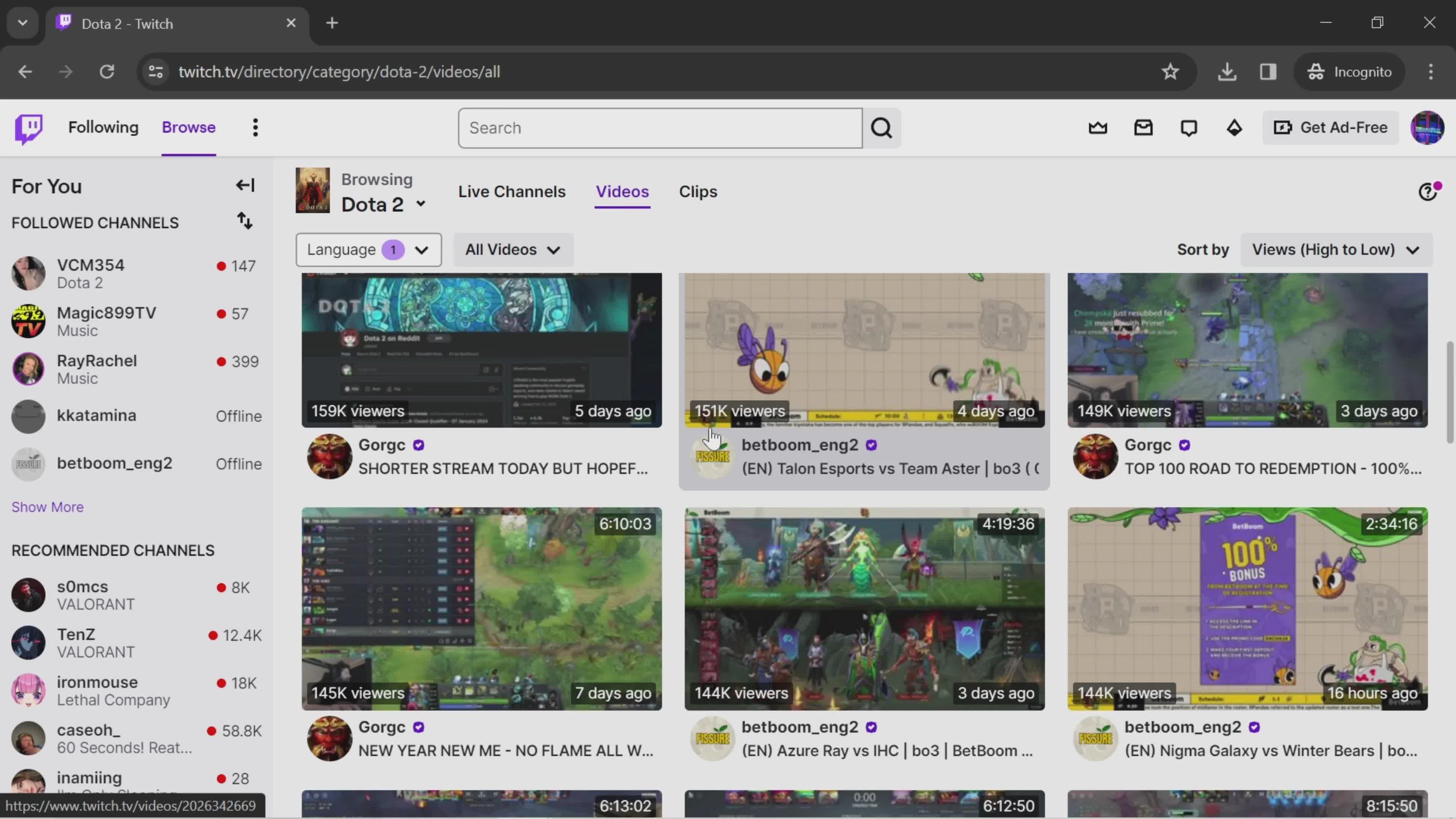
Videos
this is title
Categories
this is title
Channels
this is title
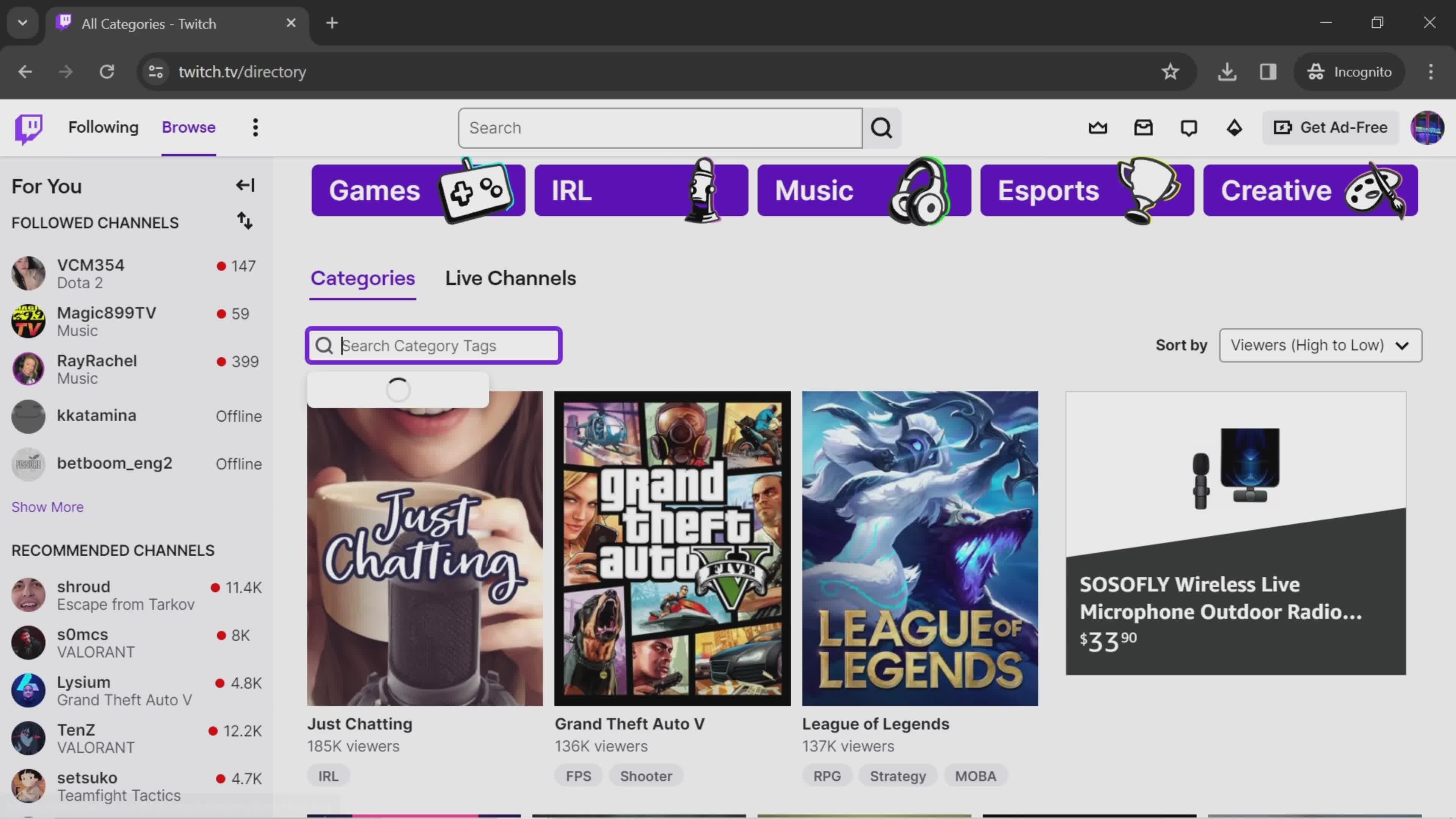
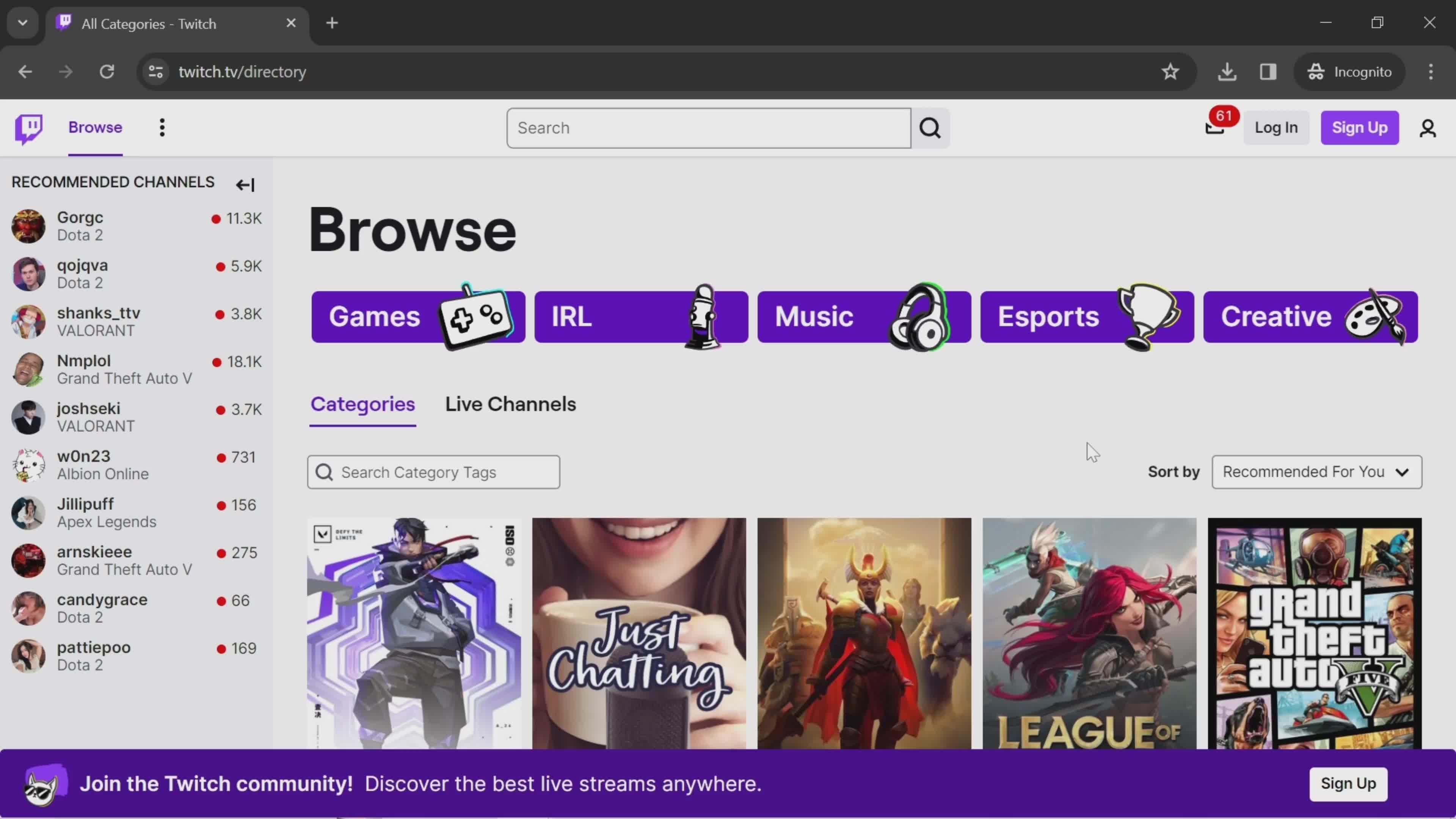
Directory
this is title
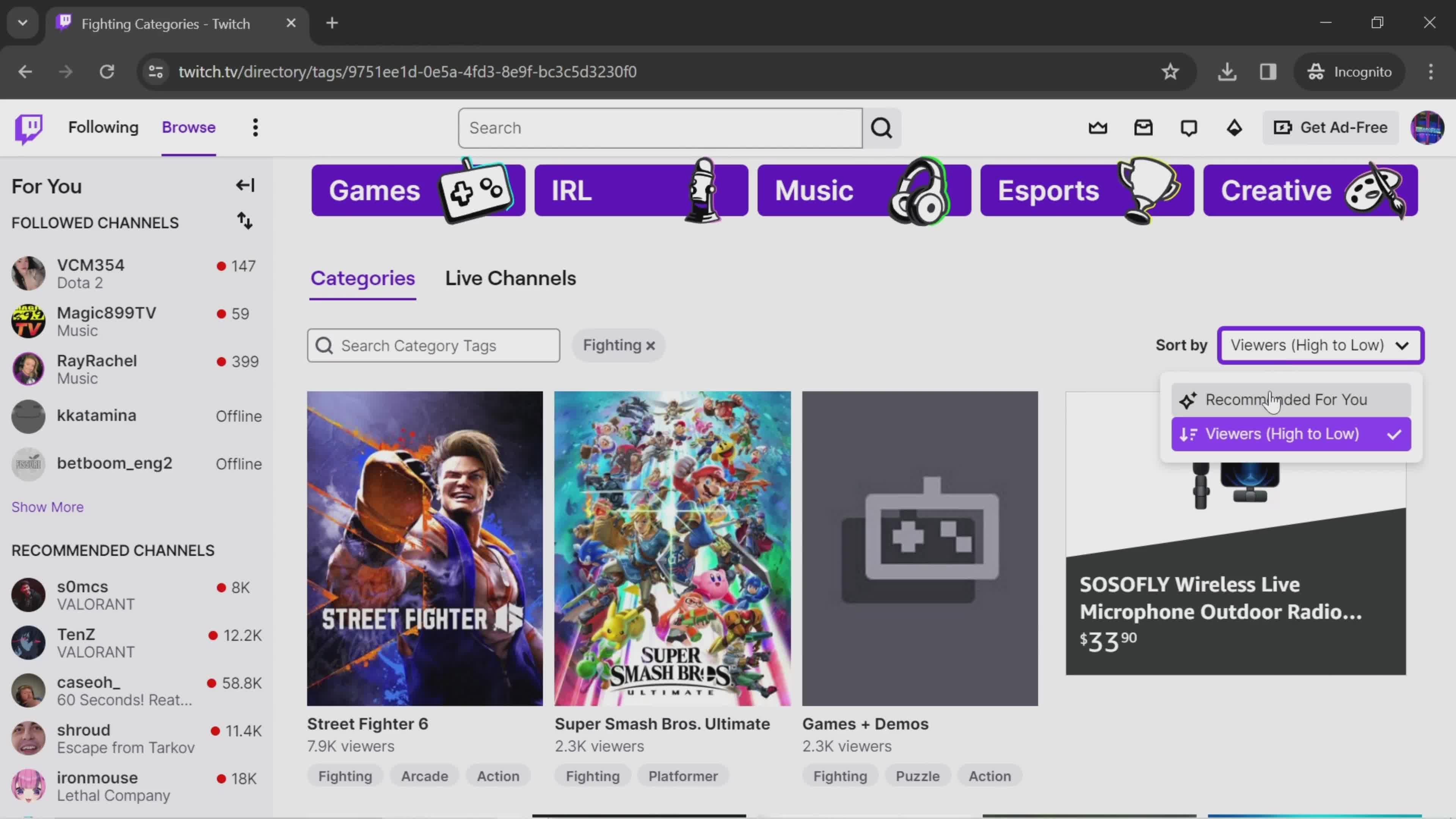
Sort
this is title
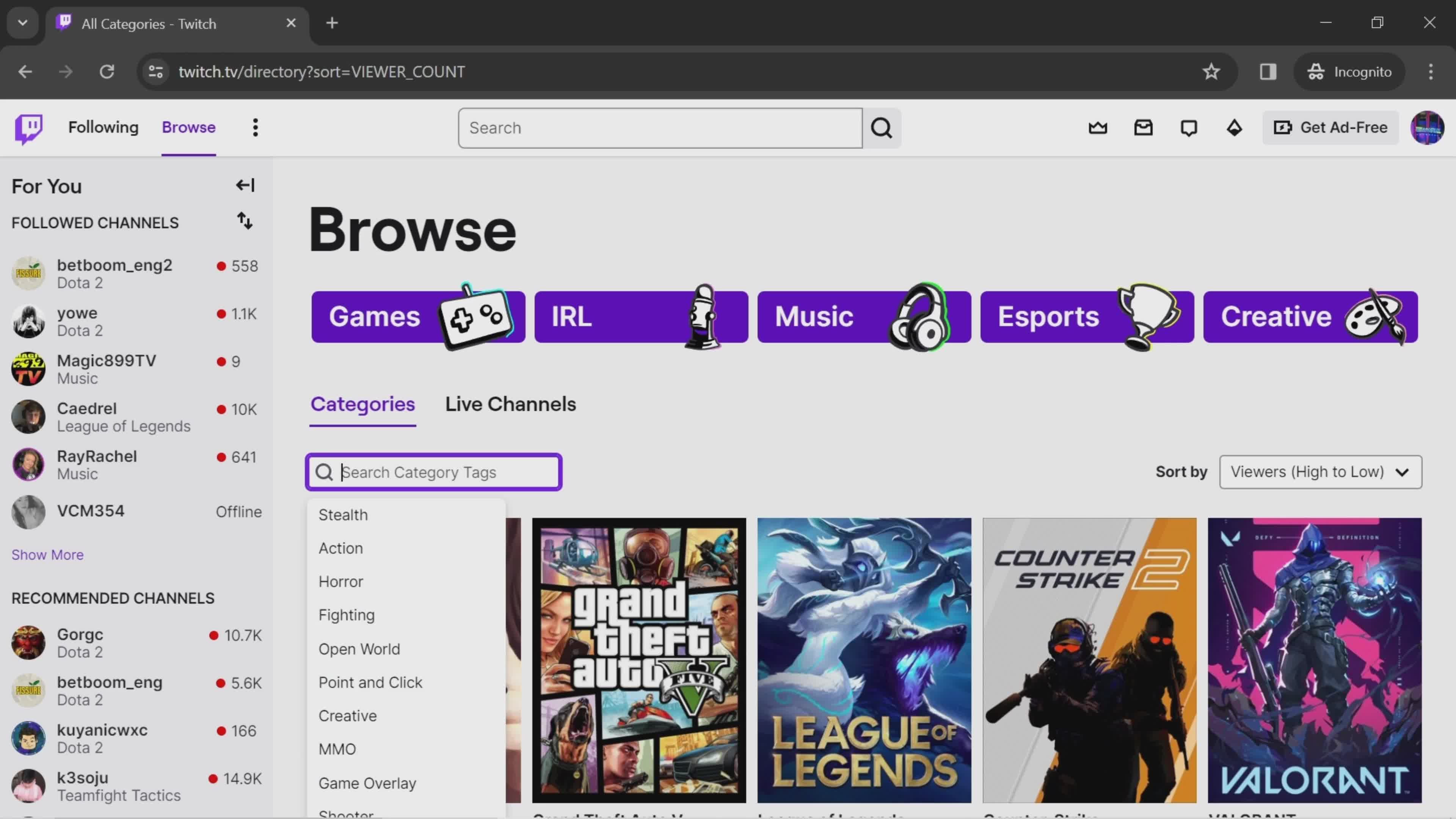
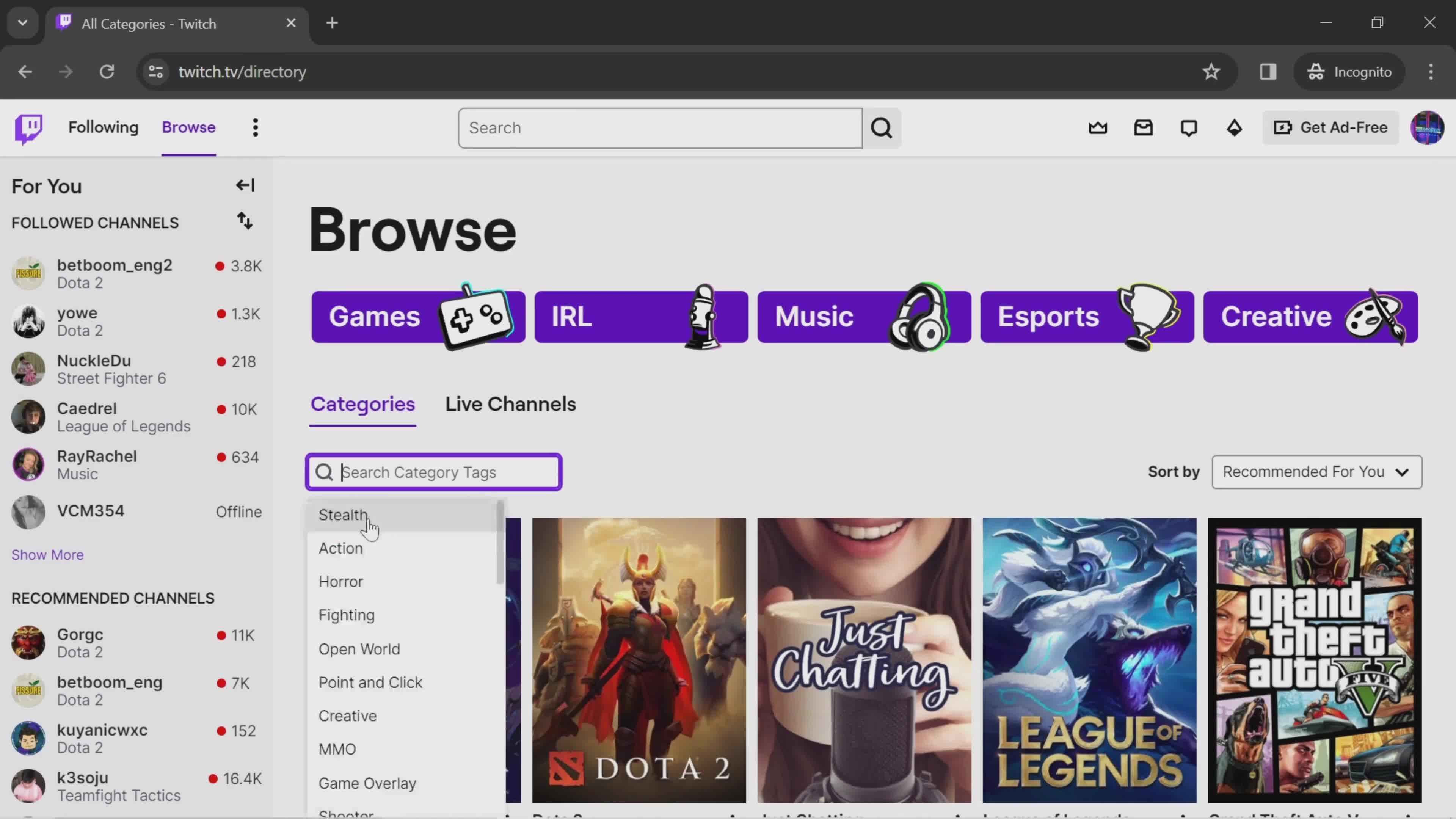
Search categories
this is title
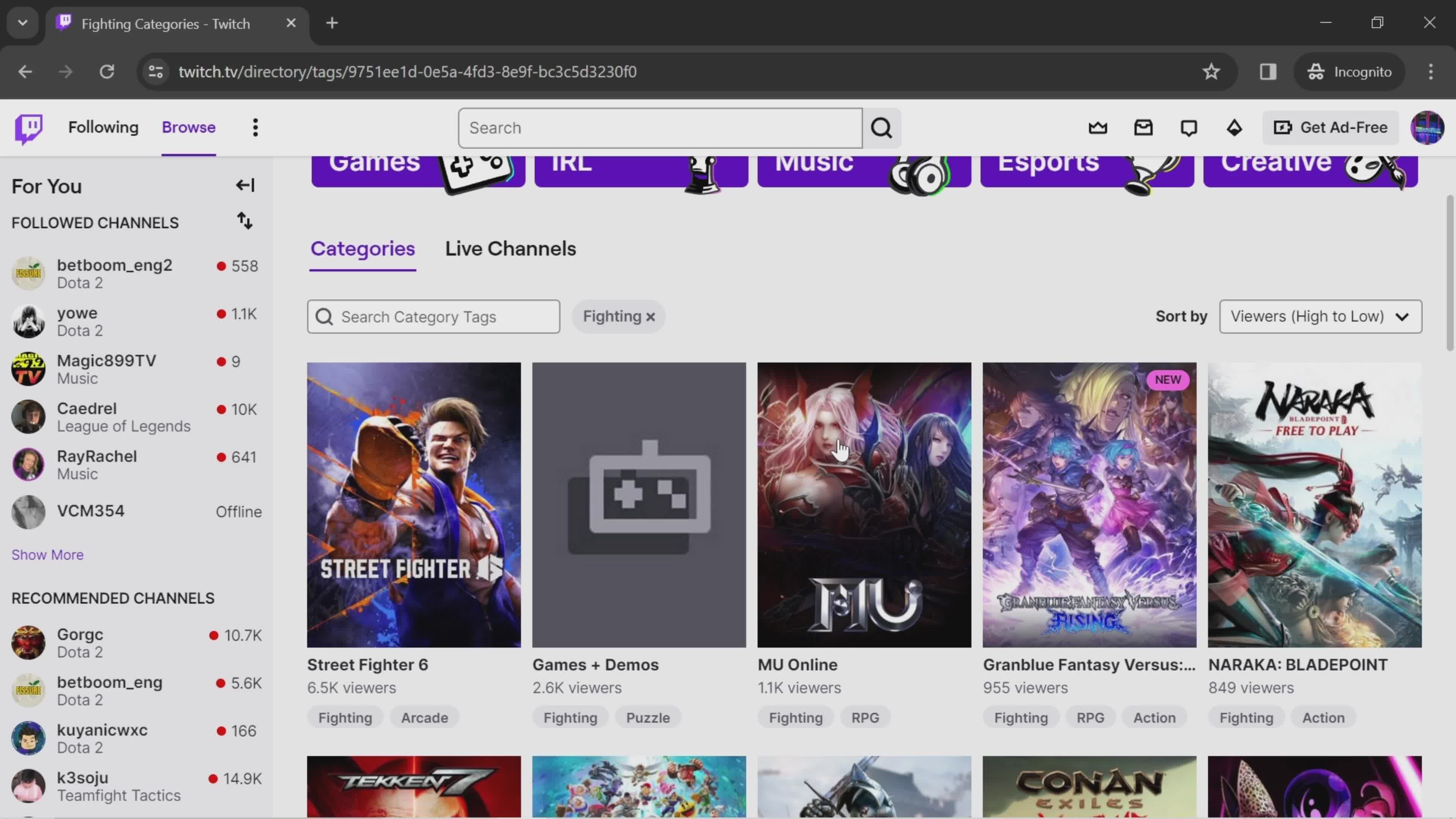
Search results
this is title
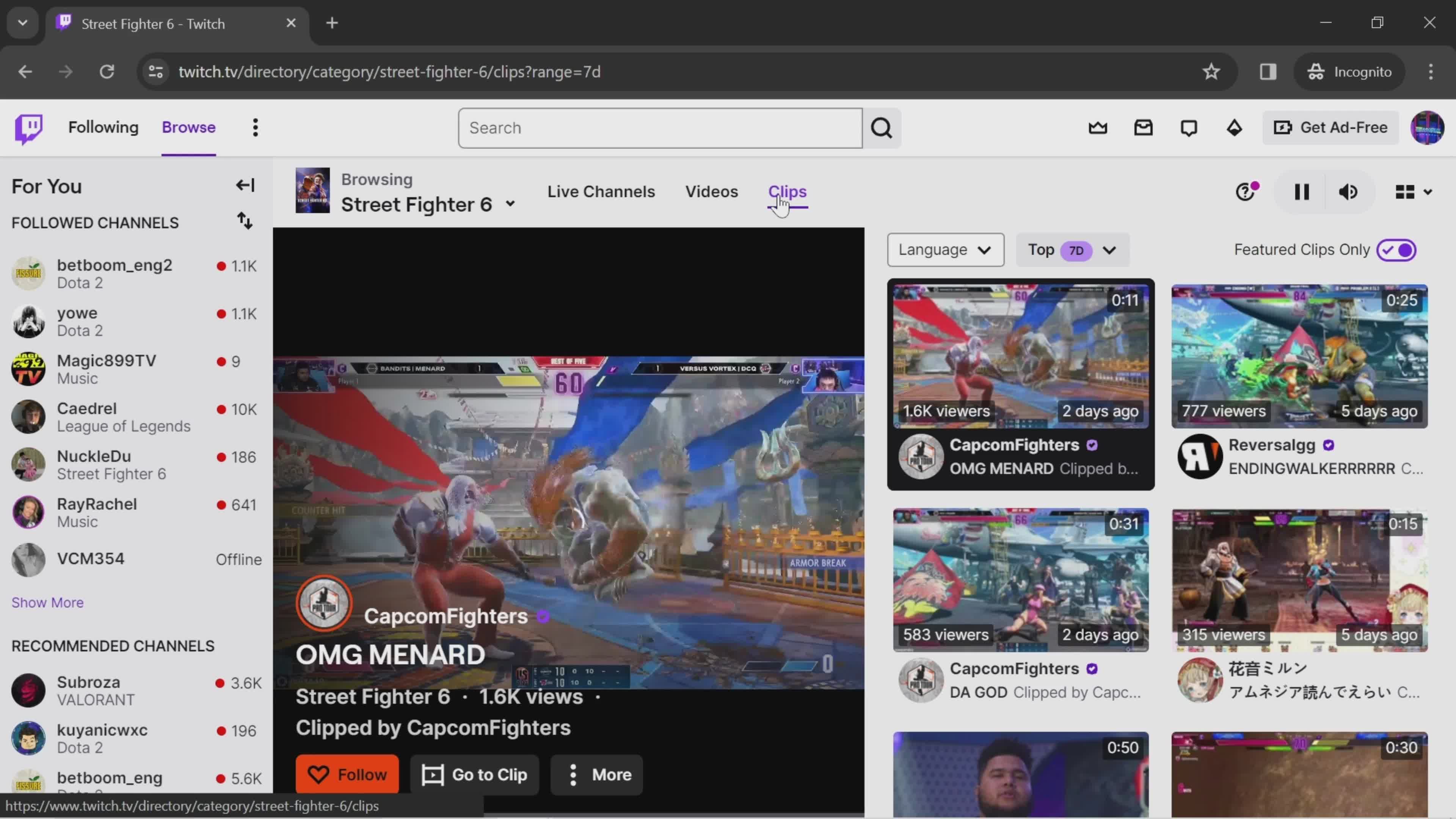
Clips
this is title
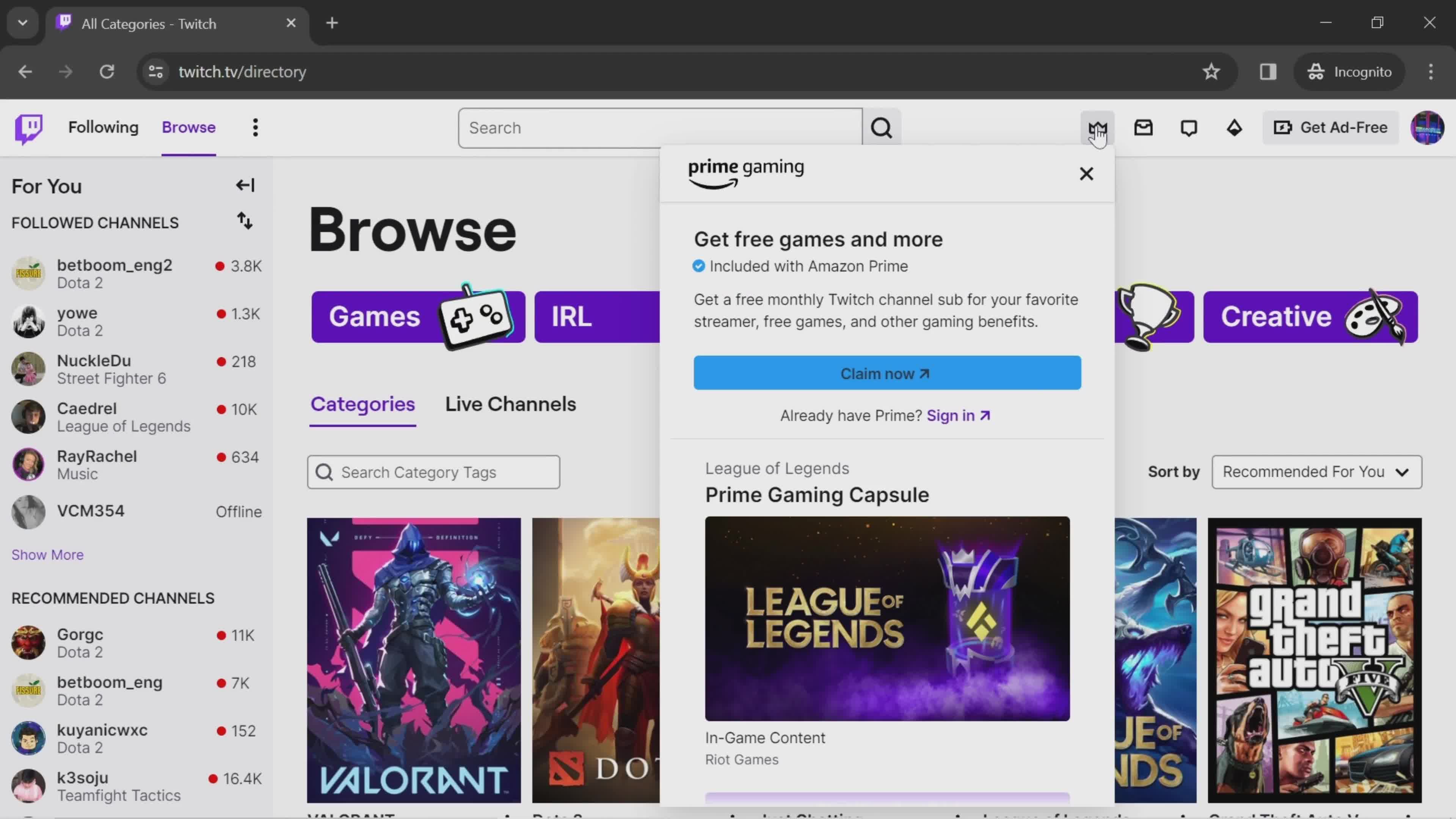
Offers
this is title
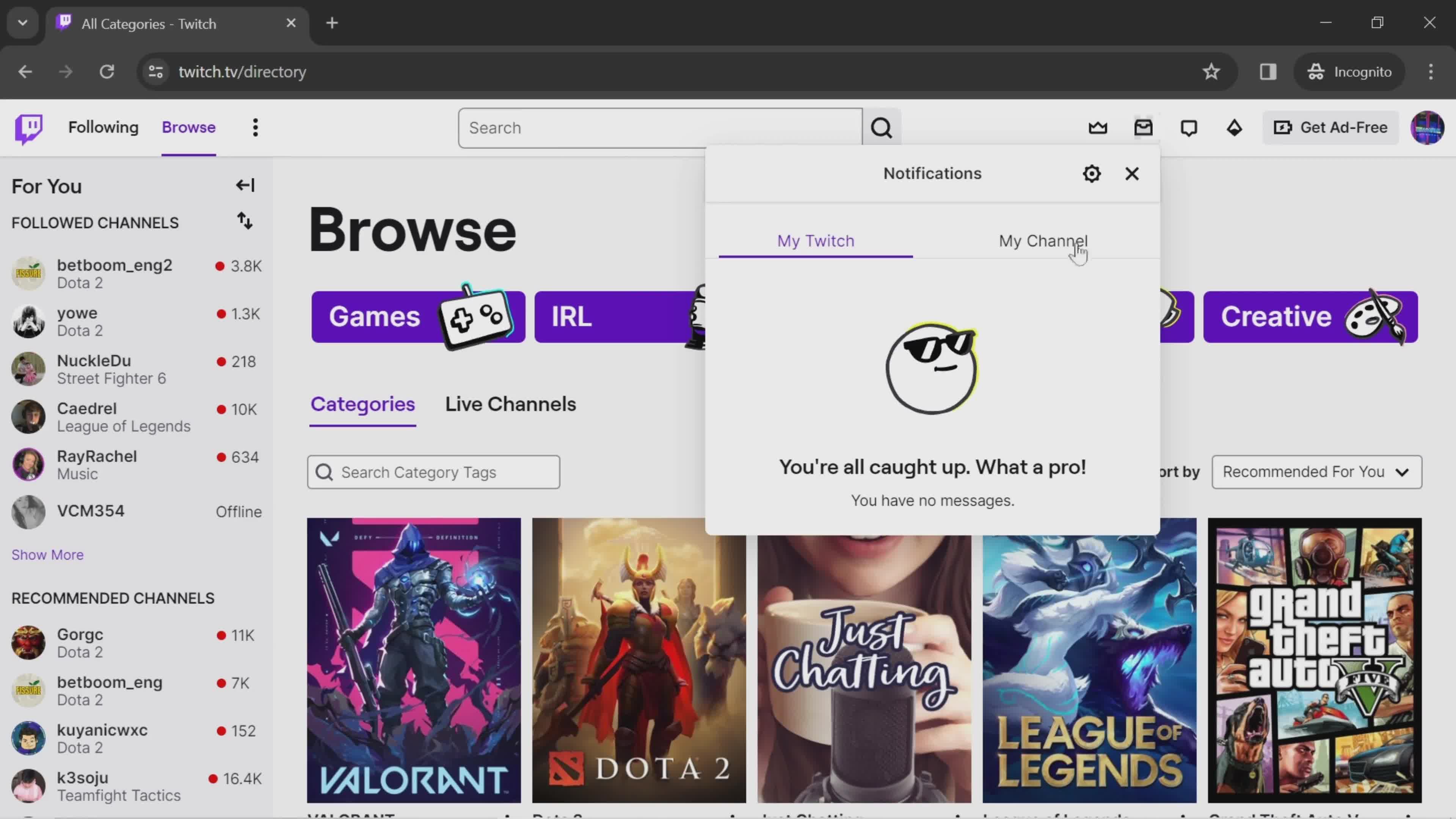
Notifications
this is title
Search categories
this is title
Account menu
this is title
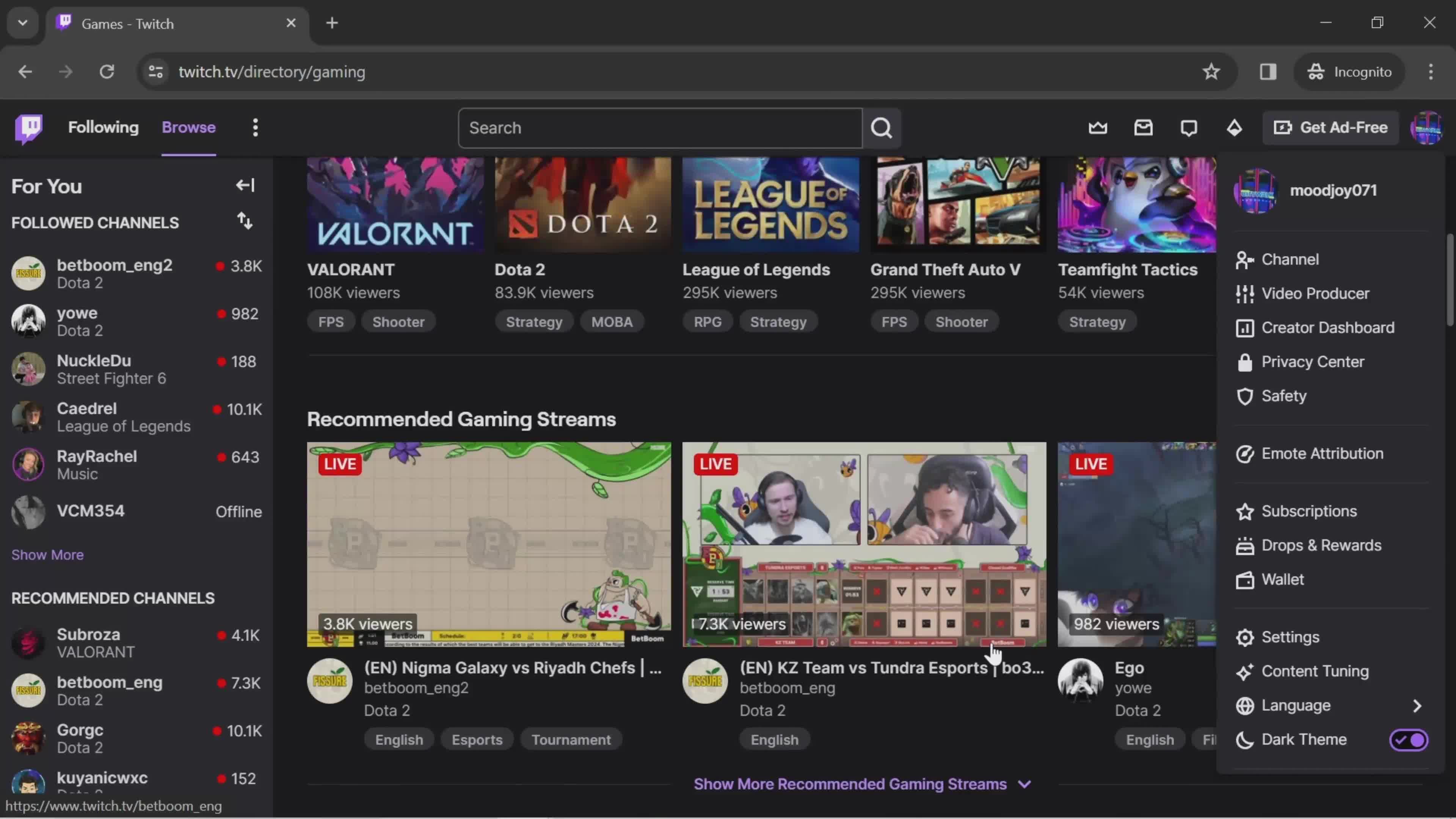
Dark mode
this is title
Account menu
this is title
Dashboard
this is title
Stream manager
this is title
Alerts
this is title
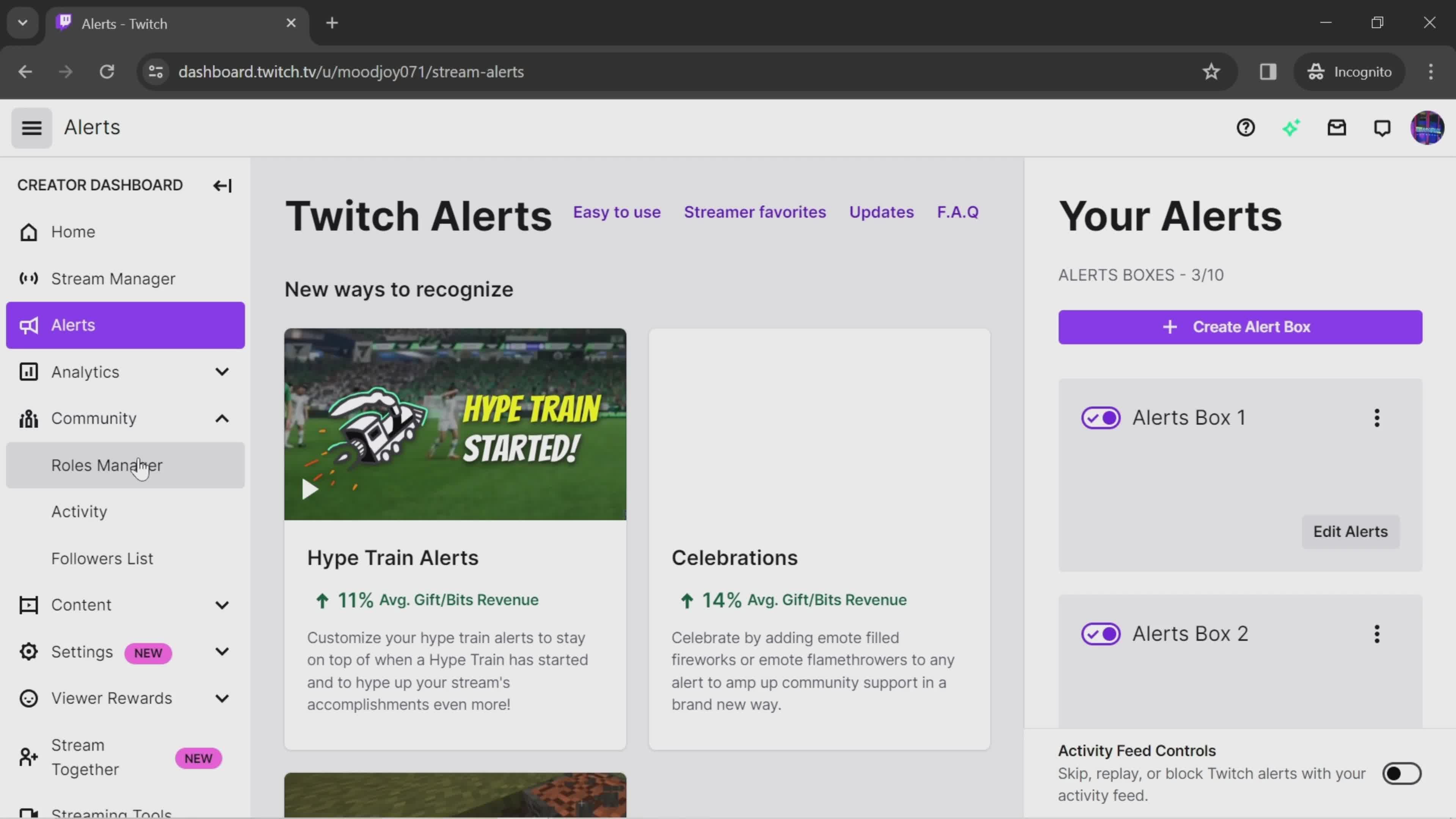
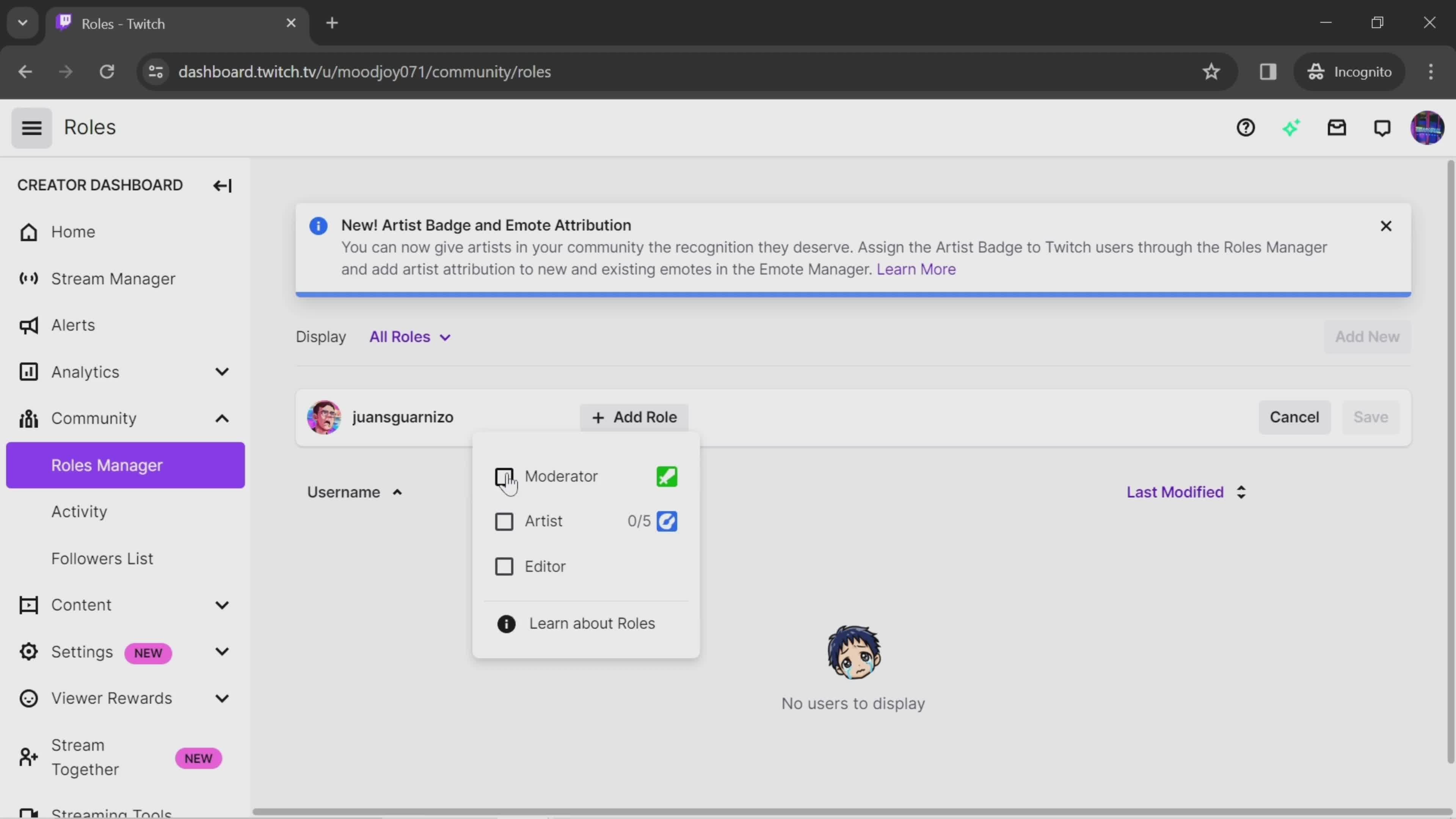
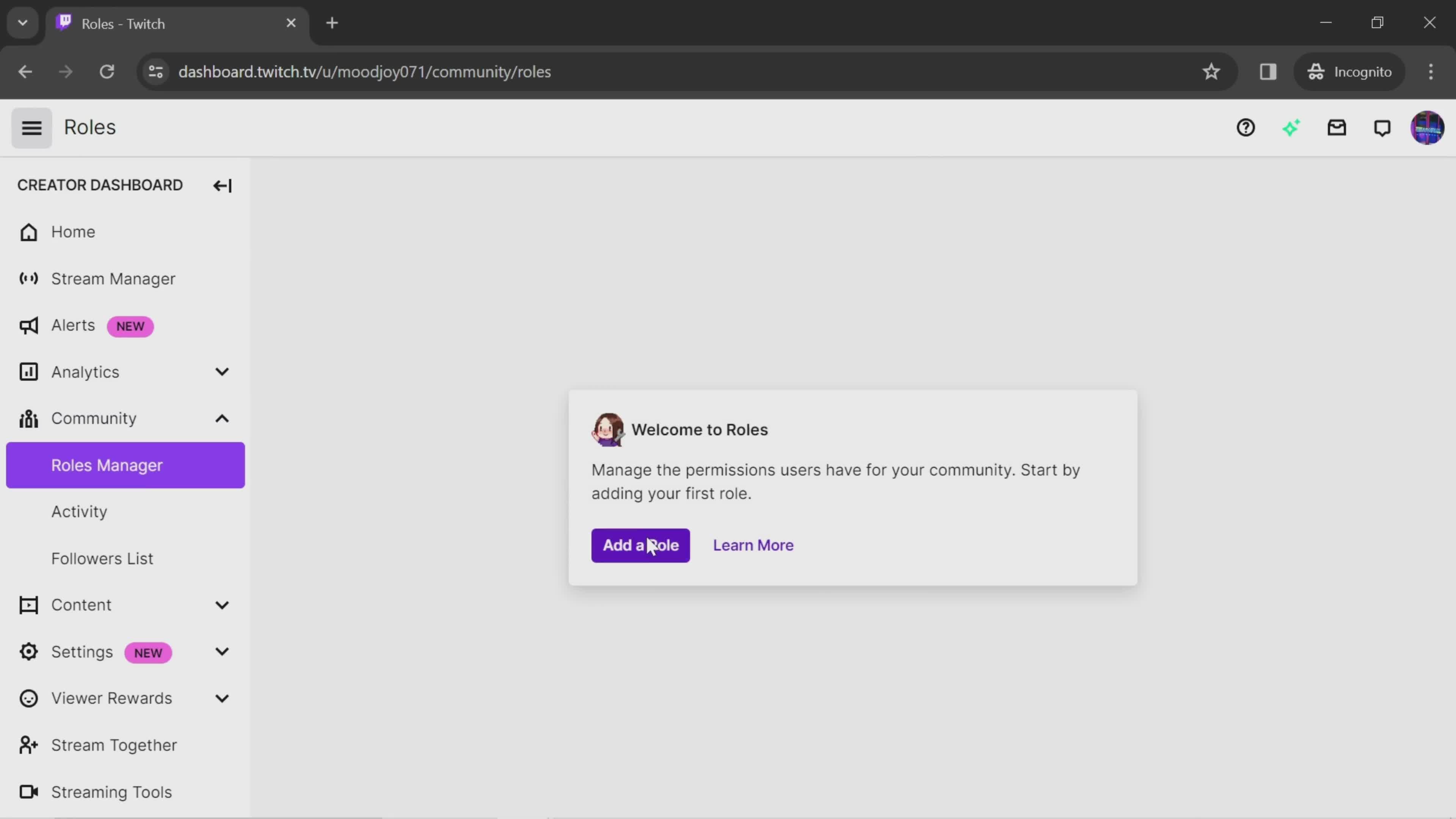
Roles
this is title
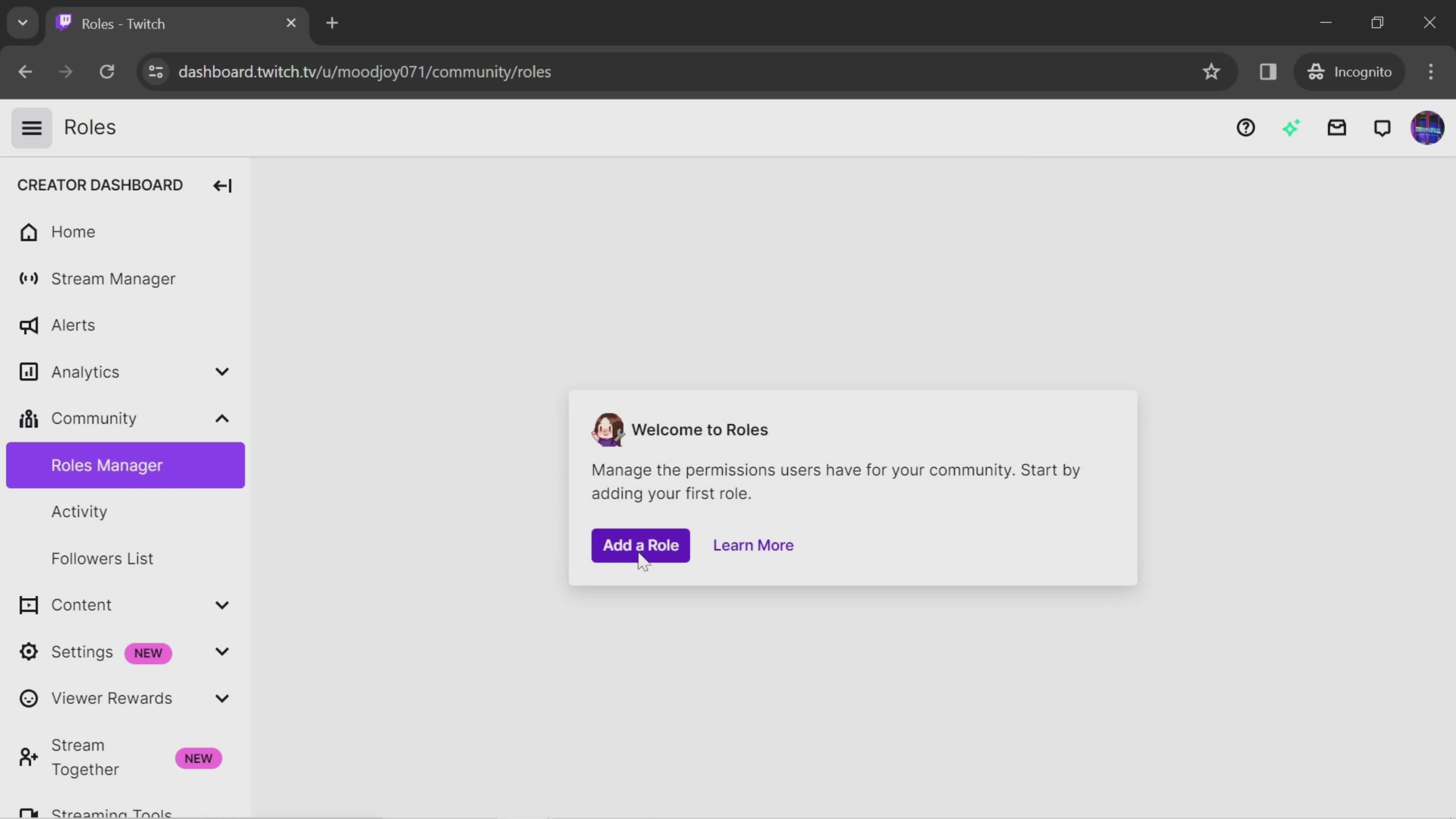
Add role
this is title
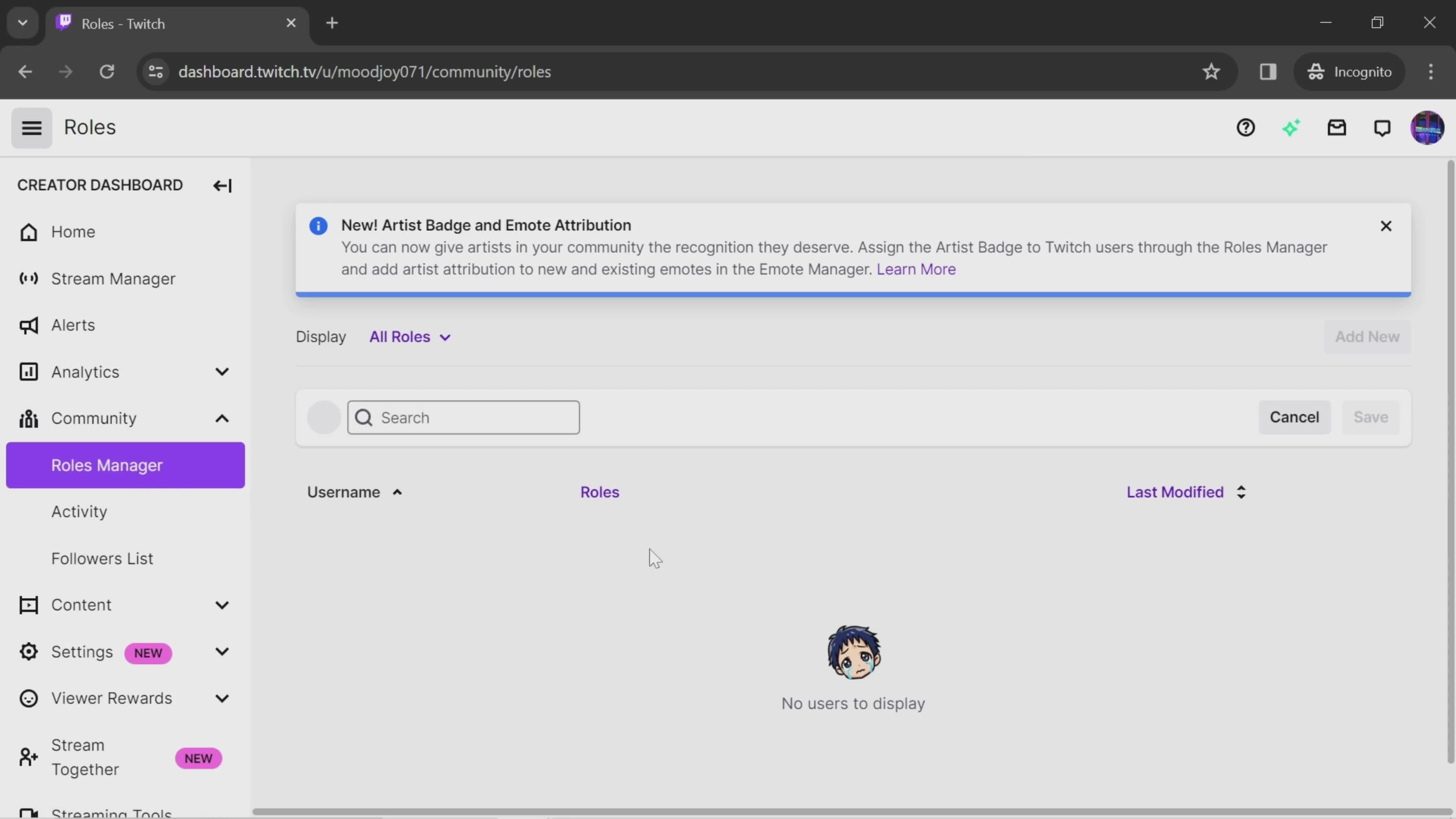
Roles
this is title
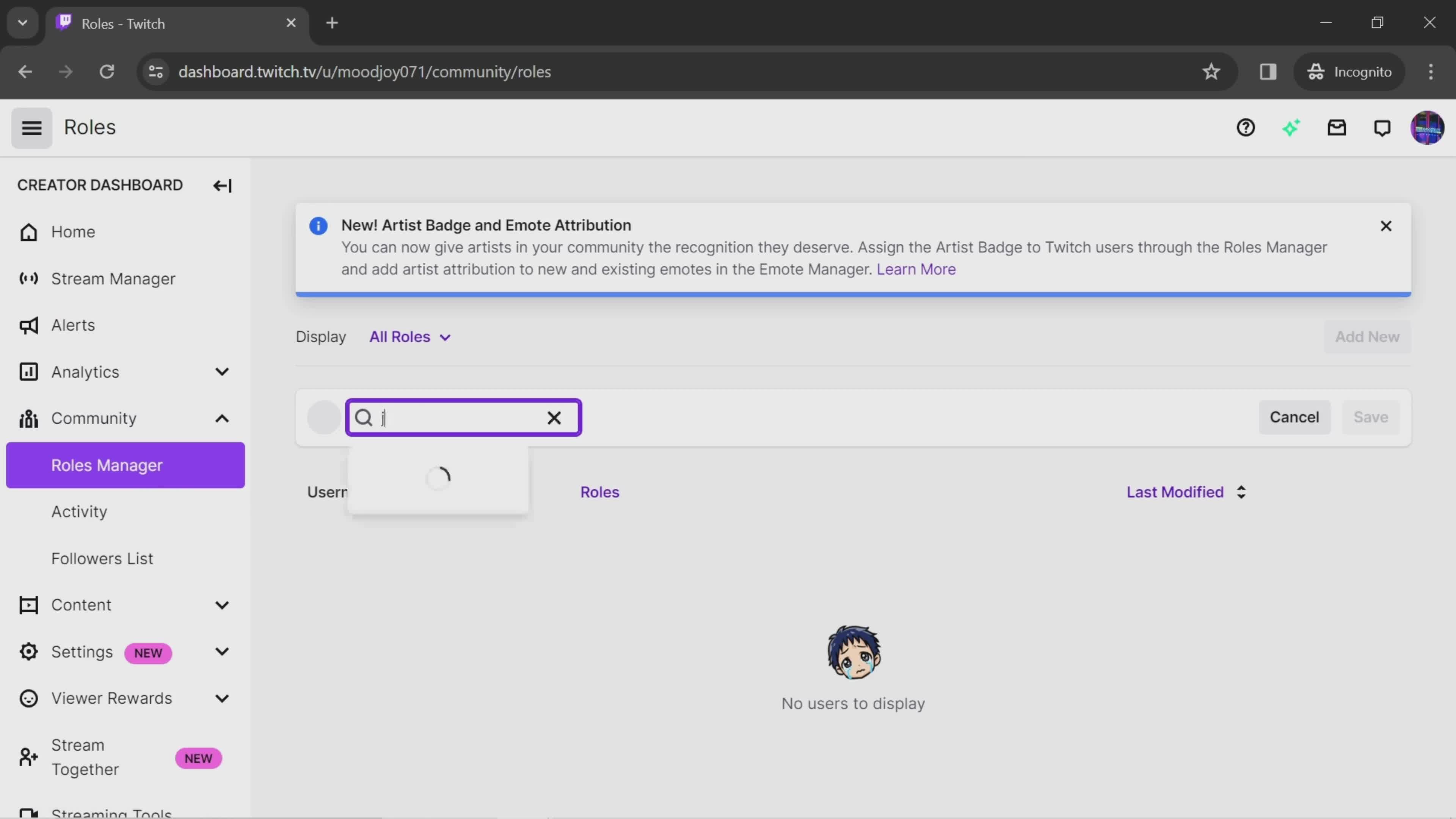
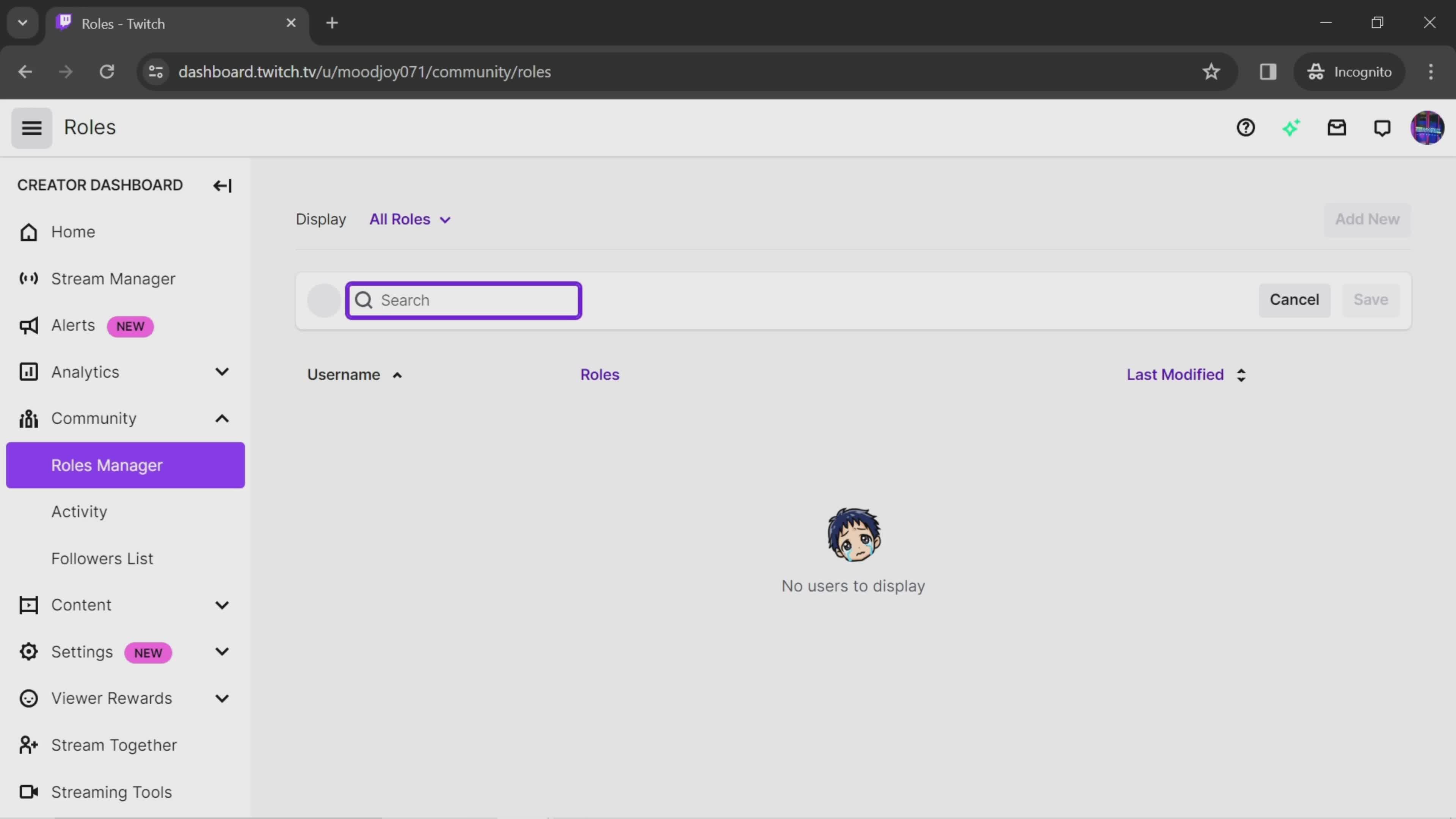
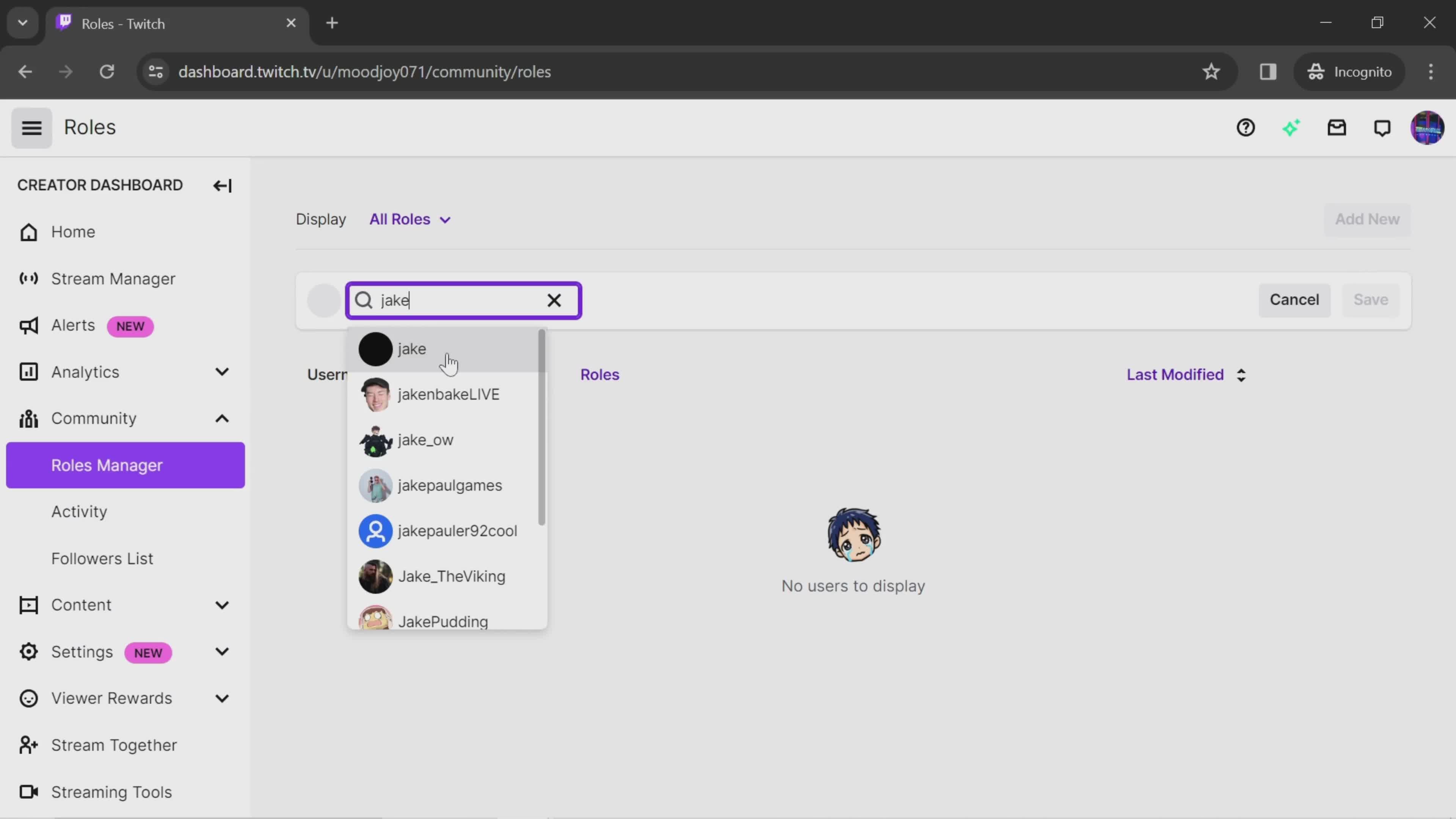
Search
this is title
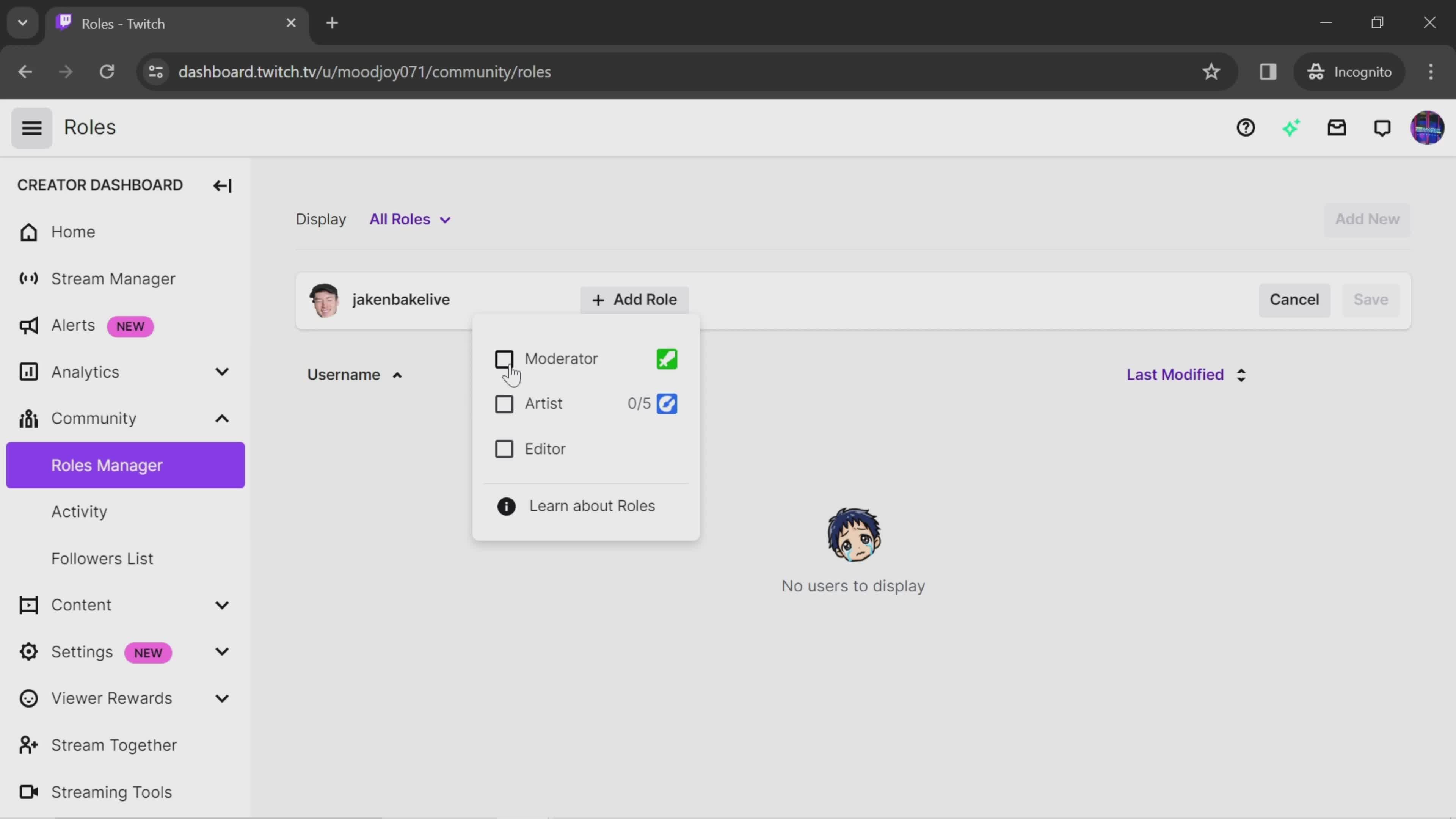
Select role
this is title
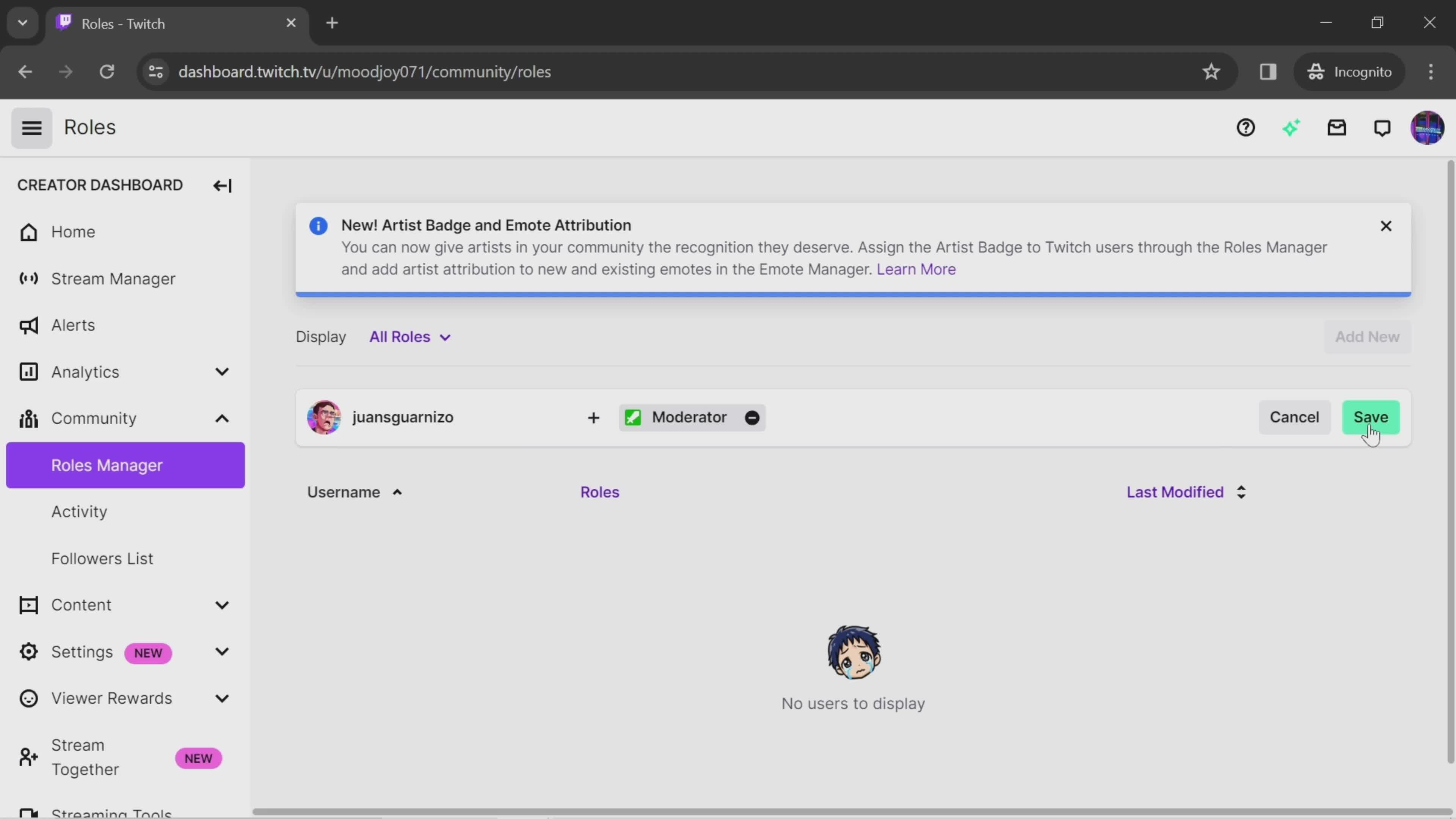
Save
this is title
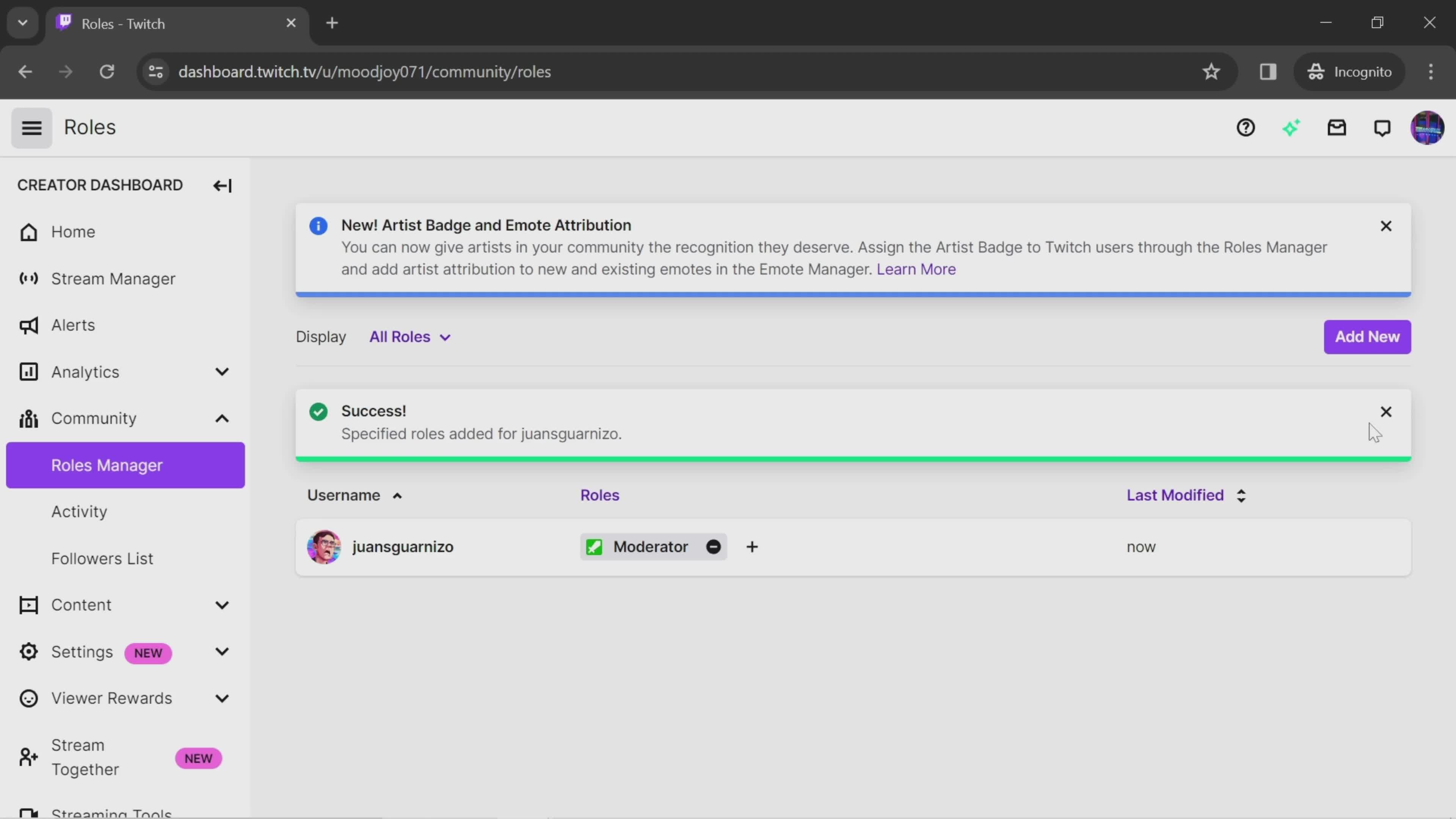
Saved
this is title
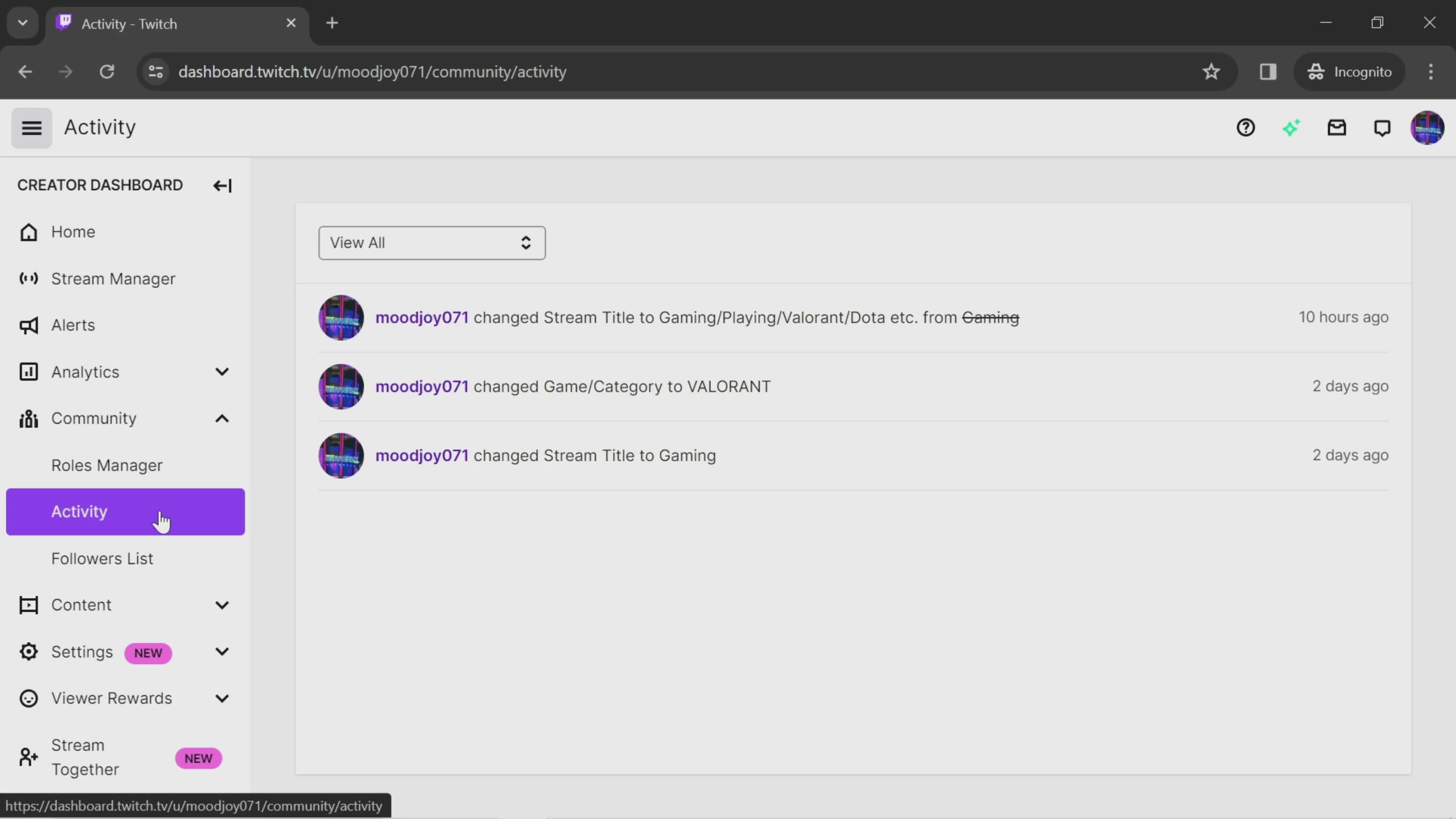
Activity history
this is title
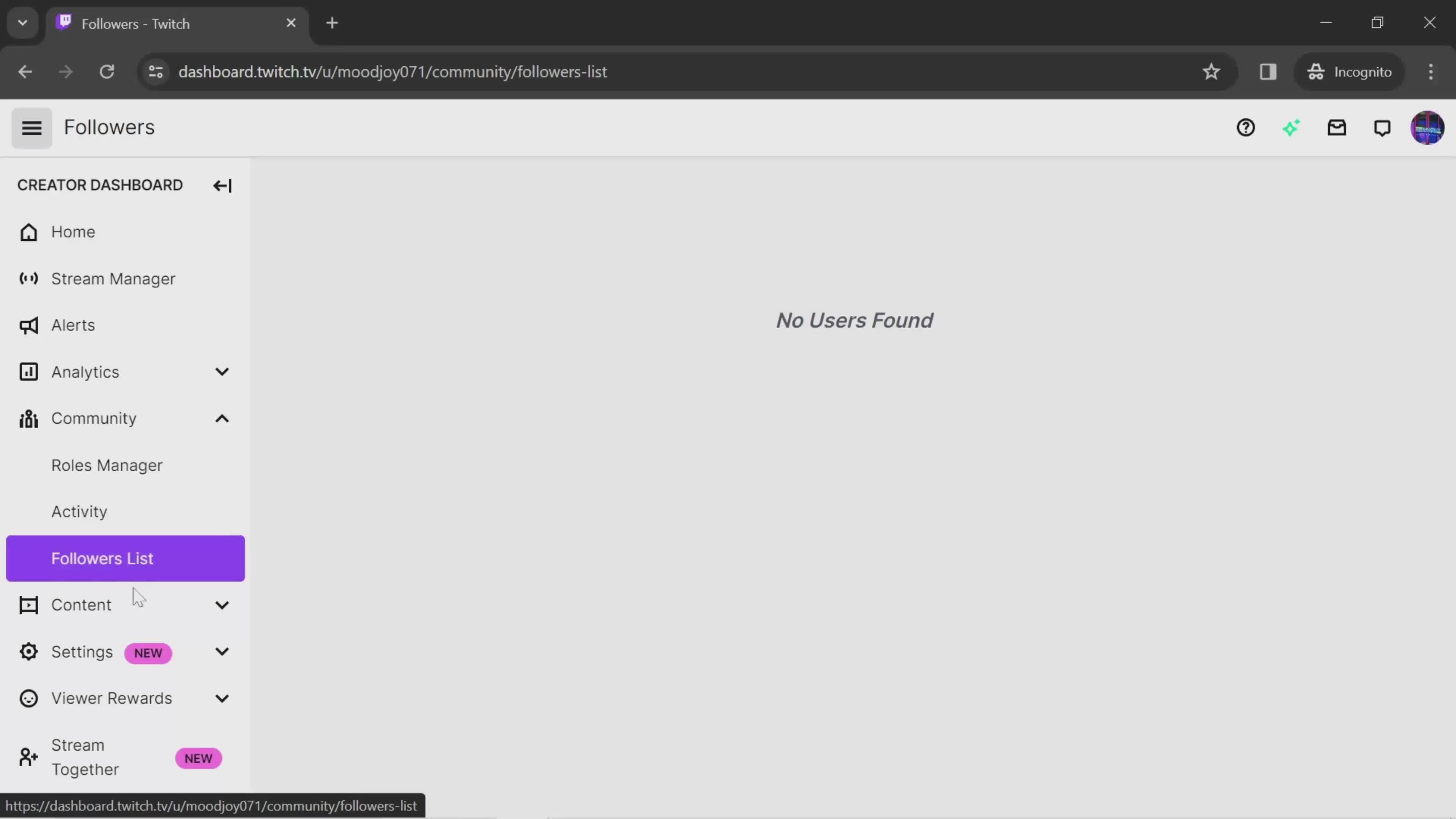
Followers
this is title
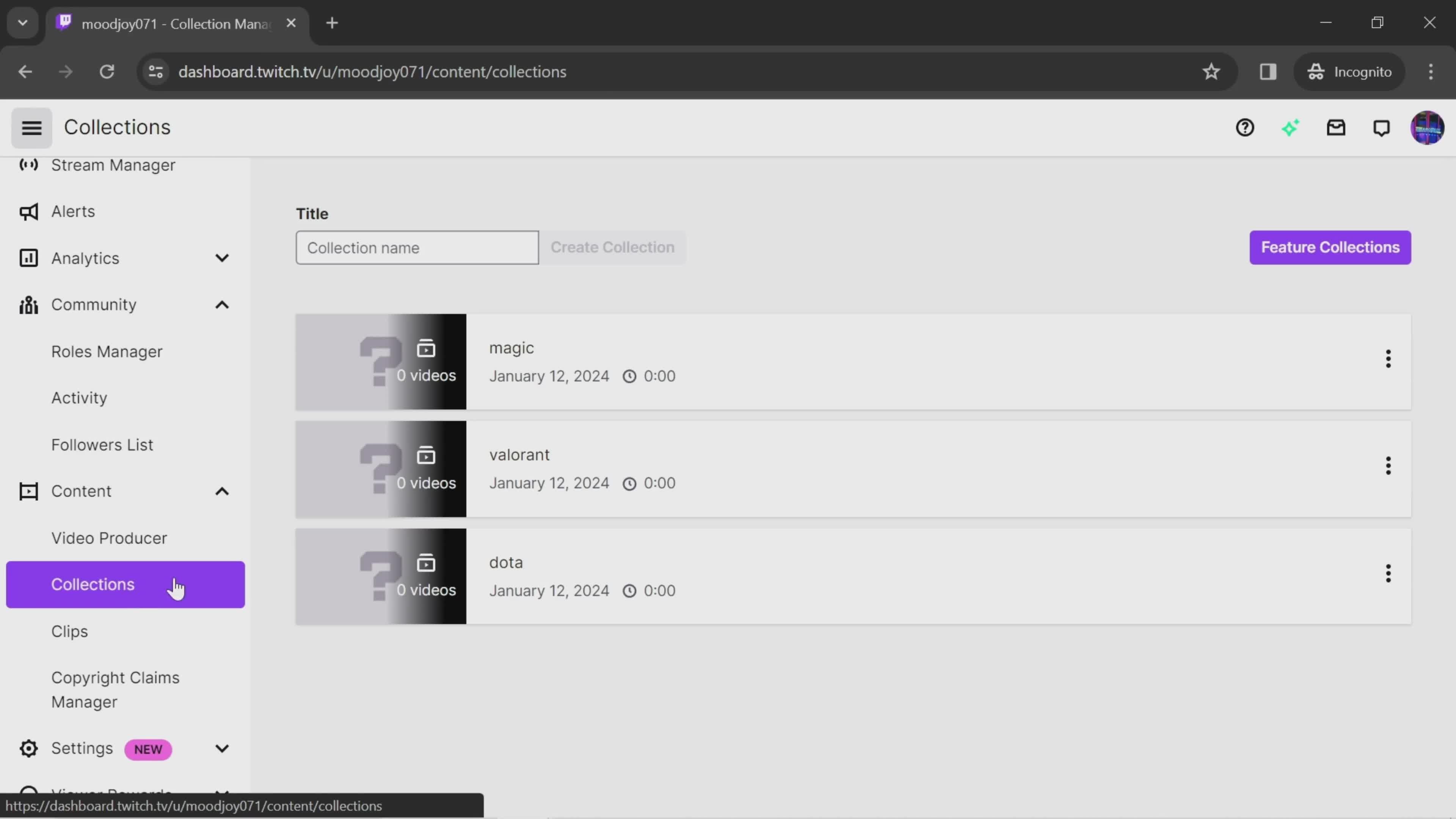
Collections
this is title
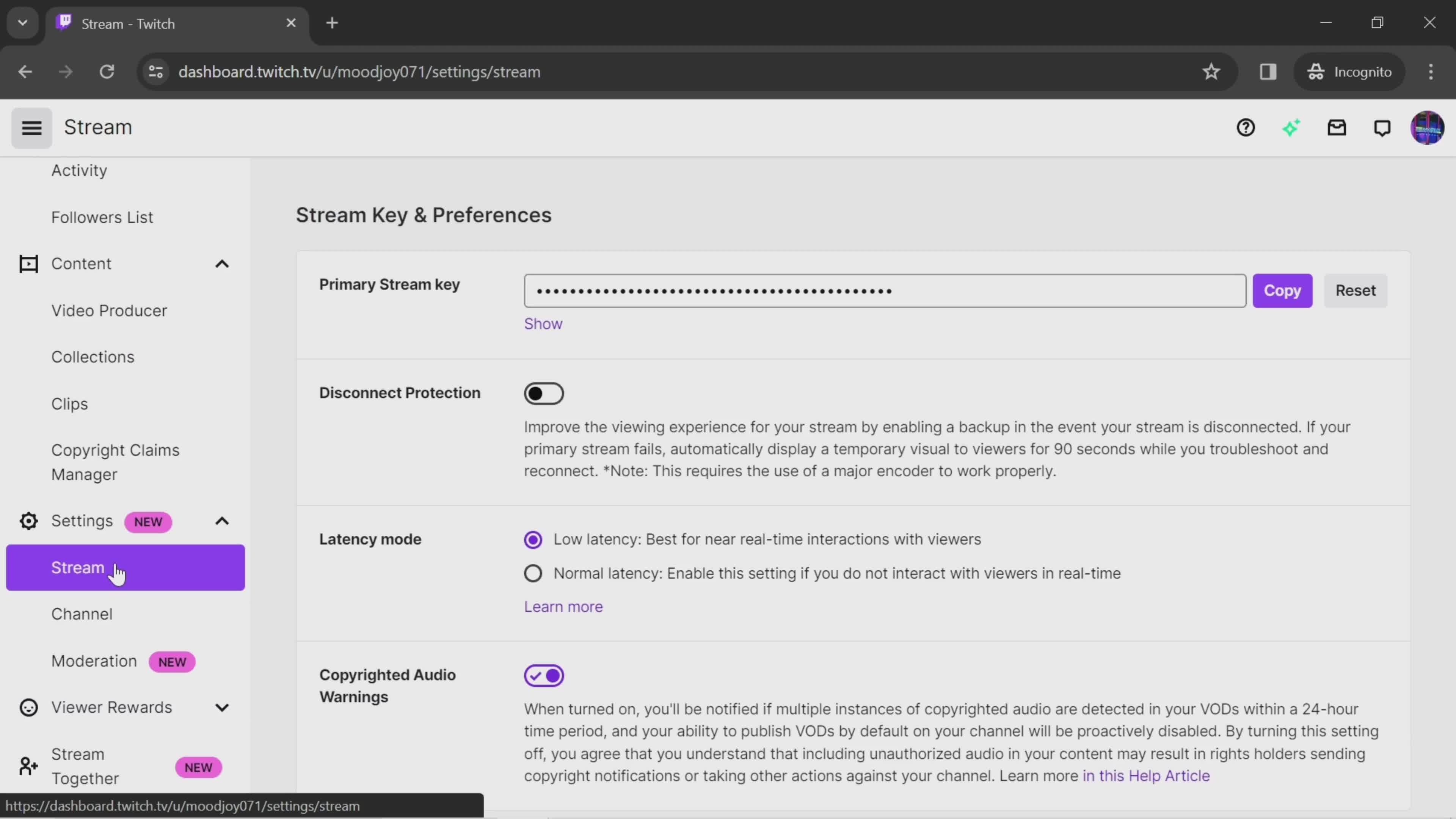
Settings
this is title
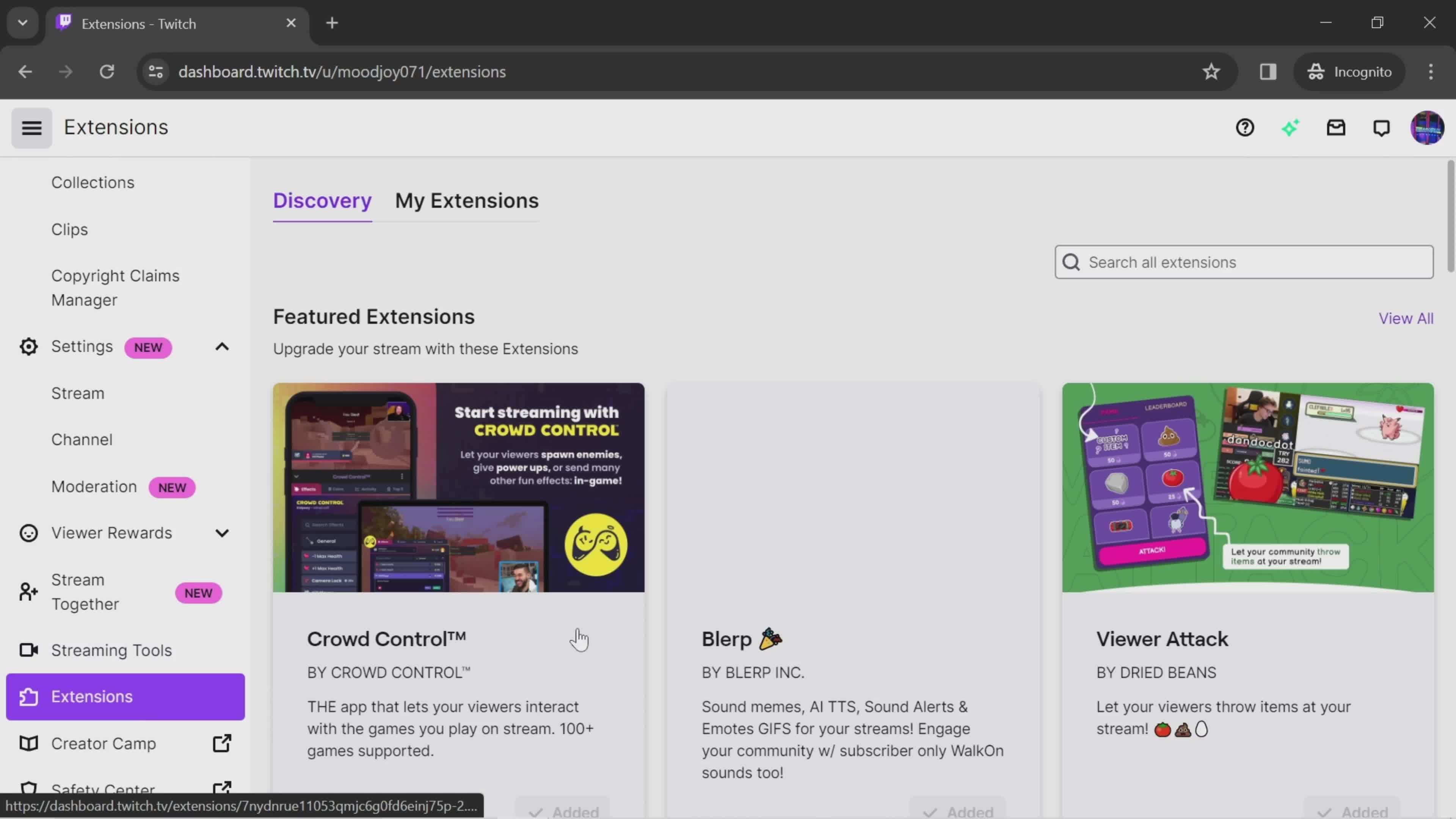
Extensions
this is title
Add
this is title
Activate
this is title
Done
this is title
Deactivate
this is title
Confirm deactivation
this is title
Account menu
this is title
Home
this is title
Homepage
this is title
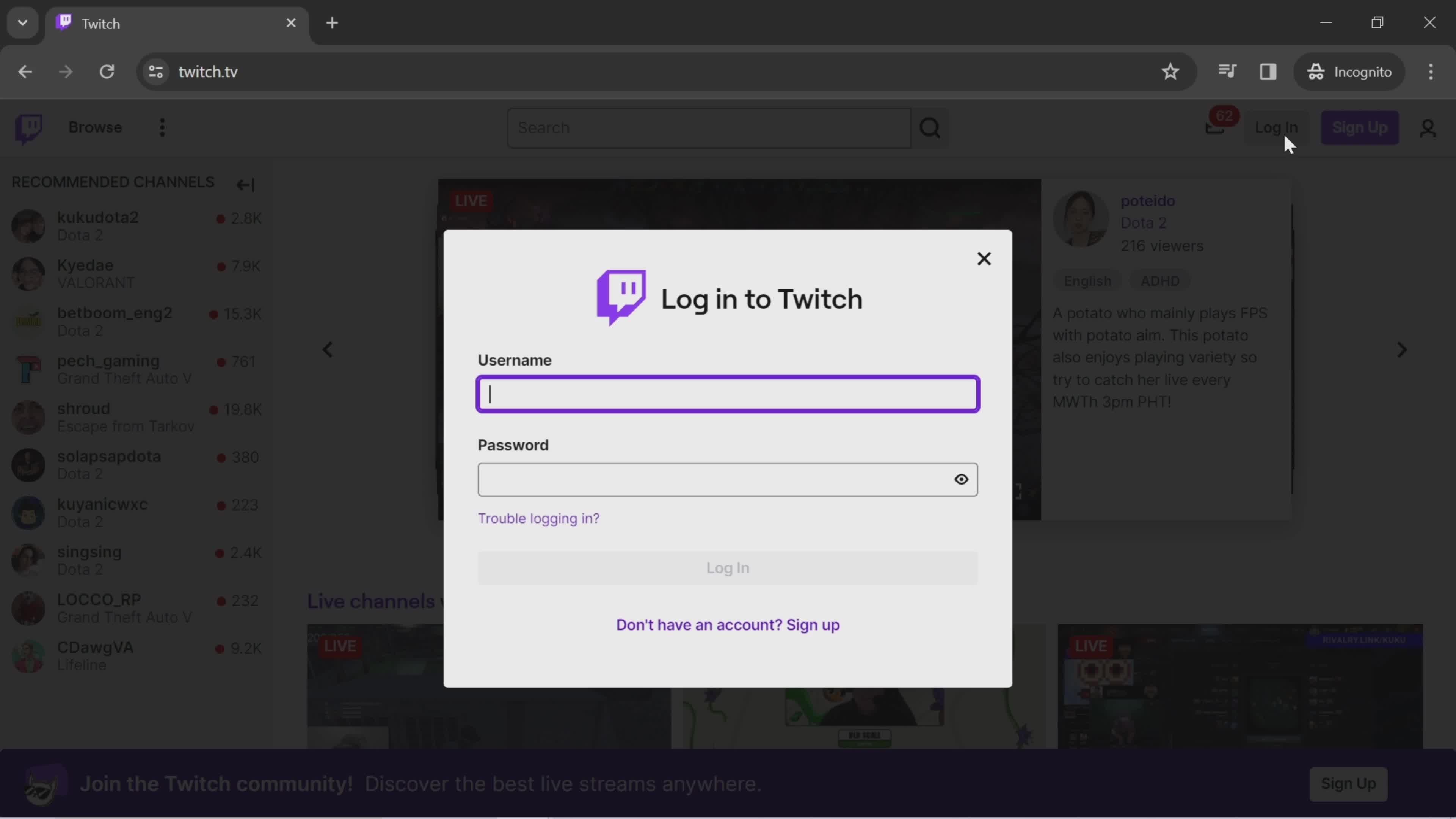
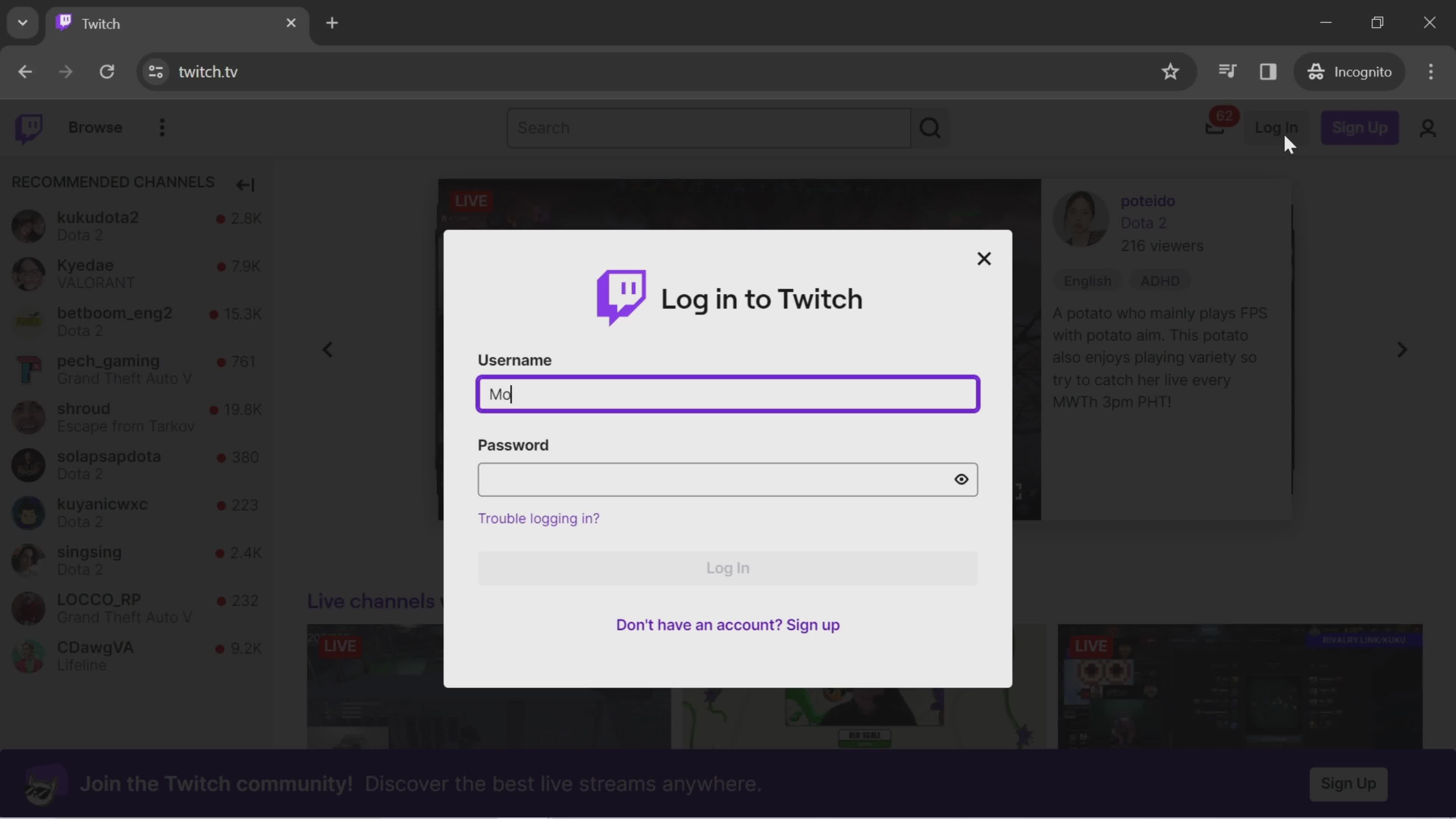
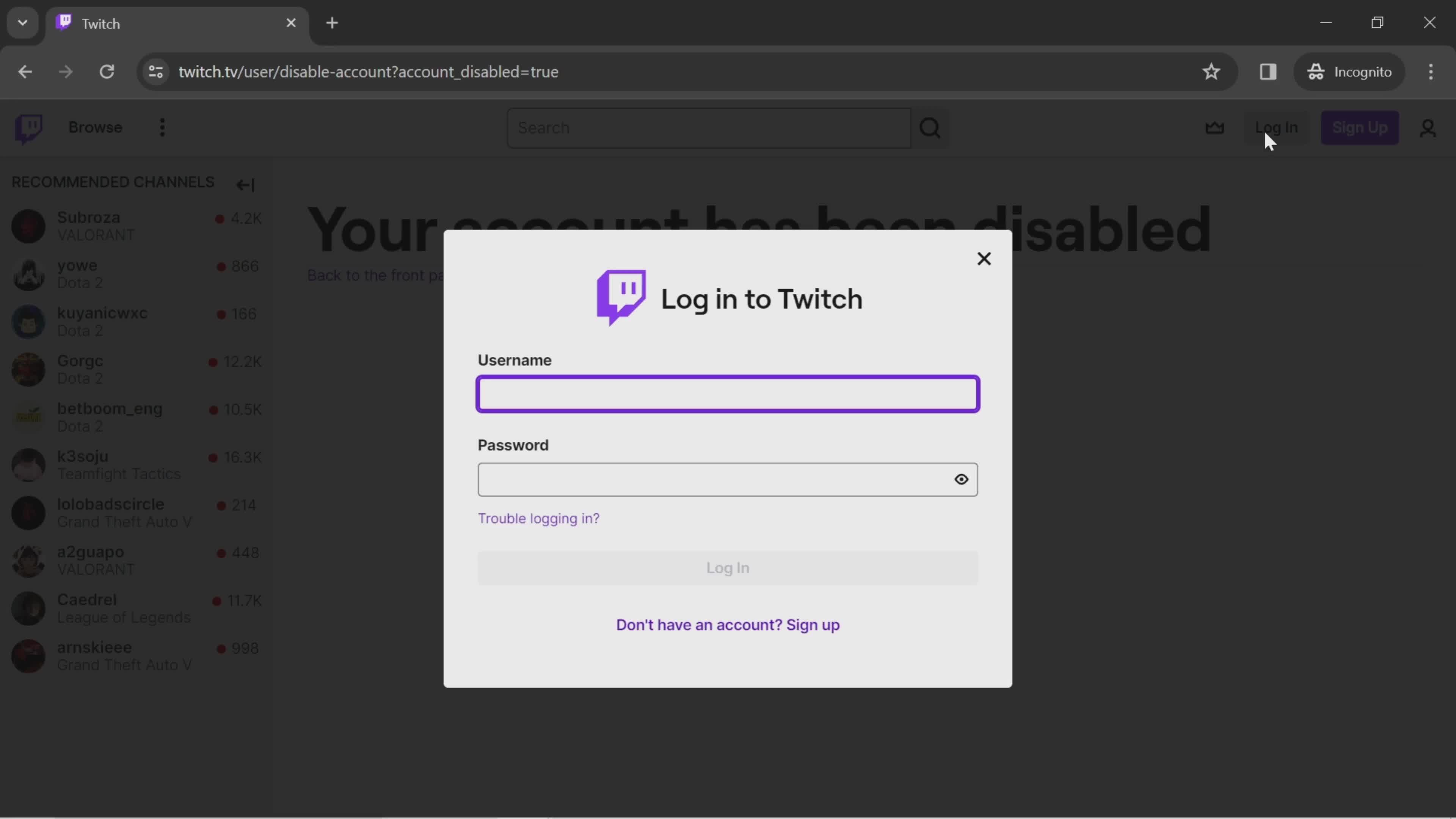
Log in
this is title
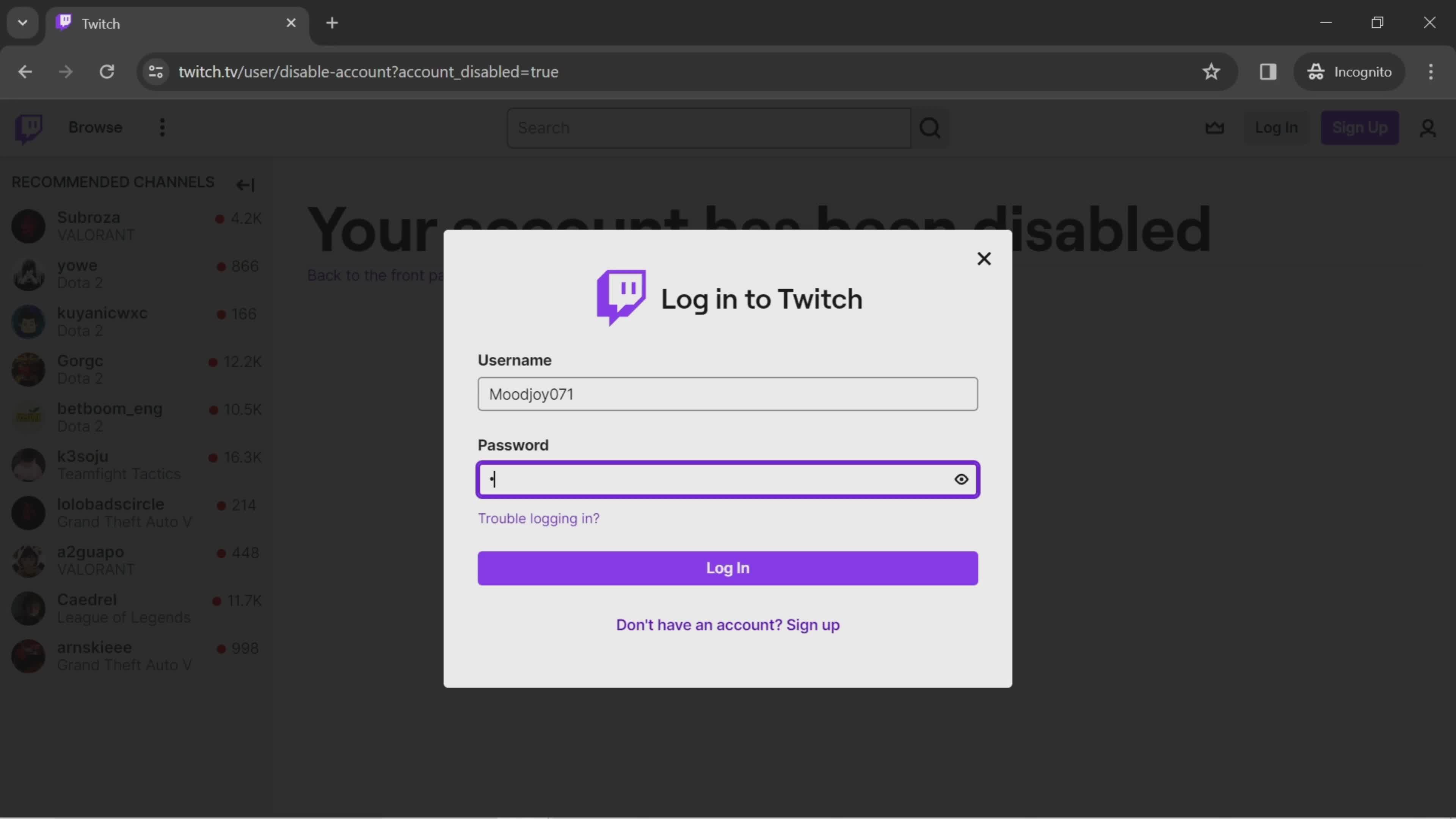
Enter username
this is title
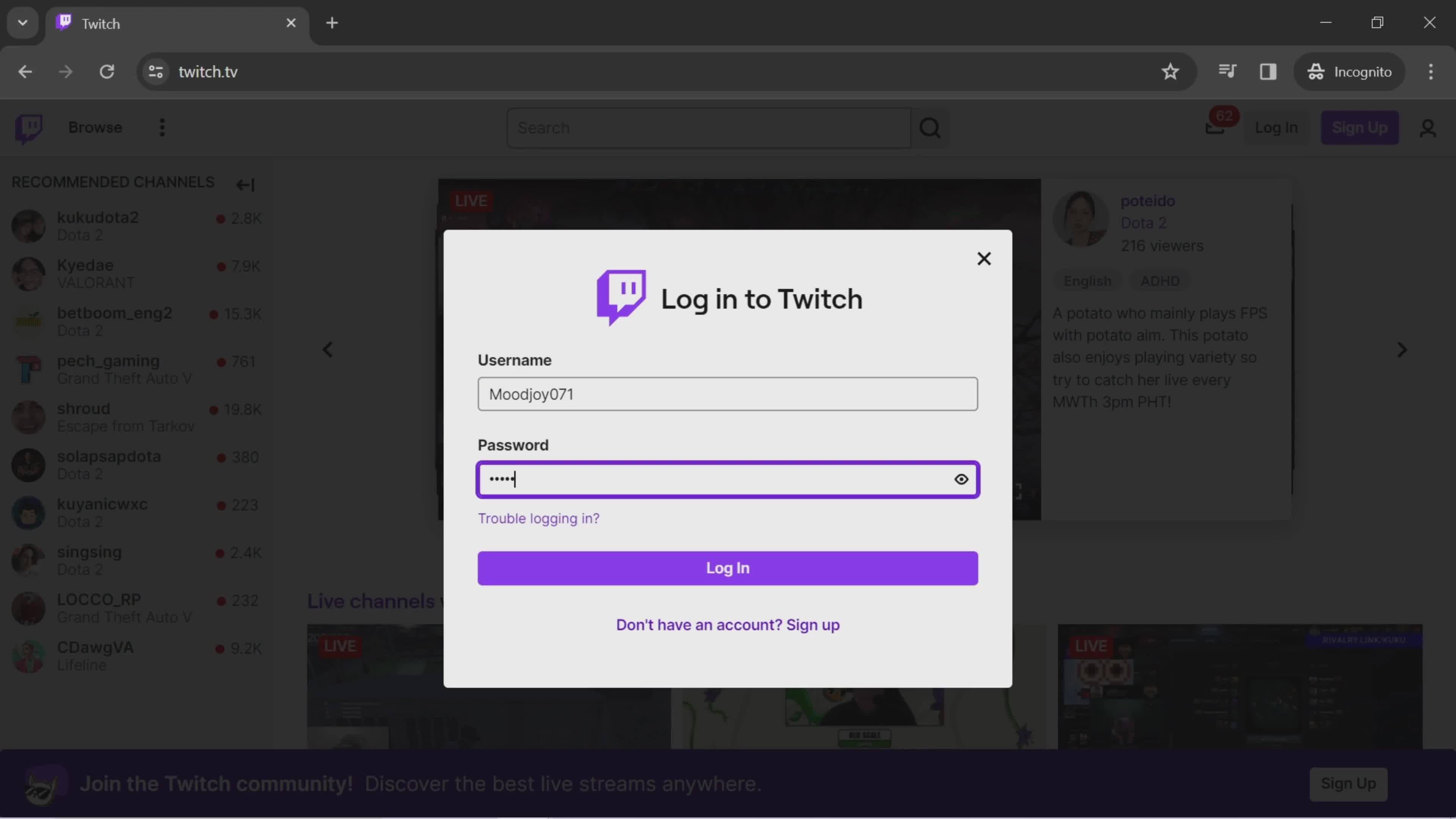
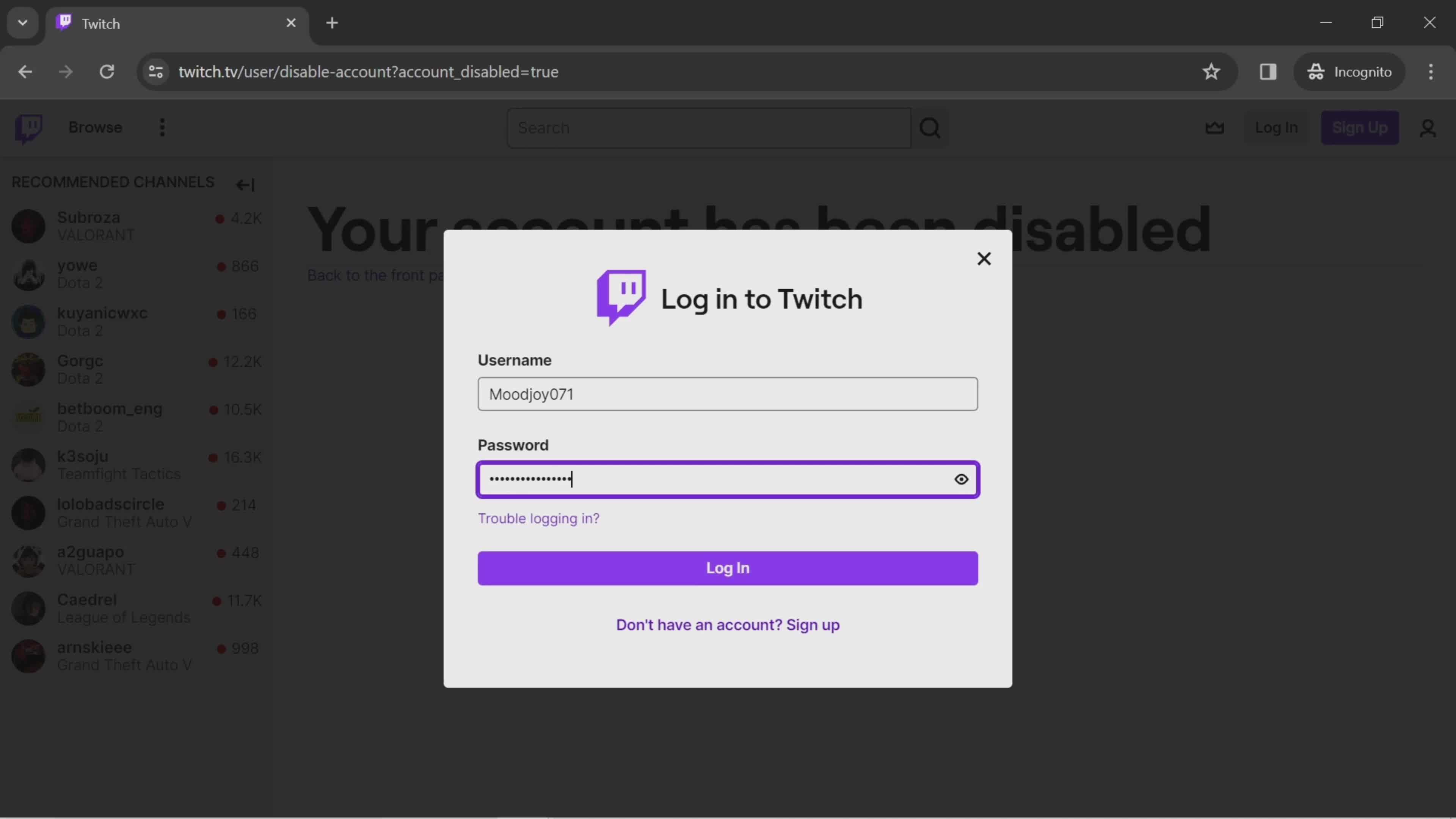
Enter password
this is title
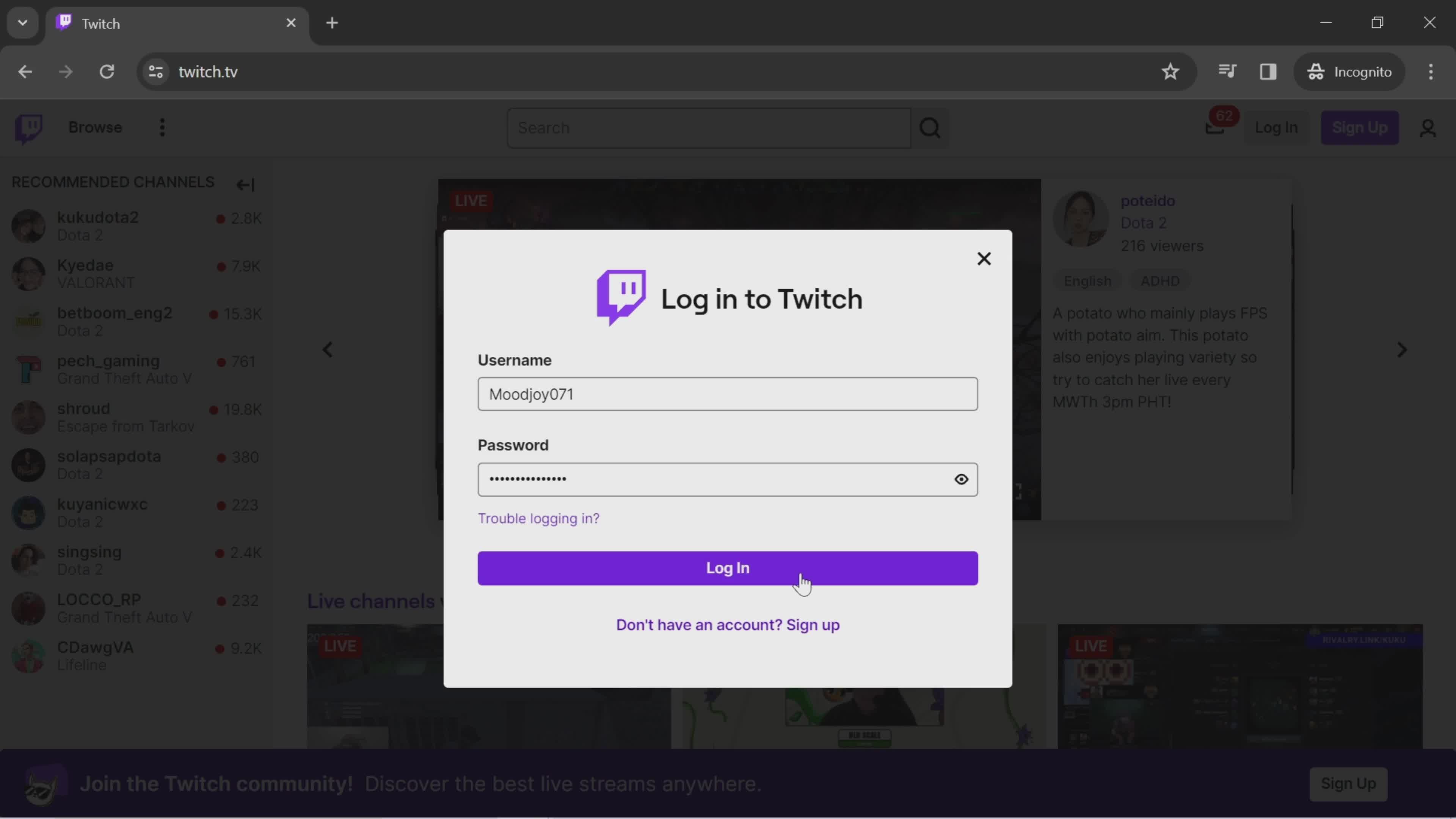
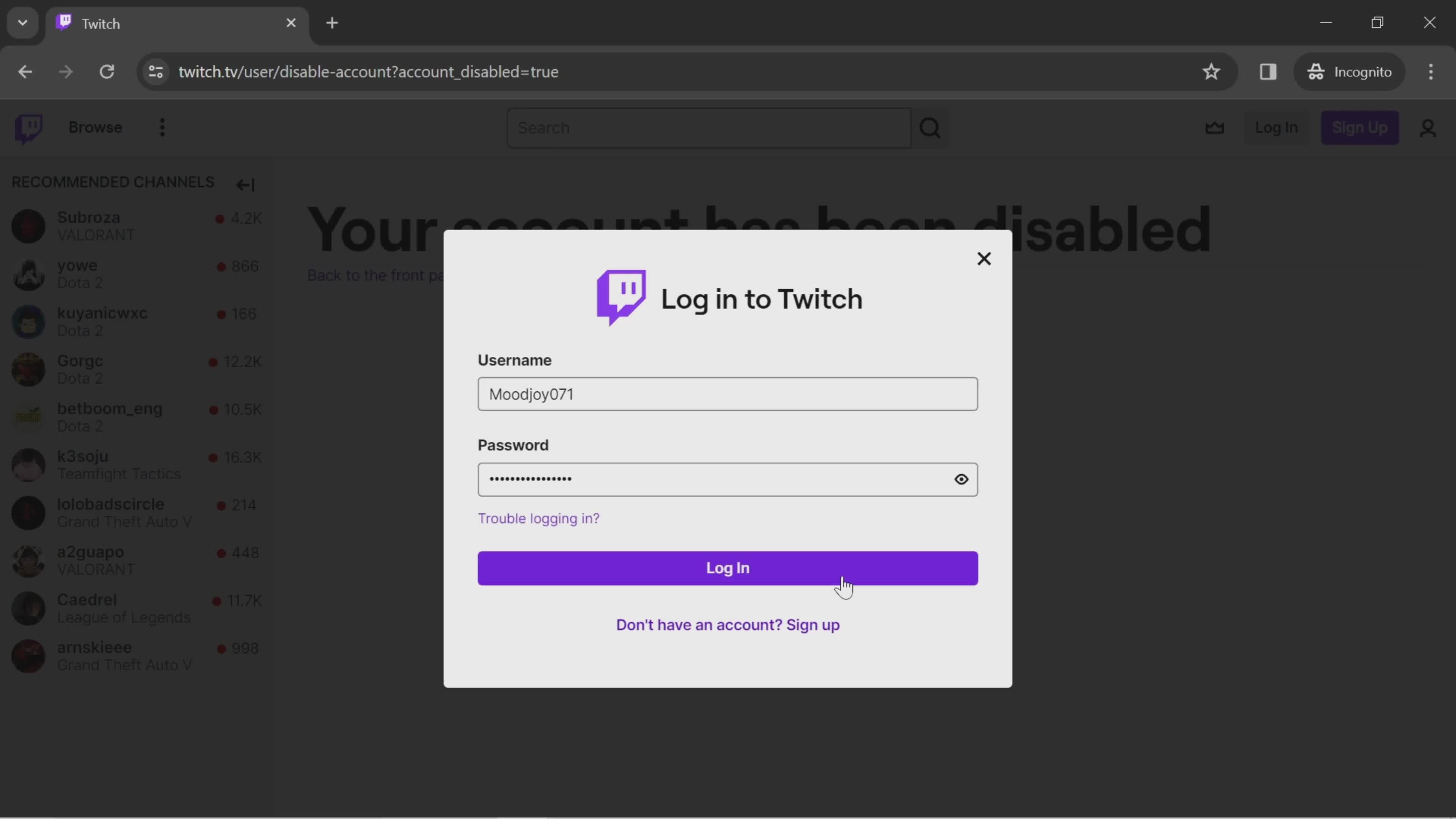
Log in
this is title
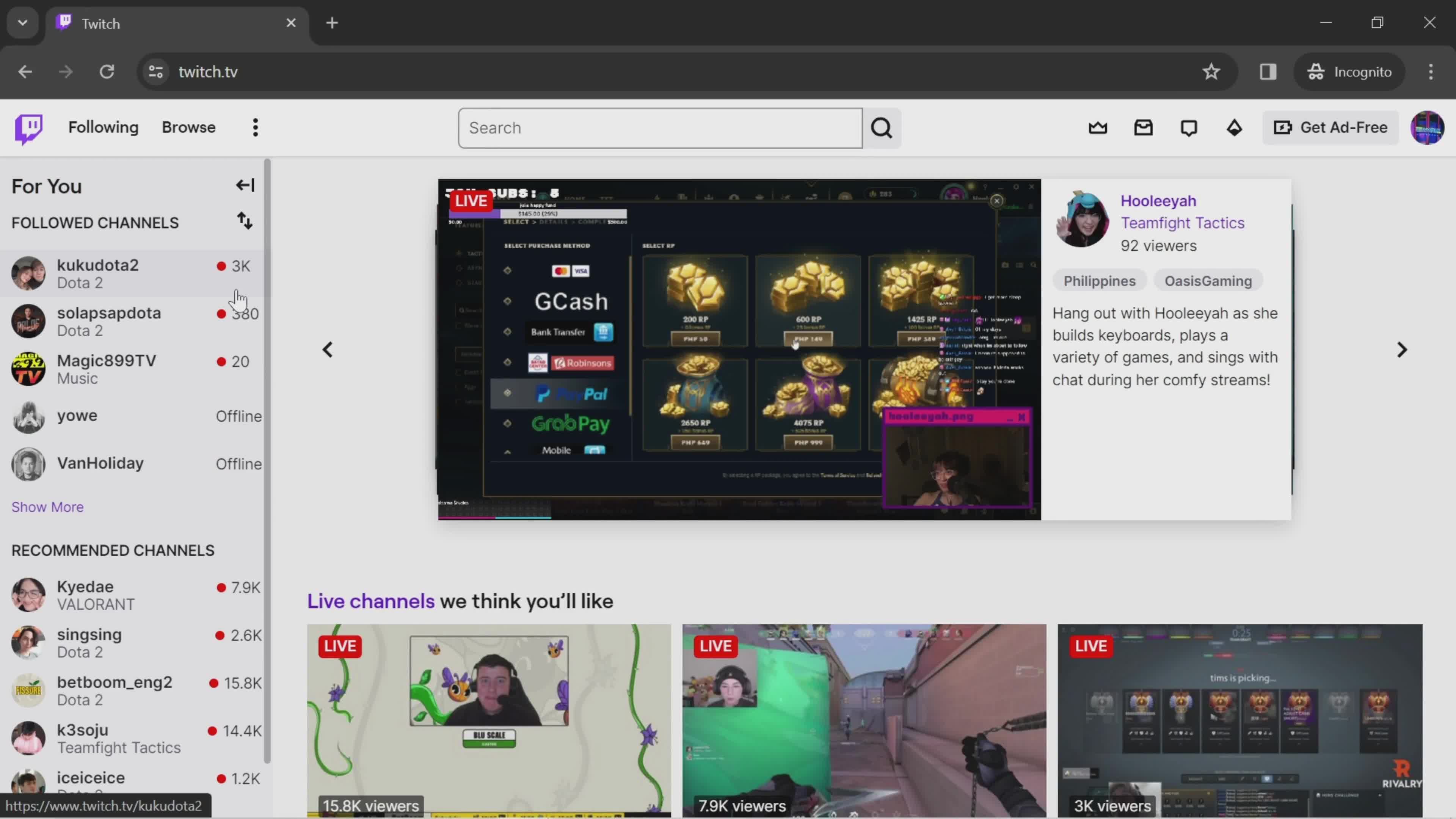
Home
this is title
Home
this is title
Account menu
this is title
Log out
this is title
Log in
this is title
Home
this is title
Account menu
this is title
Dashboard
this is title
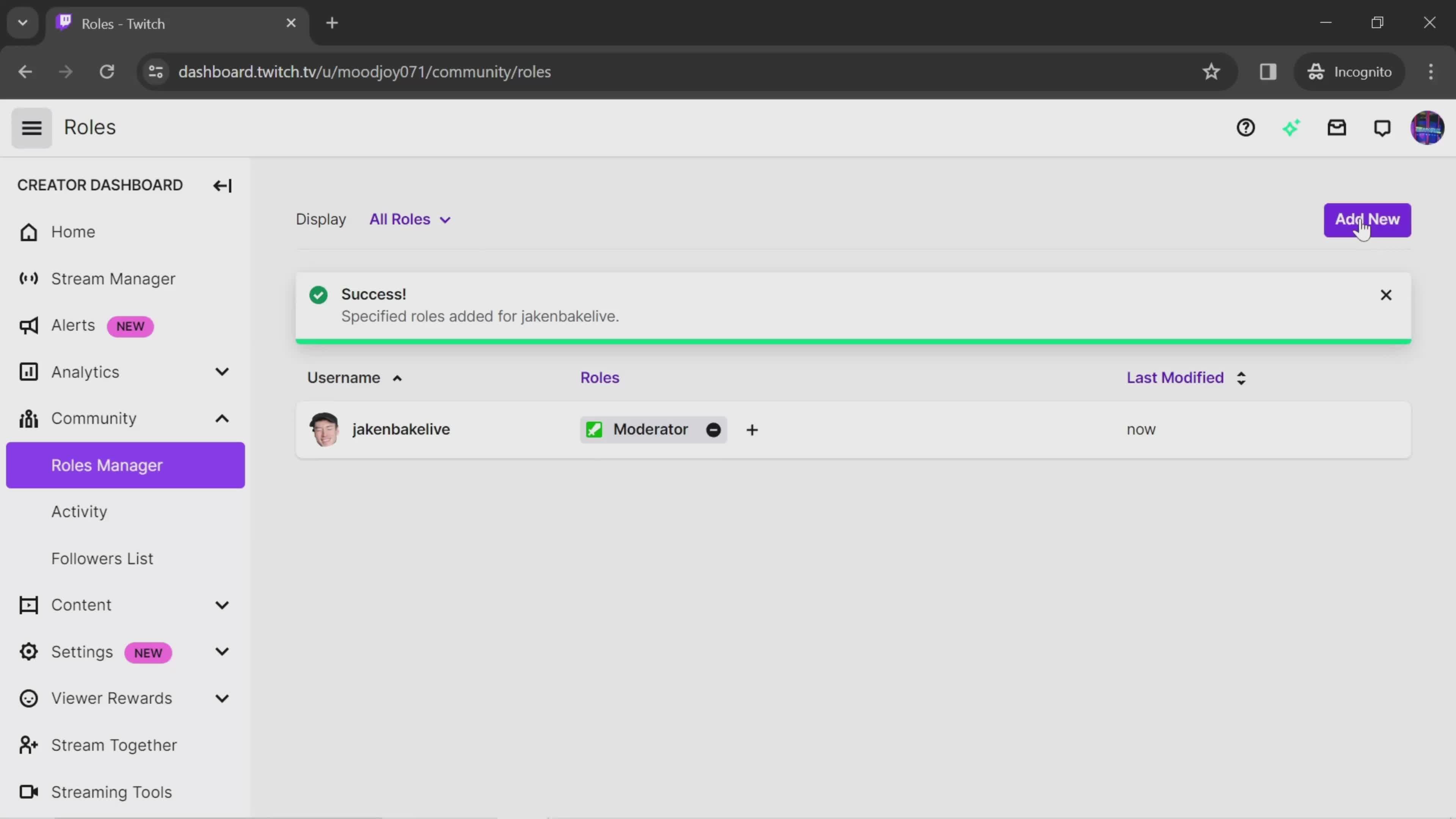
Roles
this is title
Add role
this is title
Search
this is title
Search results
this is title
Select role
this is title
Save
this is title
Added
this is title
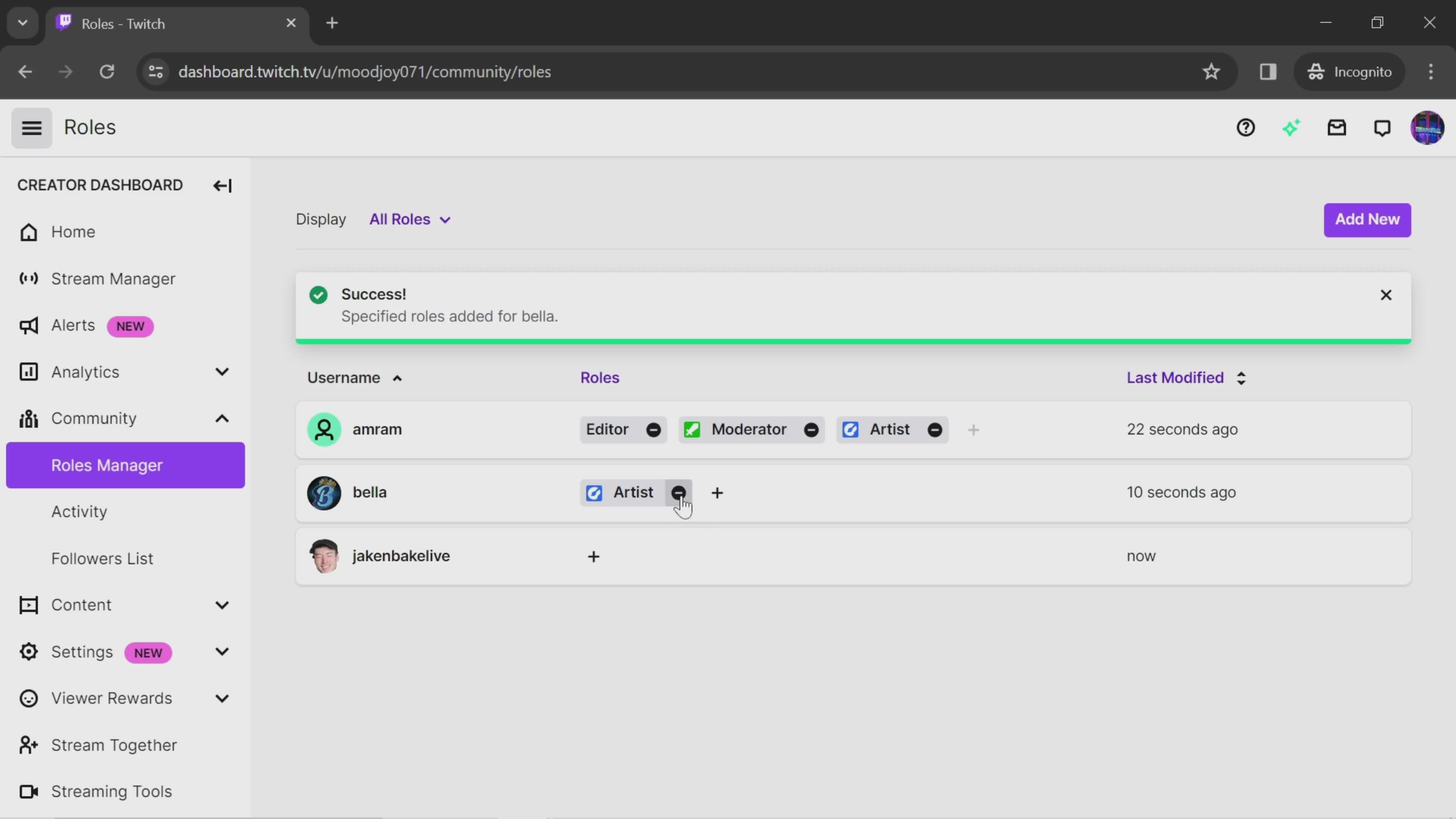
Remove
this is title
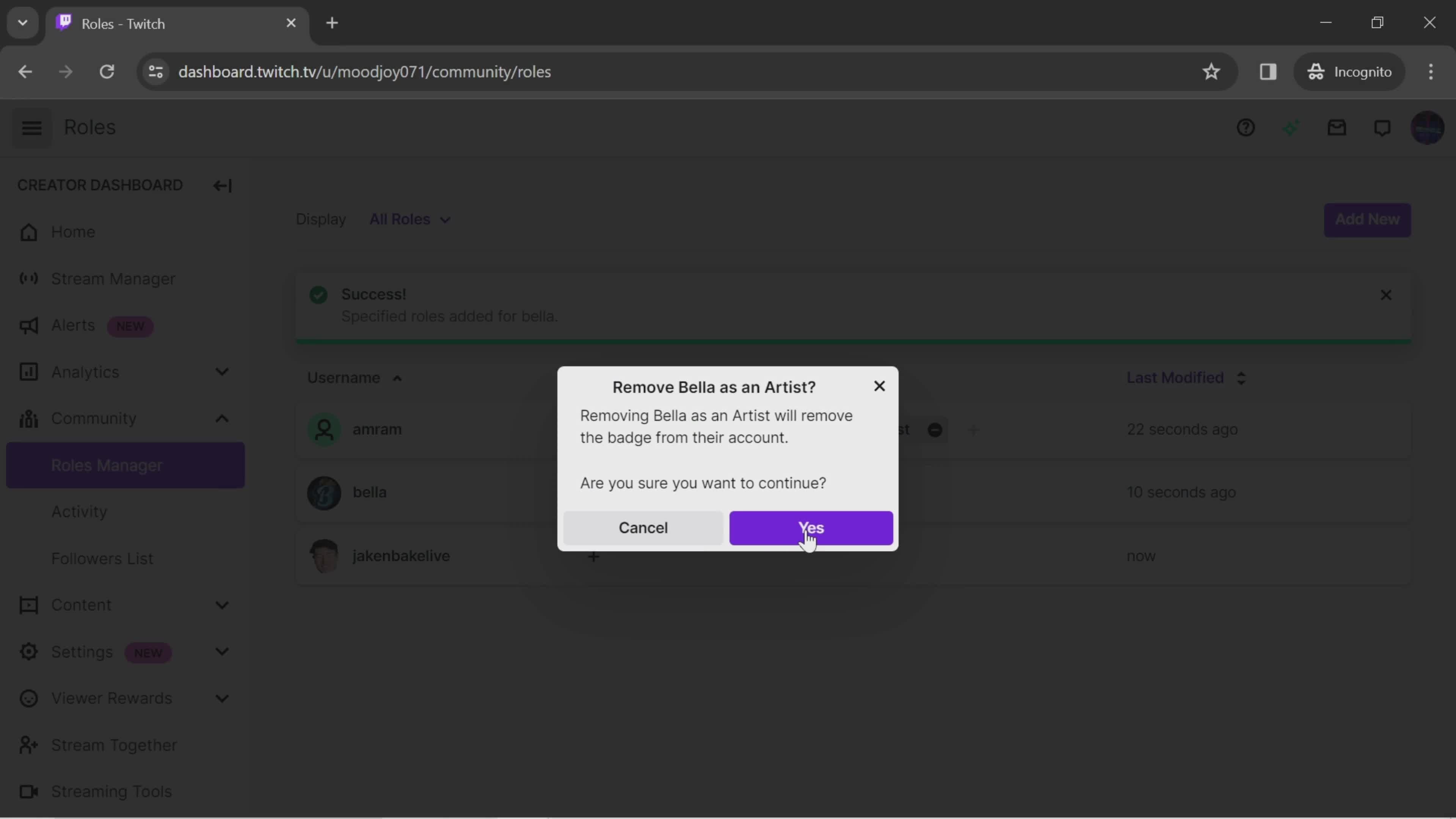
Confirm removal
this is title
Homepage
this is title
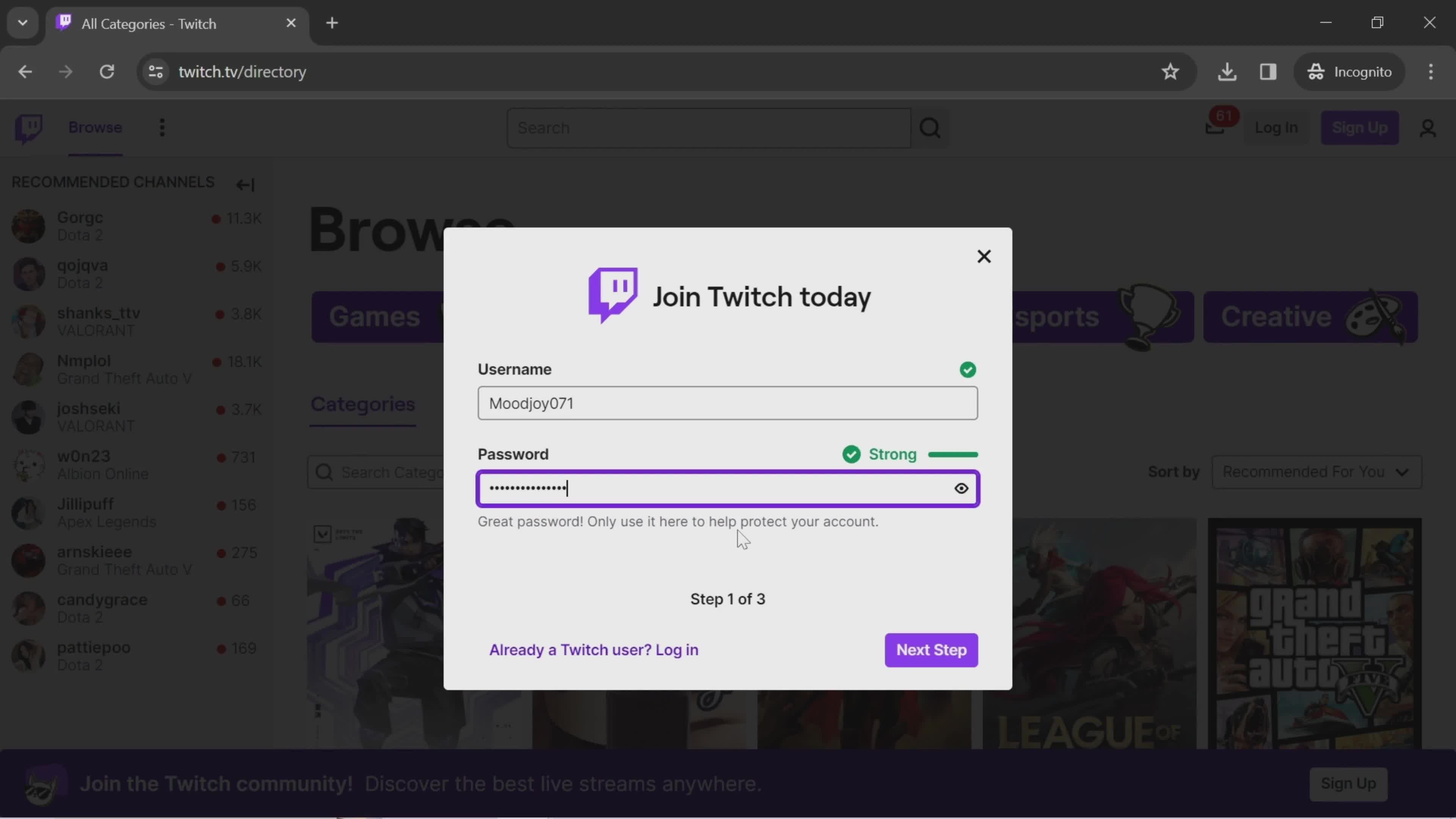
Sign up
this is title
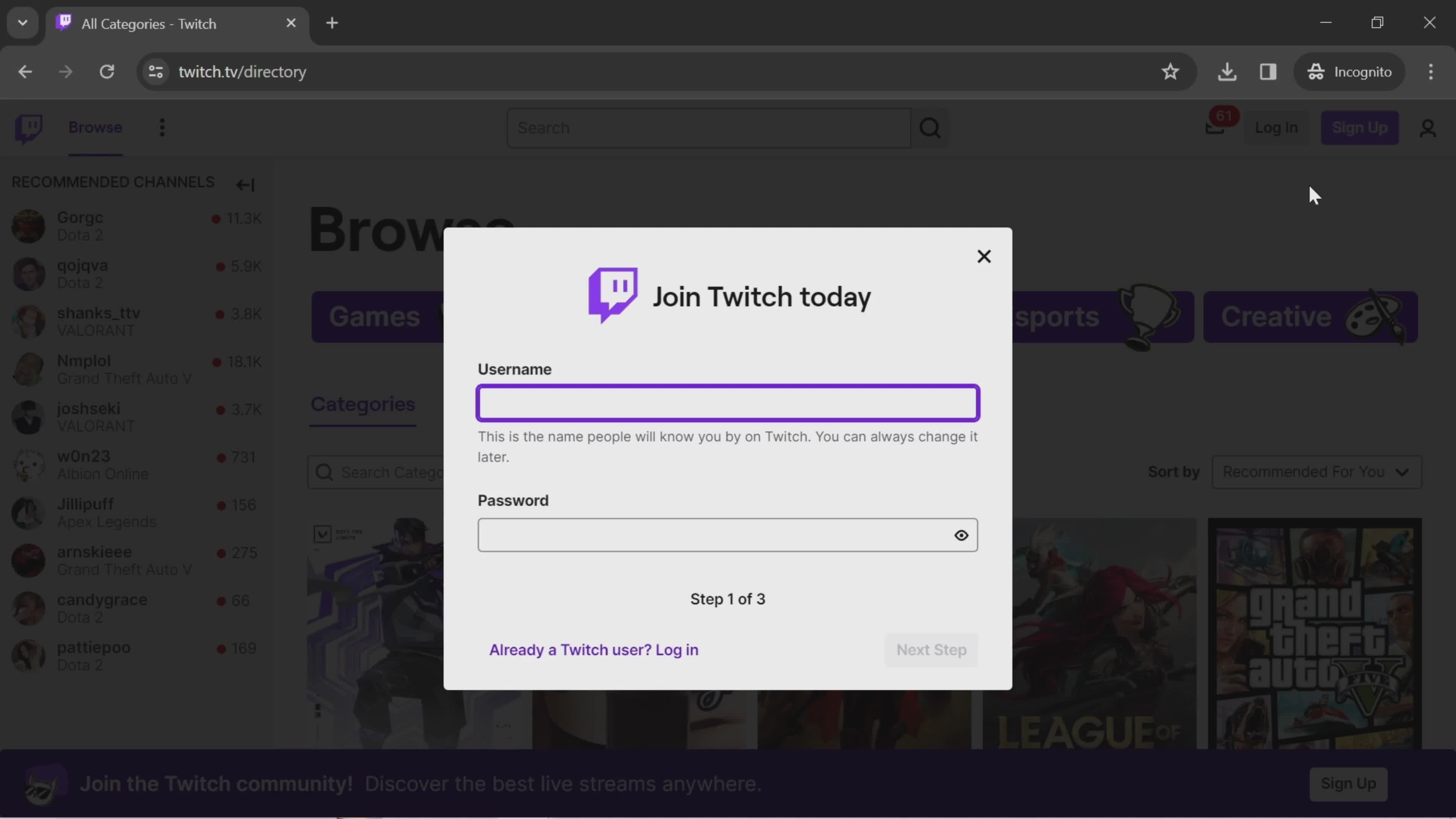
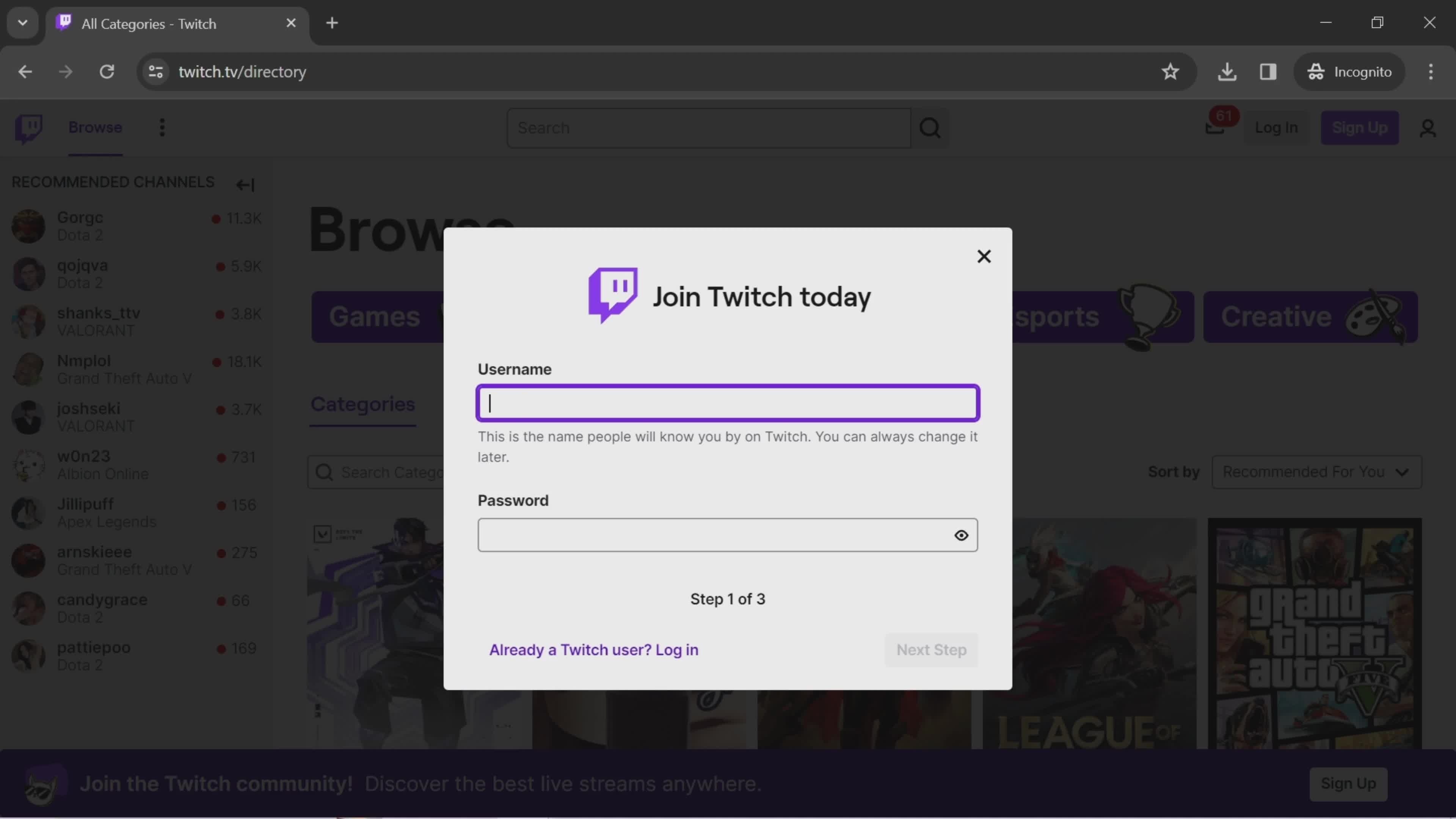
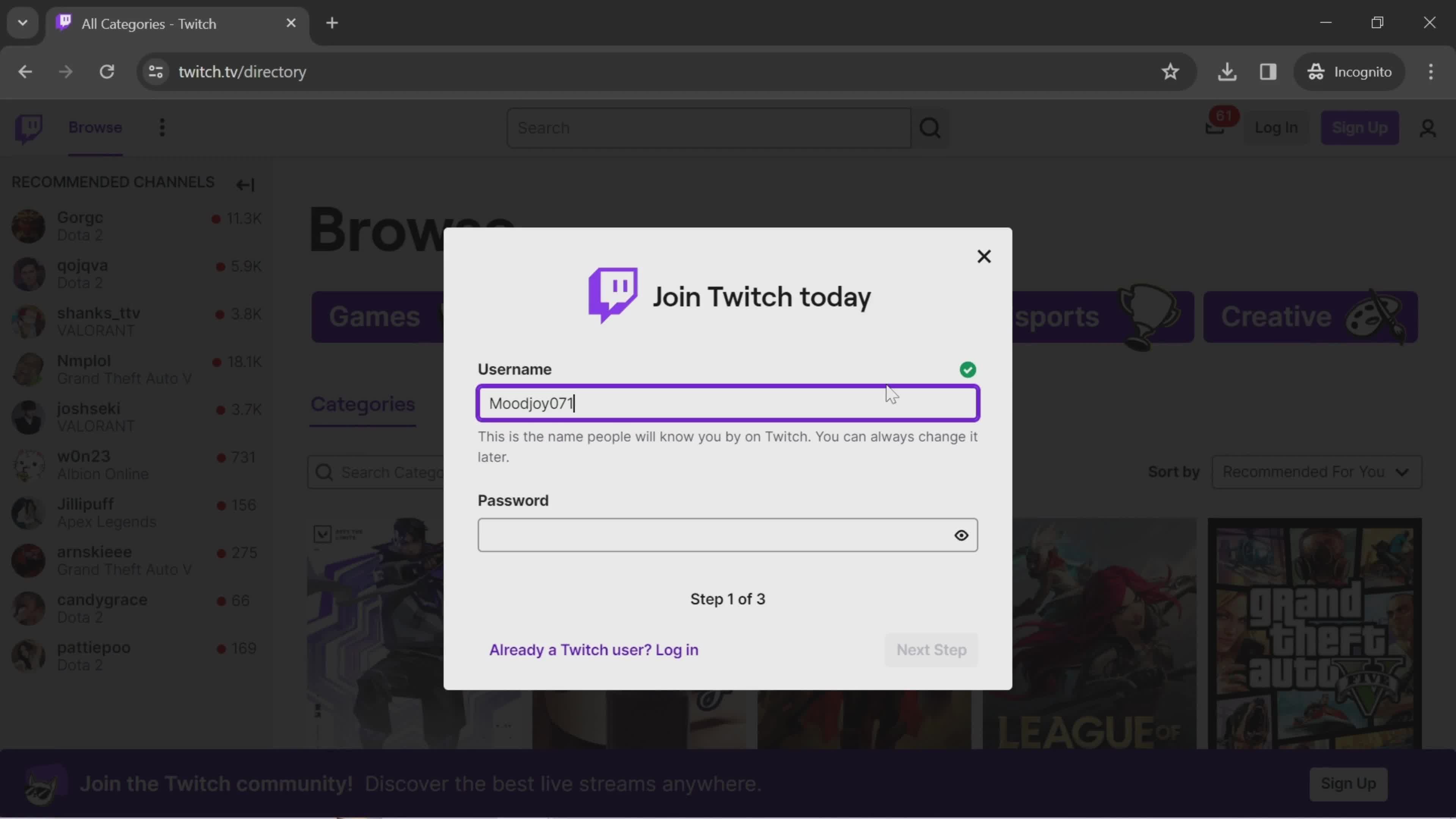
Set username
this is title
this is title
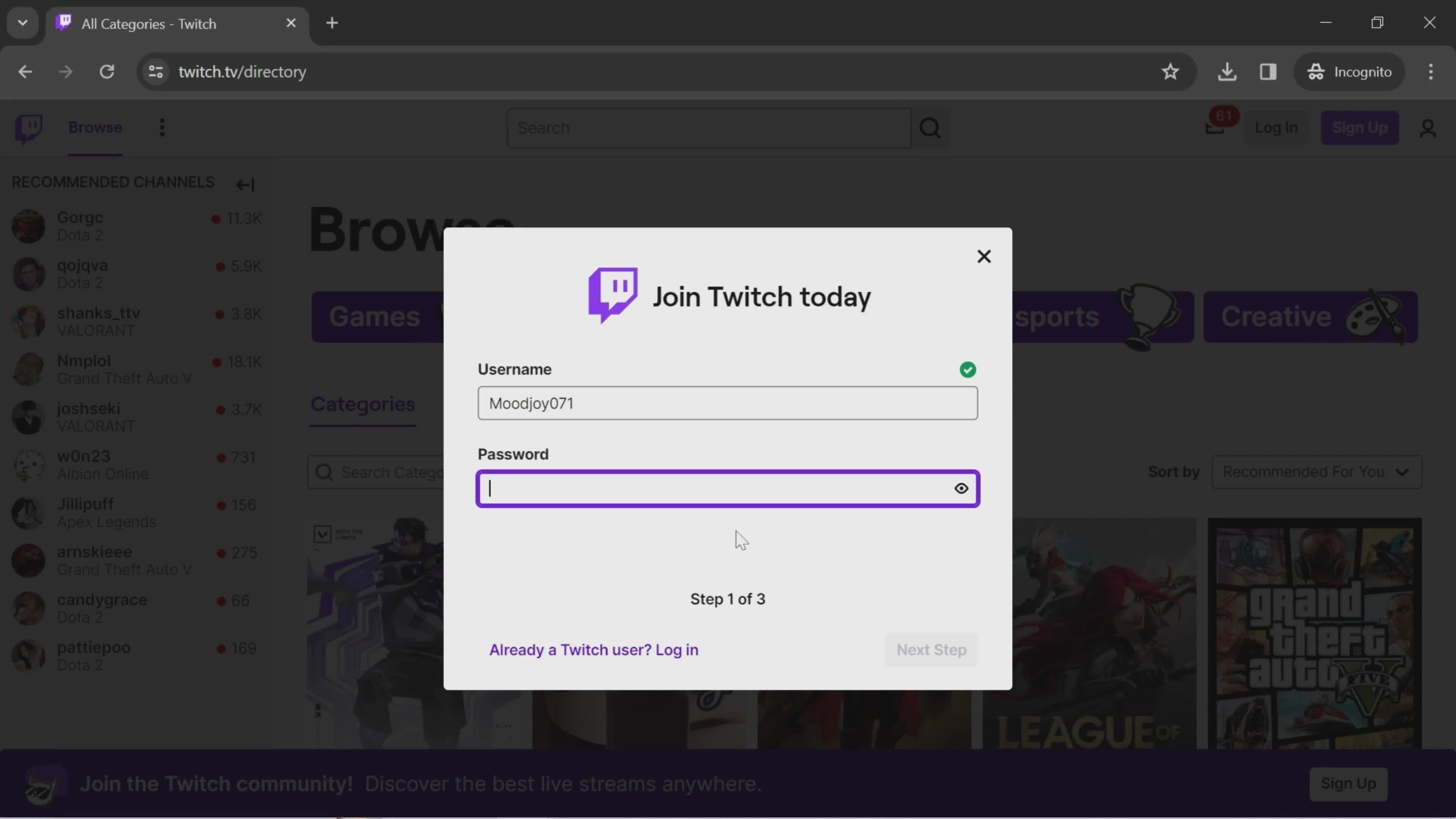
Set password
this is title
this is title
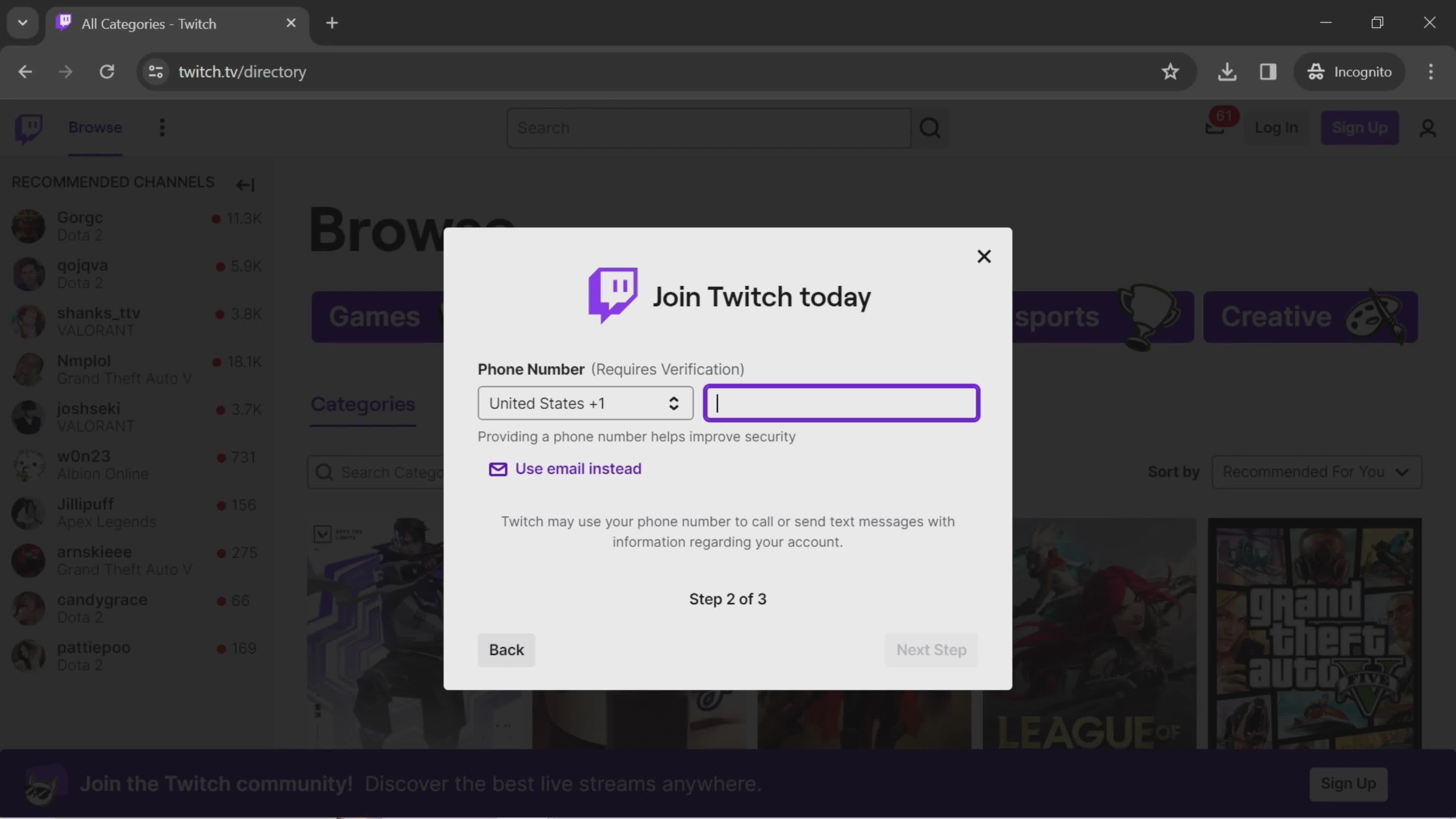
Enter phone number
this is title
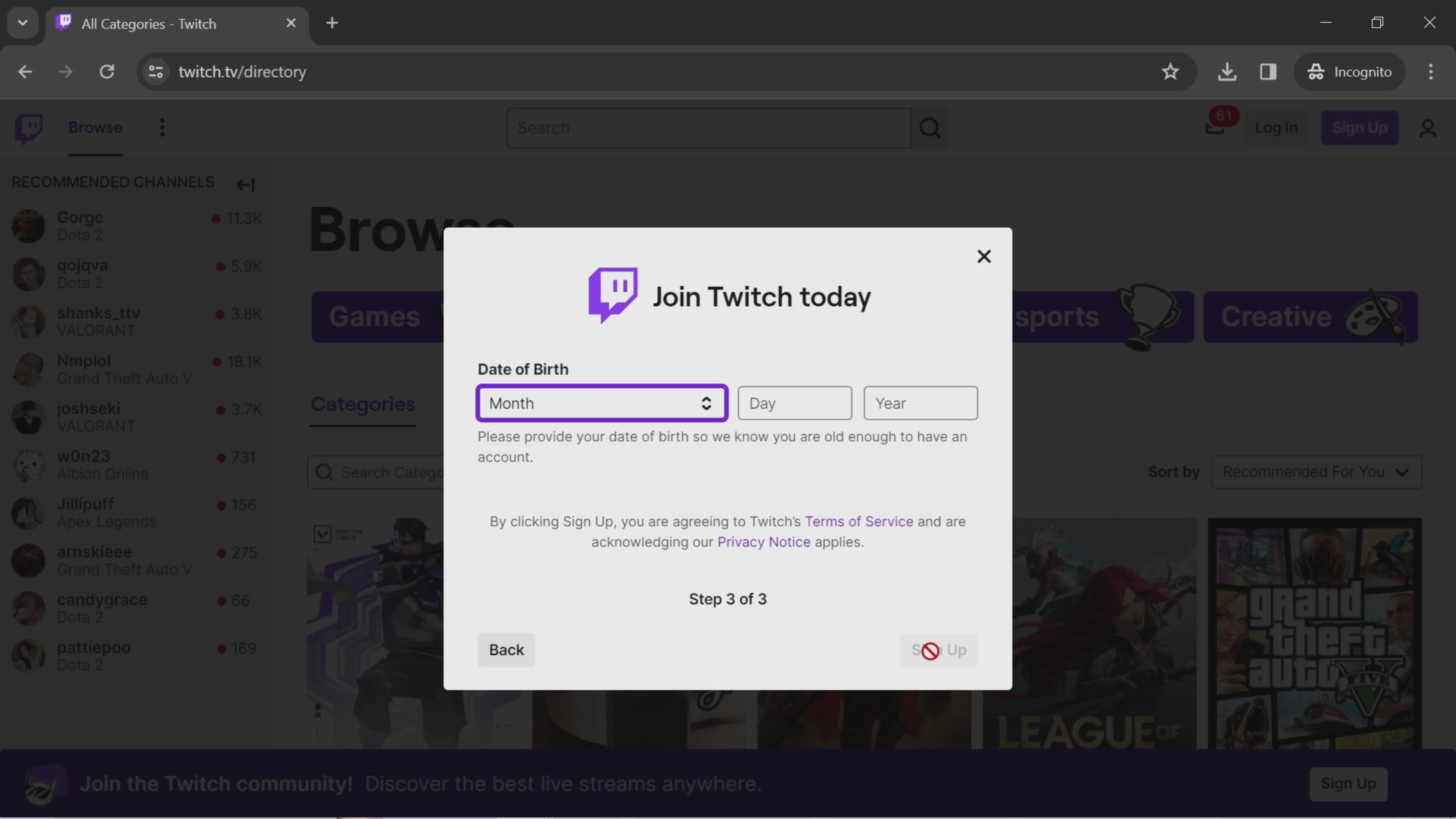
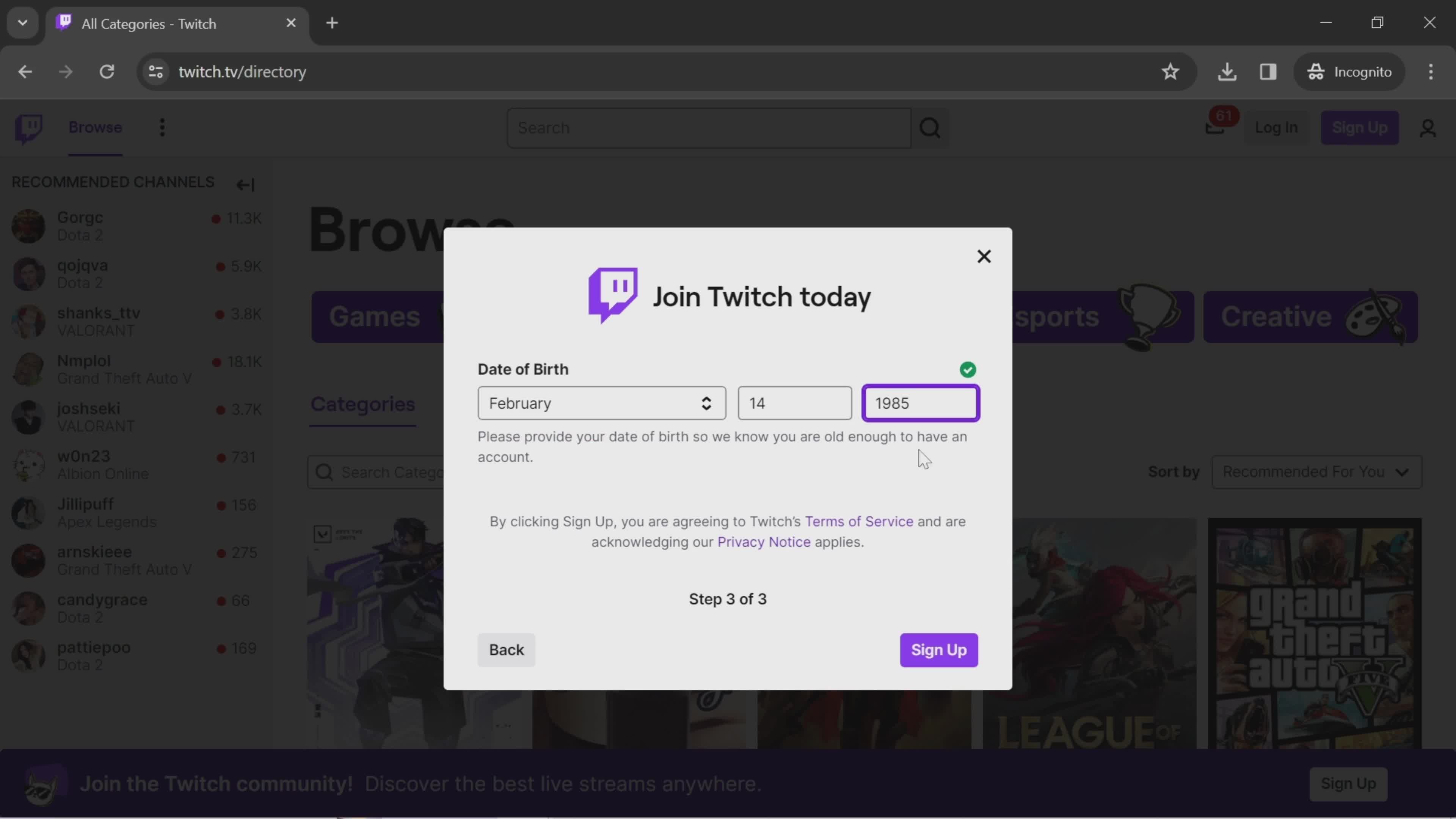
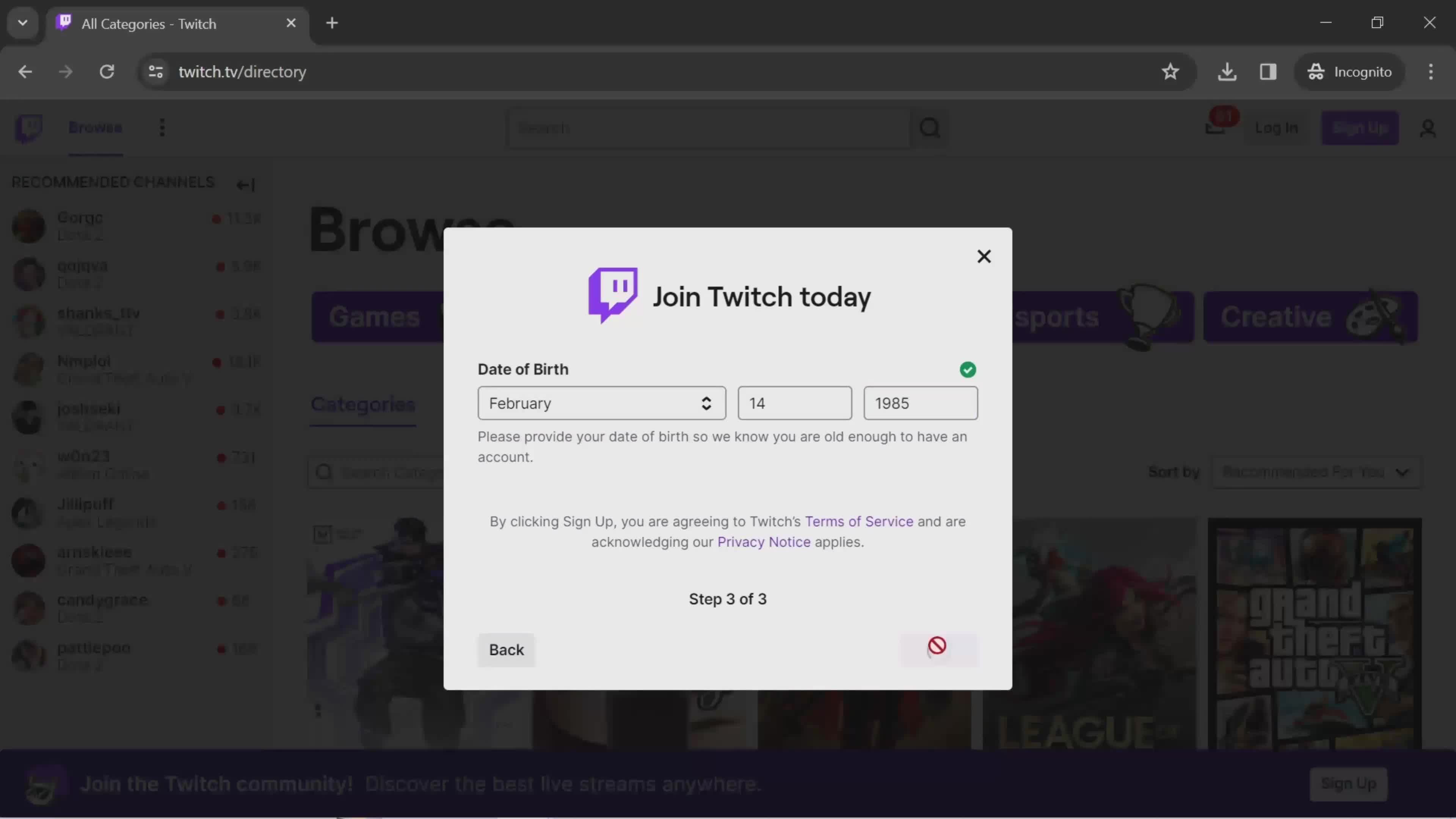
Enter D.O.B.
this is title
this is title
Sign up
this is title
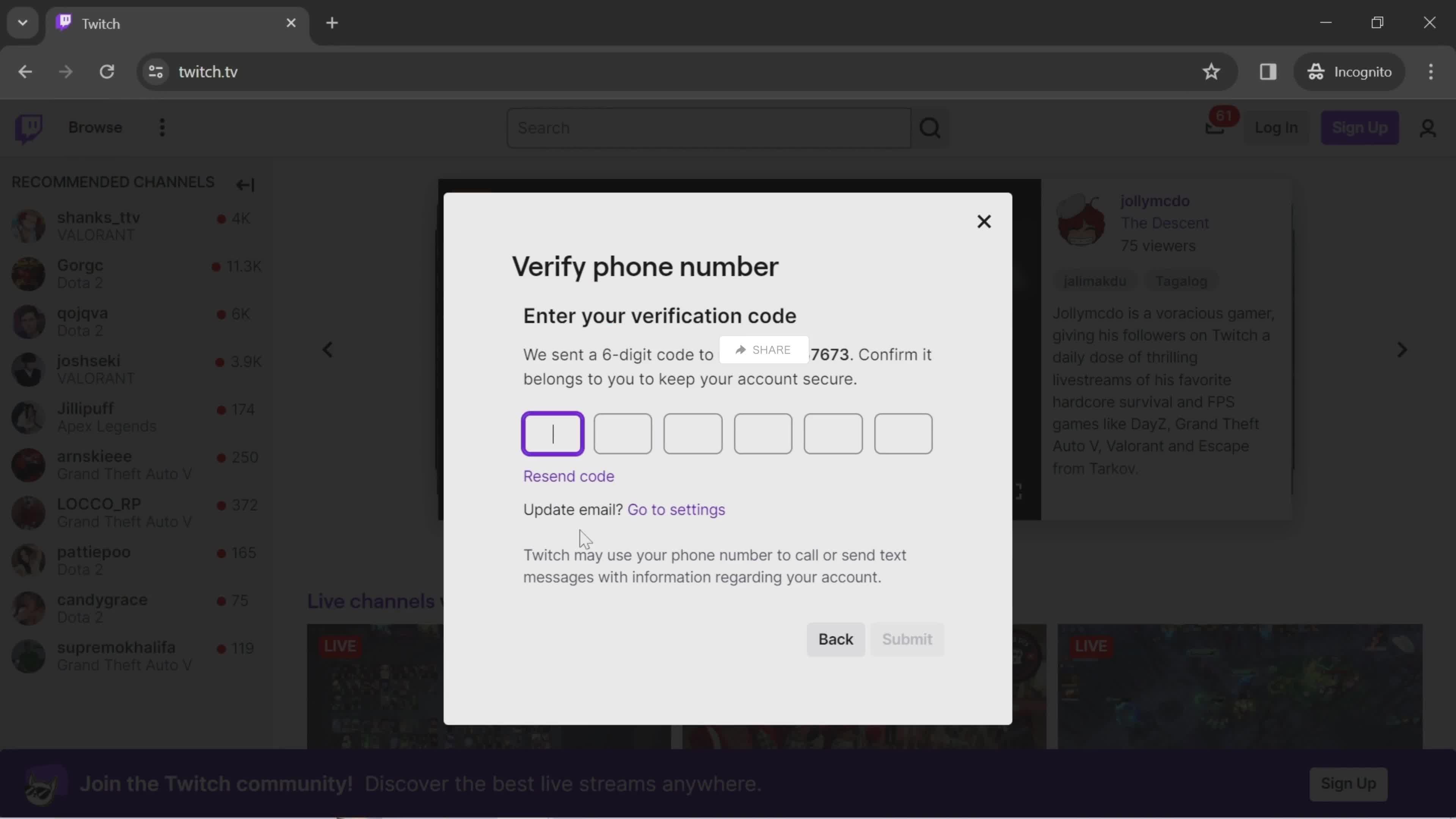
Enter verification code
this is title
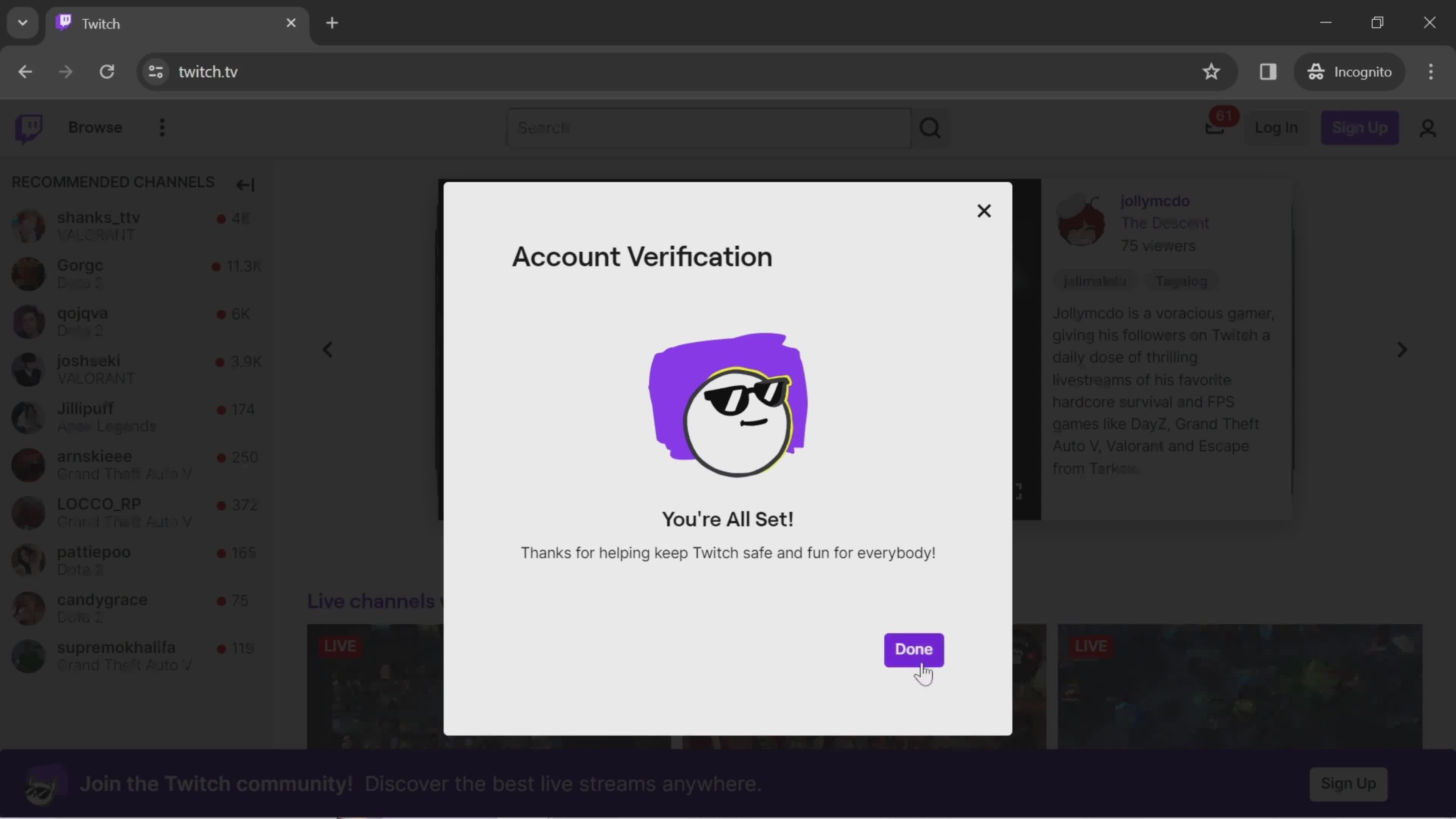
Account verified
this is title
Onboarding tasks
this is title
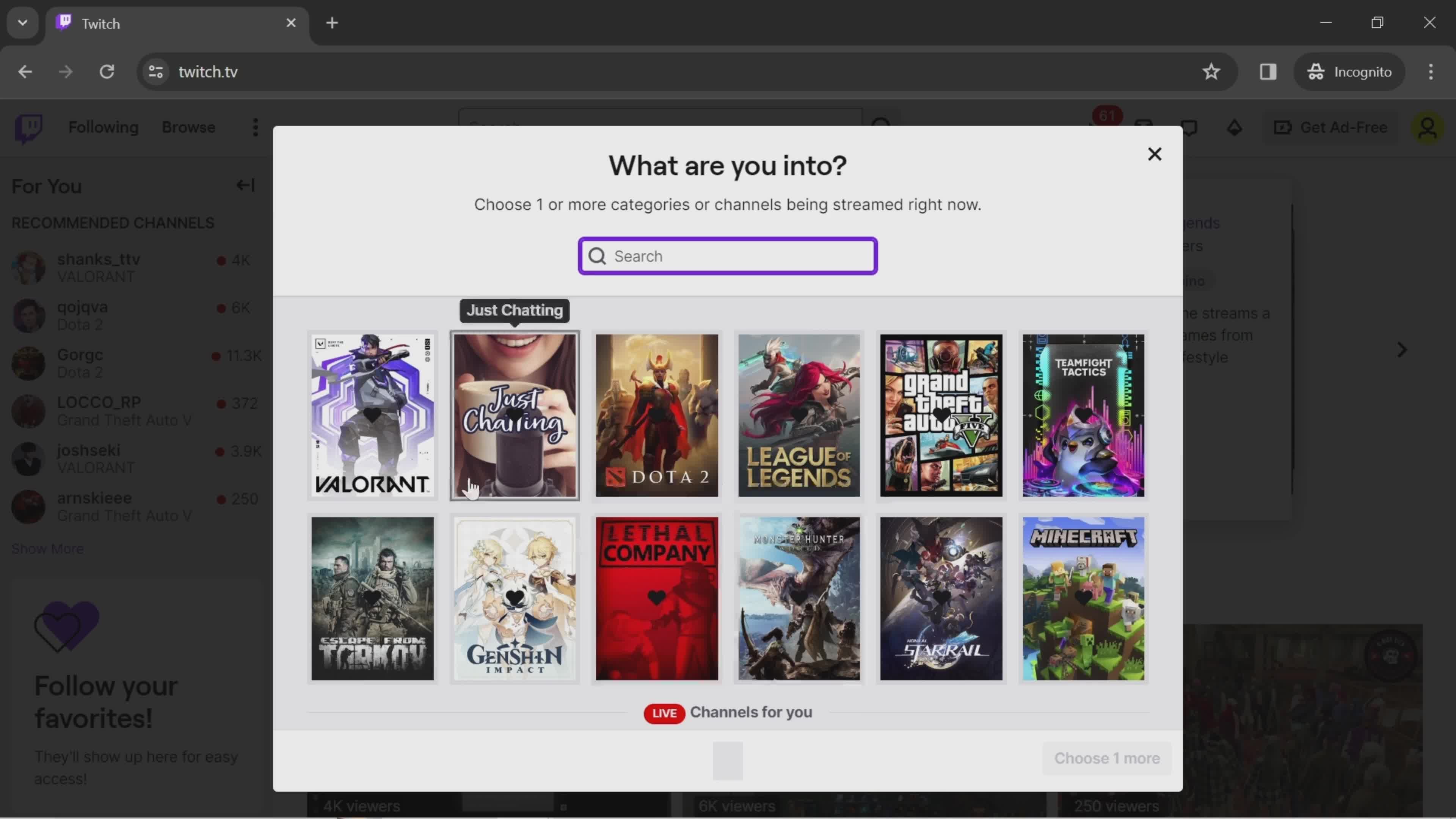
Select categories
this is title
this is title
Done
this is title
Home
this is title
Homepage
this is title
Log in
this is title
Enter password
this is title
this is title
Log in
this is title
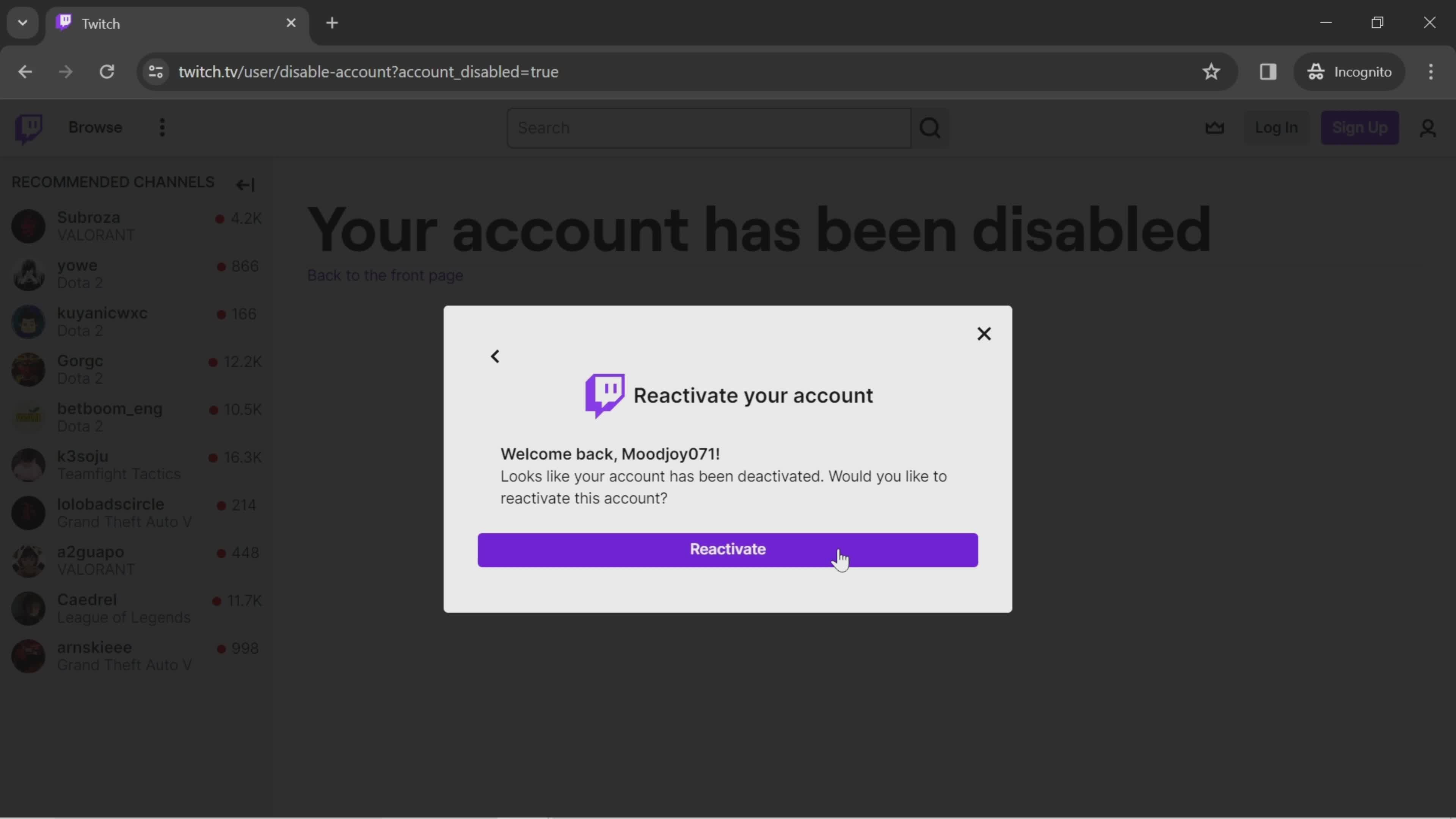
Reactivate
this is title
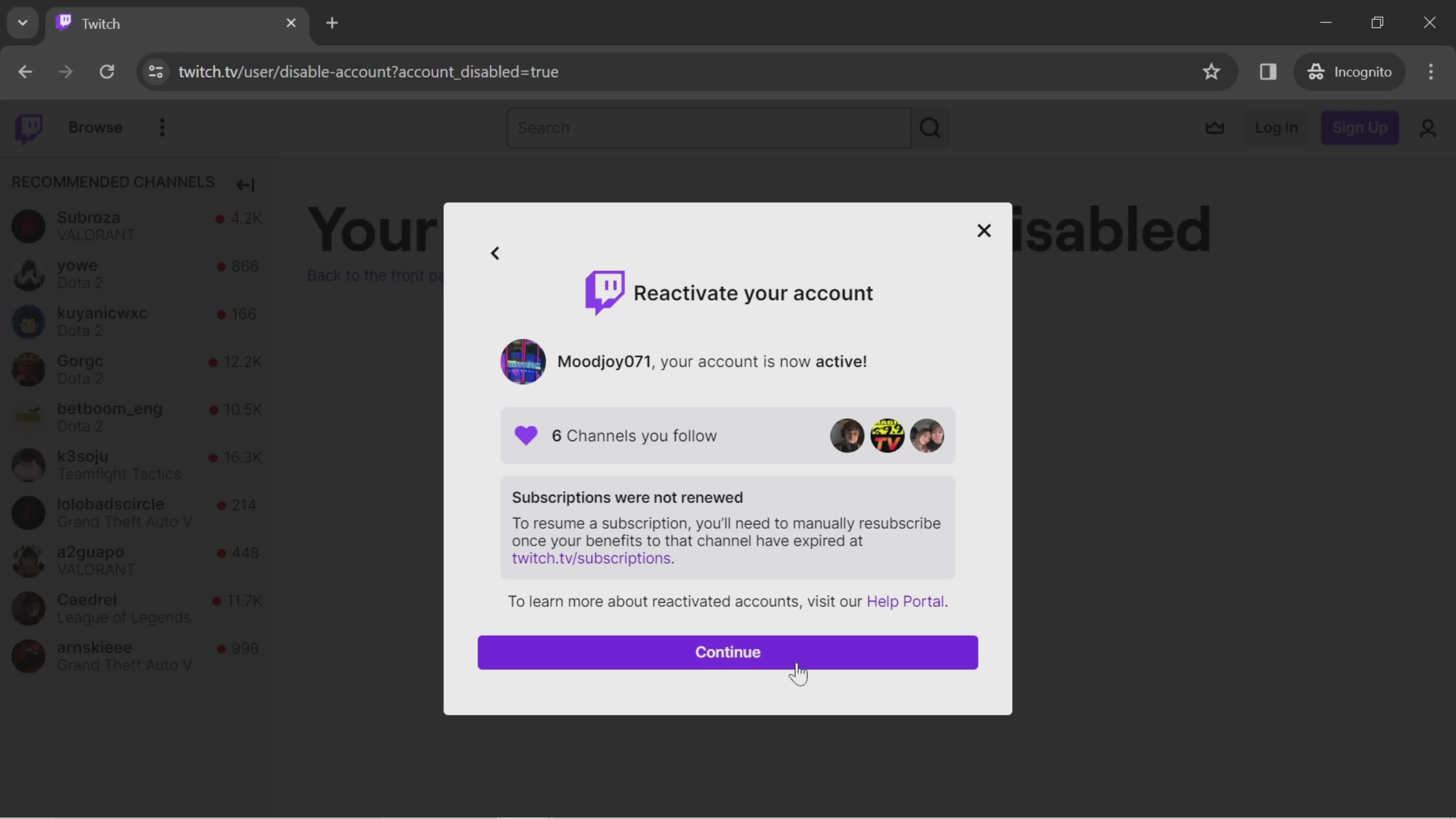
Continue
this is title
Home
this is title
Home
this is title
Search
this is title
Search results
this is title
Home
this is title
Search
this is title
Chat room
this is title
Send a message
this is title
Live channels
this is title
Search
this is title
Send a message
this is title
this is title
Sent
this is title
Home
this is title
Account menu
this is title
Dashboard
this is title
Start stream
this is title
Live streaming
this is title
Share
this is title
Sharing
this is title
Enable camera
this is title
Camera enabled
this is title
Turn camera off
this is title
Invite people
this is title
this is title
Send invite
this is title
Chat
this is title
Send a message
this is title
Sent
this is title
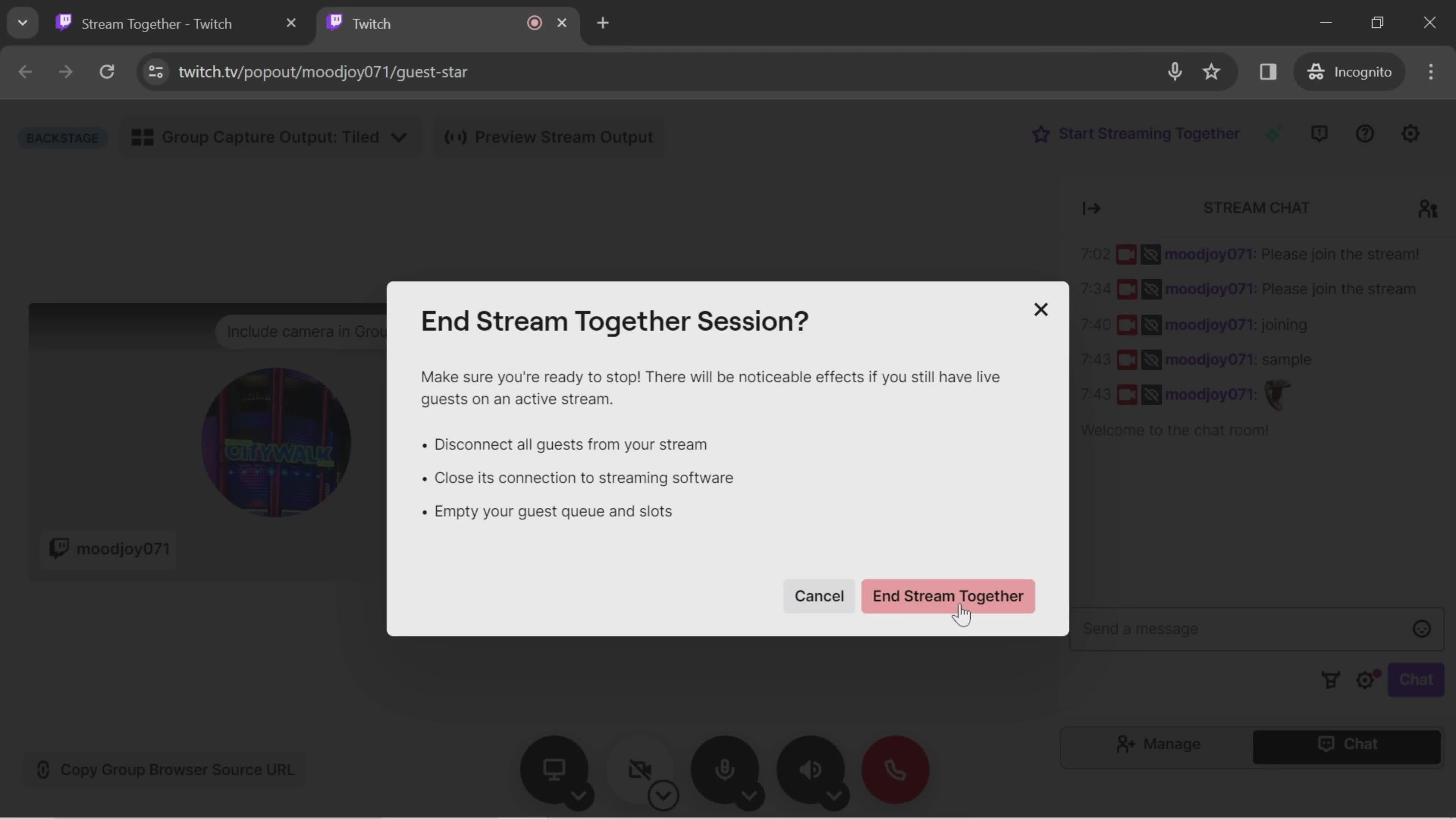
Preview
this is title
End live stream
this is title
Confirm
this is title
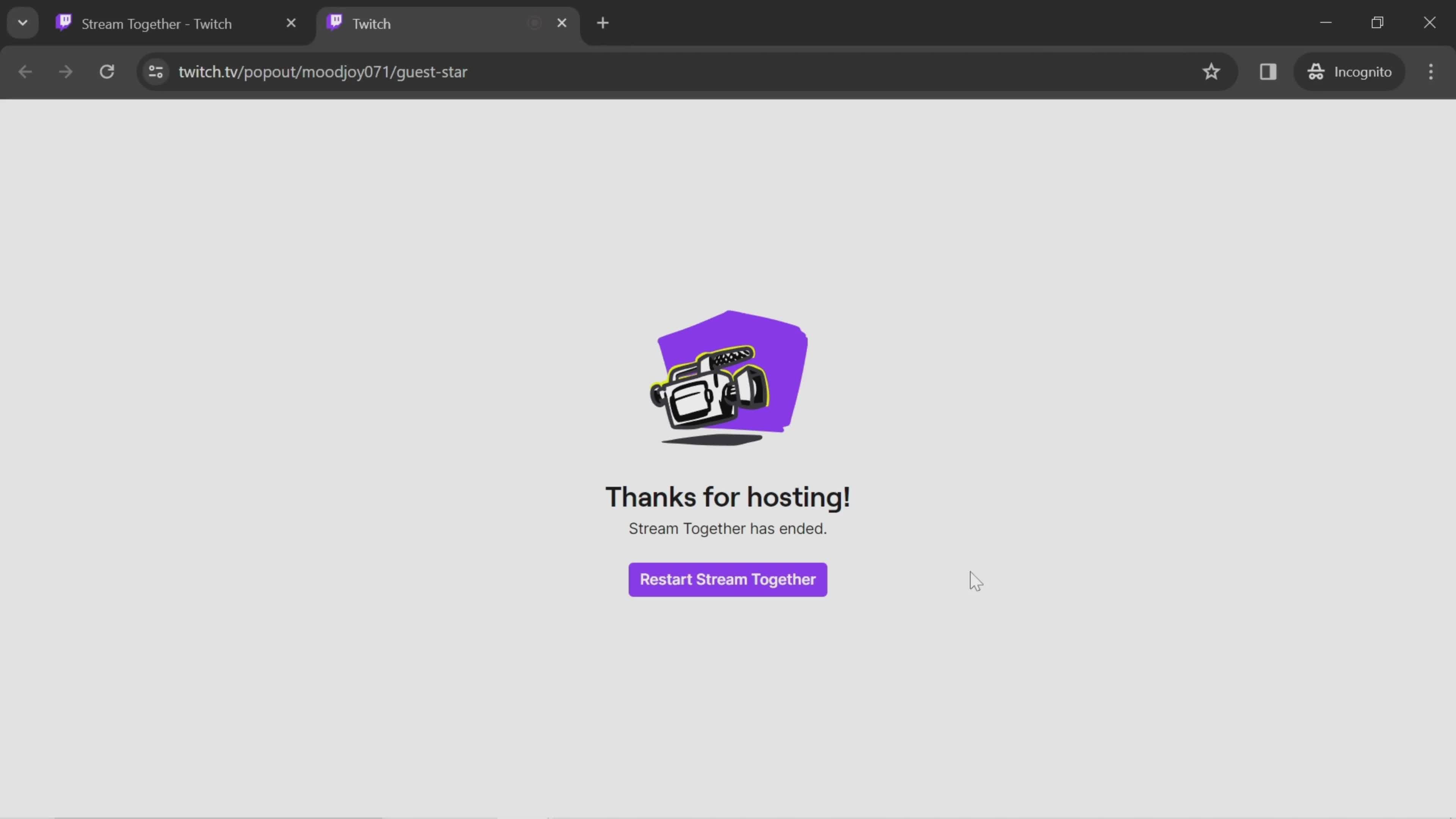
Live stream ended
this is title
Home
this is title
Account menu
this is title
Settings
this is title
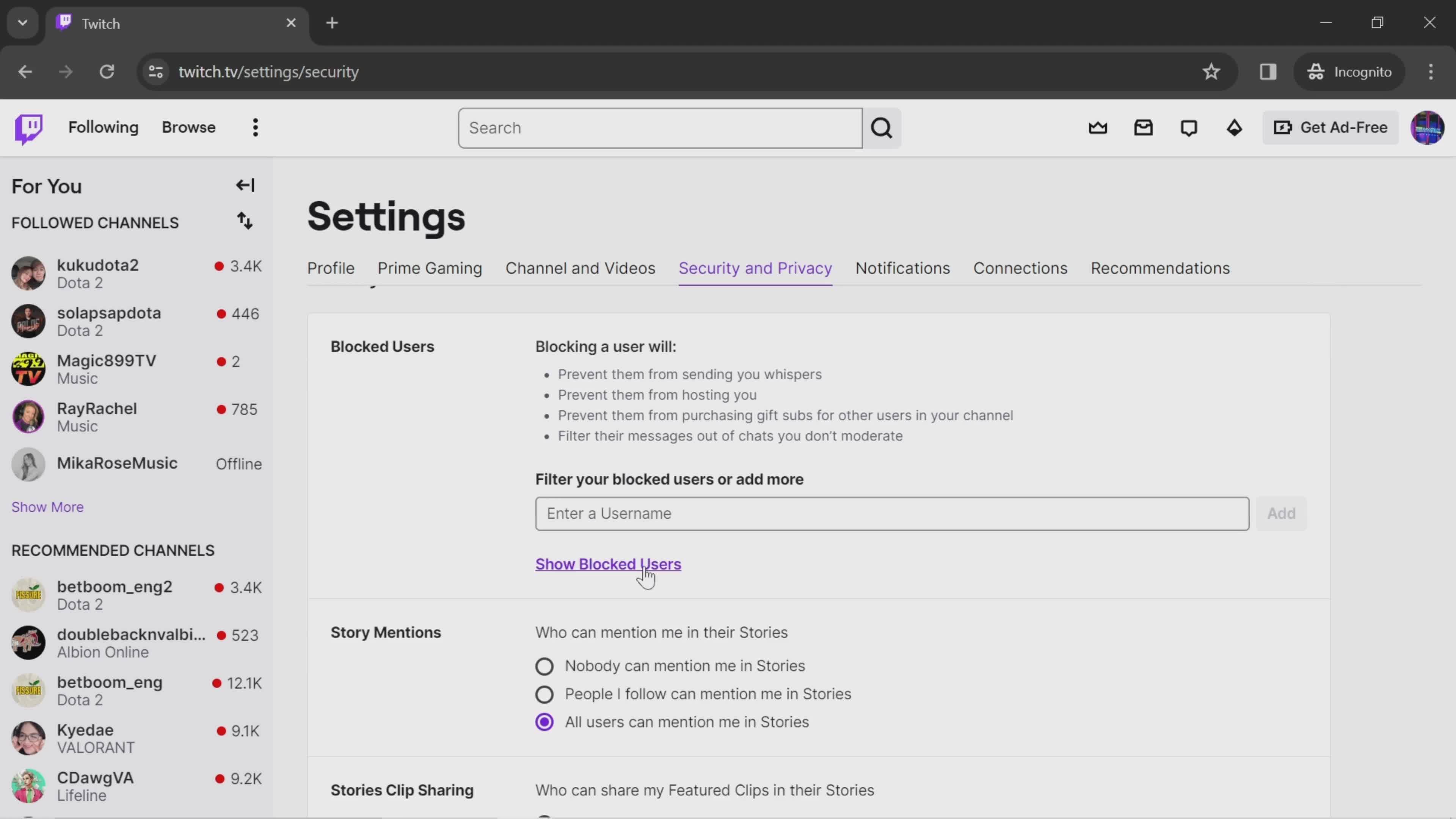
Security & Privacy
this is title
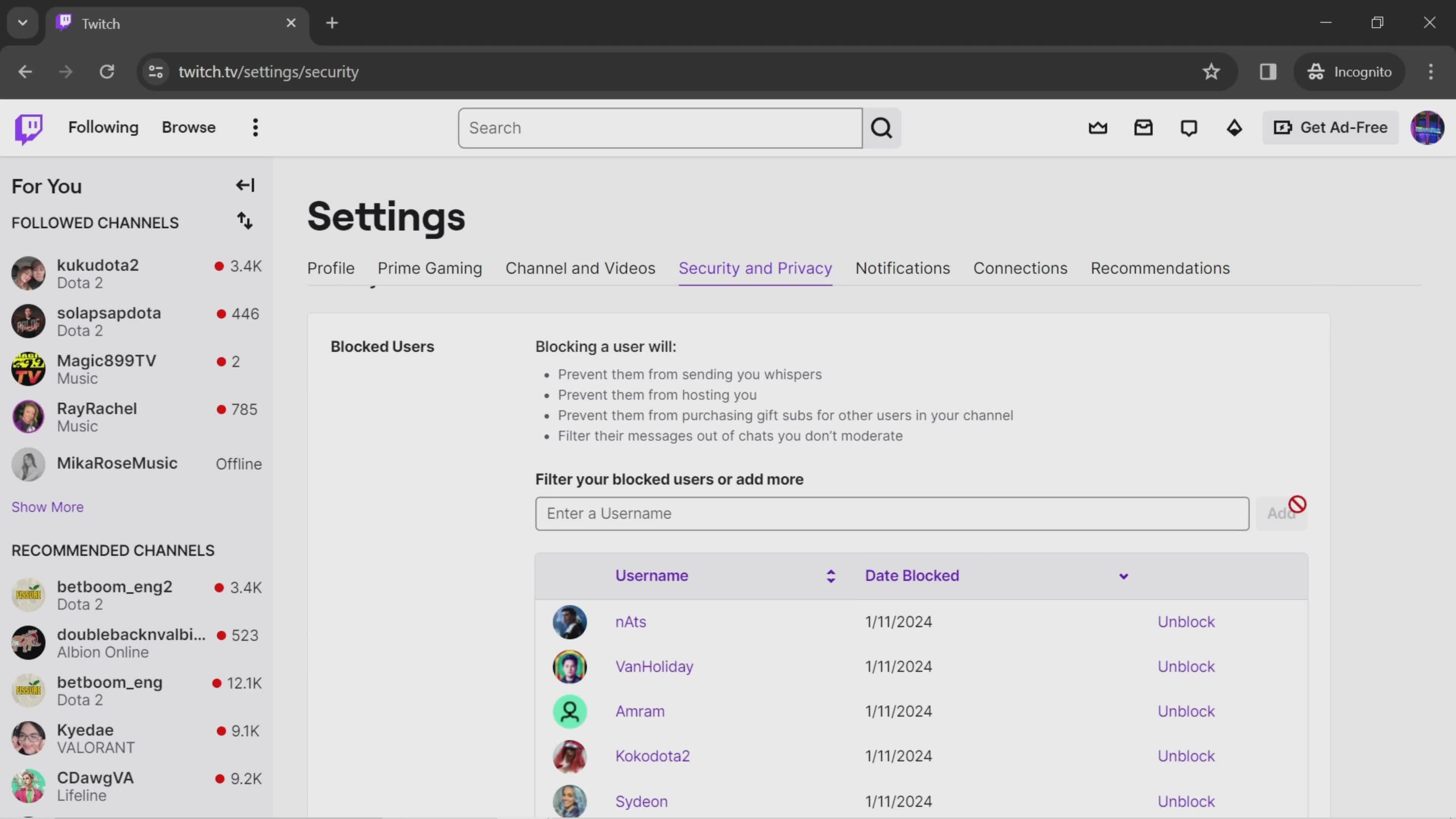
Blocked users
this is title
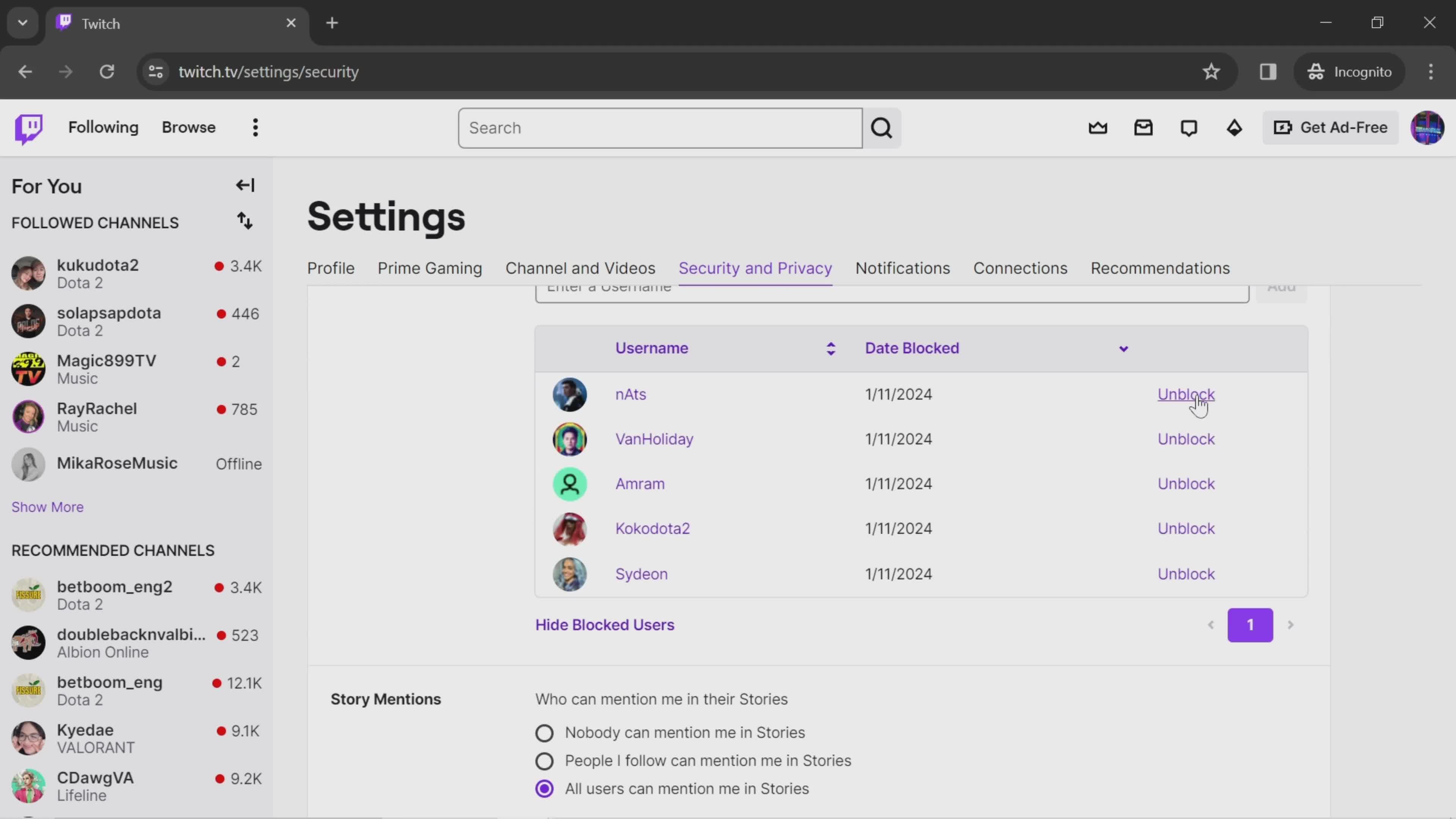
Unblock
this is title
this is title
Home
this is title
Account menu
this is title
Profile settings
this is title
Add profile photo
this is title
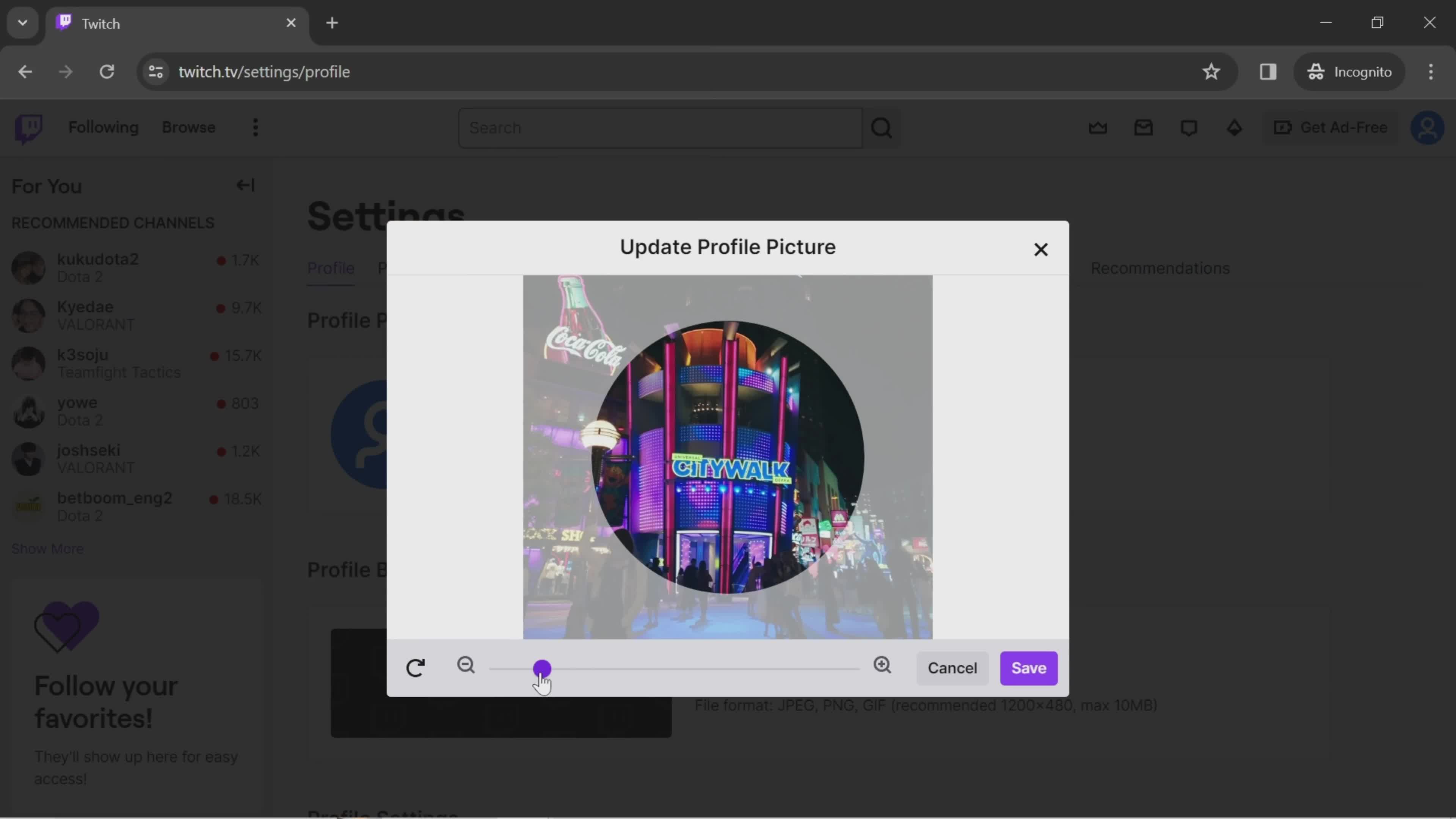
Crop image
this is title
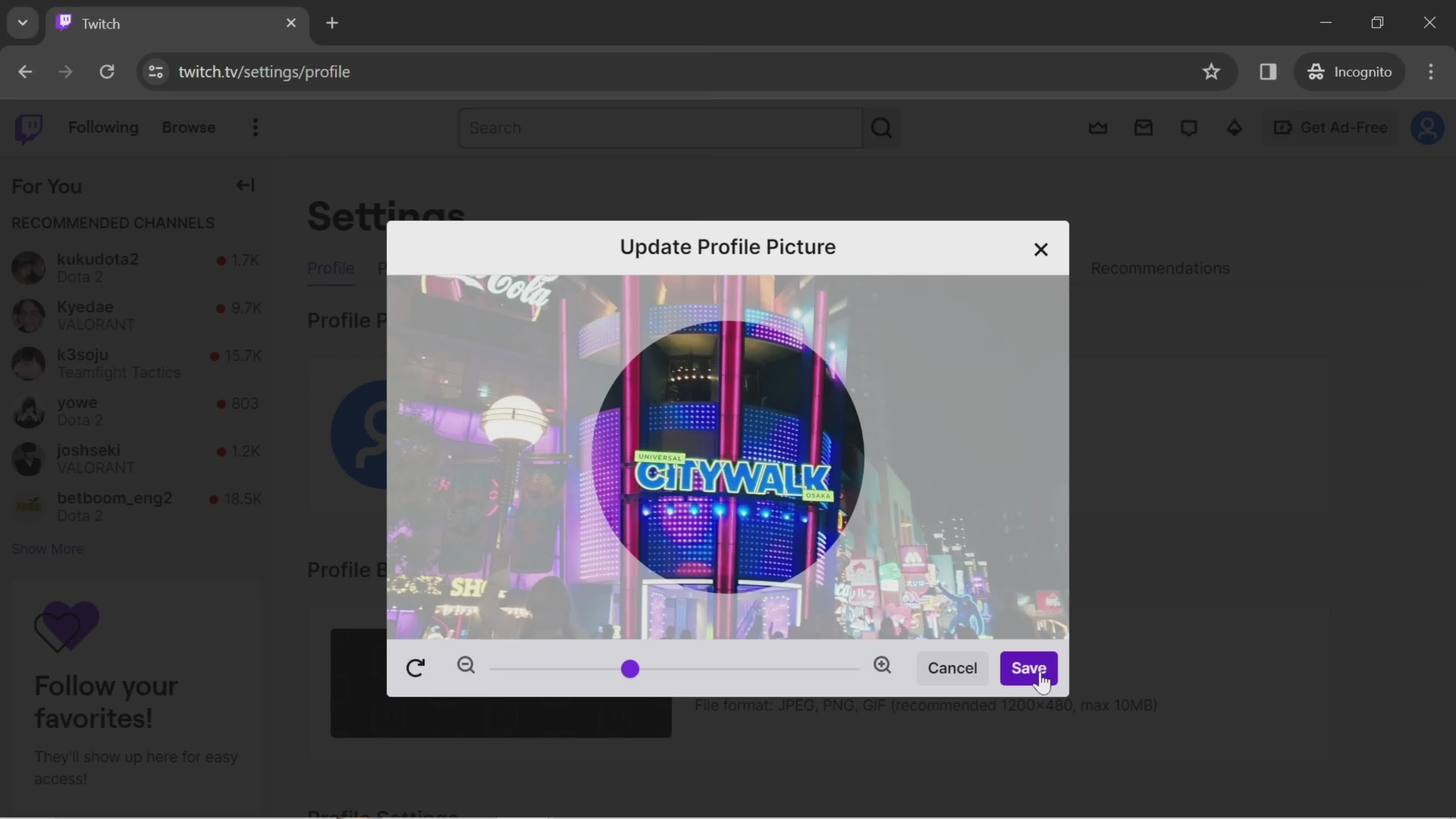
Save
this is title
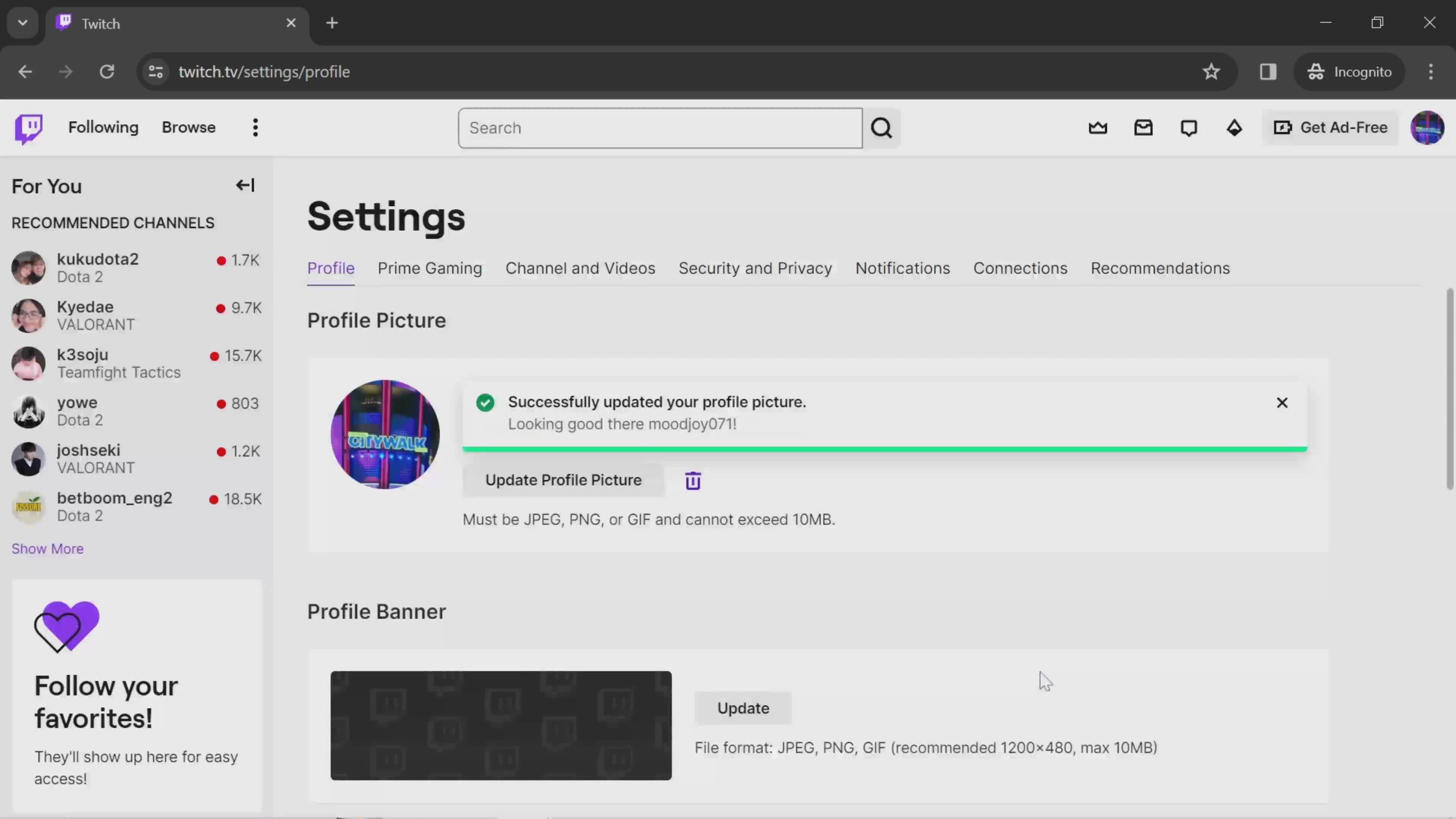
Profile photo added
this is title
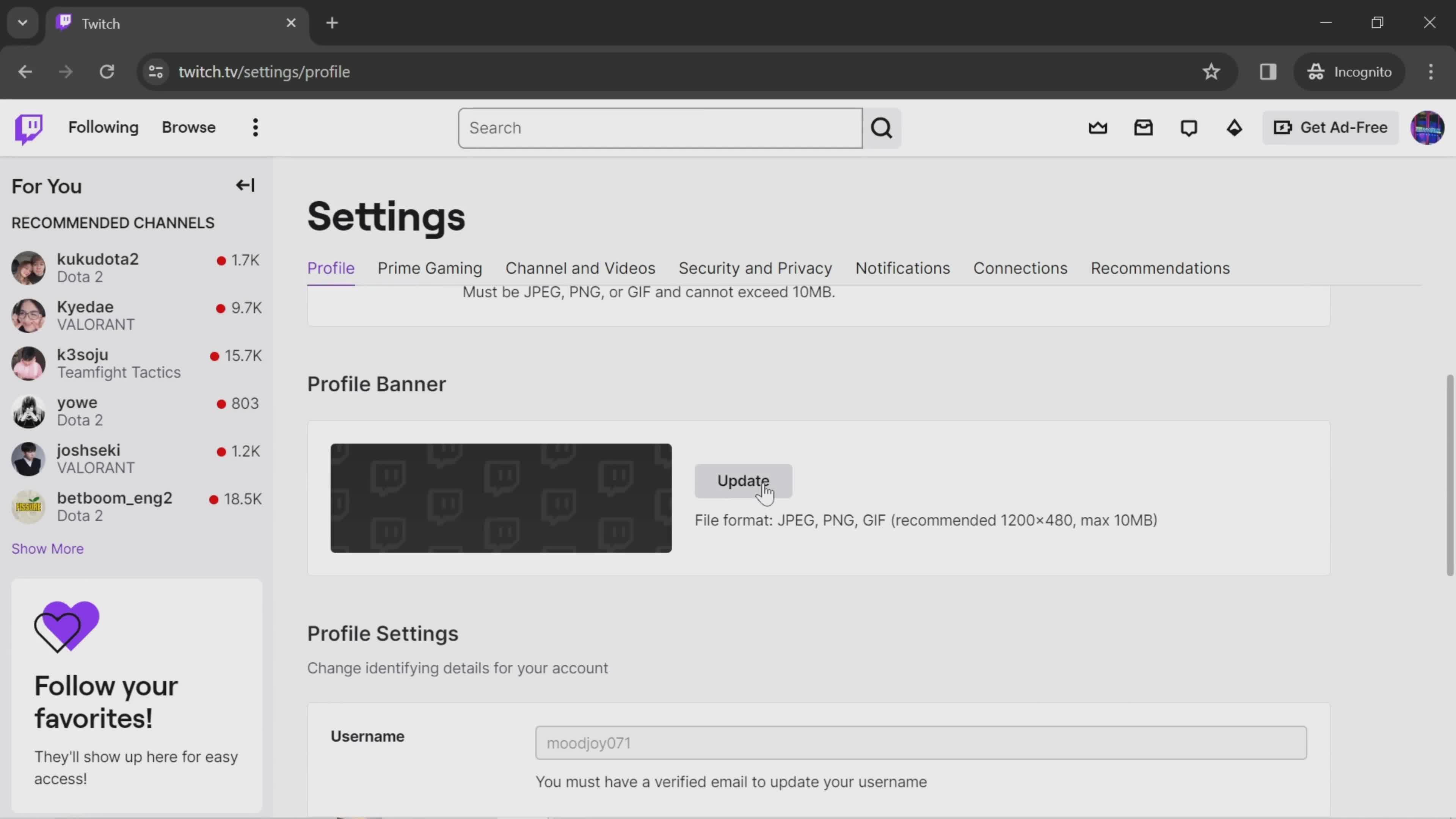
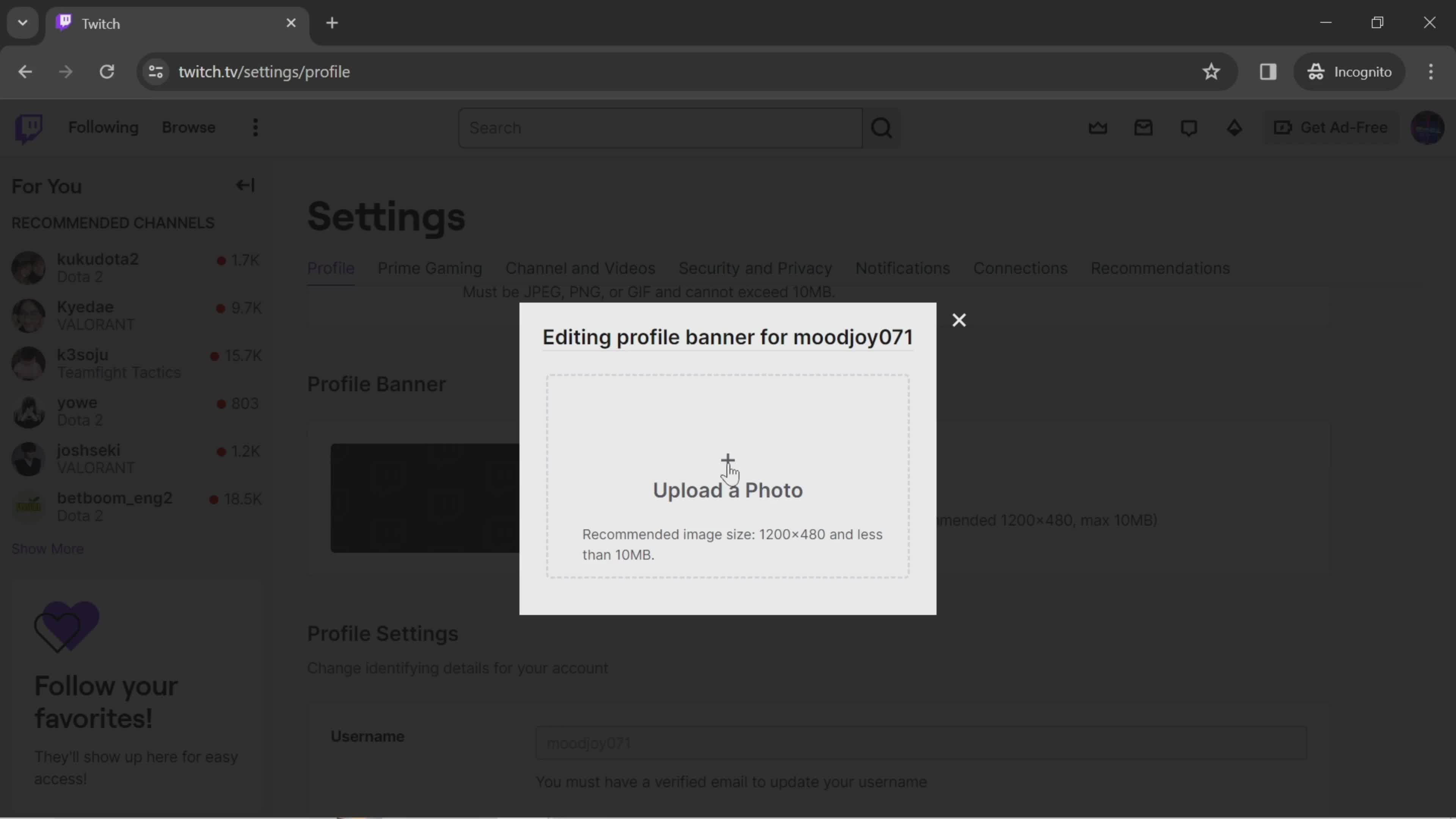
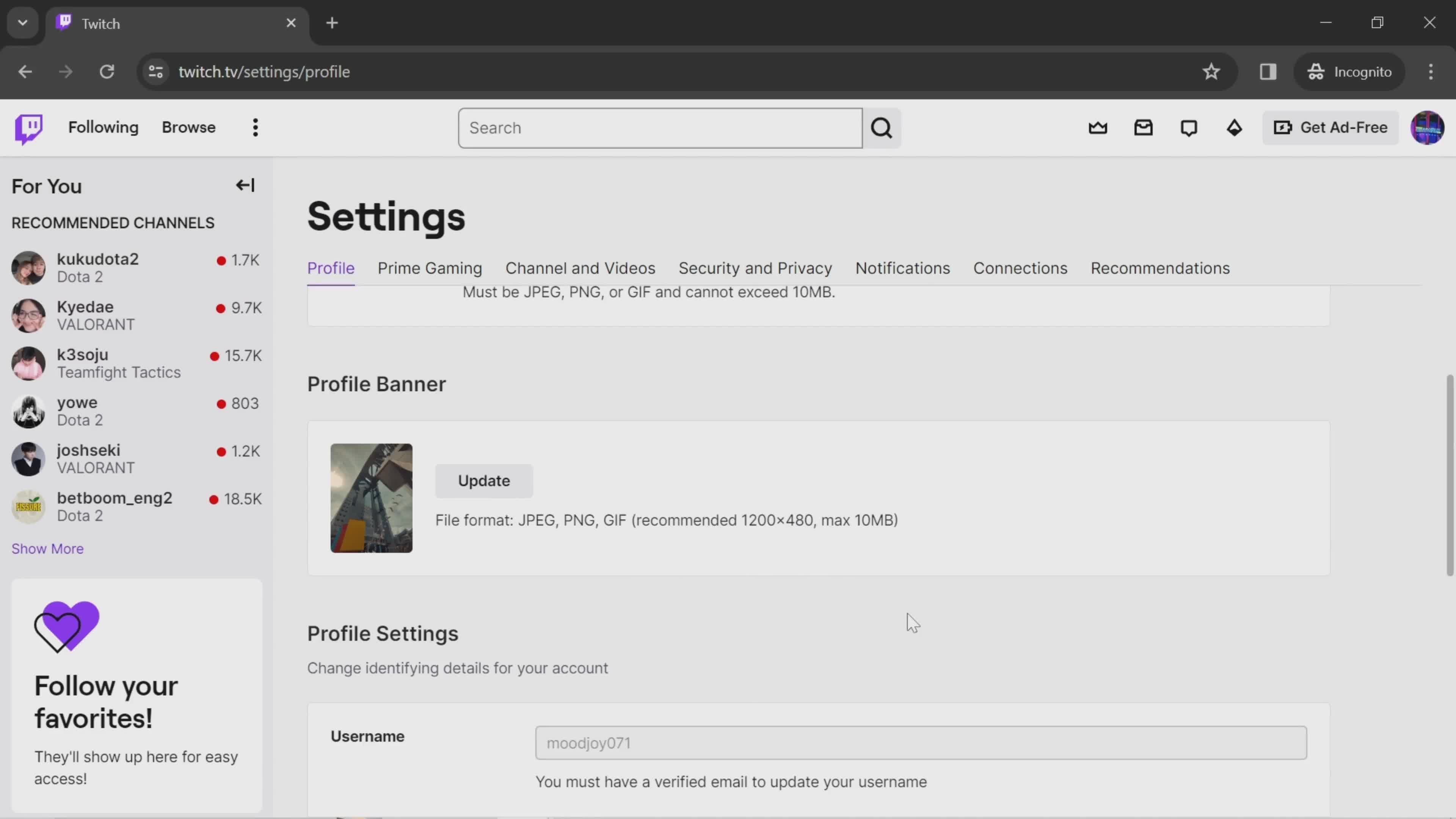
Update profile banner
this is title
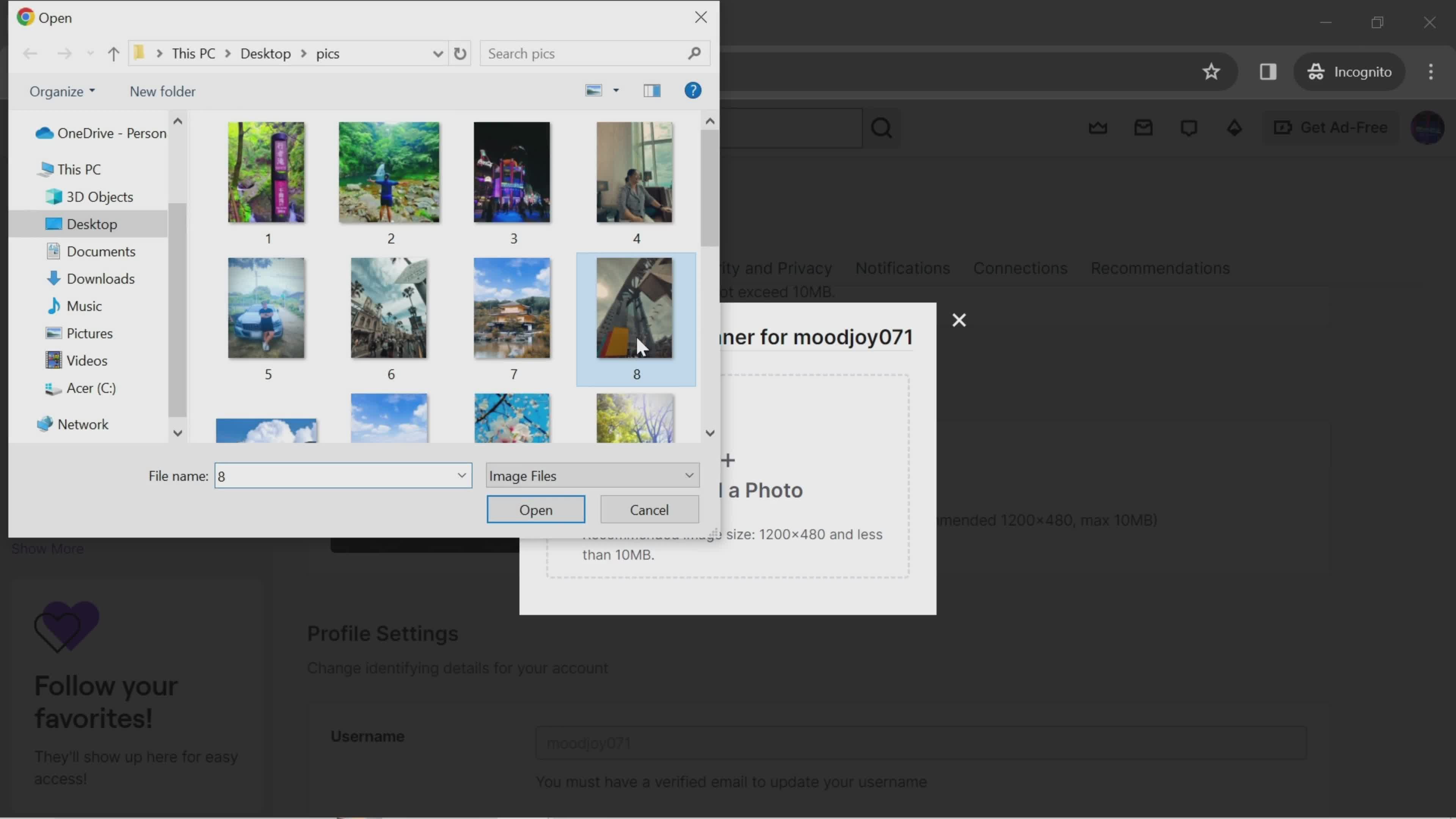
Upload photo
this is title
Select photo
this is title
Updated
this is title
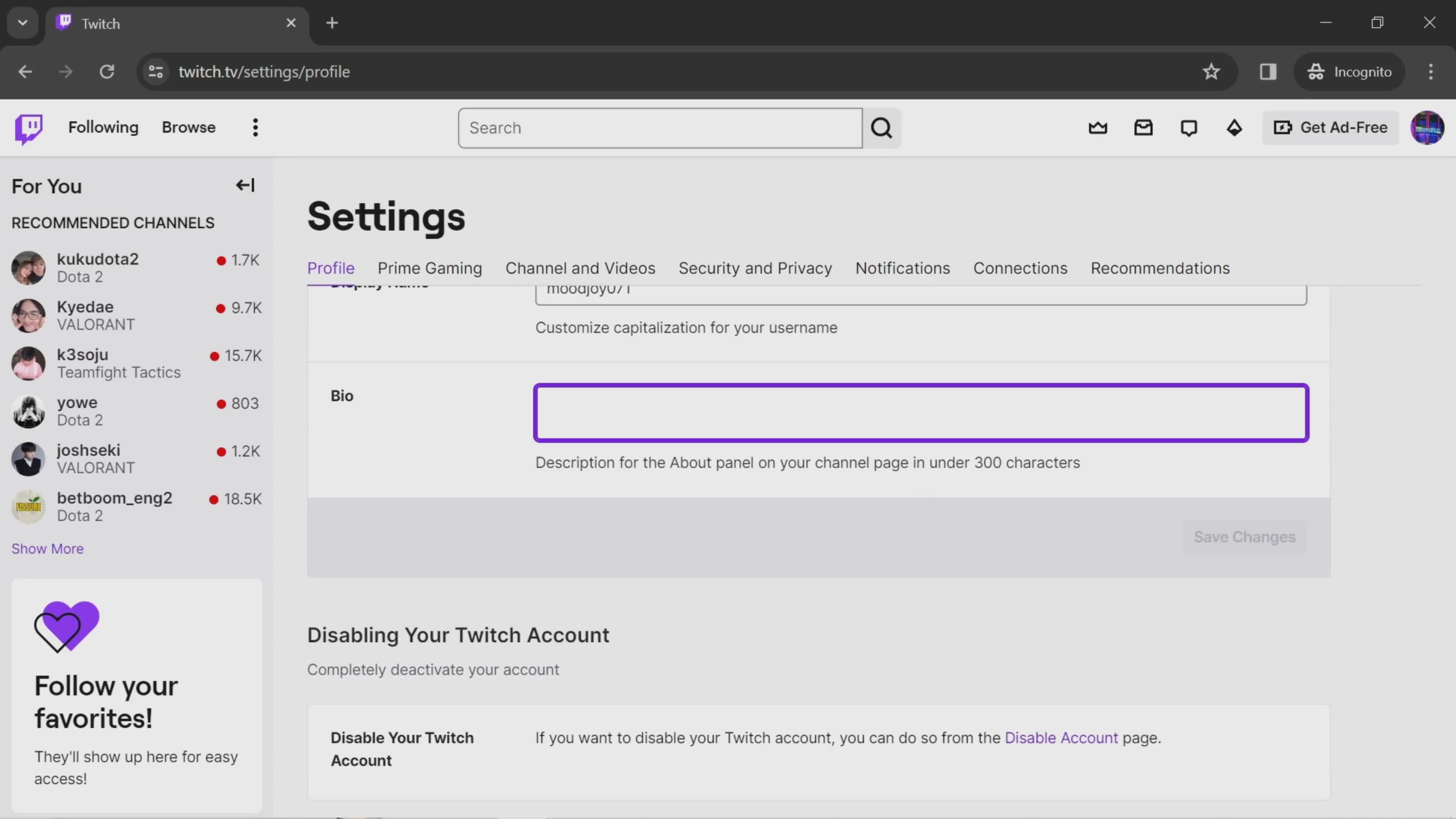
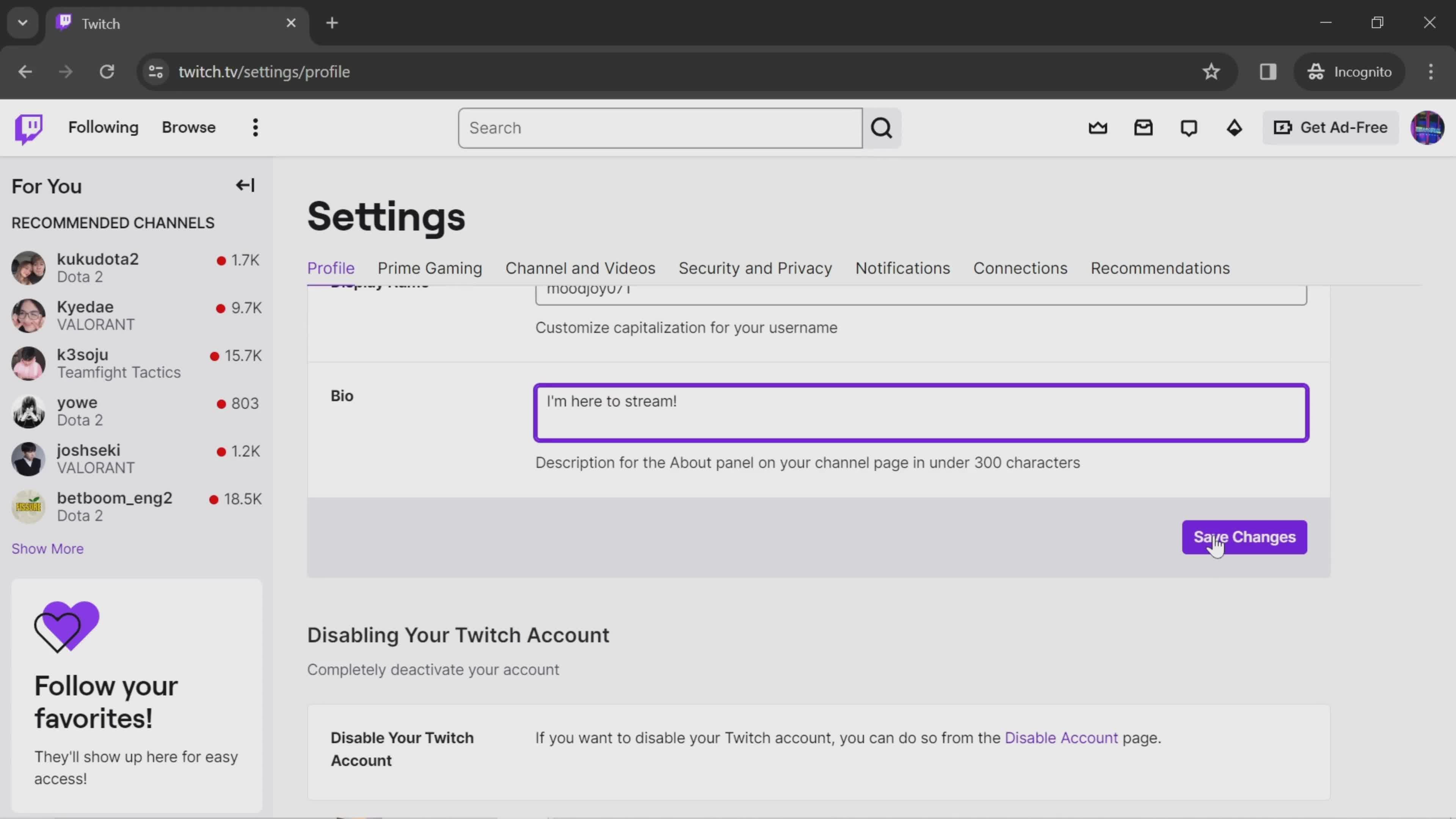
Add bio
this is title
Save changes
this is title
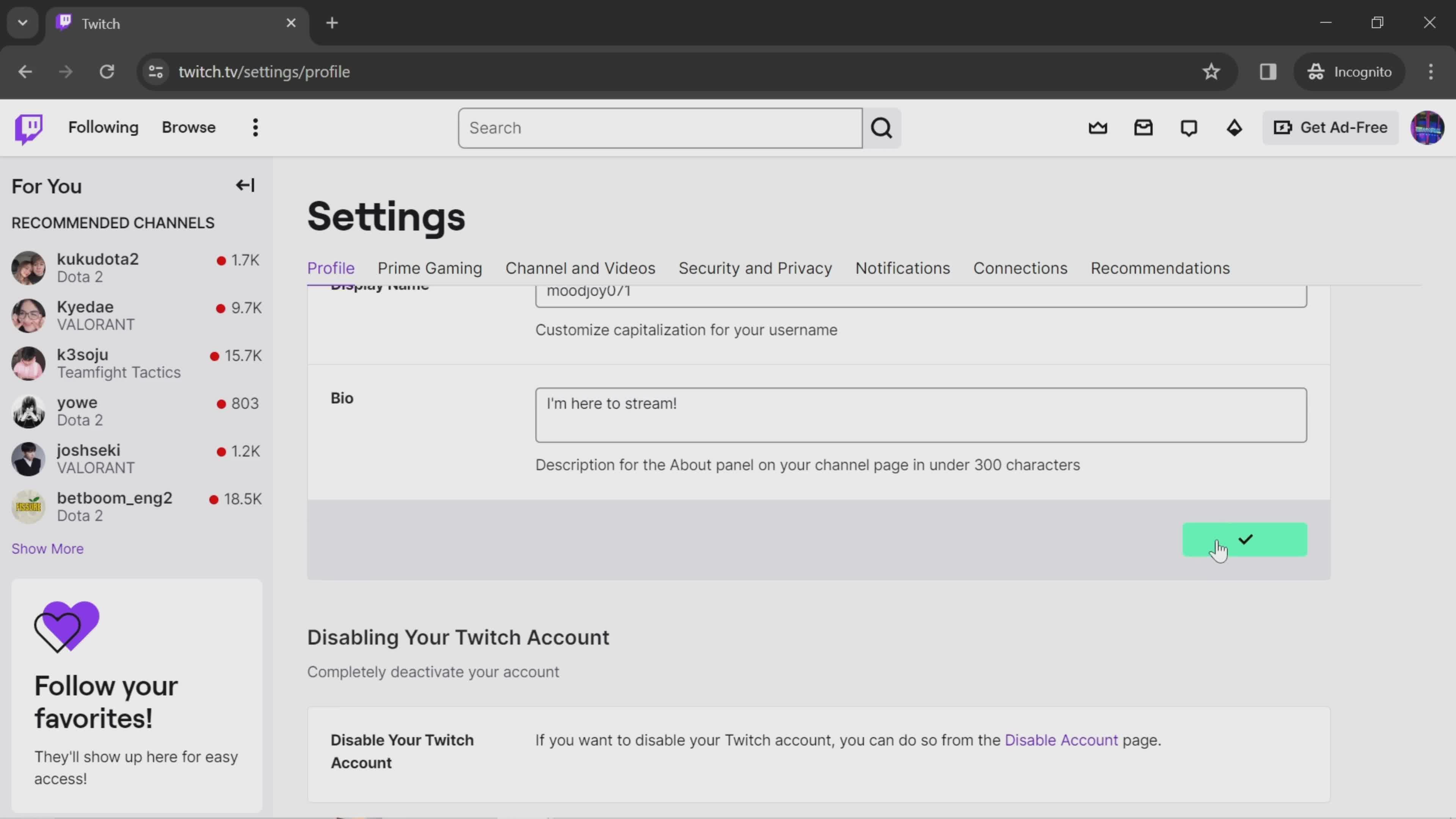
Changes saved
this is title