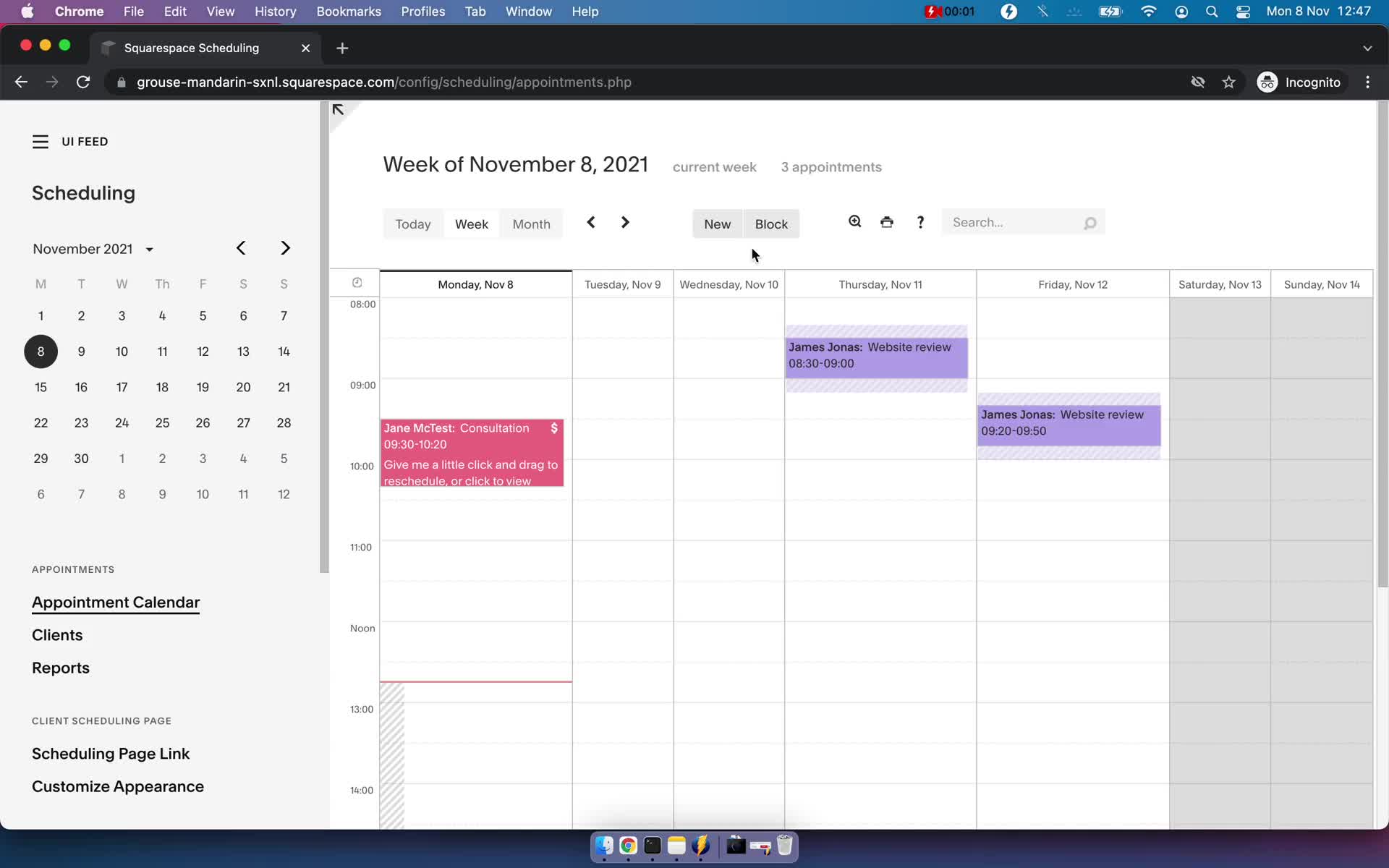
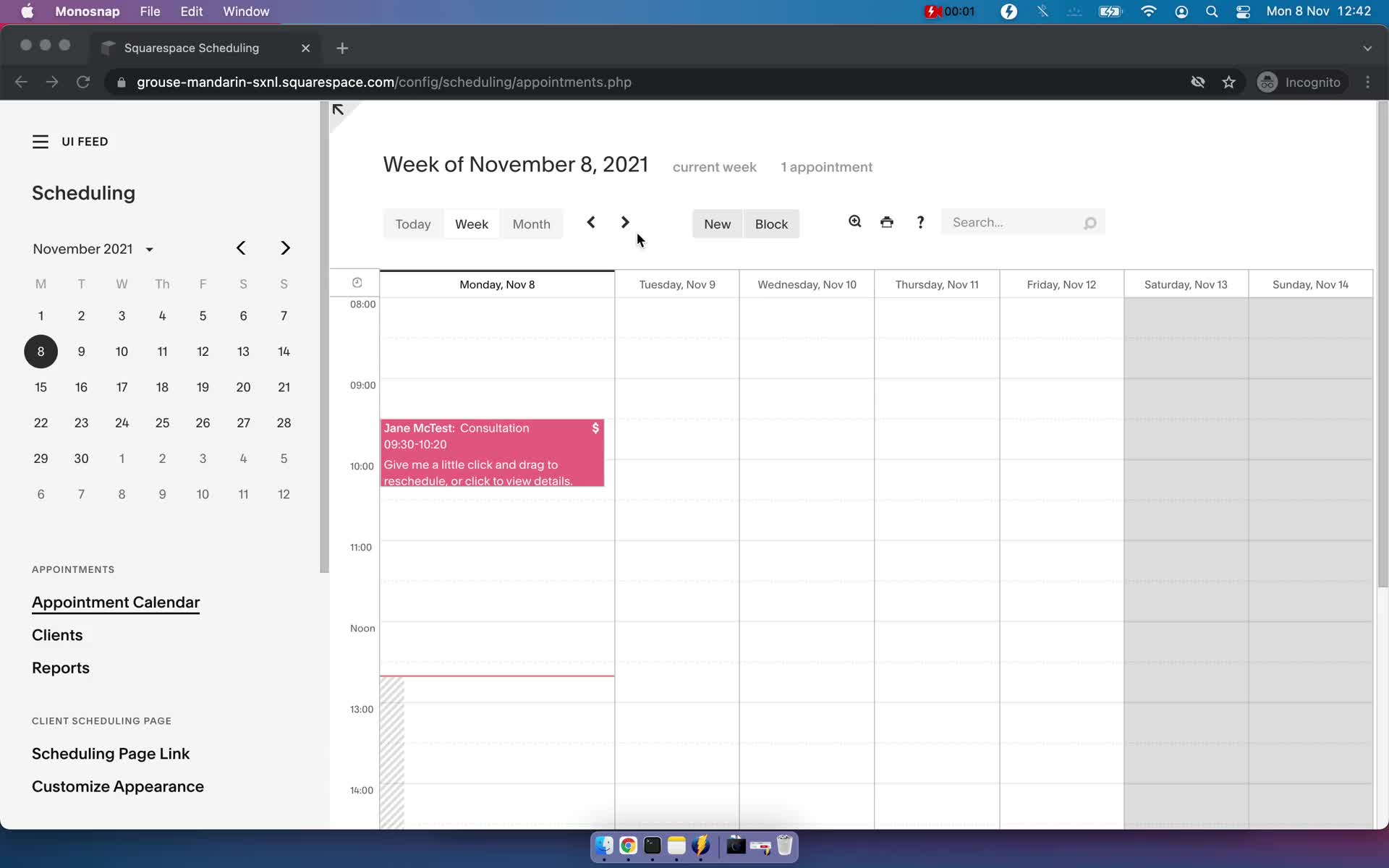
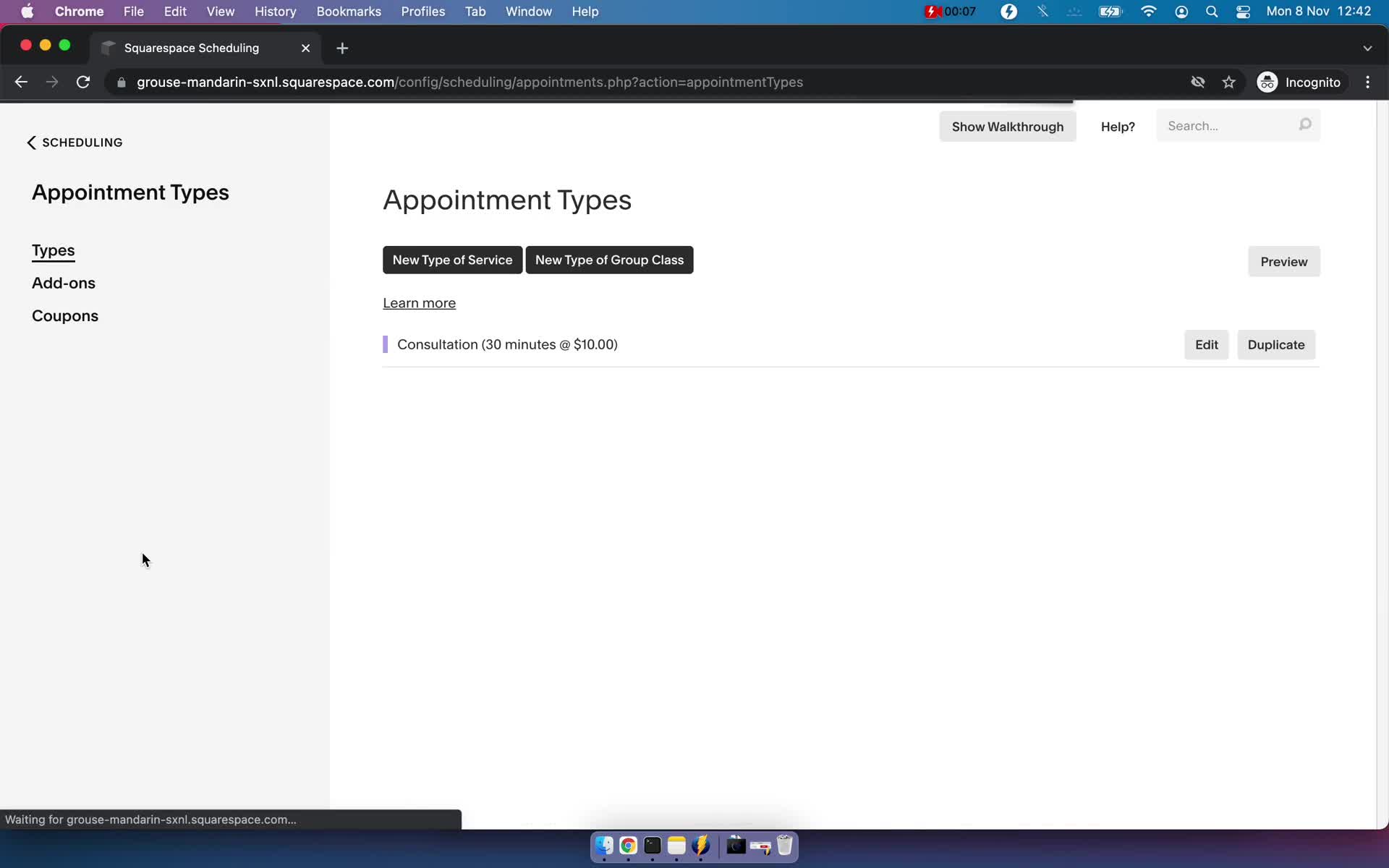
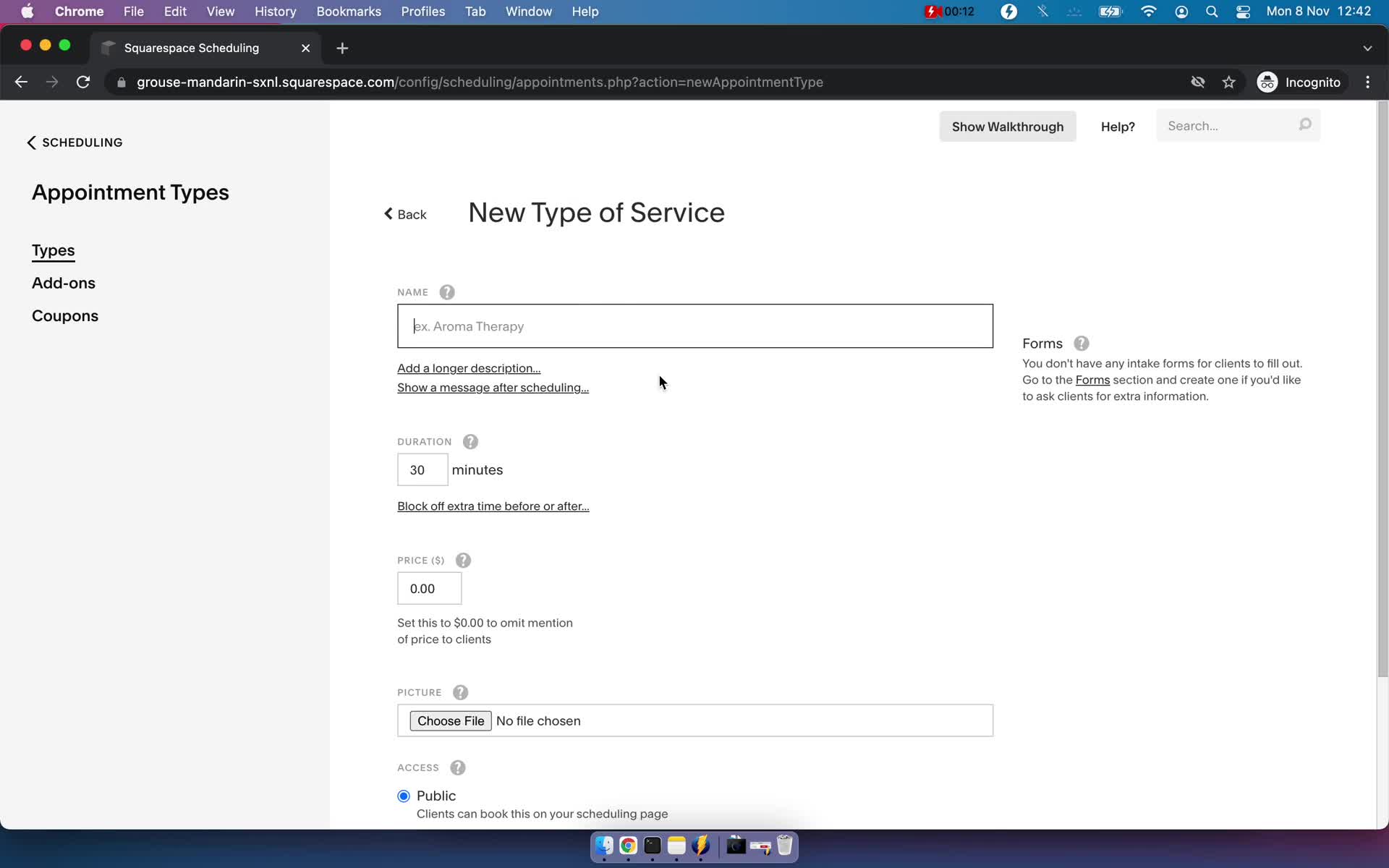
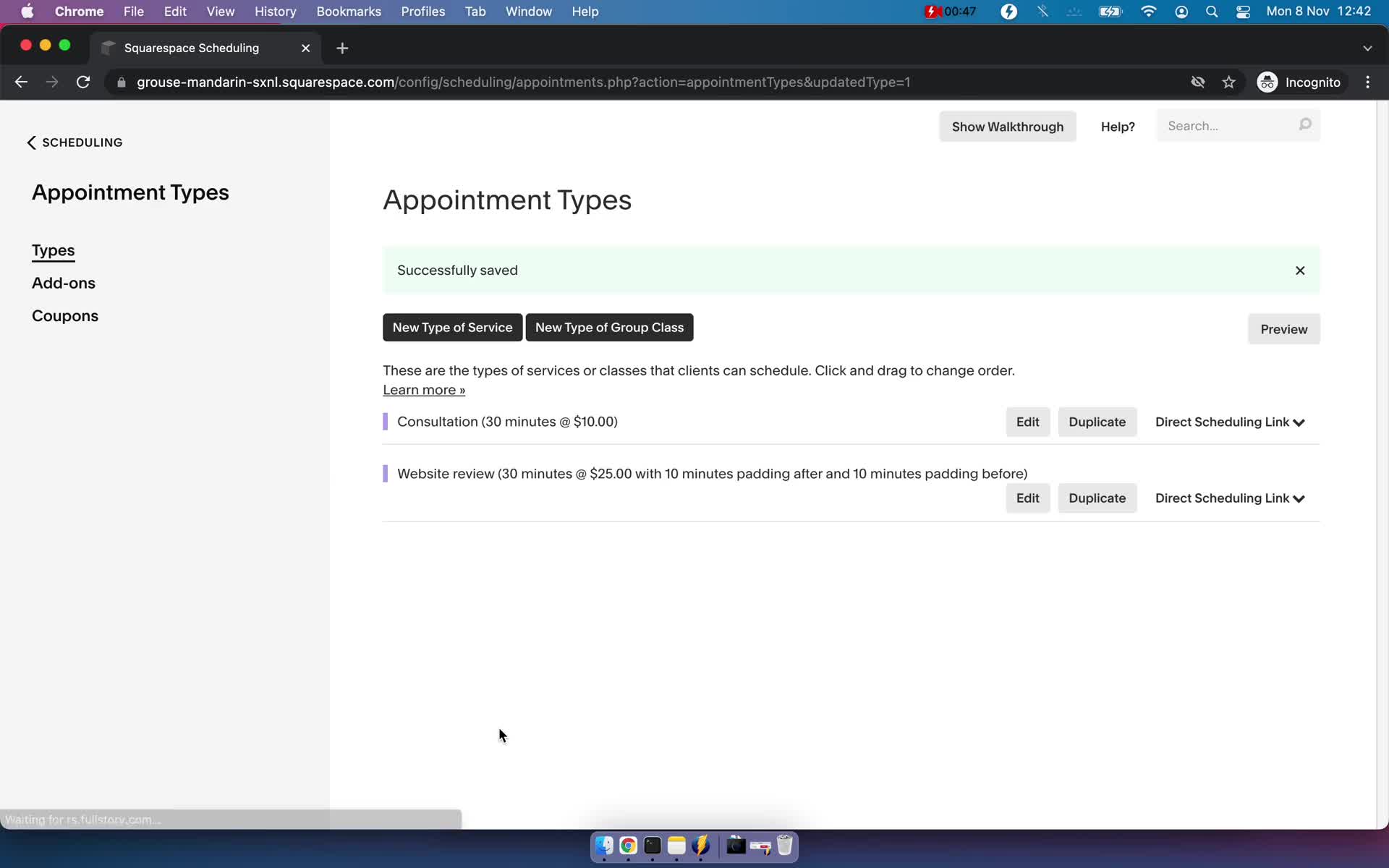
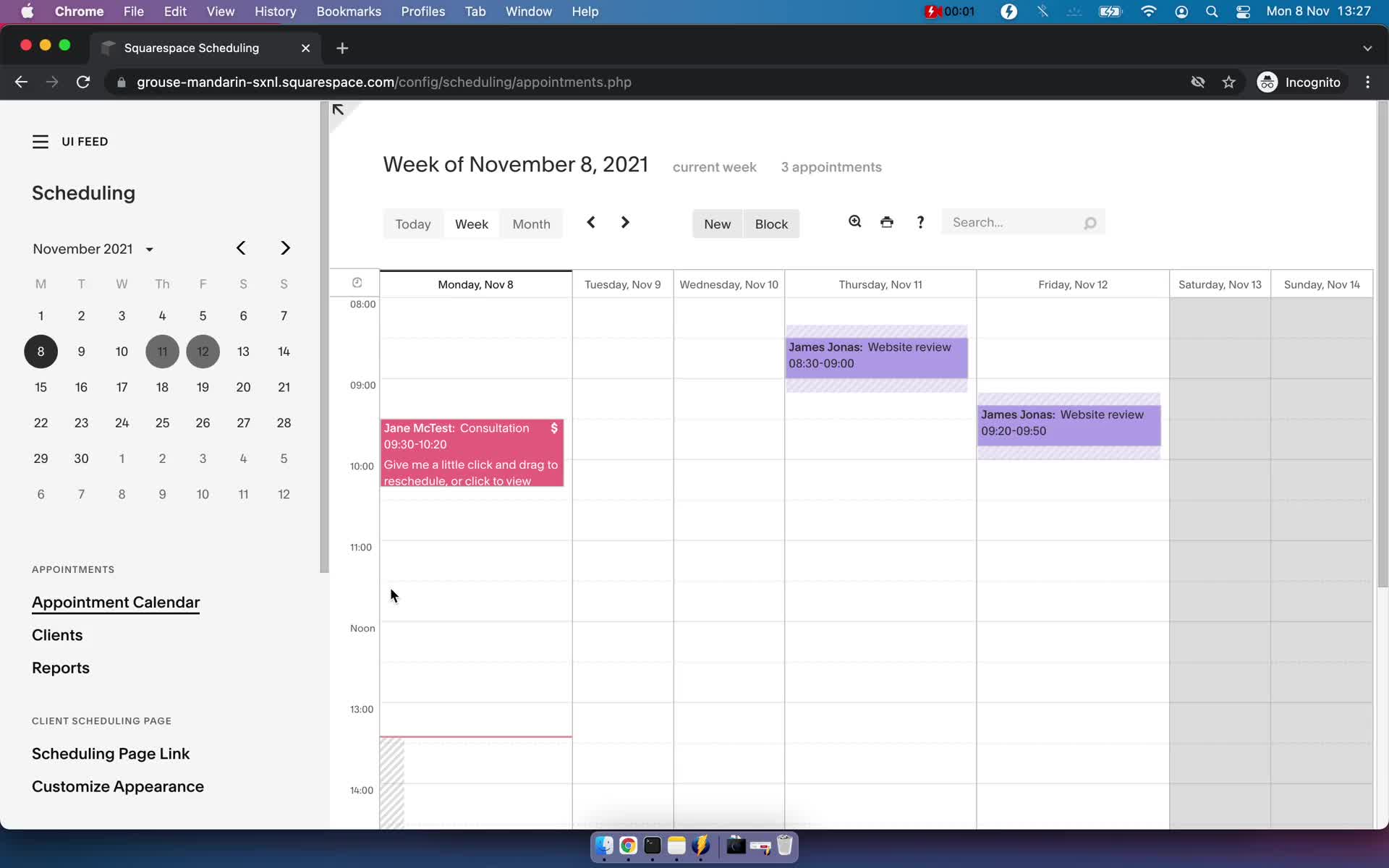
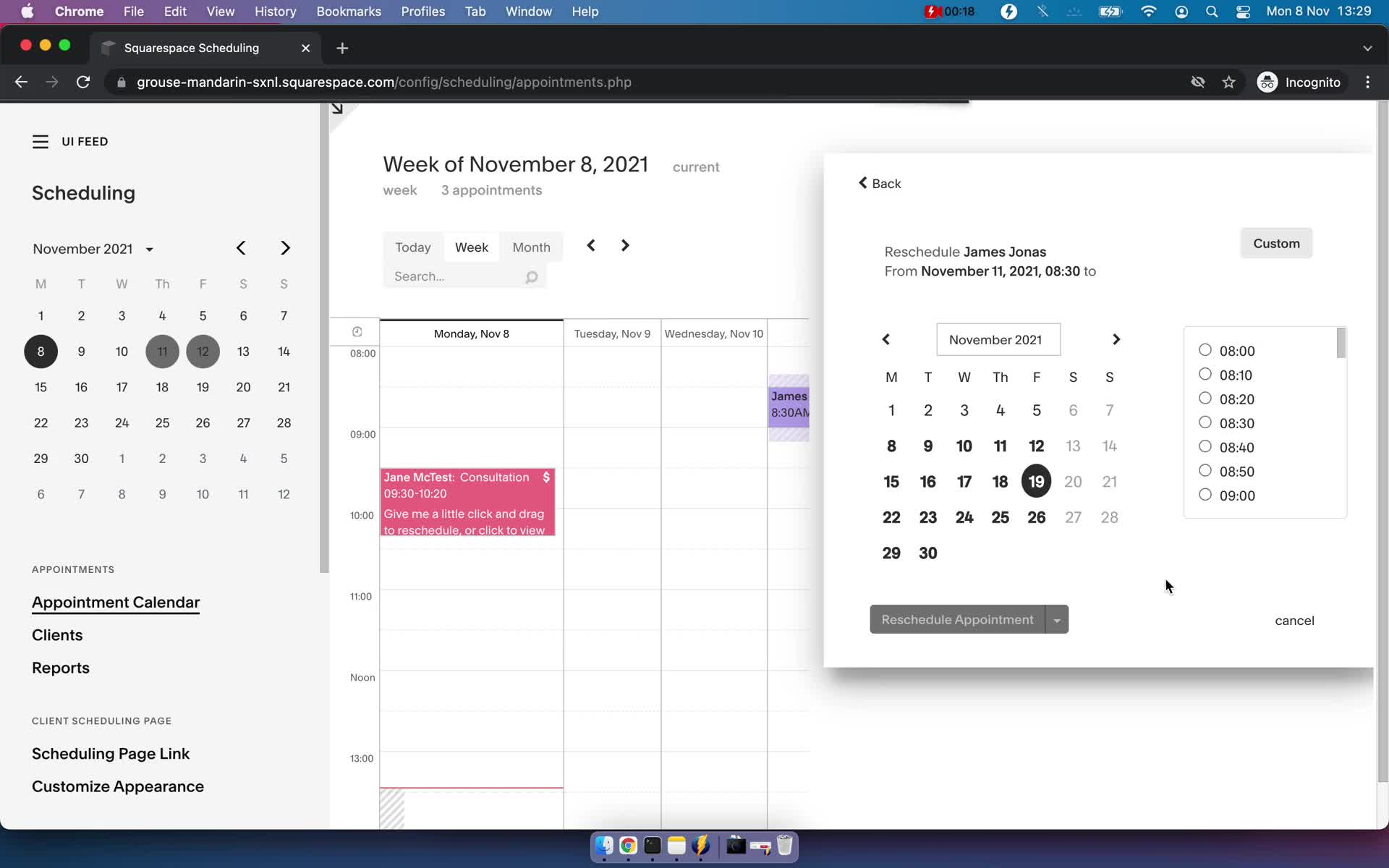
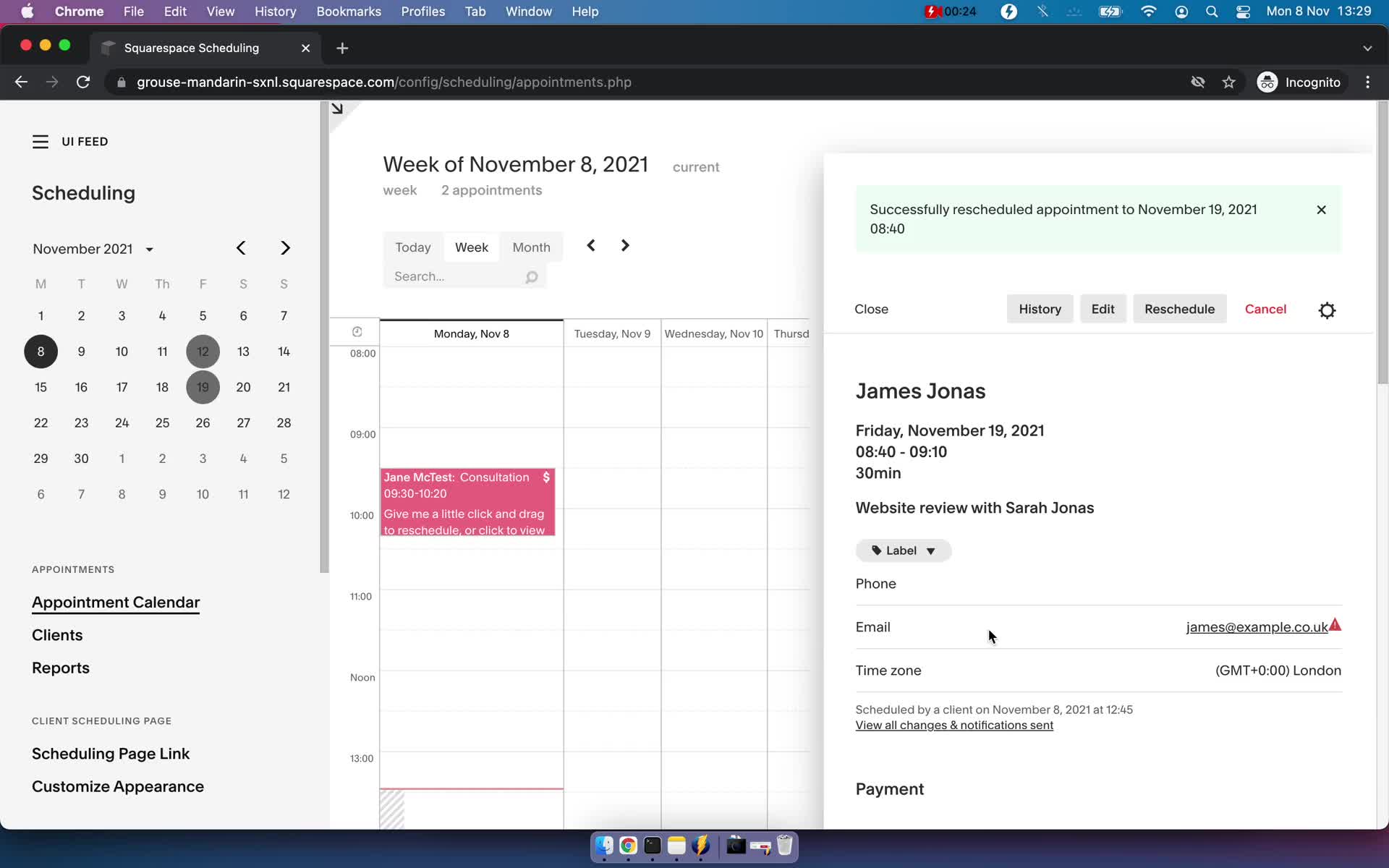
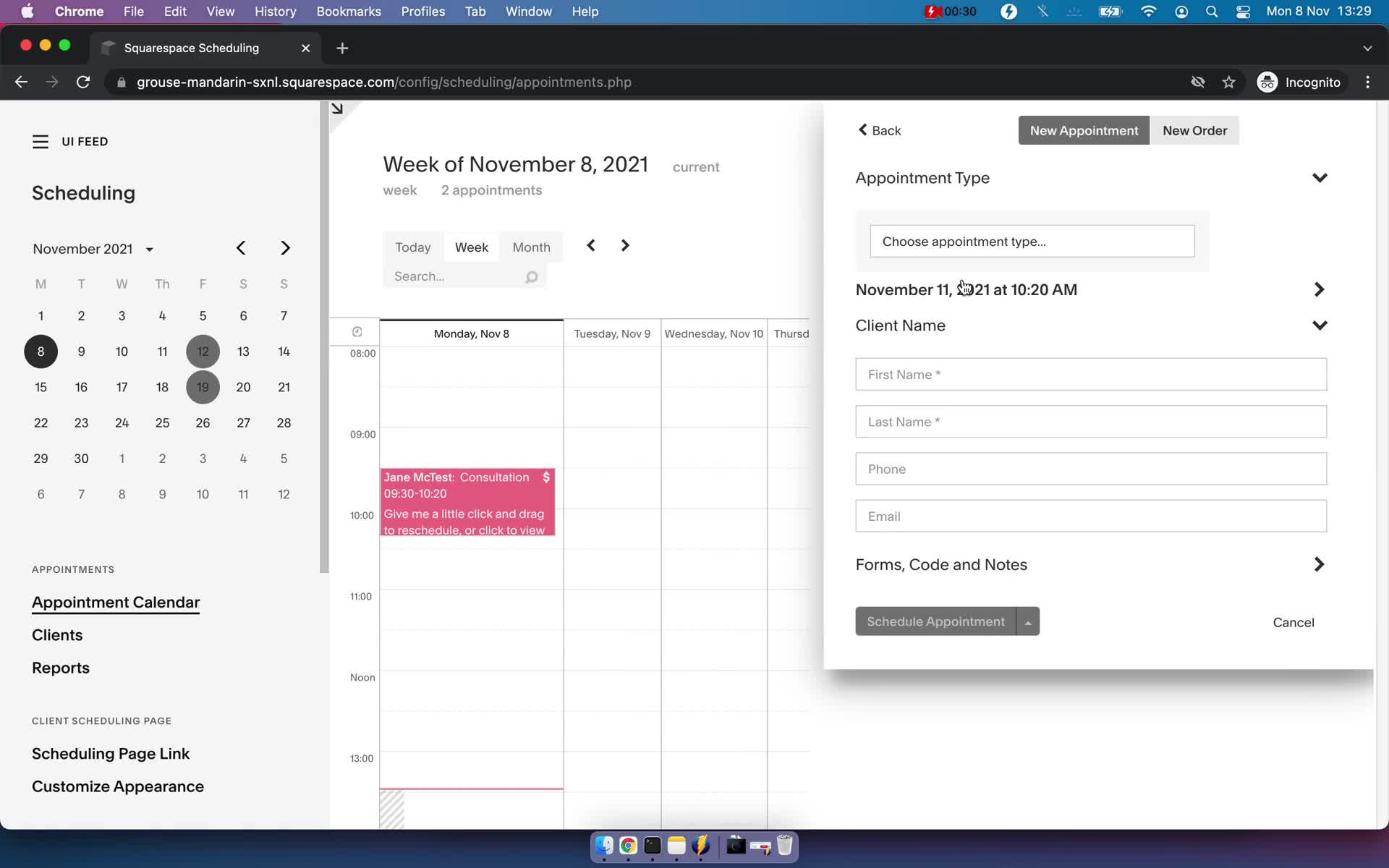
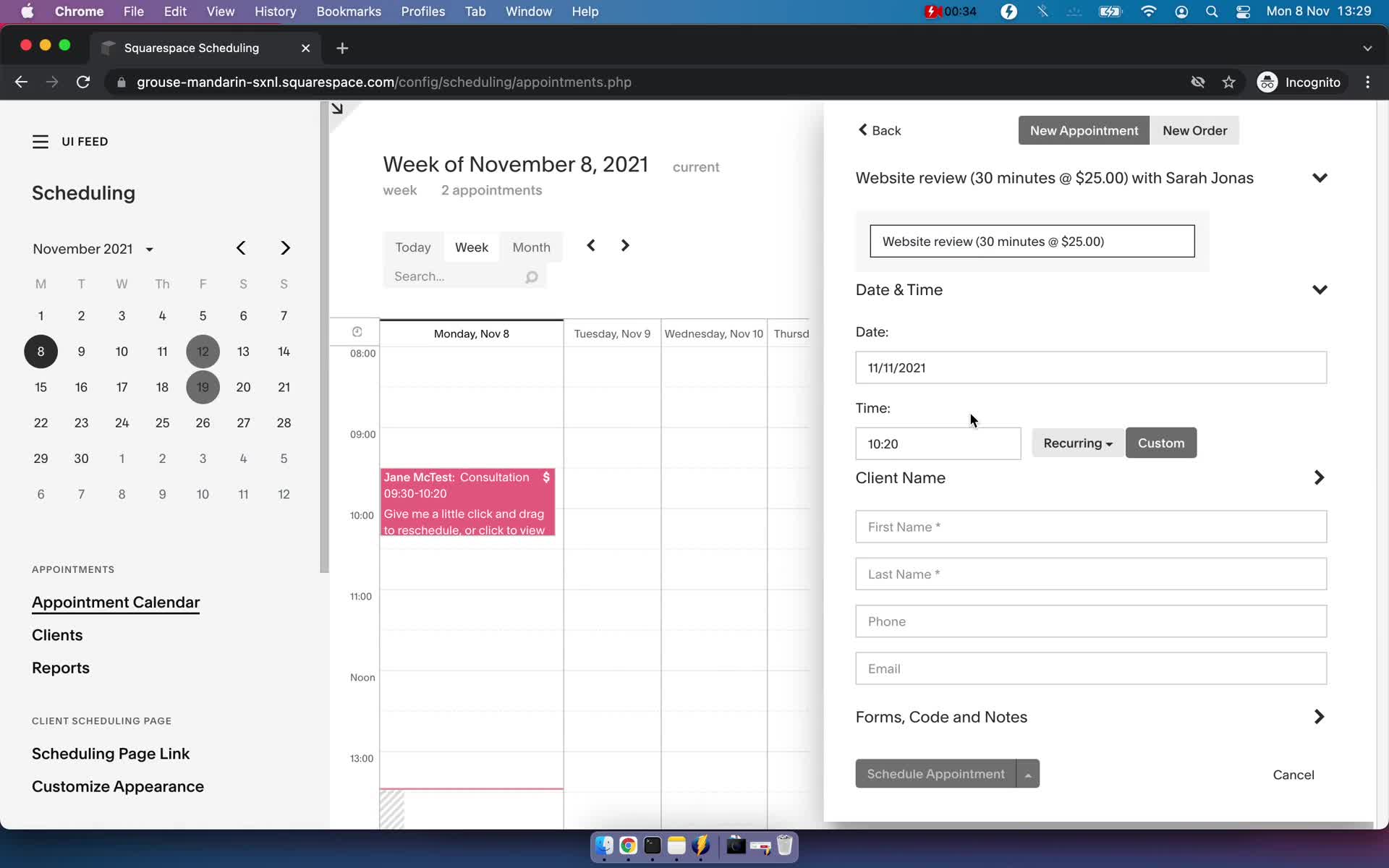
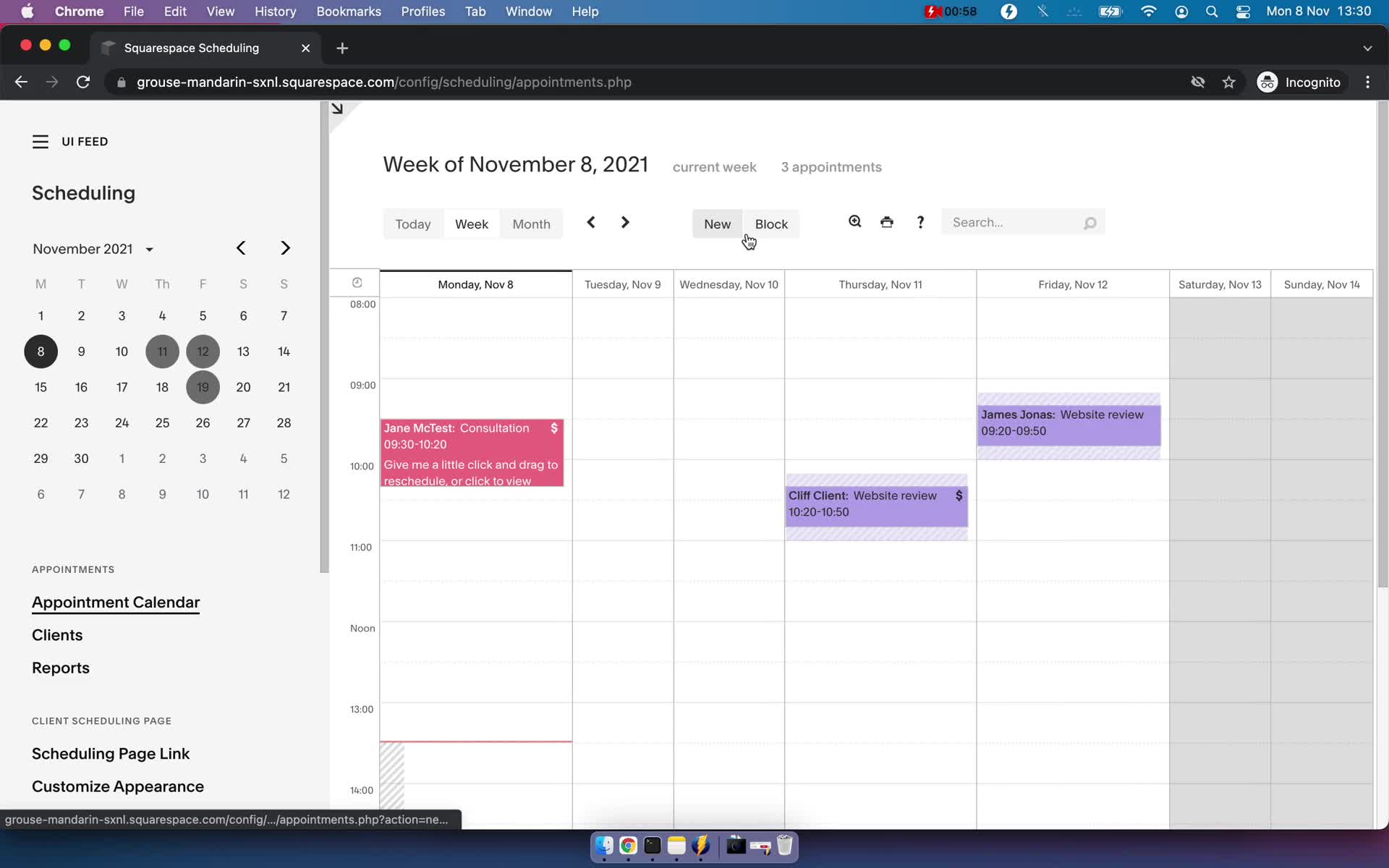
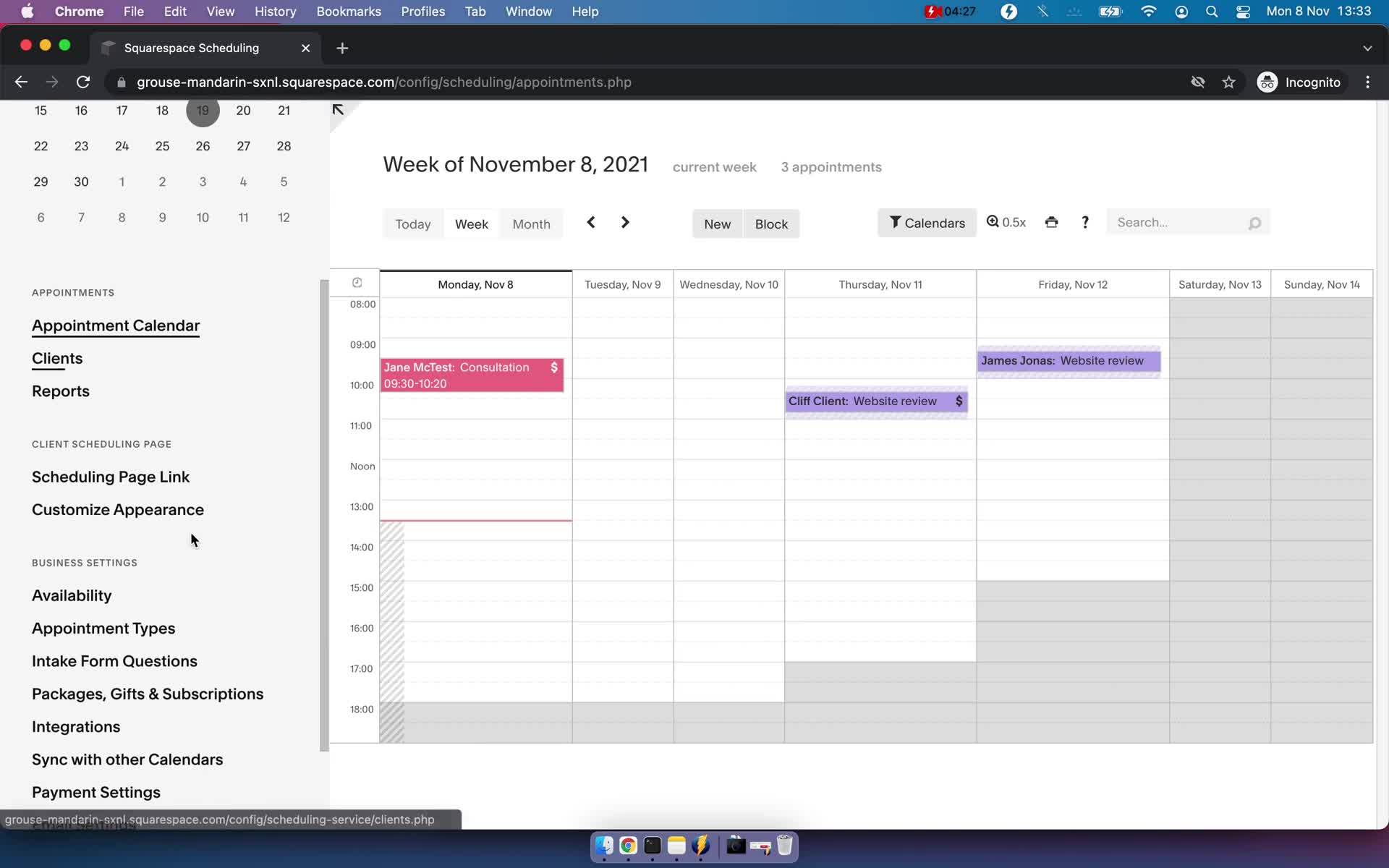
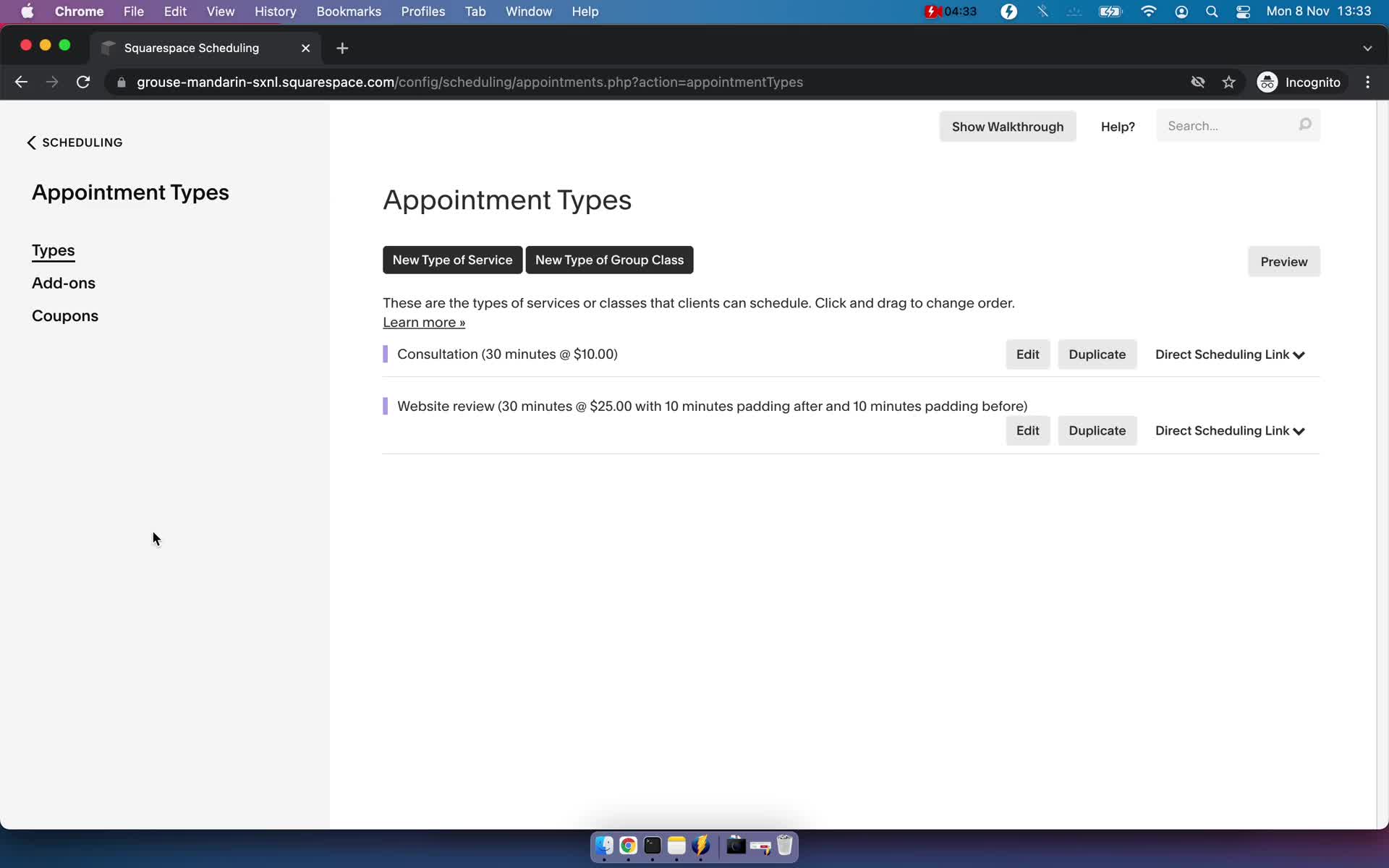
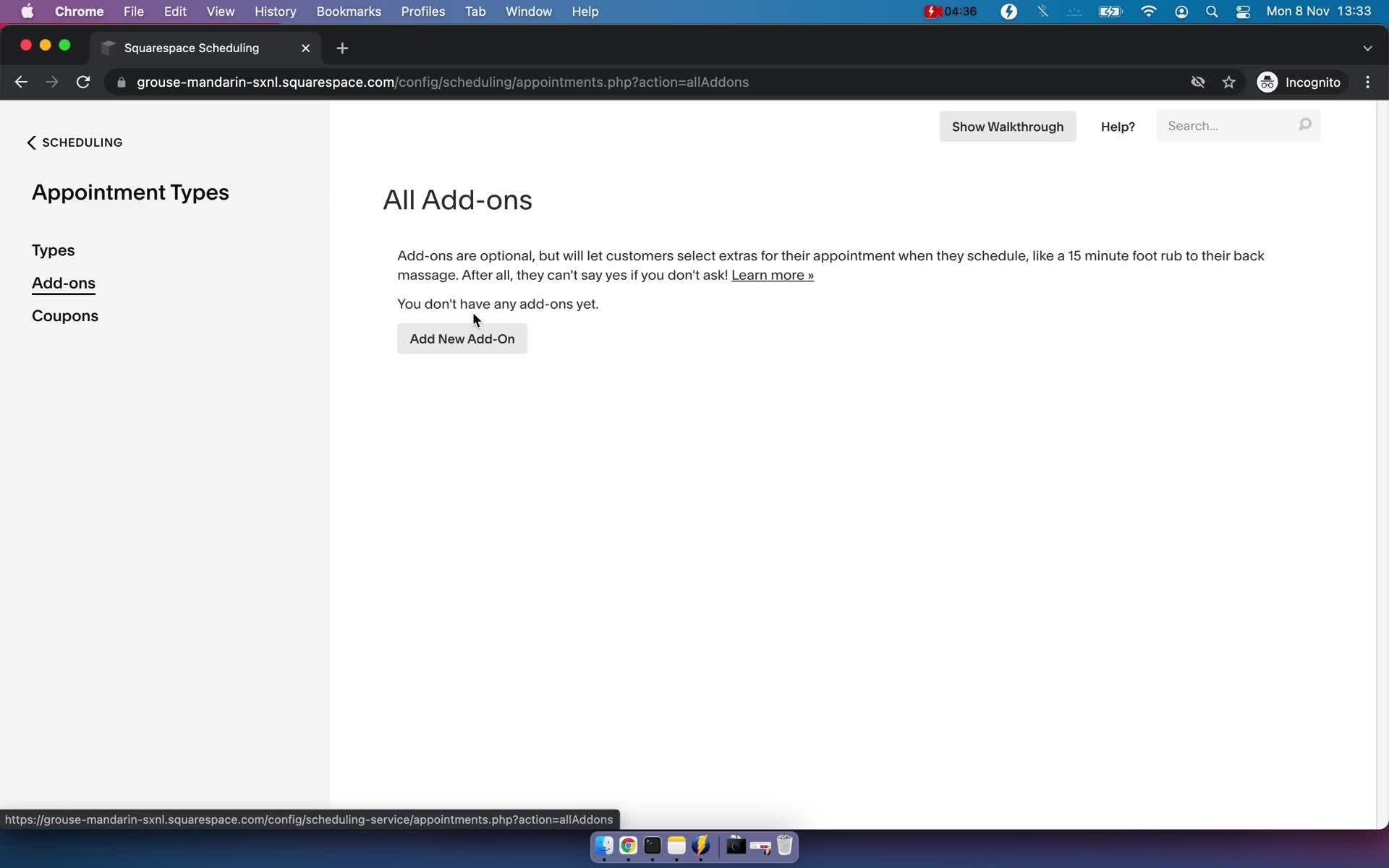
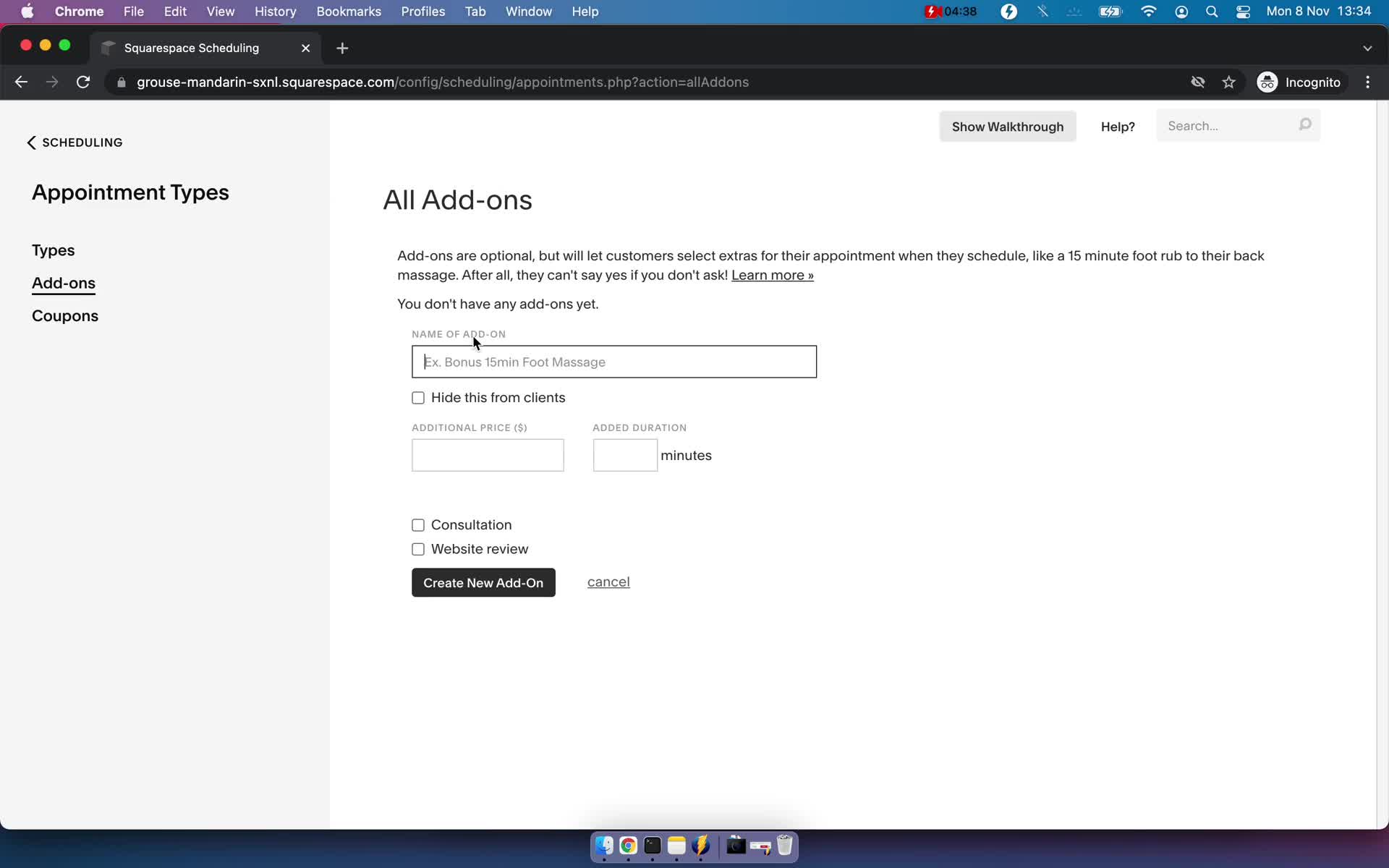
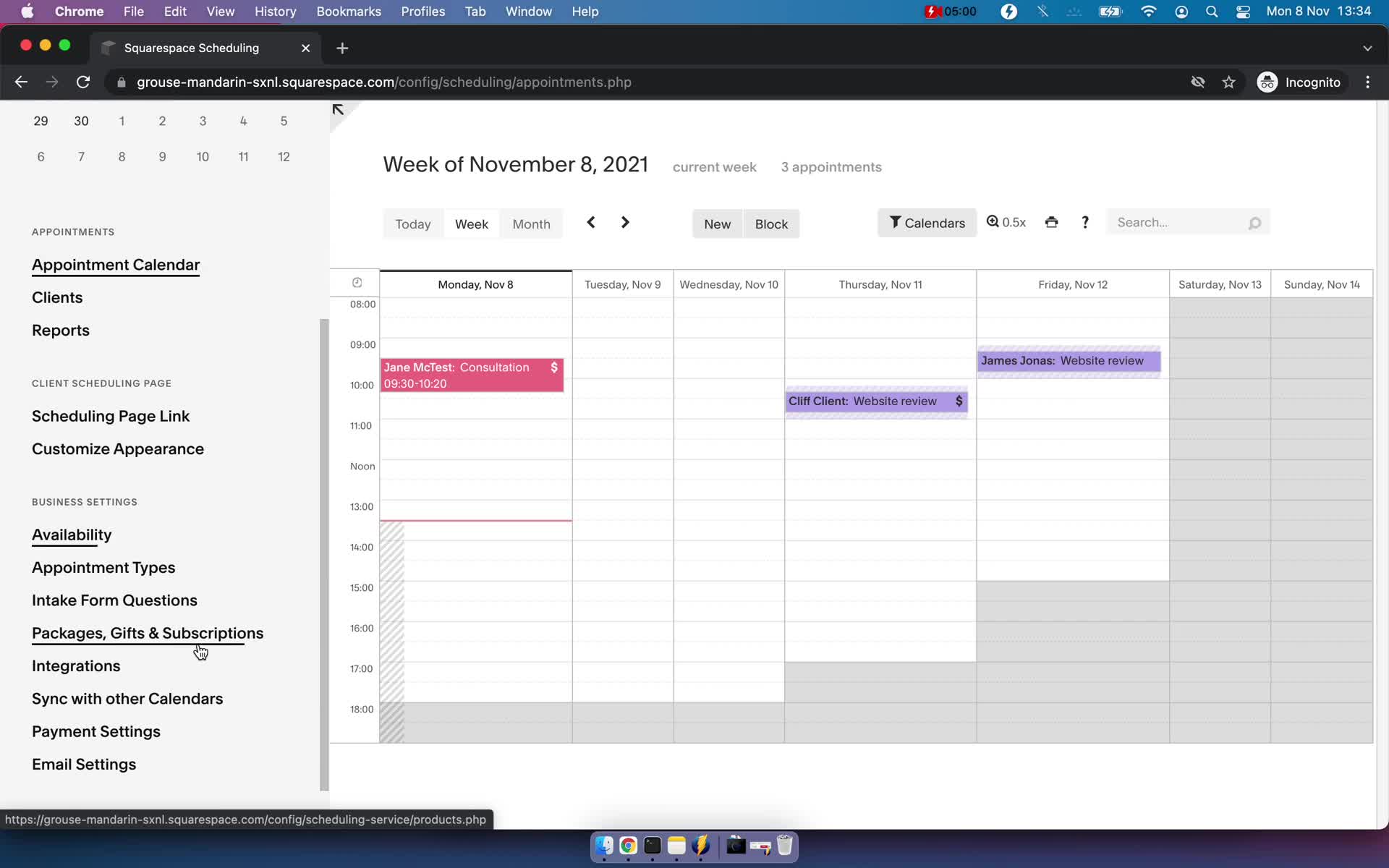
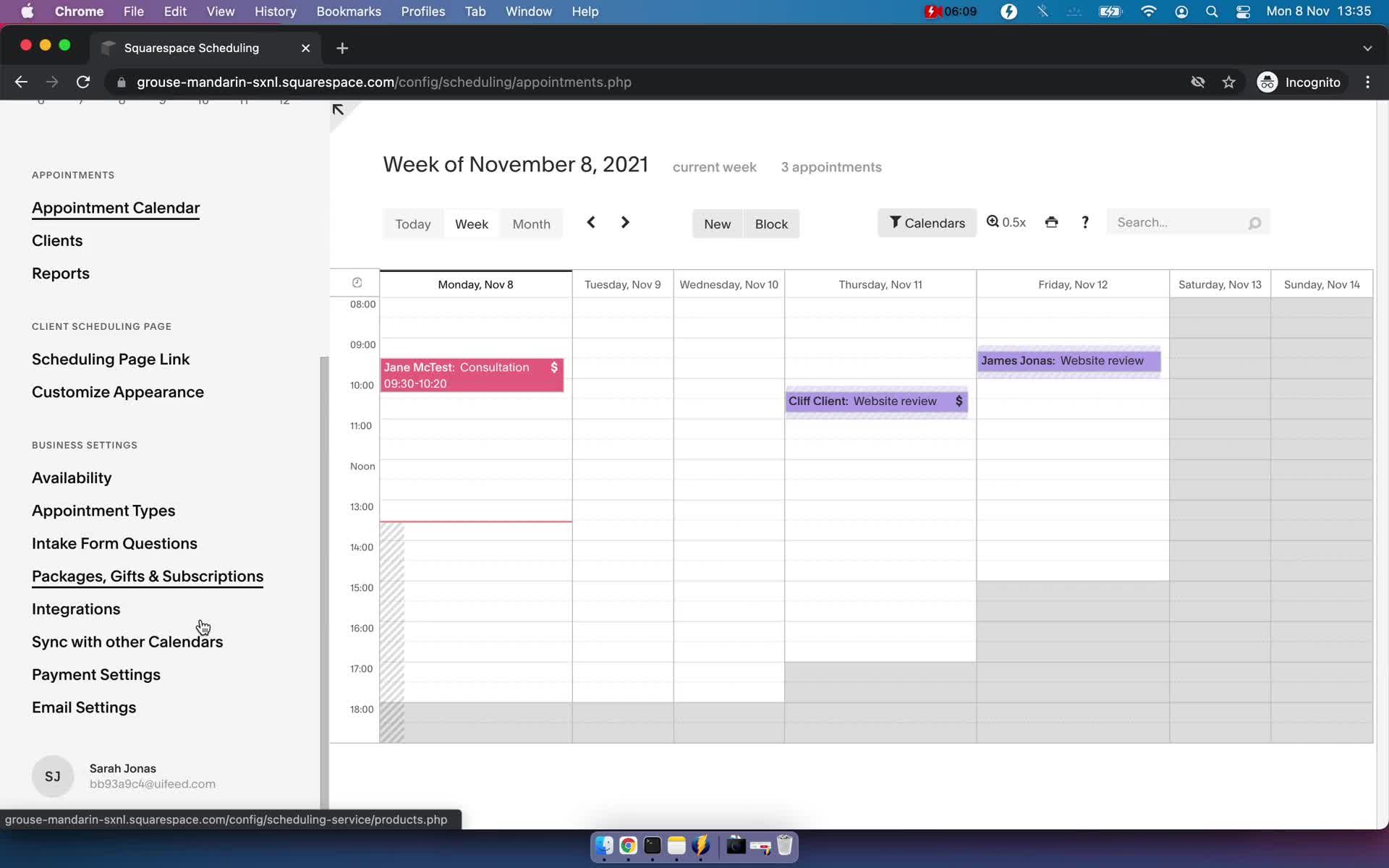
Appointments
this is title
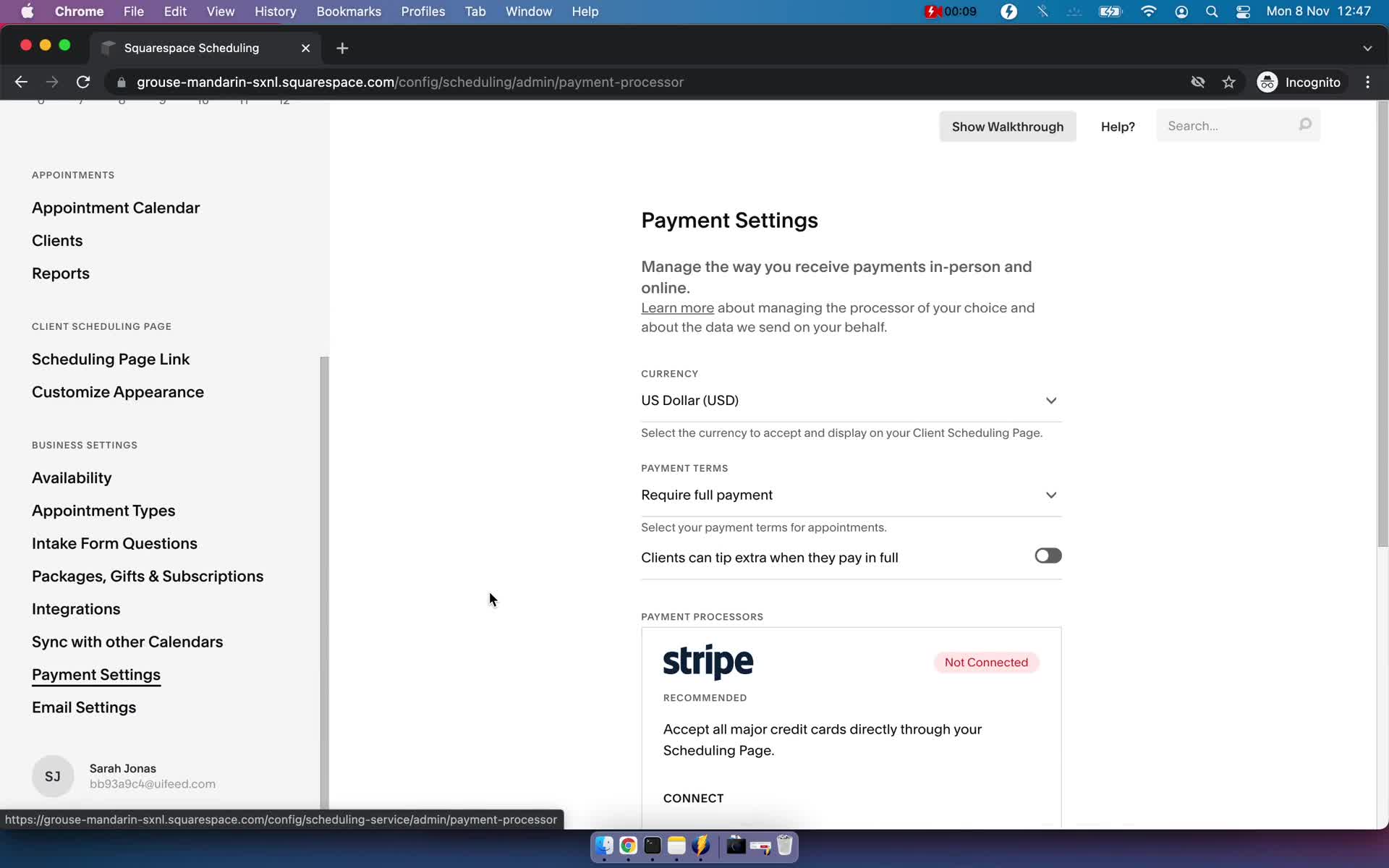
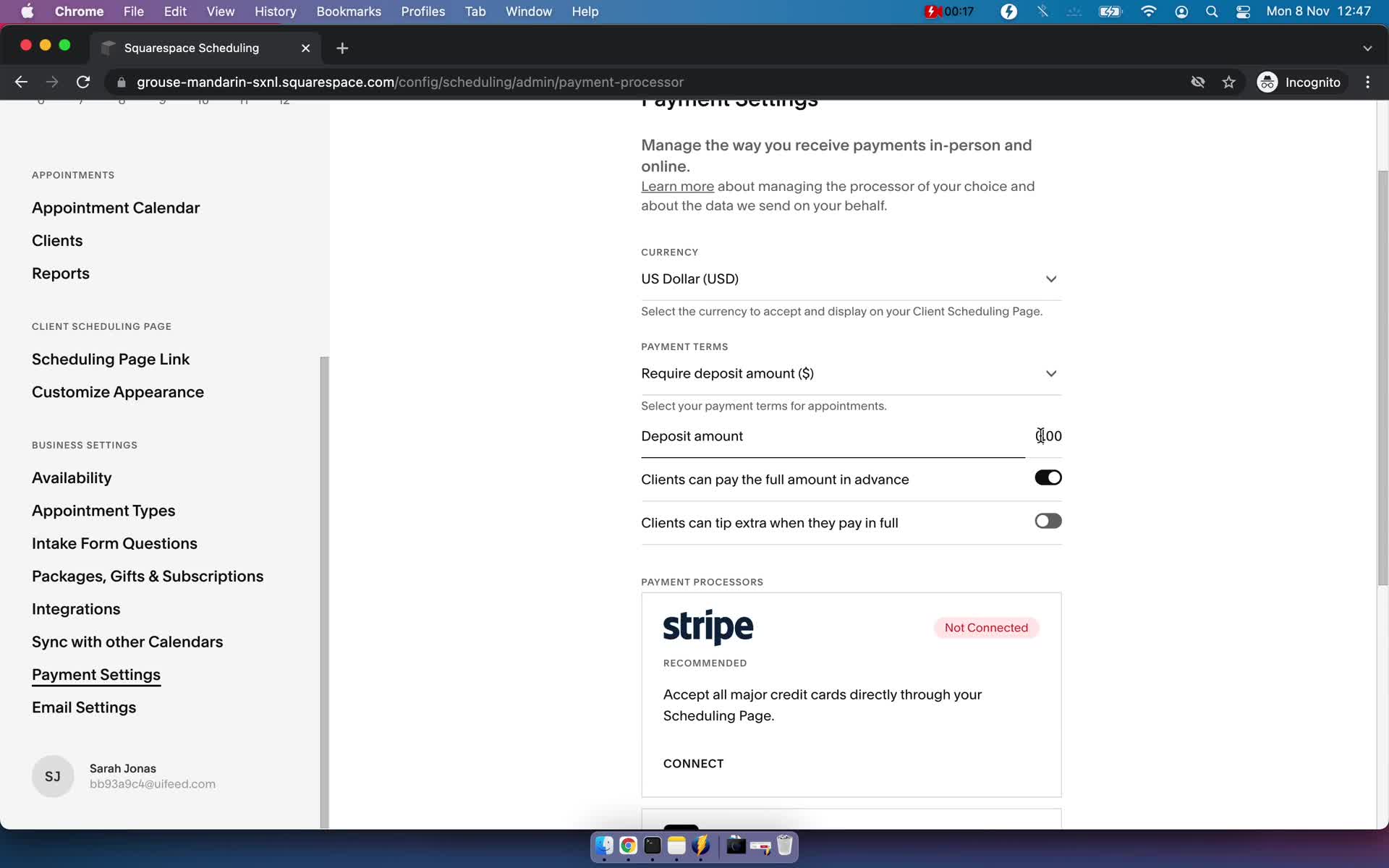
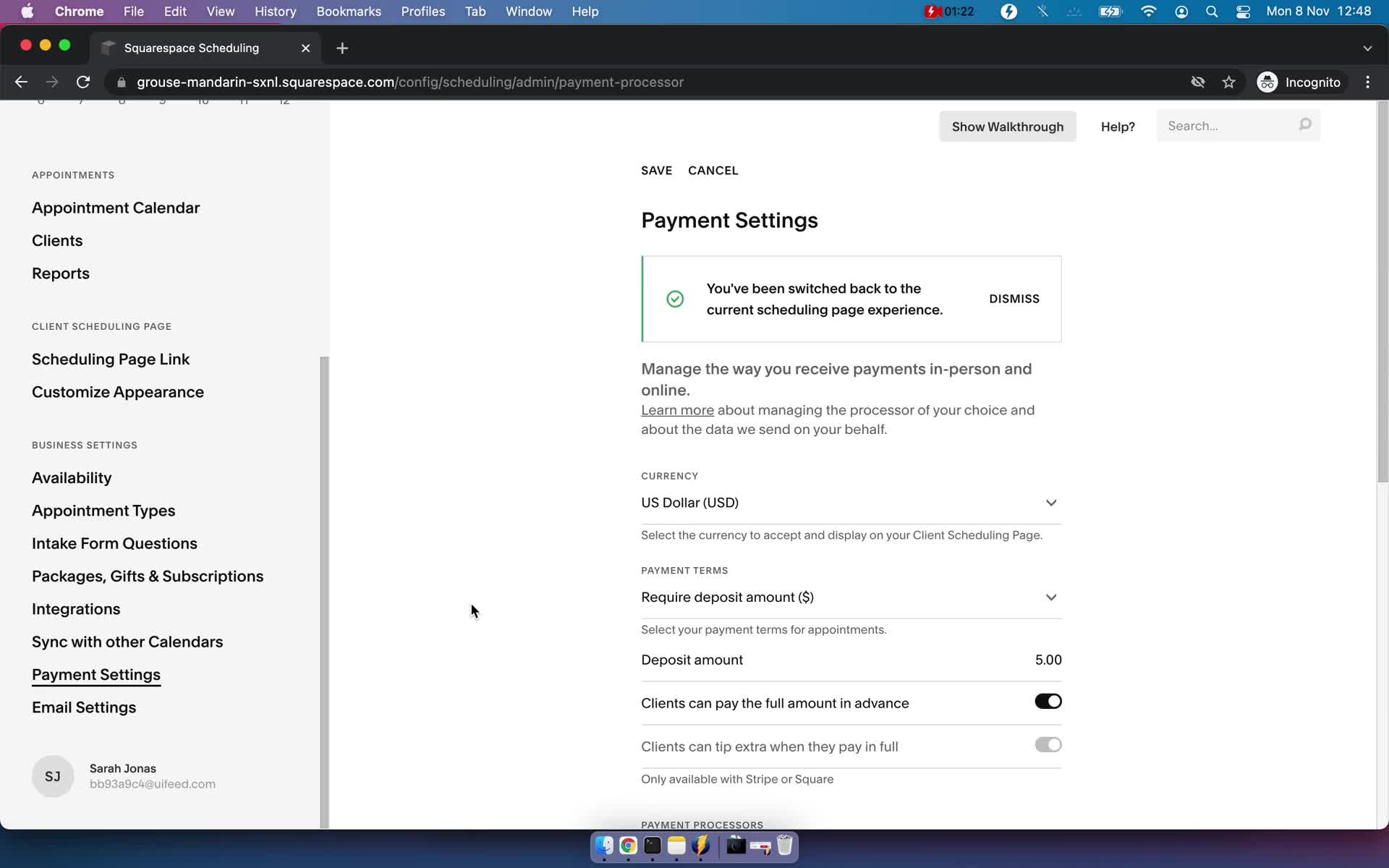
Payment settings
this is title
Payment settings
this is title
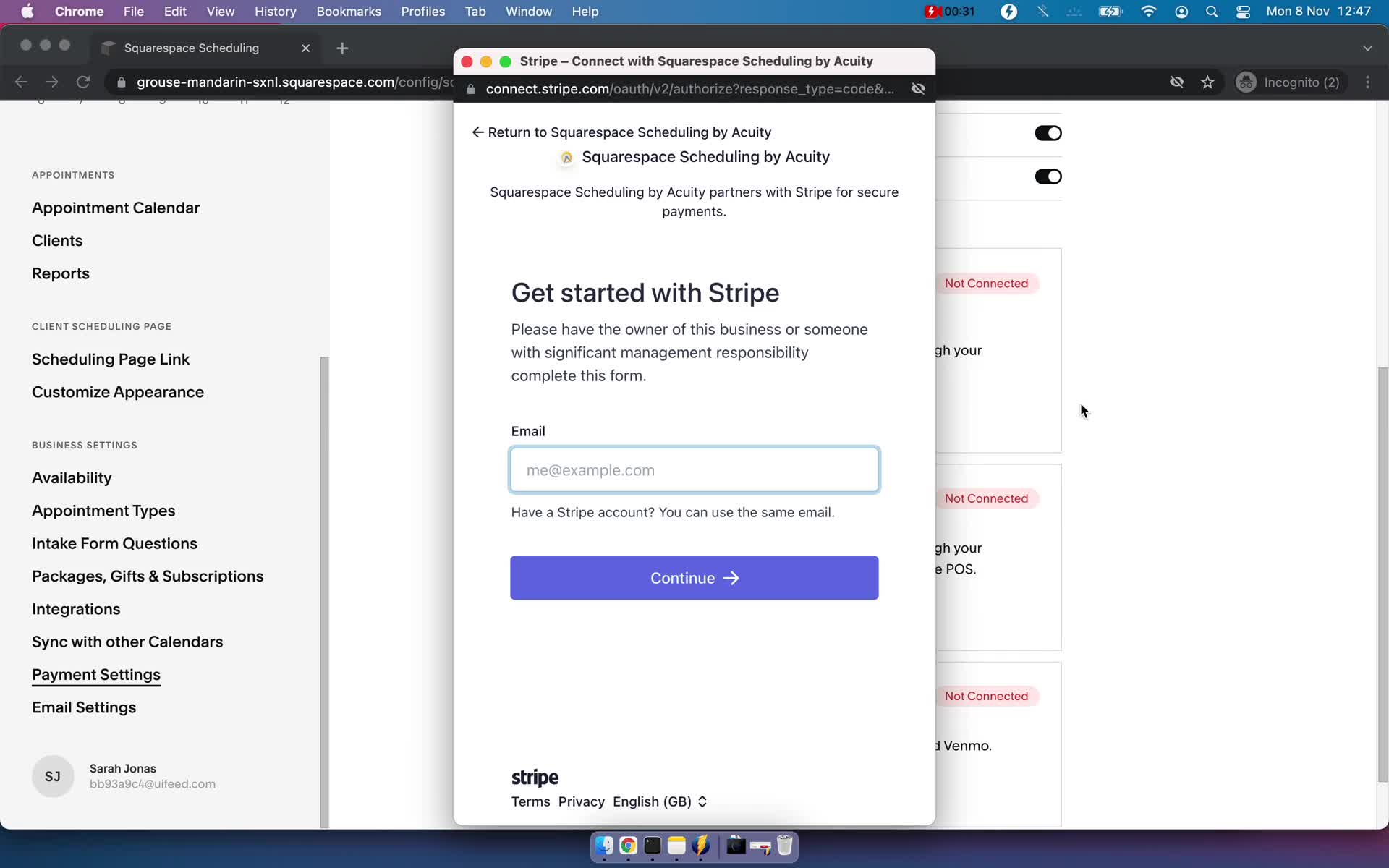
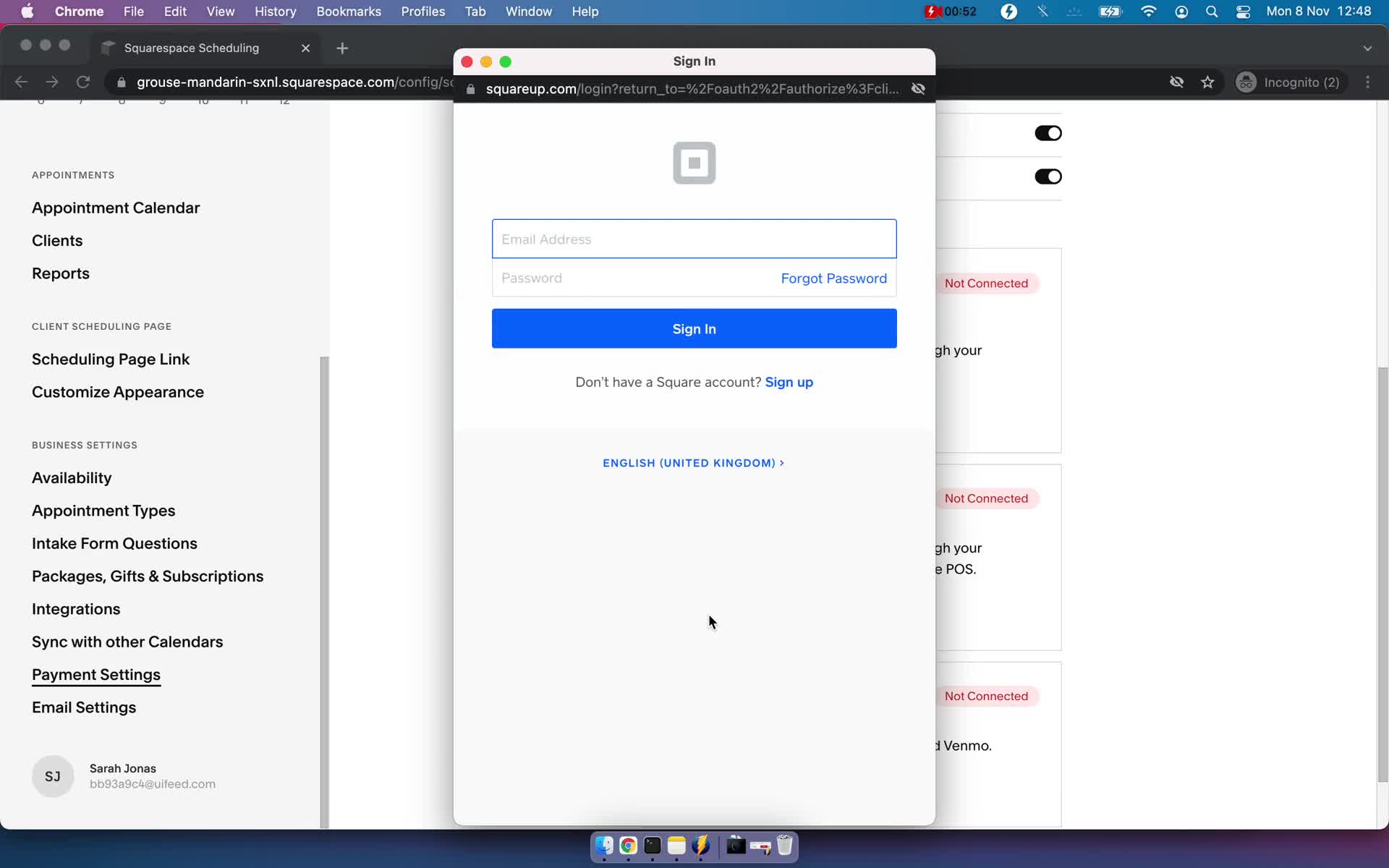
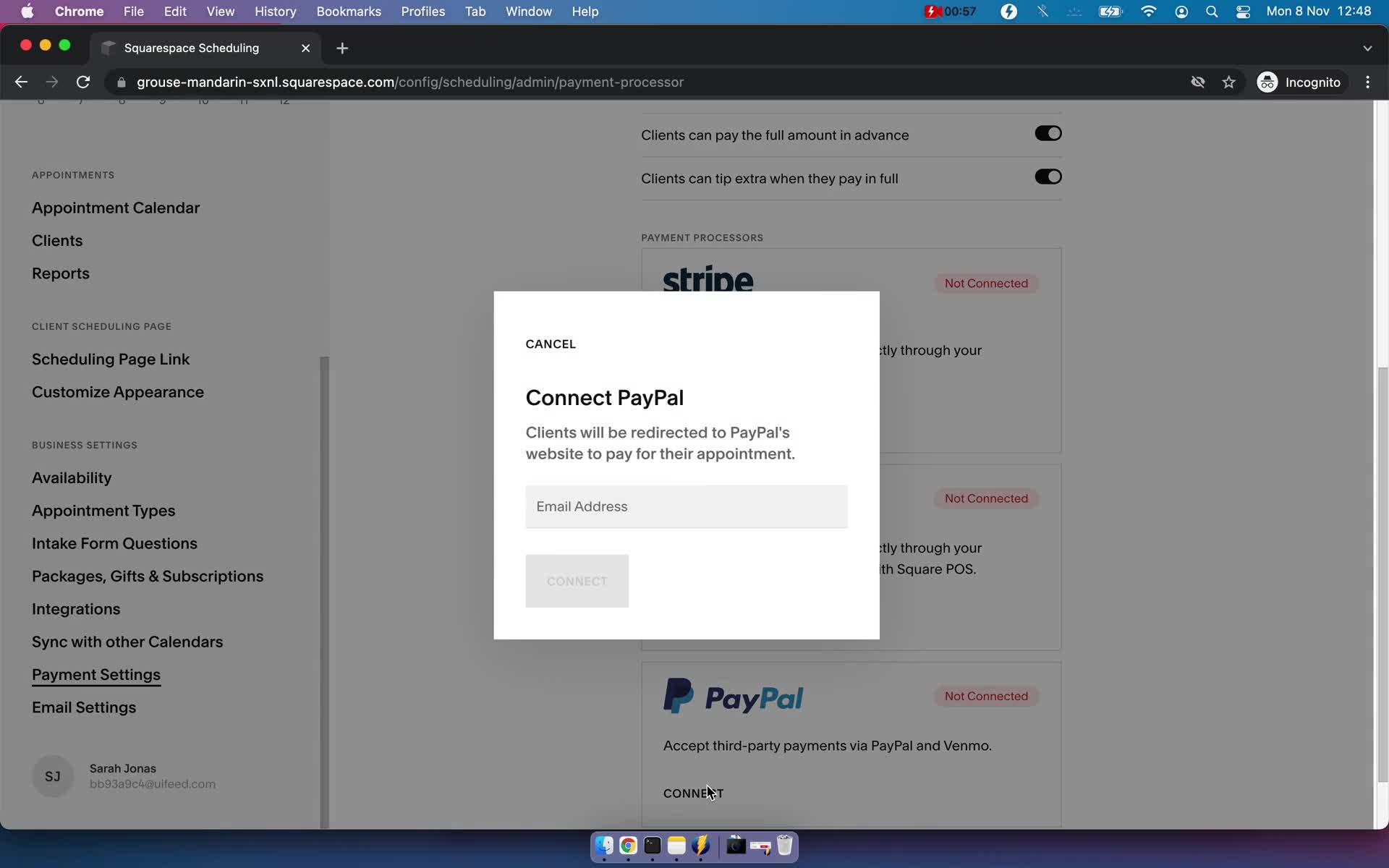
Connect integration
this is title
Connect integration
this is title
Connect integration
this is title
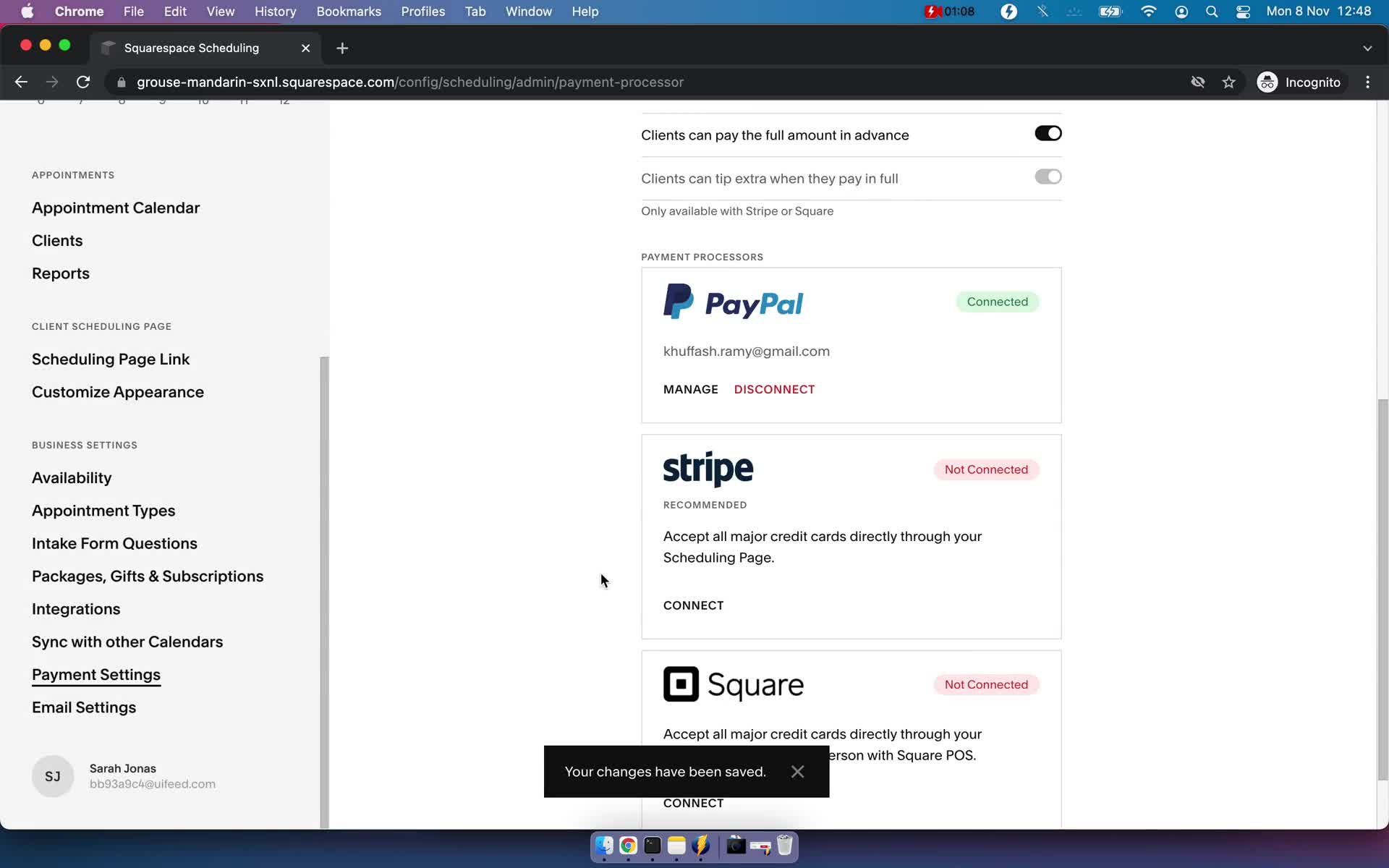
Integration connected
this is title
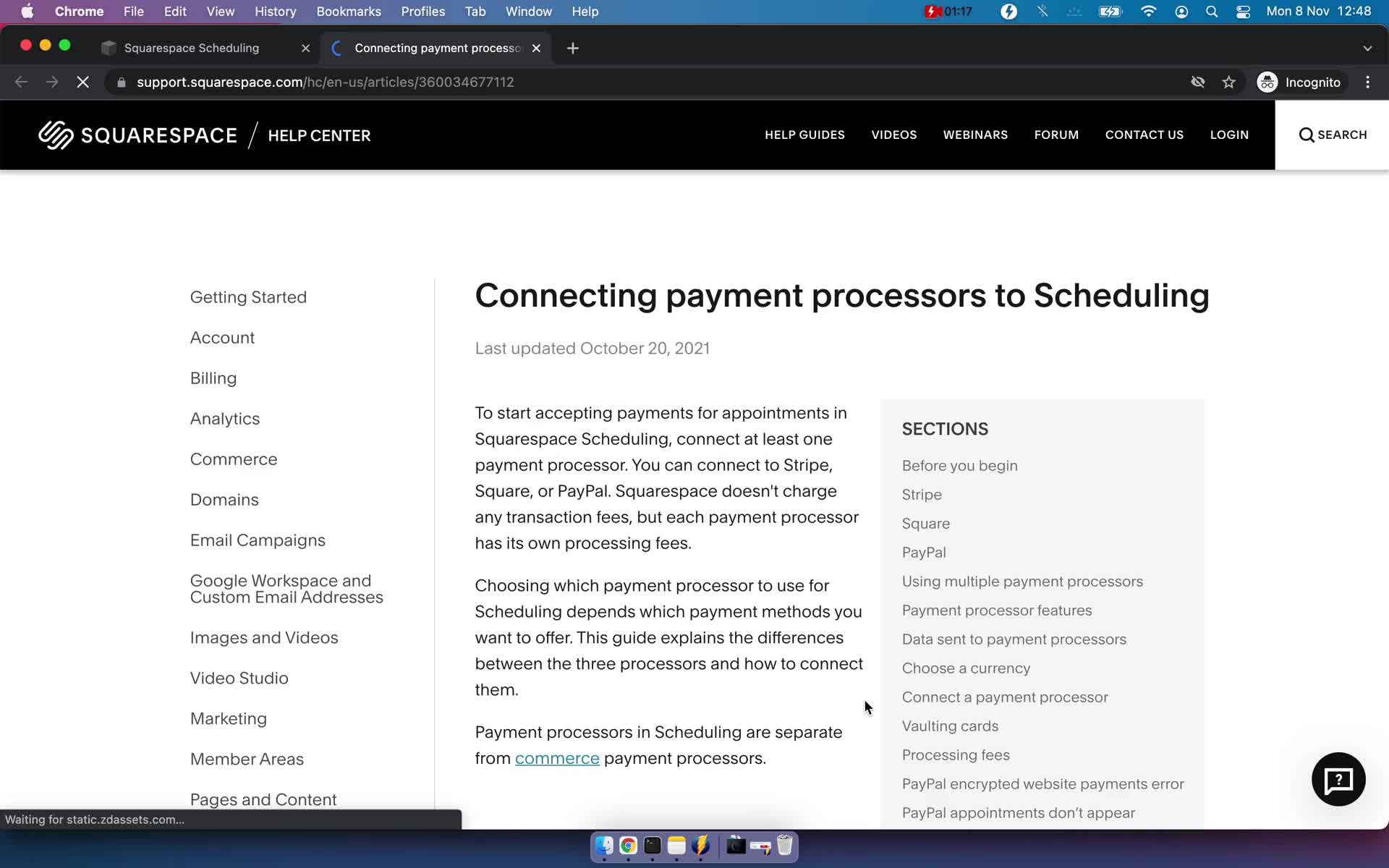
Guide
this is title
Payment settings
this is title
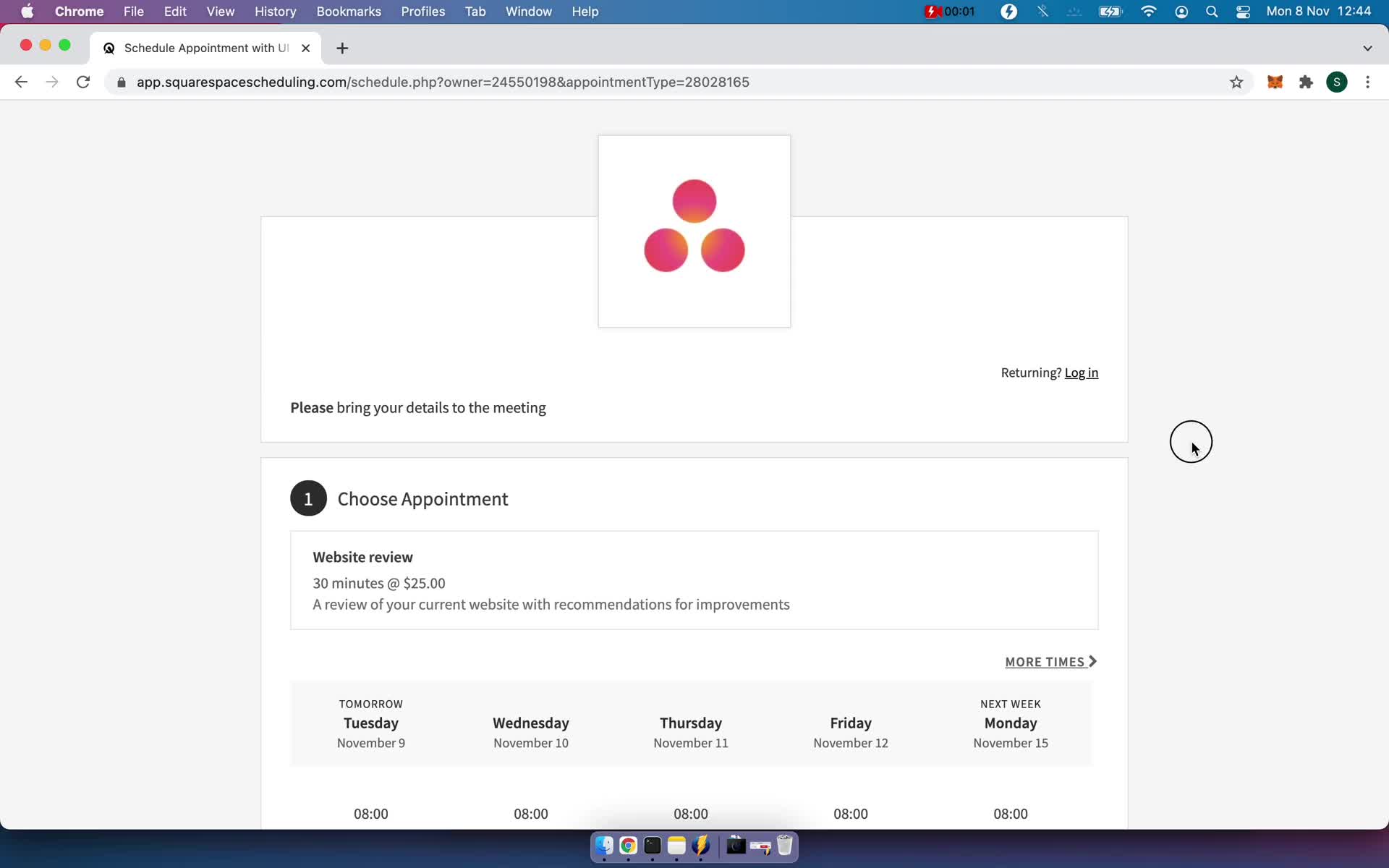
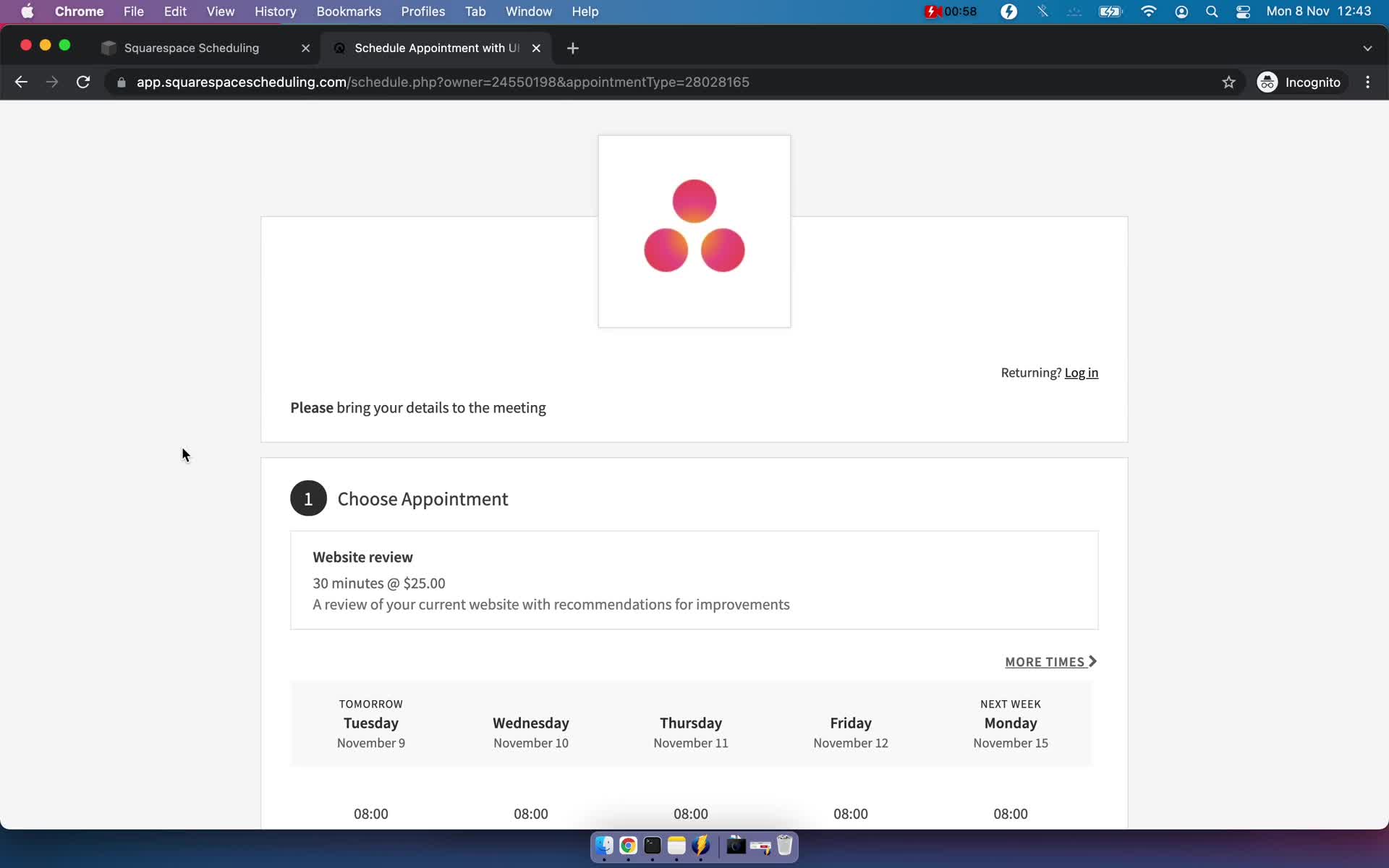
Book a time
this is title
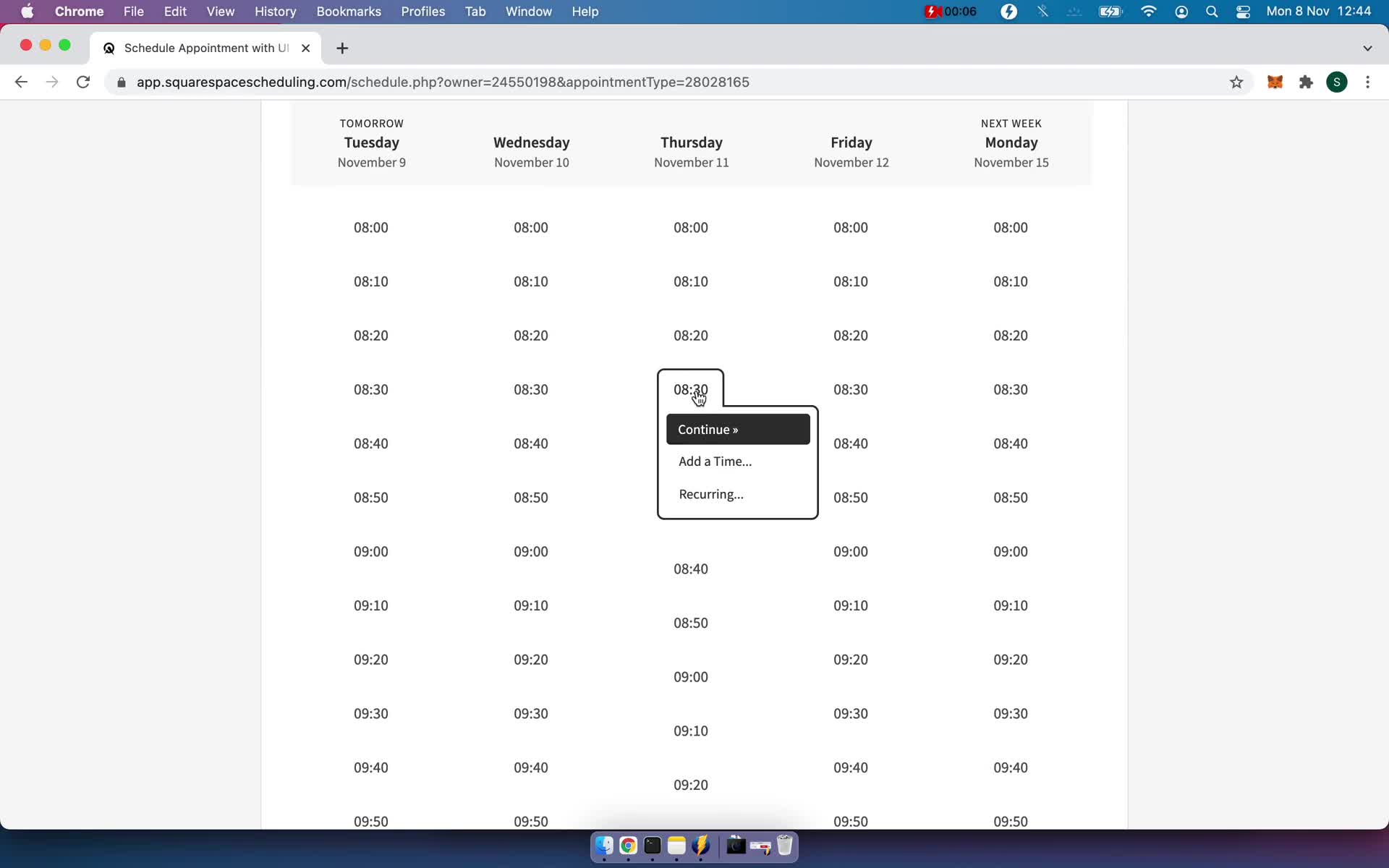
Select time
this is title
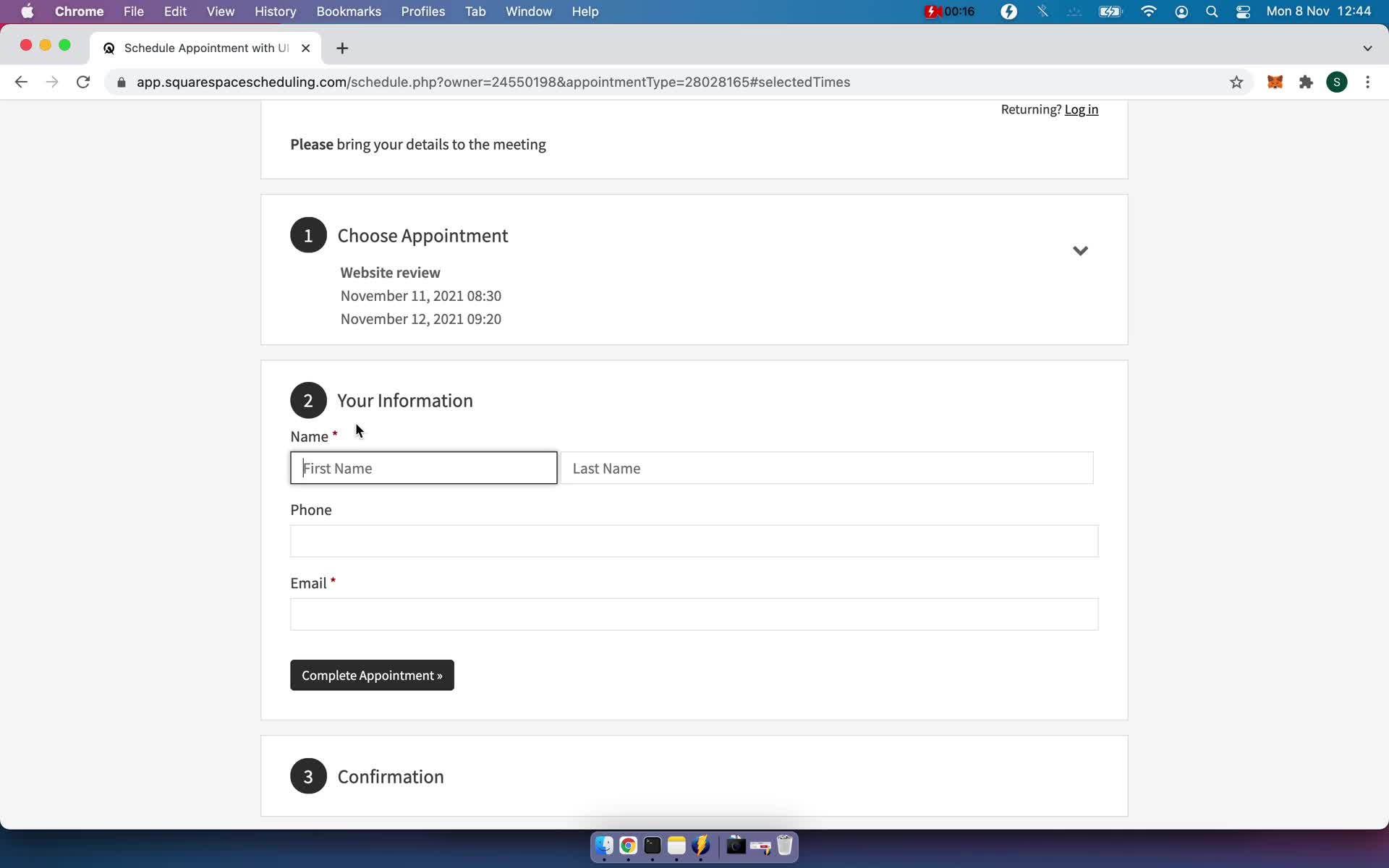
Add your details
this is title
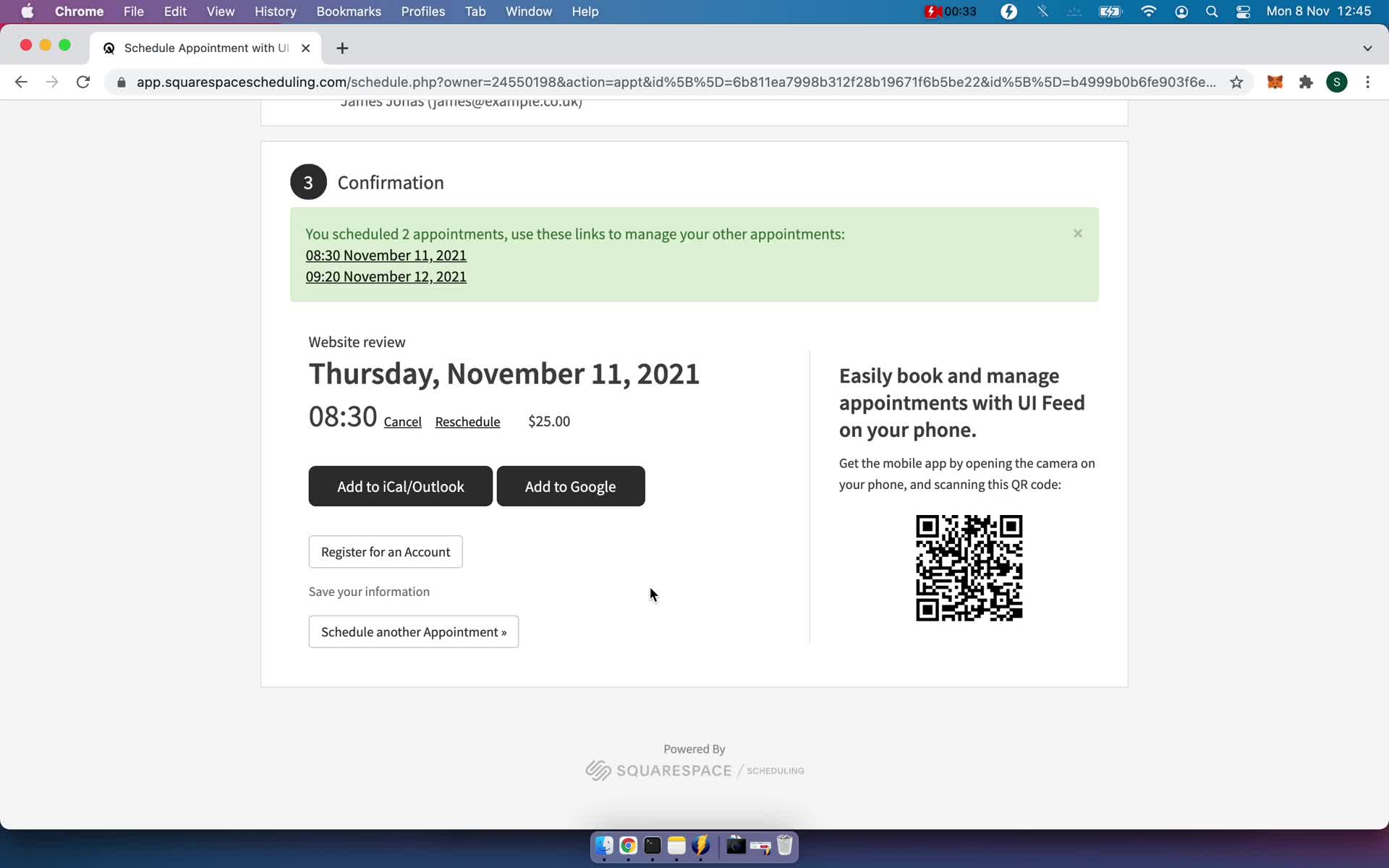
Booking confirmed
this is title
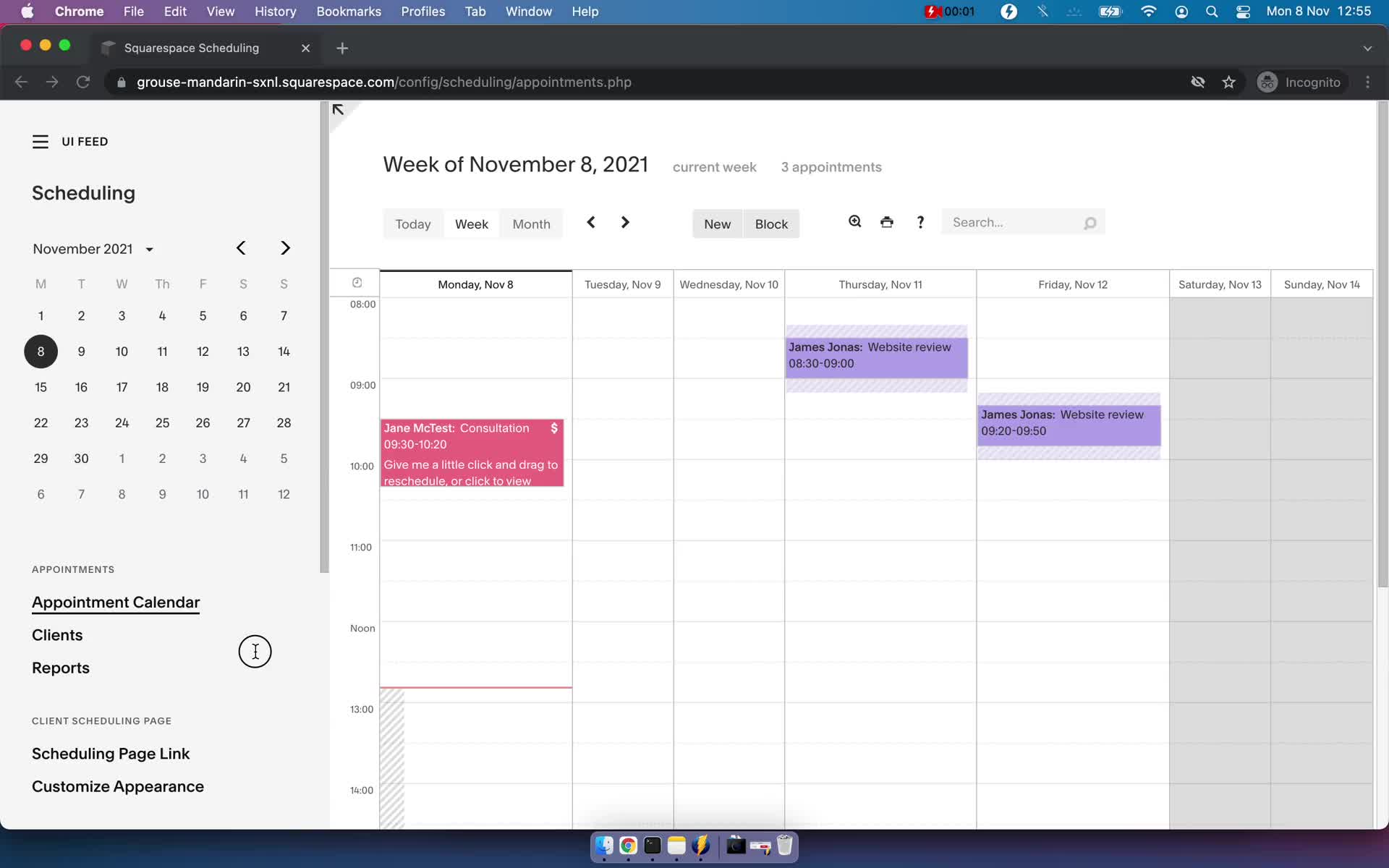
Appointments
this is title
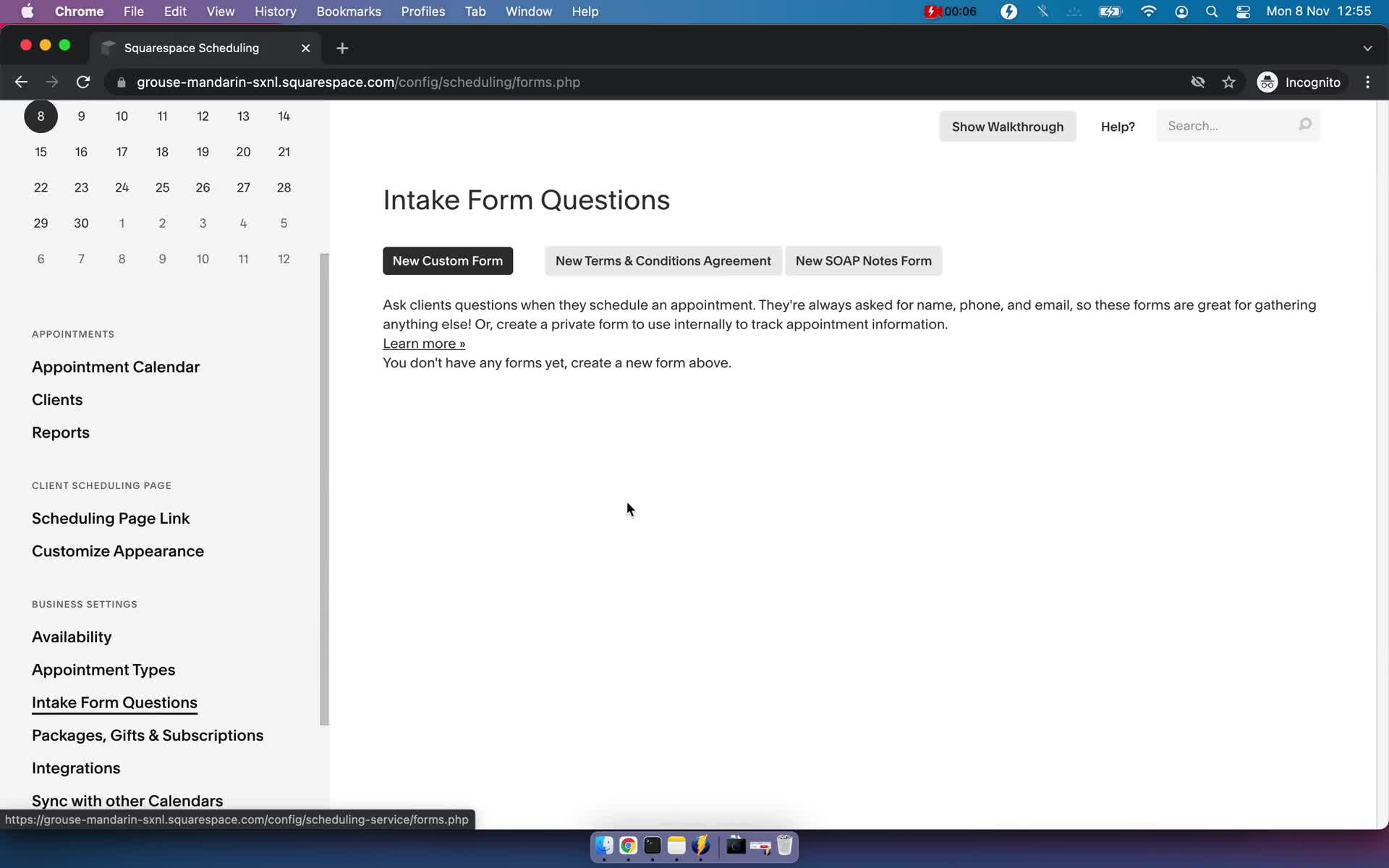
Forms
this is title
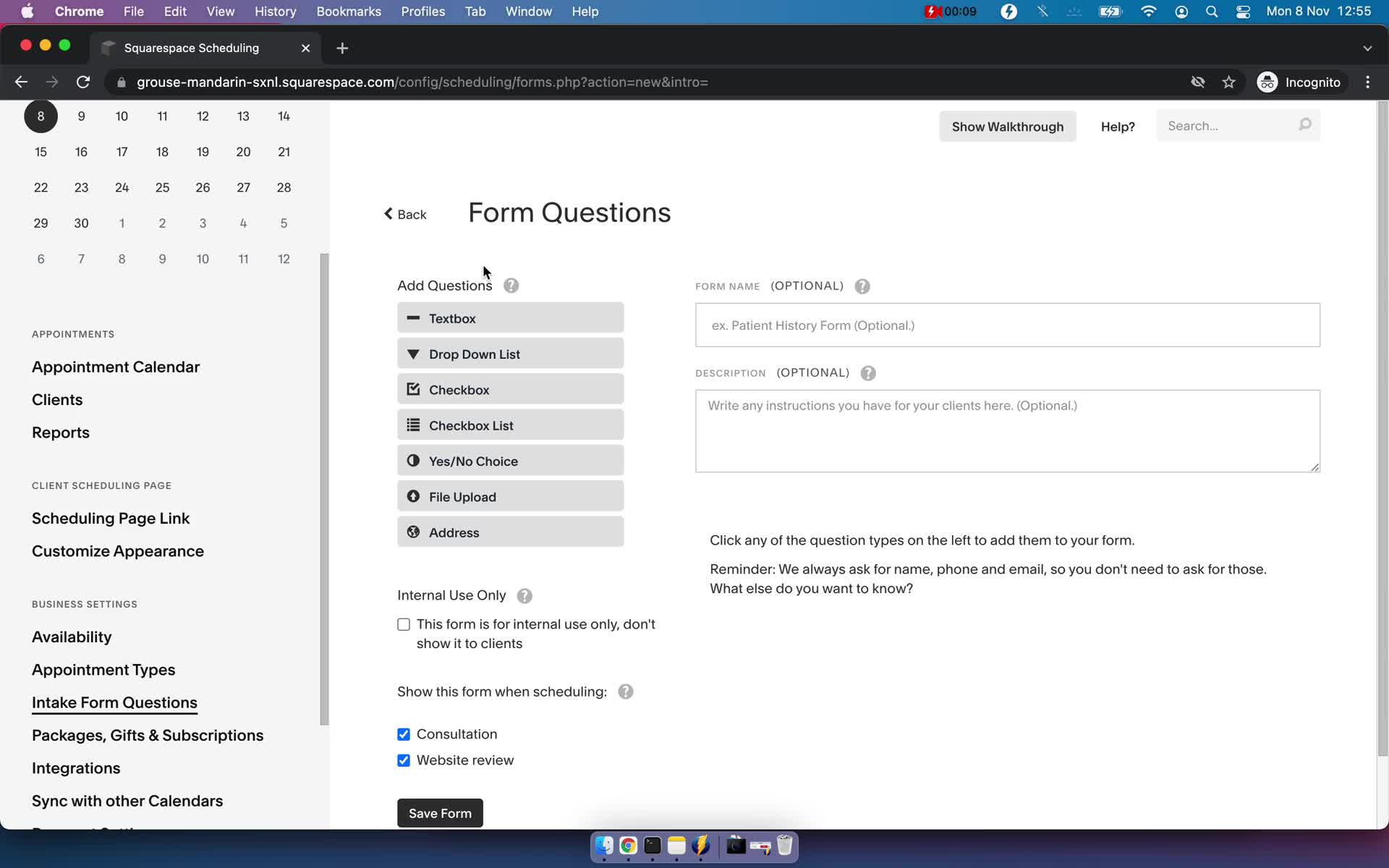
Create form
this is title
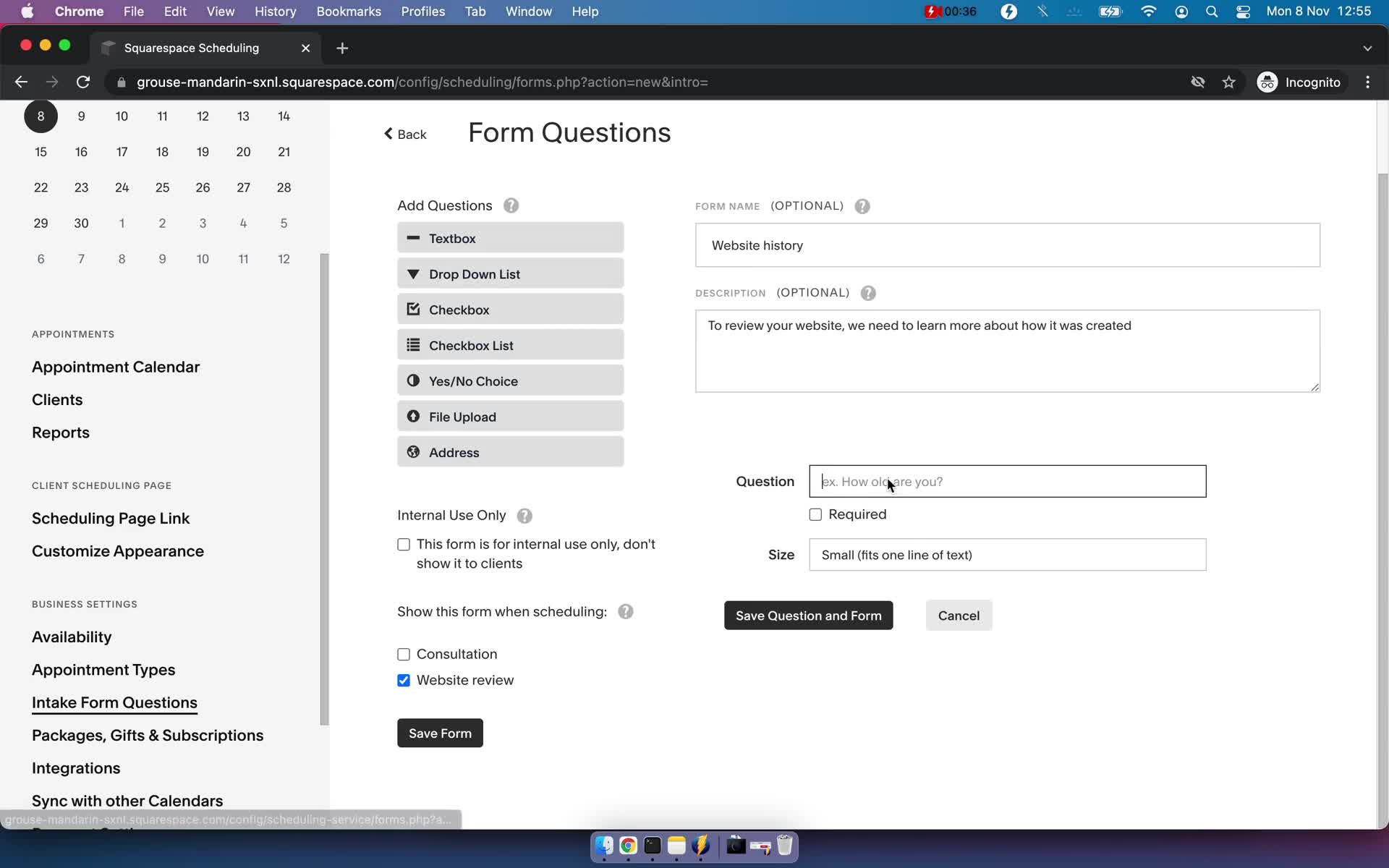
Add question
this is title
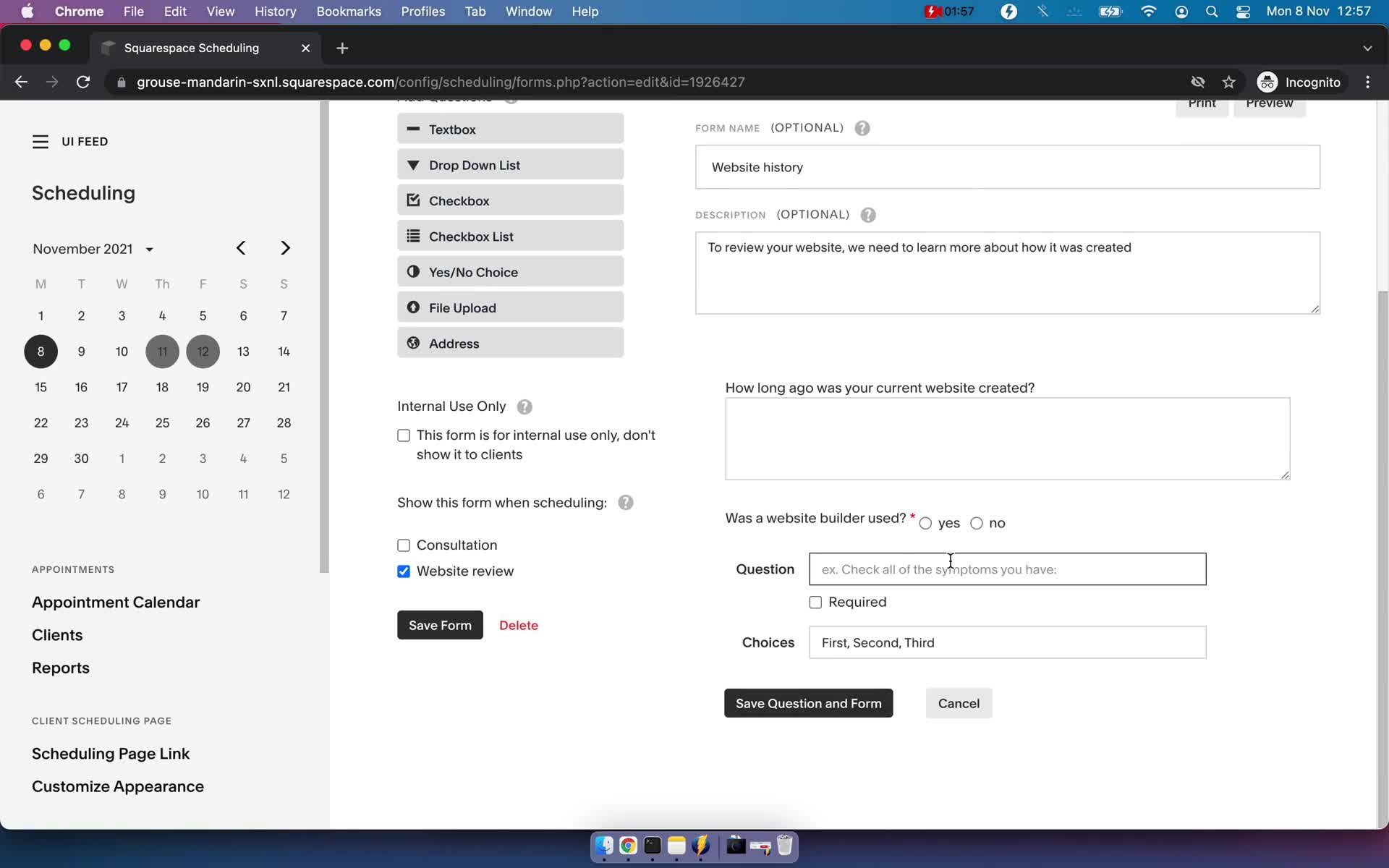
Add question
this is title
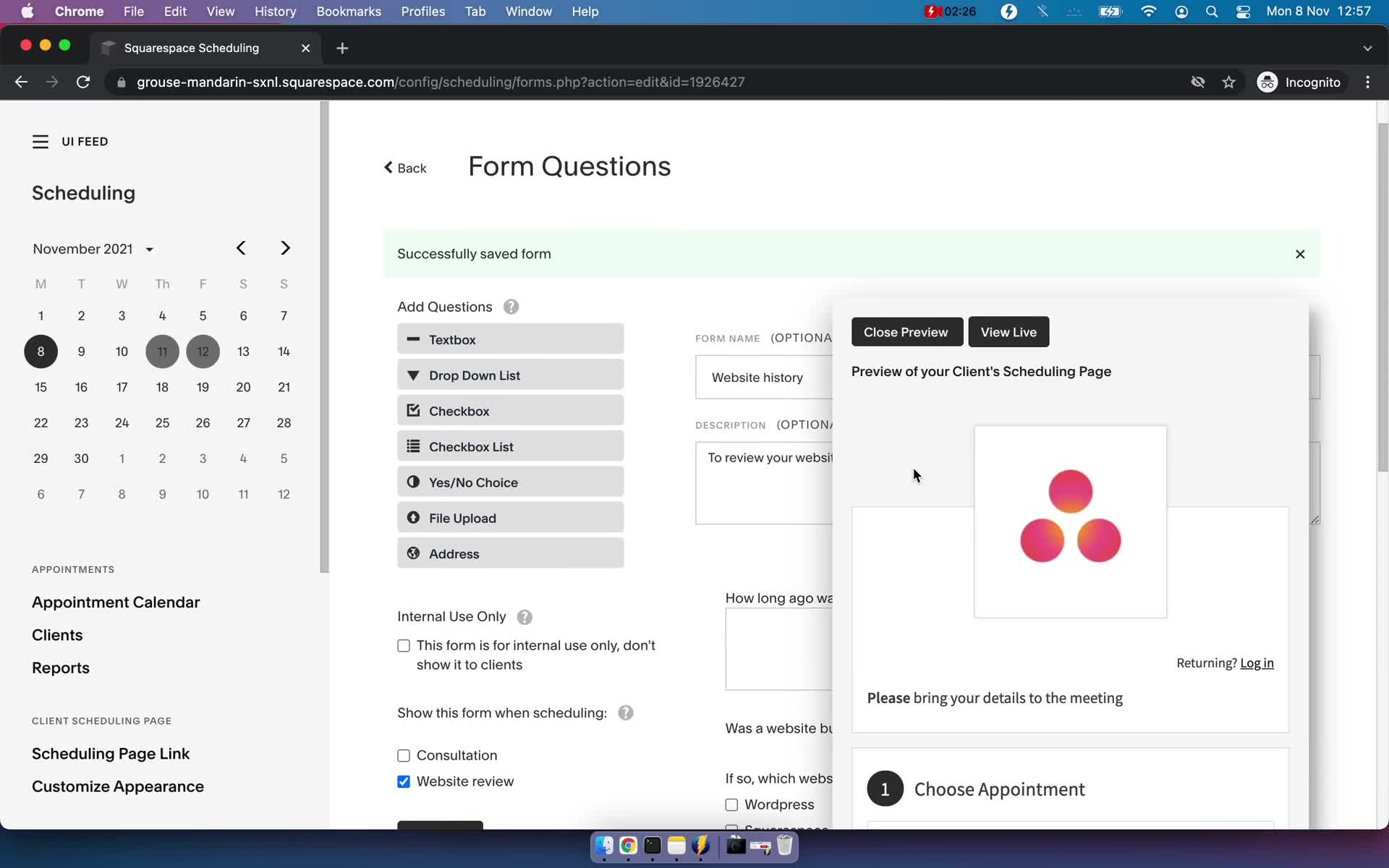
Preview
this is title
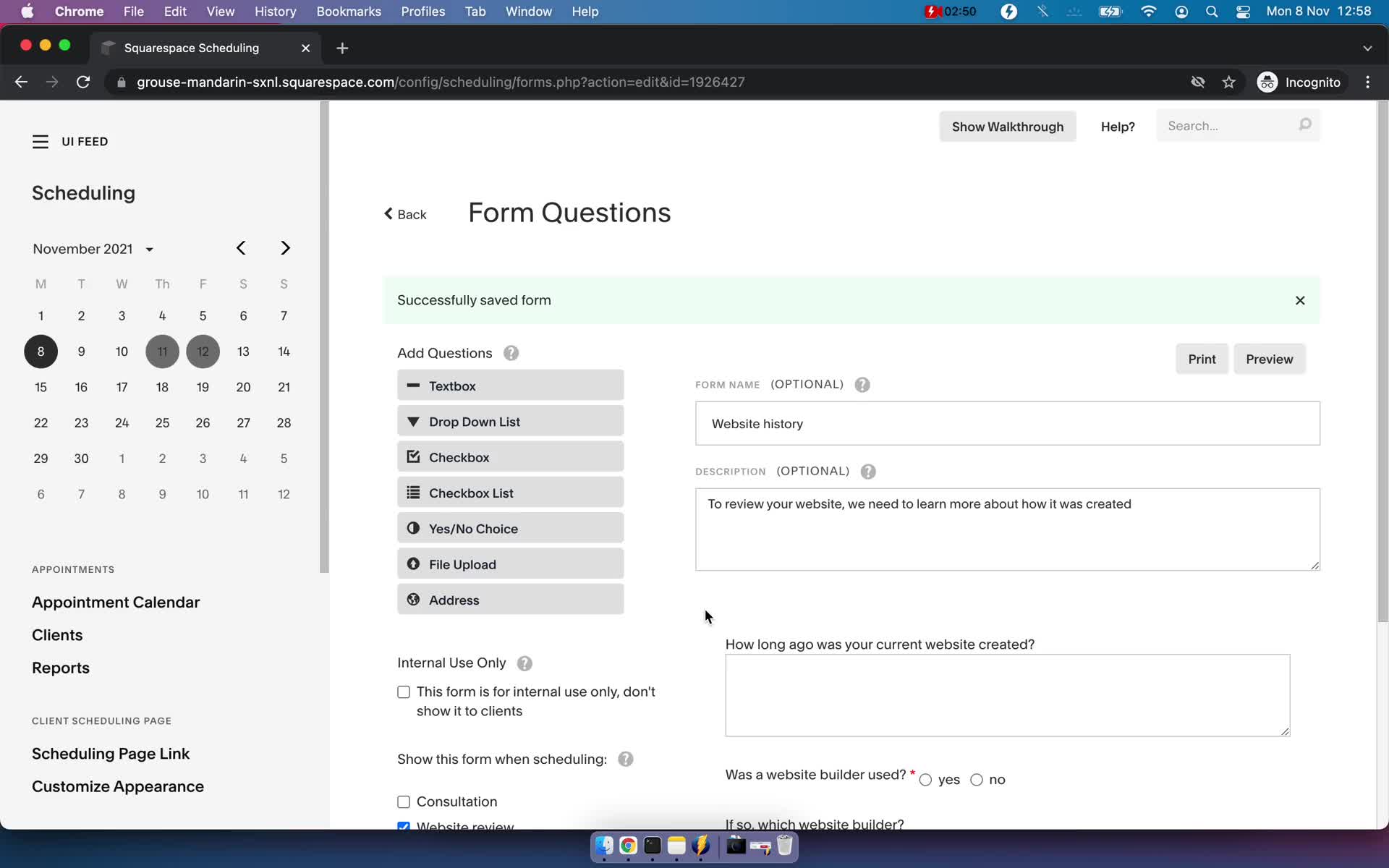
Changes saved
this is title
Appointments
this is title
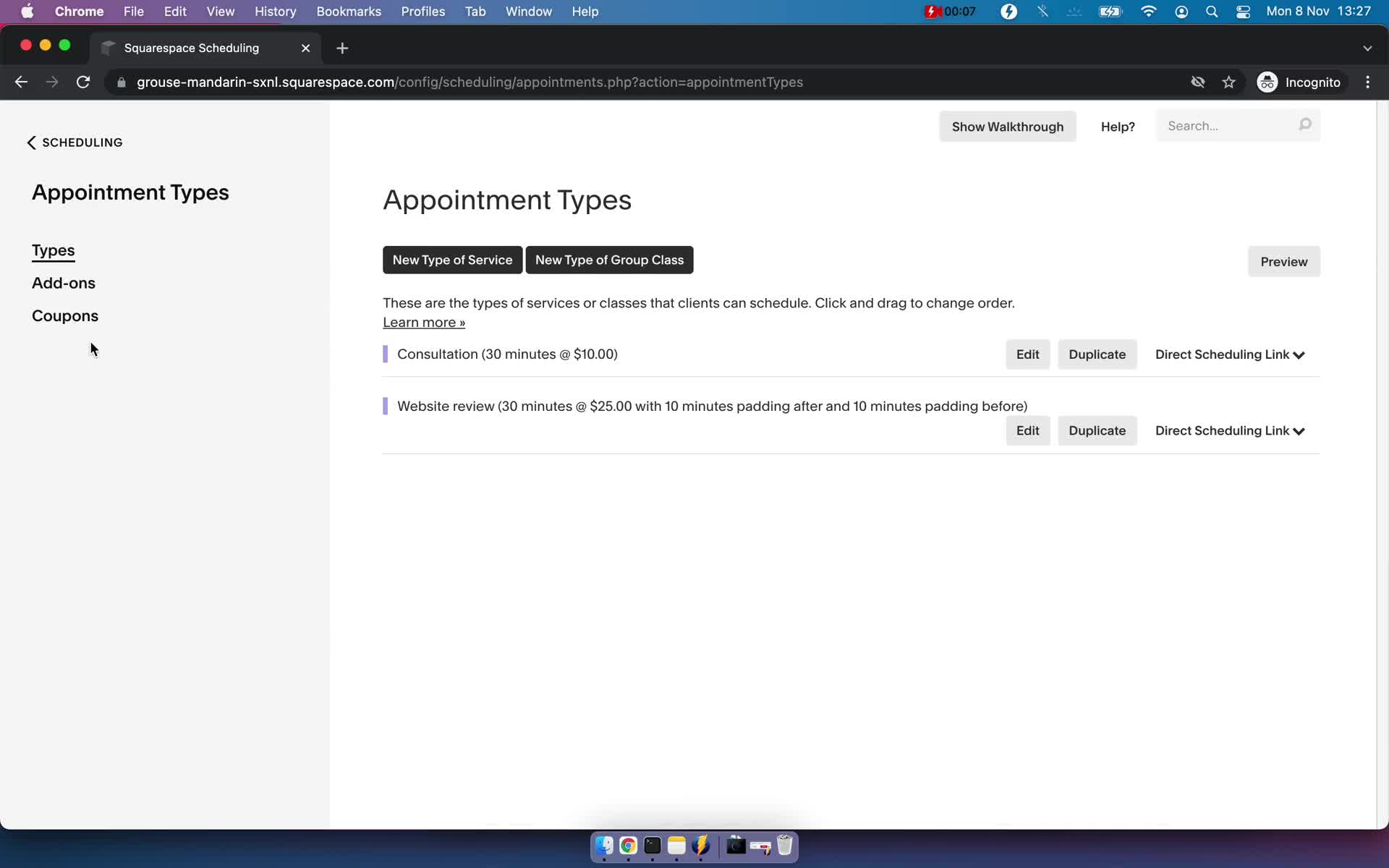
Event types
this is title
Create event type
this is title
Event type created
this is title
Book a time
this is title
Appointments
this is title
Event types
this is title
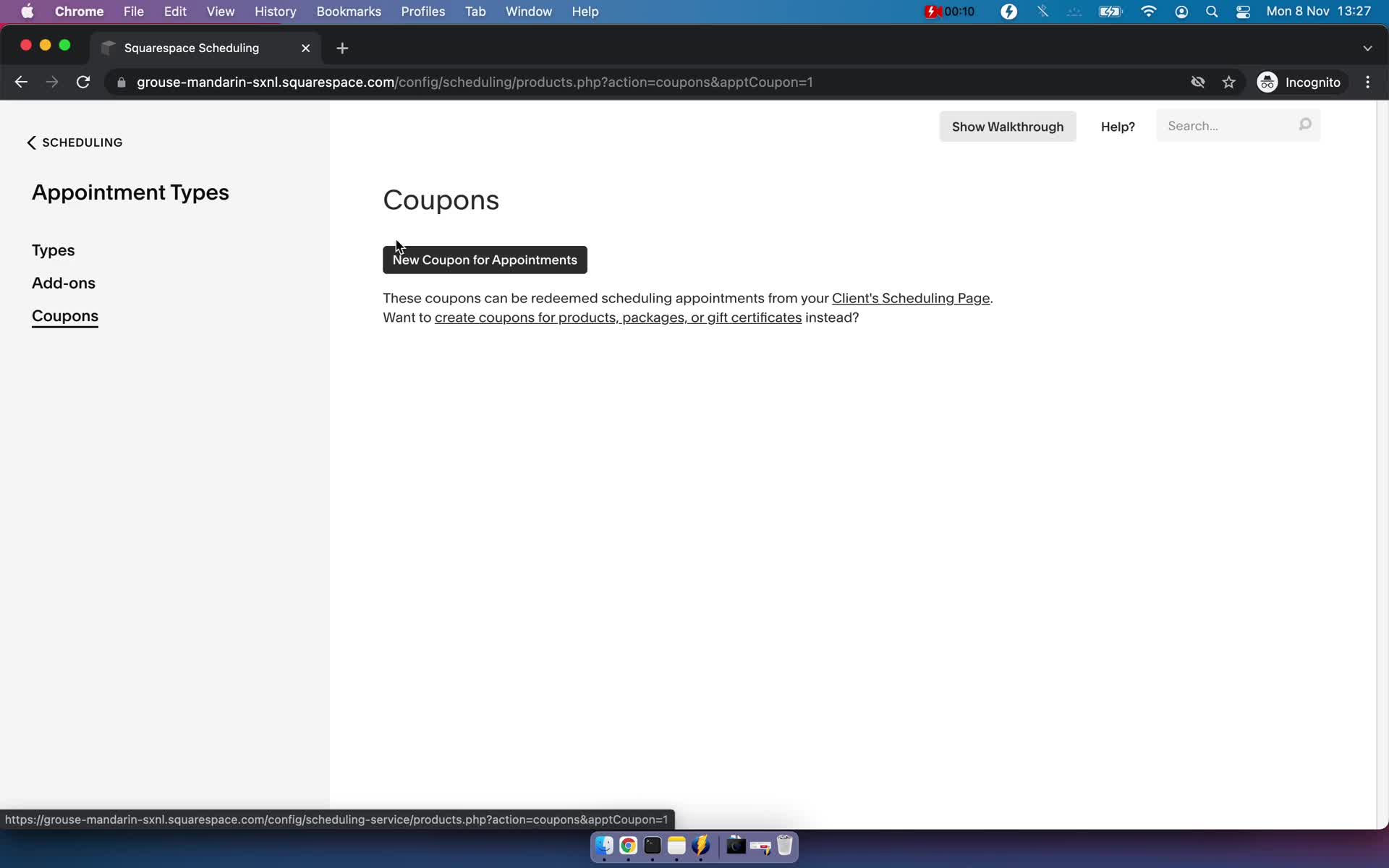
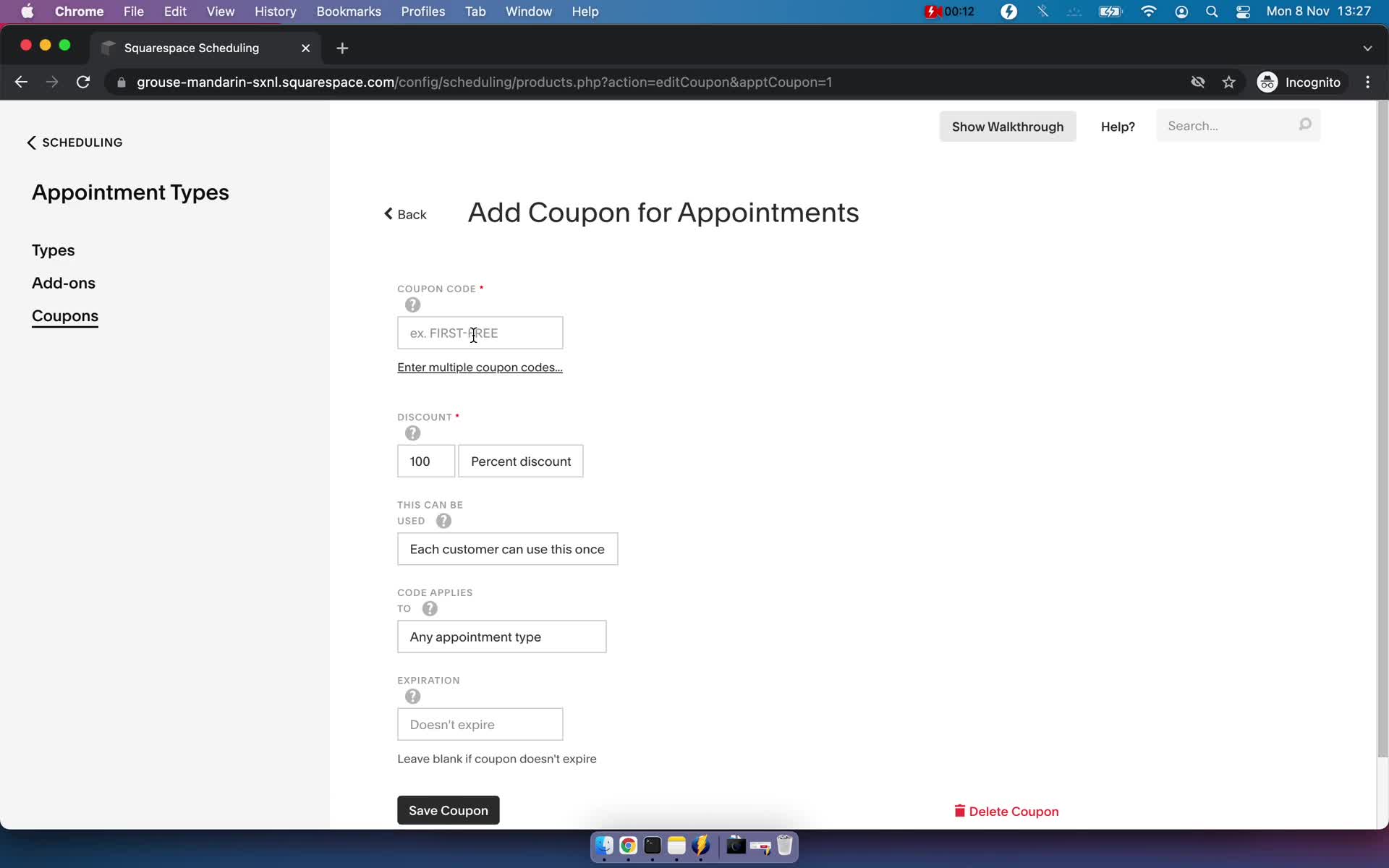
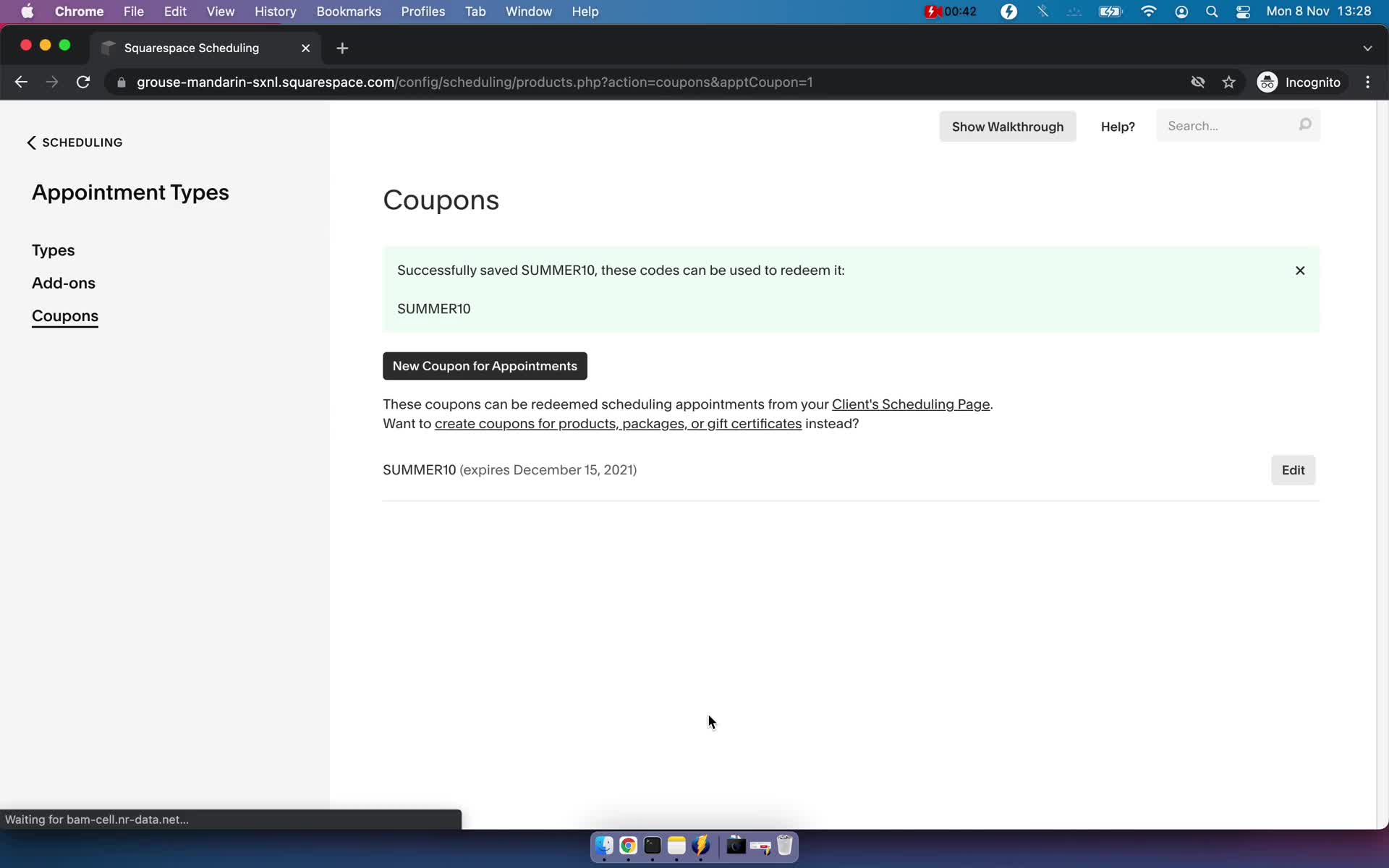
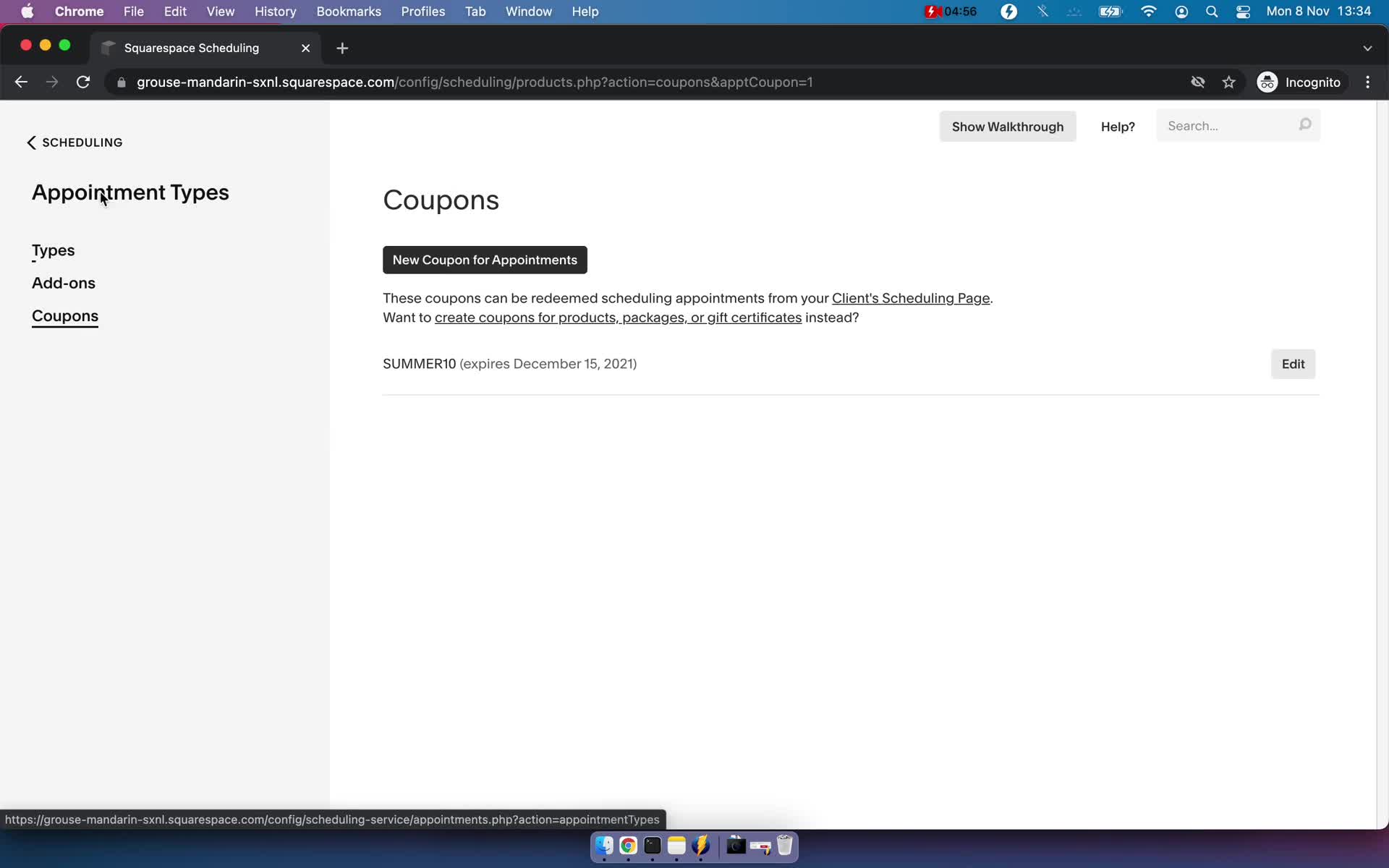
Coupons
this is title
Create coupon
this is title
Coupon created
this is title
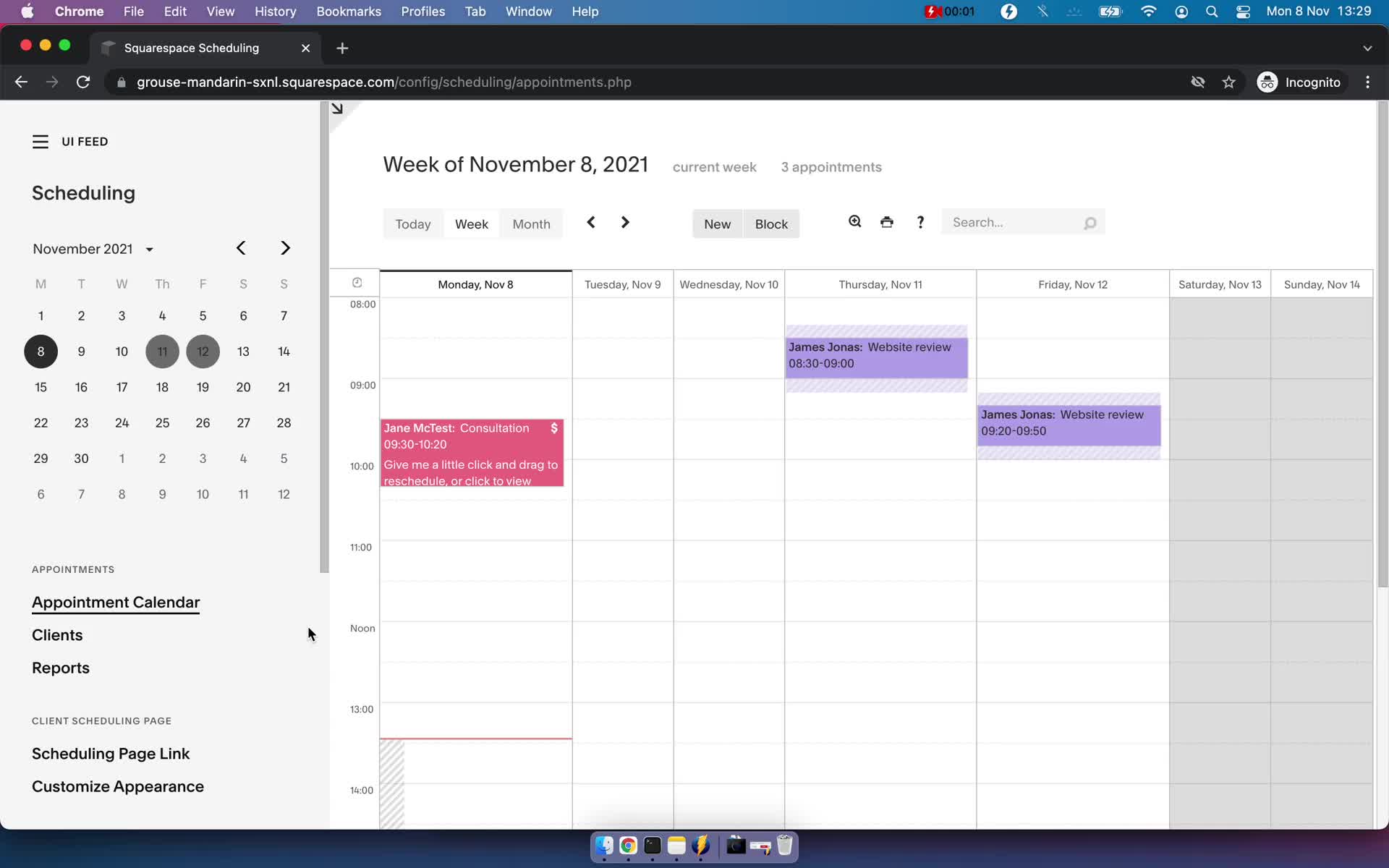
Appointments
this is title
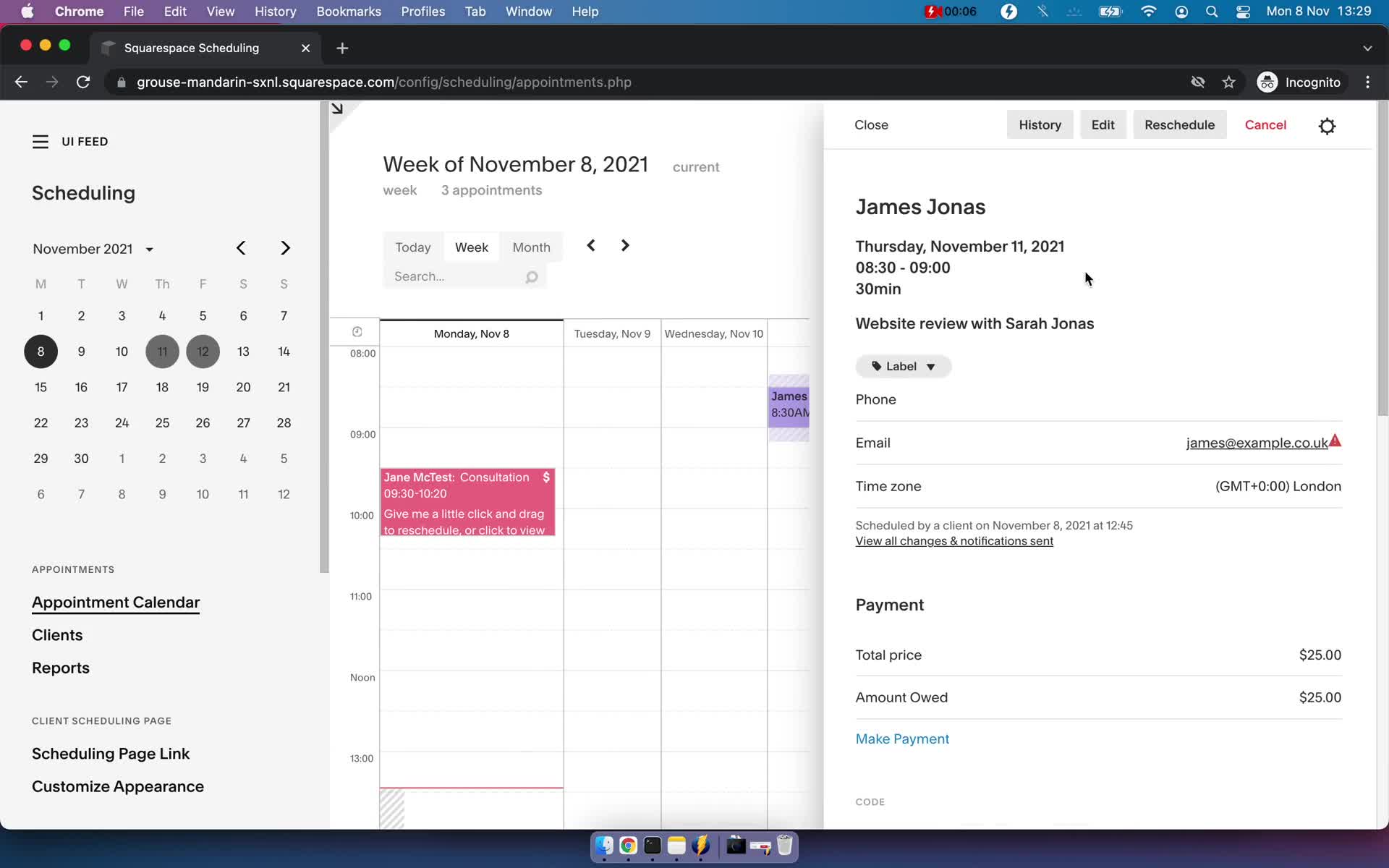
Event detail
this is title
Reschedule meeting
this is title
Changes saved
this is title
Create event
this is title
Create event
this is title
Appointments
this is title
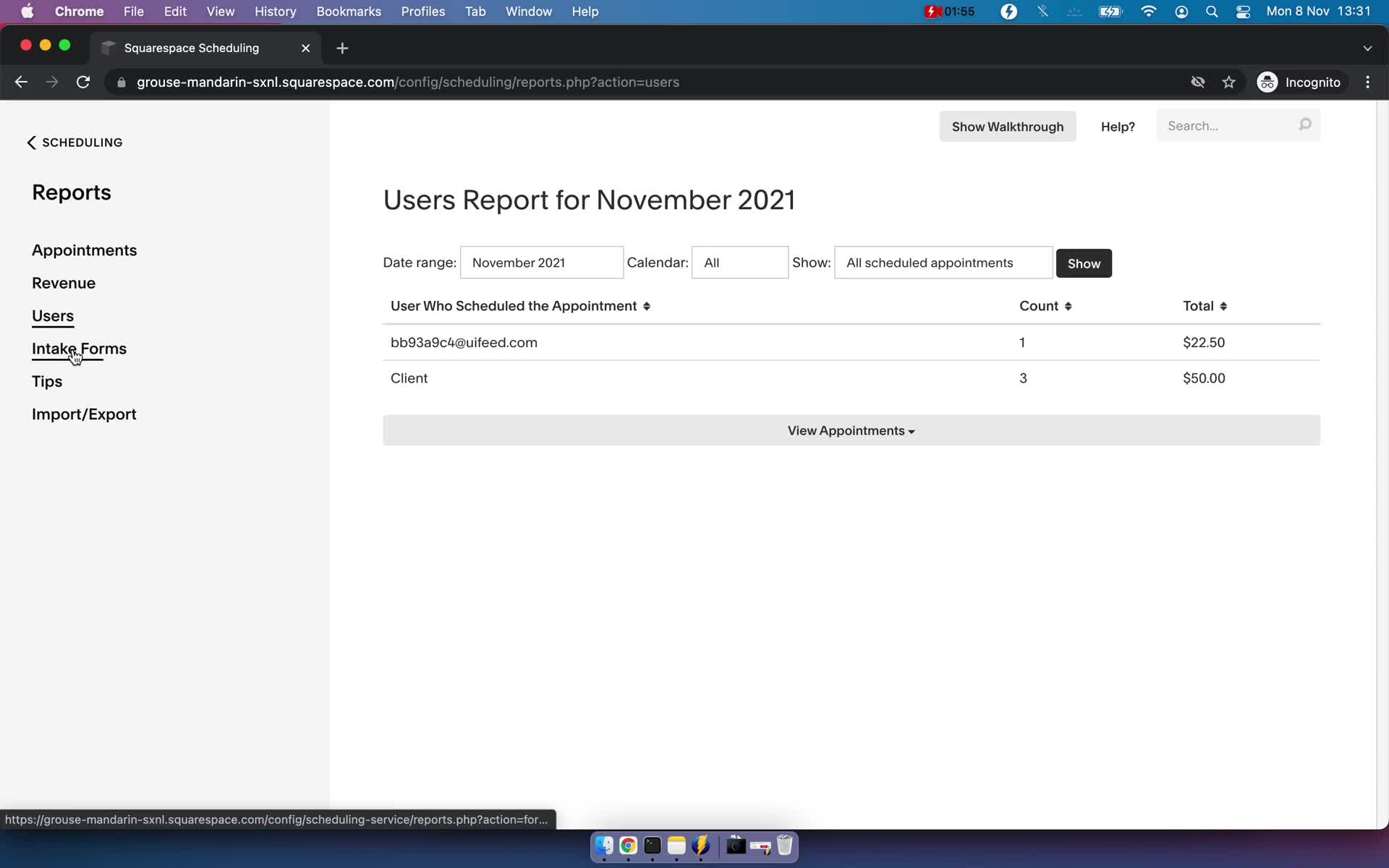
Customers
this is title
Customer details
this is title
Appointments
this is title
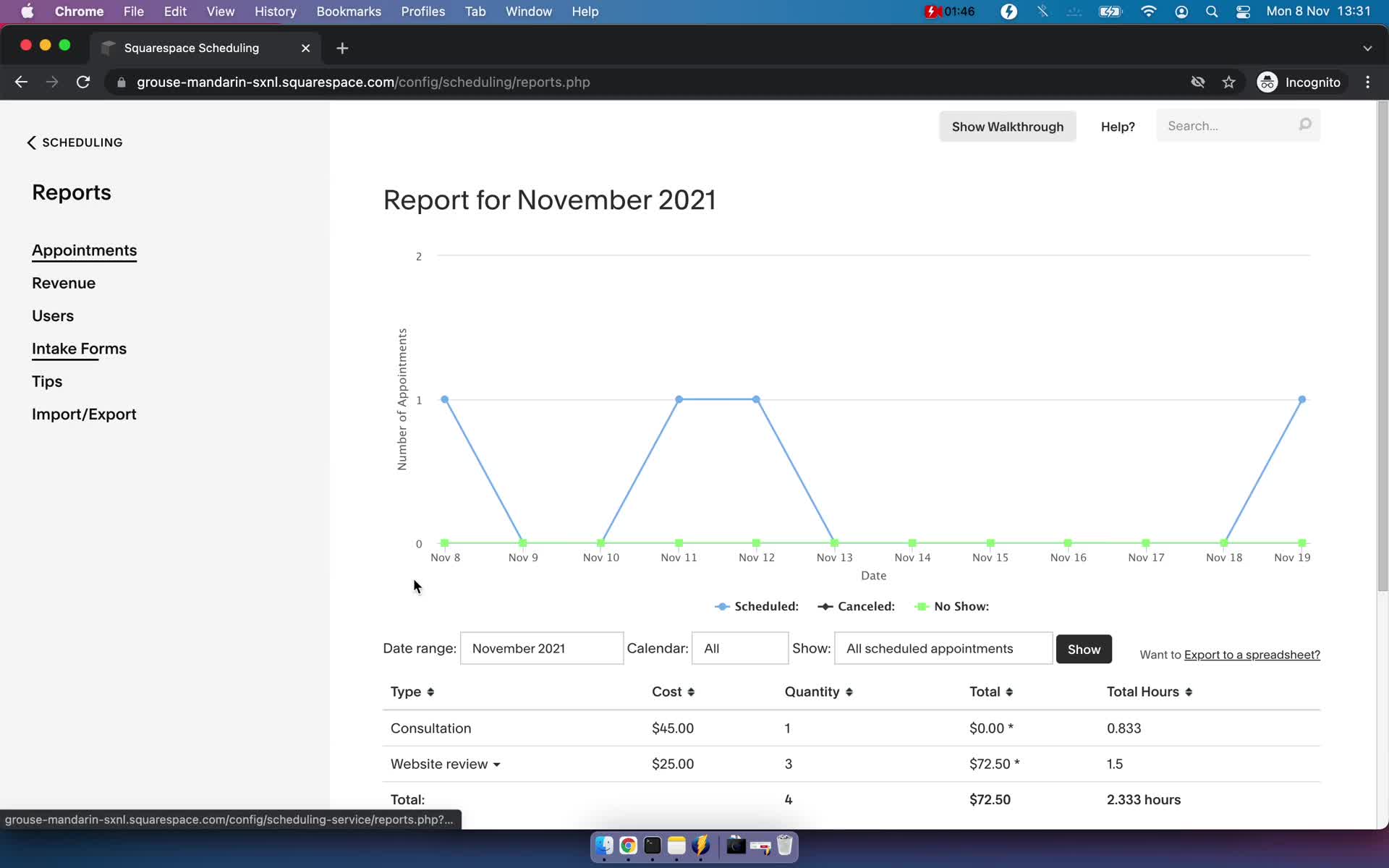
Reports
this is title
Reports
this is title
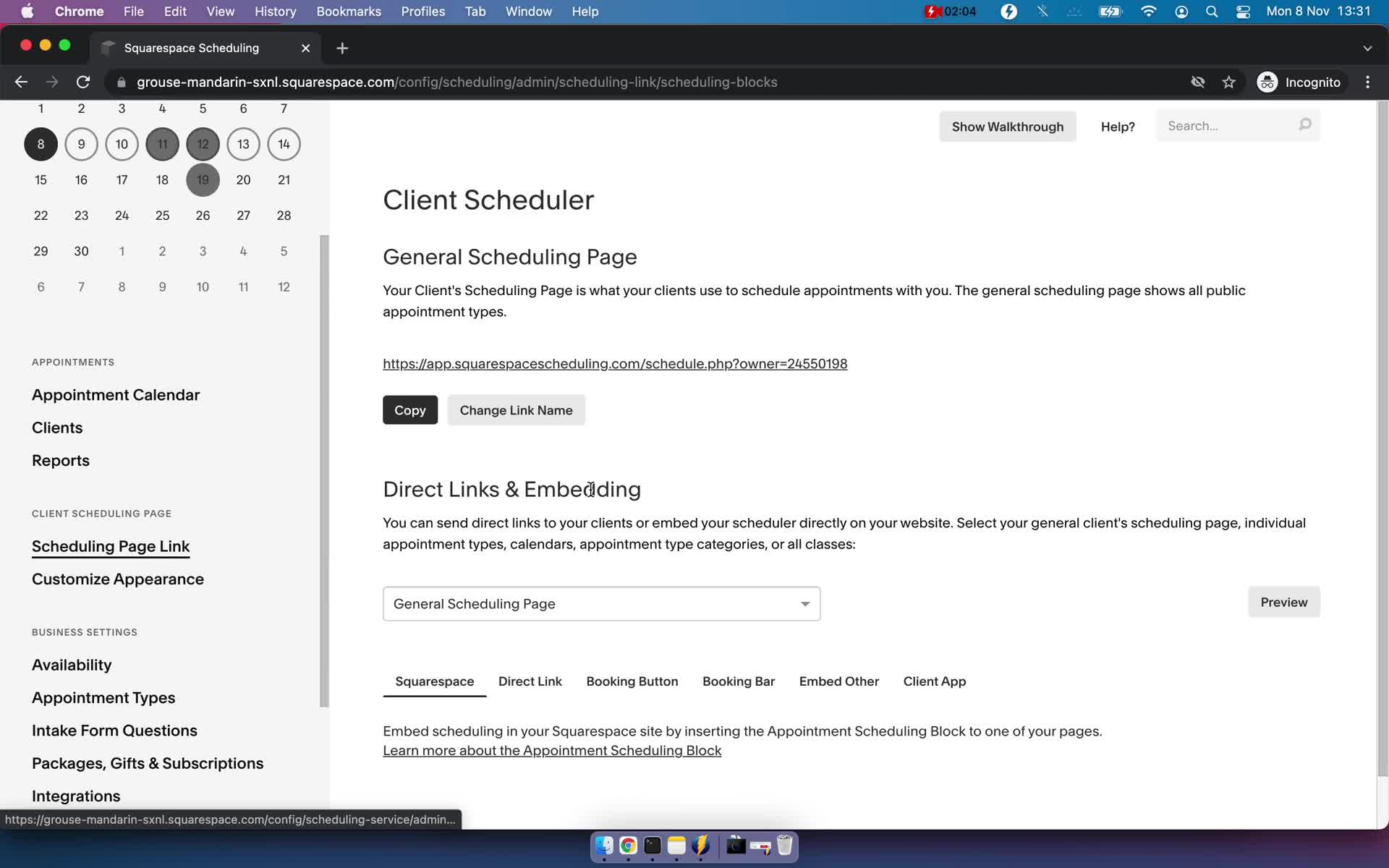
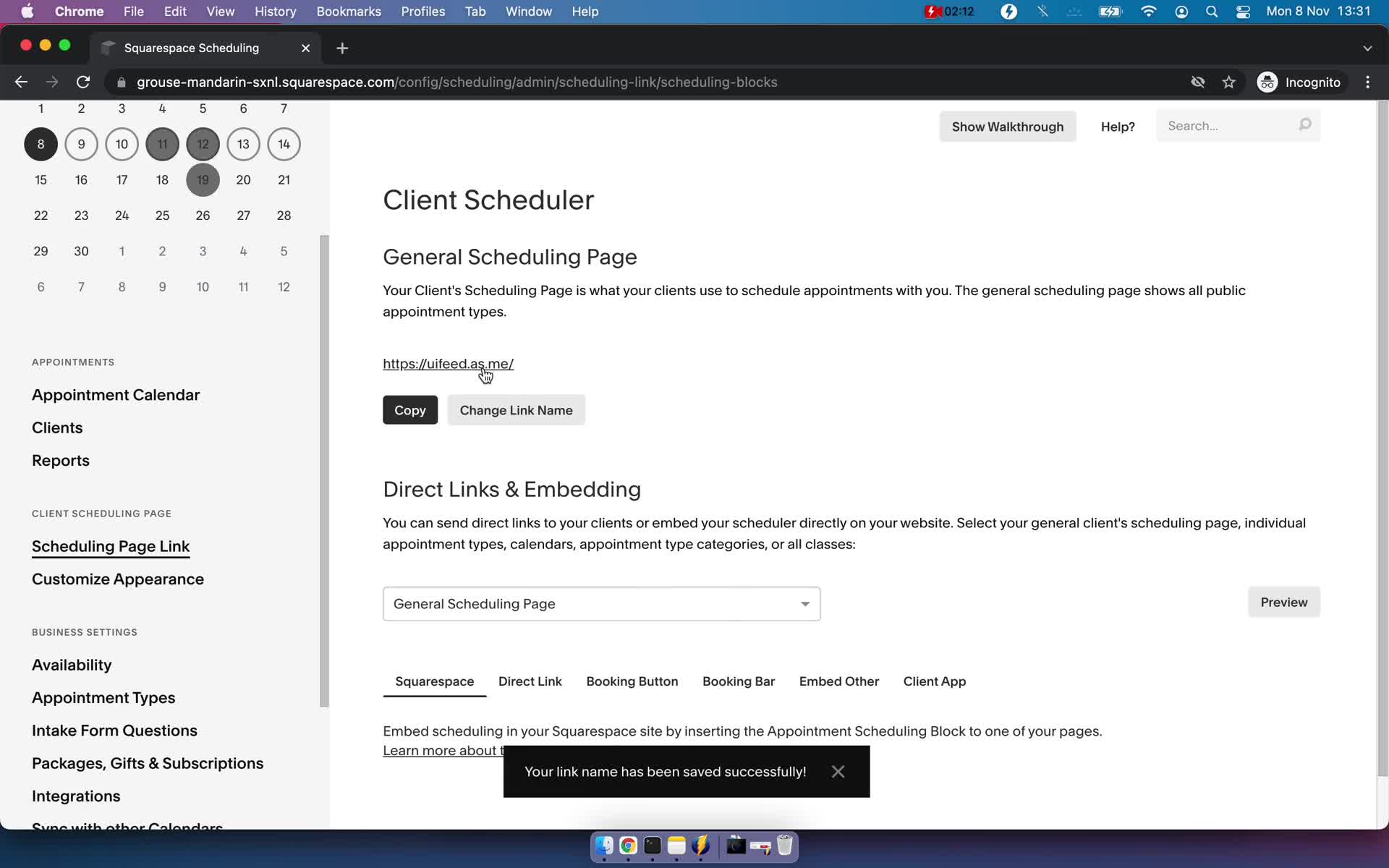
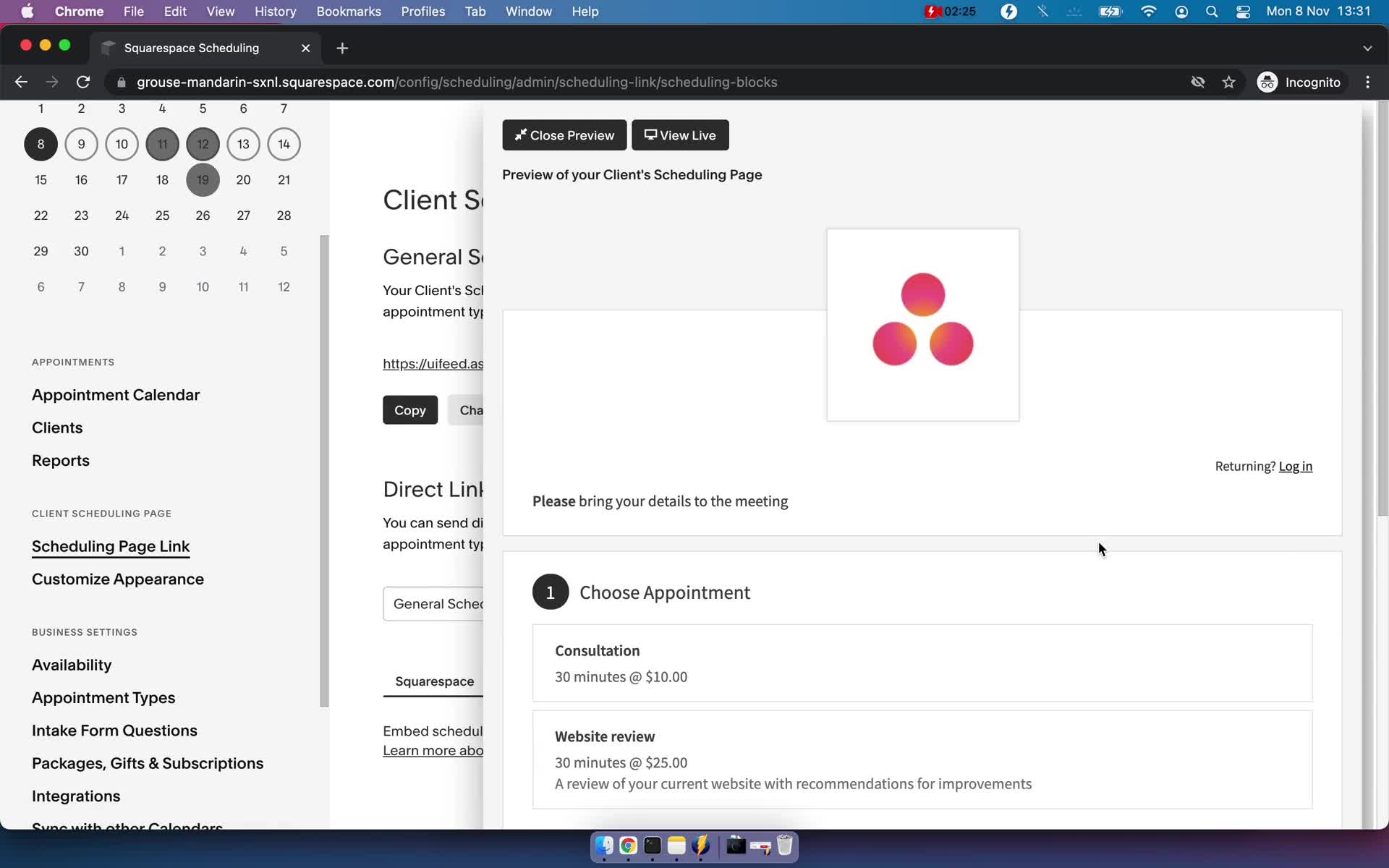
Edit scheduling link
this is title
Edit scheduling link
this is title
Preview
this is title
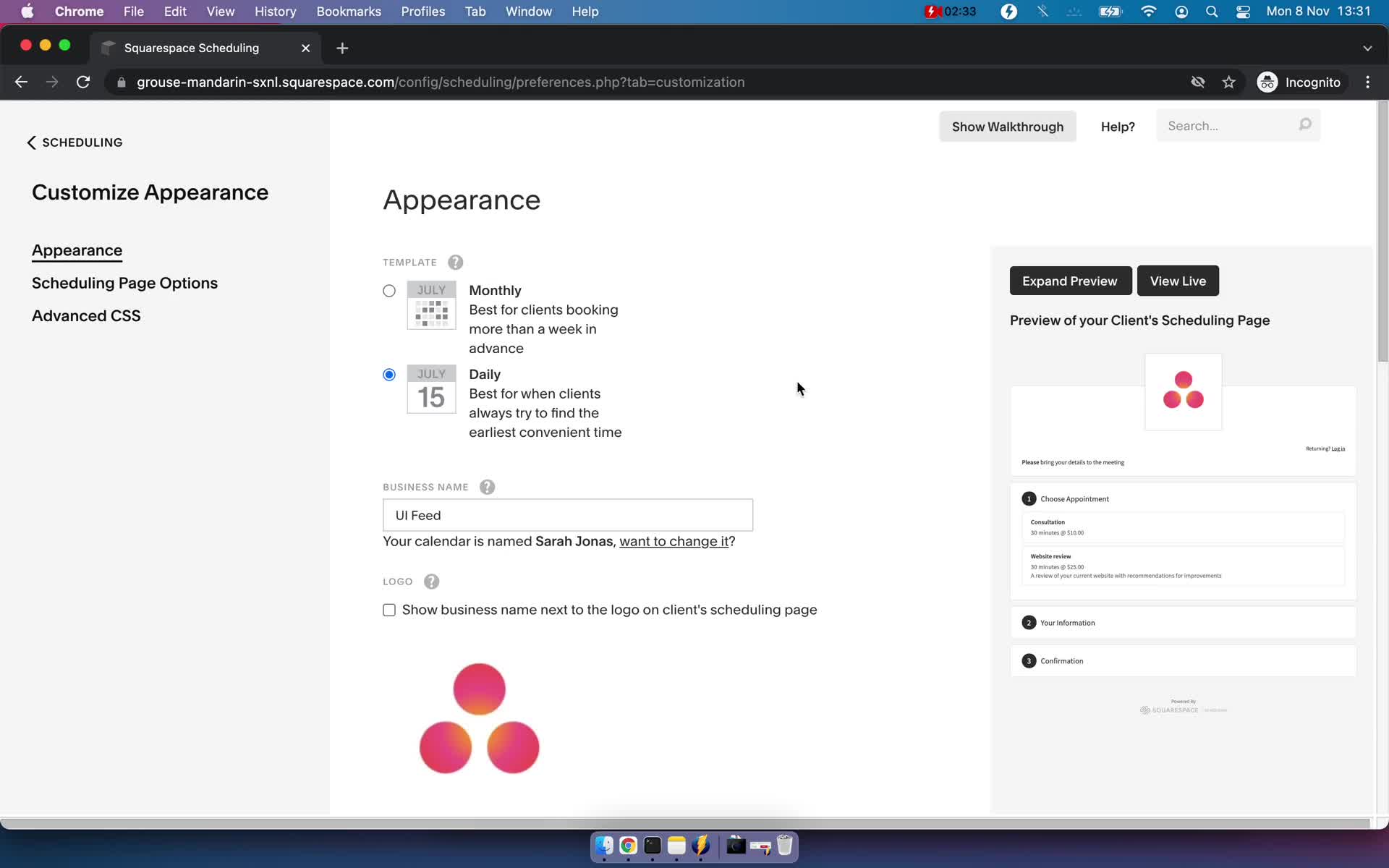
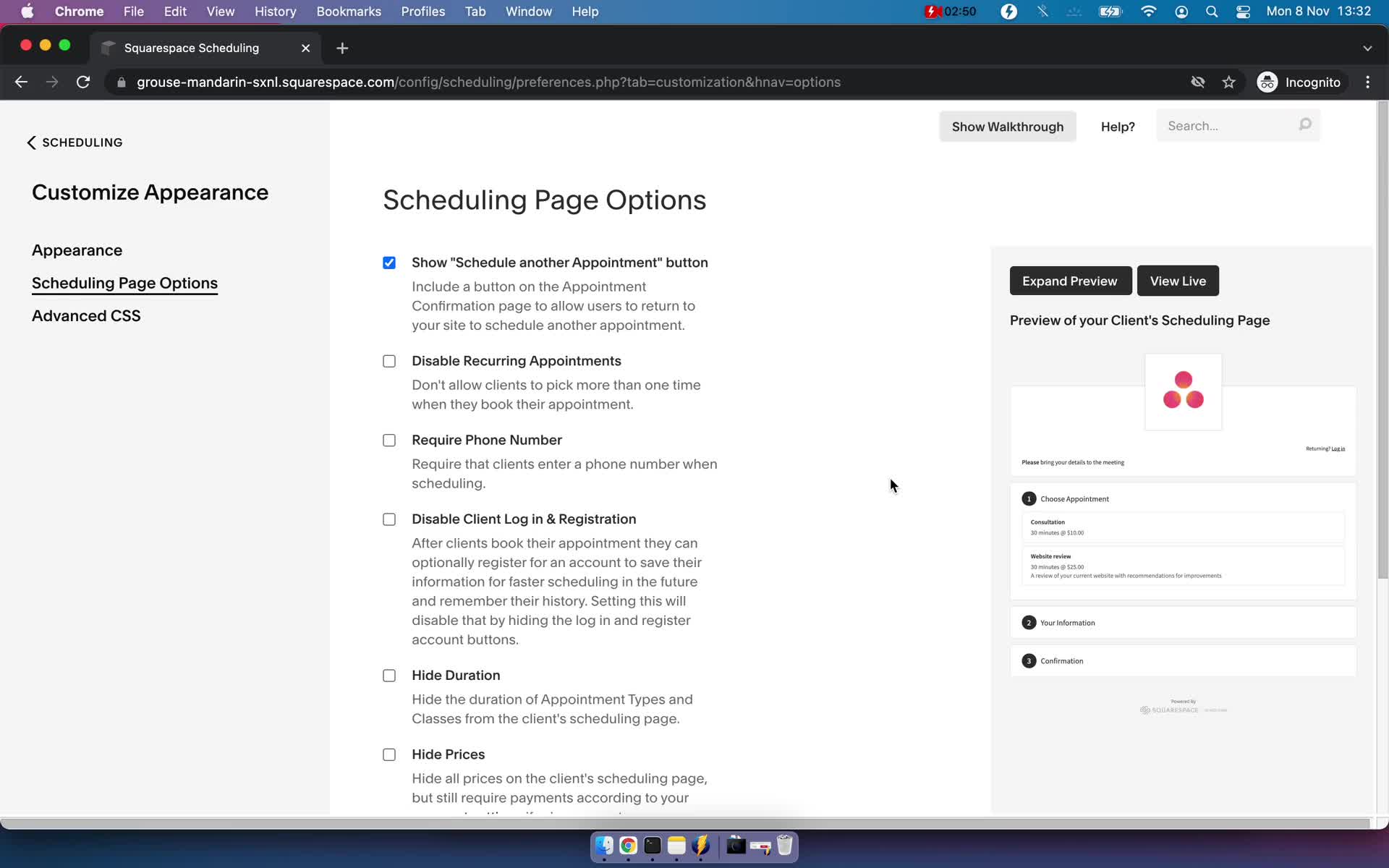
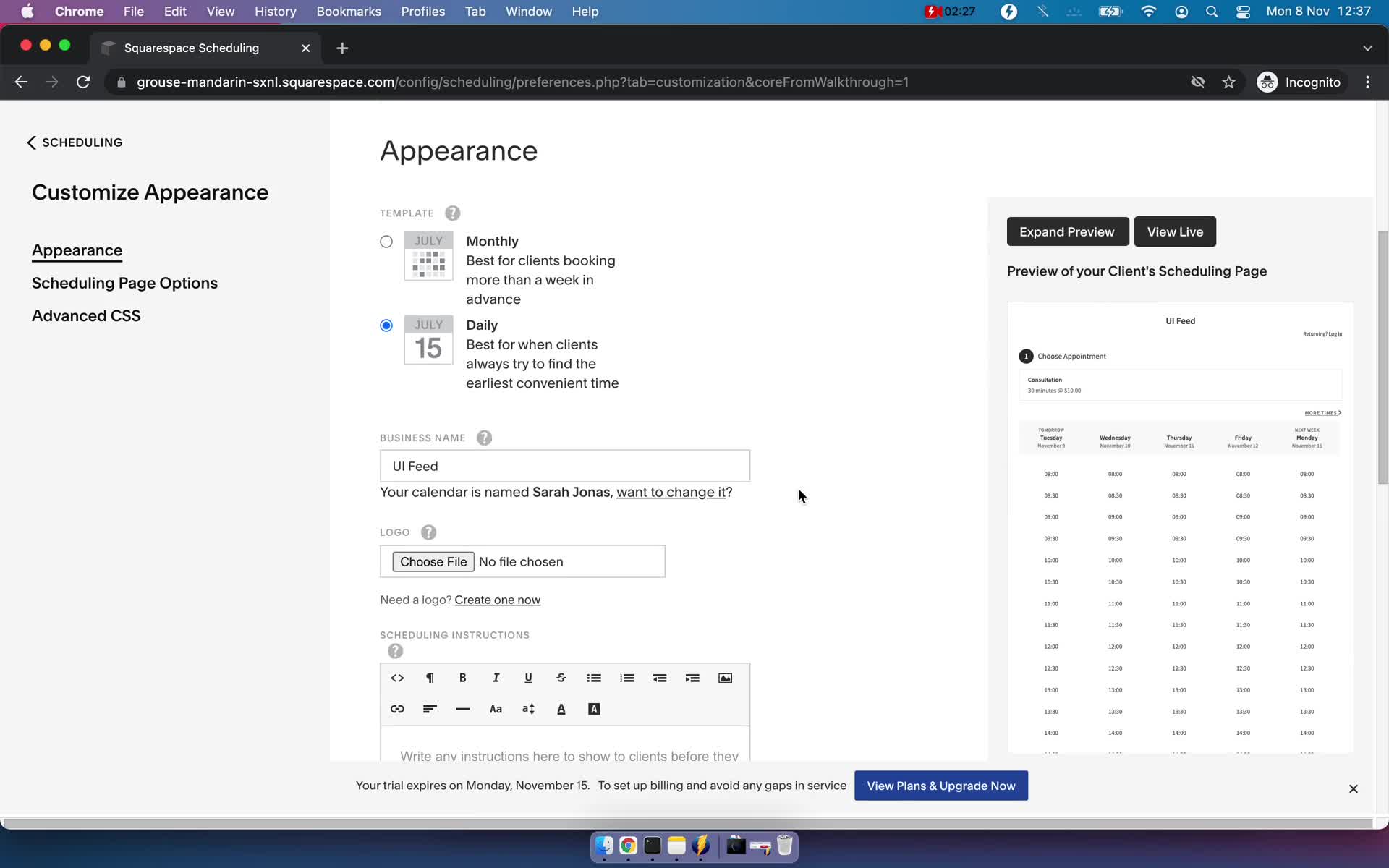
Customize appearance
this is title
Customize appearance
this is title
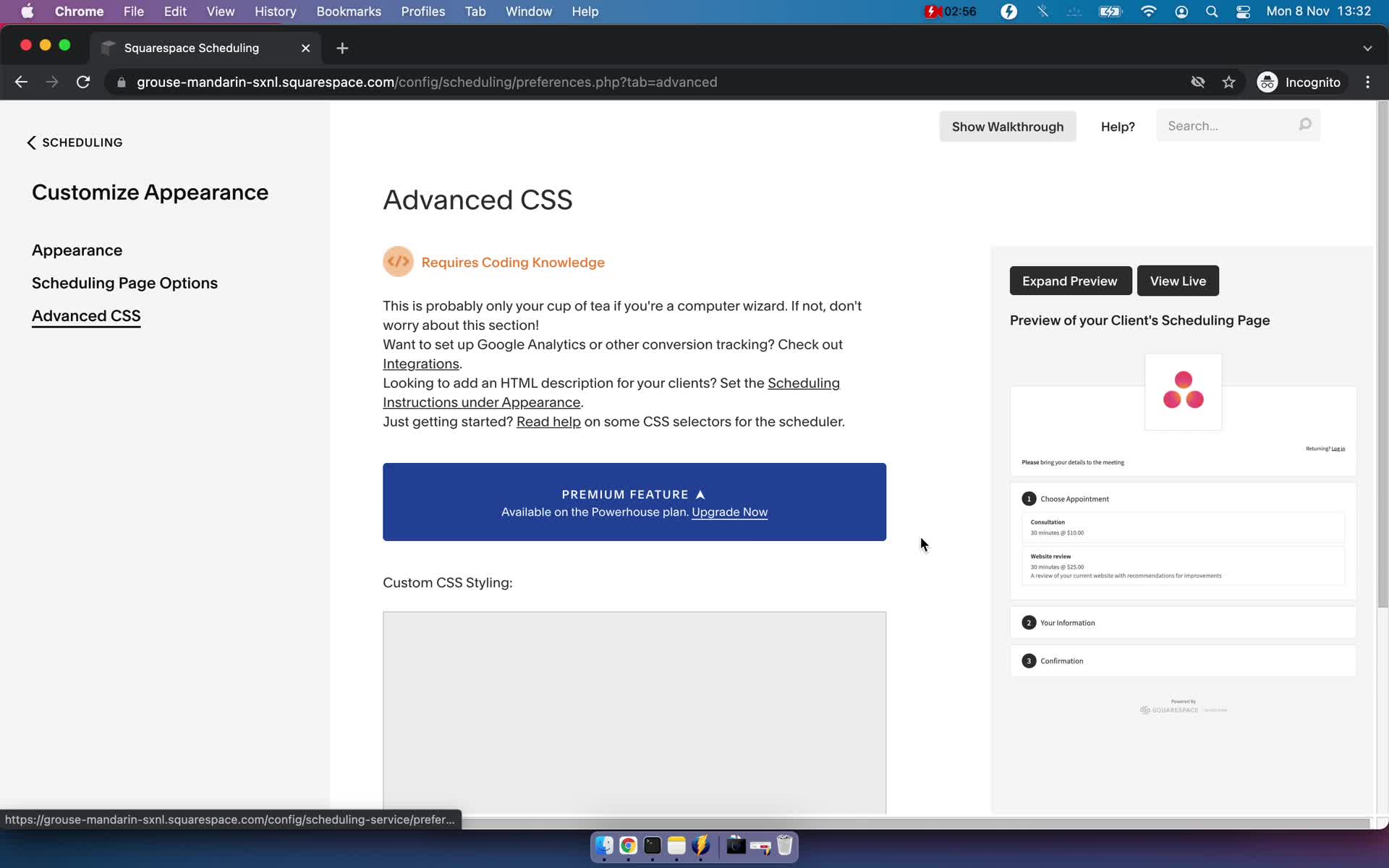
Custom css
this is title
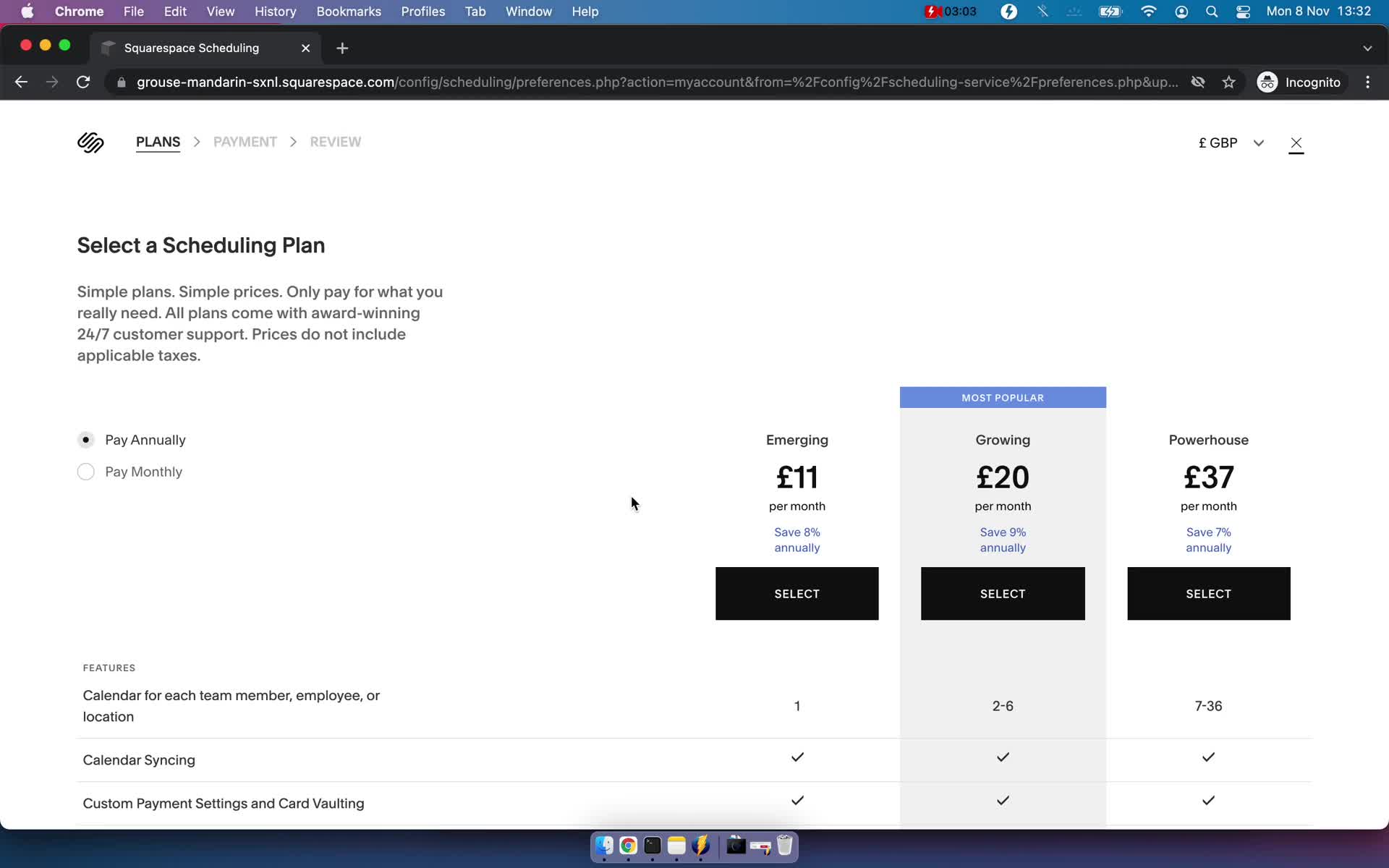
Upgrade
this is title
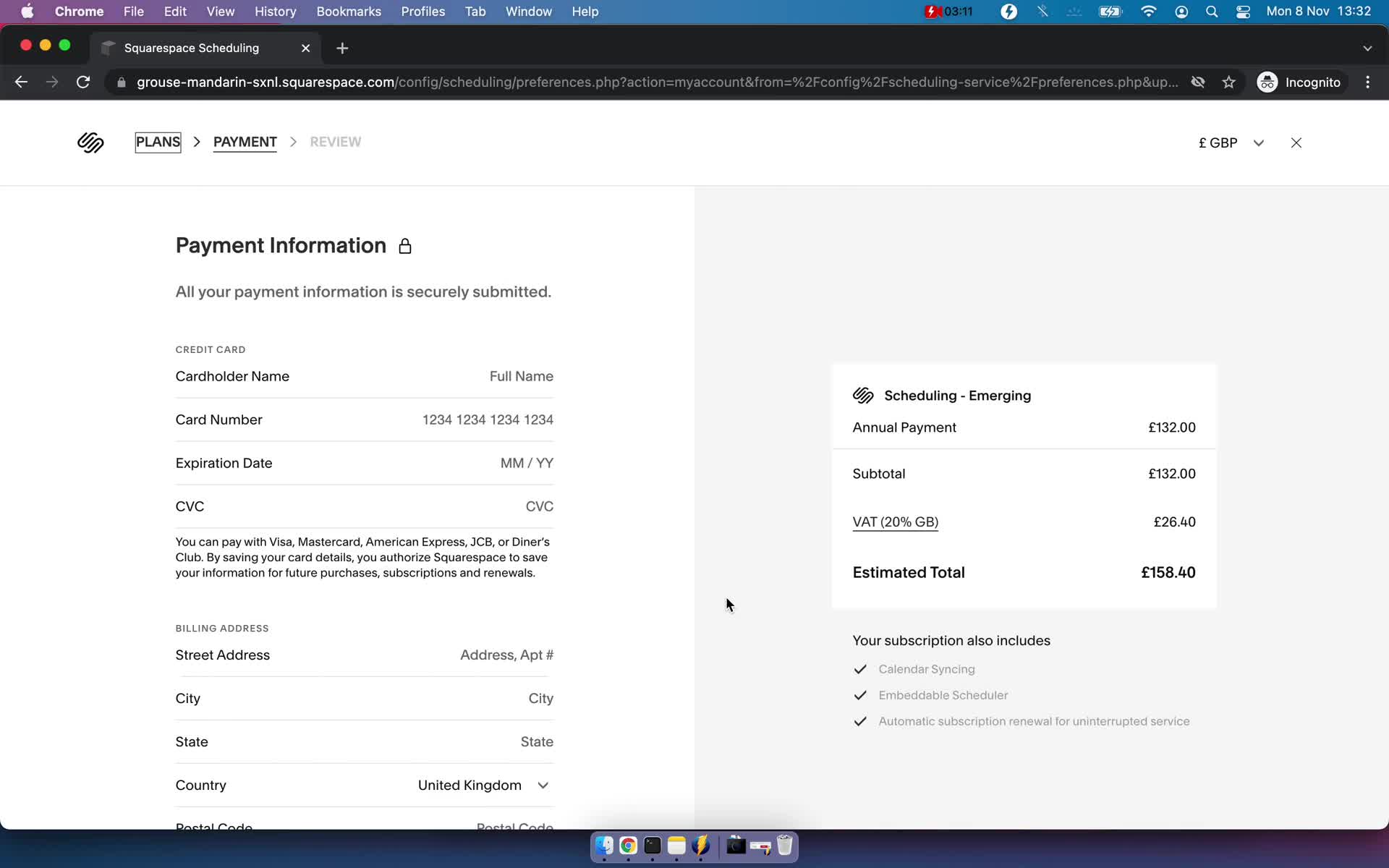
Add payment details
this is title
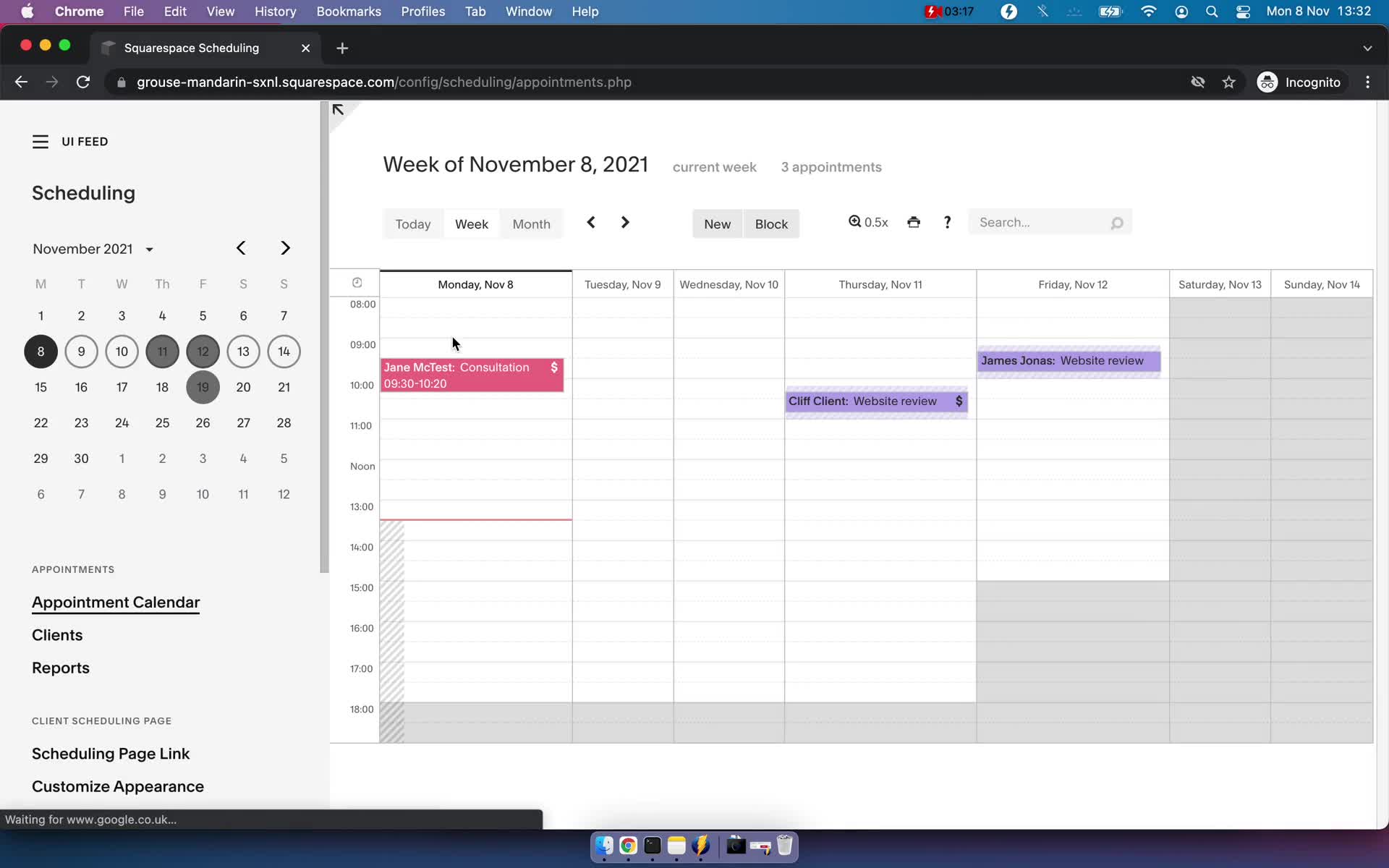
Appointments
this is title
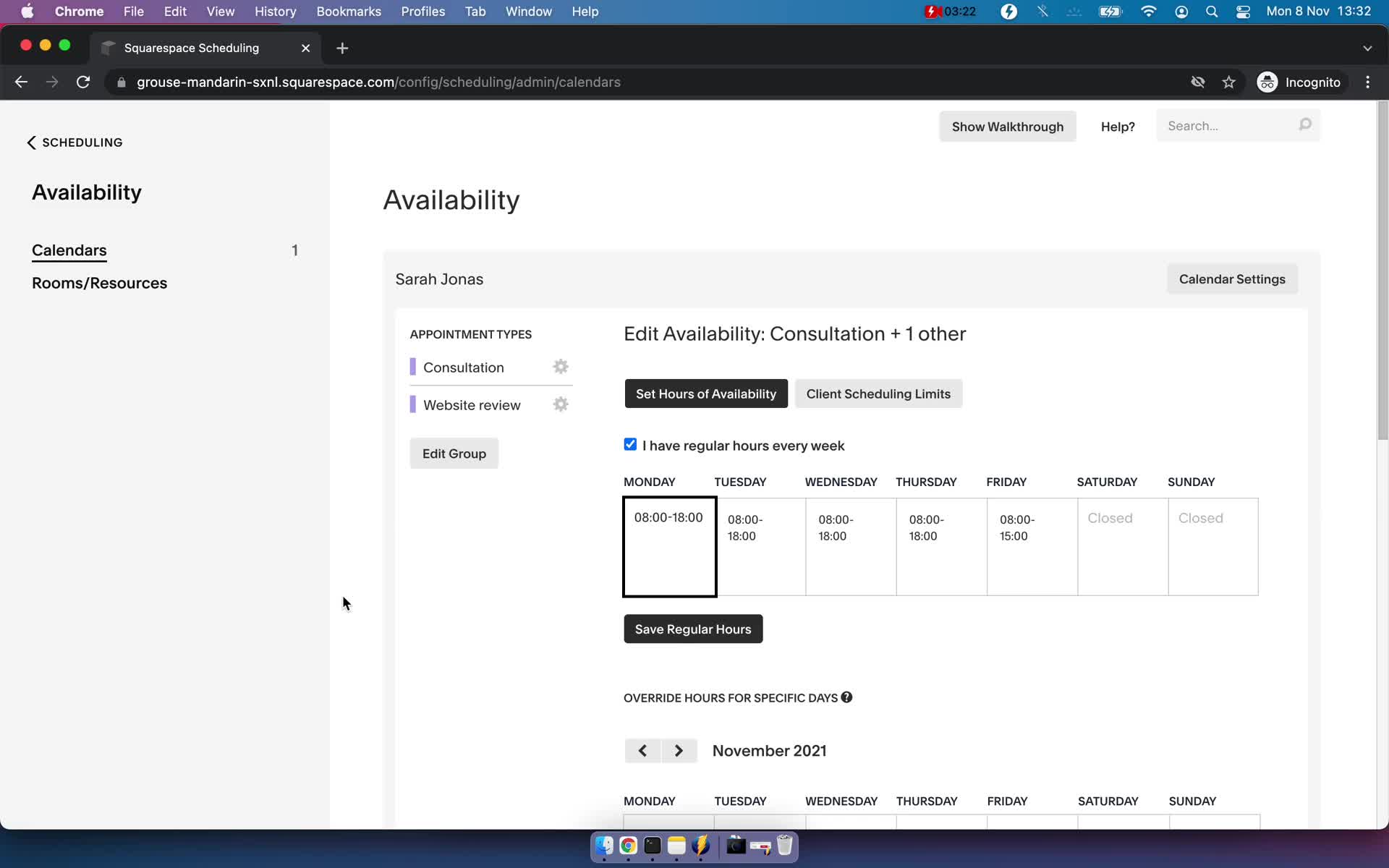
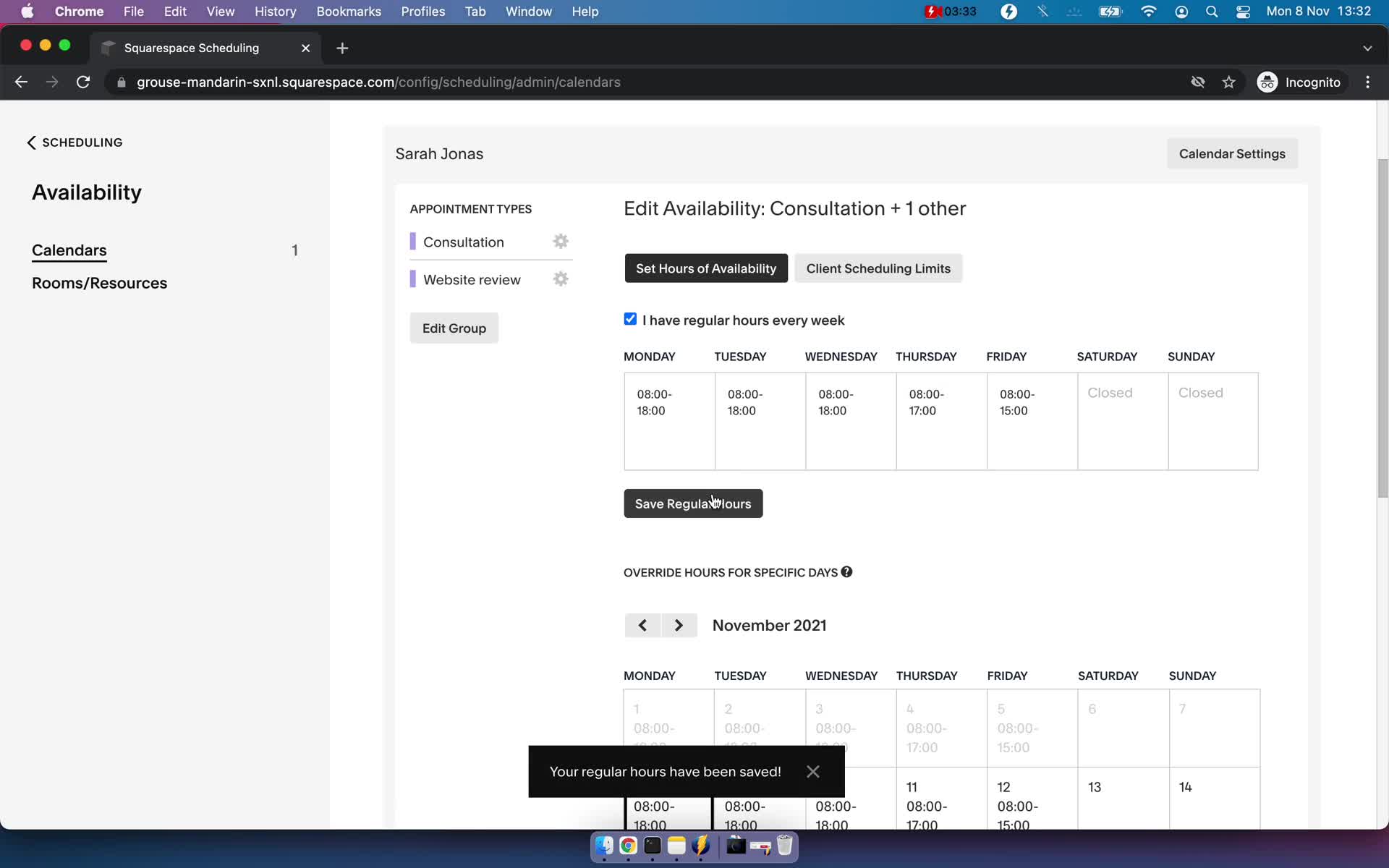
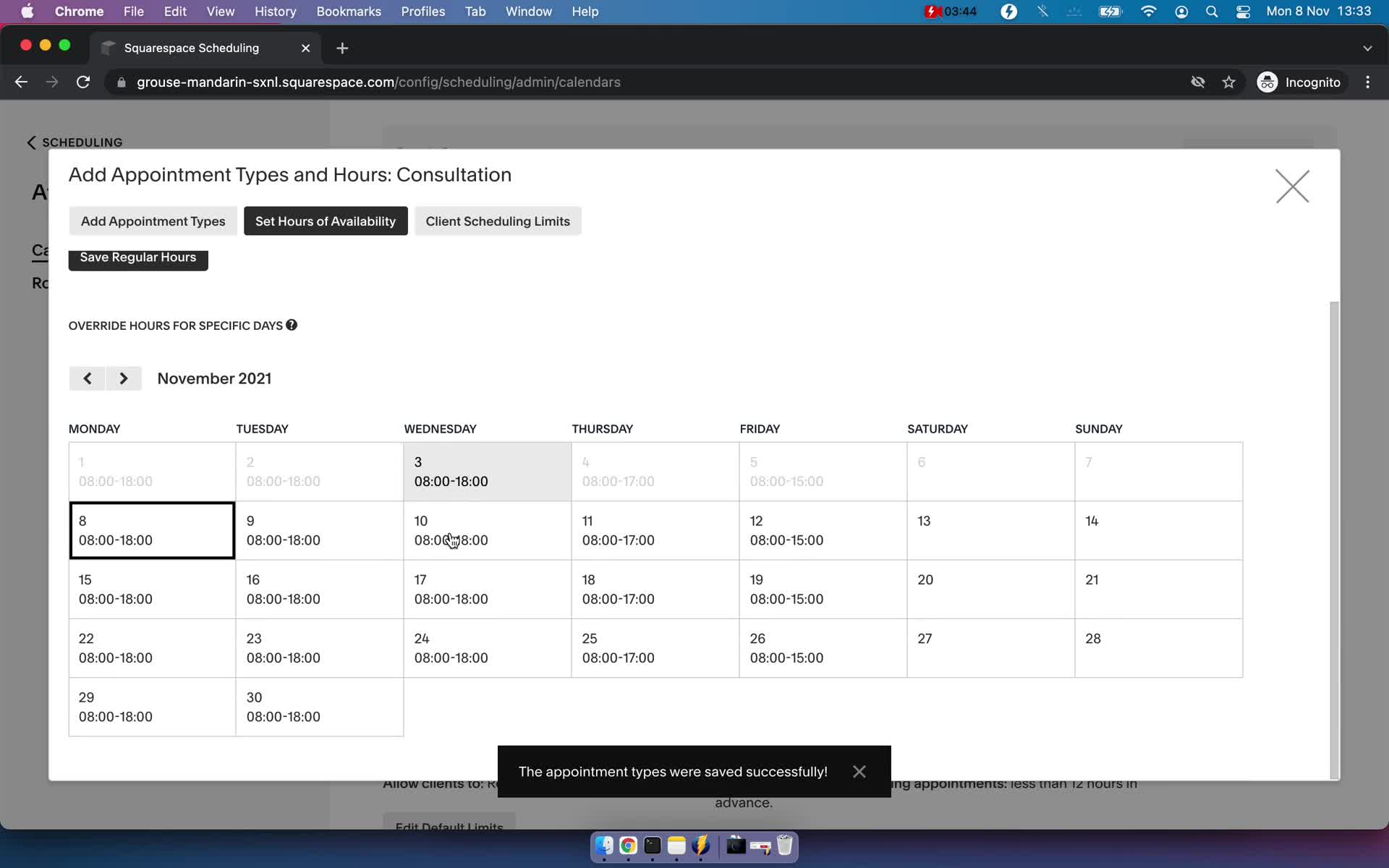
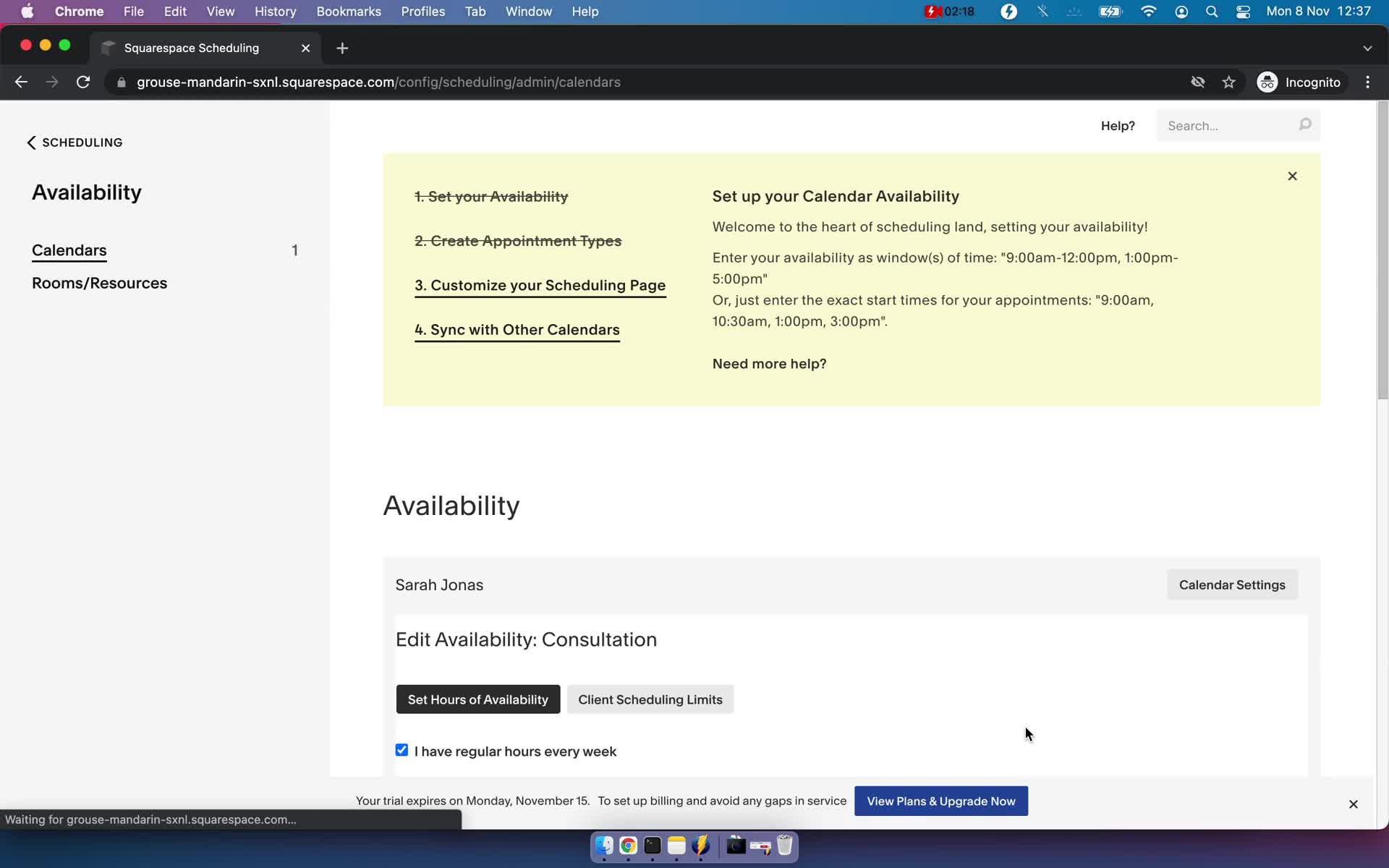
Set availability
this is title
Set availability
this is title
Set availability
this is title
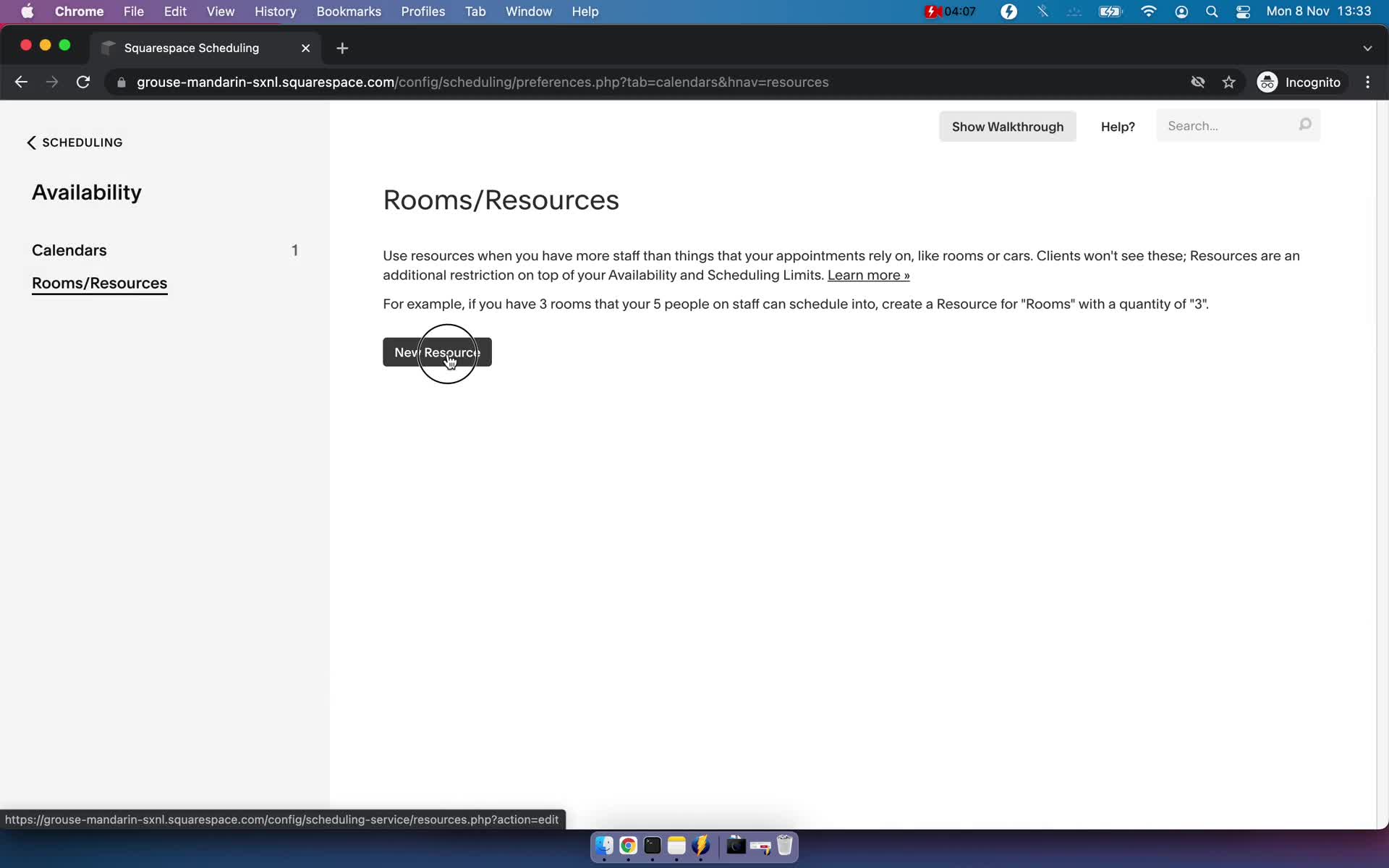
Rooms
this is title
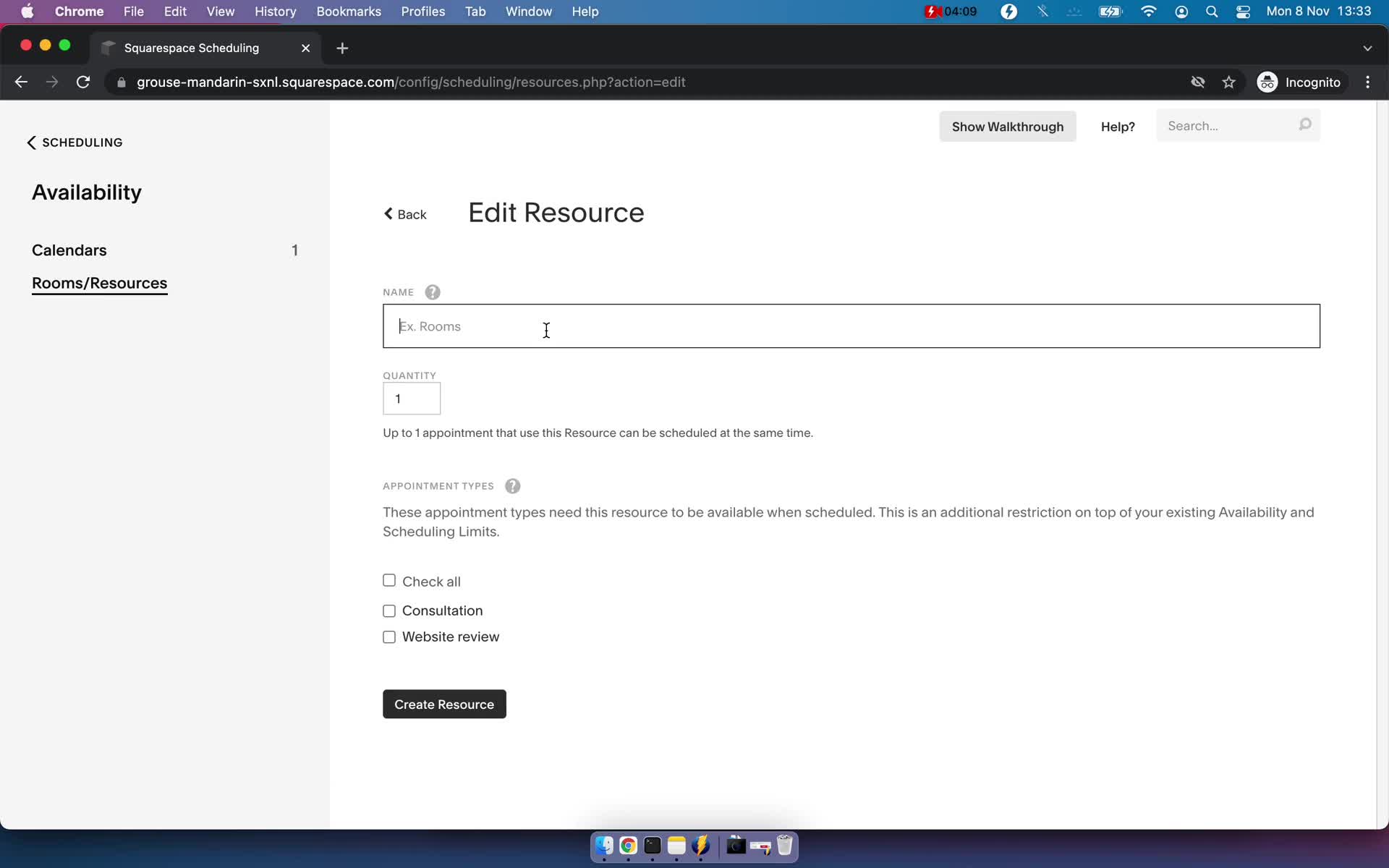
Edit room
this is title
Appointments
this is title
Event types
this is title
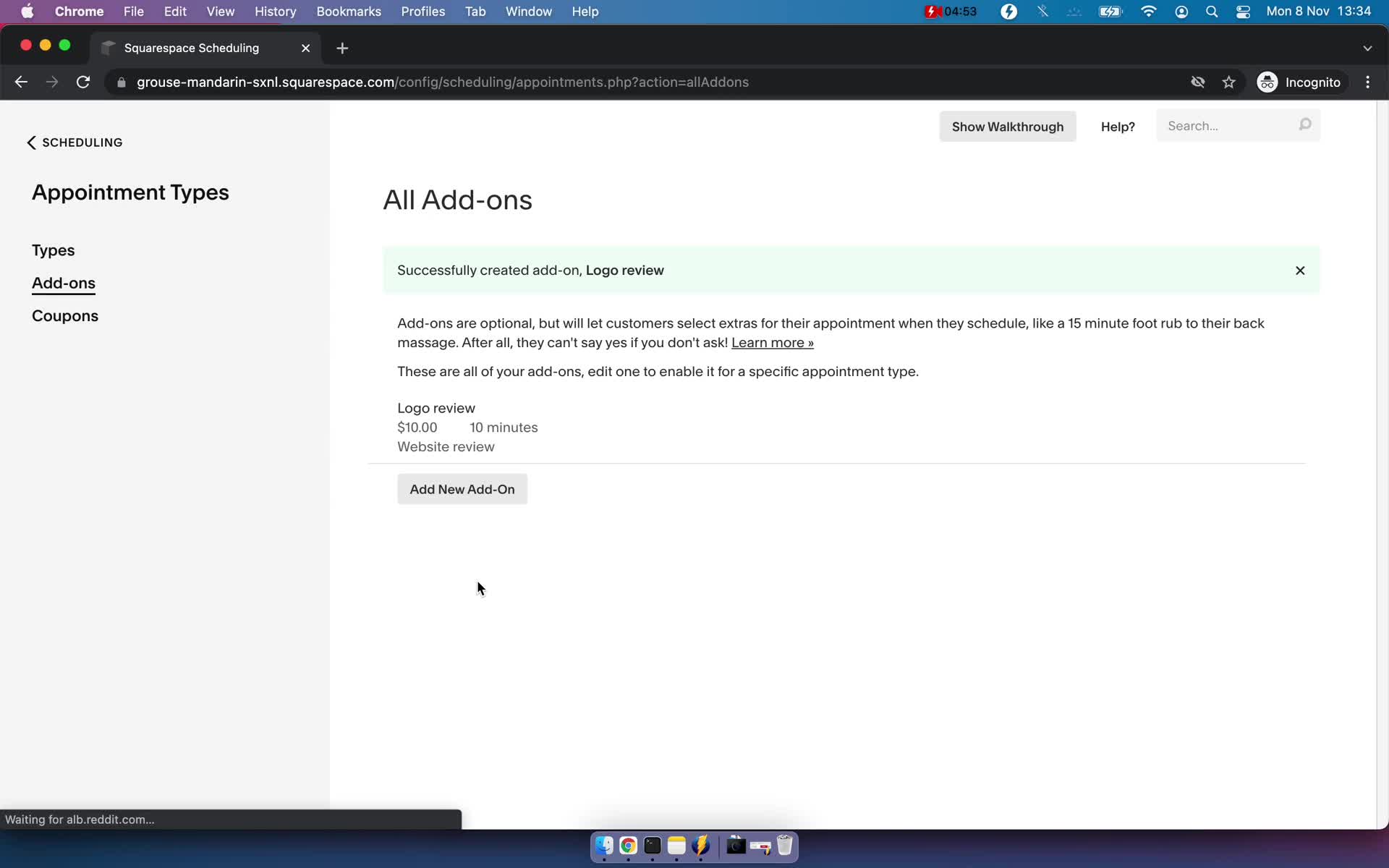
Add-ons
this is title
Create add-on
this is title
Saved
this is title
Coupons
this is title
Appointments
this is title
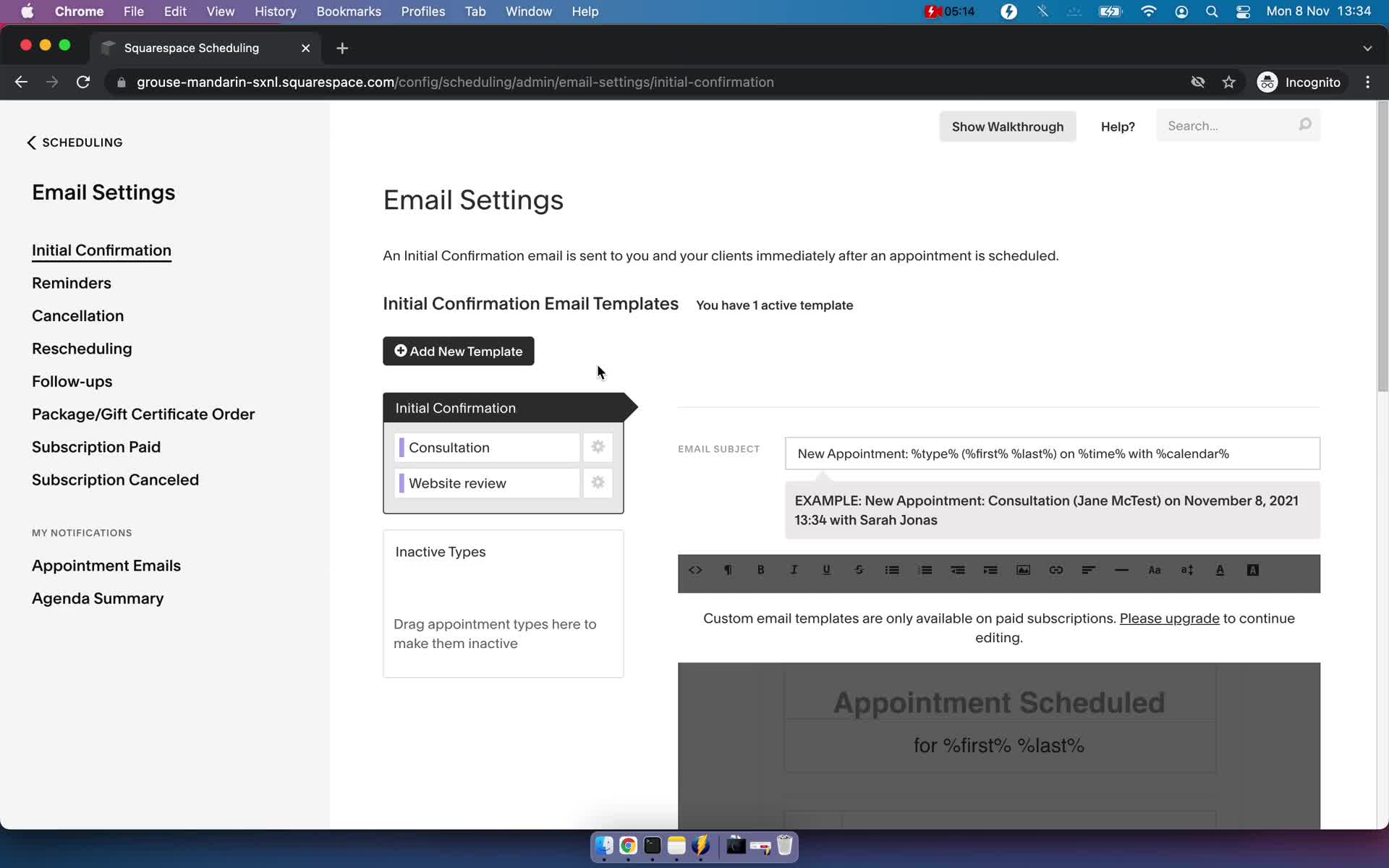
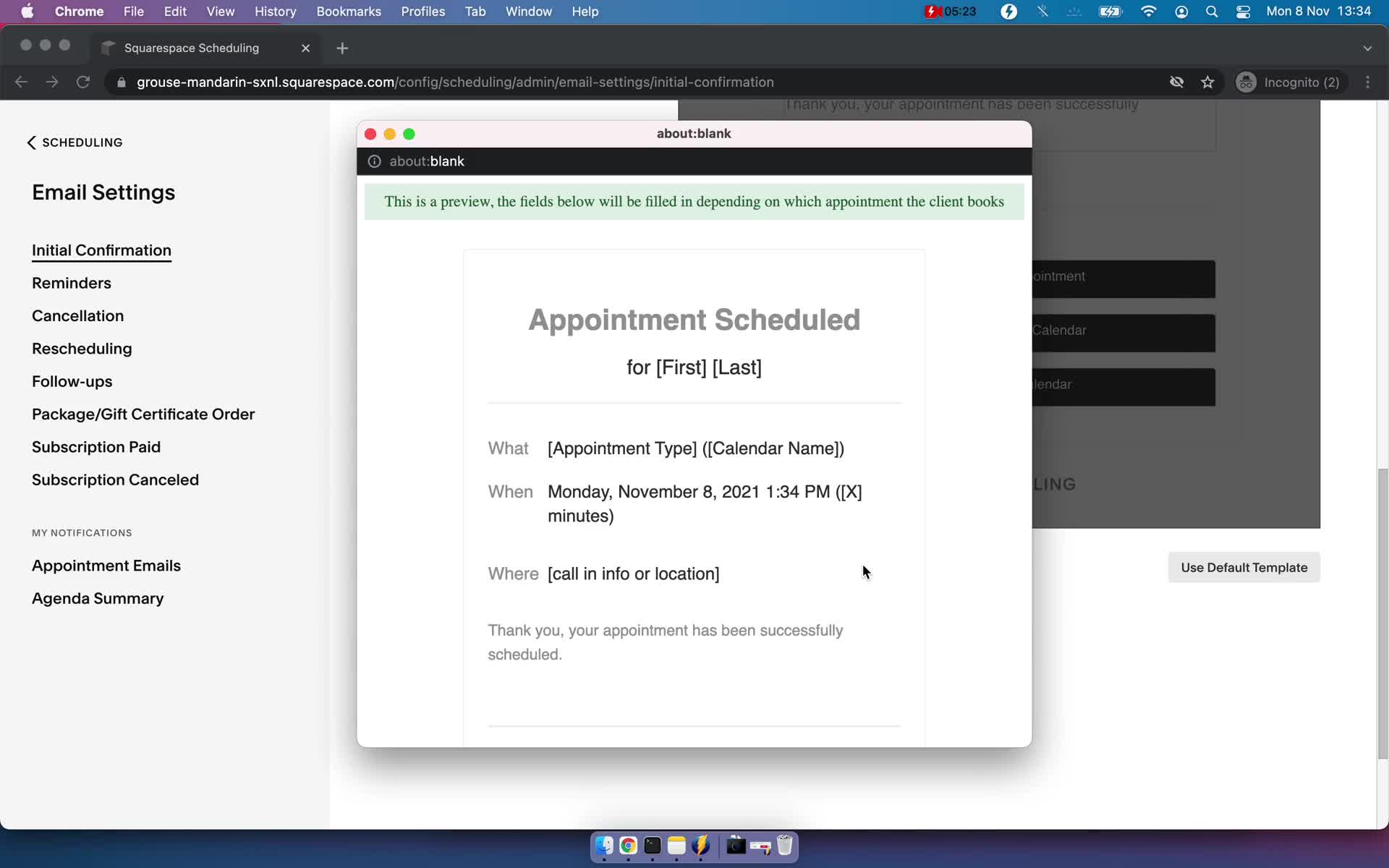
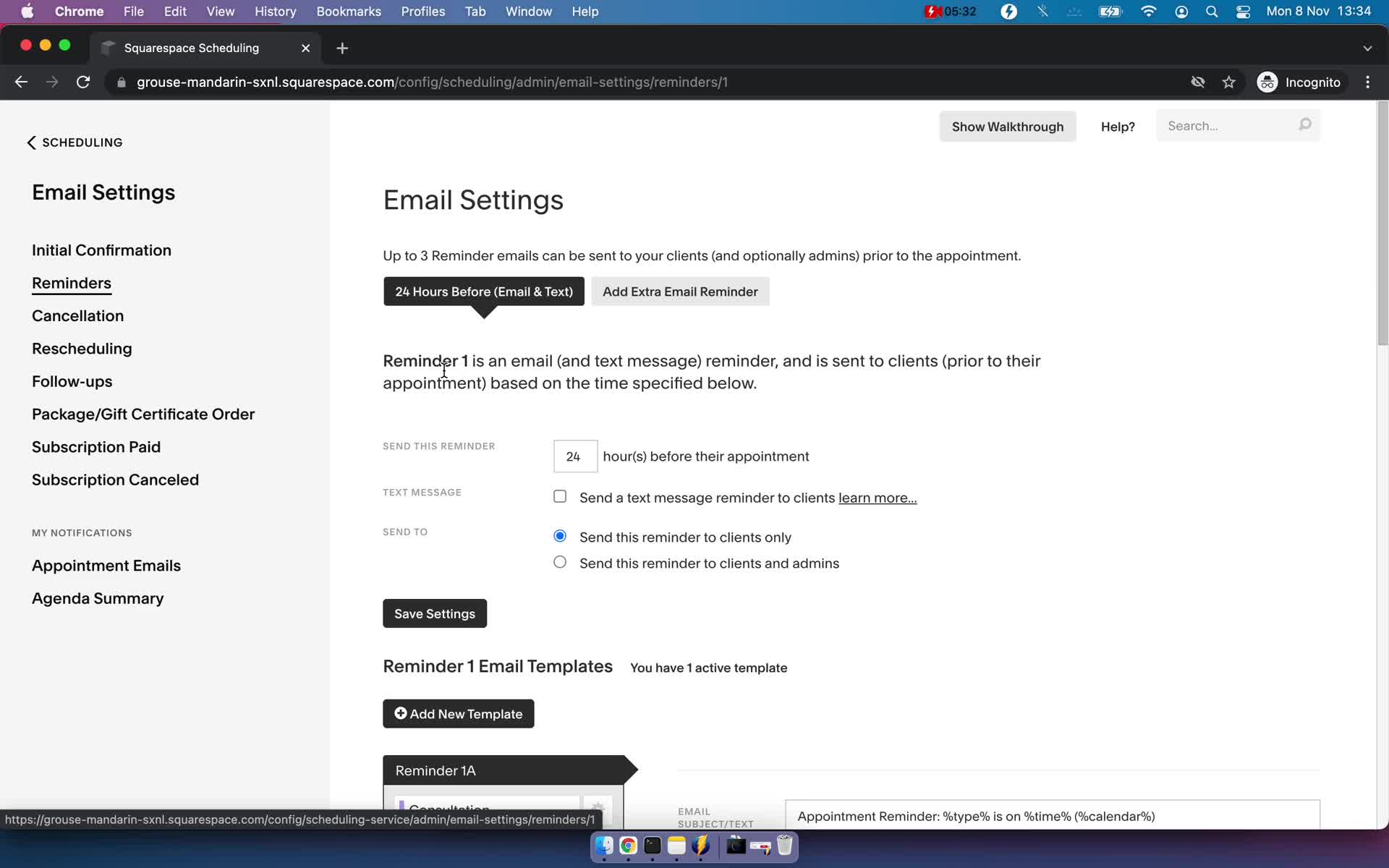
Email settings
this is title
Preview email
this is title
Email settings
this is title
Appointments
this is title
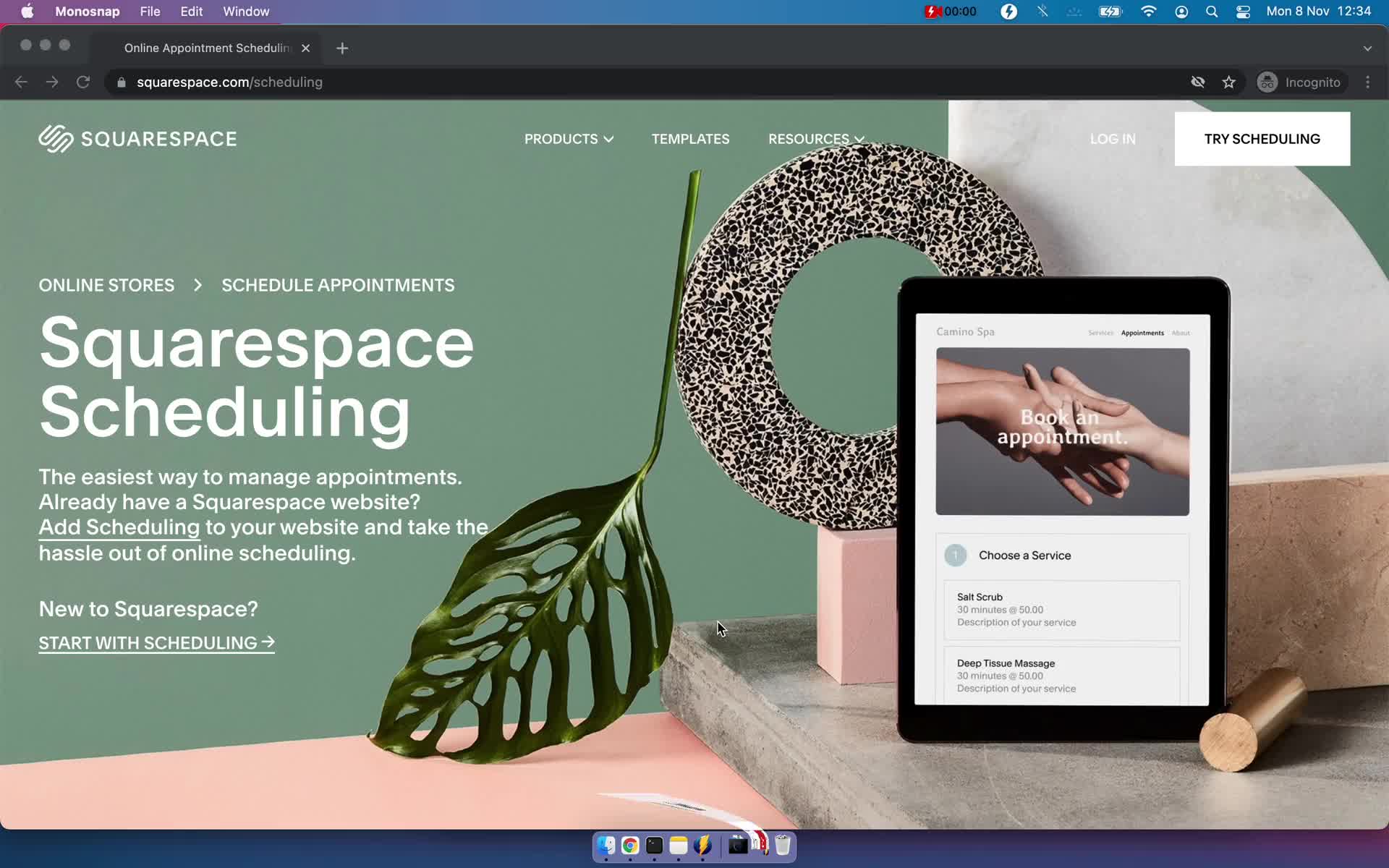
Homepage
this is title
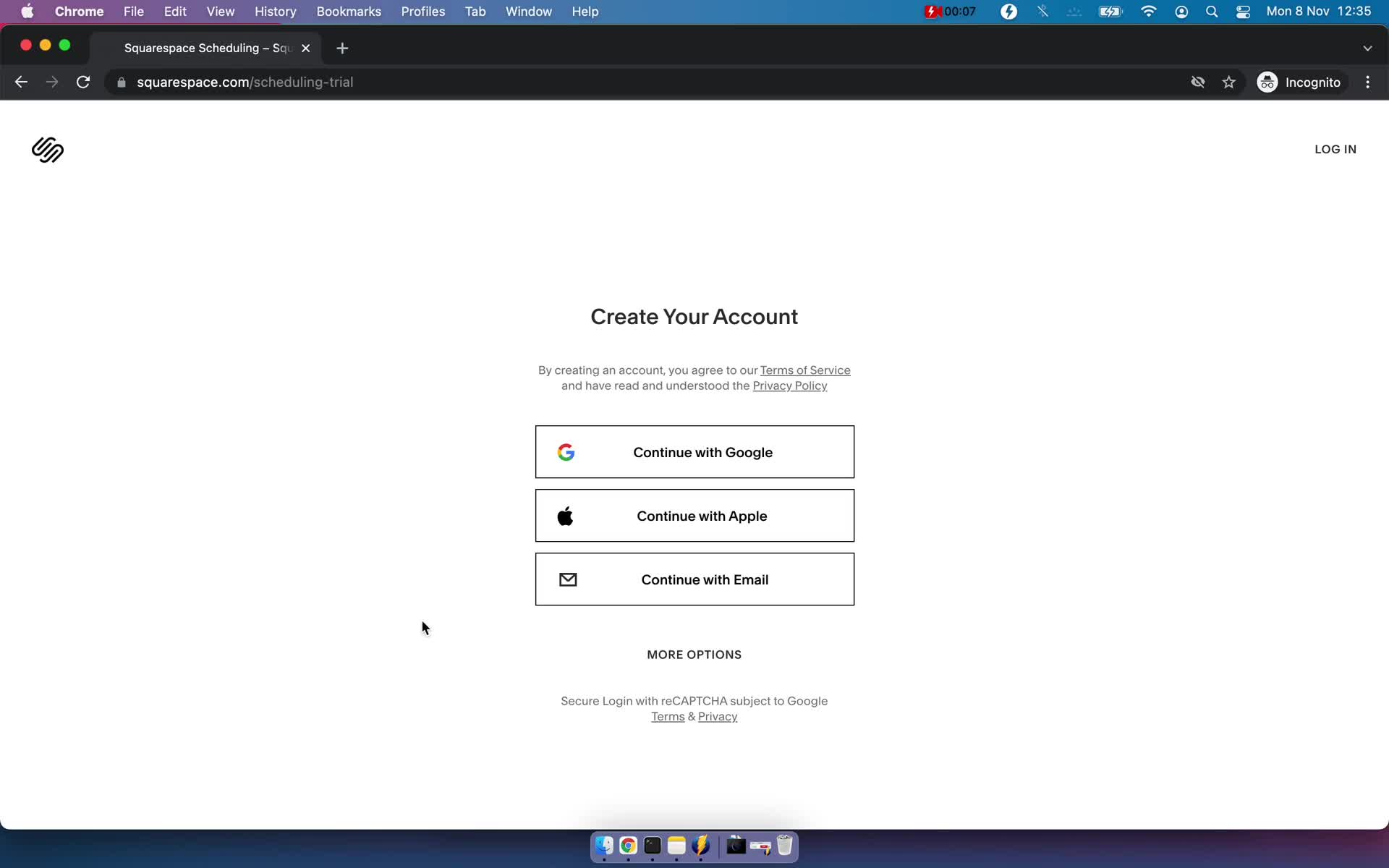
Sign up
this is title
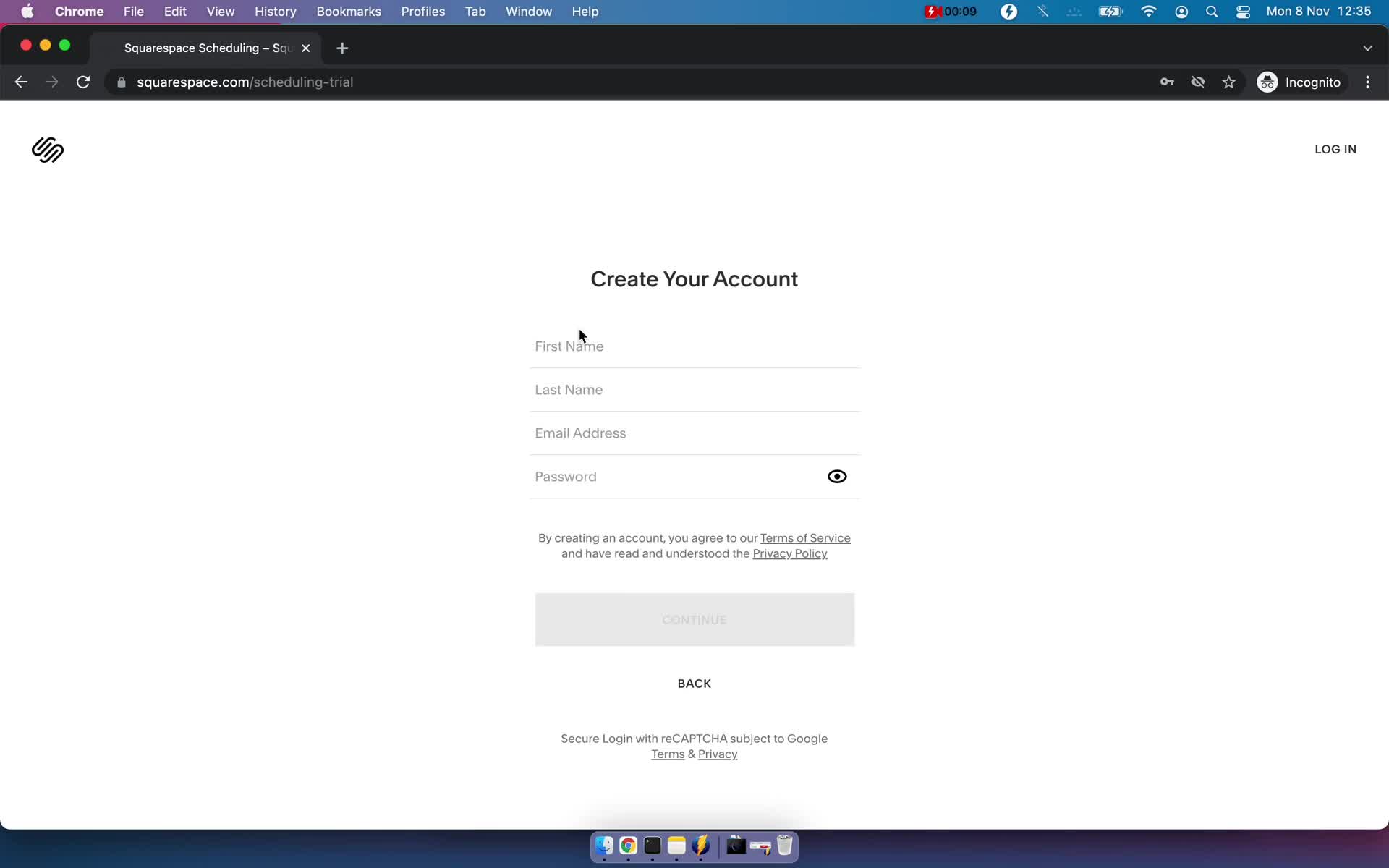
Sign up with email
this is title
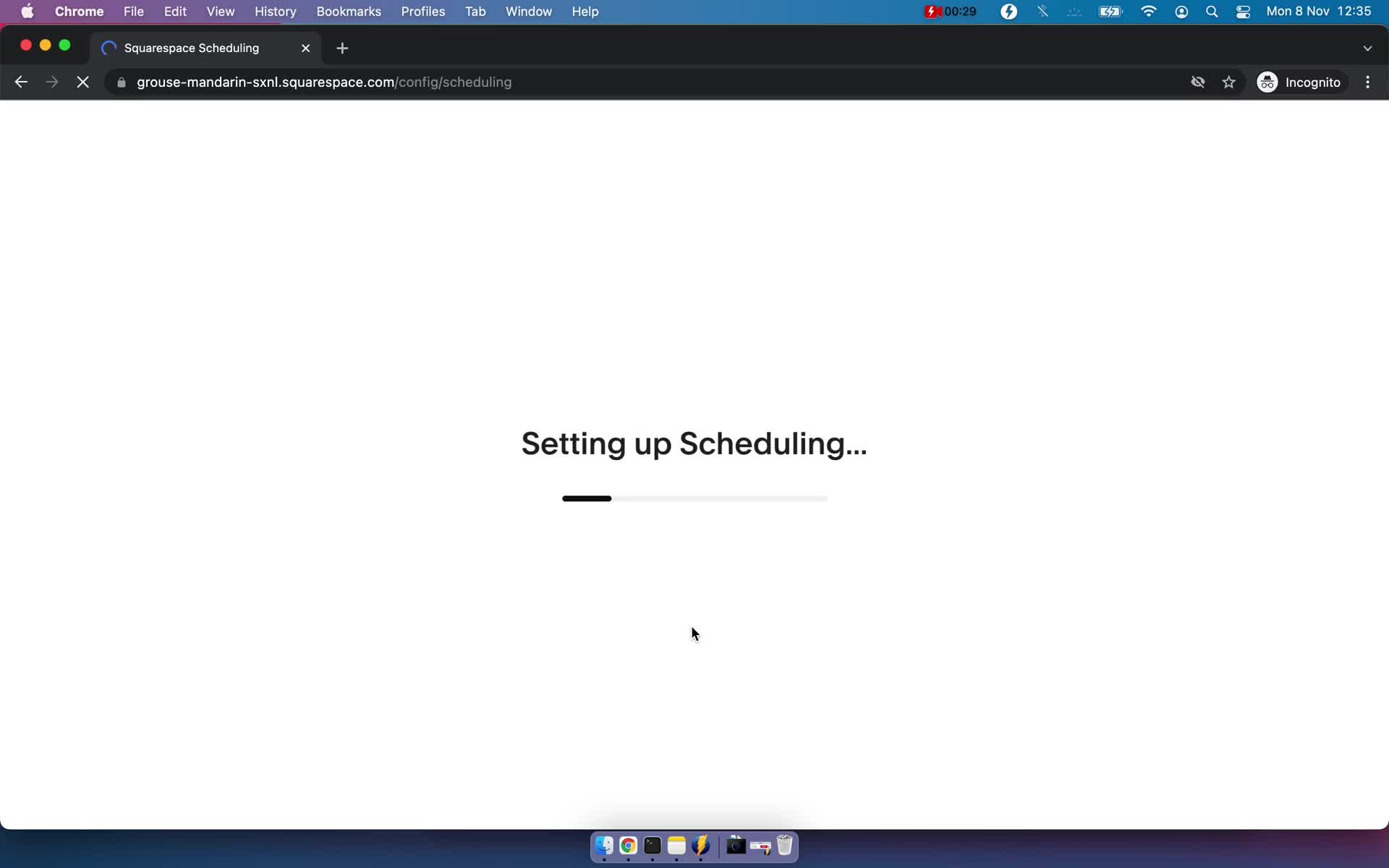
Loading
this is title
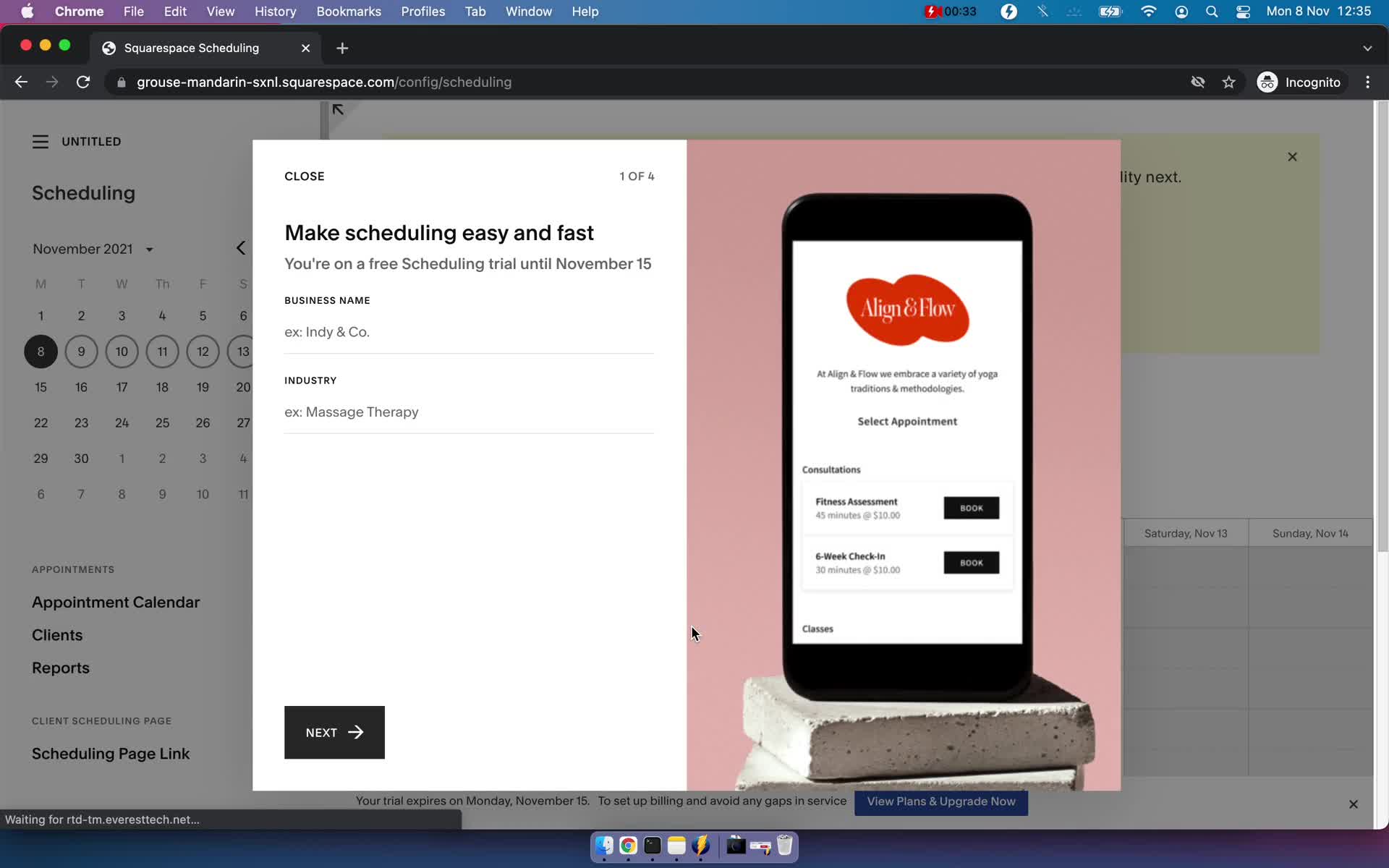
Add company details
this is title
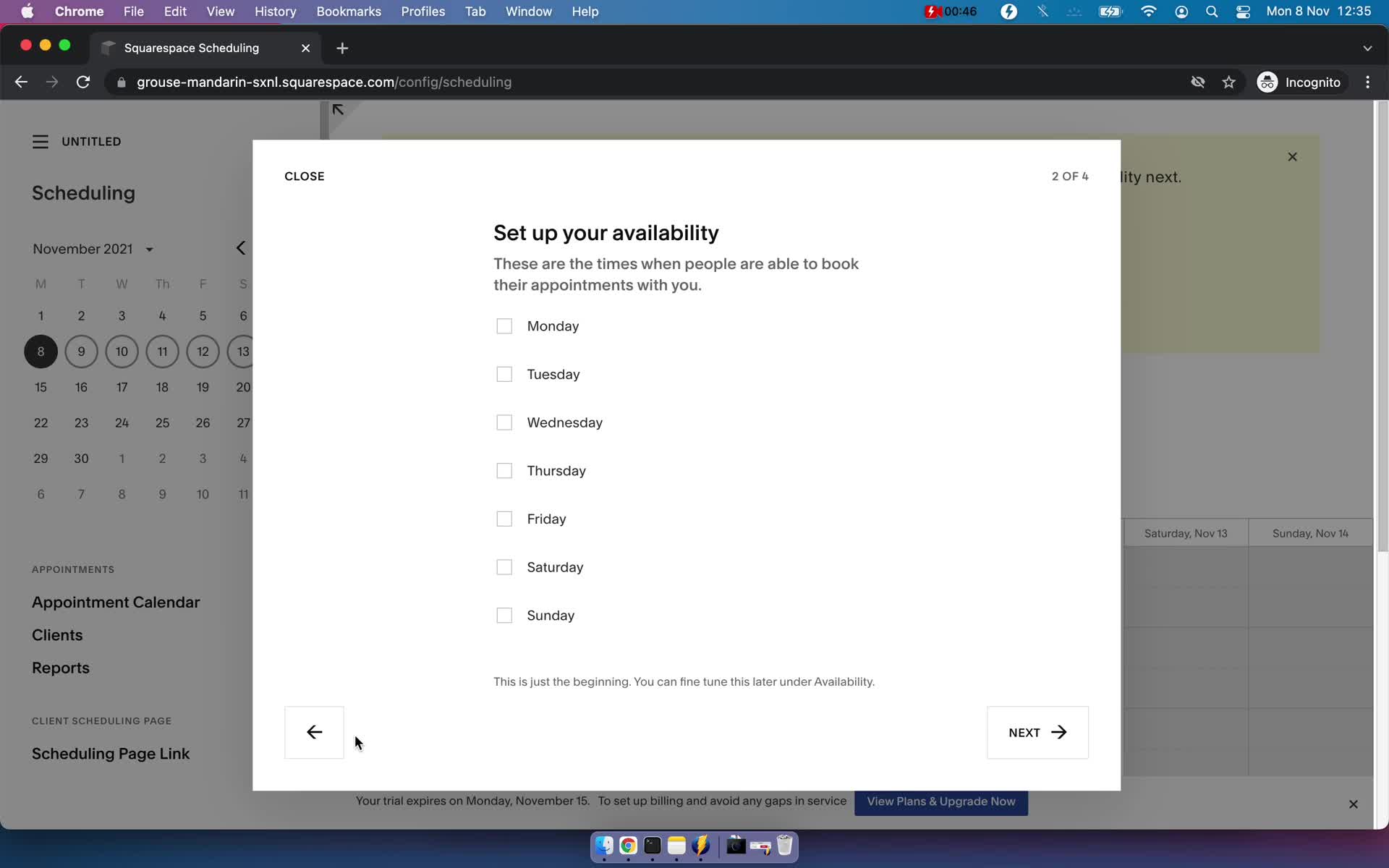
Set availability
this is title
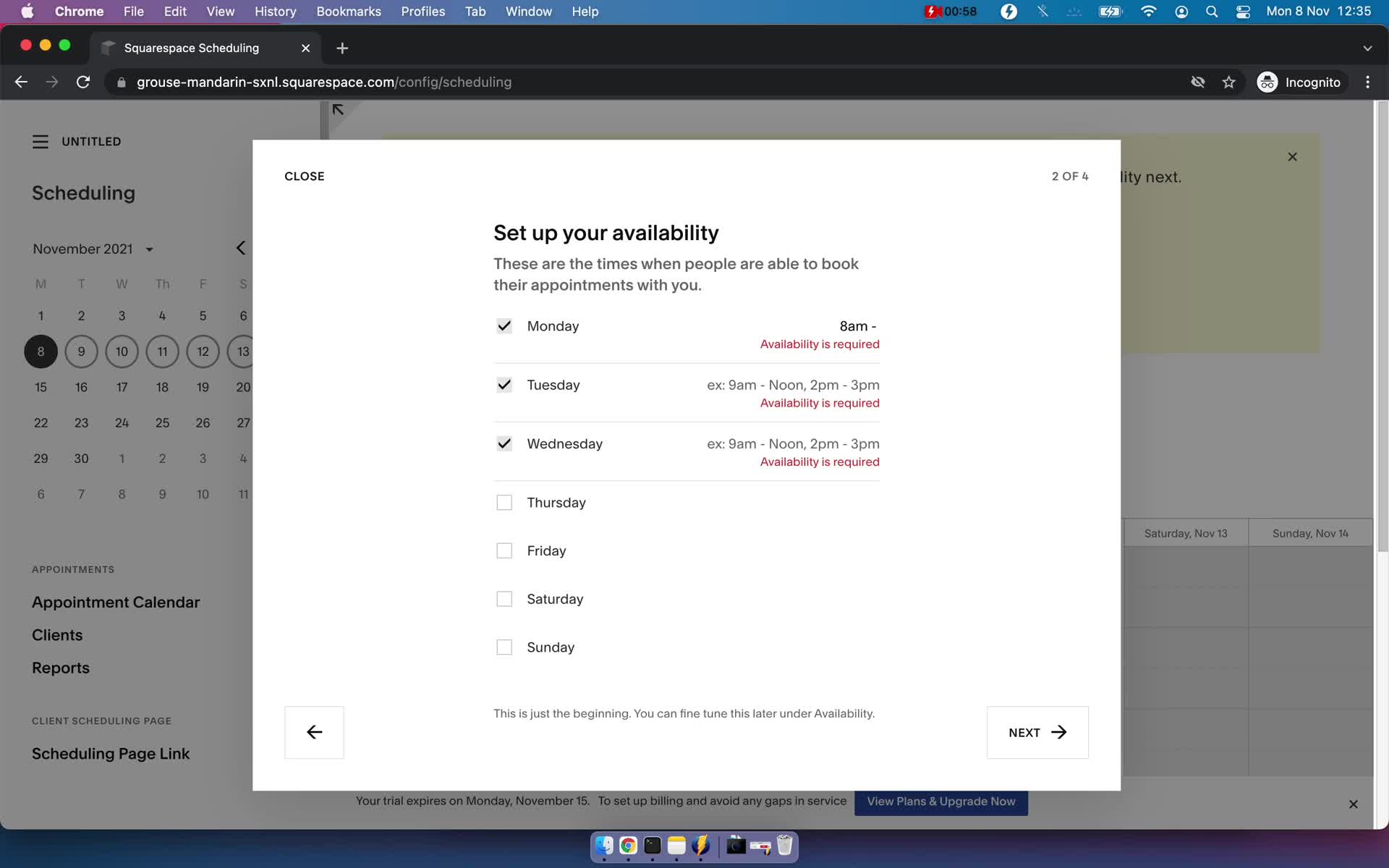
Set availability
this is title
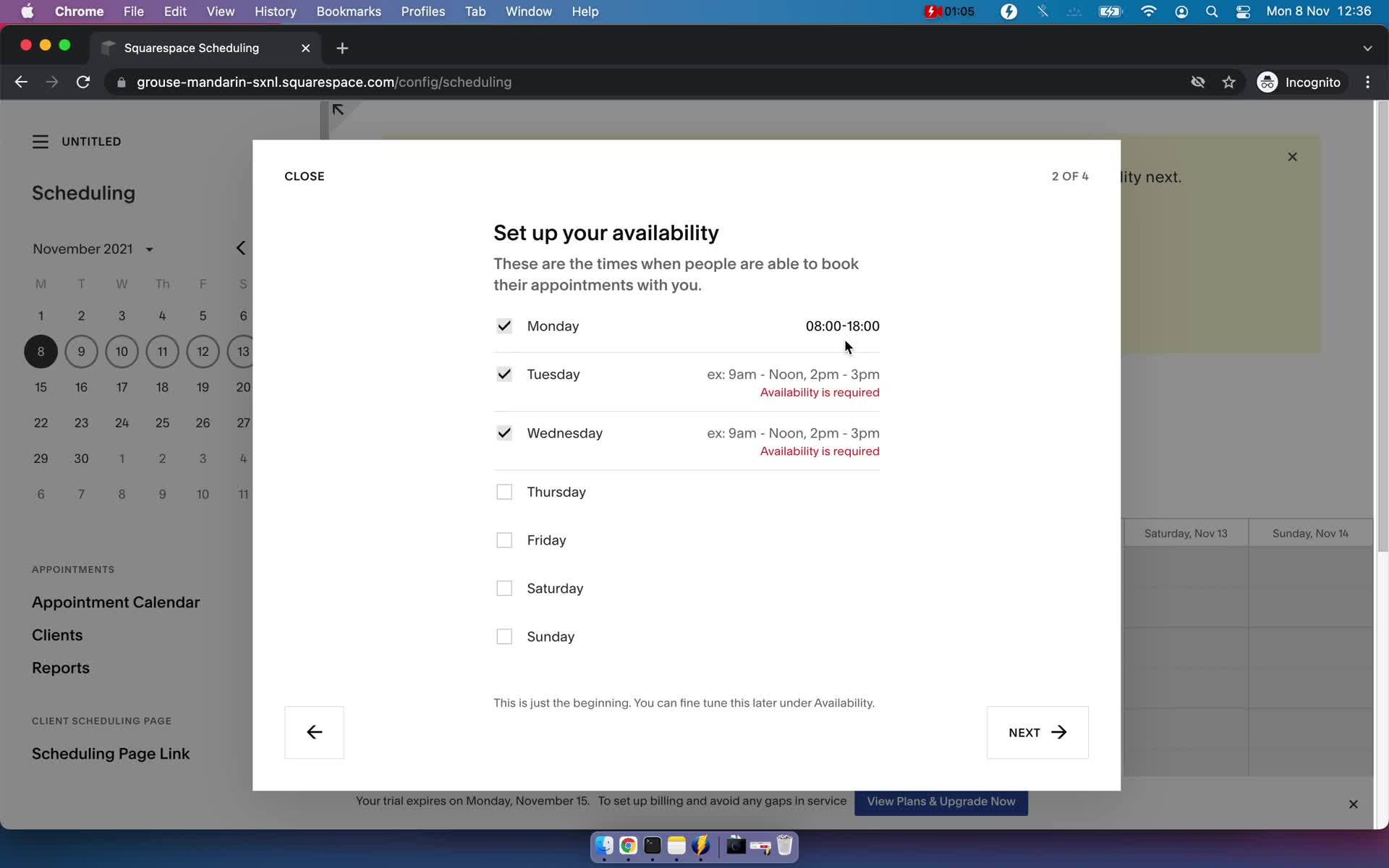
Set availability
this is title
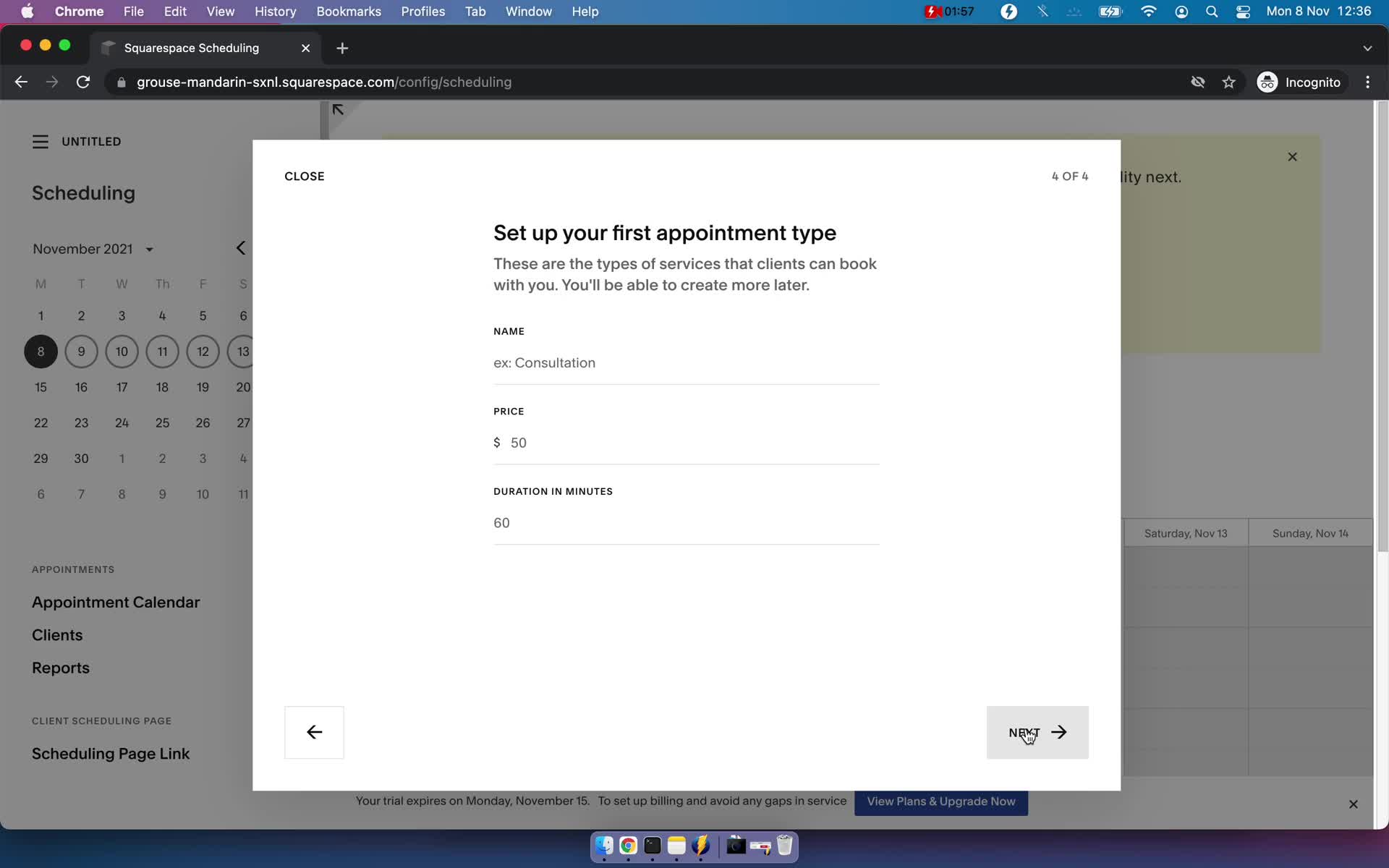
Add appointment details
this is title
Success
this is title
Onboarding tasks
this is title
Customize appearance
this is title
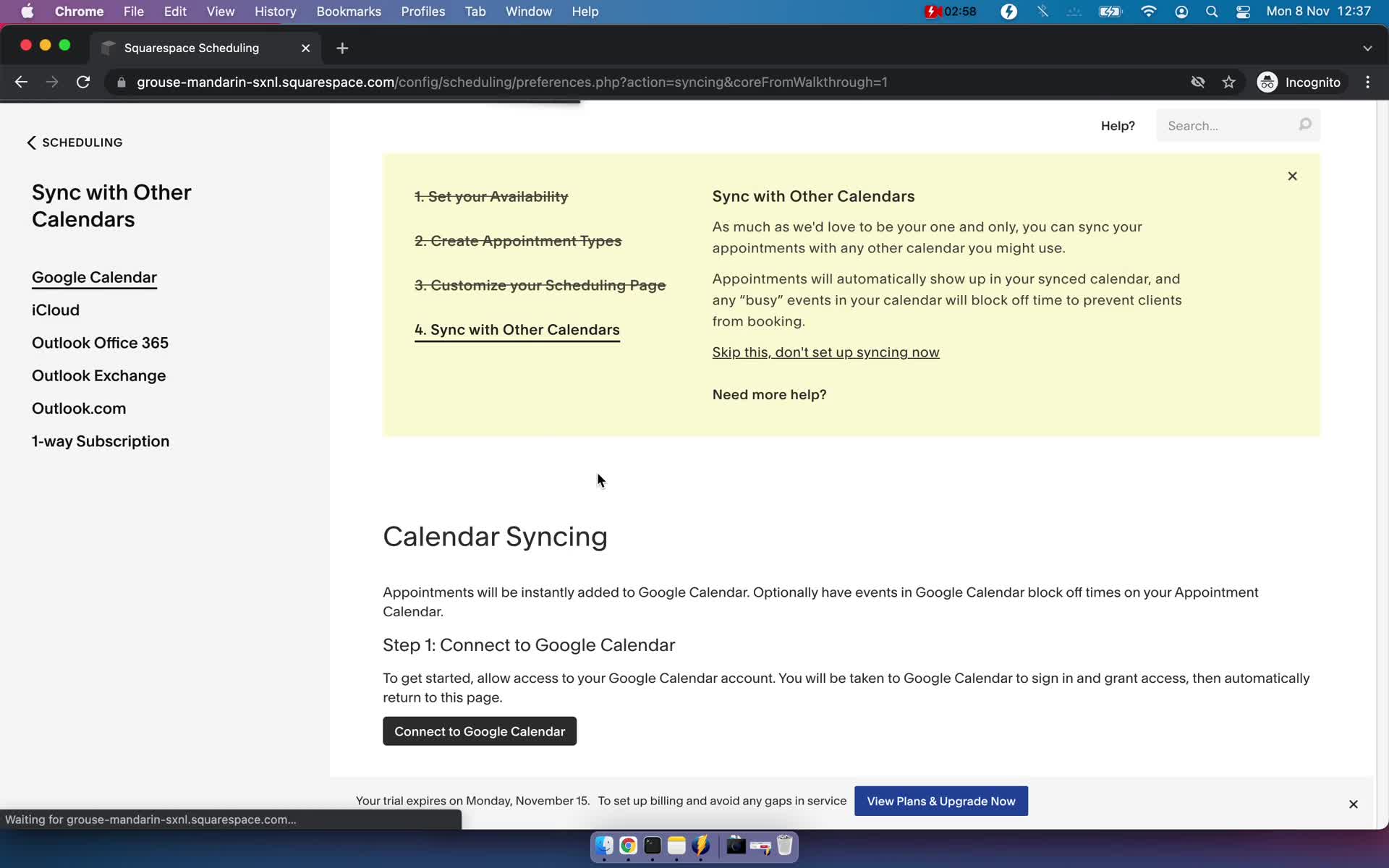
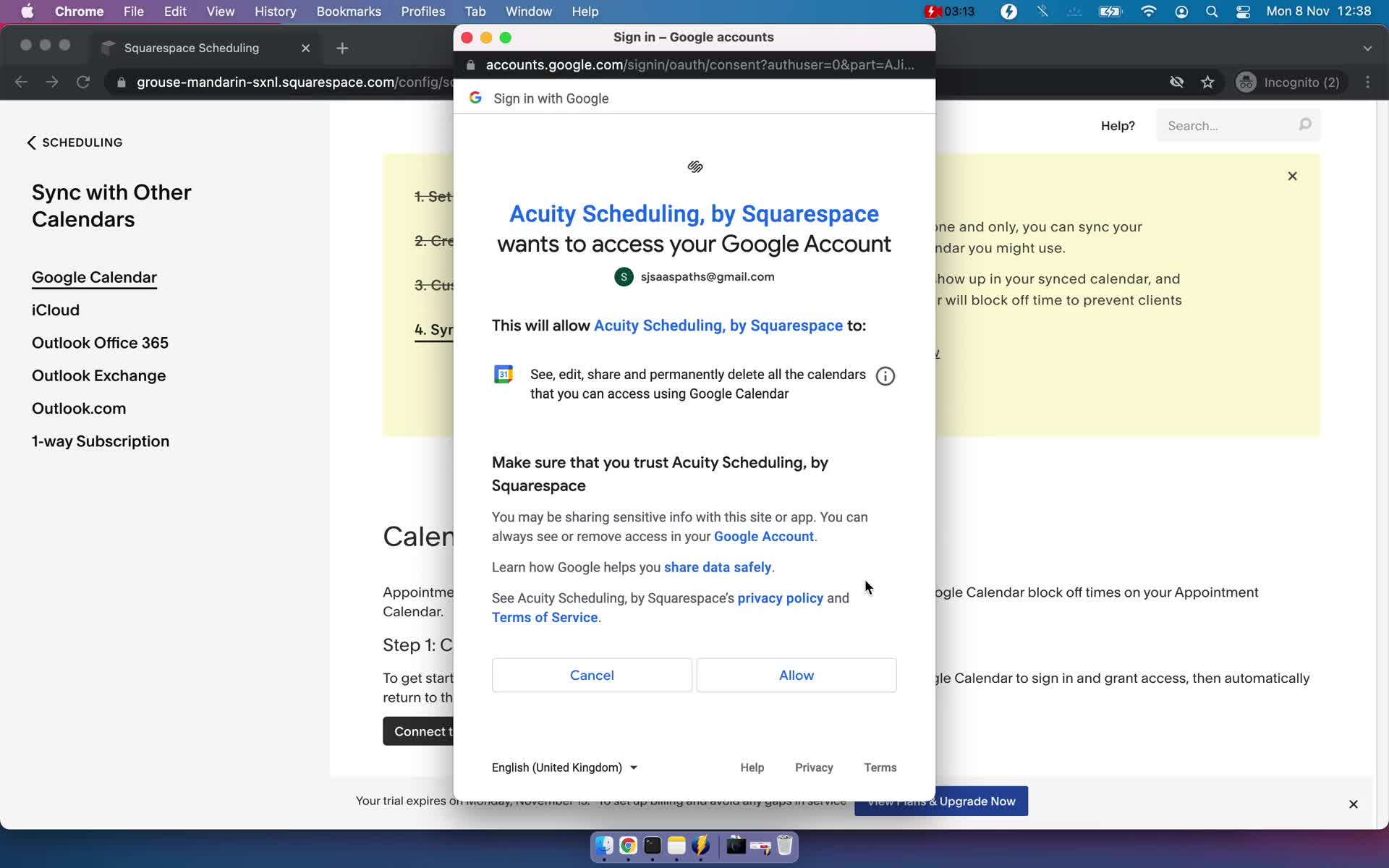
Connect calendar
this is title
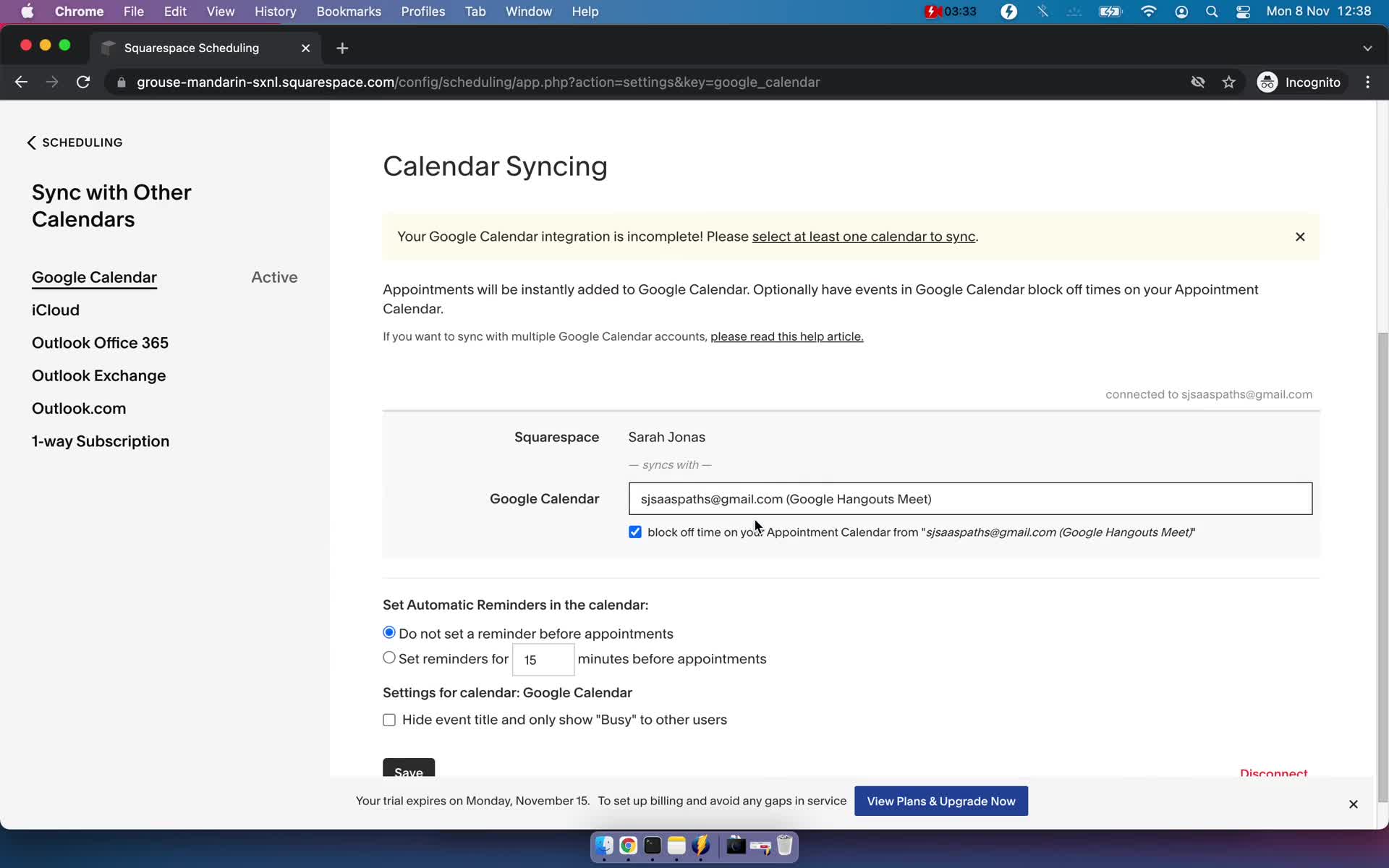
Connect calendar
this is title
Connect calendar
this is title
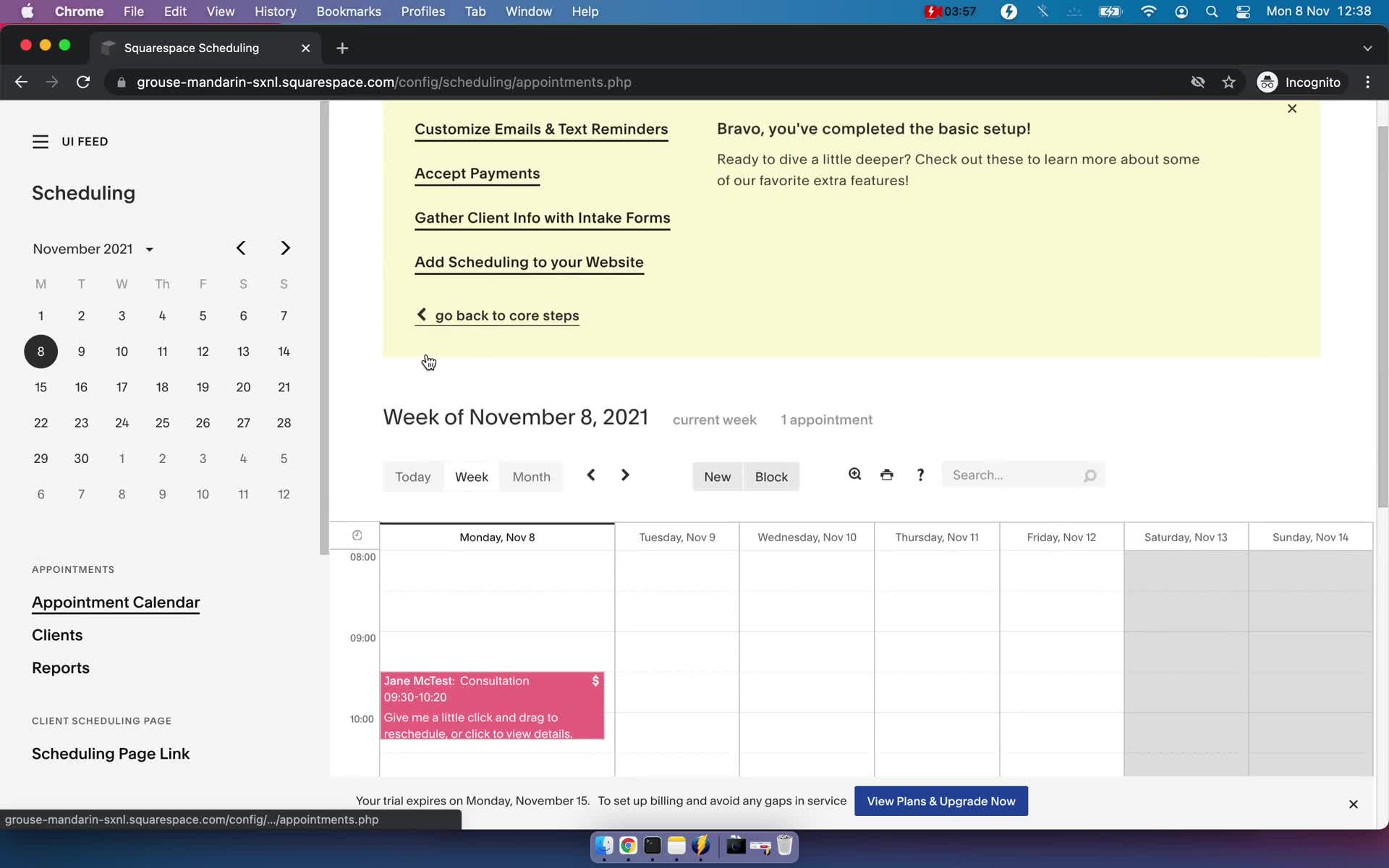
Appointments
this is title