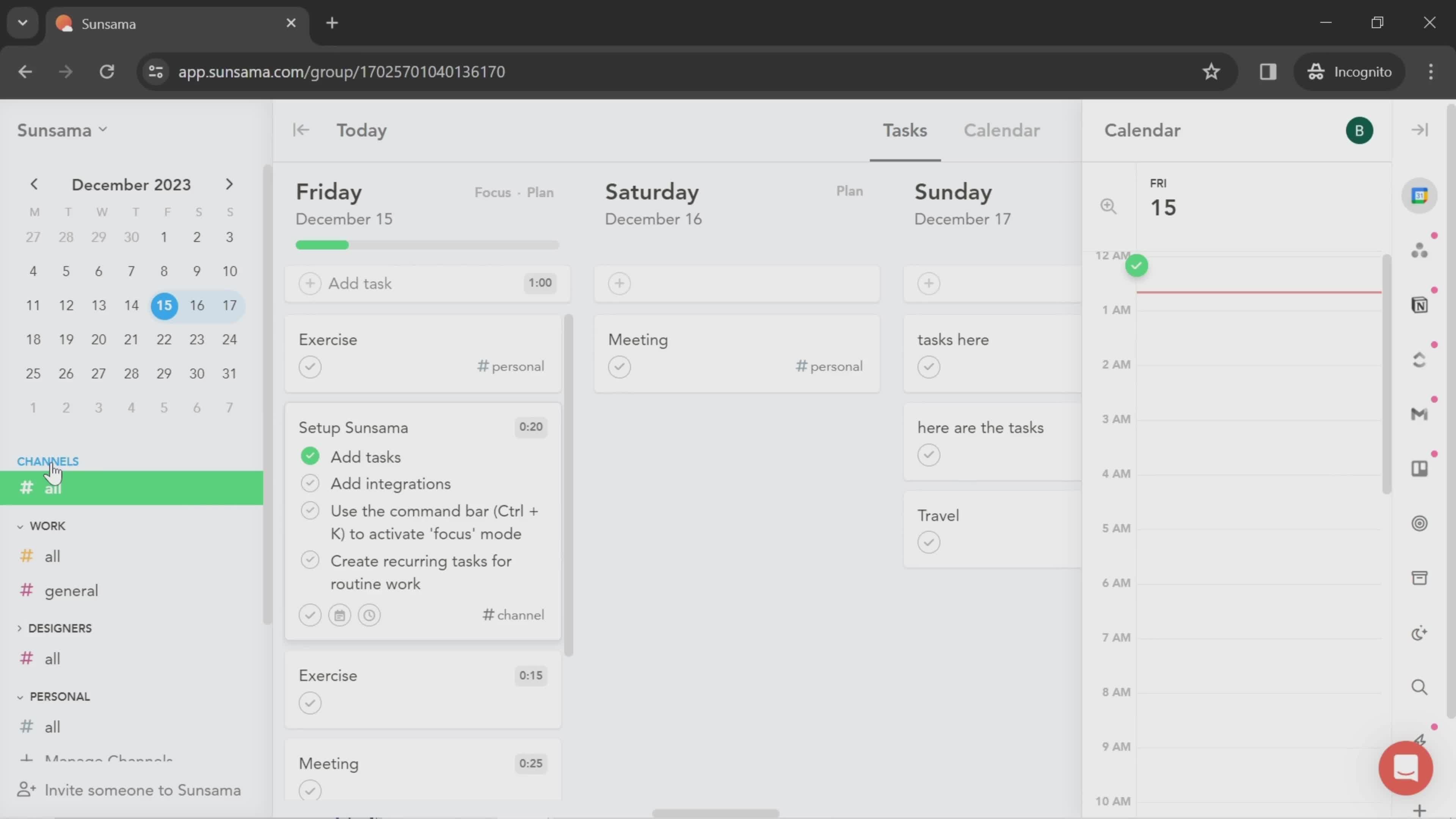
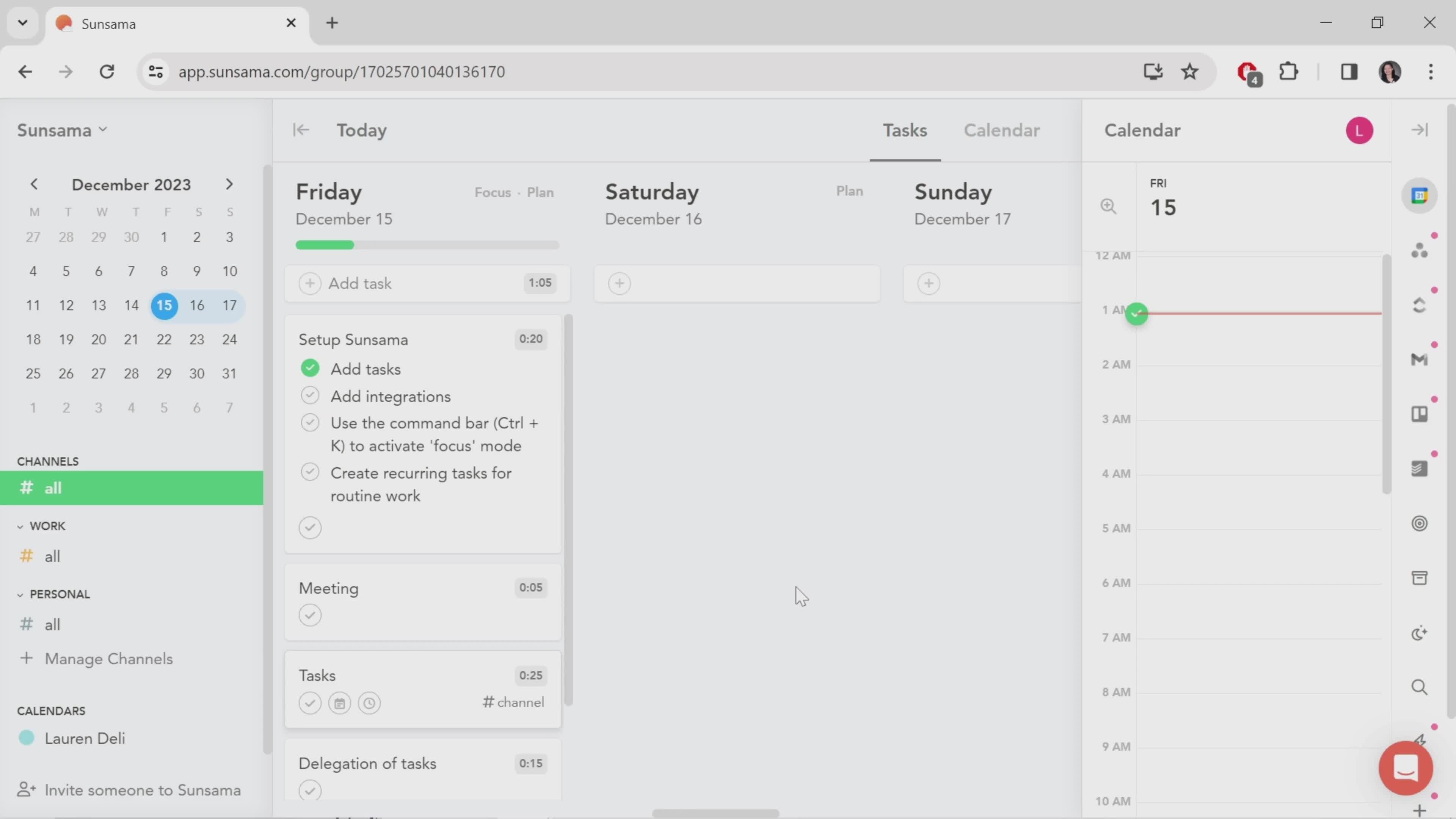
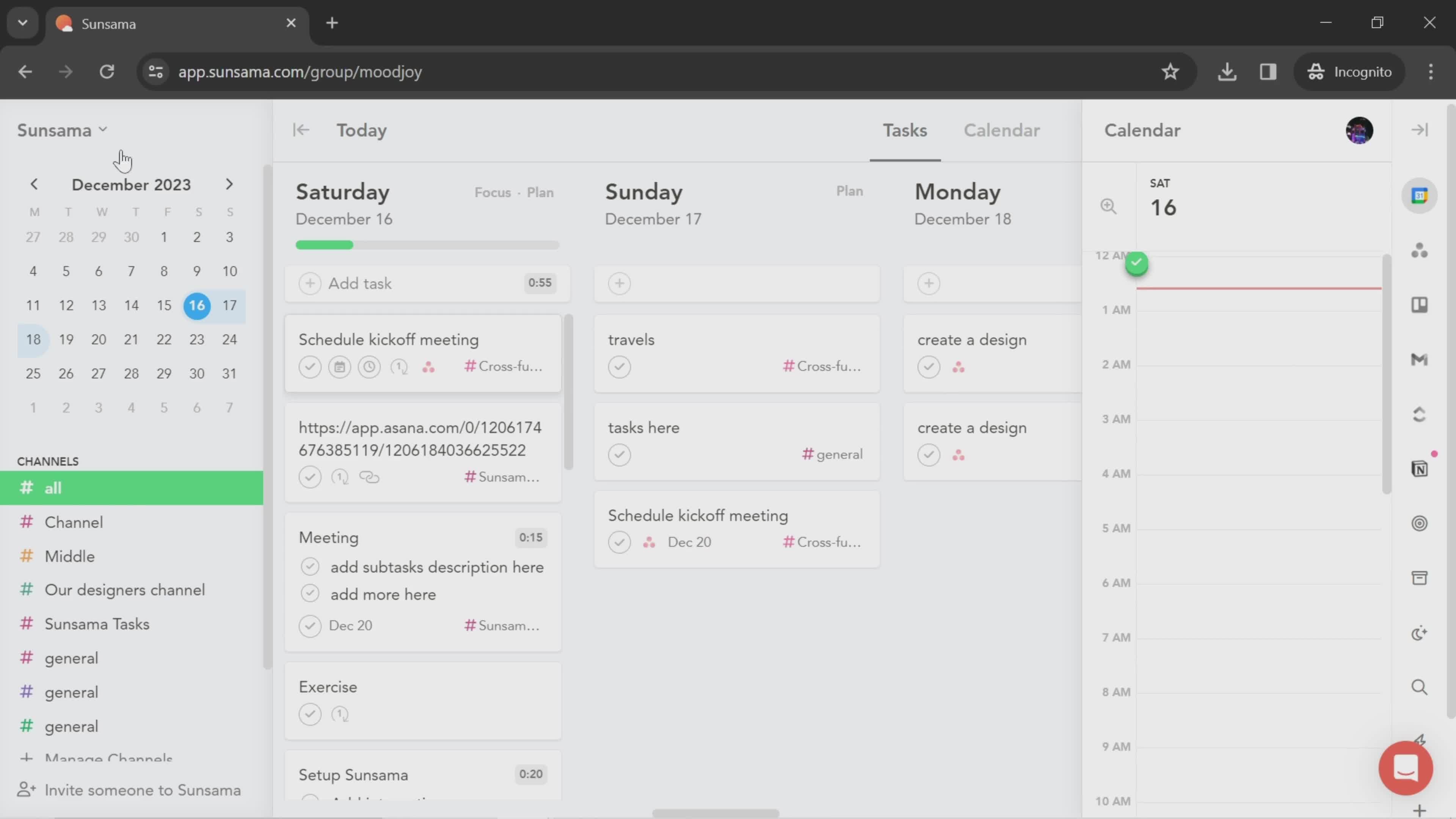
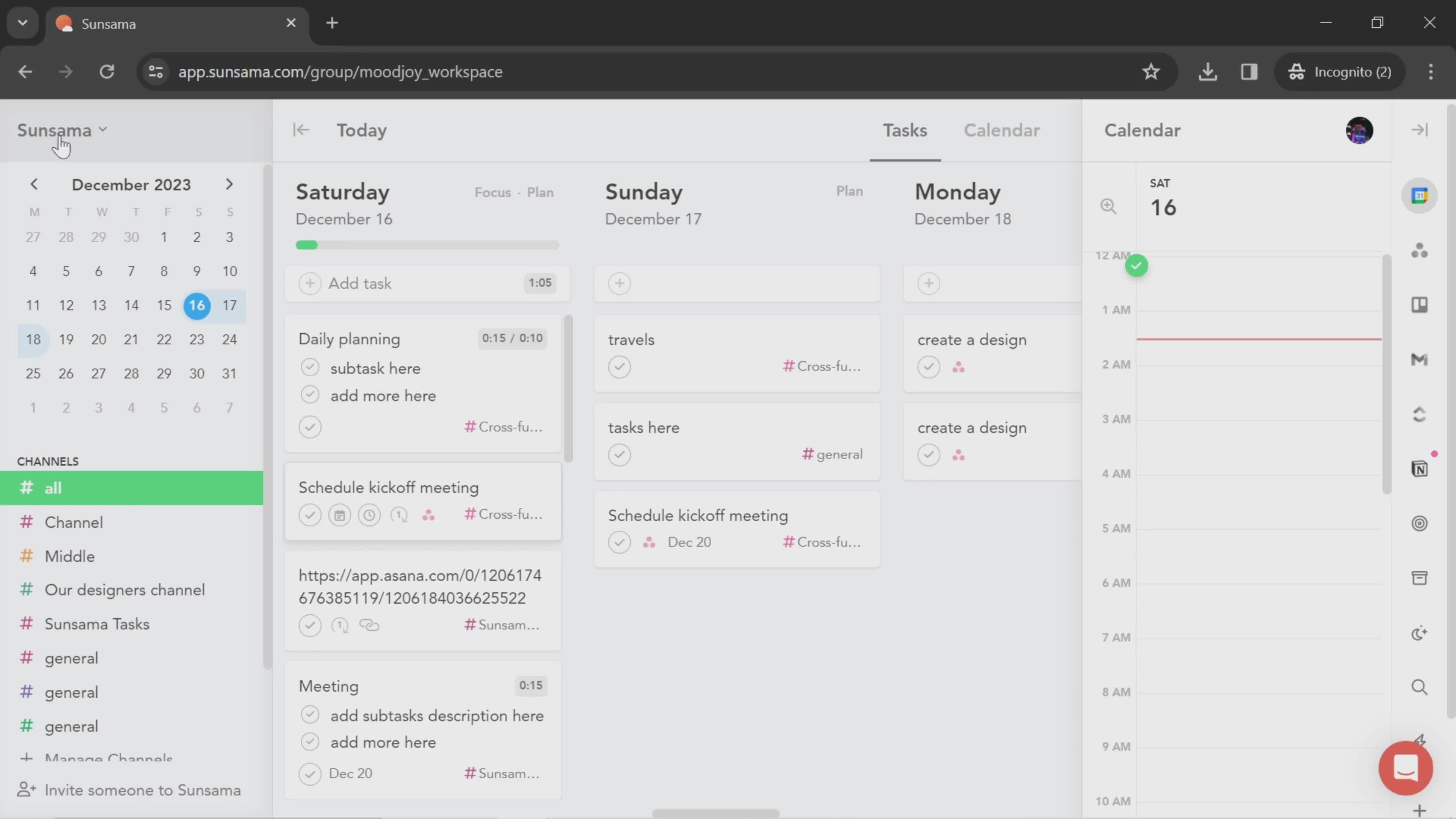
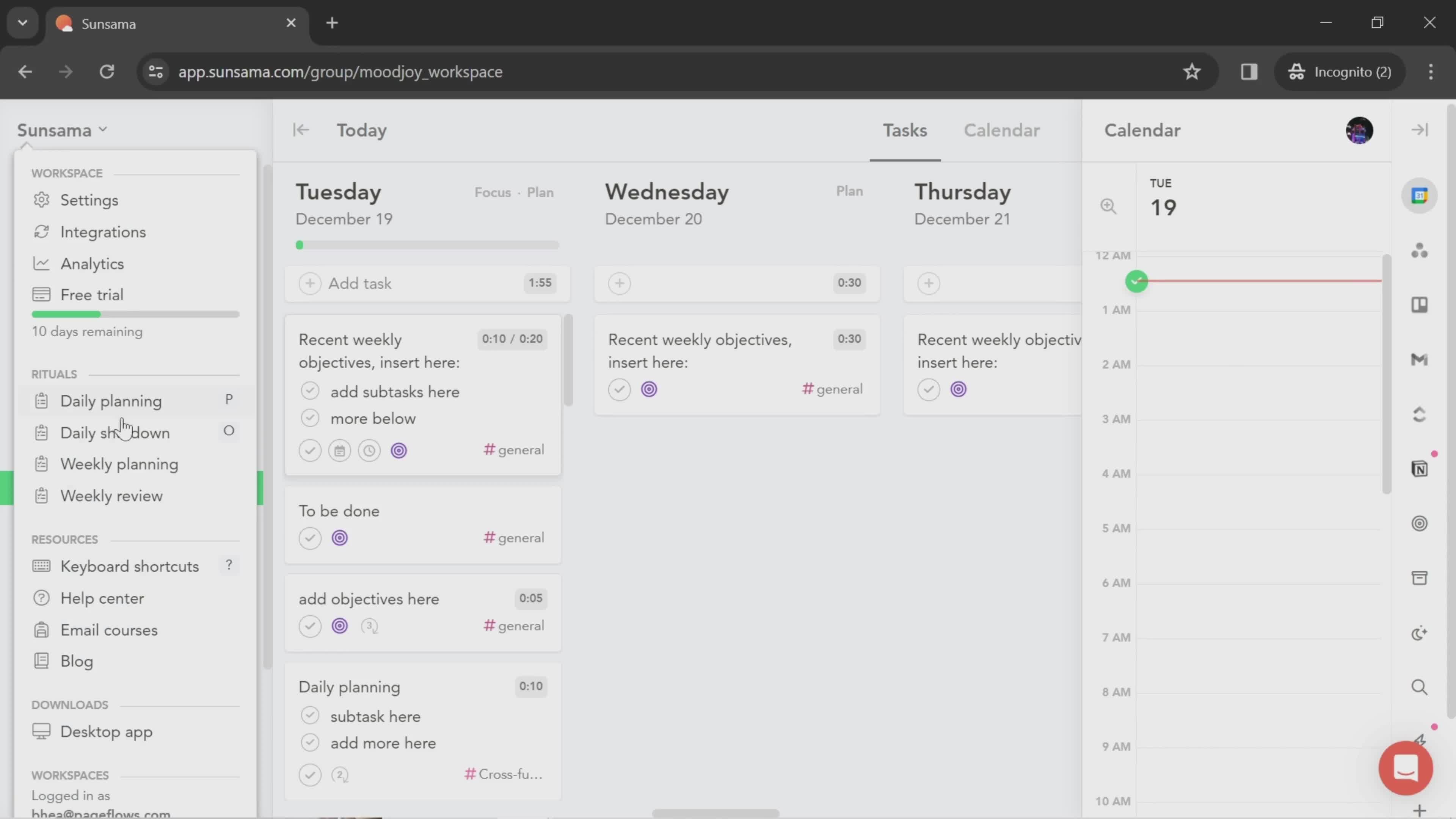
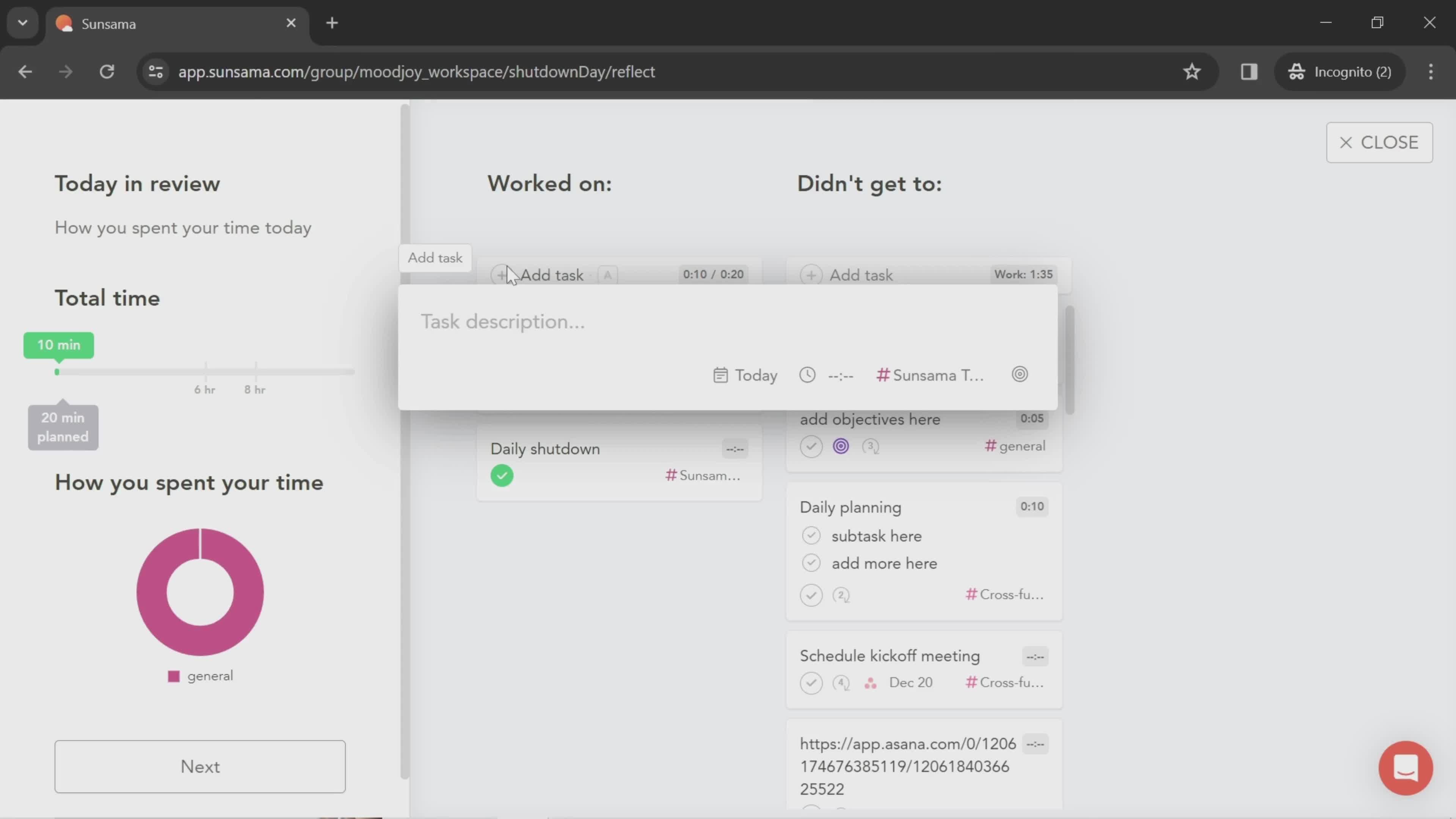
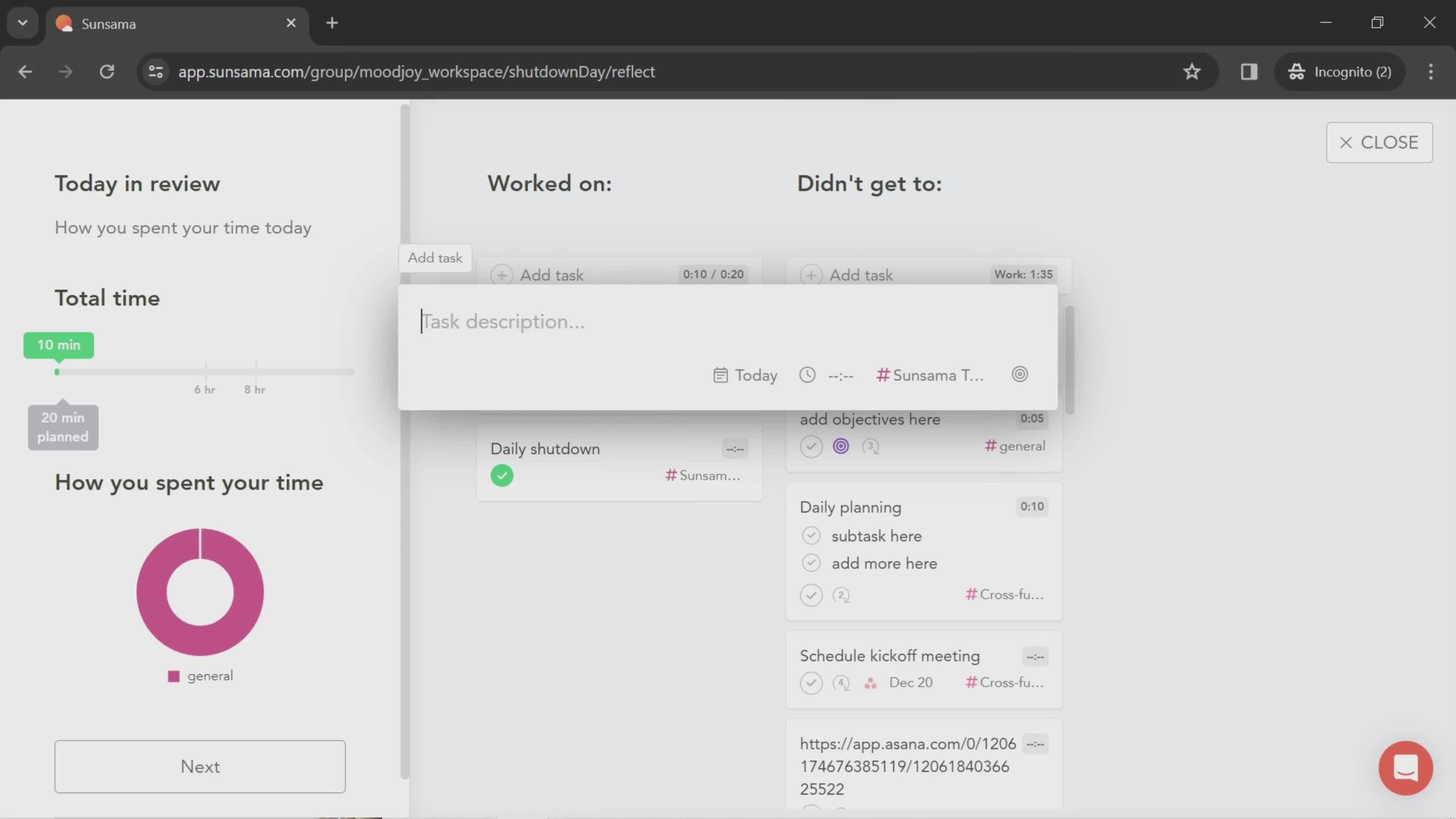
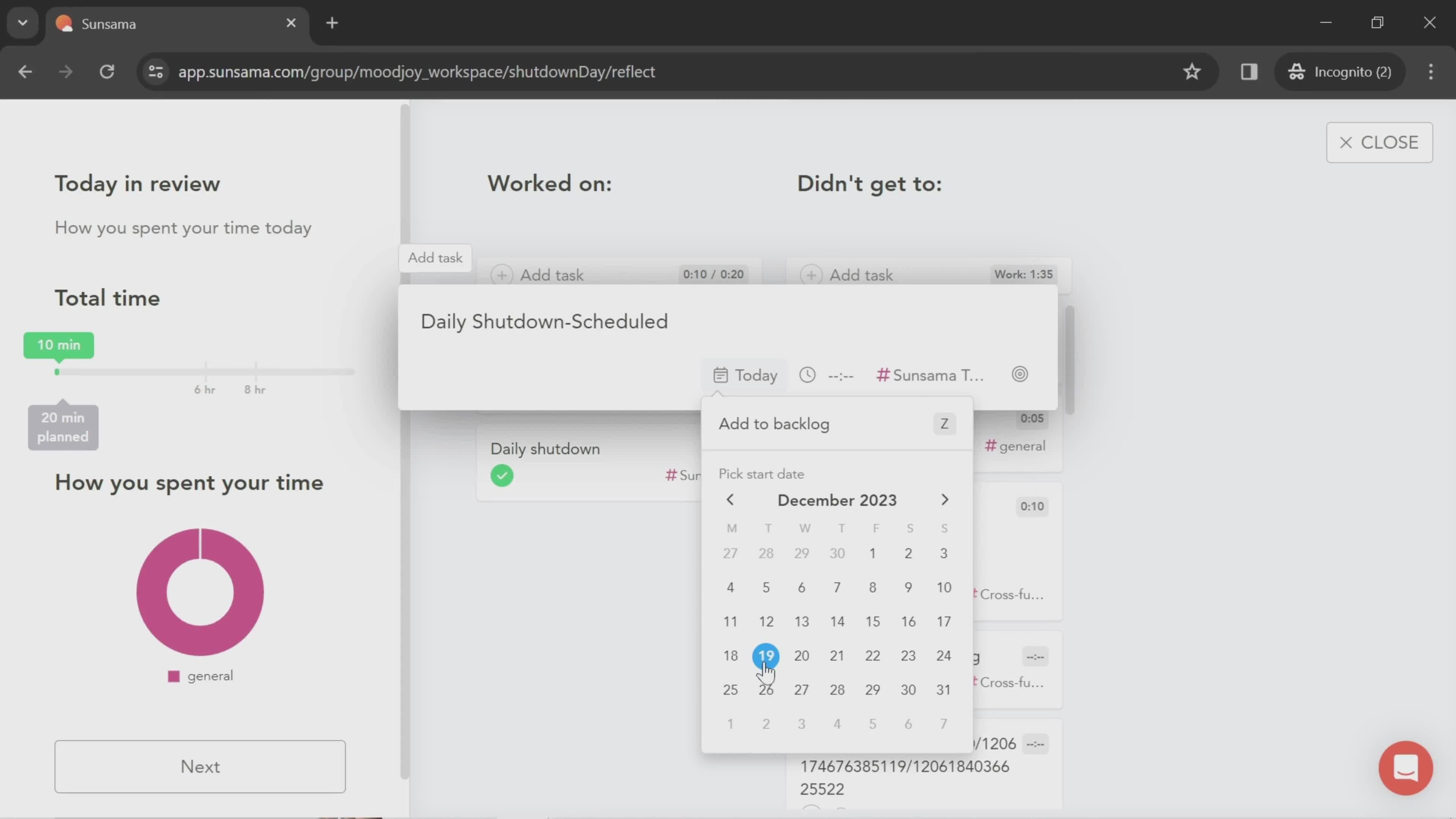
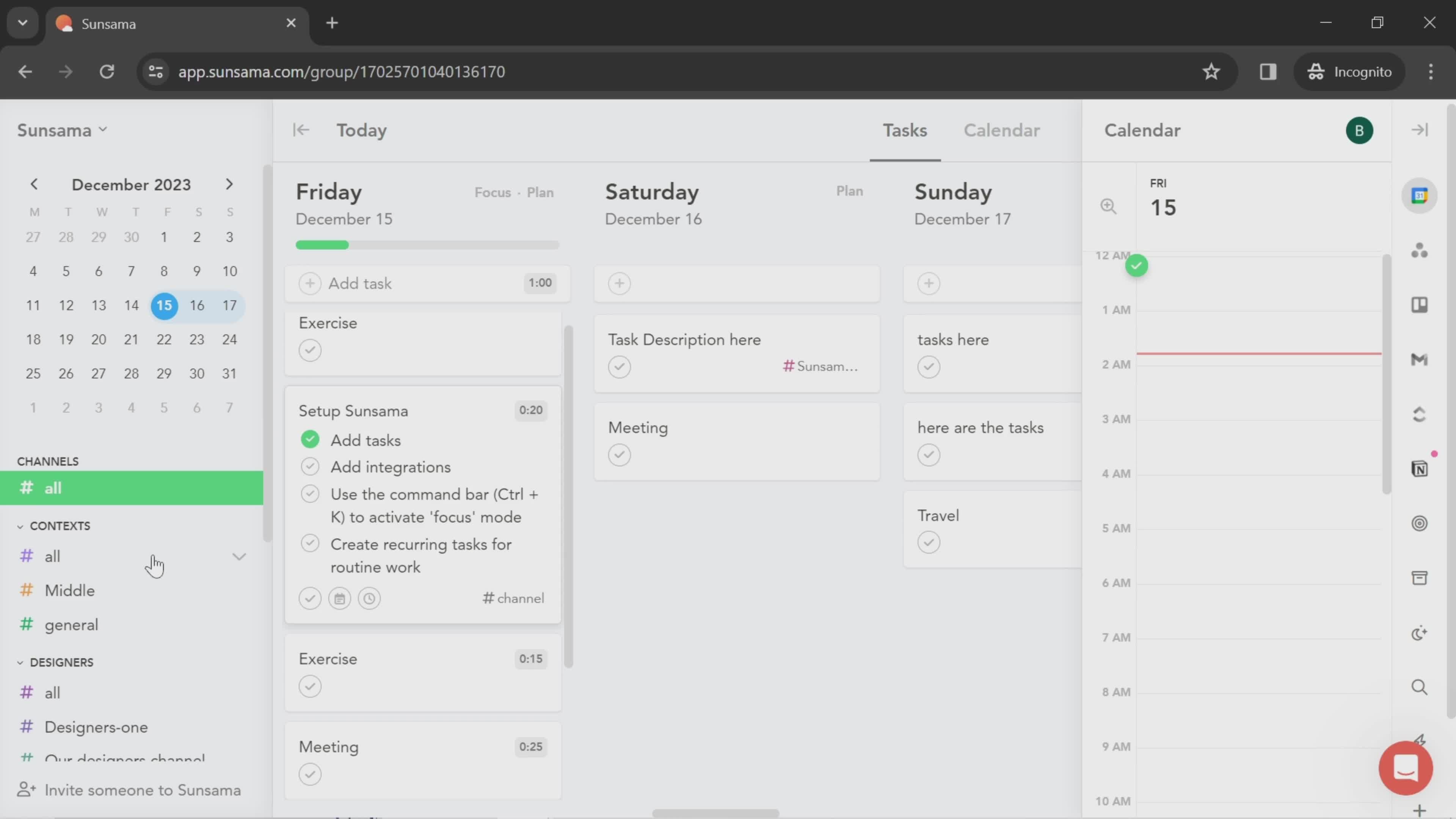
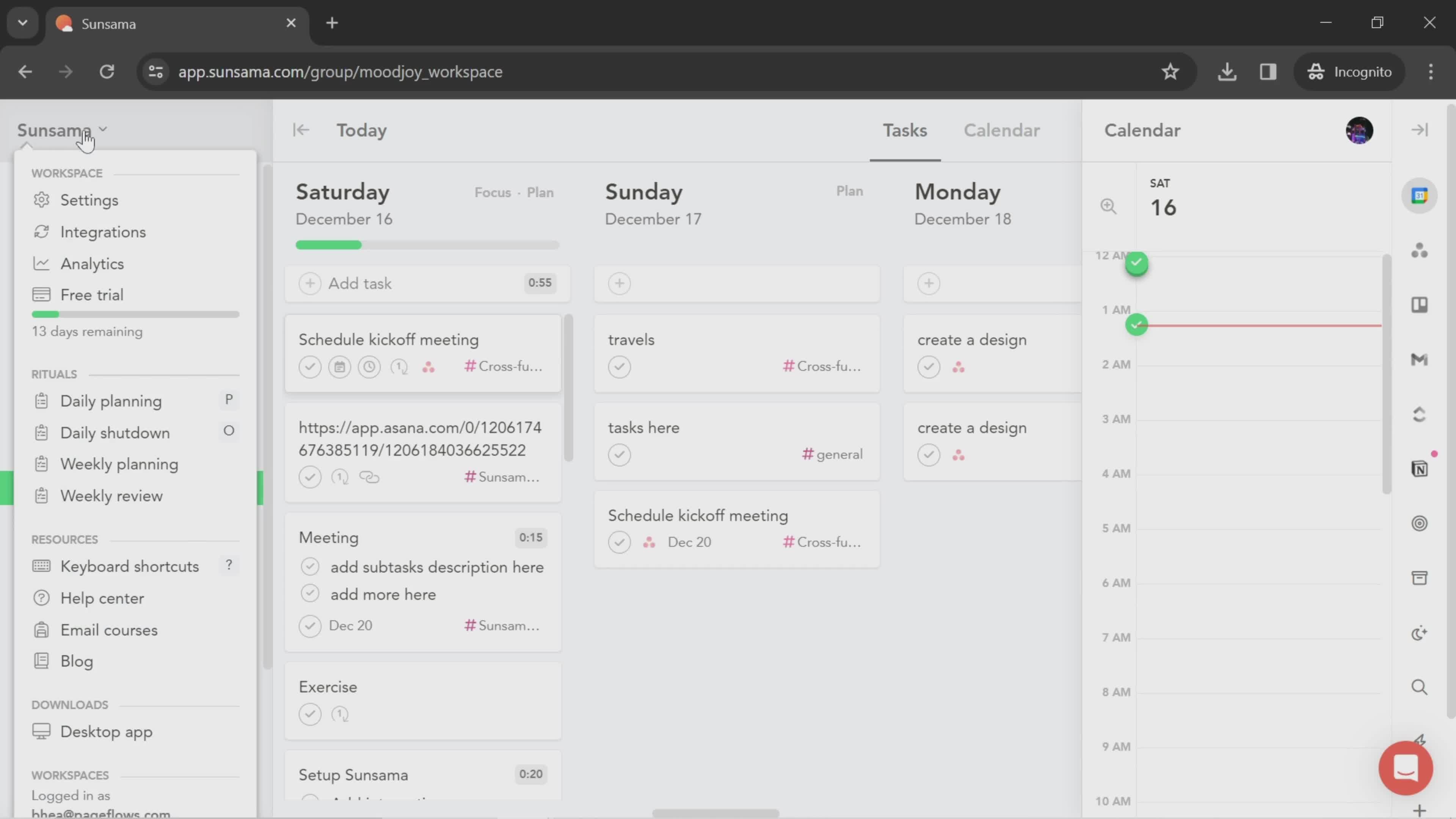
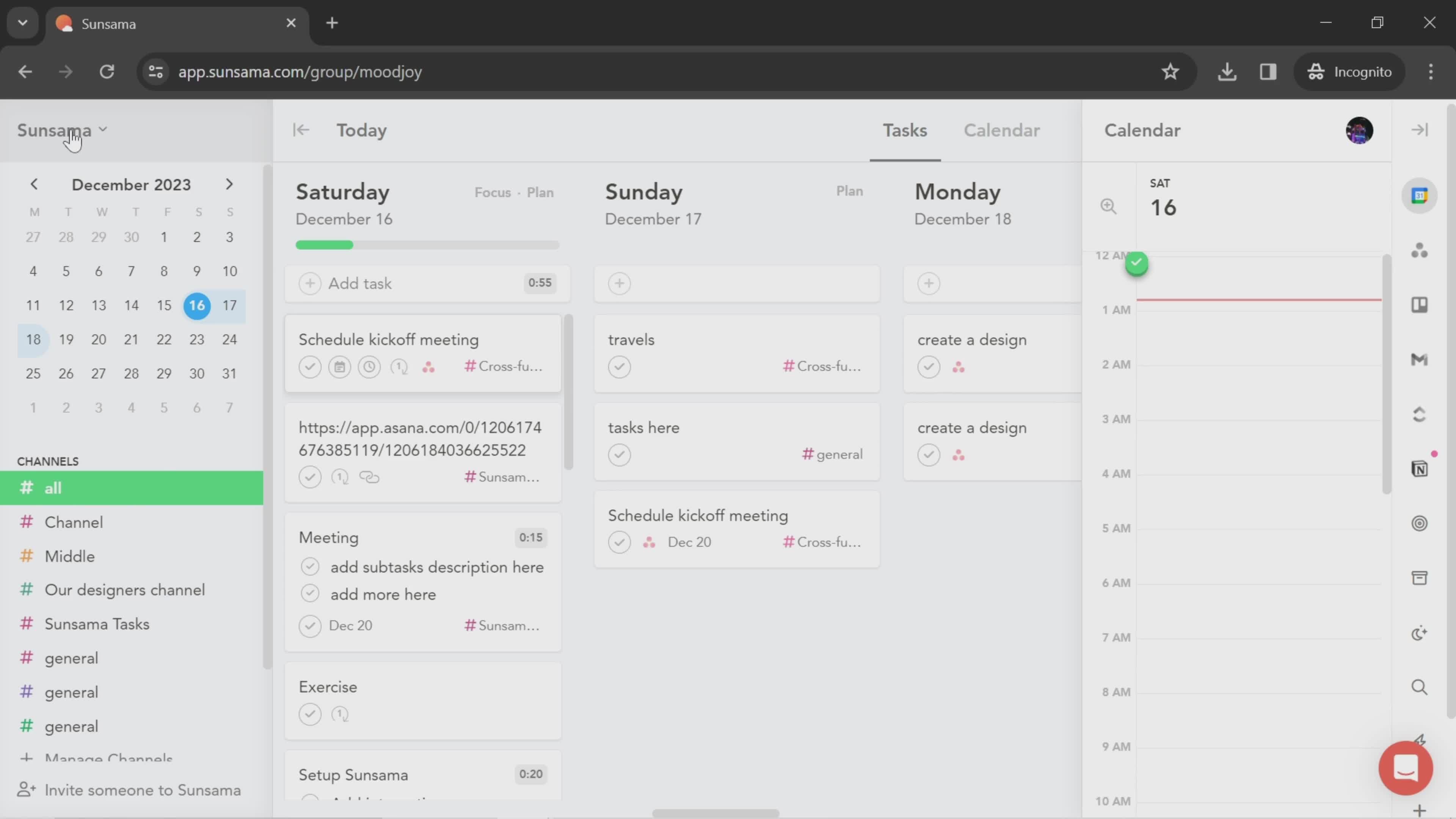
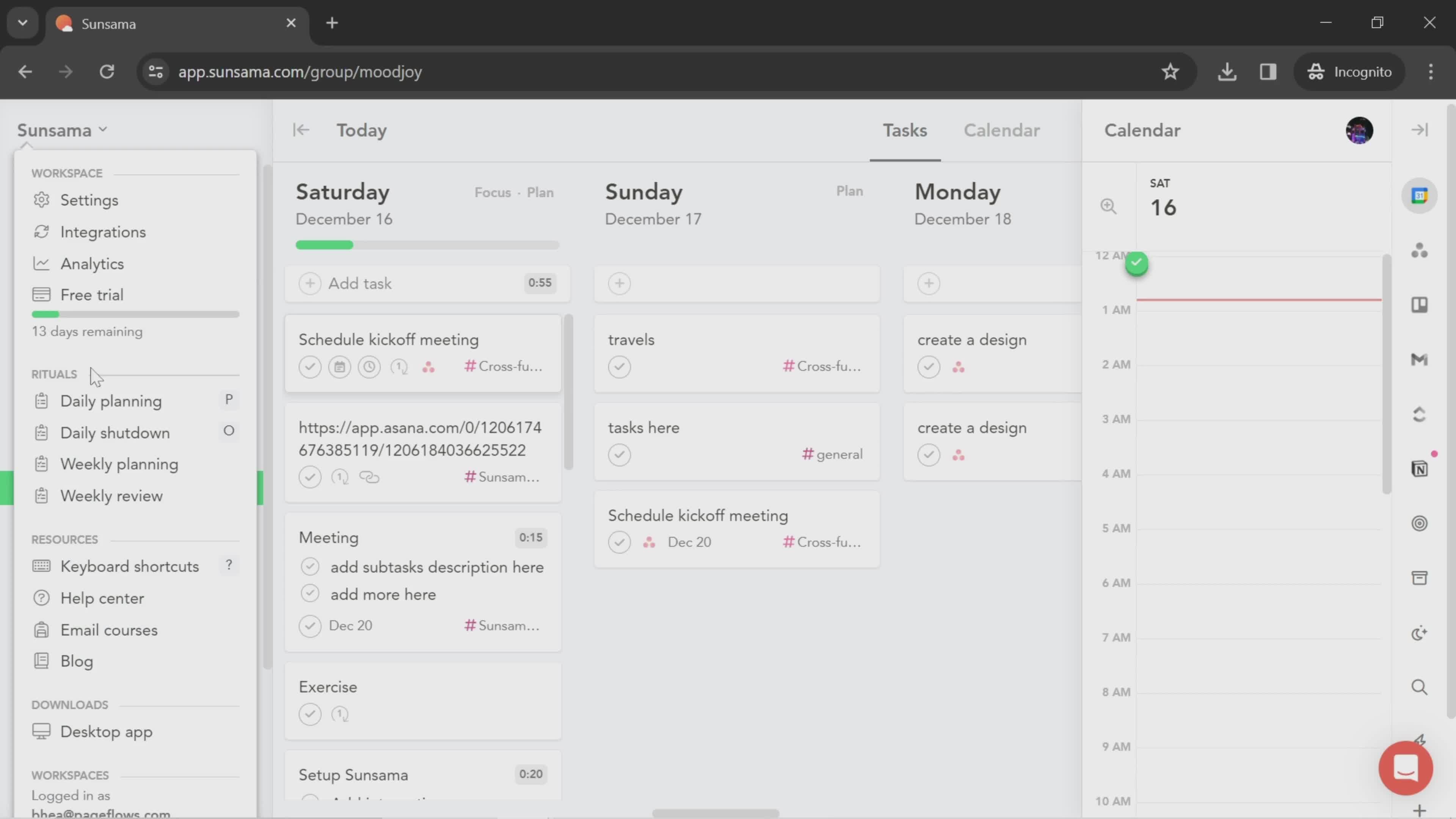
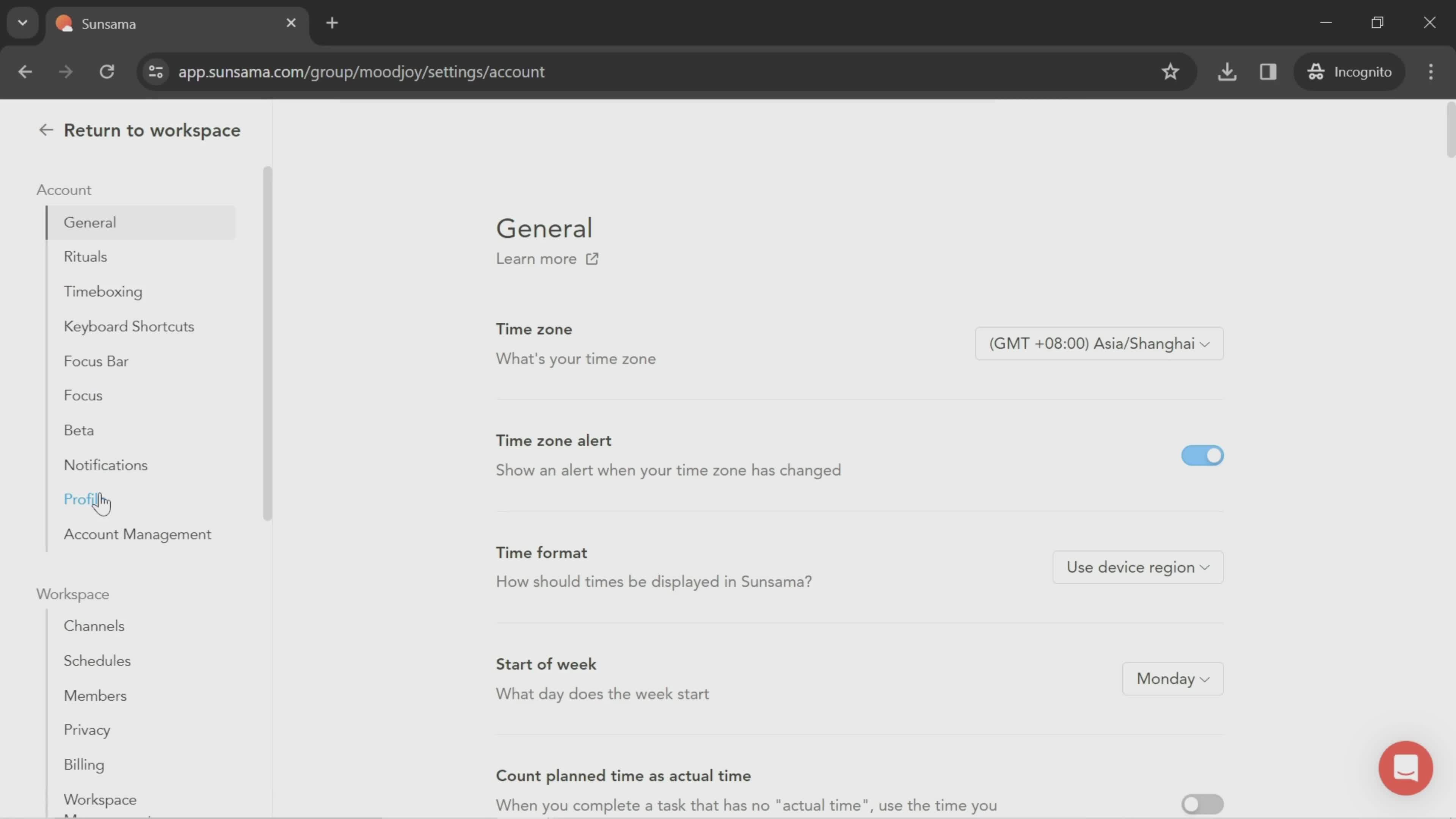
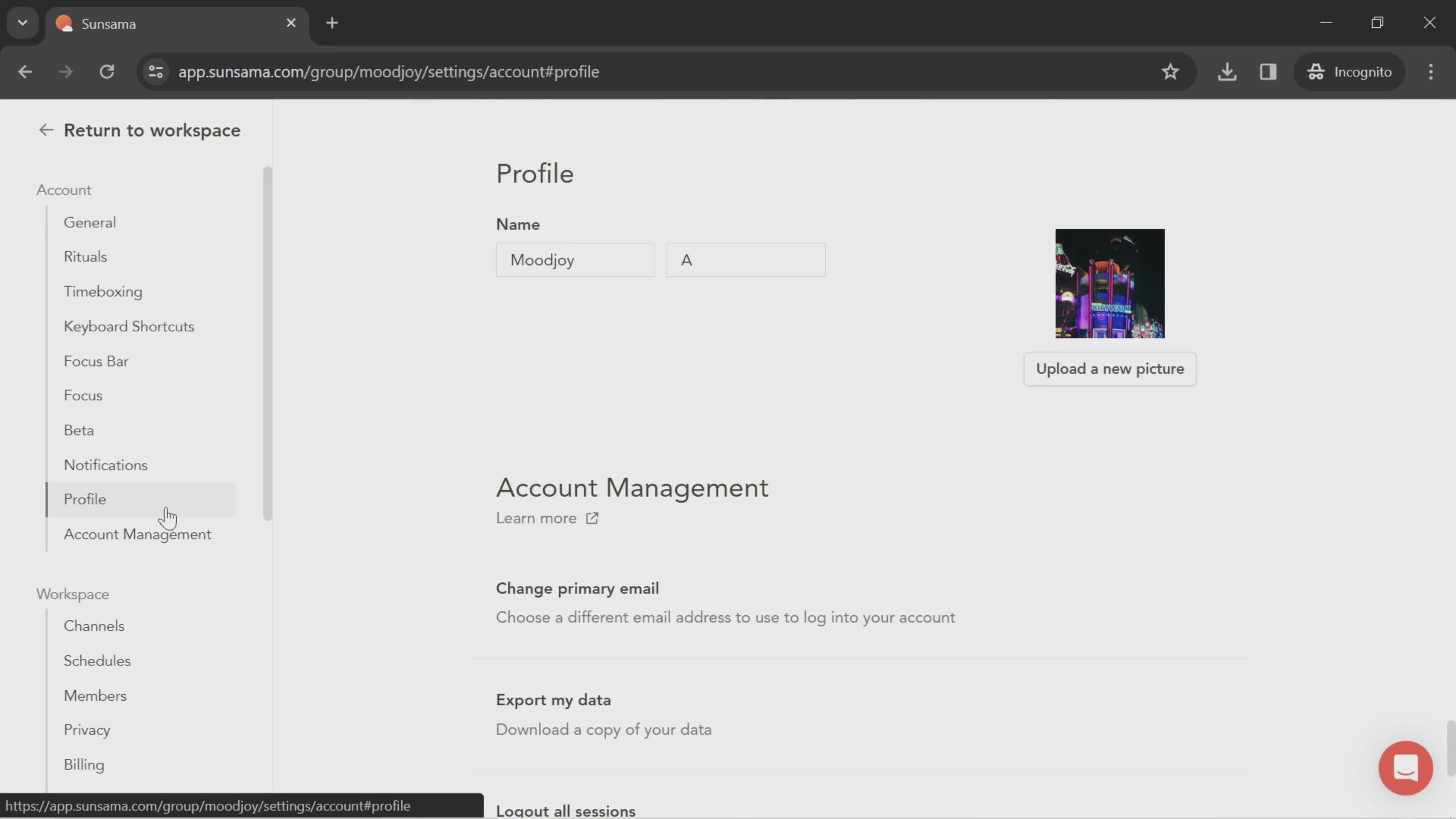
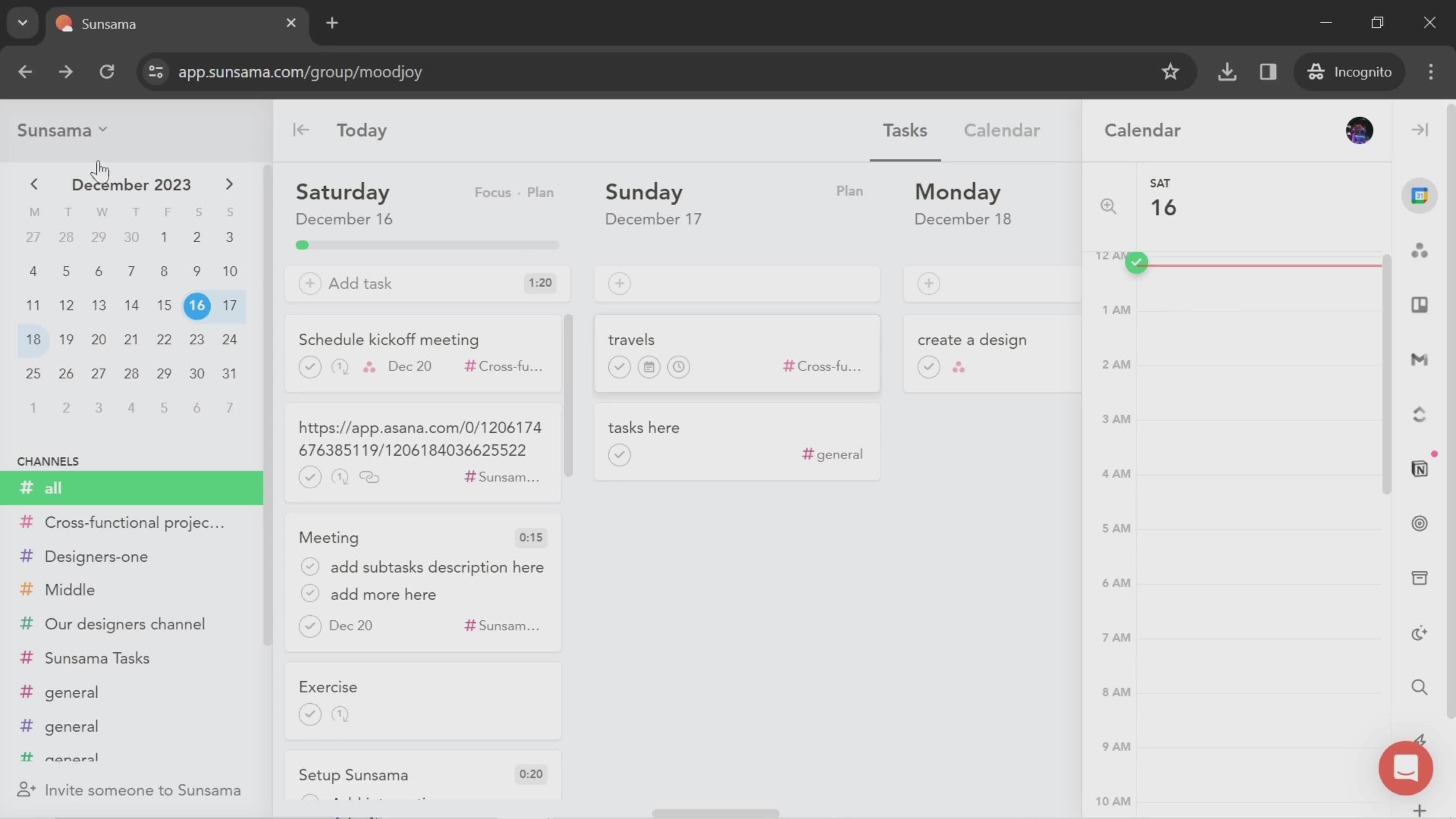
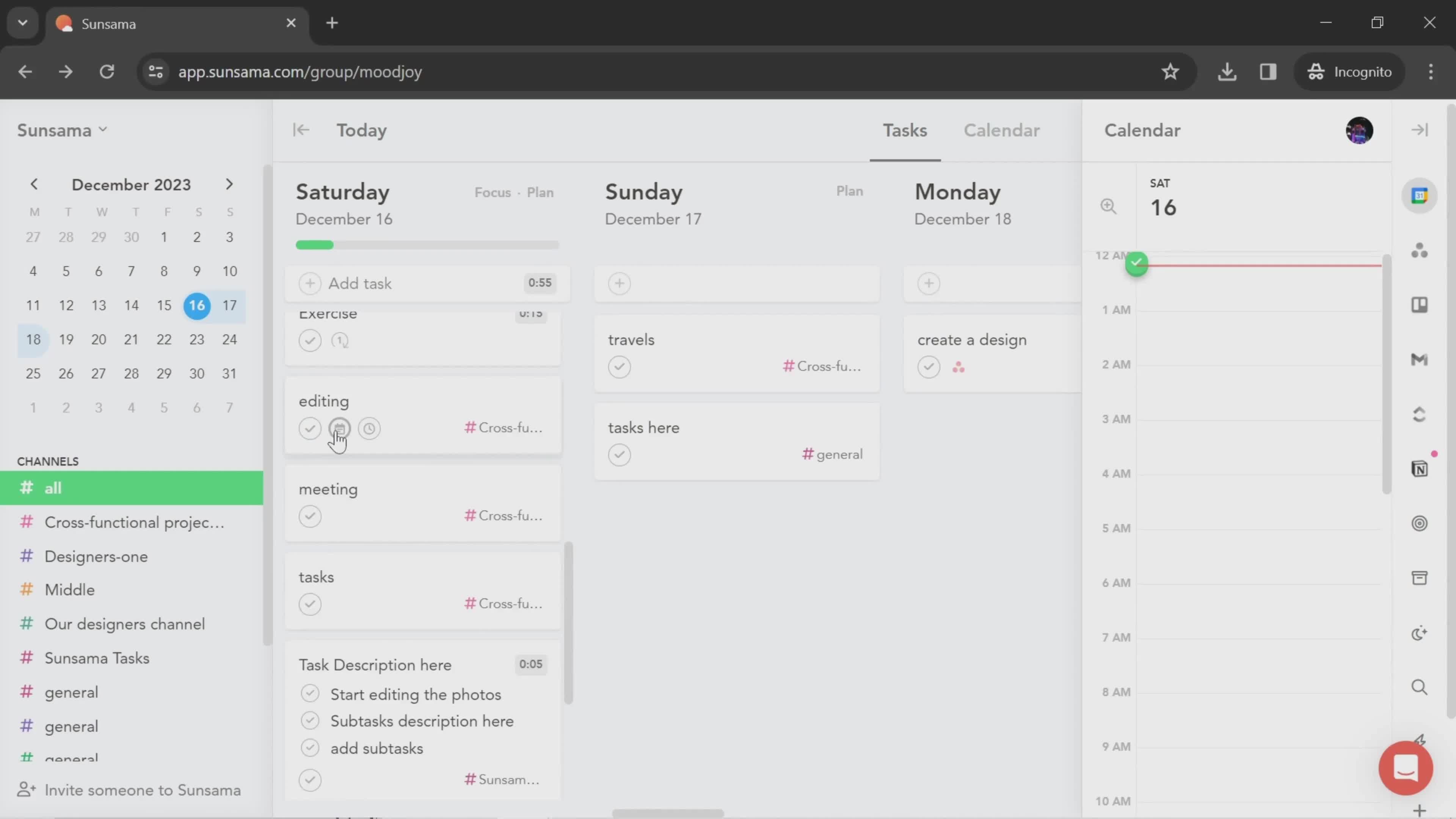
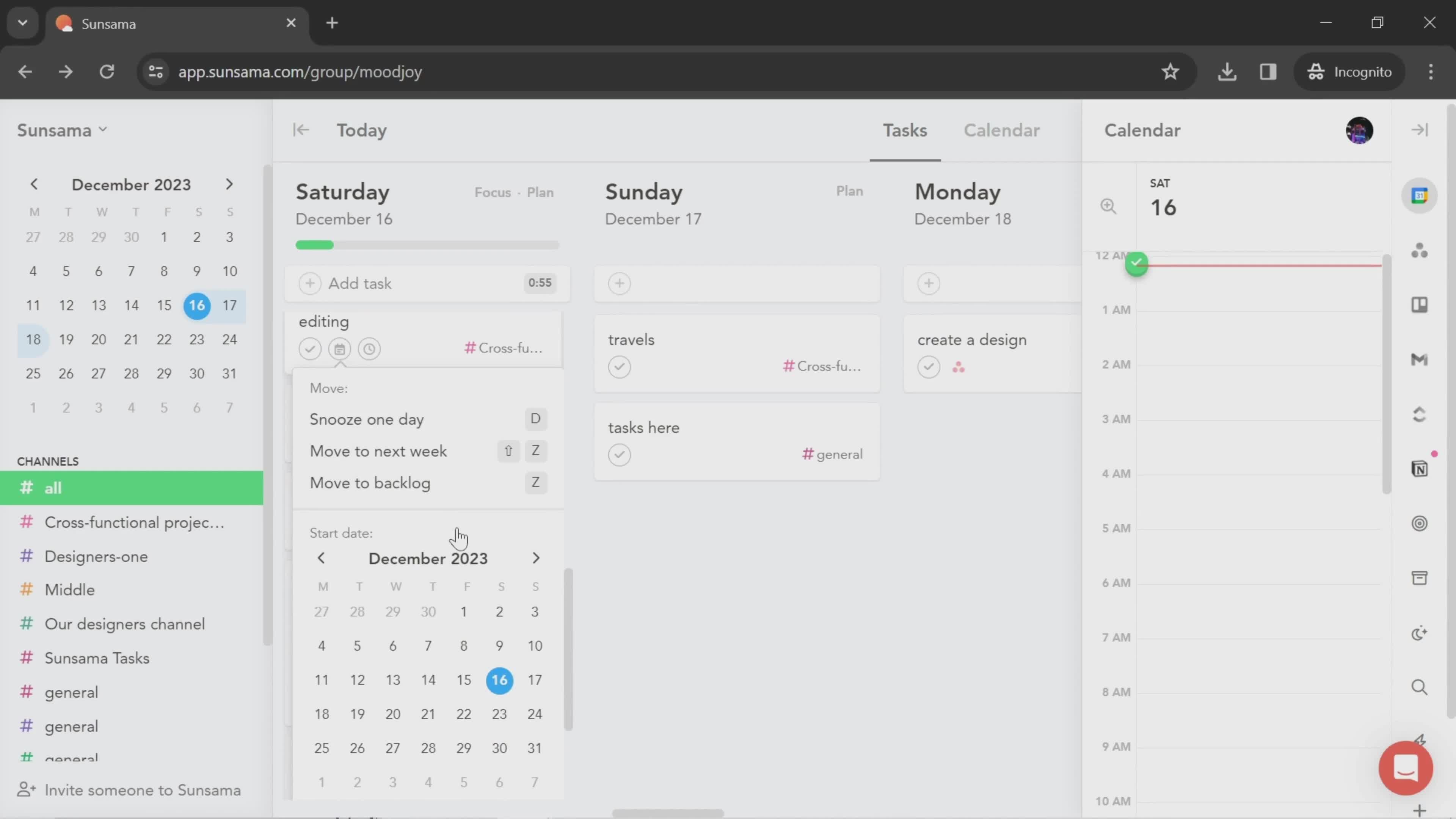
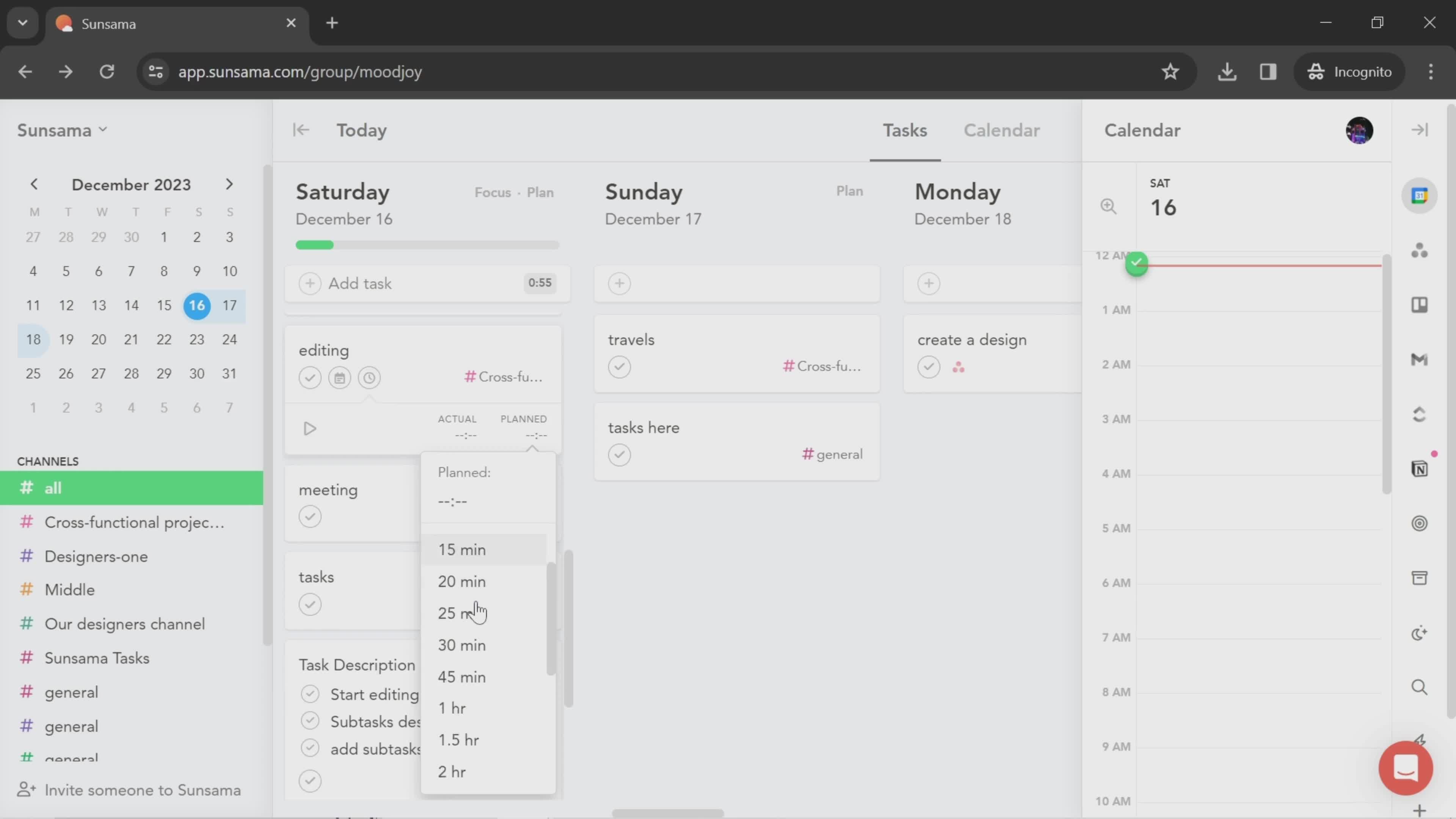
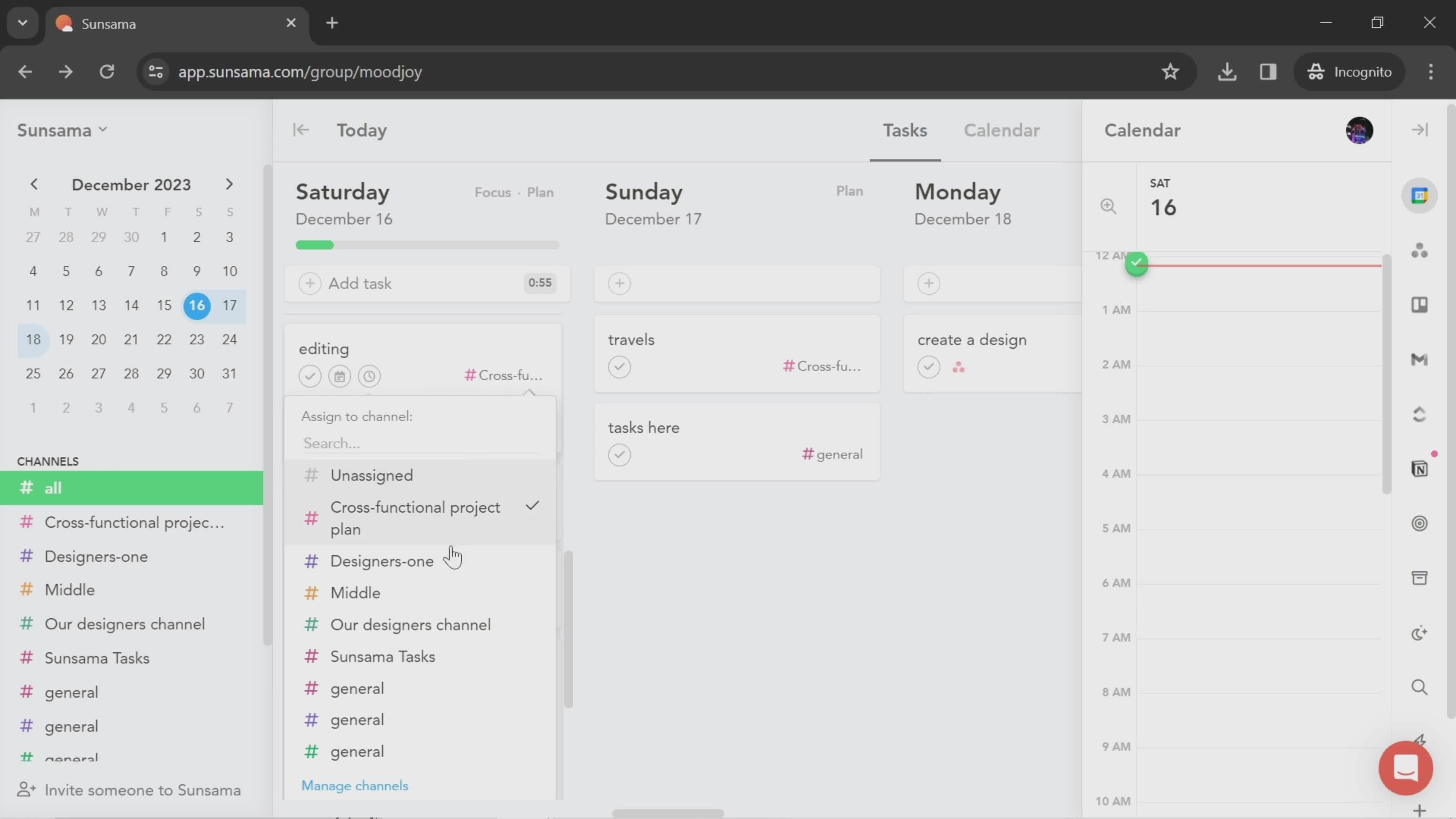
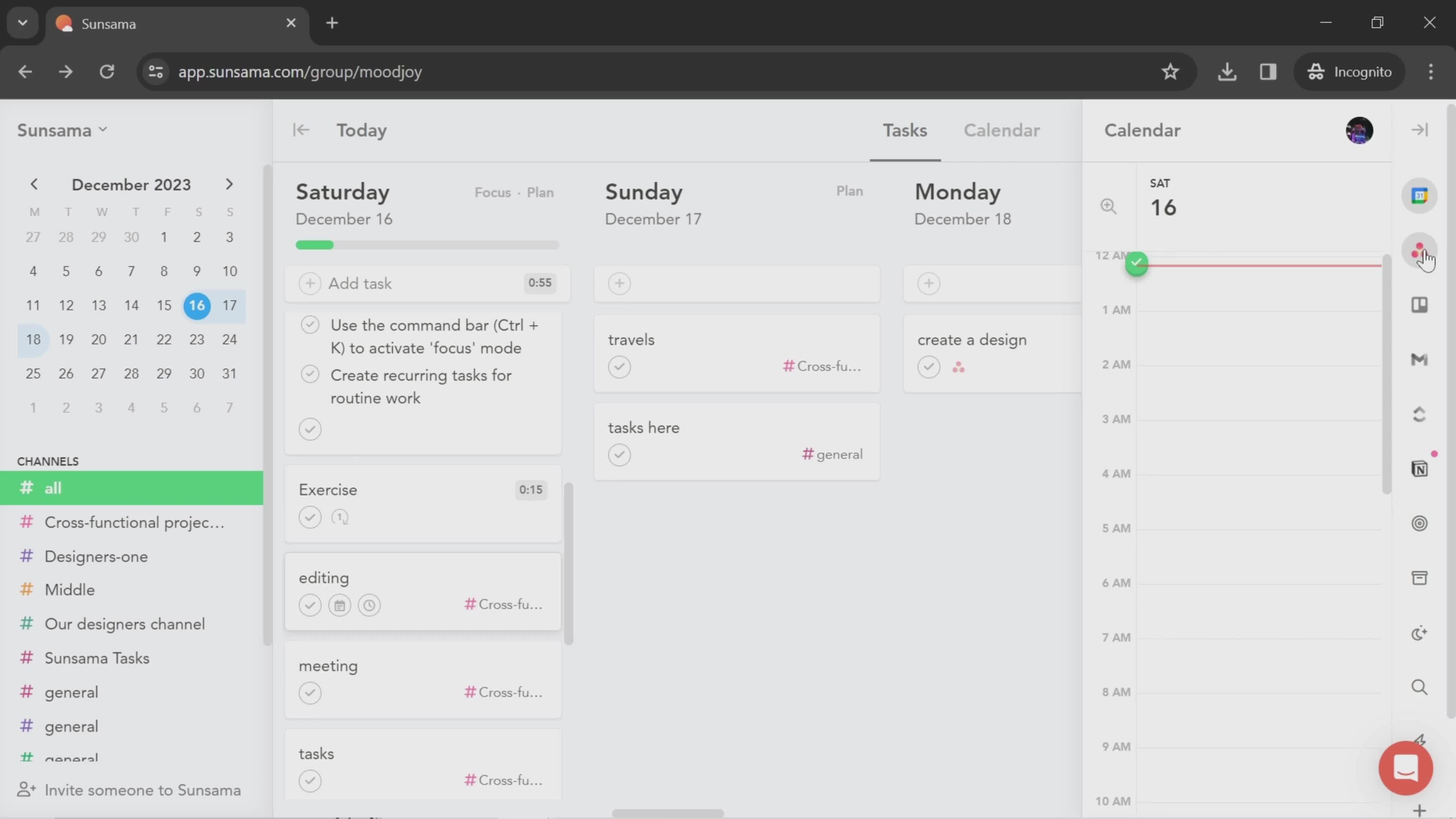
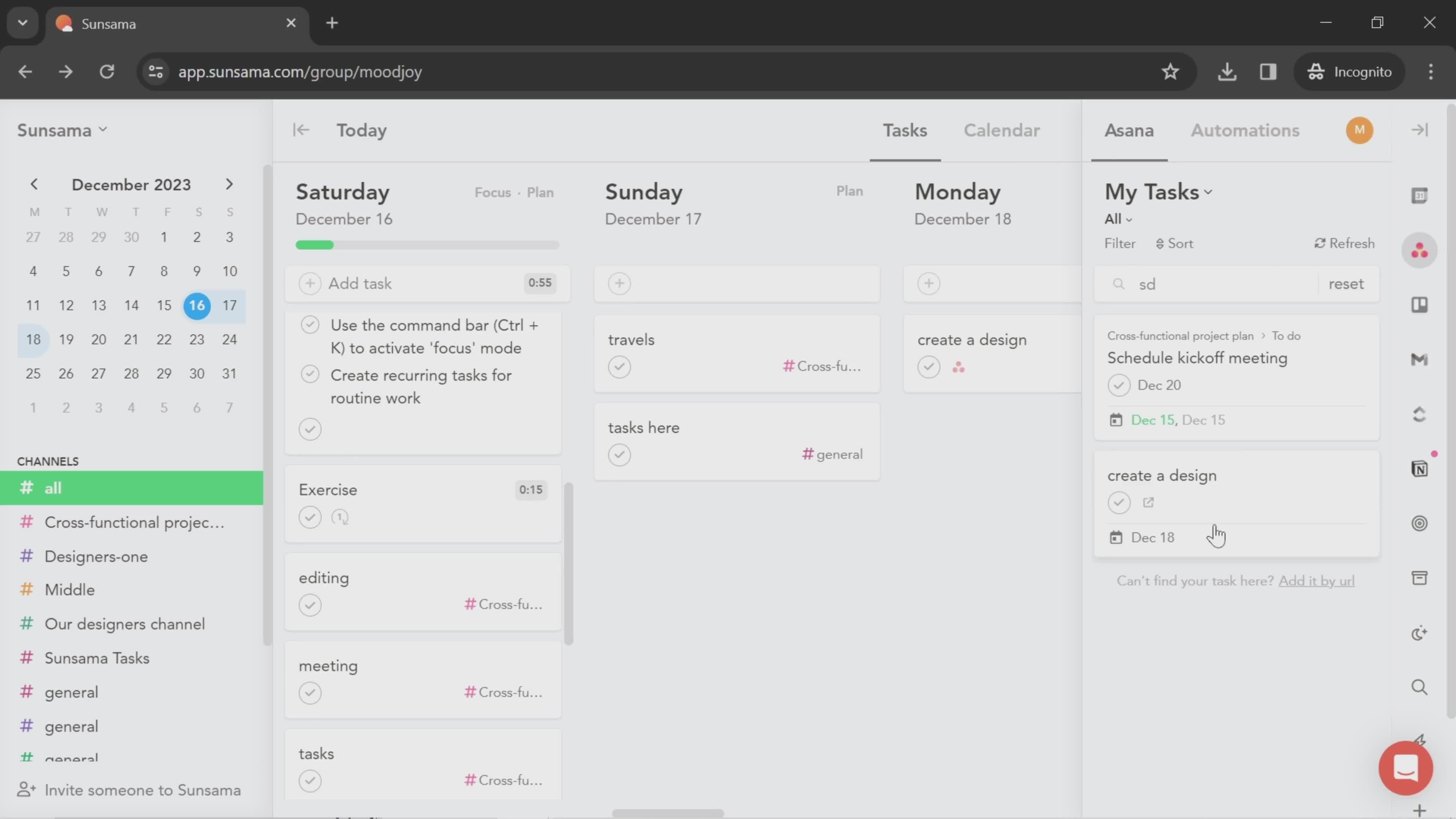
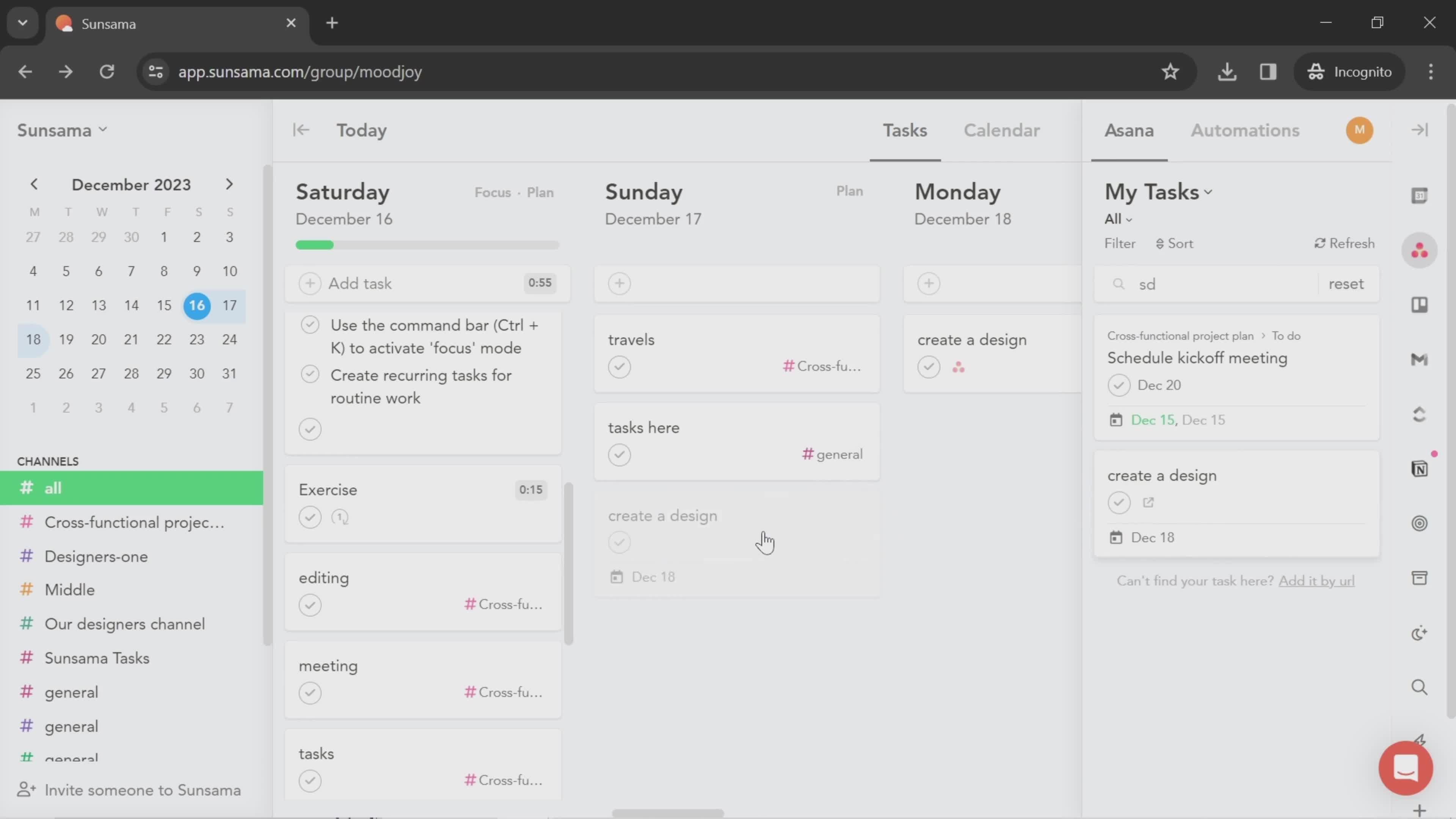
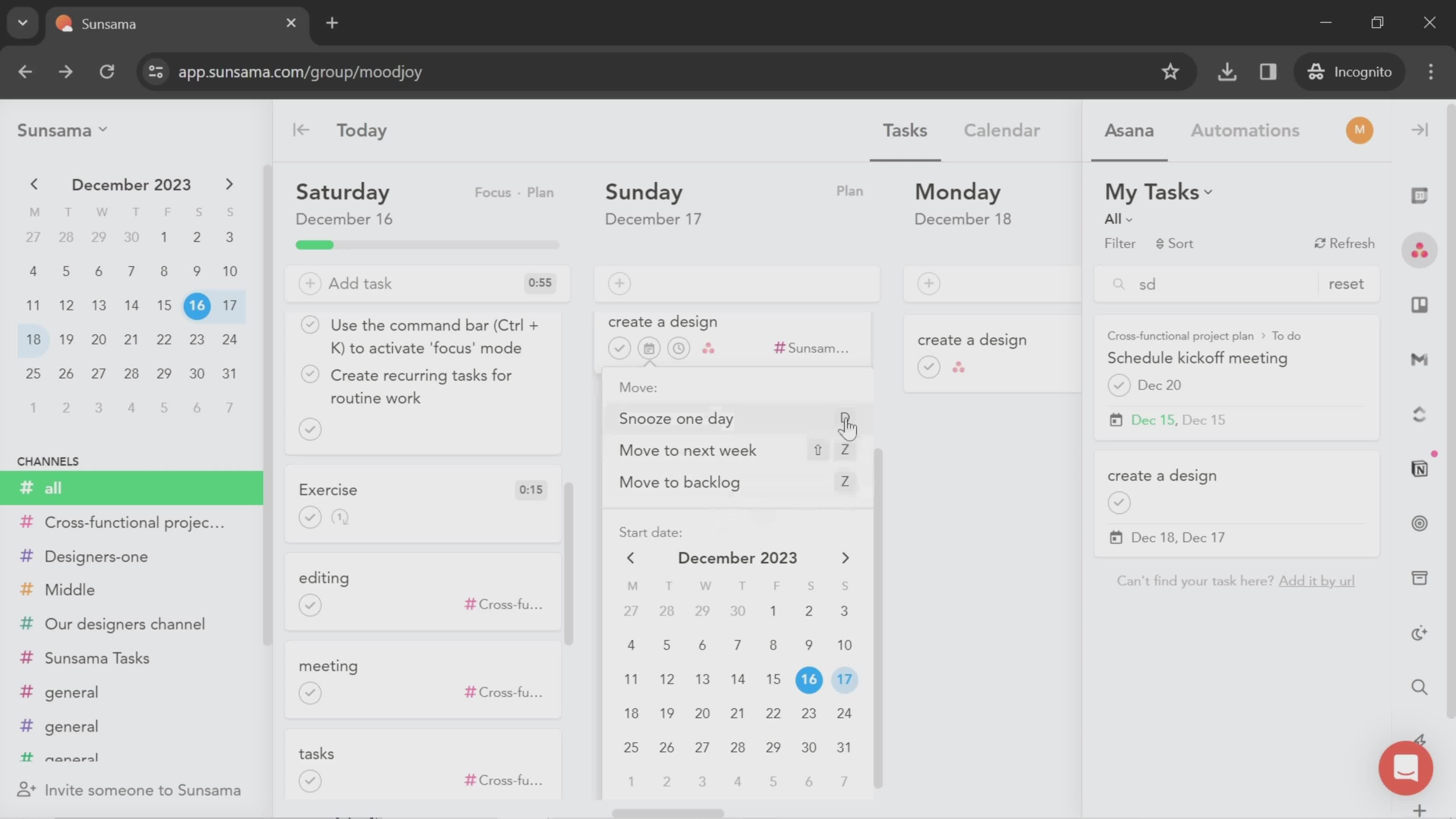
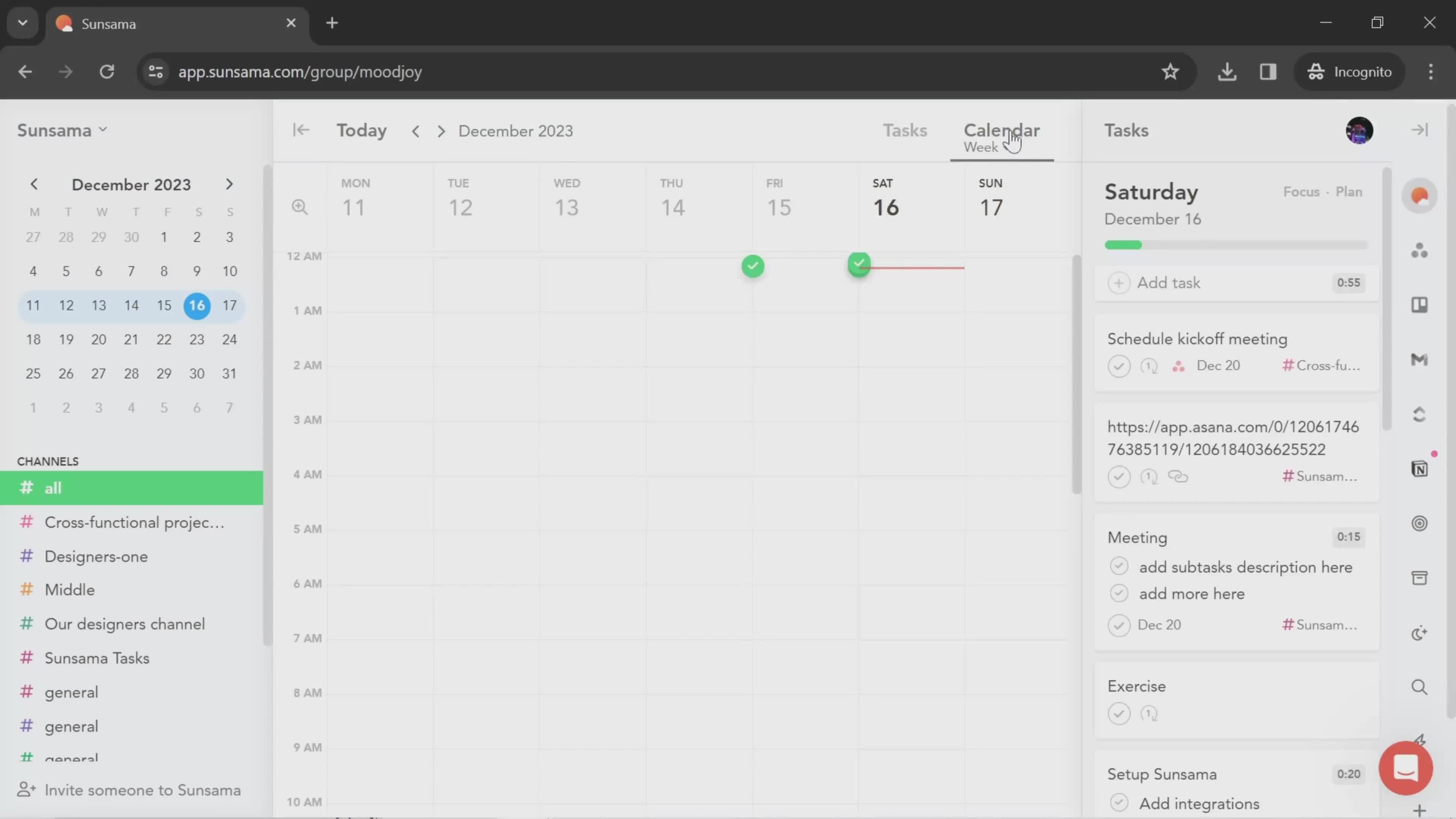
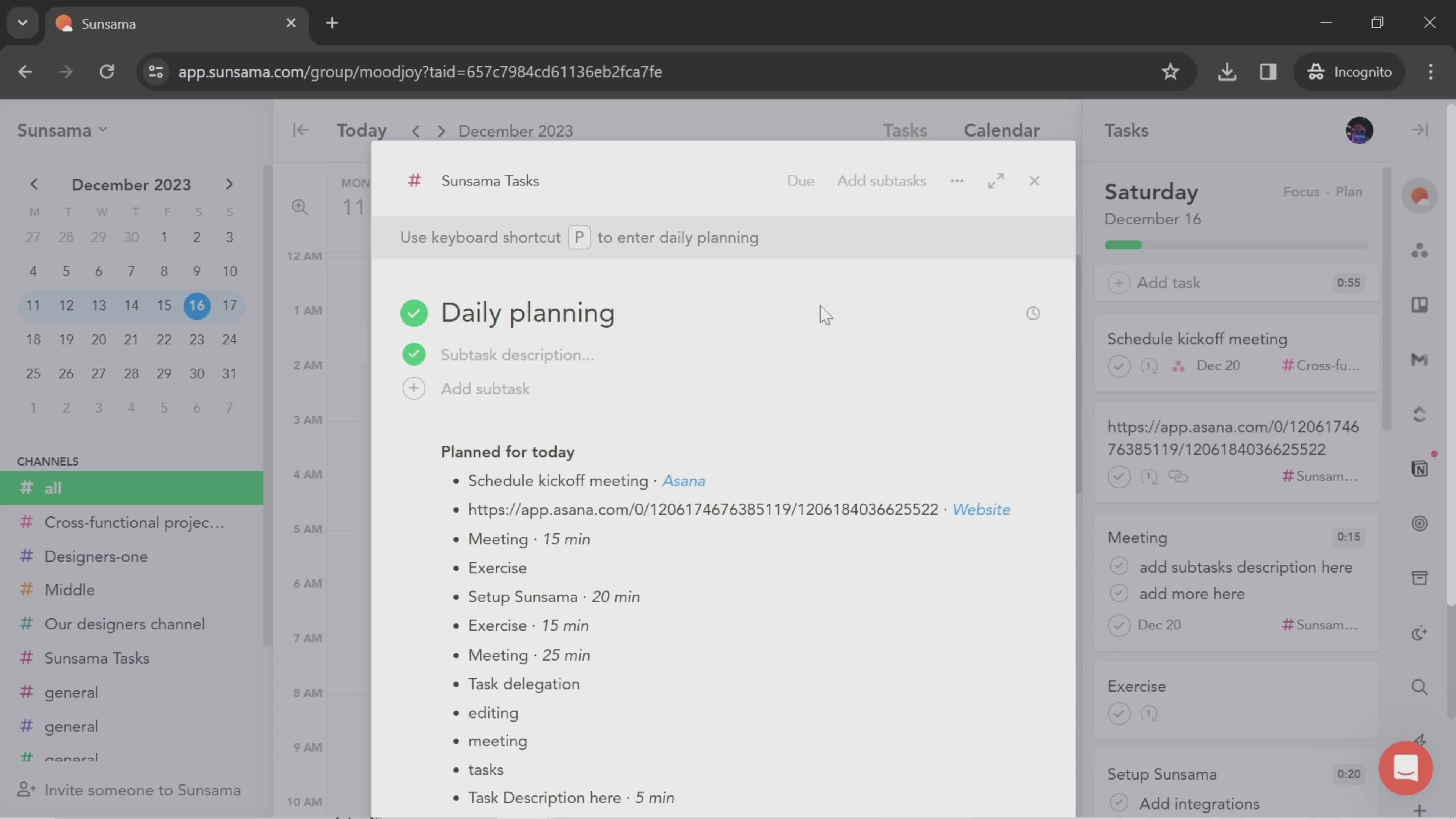
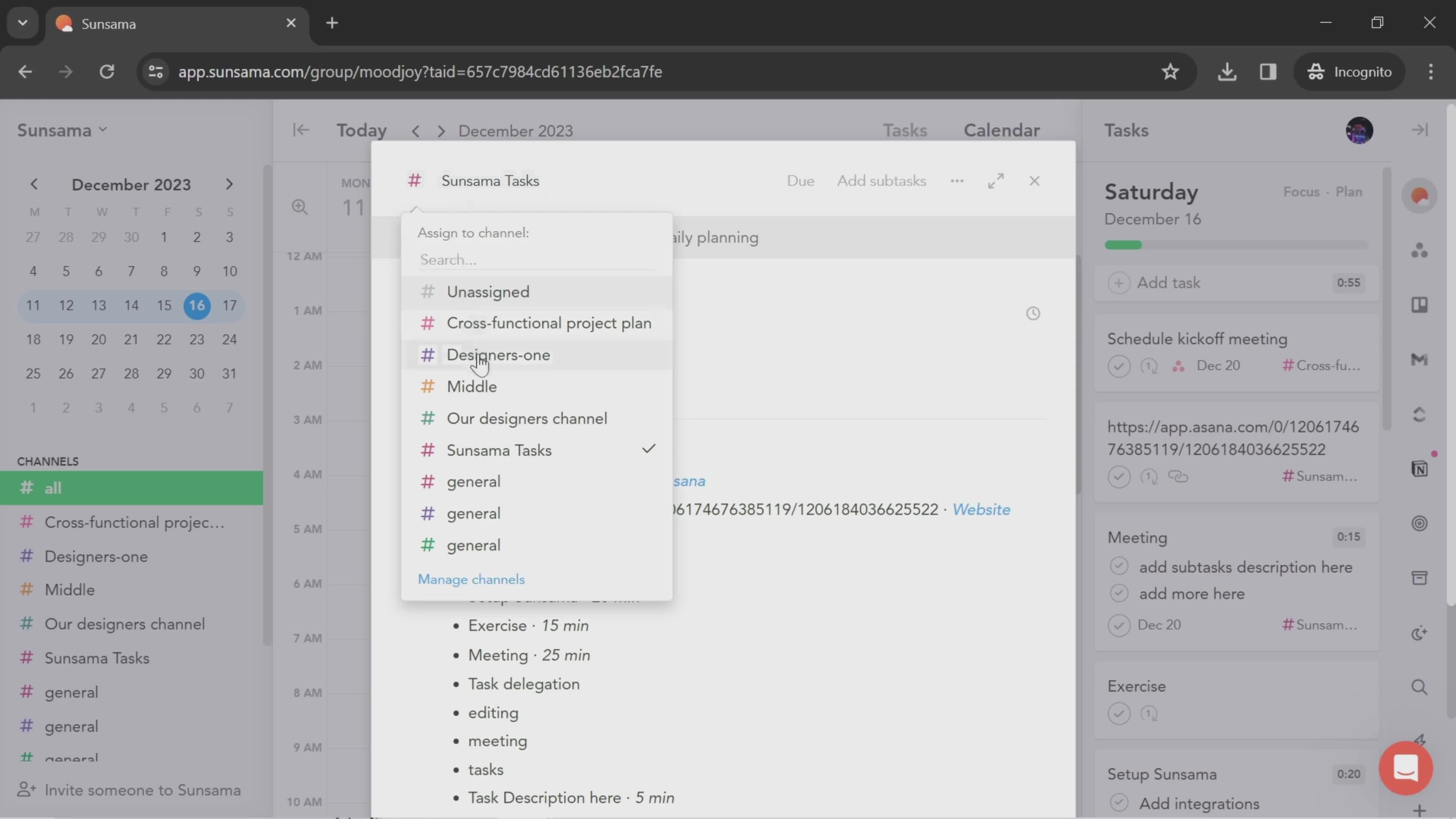
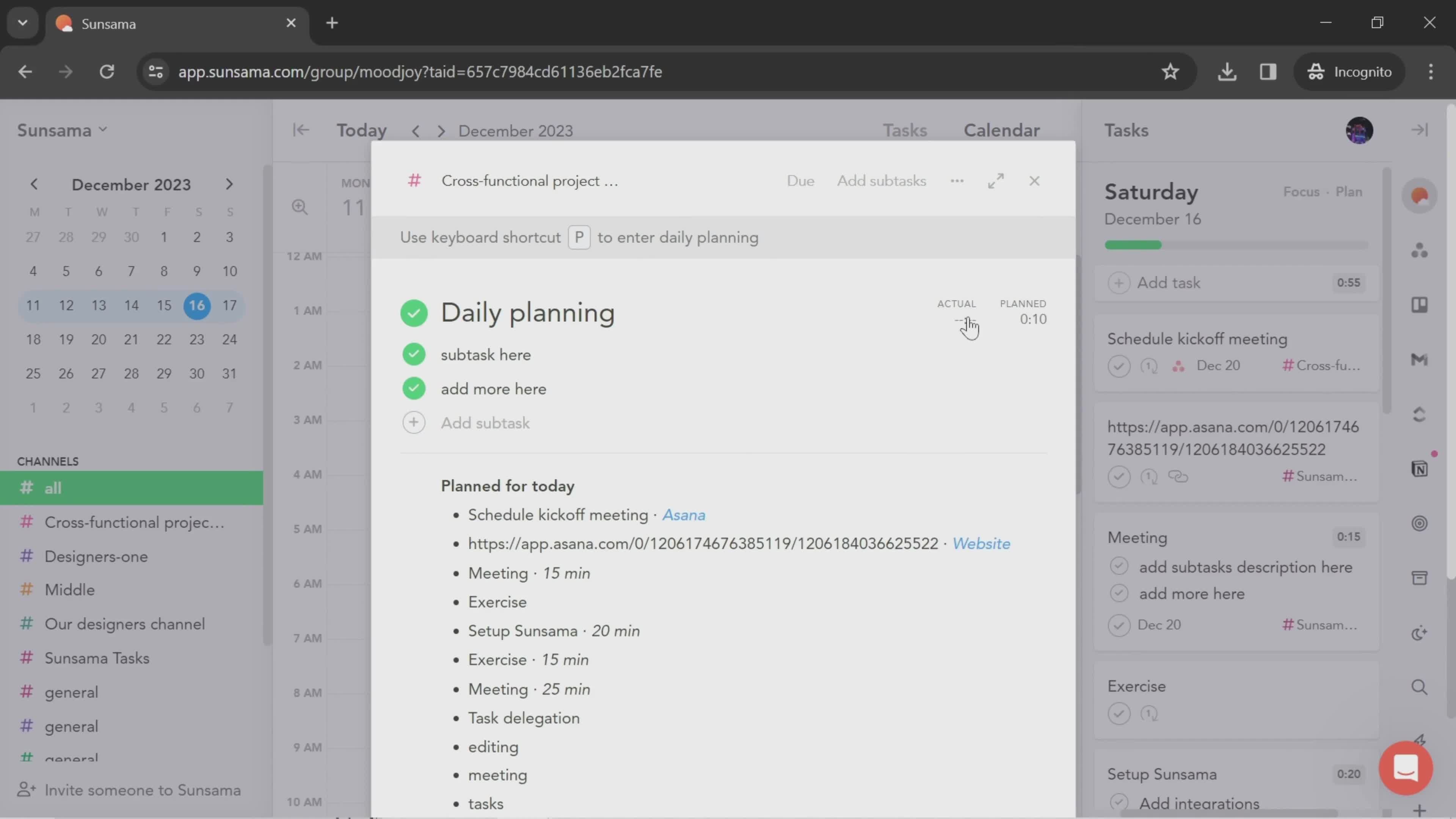
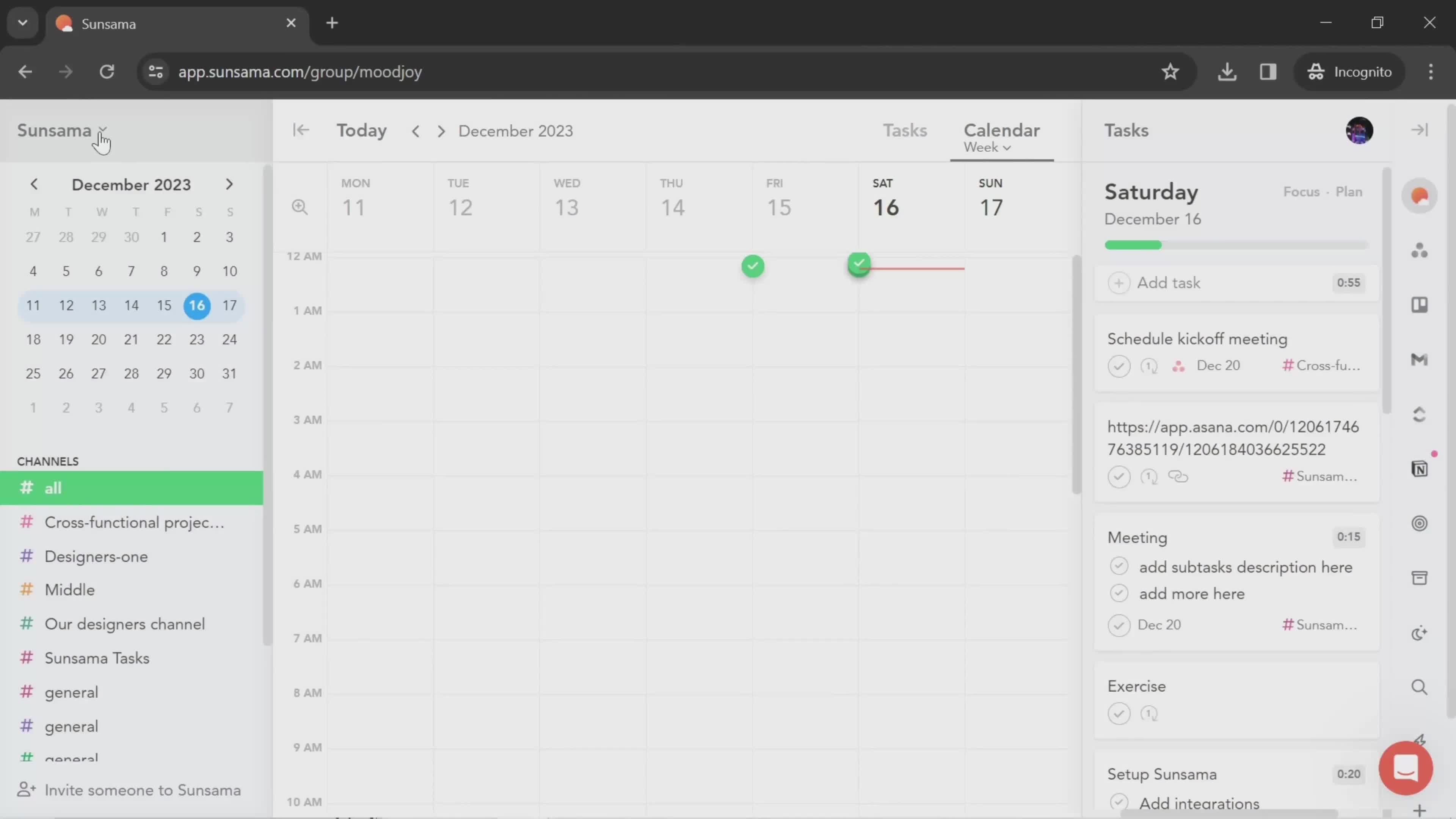
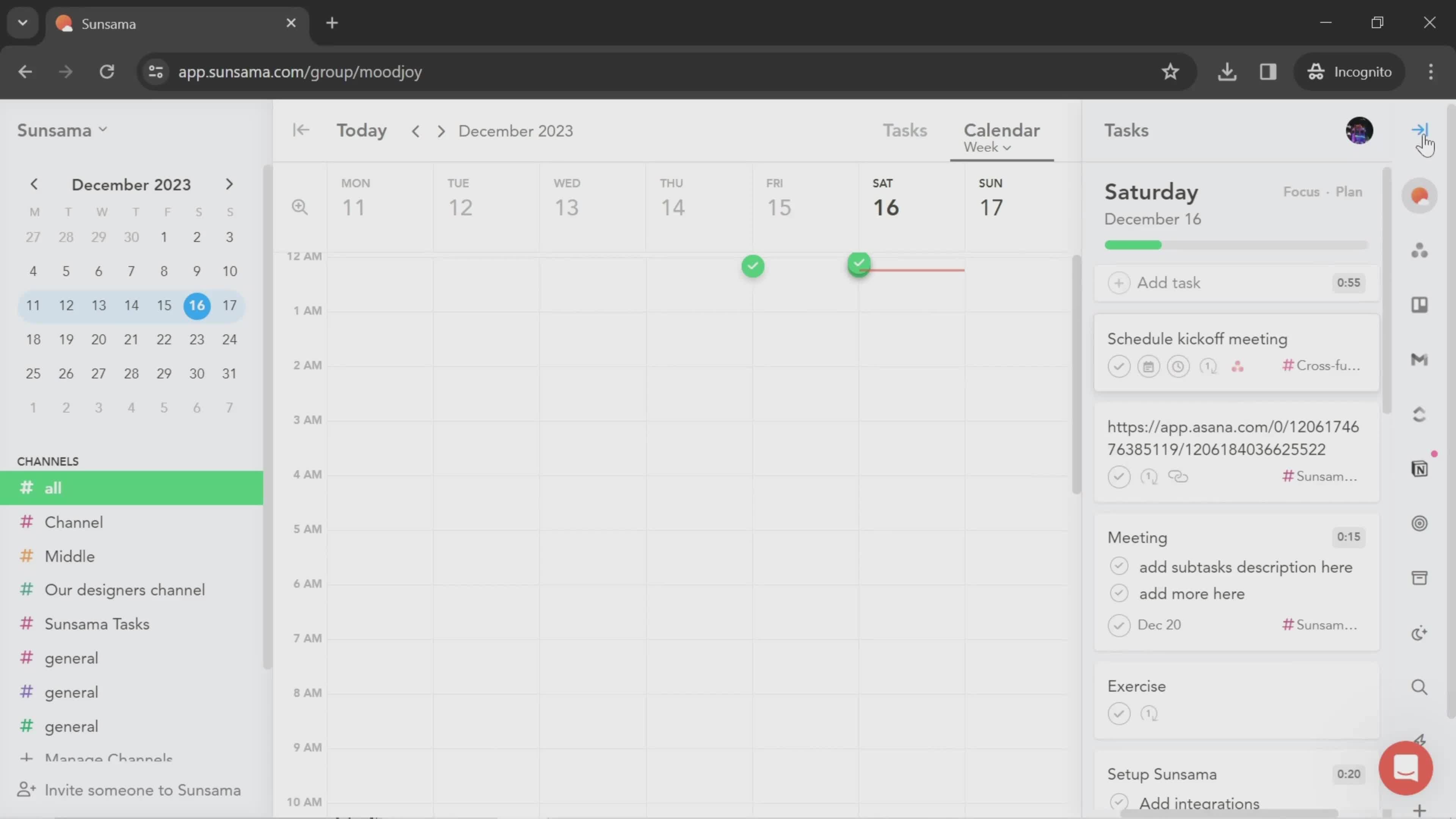
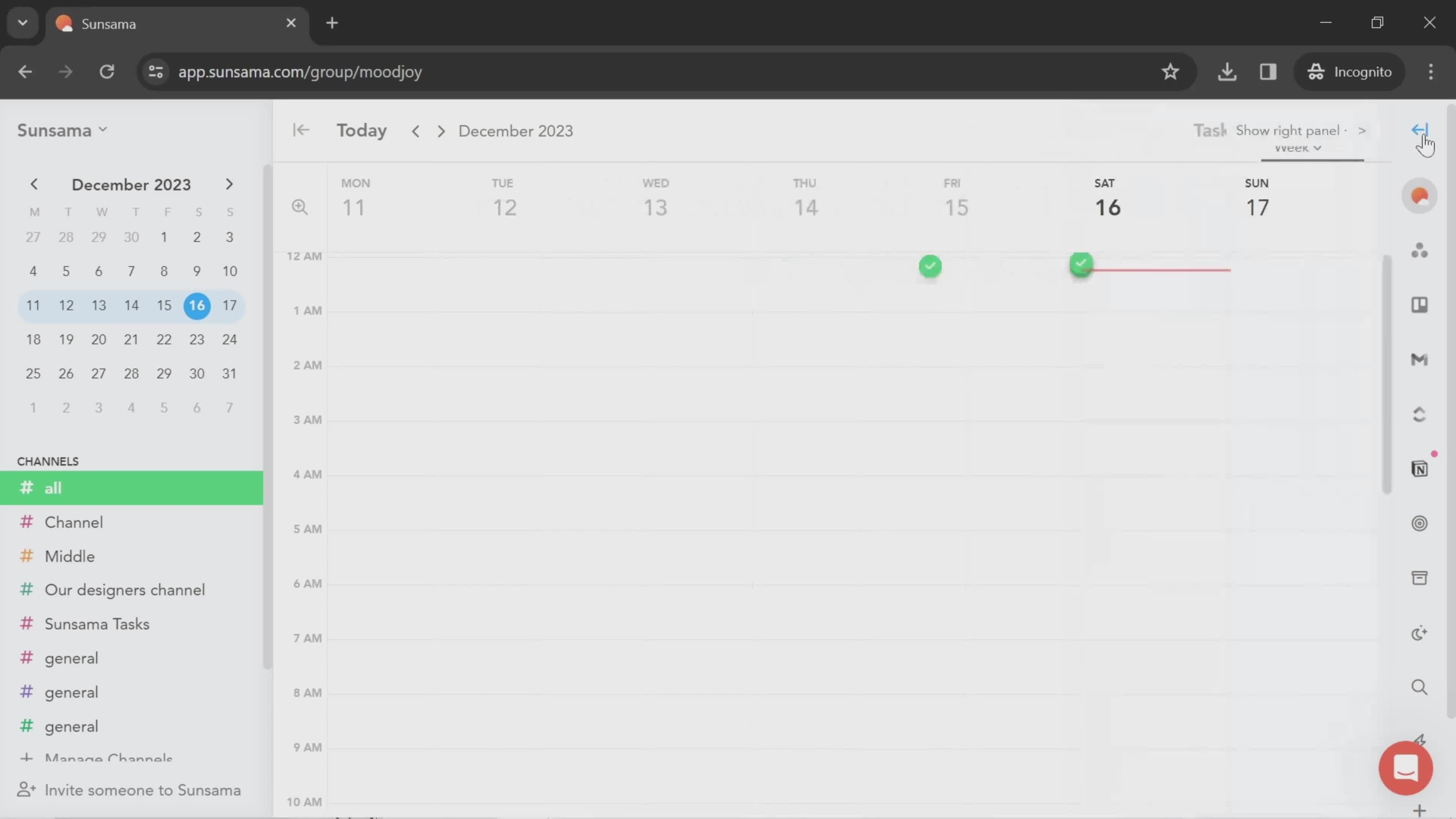
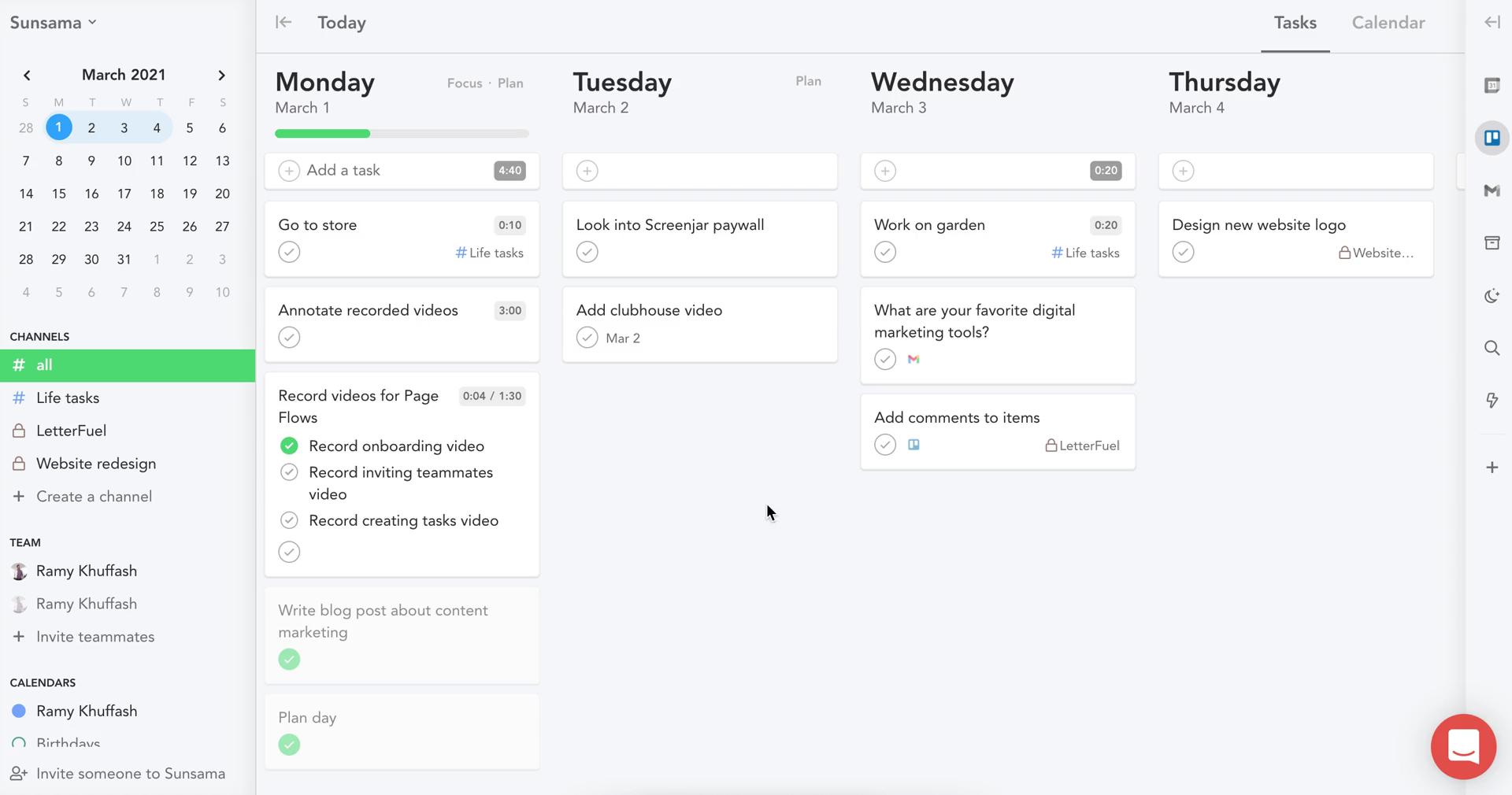
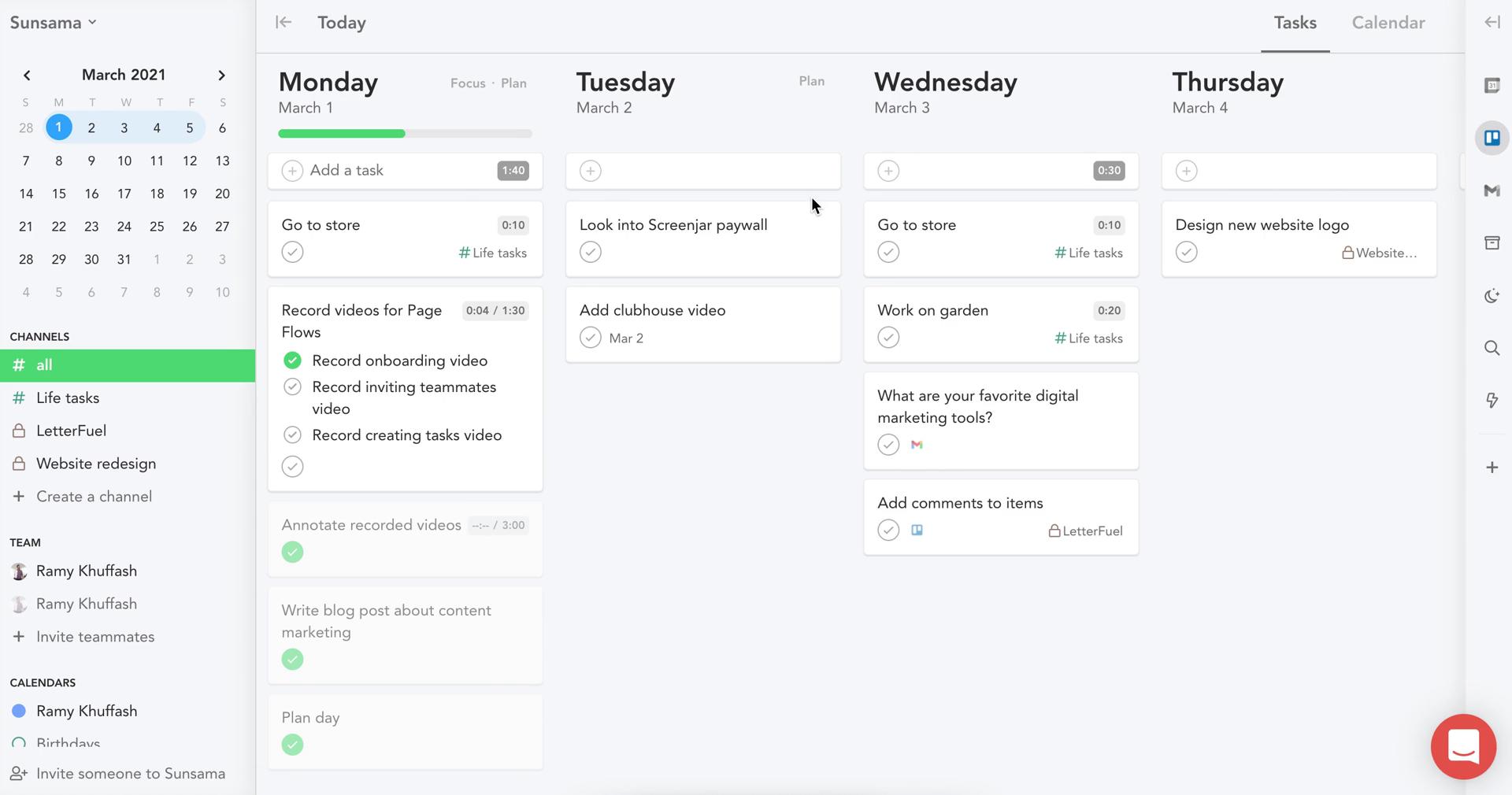
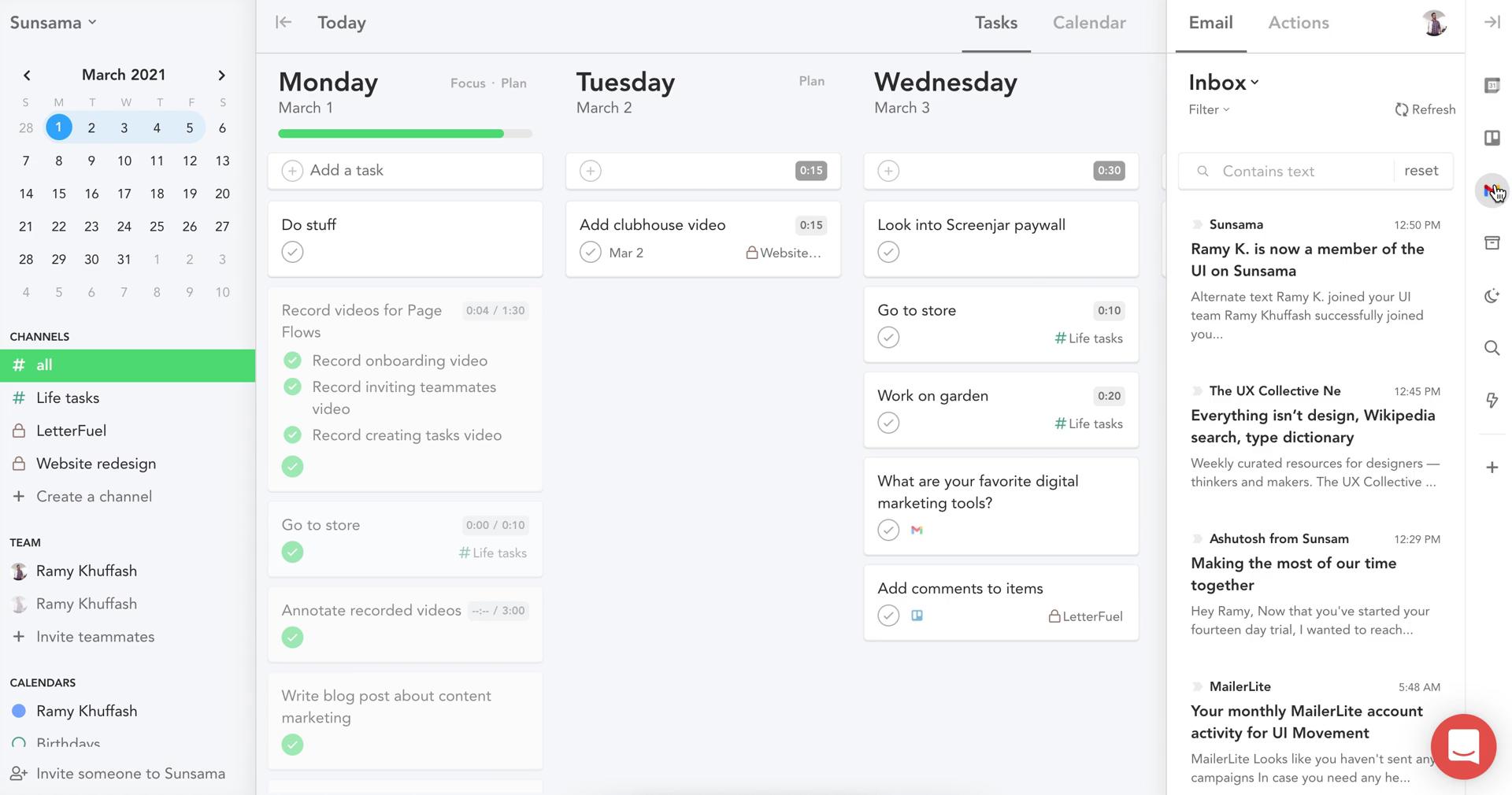
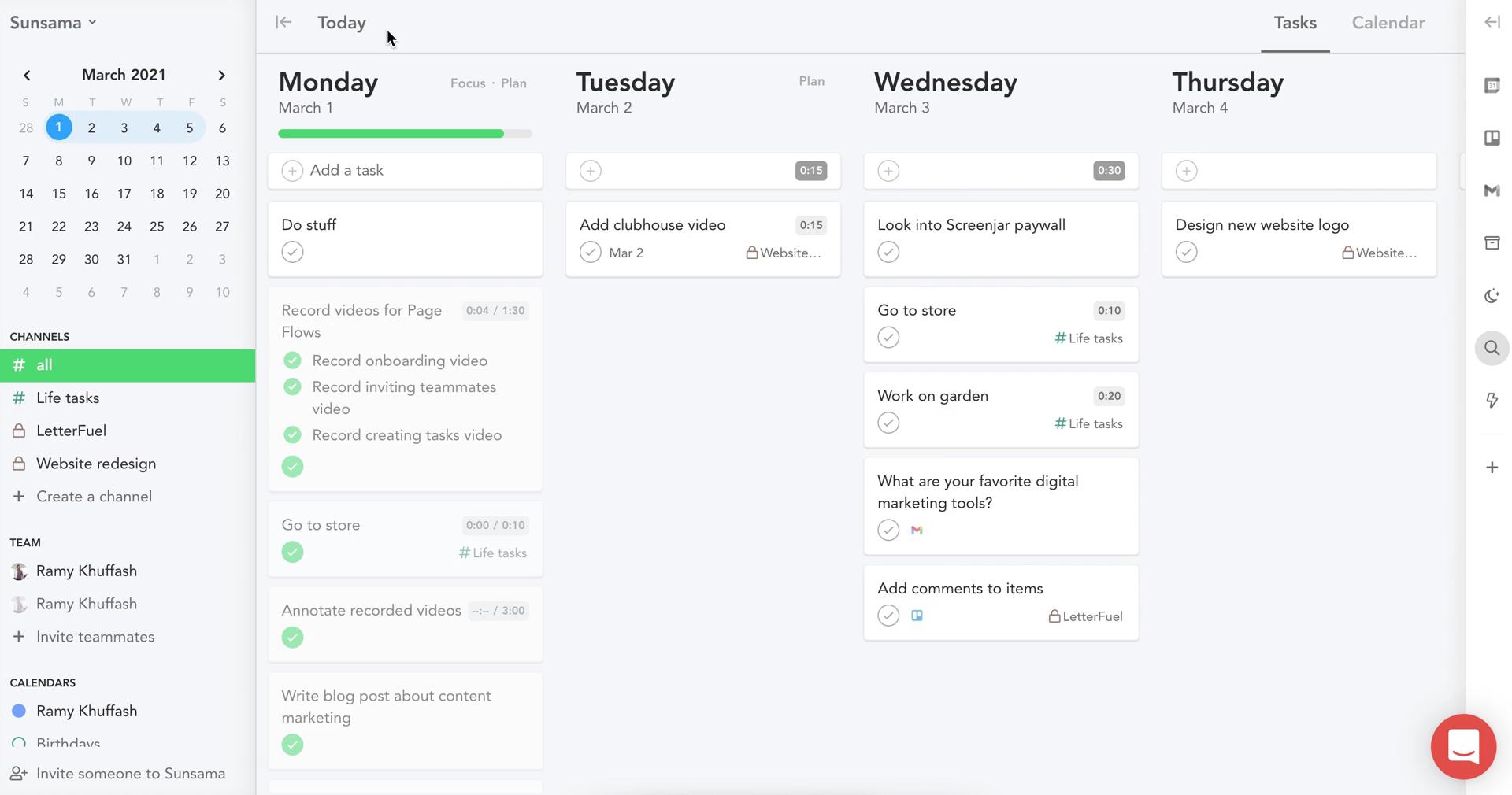
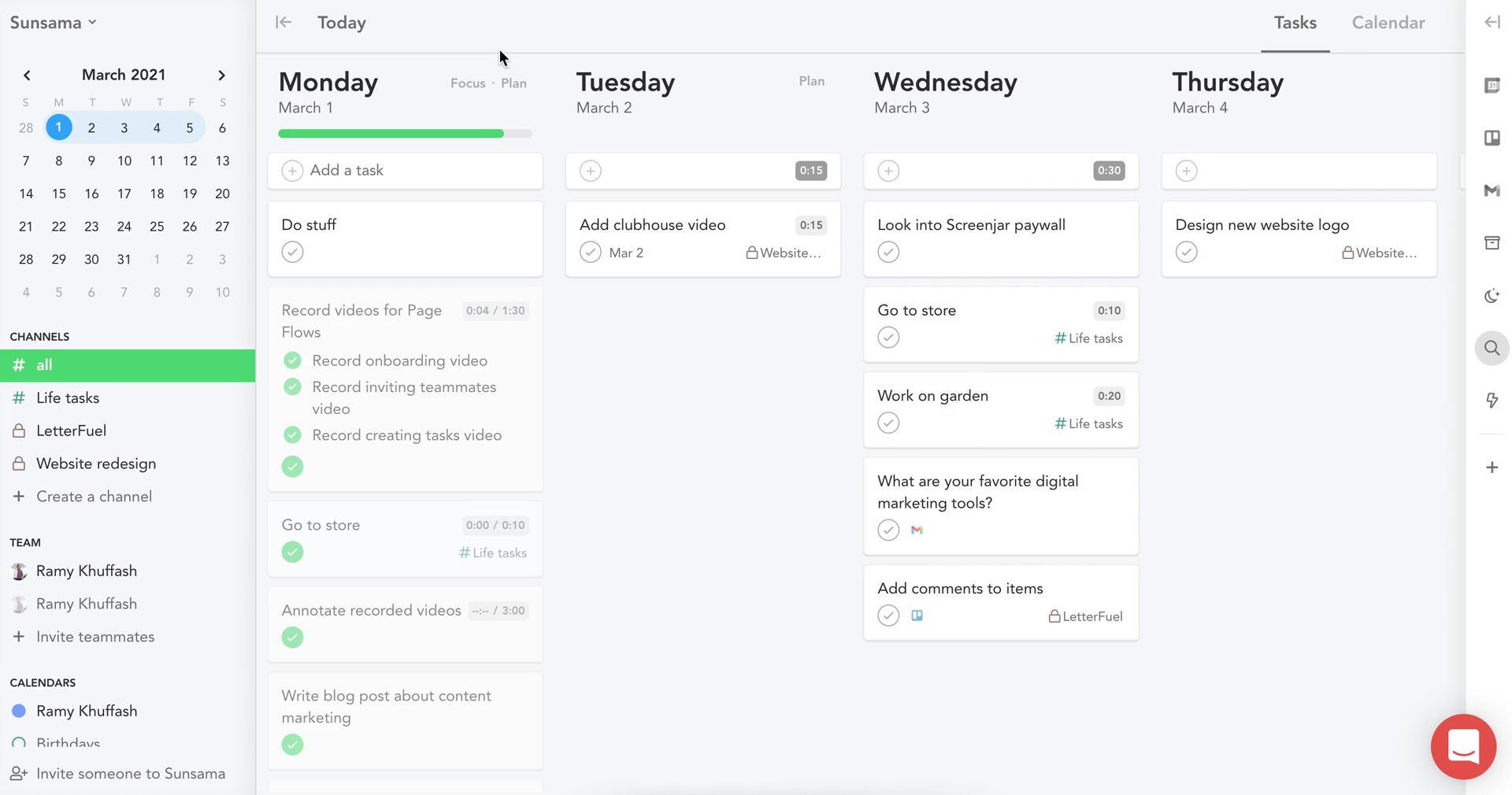
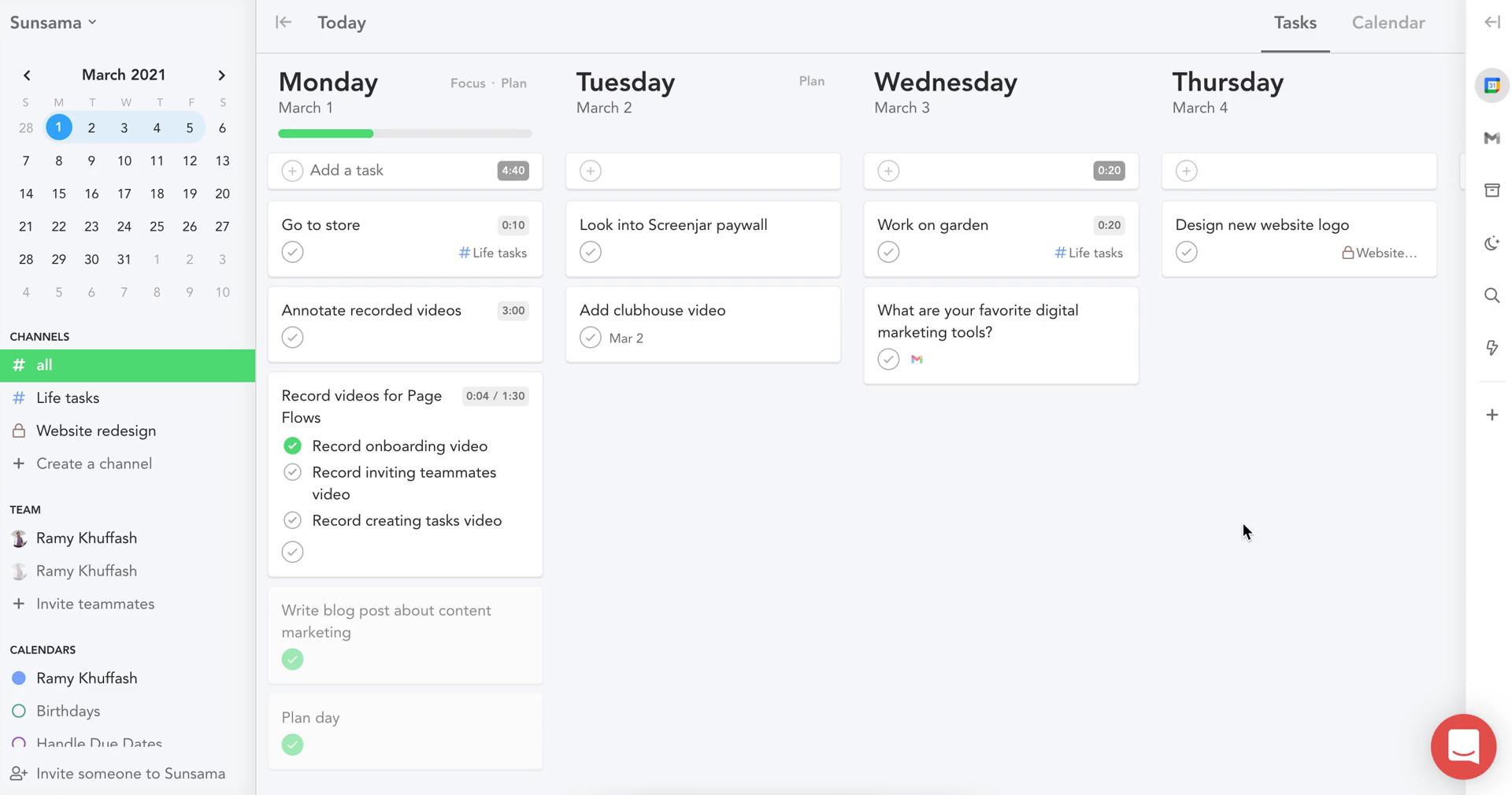
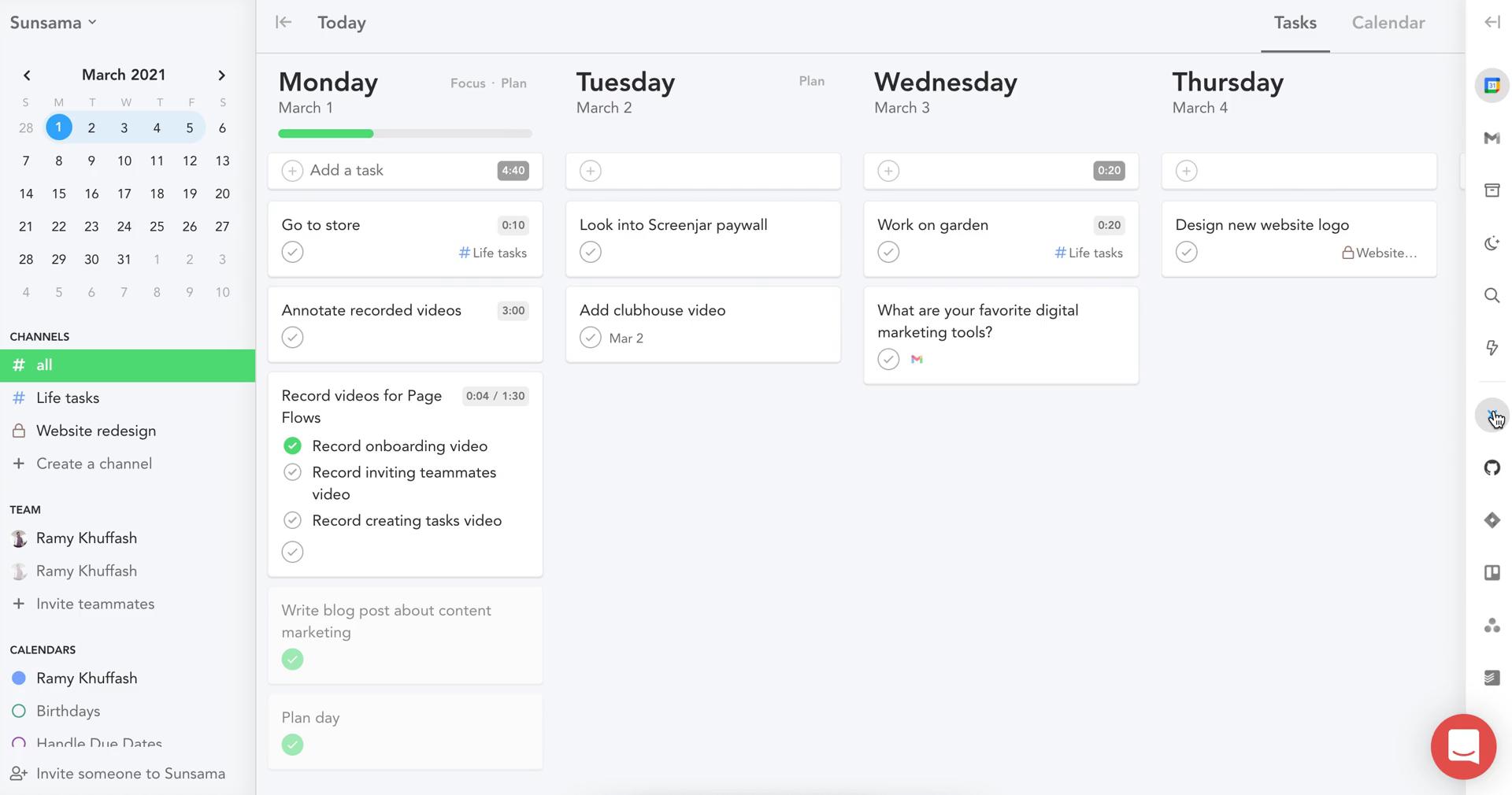
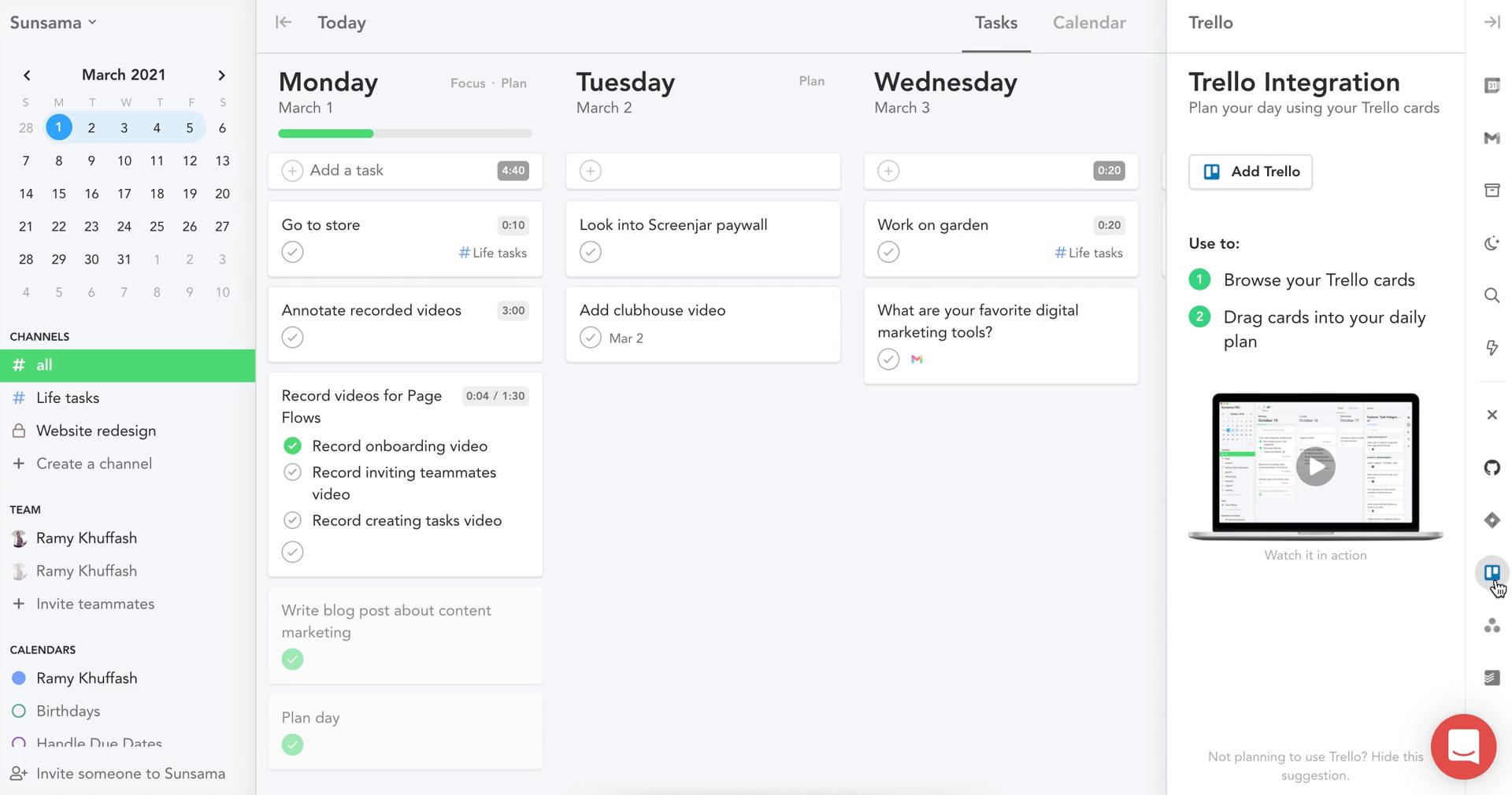
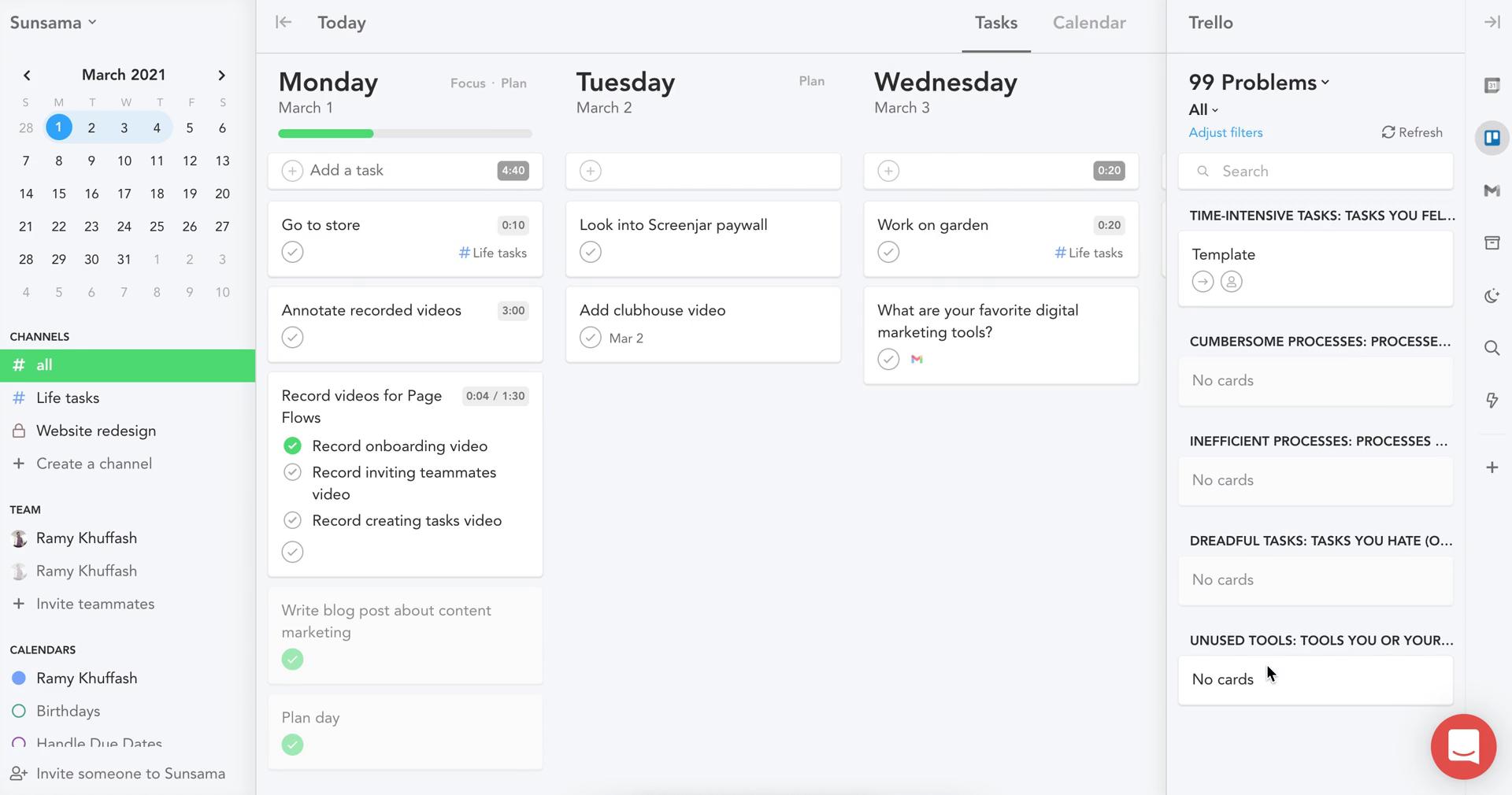
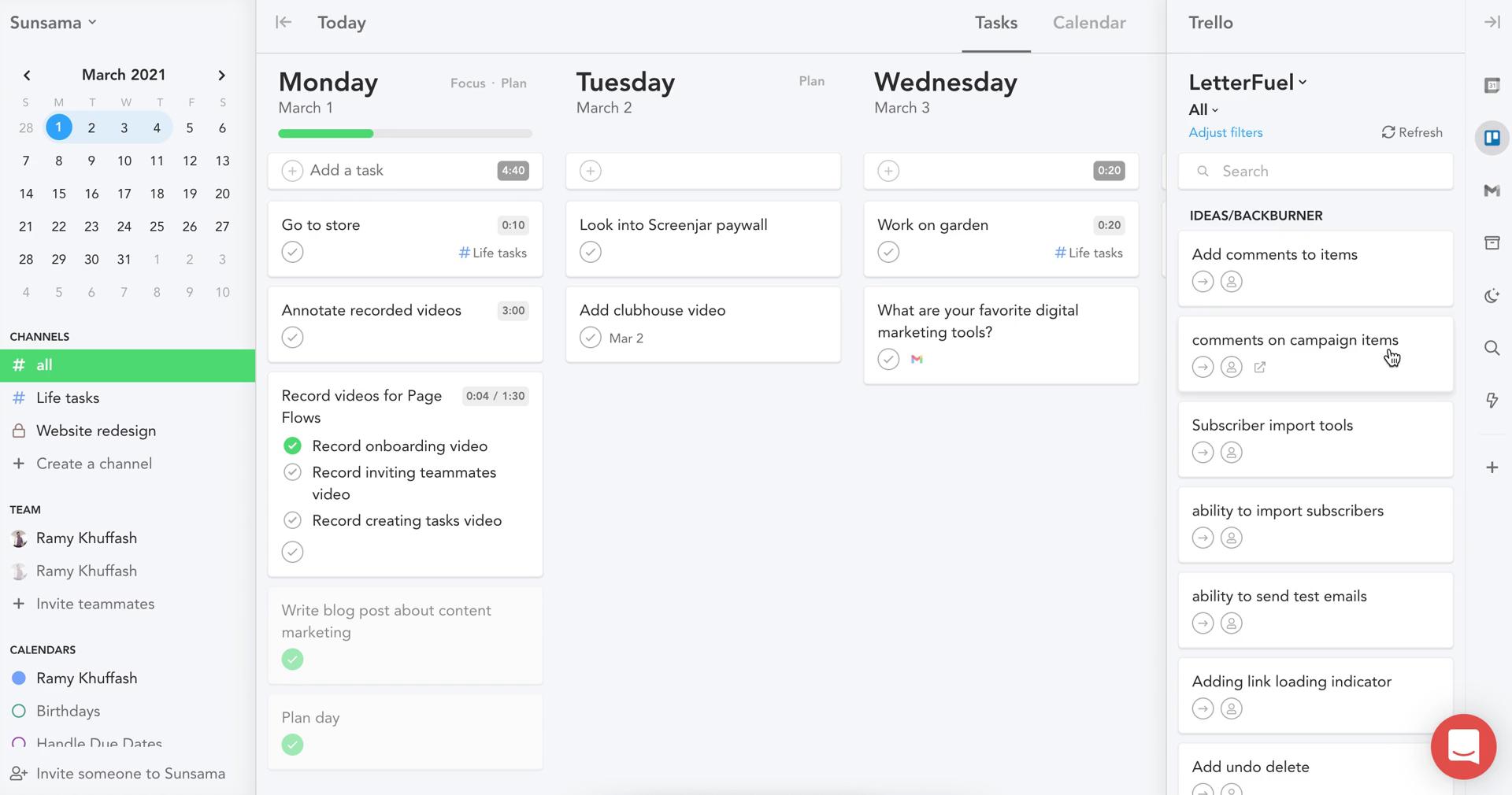
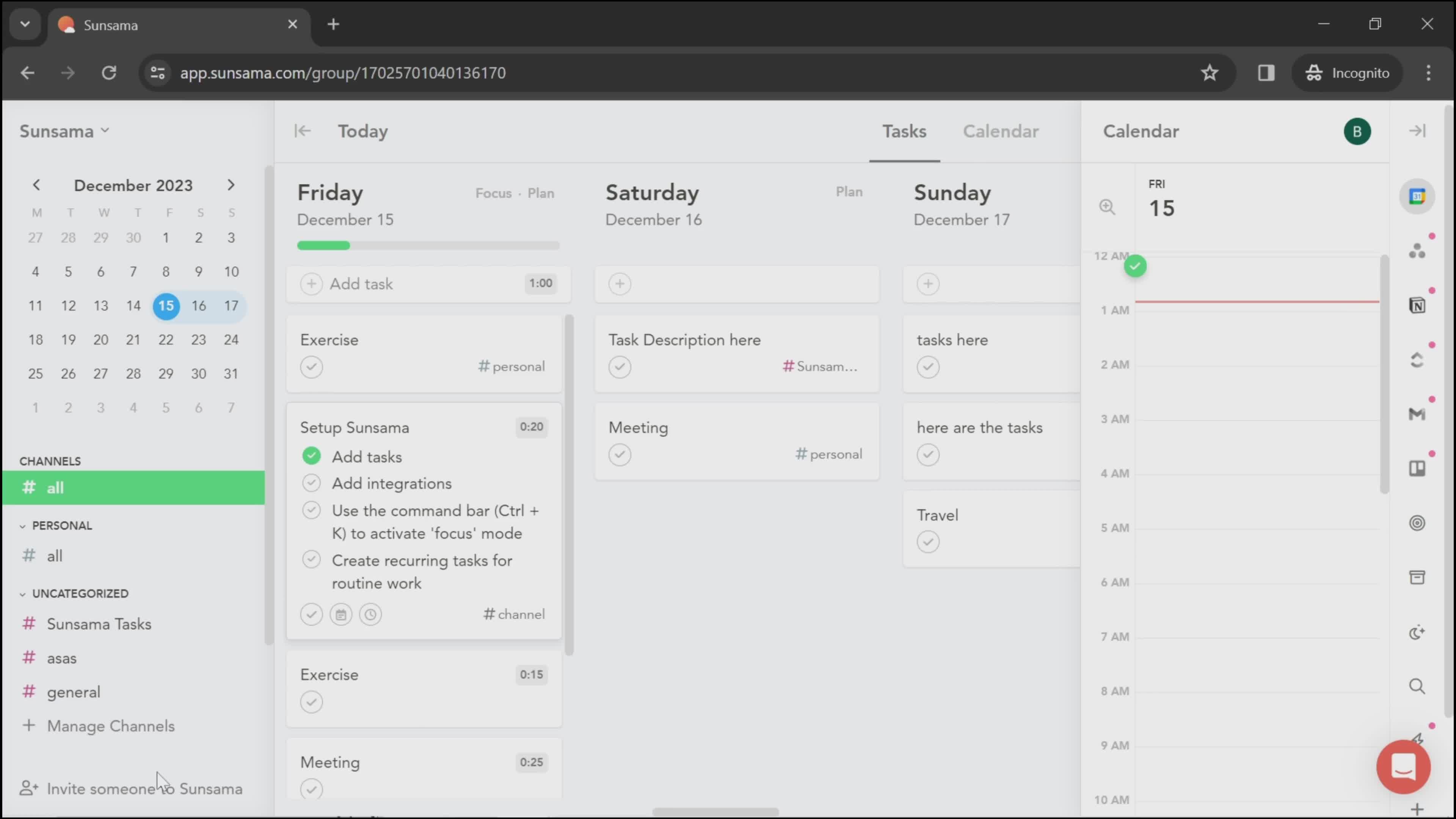
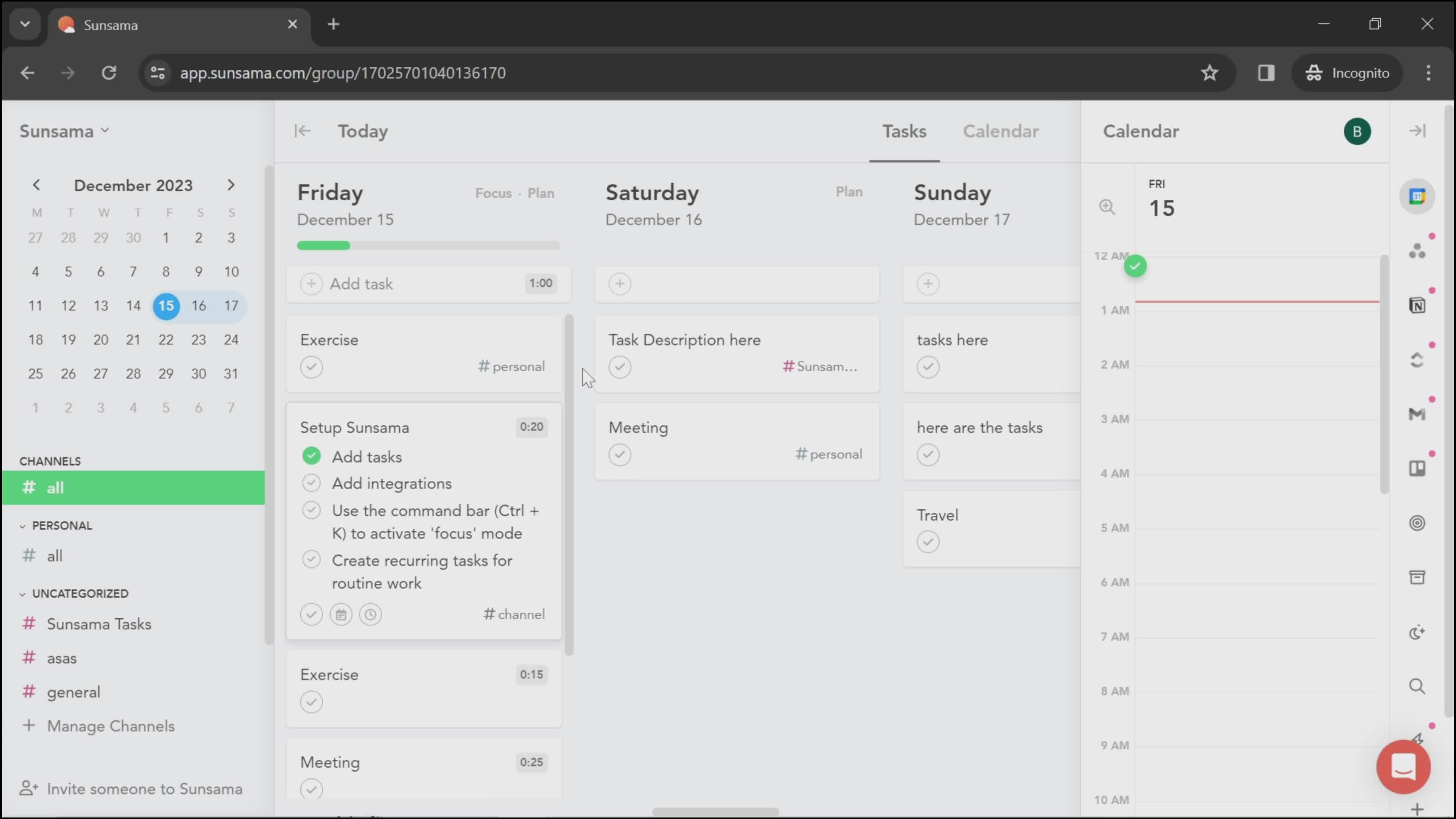
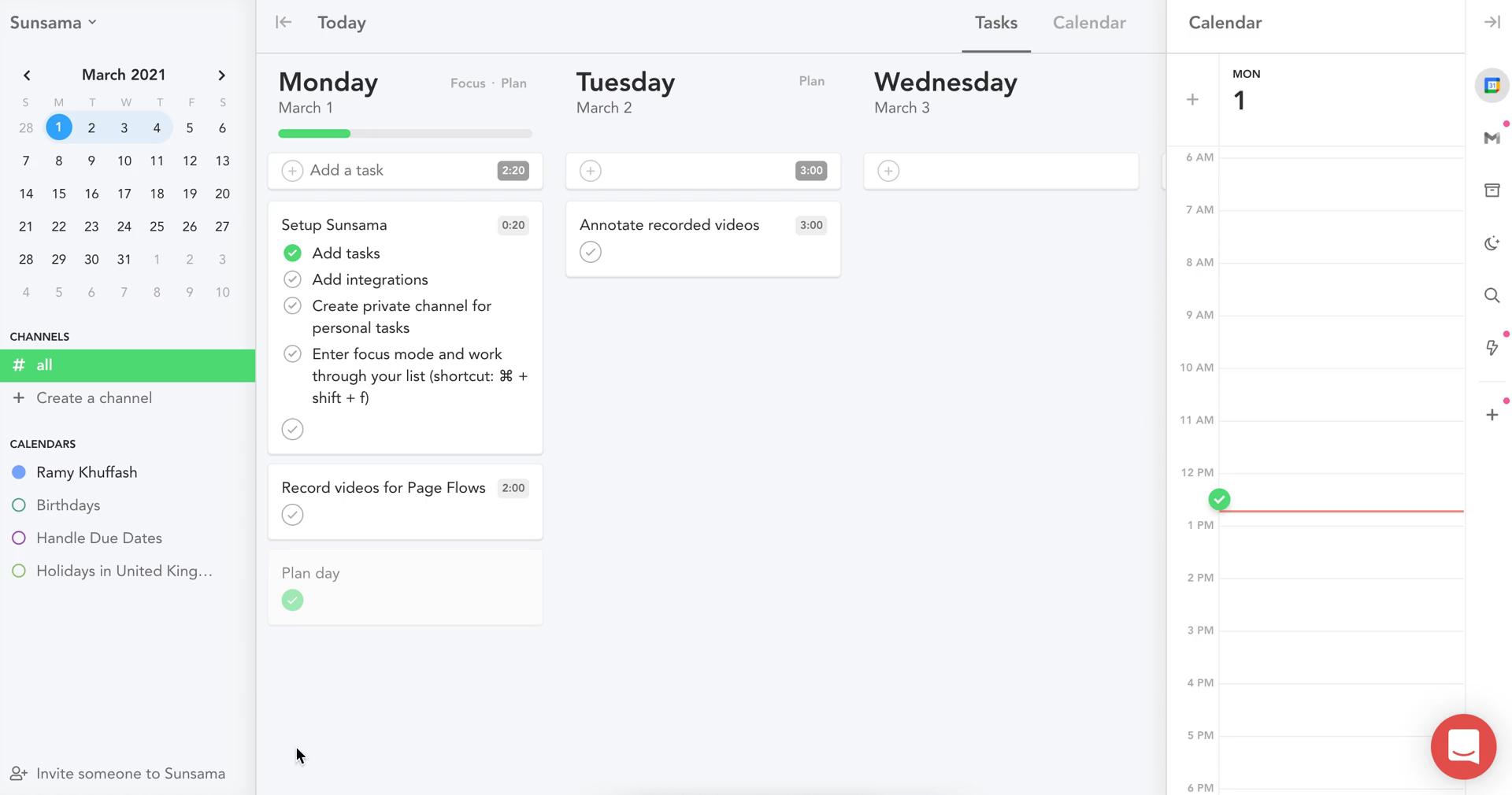
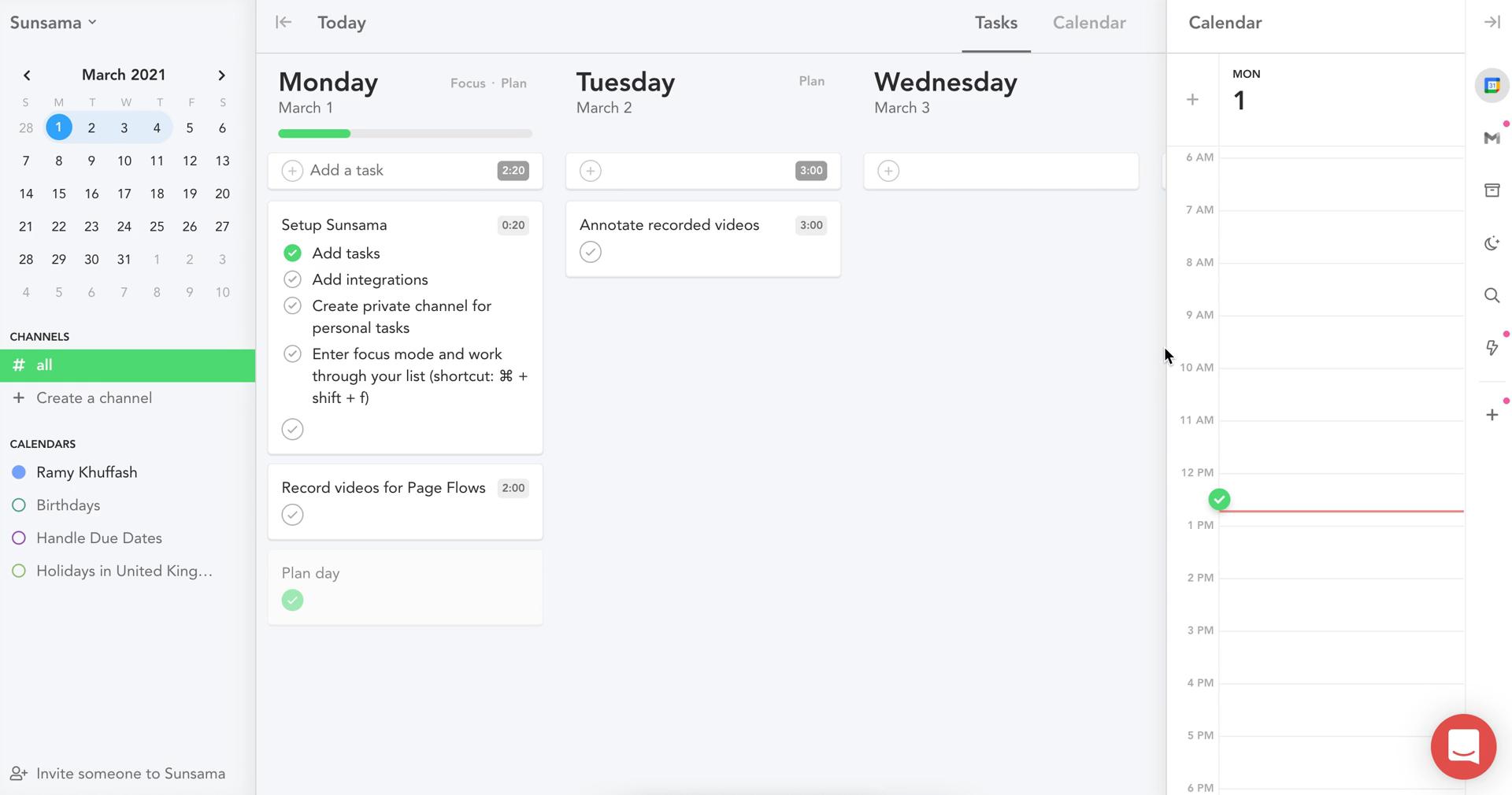
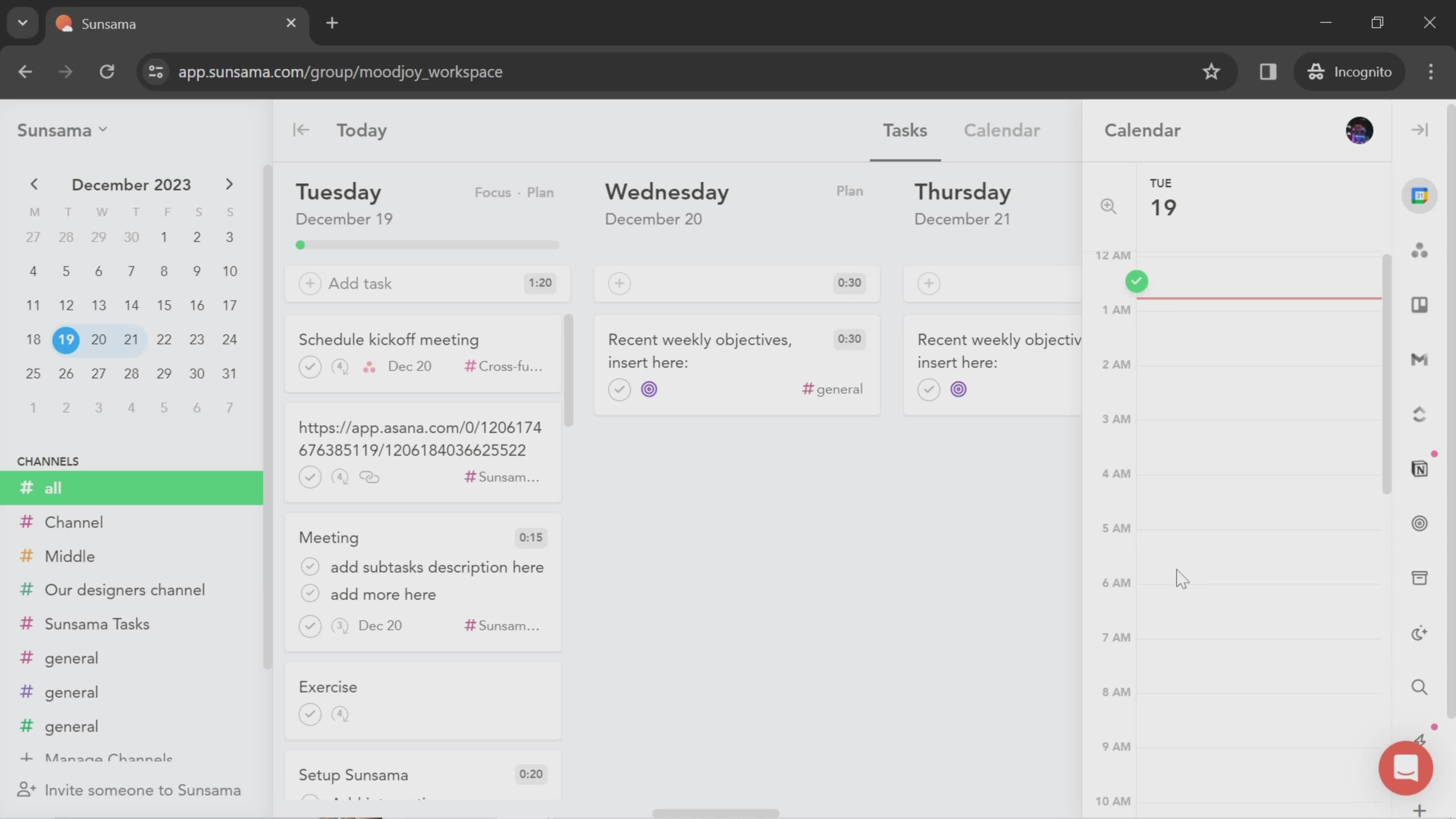
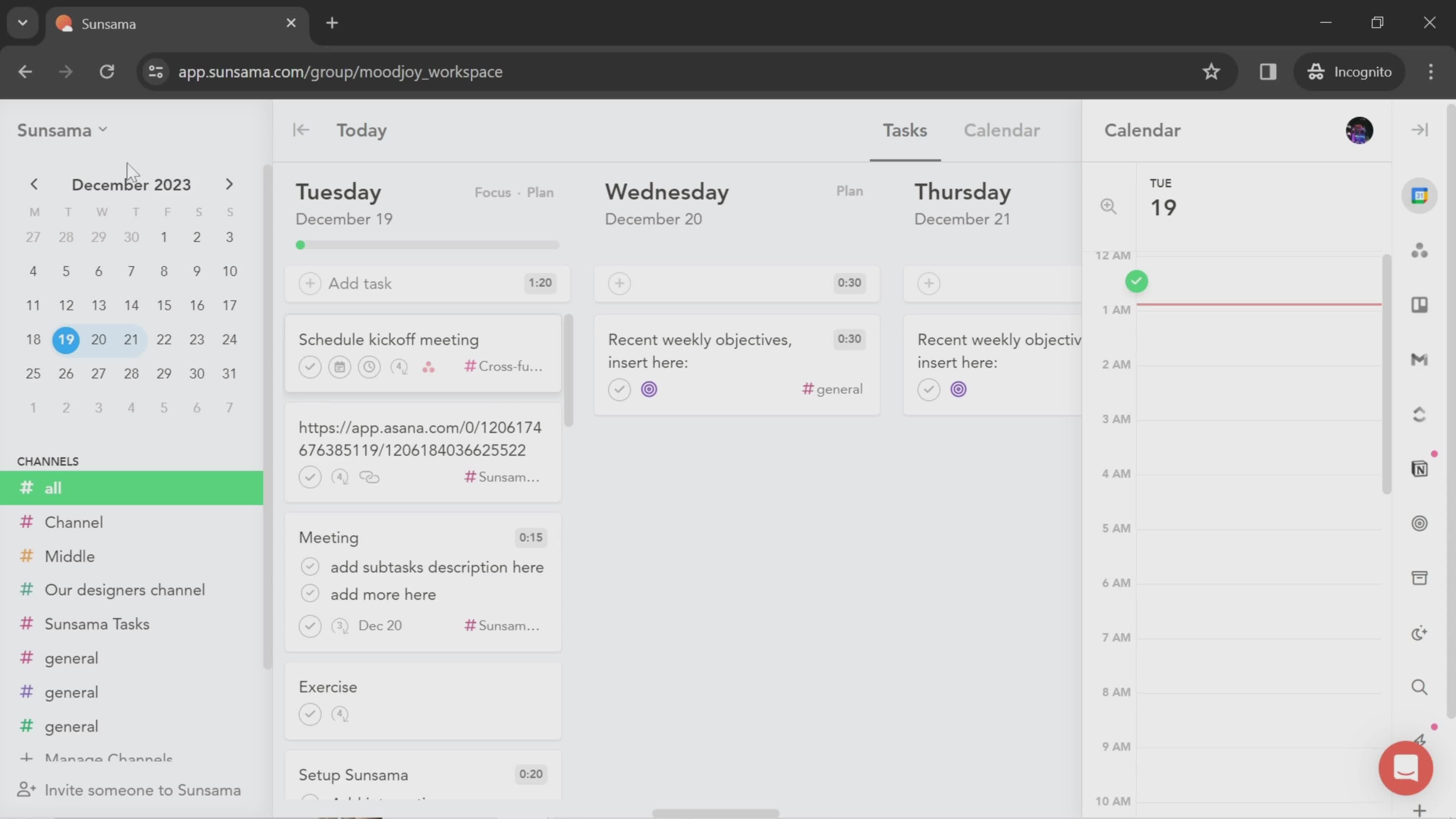
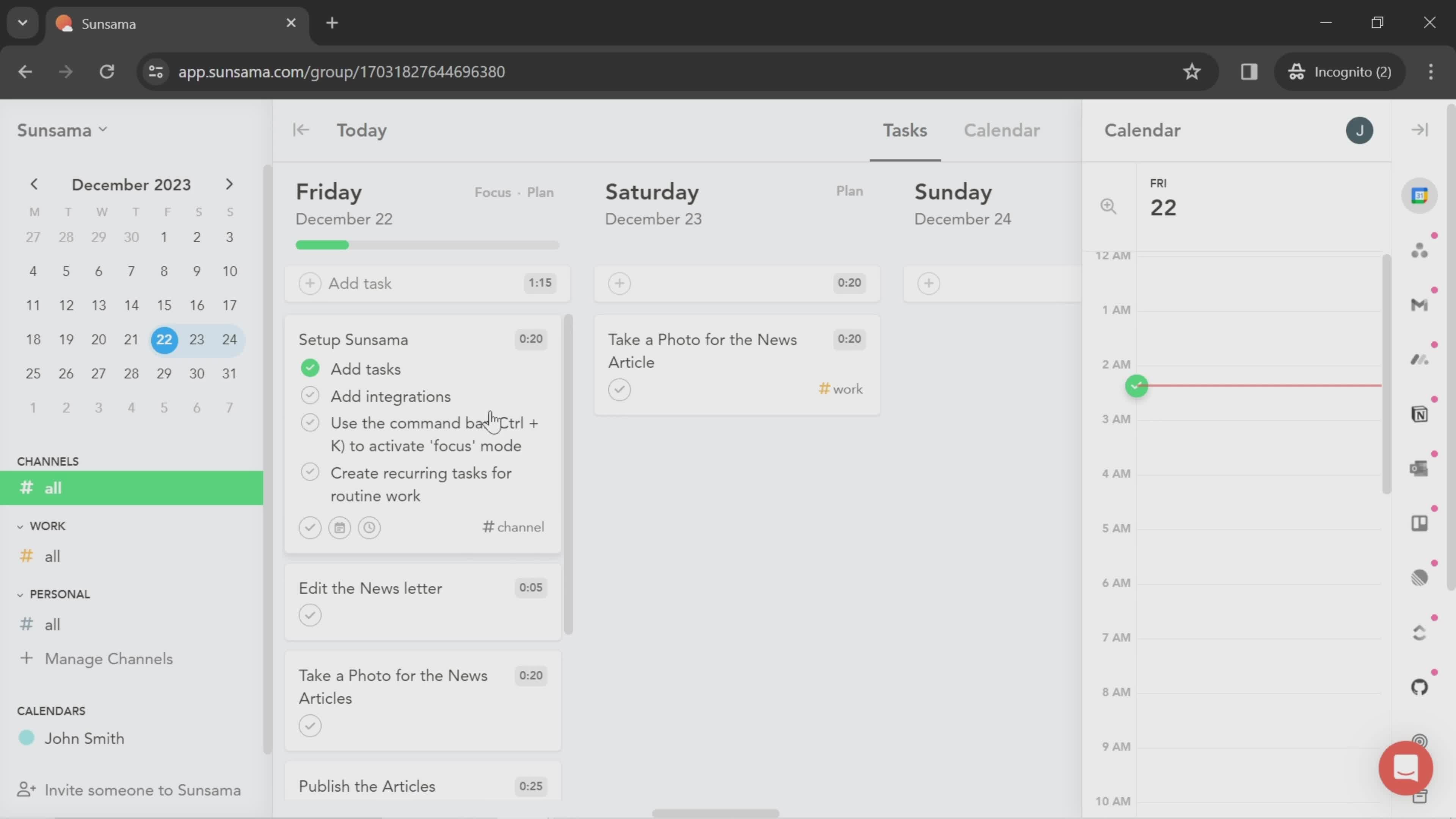
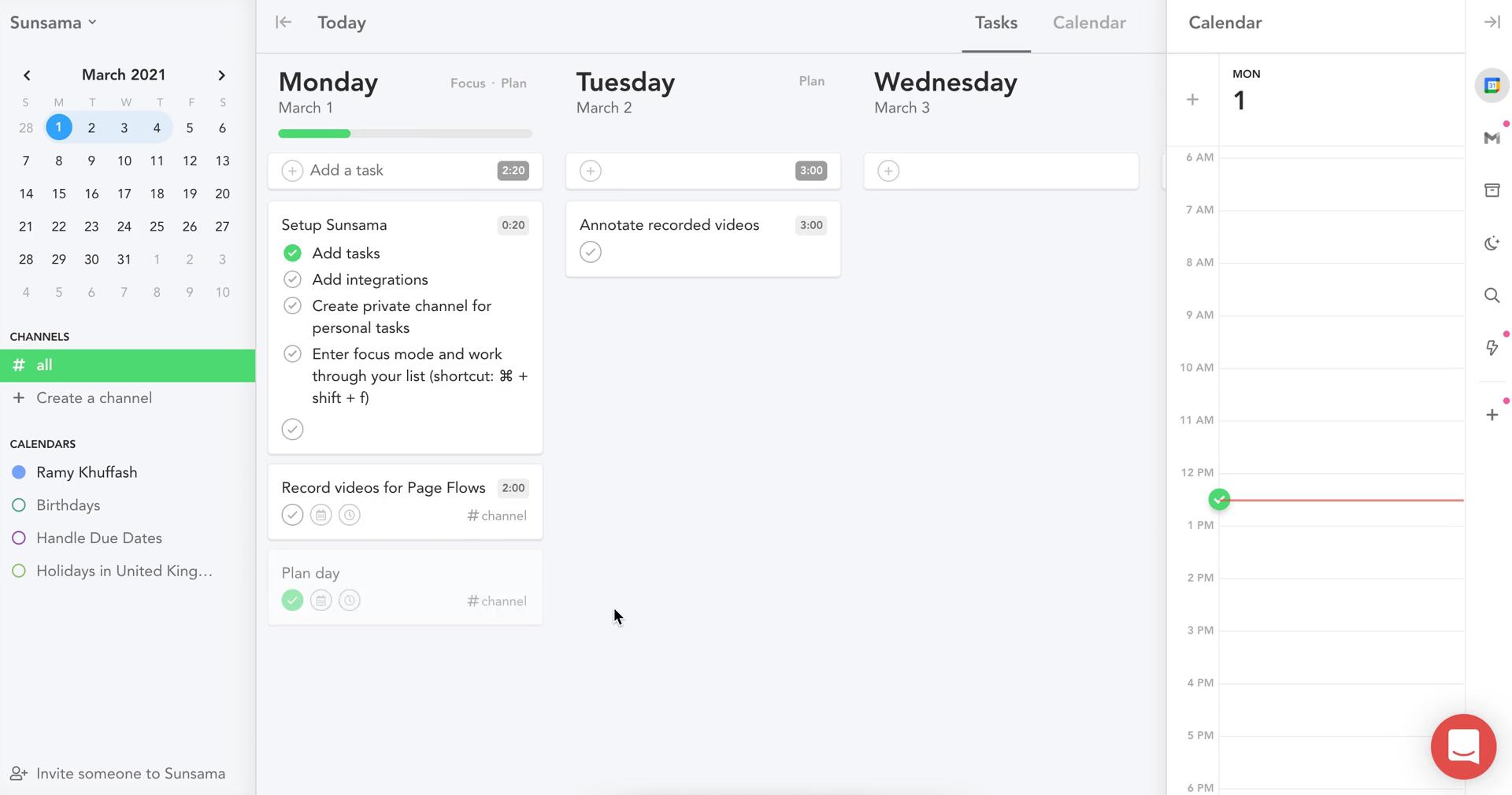
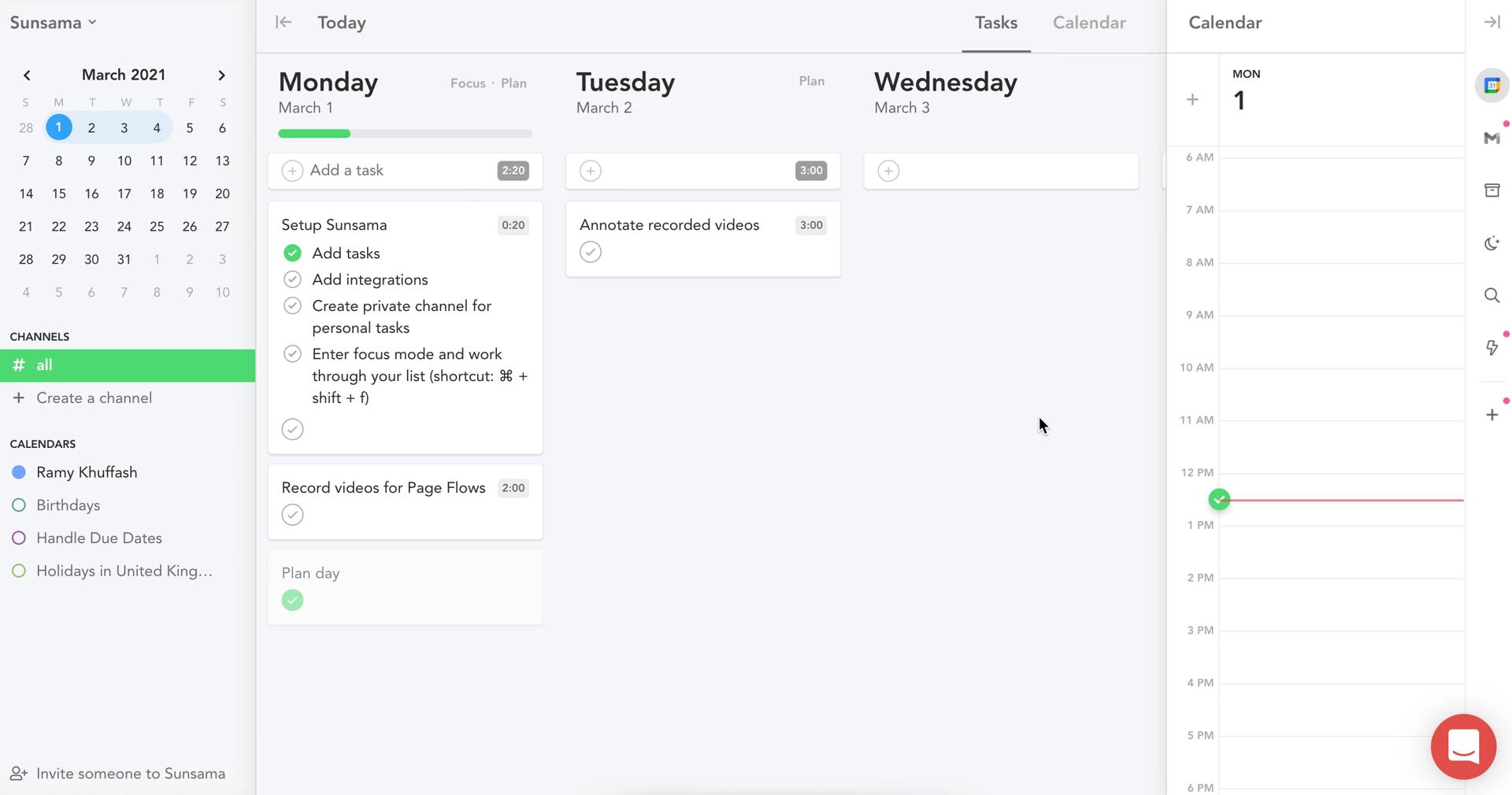
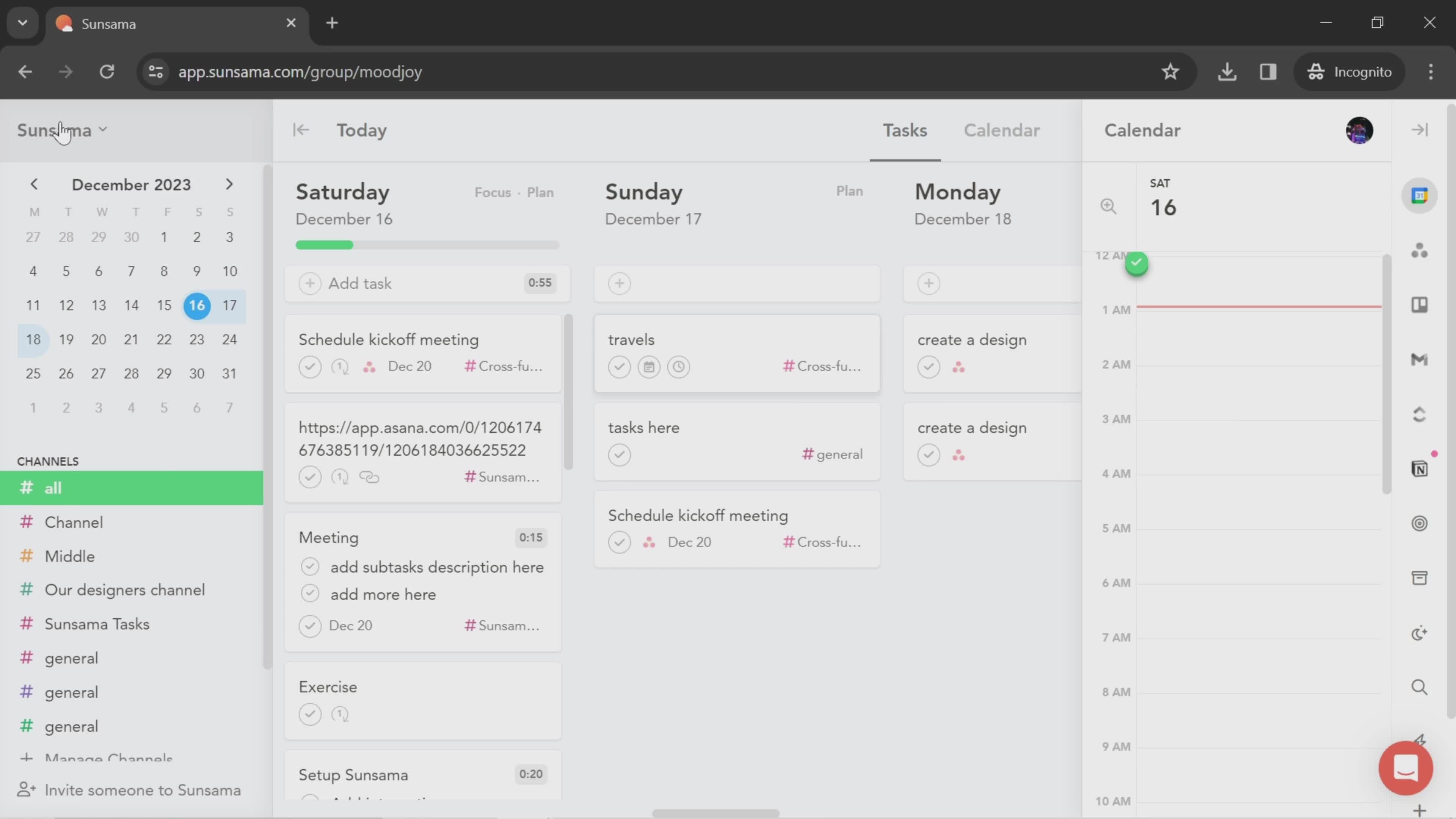
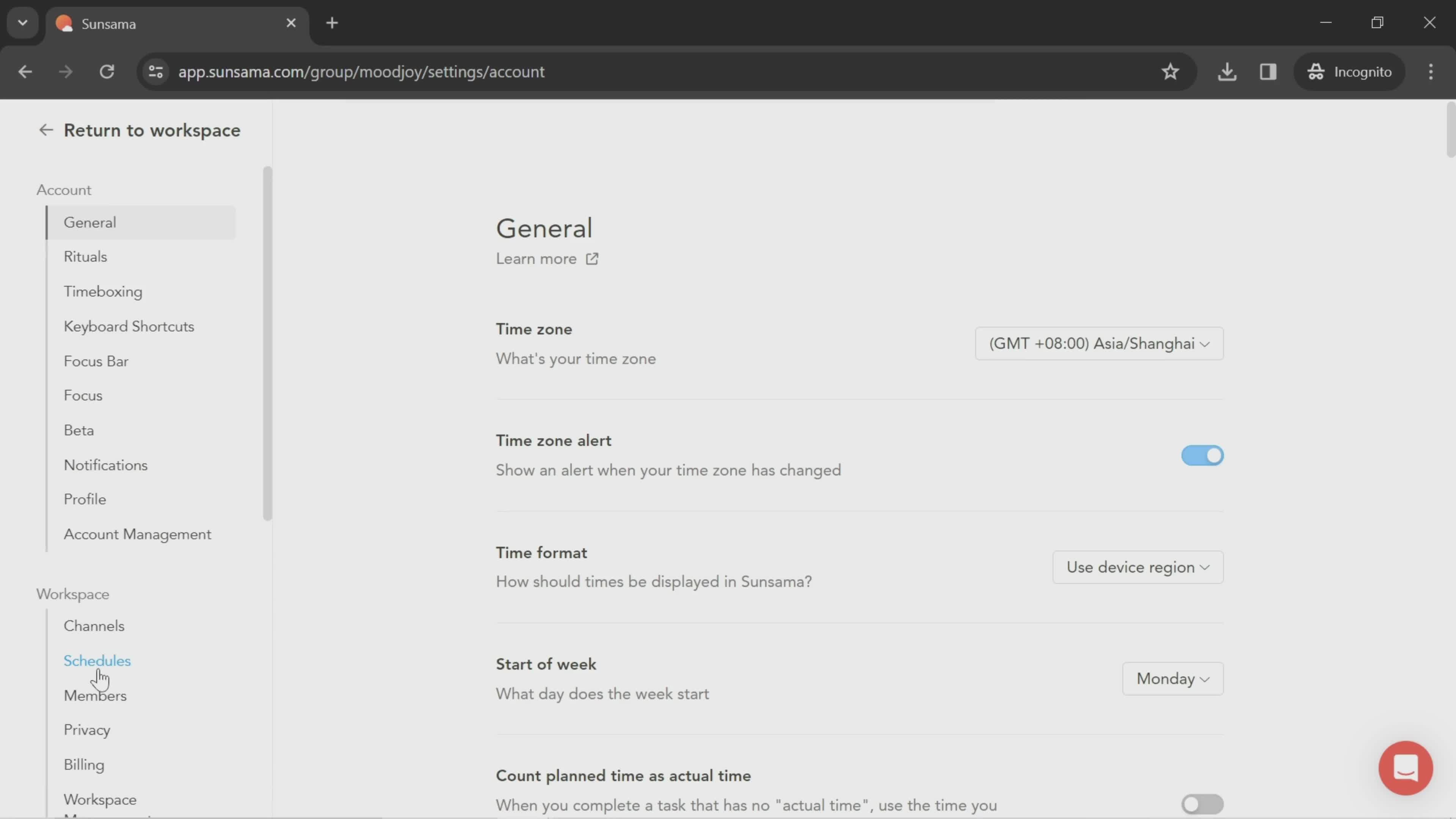
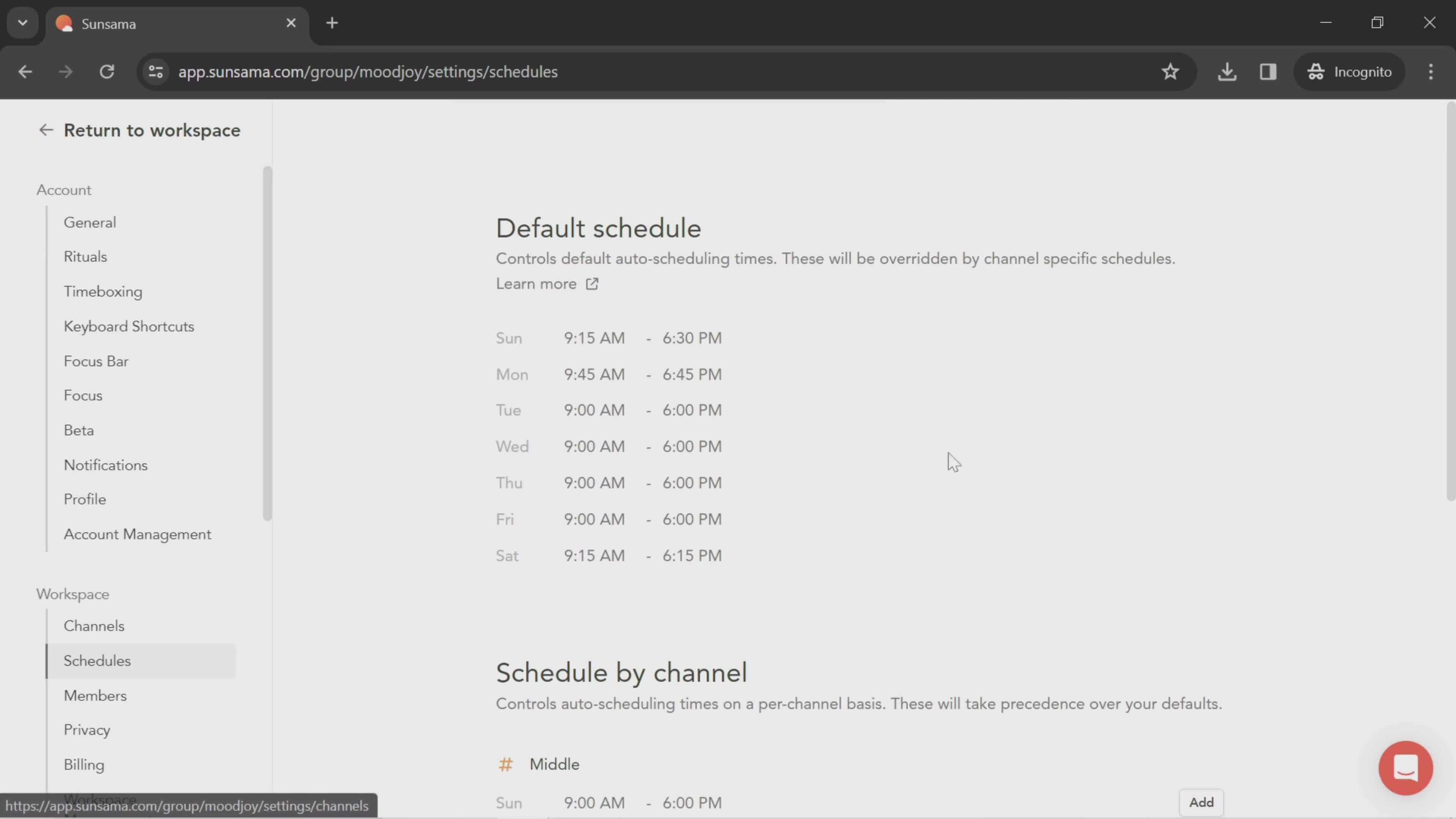
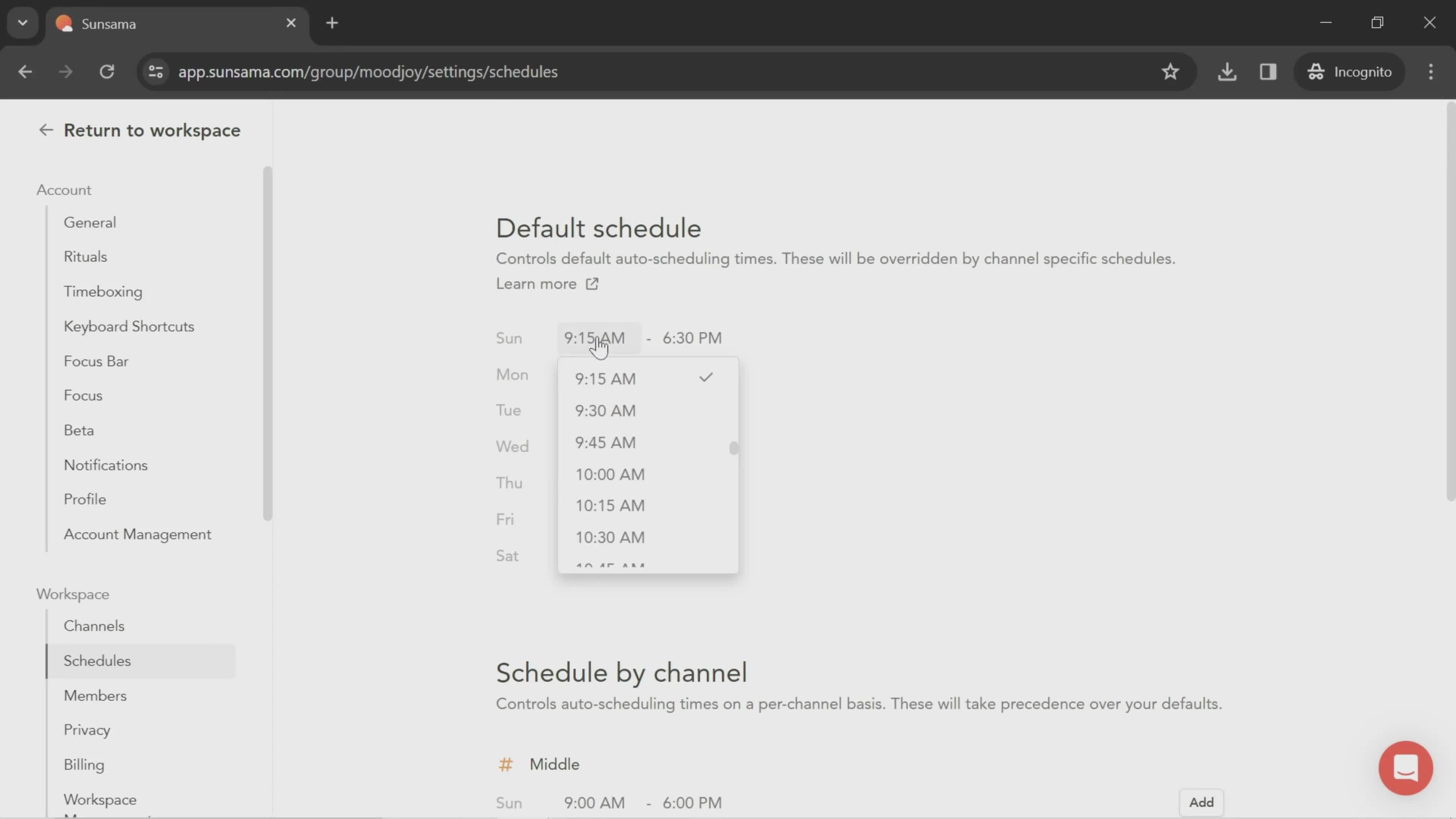
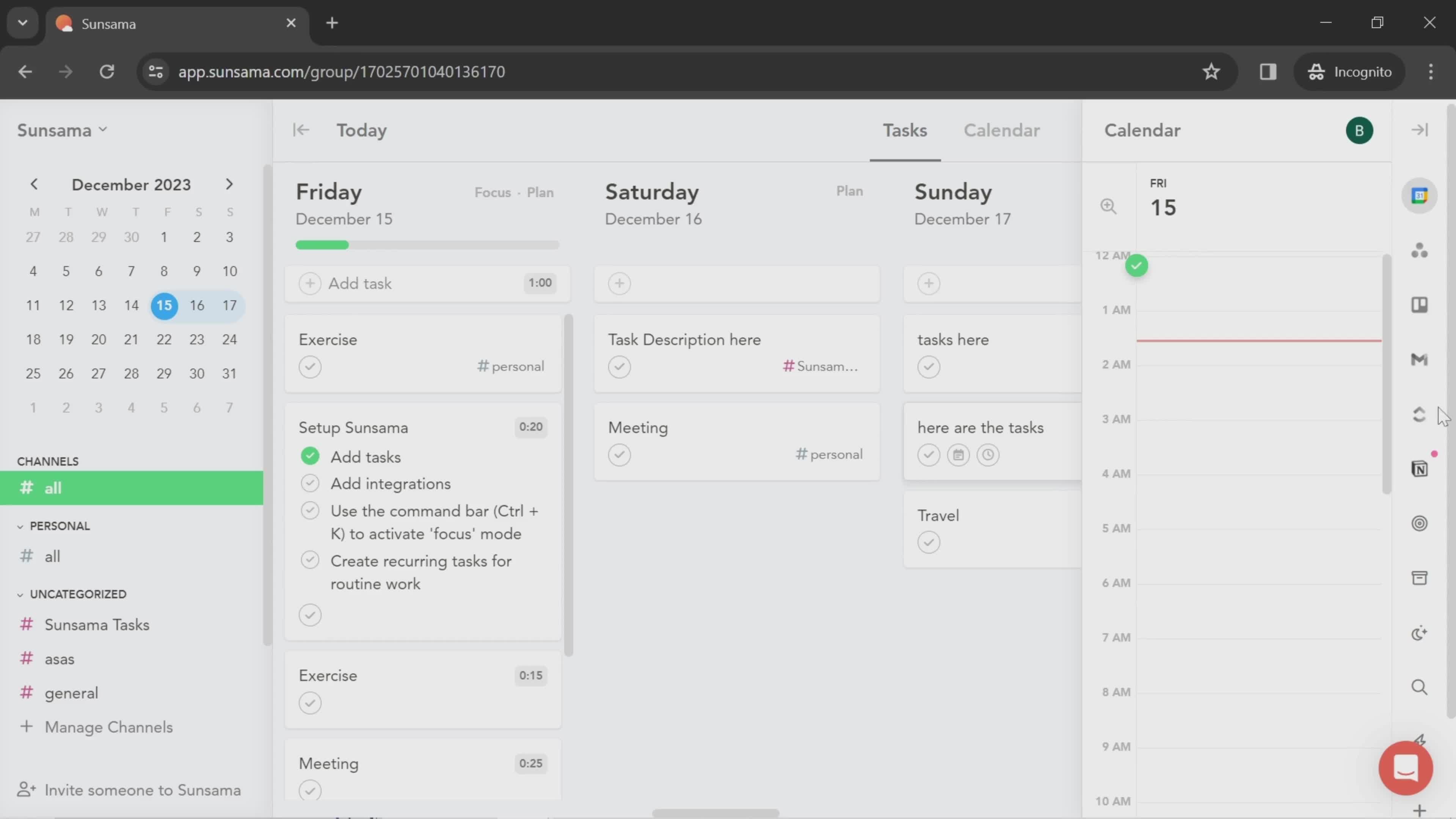
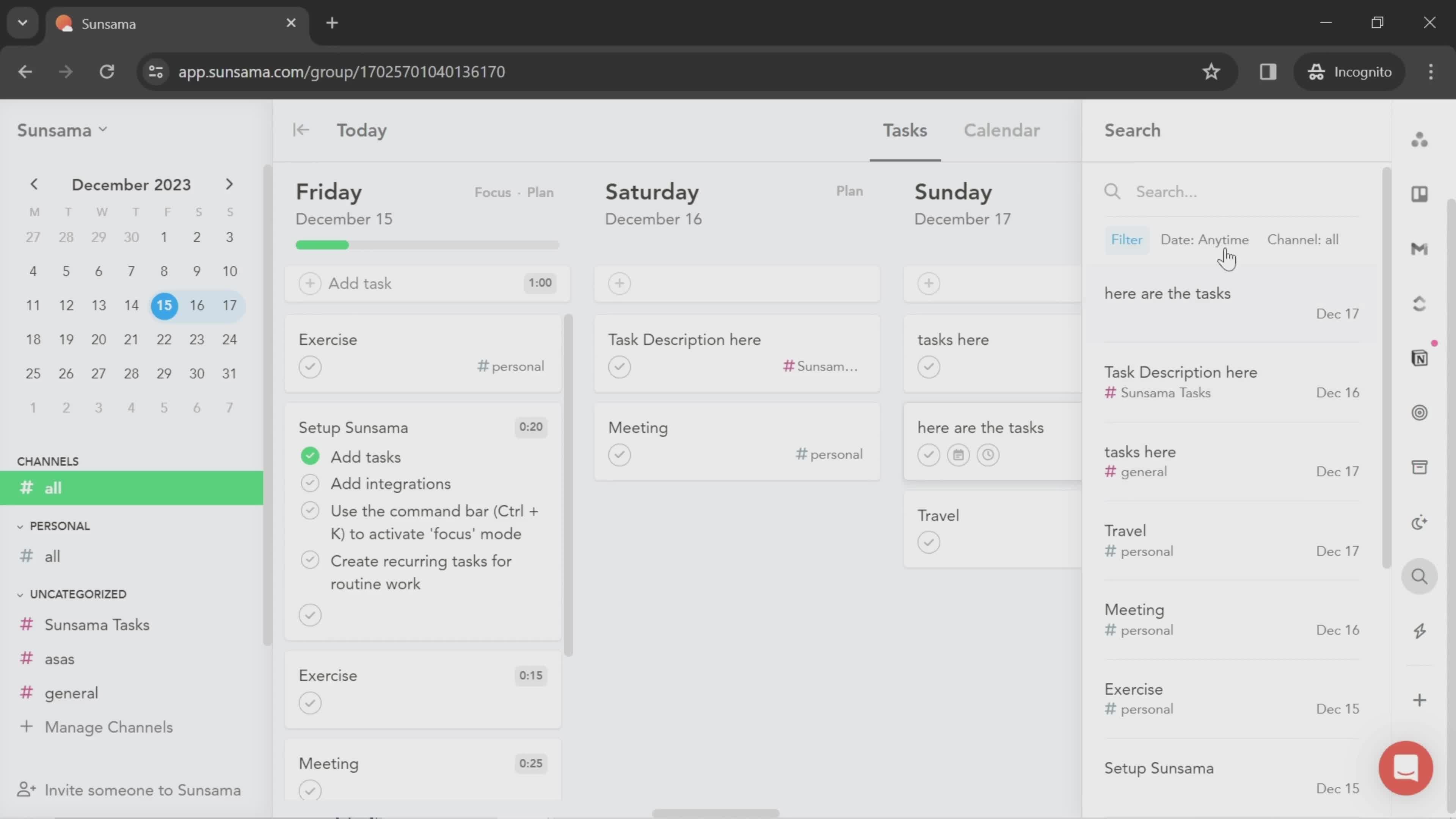
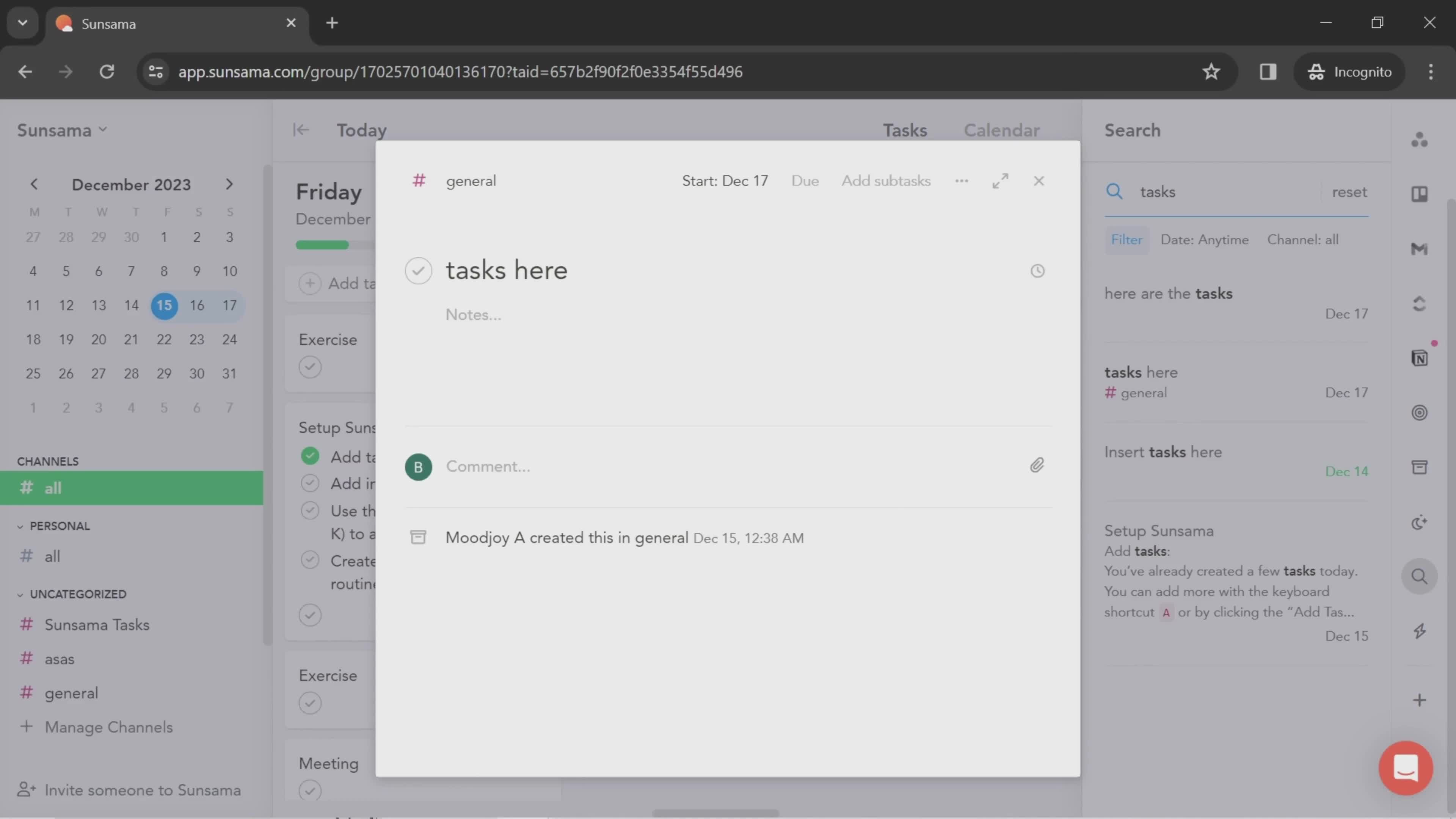
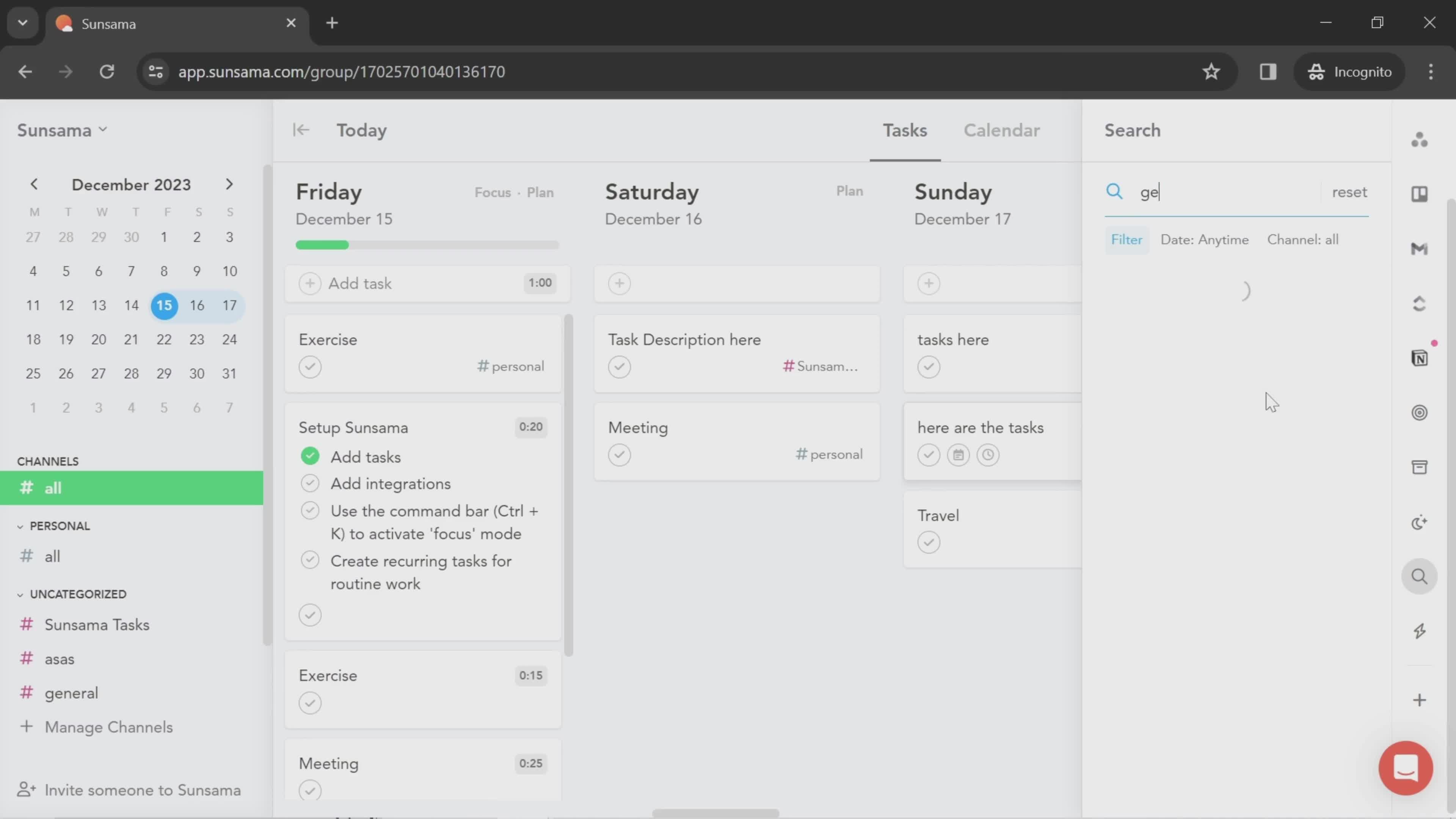
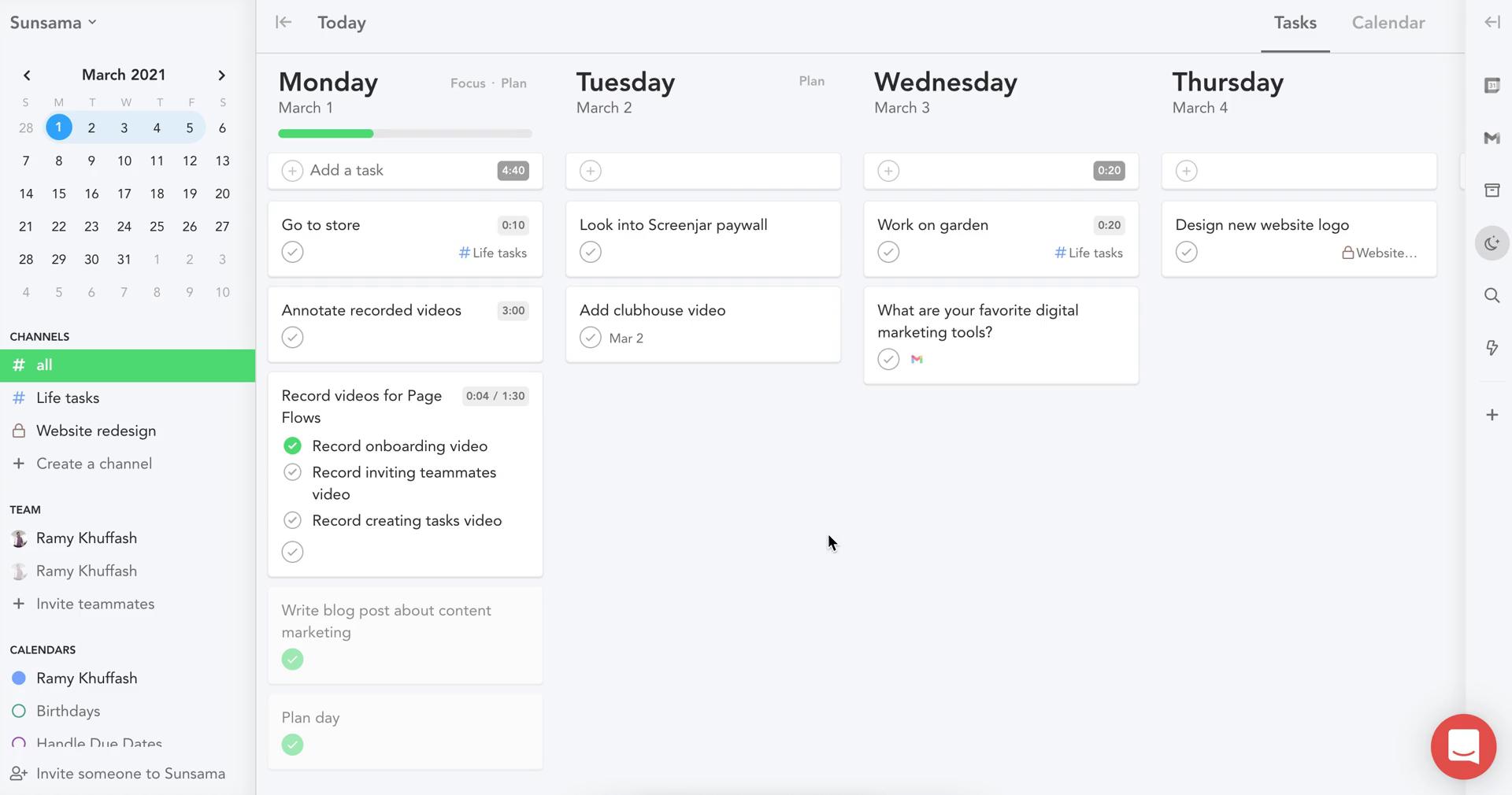
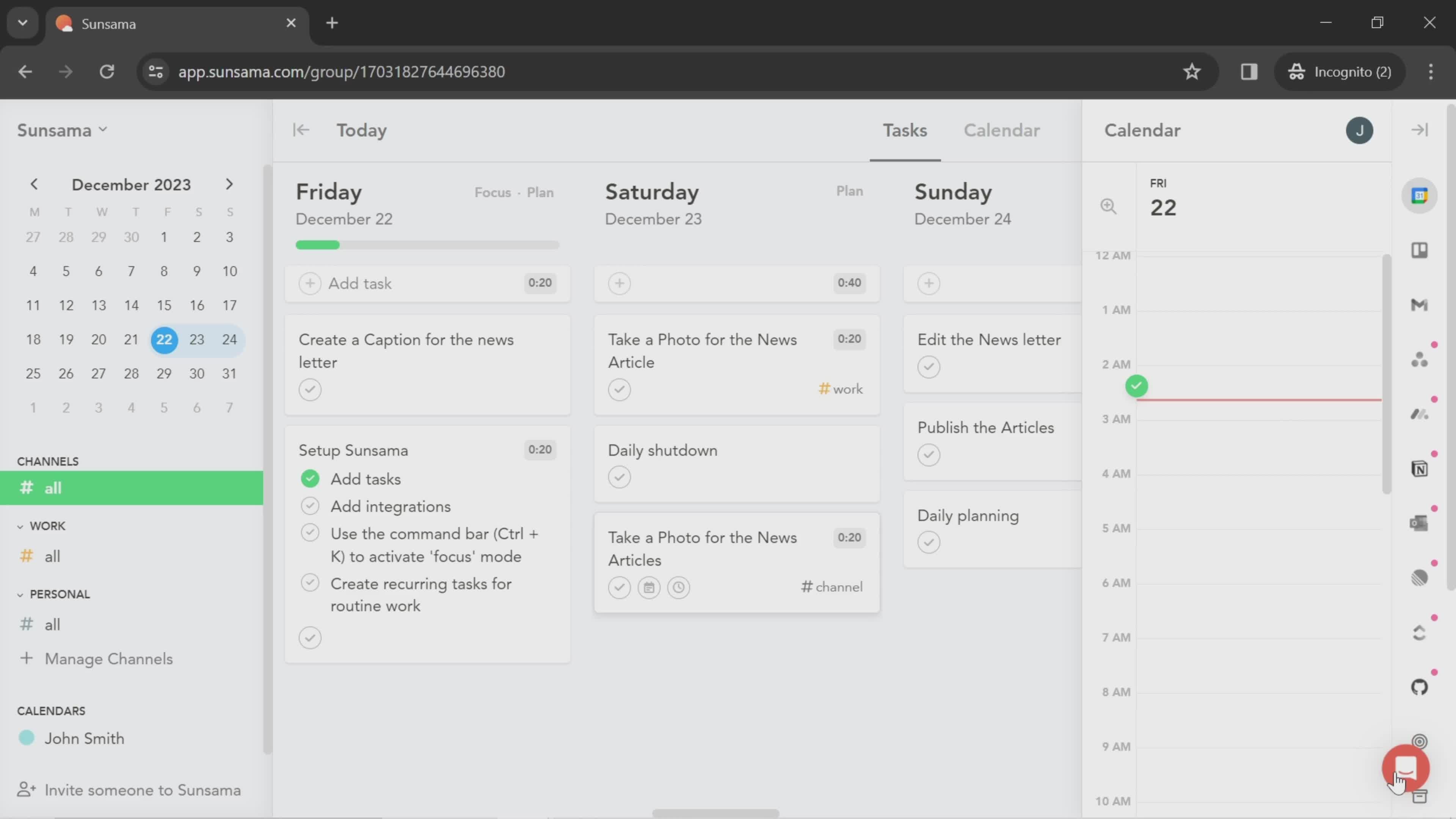
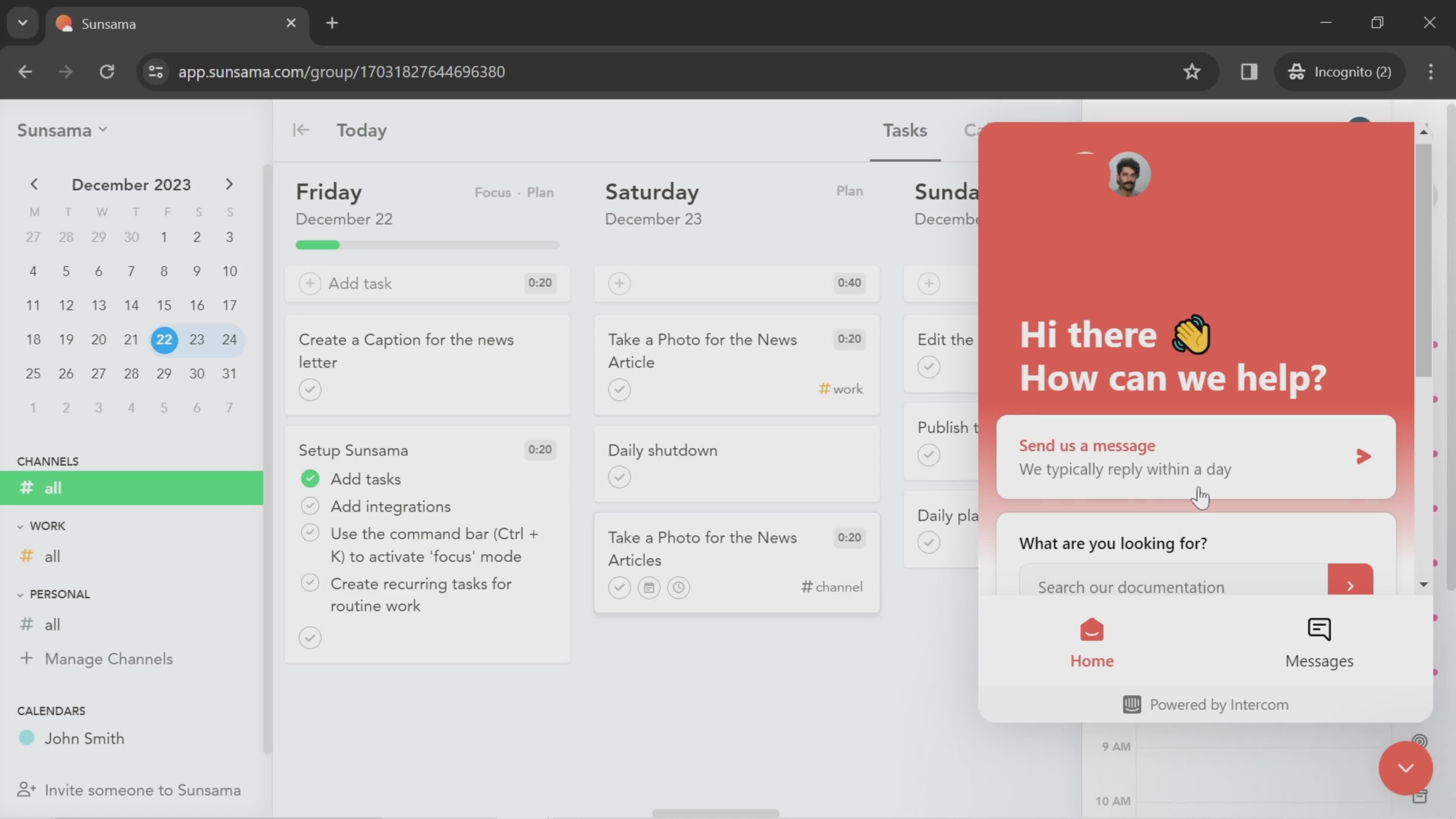
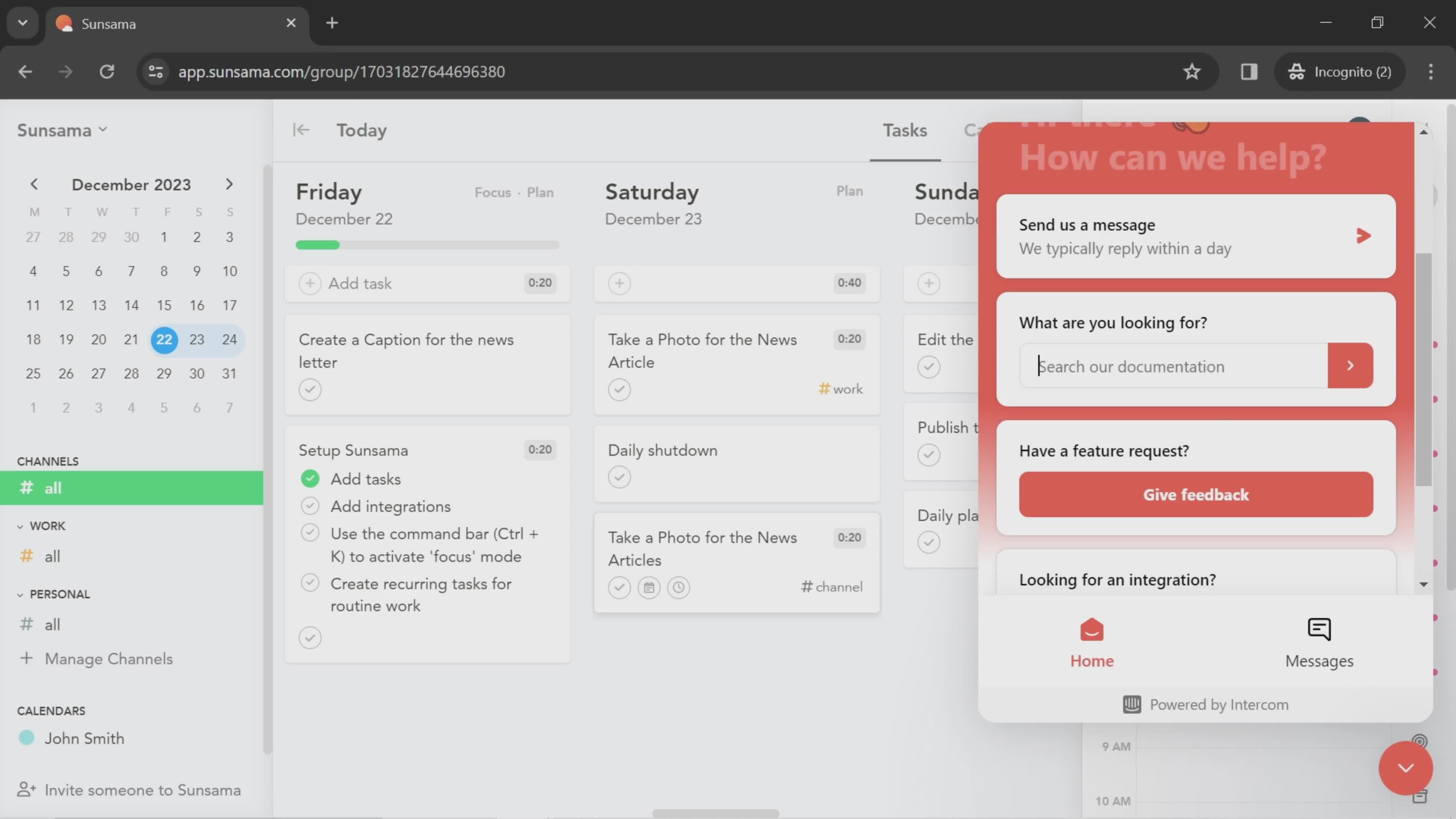
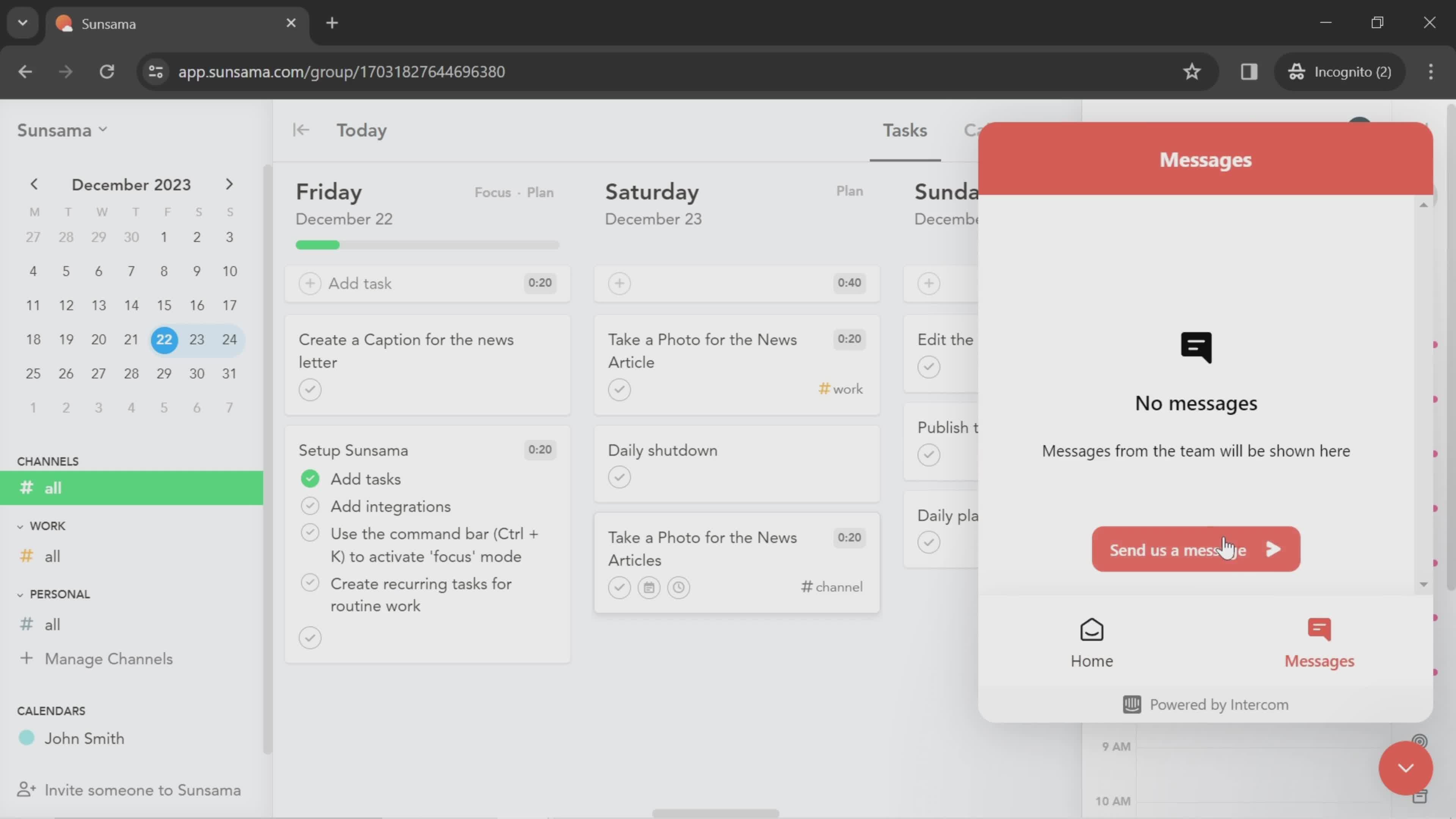
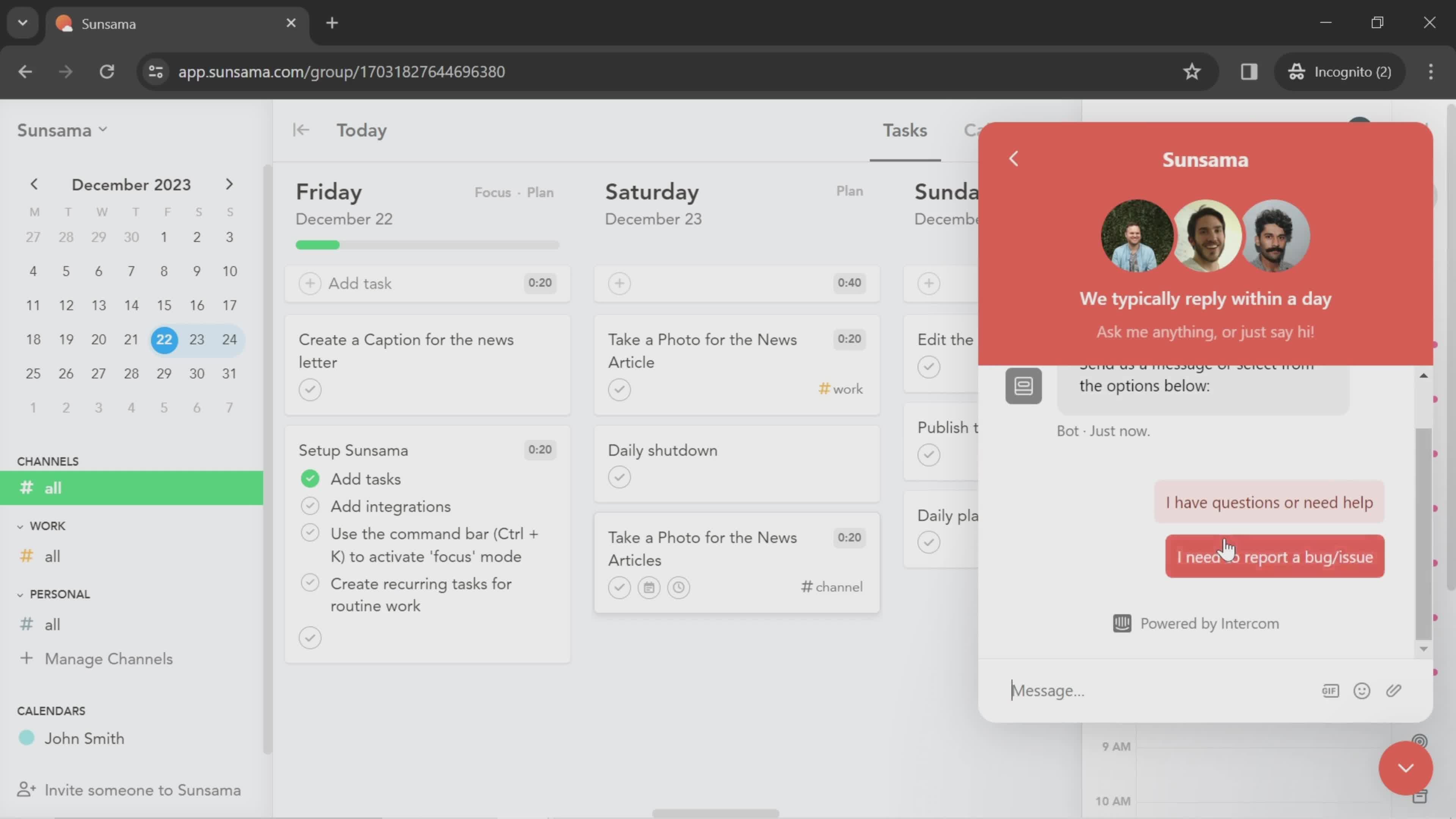
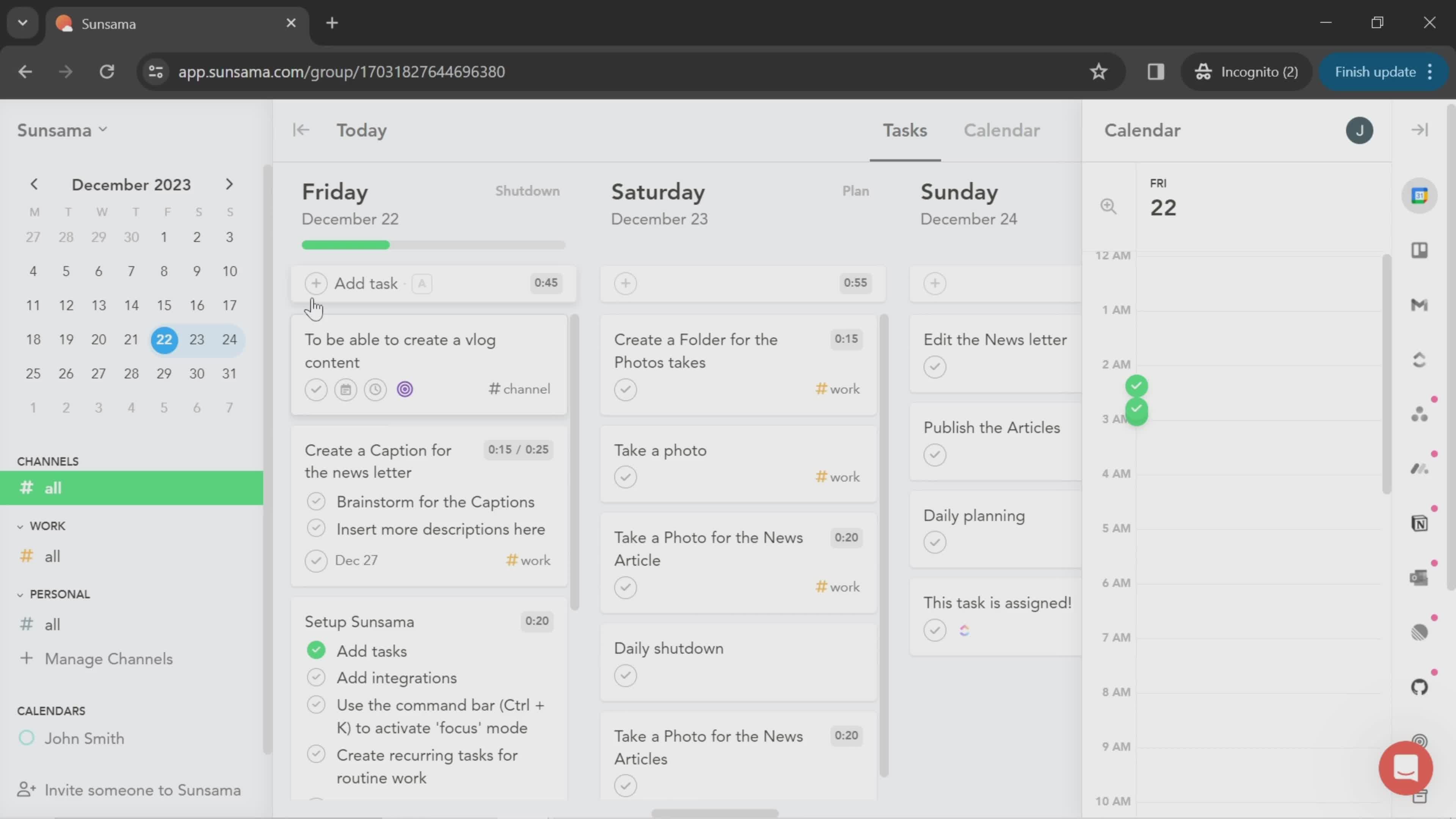
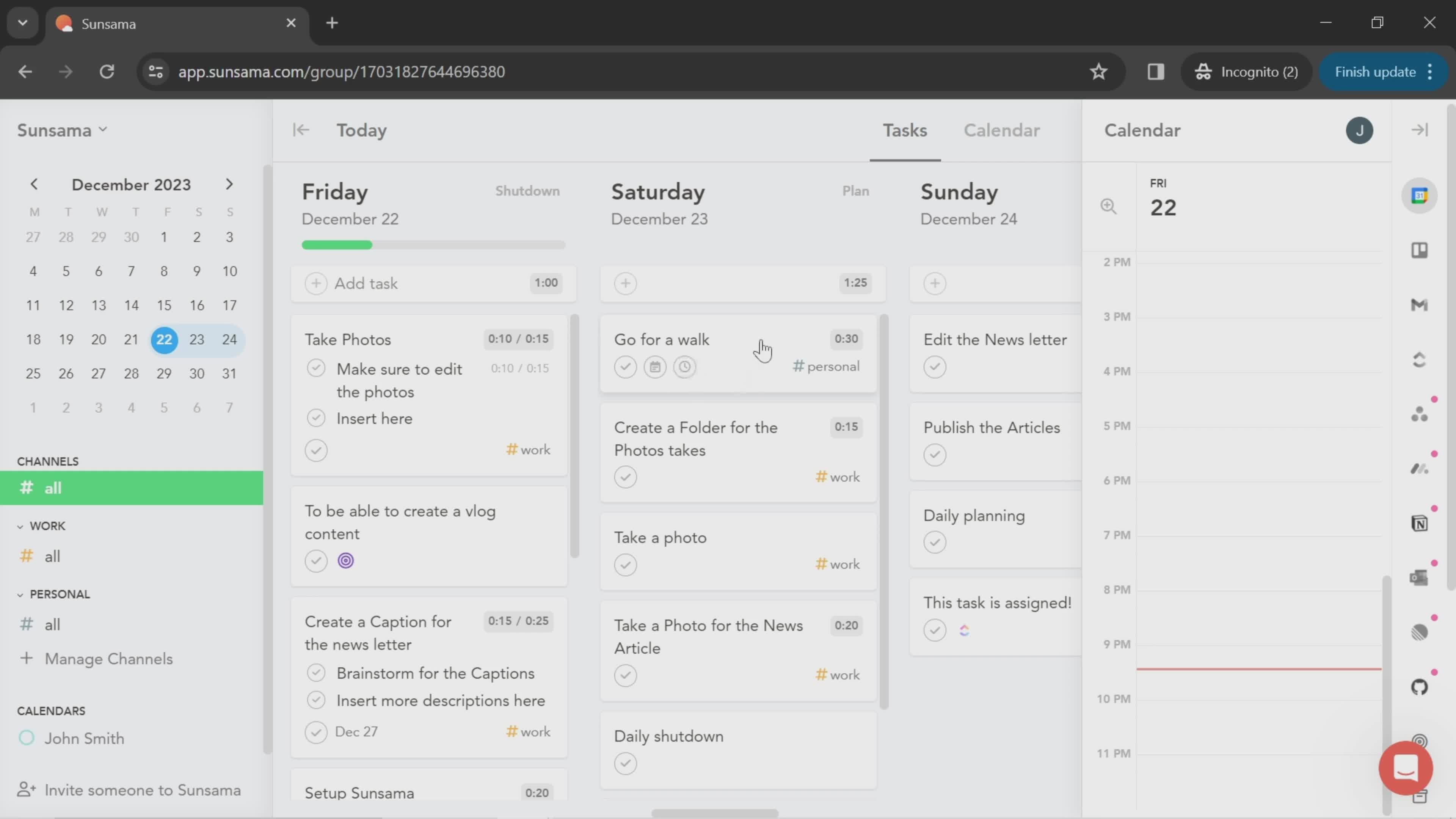
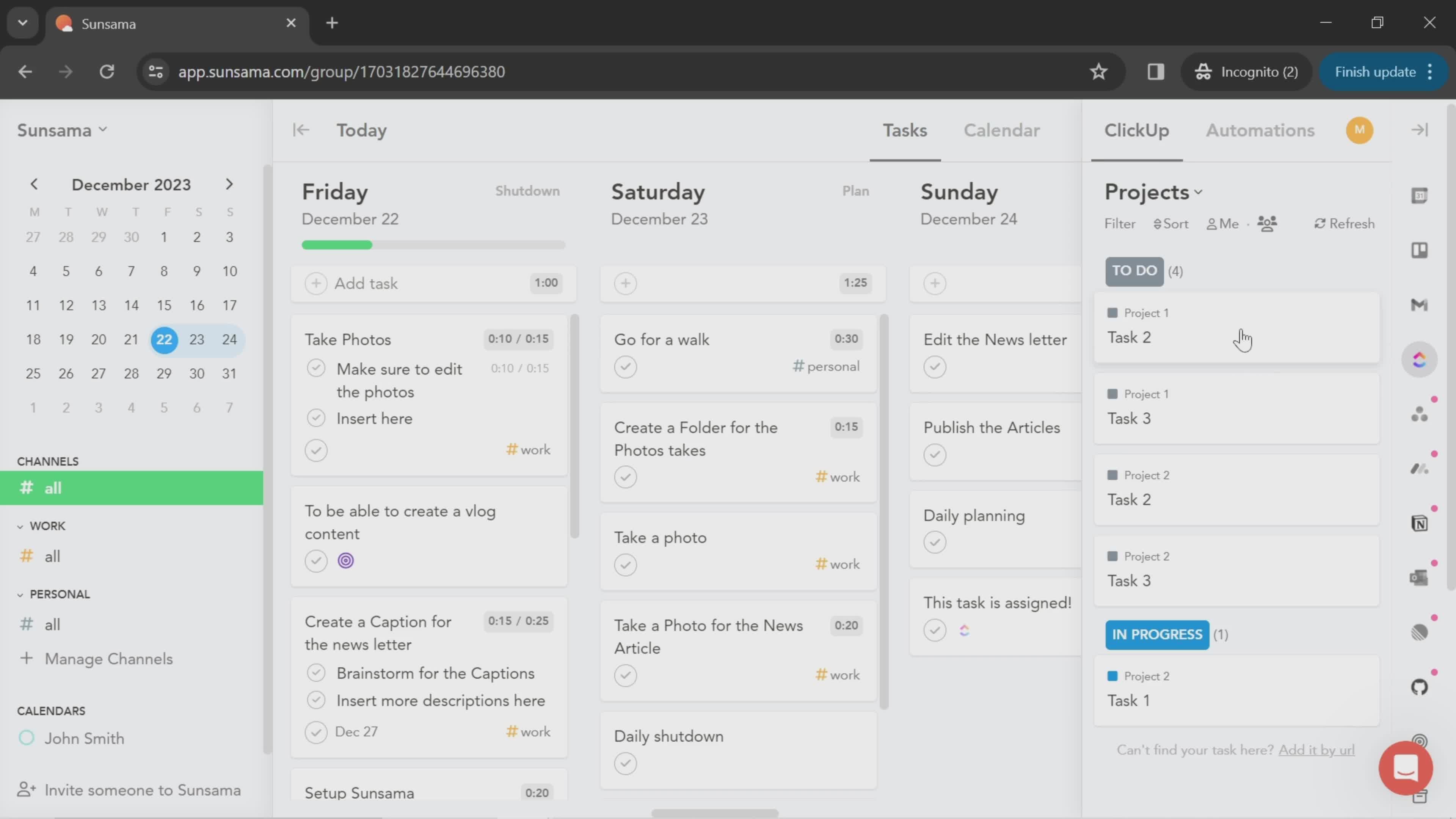
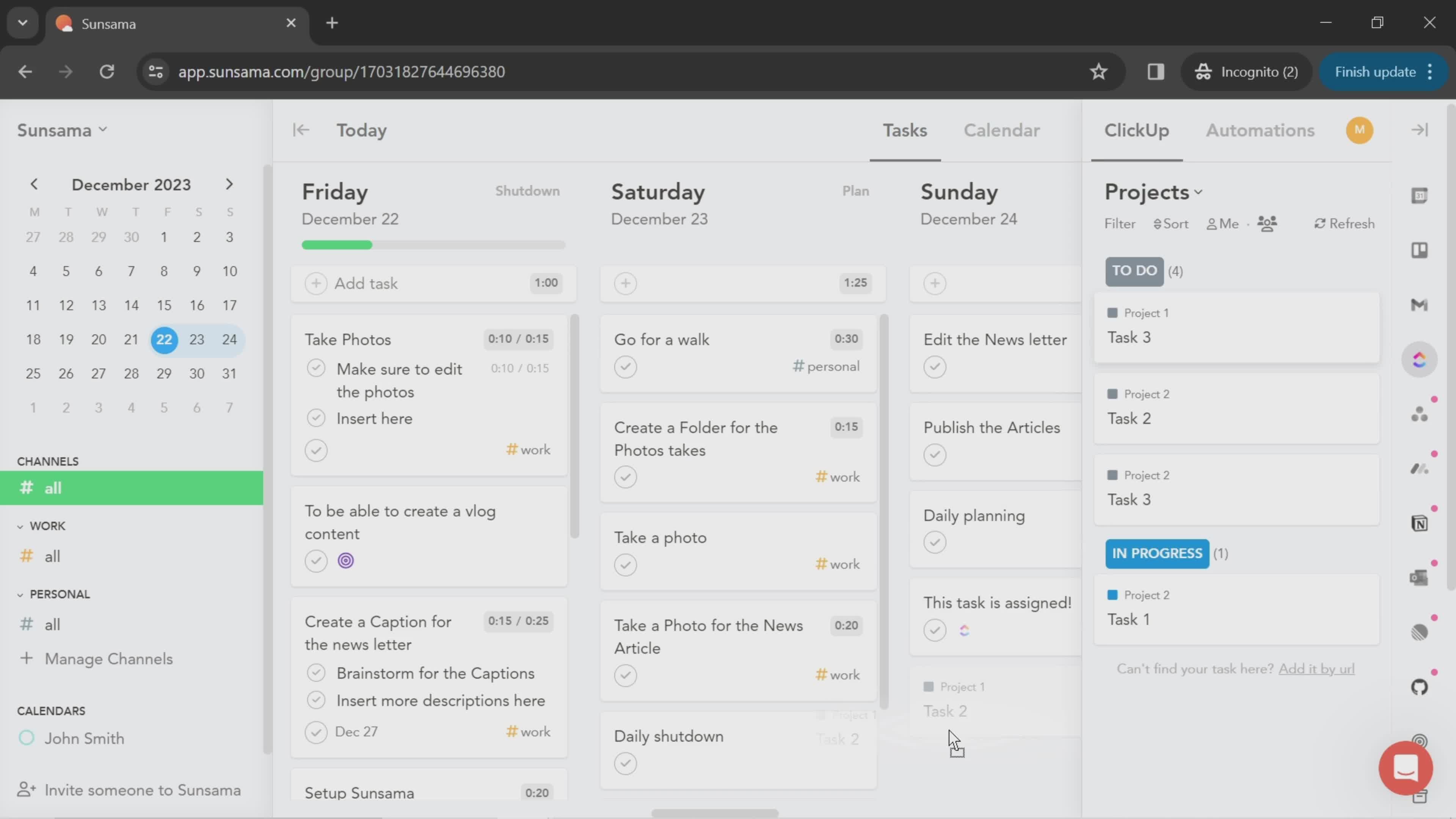
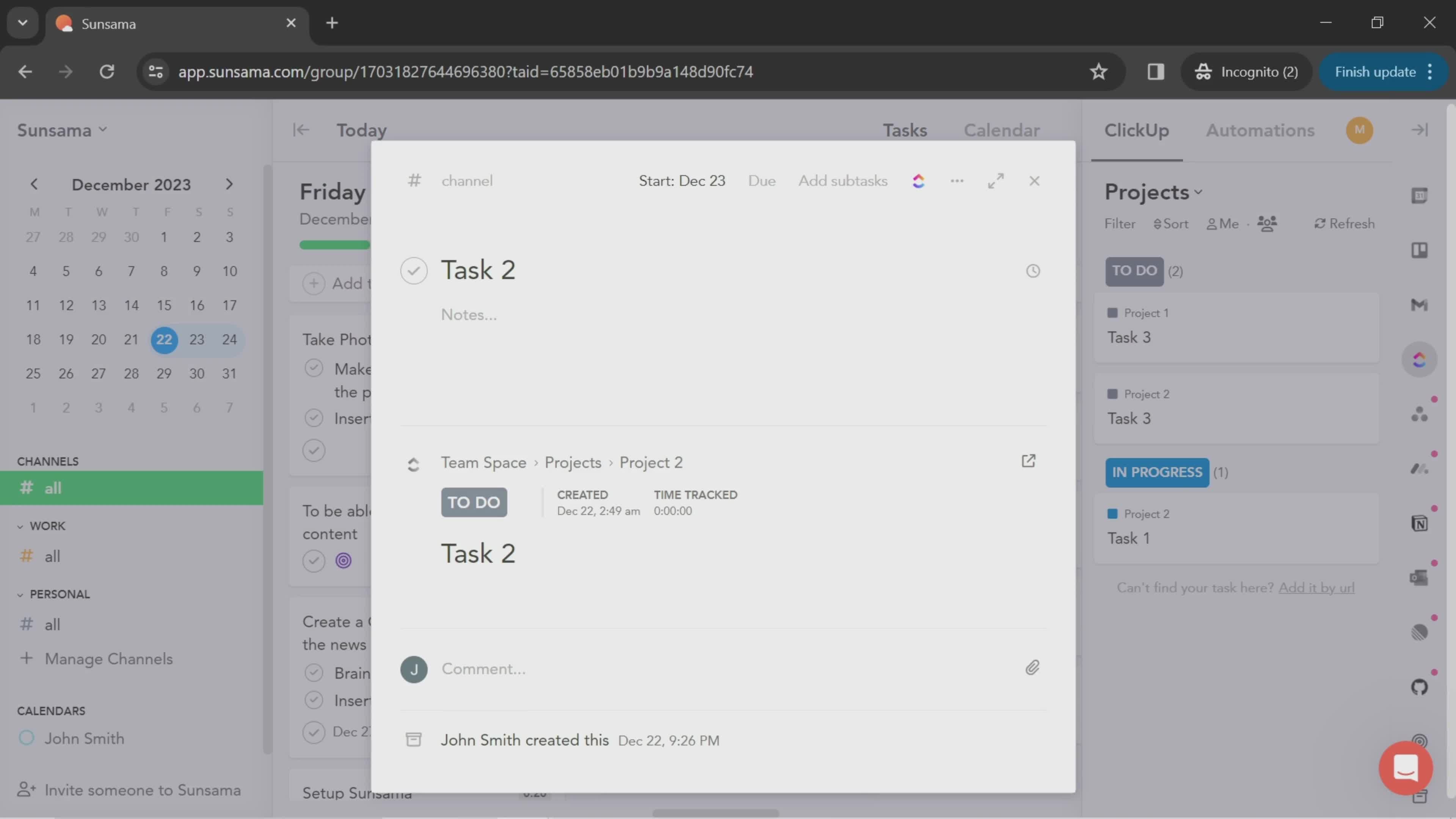
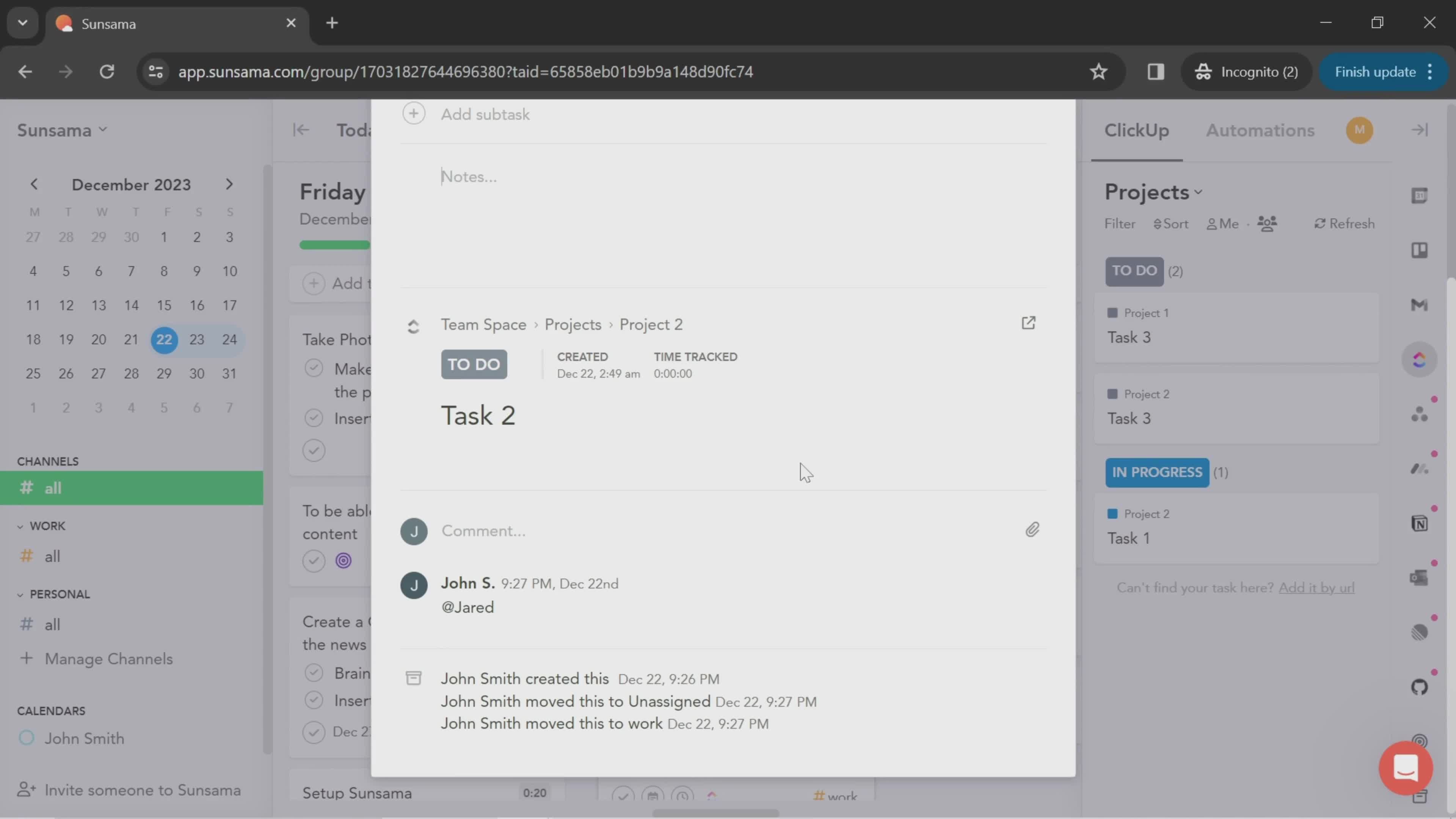
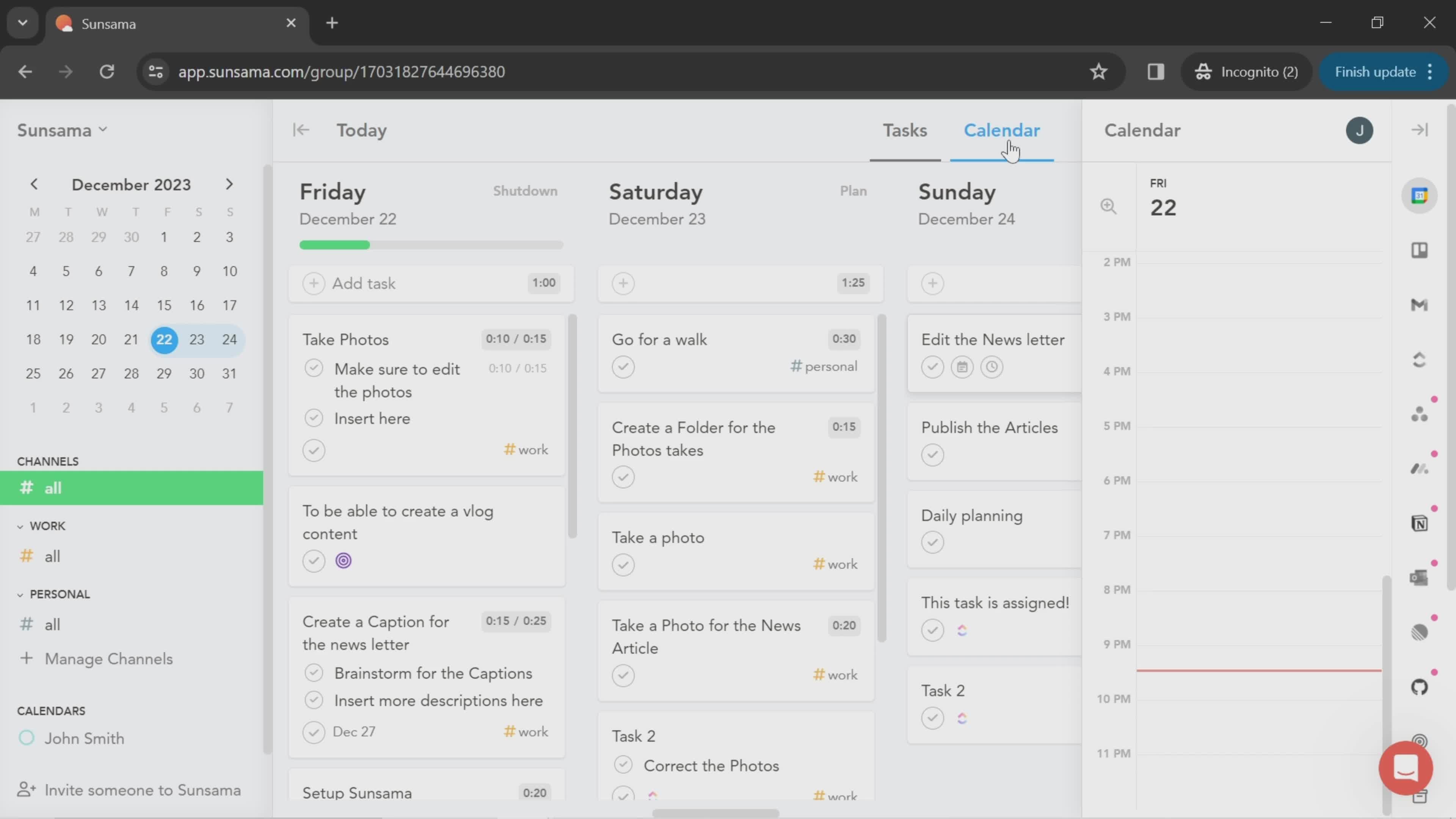
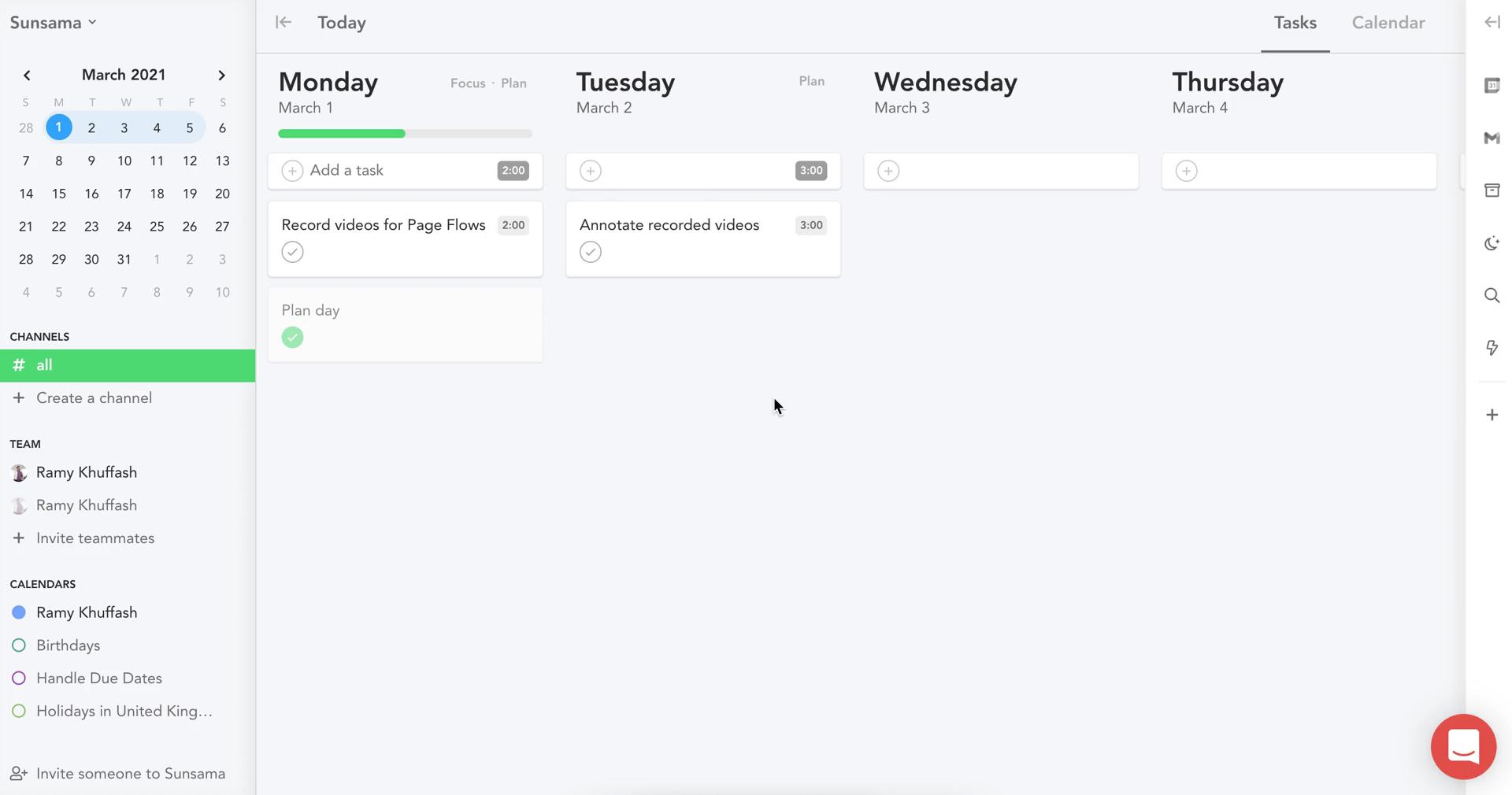
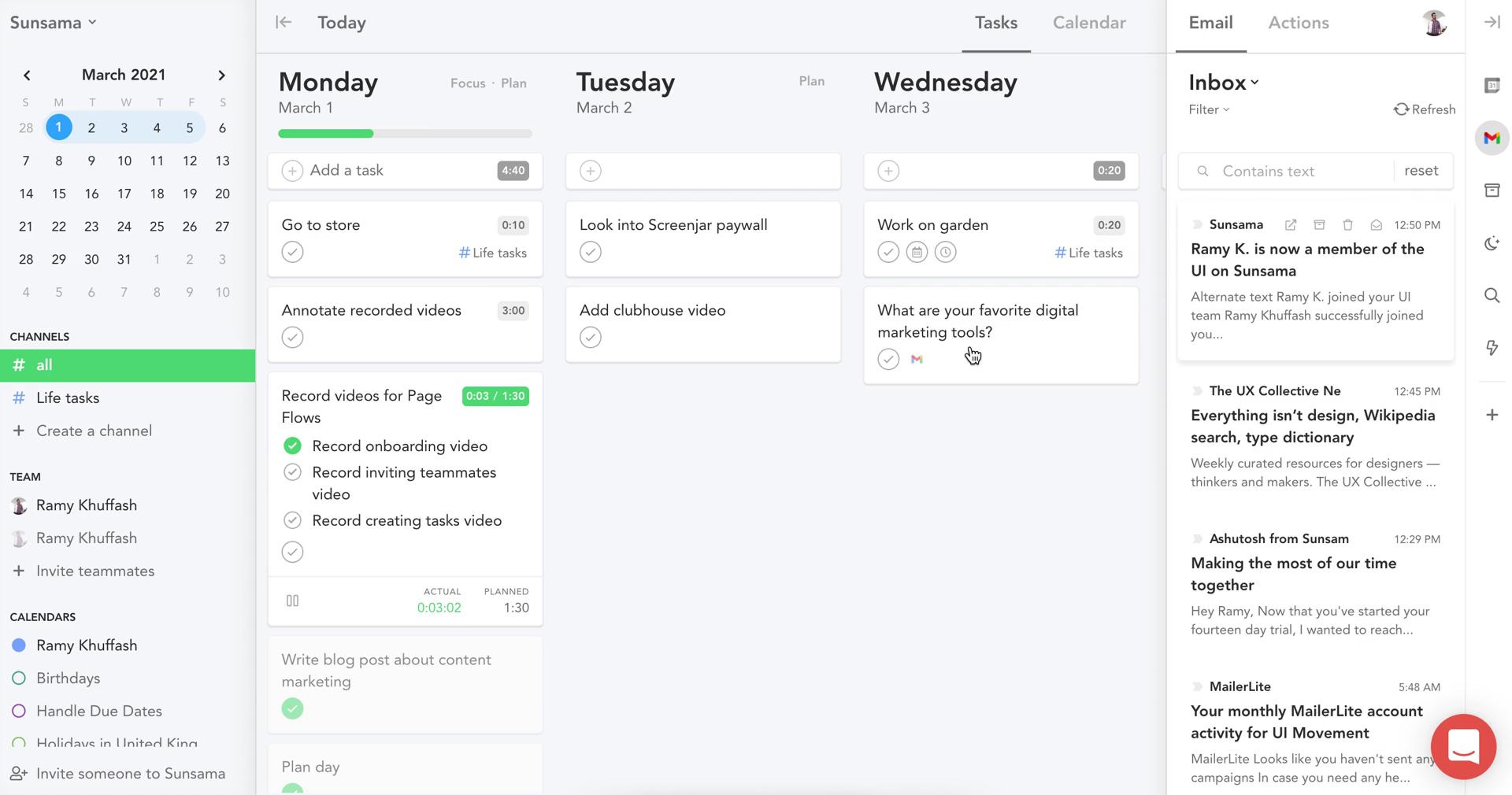
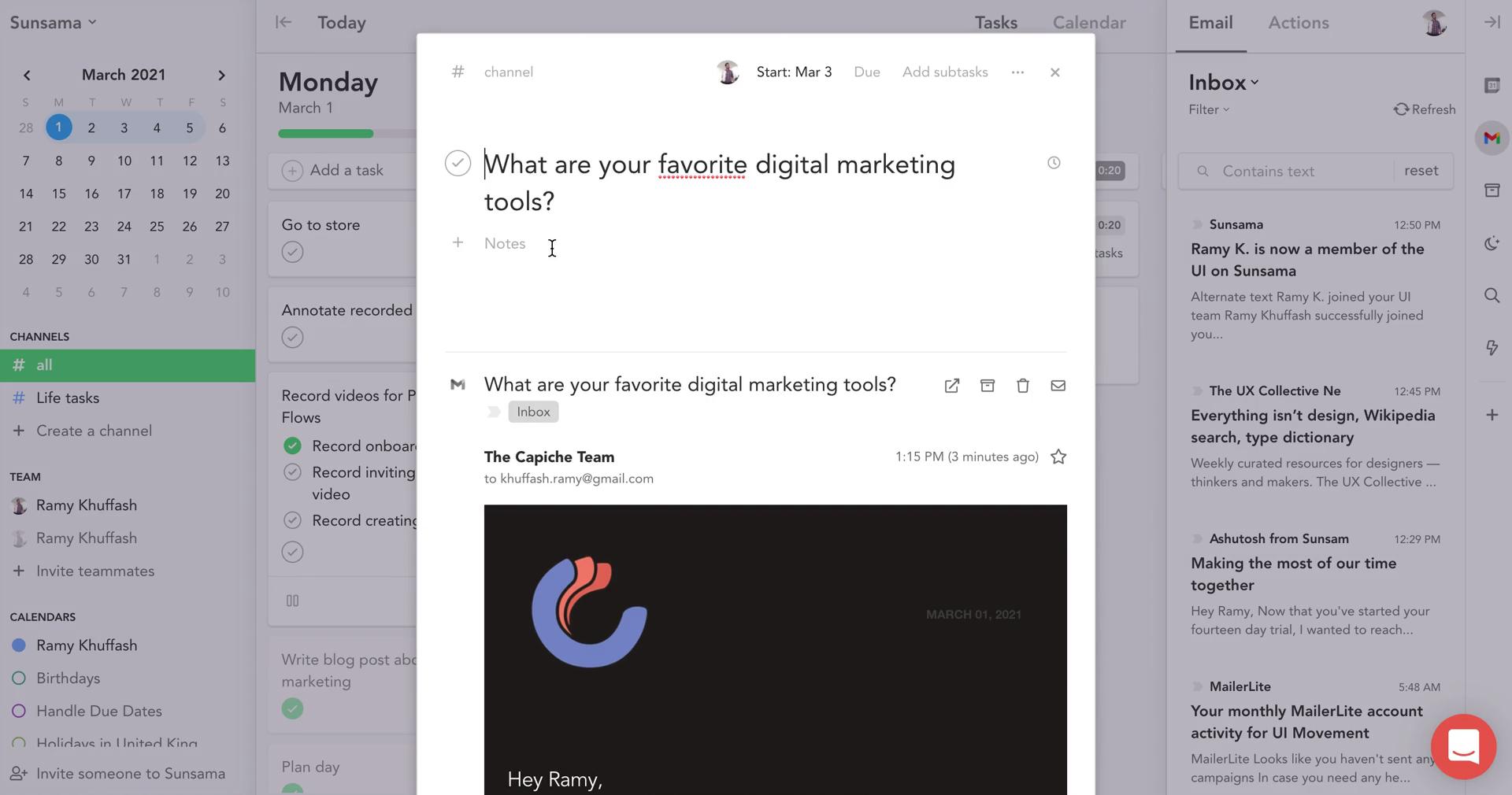
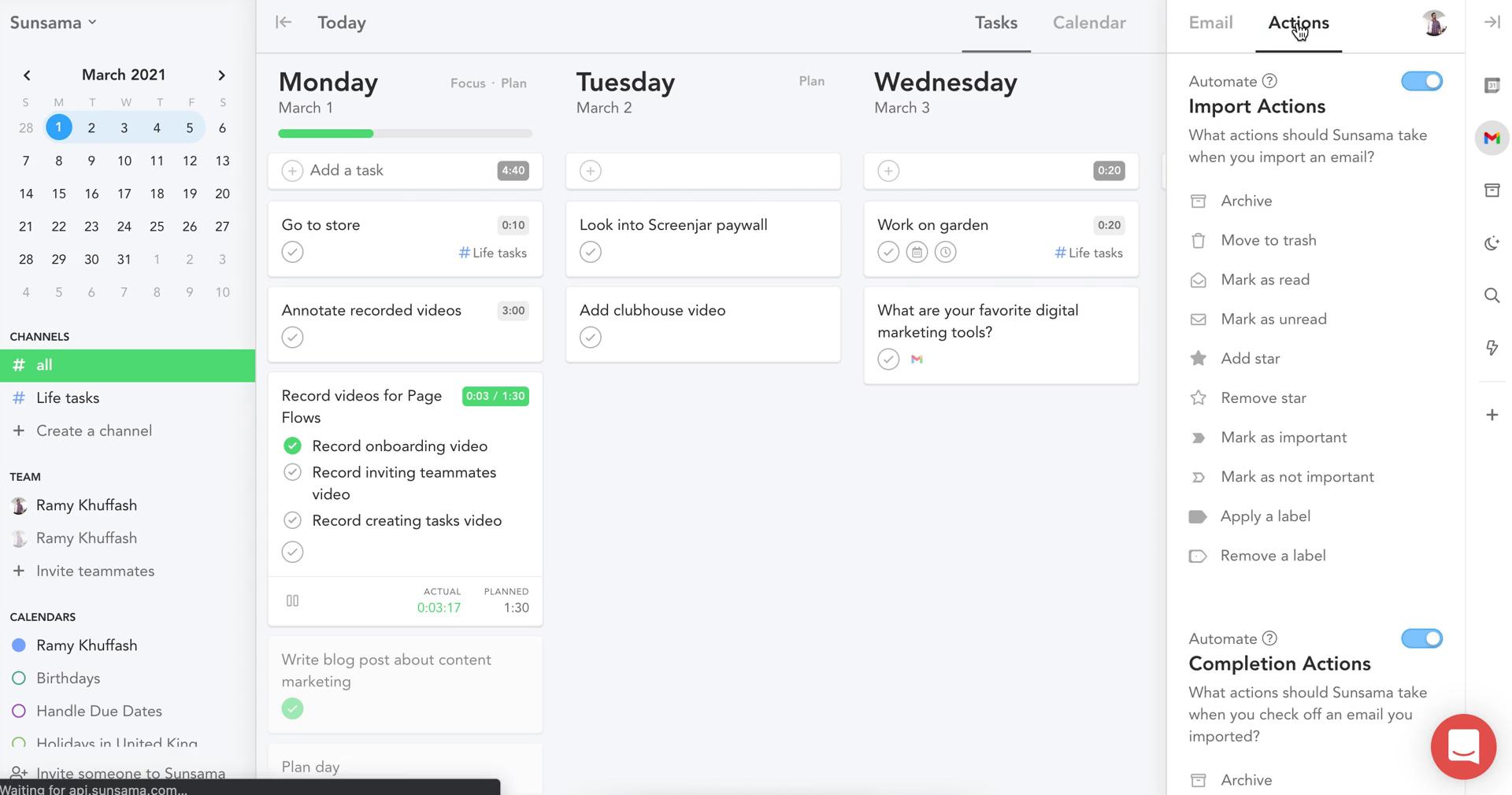
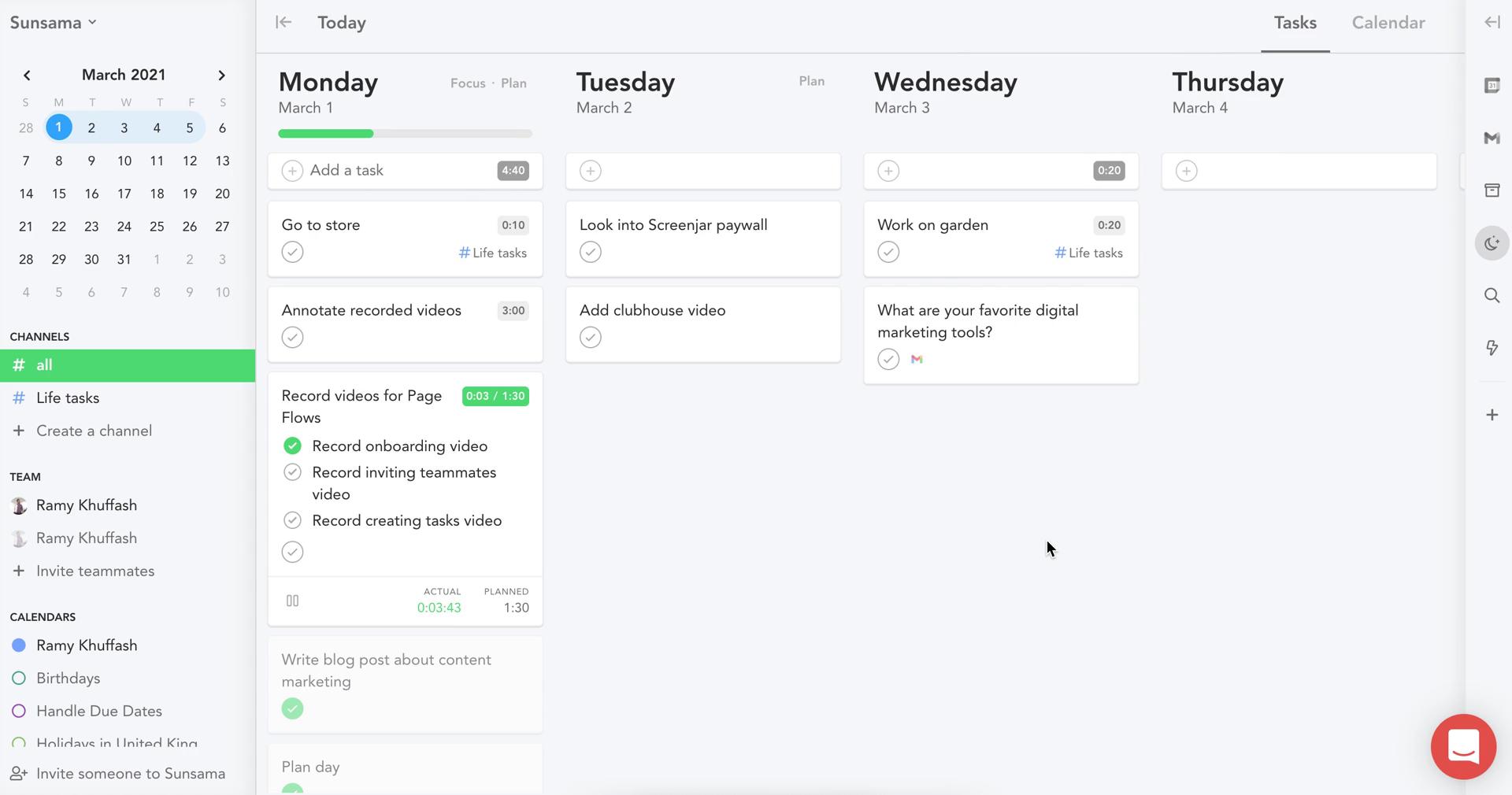
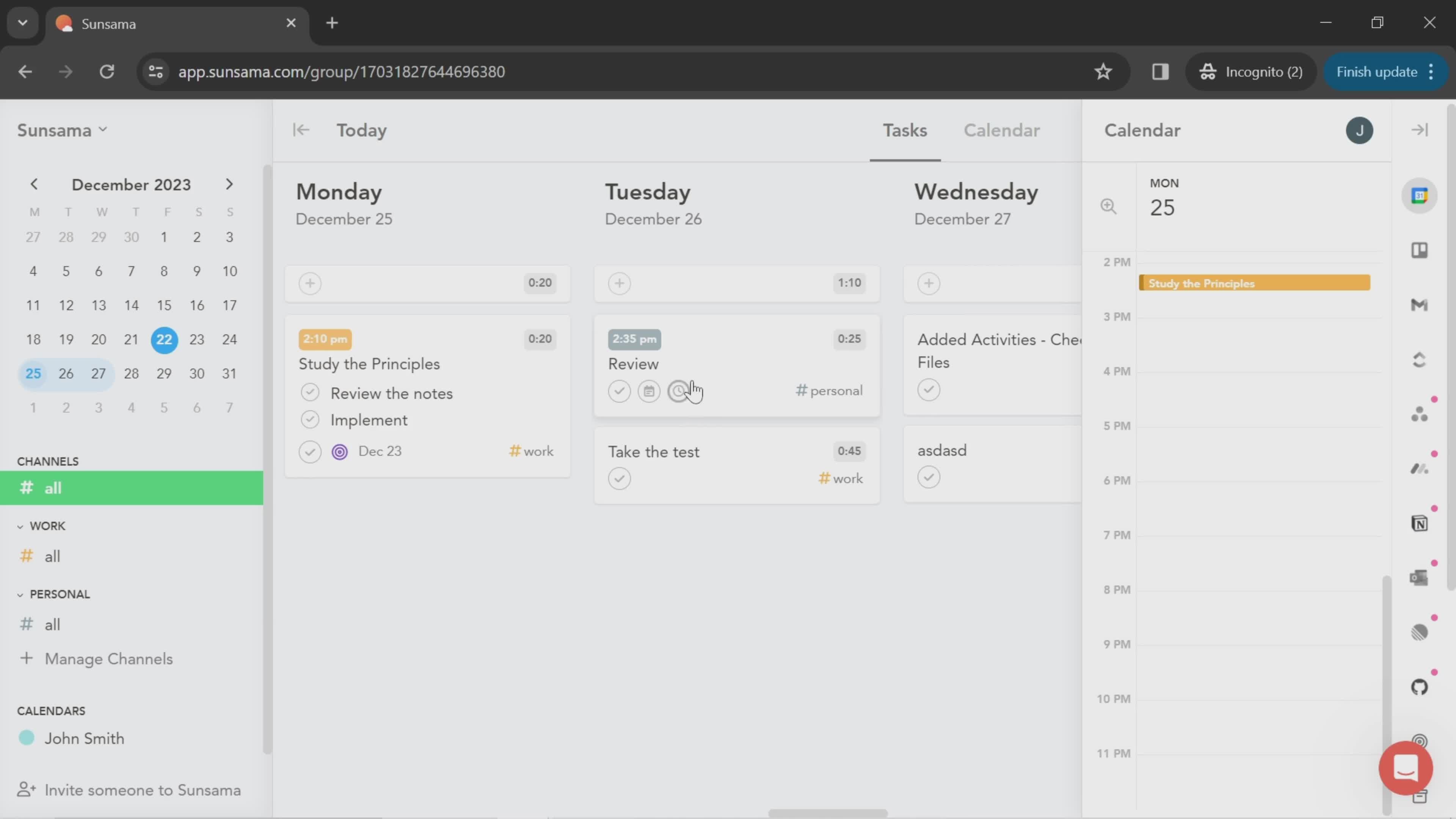
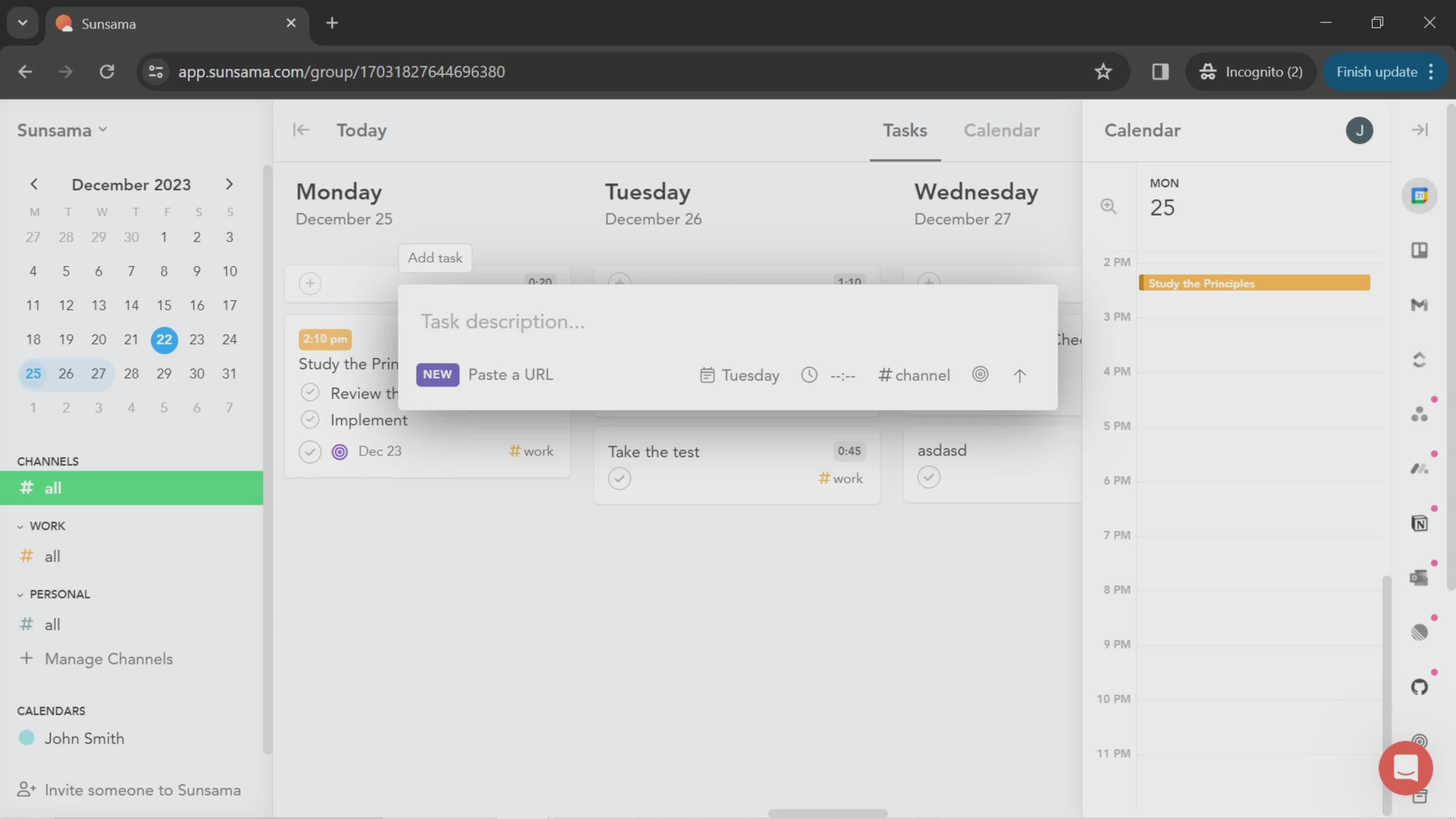
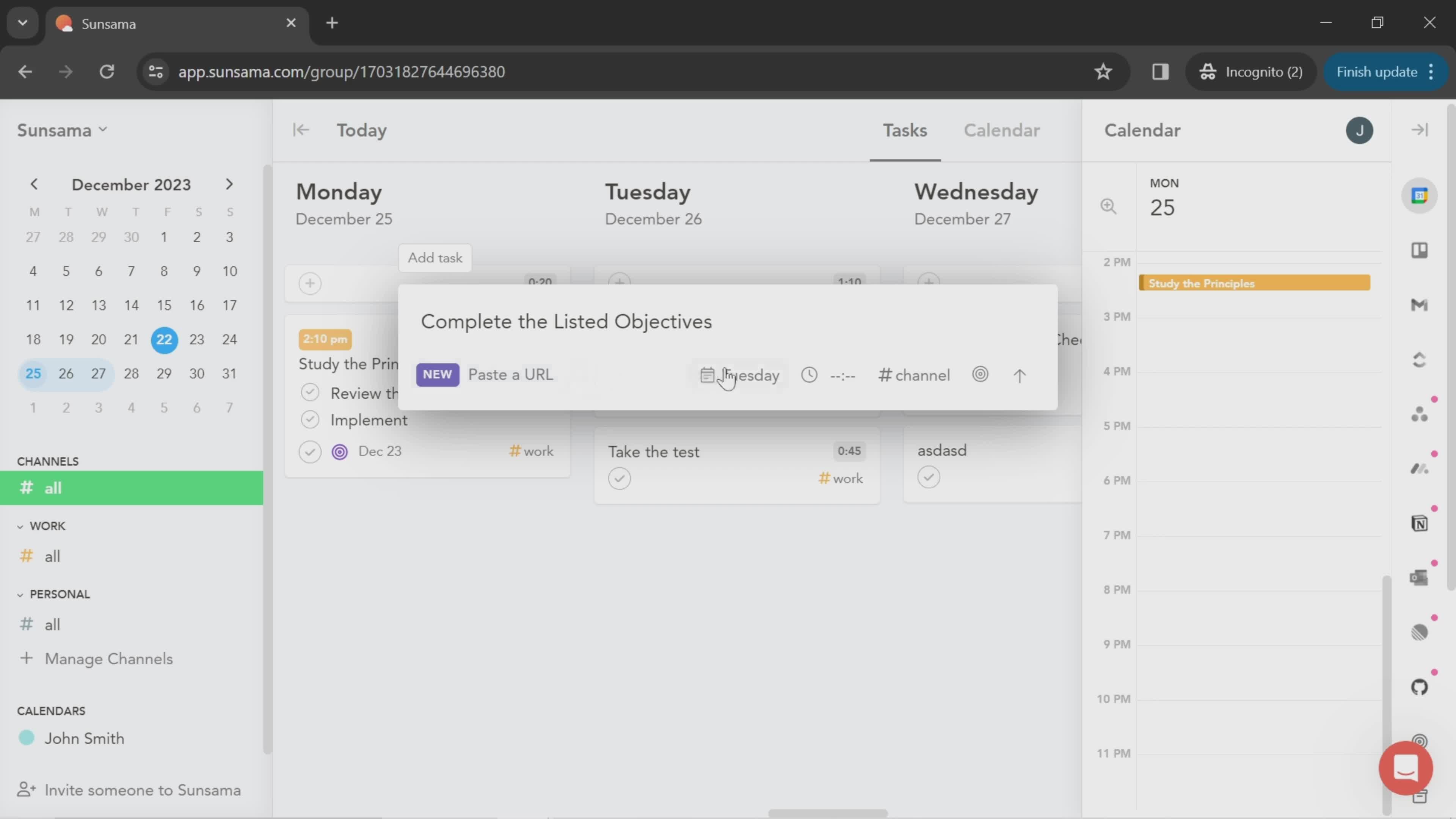
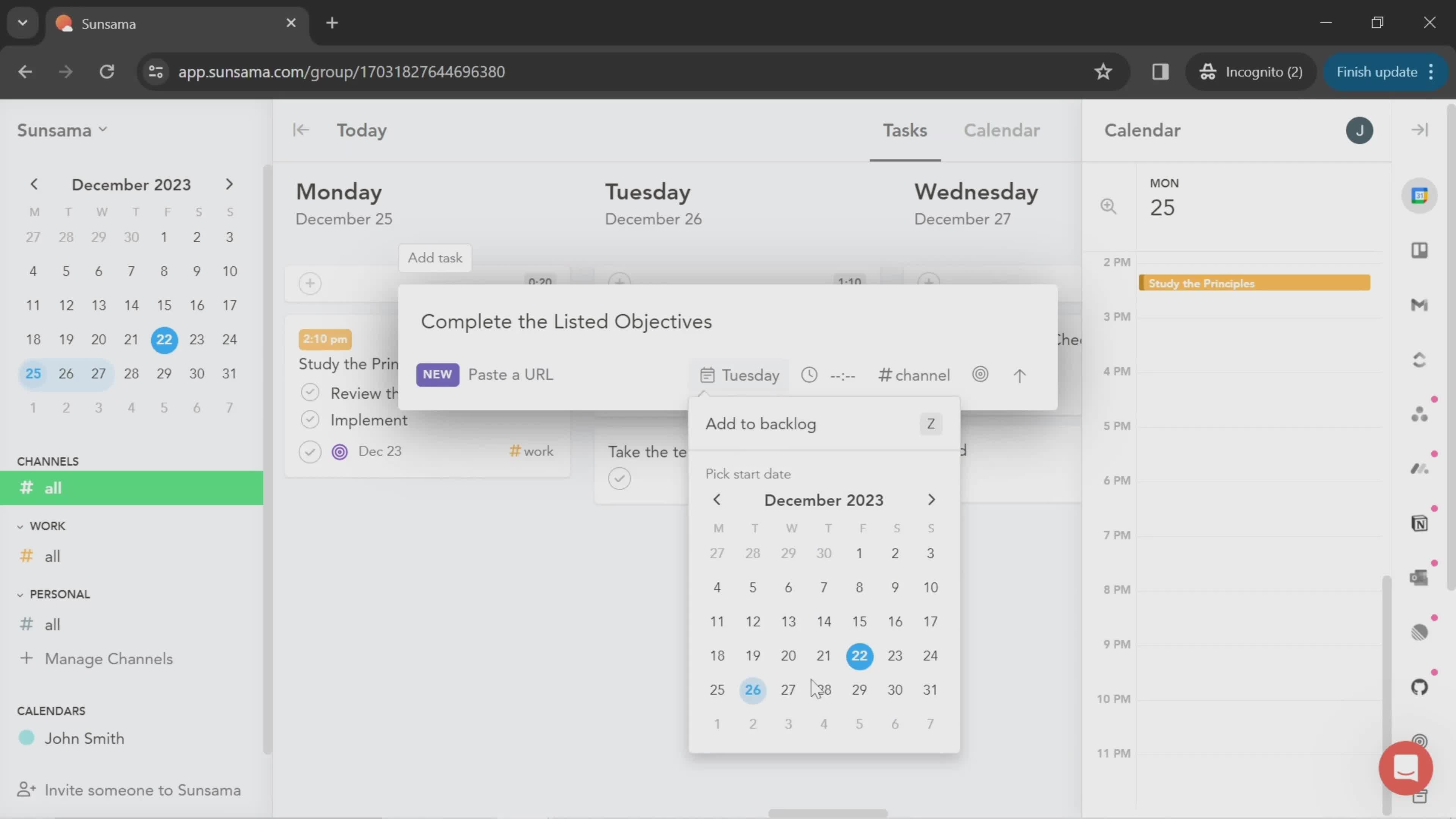
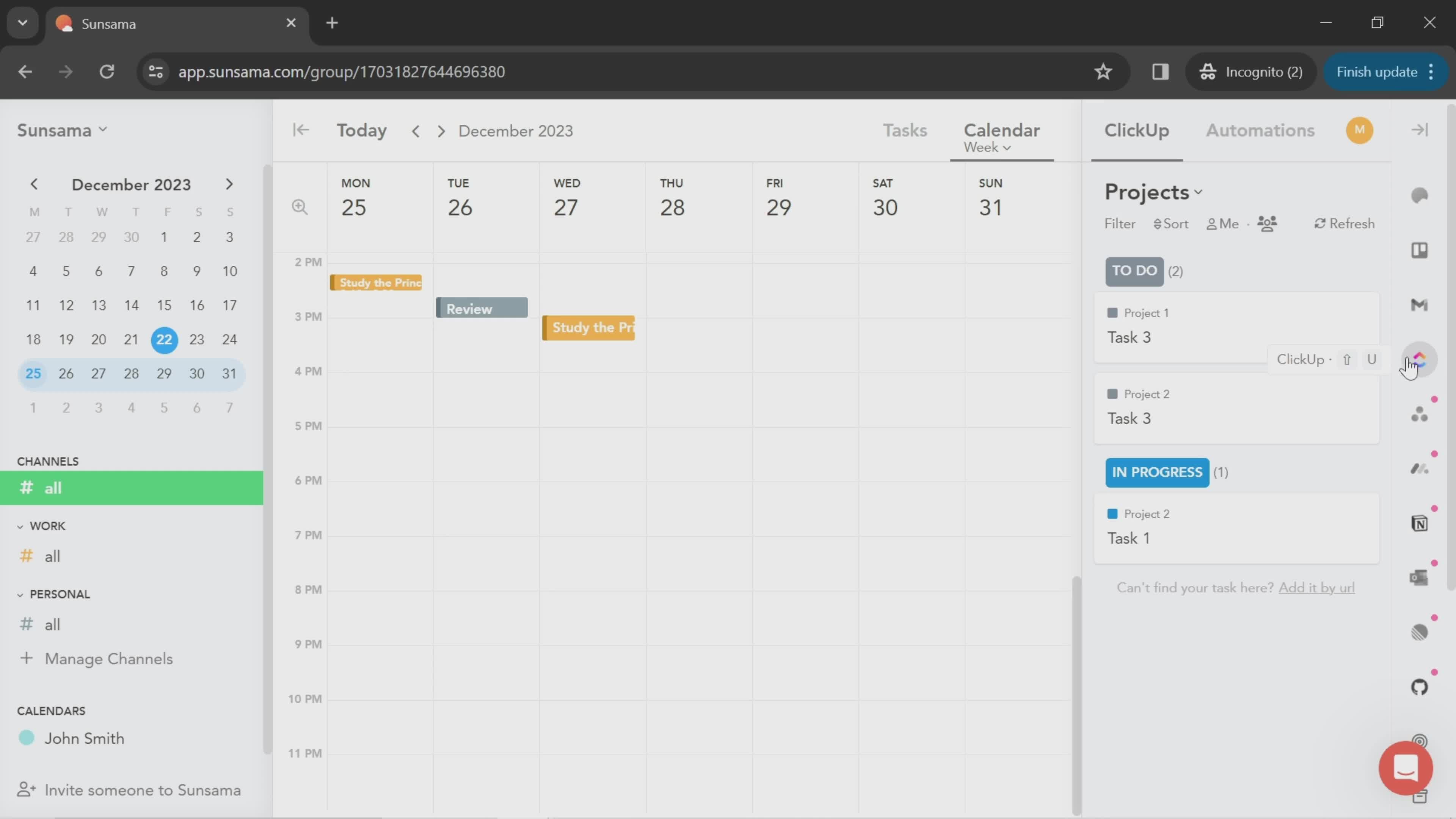
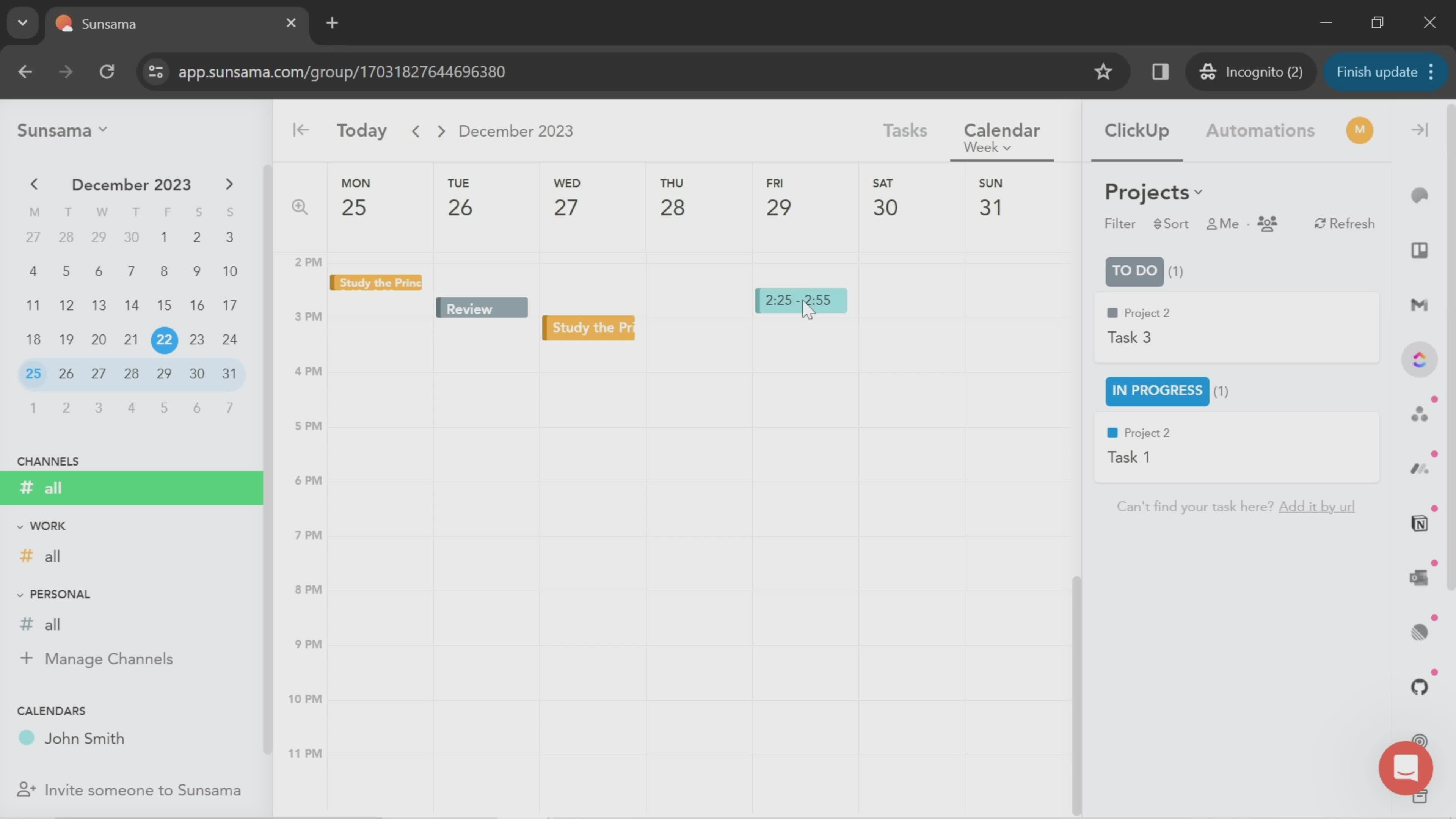
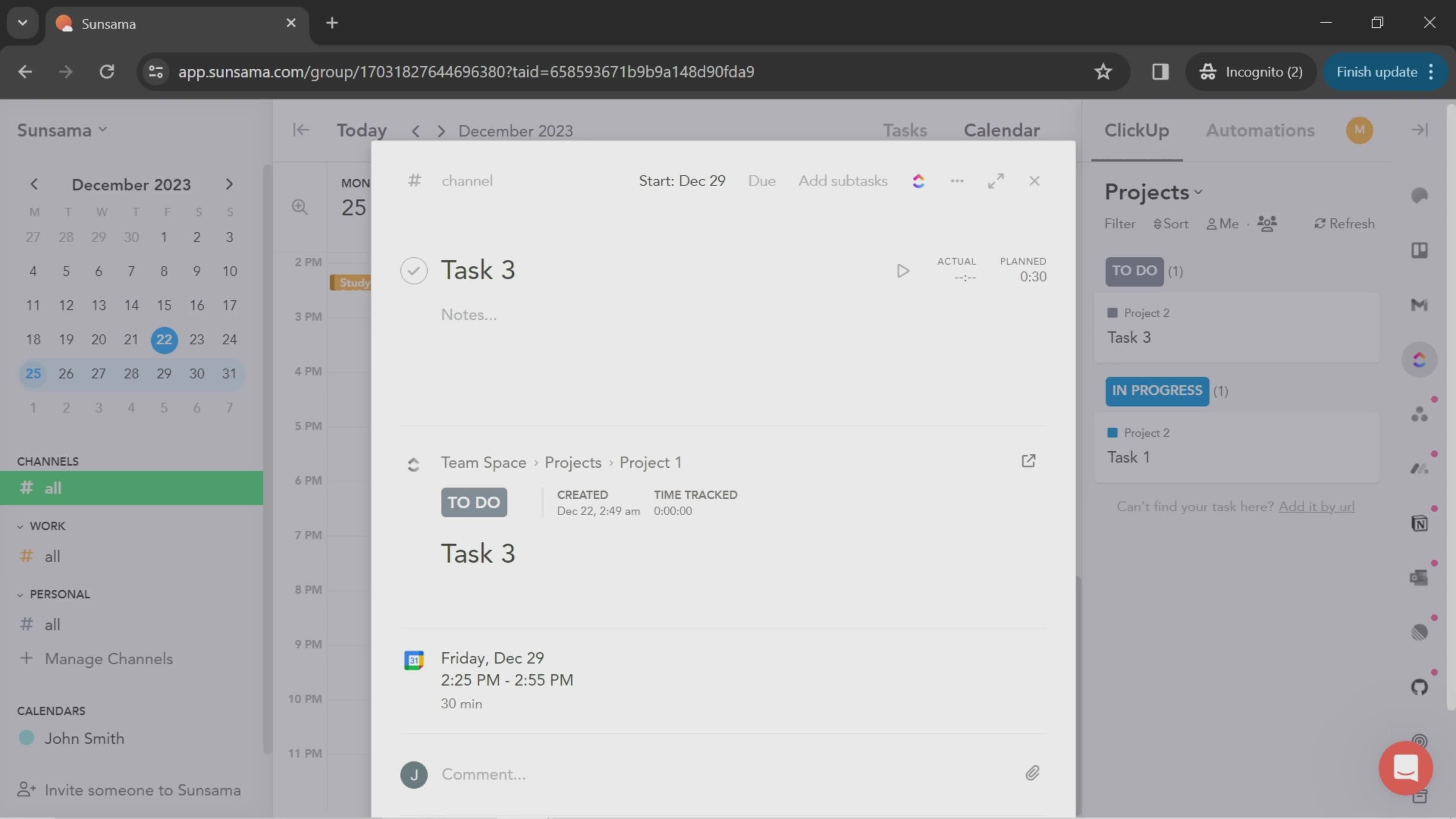
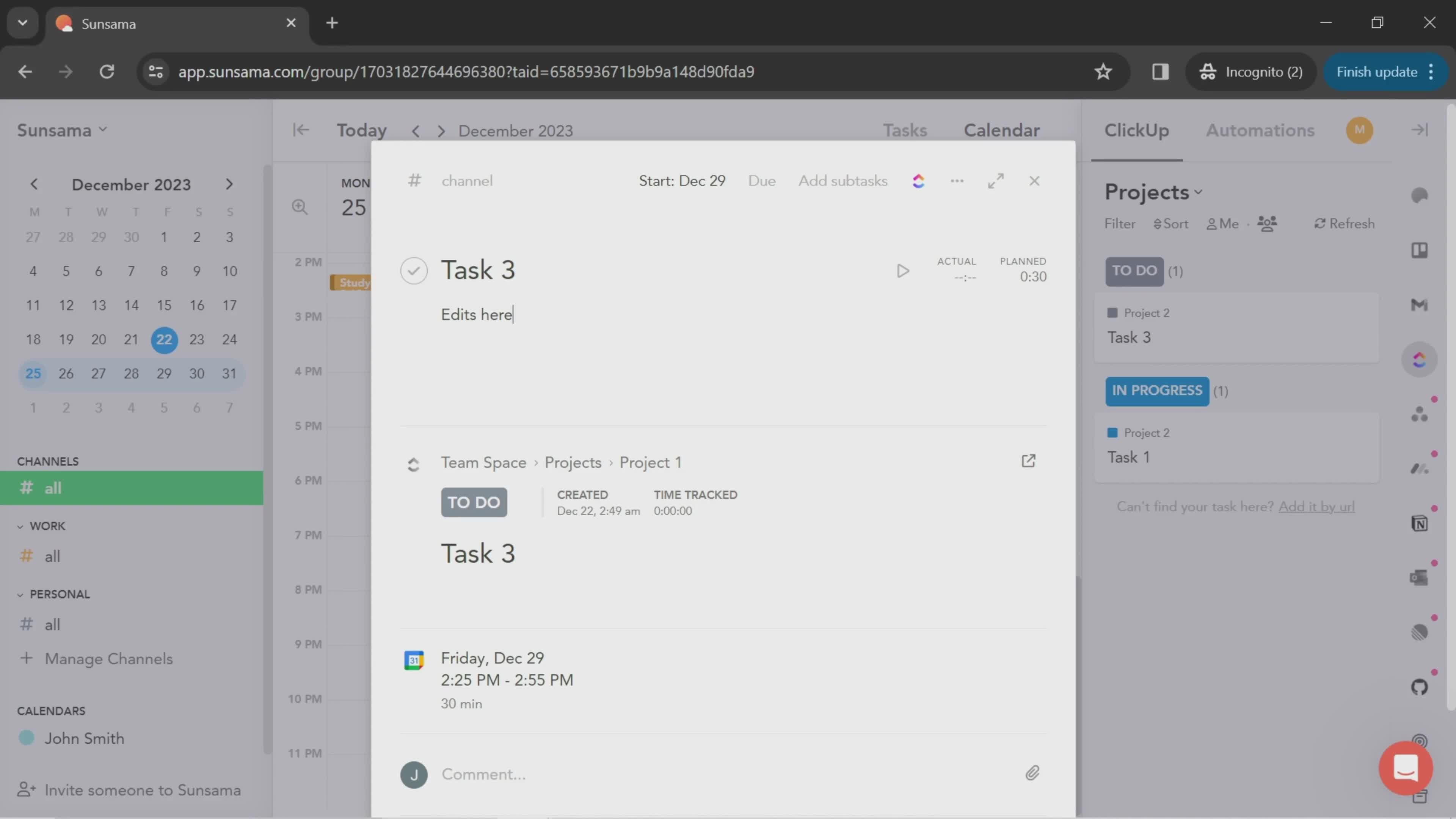
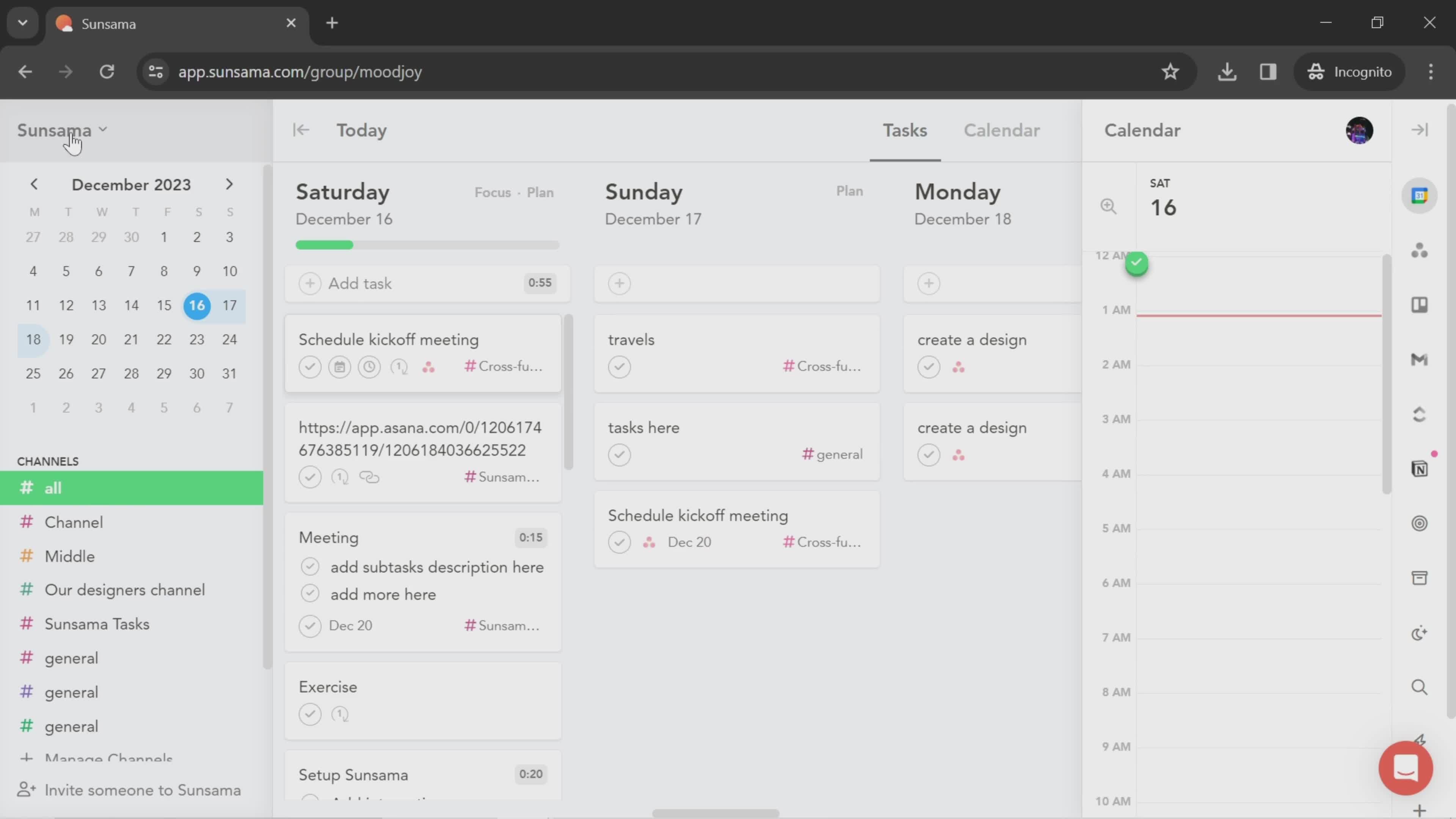
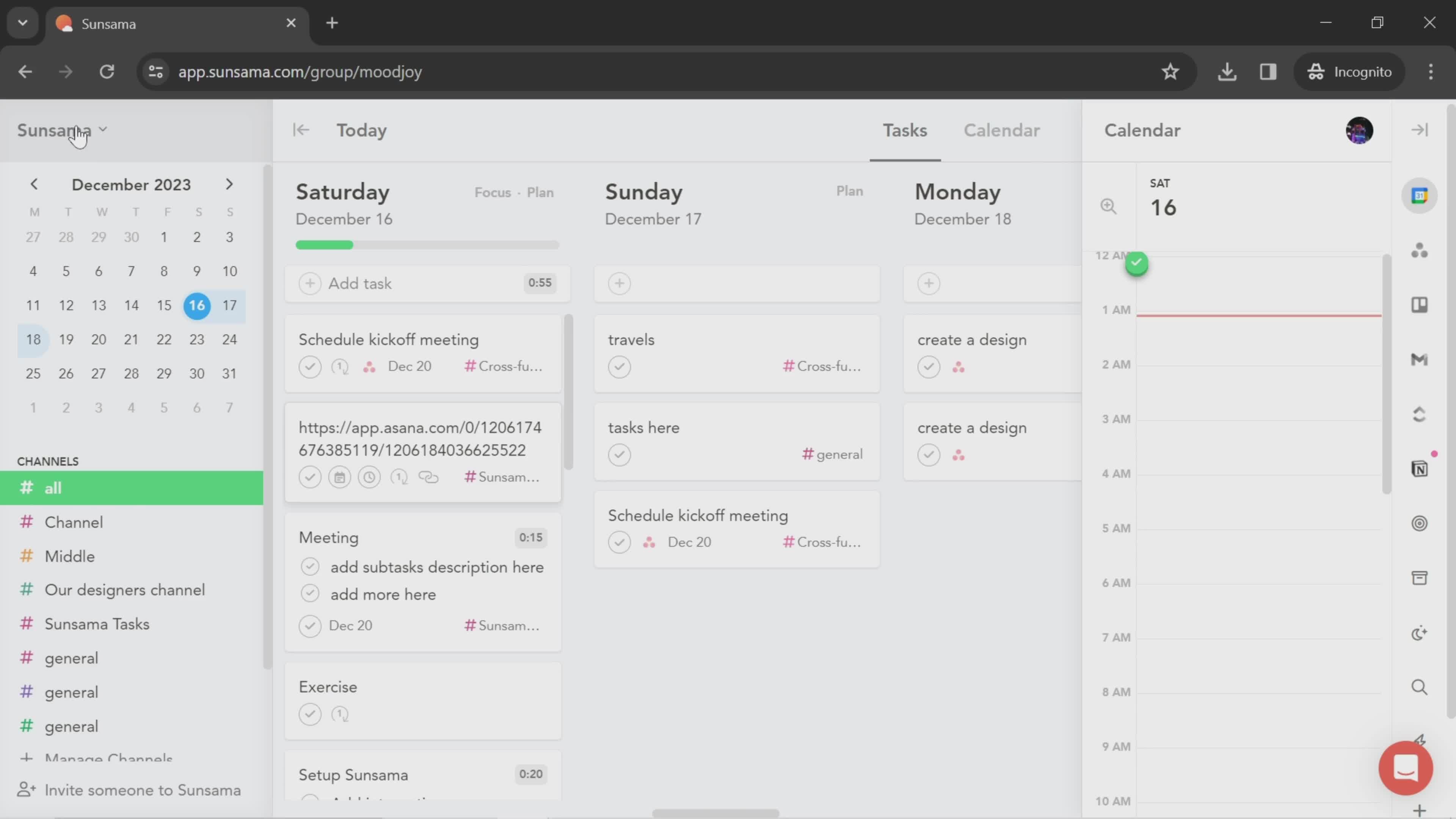
Dashboard
this is title
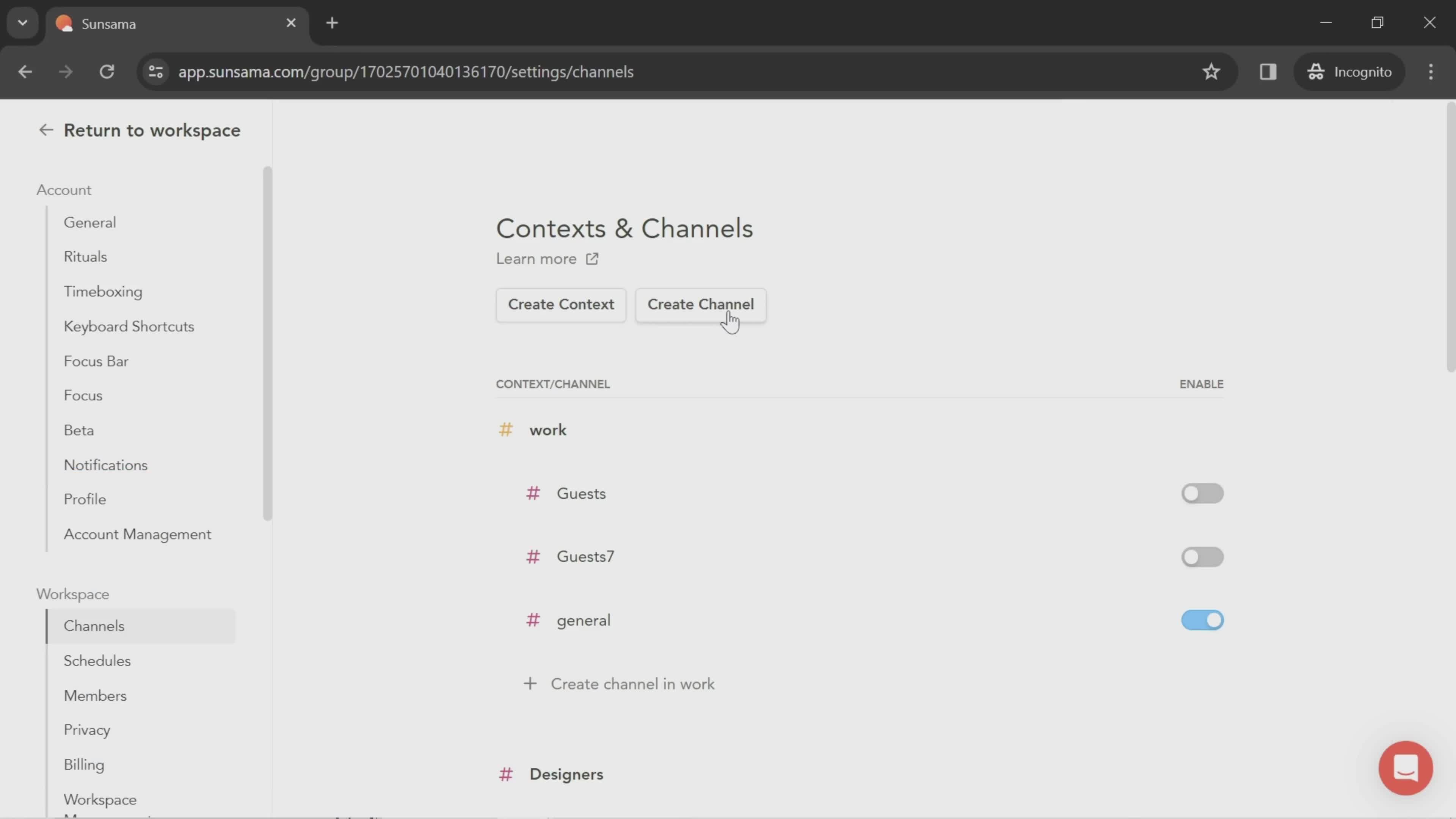
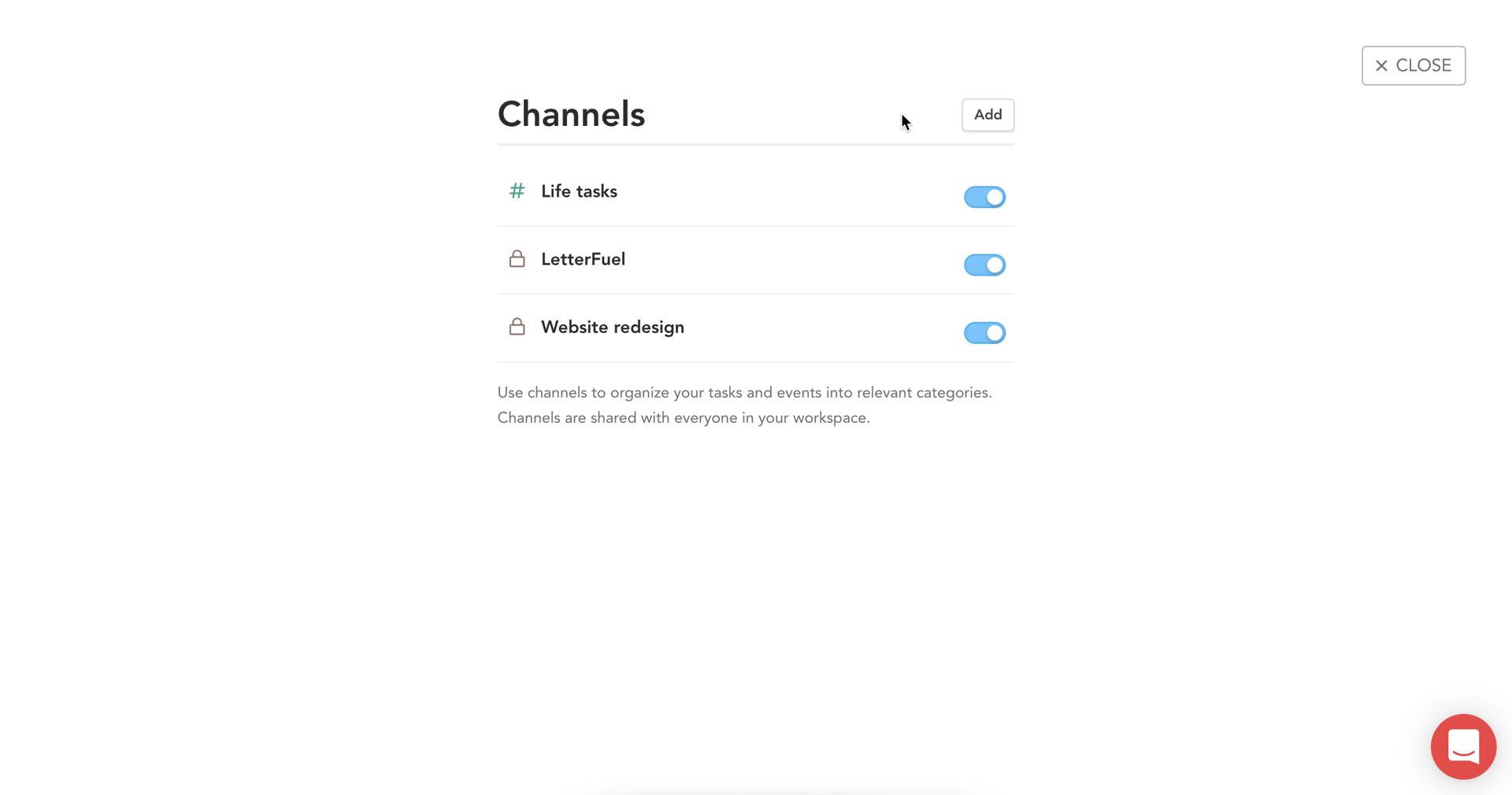
Channels
this is title
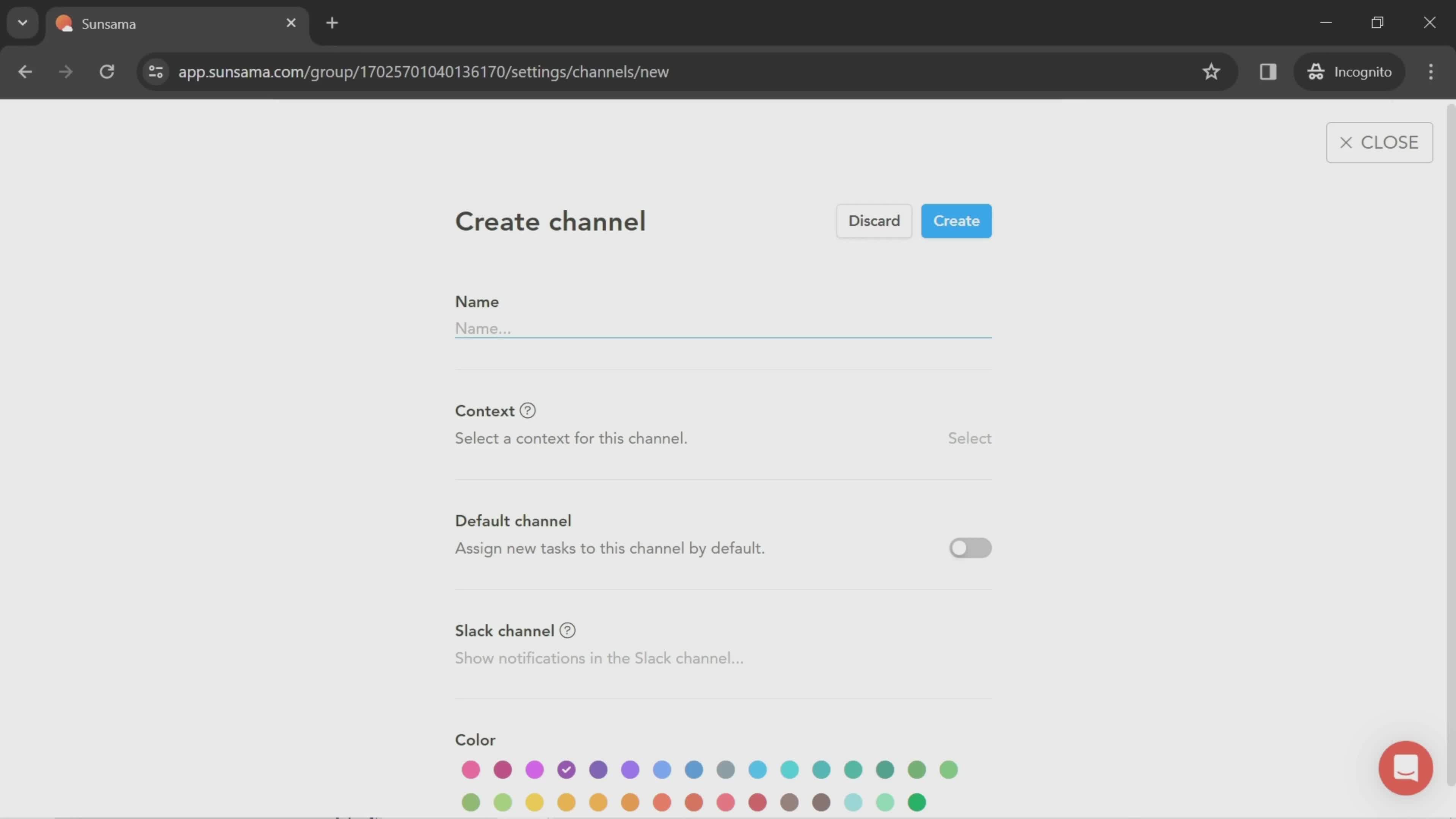
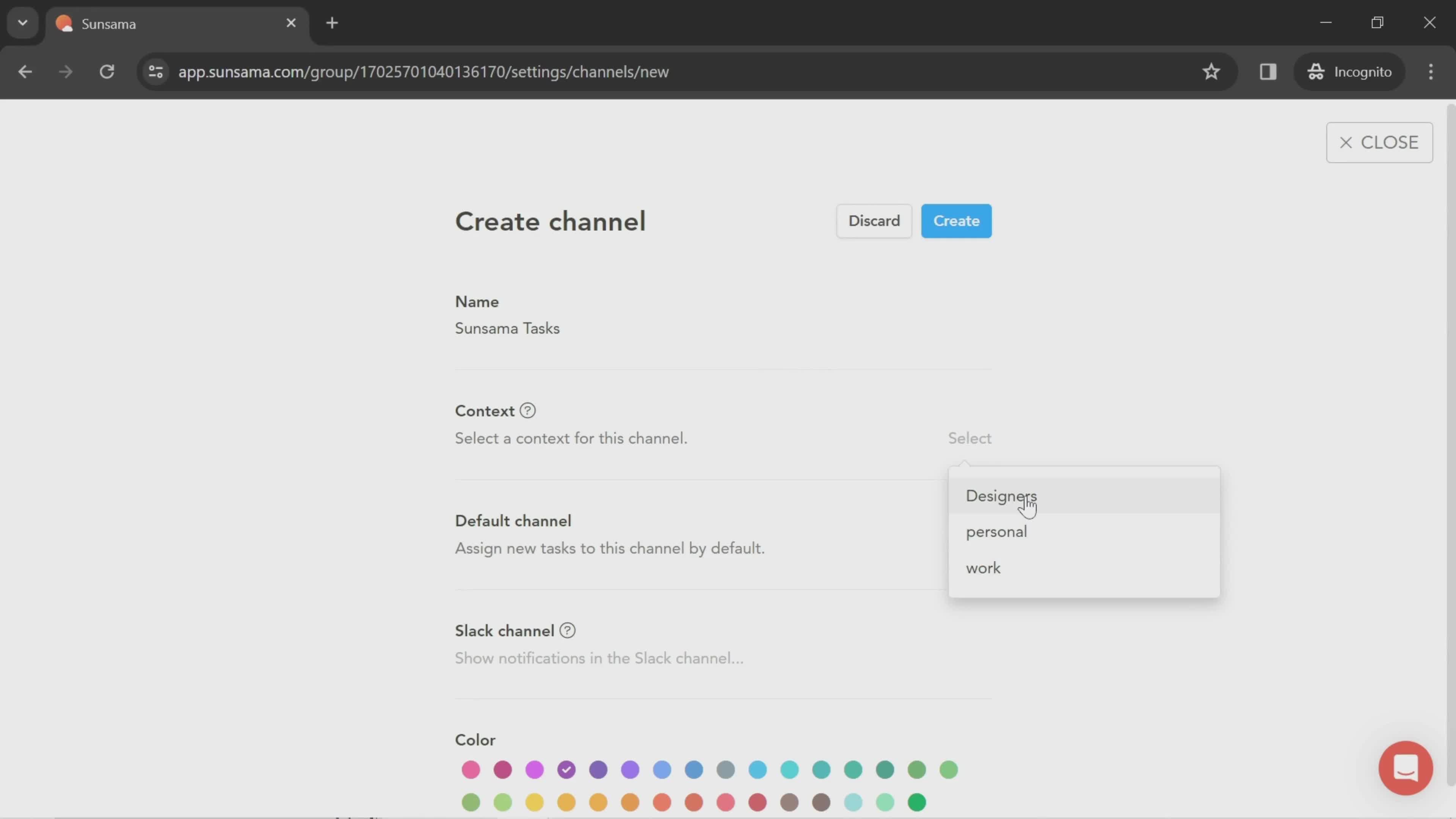
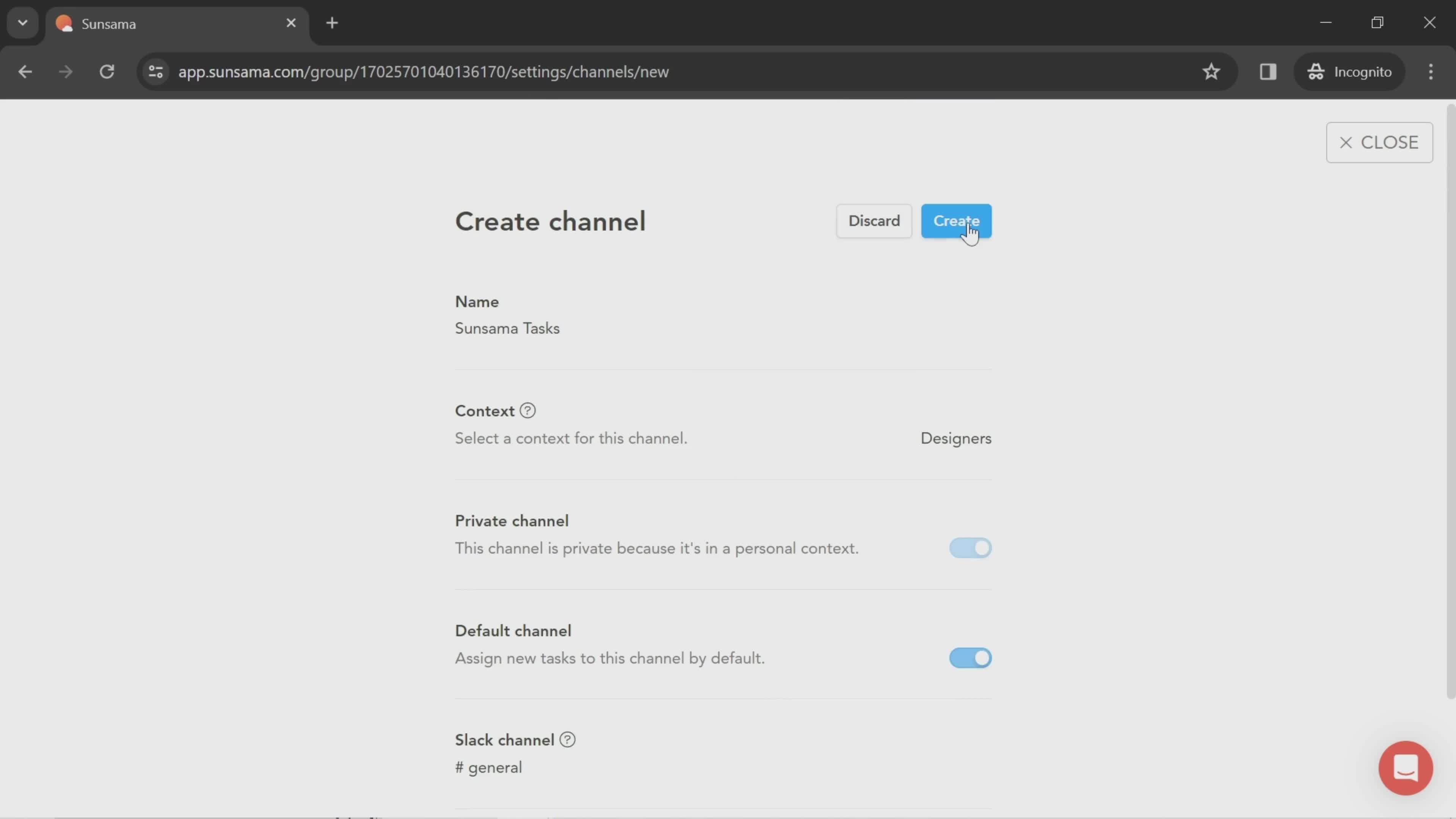
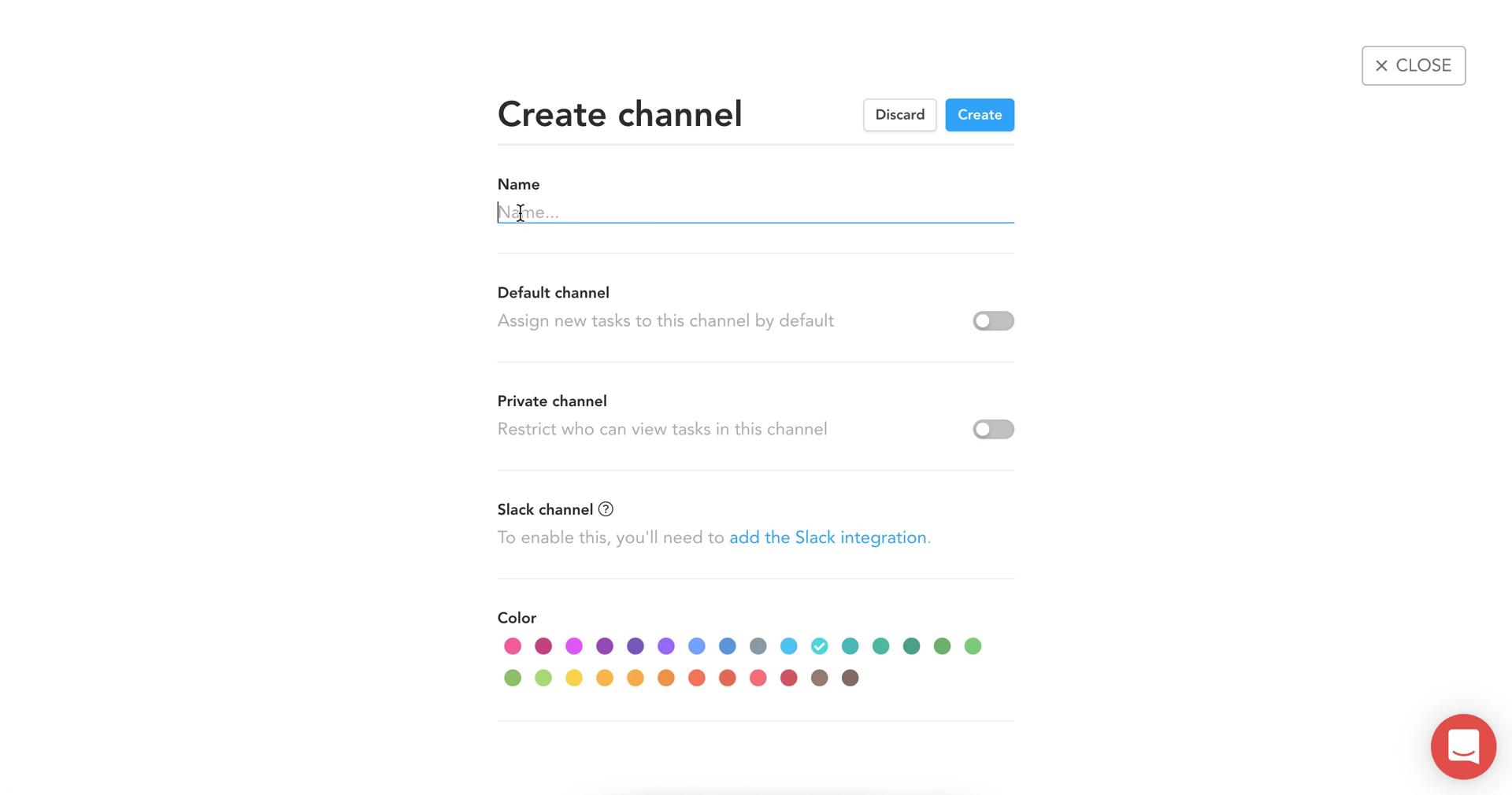
Create channel
this is title
this is title
Select type
this is title
Create channel
this is title
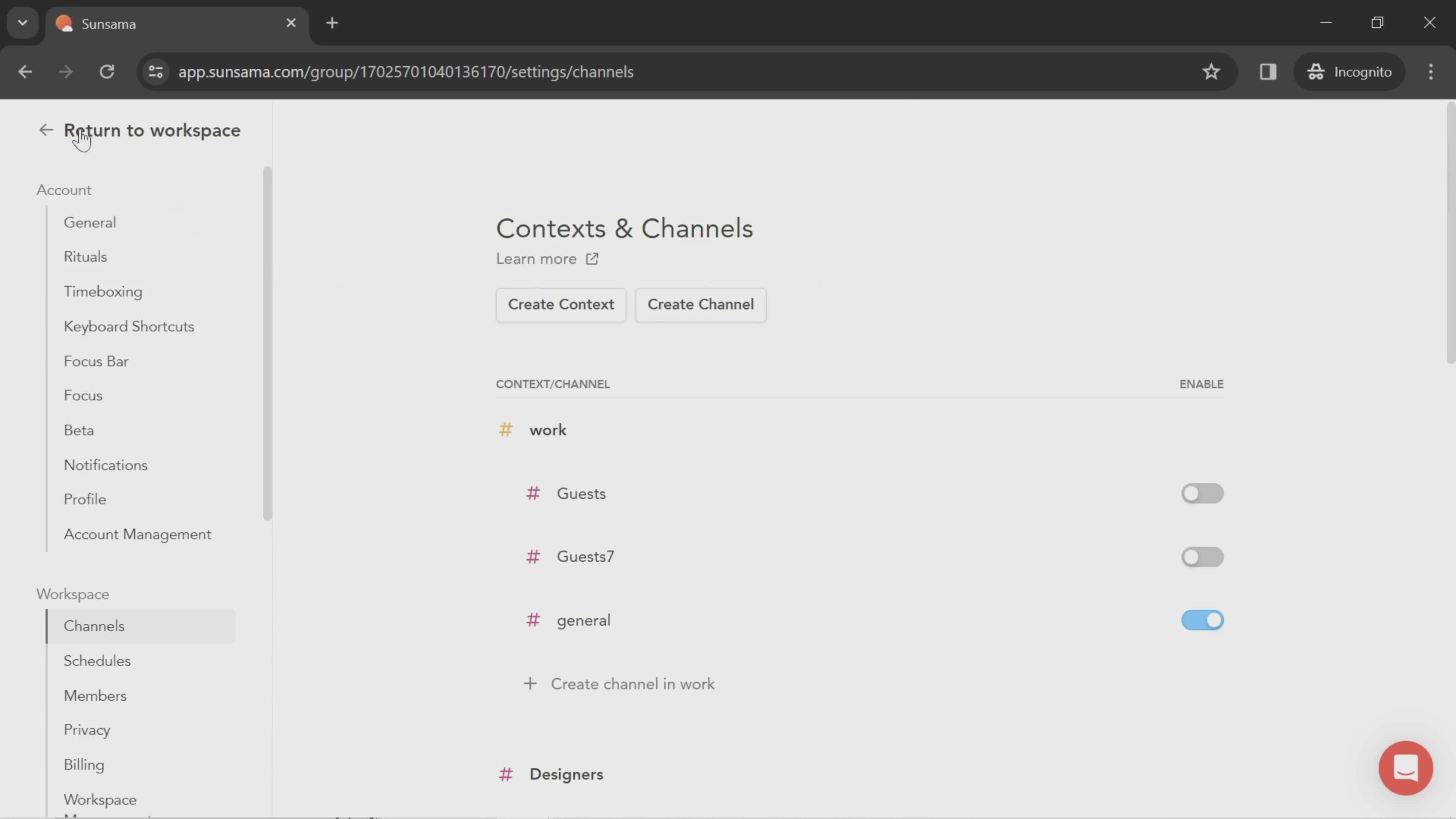
Channels
this is title
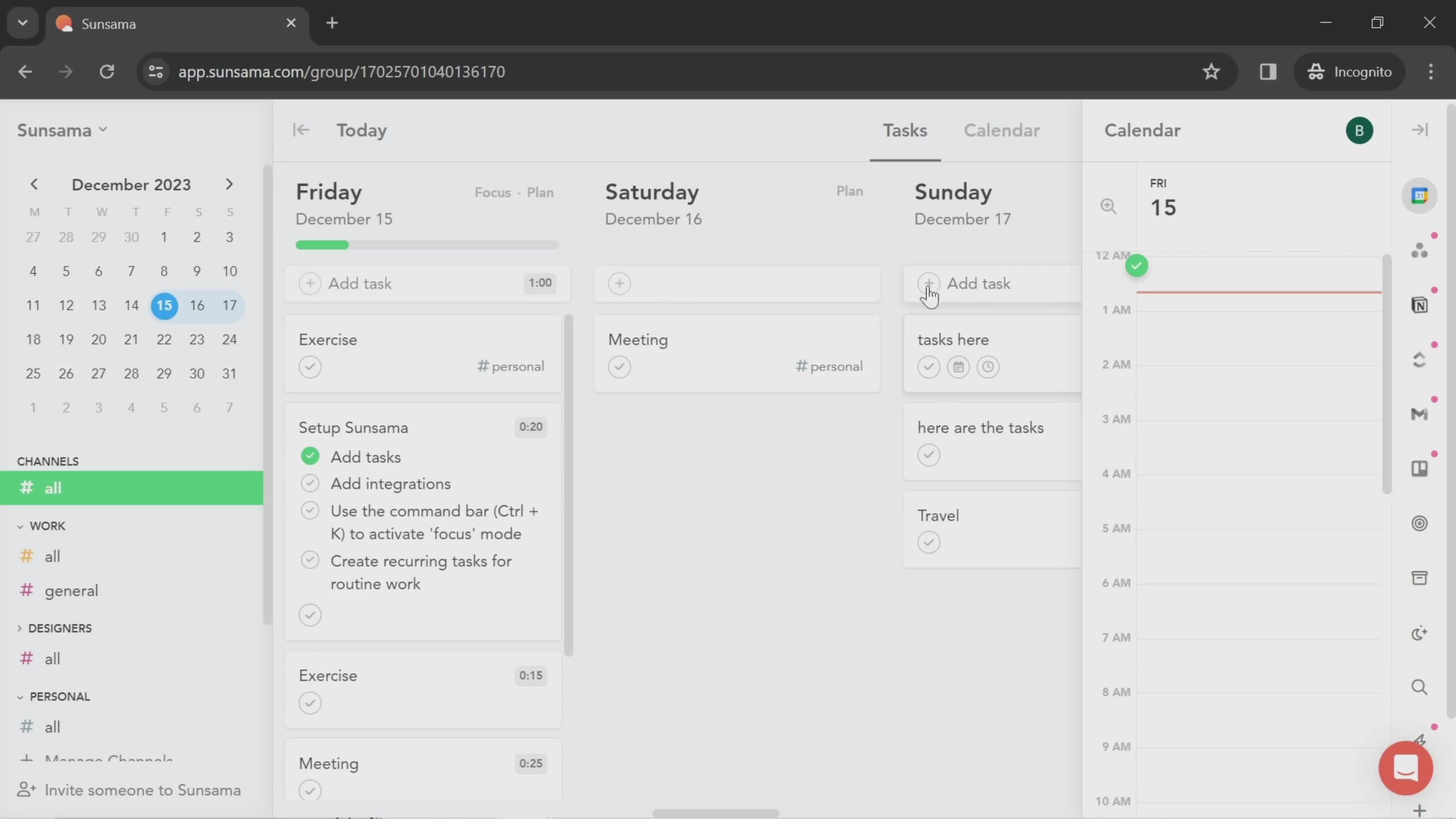
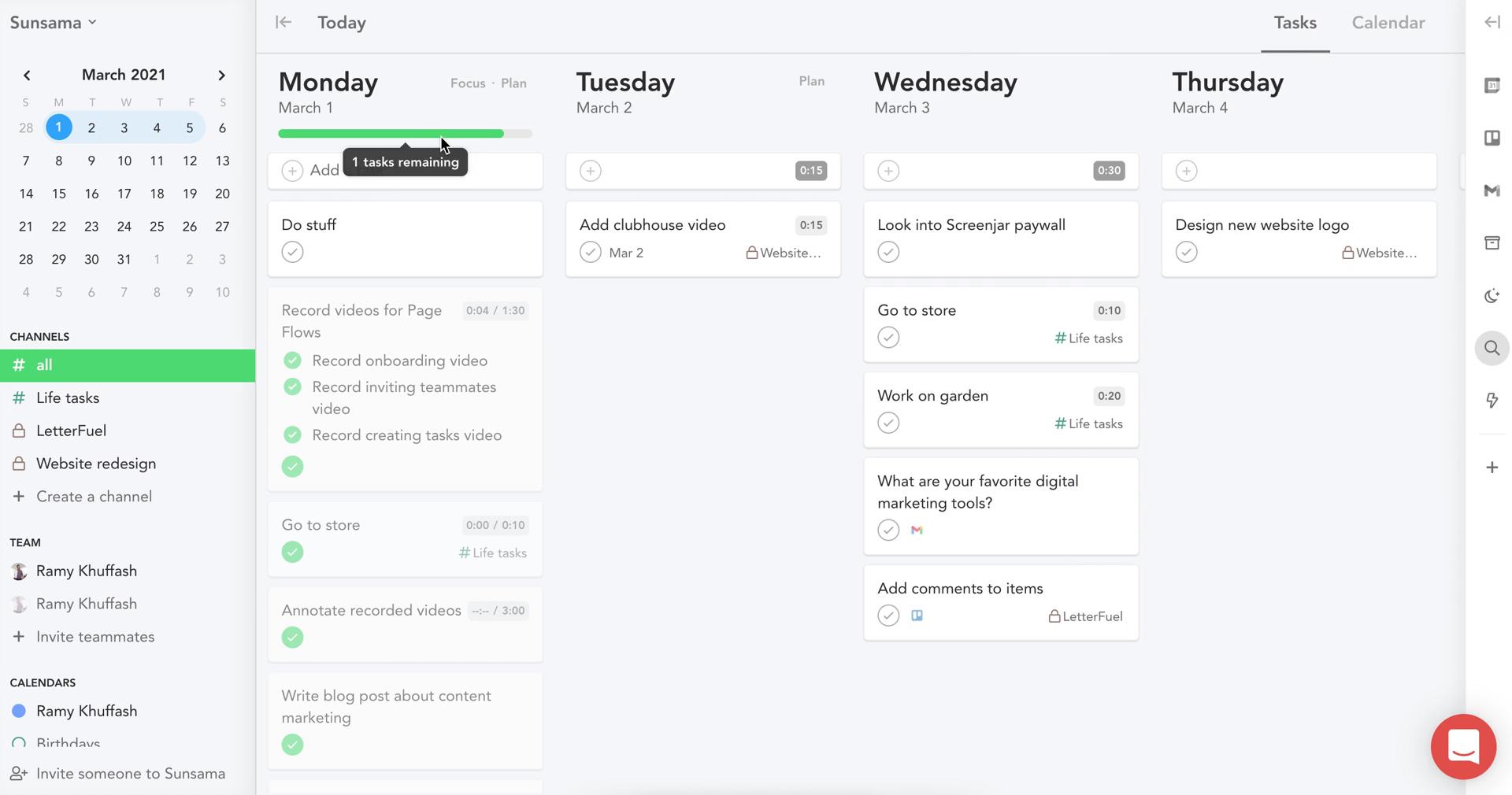
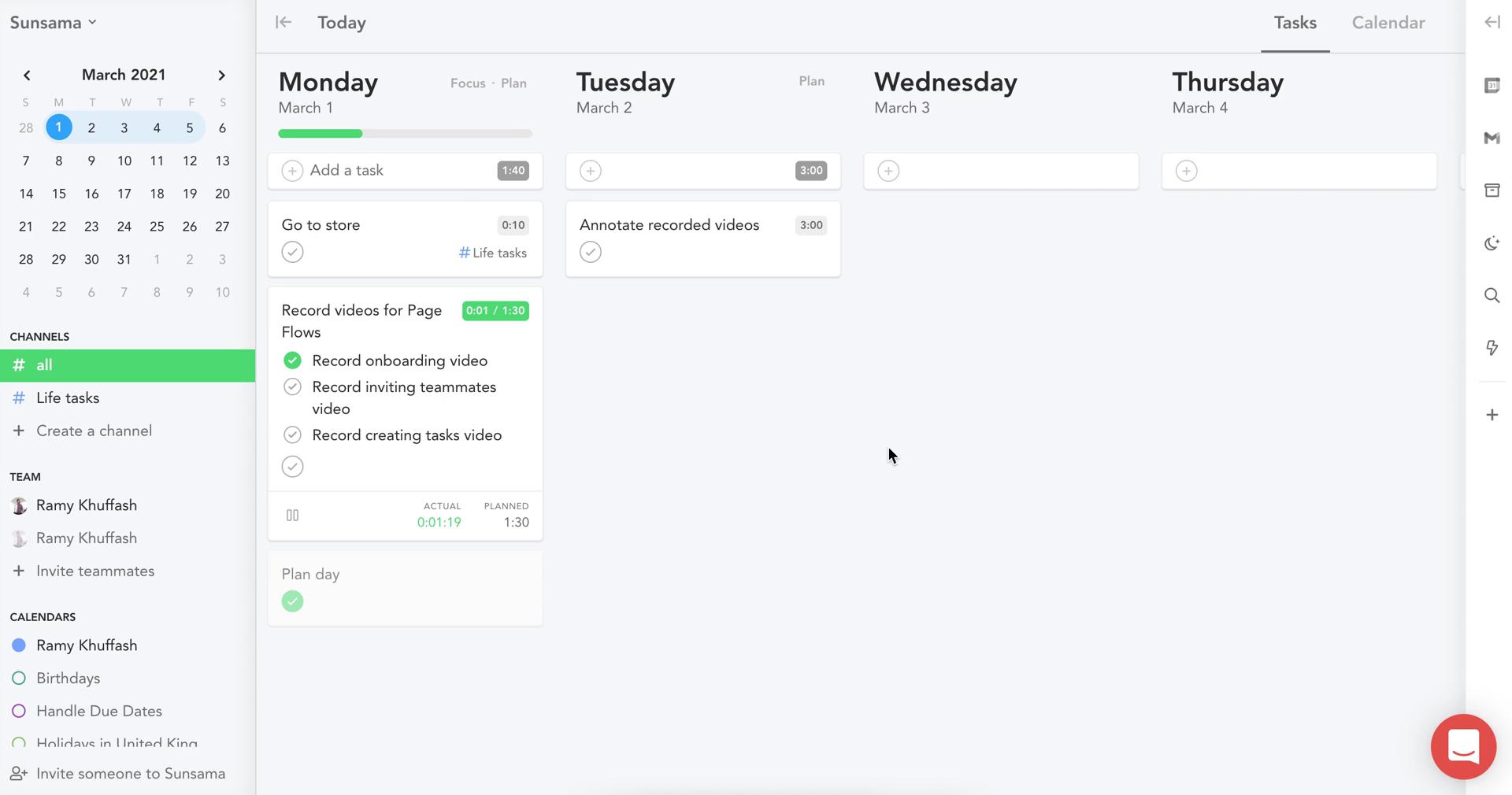
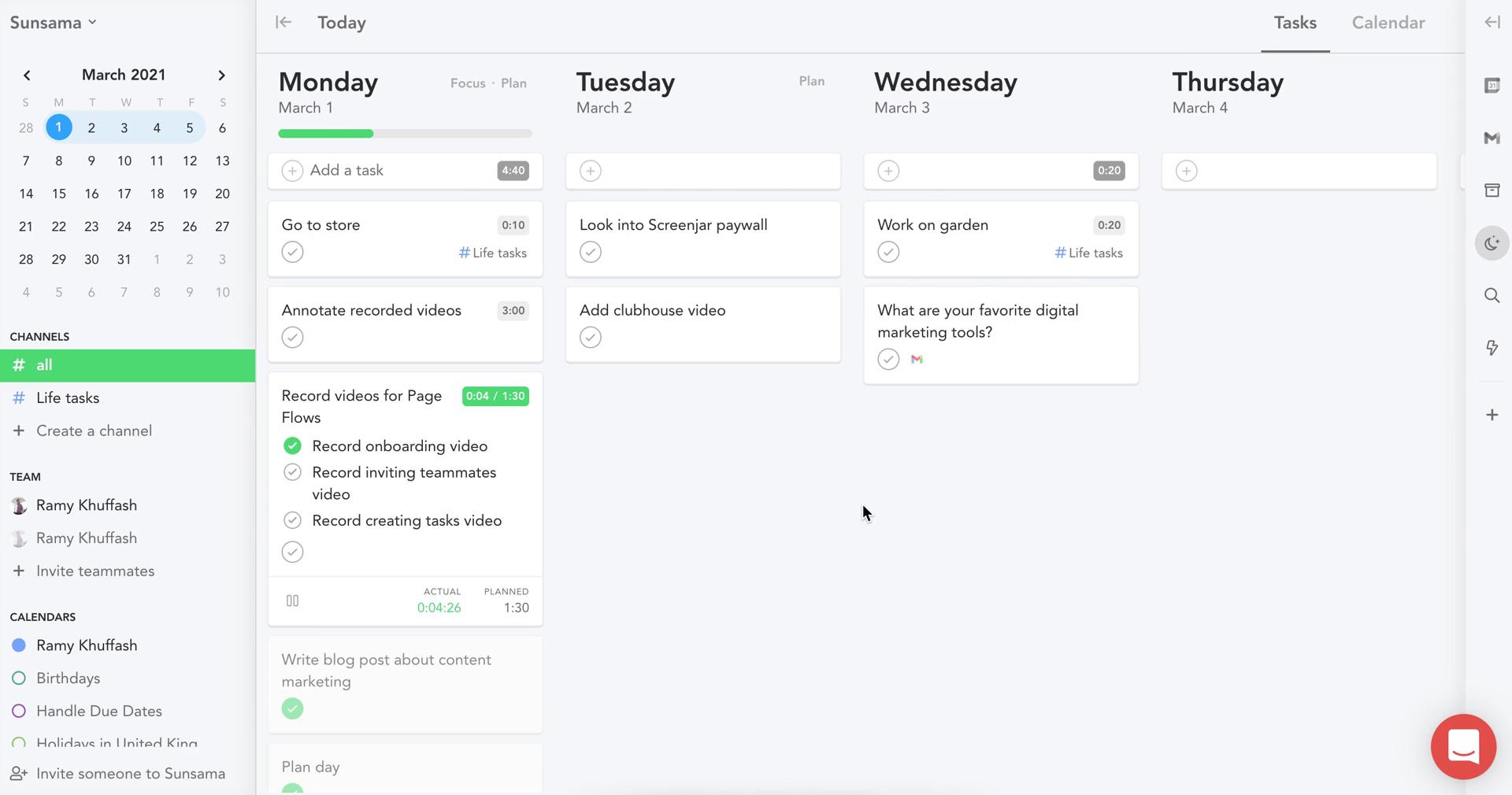
Tasks
this is title
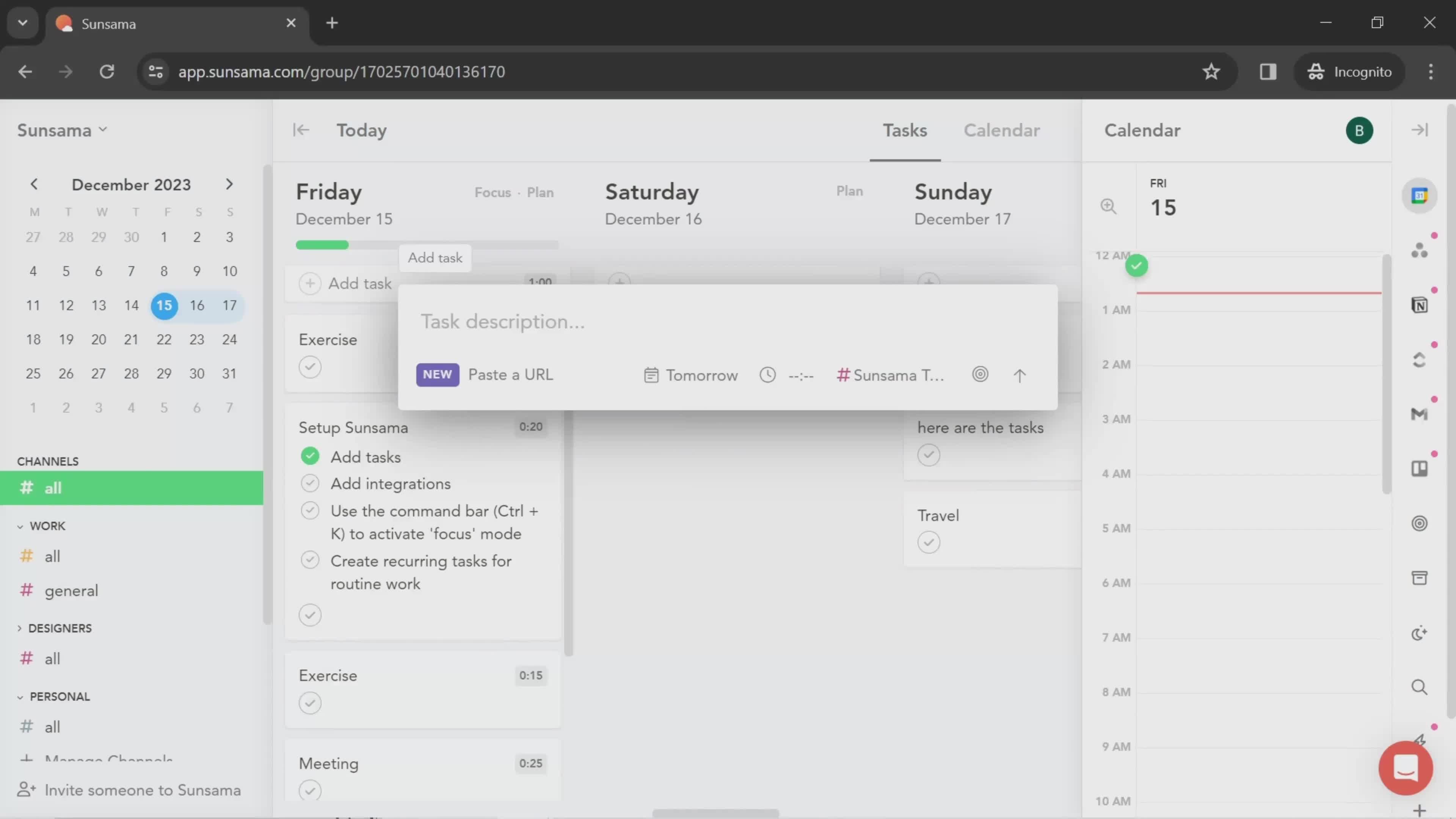
Create task
this is title
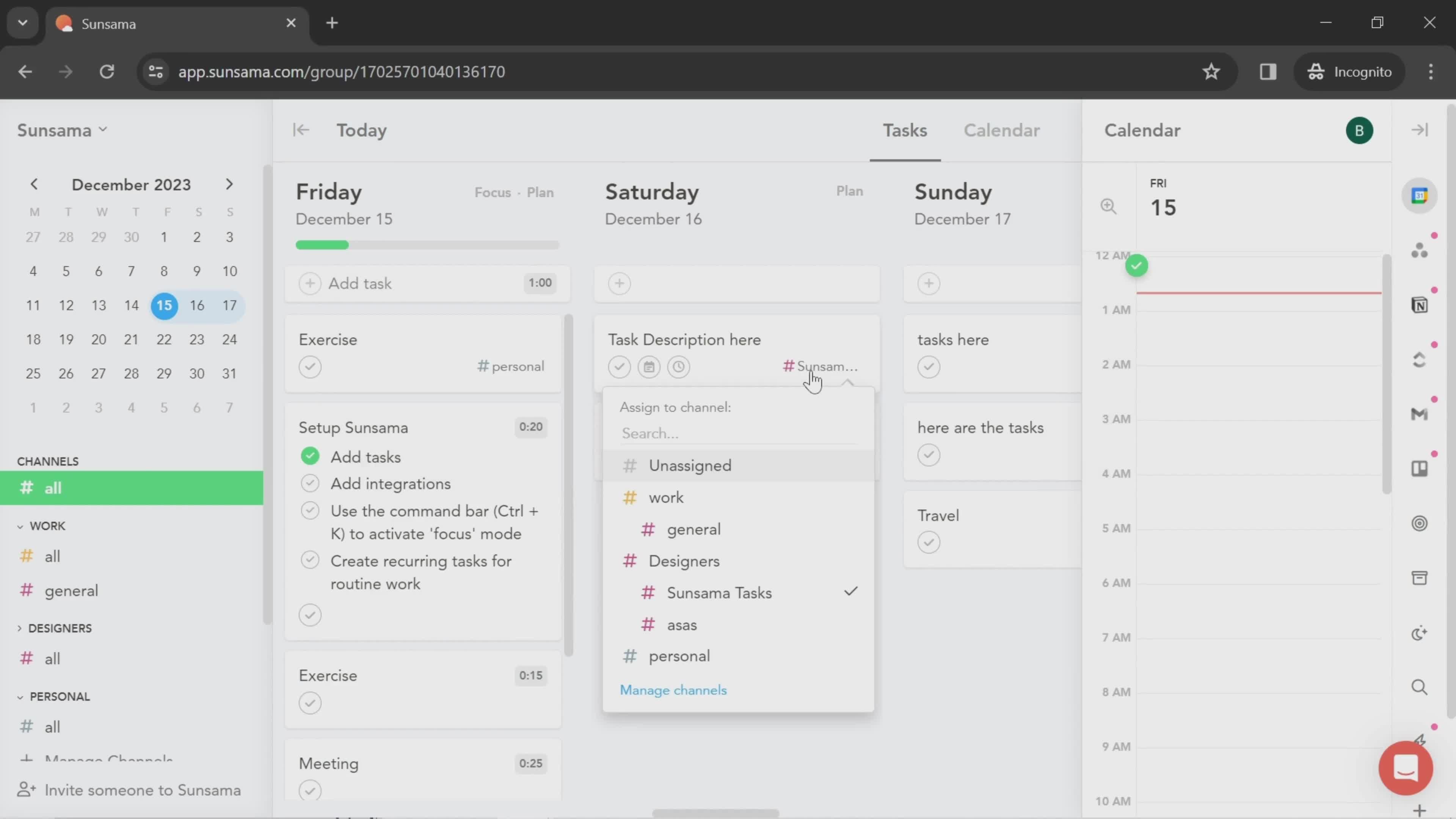
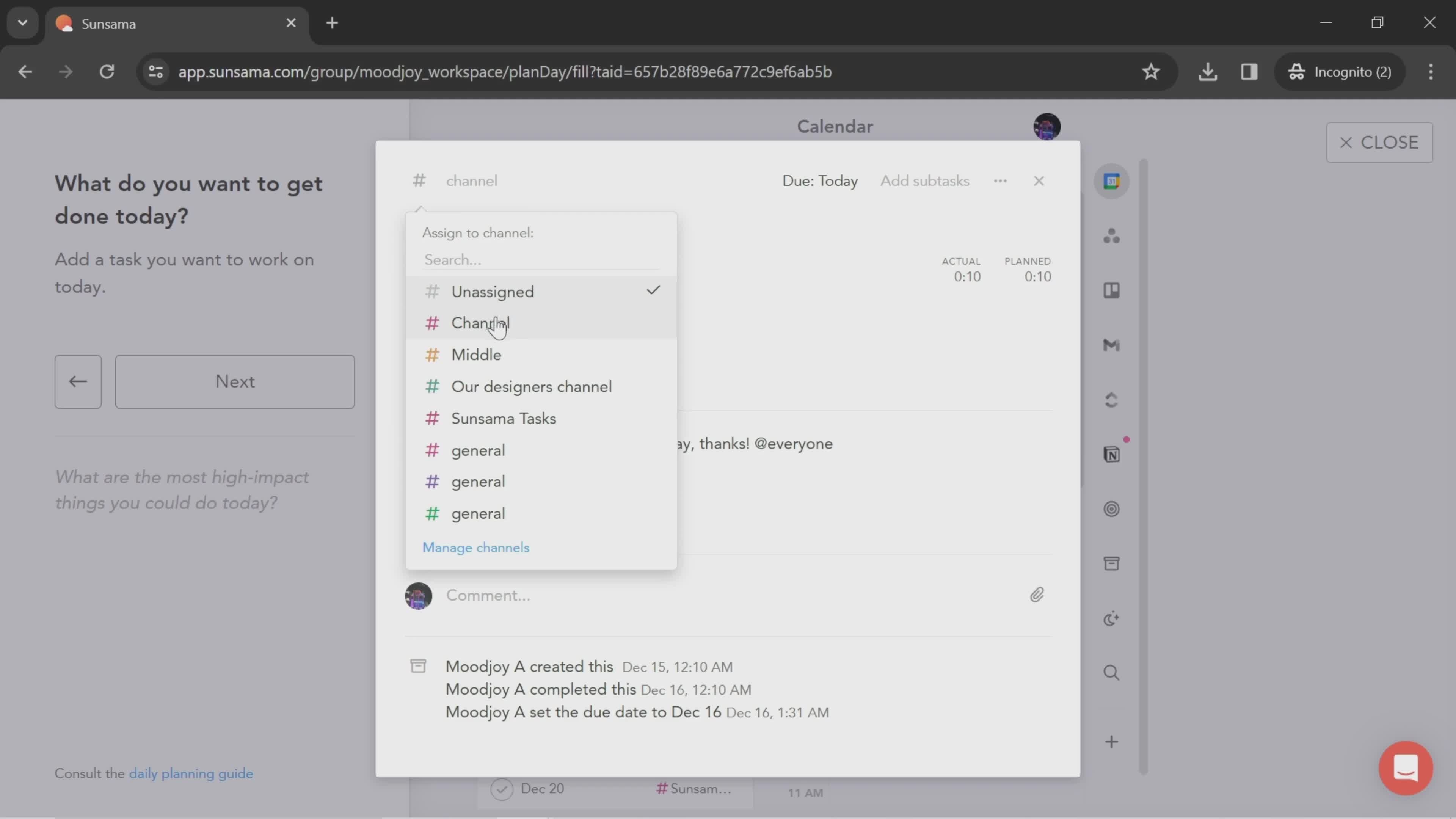
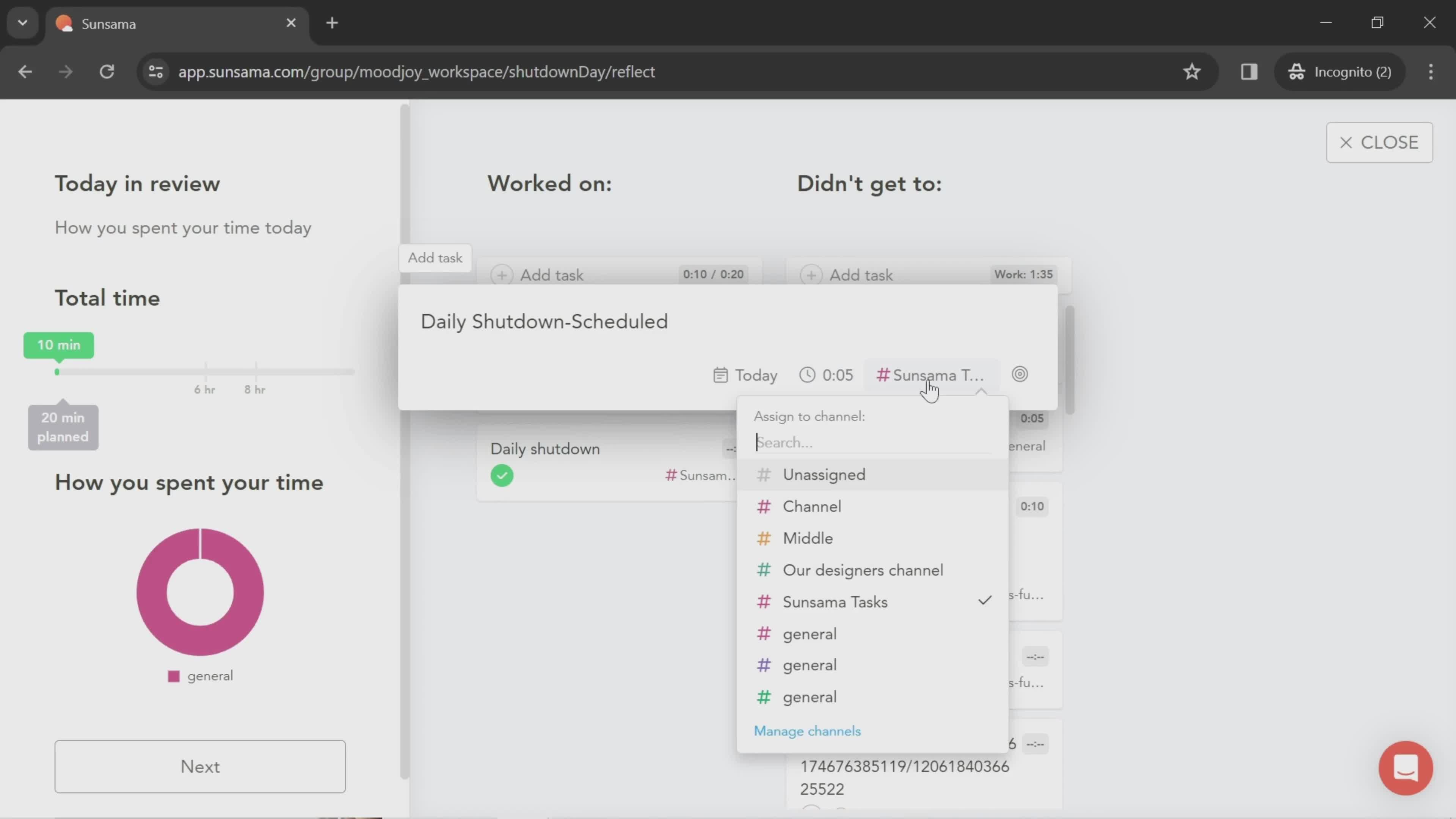
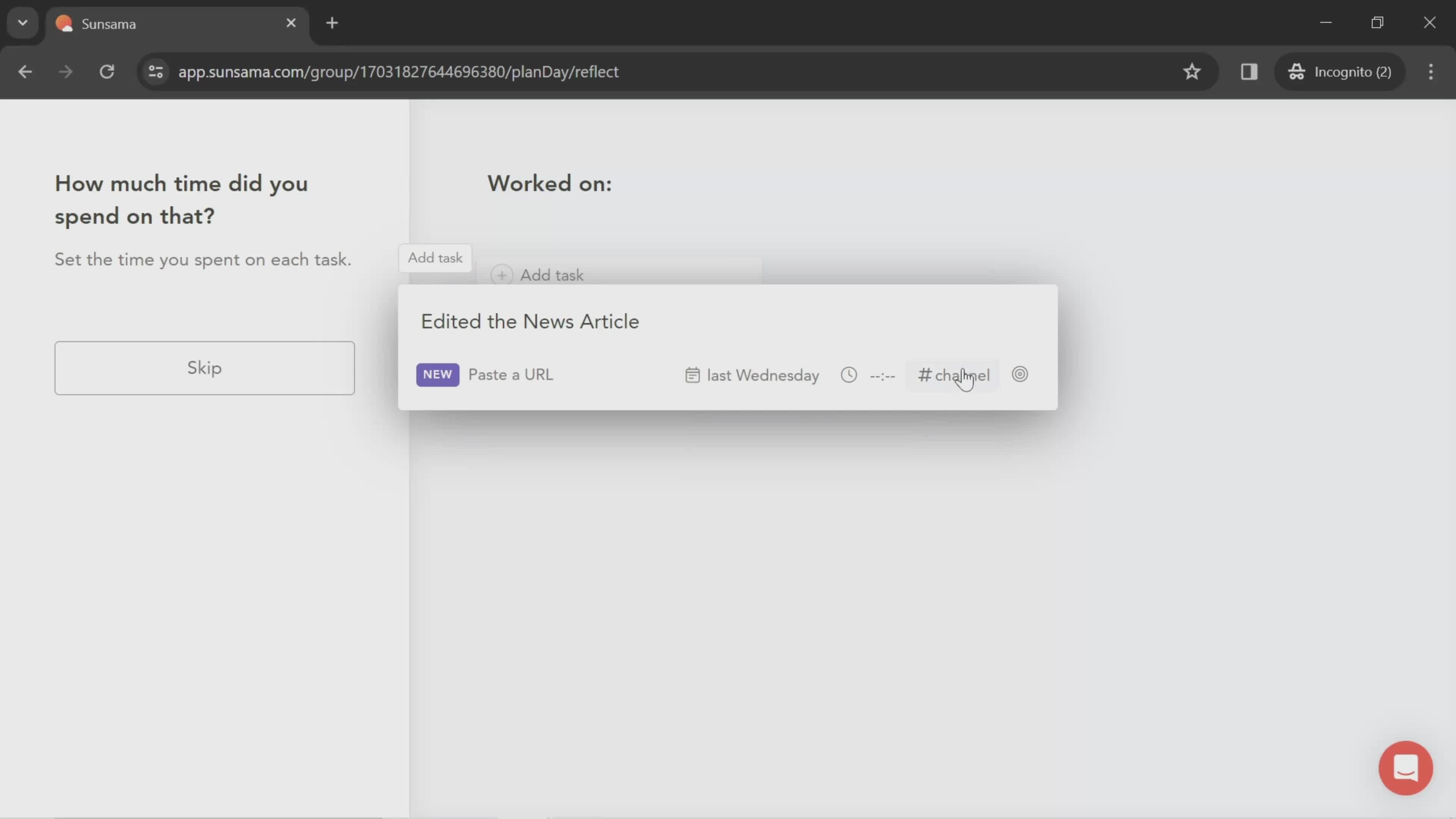
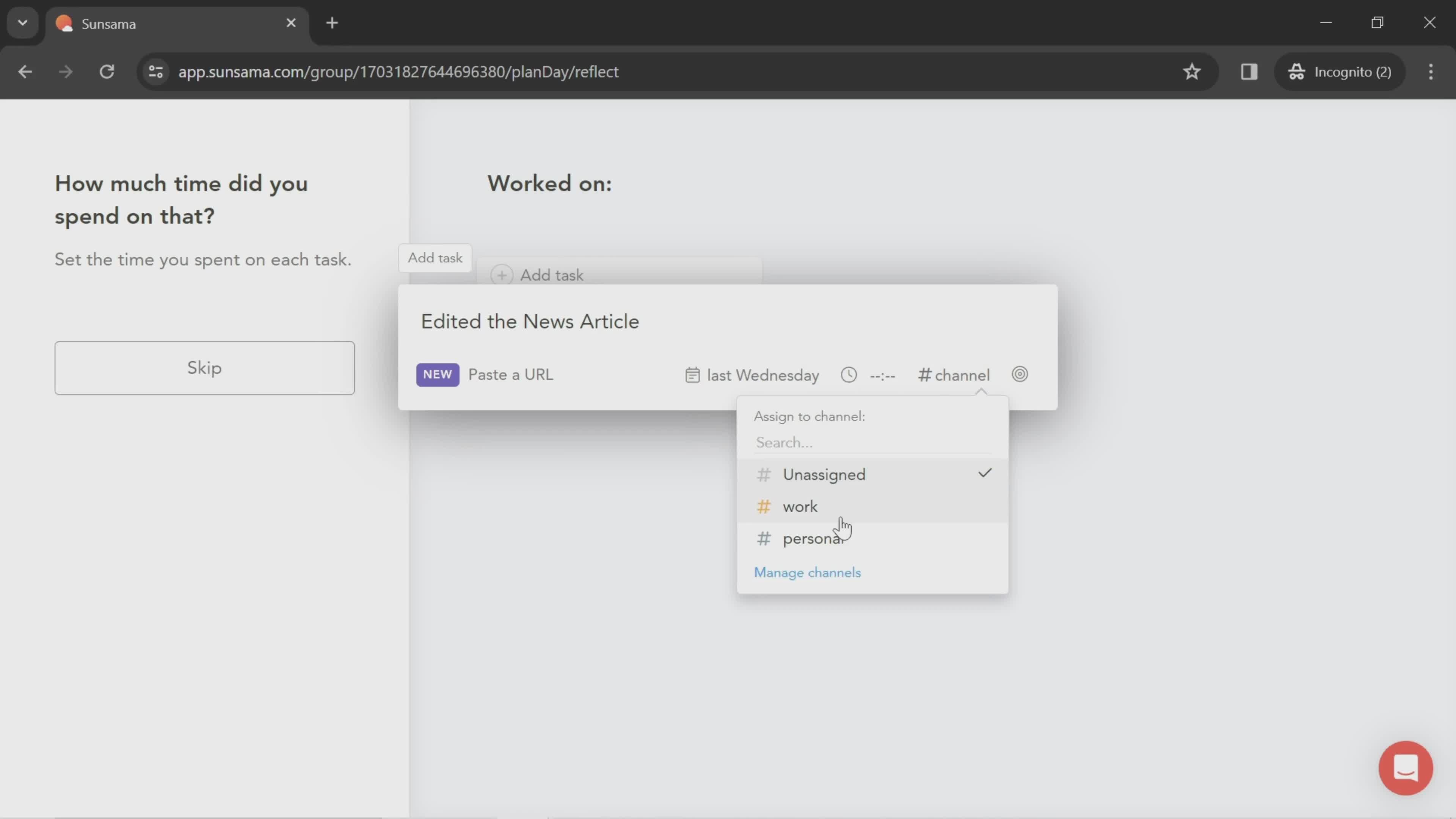
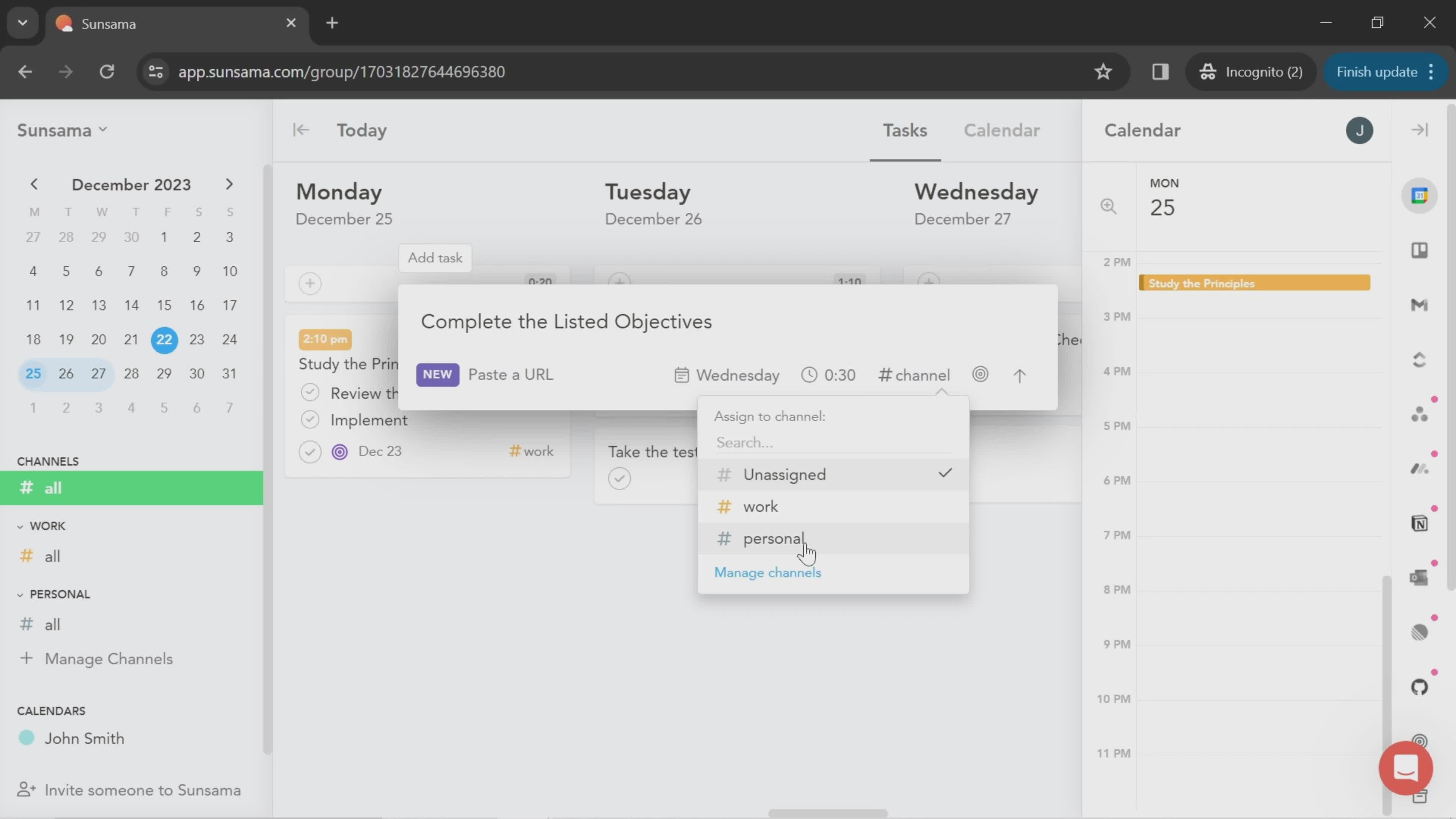
Select channel
this is title
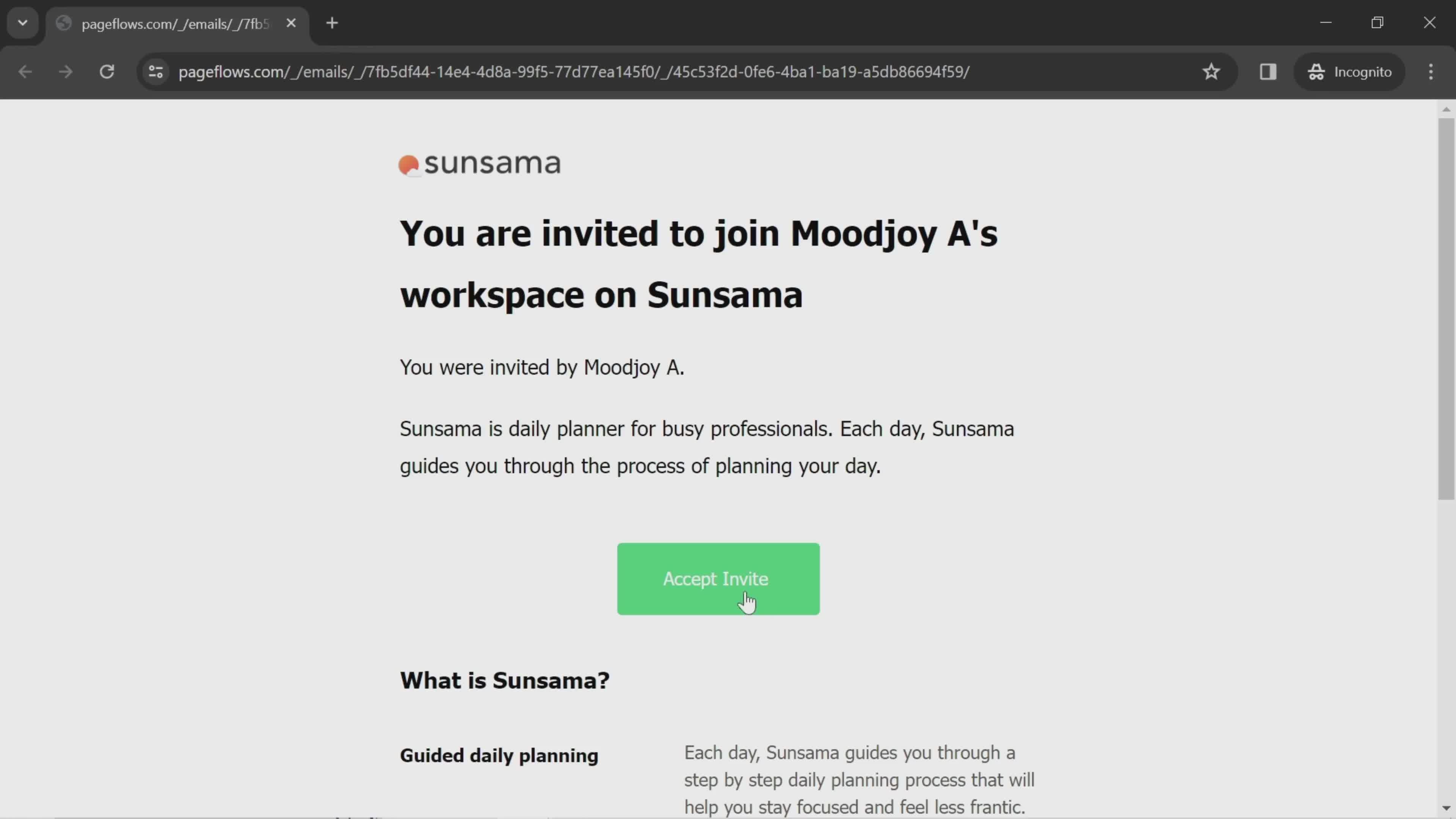
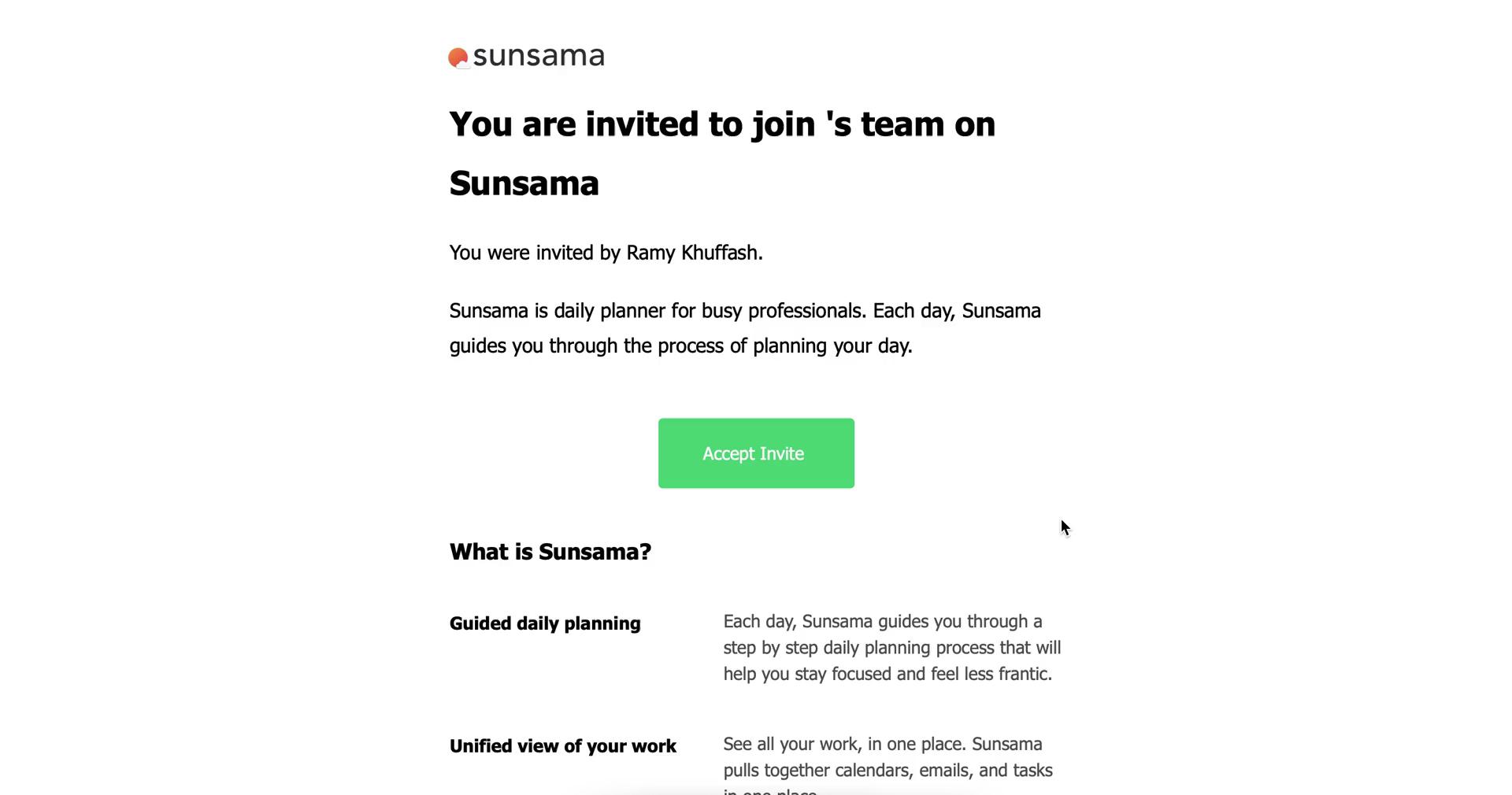
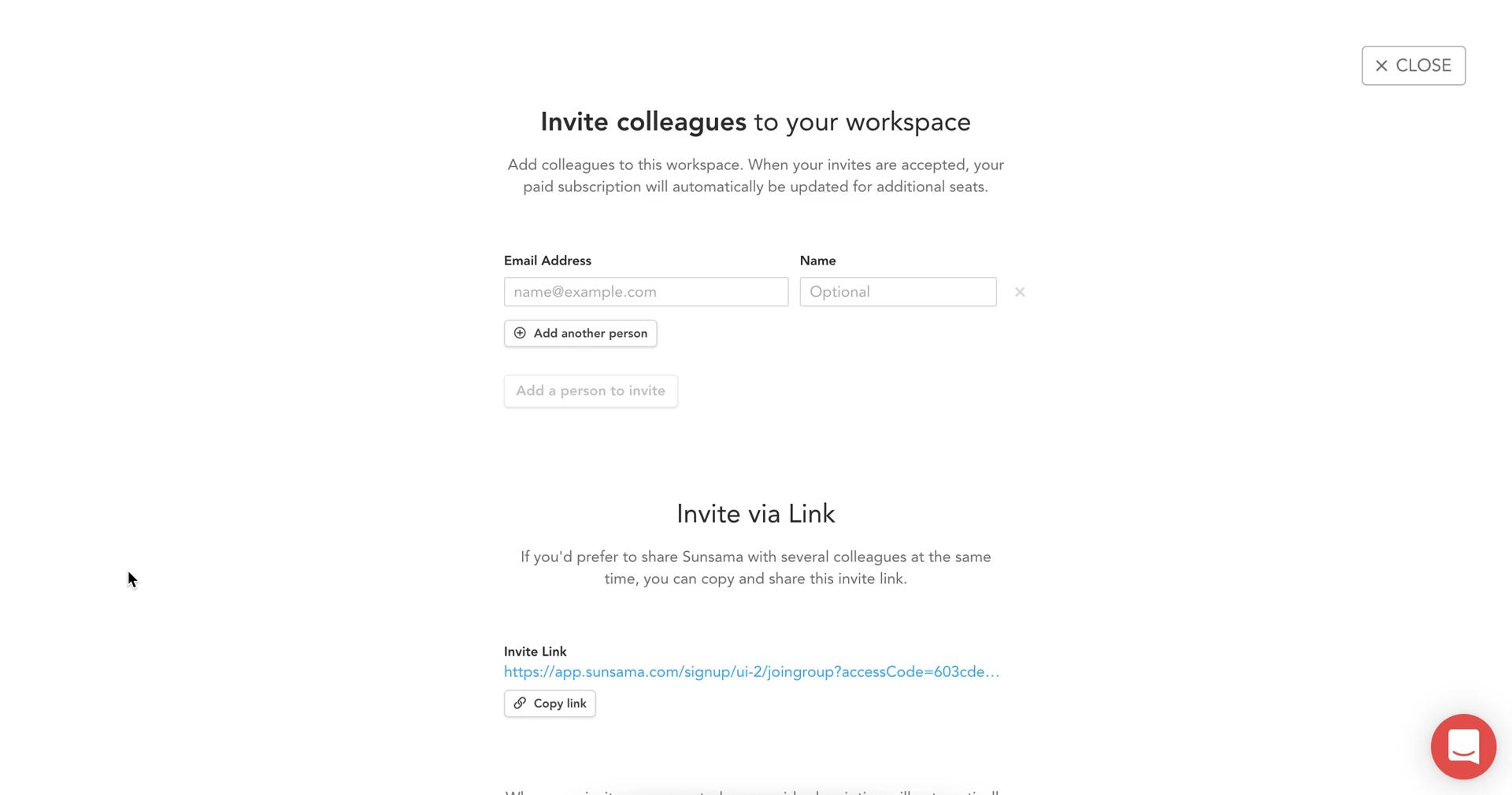
Invite email
this is title
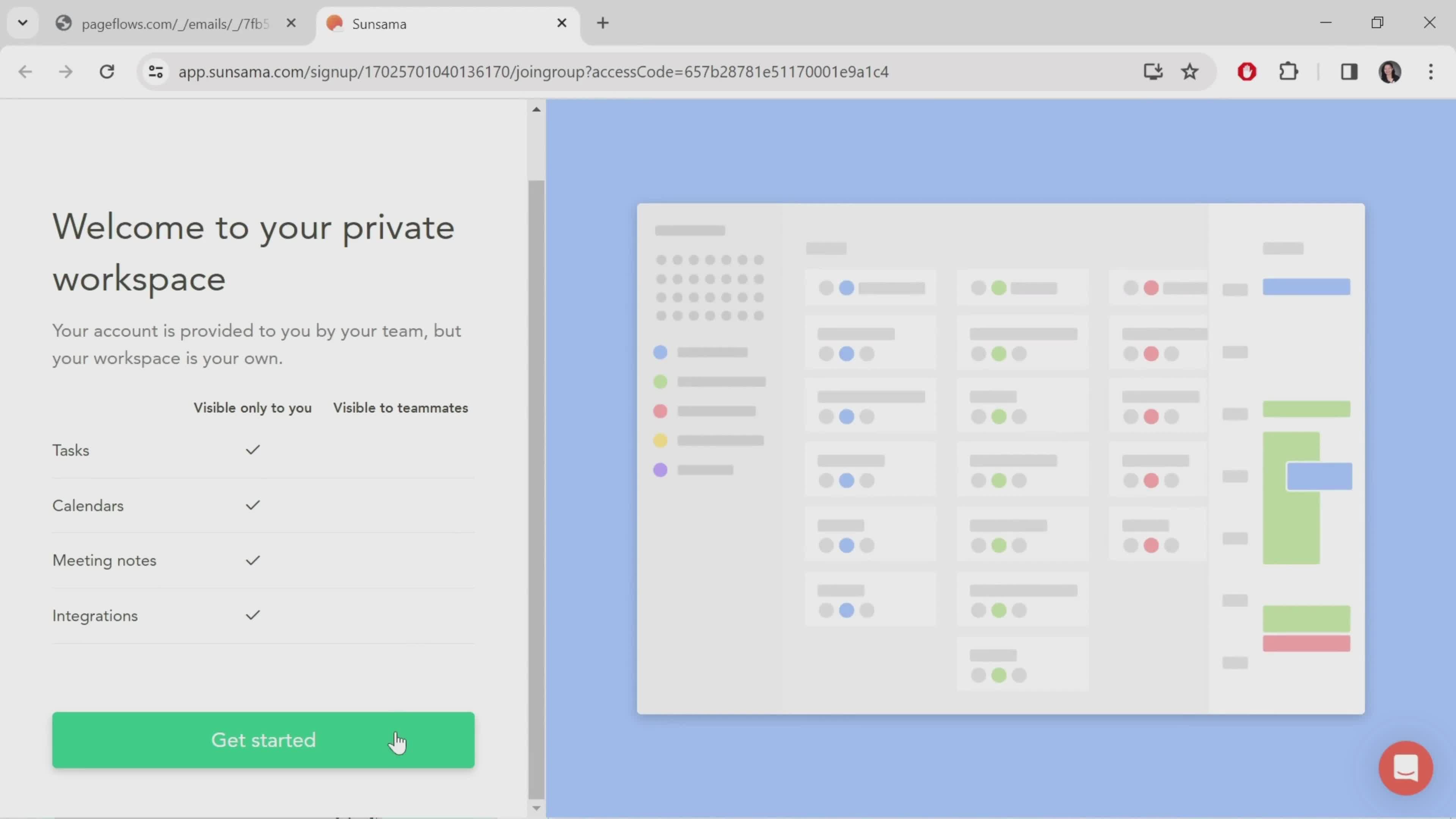
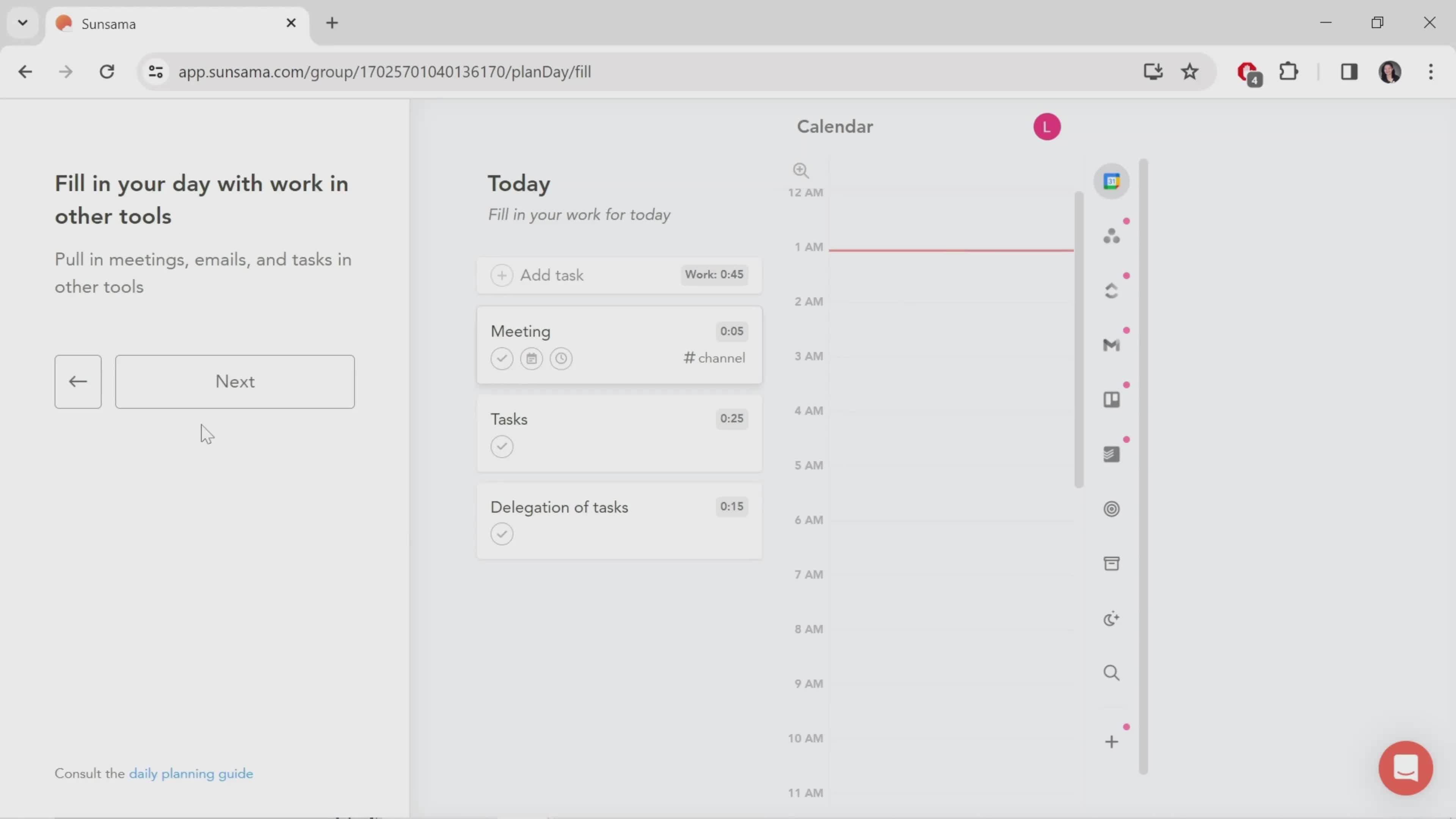
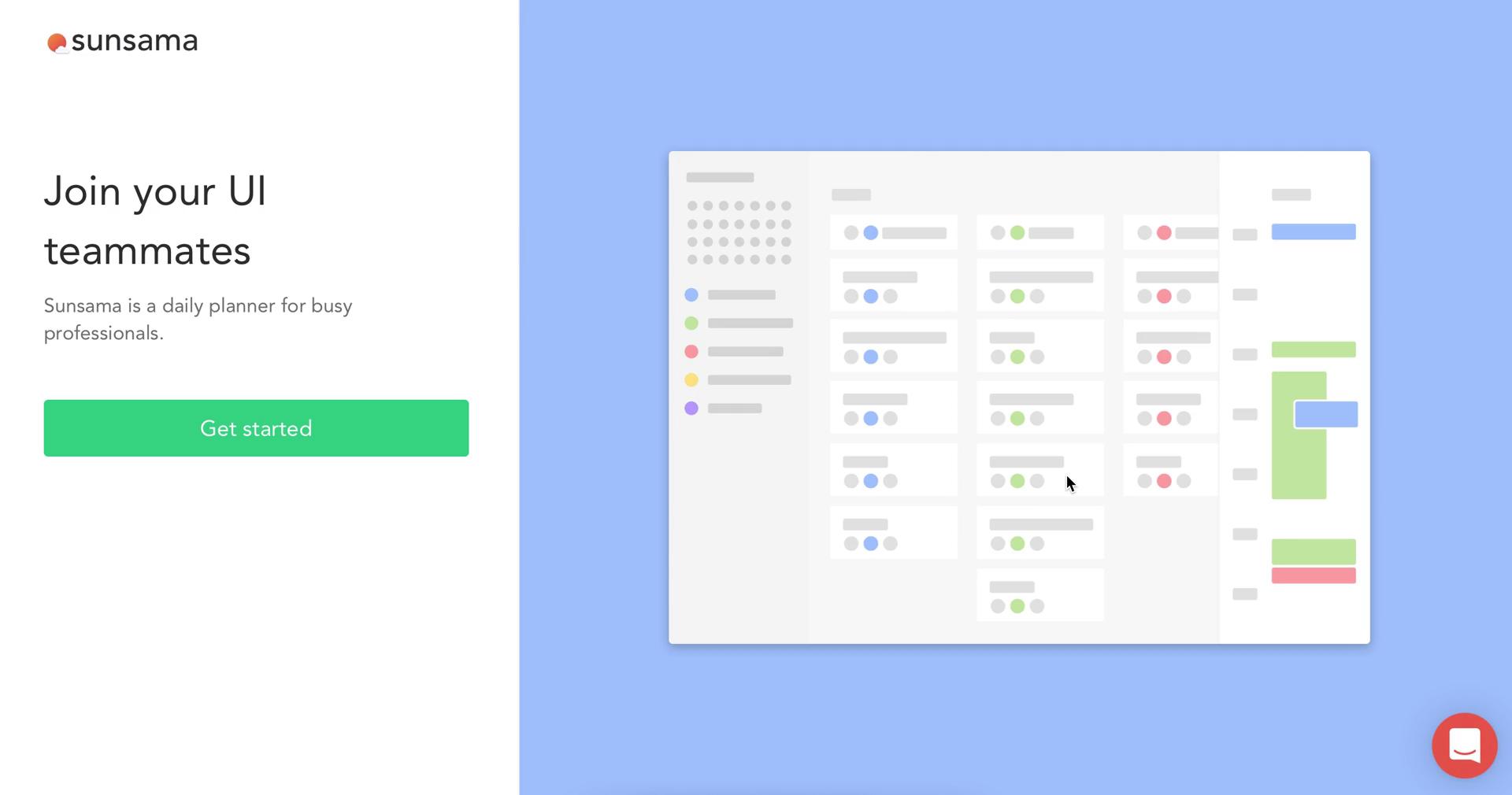
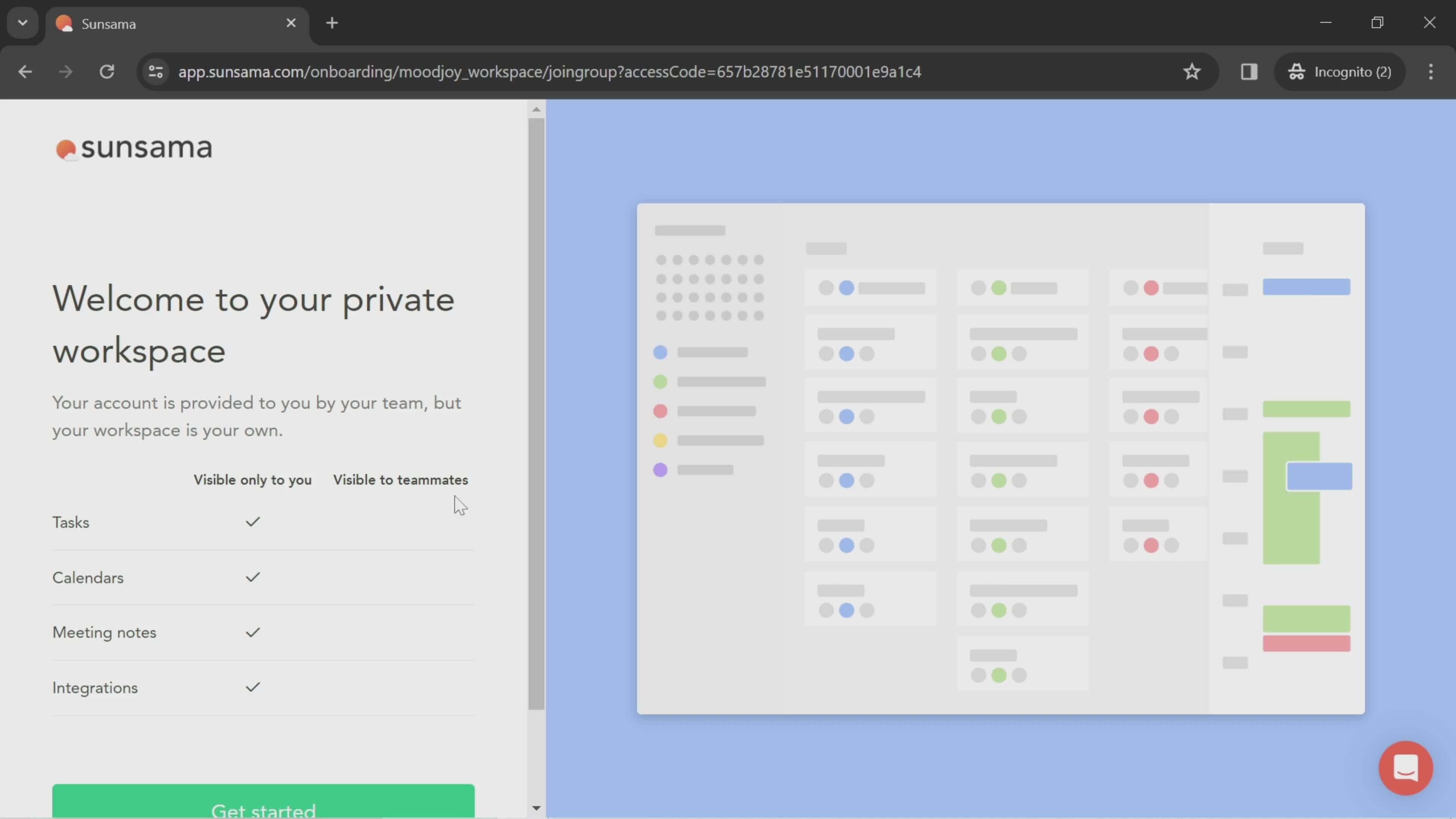
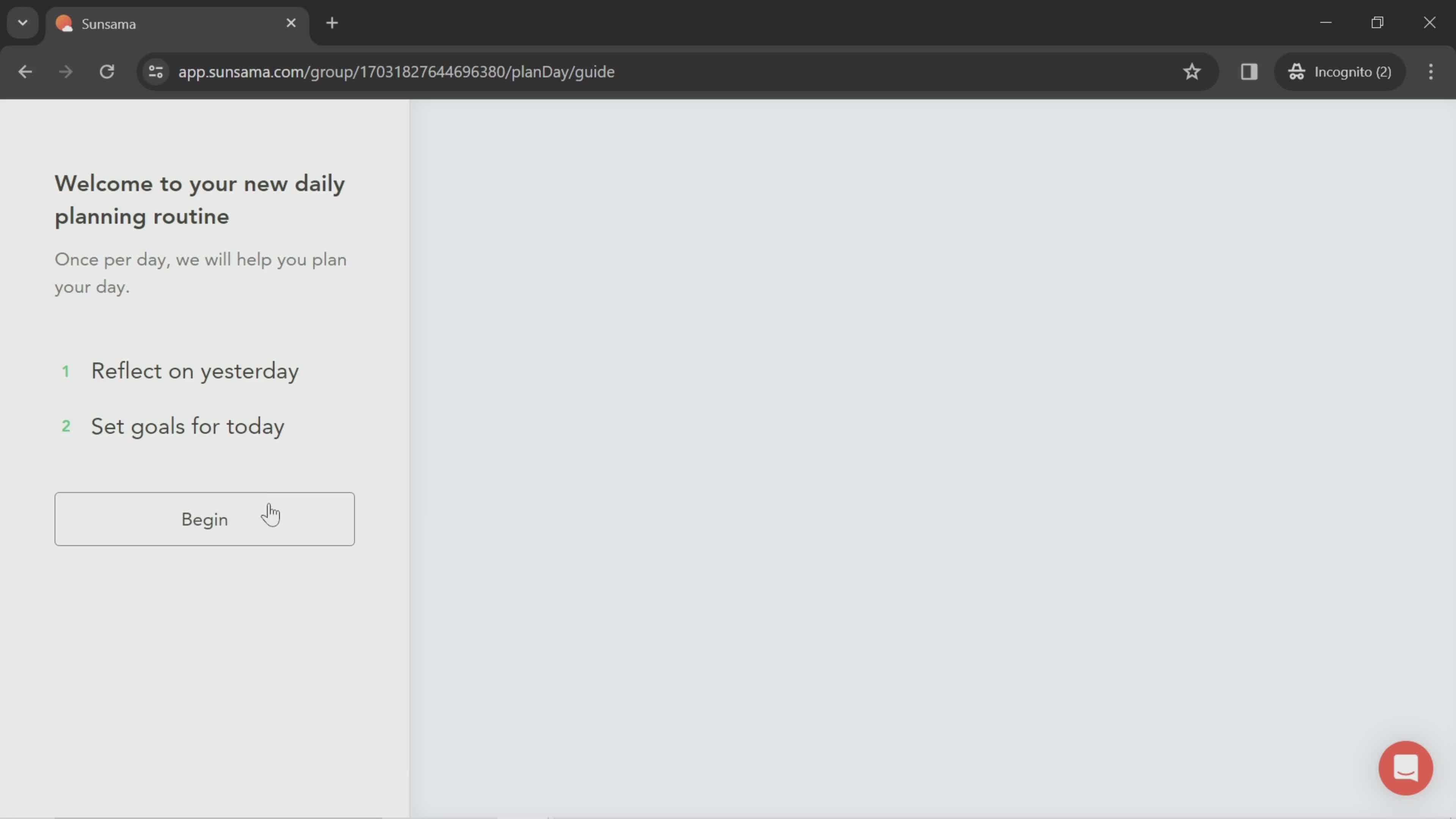
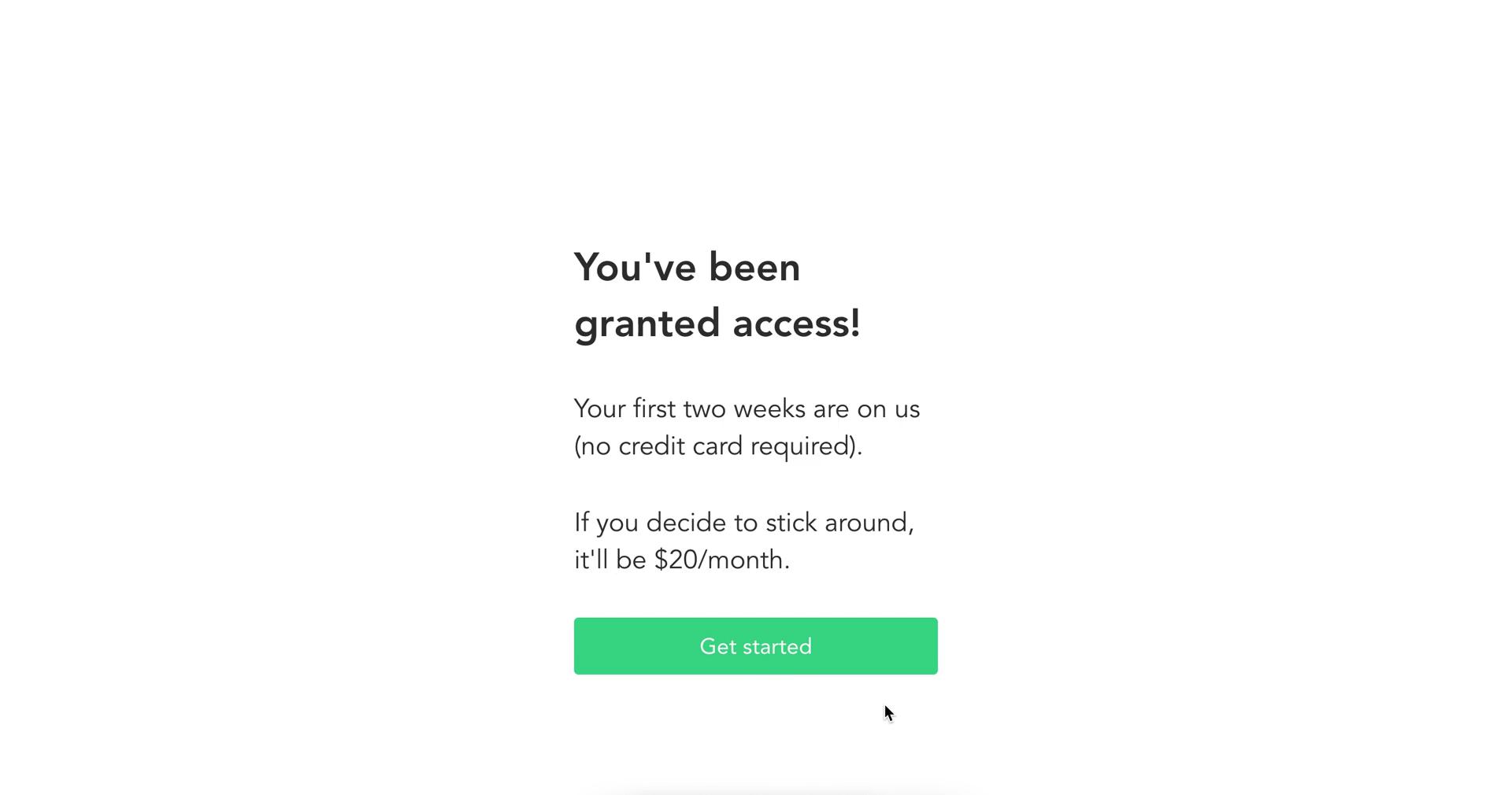
Get started
this is title
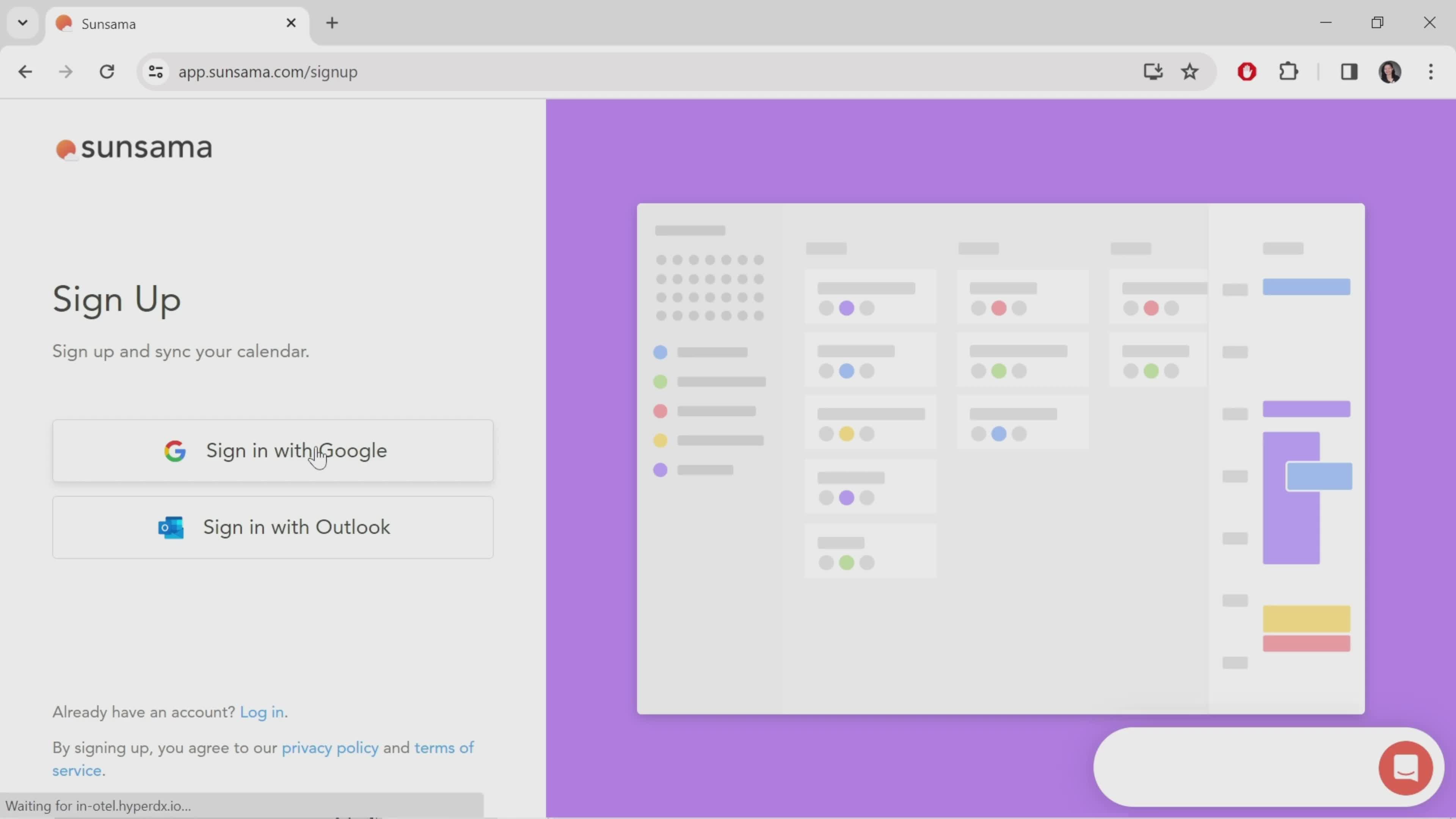
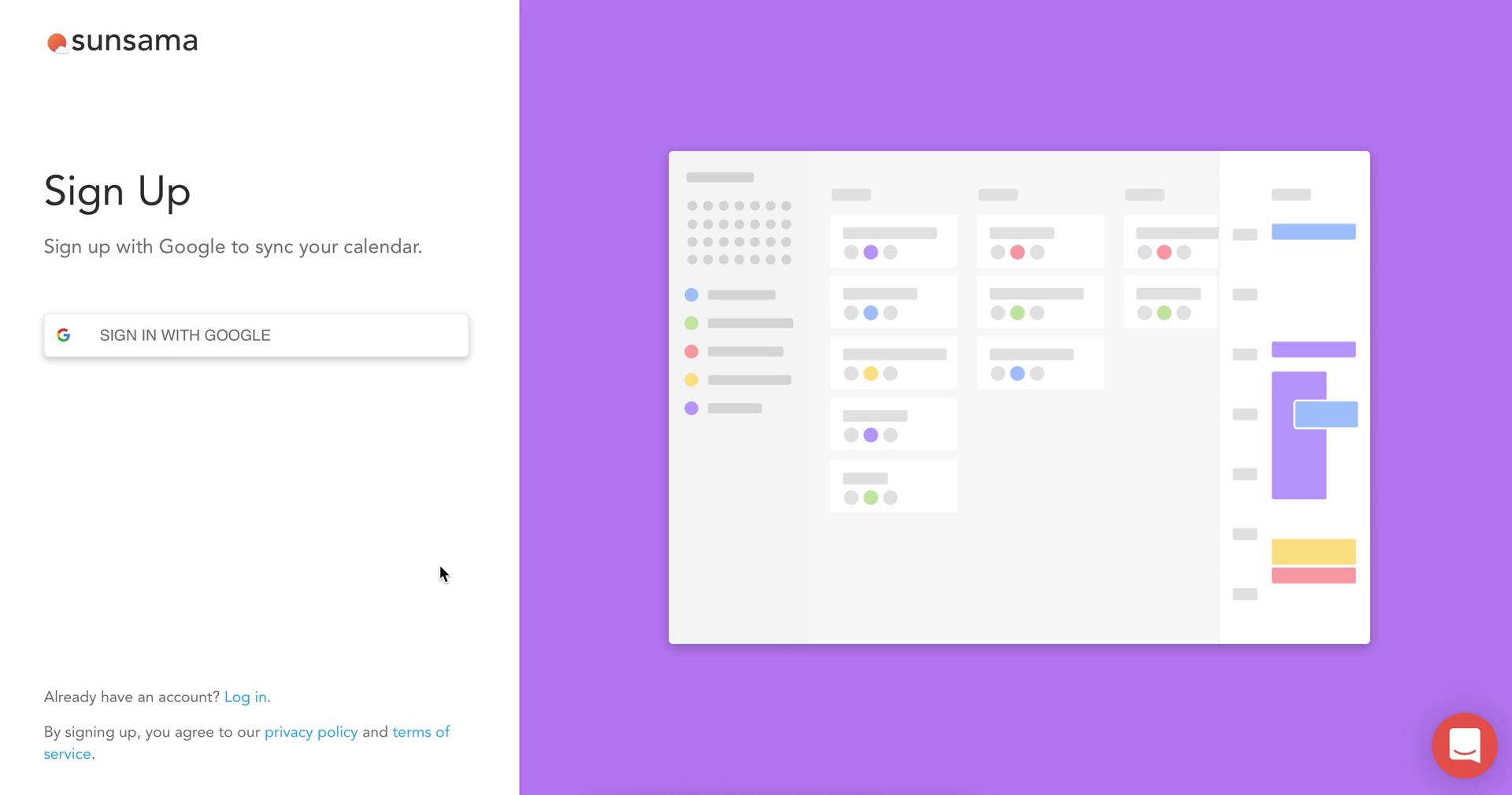
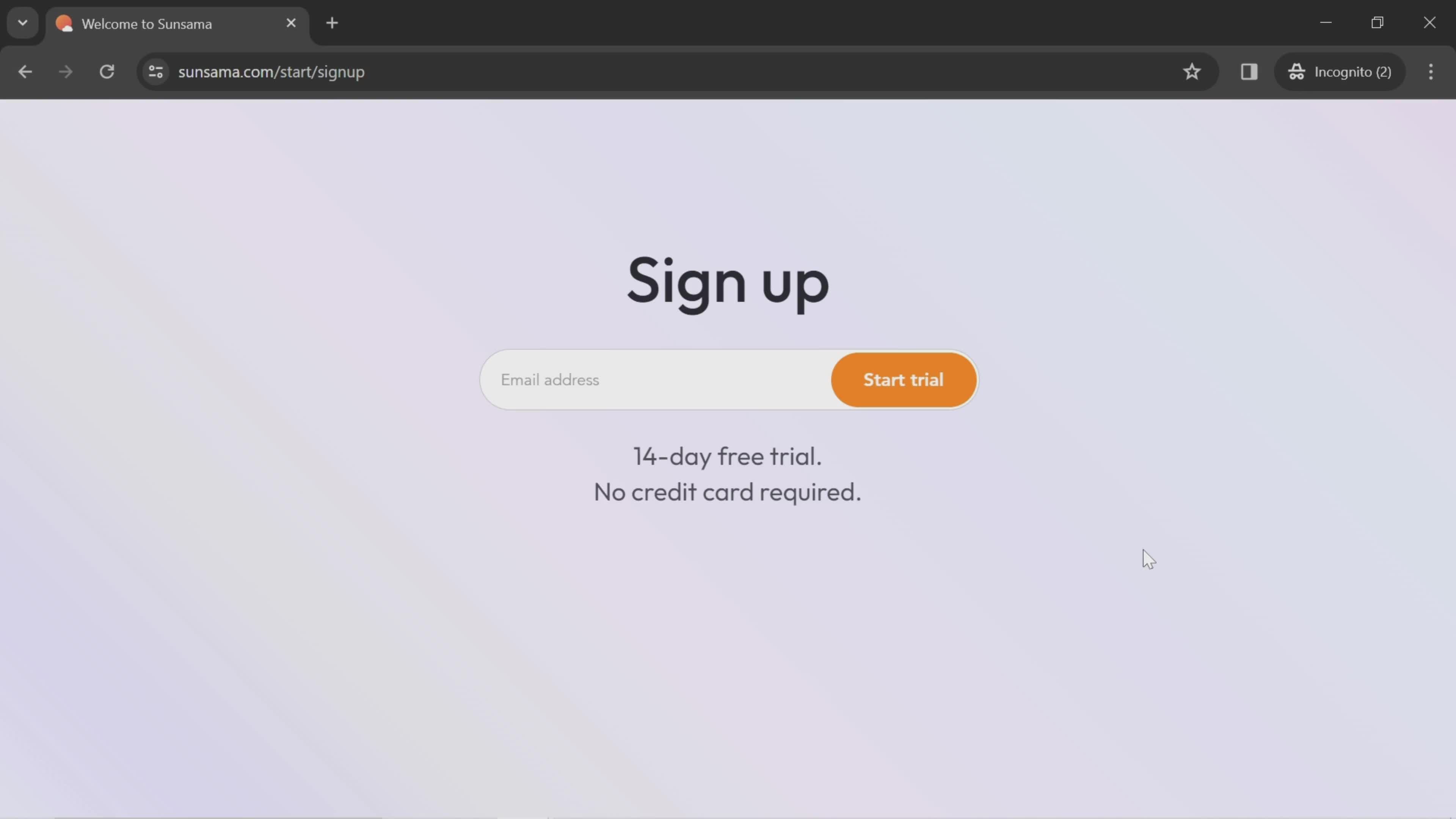
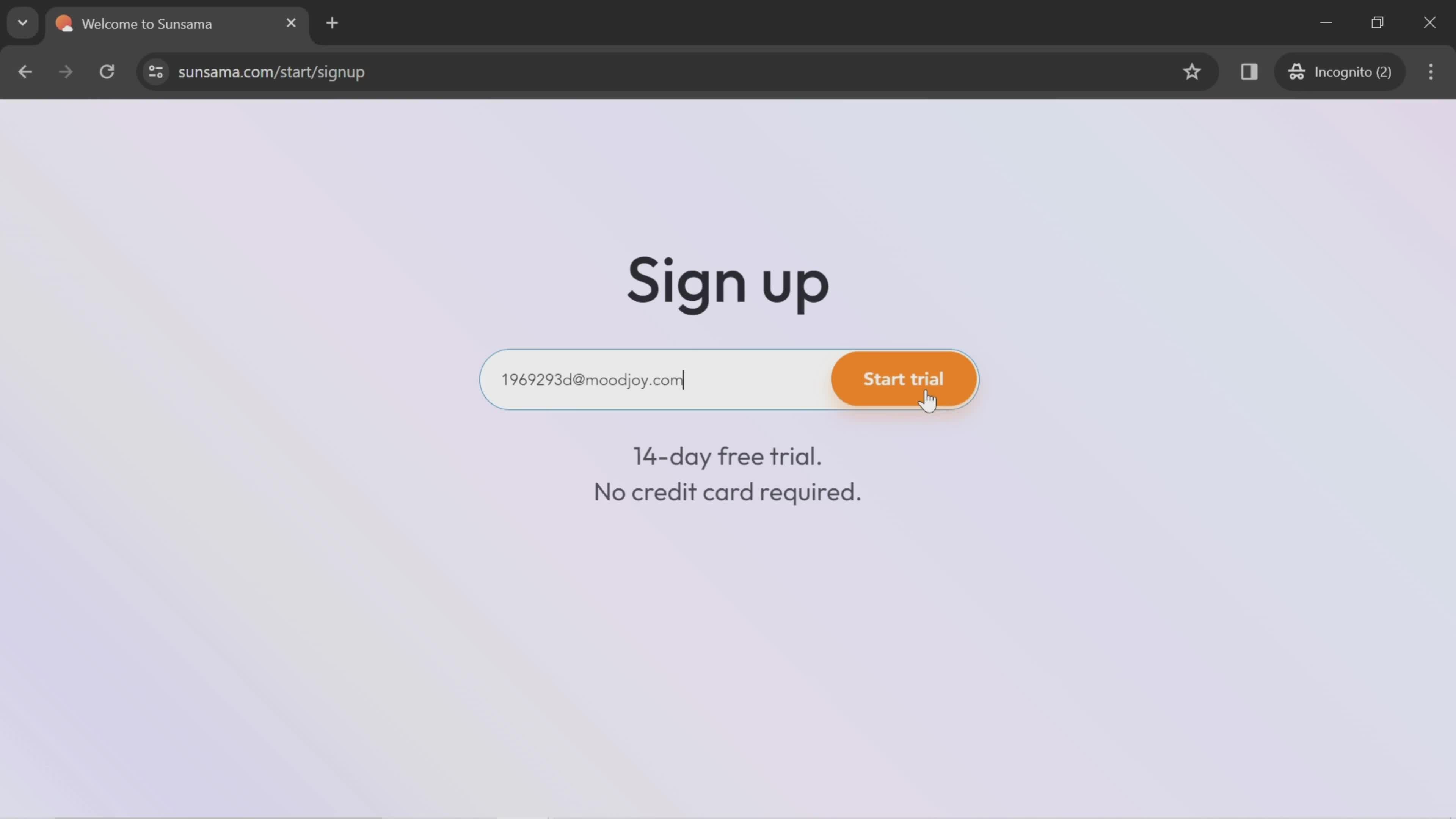
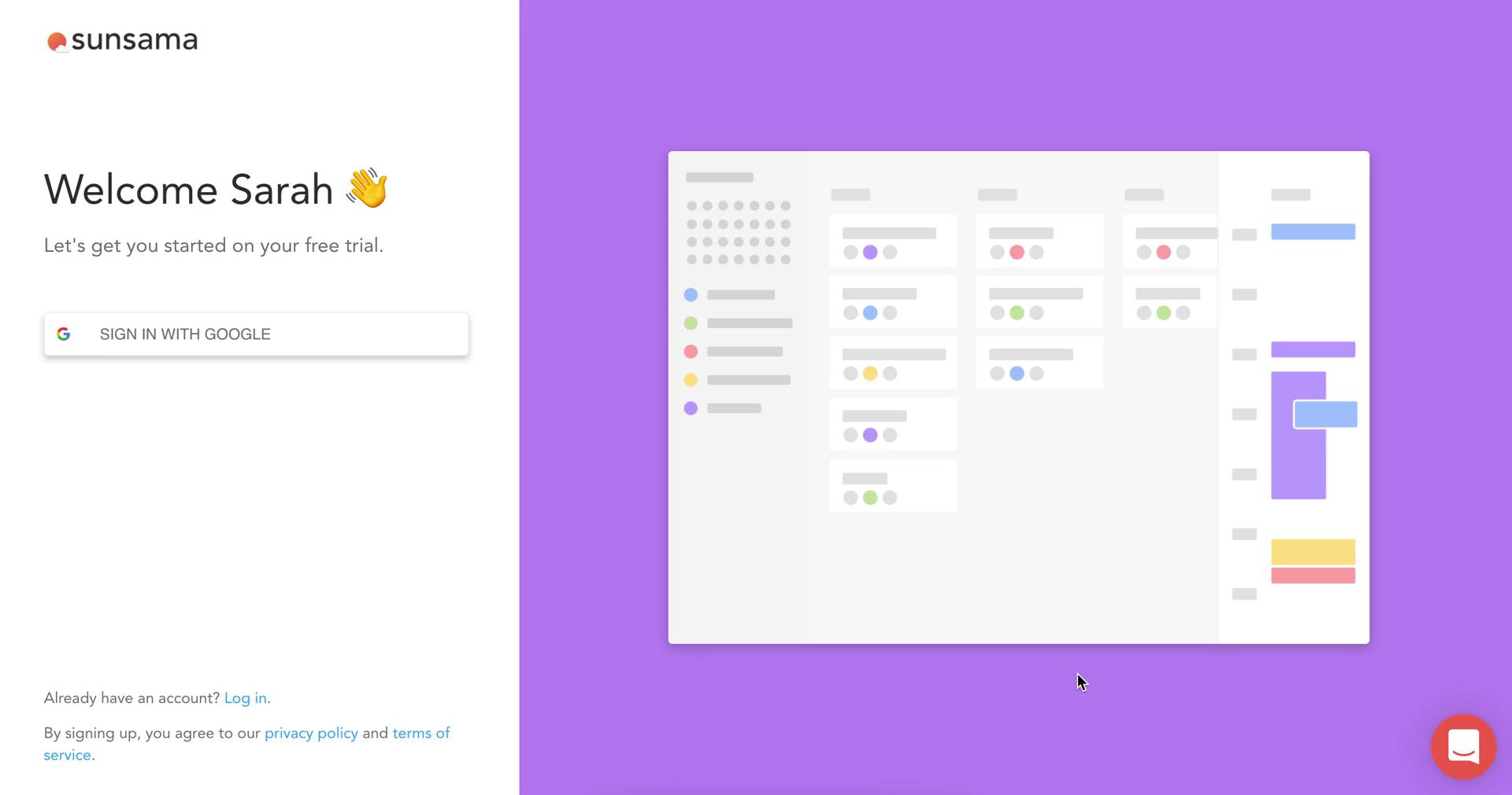
Sign up
this is title
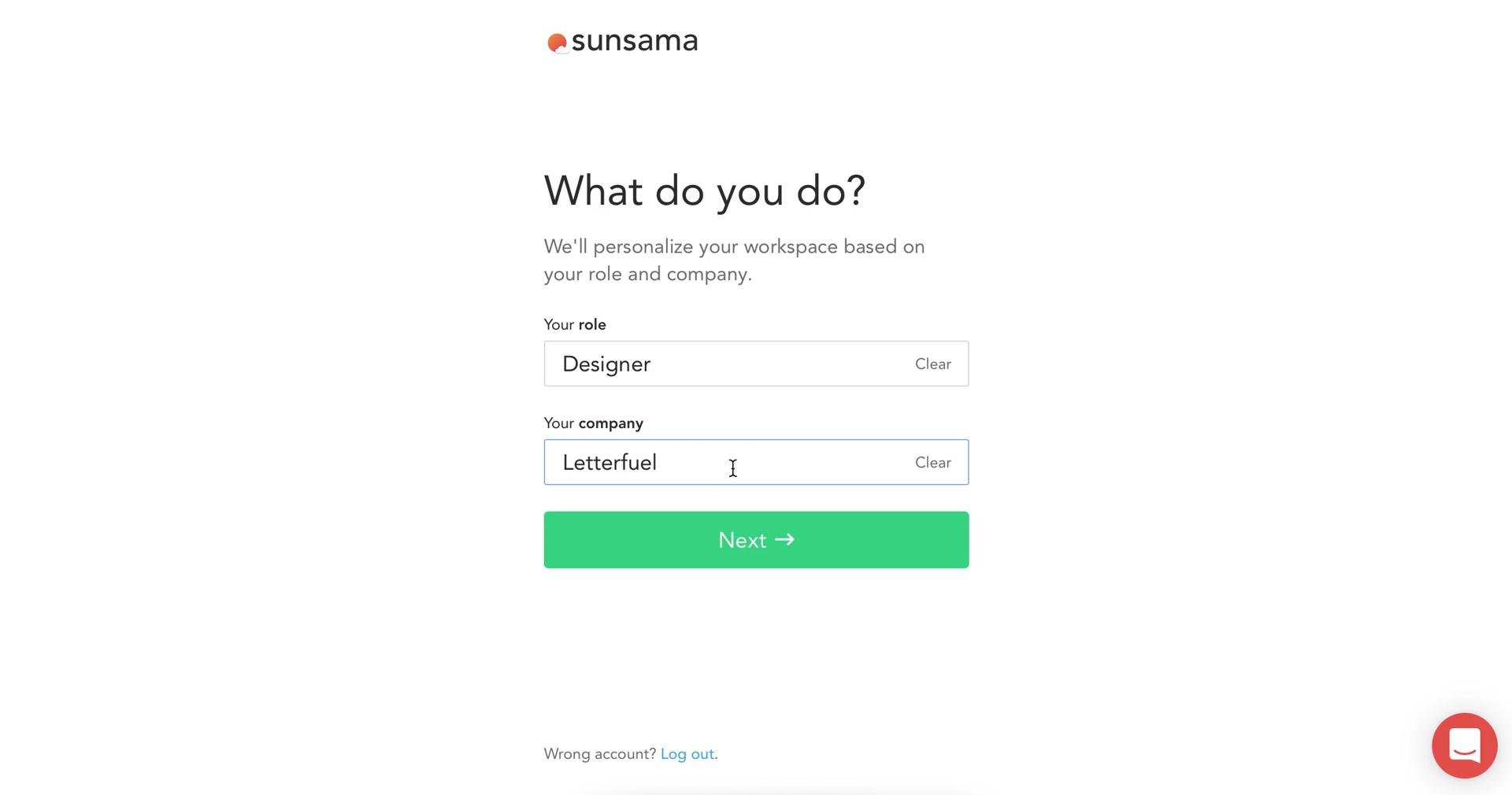
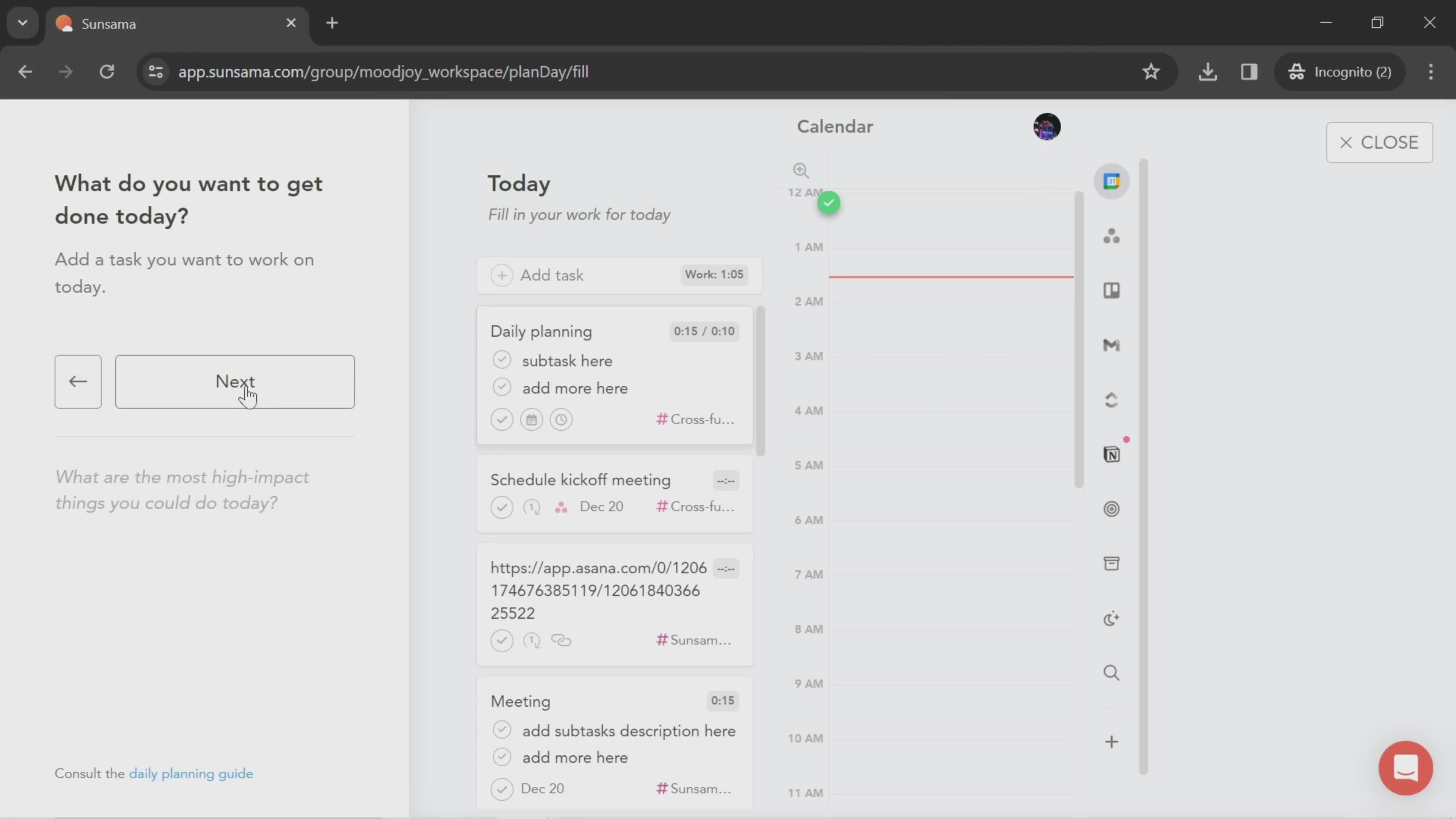
Next
this is title
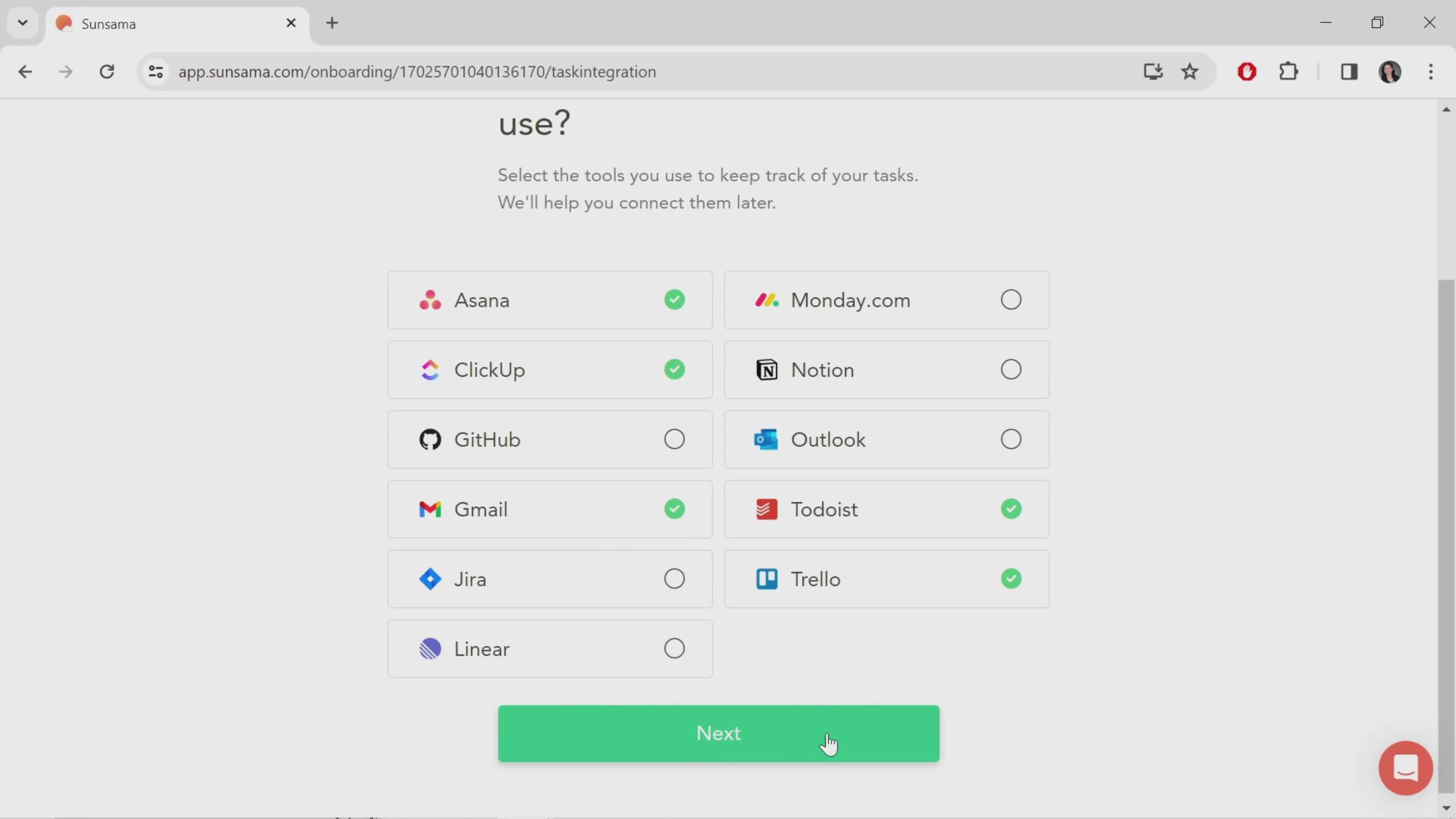
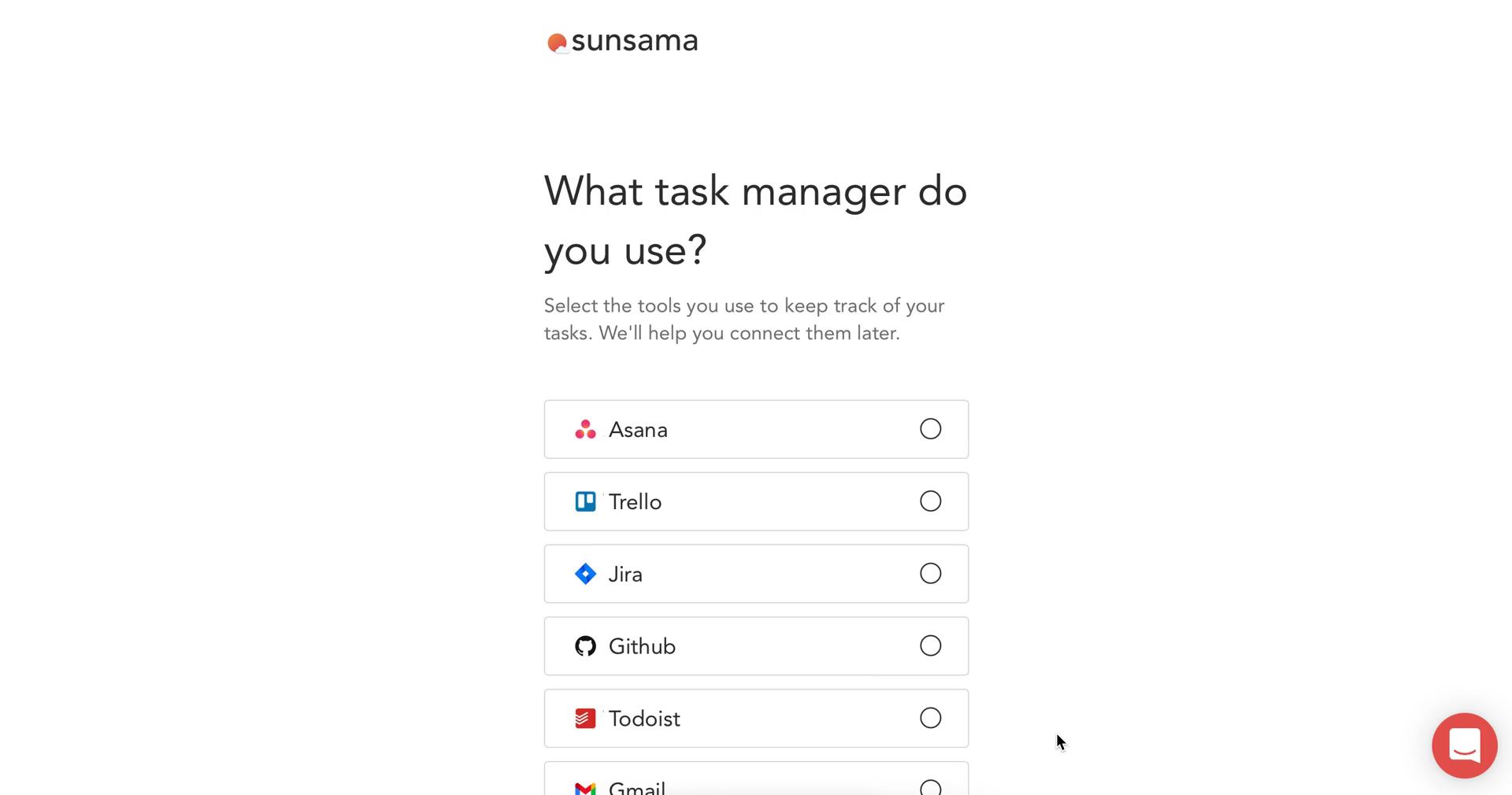
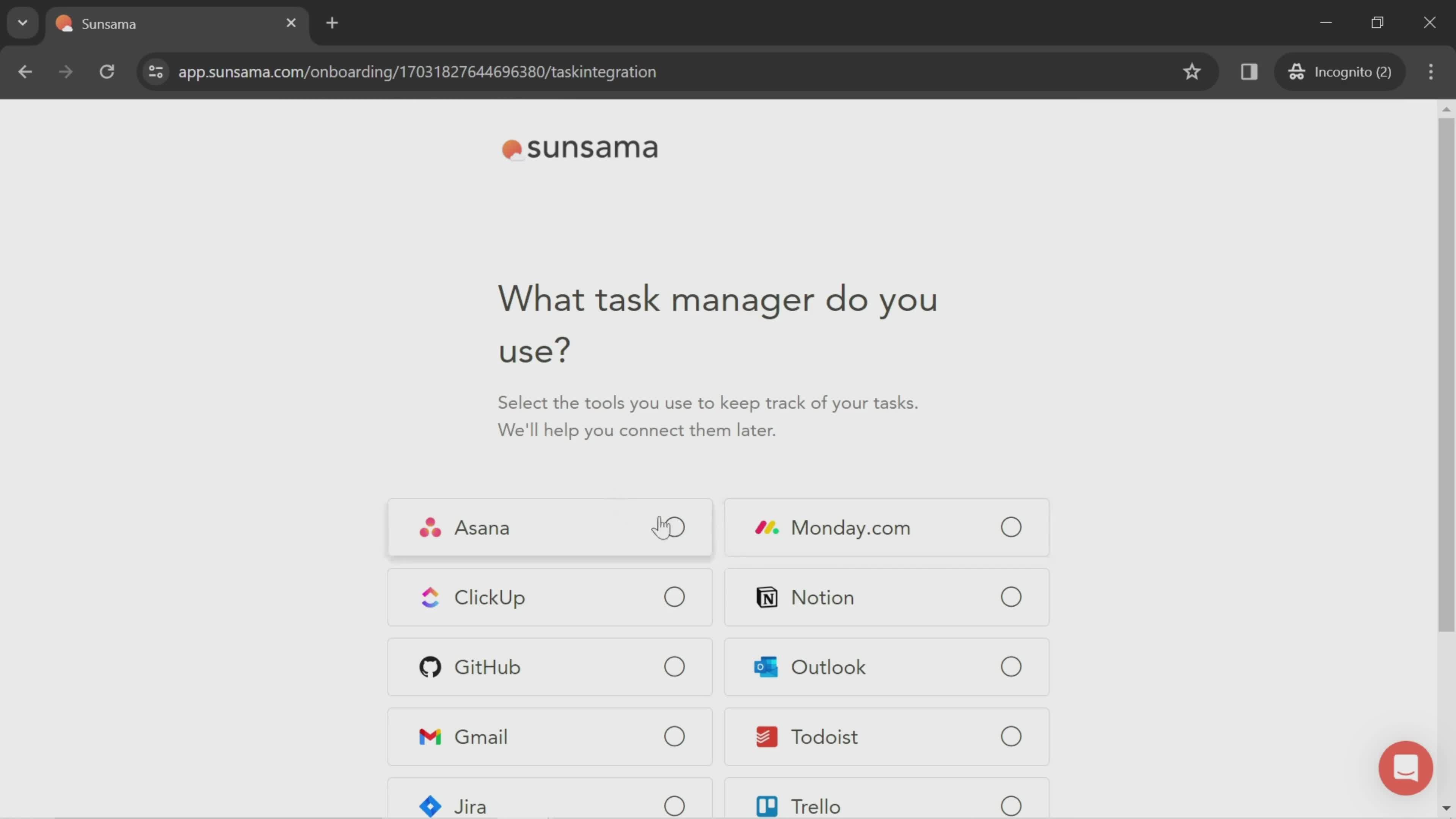
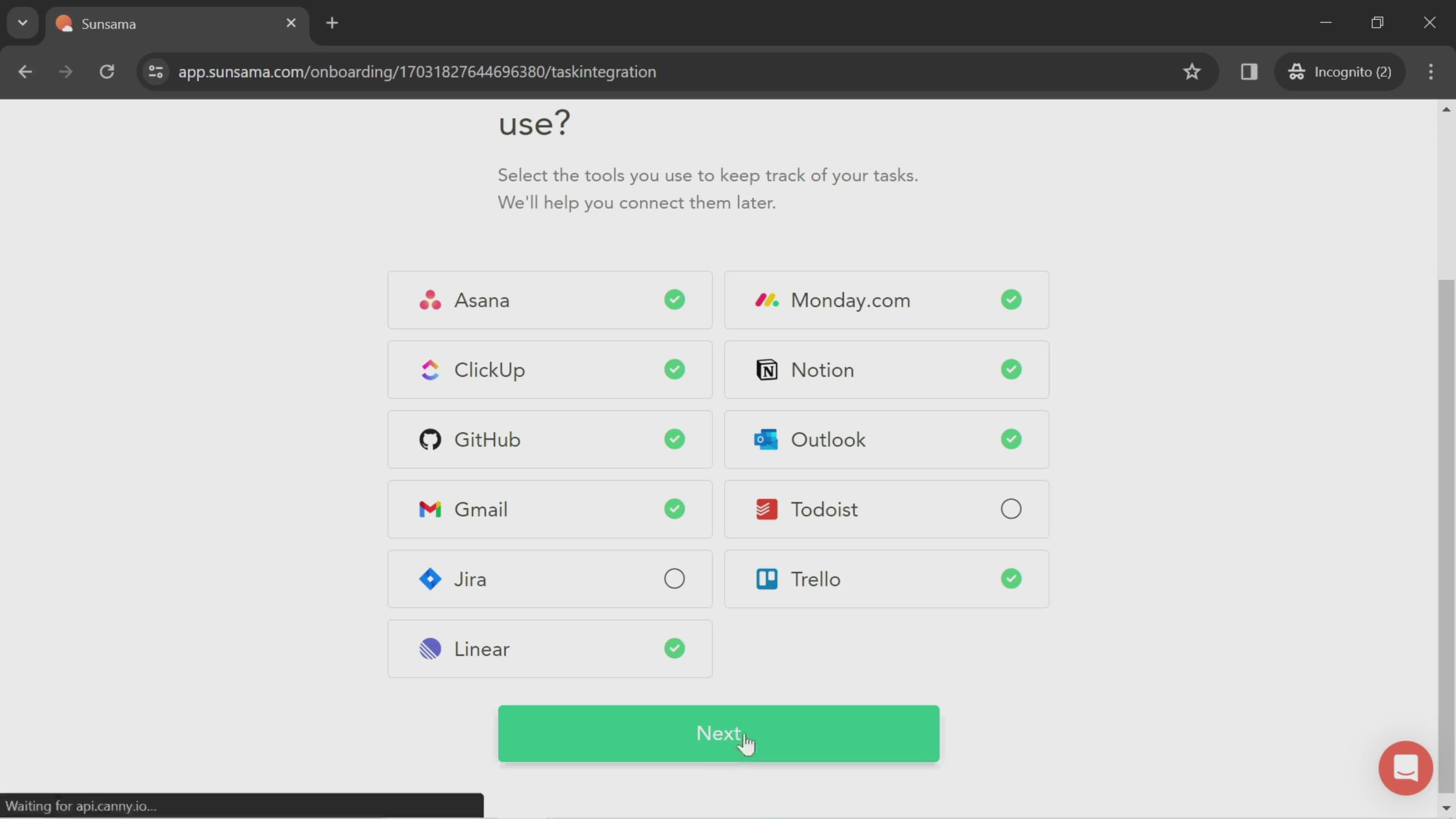
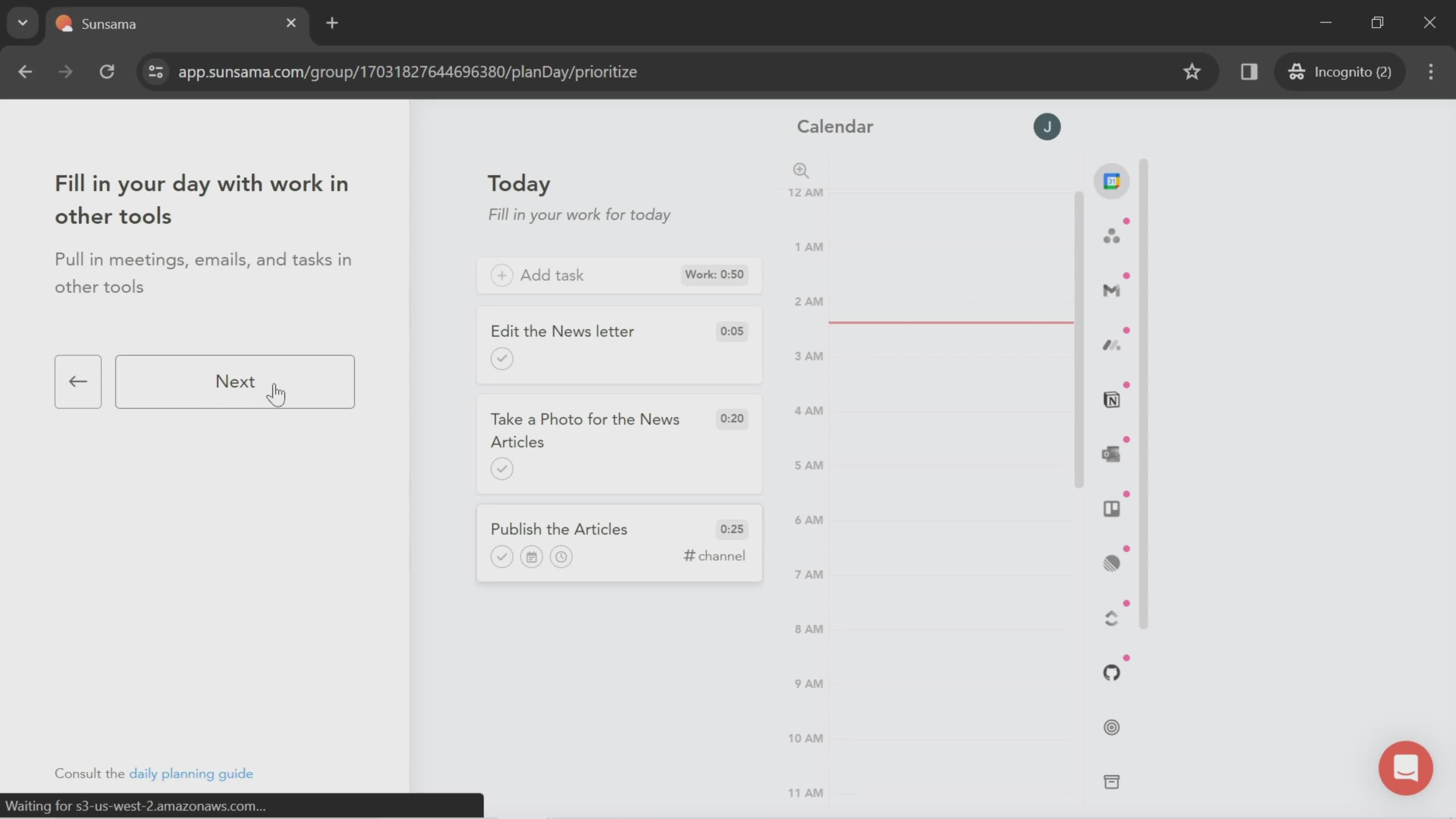
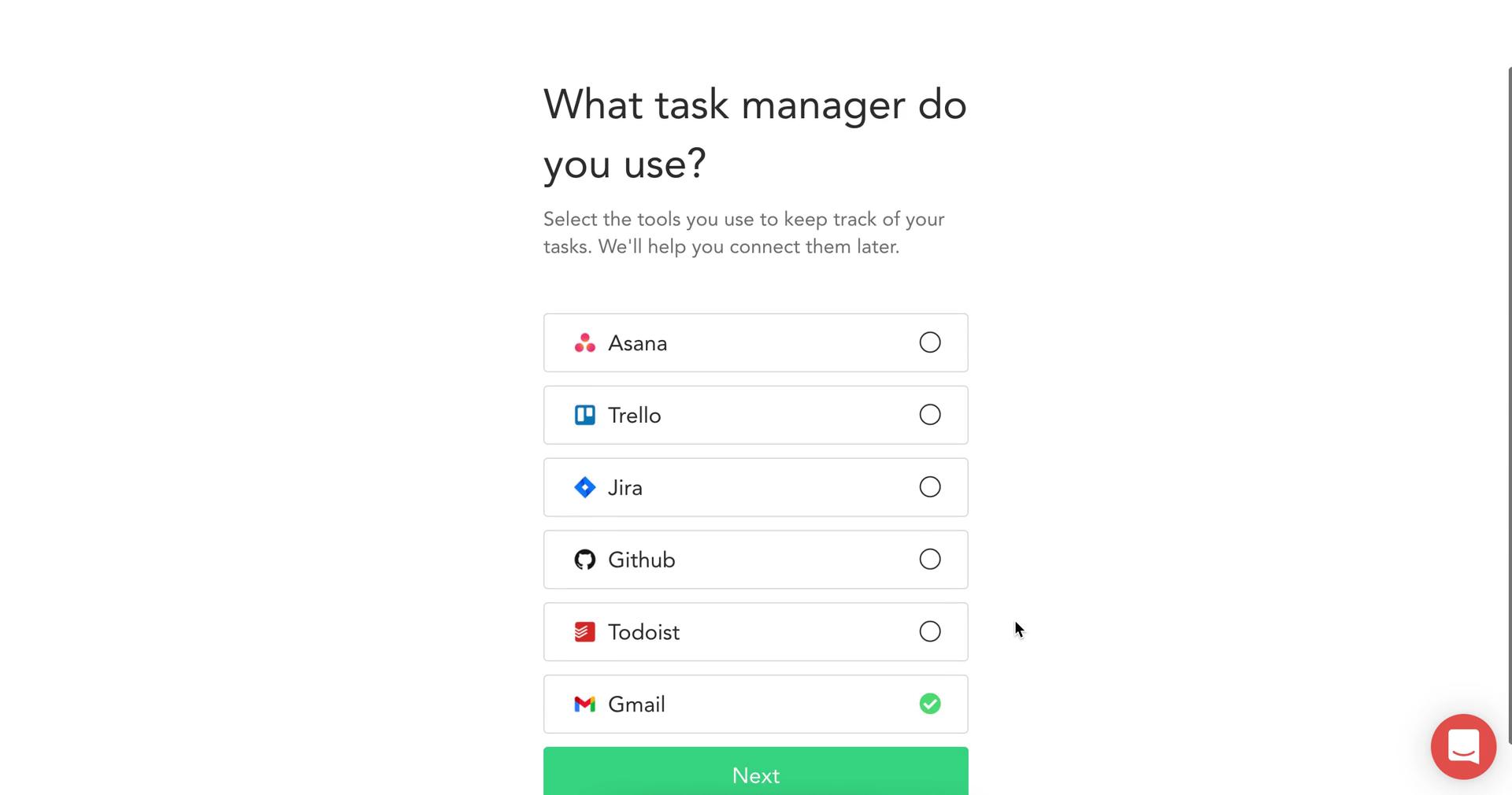
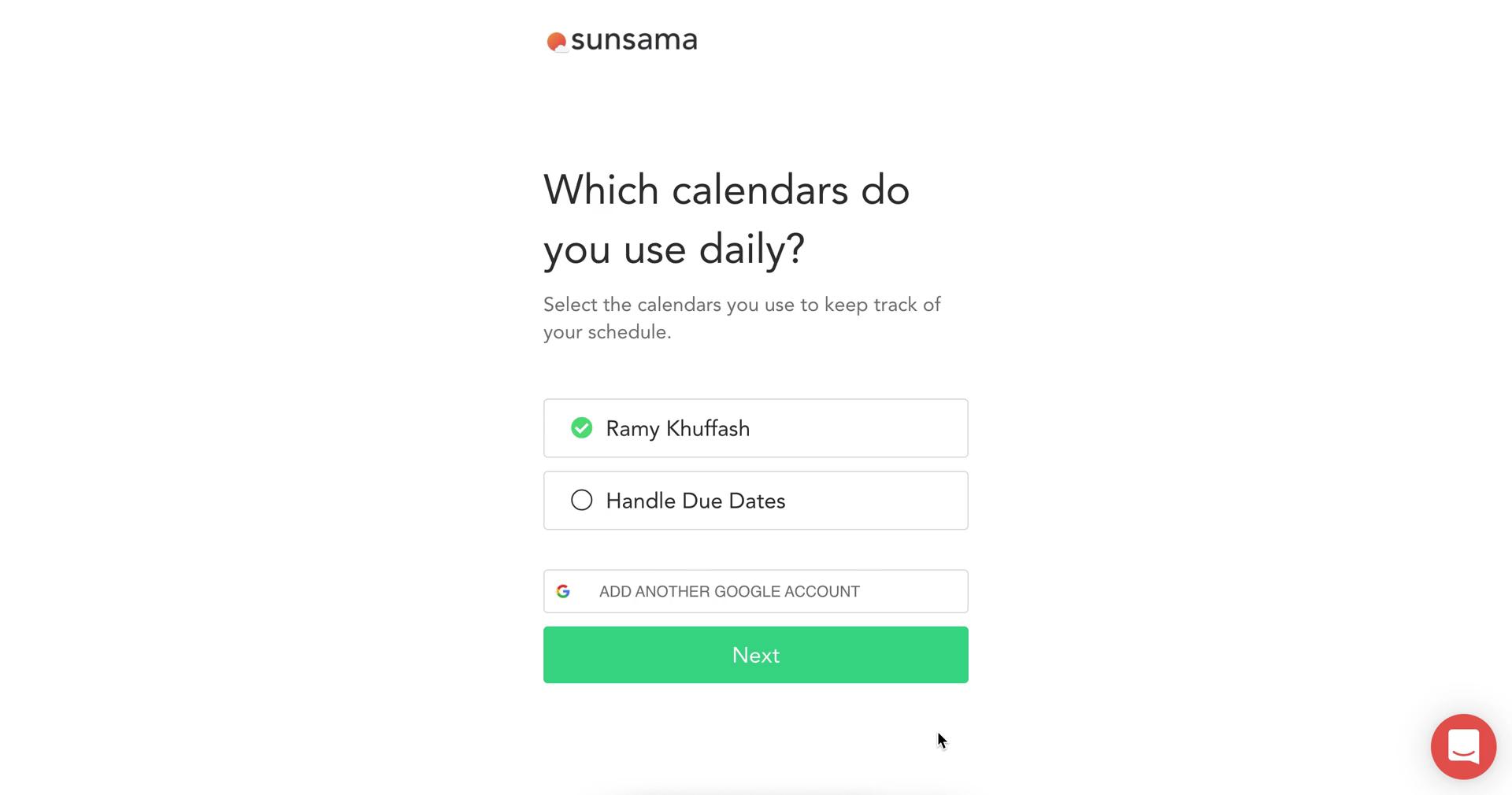
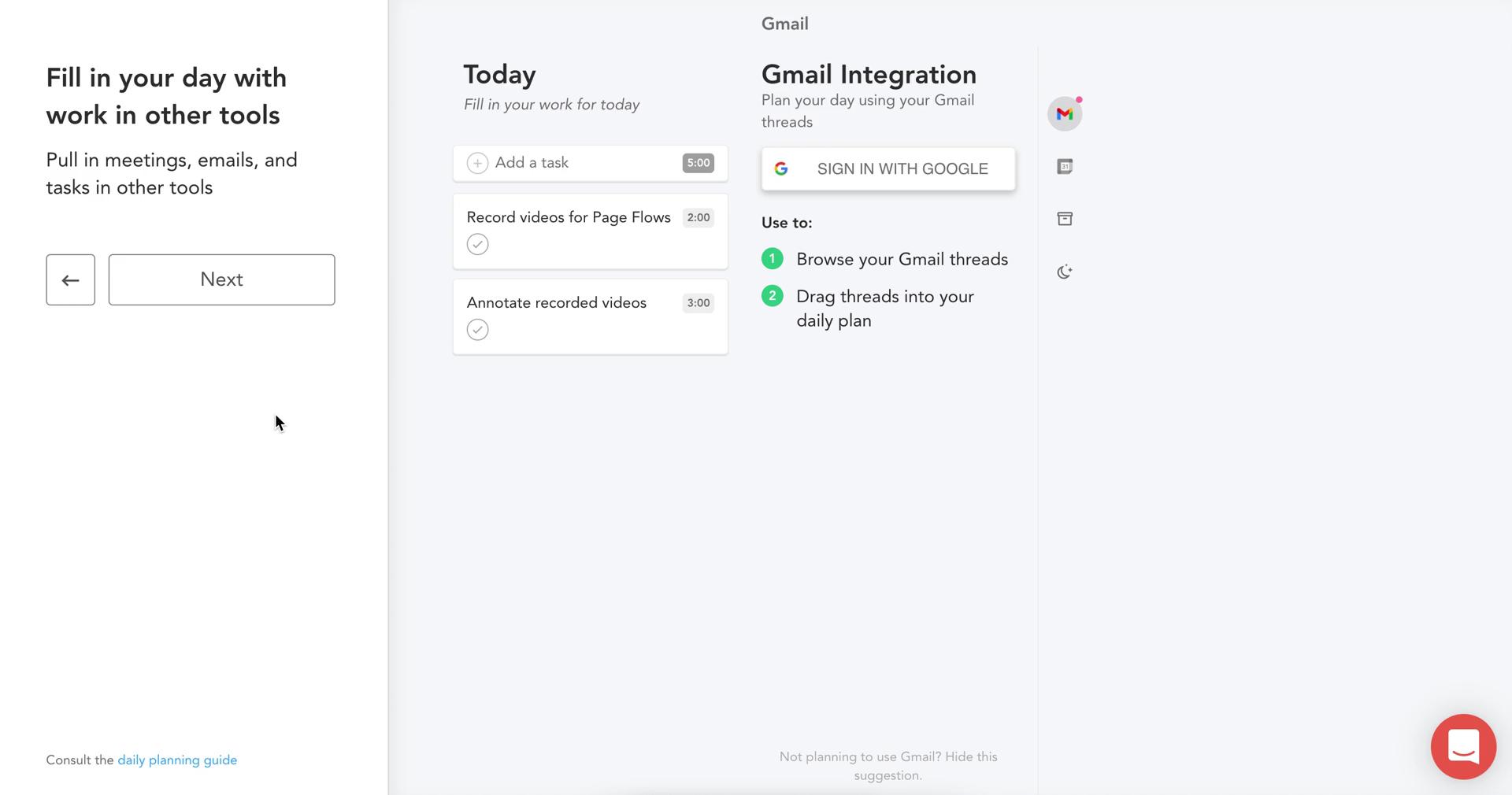
Tools
this is title
Next
this is title
Continue
this is title
this is title
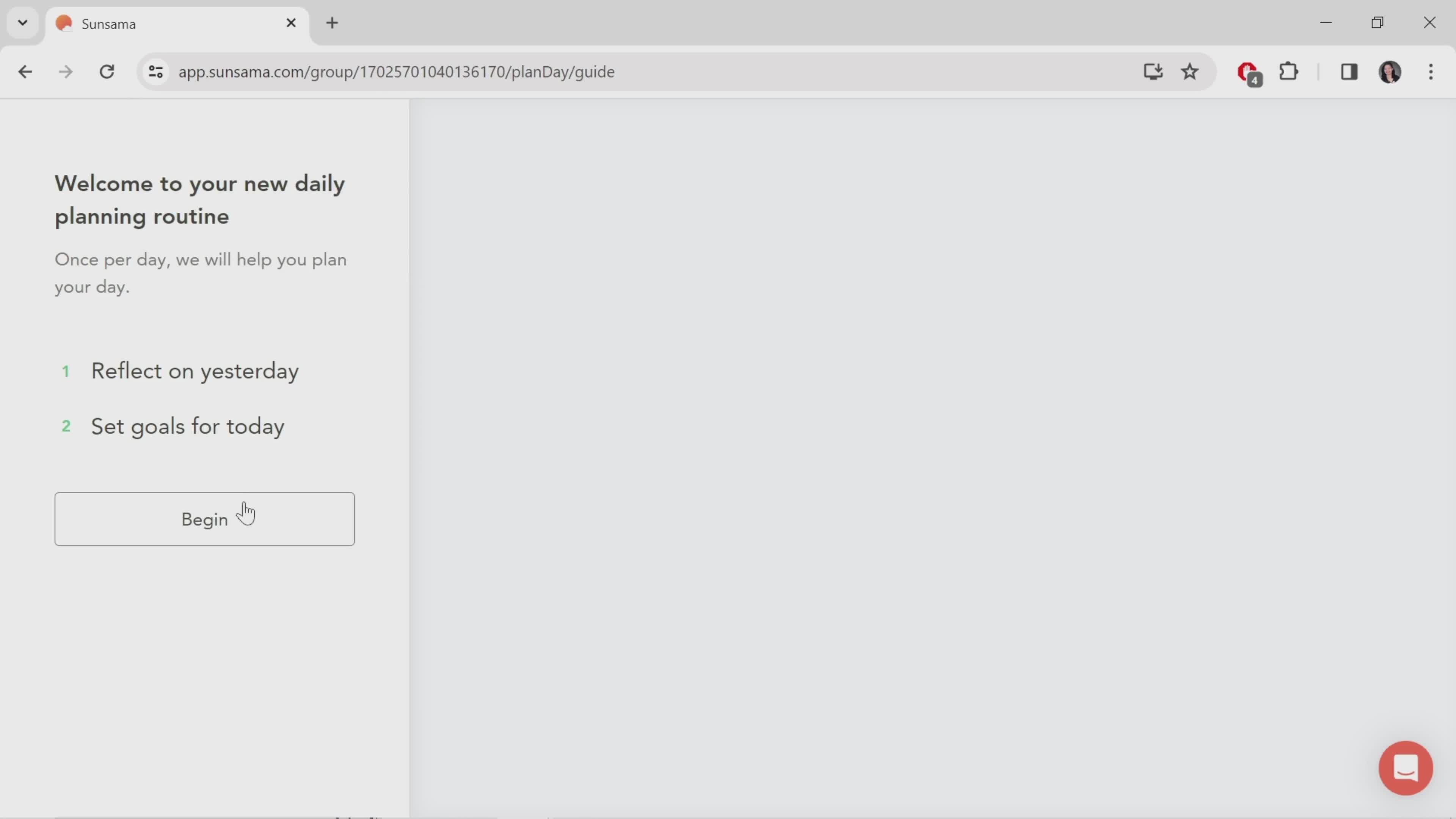
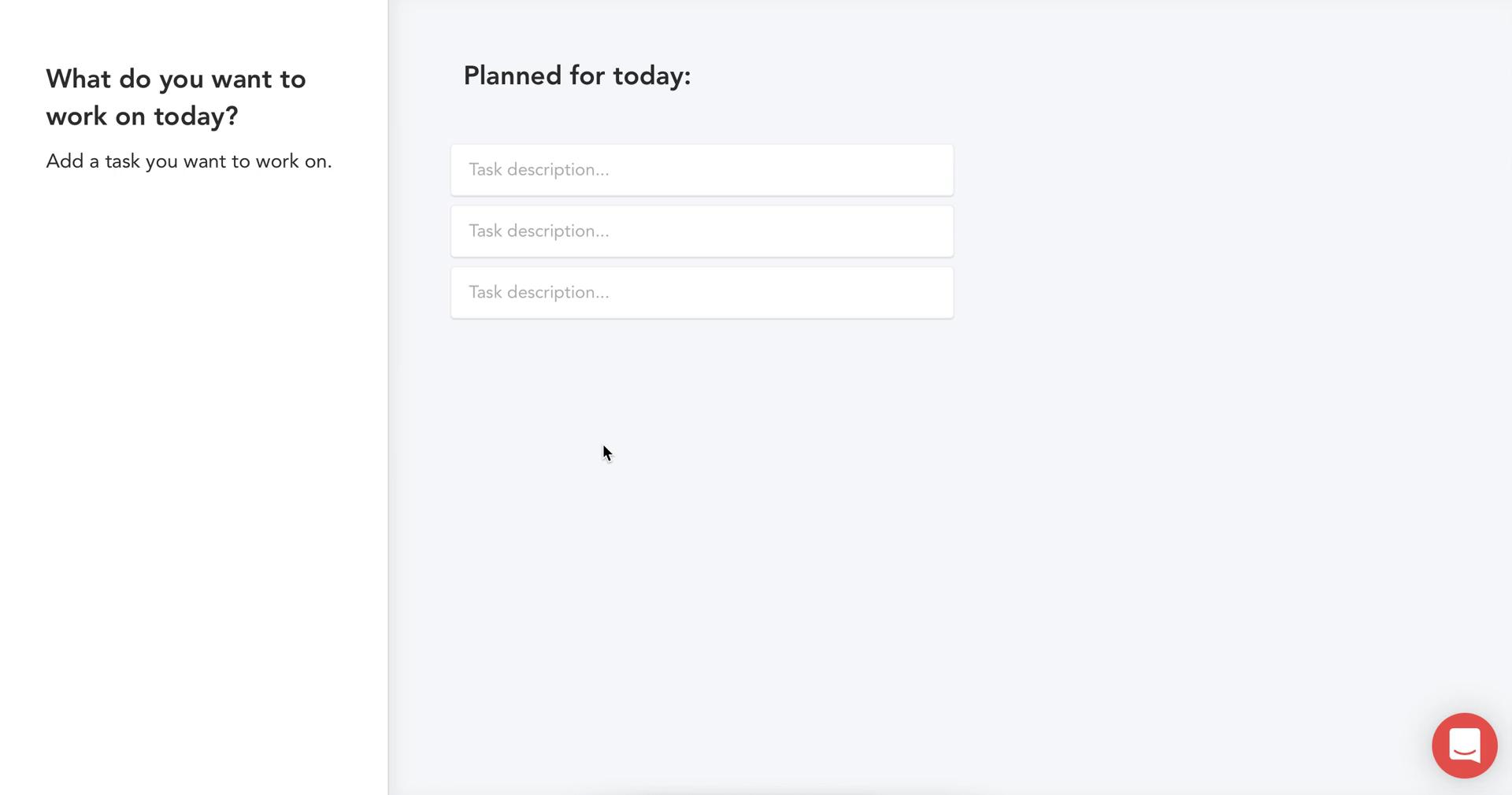
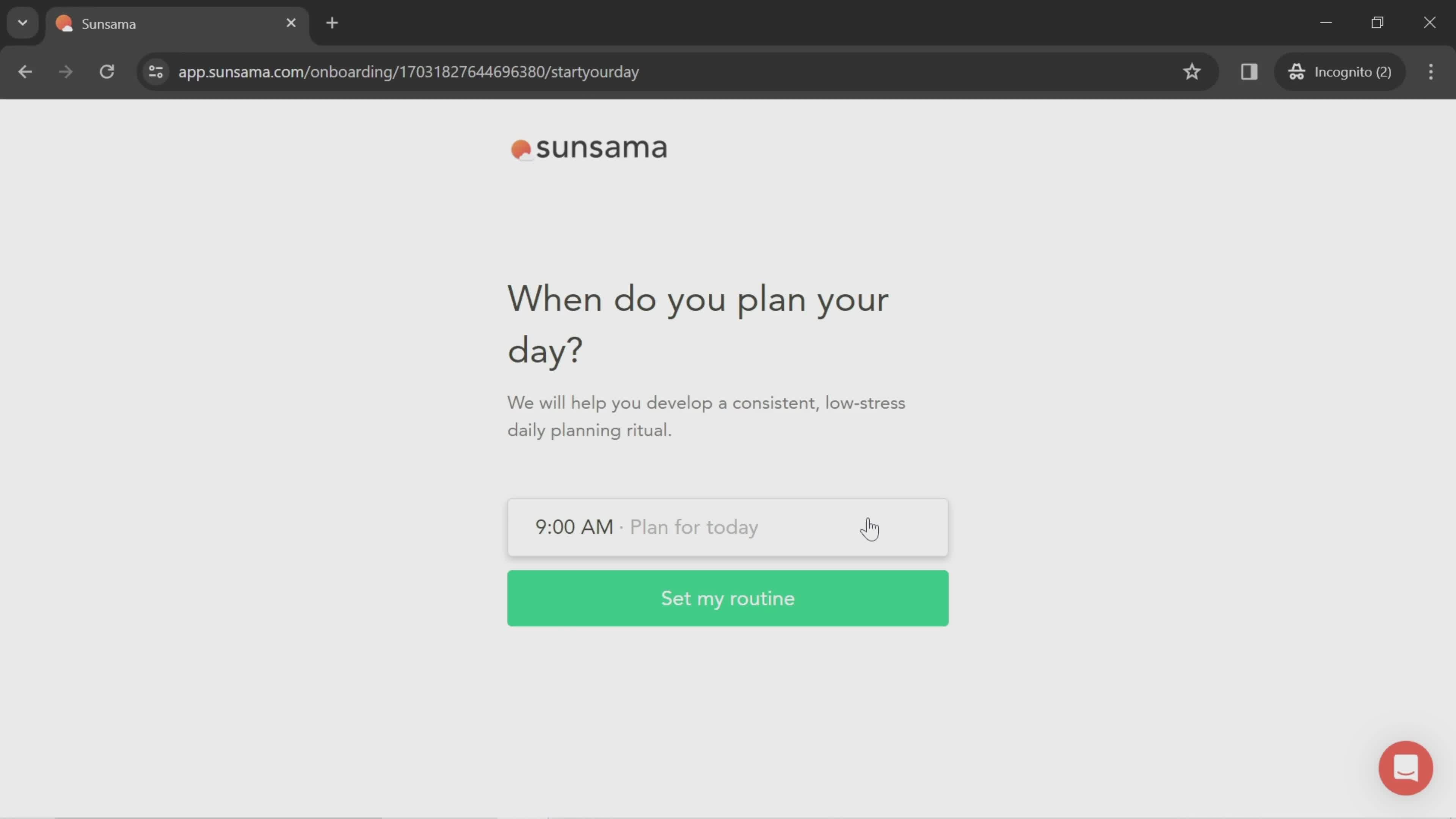
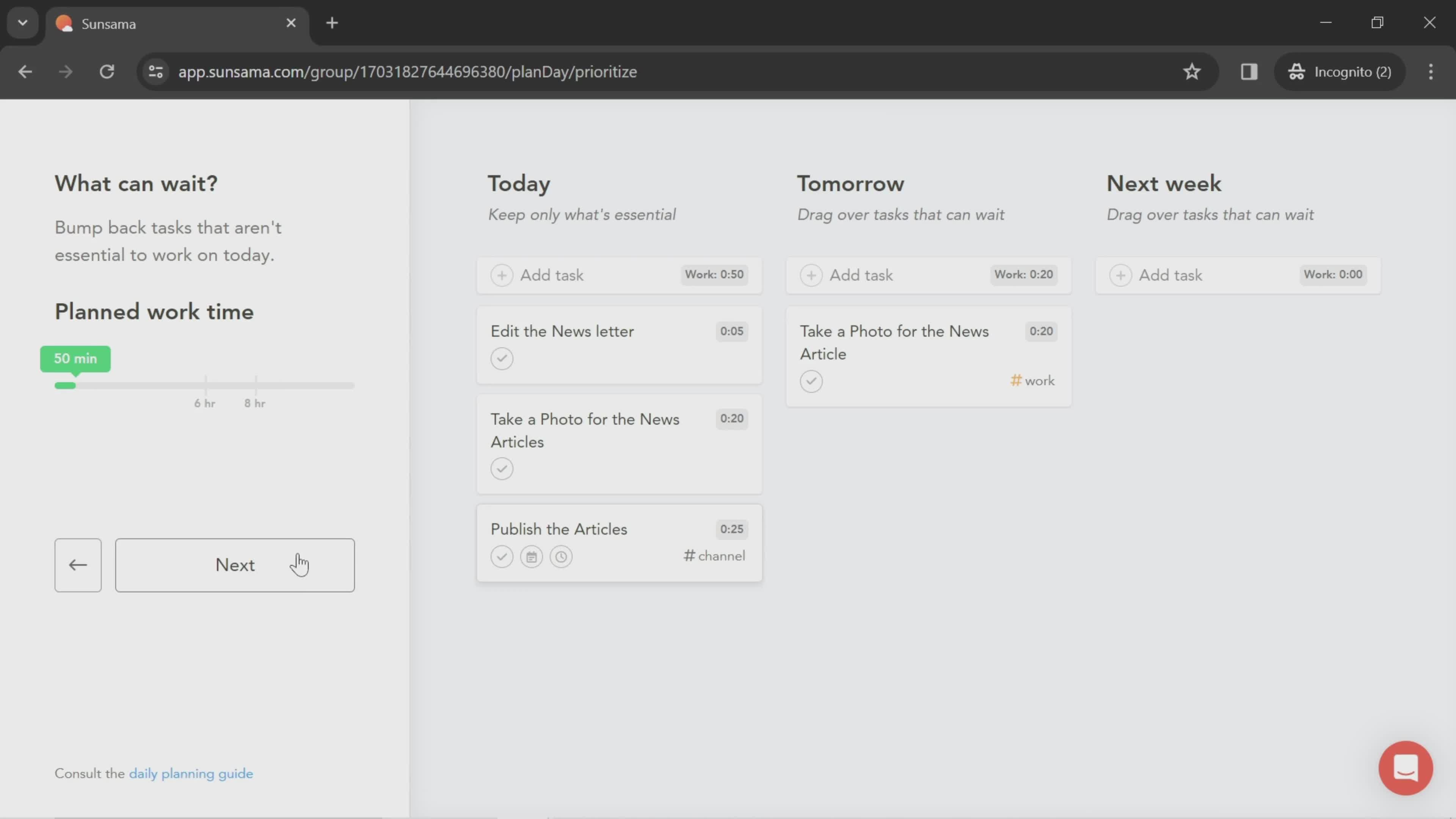
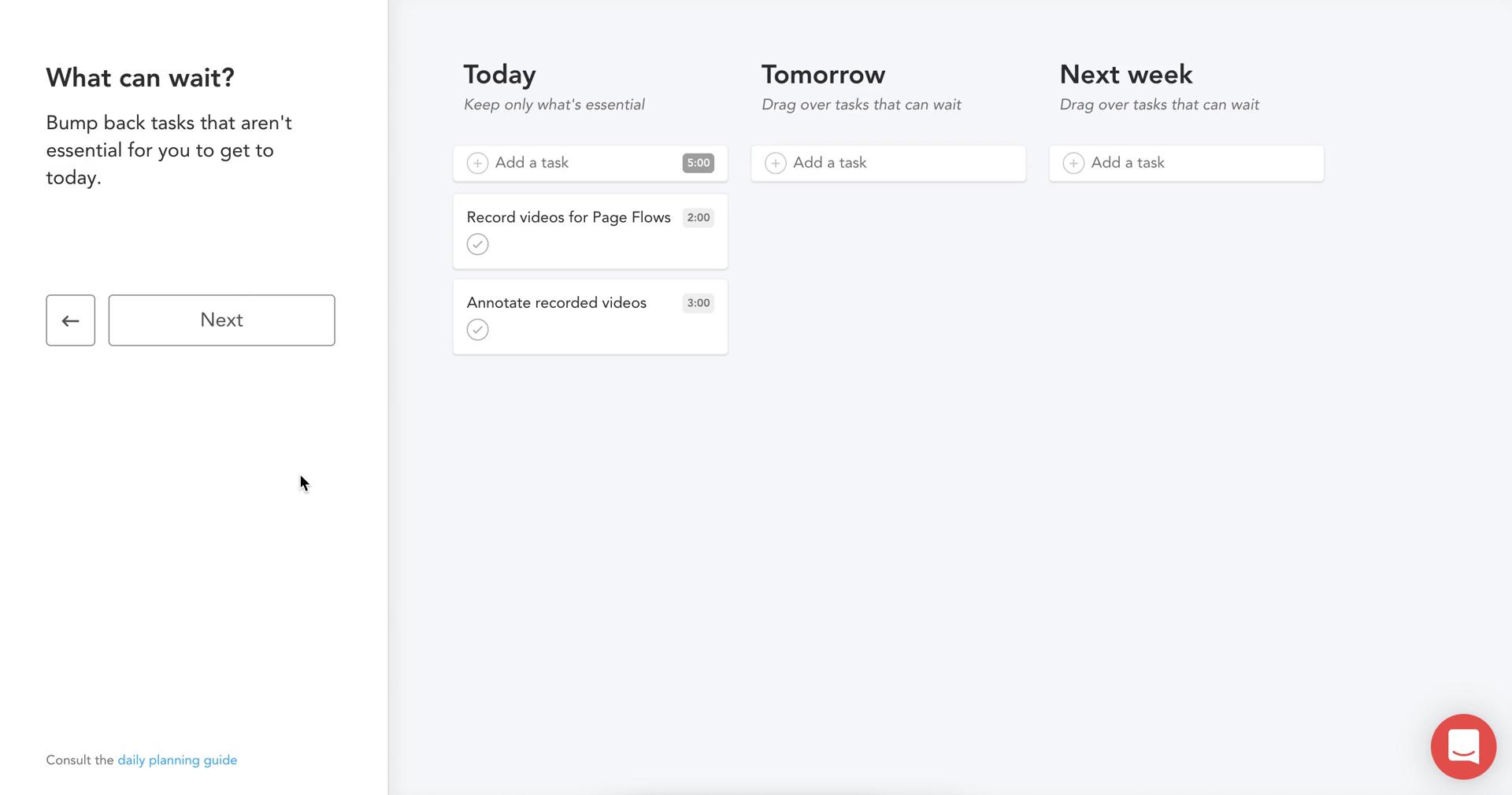
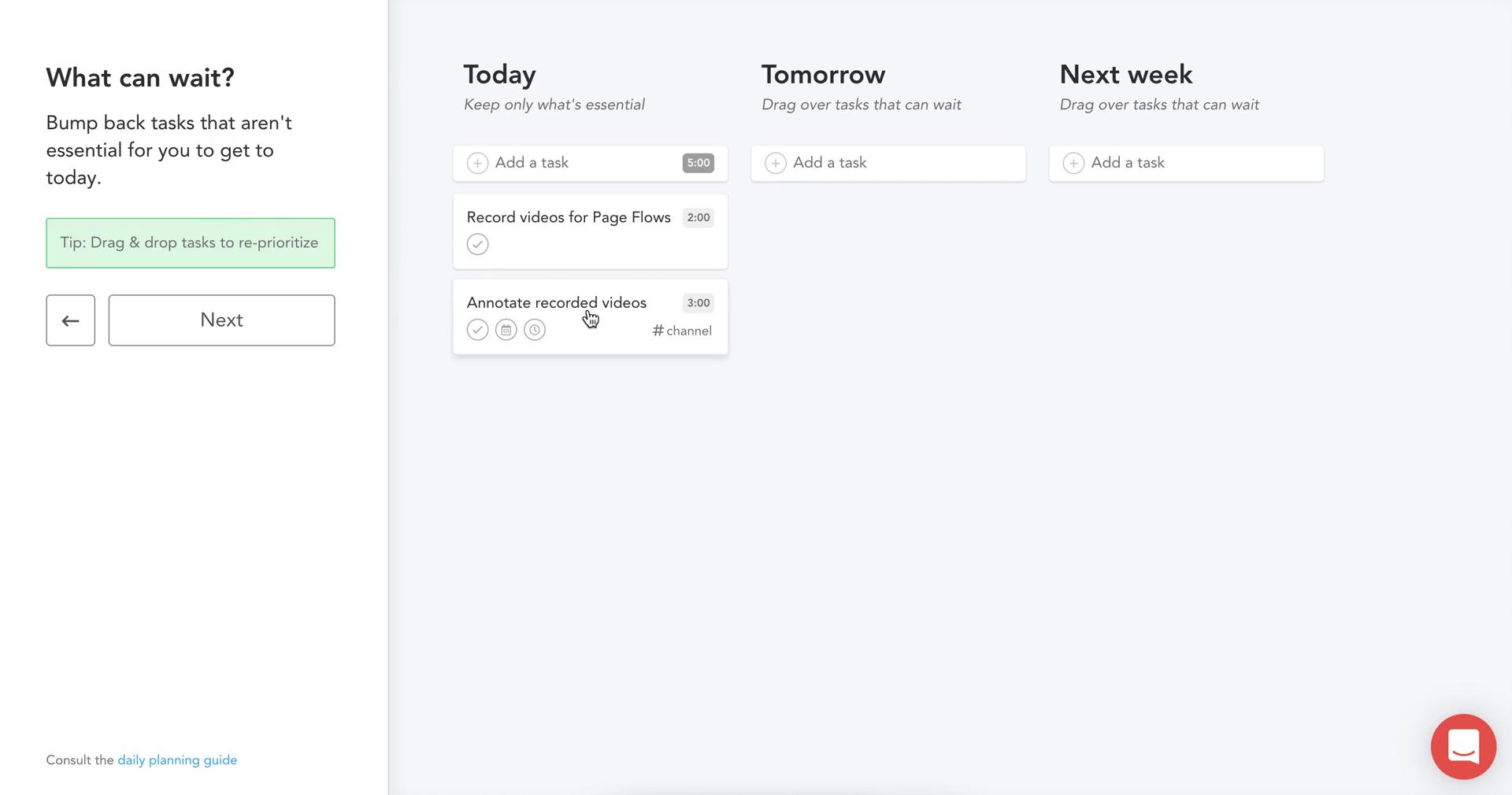
Plan
this is title
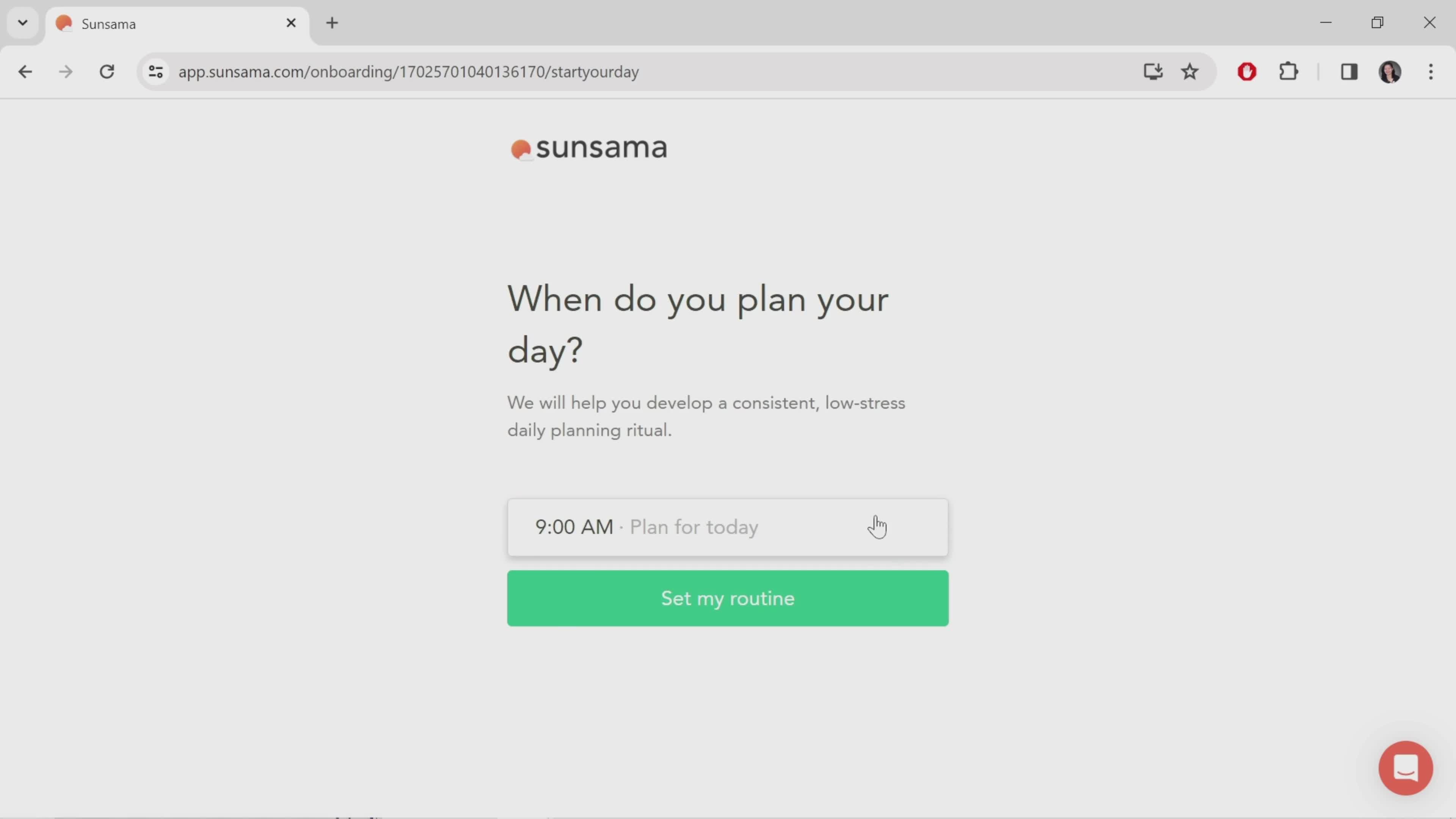
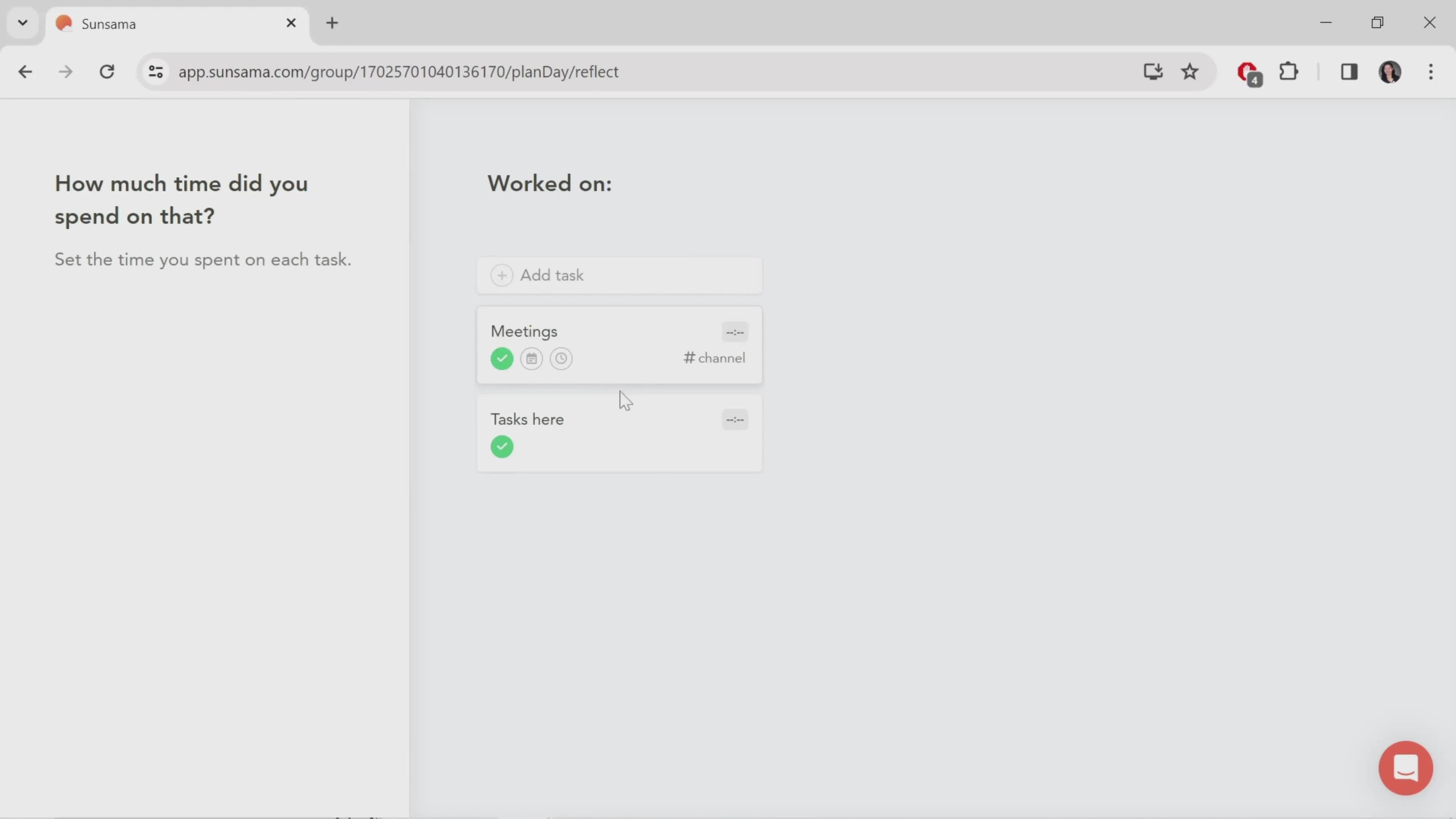
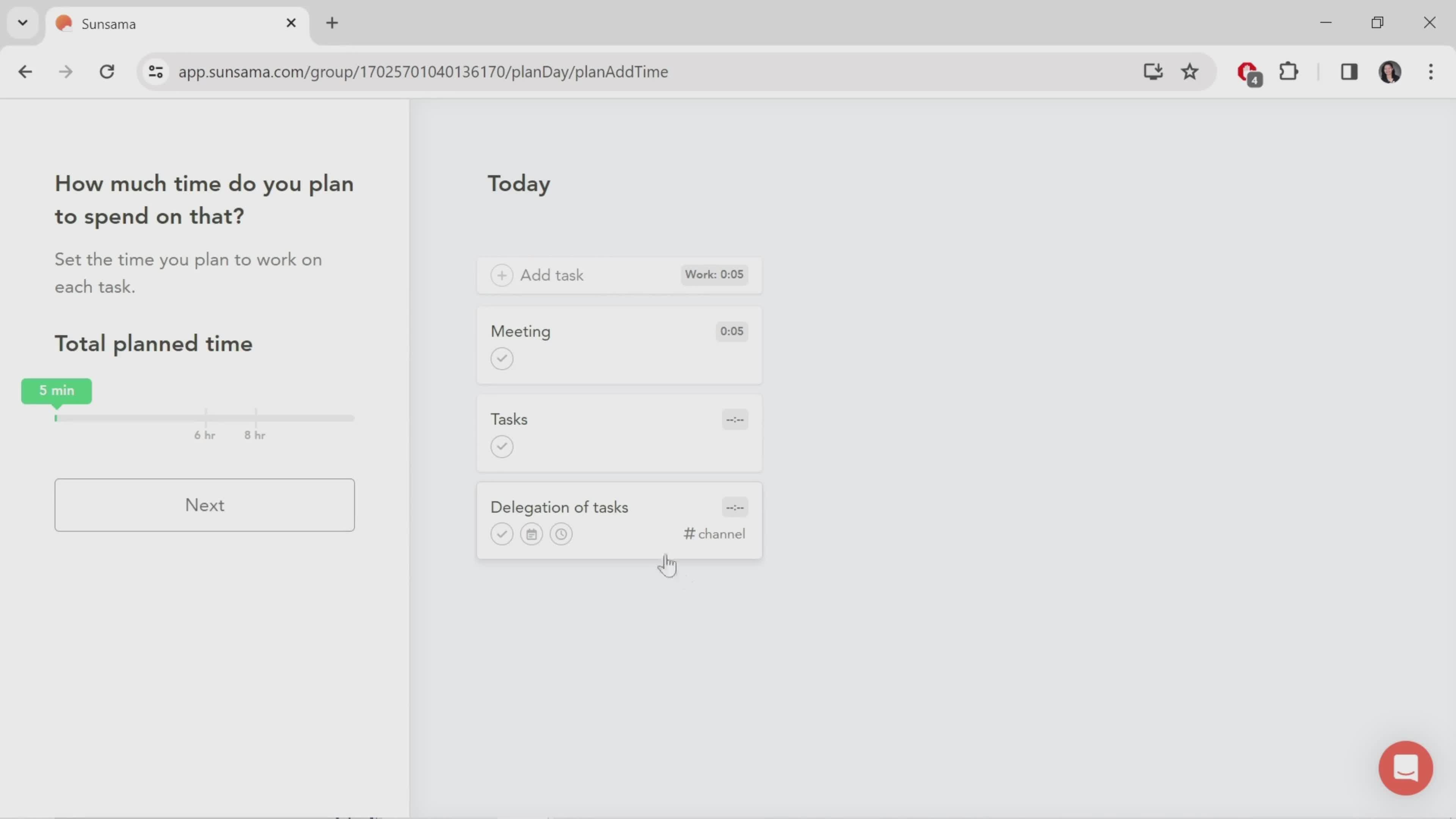
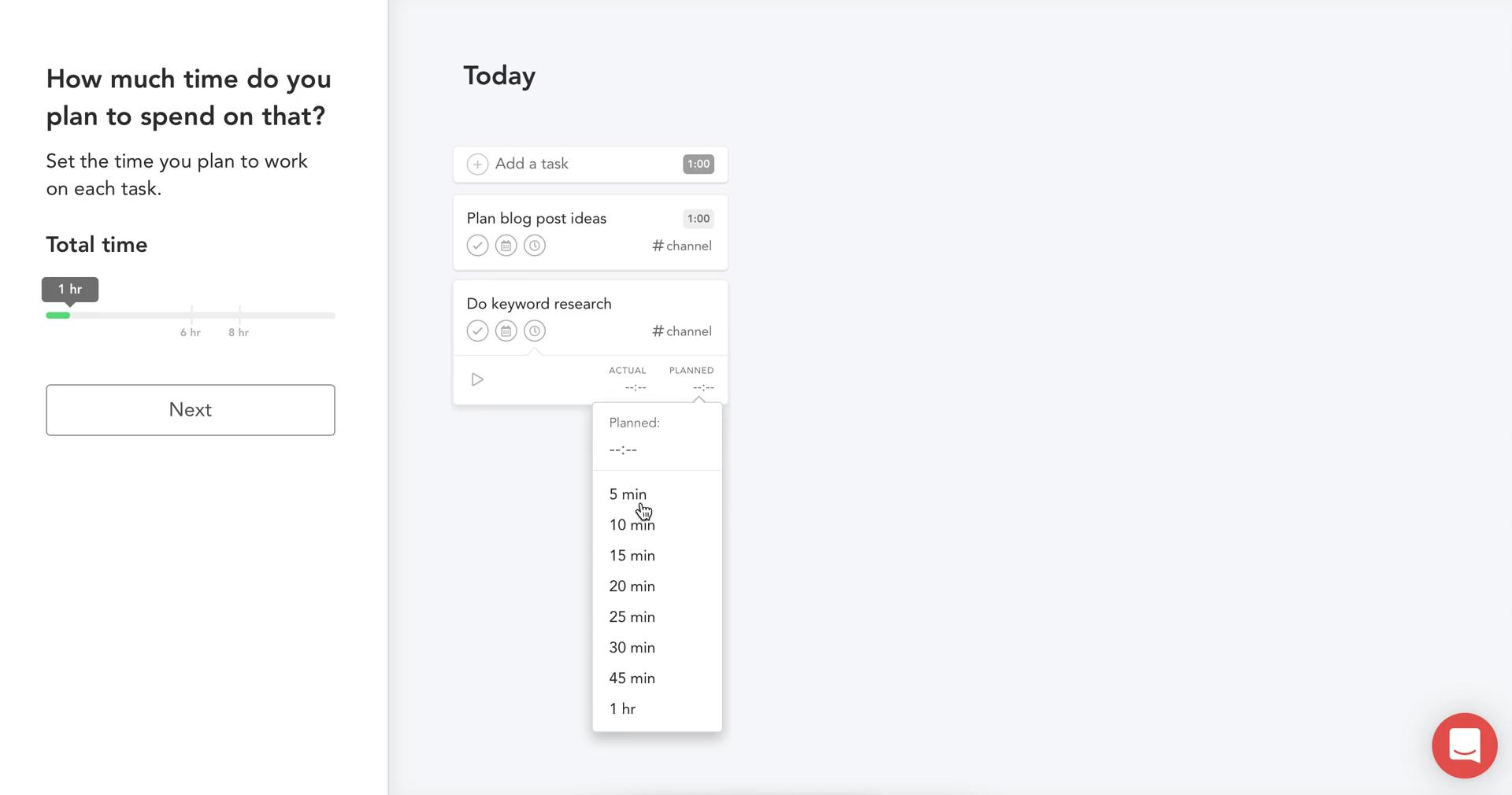
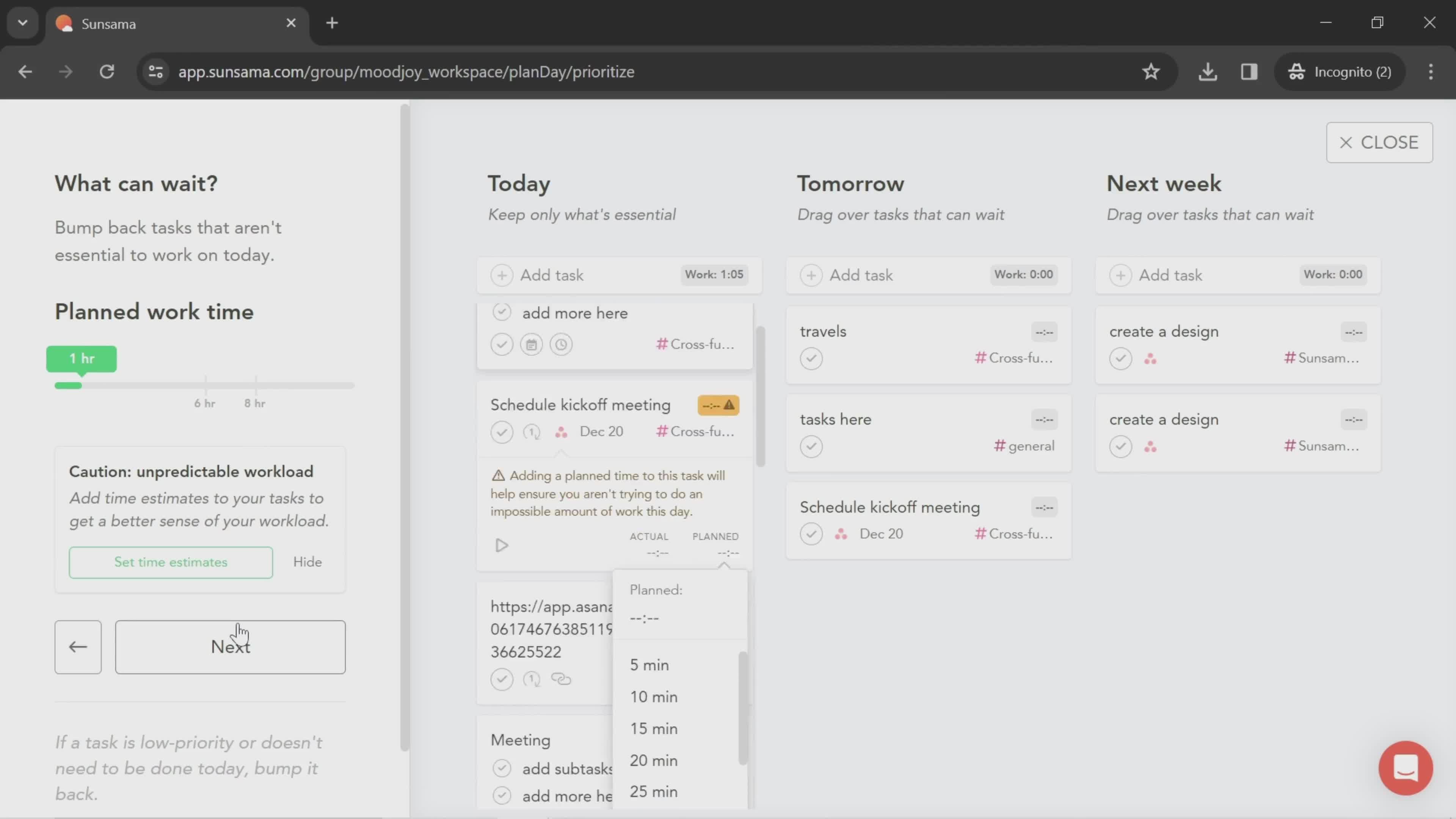
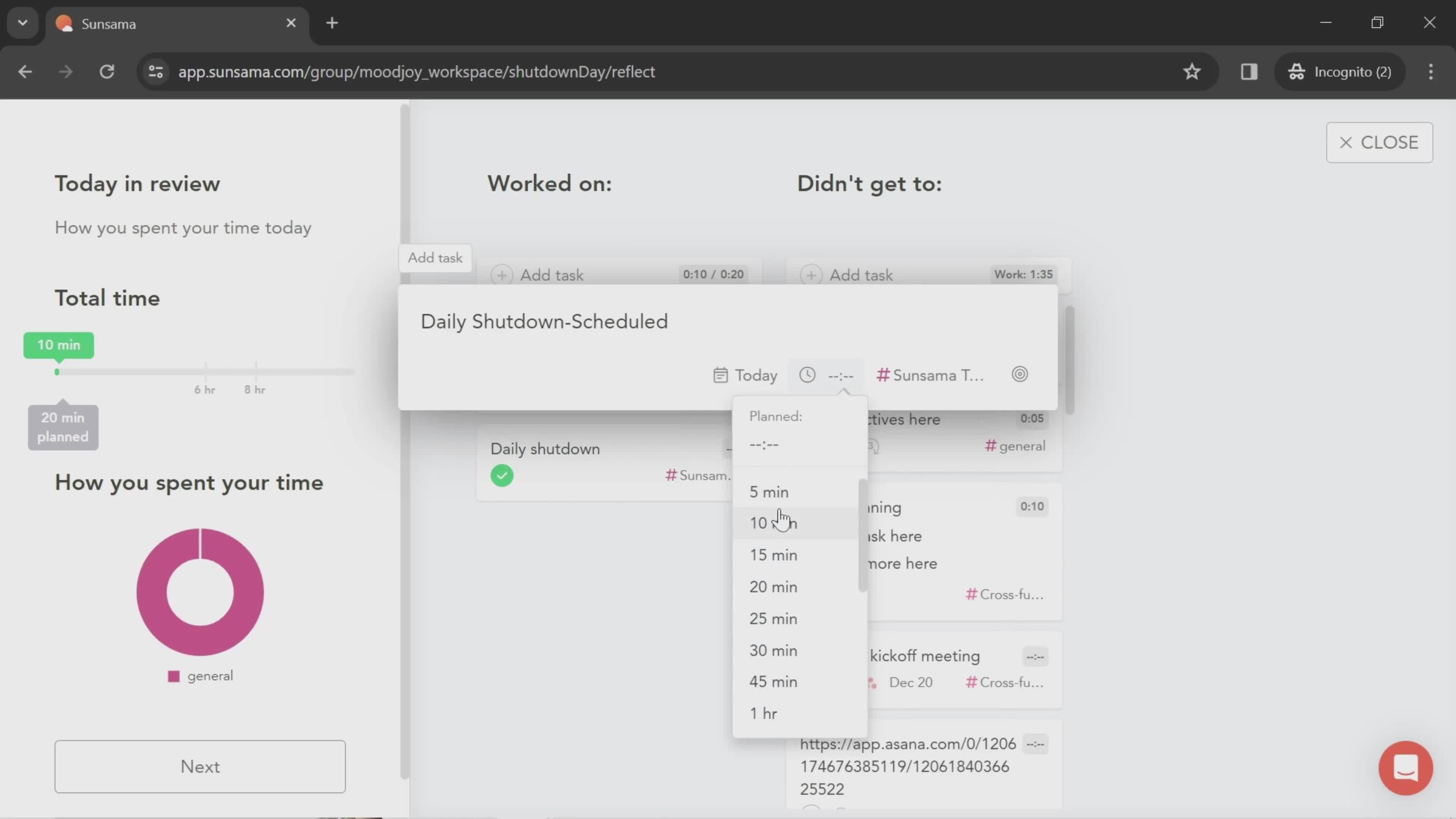
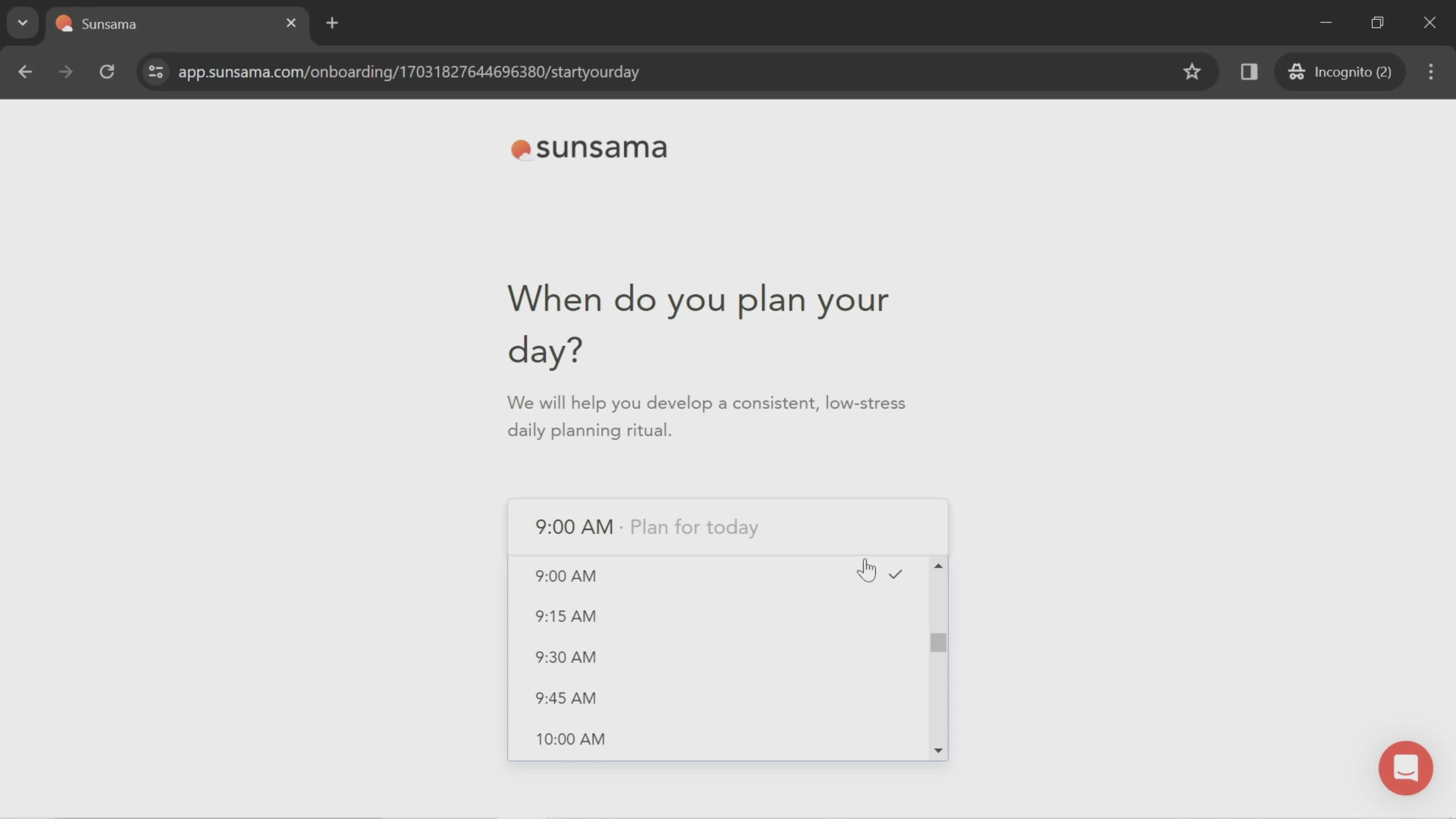
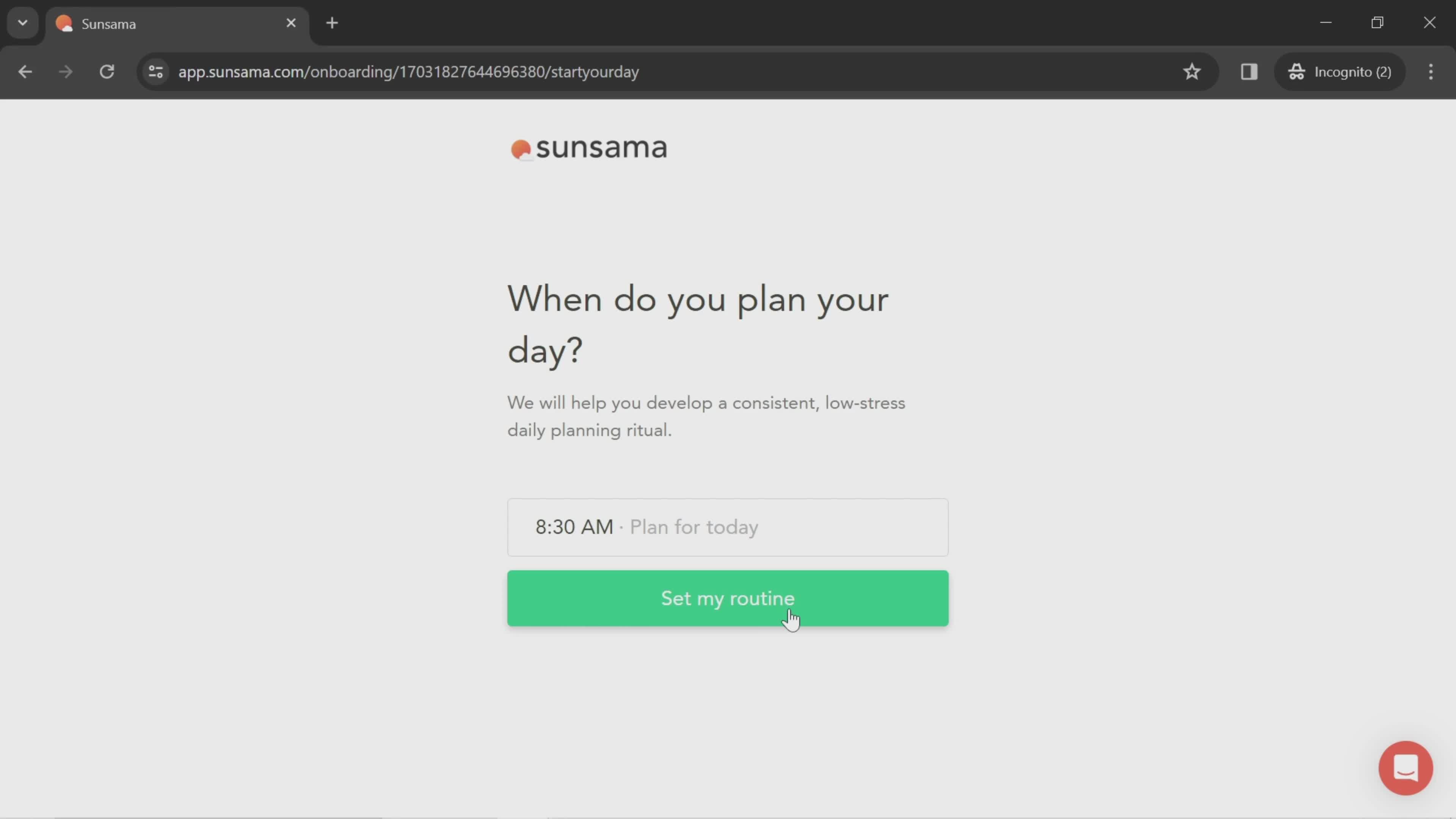
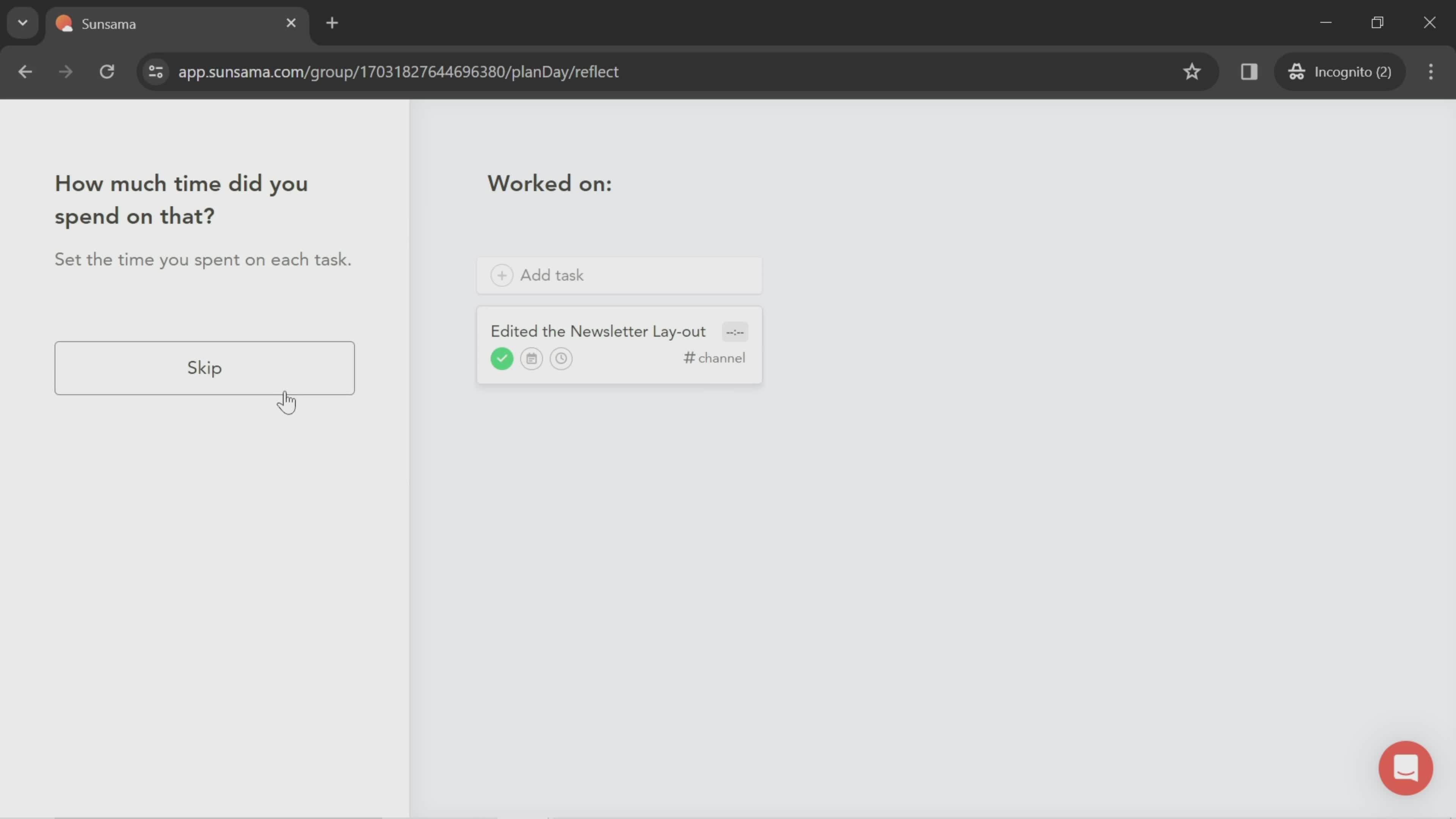
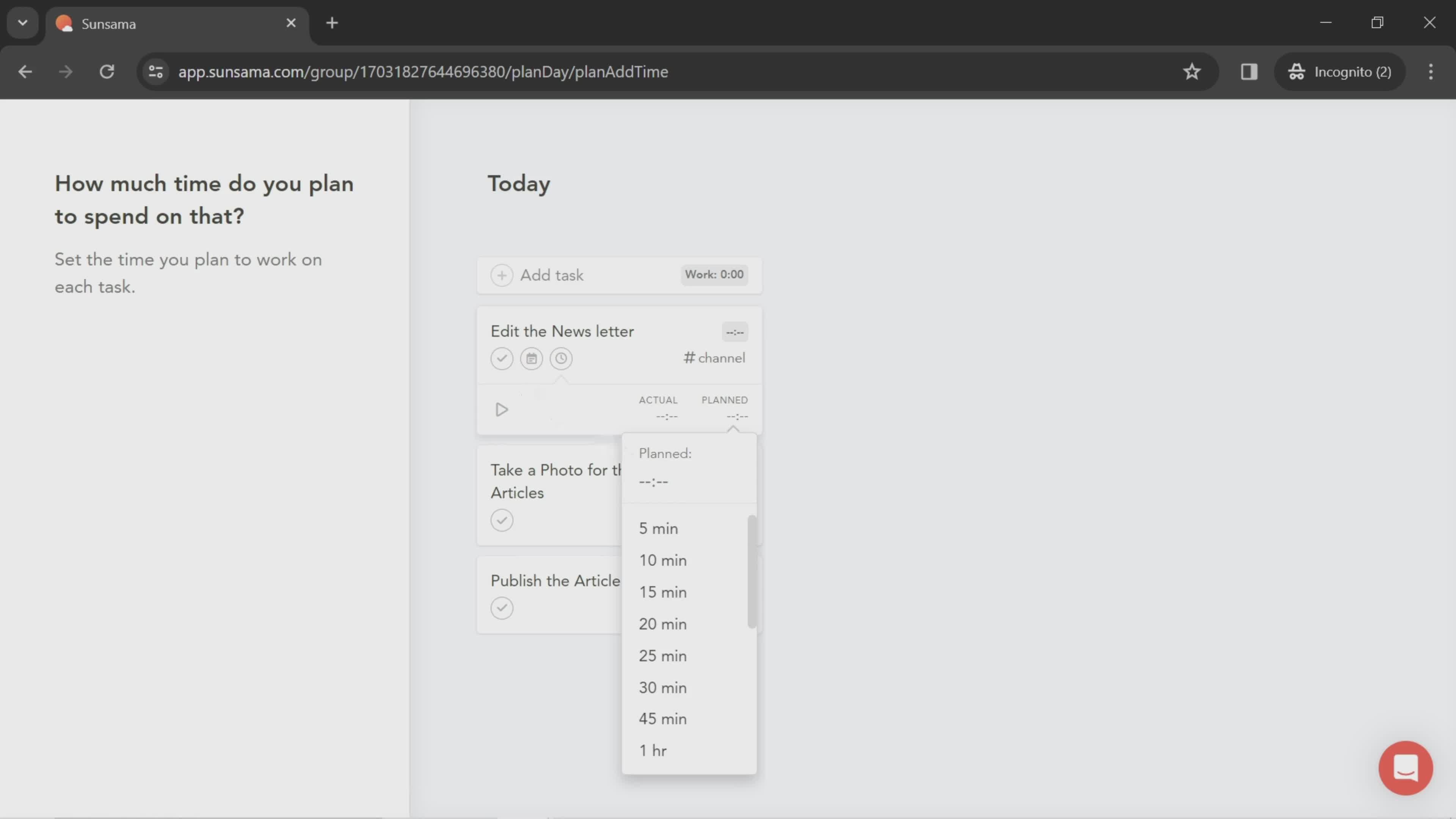
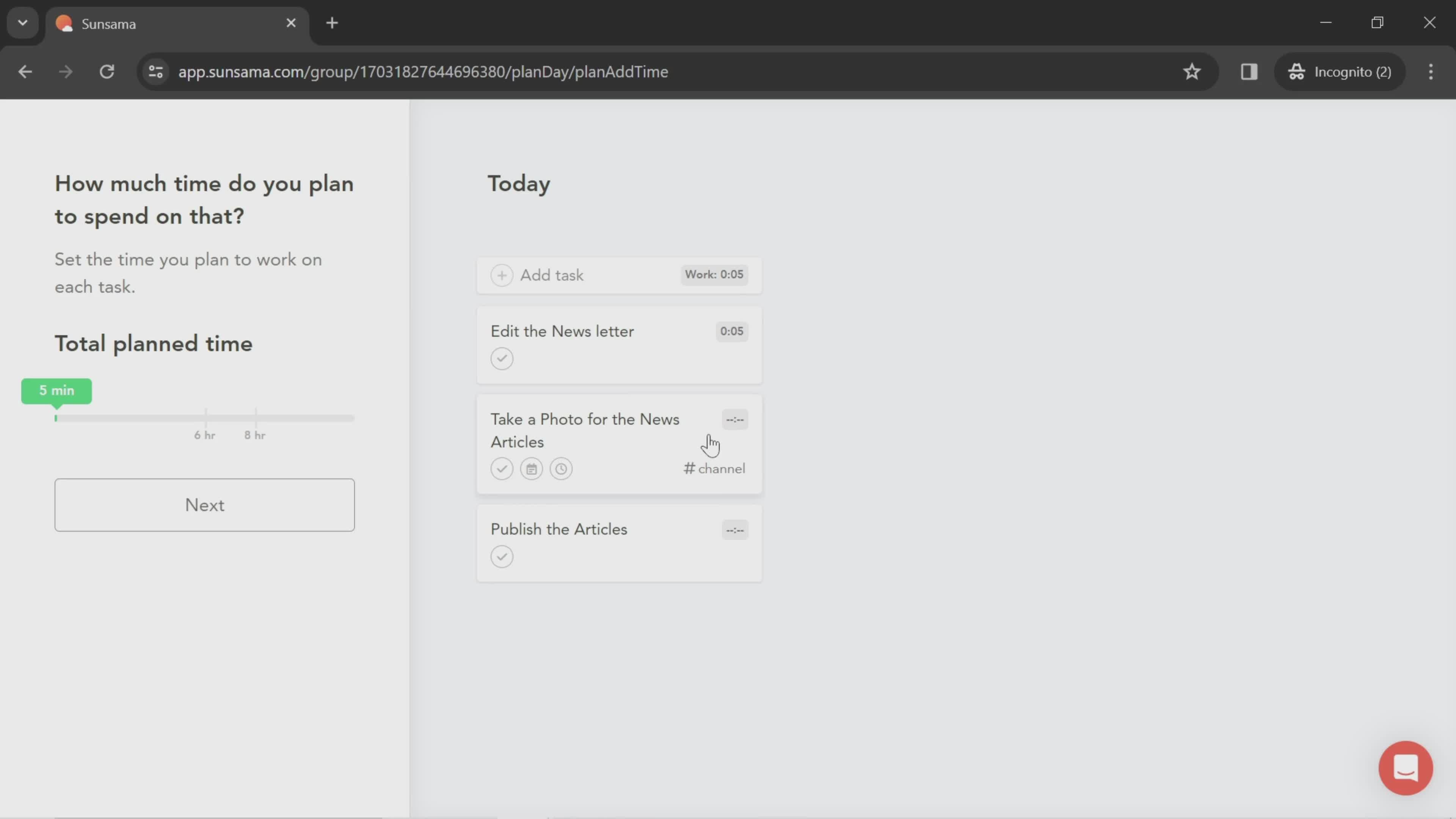
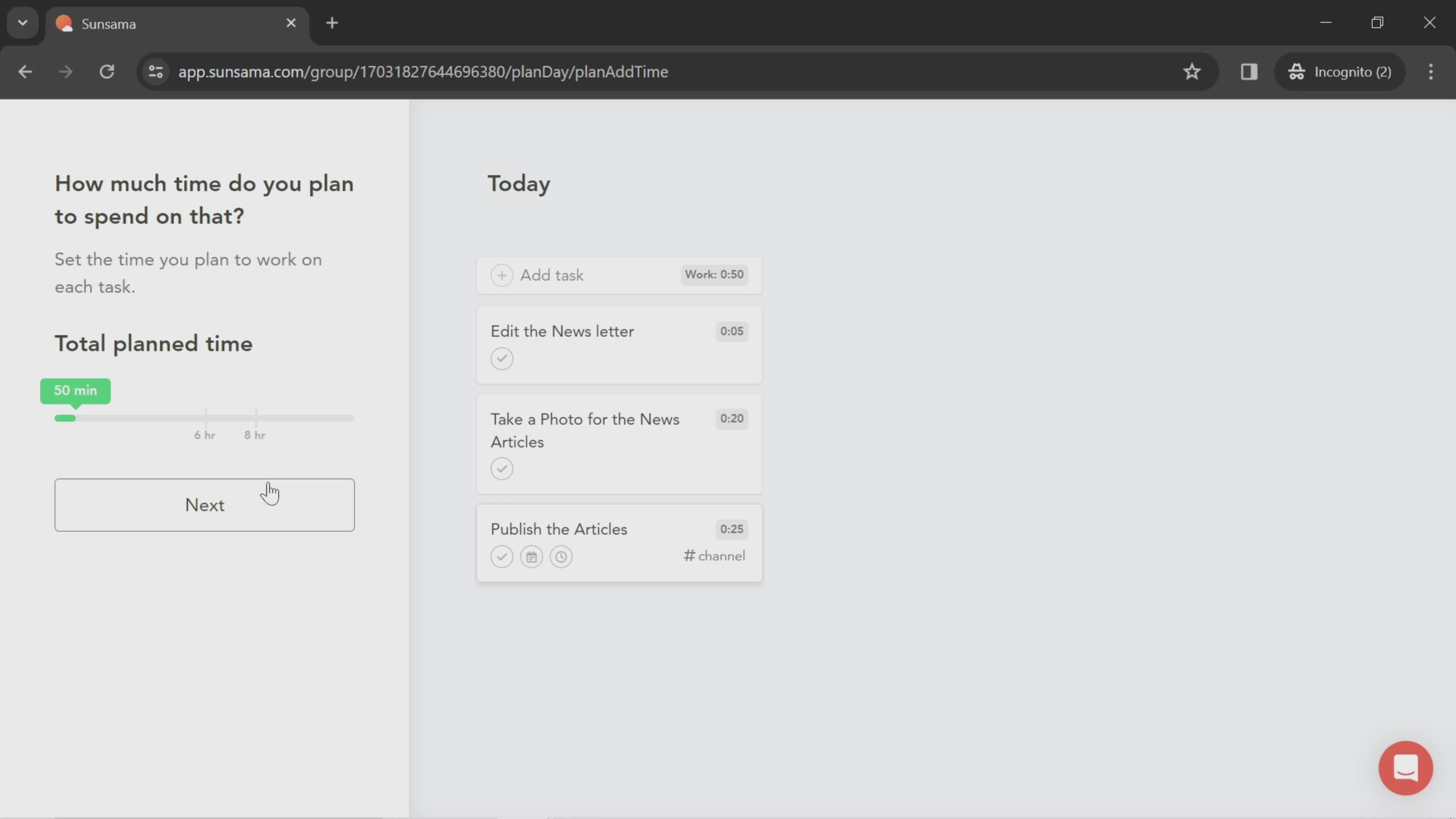
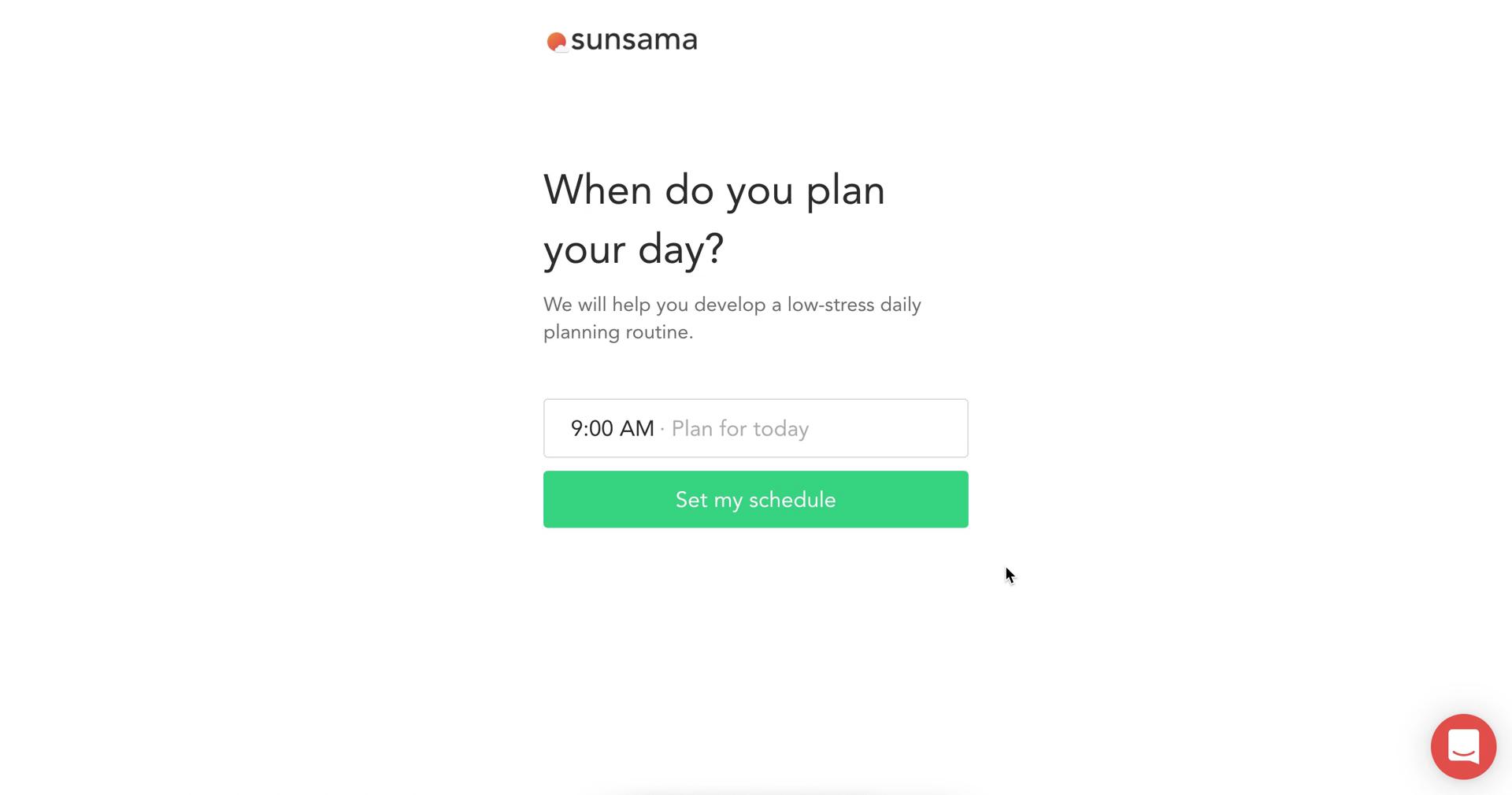
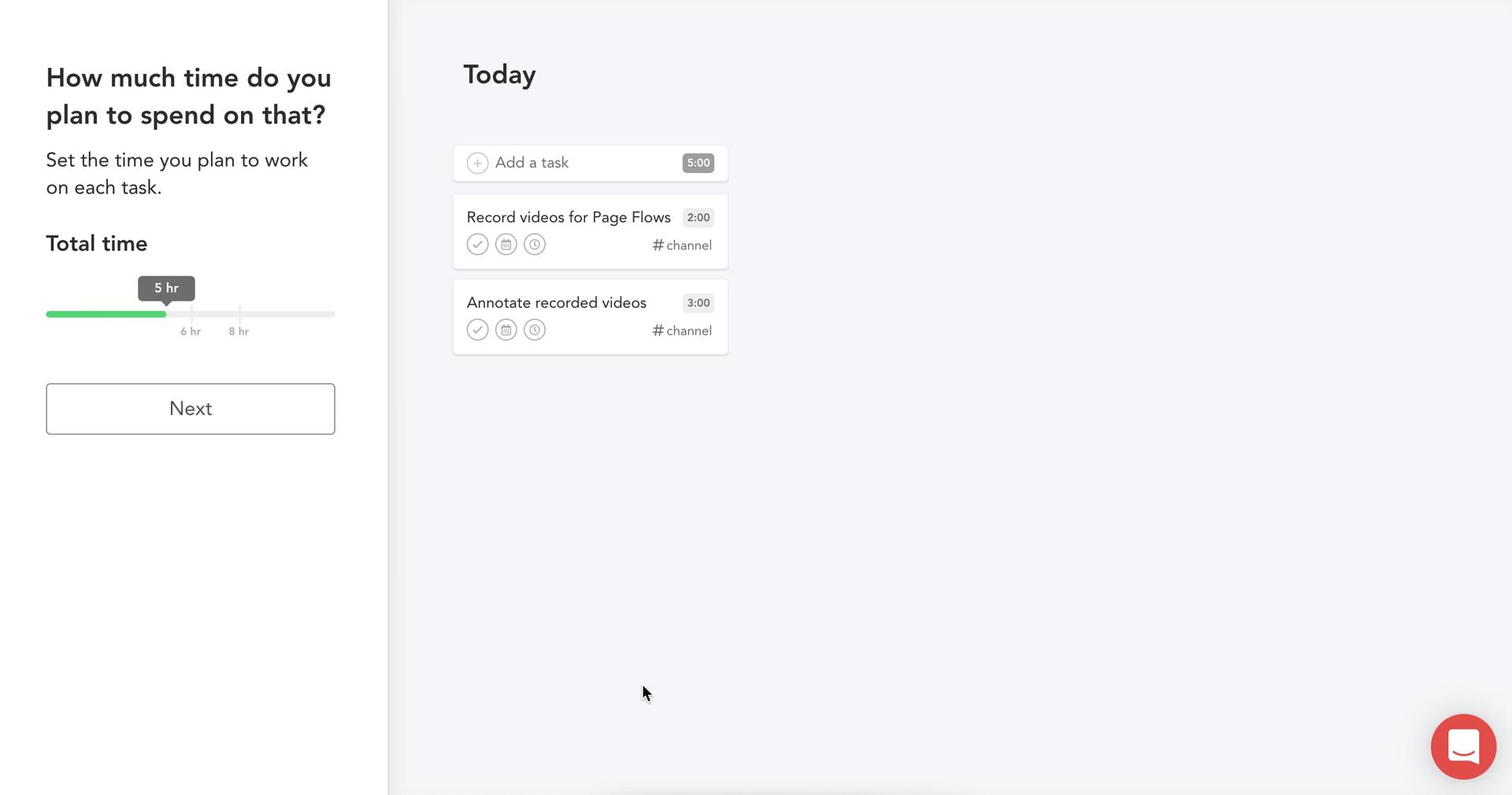
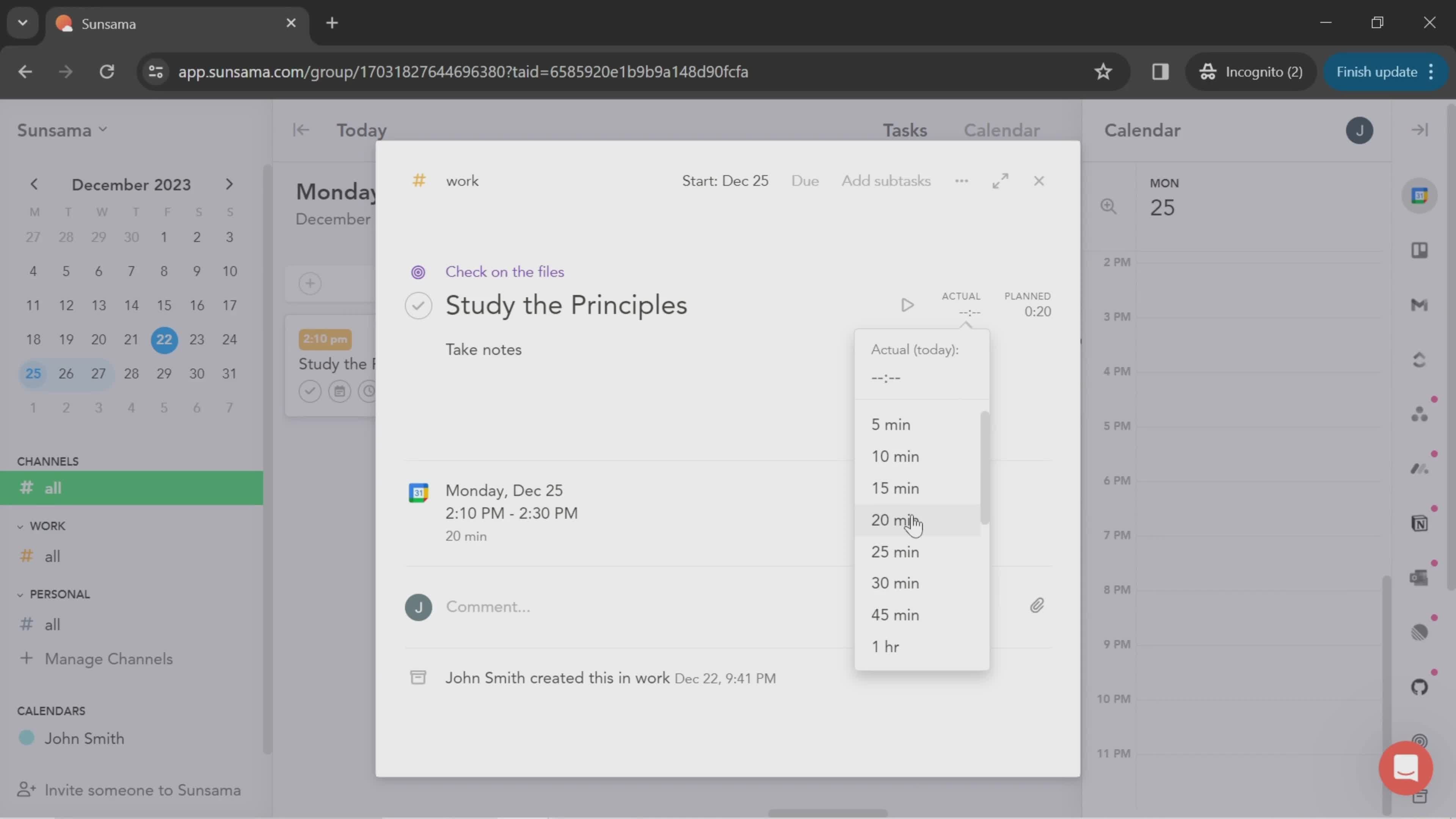
Set time
this is title
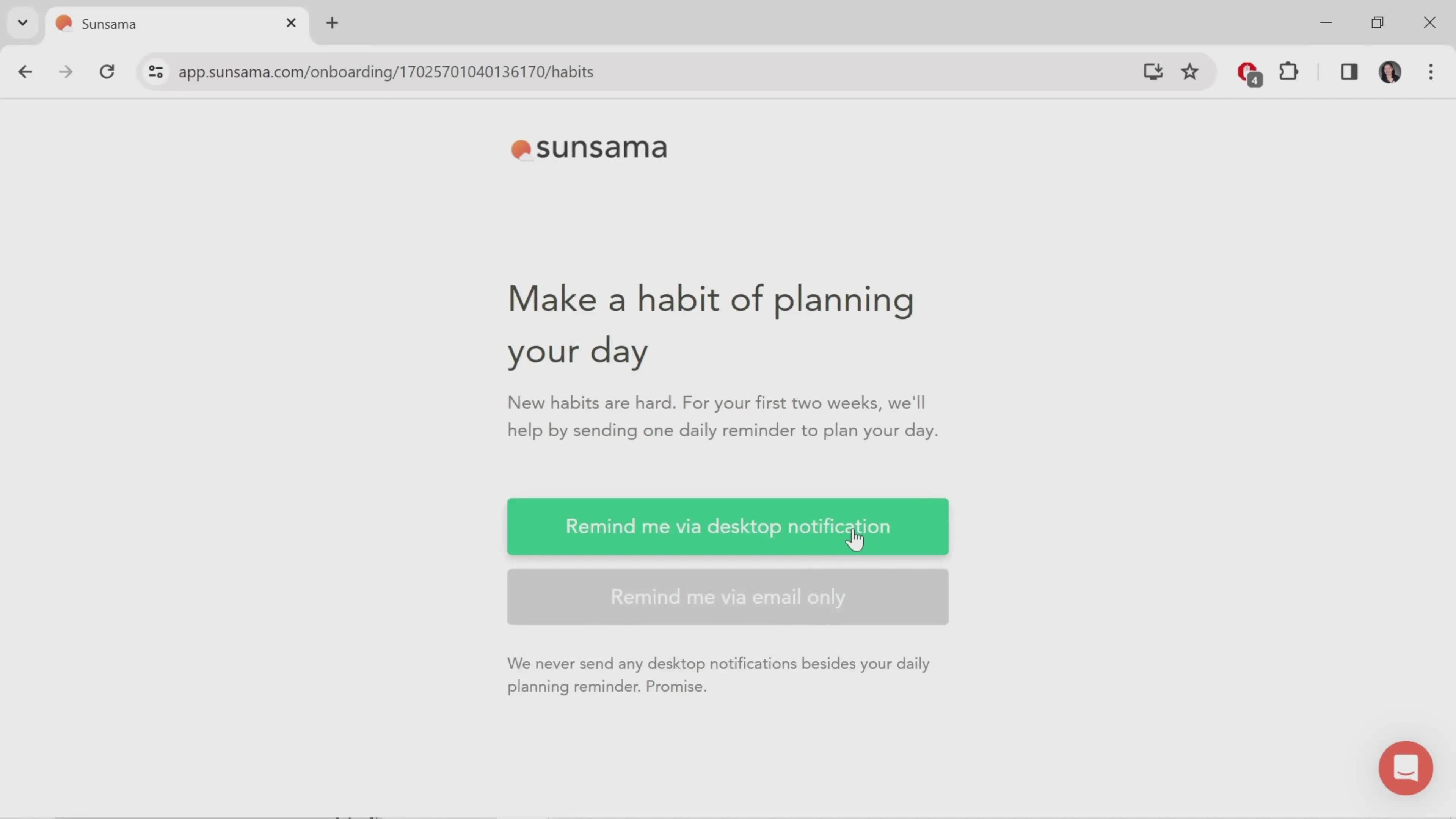
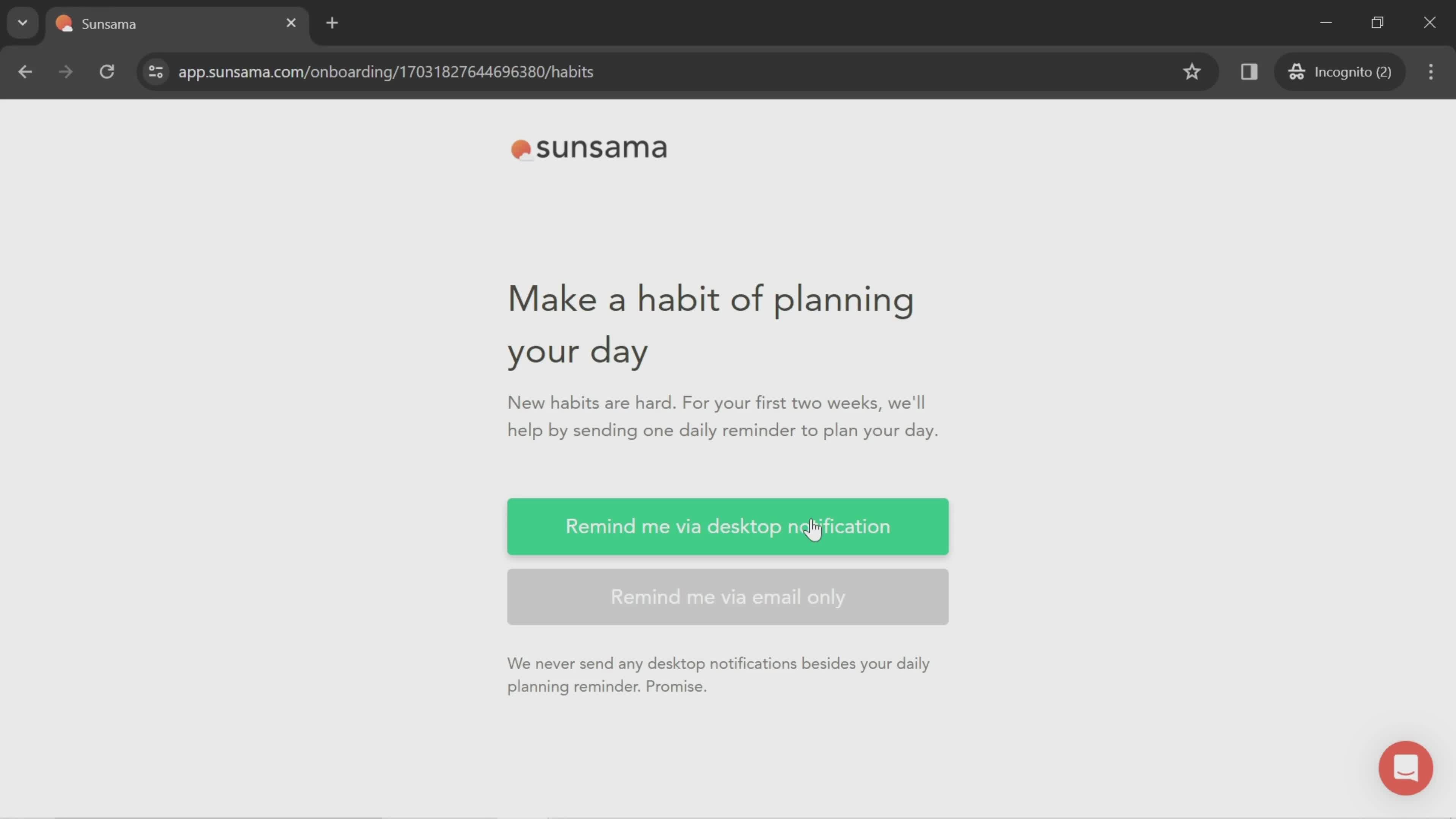
Enable notifications
this is title
Continue
this is title
this is title
this is title
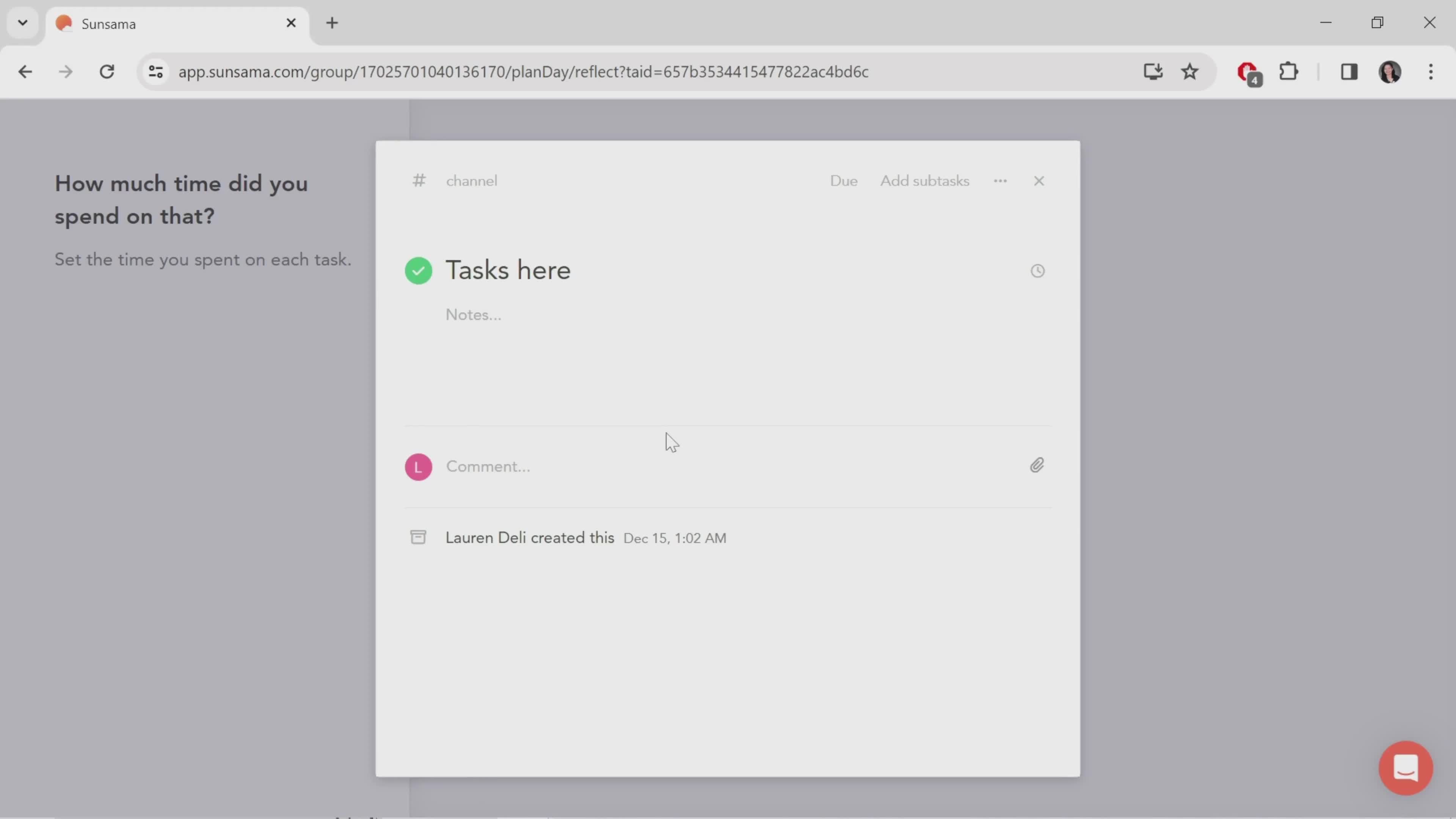
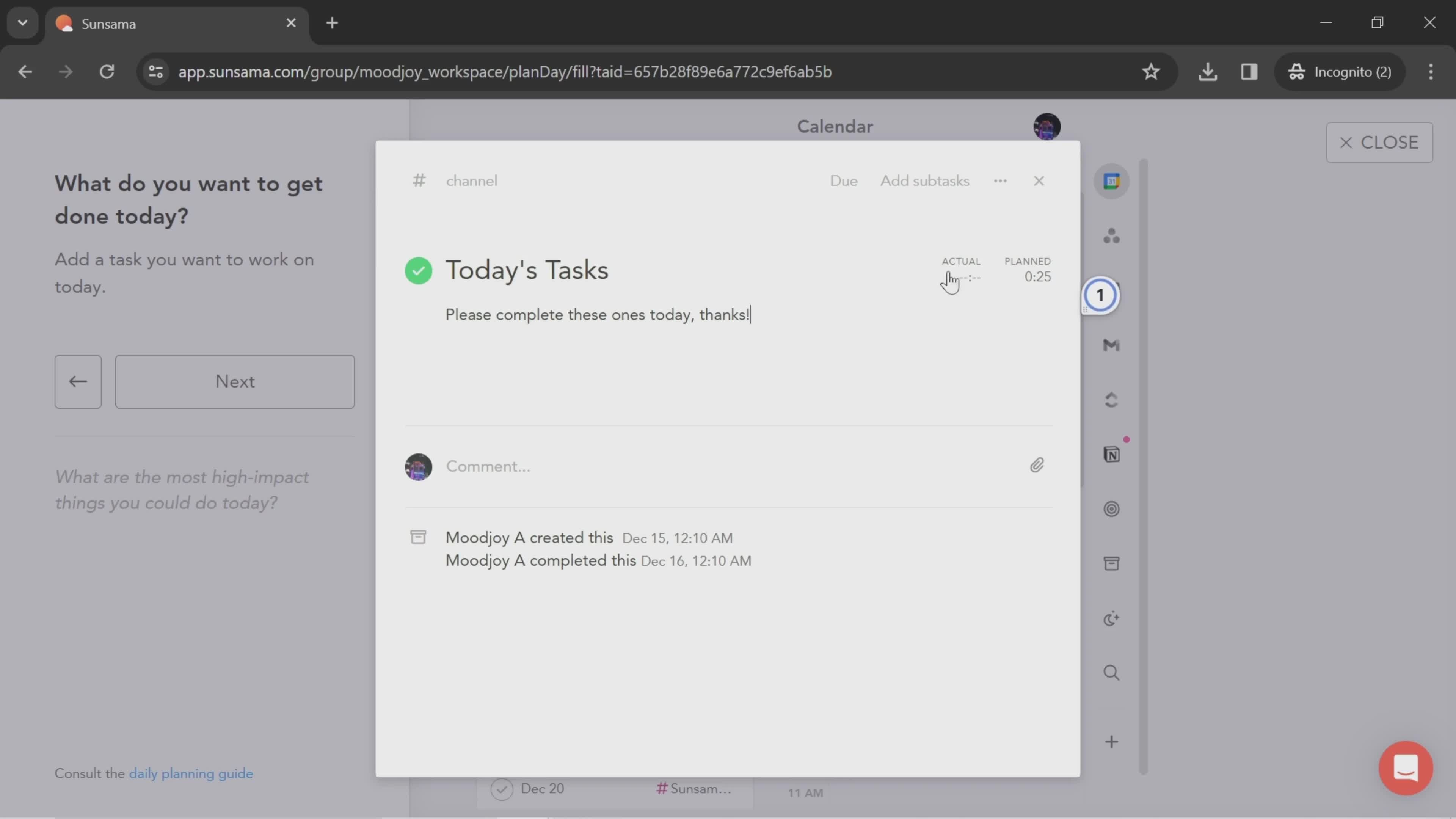
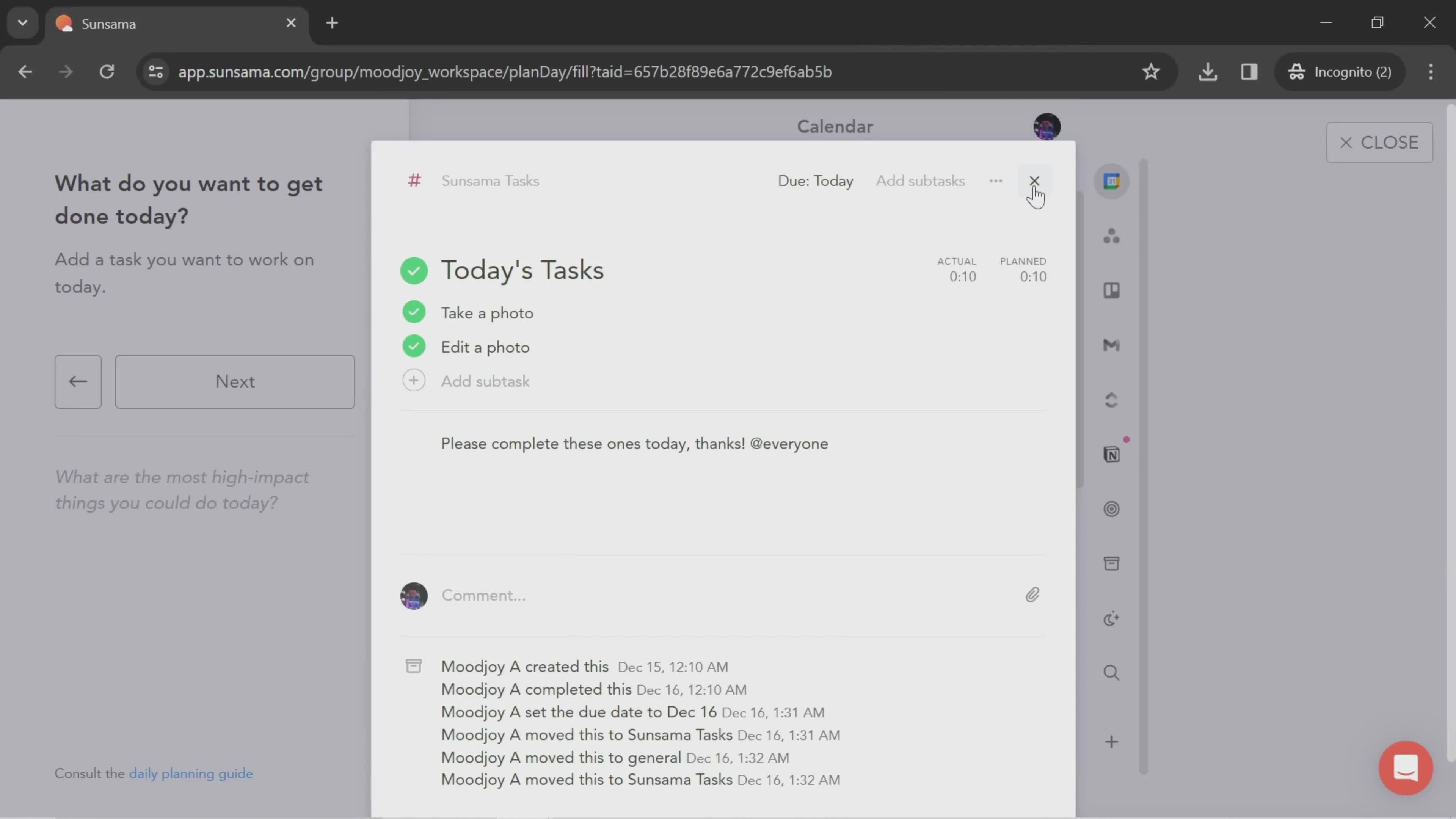
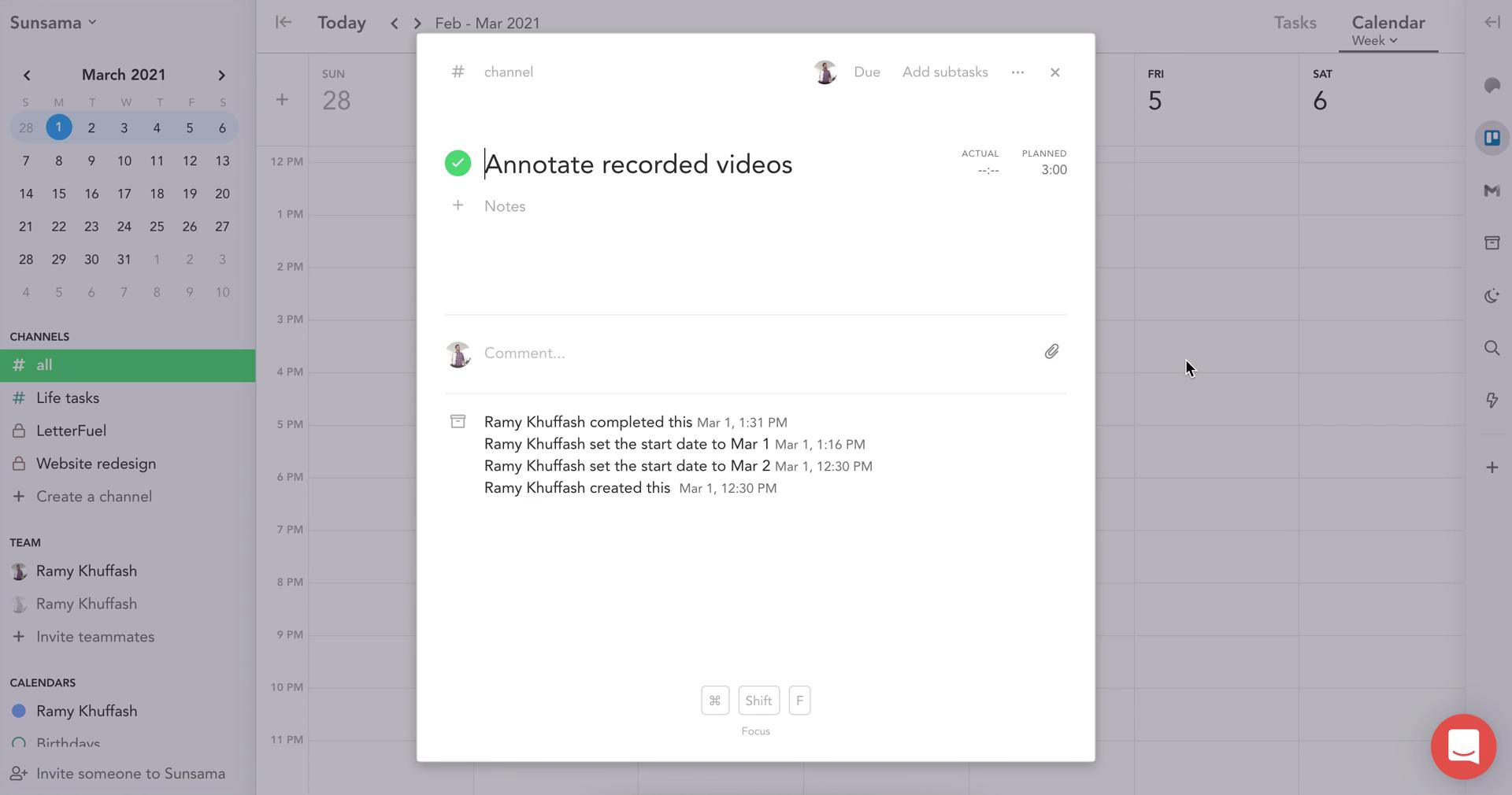
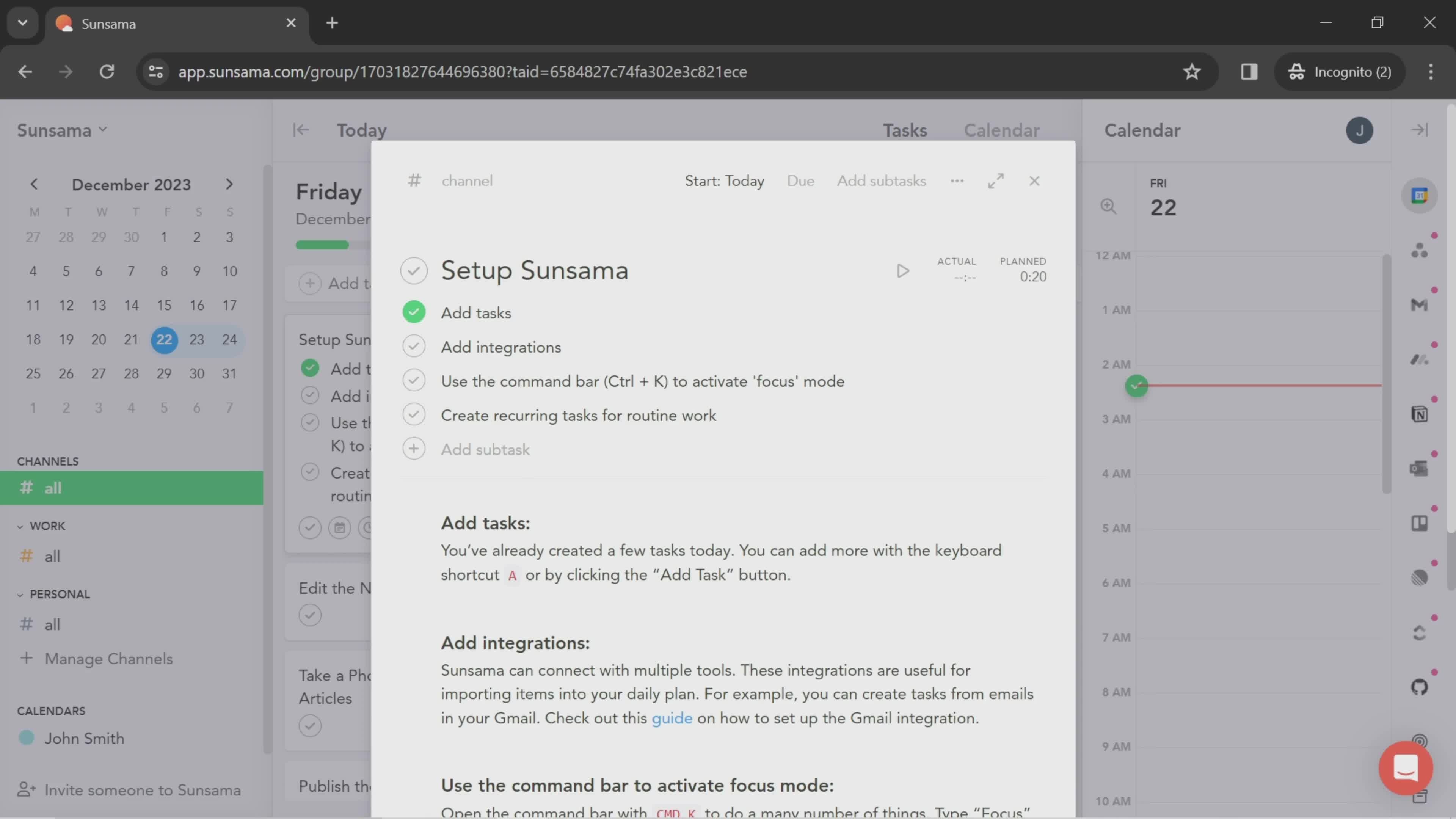
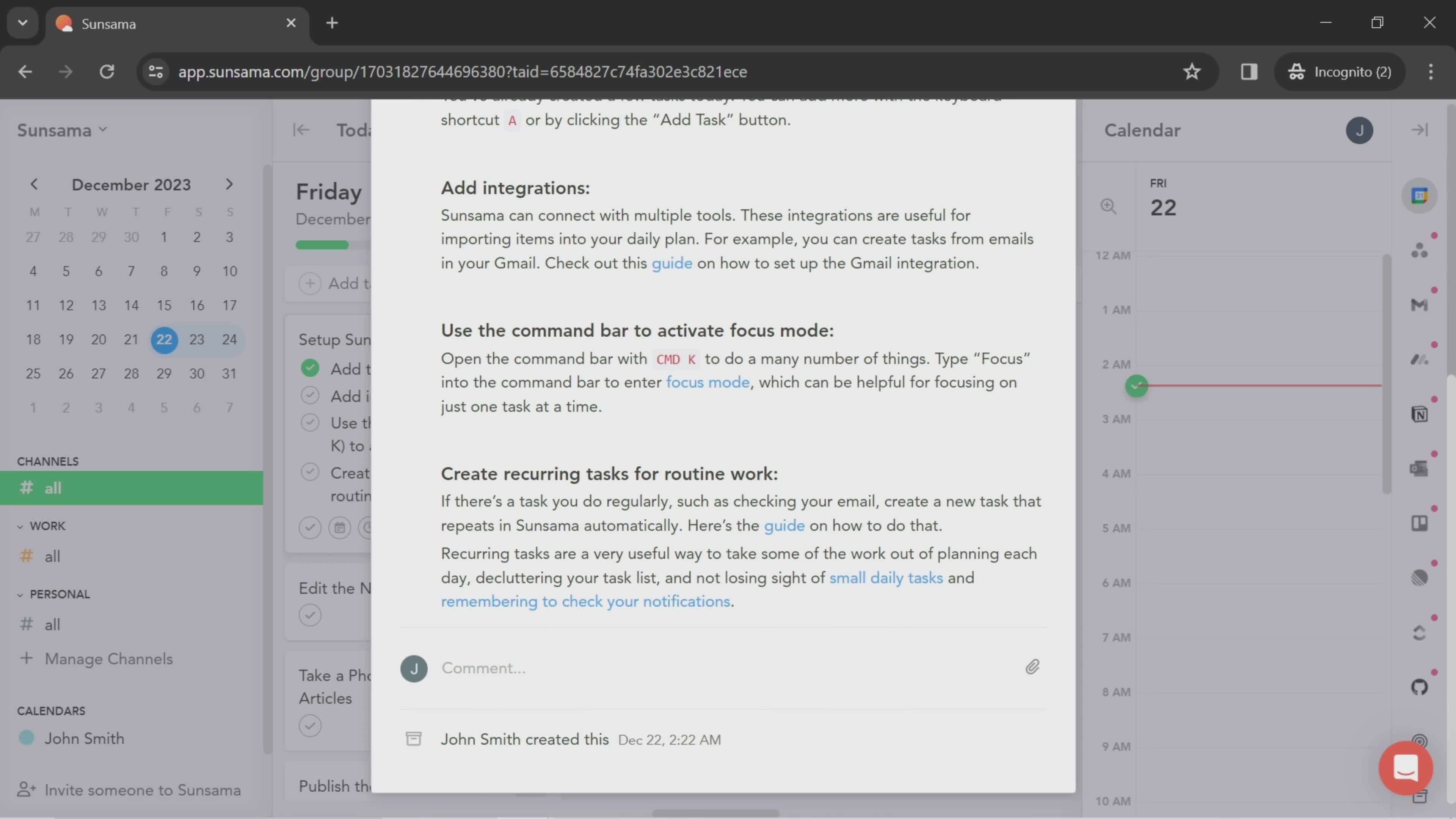
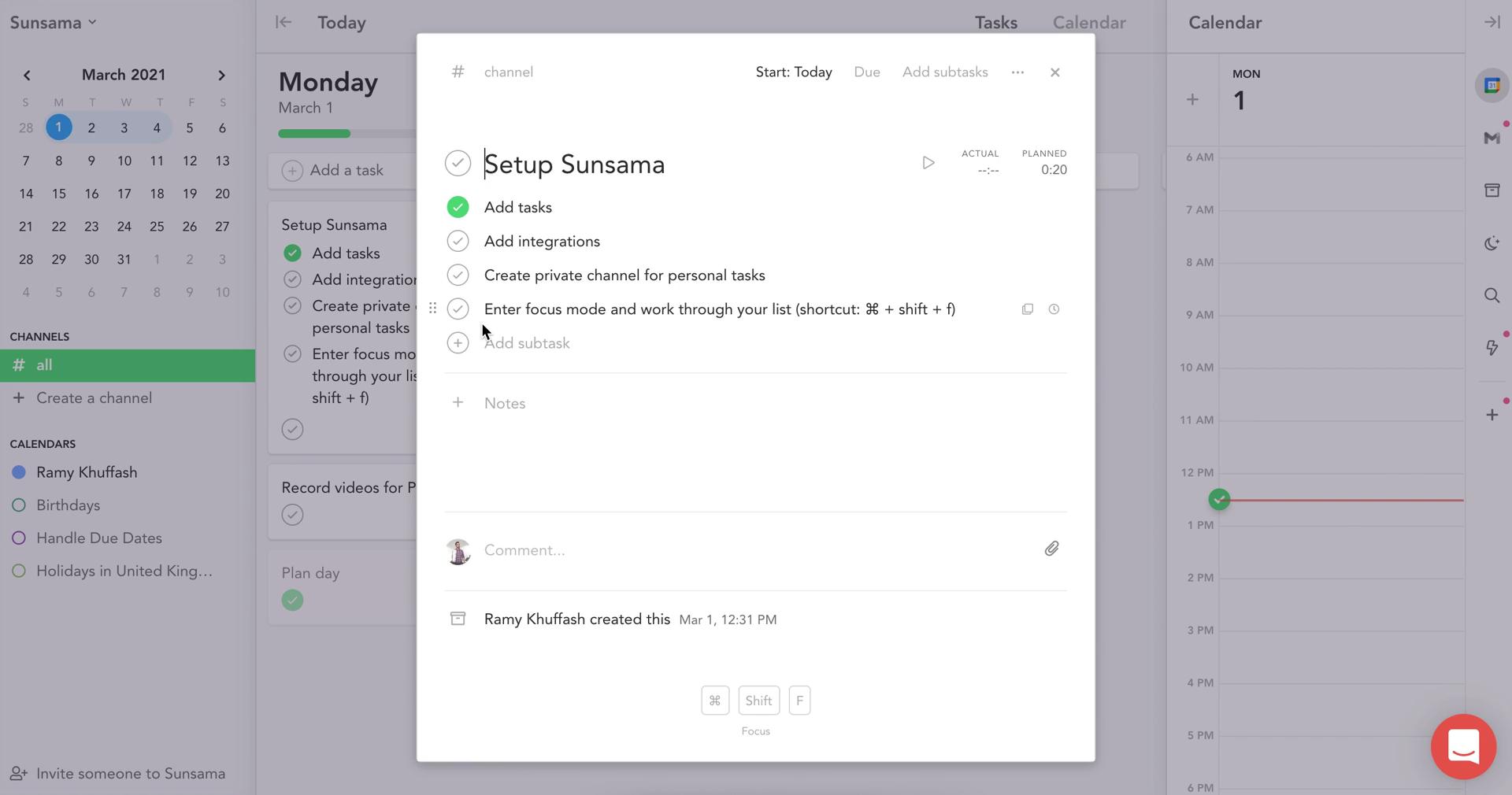
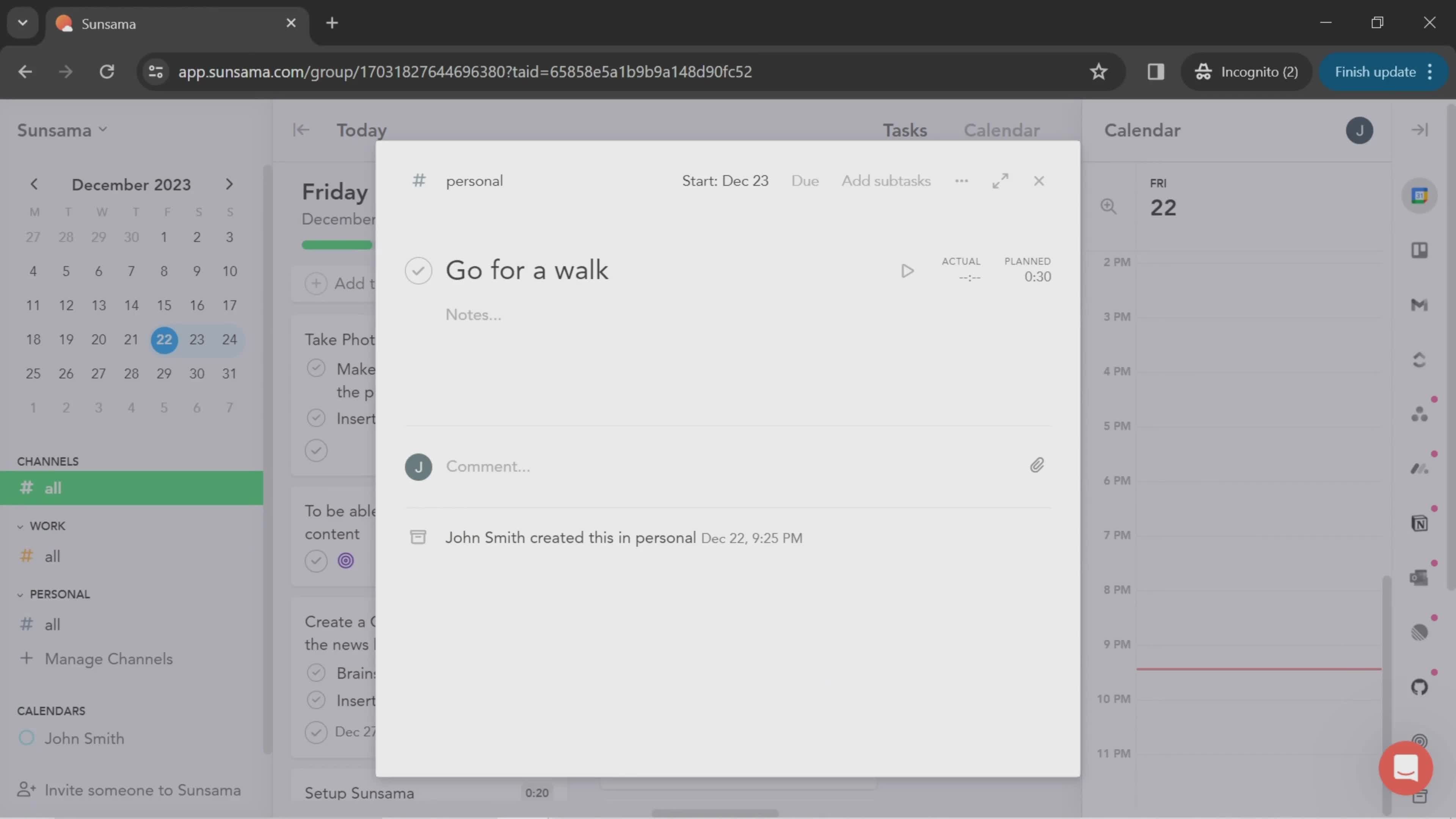
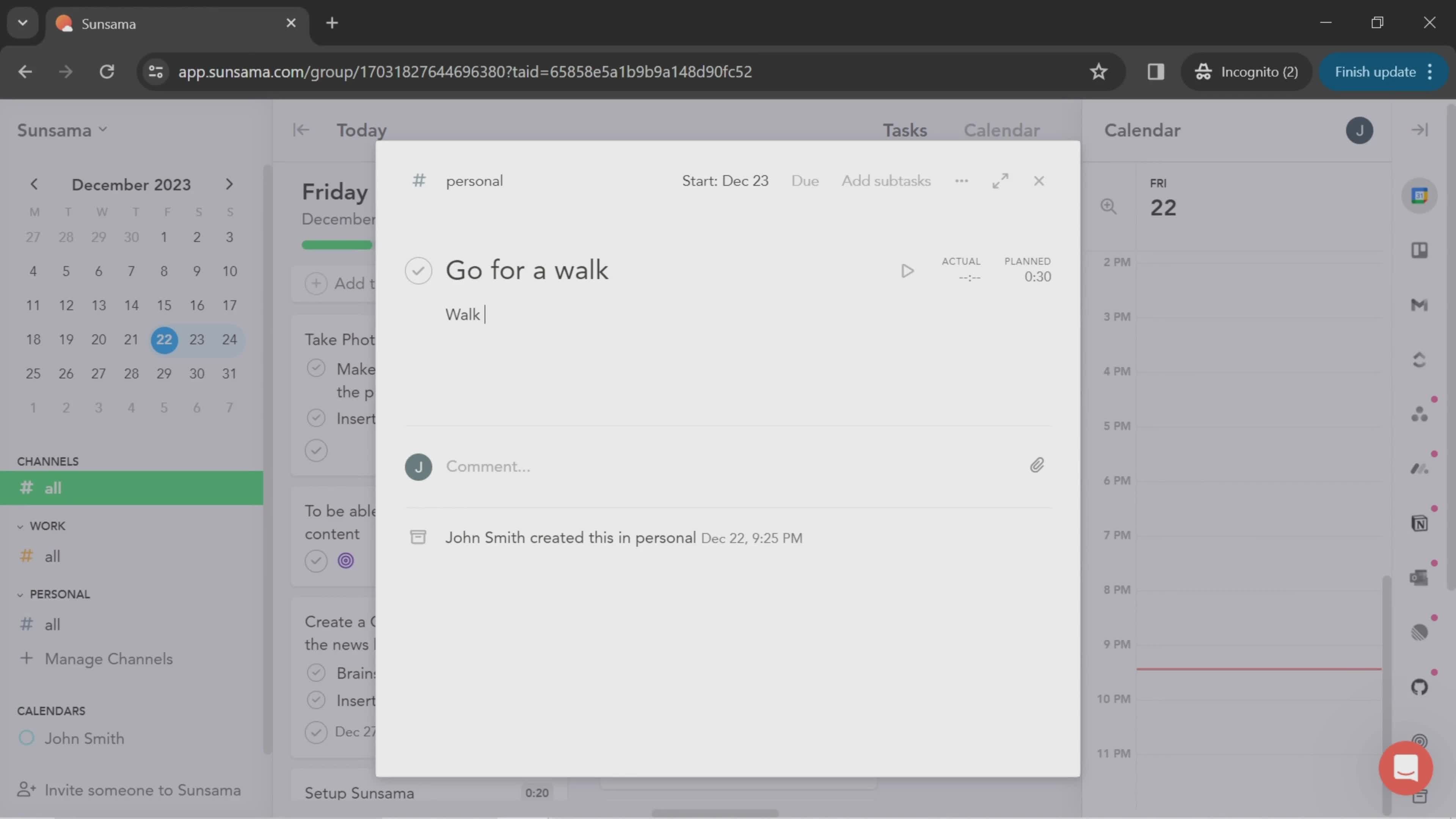
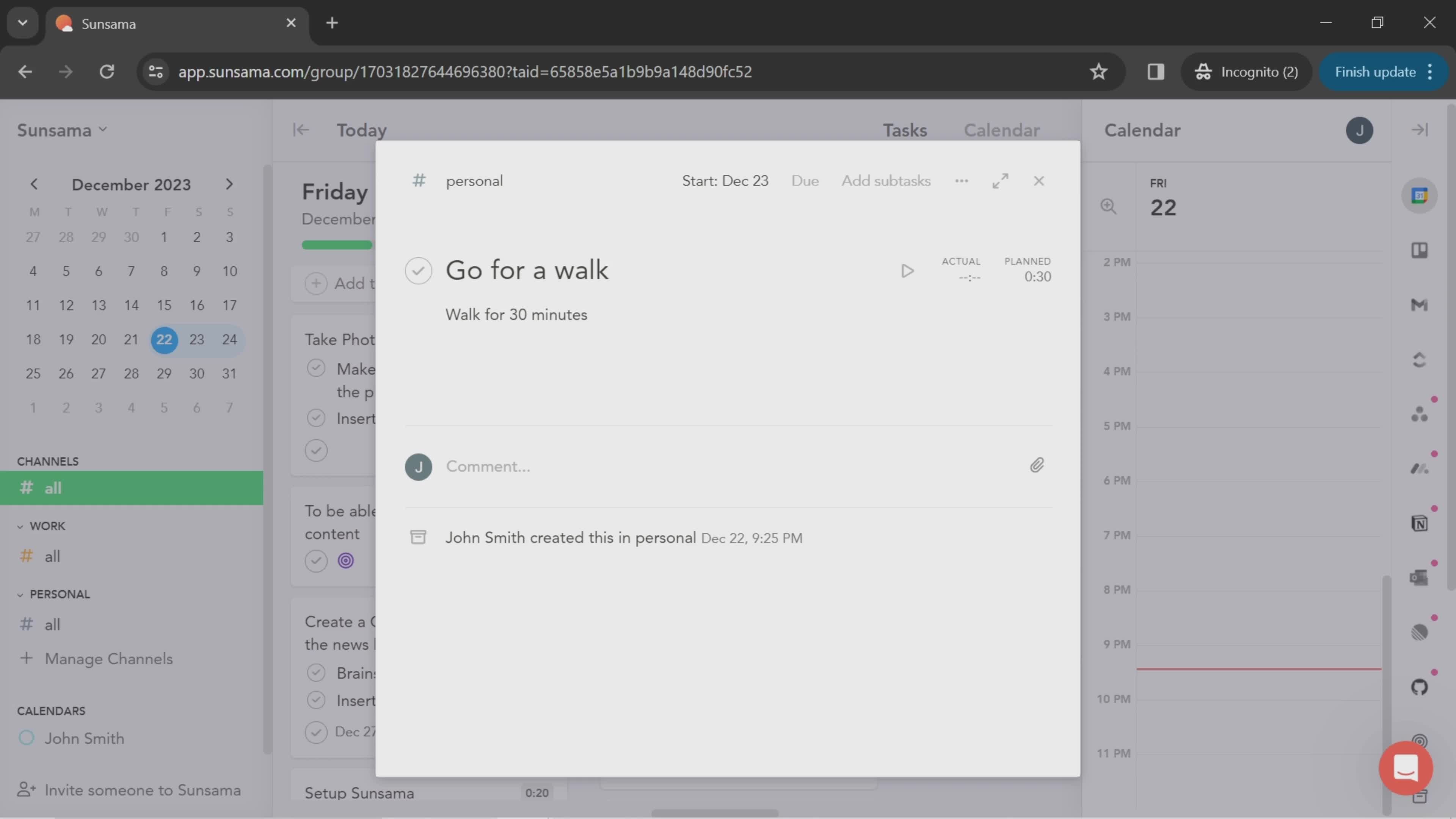
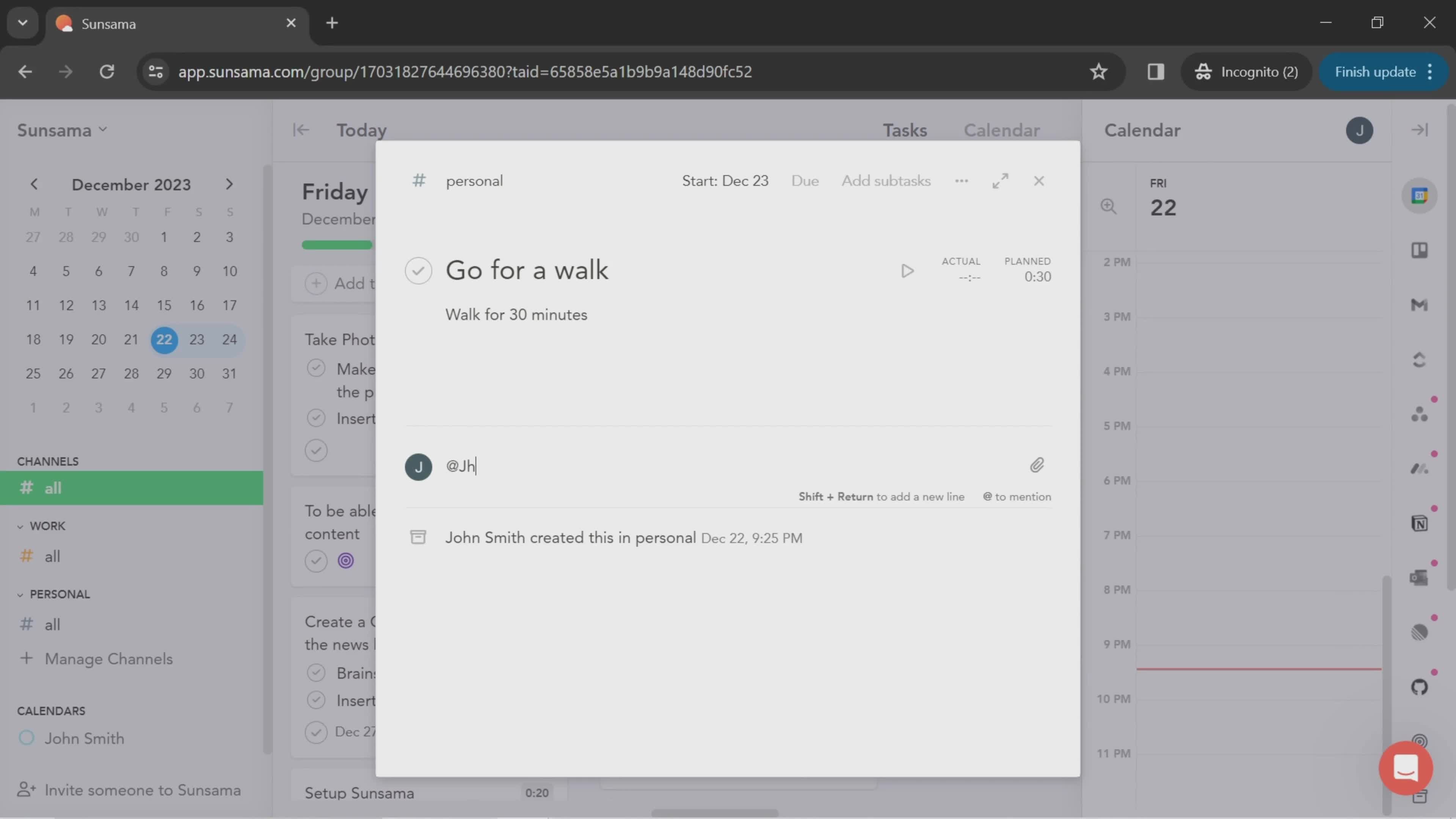
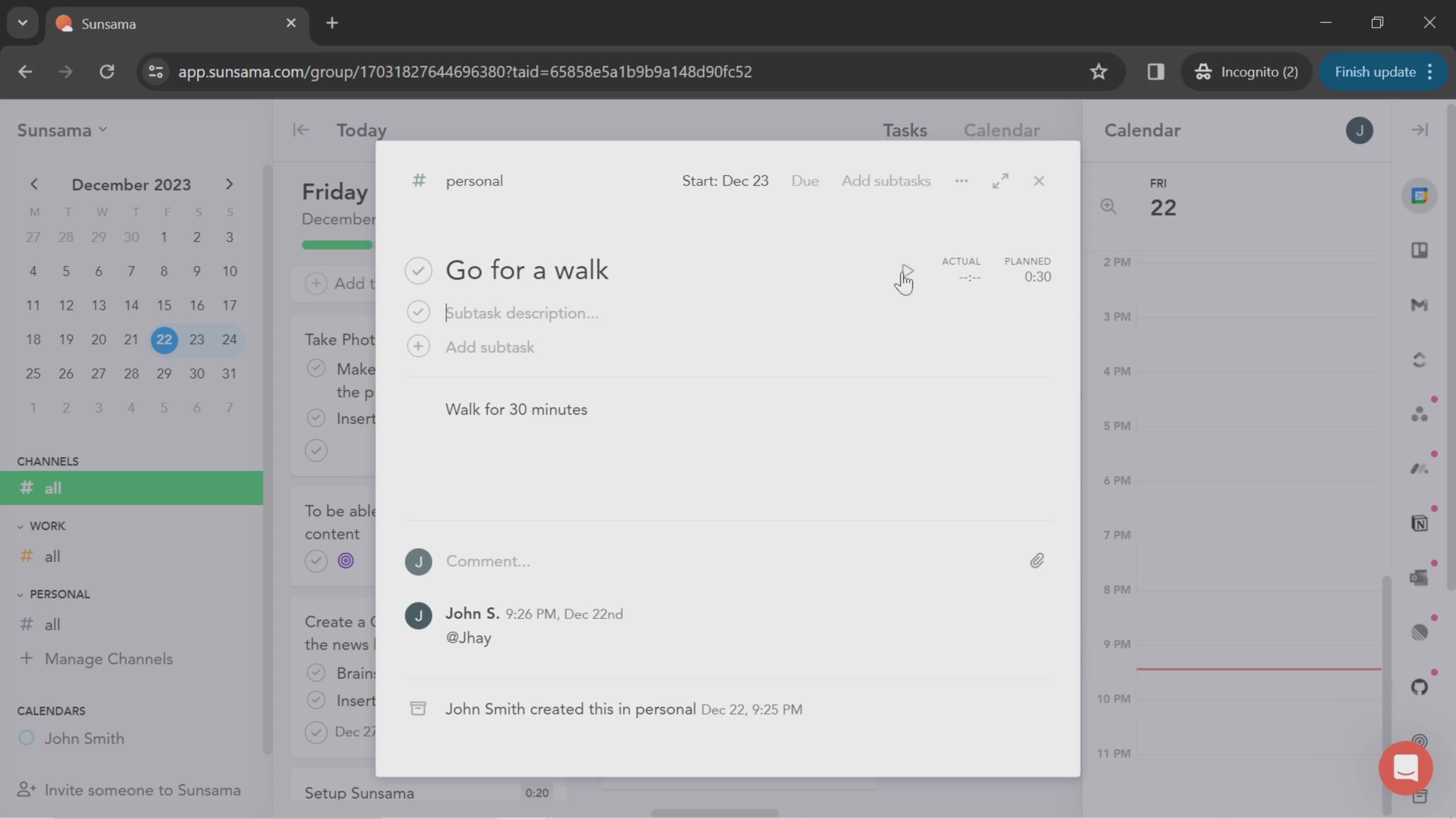
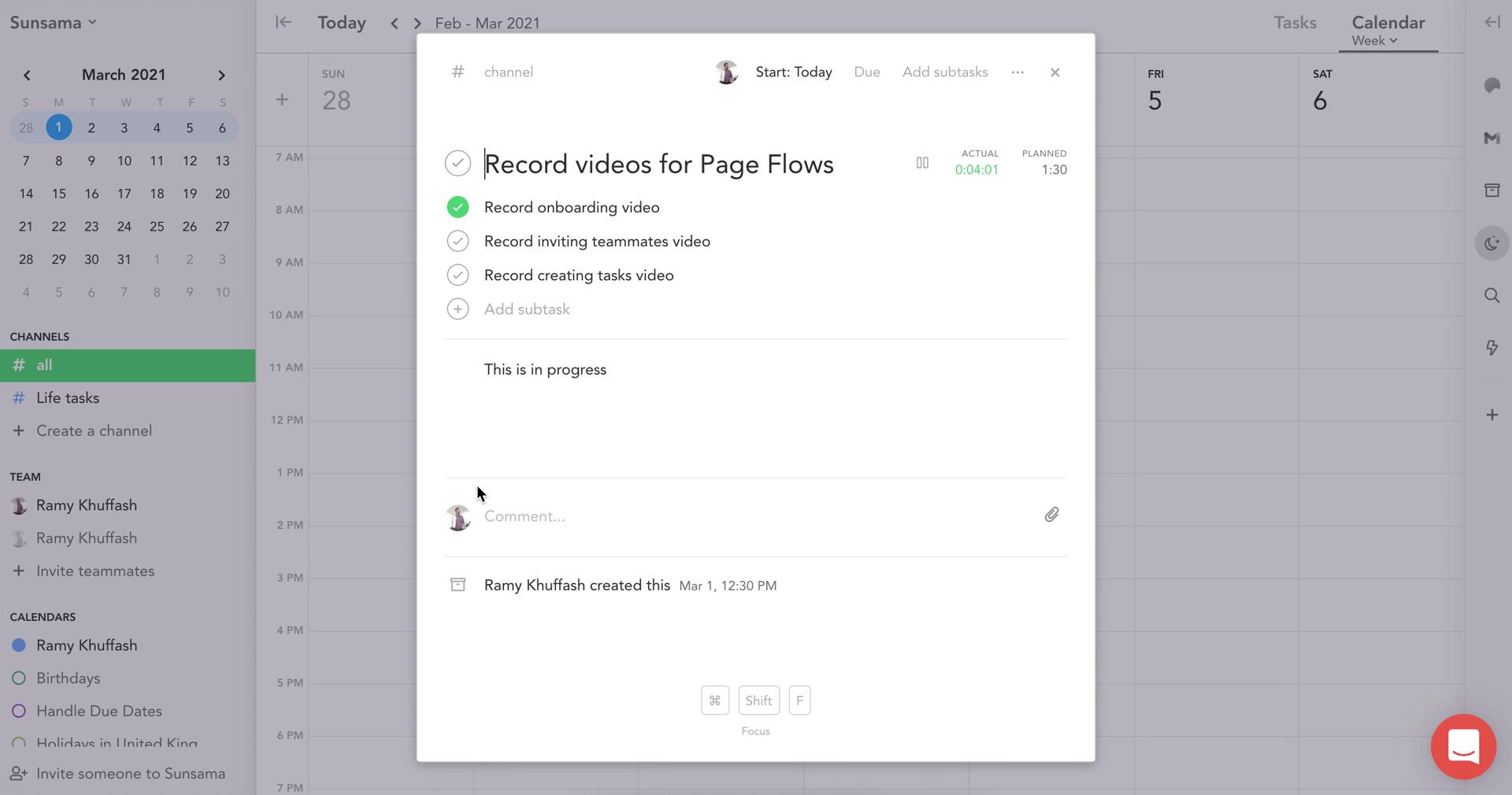
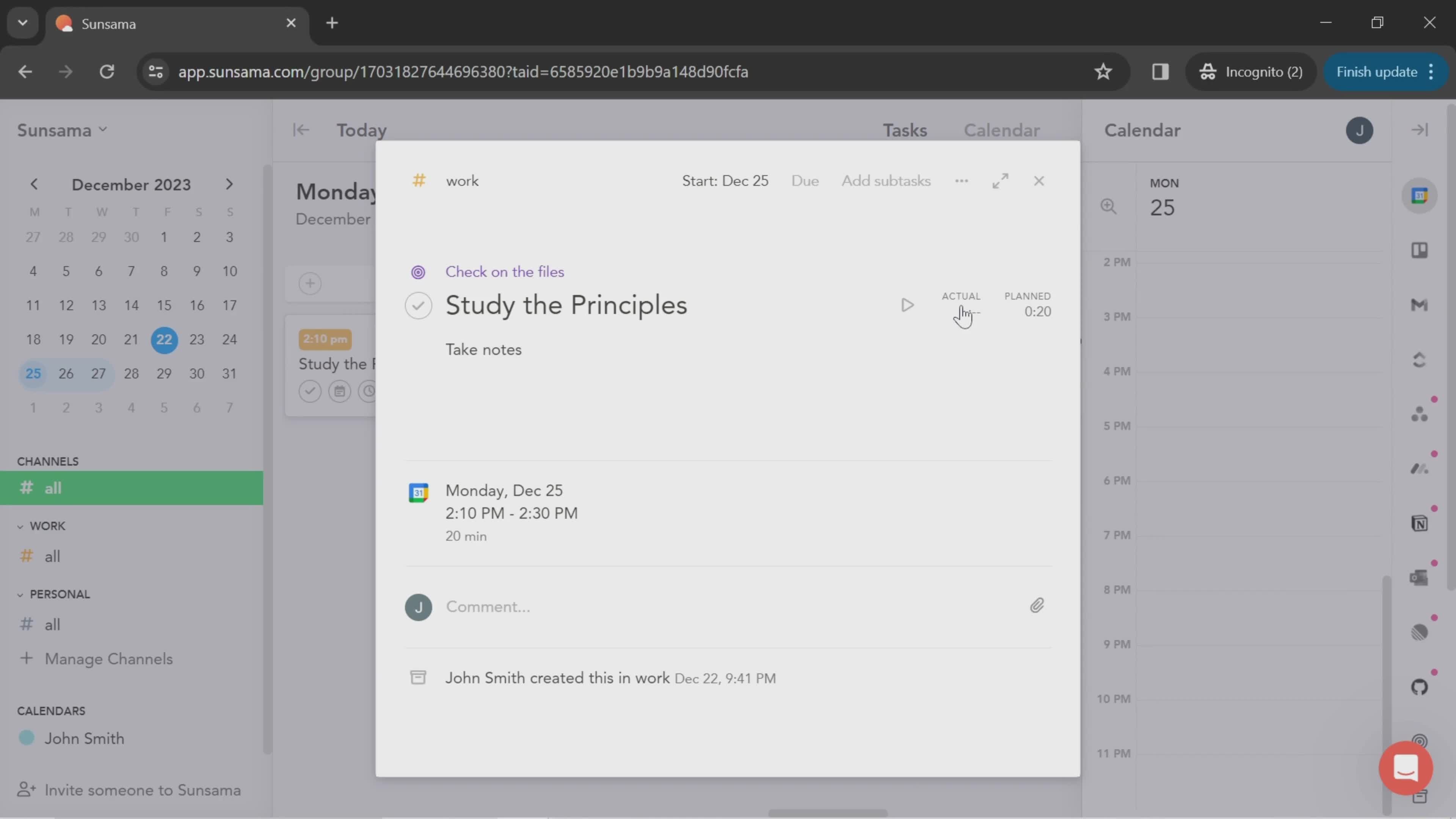
Task details
this is title
Continue
this is title
this is title
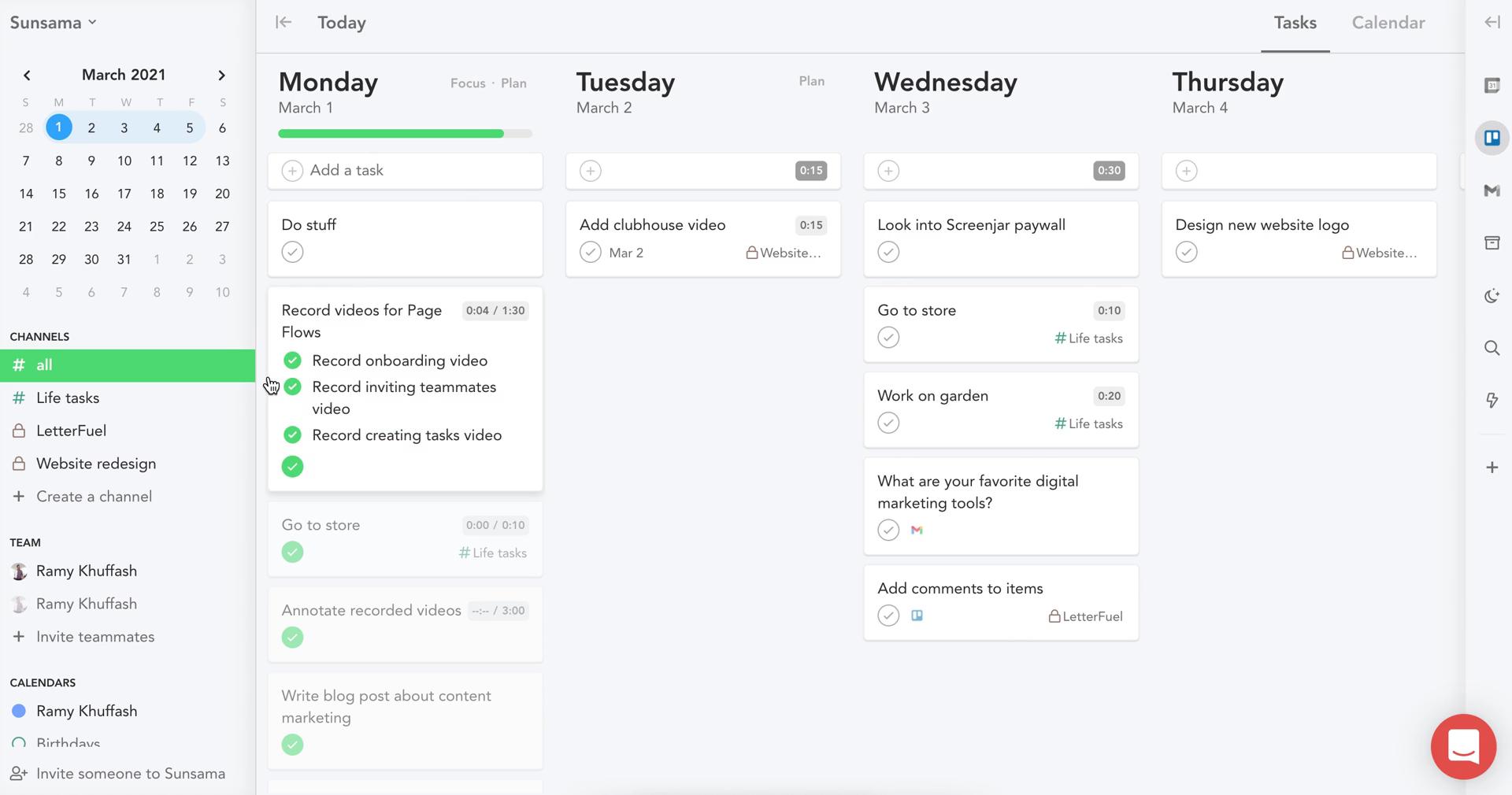
Tasks
this is title
this is title
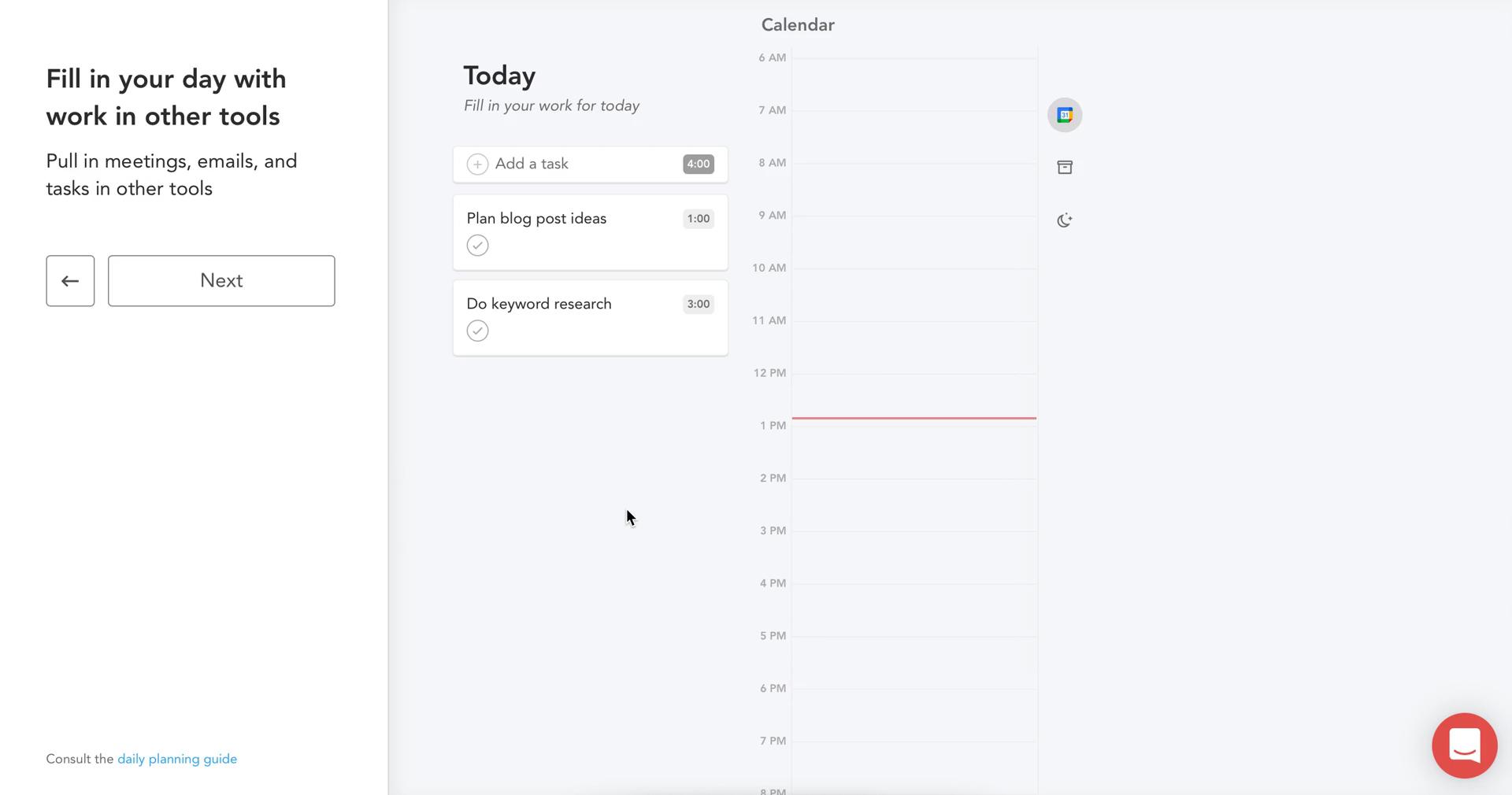
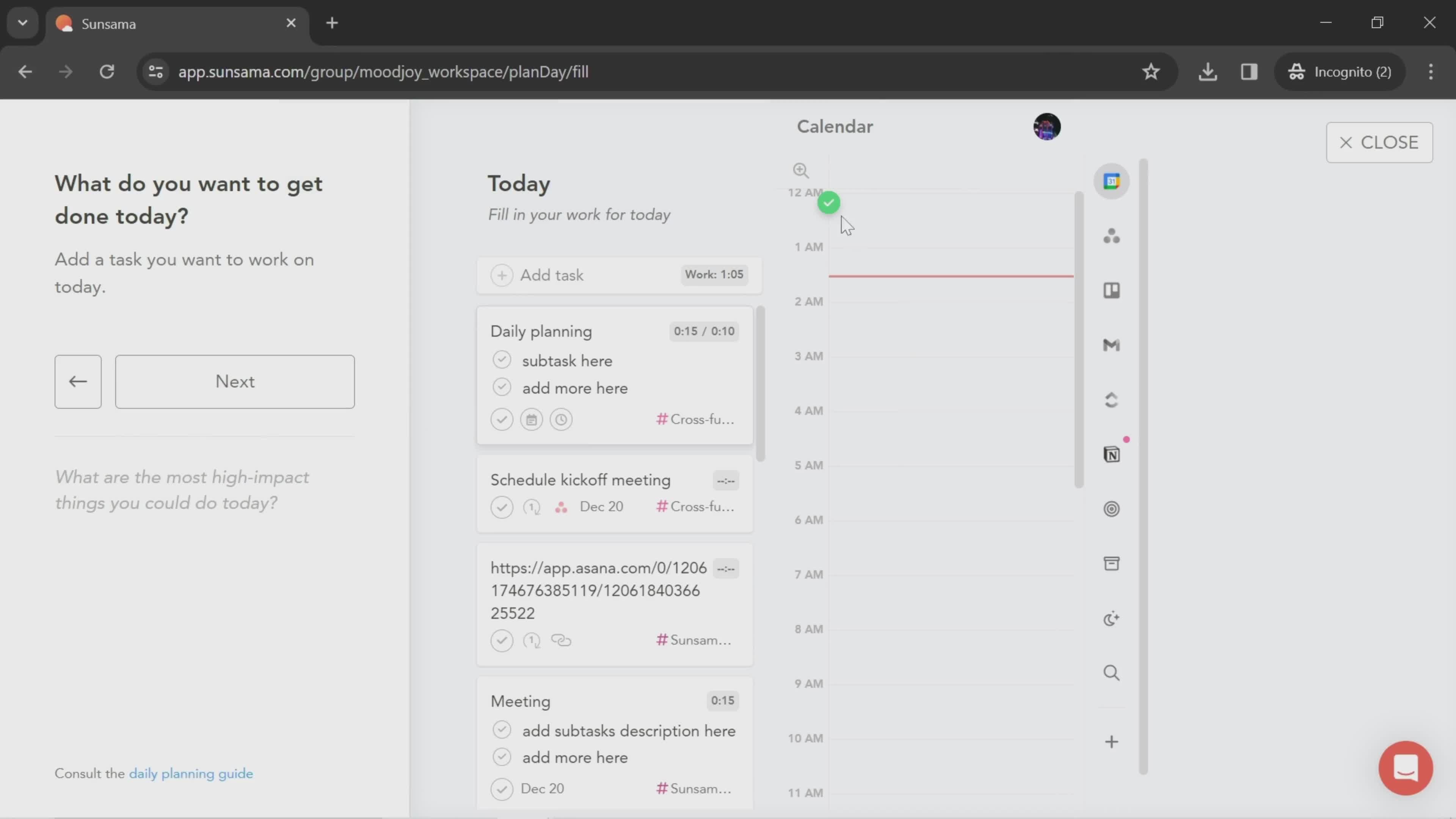
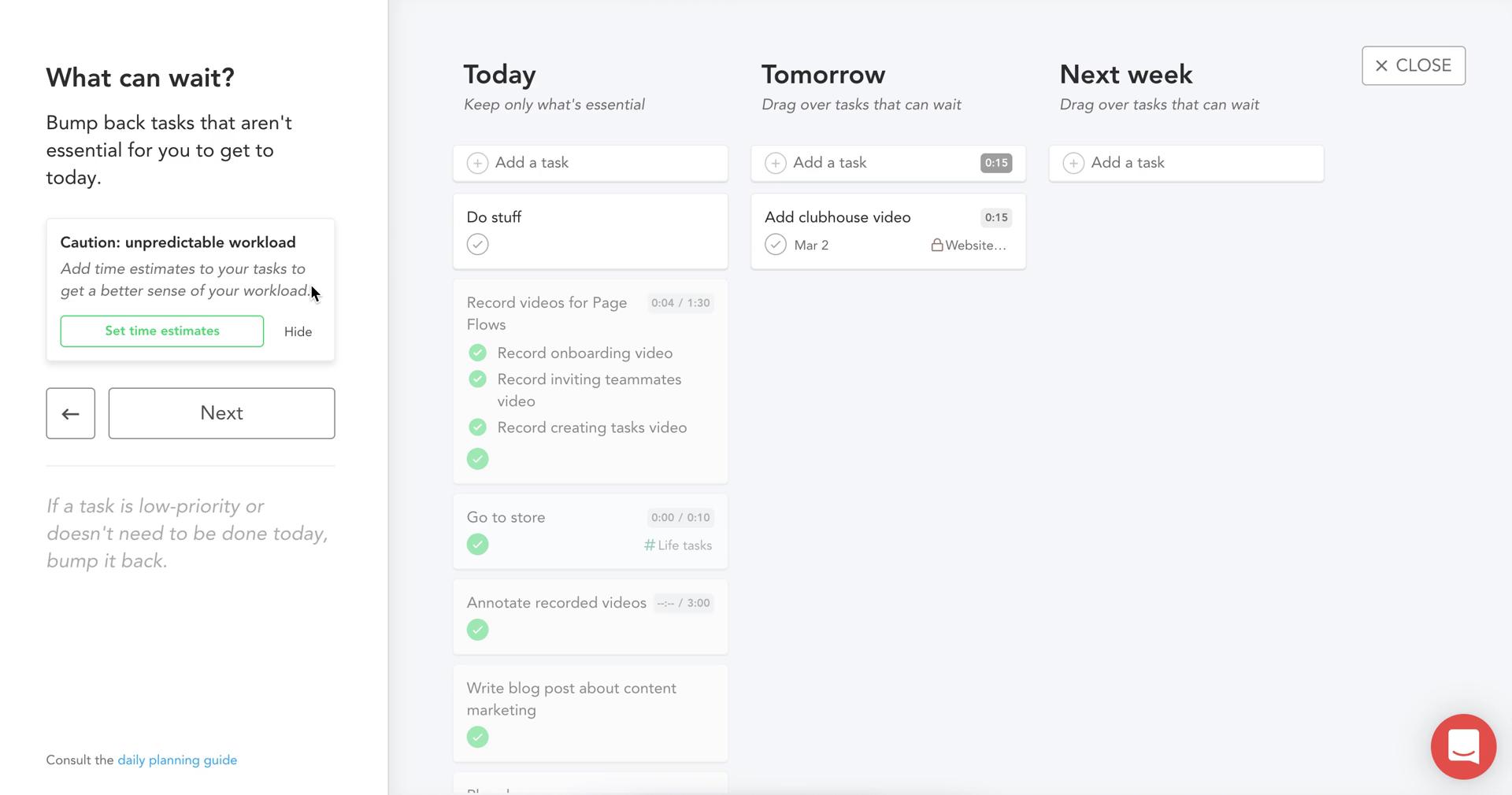
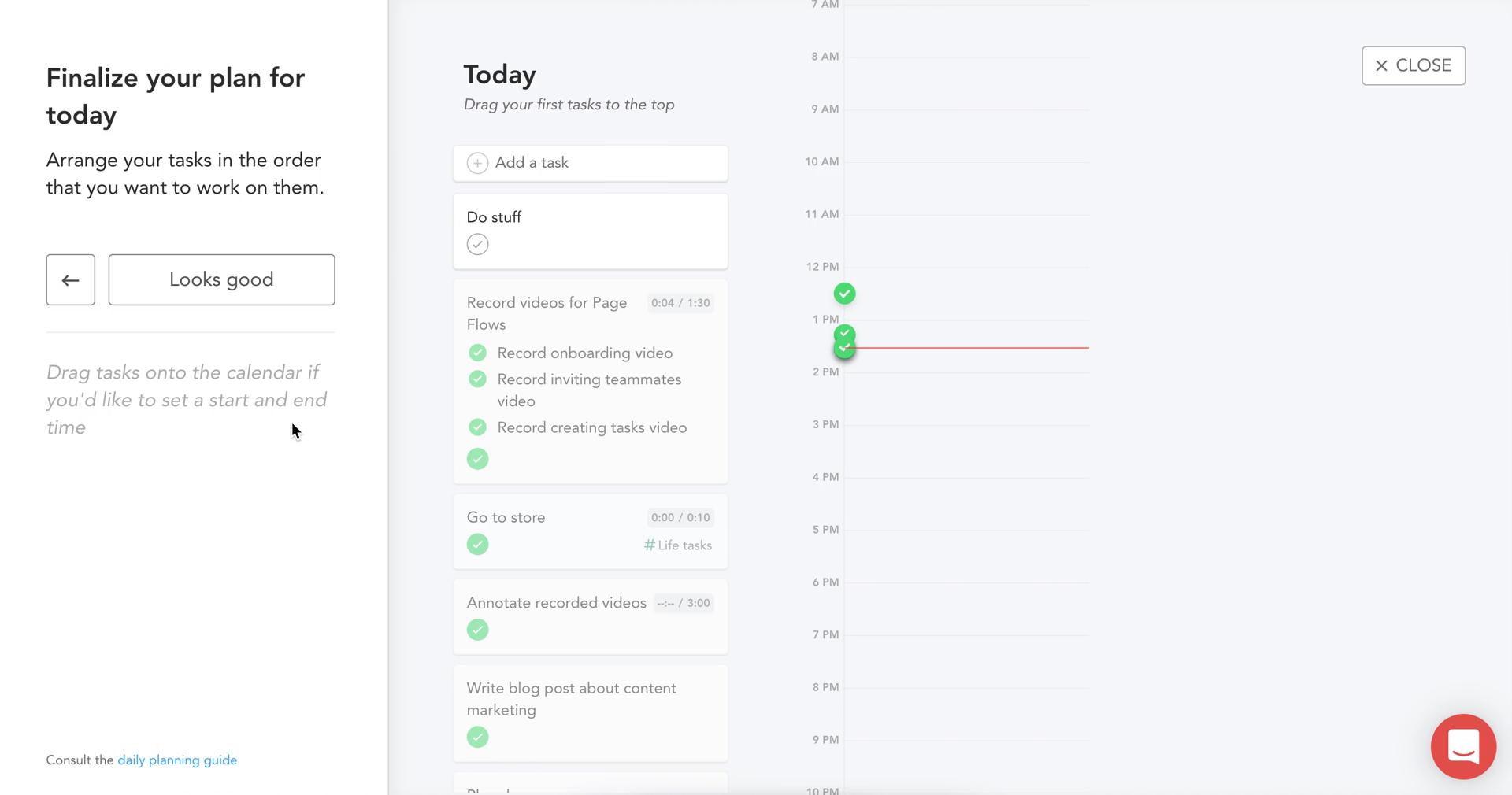
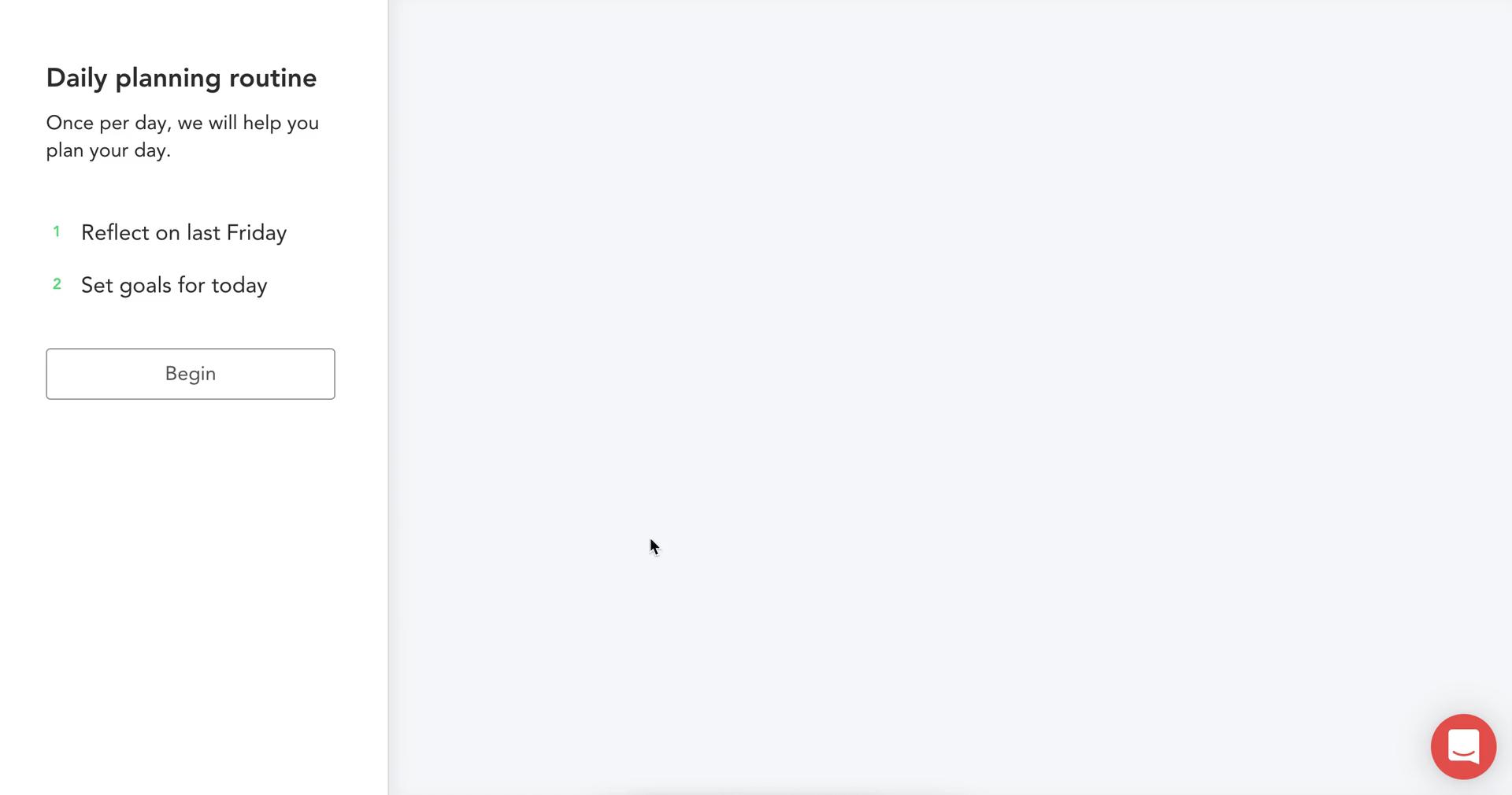
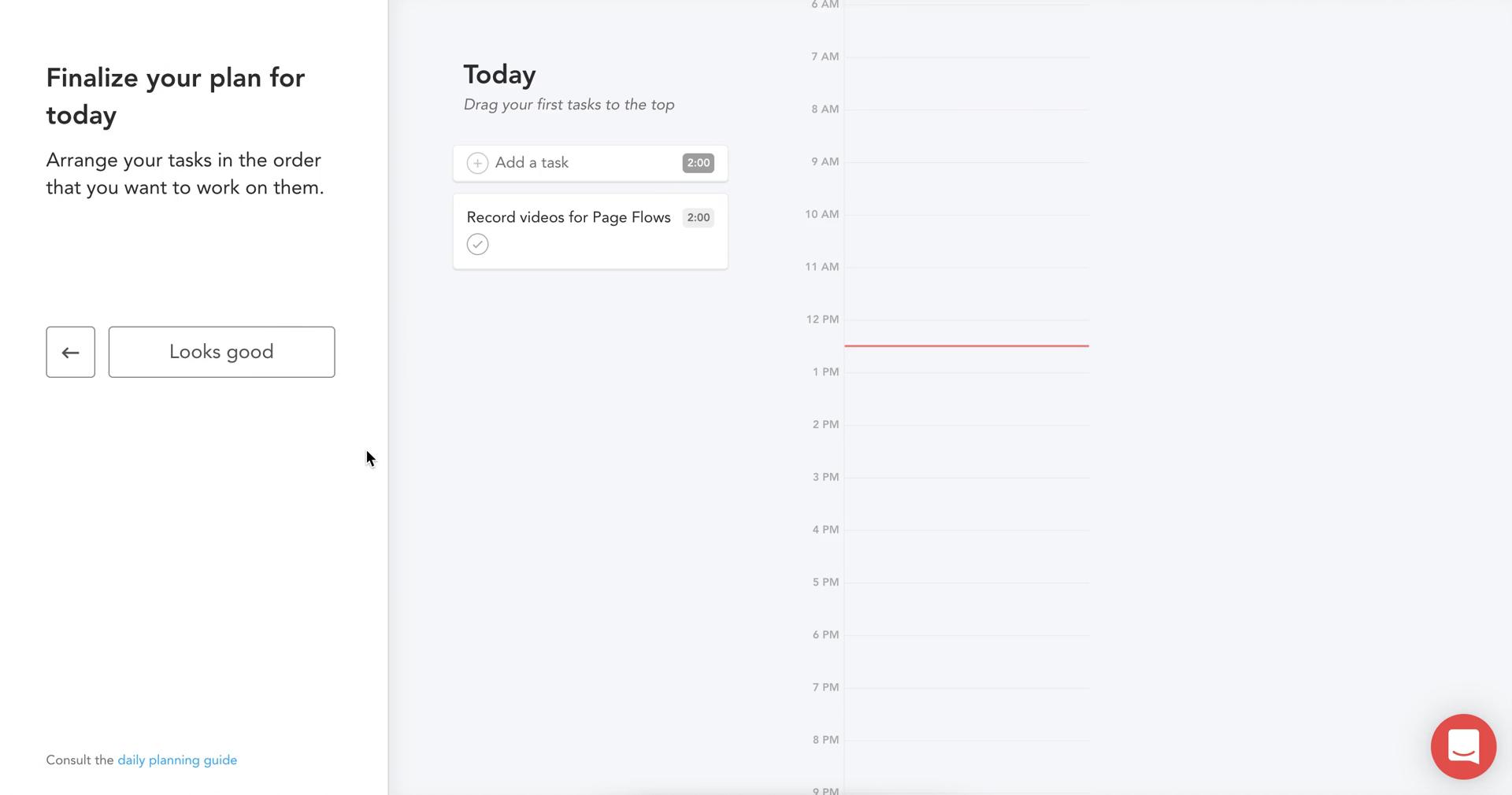
Daily plan
this is title
Dashboard
this is title
Invite email
this is title
Start screen
this is title
Sign up
this is title
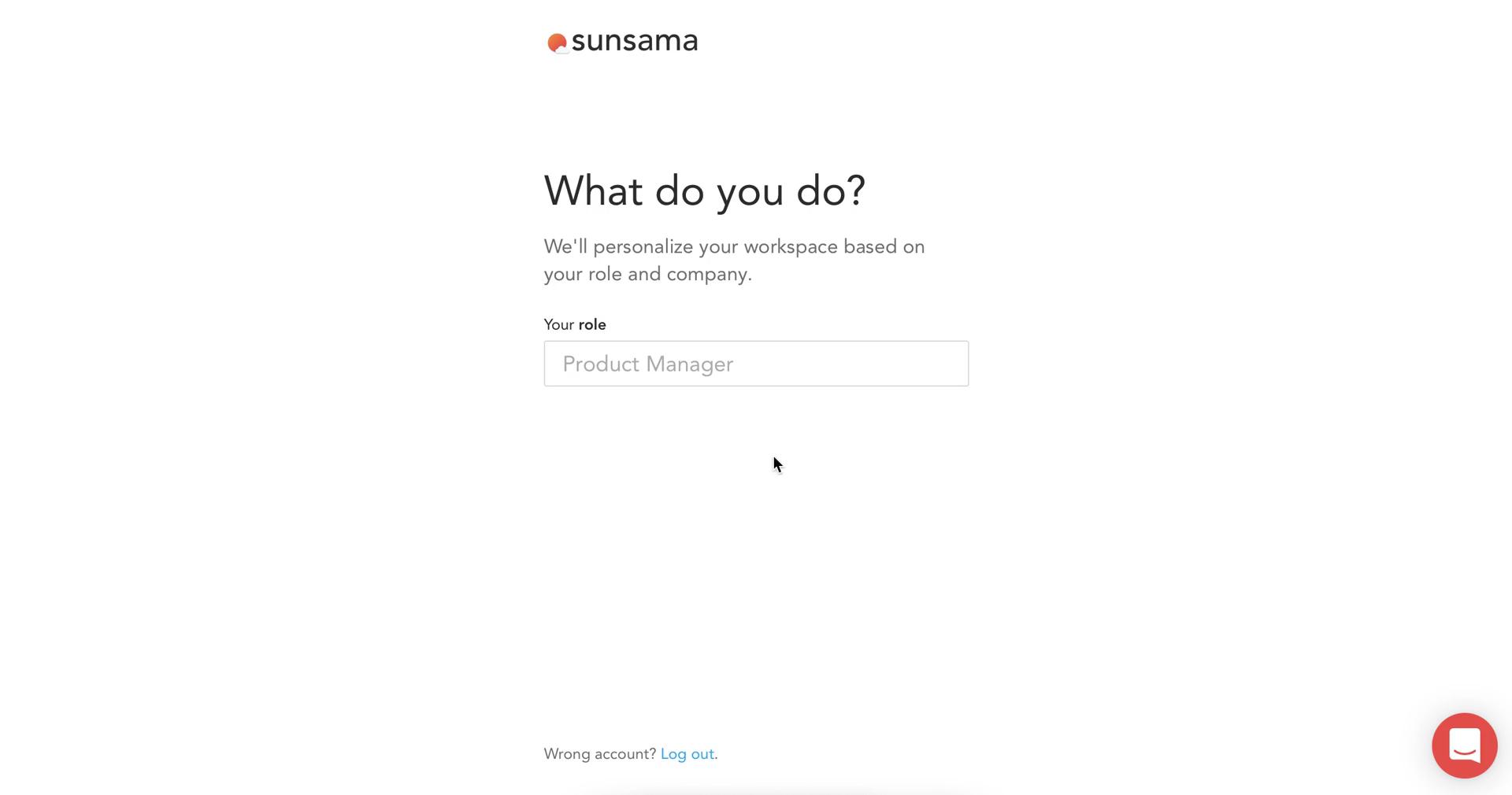
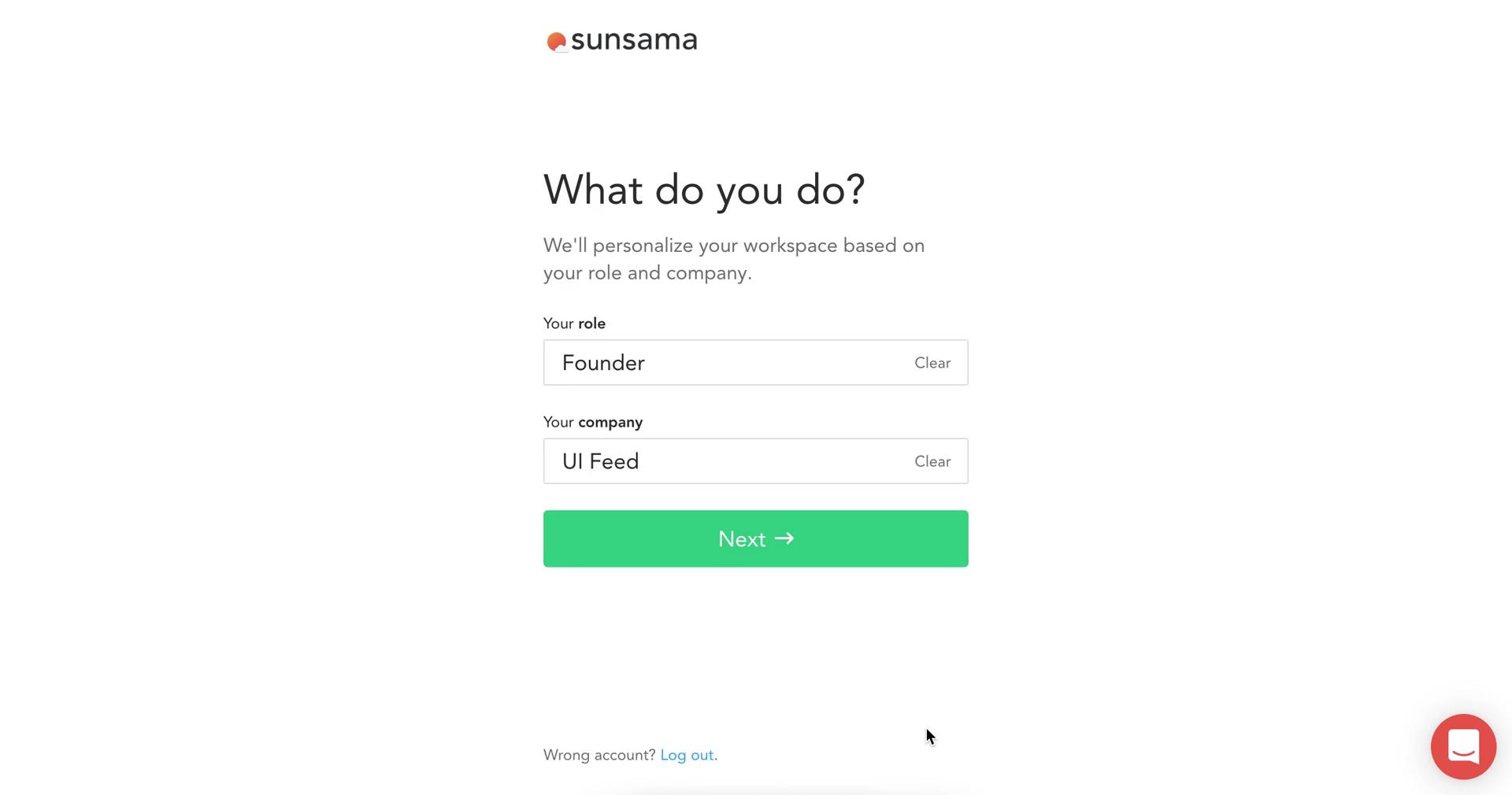
Select role
this is title
Select role
this is title
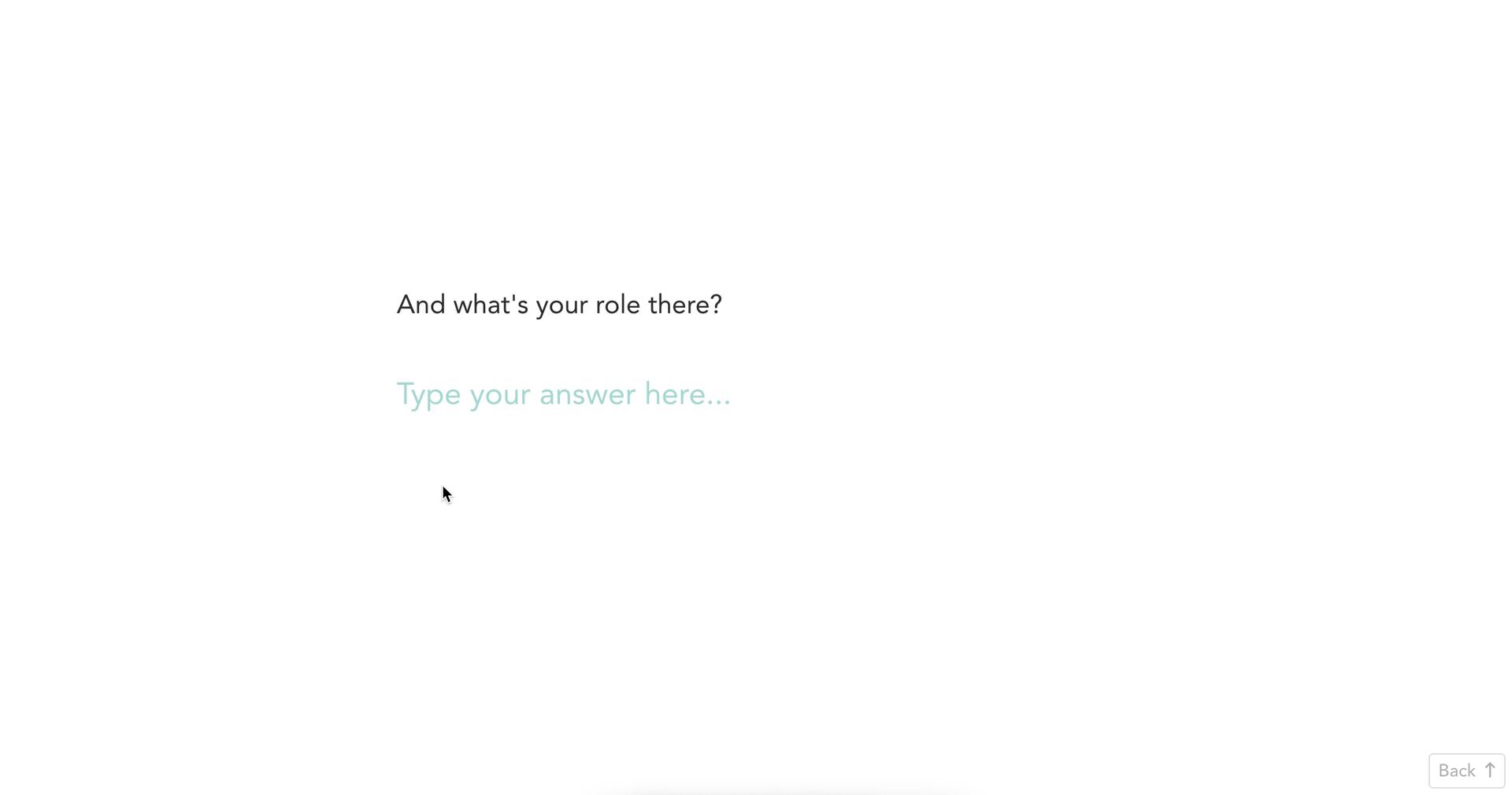
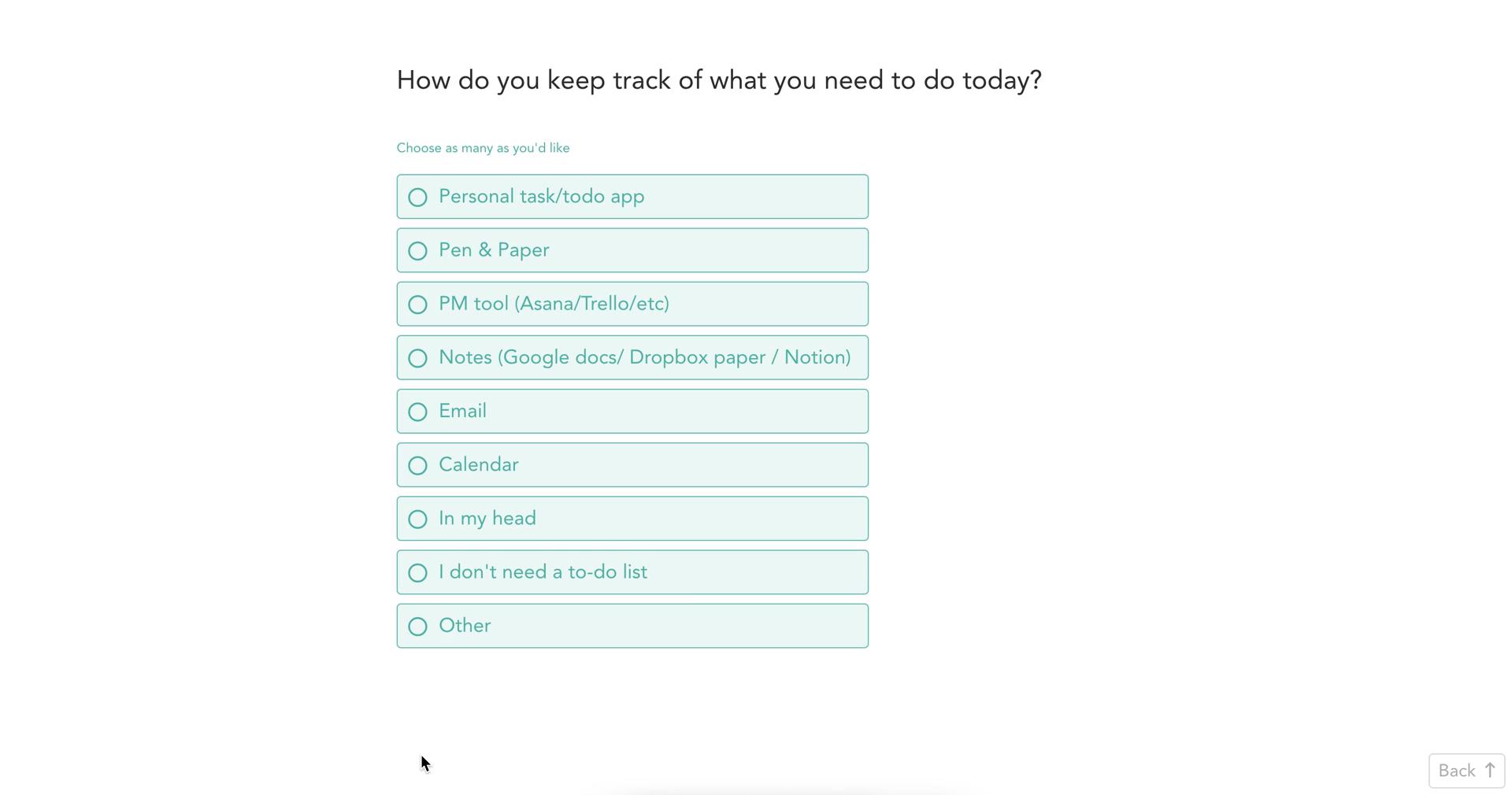
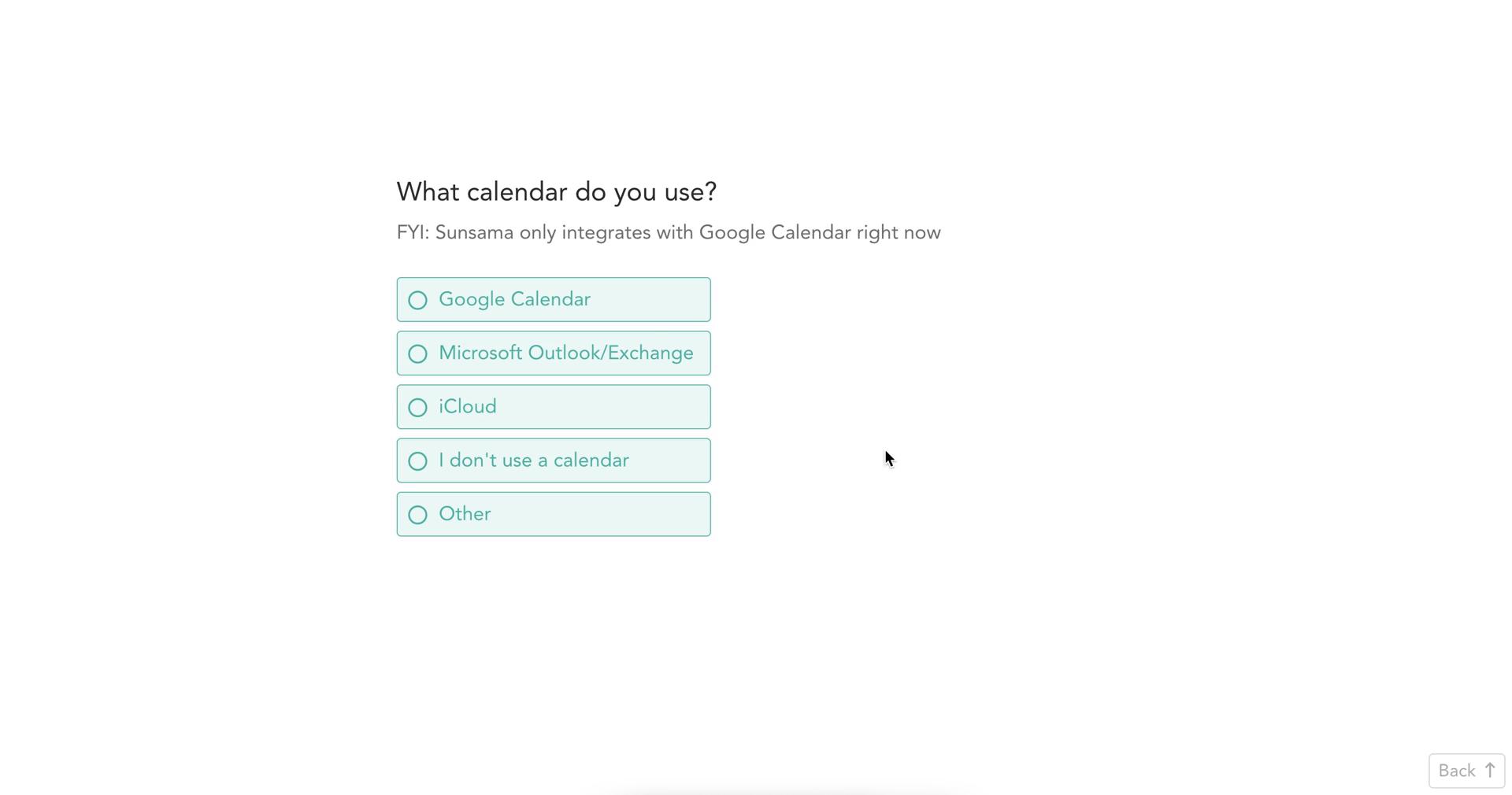
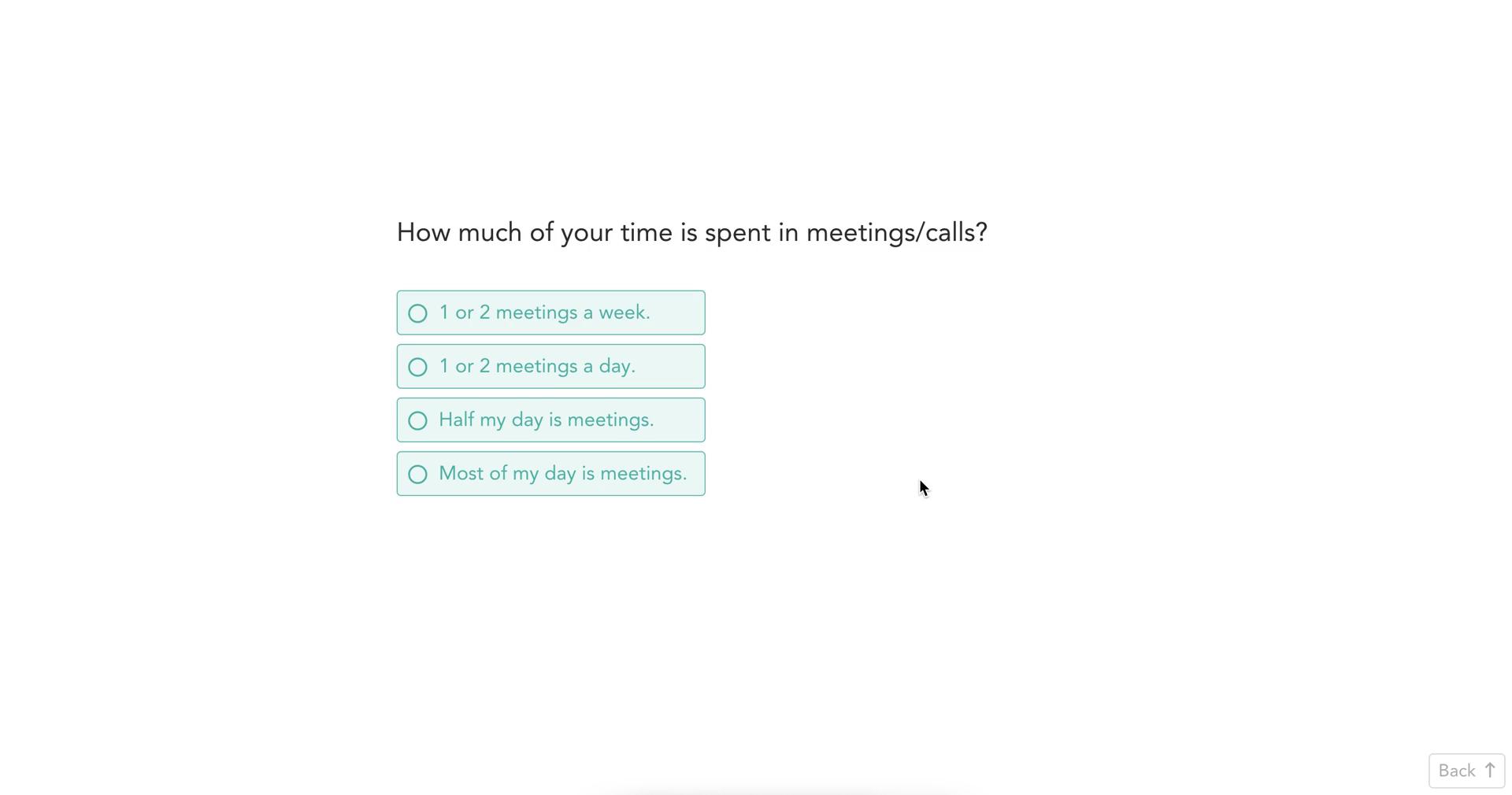
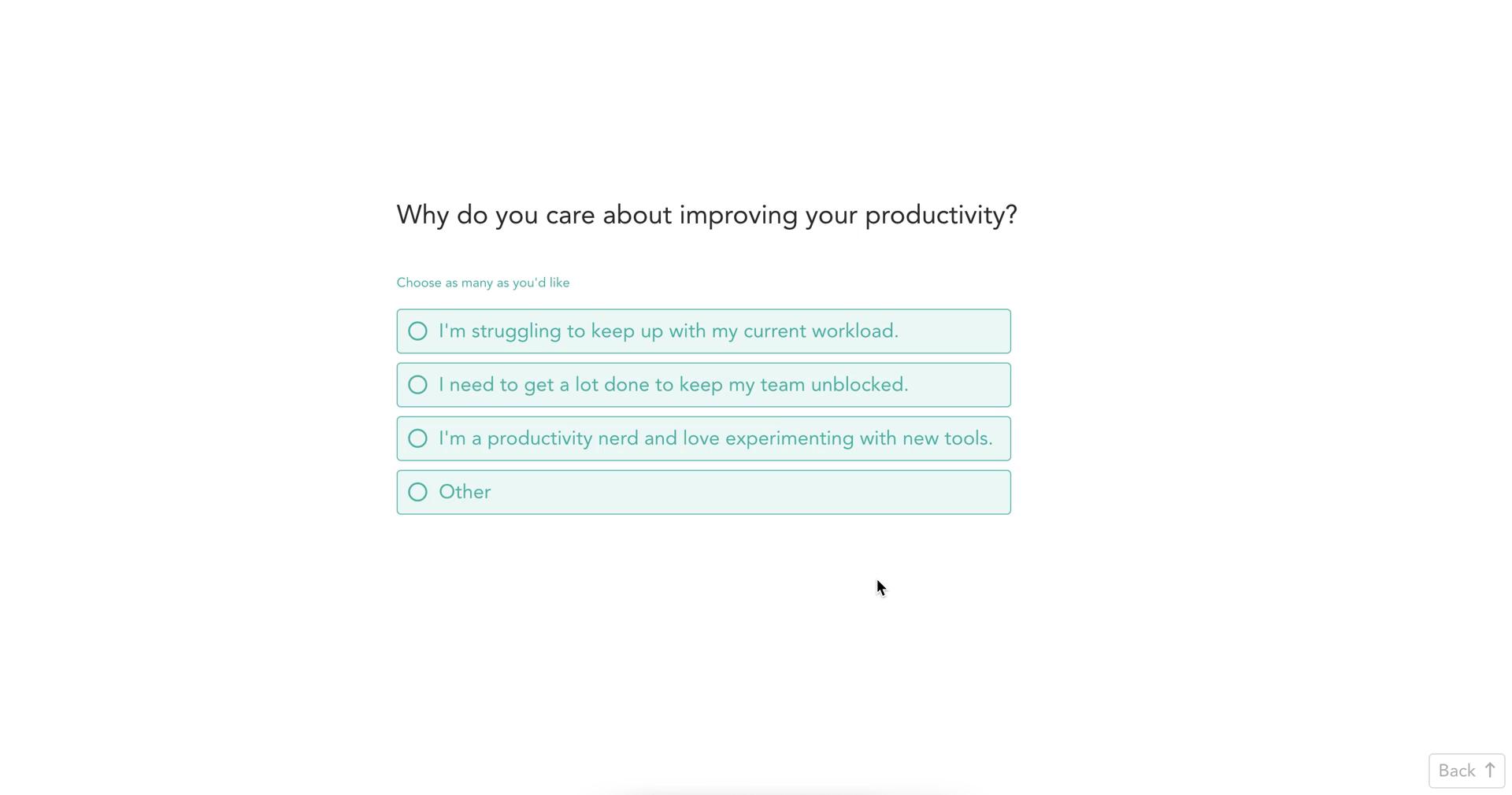
Onboarding question
this is title
Onboarding question
this is title
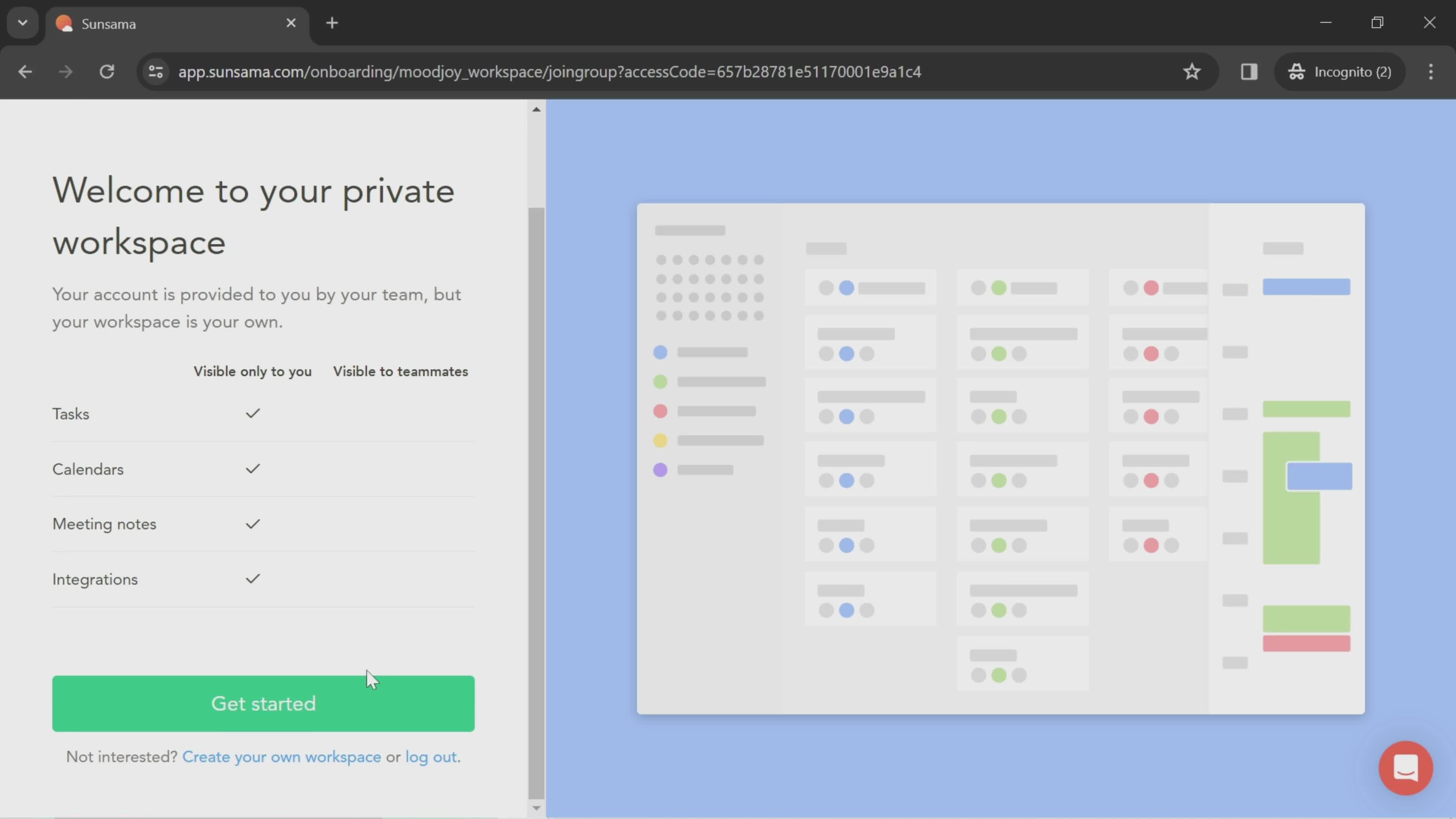
Get started
this is title
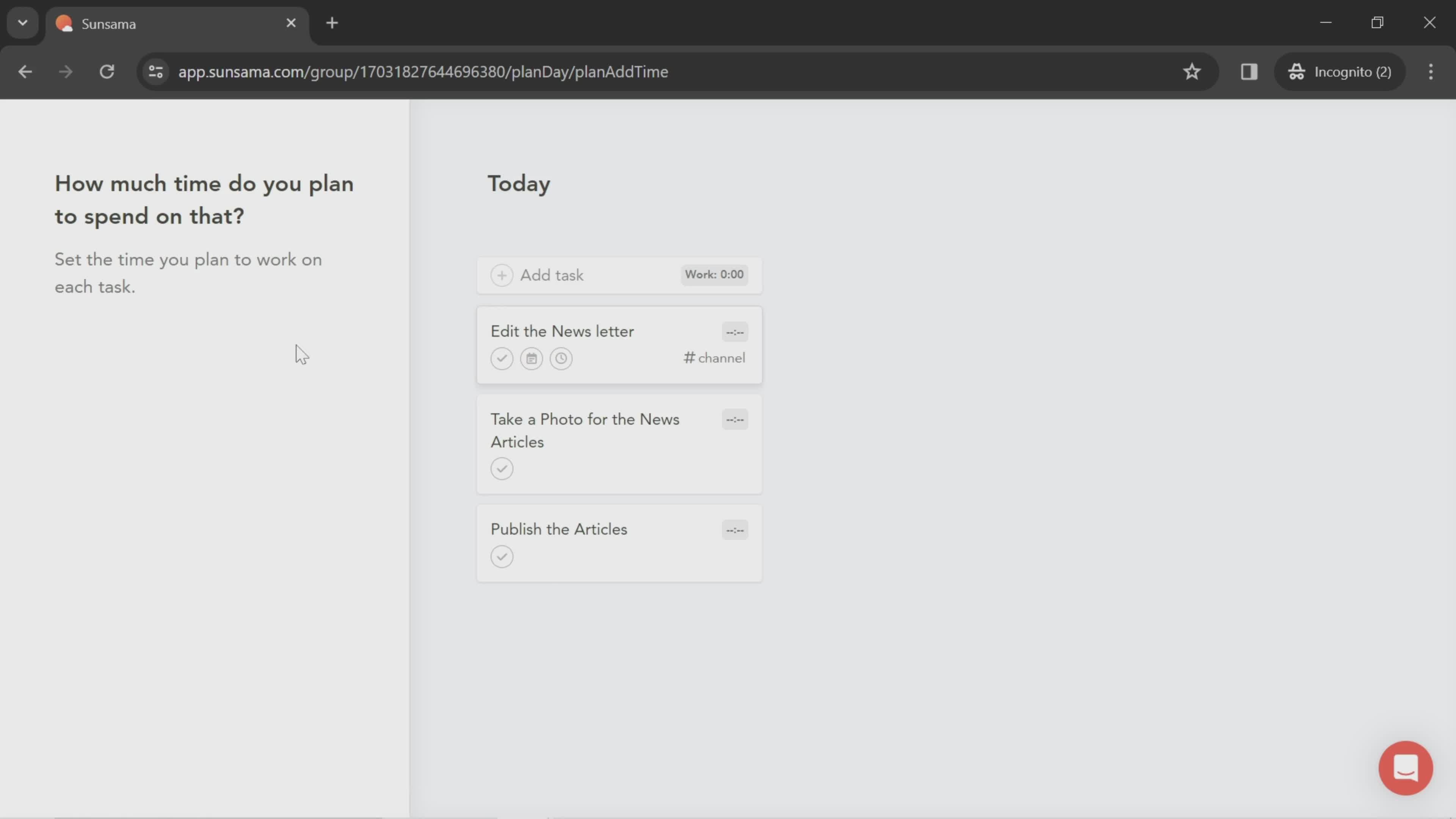
Set time
this is title
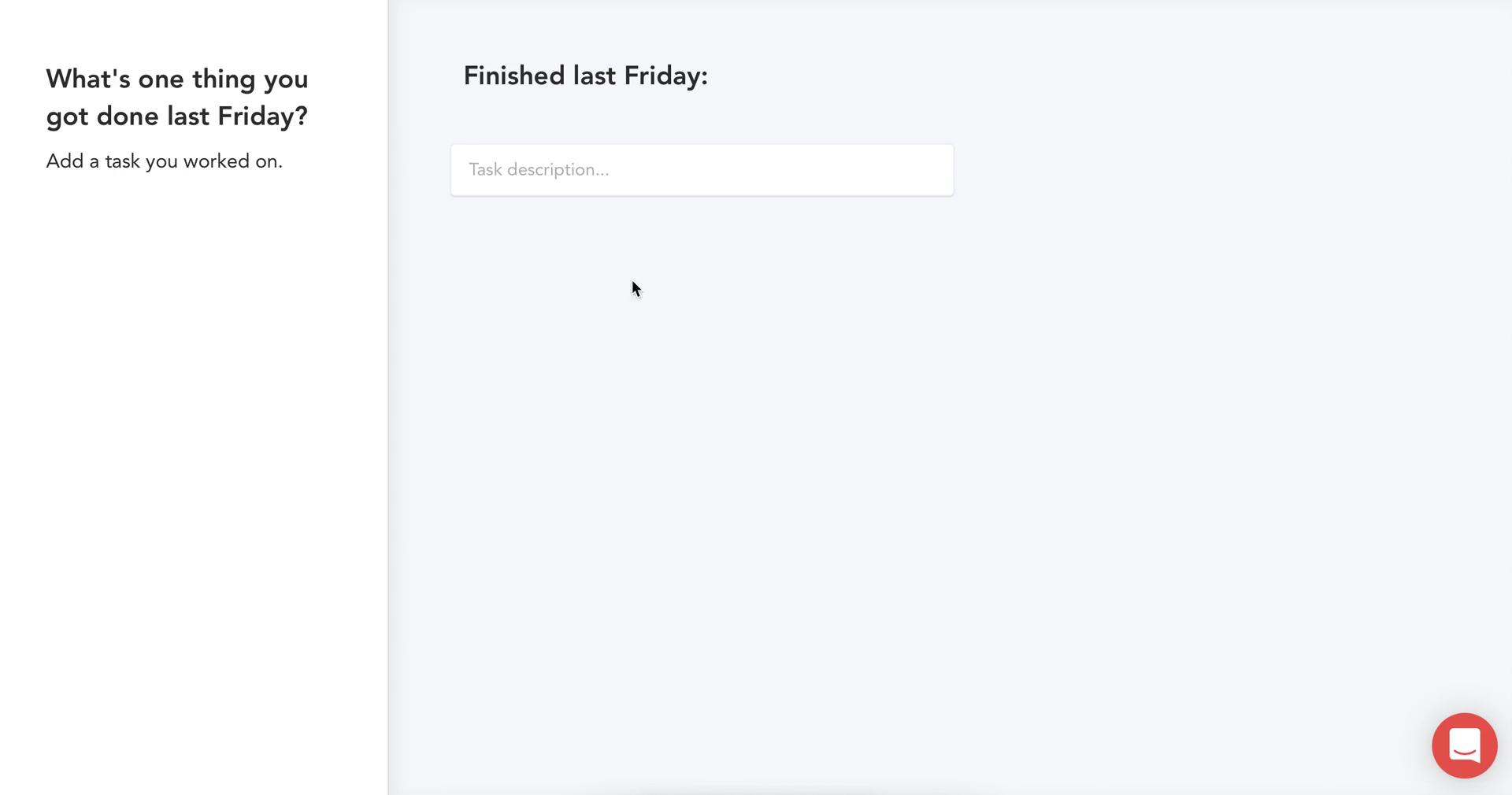
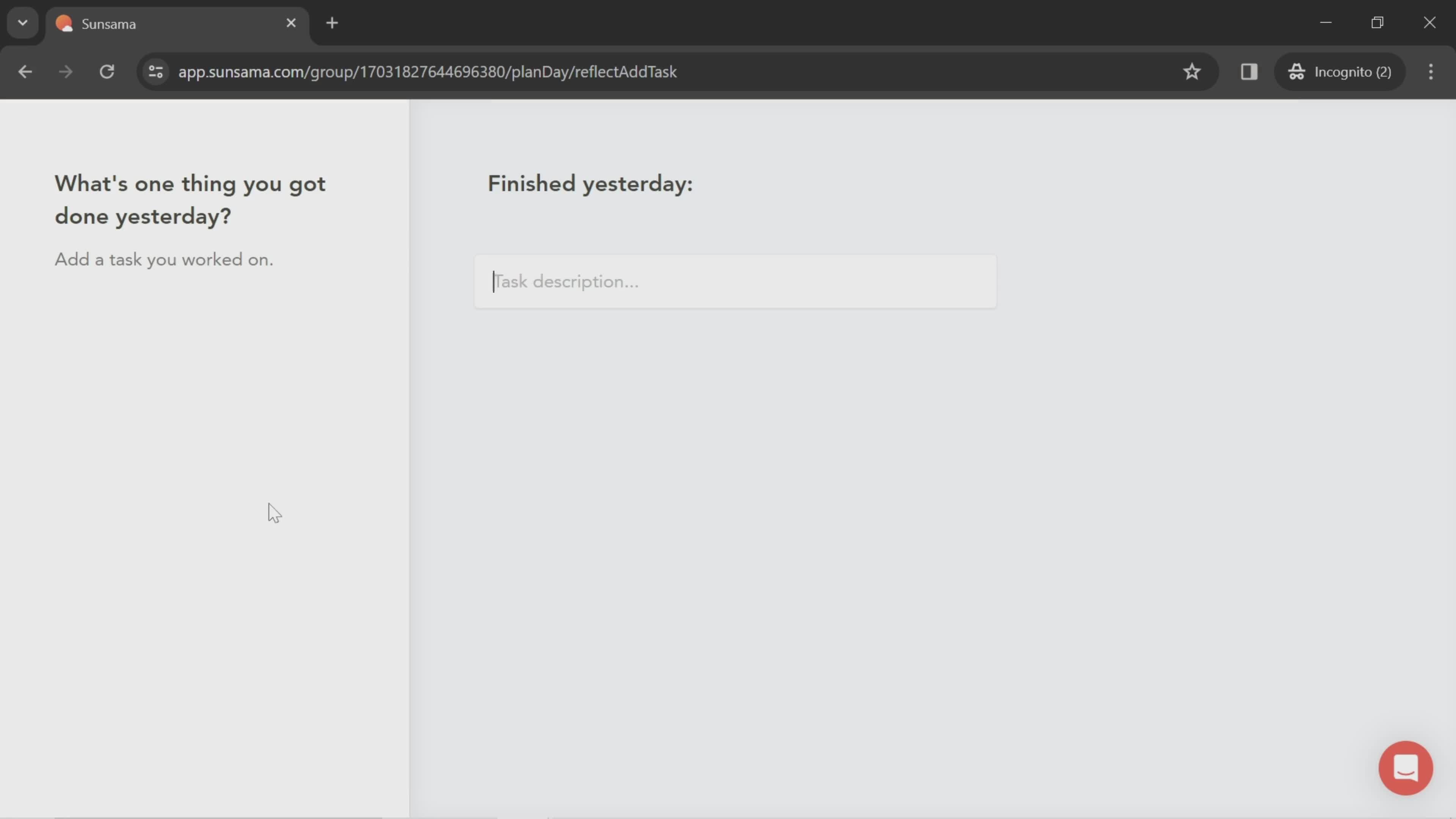
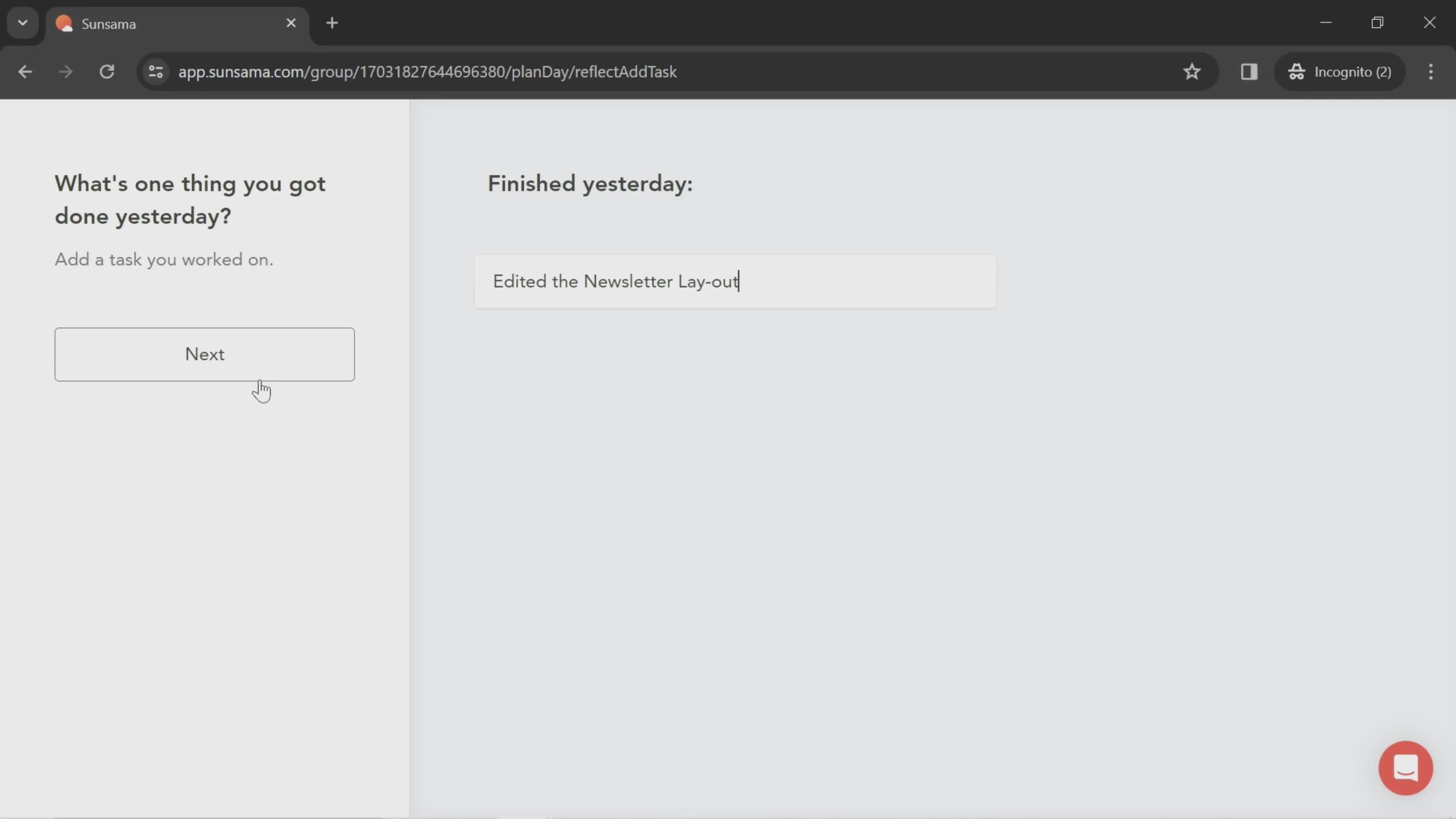
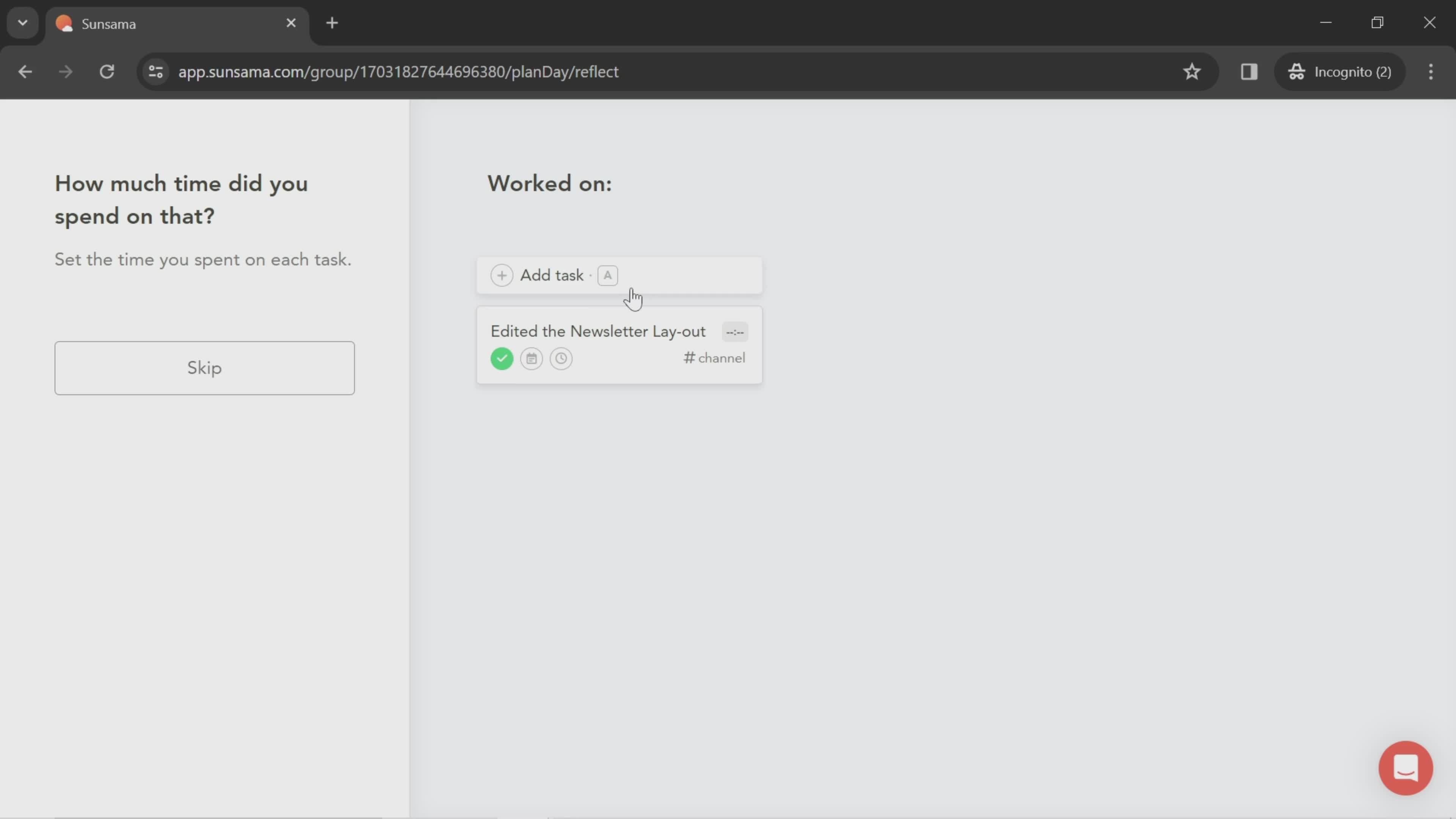
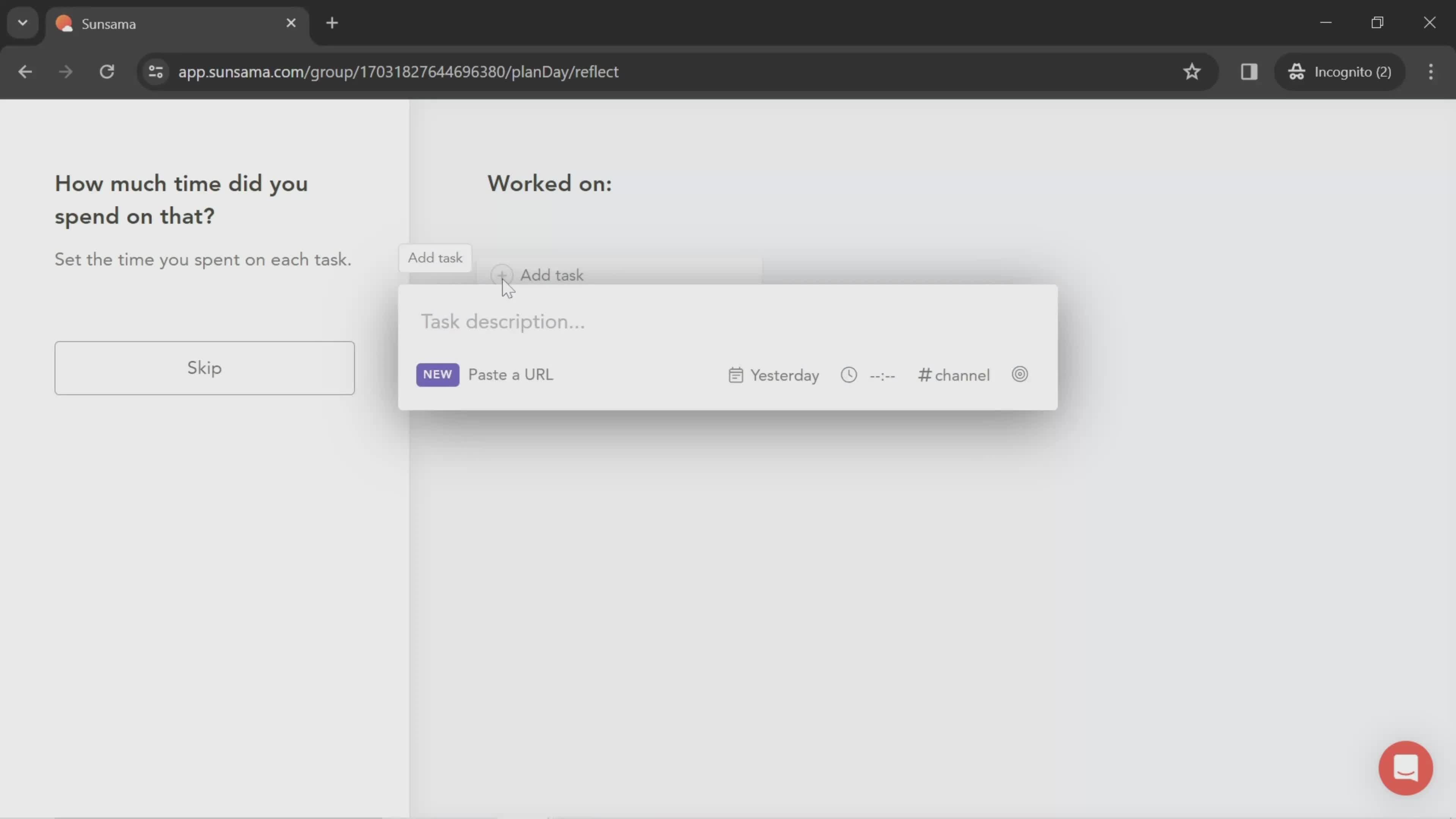
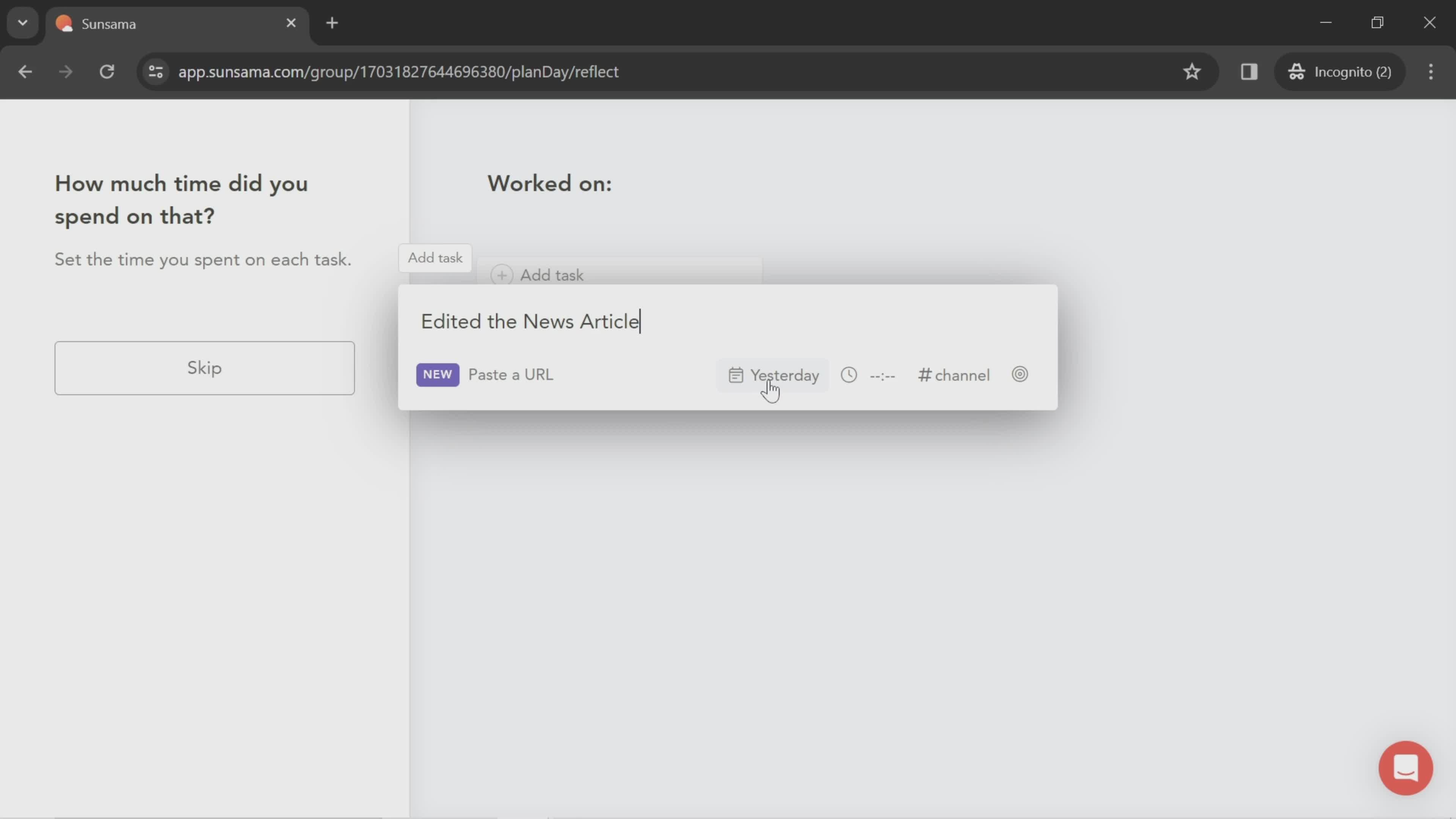
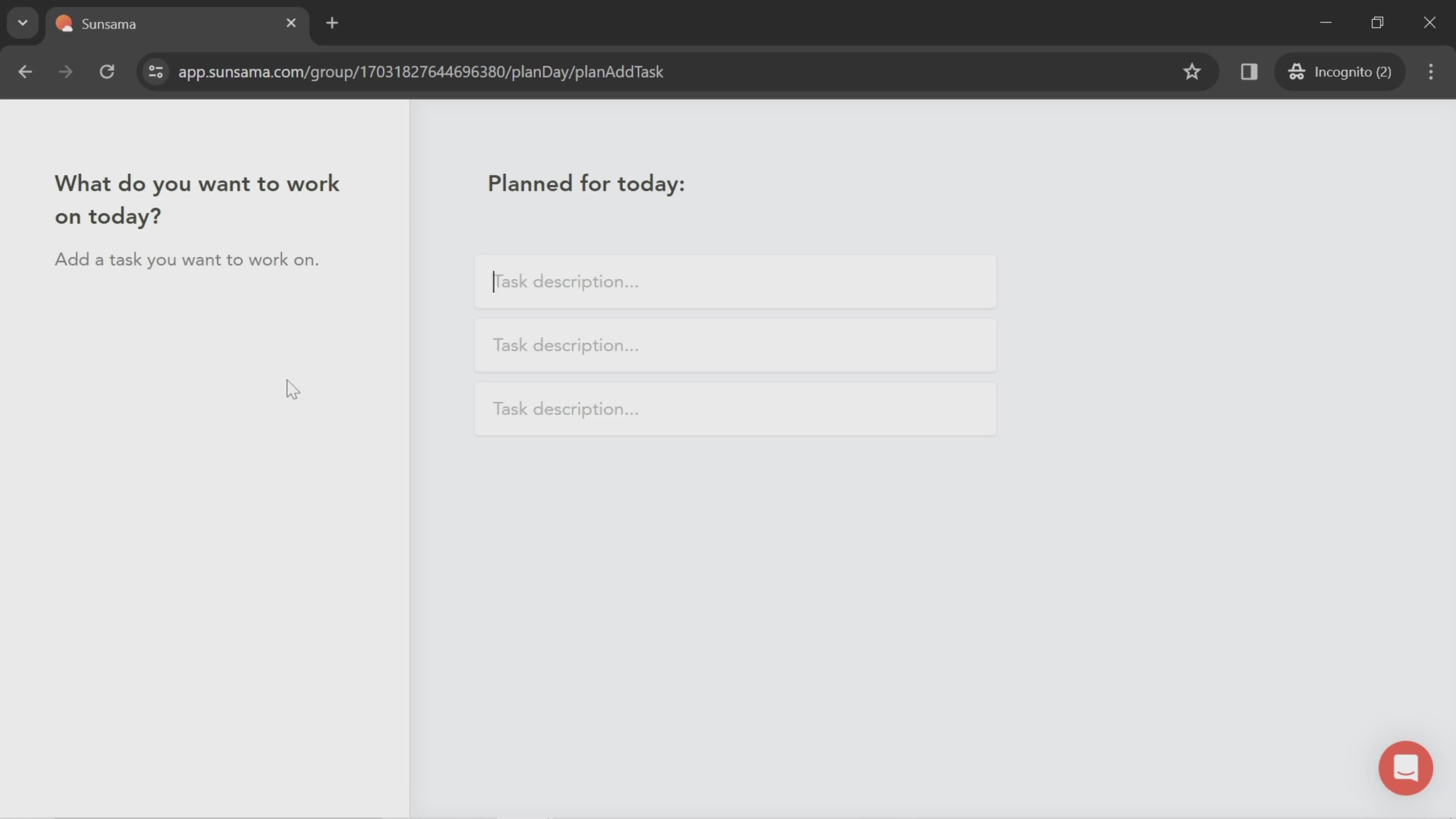
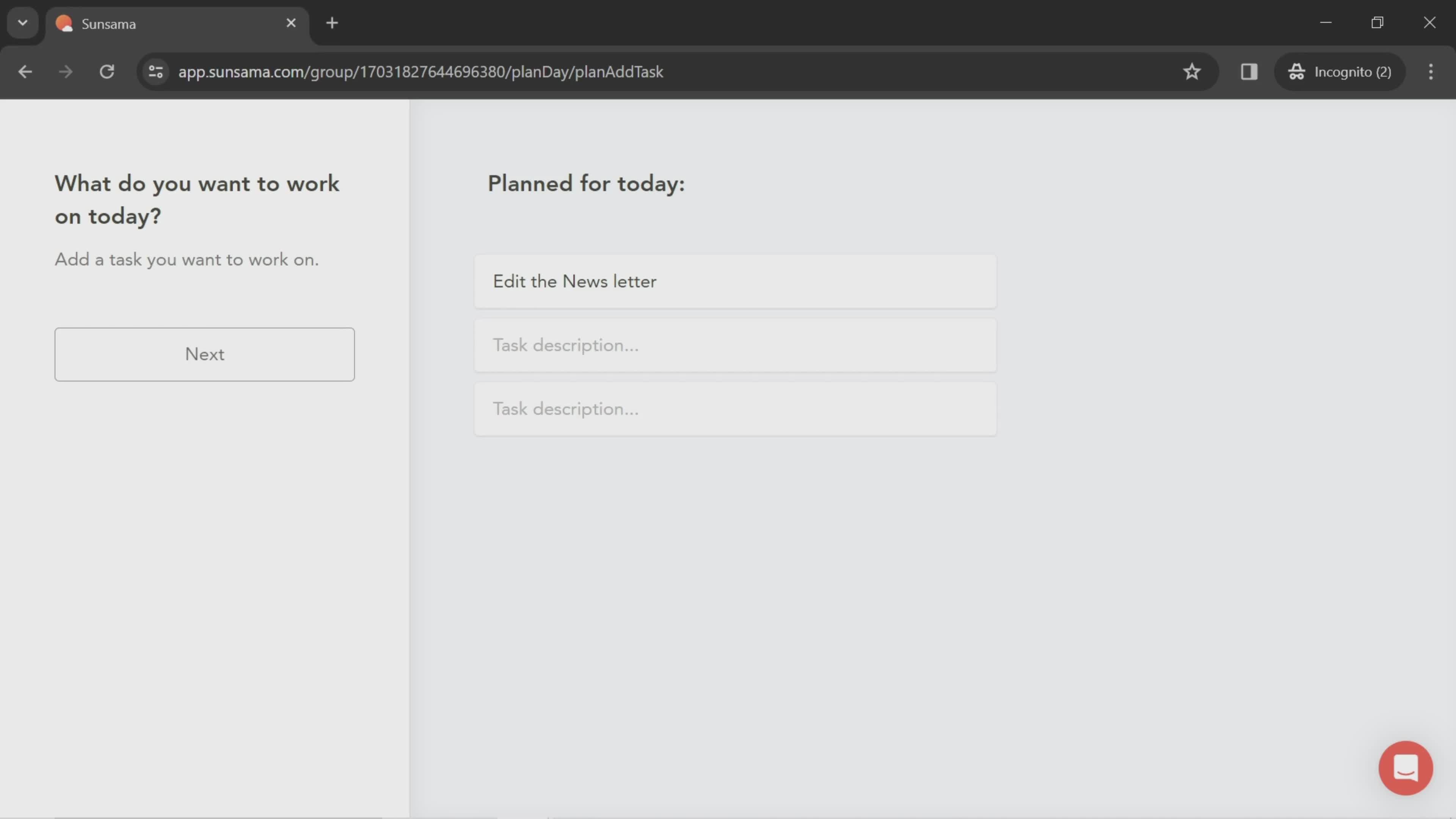
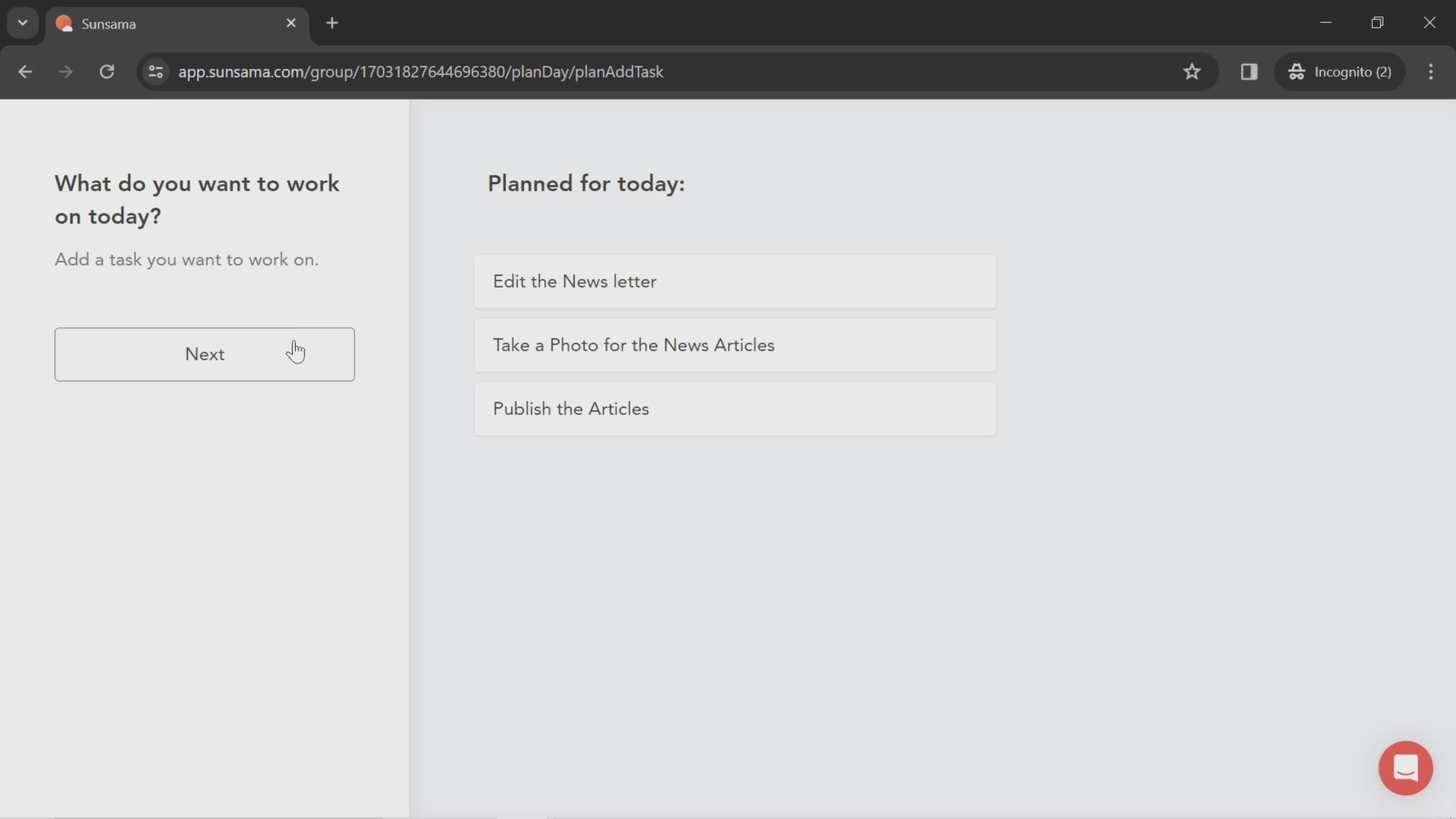
Add task
this is title
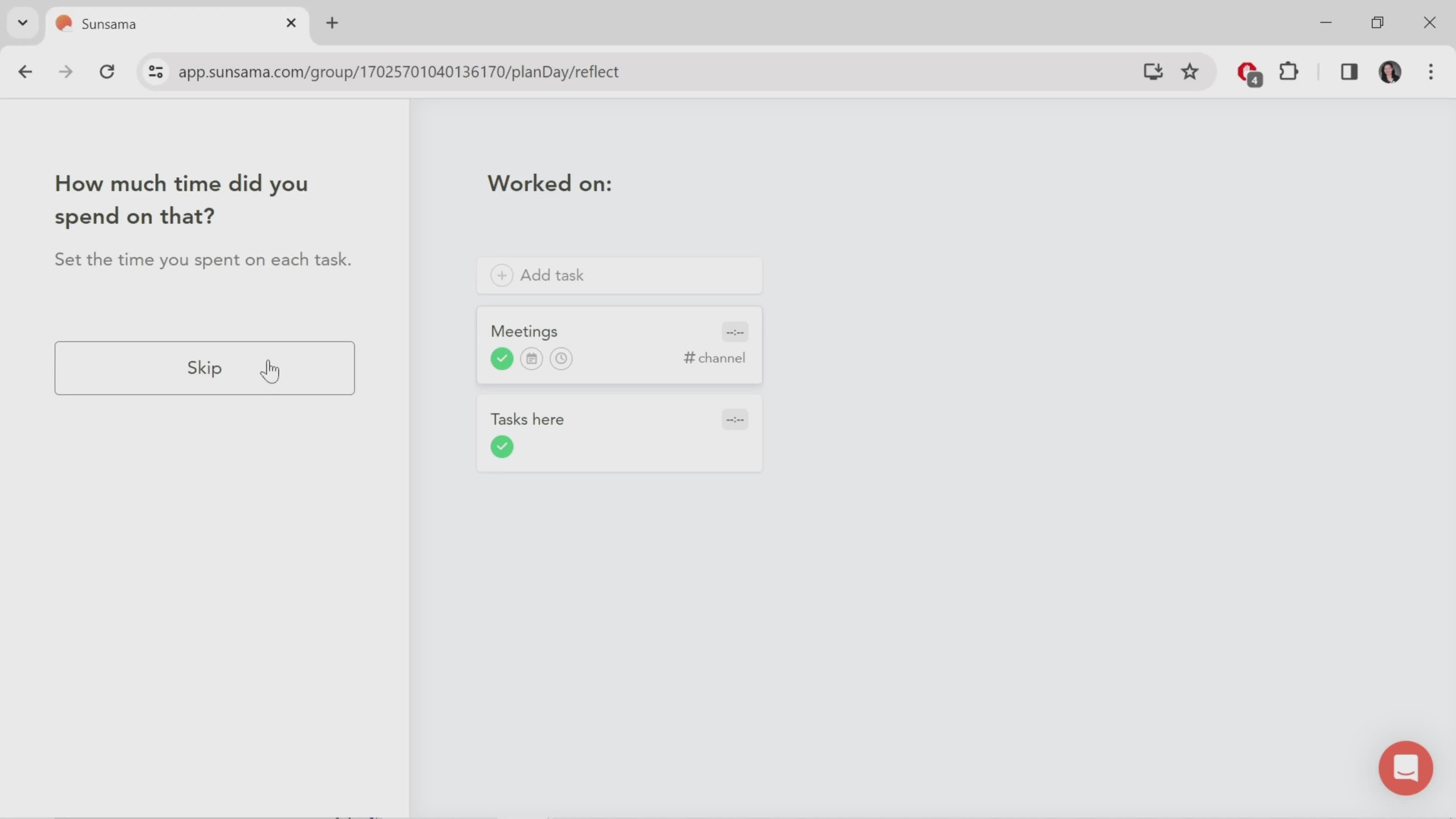
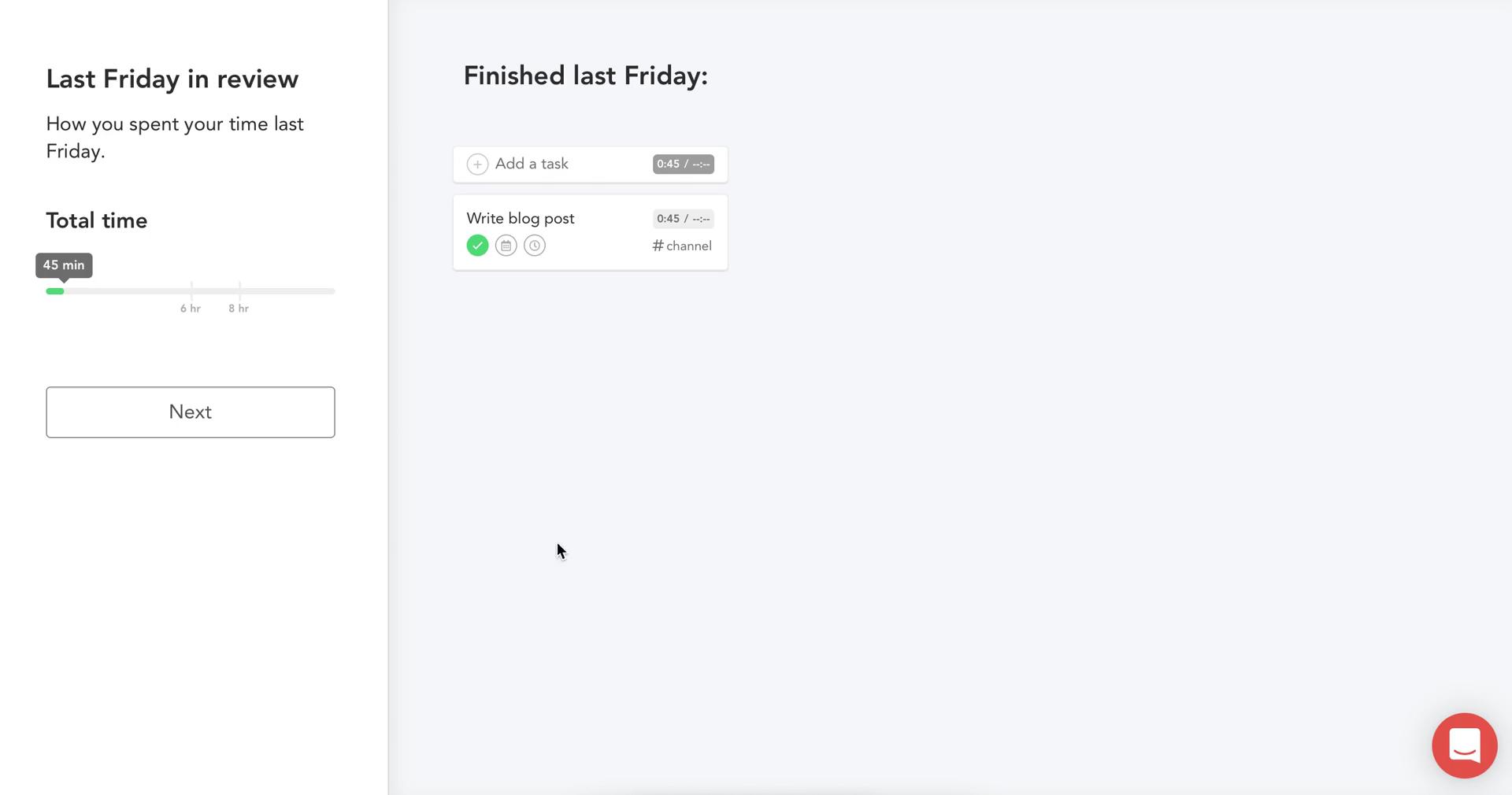
Review task
this is title
Add tasks
this is title
Edit task details
this is title
Onboarding tour
this is title
Onboarding tour
this is title
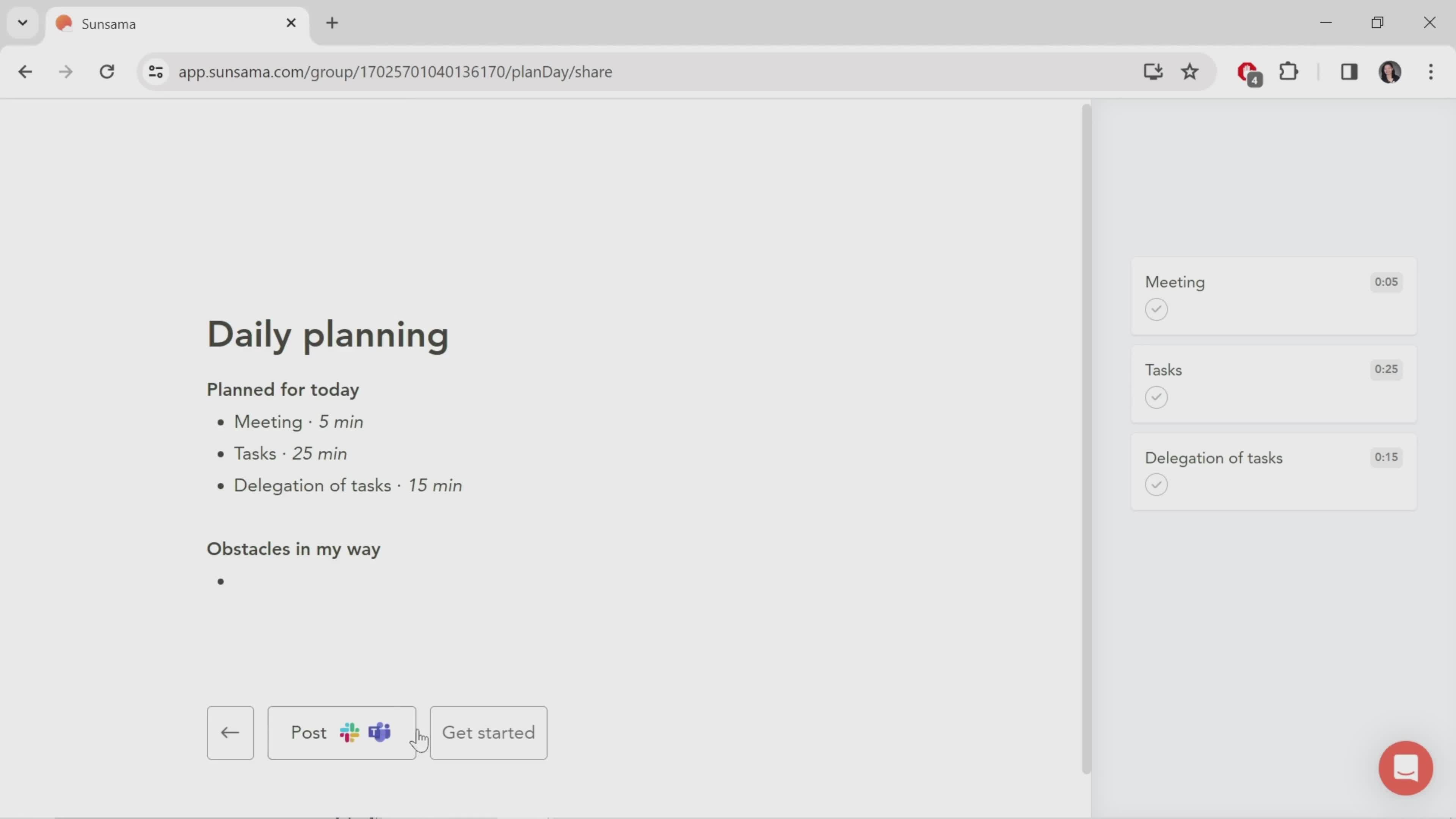
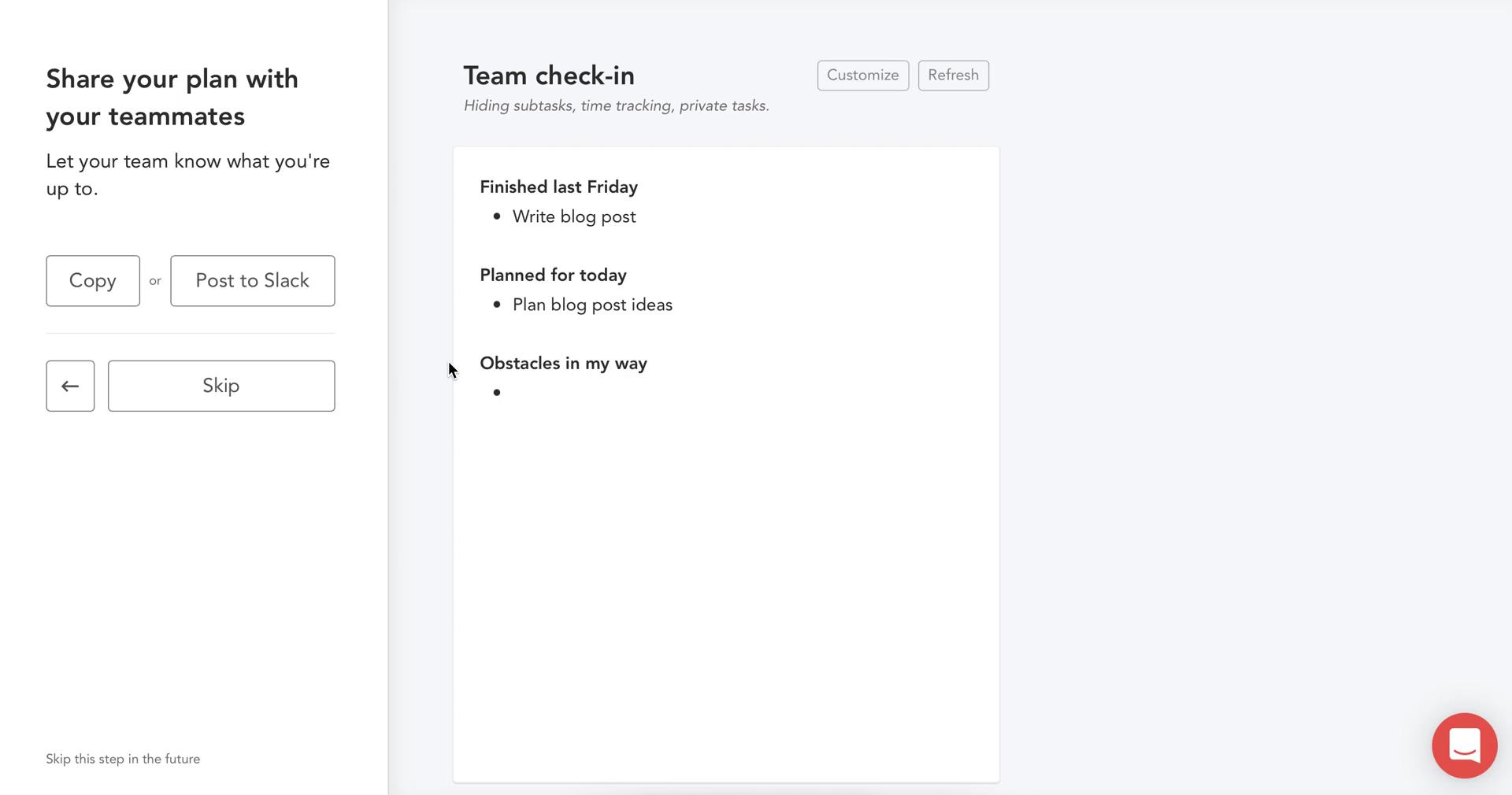
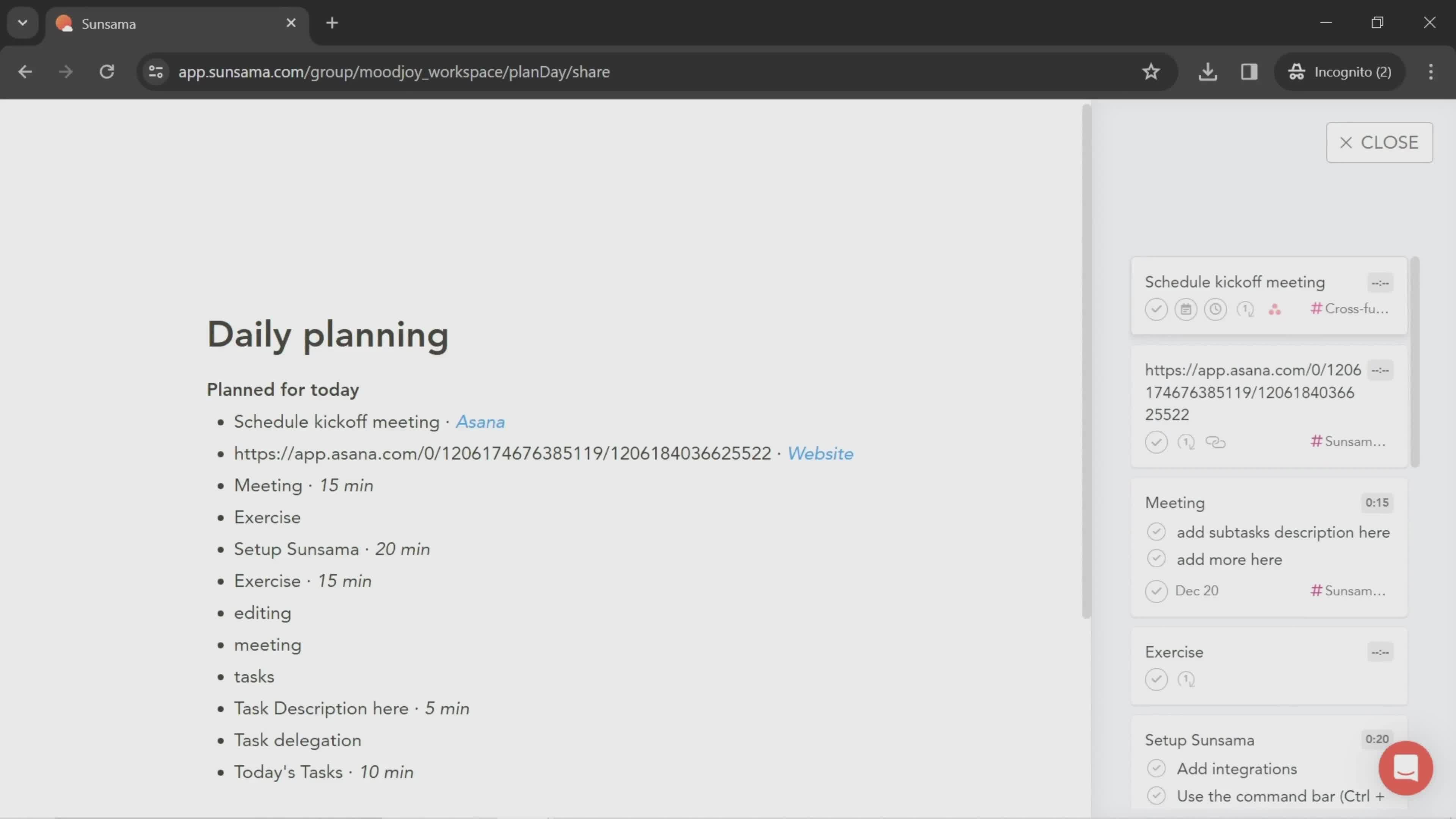
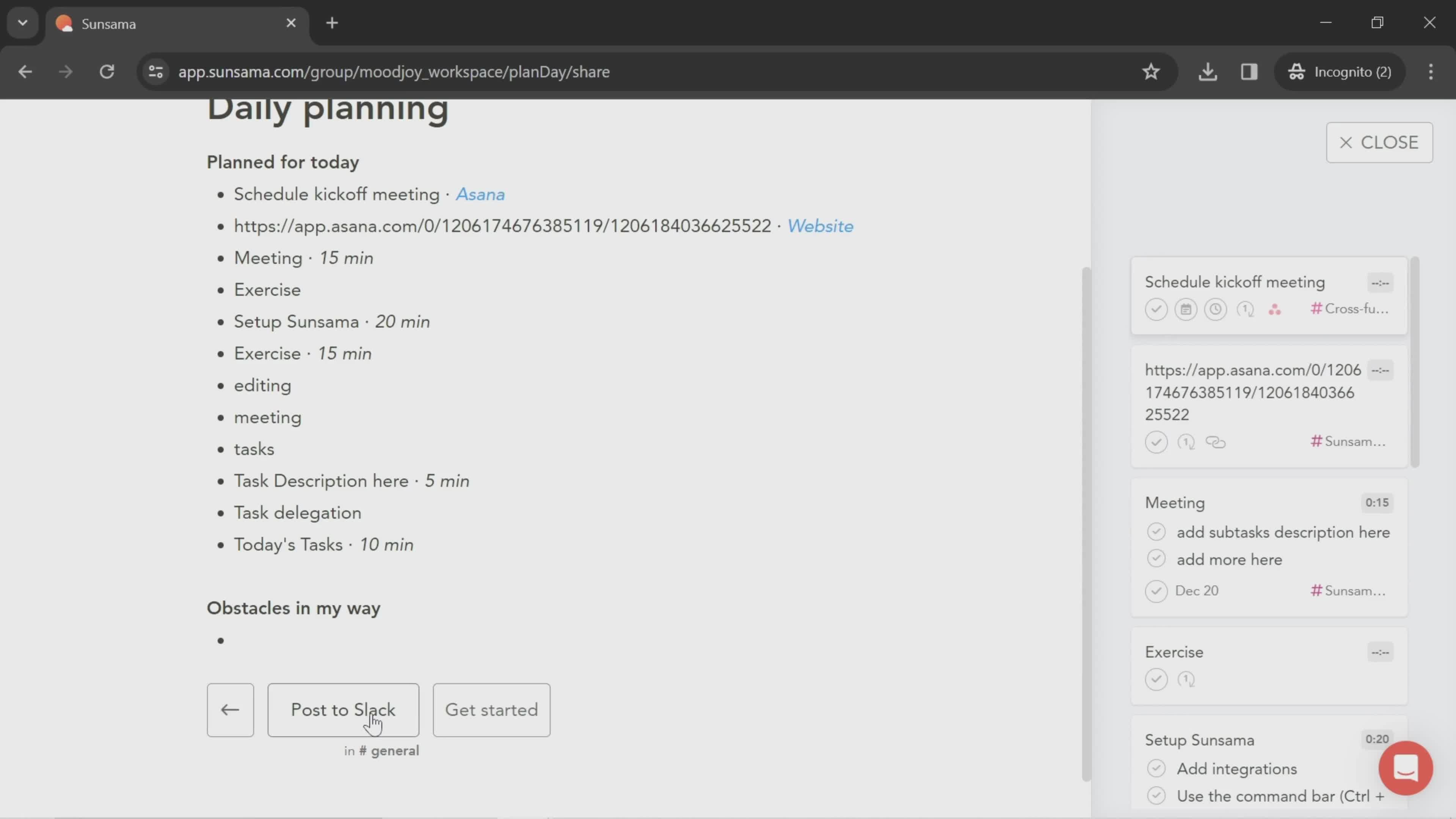
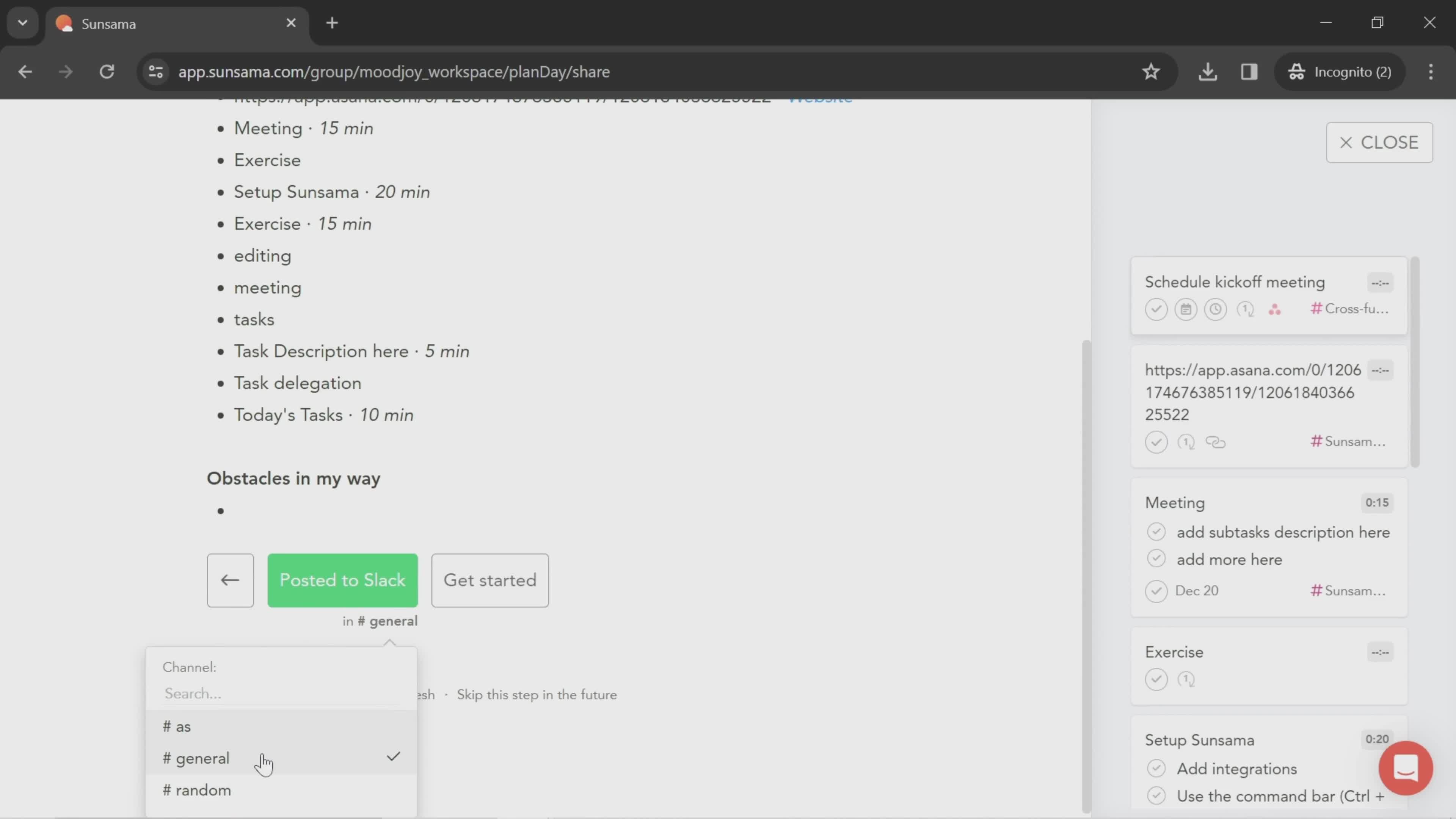
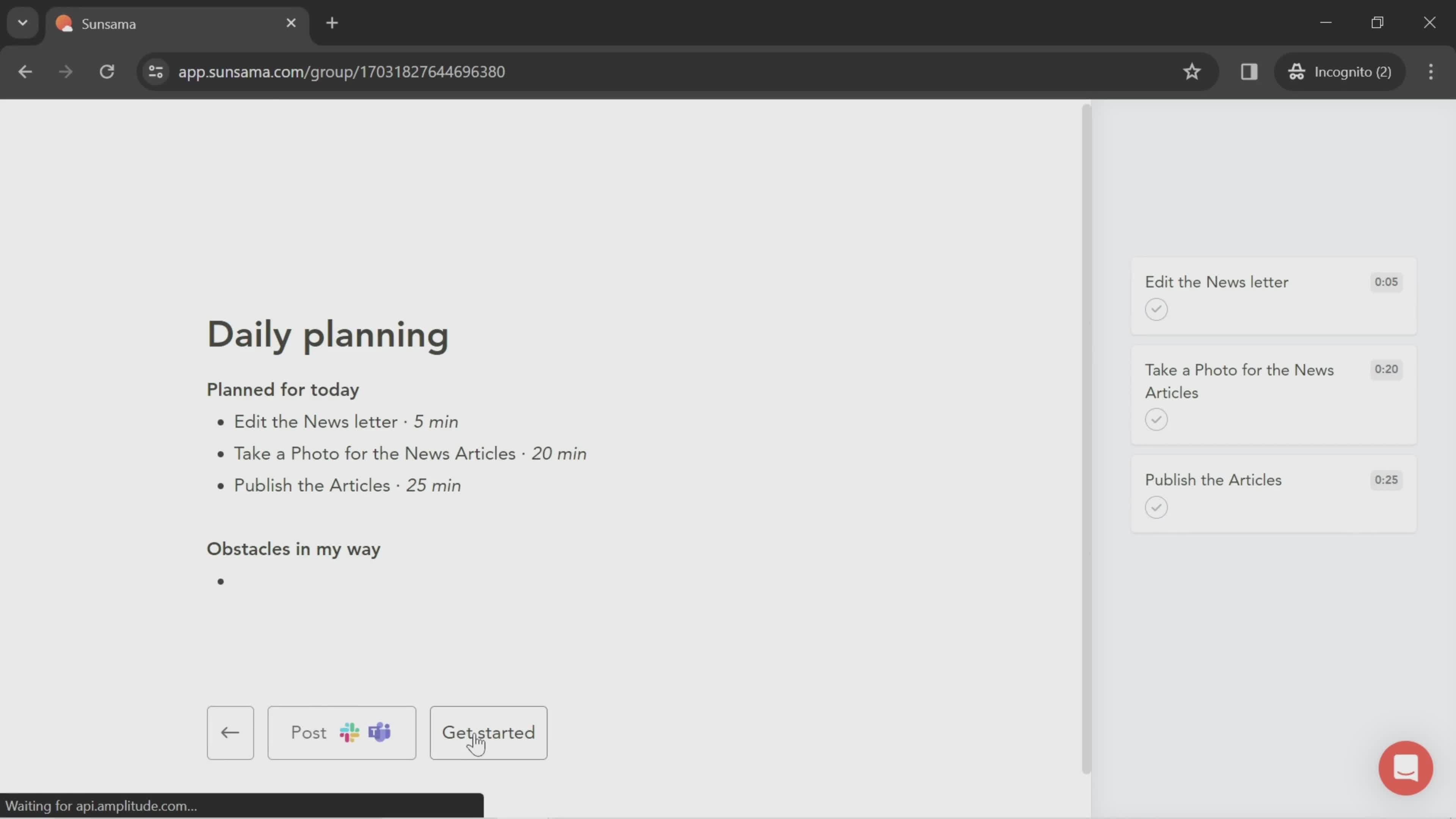
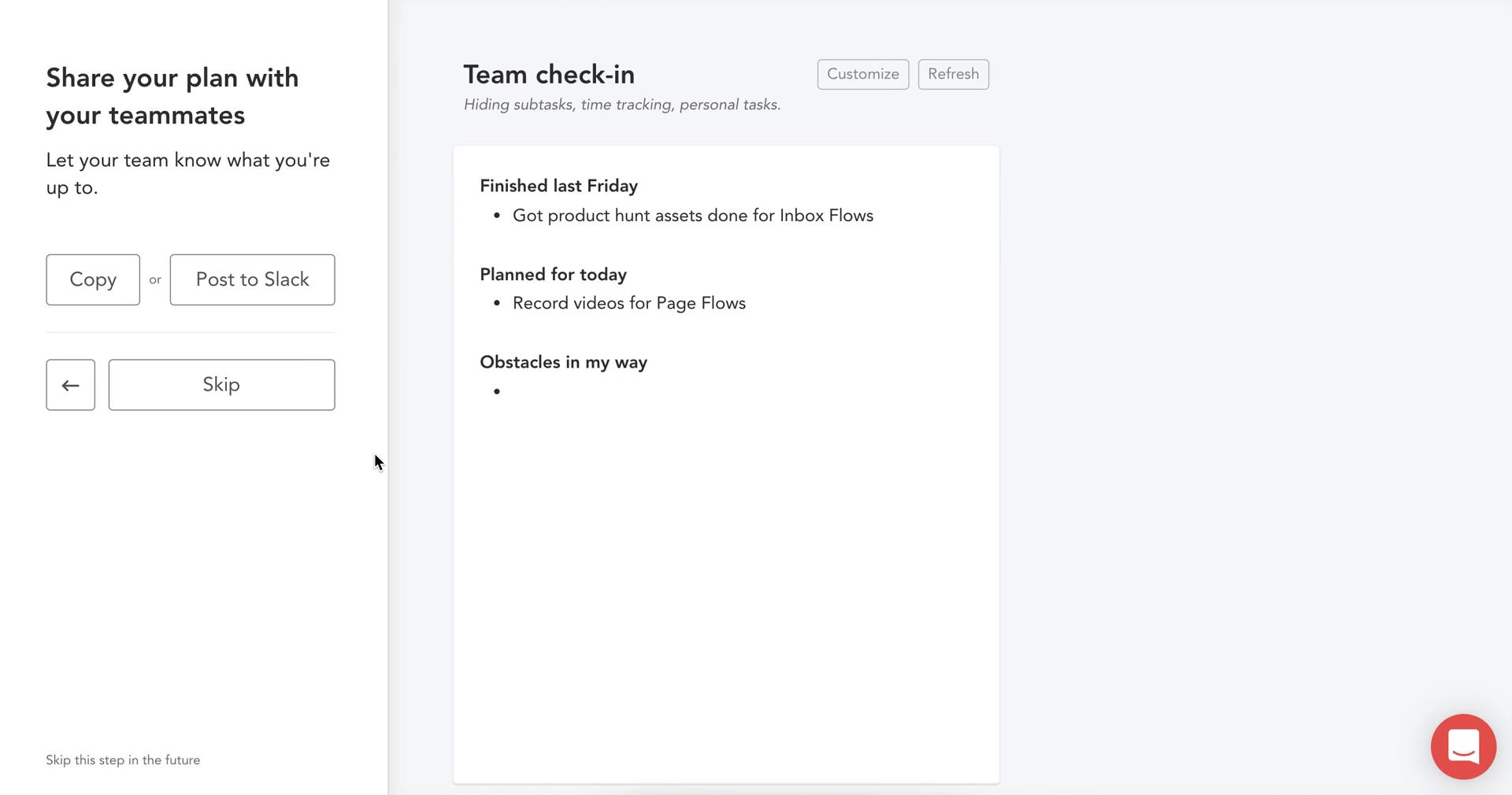
Share plan
this is title
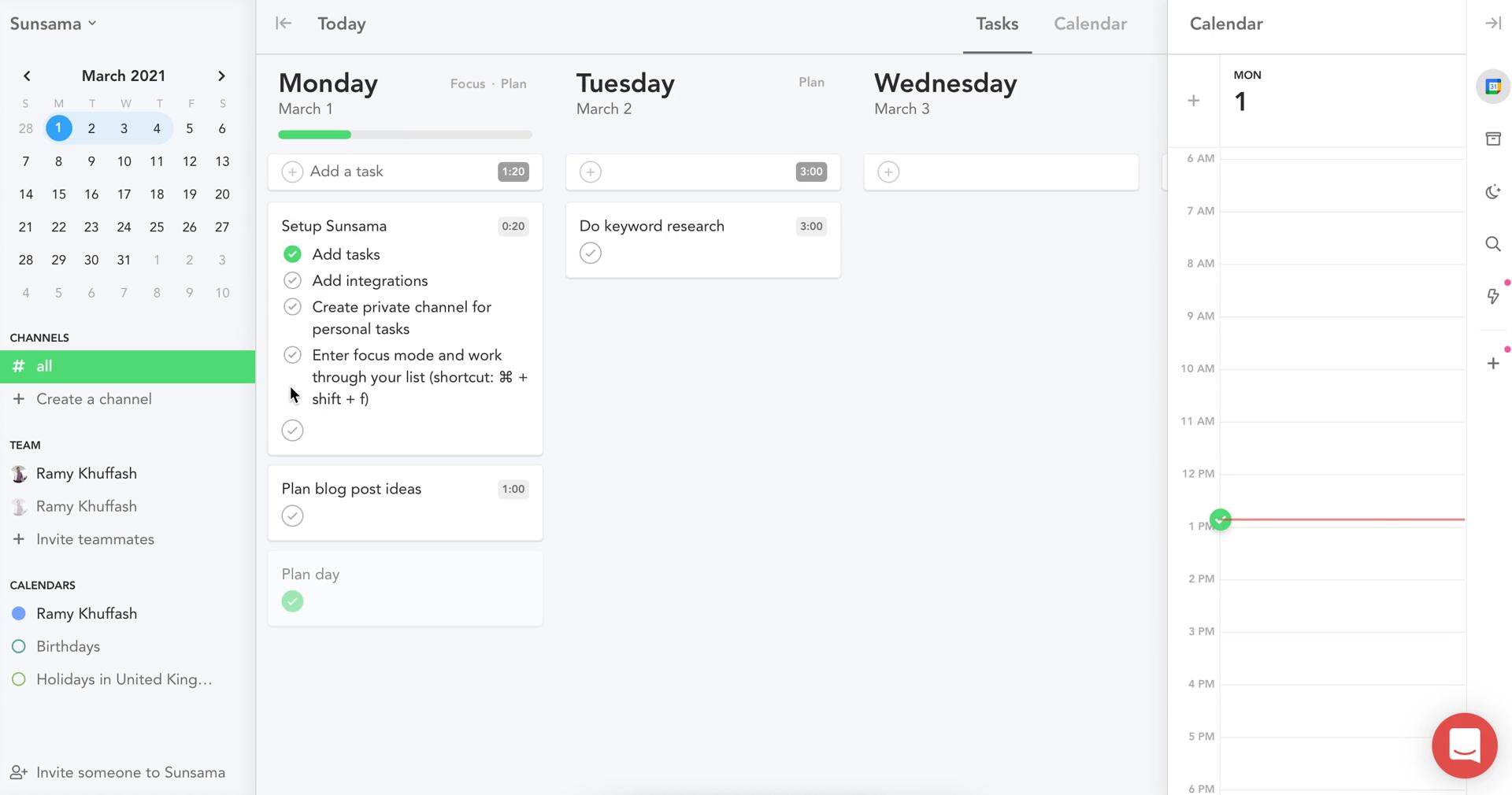
Tasks
this is title
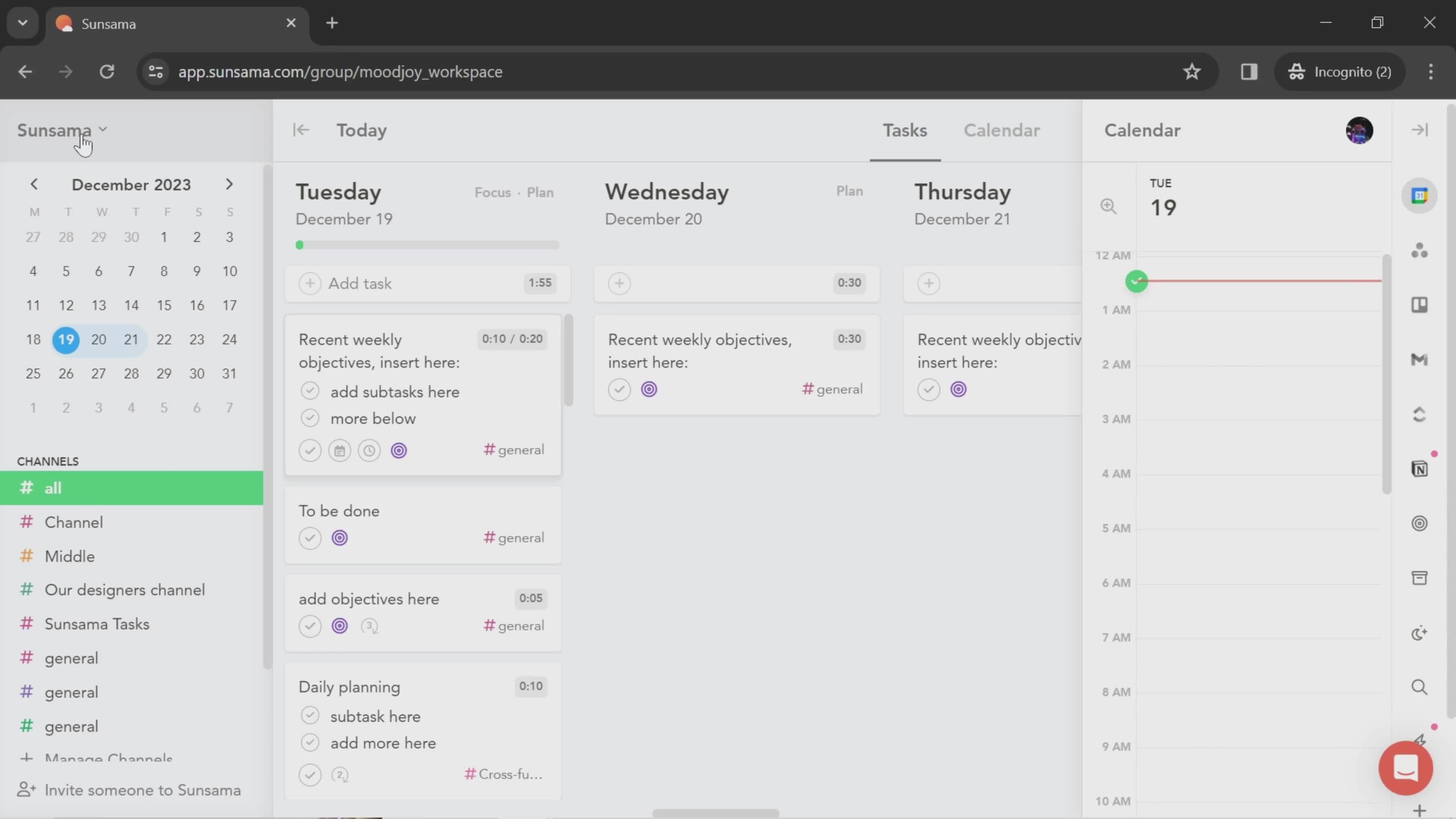
Dashboard
this is title
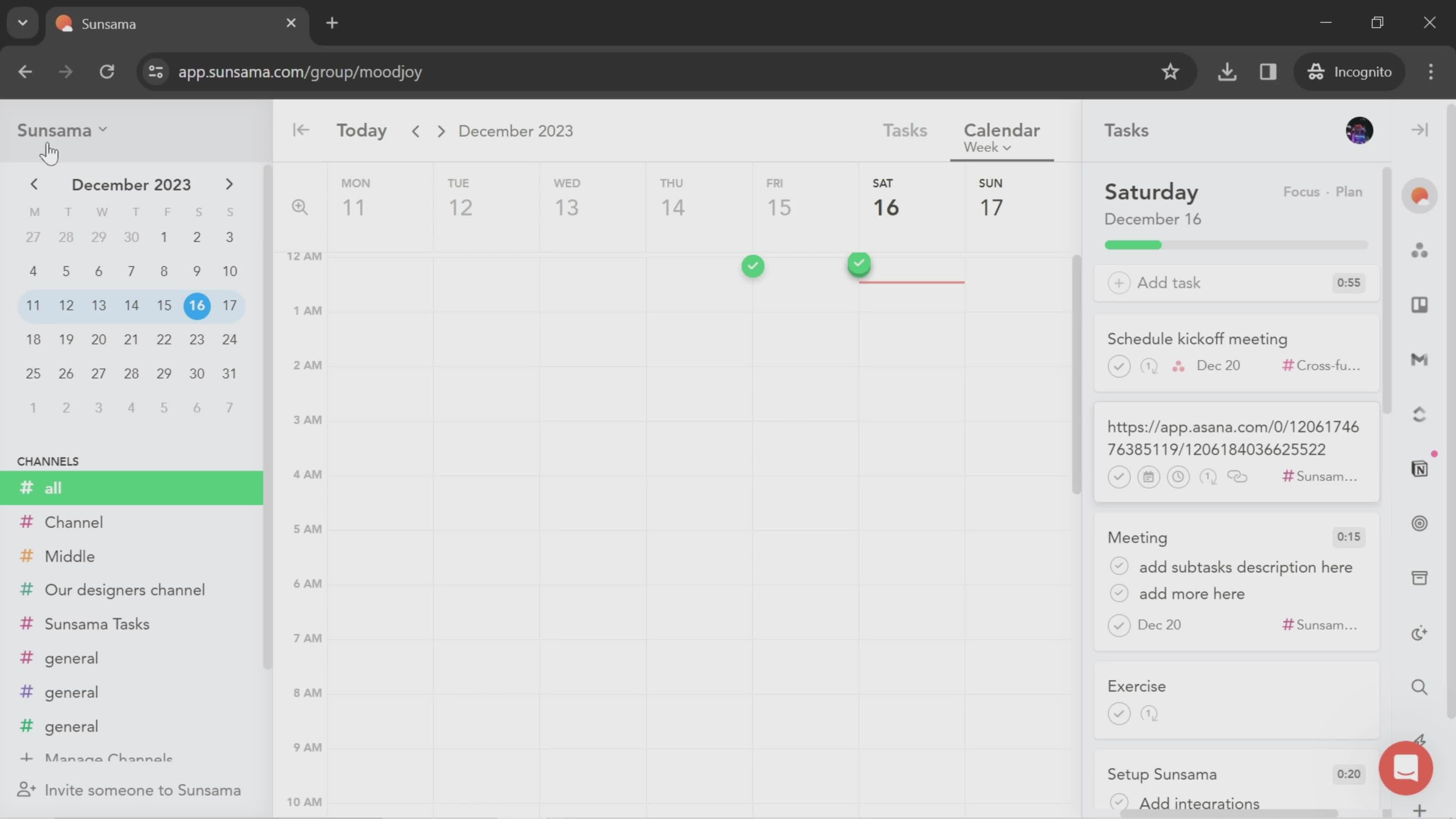
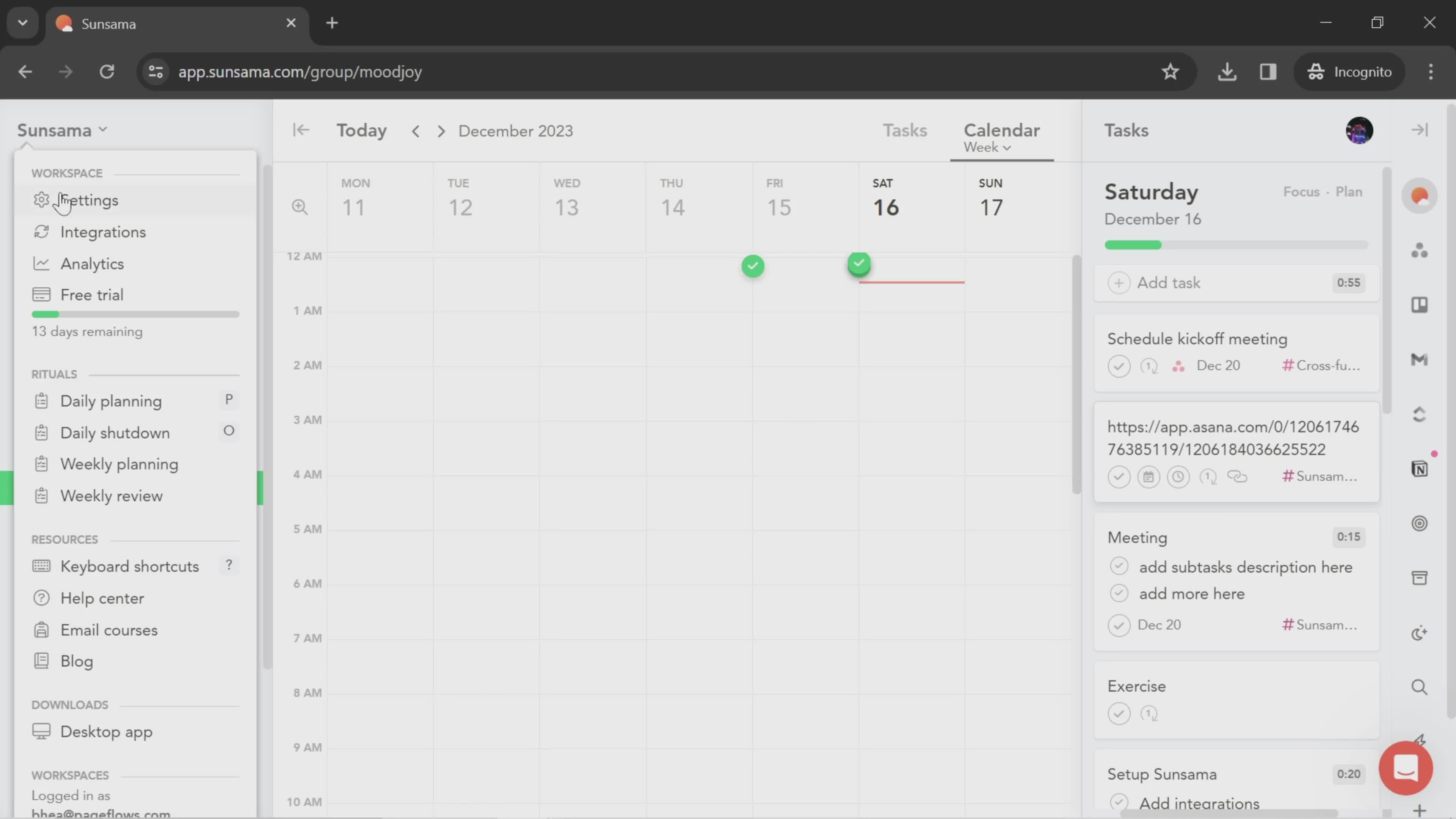
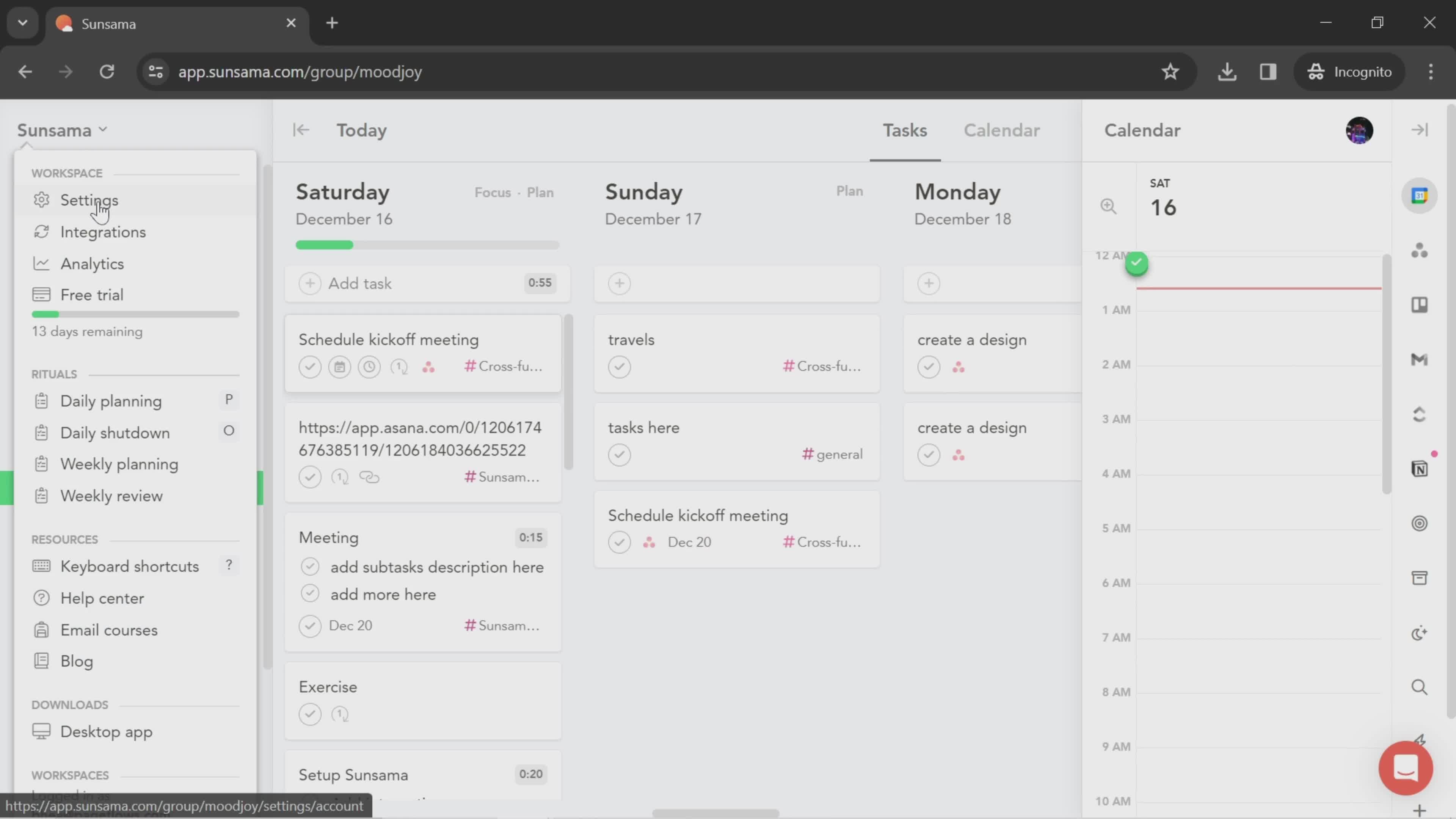
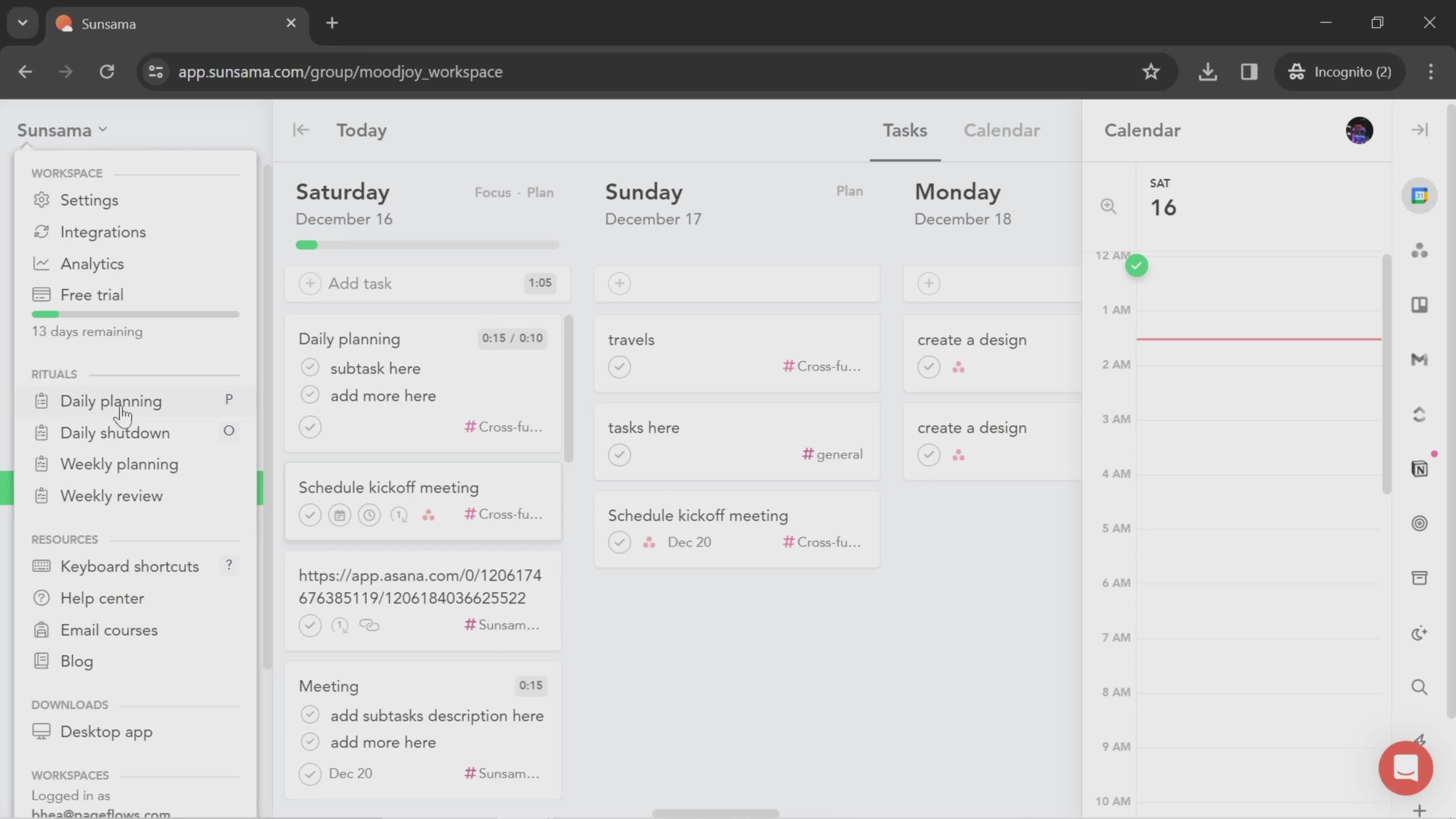
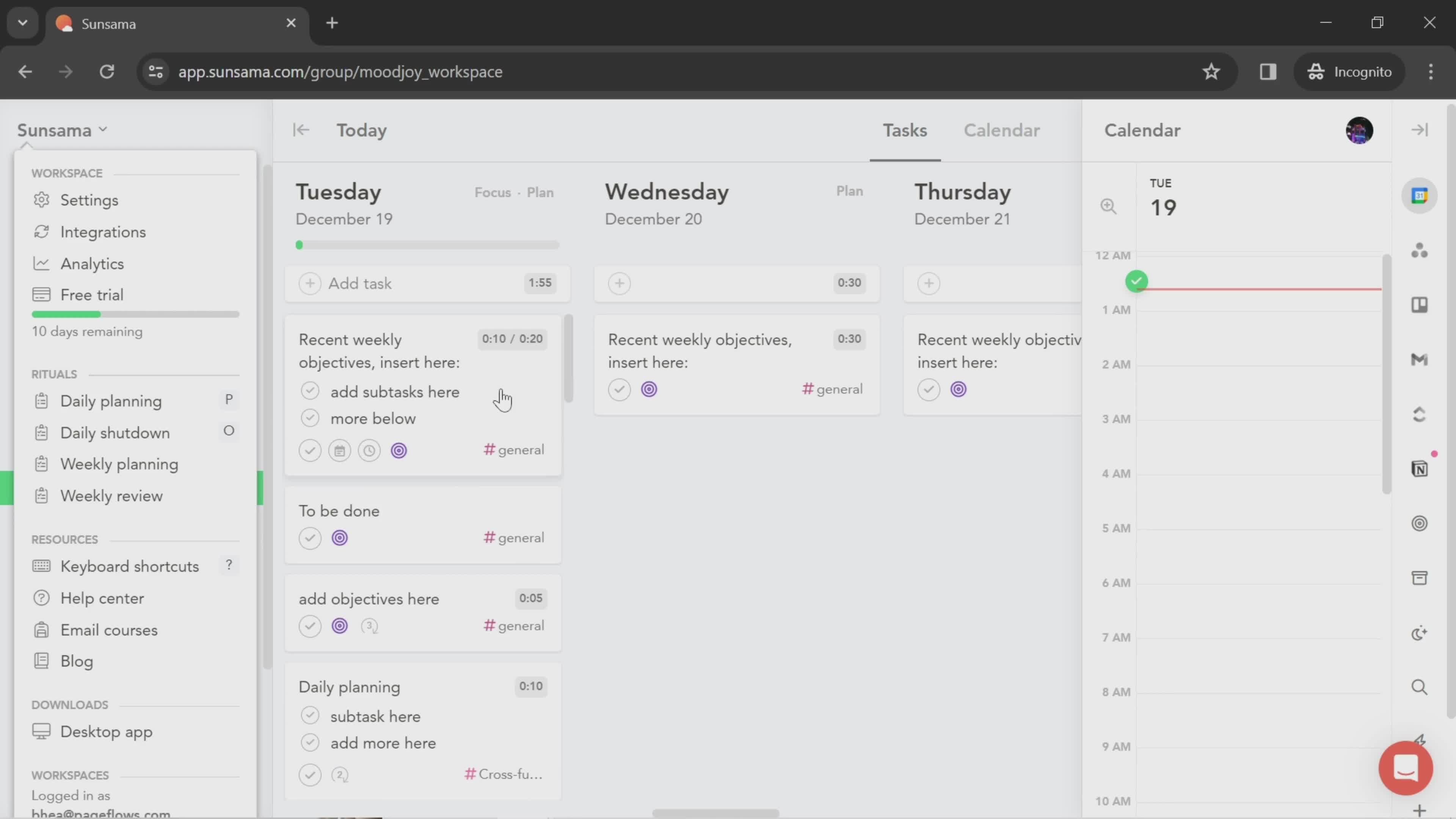
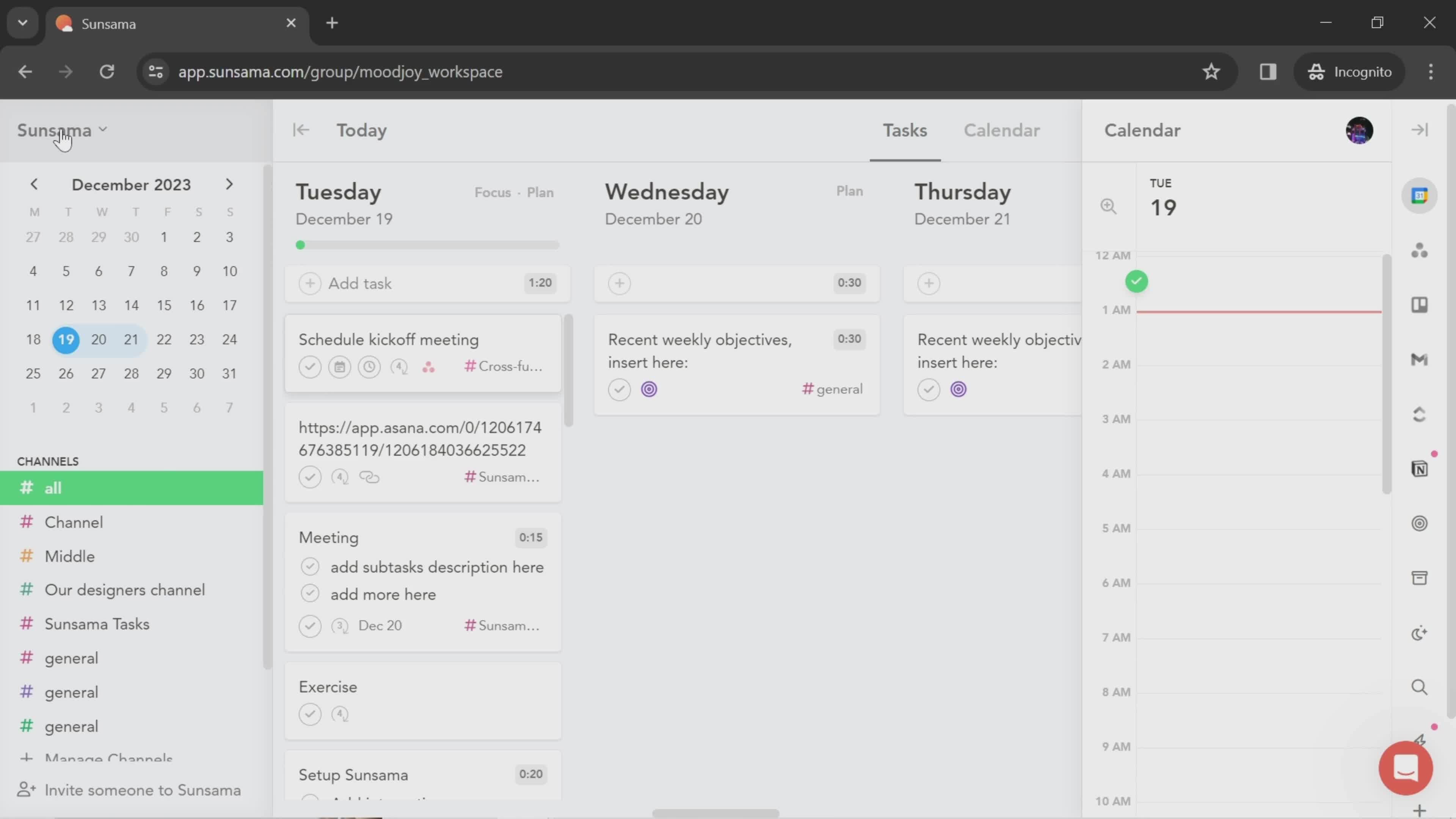
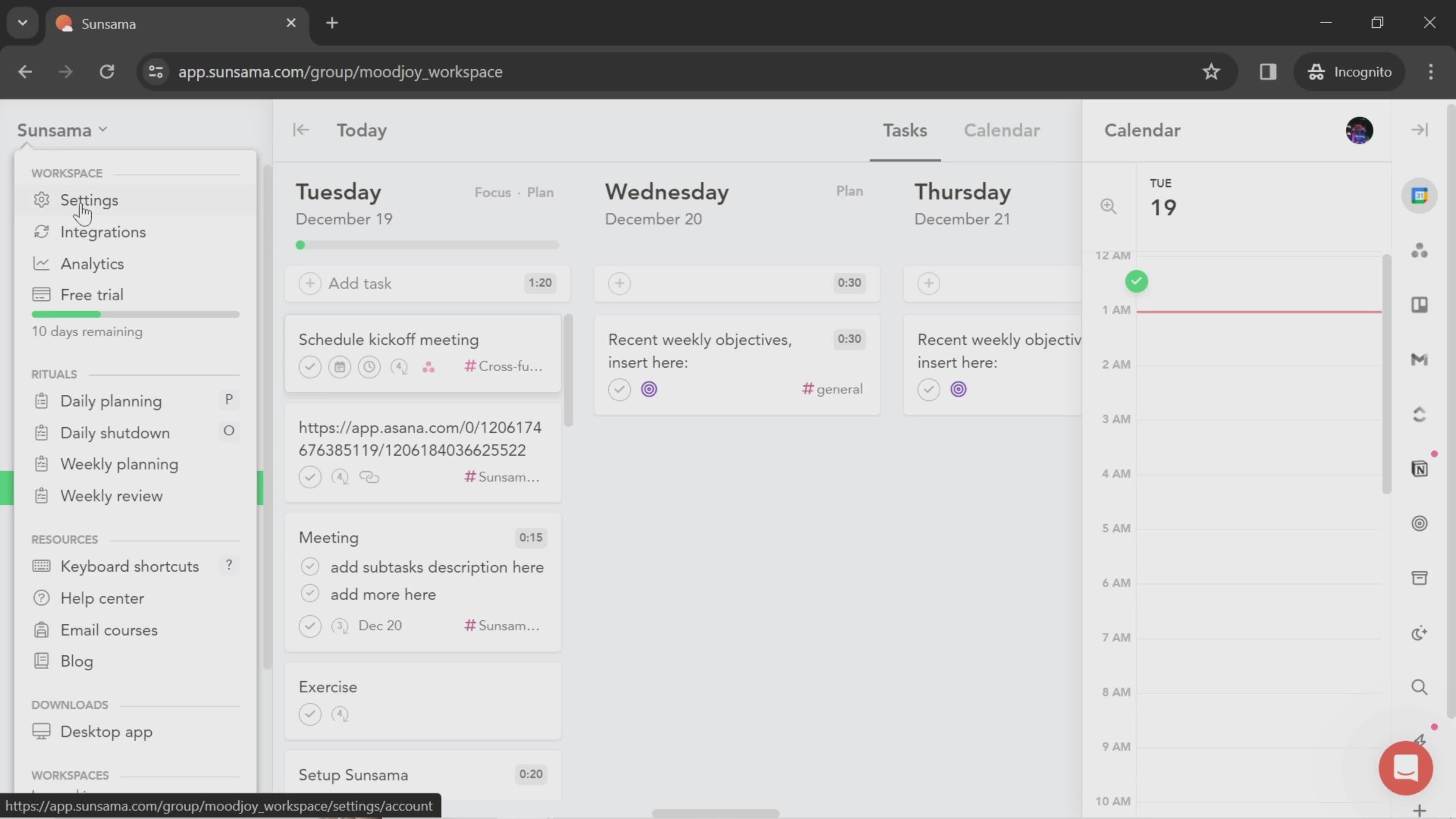
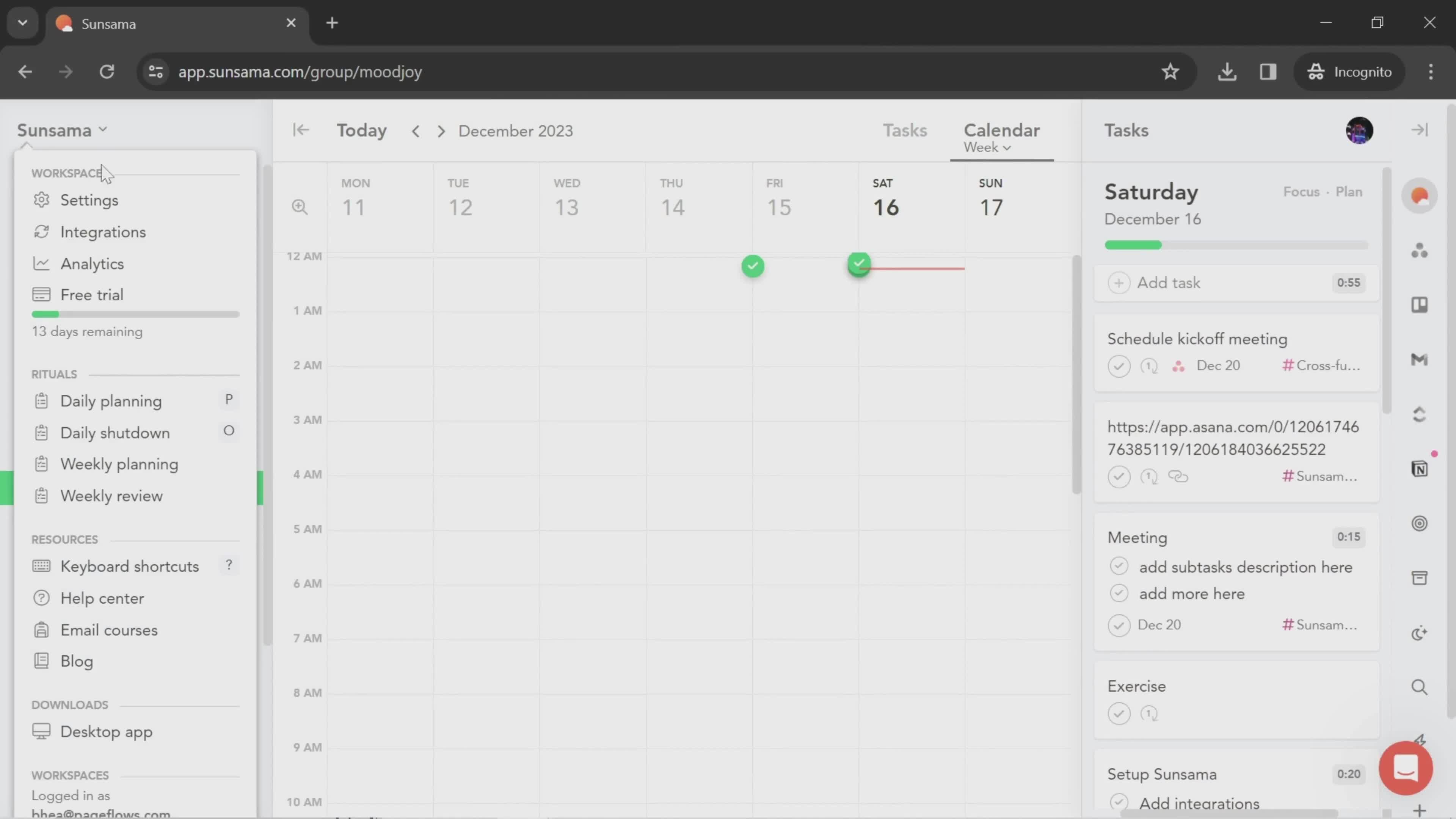
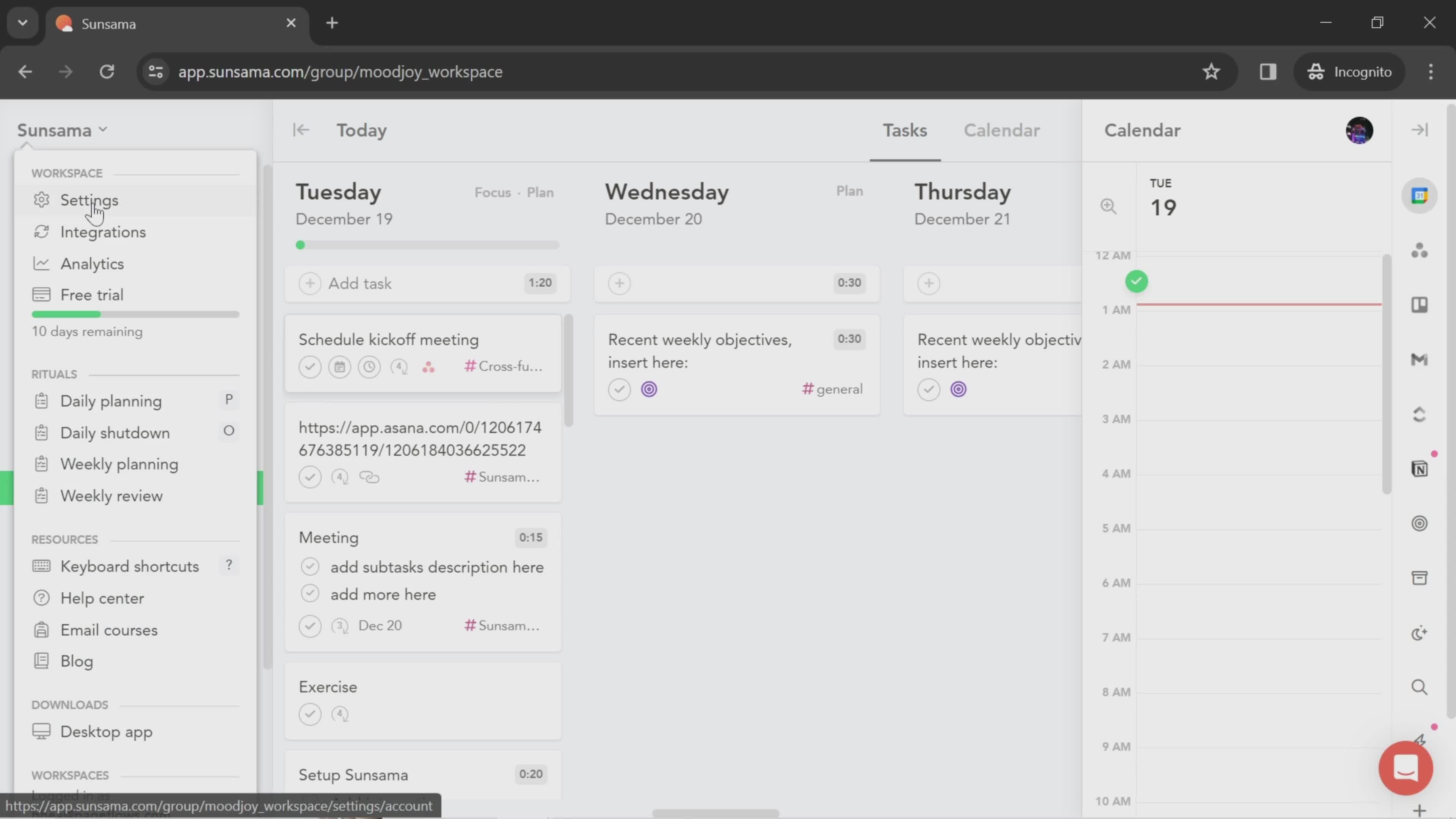
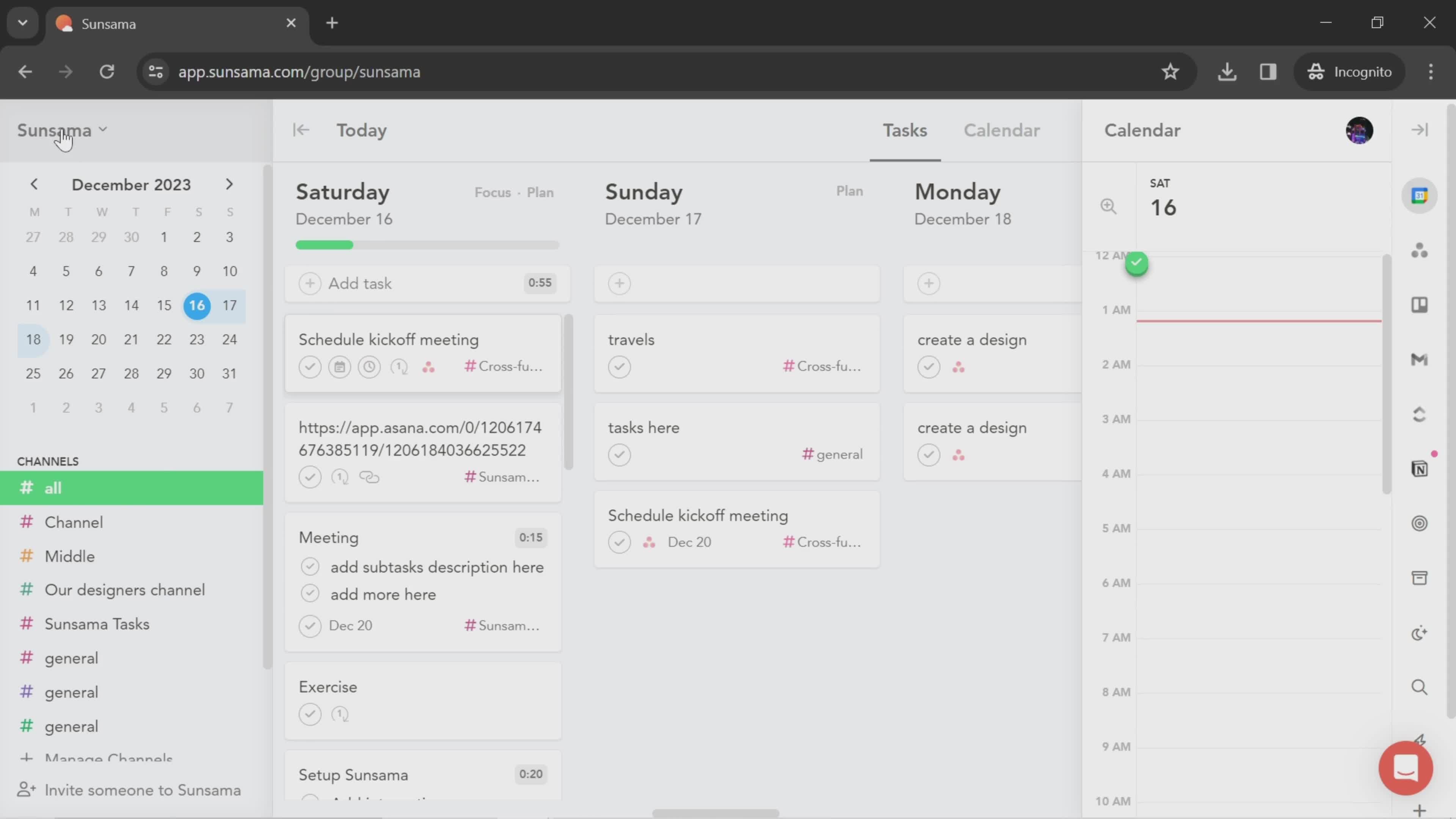
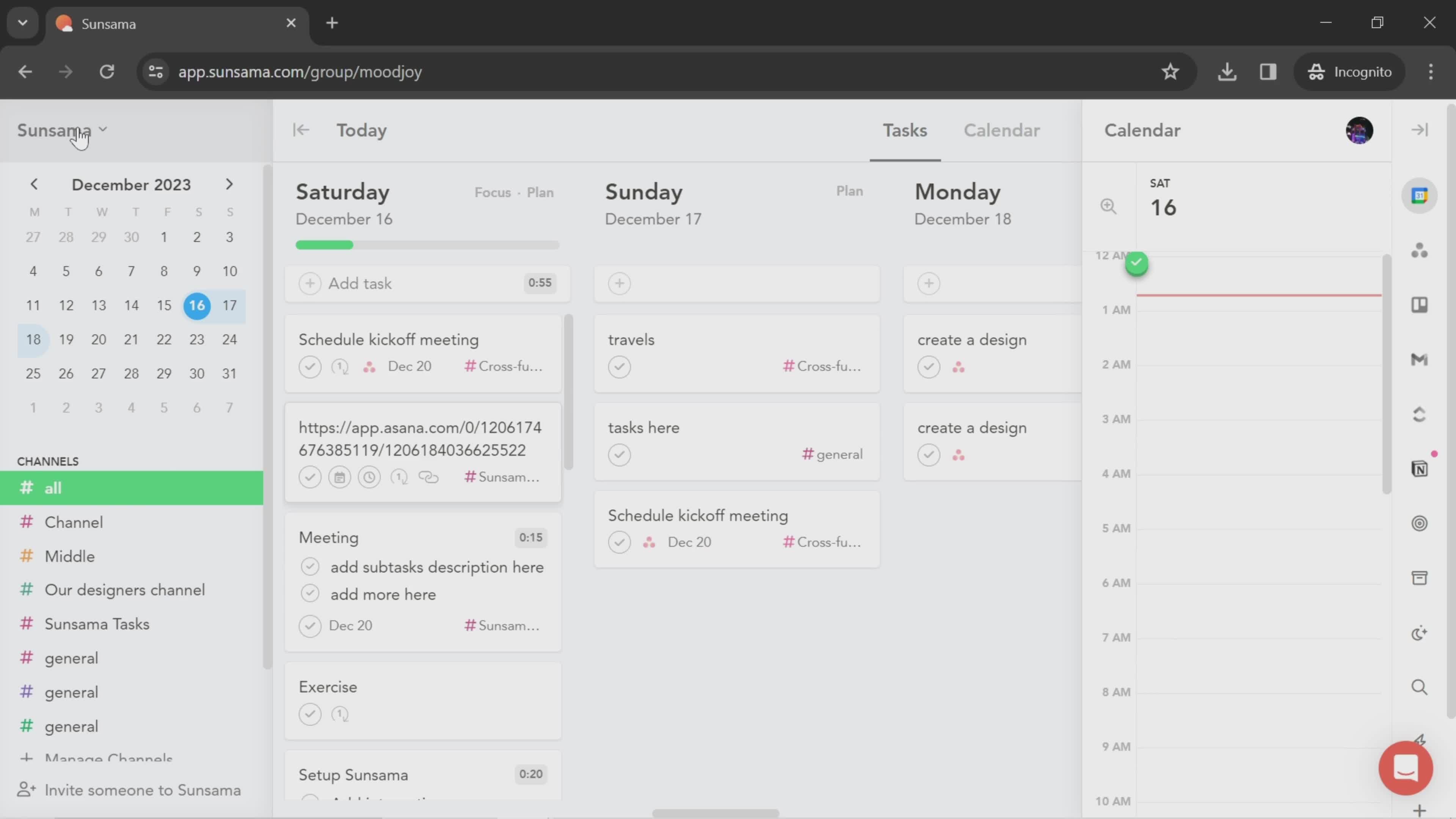
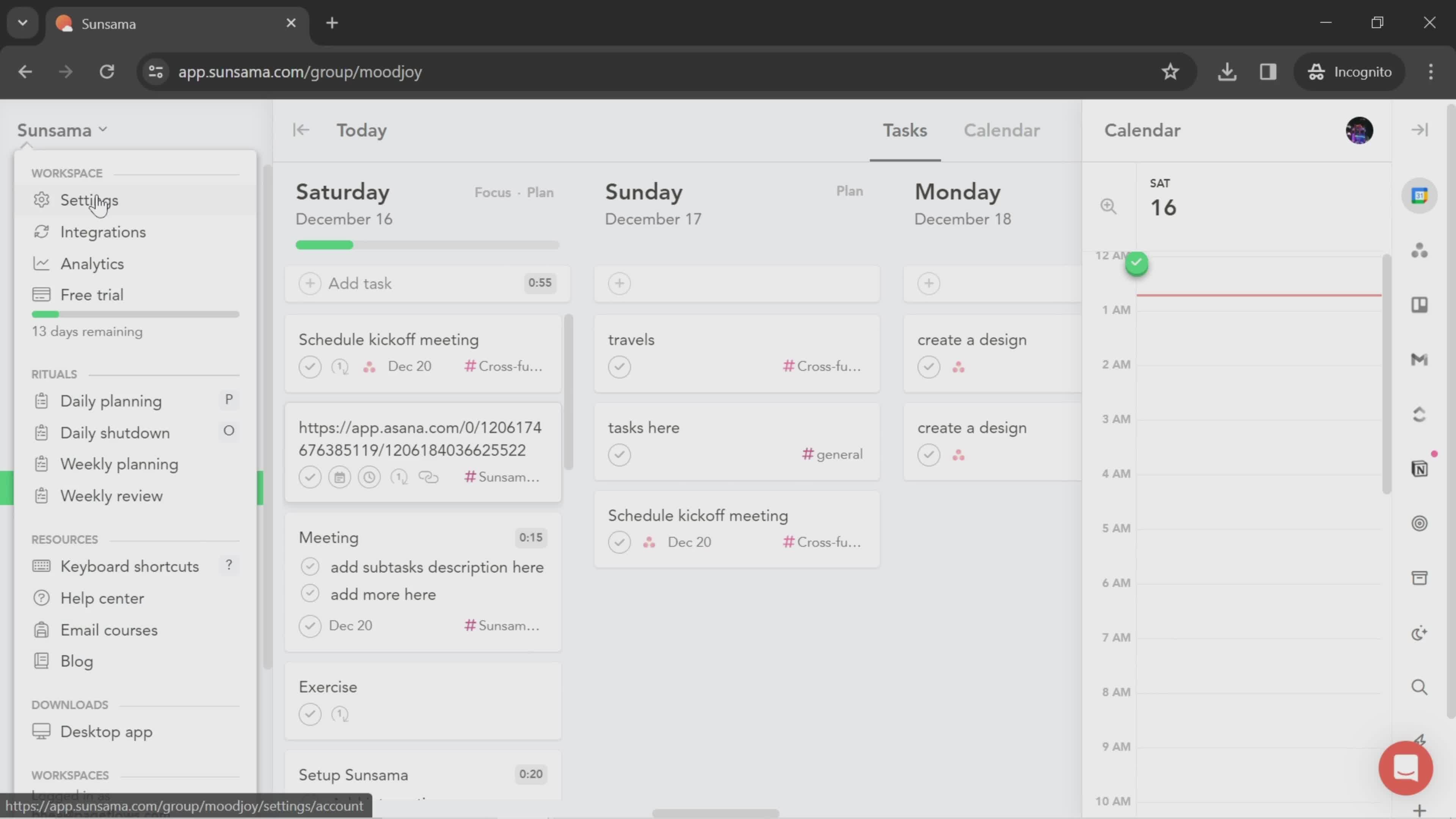
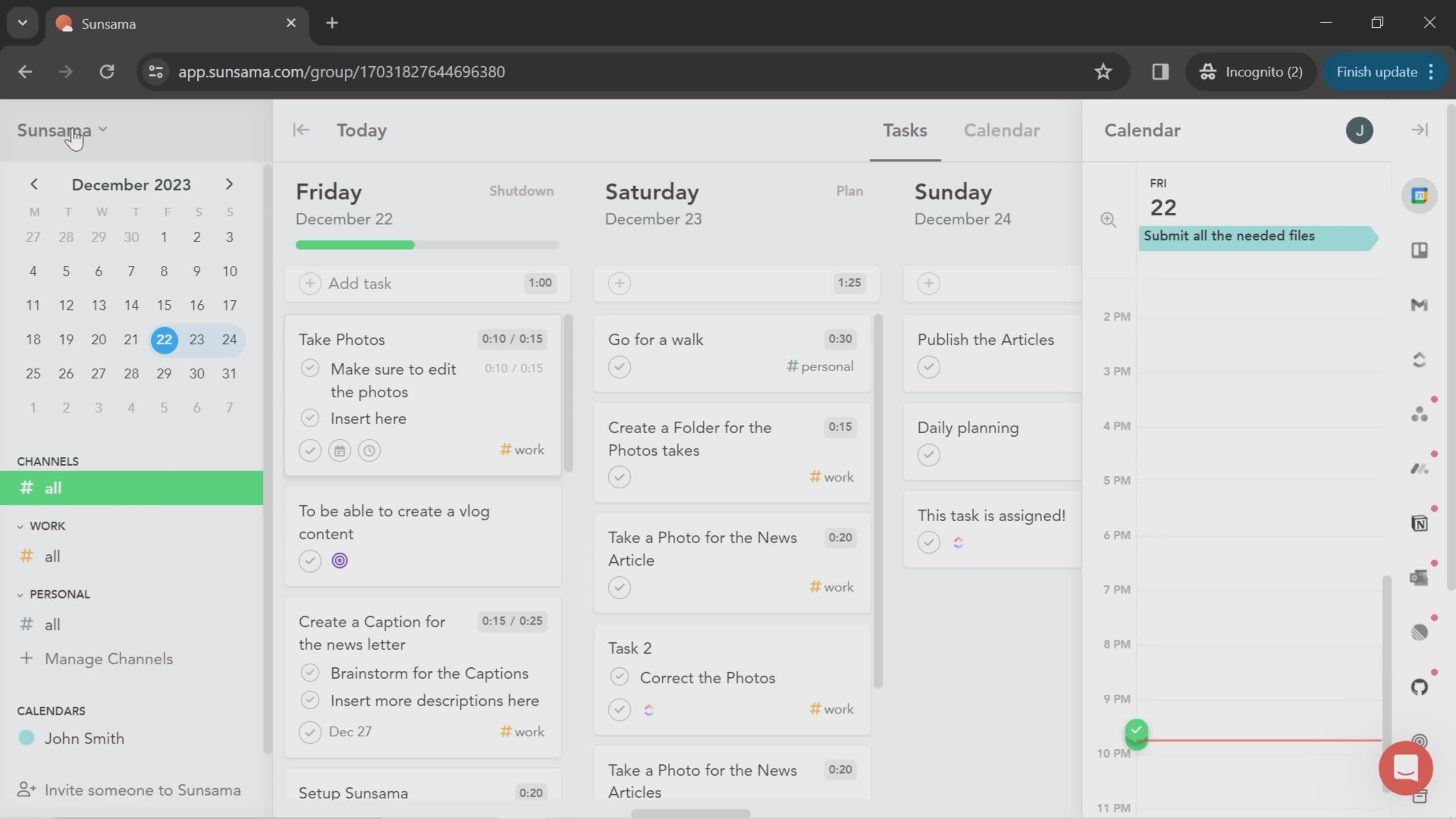
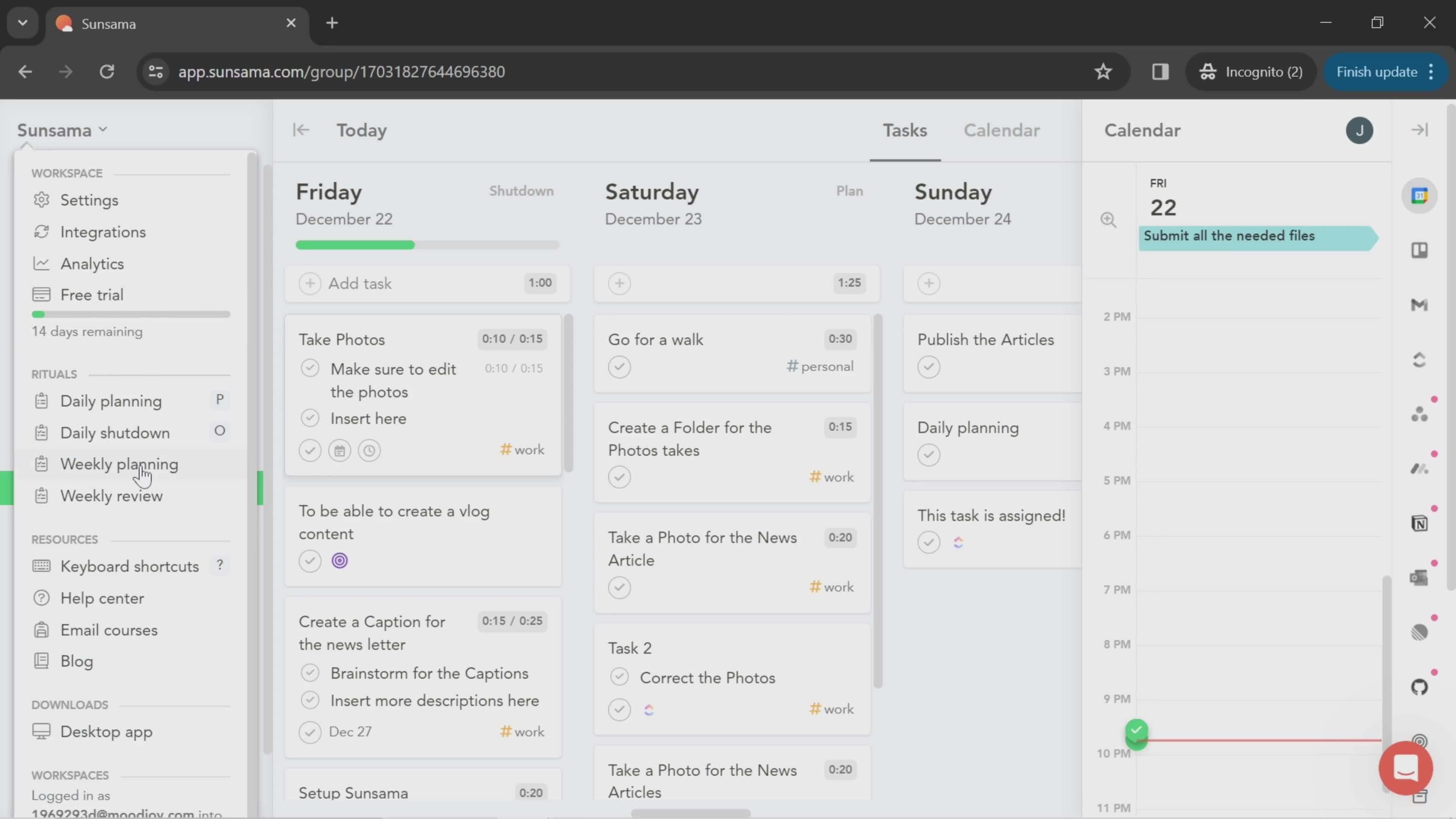
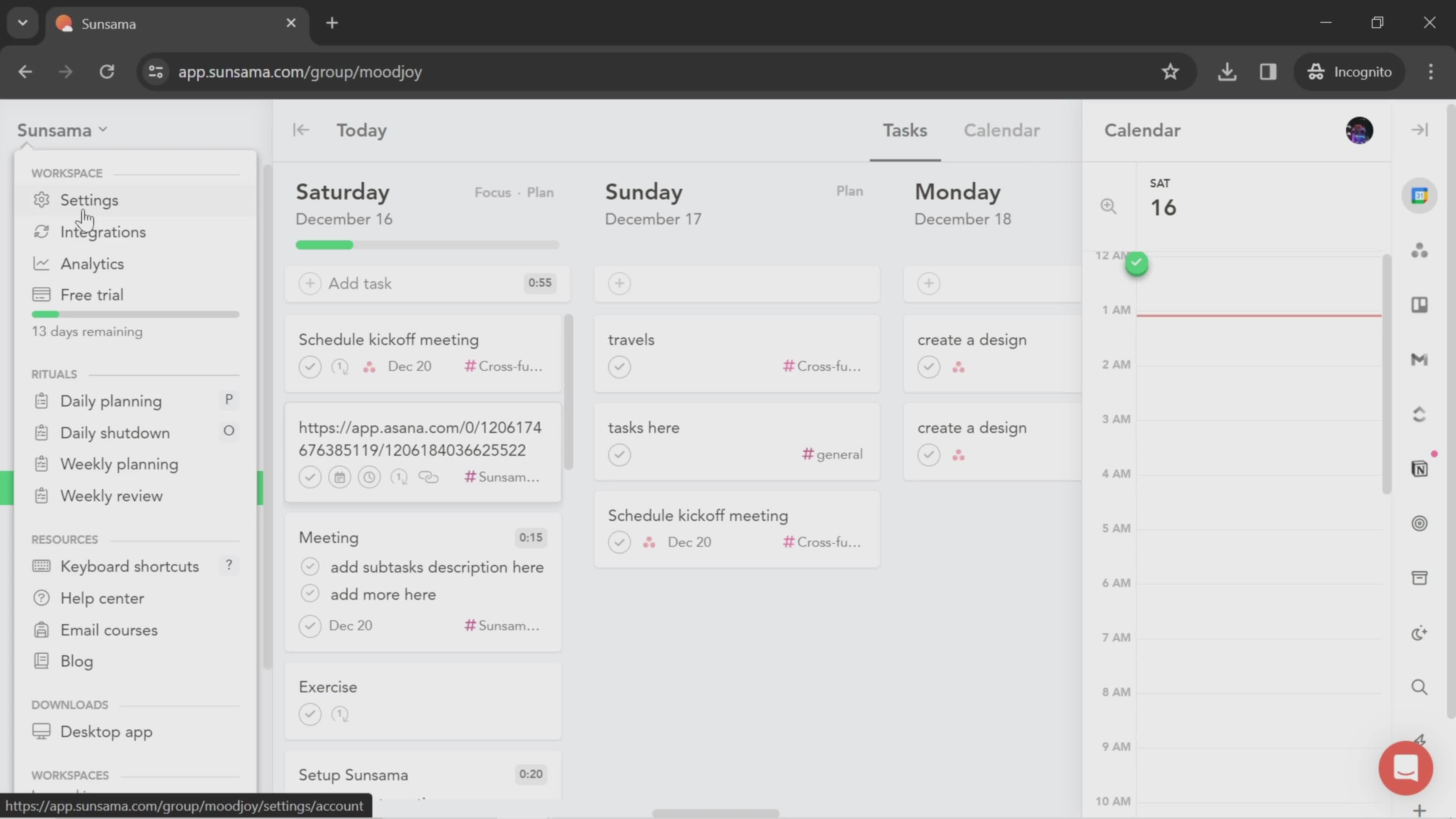
Workspace menu
this is title
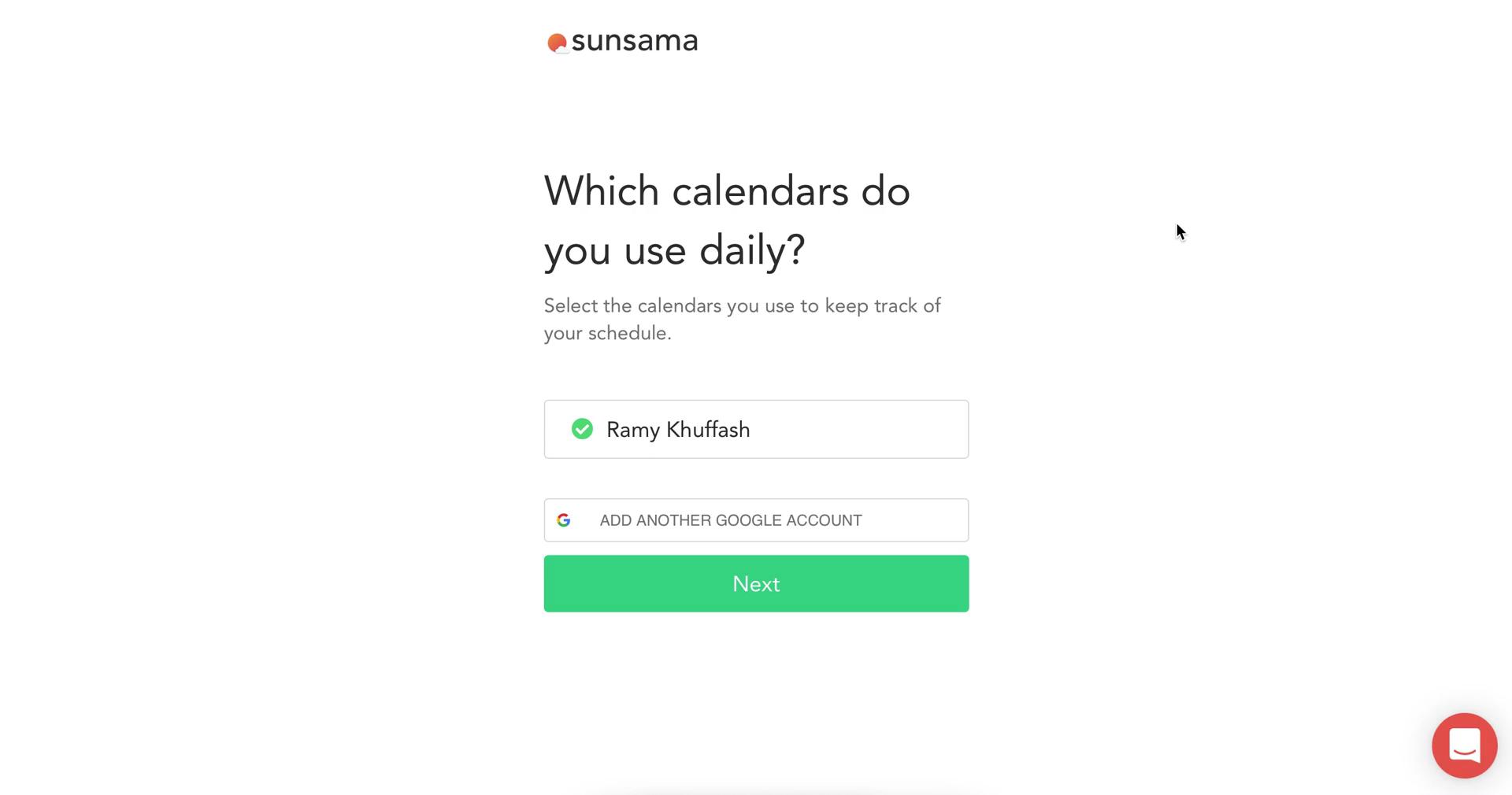
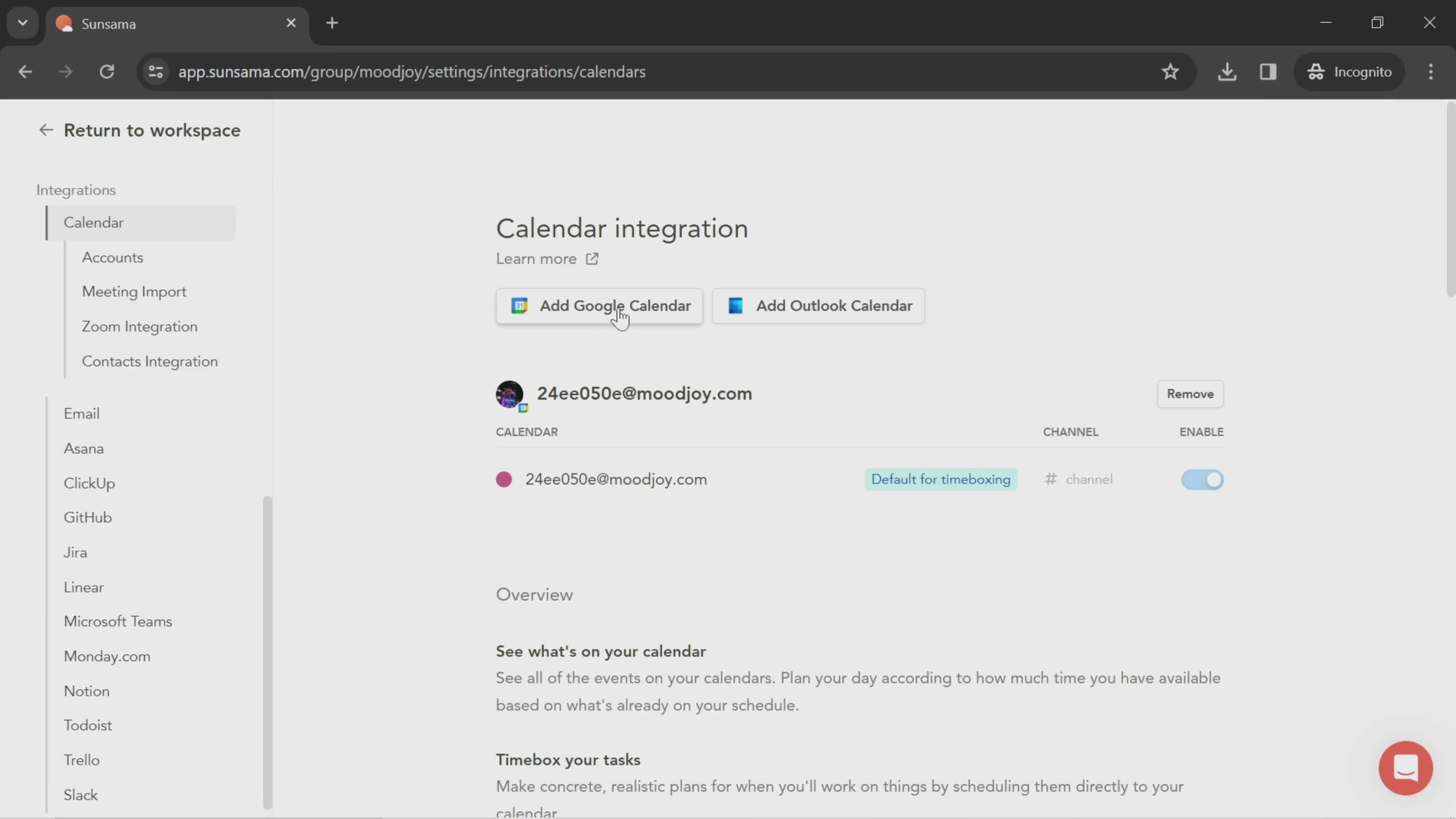
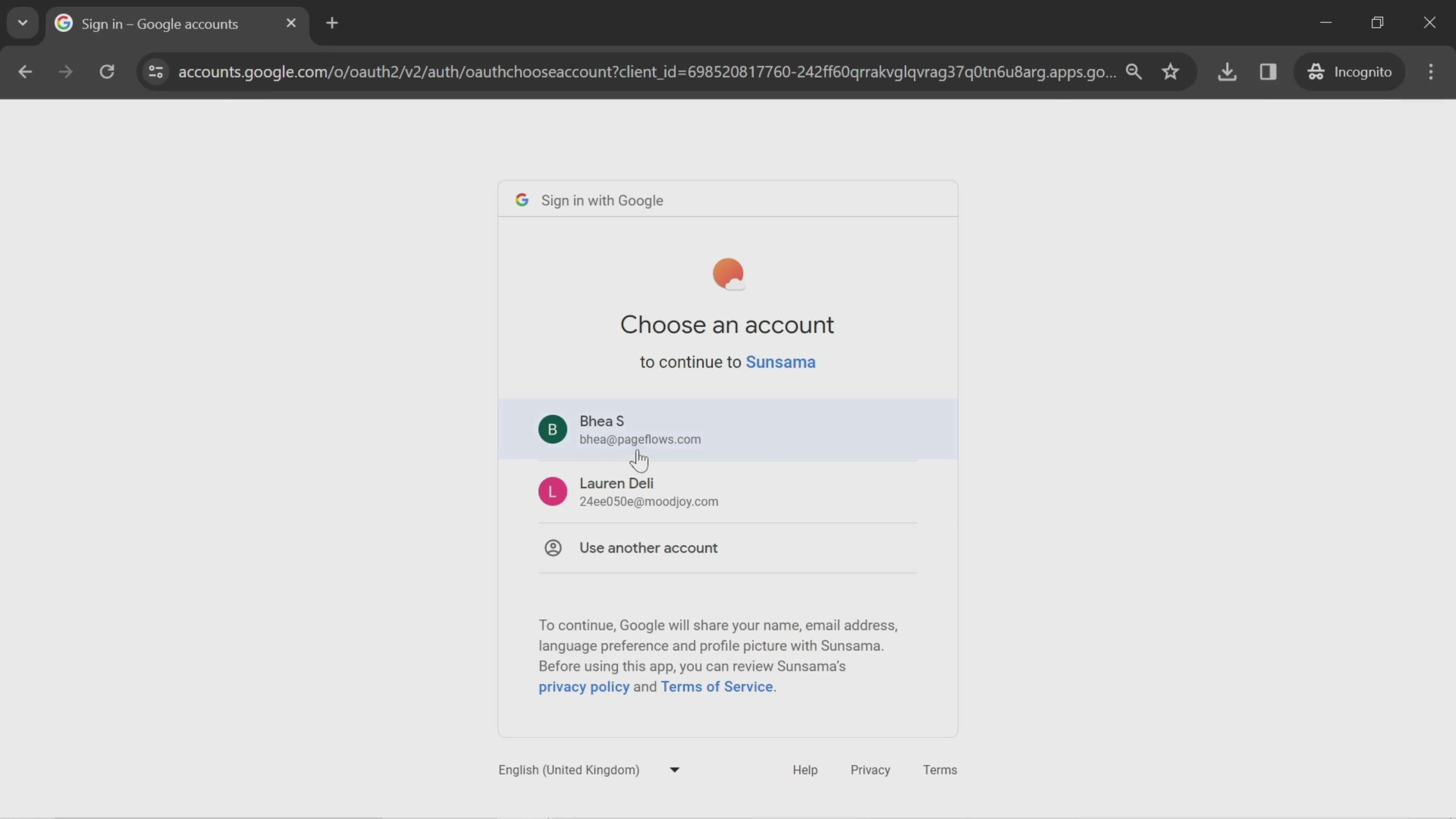
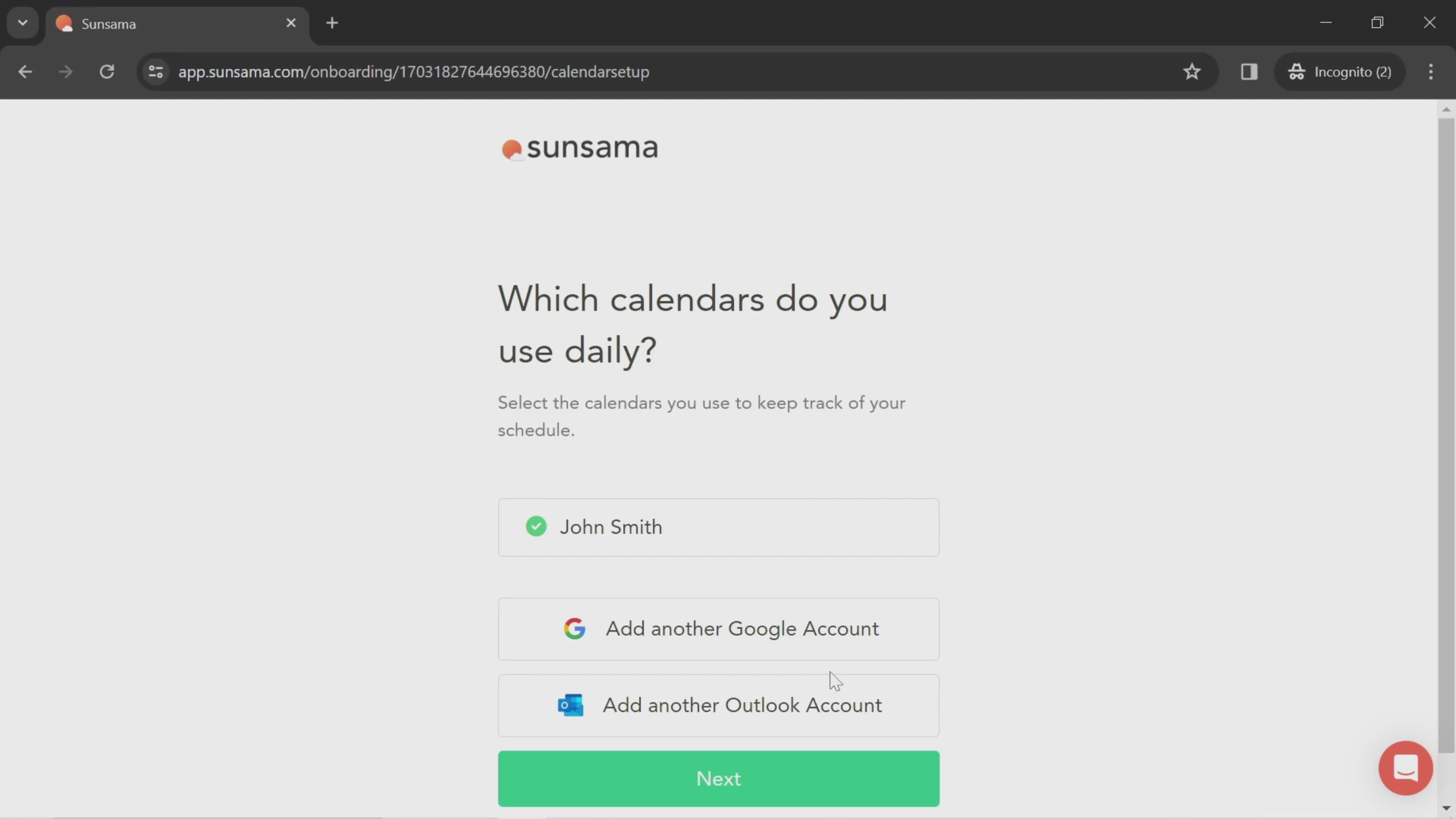
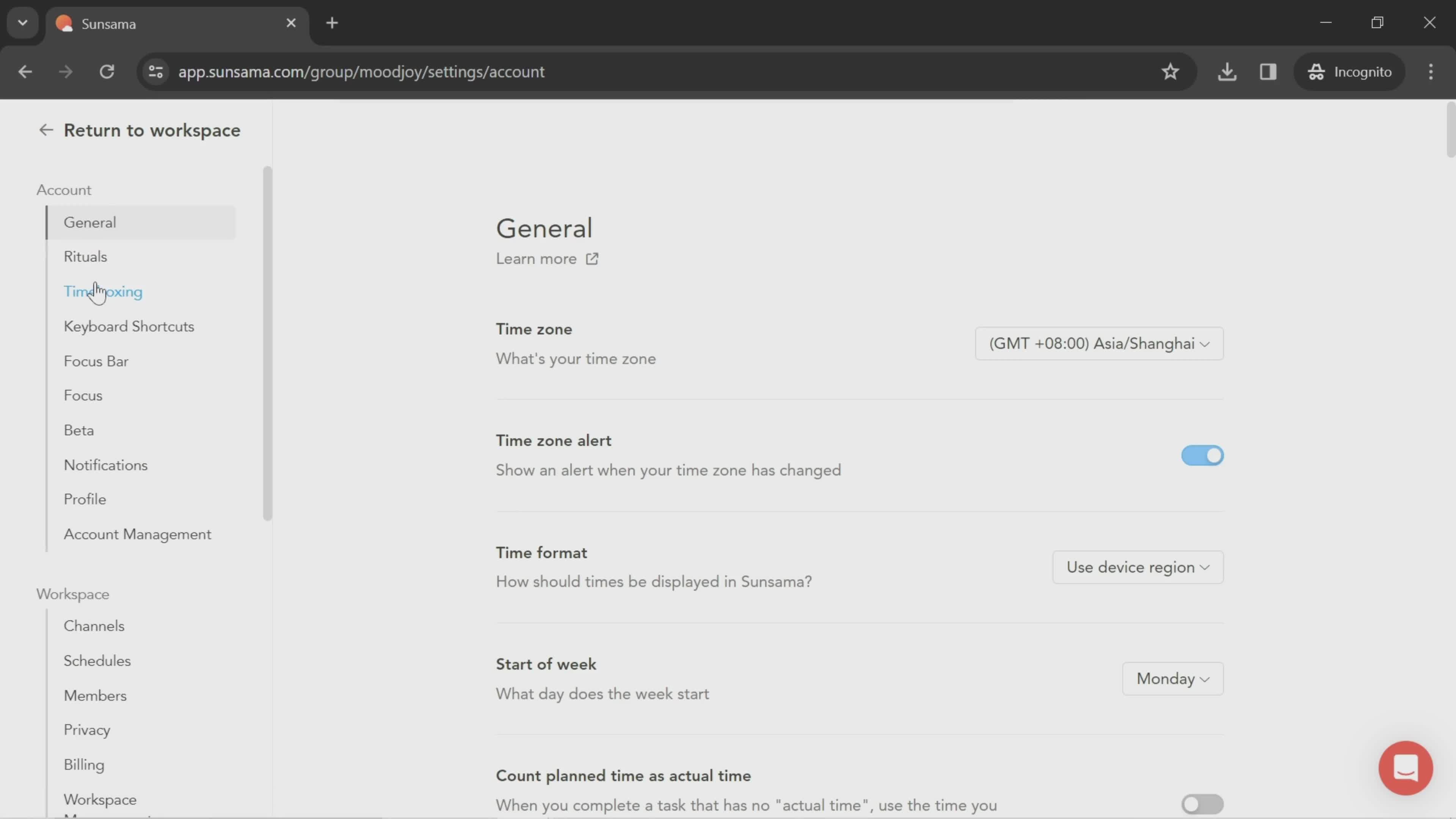
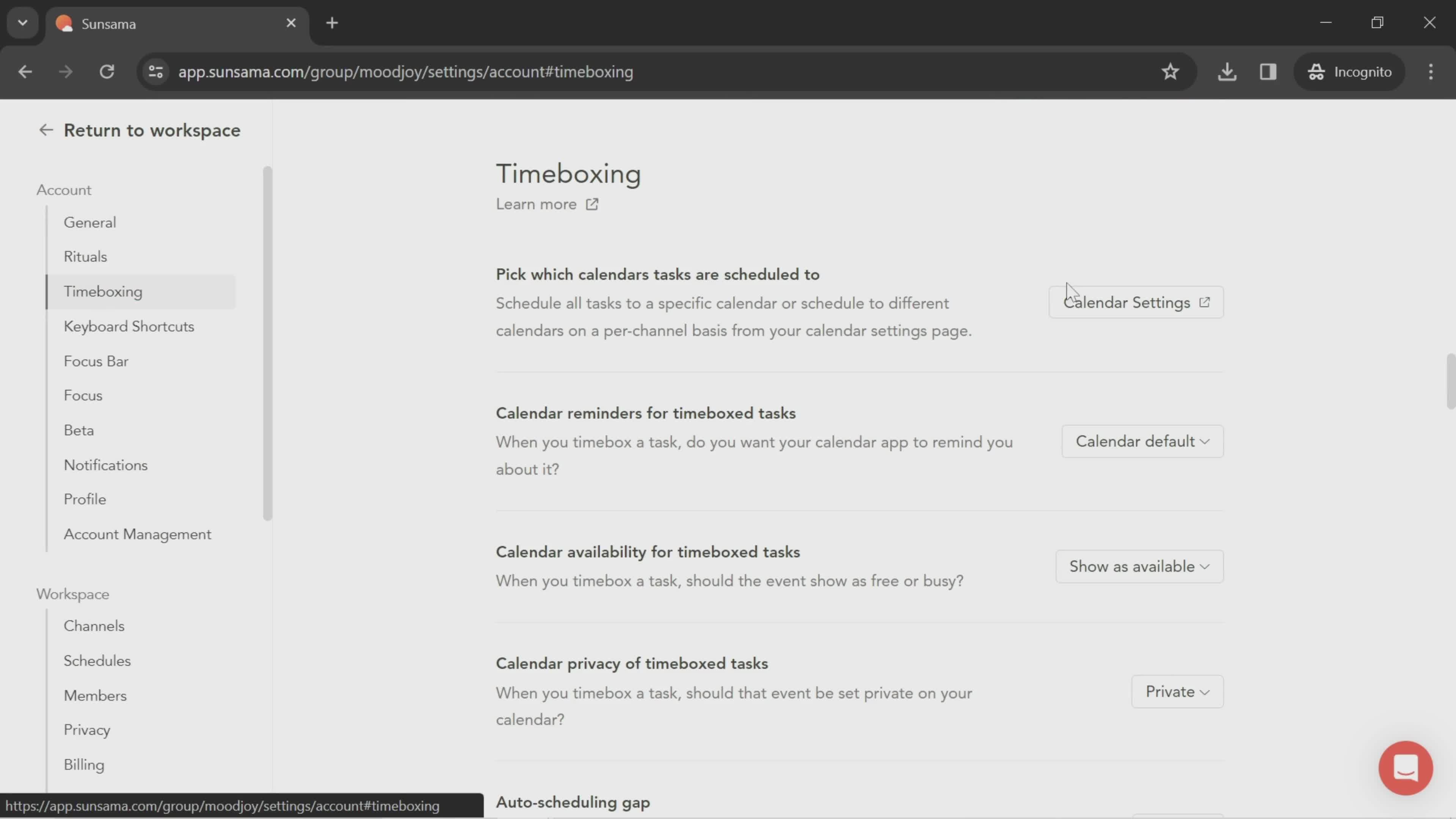
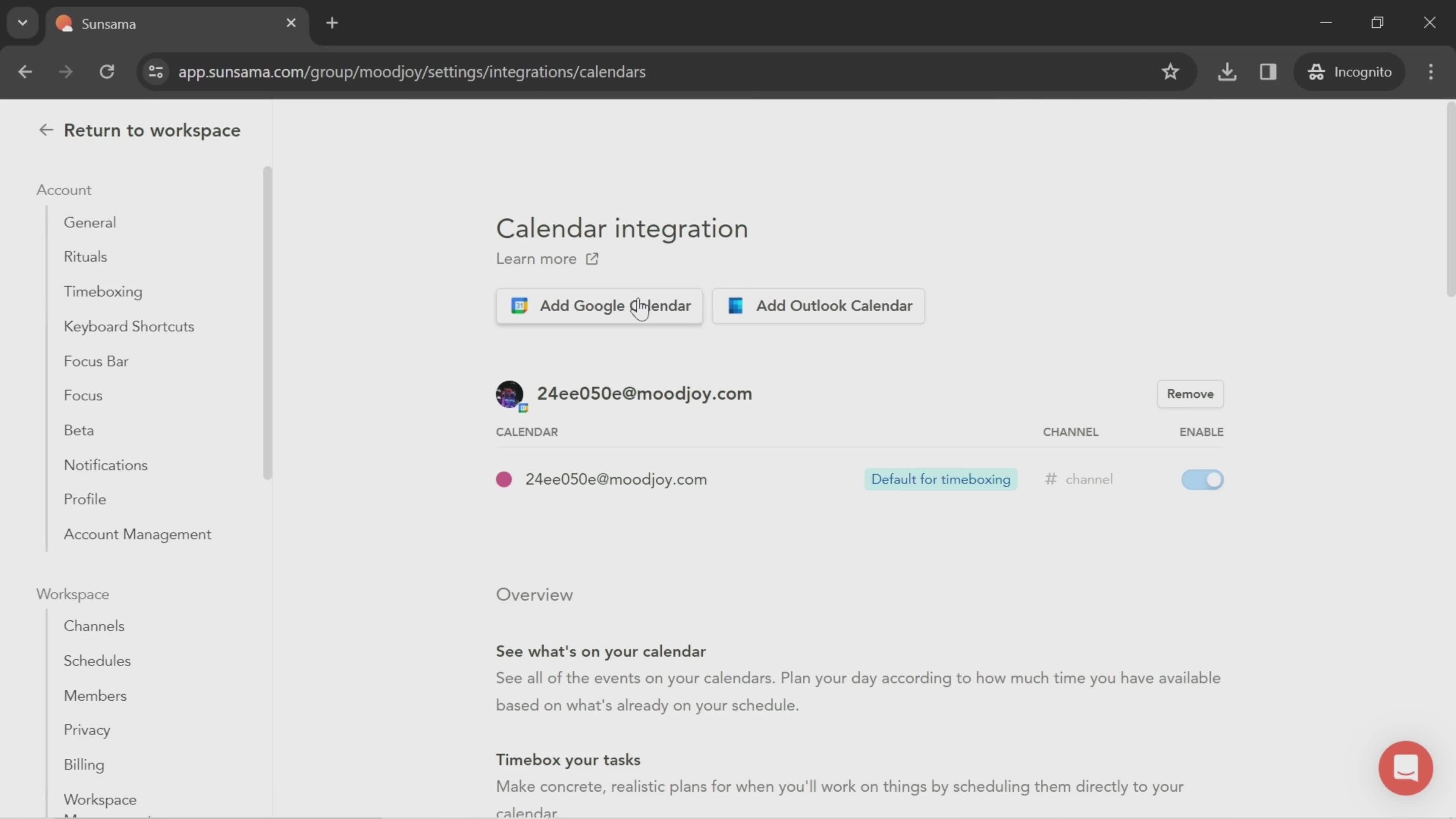
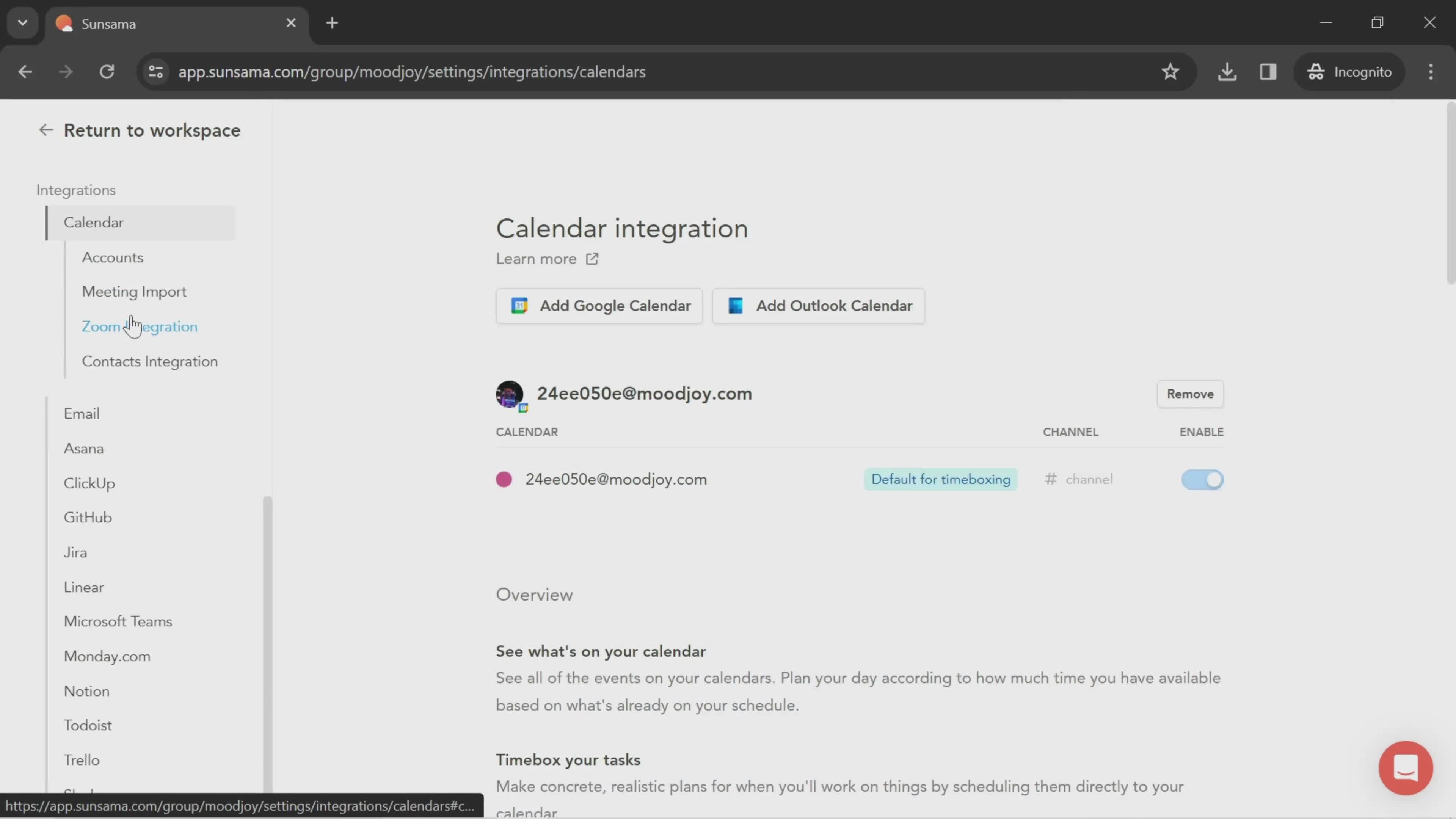
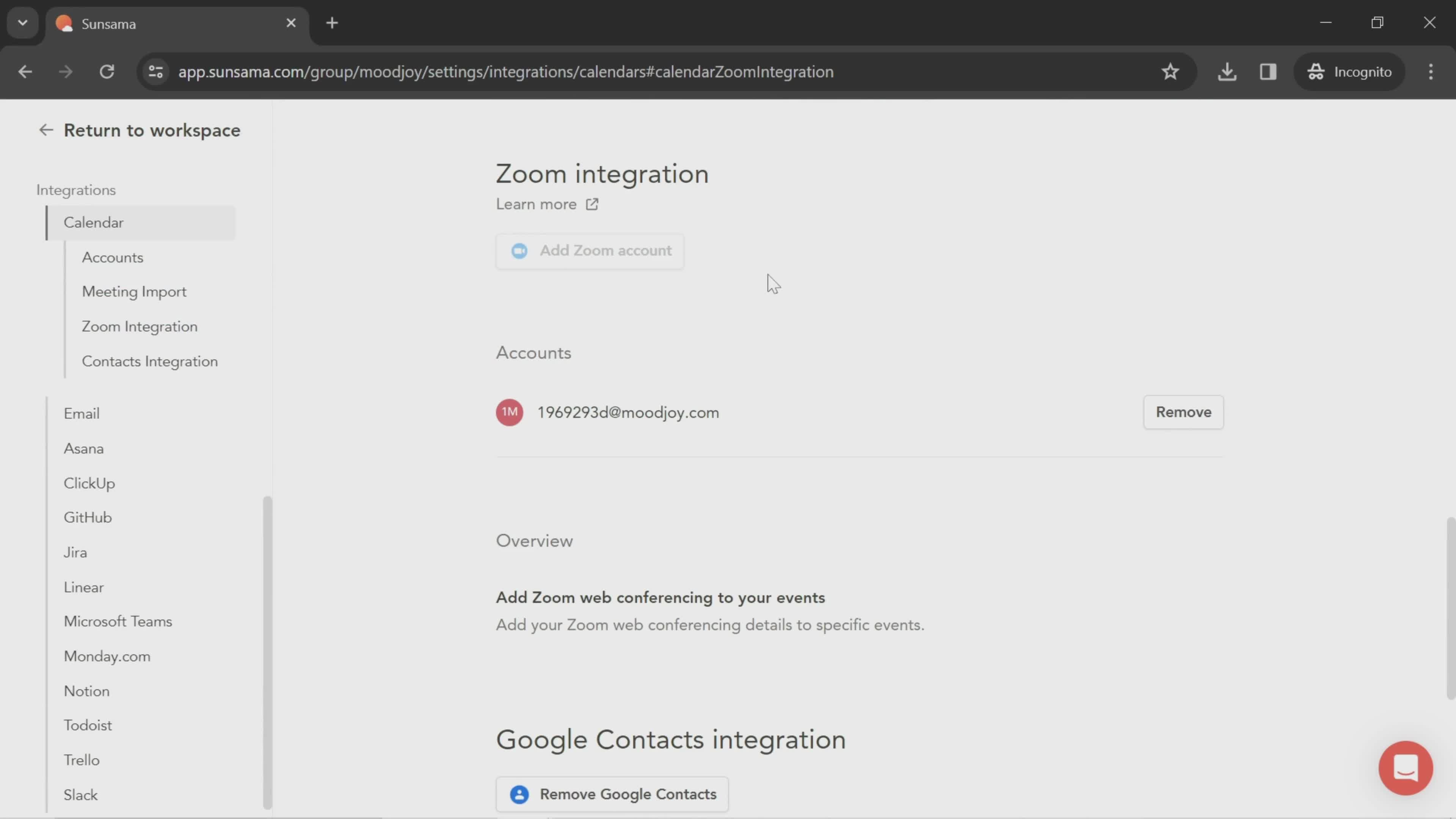
Sync calendar
this is title
this is title
Tasks
this is title
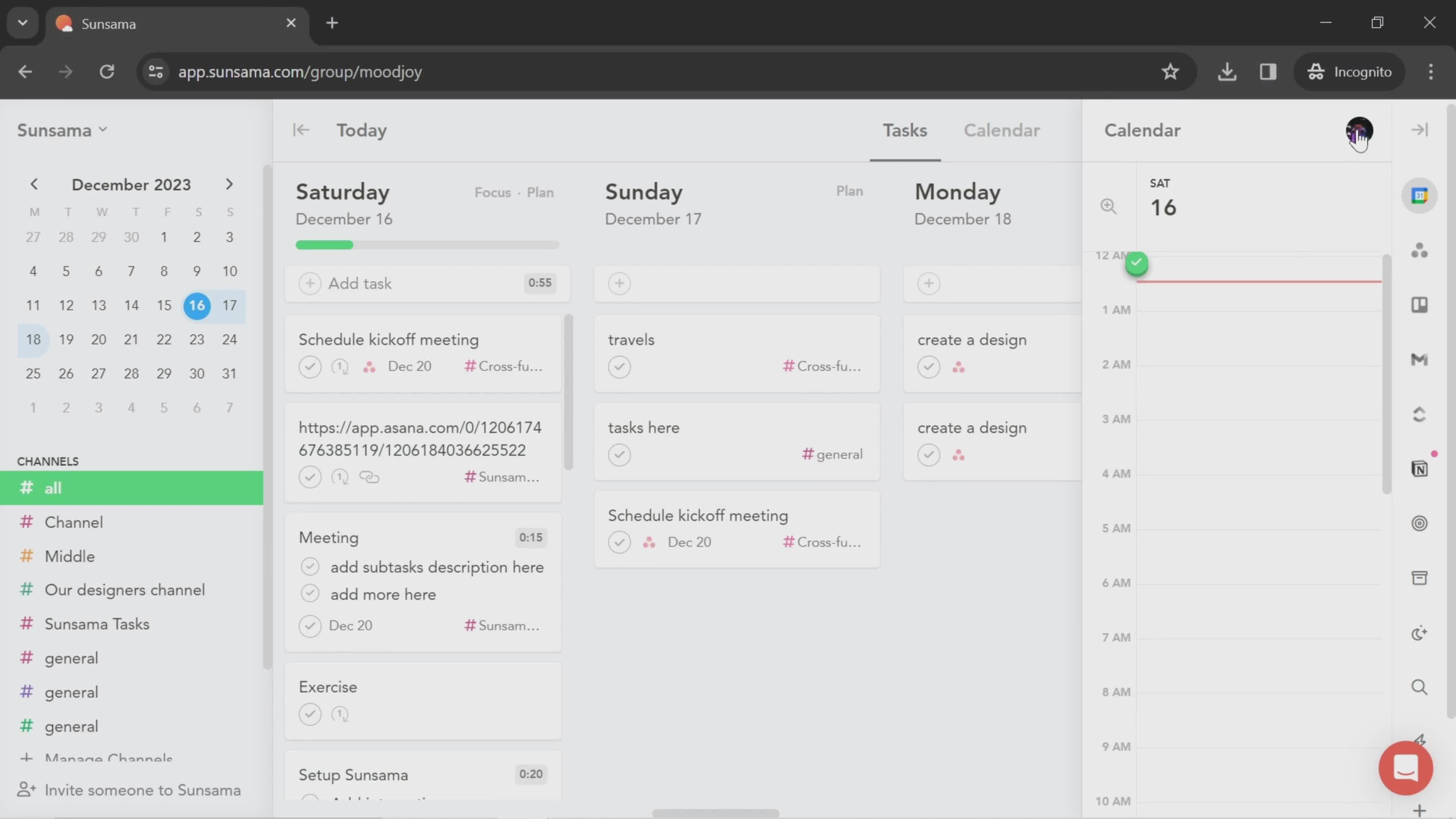
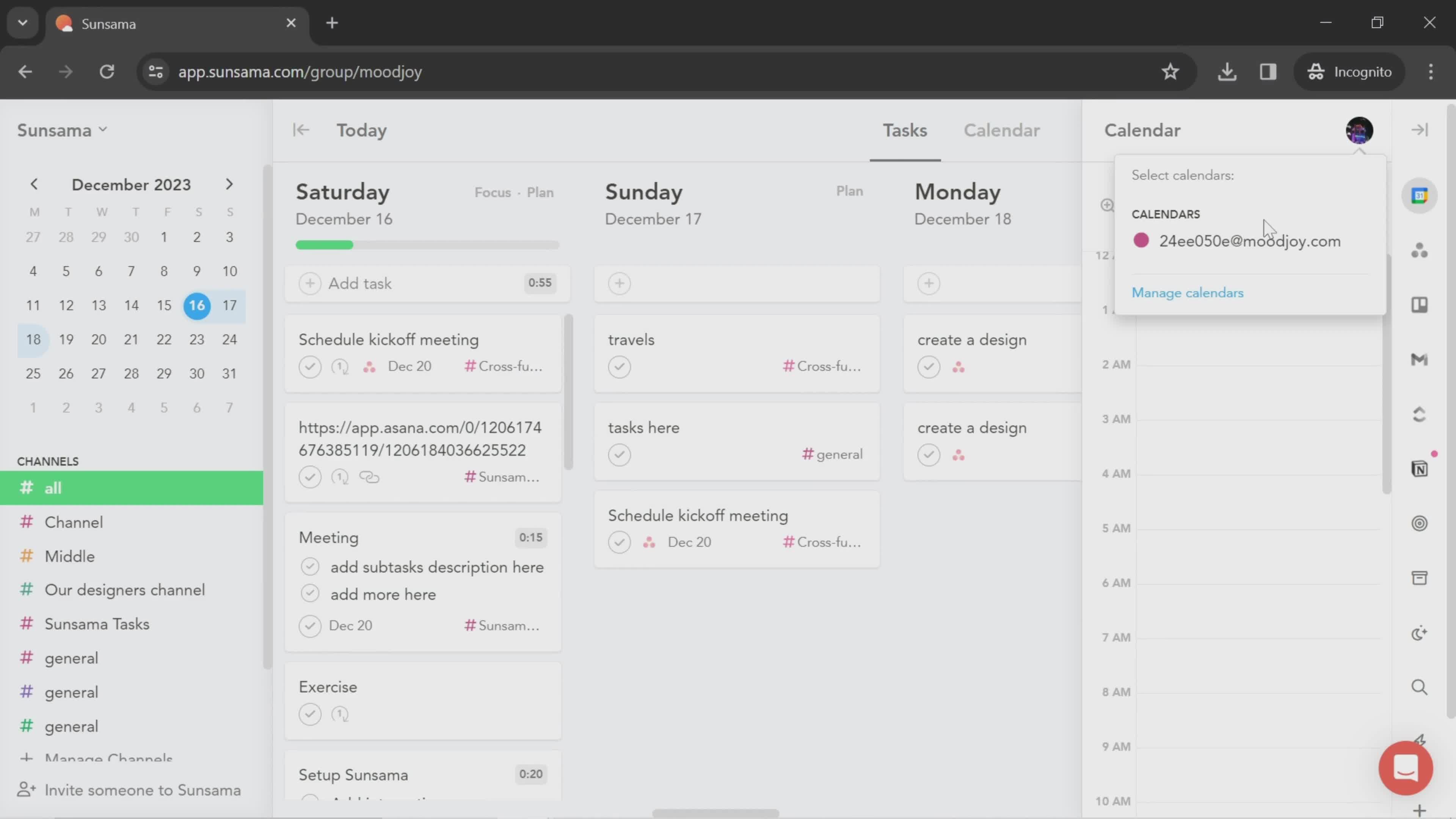
Calendars
this is title
Tasks
this is title
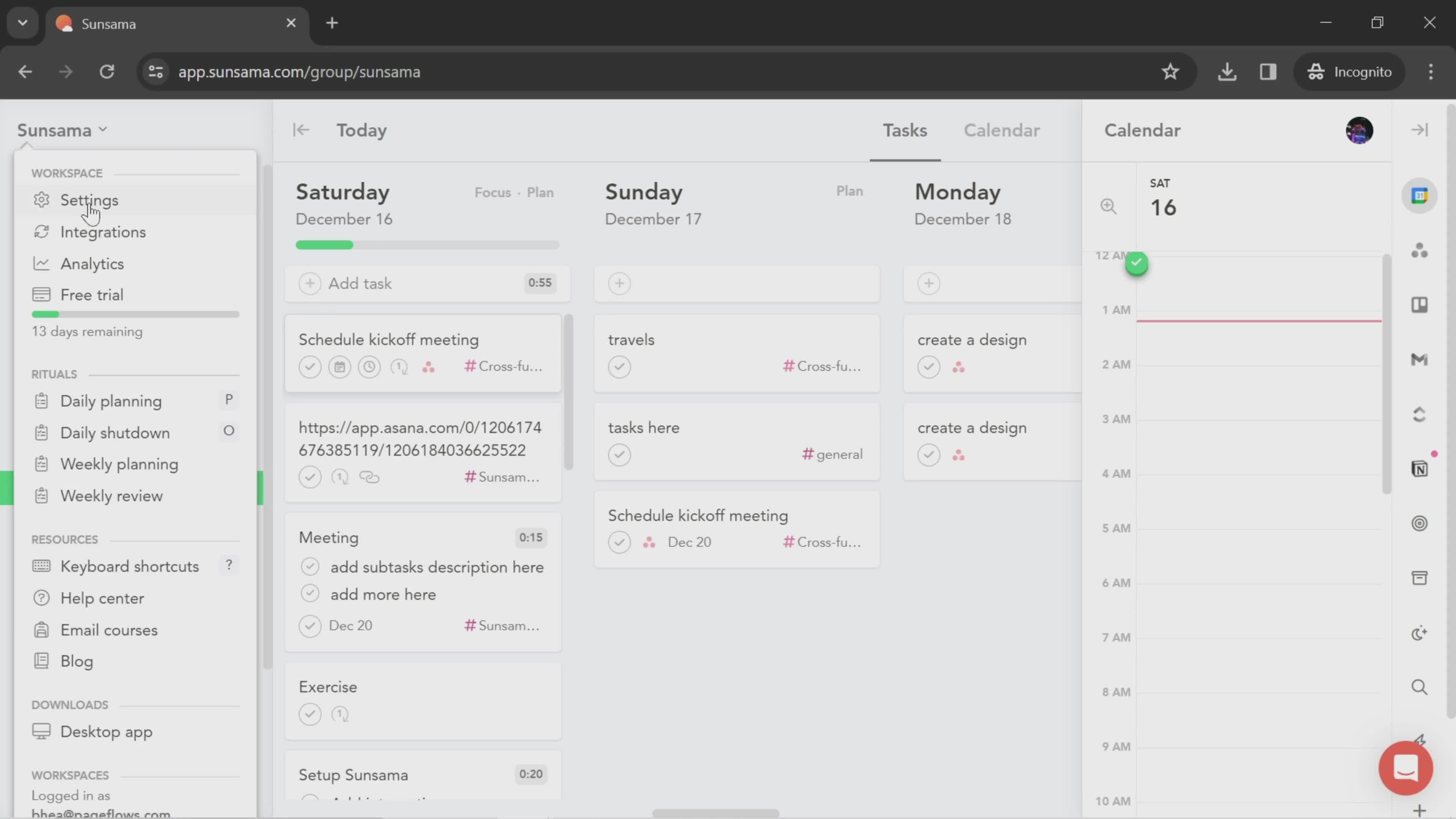
Workspace menu
this is title
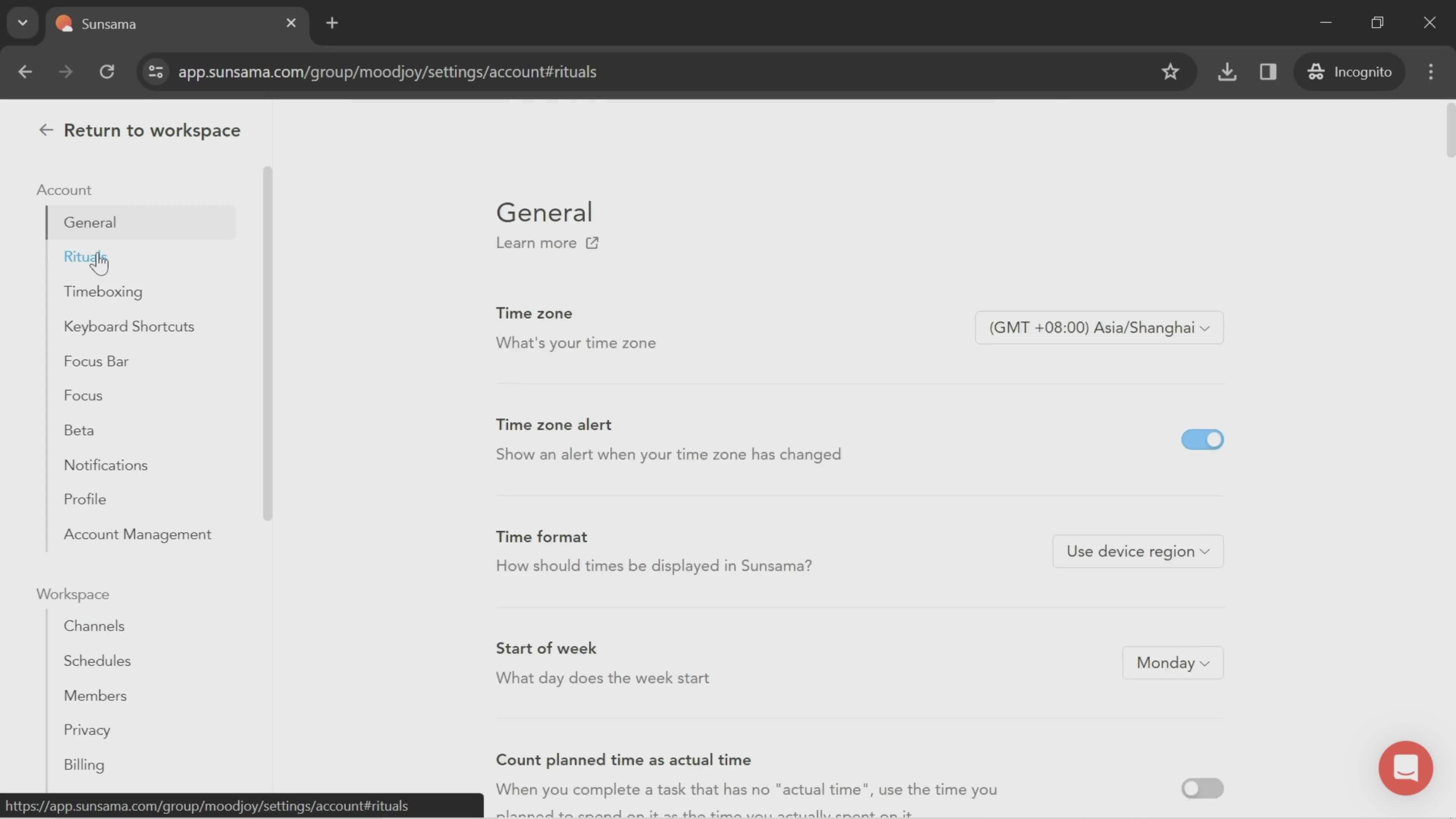
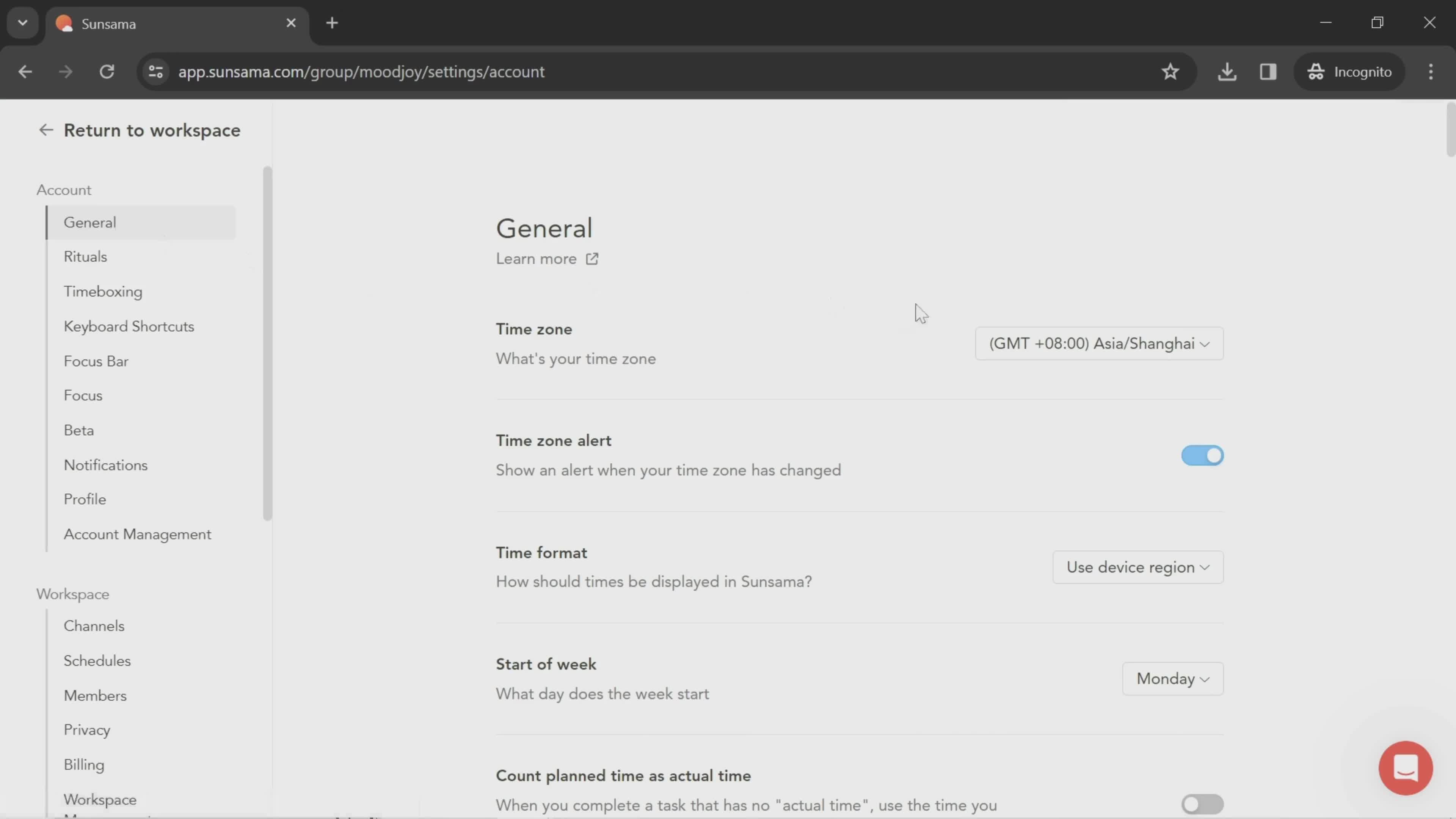
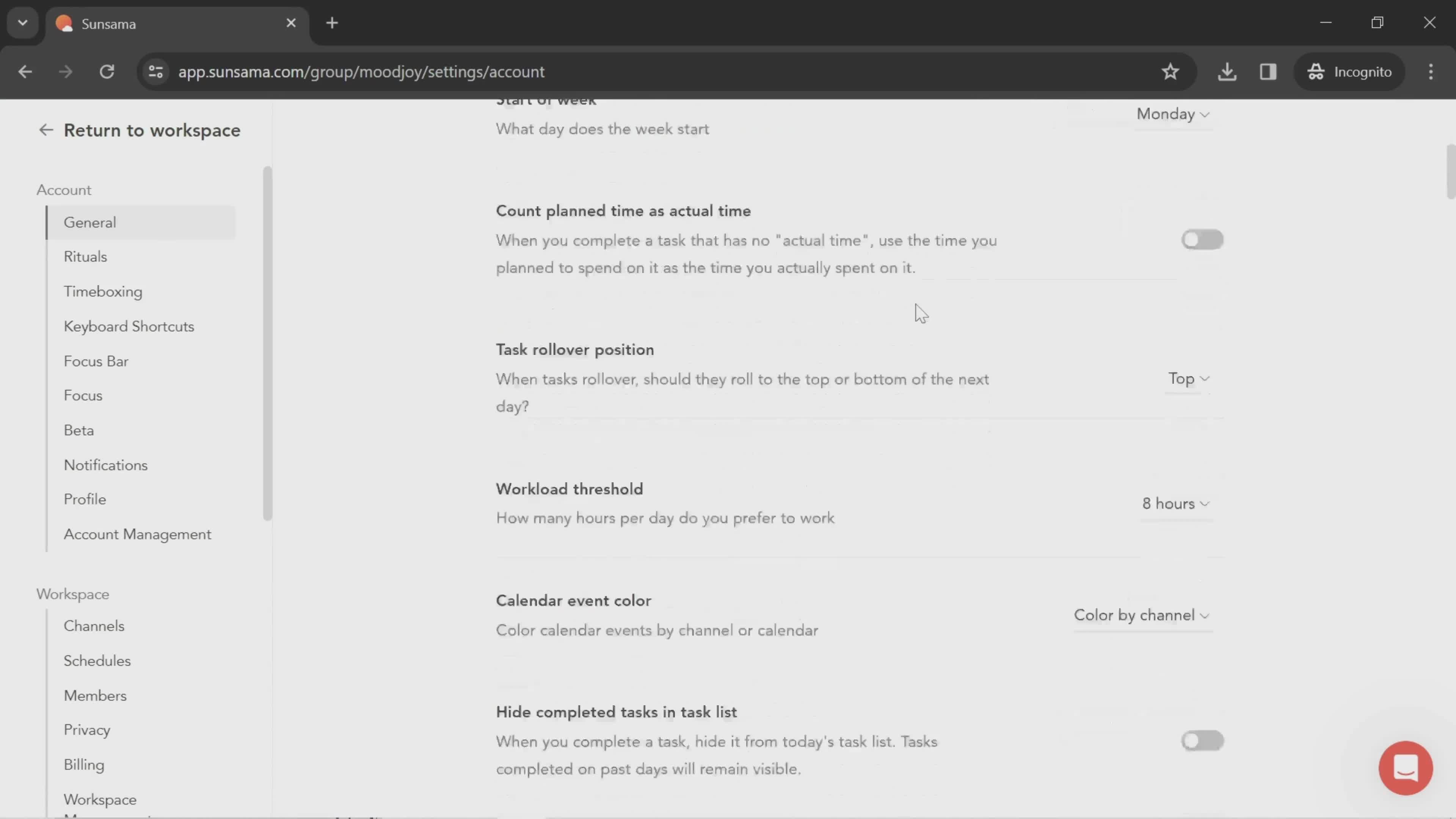
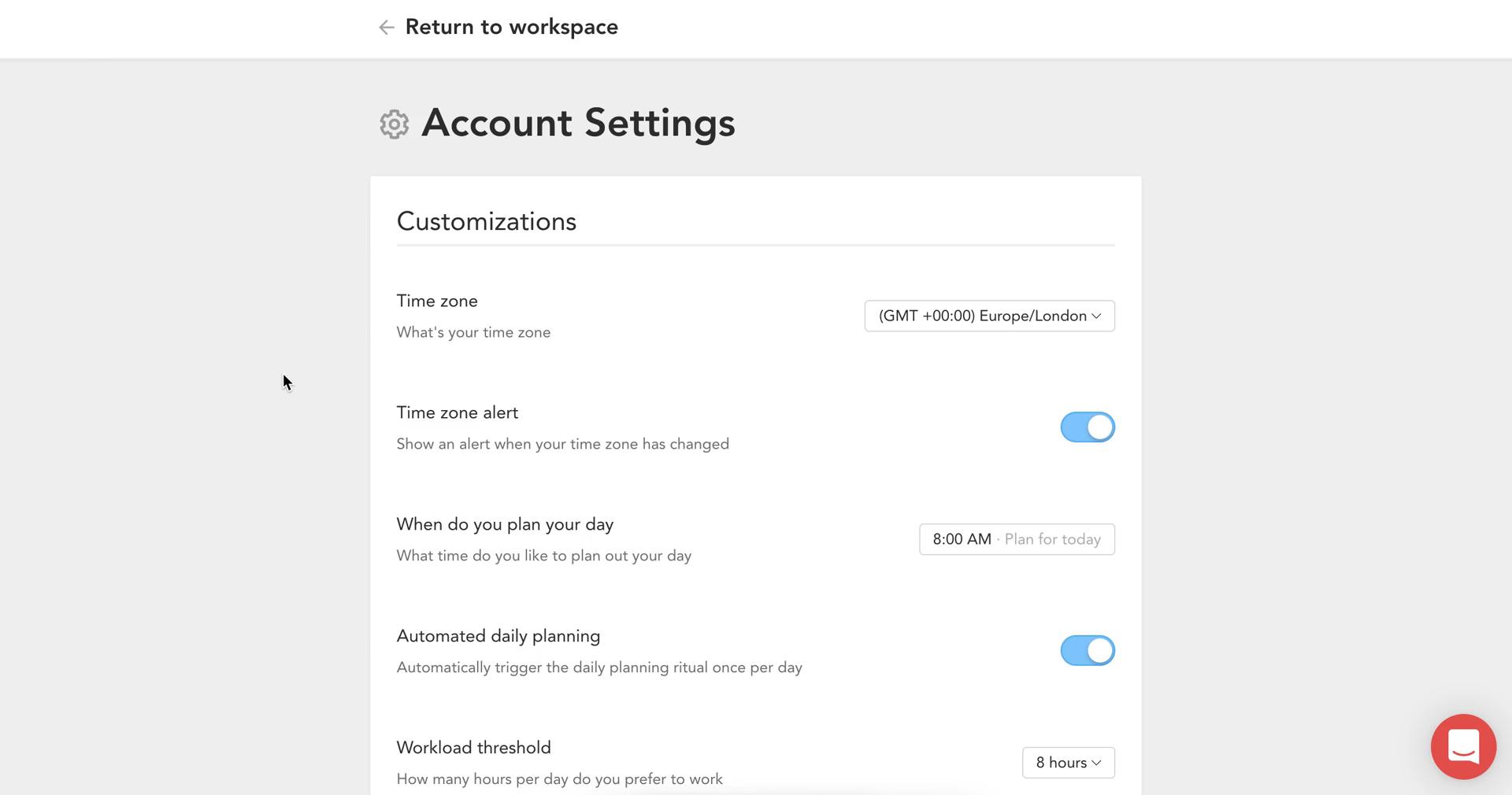
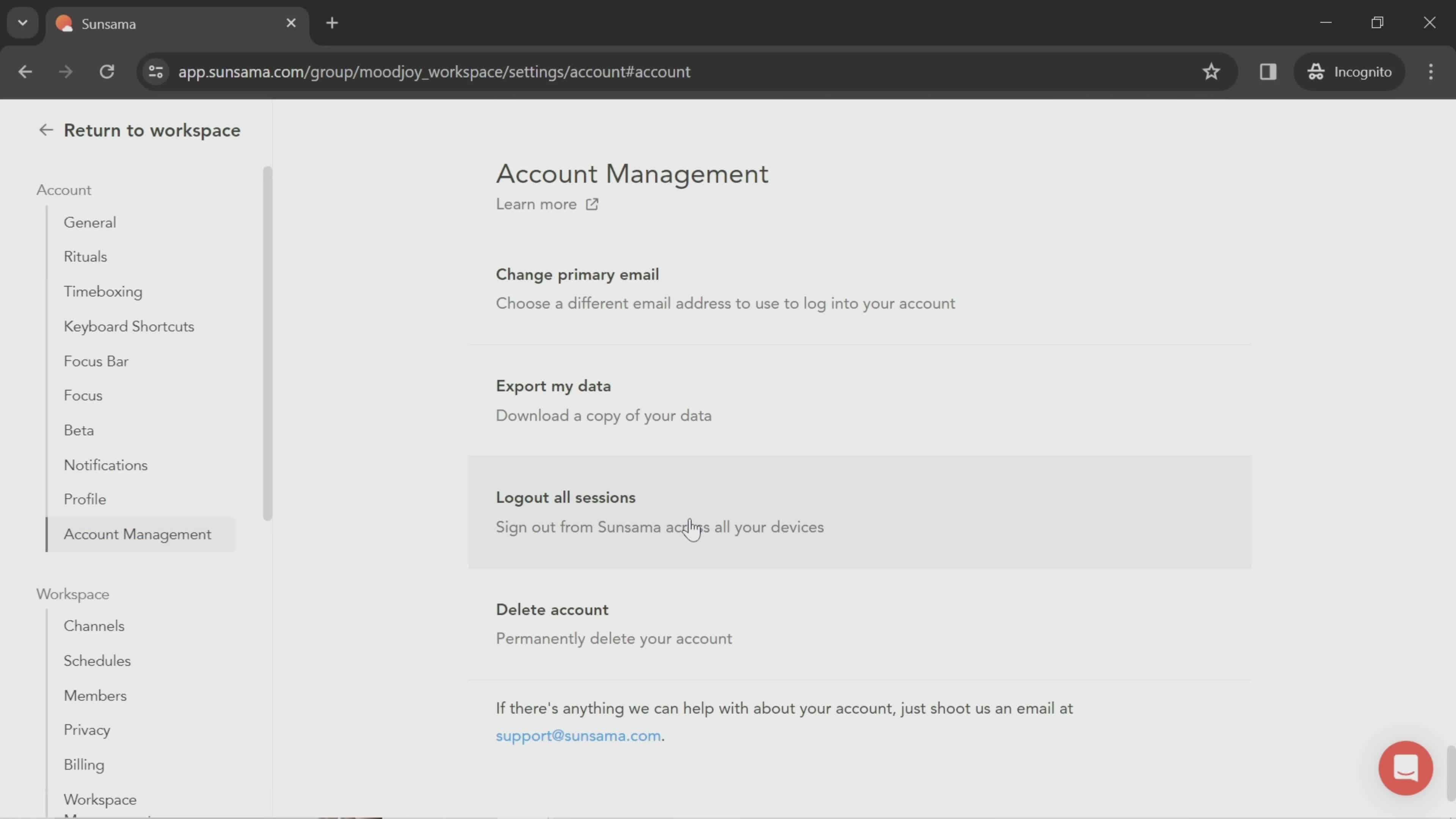
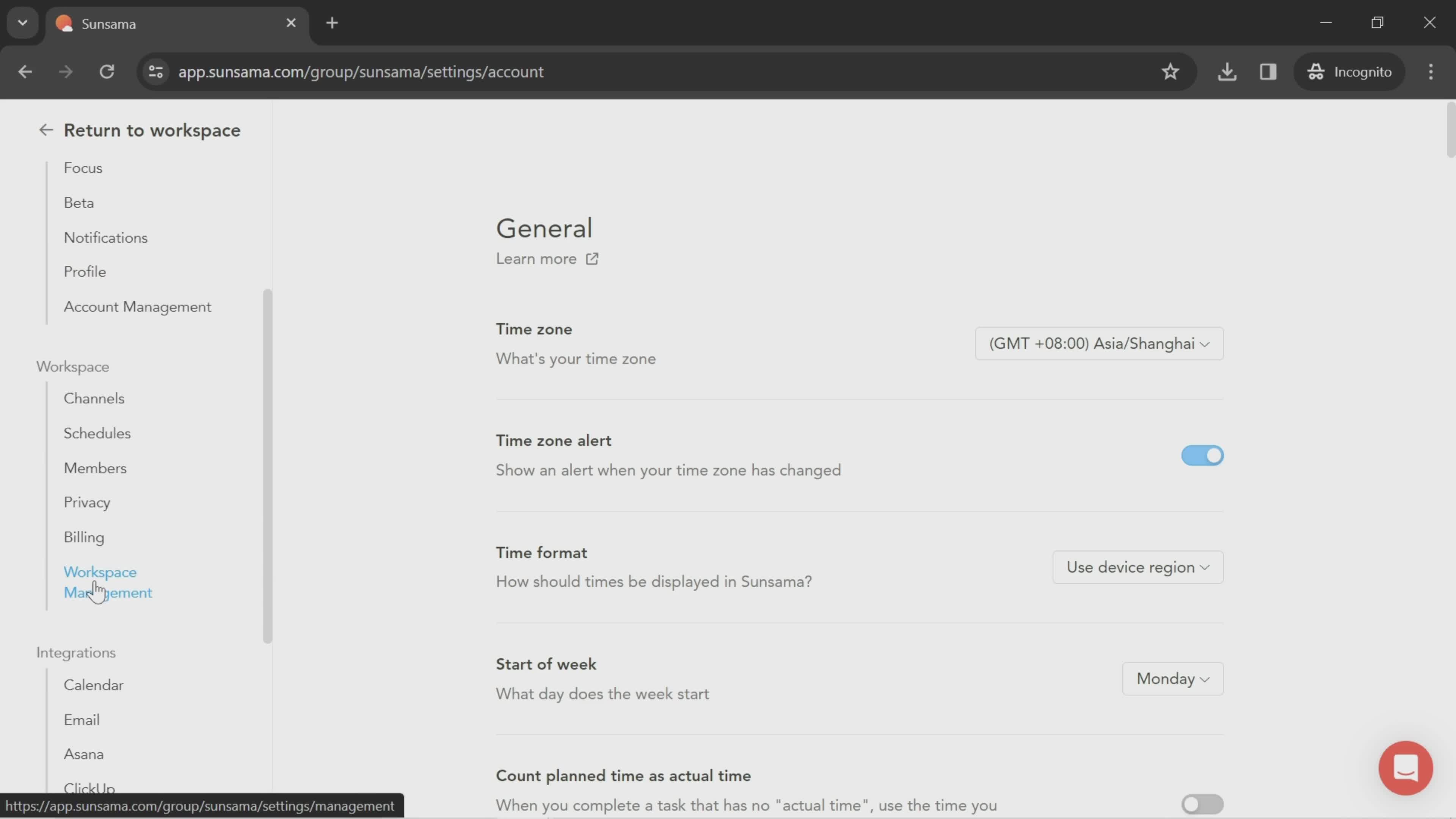
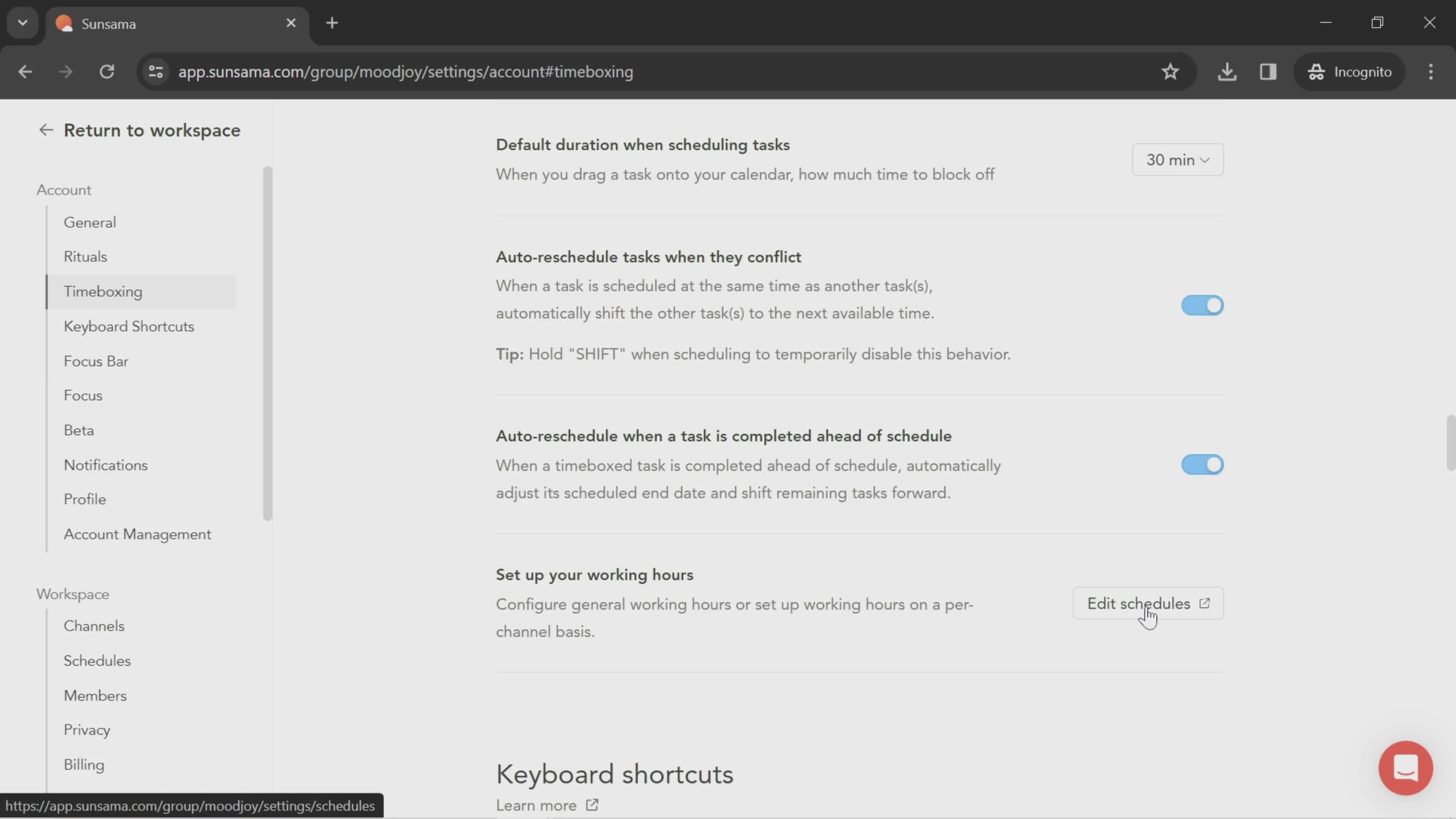
Account settings
this is title
this is title
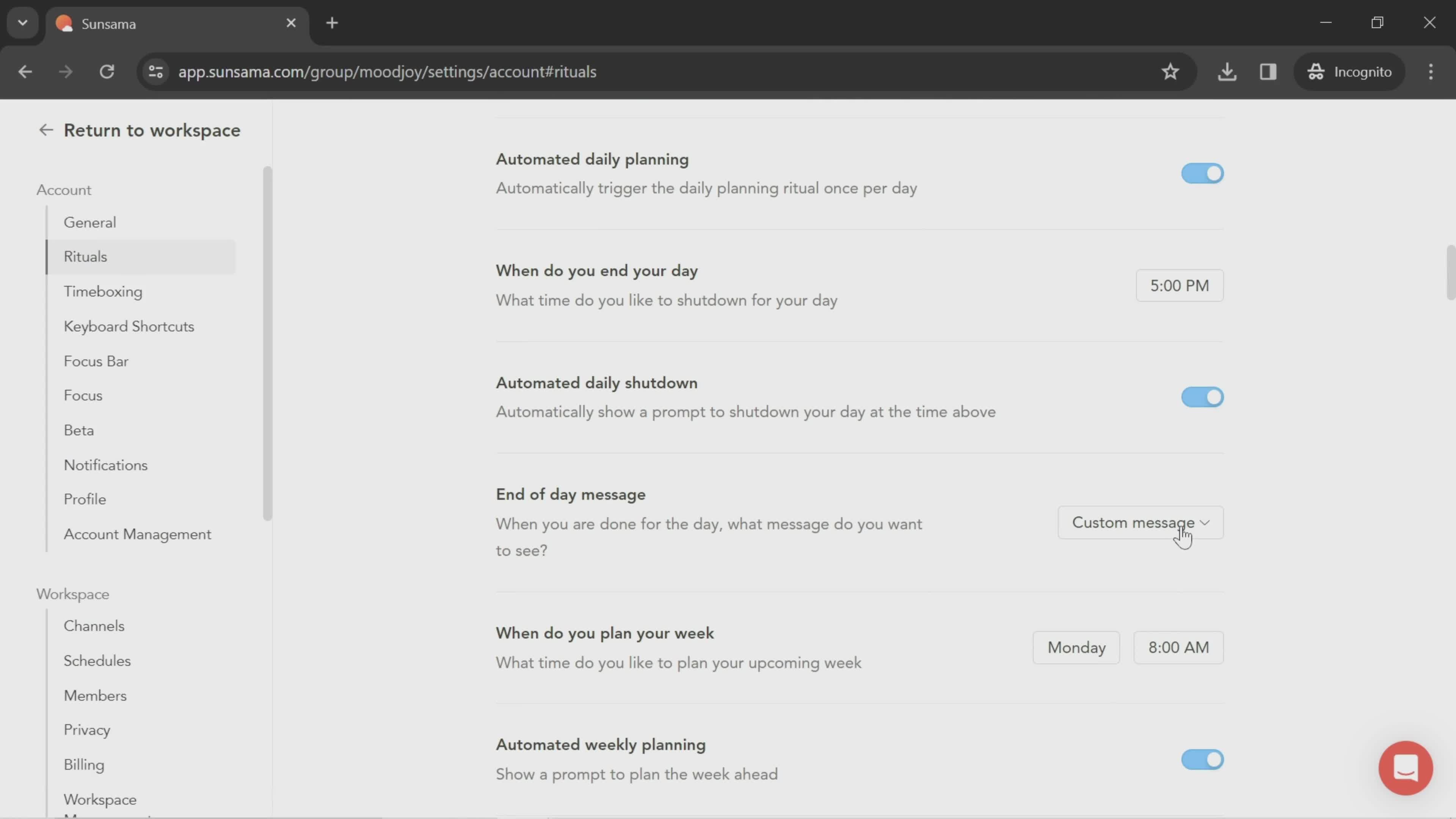
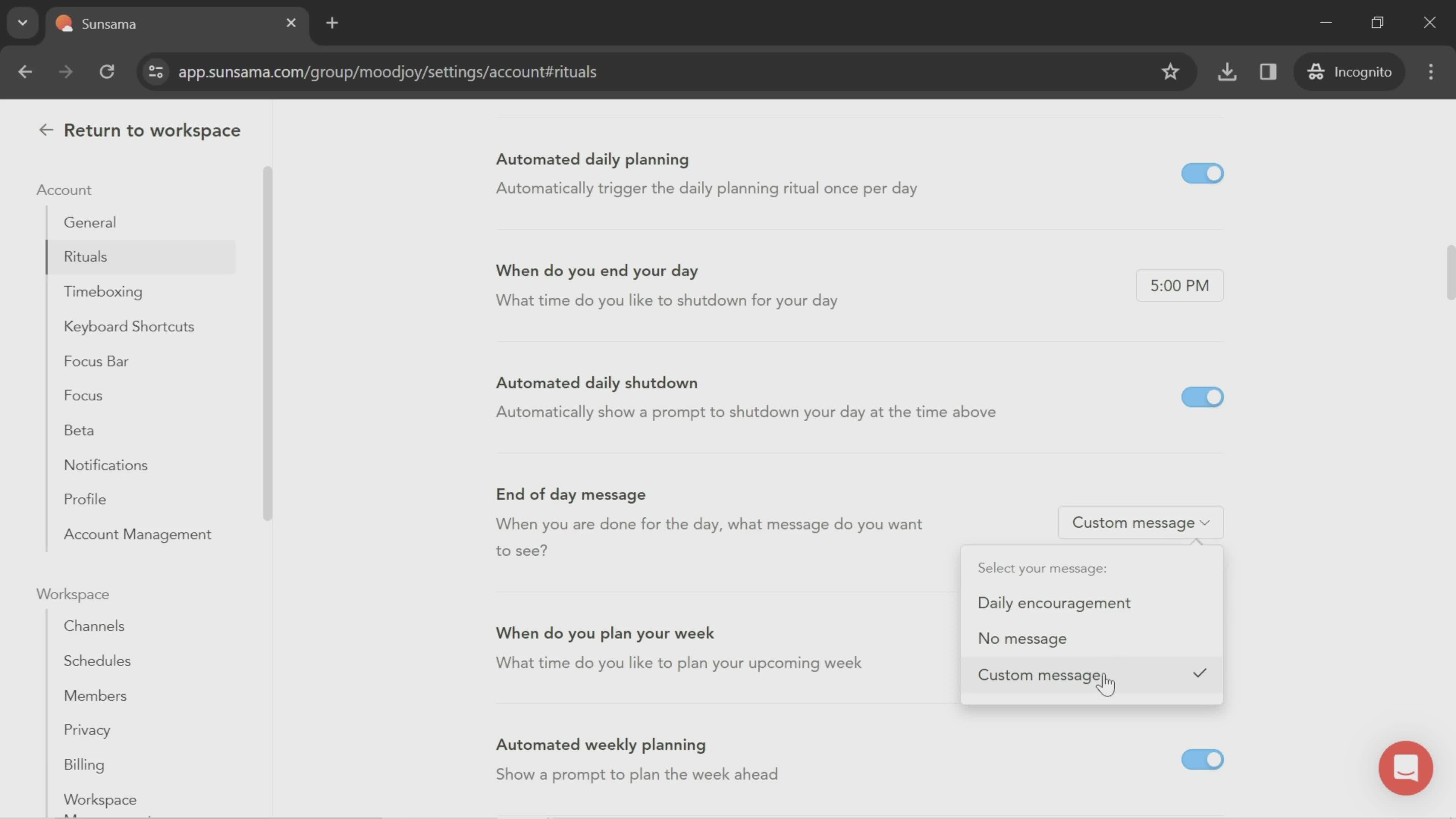
Select type
this is title
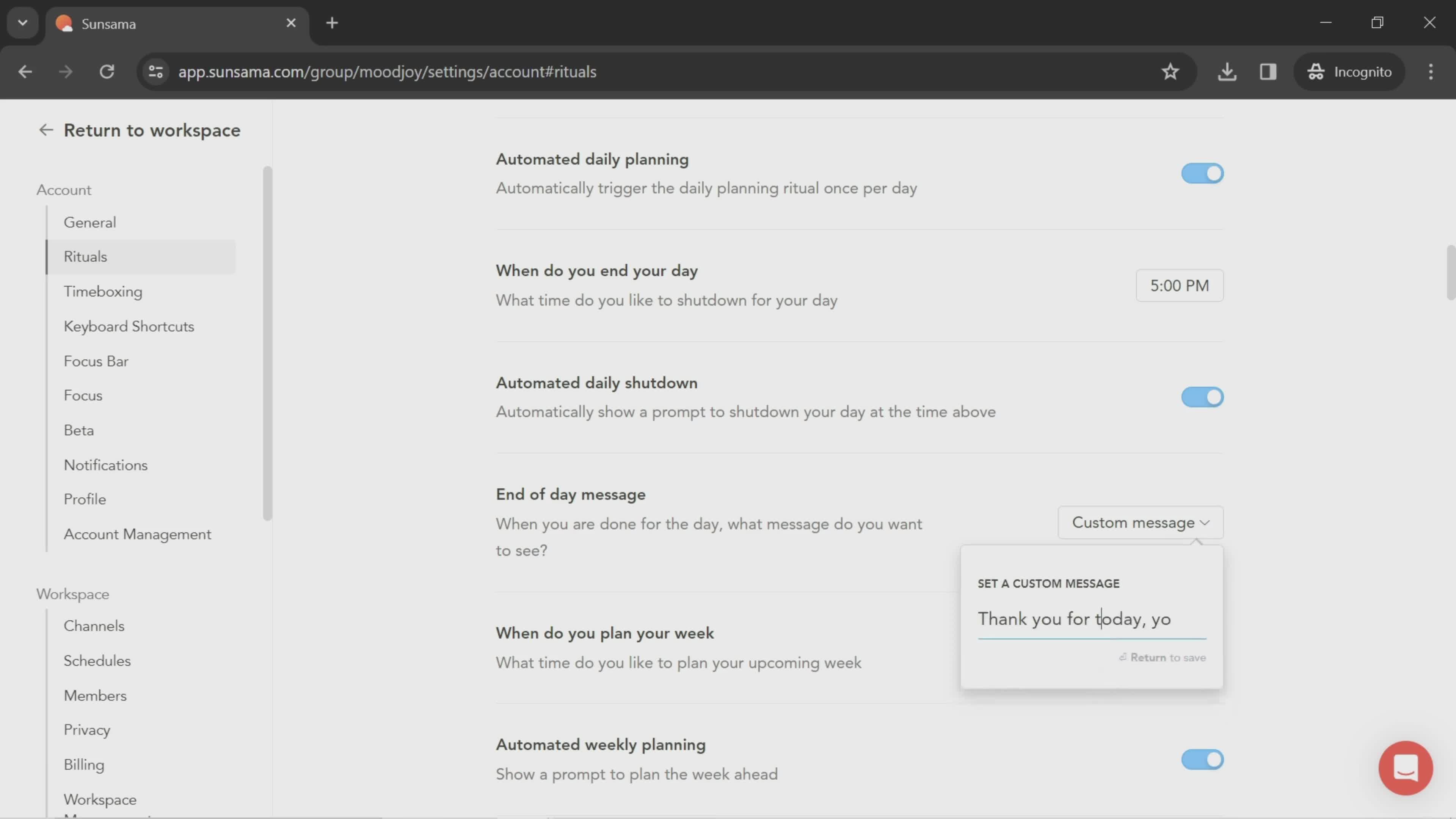
Create message
this is title
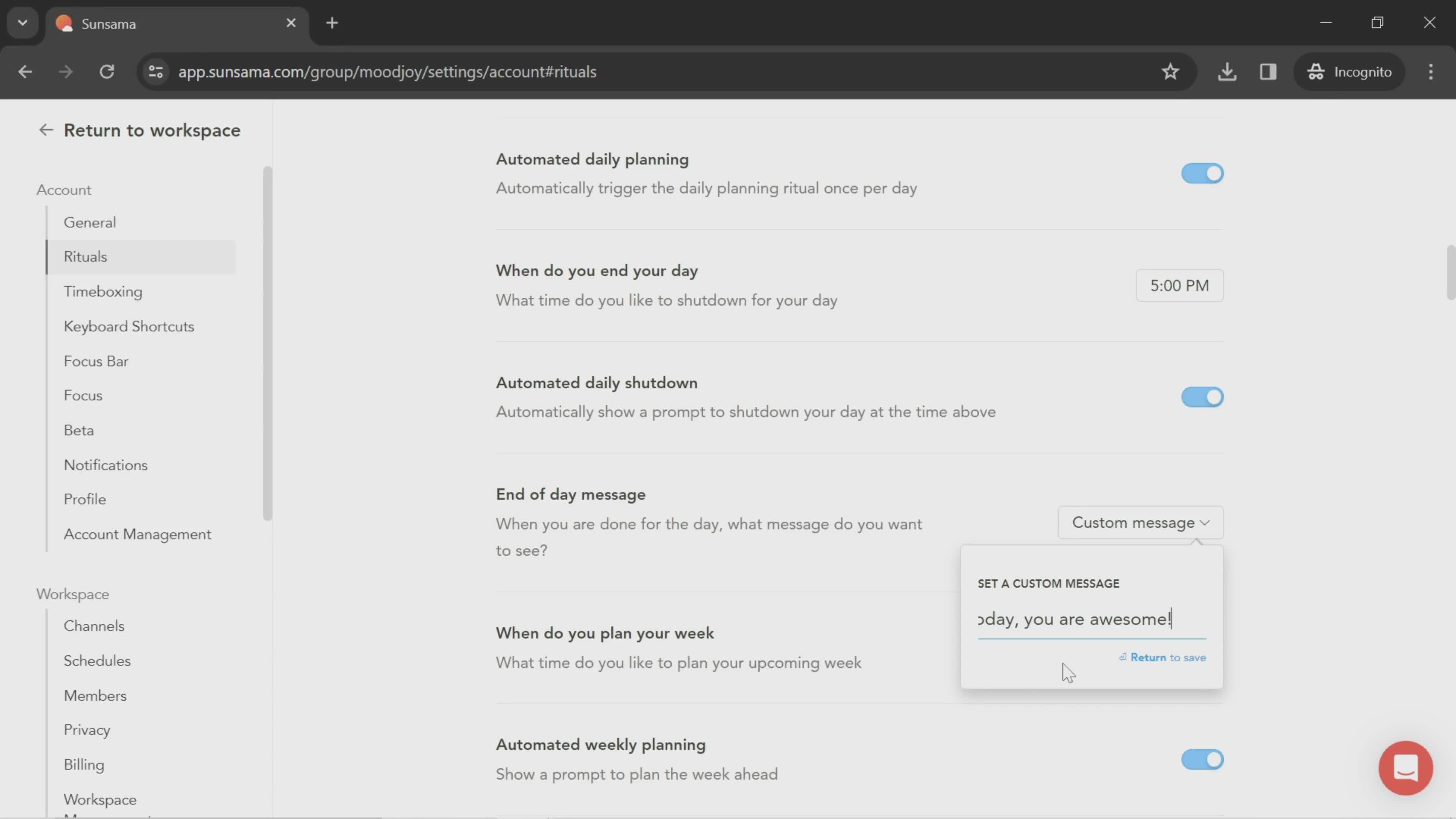
Save
this is title
this is title
Dashboard
this is title
Workspace menu
this is title
this is title
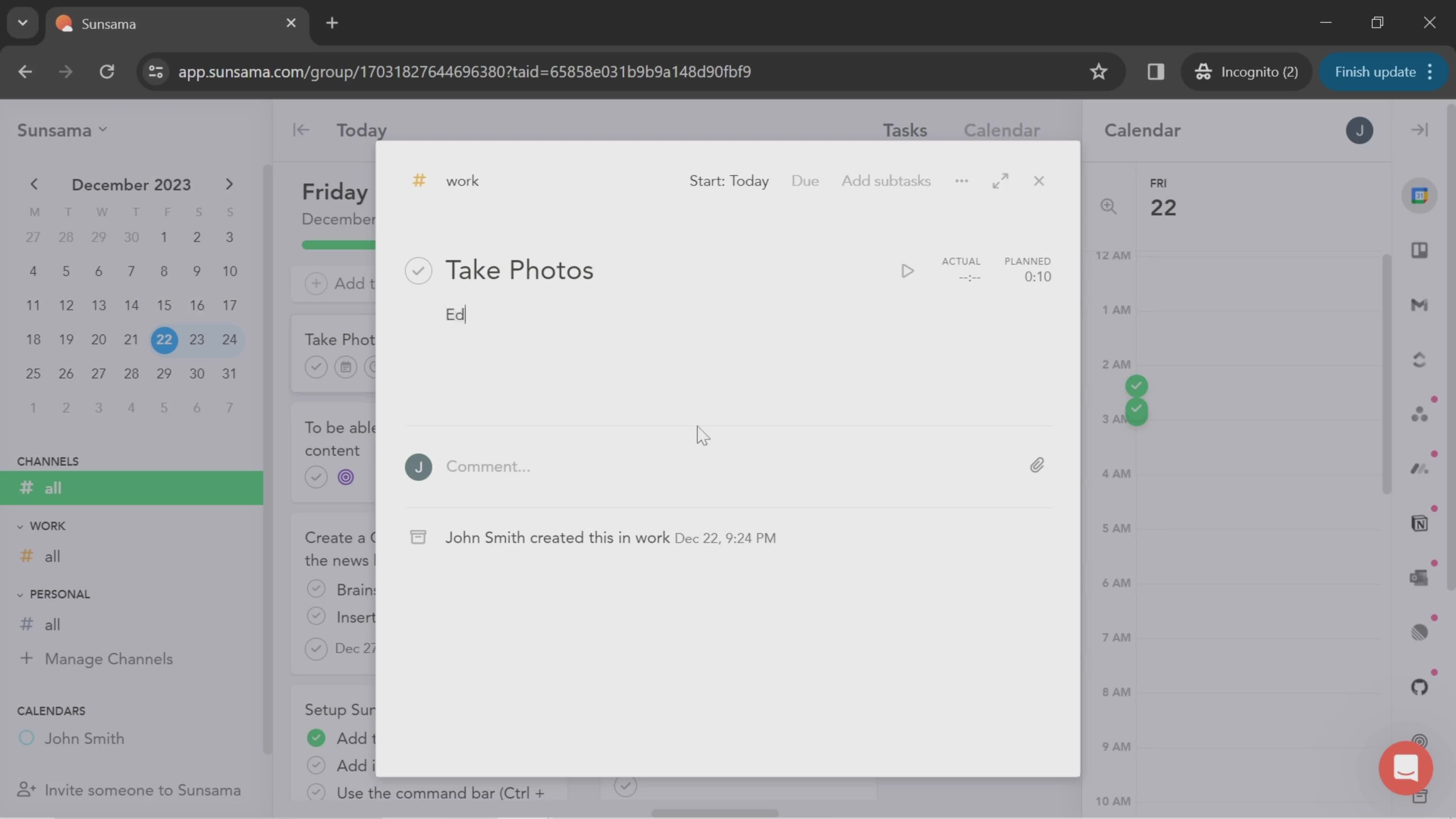
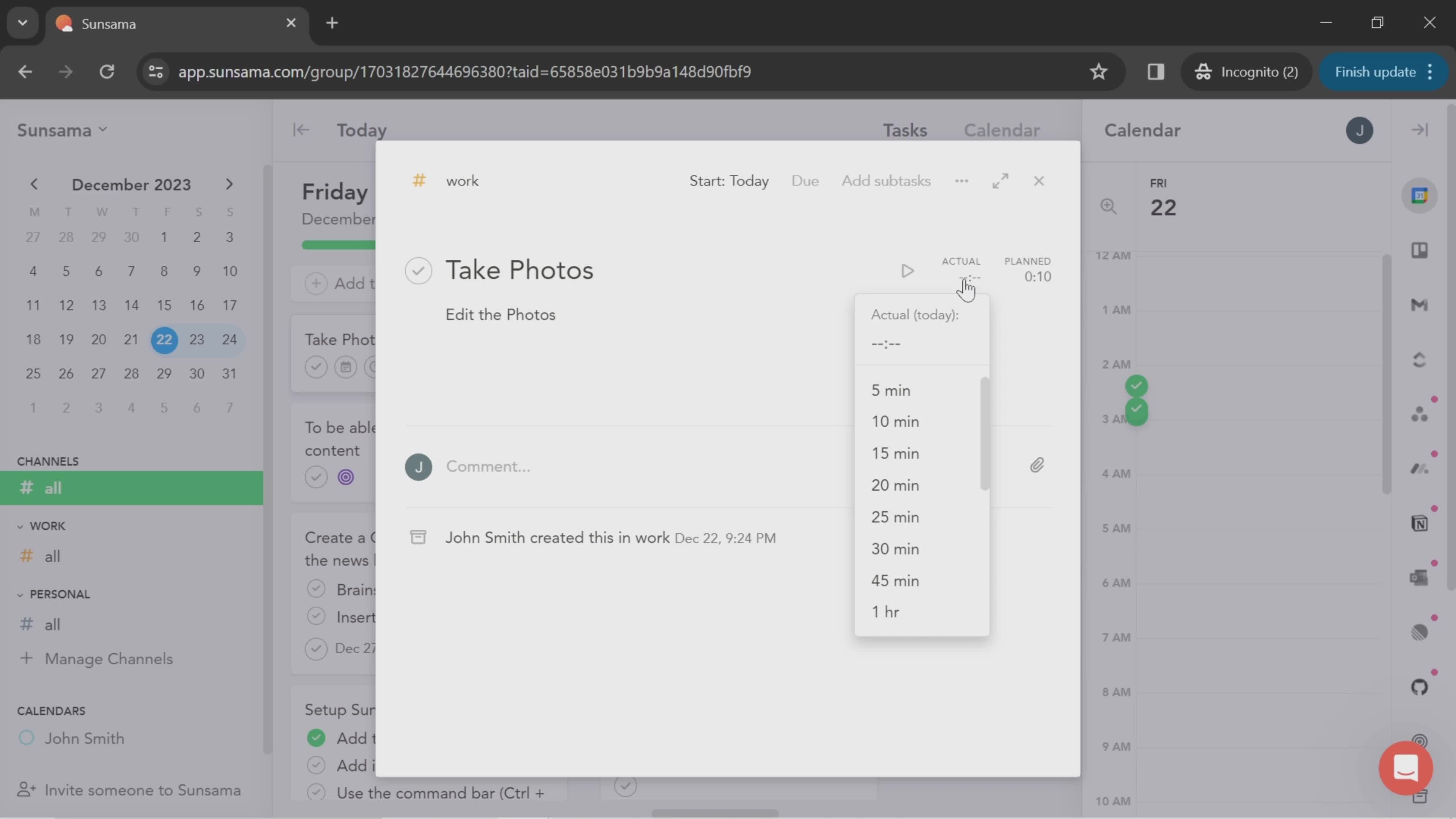
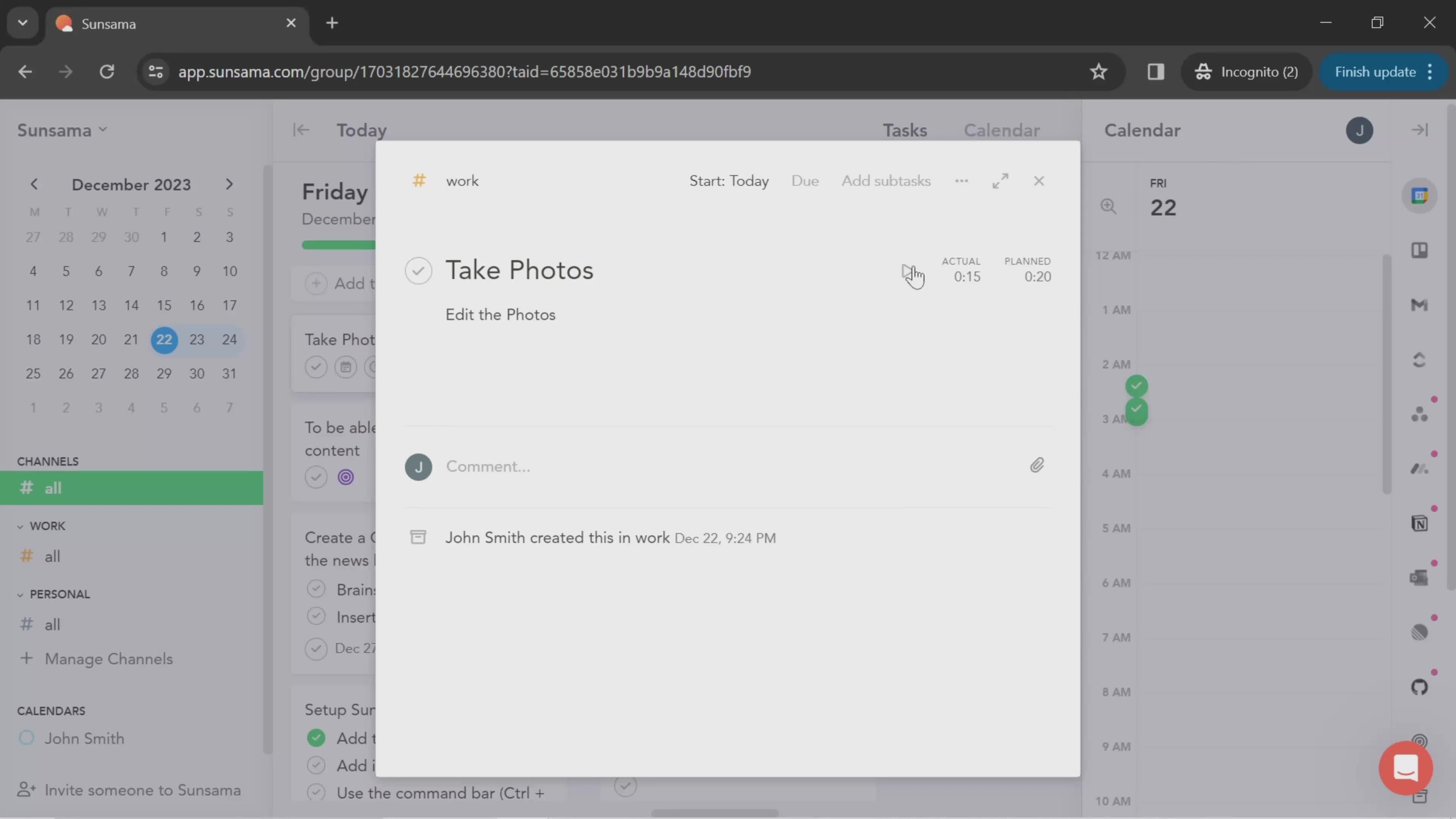
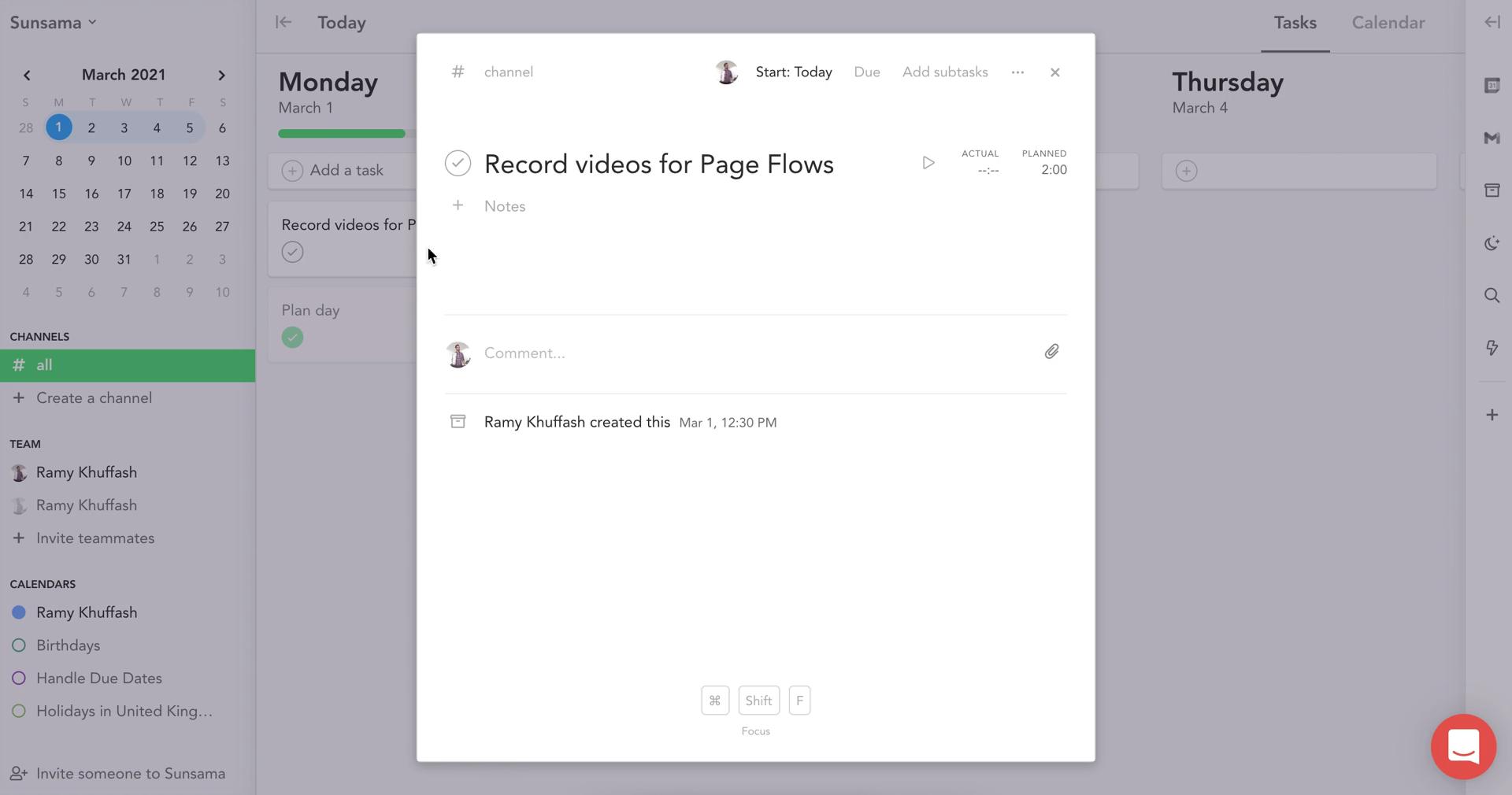
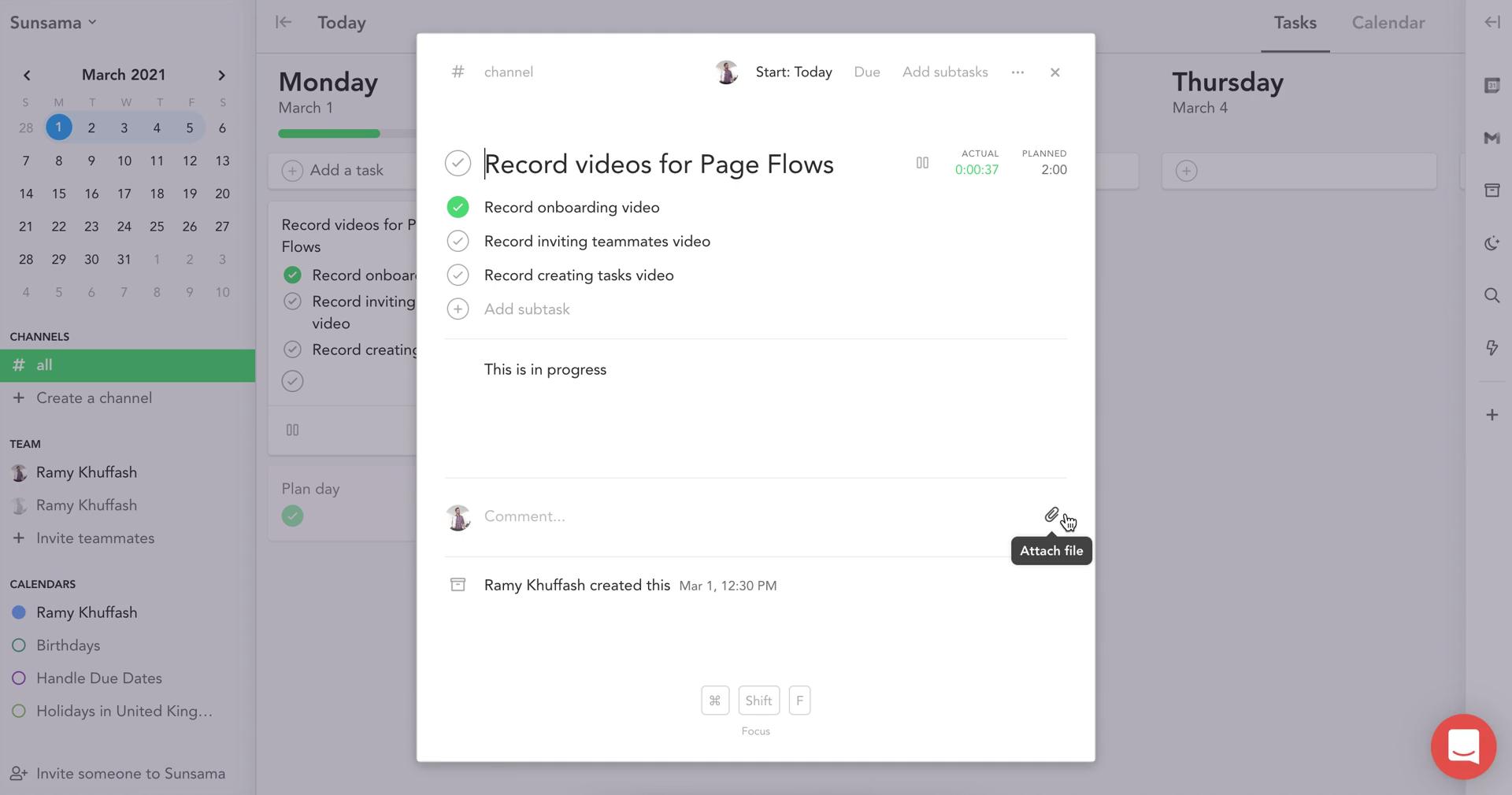
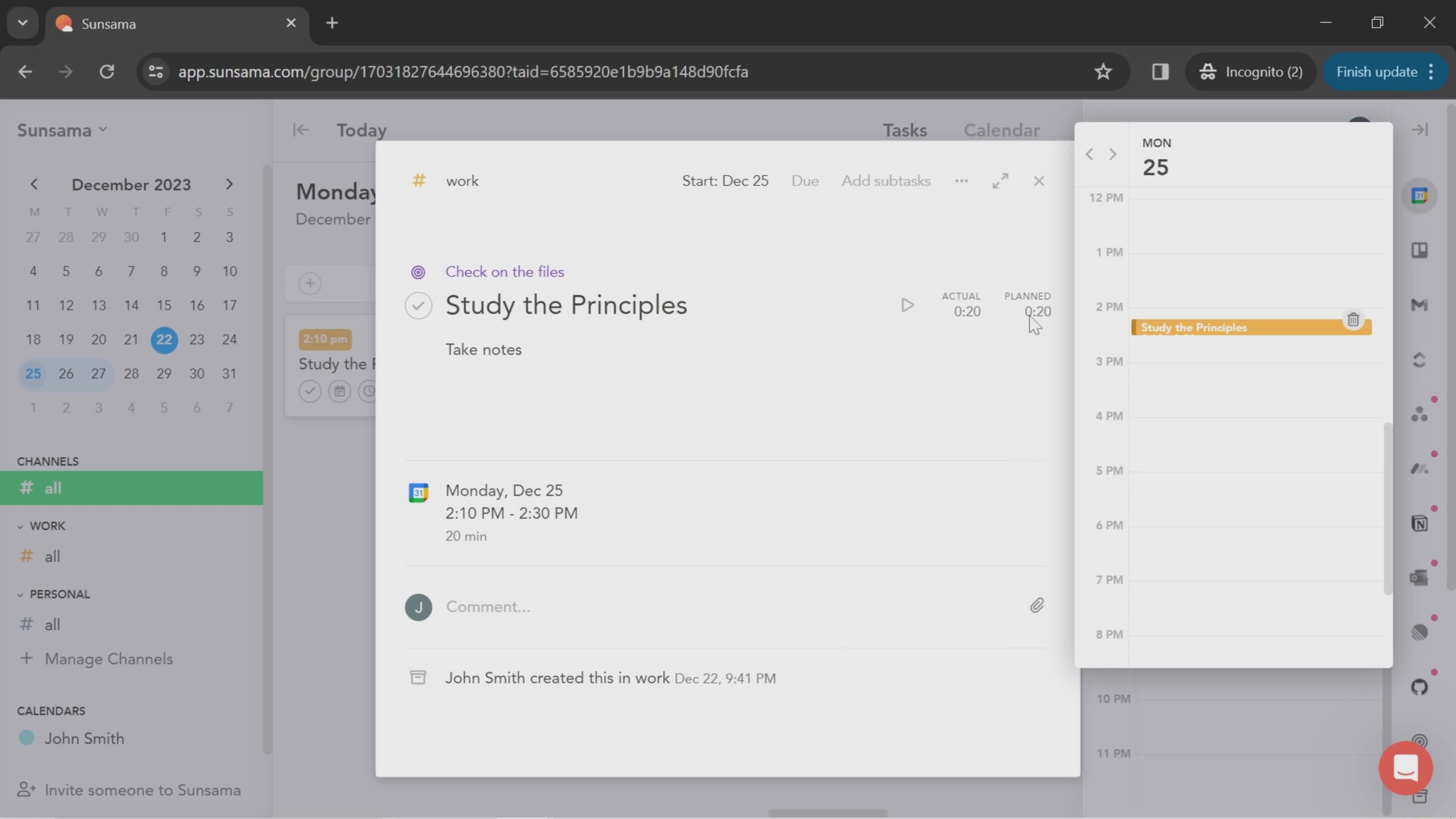
Task details
this is title
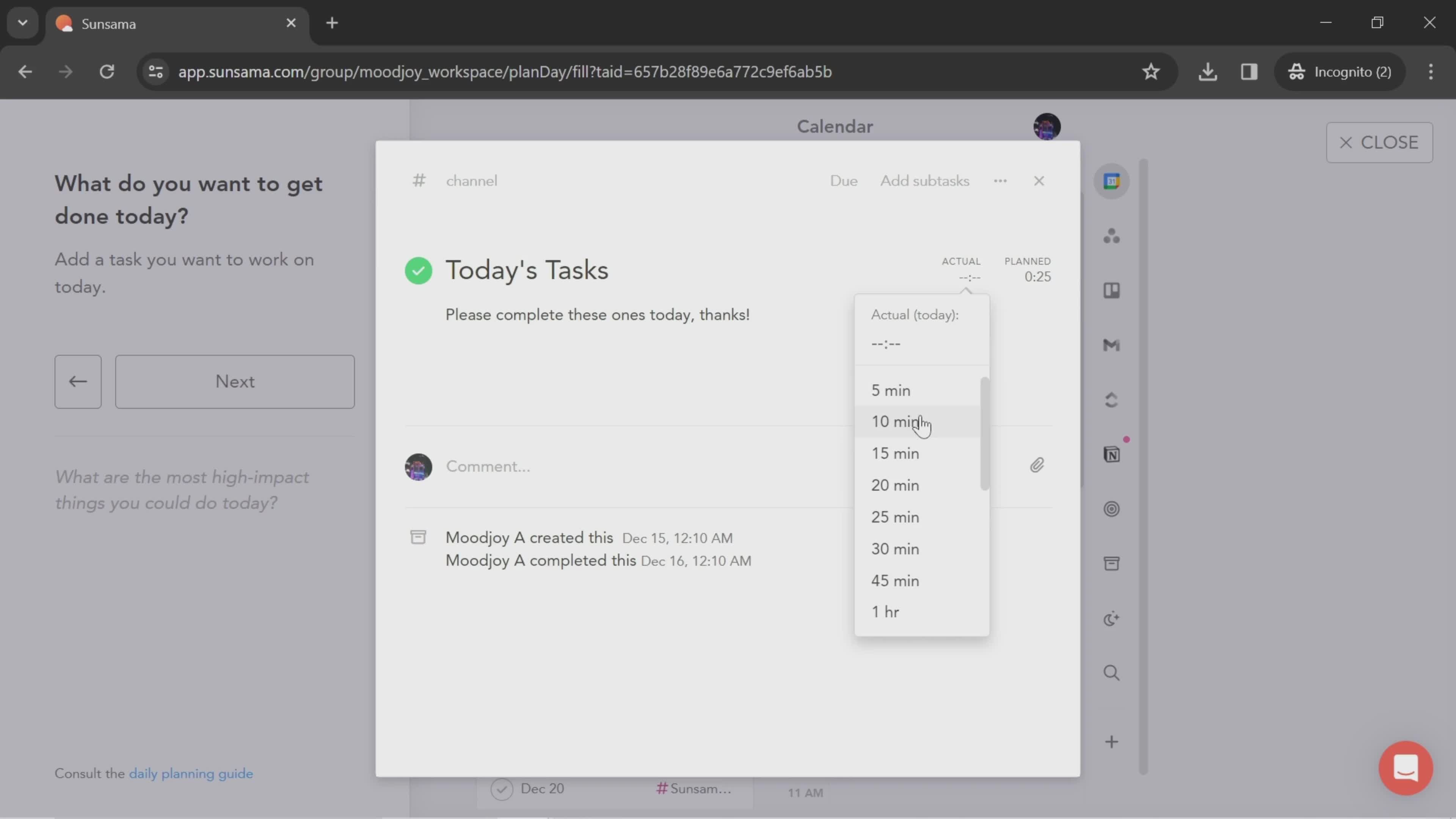
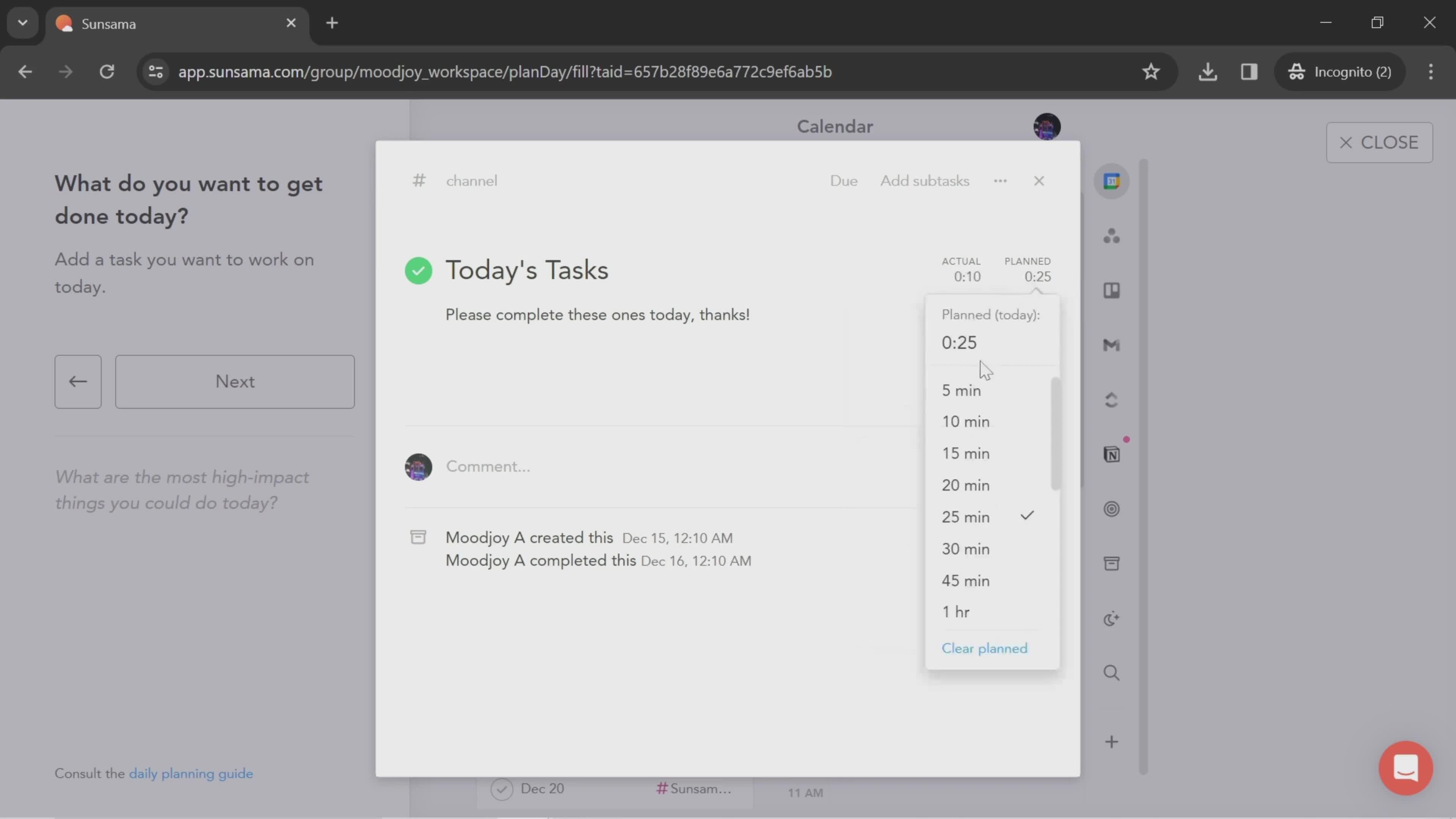
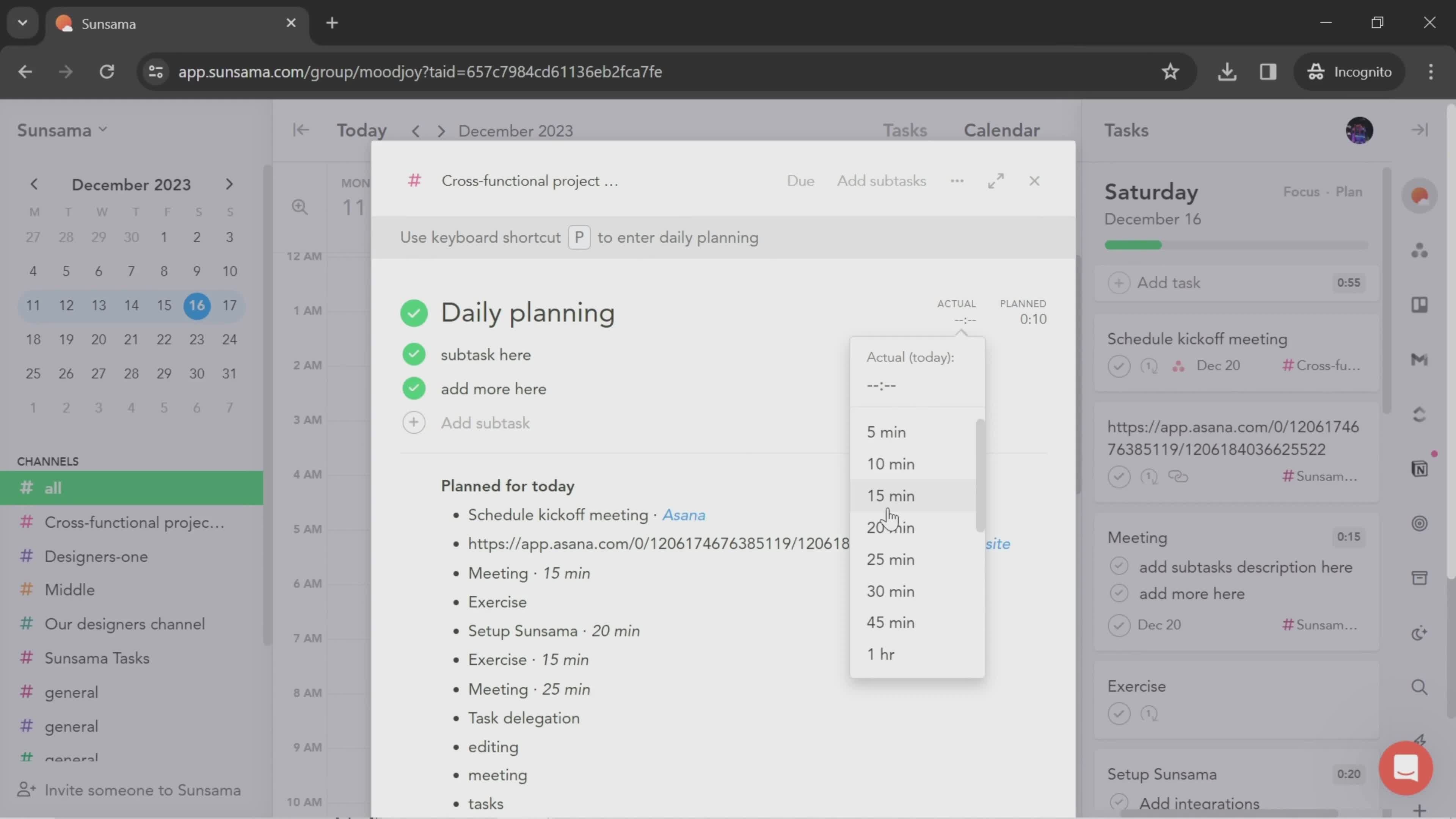
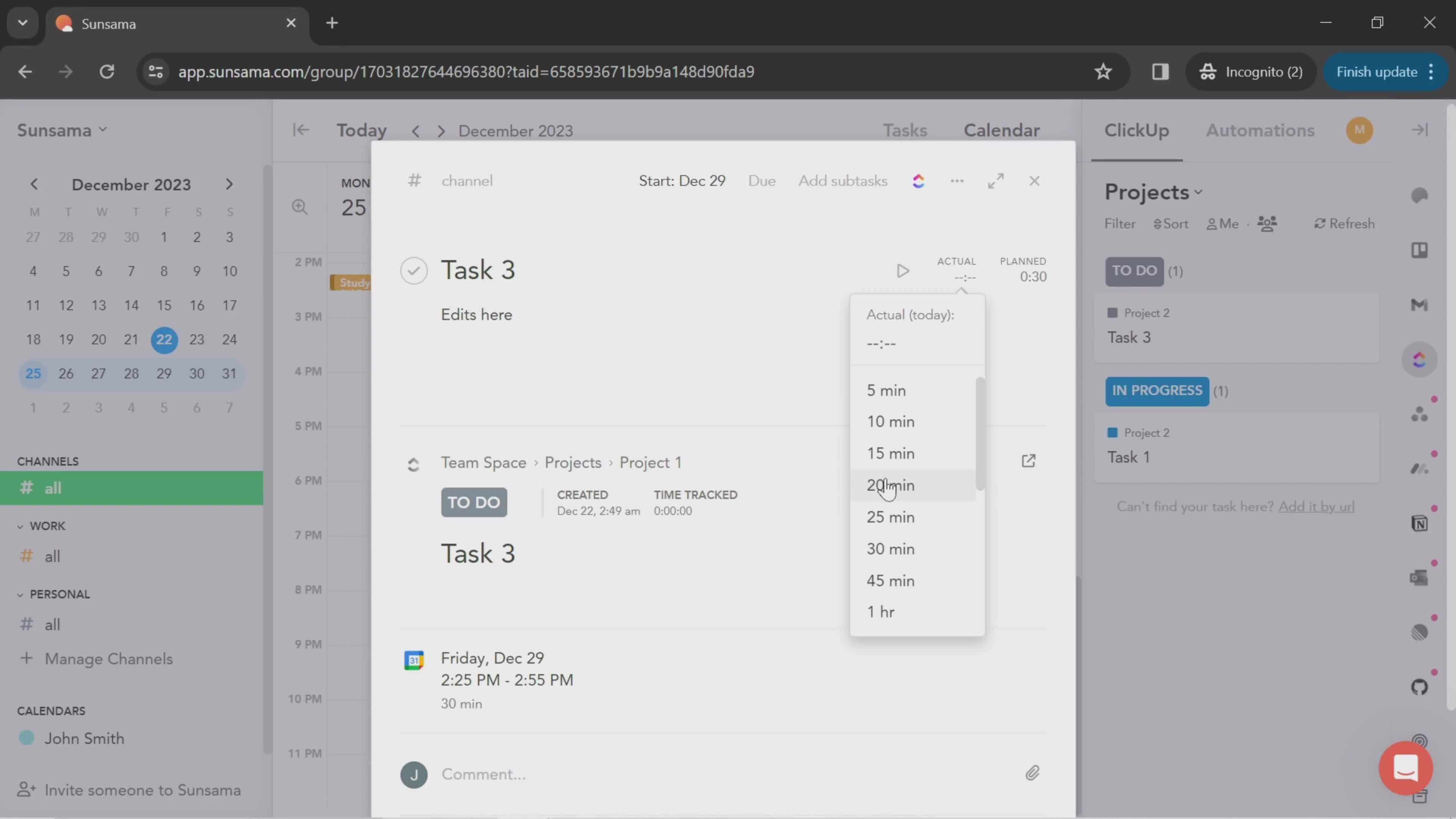
Select time
this is title
Plan
this is title
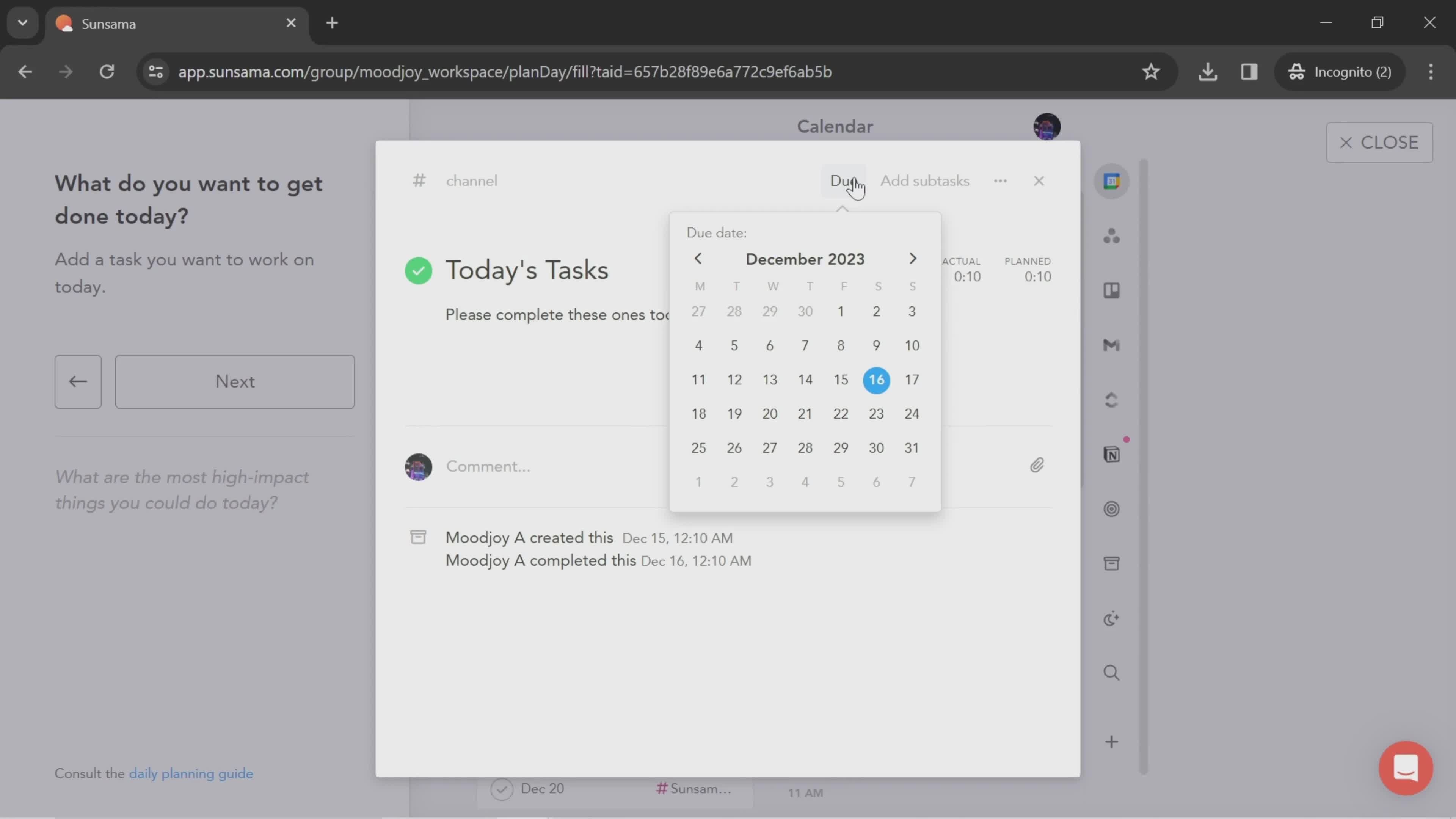
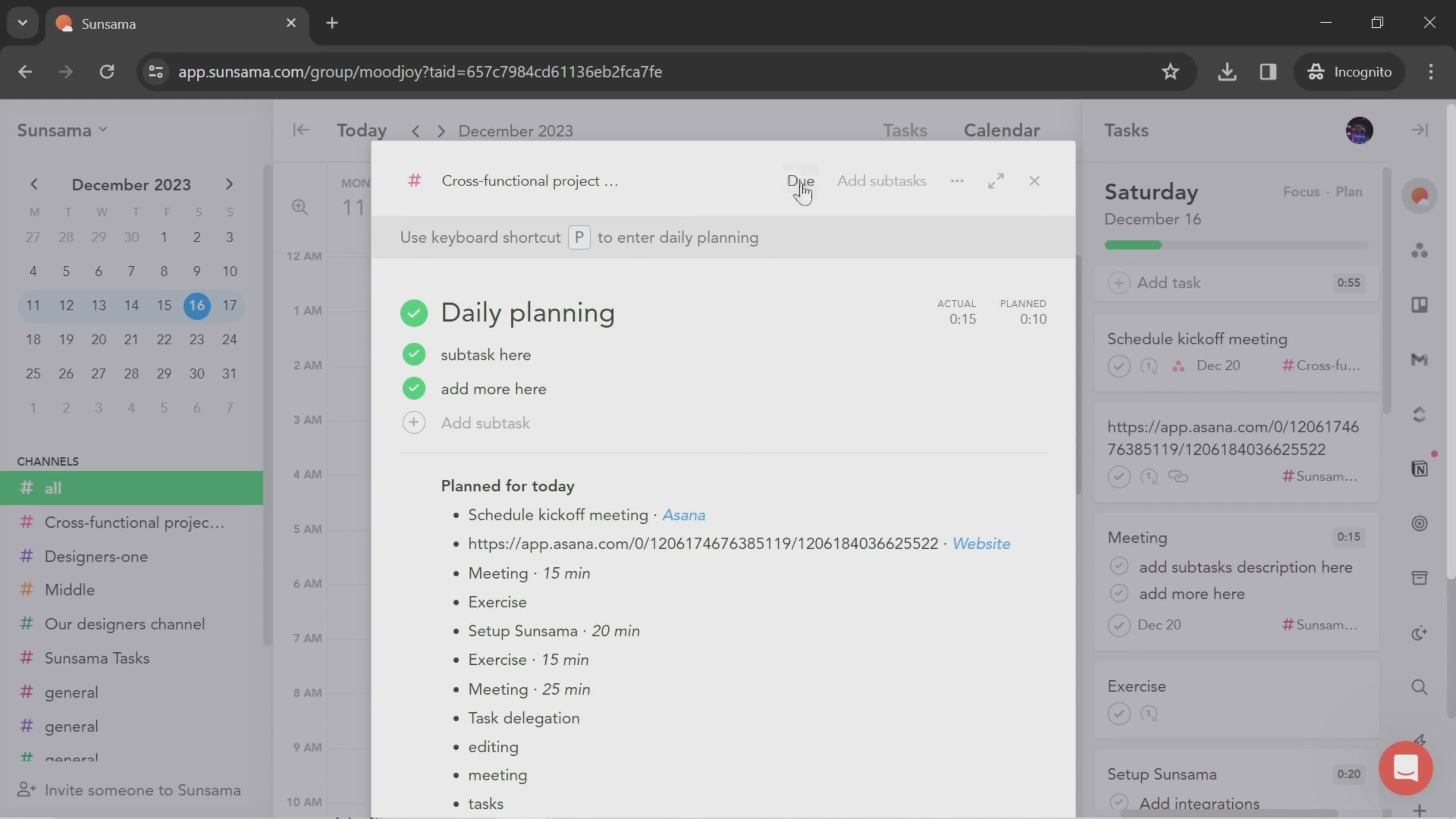
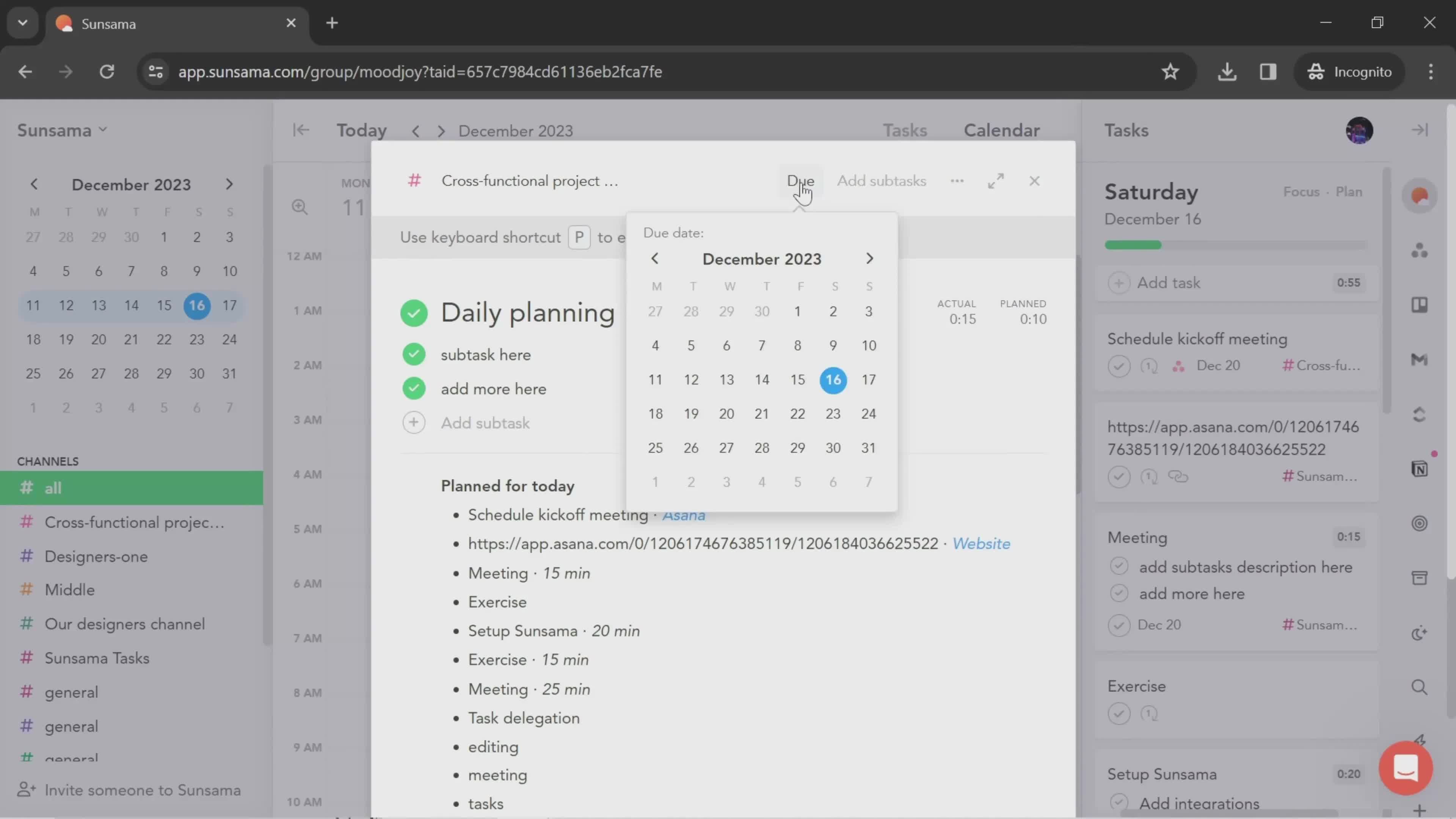
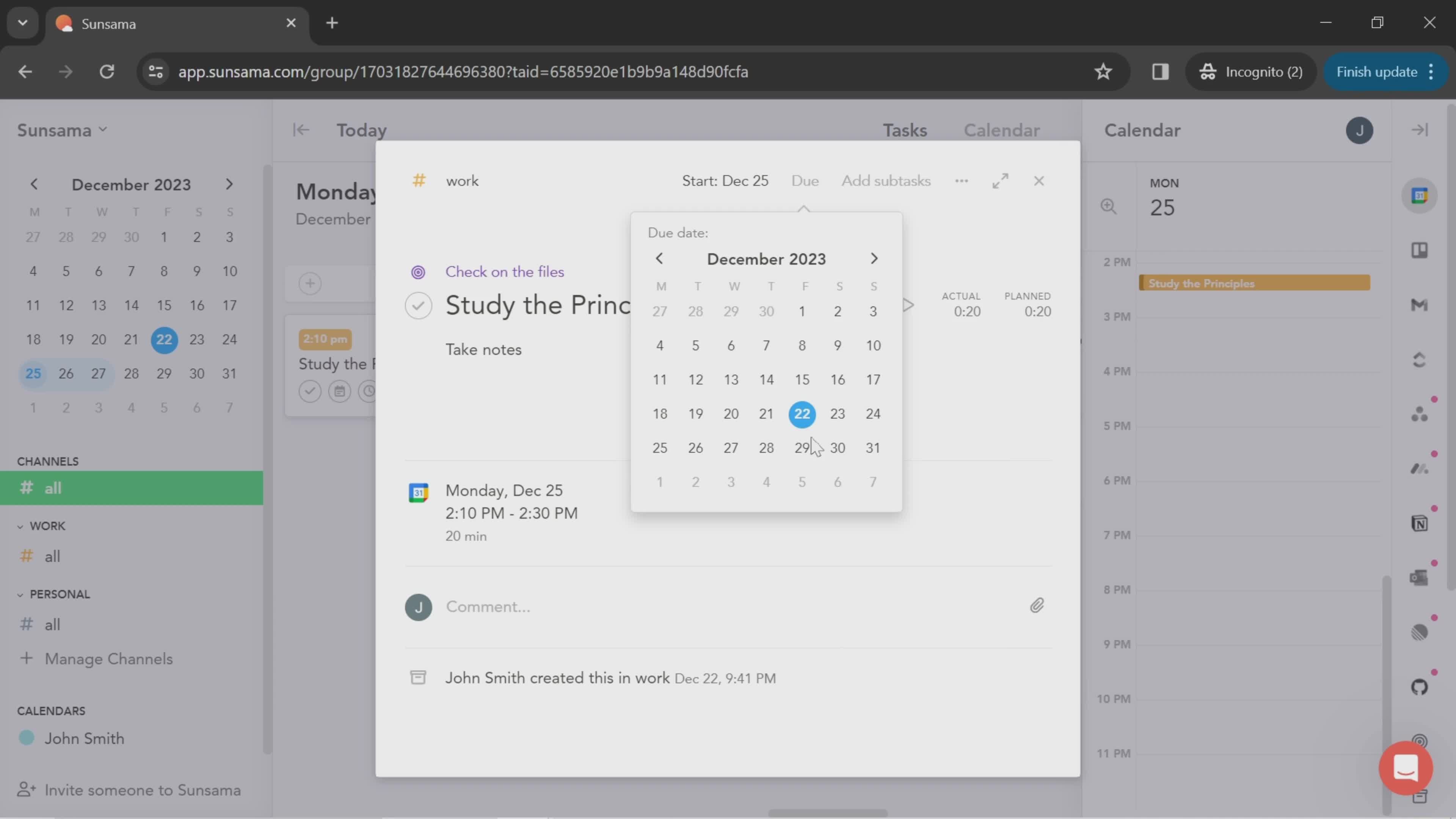
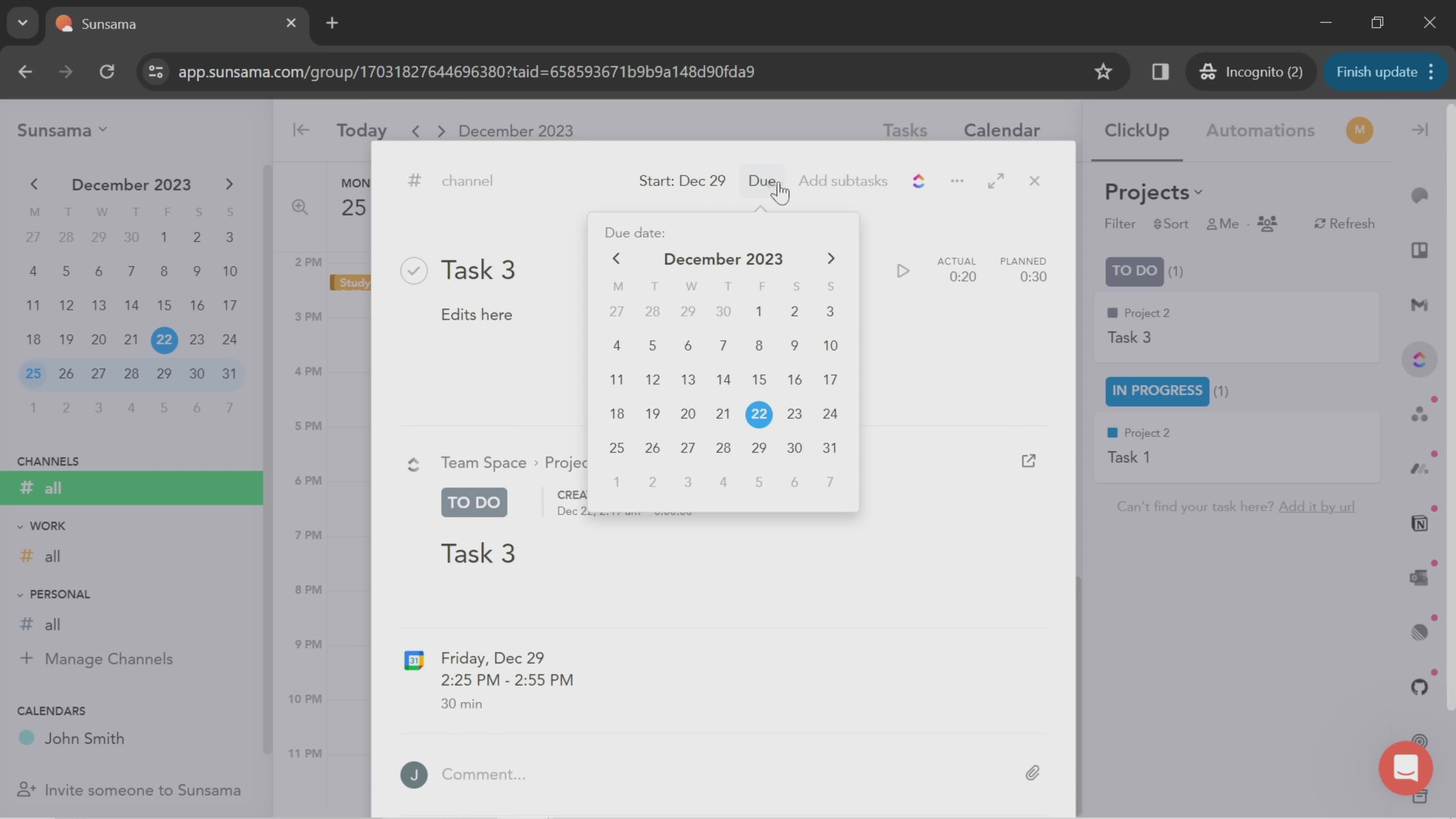
Set due date
this is title
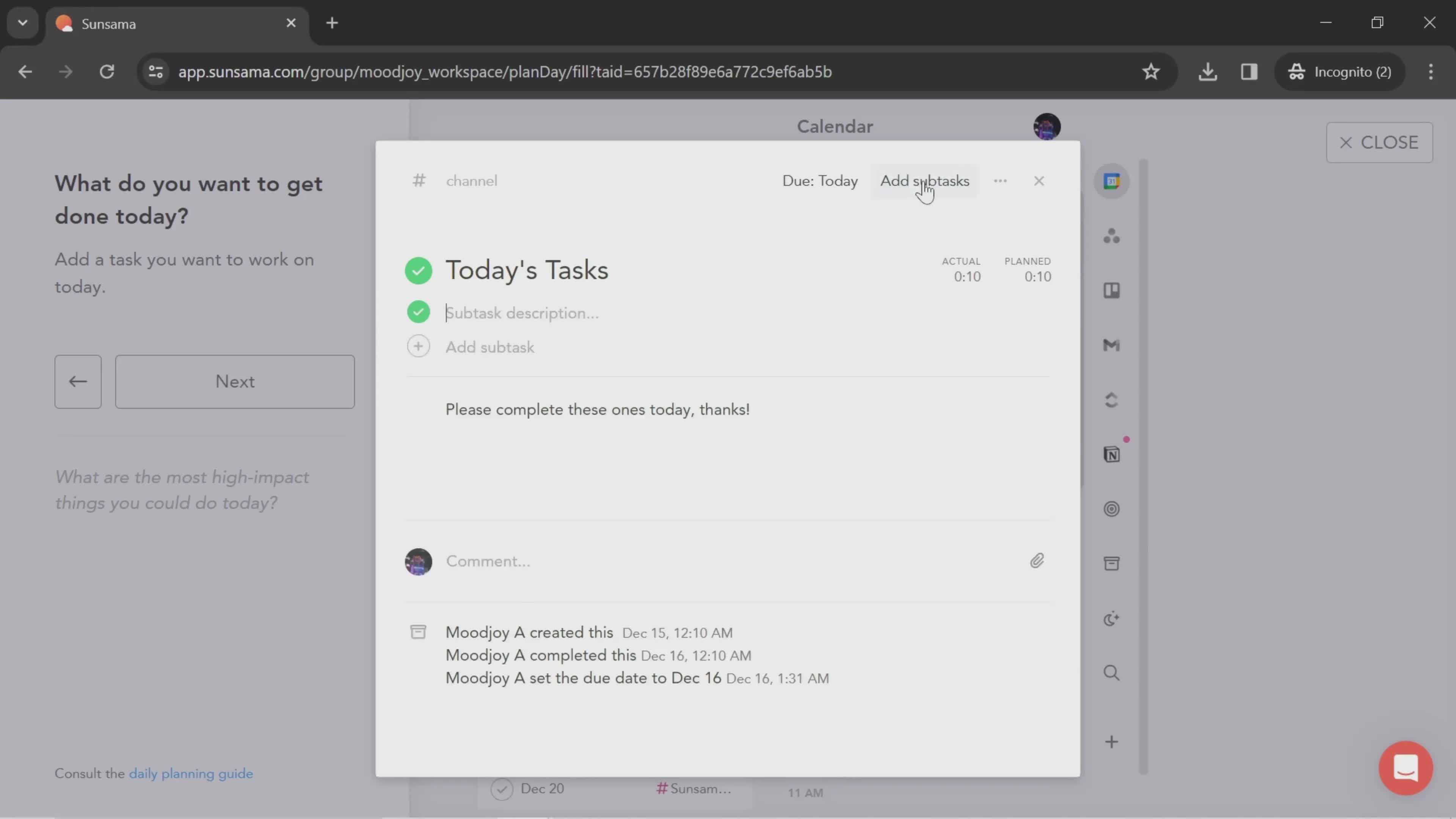
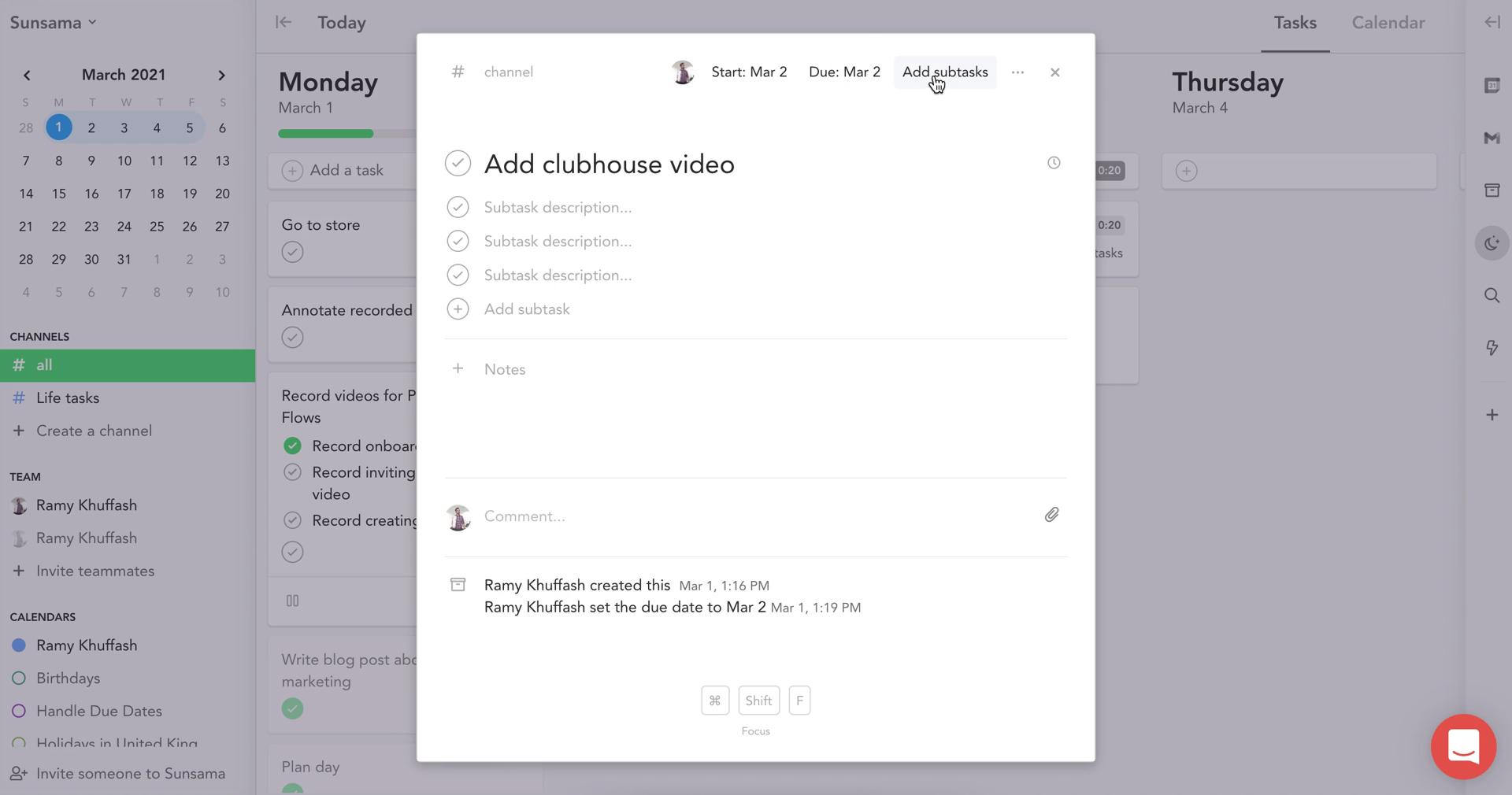
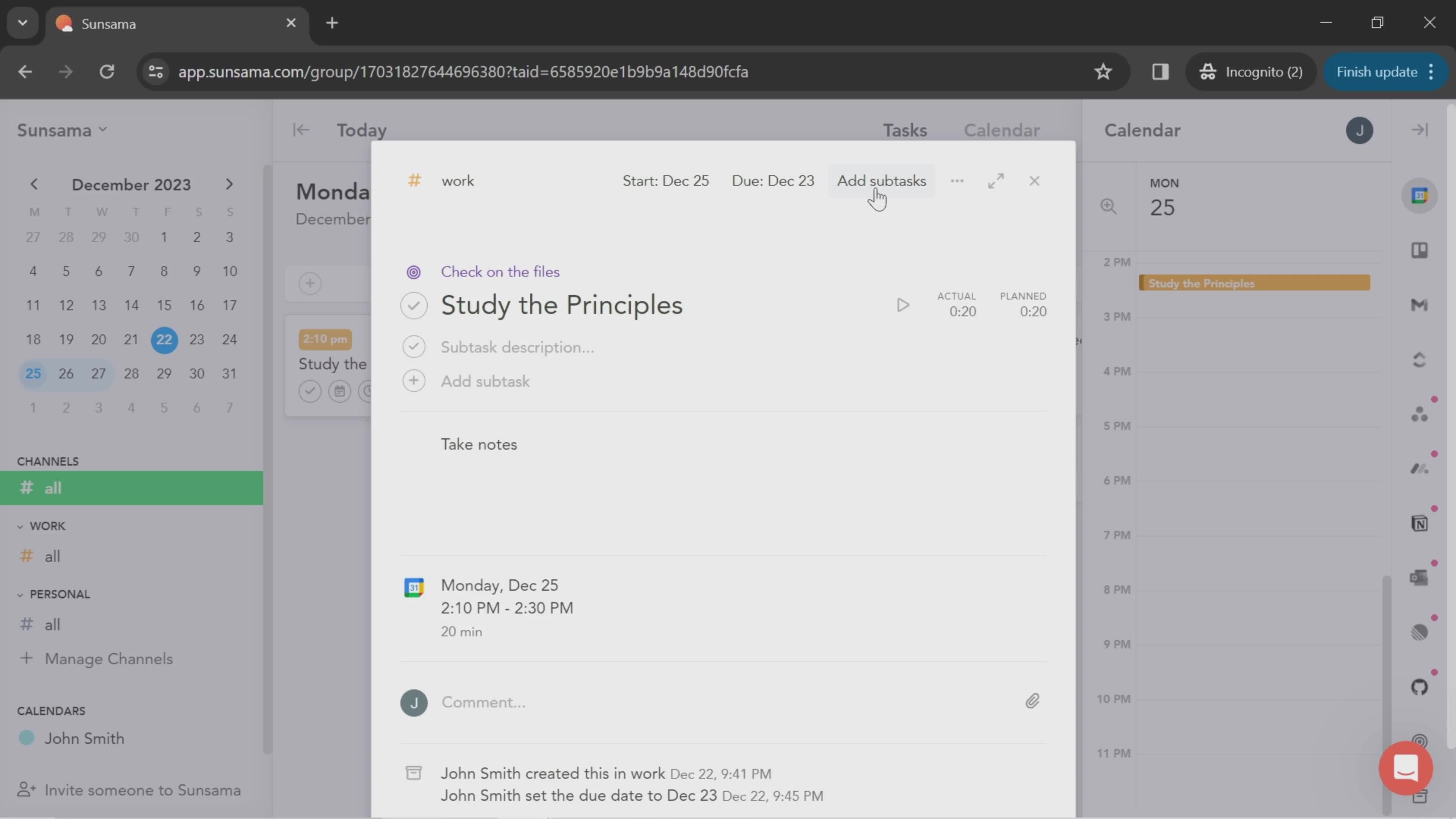
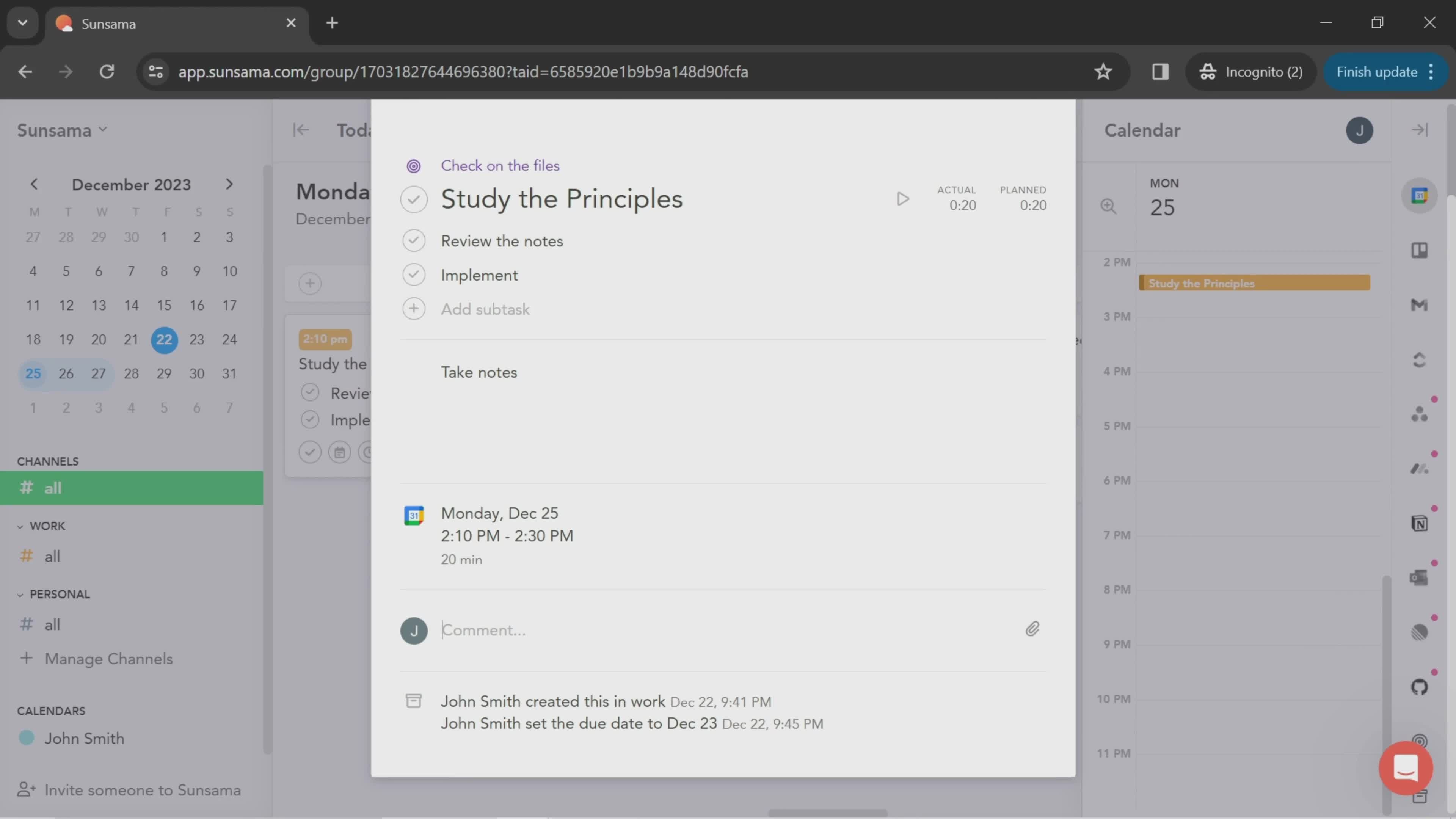
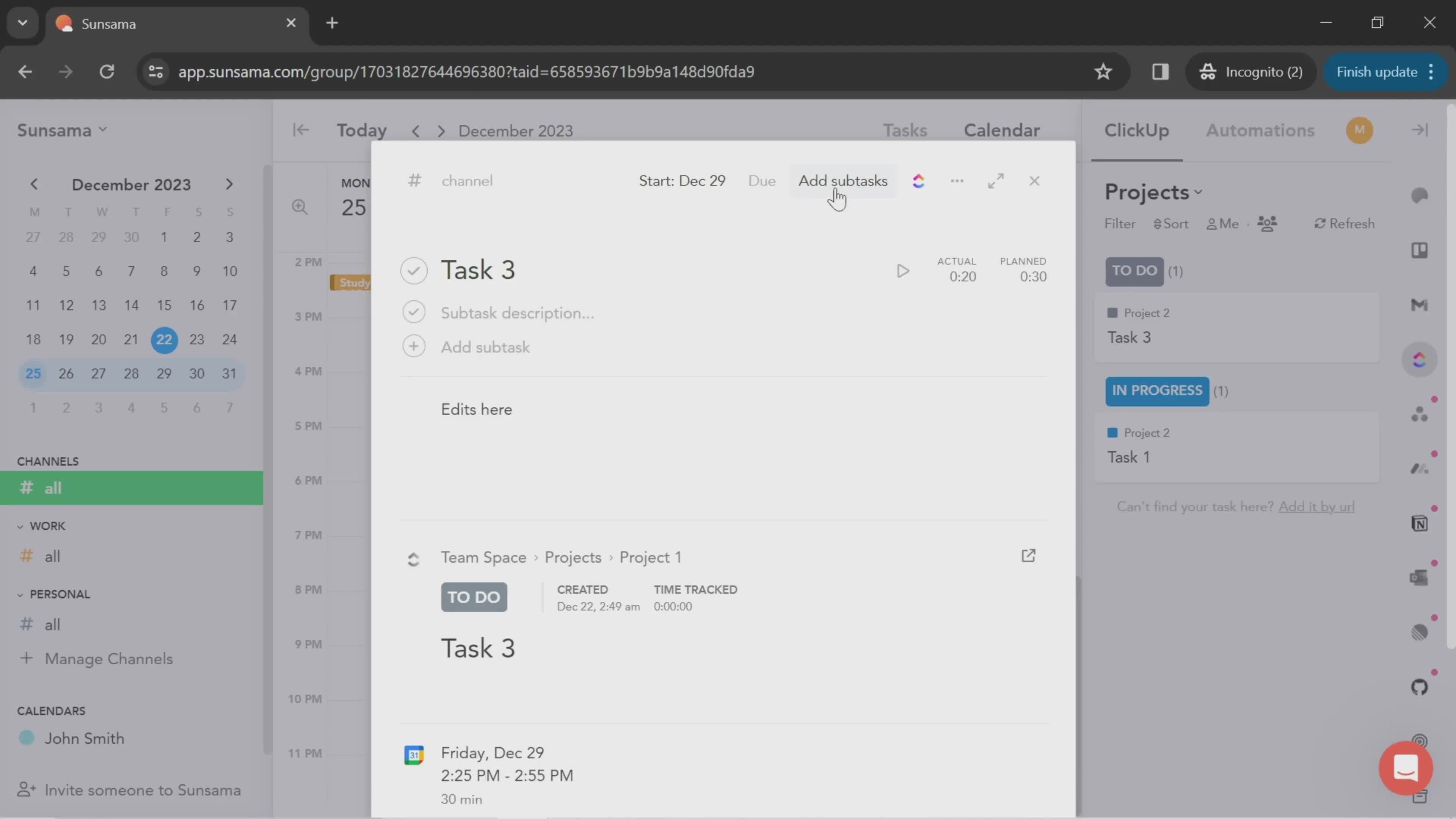
Add subtask
this is title
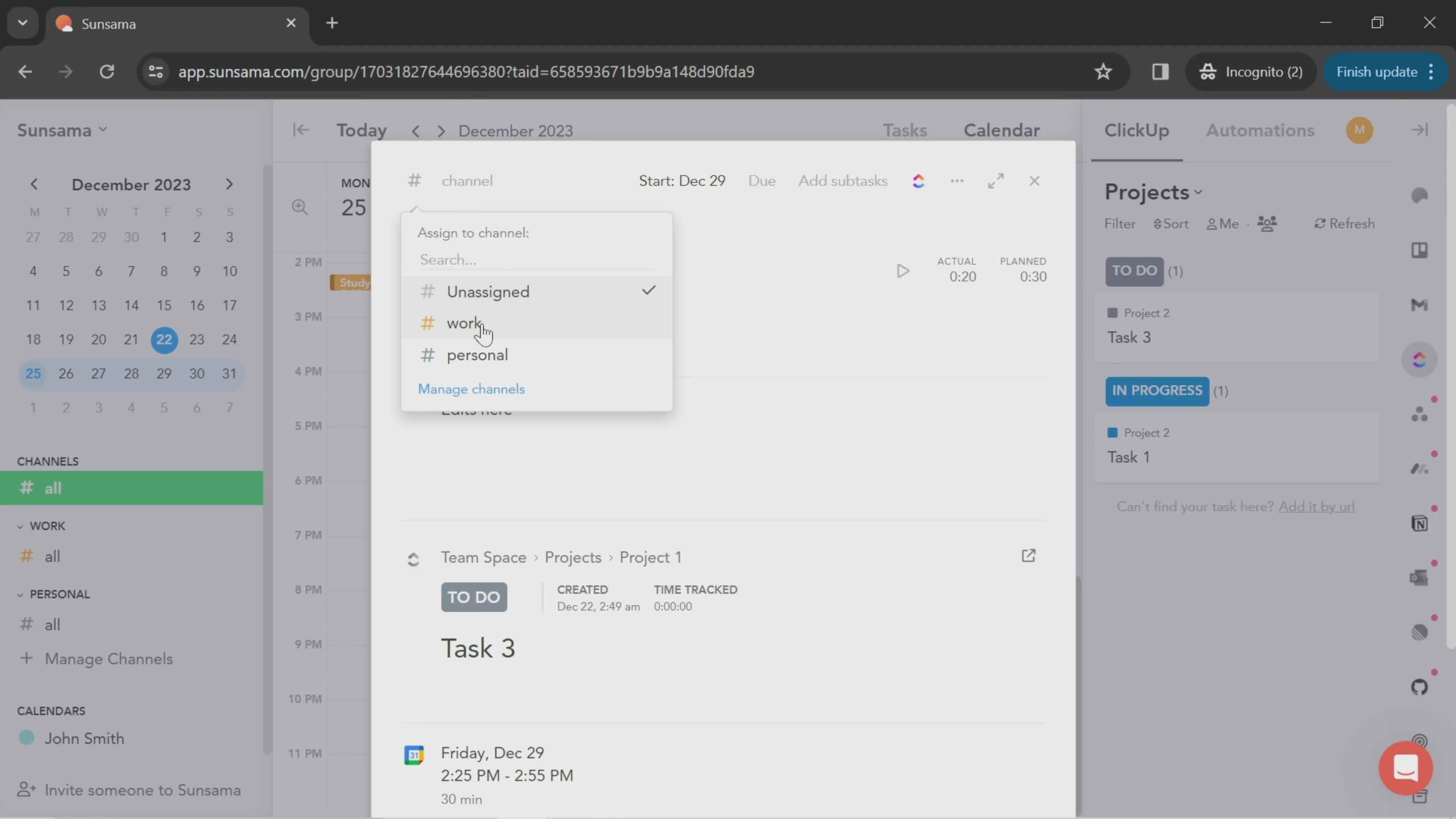
Add to channel
this is title
Task details
this is title
Next
this is title
this is title
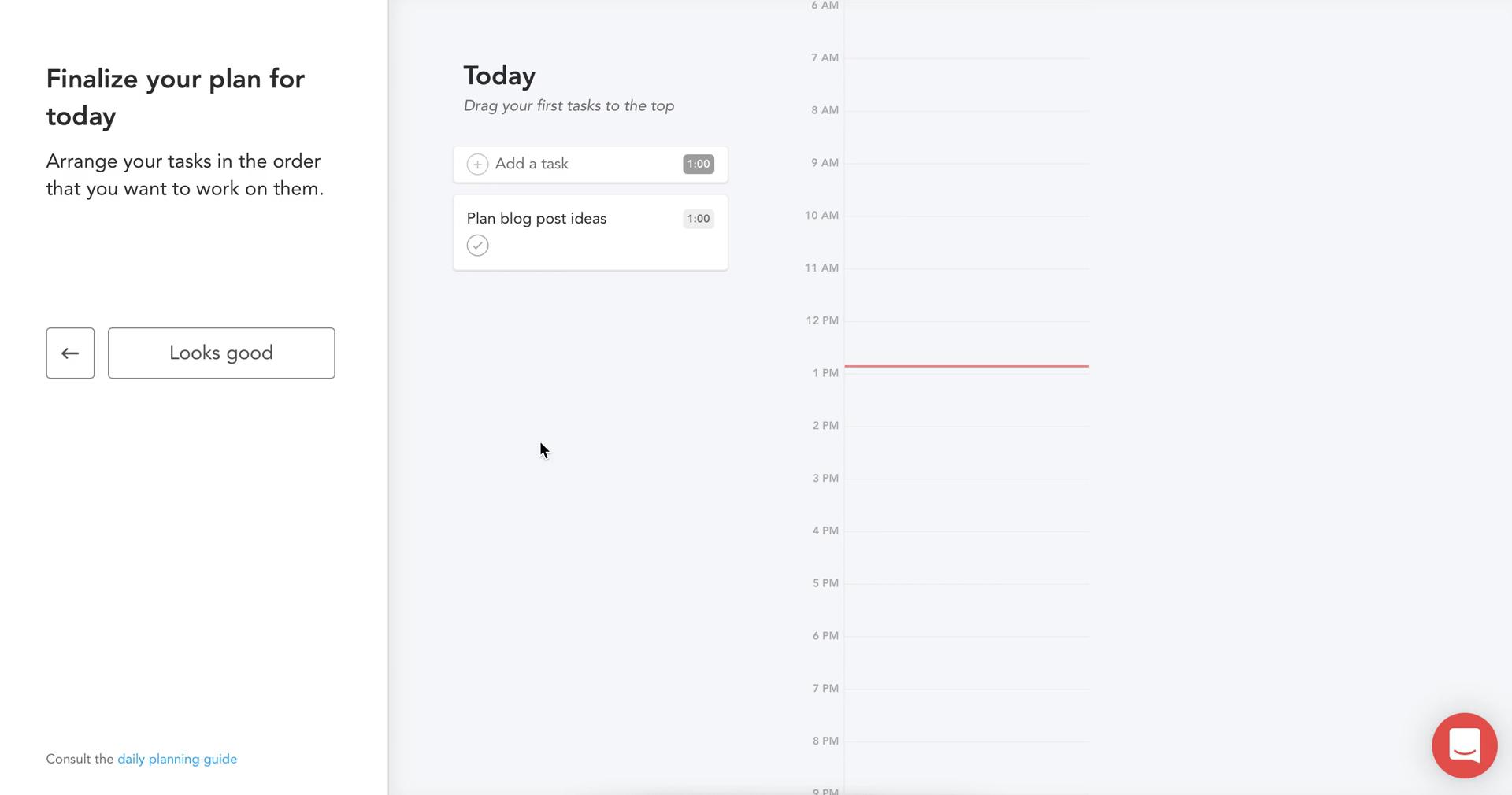
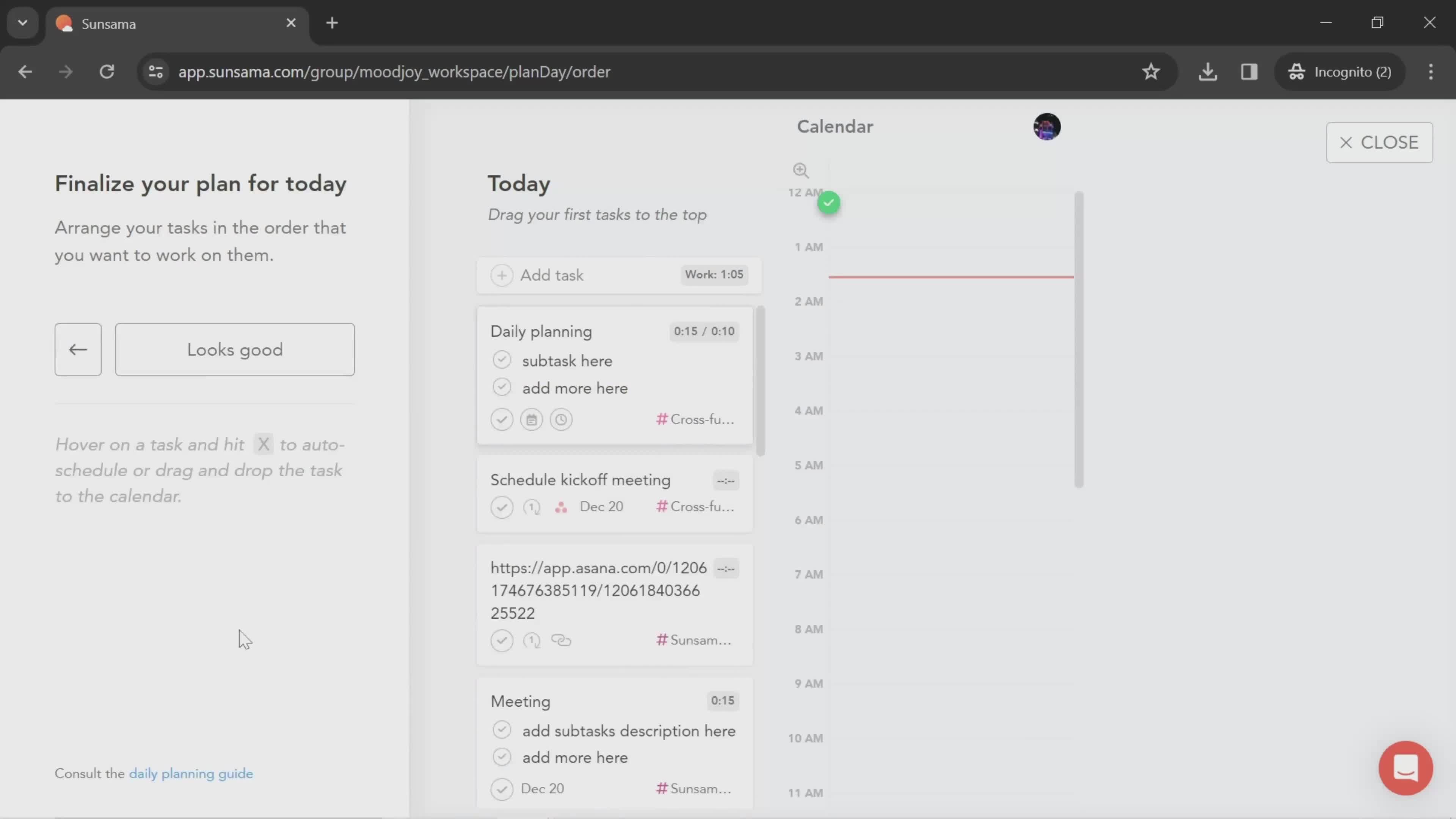
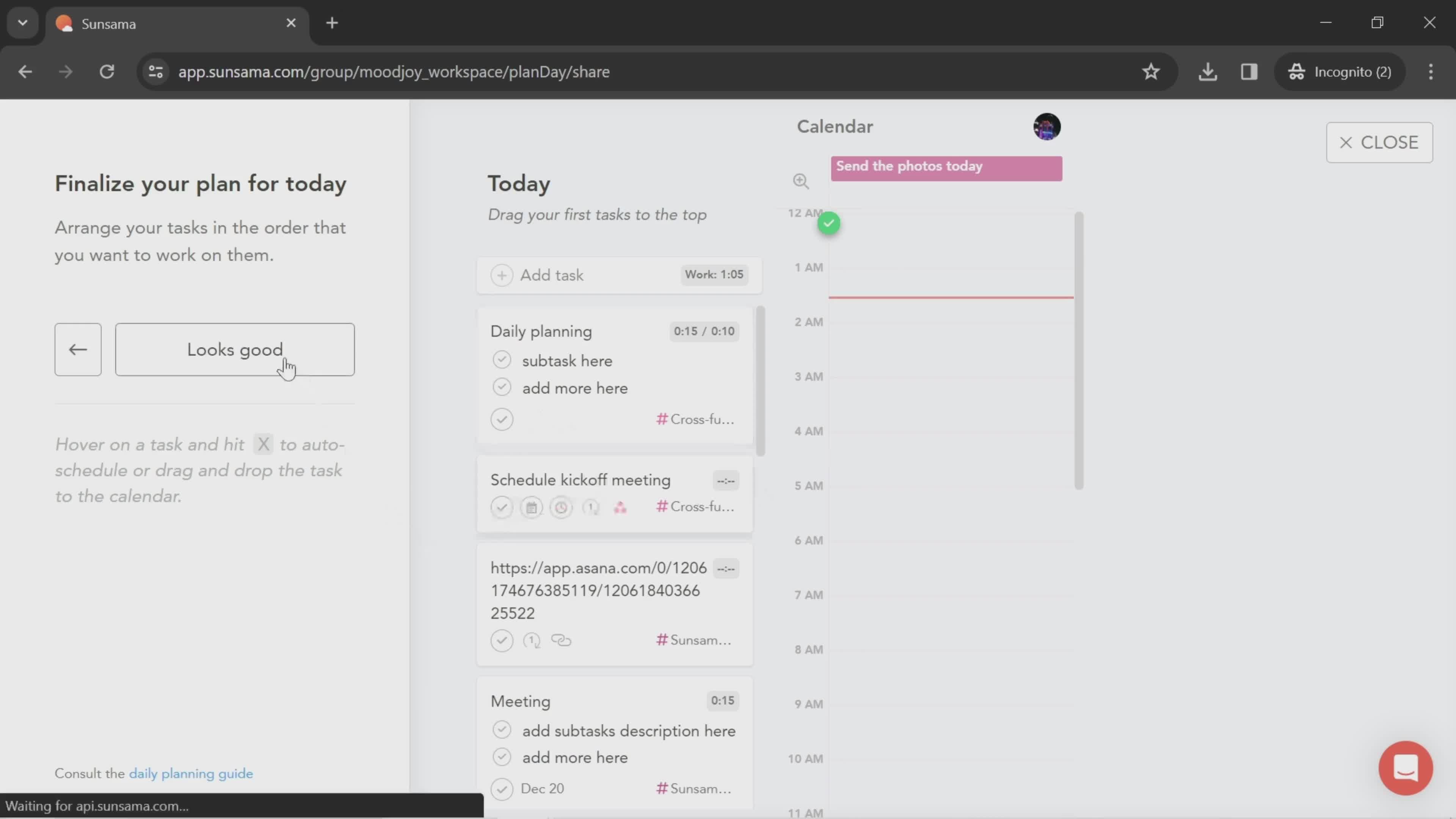
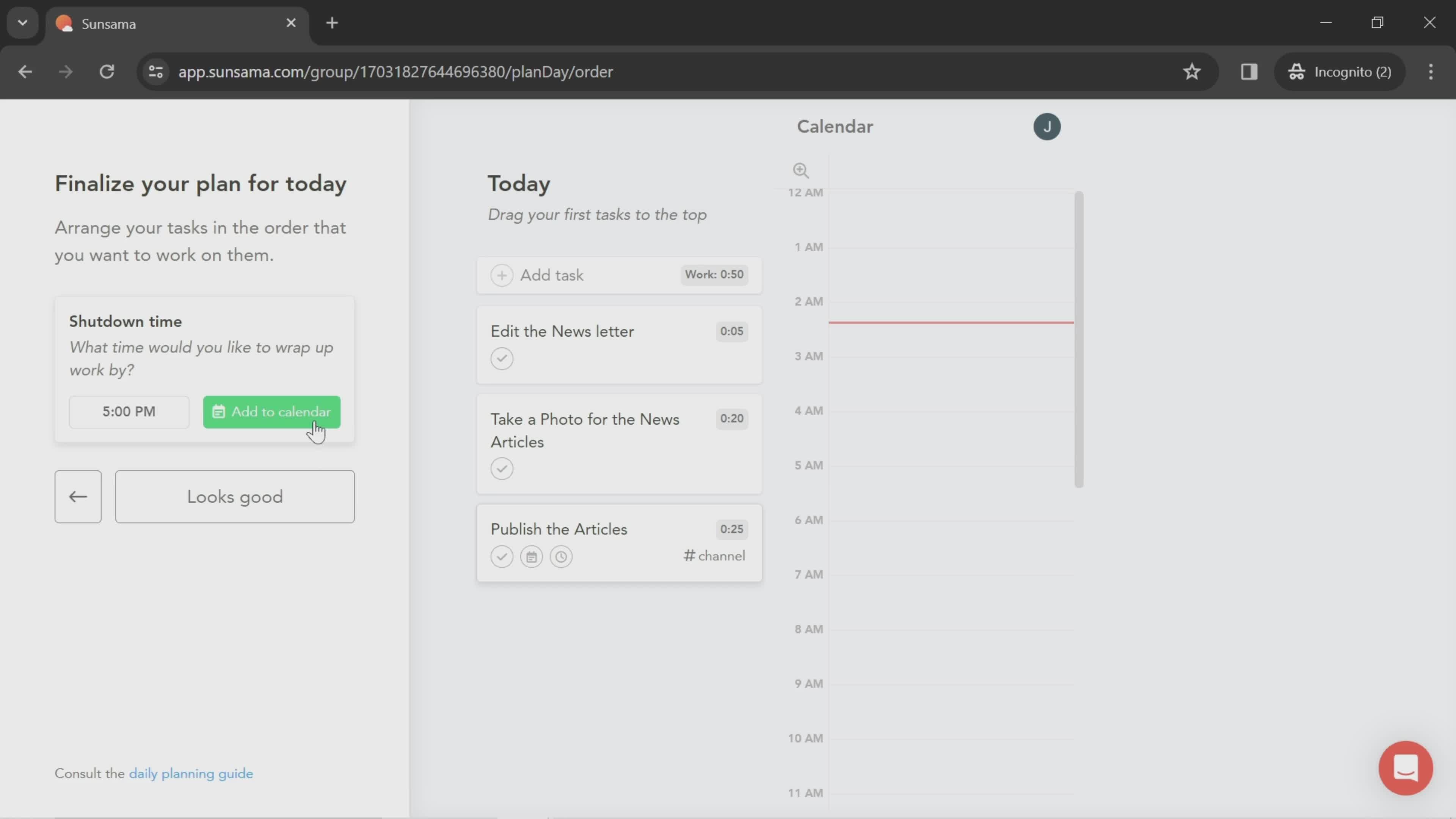
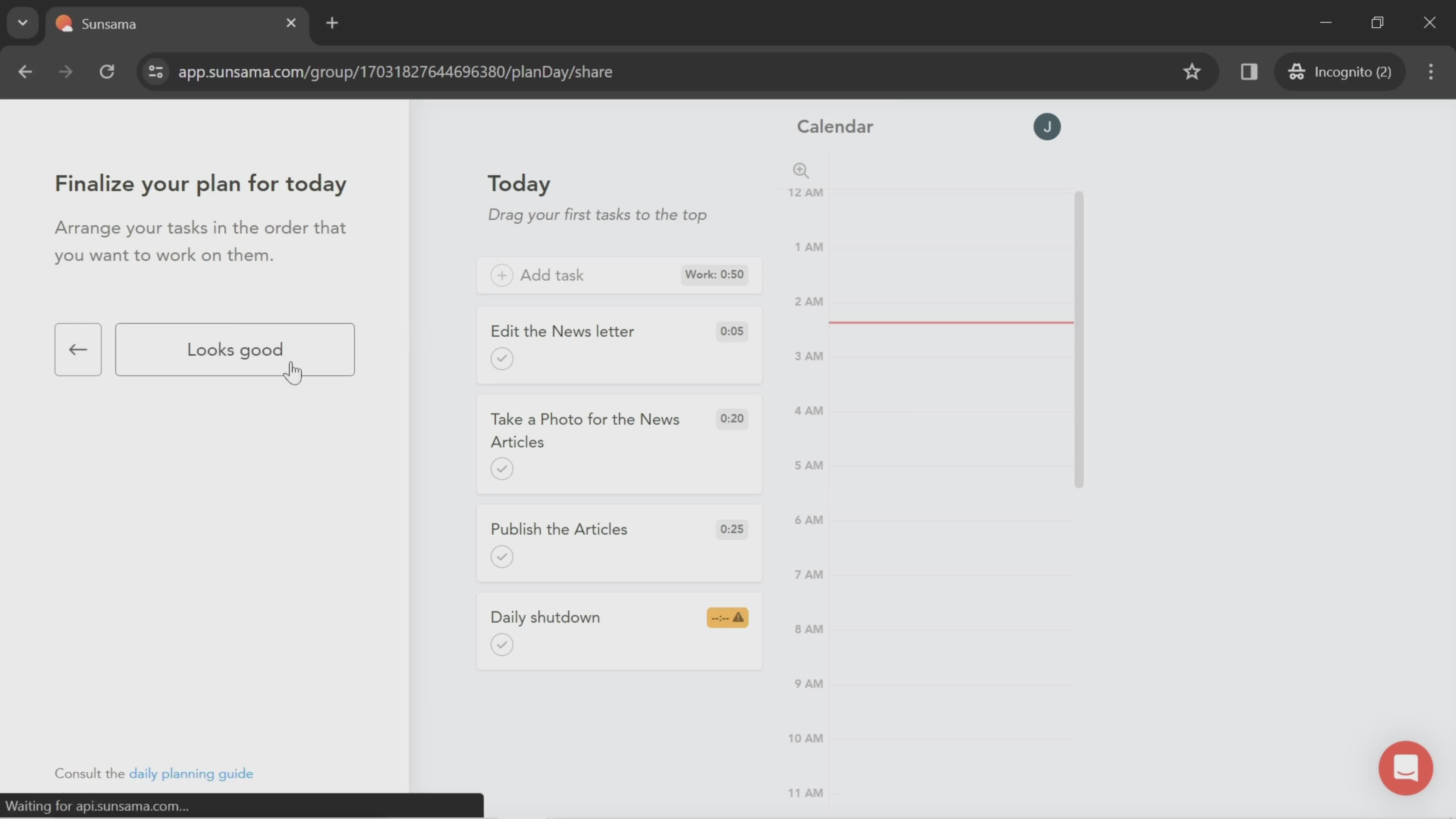
Finalize
this is title
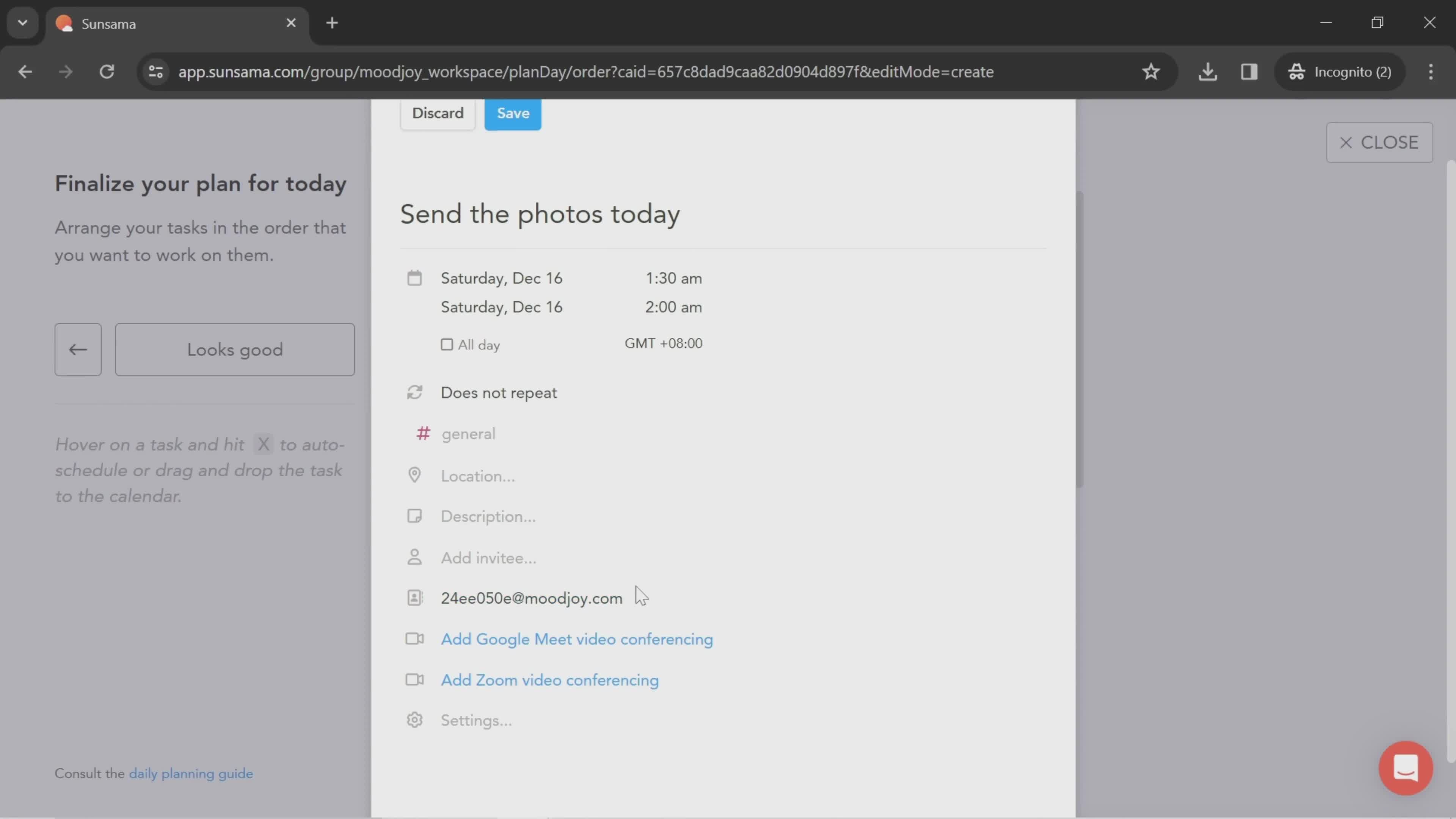
Task details
this is title
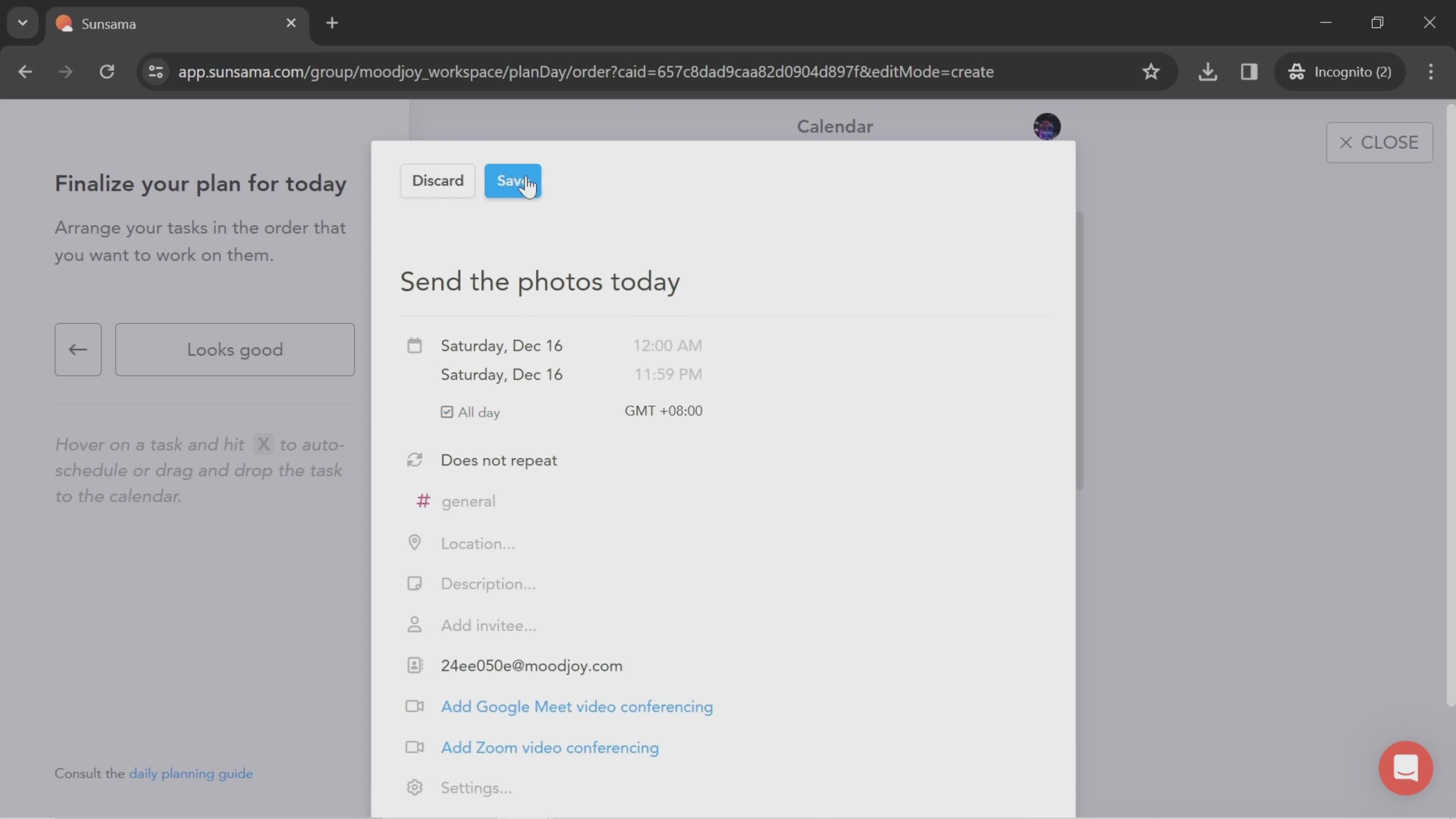
Save
this is title
Continue
this is title
Daily plan
this is title
Continue
this is title
Select channel
this is title
Dashboard
this is title
Workspace menu
this is title
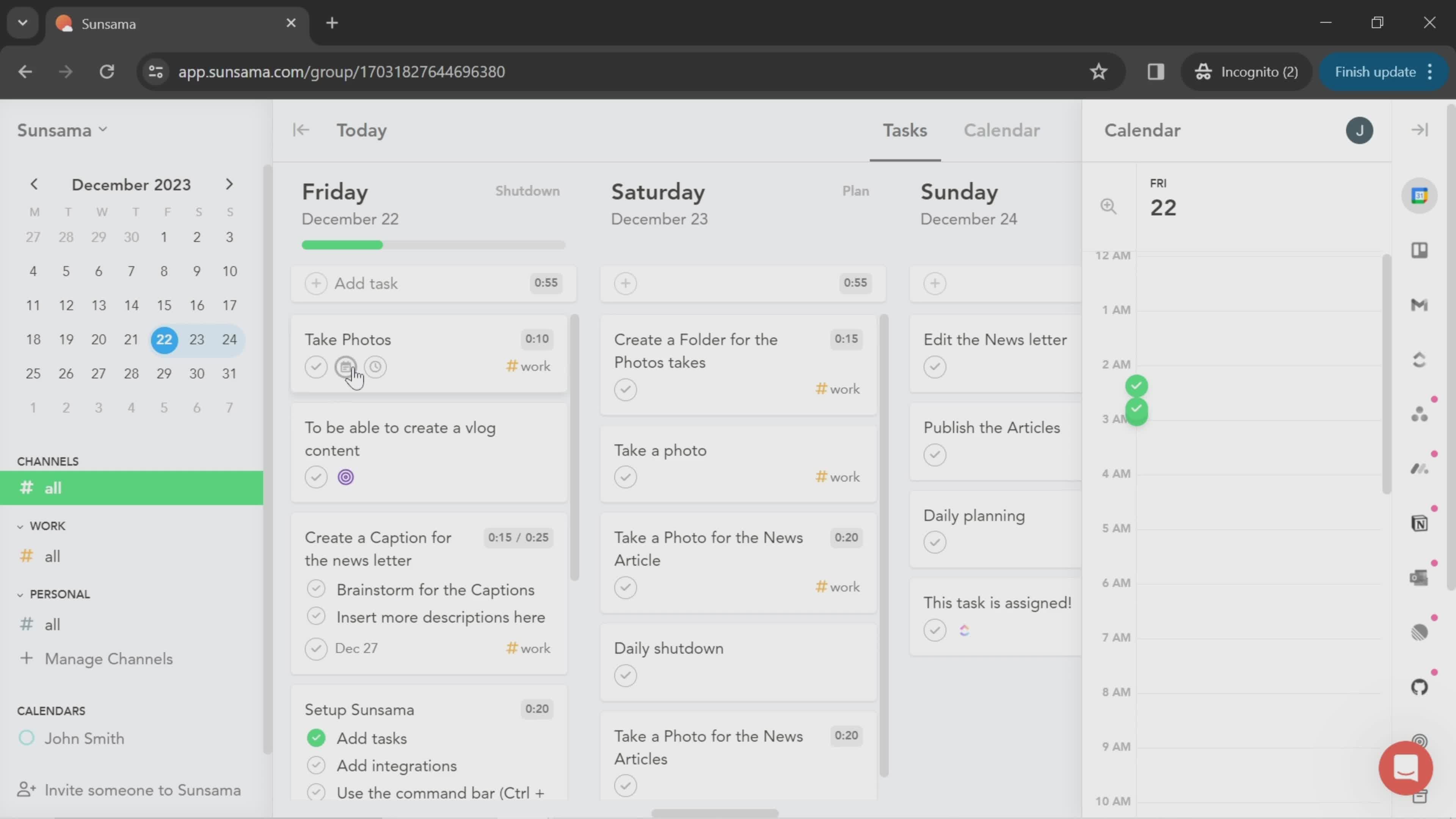
Review task
this is title
Add task
this is title
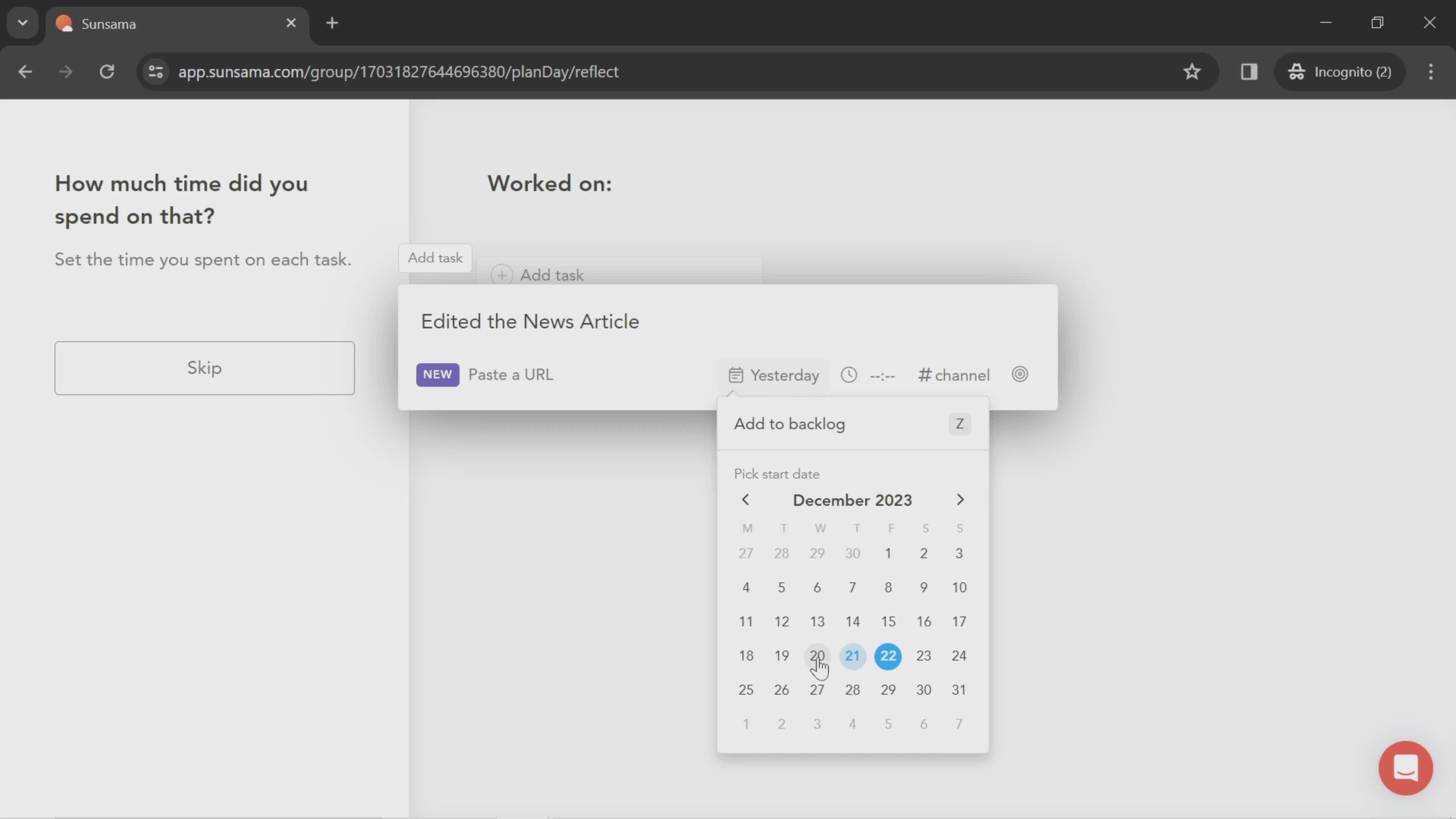
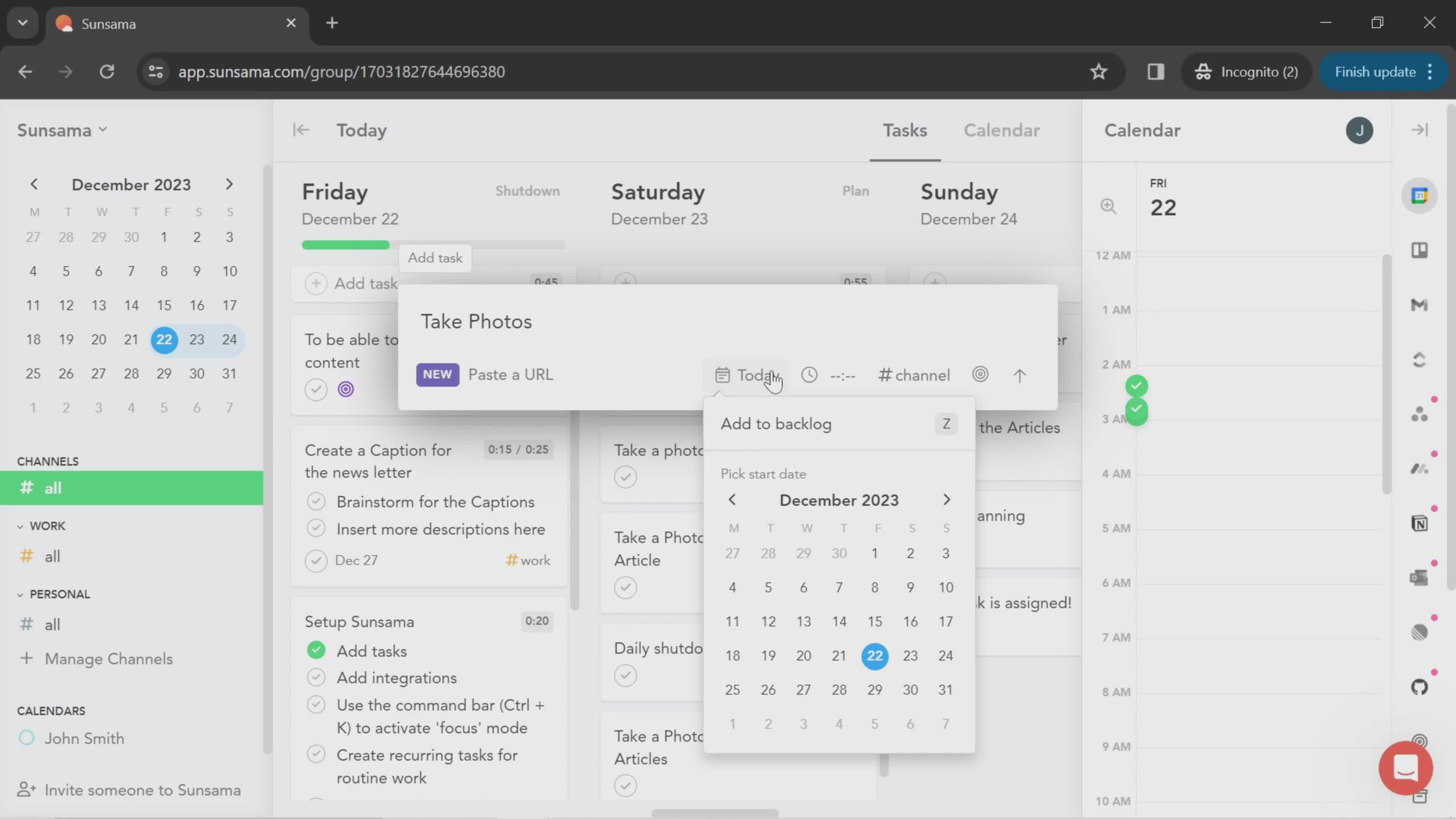
Select start date
this is title
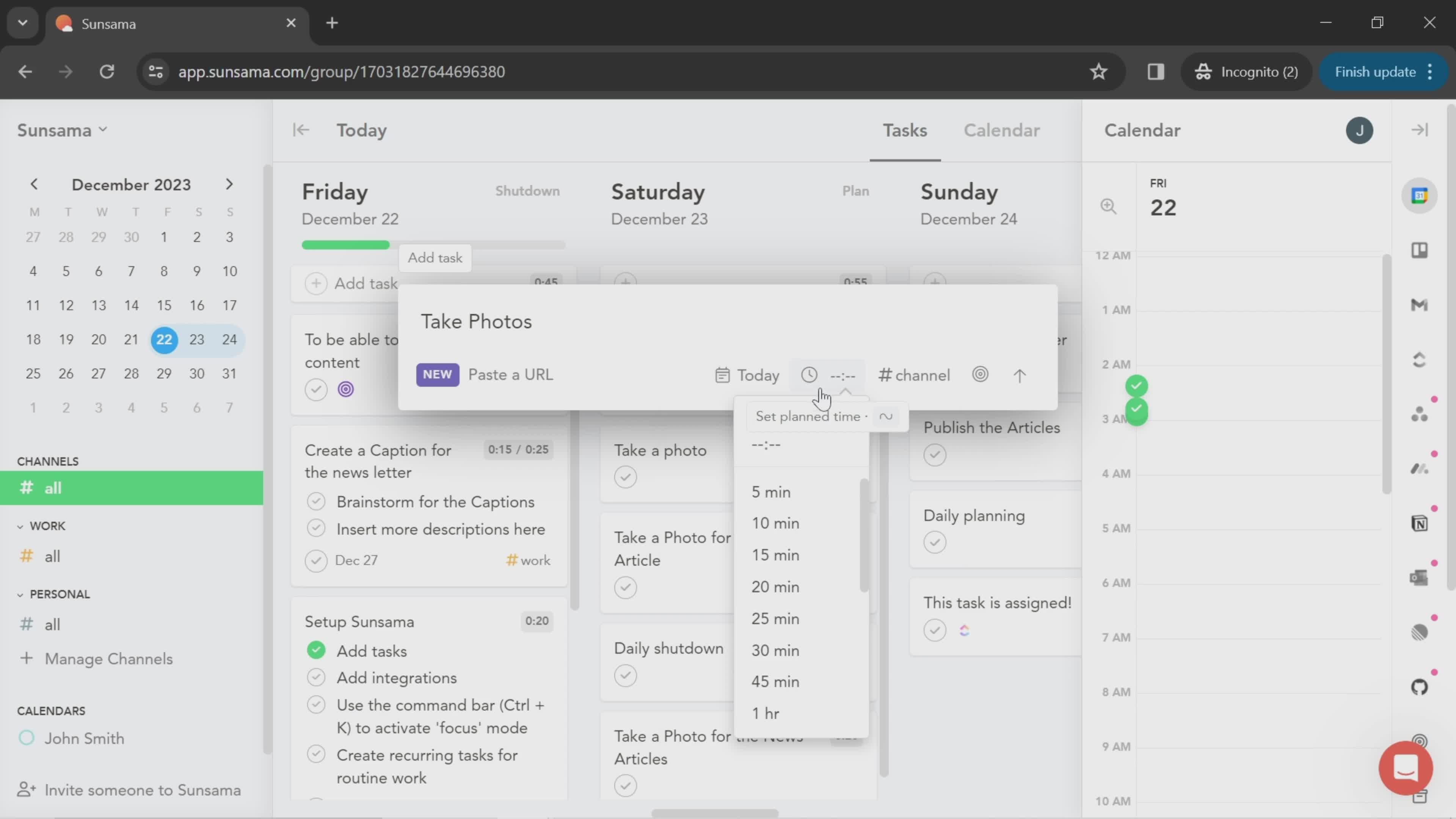
Set time
this is title
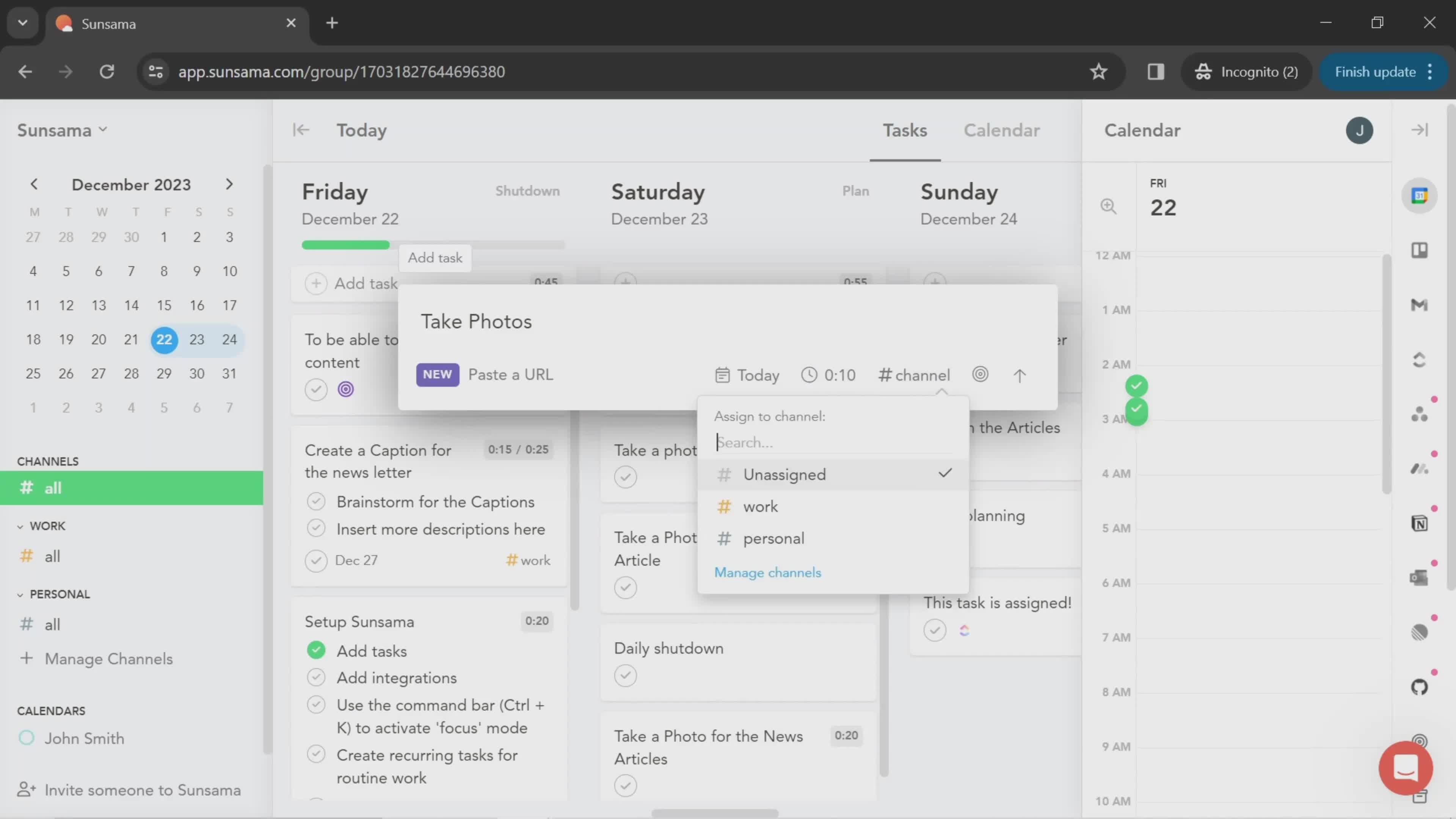
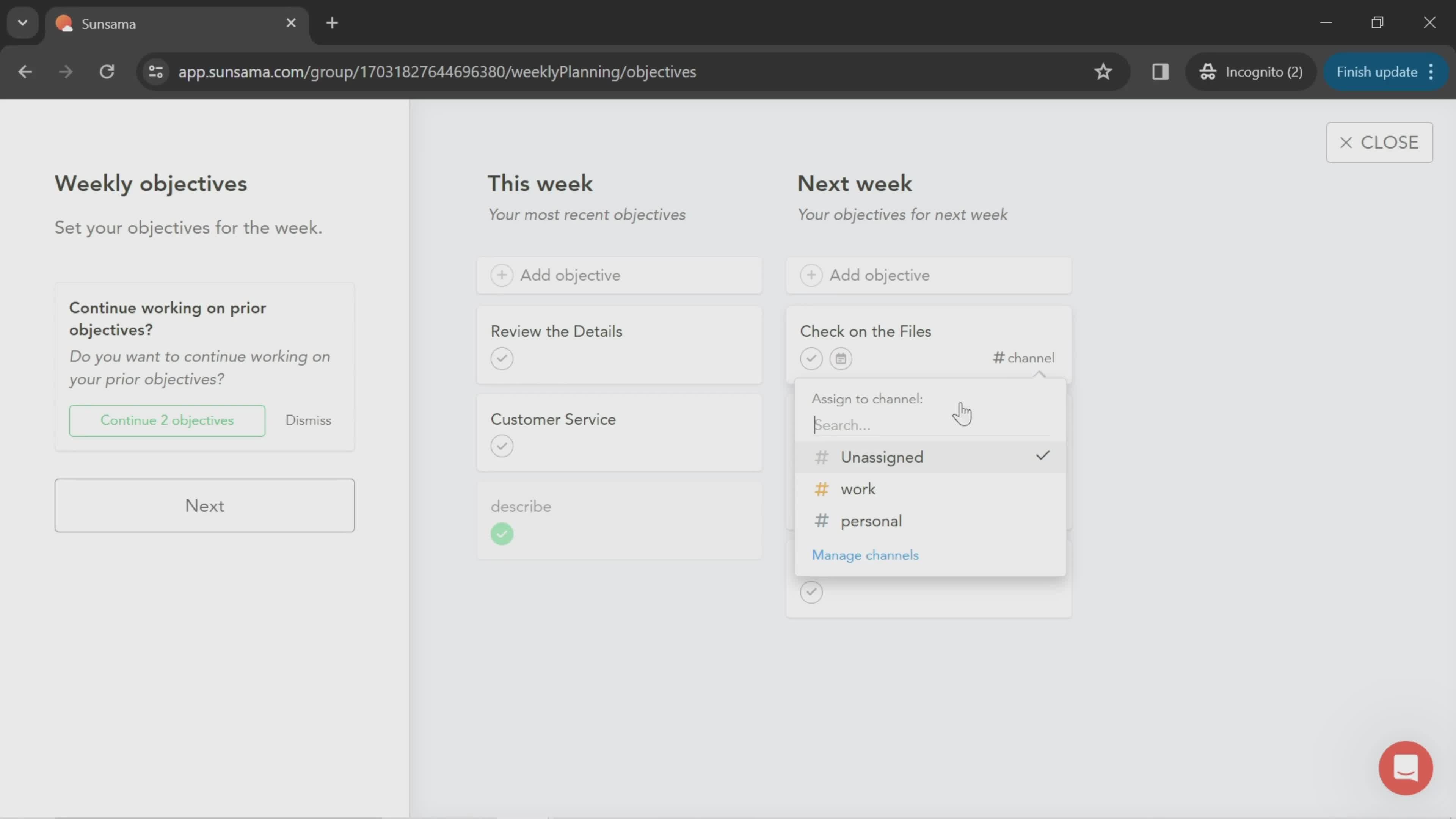
Select channel
this is title
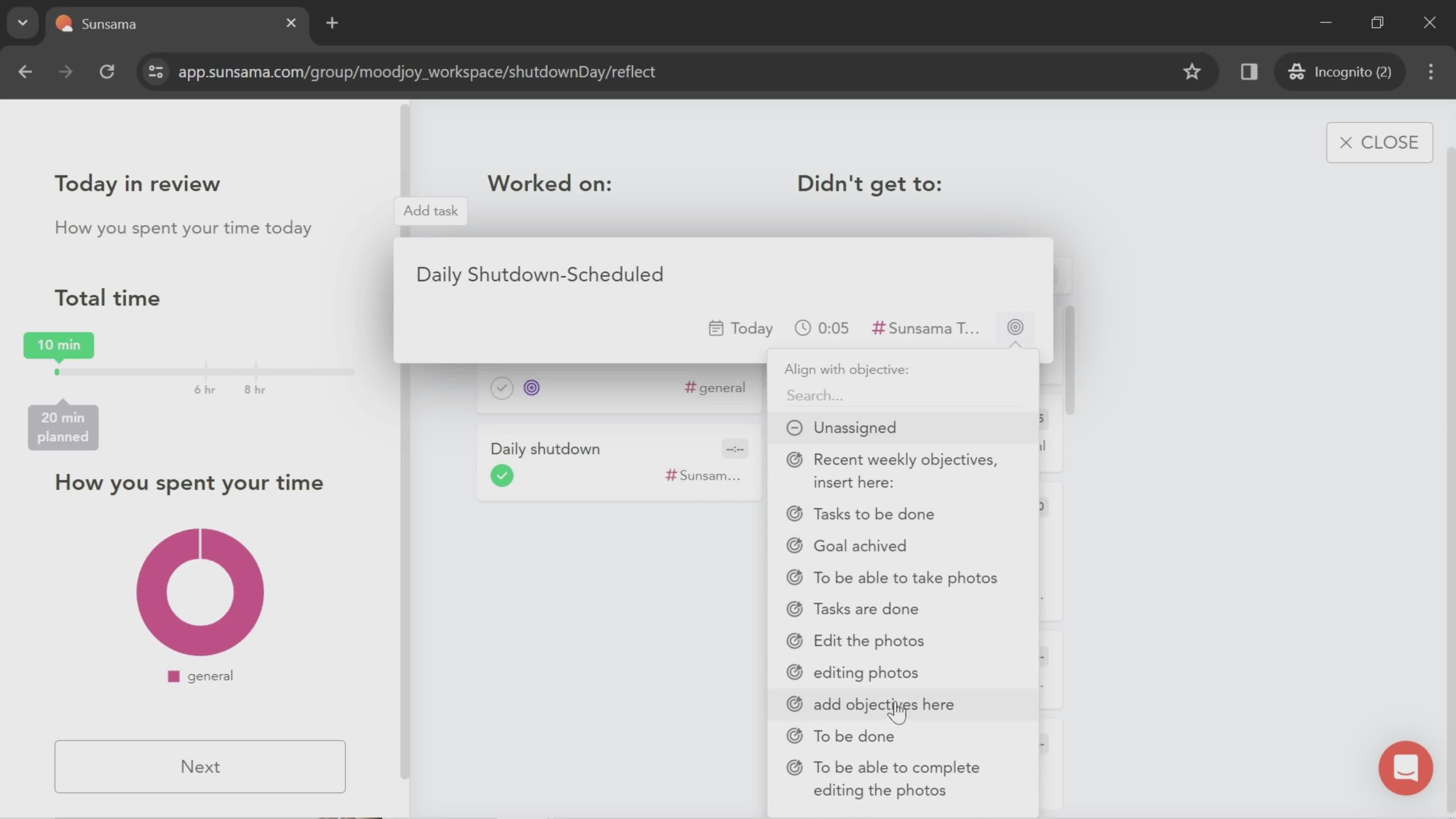
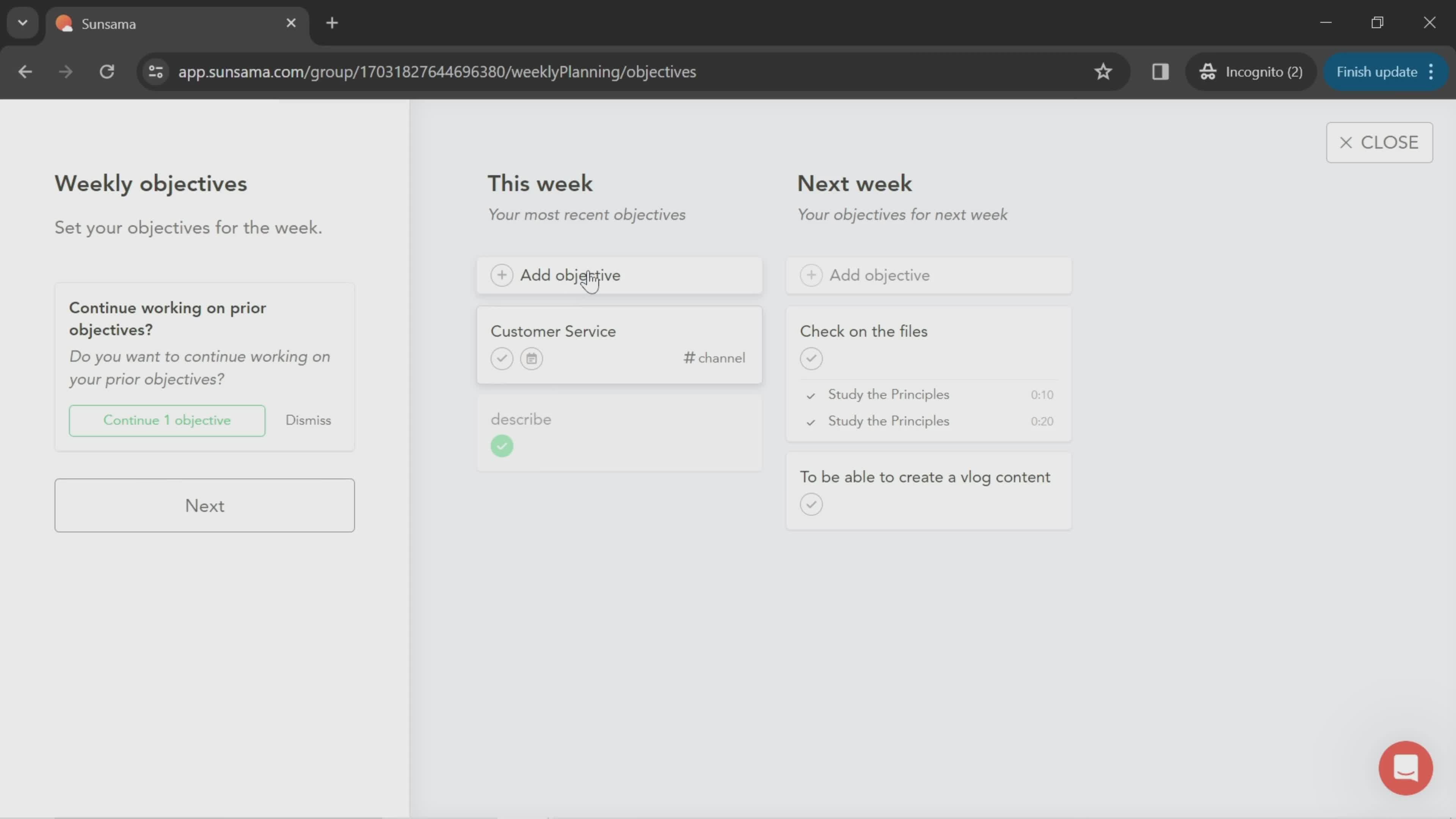
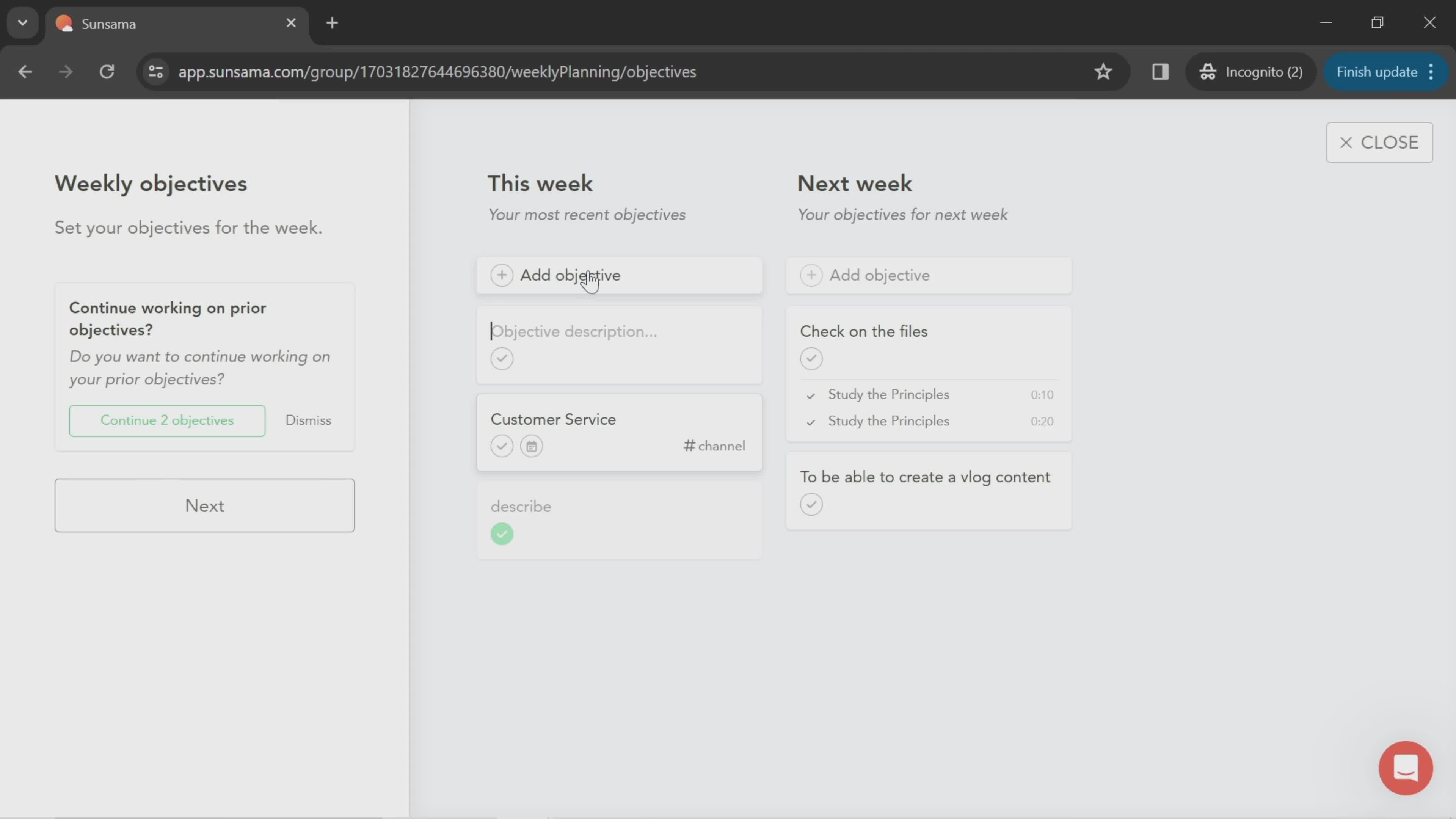
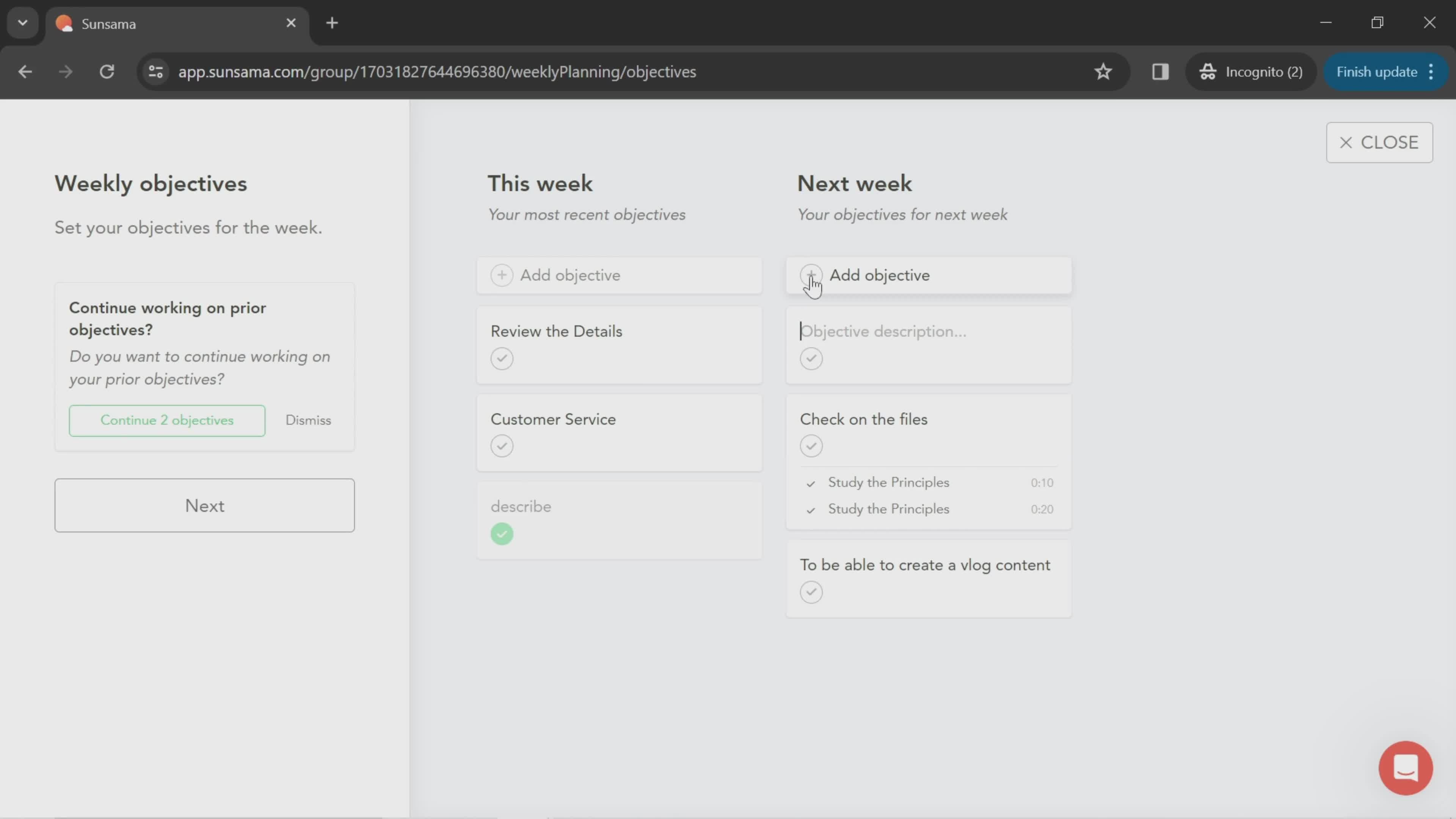
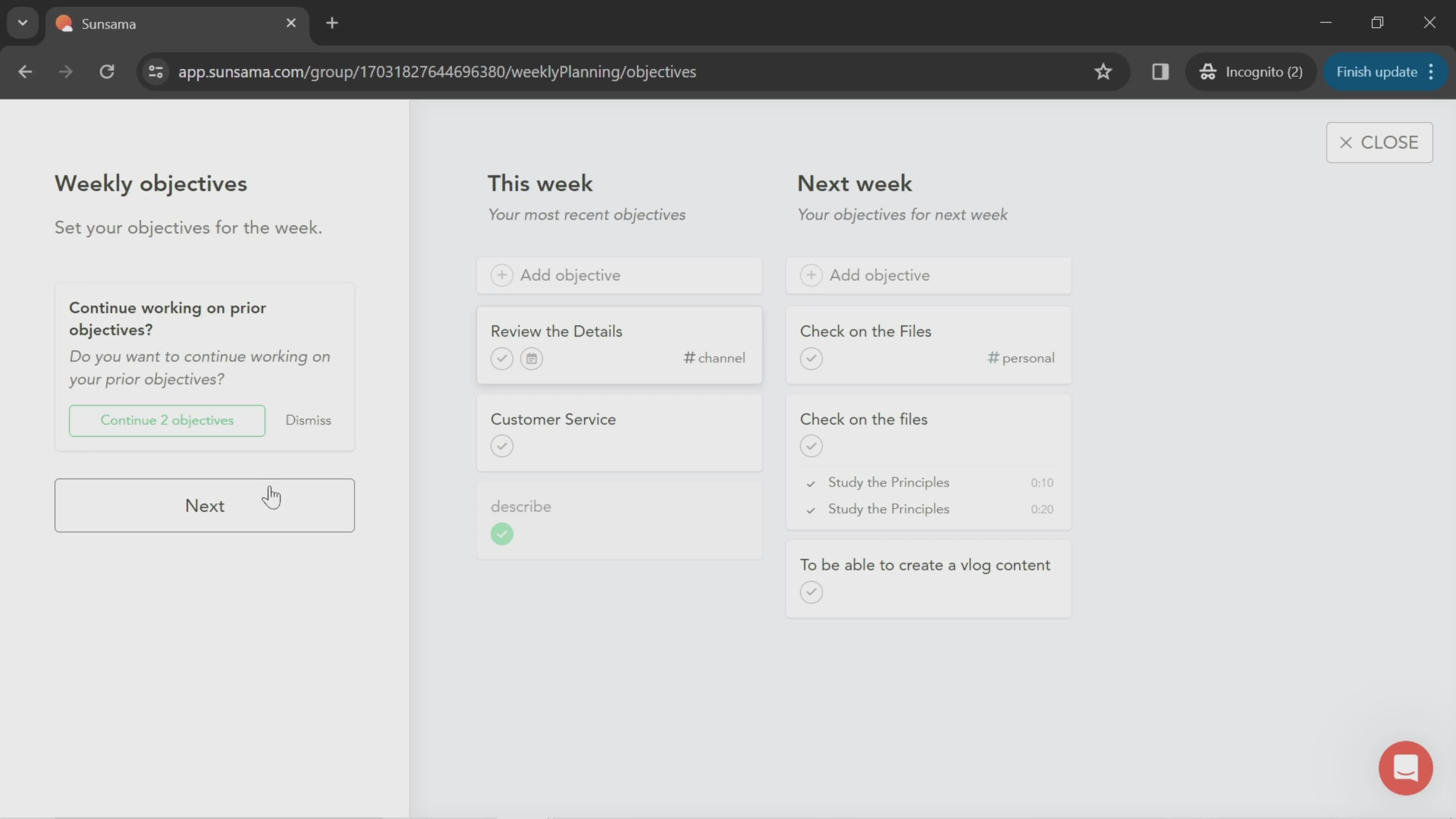
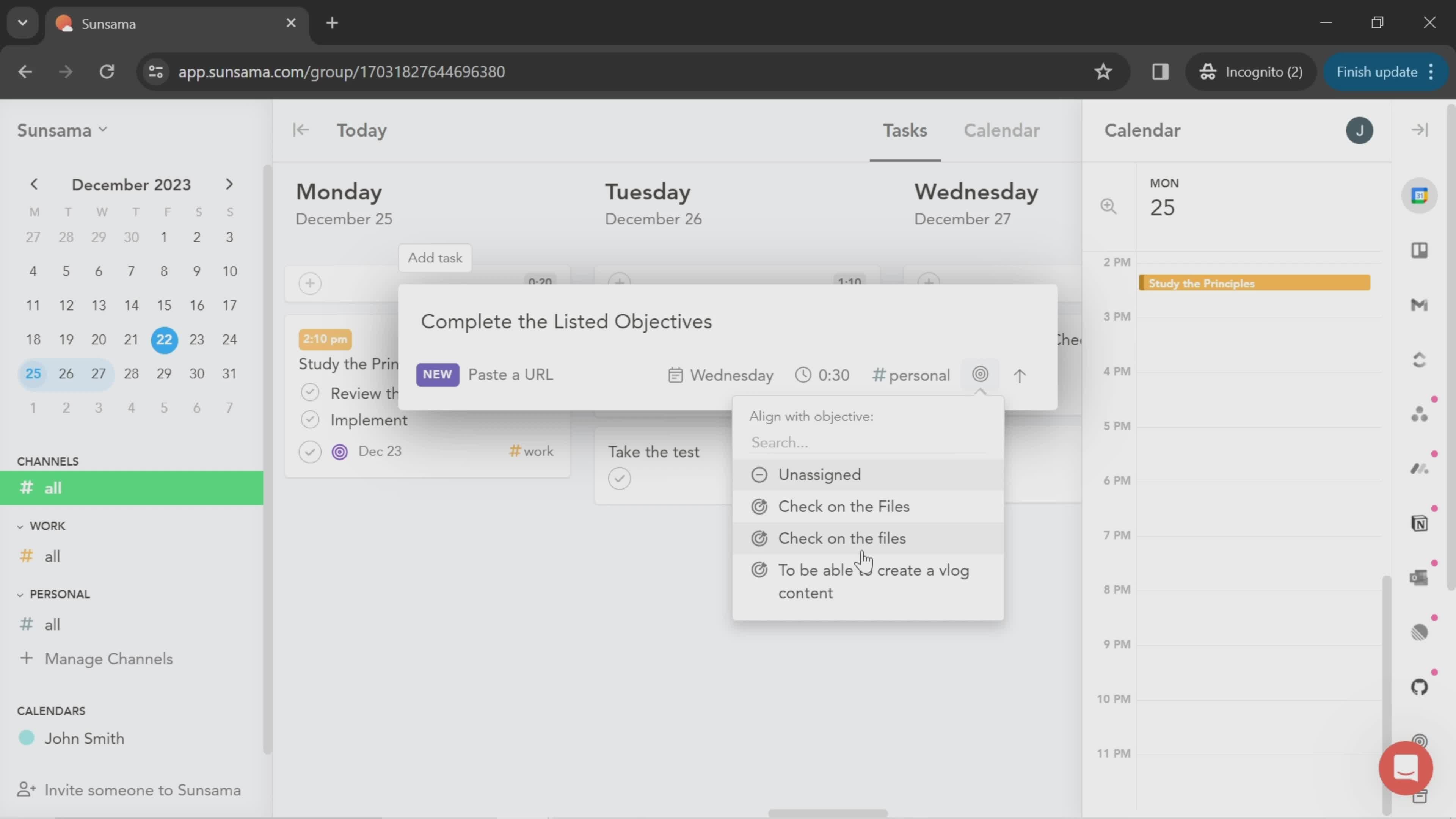
Add objective
this is title
Next
this is title
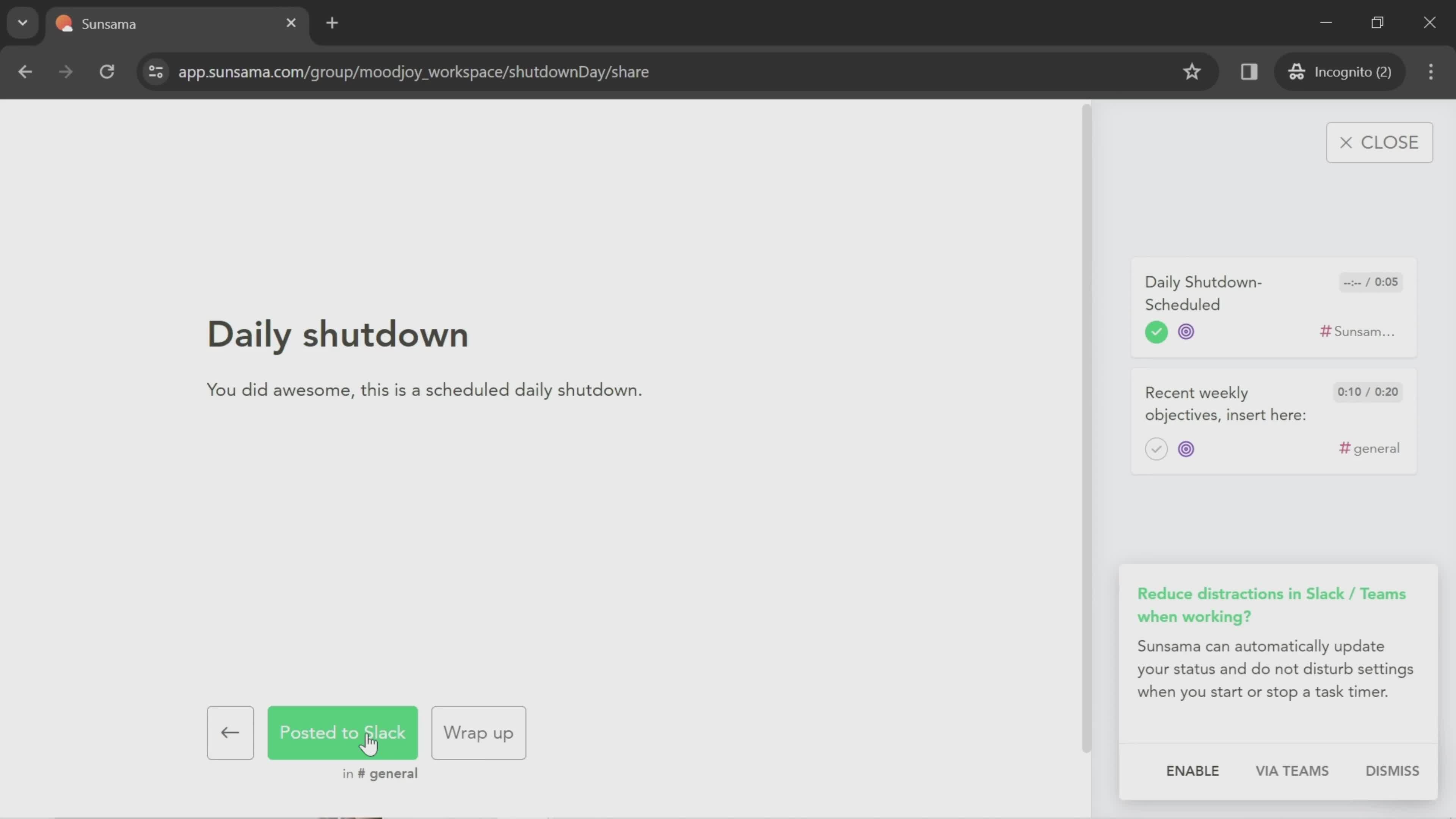
Scheduled
this is title
this is title
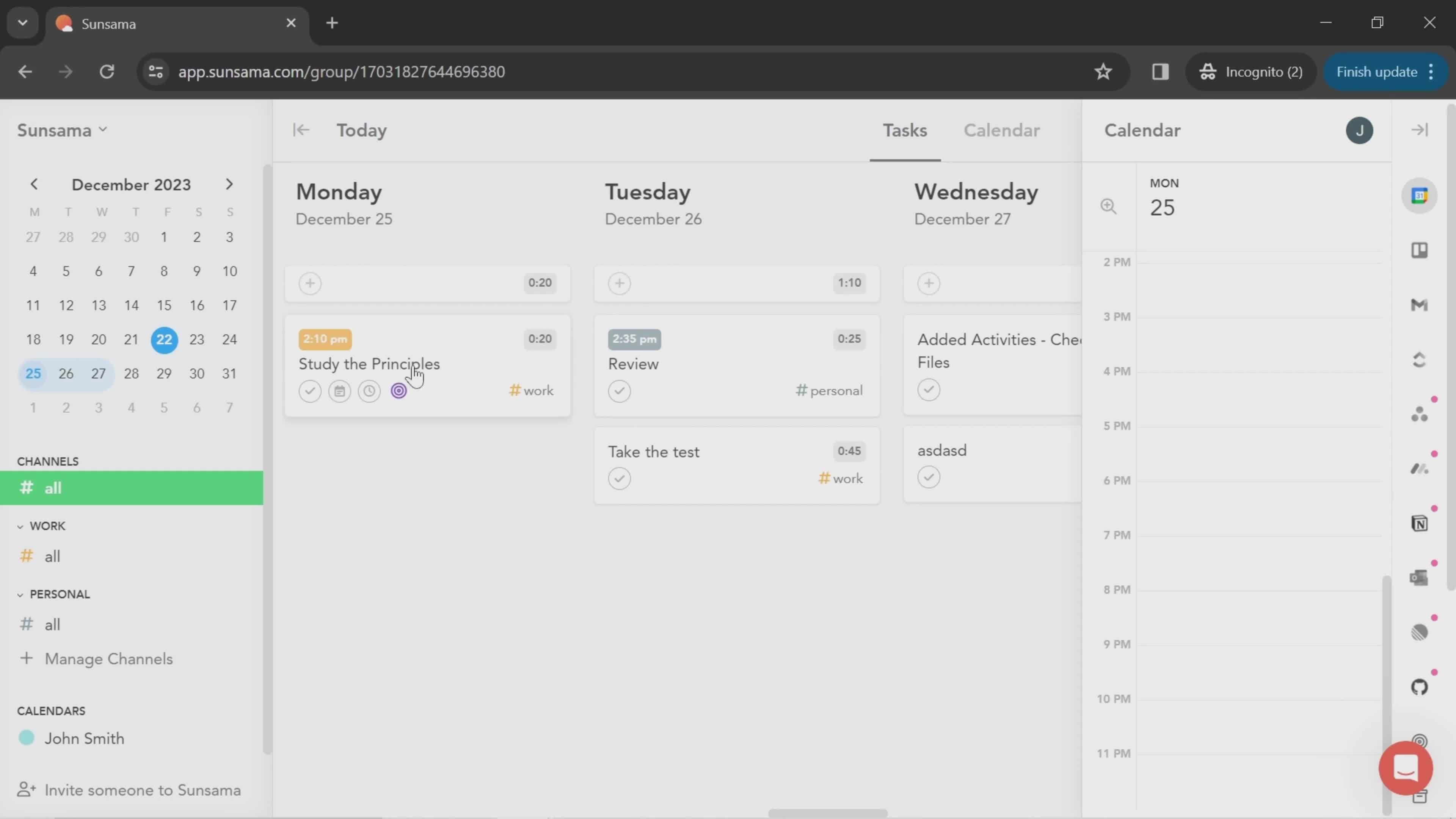
Tasks
this is title
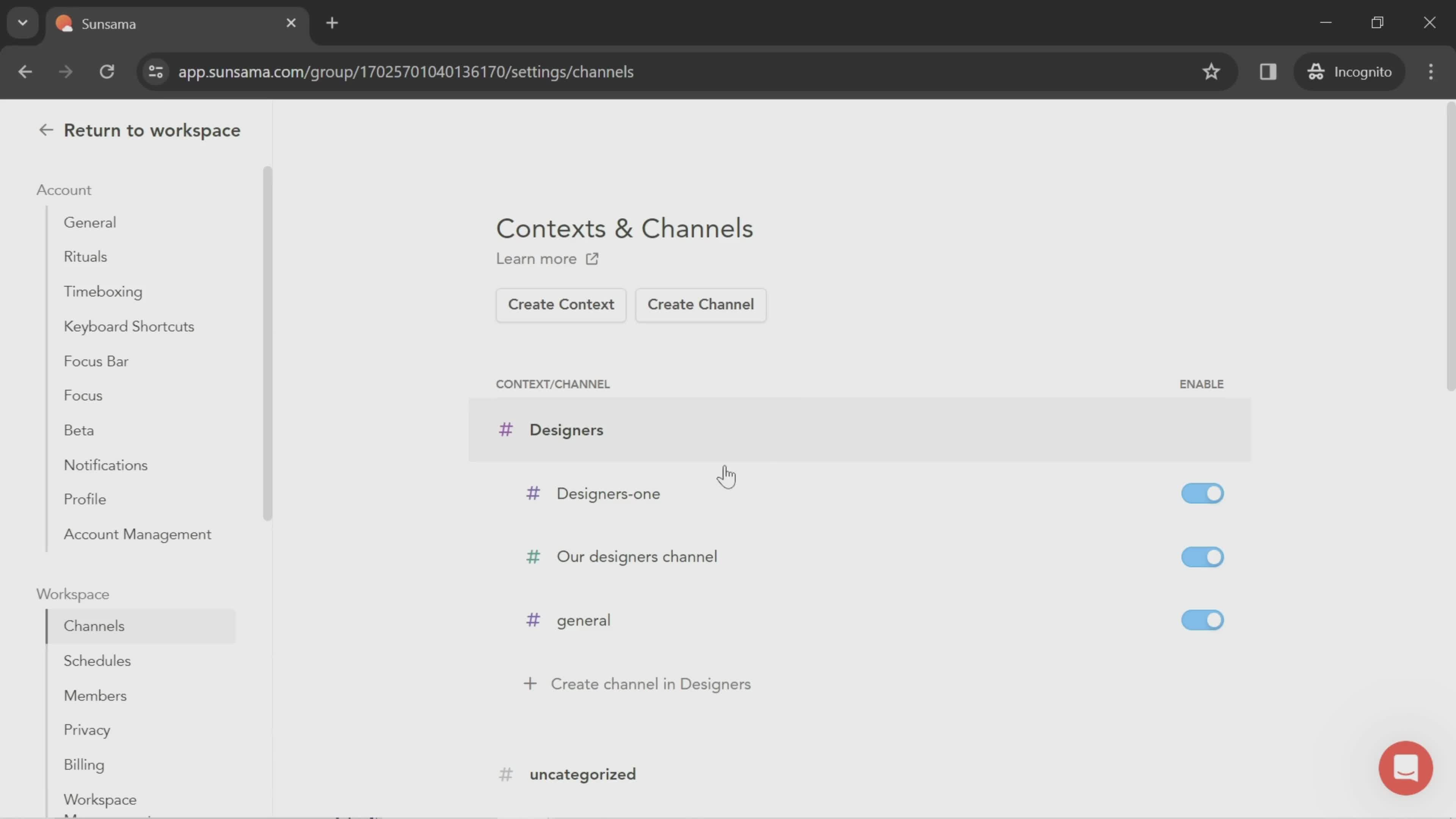
Channels
this is title
Channel details
this is title
Delete channel
this is title
Deleted
this is title
Tasks
this is title
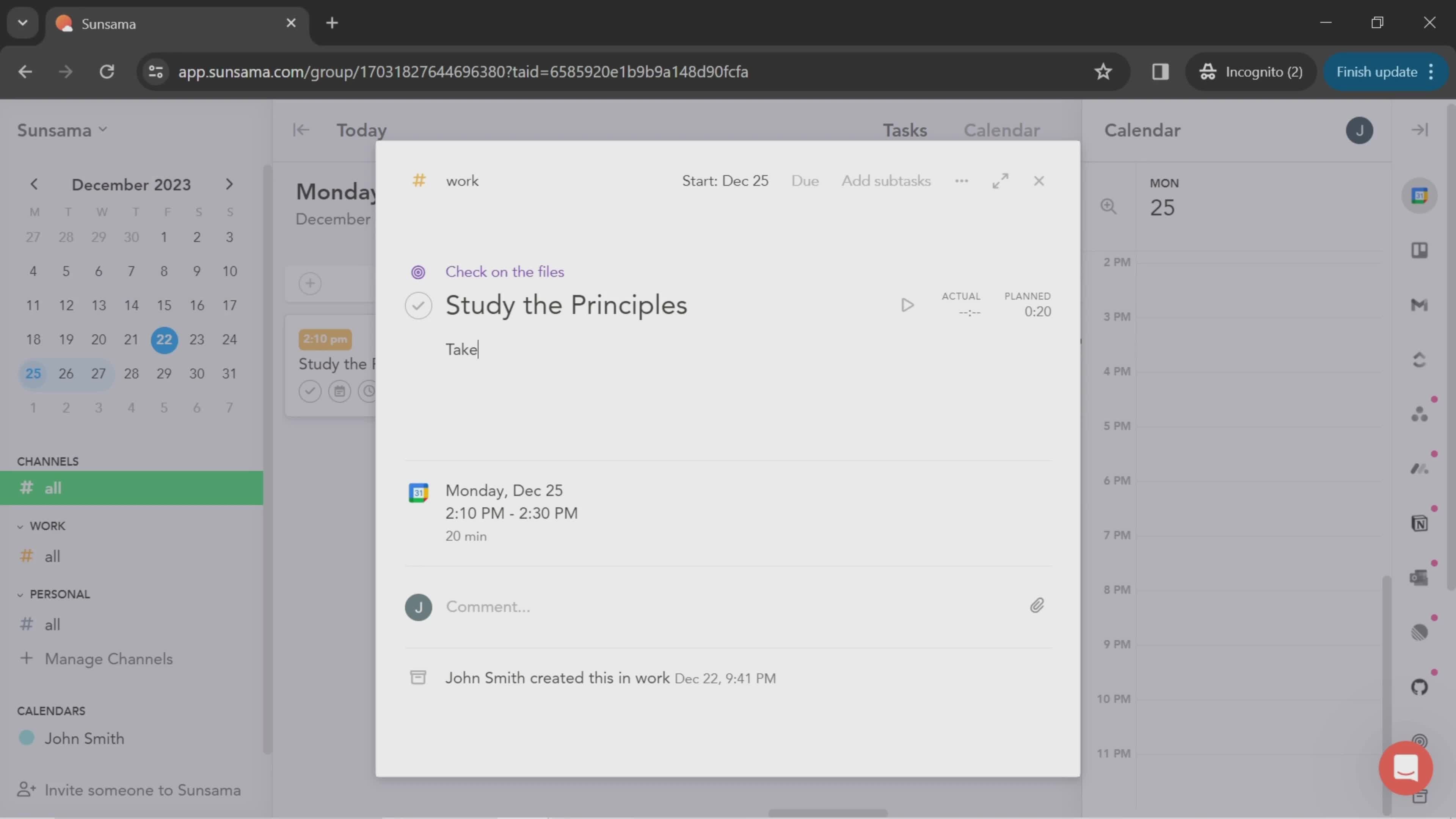
Task details
this is title
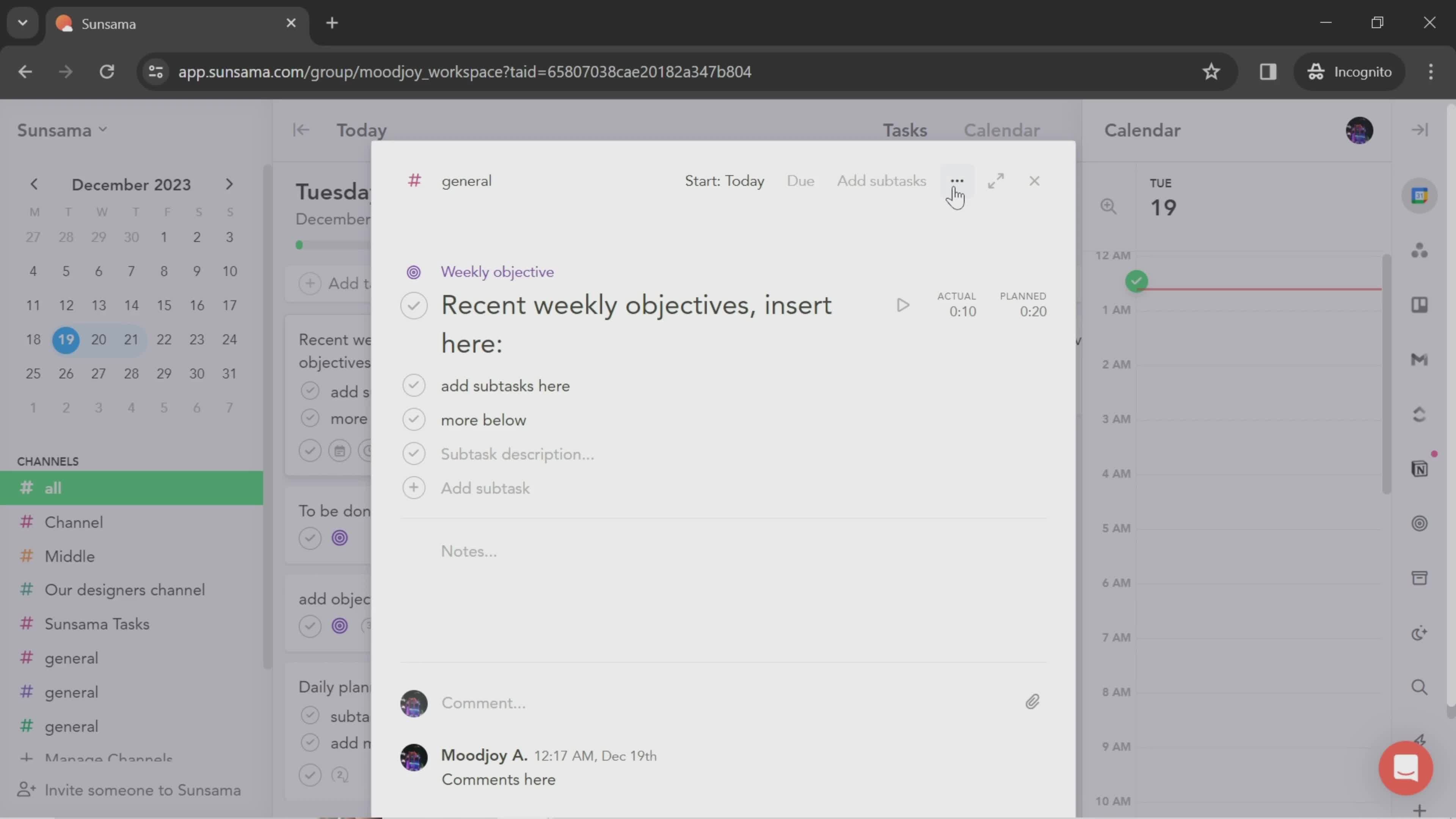
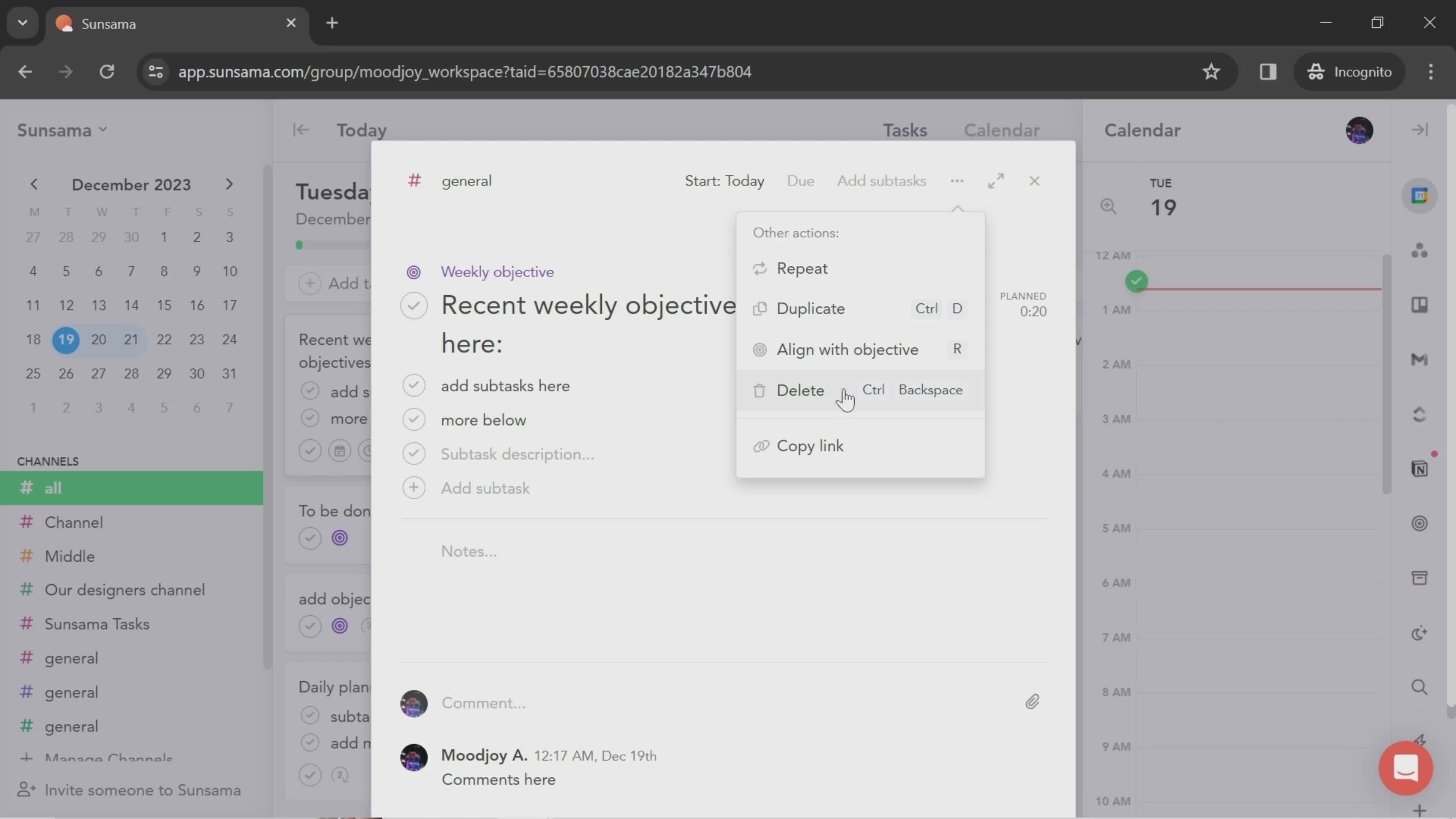
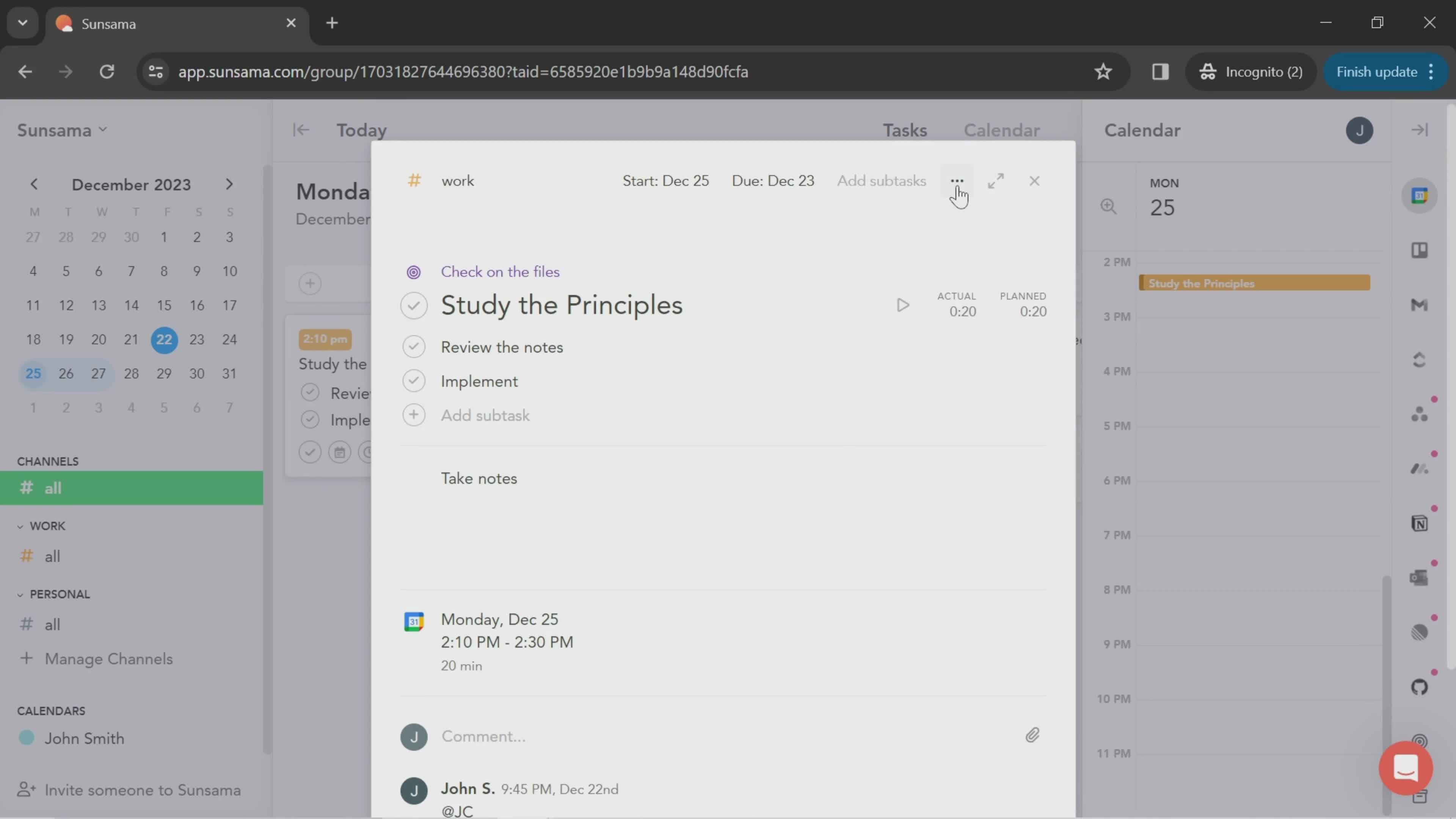
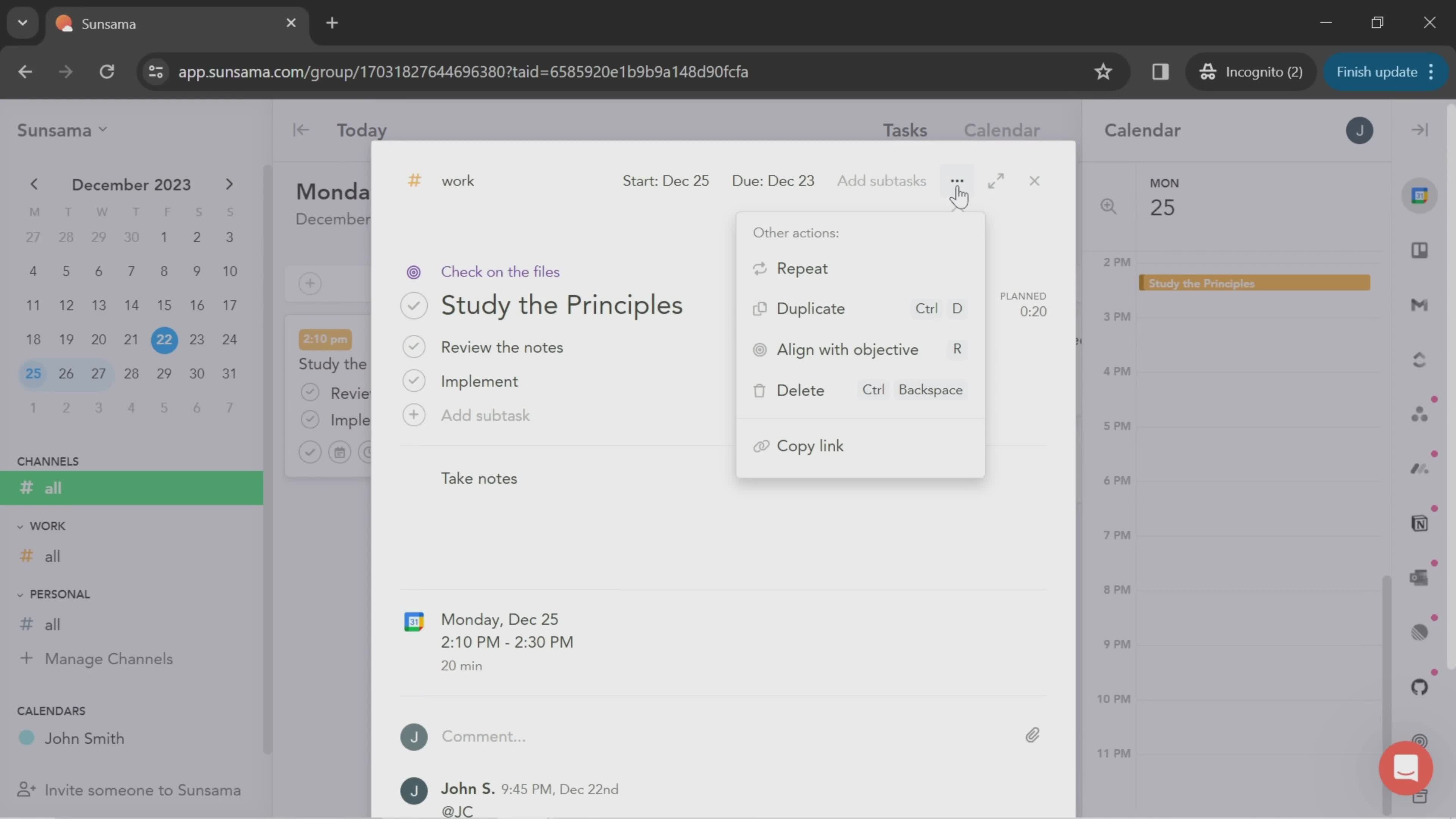
Action menu
this is title
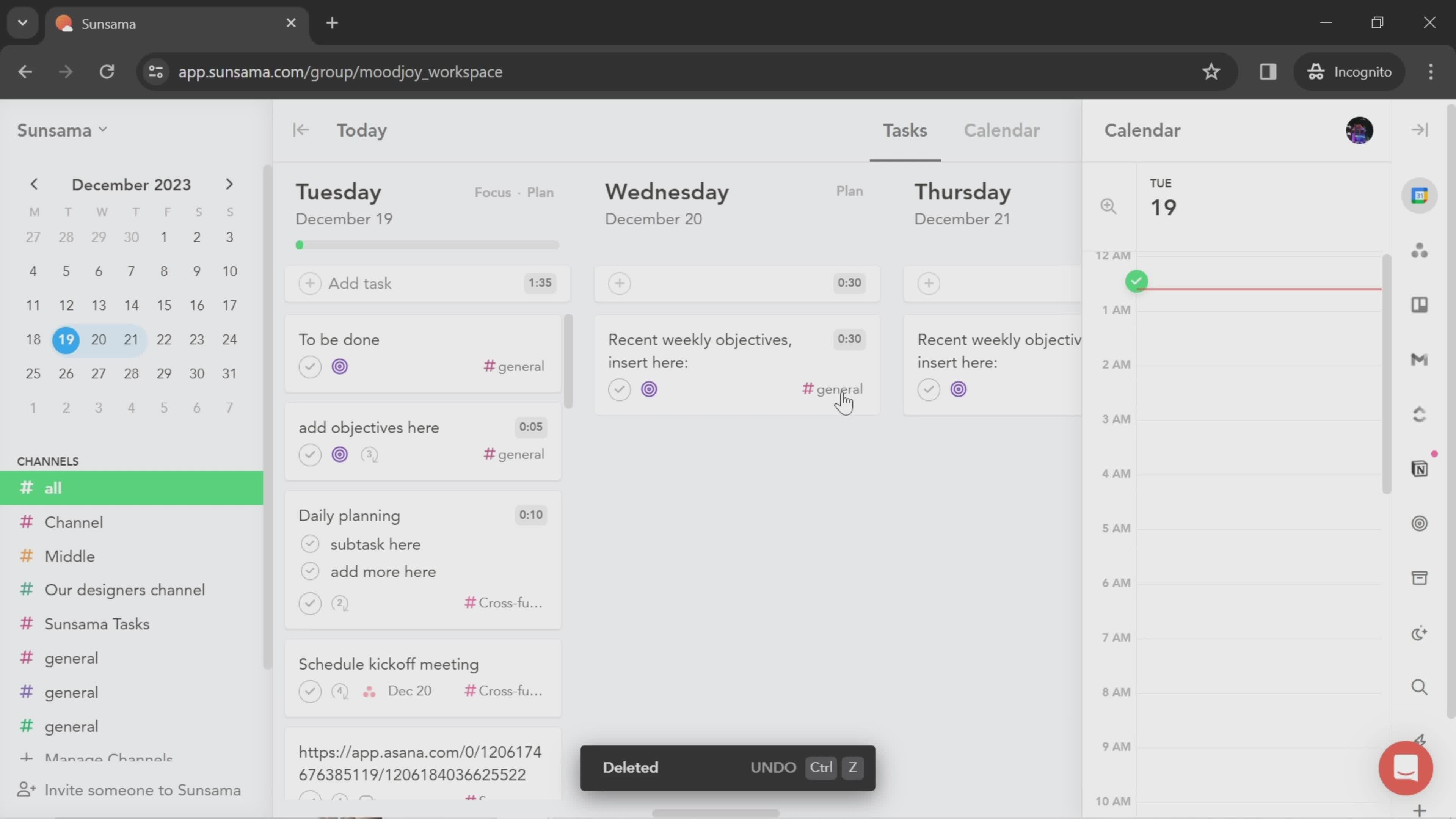
Deleted
this is title
Dashboard
this is title
Workspace menu
this is title
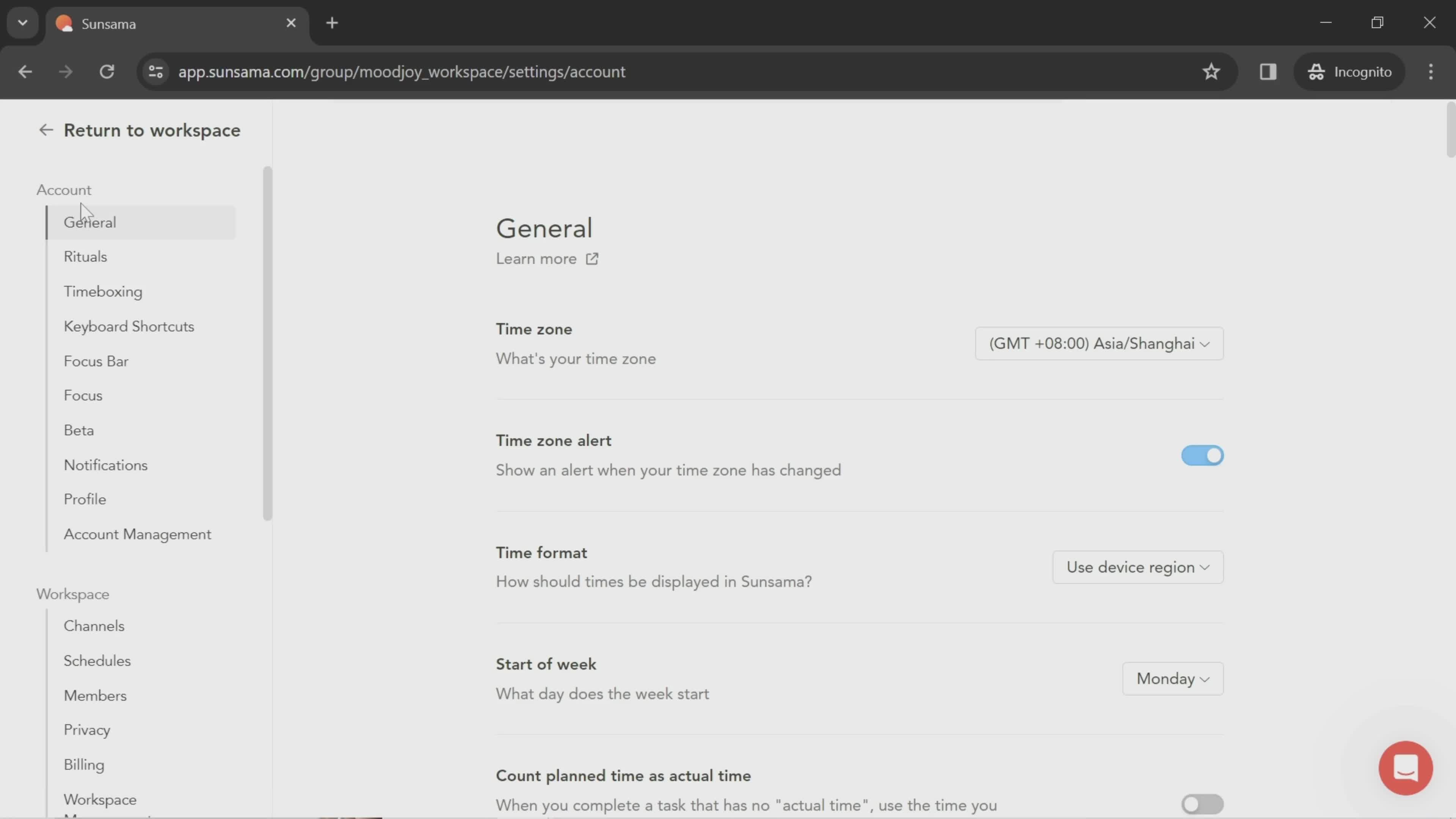
General Settings
this is title
Account settings
this is title
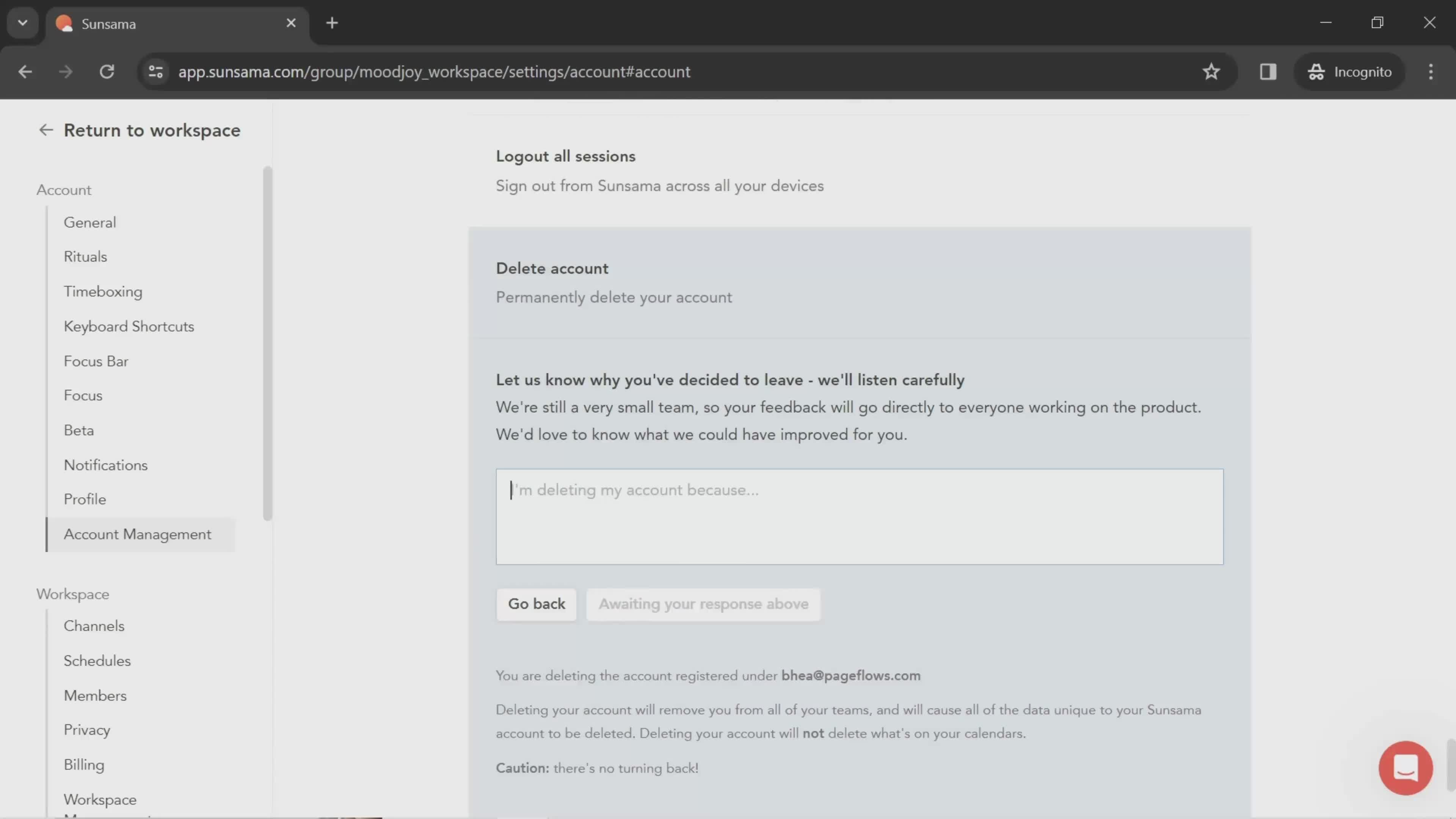
Add description
this is title
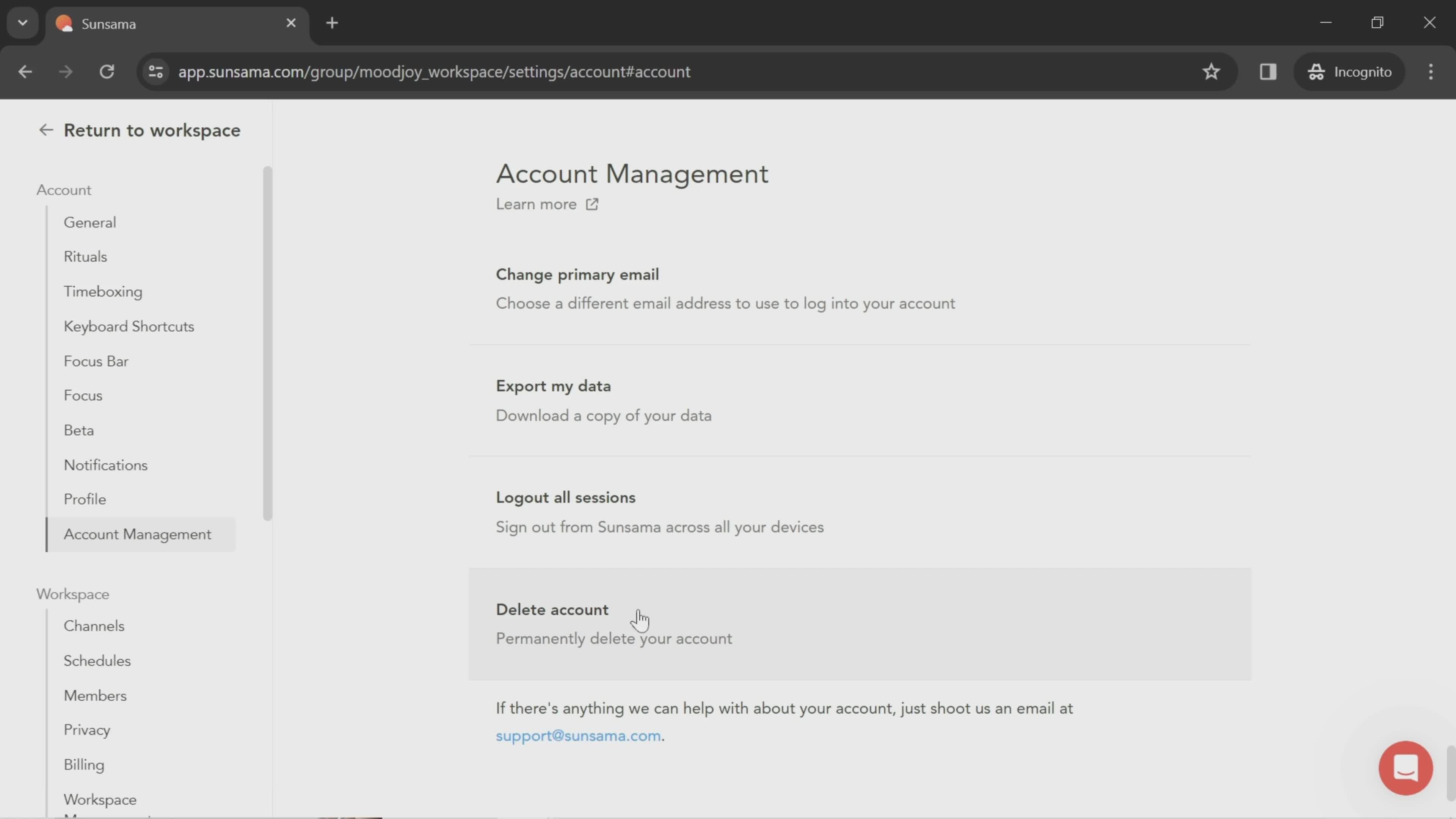
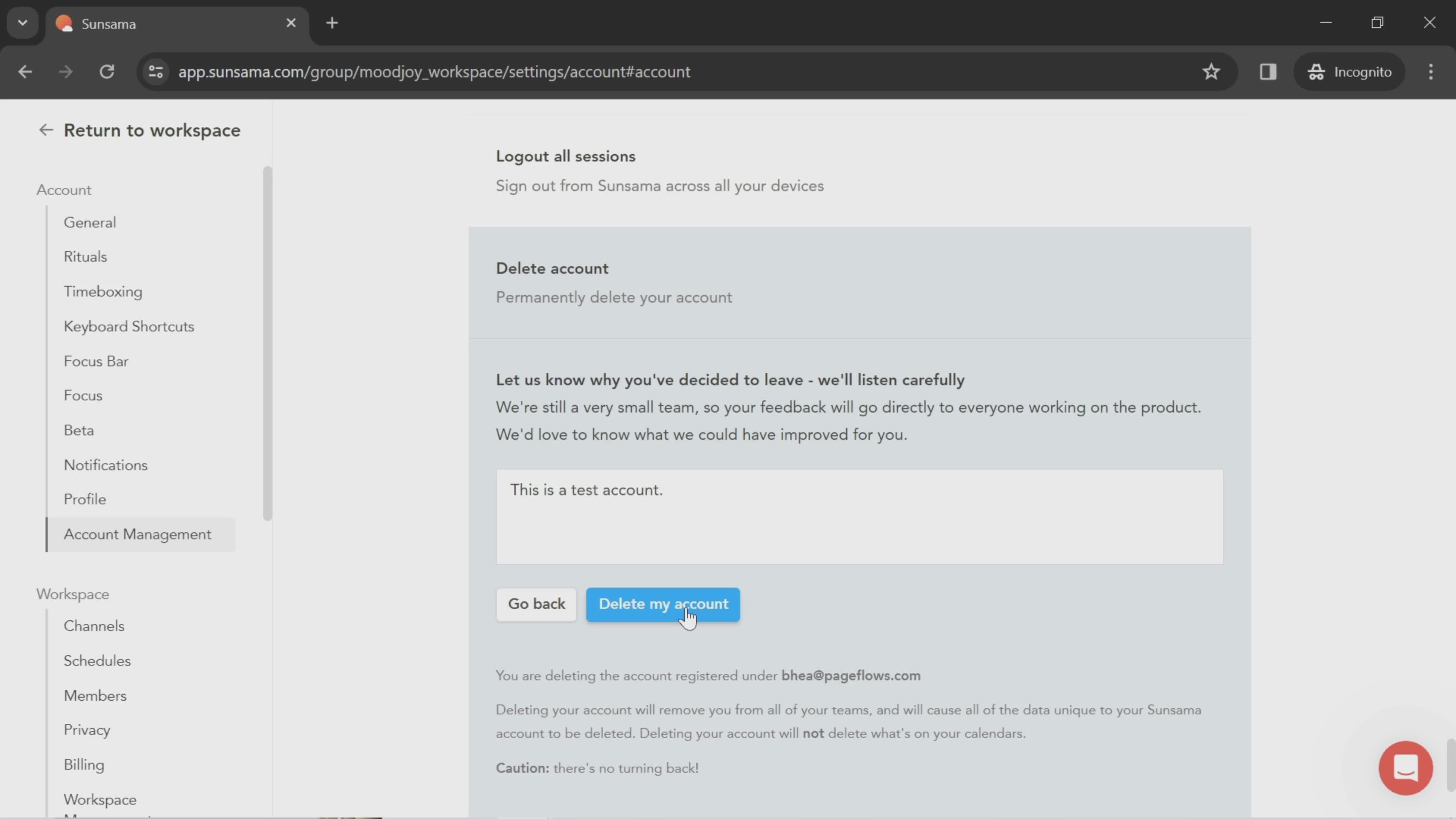
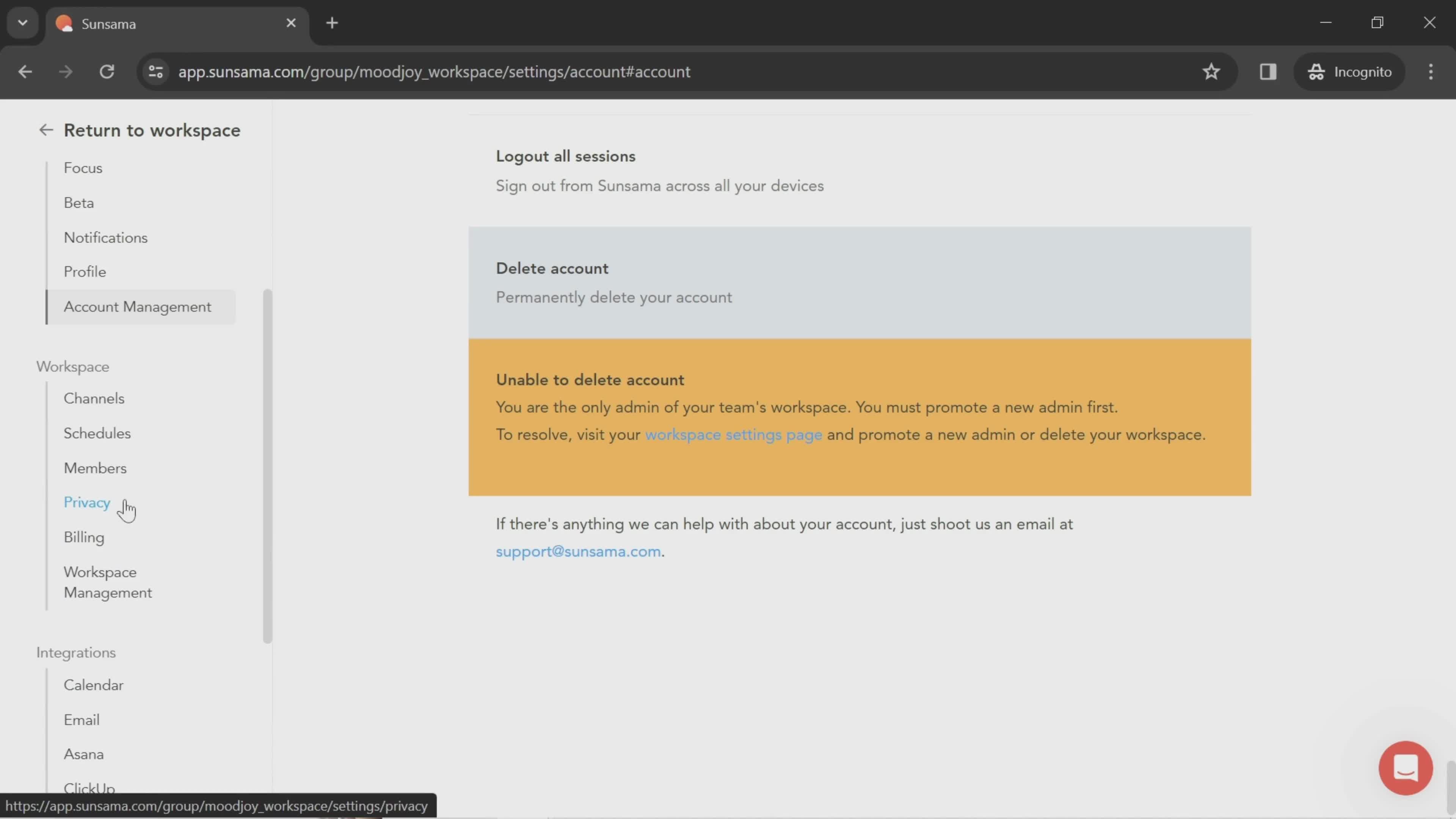
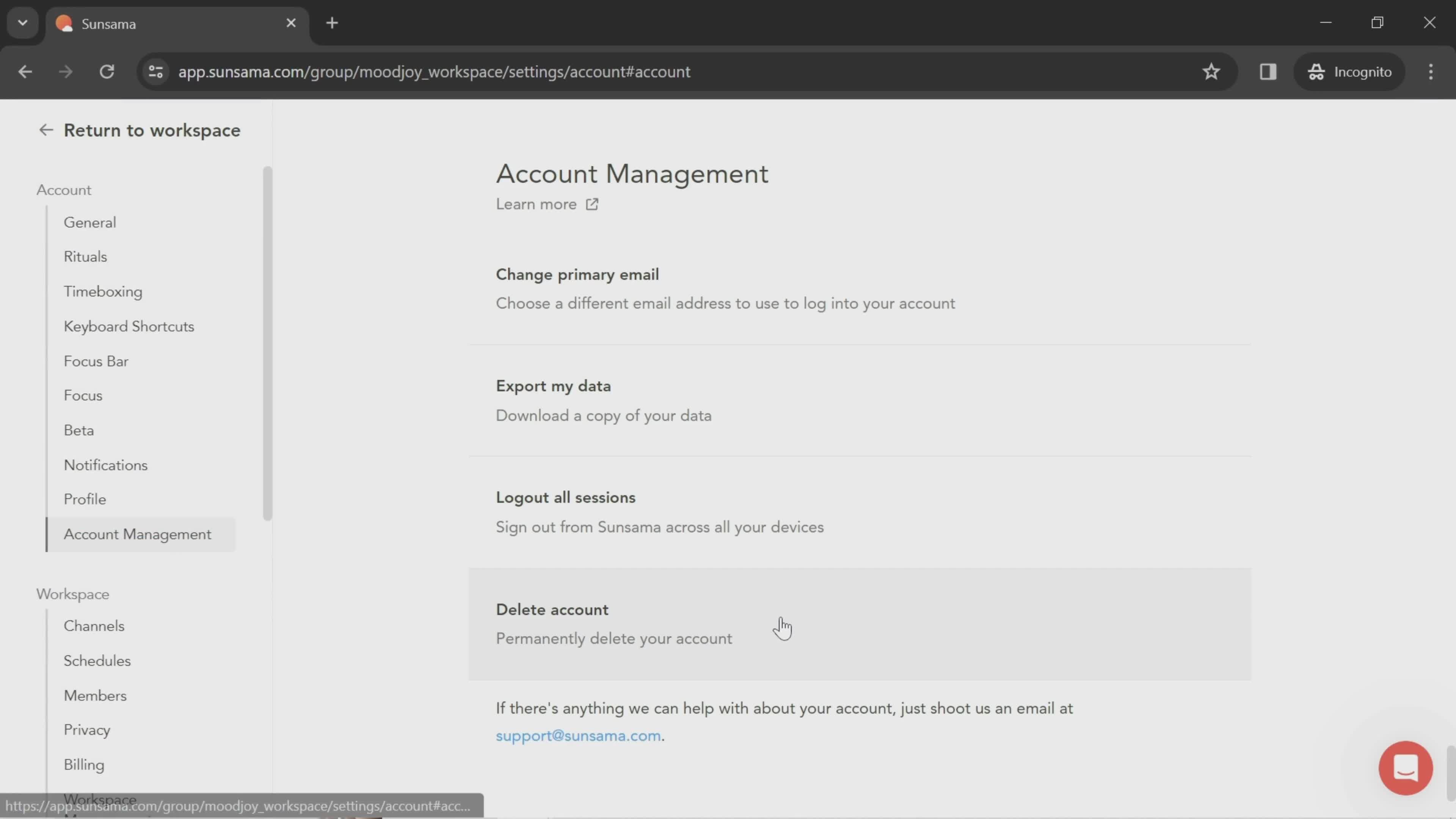
Delete account
this is title
this is title
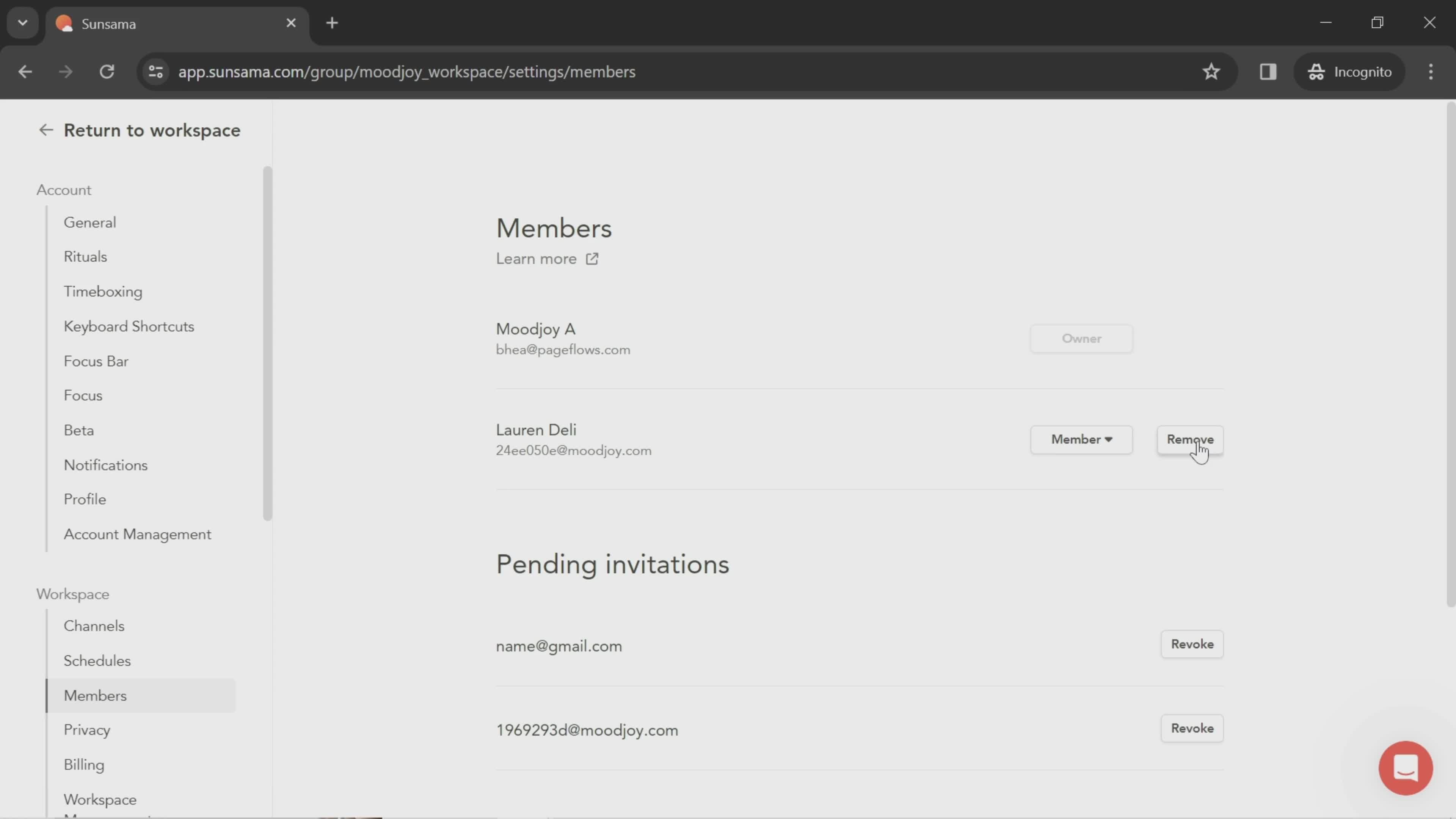
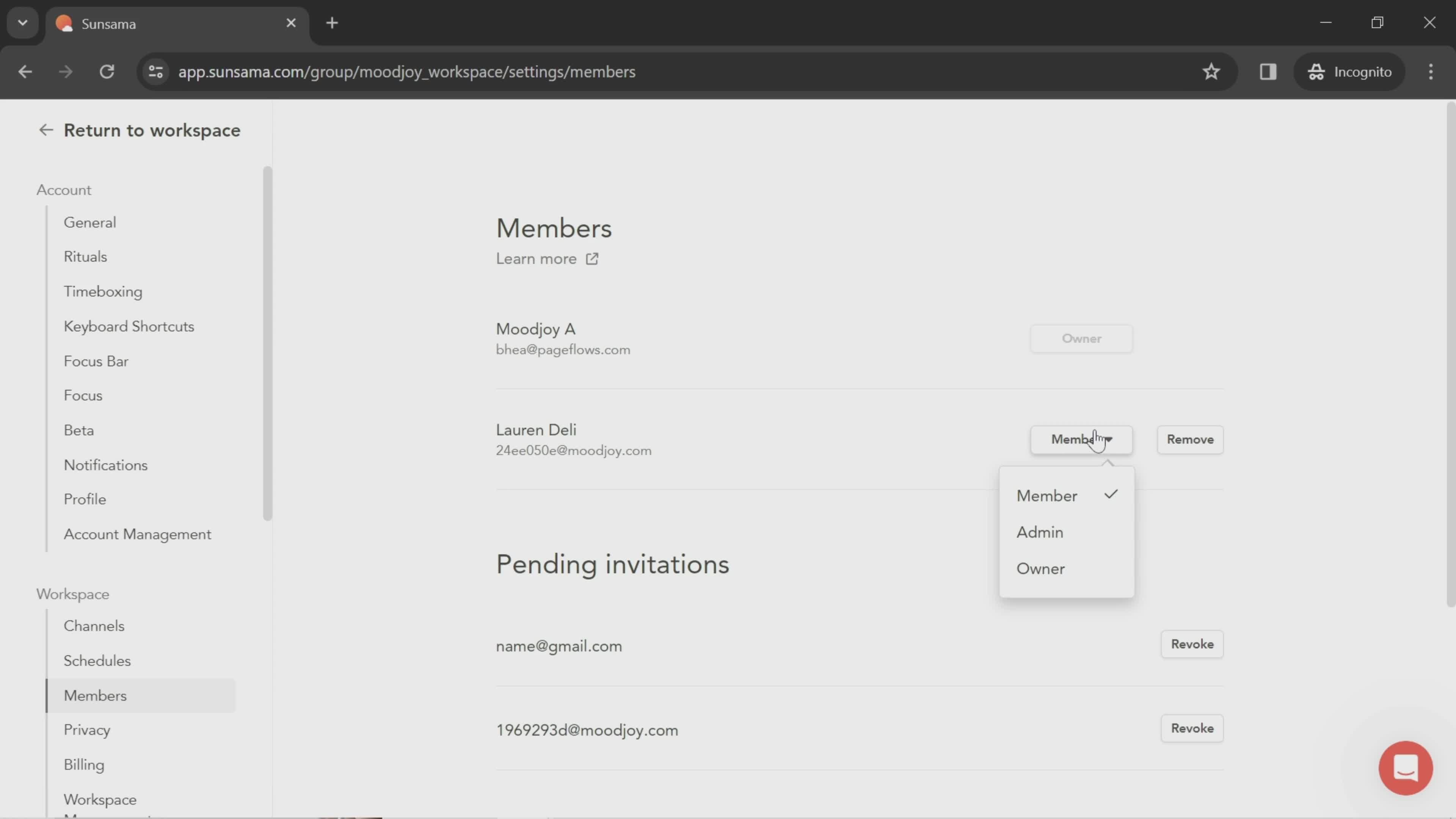
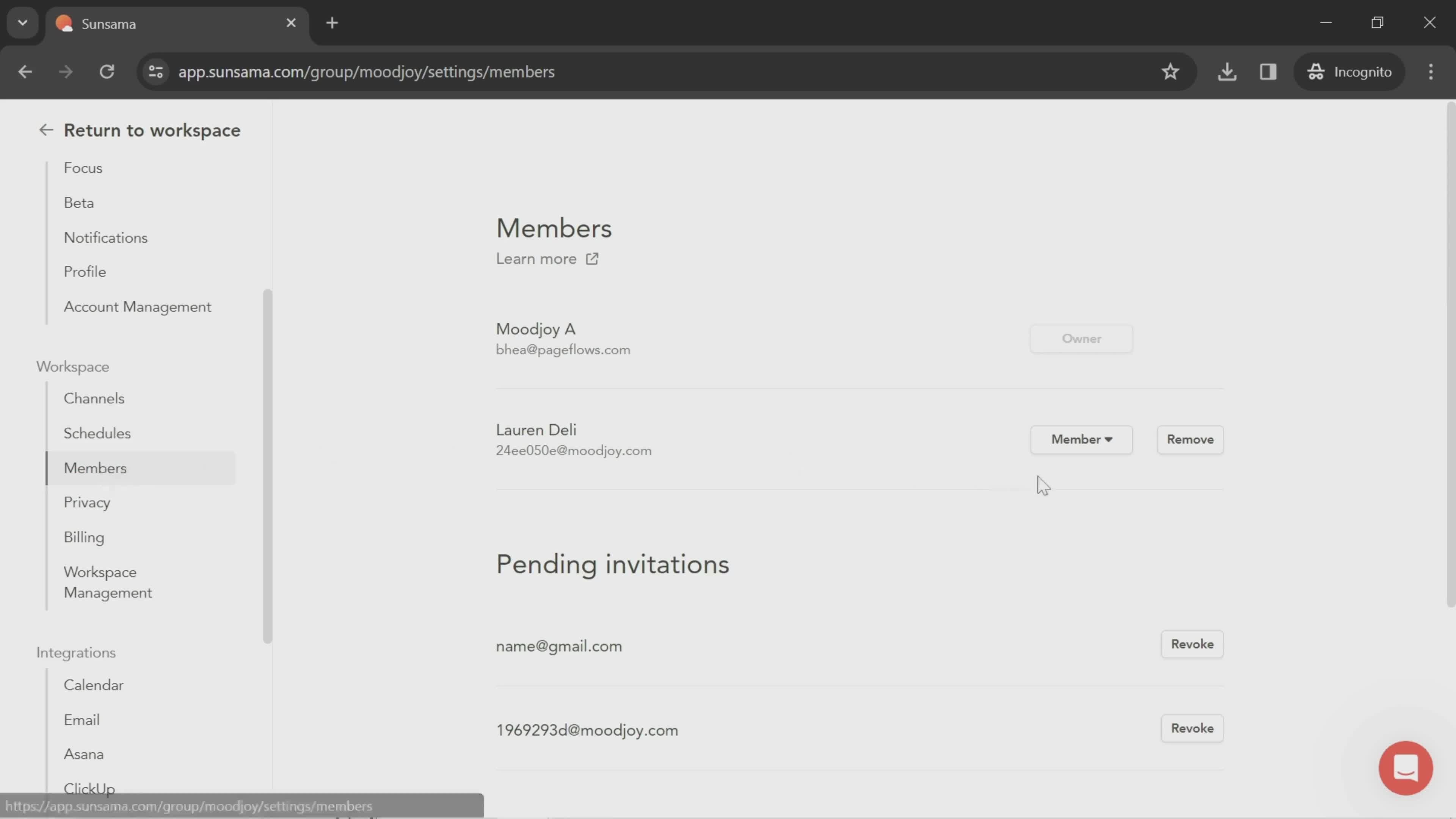
Members
this is title
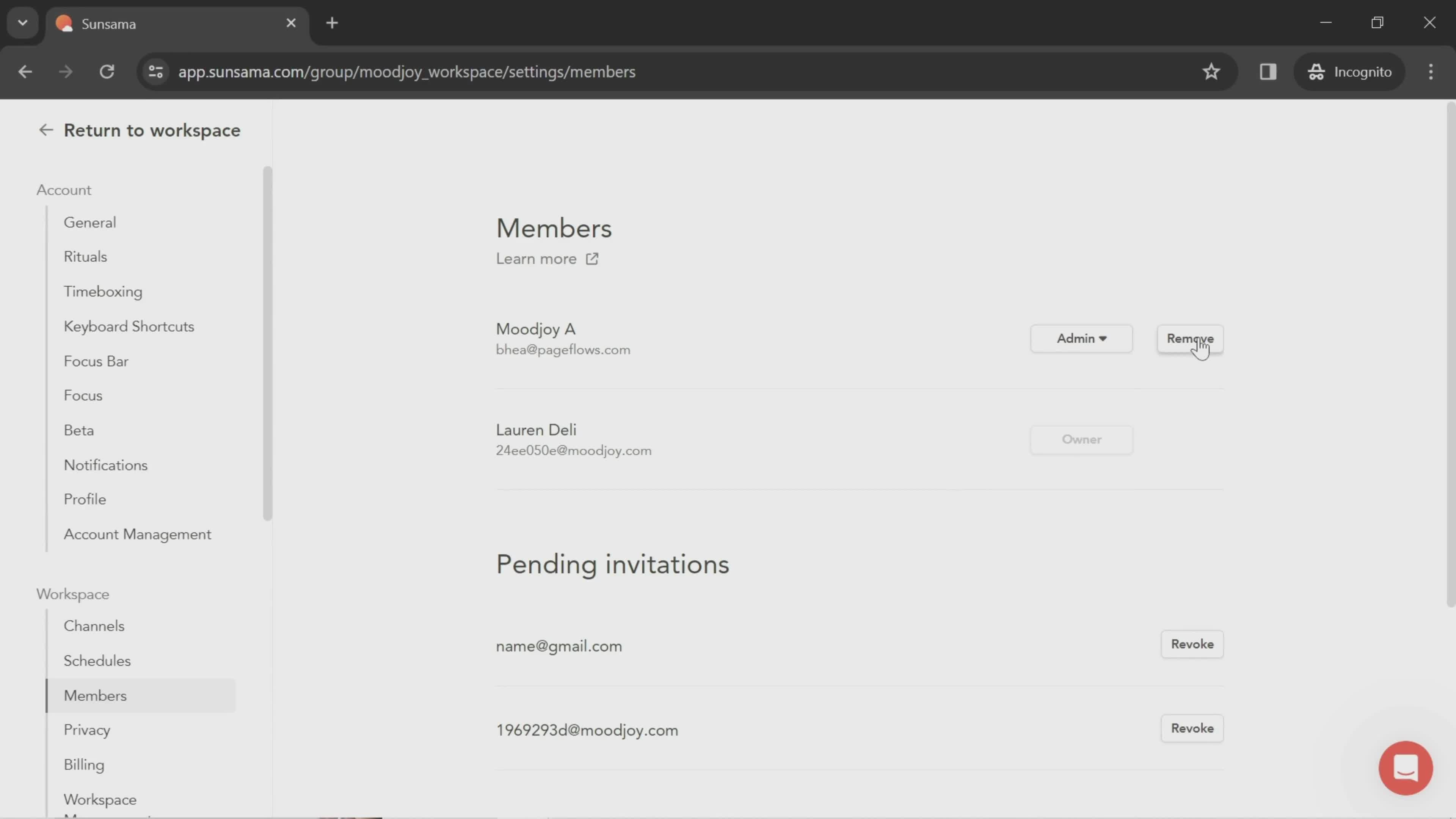
Set roles
this is title
this is title
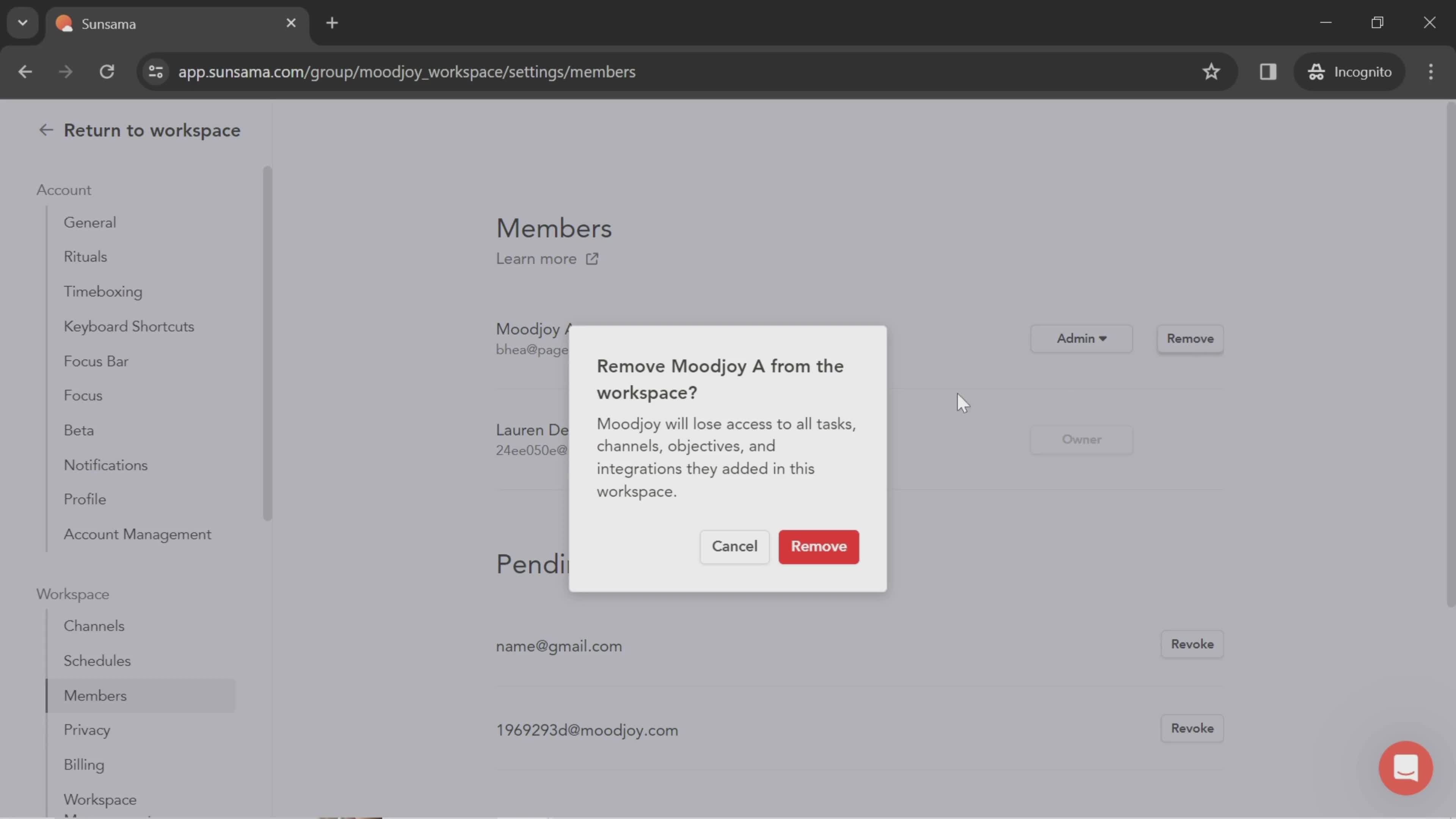
Remove team member
this is title
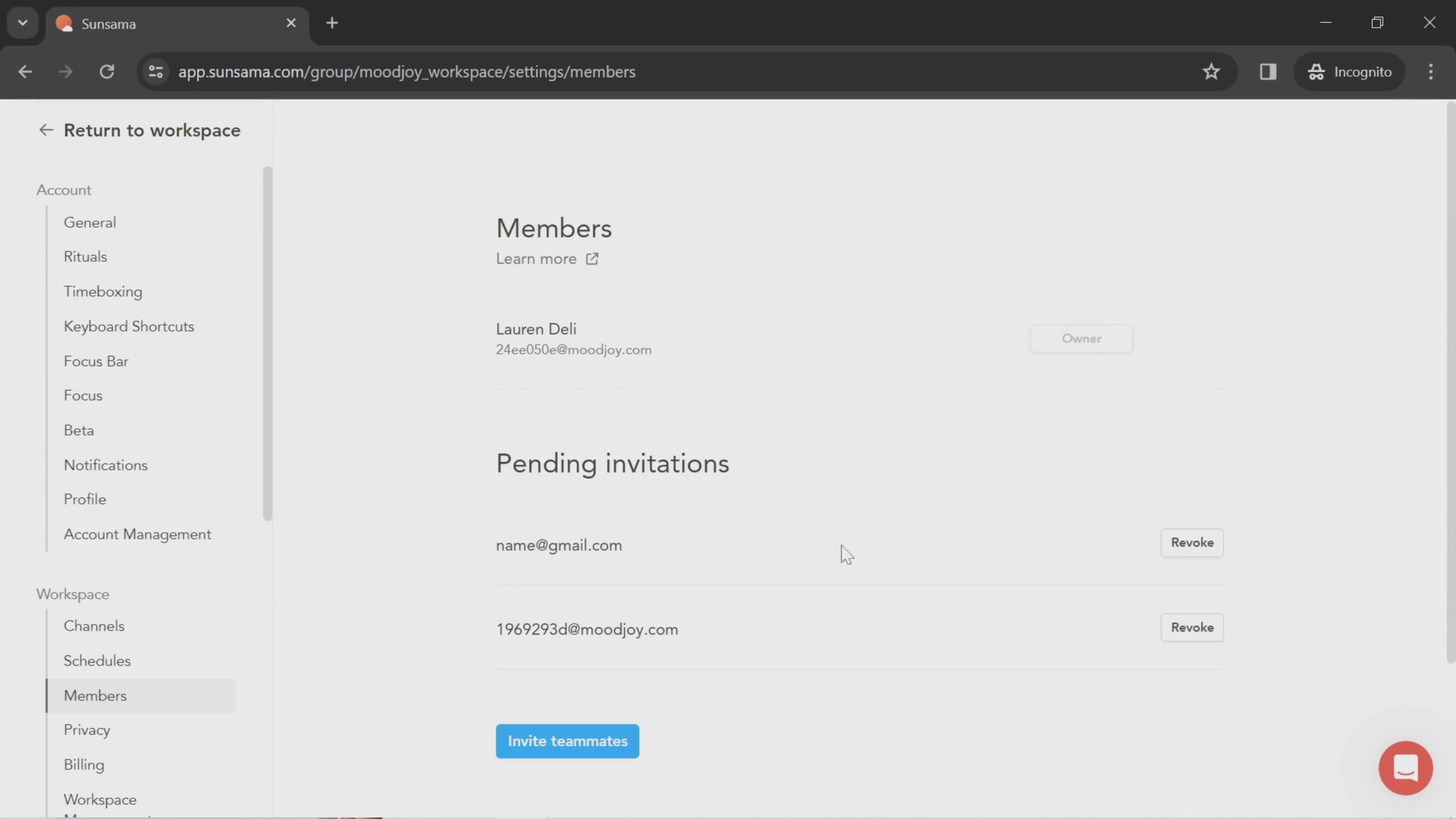
Deleted
this is title
Account settings
this is title
Add description
this is title
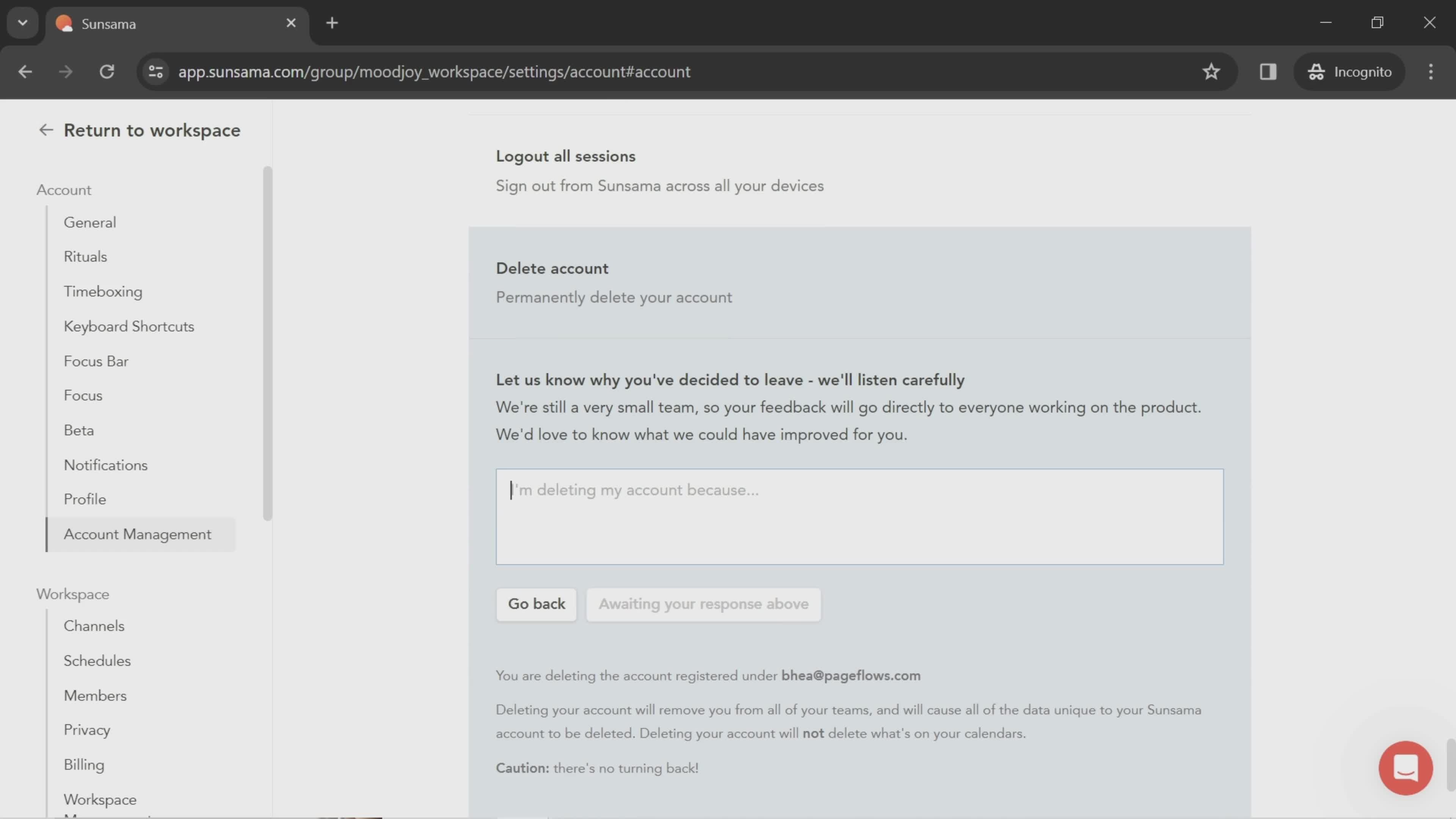
Delete account
this is title
Homepage
this is title
Dashboard
this is title
Workspace menu
this is title
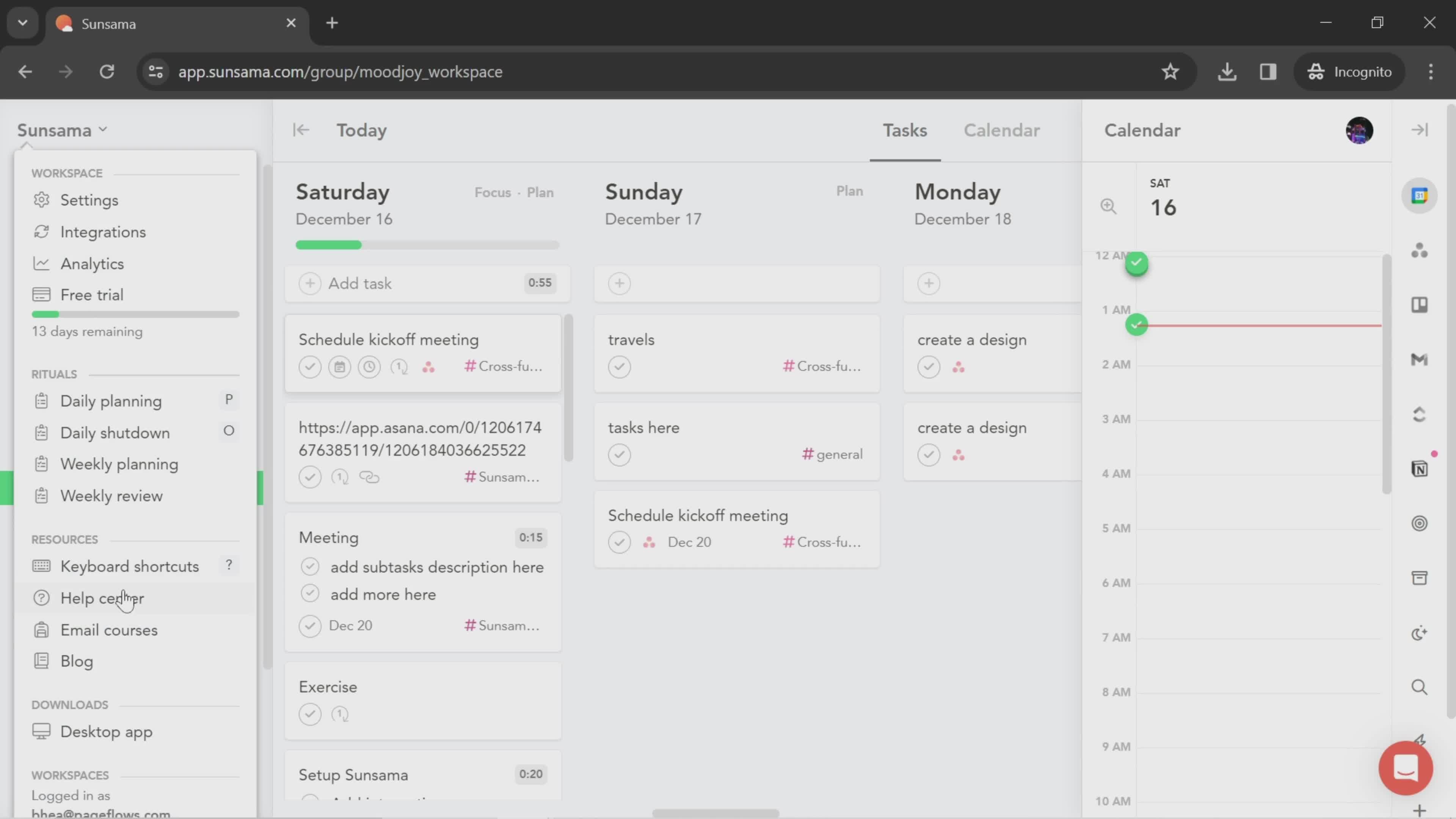
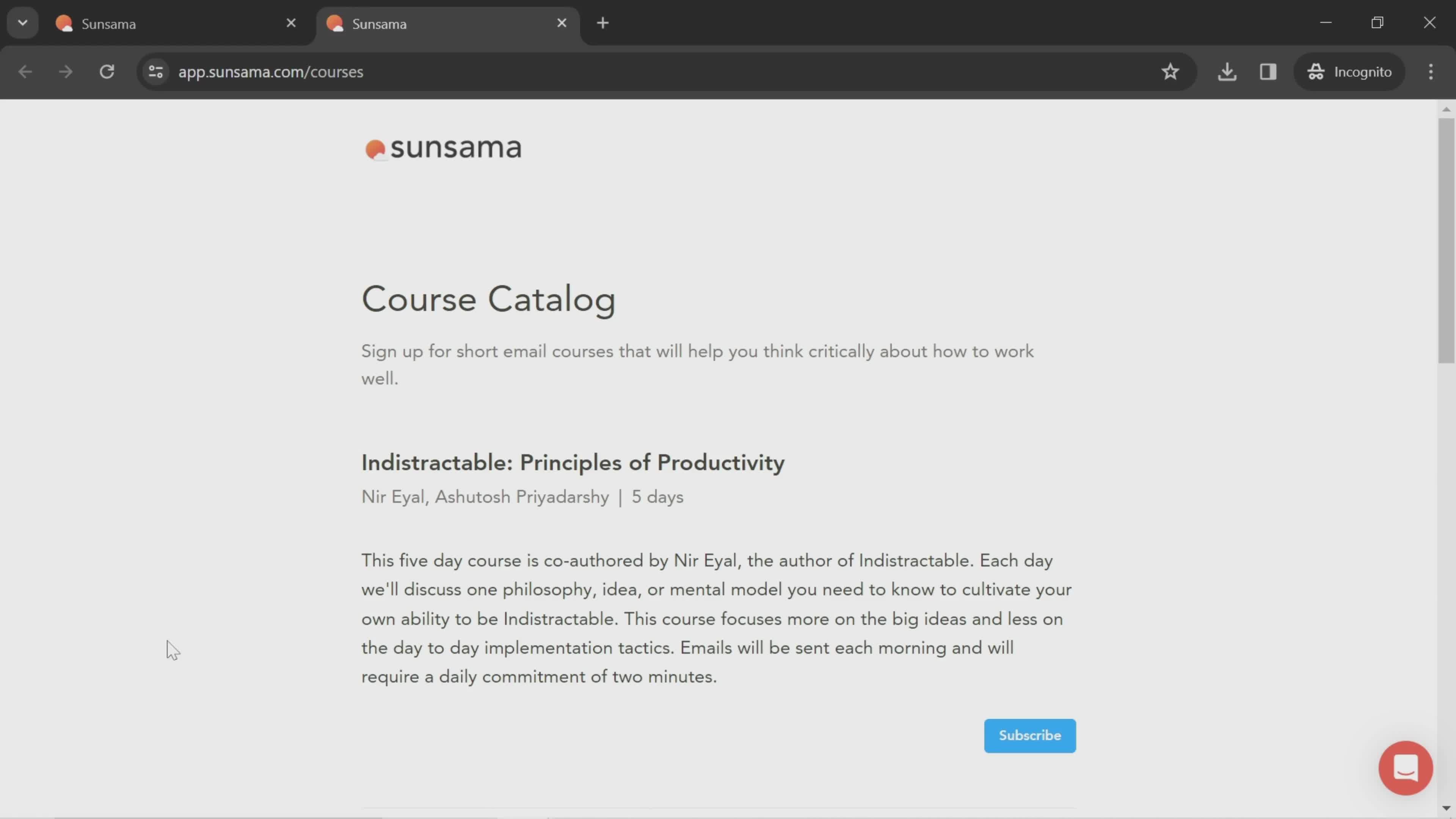
Courses
this is title
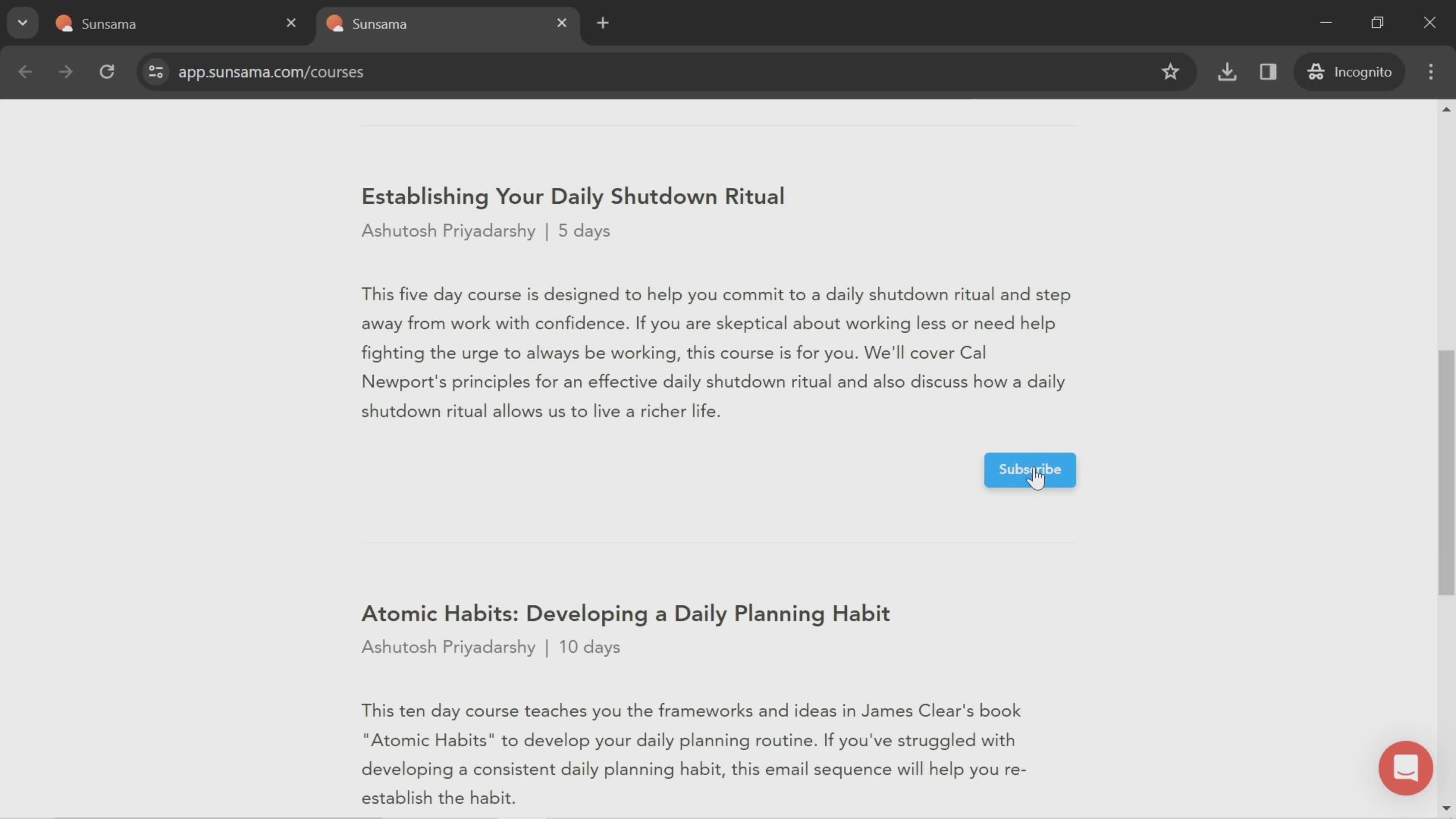
Subscribe
this is title
Dashboard
this is title
Workspace menu
this is title
General Settings
this is title
Profile settings
this is title
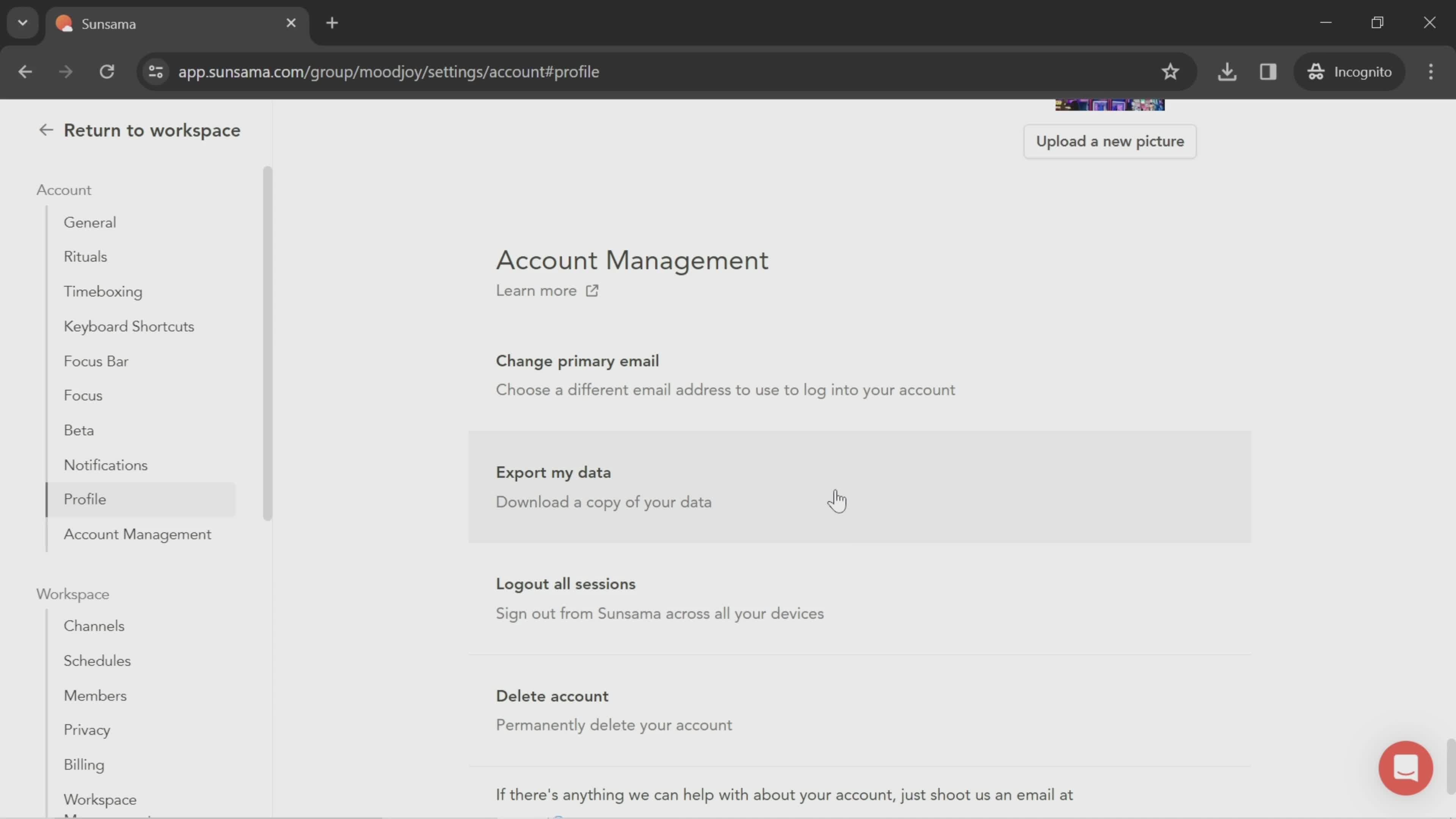
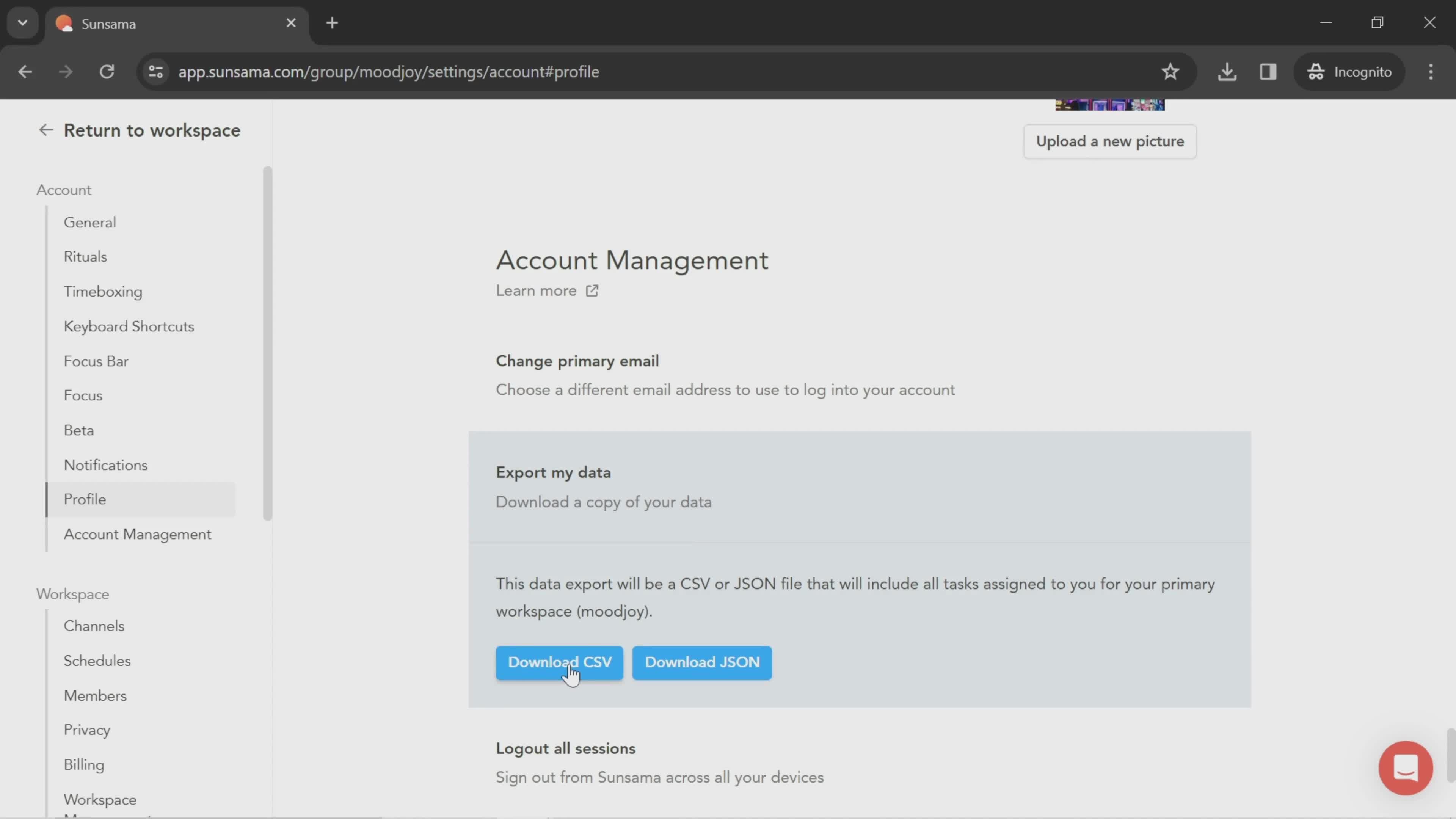
Export data
this is title
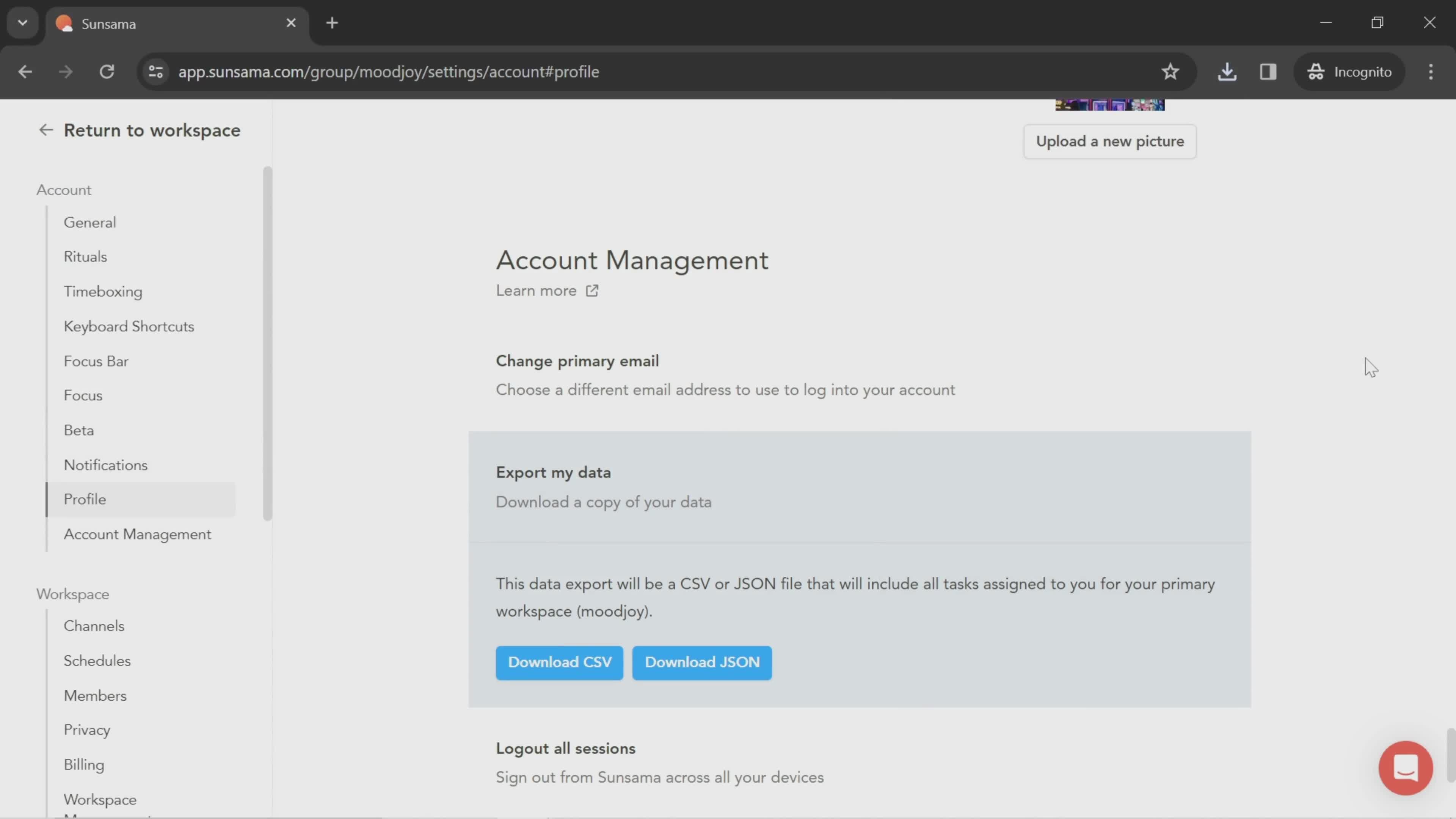
Download
this is title
Export complete
this is title
Dashboard
this is title
this is title
Select start date
this is title
Select time
this is title
Select channel
this is title
Dashboard
this is title
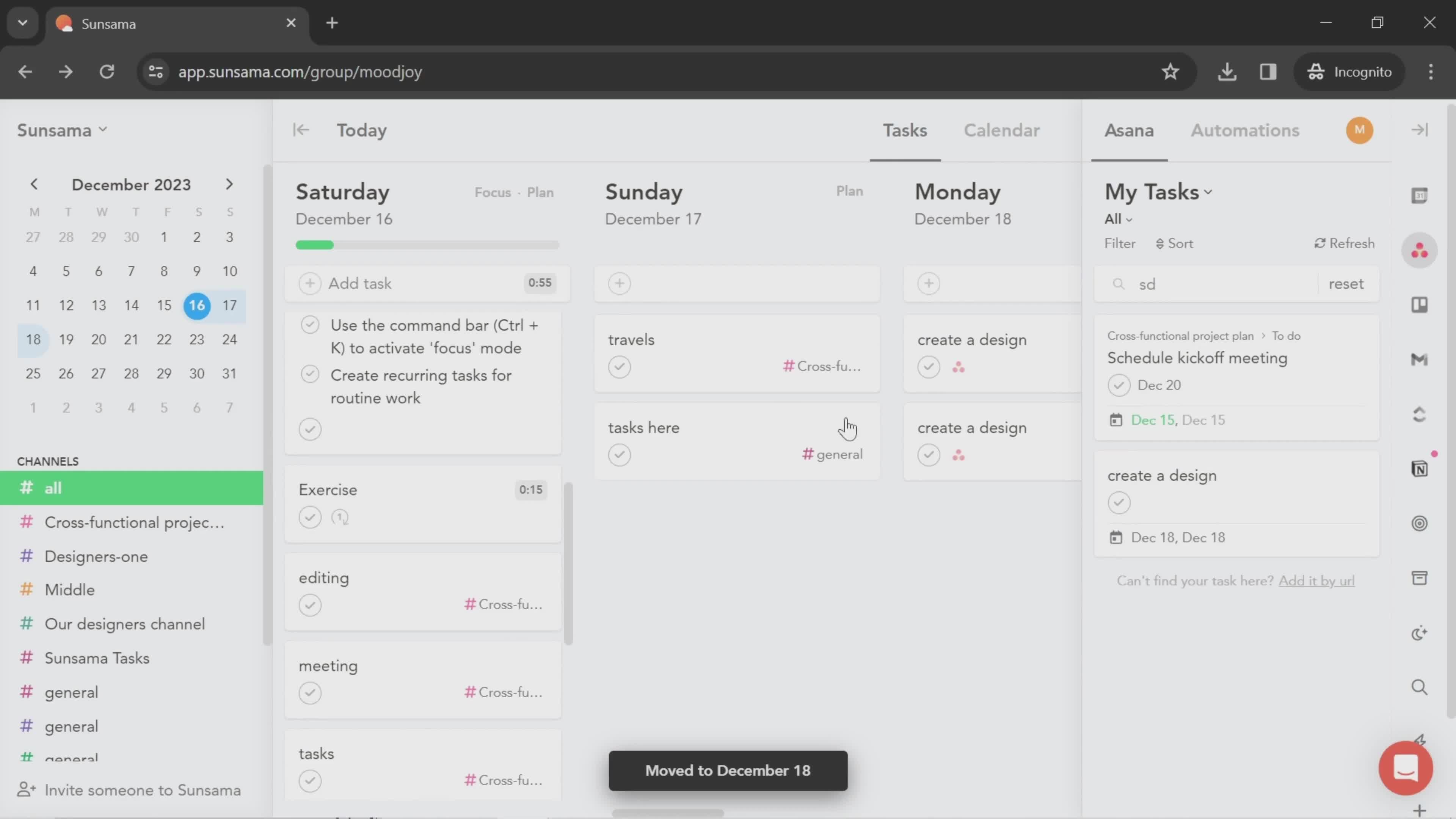
My tasks
this is title
this is title
Move card
this is title
Moved
this is title
this is title
this is title
this is title
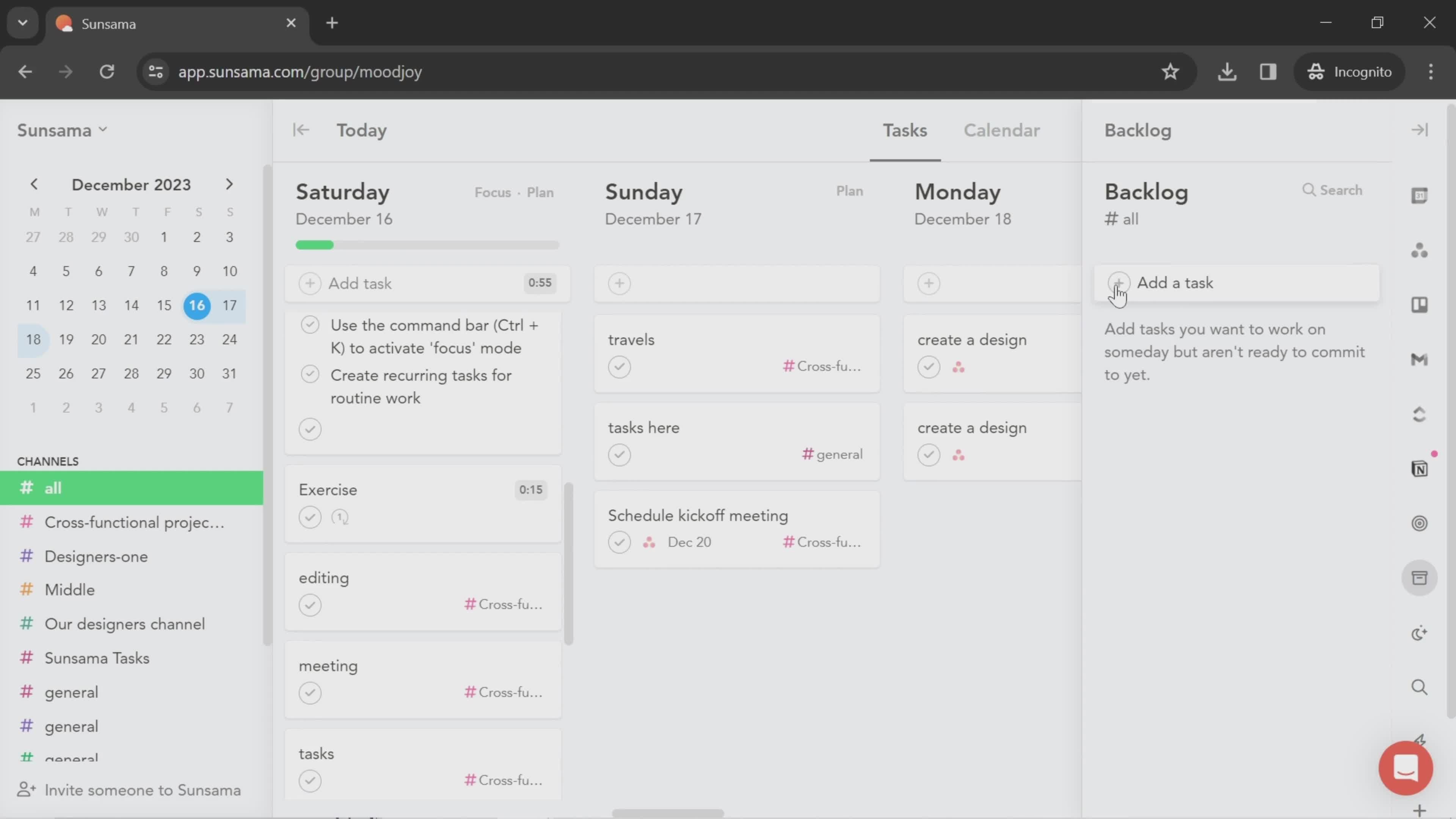
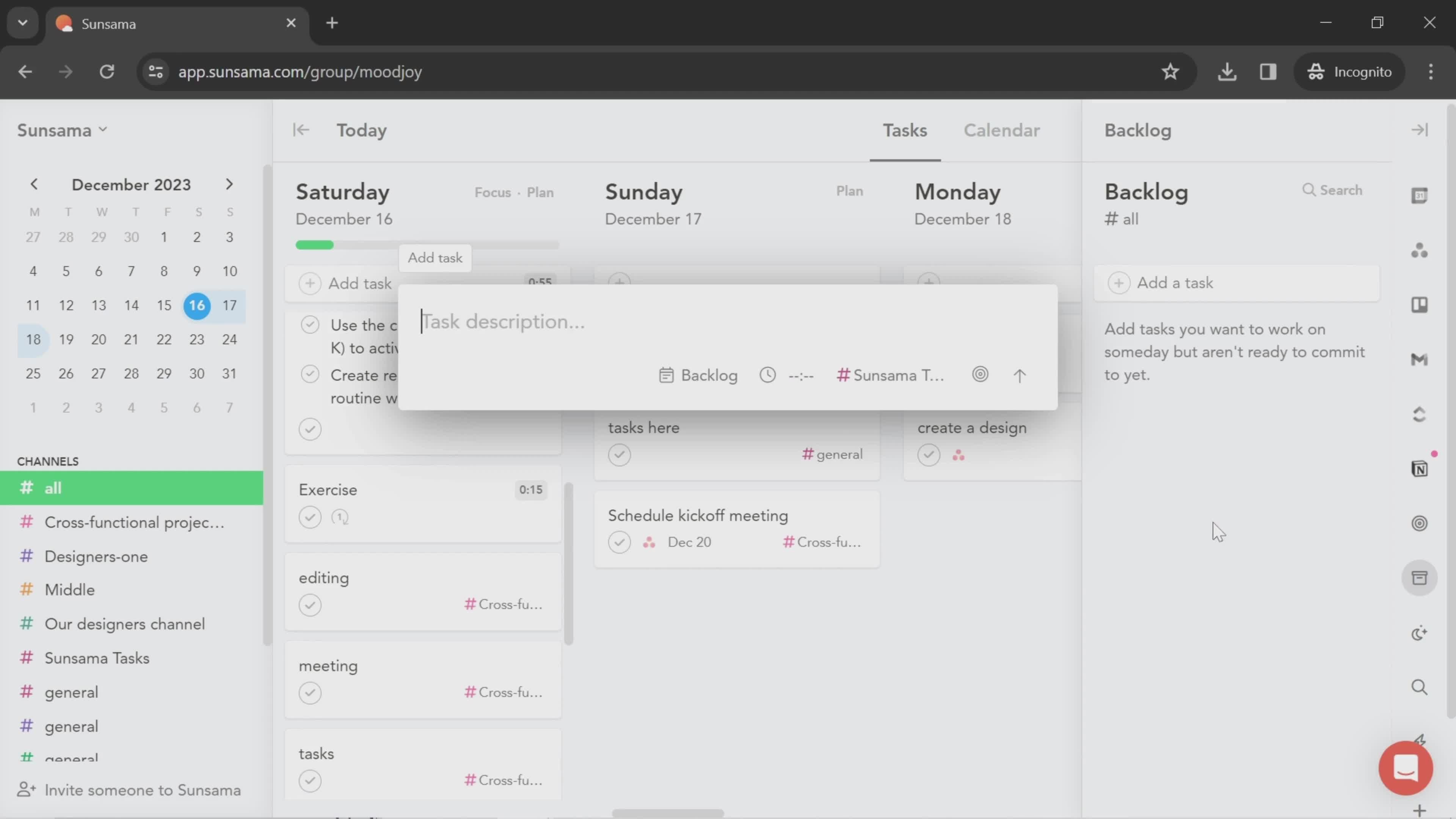
Add task
this is title
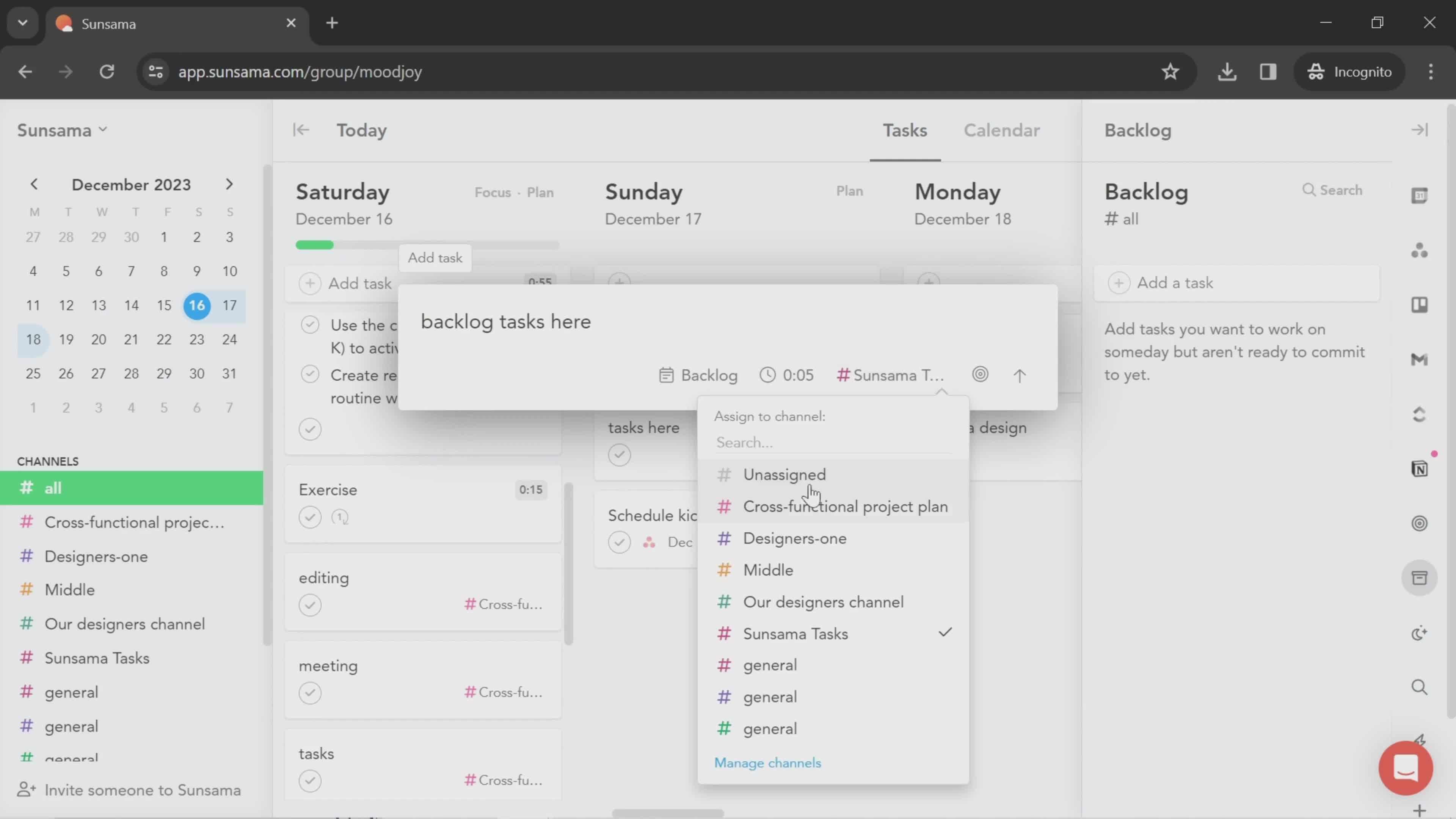
Select channel
this is title
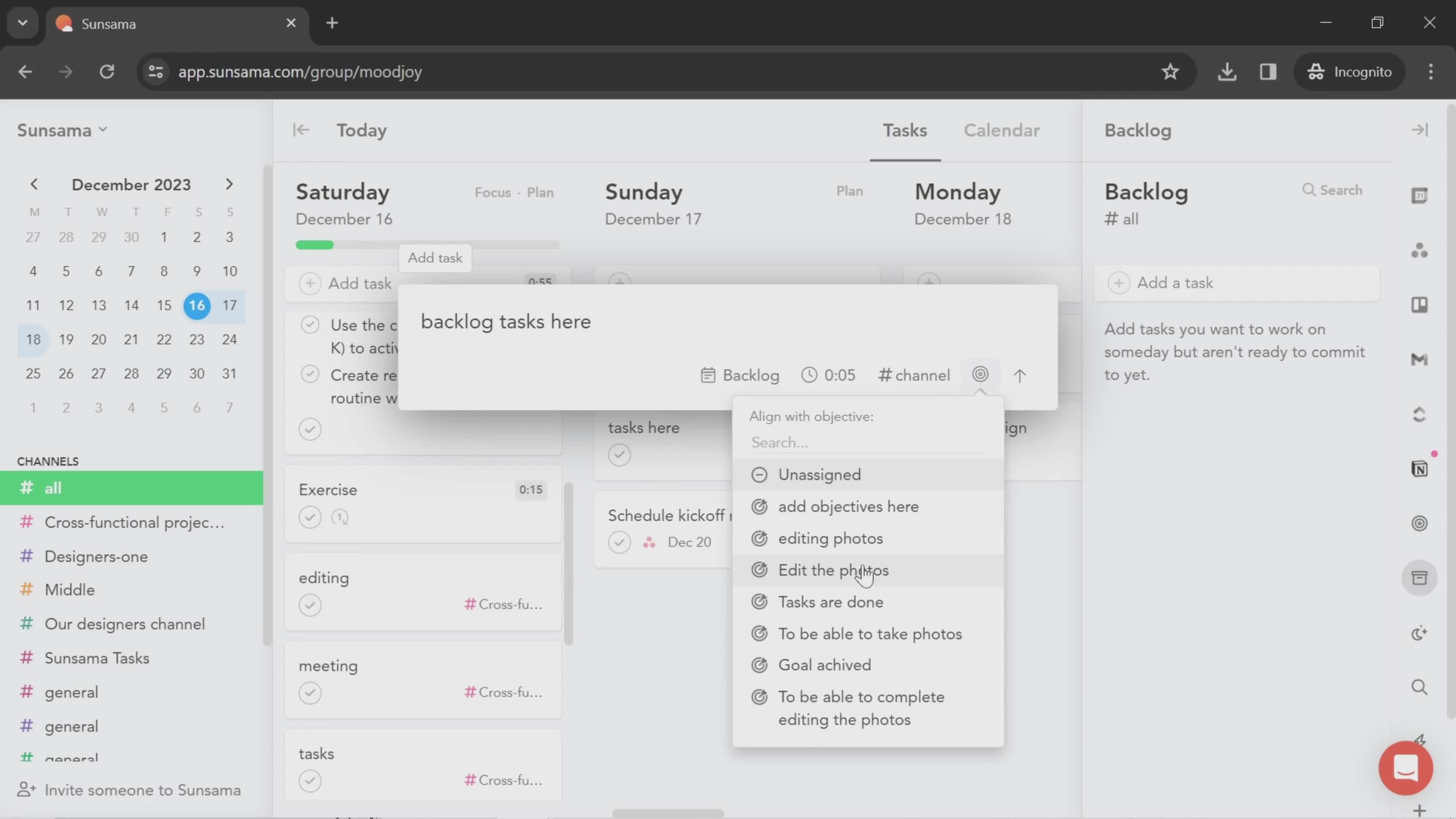
Add objective
this is title
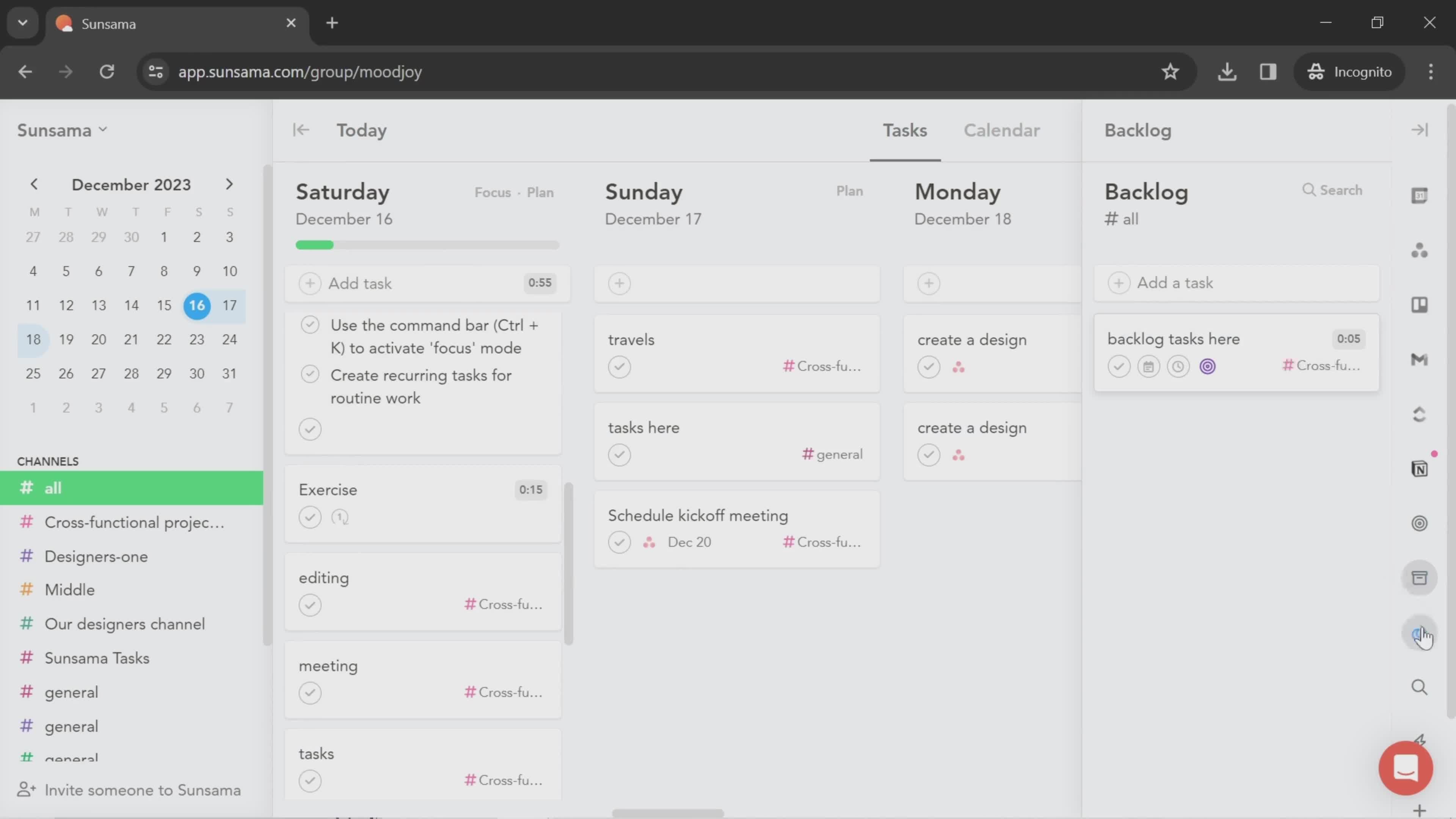
Backlog
this is title
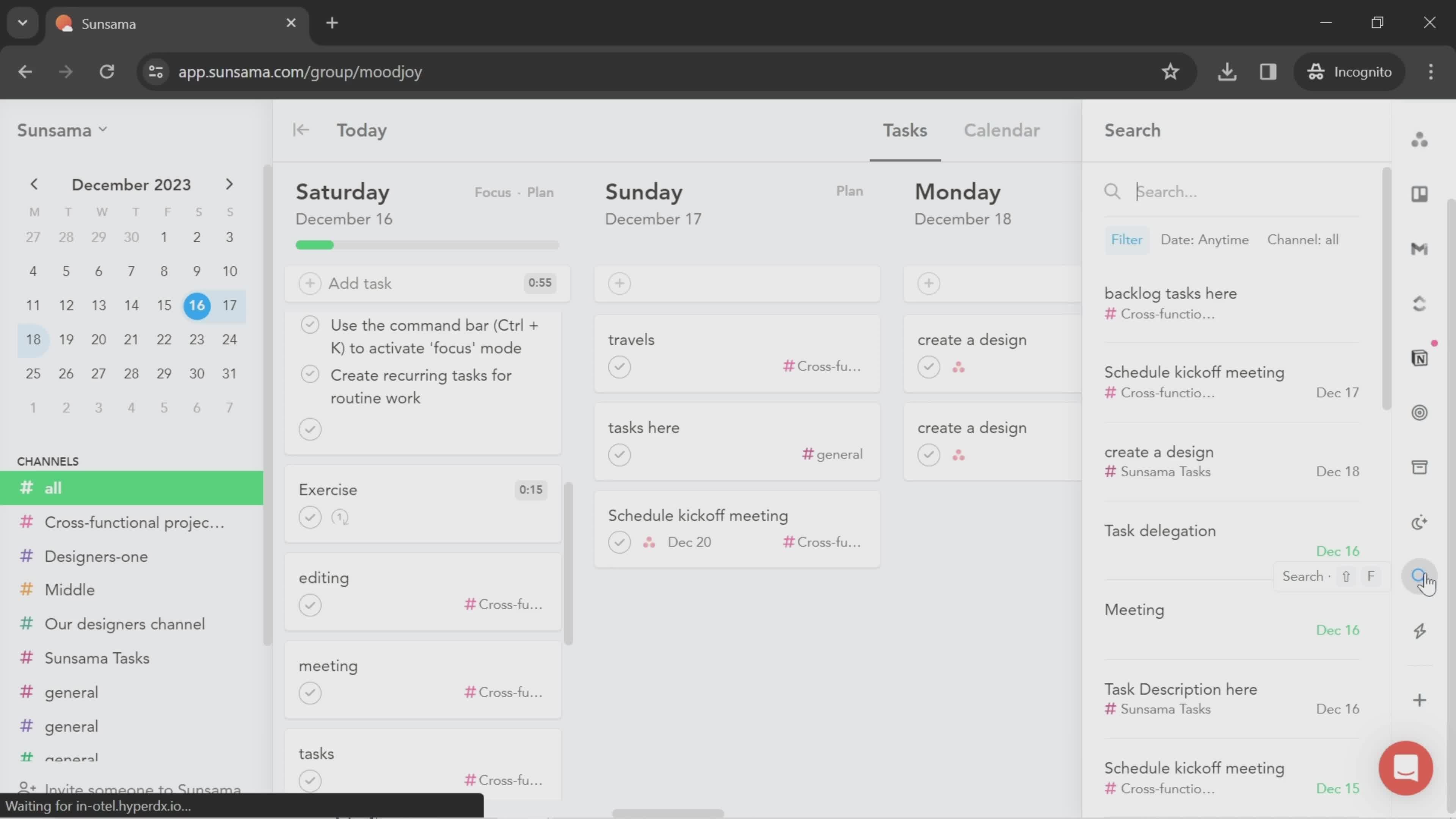
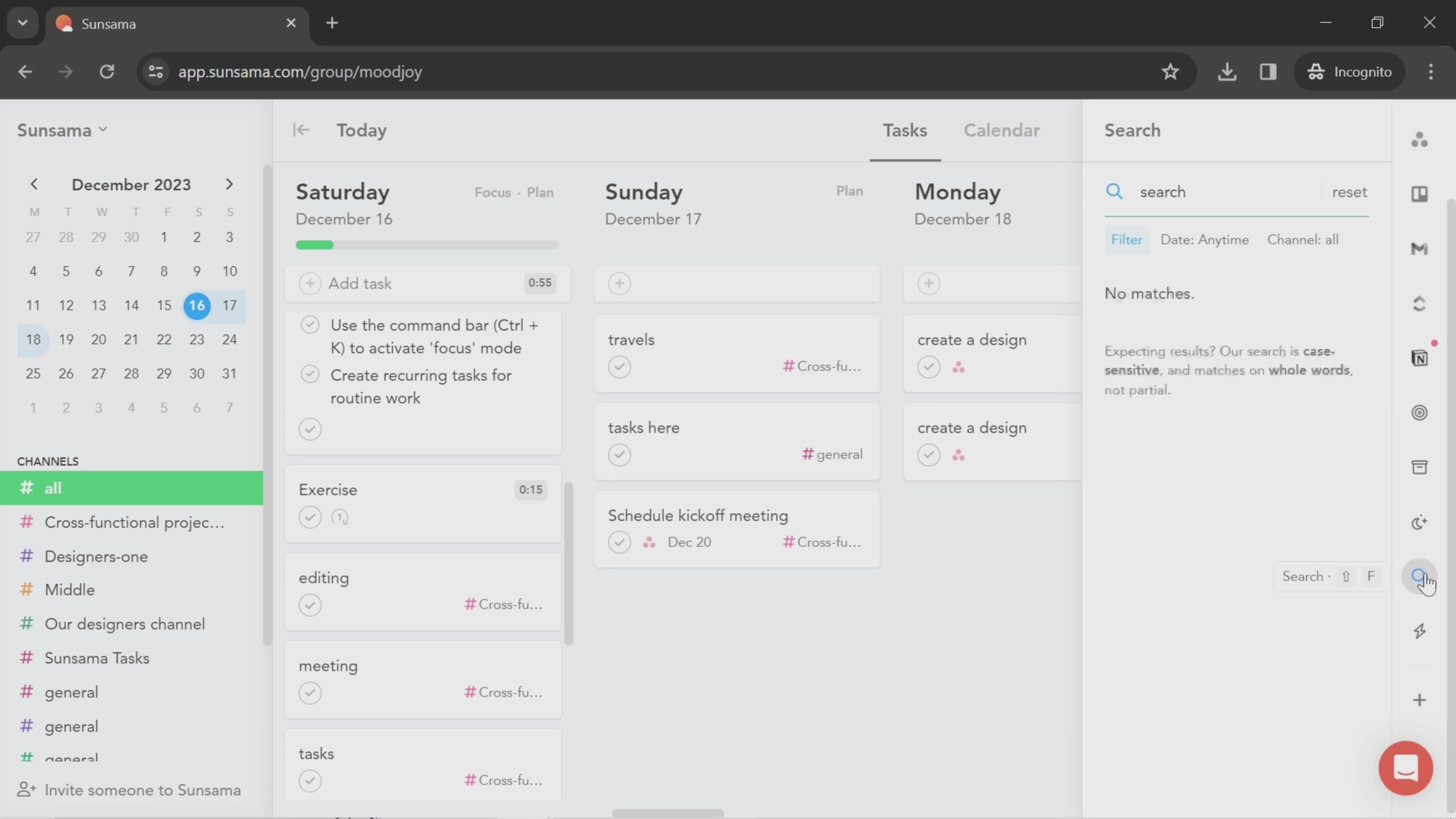
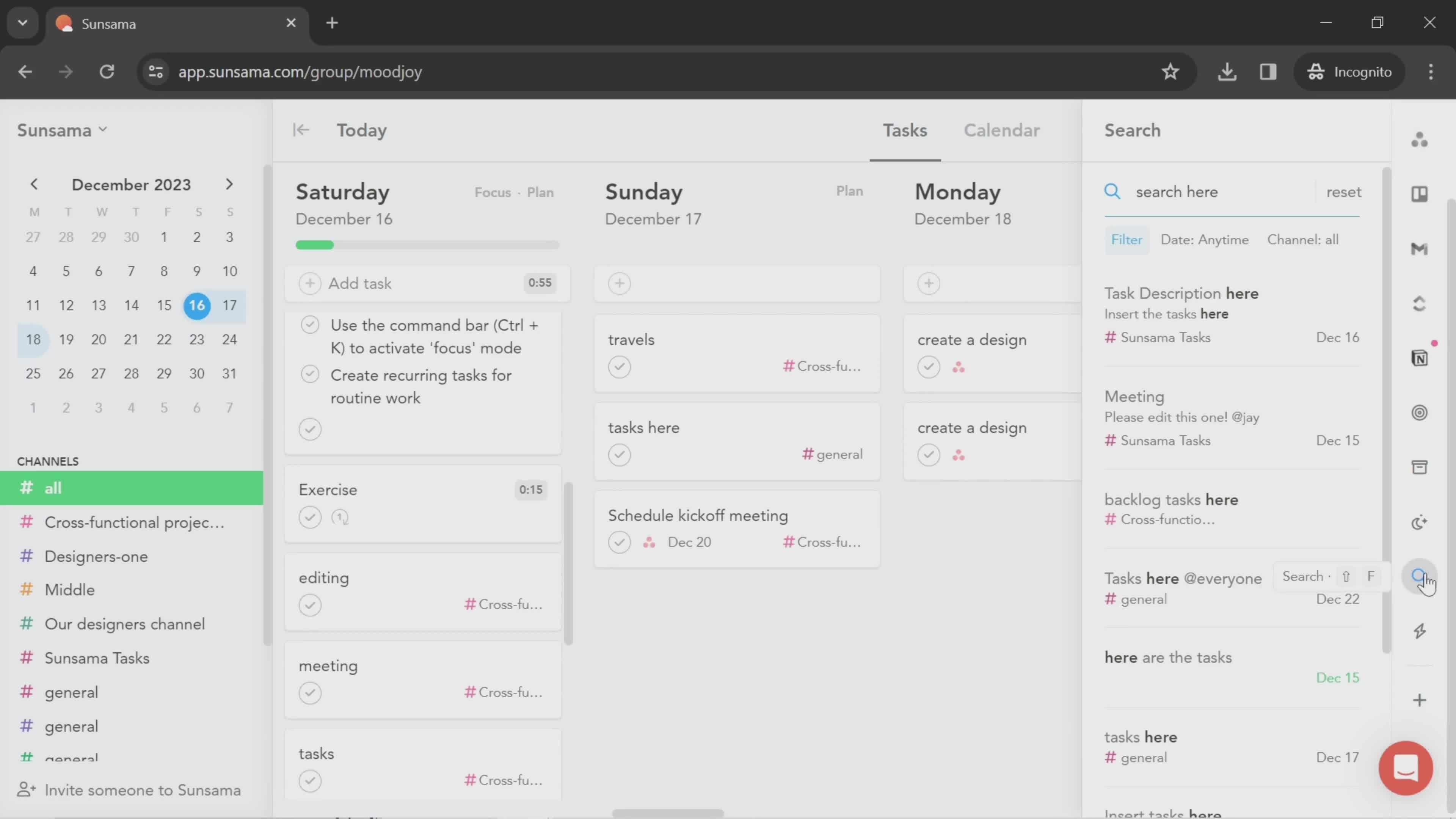
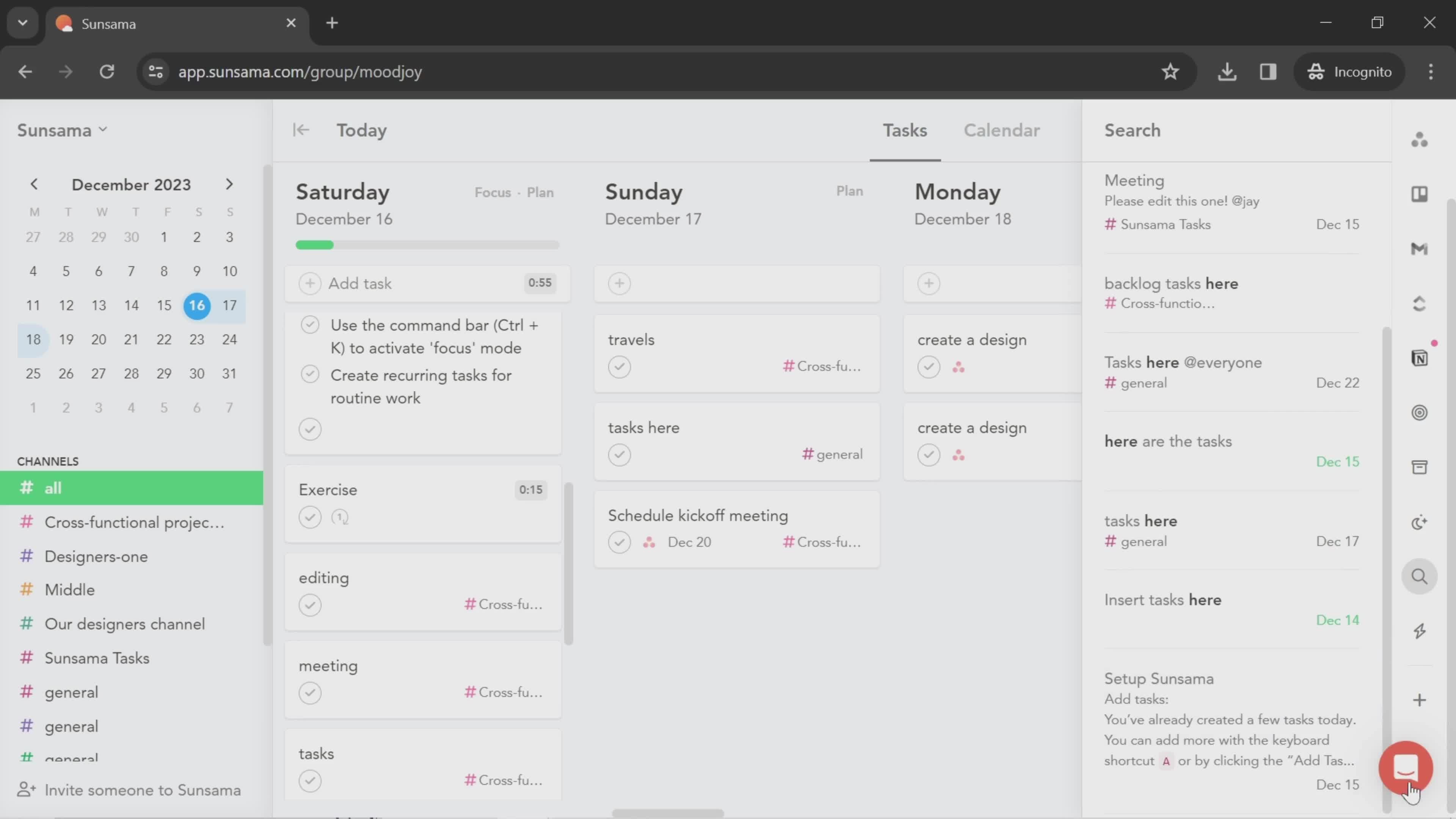
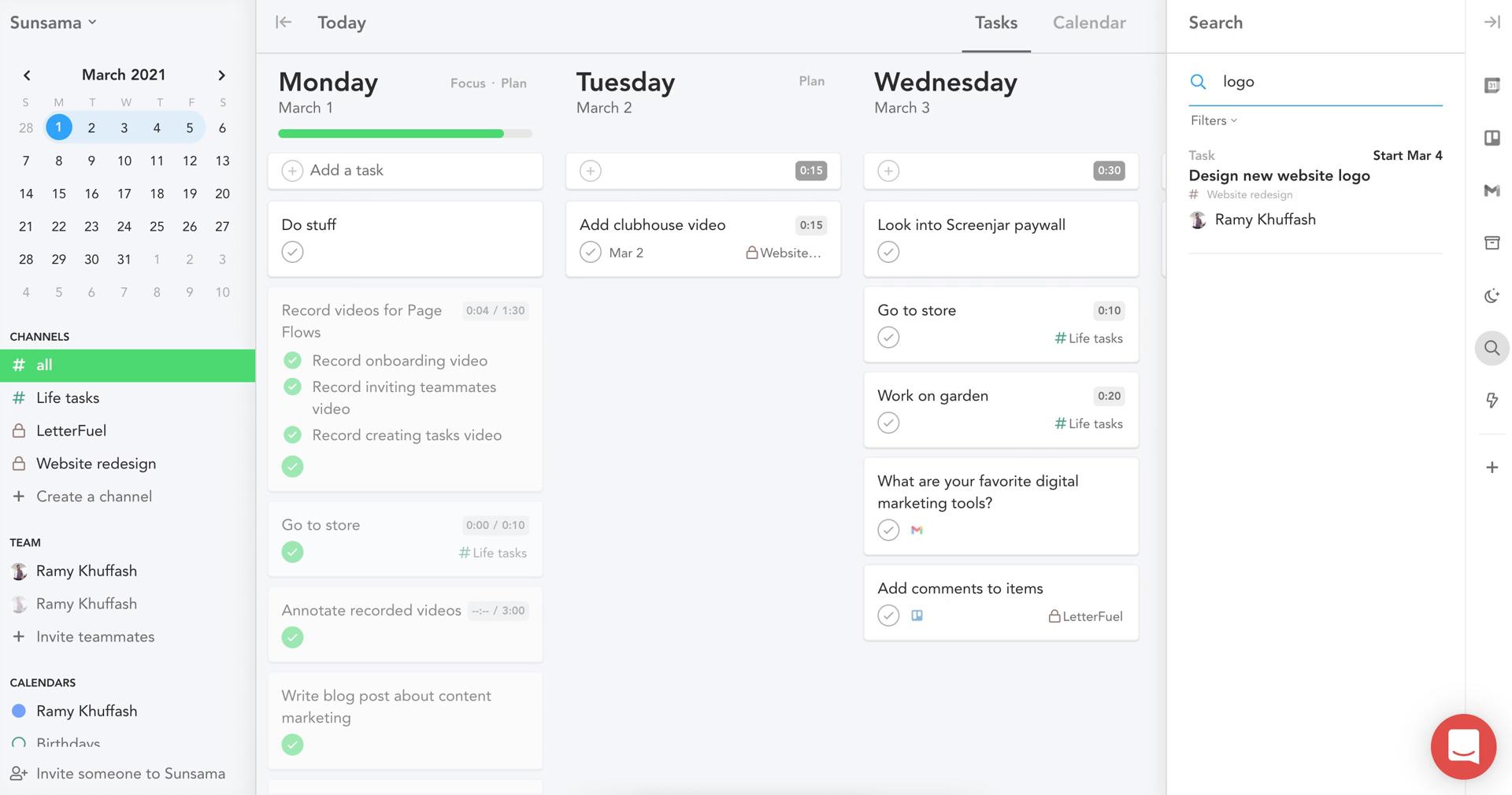
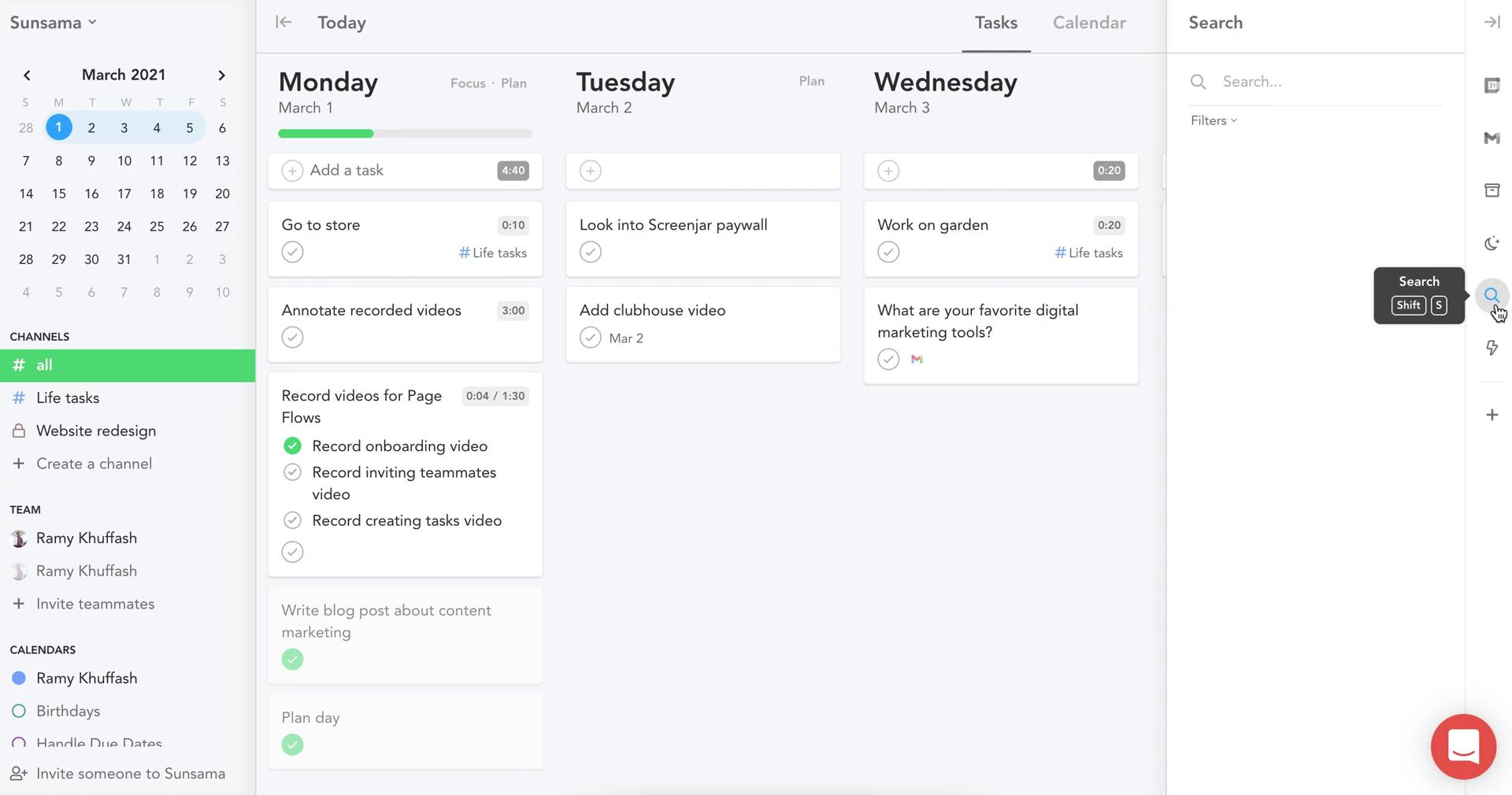
Search
this is title
No search results
this is title
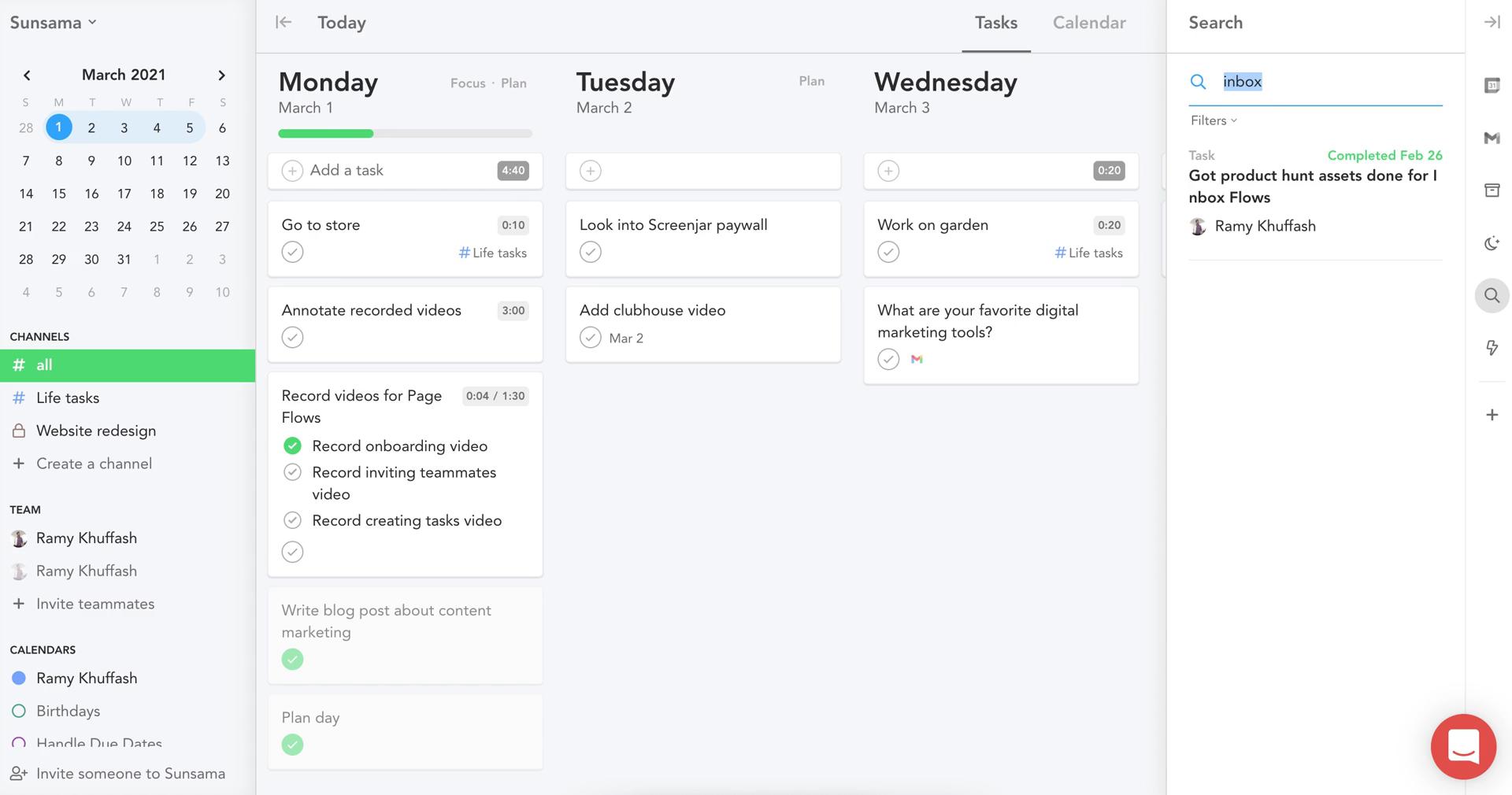
Search results
this is title
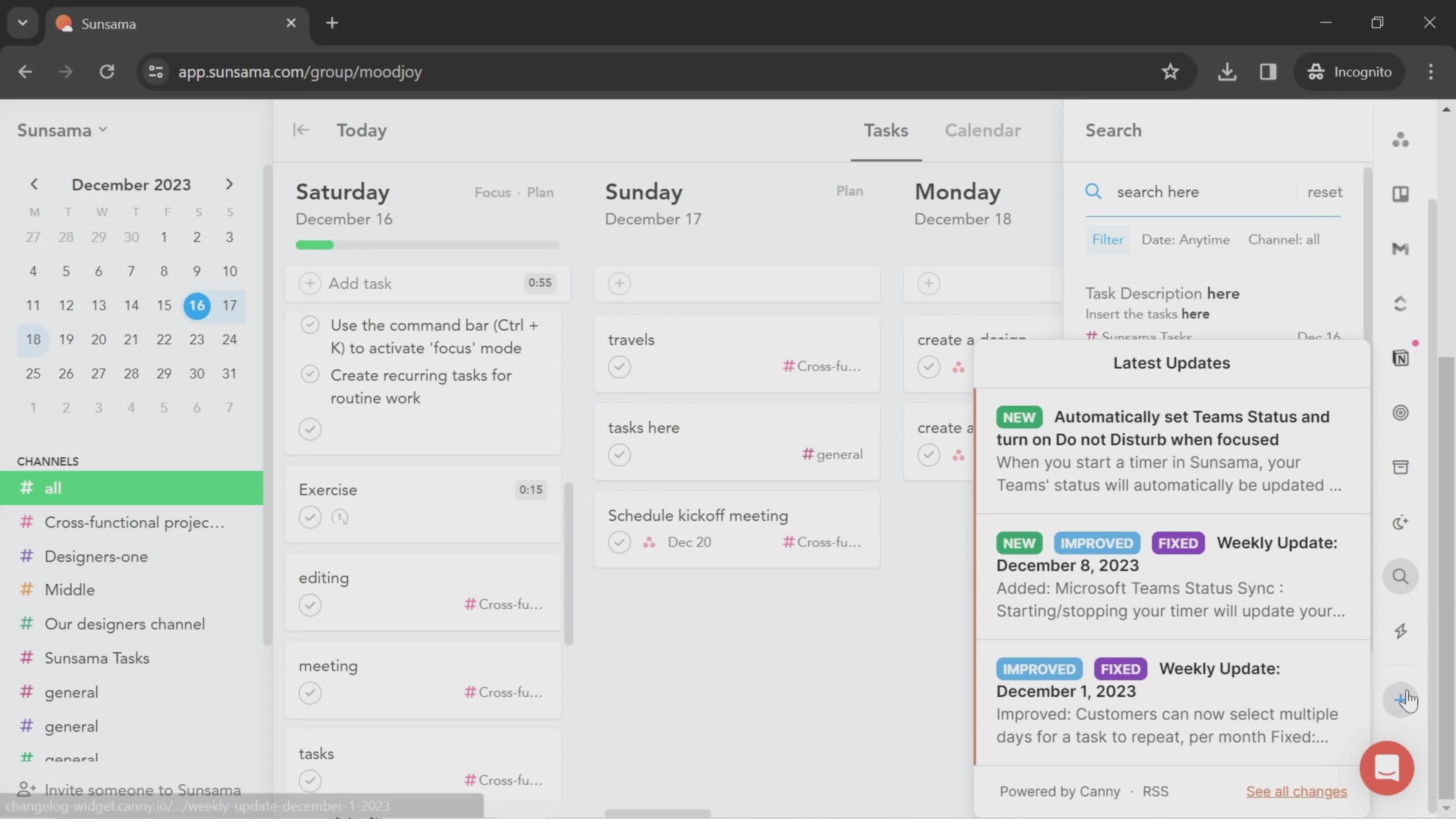
Updates
this is title
this is title
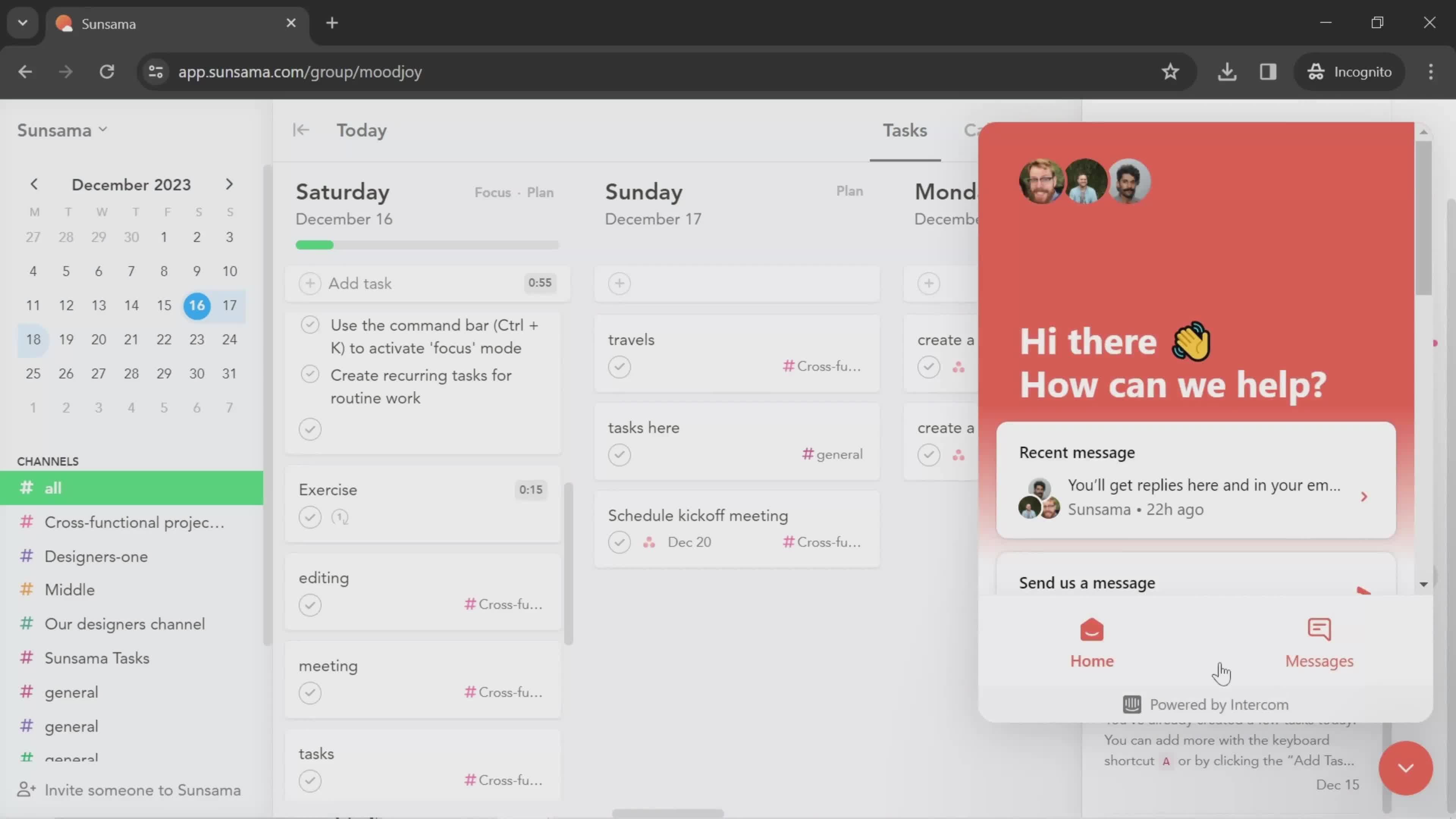
Contact support
this is title
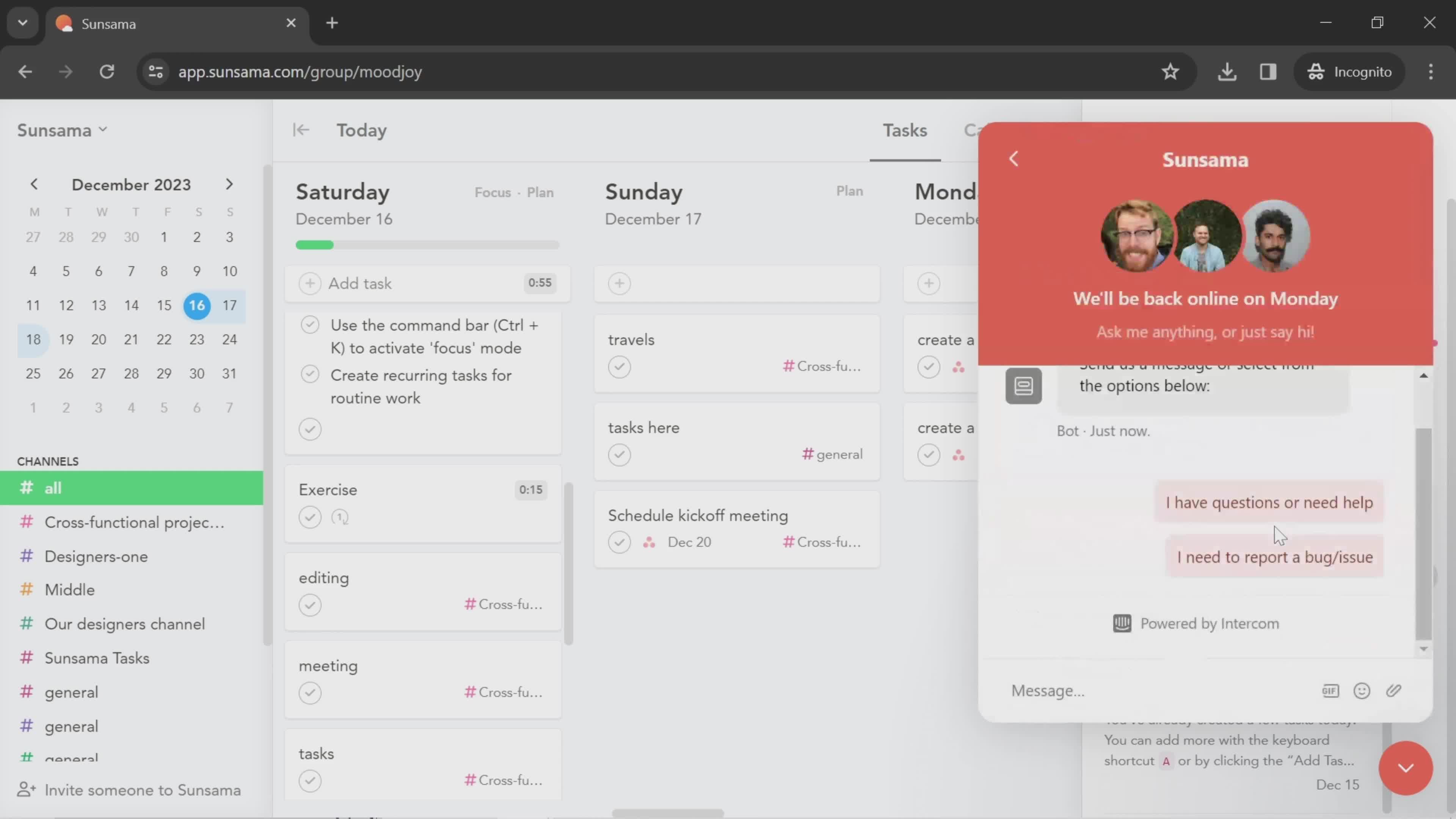
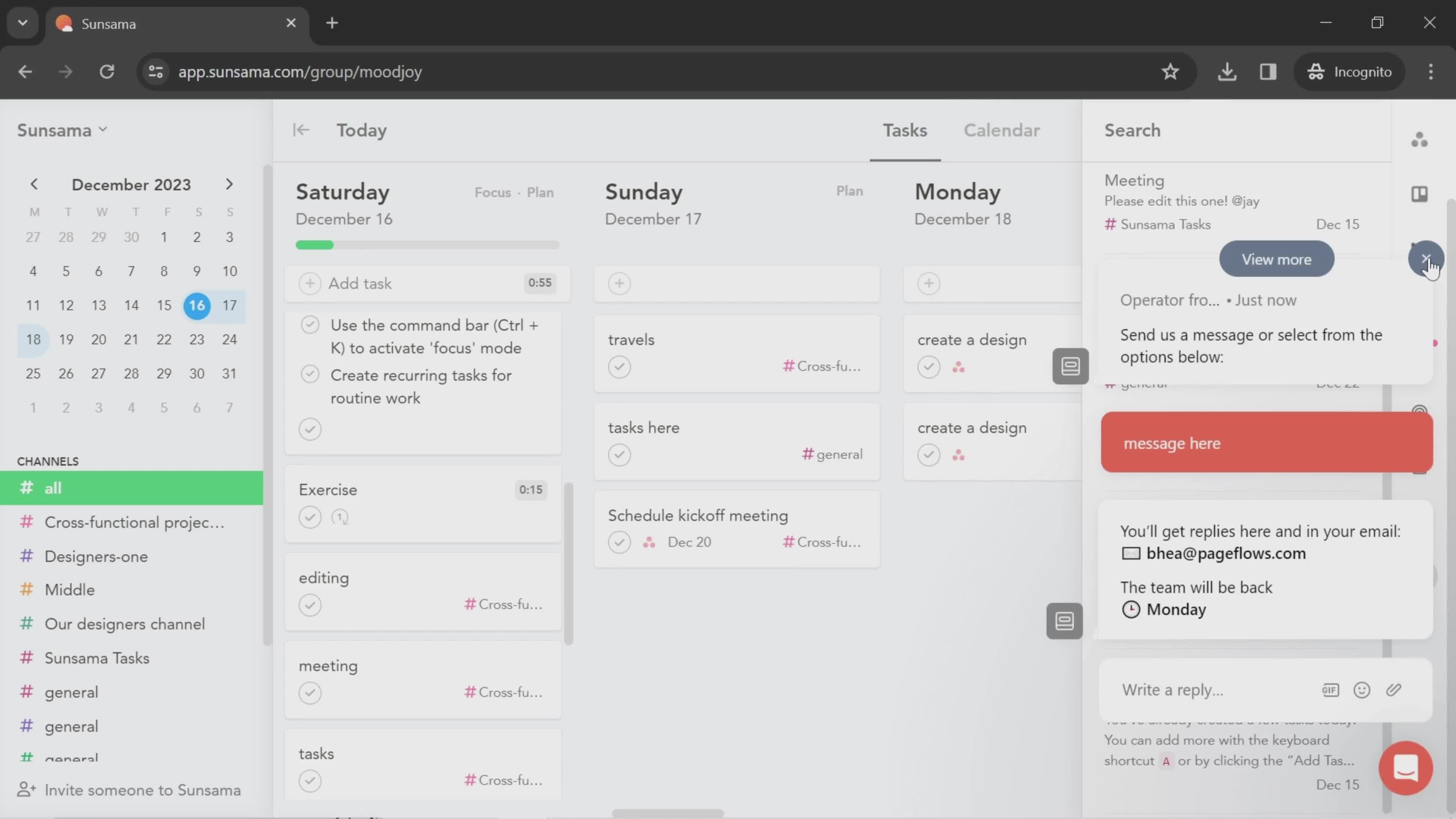
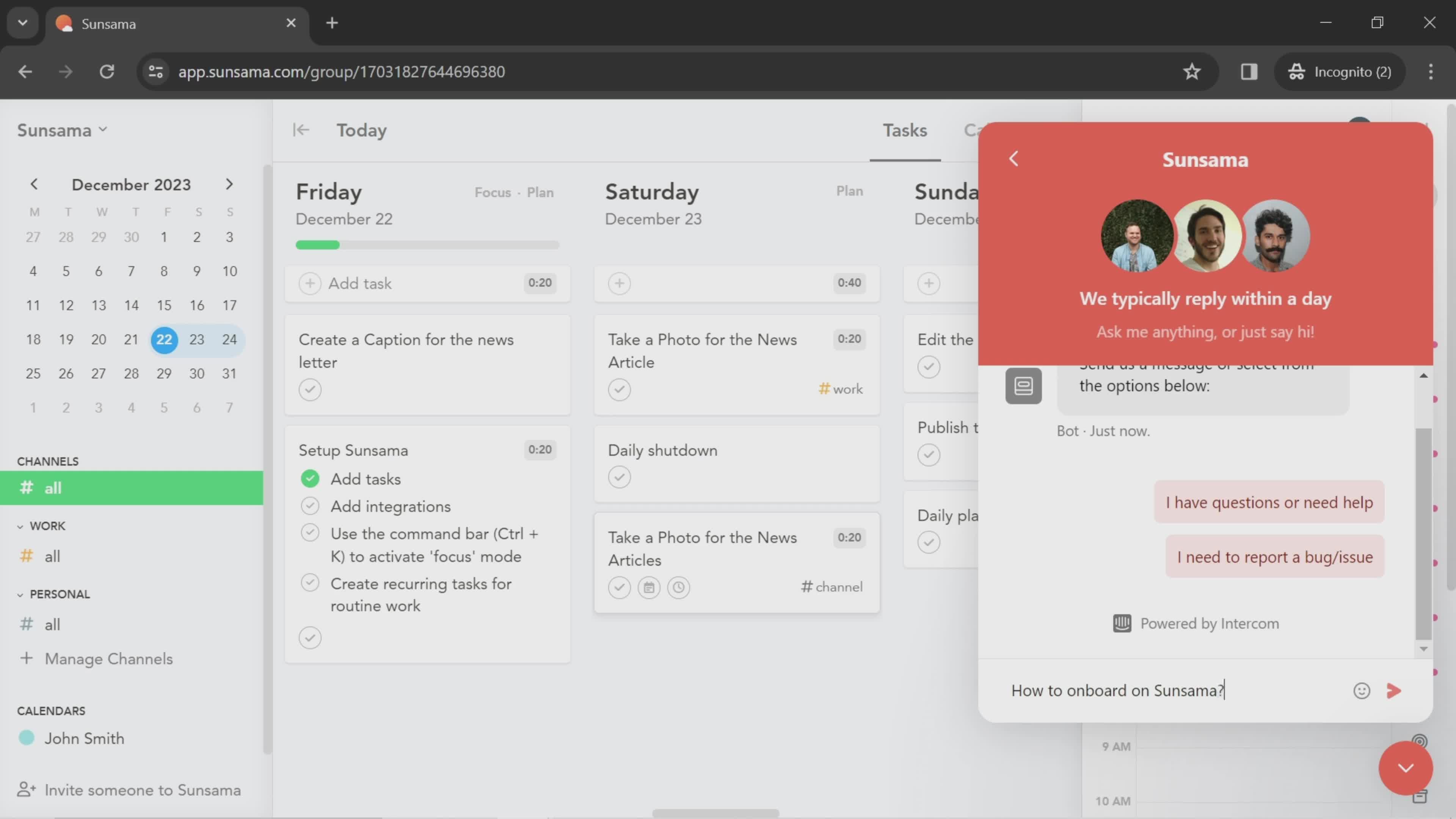
Support chat
this is title
Notifications
this is title
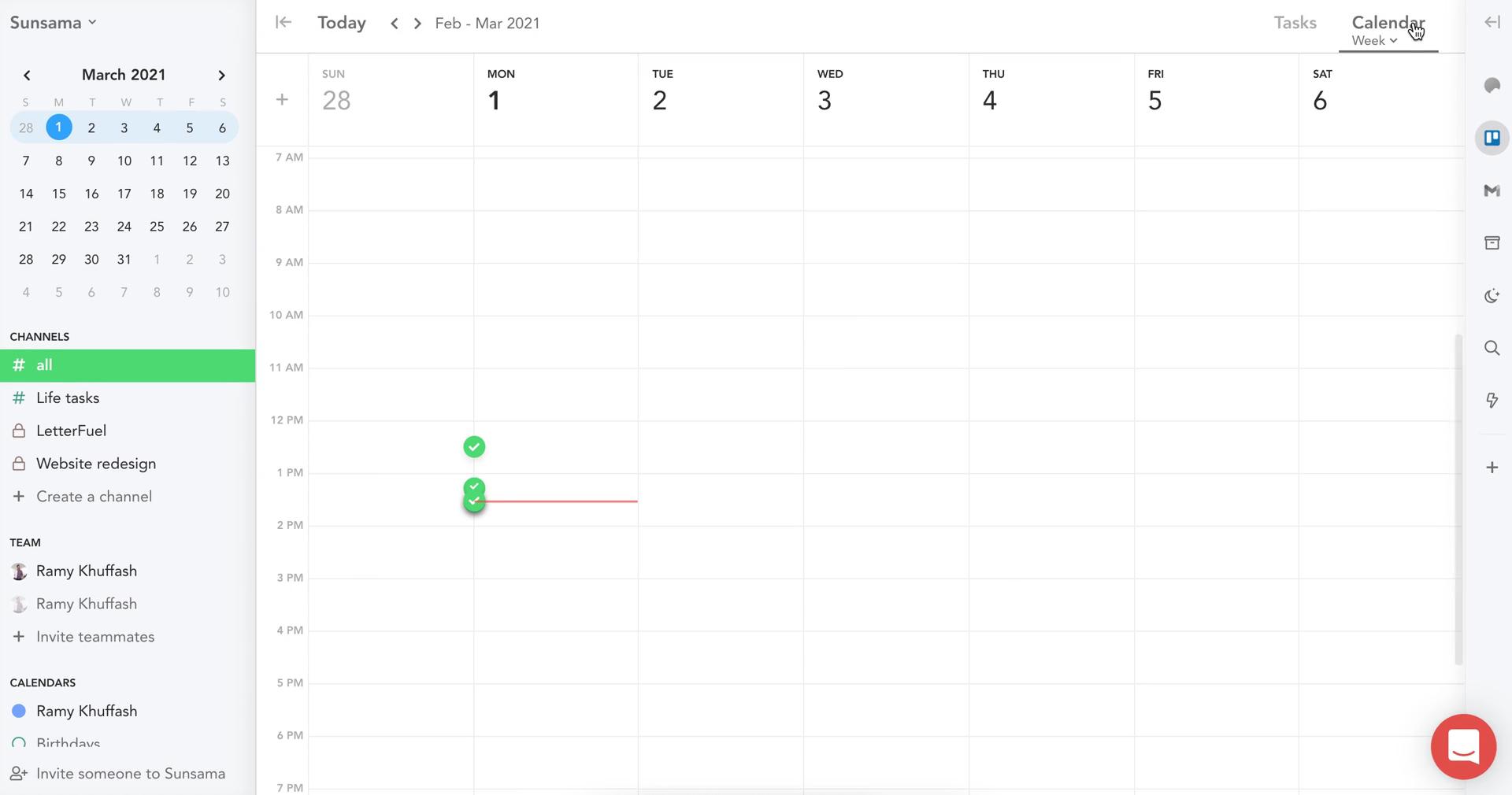
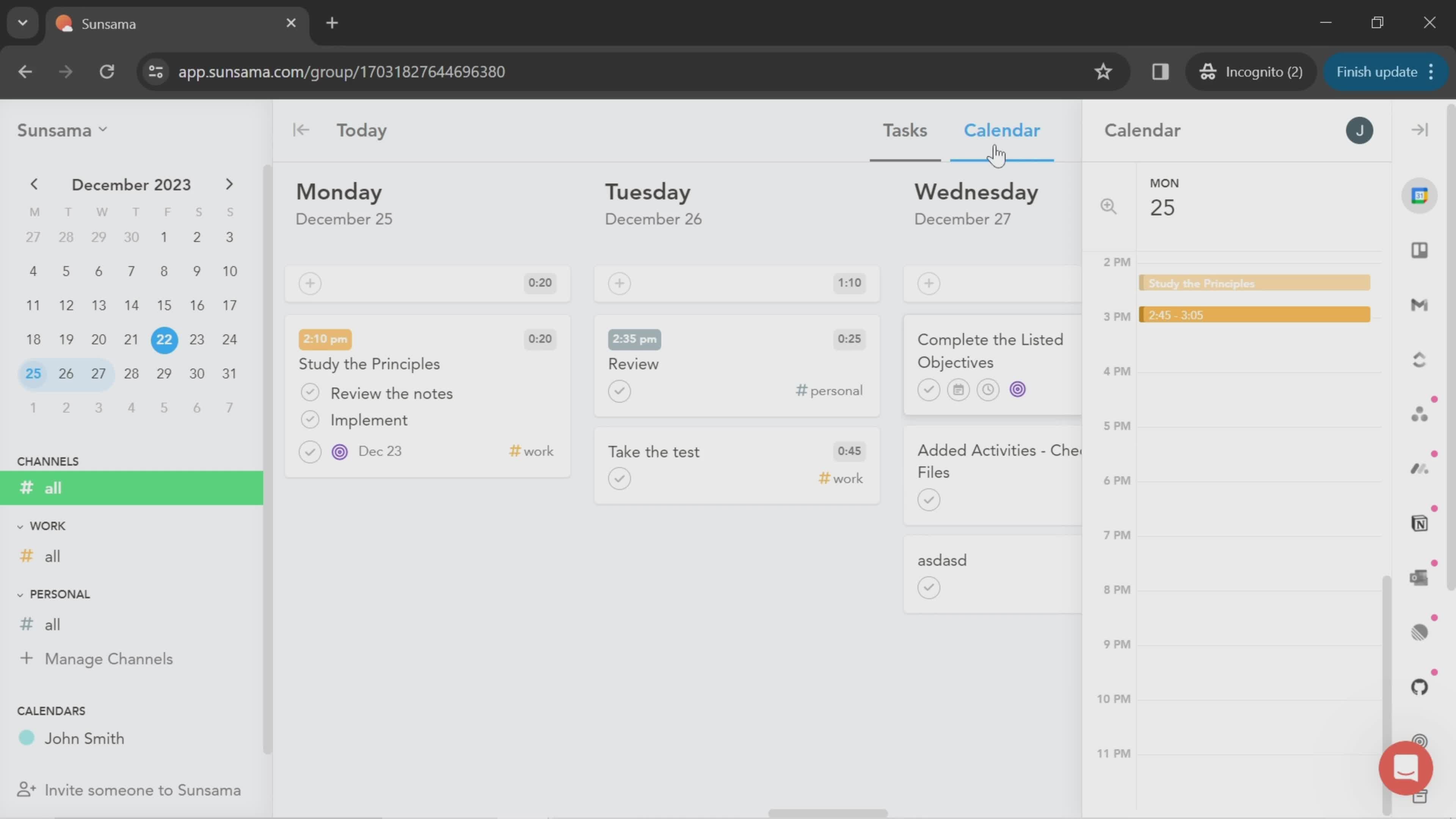
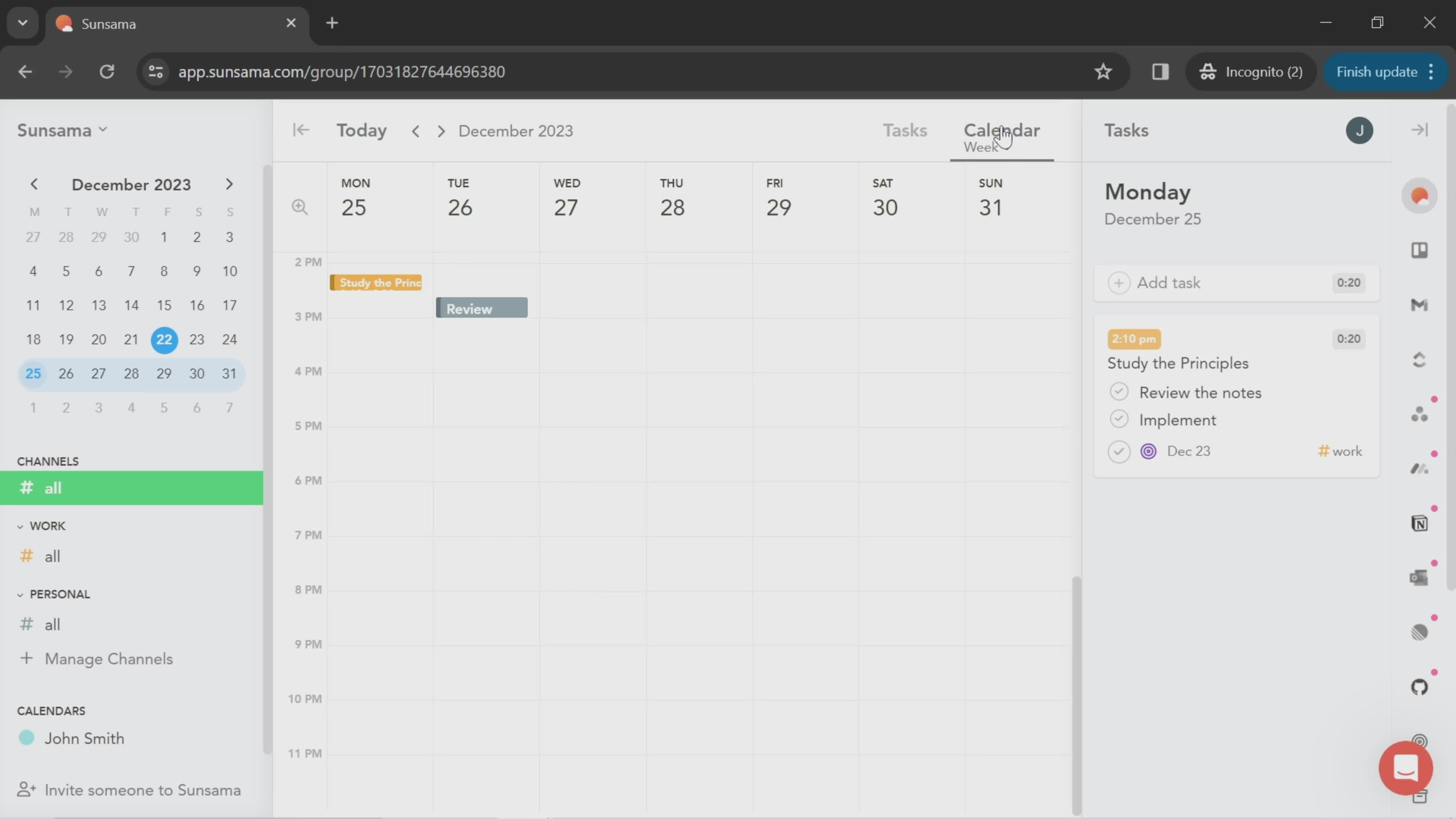
Calendar
this is title
Tasks
this is title
Select channel
this is title
this is title
Select time
this is title
this is title
Set due date
this is title
Action menu
this is title
this is title
Dashboard
this is title
Account menu
this is title
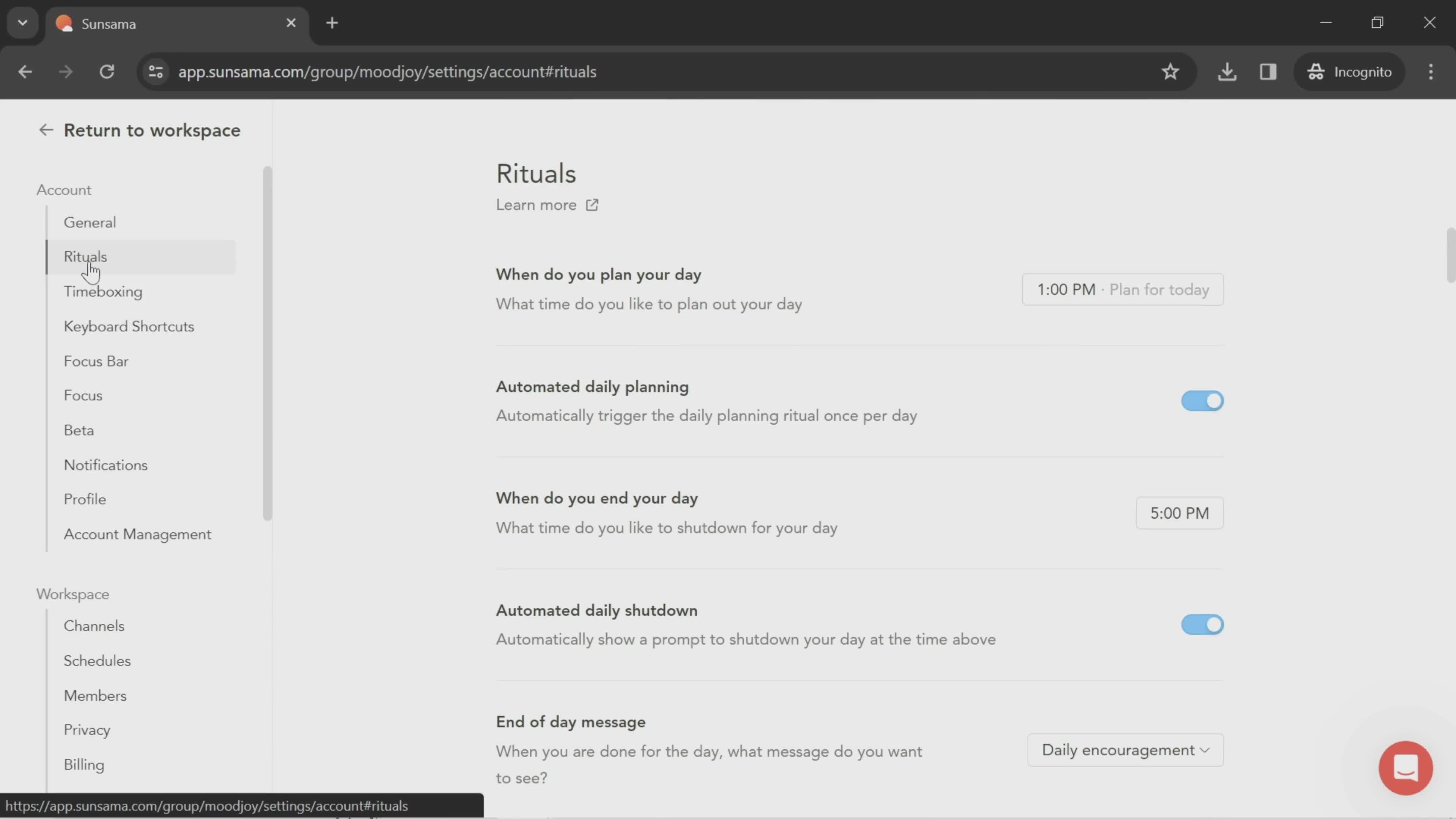
Settings
this is title
this is title
this is title
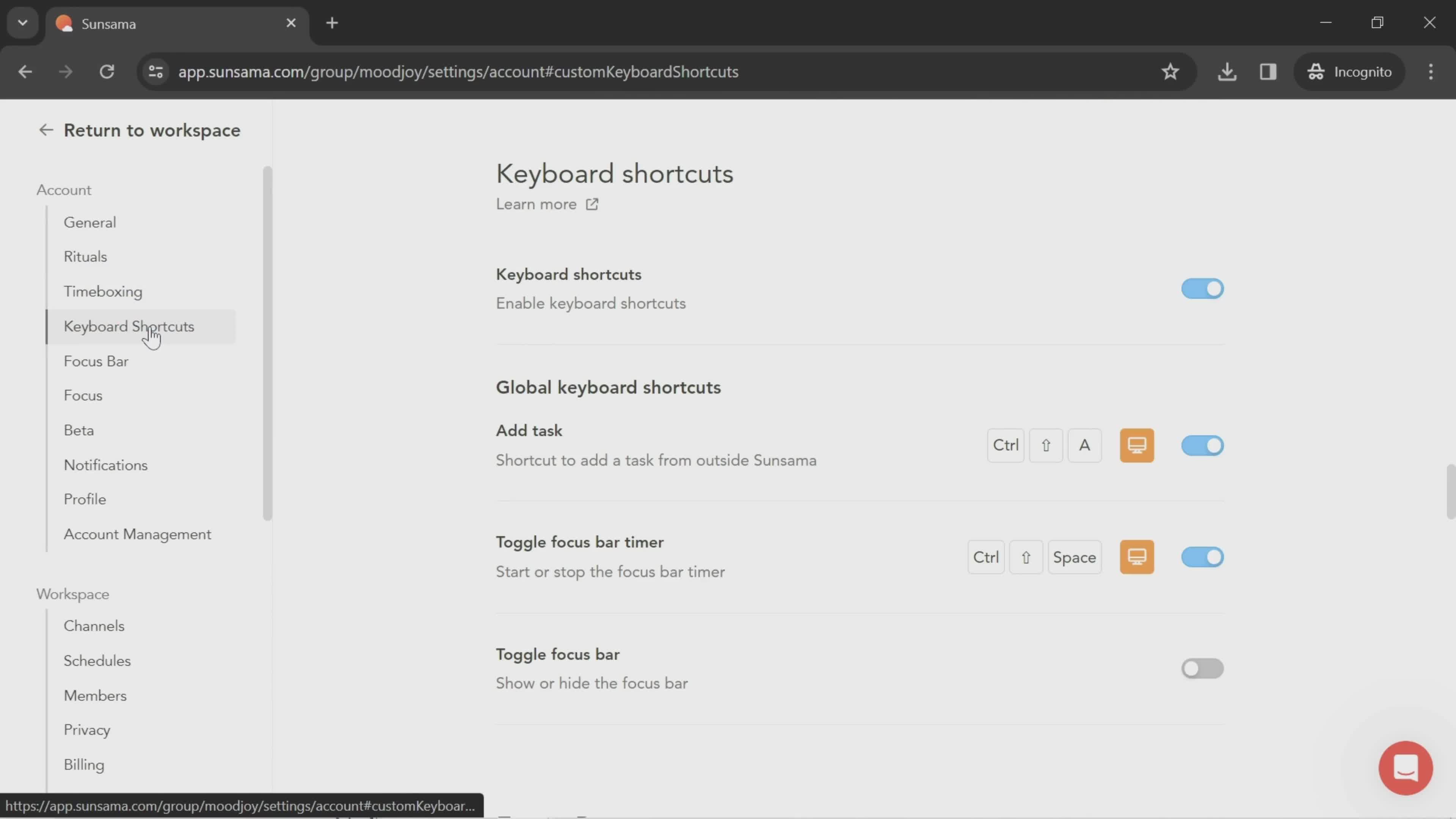
Keyboard shortcuts
this is title
this is title
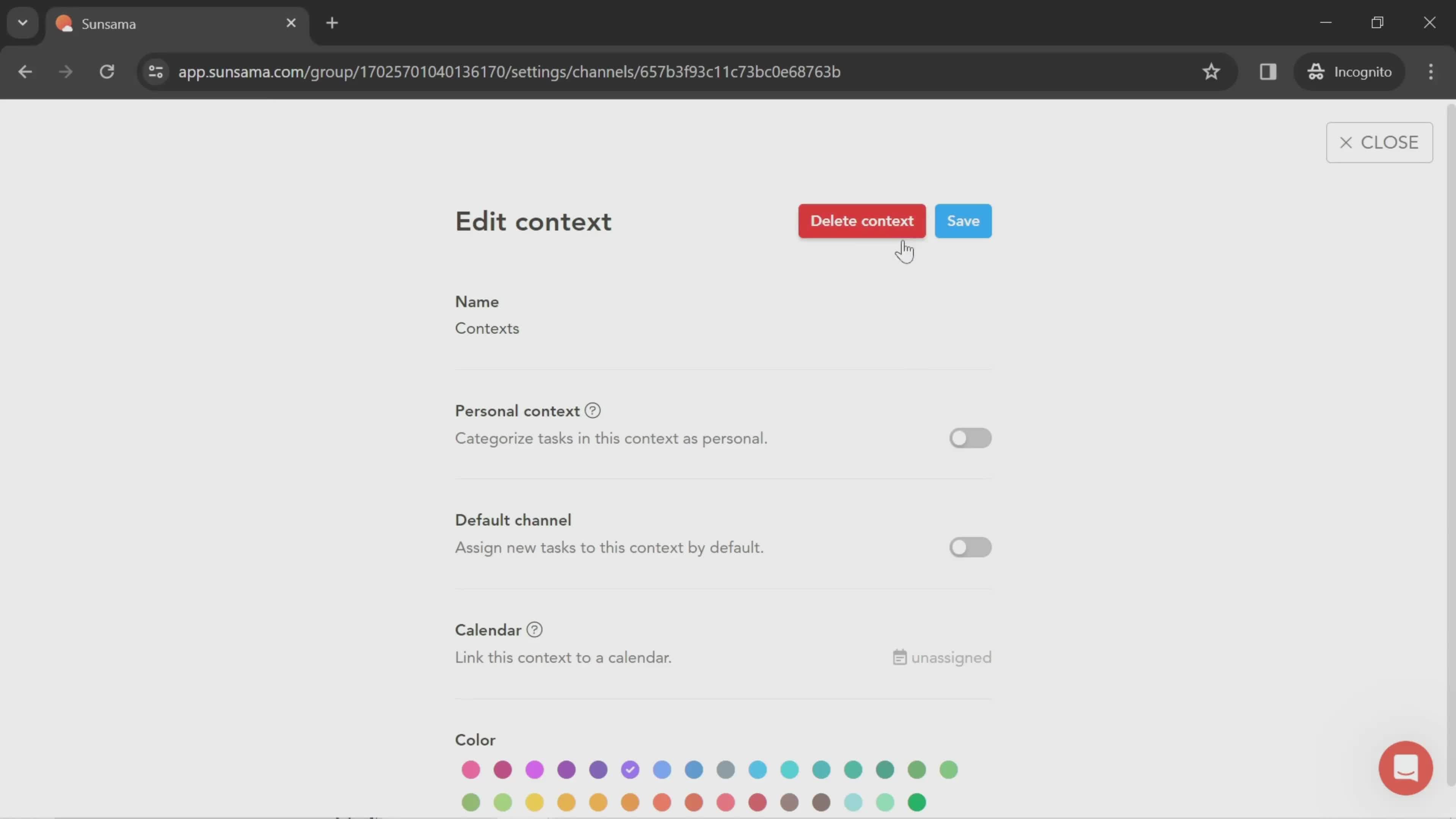
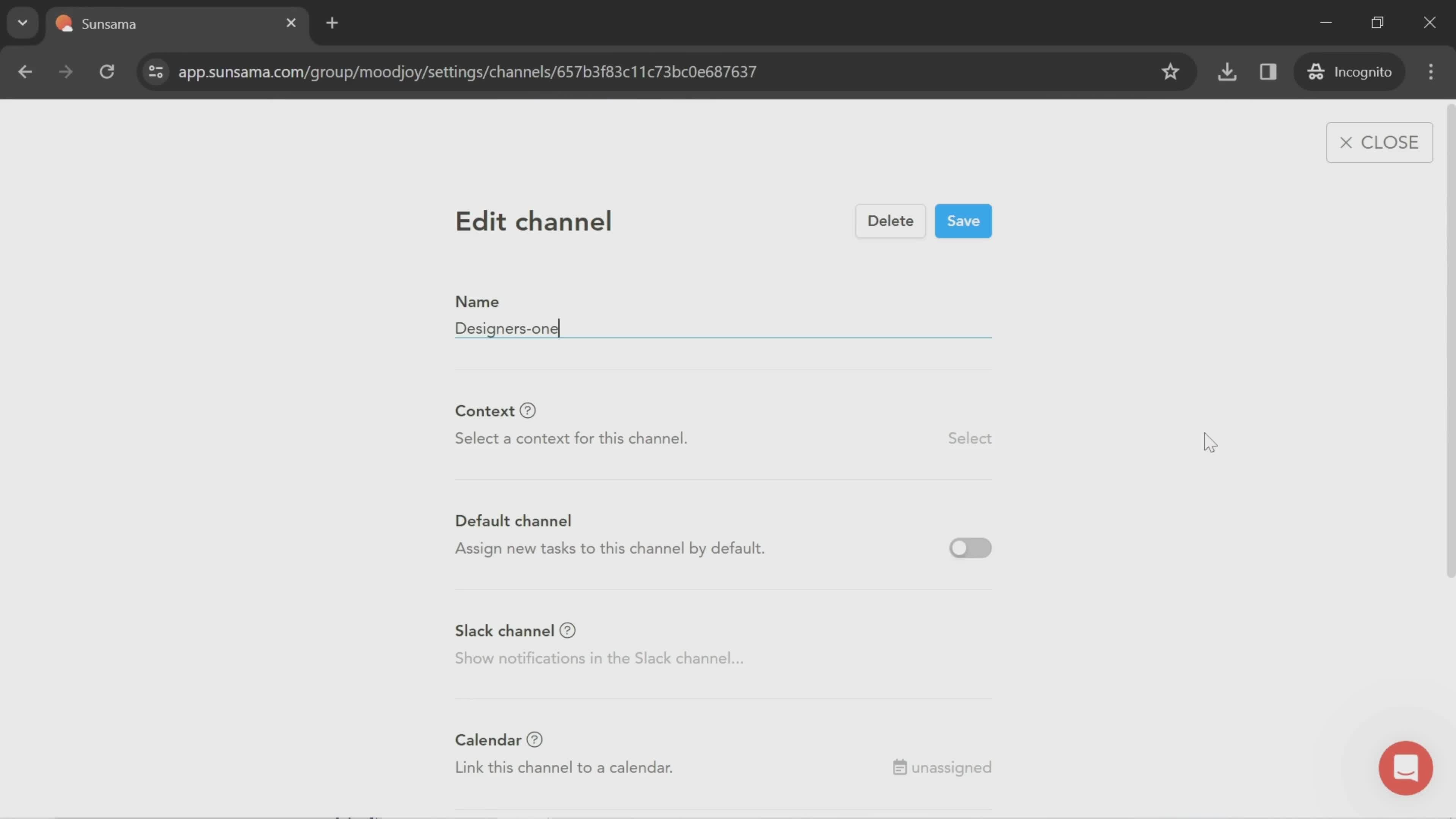
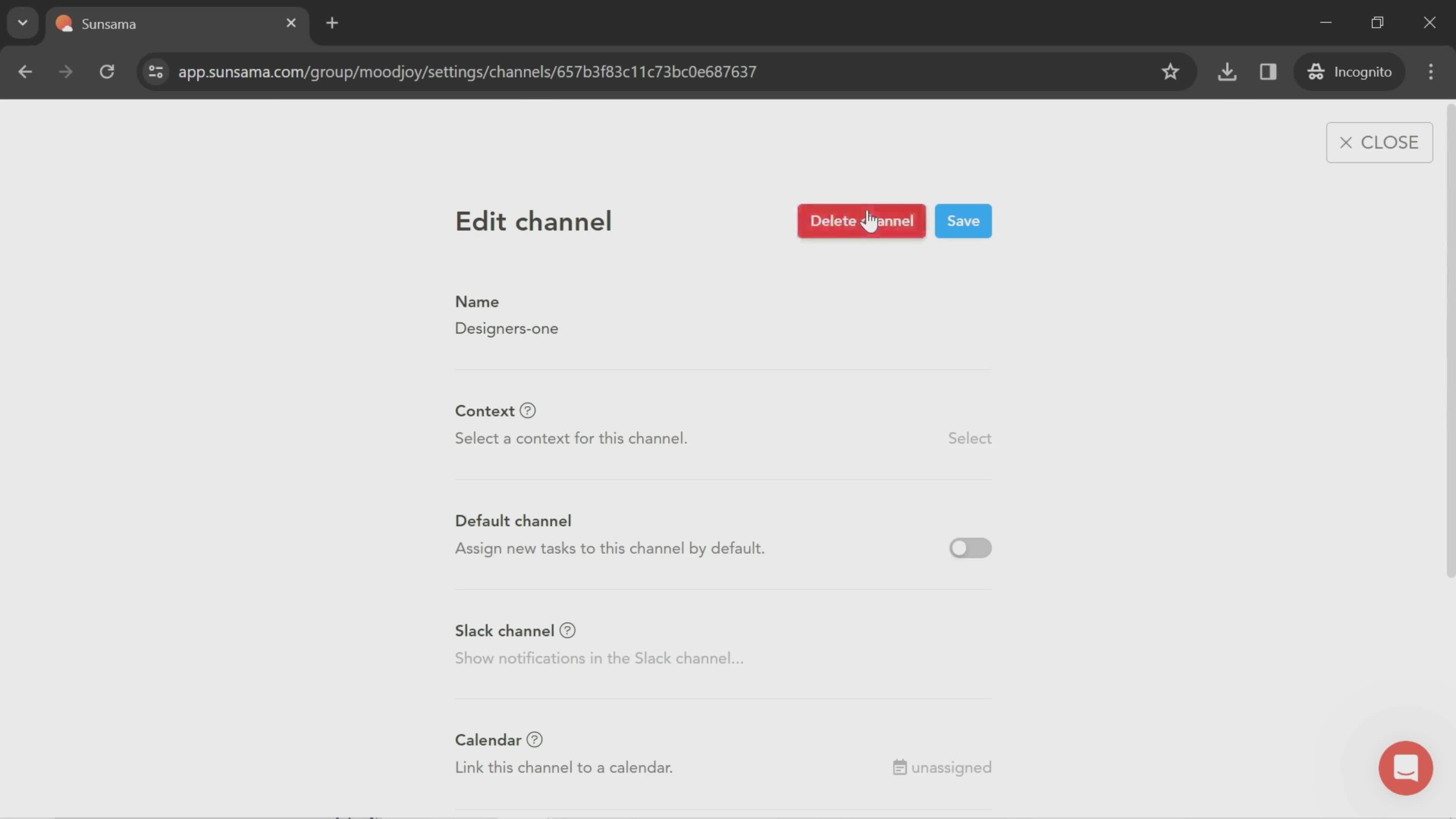
Edit channel
this is title
Delete channel
this is title
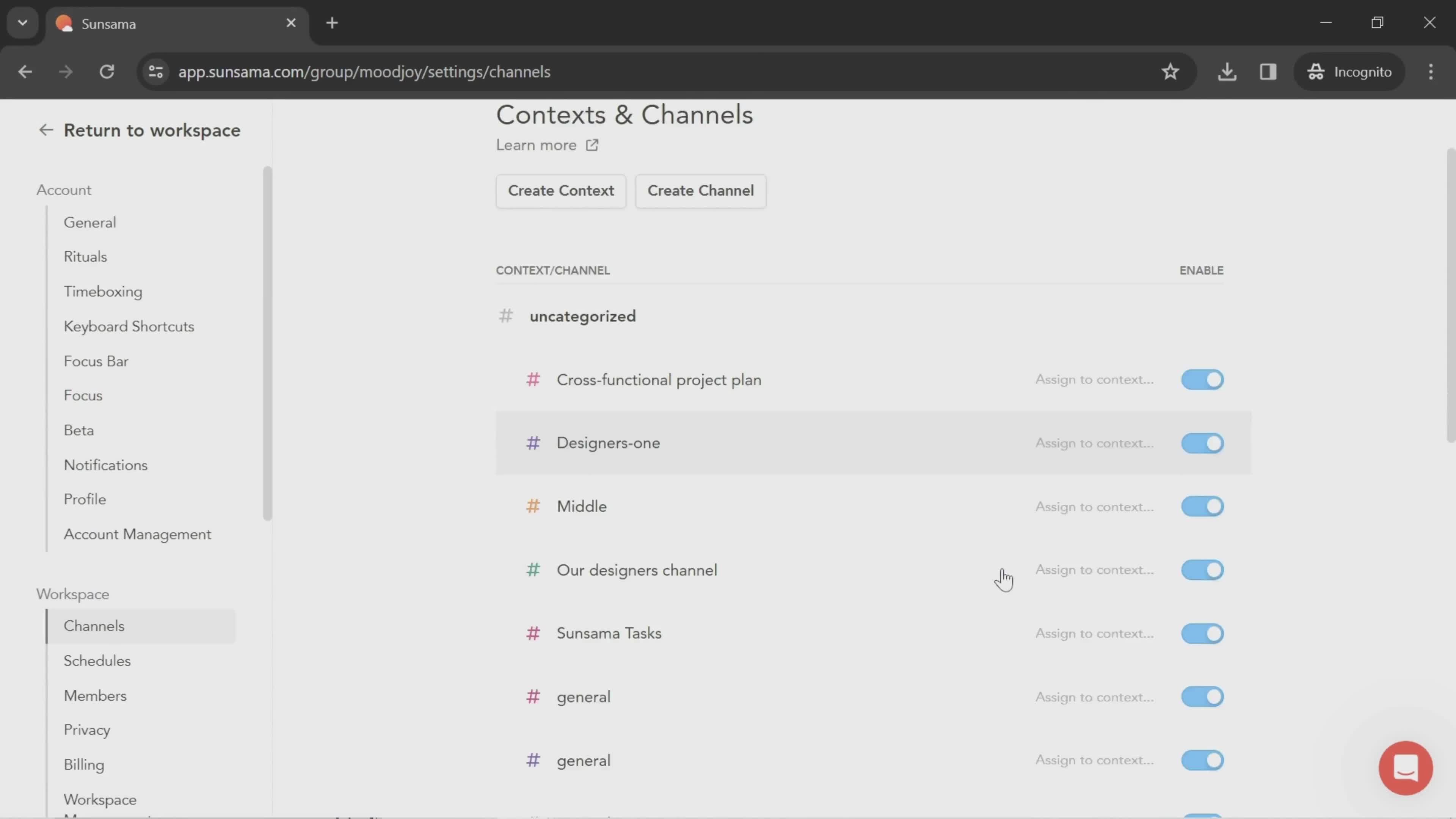
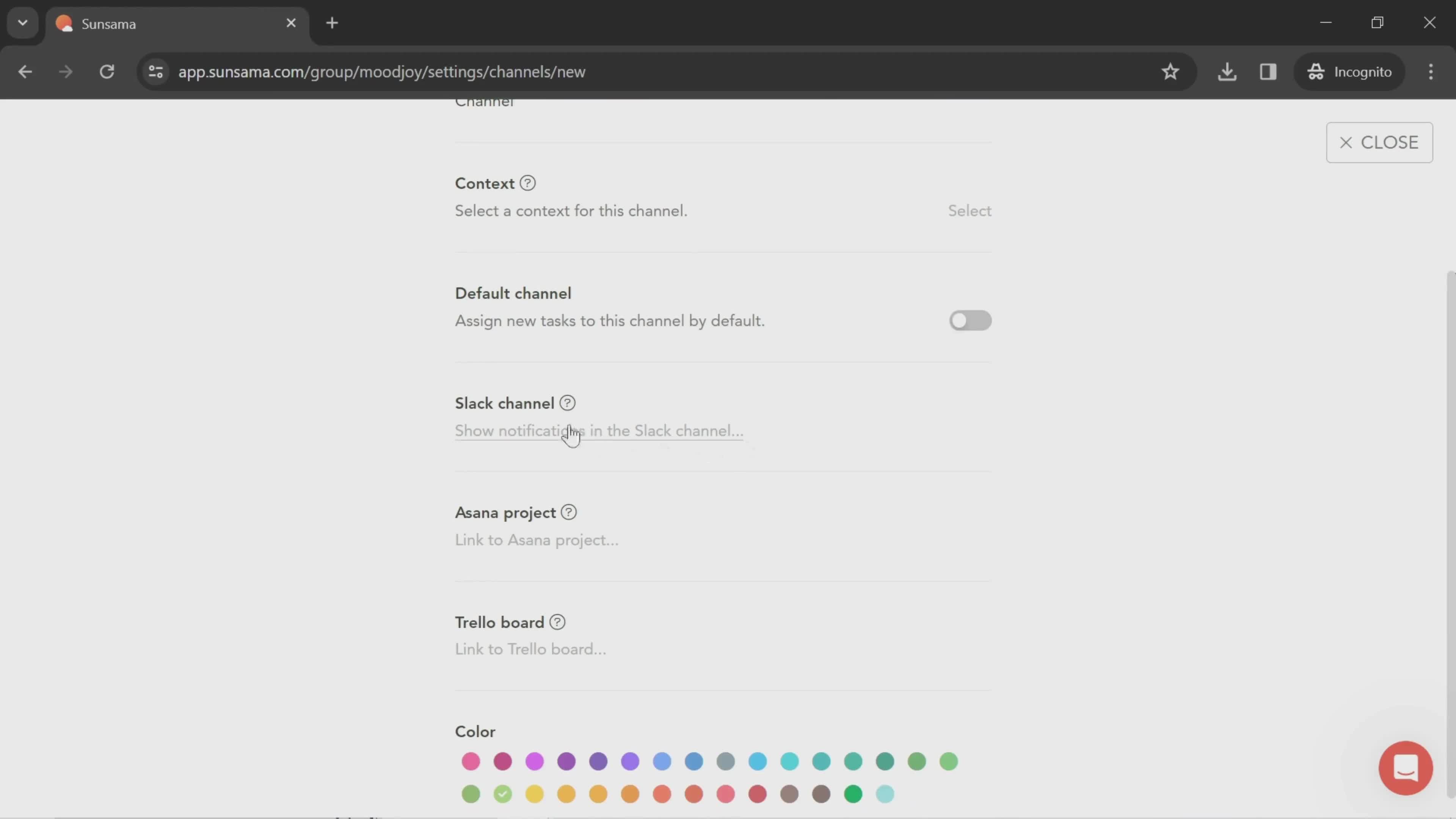
Channel settings
this is title
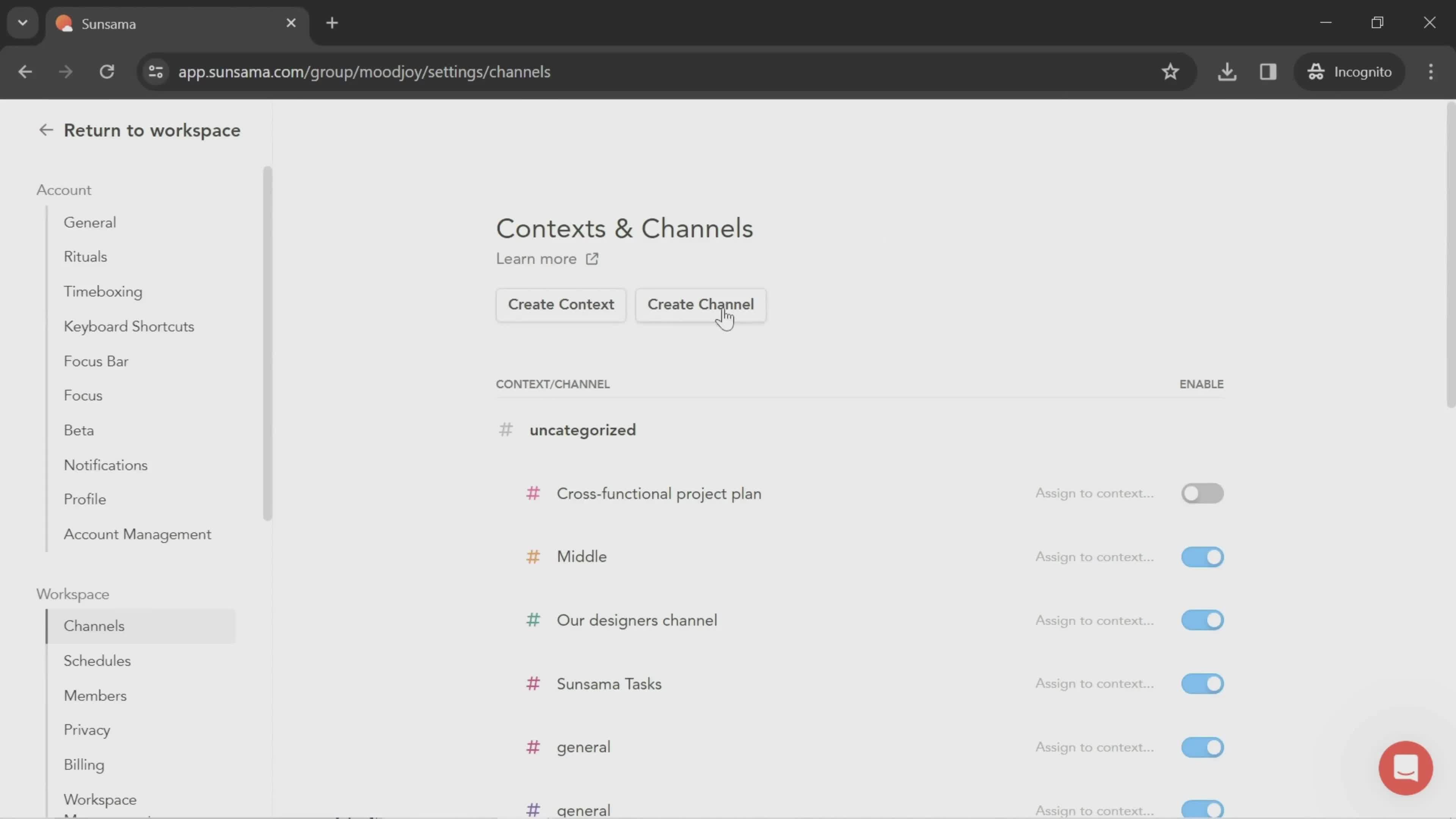
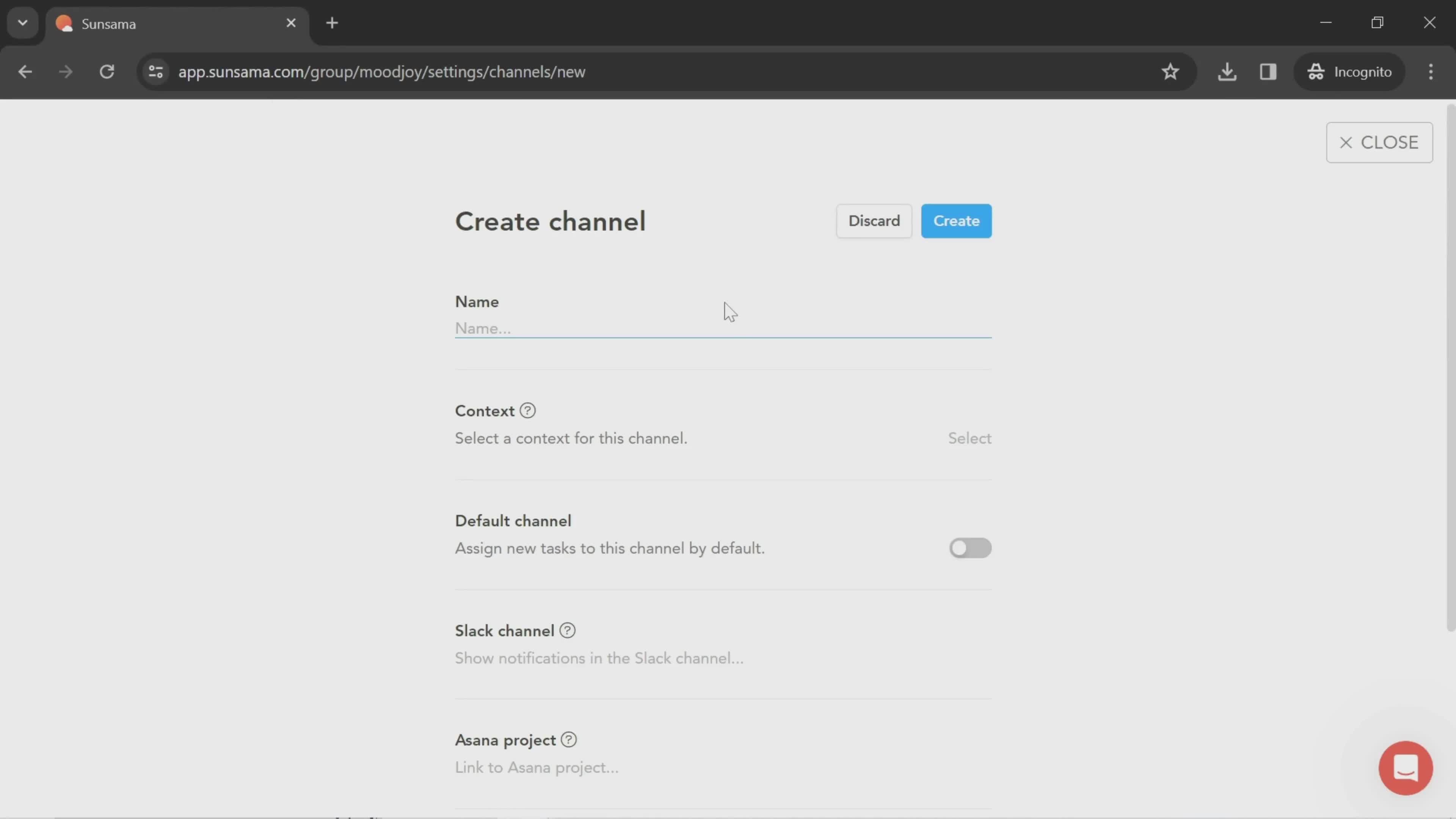
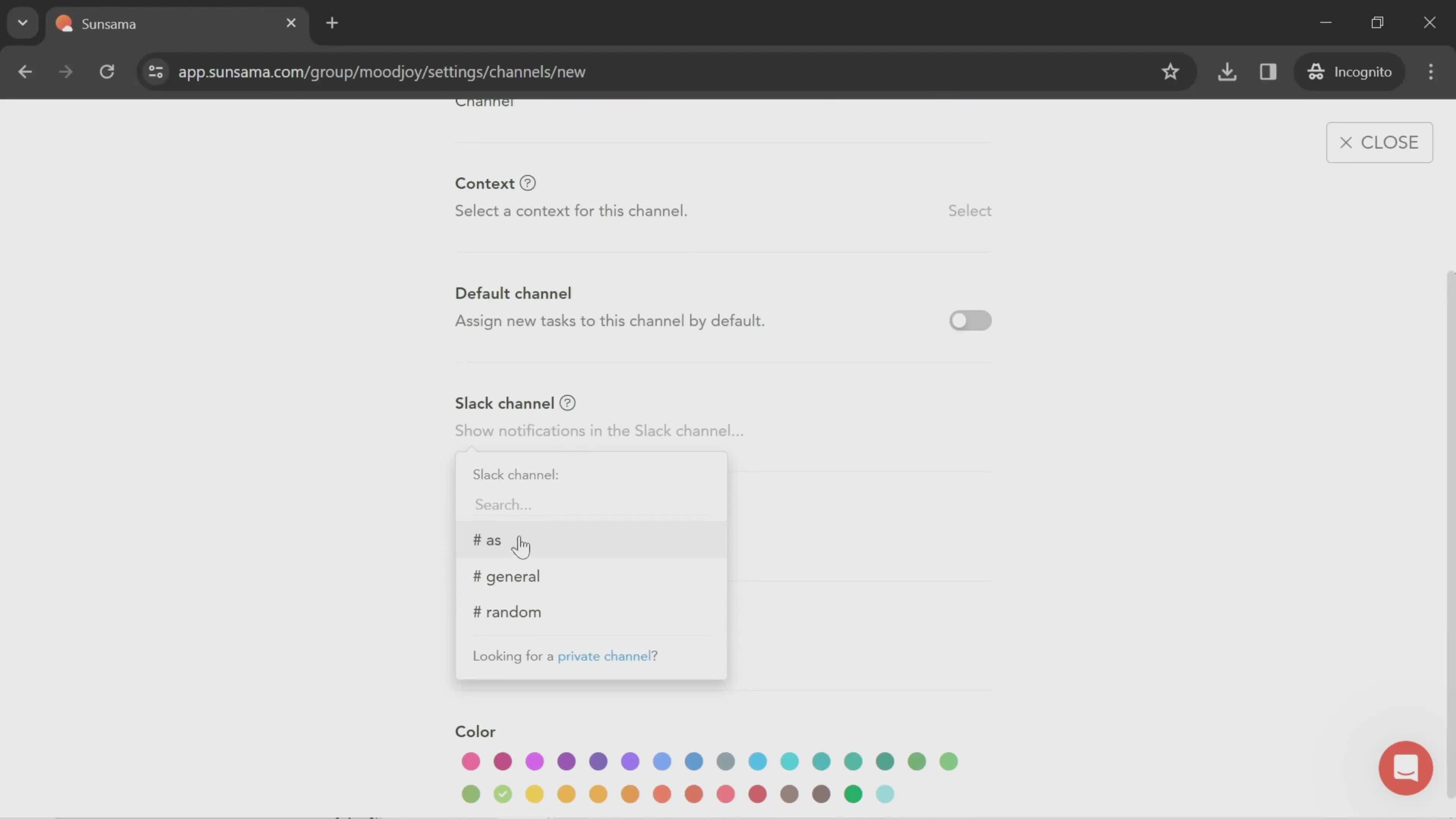
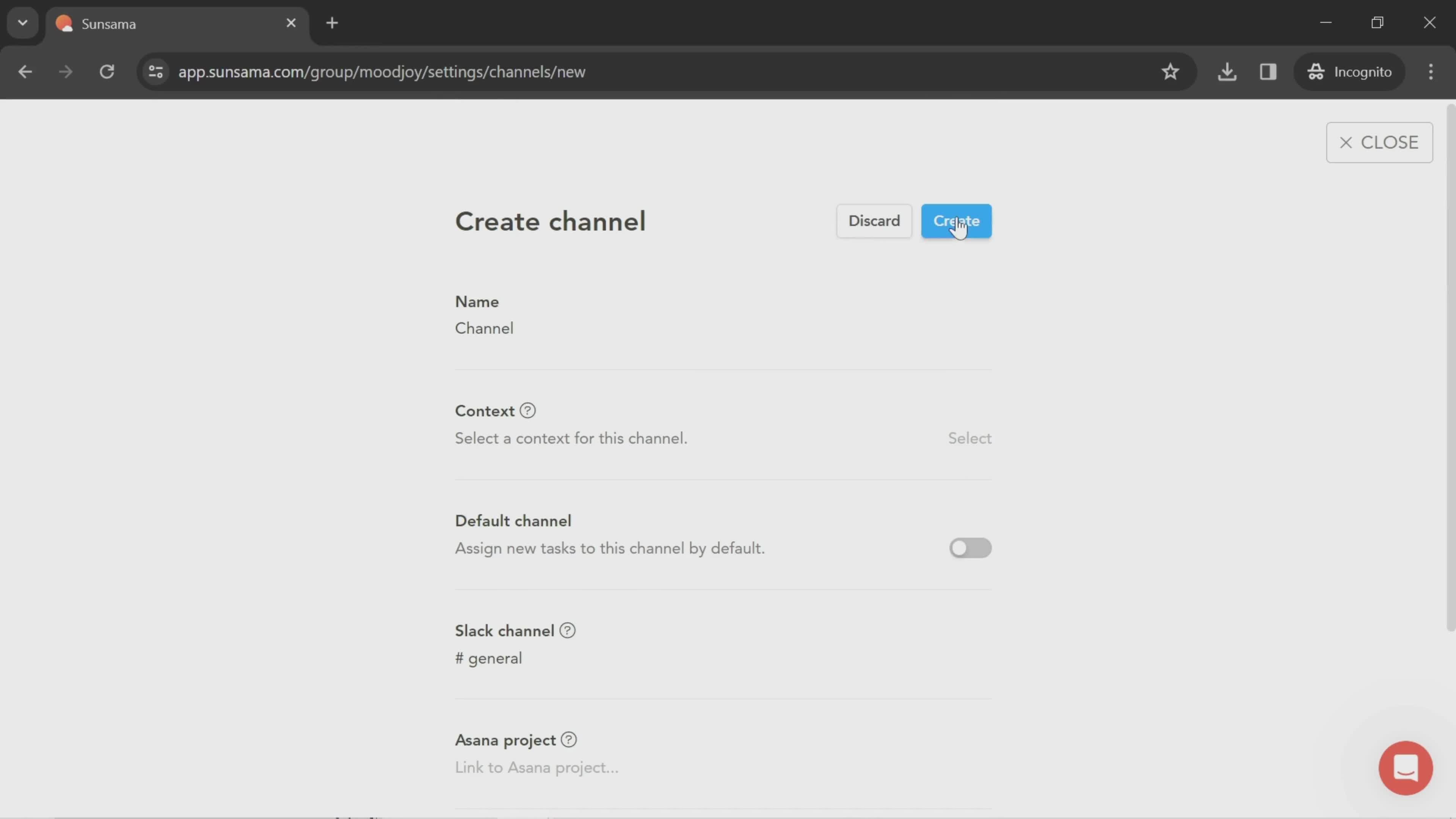
Create channel
this is title
this is title
Select channel
this is title
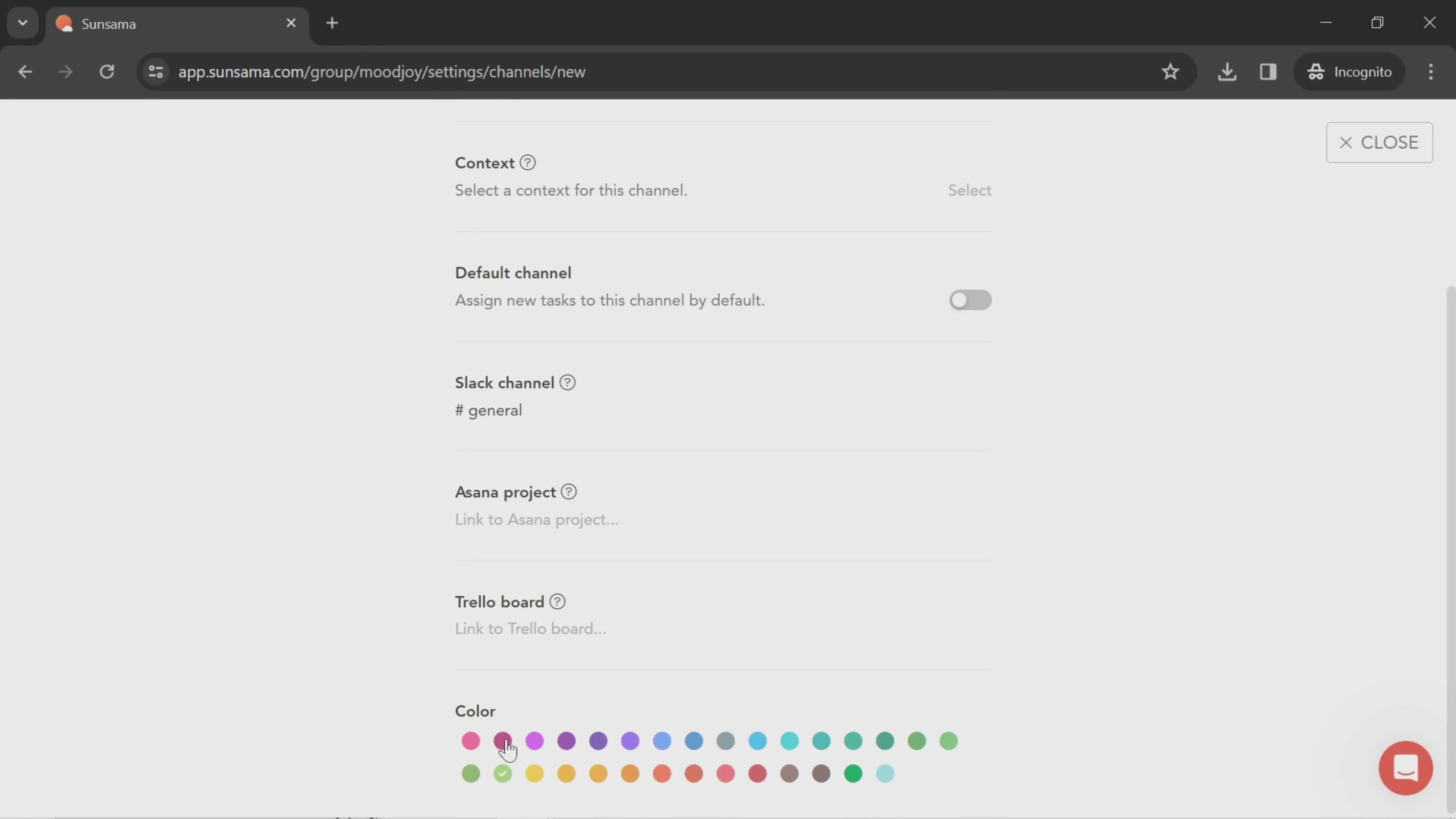
Select color
this is title
Create channel
this is title
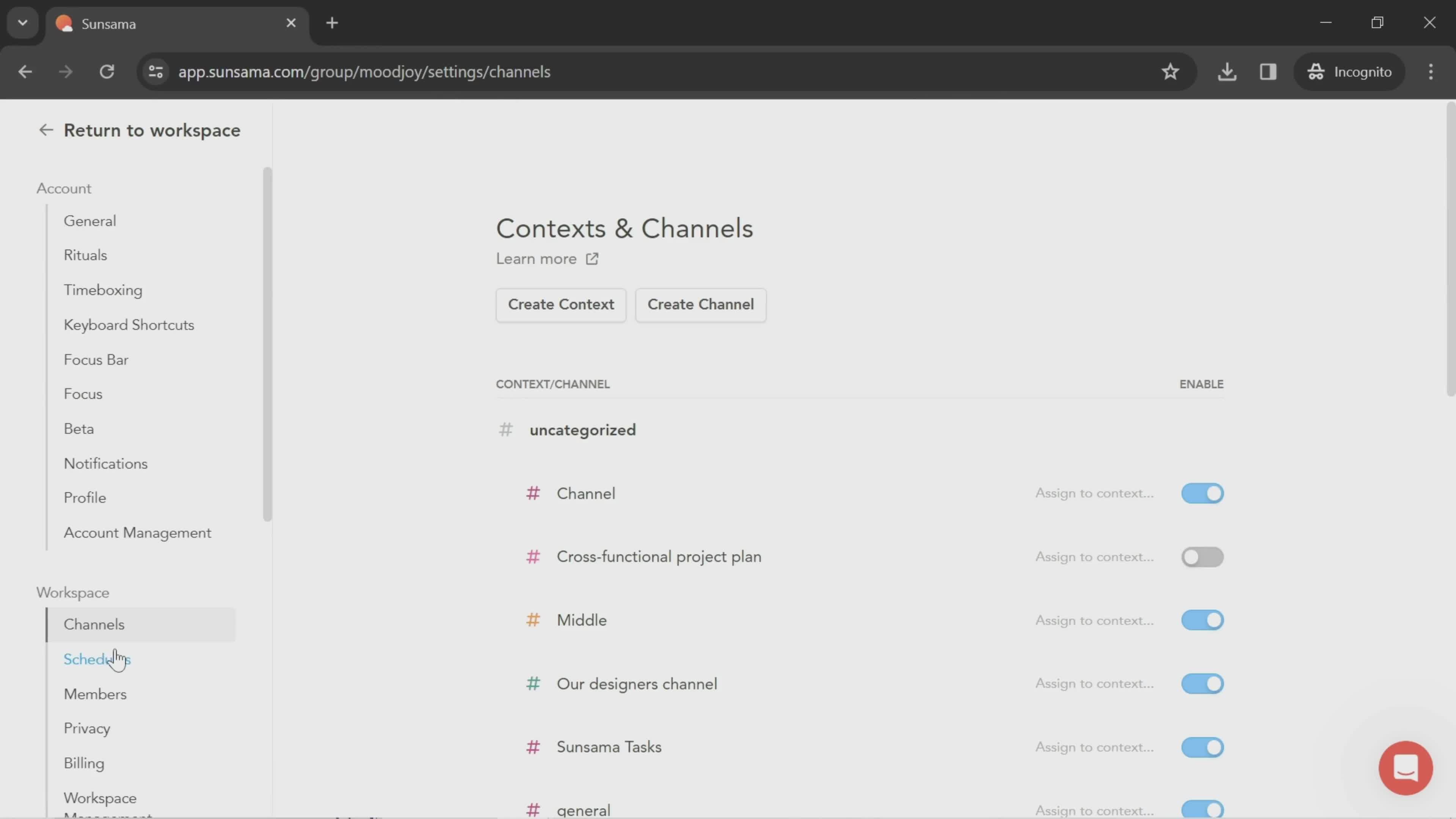
Channels
this is title
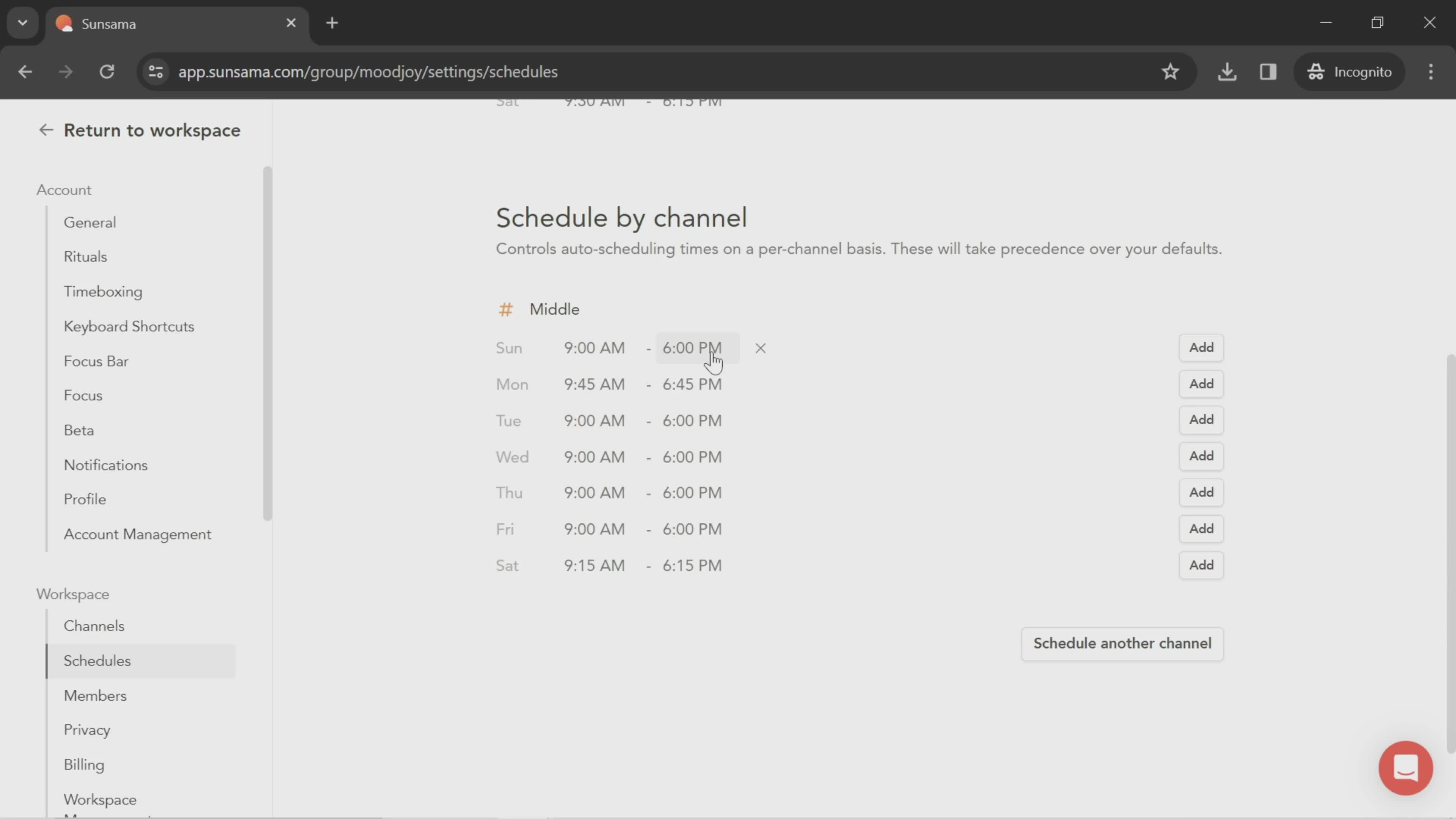
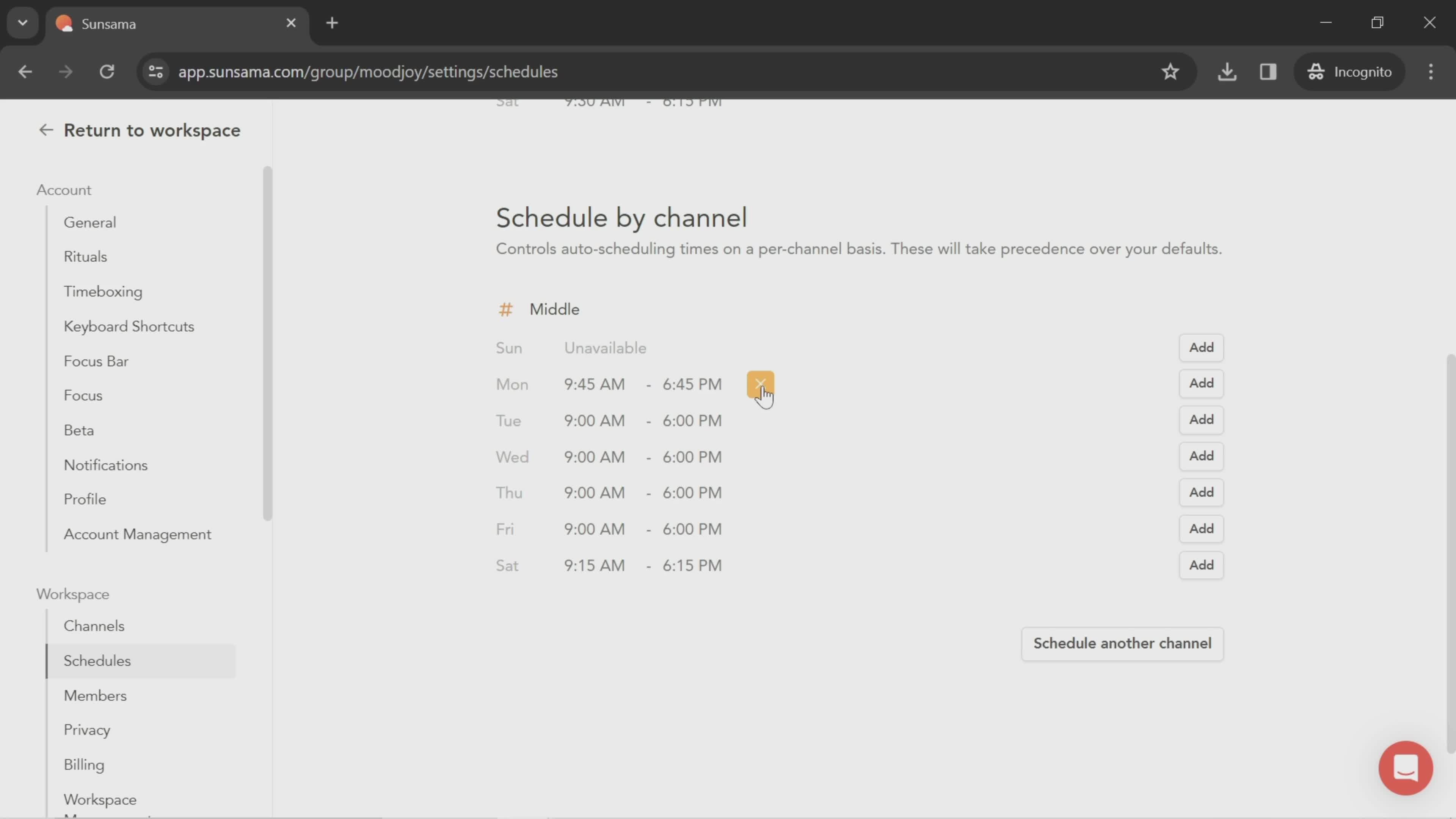
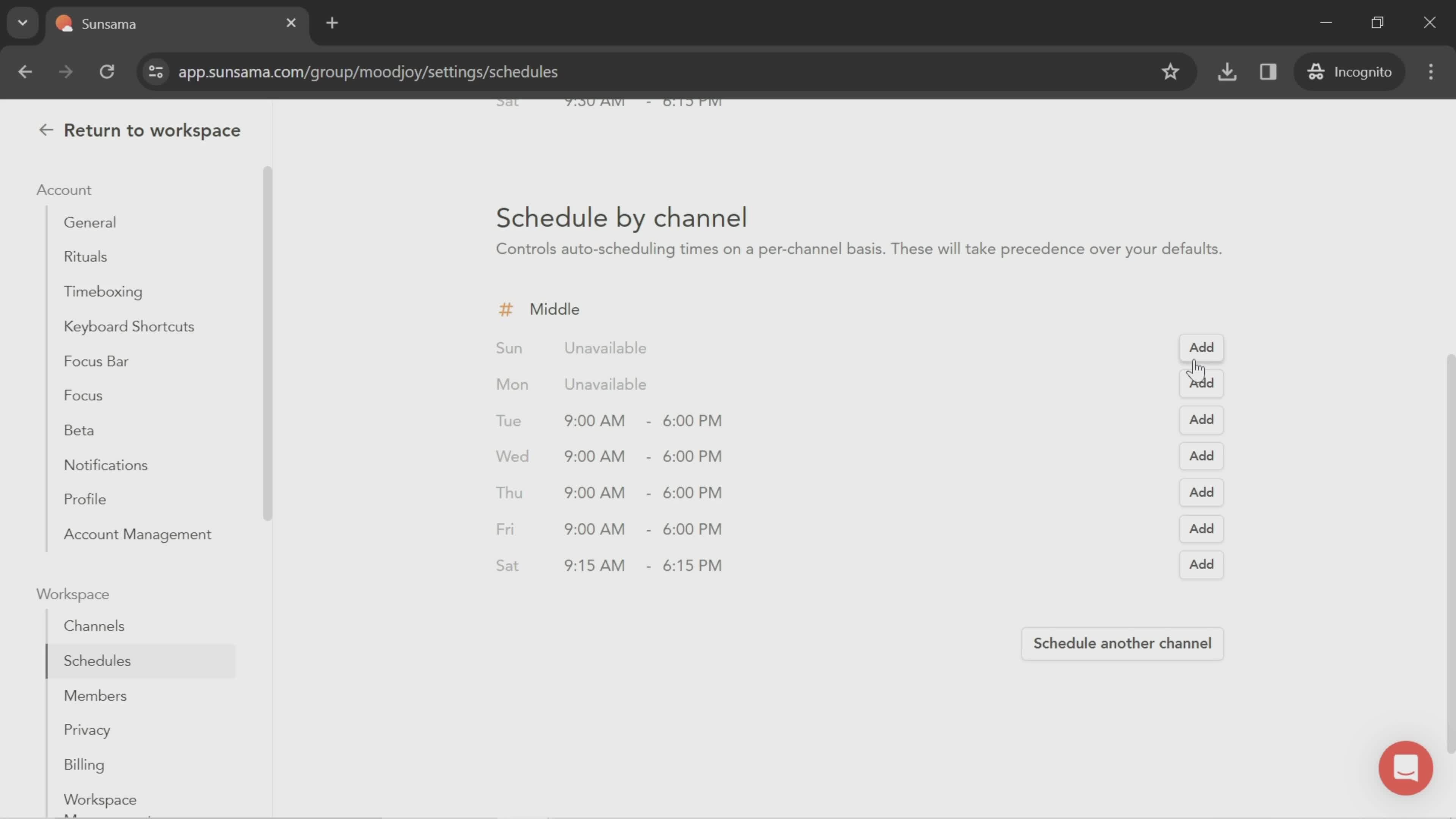
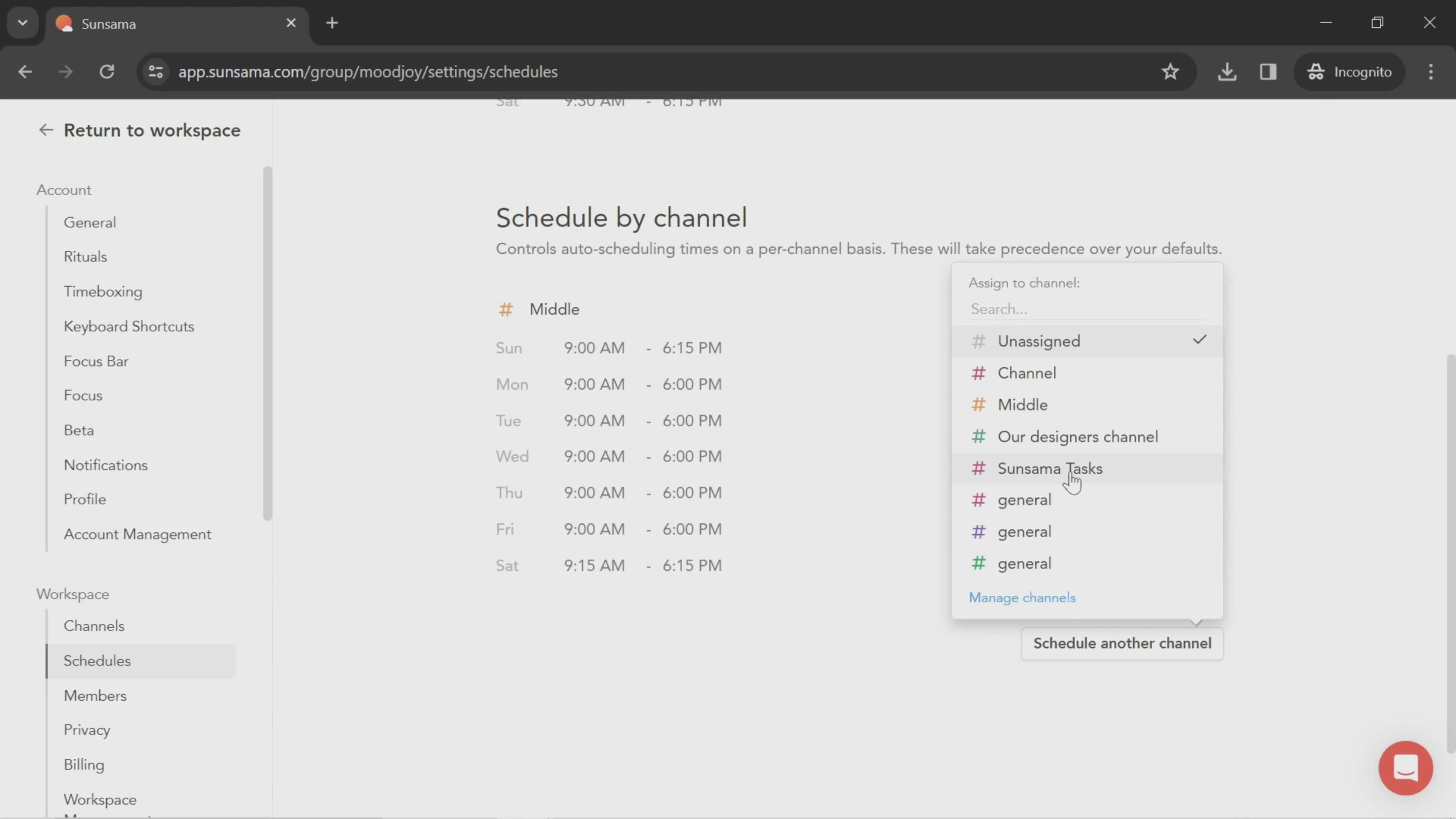
Schedule details
this is title
this is title
Select channel
this is title
this is title
this is title
Members
this is title
Invitations
this is title
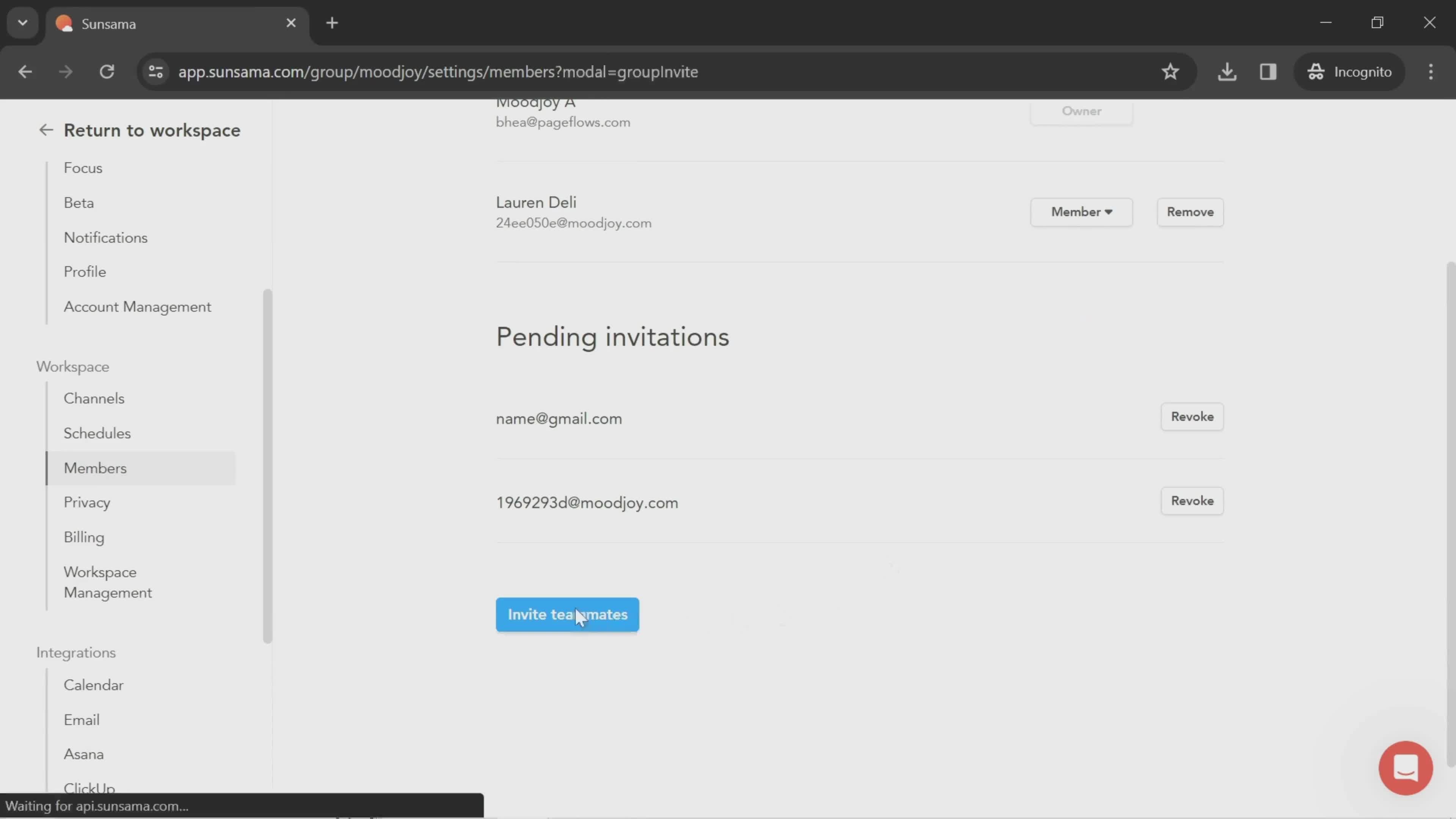
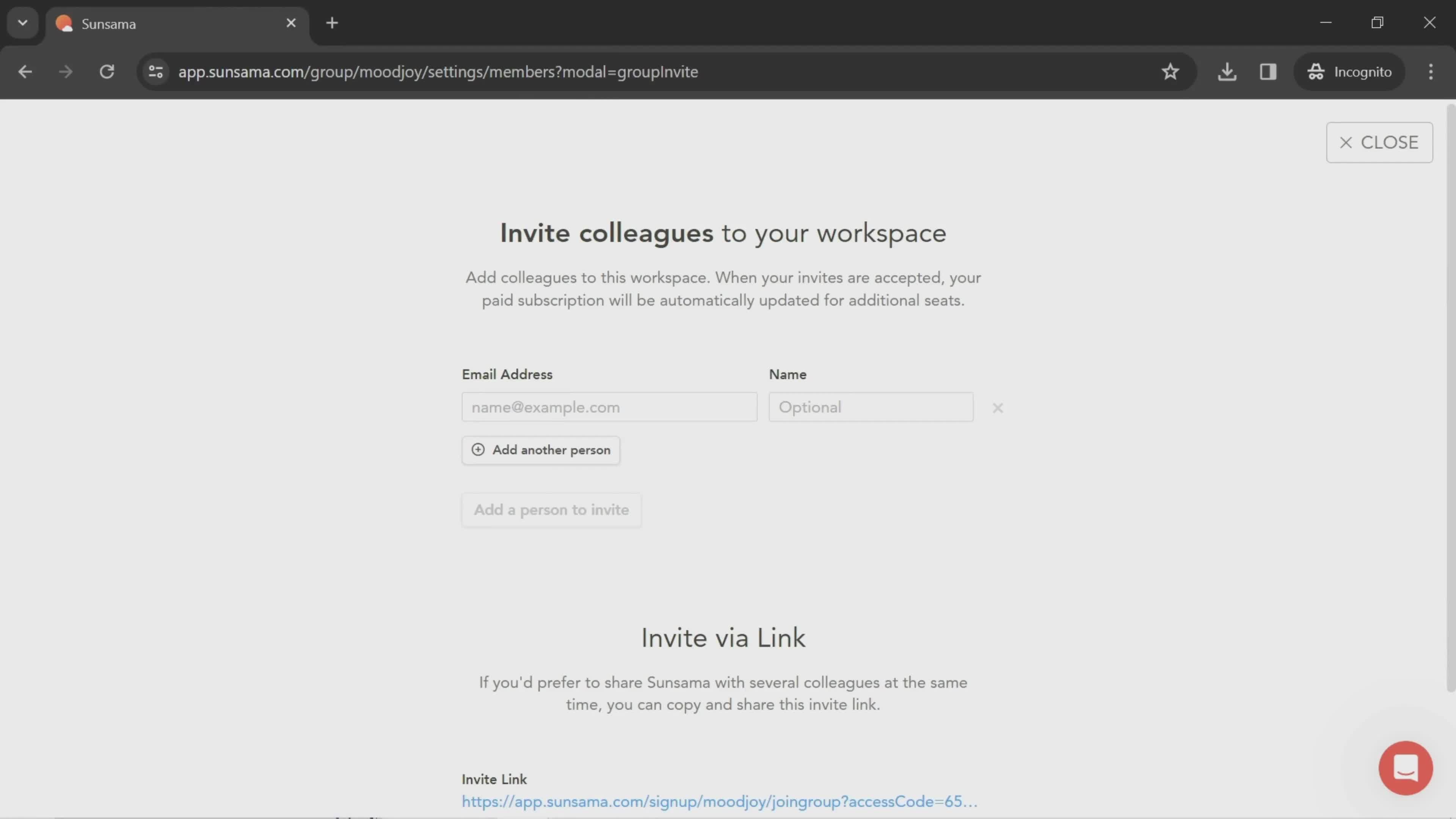
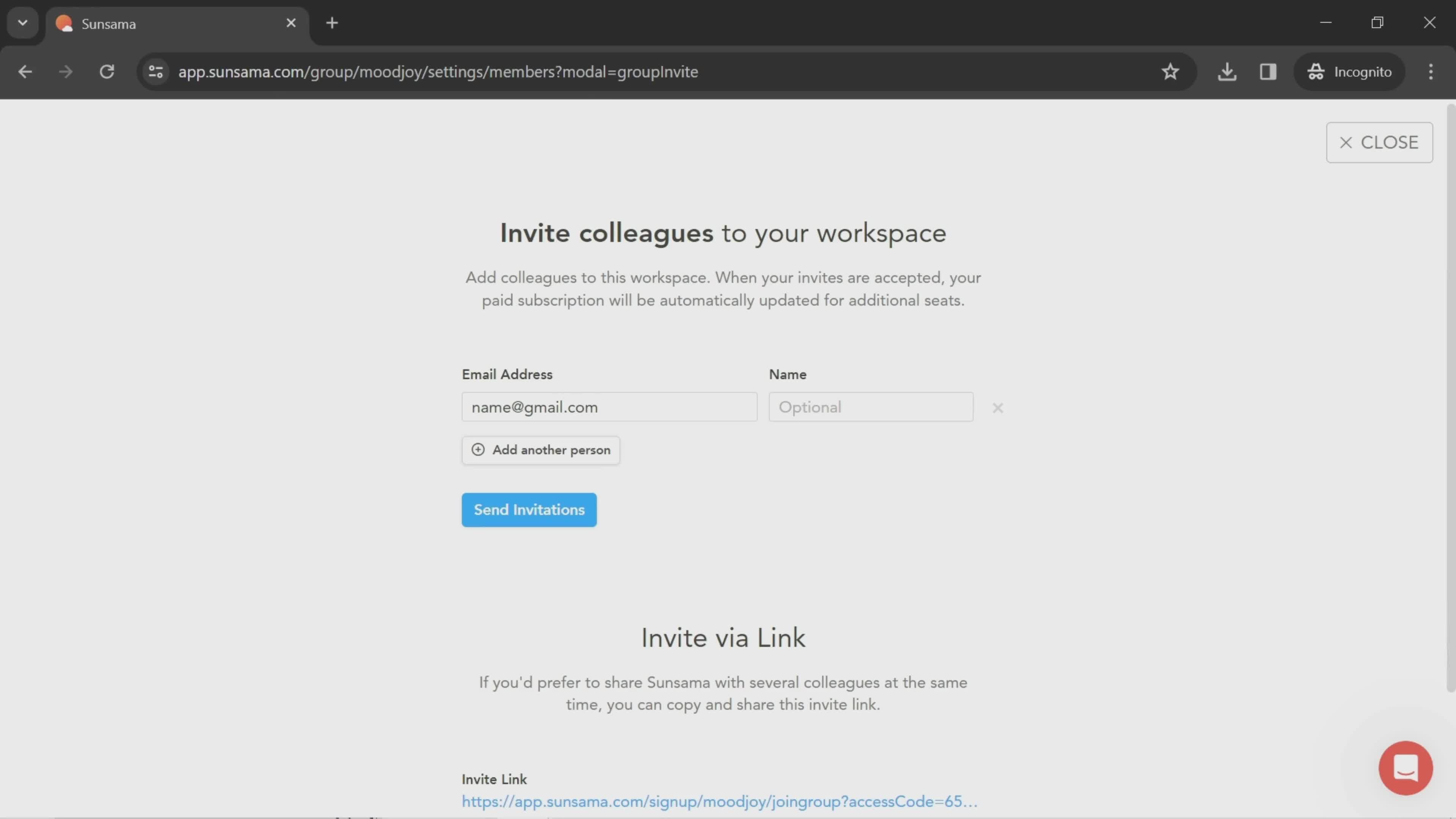
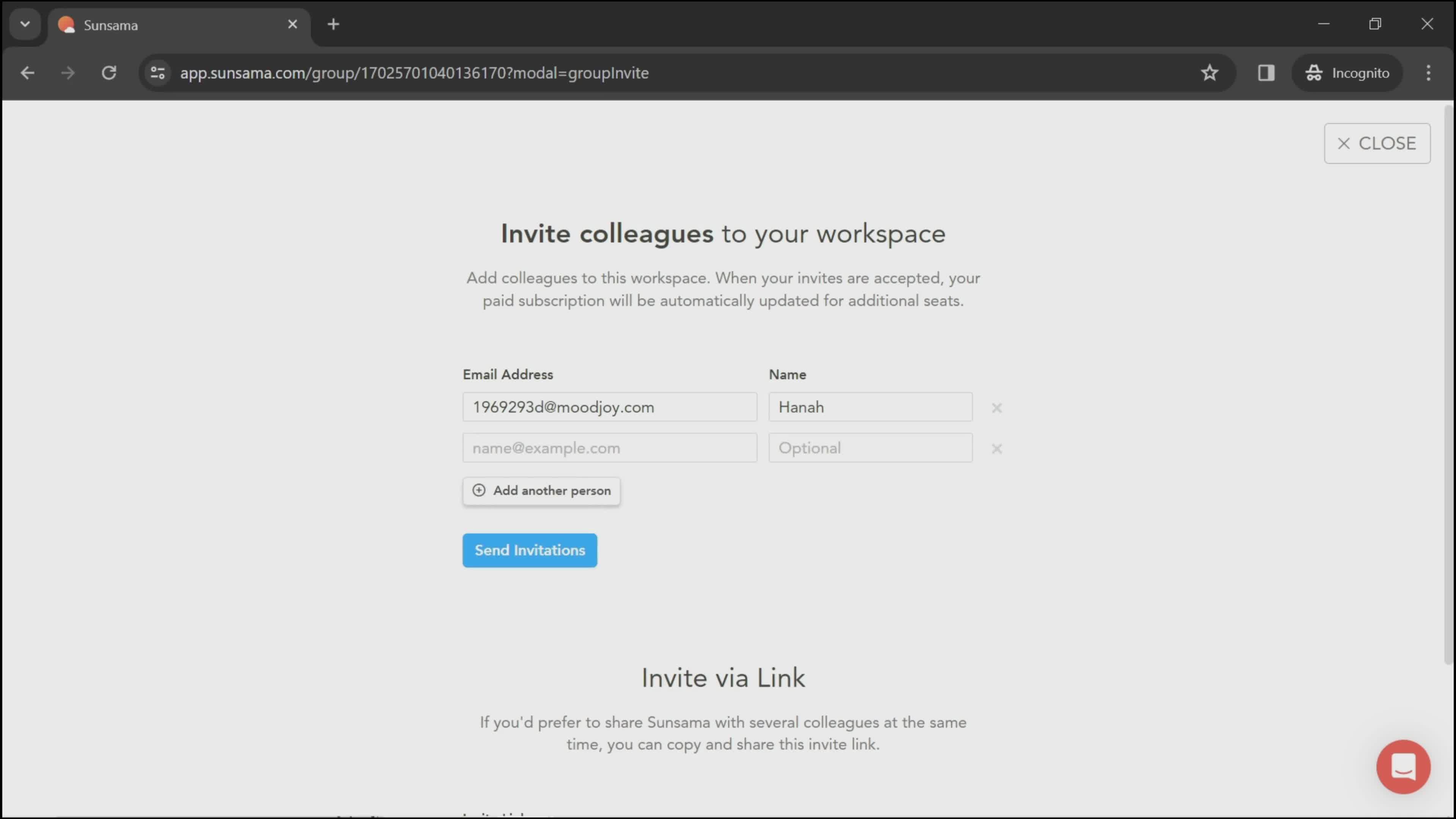
Invite people
this is title
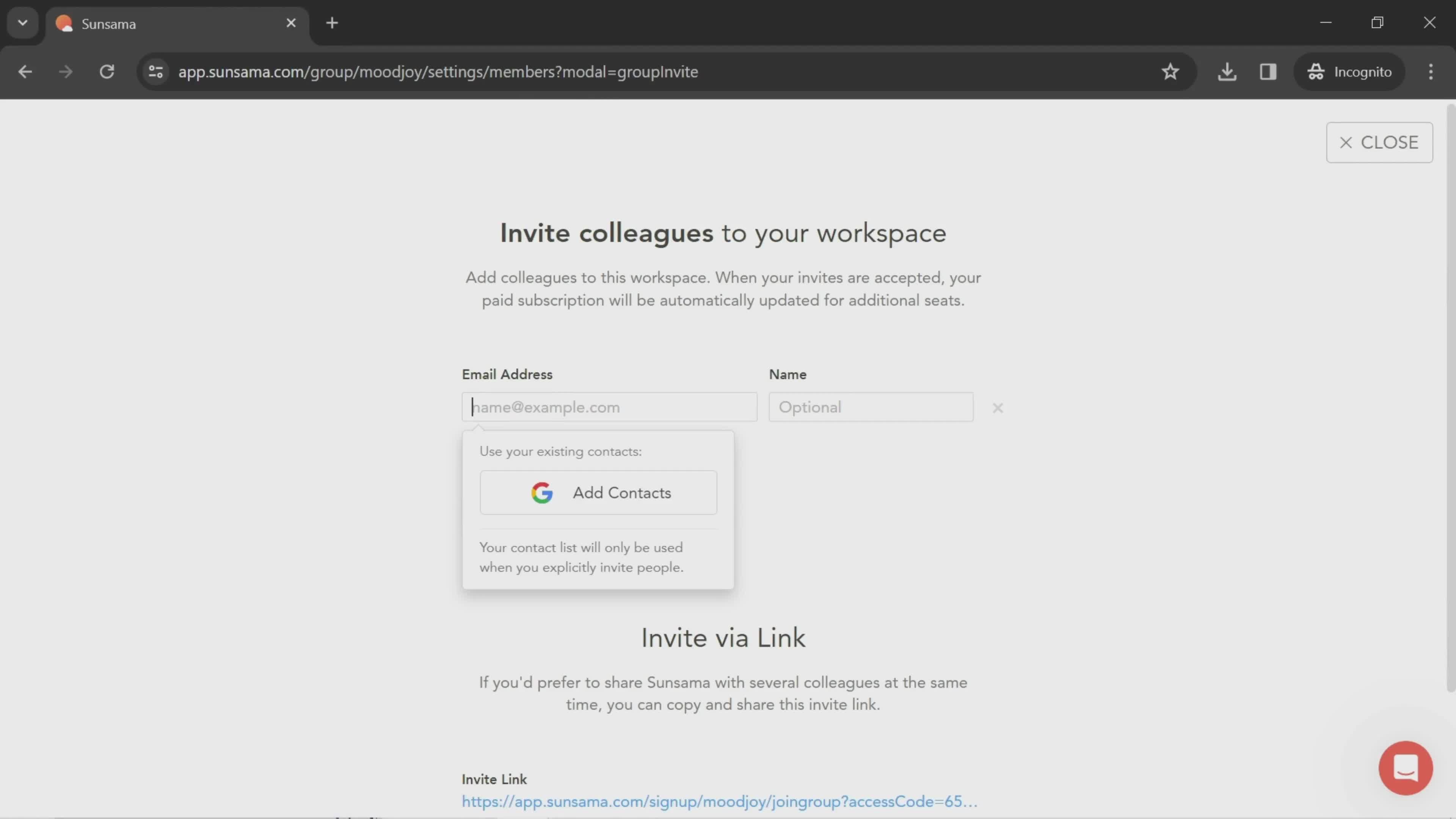
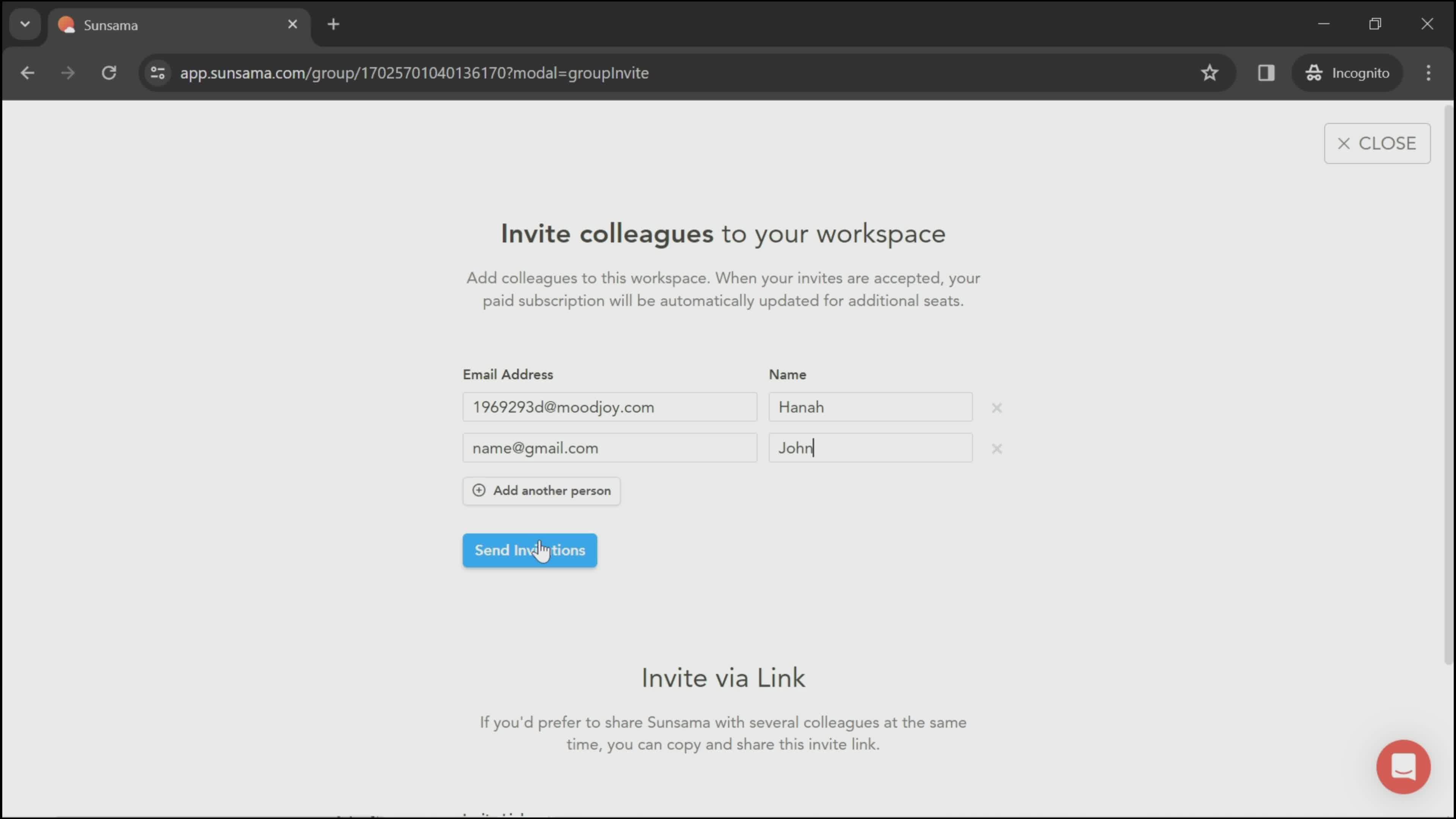
Enter email
this is title
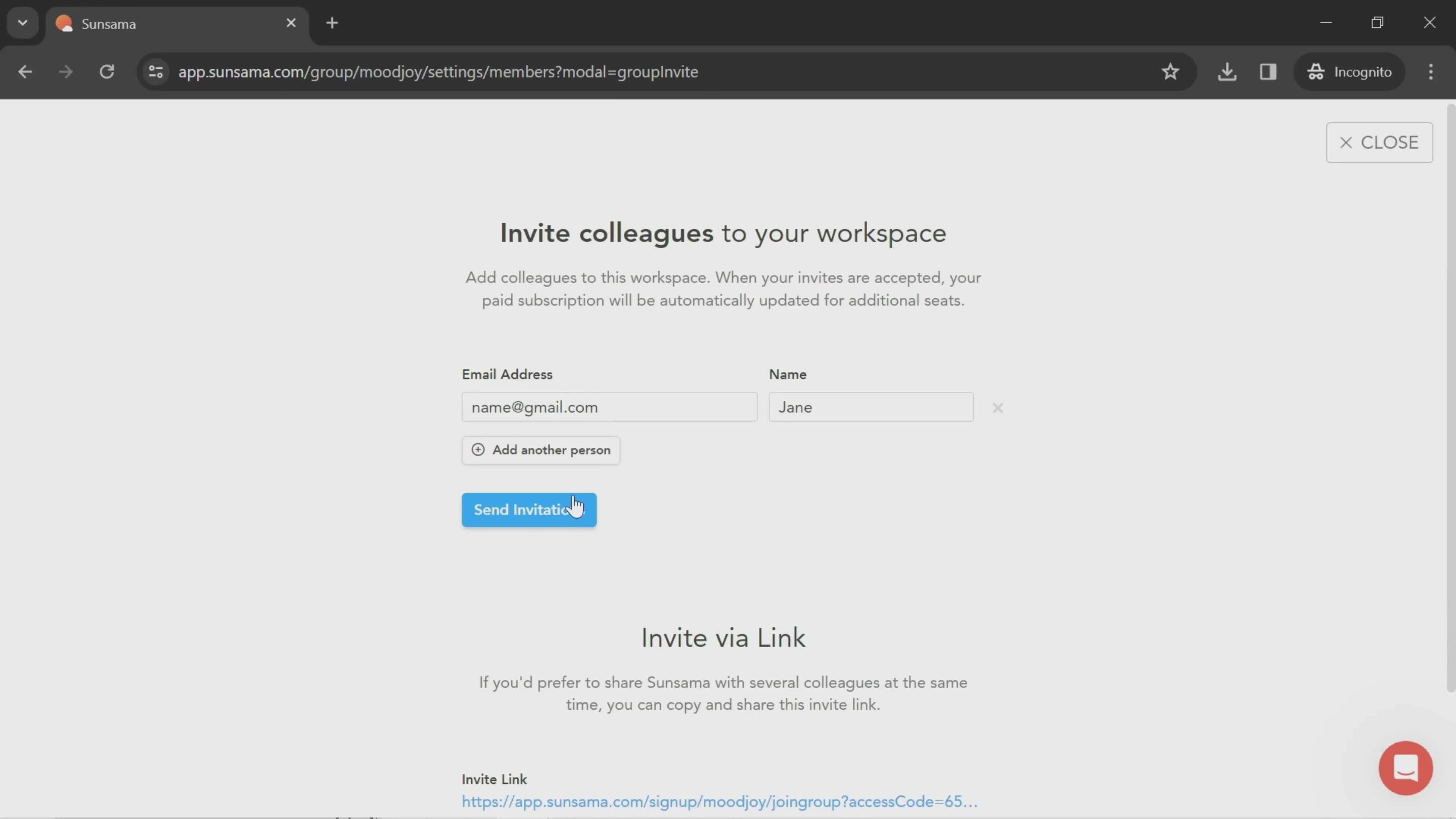
Enter email
this is title
Send invite
this is title
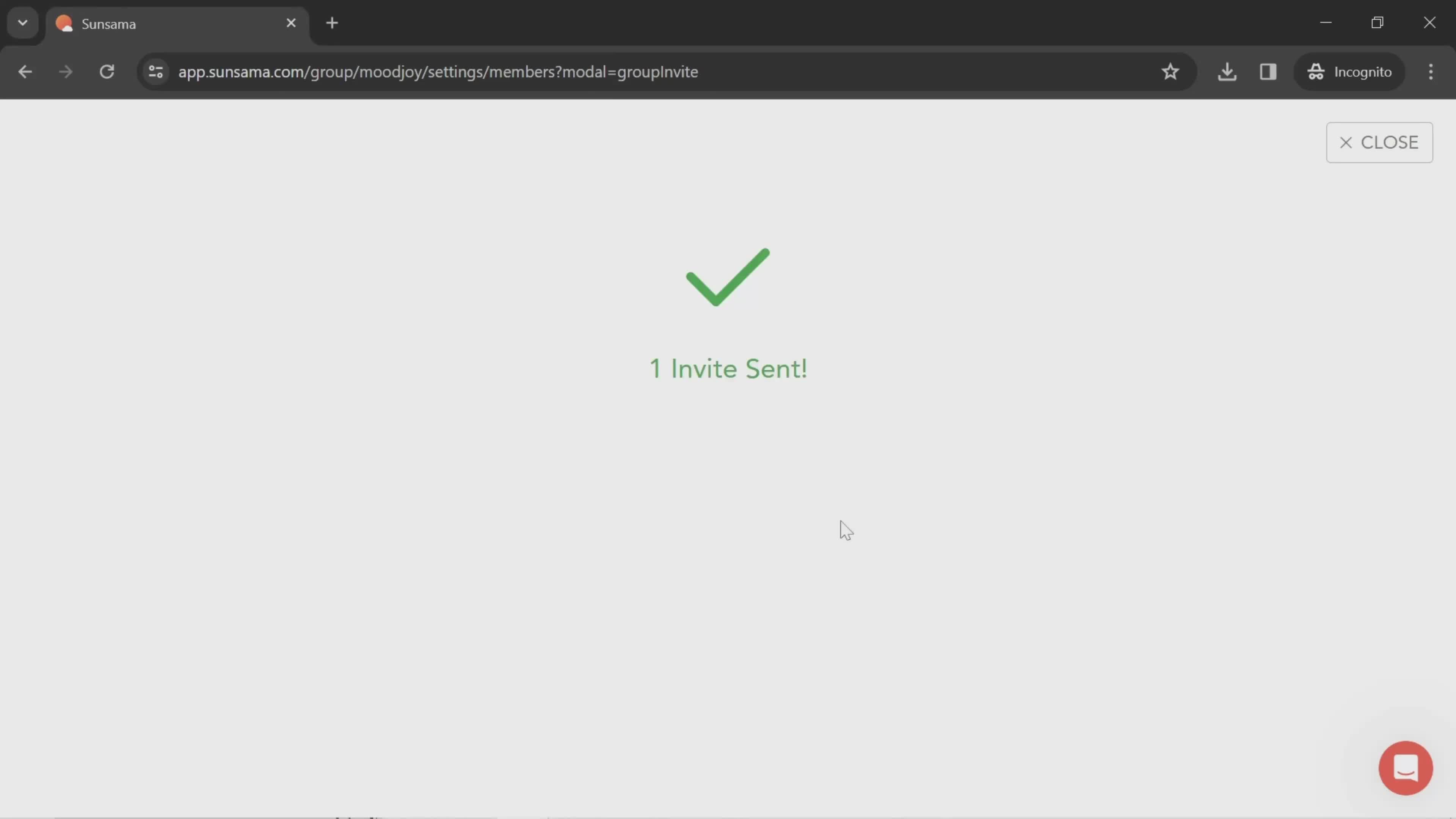
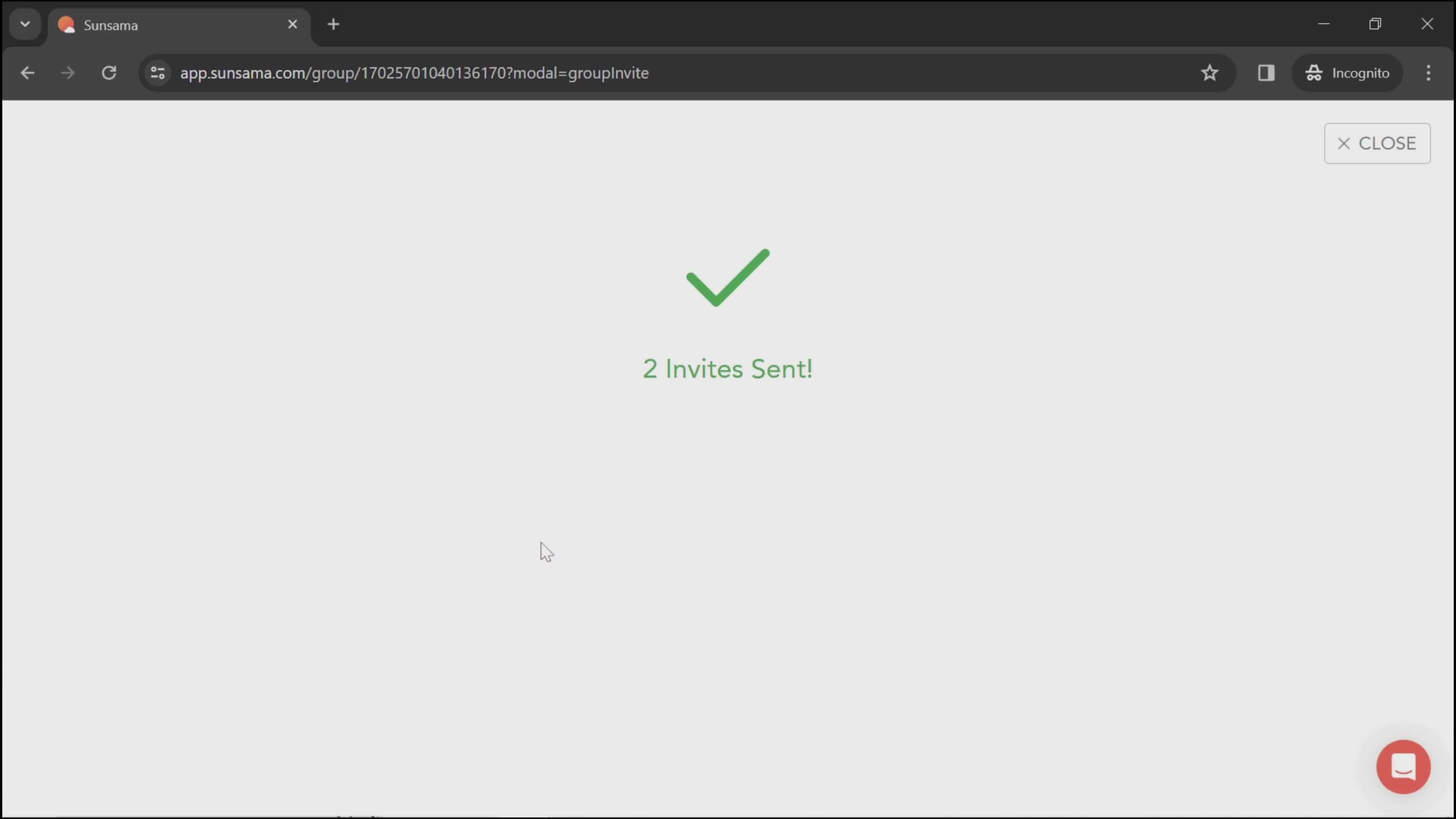
Invite sent
this is title
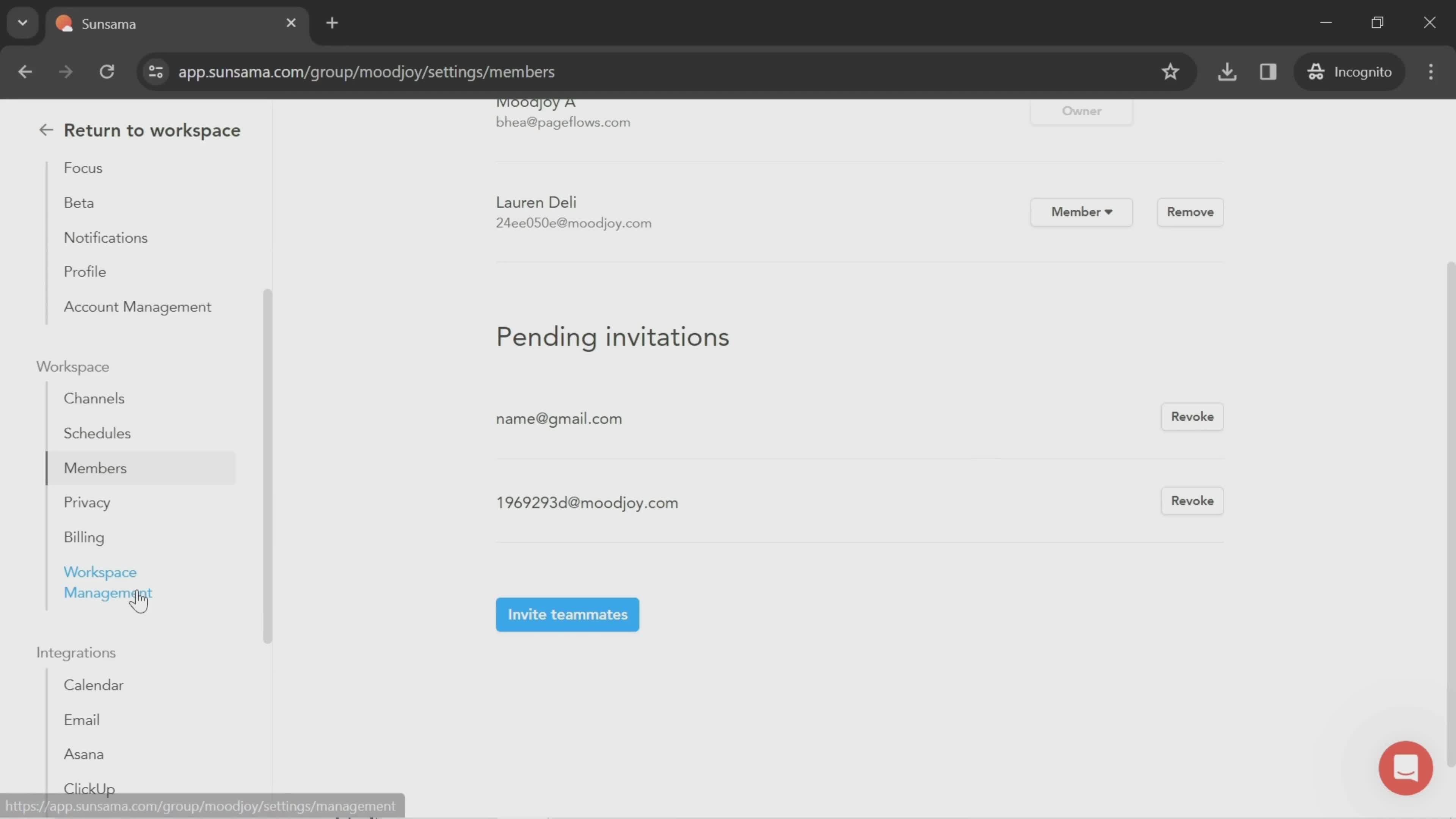
Members
this is title
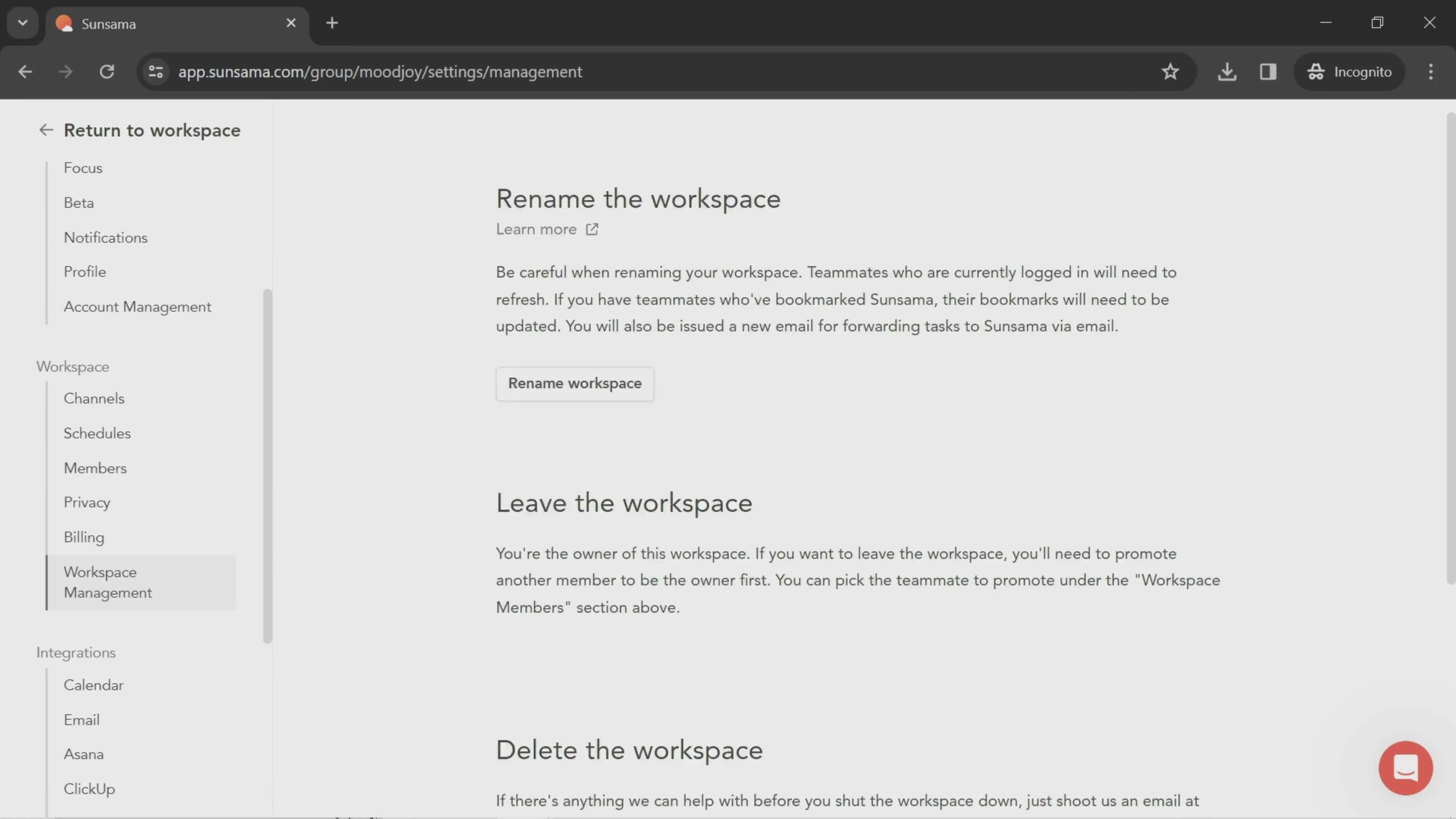
Workspace settings
this is title
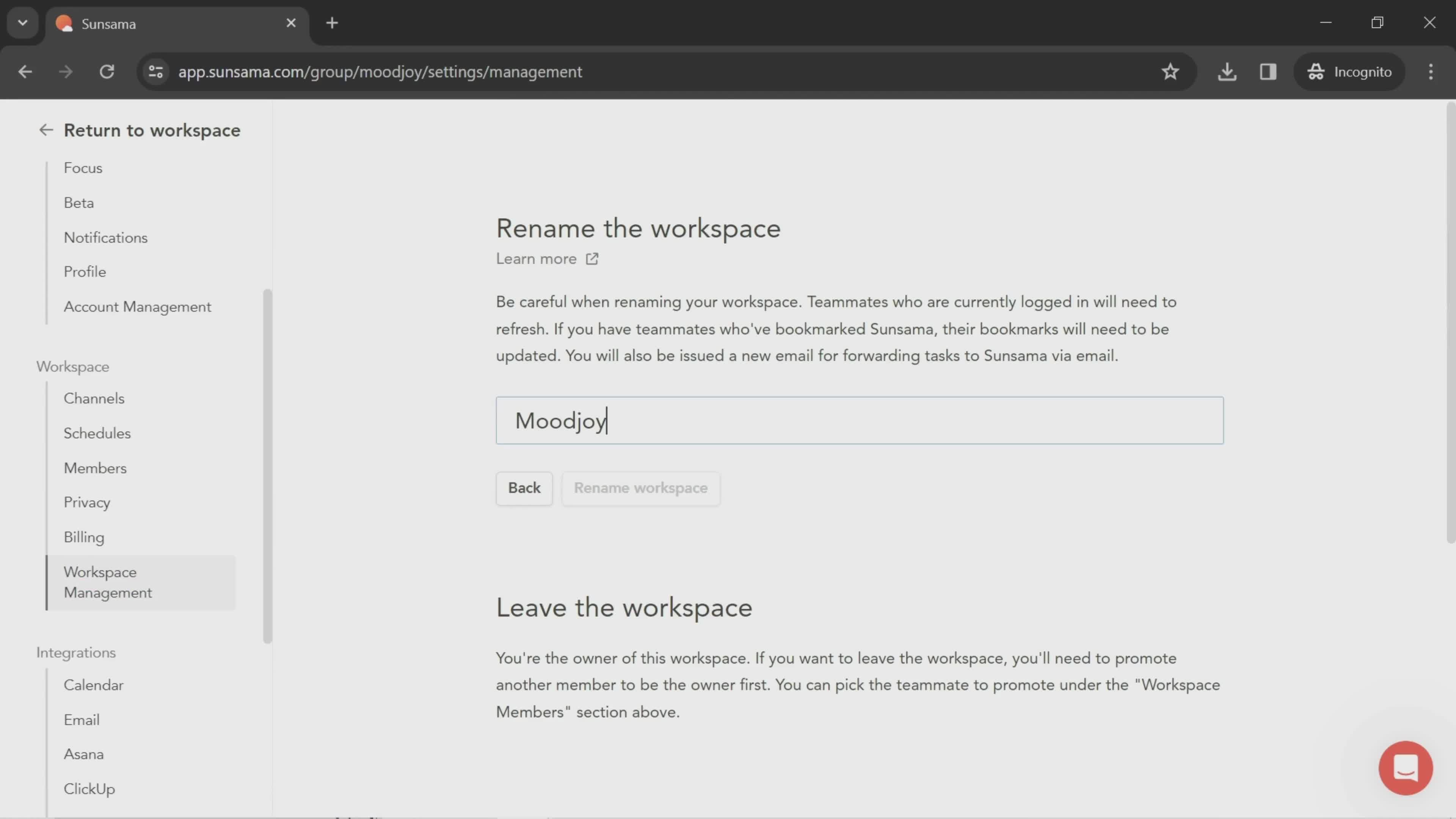
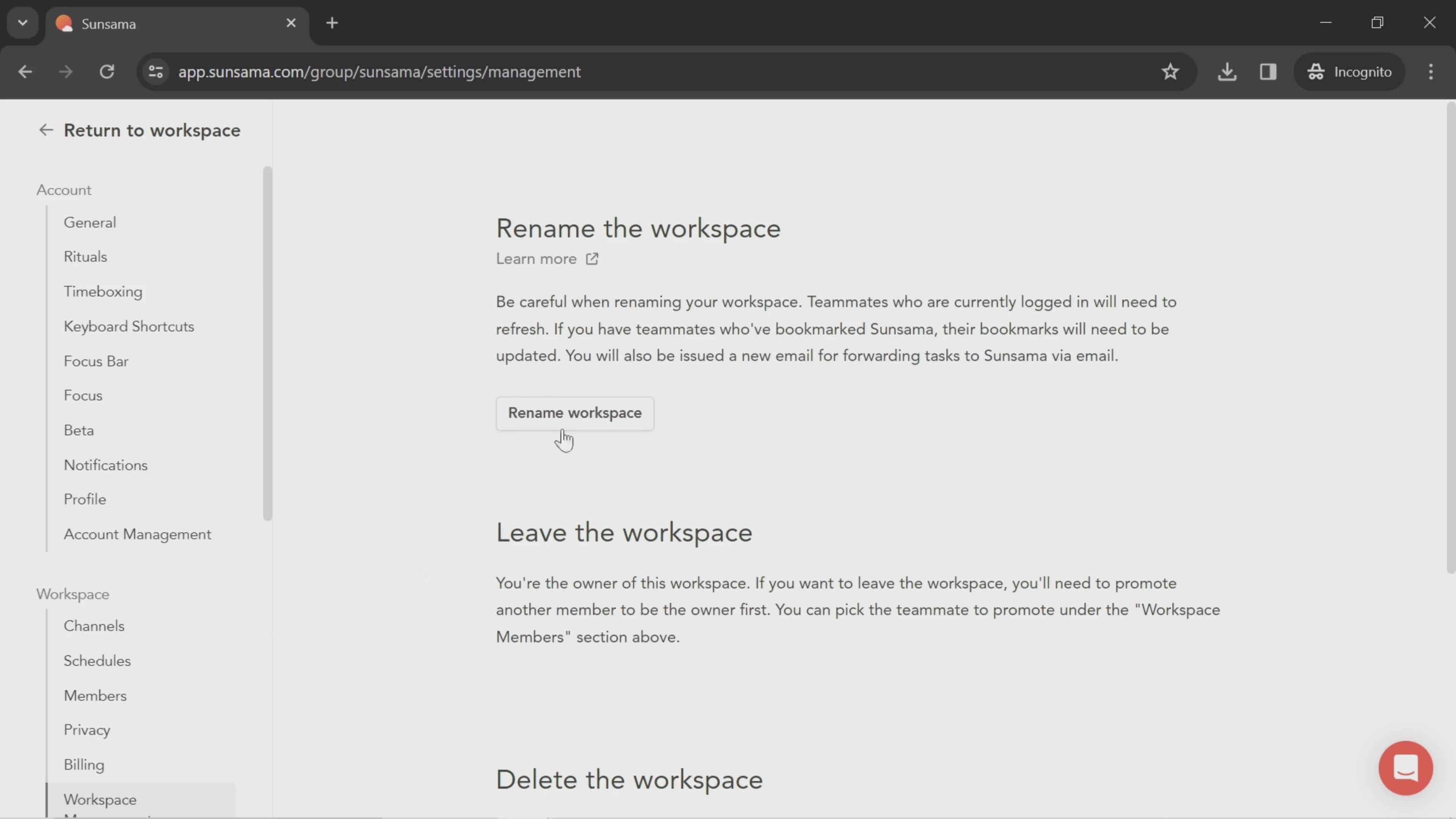
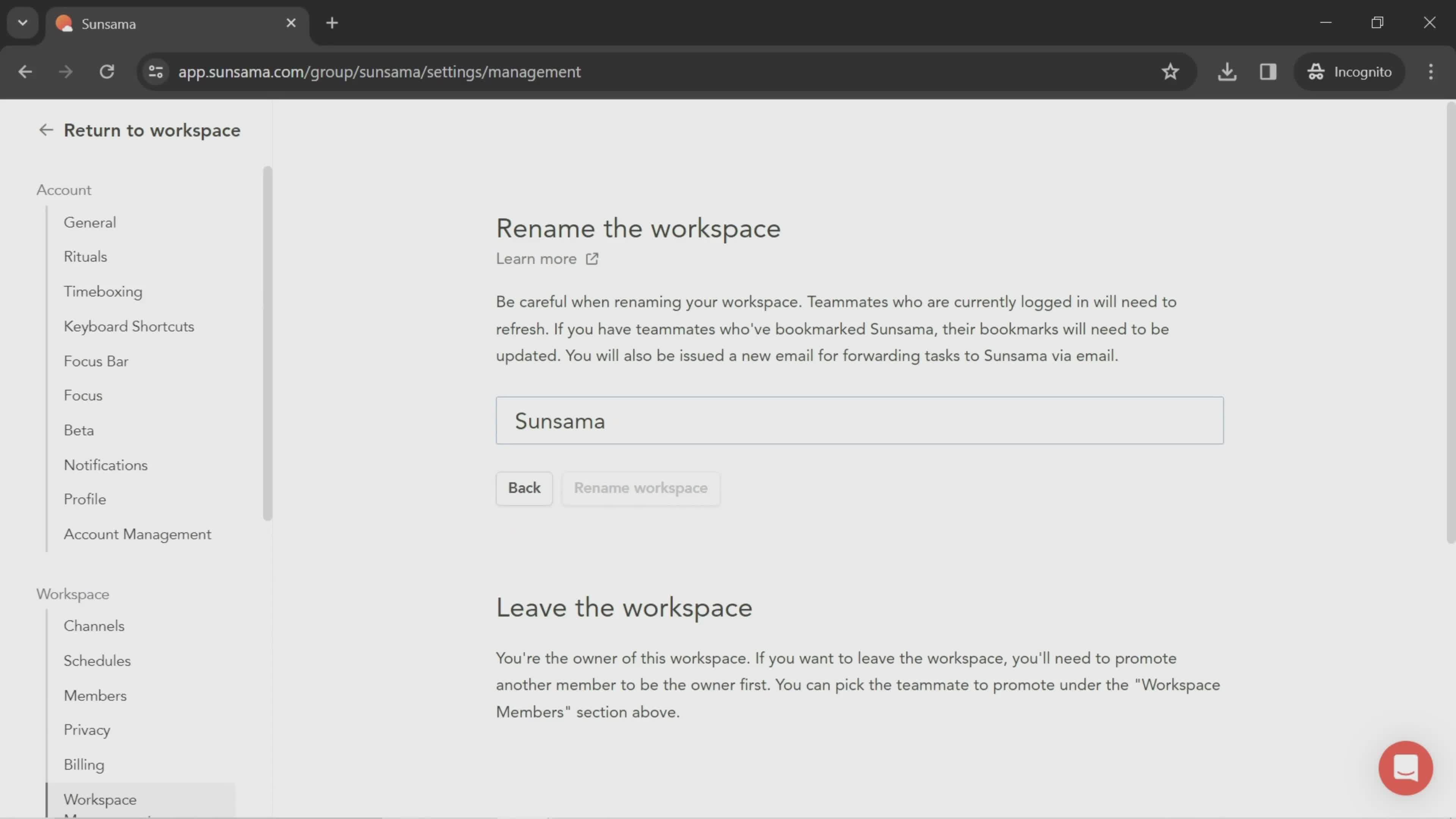
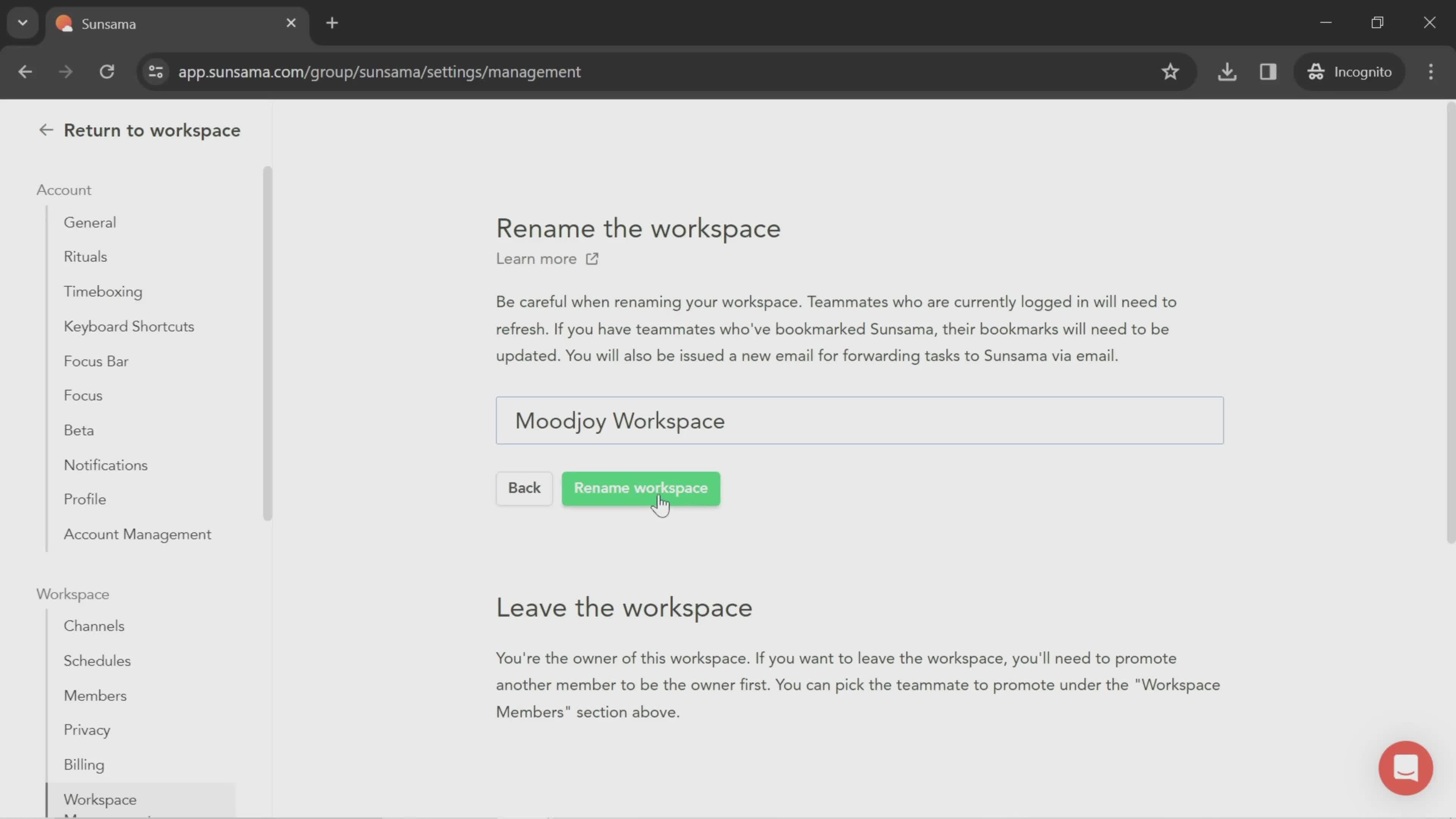
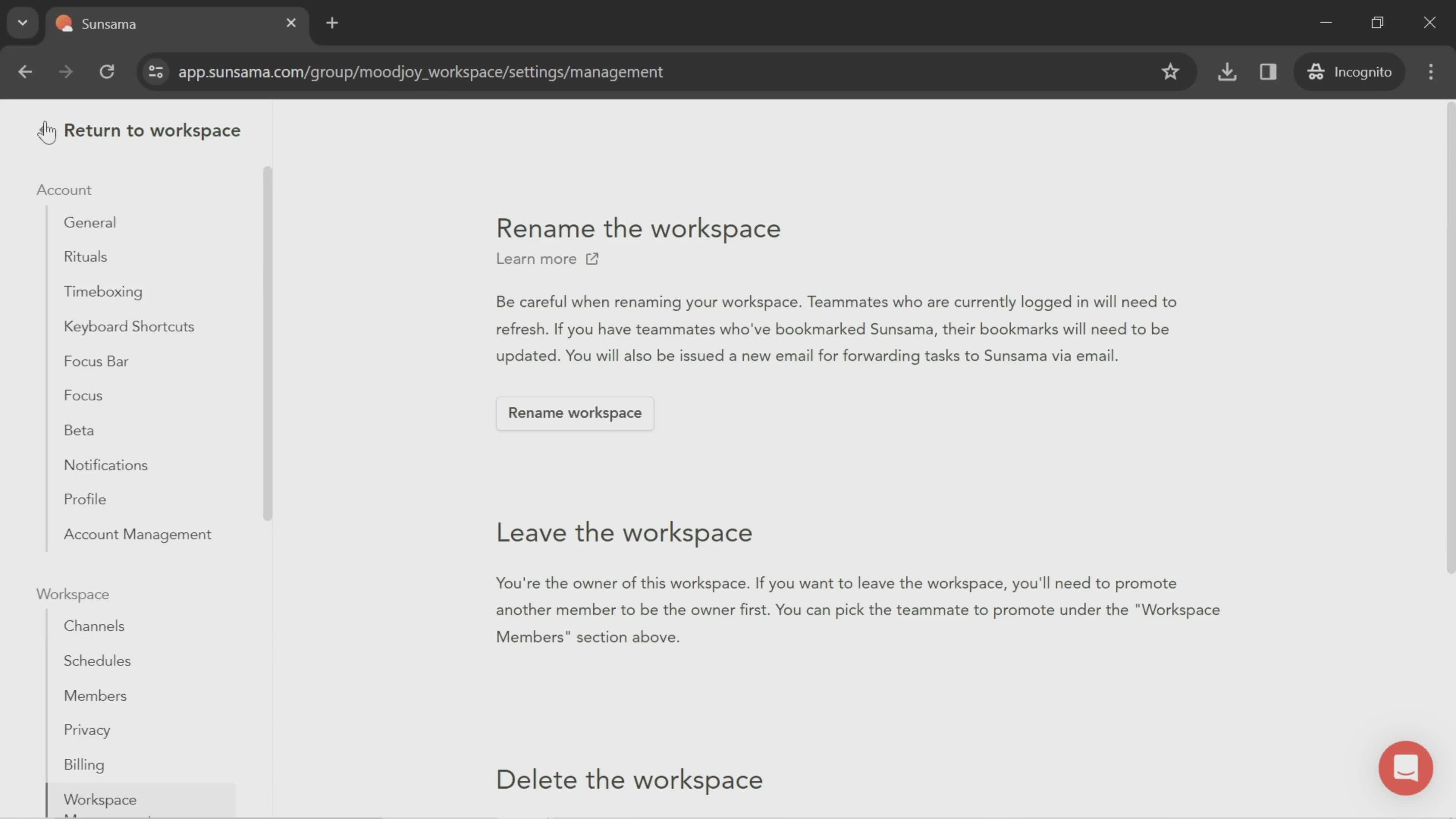
Rename
this is title
Dashboard
this is title
this is title
Landing page
this is title
Pricing
this is title
Tasks
this is title
Channel
this is title
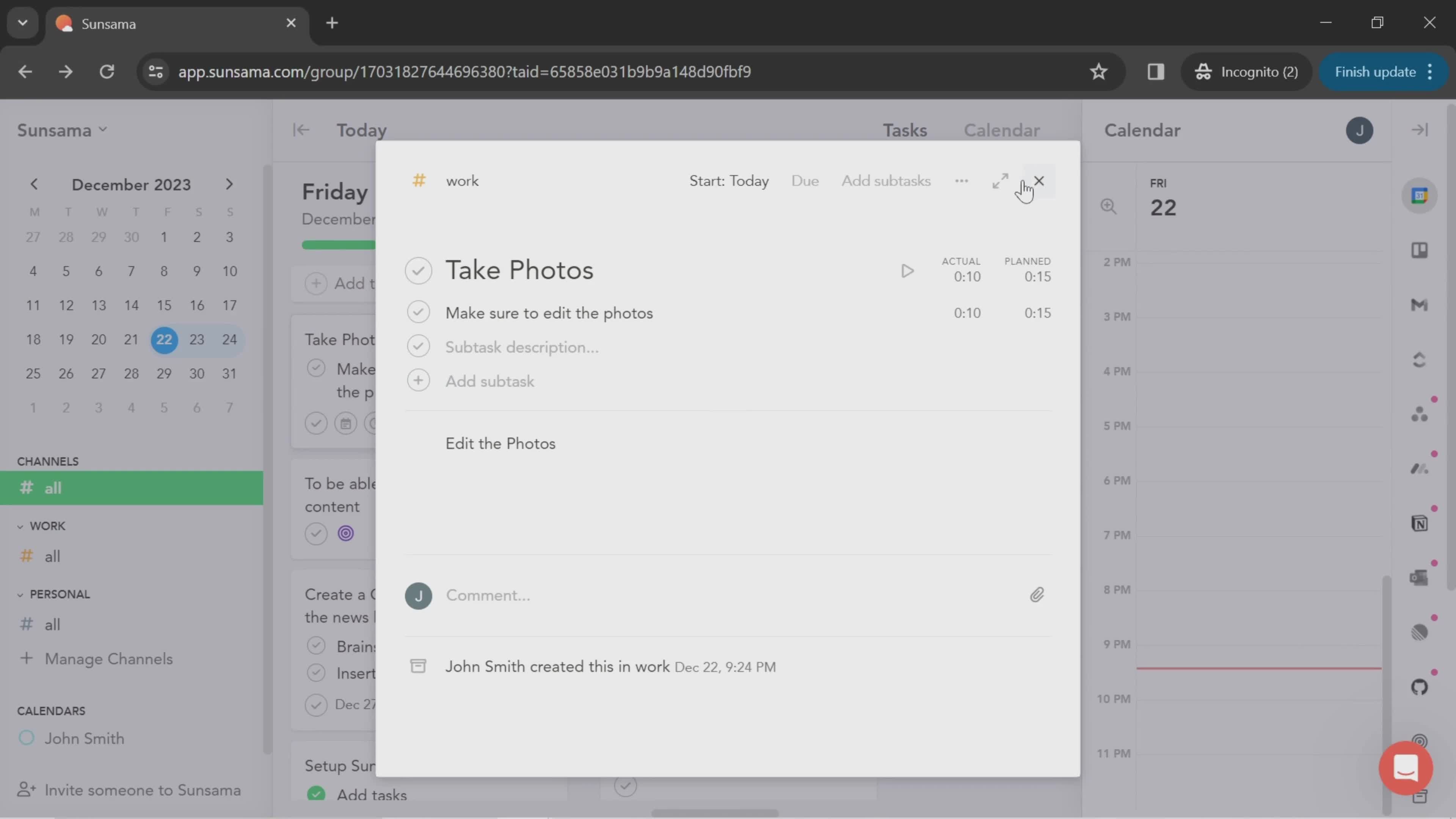
Edit task details
this is title
Set due date
this is title
Tasks
this is title
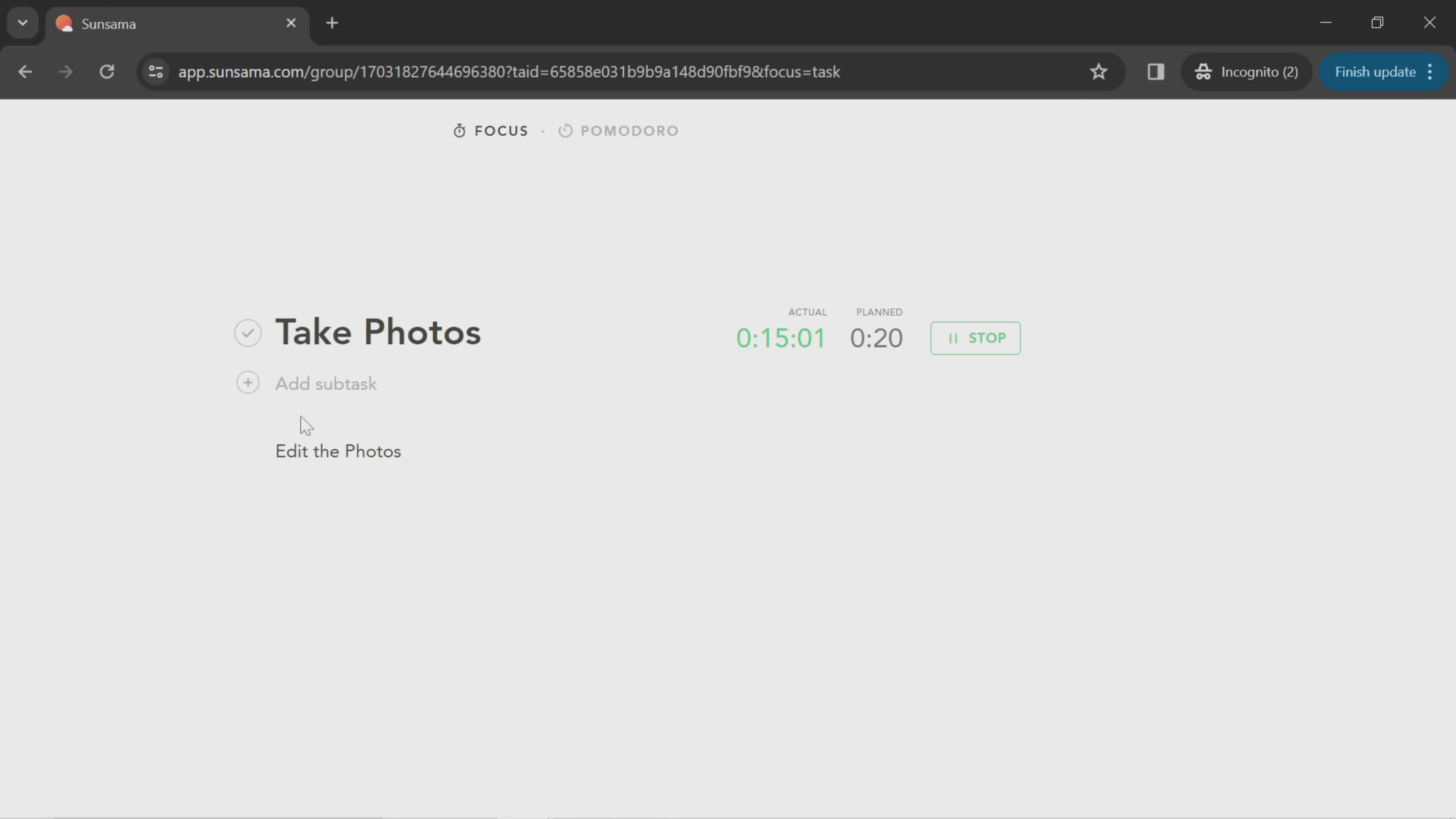
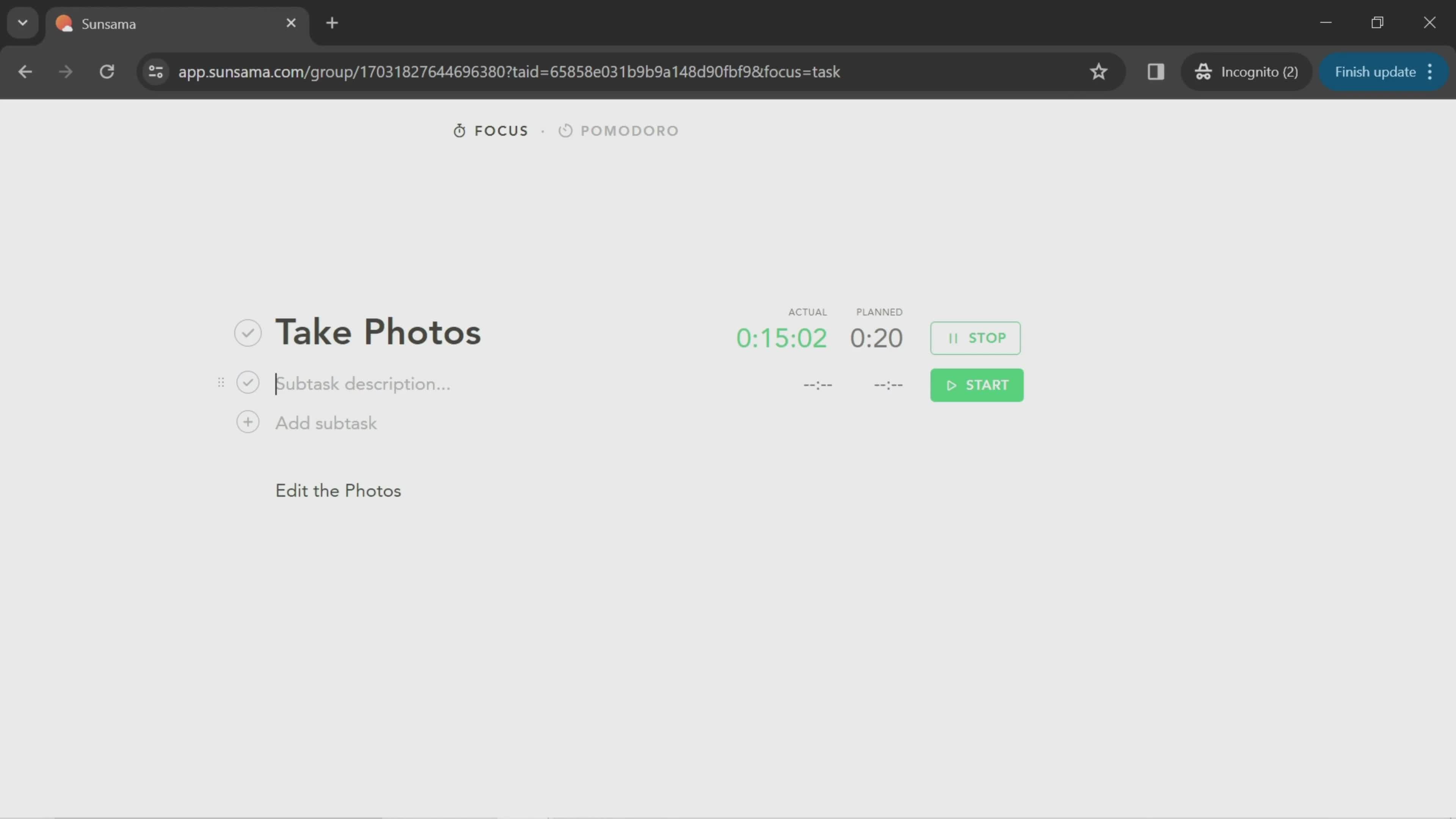
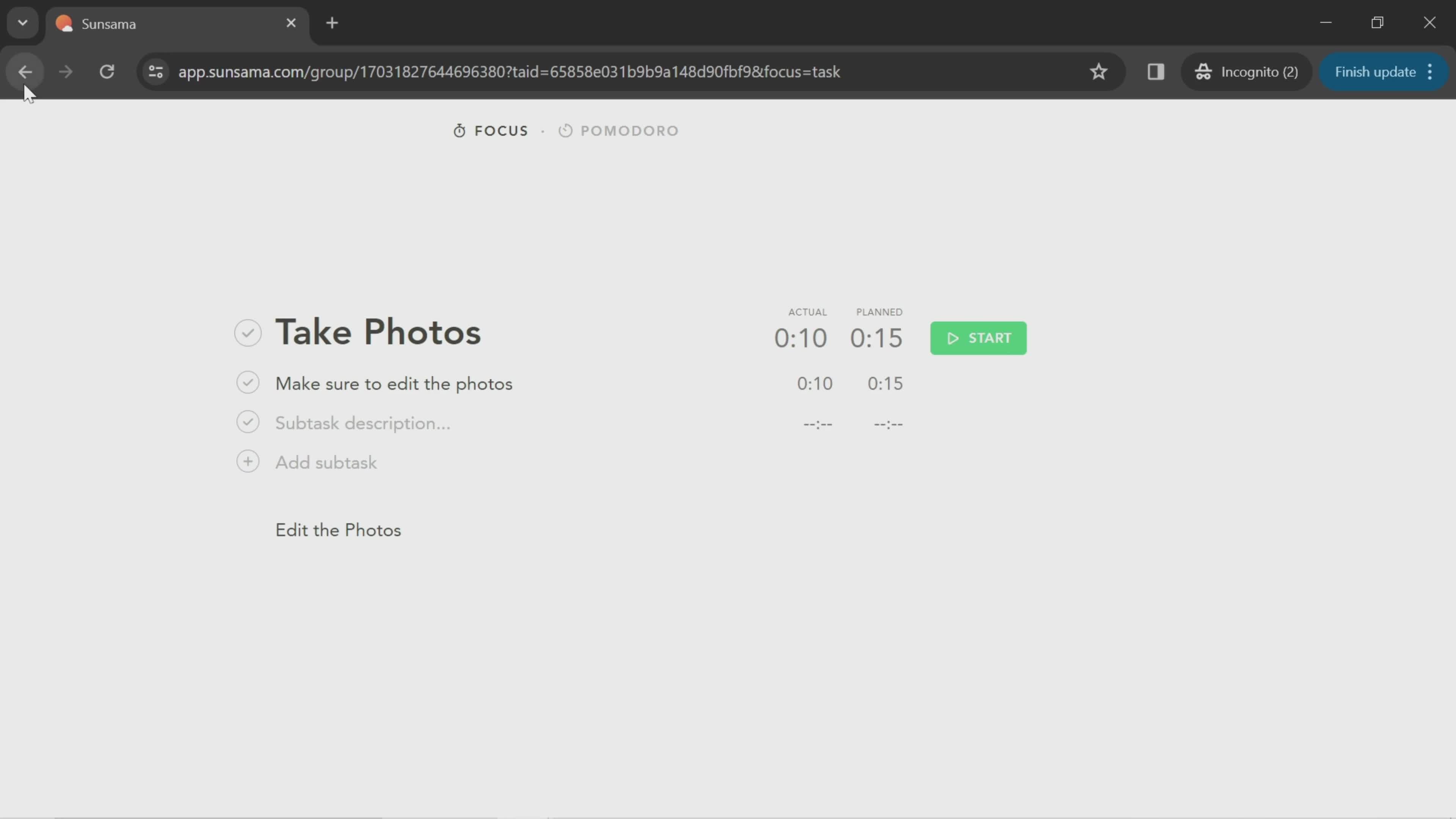
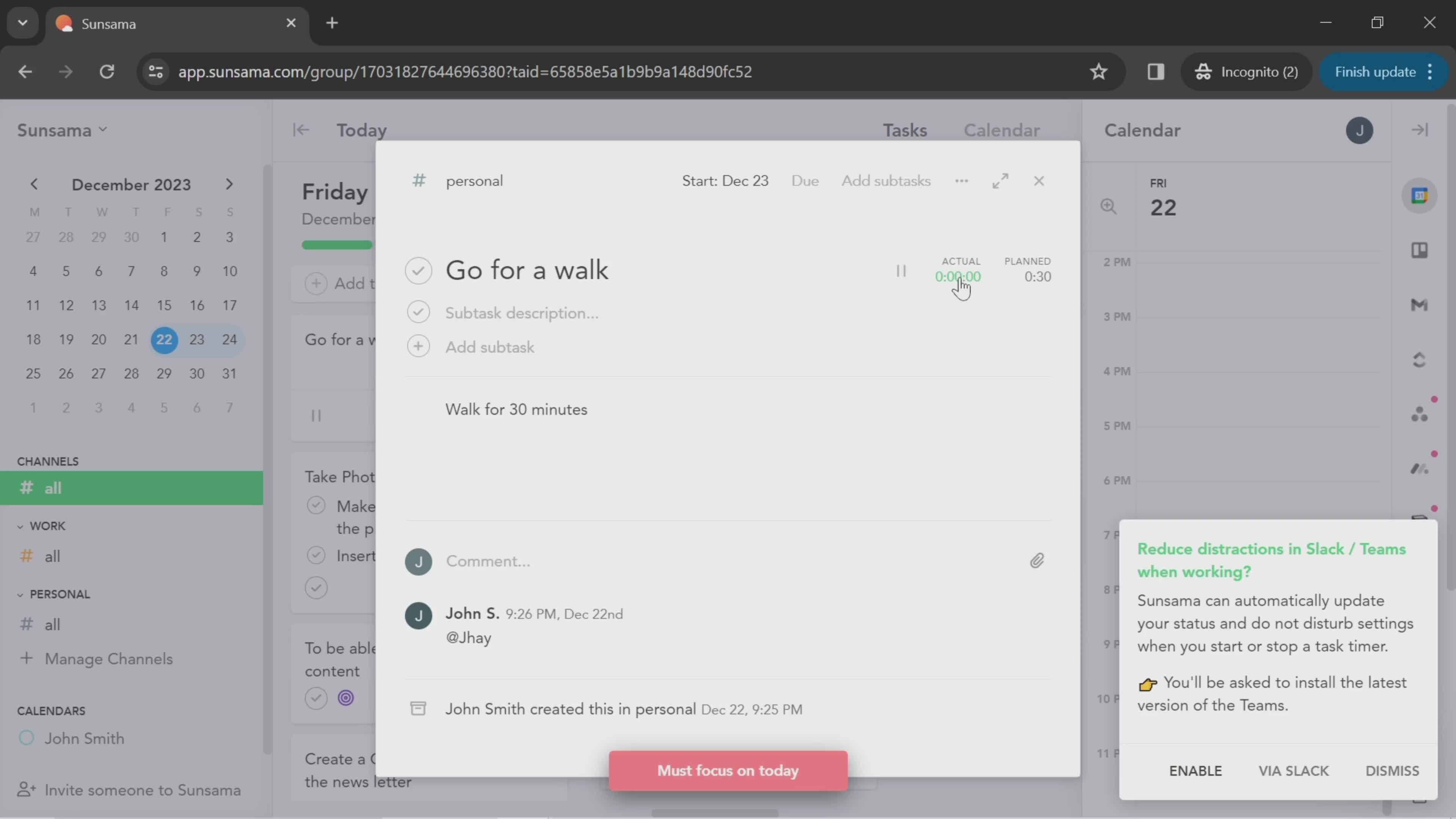
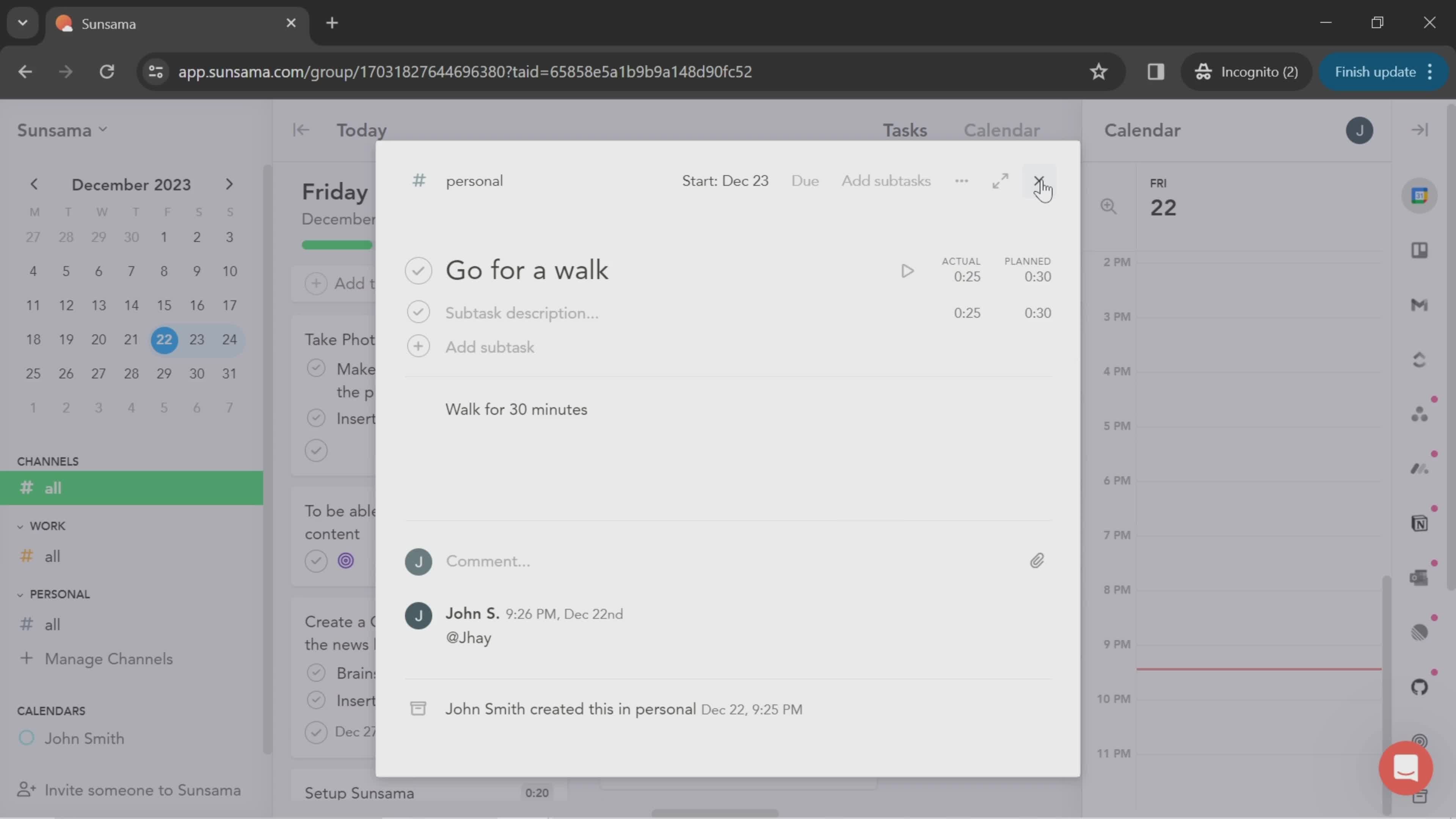
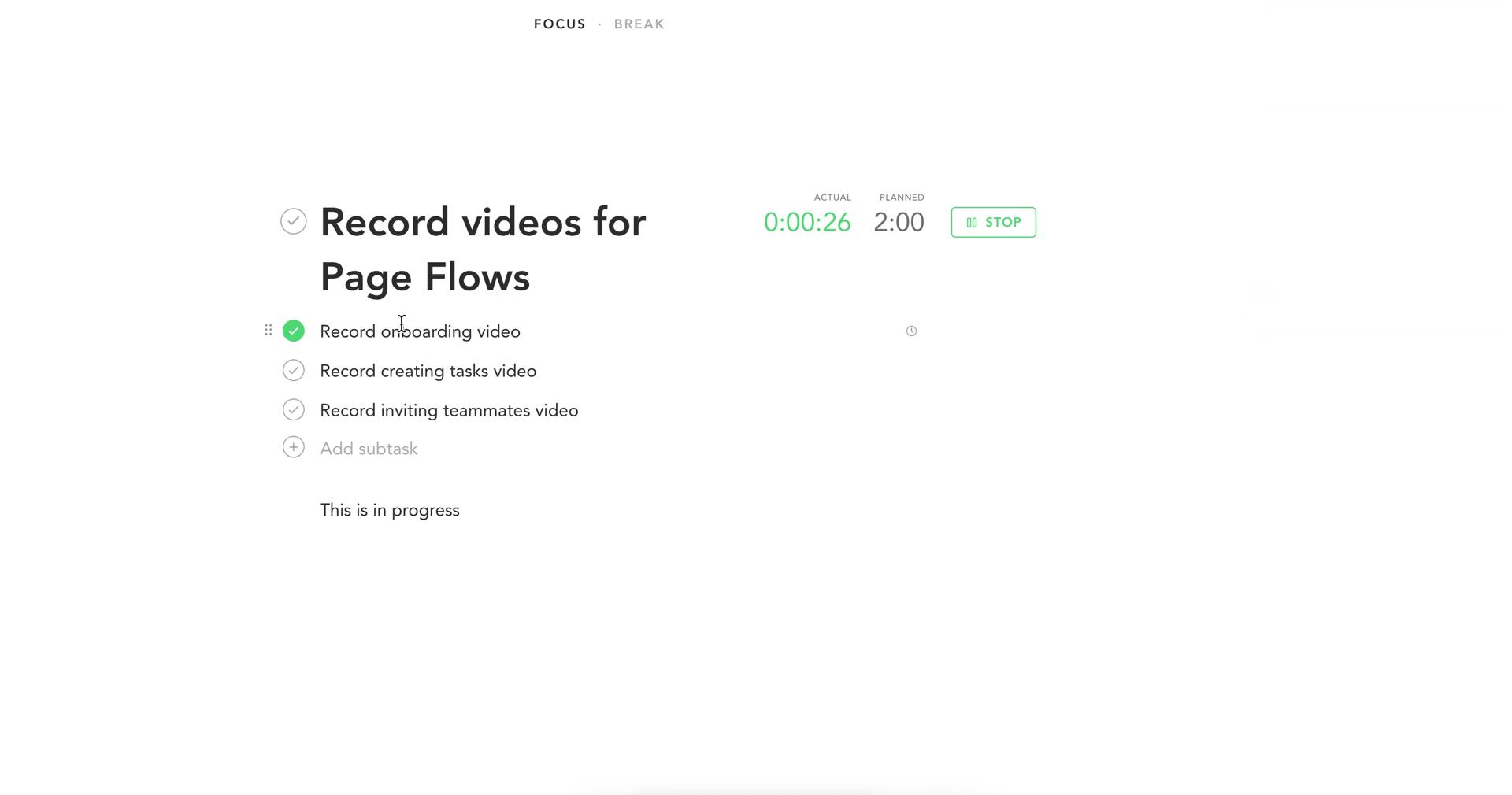
Focus session
this is title
Focus session
this is title
Set plan
this is title
Set plan
this is title
Set plan
this is title
Share plan
this is title
Tasks
this is title
Calendar
this is title
Edit task details
this is title
Create channel
this is title
Channels
this is title
Invite team
this is title
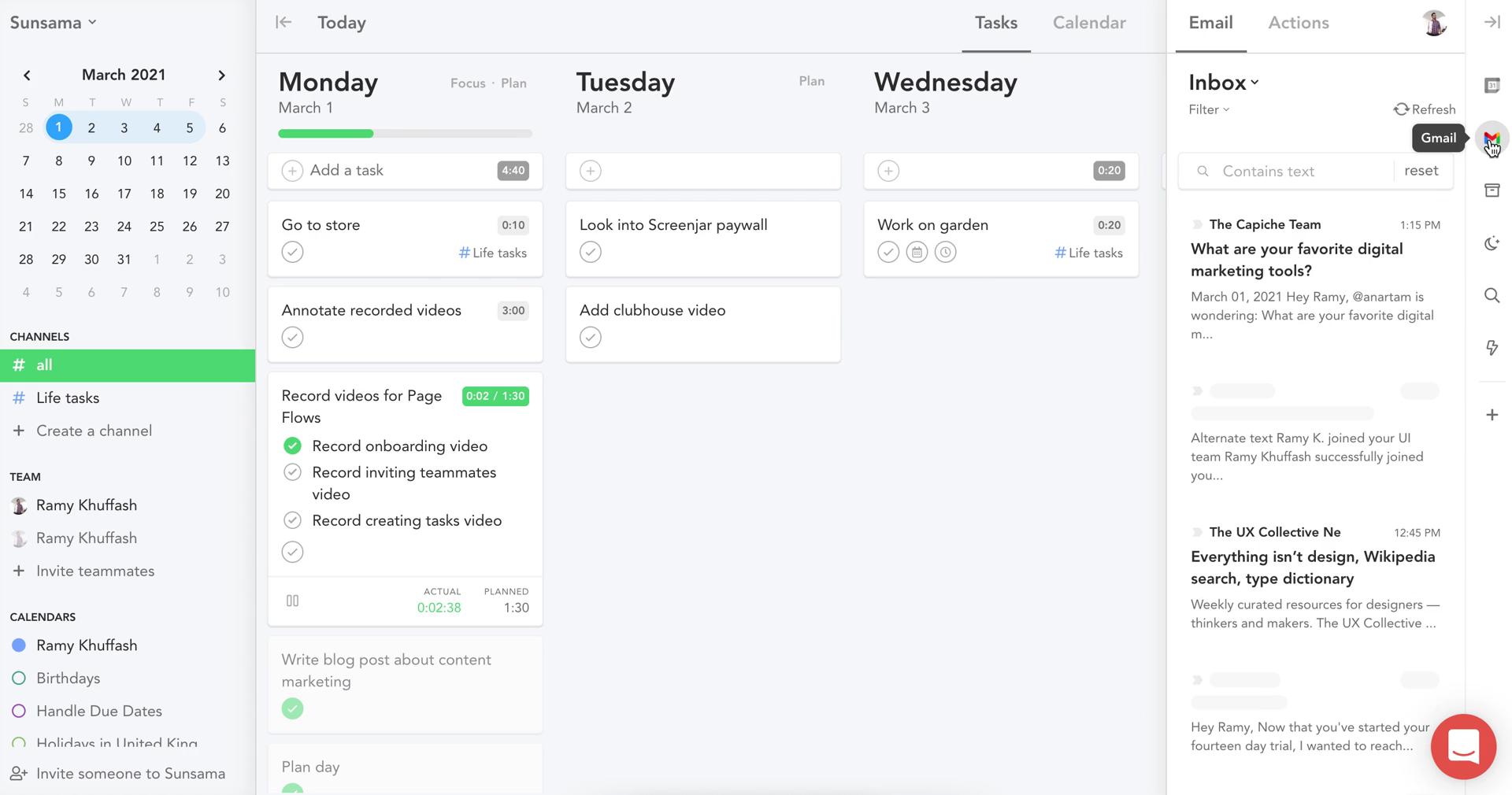
Inbox
this is title
Search
this is title
Tasks
this is title
Account settings
this is title
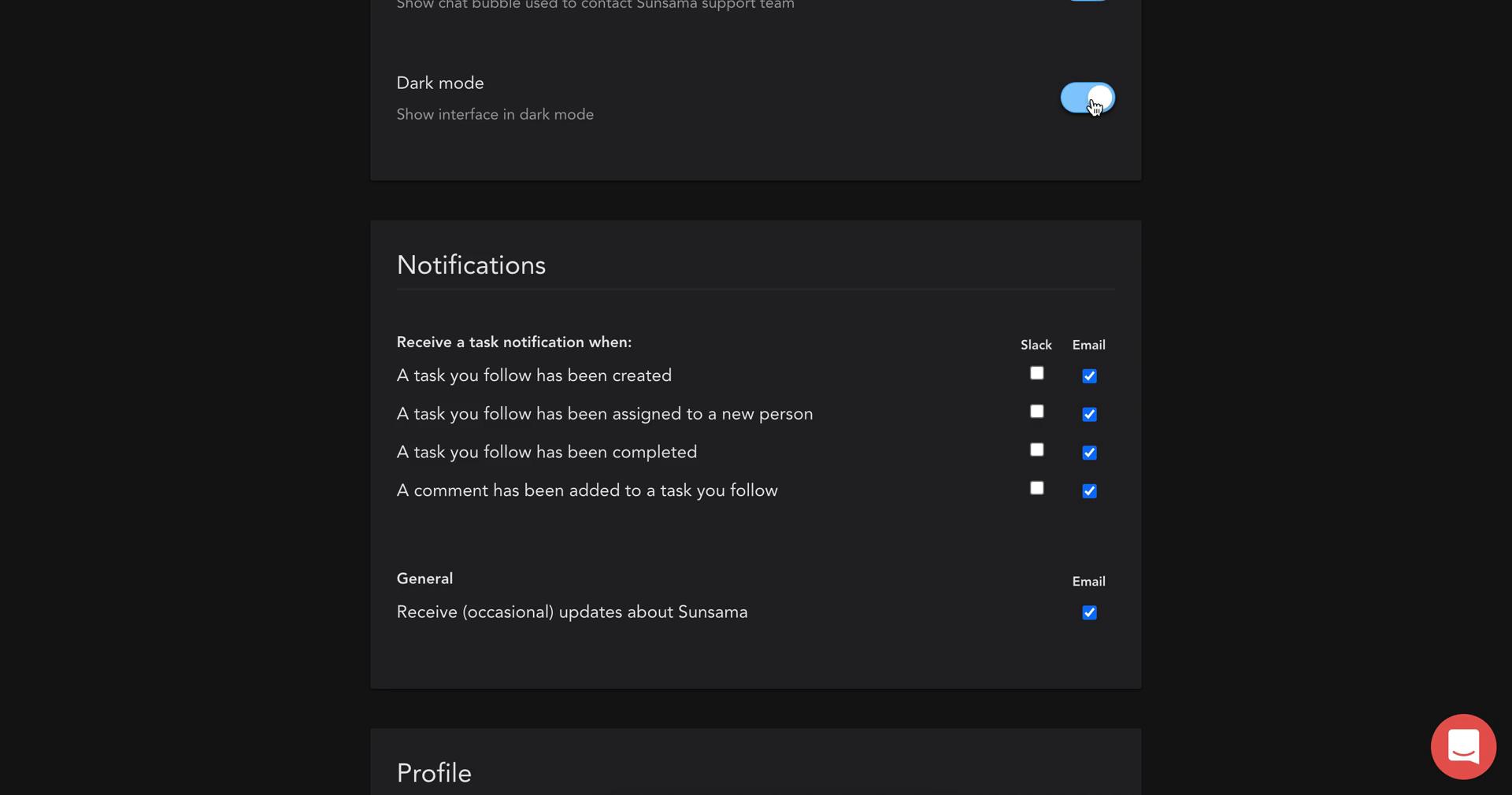
Dark mode
this is title
Tasks
this is title
Workspace settings
this is title
Billing
this is title
Pricing & plans
this is title
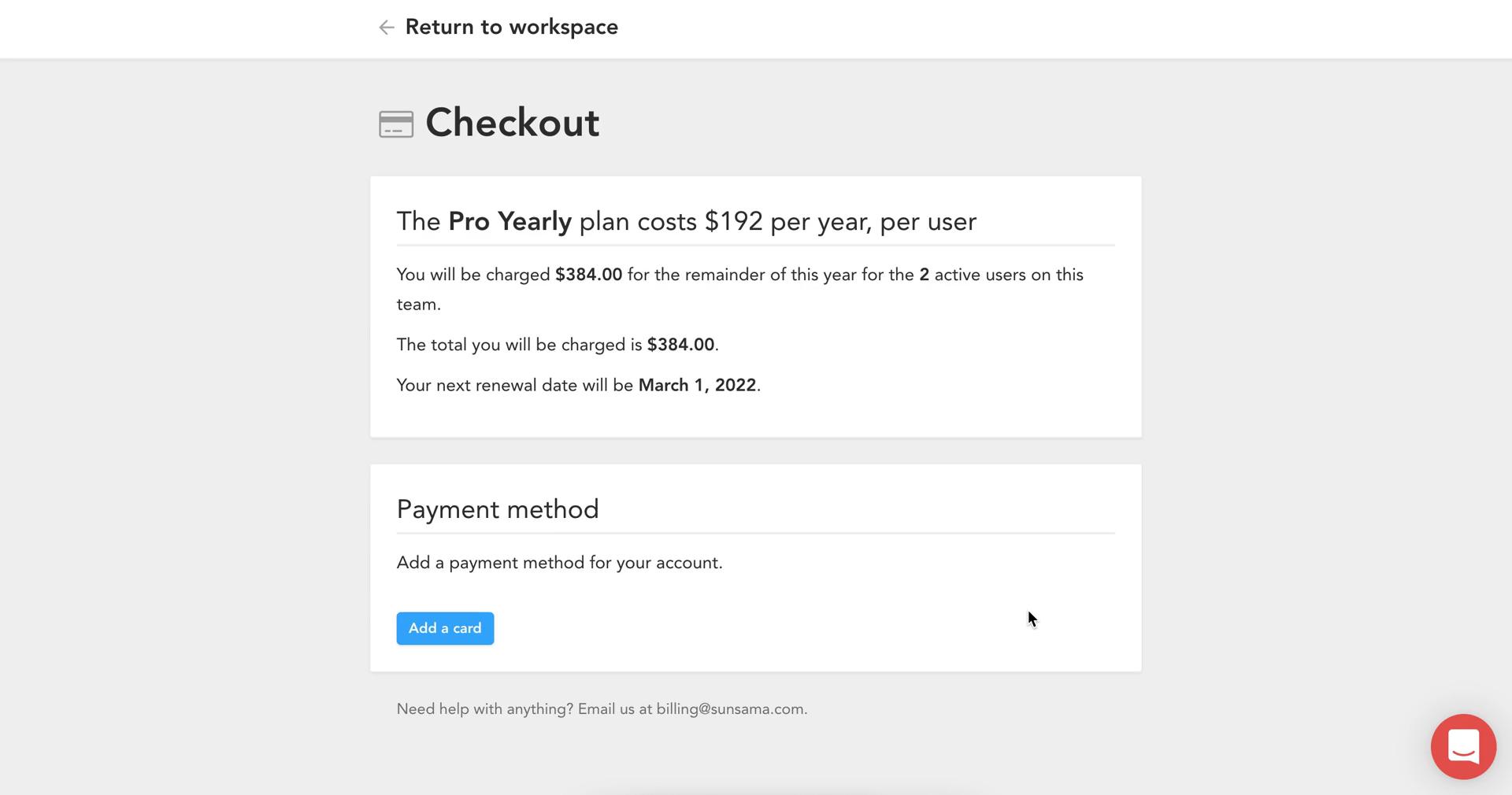
Checkout
this is title
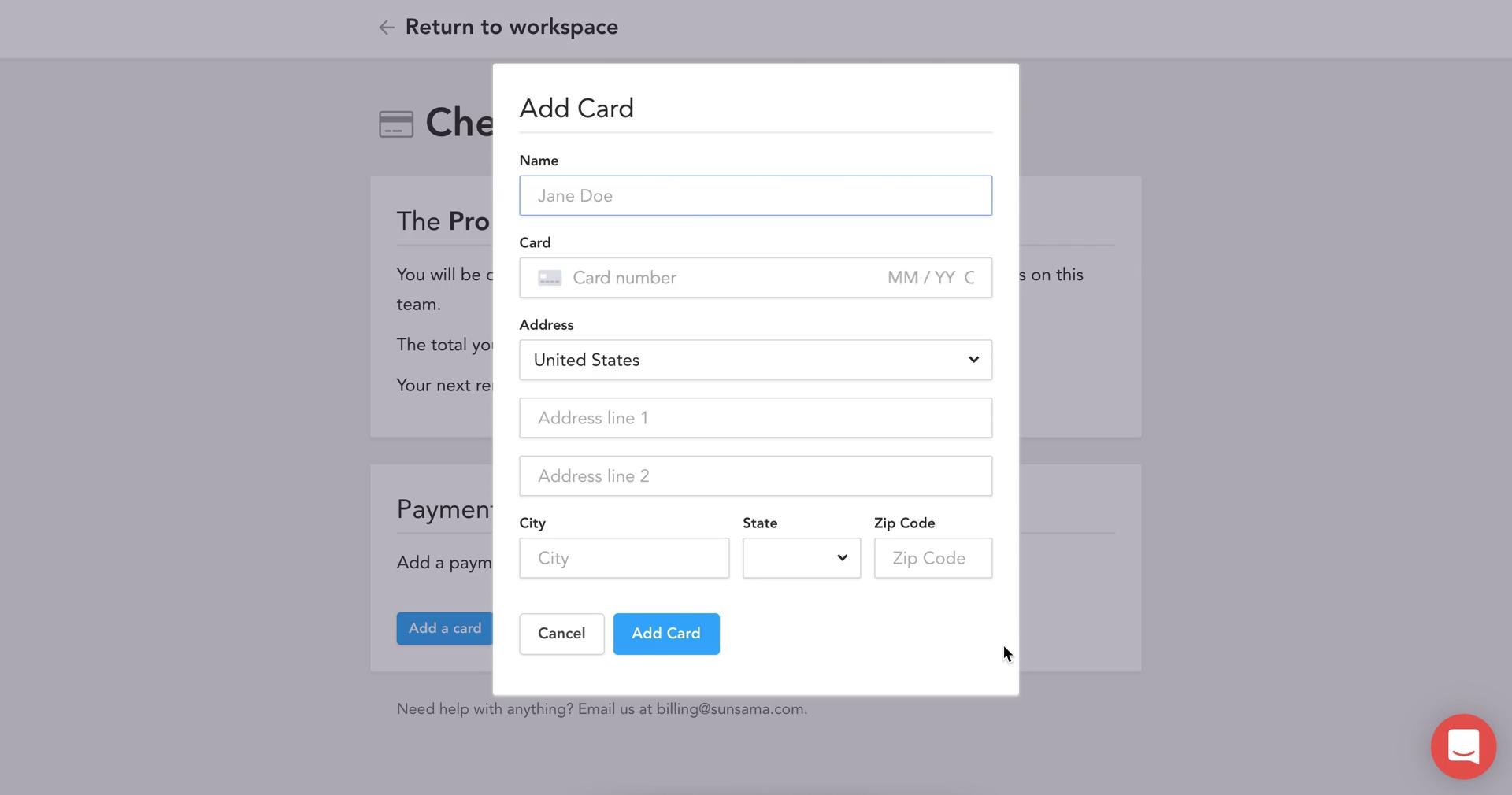
Add payment details
this is title
Tasks
this is title
Dashboard
this is title
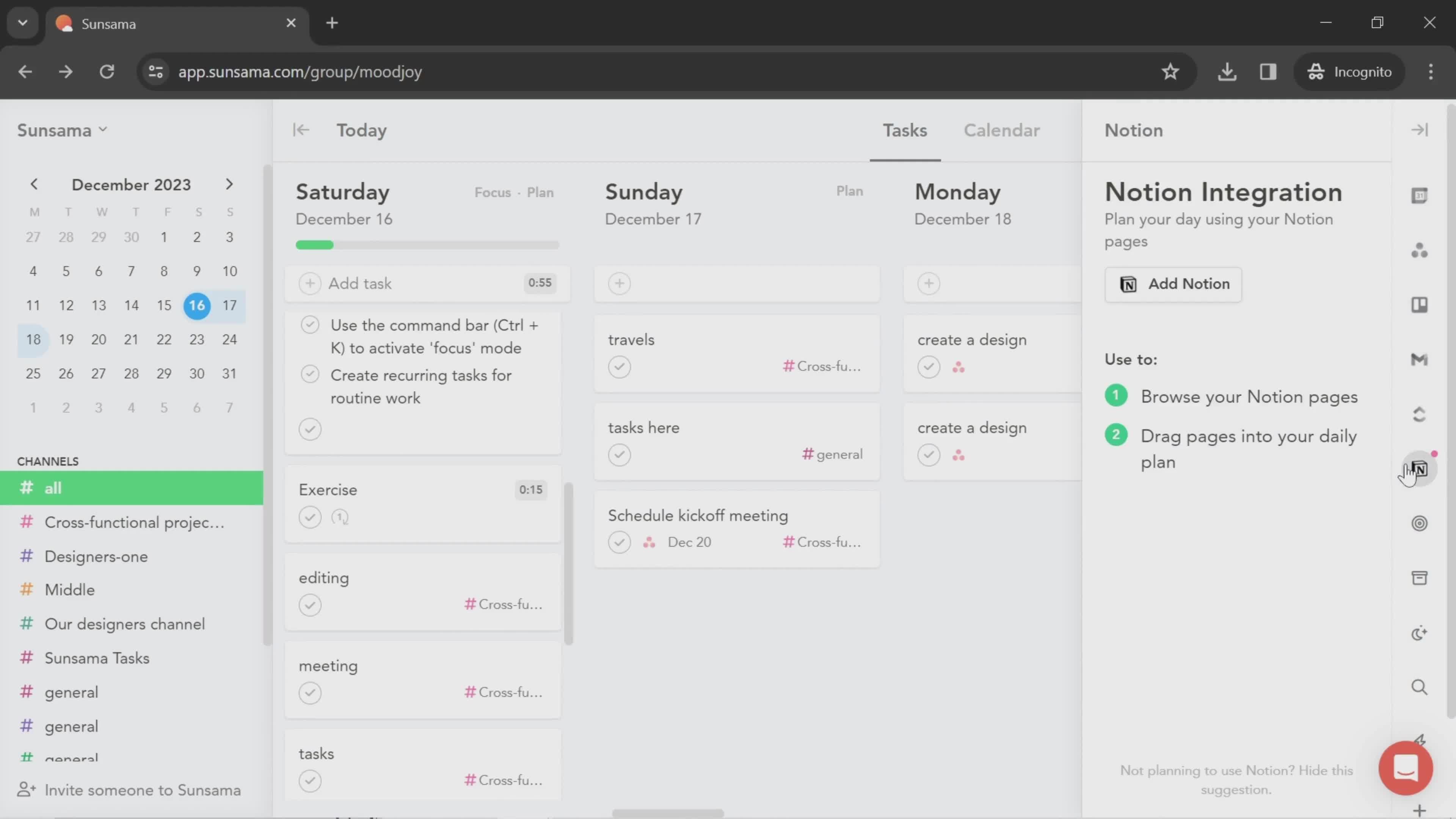
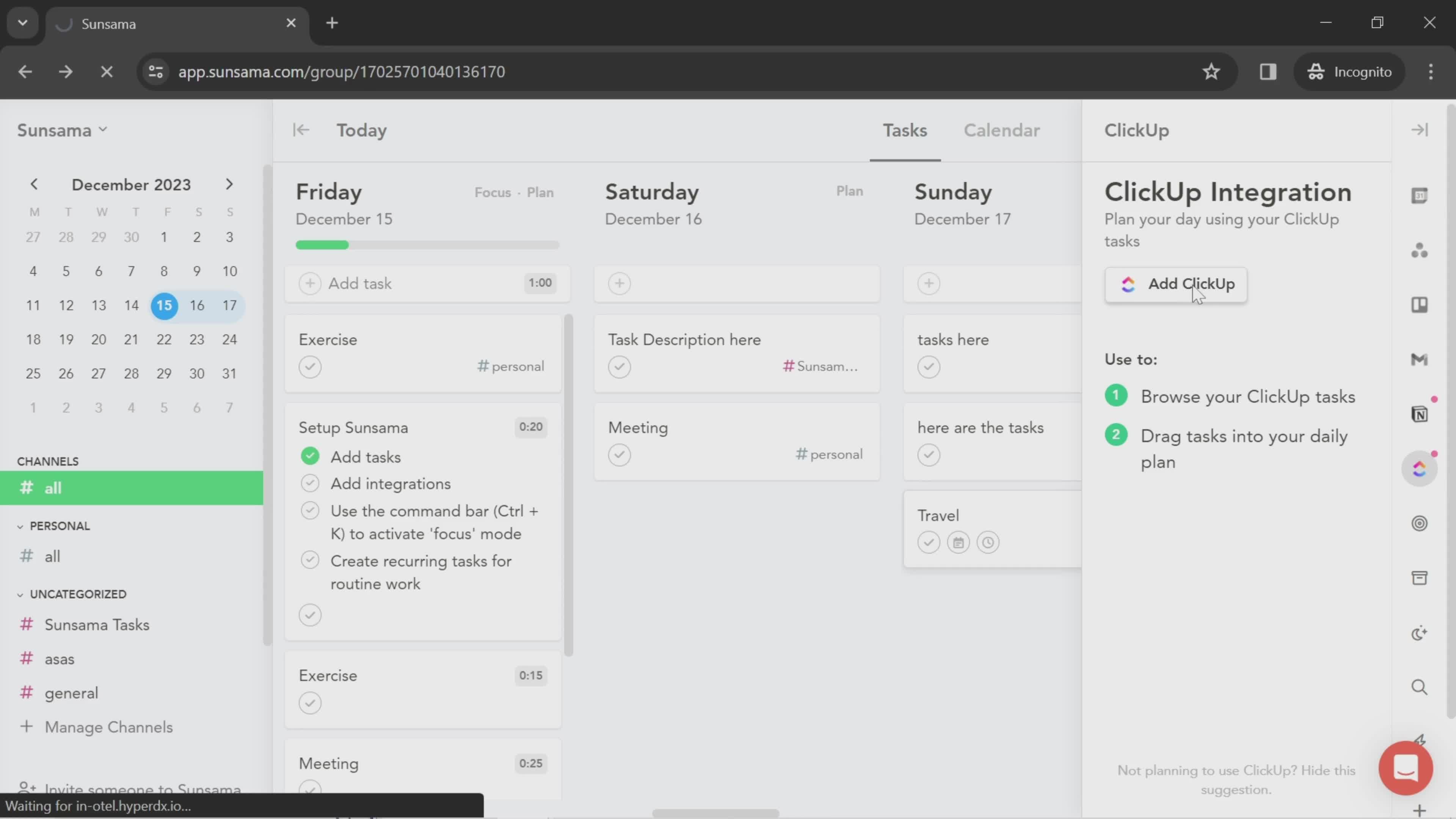
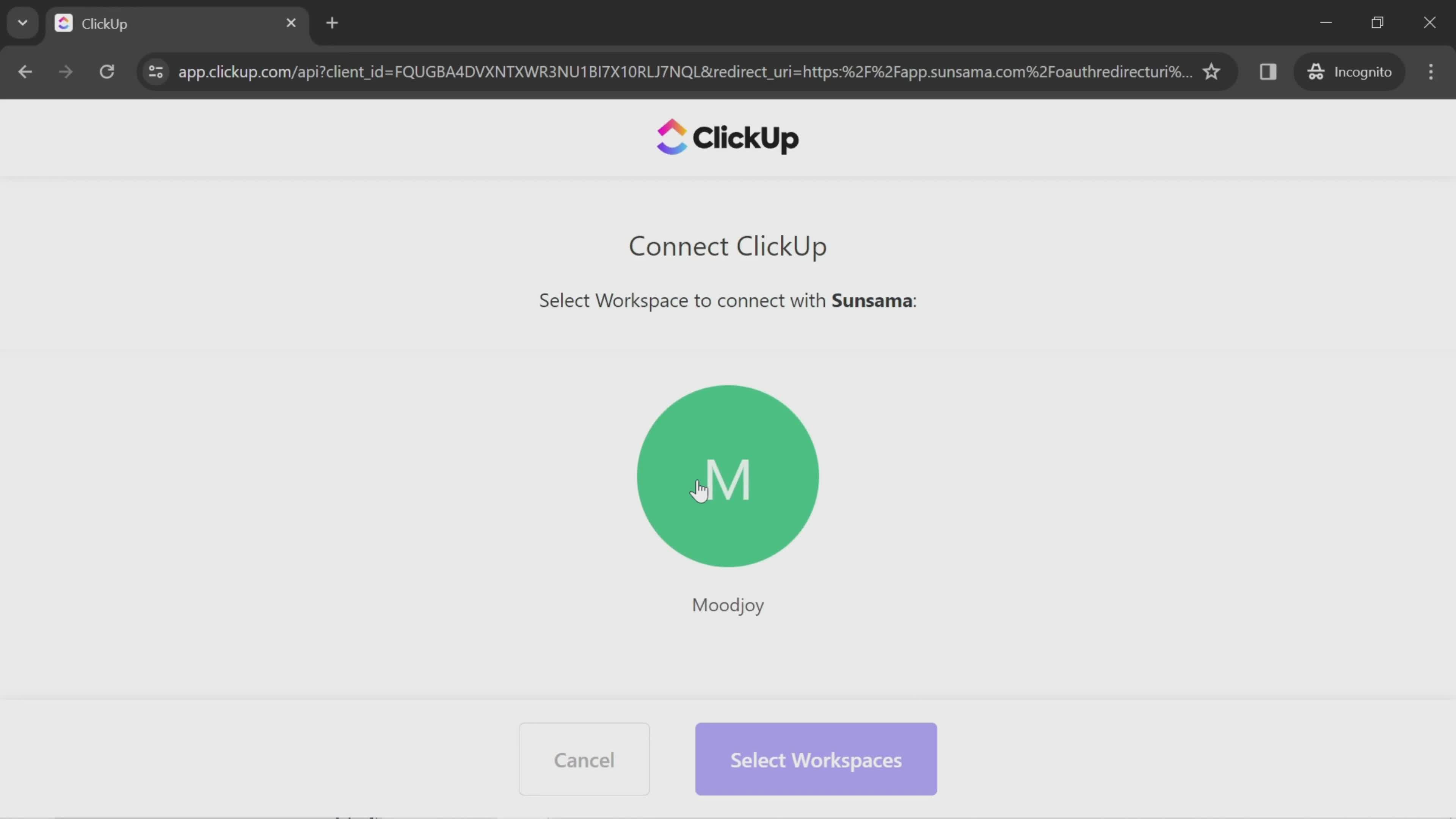
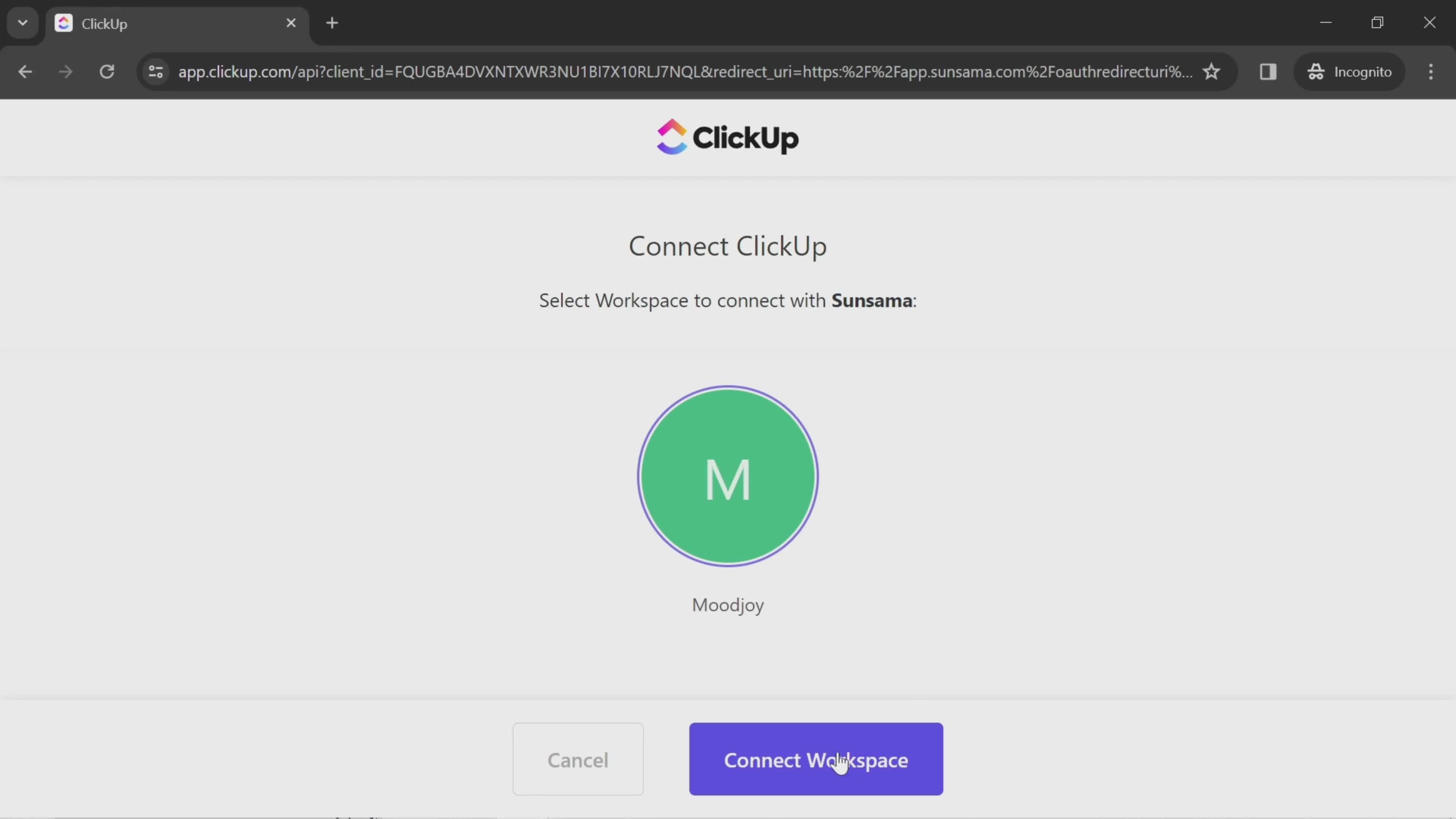
Connect integration
this is title
Continue
this is title
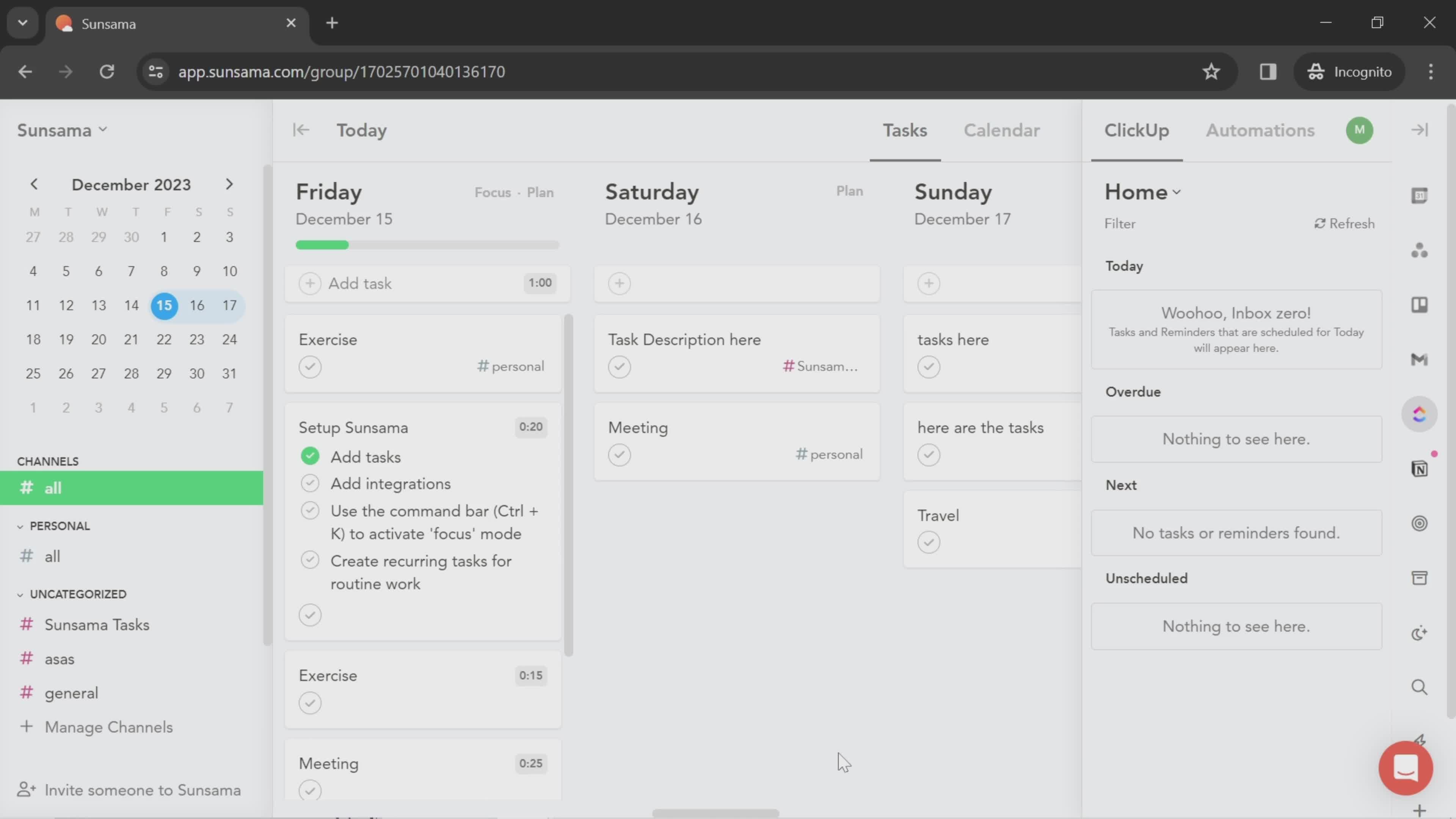
App connected
this is title
Automations
this is title
Tasks
this is title
Integrations
this is title
Integration details
this is title
Connect integration
this is title
Integration connected
this is title
Integration connected
this is title
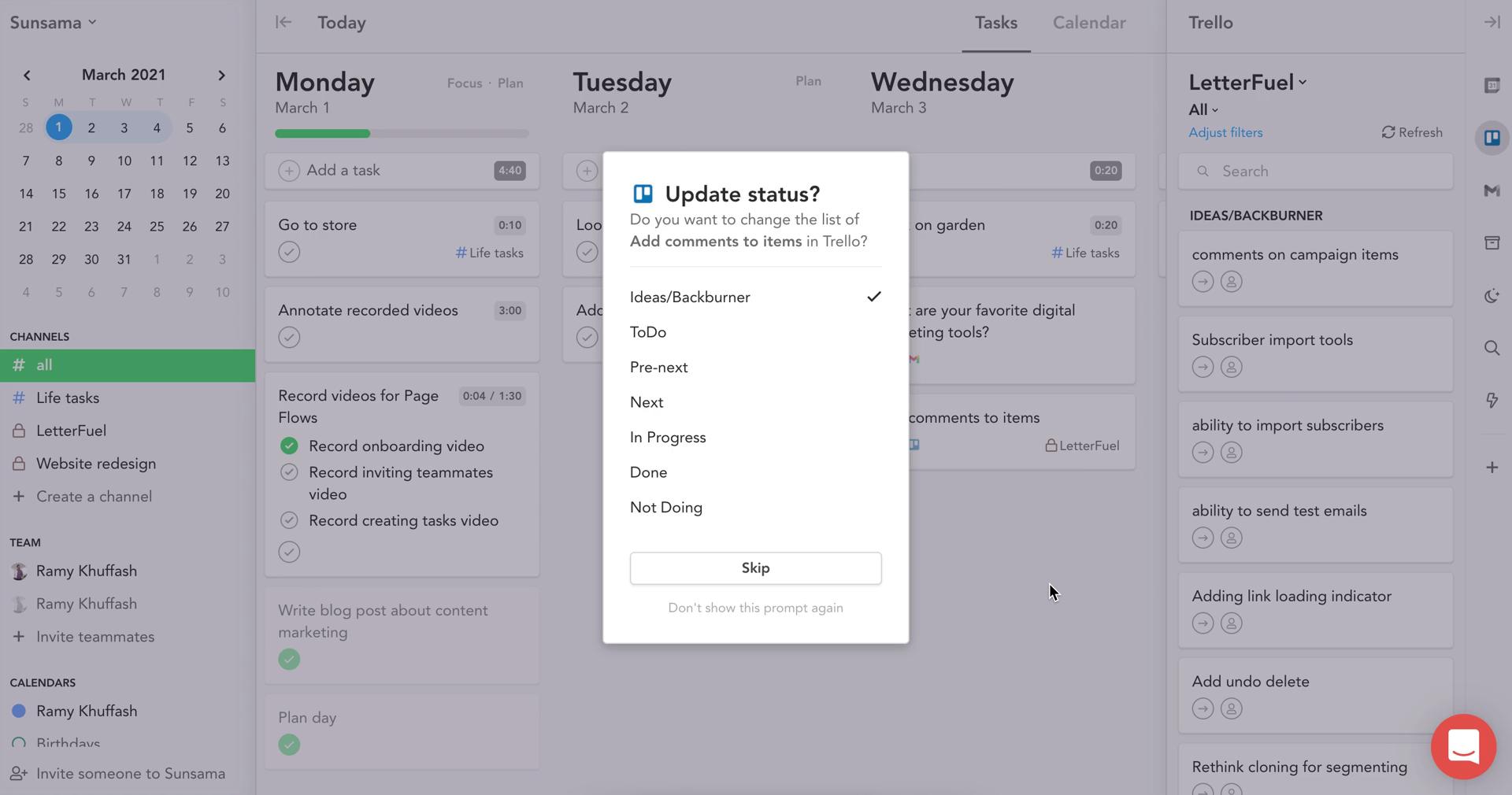
Update status
this is title
Dashboard
this is title
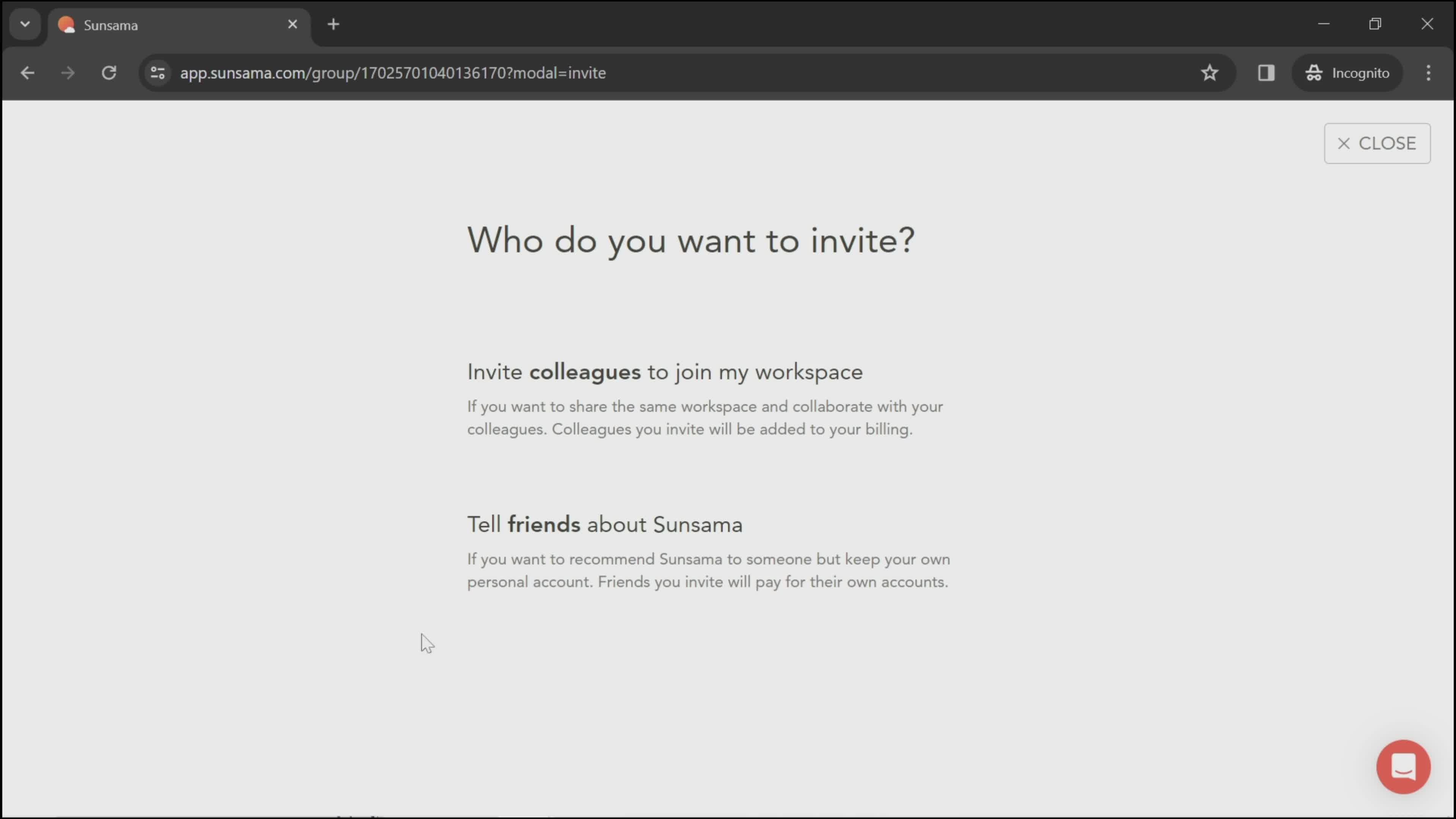
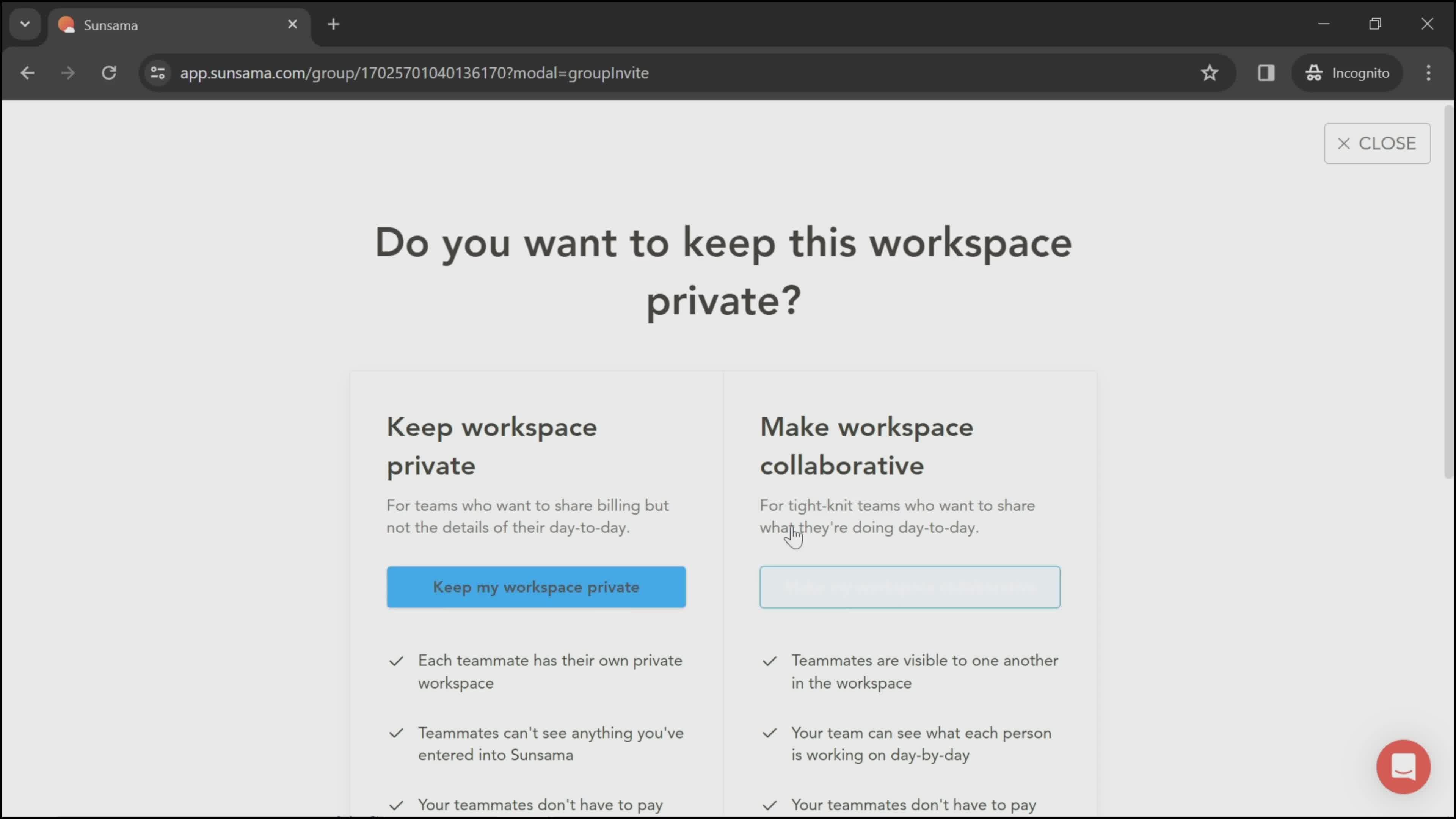
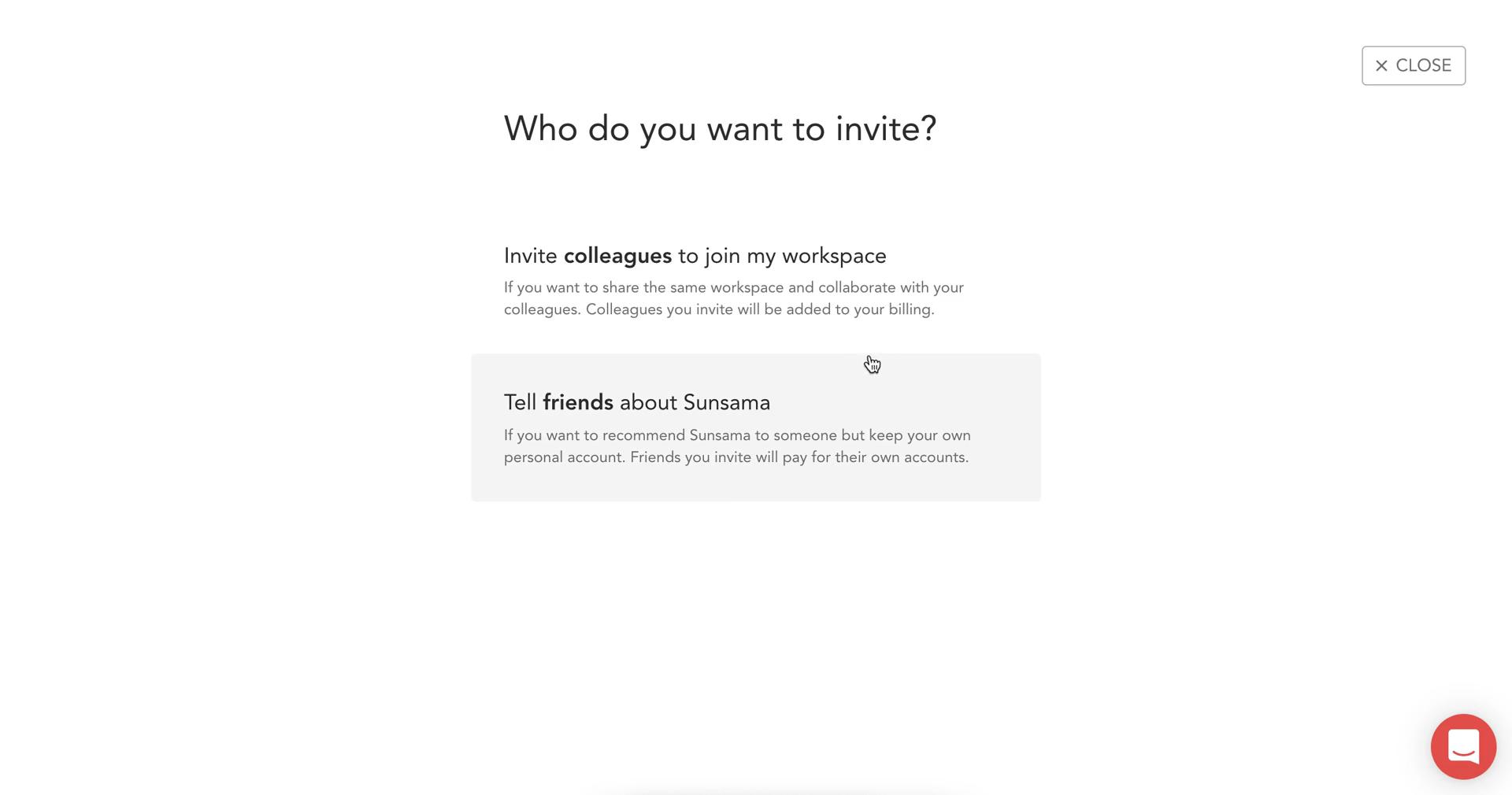
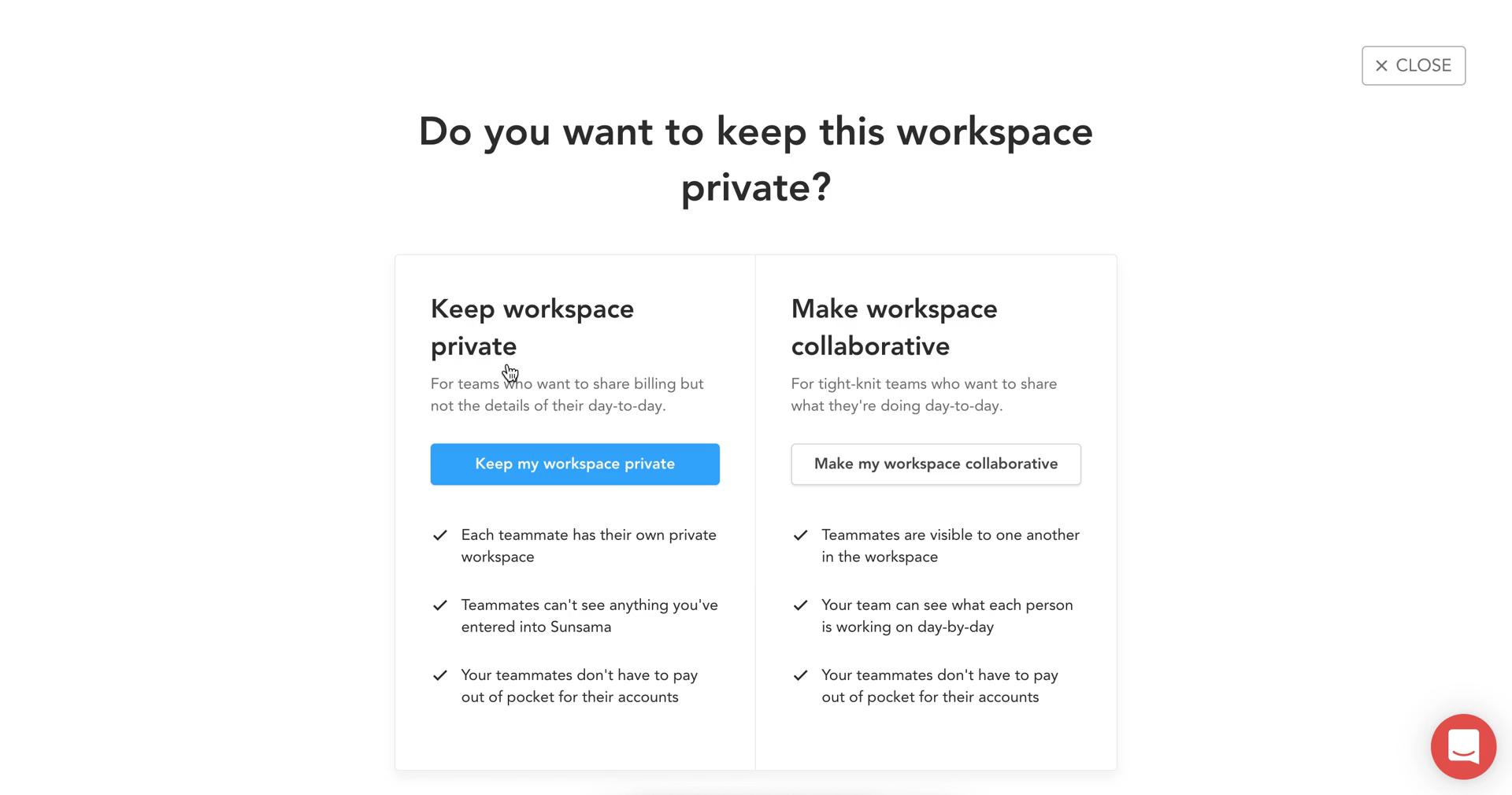
Select invite type
this is title
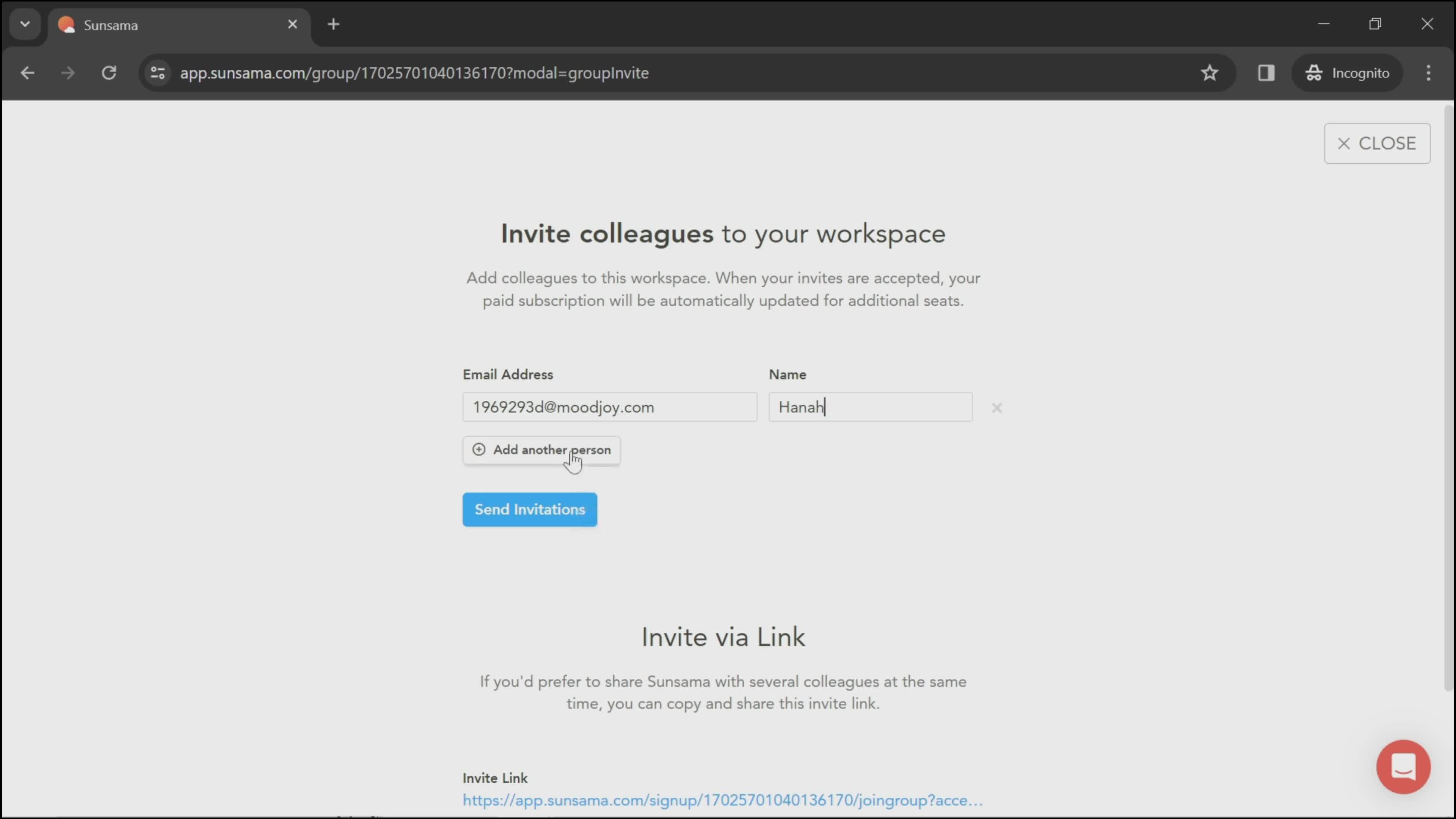
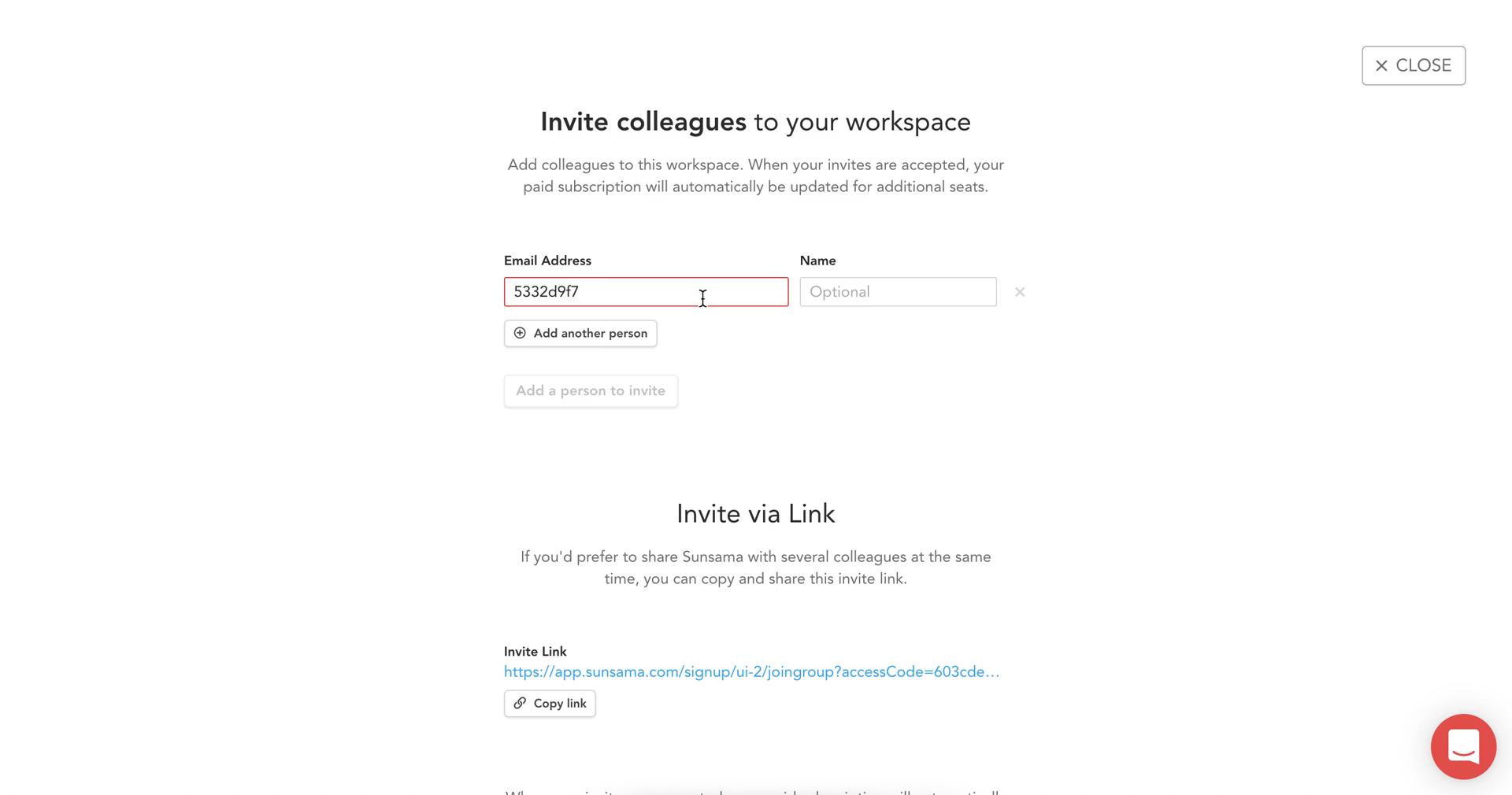
Invite people
this is title
this is title
this is title
Send invitation
this is title
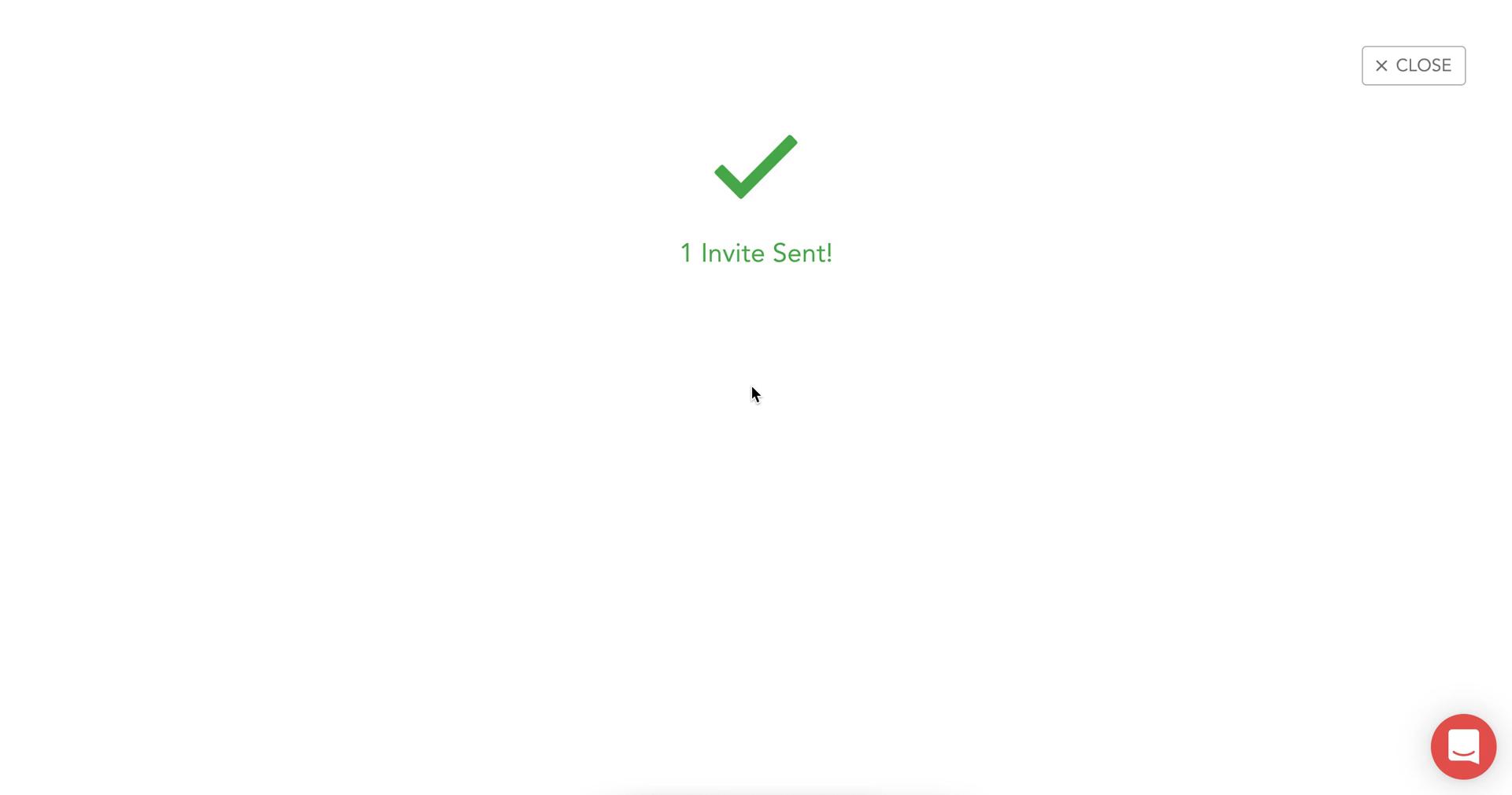
Invite sent
this is title
Set preferences
this is title
Dashboard
this is title
Tasks
this is title
Invite people
this is title
Invite team
this is title
Invites sent
this is title
Share workspace
this is title
Tasks
this is title
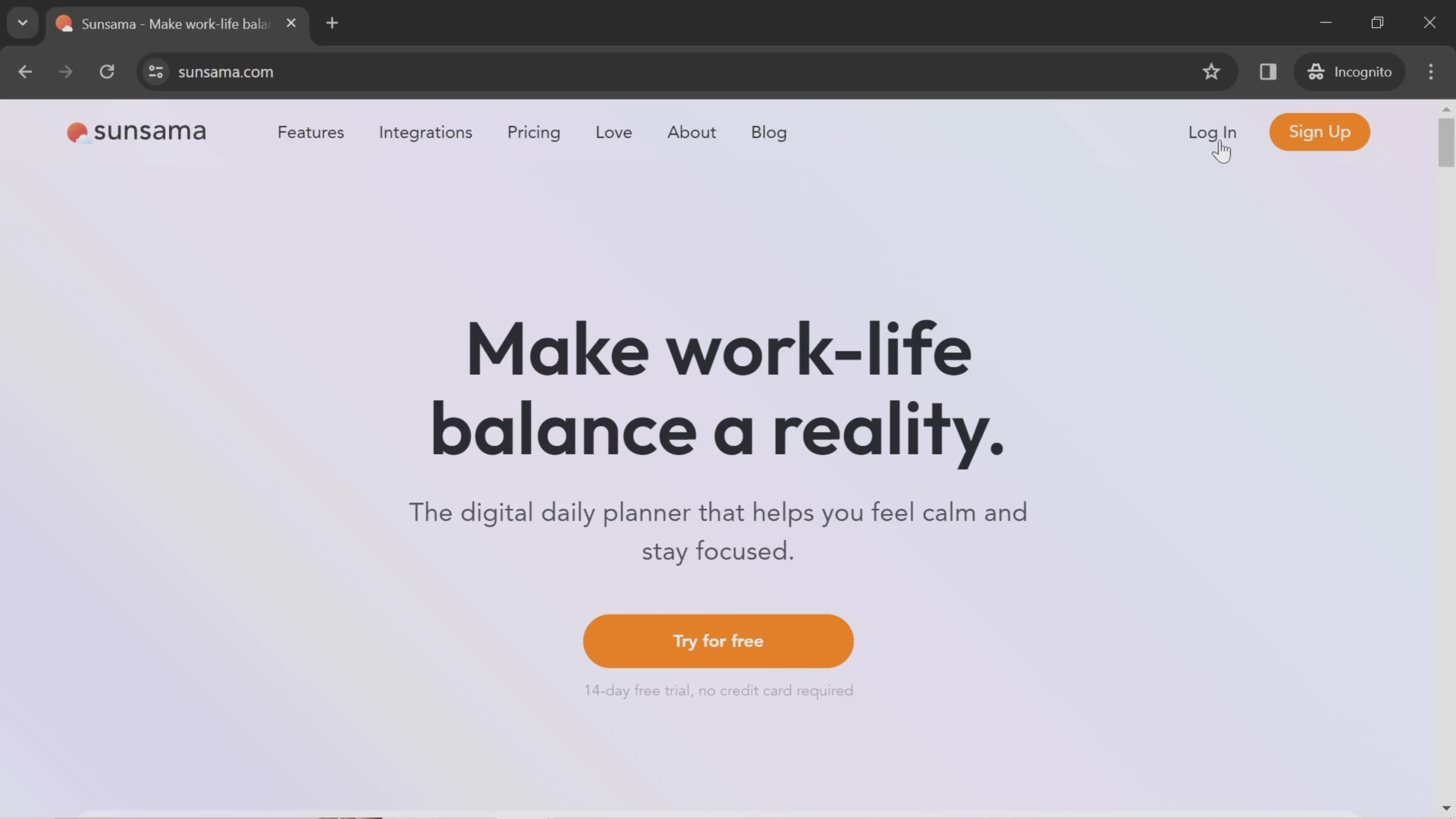
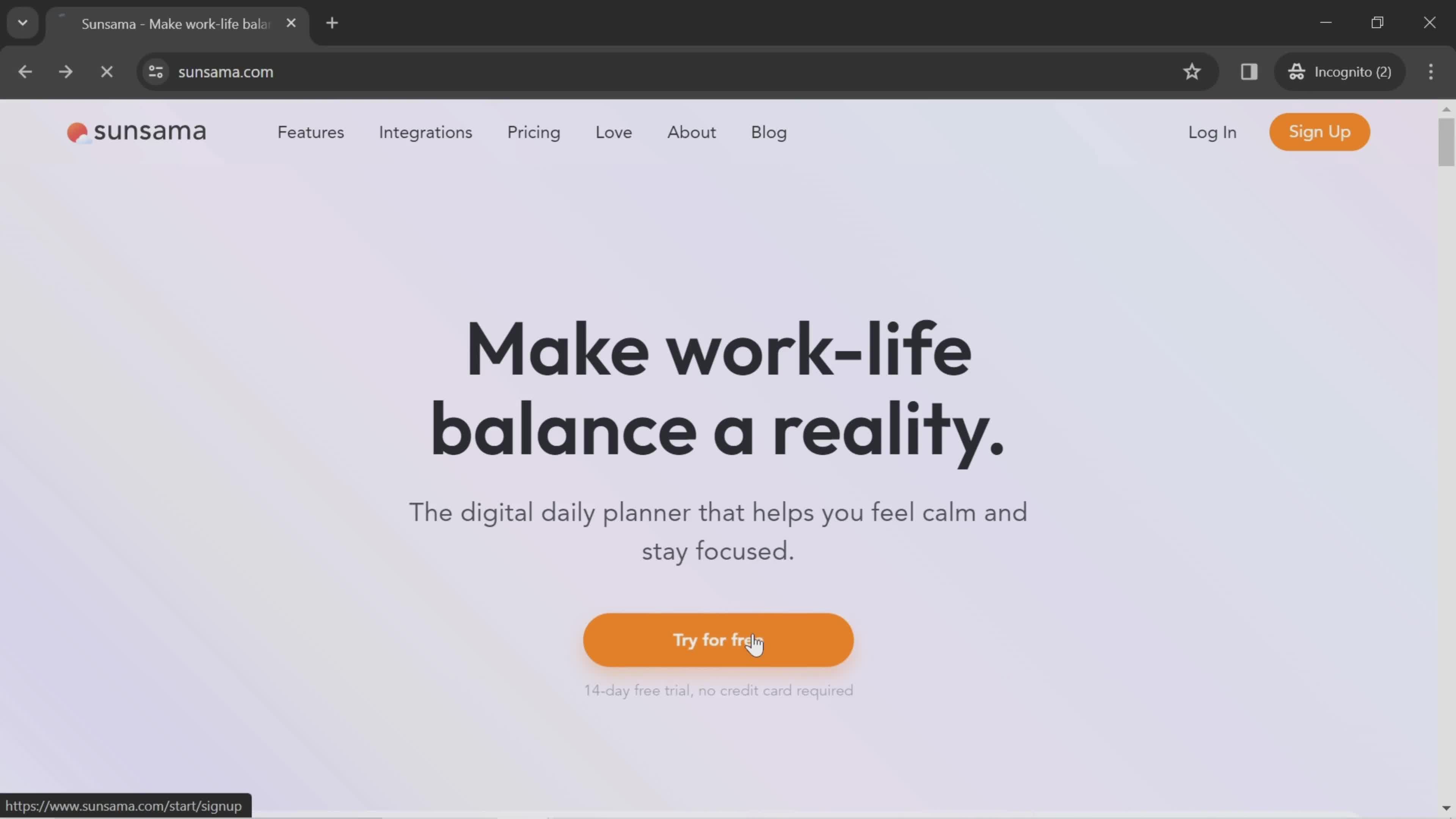
Homepage
this is title
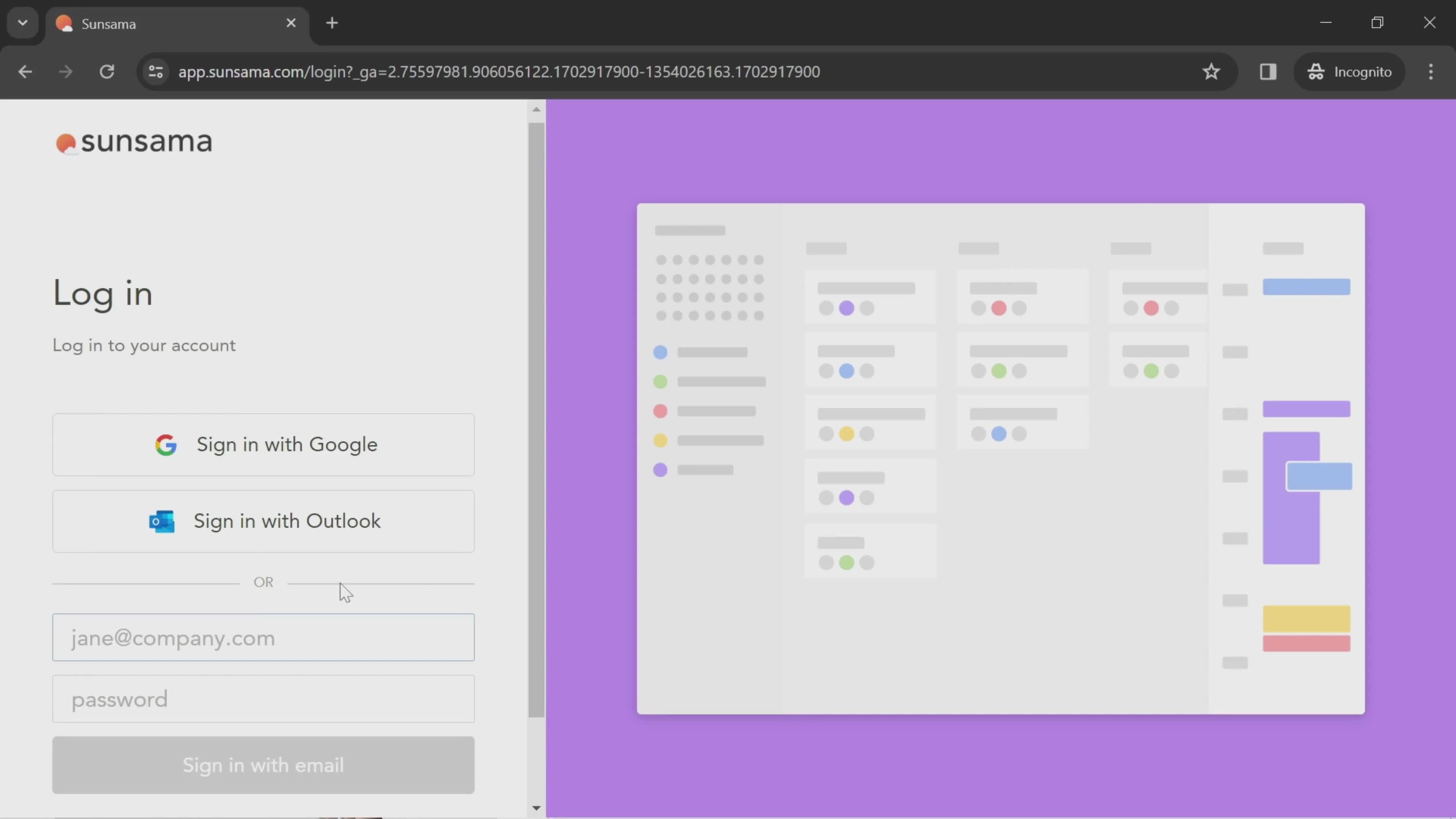
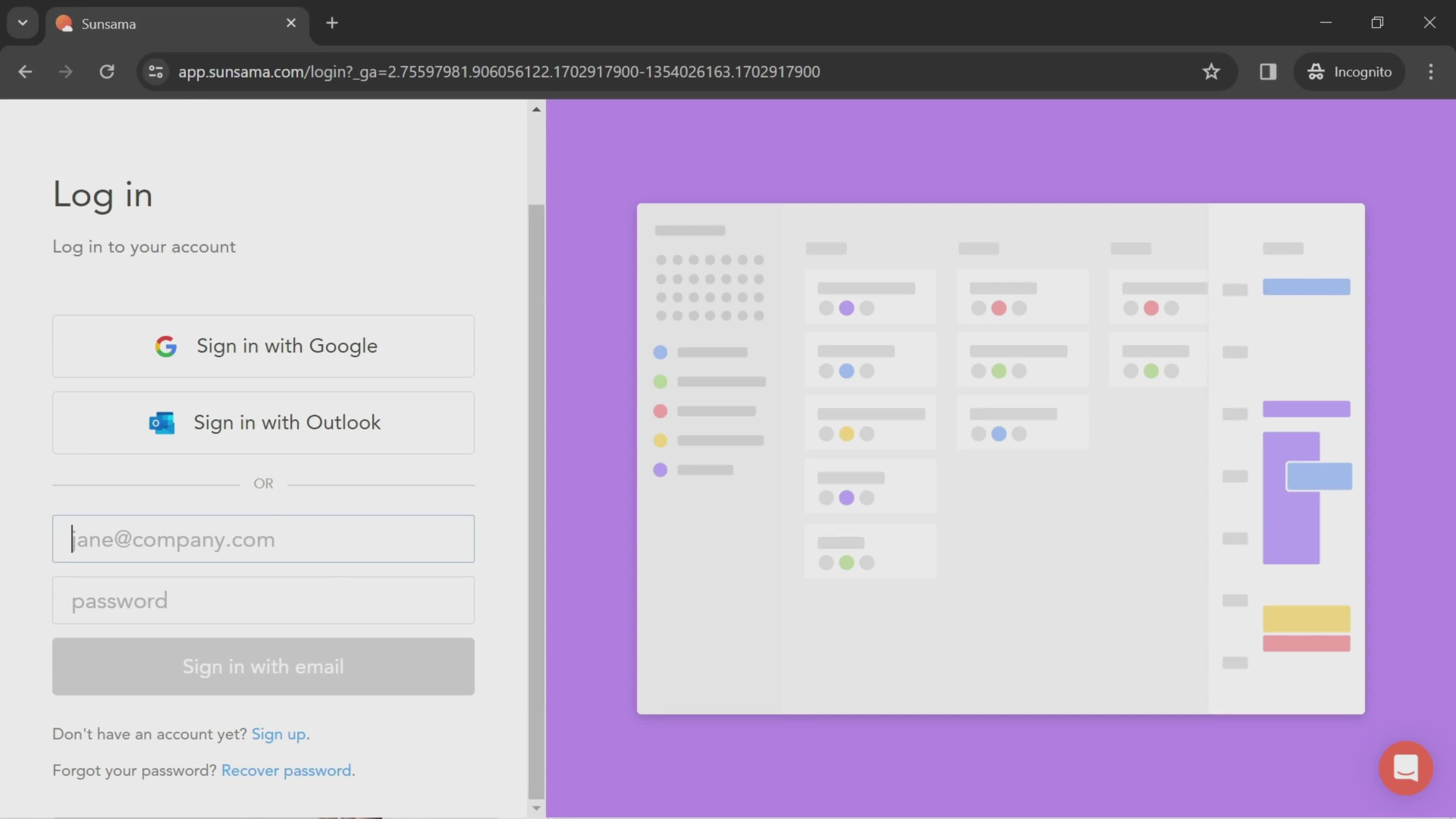
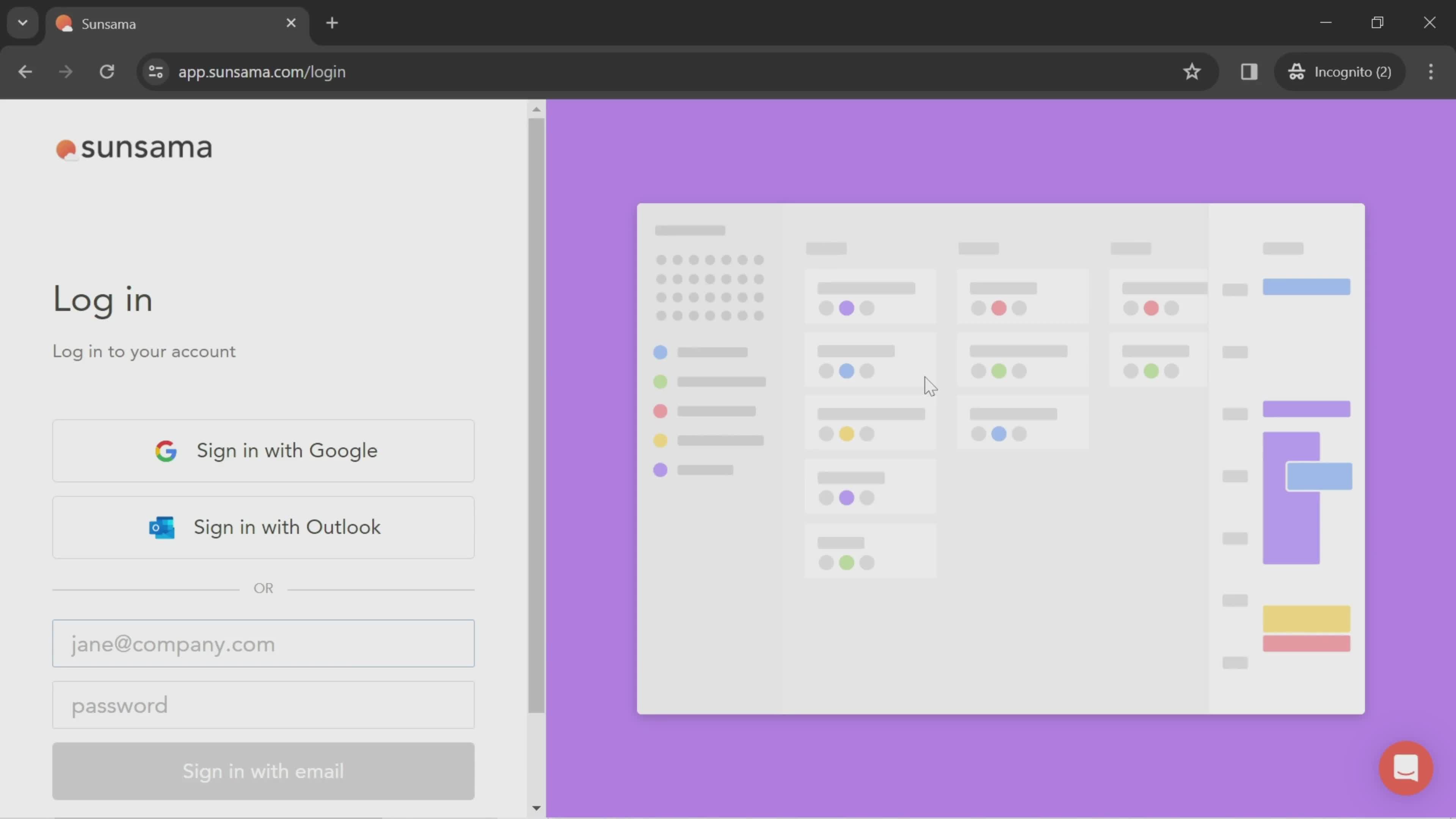
Login
this is title
Enter email
this is title
Dashboard
this is title
Dashboard
this is title
Workspace menu
this is title
Workspace settings
this is title
Account settings
this is title
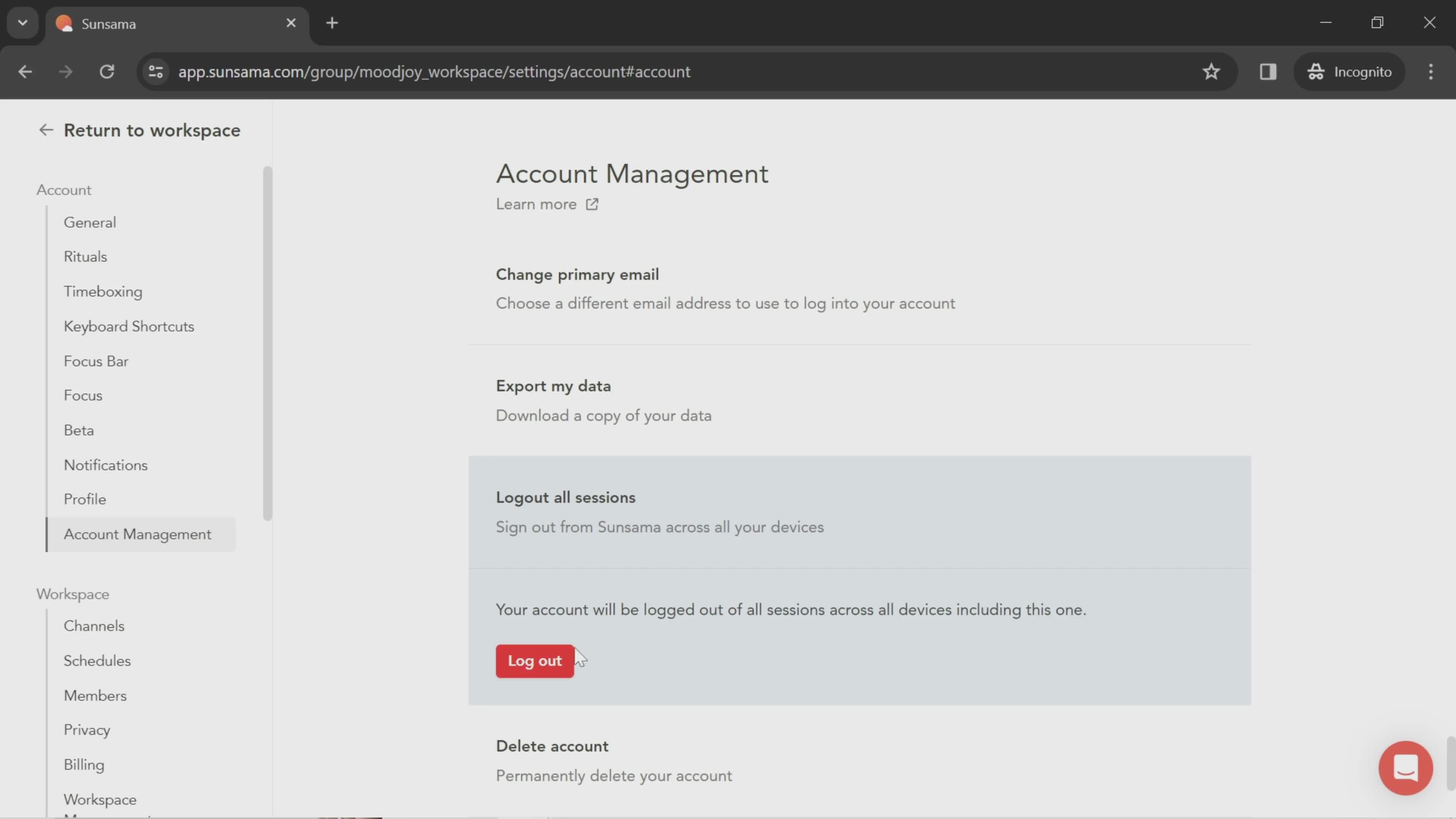
Log out
this is title
Homepage
this is title
Sign up
this is title
Continue
this is title
Login
this is title
this is title
Get started
this is title
Set preferences
this is title
Continue
this is title
Tools
this is title
Continue
this is title
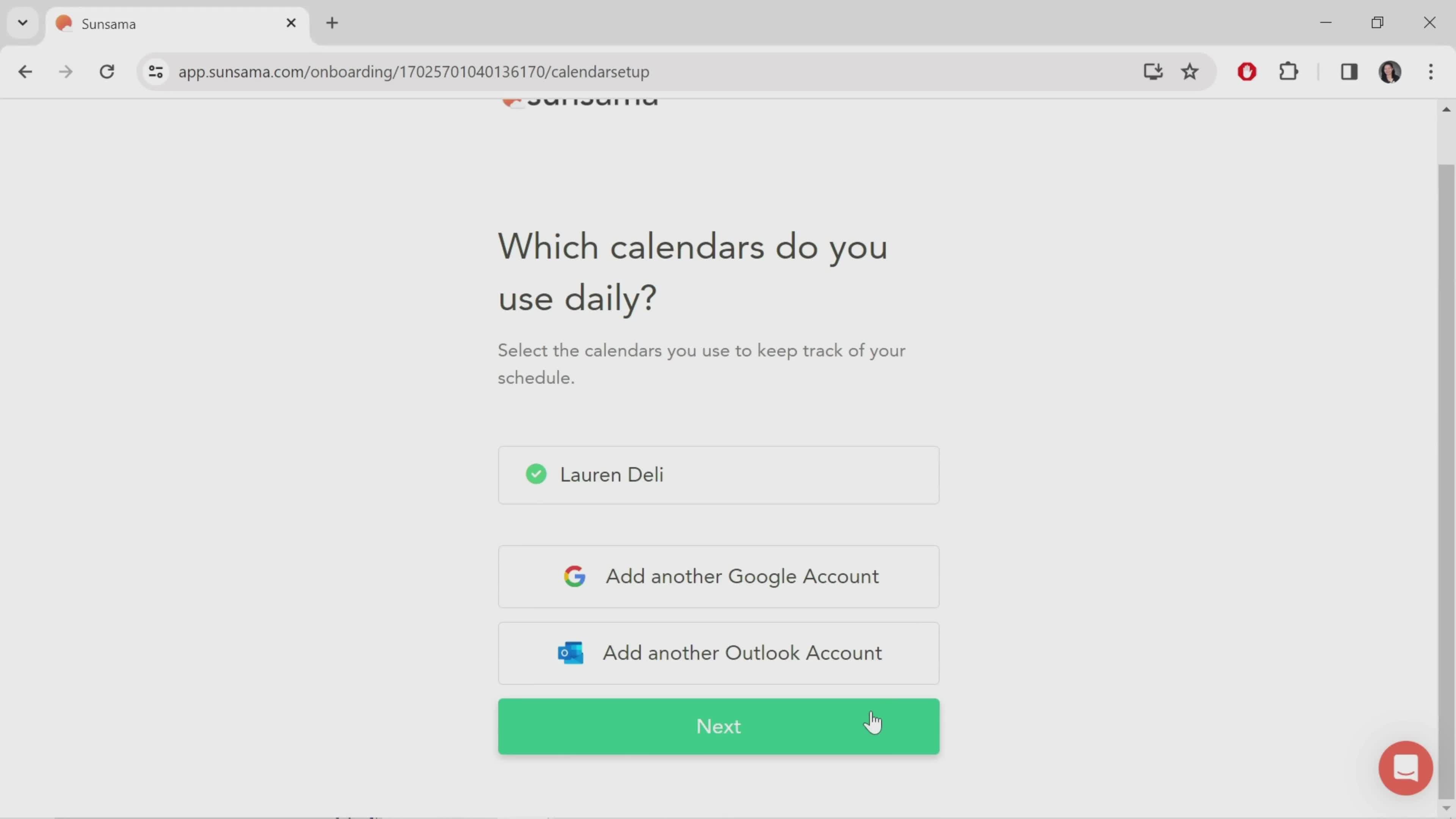
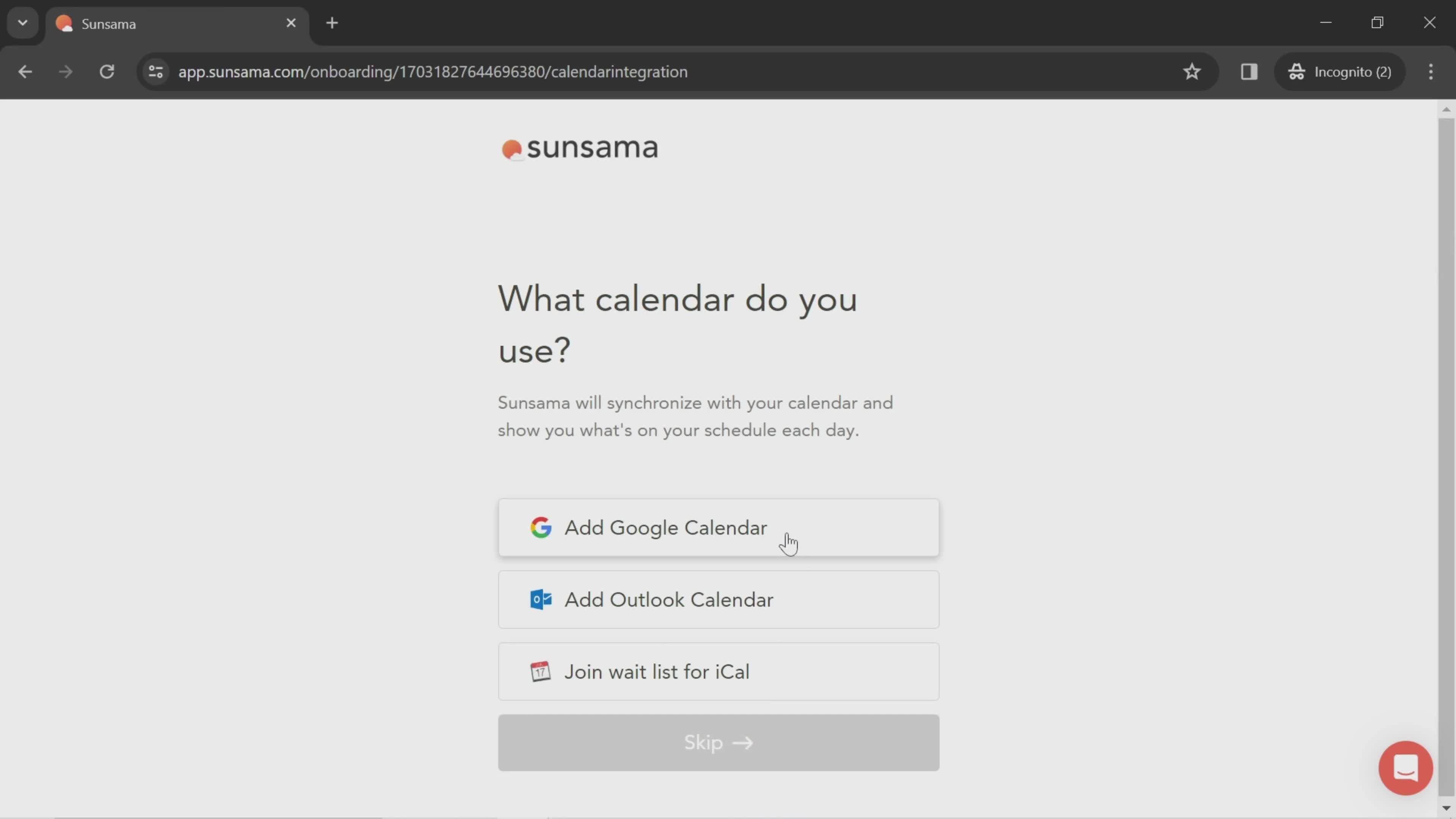
Sync calendar
this is title
Connect calendar
this is title
Continue
this is title
Create routine
this is title
Select time
this is title
Continue
this is title
Enable notifications
this is title
Continue
this is title
this is title
Add task
this is title
Next
this is title
Task created
this is title
Add task
this is title
this is title
Select start date
this is title
this is title
Select channel
this is title
Continue
this is title
this is title
Add task
this is title
this is title
Continue
this is title
Task created
this is title
Select time
this is title
this is title
Continue
this is title
this is title
Next
this is title
this is title
Continue
this is title
Get started
this is title
Dashboard
this is title
Setup checklist
this is title
this is title
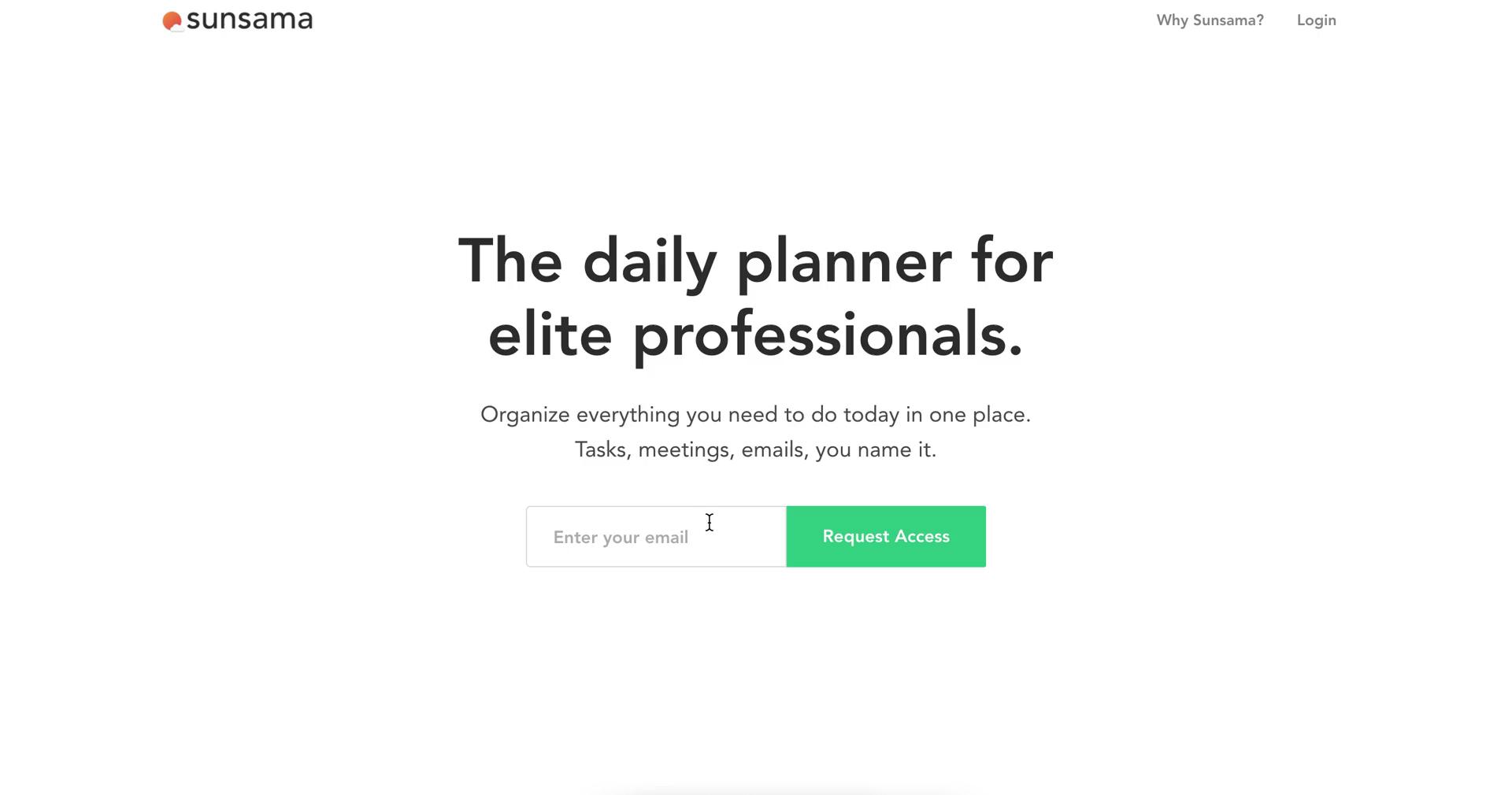
Homepage
this is title
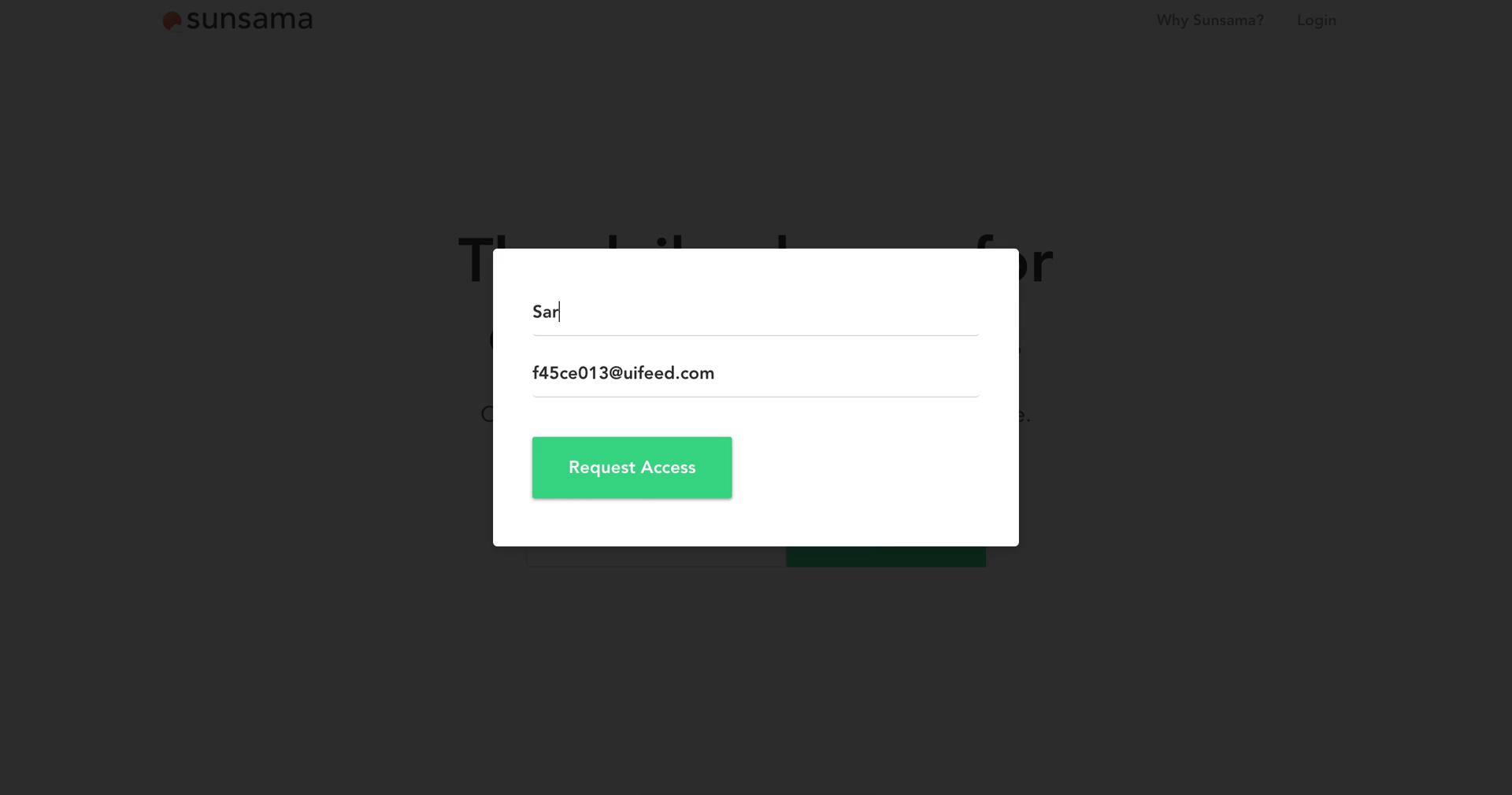
Request access
this is title
Start survey
this is title
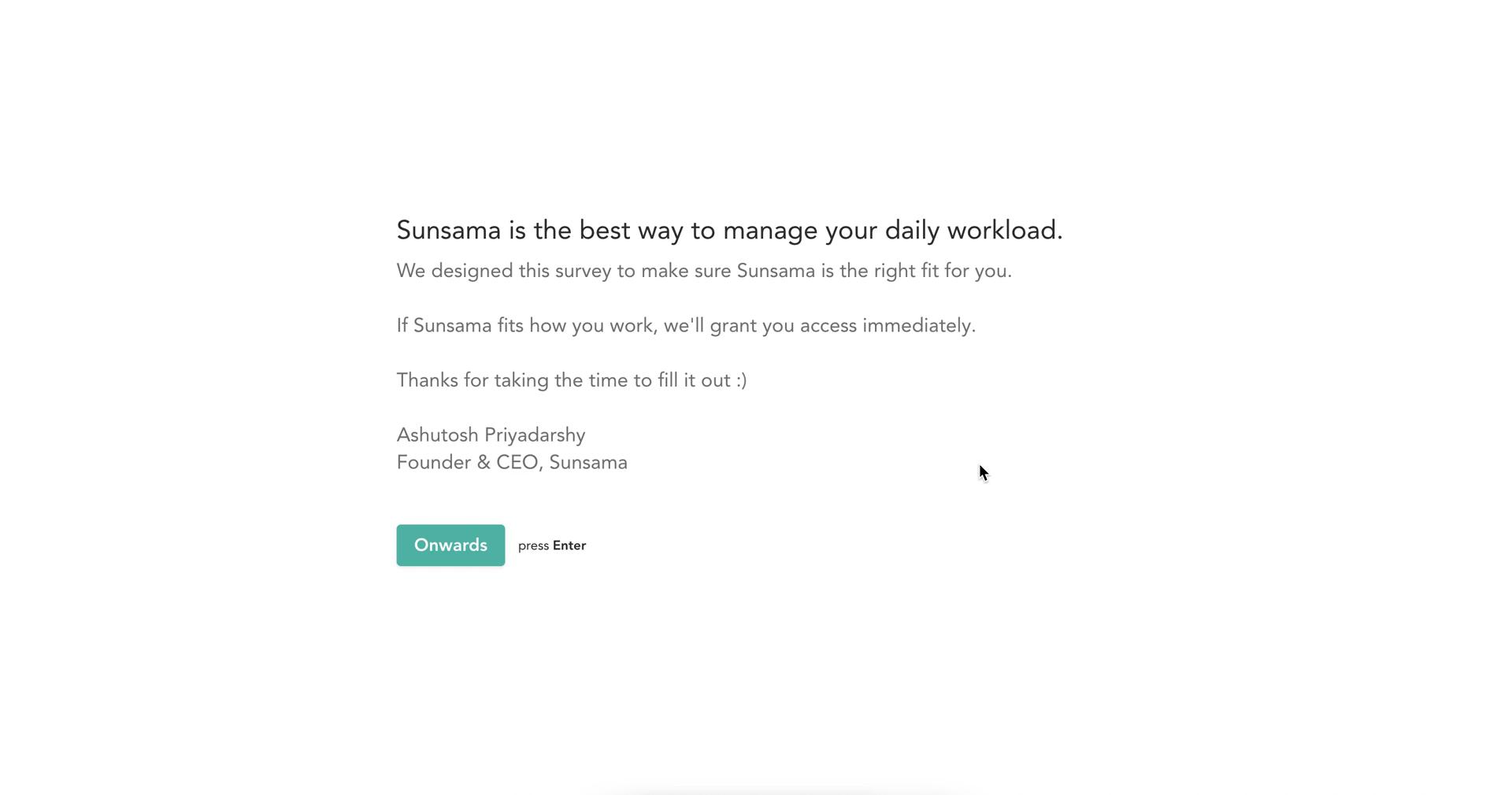
Start survey
this is title
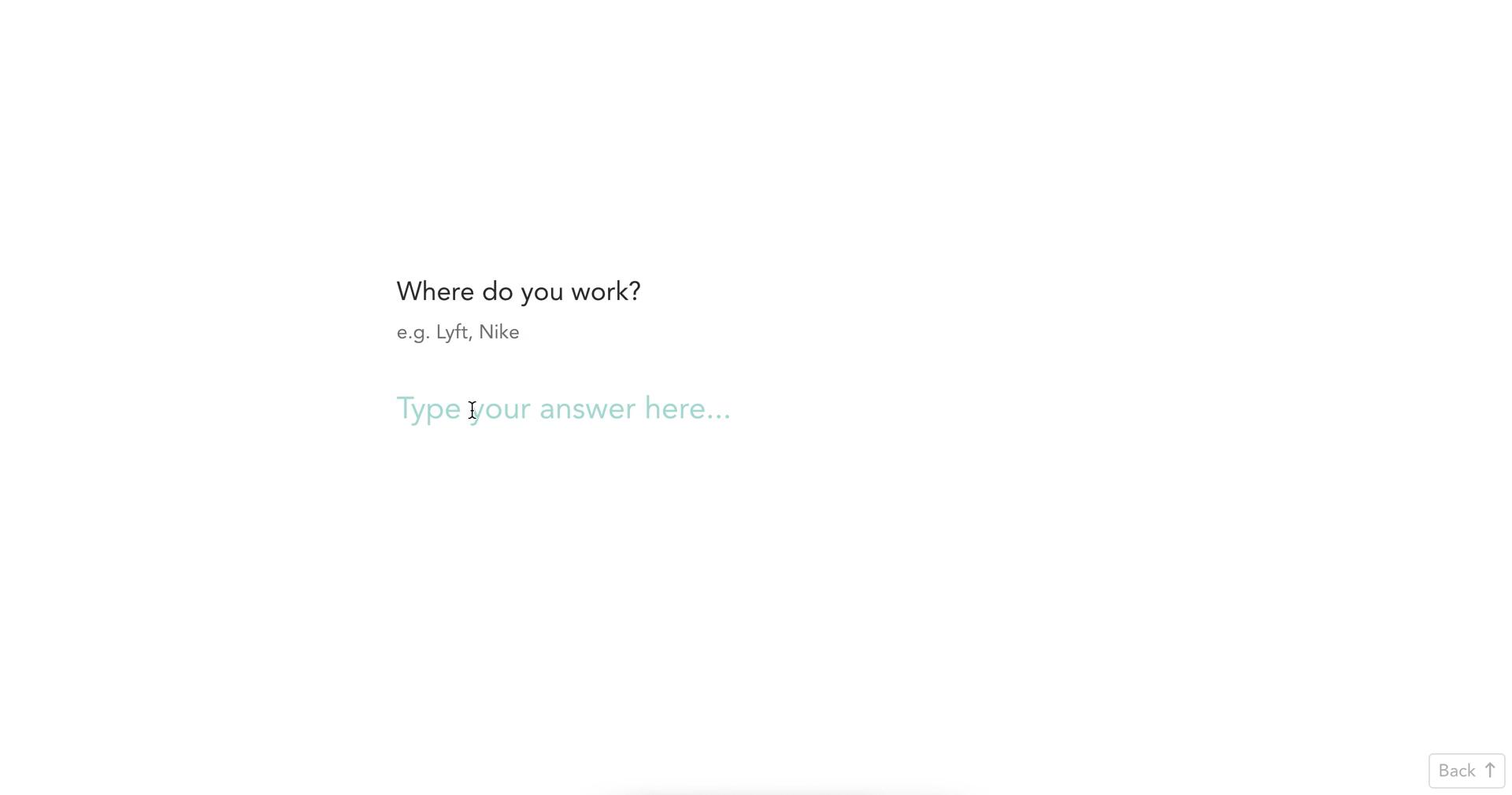
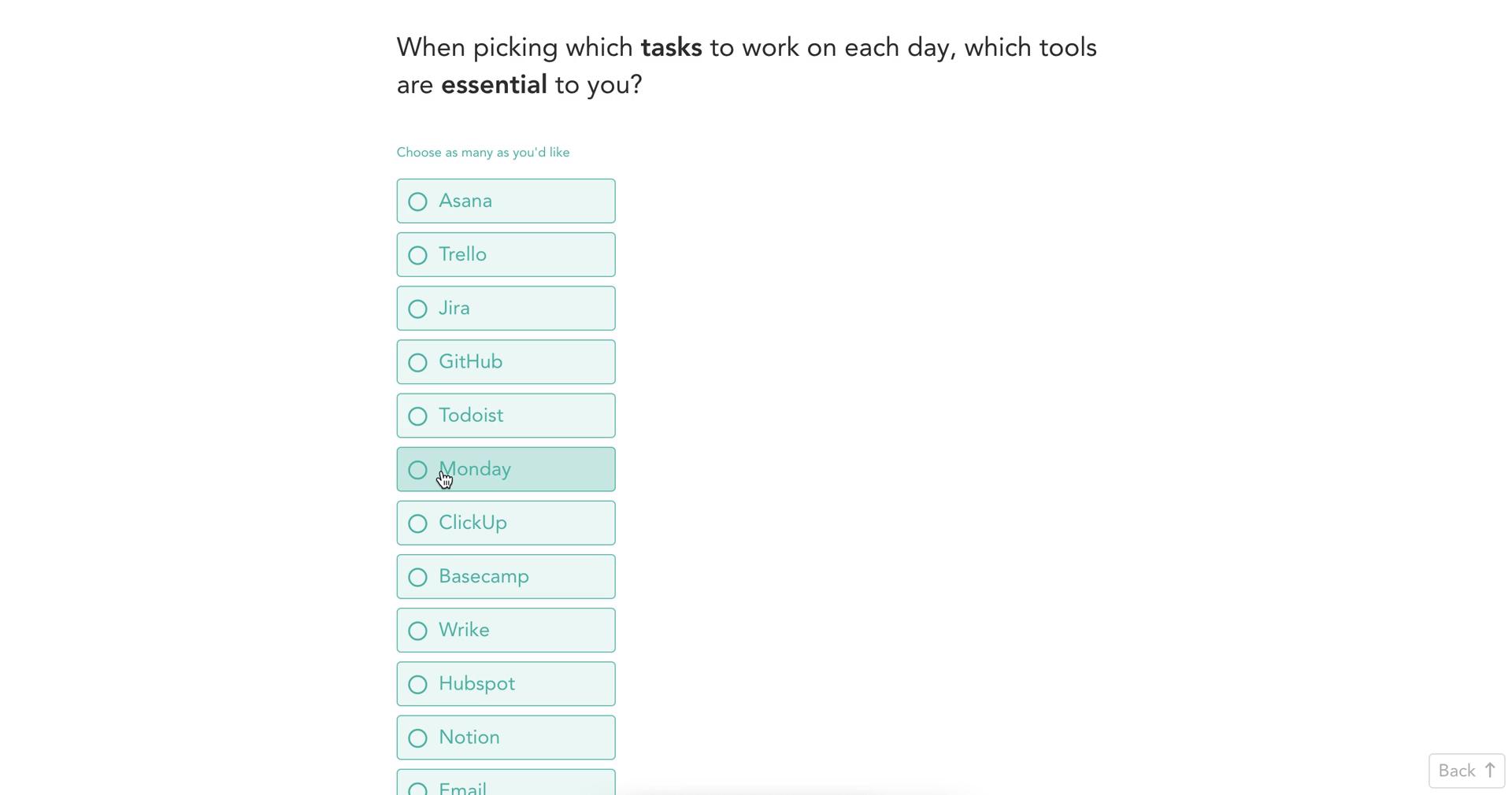
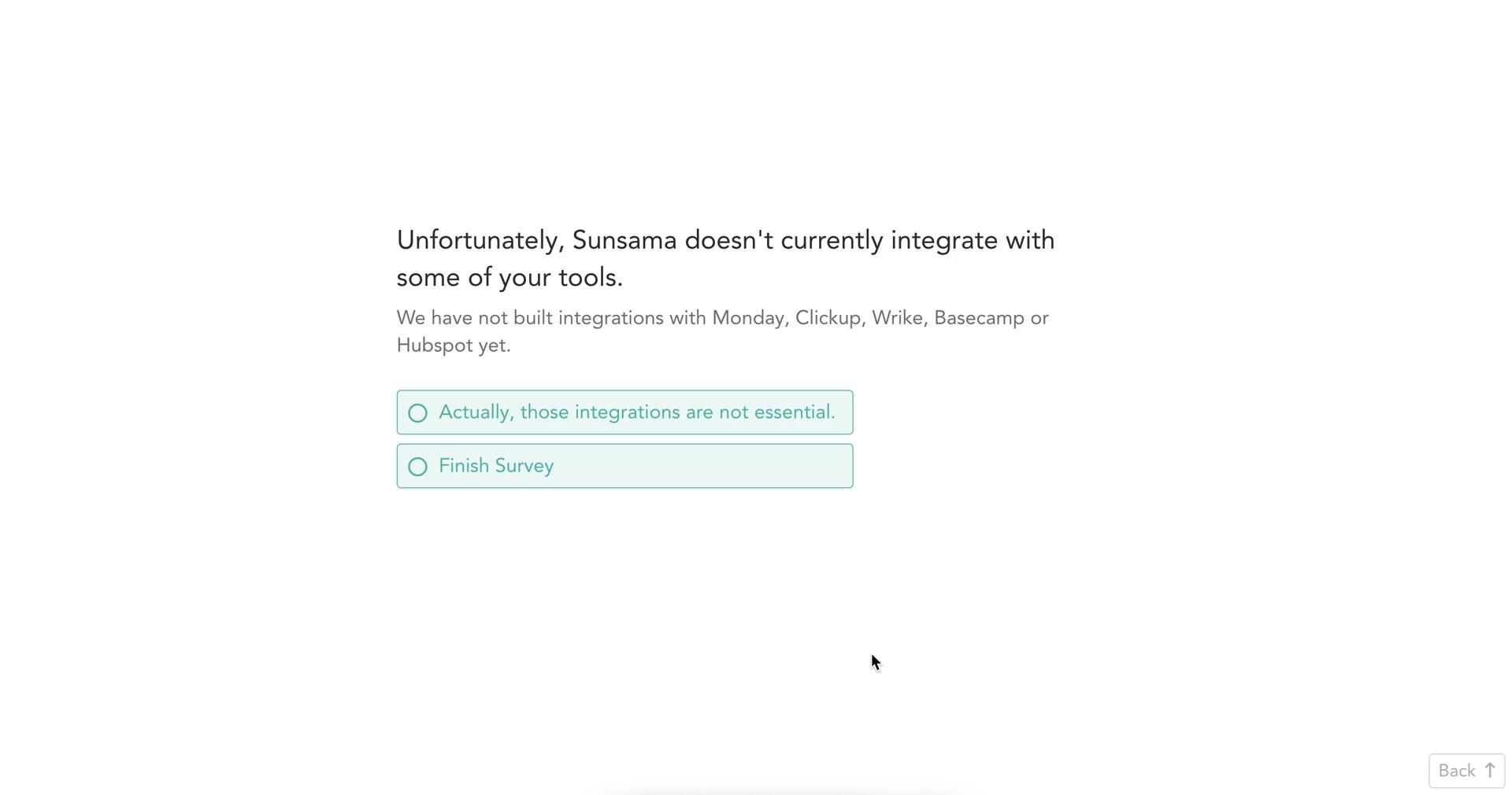
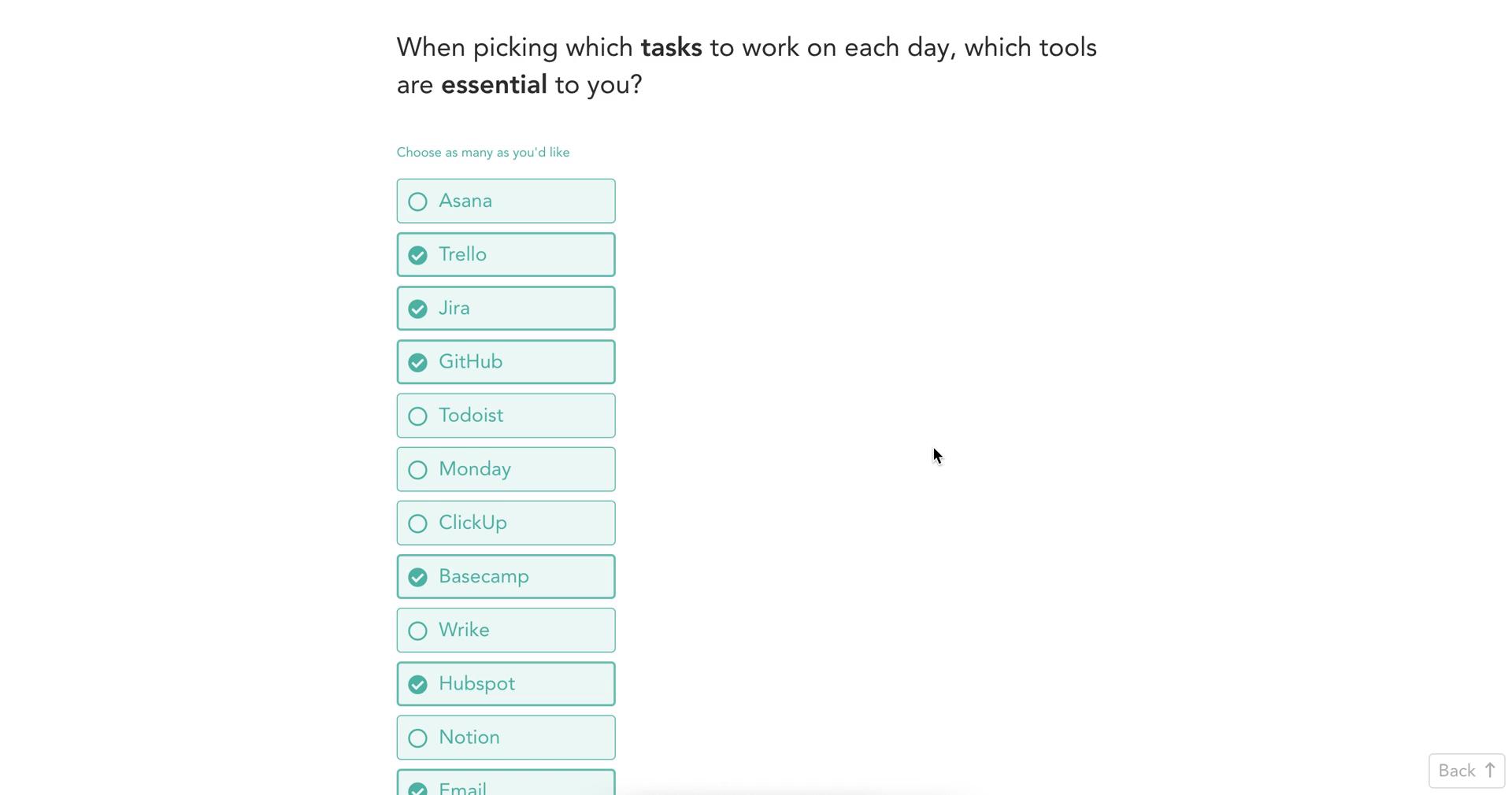
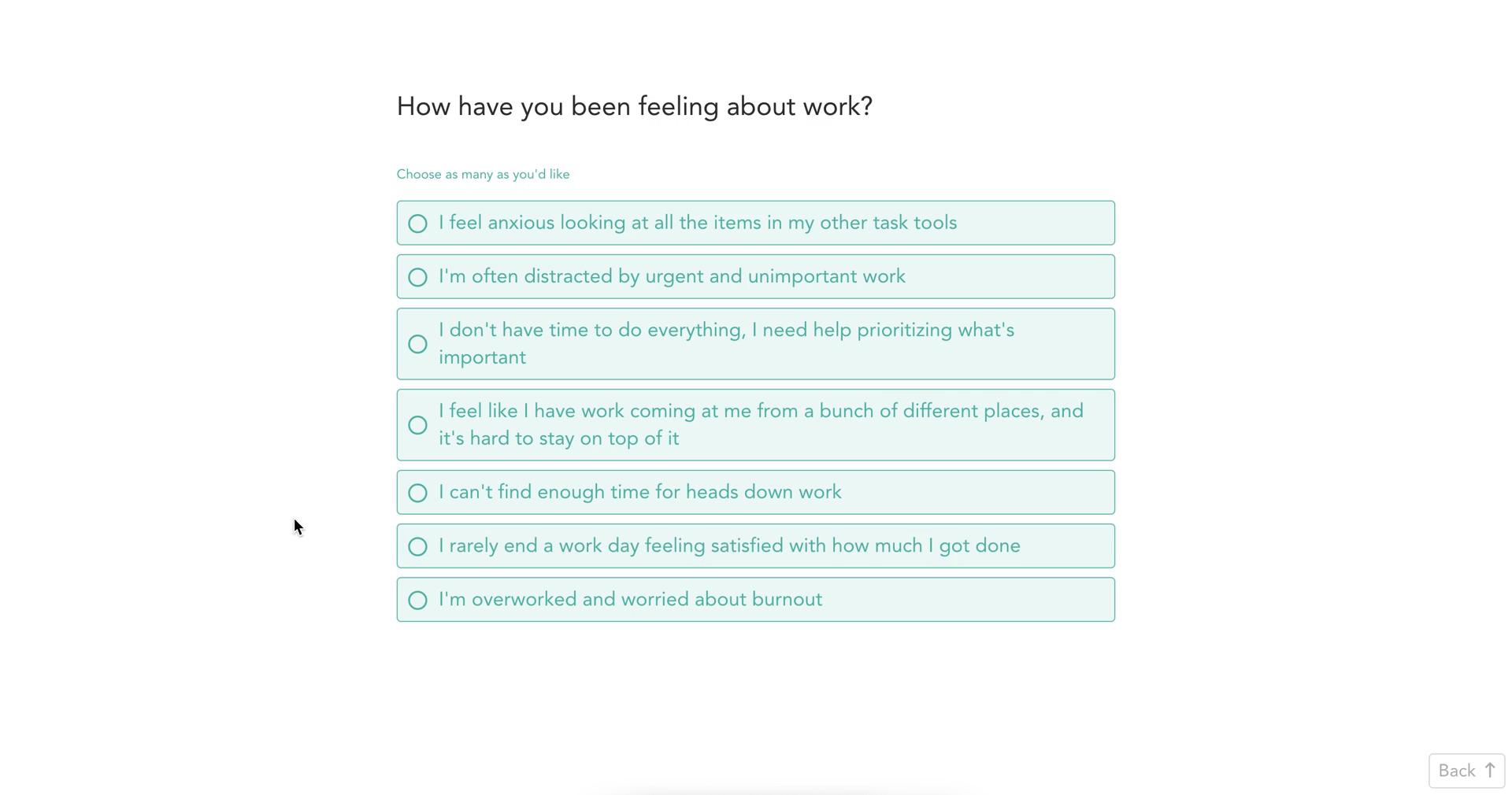
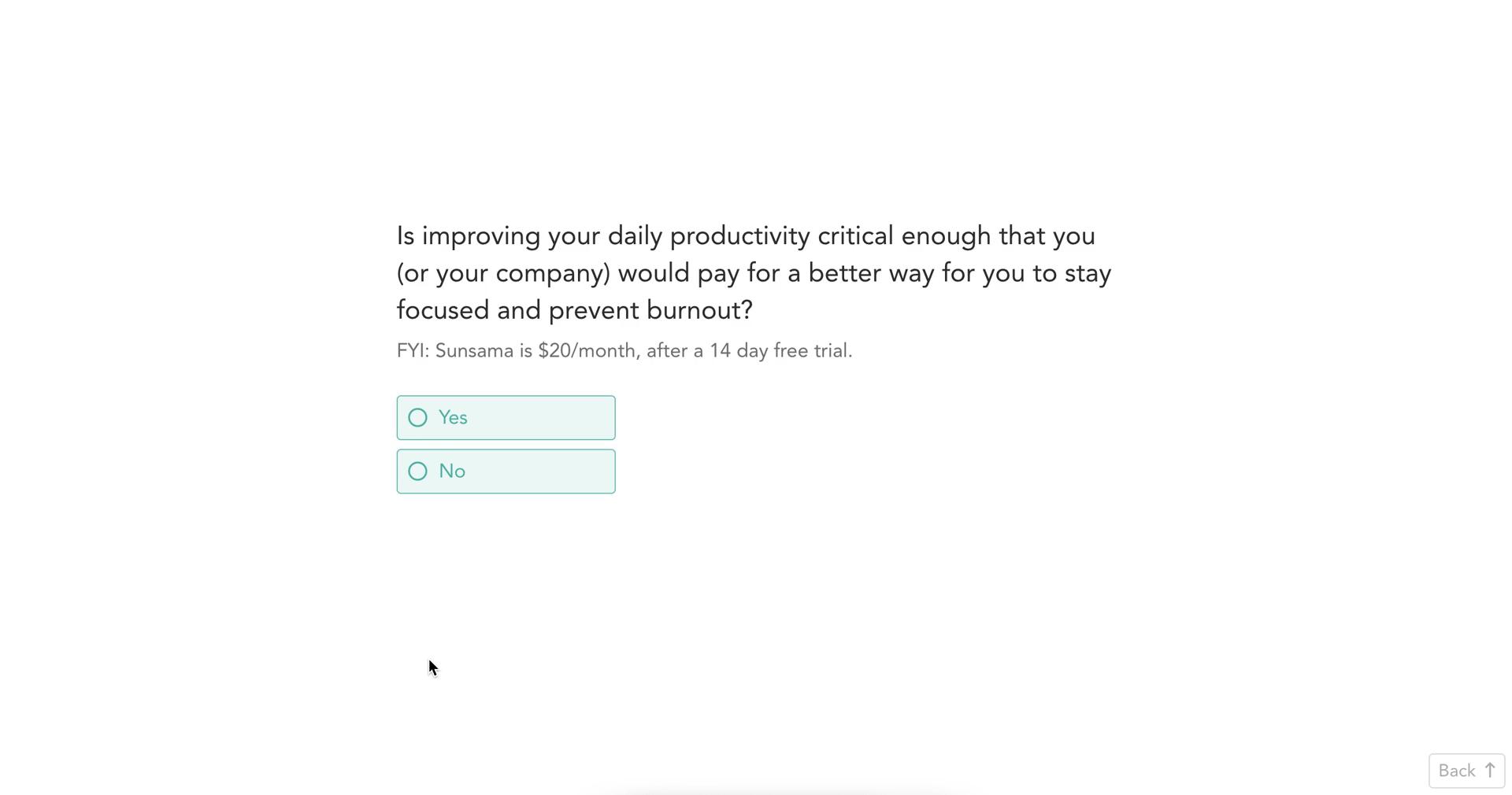
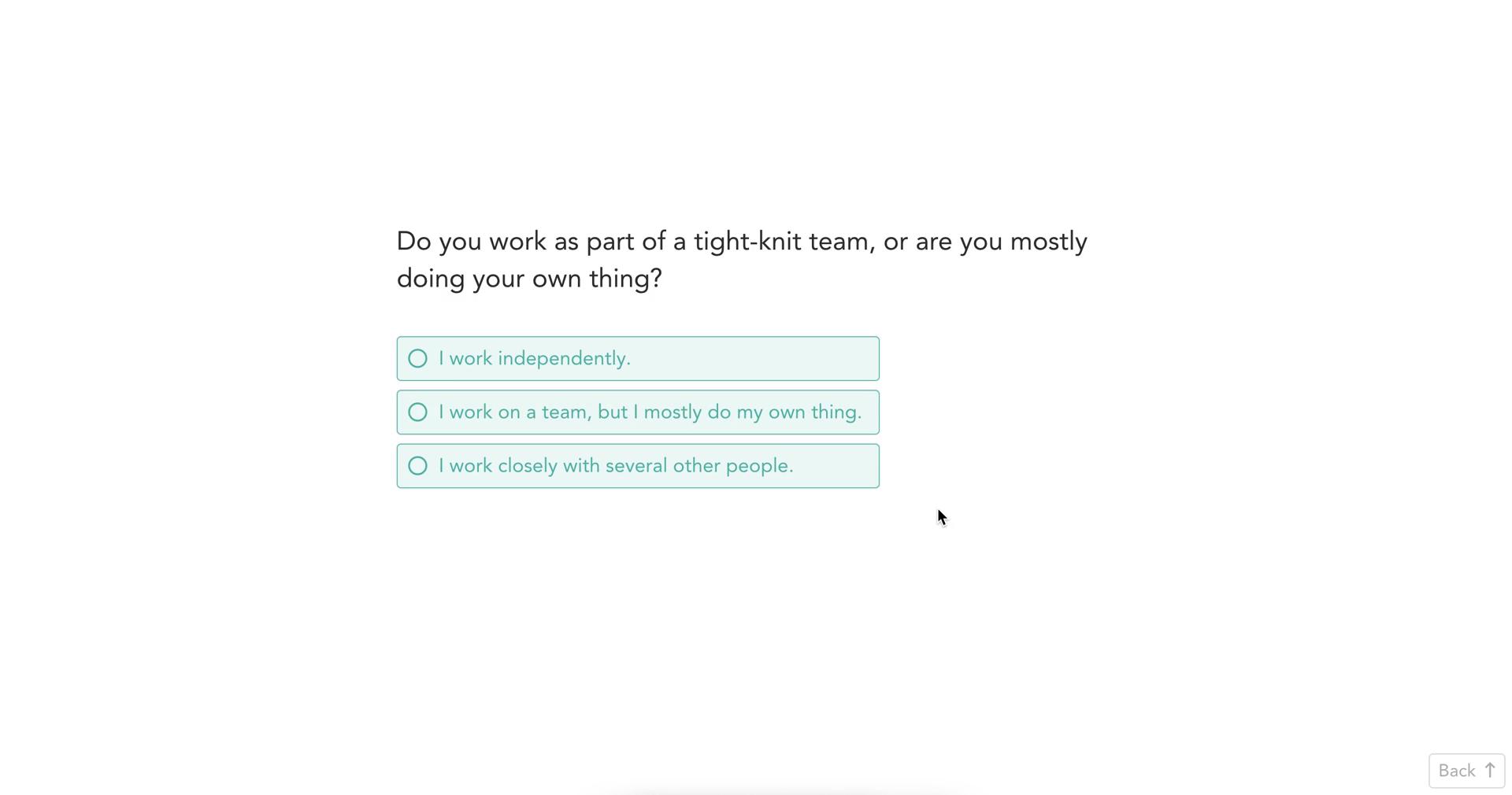
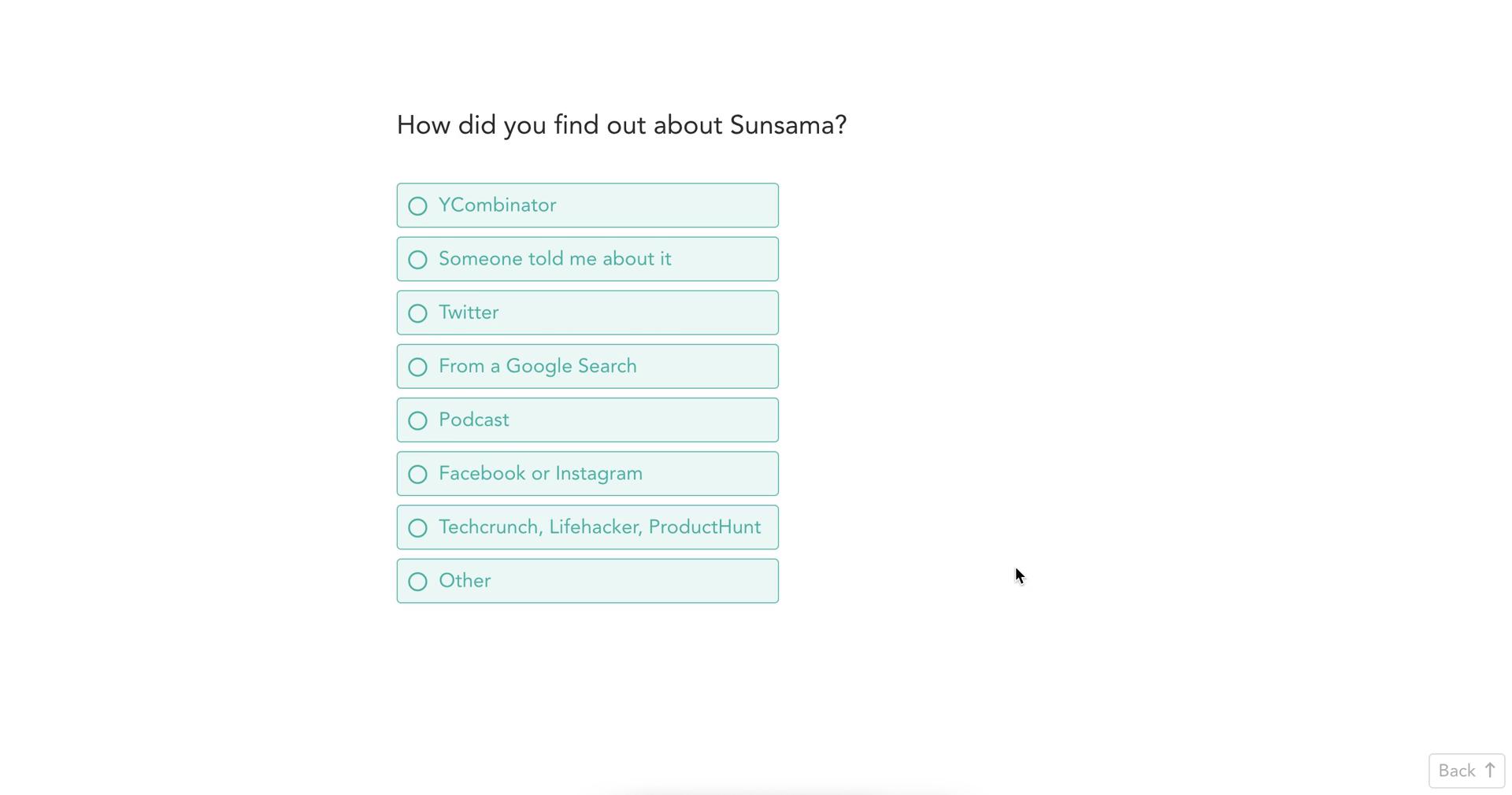
Survey question
this is title
Survey question
this is title
Survey question
this is title
Survey question
this is title
Survey question
this is title
Survey question
this is title
Survey question
this is title
Survey question
this is title
Survey question
this is title
Survey question
this is title
Survey question
this is title
Survey question
this is title
Survey question
this is title
Survey question
this is title
Survey question
this is title
Loading
this is title
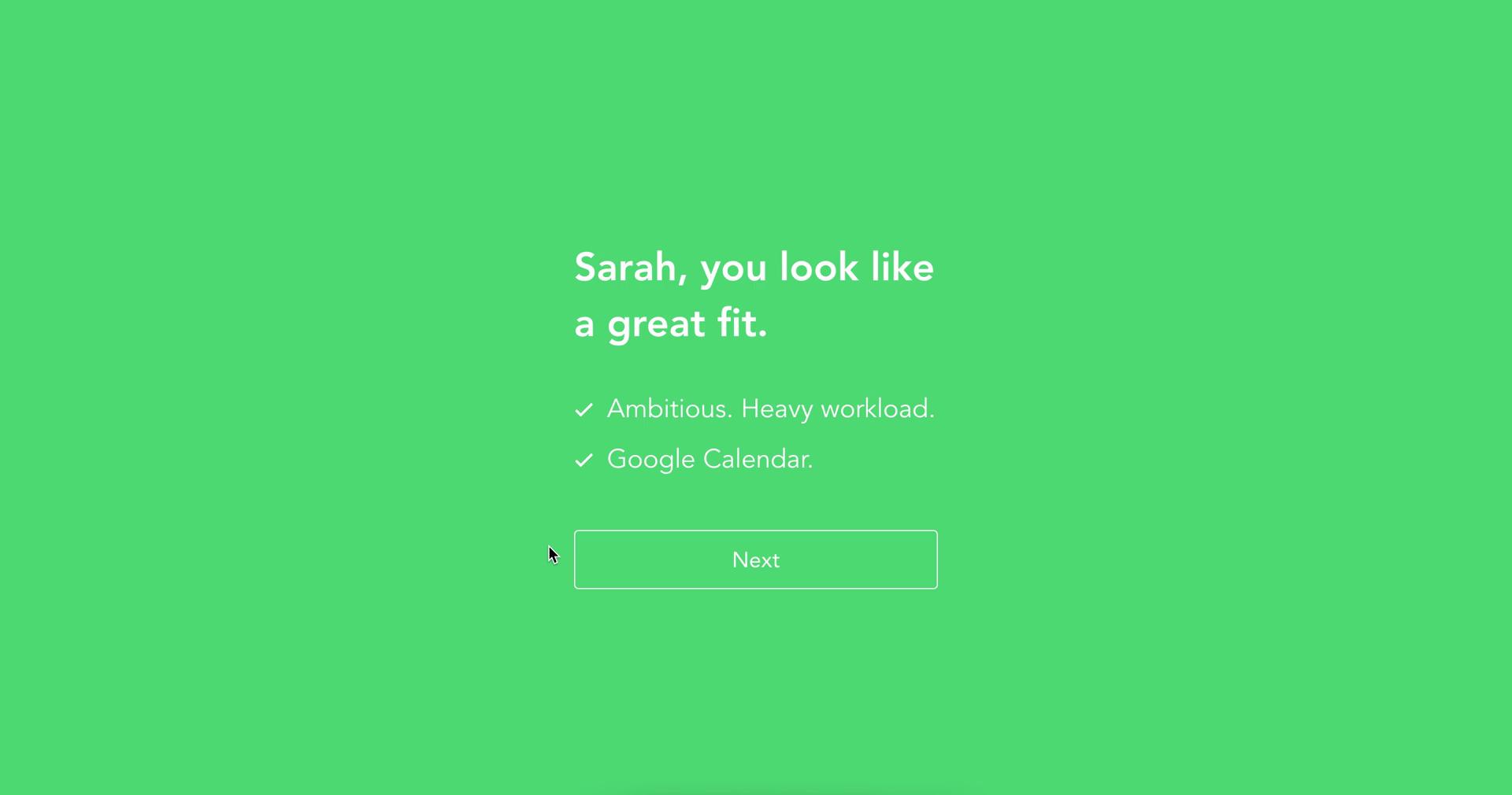
Success
this is title
Access granted
this is title
Sign up
this is title
Provide more information
this is title
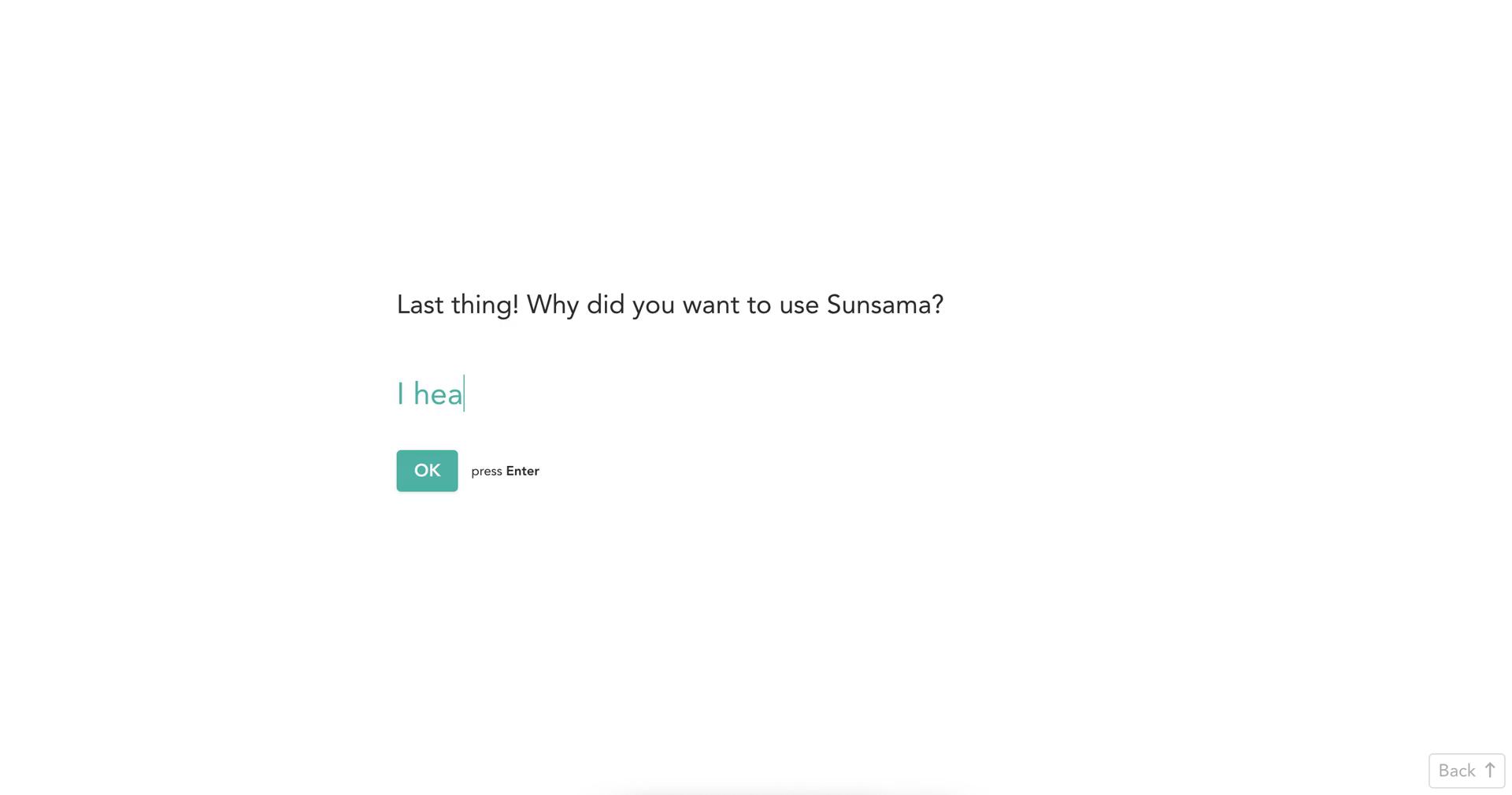
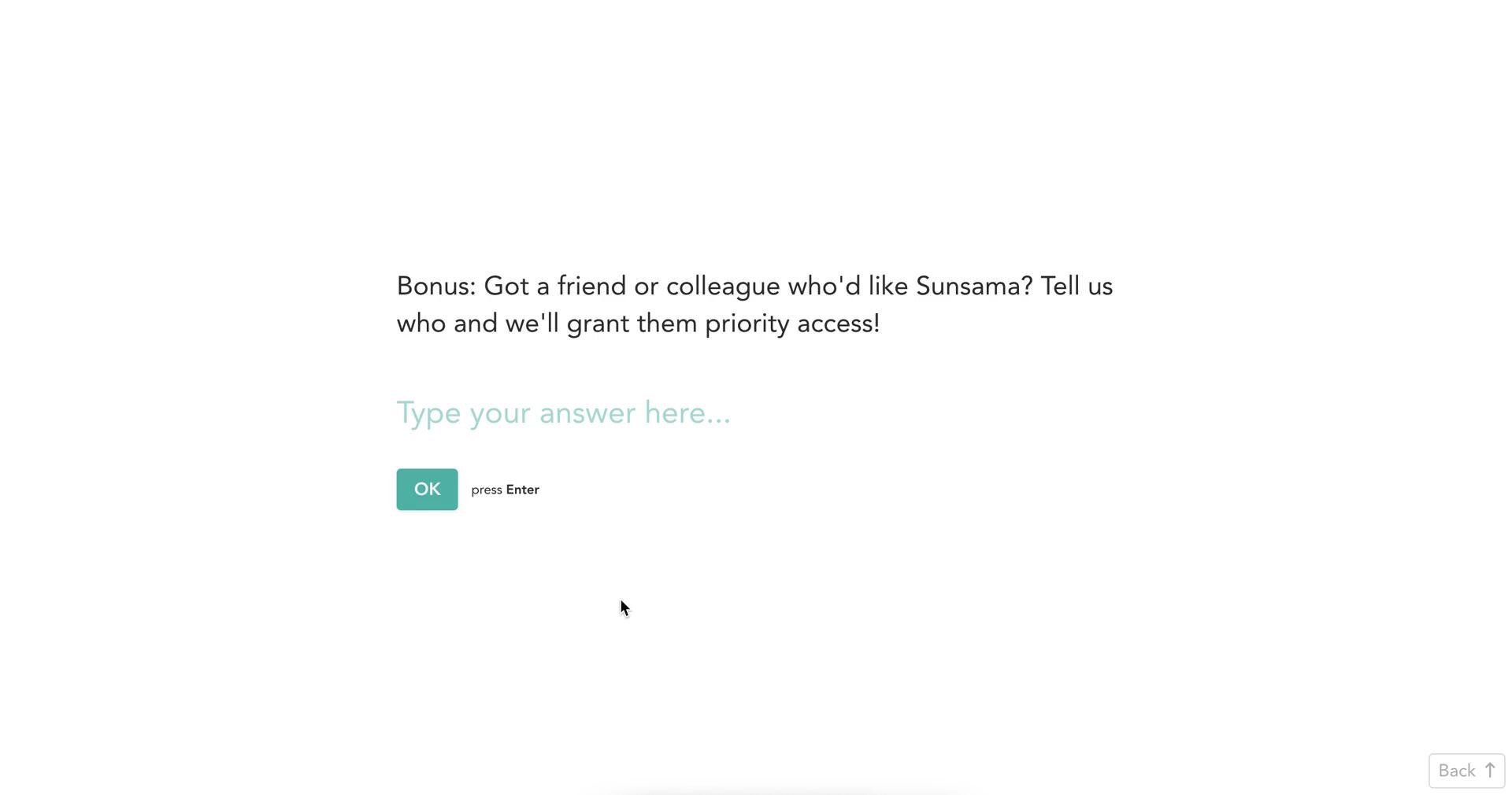
Onboarding question
this is title
Onboarding question
this is title
Get started
this is title
Set reminder
this is title
Get started
this is title
Add task
this is title
Review task
this is title
Review task
this is title
Add tasks
this is title
Edit task details
this is title
Connect integration
this is title
Prioritise tasks
this is title
Prioritise tasks
this is title
Set plan
this is title
Share plan
this is title
Tasks
this is title
Edit task details
this is title
Tasks
this is title
Dashboard
this is title
Workspace menu
this is title
Workspace settings
this is title
this is title
Rename
this is title
Continue
this is title
this is title
Dashboard
this is title
Workspace menu
this is title
General Settings
this is title
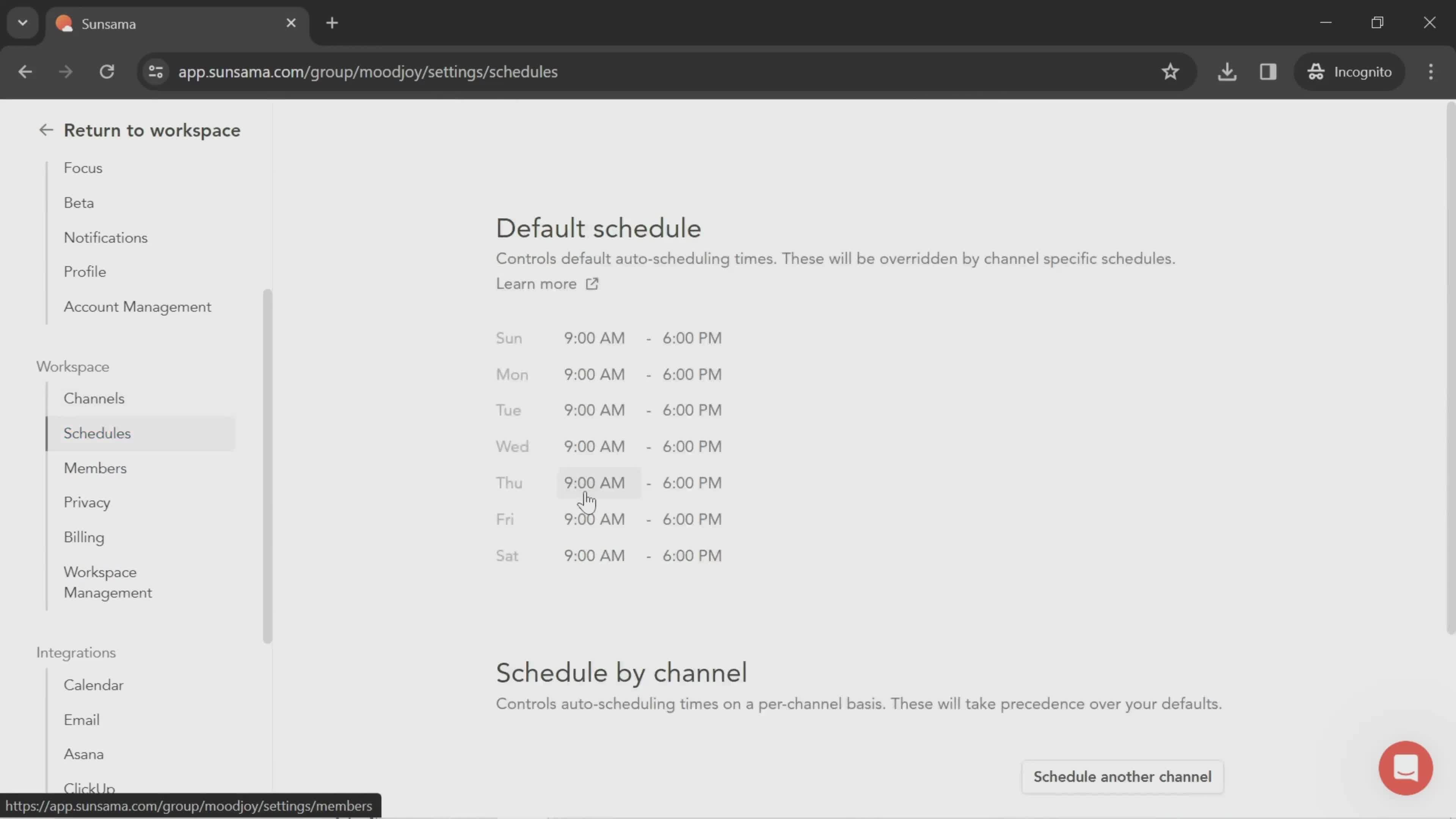
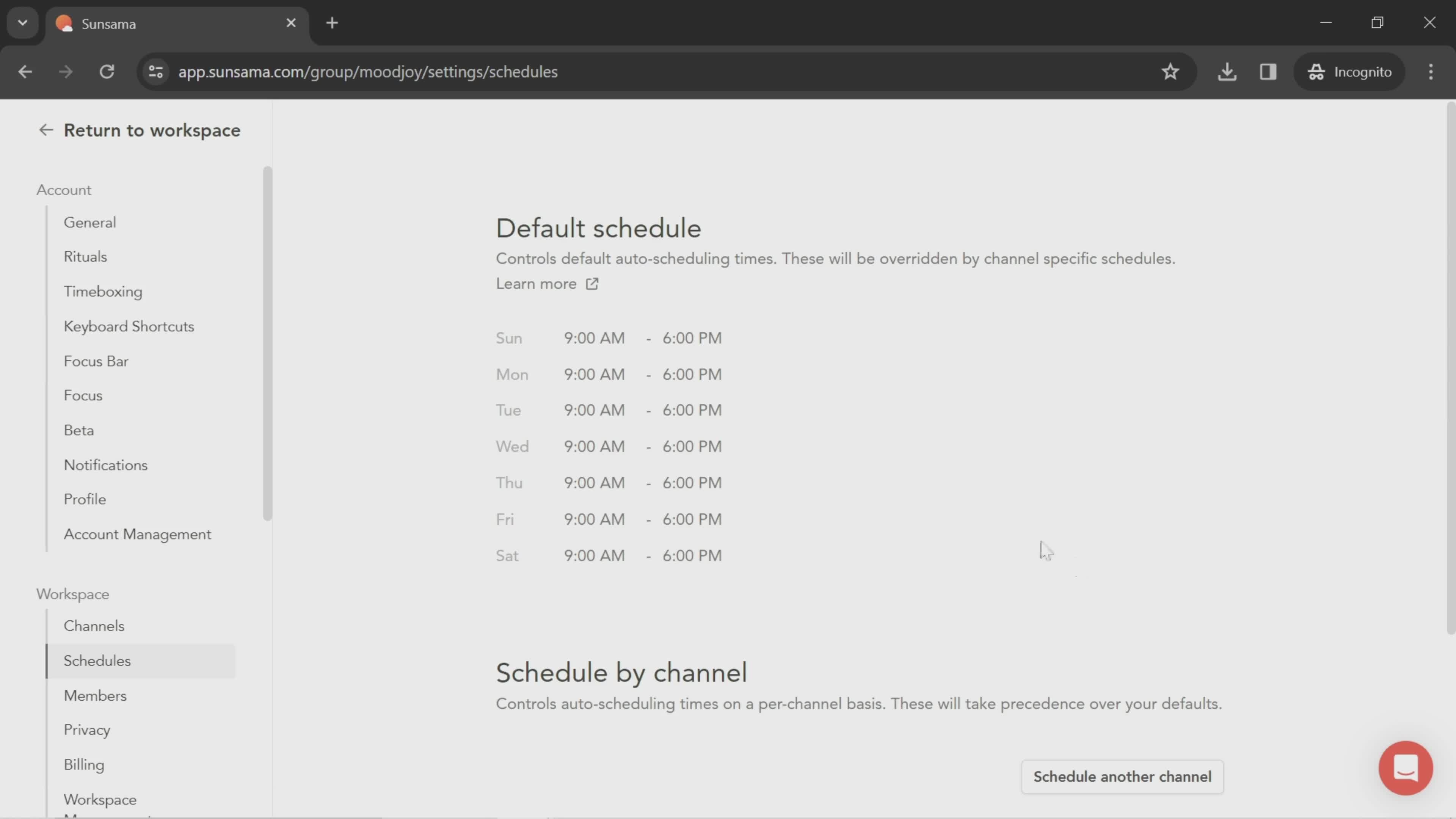
Schedule
this is title
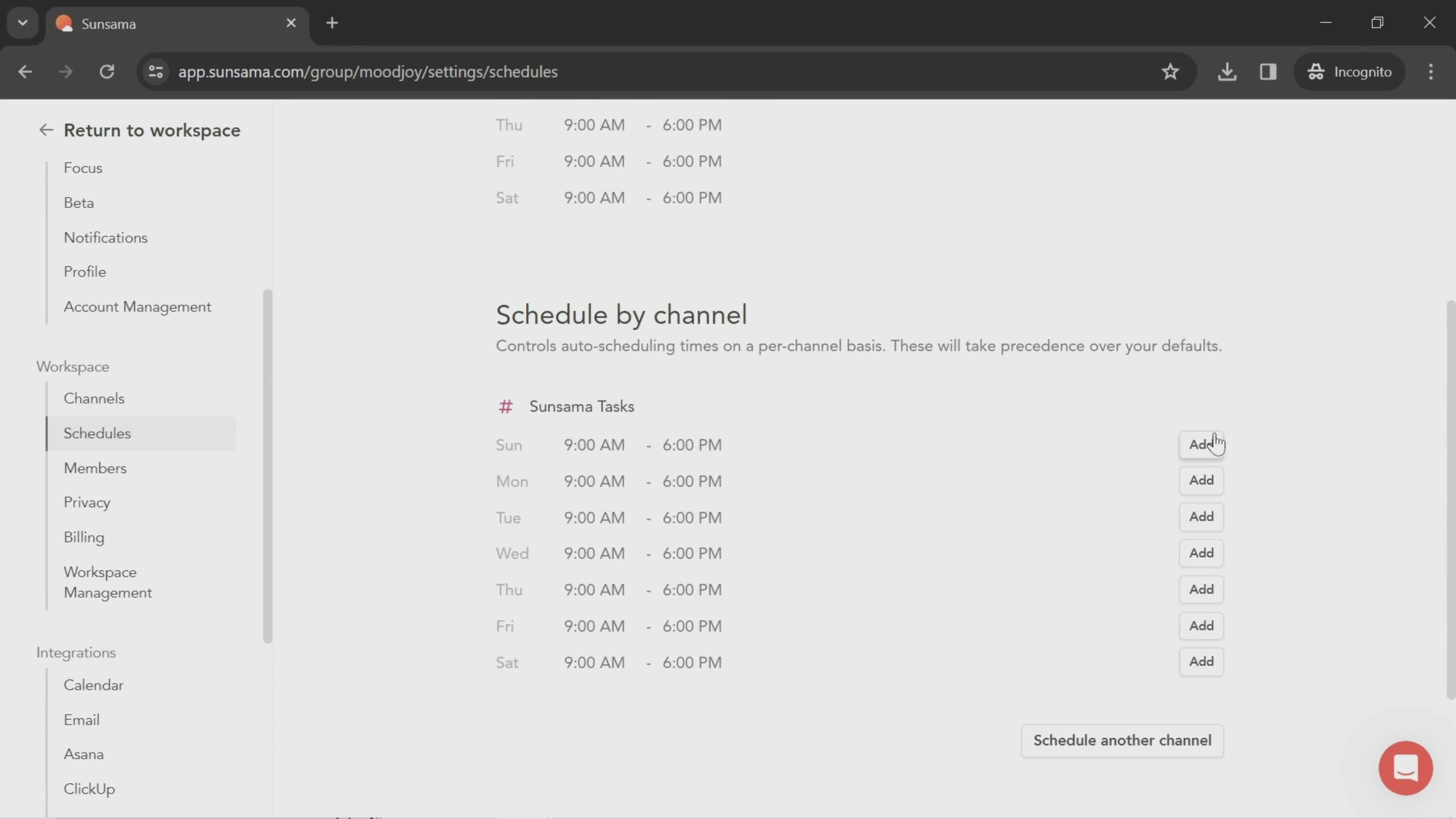
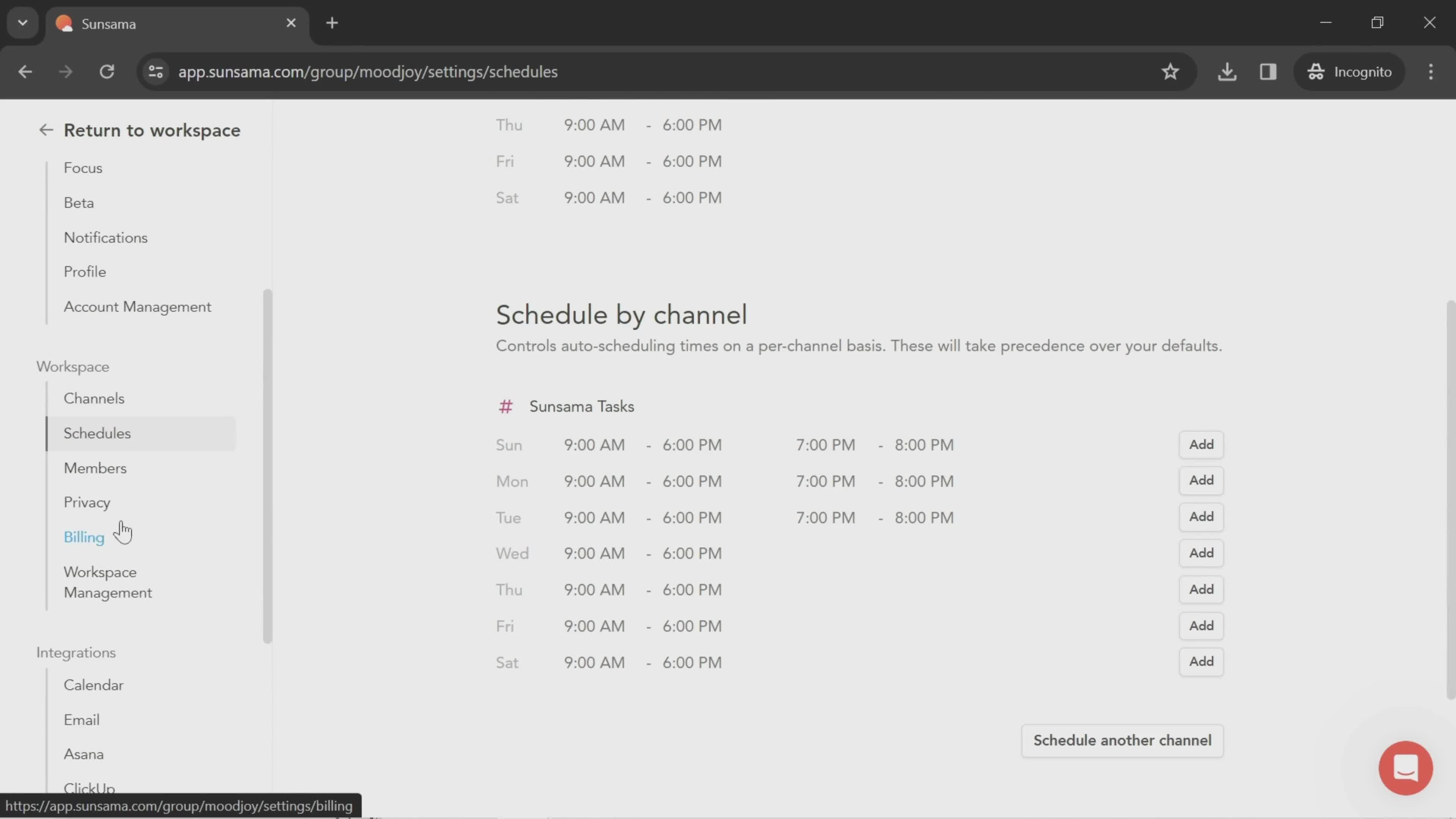
Select time
this is title
Schedule
this is title
this is title
this is title
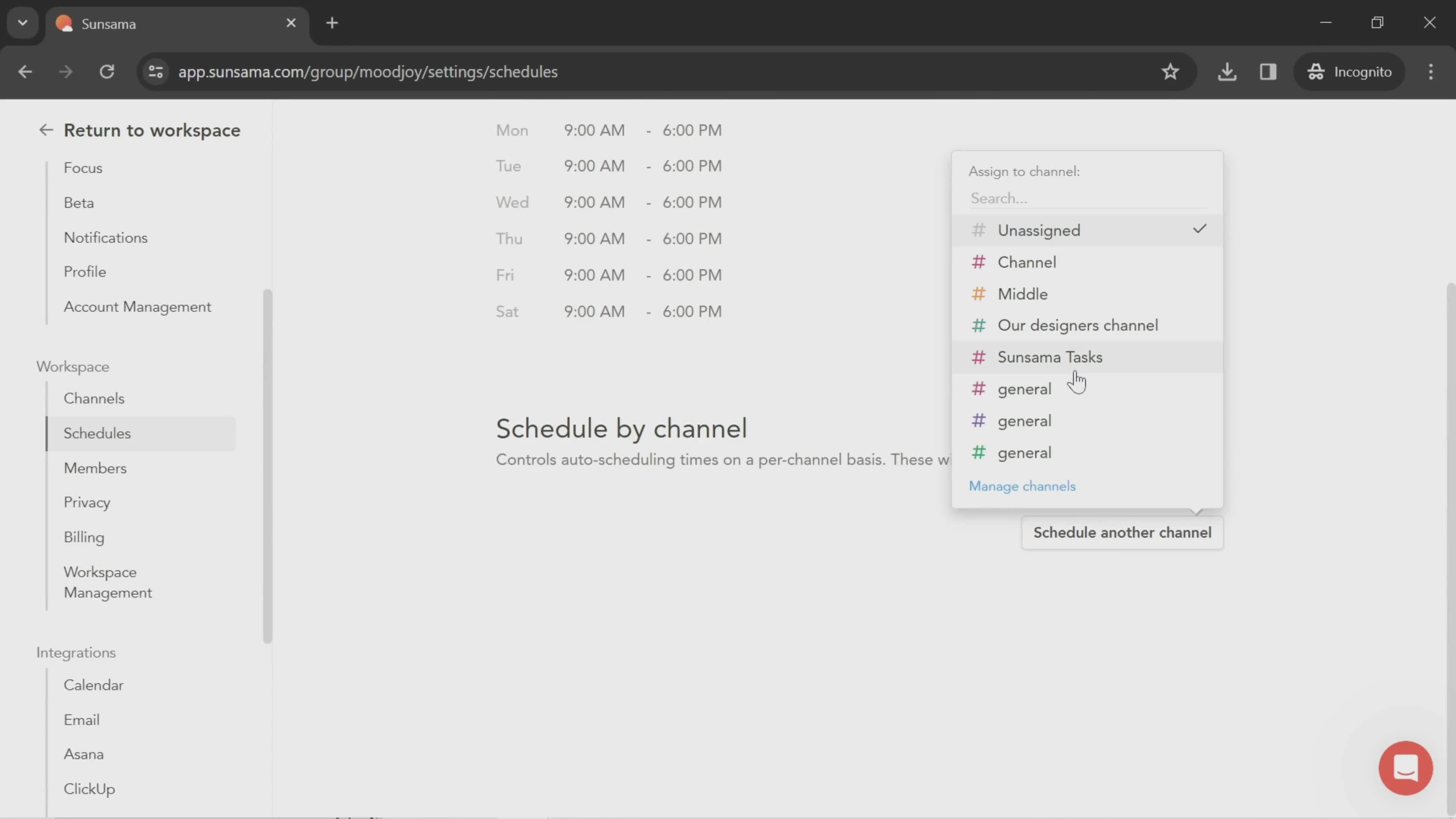
Select channel
this is title
Select time
this is title
Dashboard
this is title
Search
this is title
Search results
this is title
Task details
this is title
Search
this is title
No search results
this is title
Tasks
this is title
Search
this is title
Search results
this is title
Search results
this is title
Dashboard
this is title
Contact support
this is title
Search
this is title
Search results
this is title
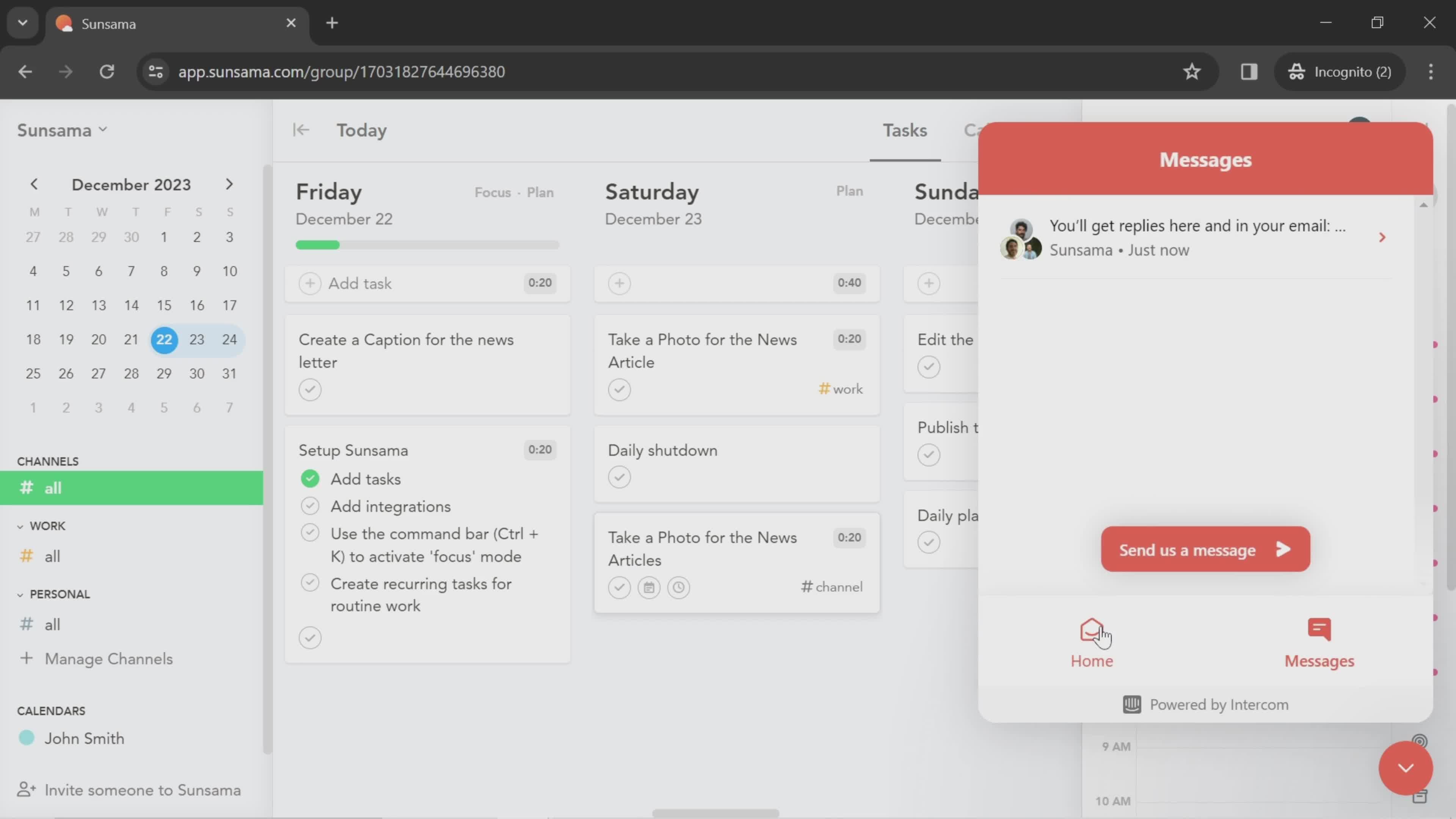
Messages
this is title
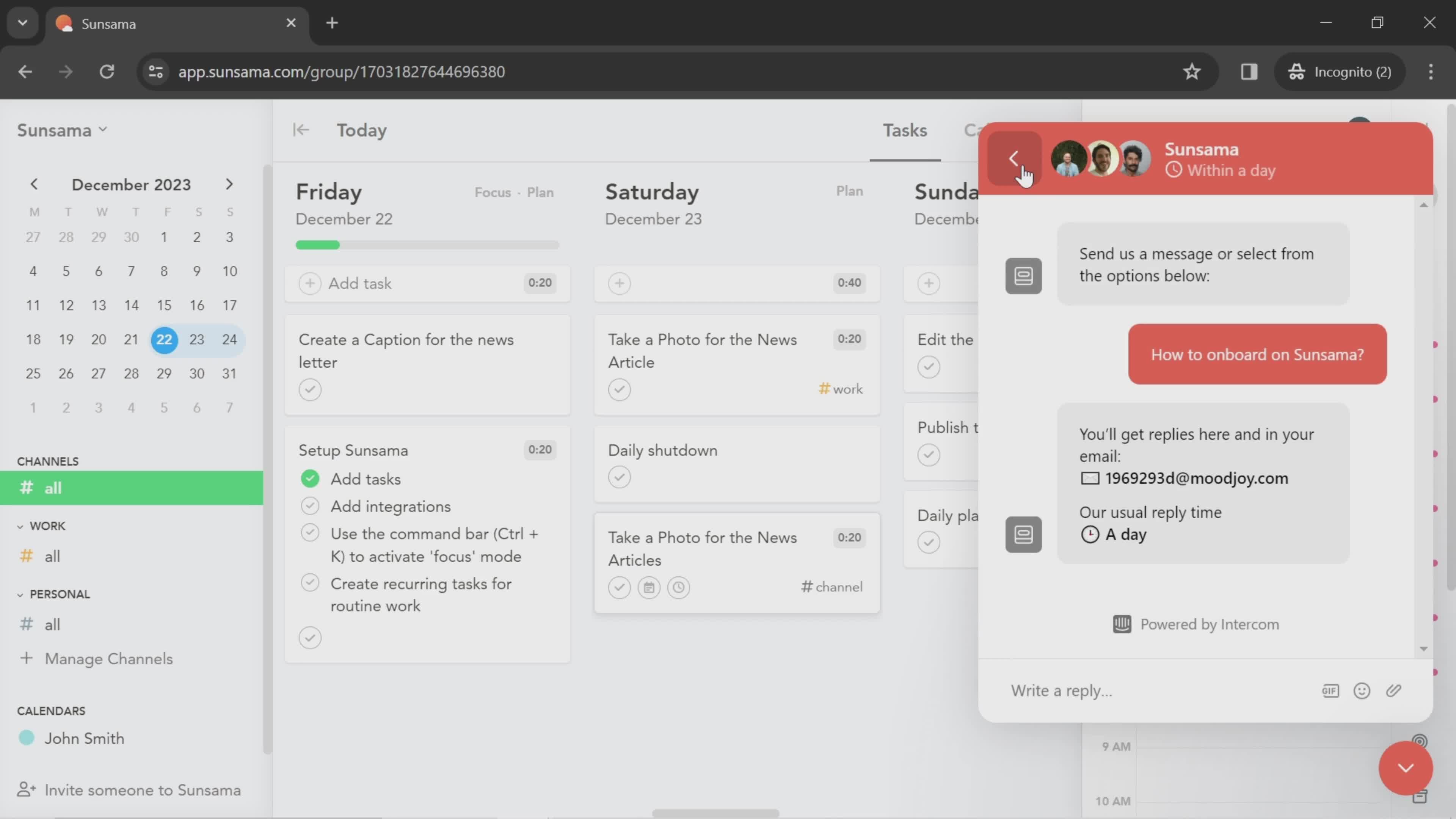
Support chat
this is title
Send now
this is title
Chat thread
this is title
Messages
this is title
Dashboard
this is title
Add task
this is title
Select start date
this is title
Select time
this is title
Select channel
this is title
Tasks
this is title
Task details
this is title
Add note
this is title
Select time
this is title
this is title
Task details
this is title
Add subtask
this is title
this is title
Task details
this is title
Dashboard
this is title
Task details
this is title
Add note
this is title
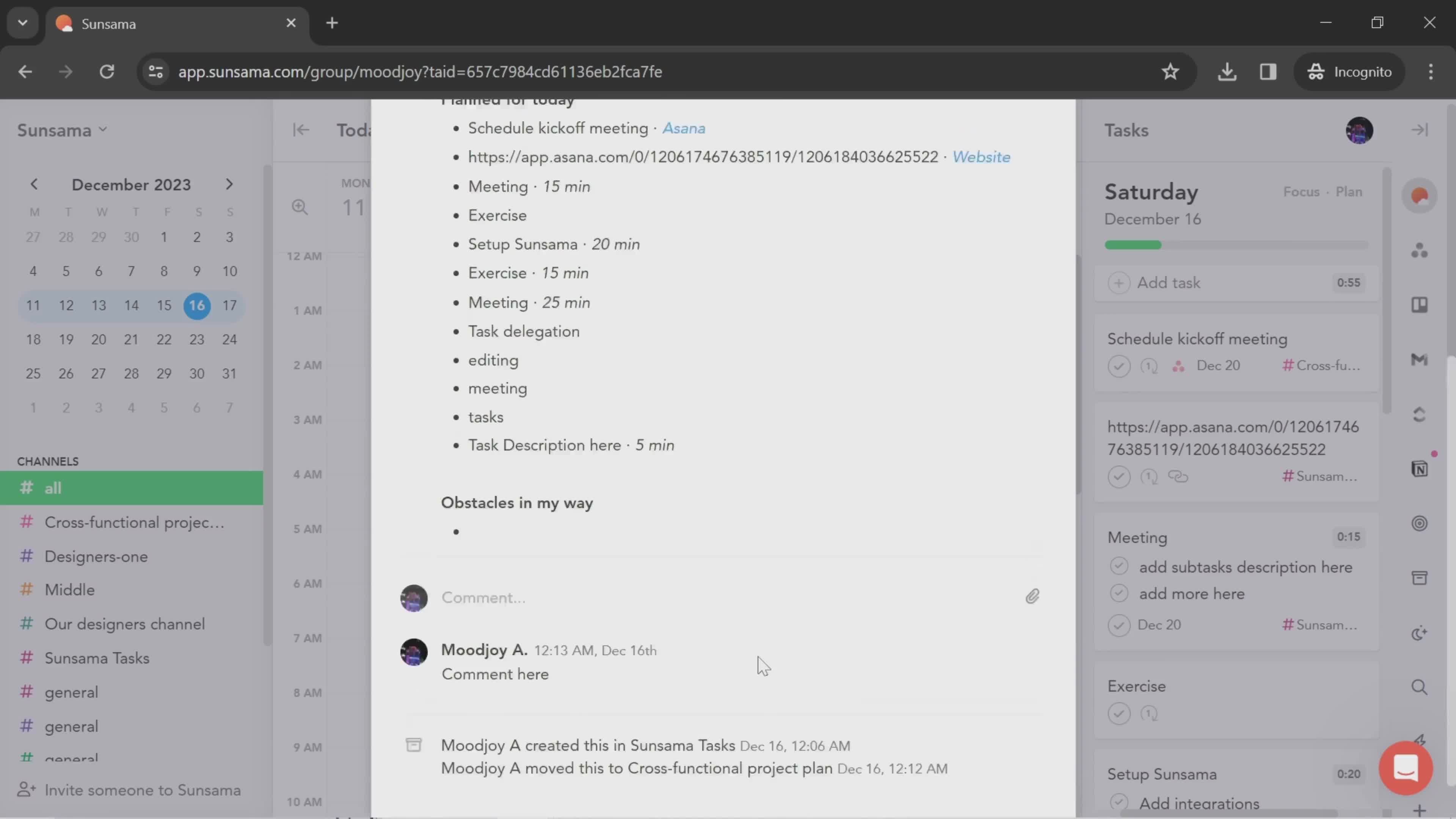
Add comment
this is title
this is title
Task details
this is title
this is title
Task details
this is title
Dashboard
this is title
this is title
Drag & drop
this is title
Task details
this is title
Select channel
this is title
this is title
Dashboard
this is title
Calendar
this is title
Task details
this is title
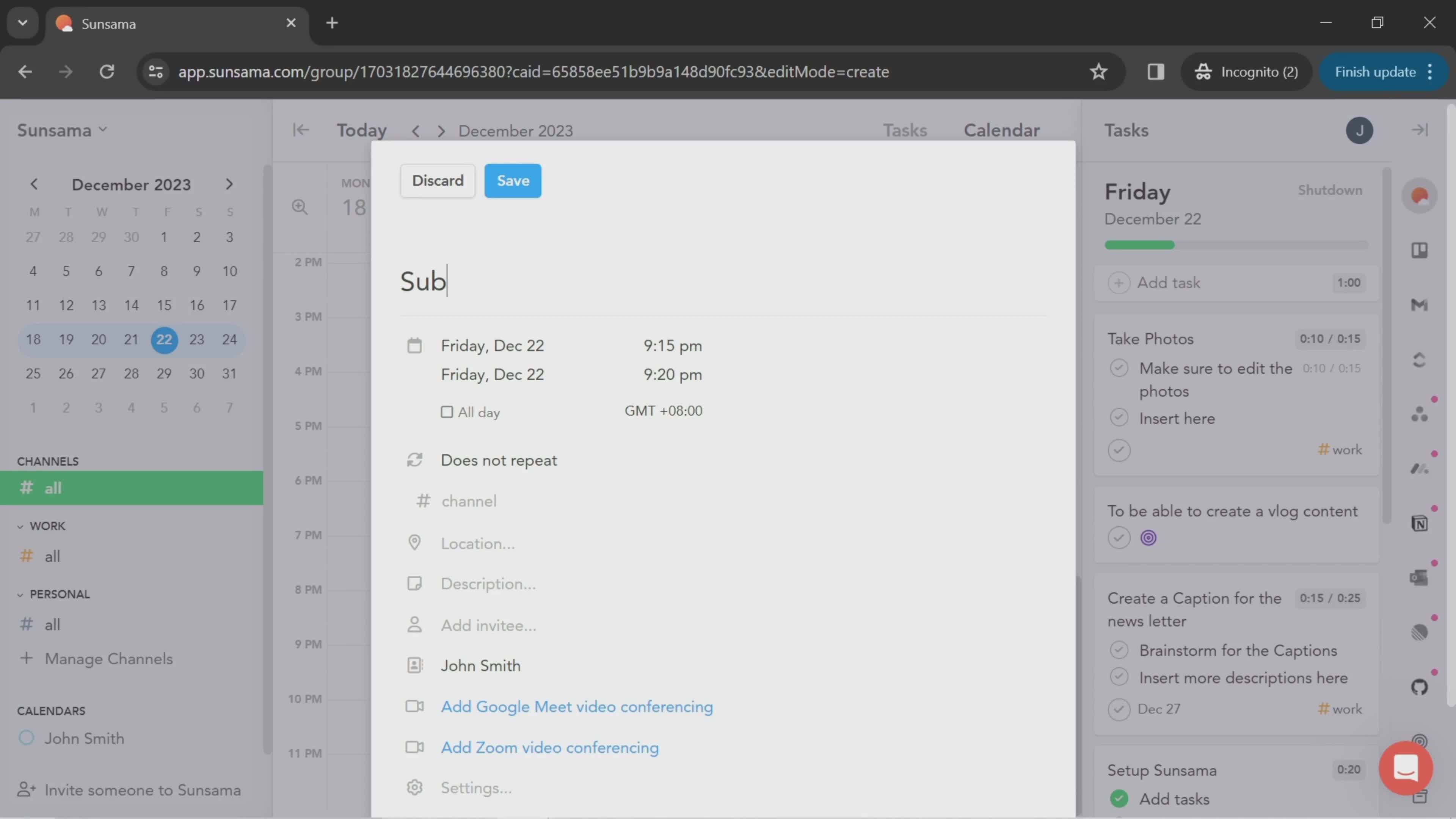
Set title
this is title
this is title
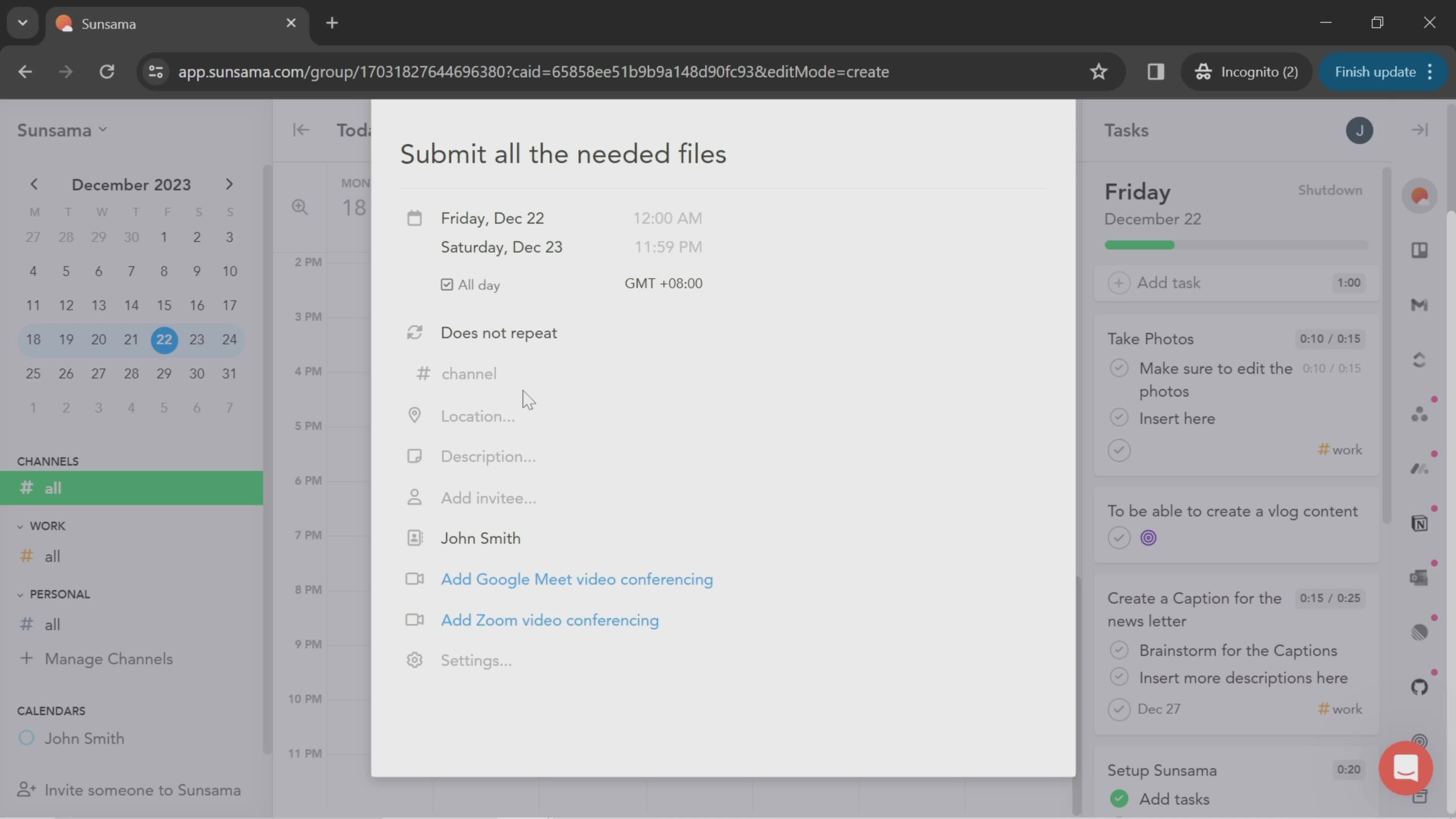
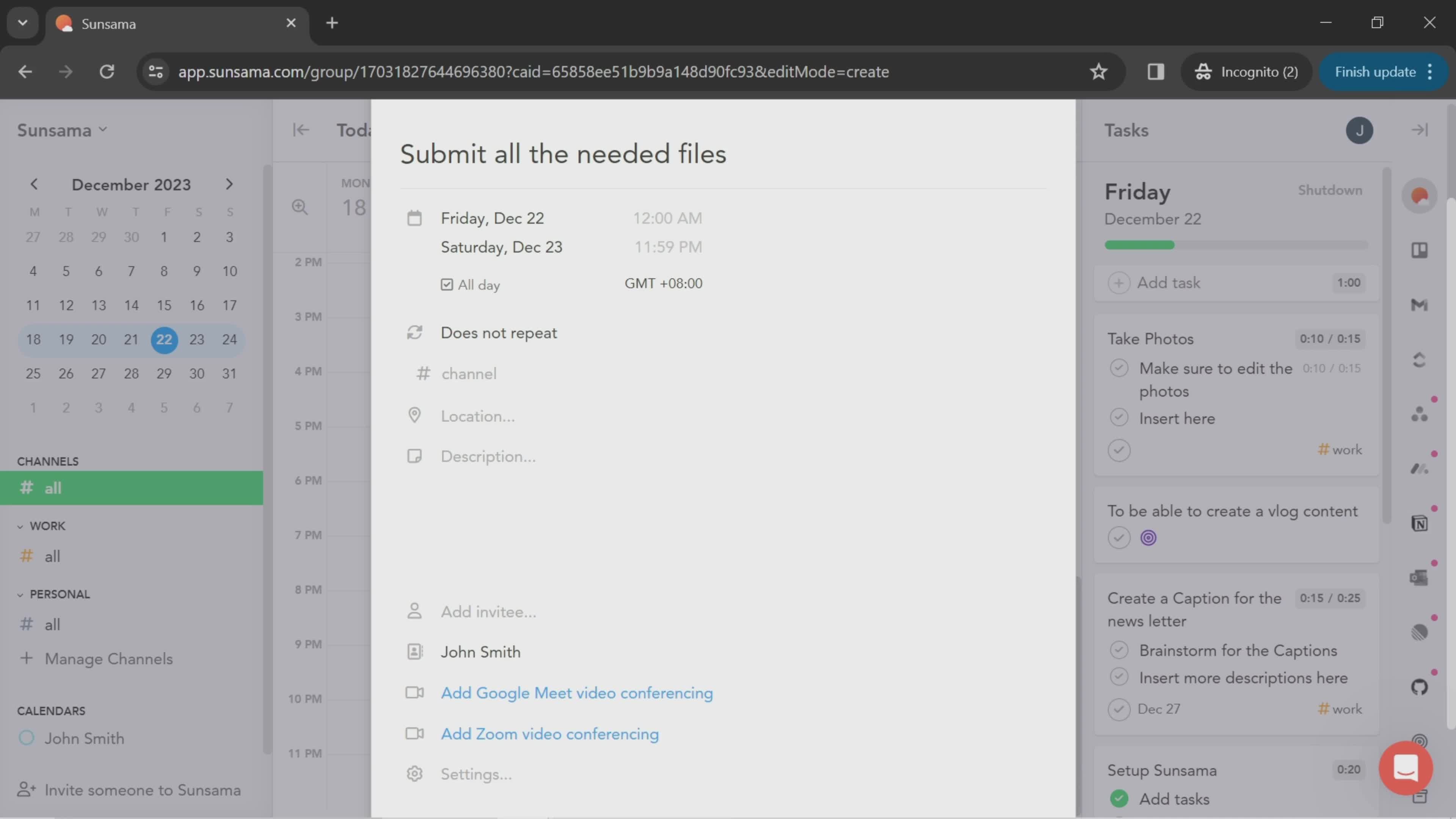
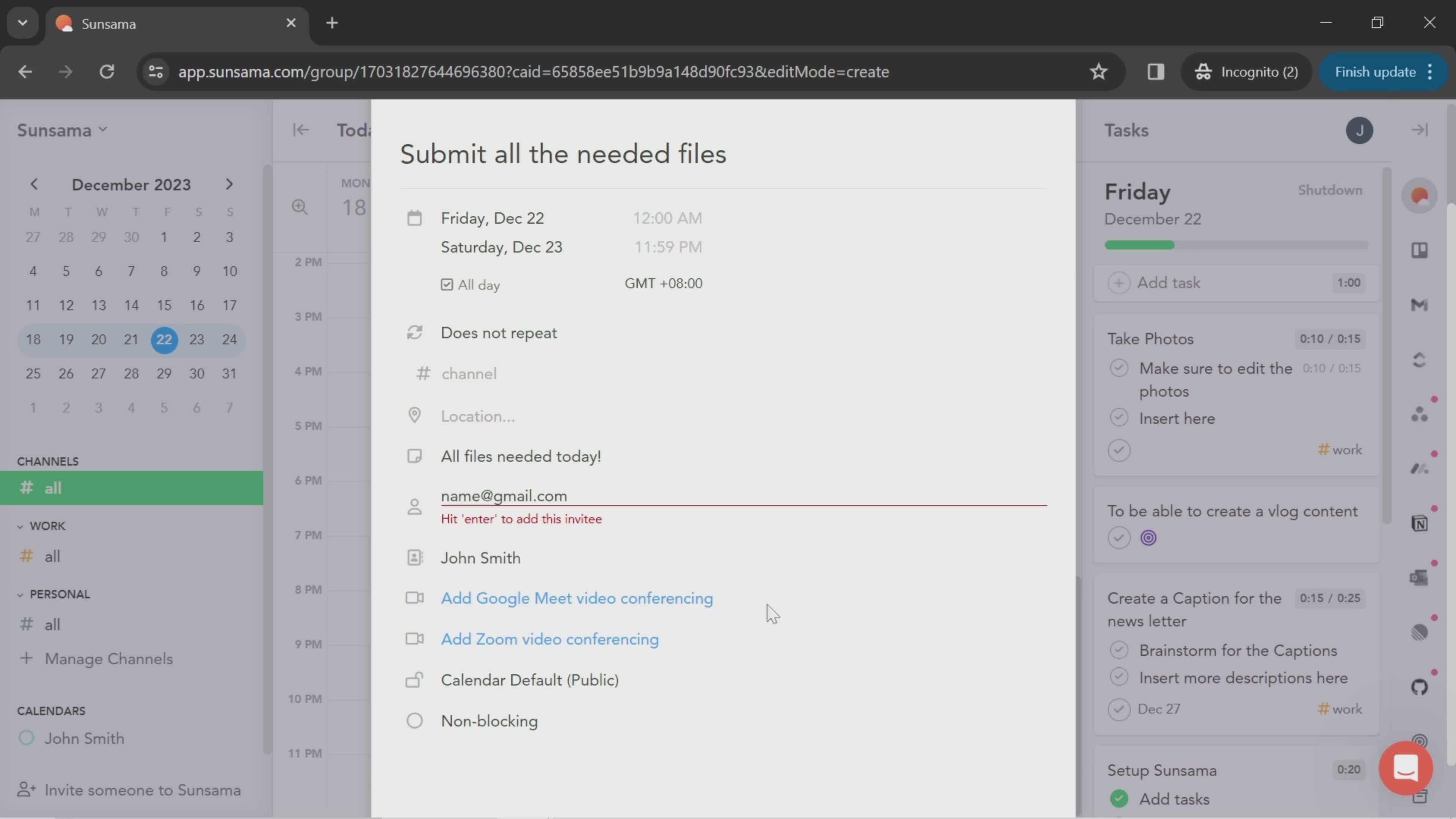
Add description
this is title
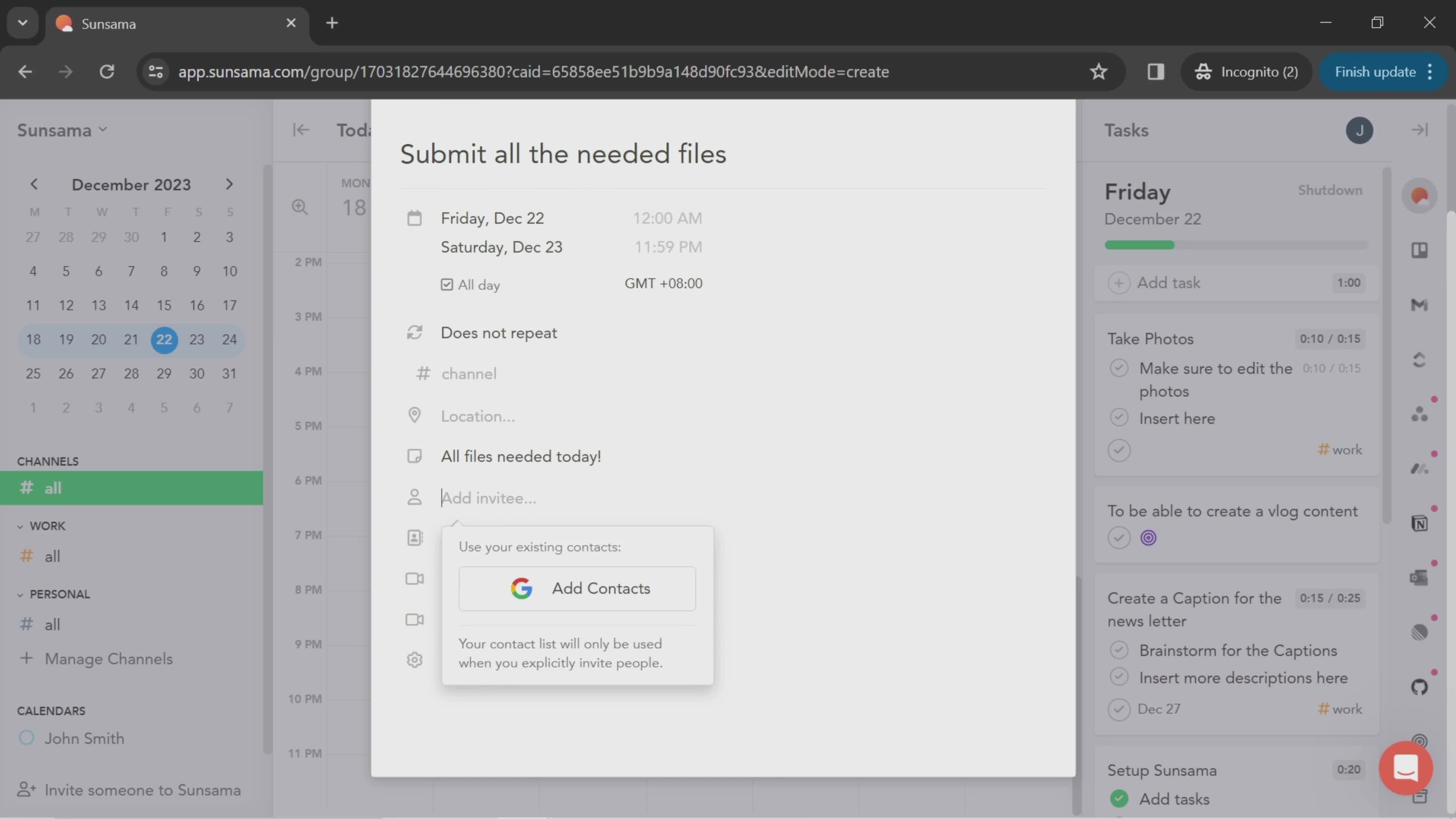
Add people
this is title
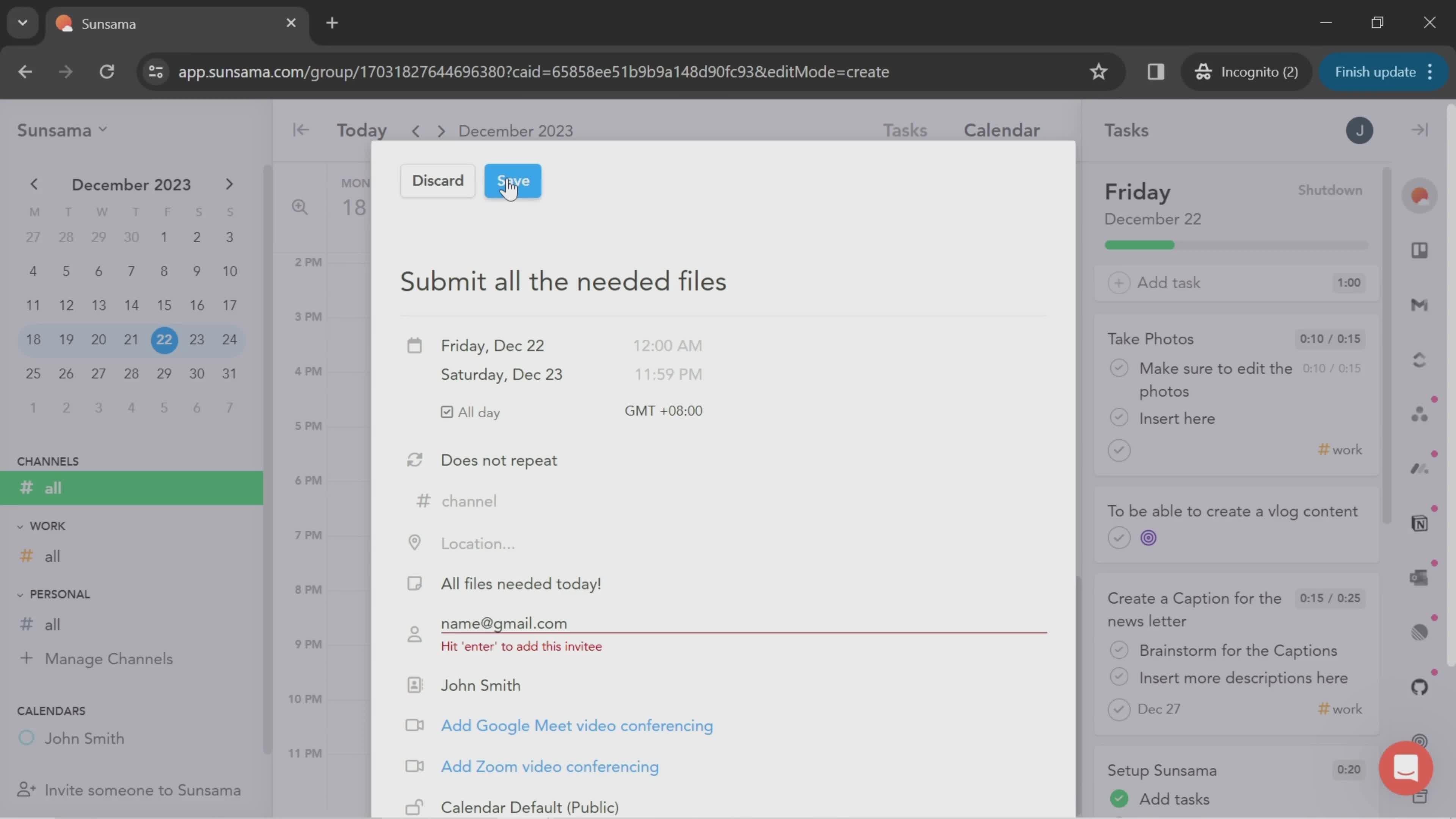
Submit error
this is title
Save
this is title
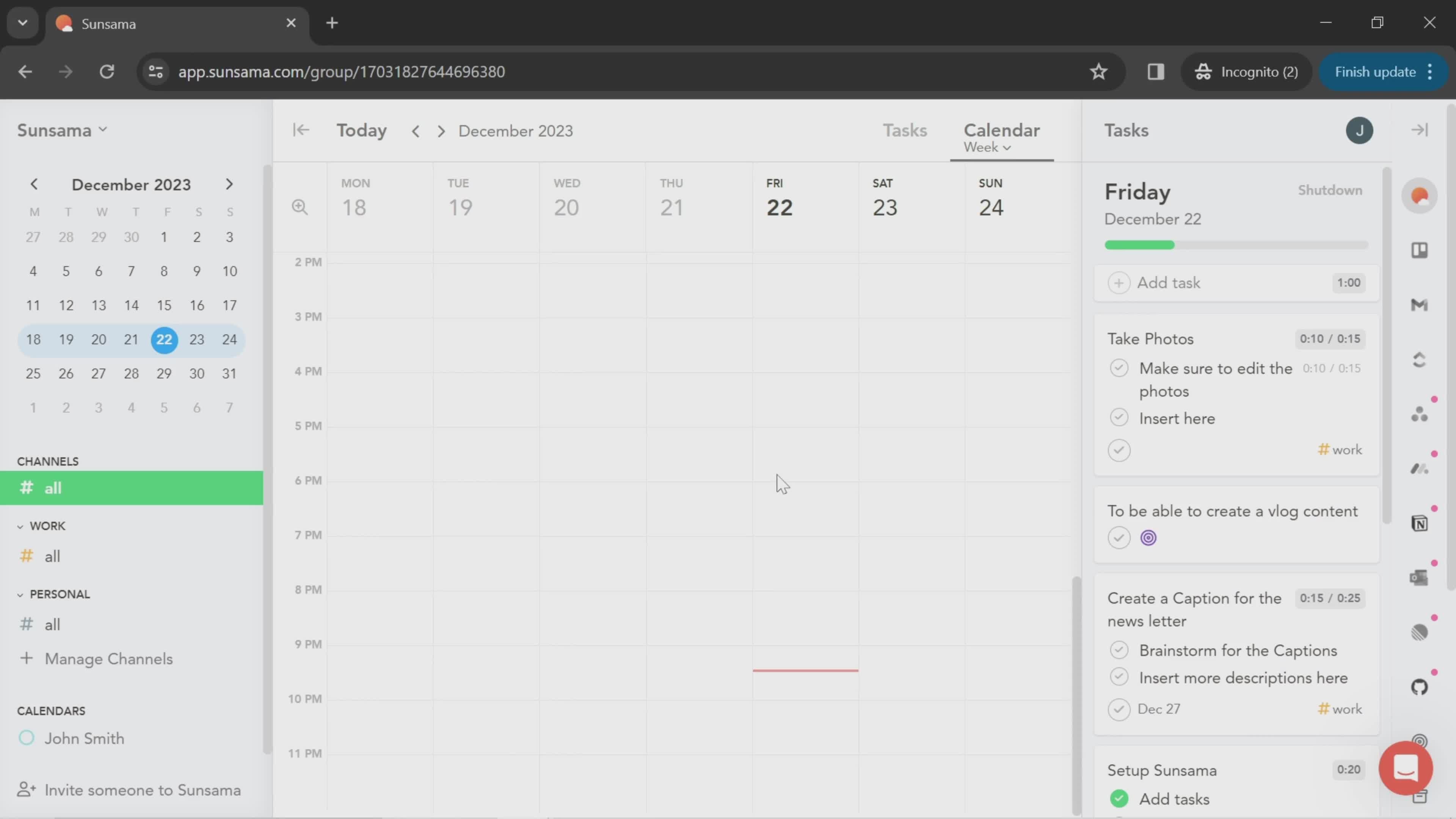
Calendar
this is title
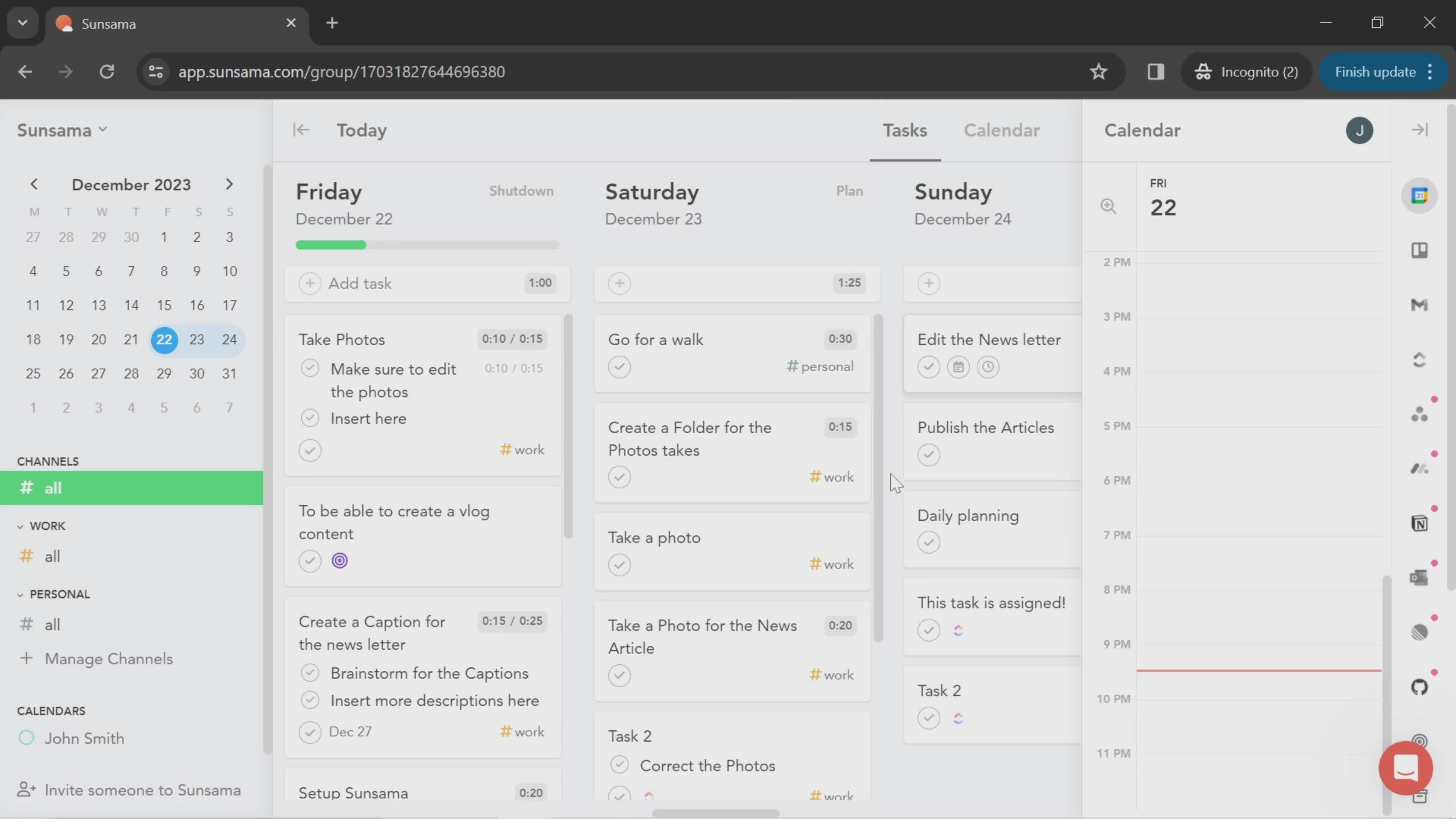
Tasks
this is title
this is title
Tasks
this is title
Edit task details
this is title
Focus session
this is title
Focus session
this is title
Edit task details
this is title
Create channel
this is title
Tasks
this is title
Inbox
this is title
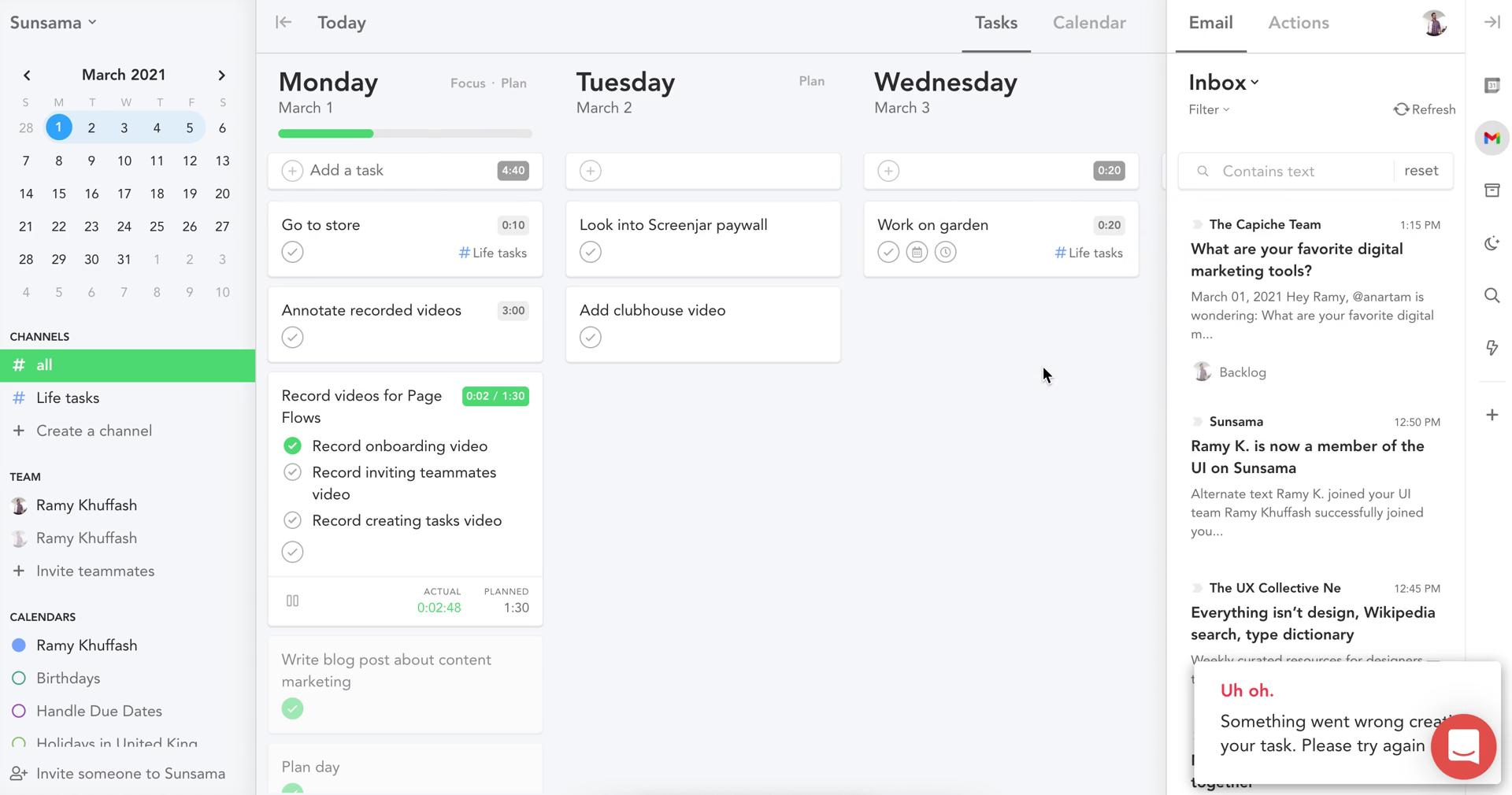
Error
this is title
Inbox
this is title
Edit task details
this is title
Actions
this is title
Tasks
this is title
Edit task details
this is title
Tasks
this is title
Edit task details
this is title
Dashboard
this is title
Workspace menu
this is title
Account settings
this is title
Calendar settings
this is title
Sync calendar
this is title
Set preferences
this is title
this is title
Schedule
this is title
Dashboard
this is title
Workspace menu
this is title
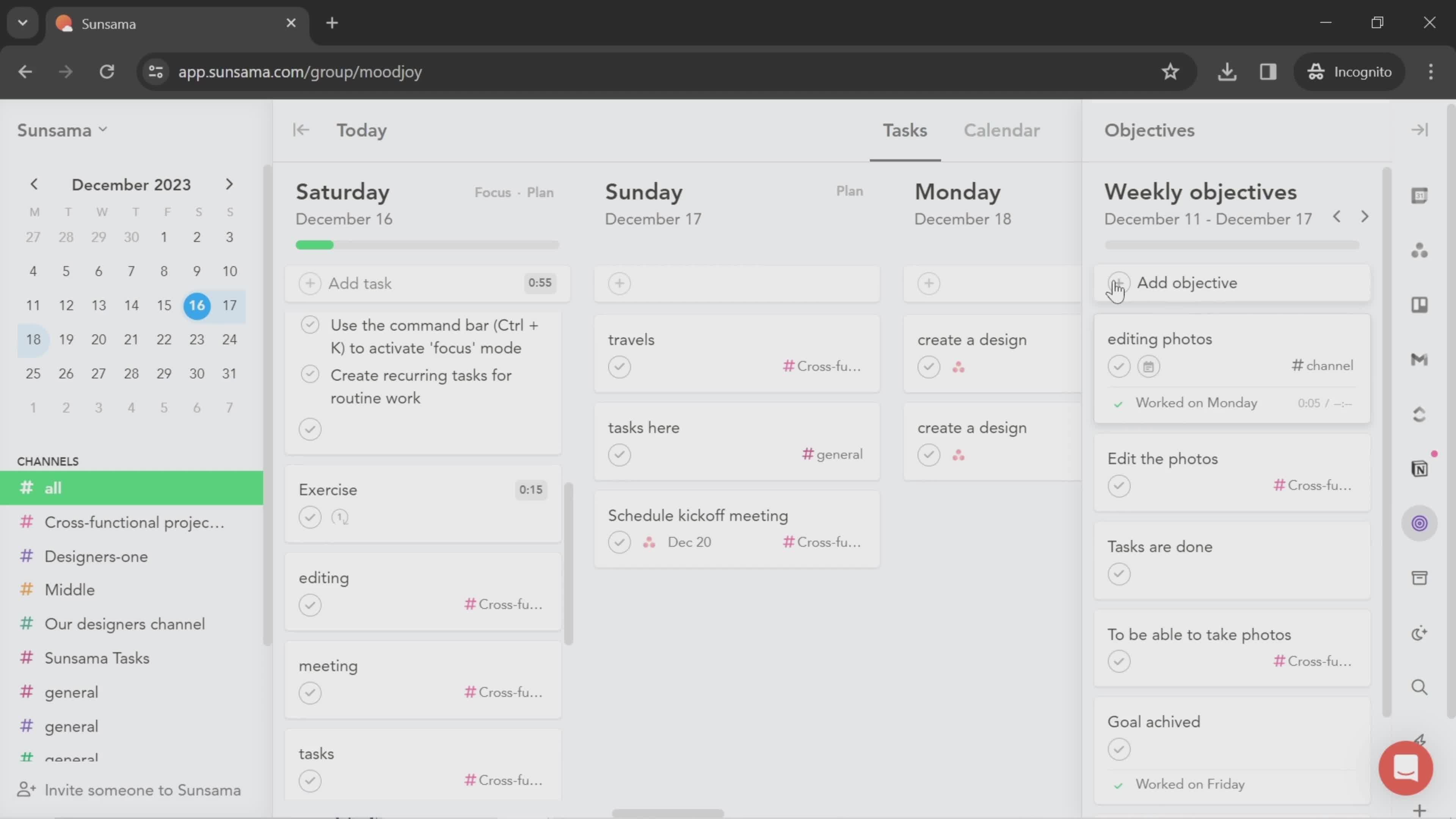
Objectives
this is title
Add objective
this is title
this is title
Add objective
this is title
Select channel
this is title
Continue
this is title
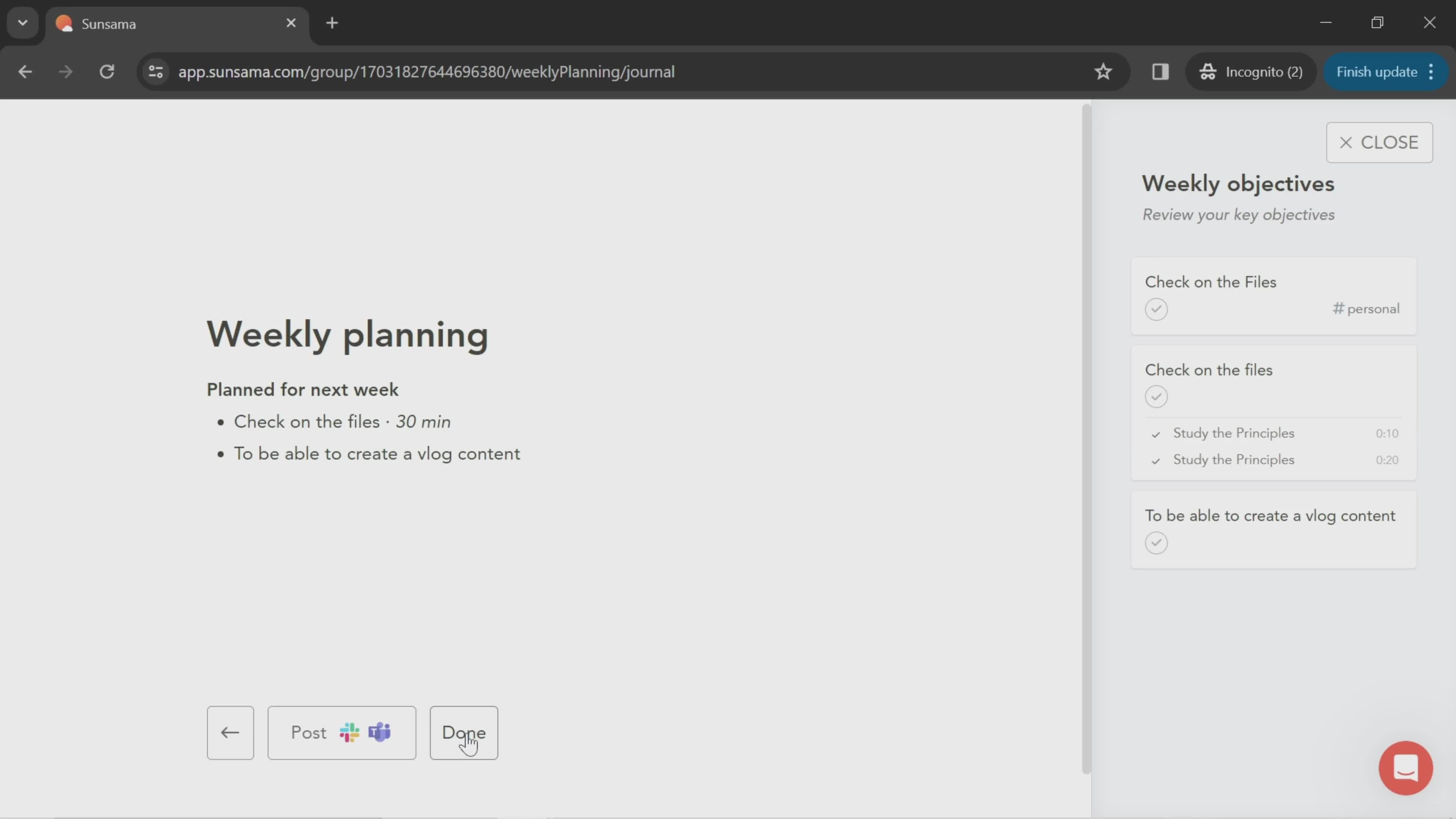
Done
this is title
Dashboard
this is title
Task details
this is title
Add note
this is title
this is title
Set time
this is title
Timeline
this is title
Set due date
this is title
Add subtask
this is title
Add comment
this is title
this is title
Action menu
this is title
Dashboard
this is title
Add task
this is title
this is title
Select start date
this is title
Select channel
this is title
Add objective
this is title
Dashboard
this is title
Calendar
this is title
Drag & drop
this is title
this is title
this is title
Task details
this is title
Add description
this is title
Select time
this is title
Timeline
this is title
Set due date
this is title
Add subtask
this is title
Select channel
this is title
Dashboard
this is title
Workspace menu
this is title
Integrations
this is title
Integrate
this is title
this is title
Dashboard
this is title
Workspace
this is title
Integrations
this is title
App connected
this is title