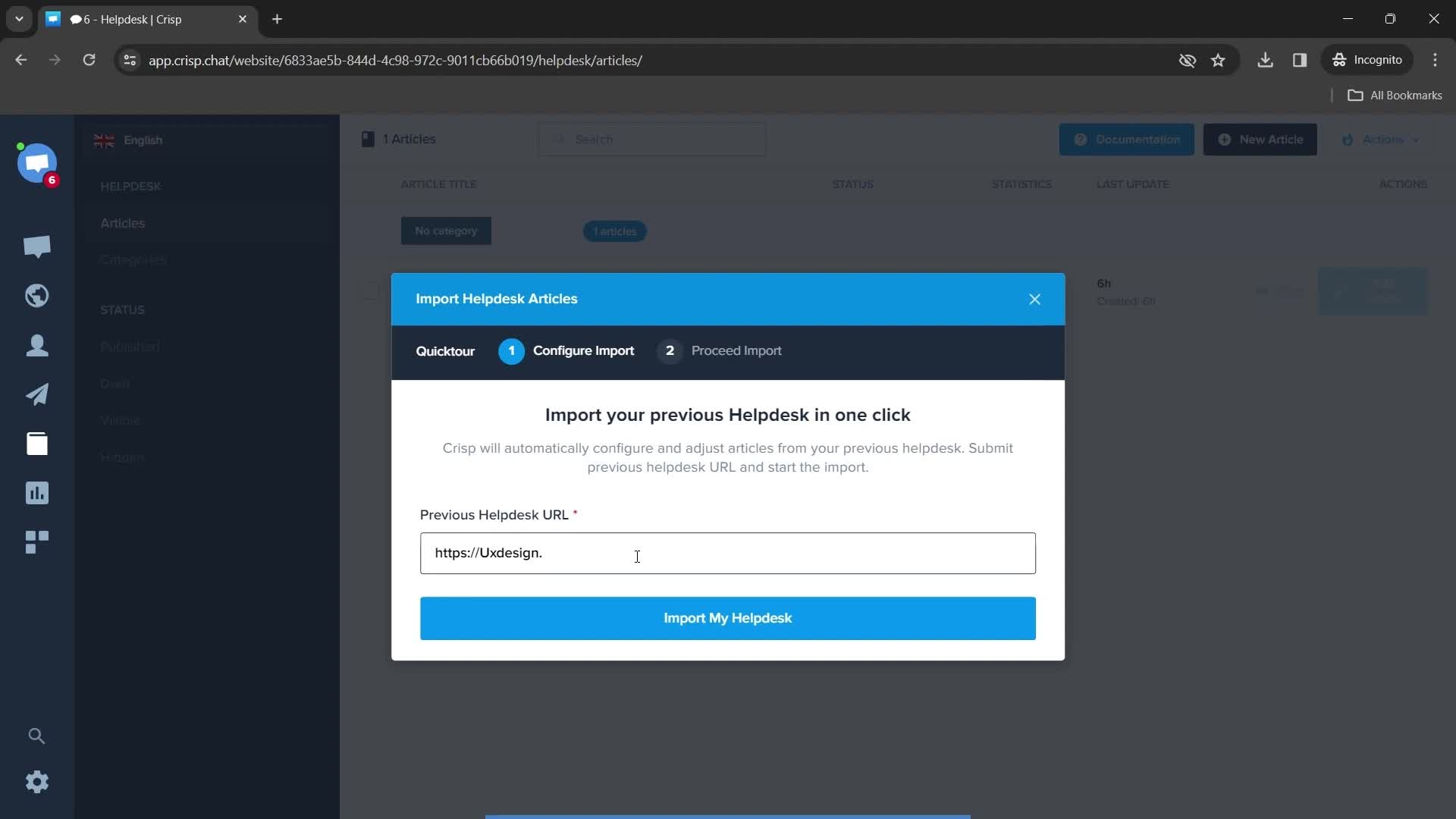
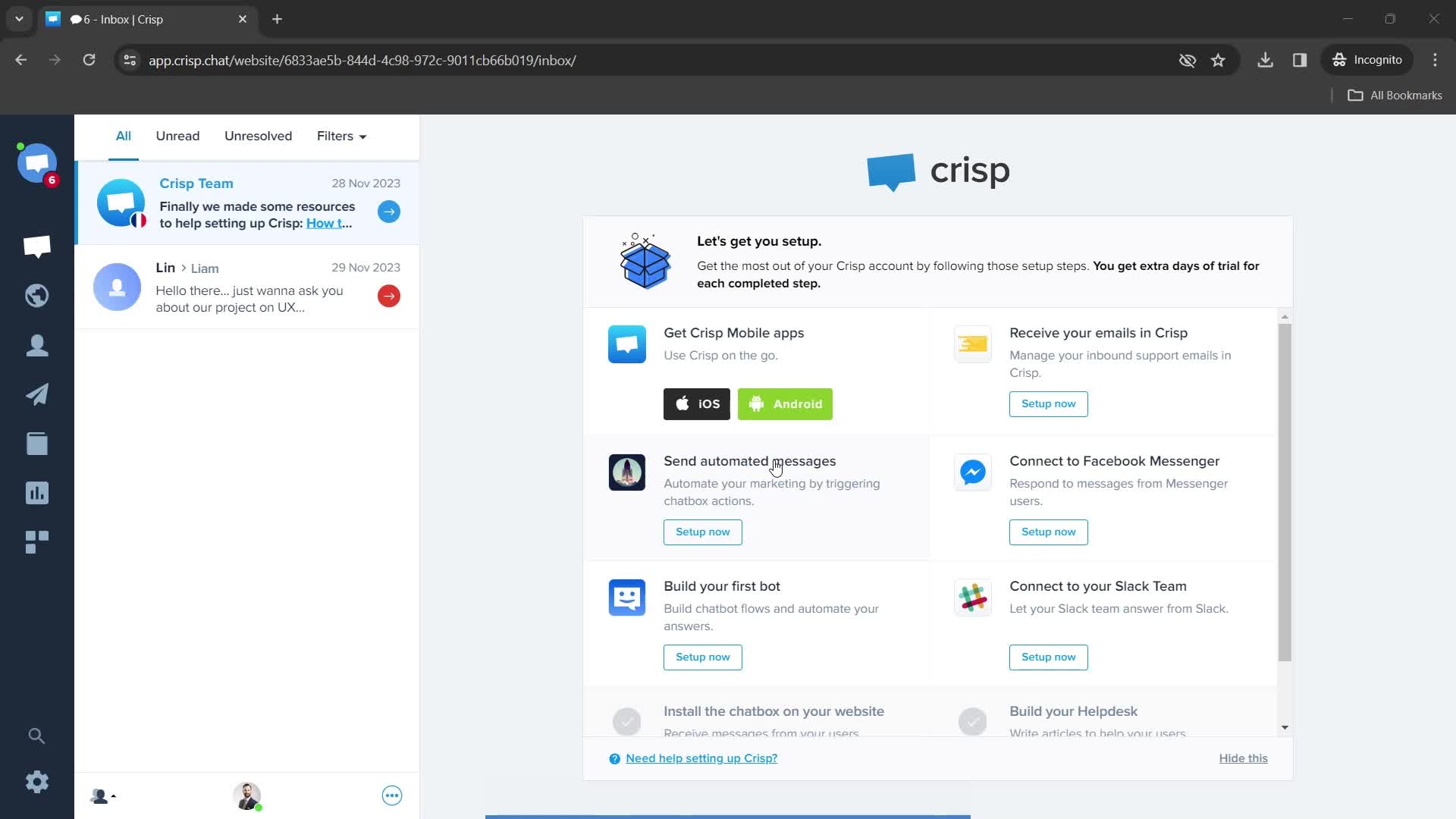
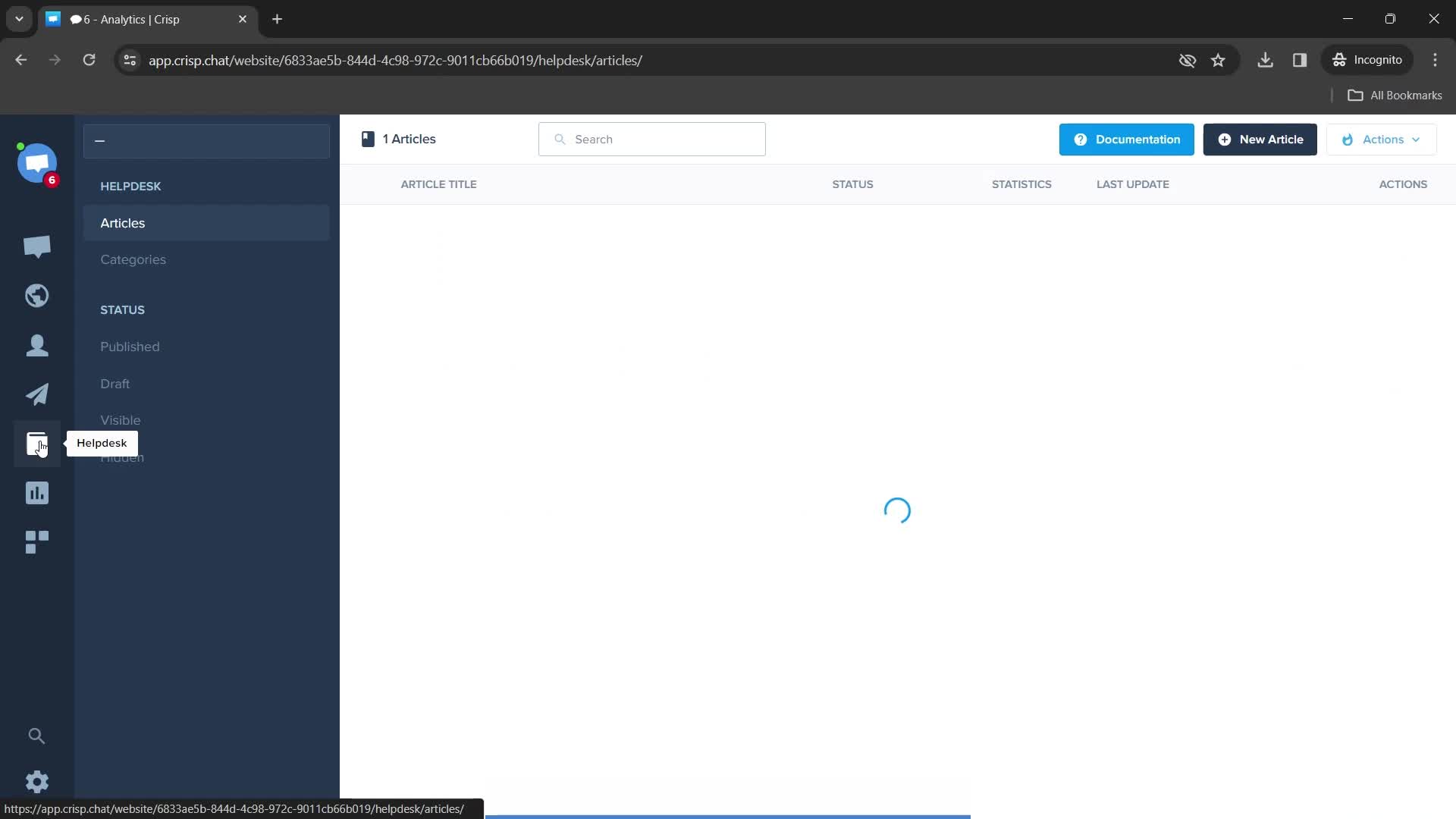
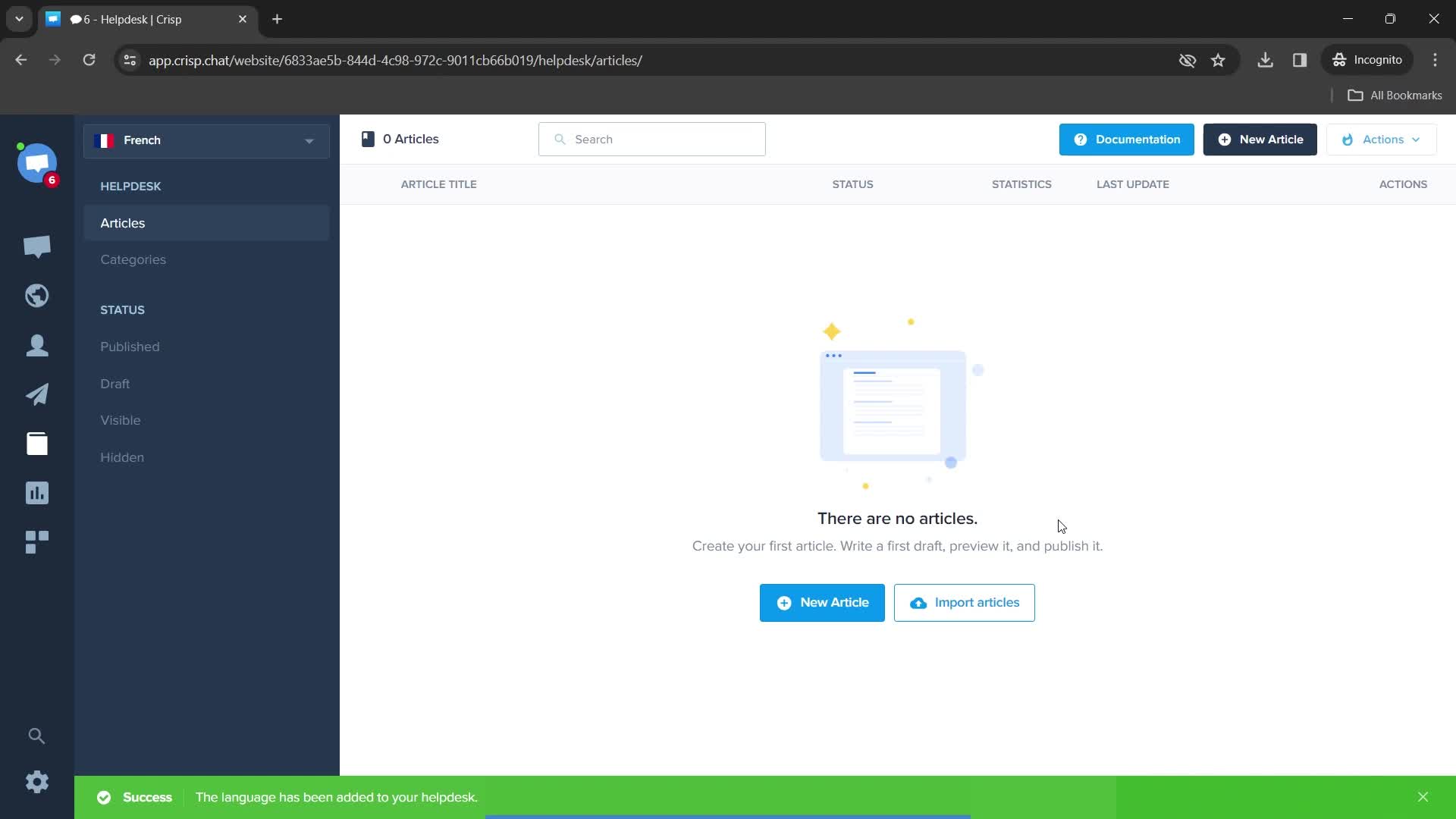
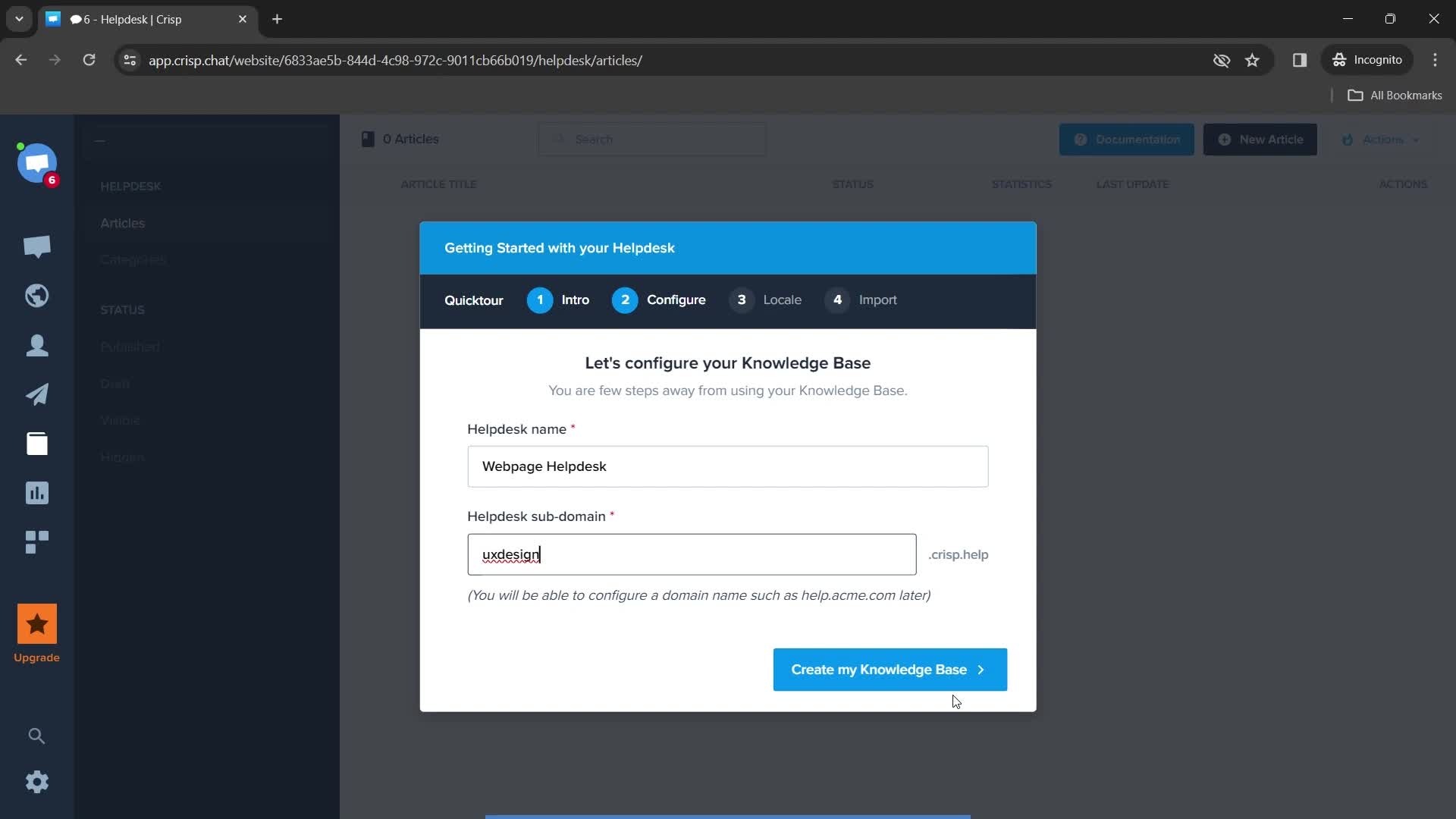
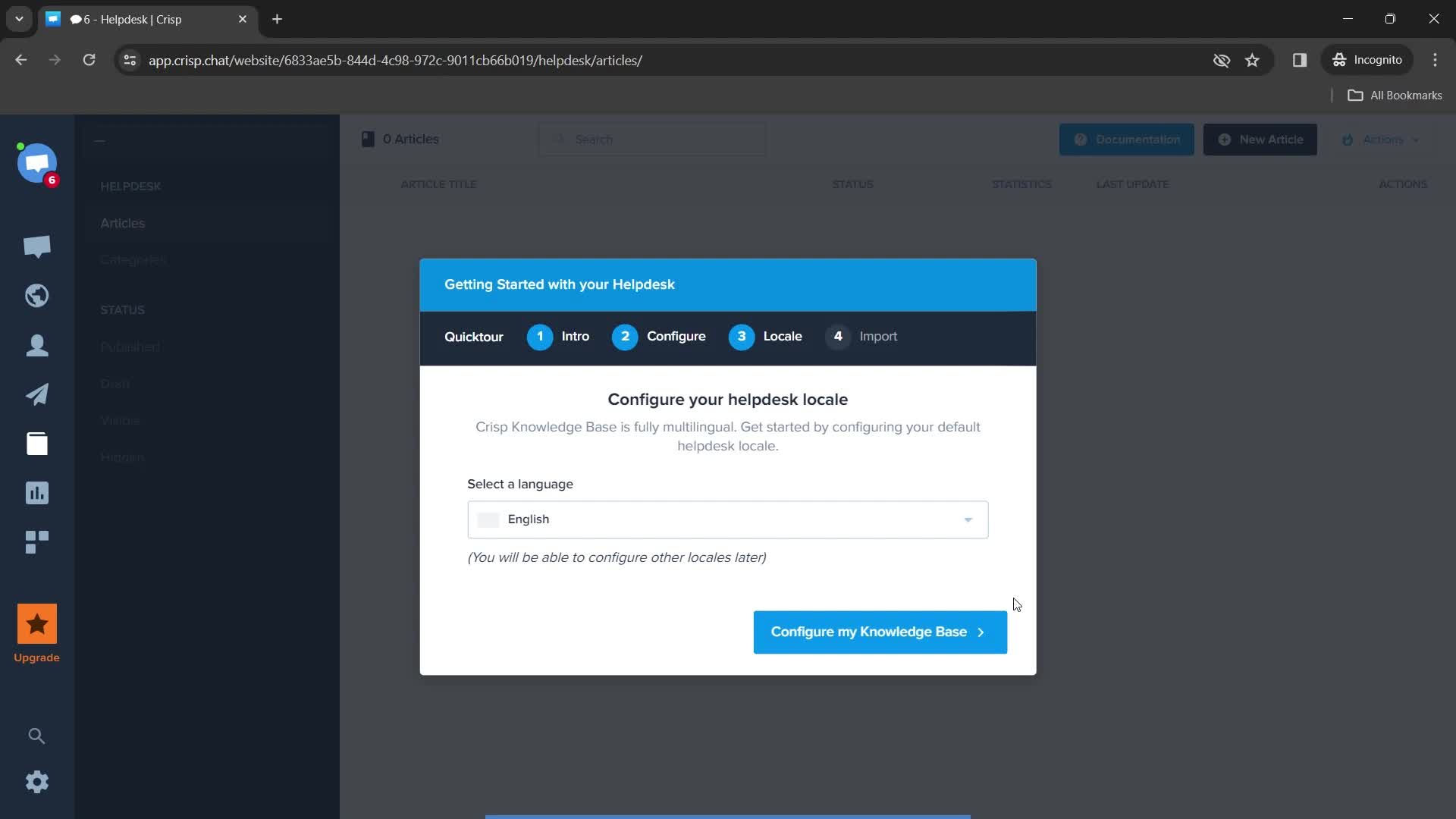
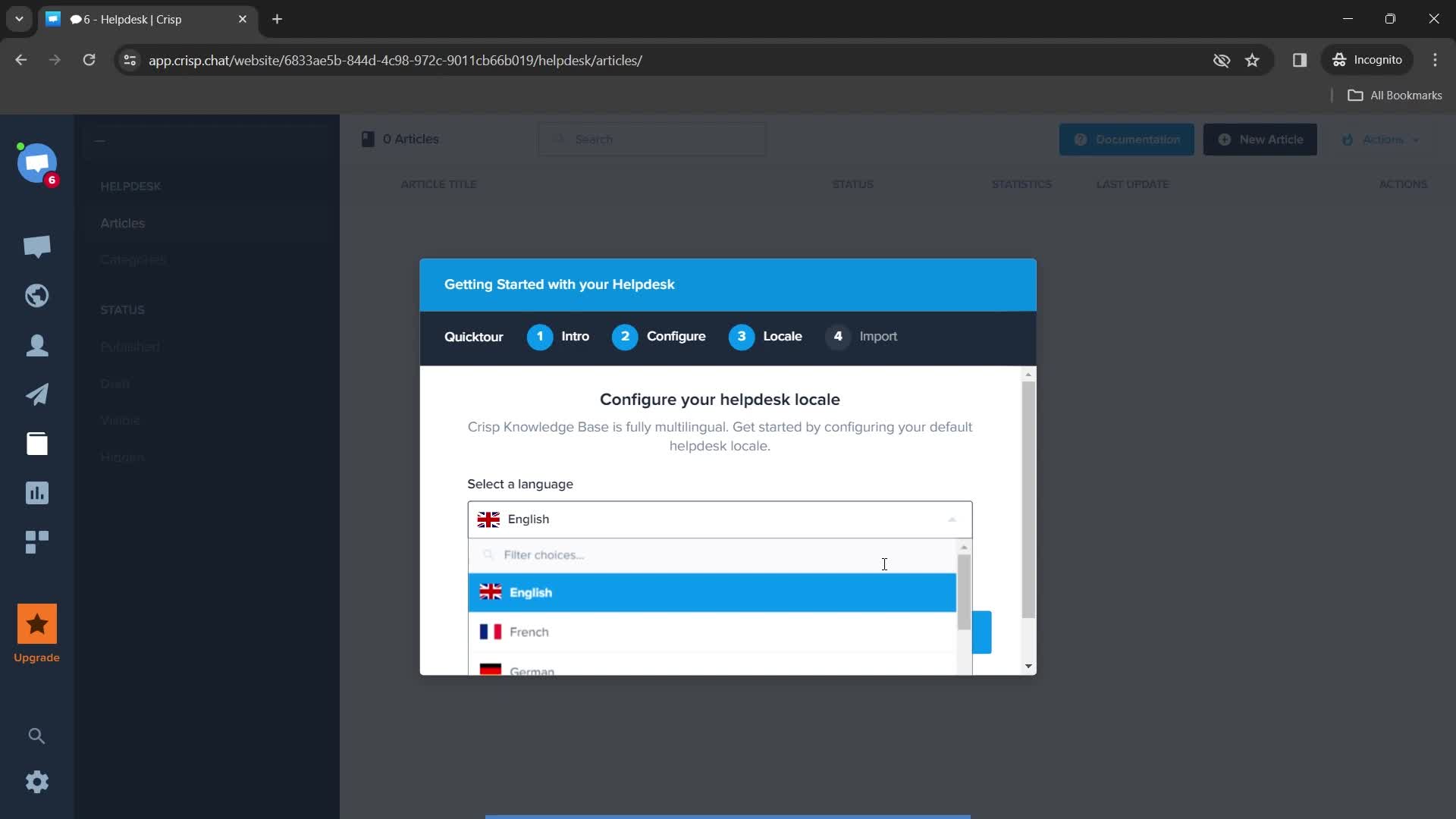
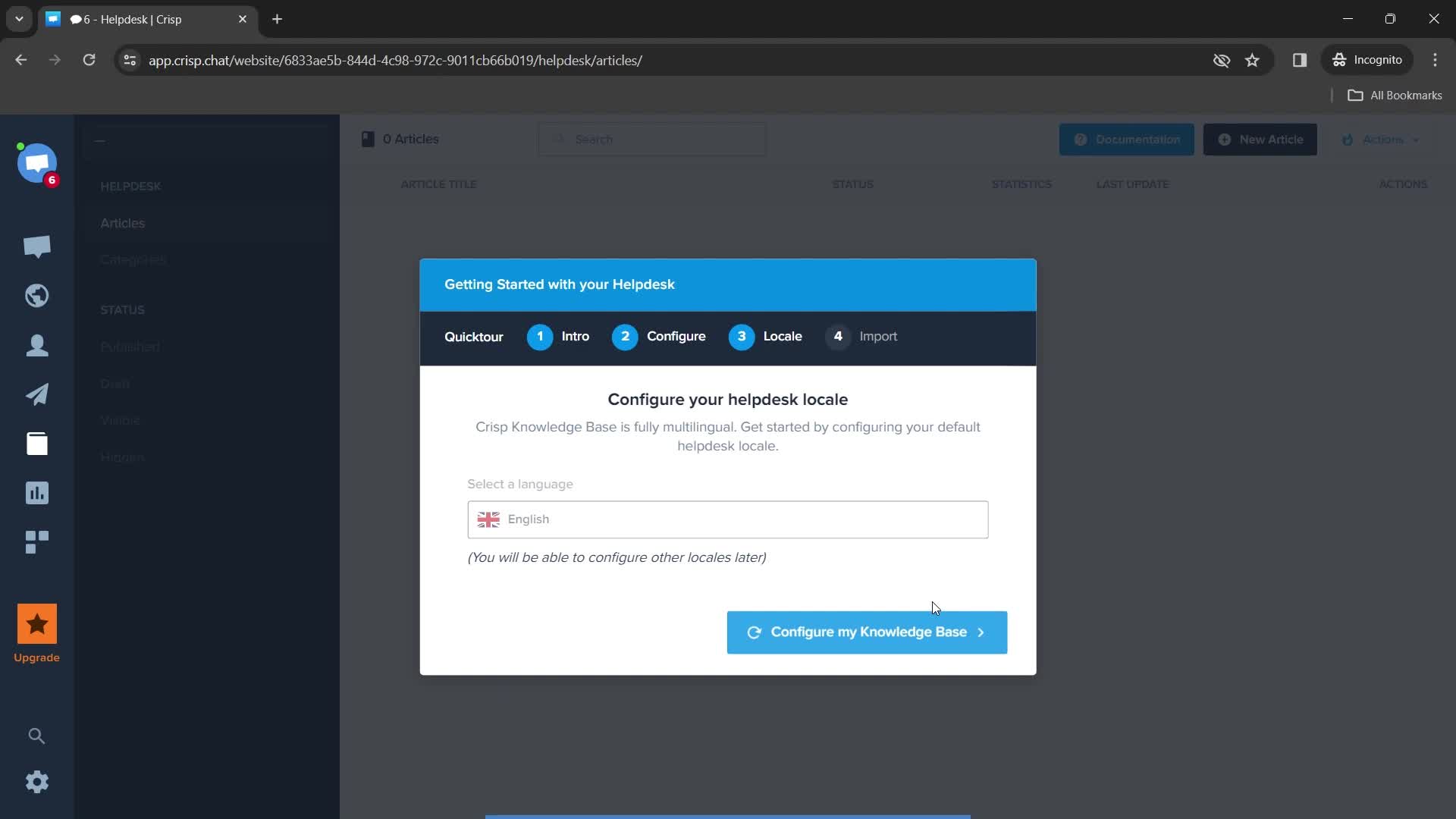
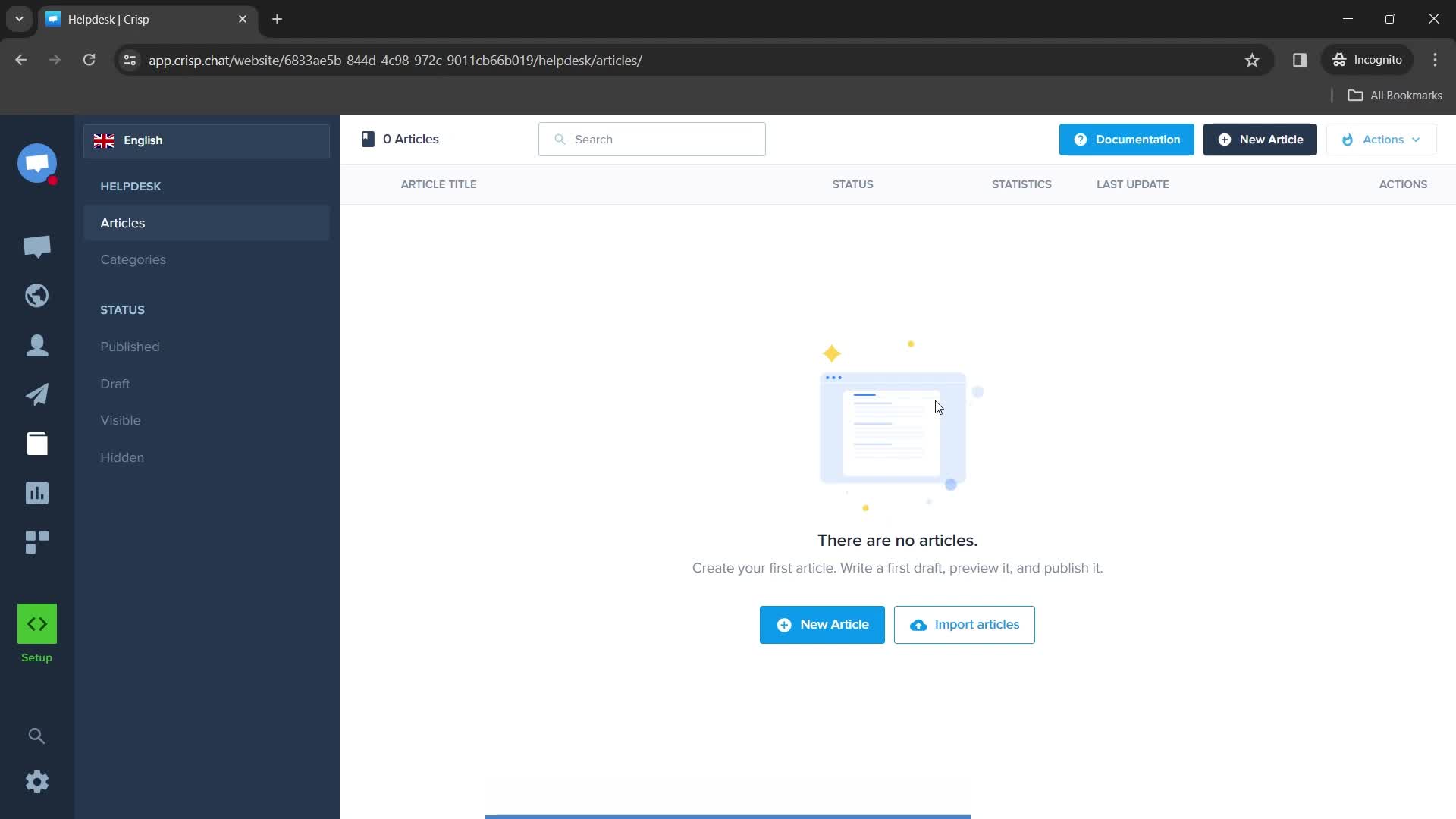
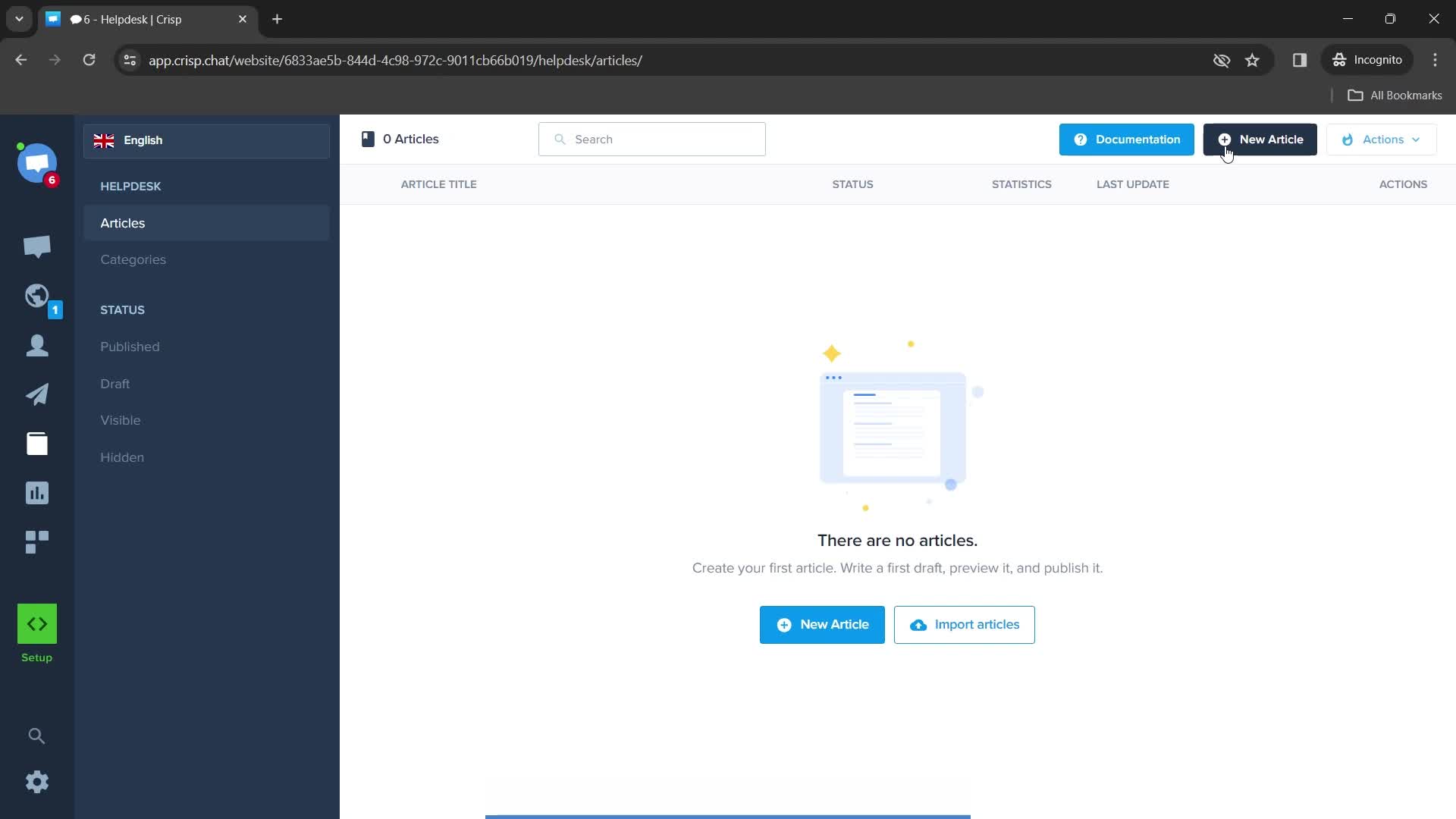
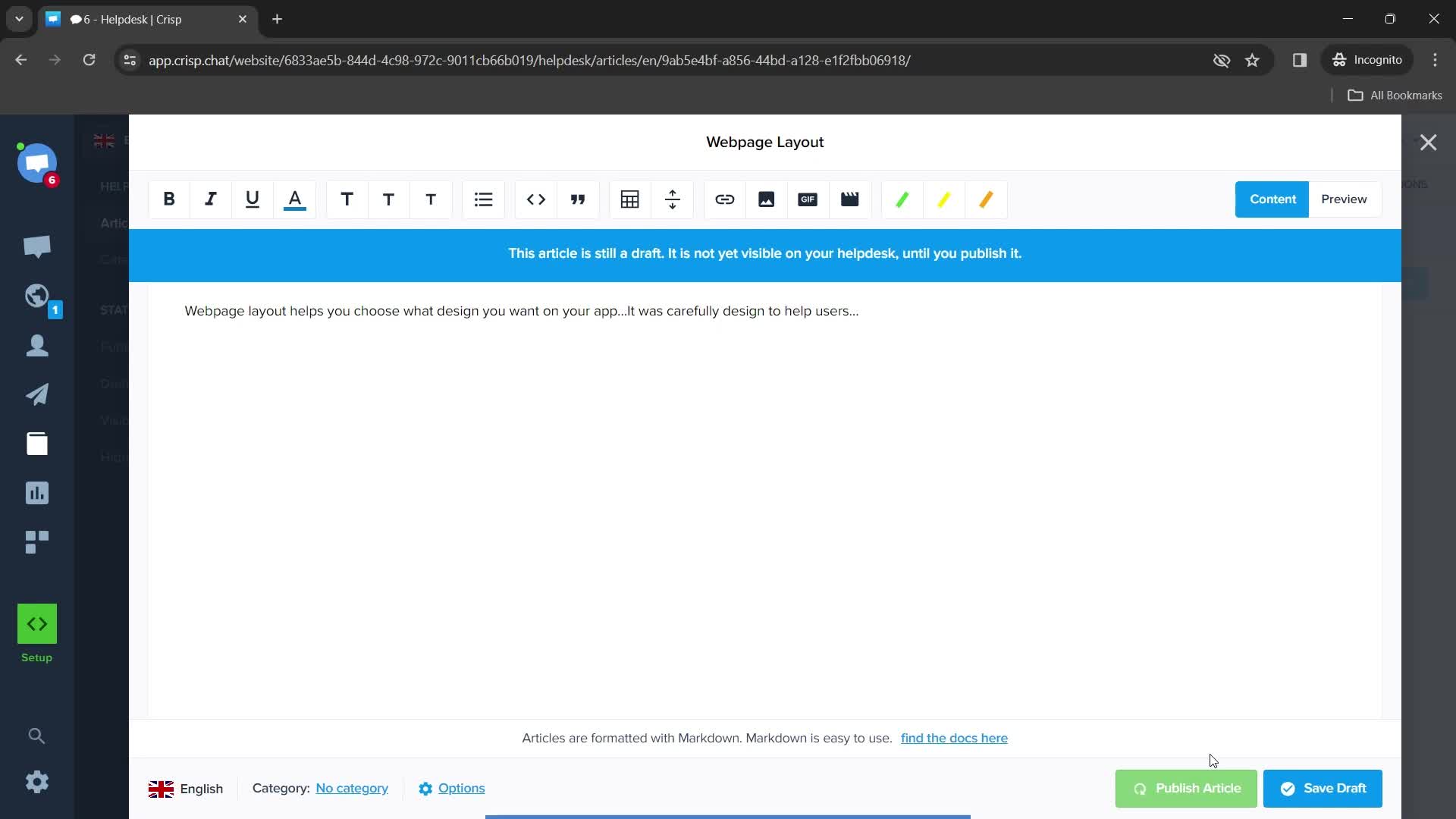
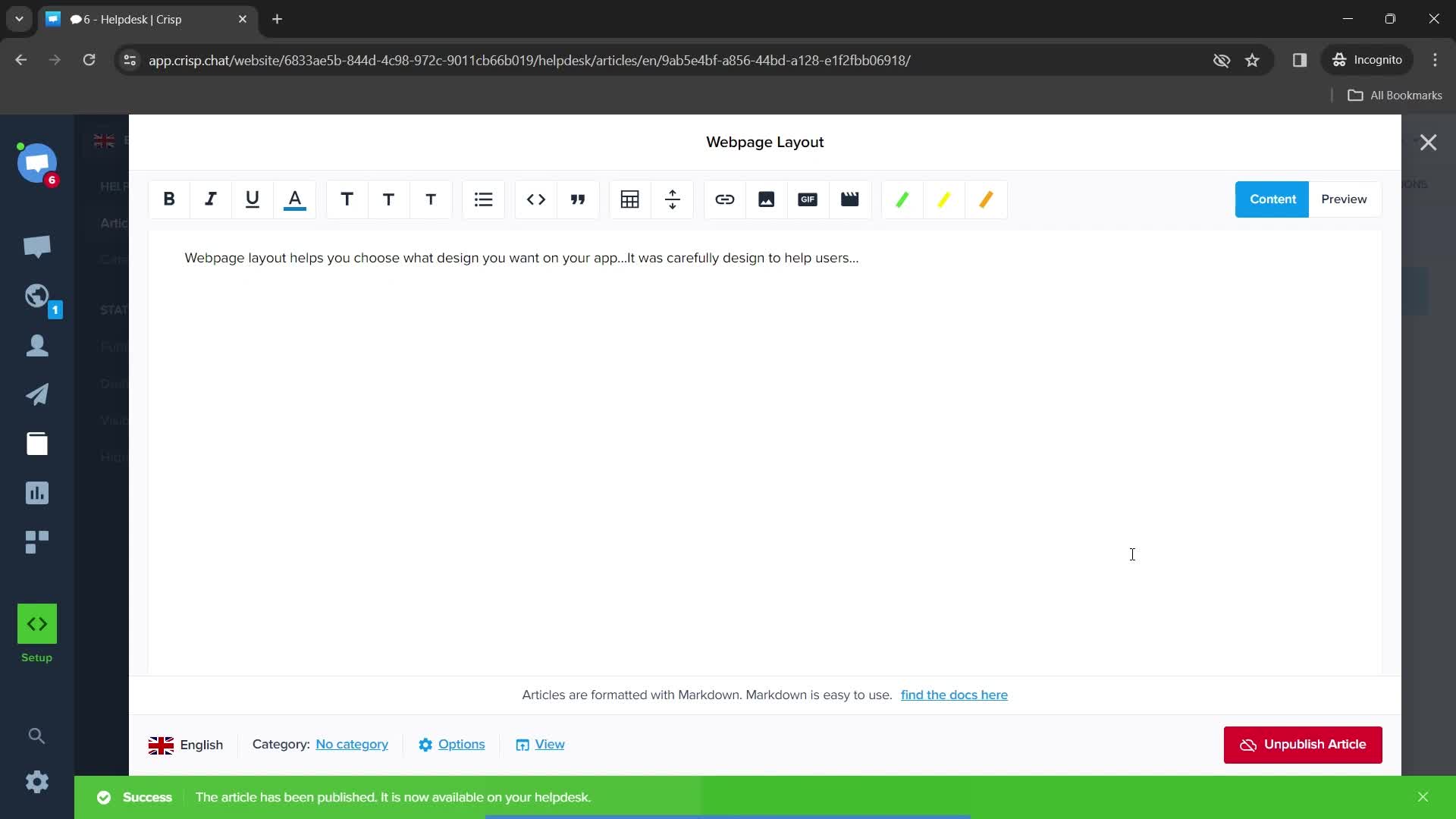
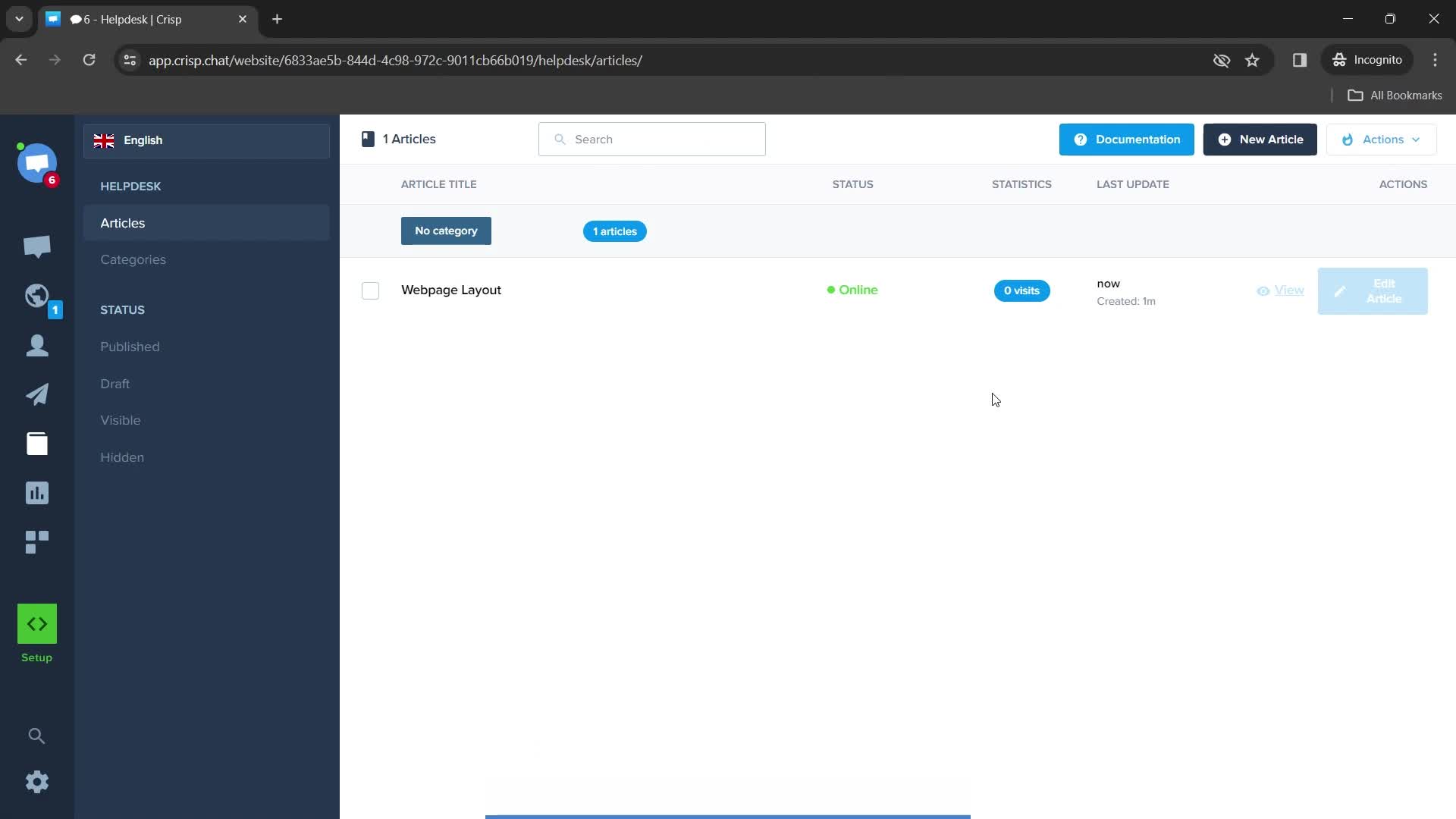
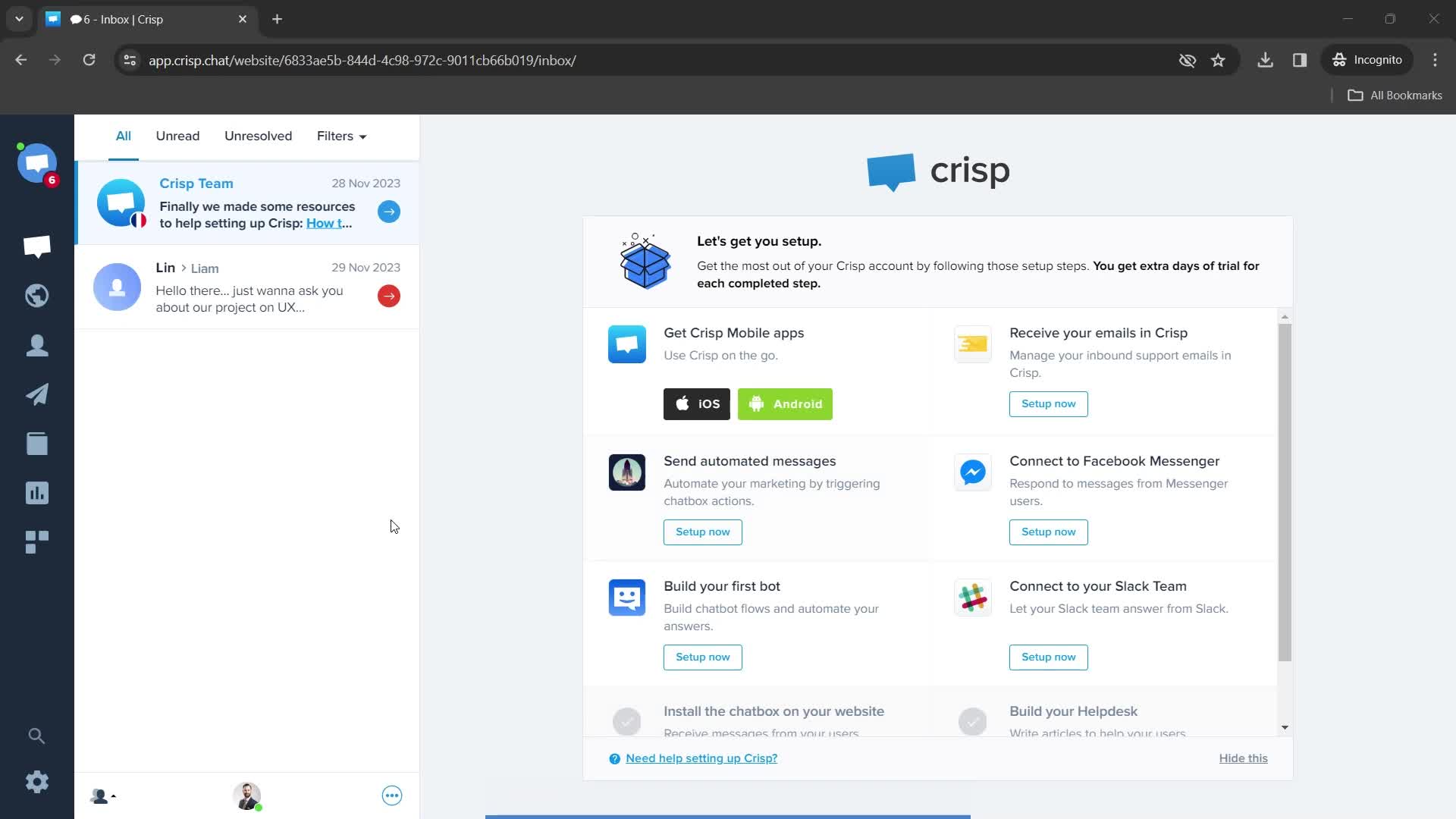
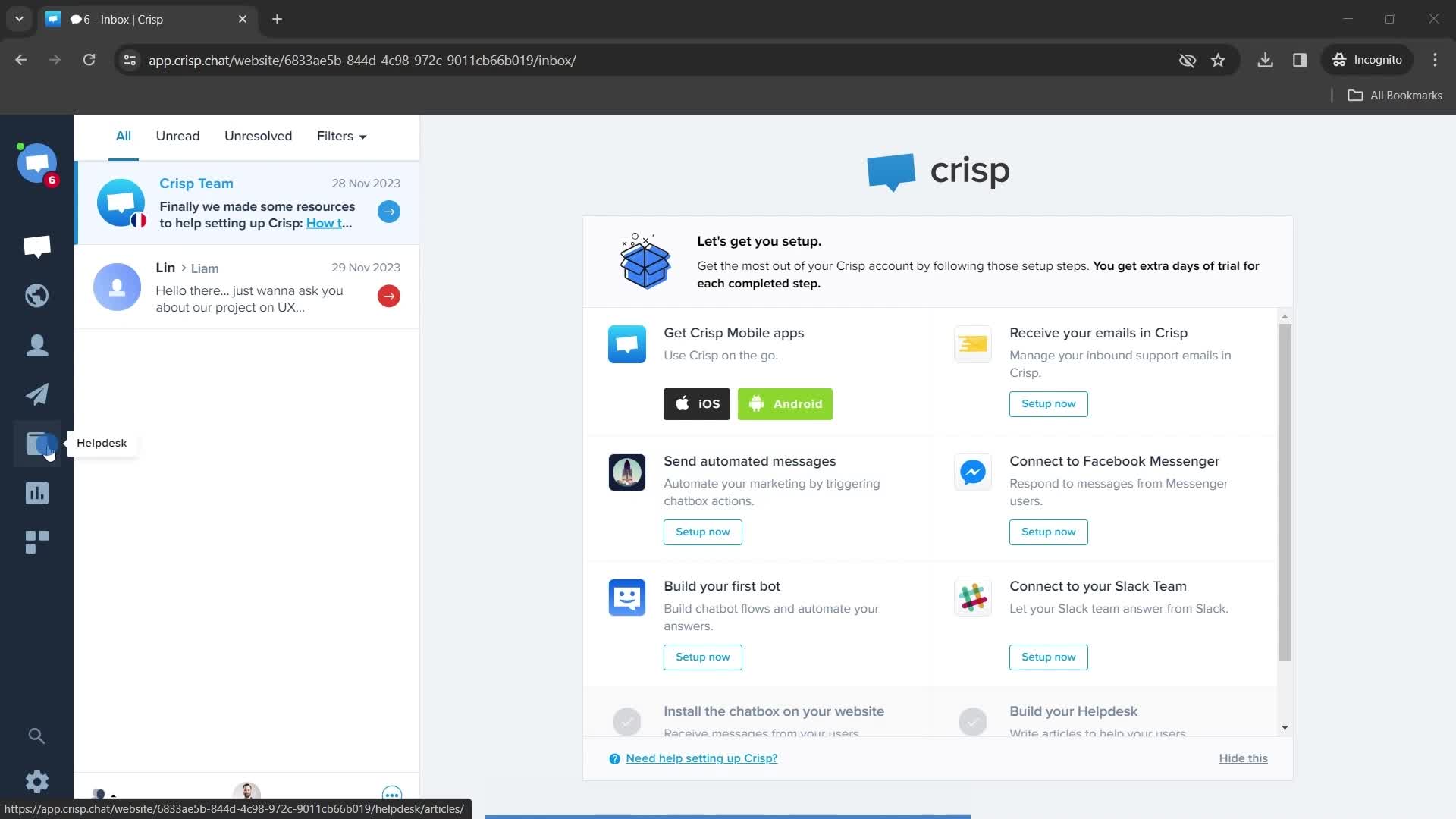
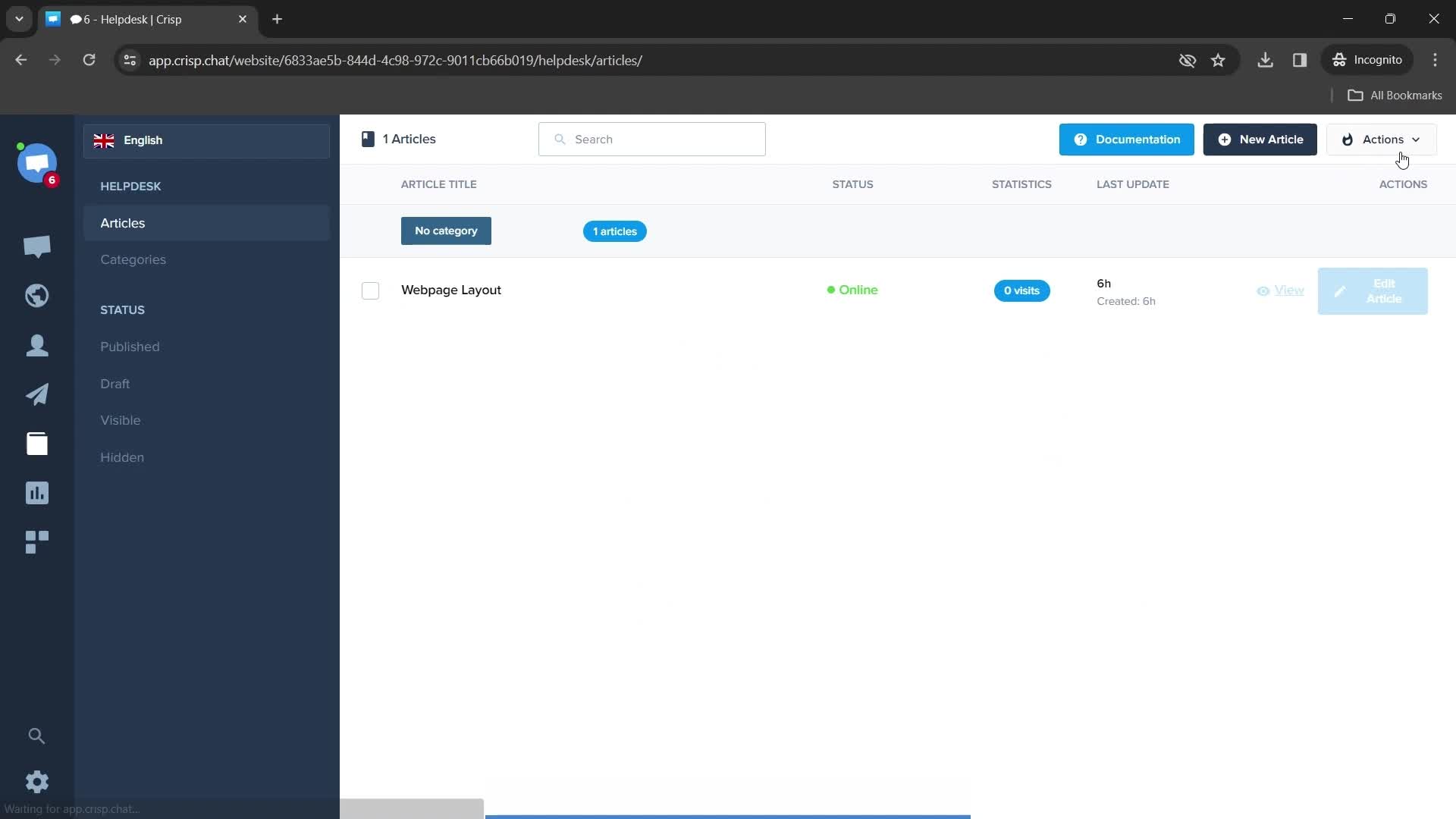
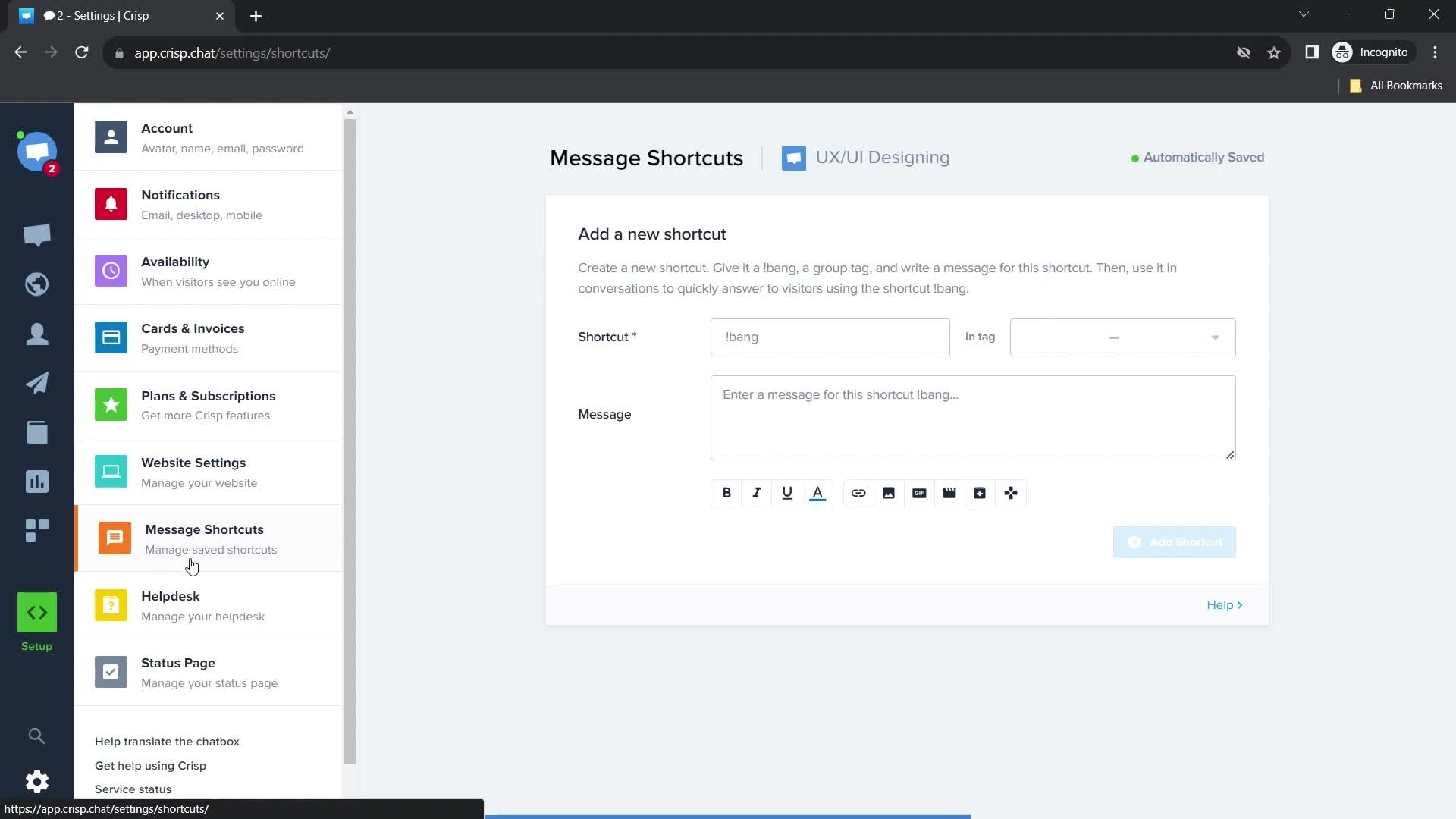
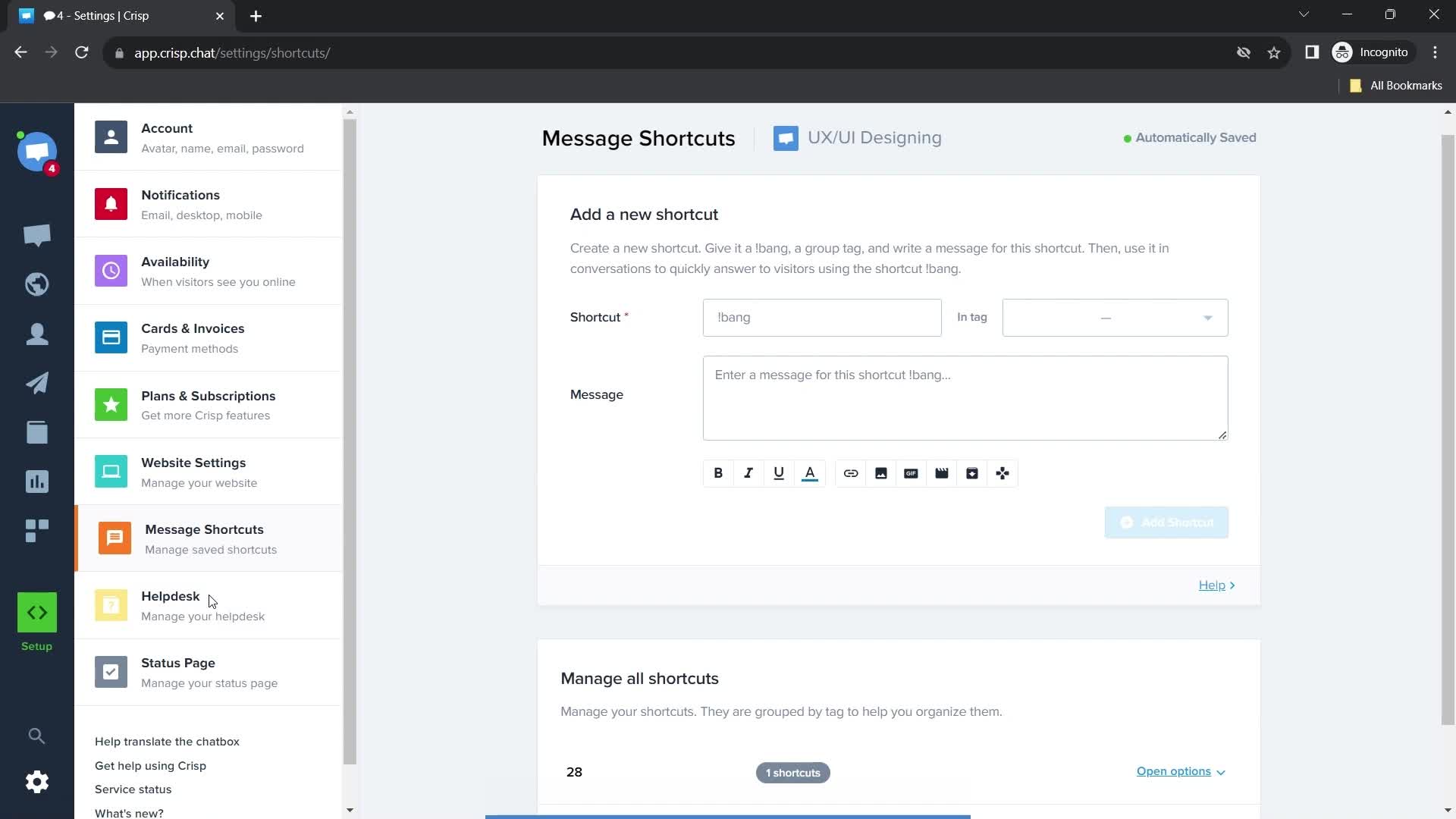
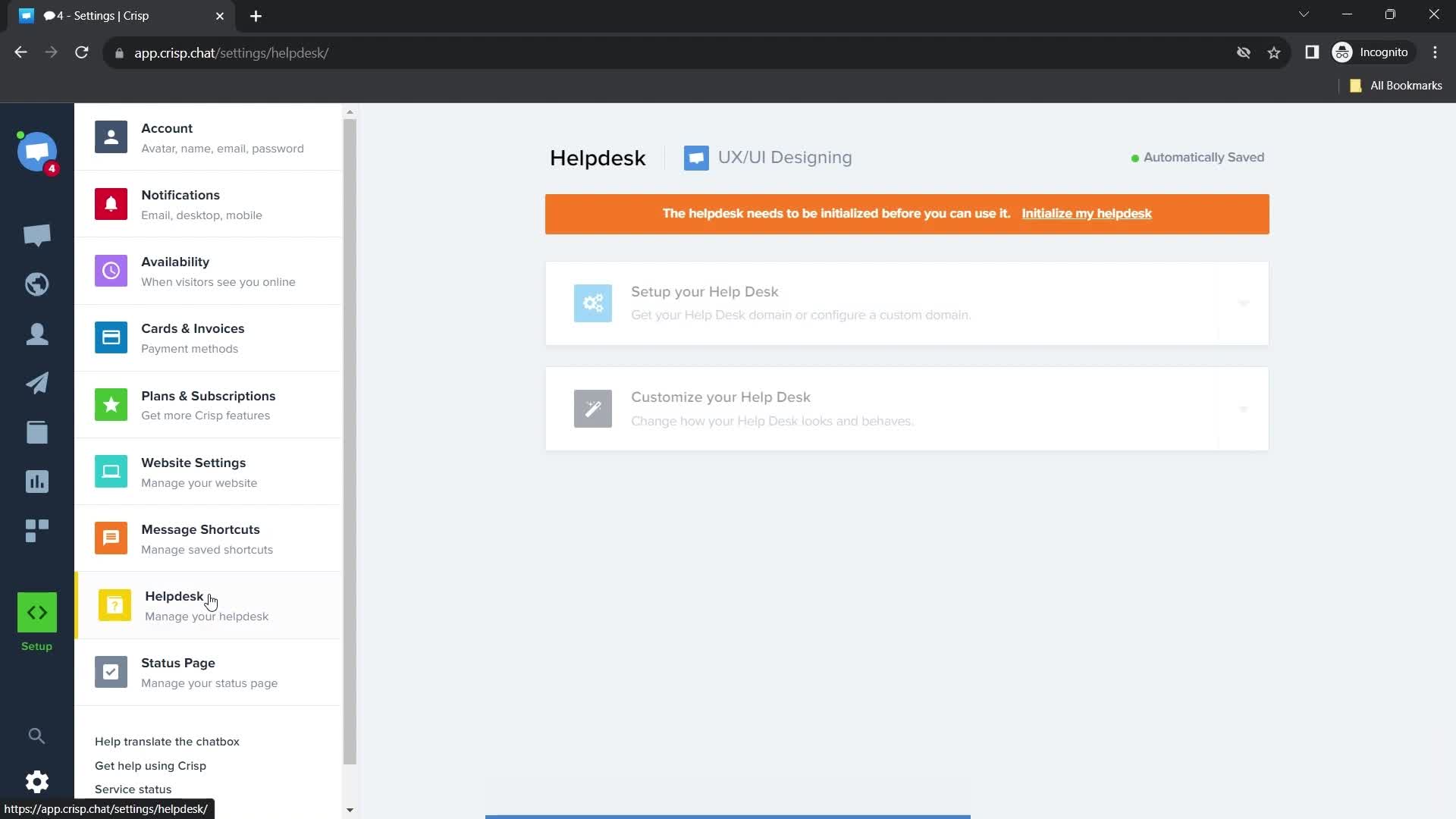
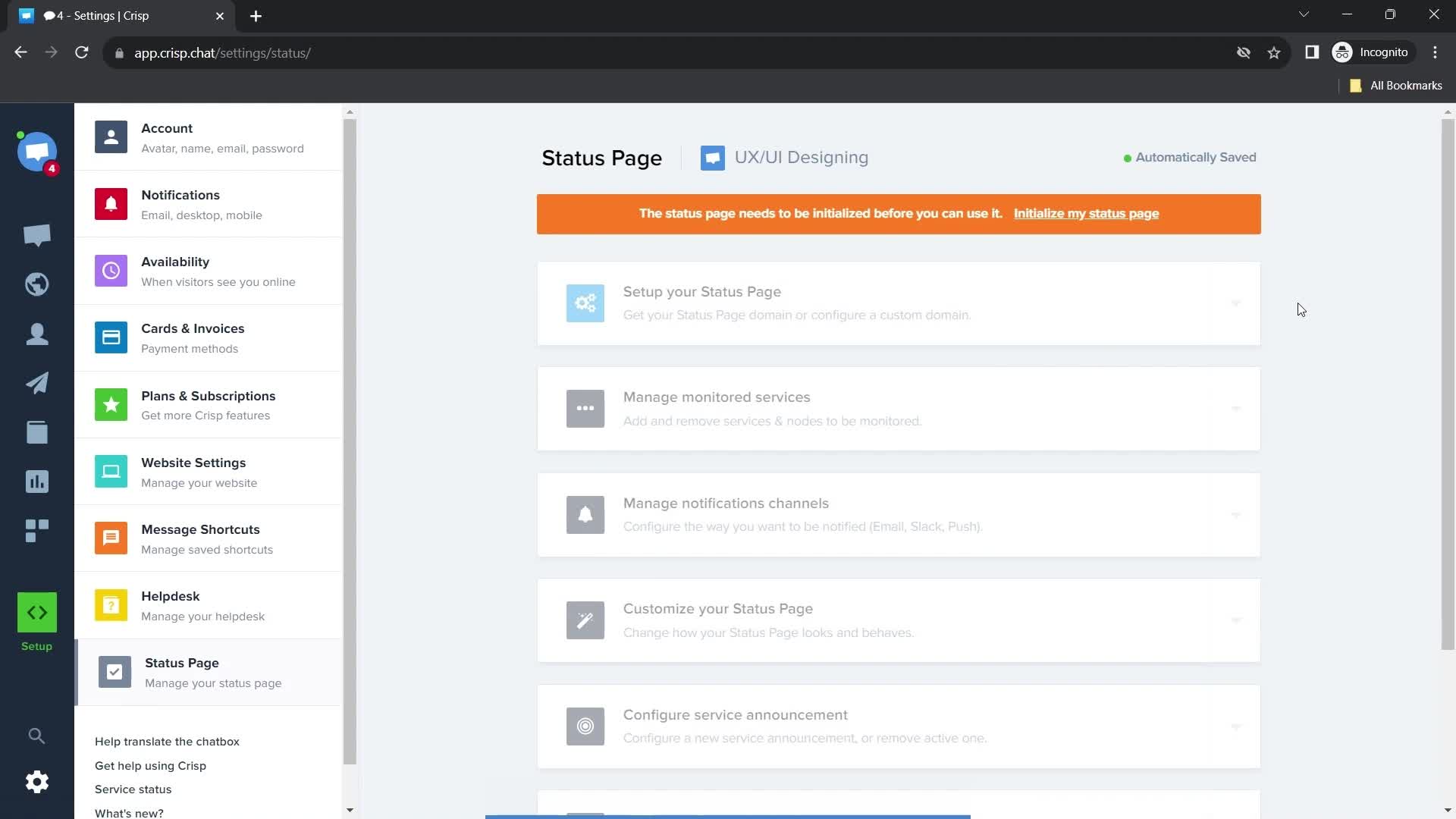
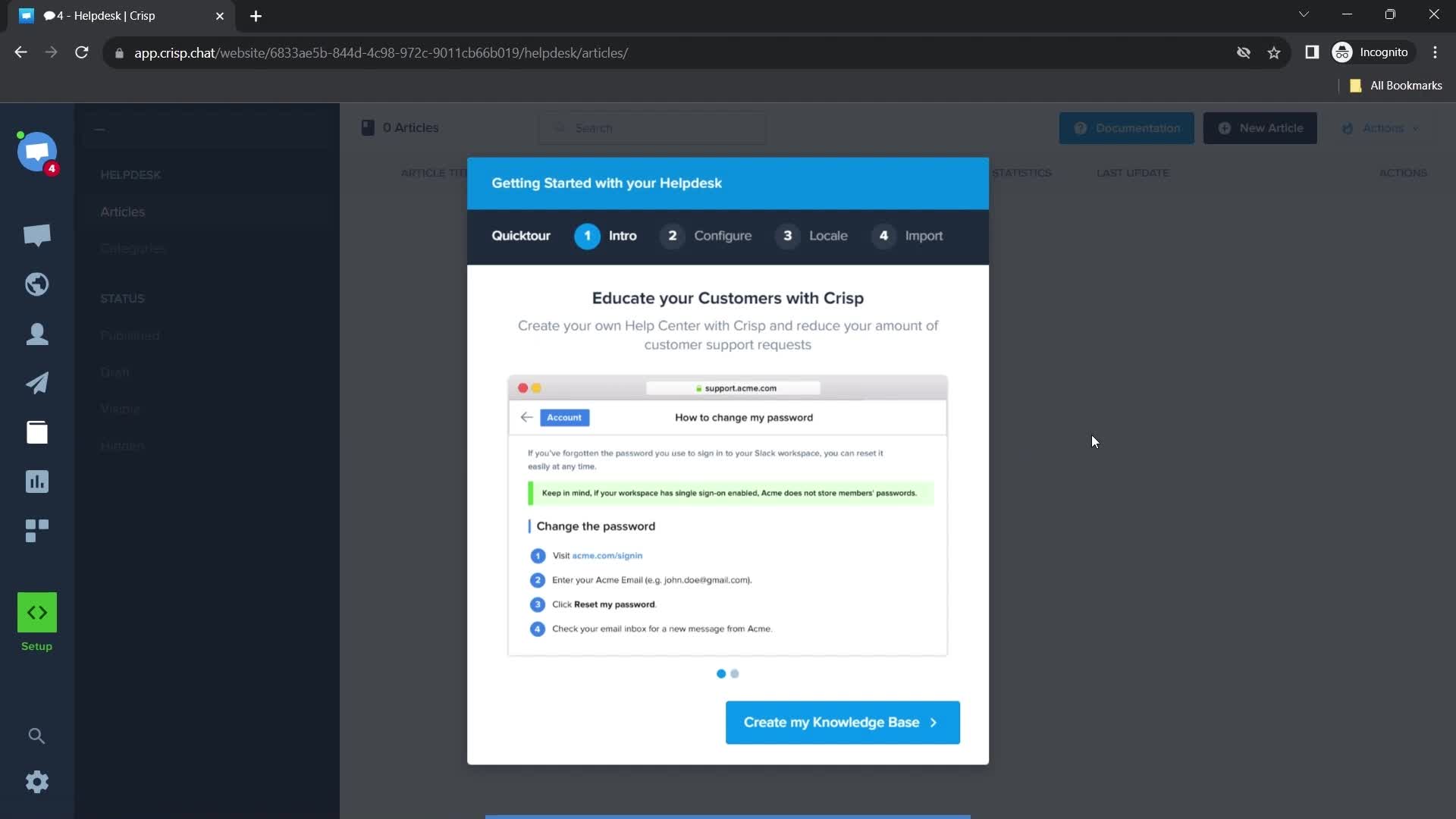
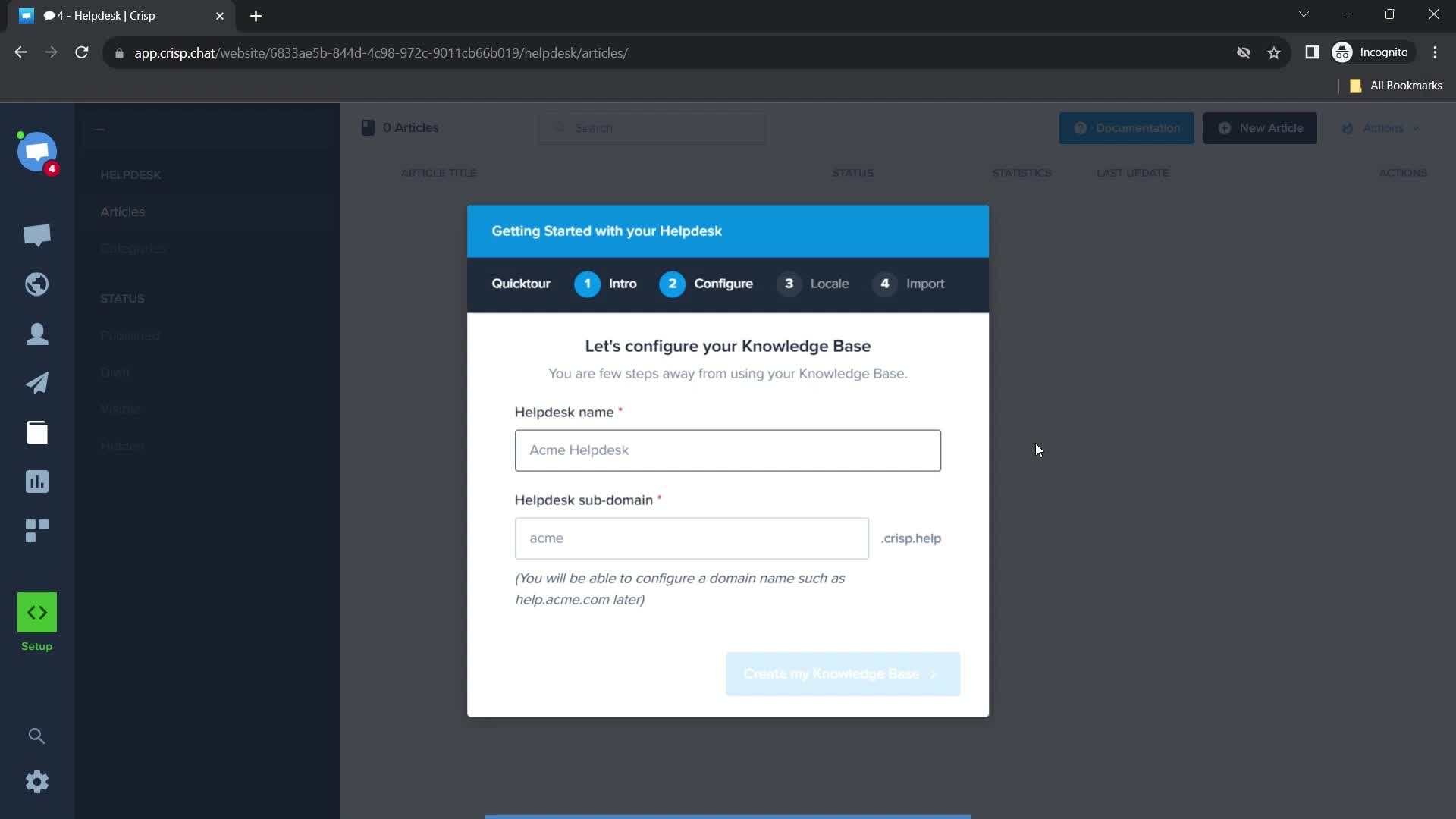
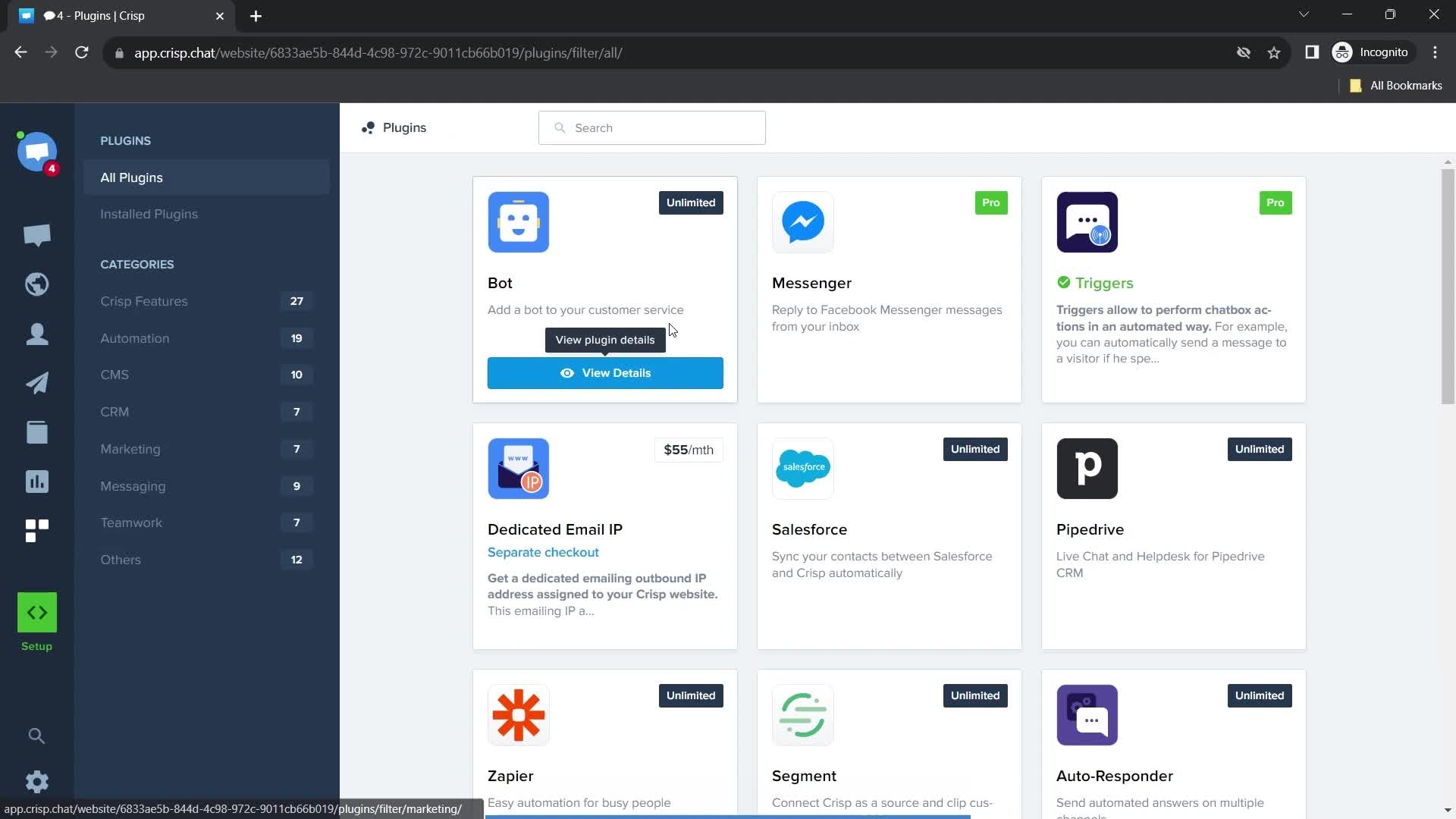
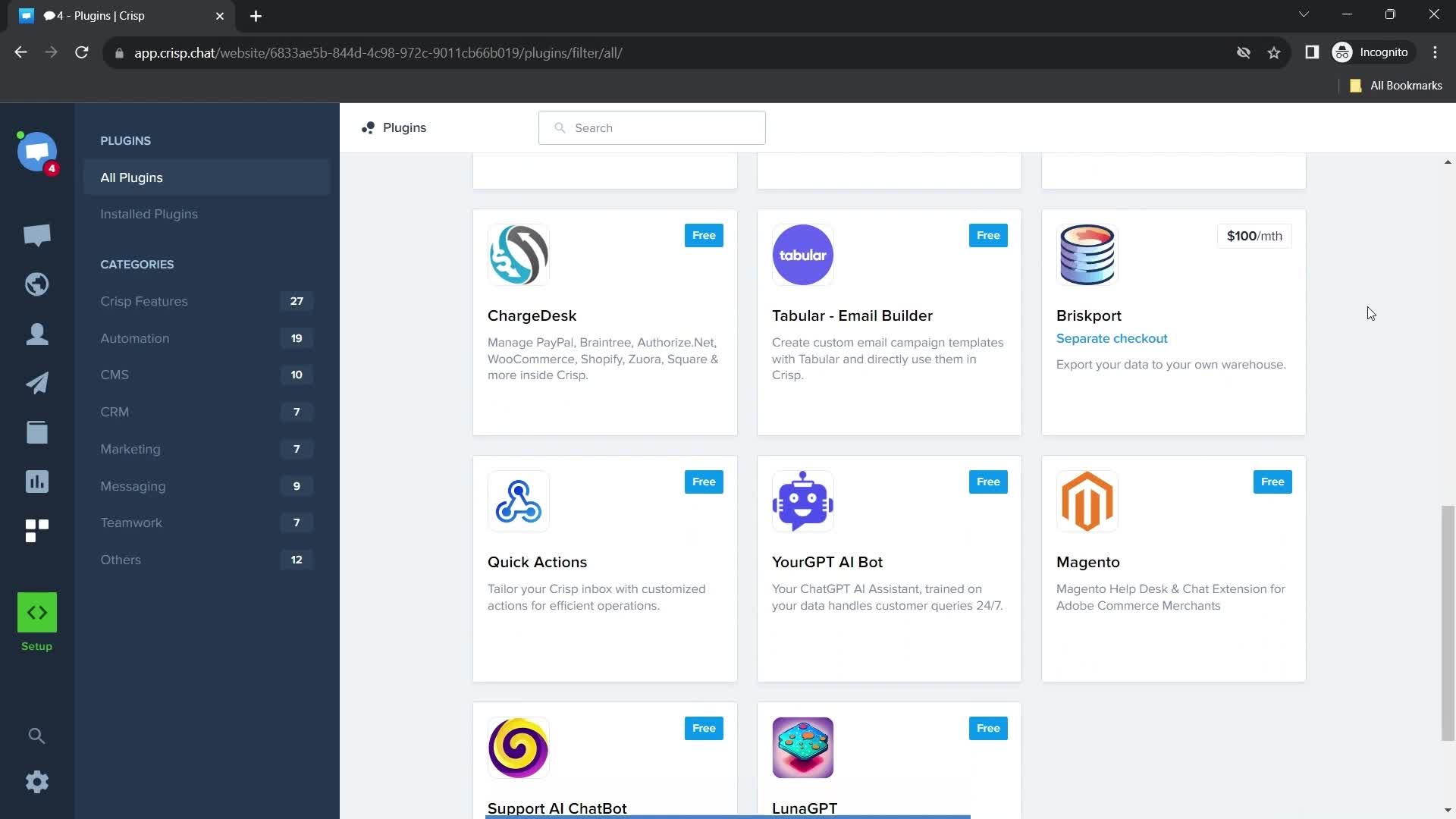
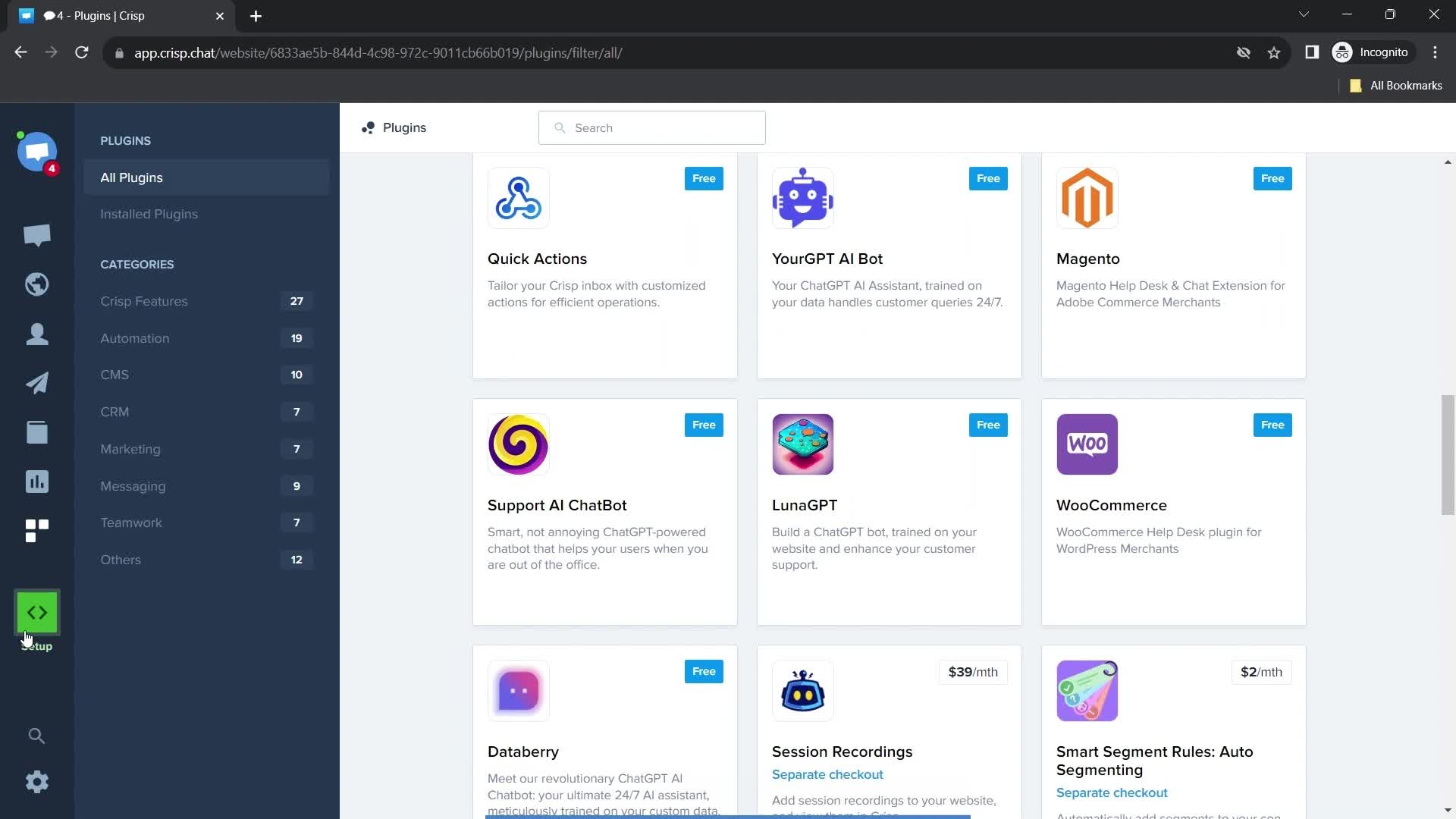
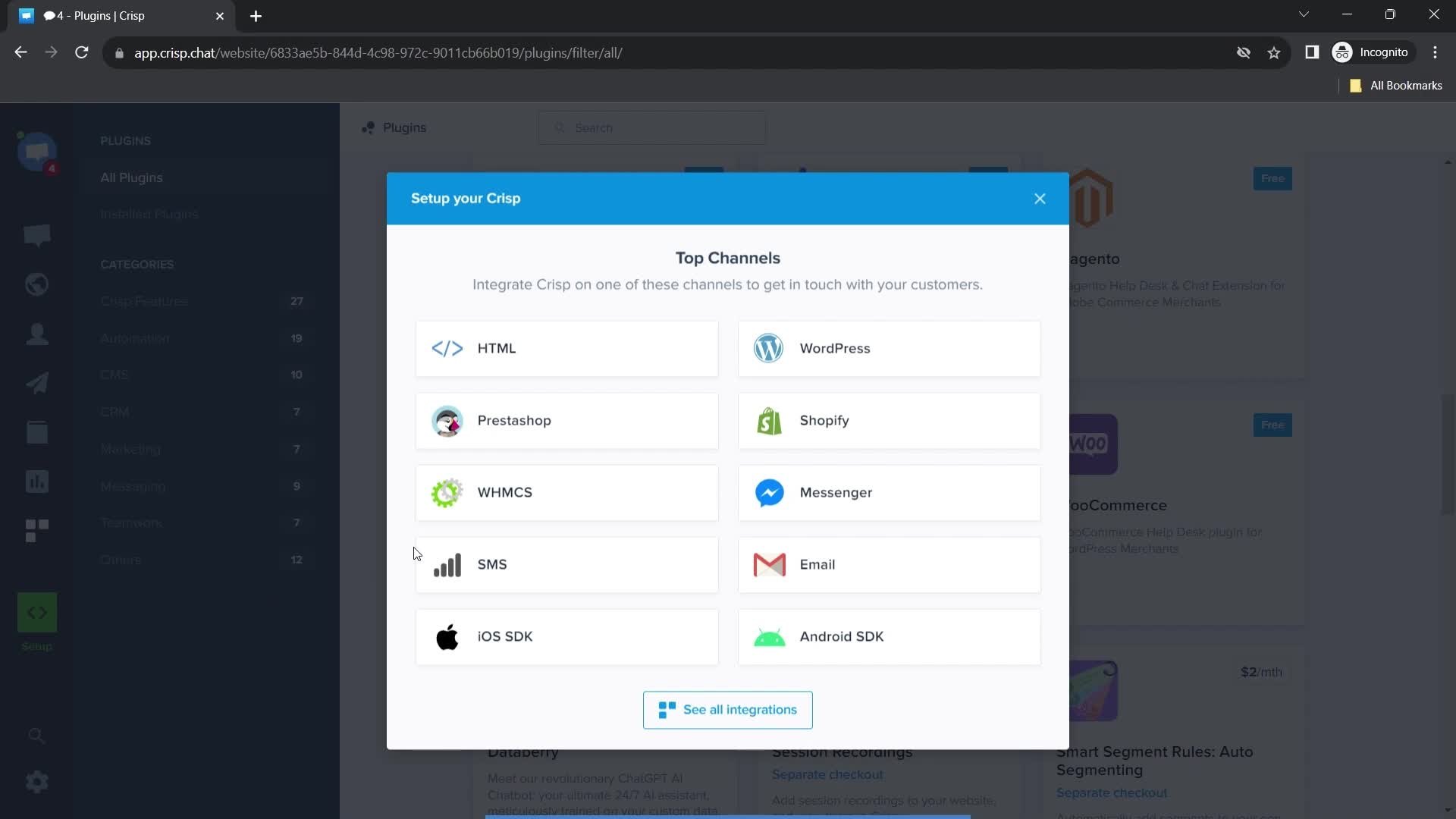
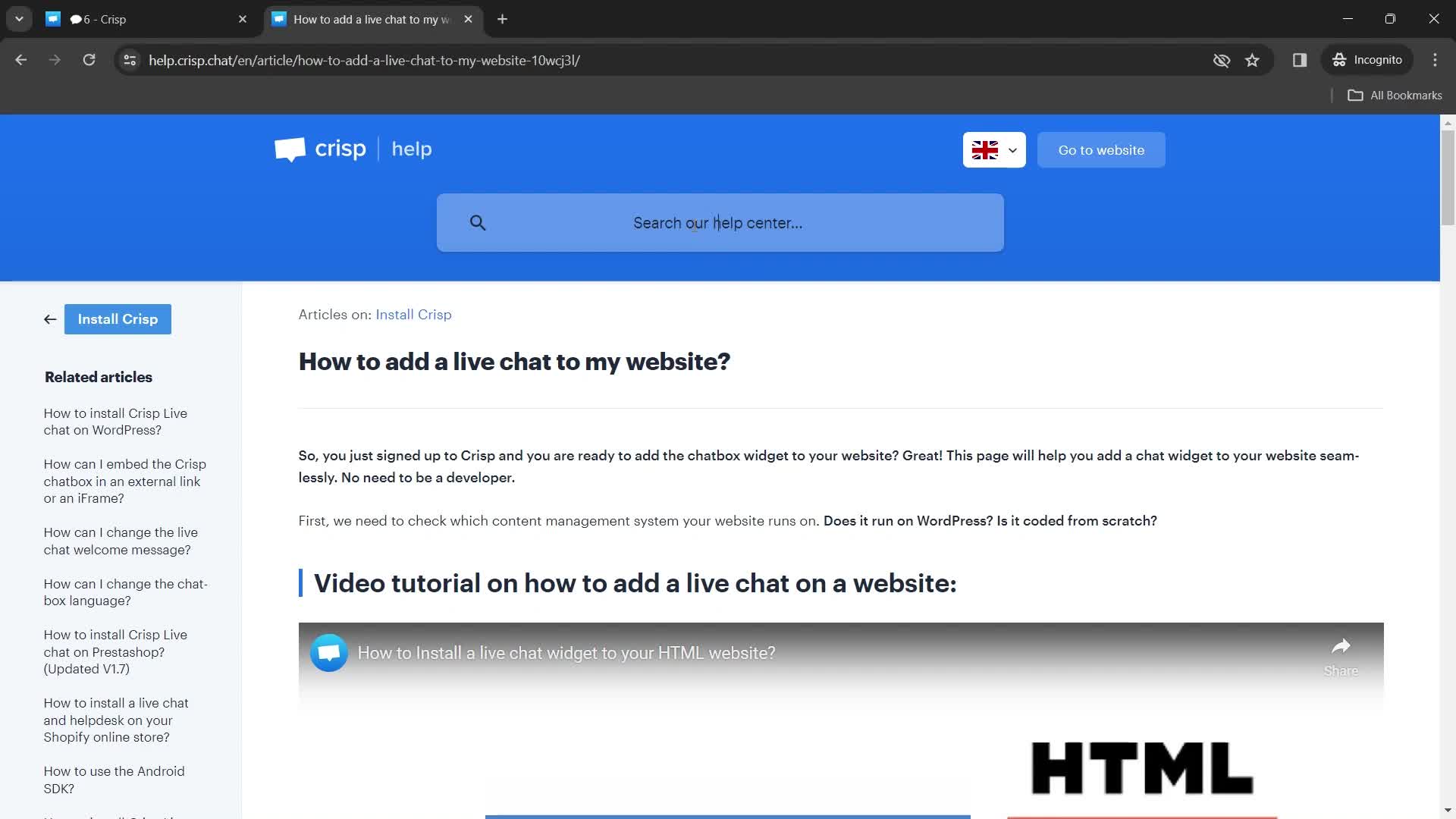
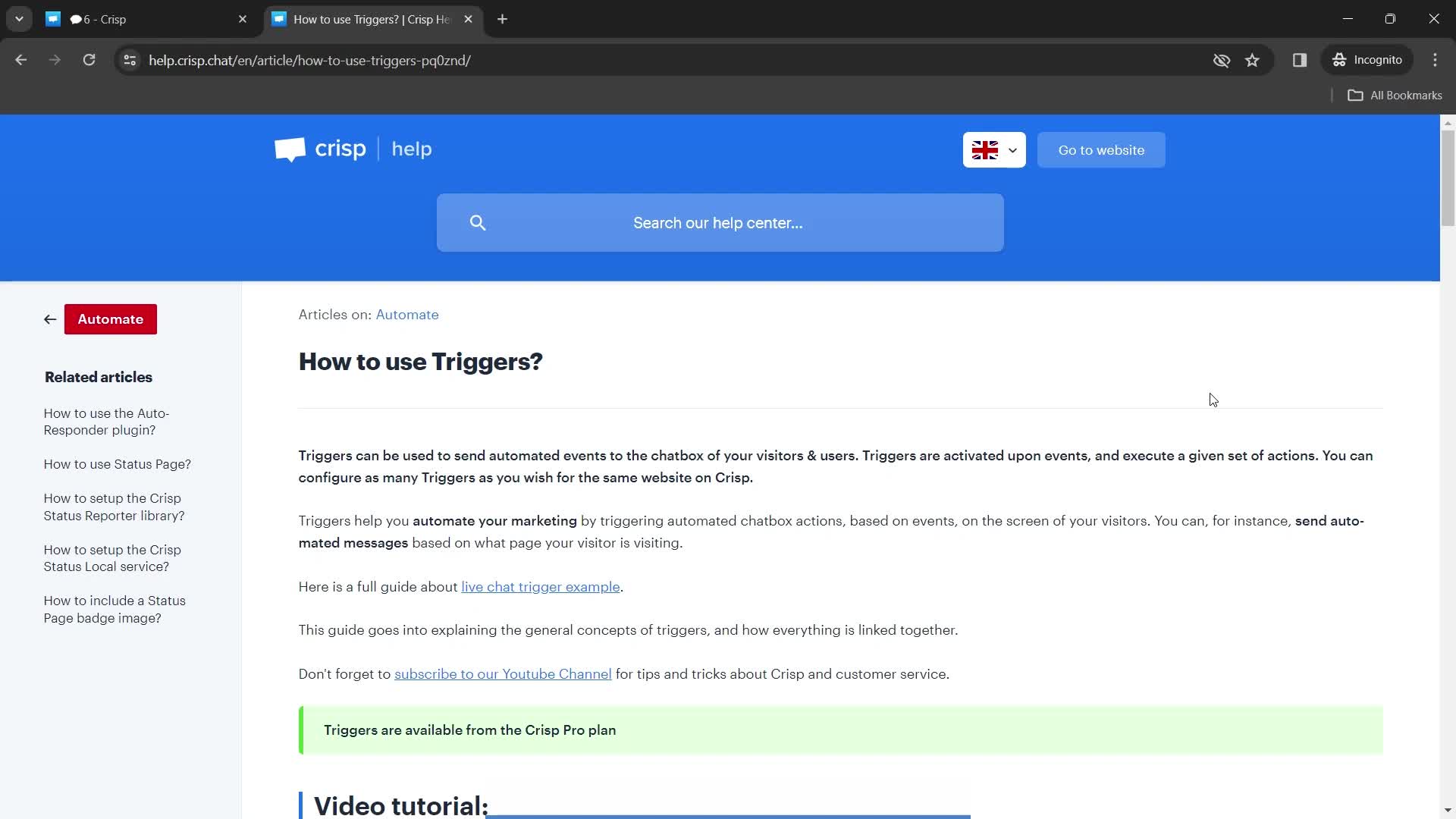
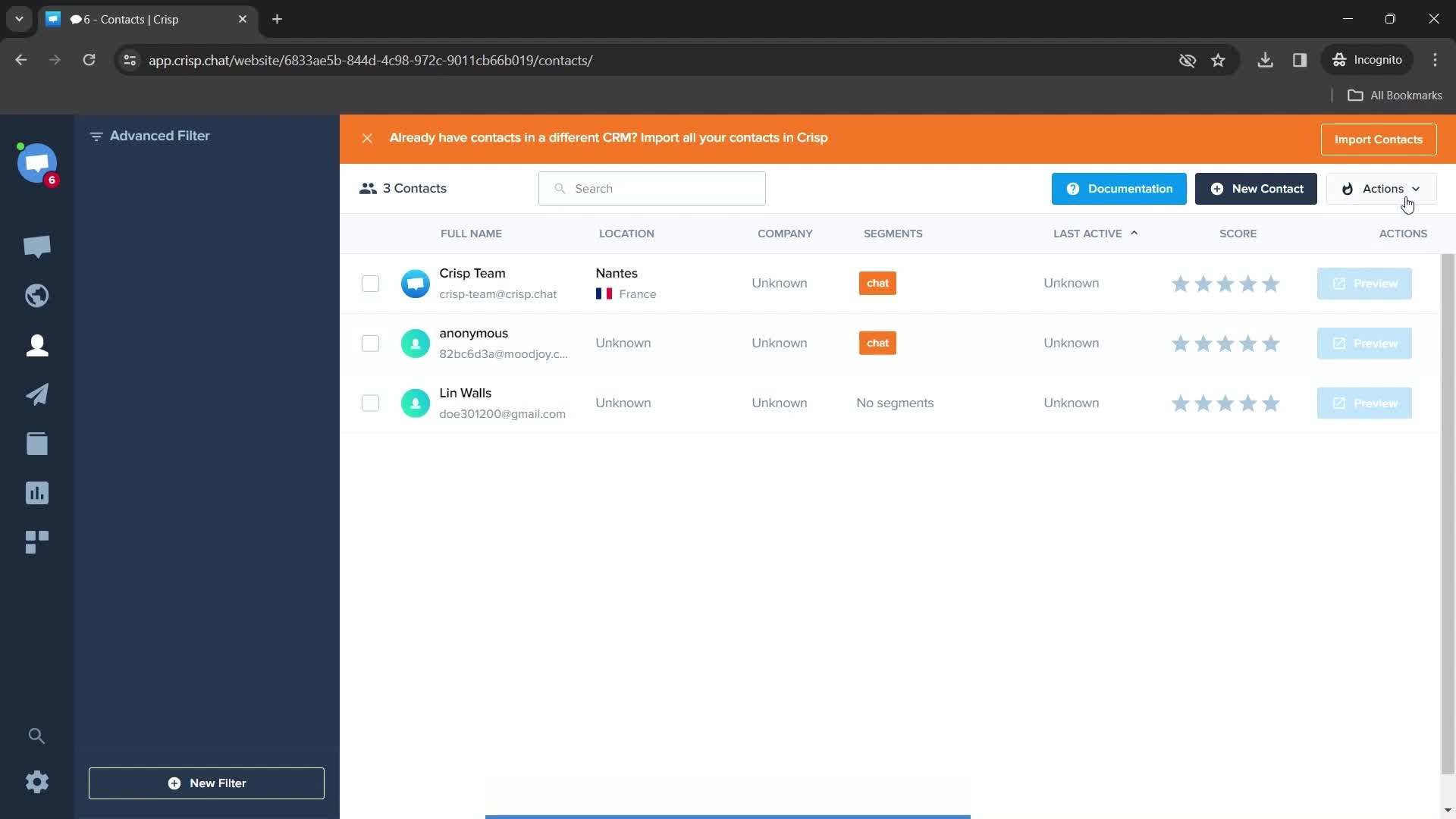
Helpdesk
this is title
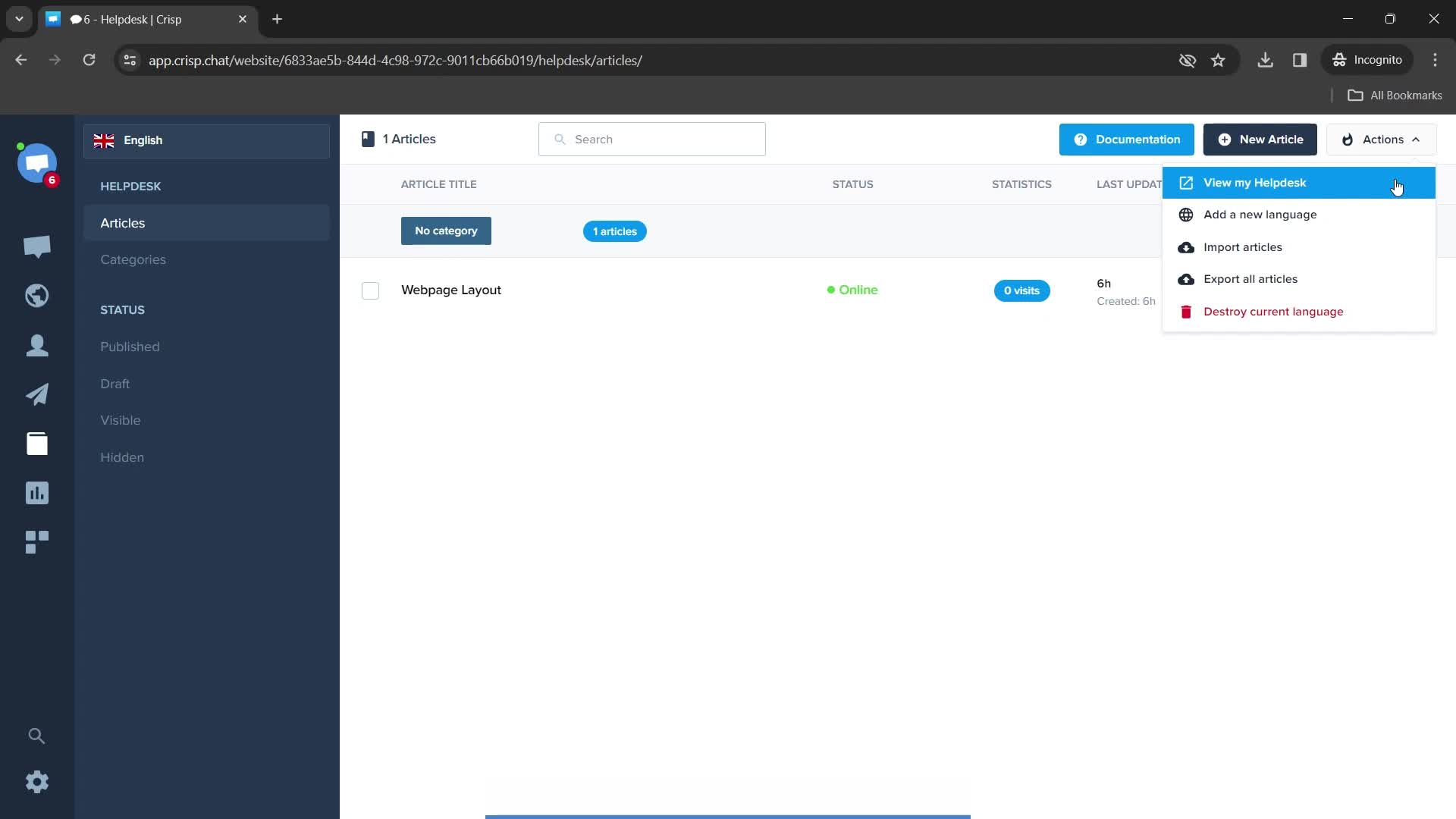
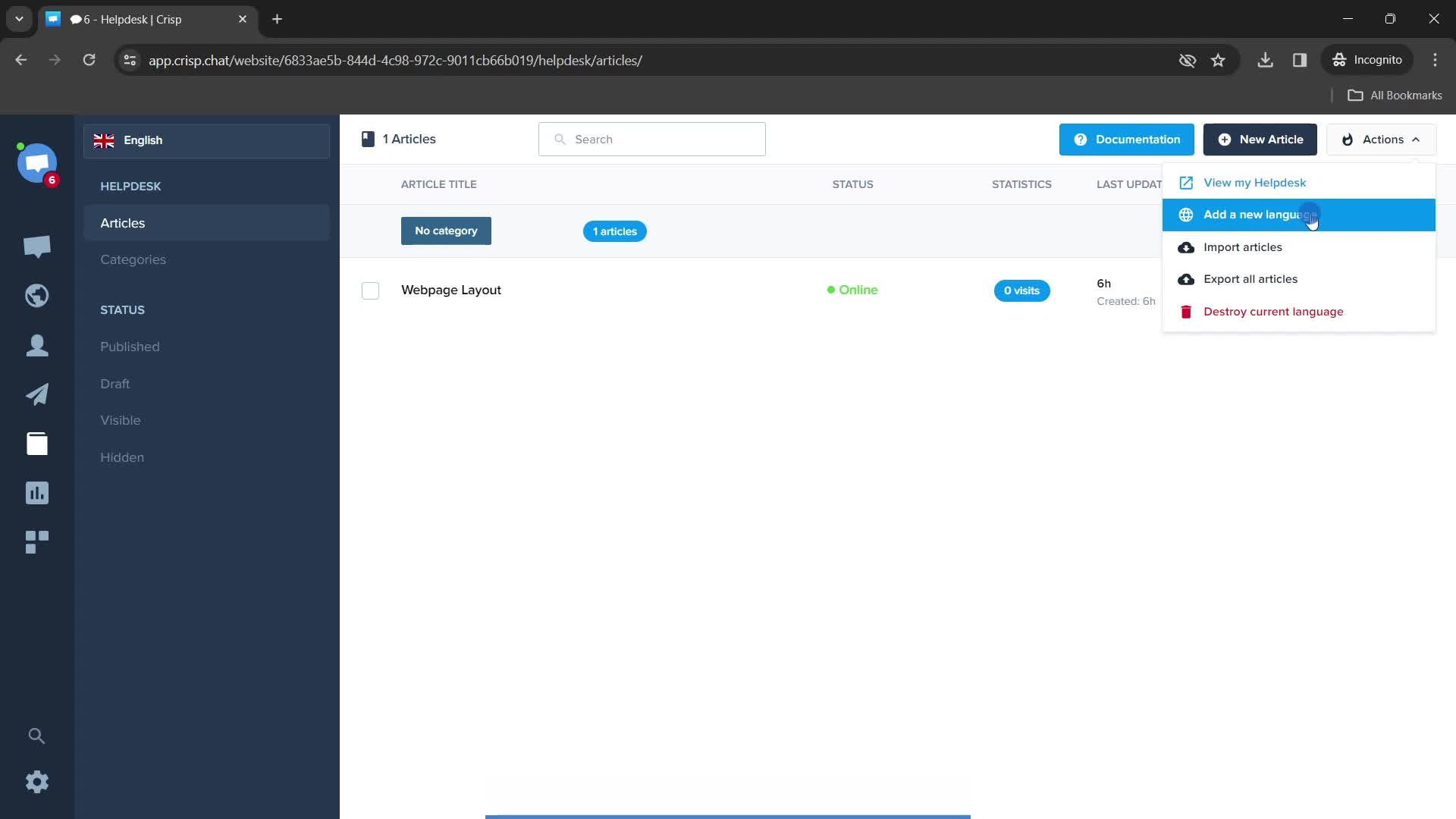
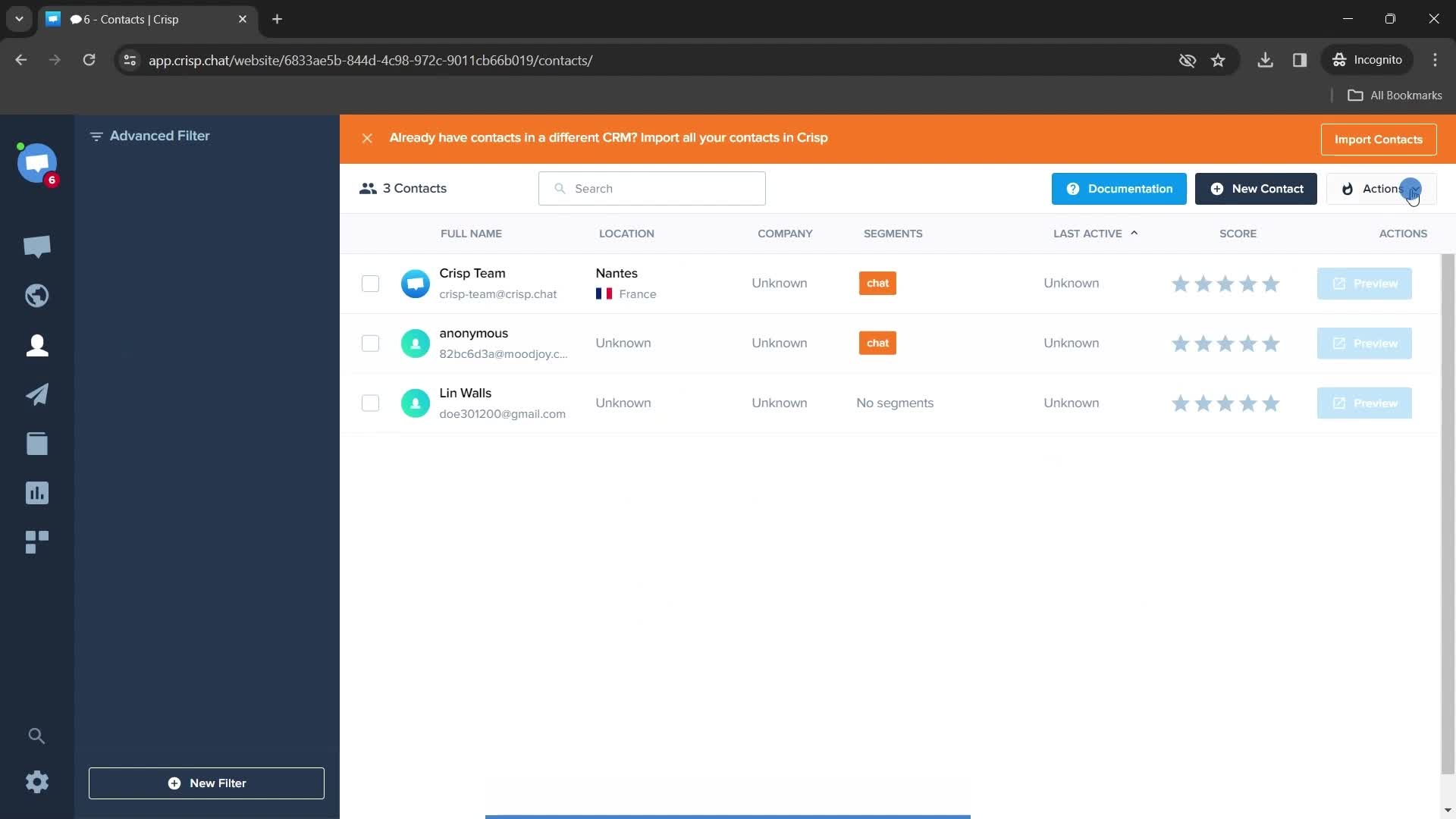
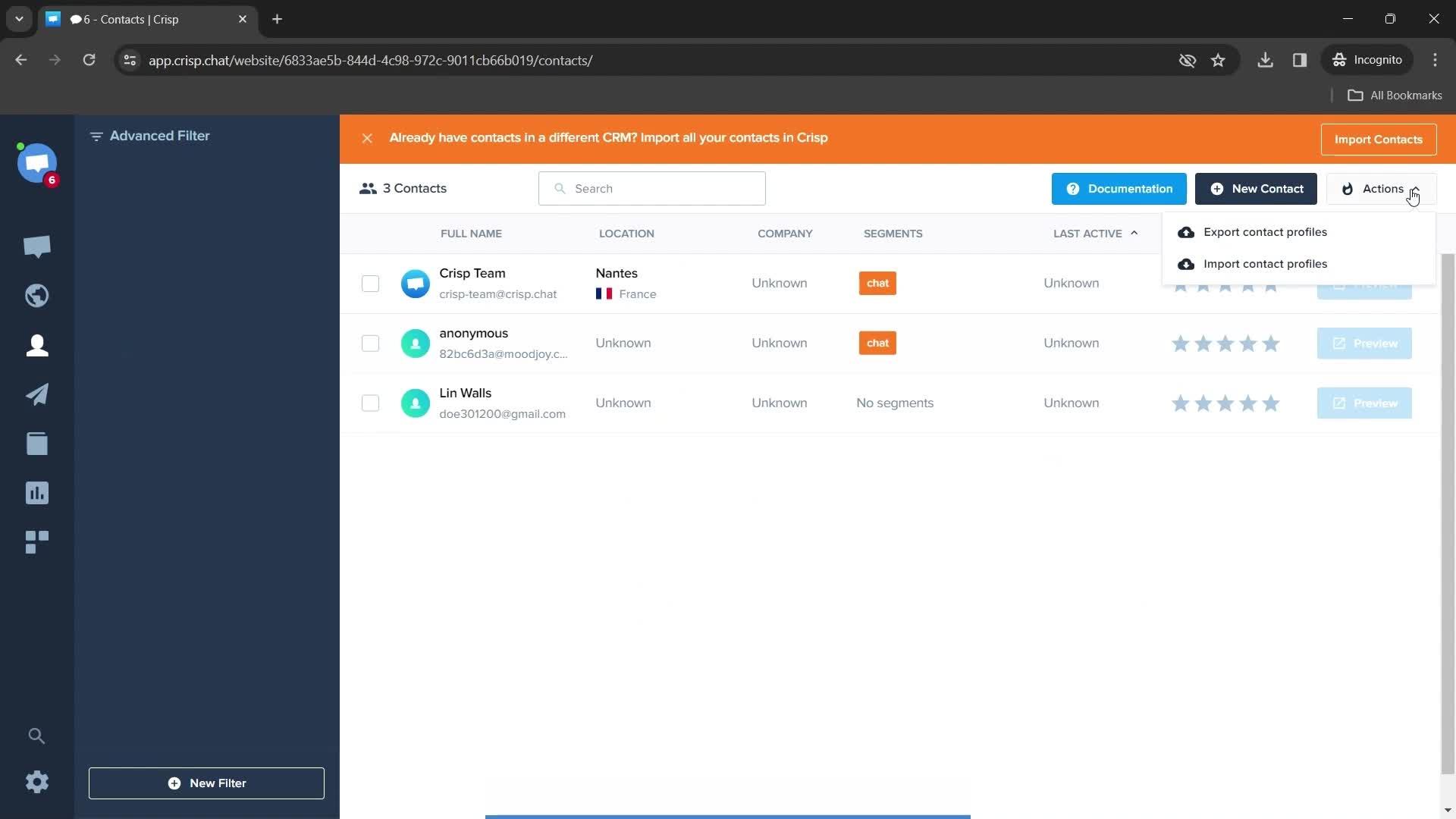
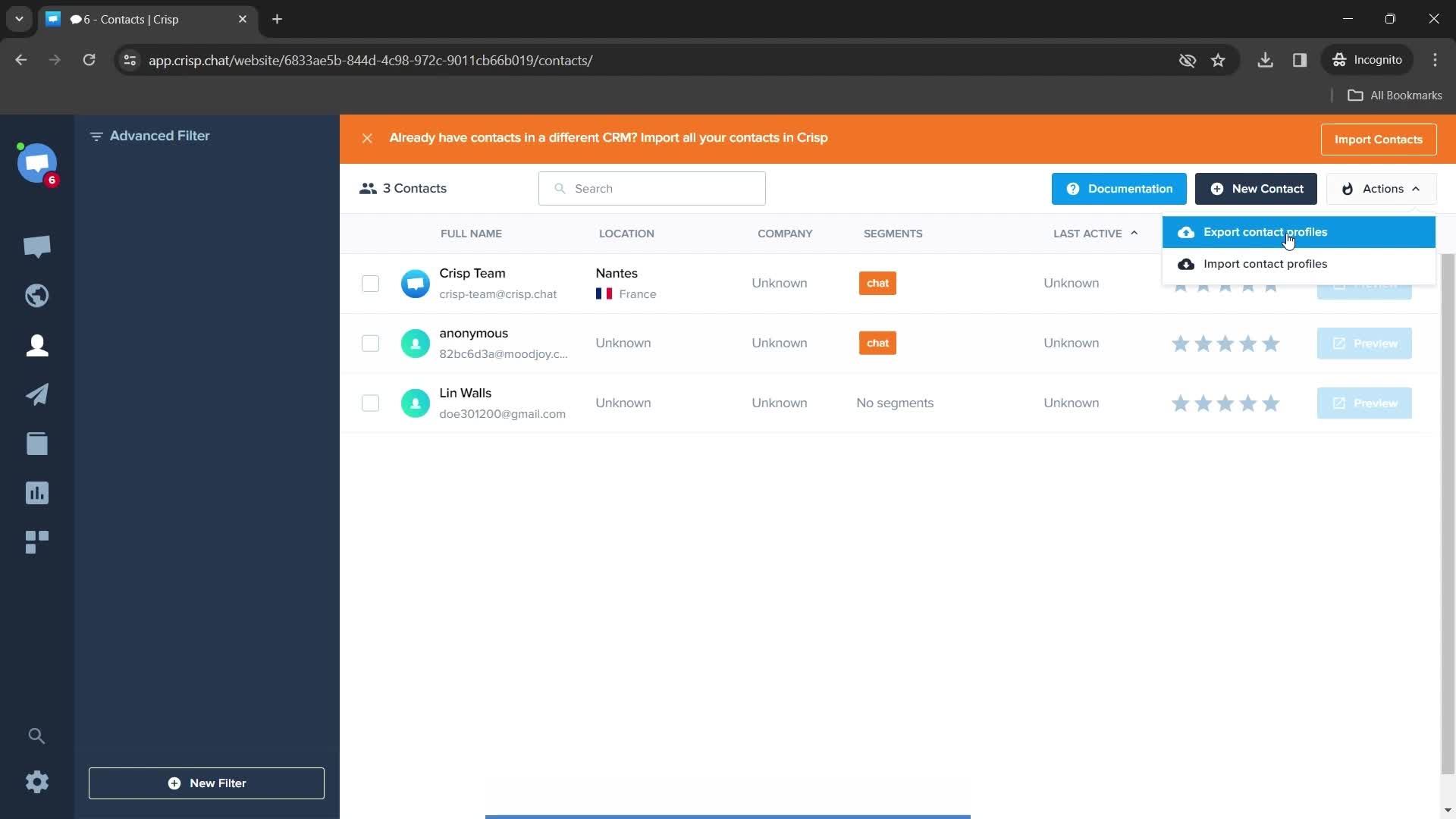
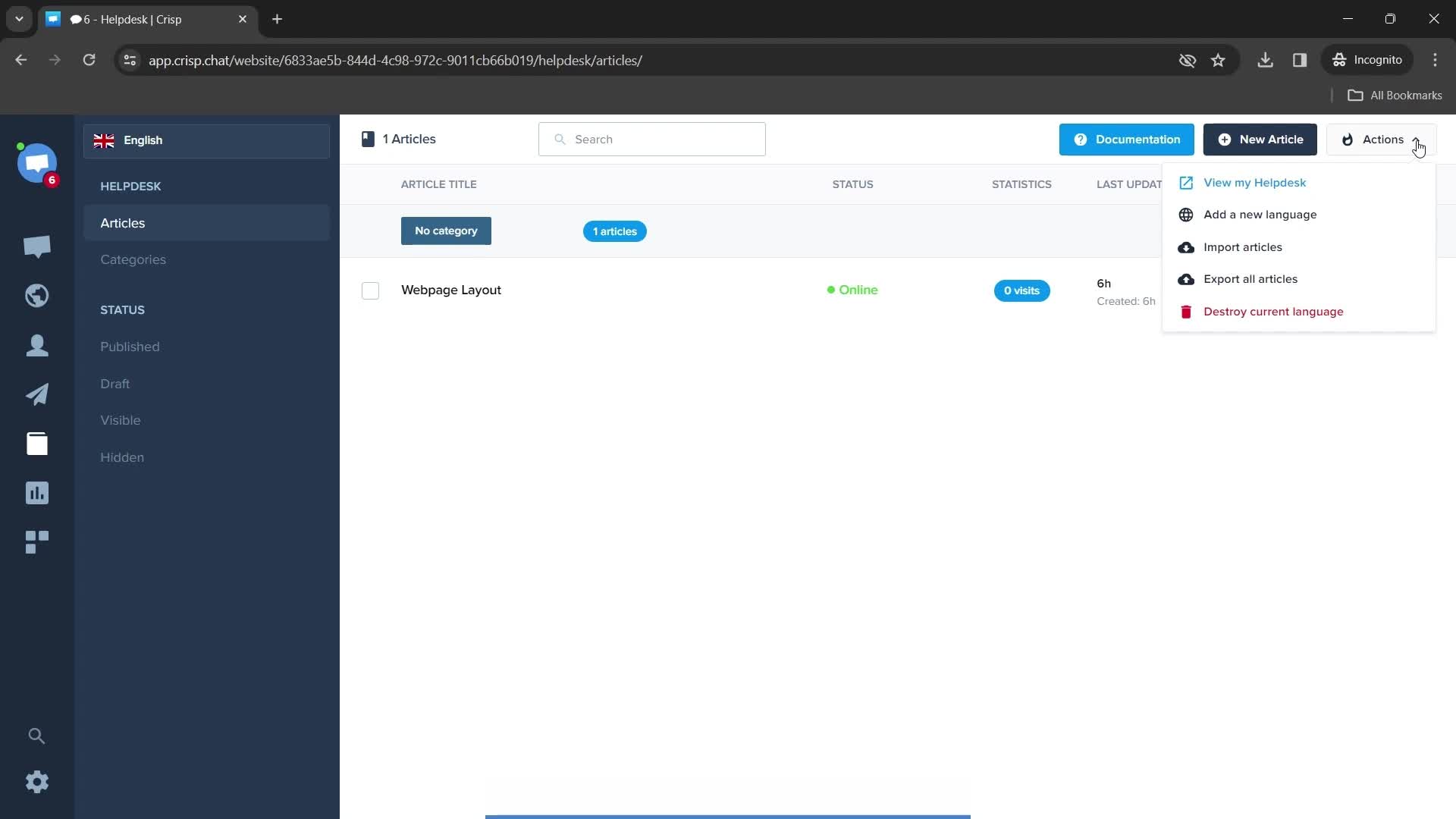
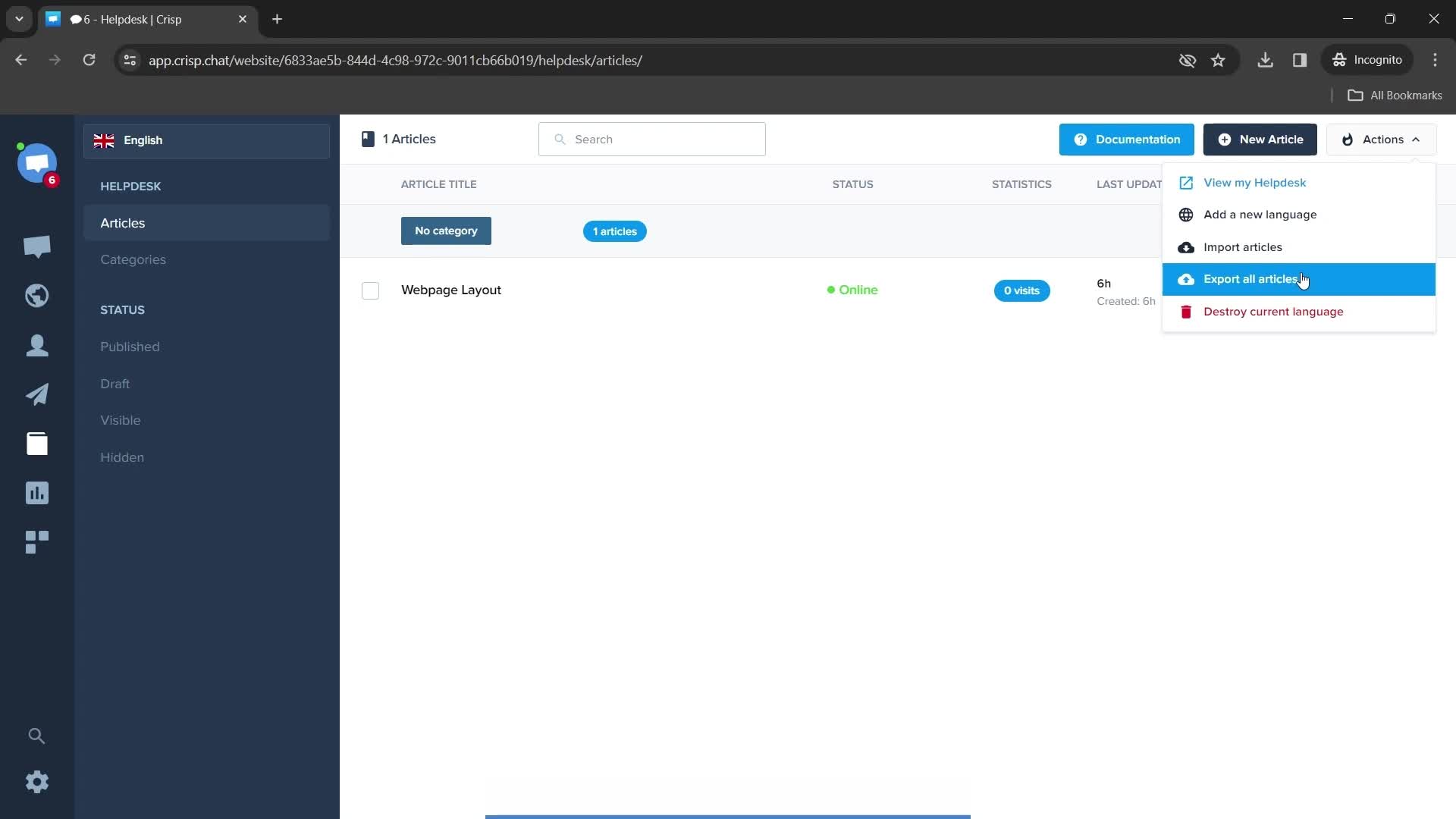
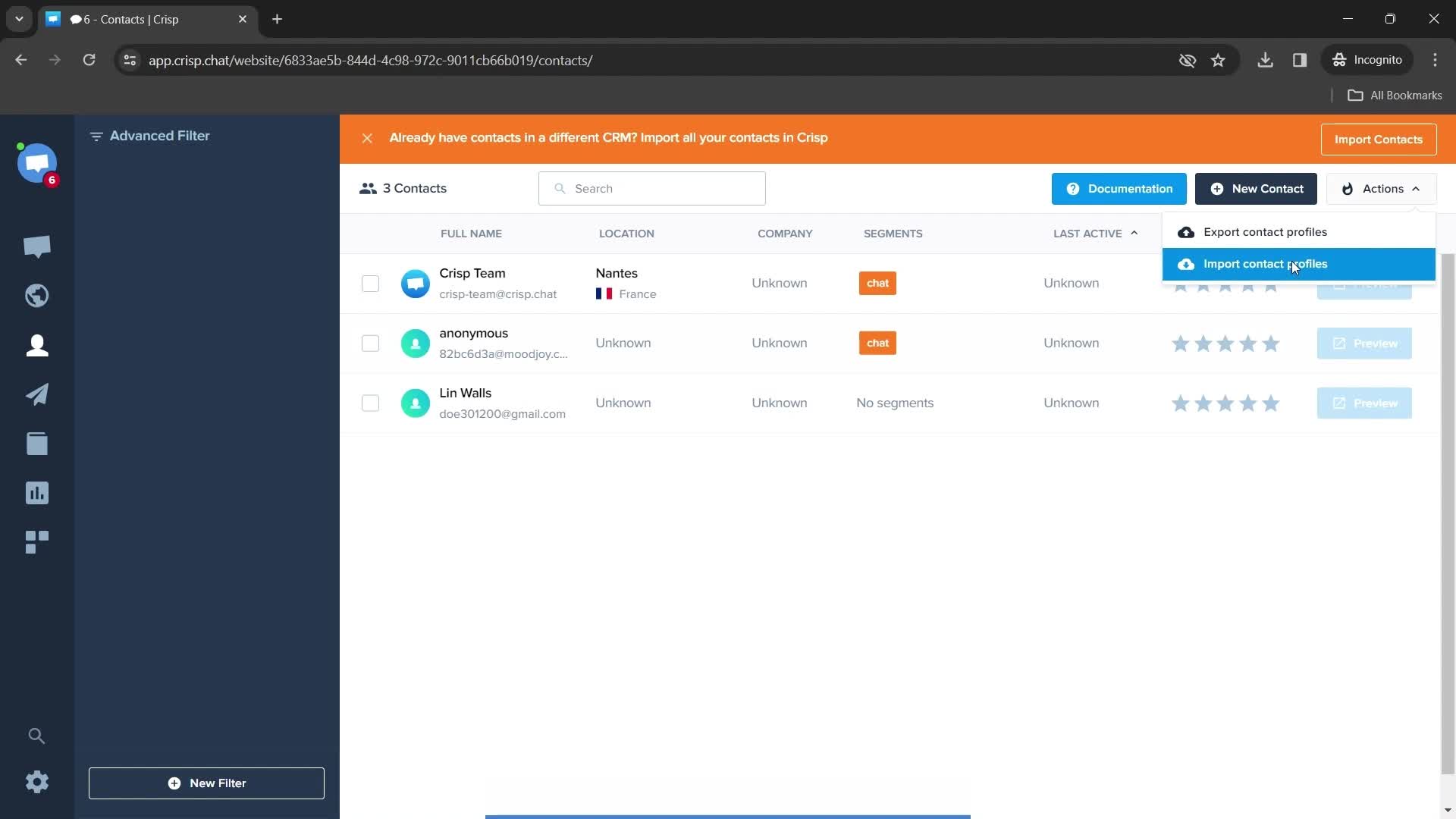
Action menu
this is title
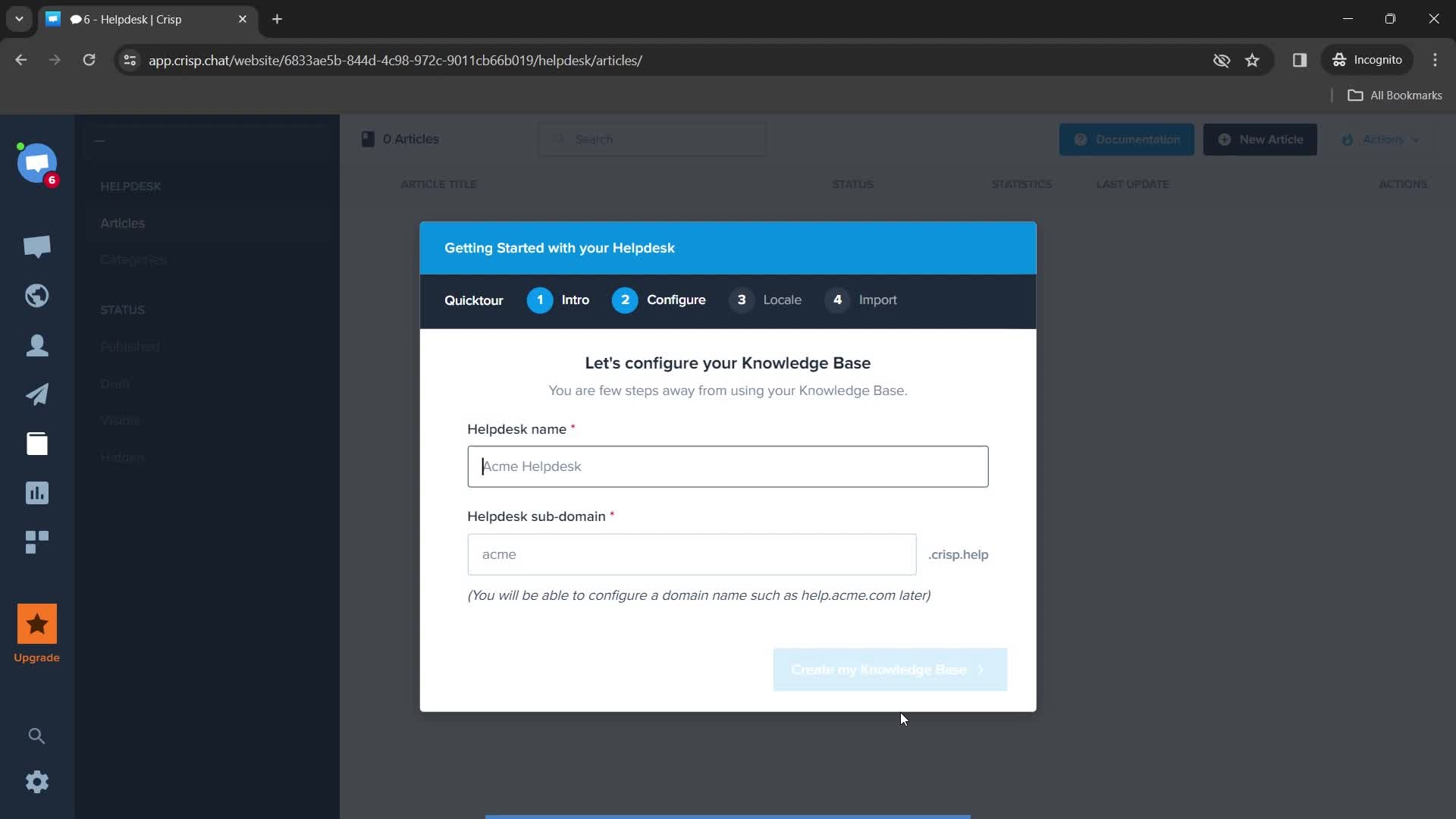
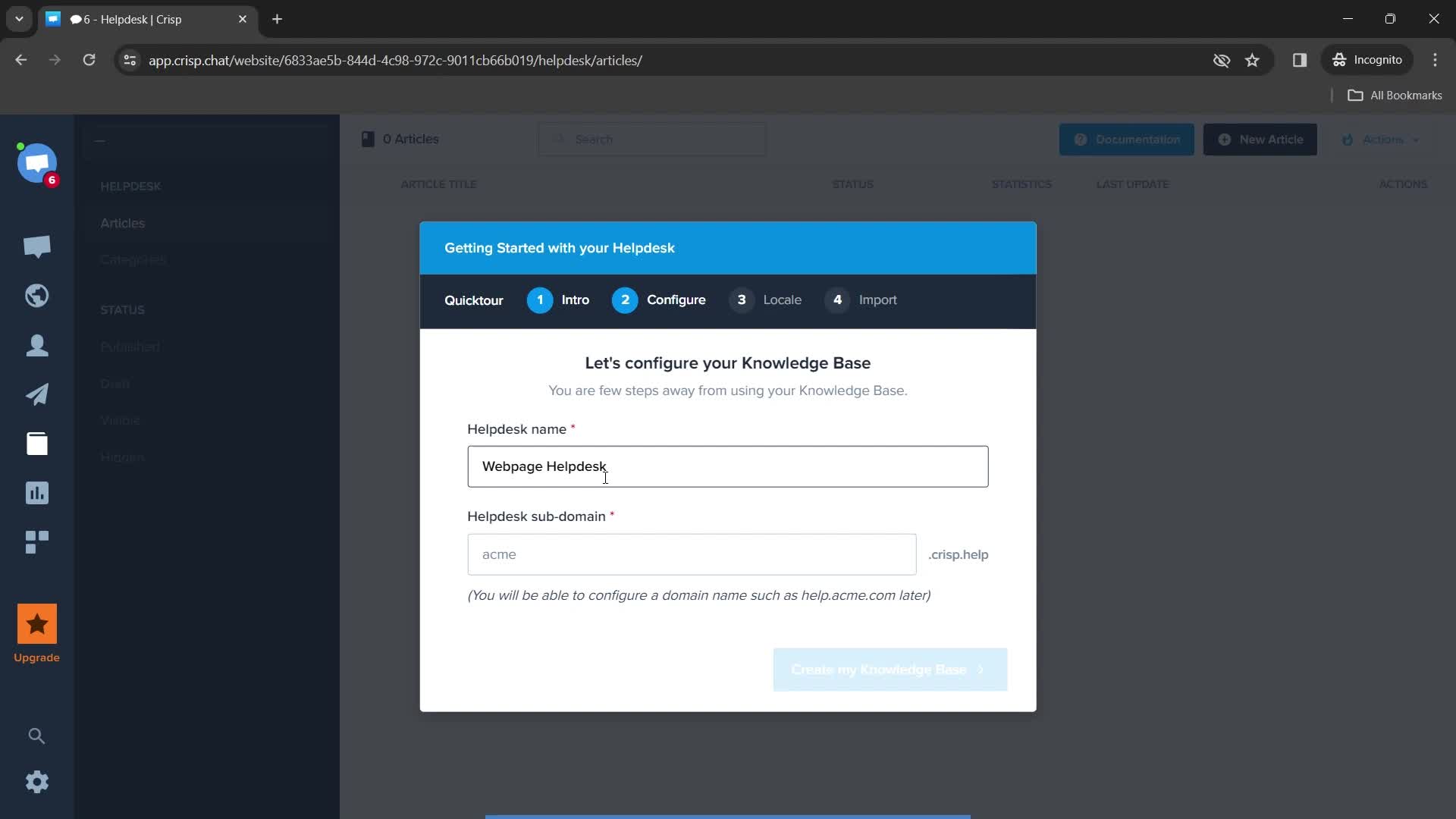
Configure
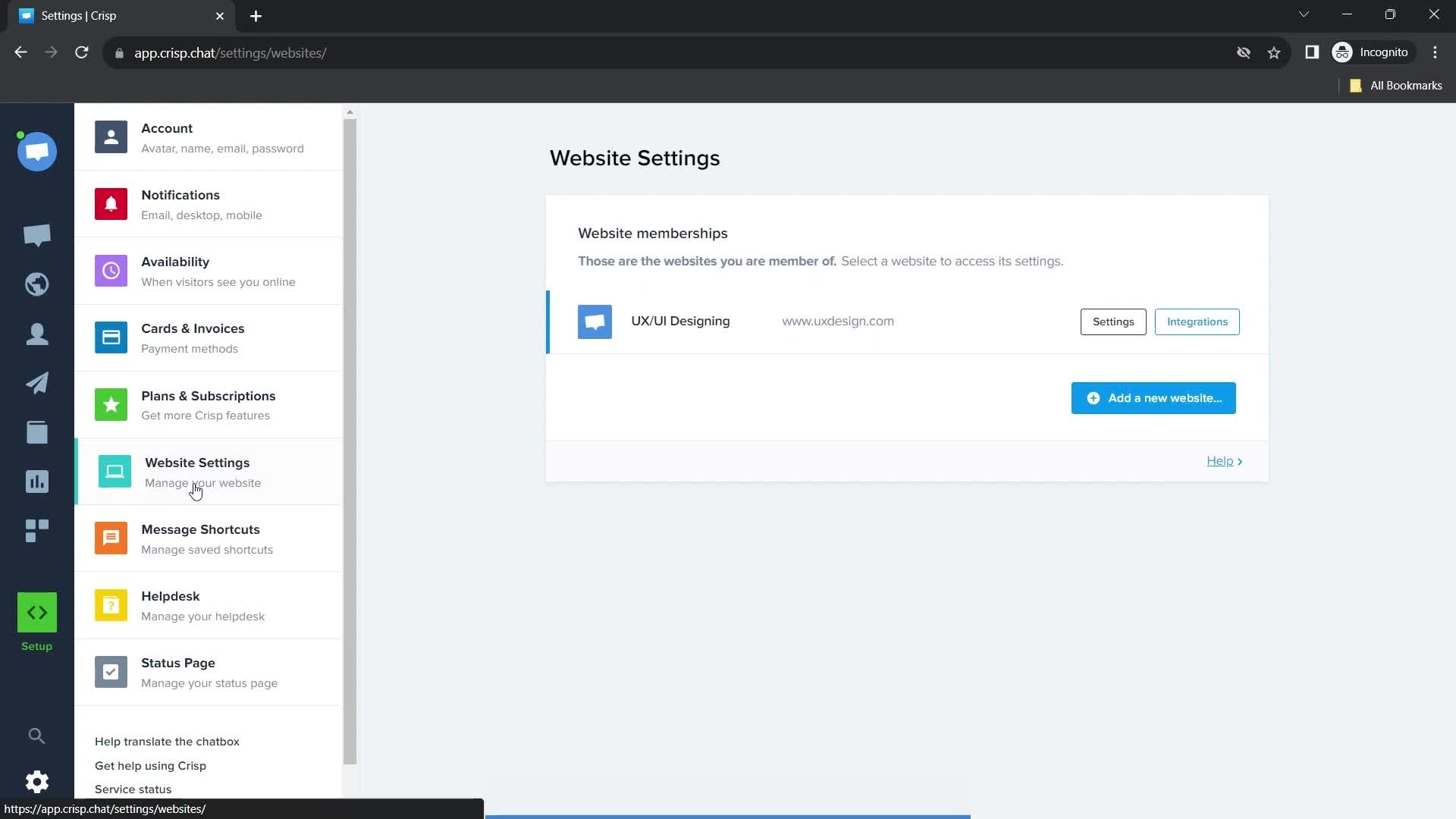
this is title
this is title
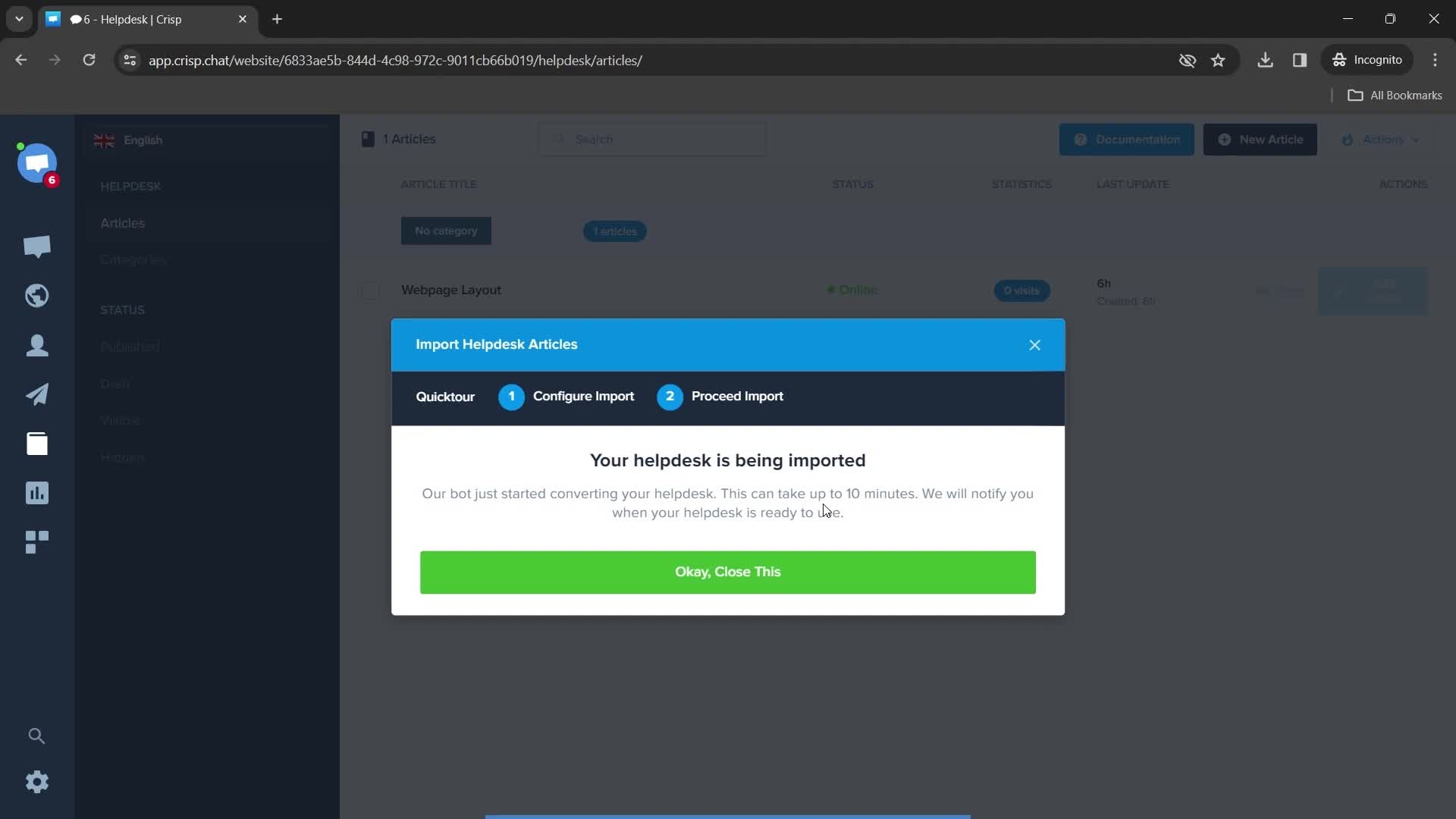
Finish importing
this is title
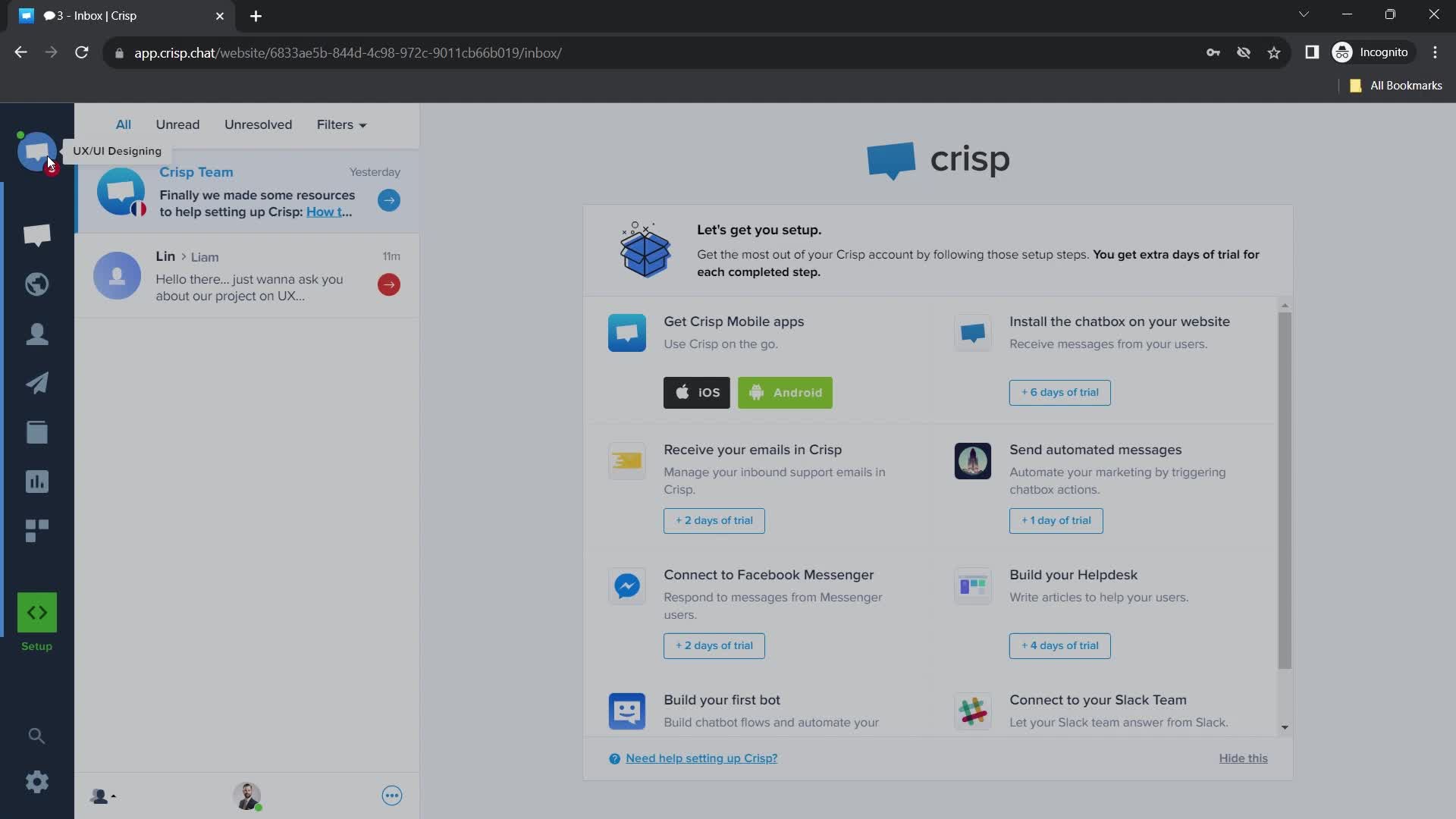
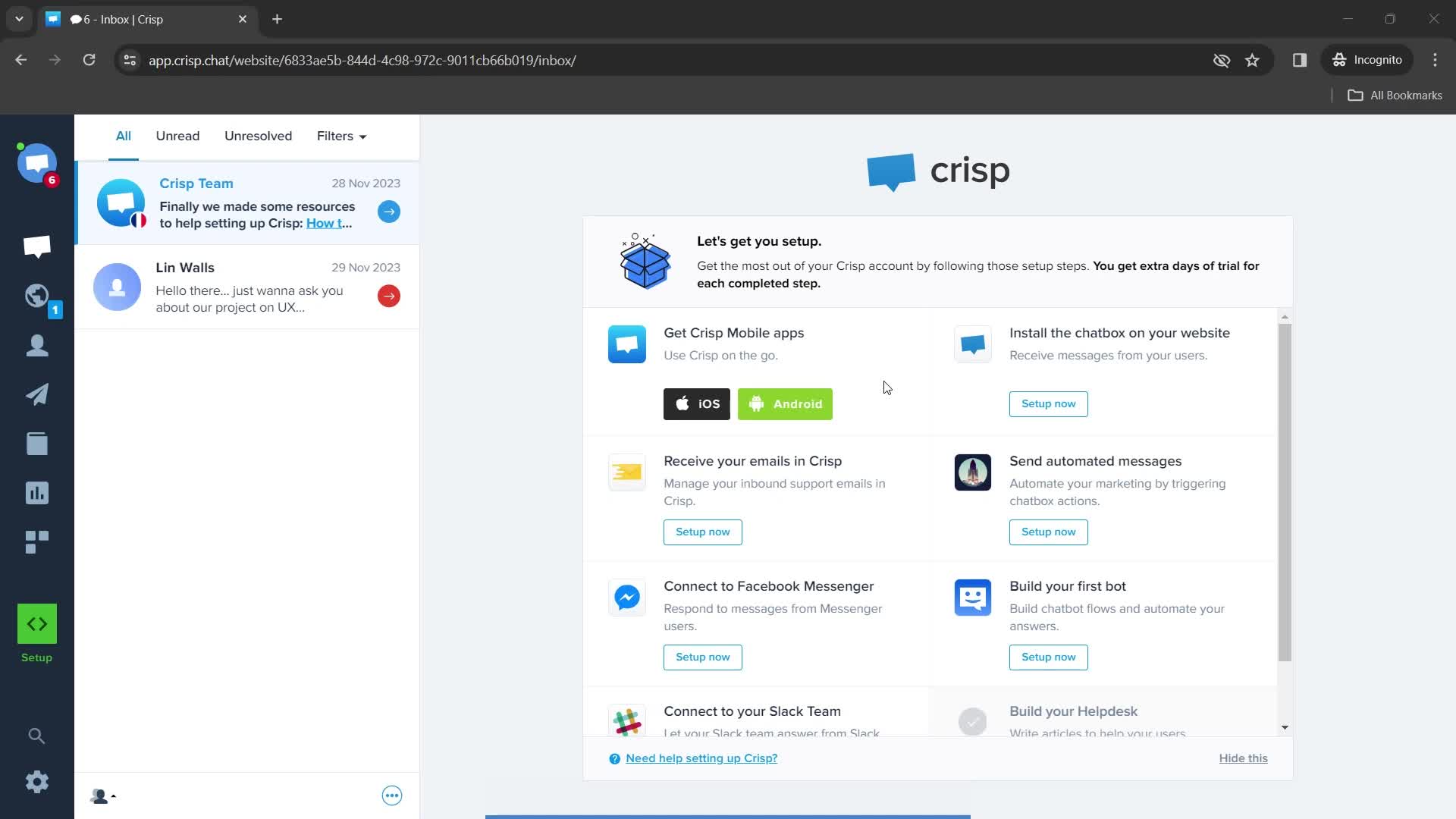
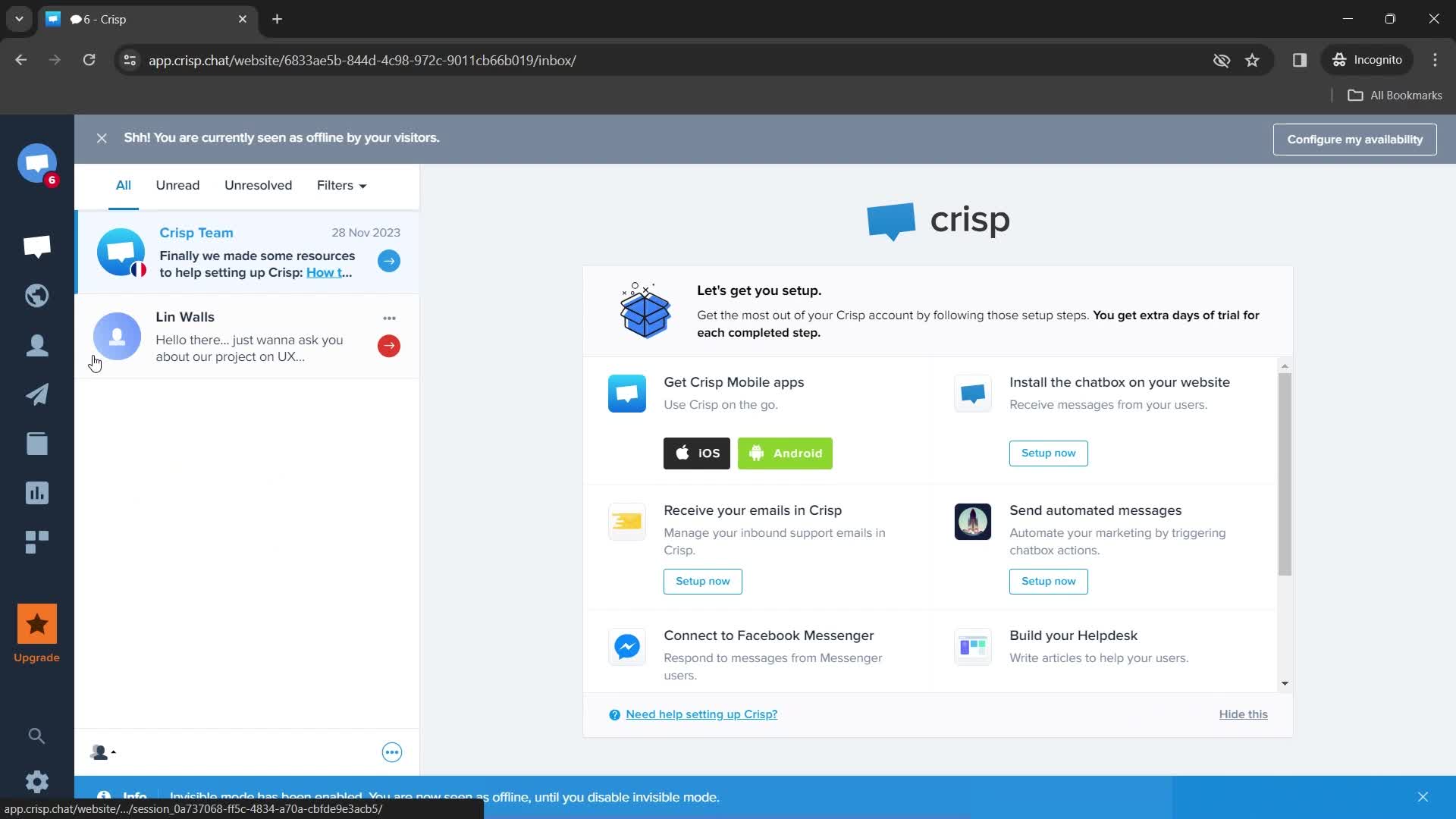
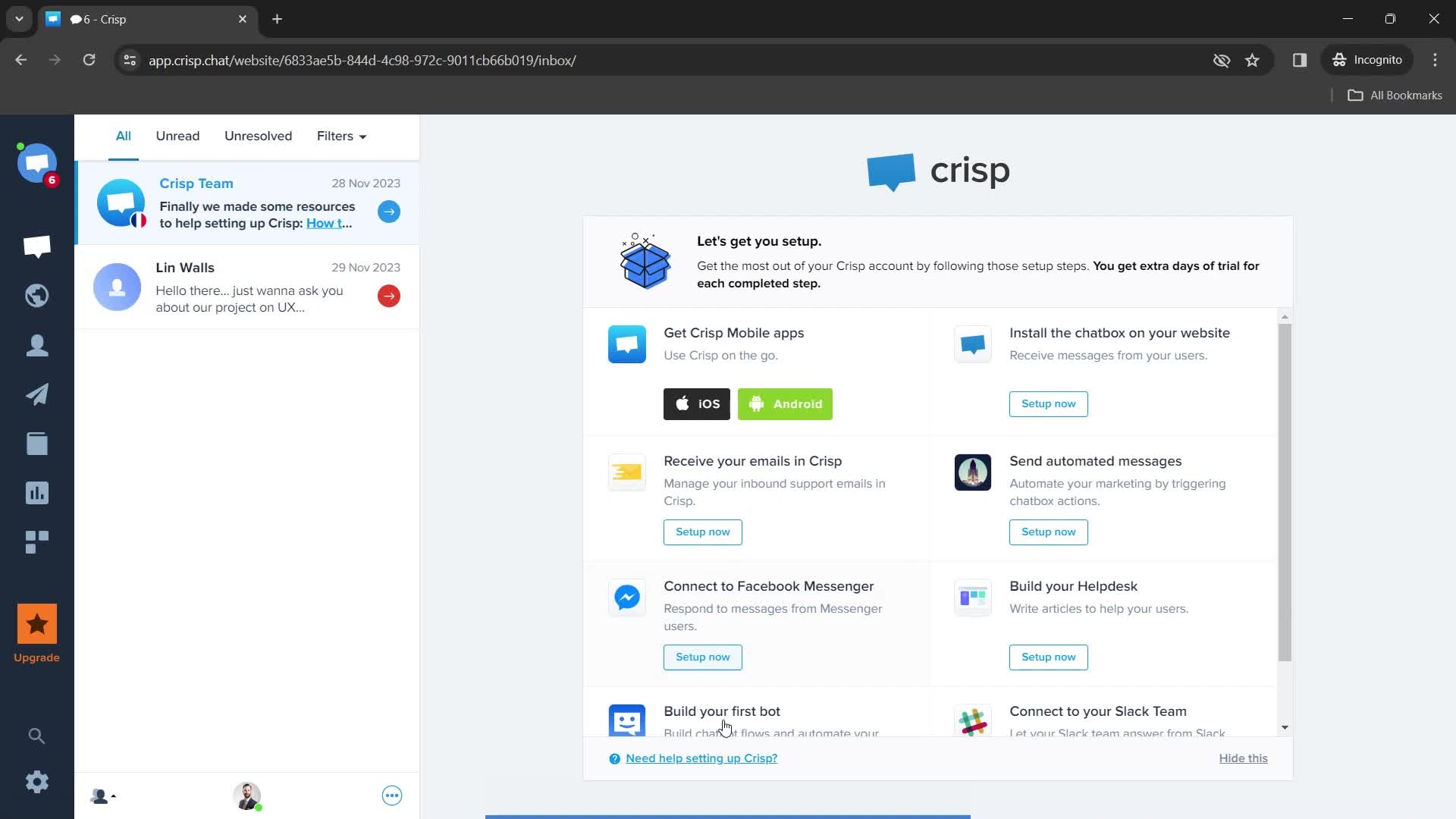
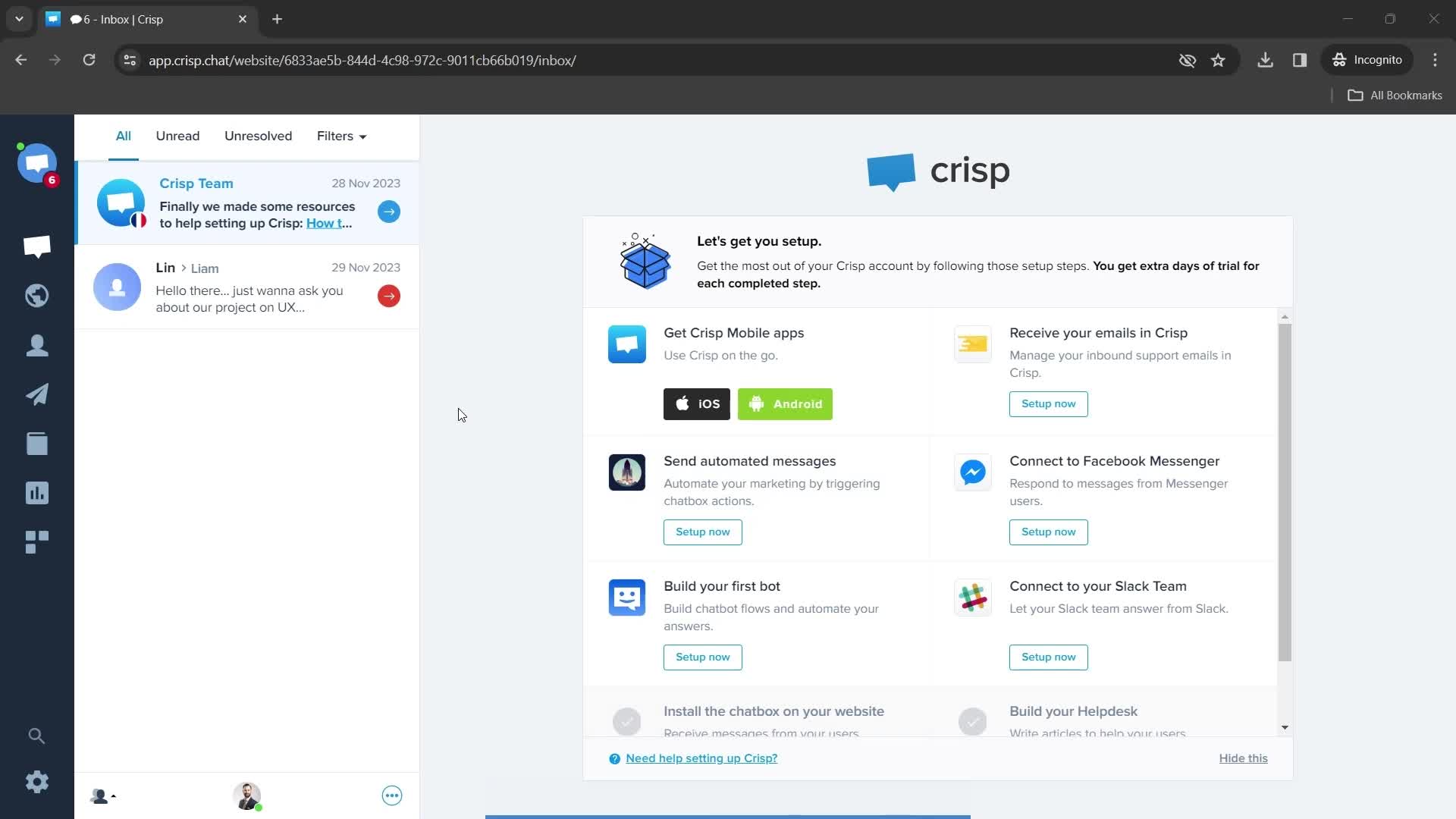
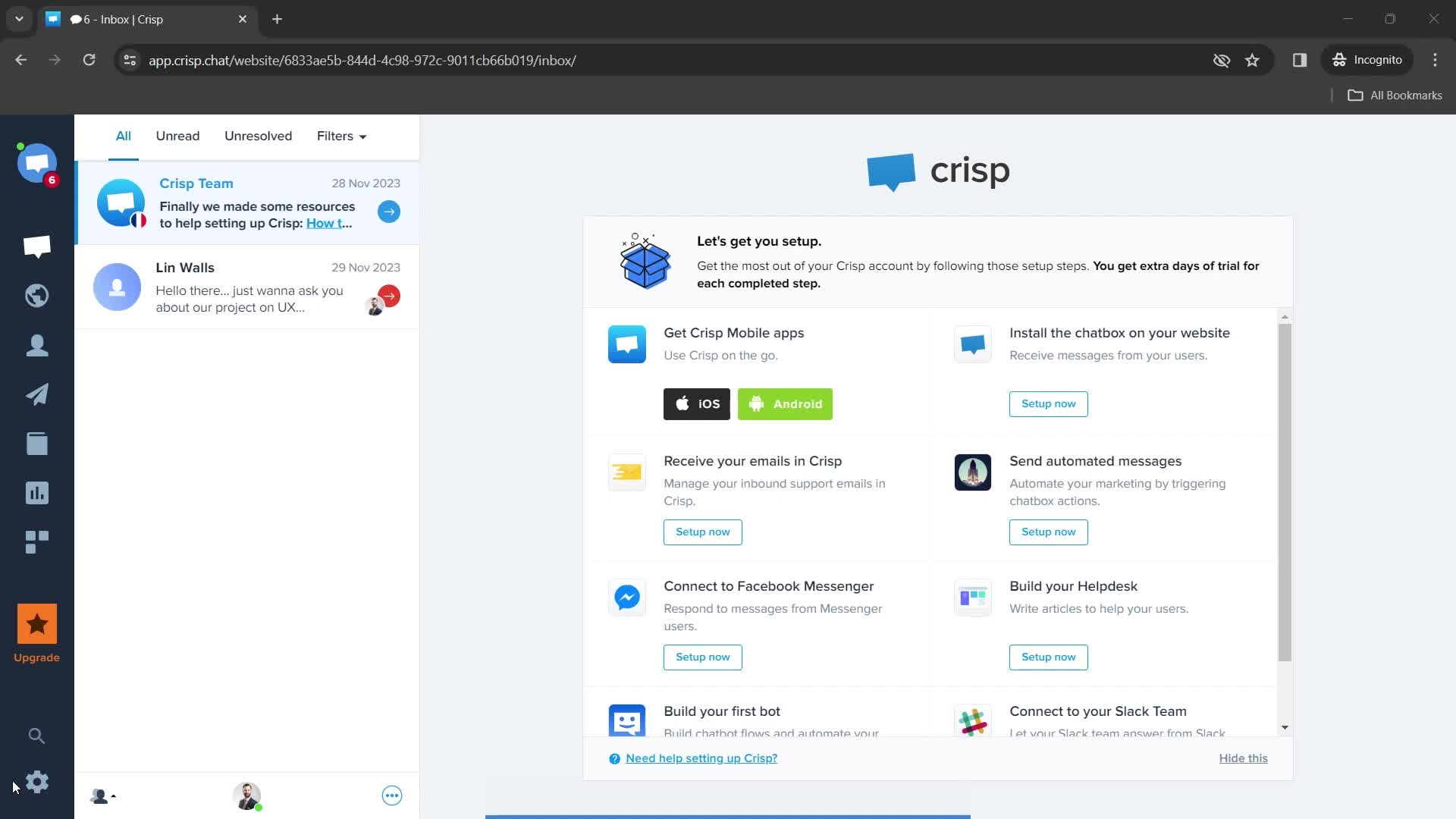
Dashboard
this is title
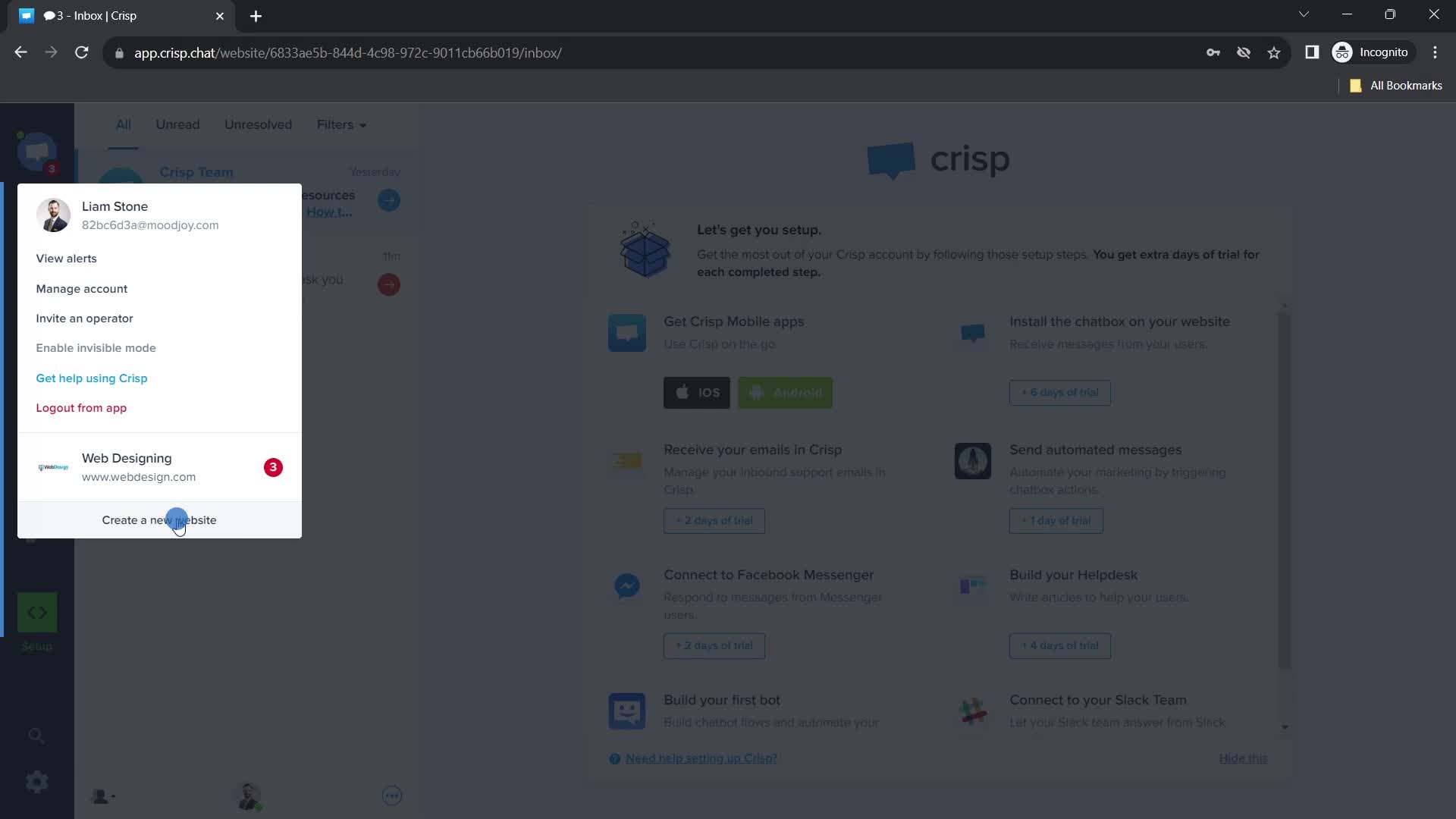
Navigation menu
this is title
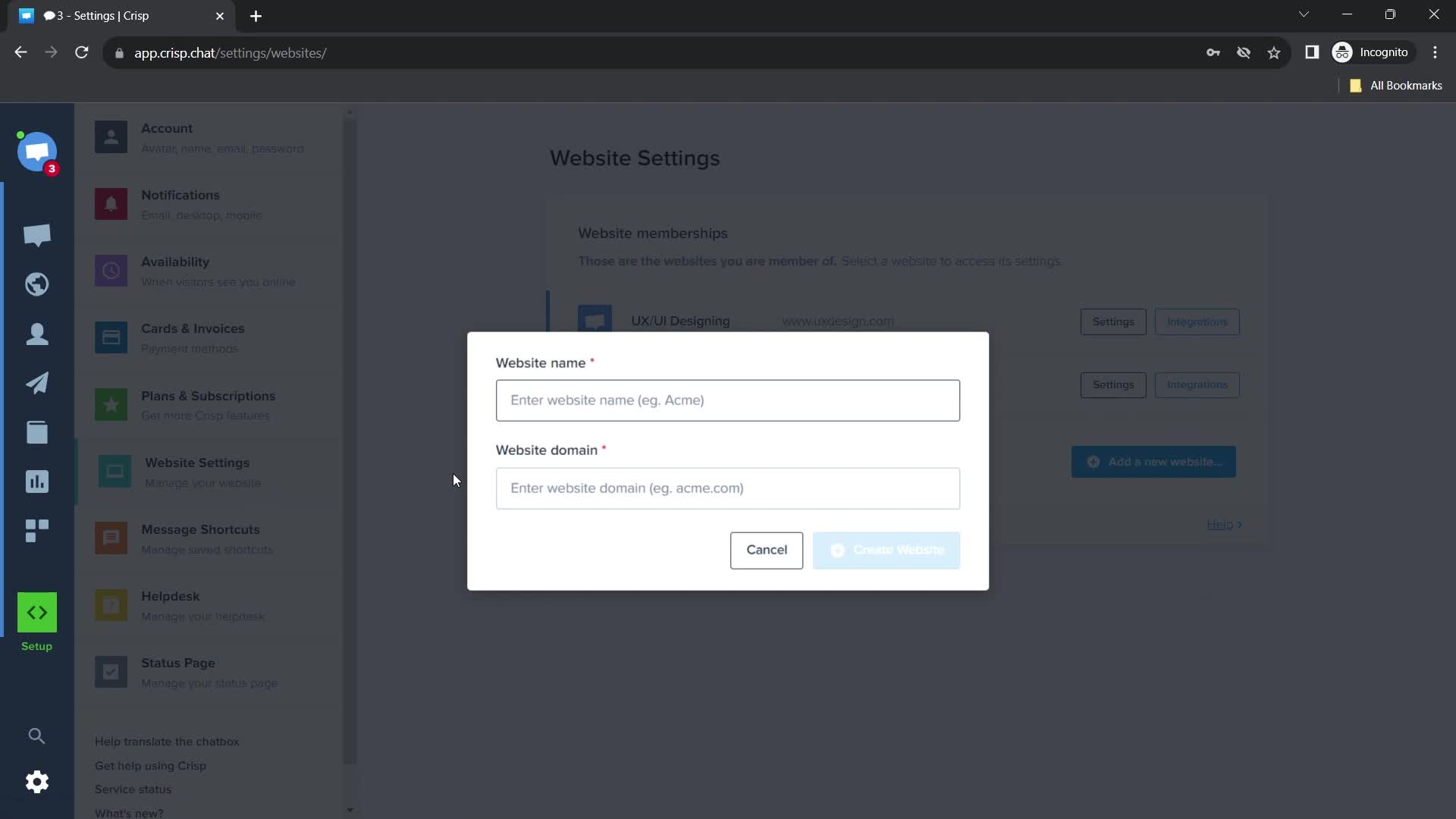
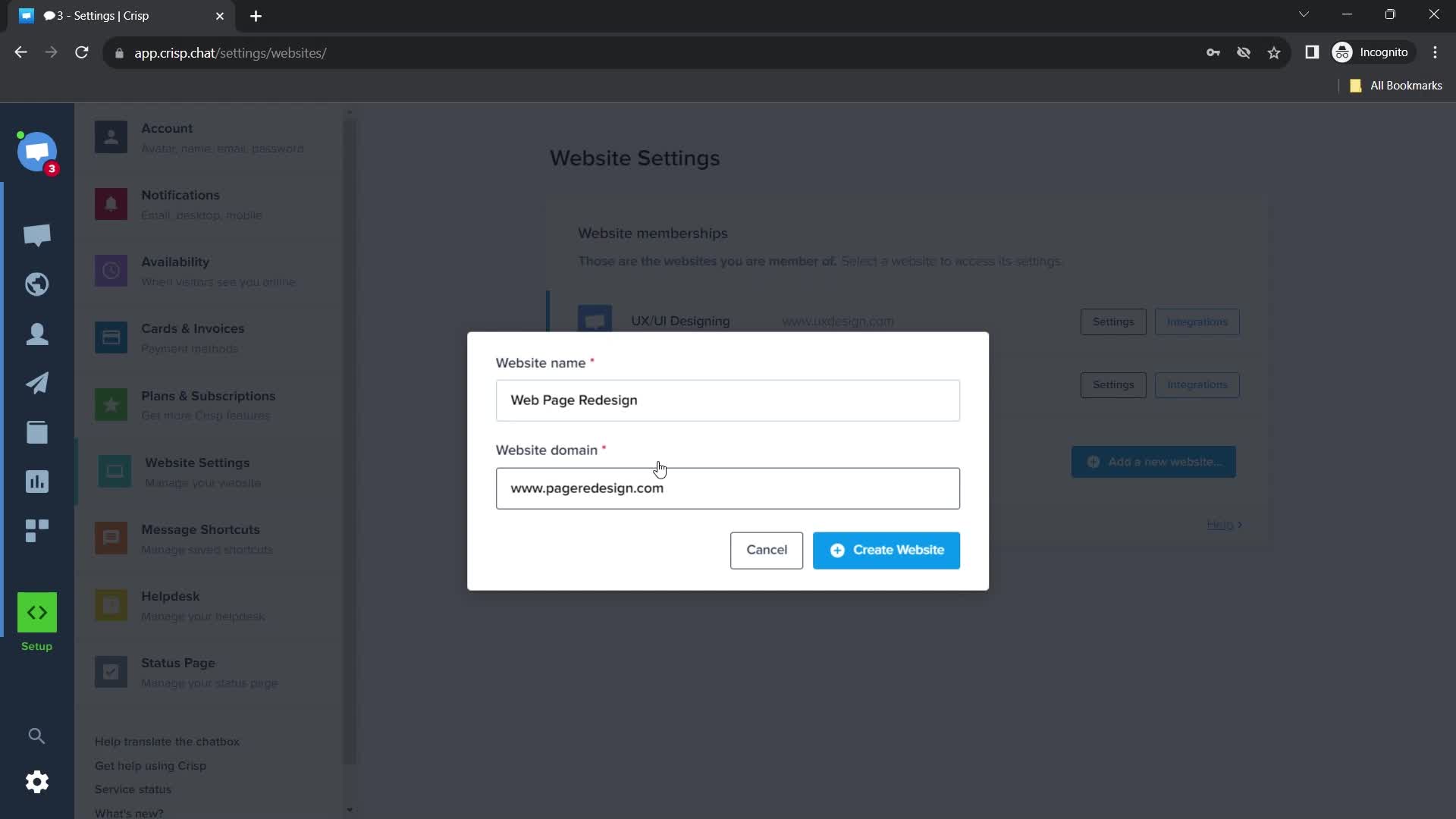
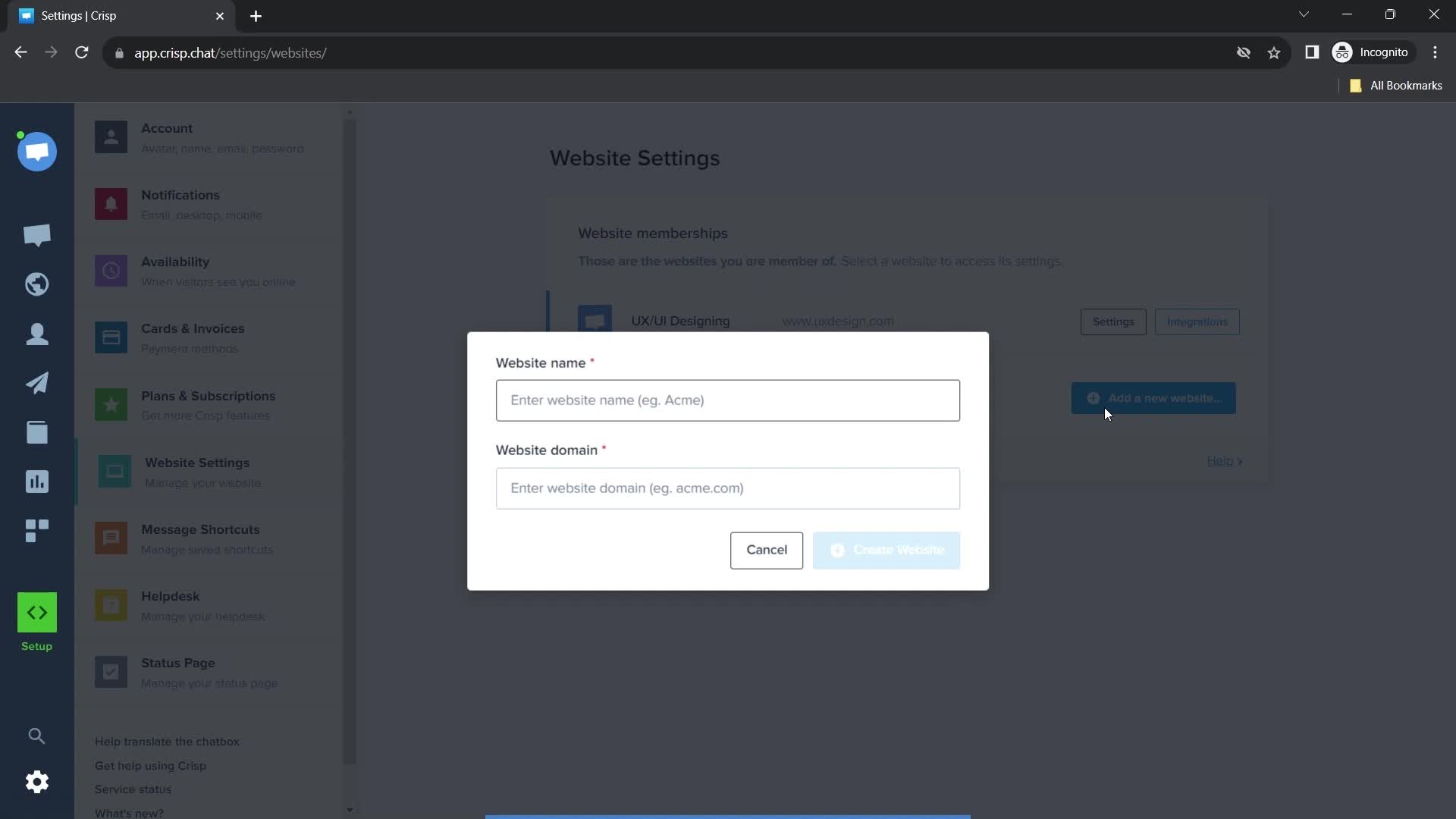
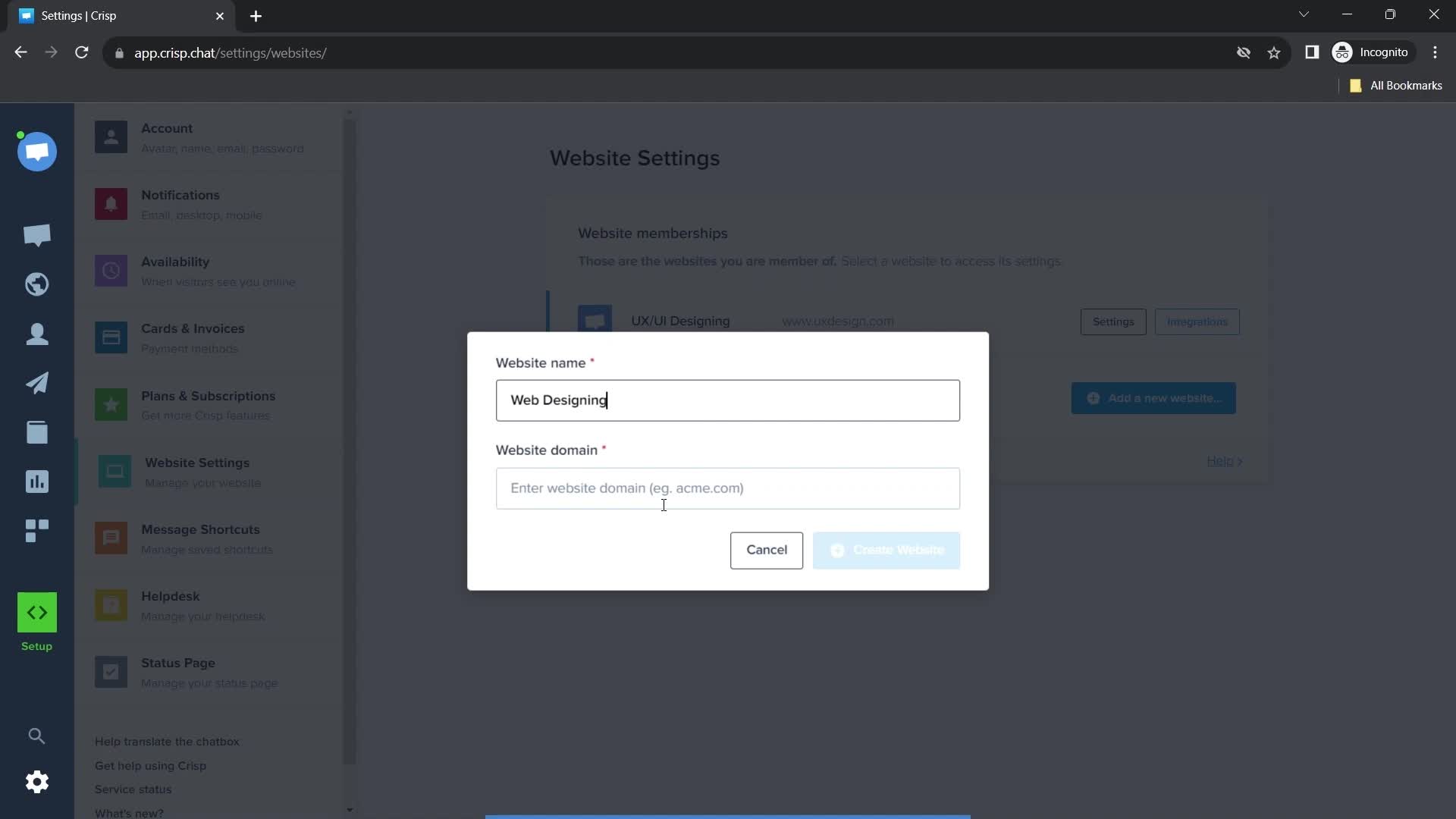
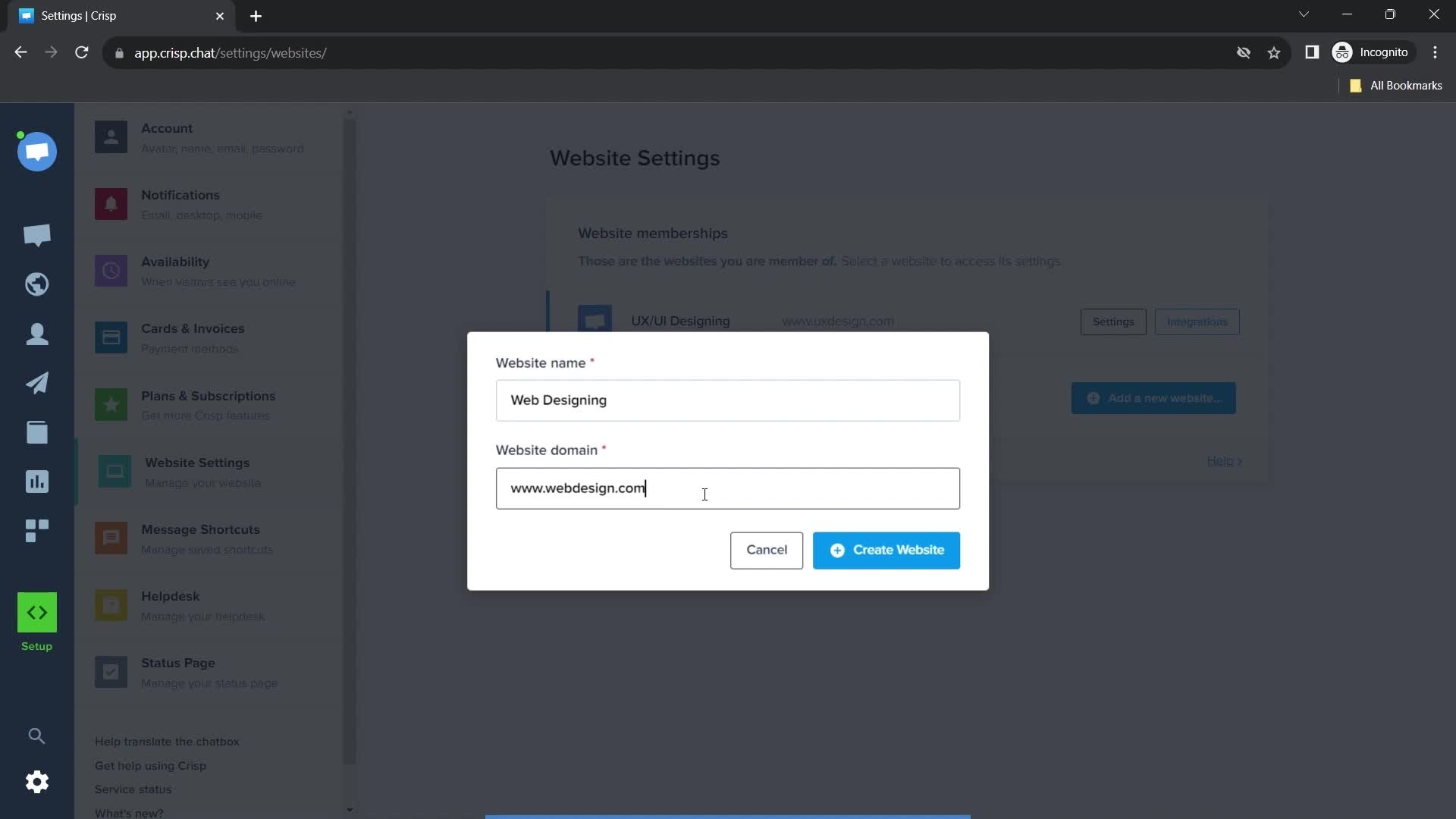
Enter website name
this is title
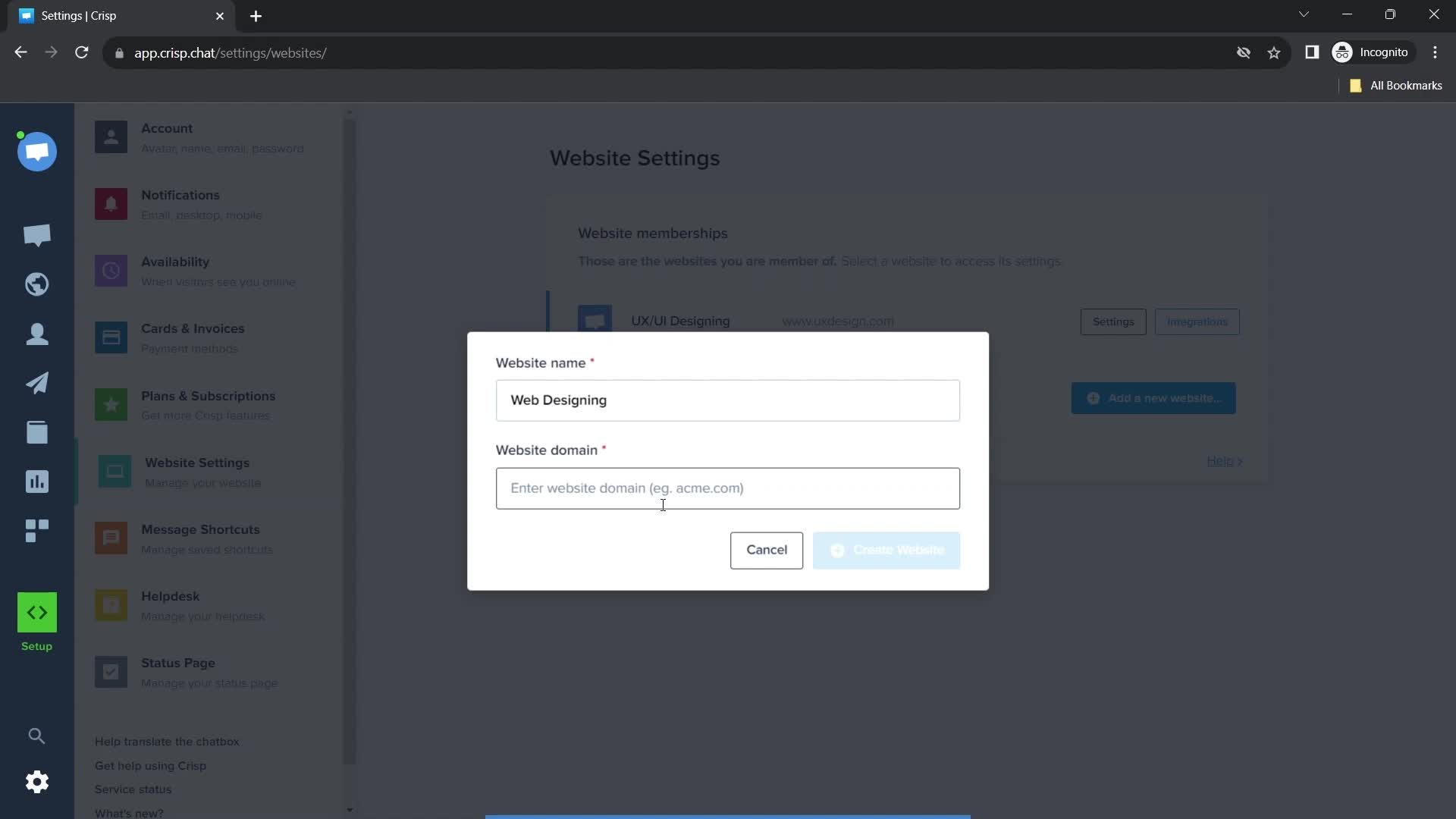
this is title
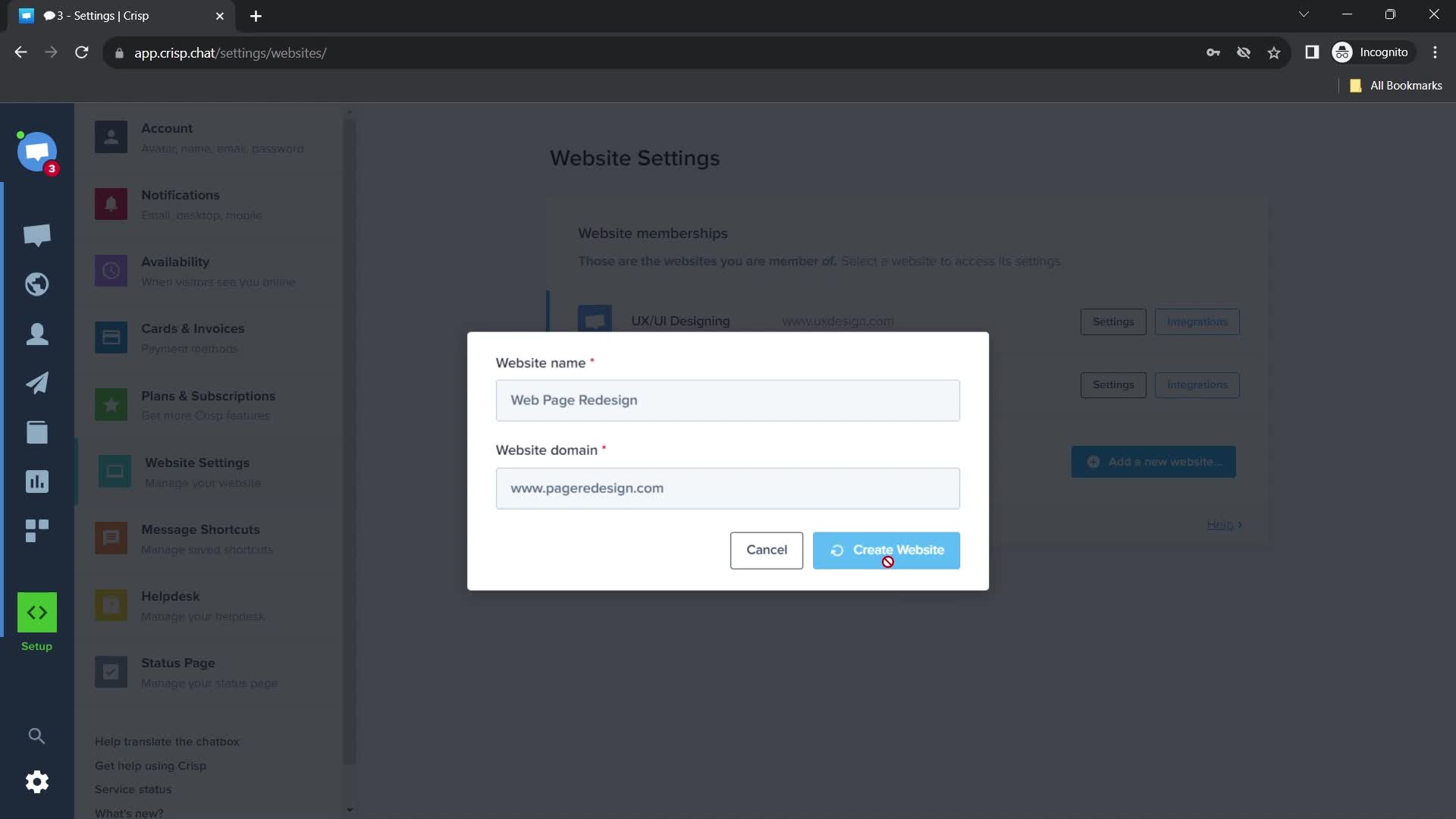
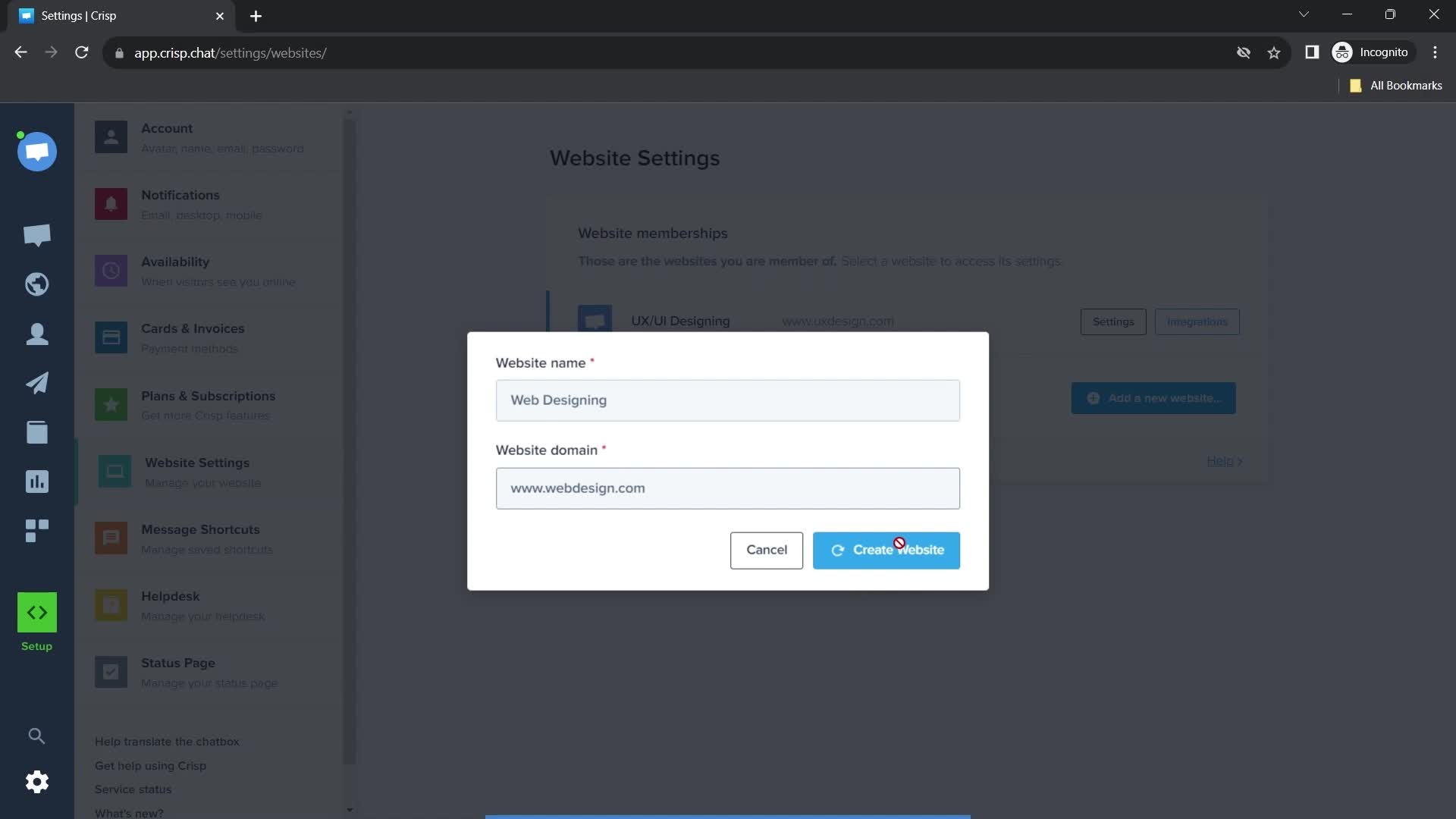
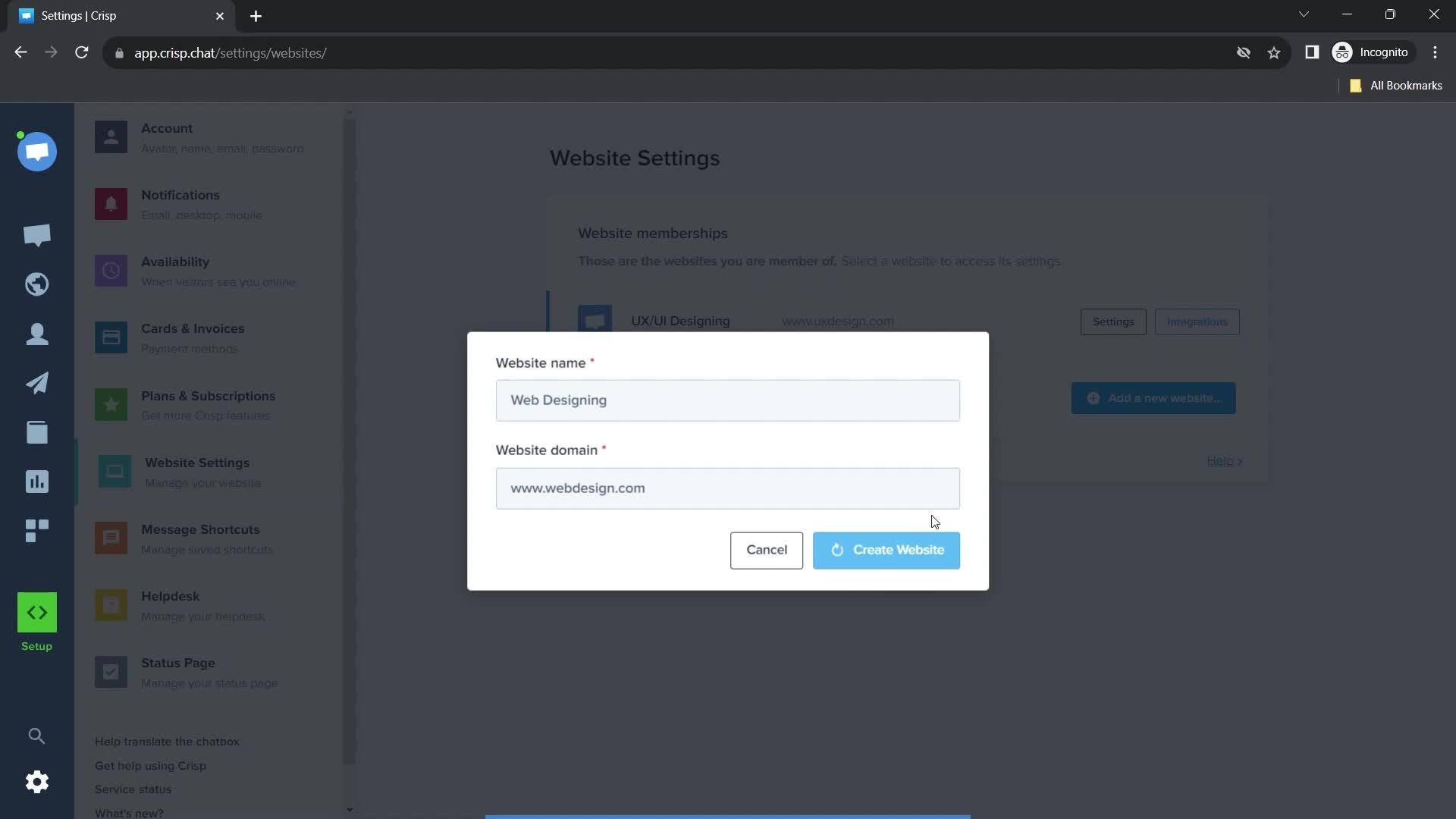
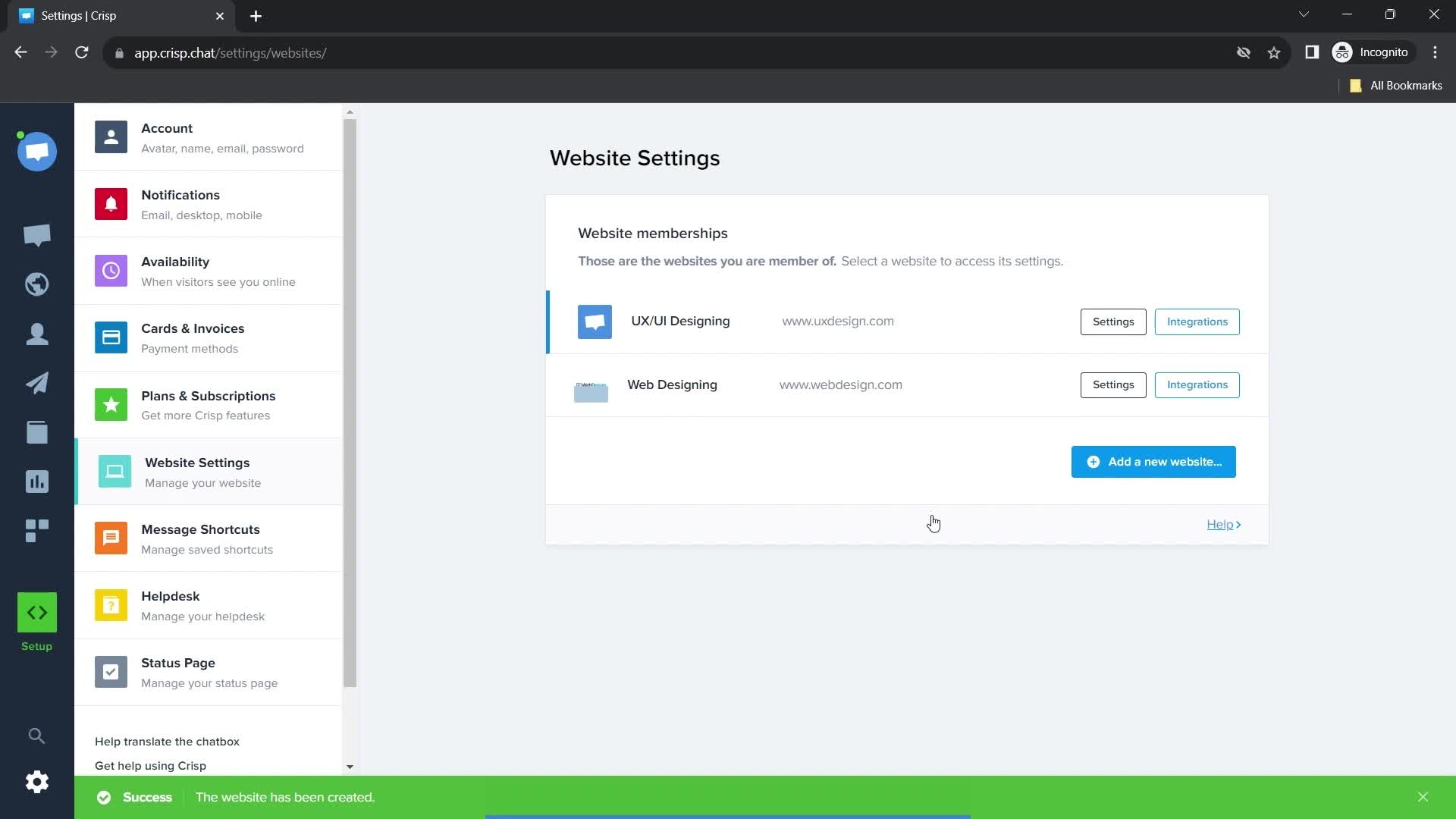
Creating website
this is title
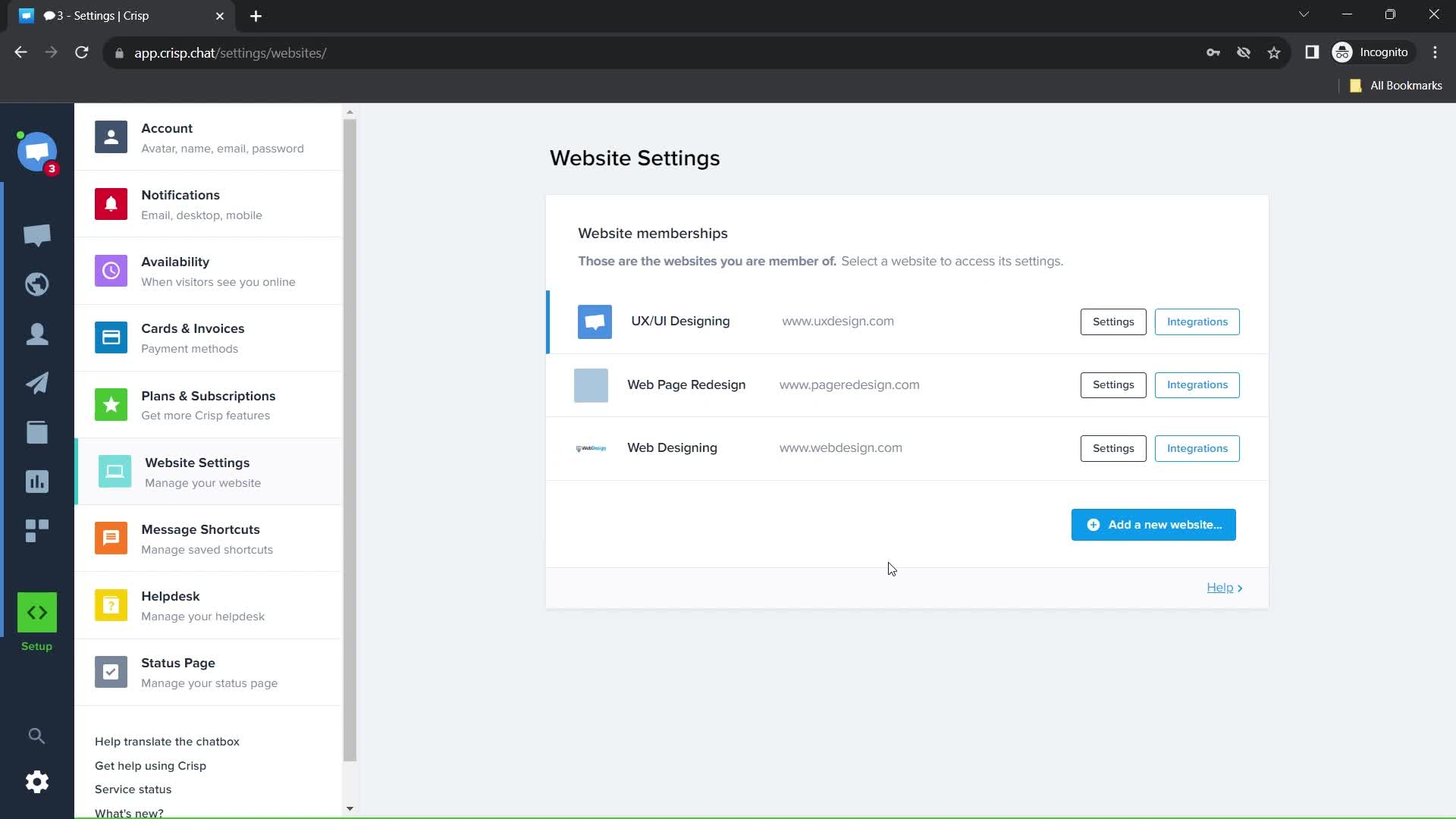
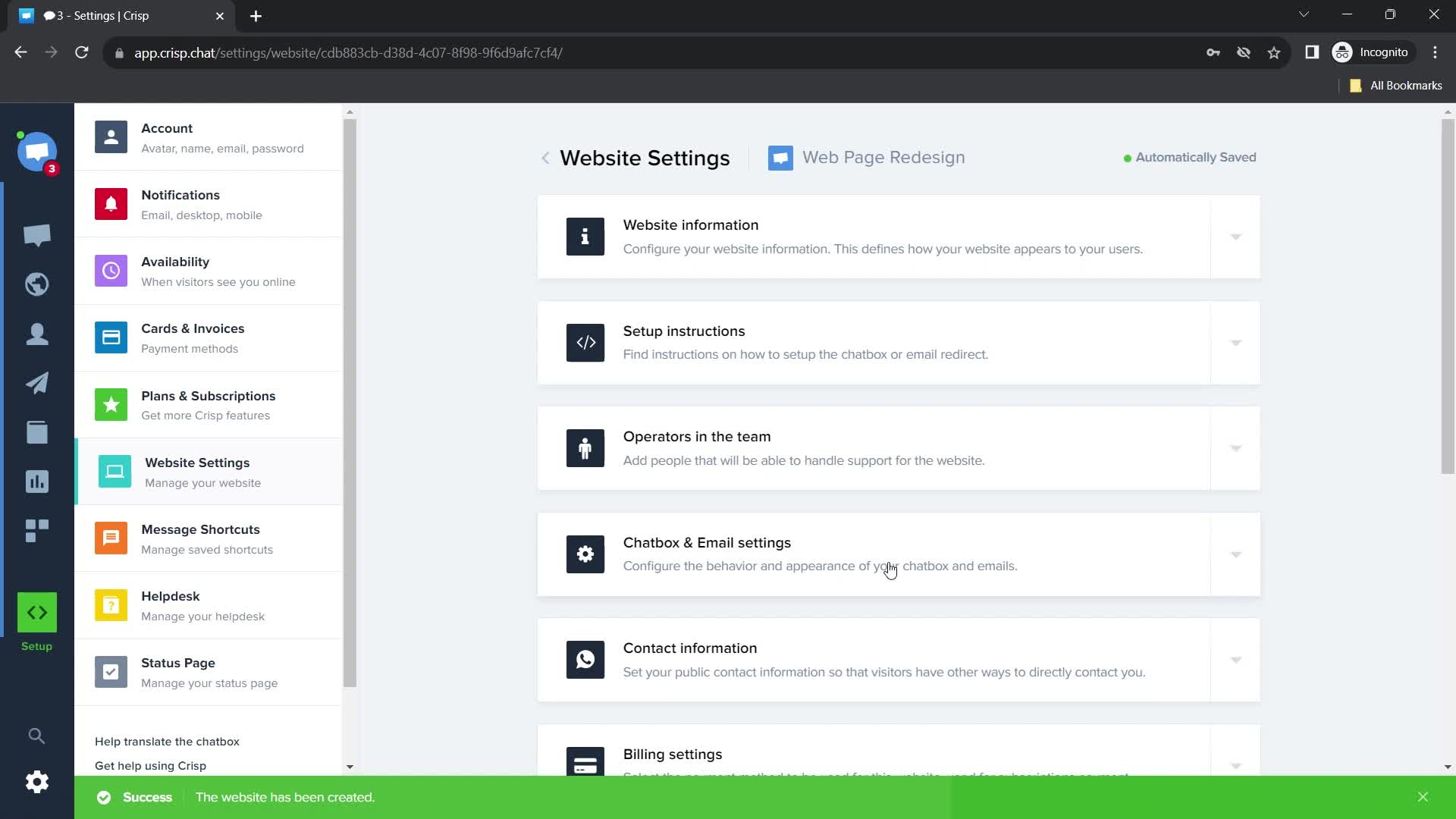
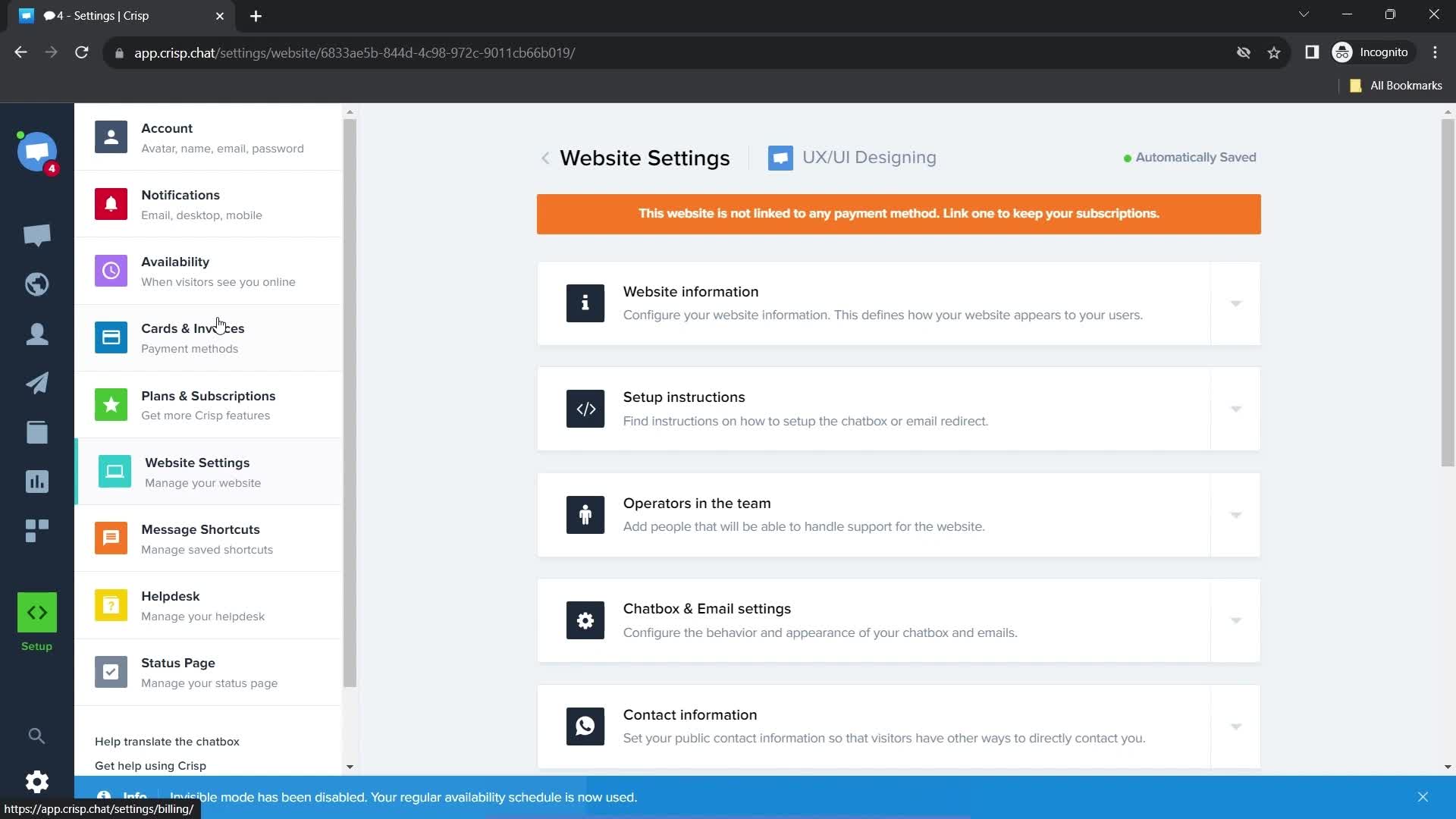
Website settings
this is title
Website settings
this is title
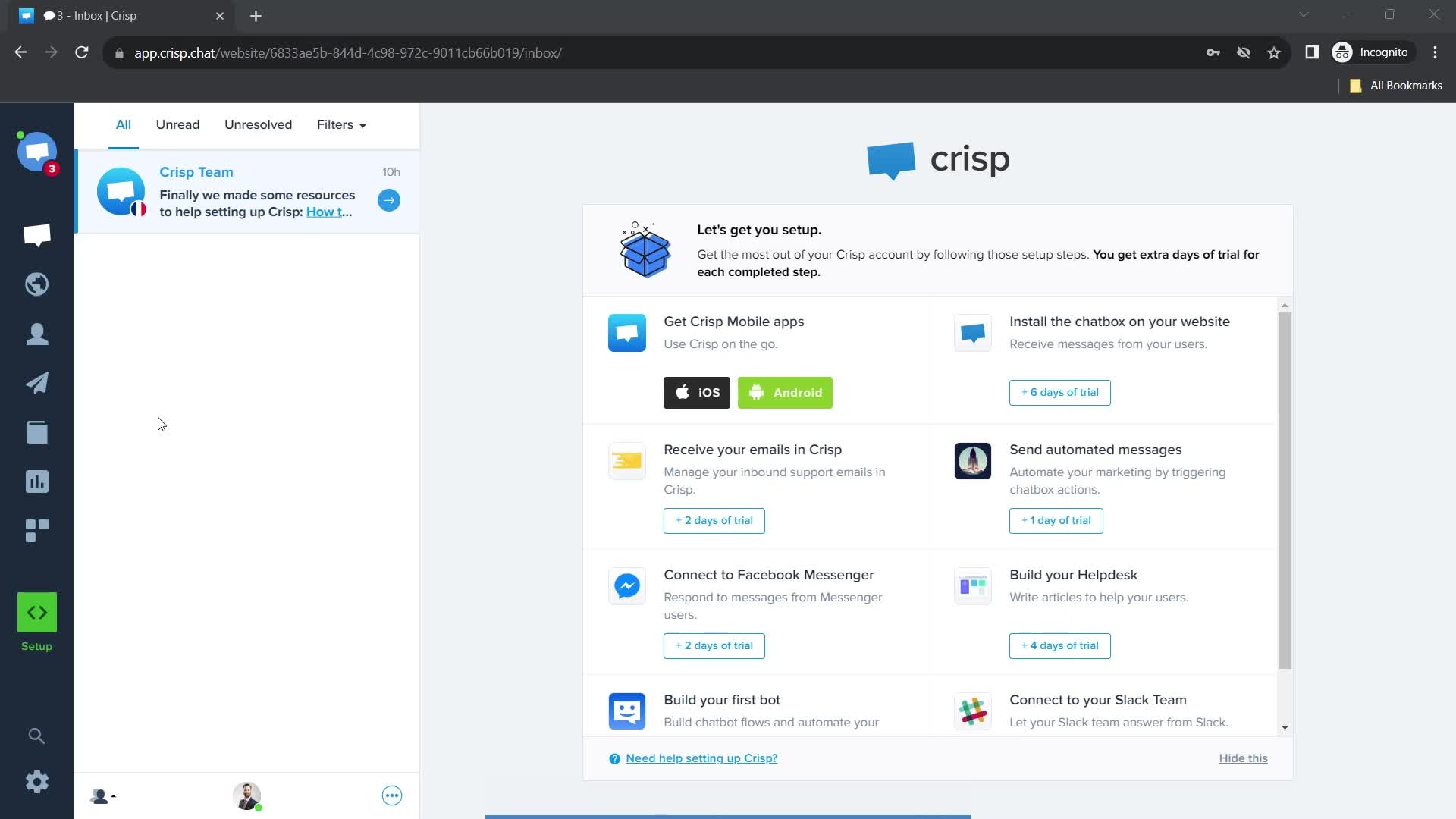
Dashboard
this is title
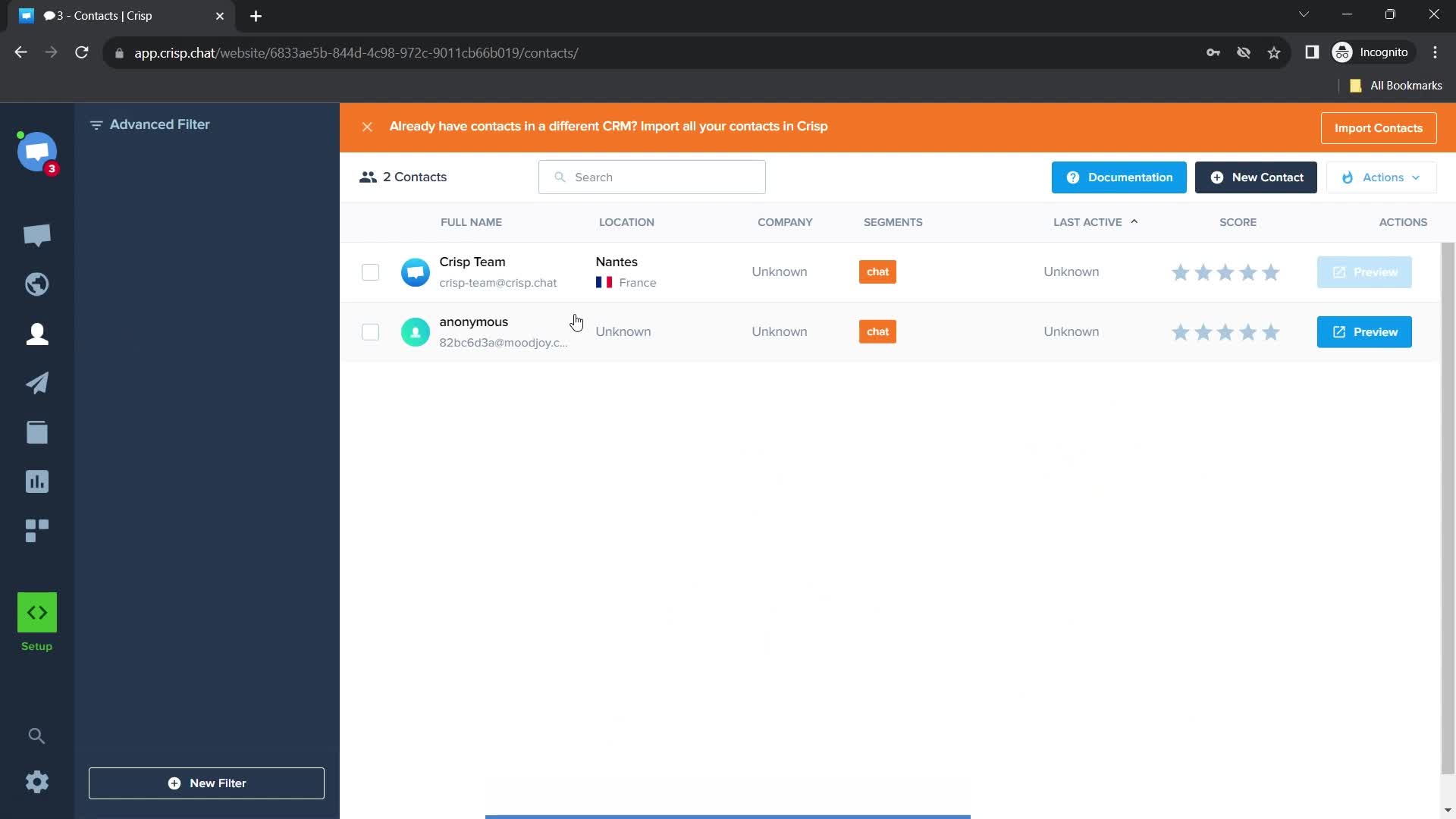
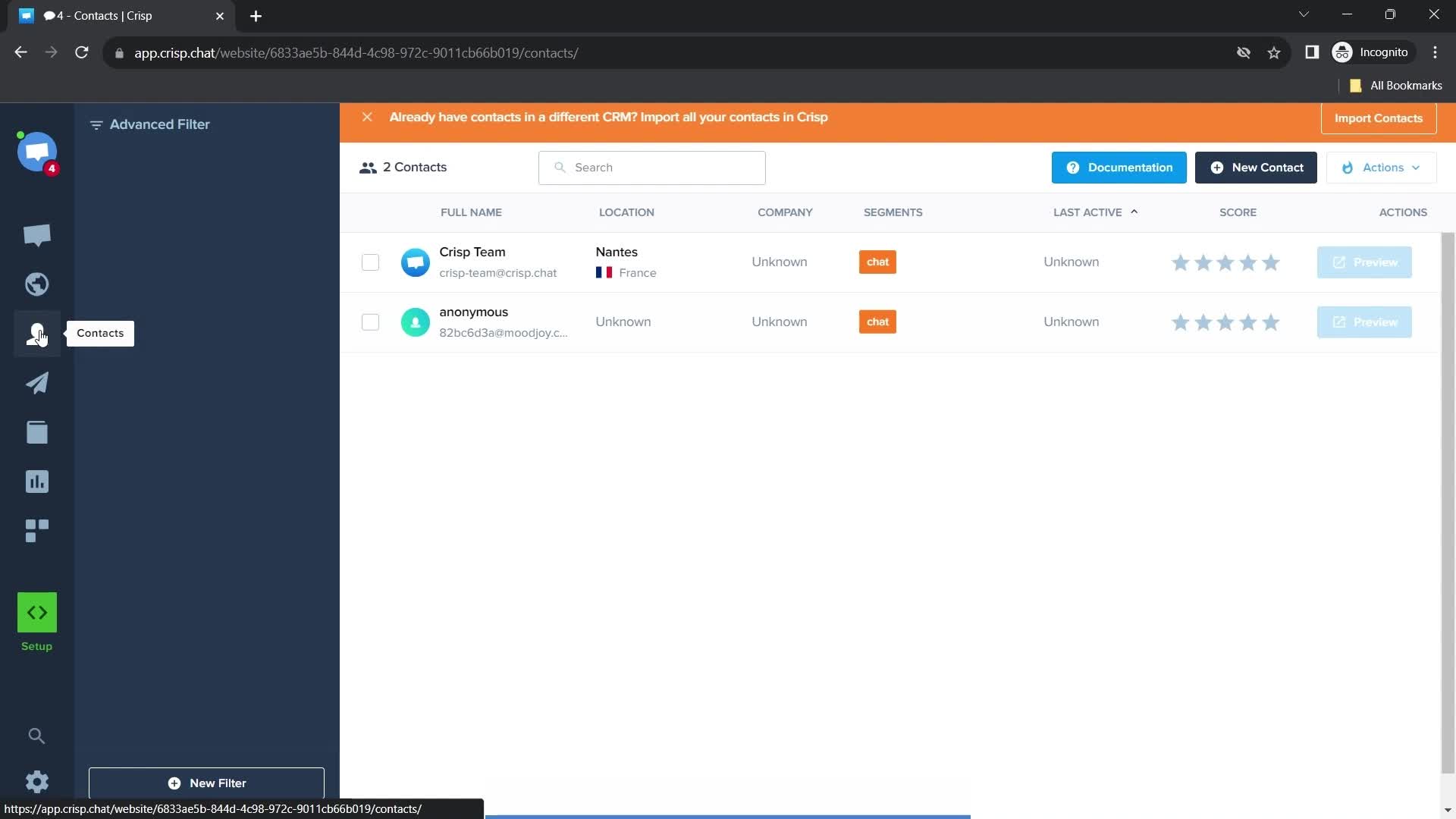
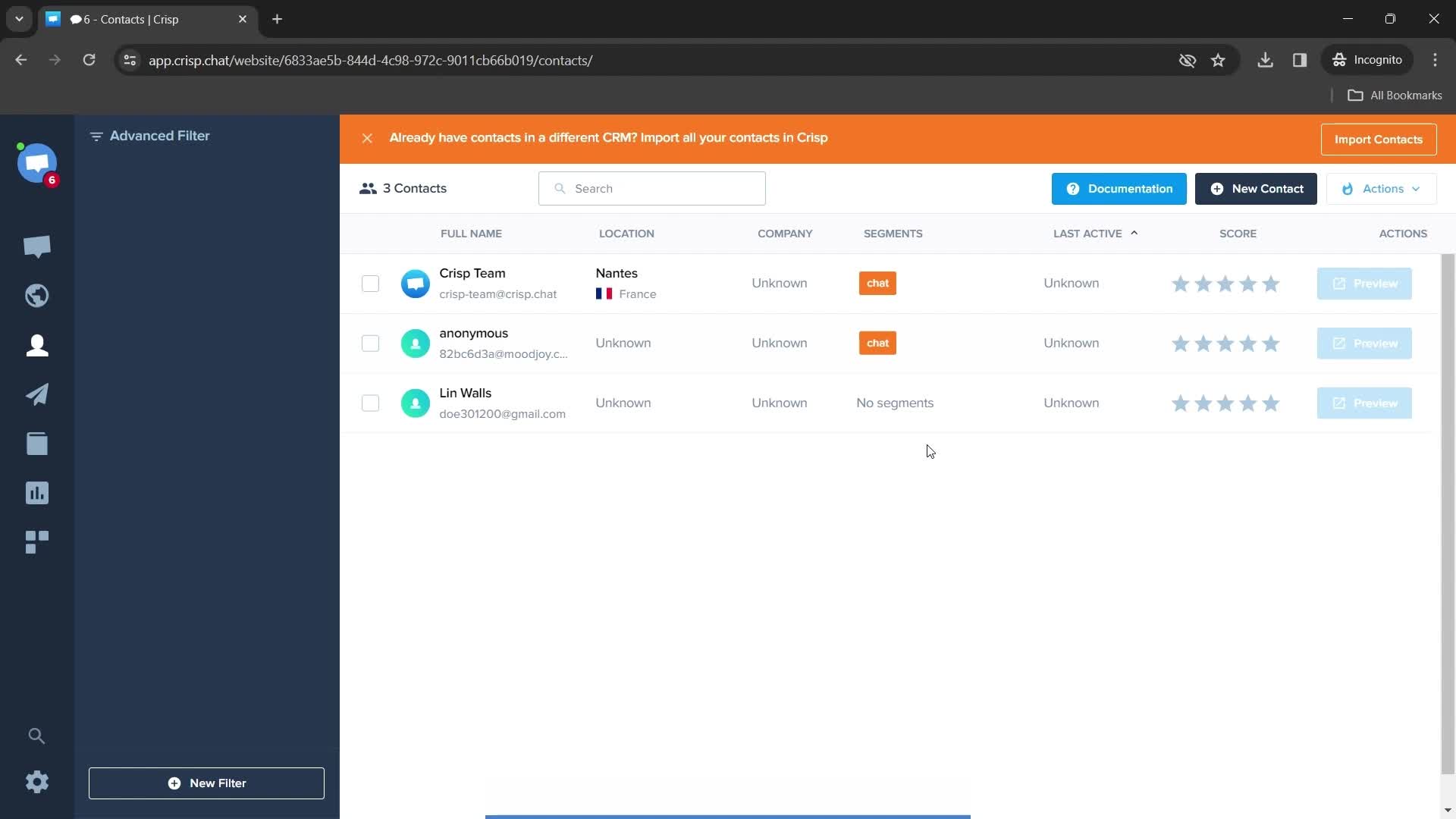
Contacts
this is title
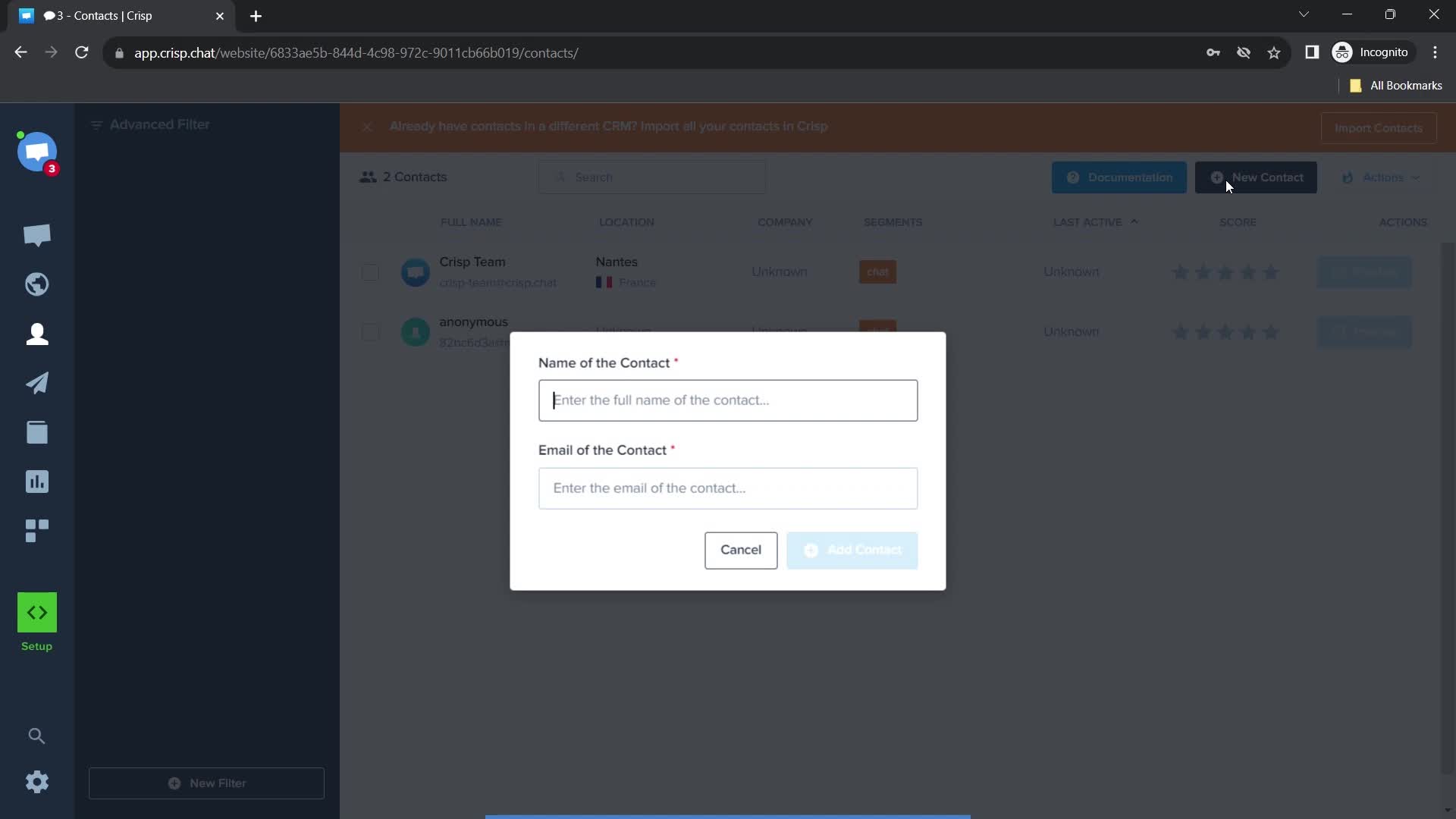
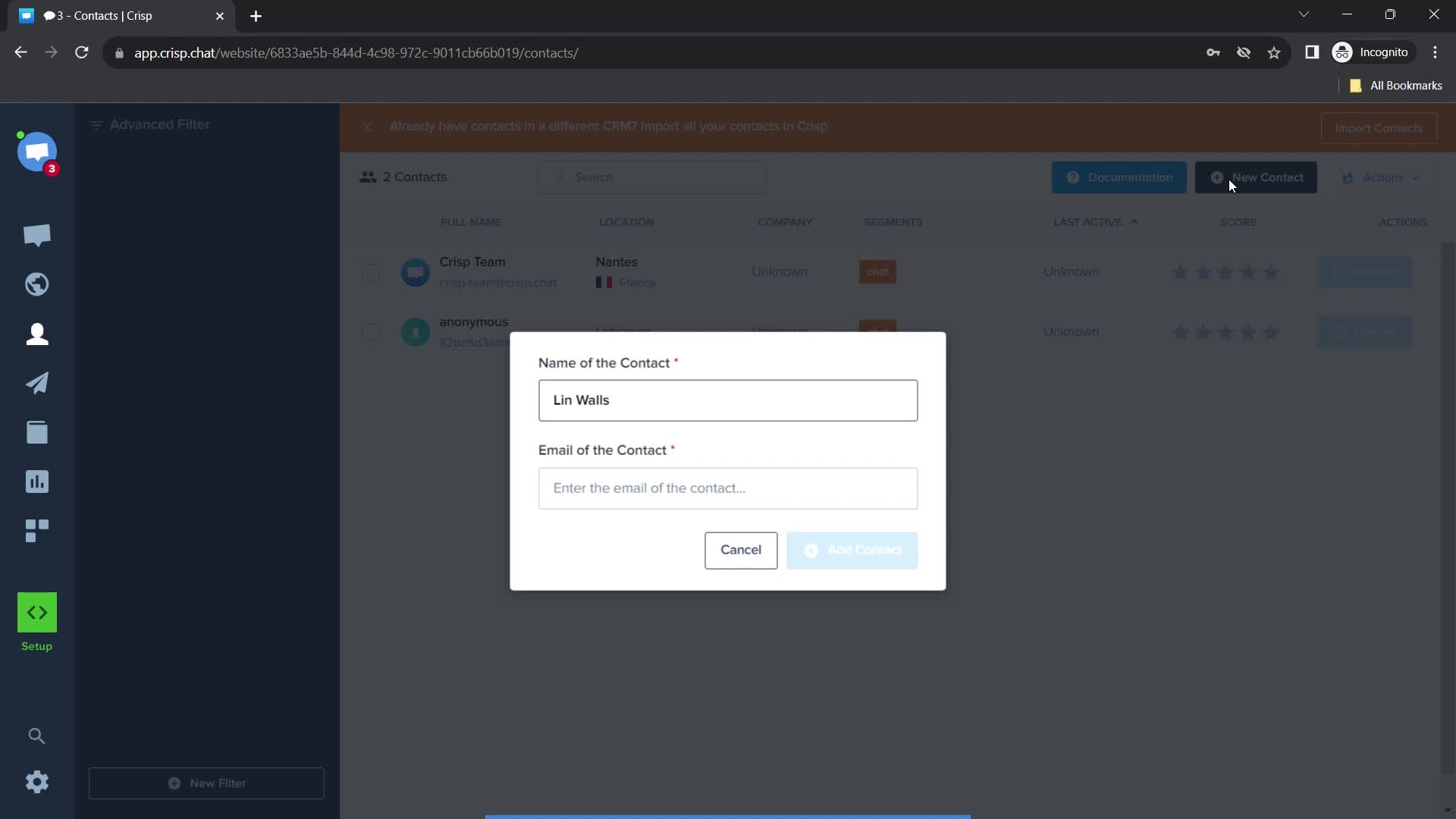
Enter name
this is title
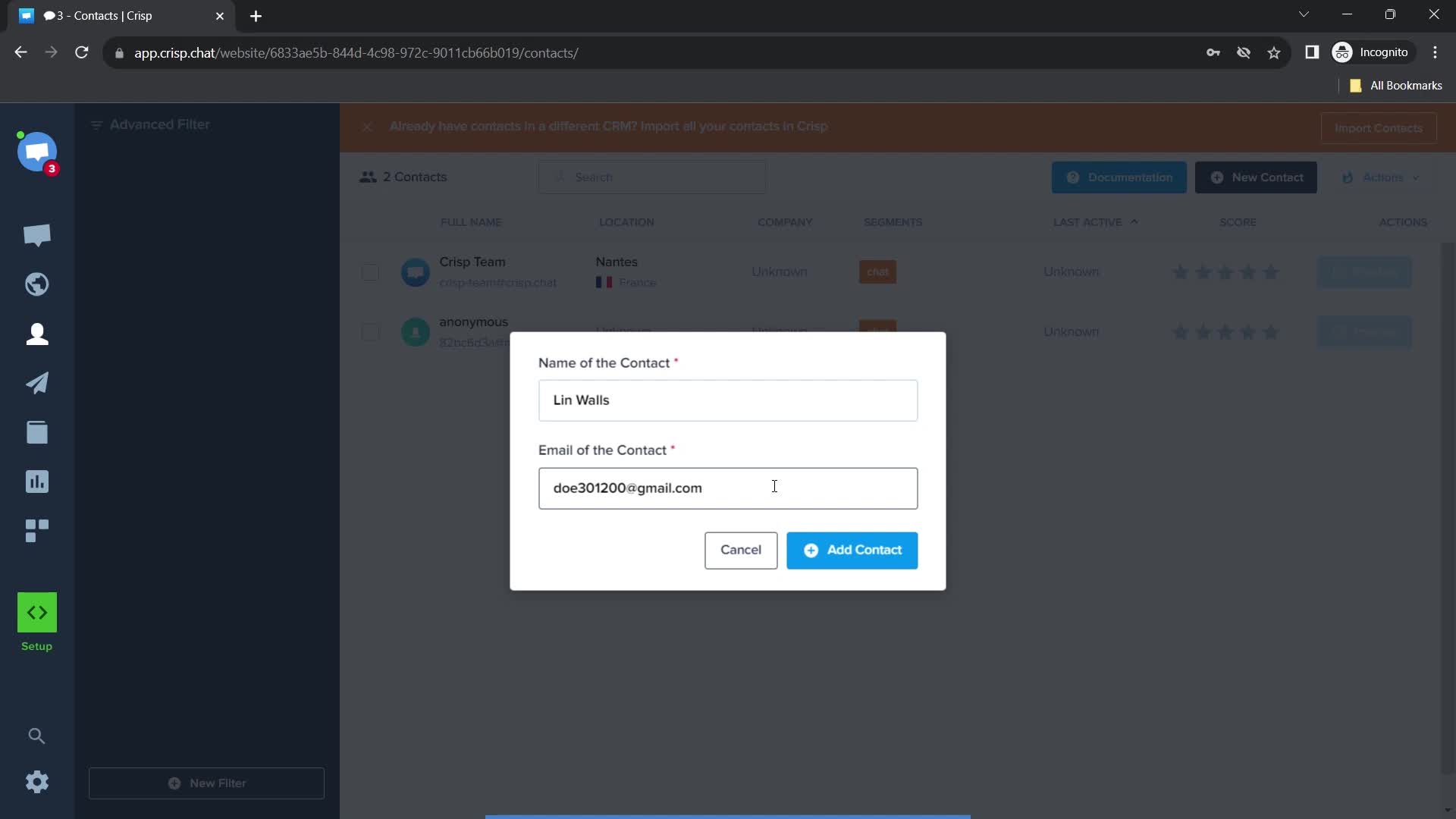
Enter email
this is title
this is title
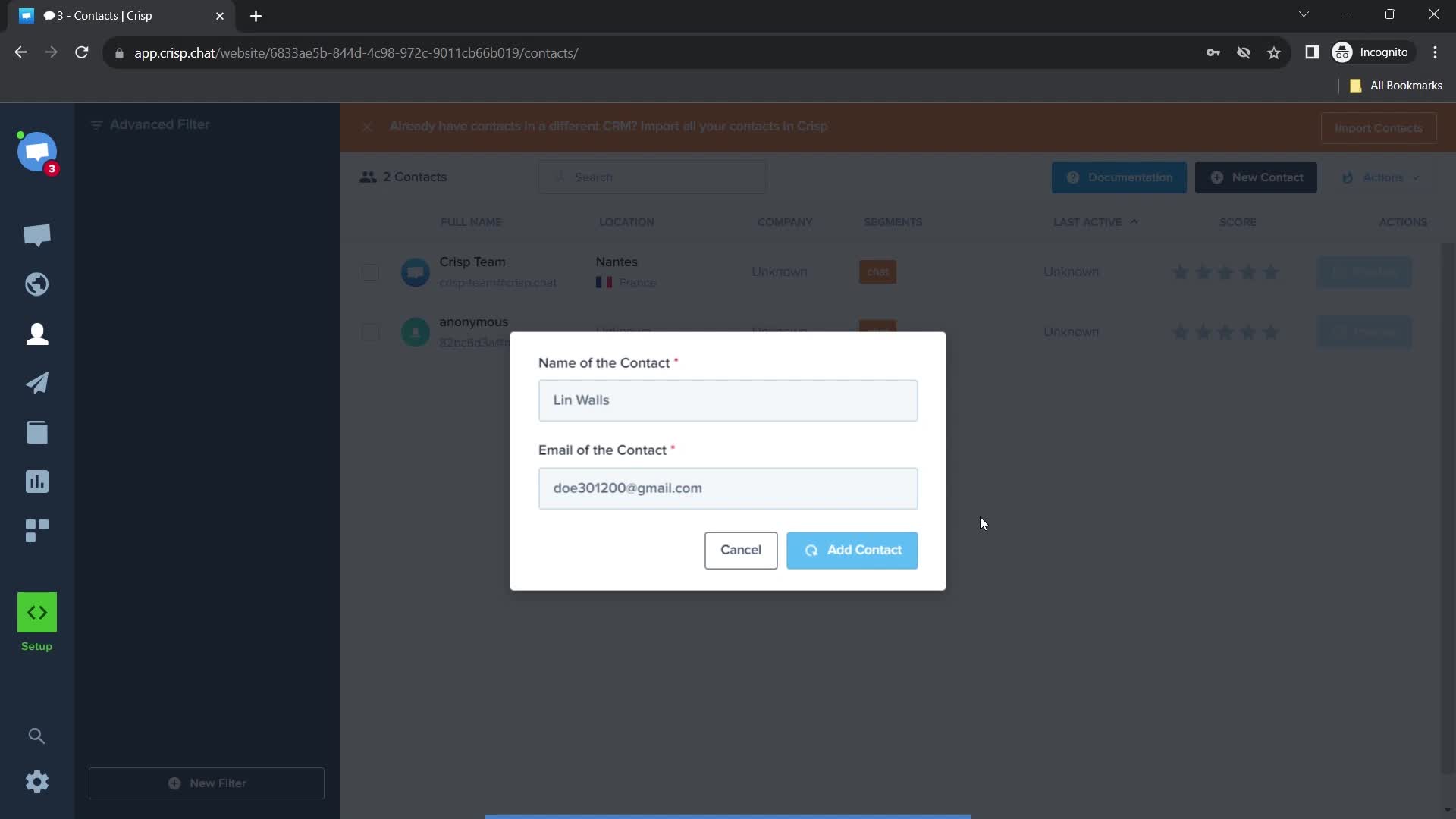
Adding contacts
this is title
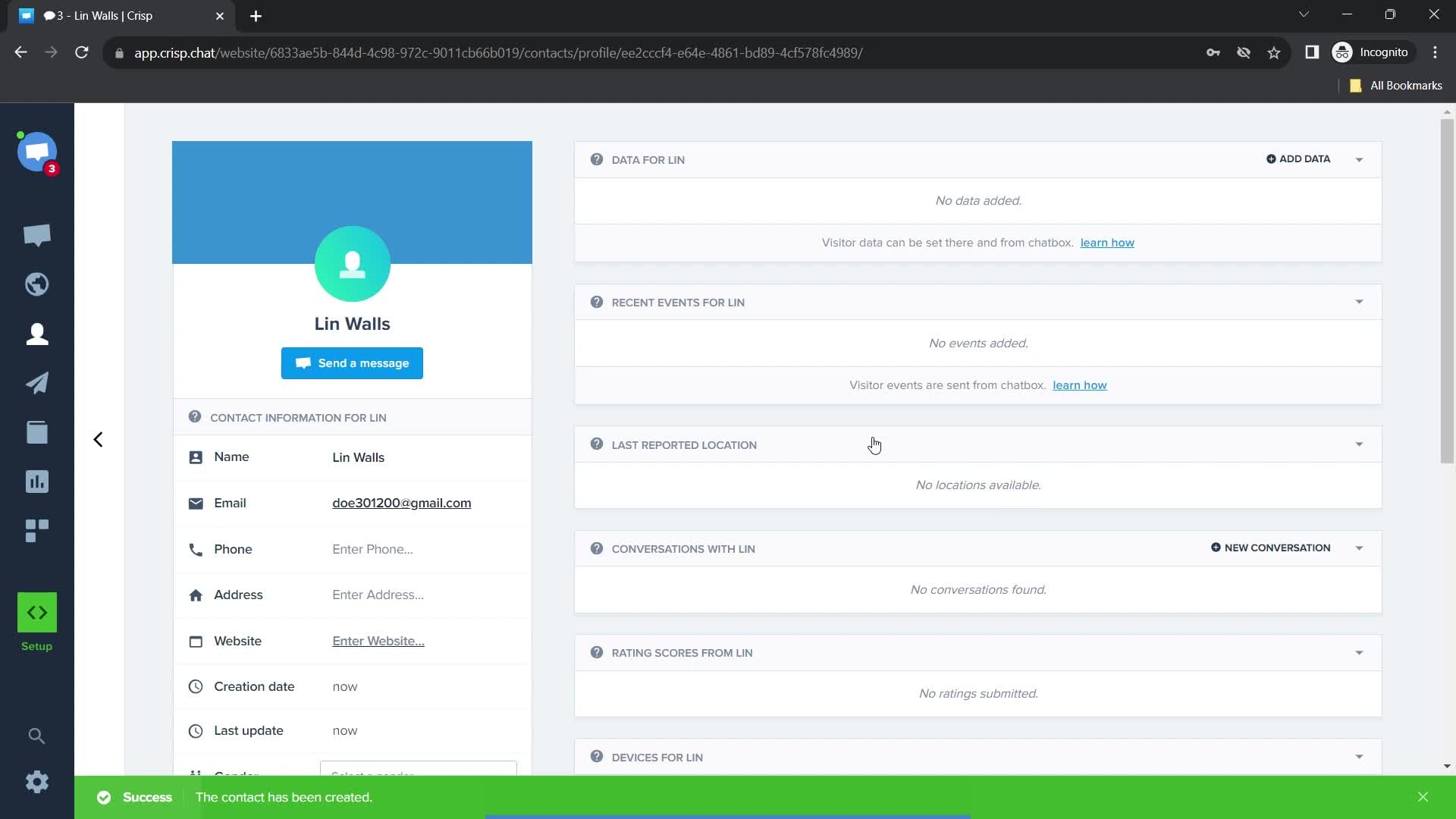
Contacts added
this is title
Dashboard
this is title
Helpdesk
this is title
Action menu
this is title
this is title
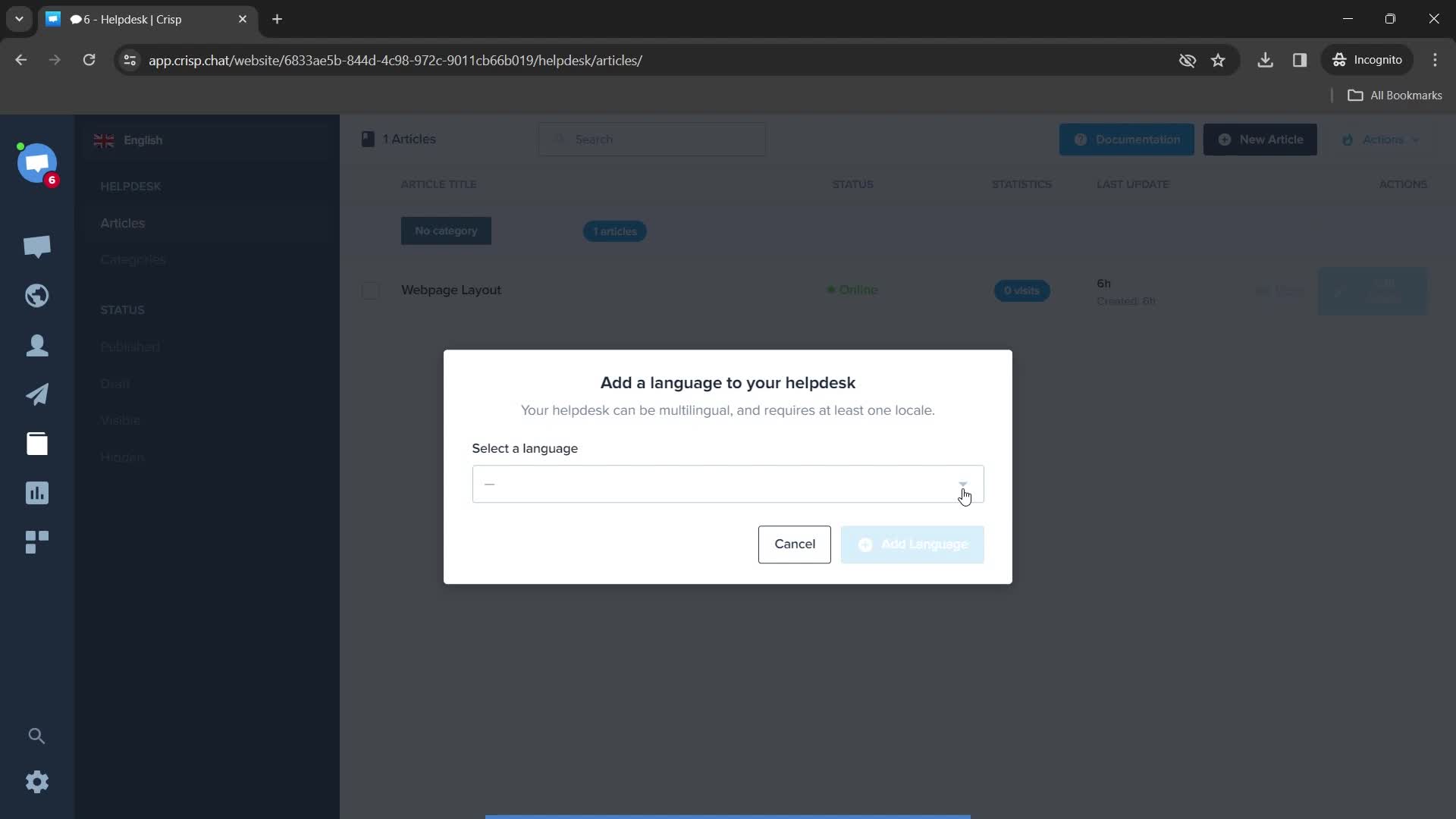
Add languages
this is title
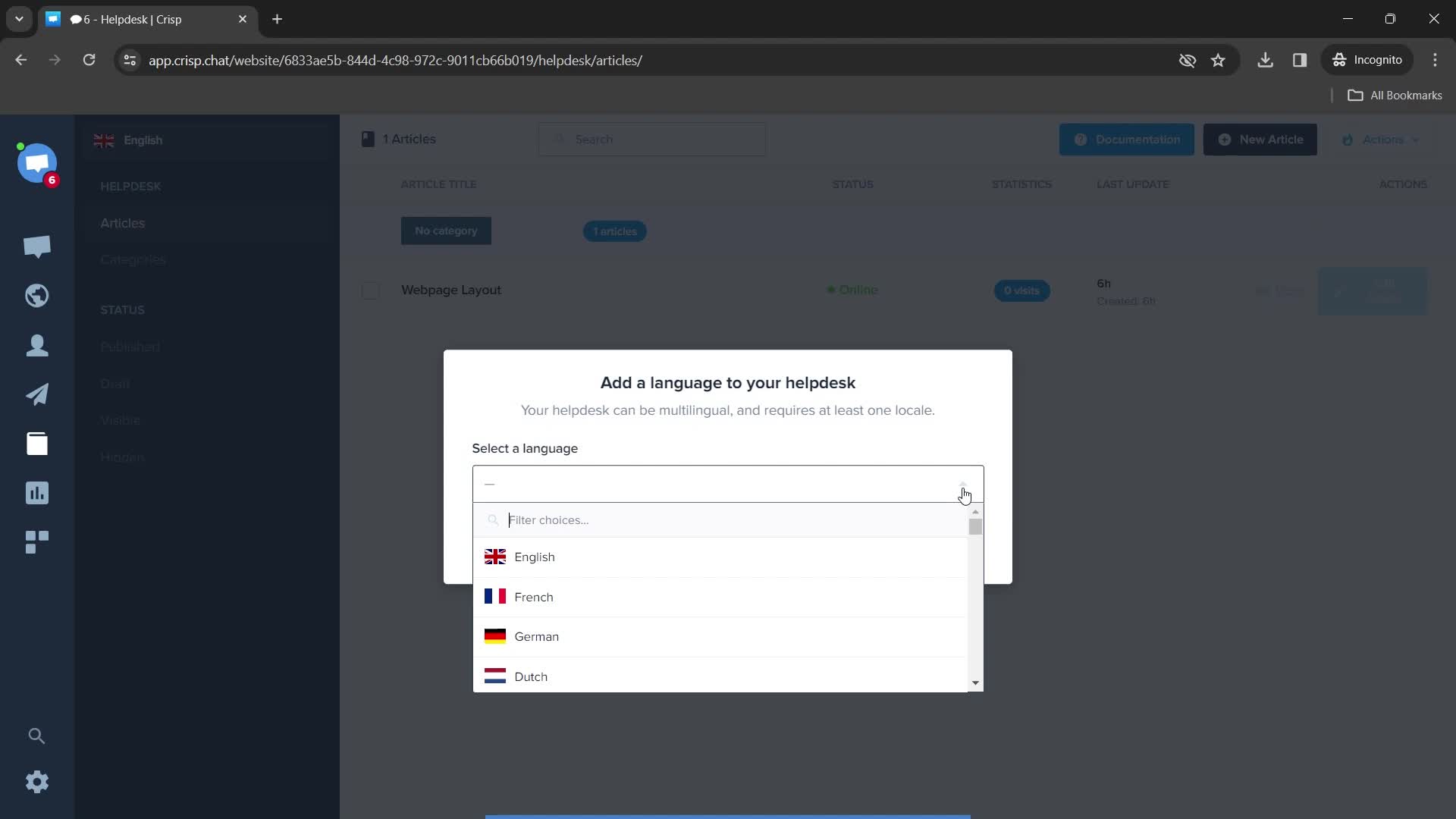
Choose language
this is title
this is title
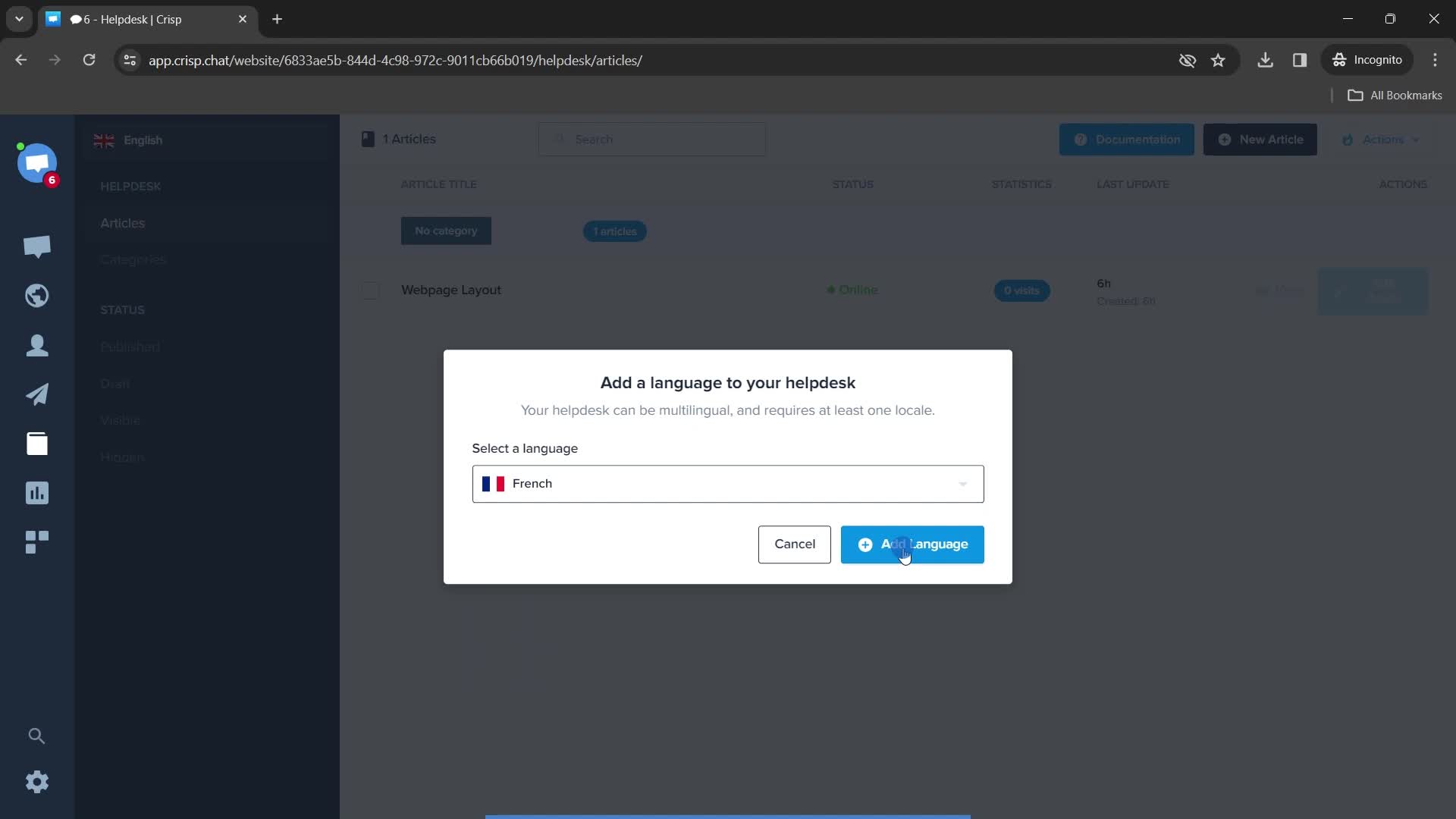
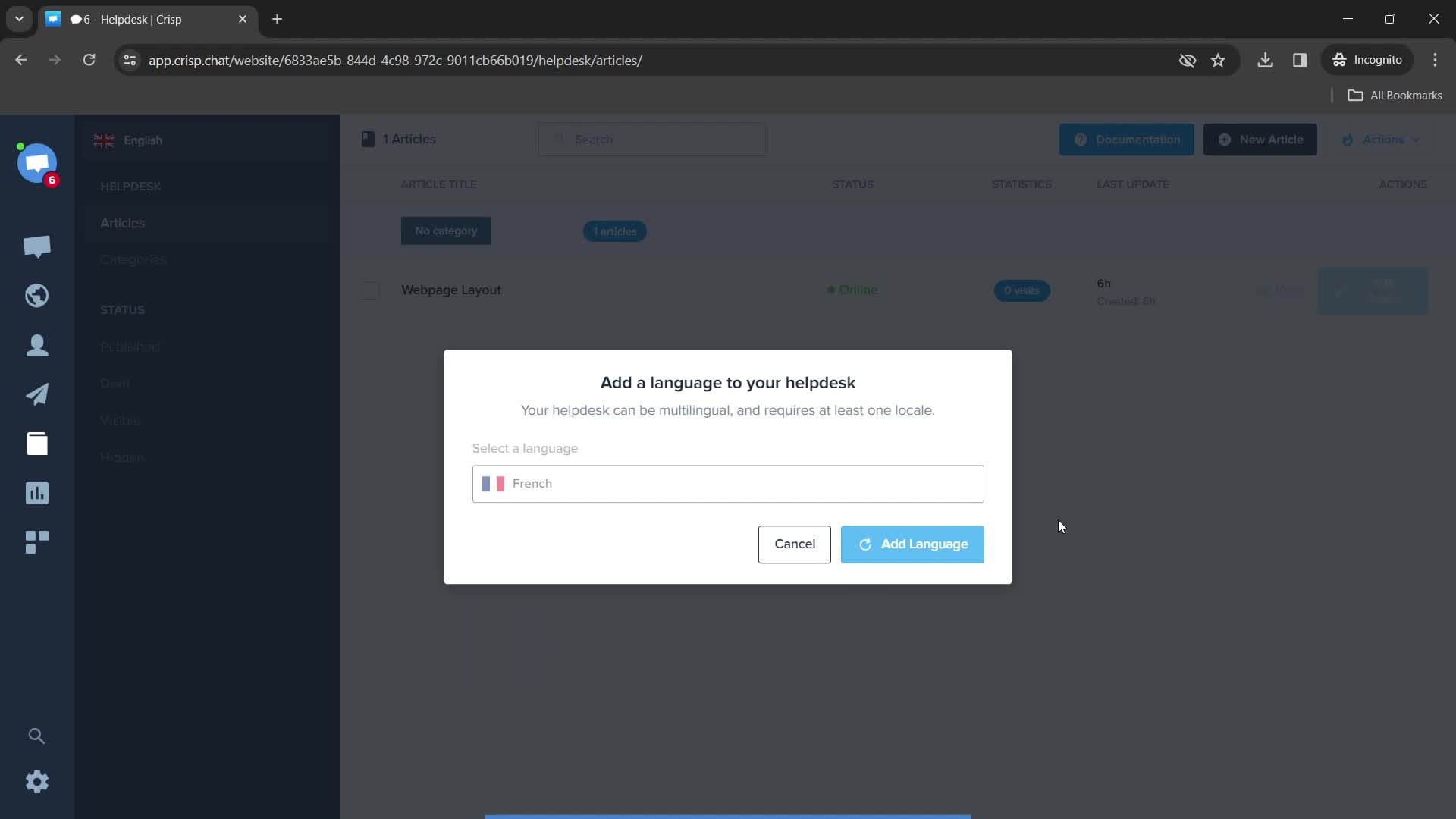
Adding language
this is title
Success
this is title
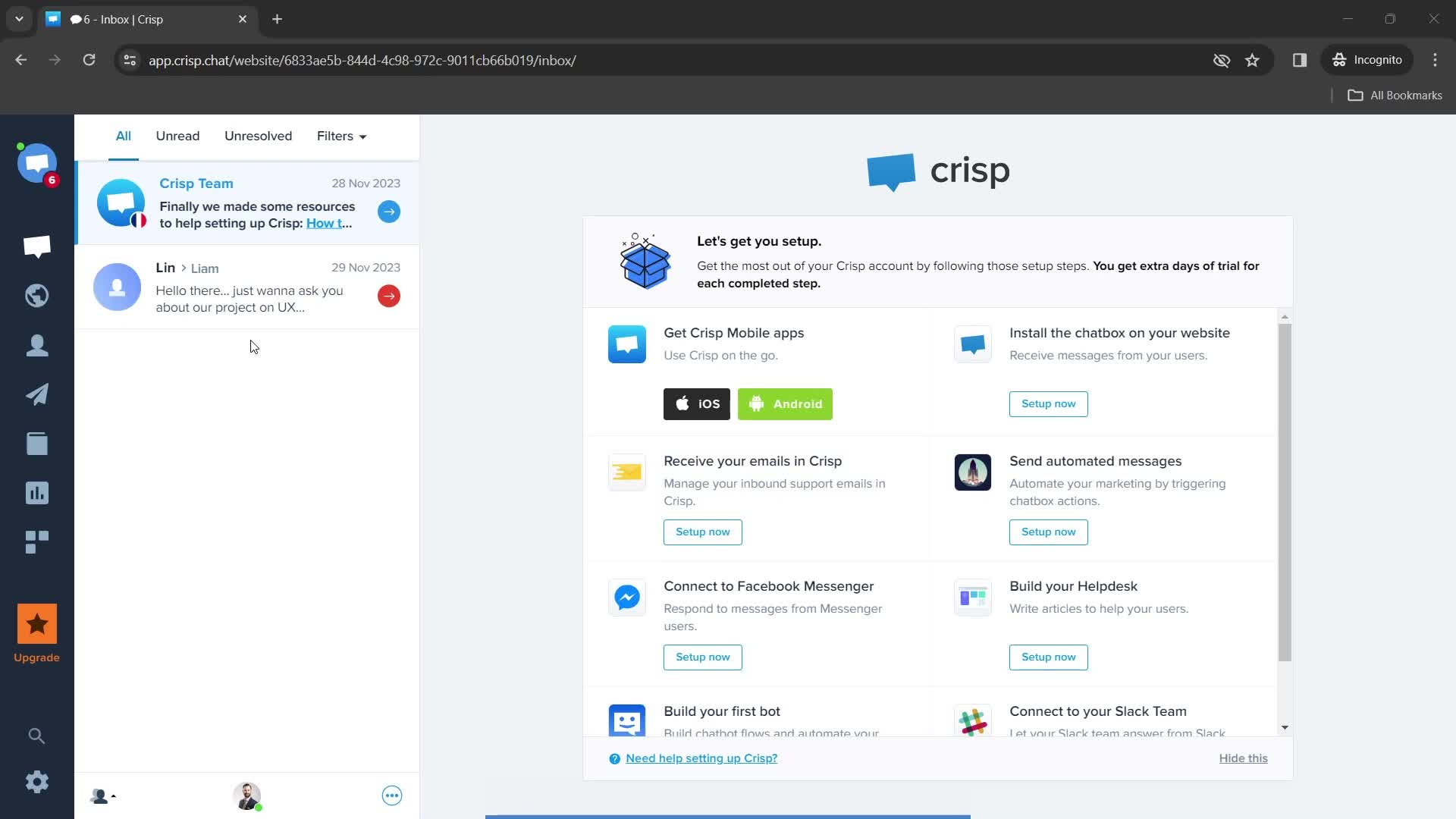
Home
this is title
Helpdesk
this is title
Knowledge base
this is title
Enter domain
this is title
this is title
Enter language
this is title
Select language
this is title
Configure
this is title
Helpdesk
this is title
Dashboard
this is title
Helpdesk
this is title
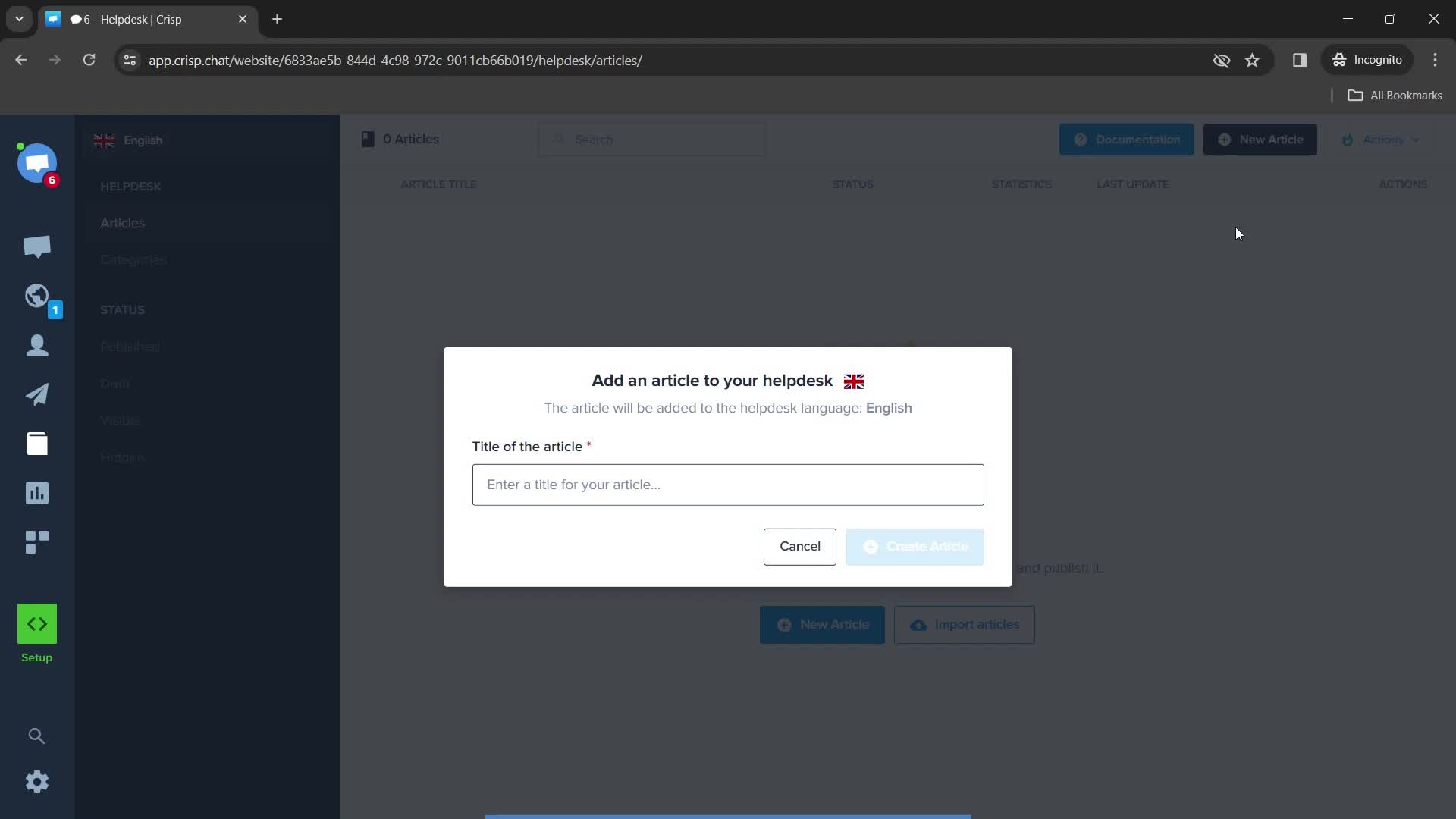
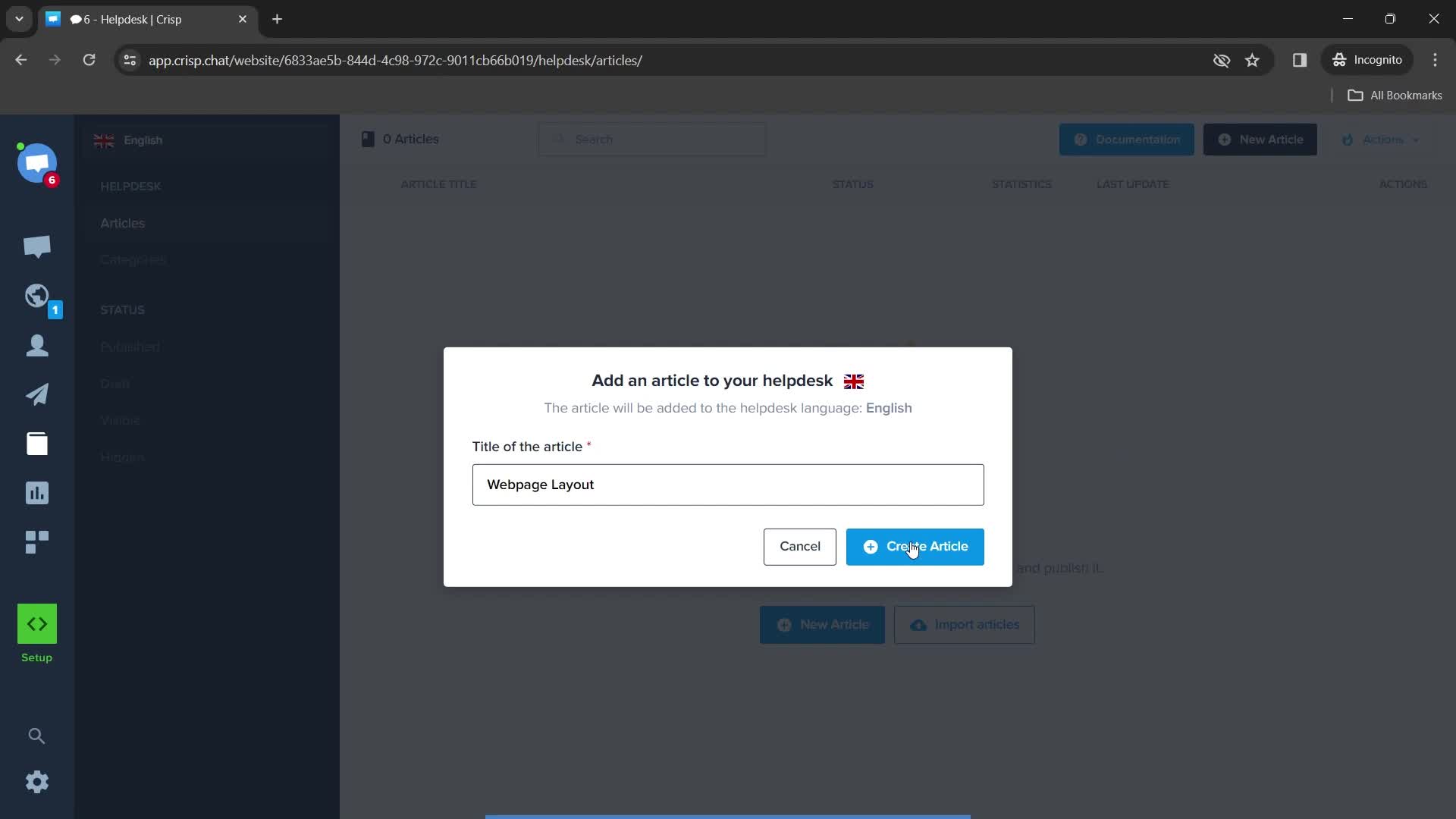
Enter article
this is title
this is title
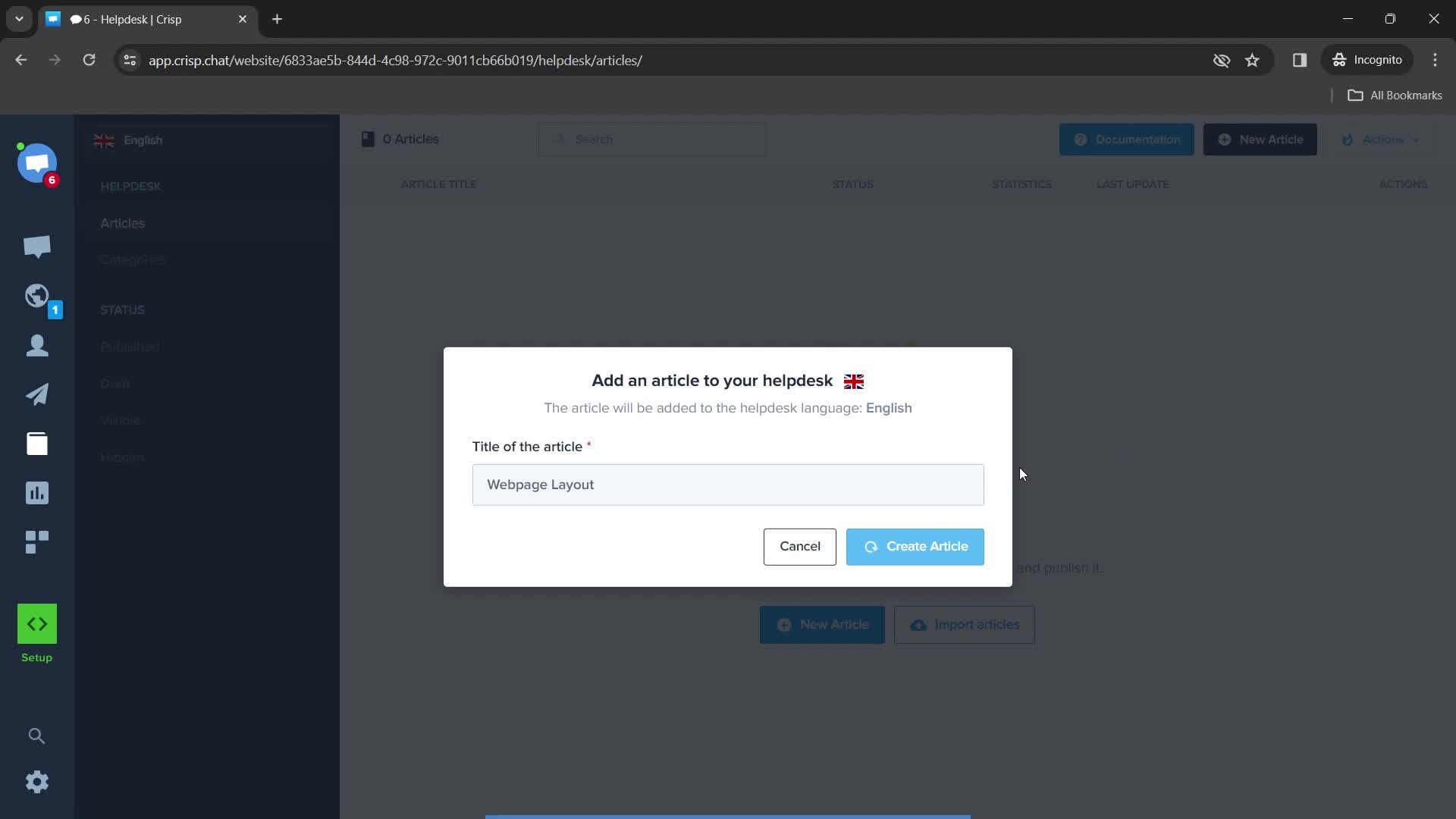
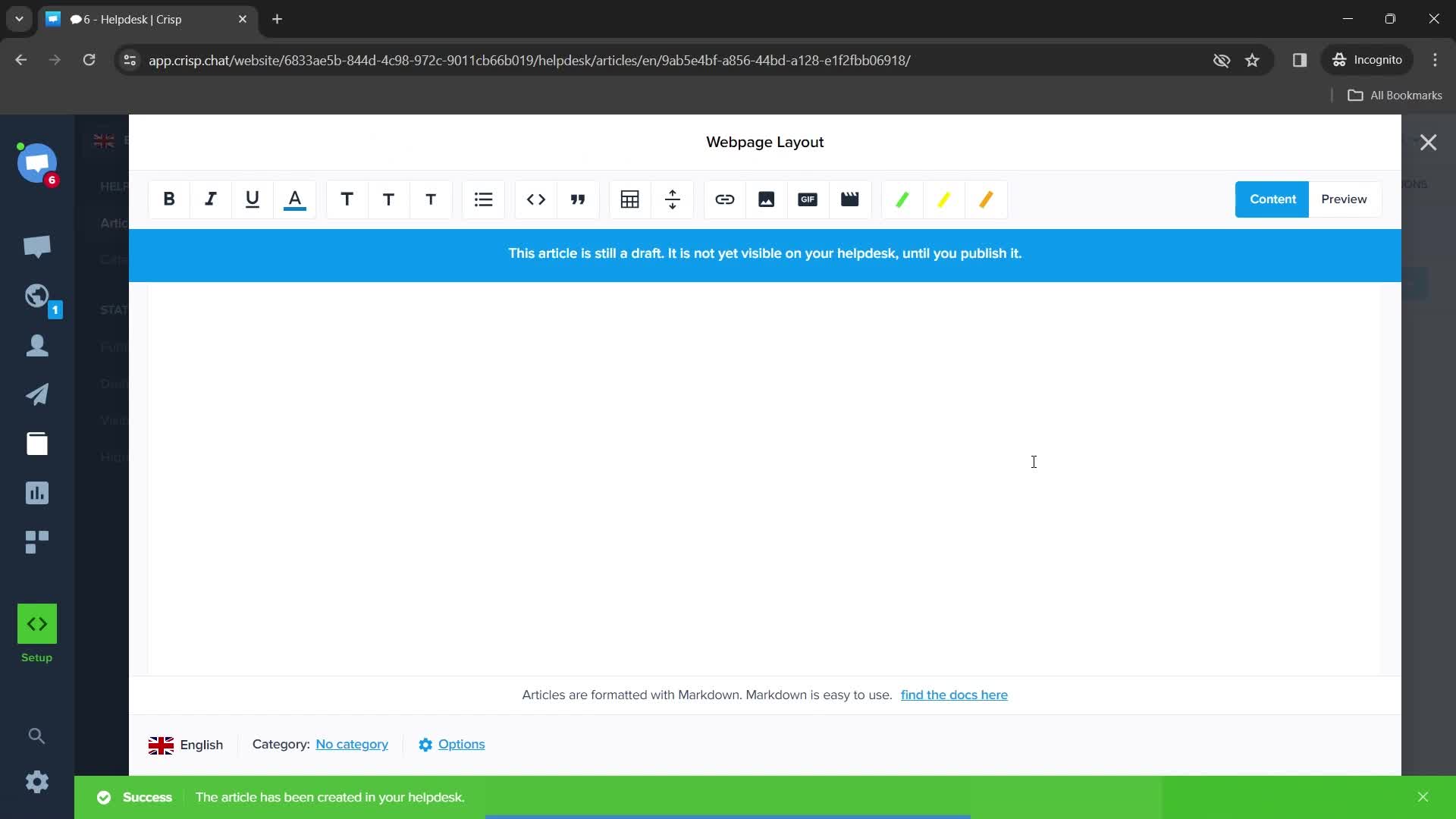
Creating article
this is title
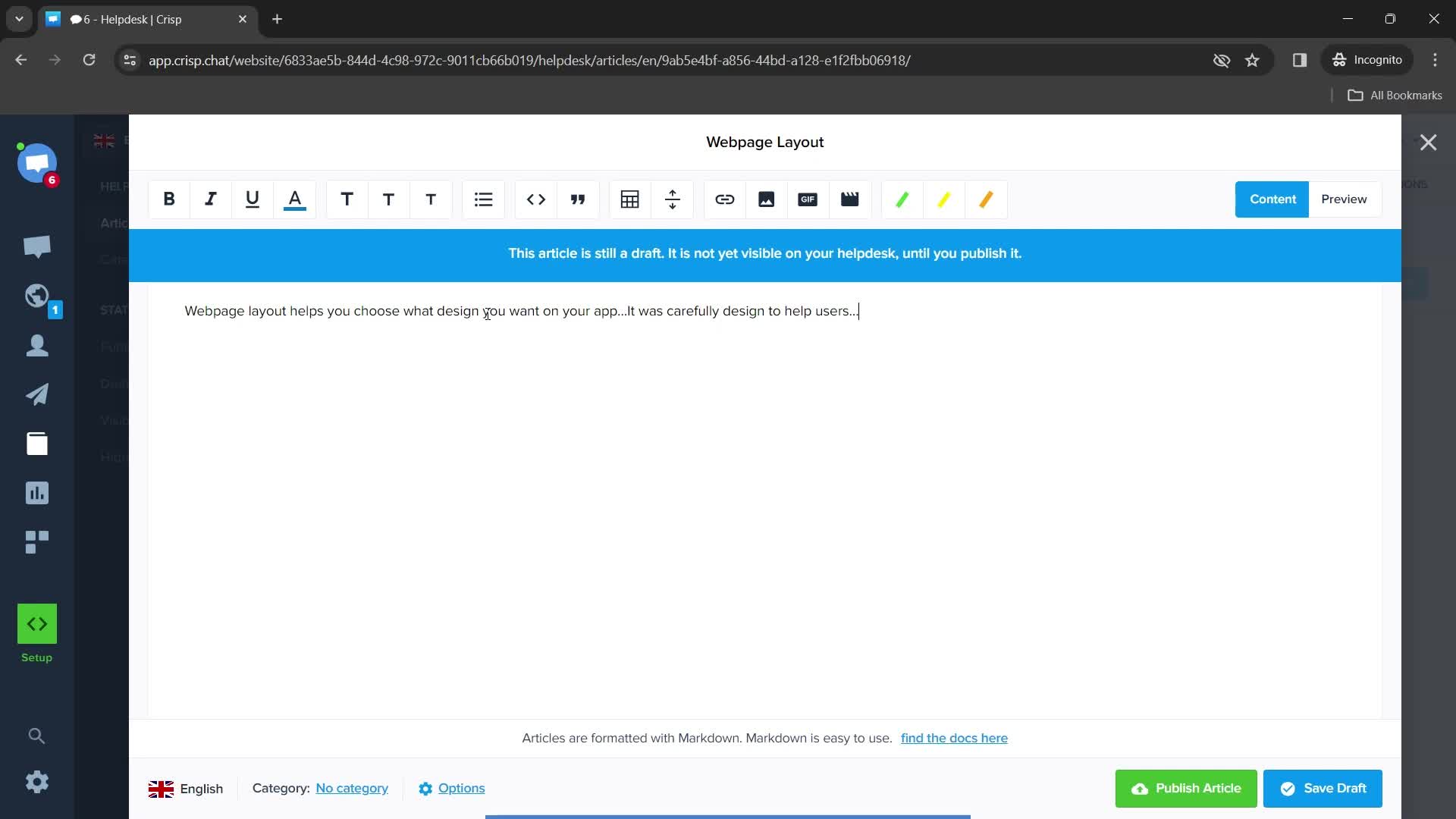
Page layout
this is title
Add description
this is title
Publishing
this is title
Published
this is title
Helpdesk
this is title
Dashboard
this is title
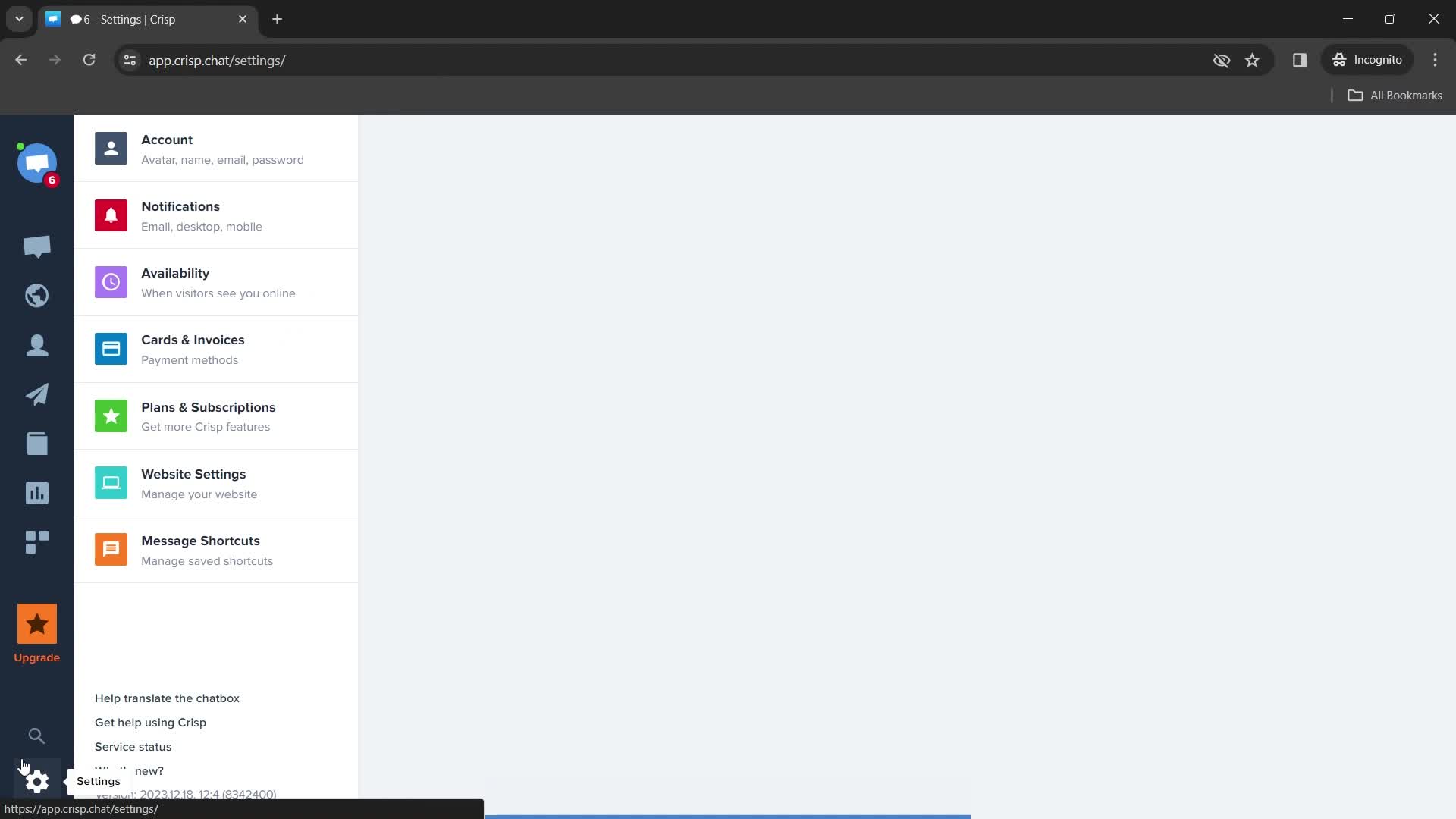
Settings
this is title
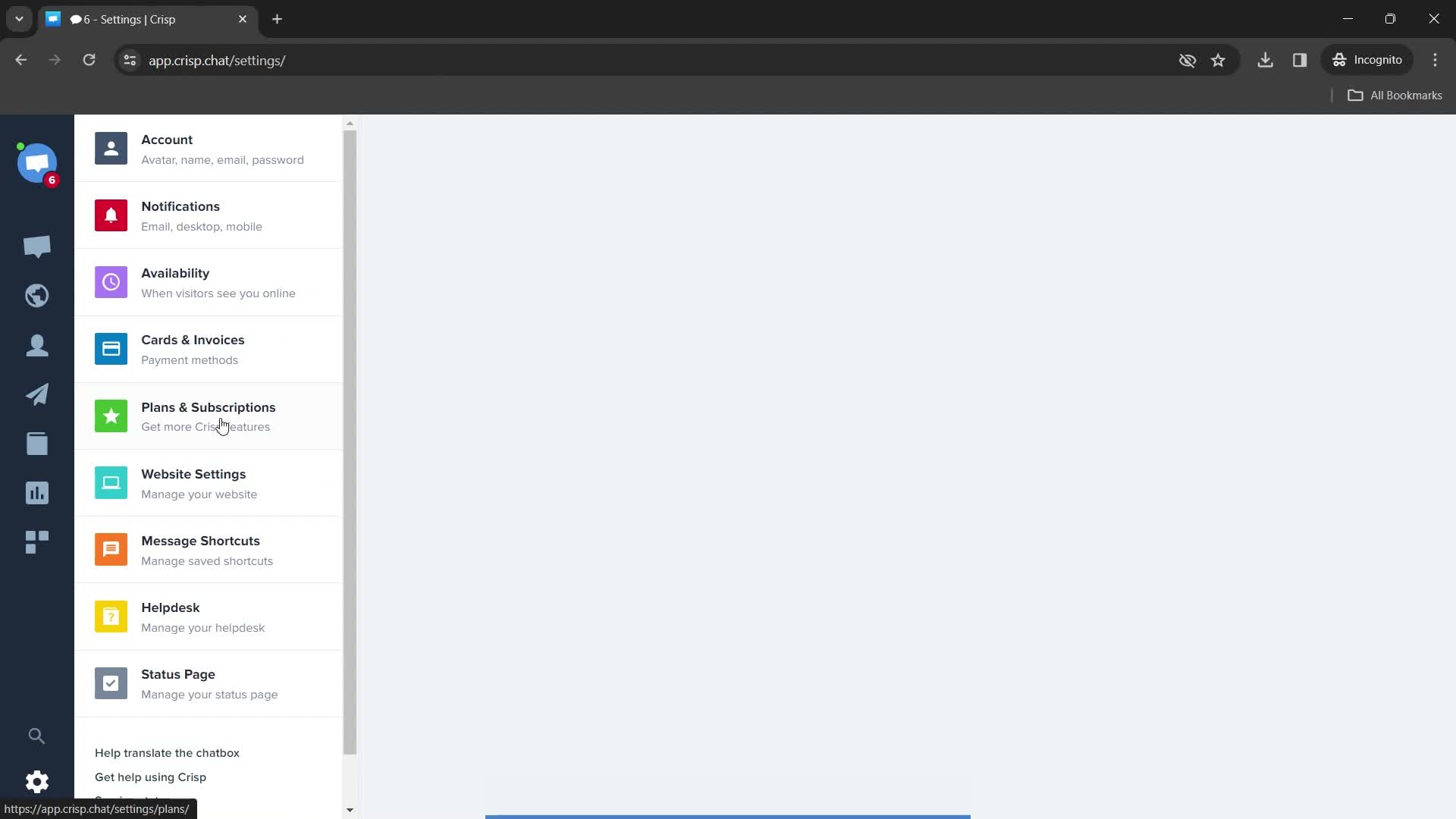
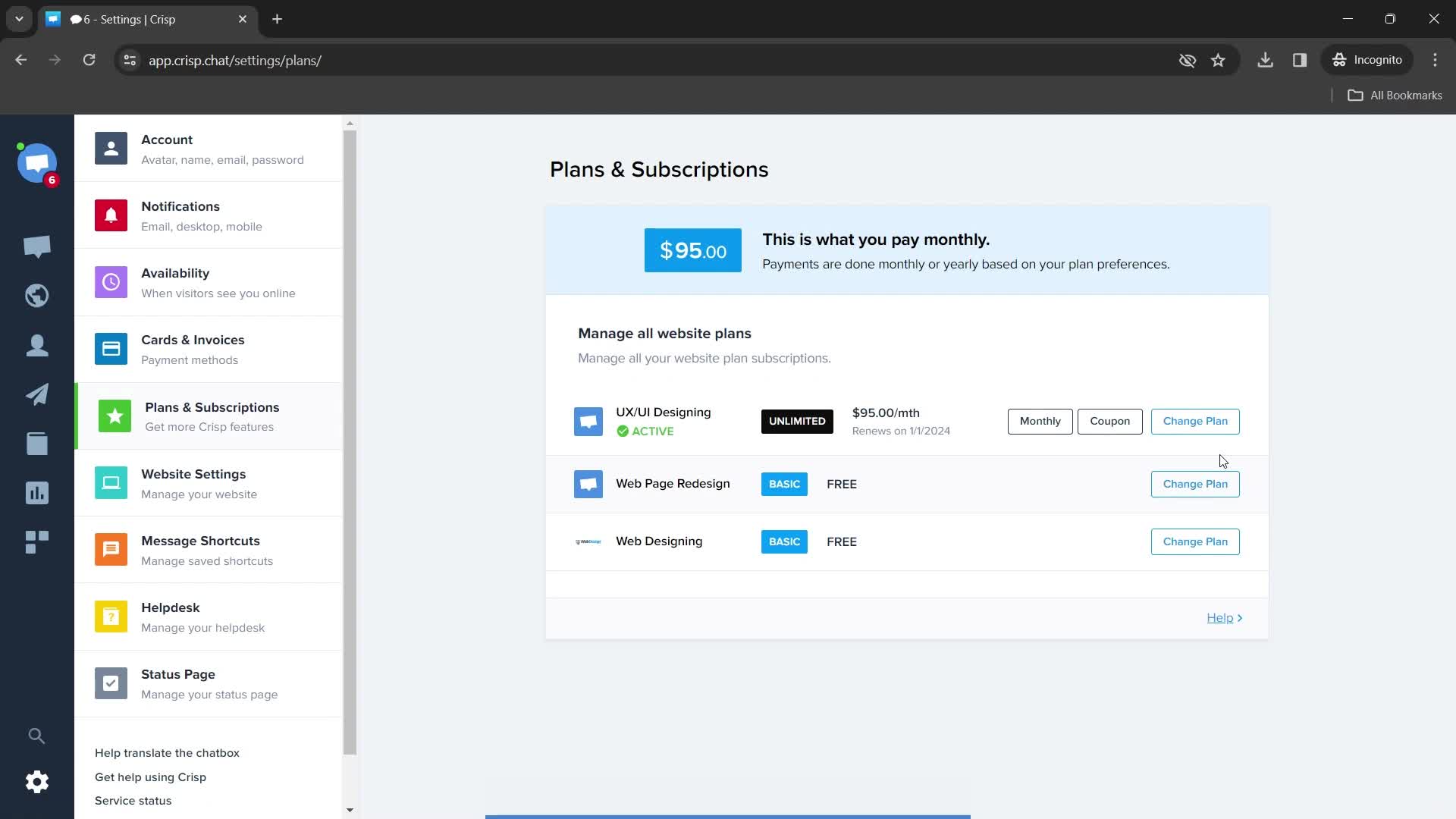
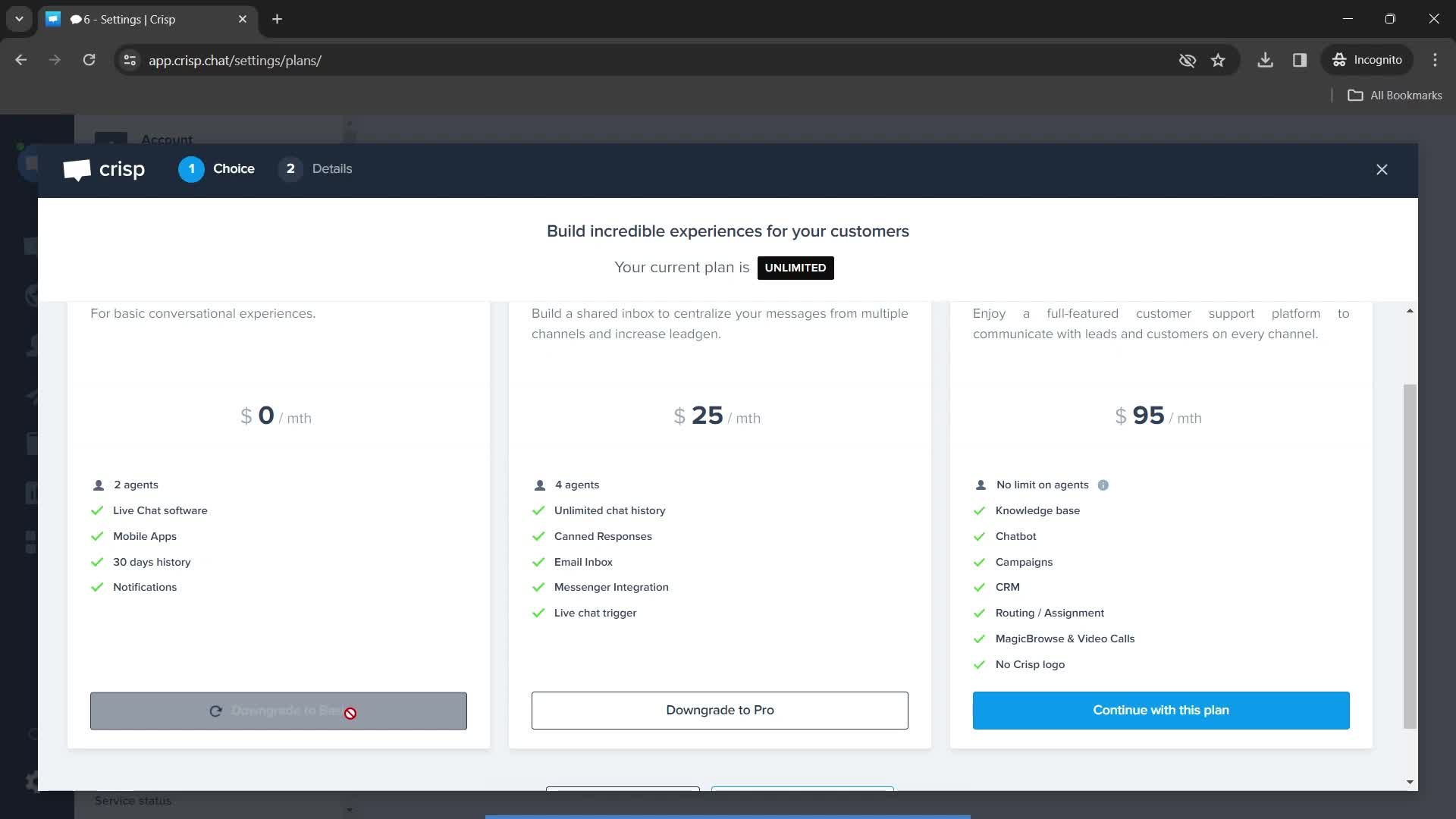
Subscriptions
this is title
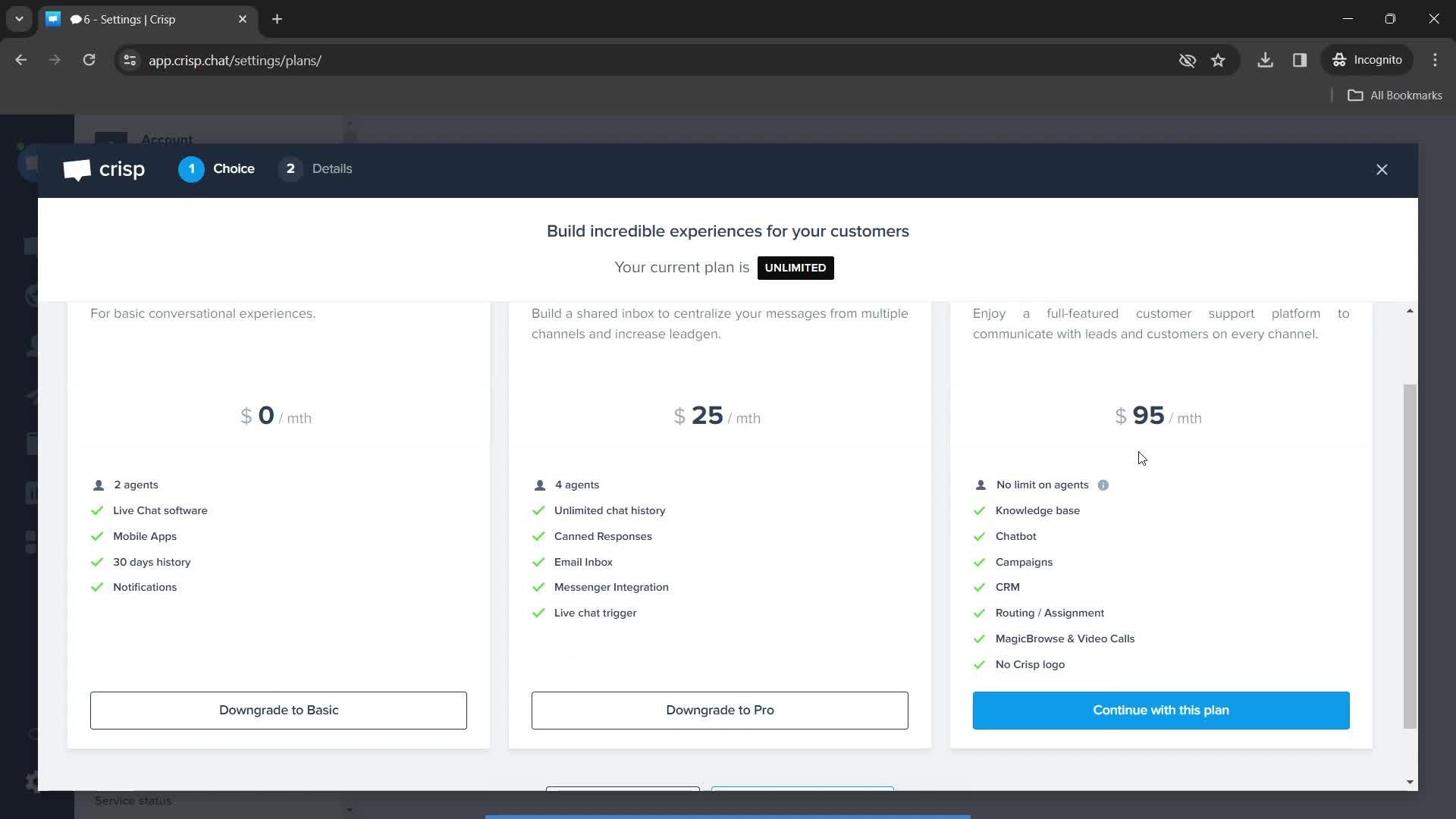
Plans
this is title
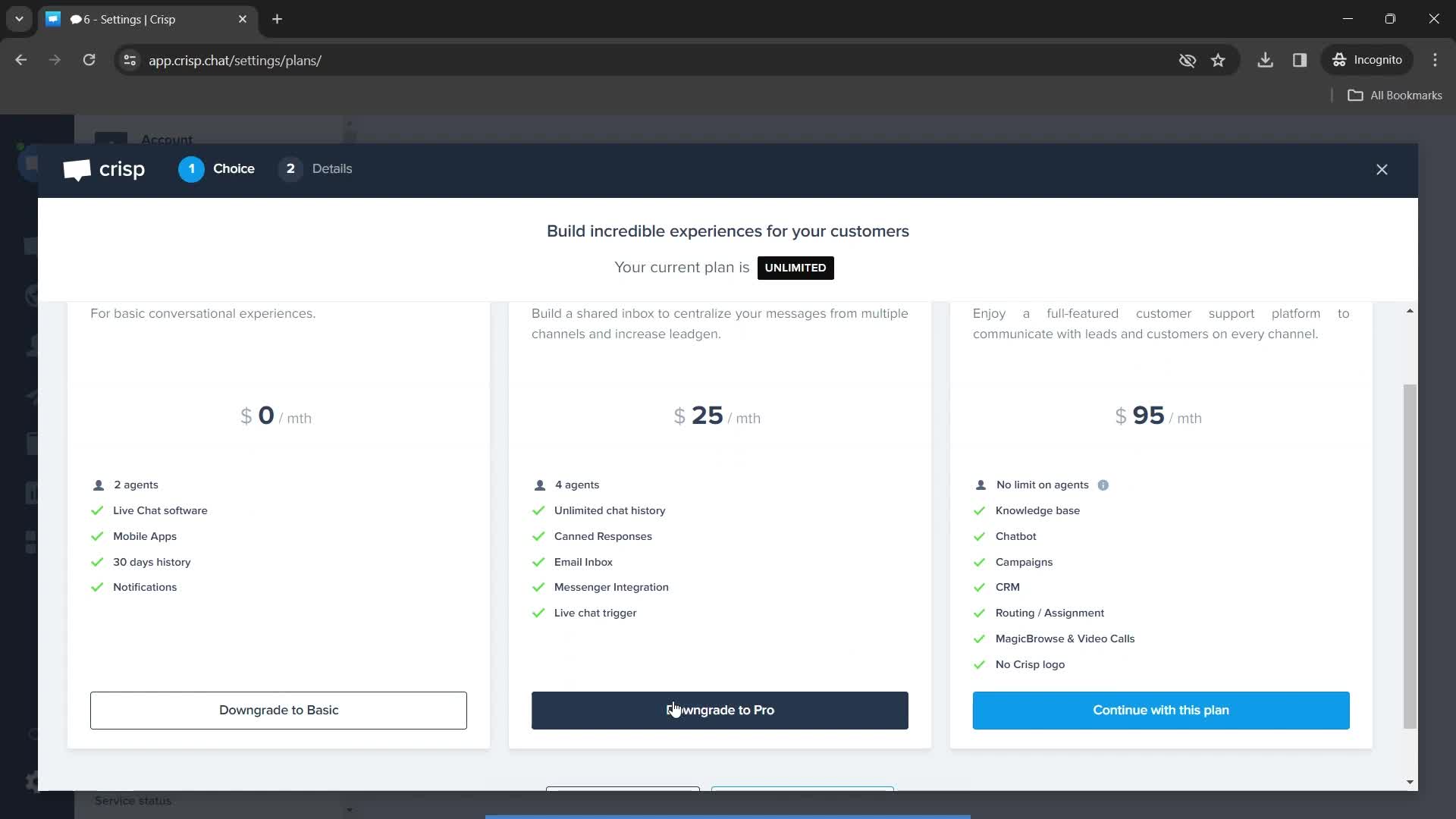
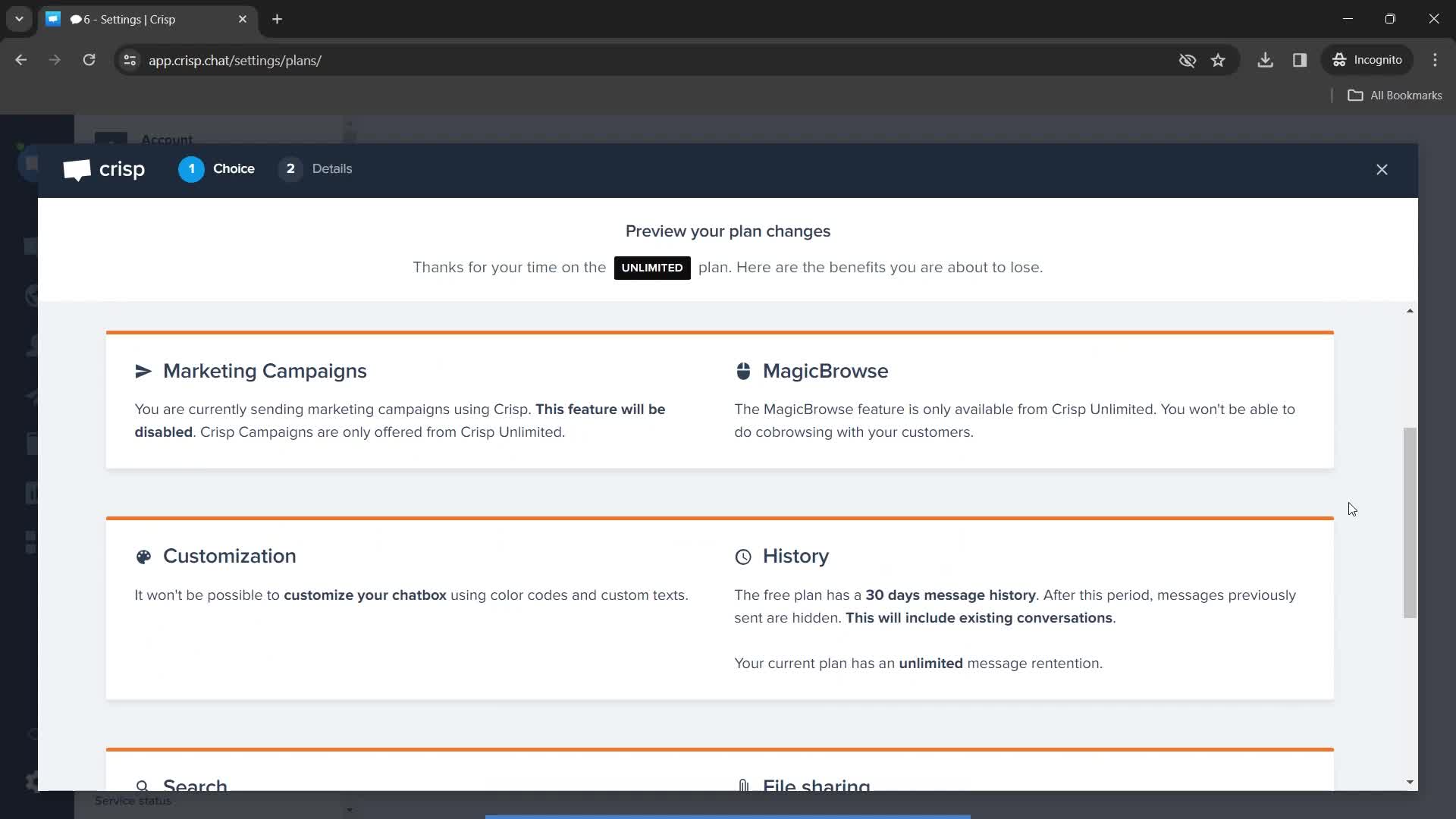
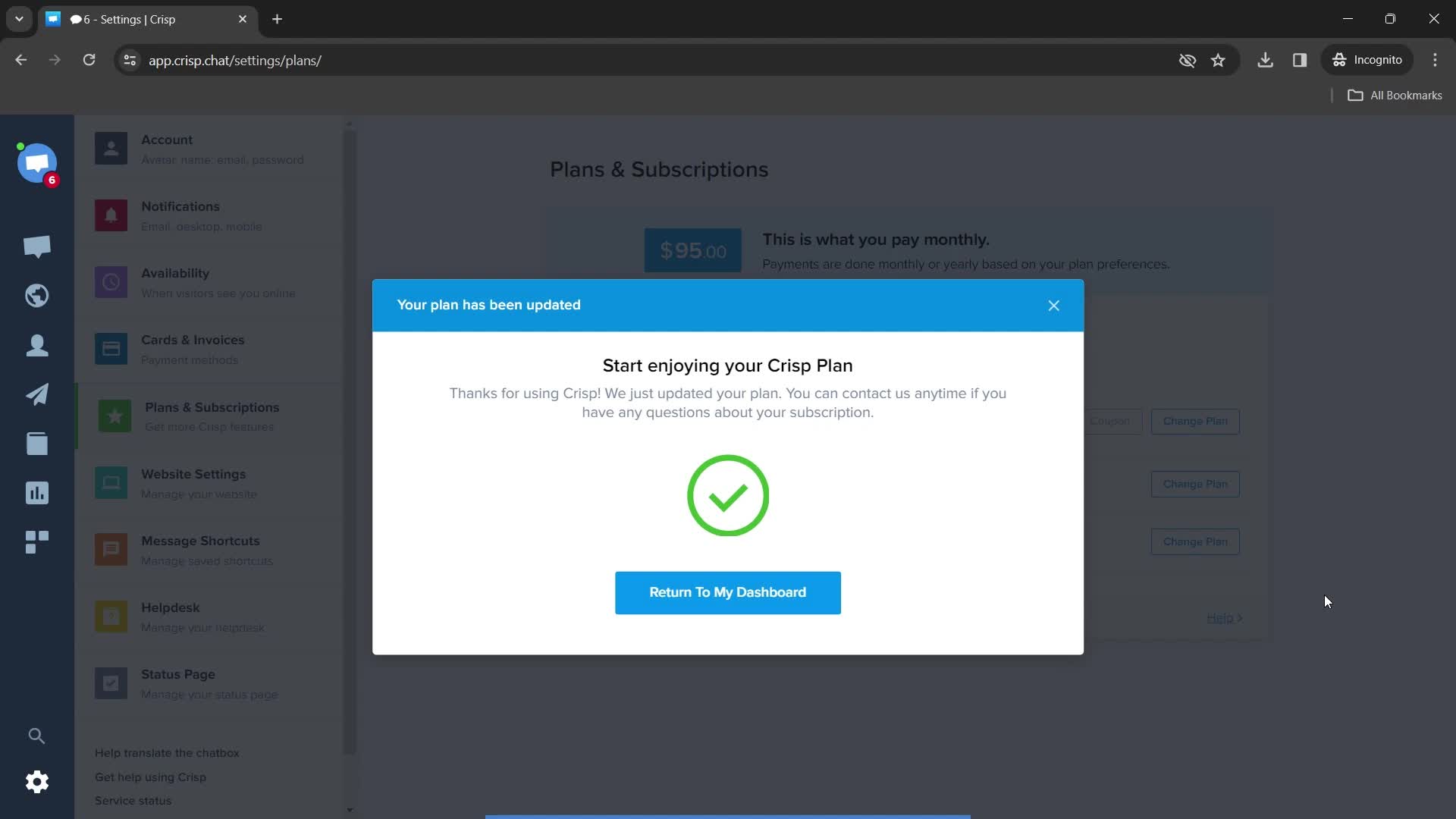
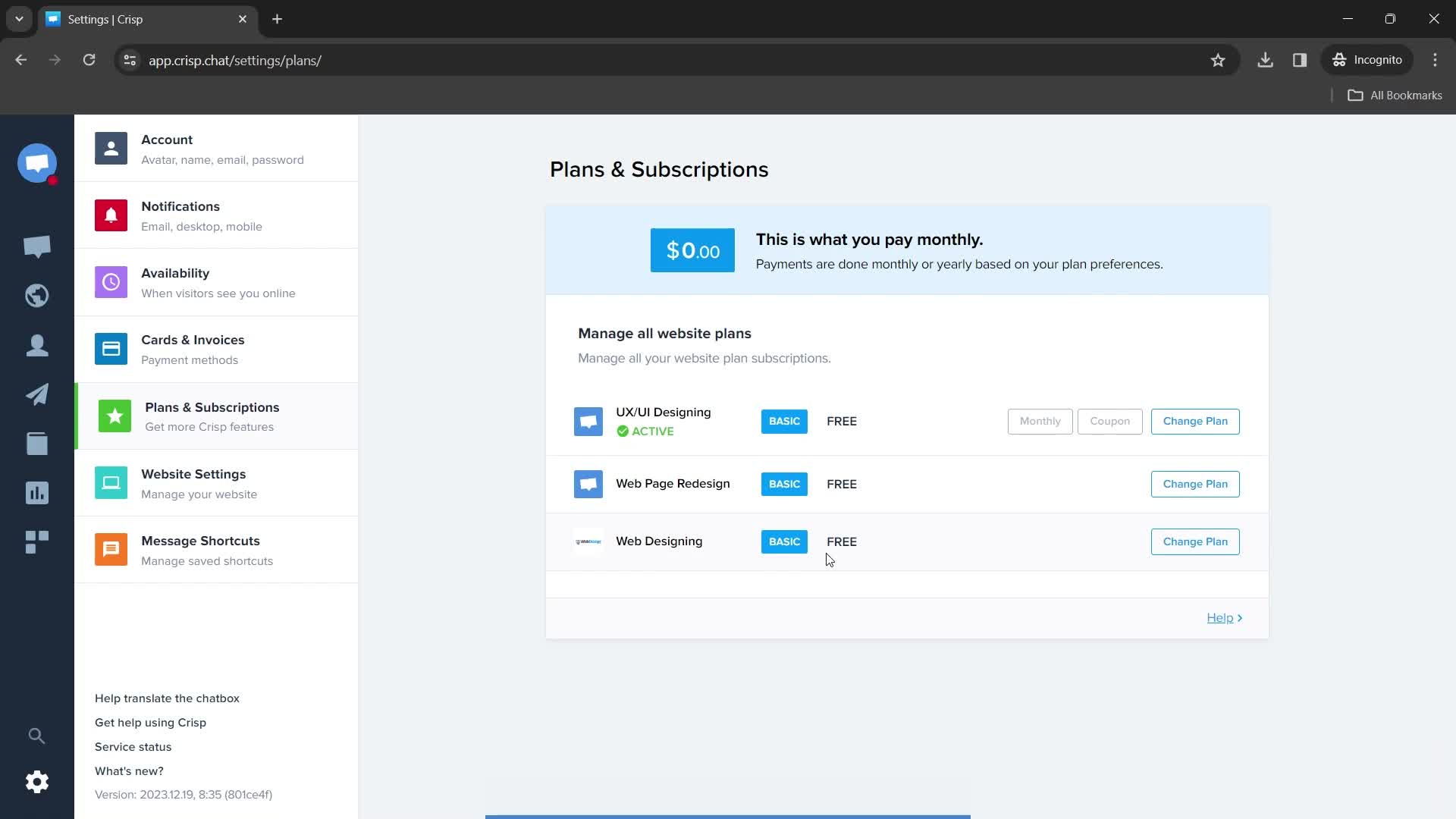
Plan downgraded
this is title
this is title
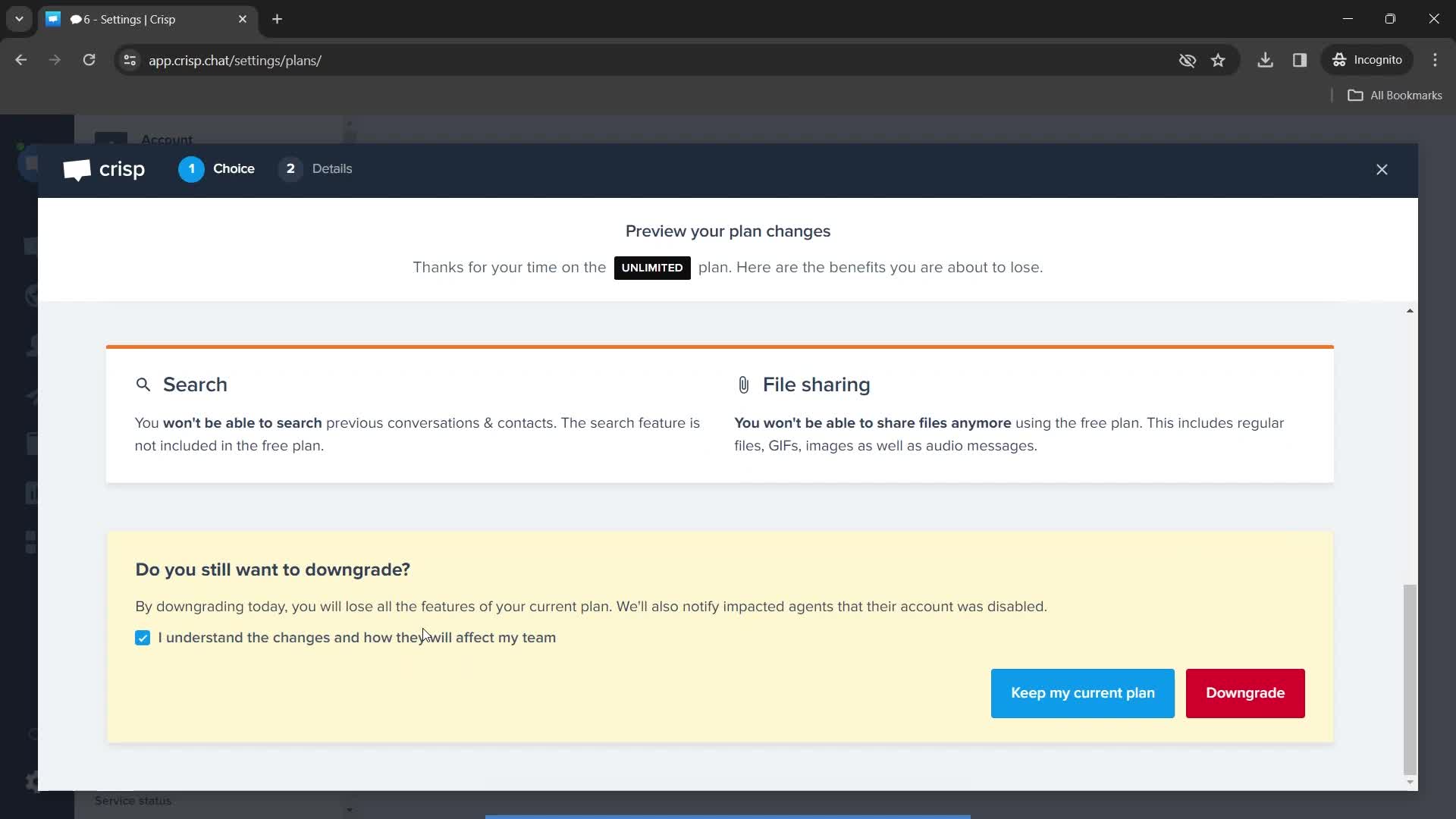
Plan details
this is title
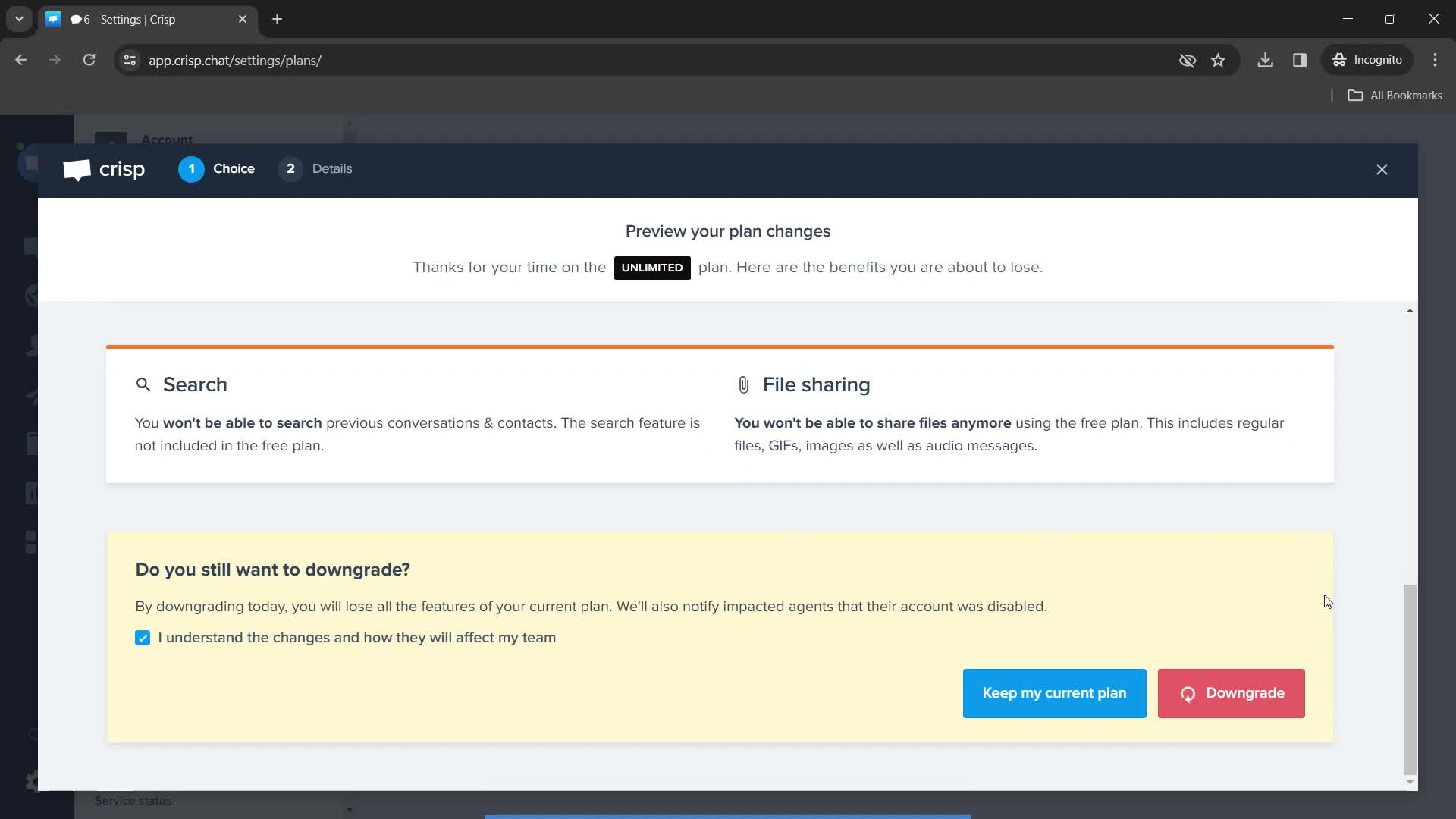
Downgrade
this is title
Downgrading
this is title
Subscription successful
this is title
Subscriptions
this is title
Dashboard
this is title
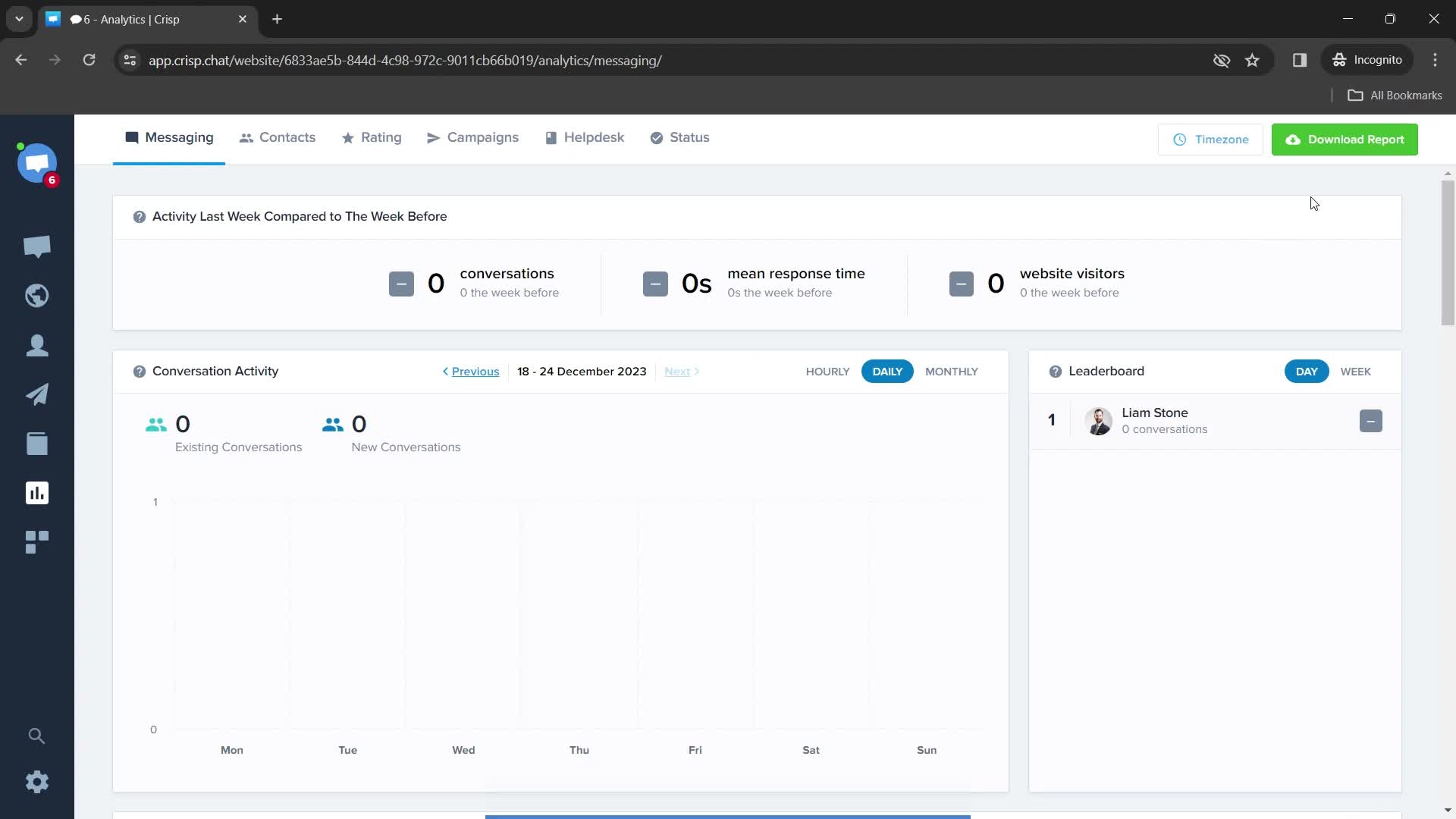
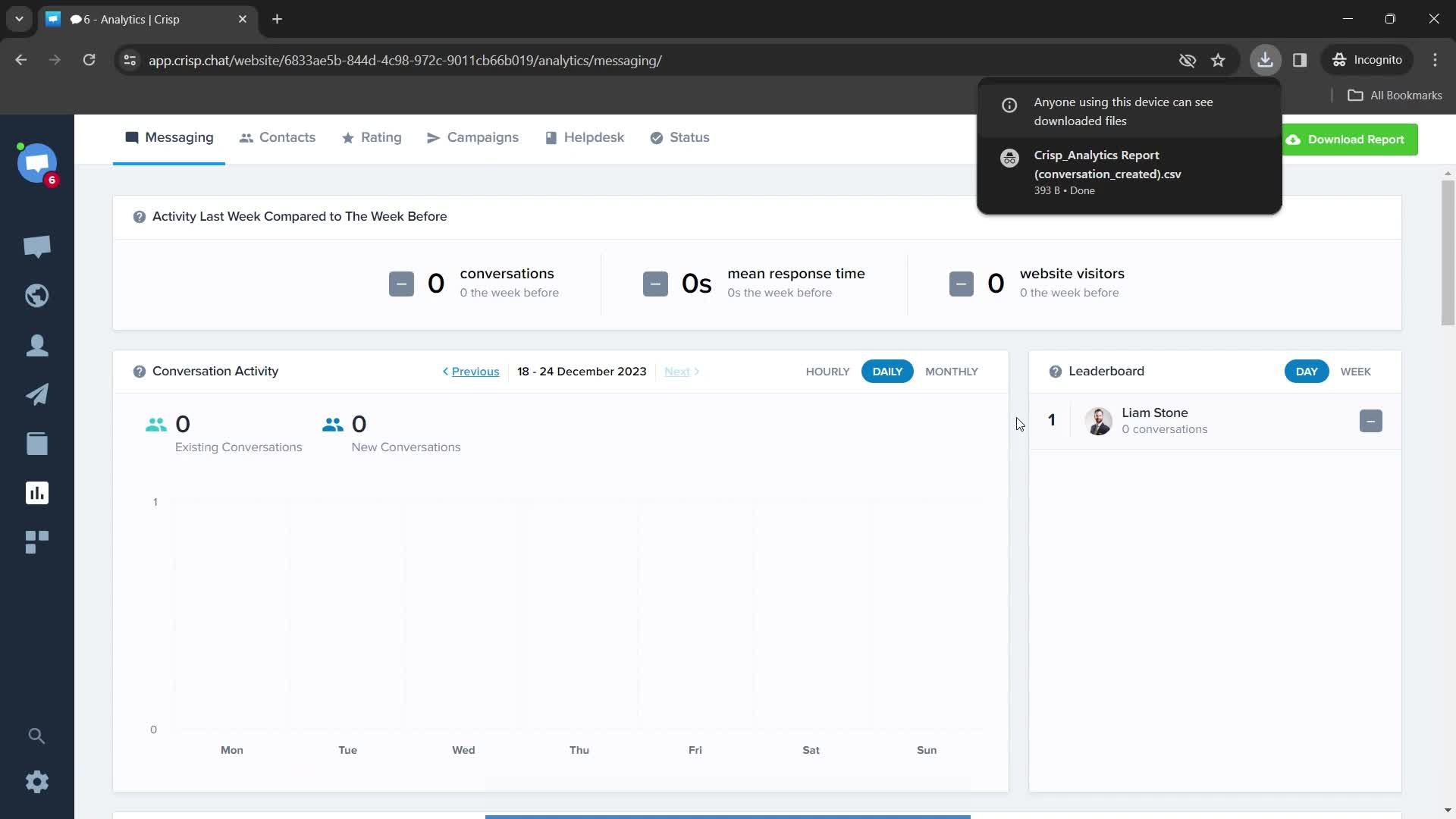
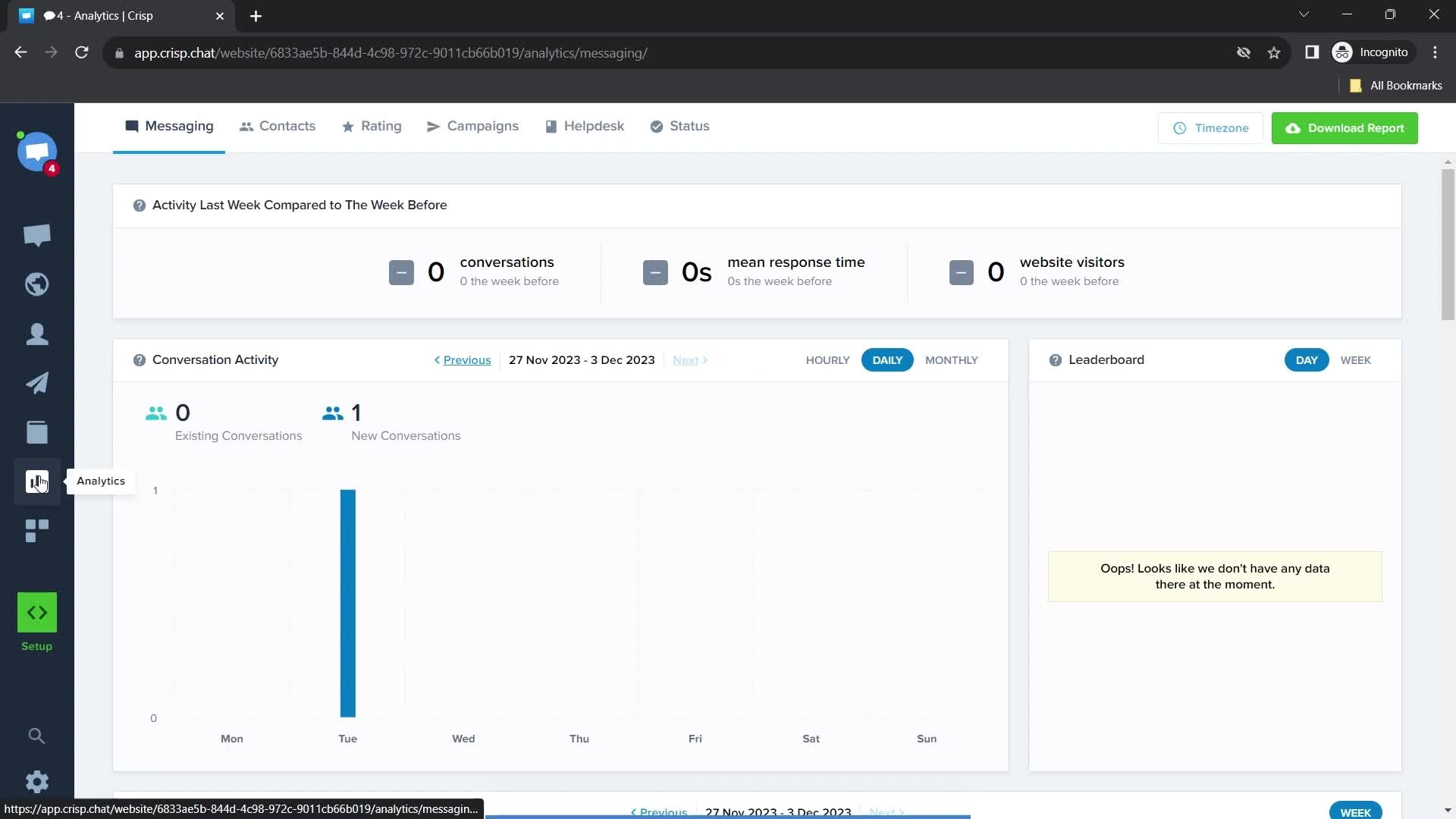
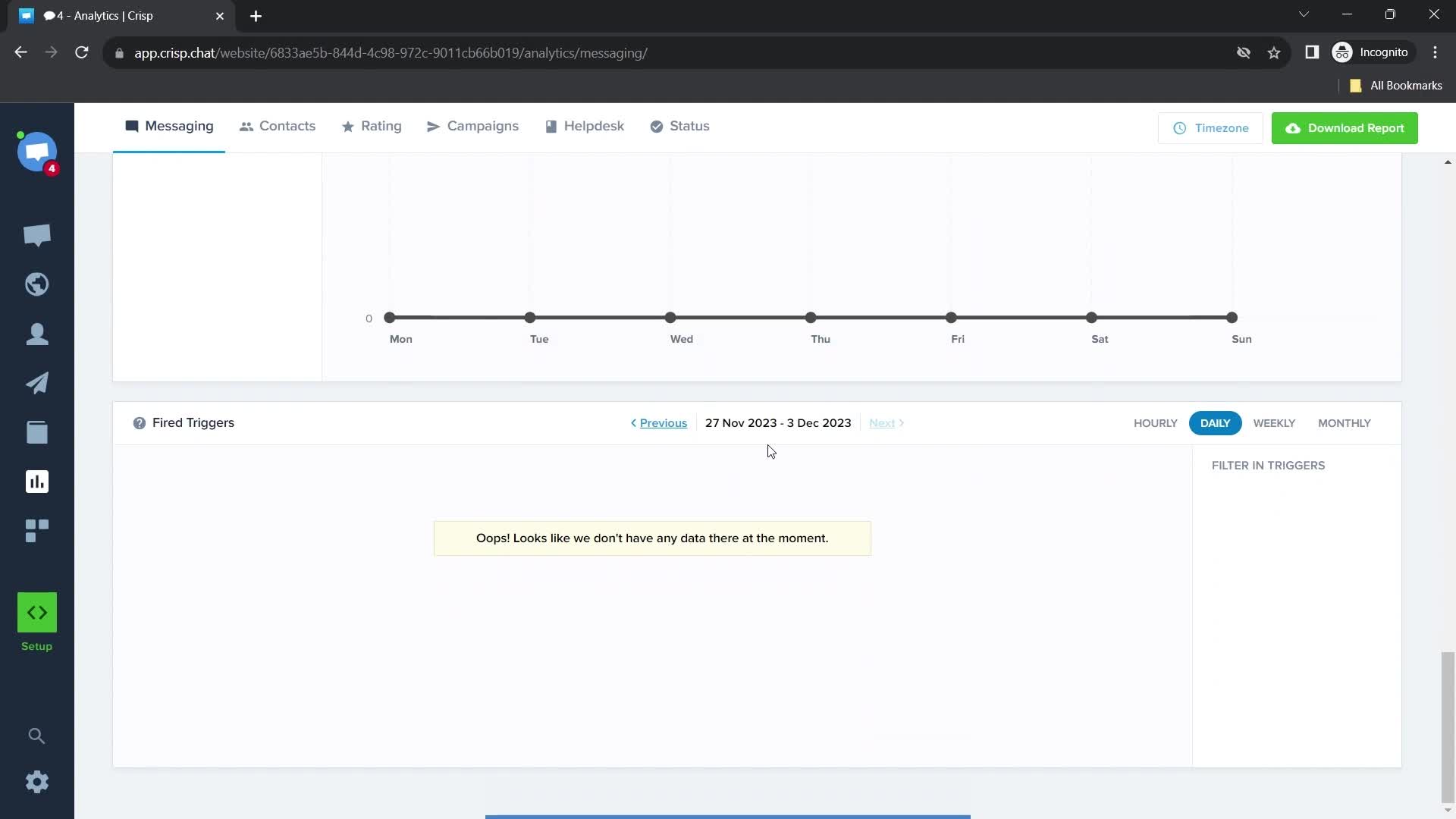
Analytics
this is title
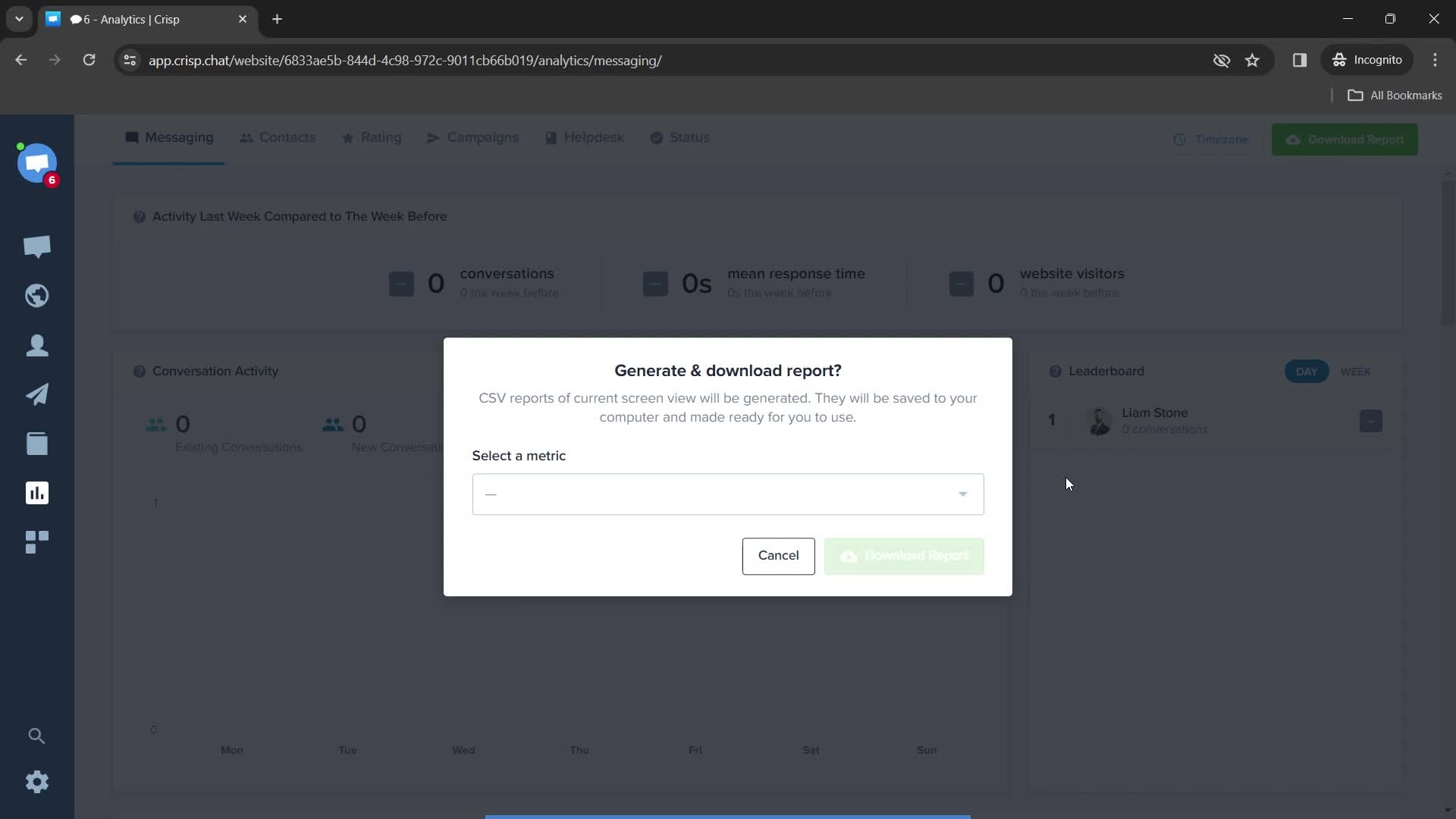
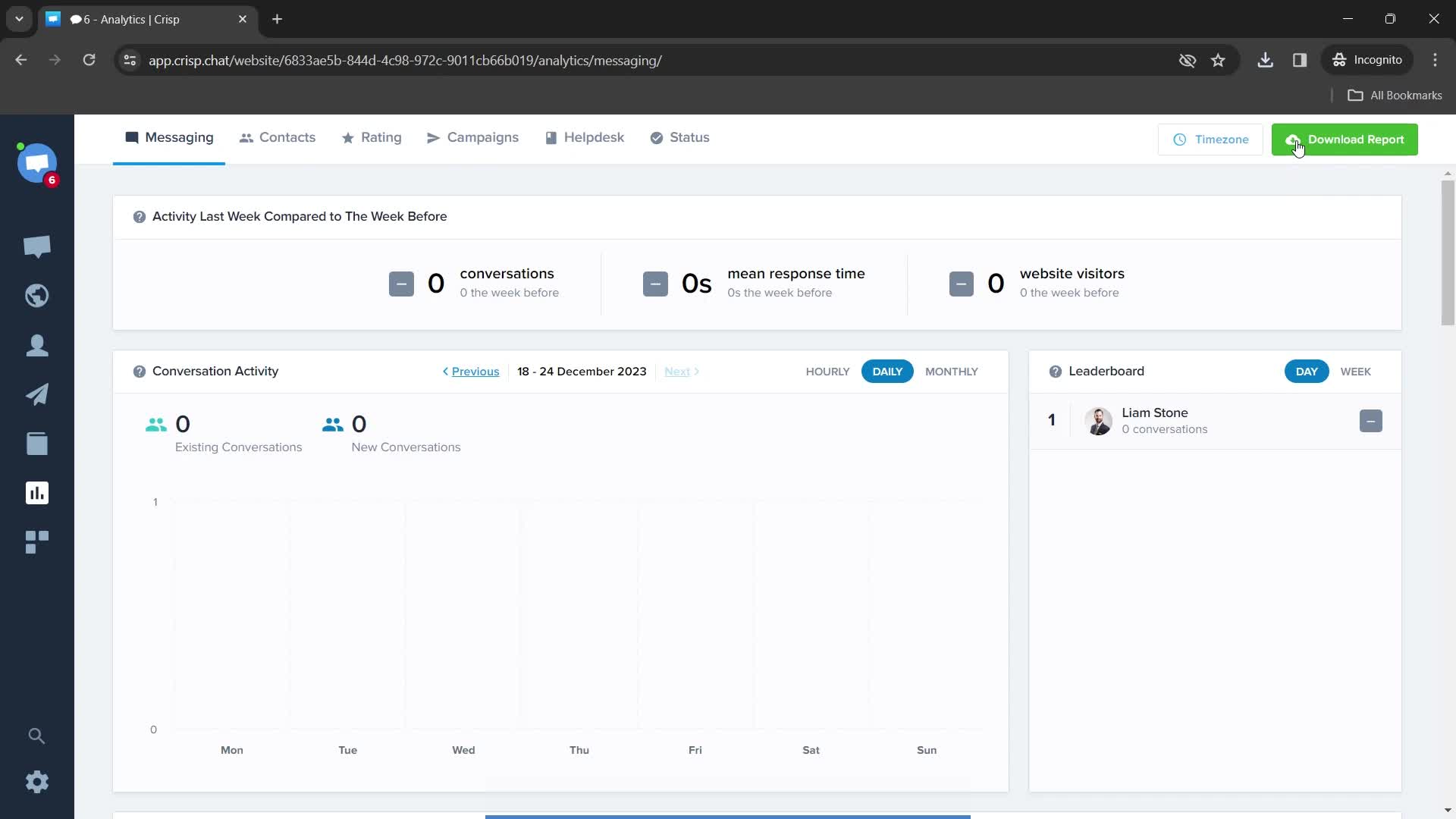
Download report
this is title
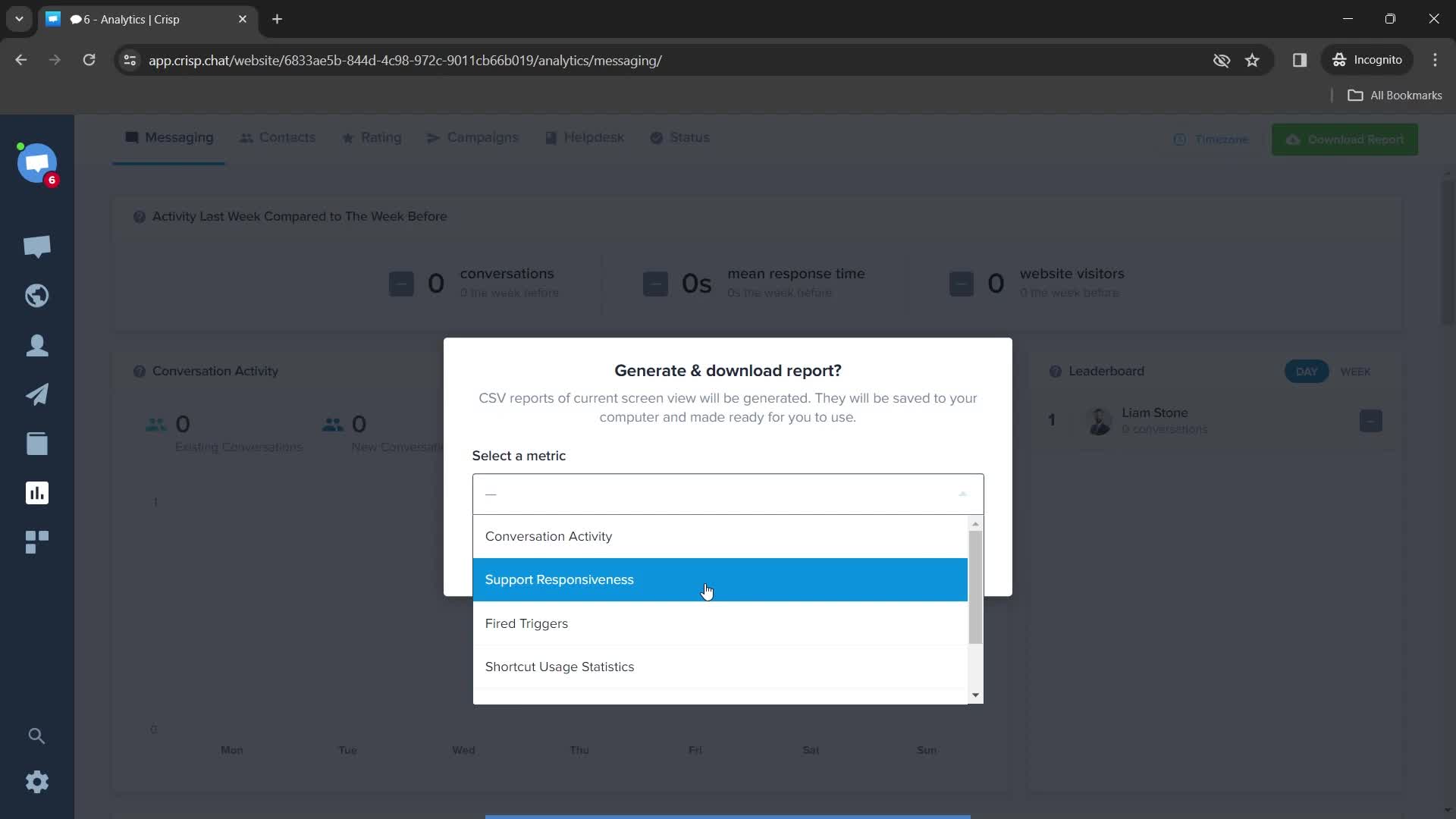
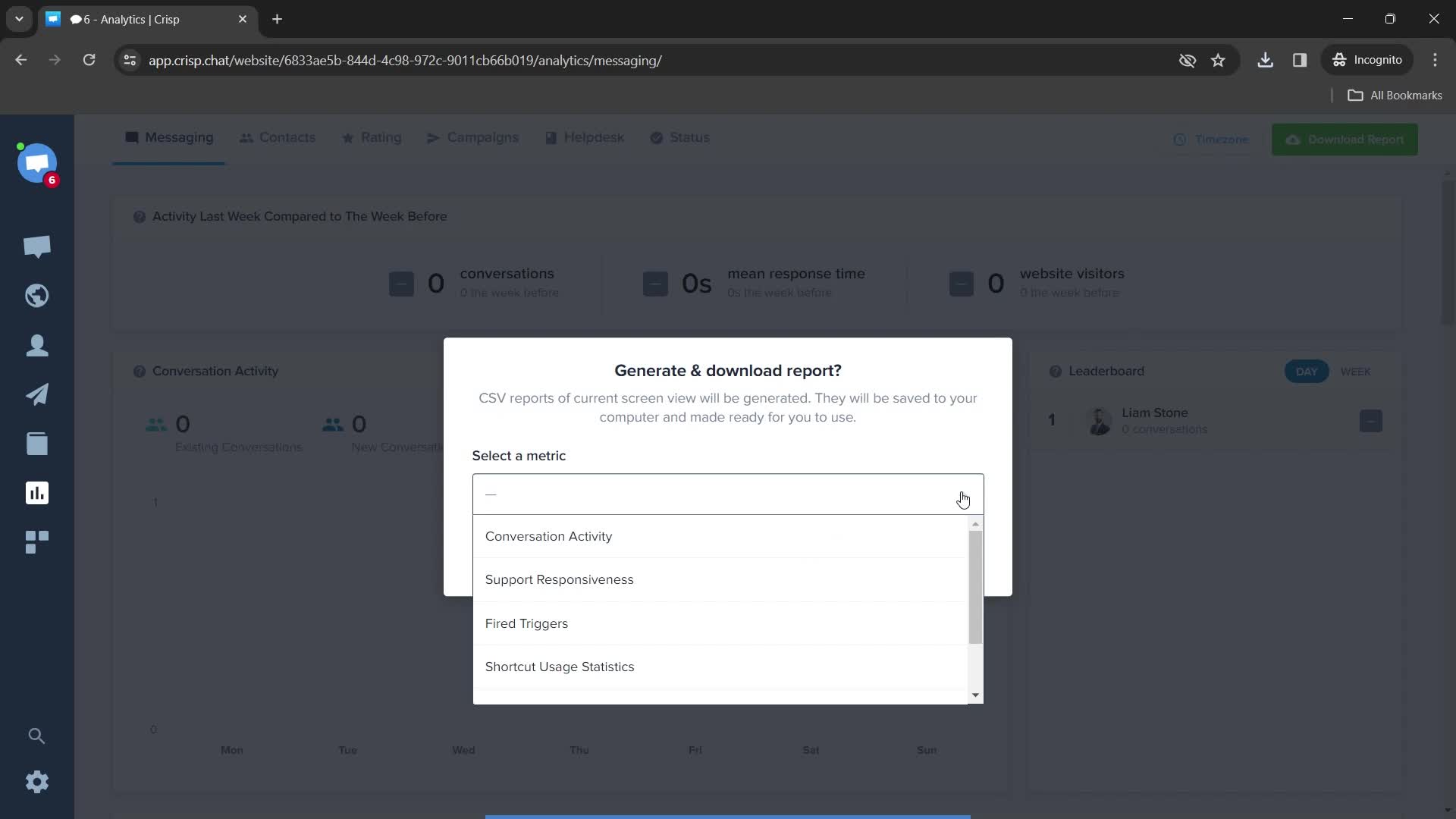
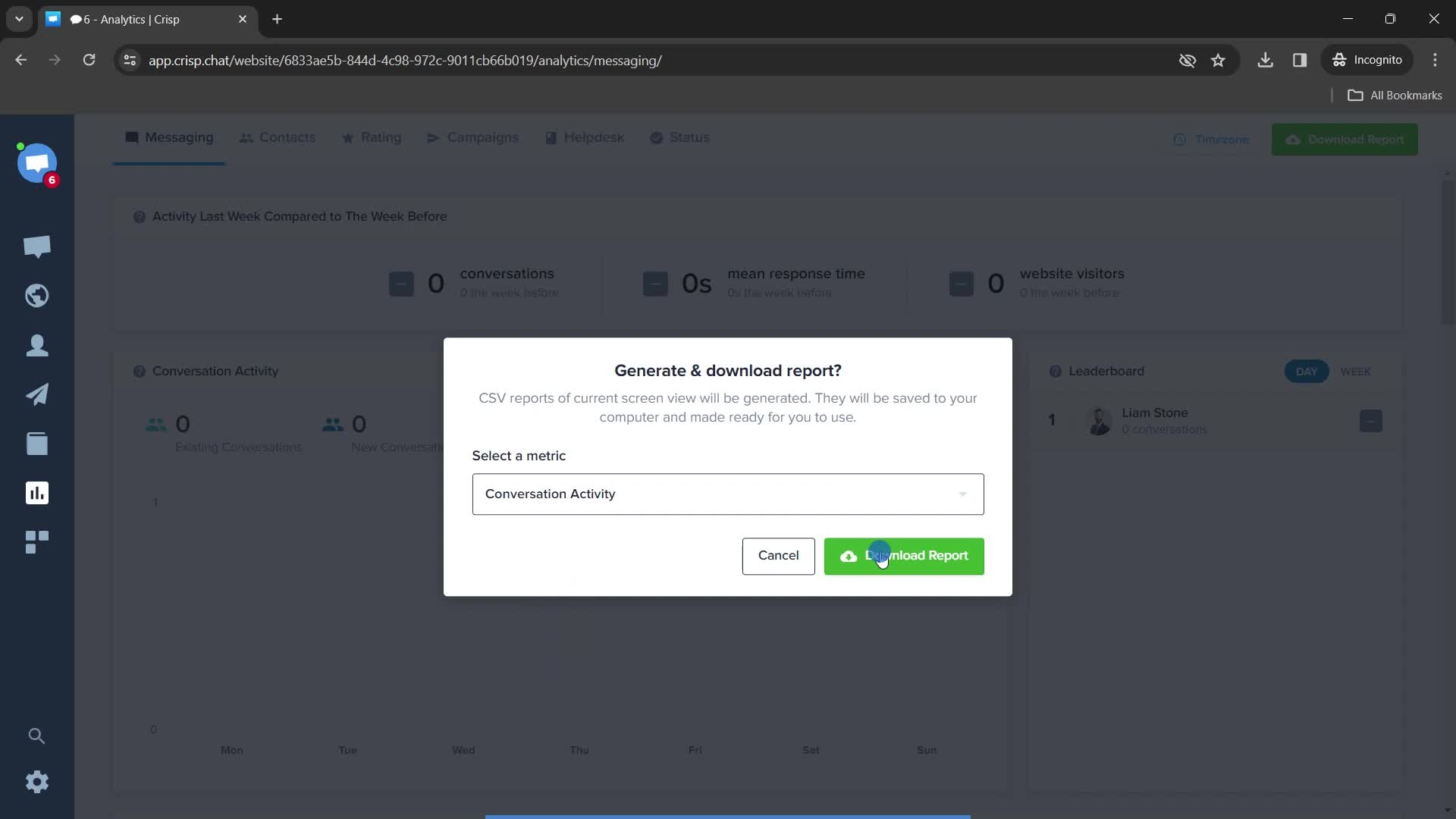
Select options
this is title
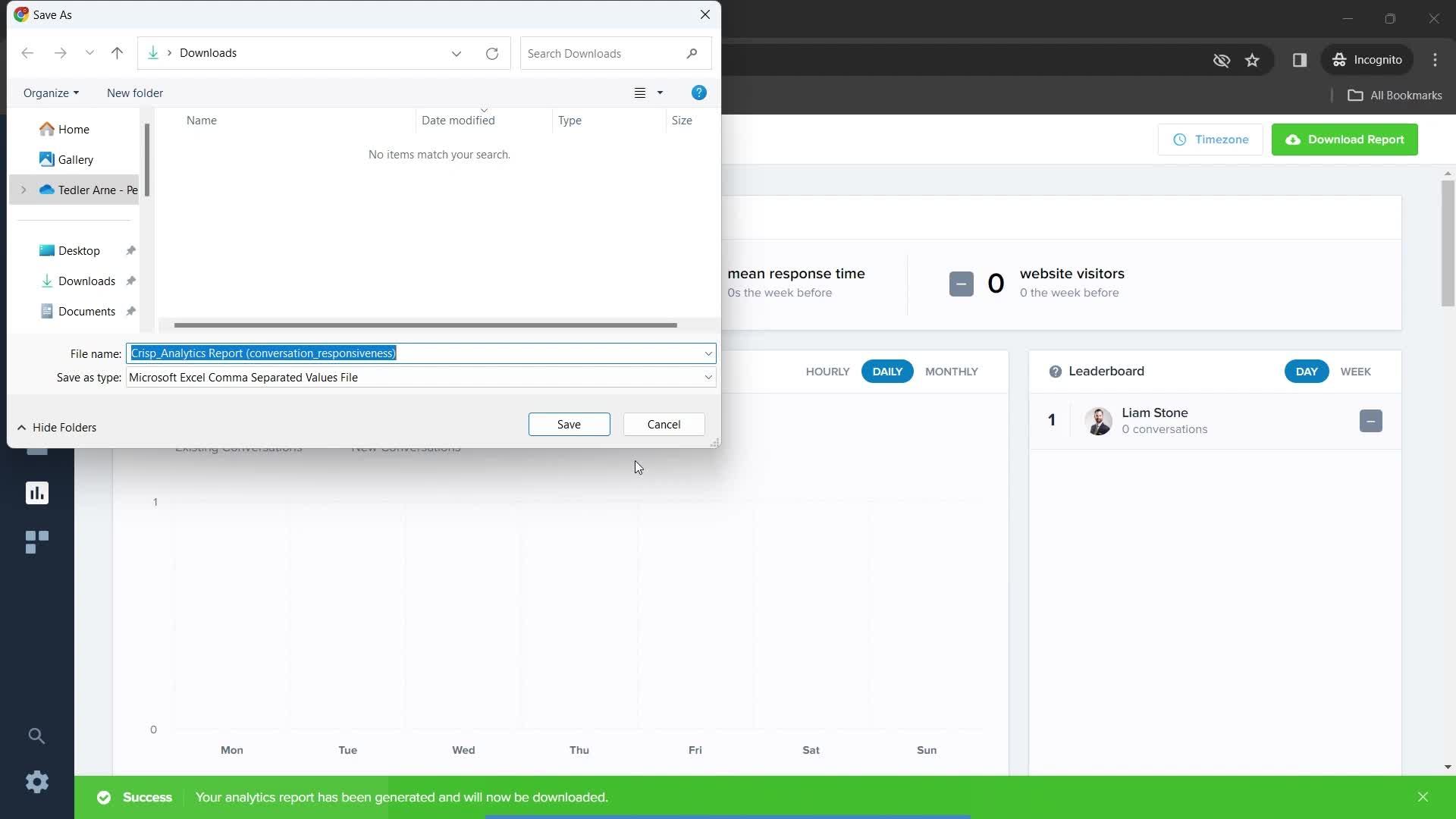
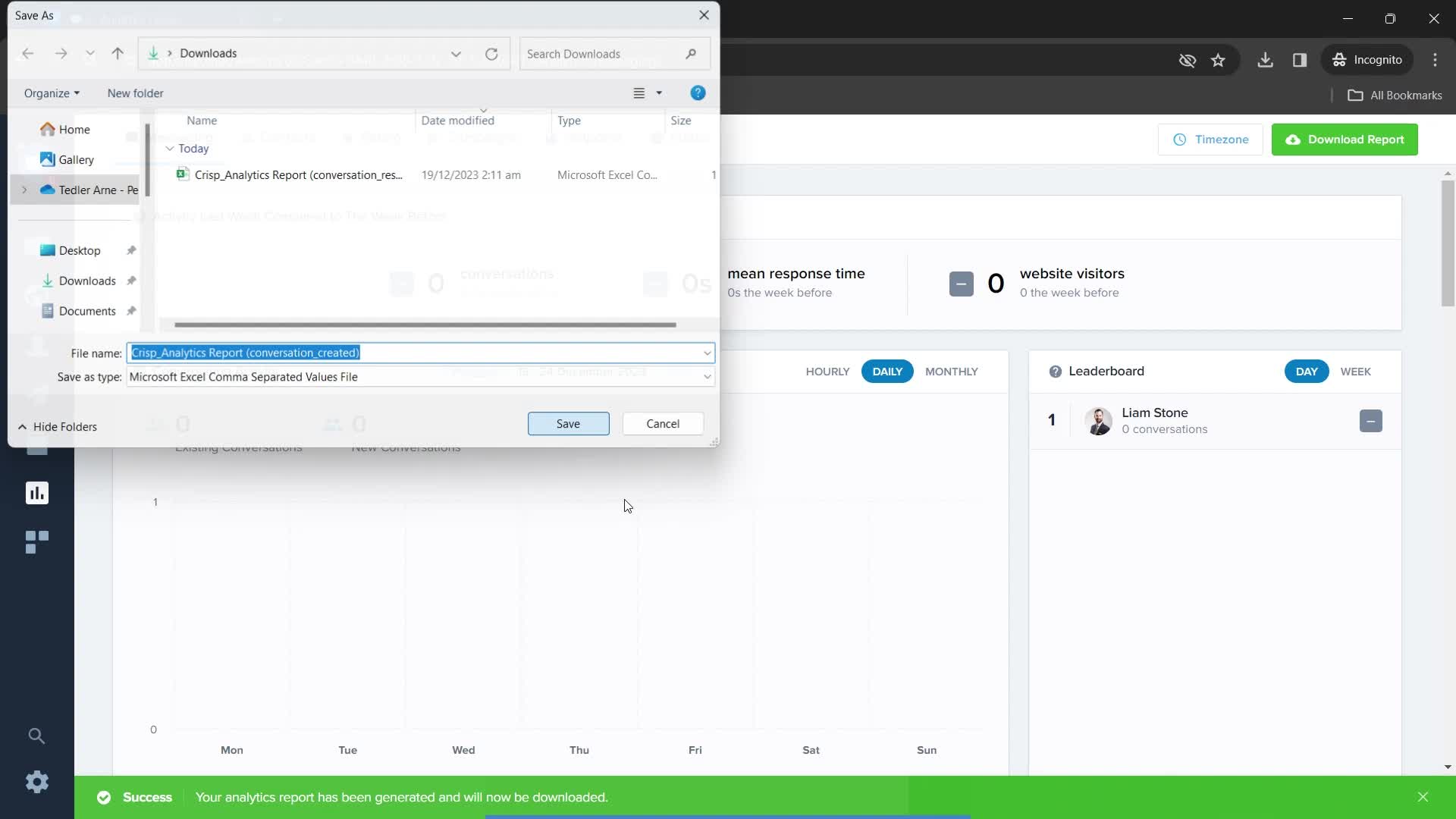
Saving downloads
this is title
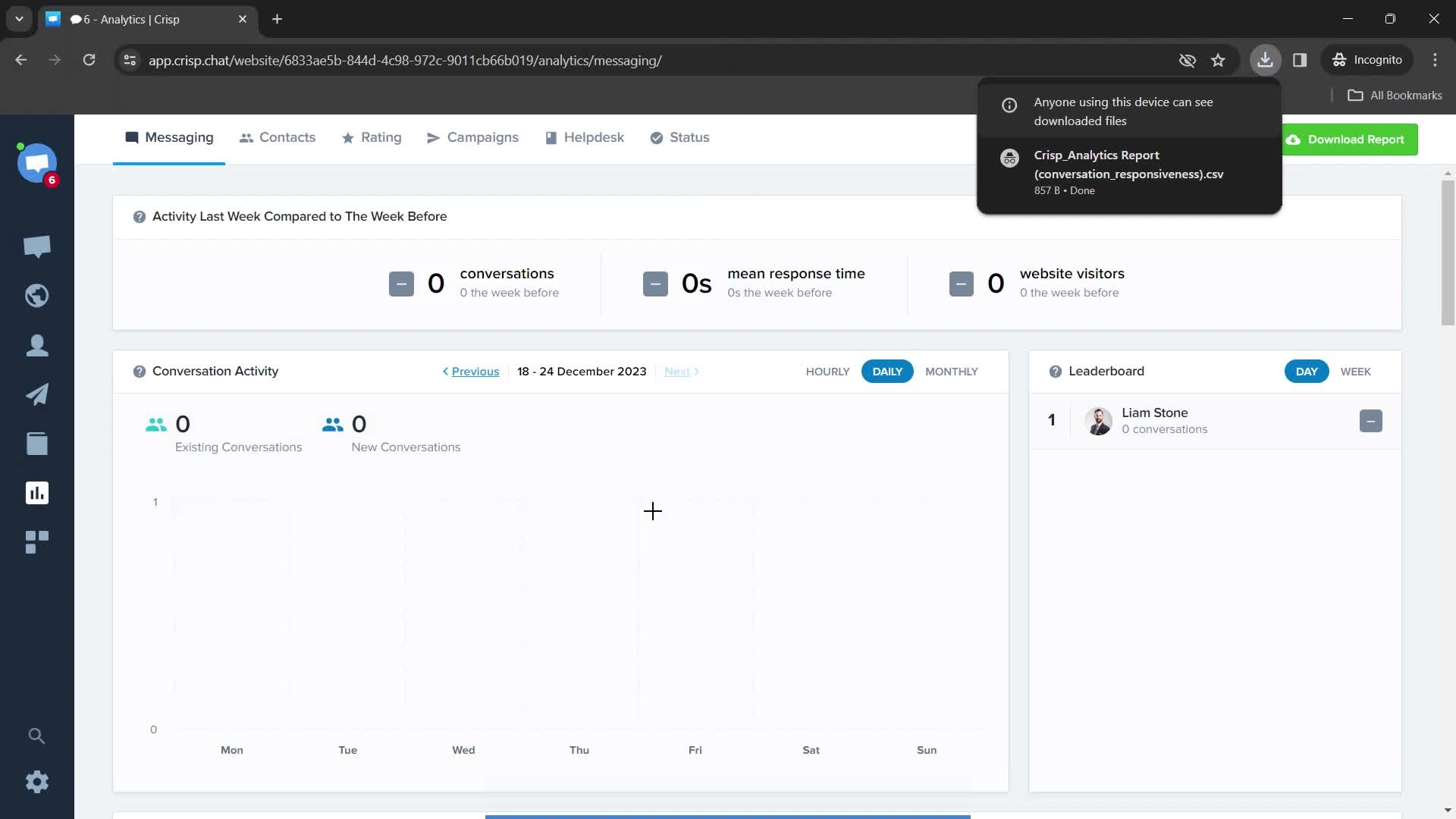
Download complete
this is title
Analytics
this is title
Download report
this is title
this is title
Saving downloads
this is title
Download complete
this is title
Dashboard
this is title
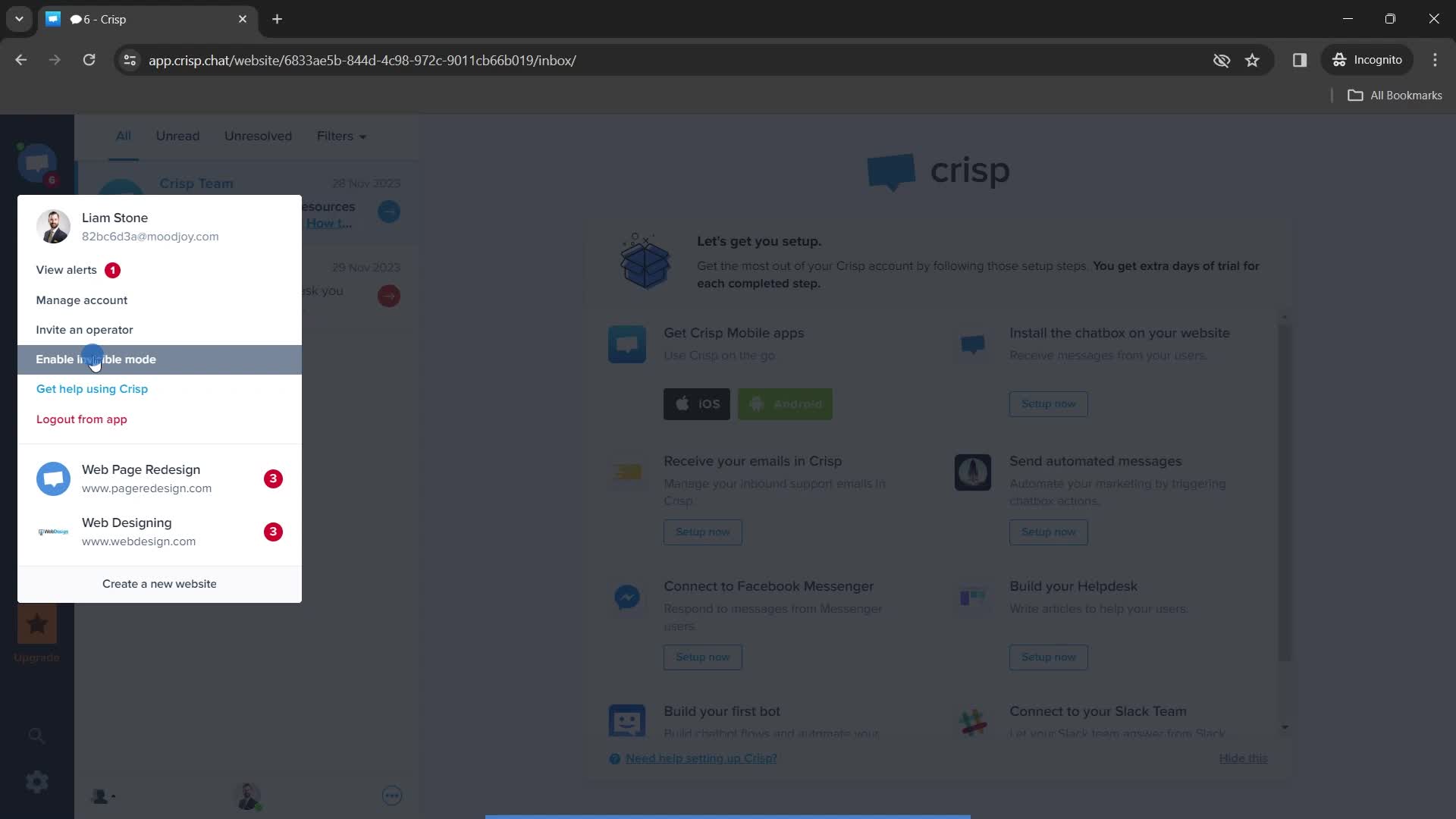
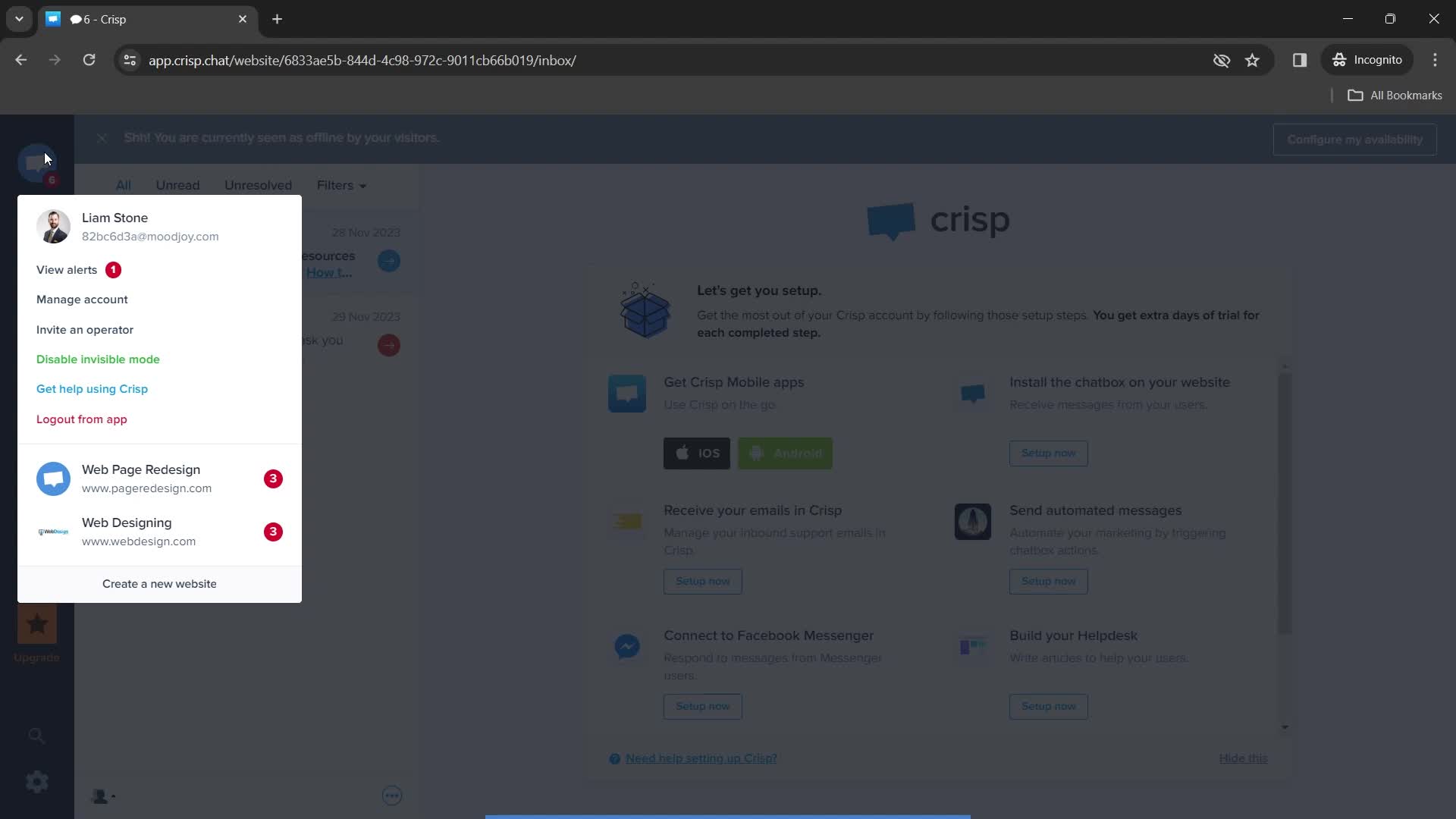
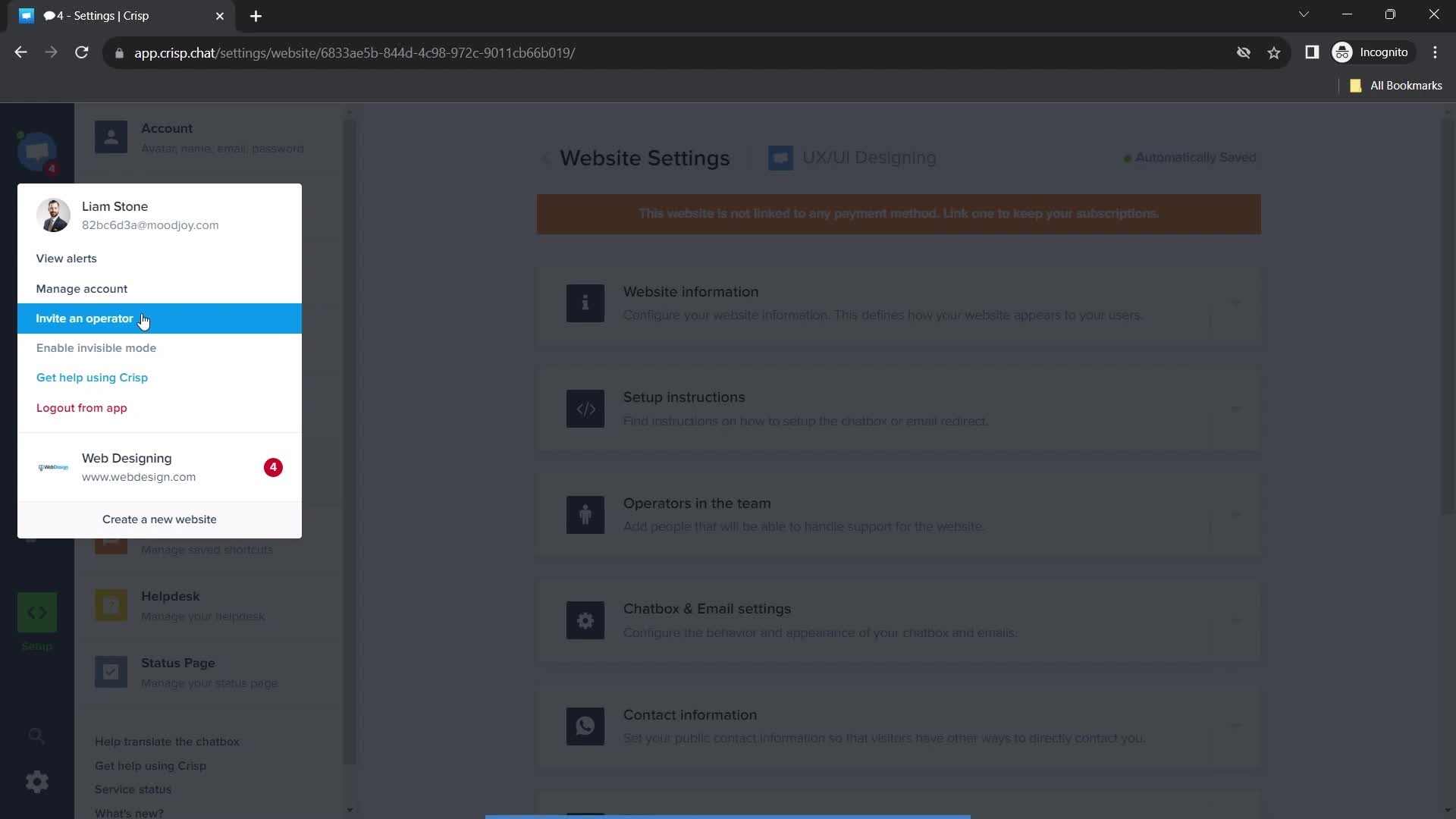
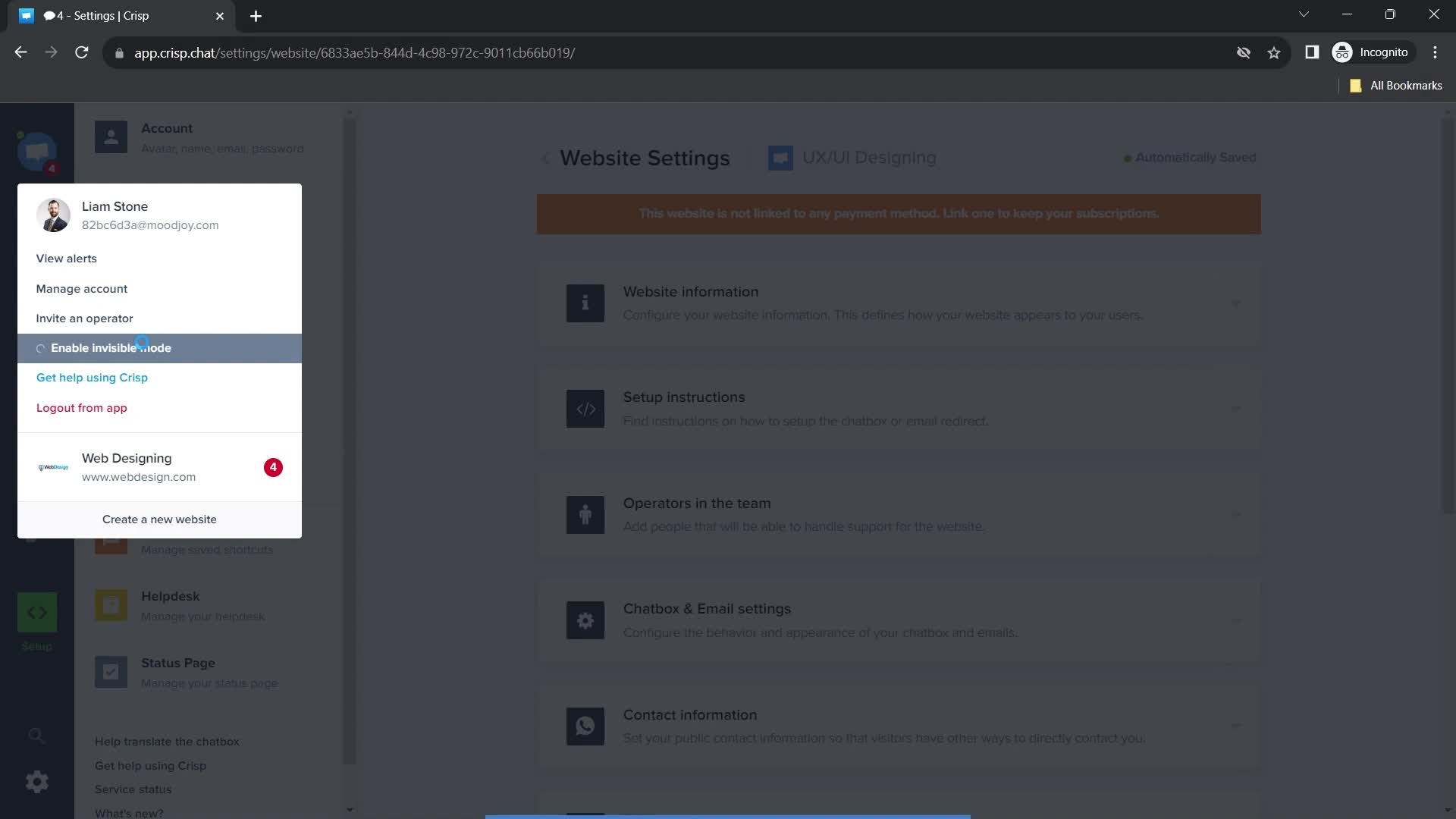
Navigation menu
this is title
this is title
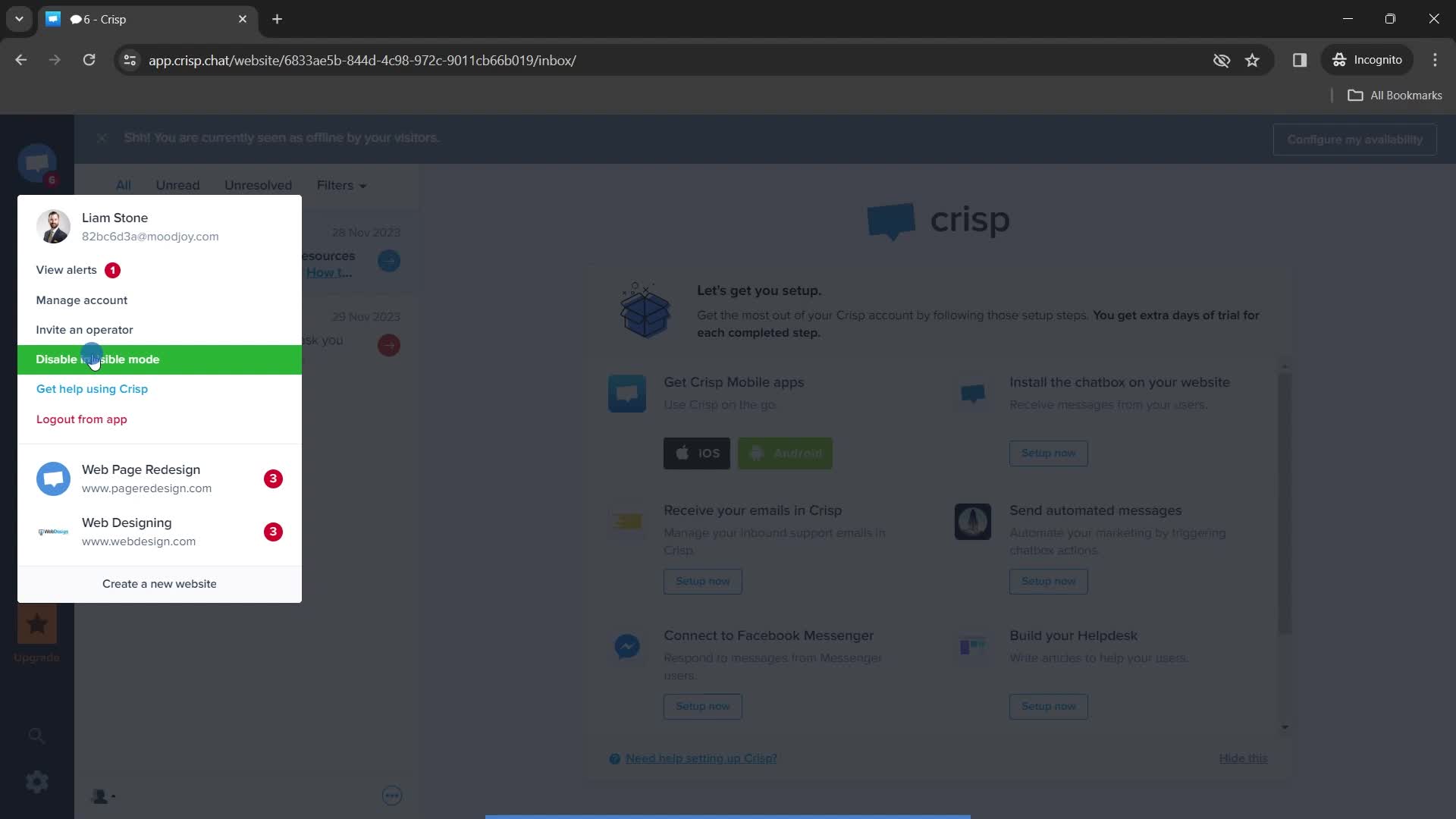
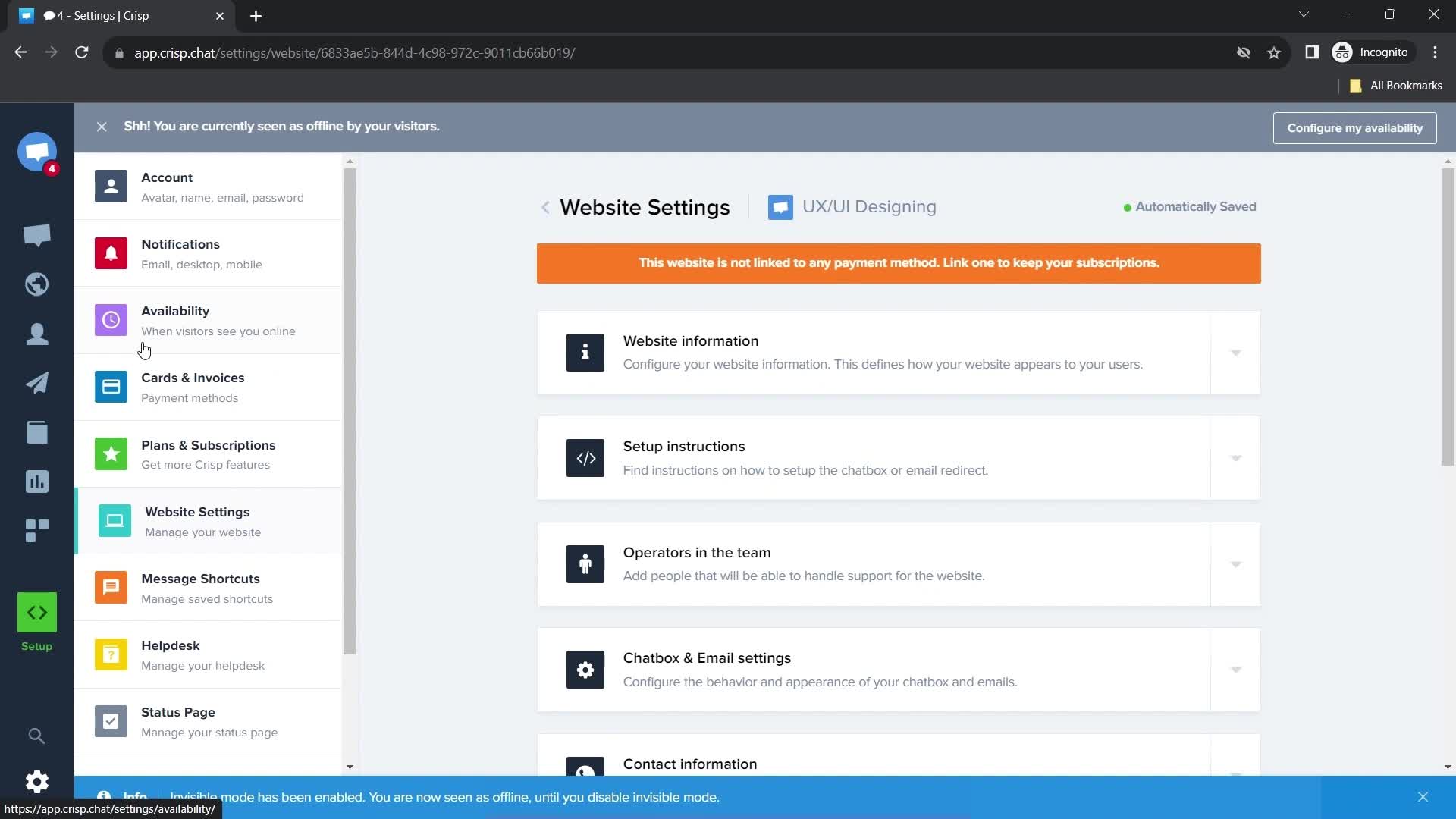
Invisible mode enabled
this is title
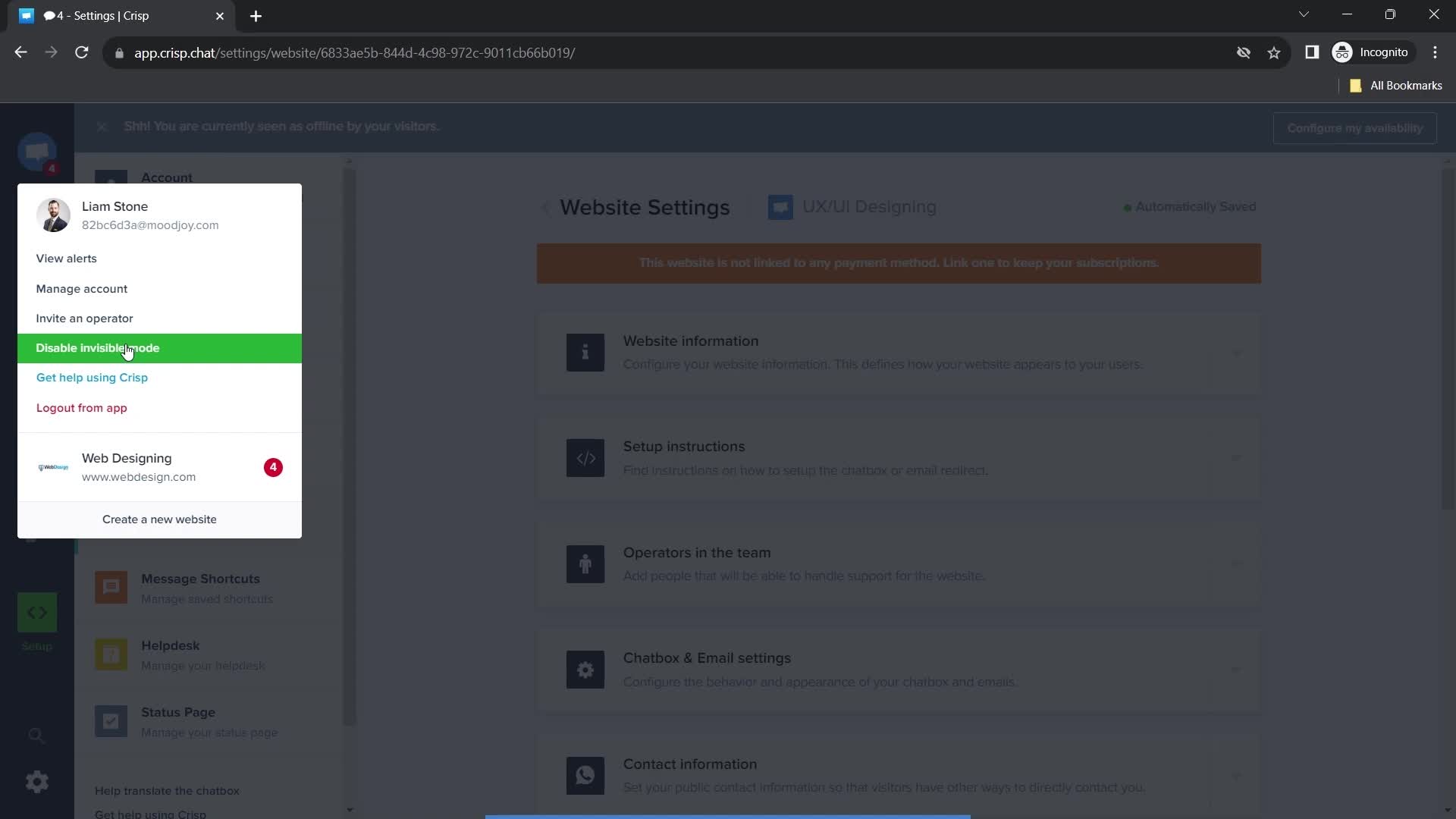
Navigation menu
this is title
this is title
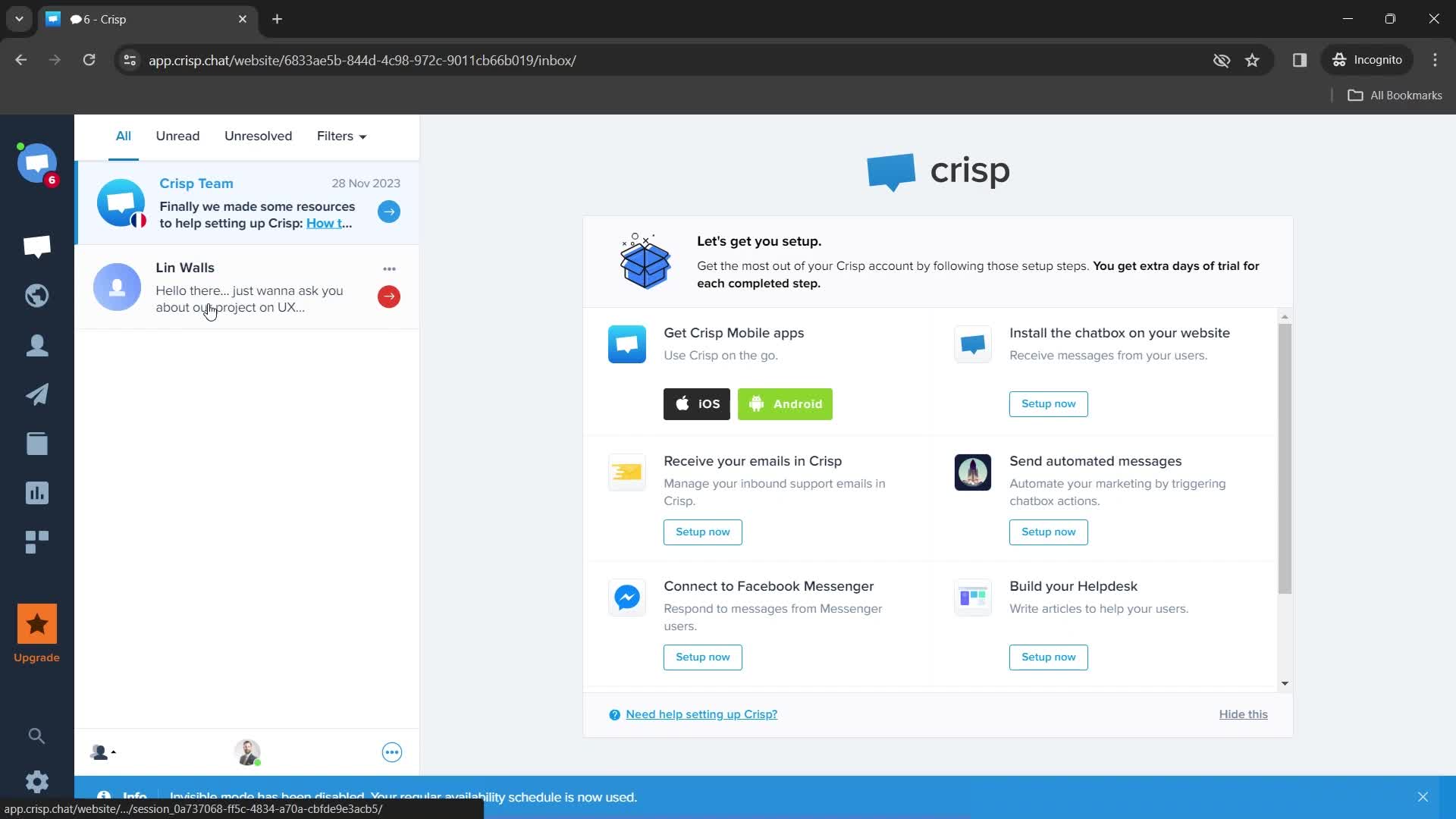
Invisible mode disabled
this is title
Dashboard
this is title
Dashboard
this is title
Contacts
this is title
Action menu
this is title
this is title
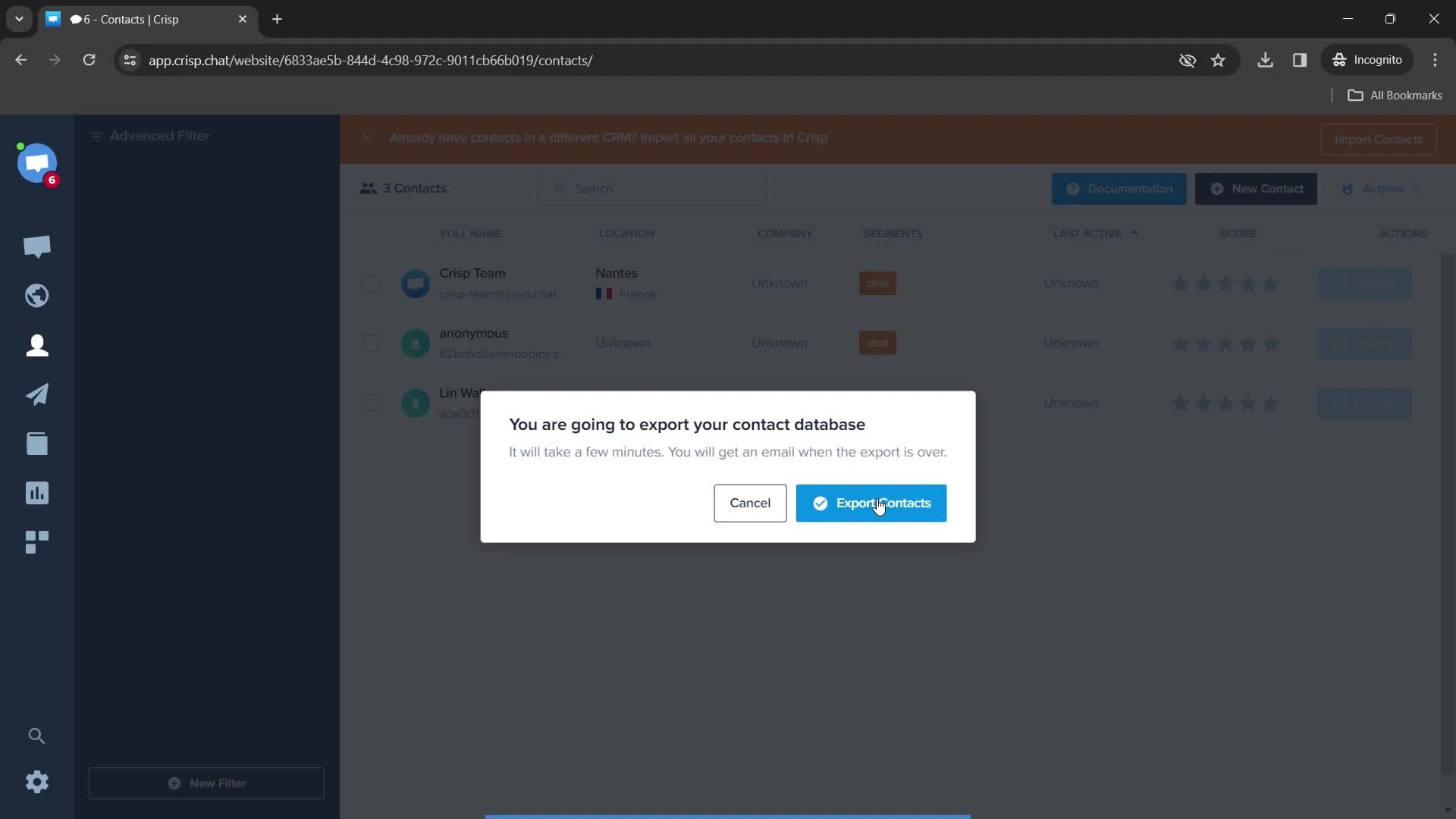
Export data
this is title
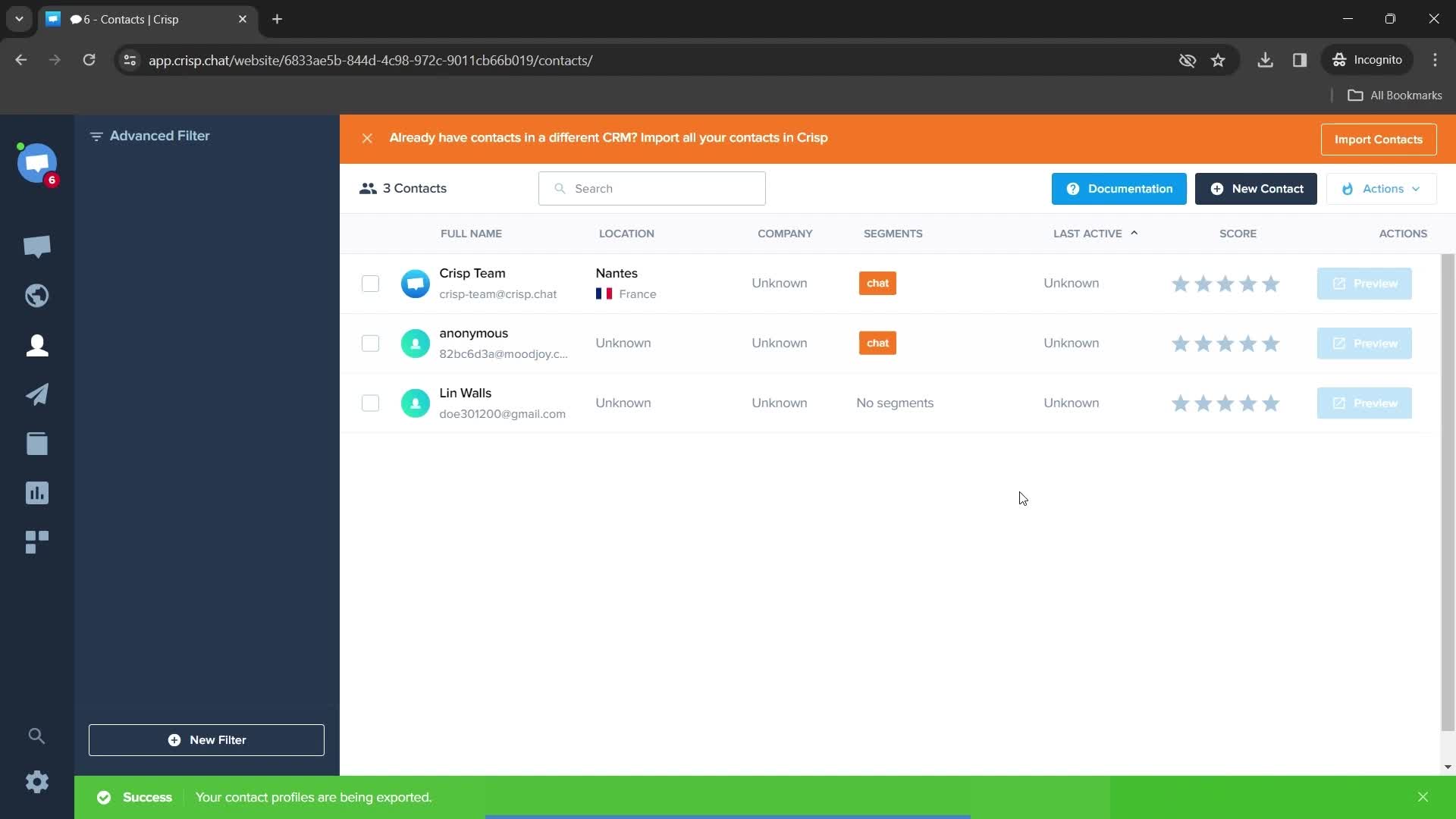
Exporting
this is title
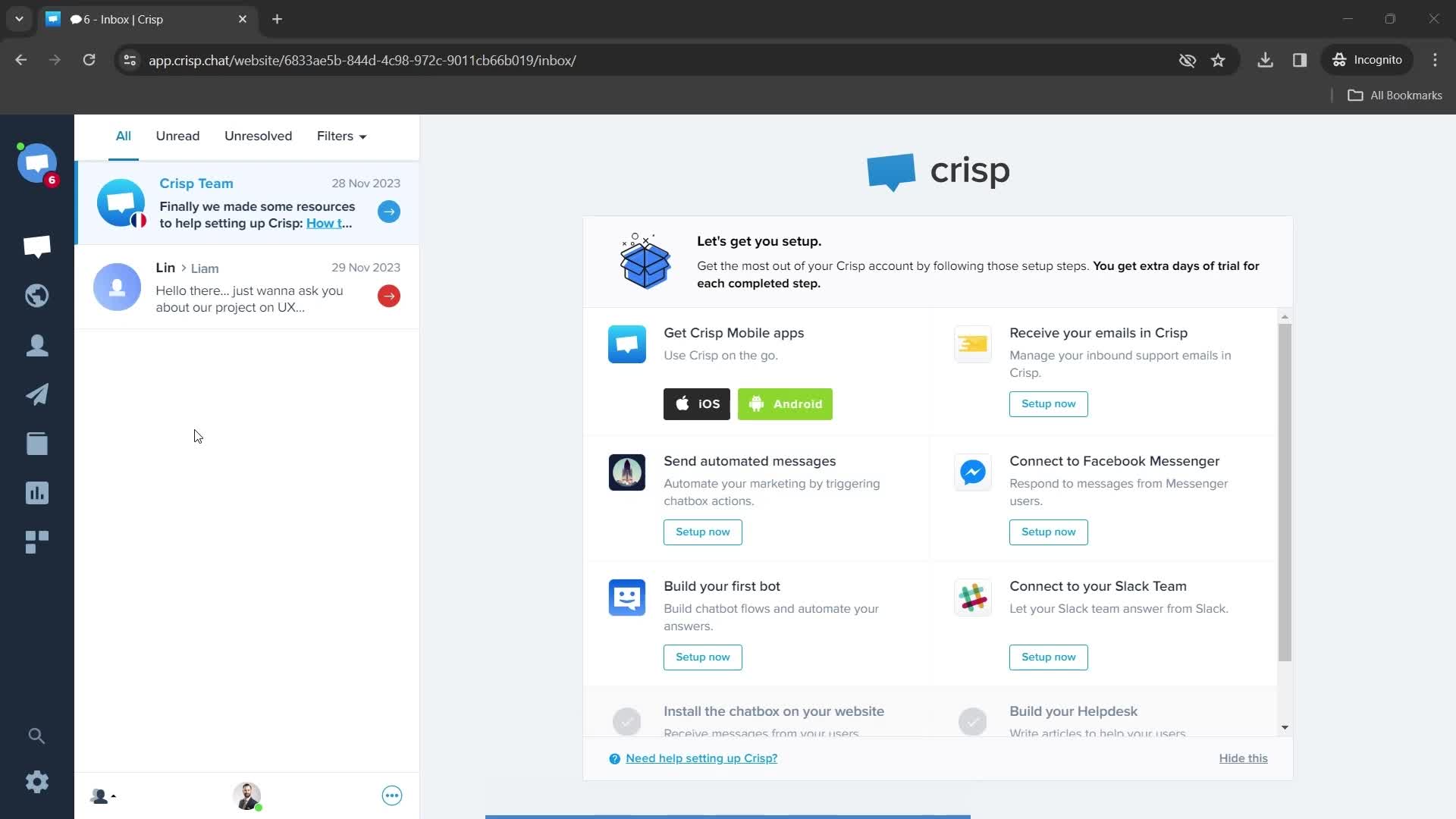
Dashboard
this is title
this is title
Helpdesk
this is title
Action menu
this is title
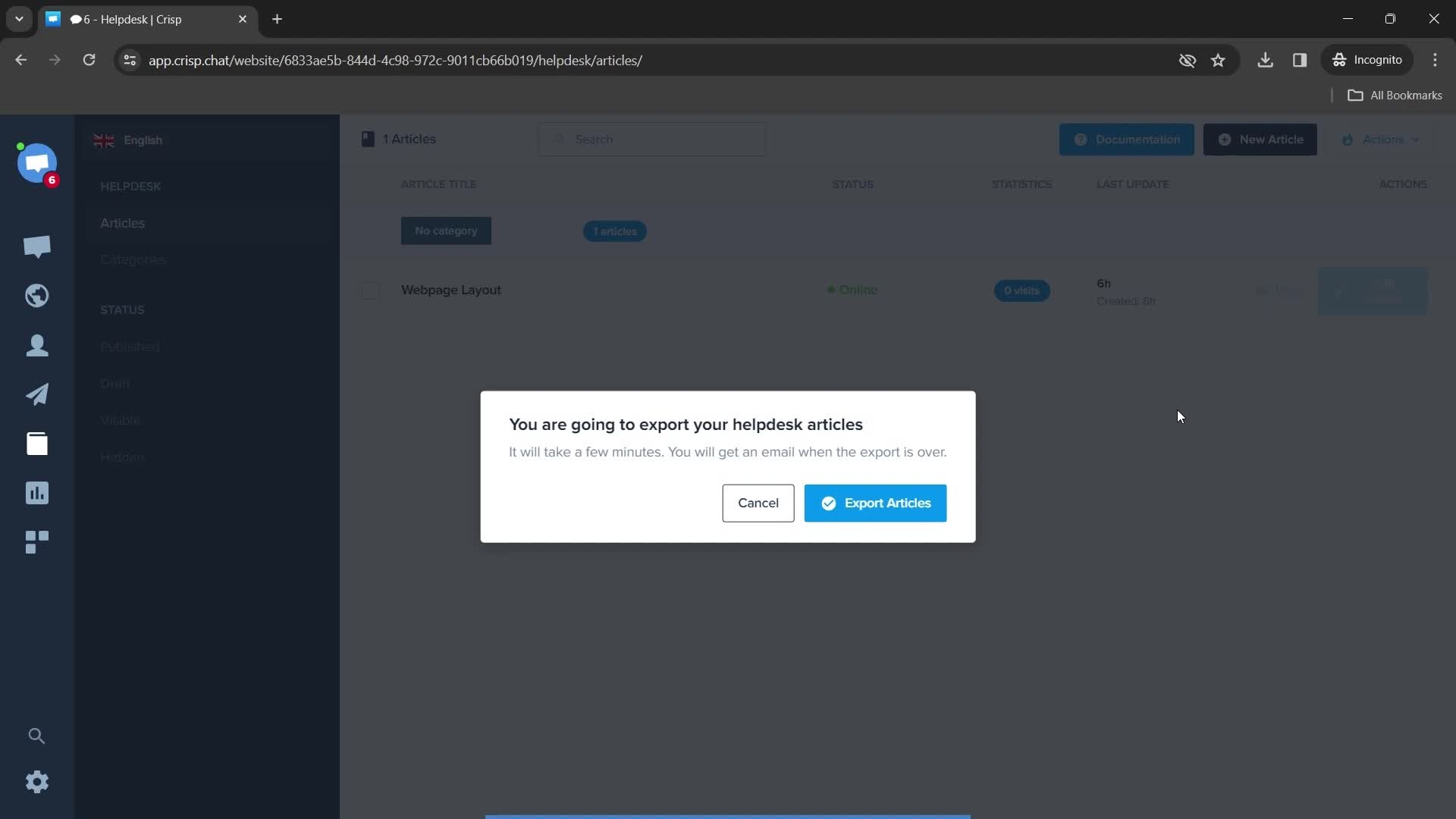
Export data
this is title
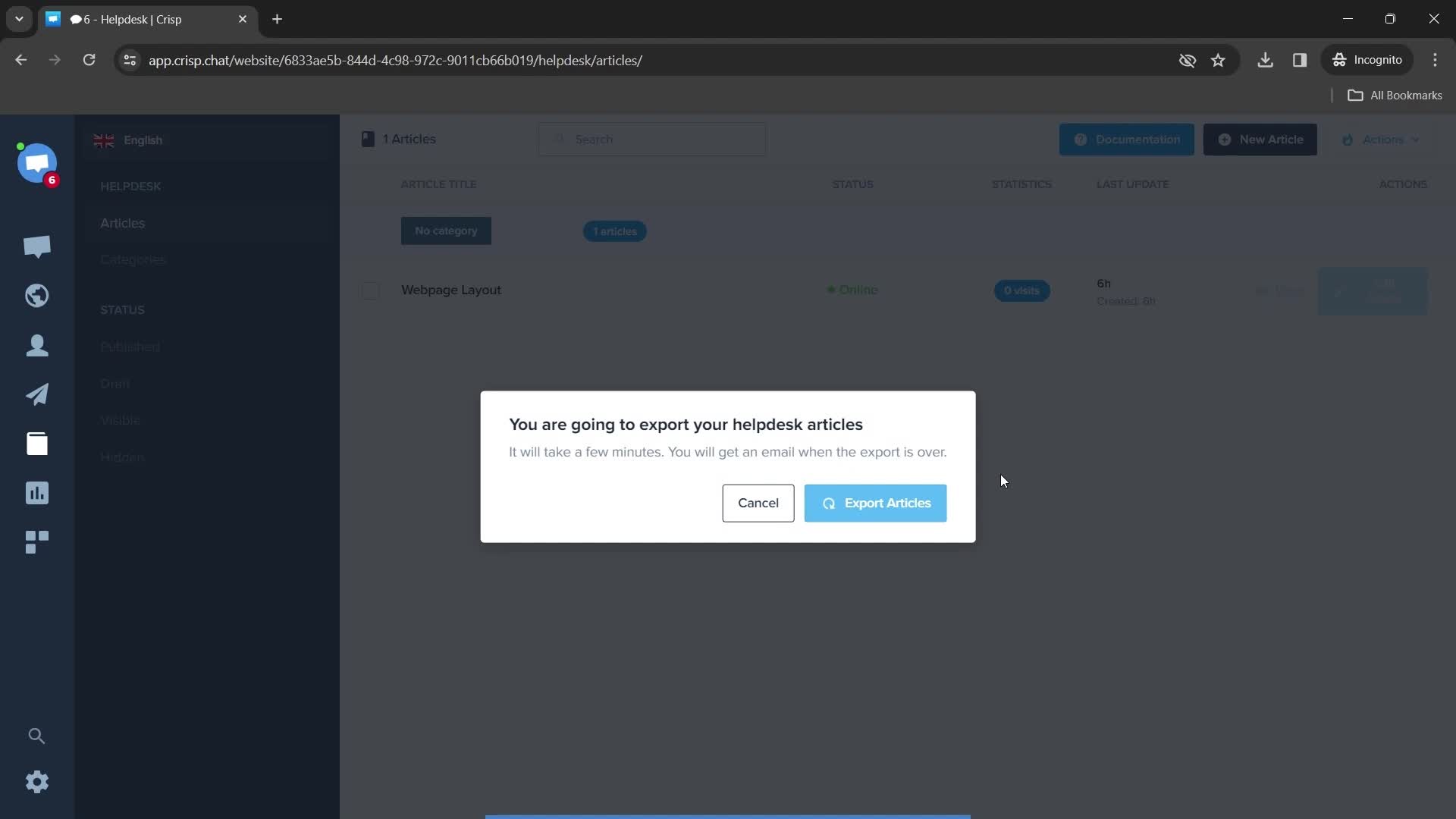
Export data
this is title
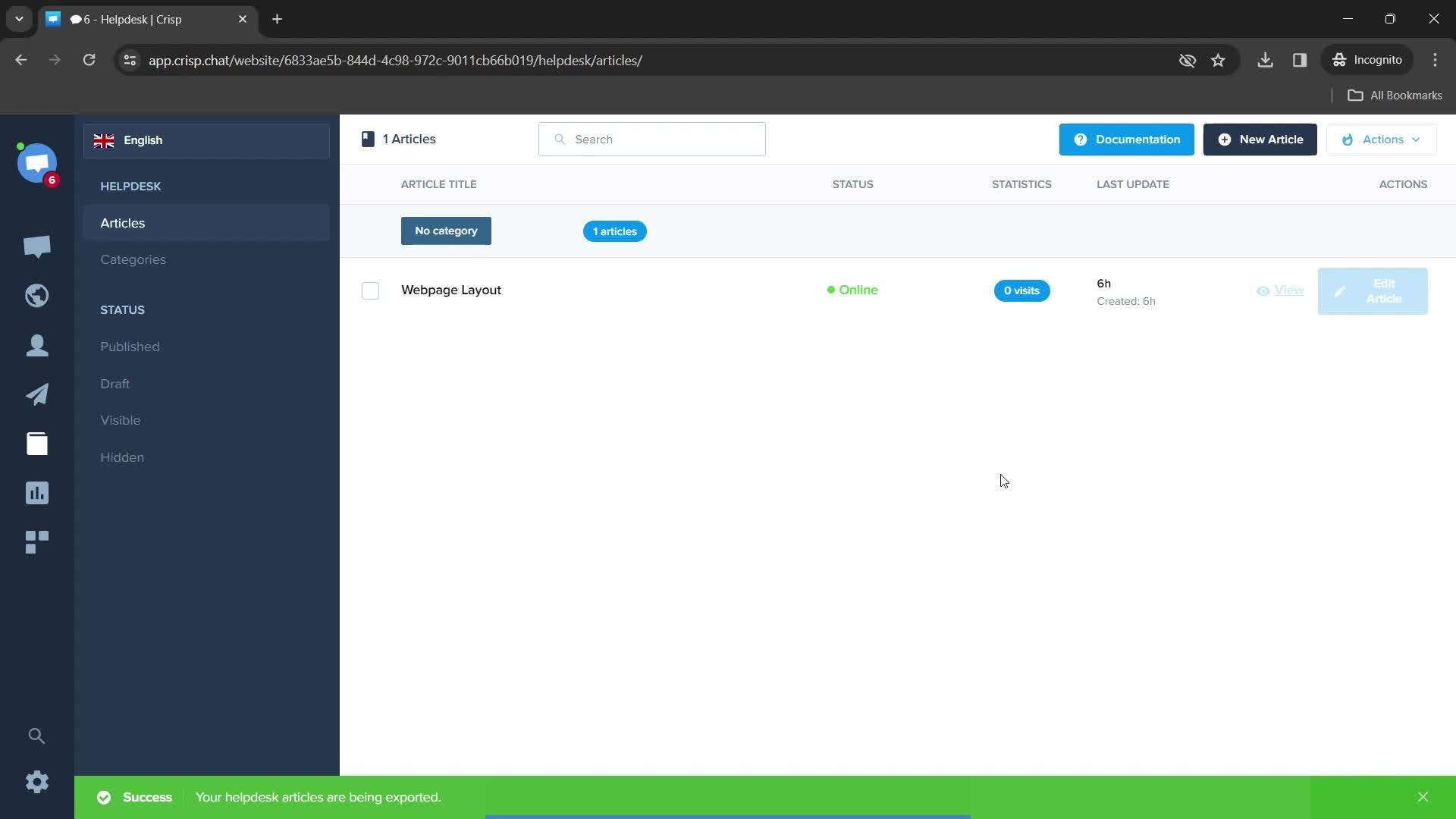
Export in progress
this is title
this is title
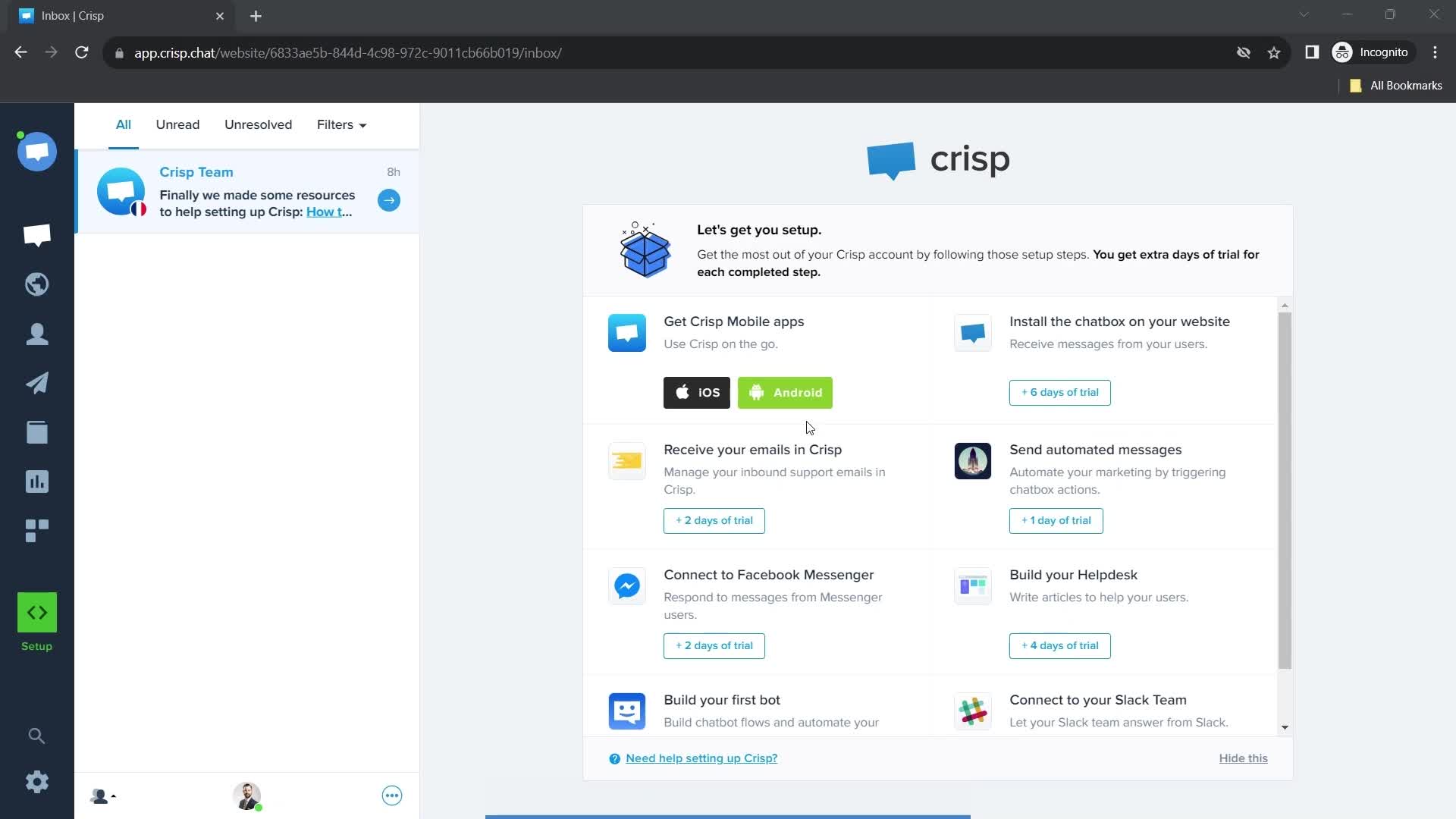
Dashboard
this is title
this is title
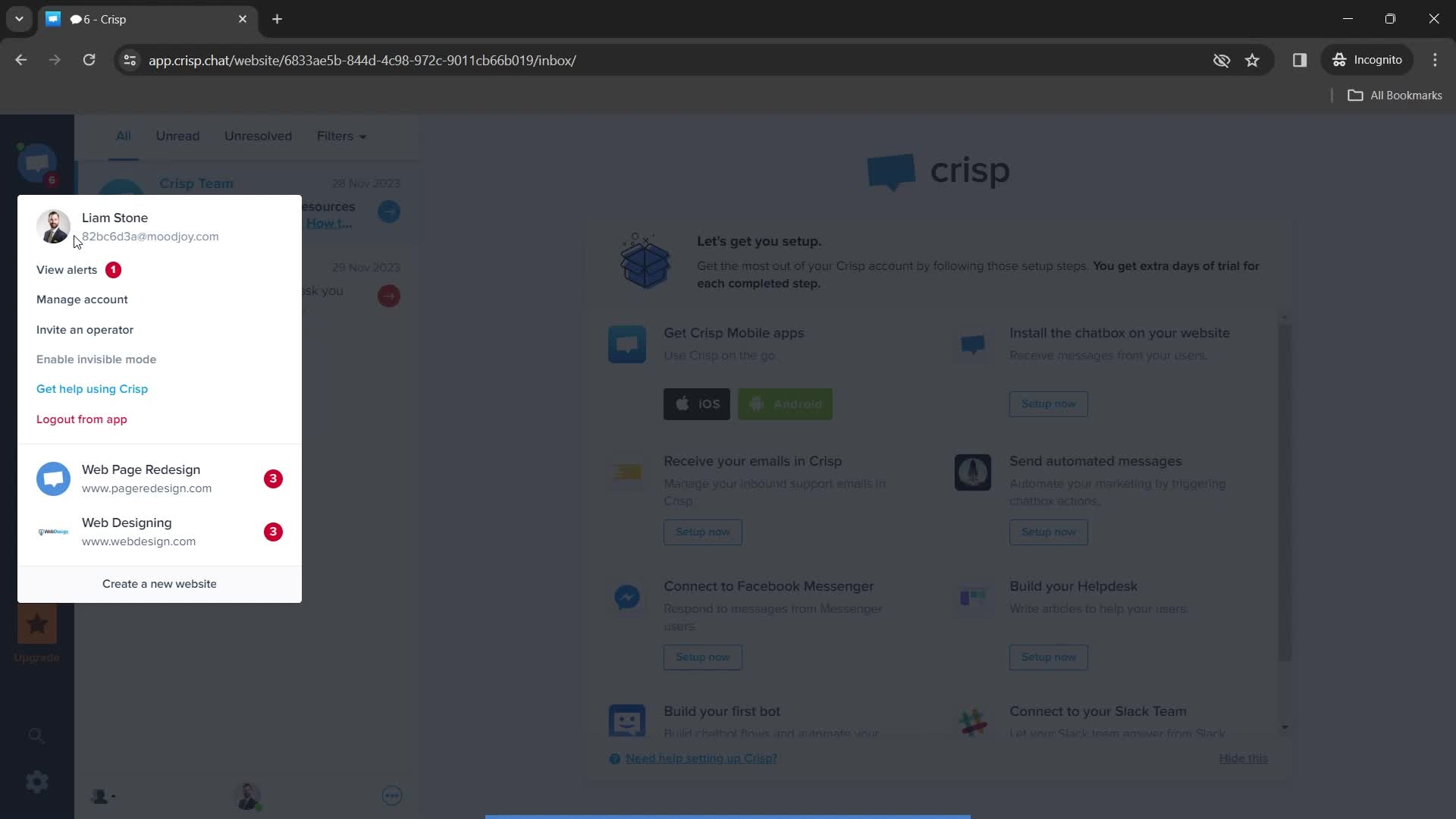
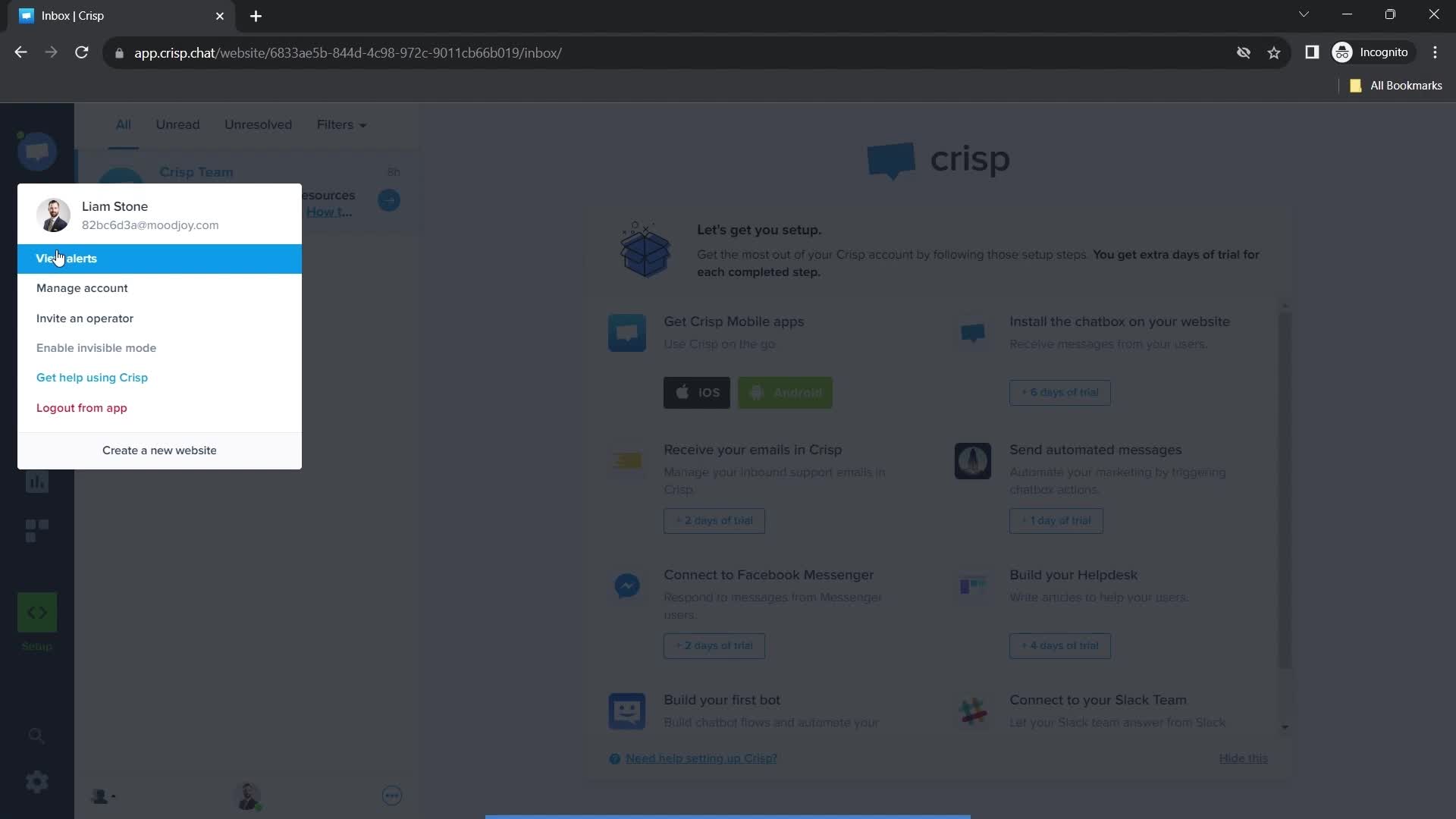
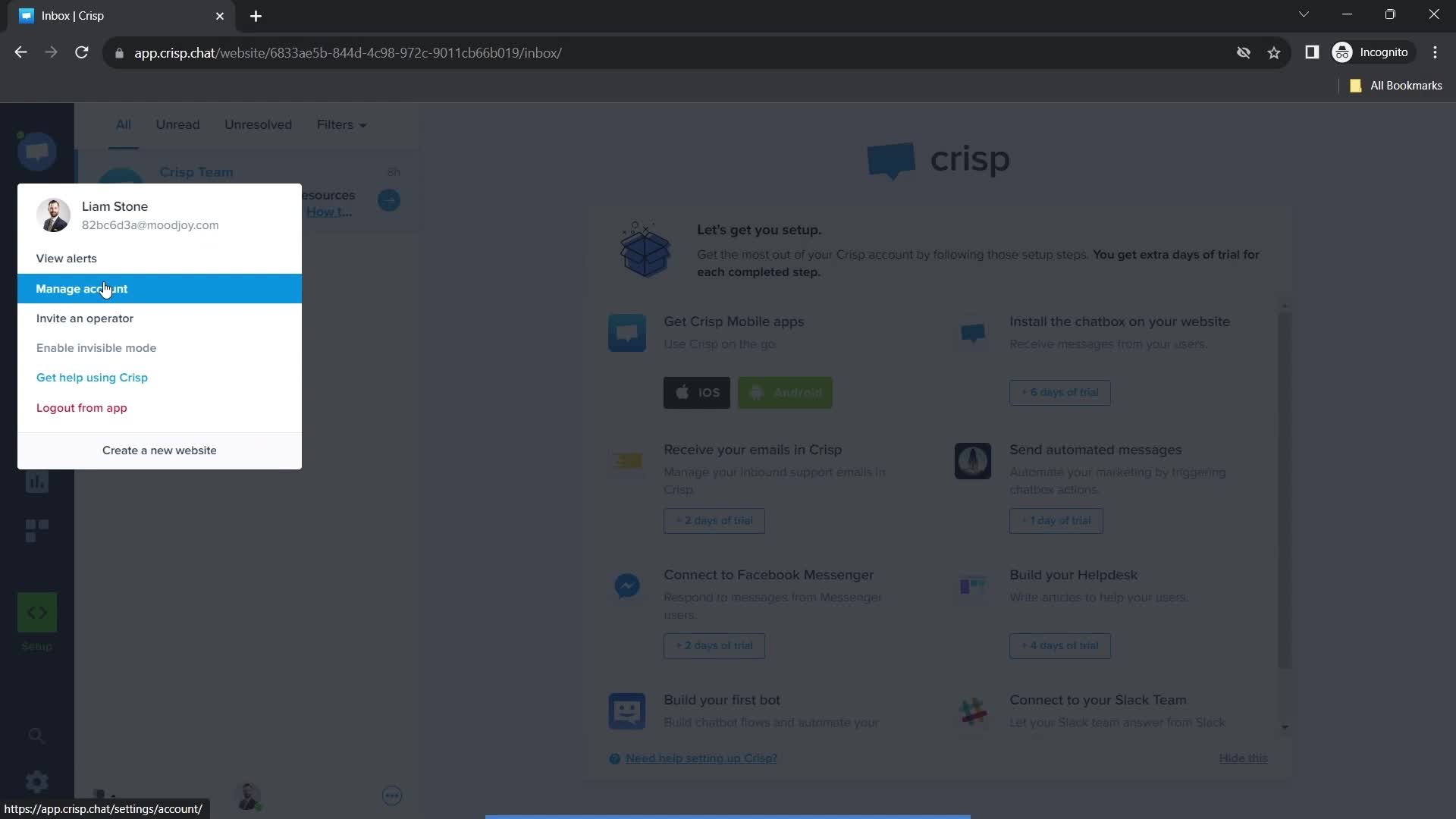
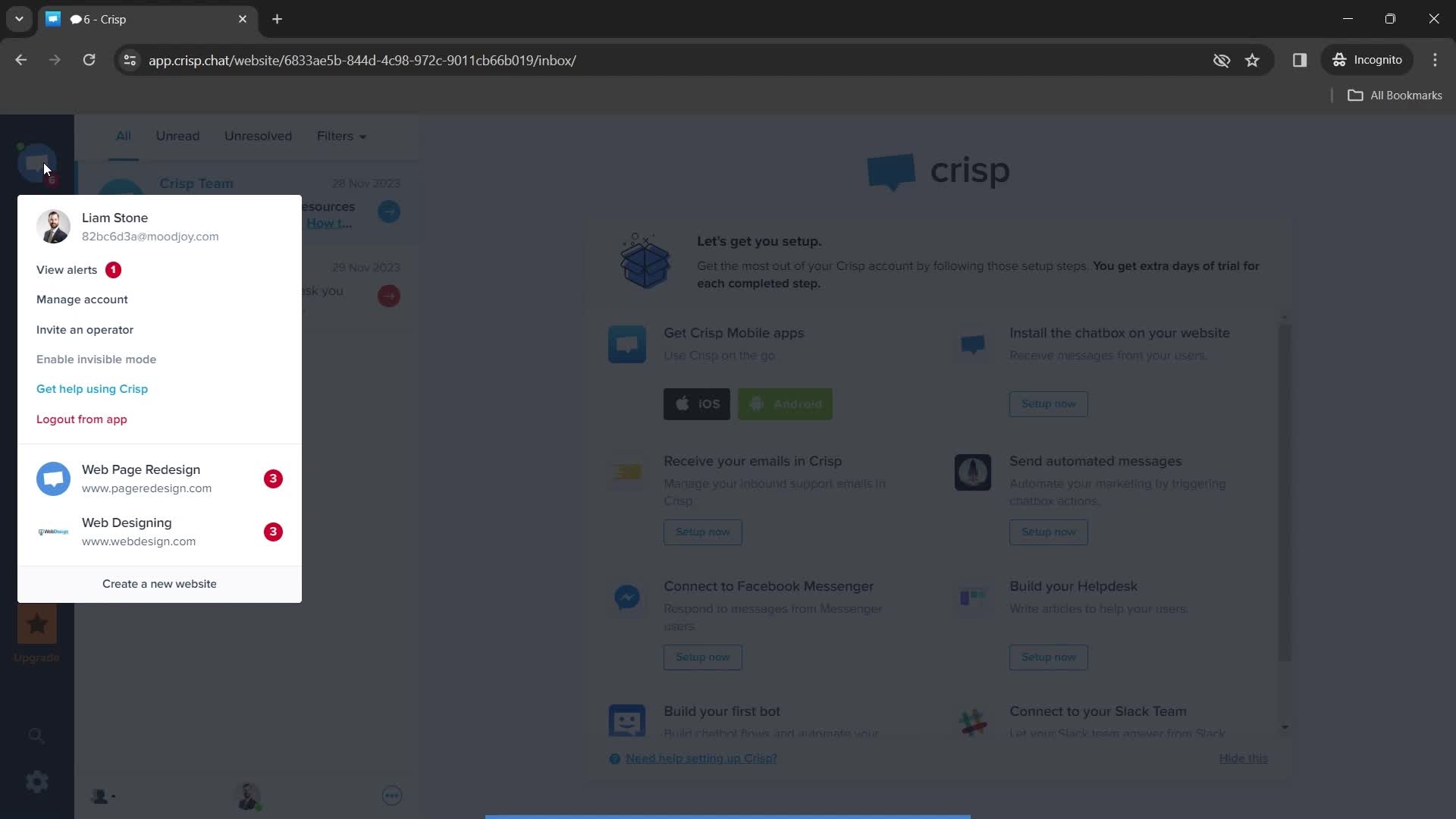
Account menu
this is title
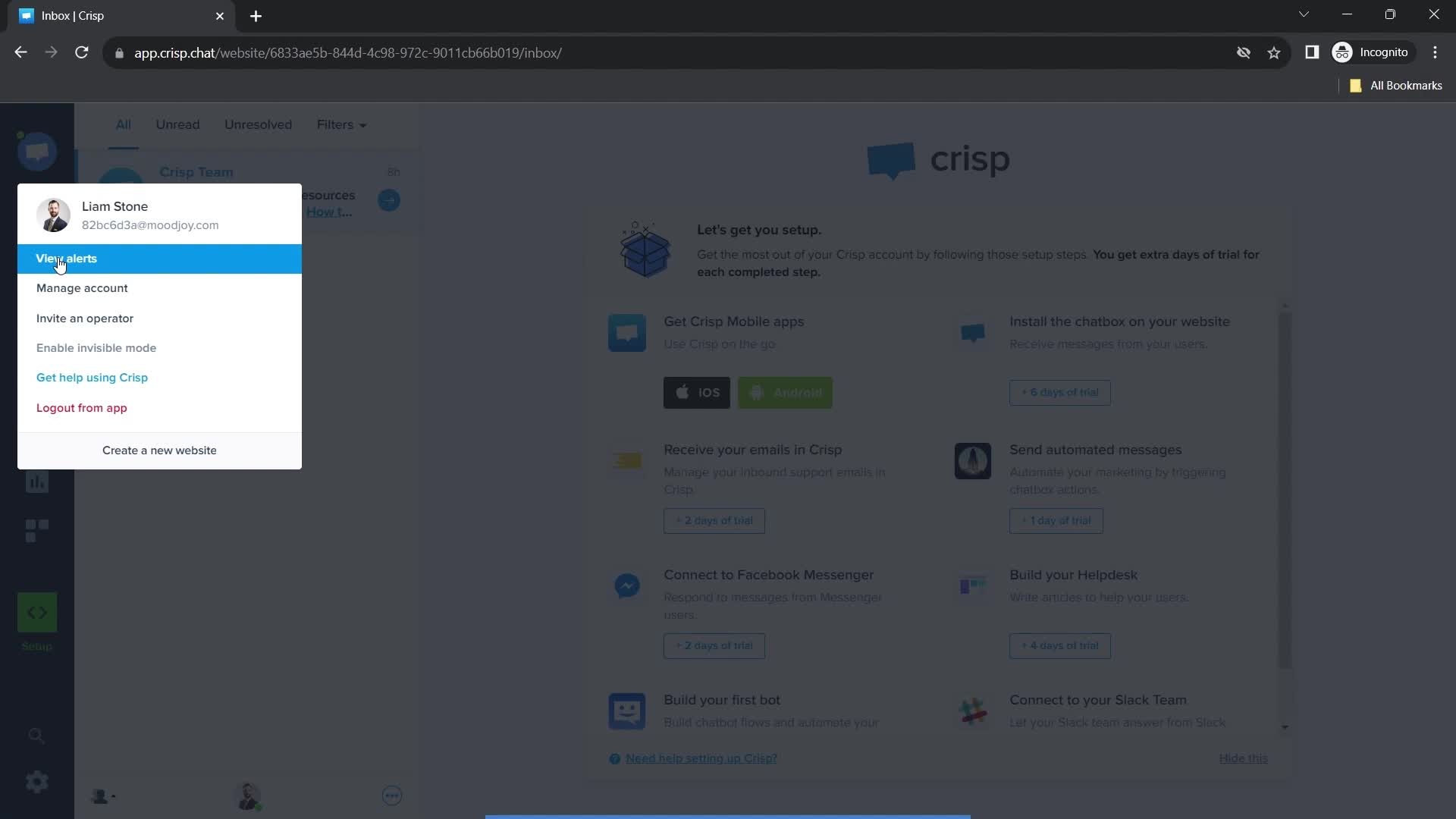
View Alerts
this is title
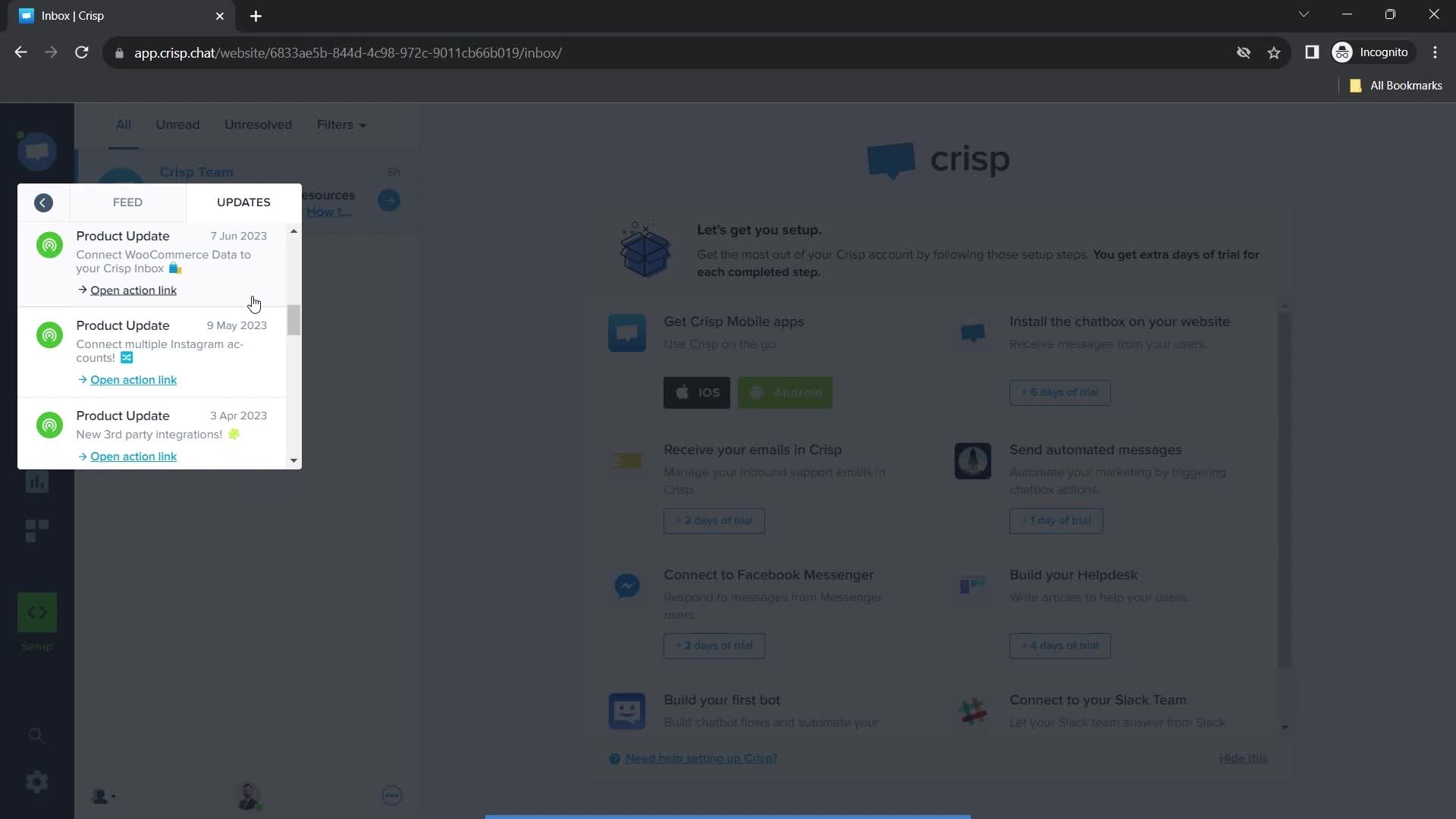
Updates
this is title
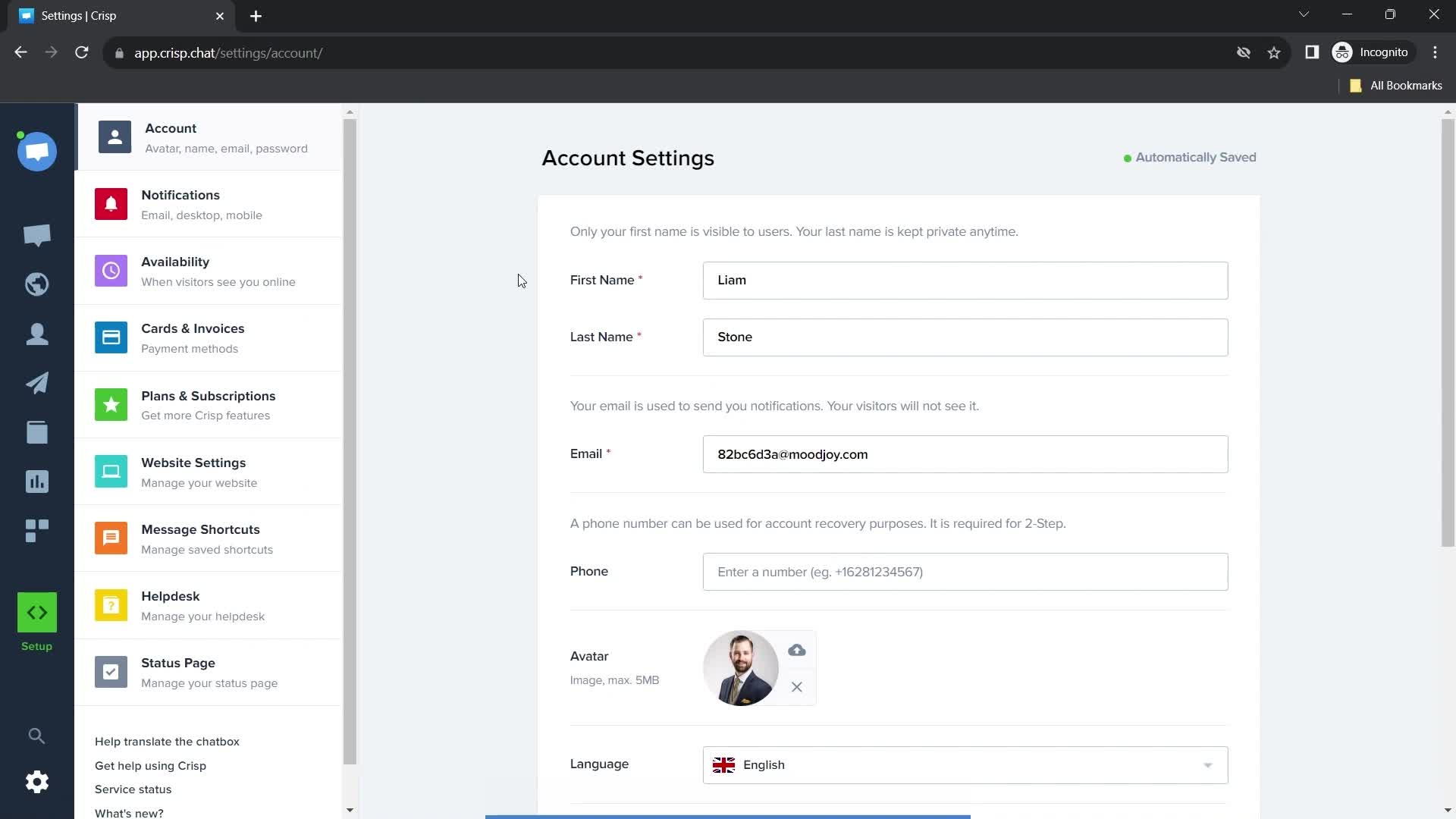
Manage account
this is title
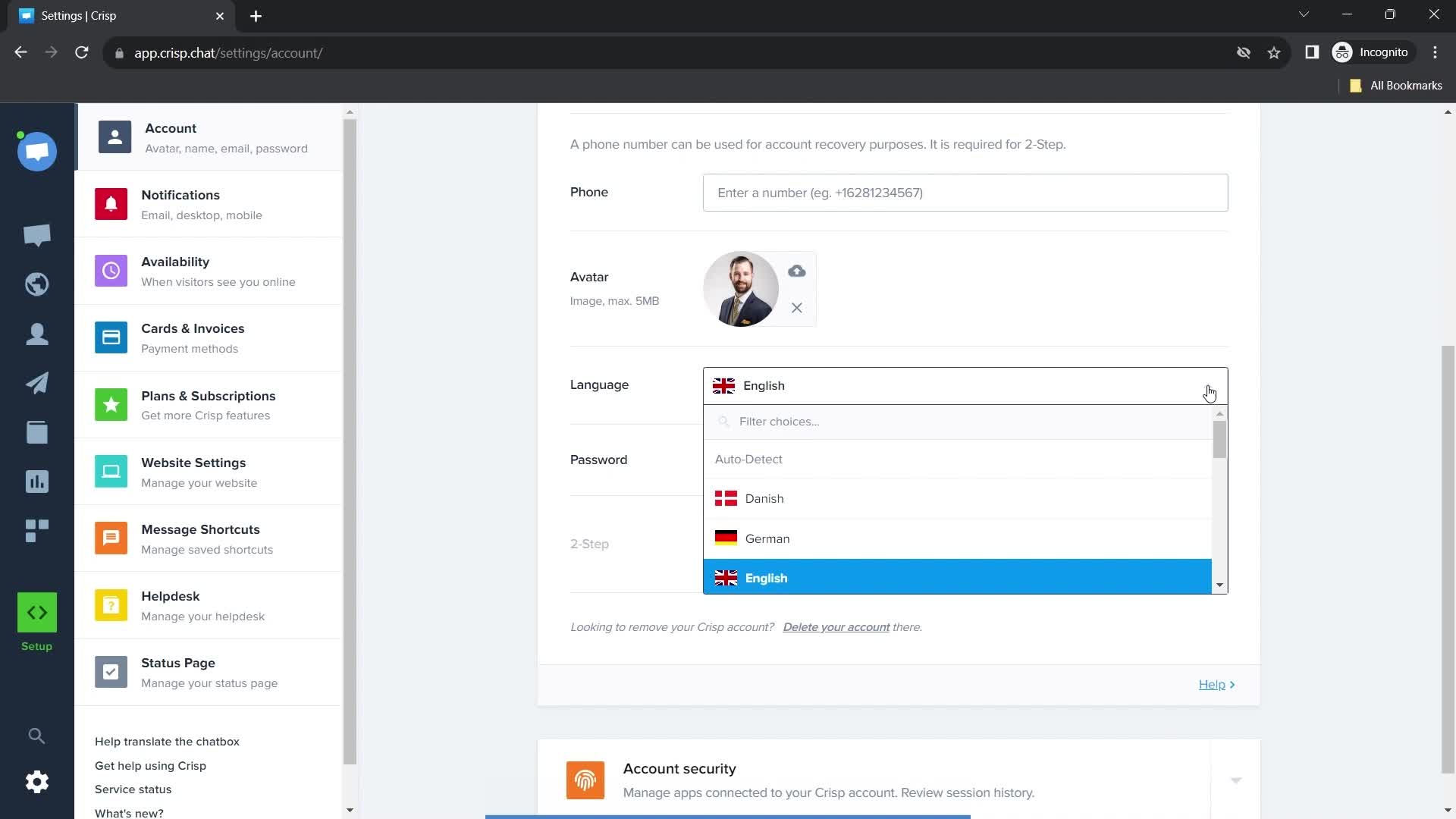
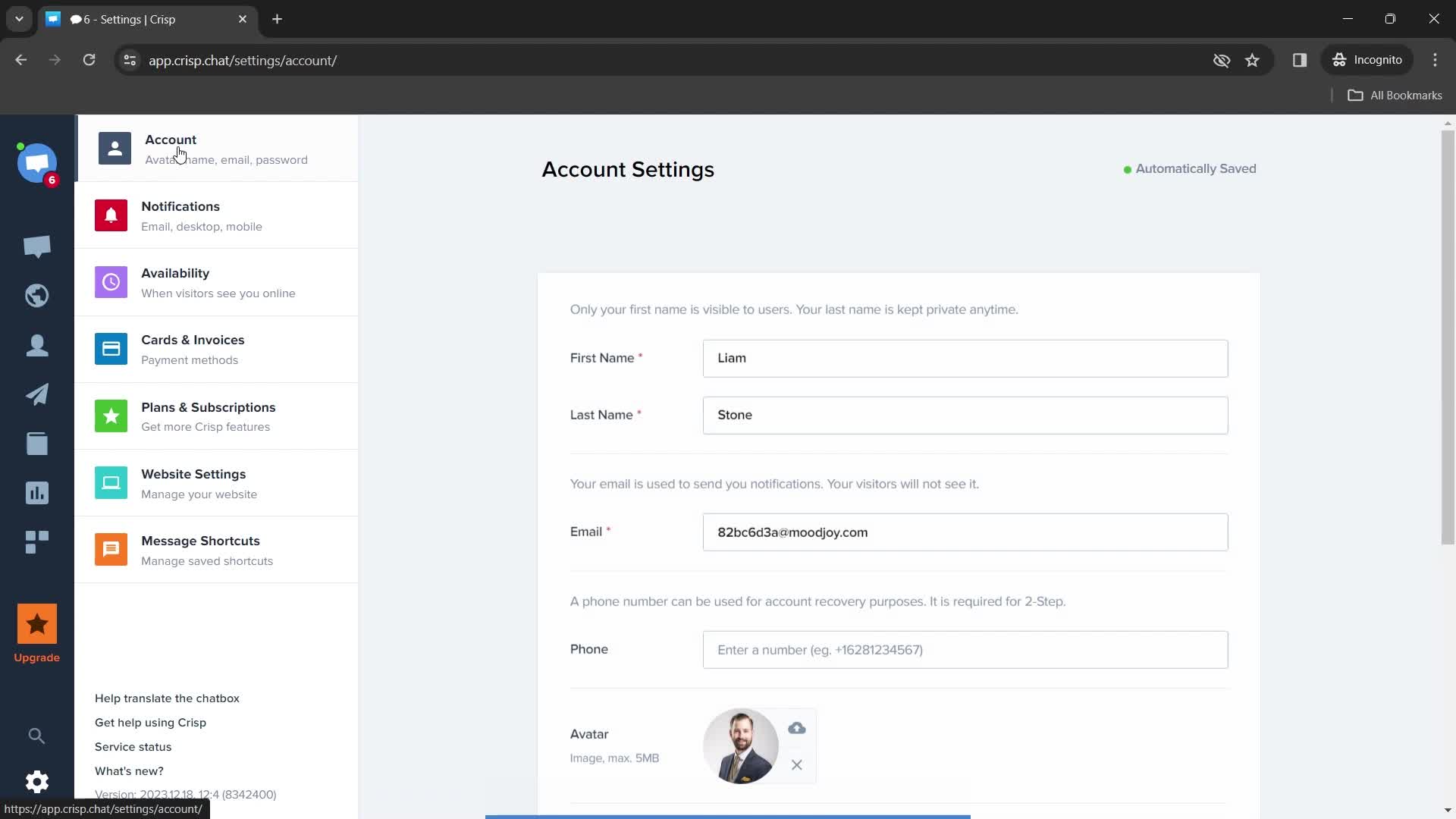
Account settings
this is title
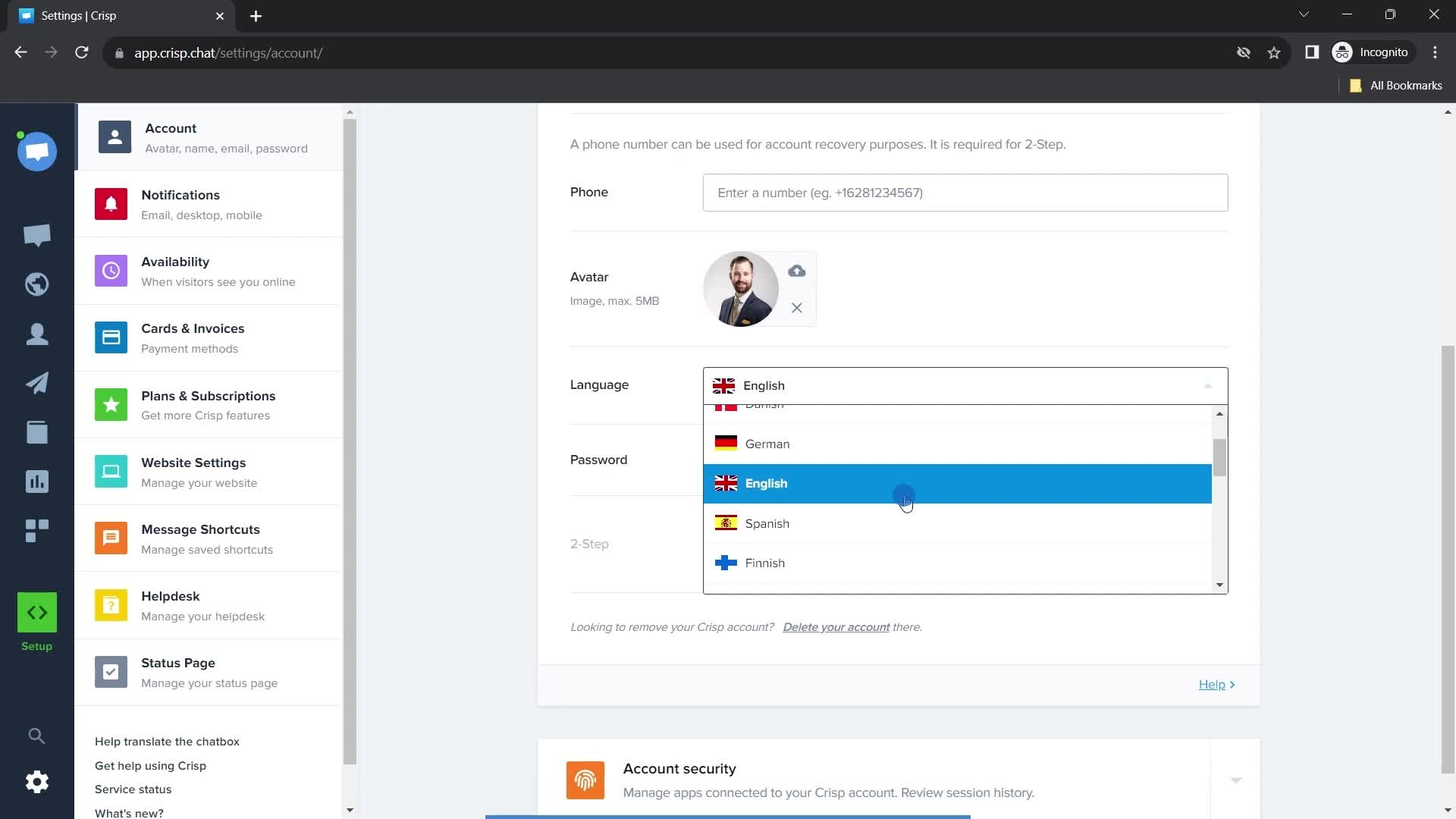
Choose language
this is title
Select language
this is title
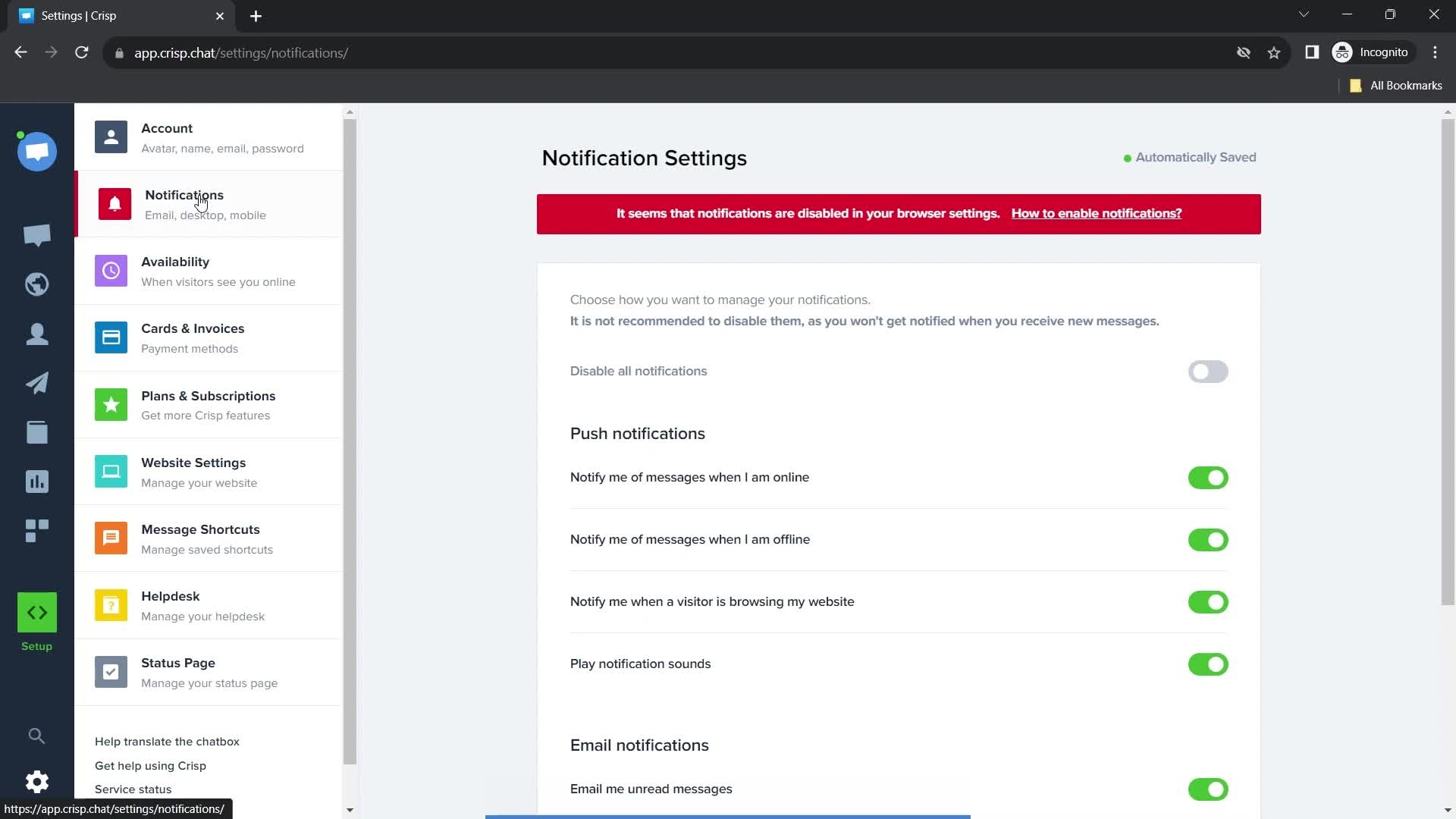
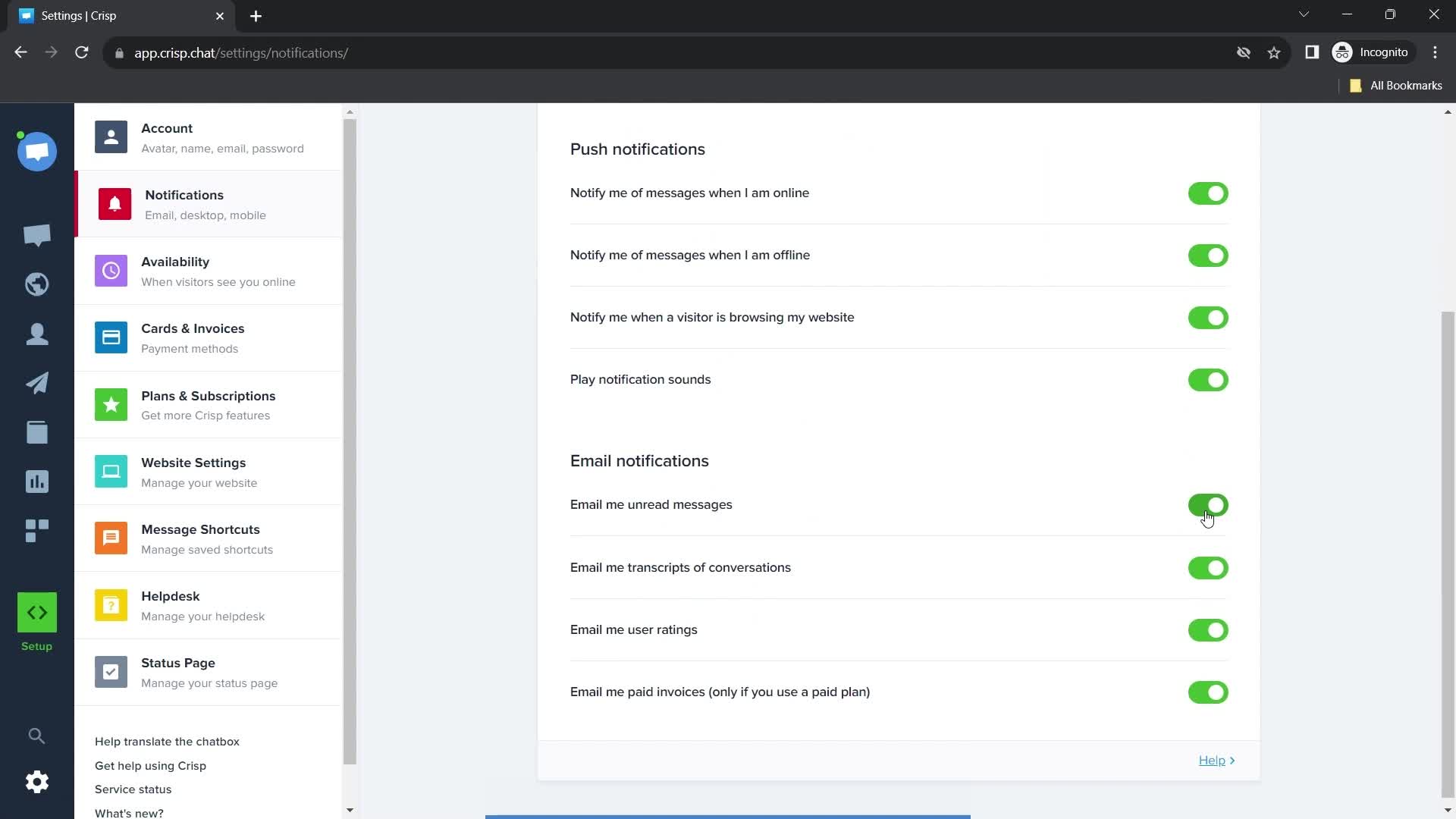
Notification settings
this is title
this is title
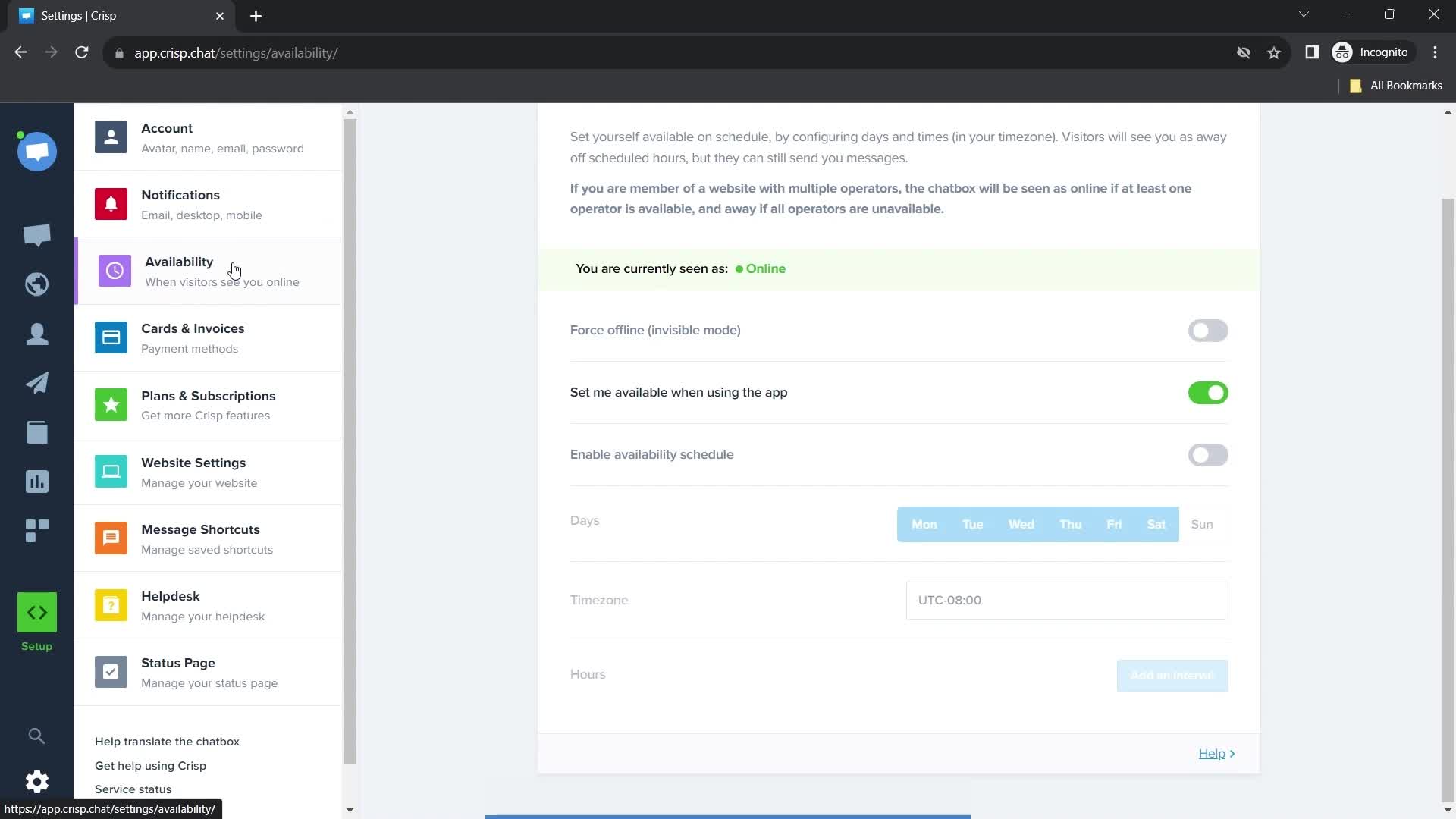
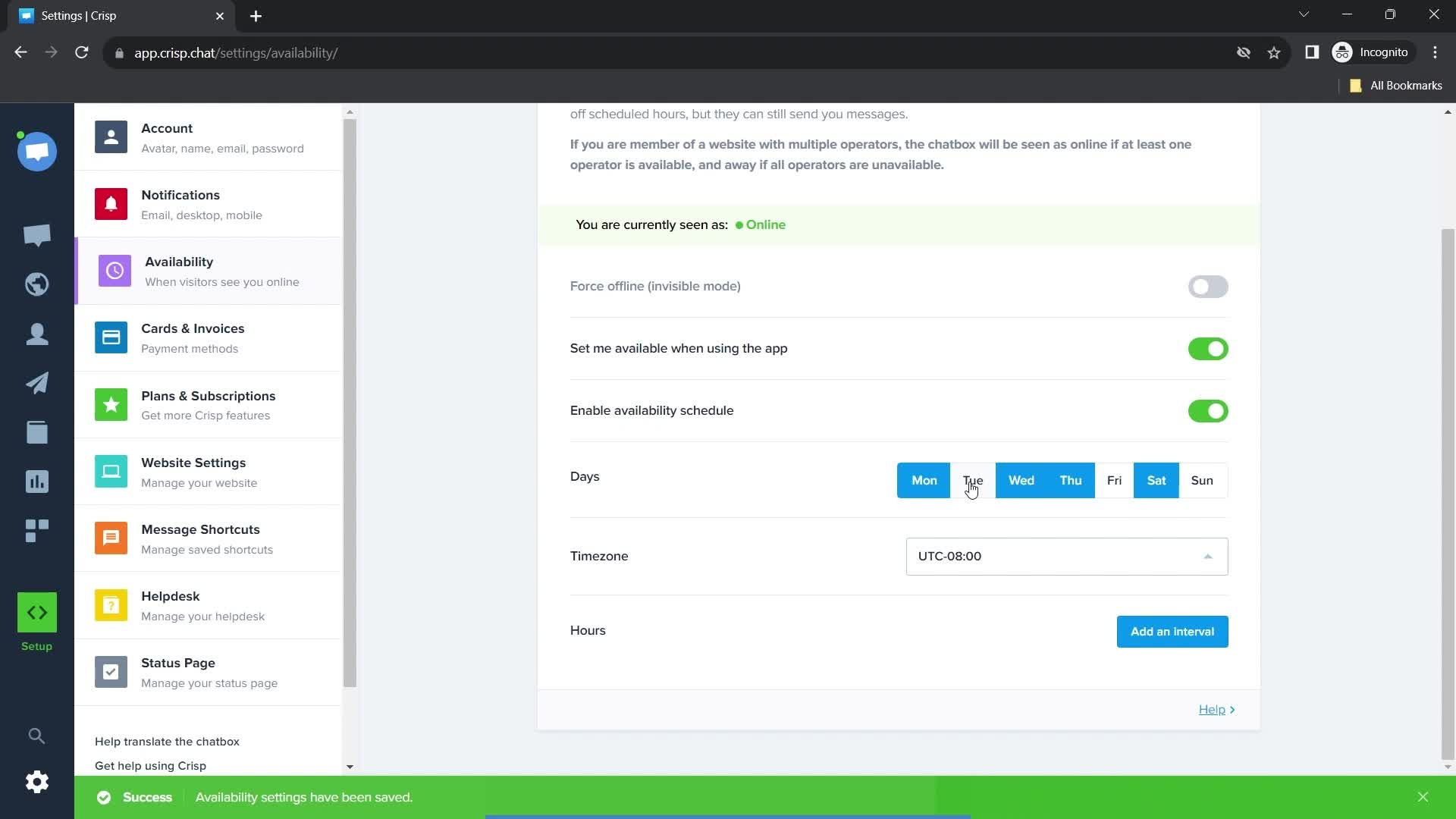
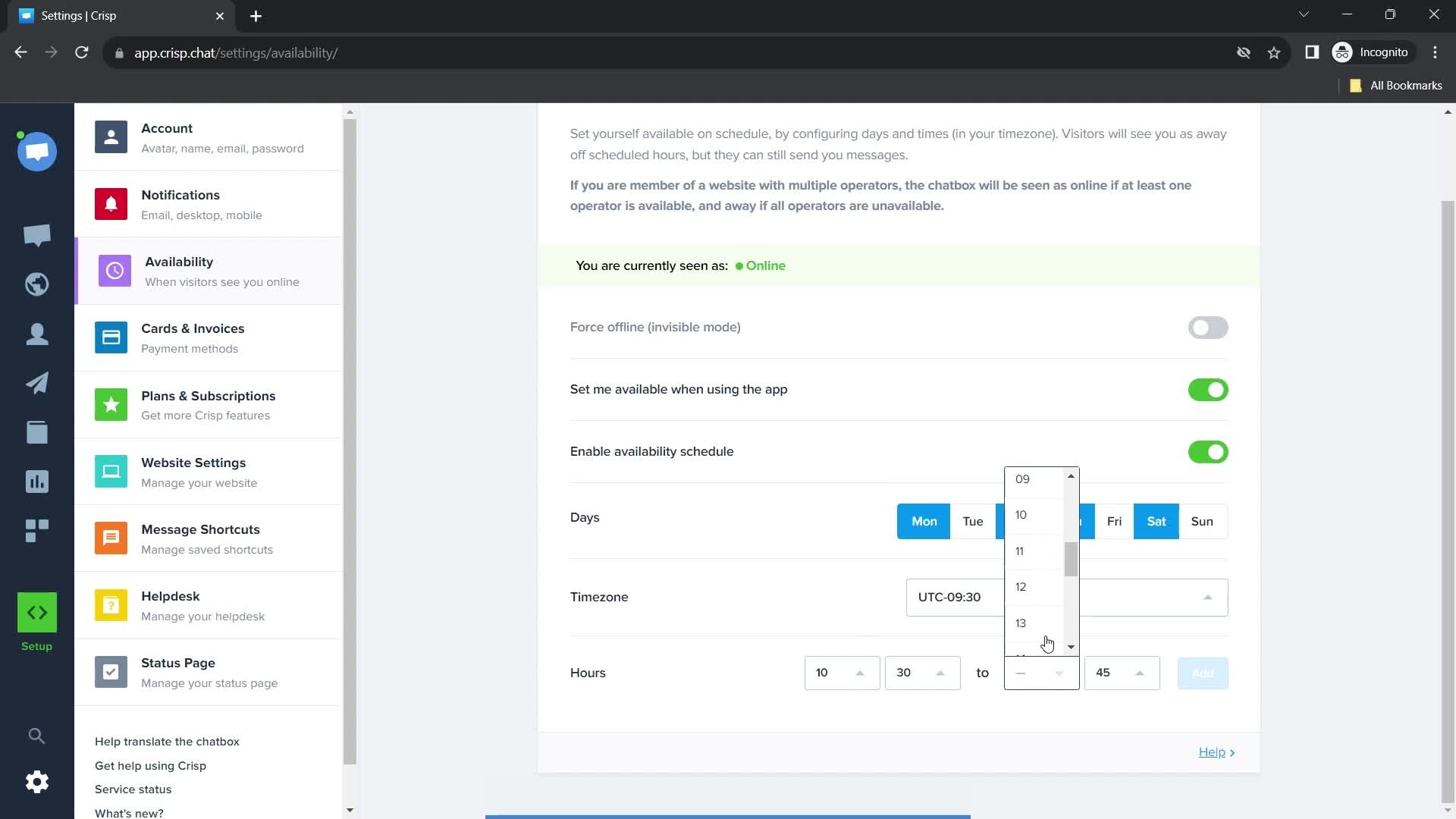
Set availability
this is title
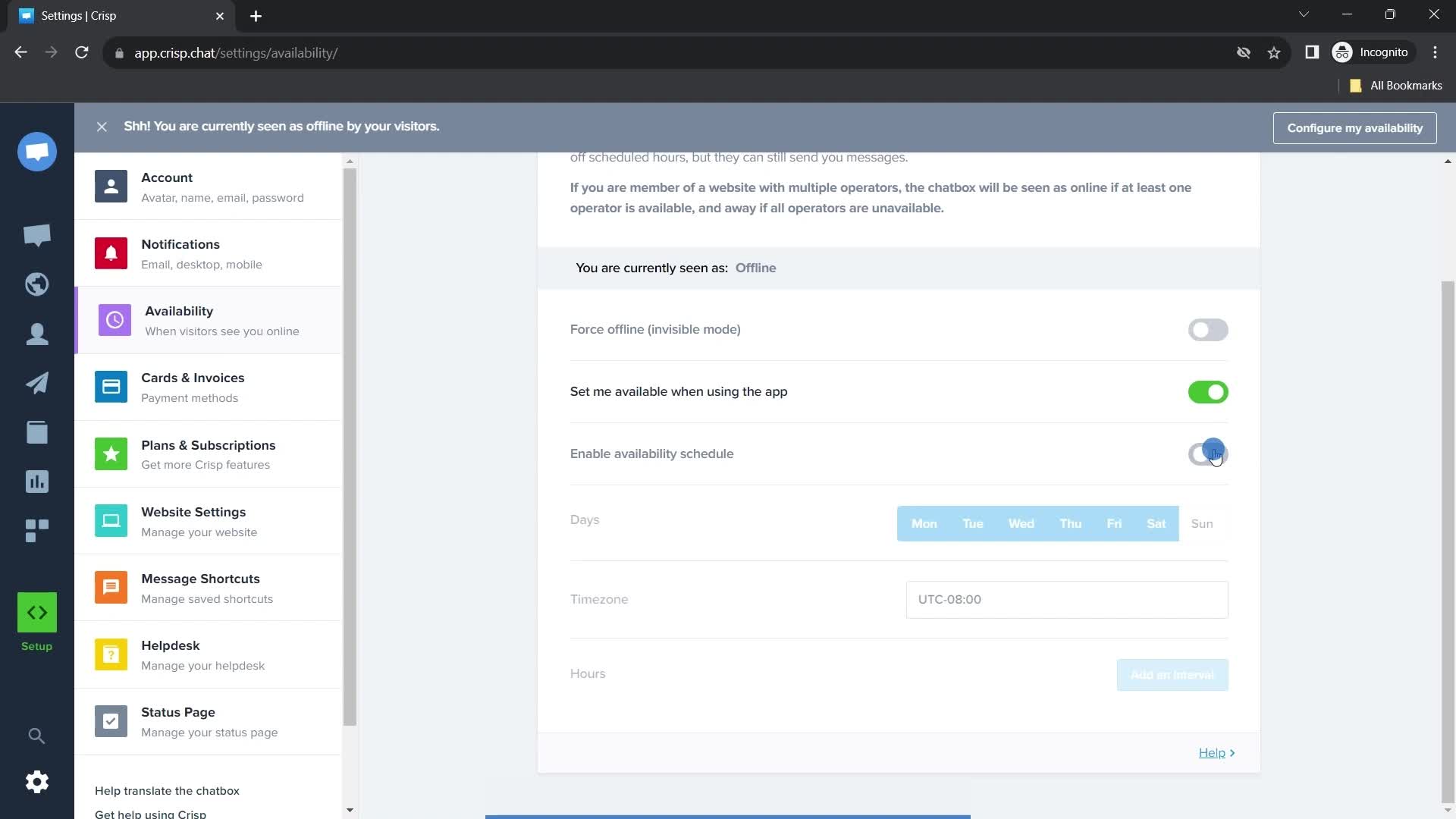
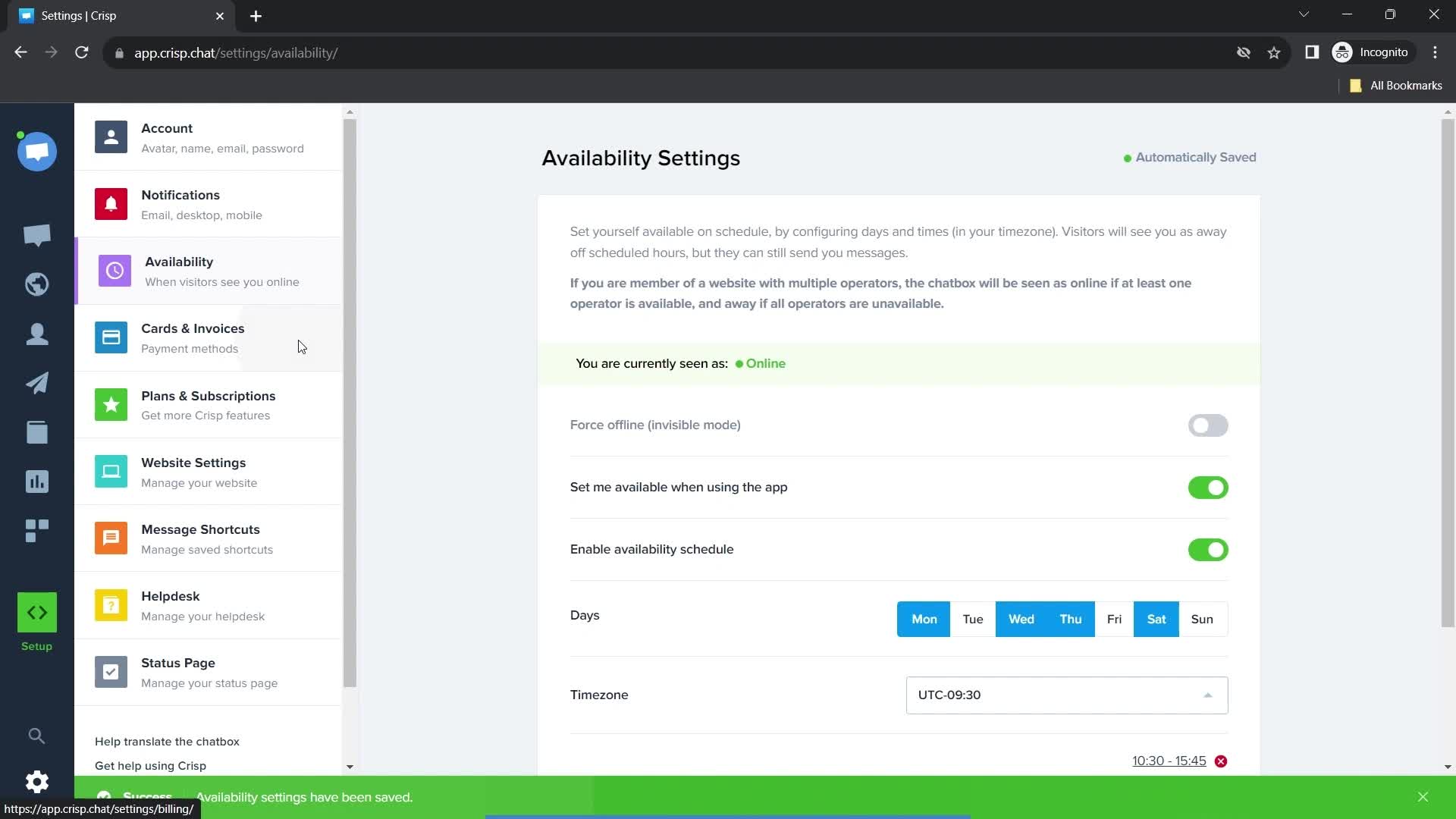
Status updated
this is title
Select days
this is title
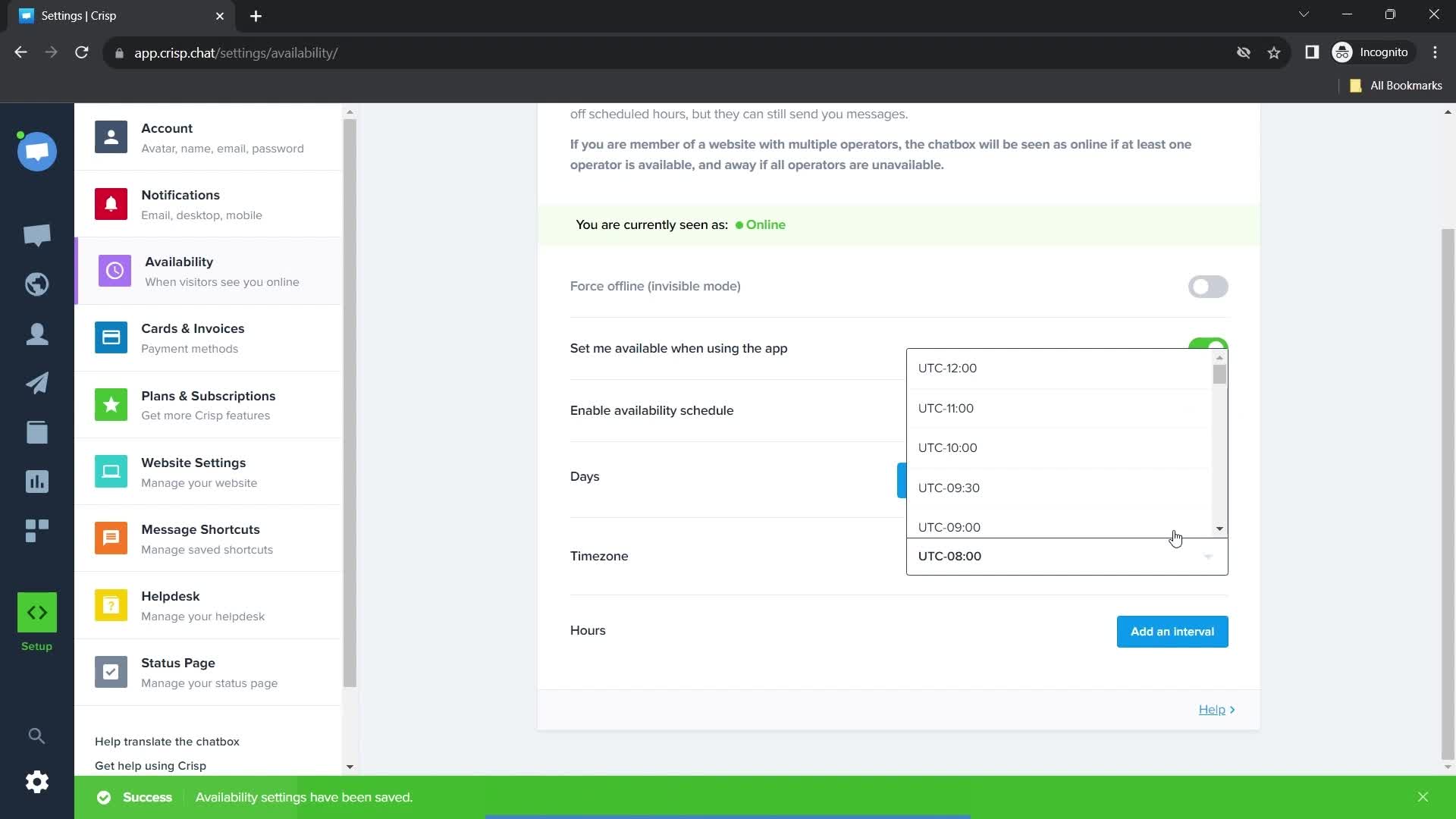
Time zone settings
this is title
this is title
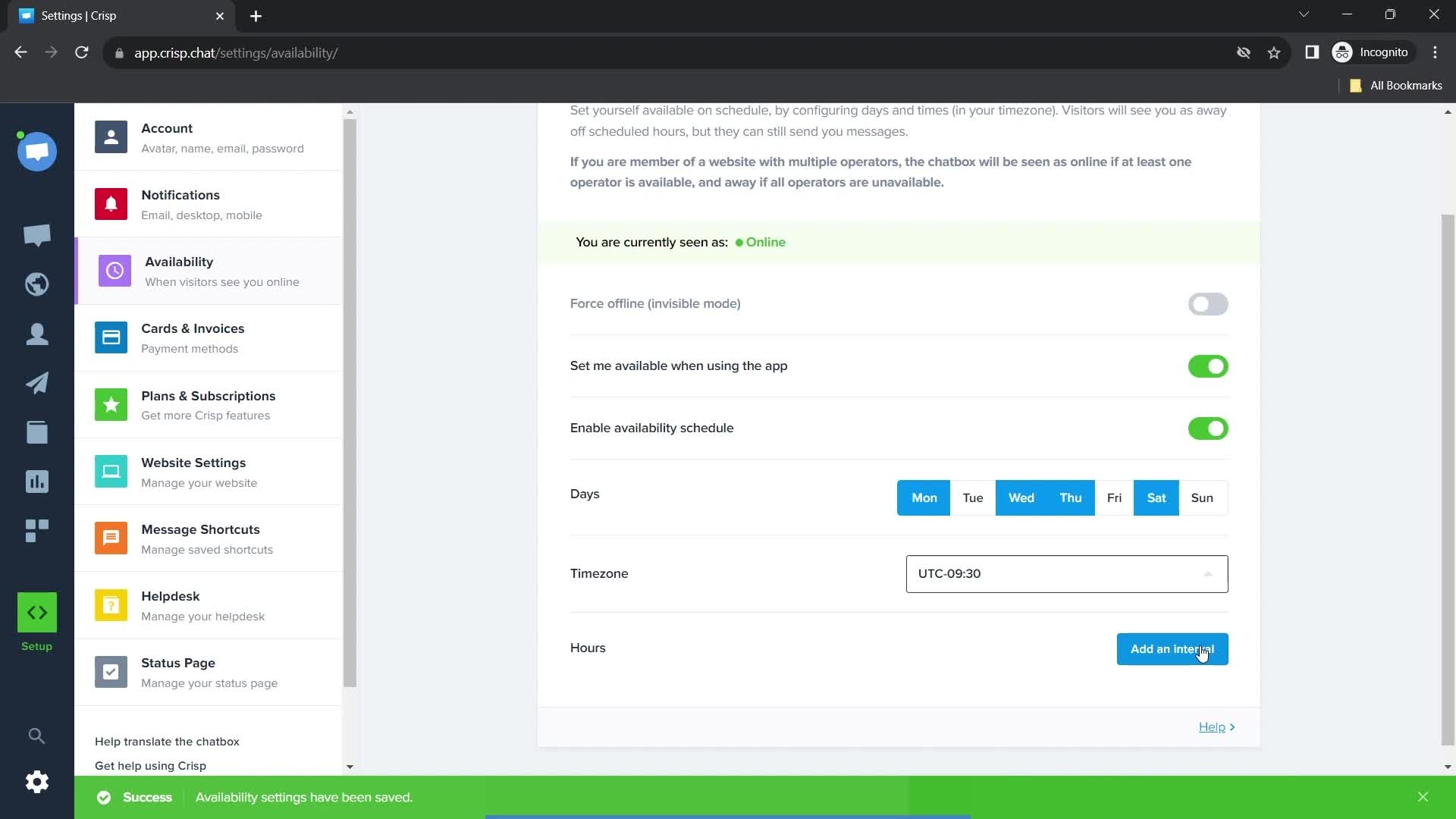
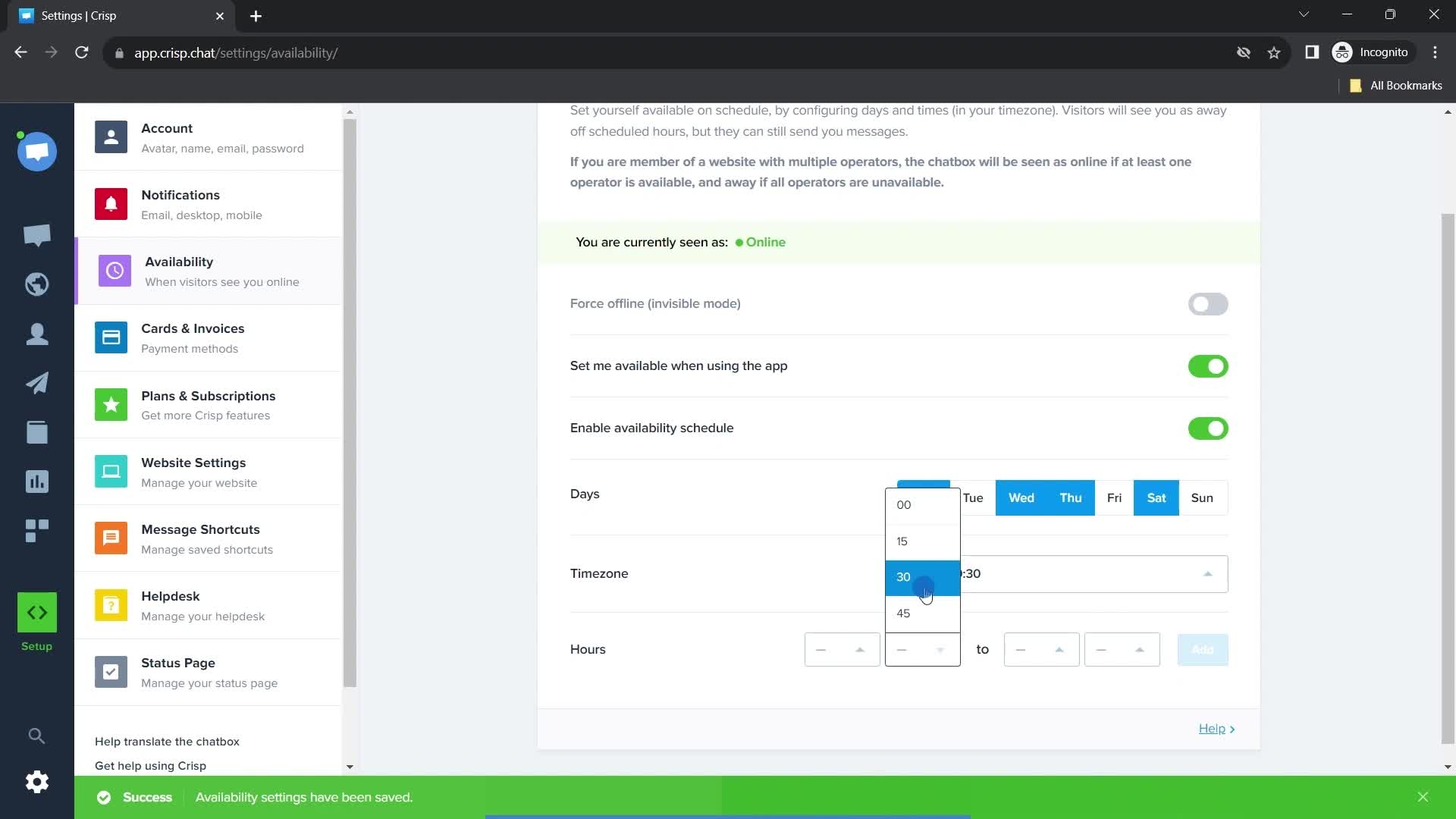
Set time
this is title
this is title
this is title
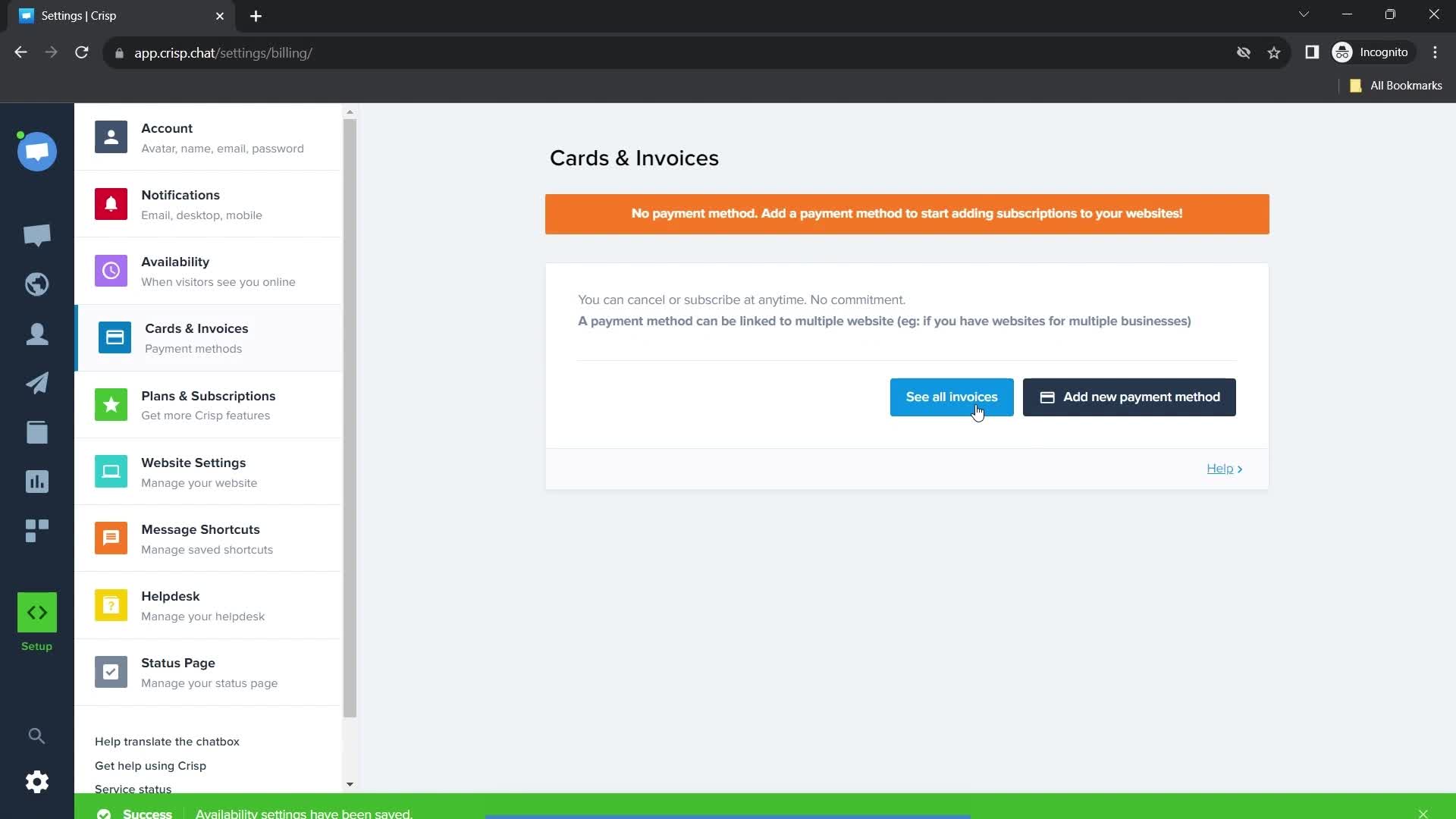
Update payment details
this is title
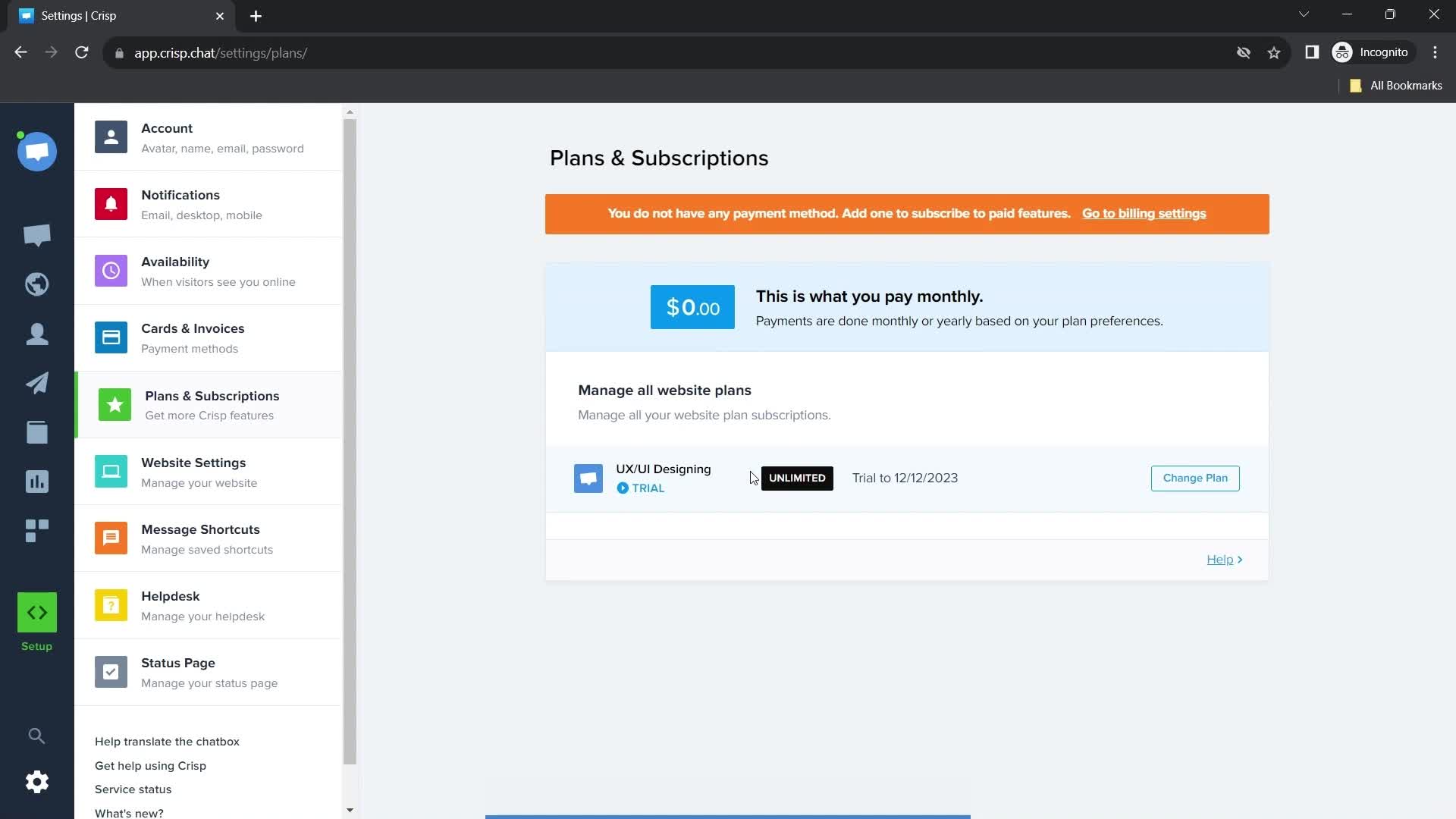
Subscriptions
this is title
Website settings
this is title
Enter website
this is title
this is title
Enter domain
this is title
this is title
this is title
Loading
this is title
Success
this is title
Message settings
this is title
this is title
Helpdesk
this is title
Status Page
this is title
Account menu
this is title
Invisible mode
this is title
Invisible mode enabled
this is title
Invisible disabled
this is title
Invisible mode disabled
this is title
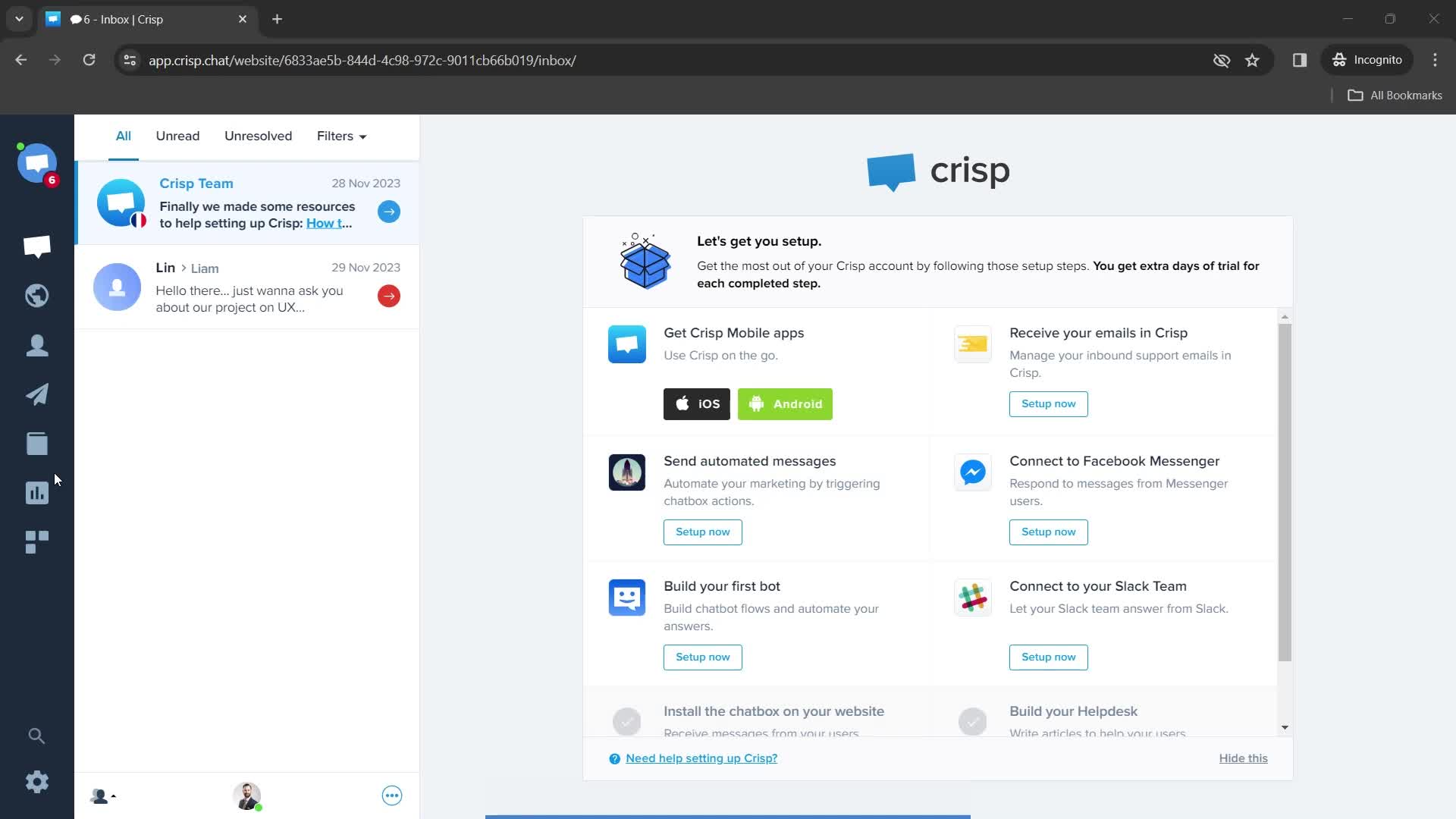
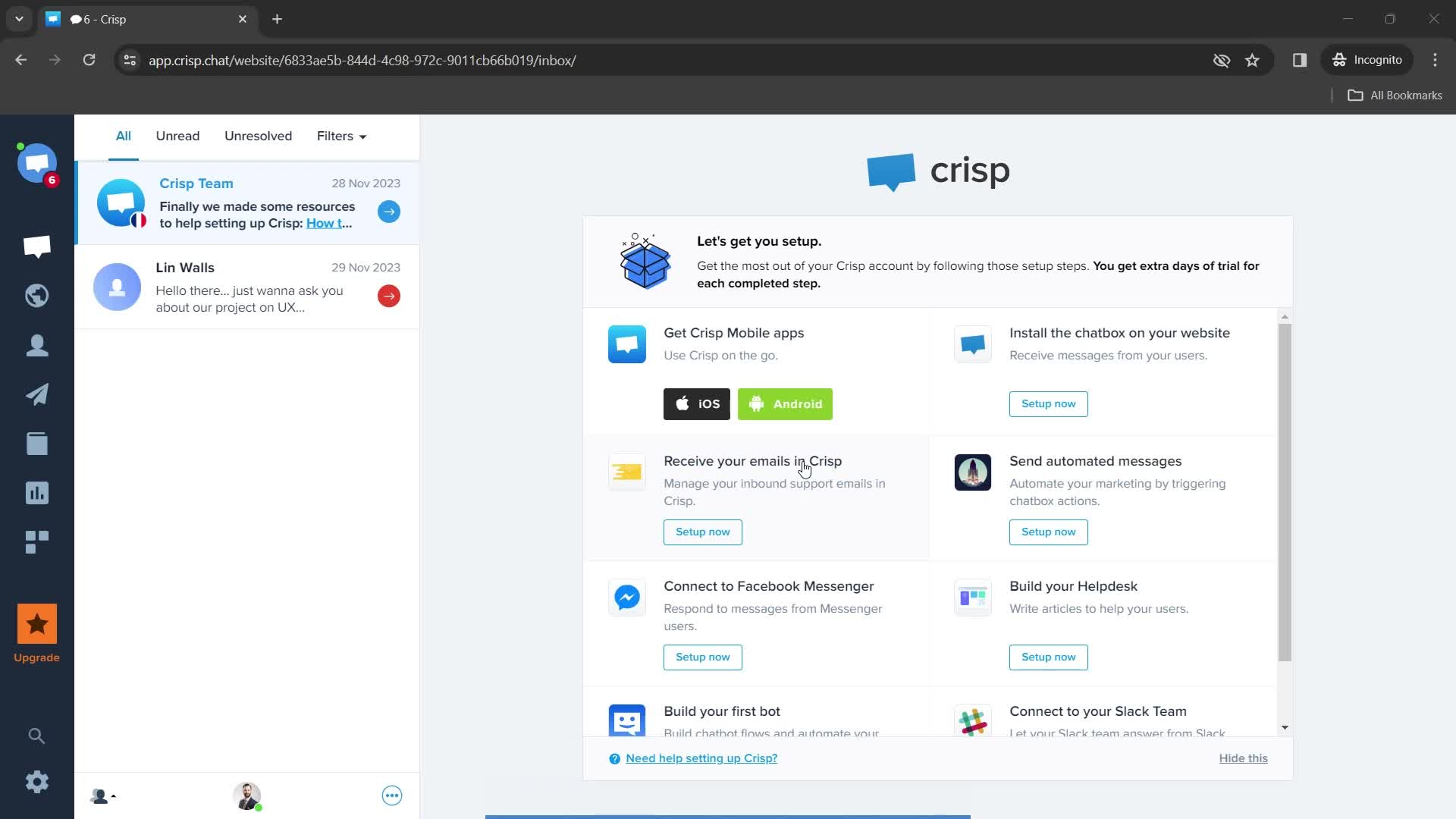
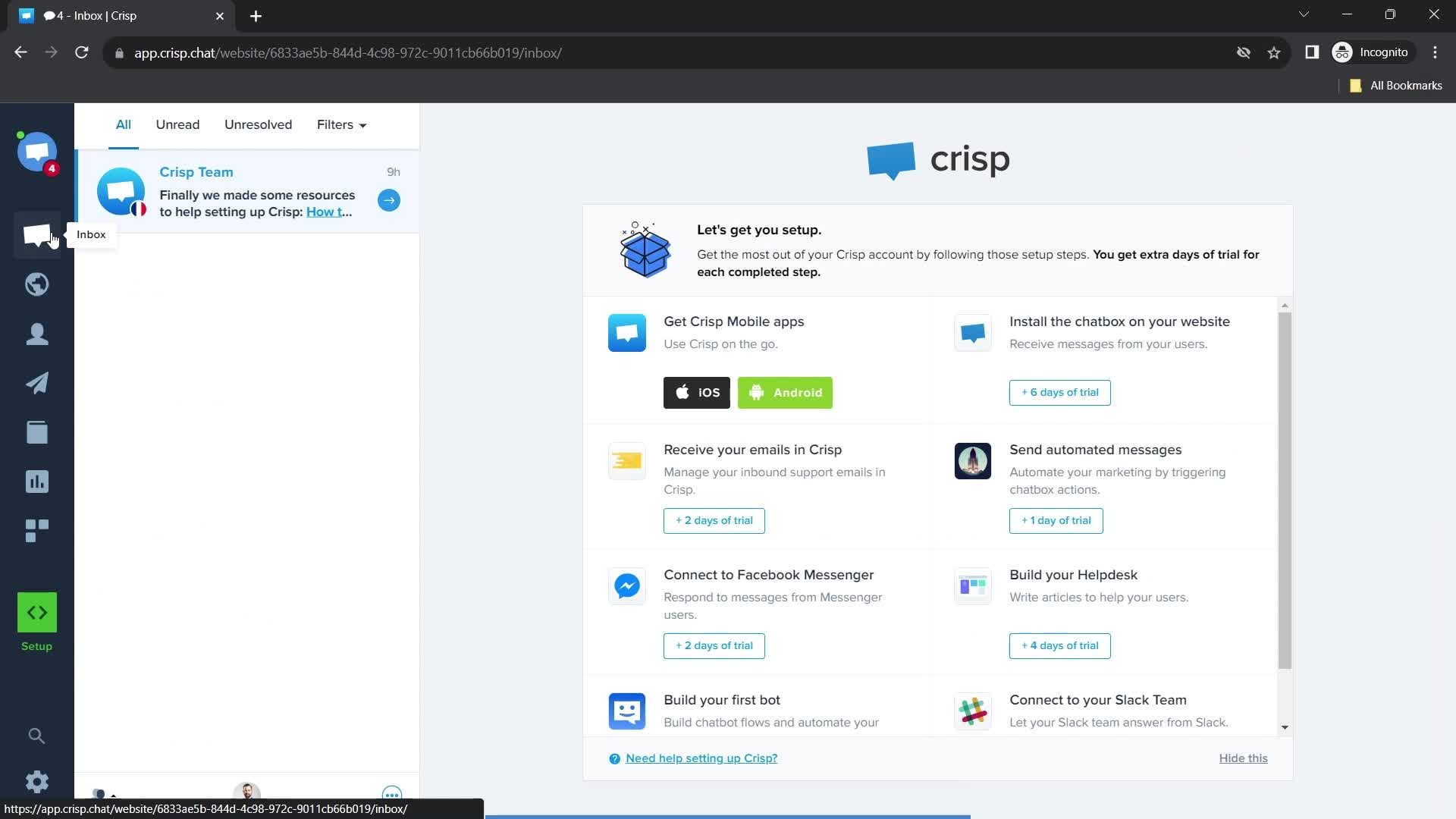
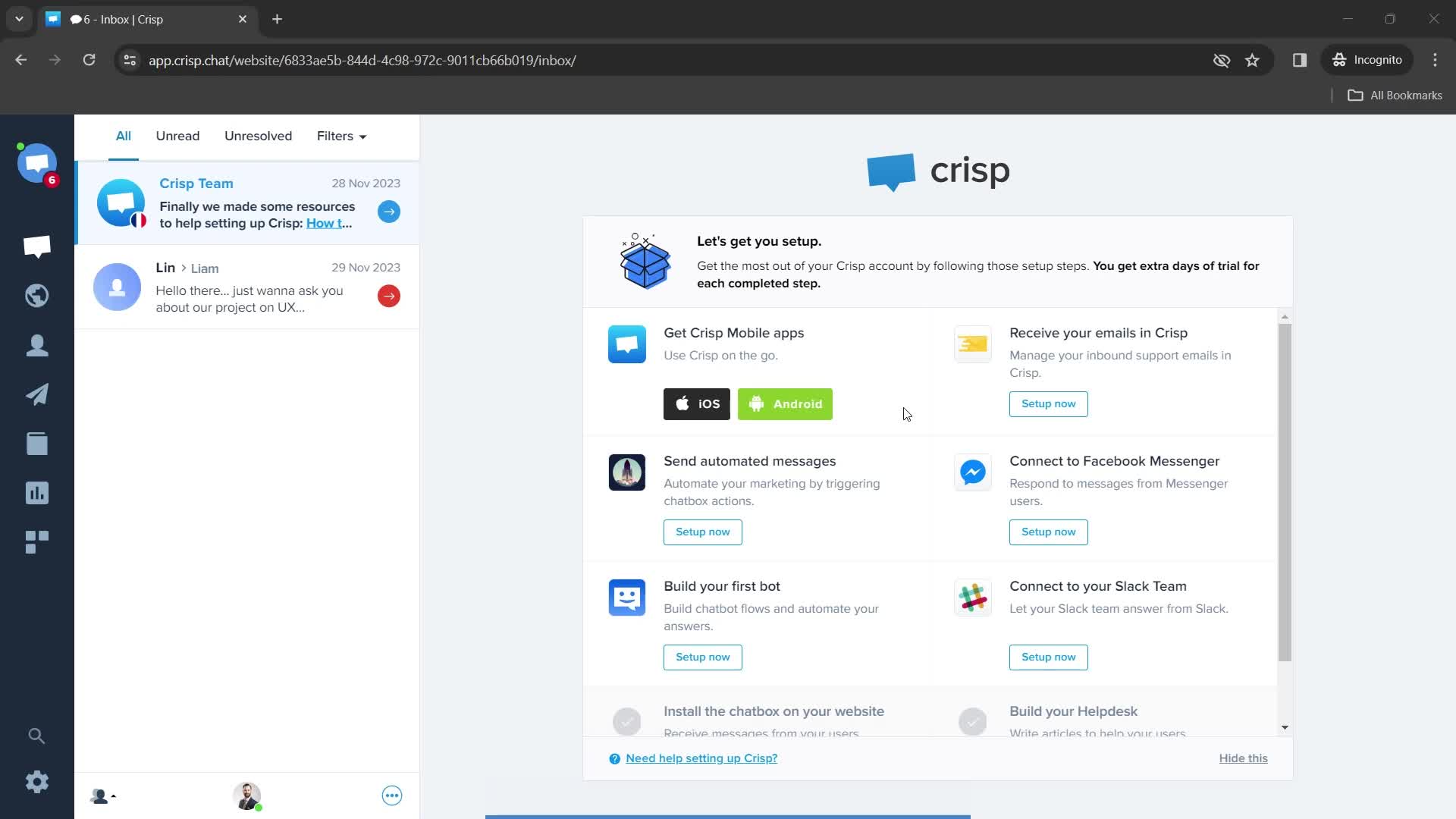
Inbox
this is title
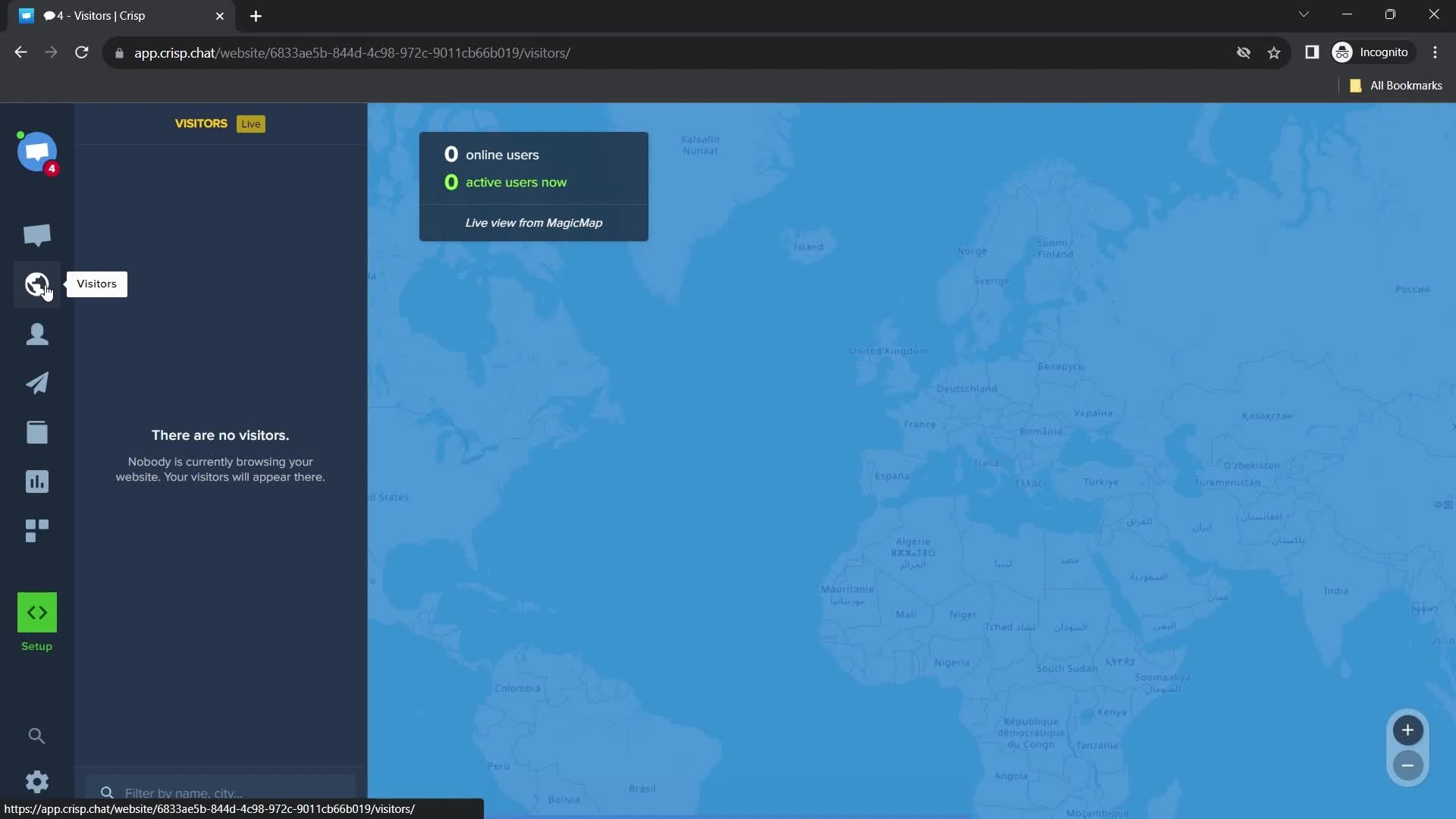
Visitors
this is title
Contacts
this is title
Search contacts
this is title
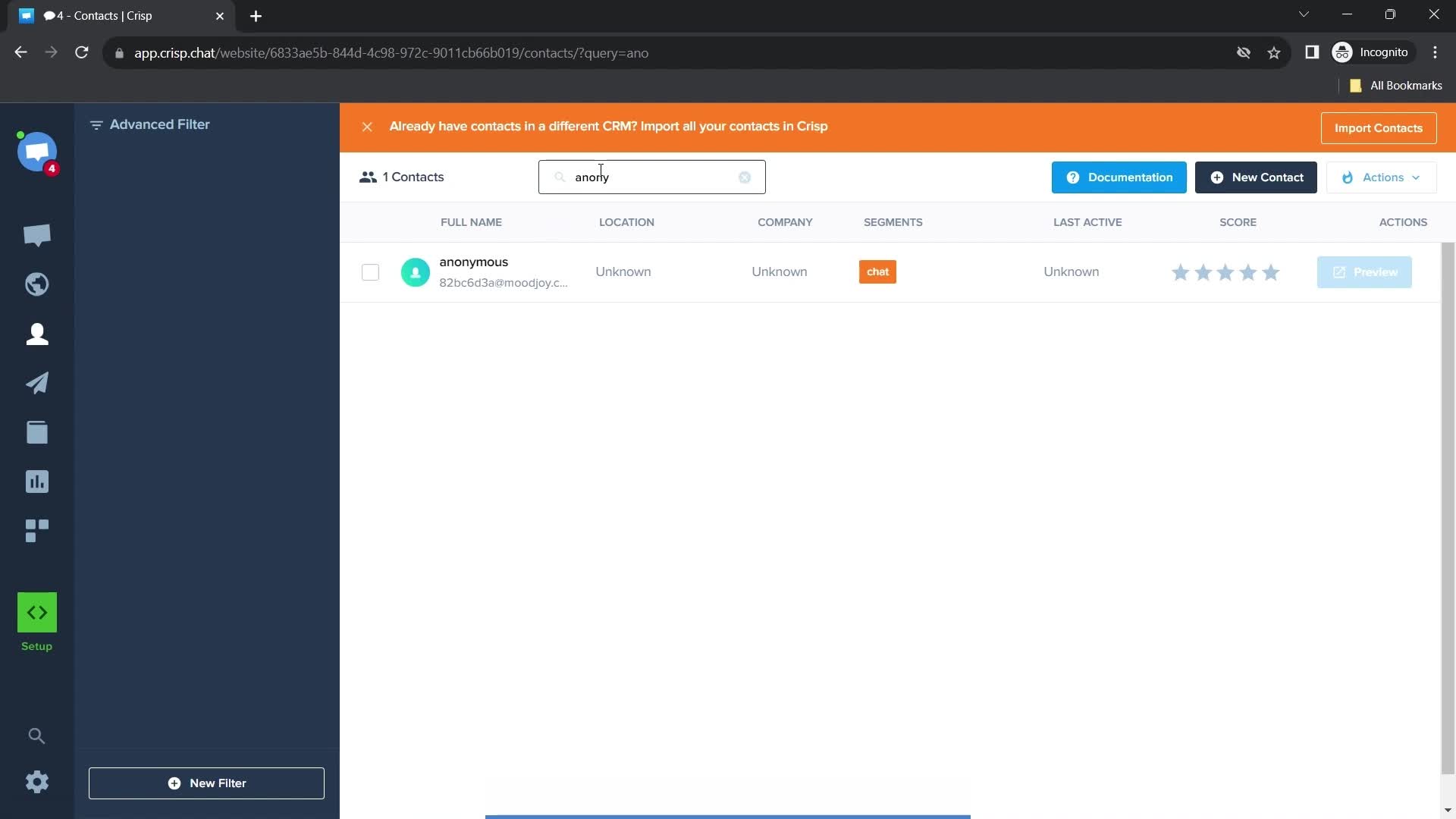
Search results
this is title
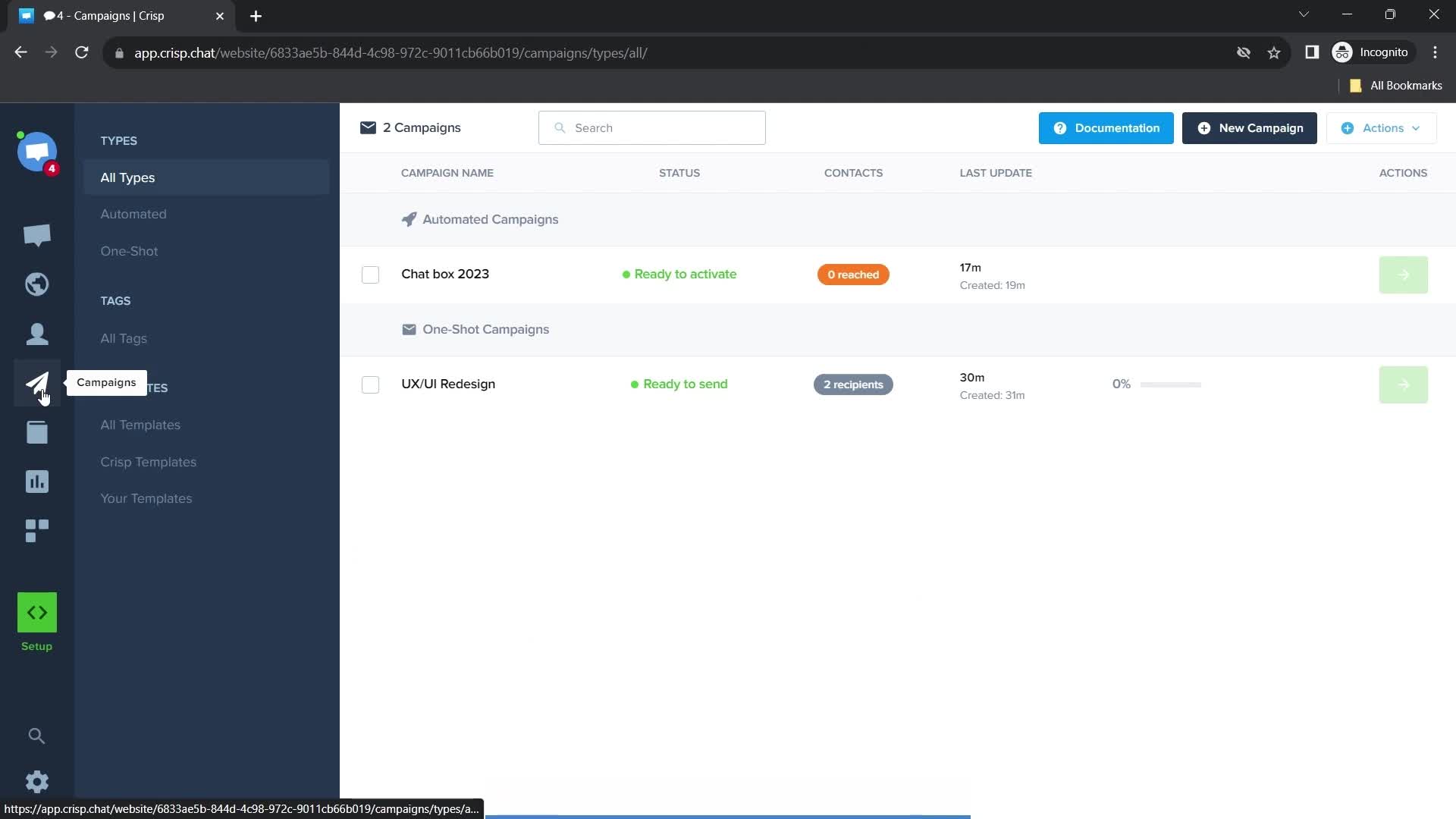
Campaigns
this is title
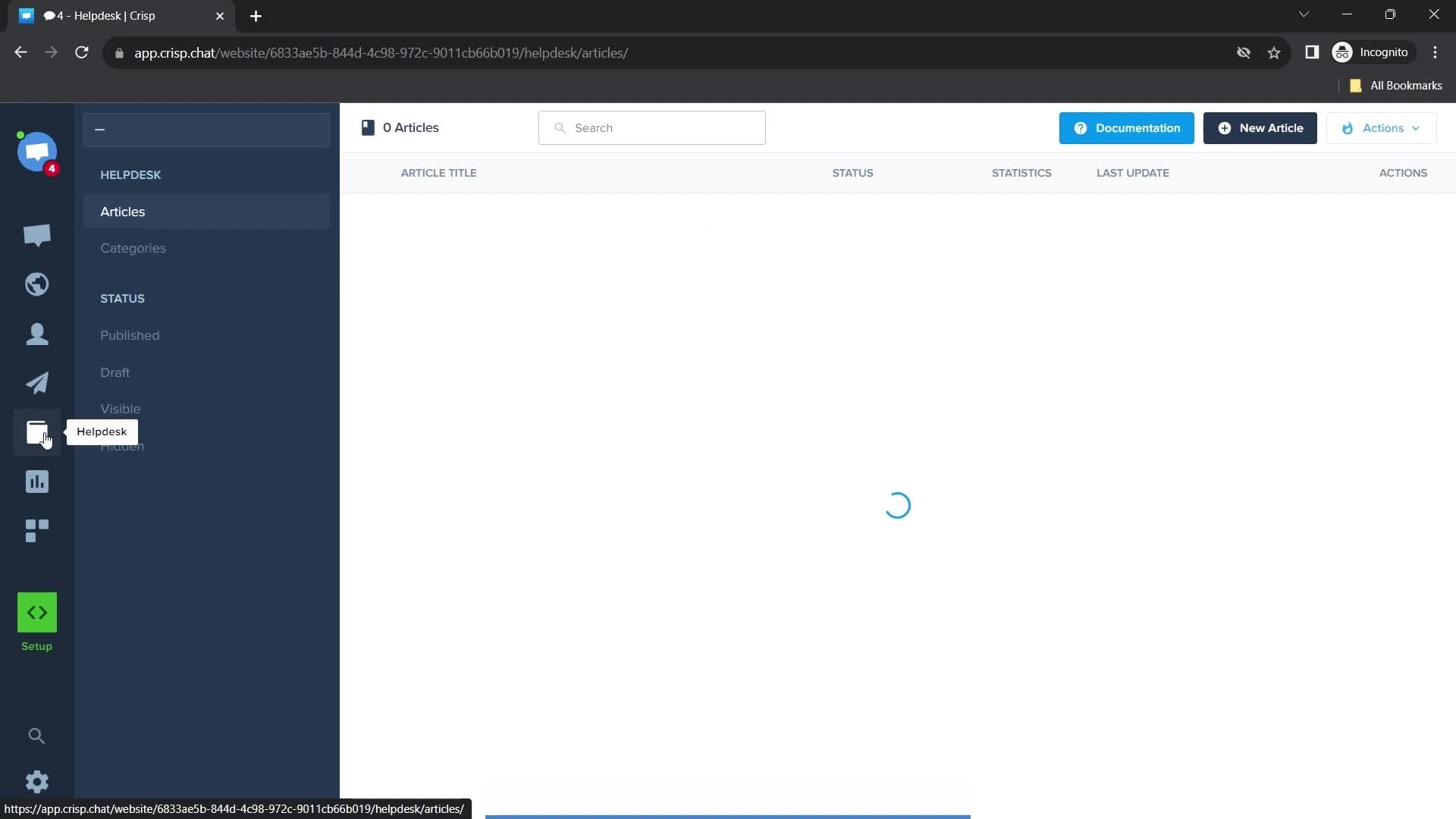
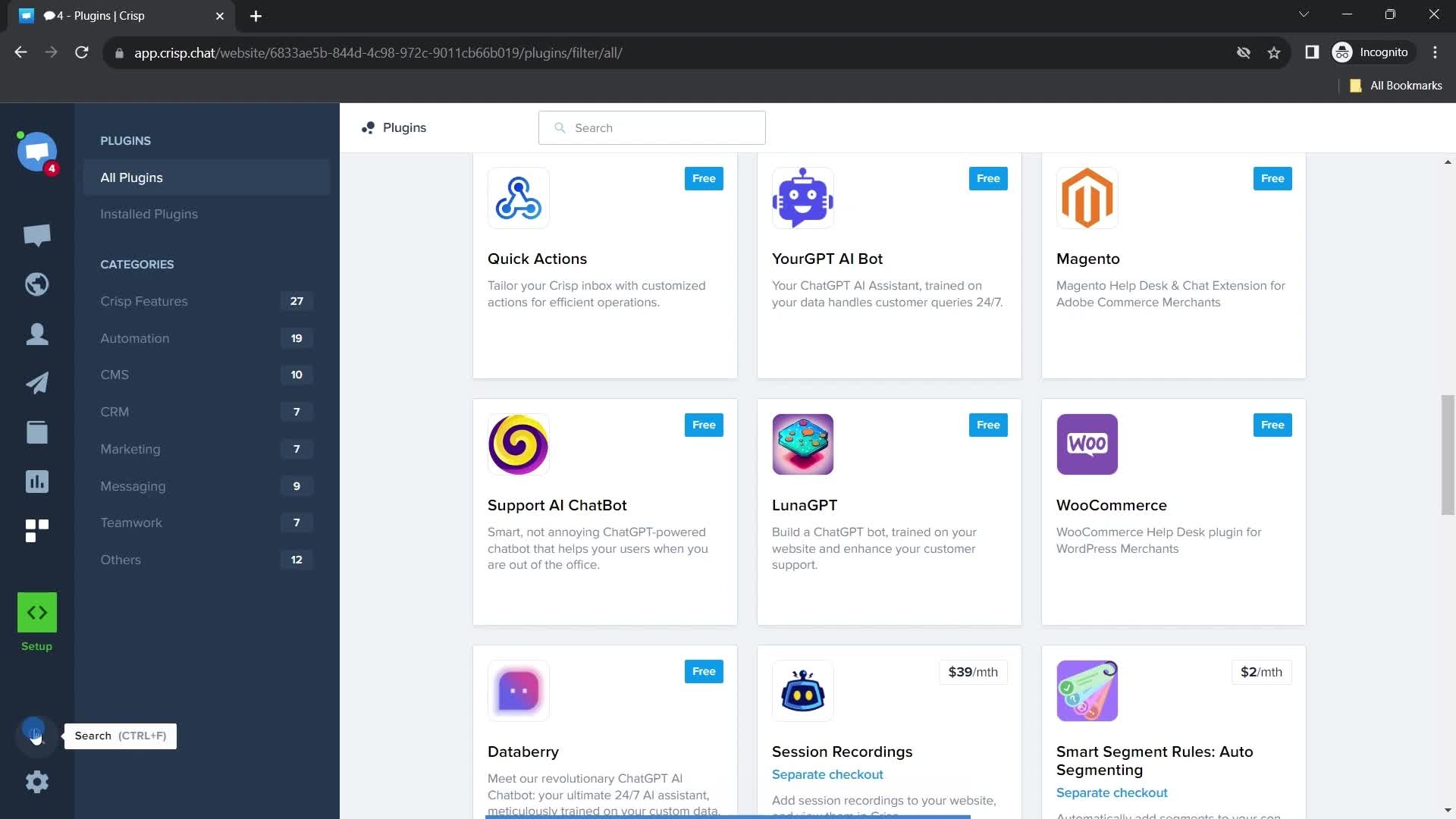
Helpdesk
this is title
Guide popover
this is title
Knowledge base
this is title
Analytics
this is title
this is title
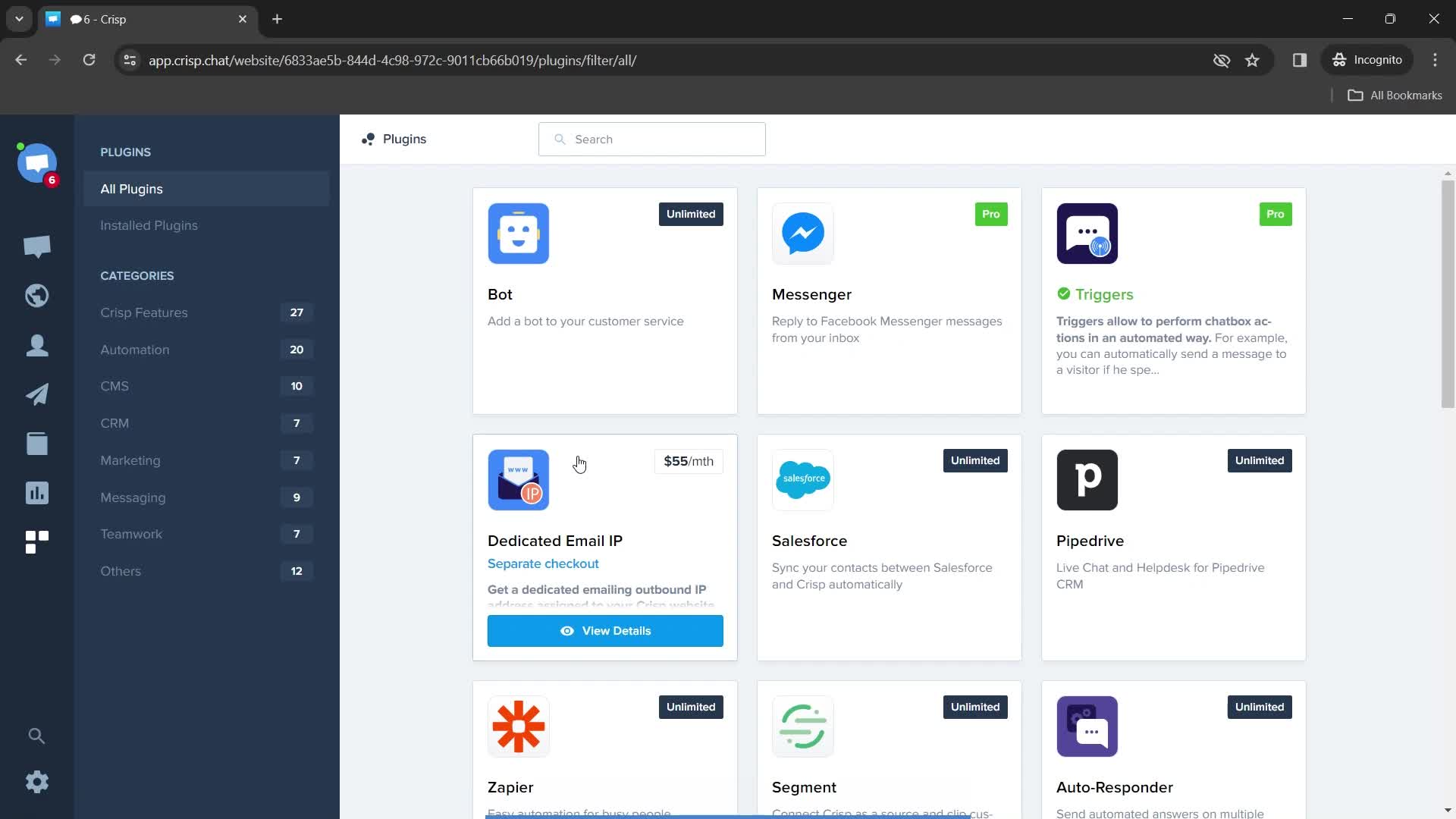
Plugins
this is title
this is title
this is title
Channels
this is title
this is title
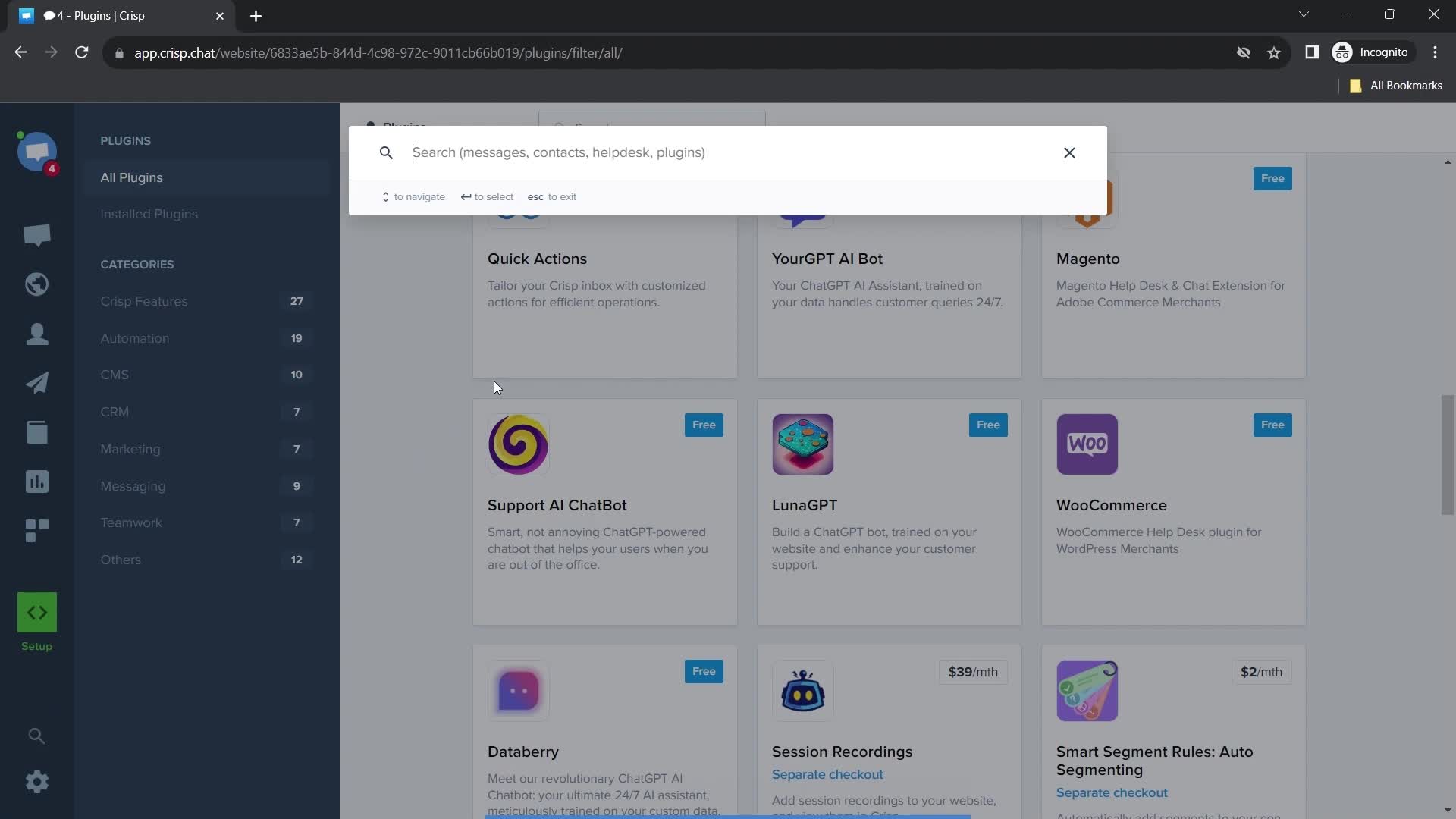
Search
this is title
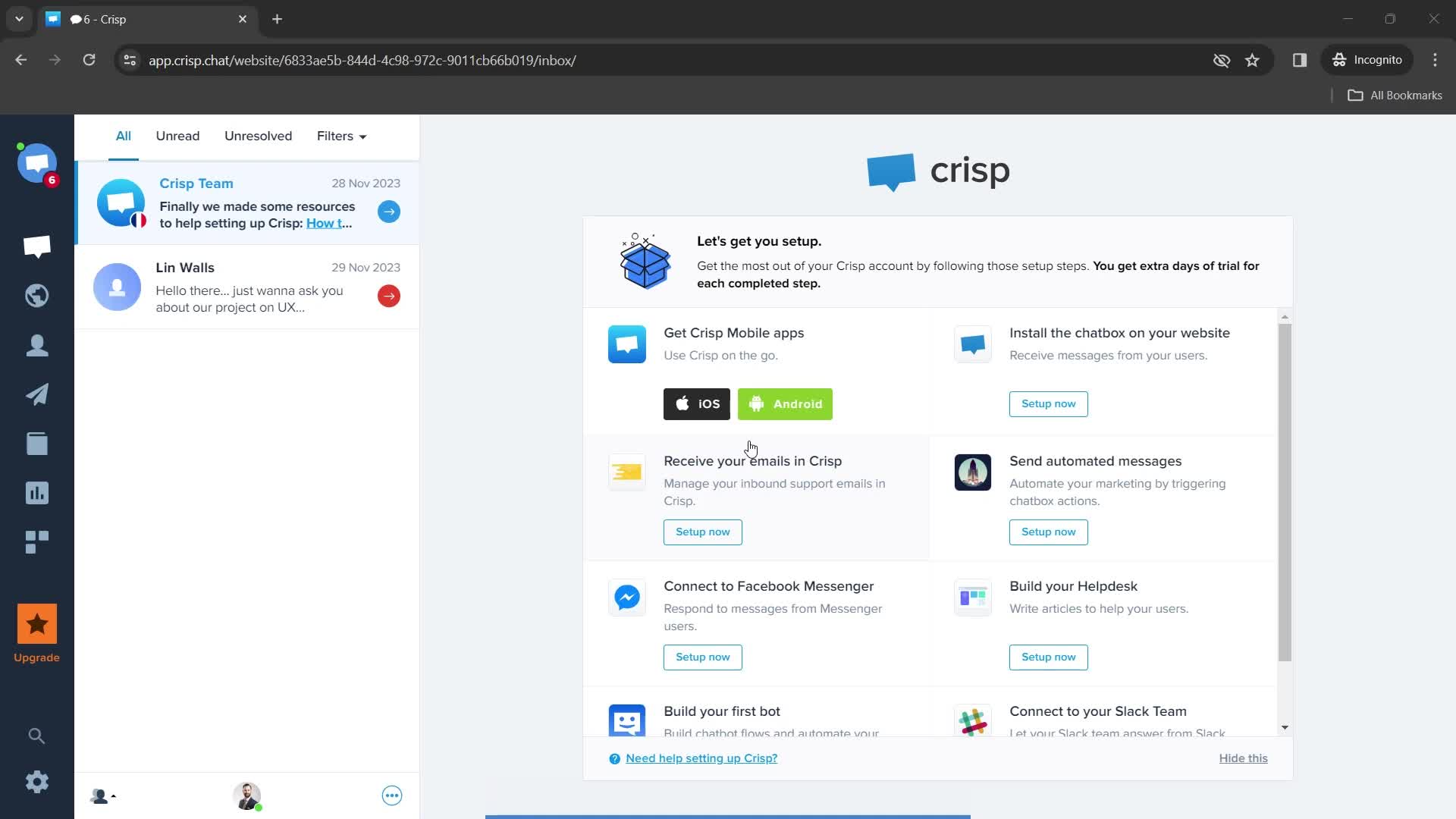
Dashboard
this is title
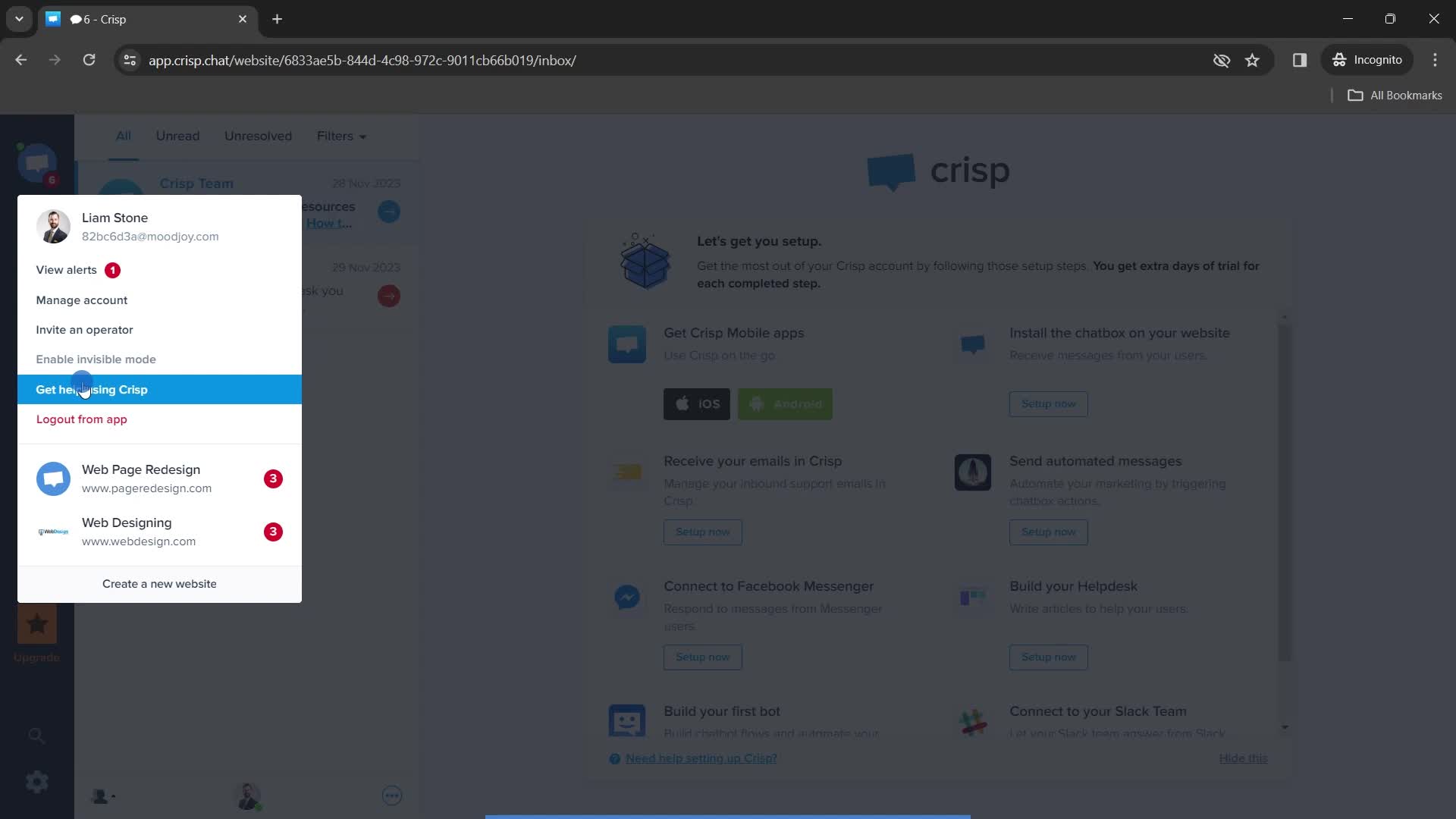
Account menu
this is title
Help menu
this is title
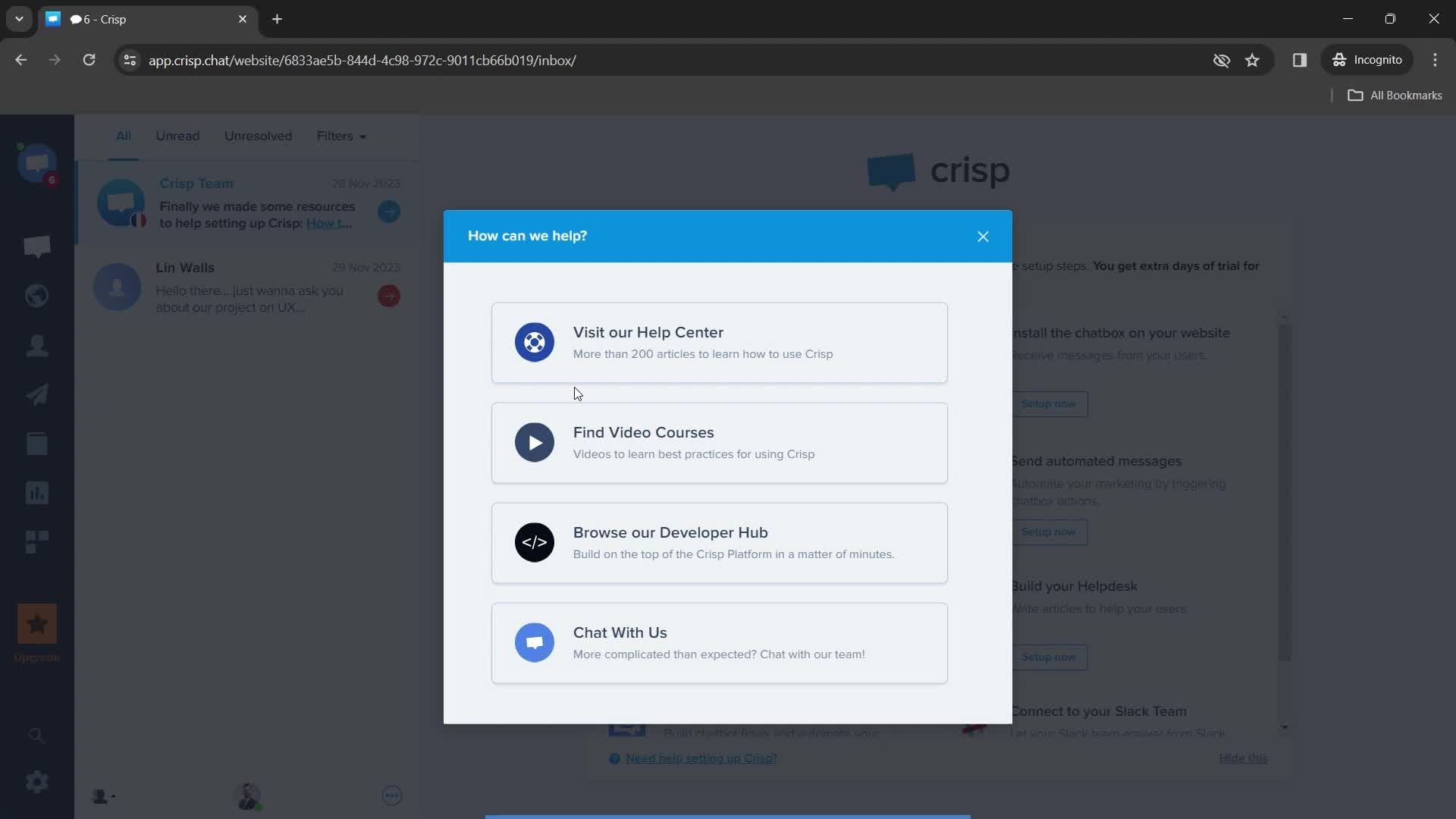
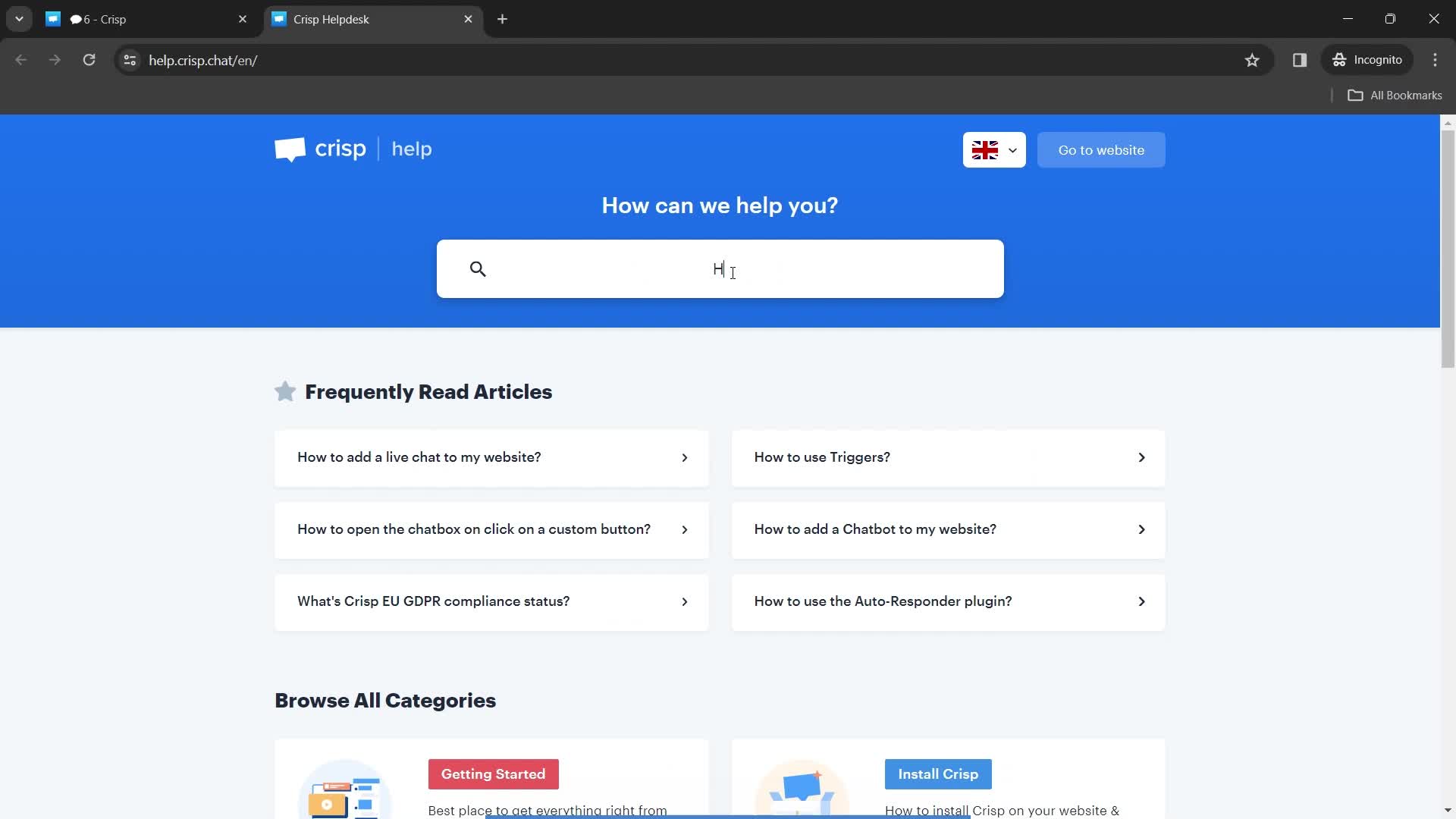
Help center
this is title
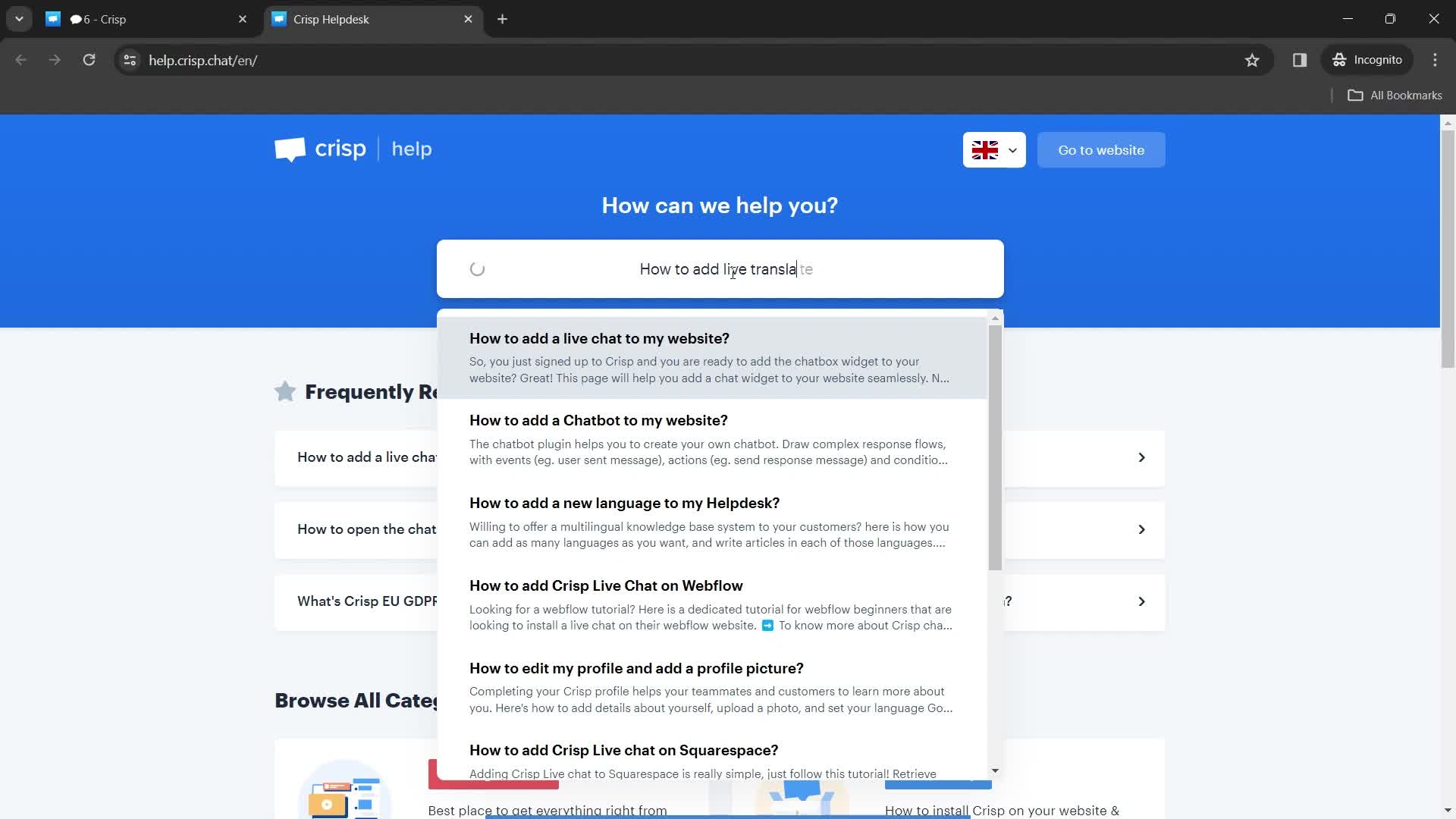
Search results
this is title
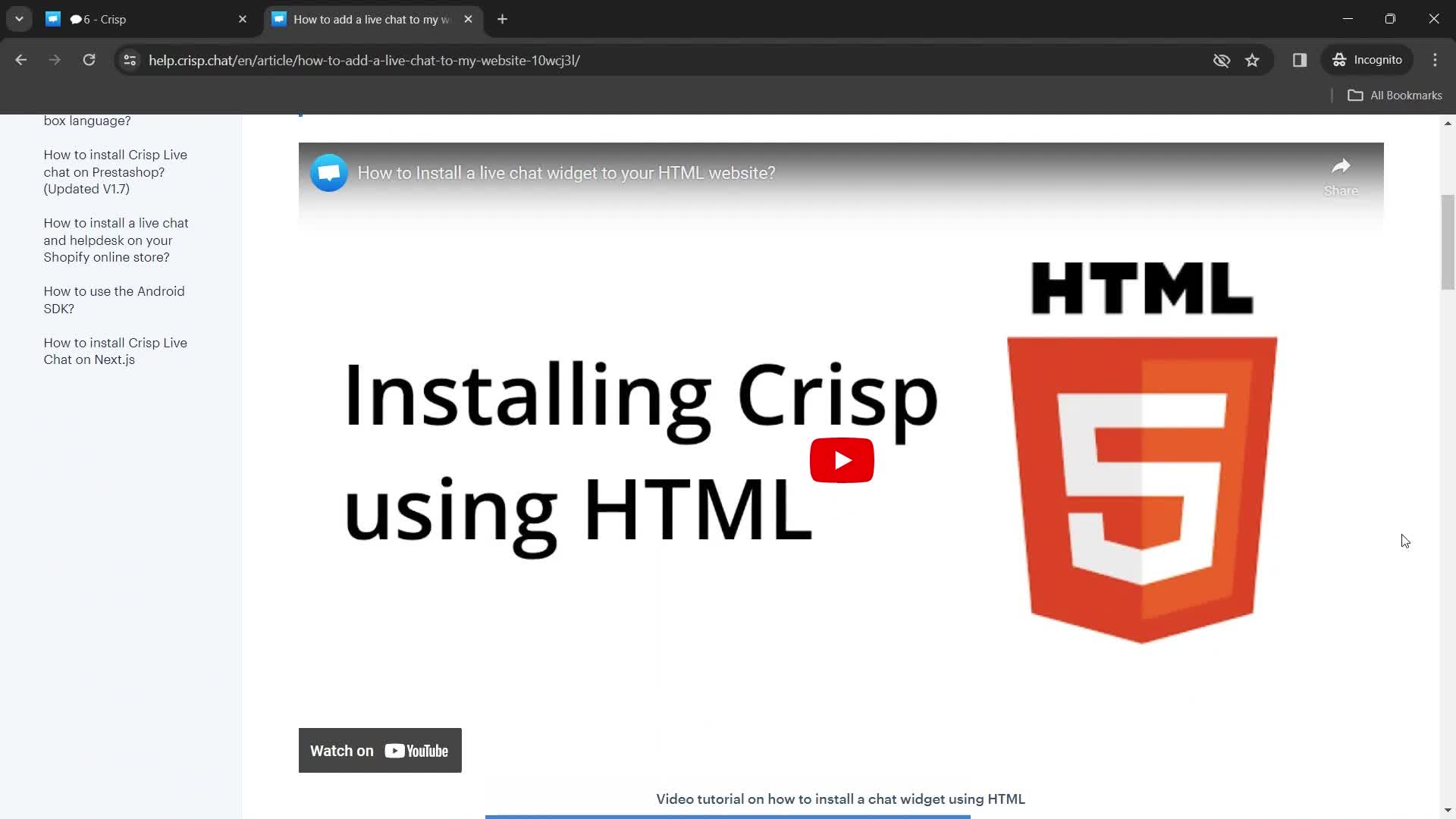
Help center article
this is title
Search
this is title
Help center article
this is title
Share feedback
this is title
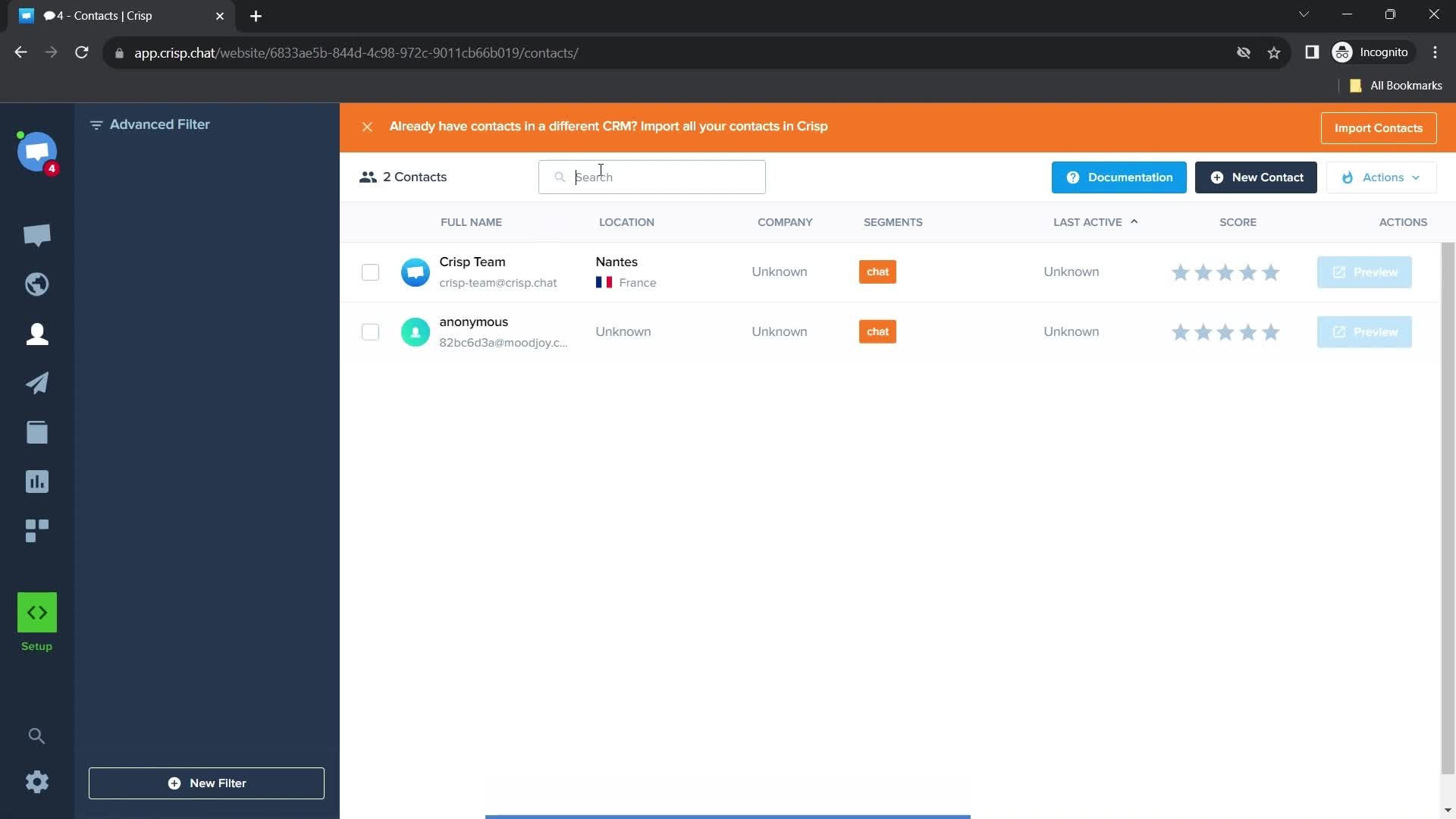
Contacts
this is title
Action menu
this is title
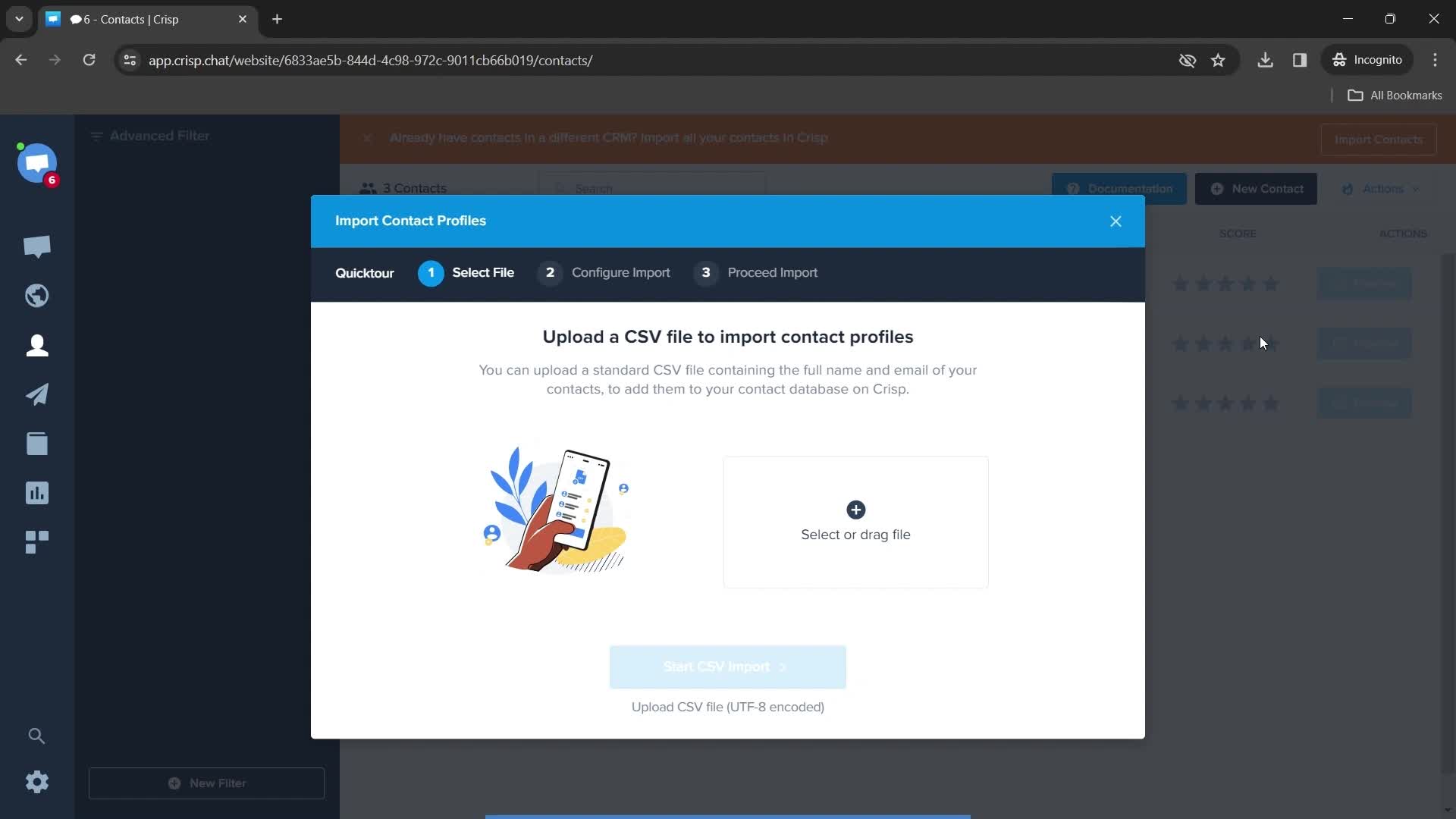
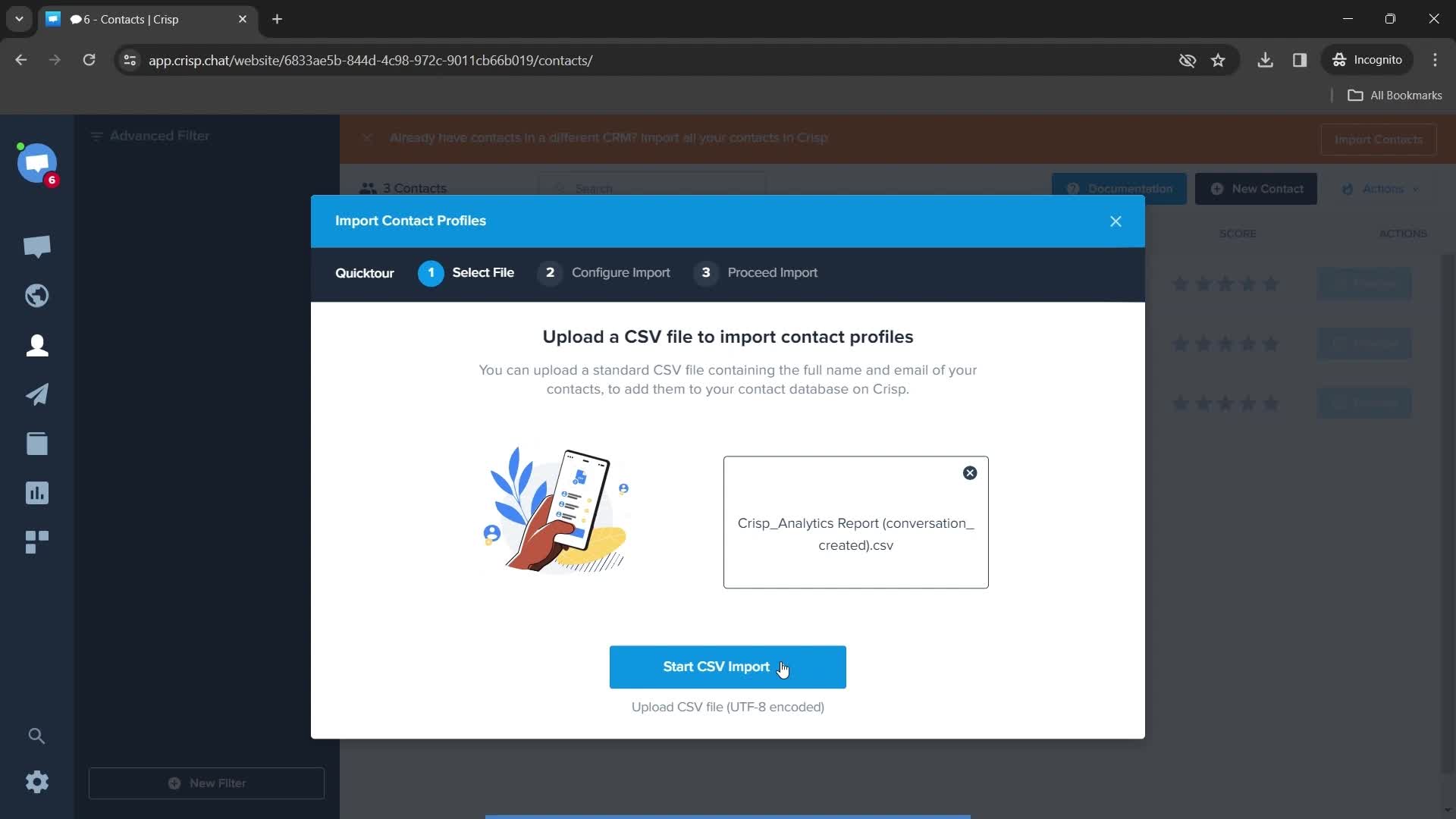
Import contacts
this is title
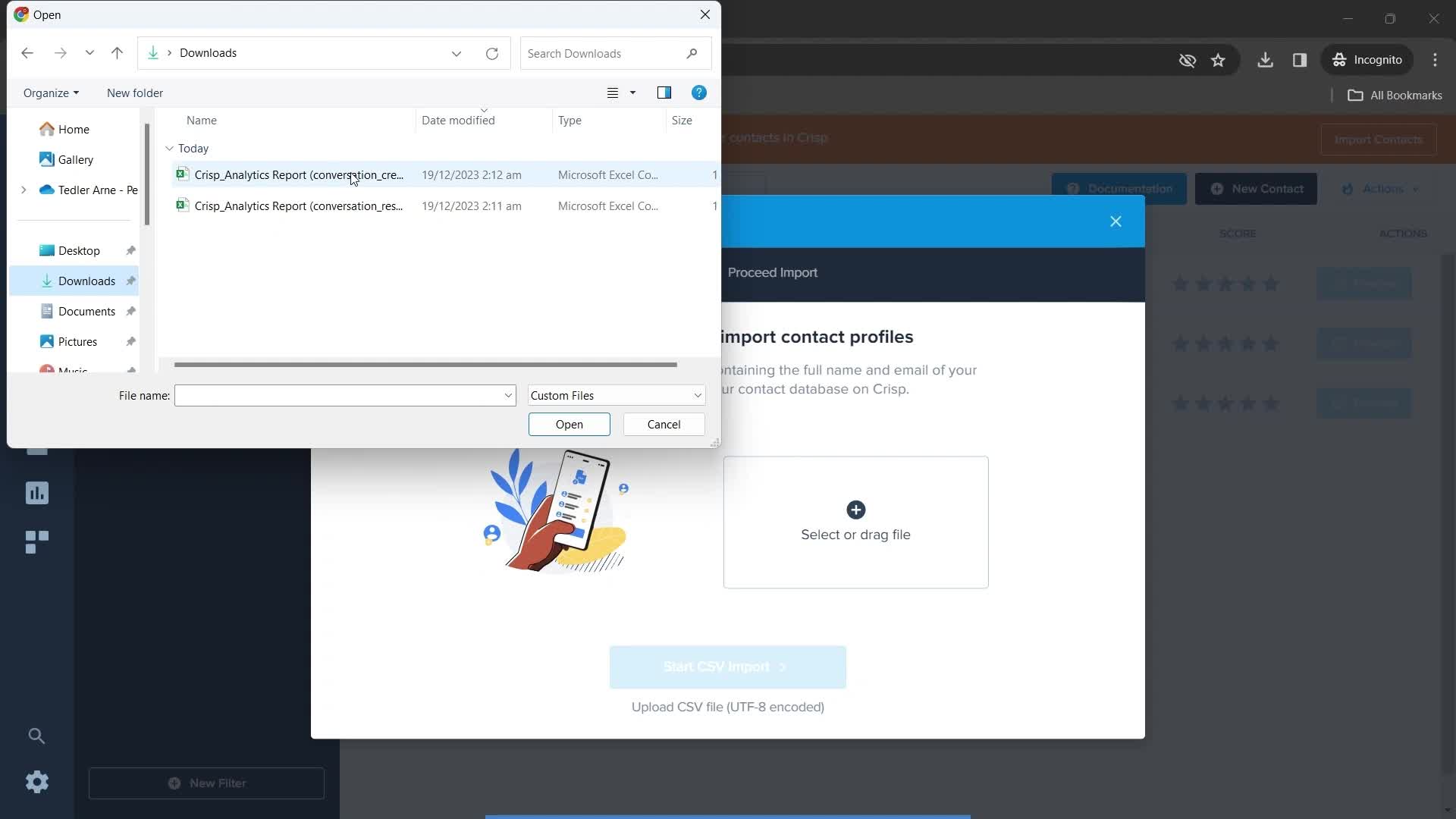
File upload
this is title
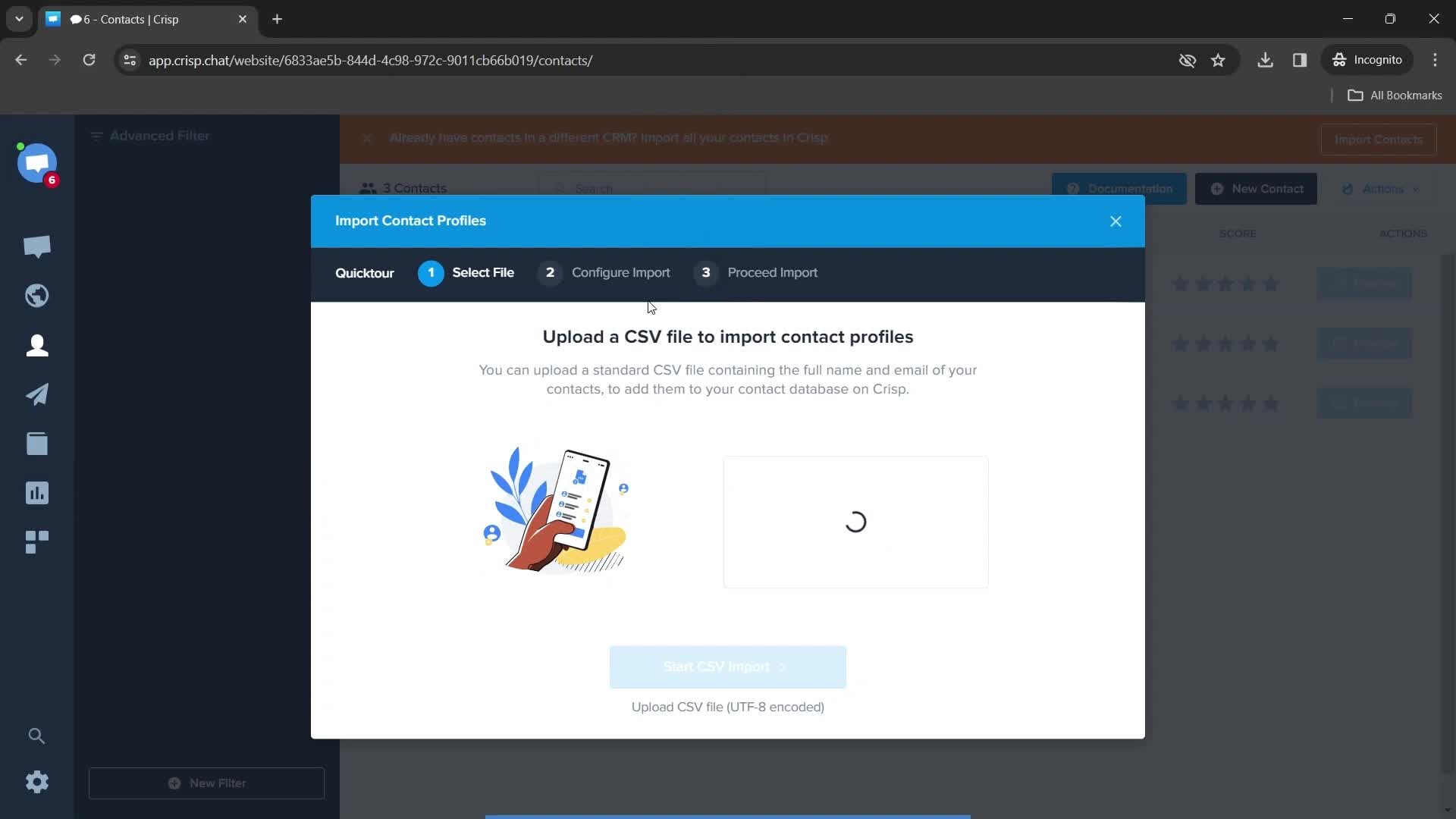
Uploading
this is title
Upload complete
this is title
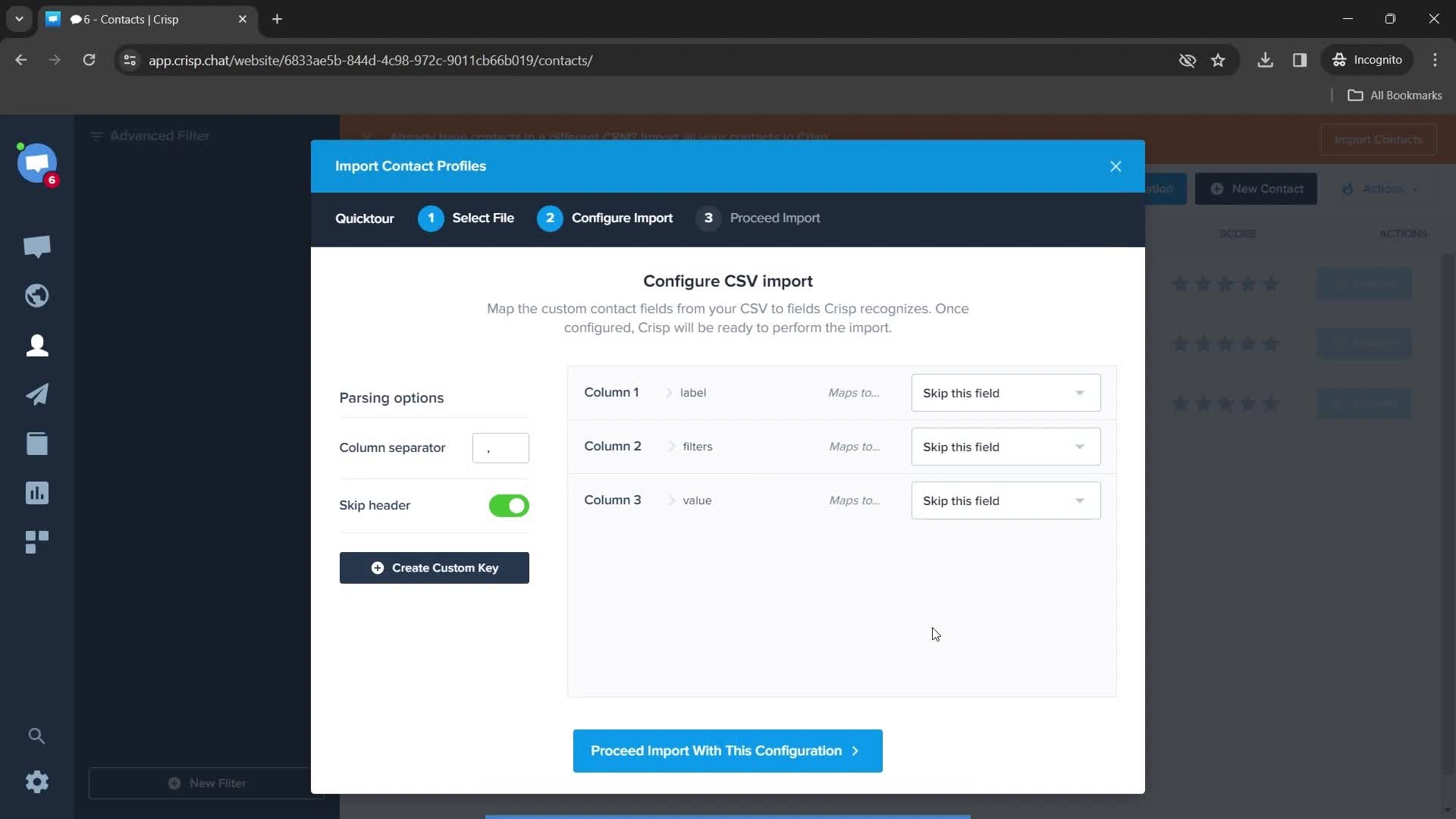
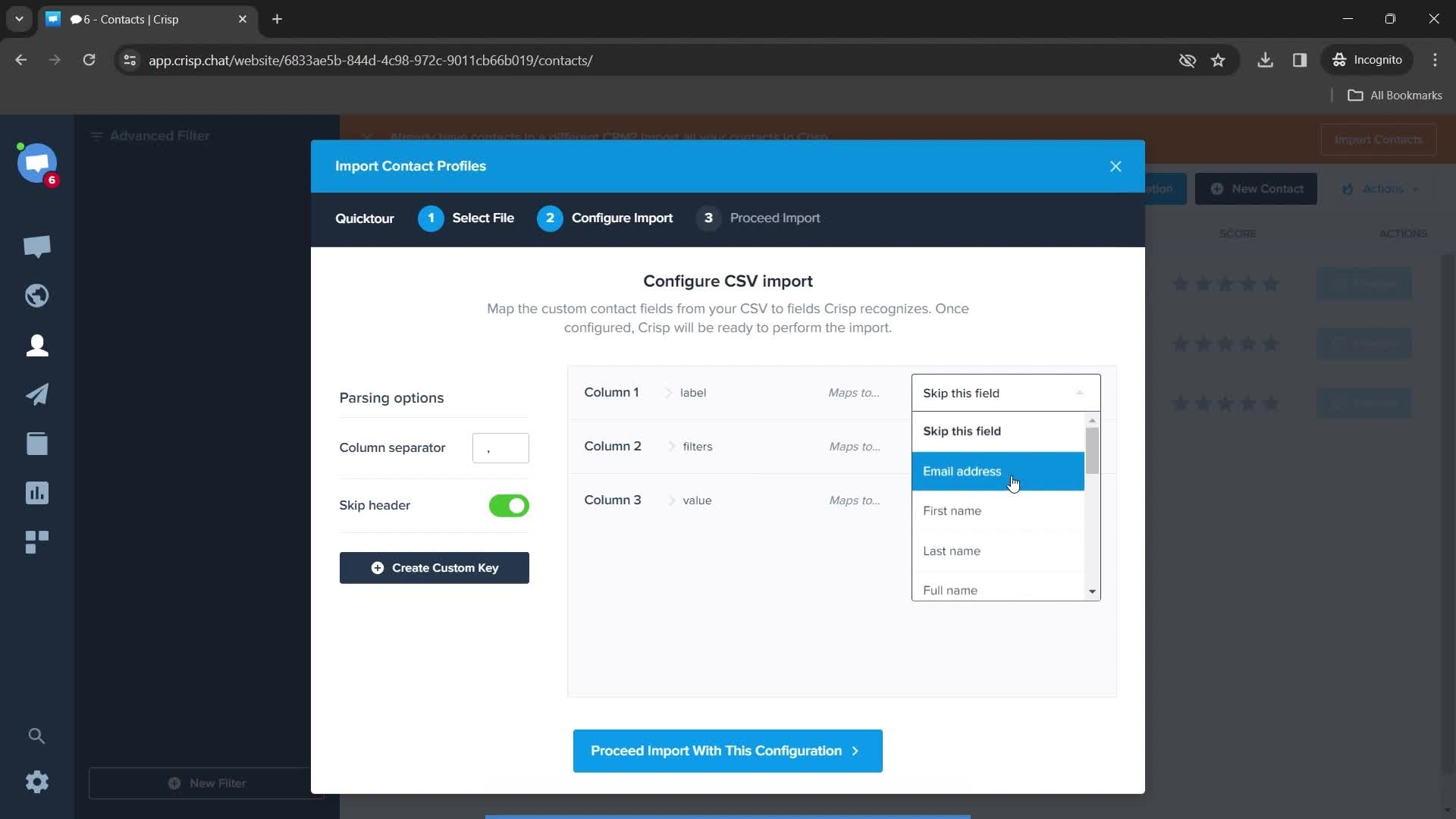
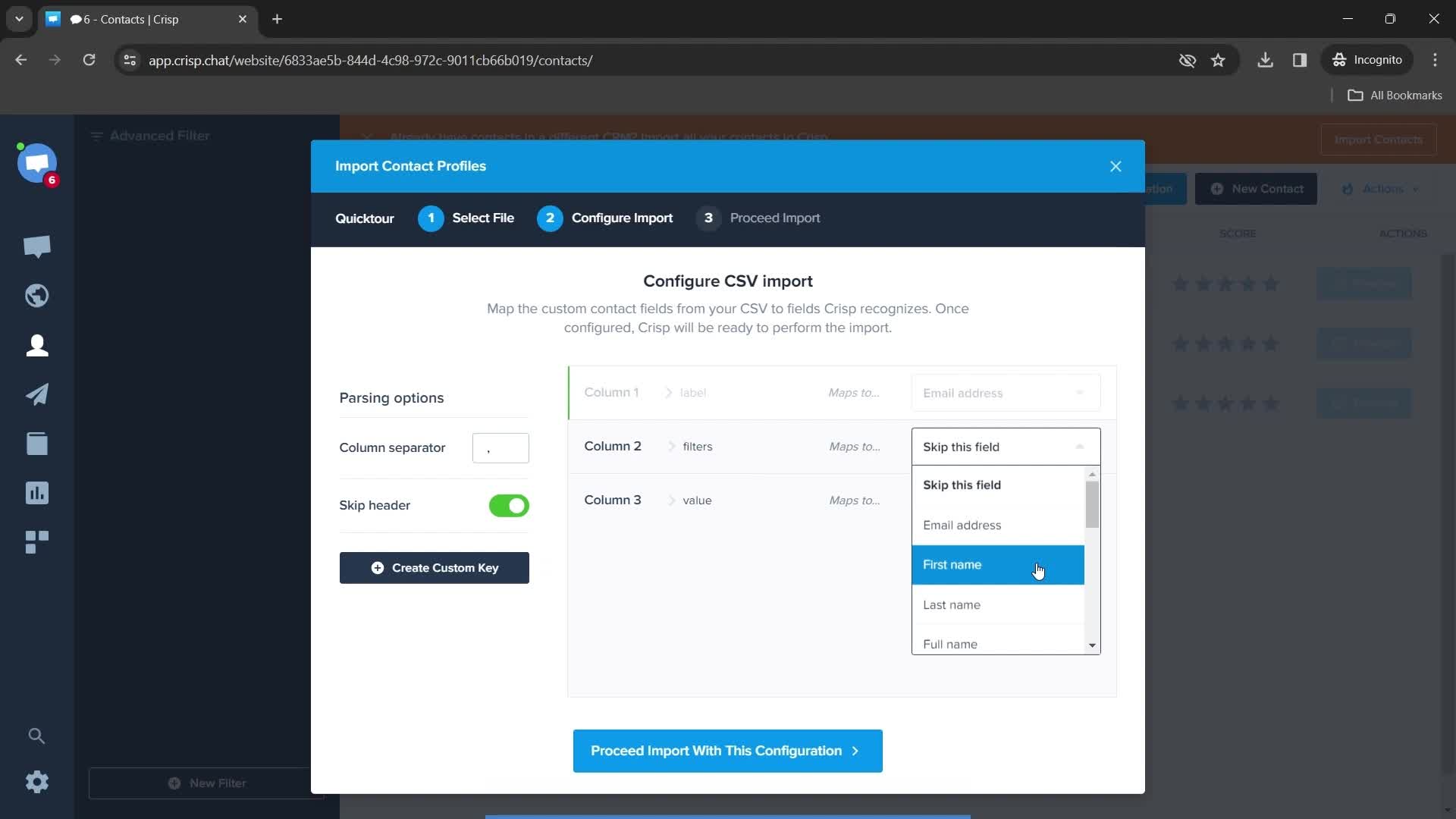
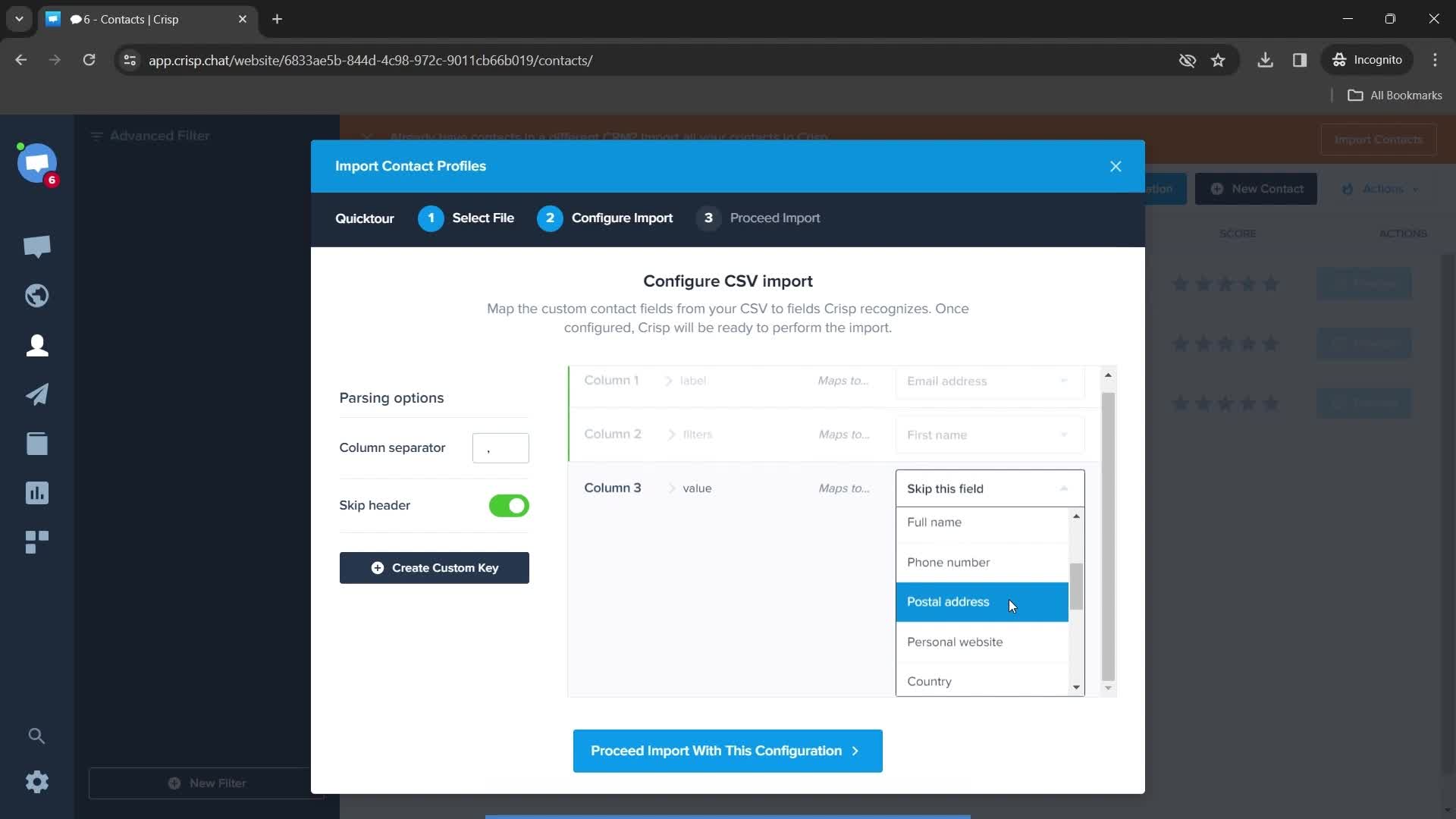
Configure
this is title
Select options
this is title
this is title
this is title
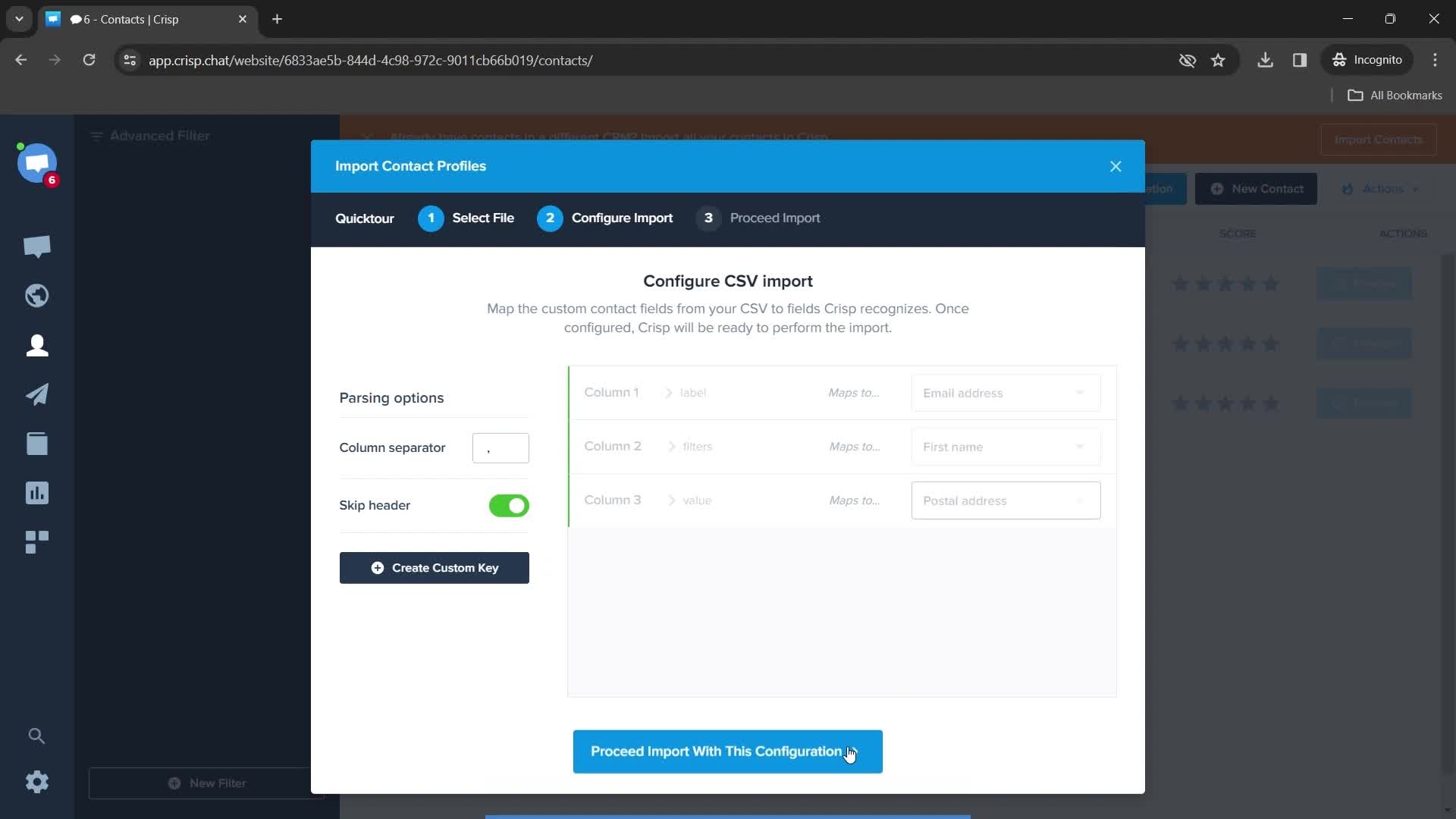
Start configuration
this is title
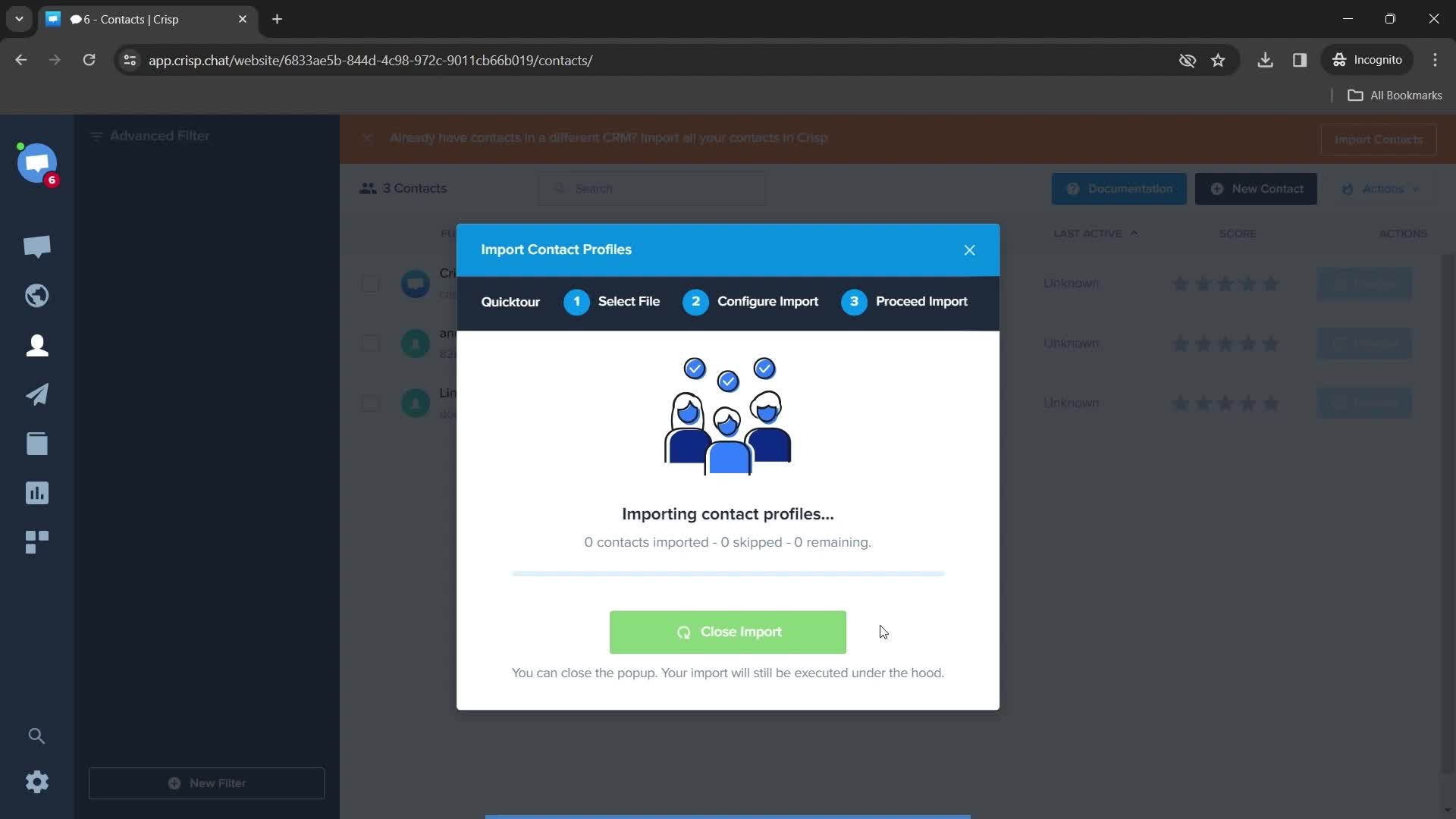
Finish importing
this is title
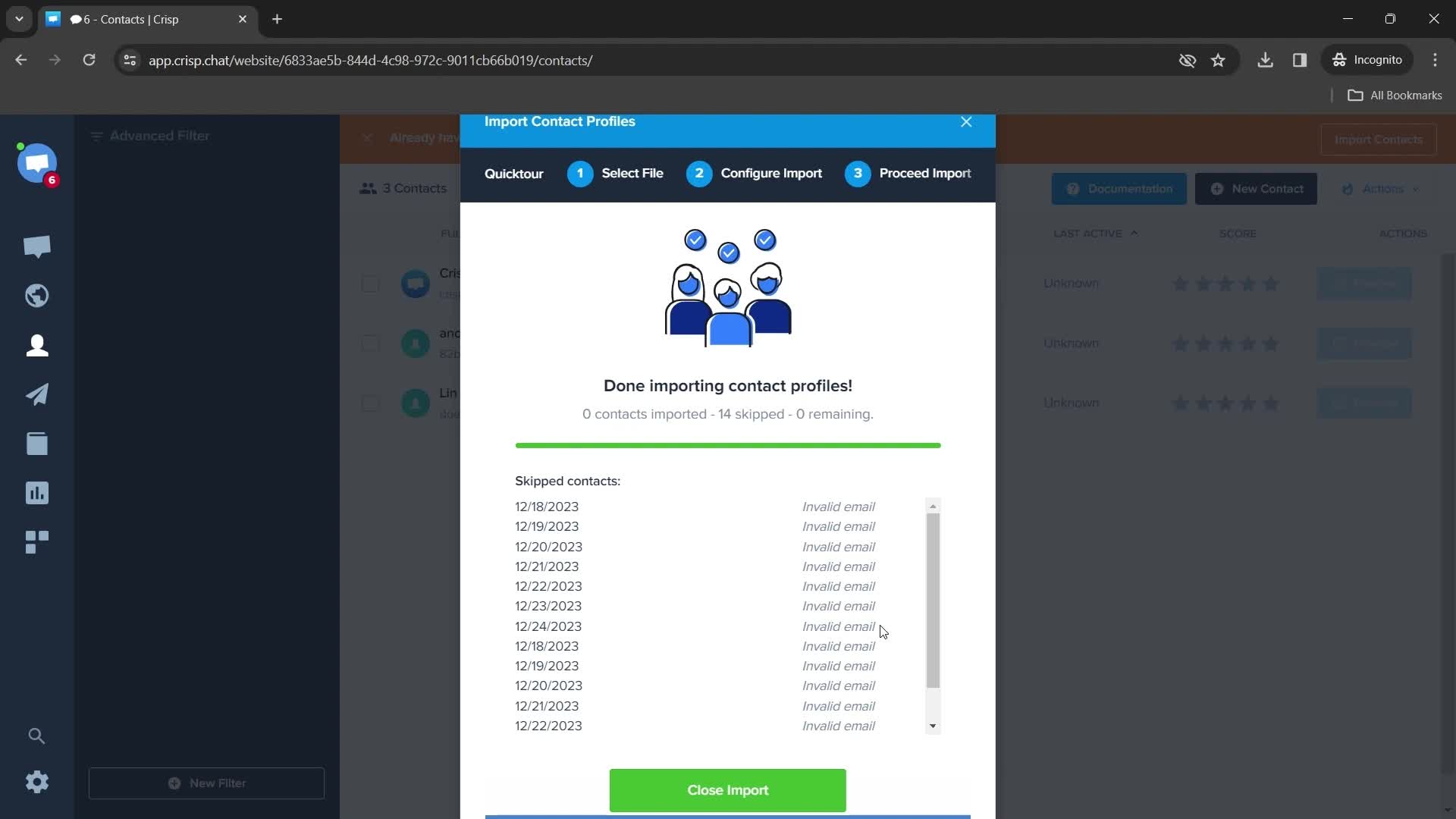
Success
this is title
Contacts
this is title
Dashboard
this is title
Plugins
this is title
this is title
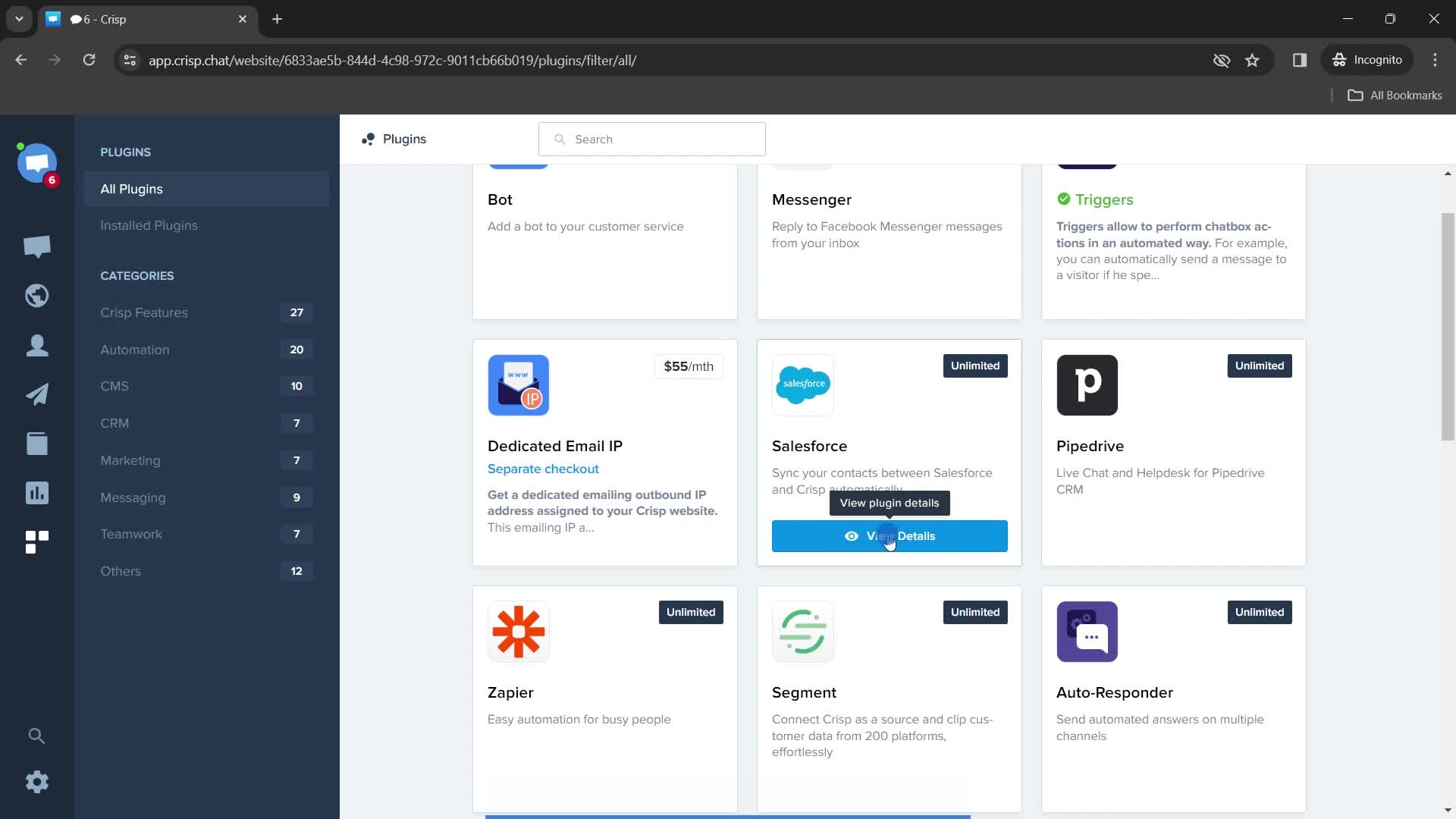
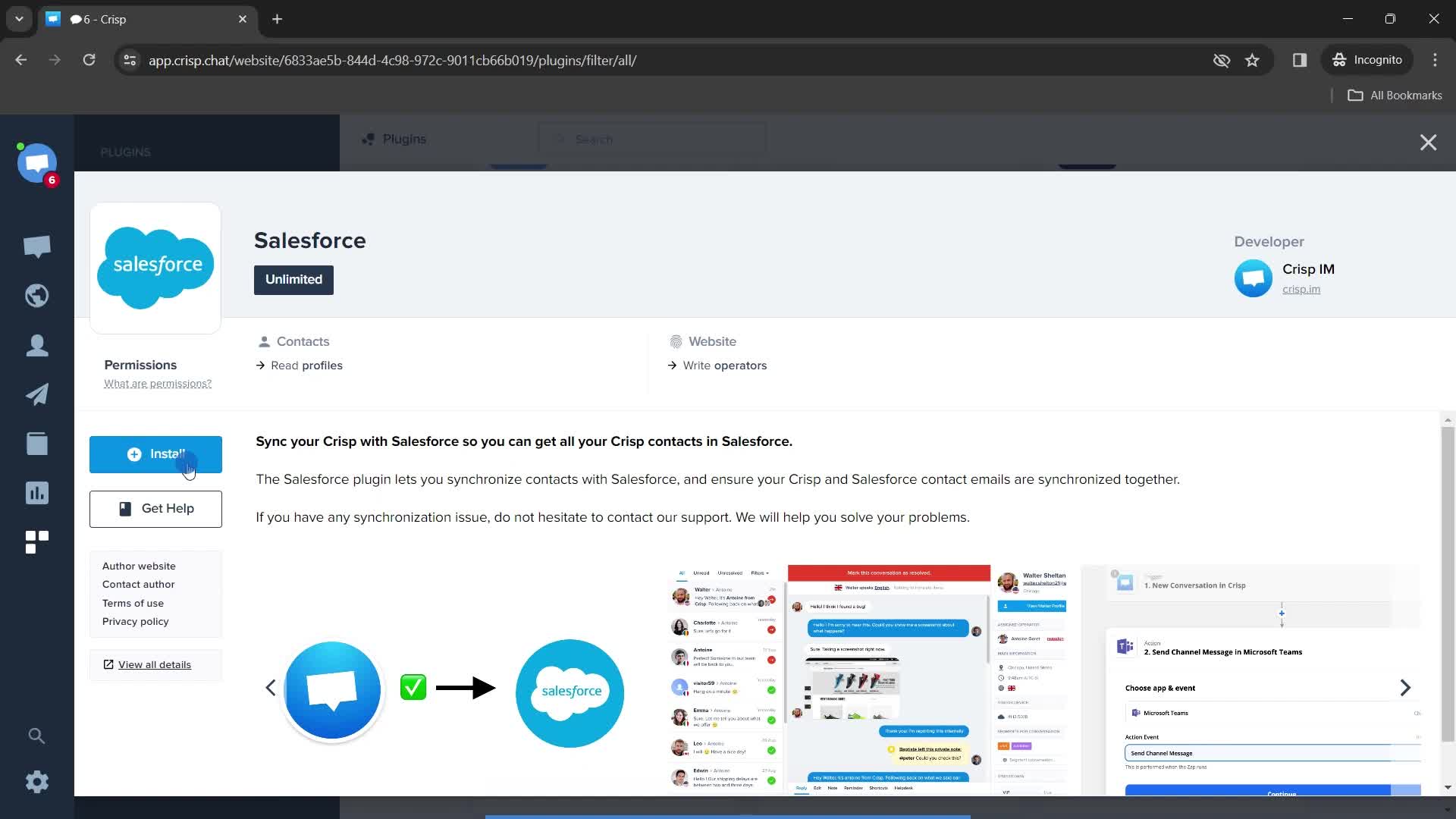
Install plugin
this is title
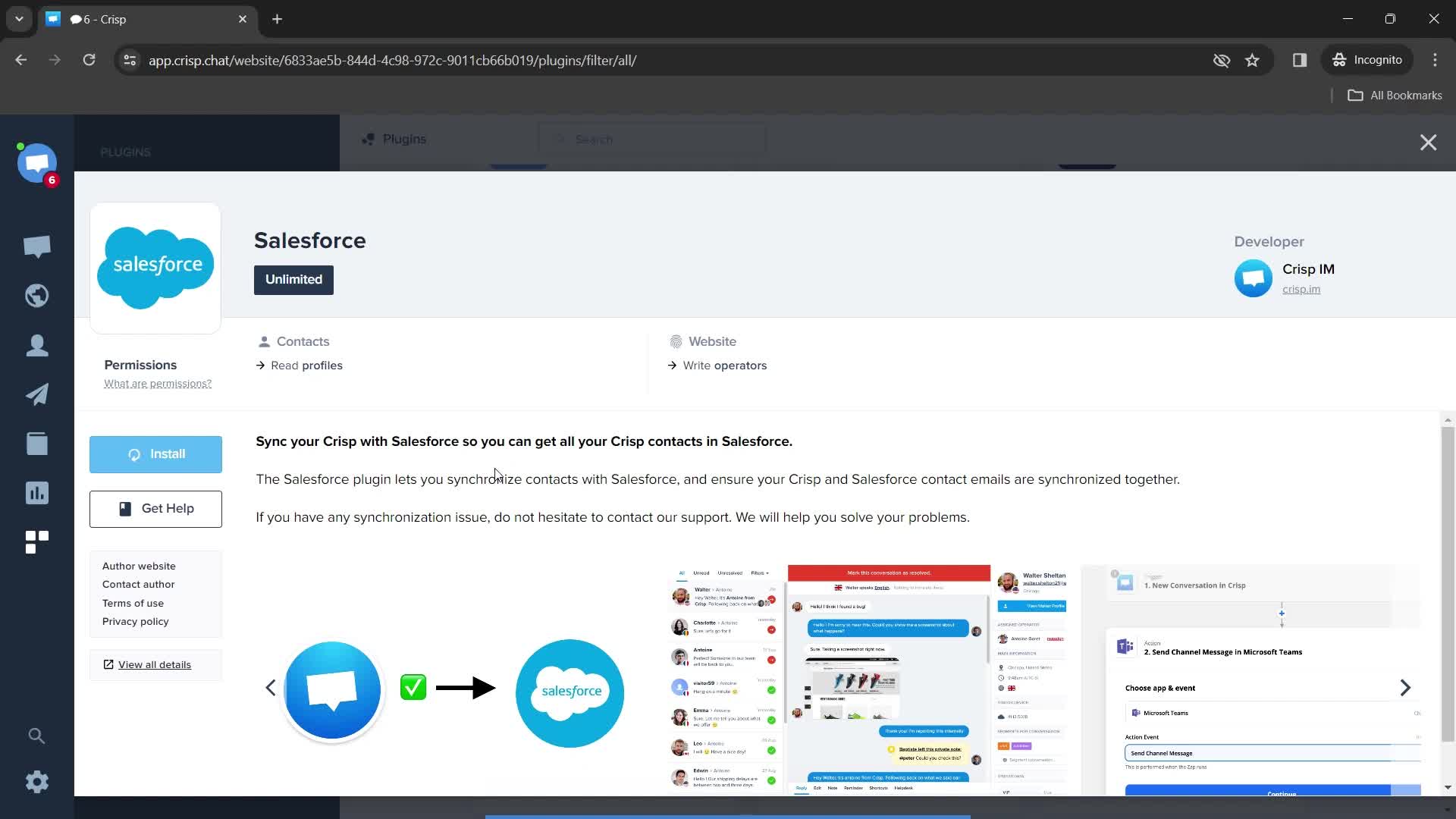
Installing
this is title
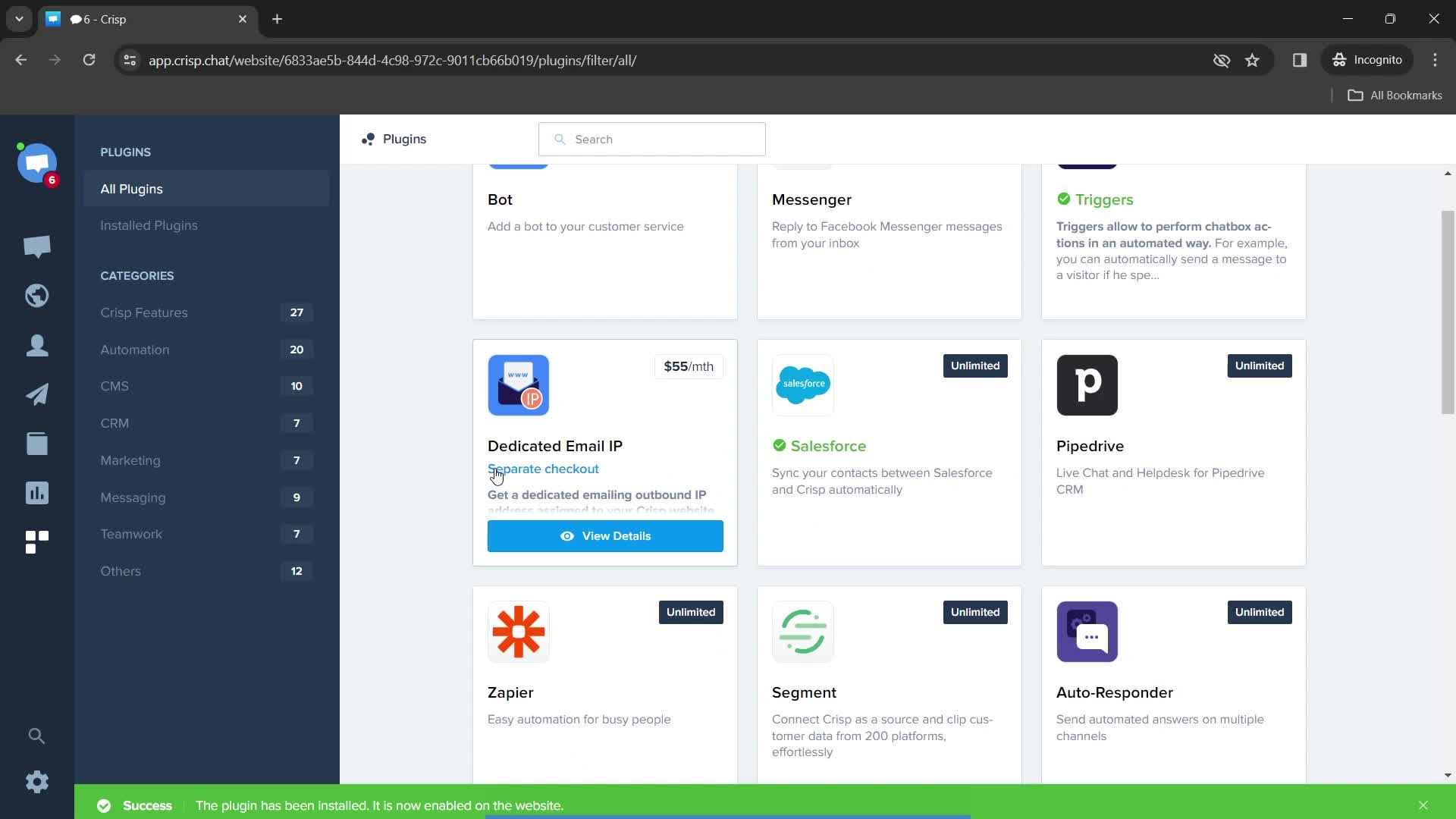
Installation successful
this is title
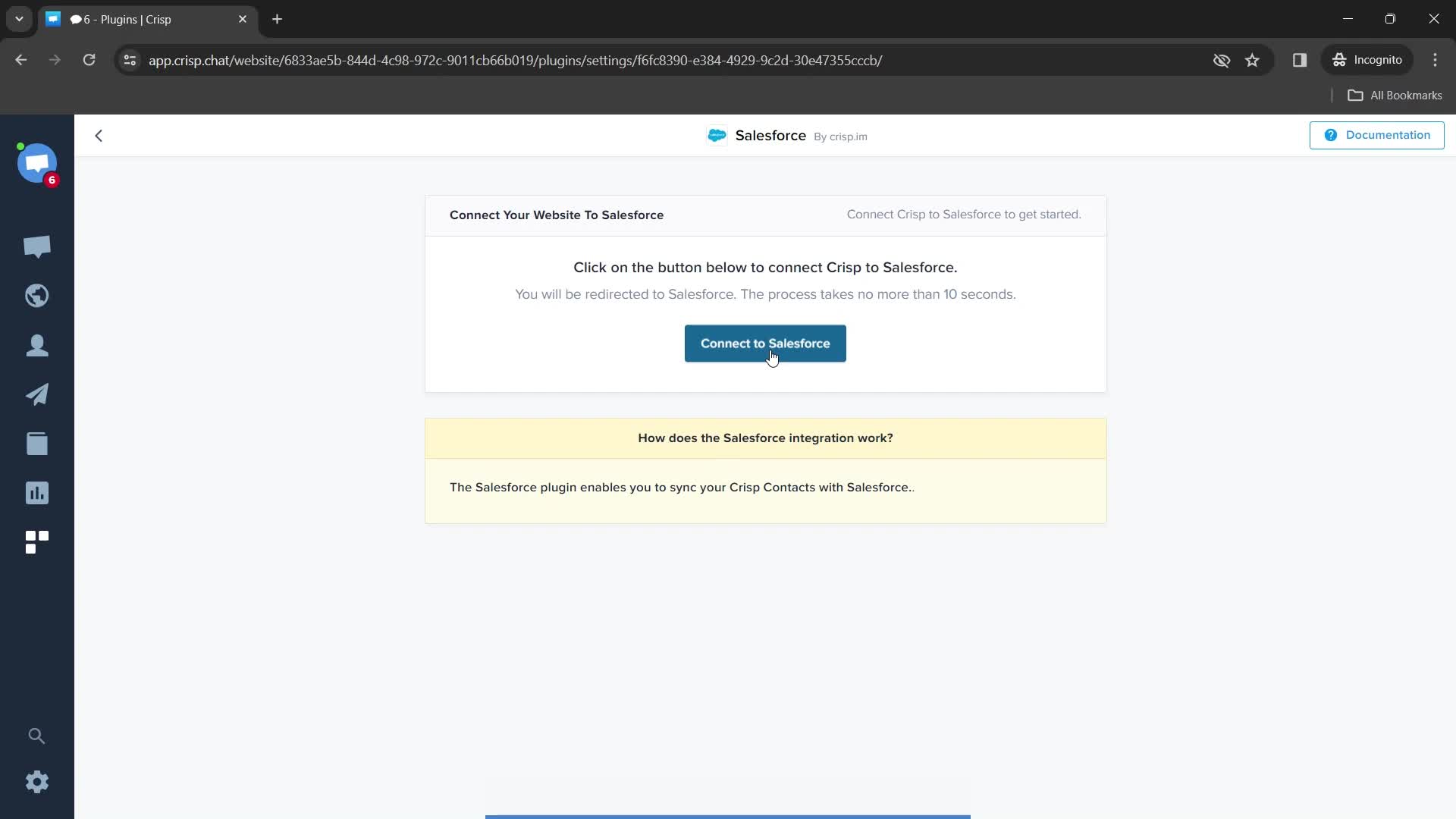
Connect integration
this is title
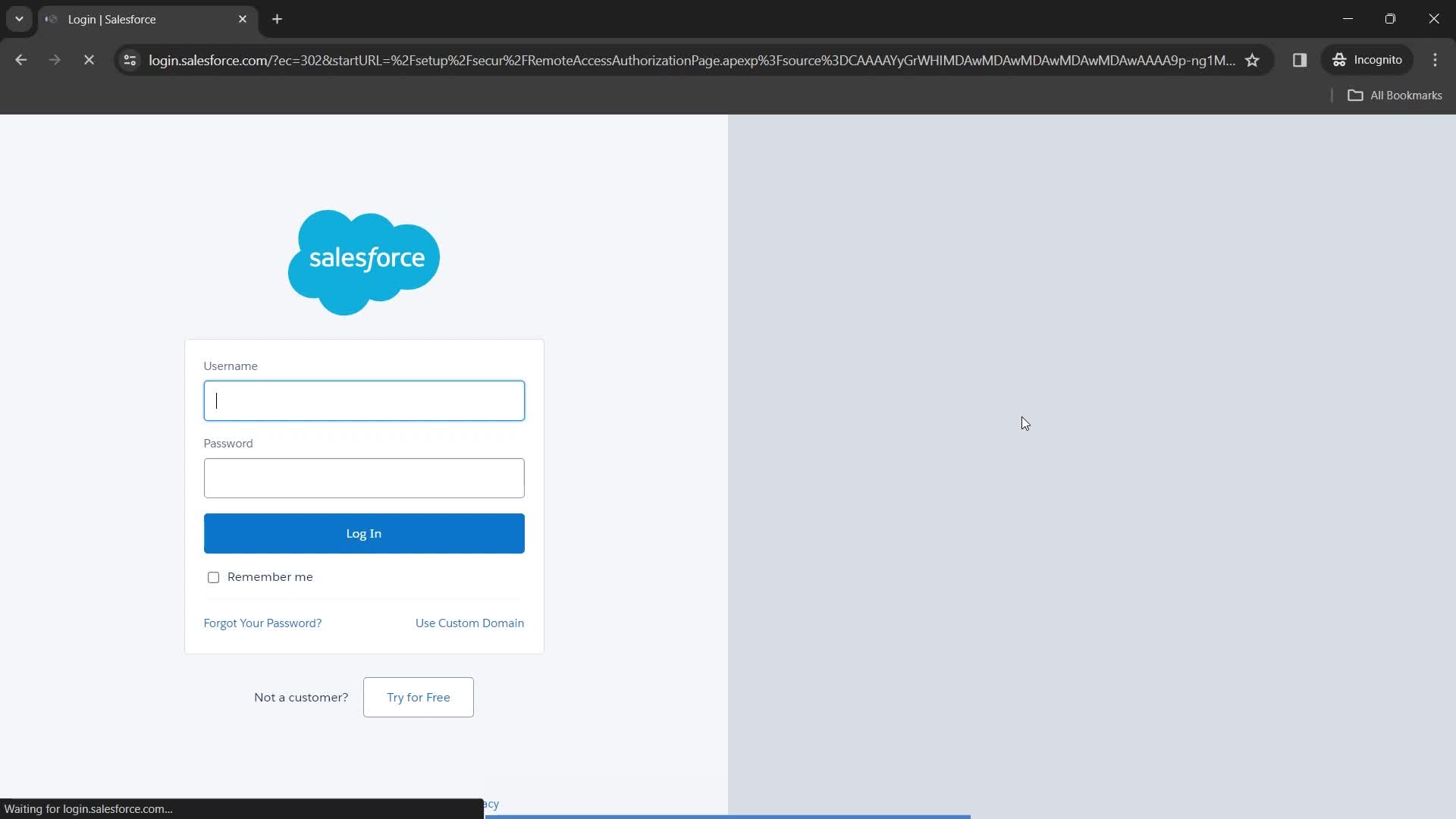
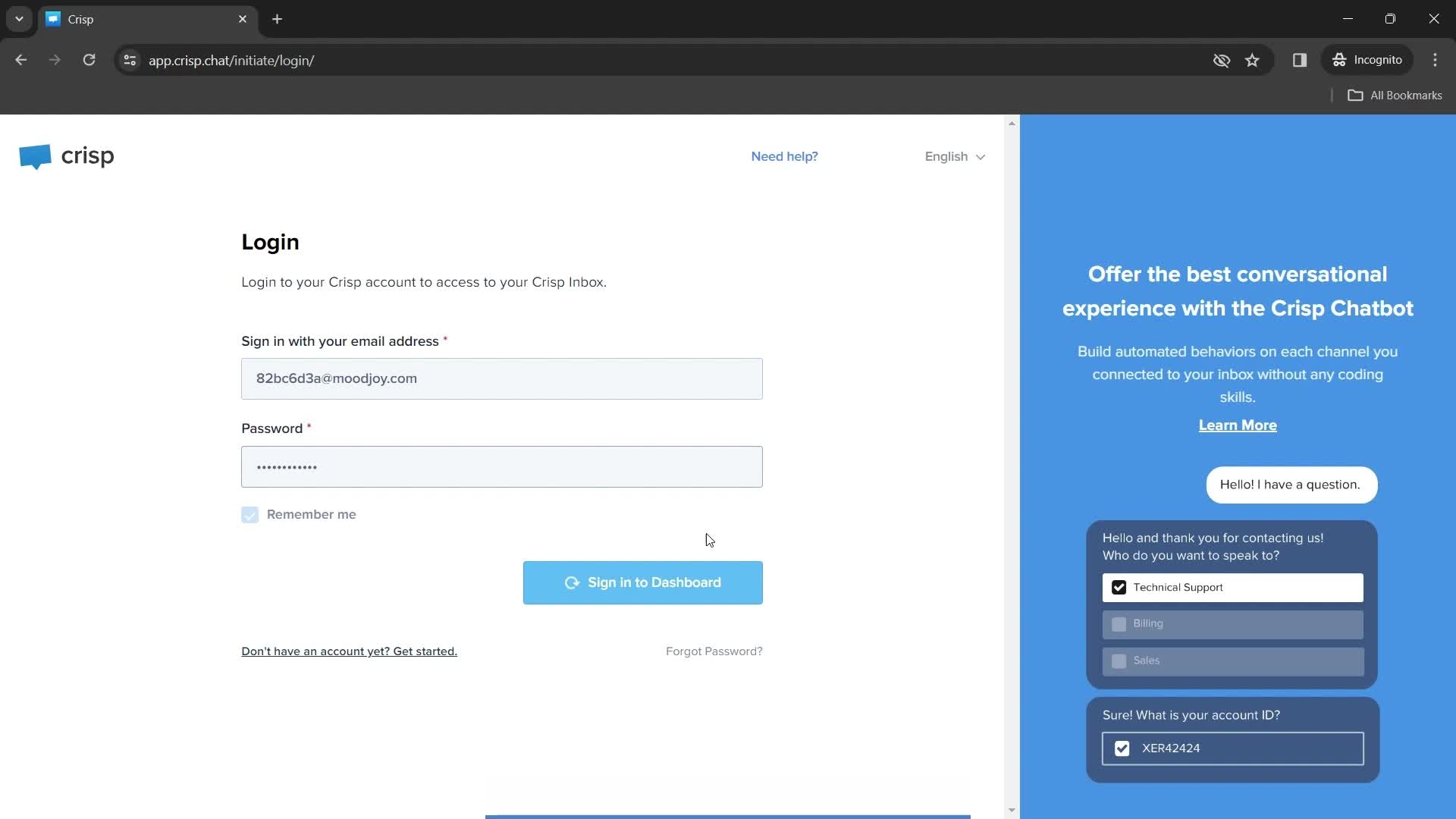
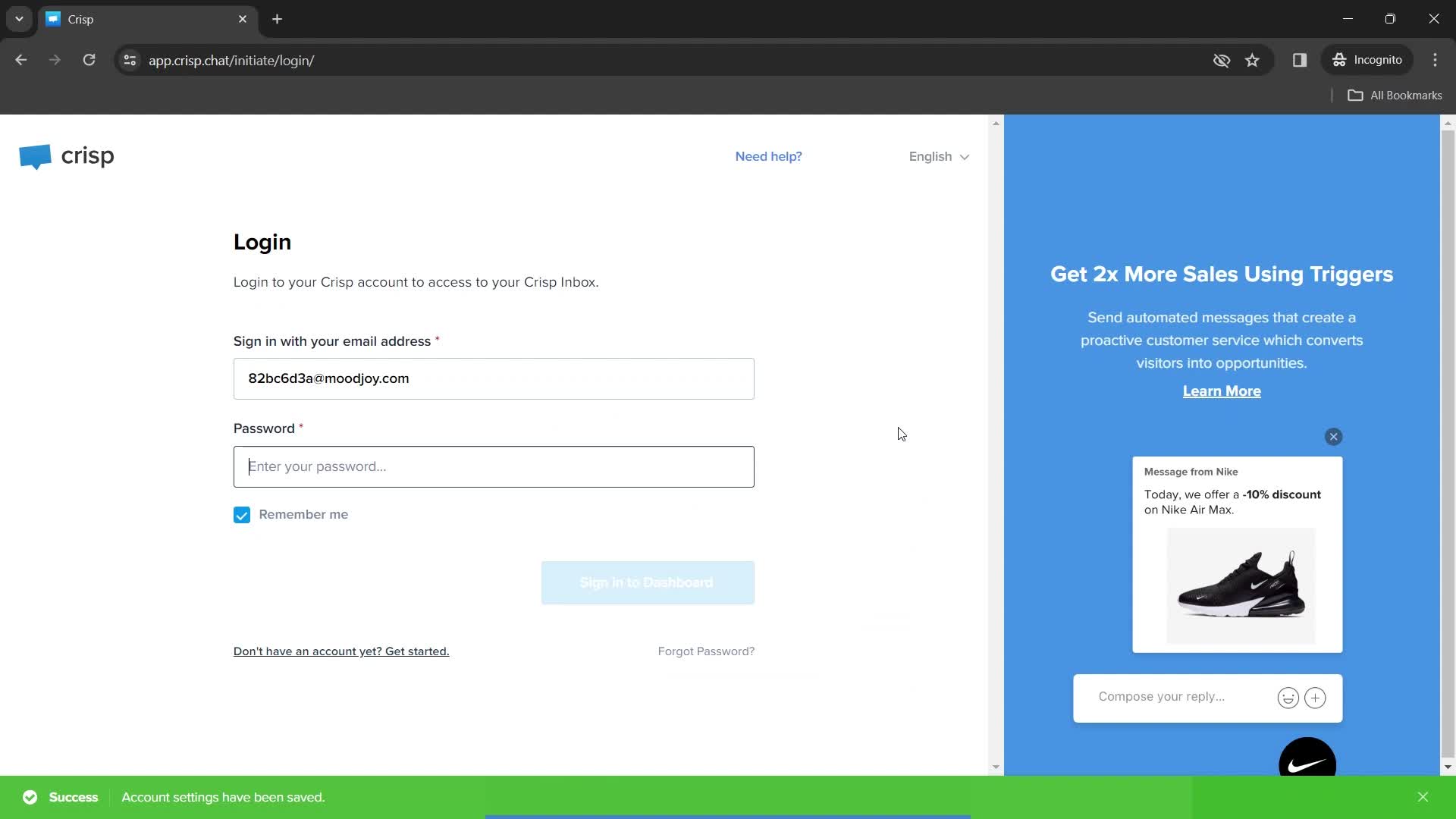
Login
this is title
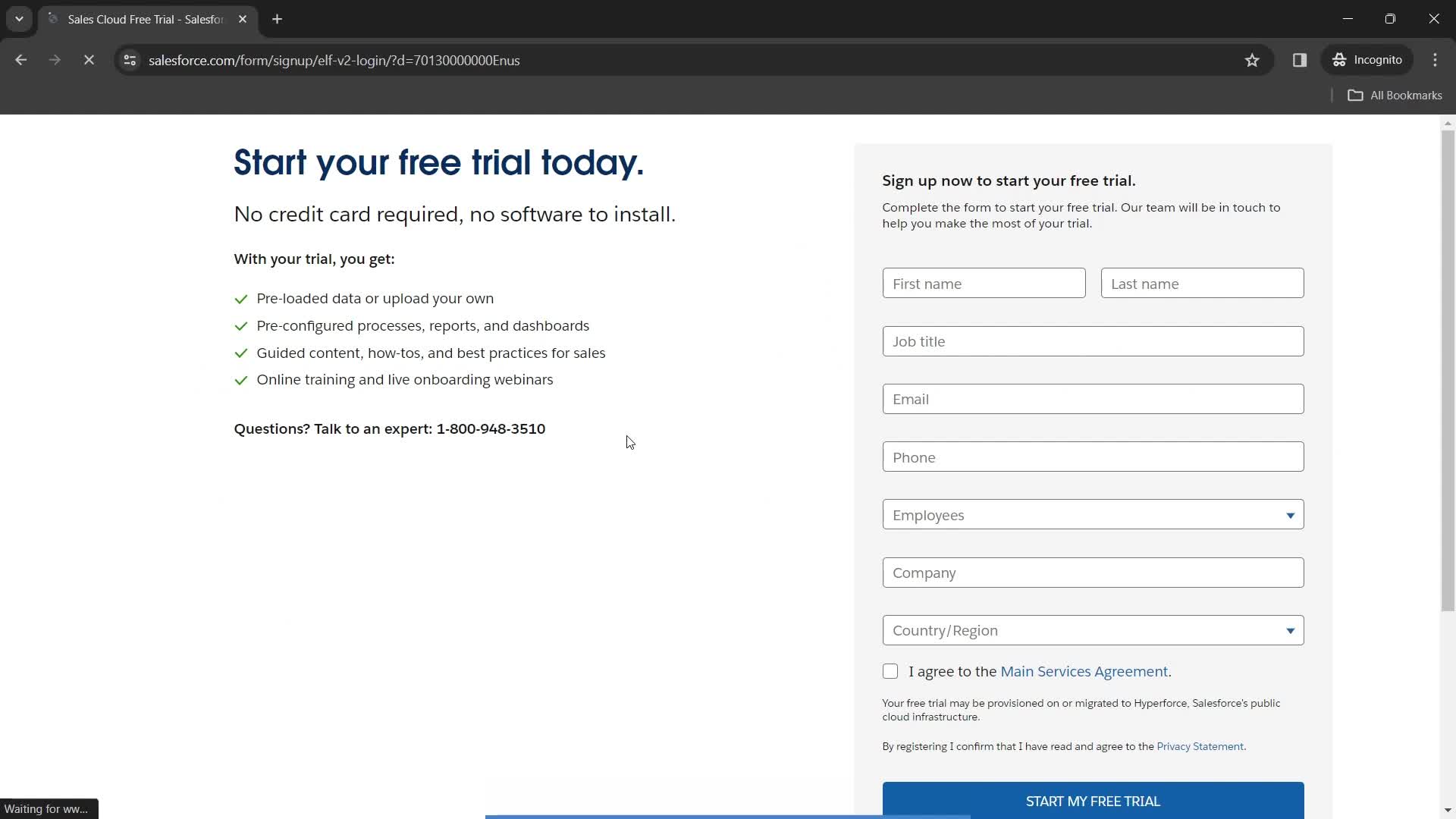
Sign up
this is title
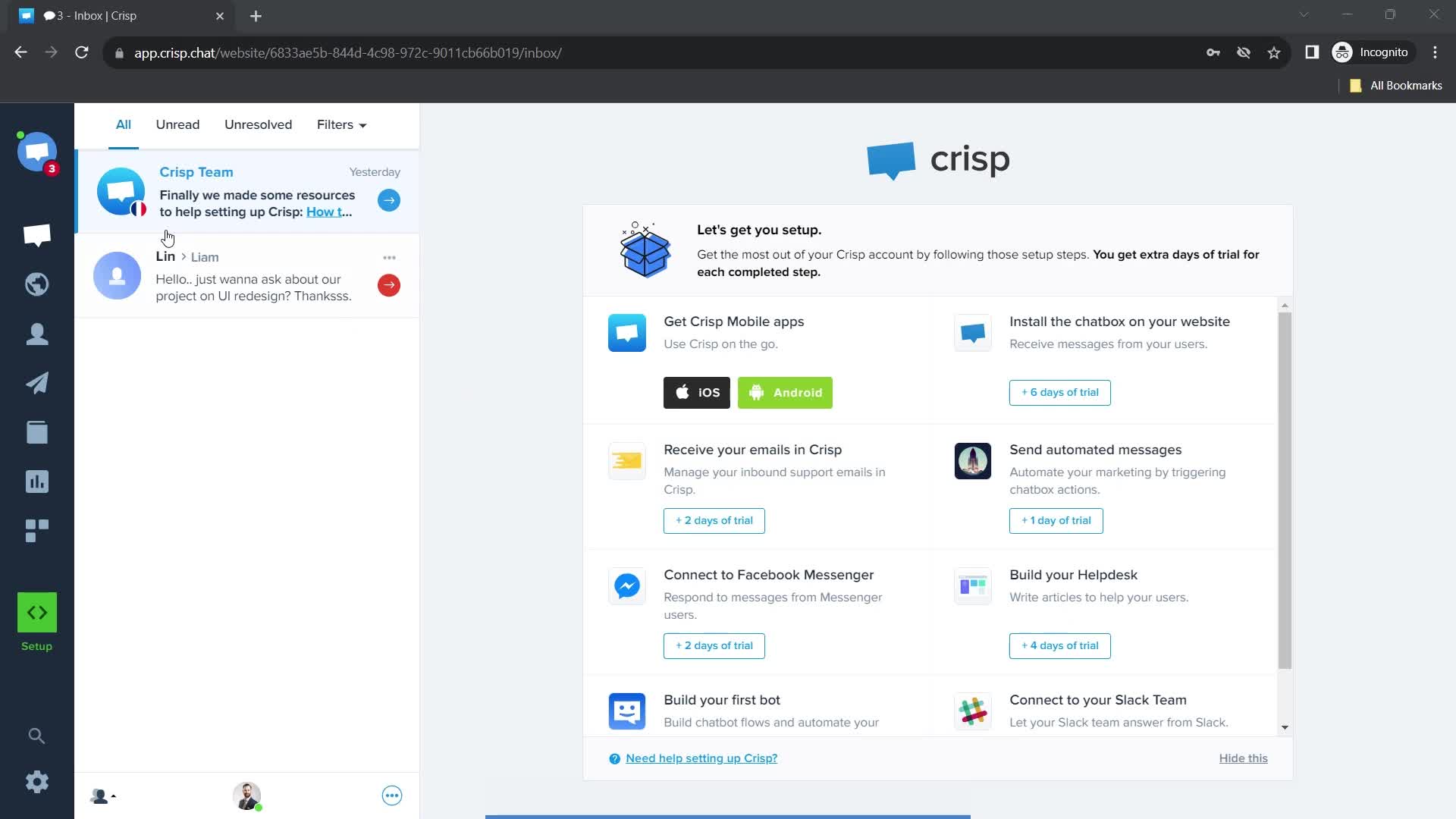
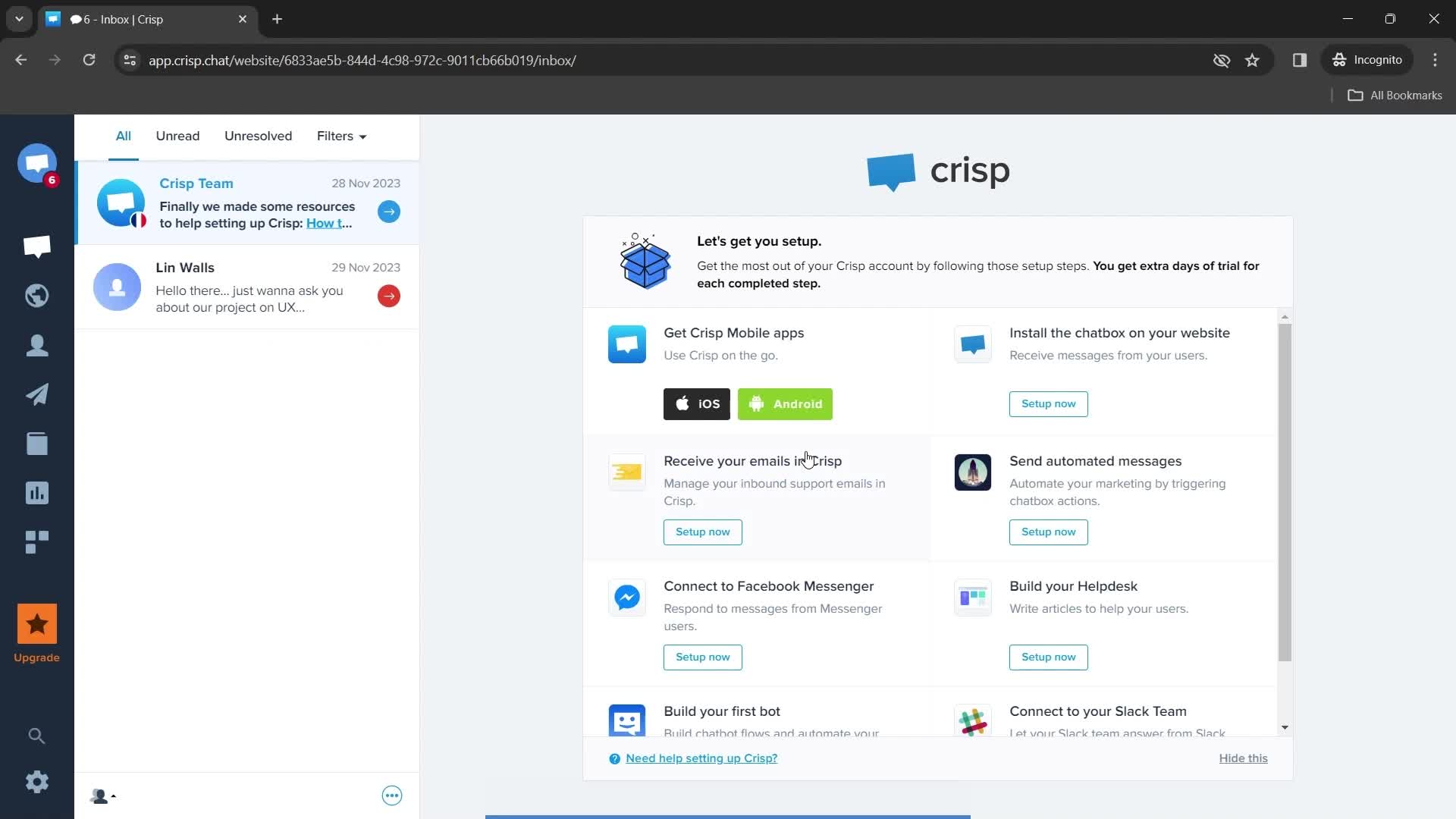
Dashboard
this is title
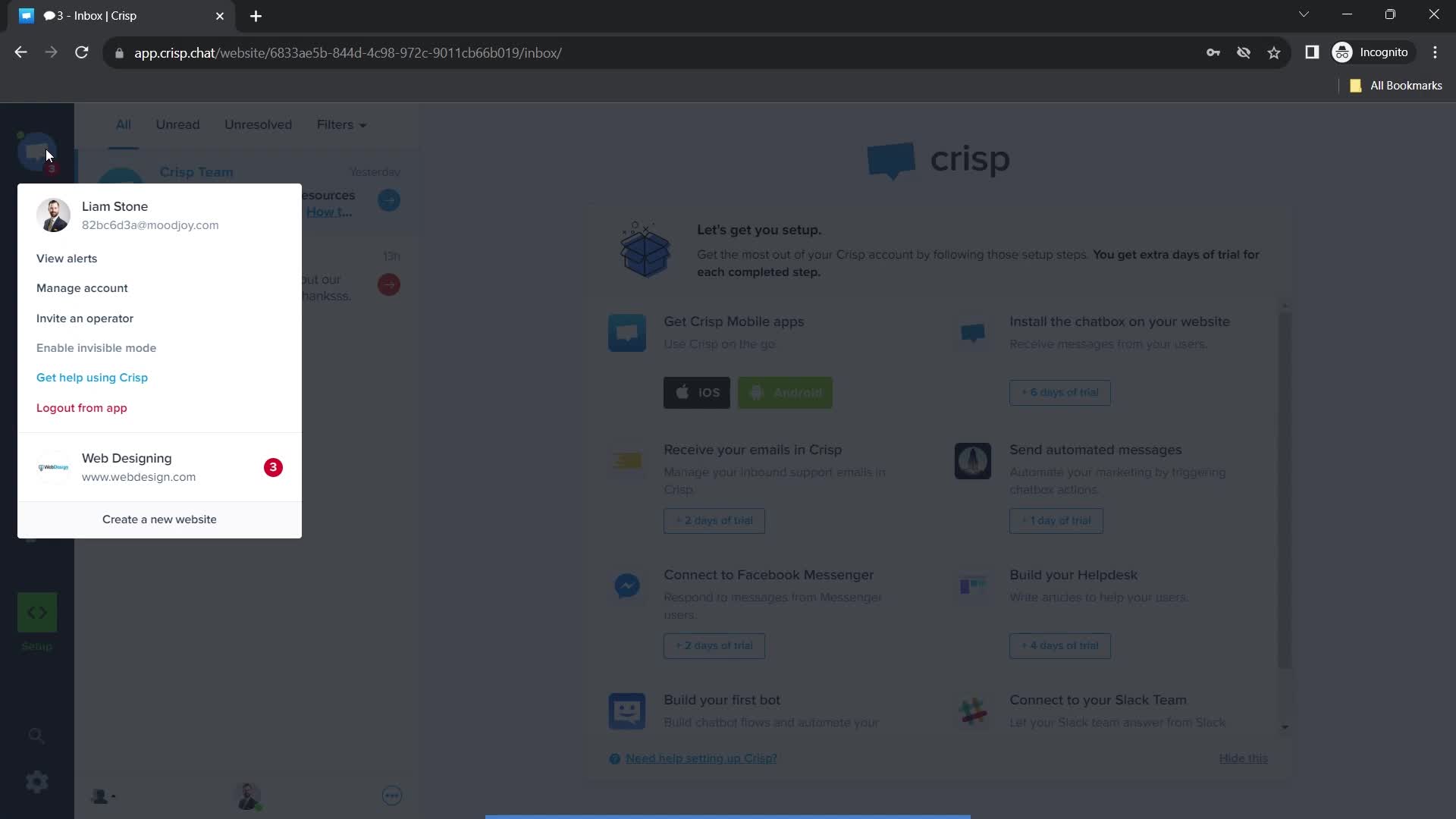
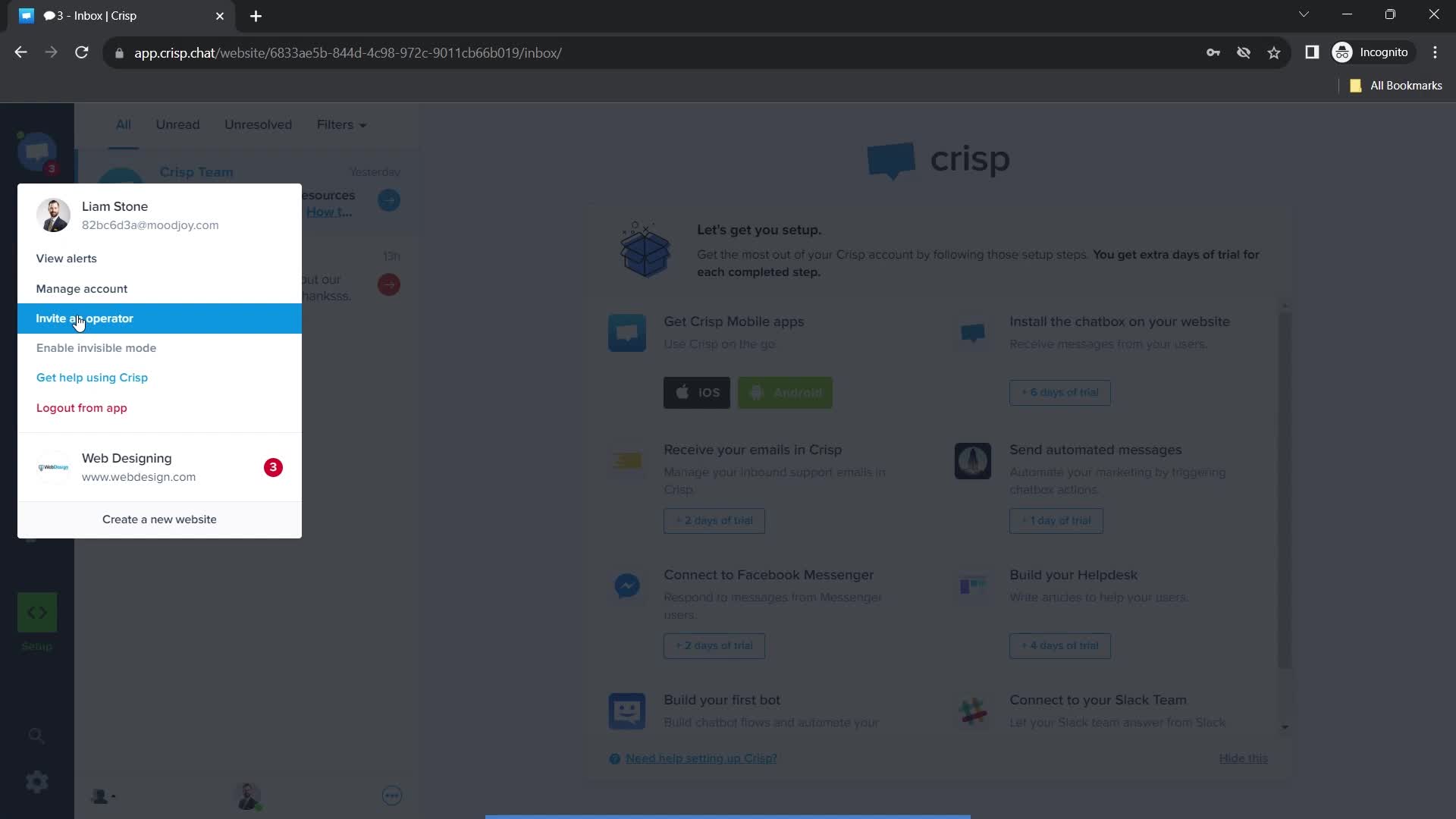
Settings menu
this is title
this is title
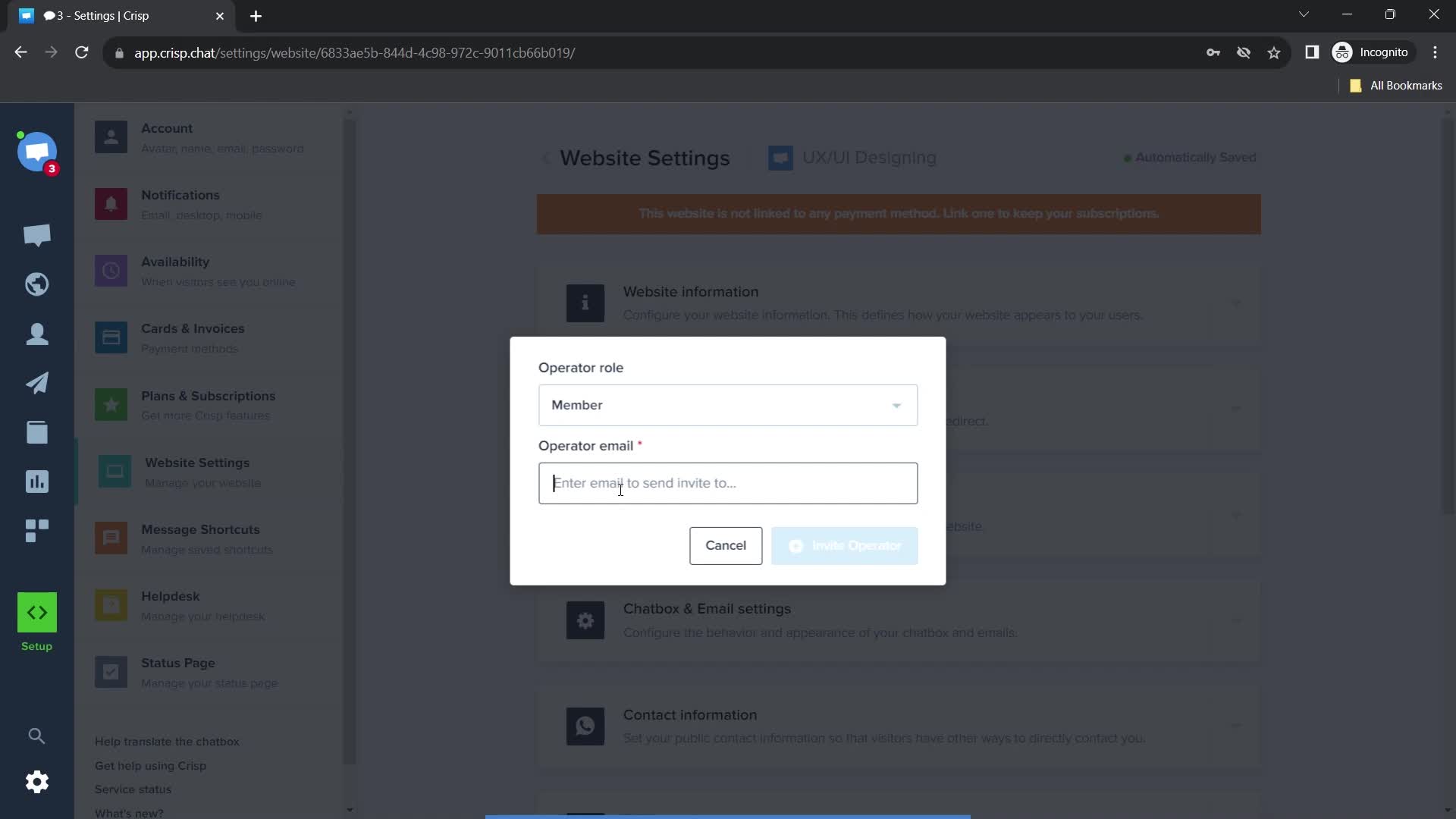
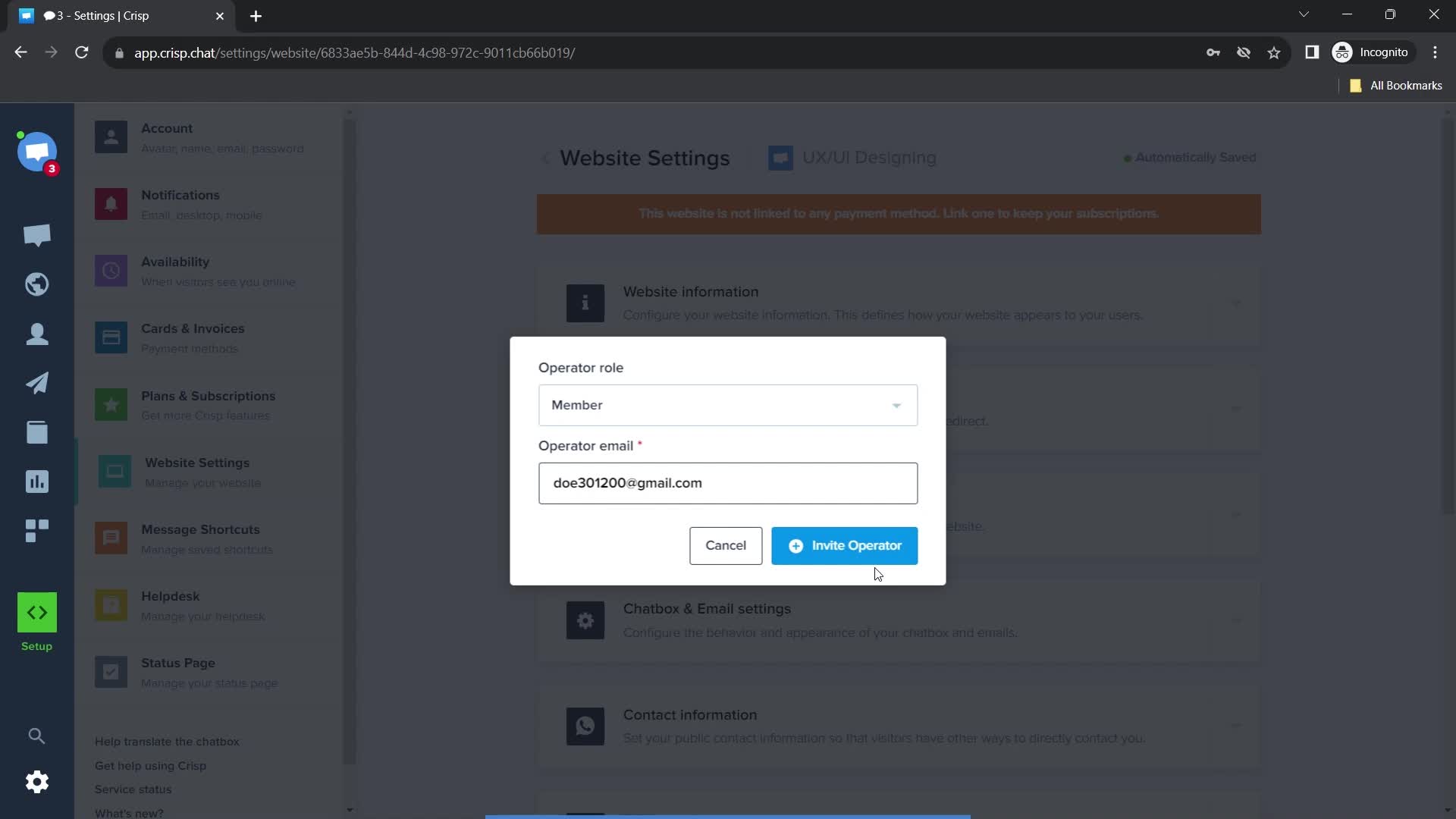
Enter email
this is title
this is title
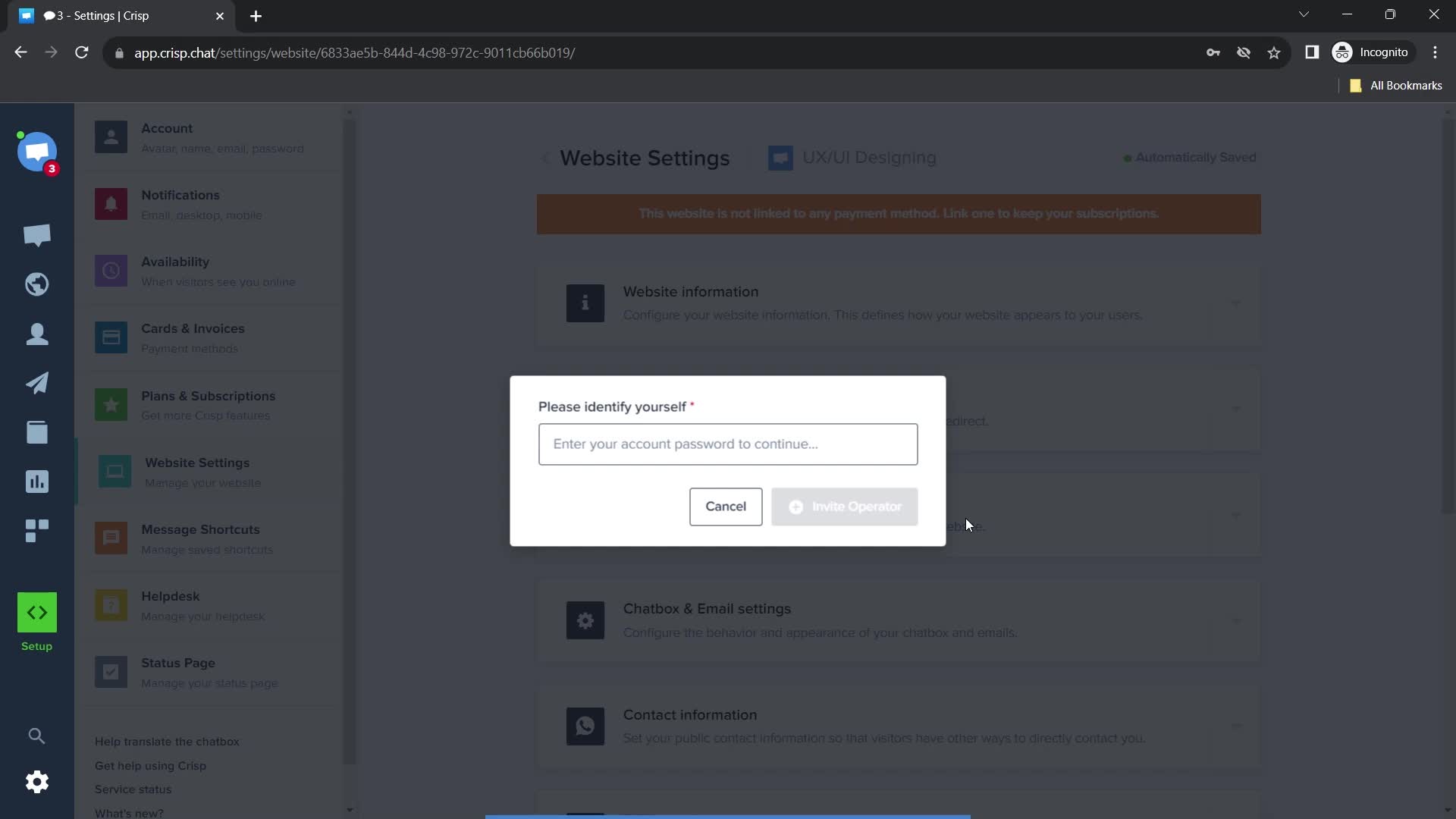
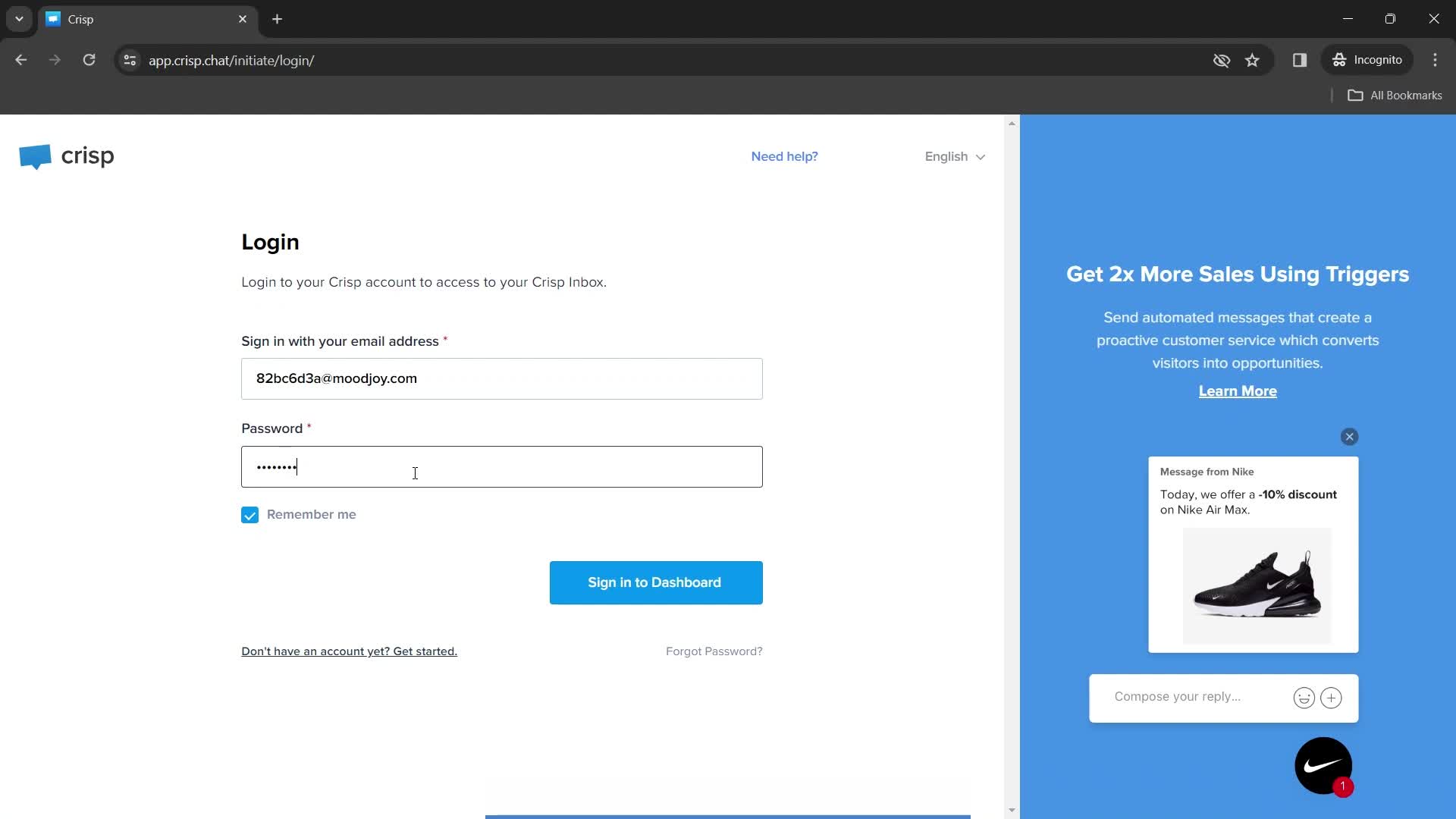
Enter password
this is title
this is title
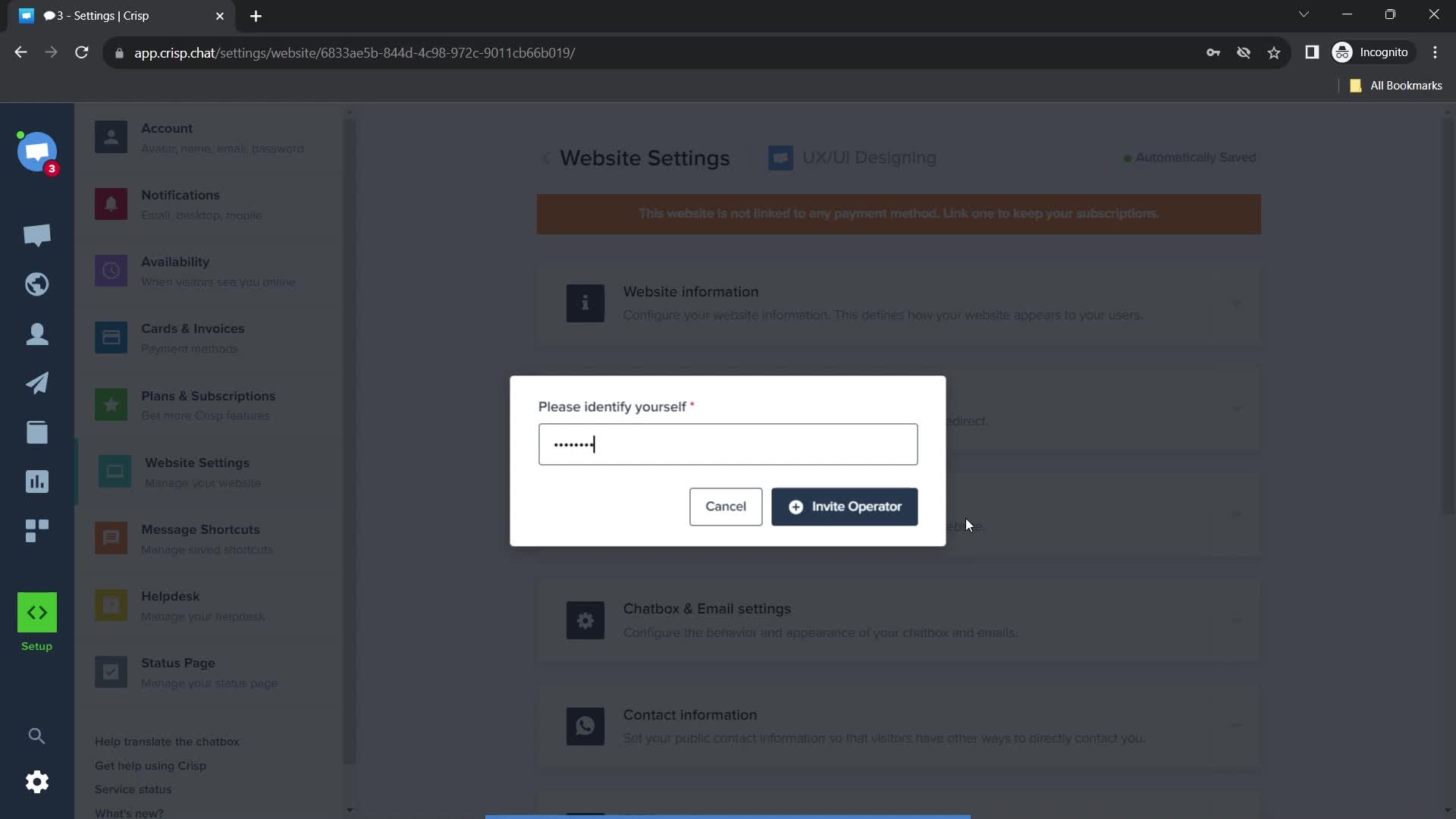
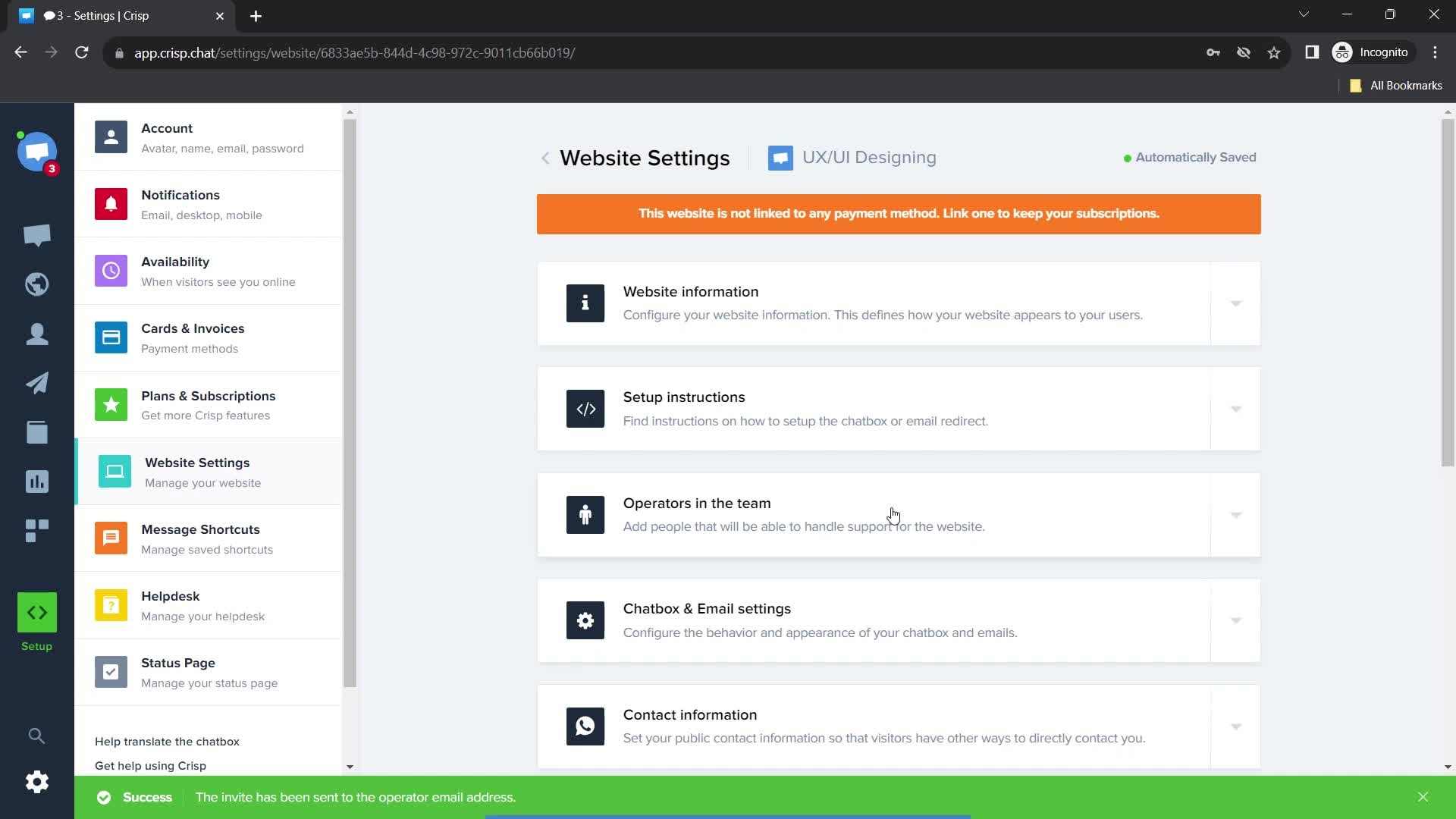
Invite sent
this is title
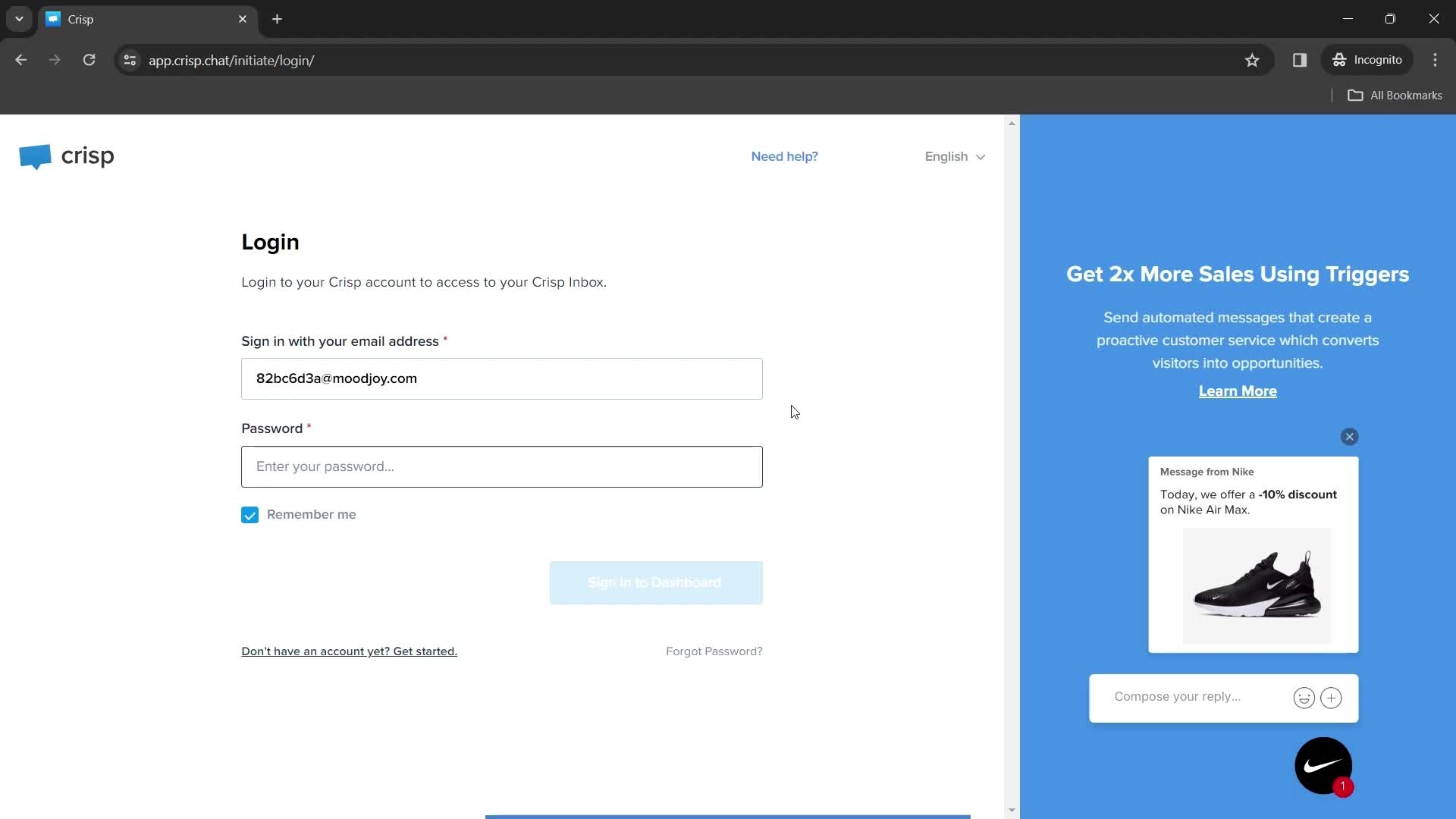
Log in
this is title
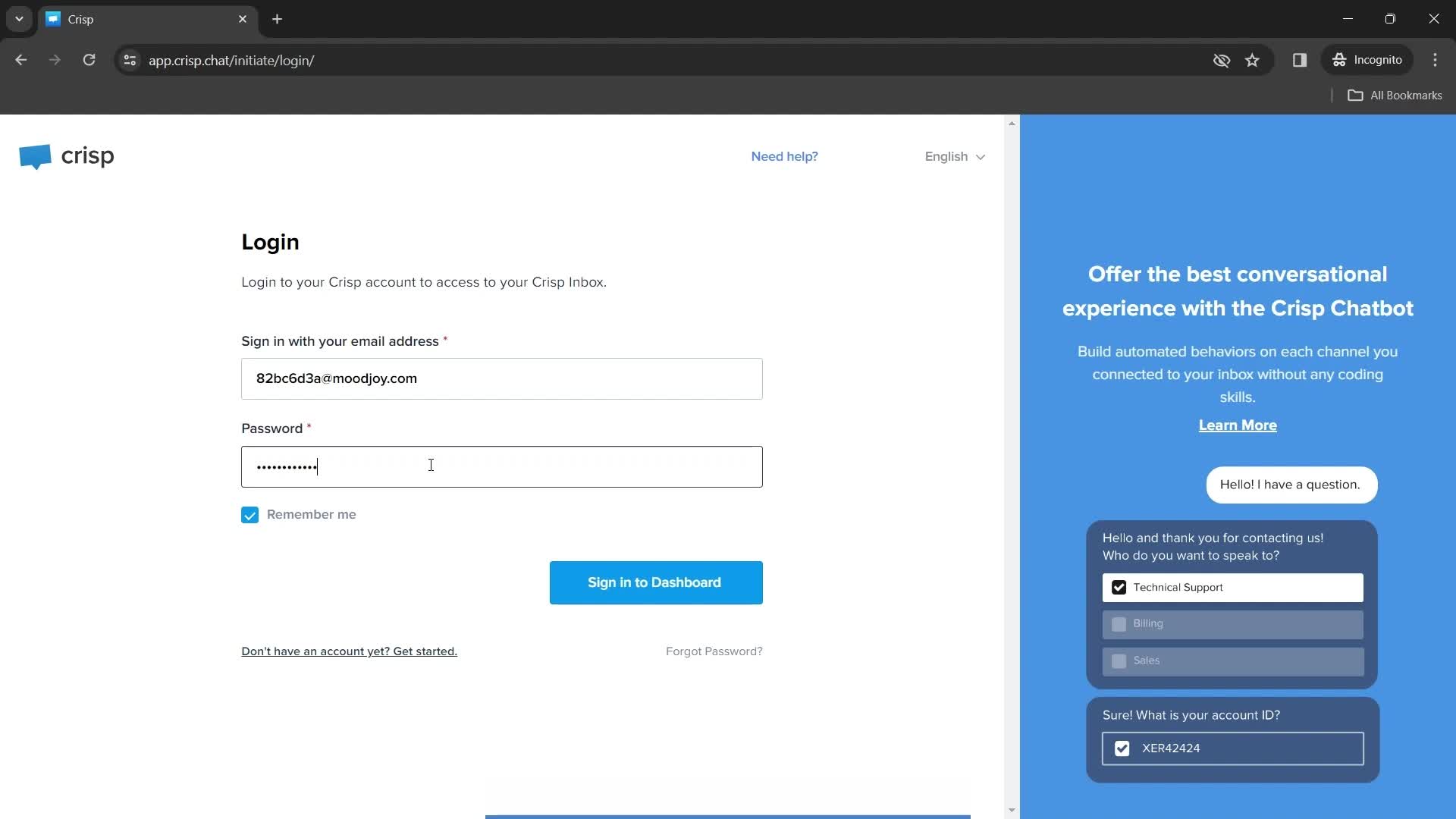
Enter password
this is title
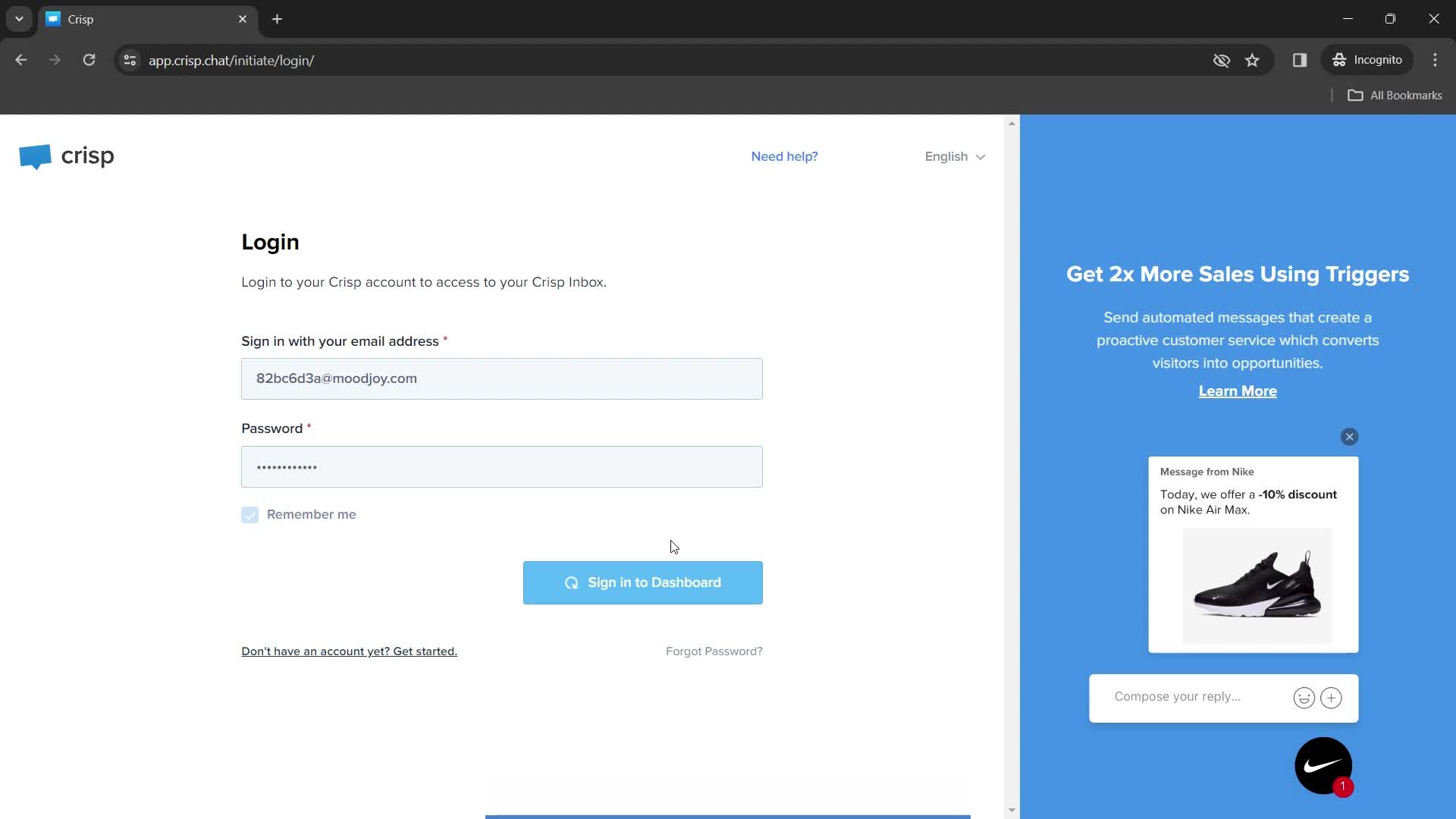
Signing in
this is title
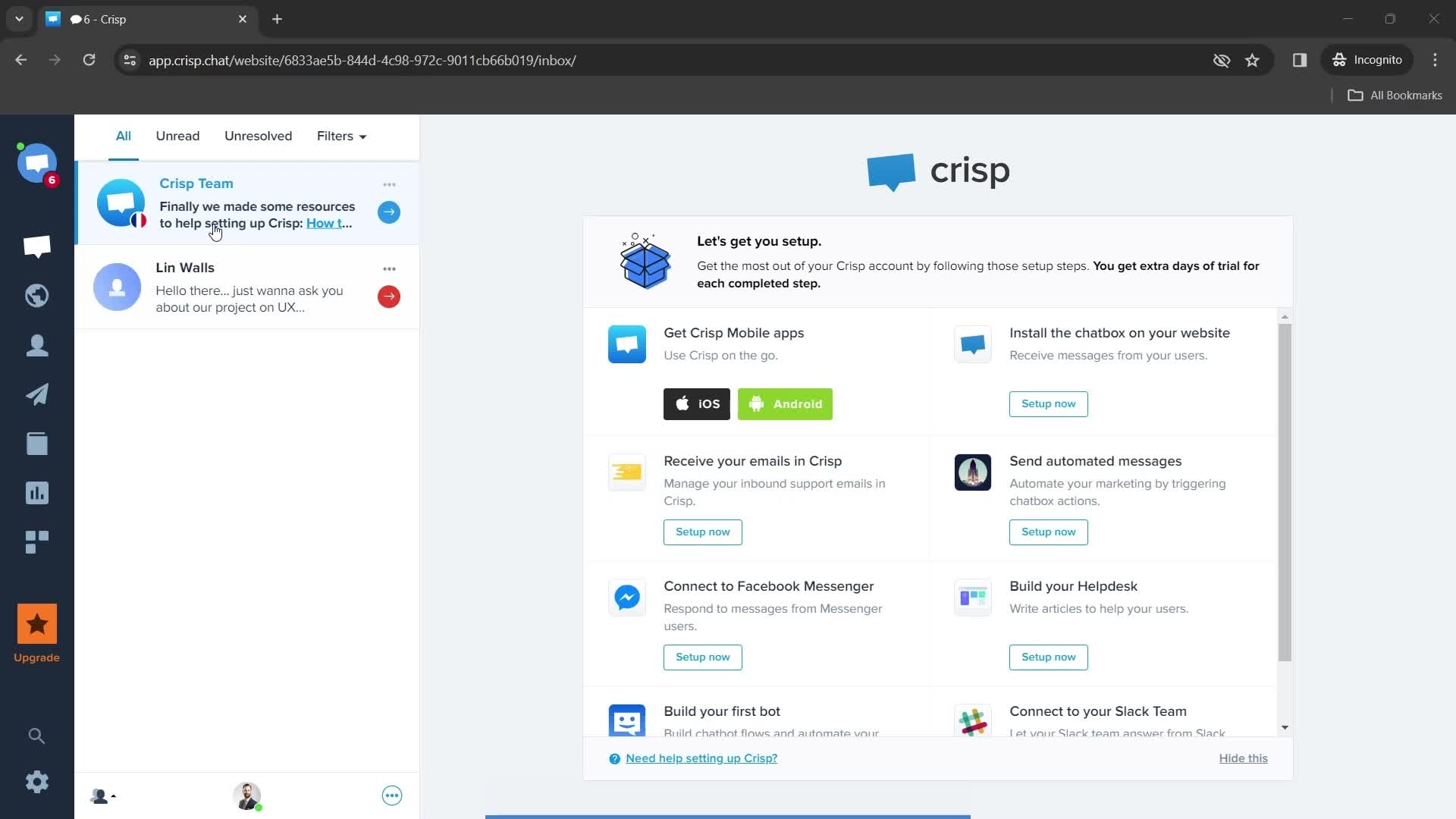
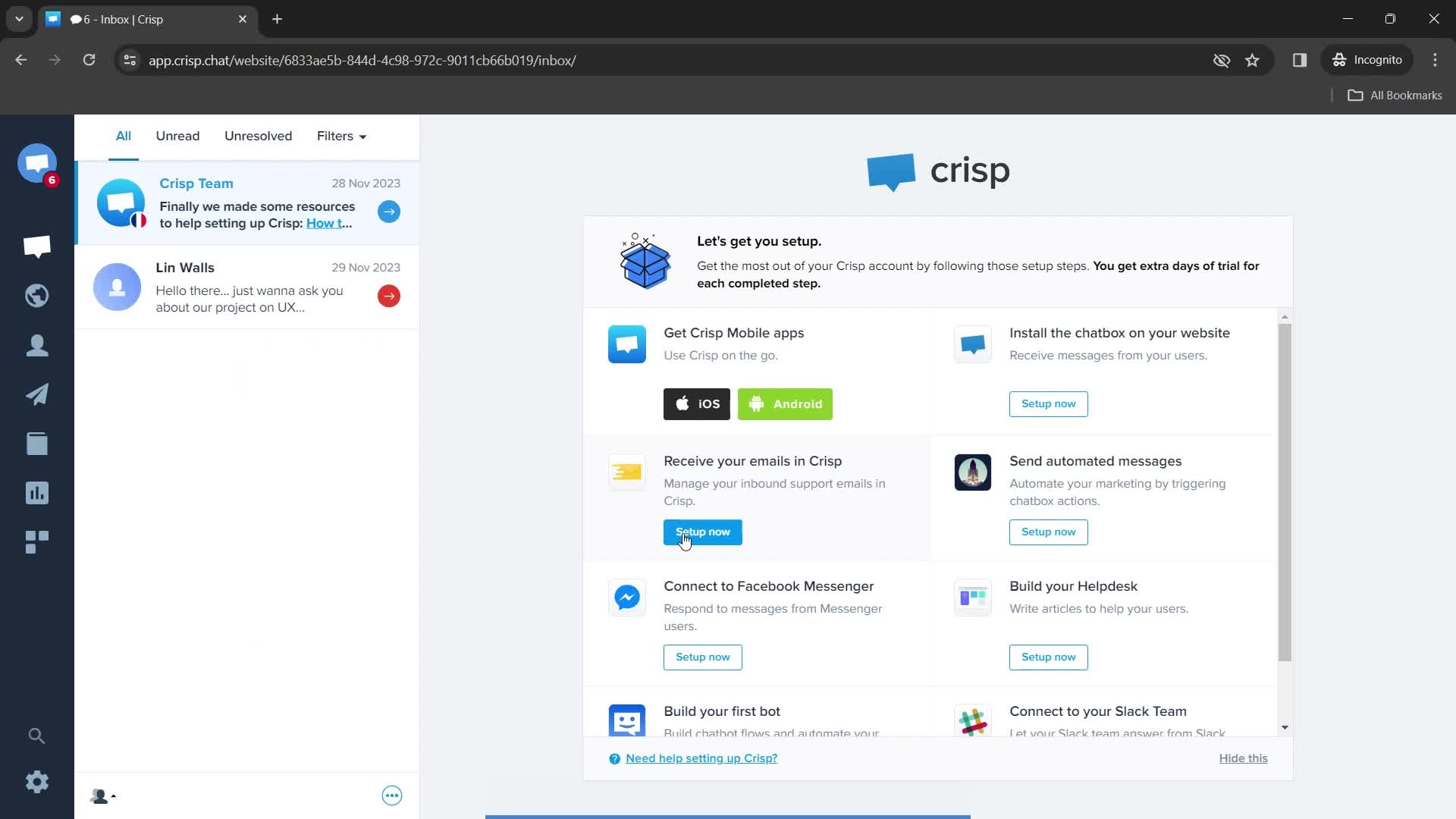
Dashboard
this is title
Dashboard
this is title
Settings menu
this is title
this is title
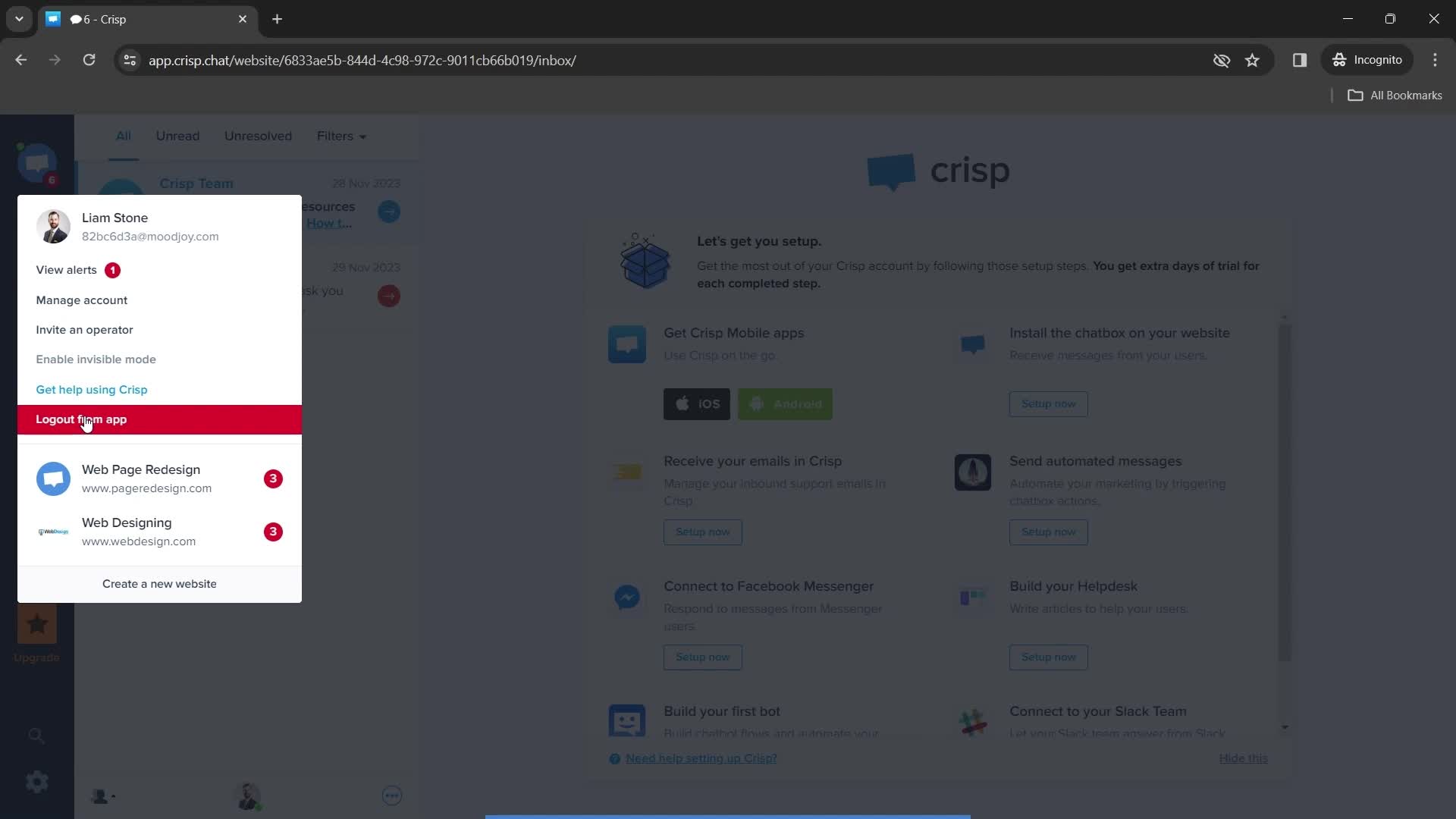
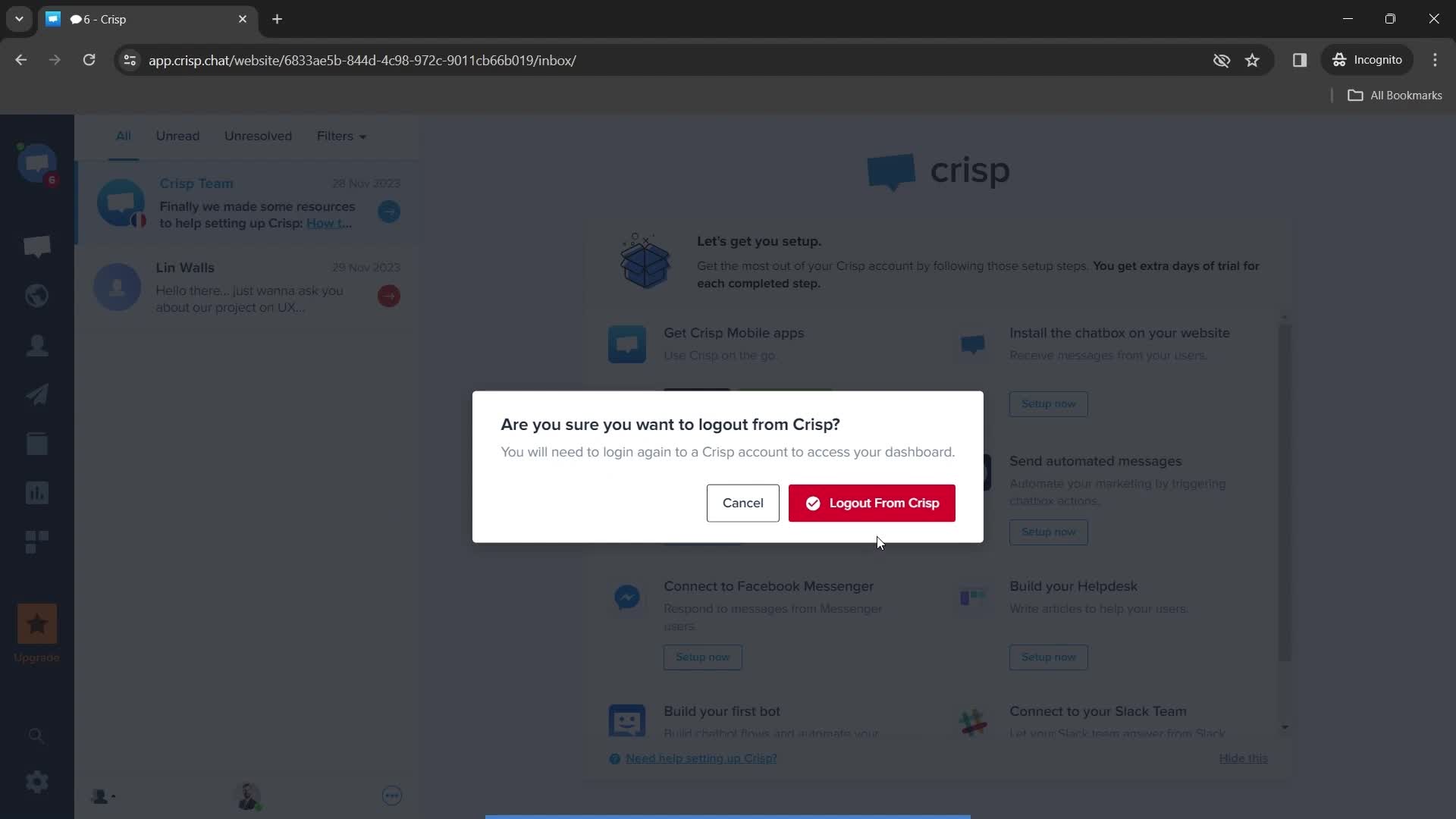
Logout
this is title
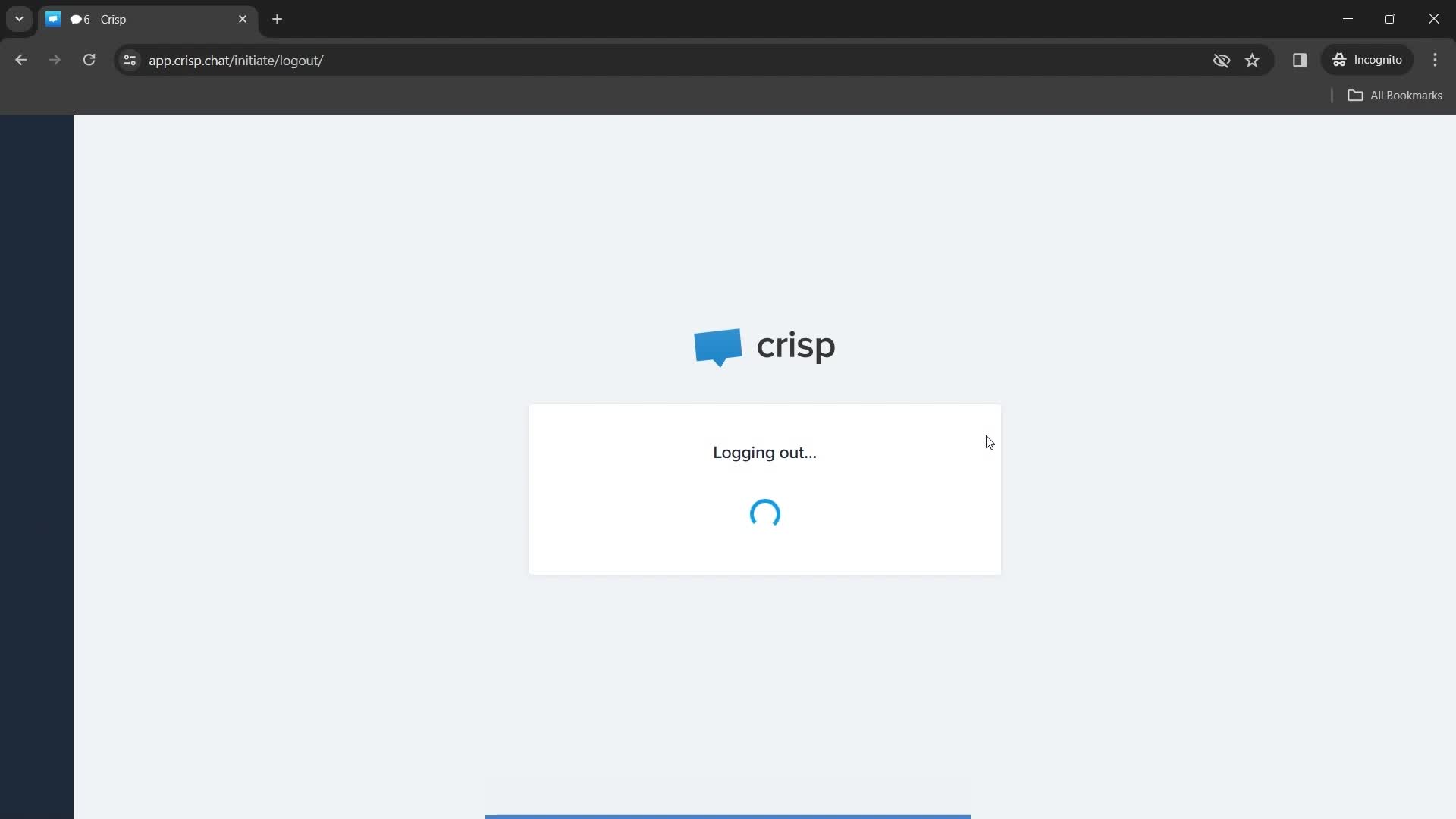
Logging out
this is title
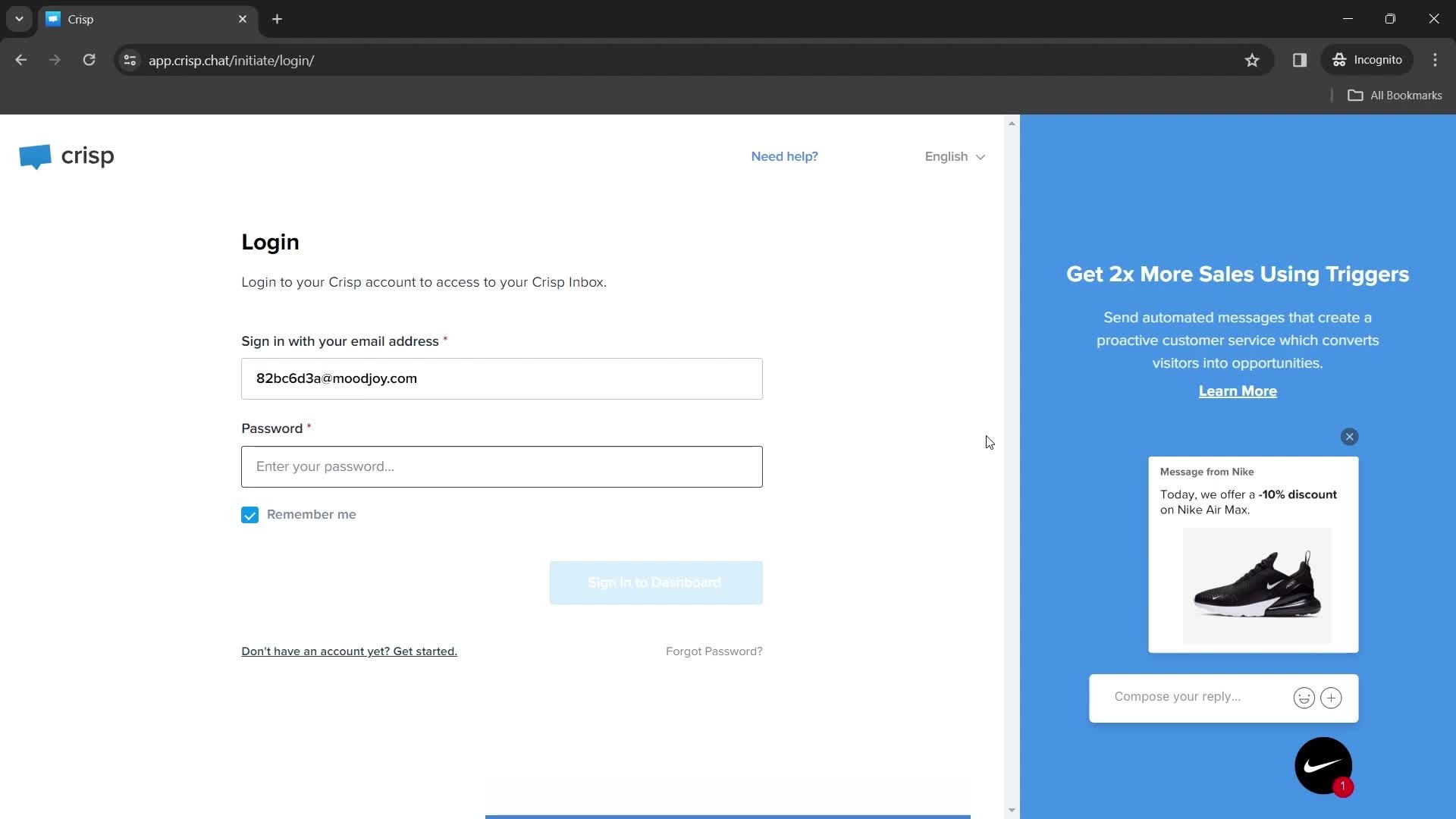
Log in
this is title
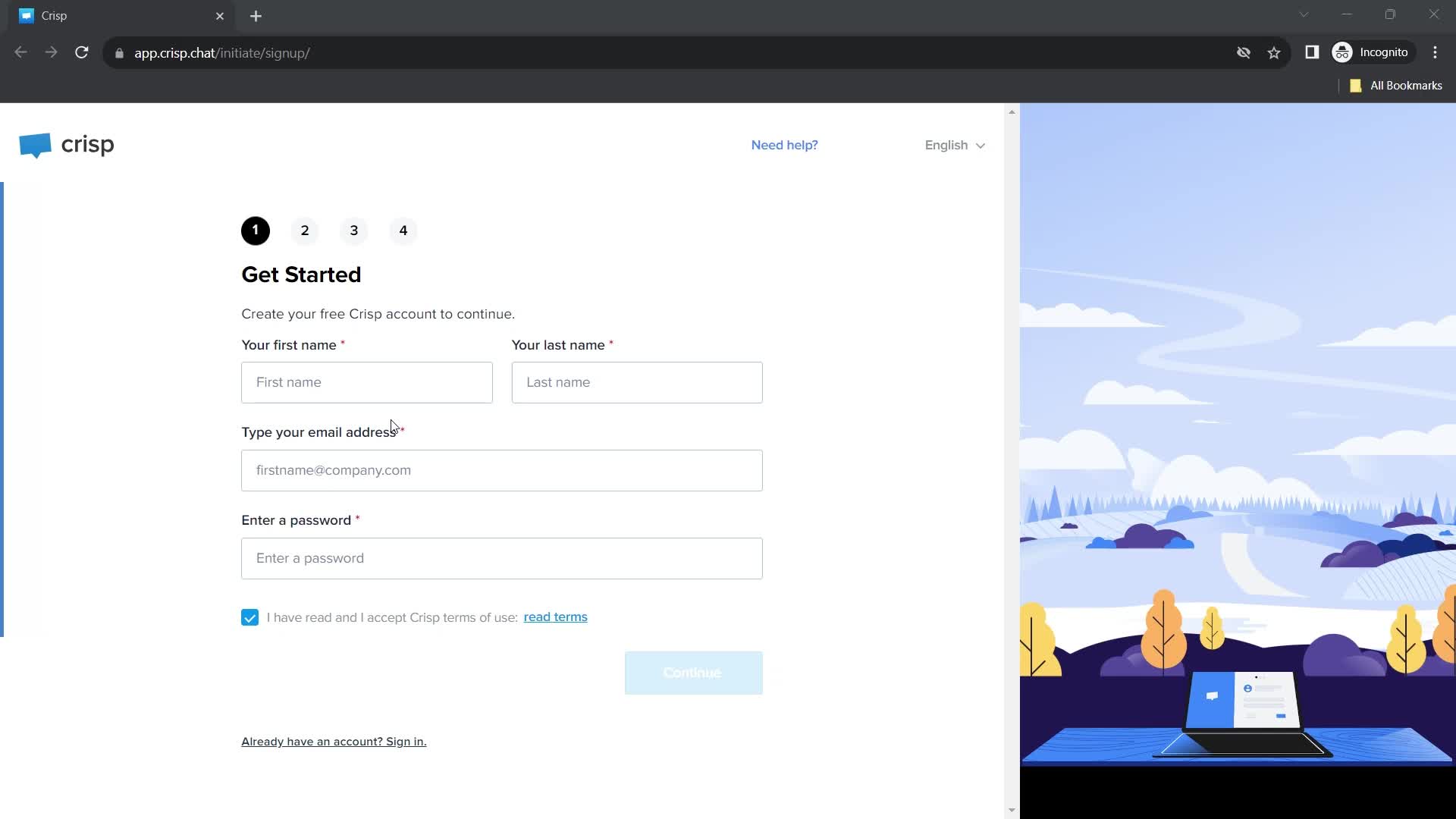
Create account
this is title
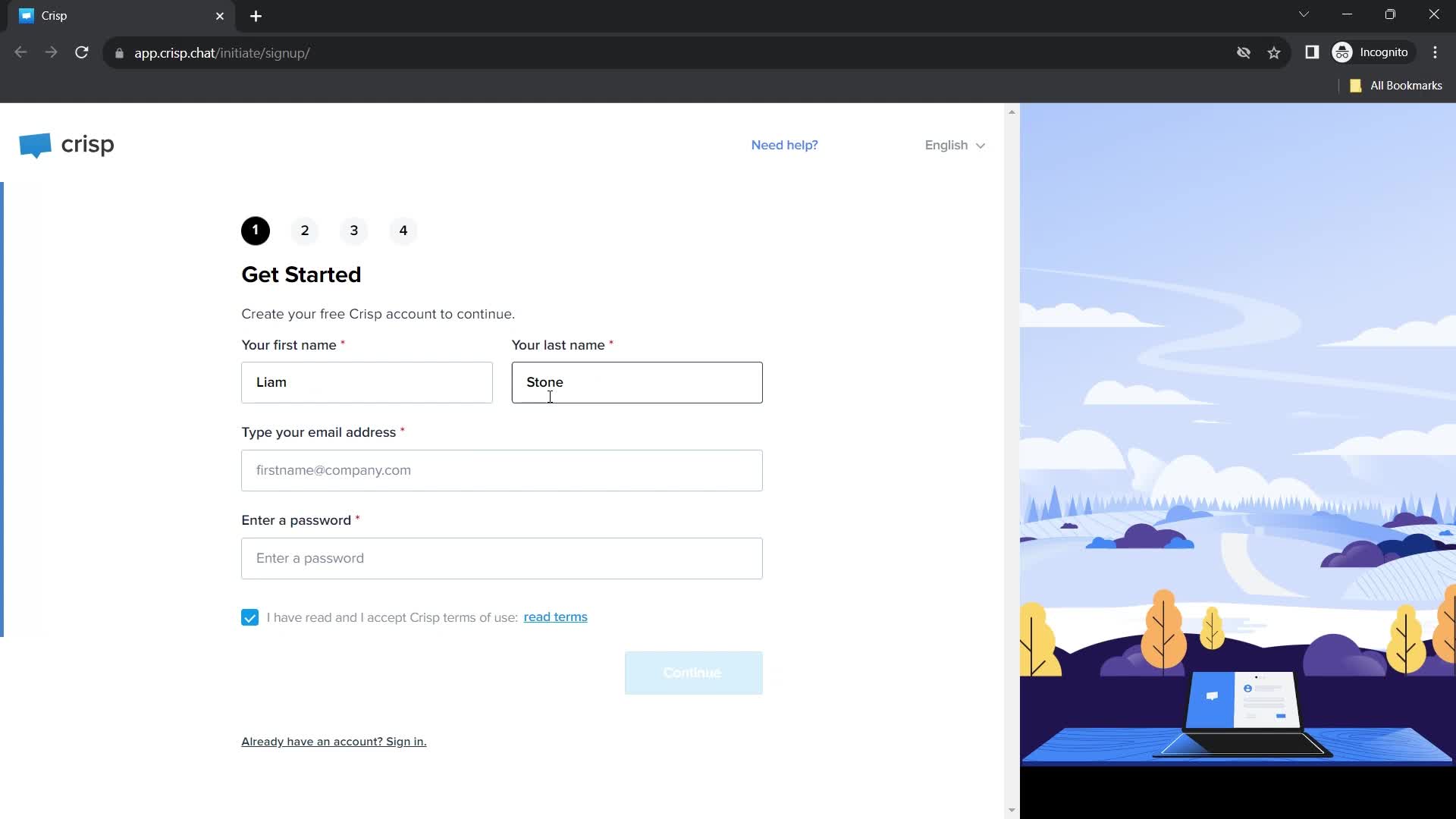
Enter name
this is title
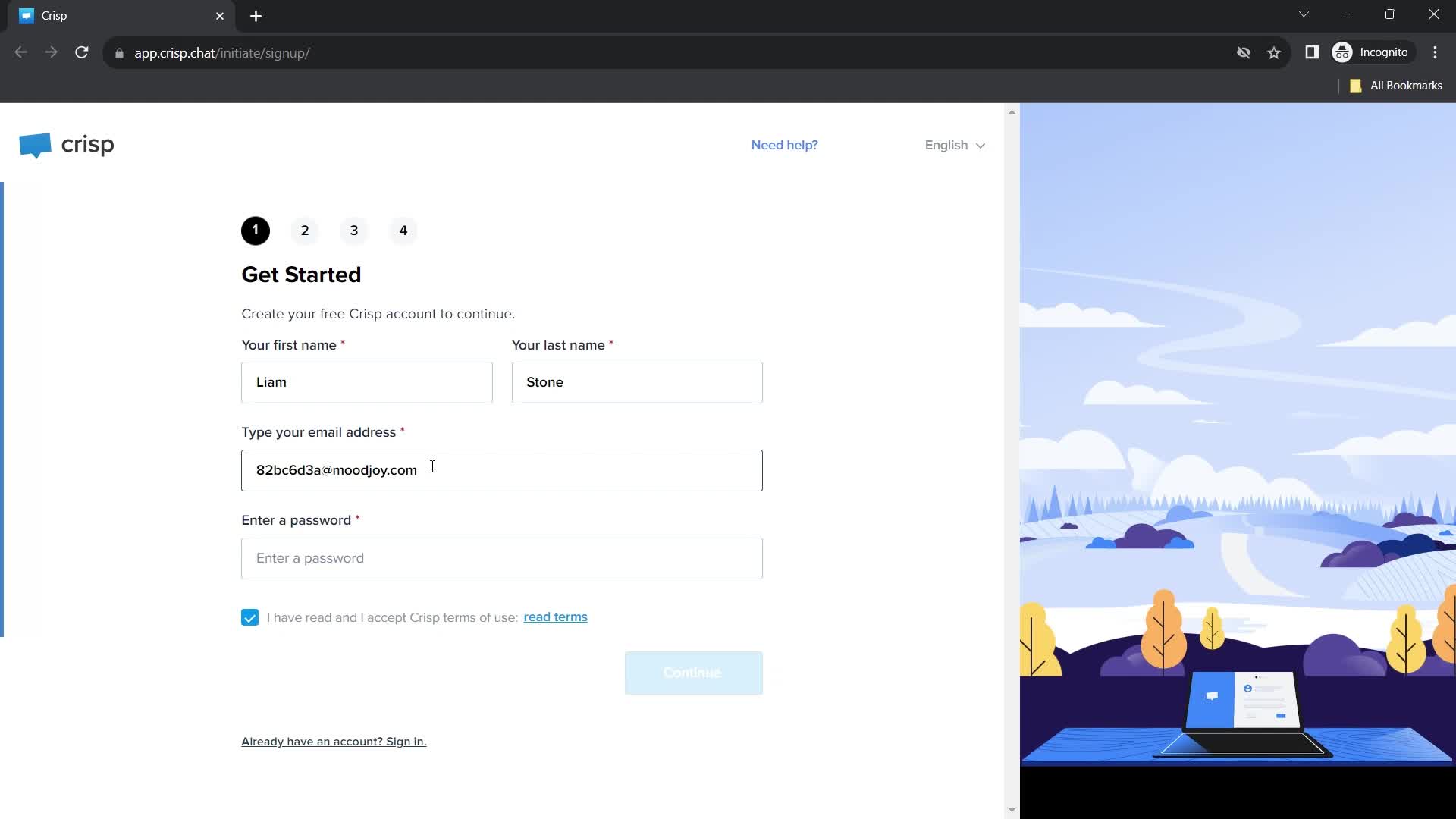
Enter email
this is title
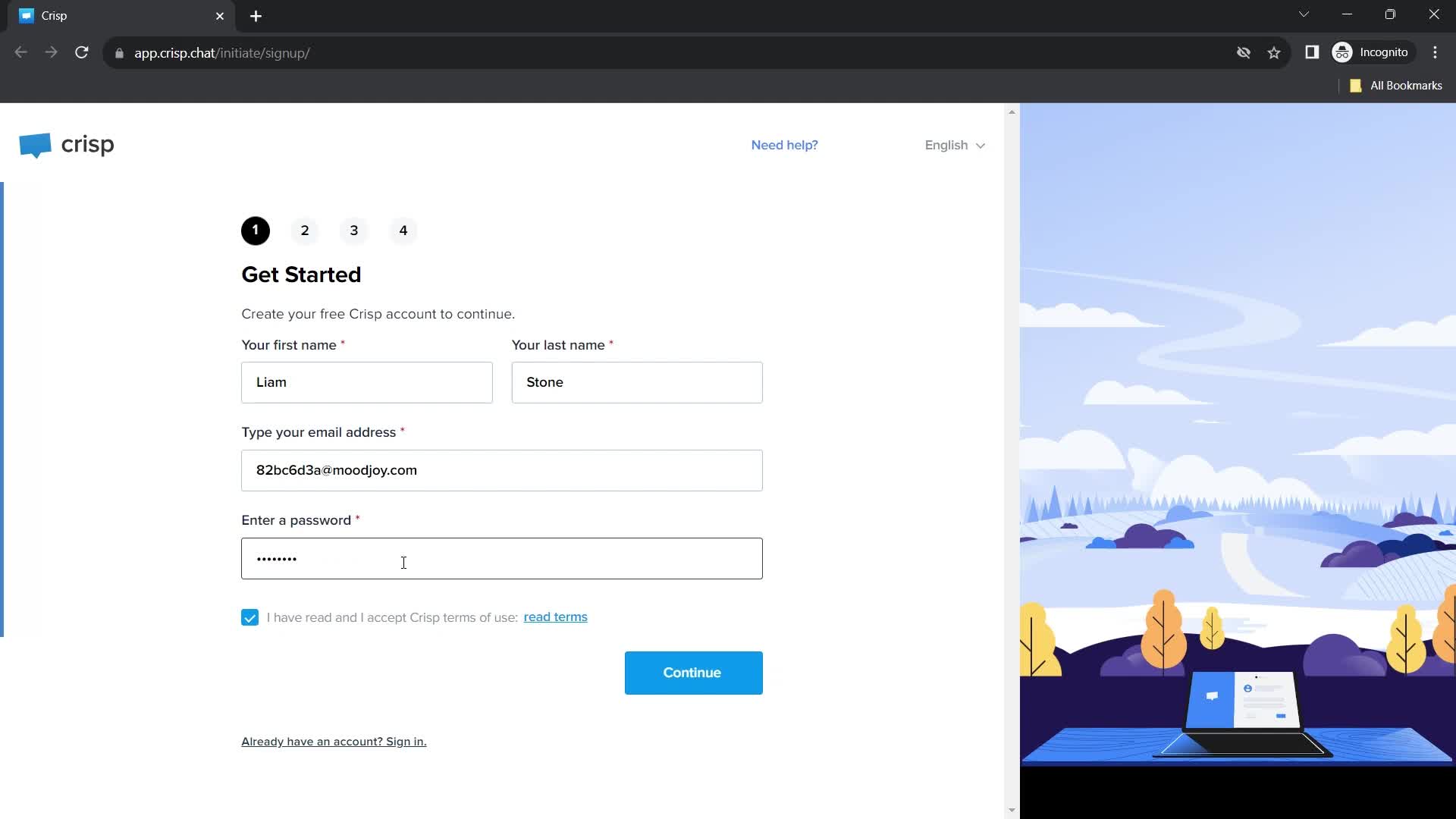
Enter password
this is title
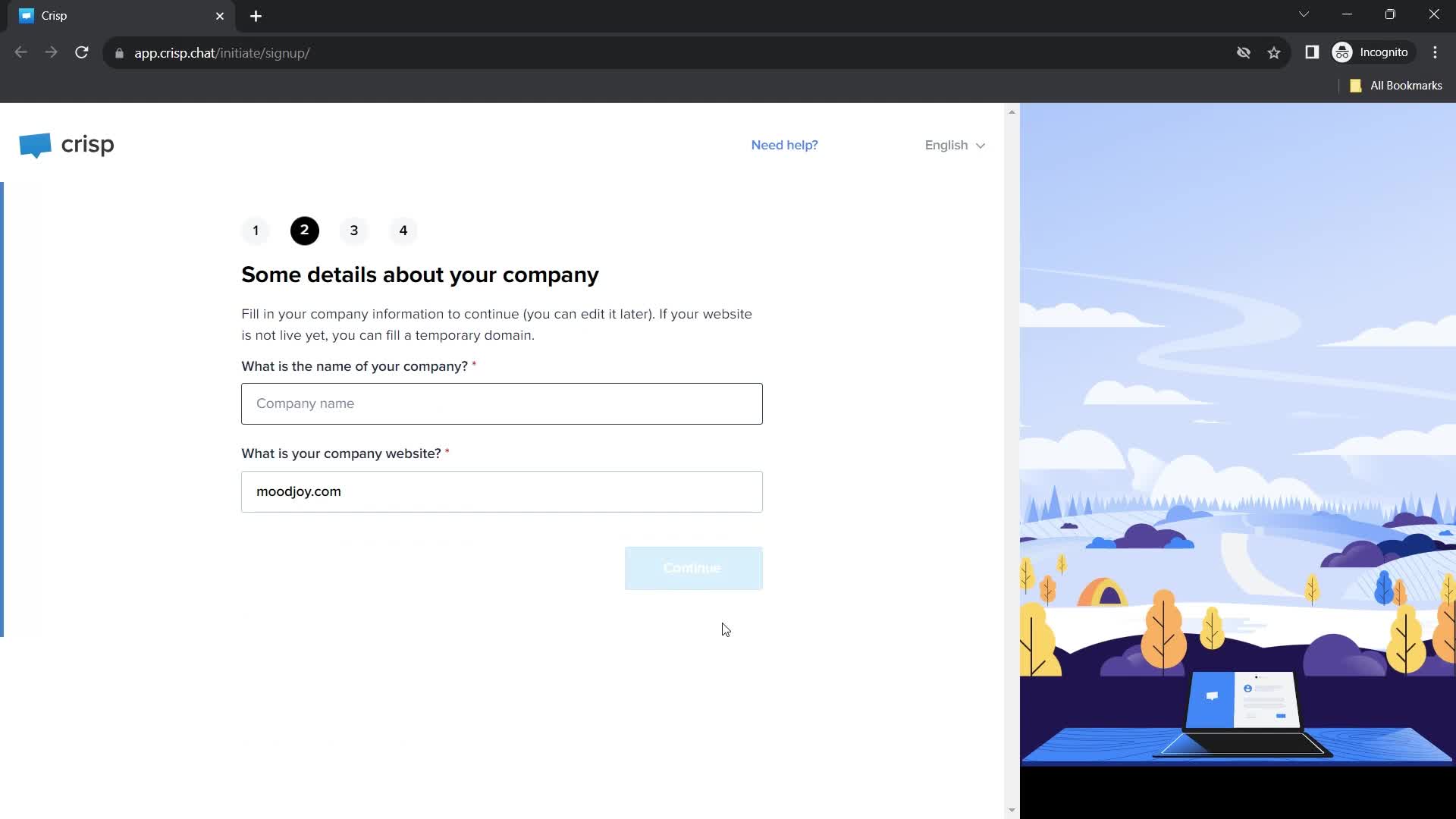
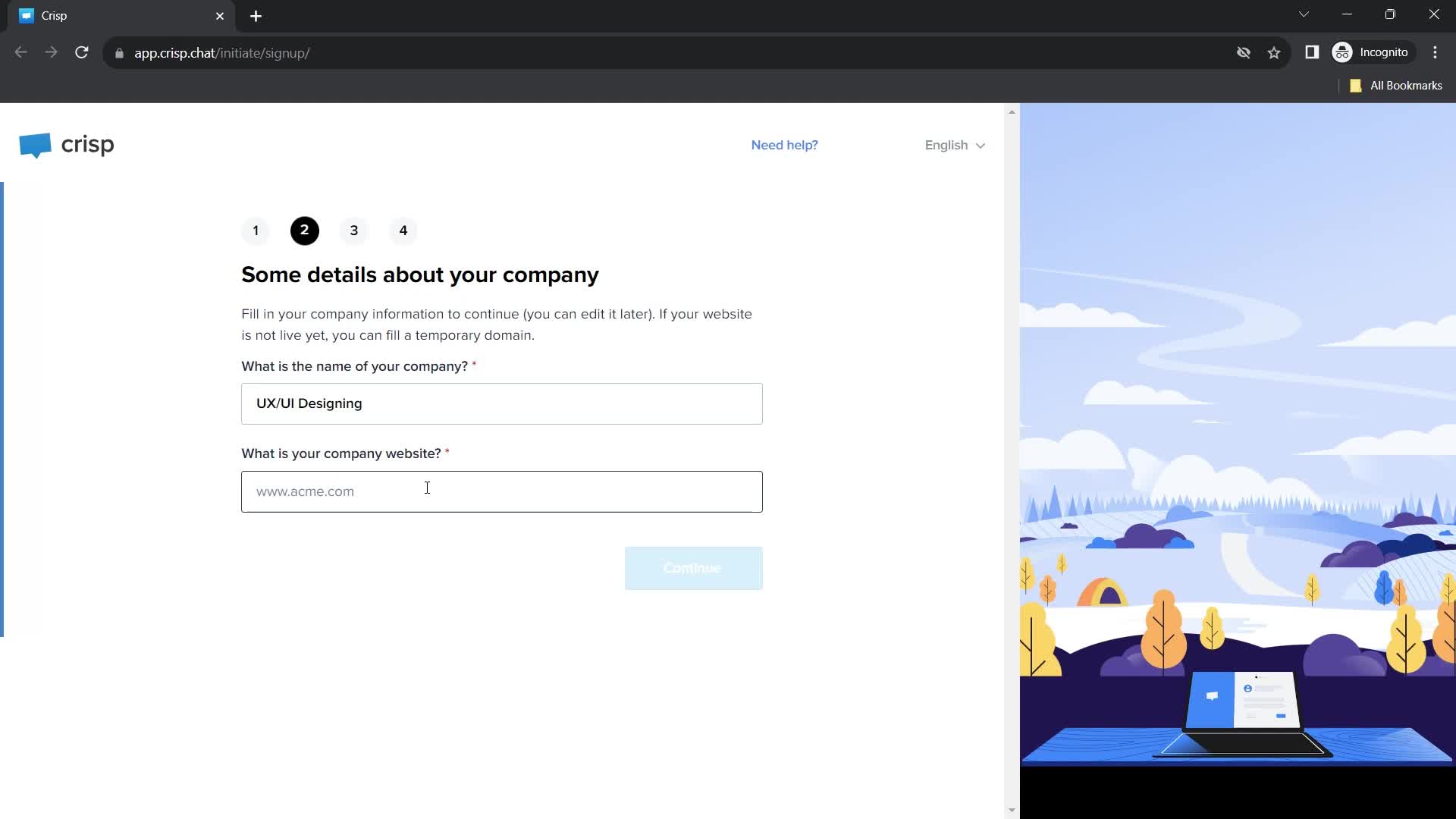
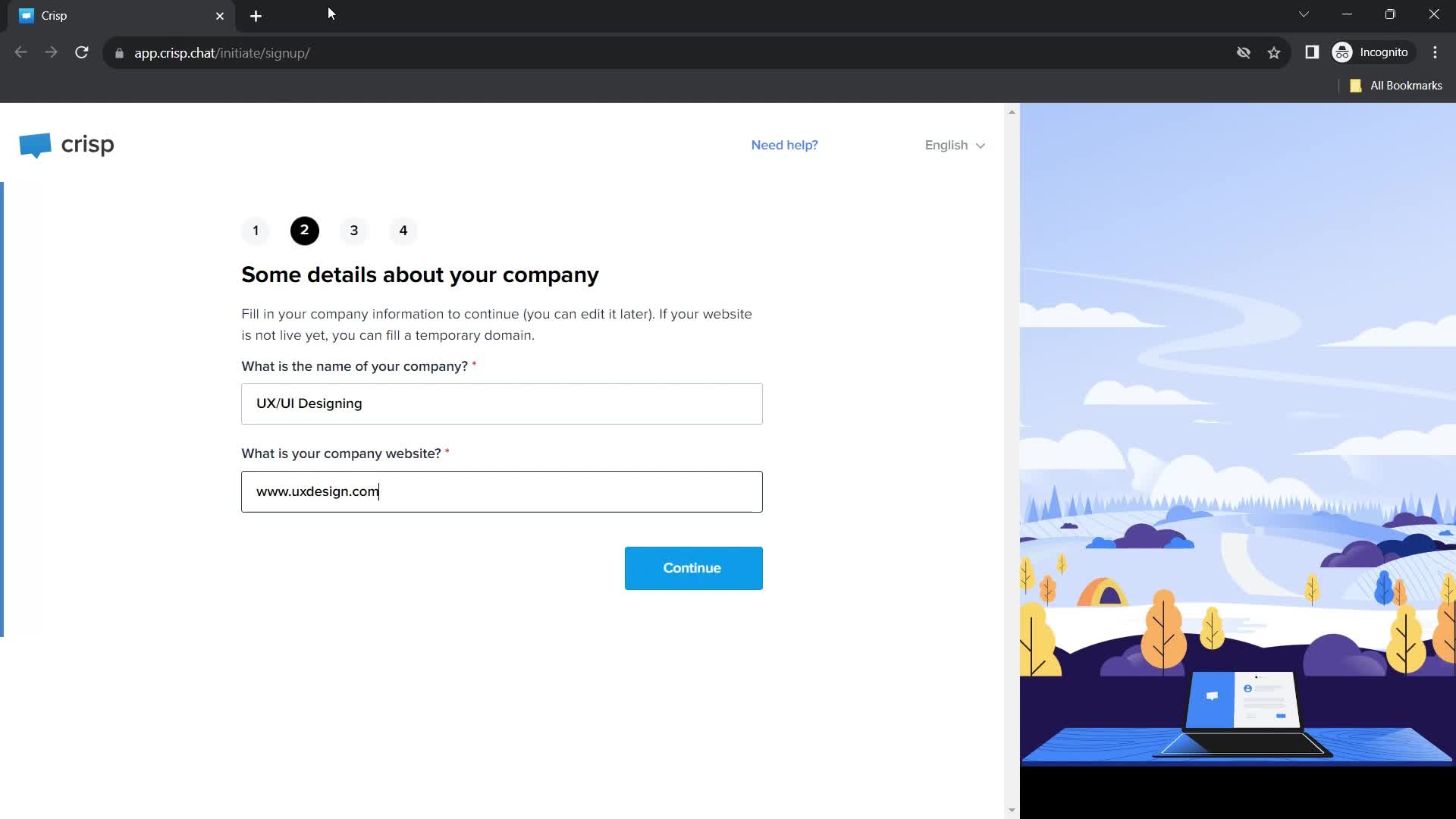
Company details
this is title
this is title
this is title
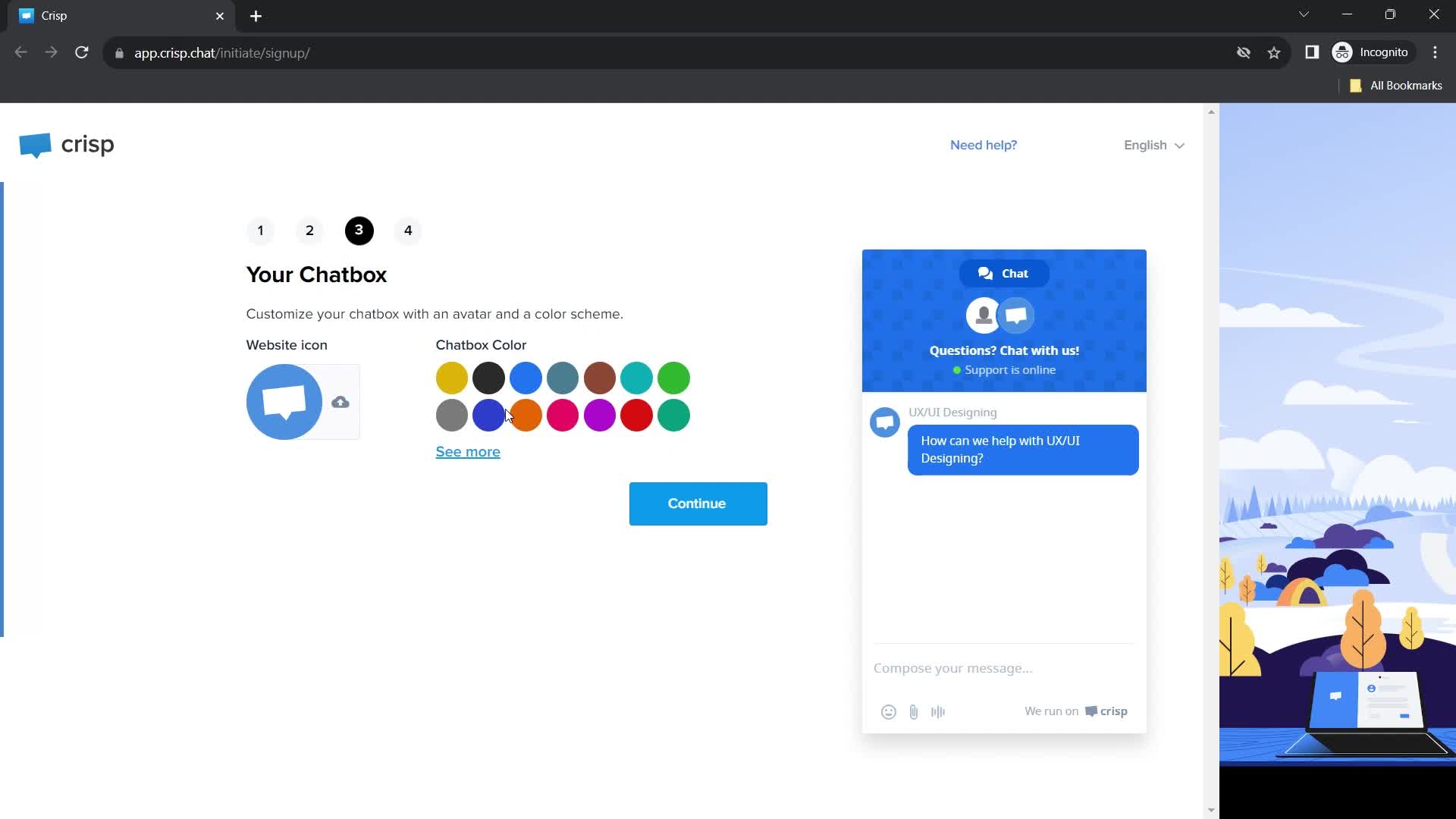
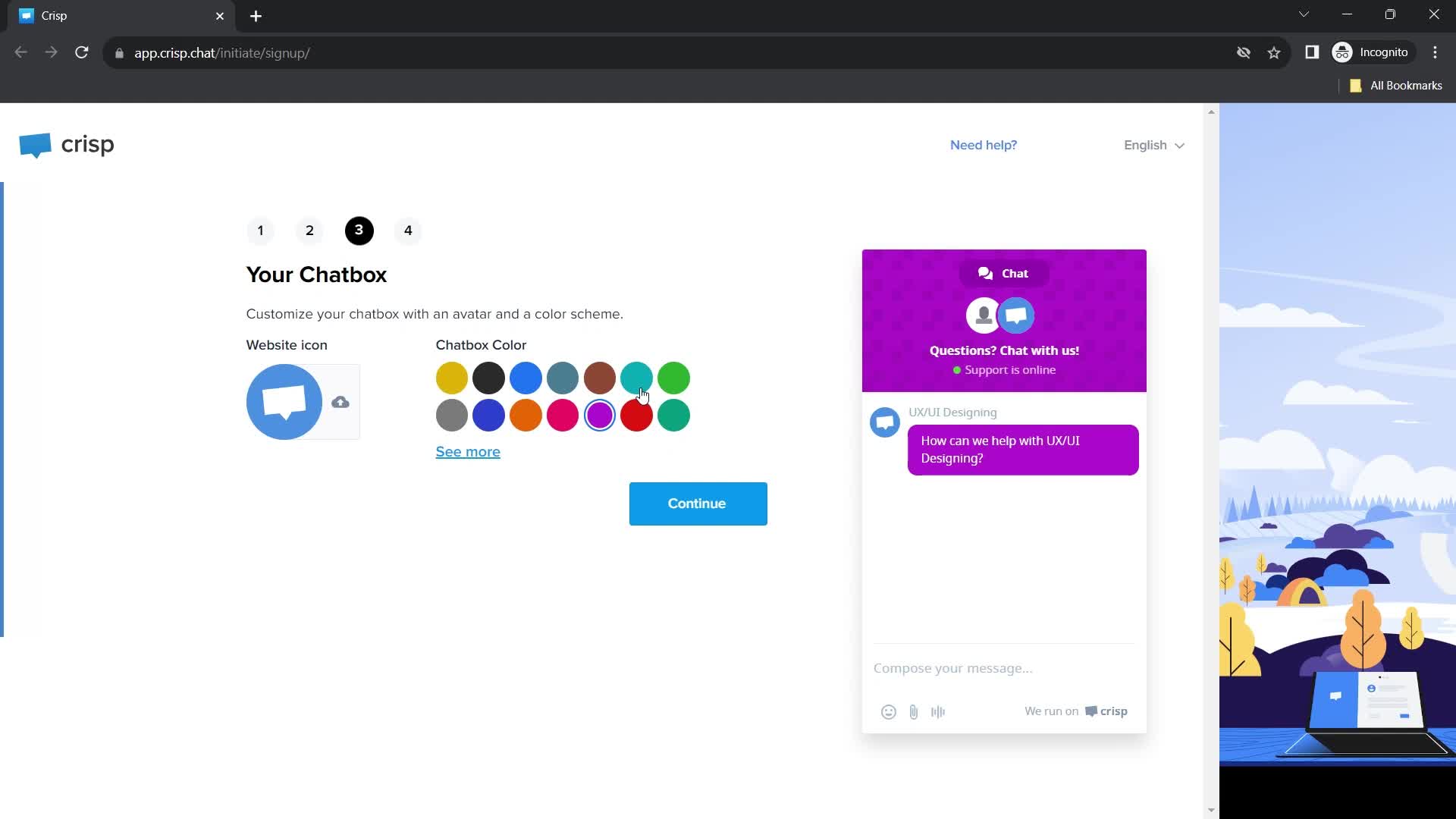
Chatbox
this is title
Chatbox preview
this is title
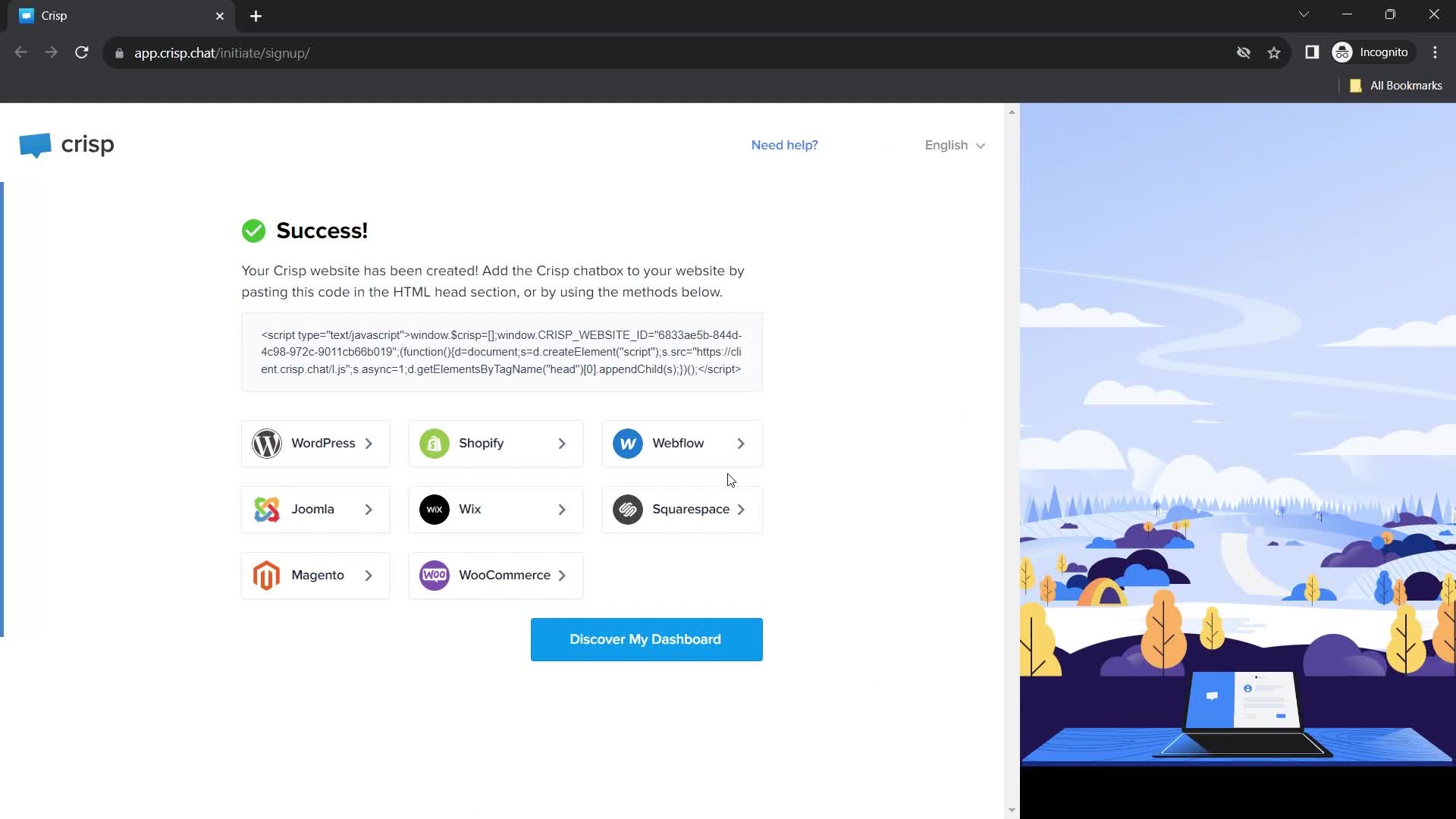
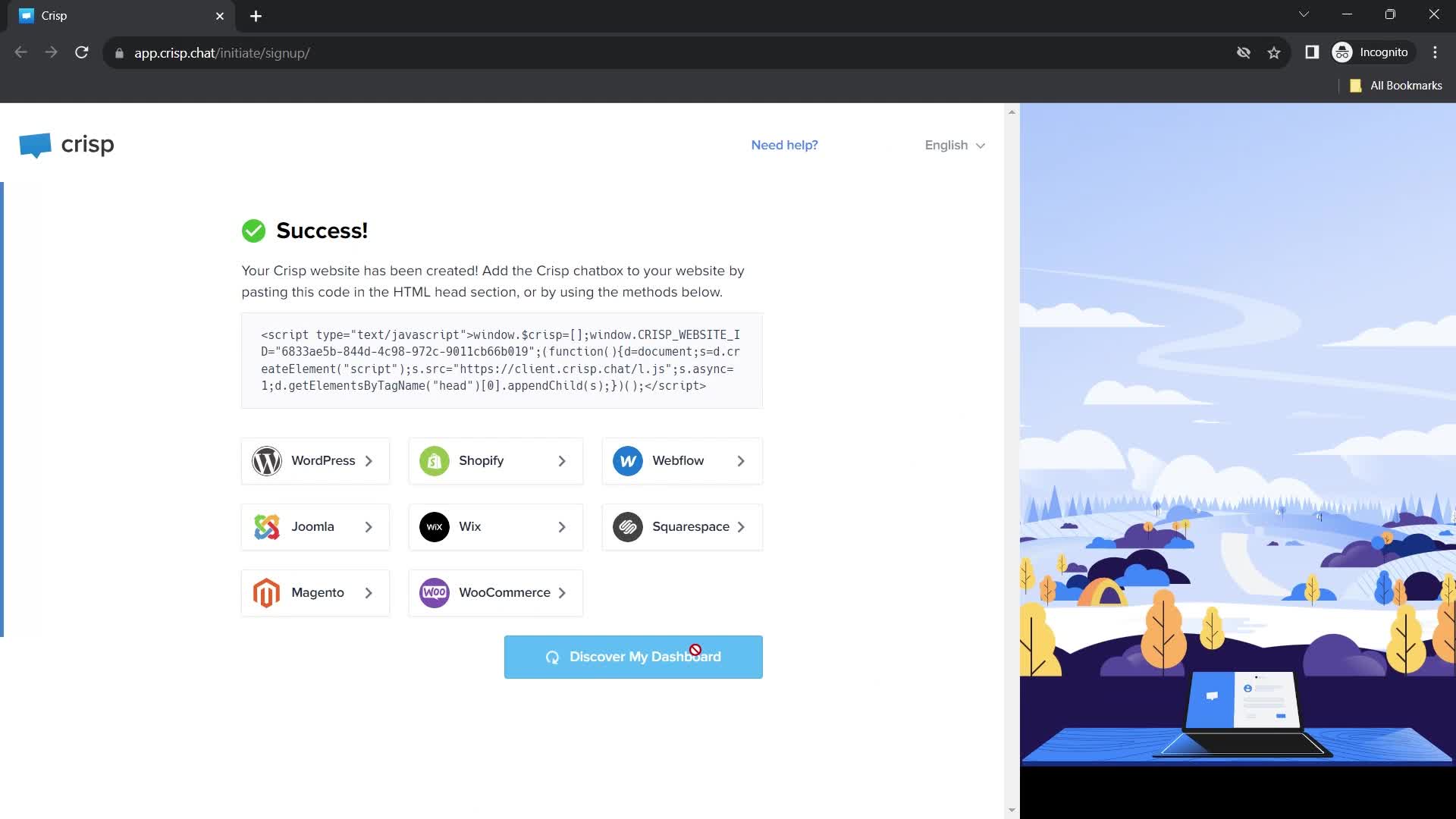
Account created
this is title
this is title
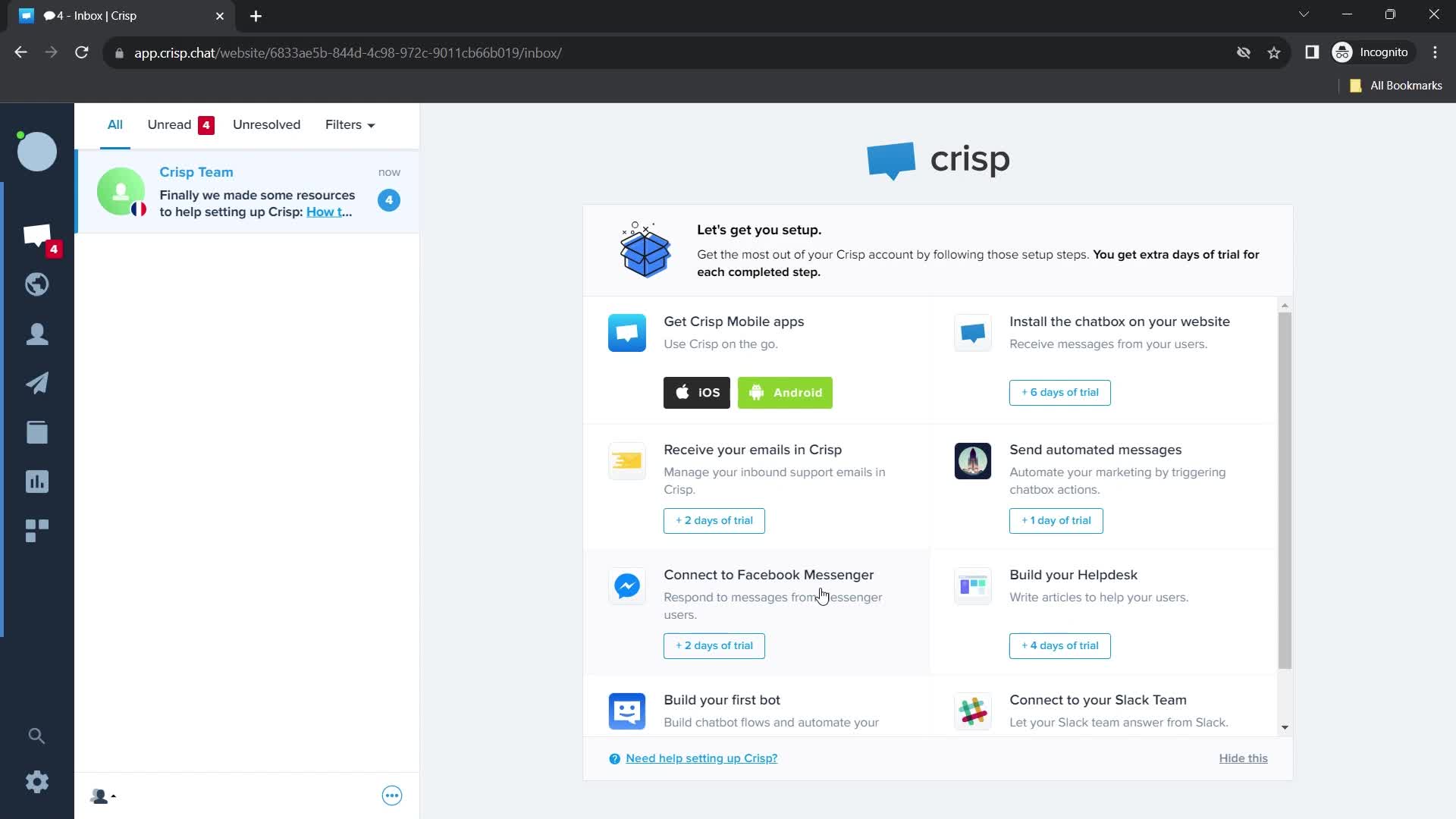
Dashboard
this is title
Dashboard
this is title
Settings menu
this is title
Account settings
this is title
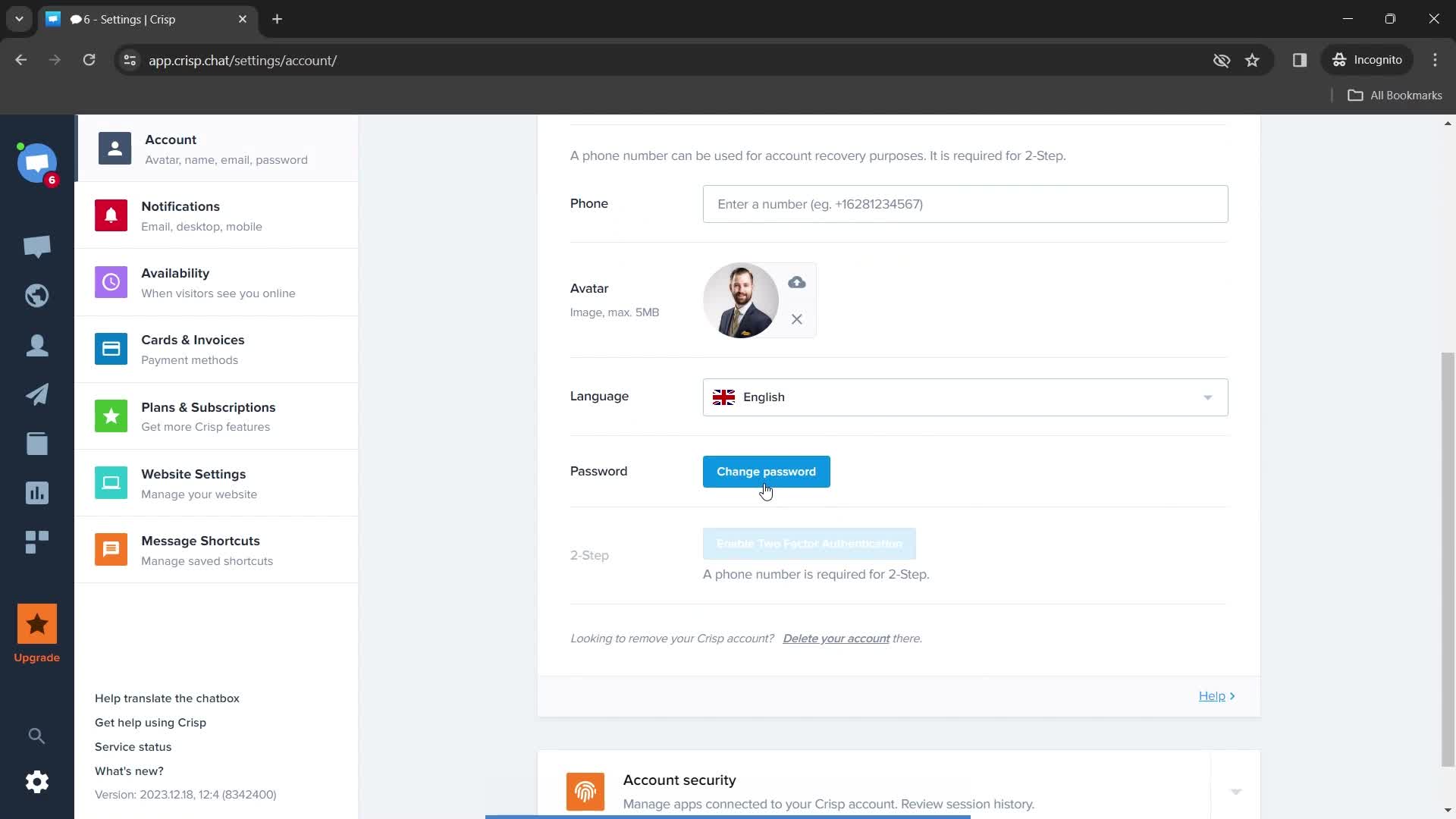
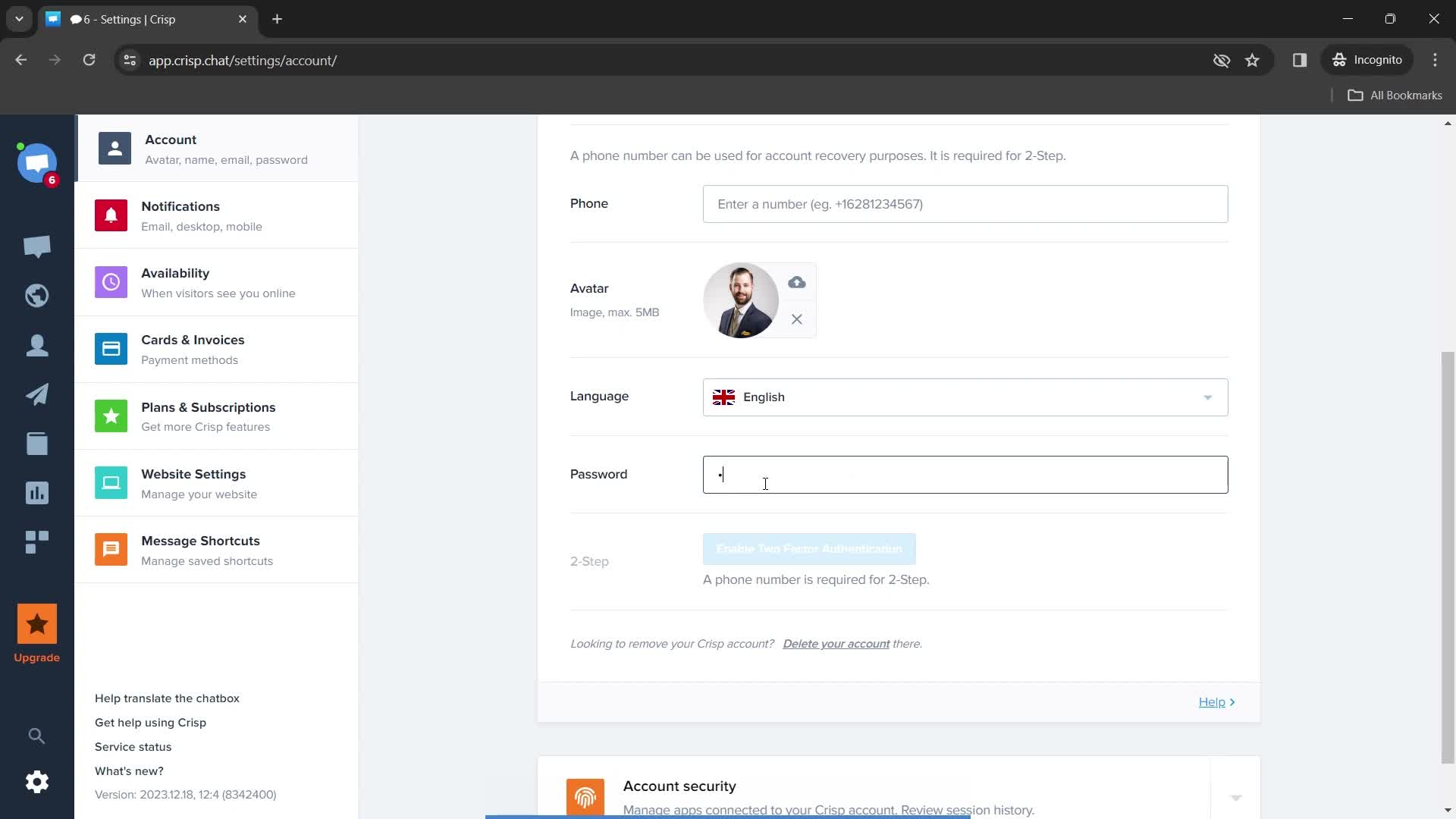
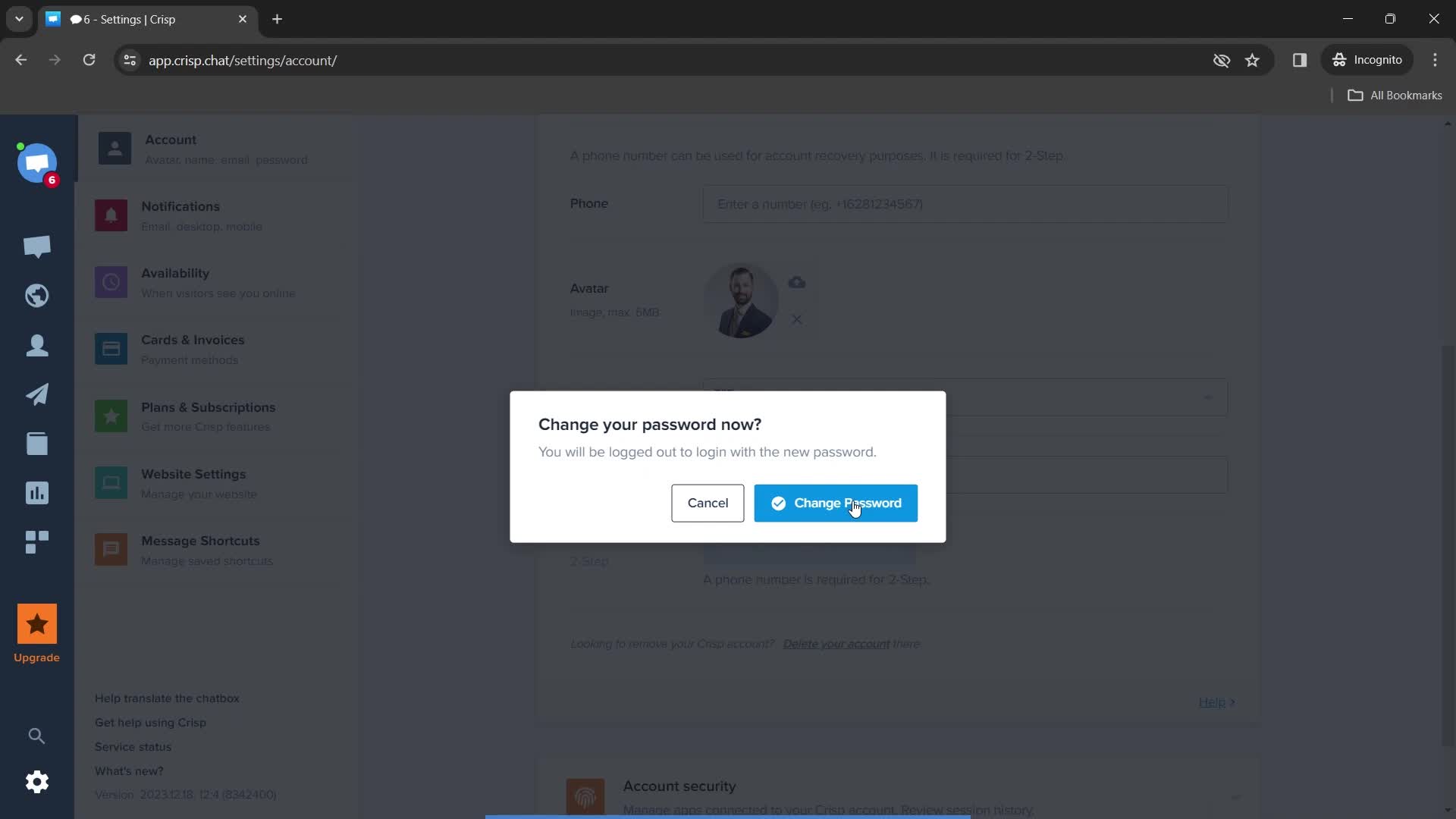
Change password
this is title
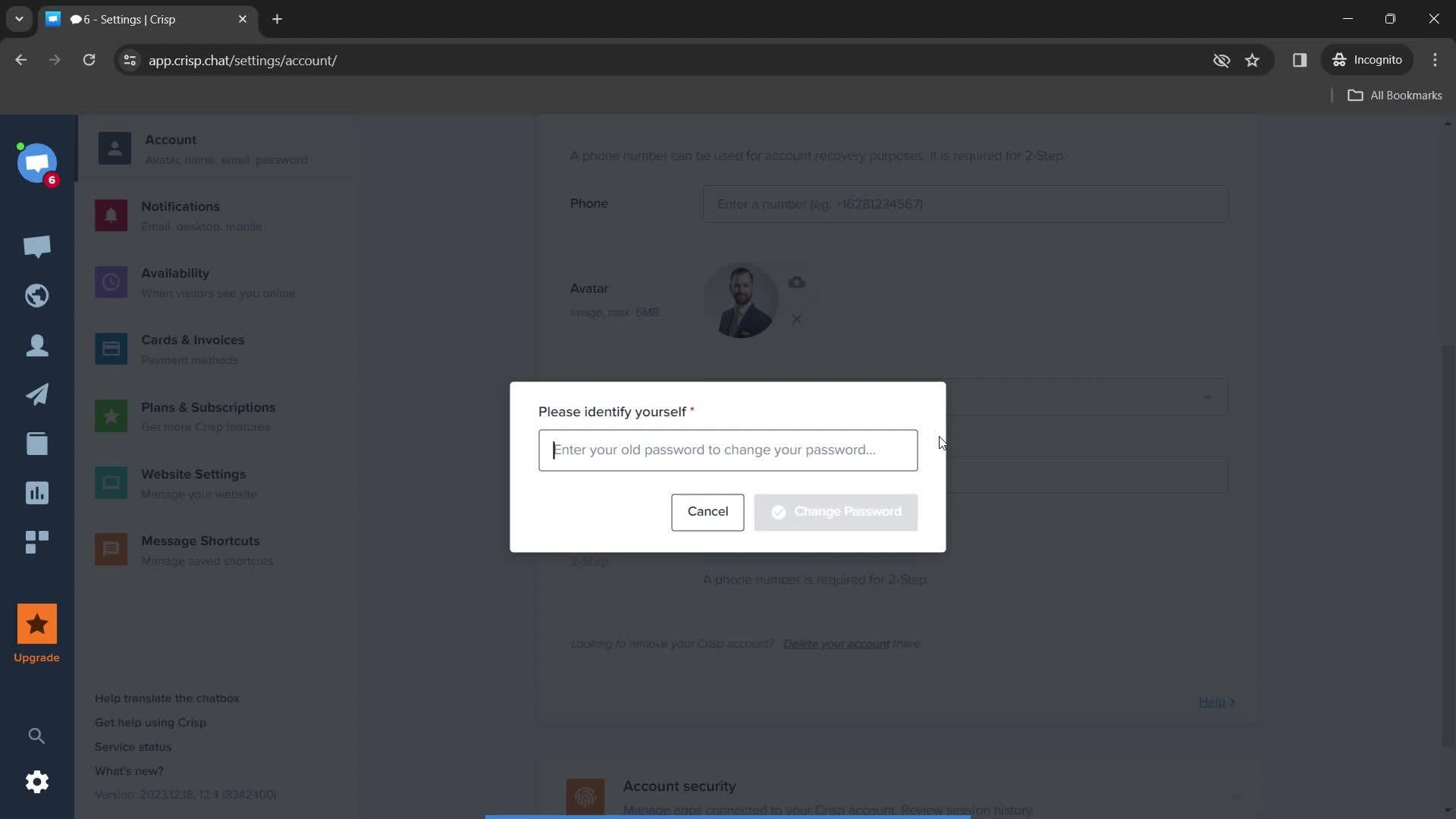
Enter password
this is title
Change password
this is title
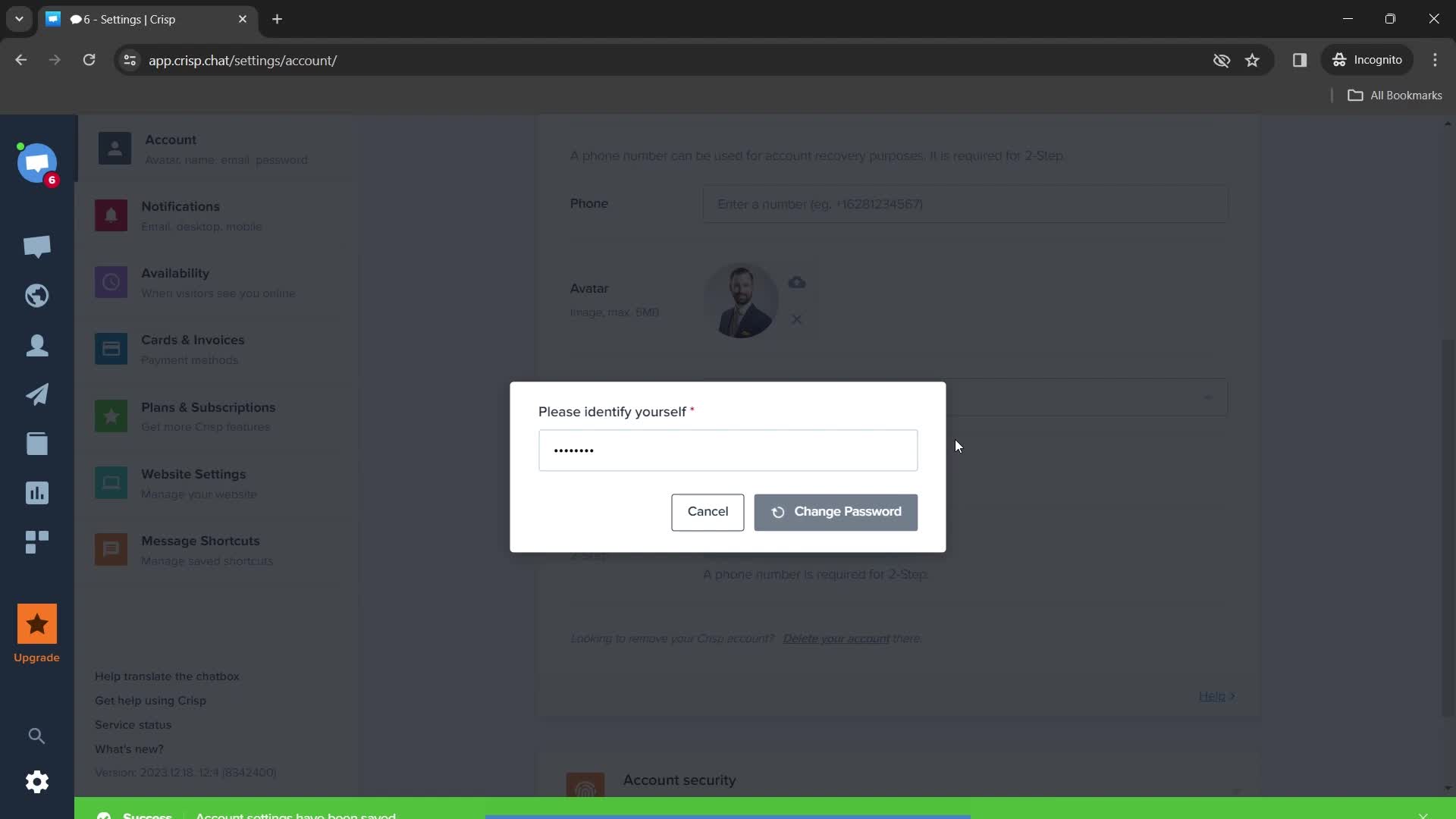
Set new password
this is title
Change password
this is title
Login
this is title
this is title
this is title
Dashboard
this is title
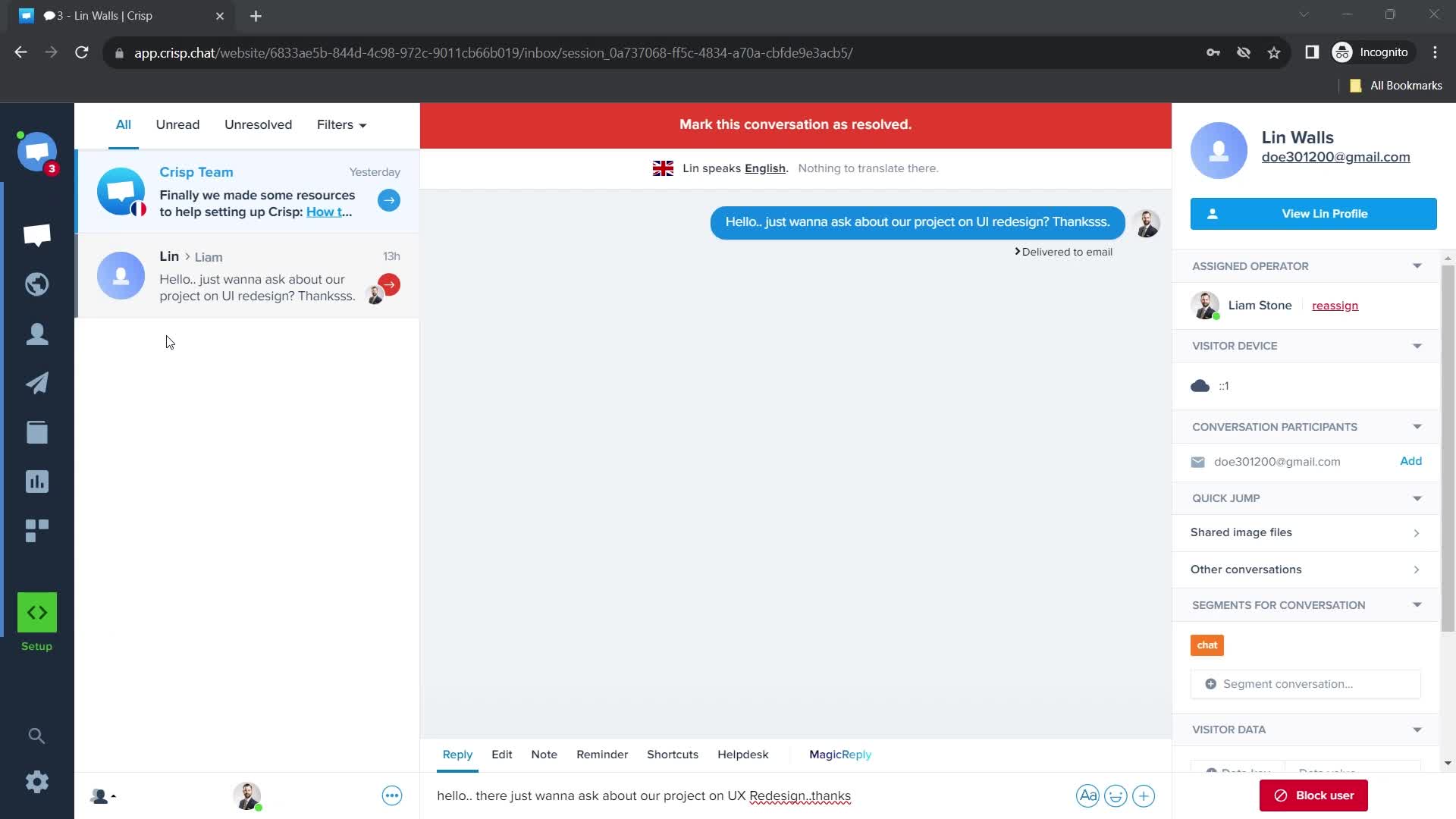
Inbox
this is title
Contacts
this is title
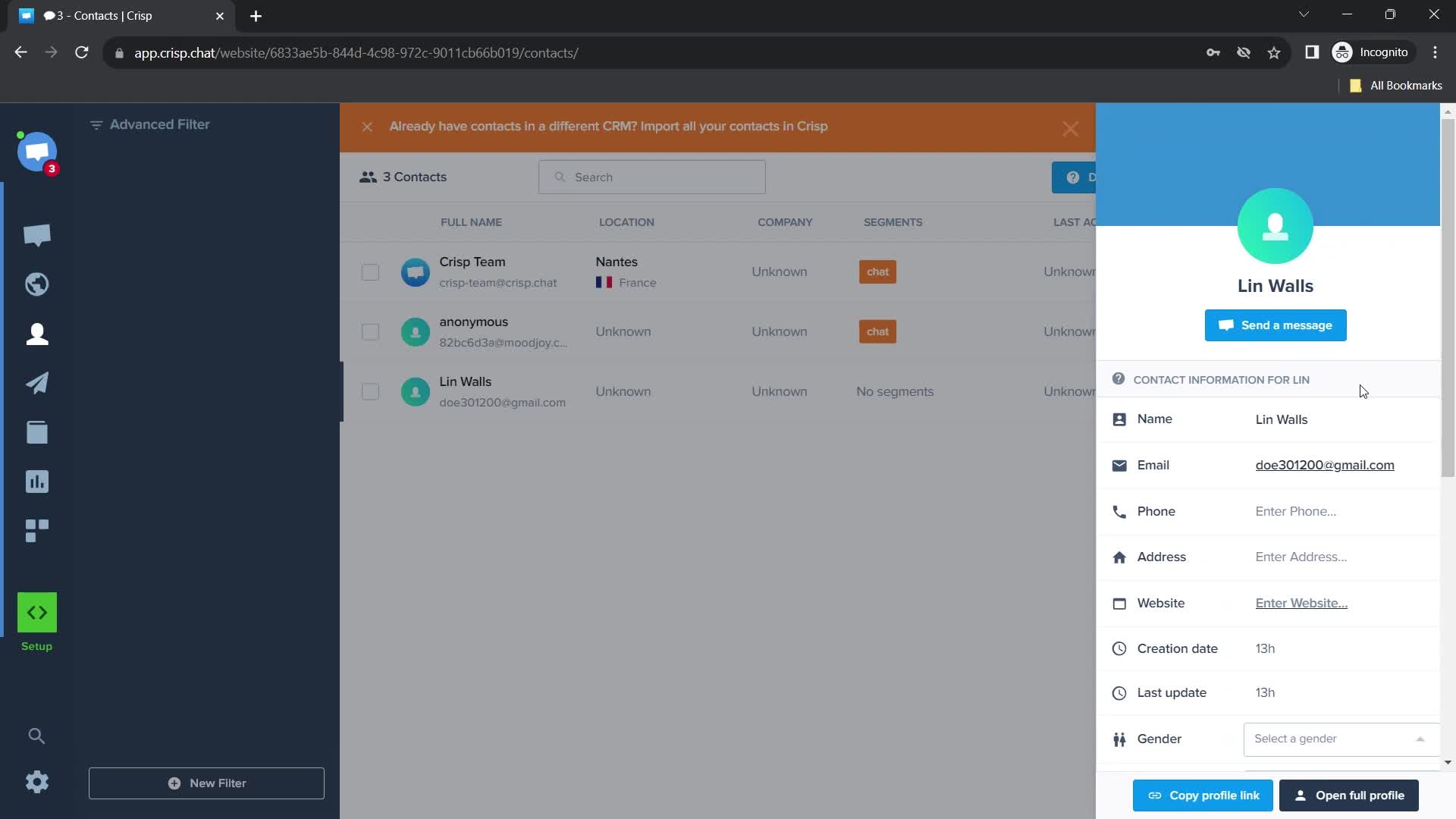
Contact information
this is title
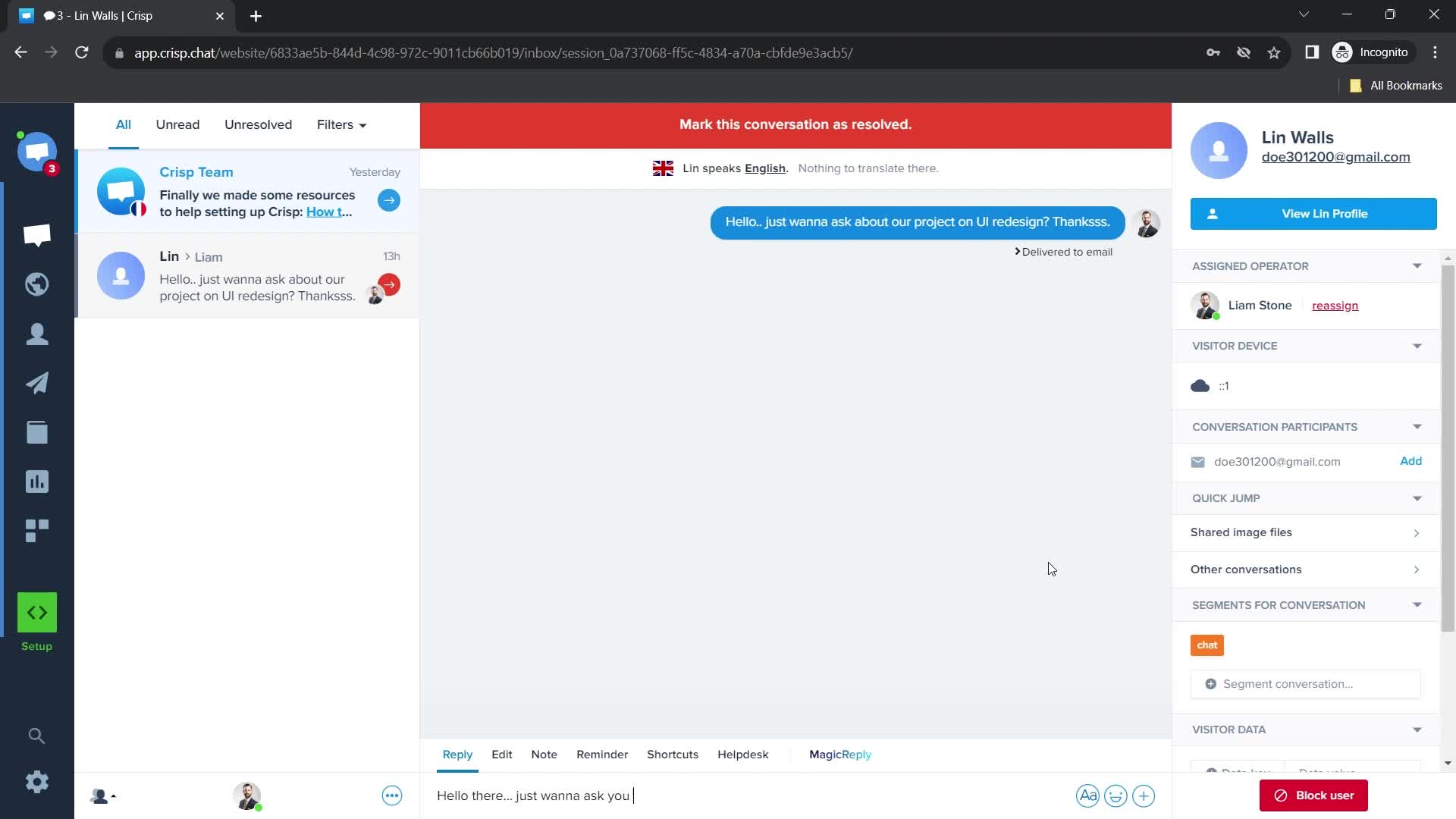
Chat thread
this is title
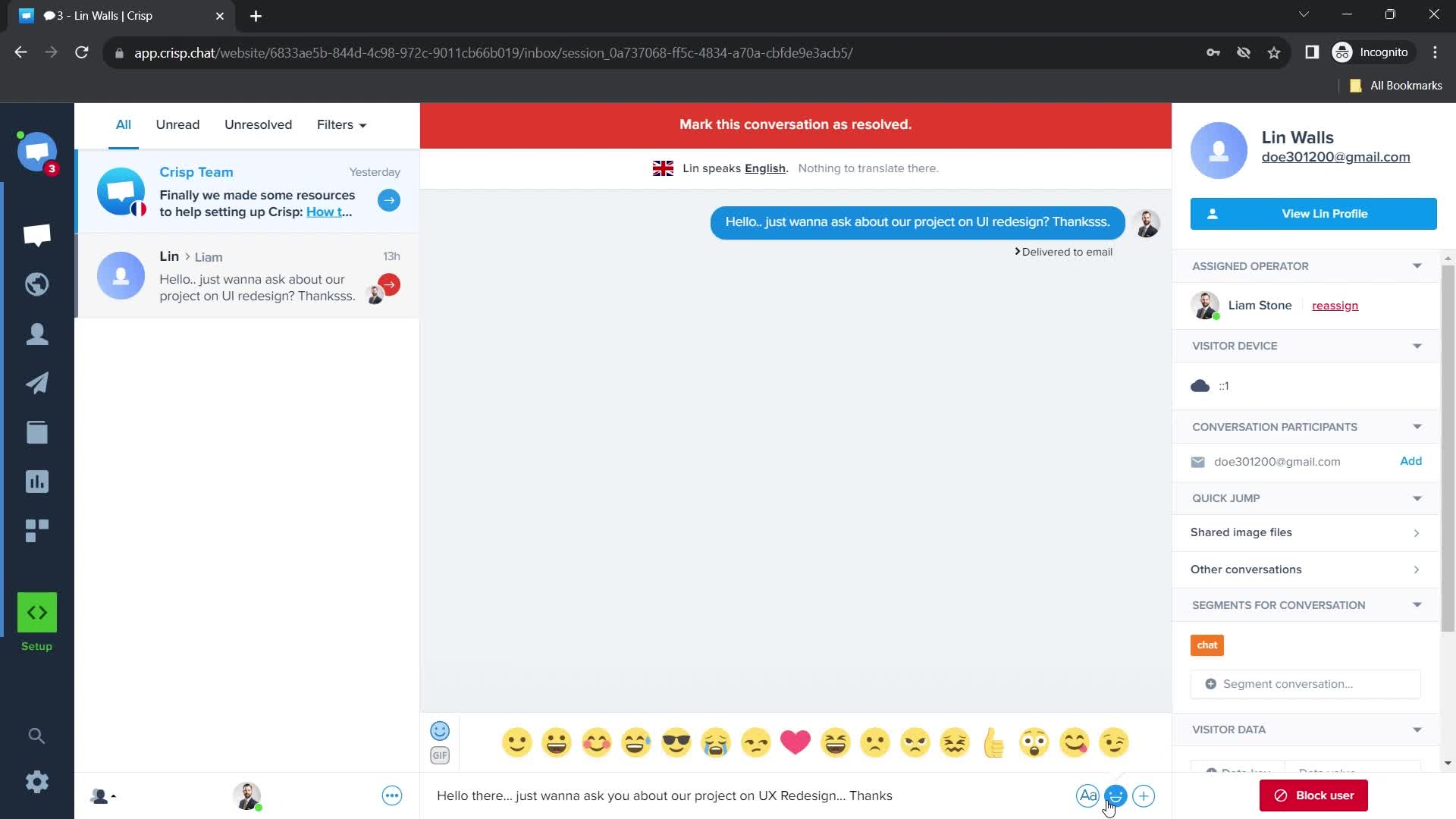
Emoji reaction
this is title
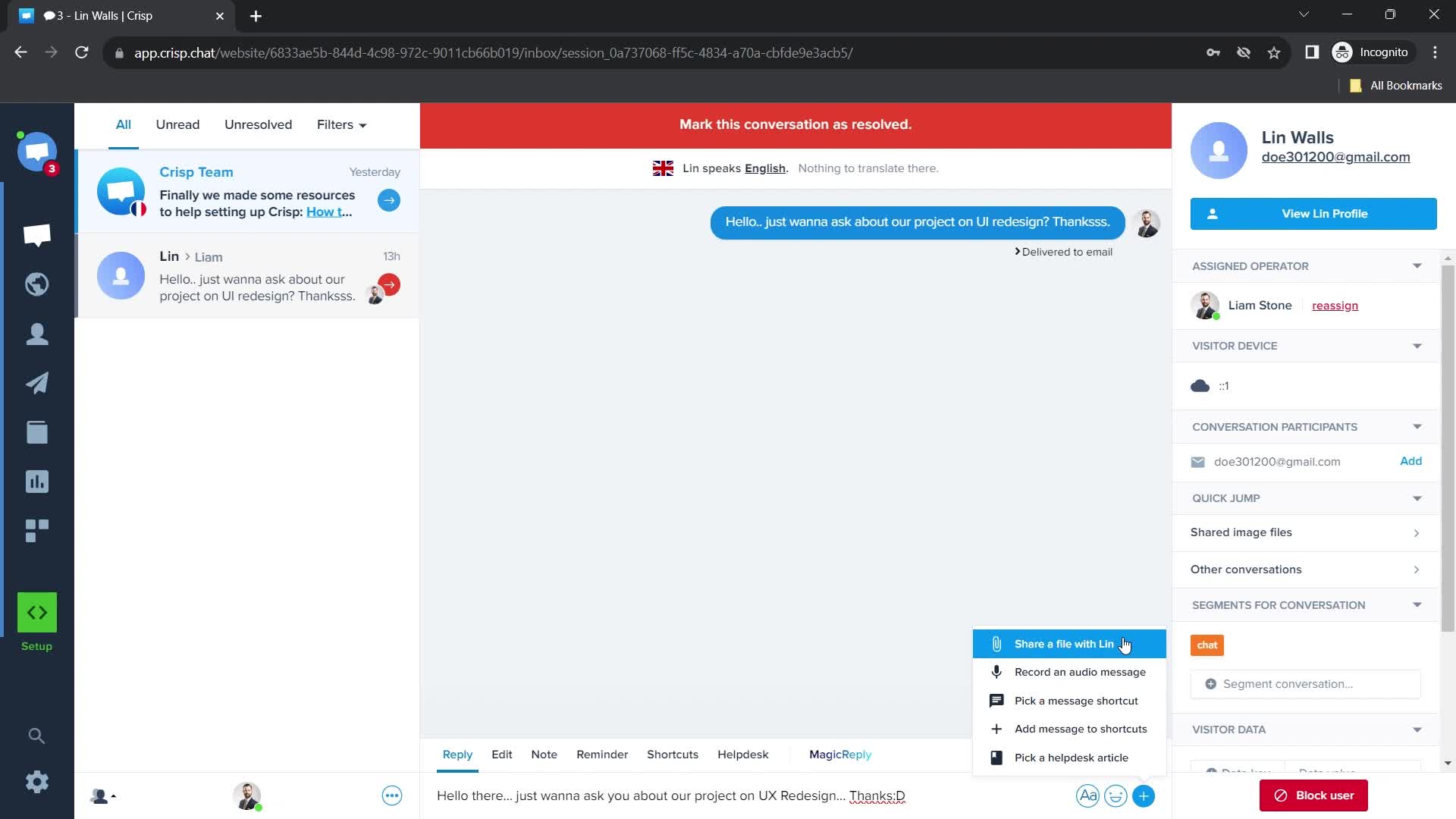
Action menu
this is title
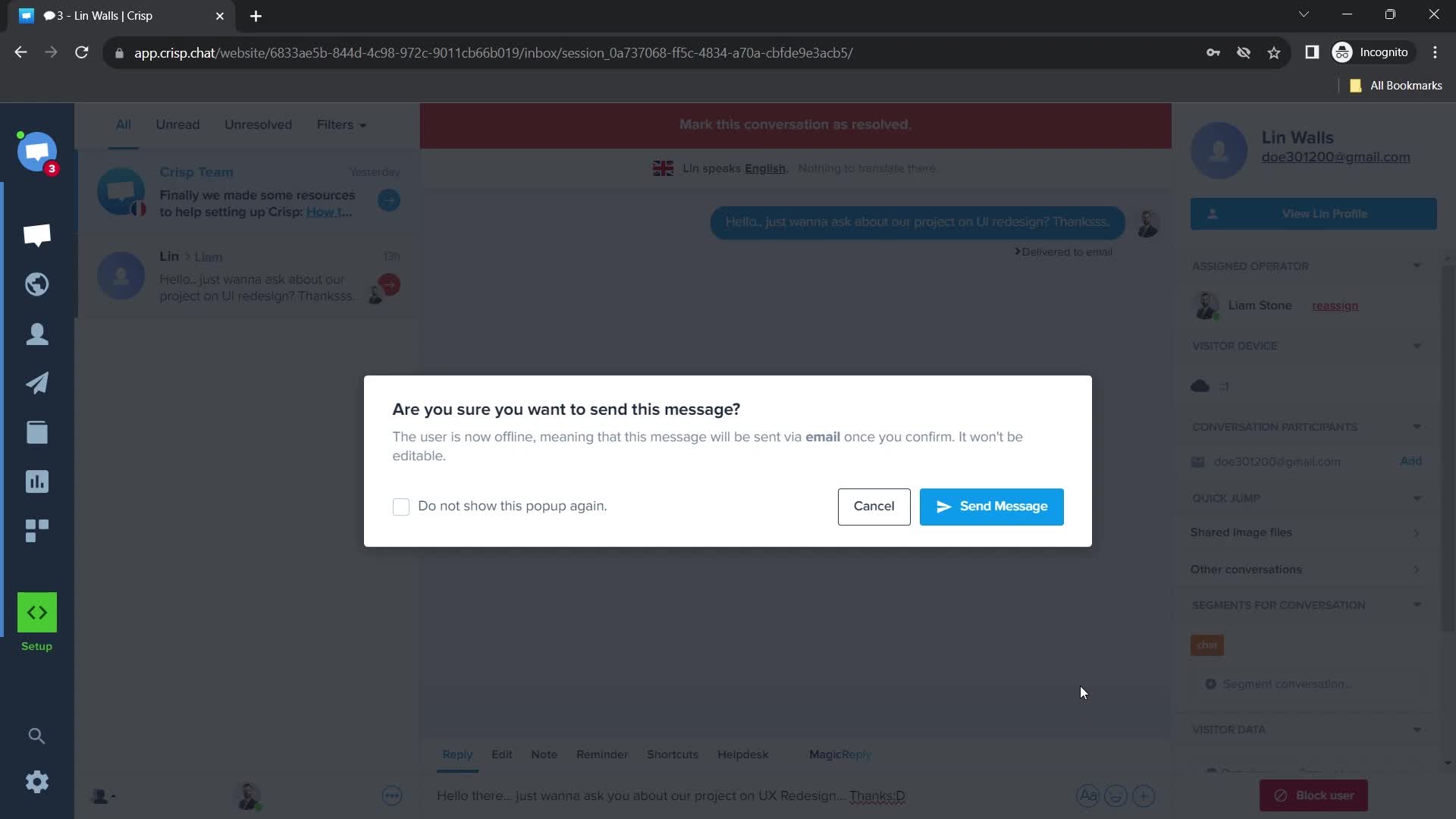
Send message
this is title
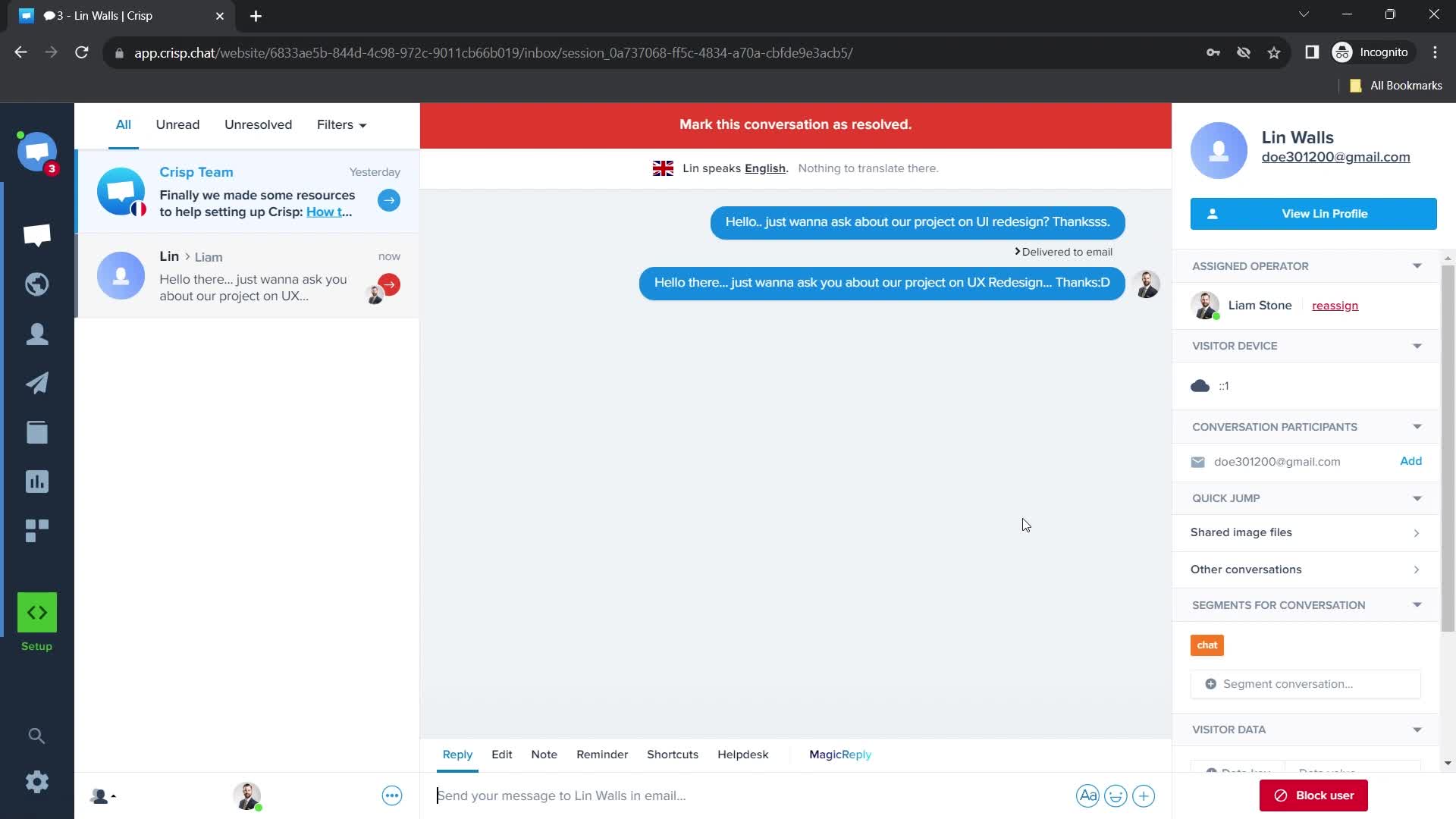
Message sent
this is title