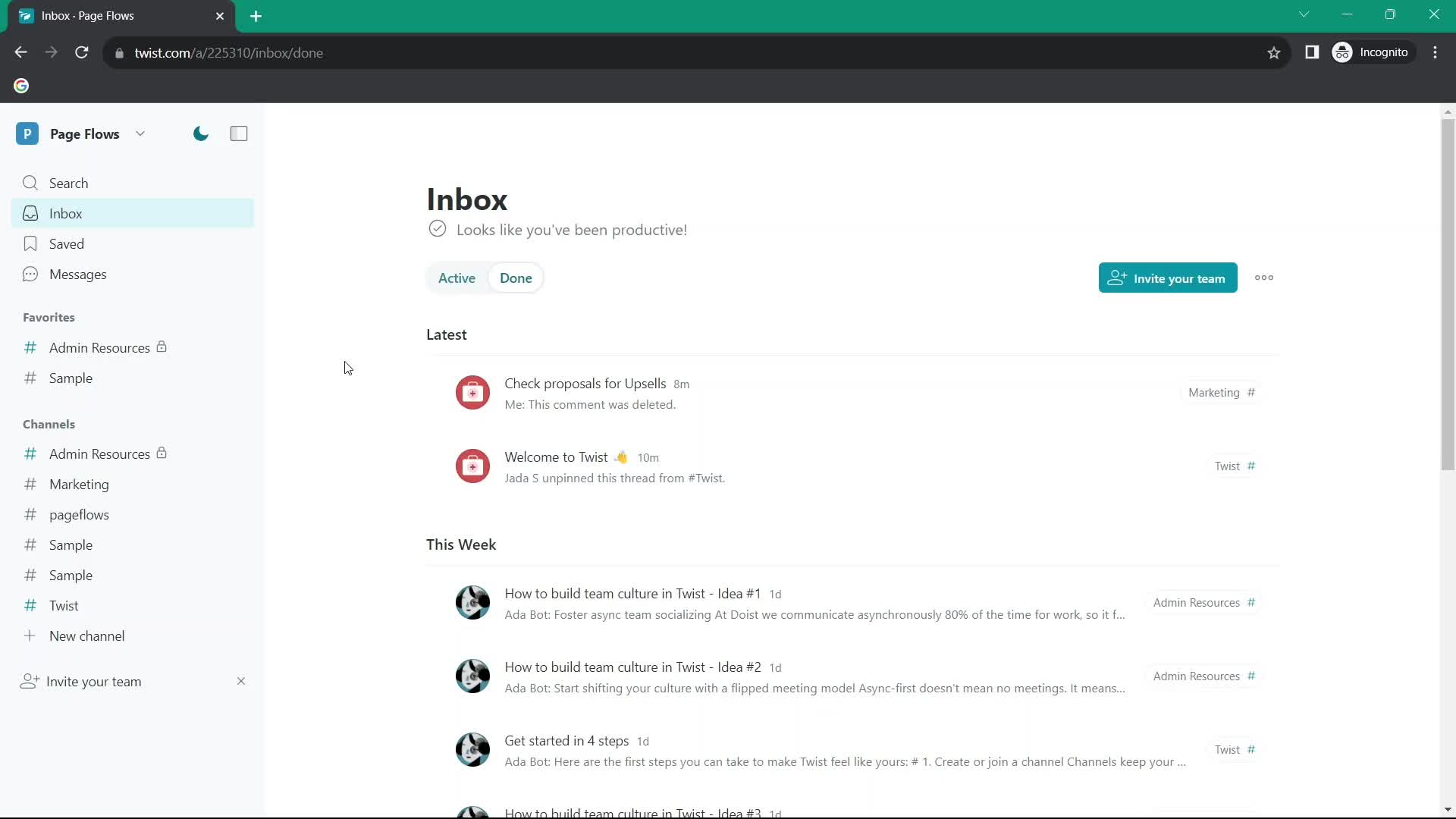
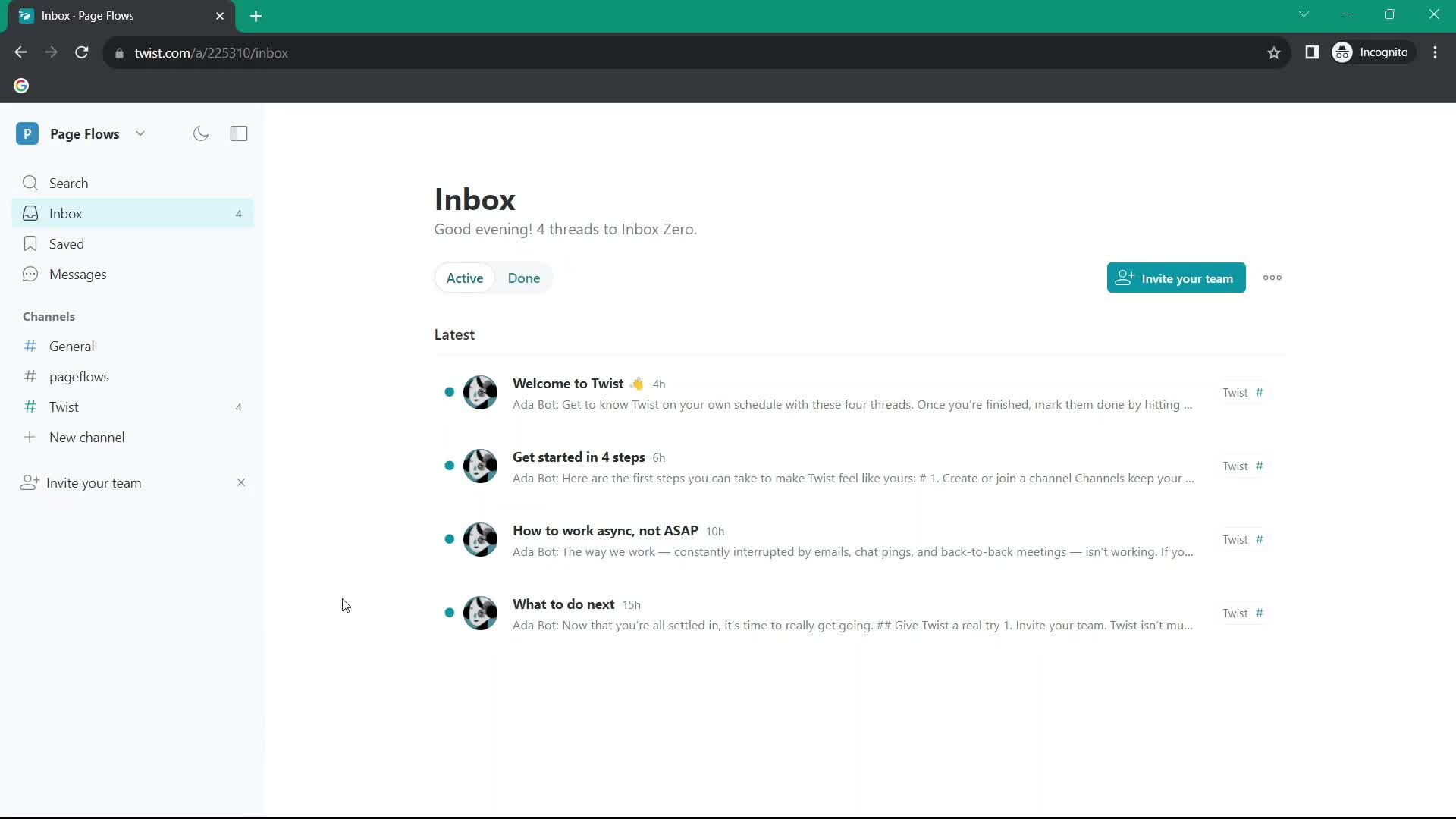
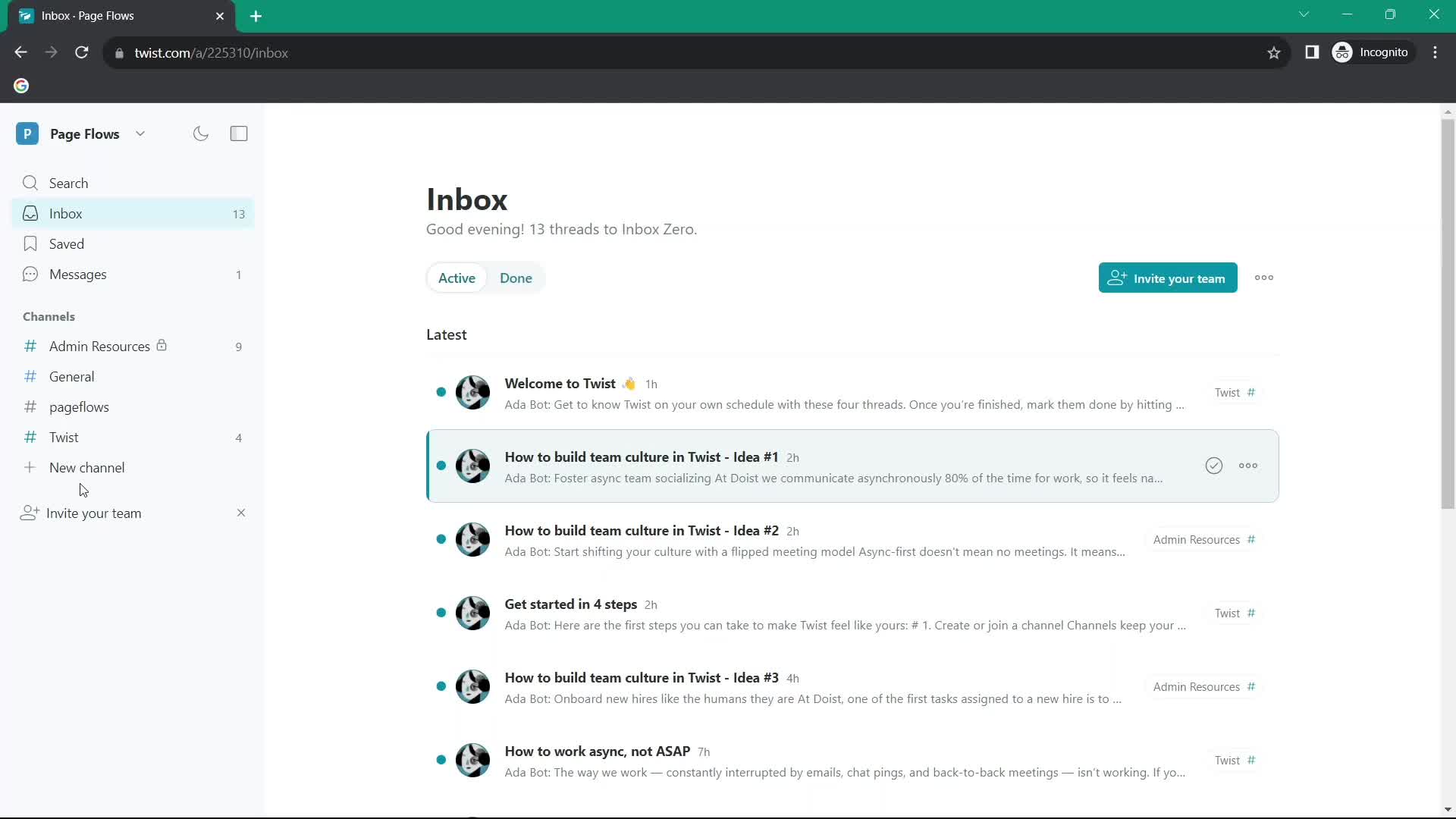
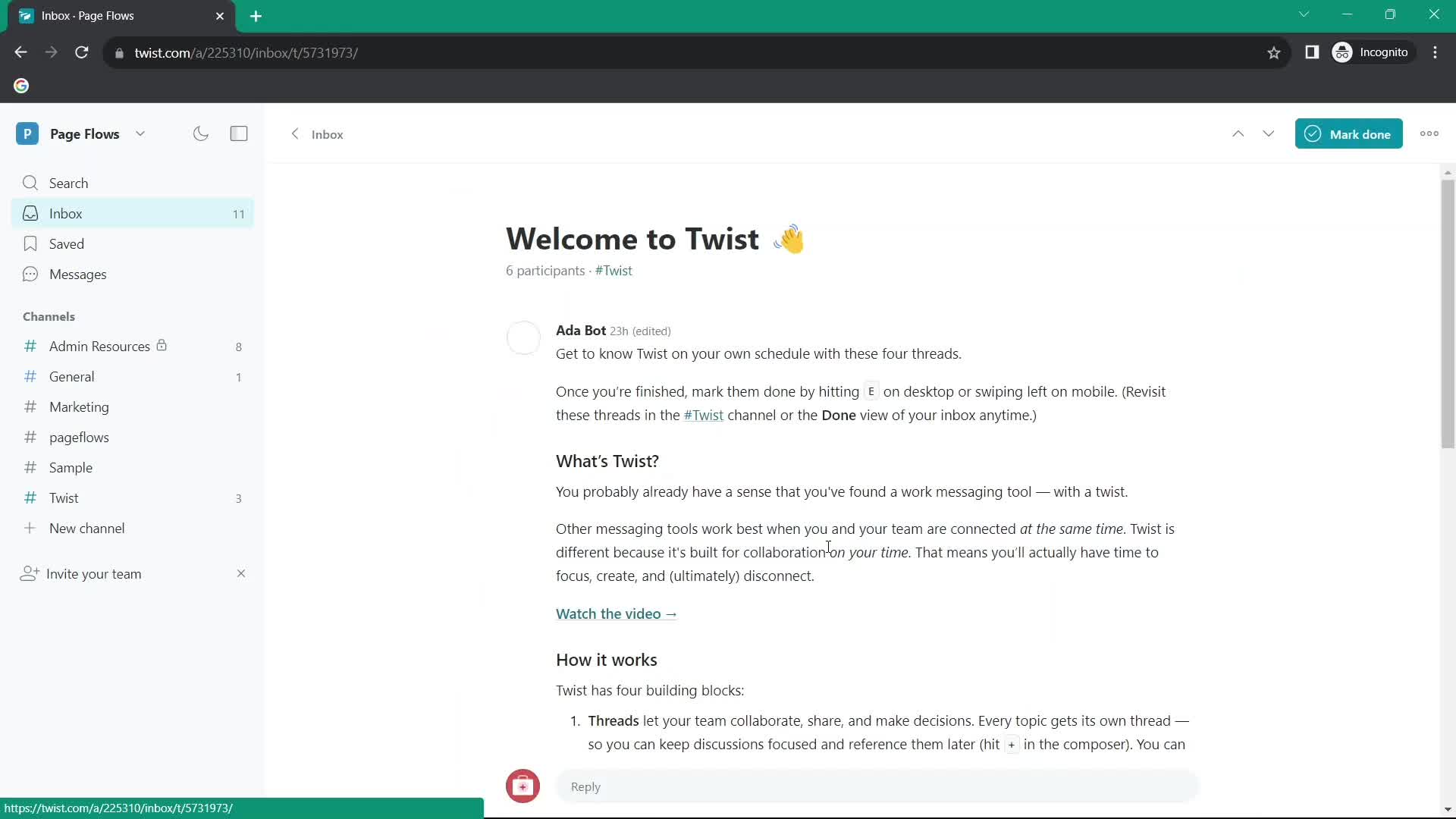
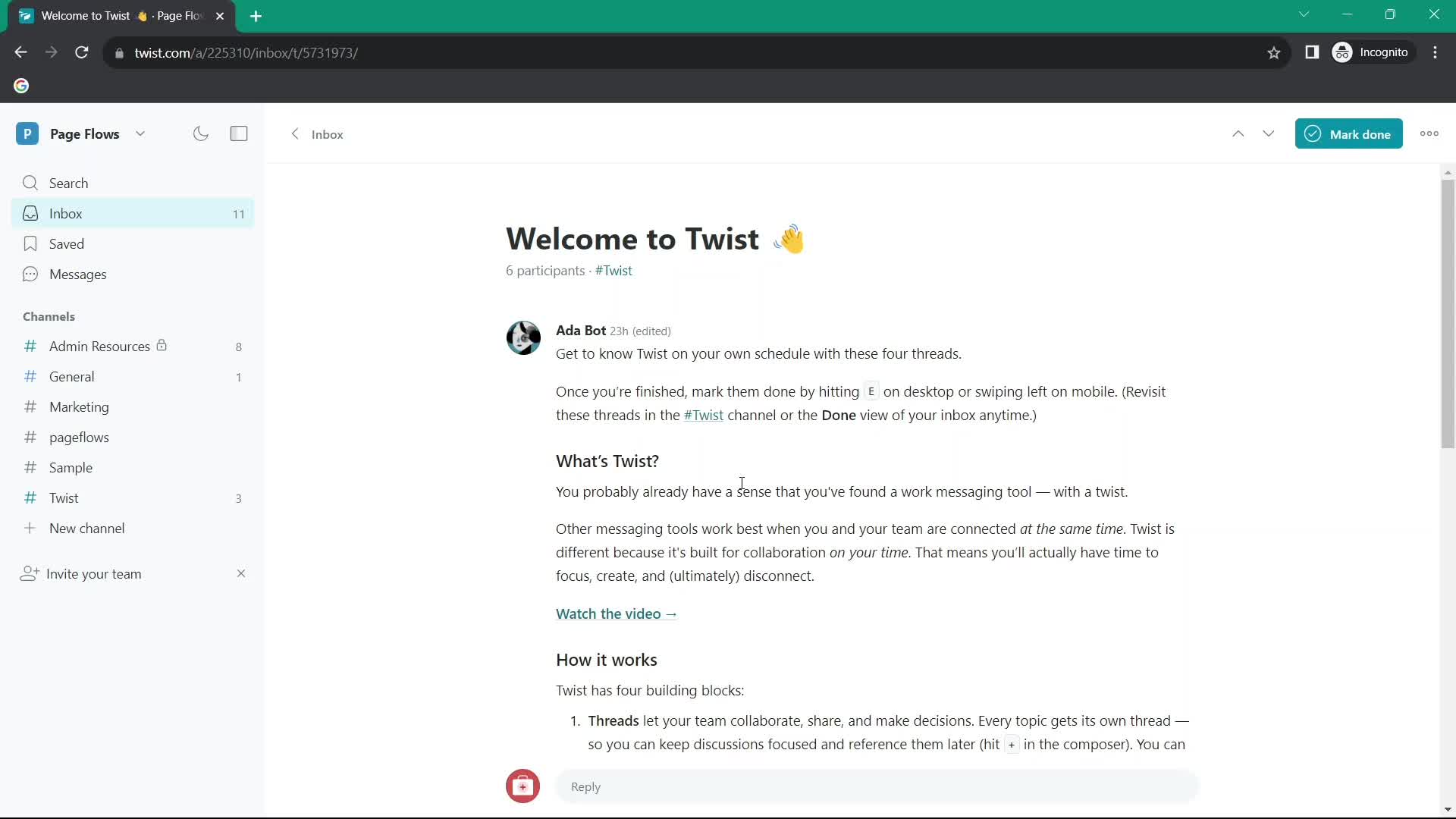
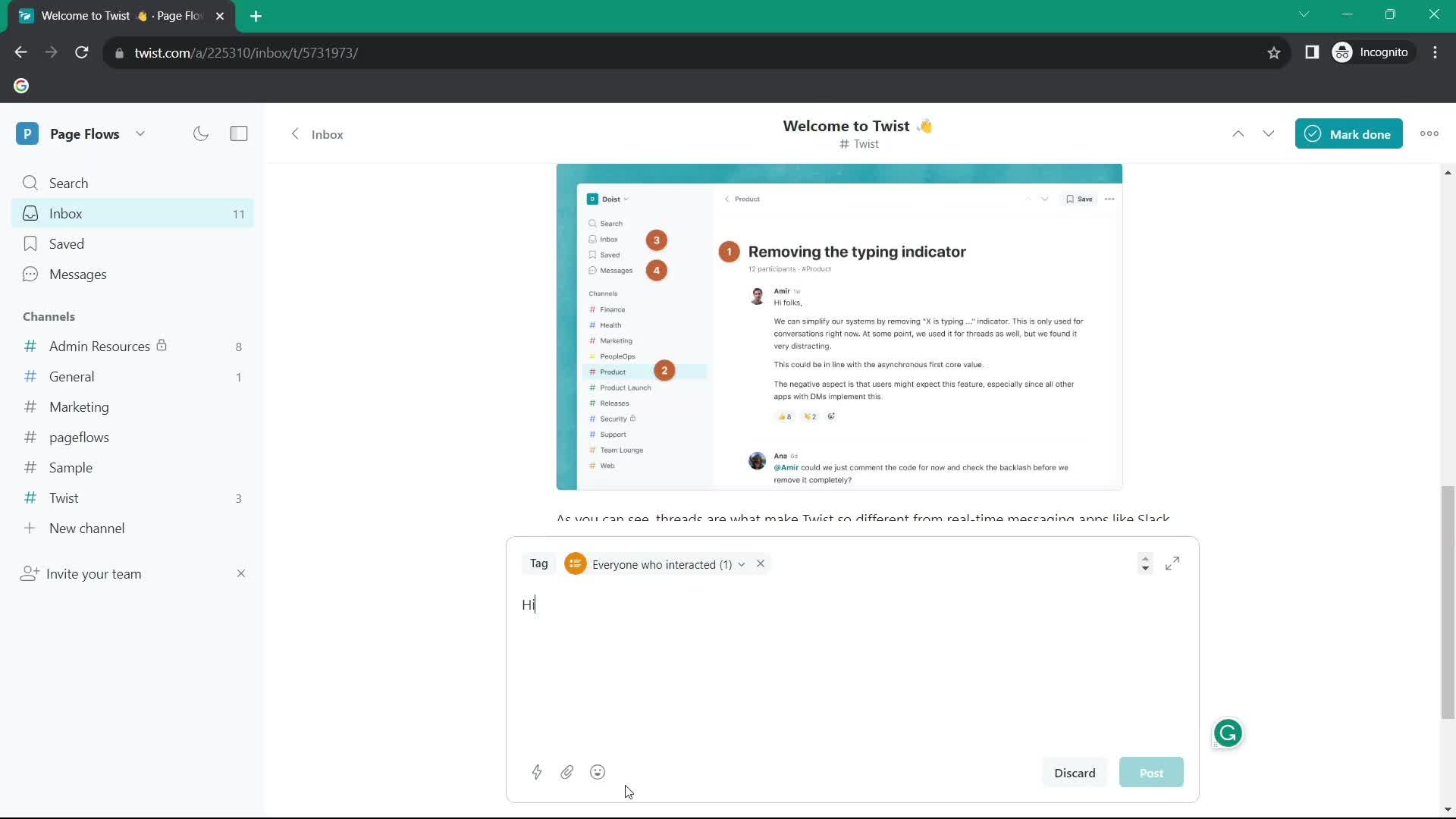
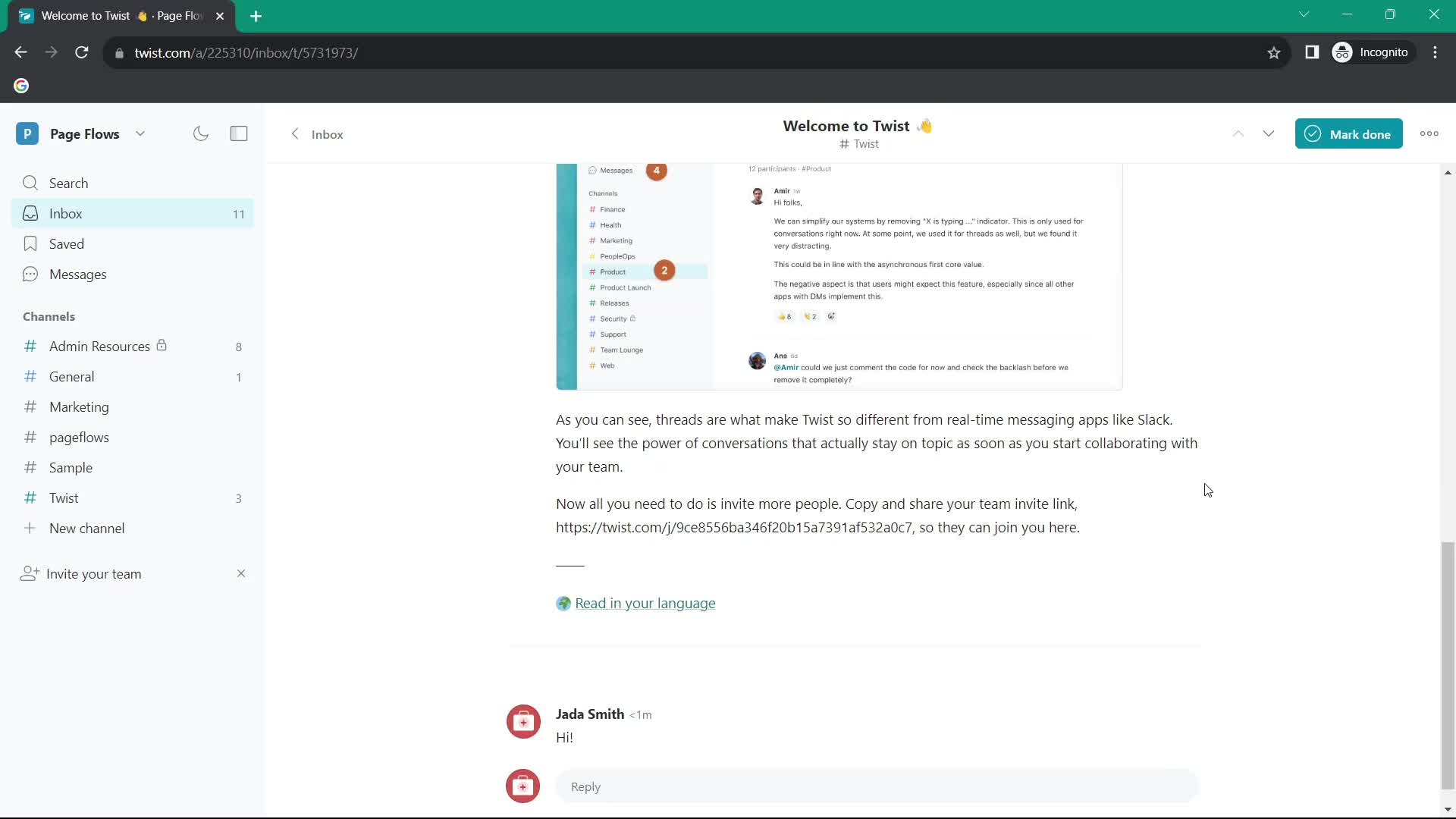
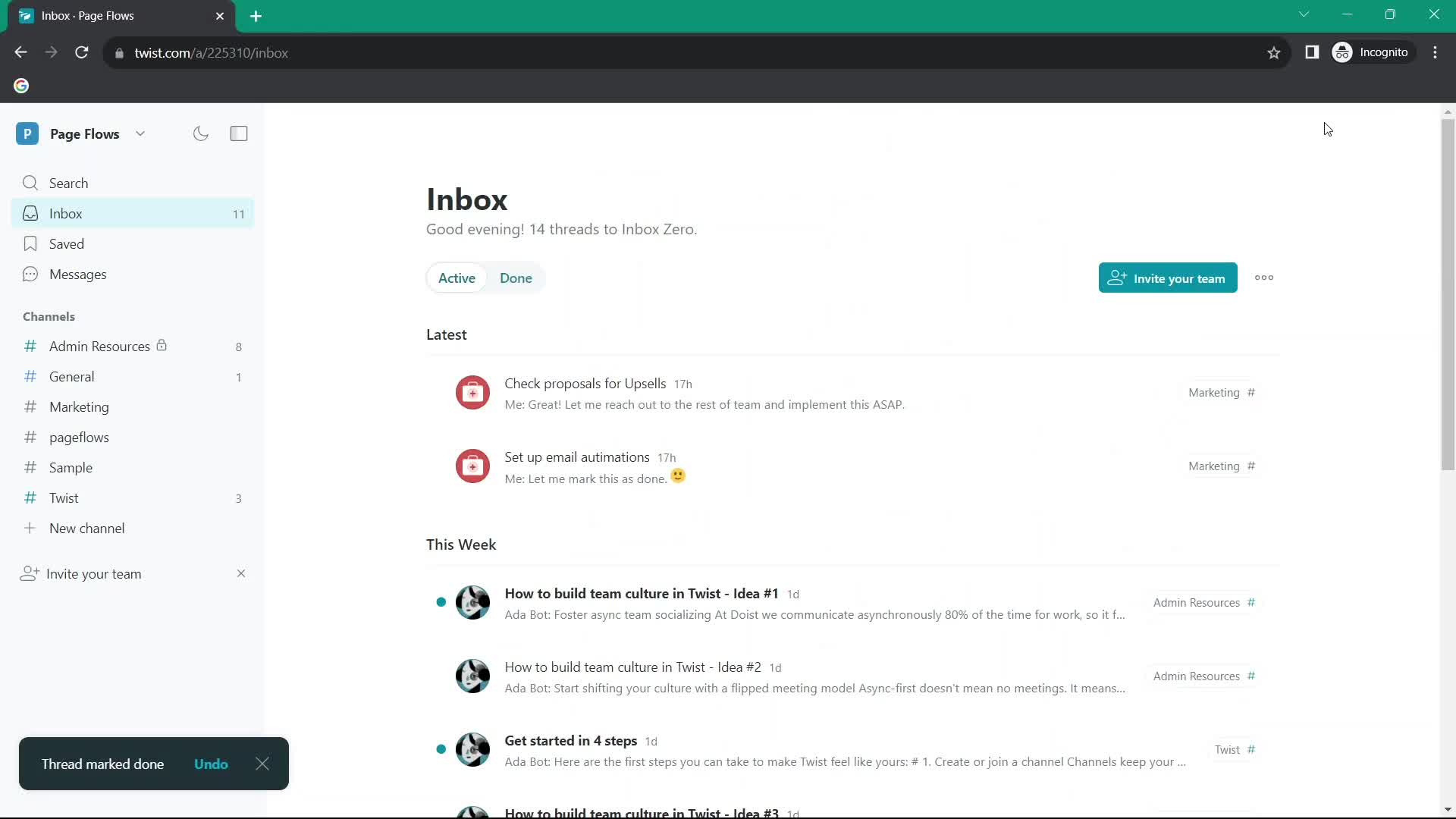
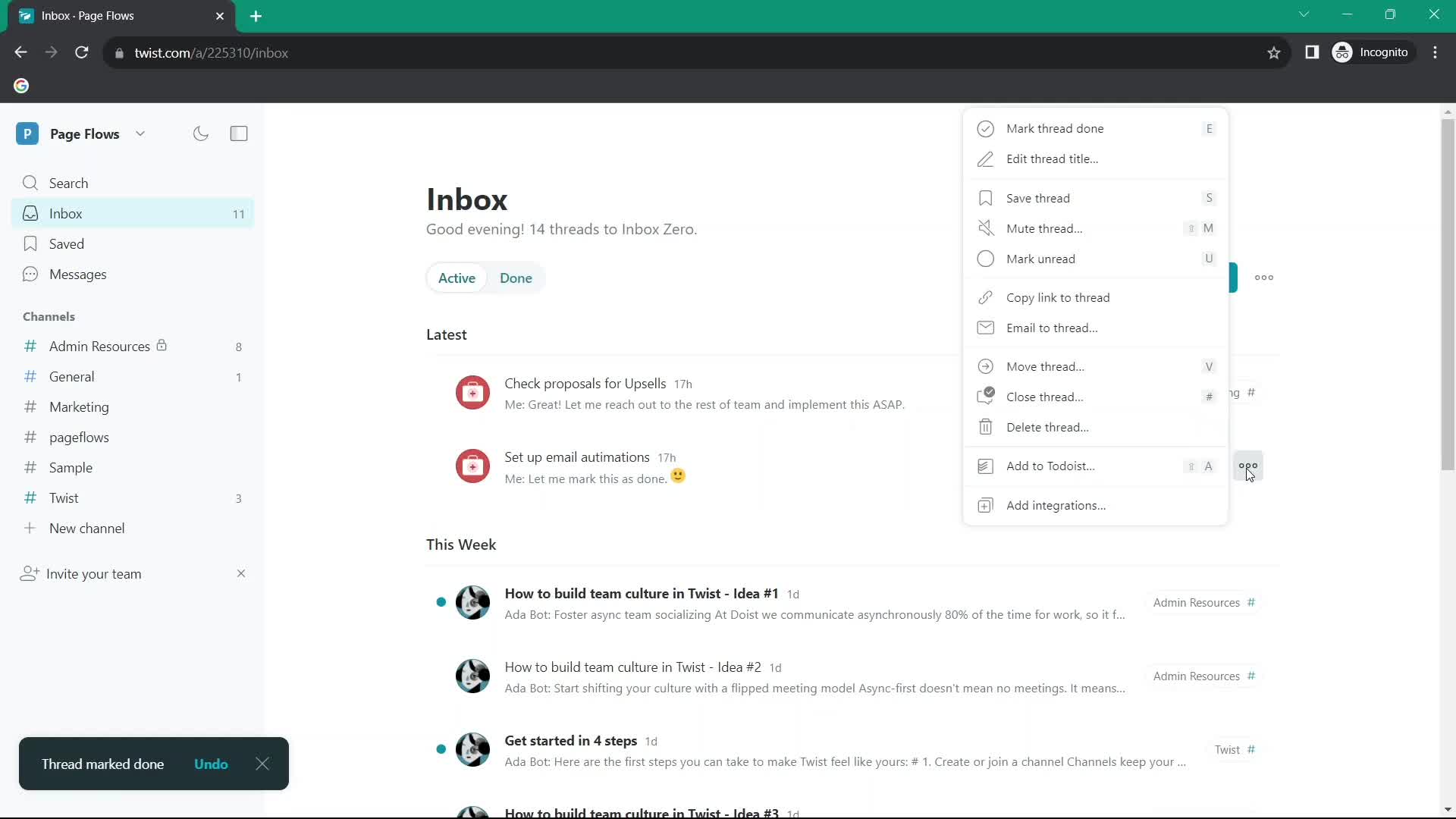
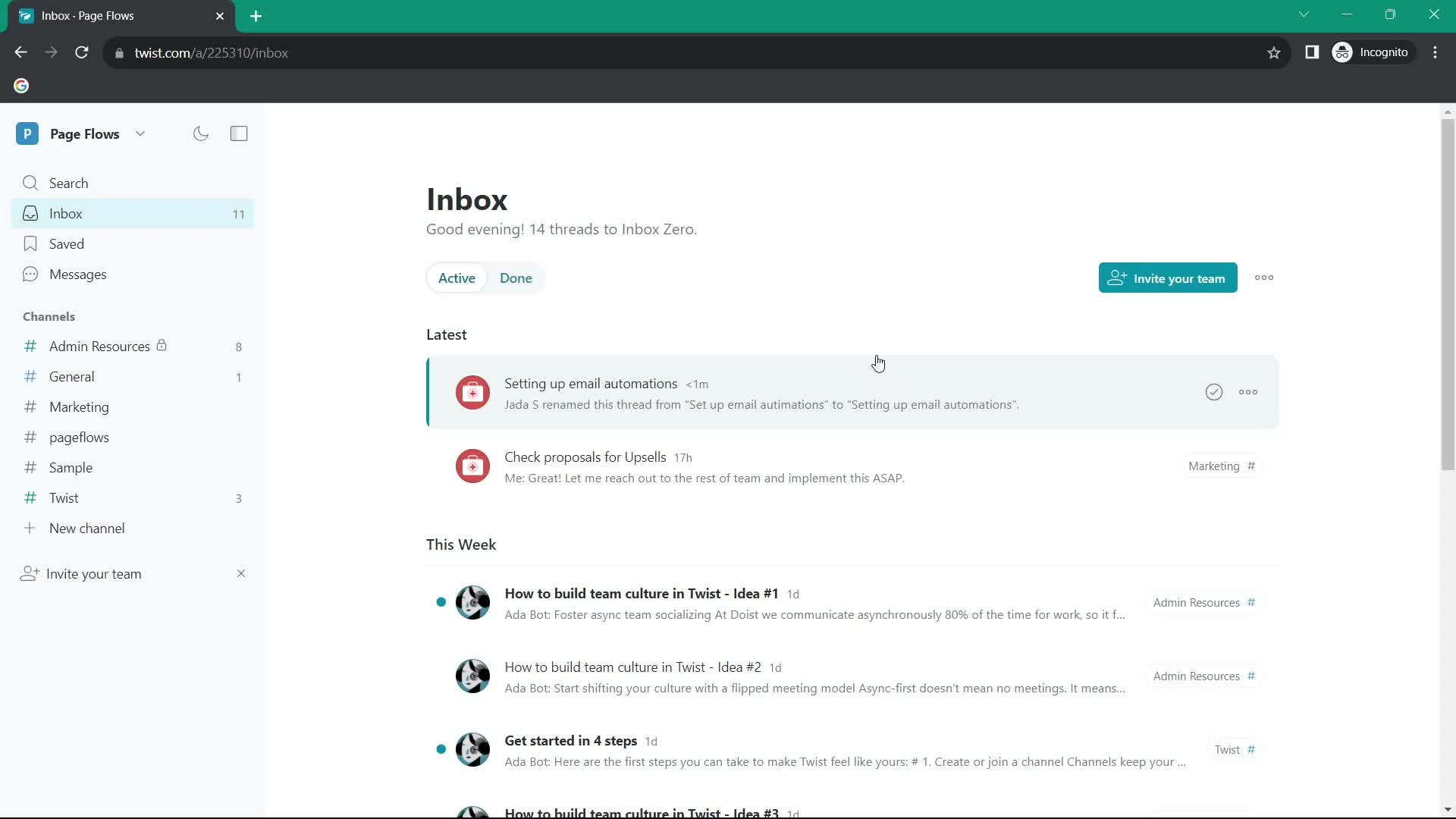
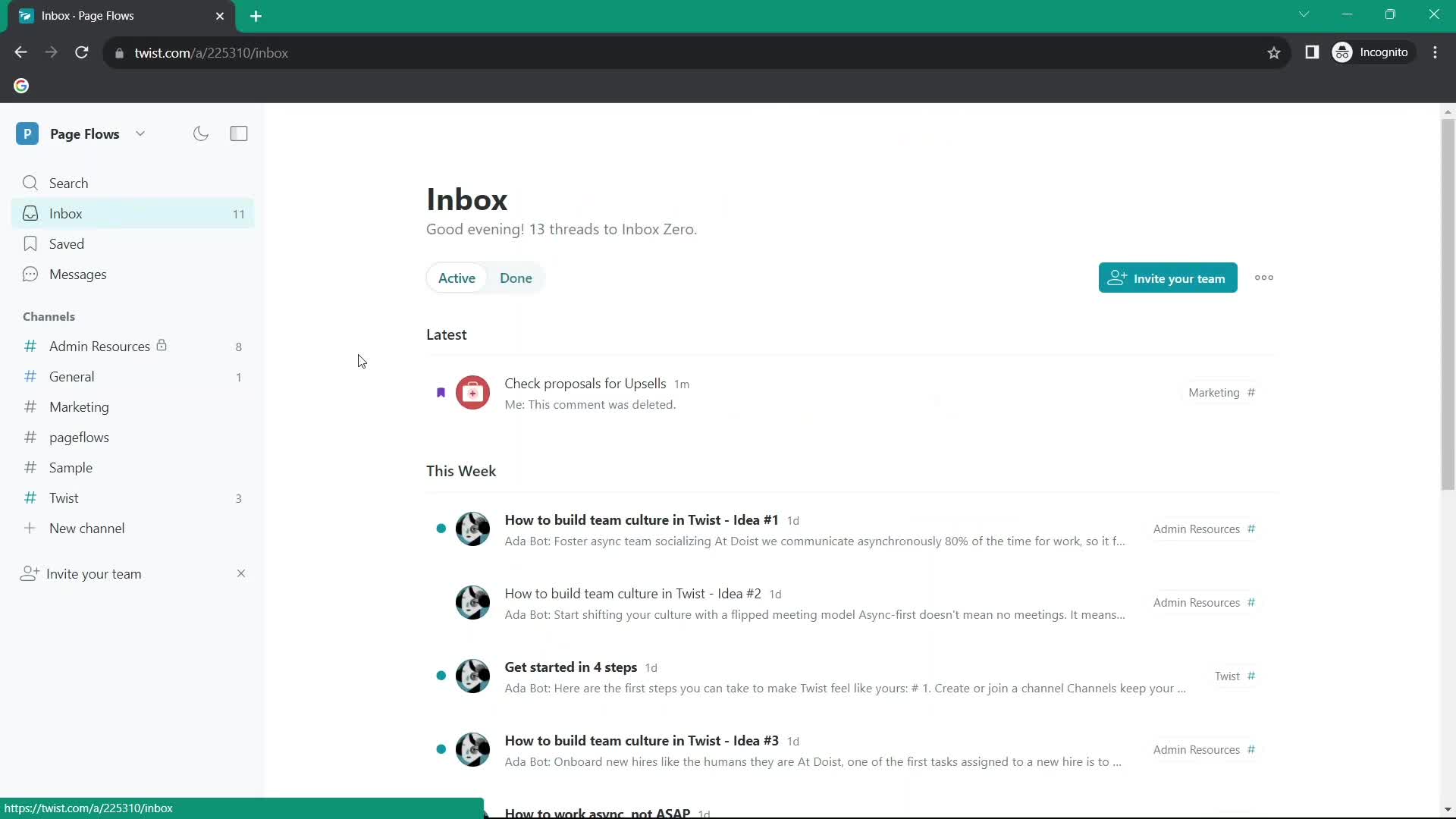
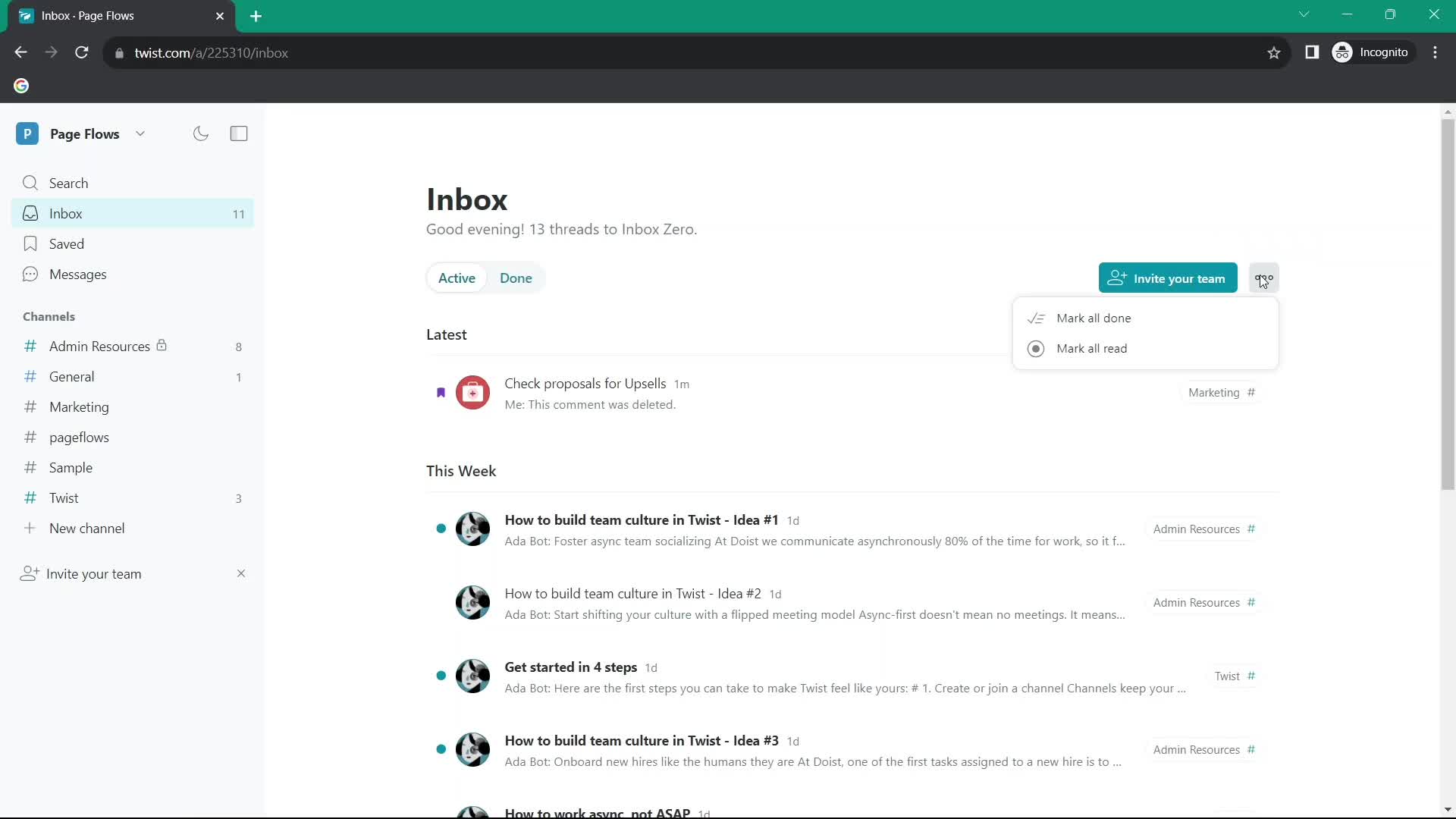
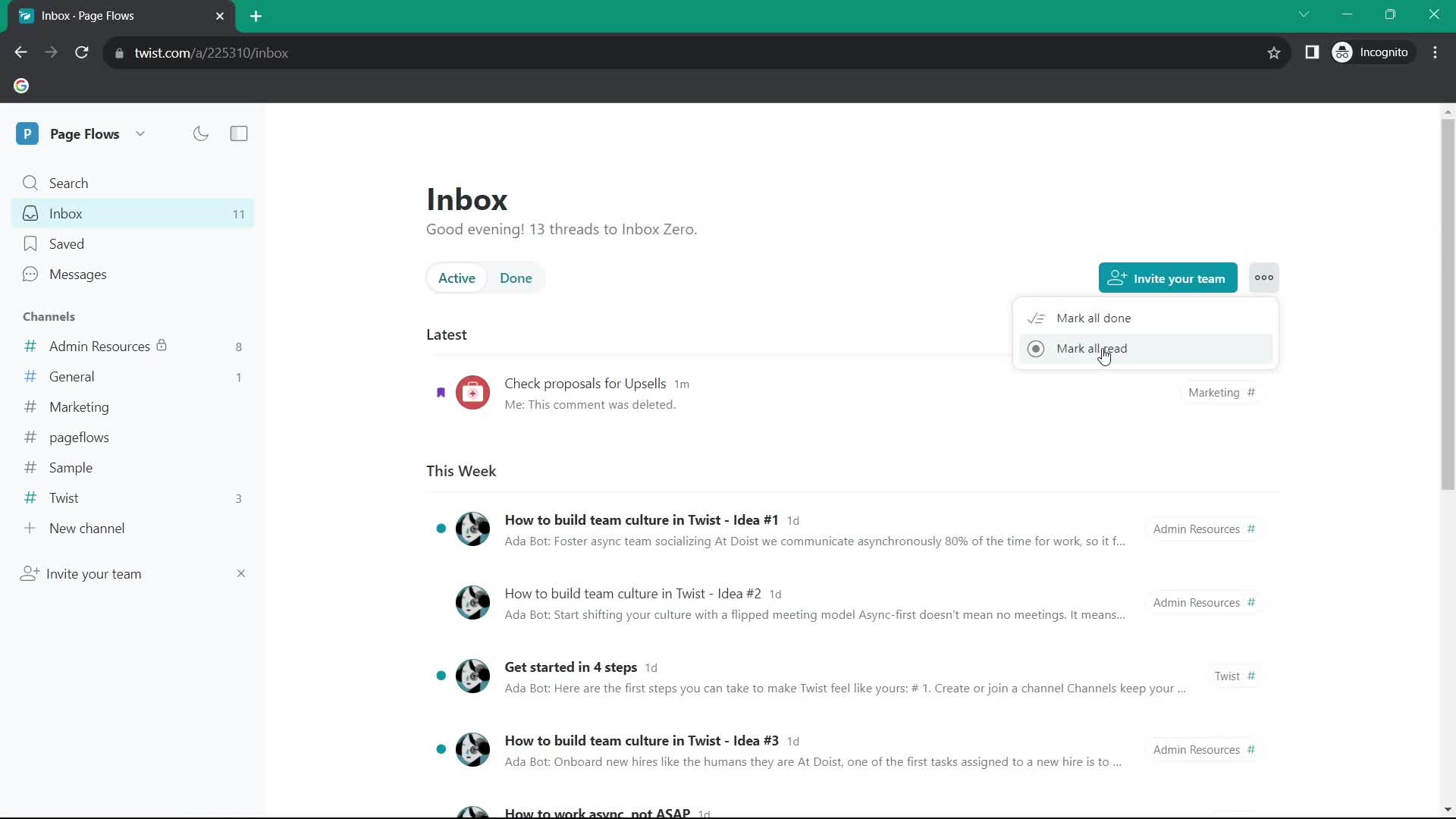
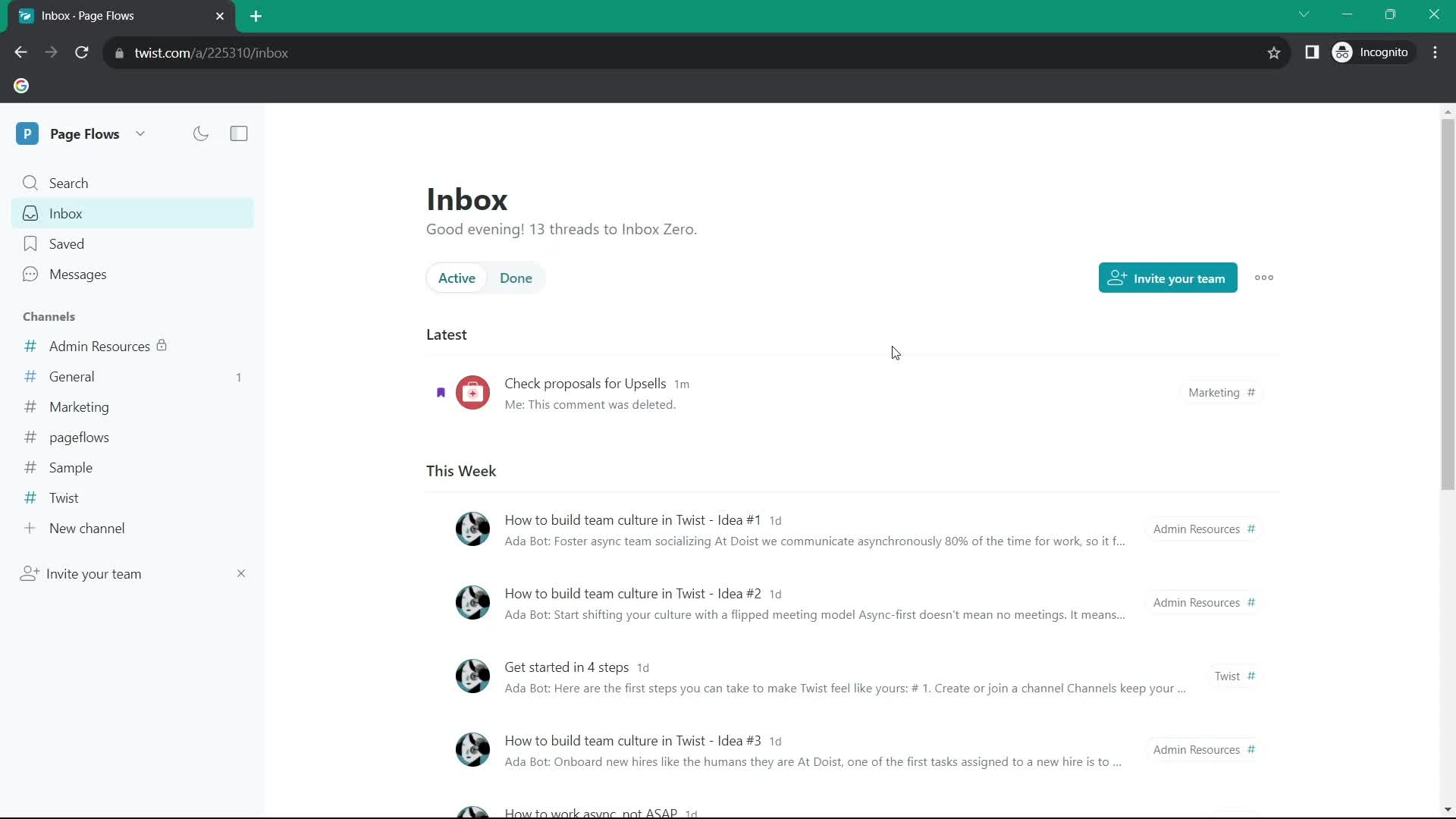
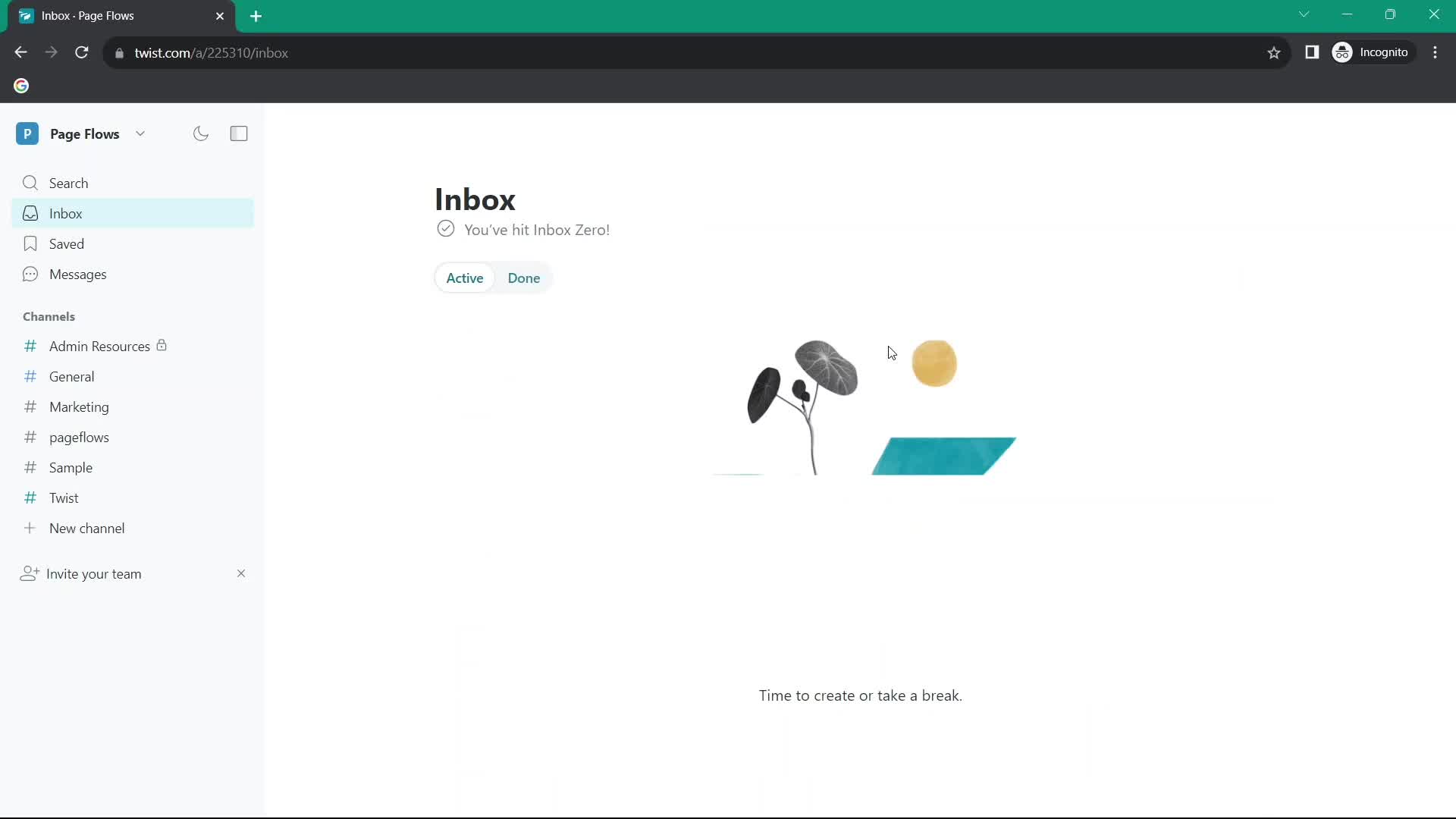
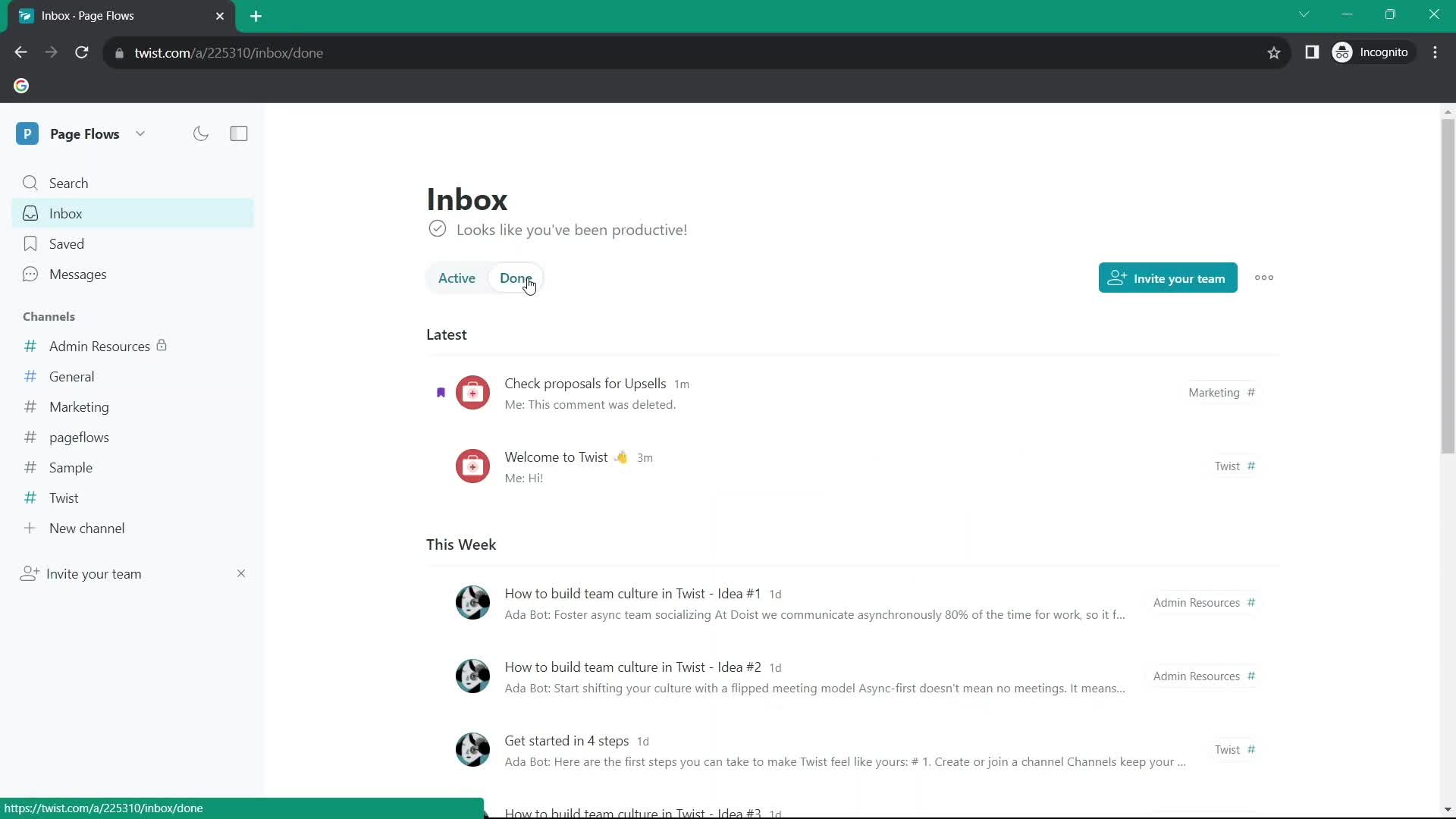
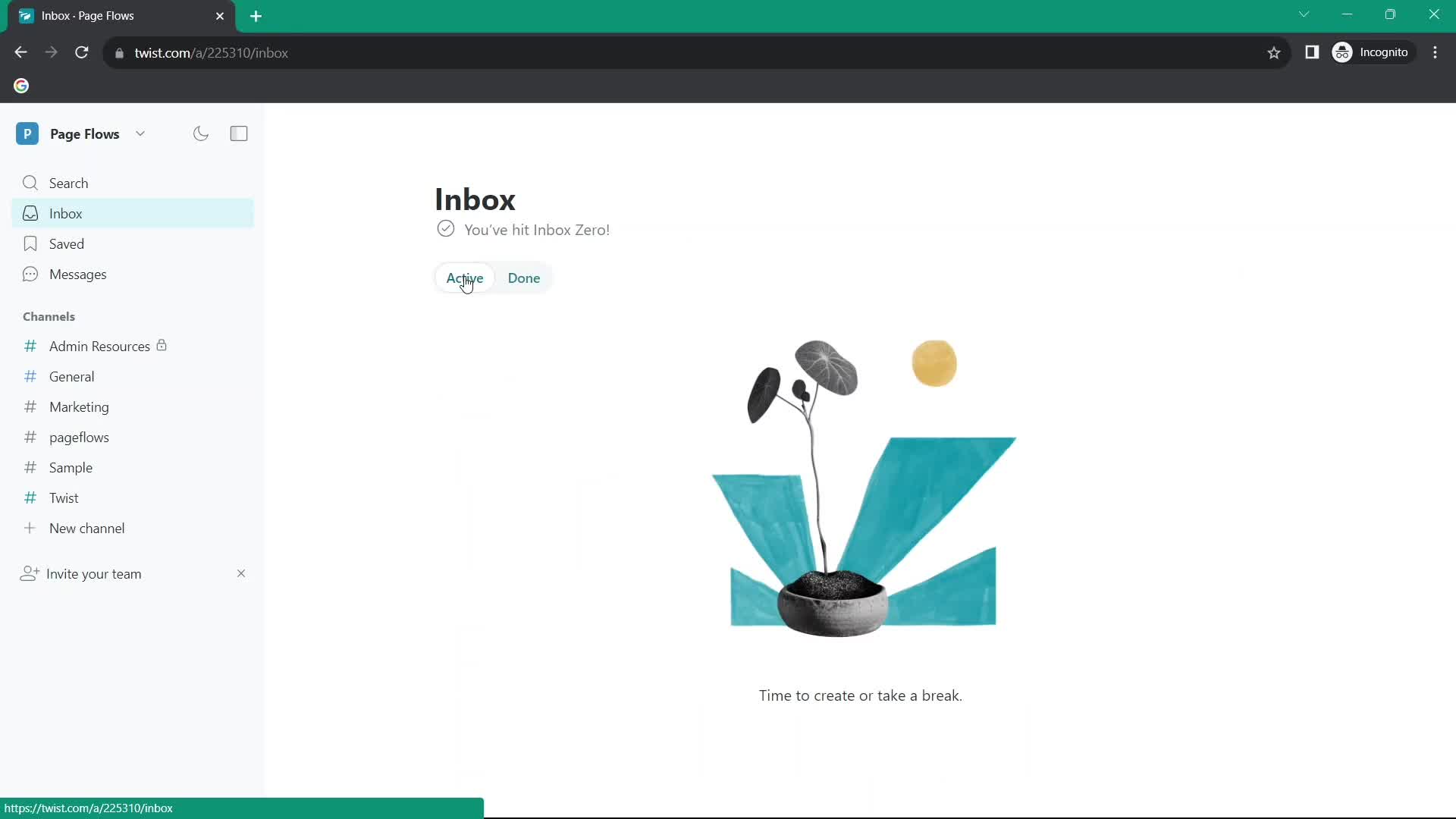
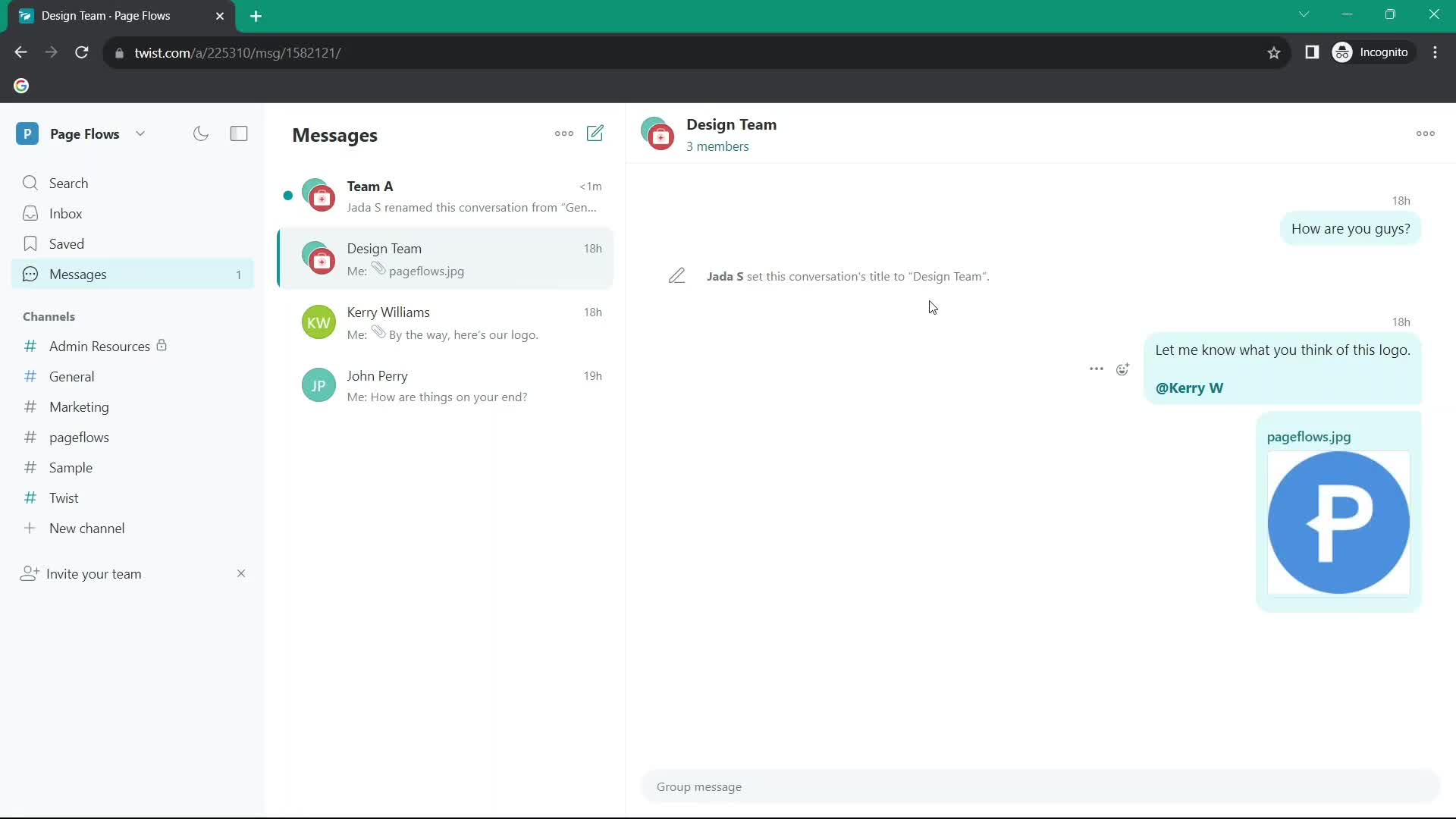
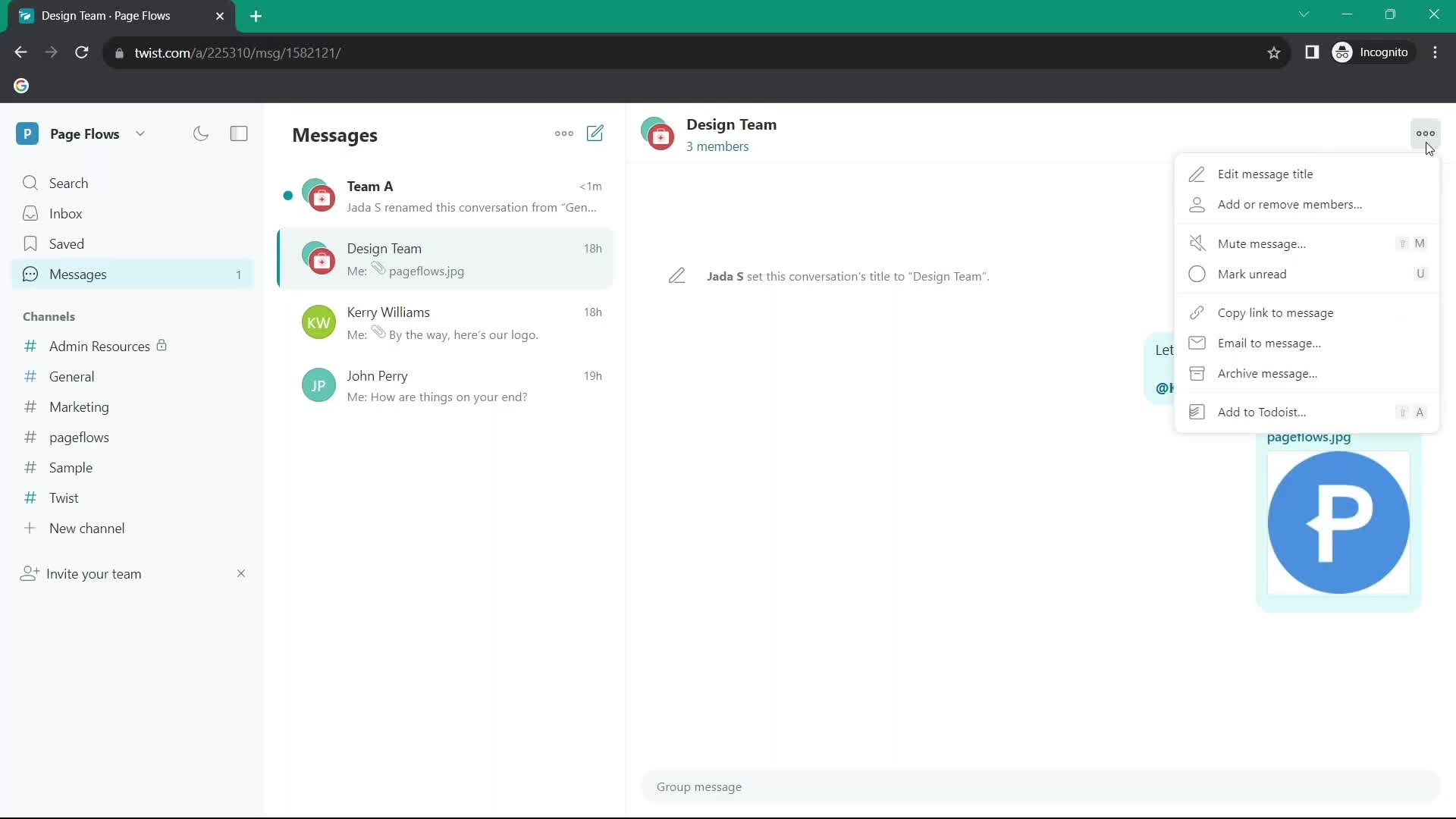
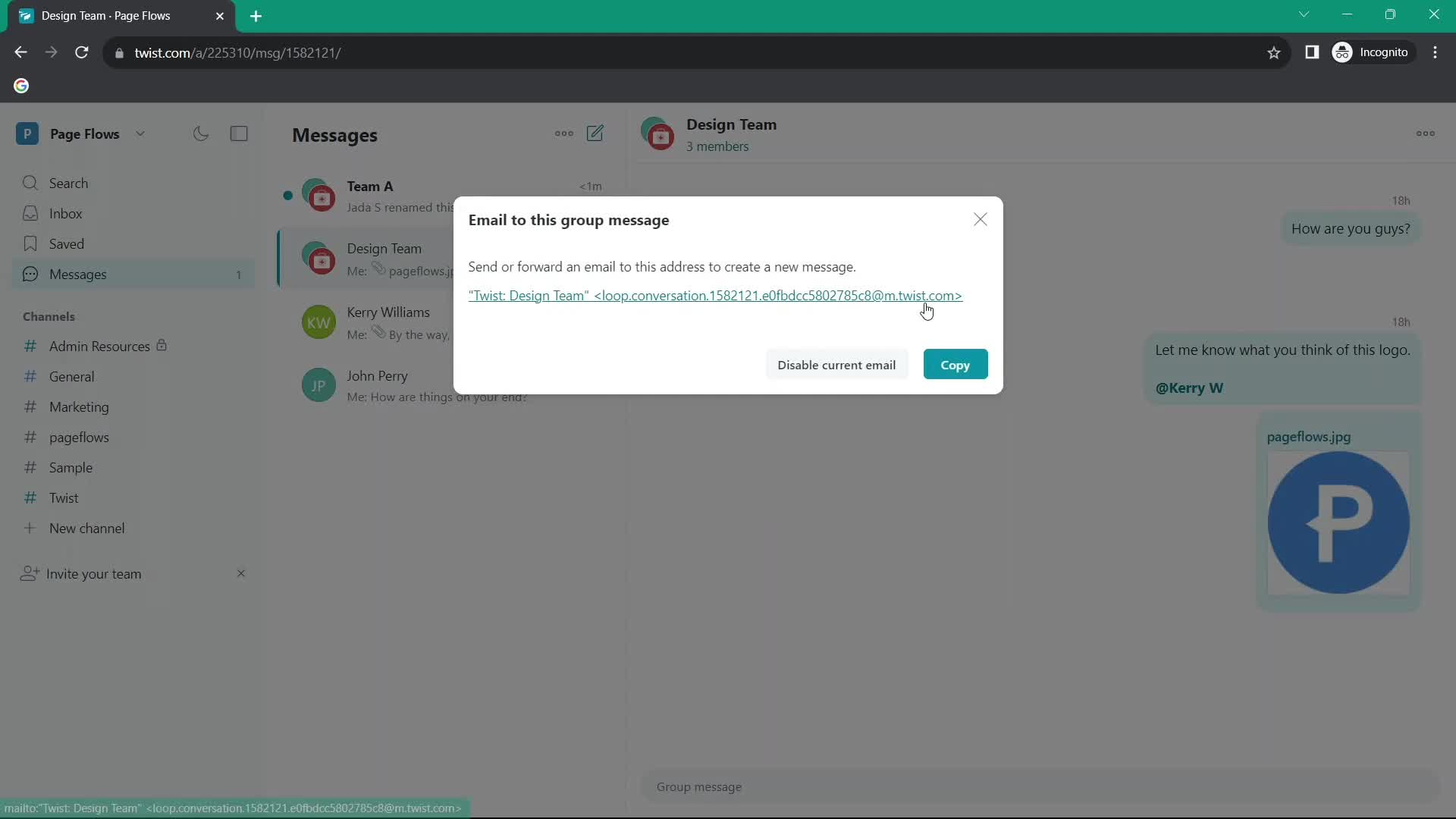
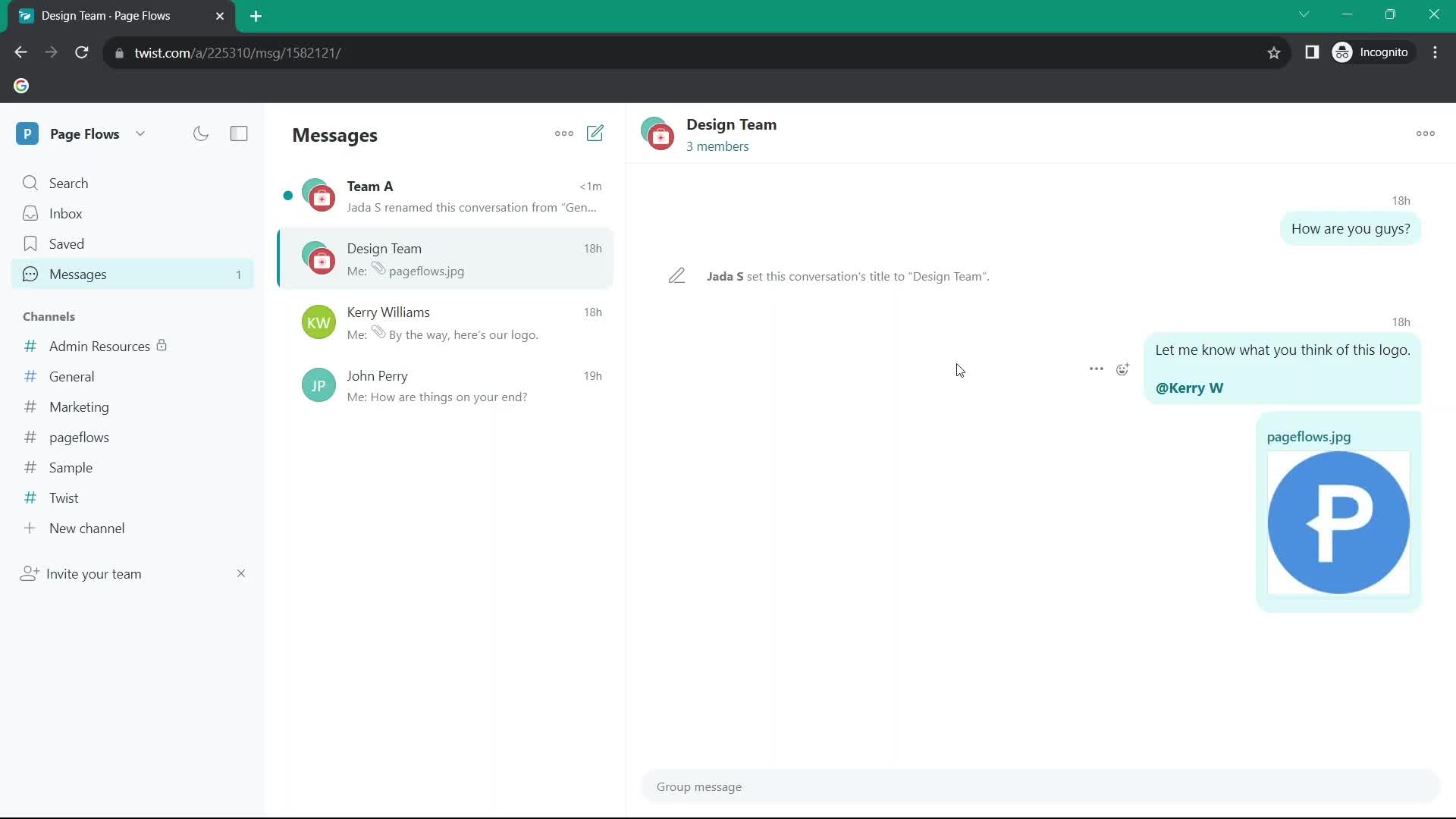
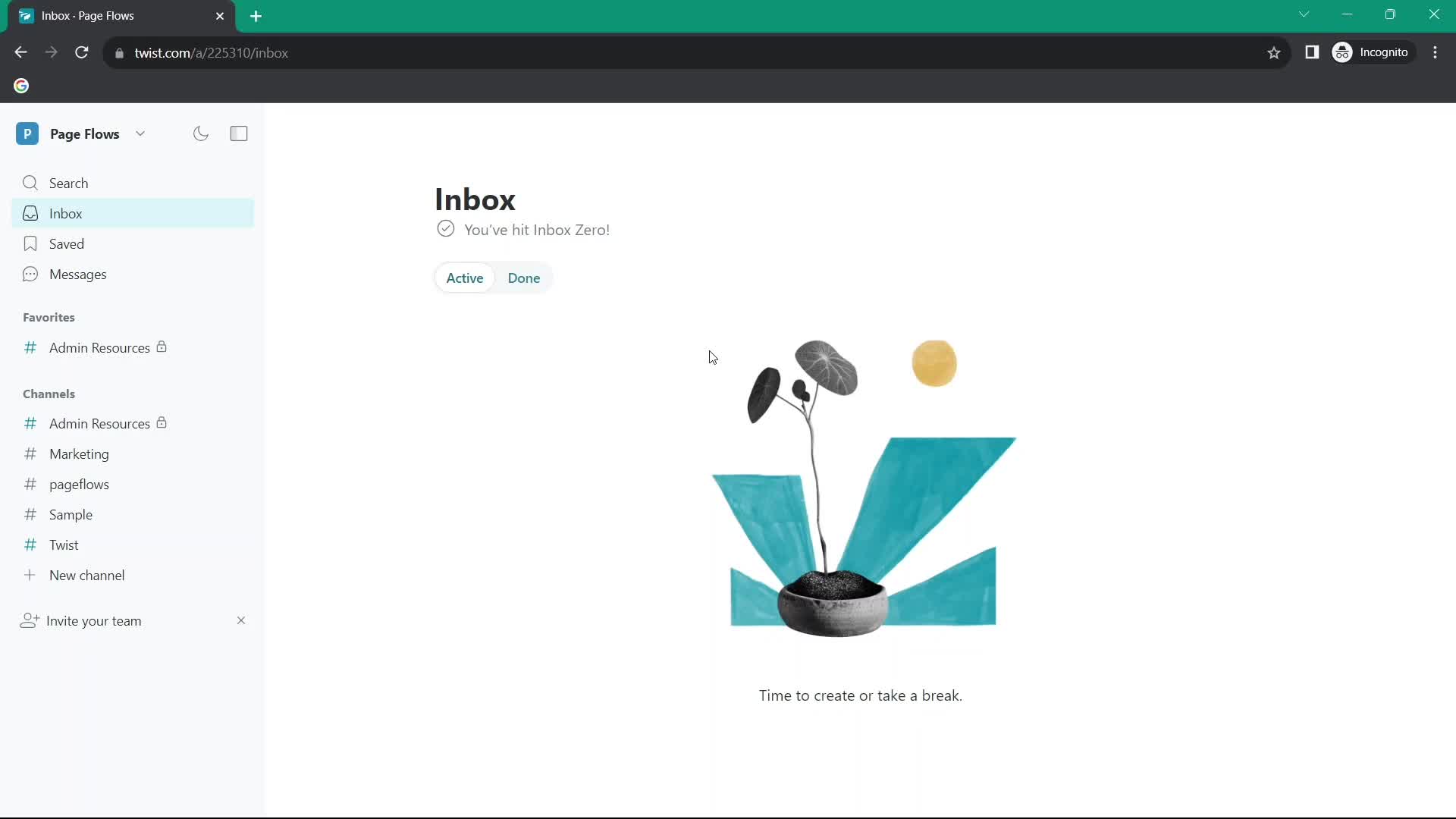
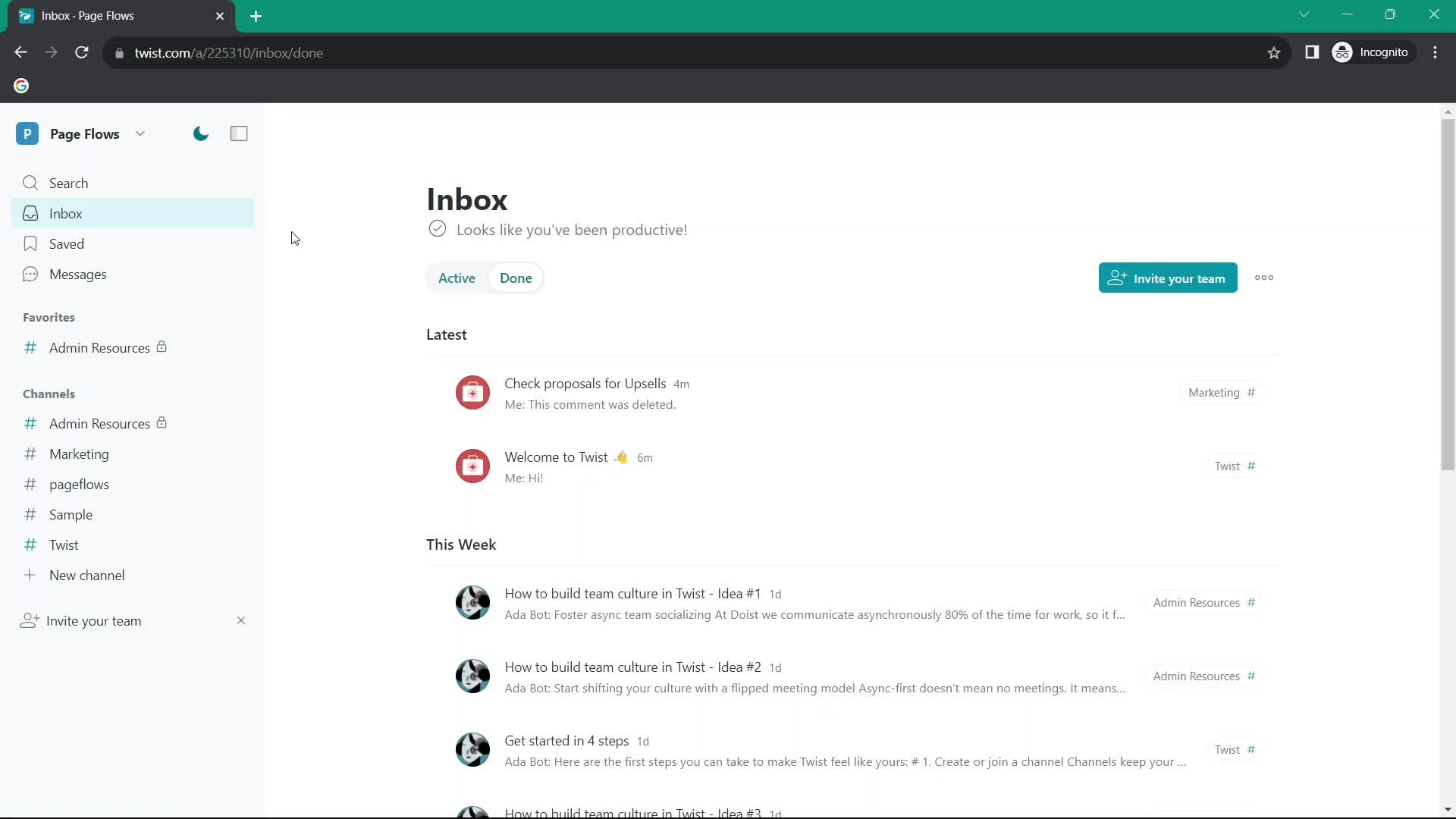
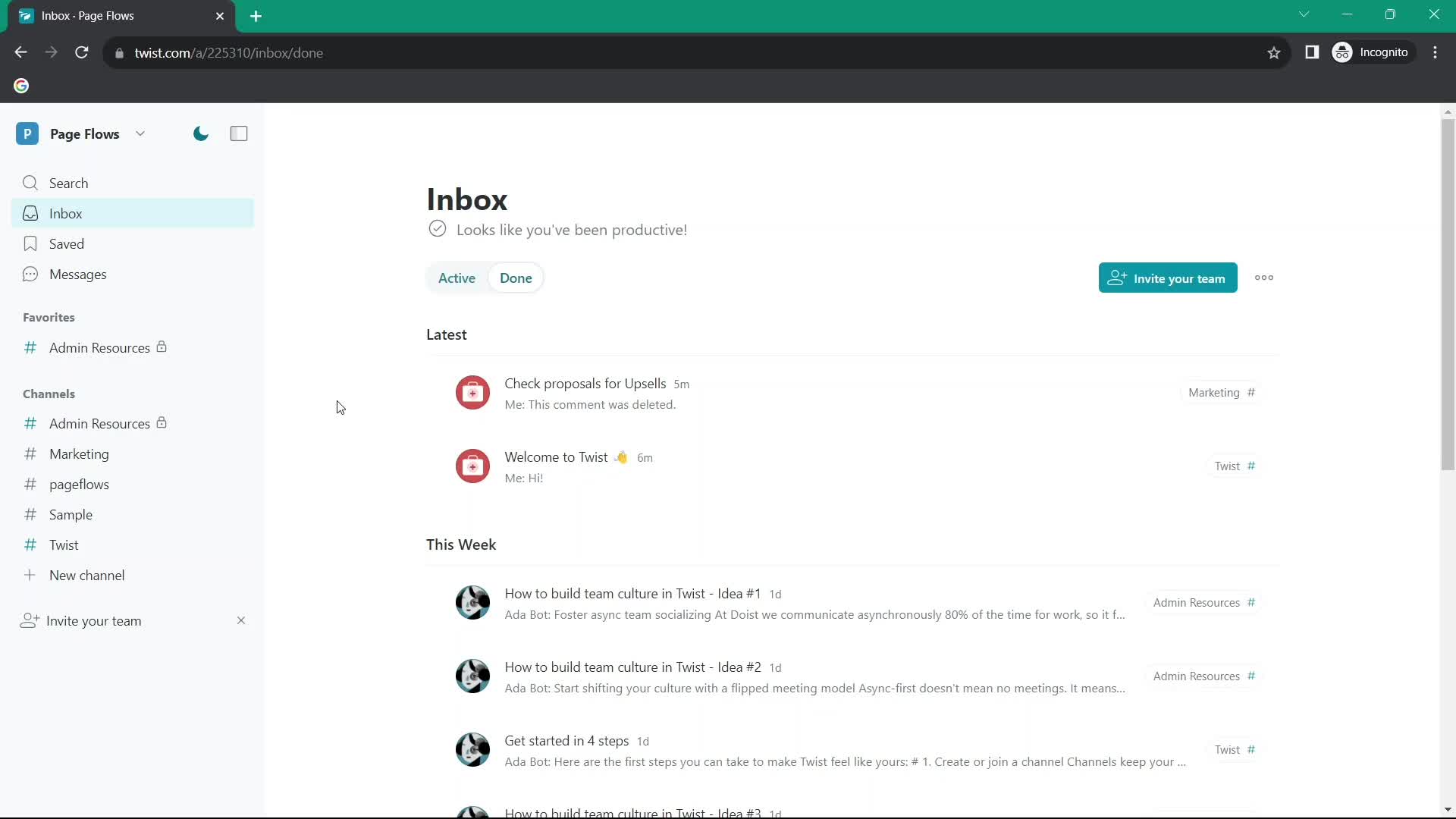
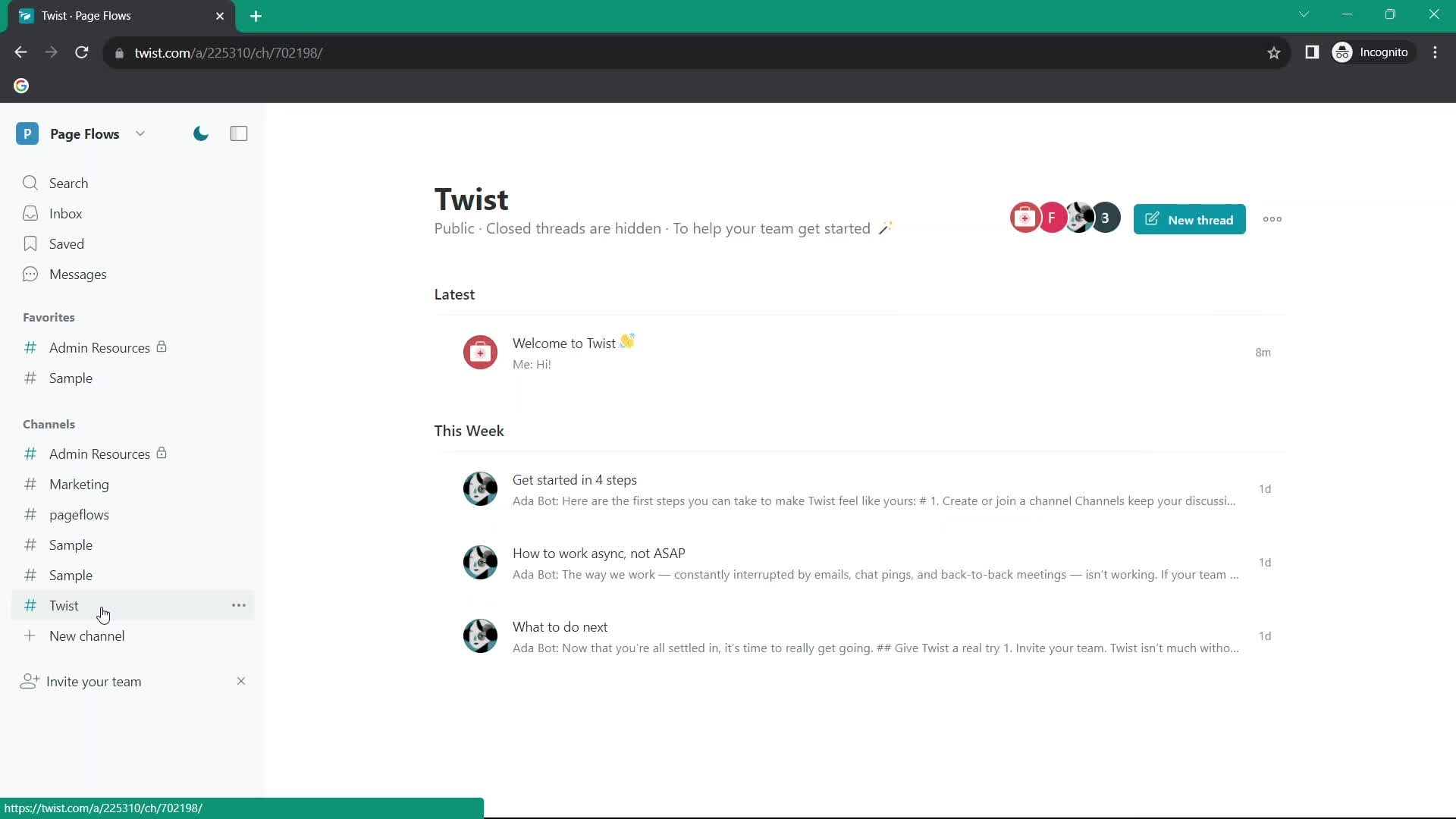
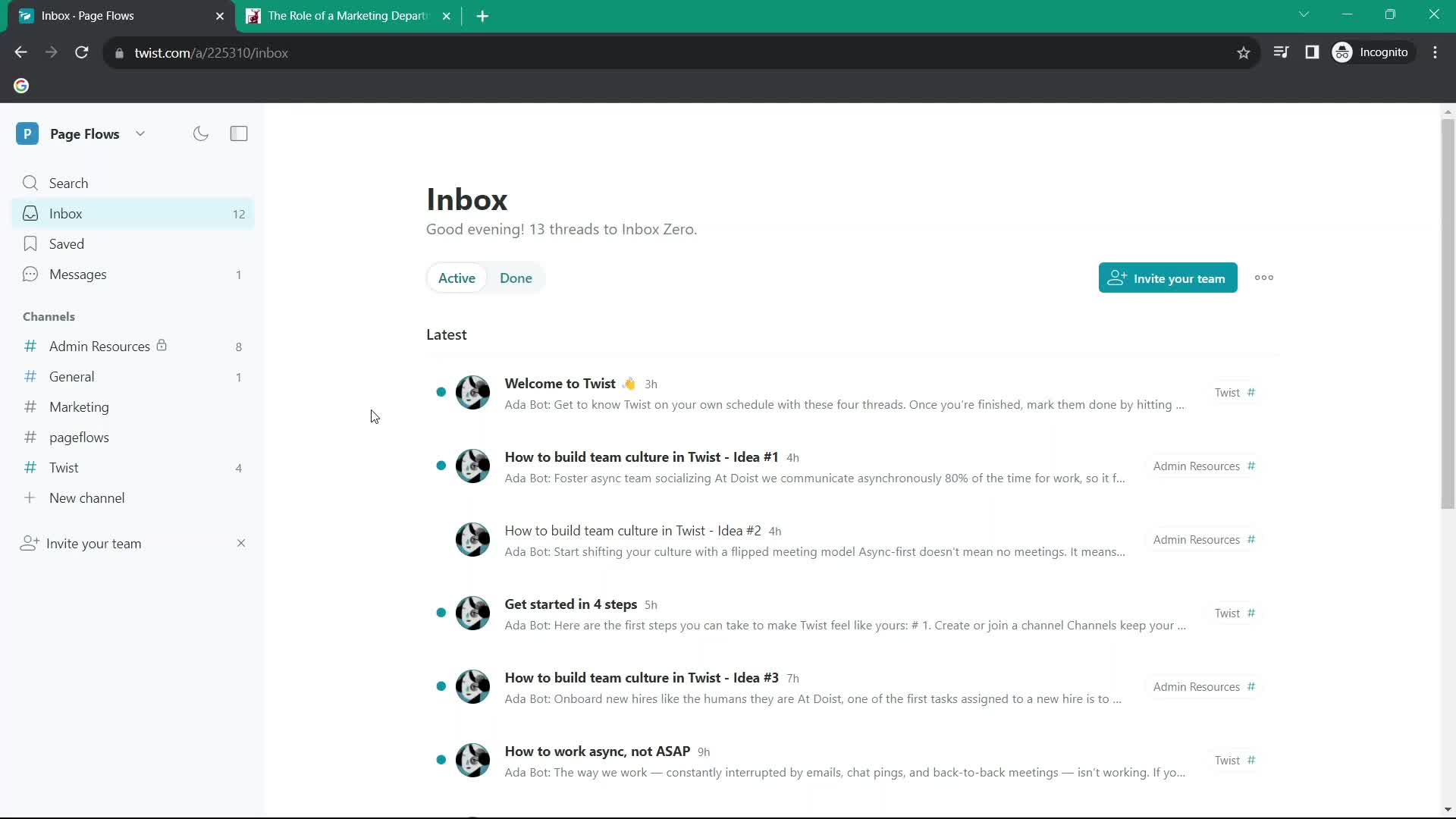
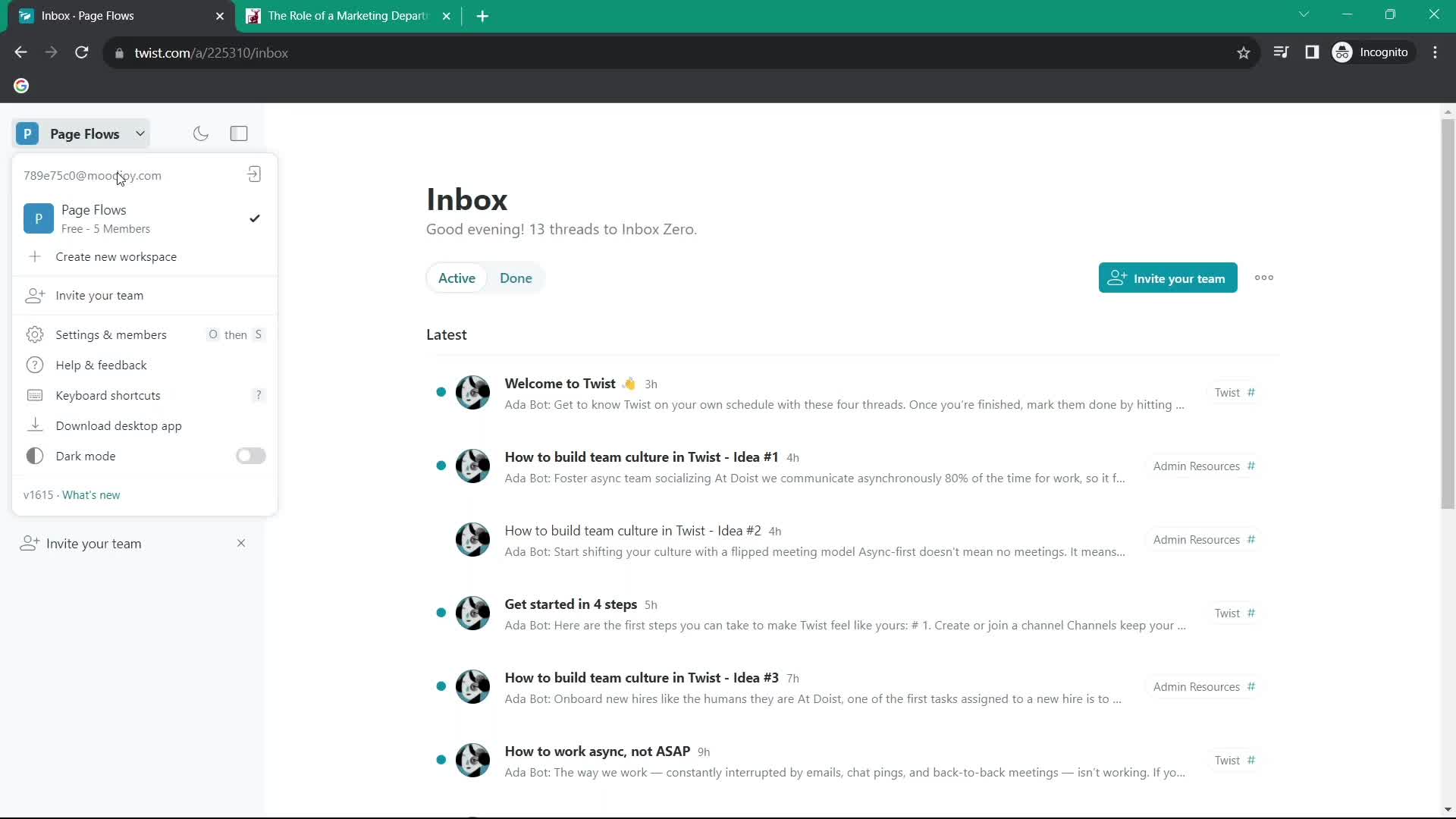
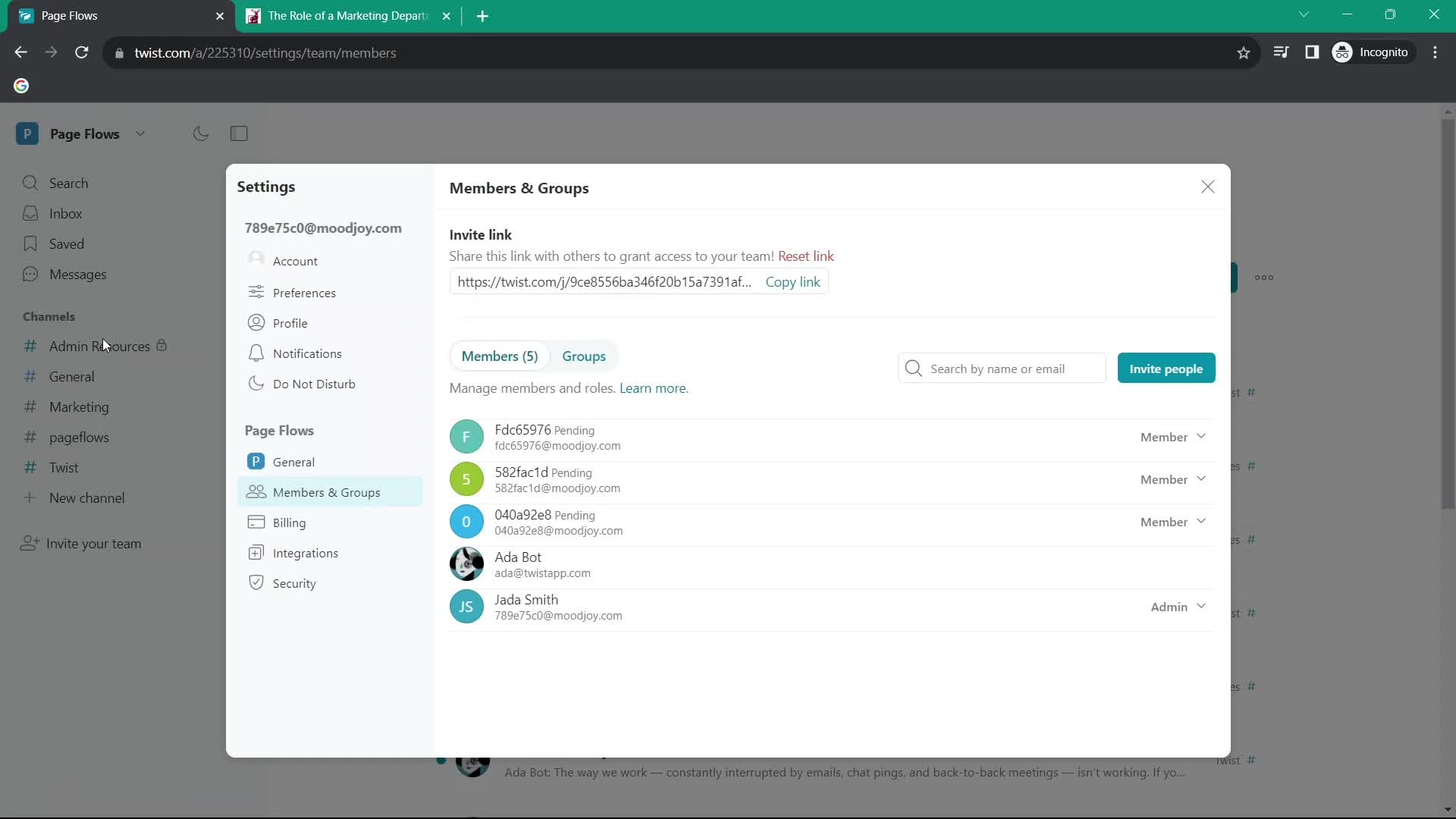
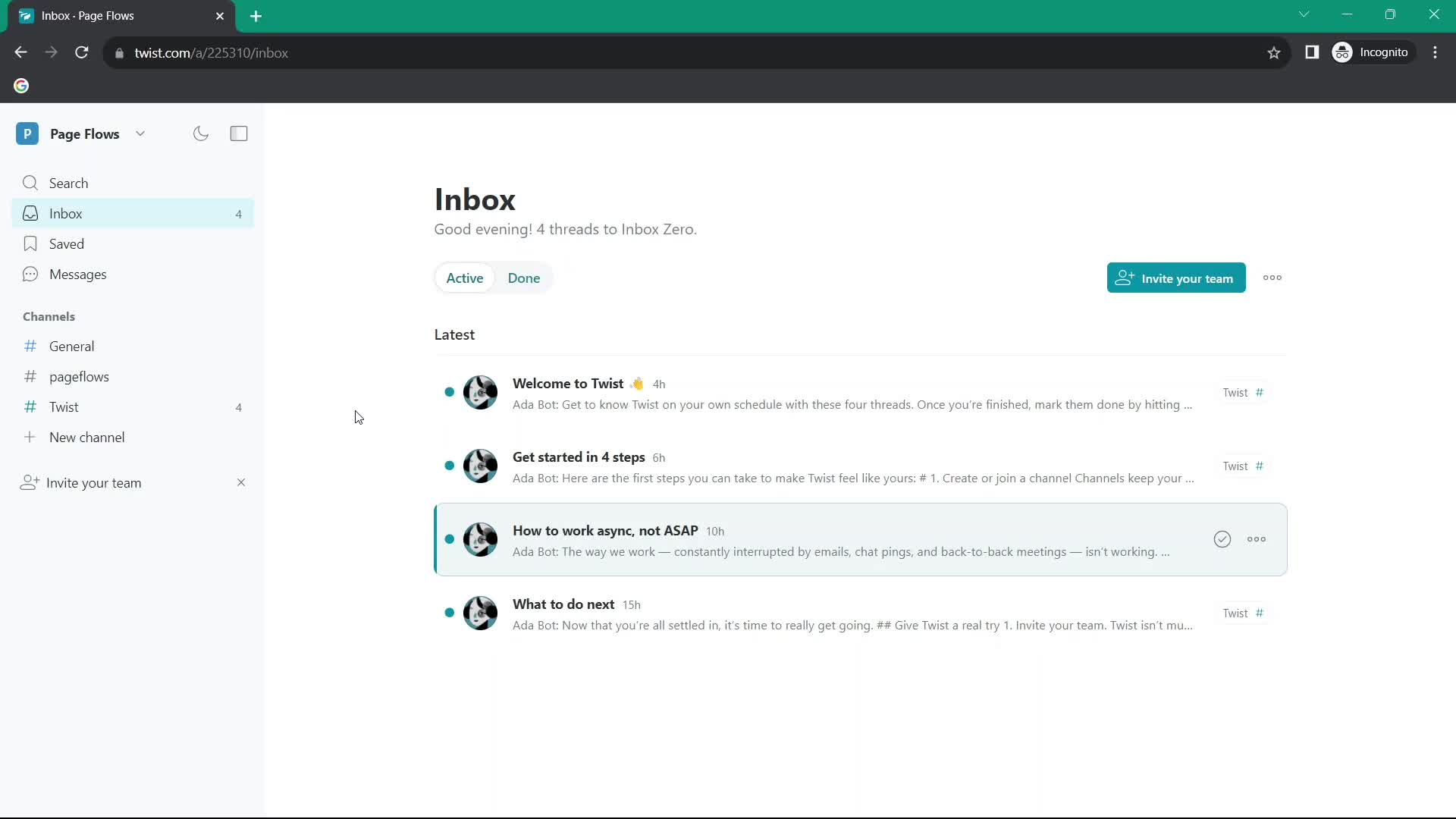
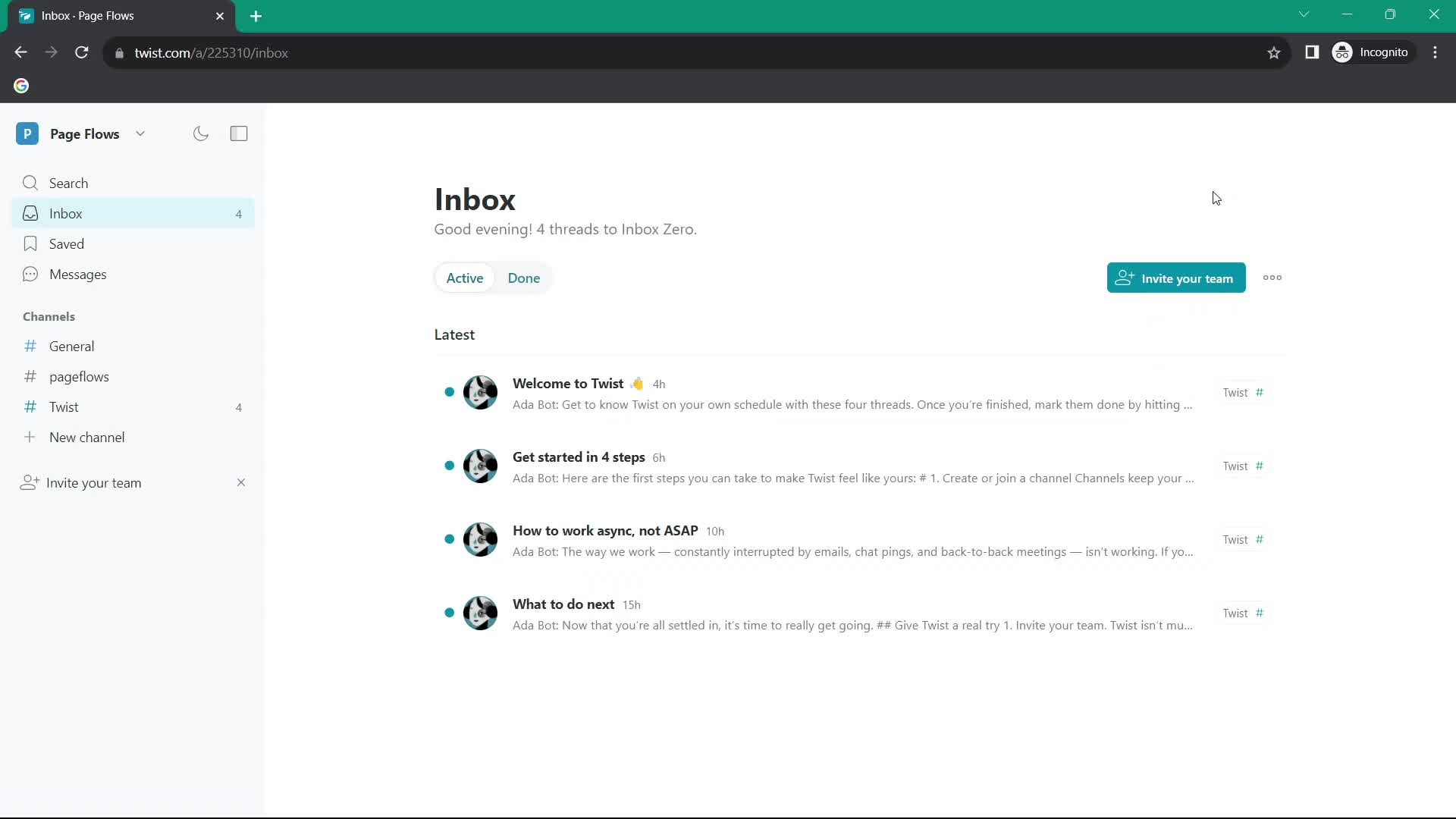
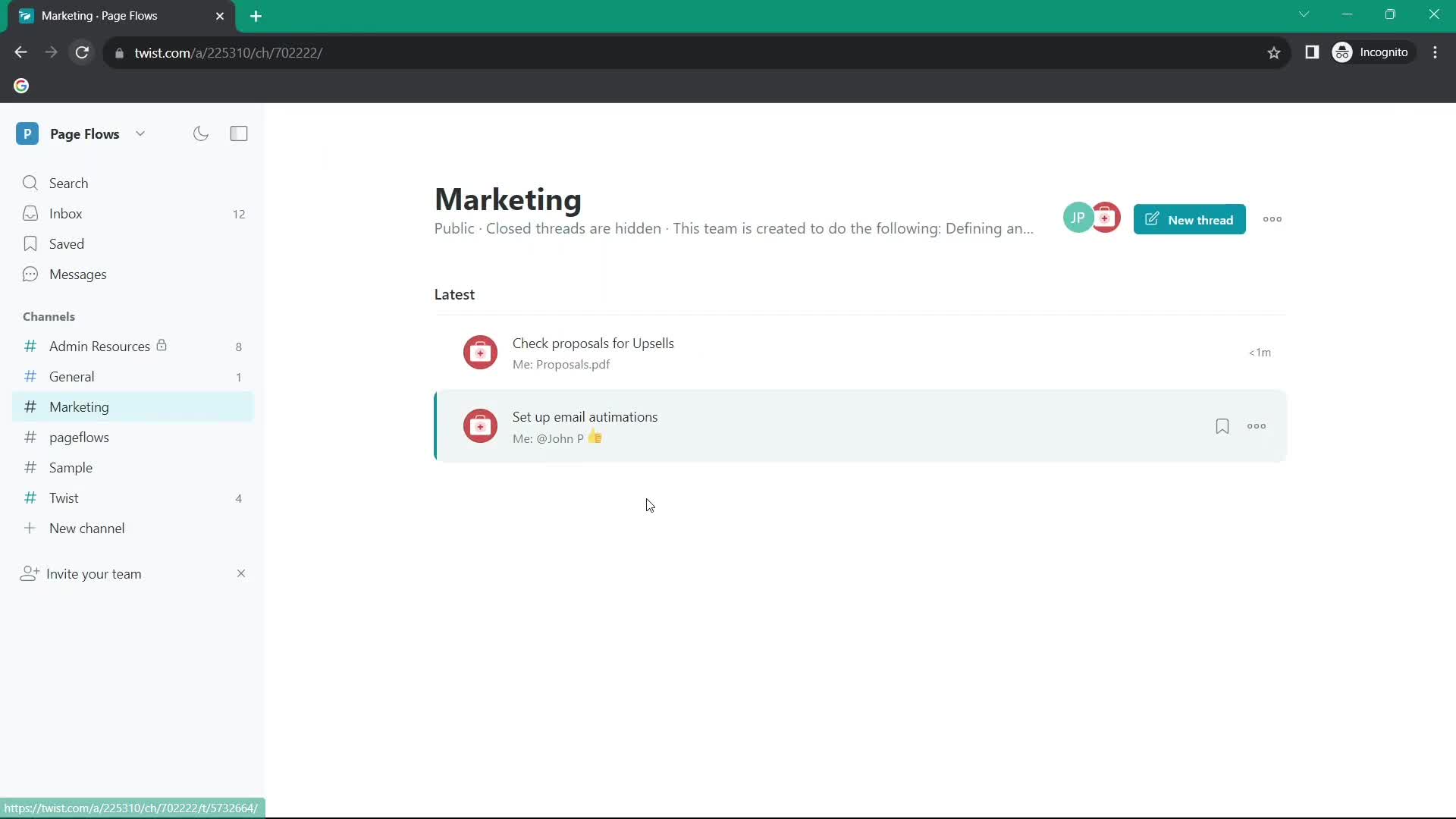
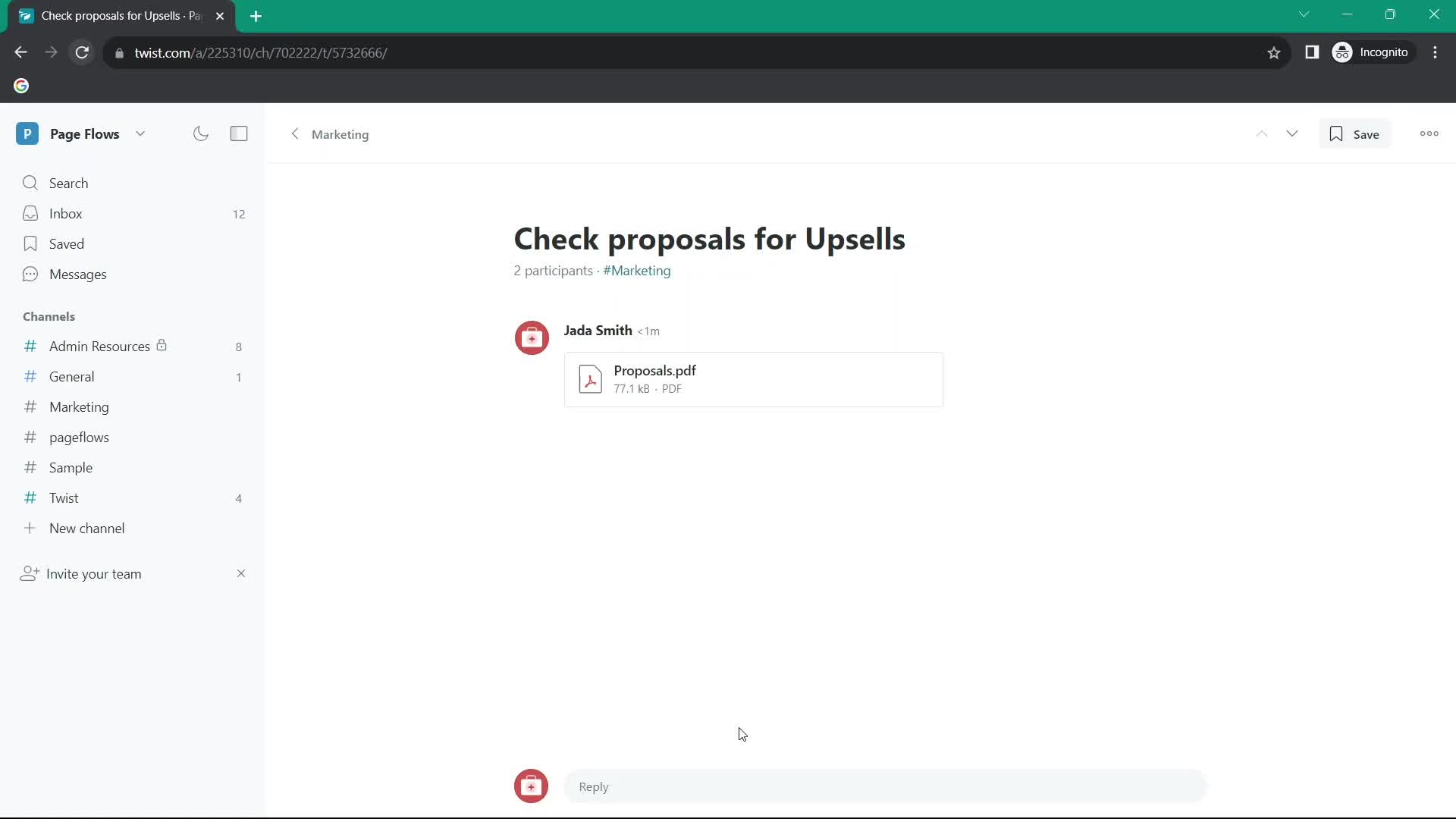
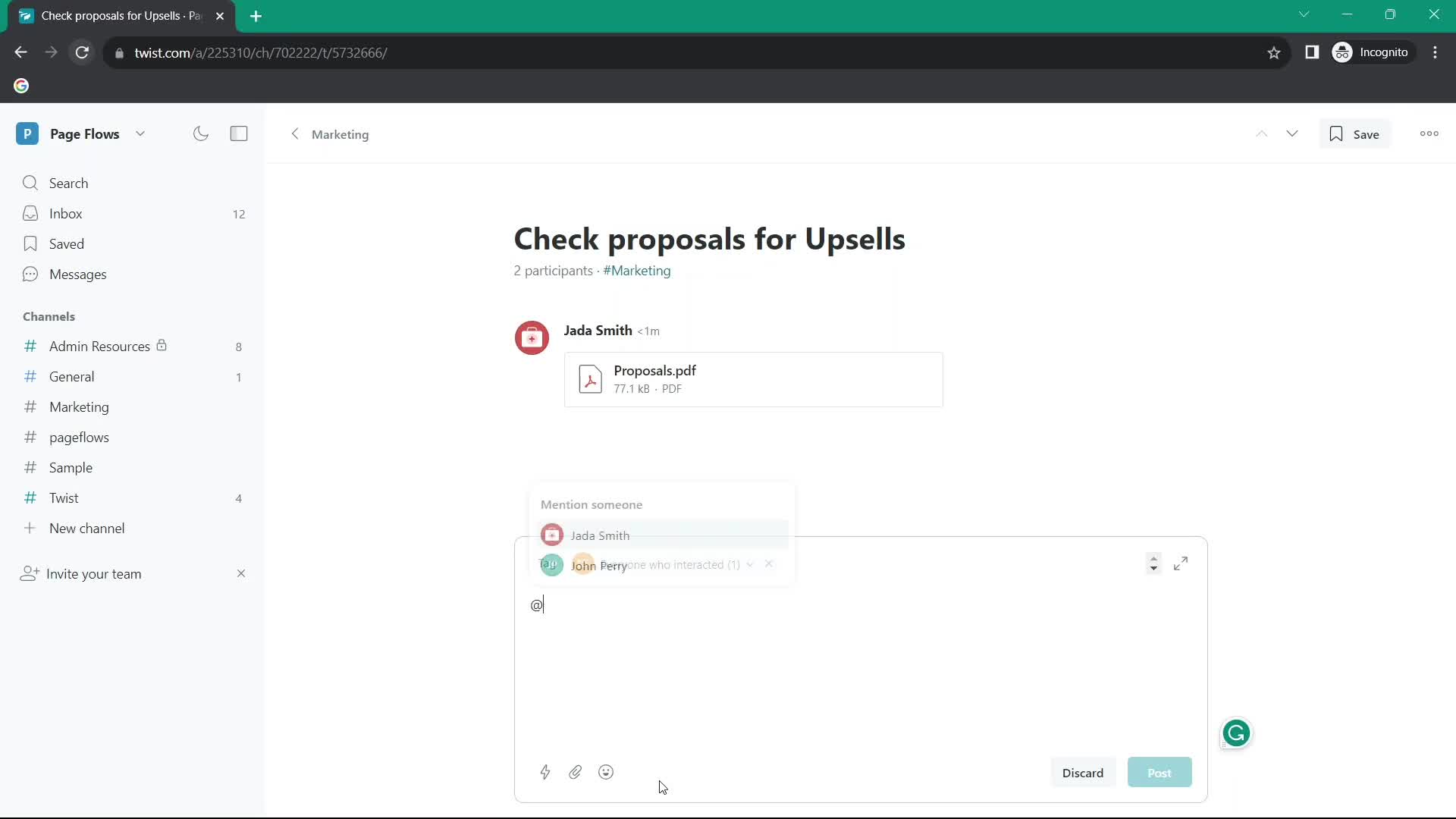
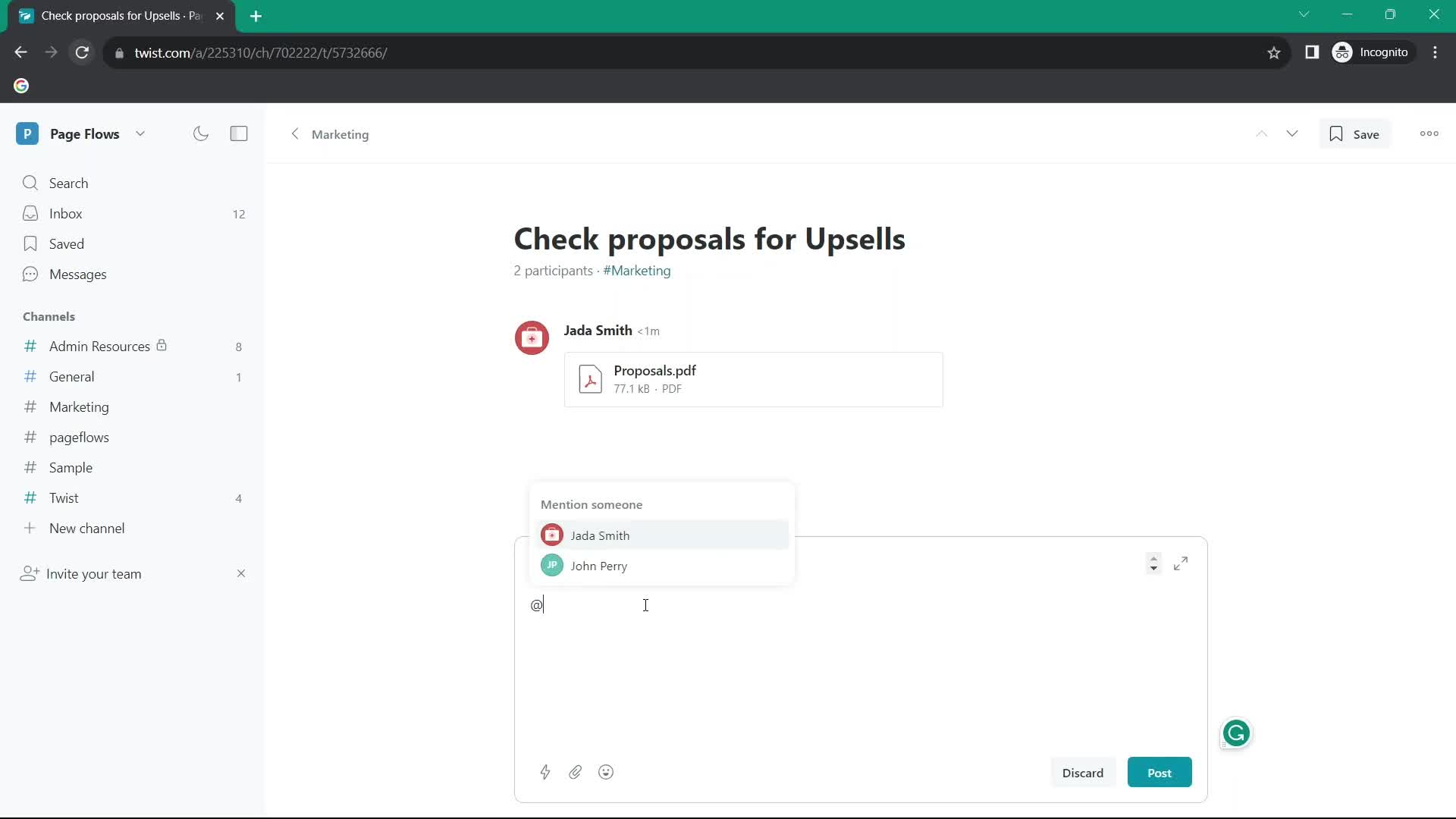
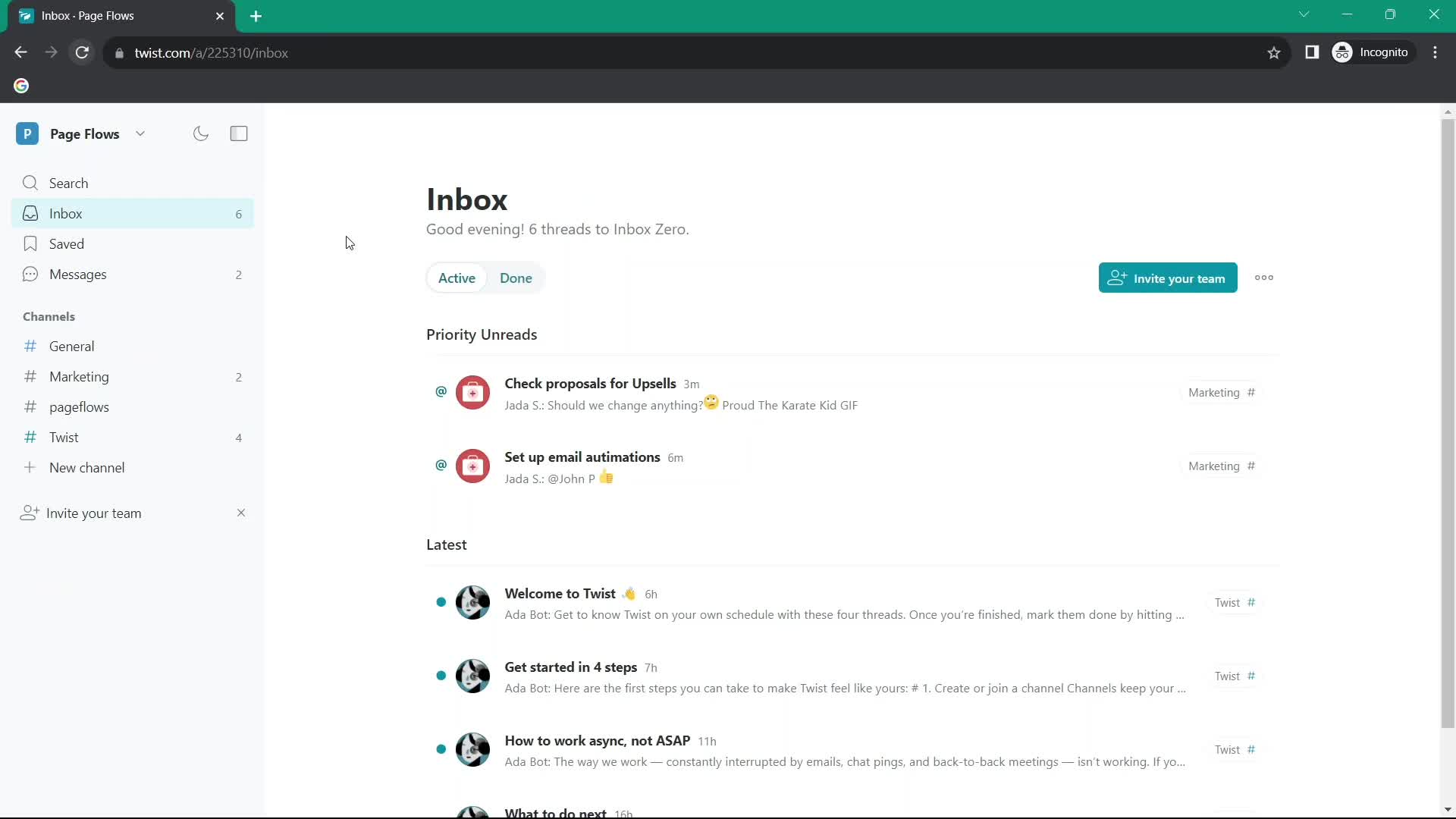
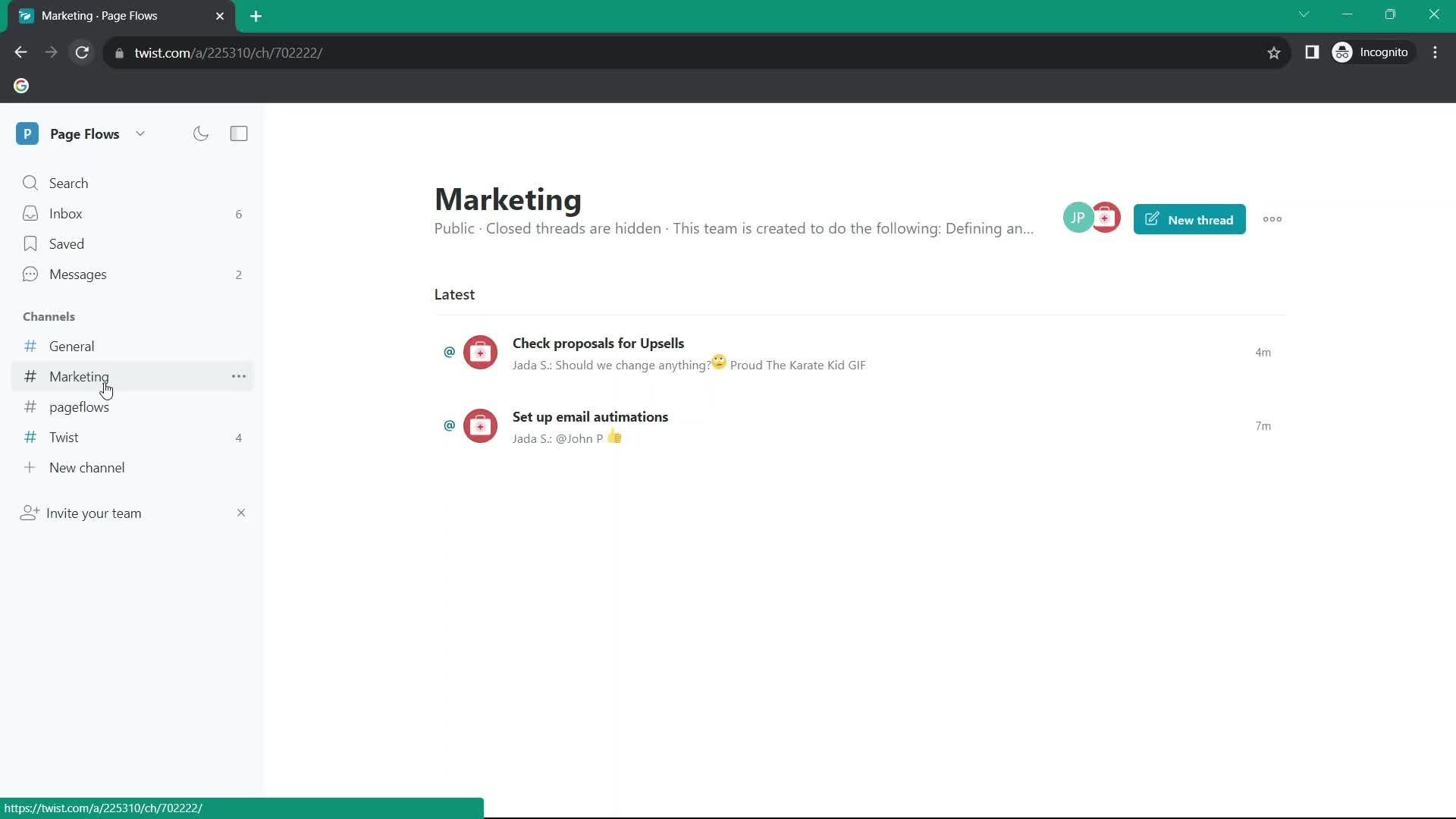
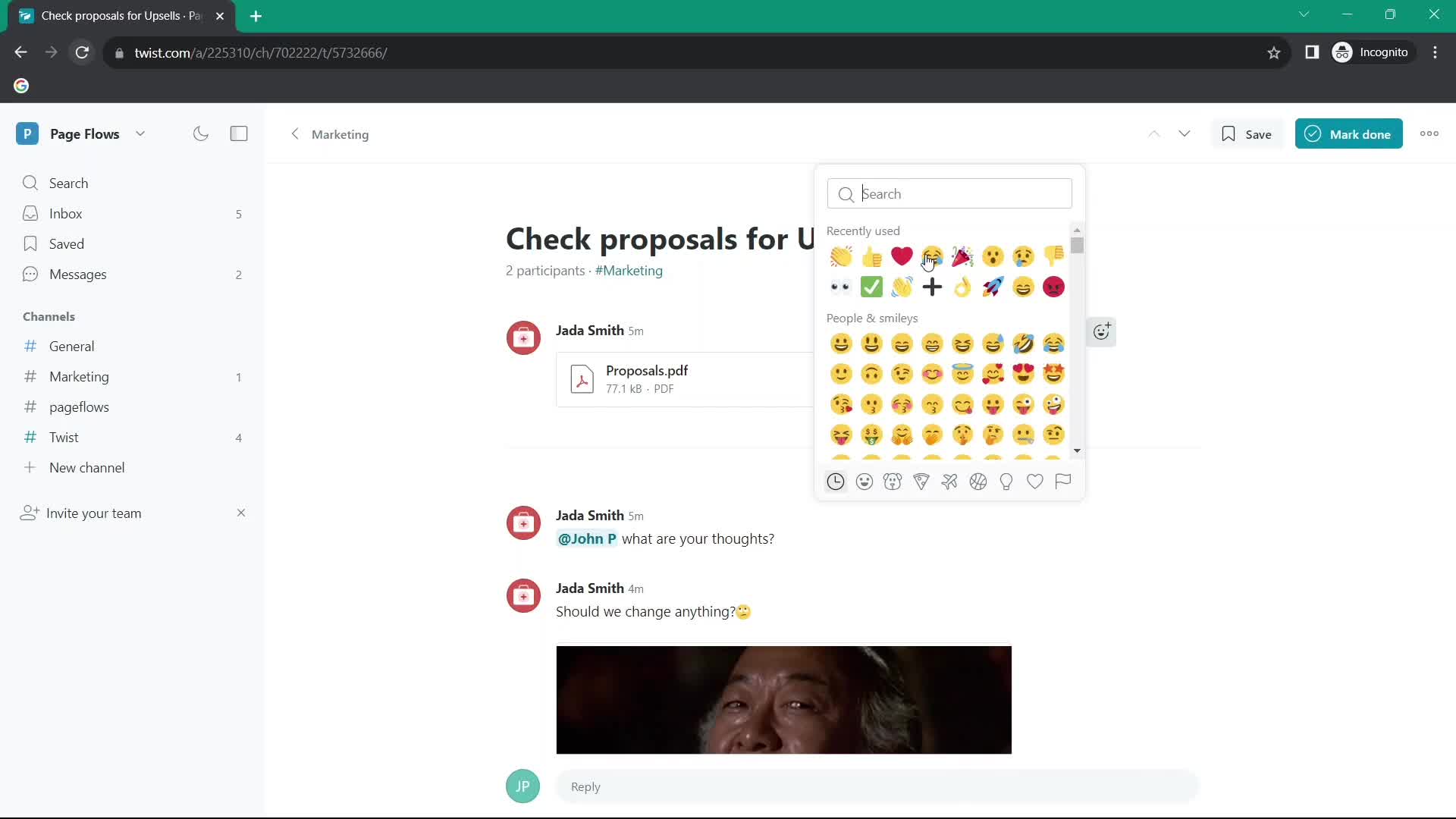
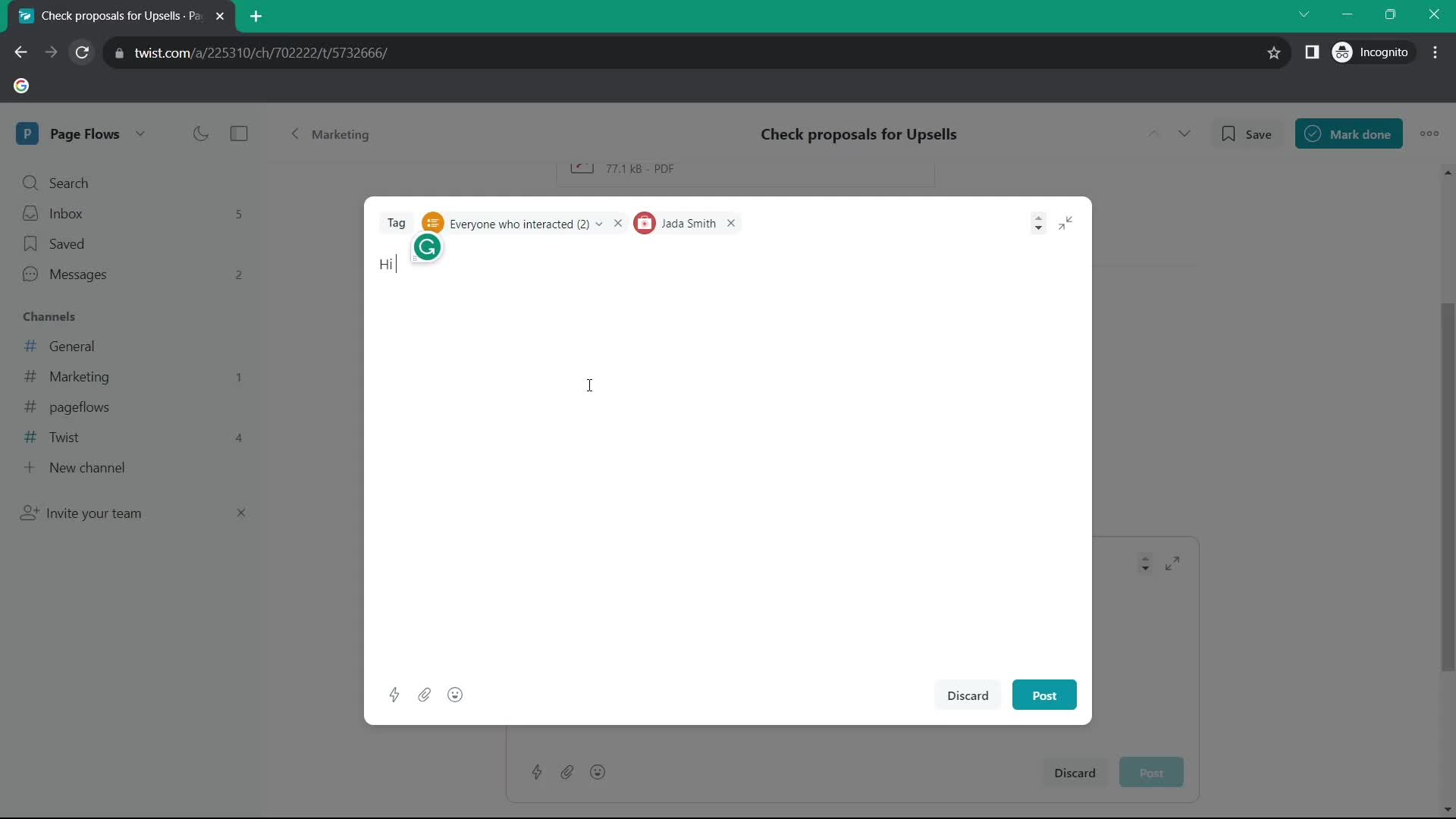
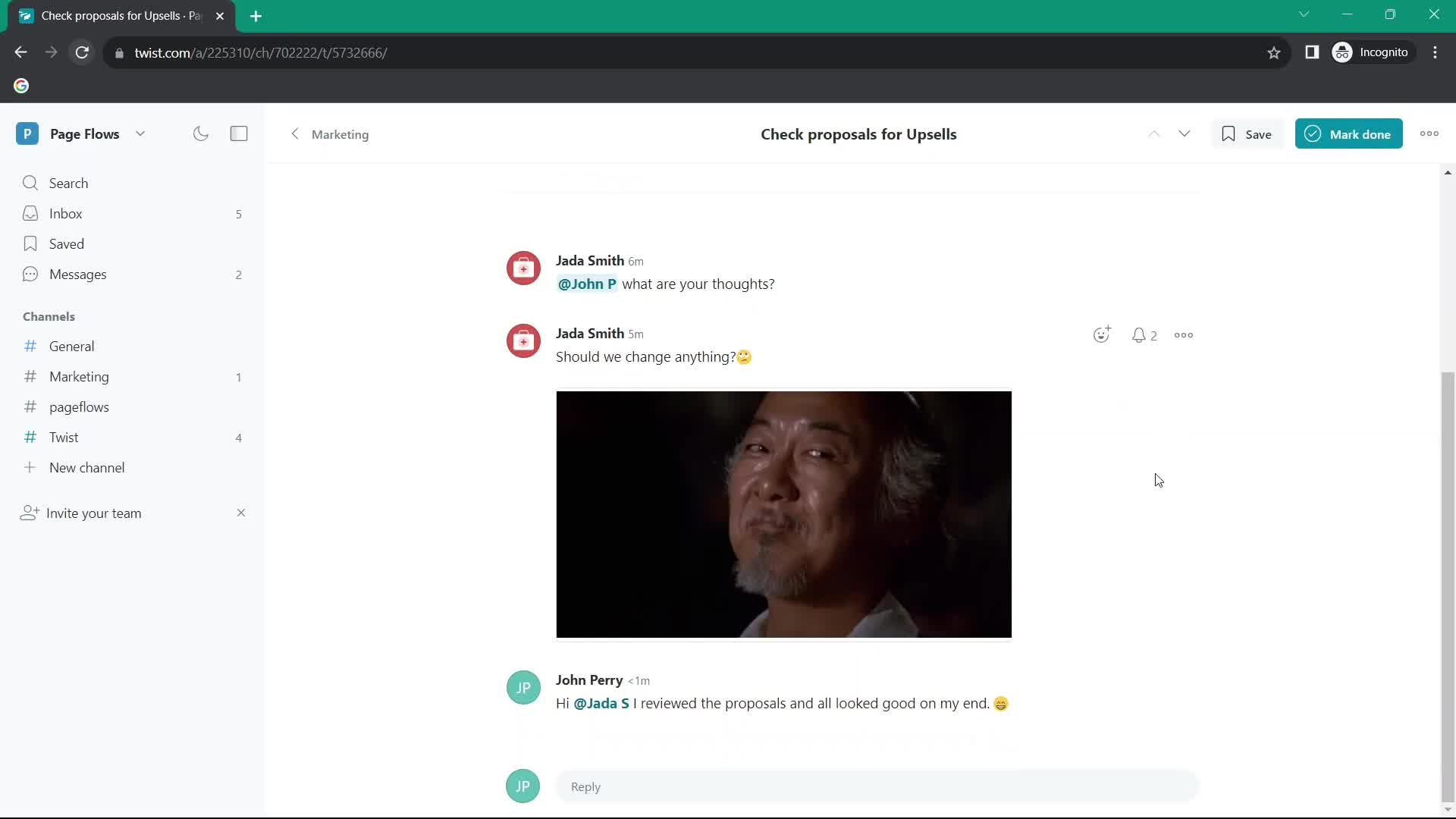
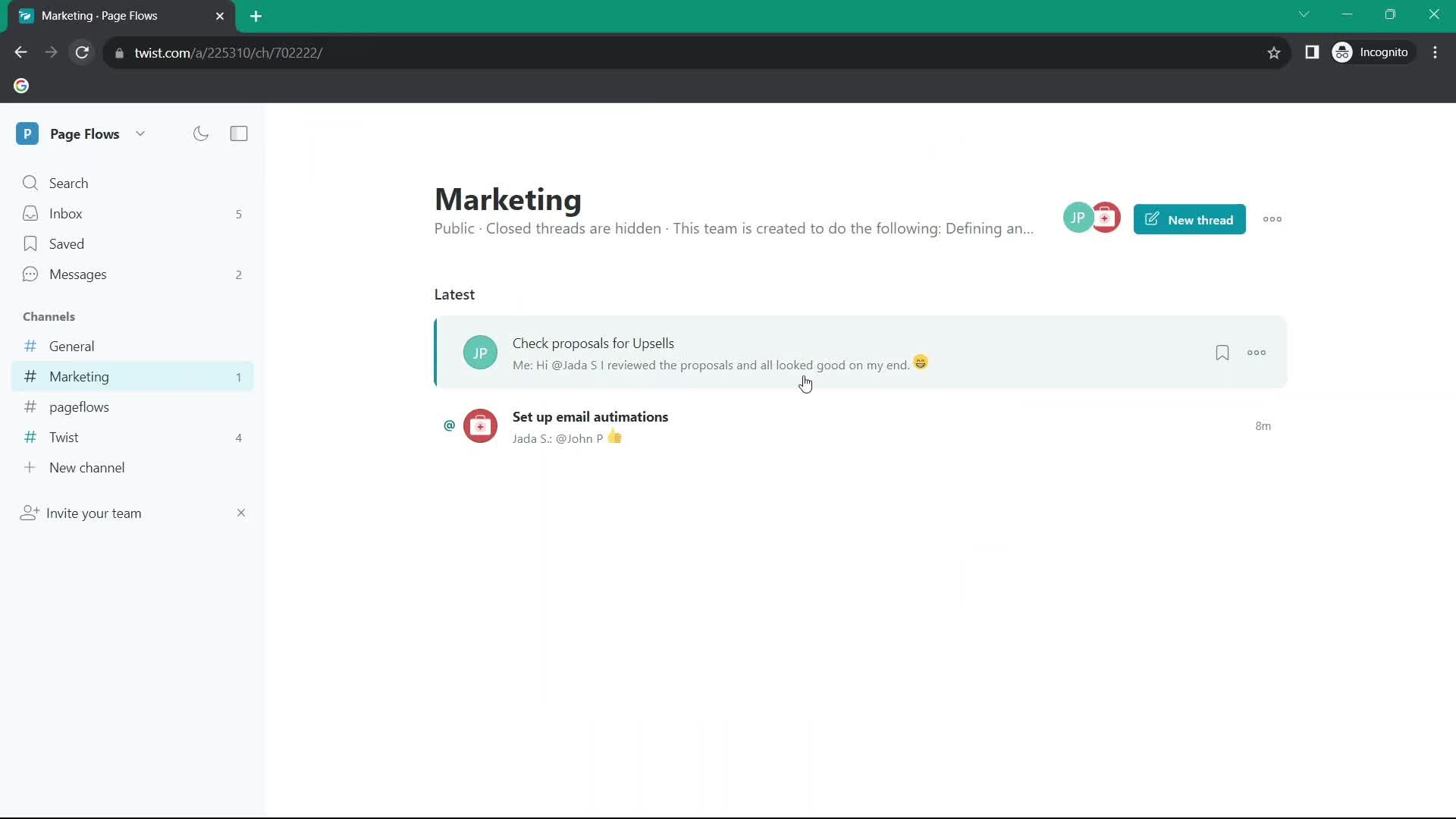
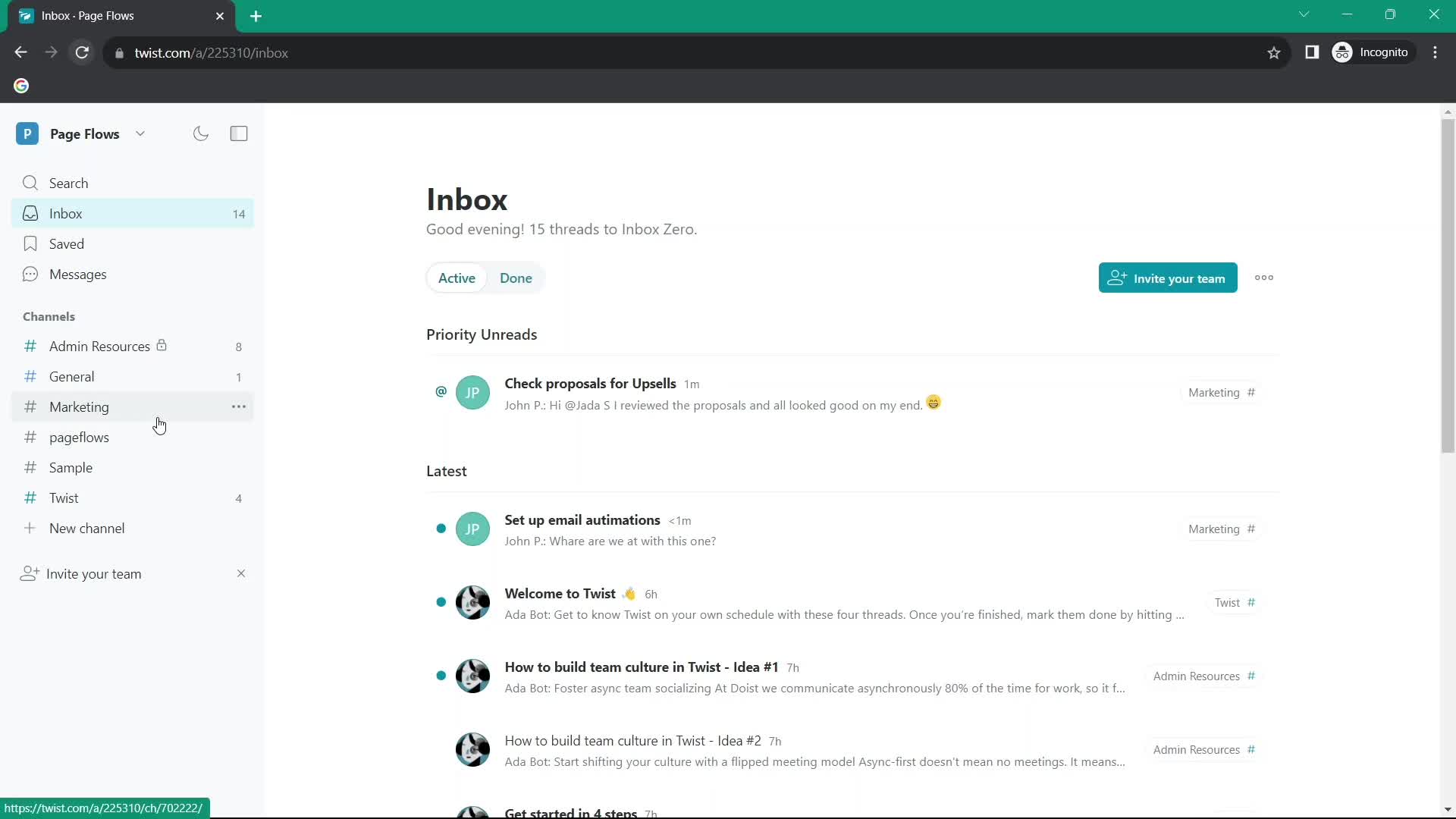
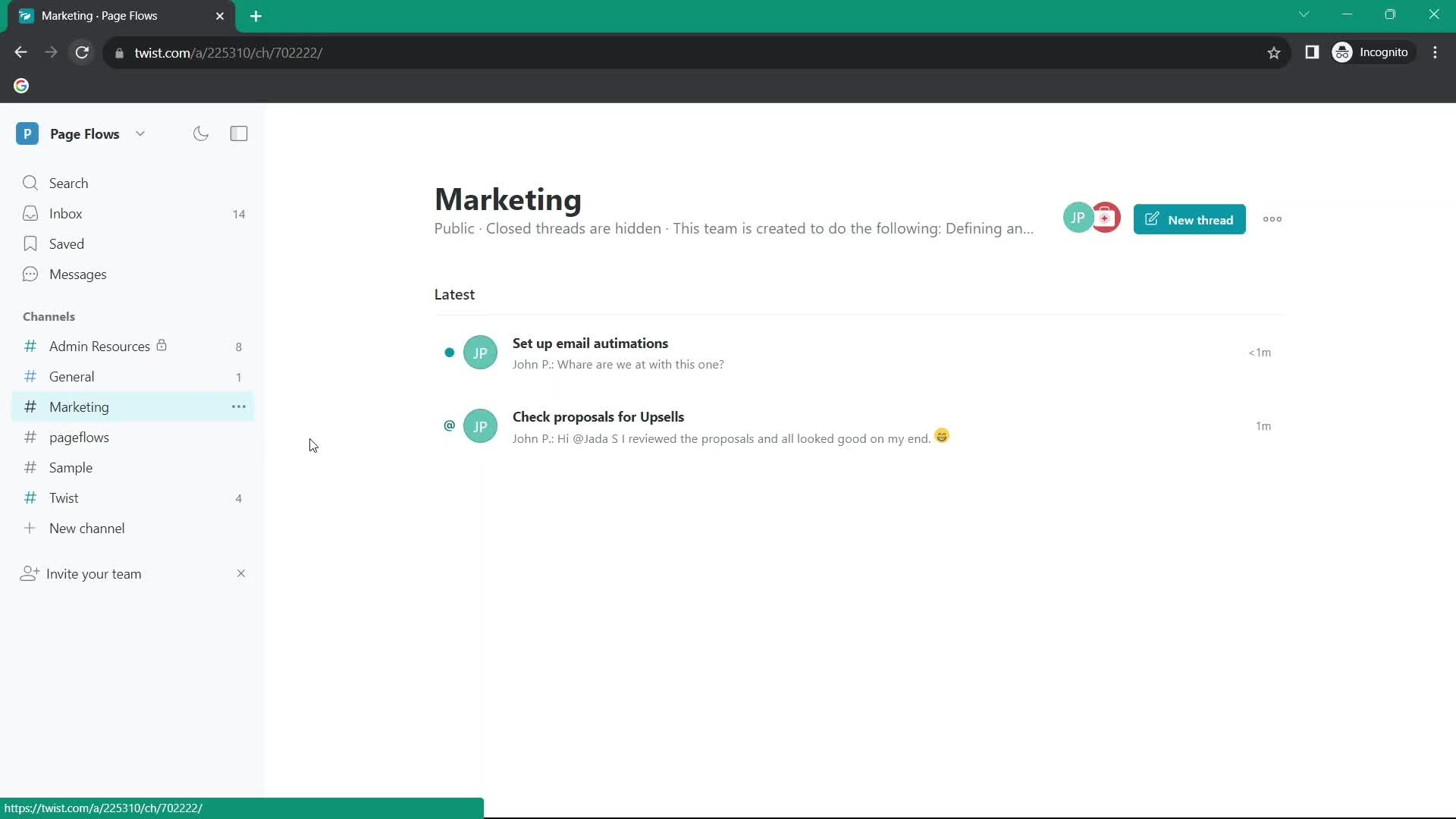
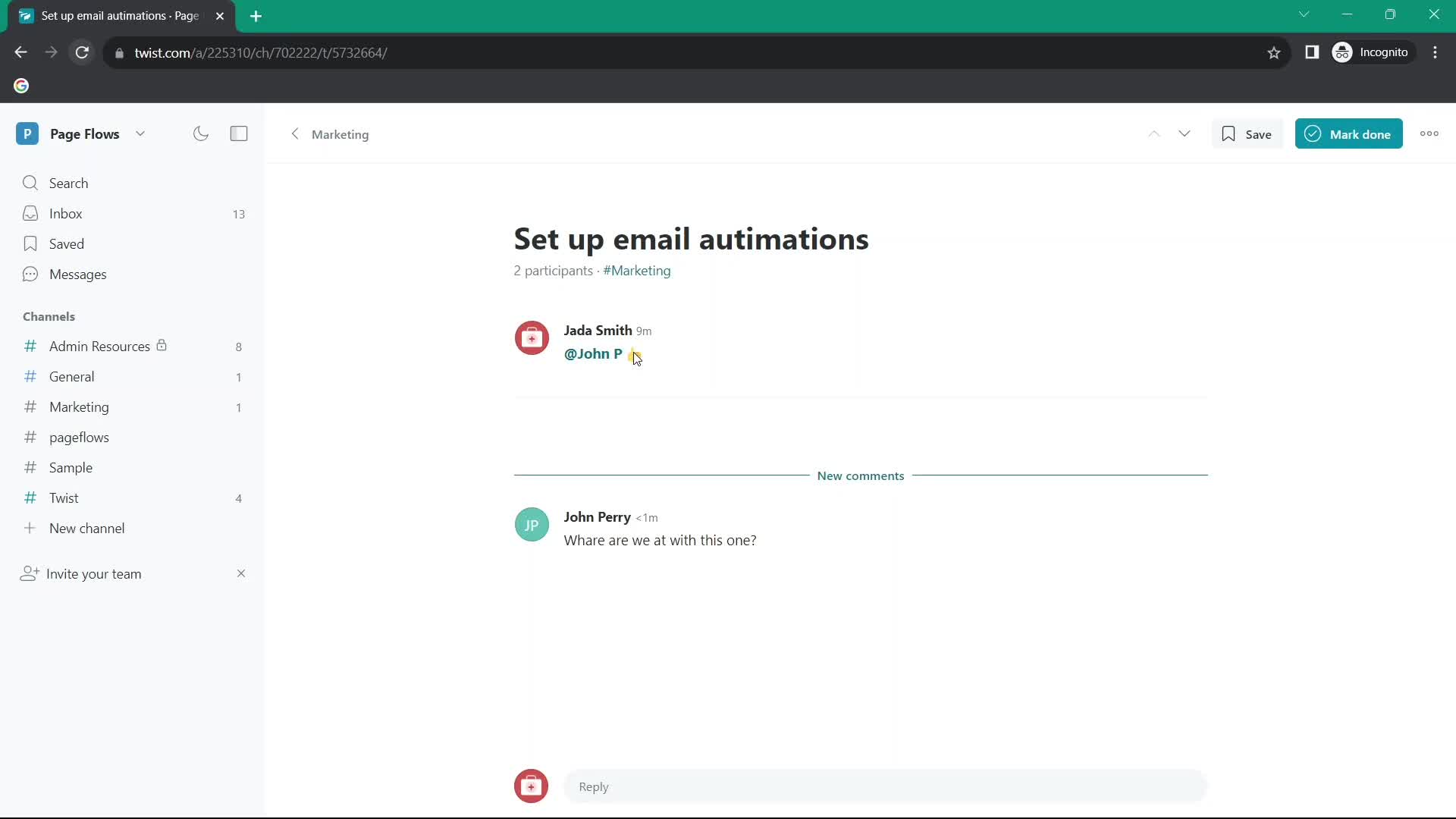
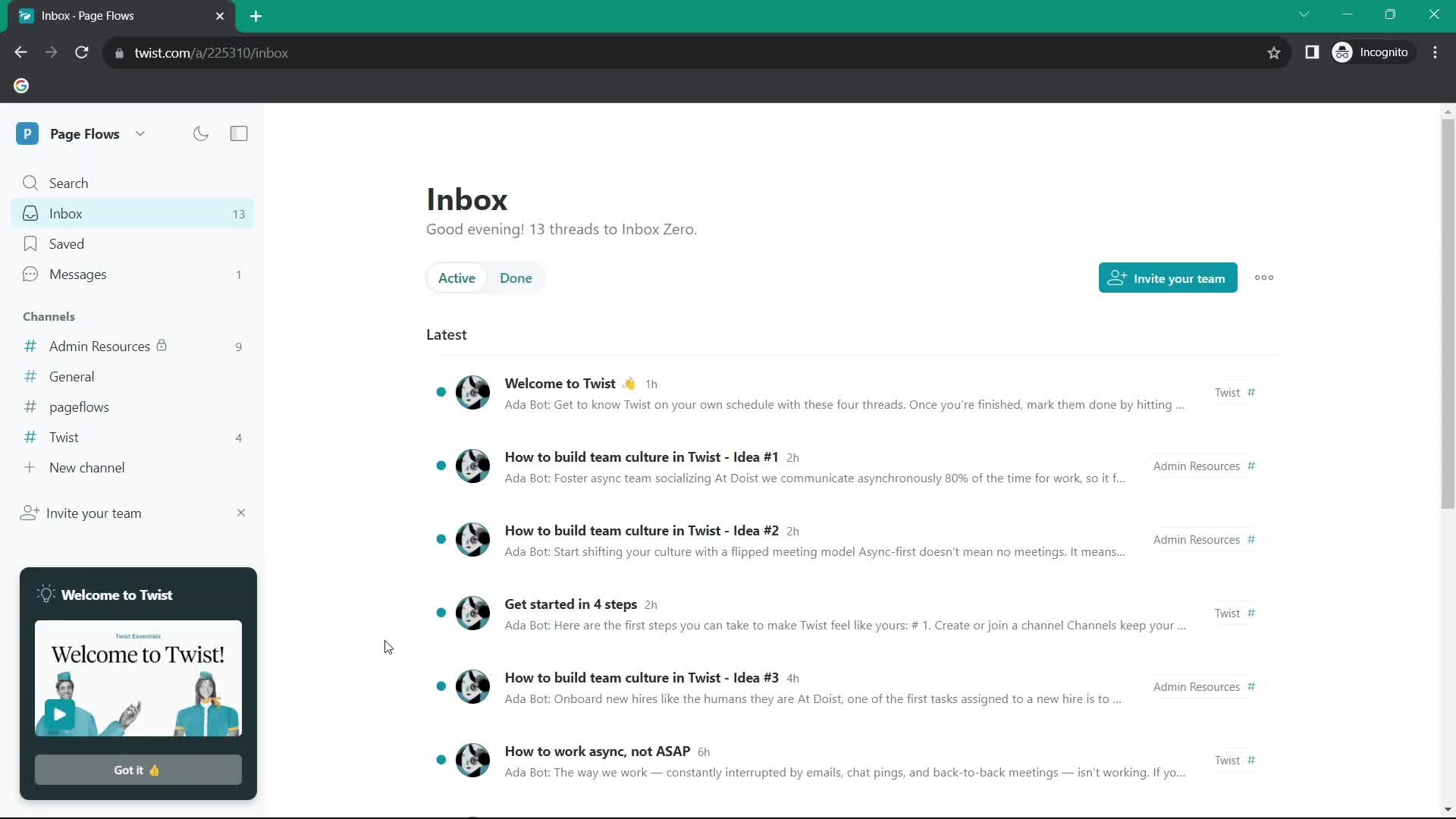
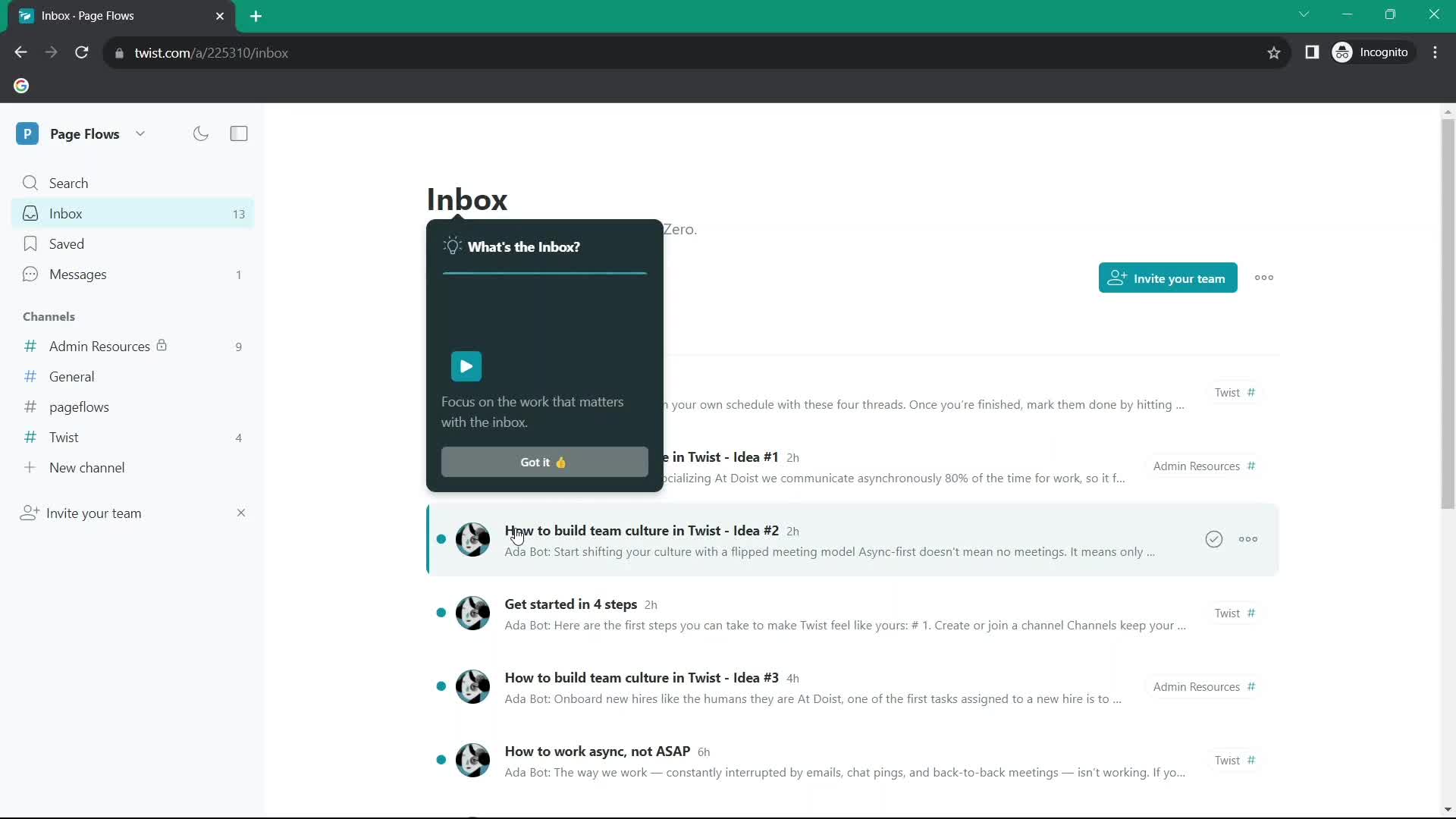
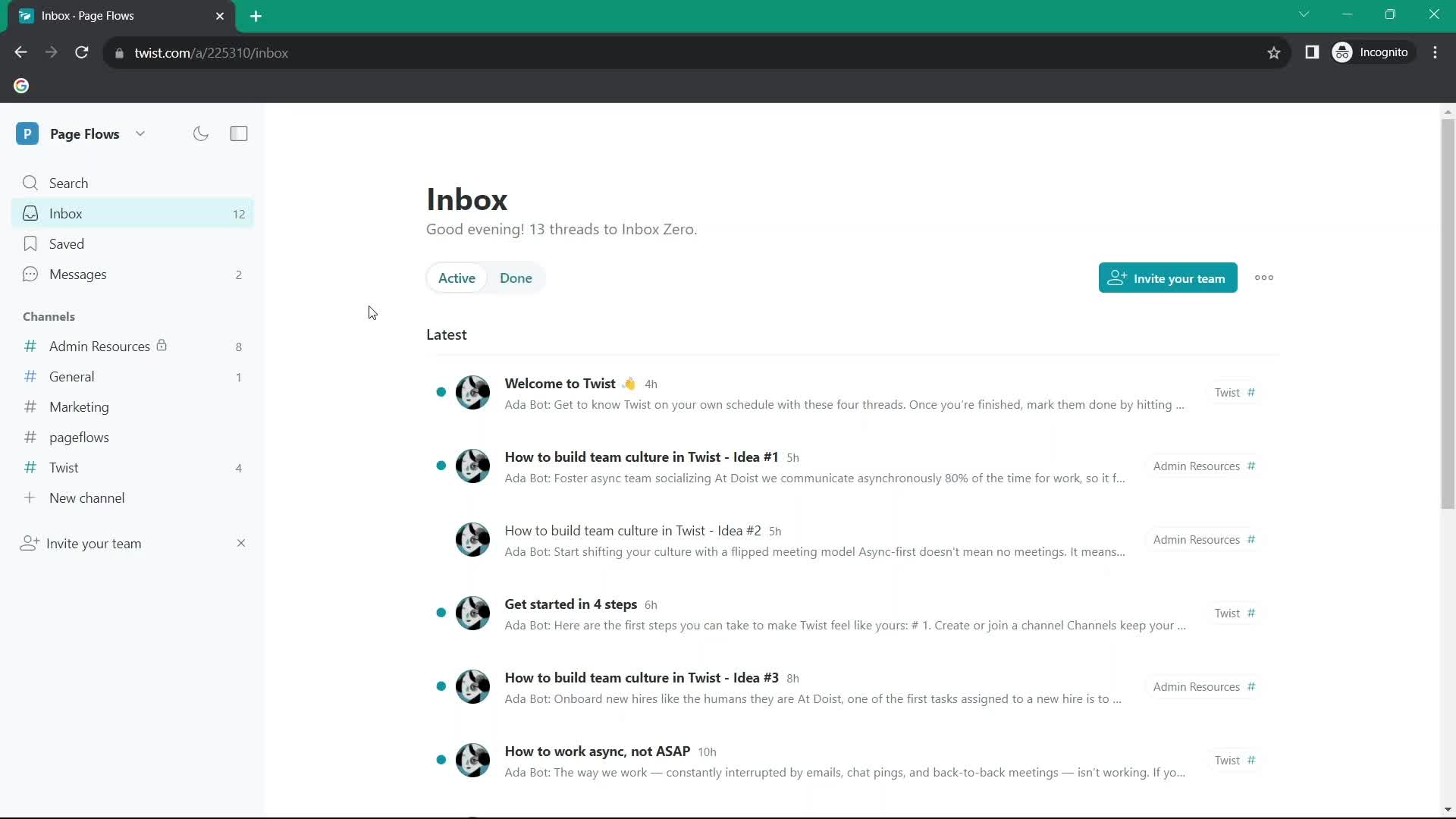
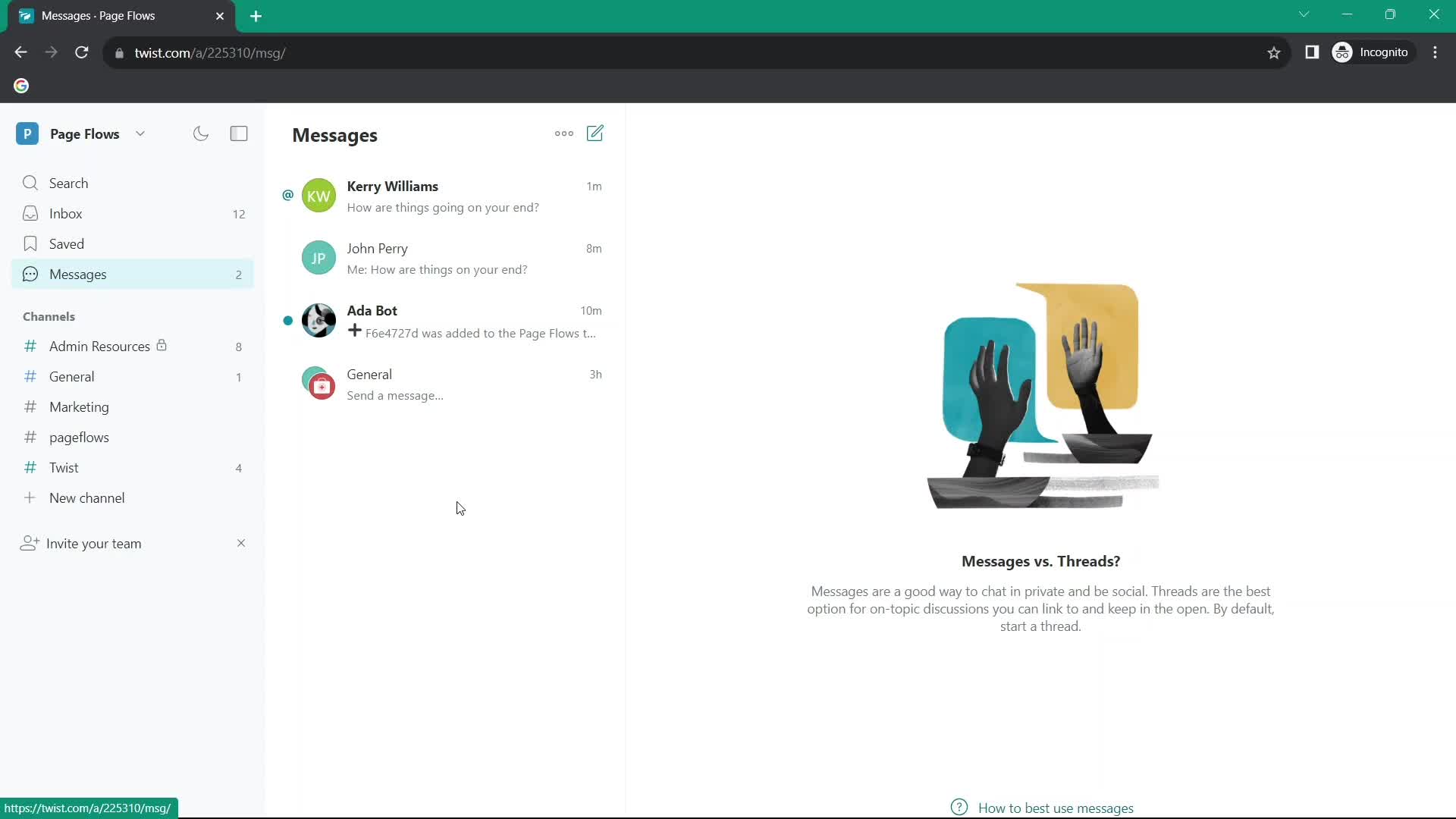
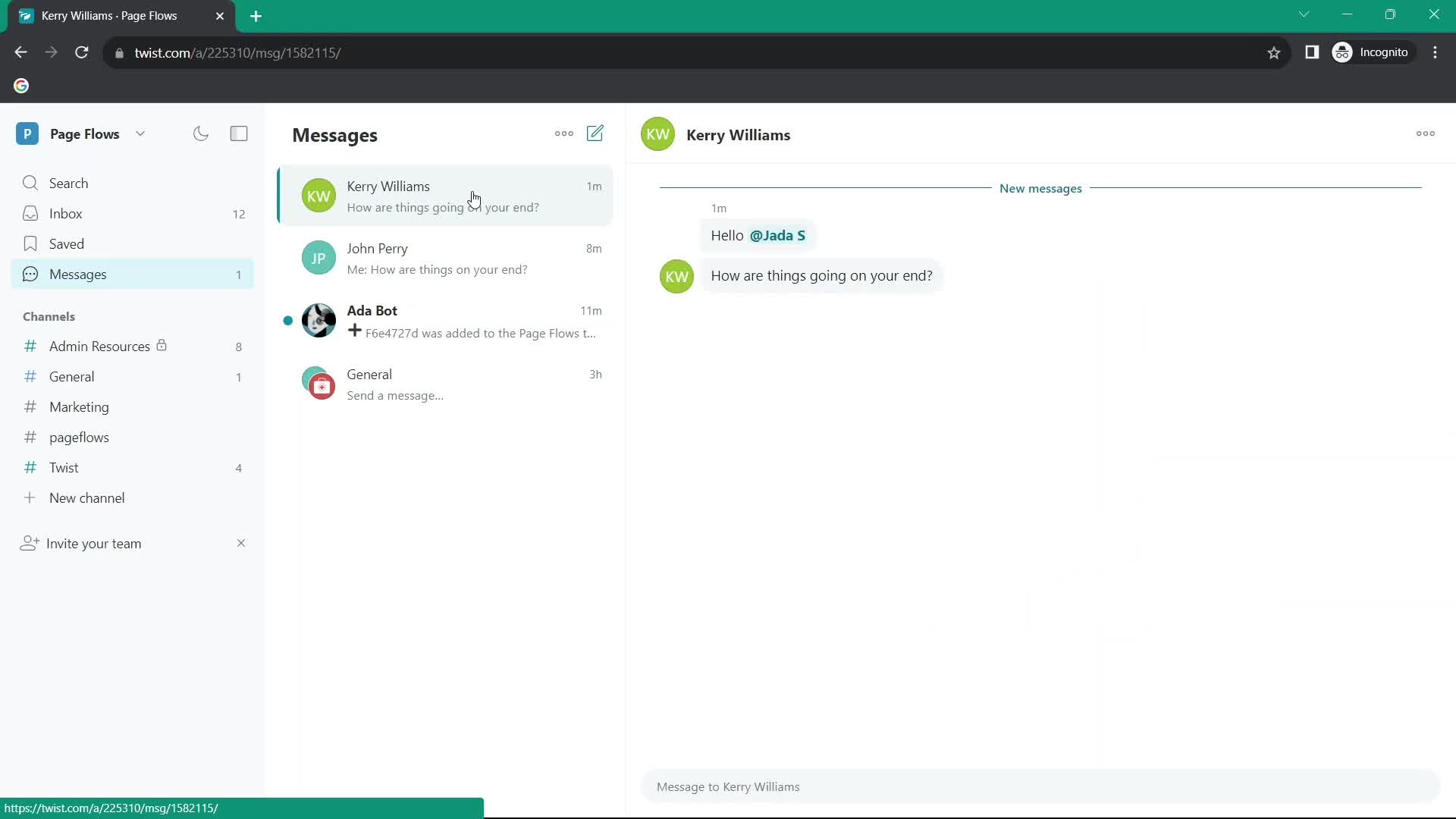
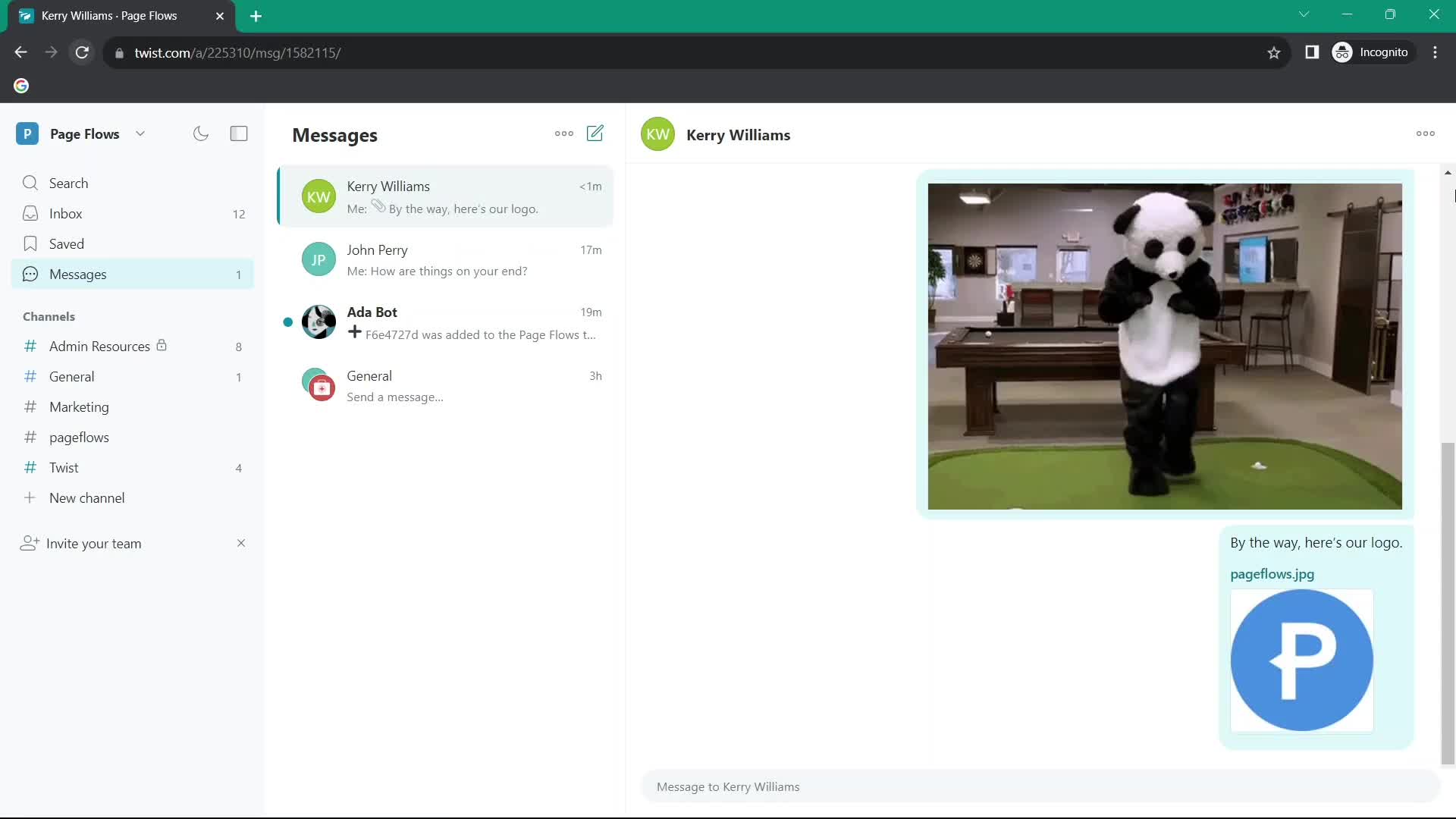
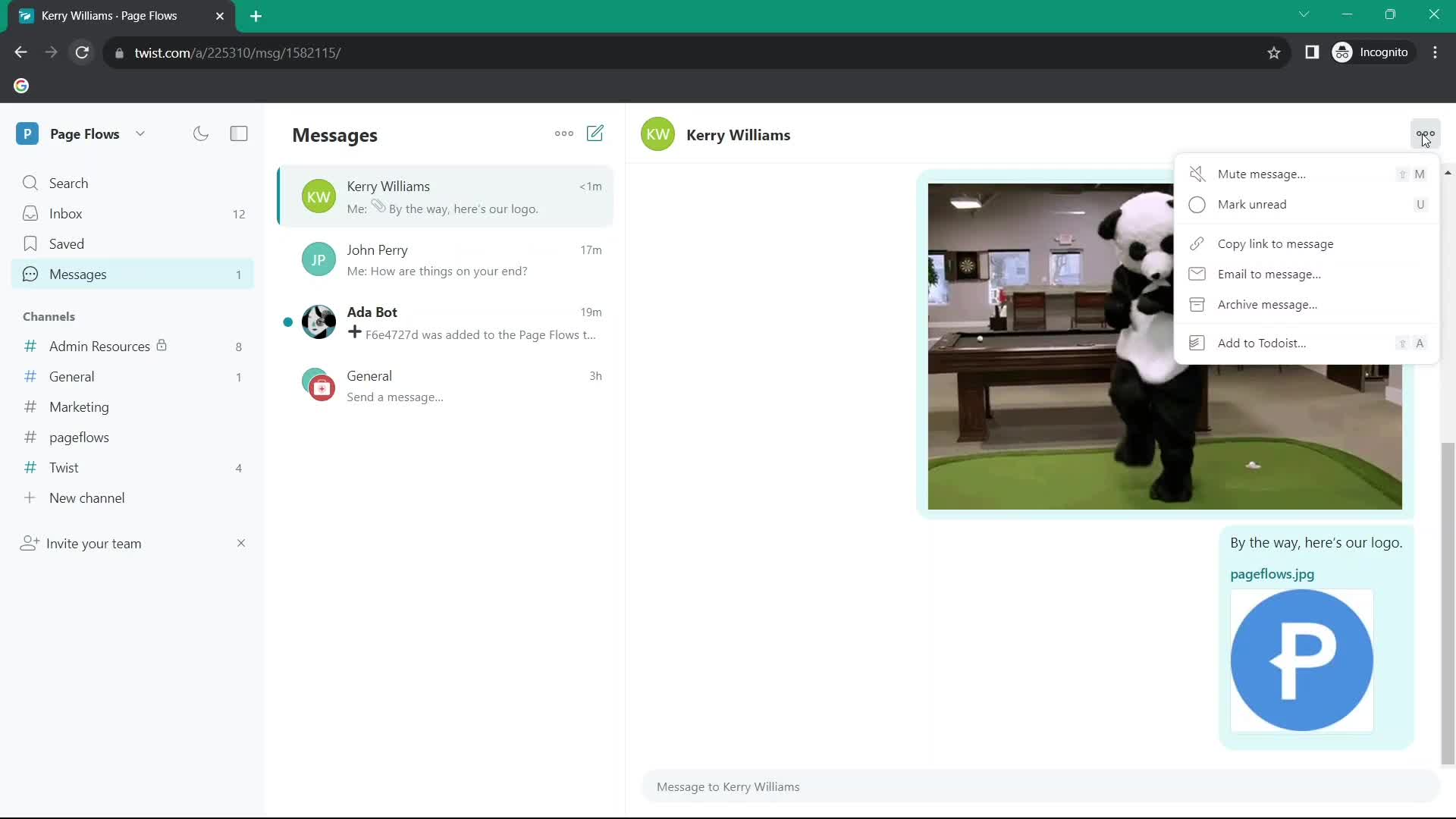
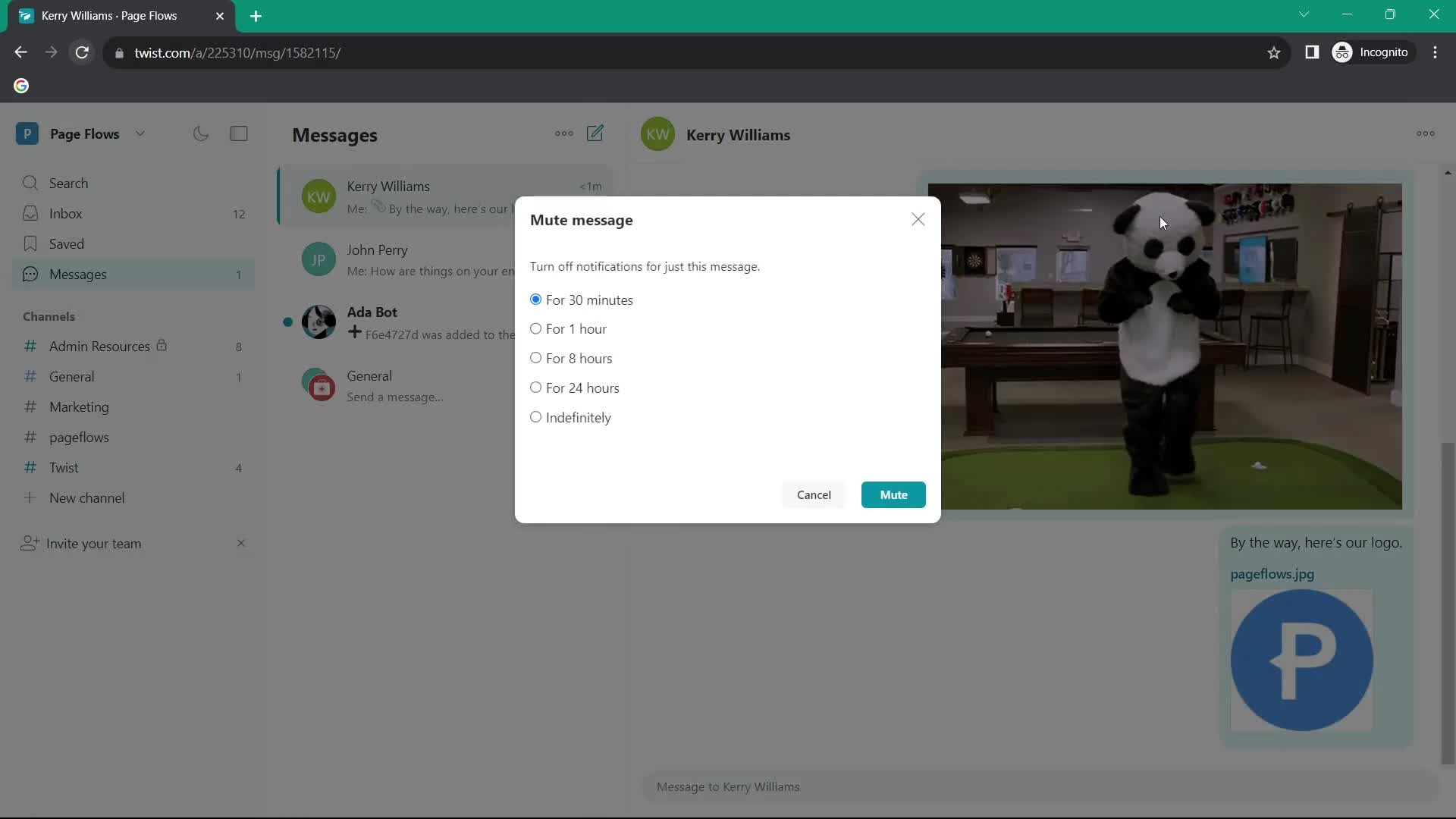
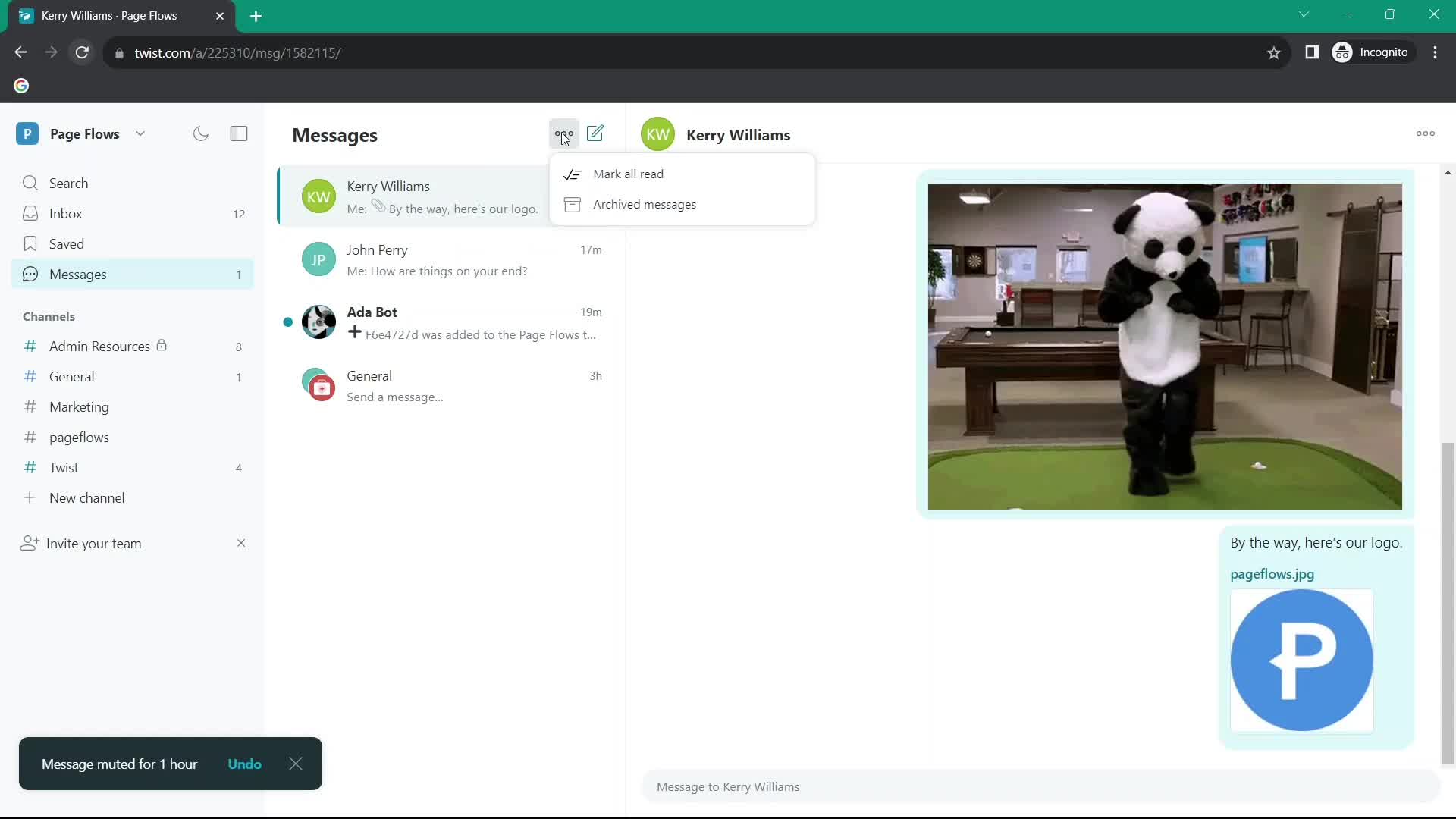
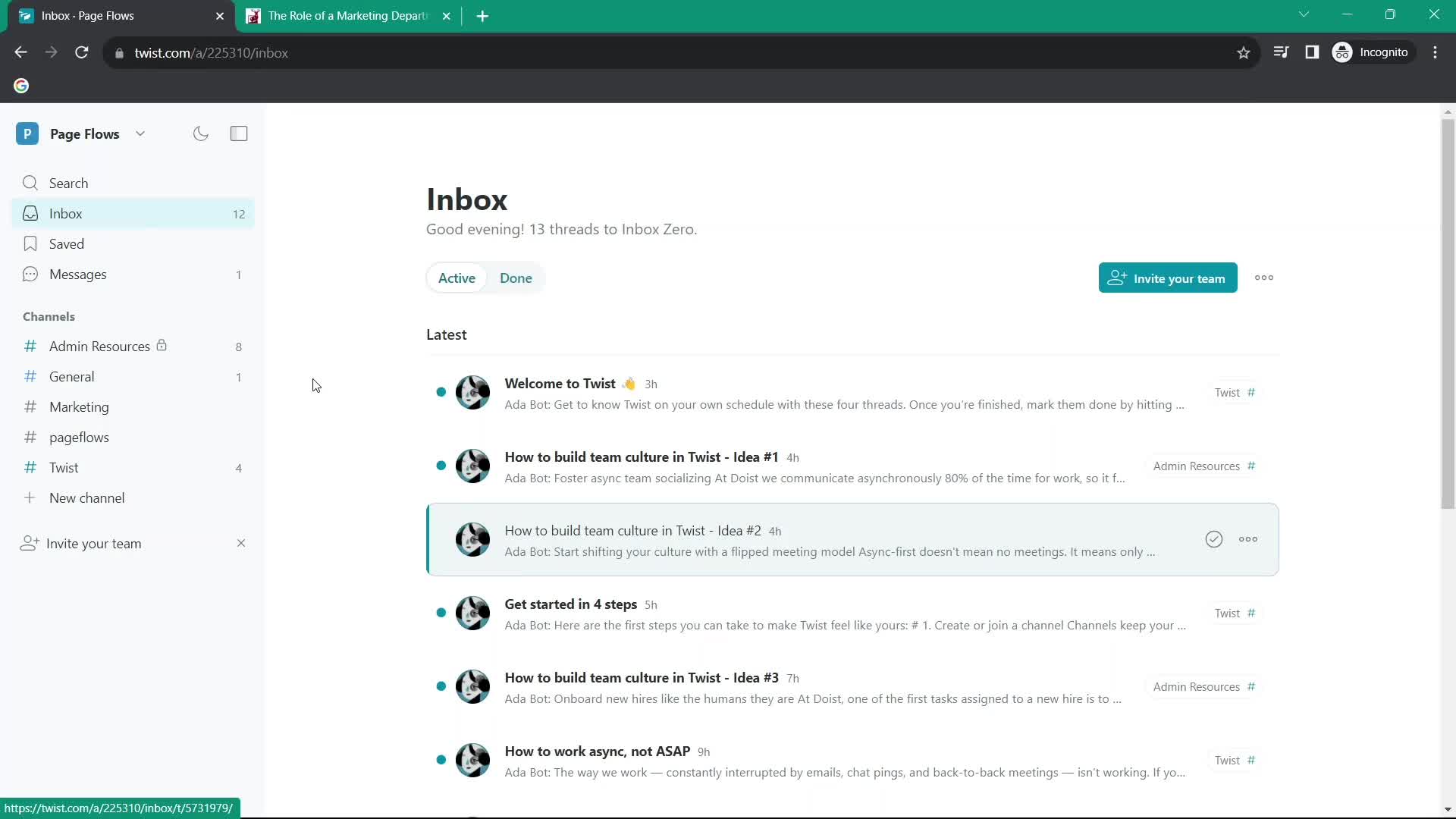
Inbox
this is title
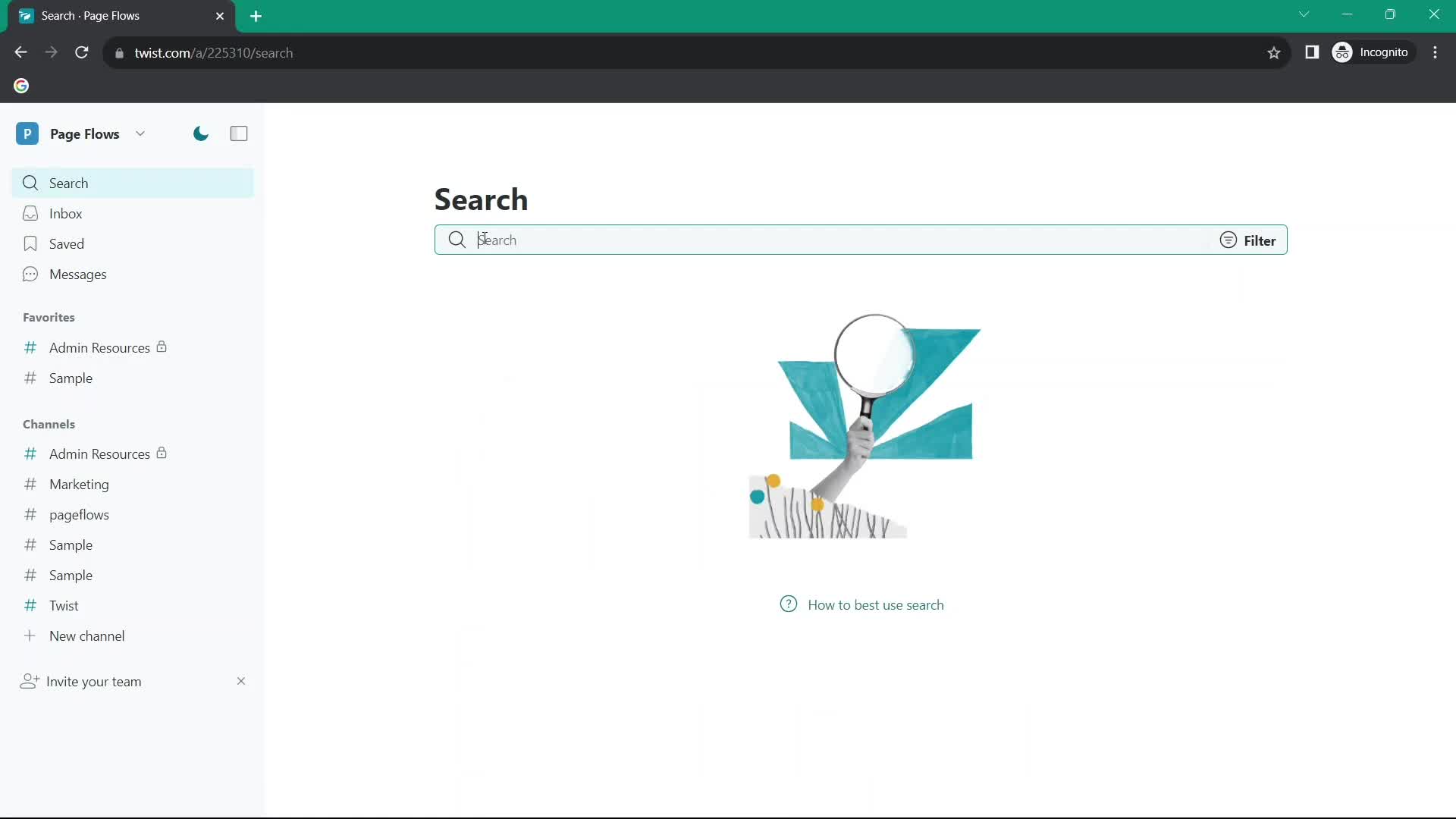
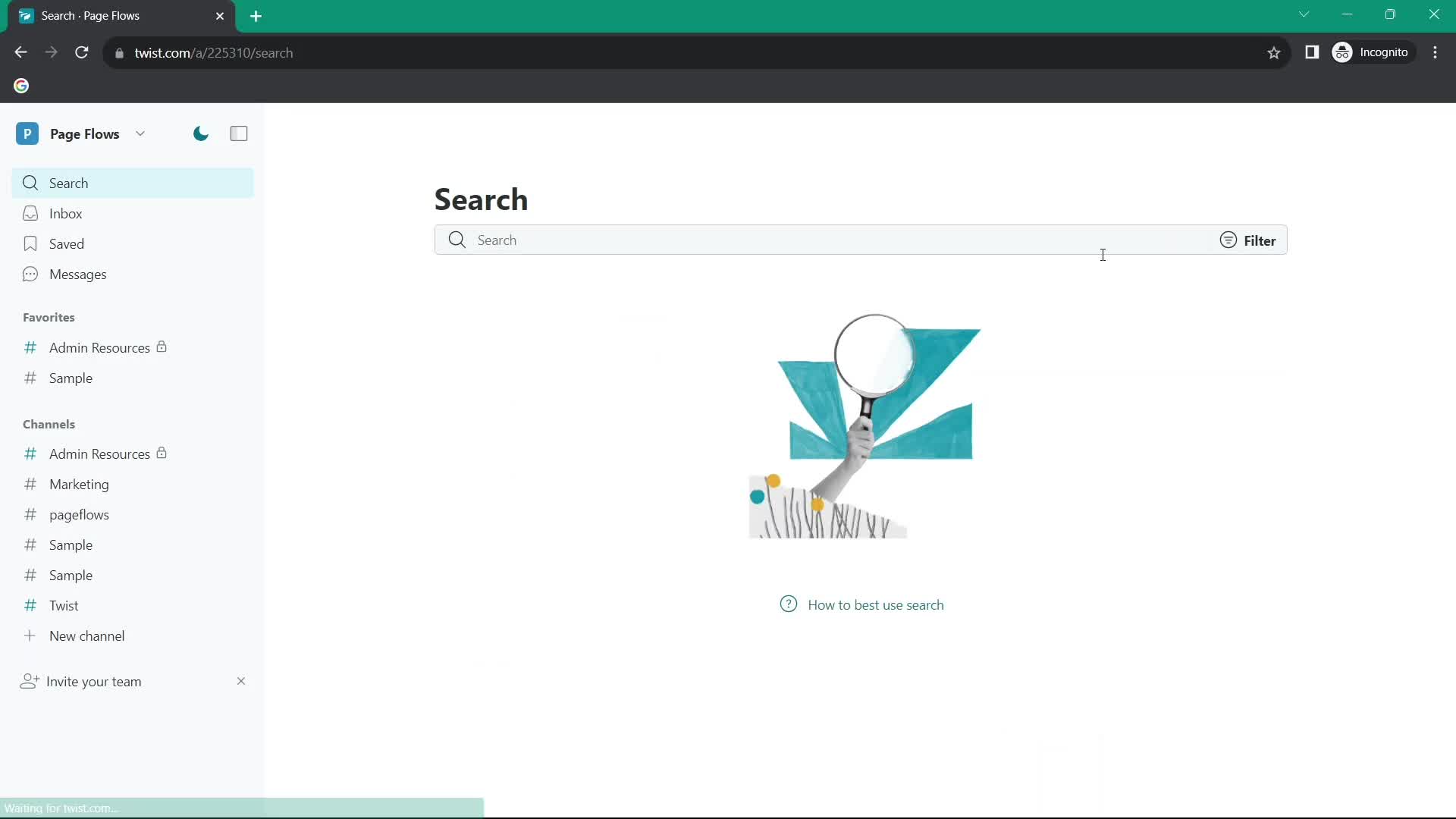
Search
this is title
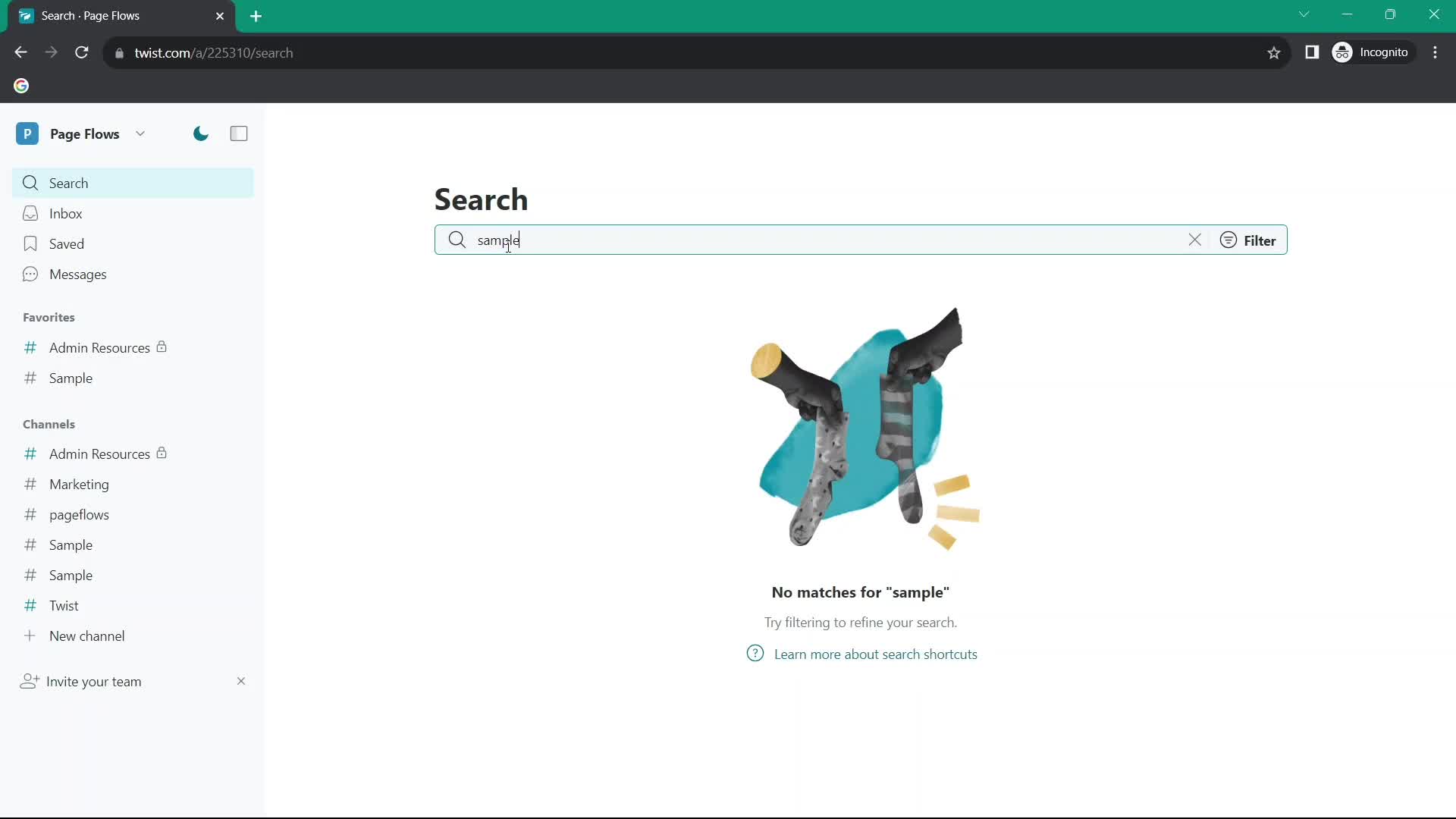
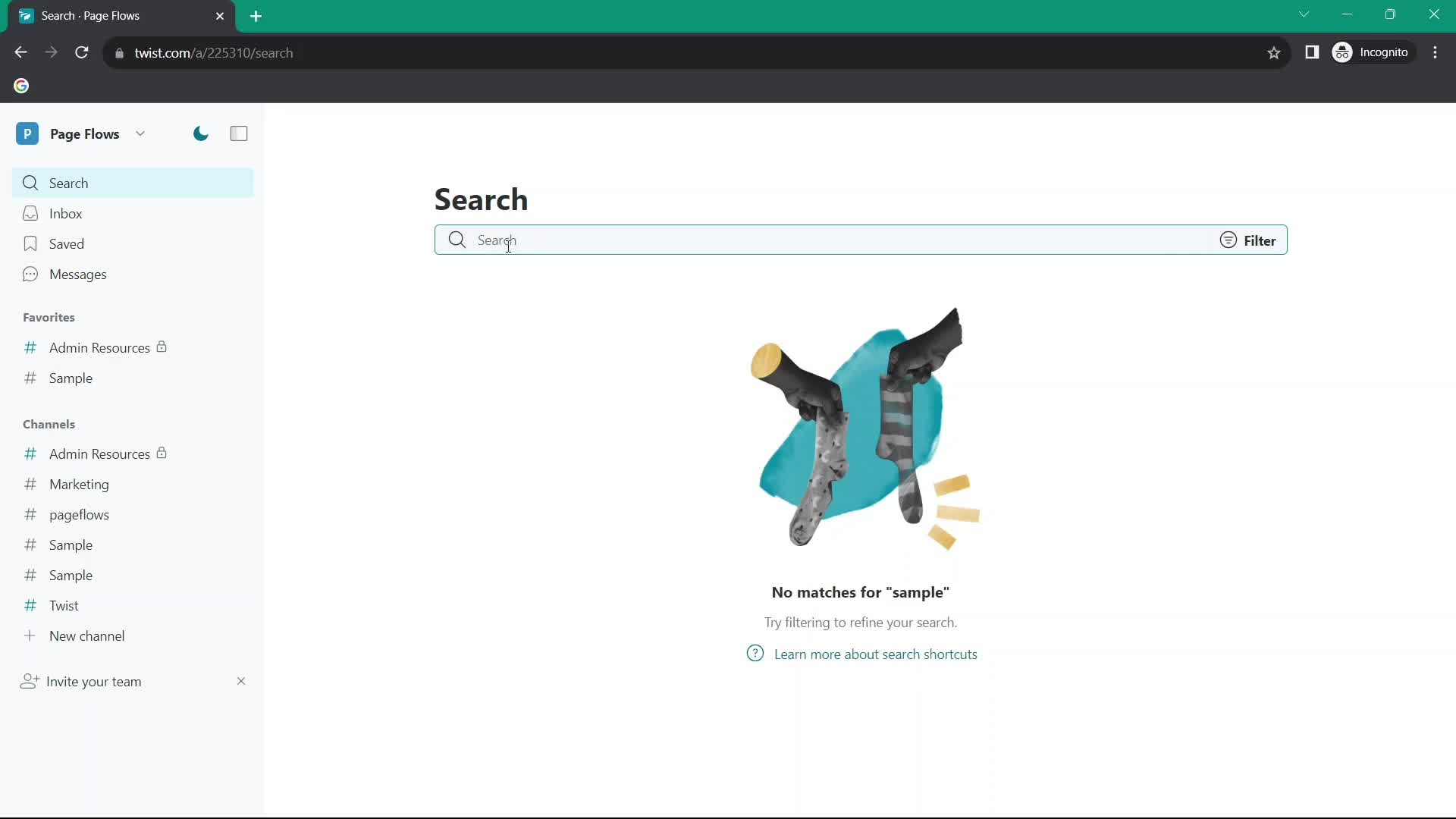
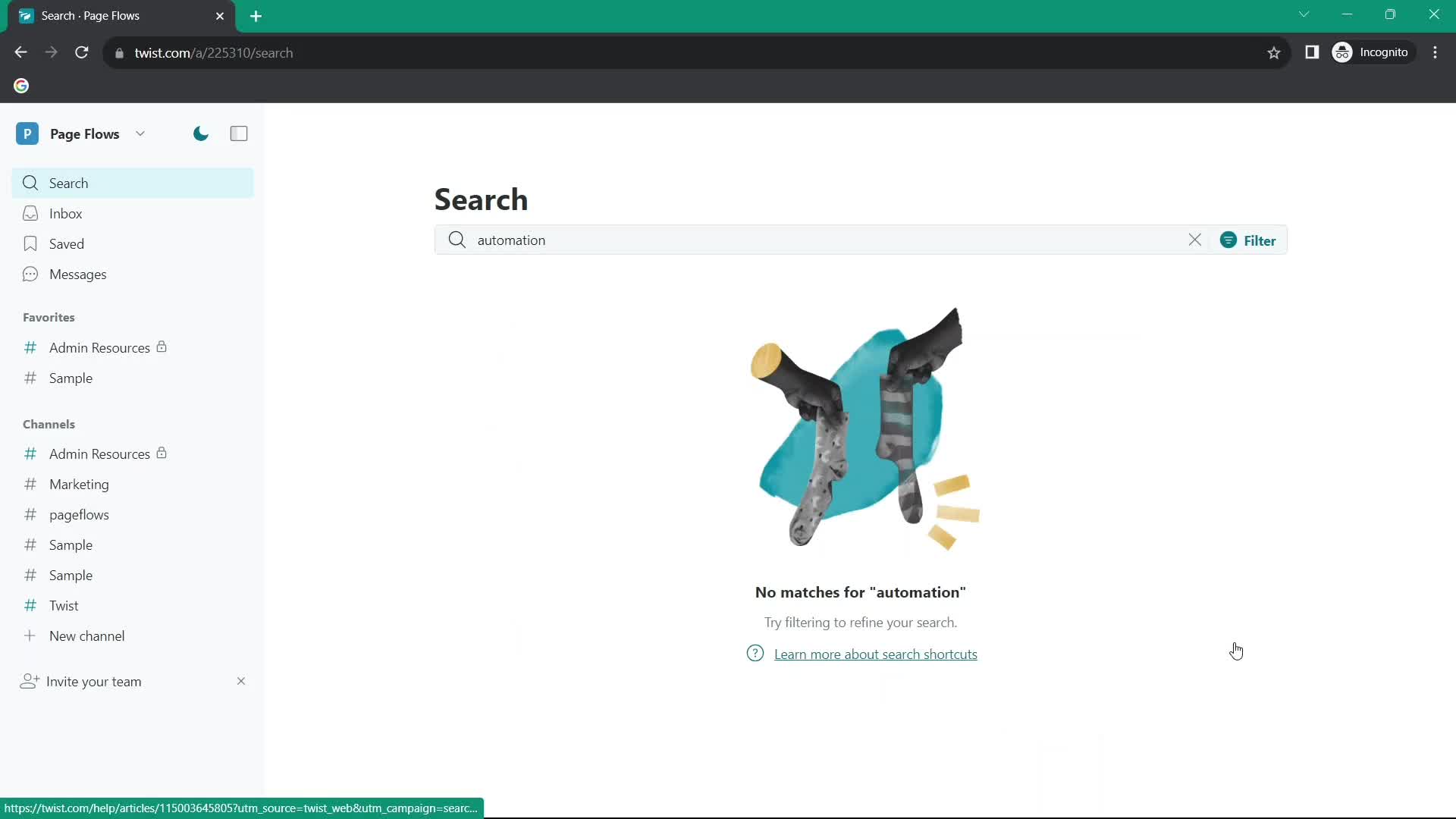
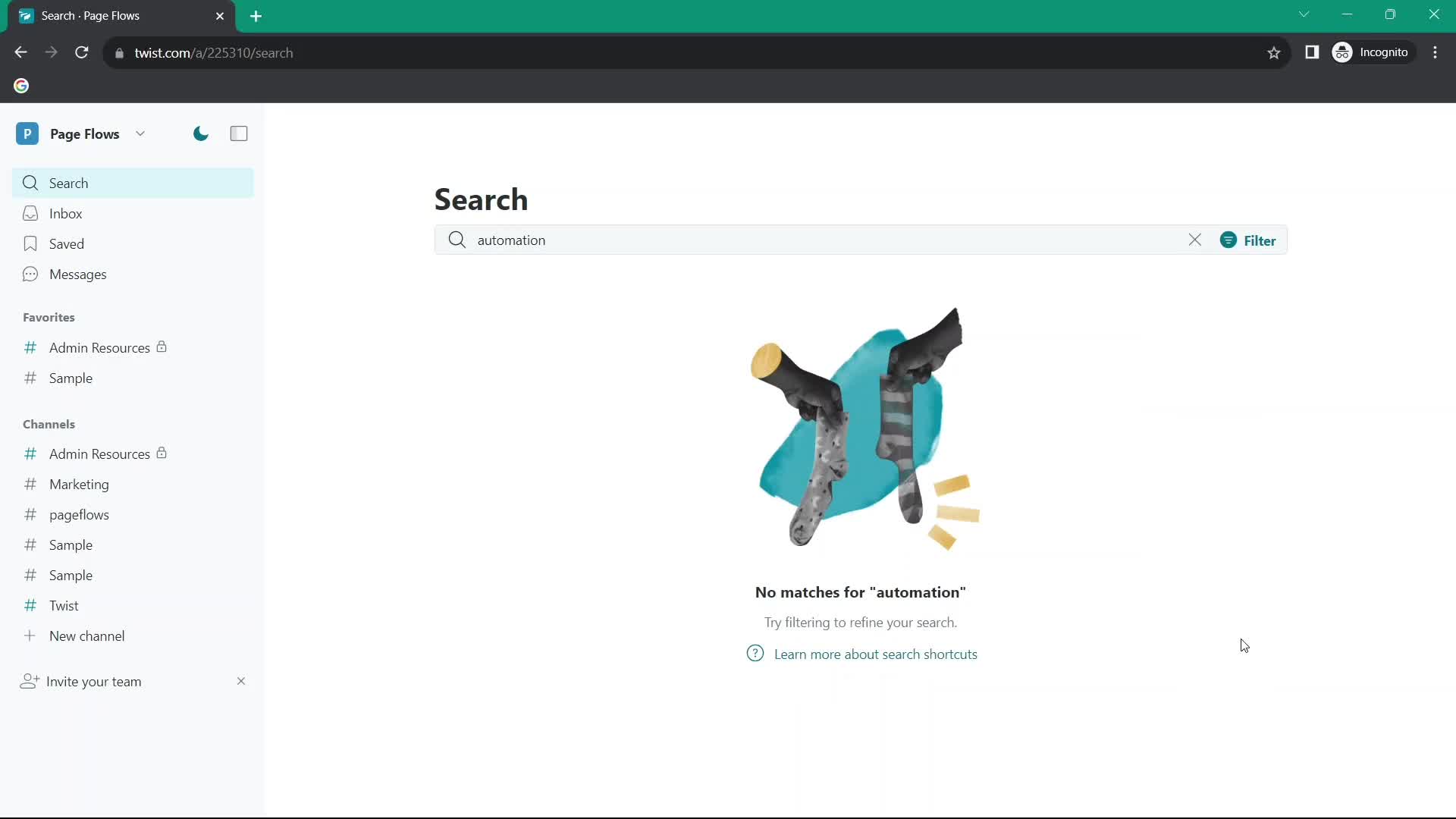
No search results
this is title
Search
this is title
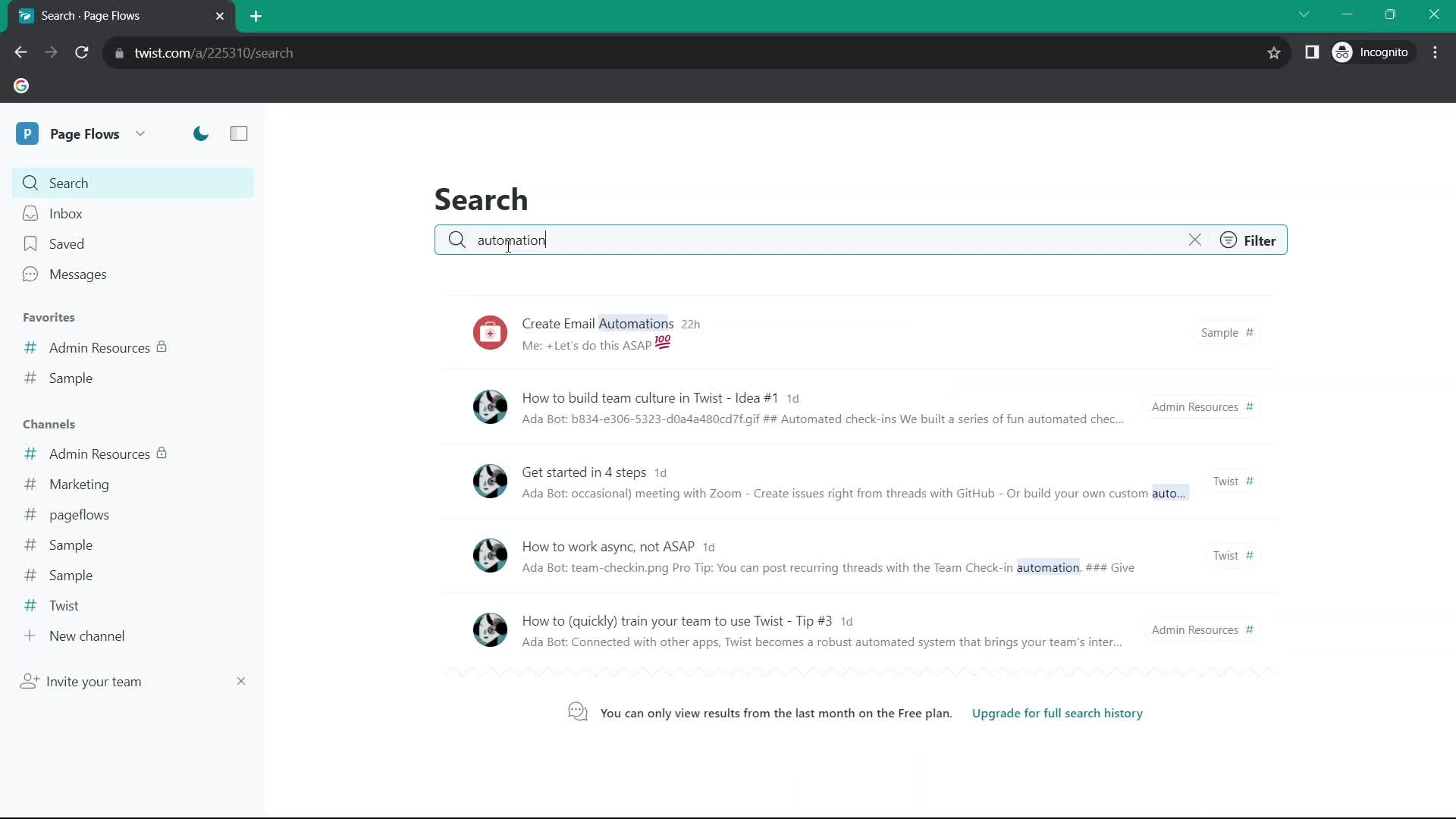
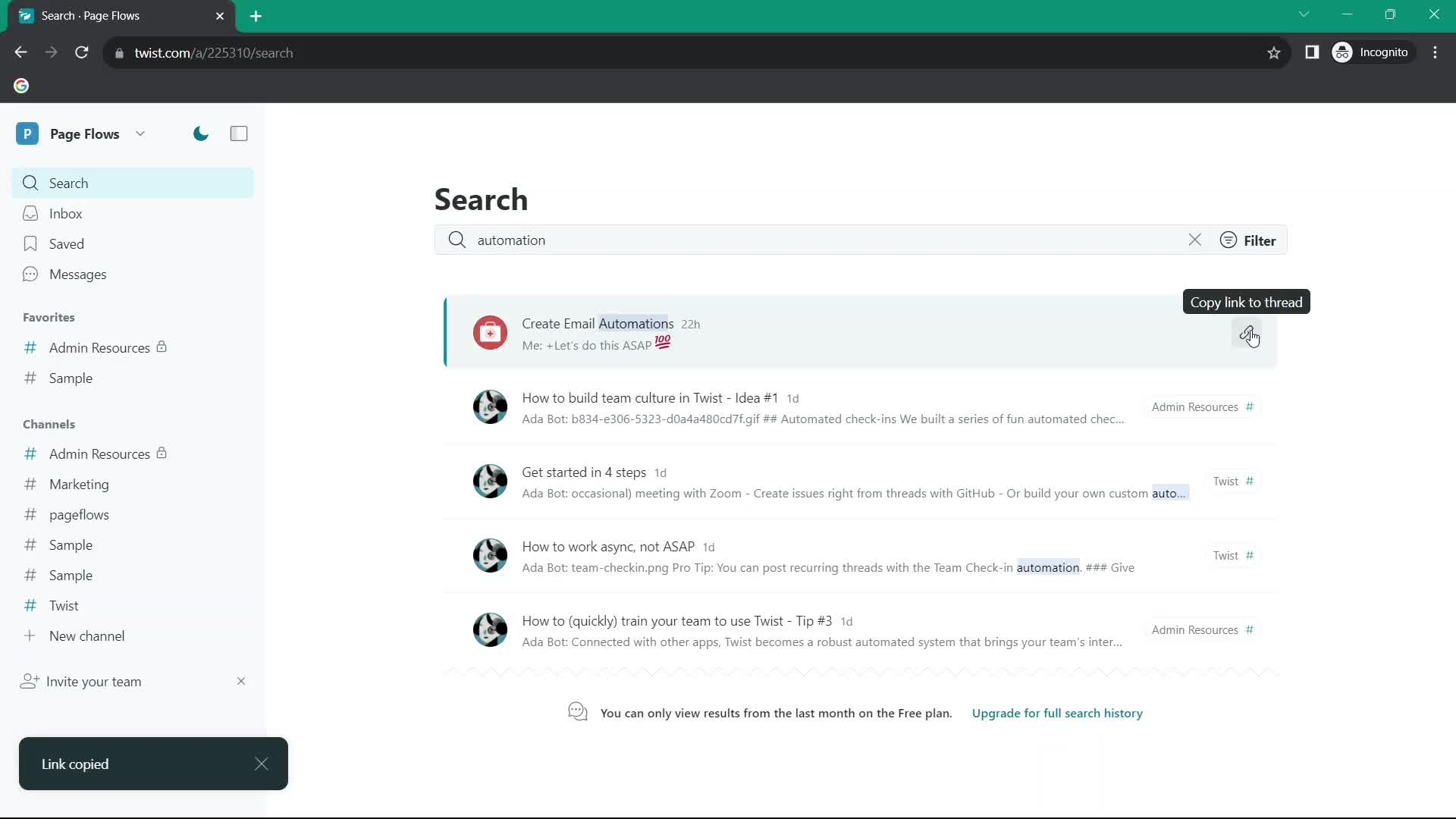
Search results
this is title
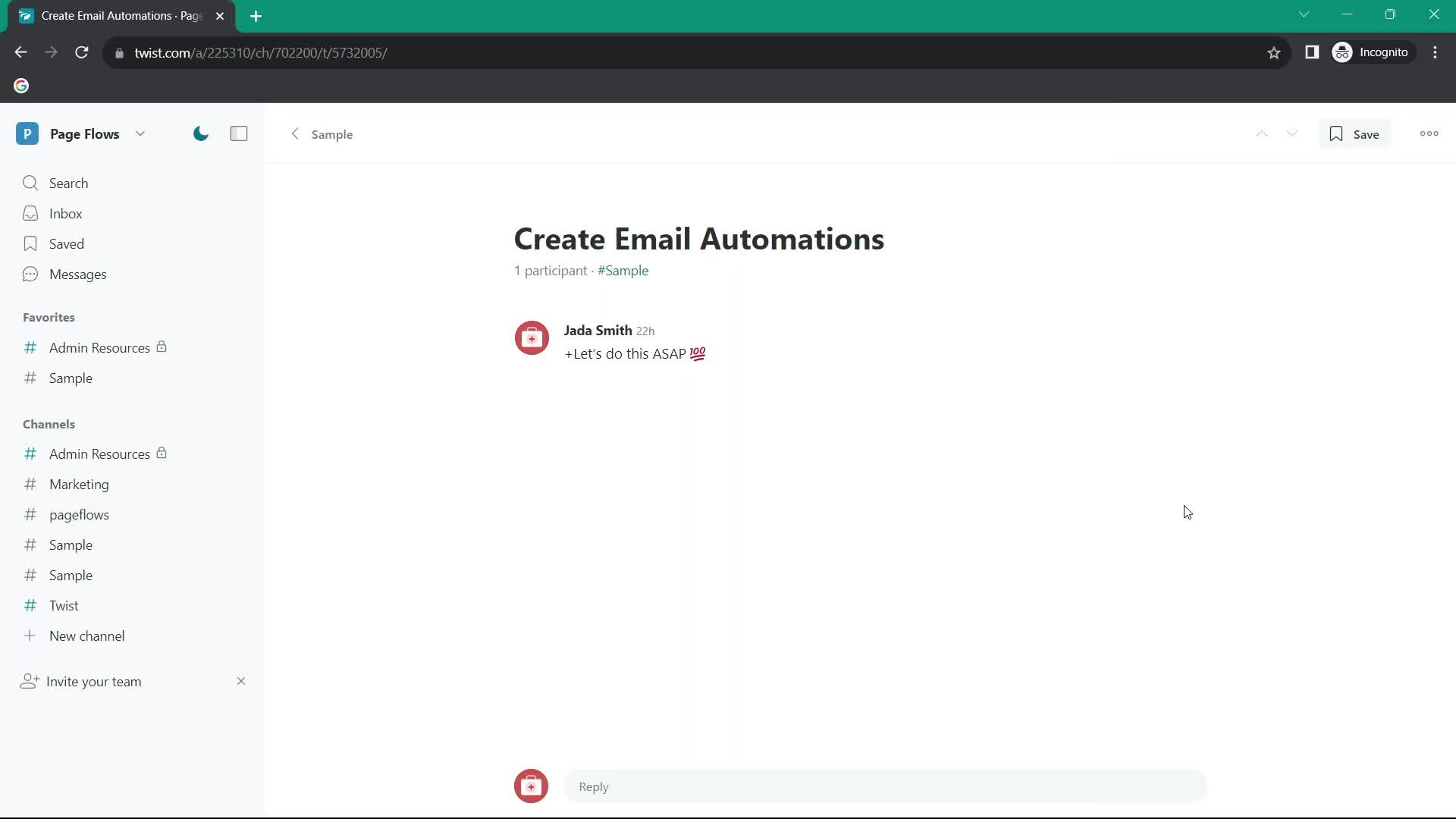
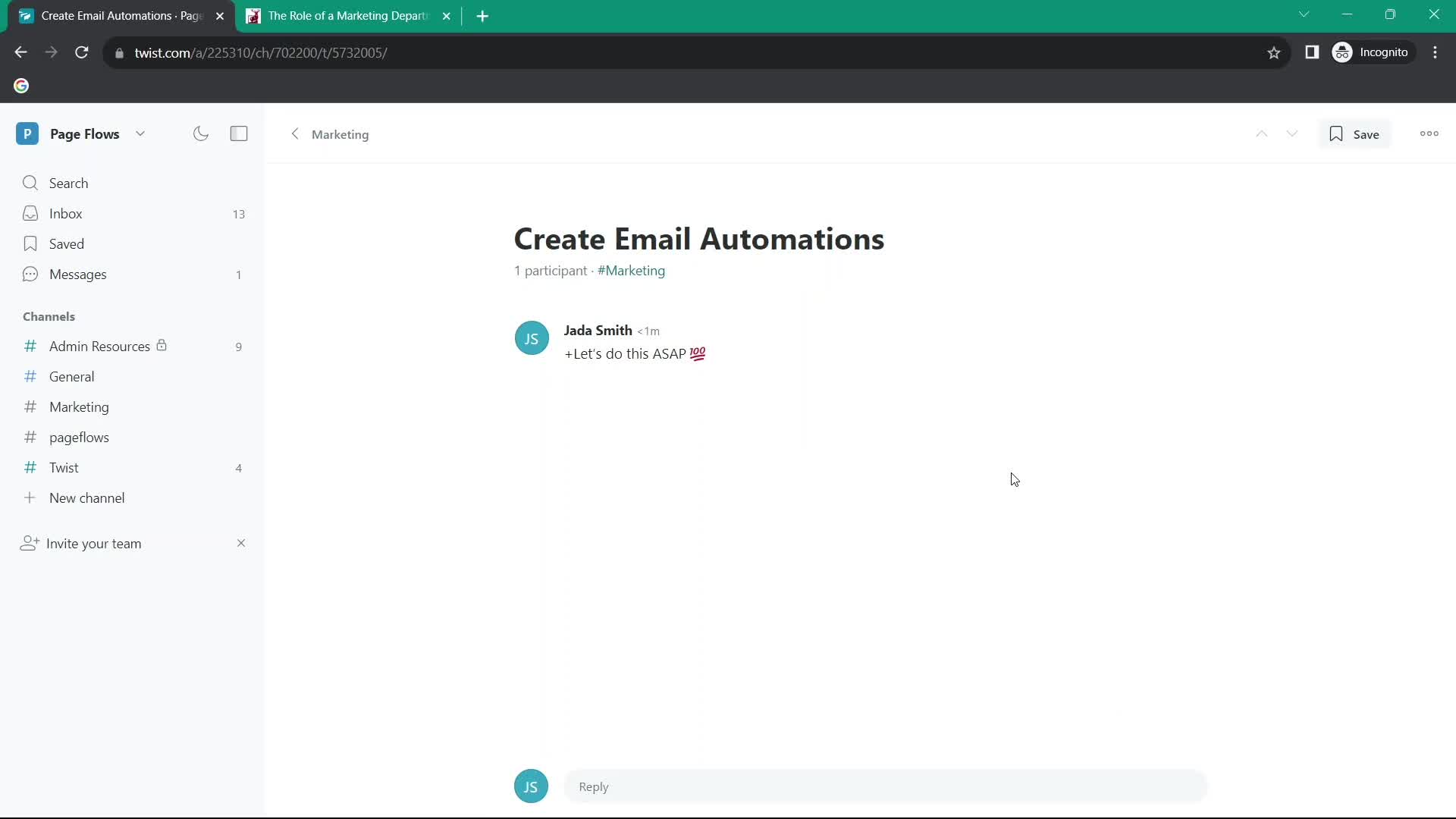
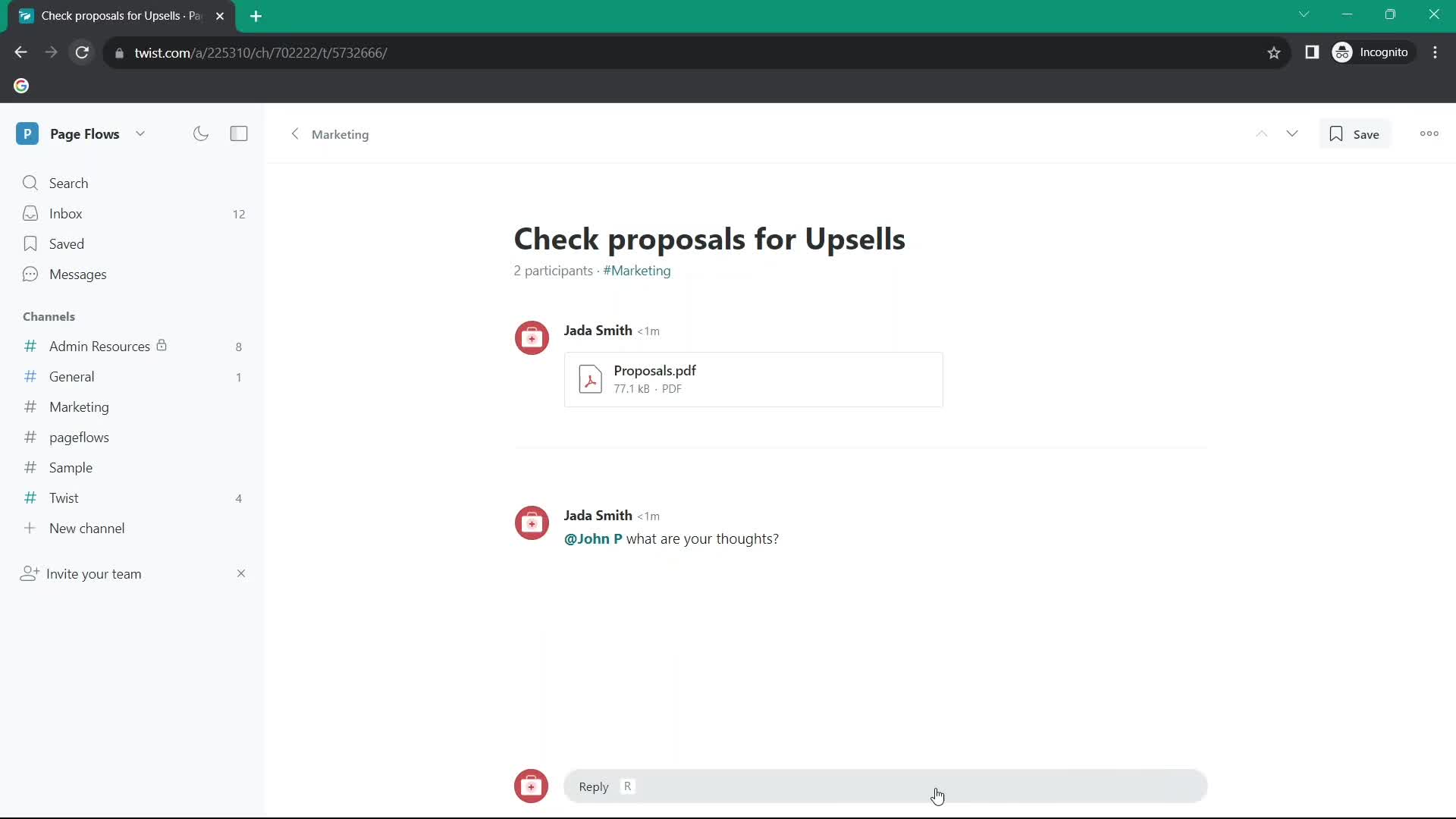
Thread
this is title
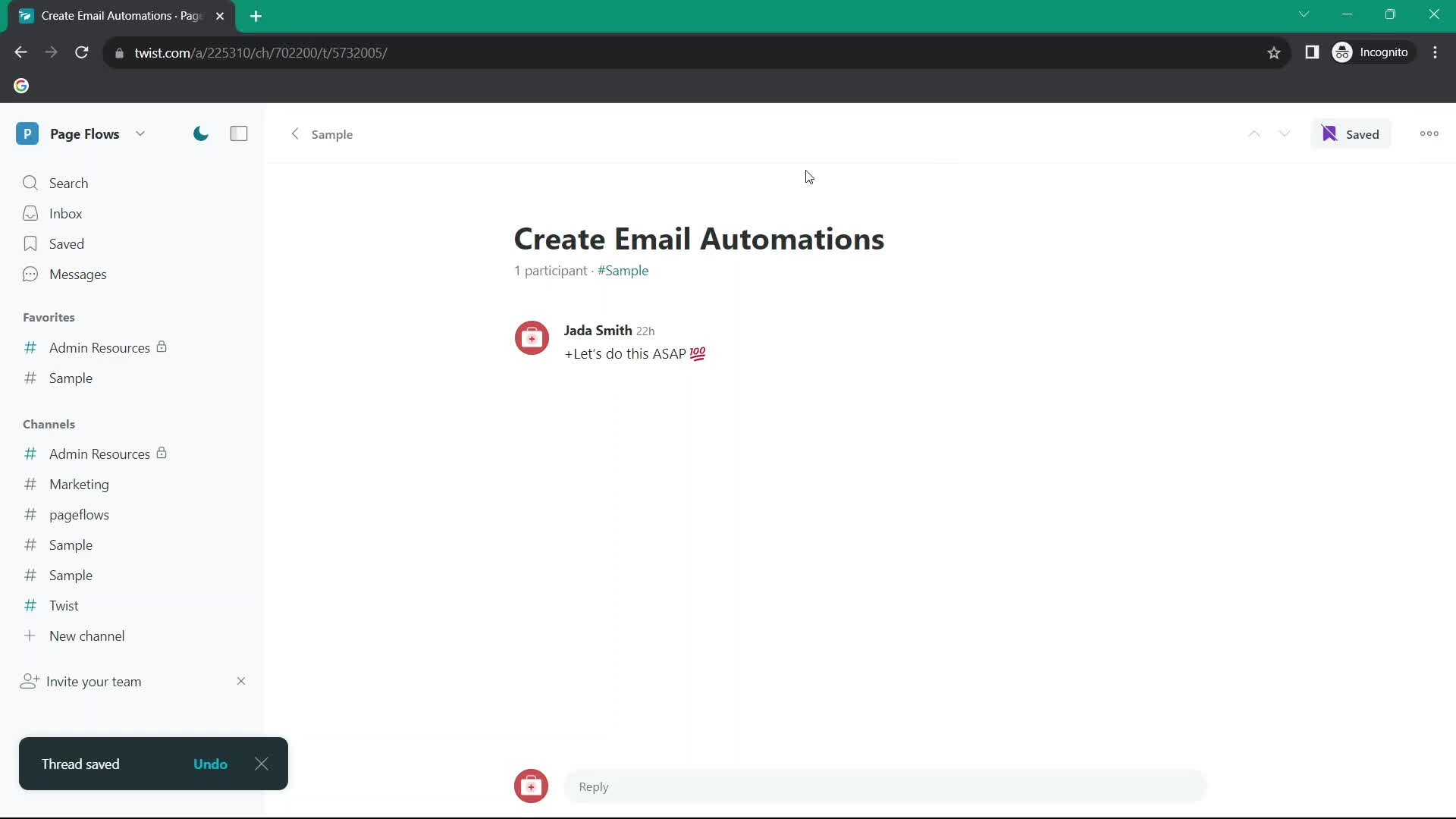
Save
this is title
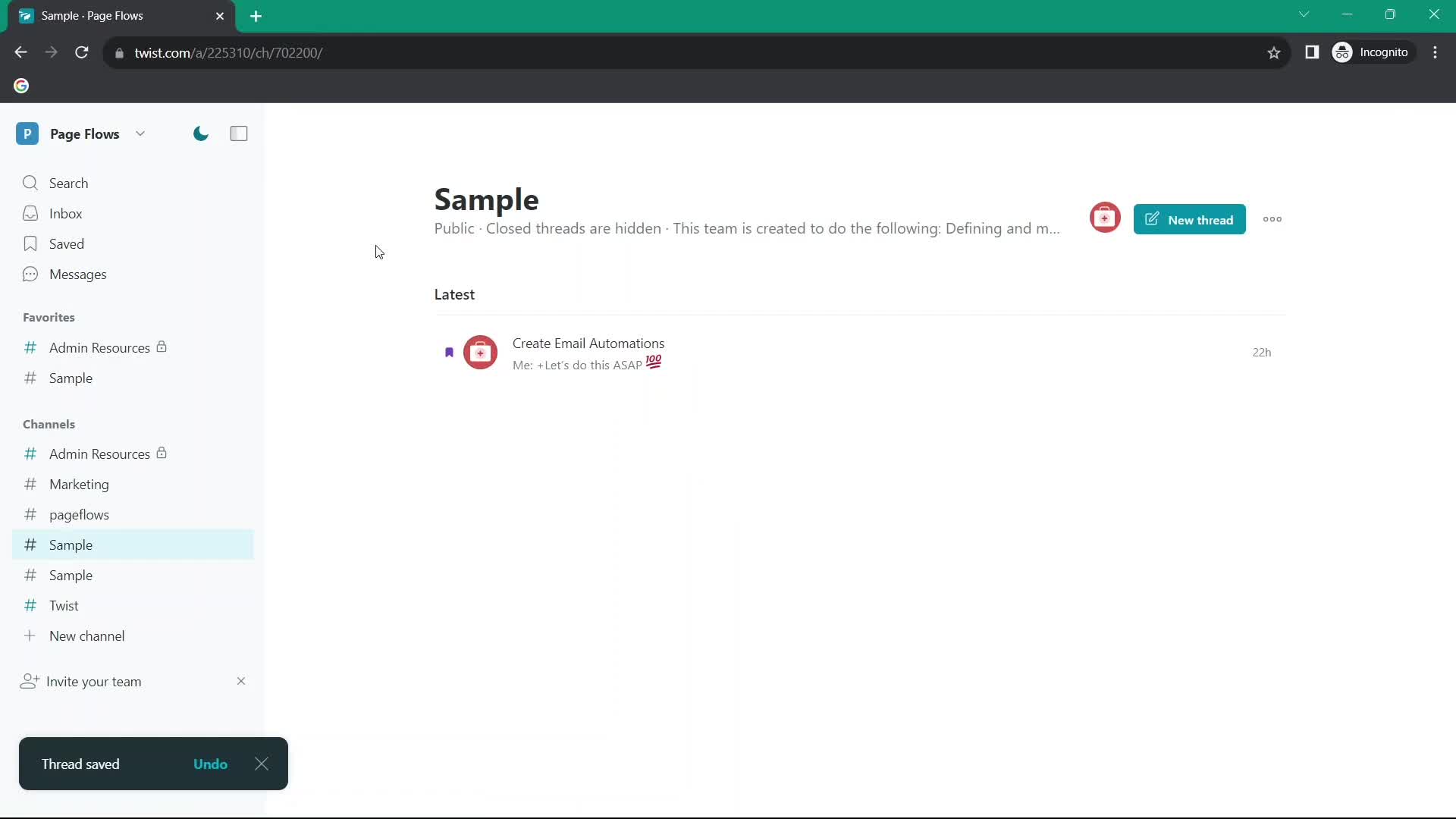
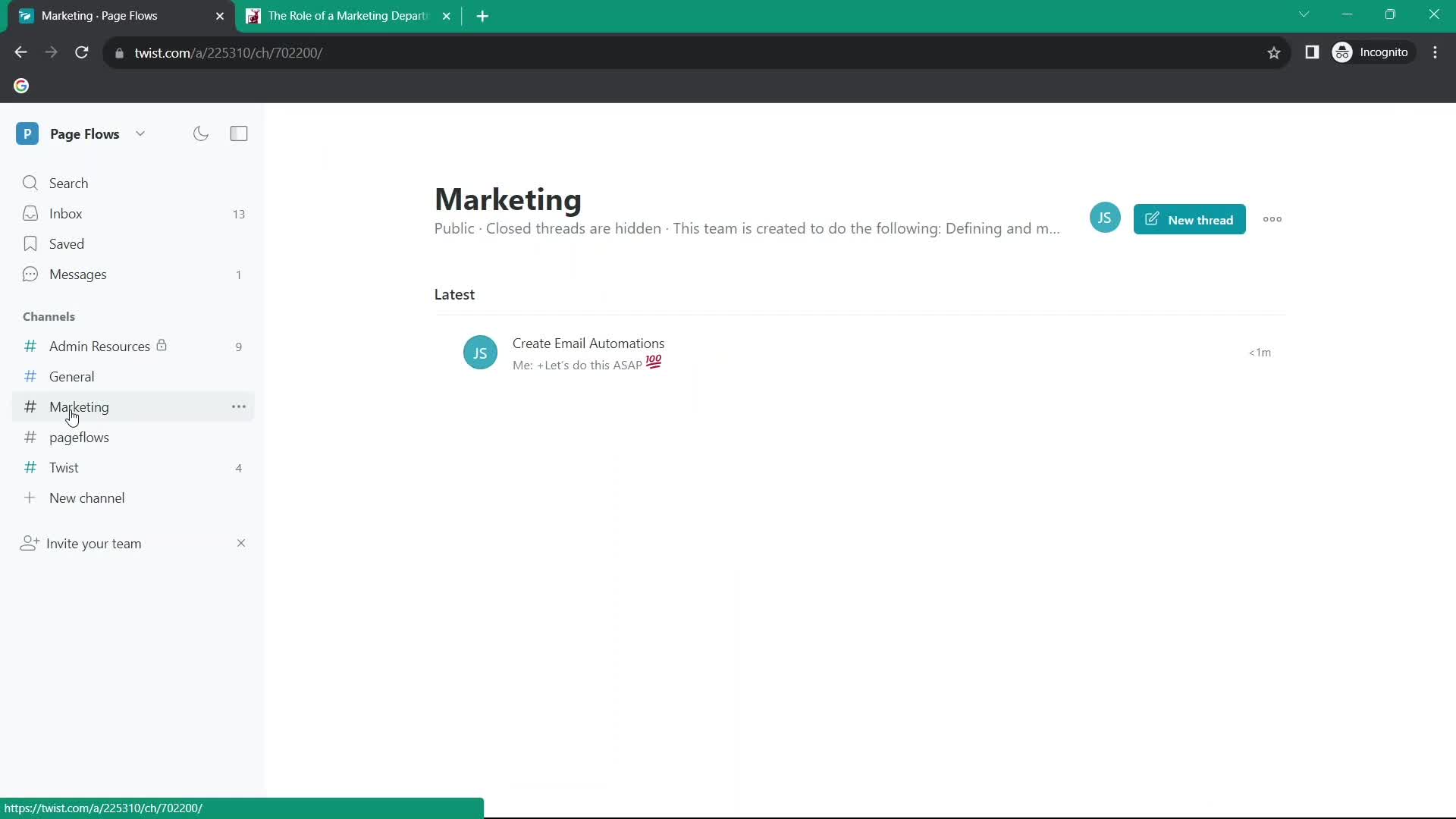
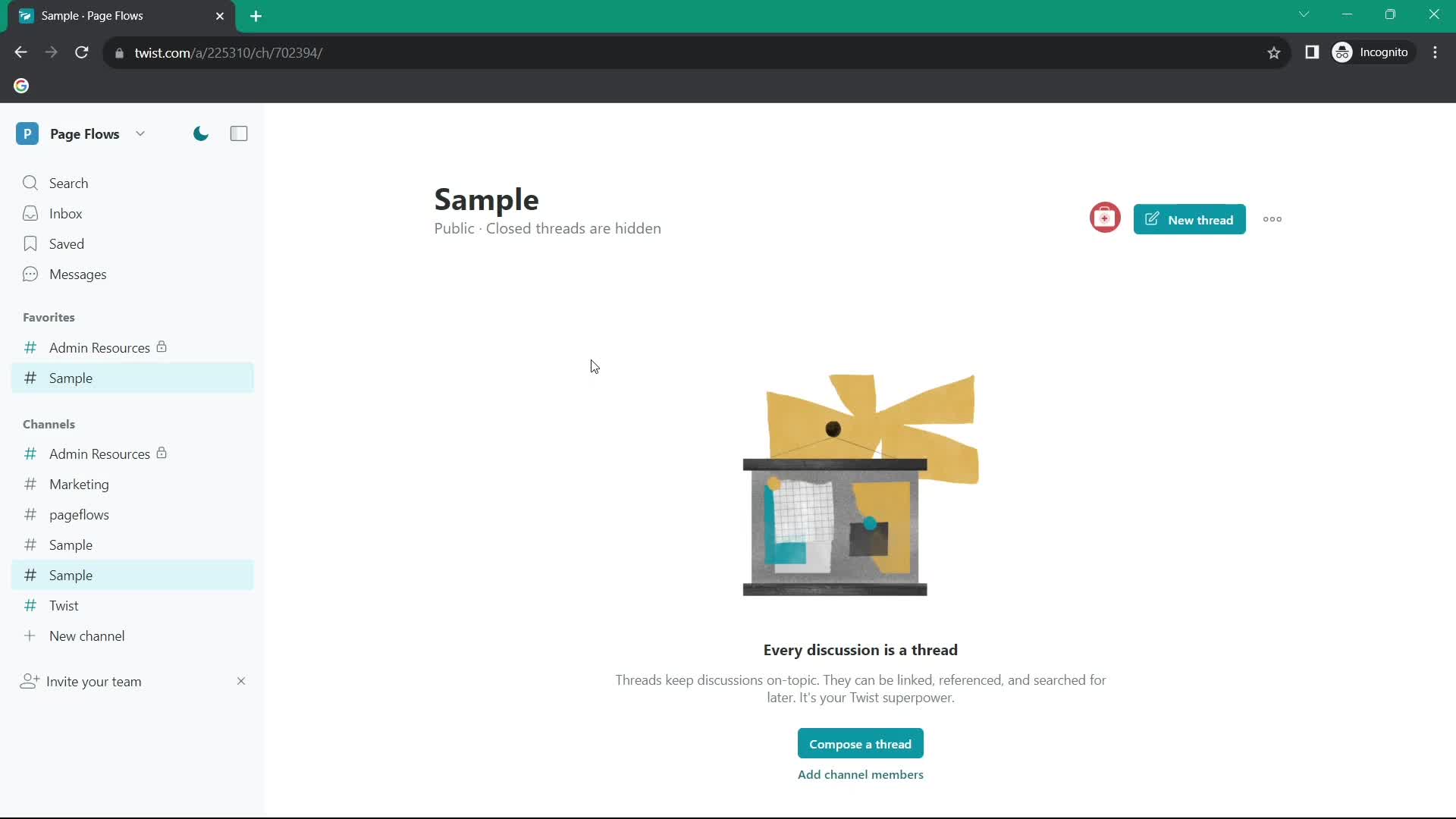
Channel
this is title
Copy link
this is title
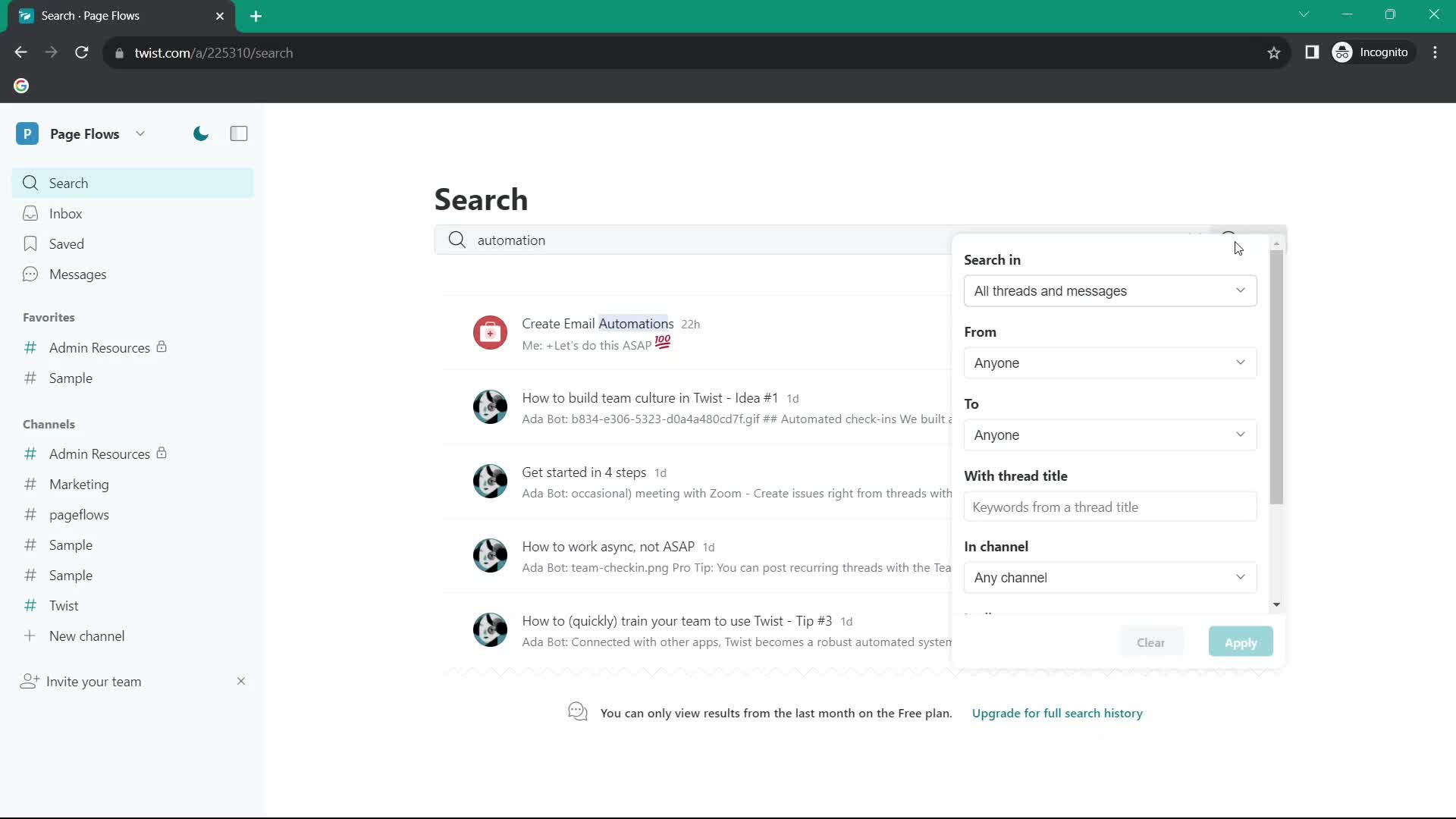
Search filters
this is title
No search results
this is title
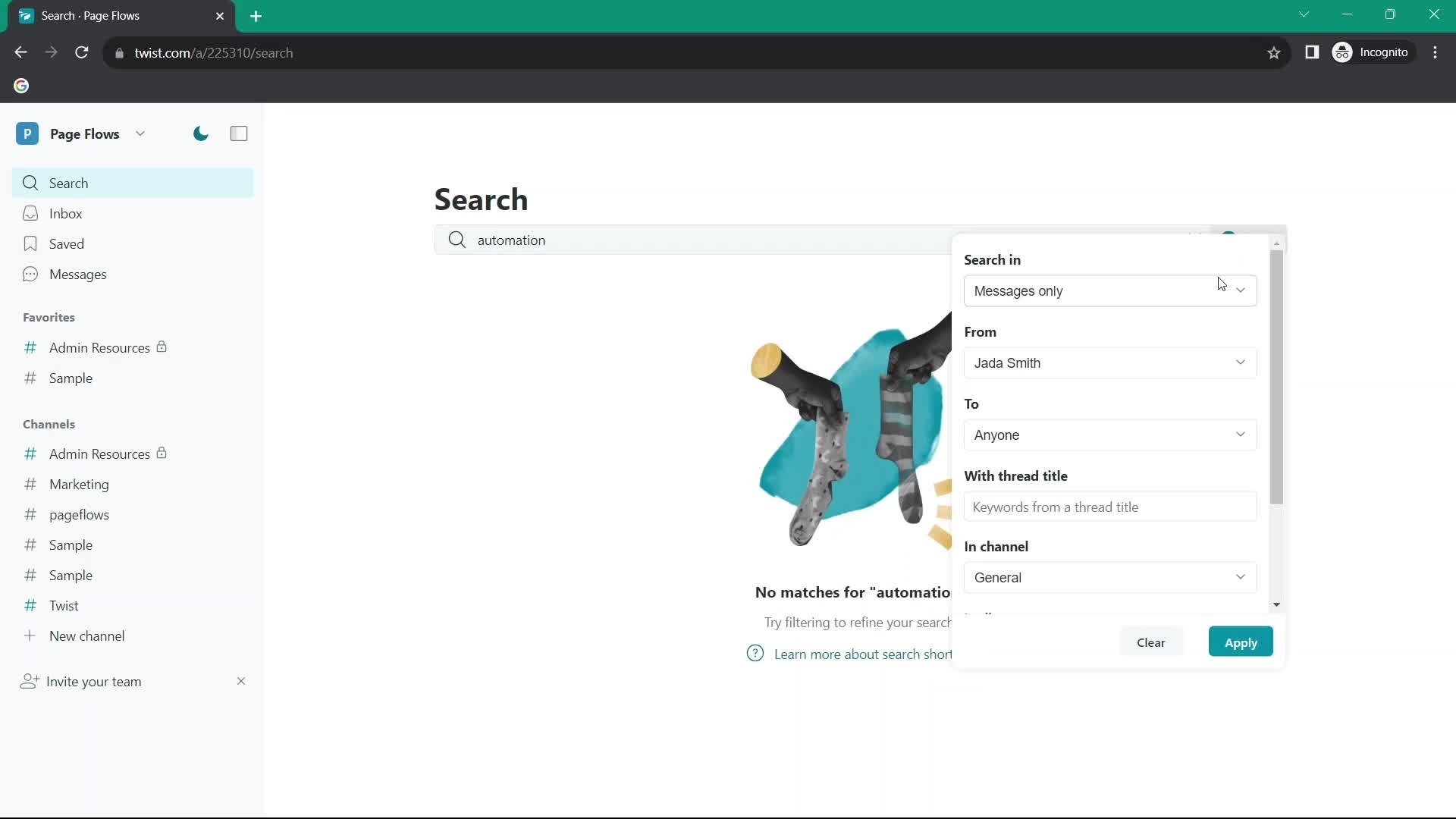
Search filters
this is title
No search results
this is title
Search
this is title
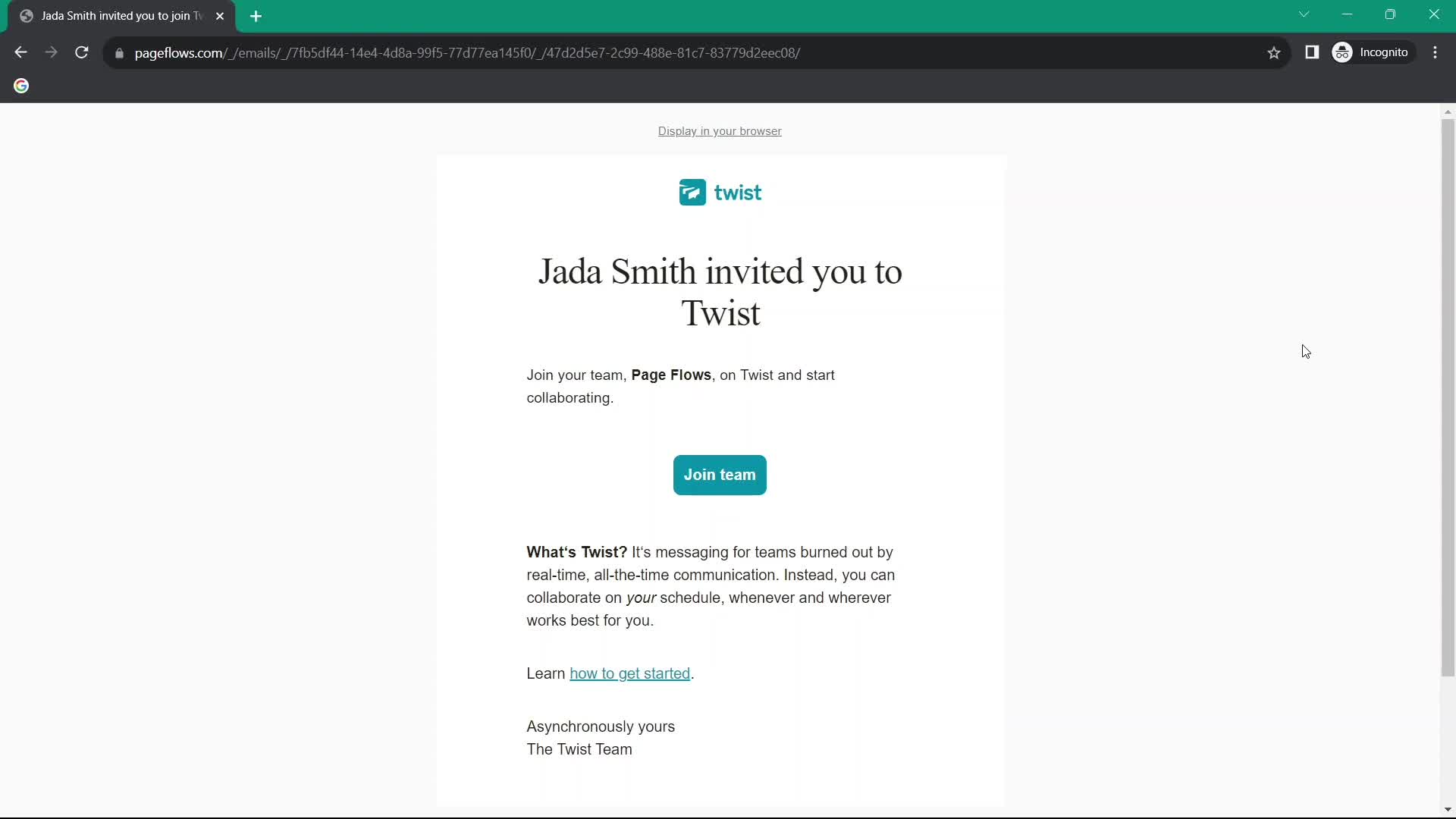
Invite email
this is title
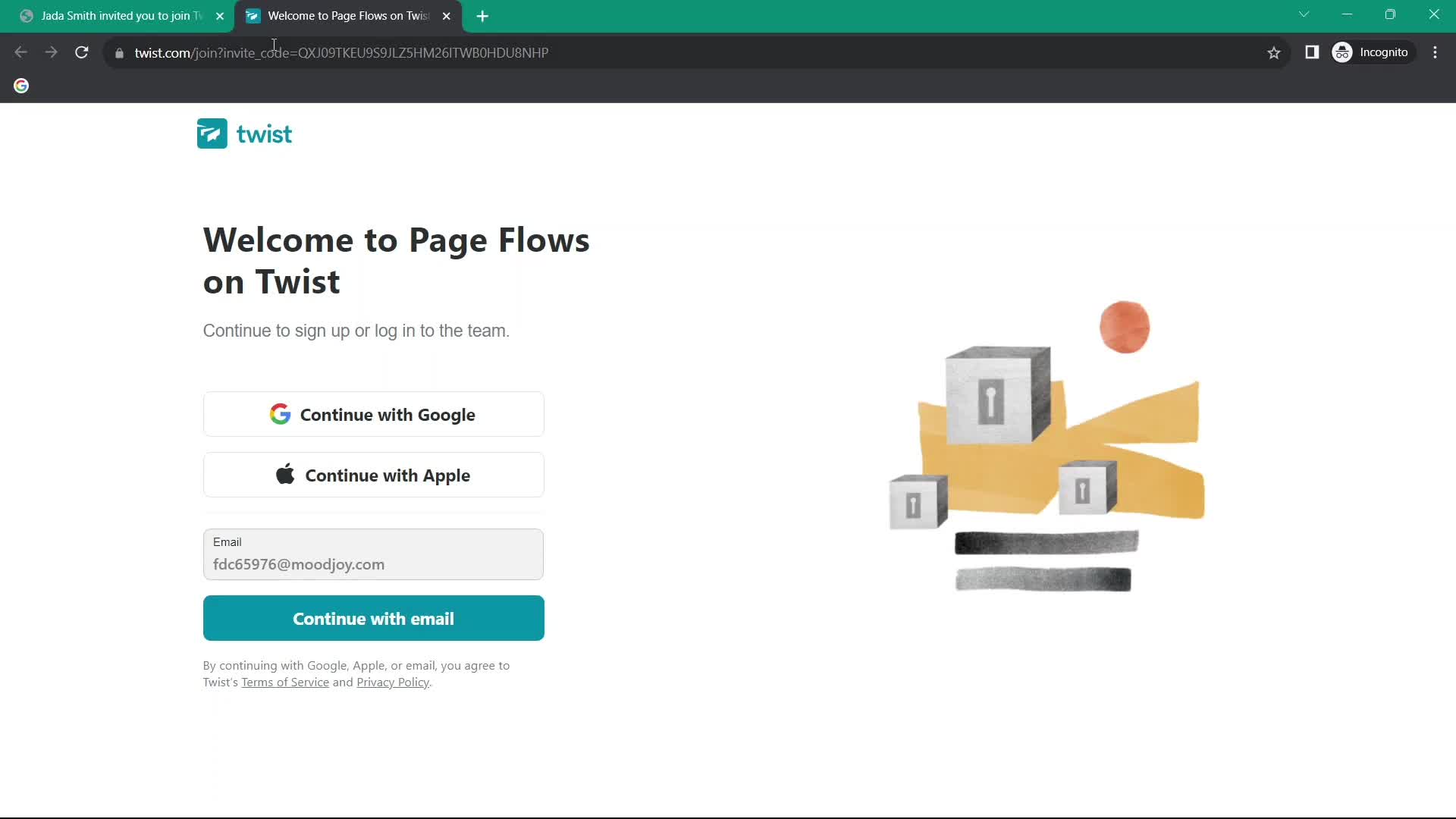
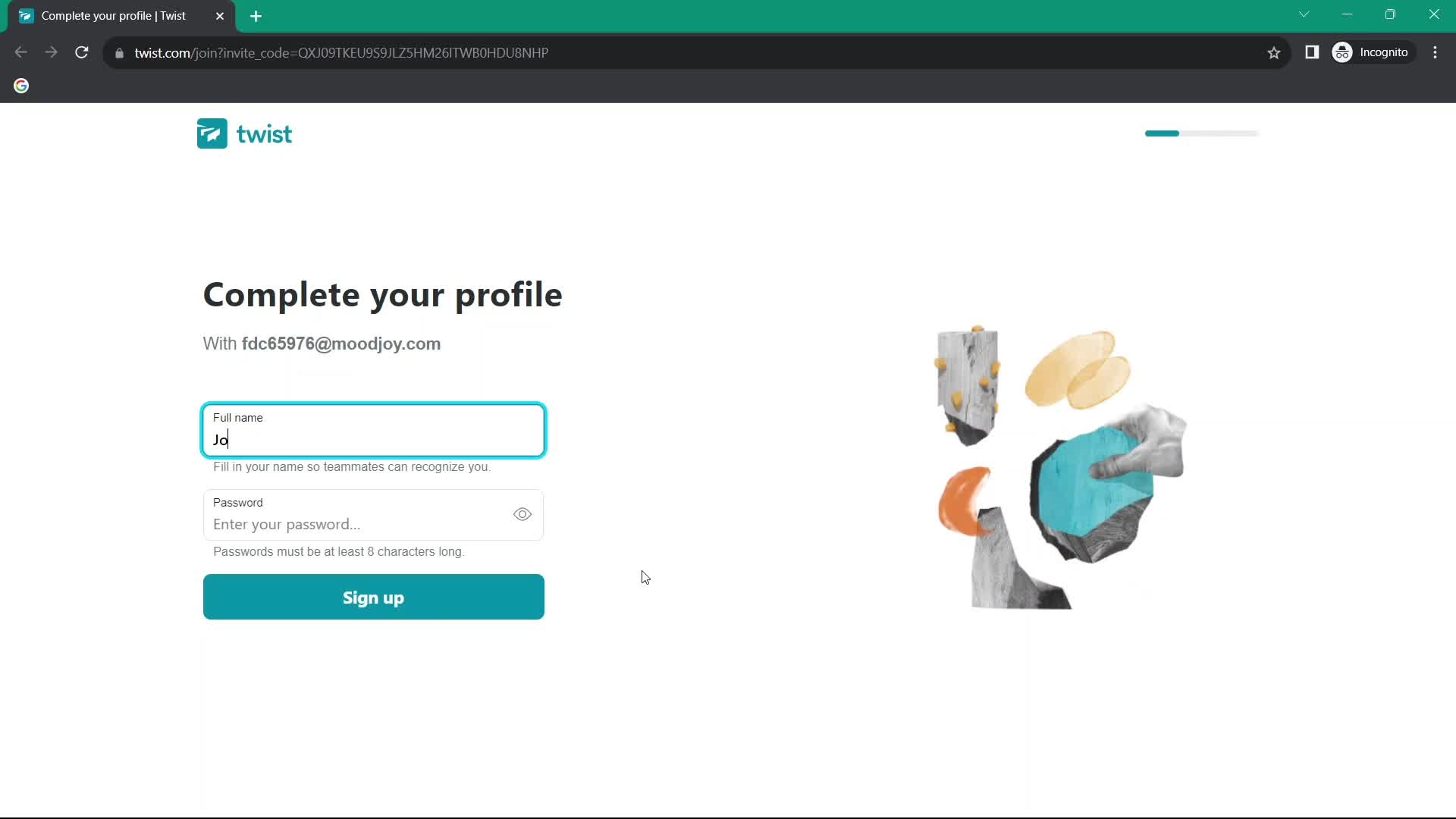
Sign up
this is title
Complete profile
this is title
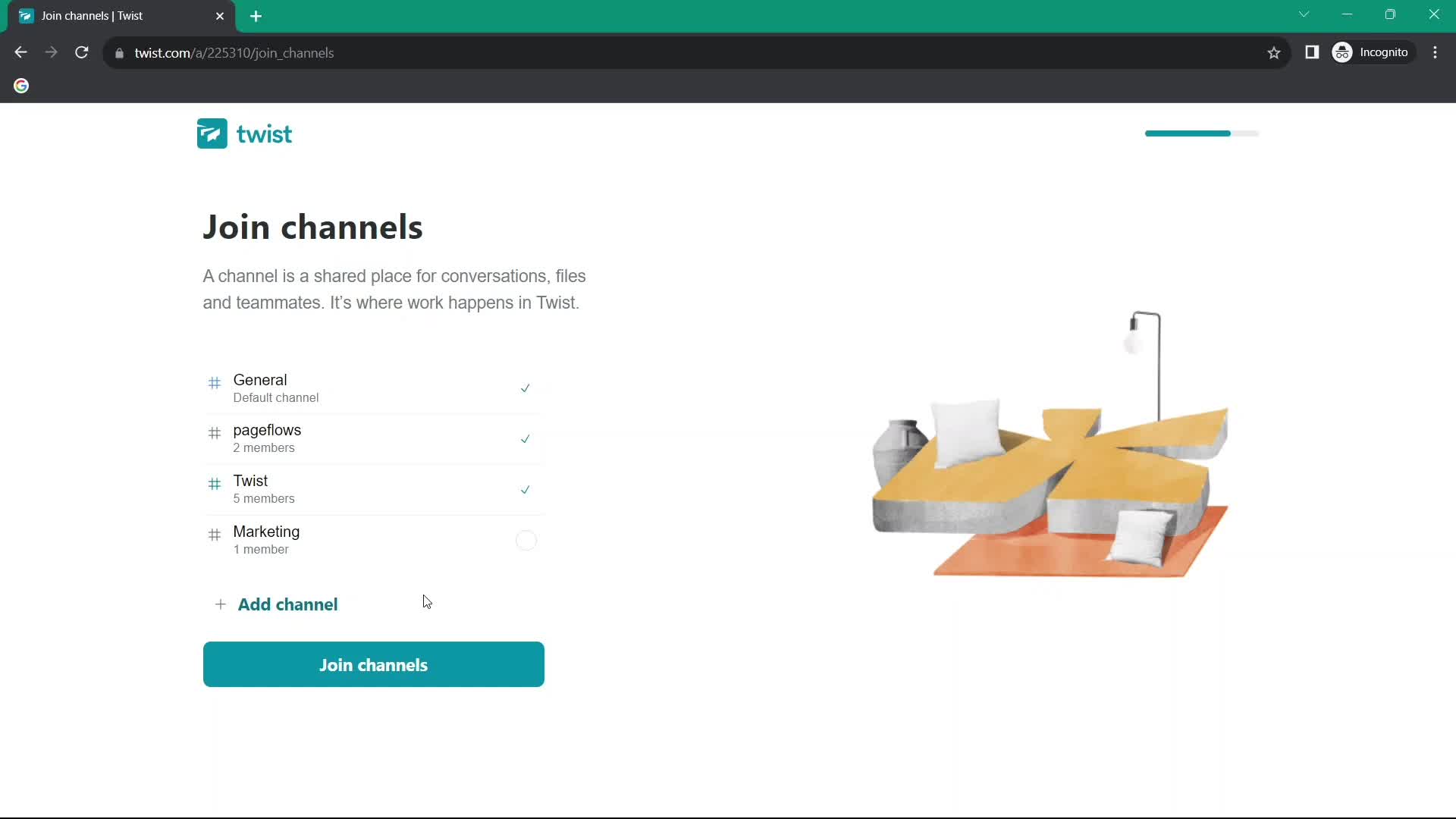
Select channels
this is title
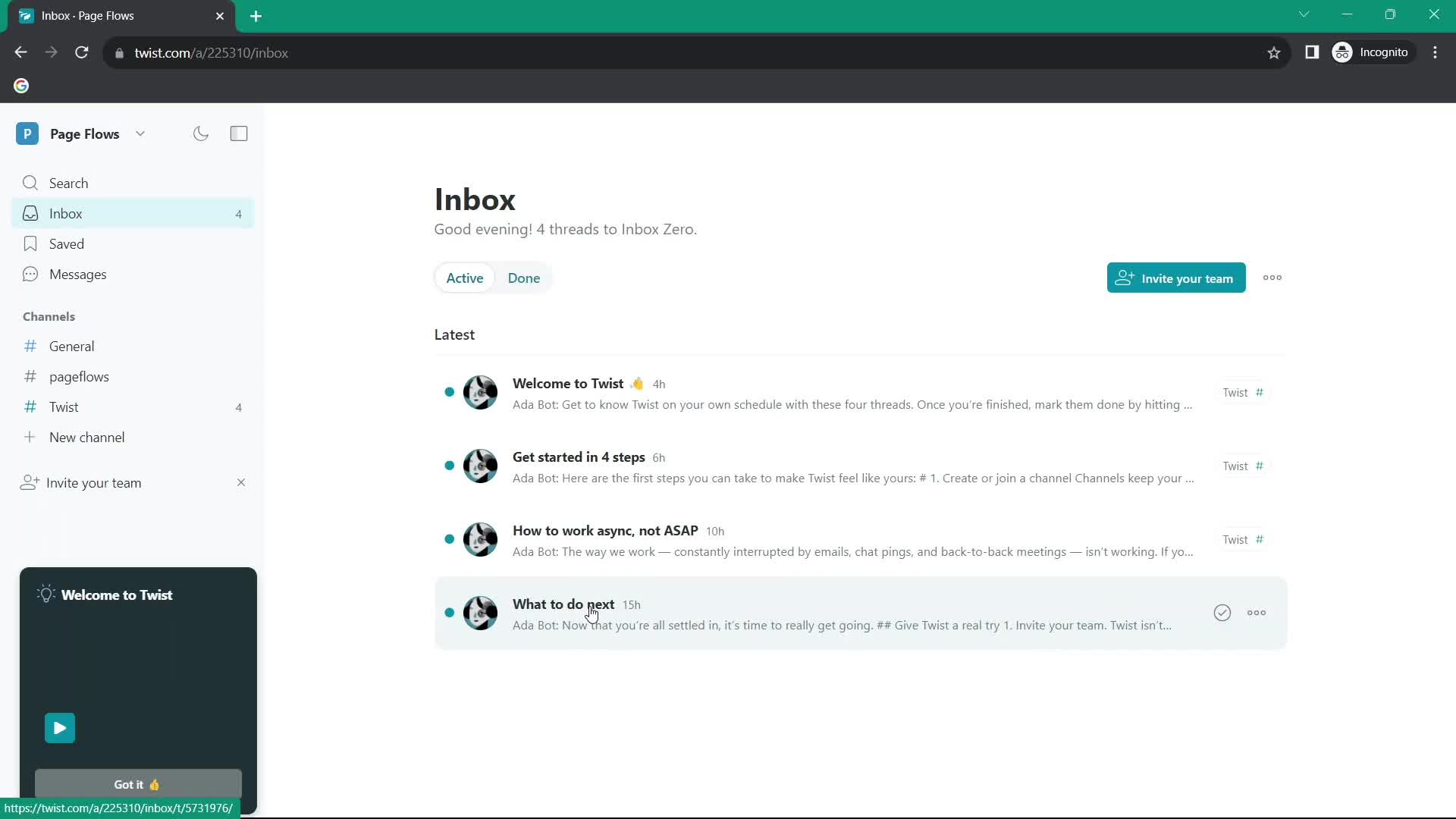
Inbox
this is title
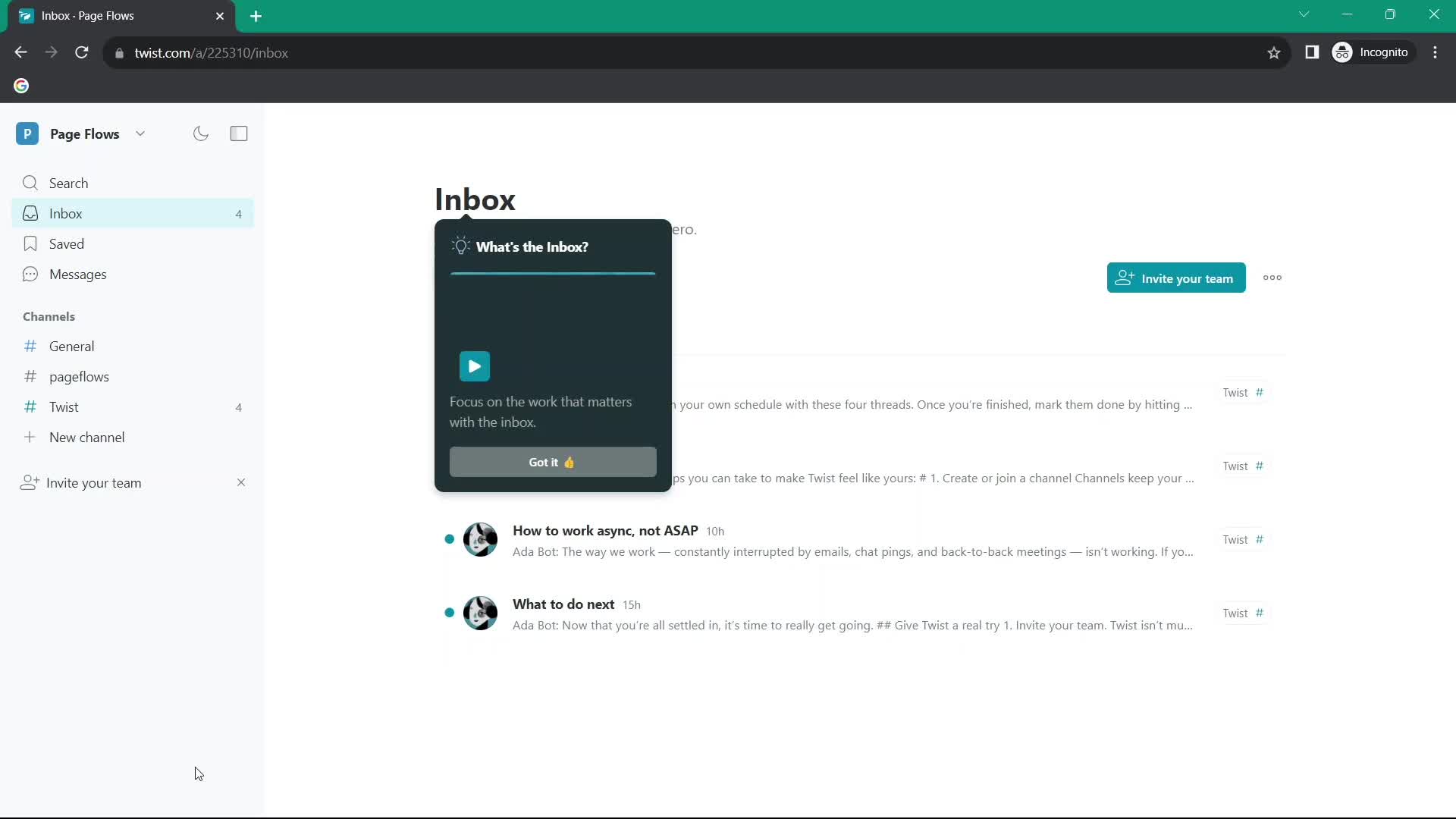
Guided tour
this is title
Inbox
this is title
Inbox
this is title
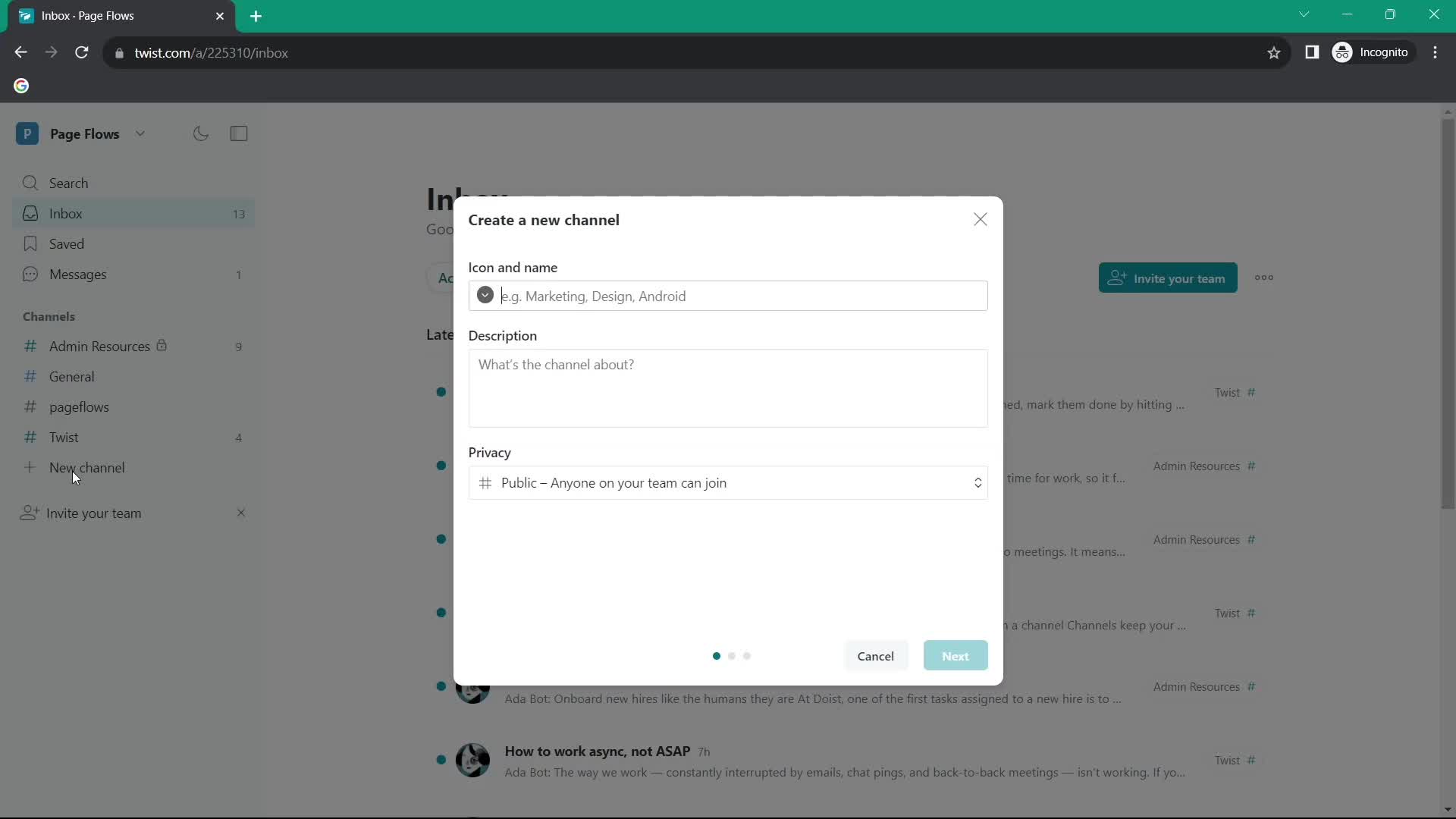
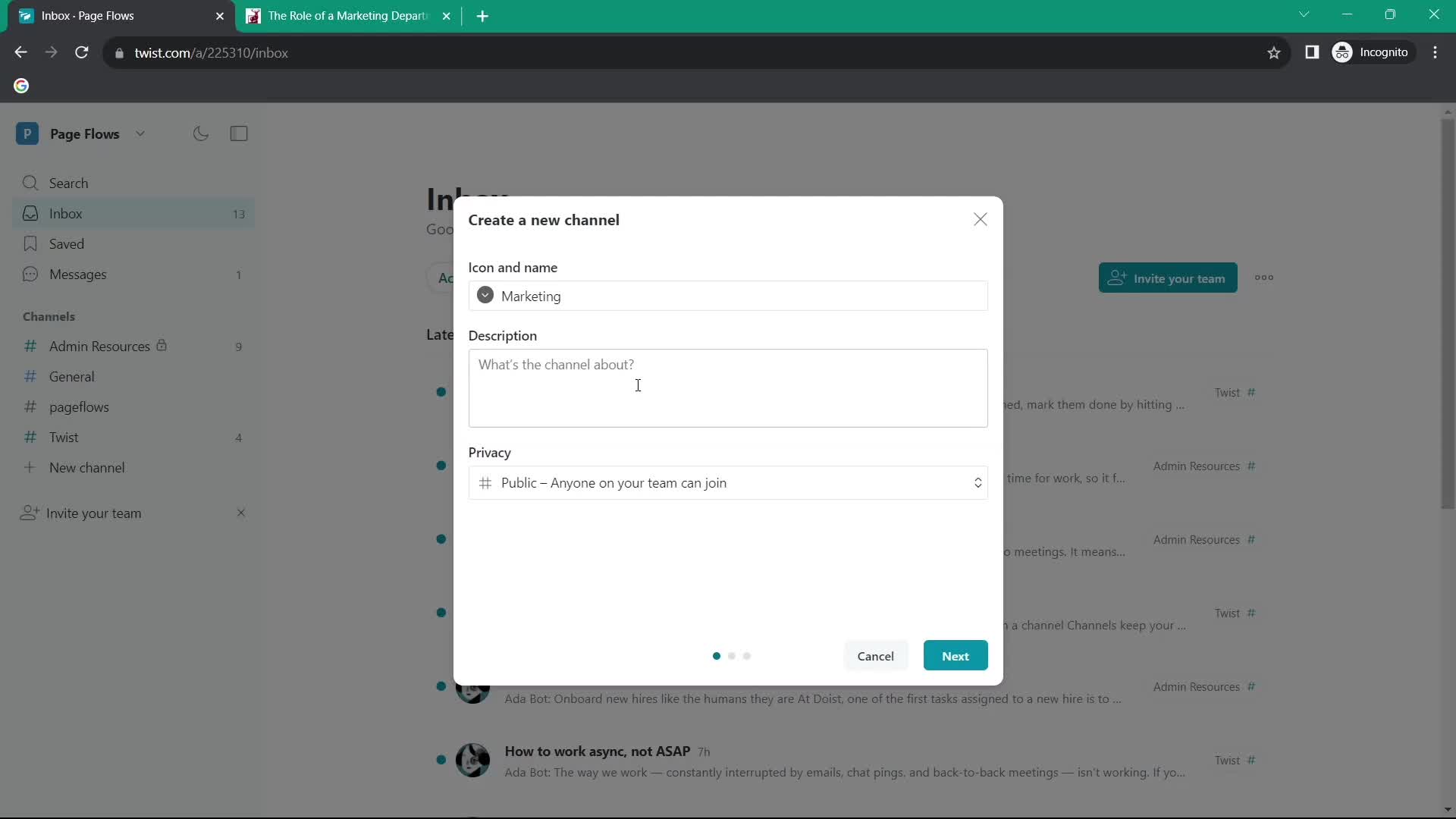
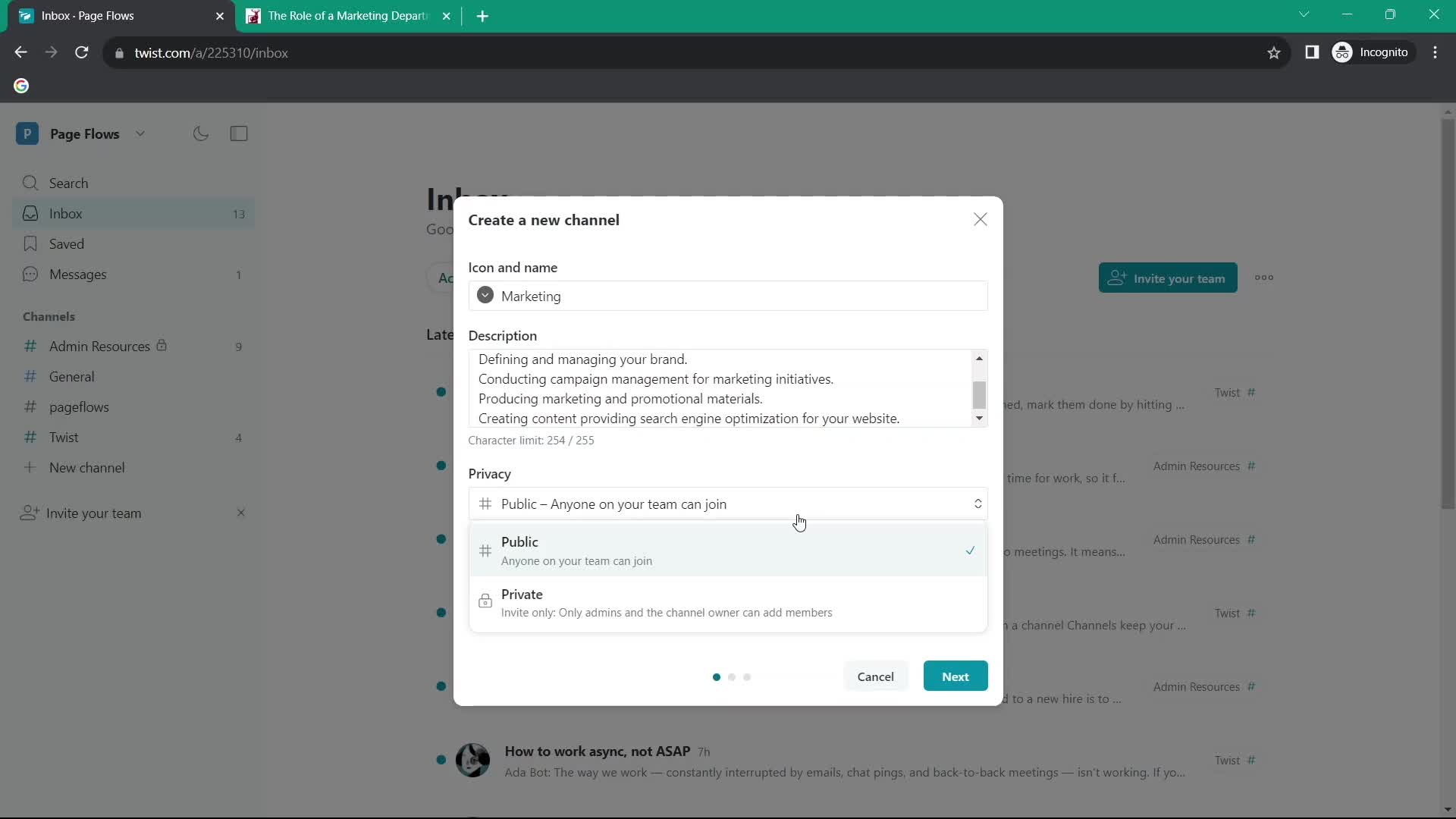
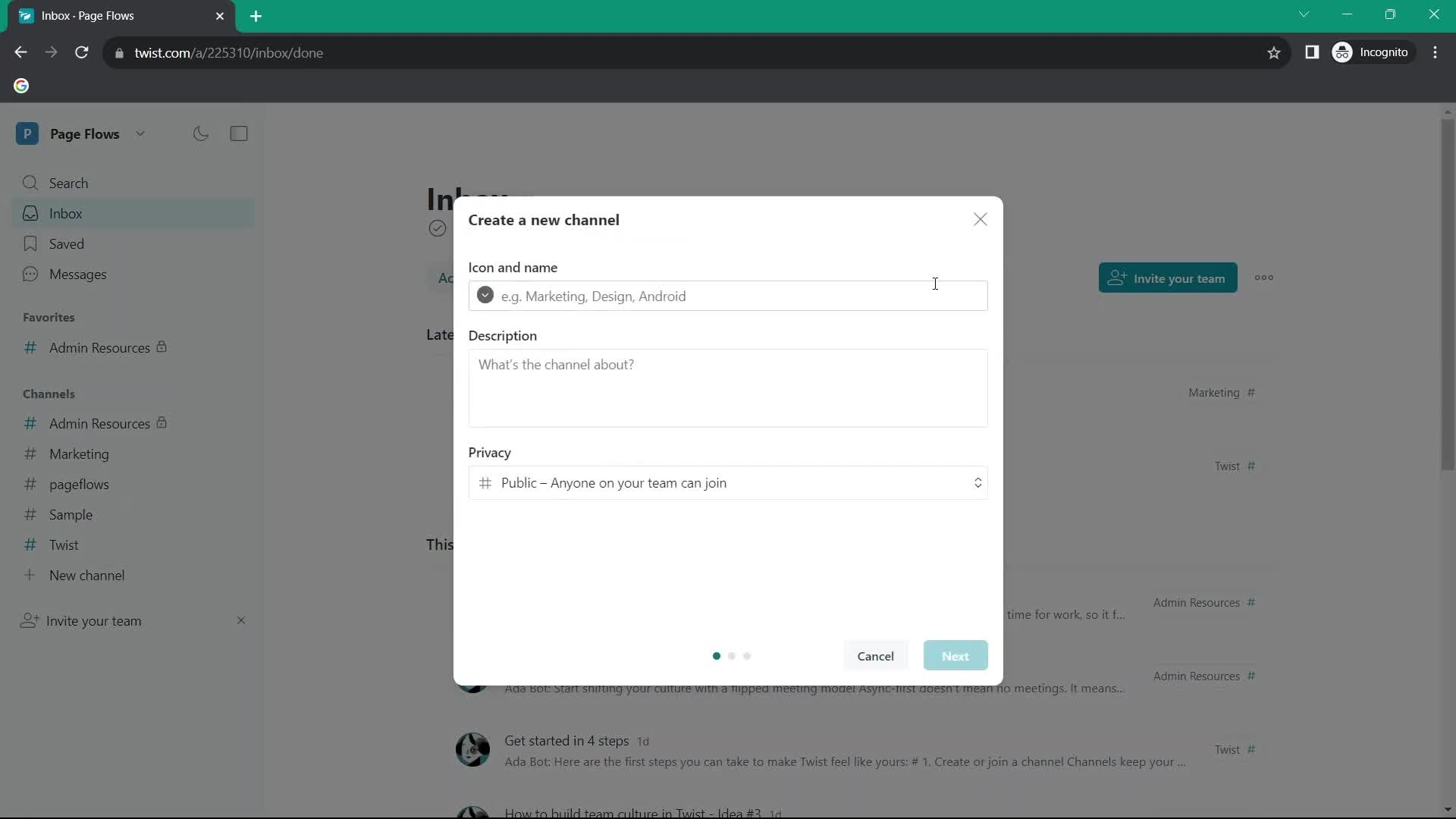
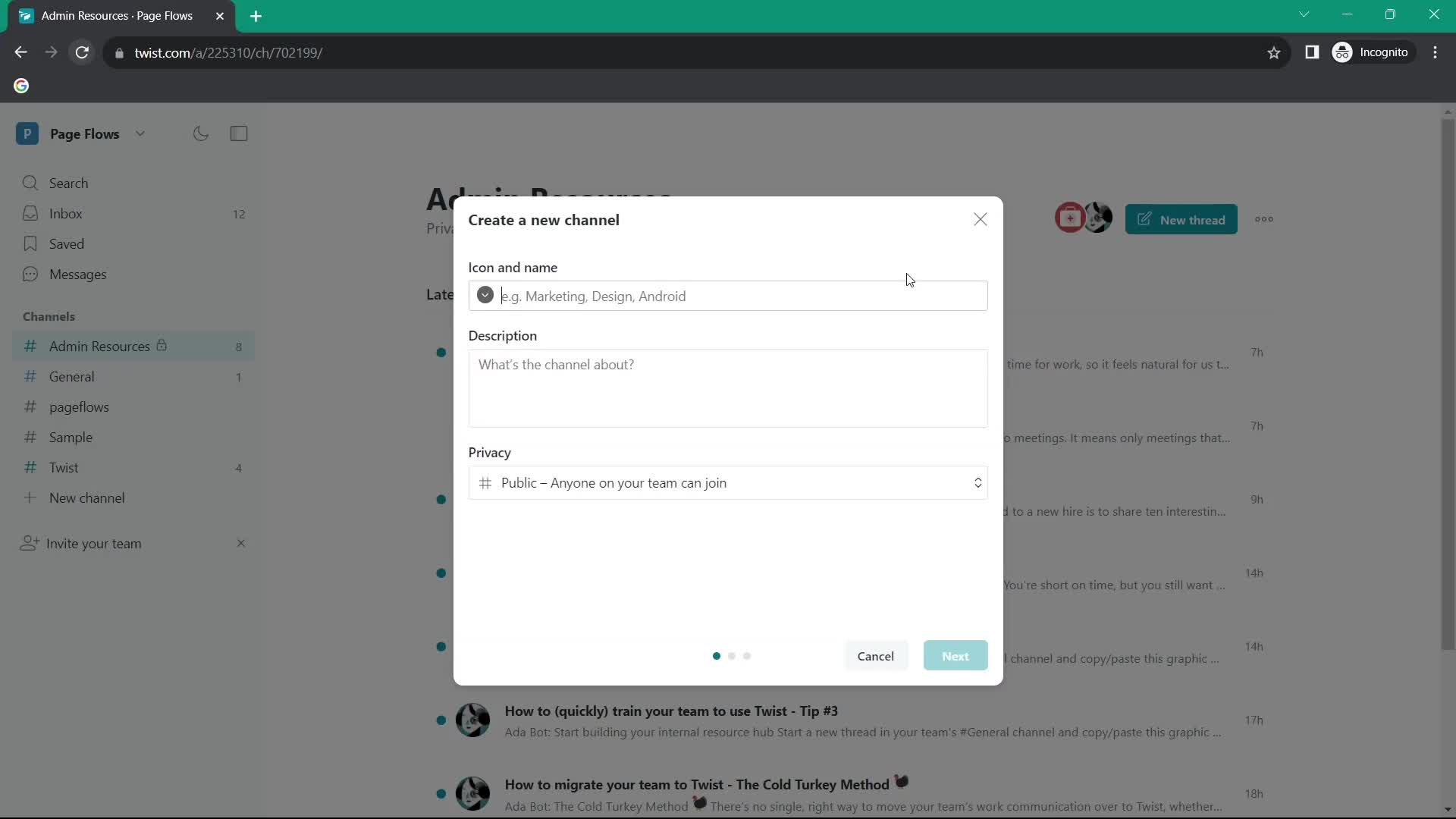
Create channel
this is title
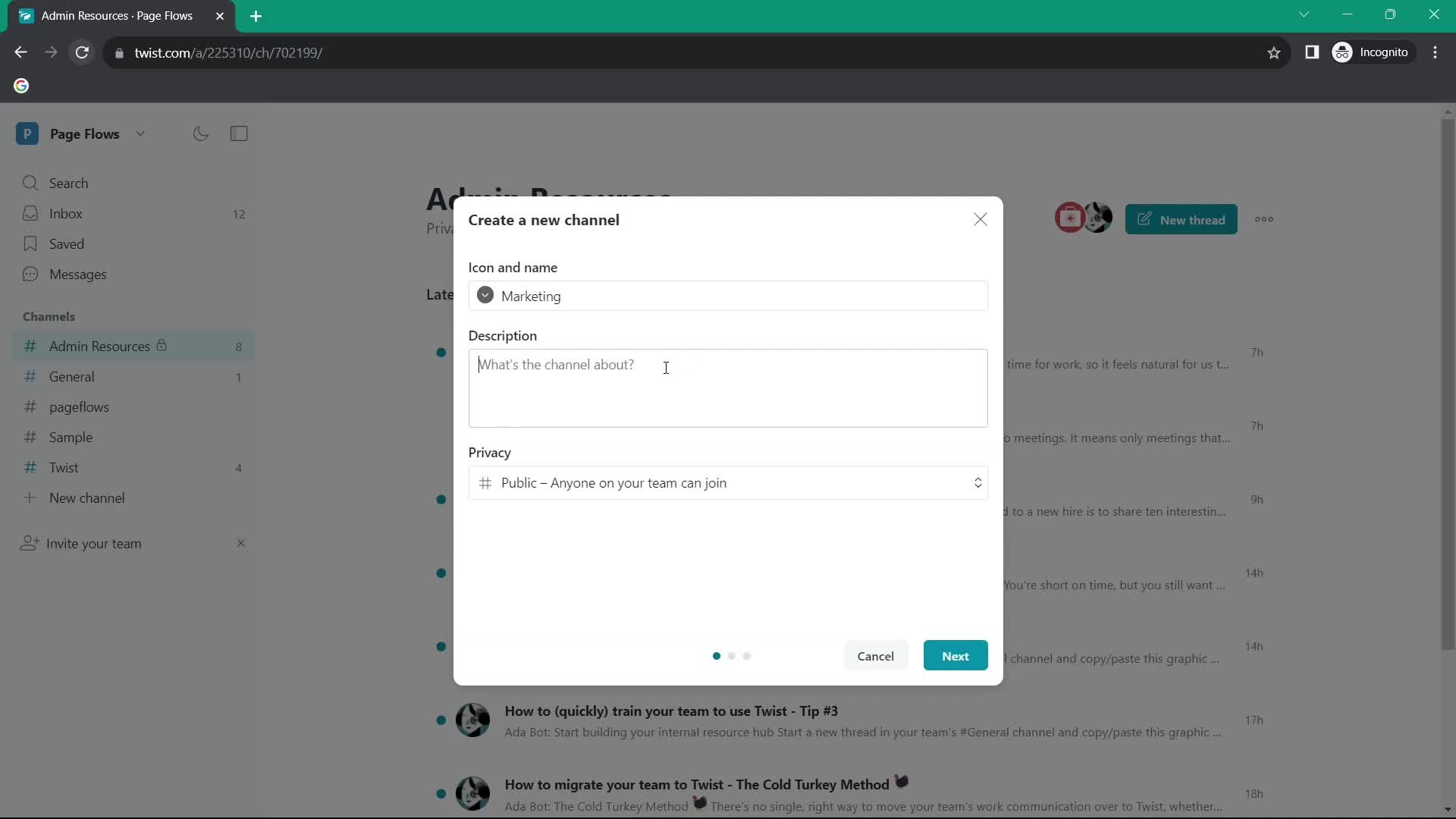
Add description
this is title
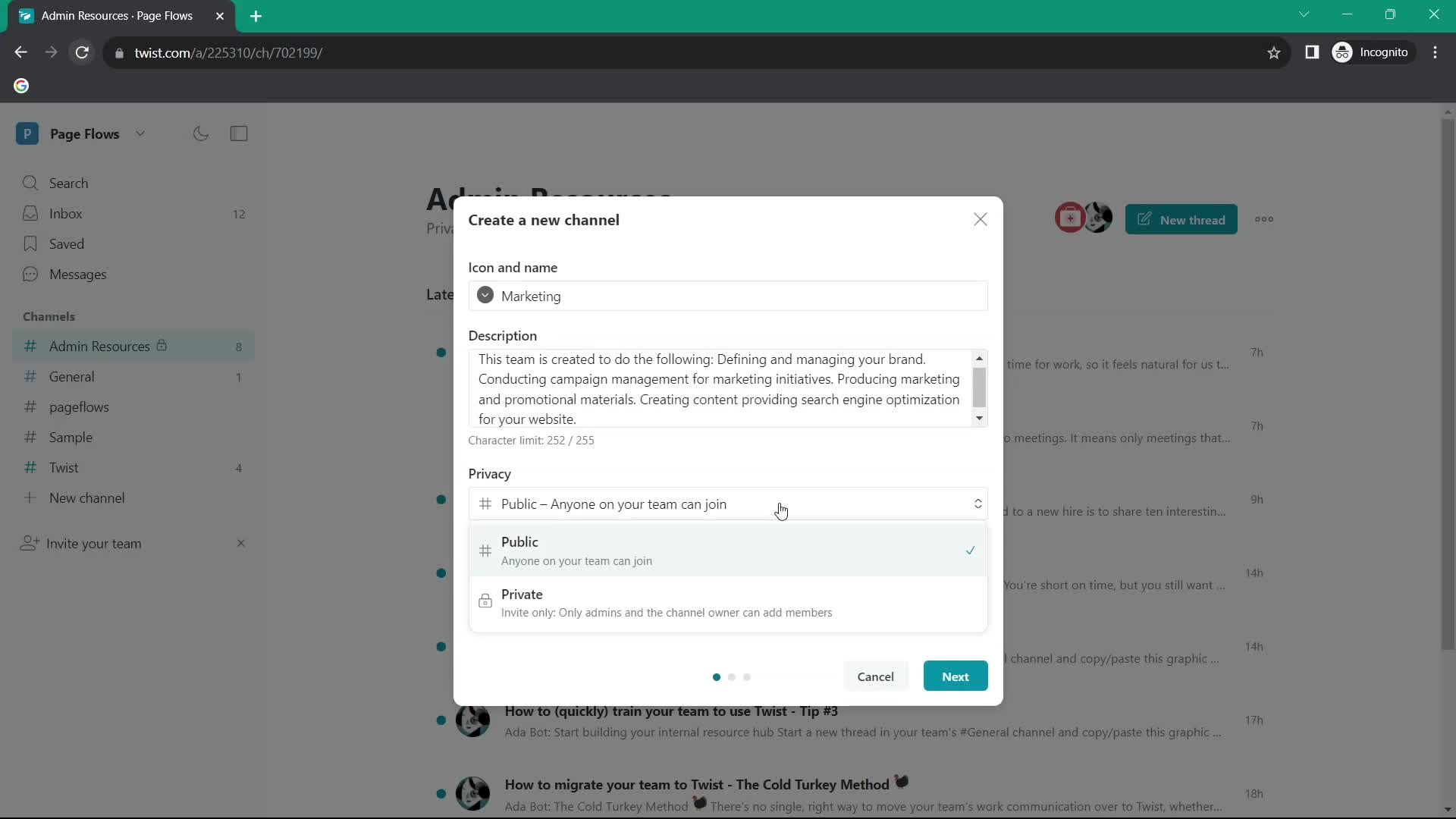
Set privacy
this is title
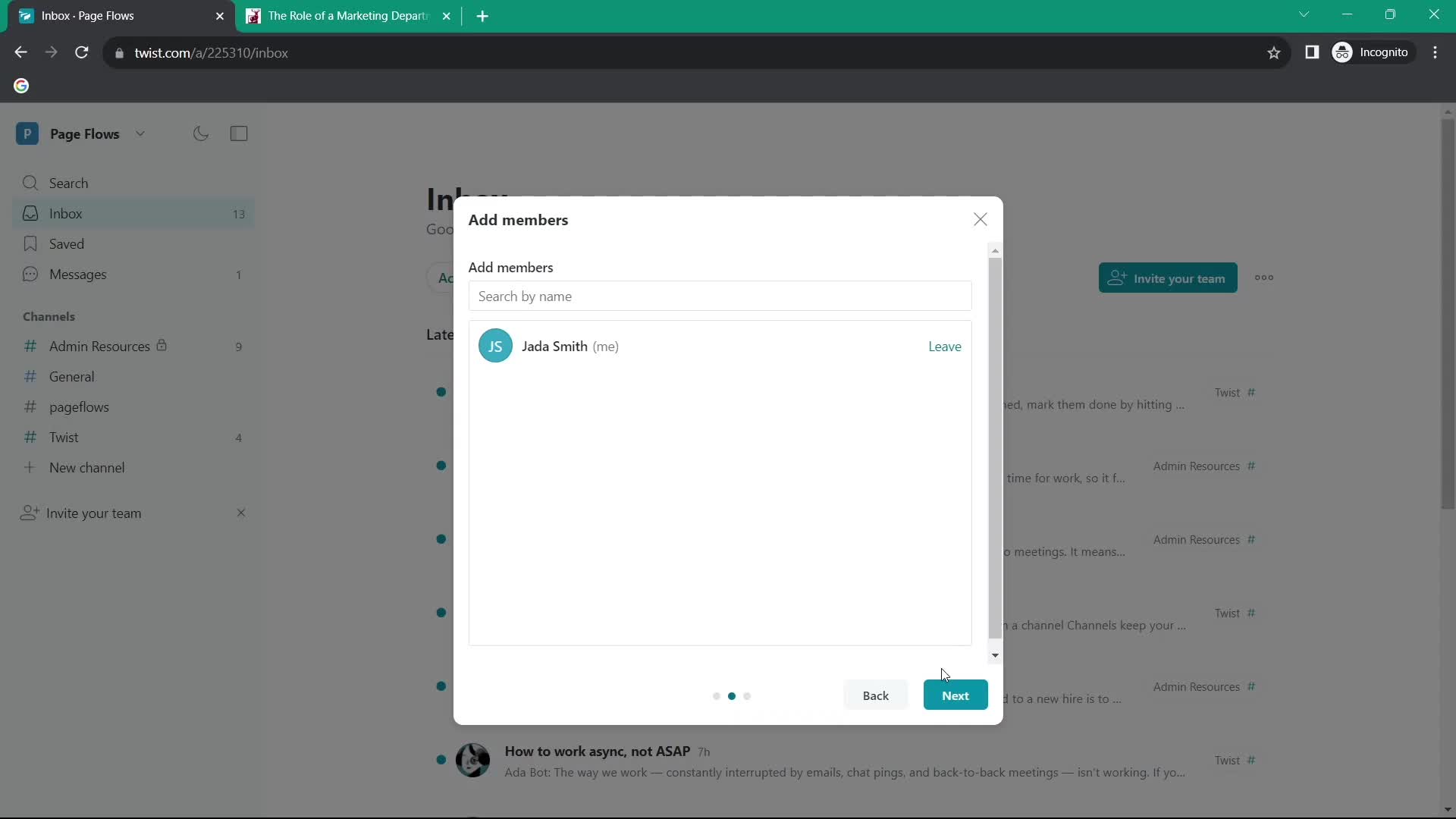
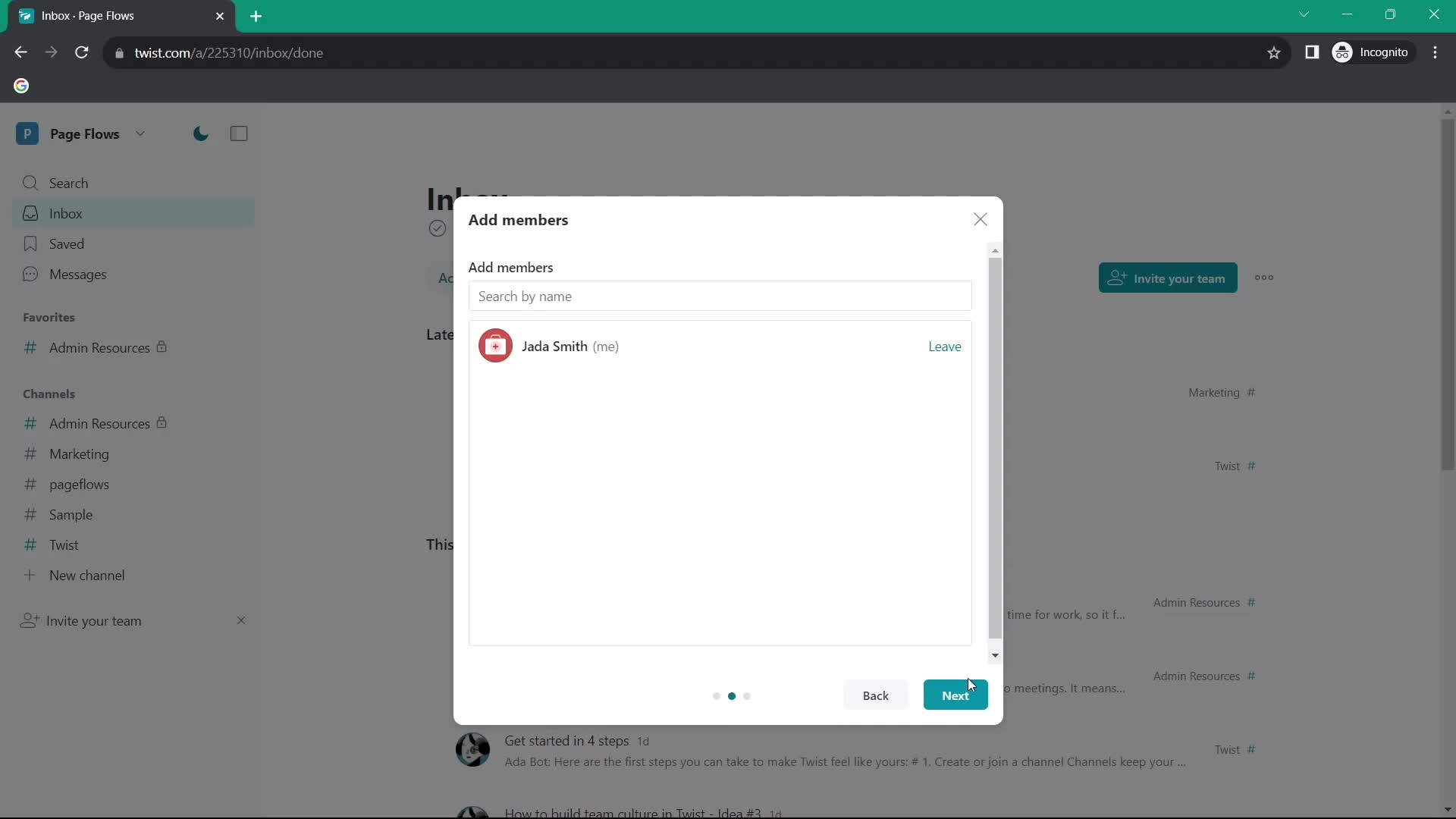
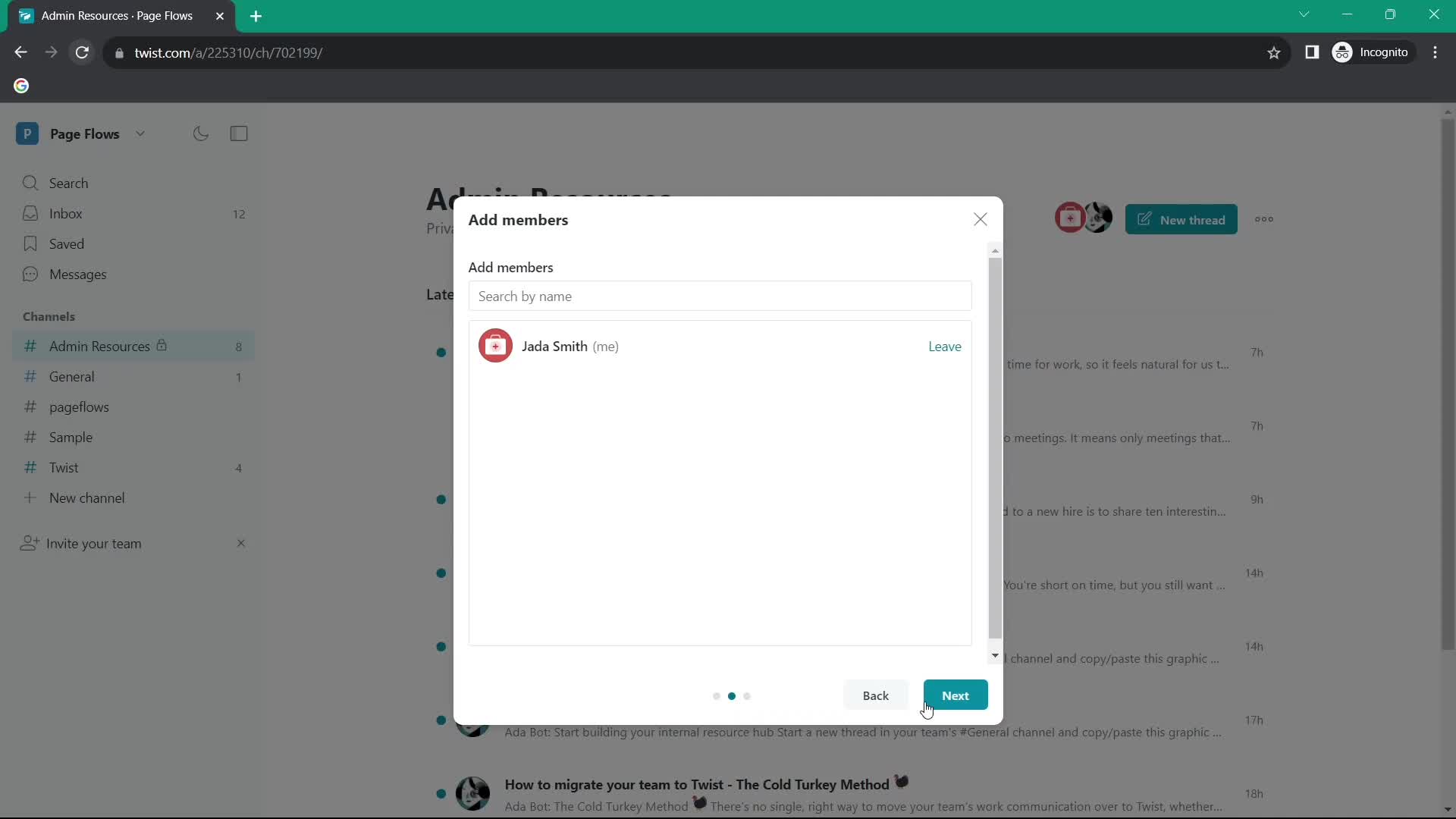
Add members
this is title
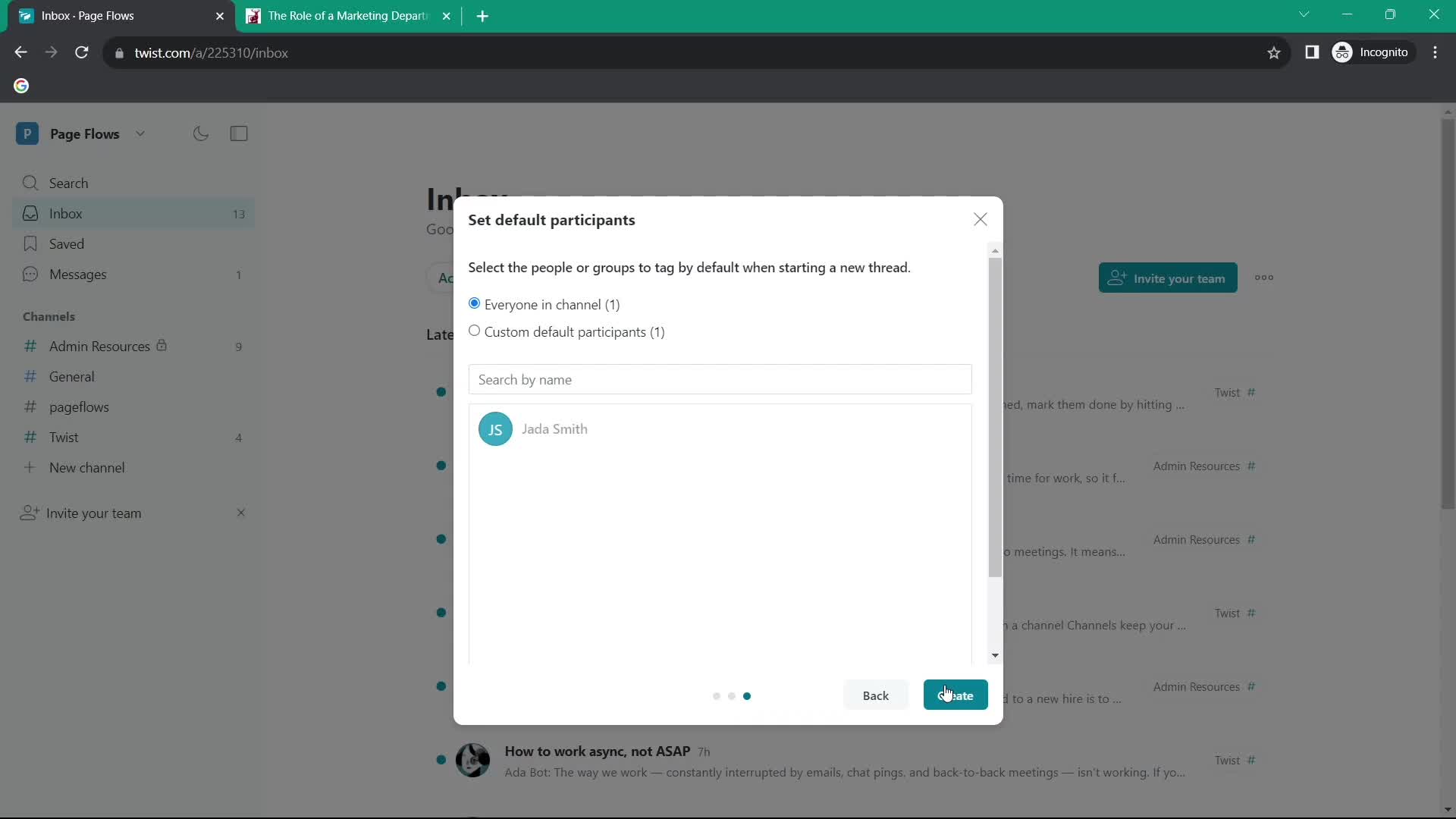
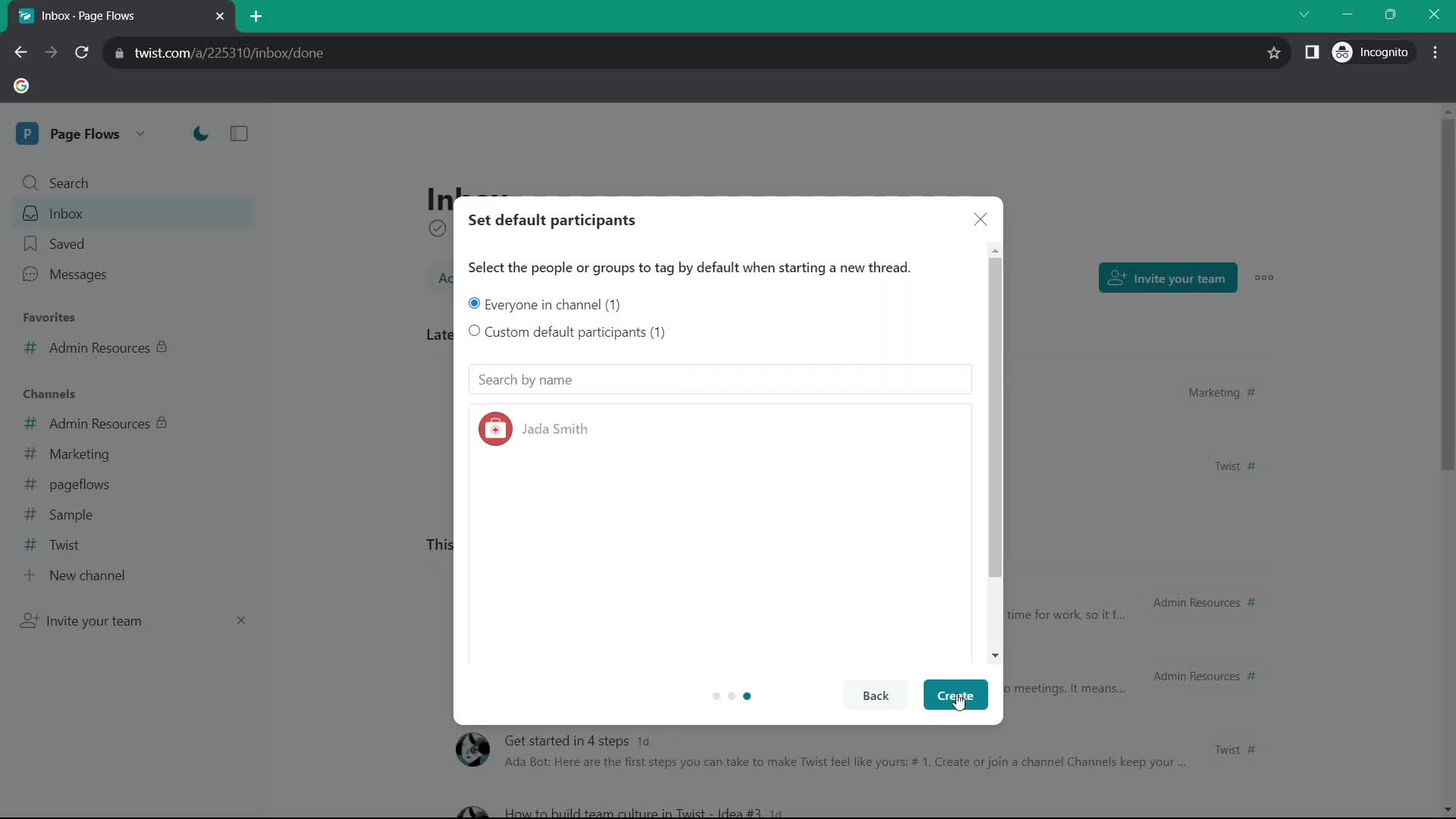
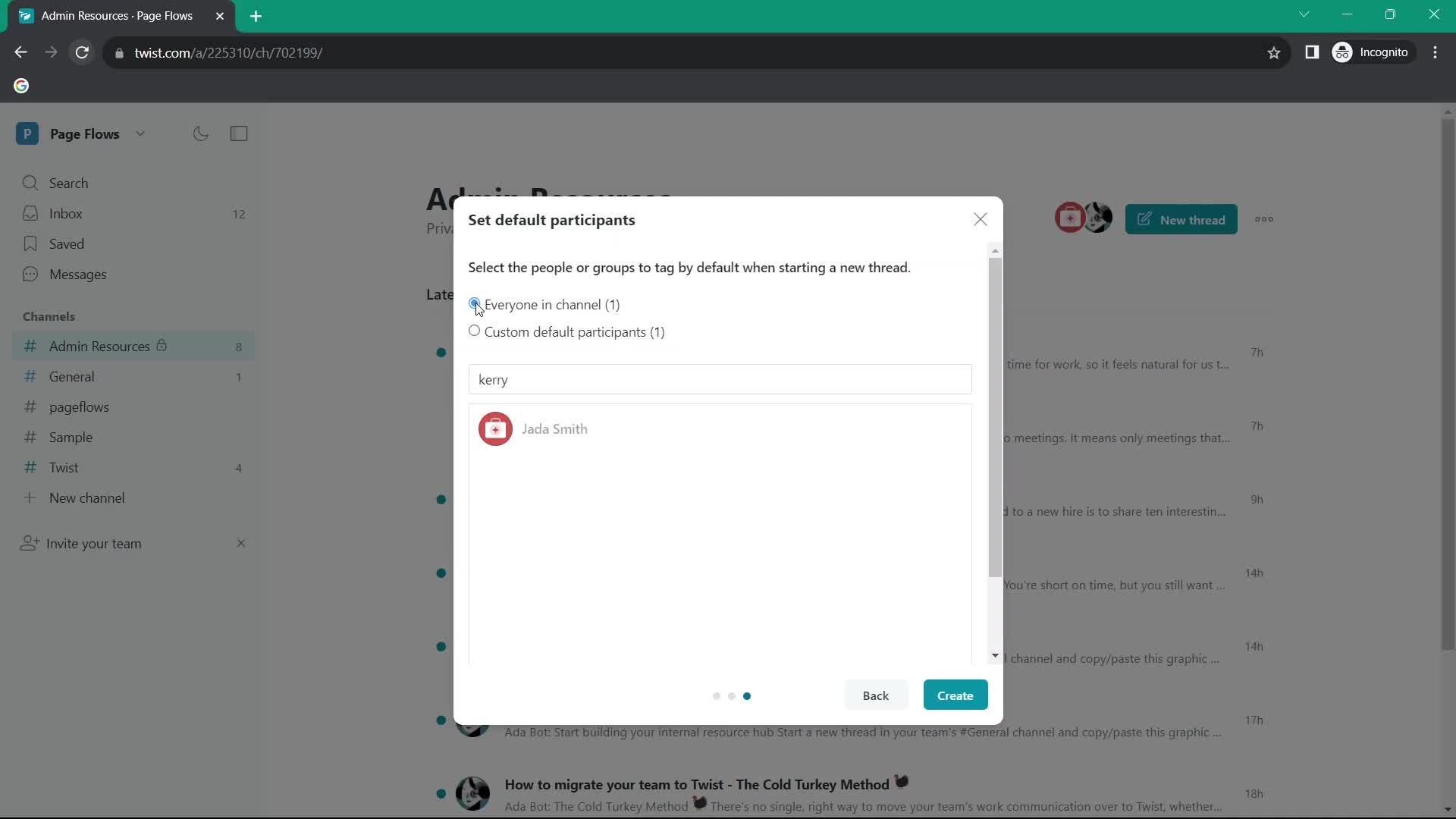
Set as default
this is title
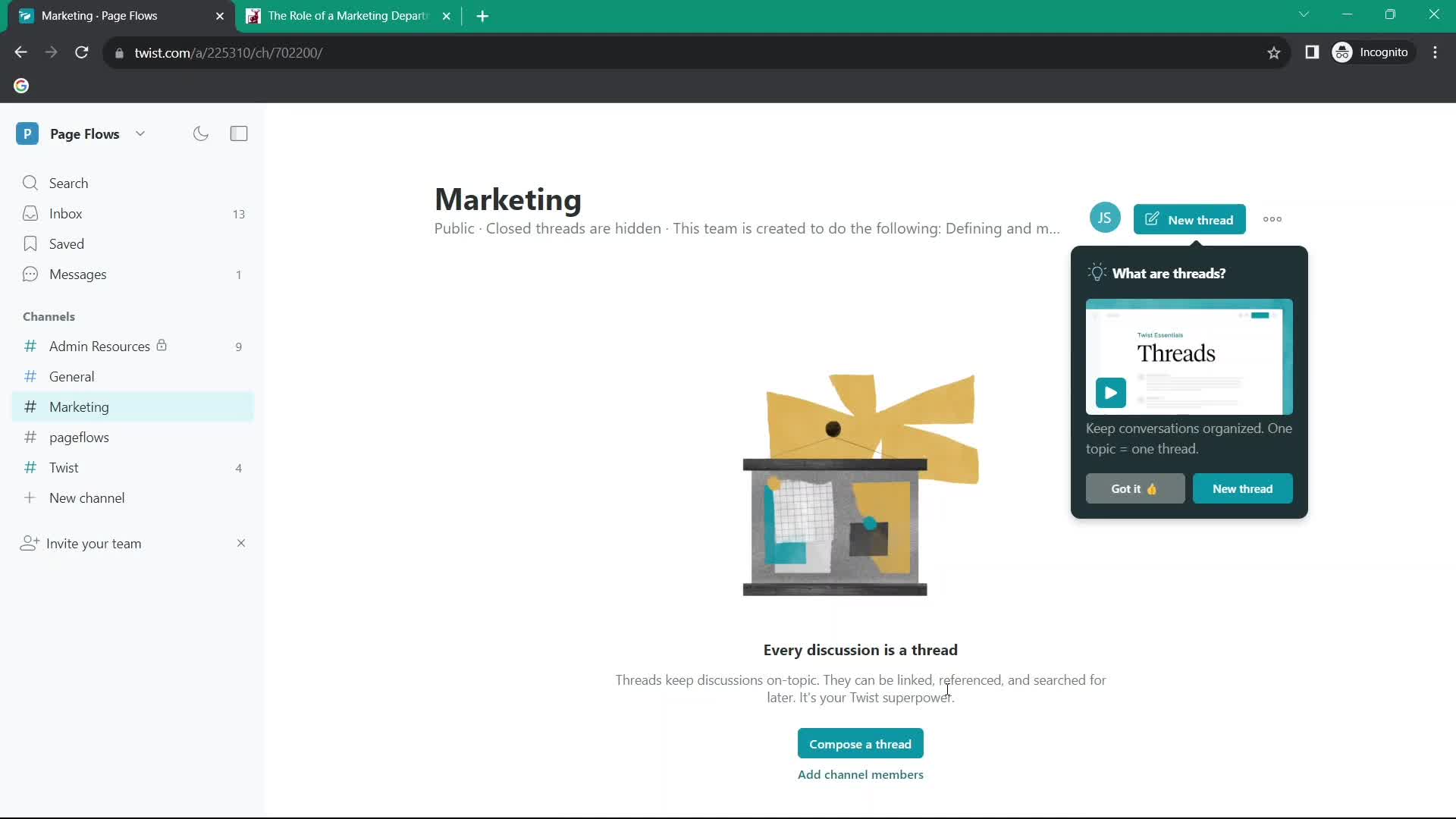
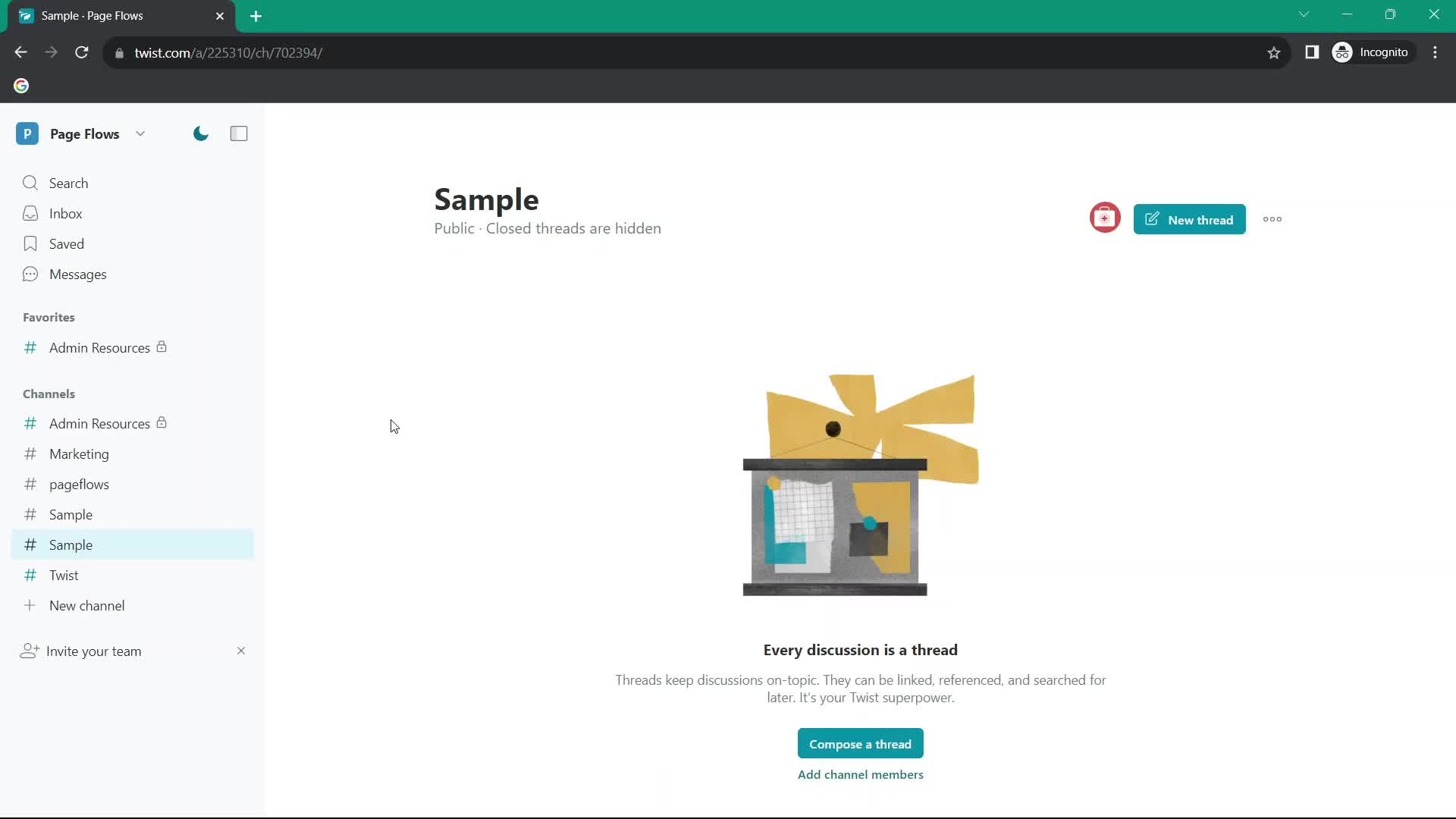
Channel details
this is title
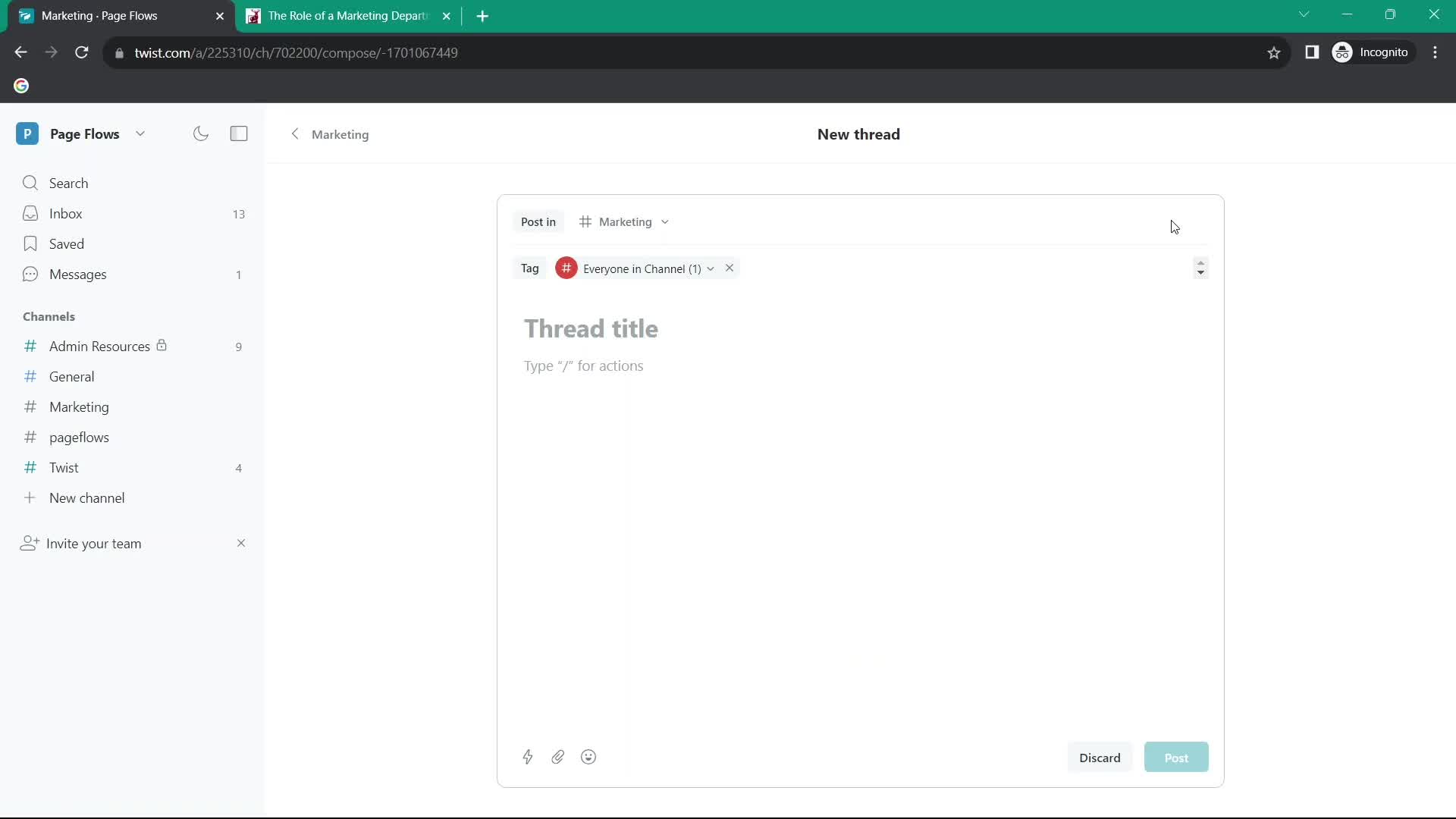
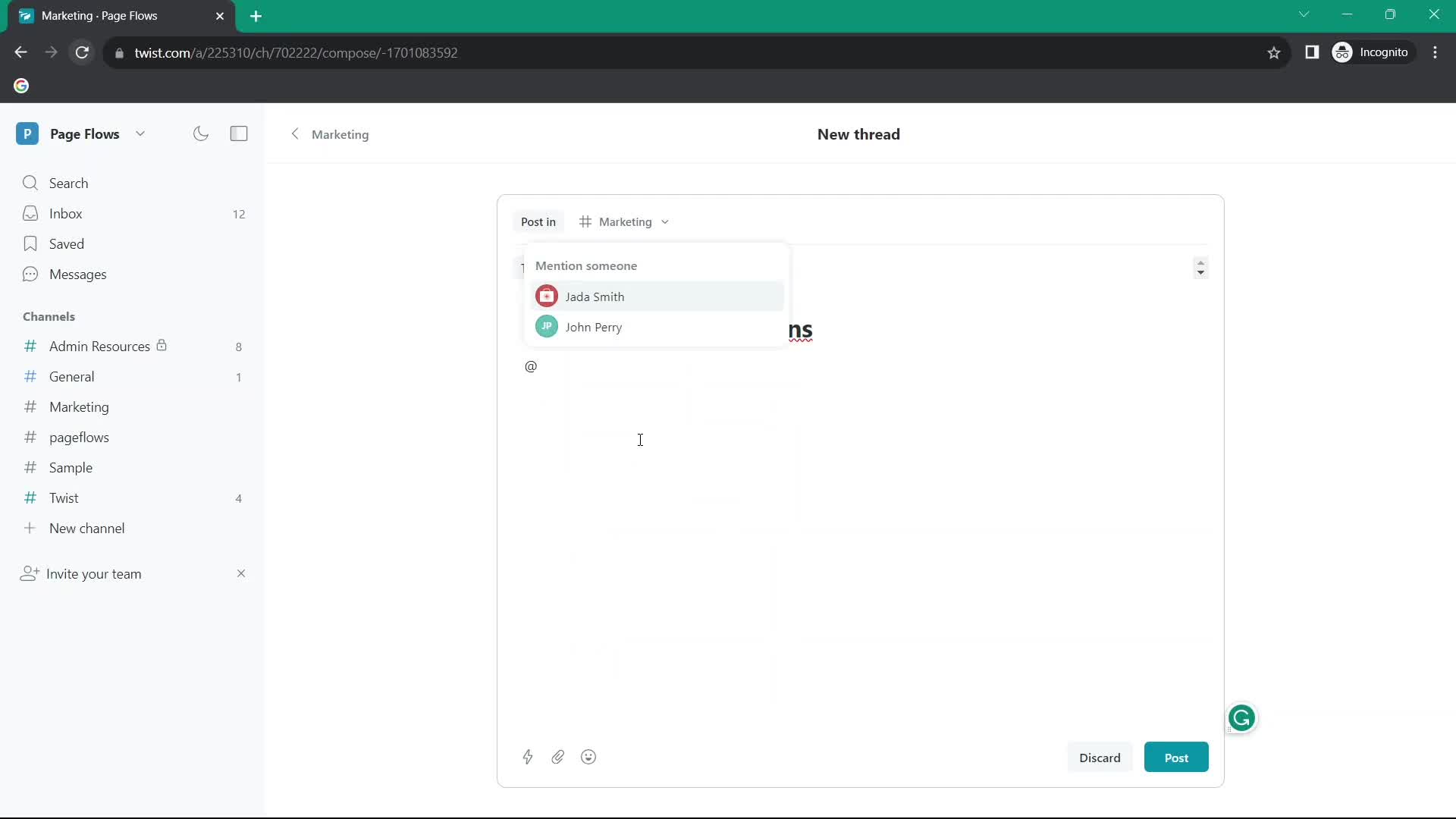
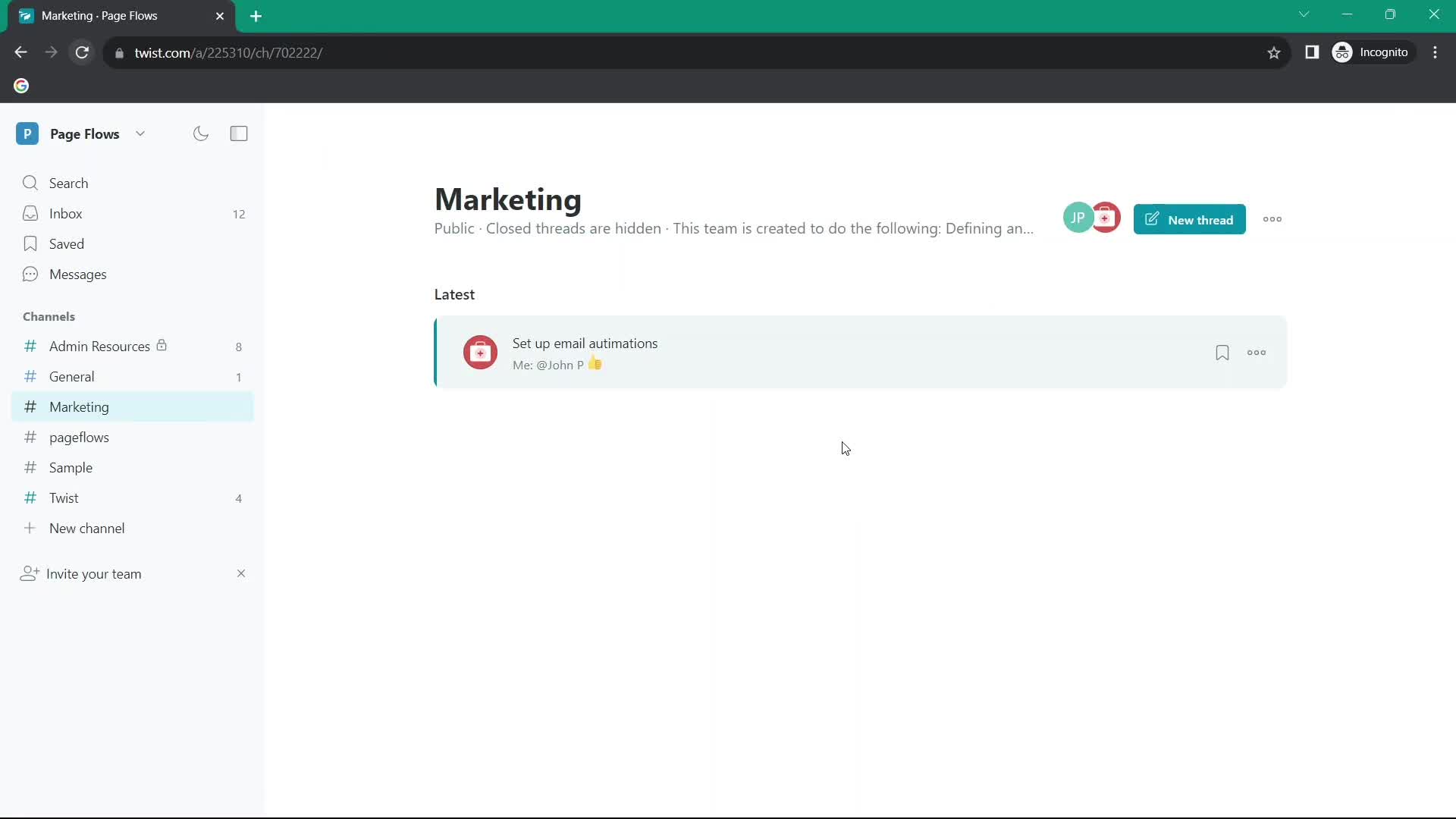
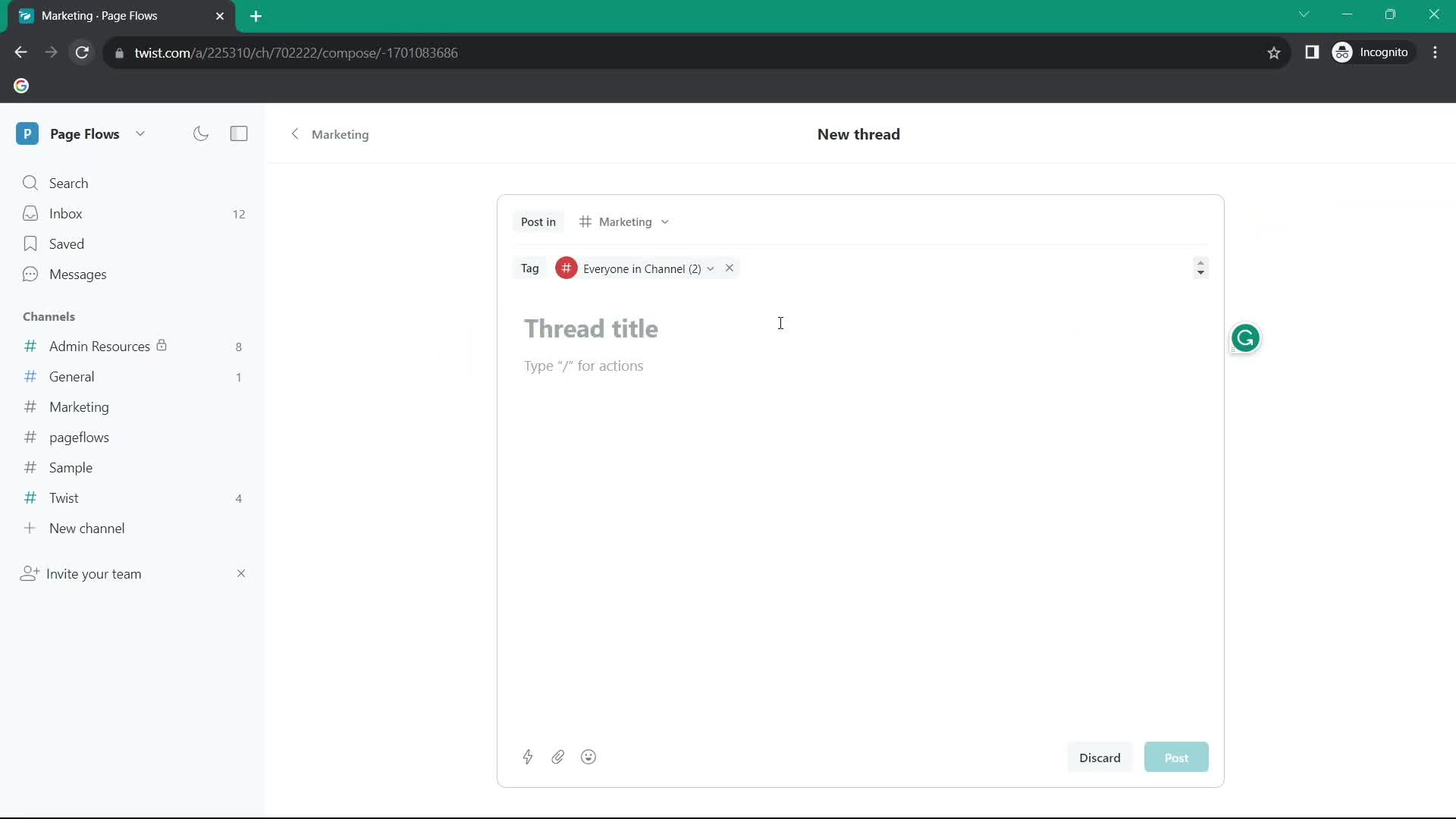
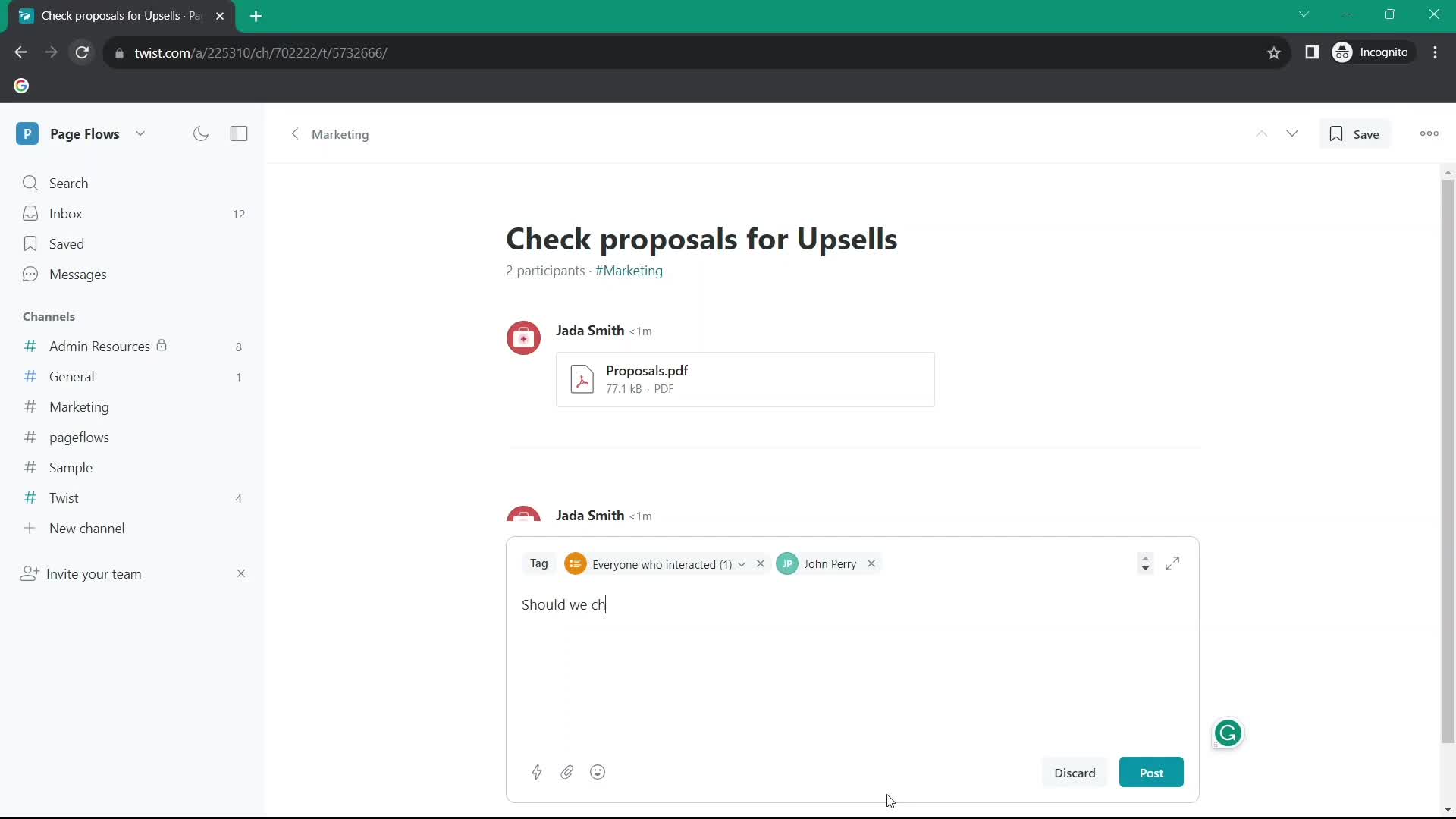
Create thread
this is title
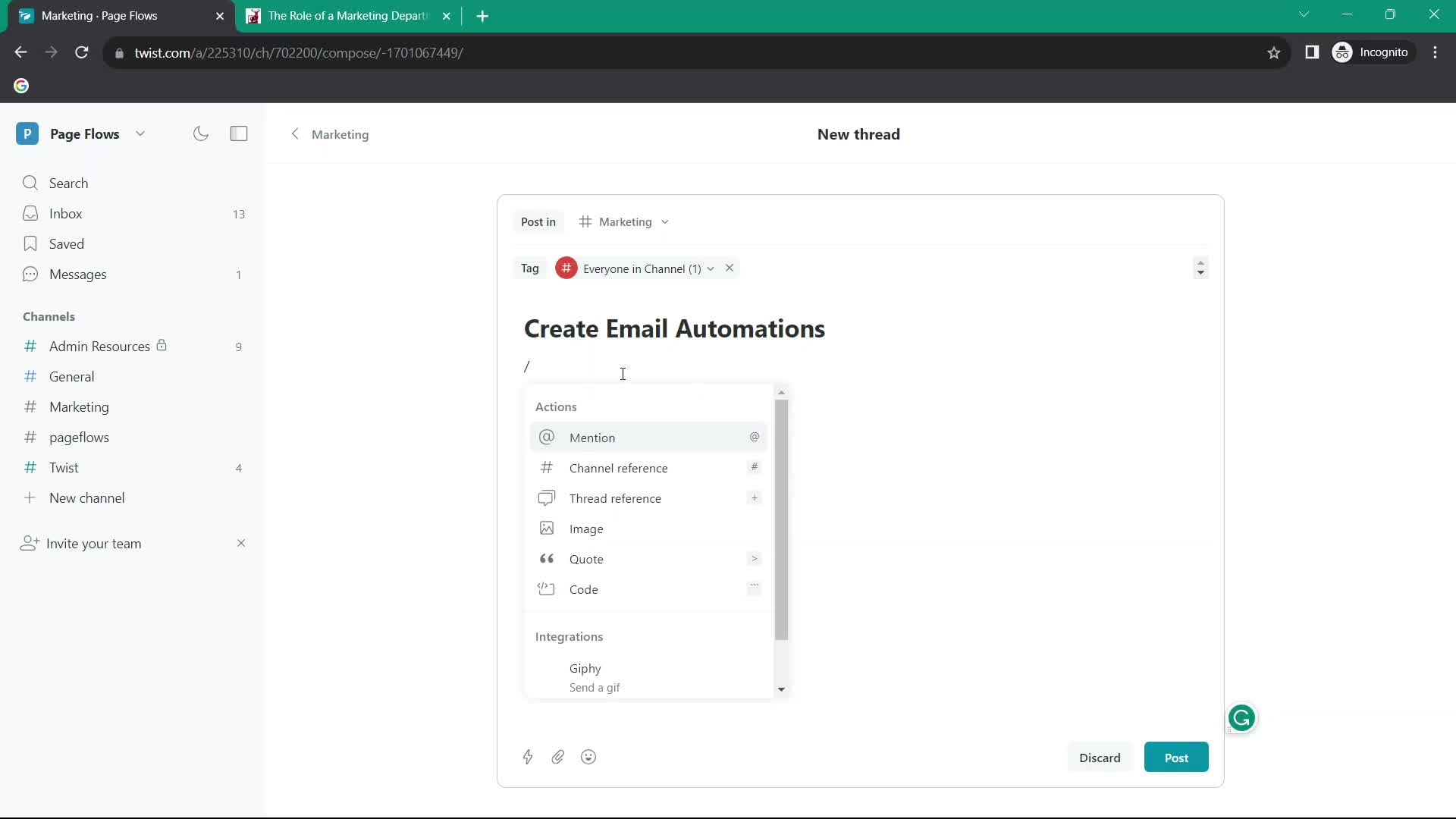
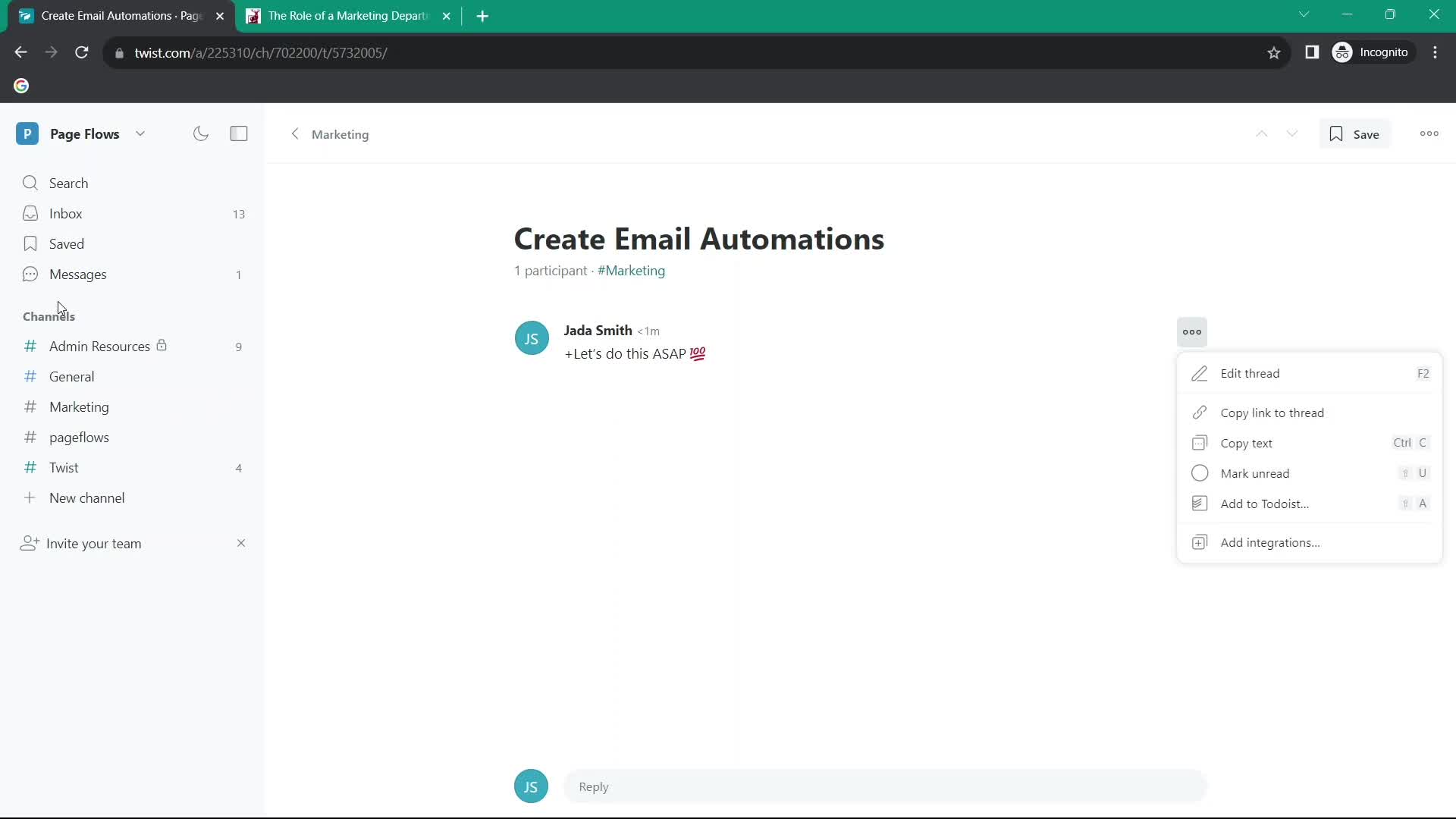
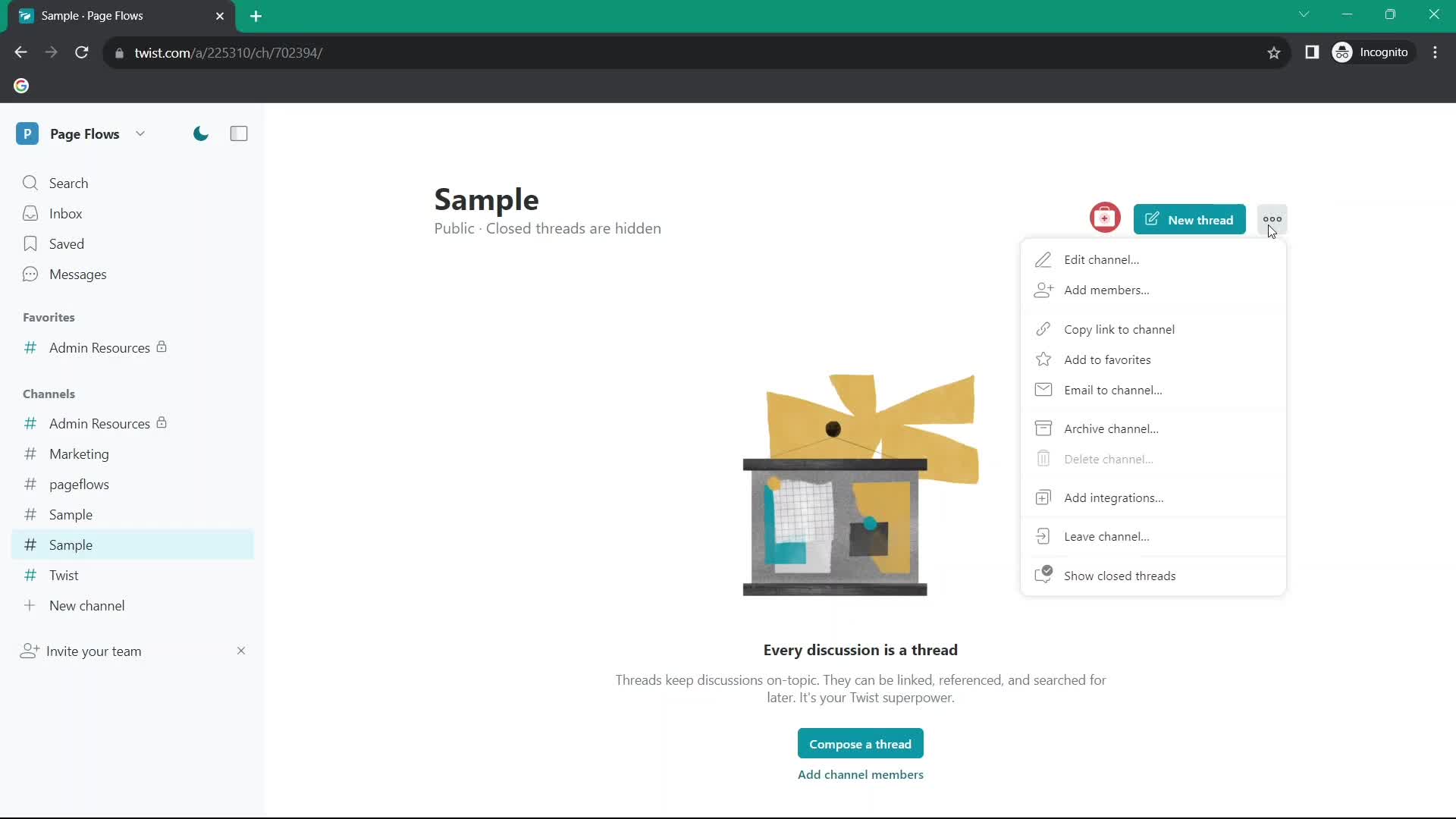
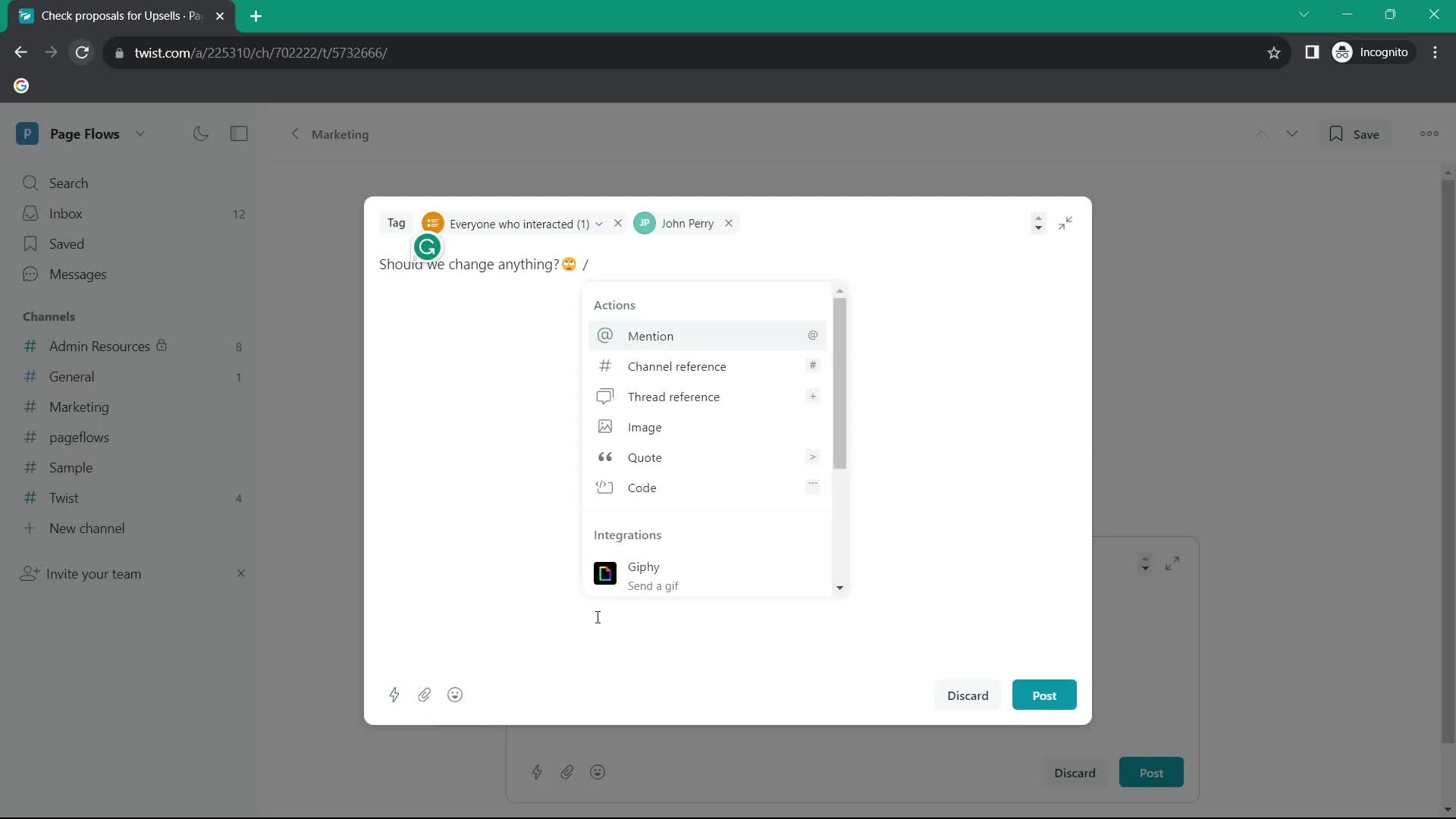
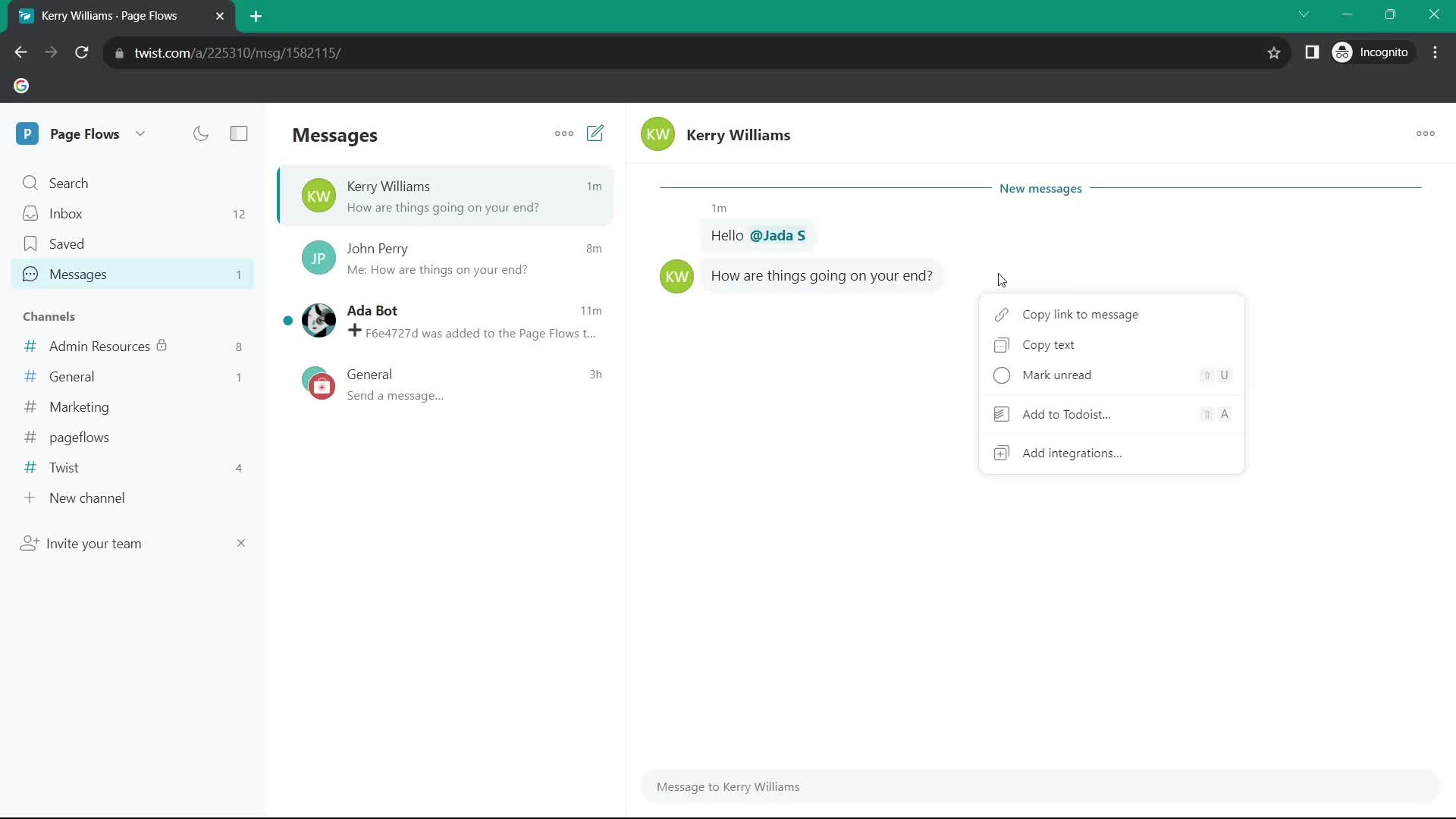
Action menu
this is title
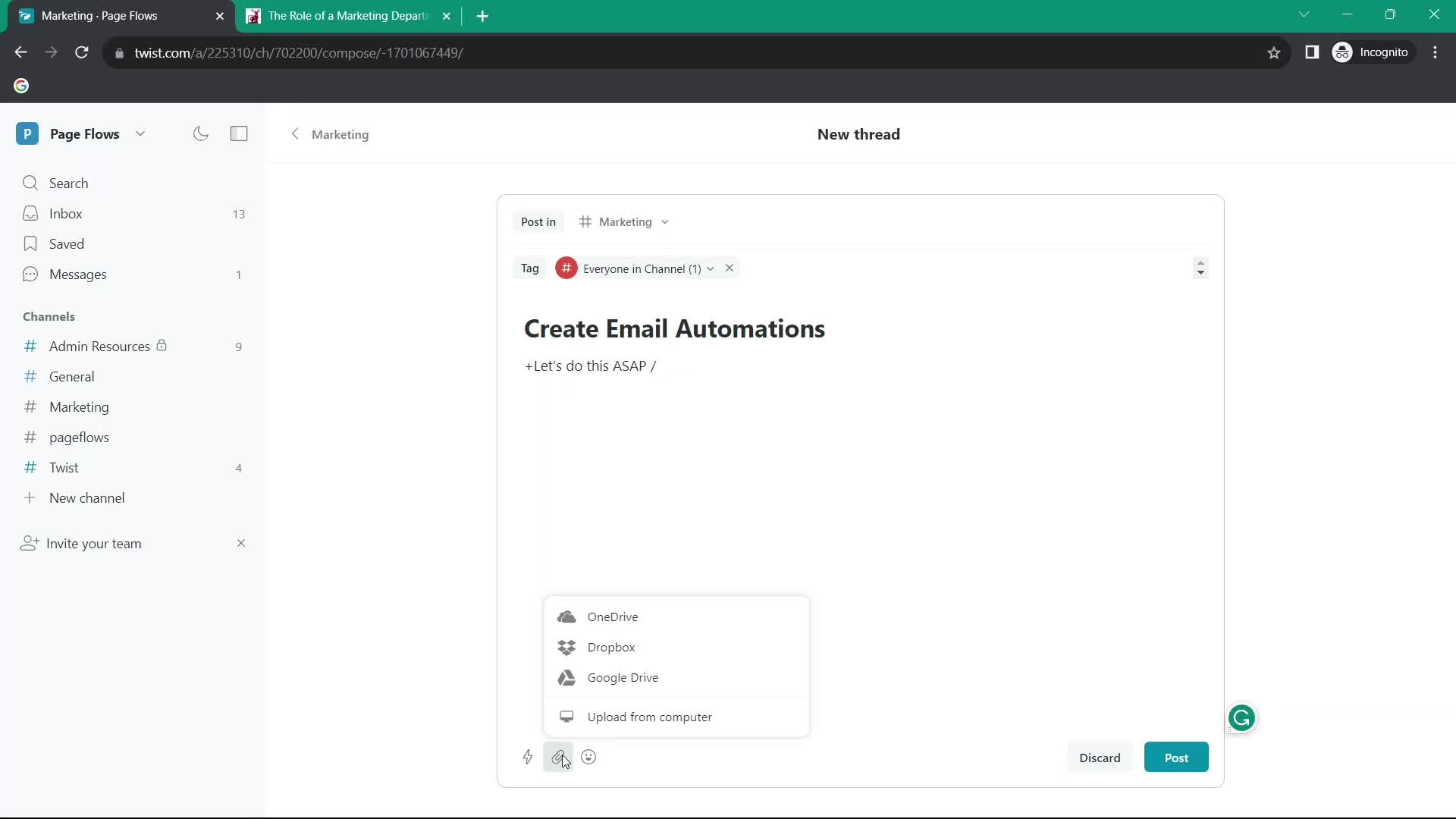
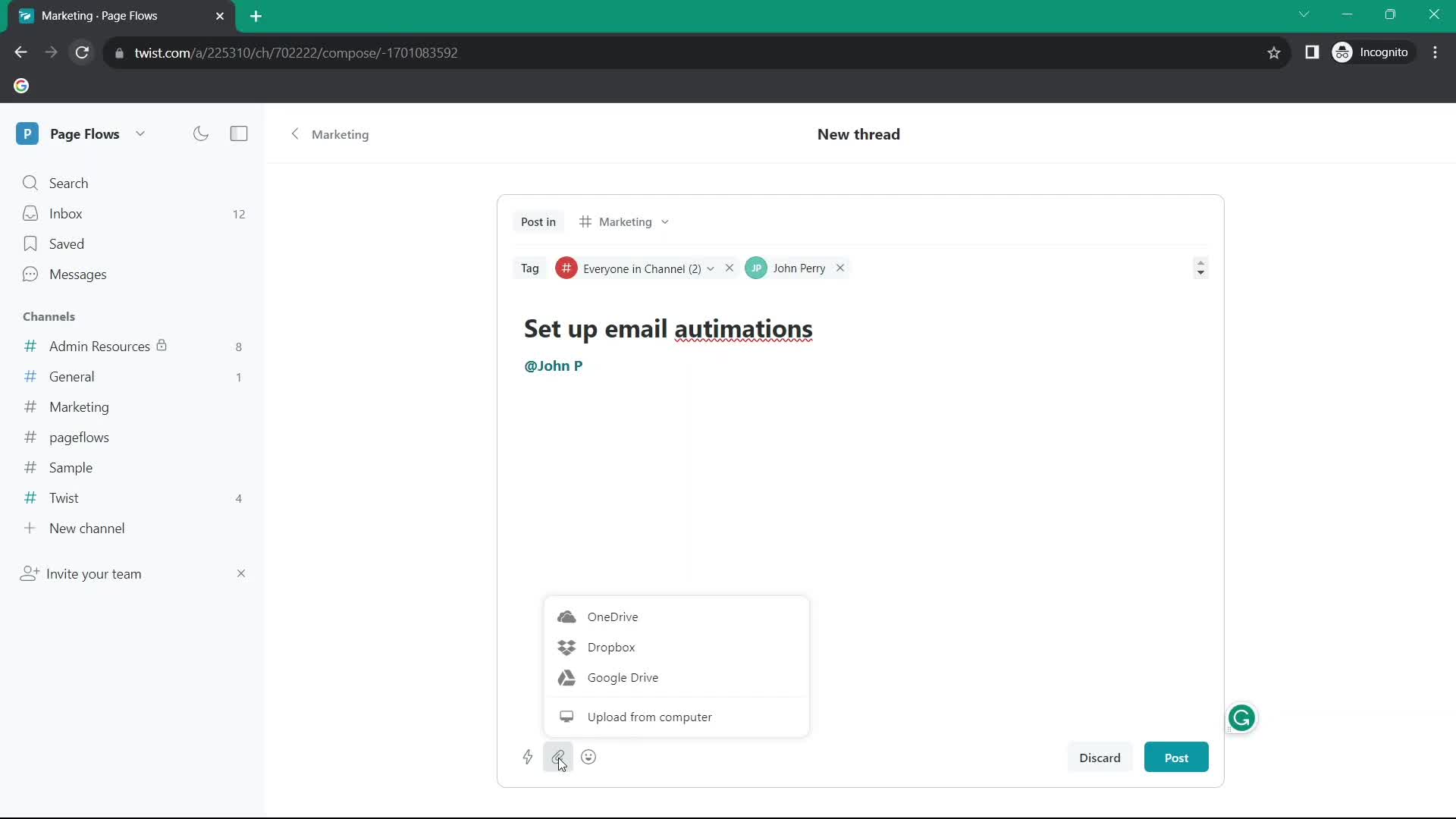
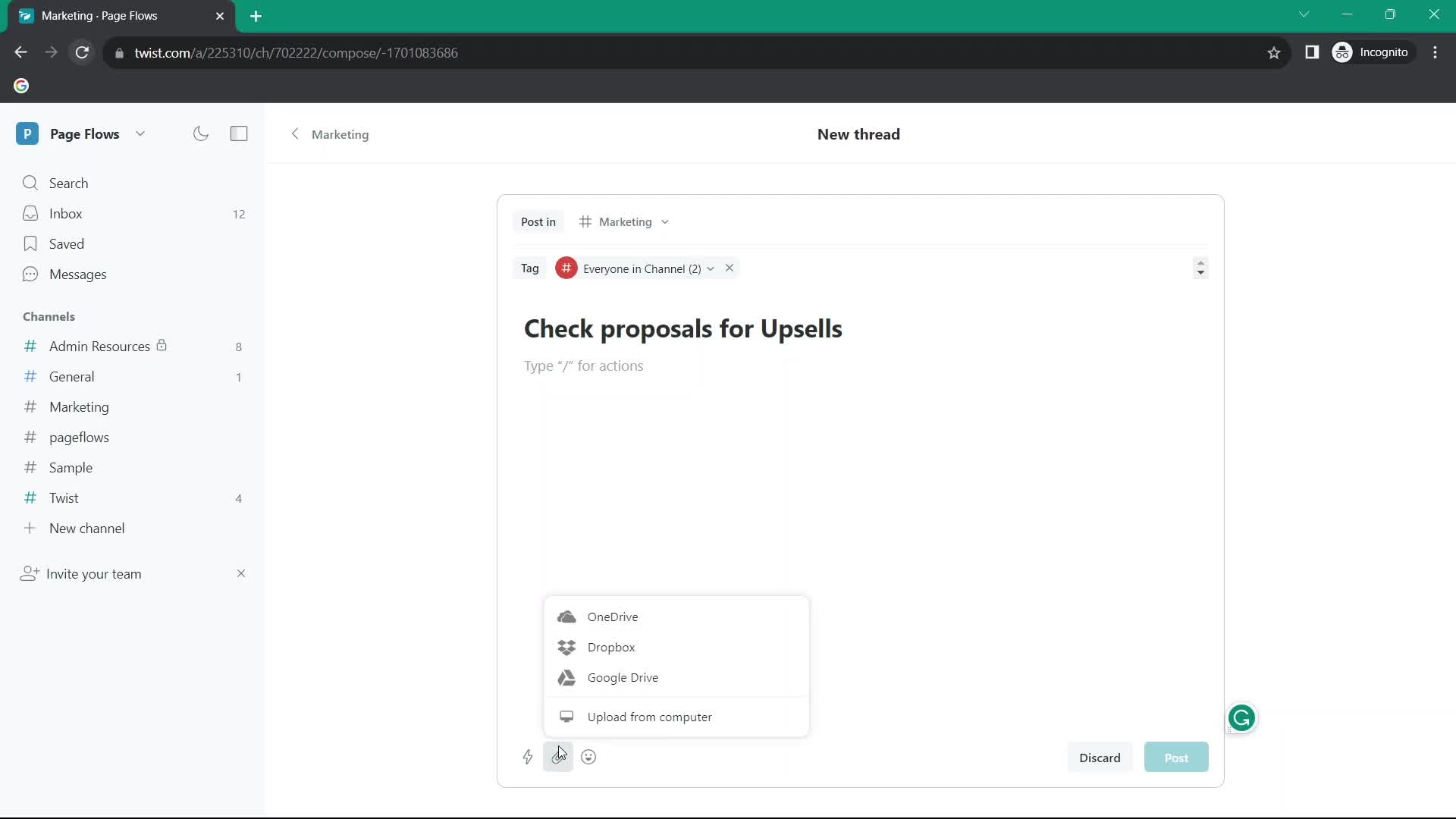
Add attachment
this is title
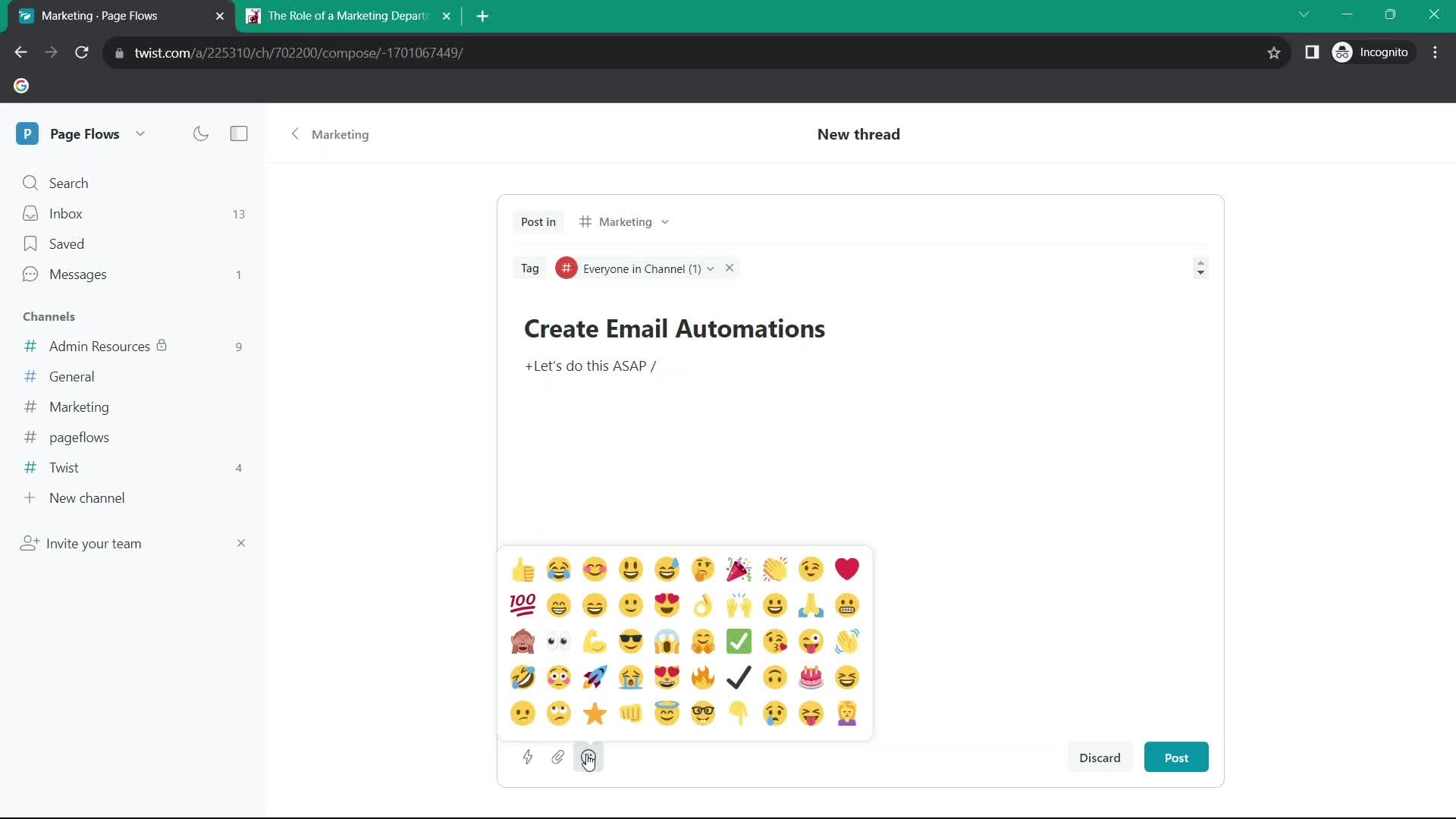
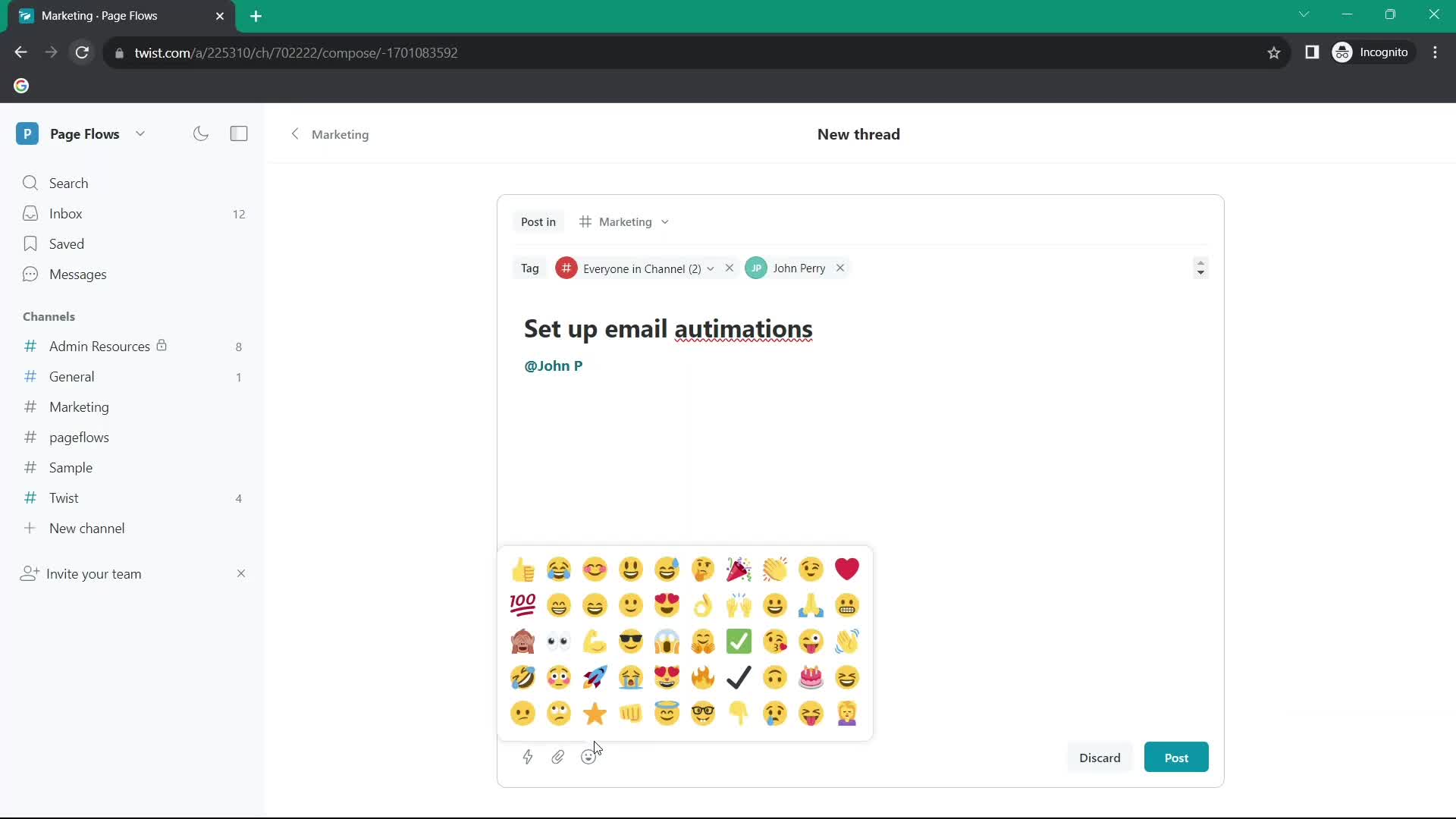
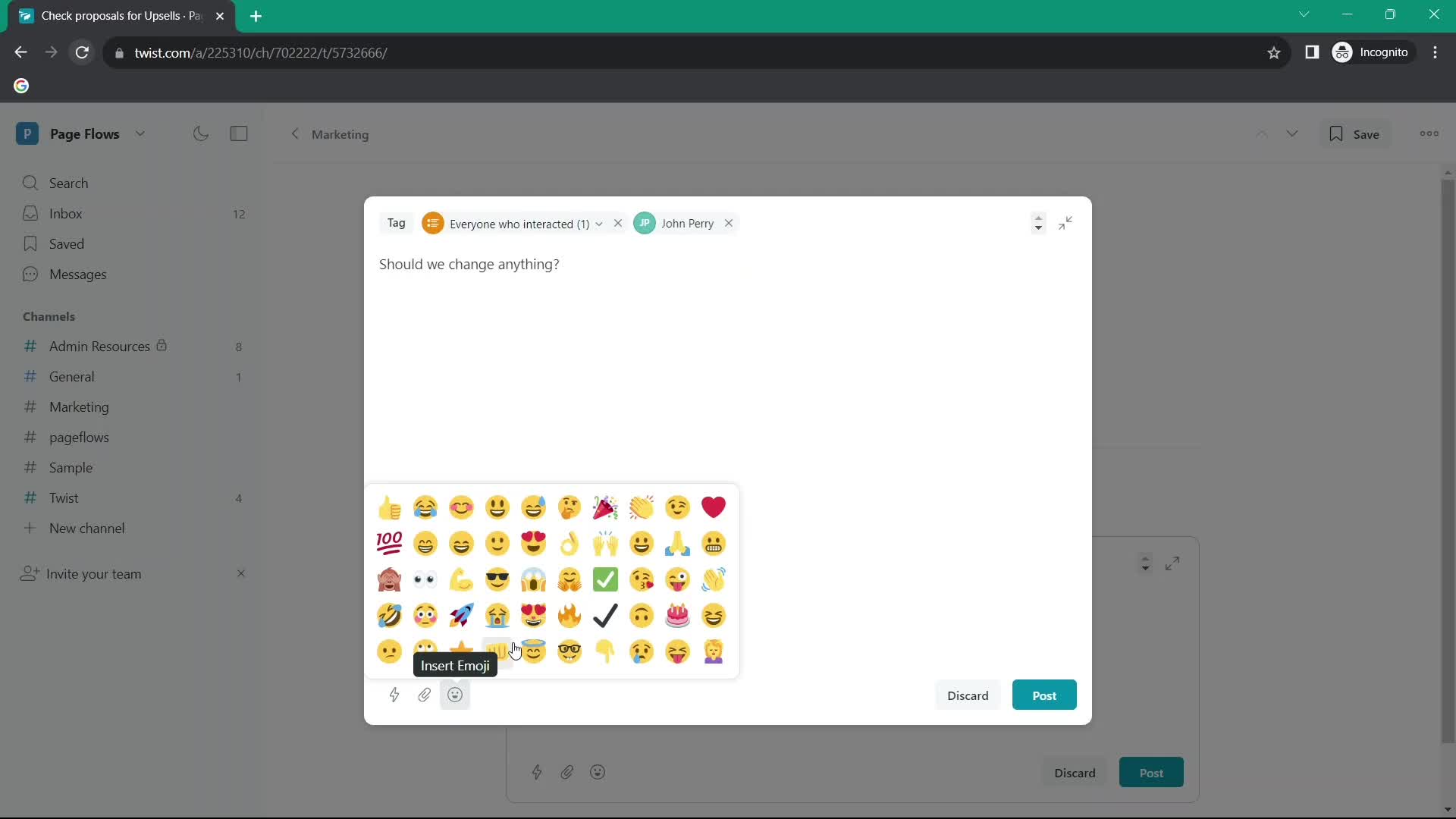
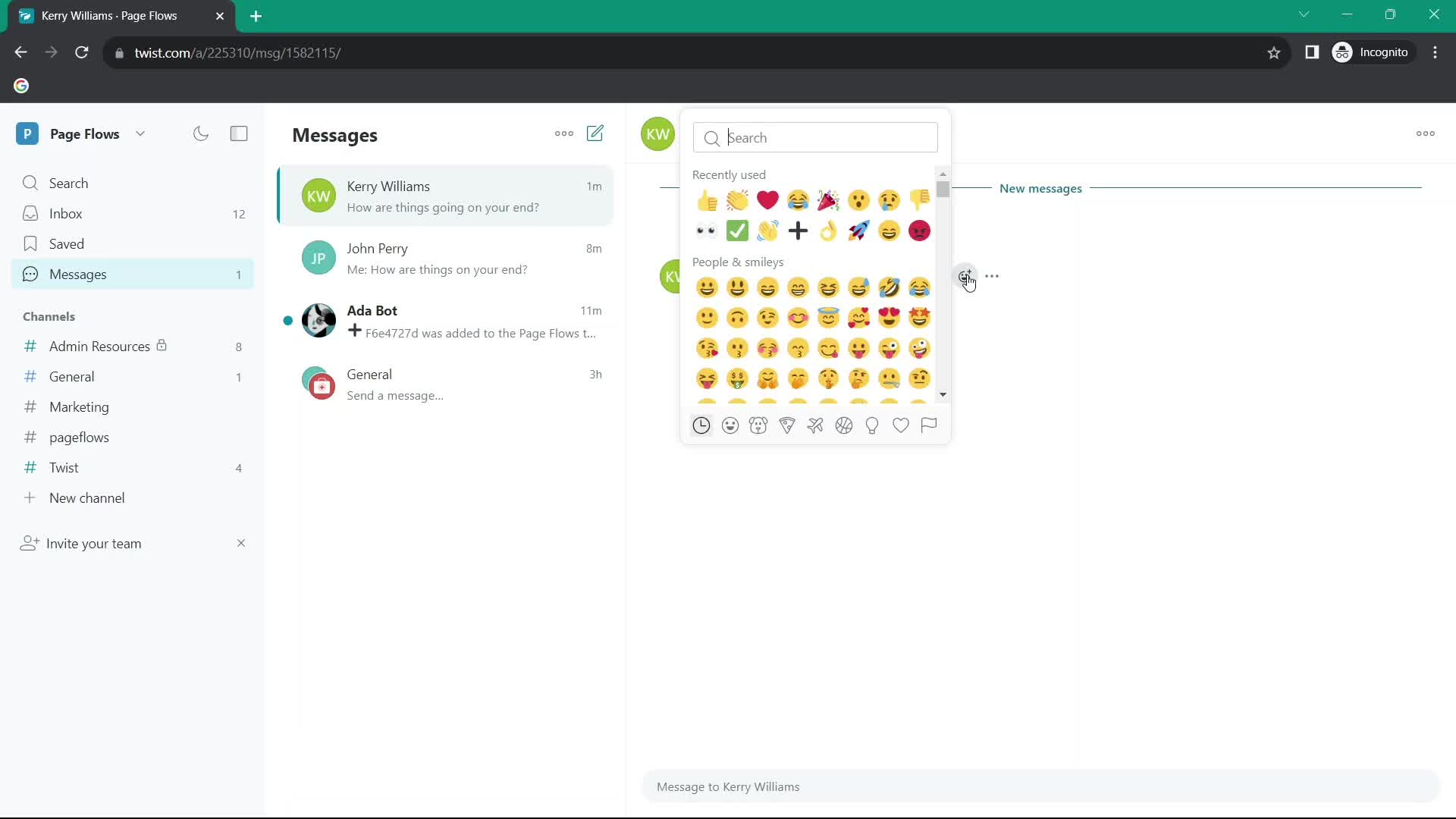
Emoji picker
this is title
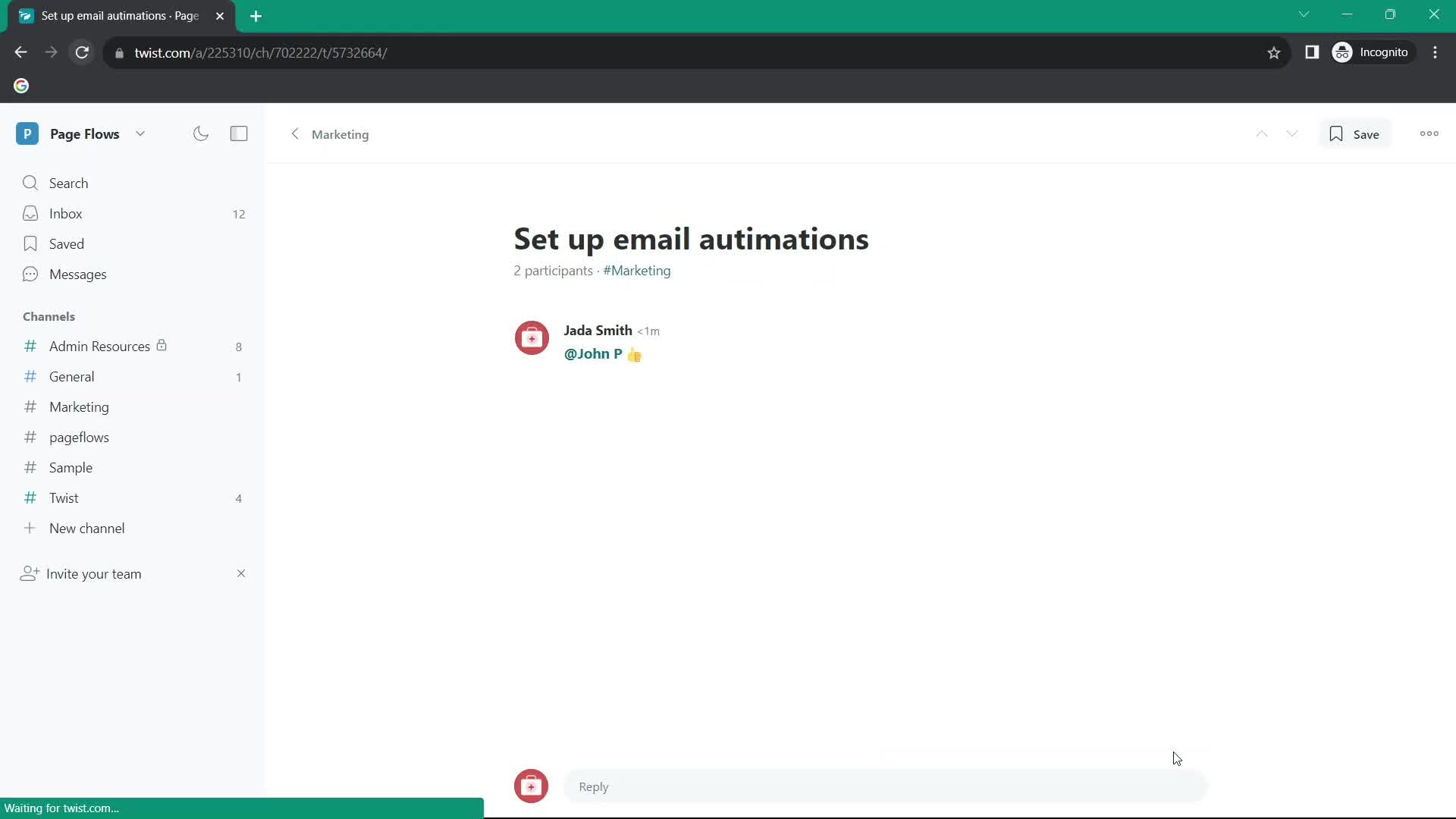
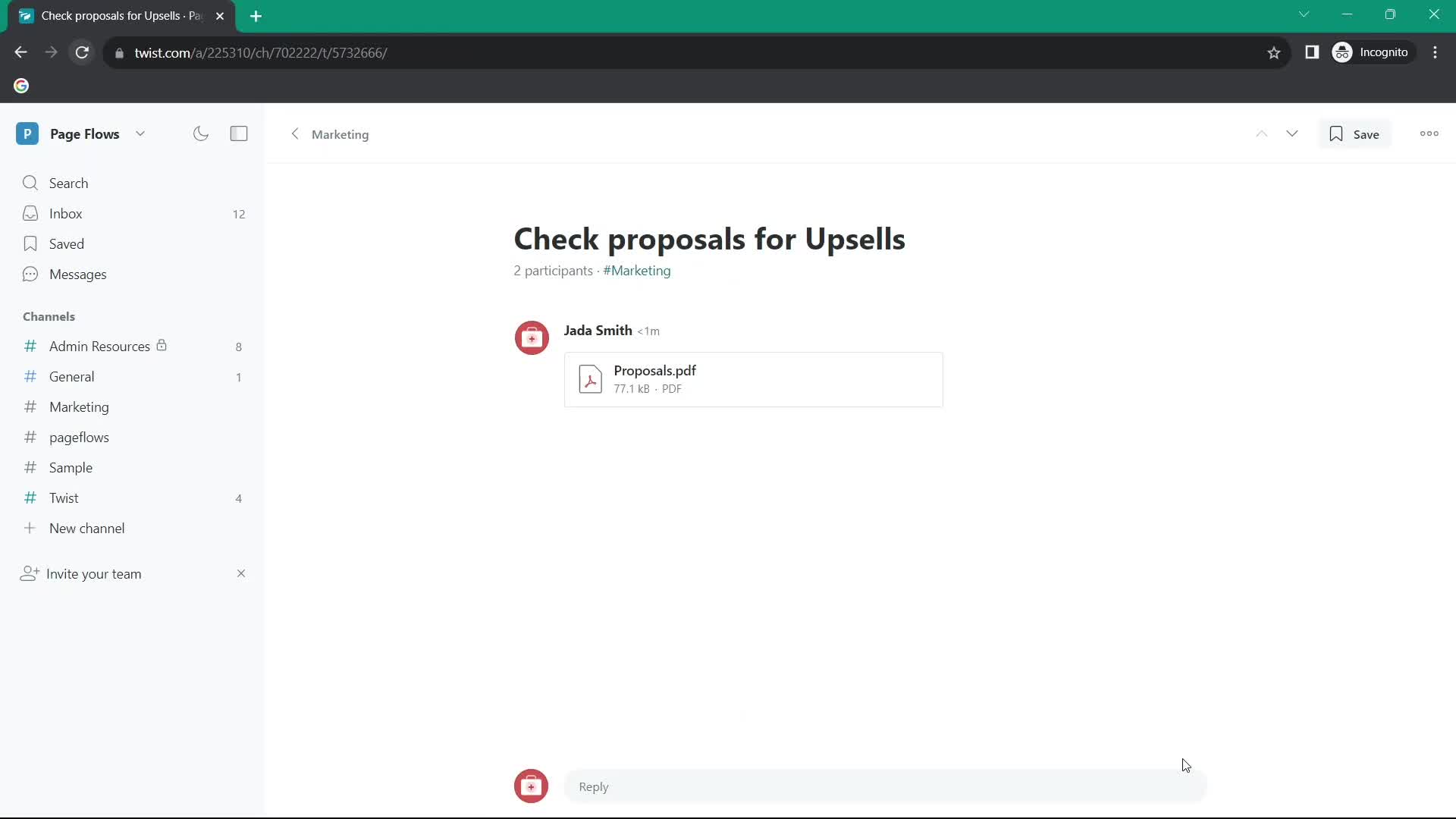
Thread
this is title
Action menu
this is title
Channel details
this is title
Inbox
this is title
Thread
this is title
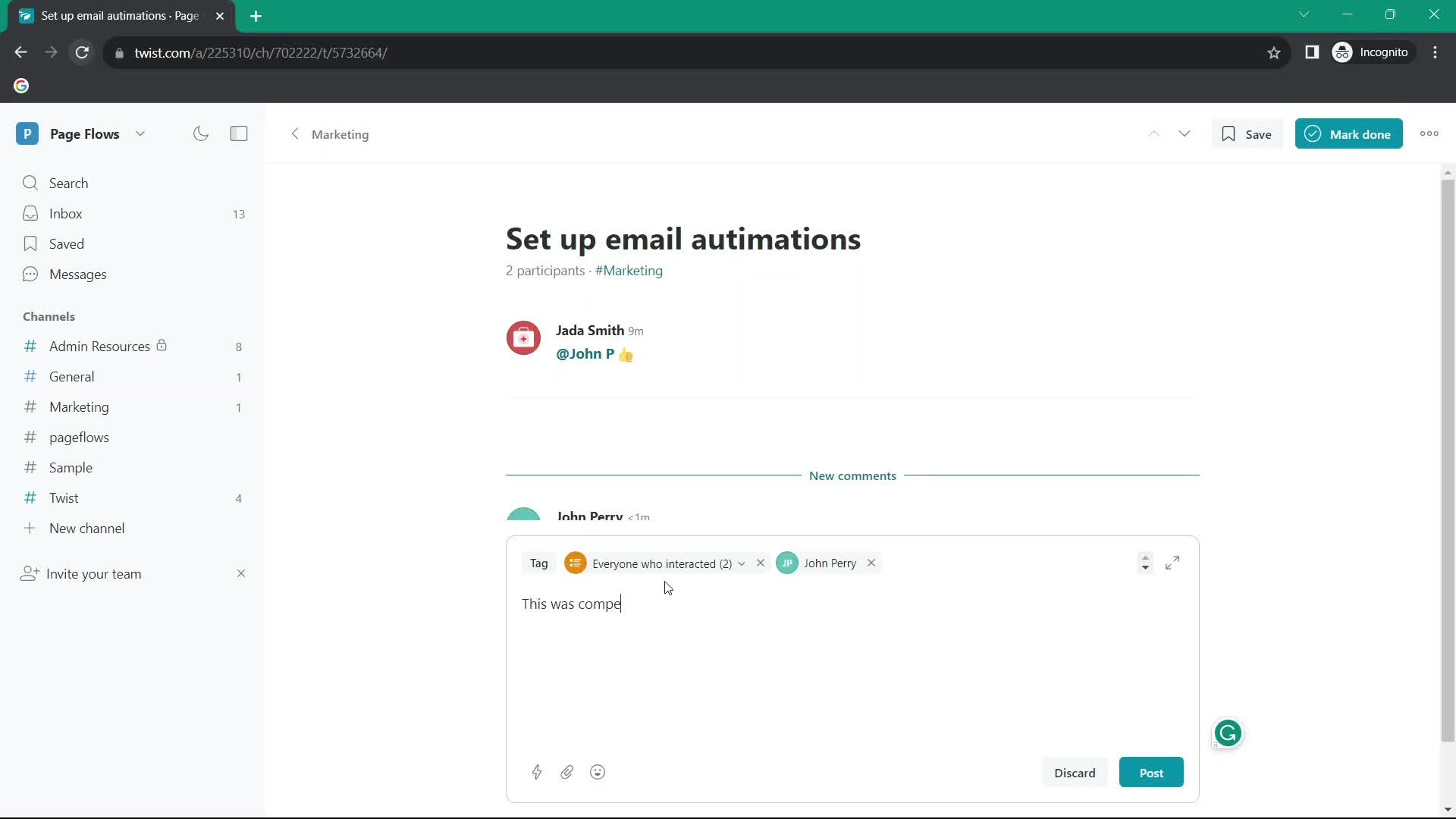
Add comment
this is title
Thread
this is title
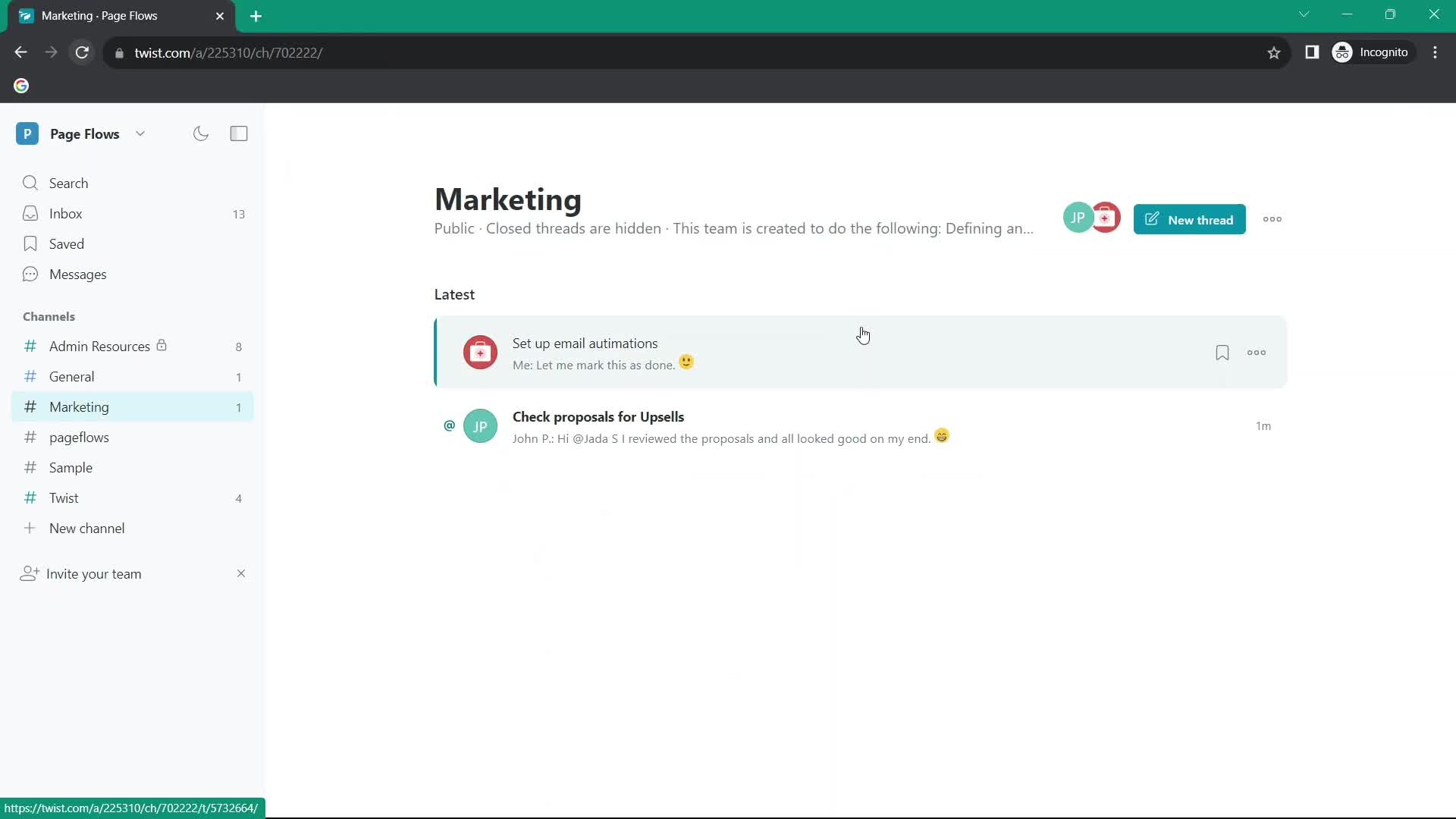
Marked as done
this is title
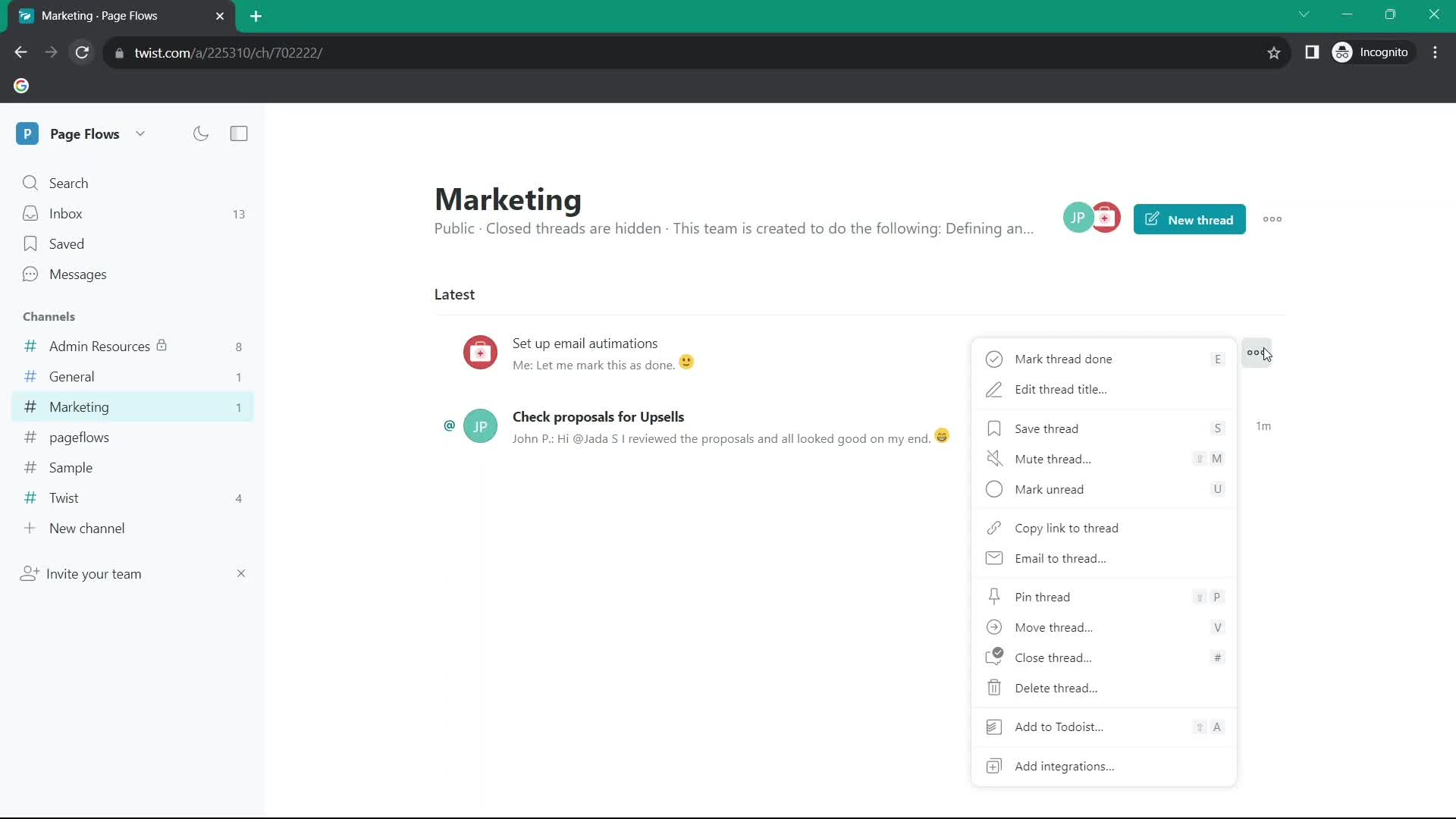
Action menu
this is title
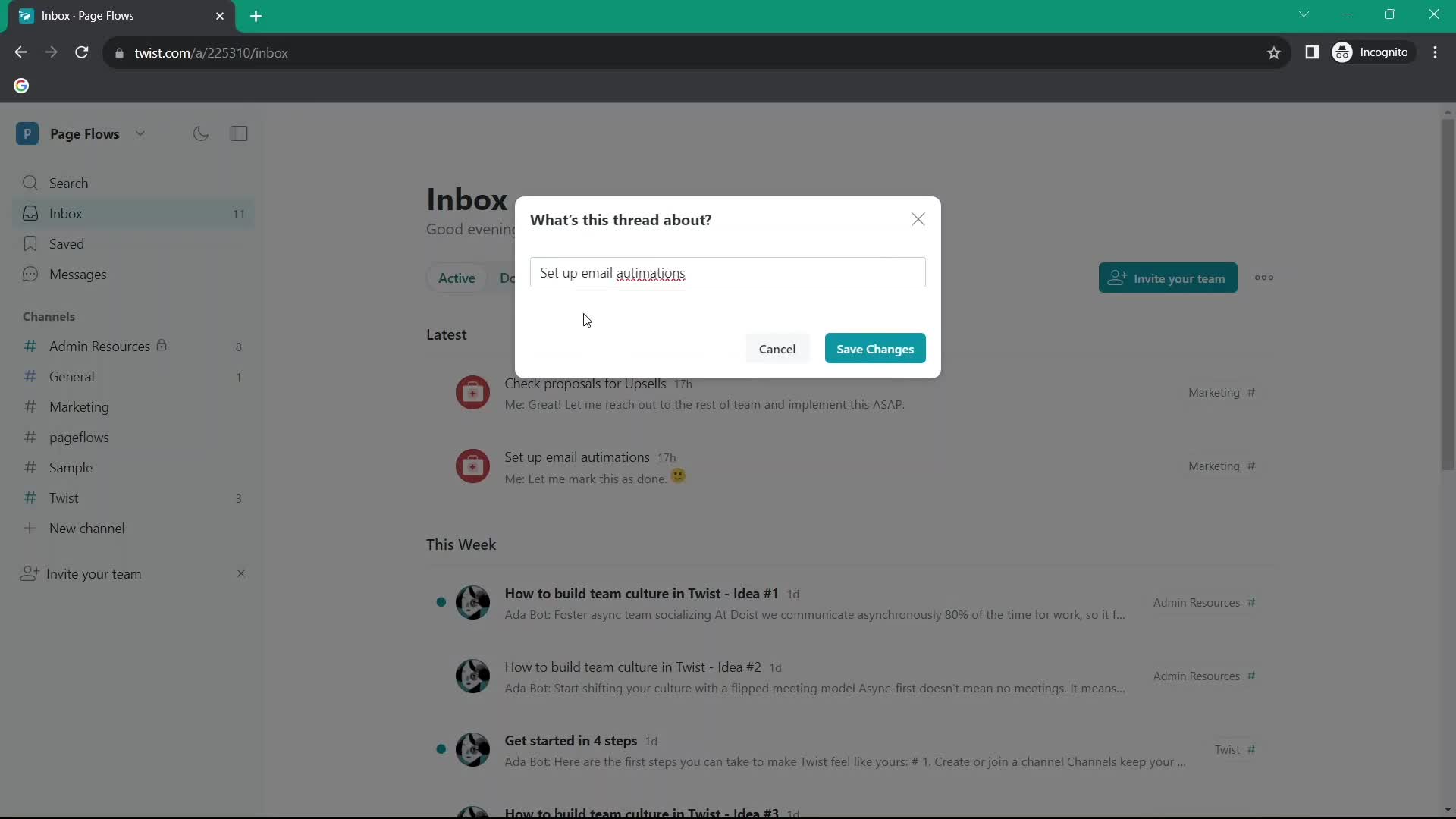
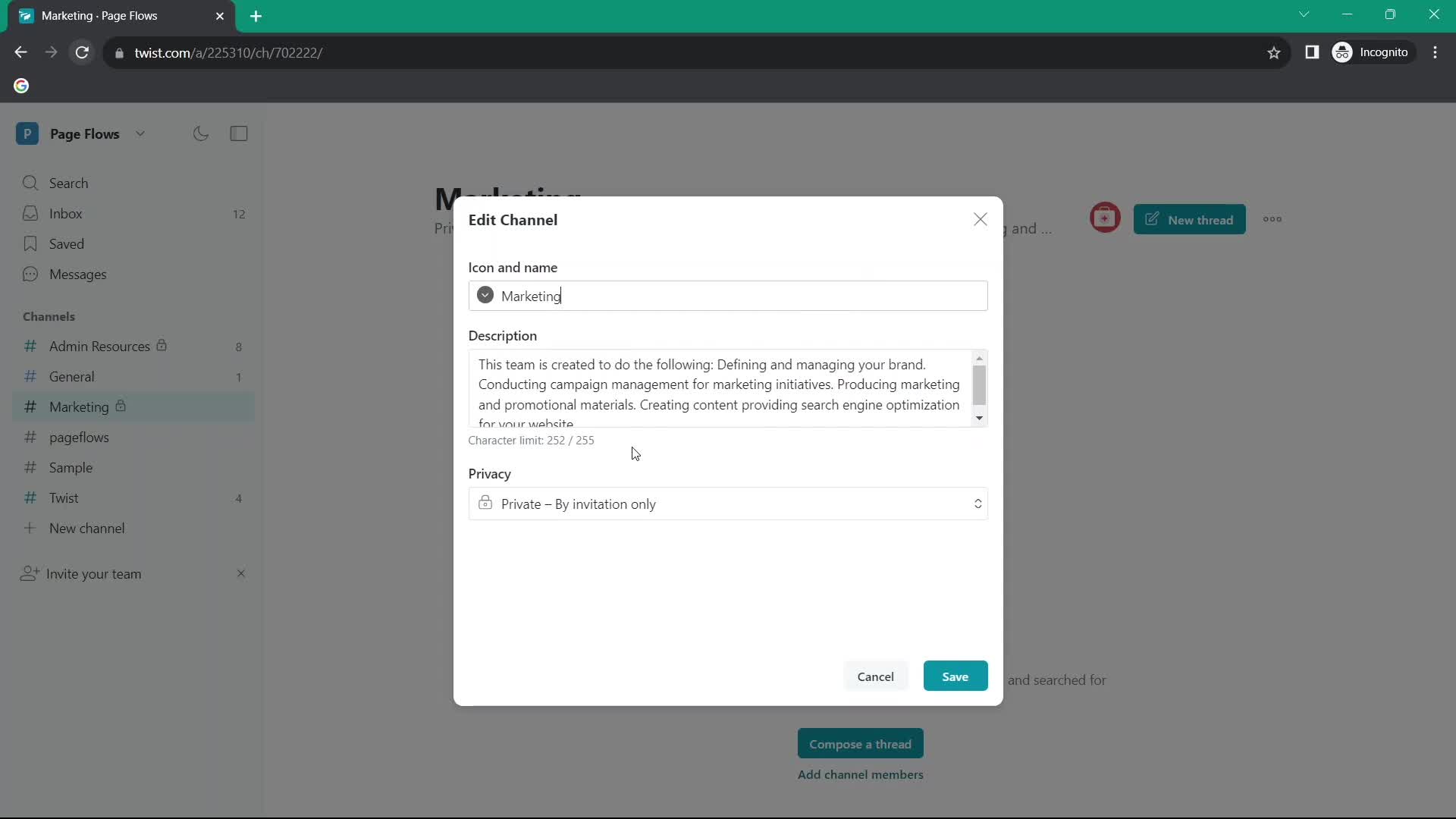
Edit details
this is title
Inbox
this is title
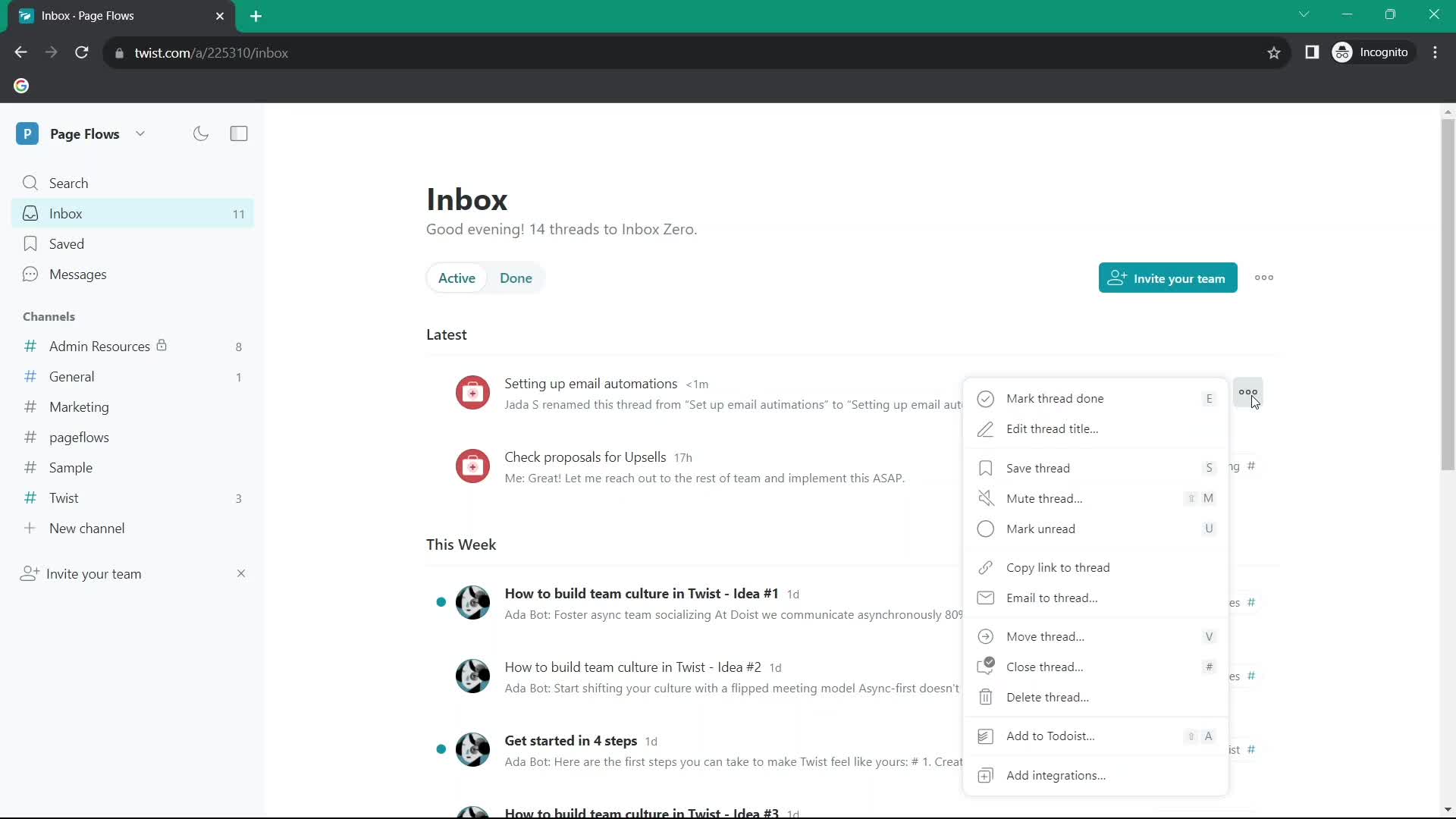
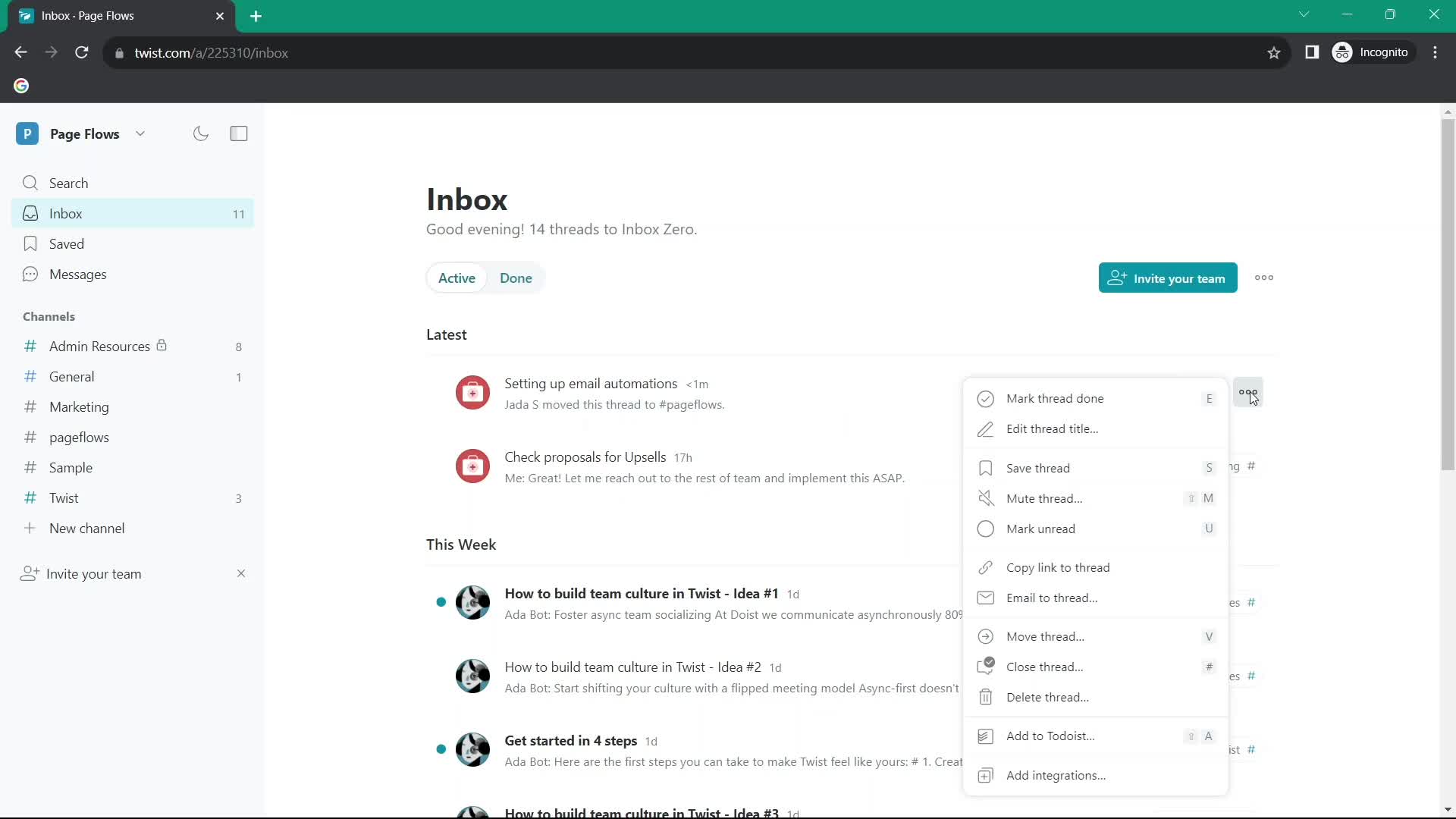
Action menu
this is title
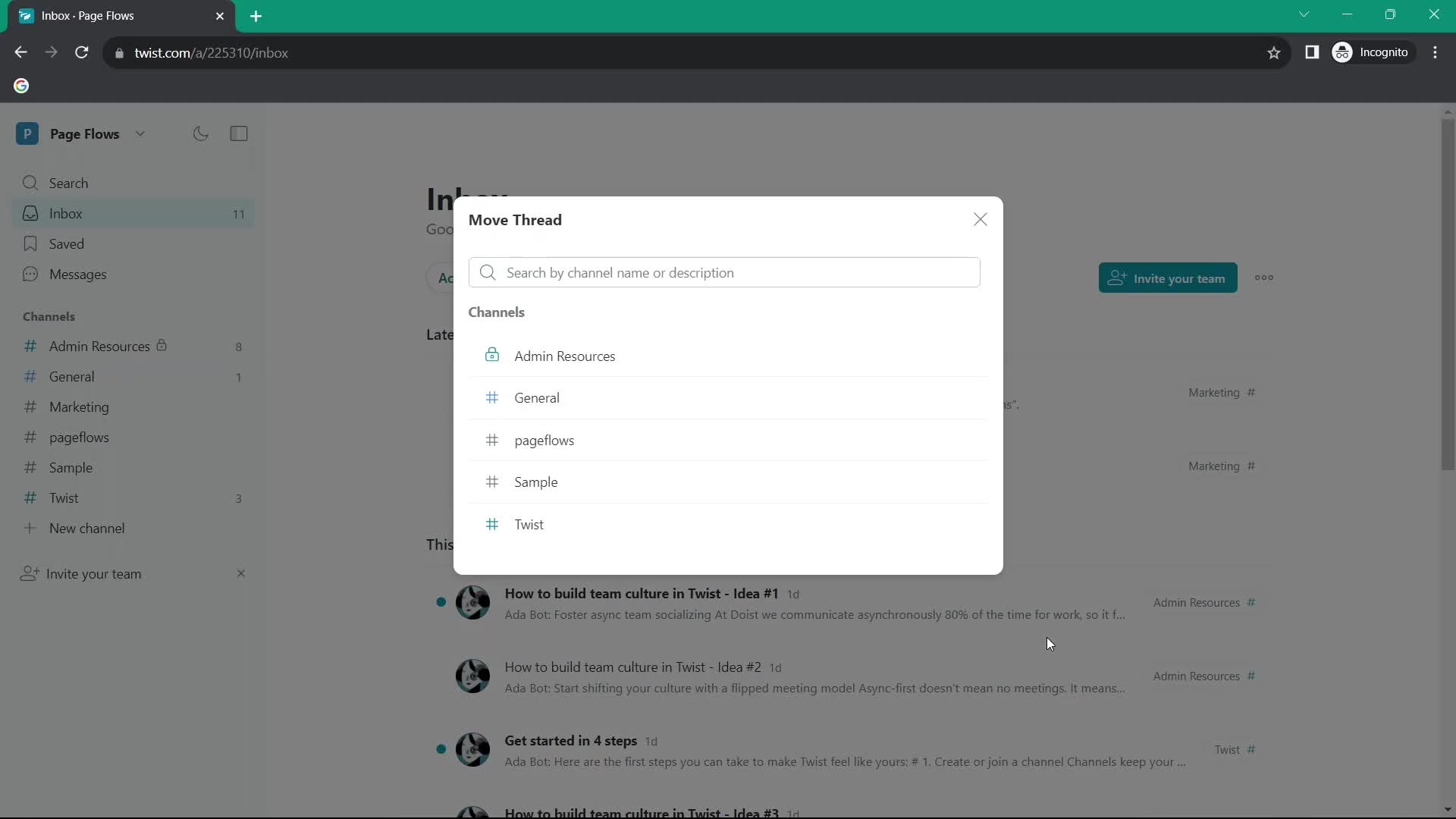
Move item
this is title
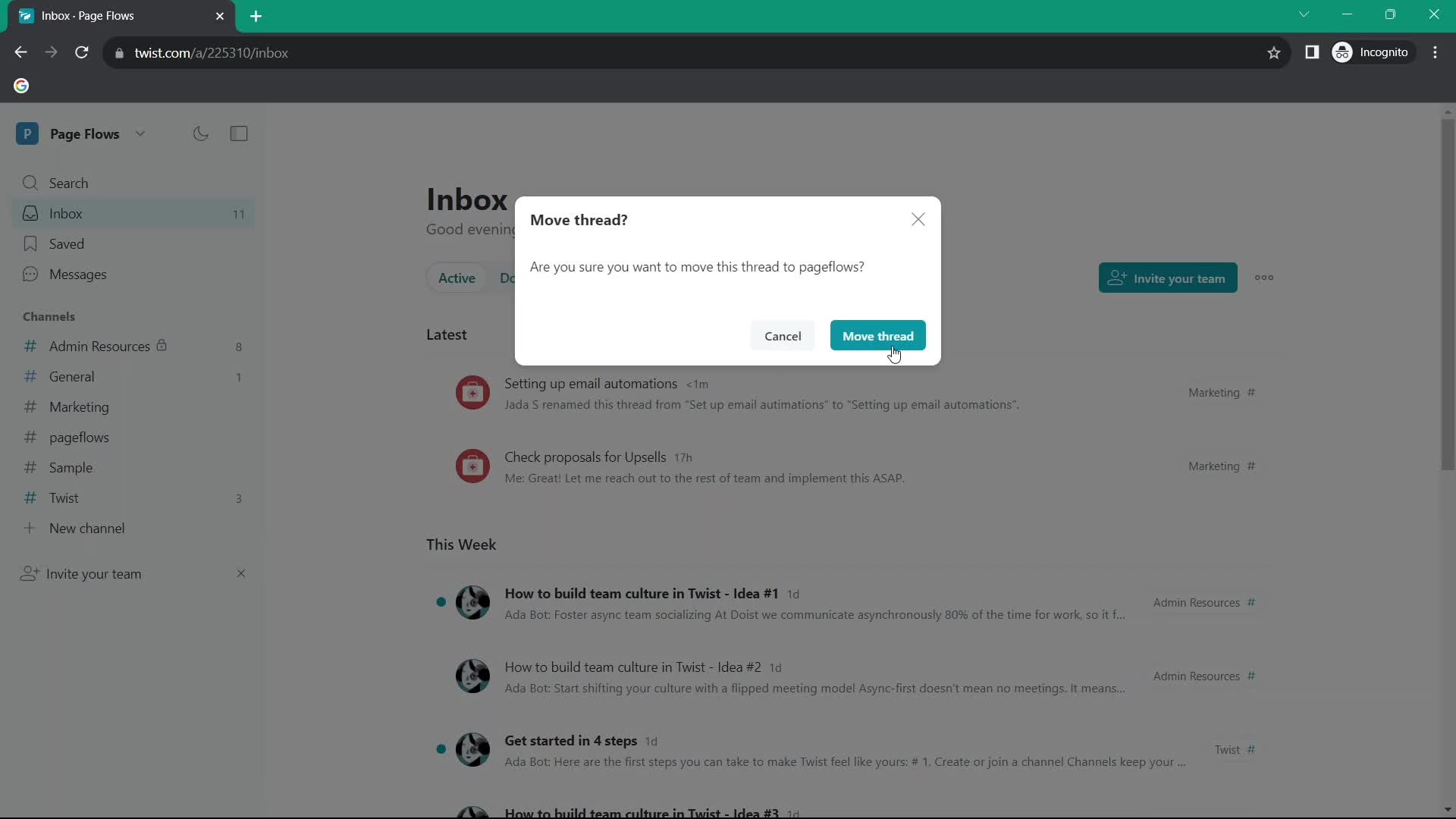
Confirm move
this is title
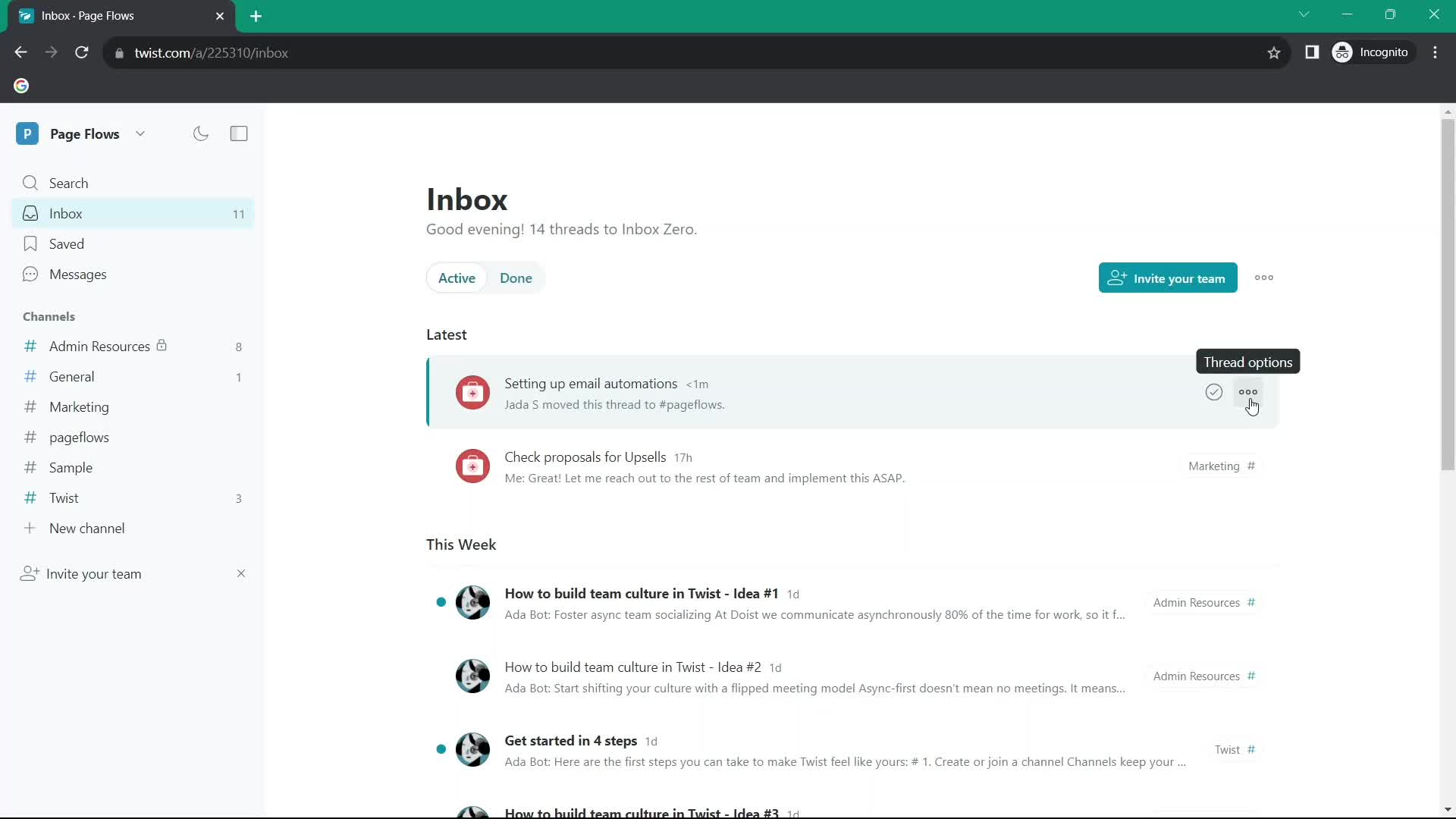
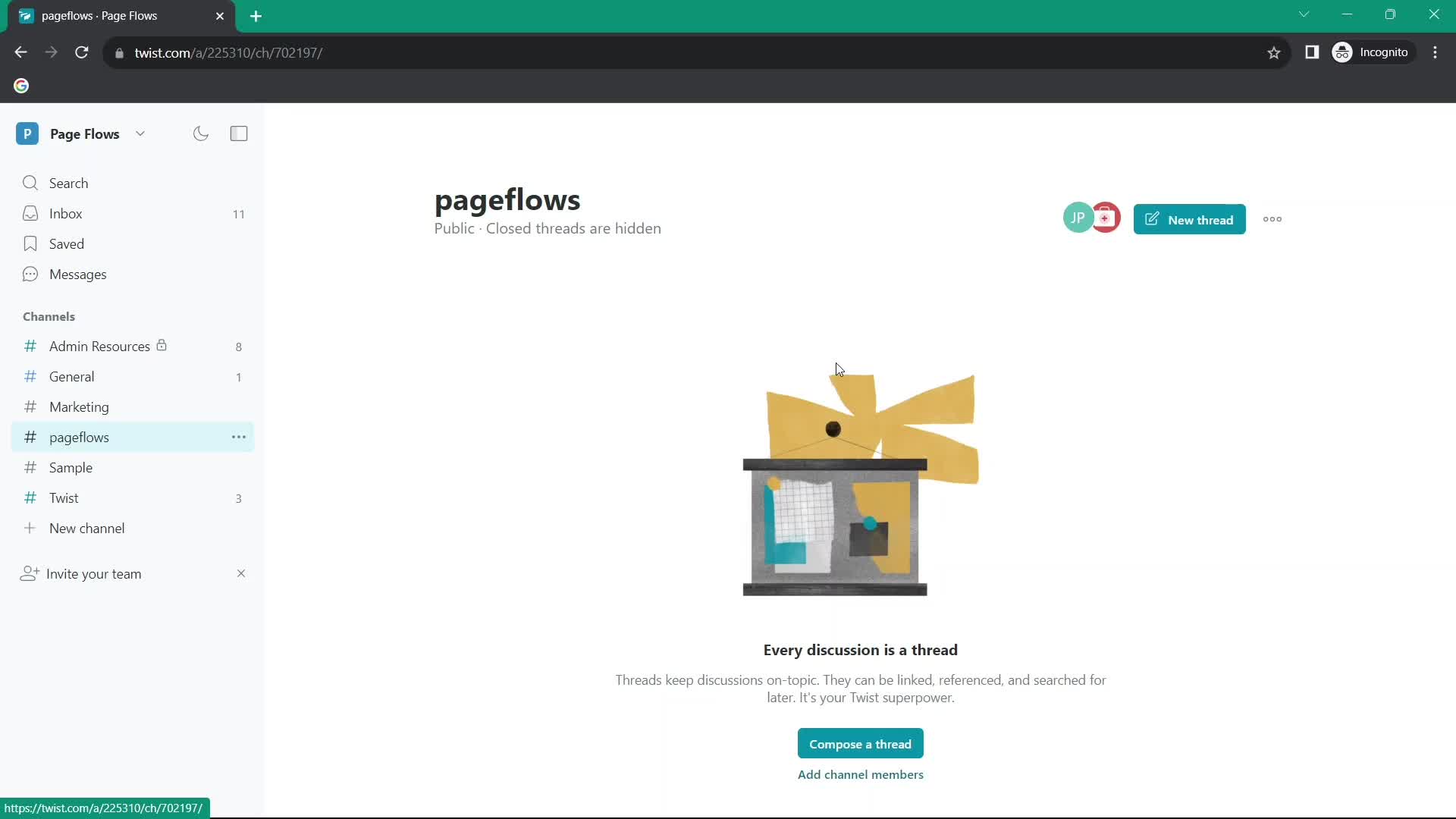
Item moved
this is title
Action menu
this is title
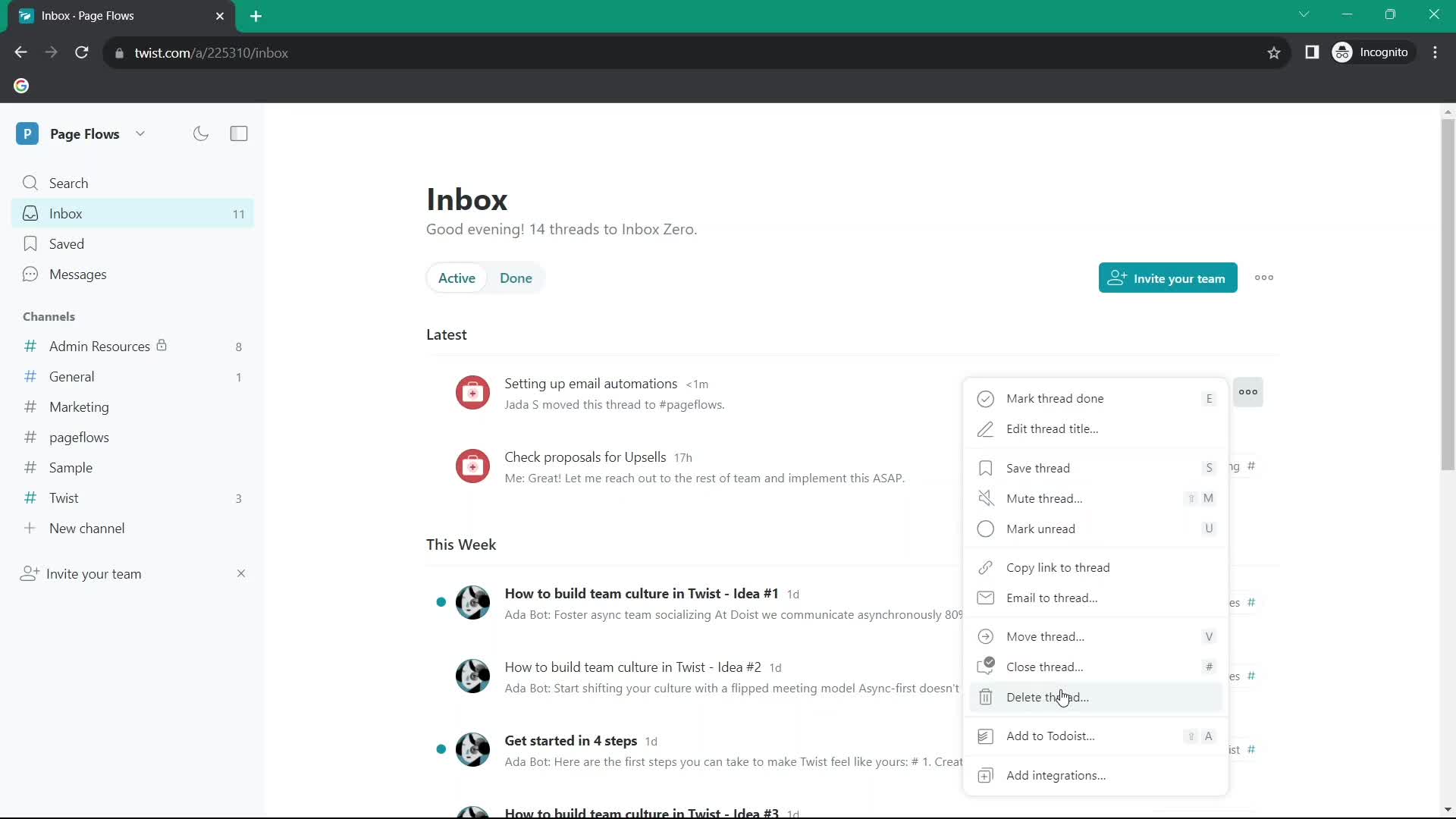
Delete item
this is title
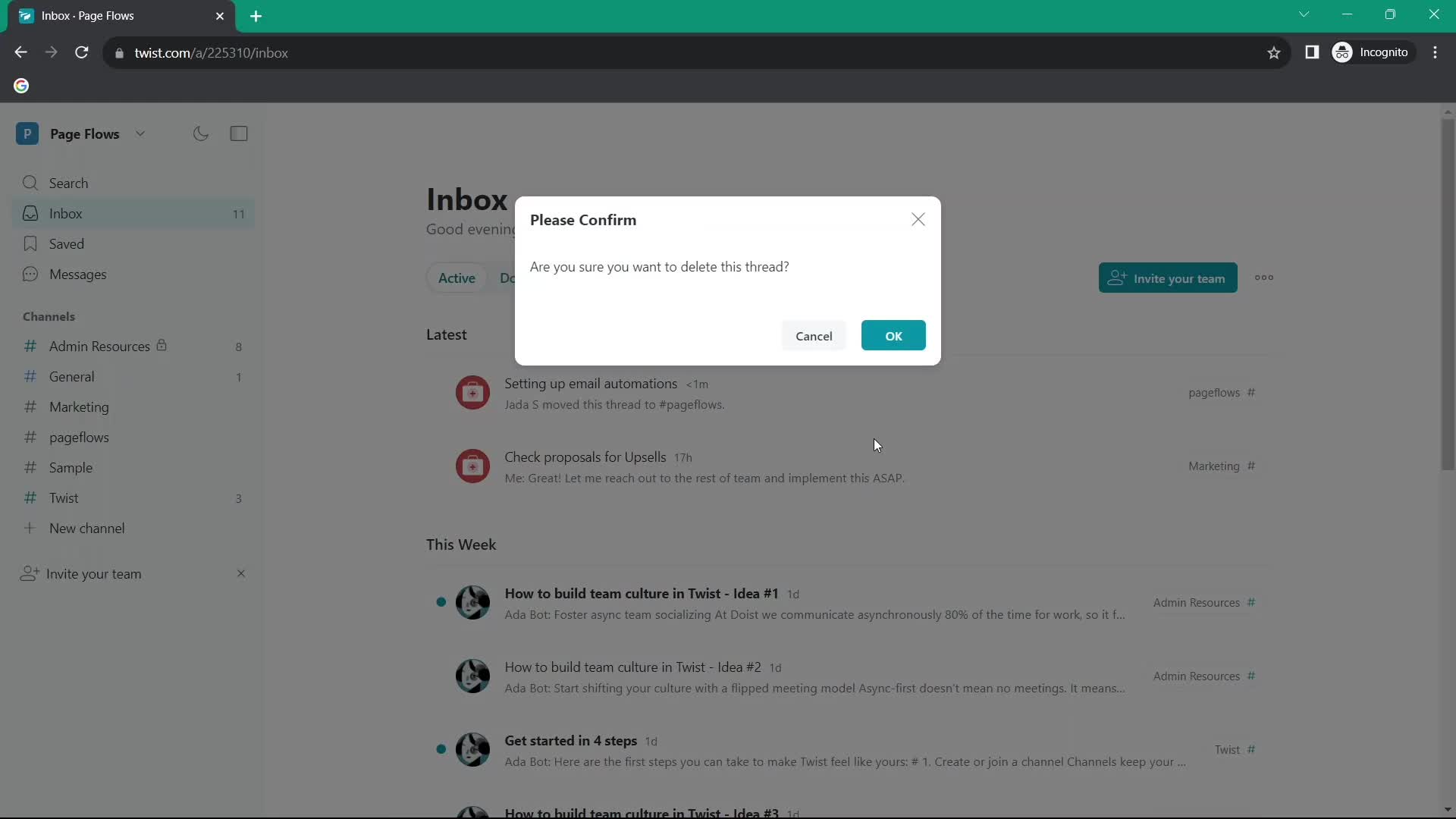
Confirm delete
this is title
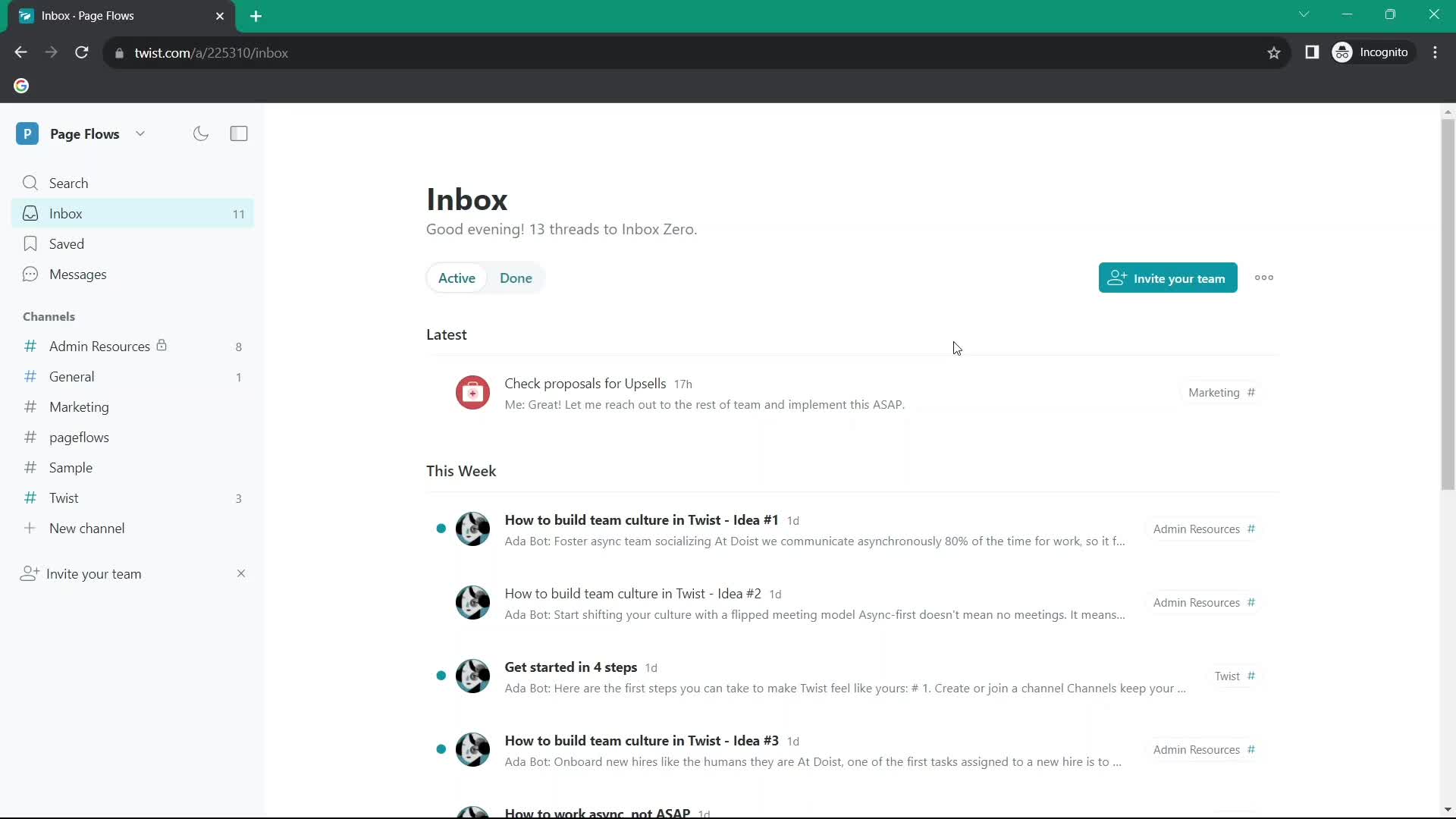
Inbox
this is title
Channel
this is title
Channel
this is title
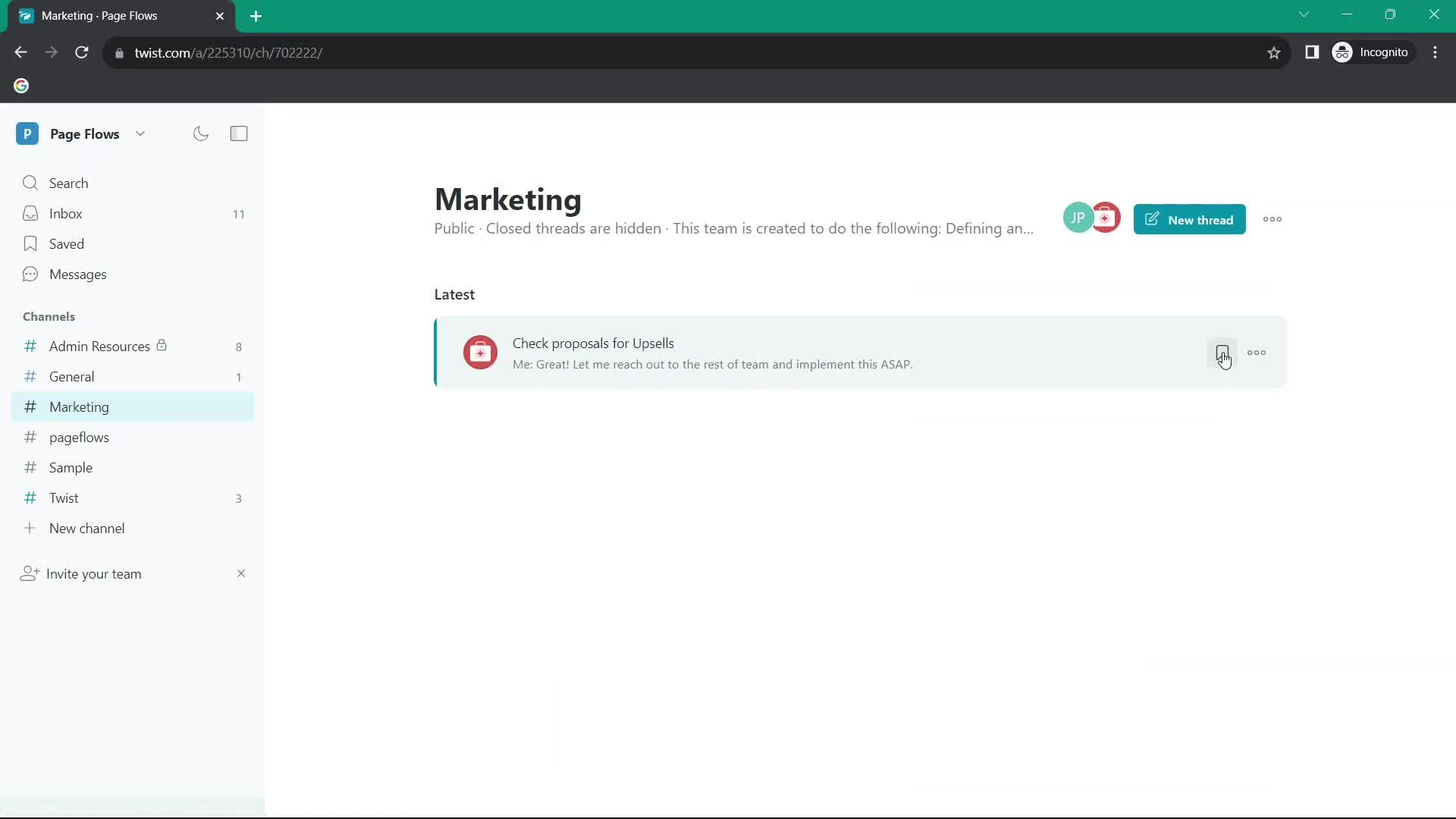
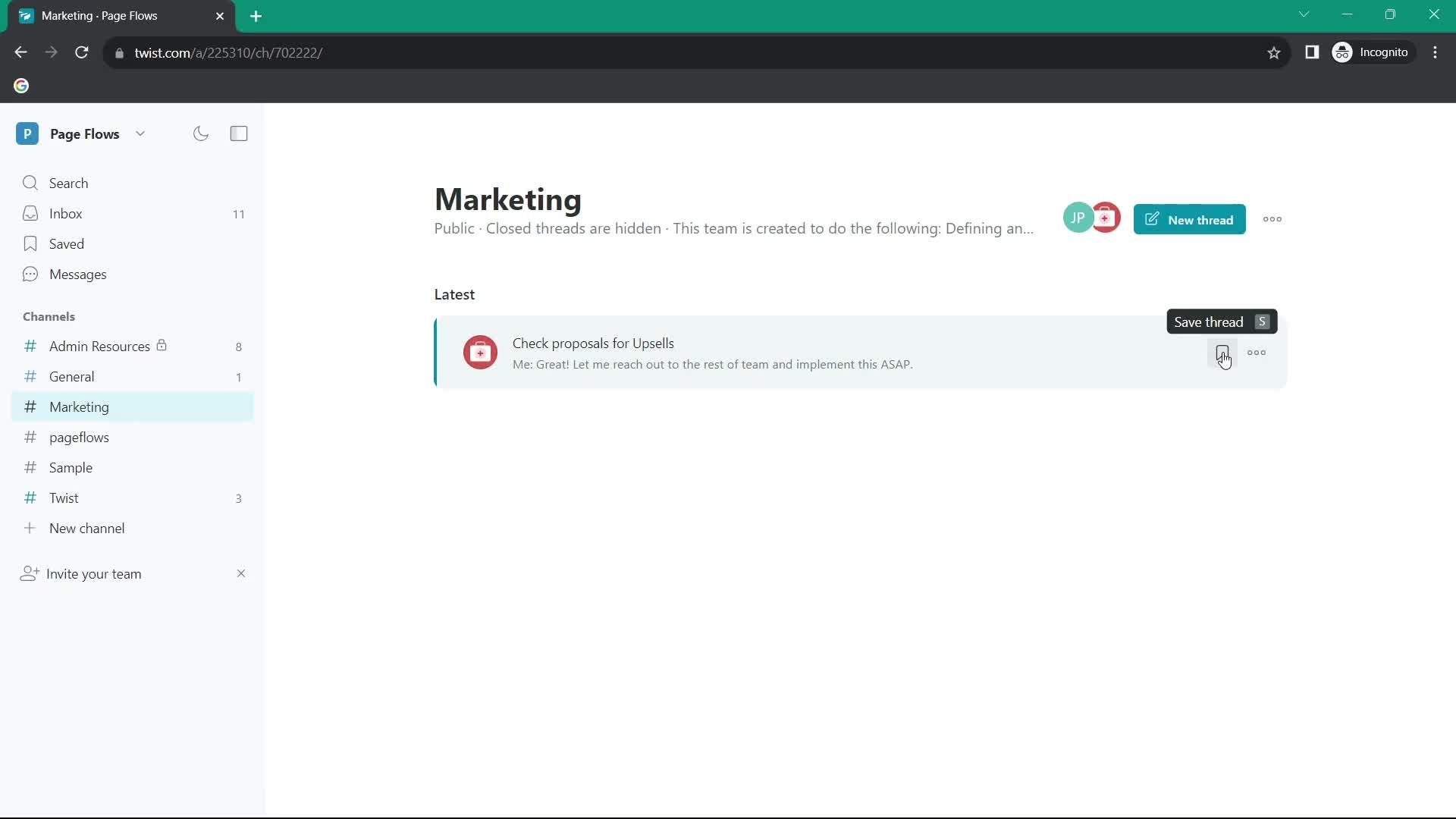
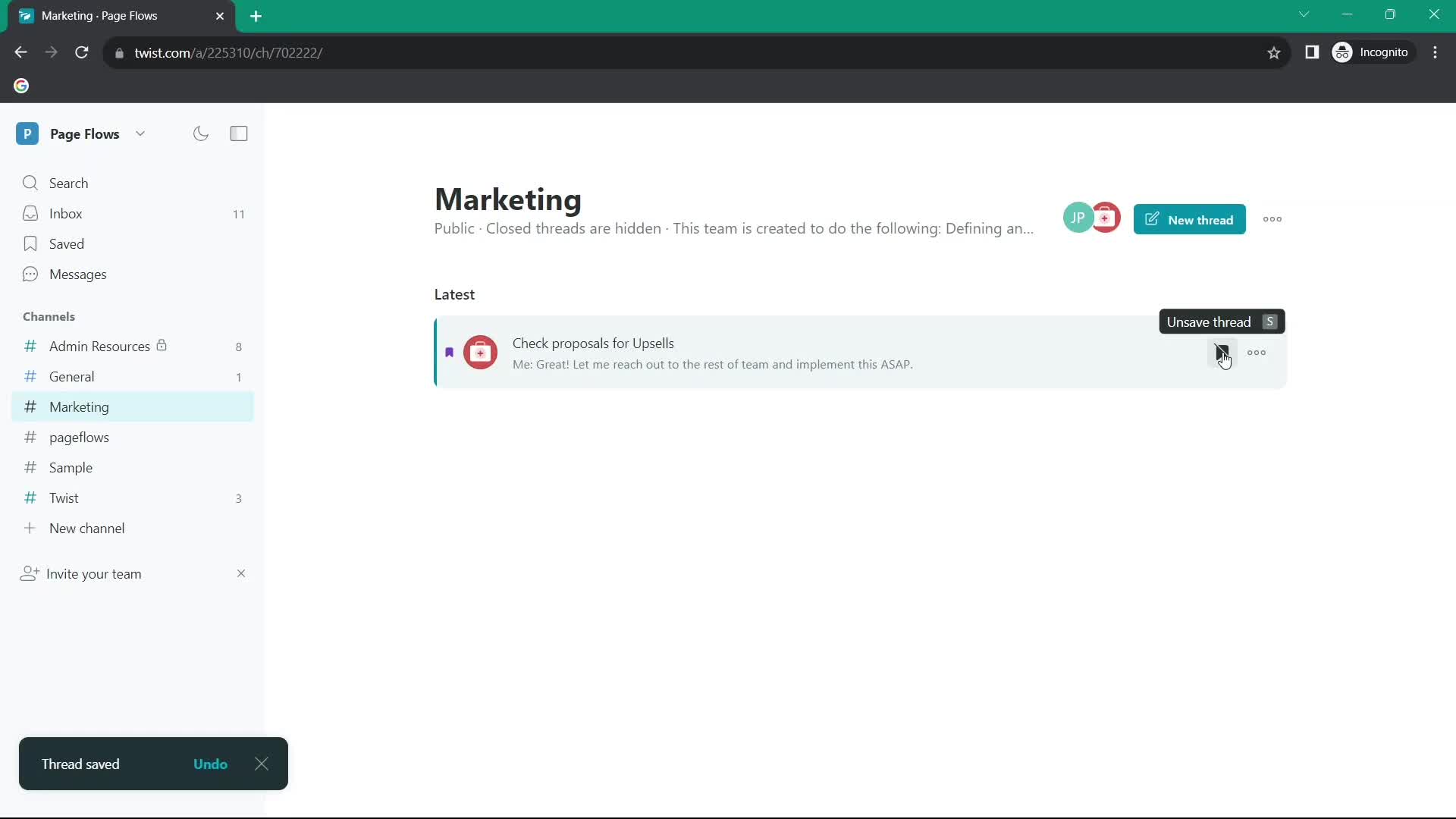
Save
this is title
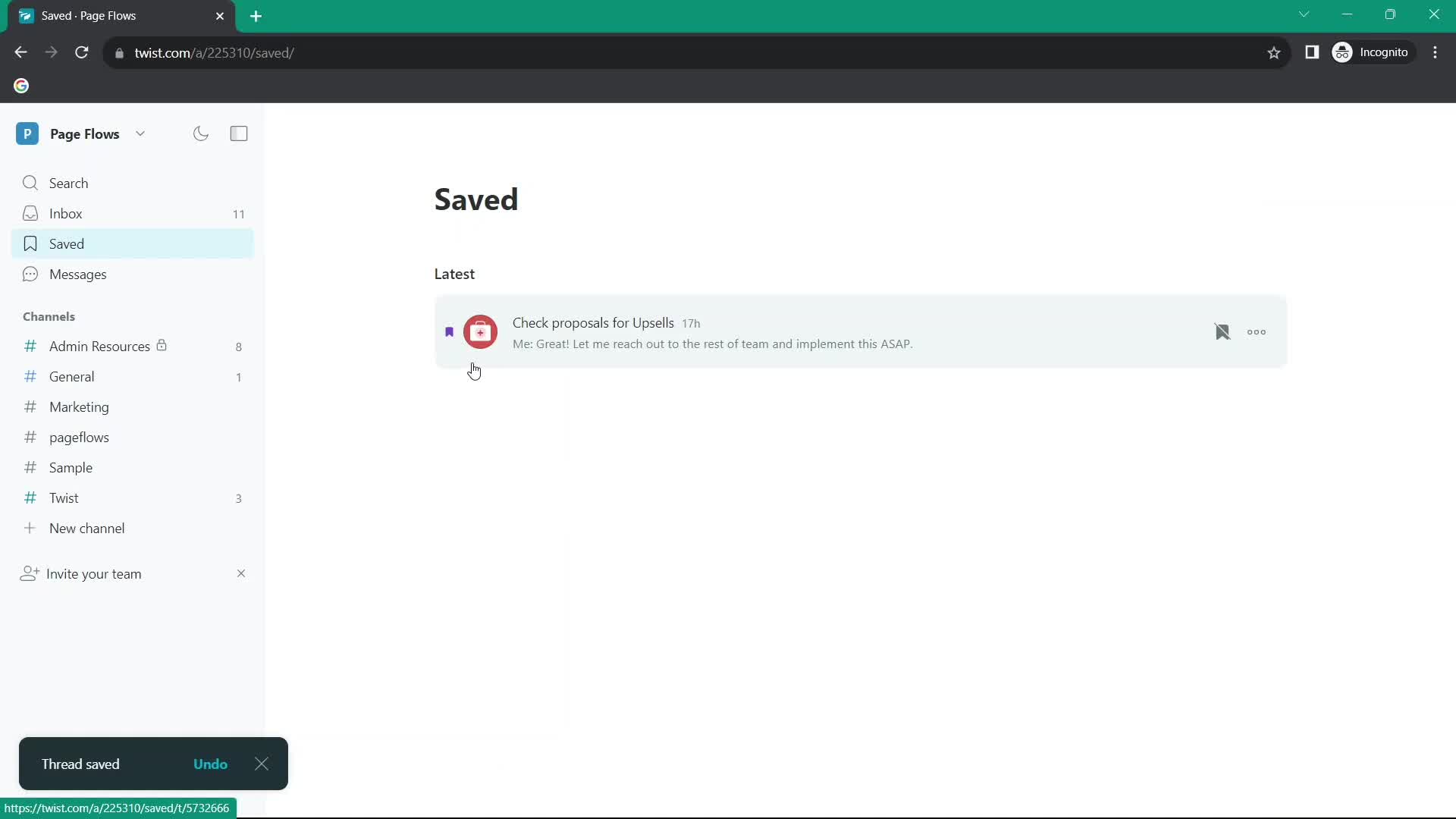
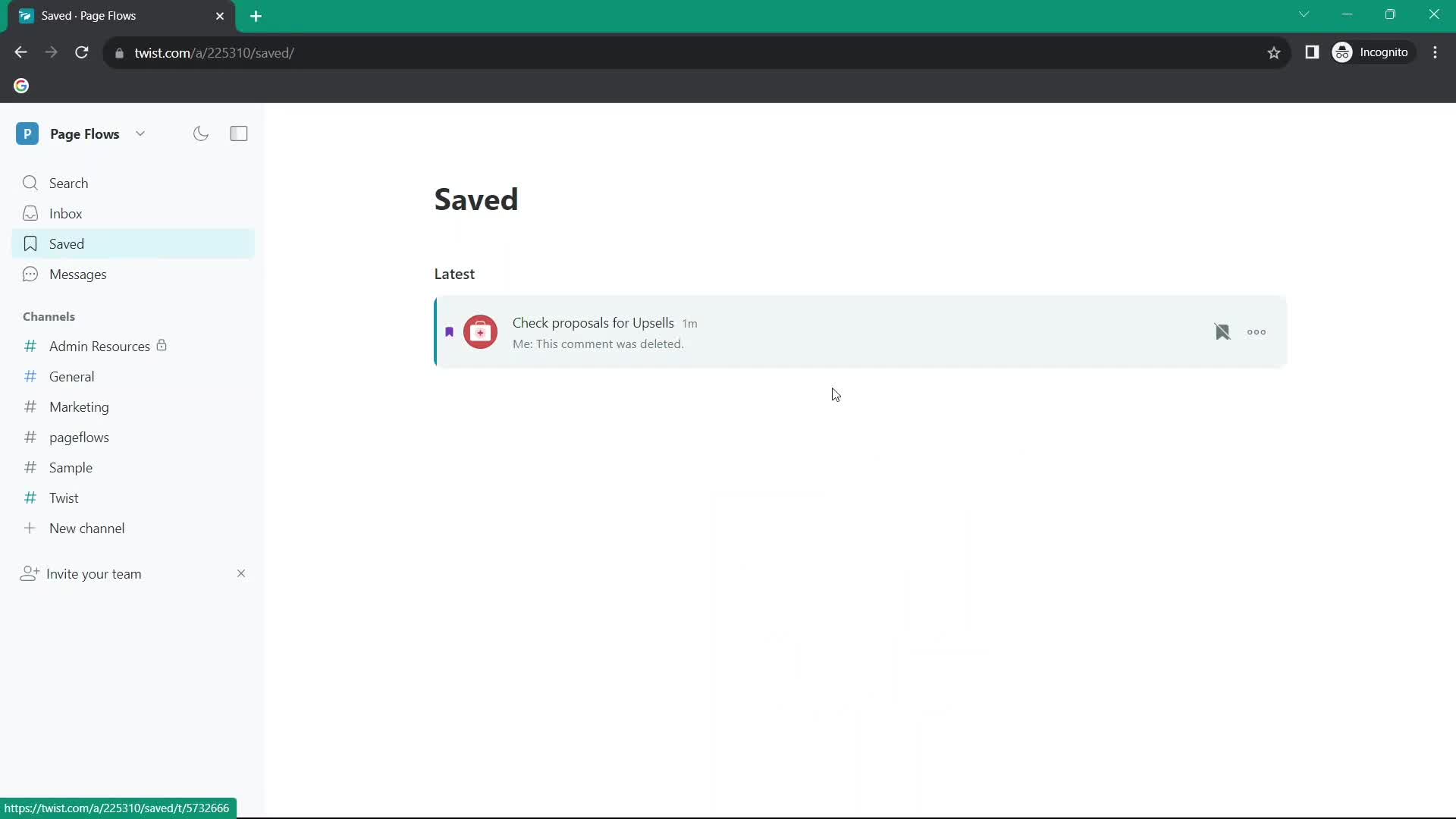
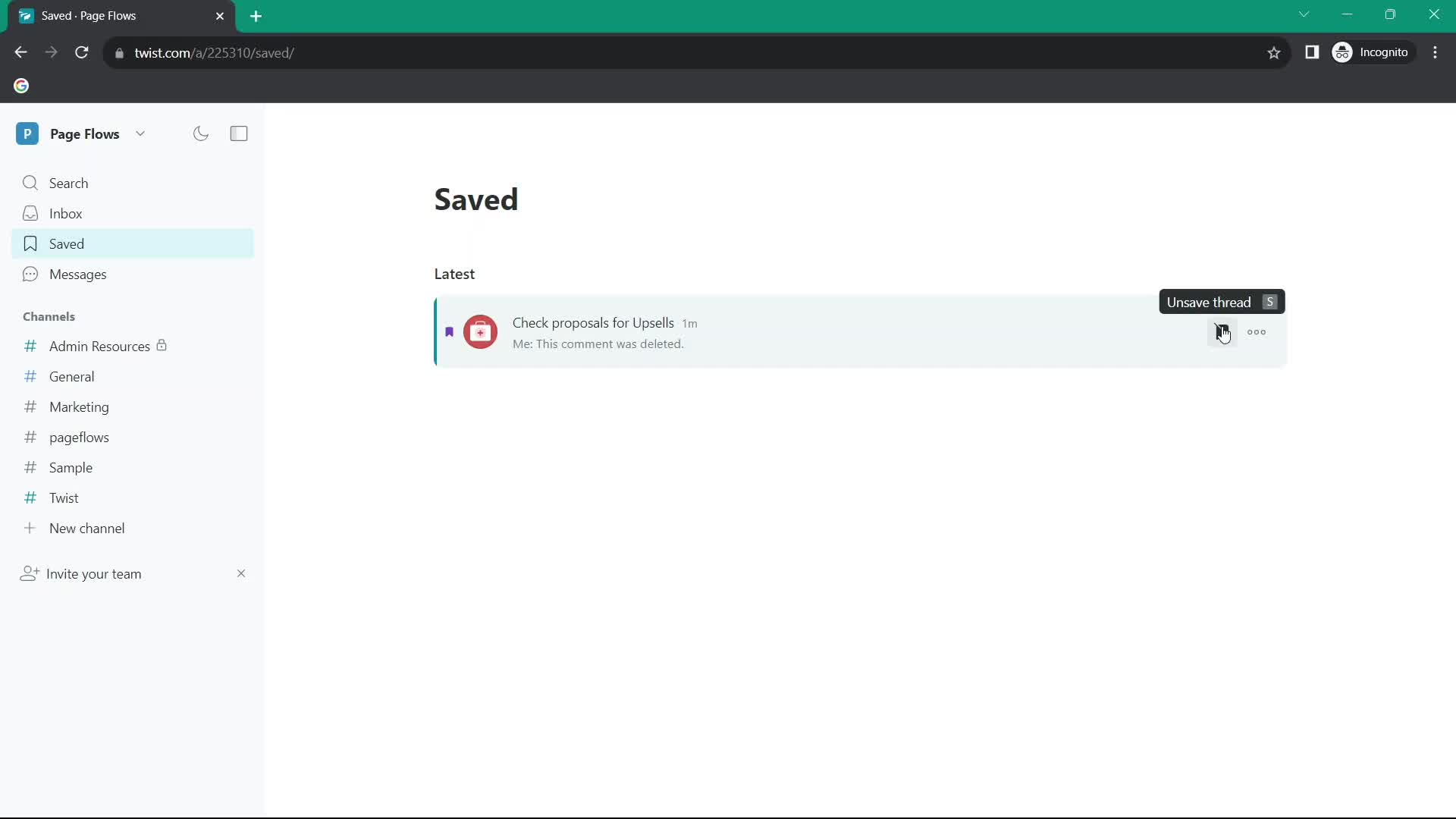
Saved
this is title
Saved
this is title
Chat thread
this is title
Inbox
this is title
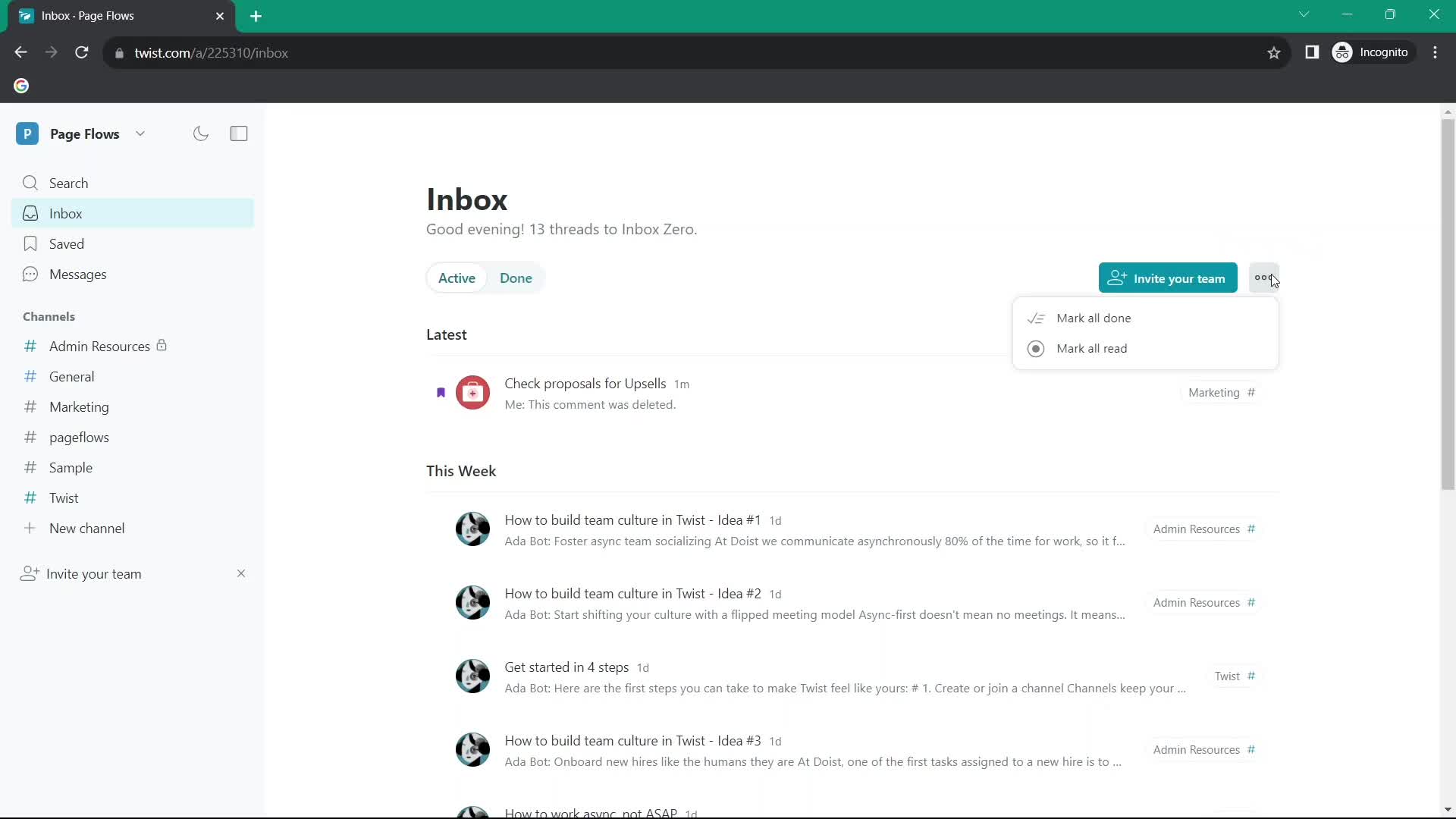
Action menu
this is title
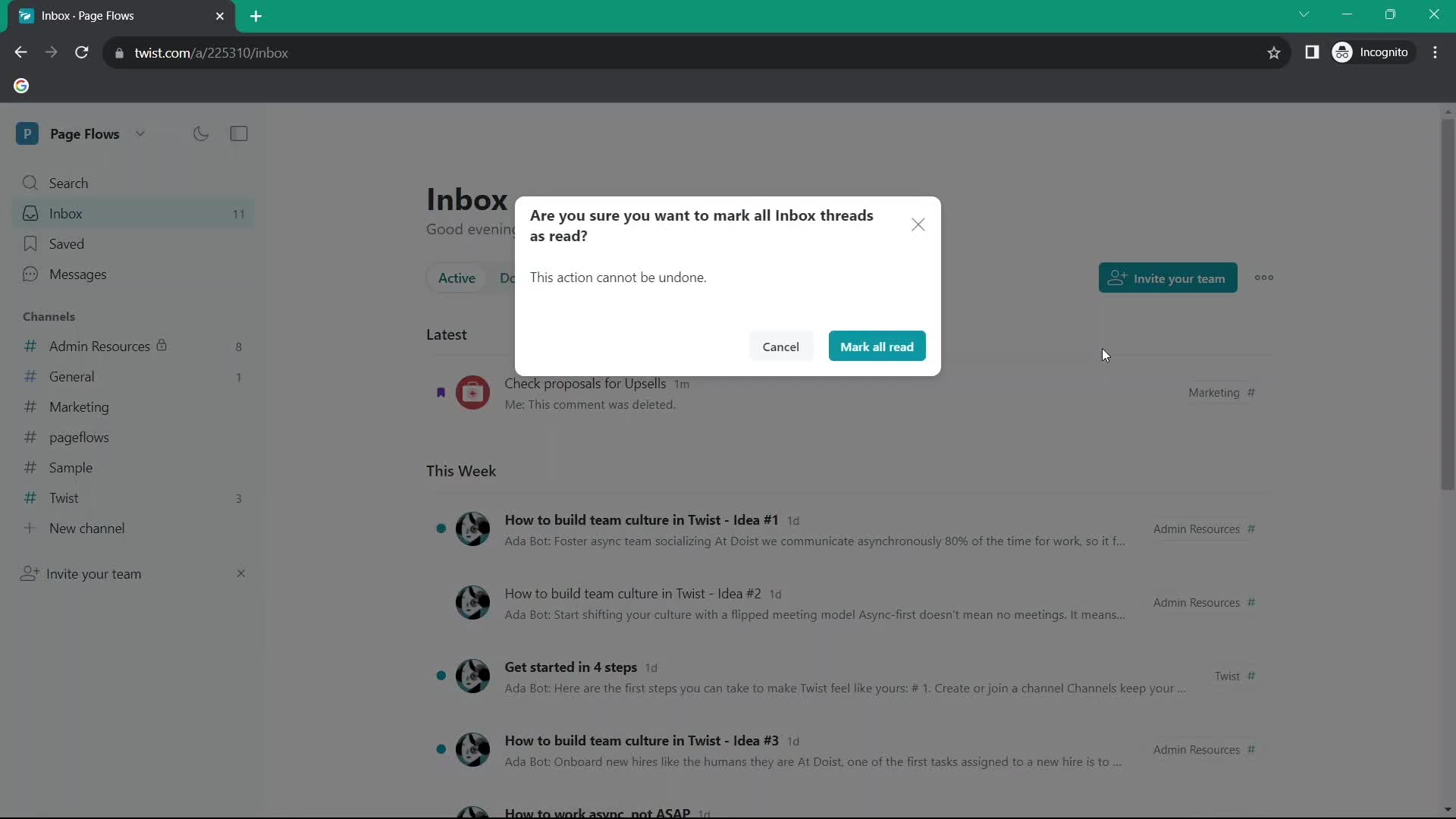
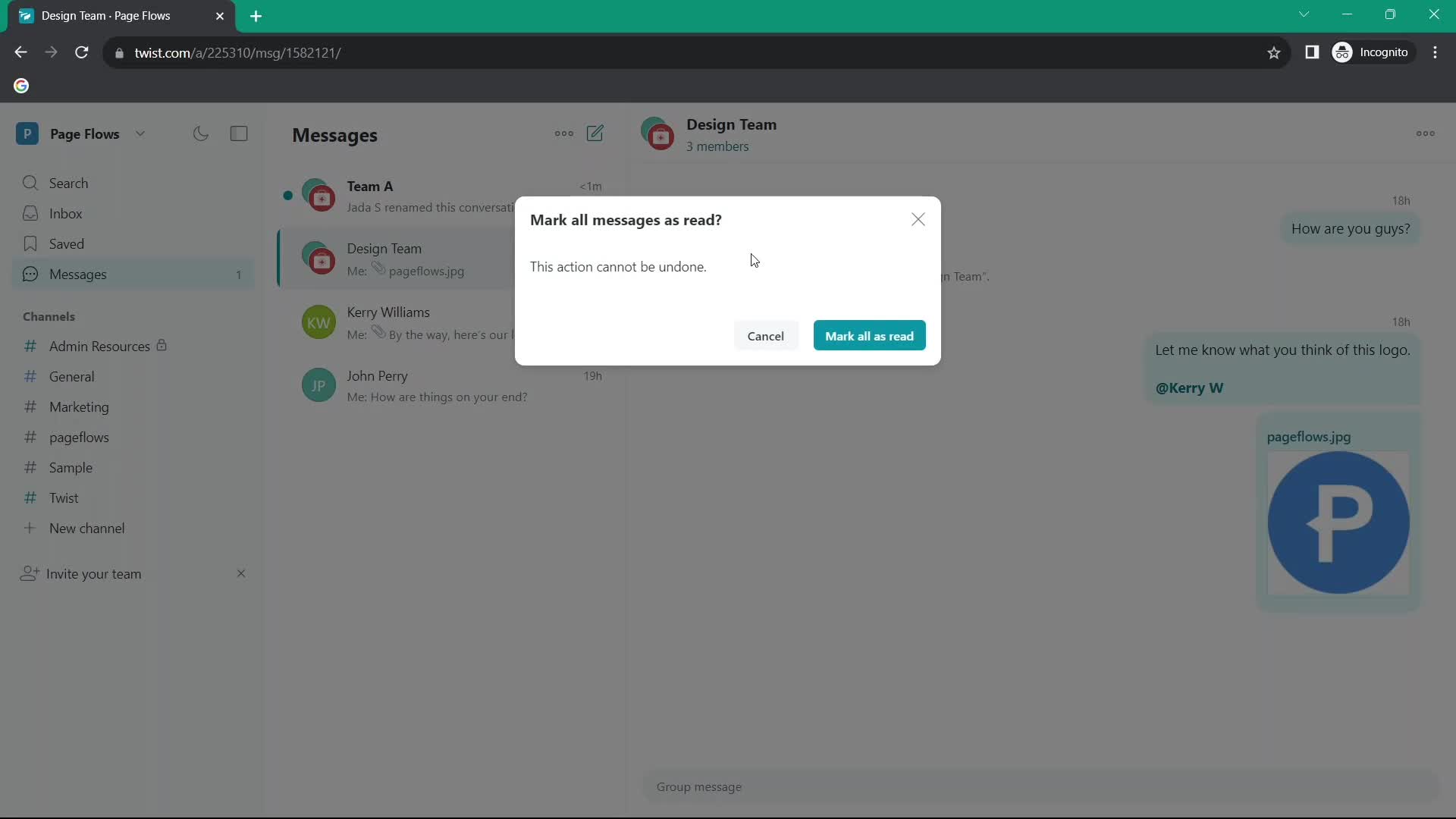
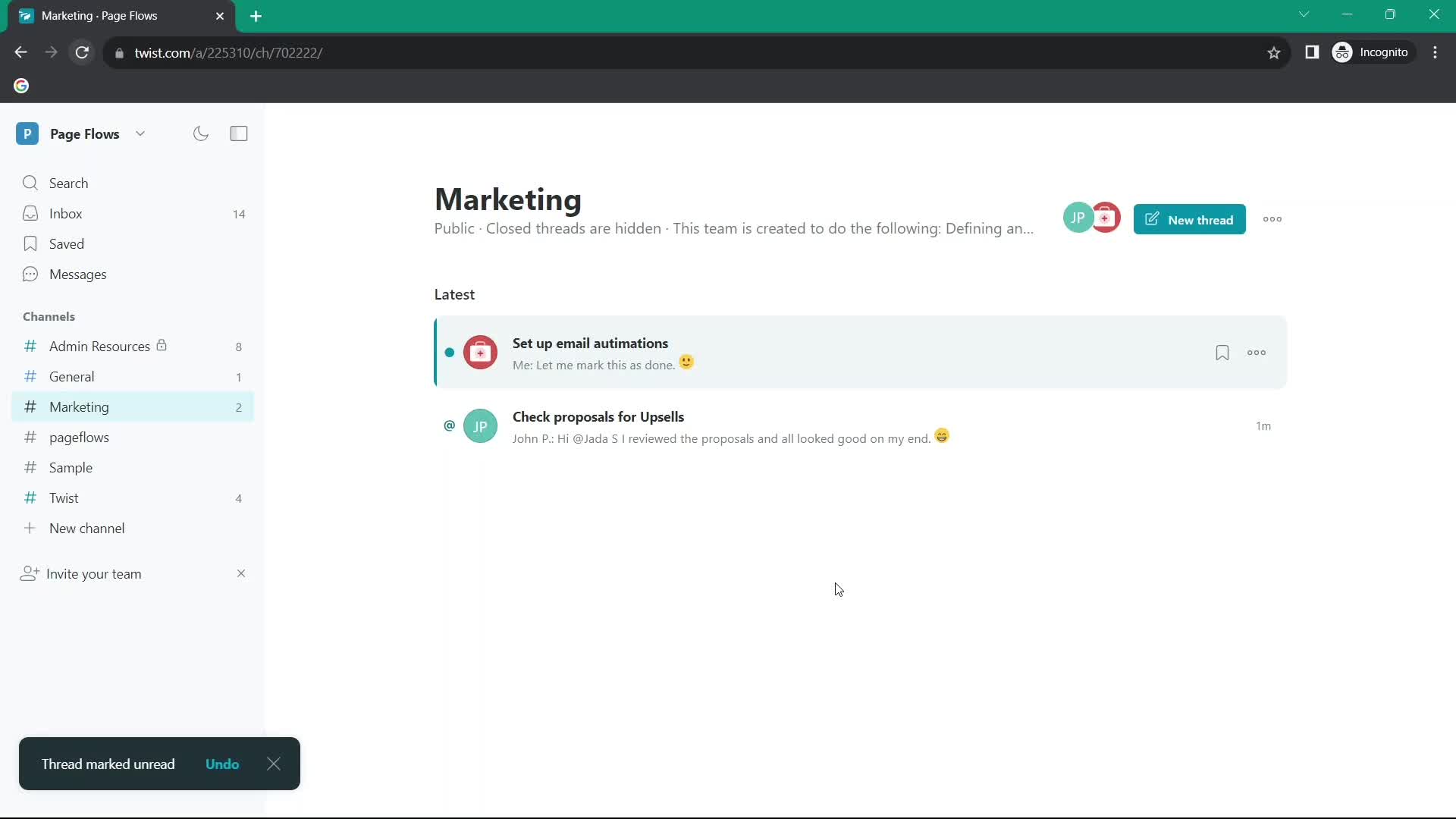
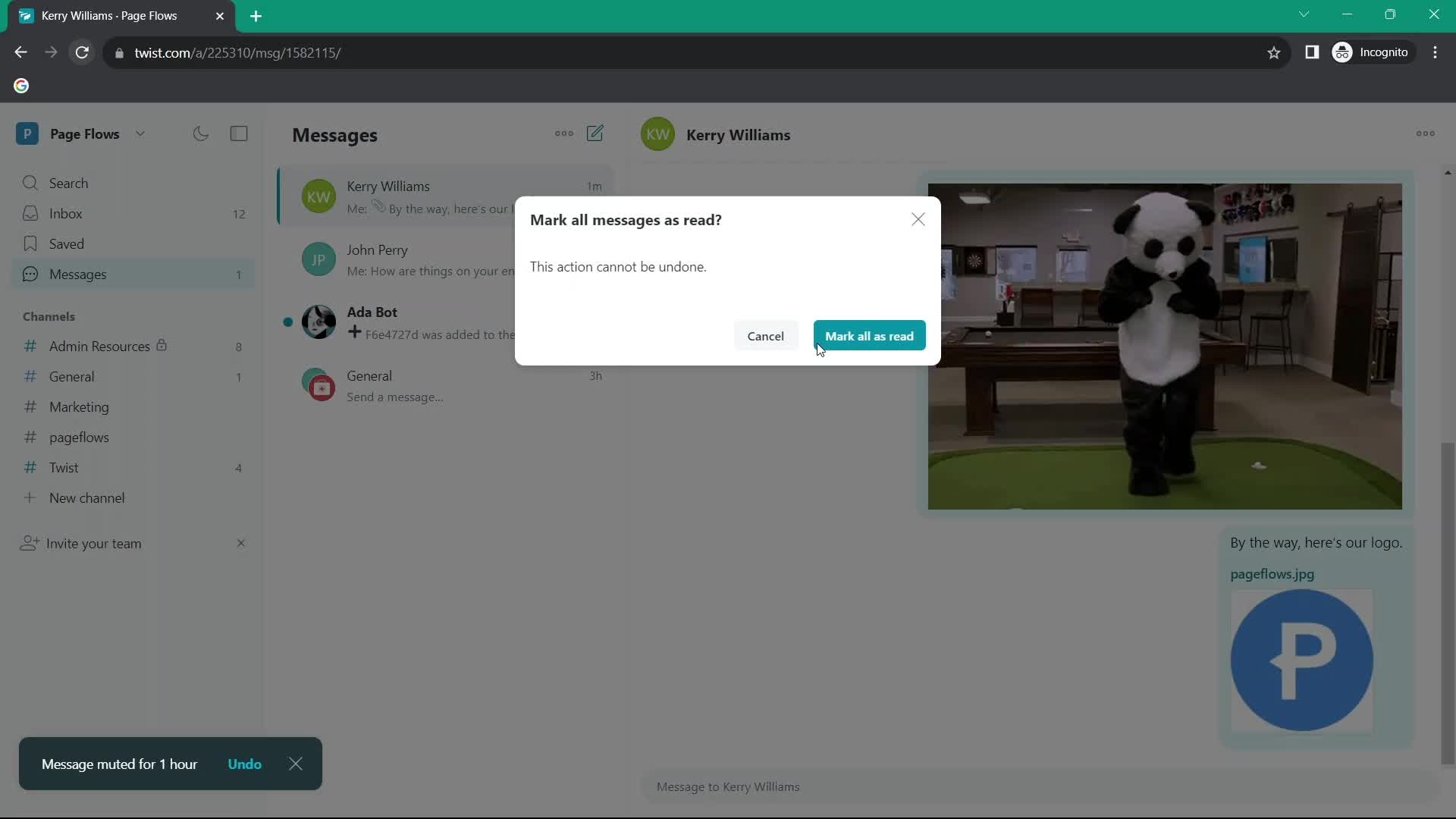
Mark as read
this is title
Confirm
this is title
Inbox
this is title
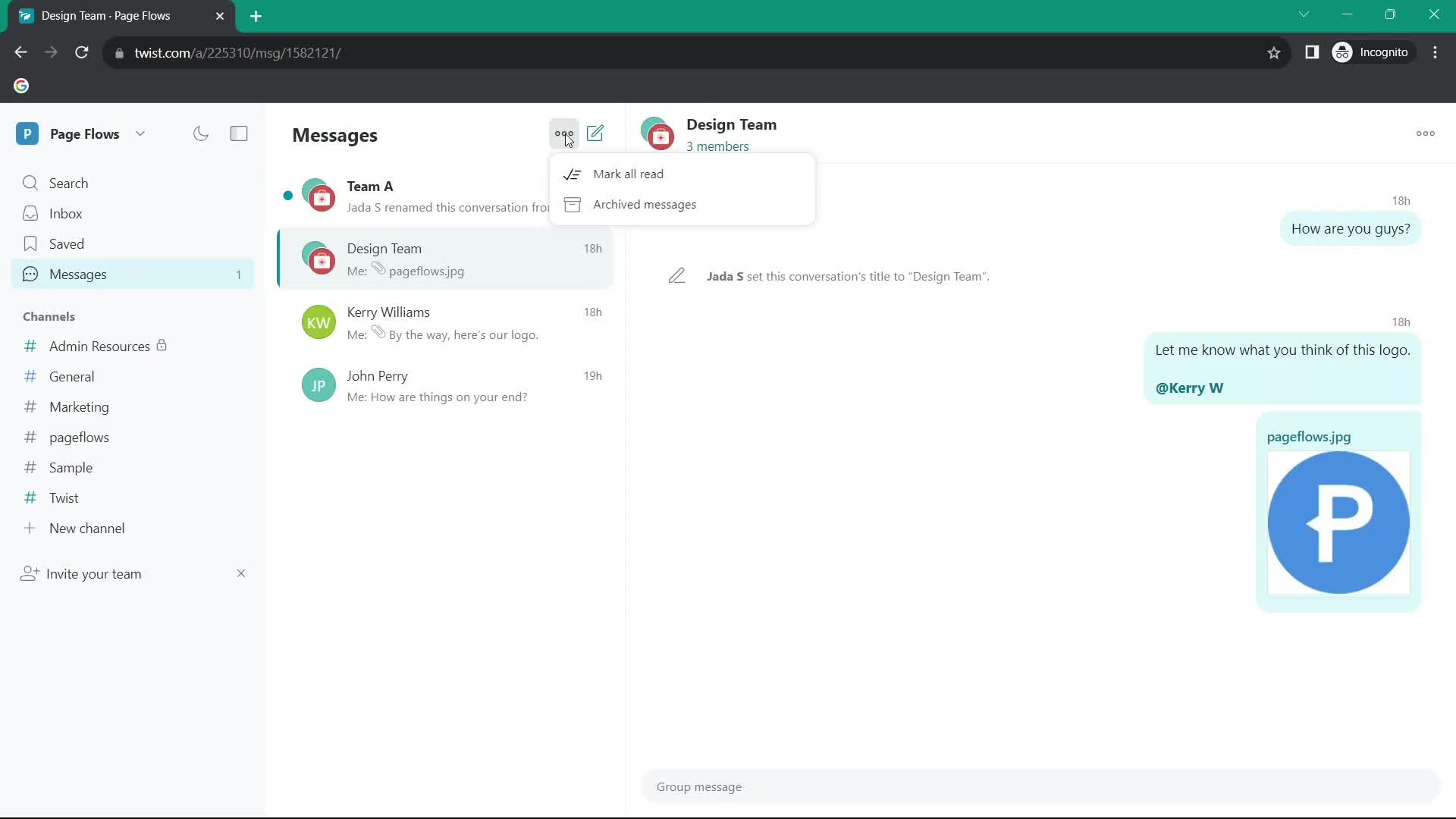
Action menu
this is title
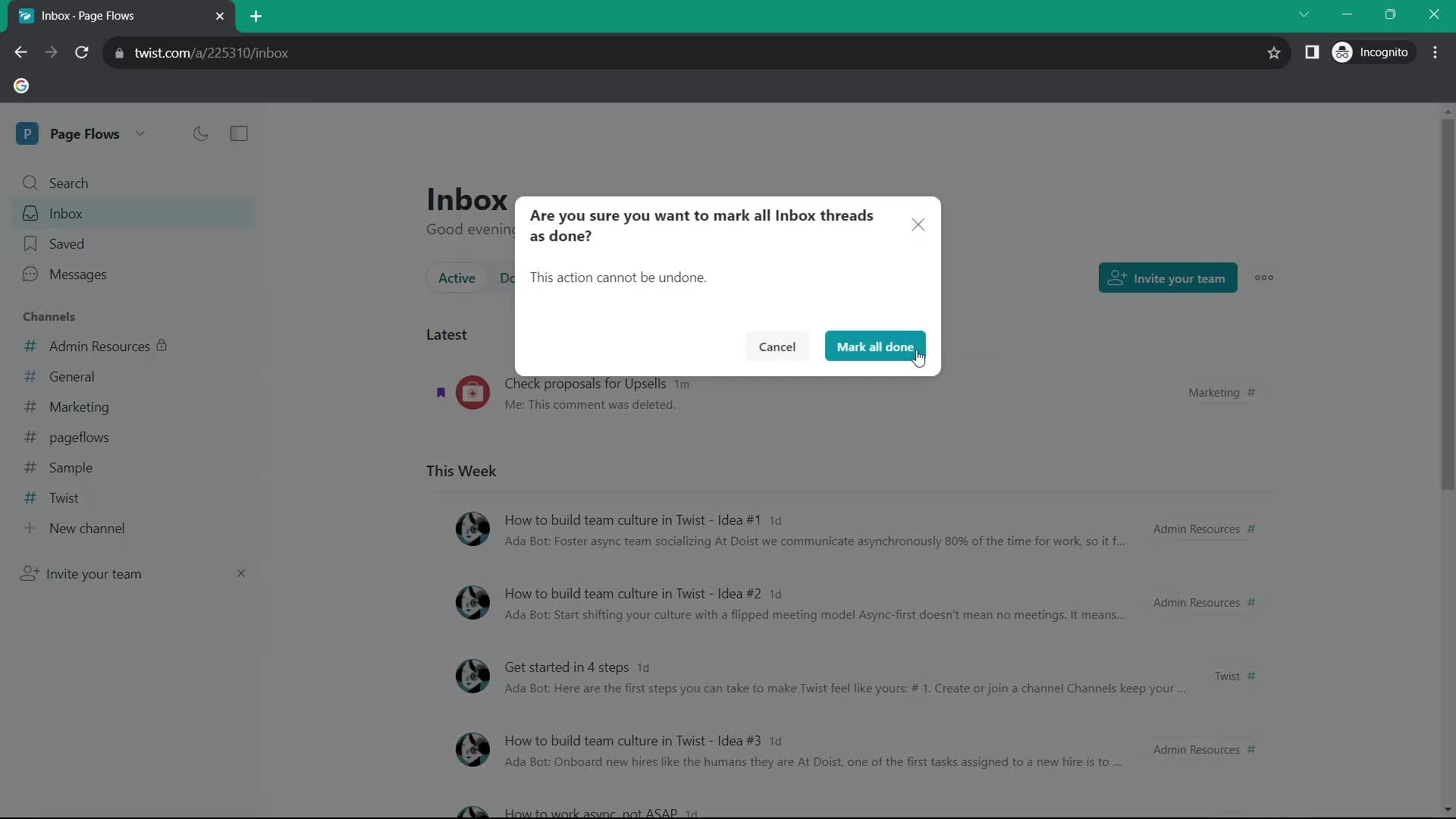
Confirm
this is title
Inbox
this is title
Marked as done
this is title
Inbox
this is title
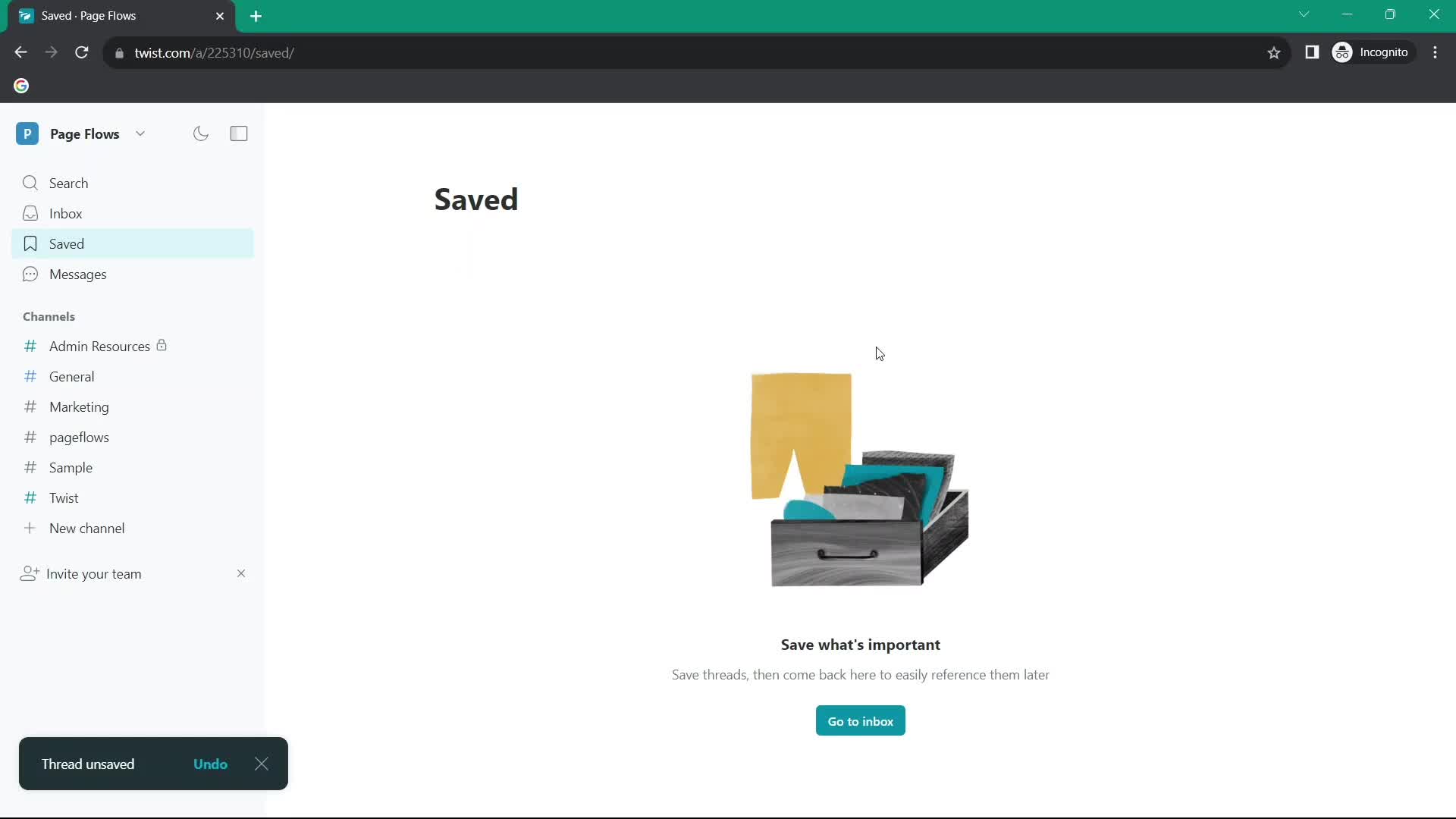
Saved
this is title
Remove item
this is title
Saved
this is title
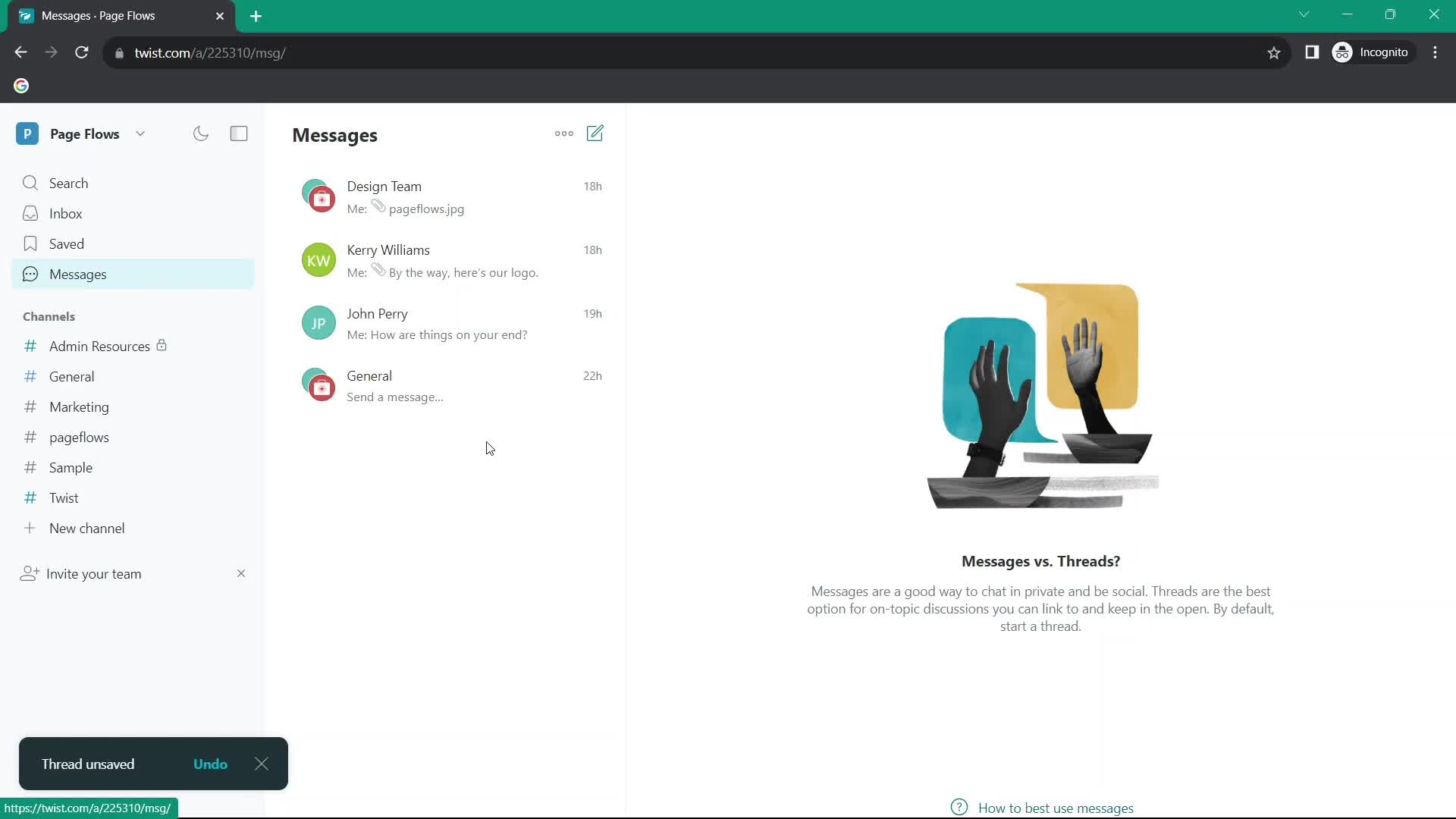
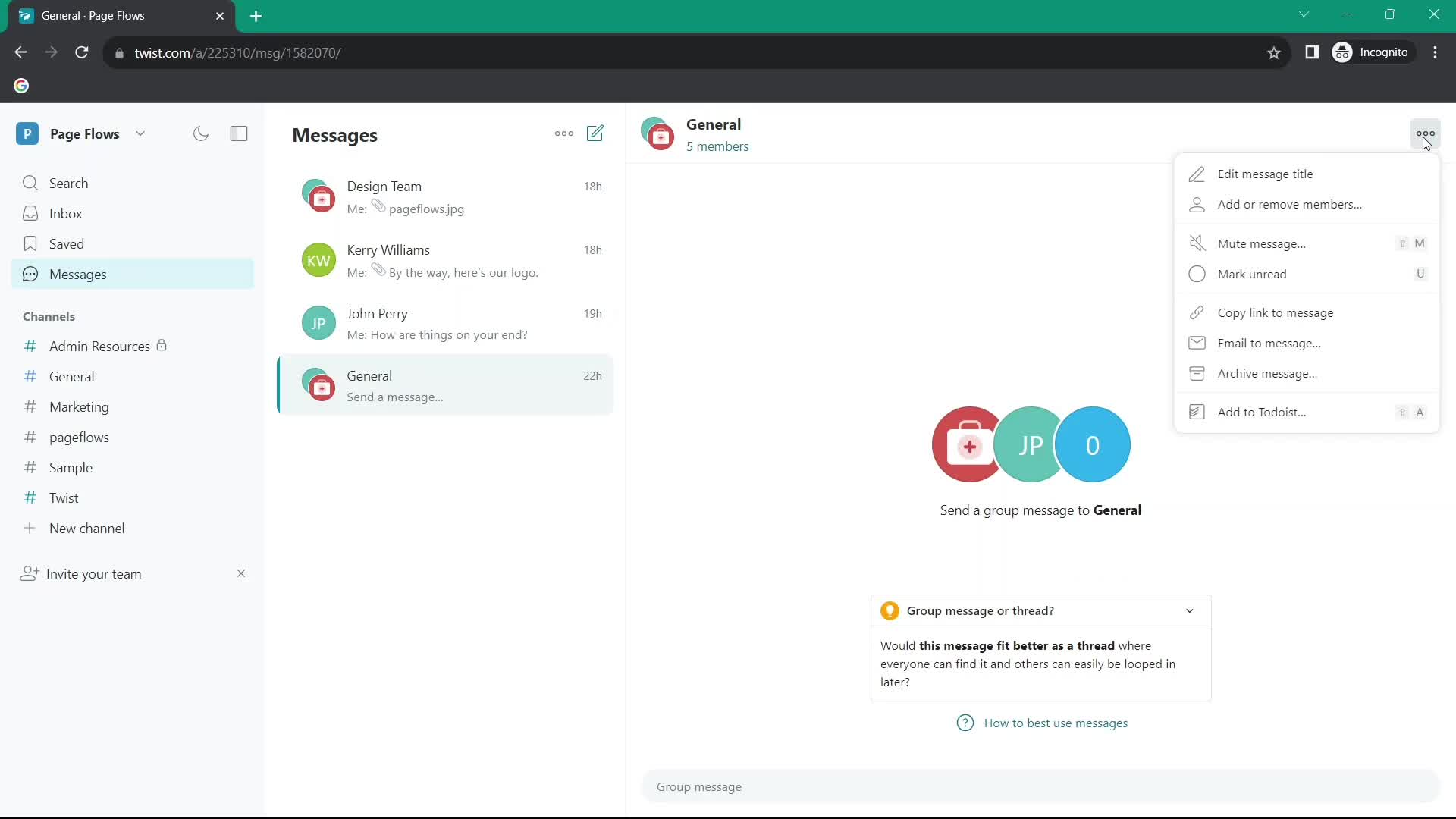
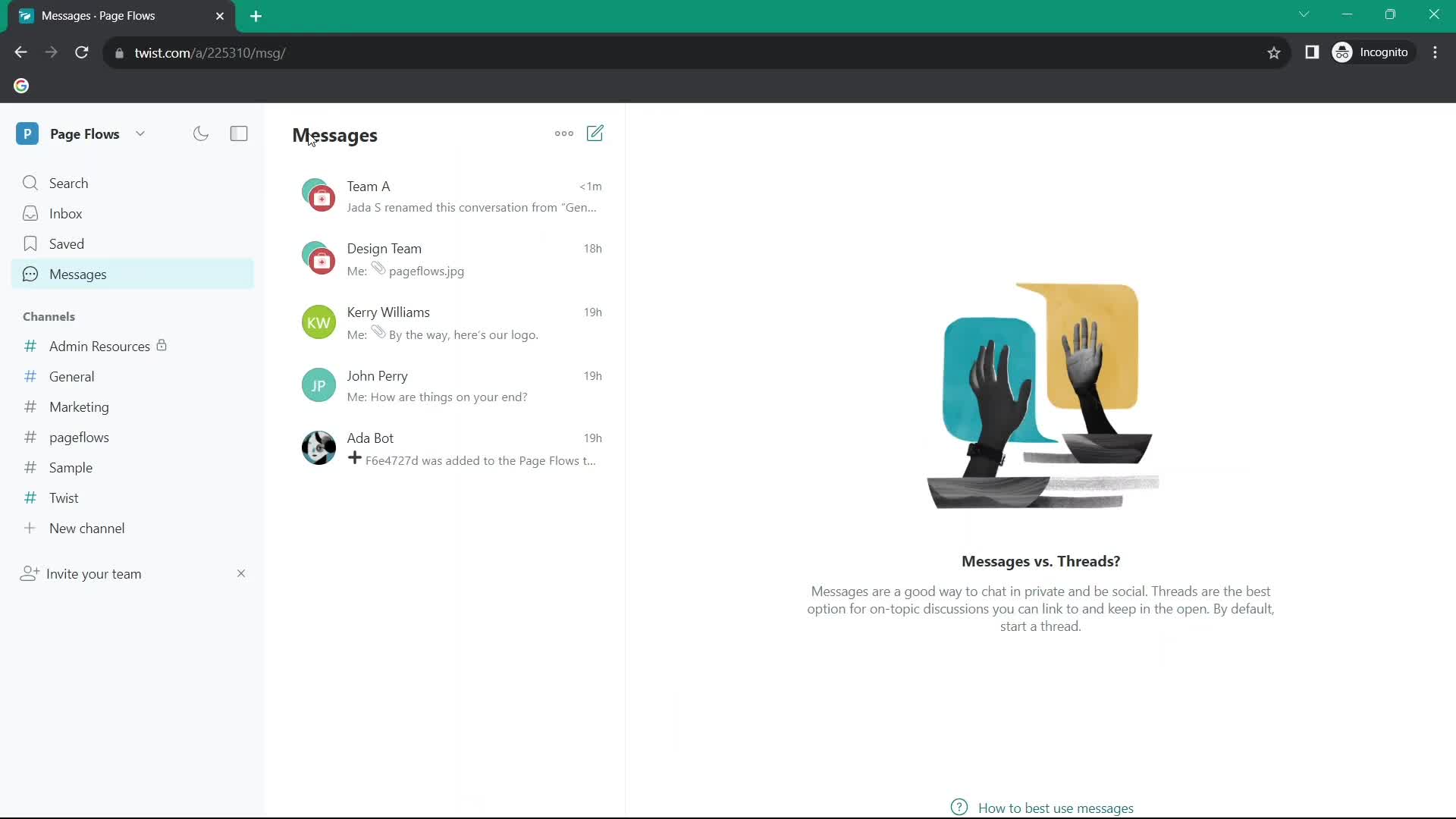
Messages
this is title
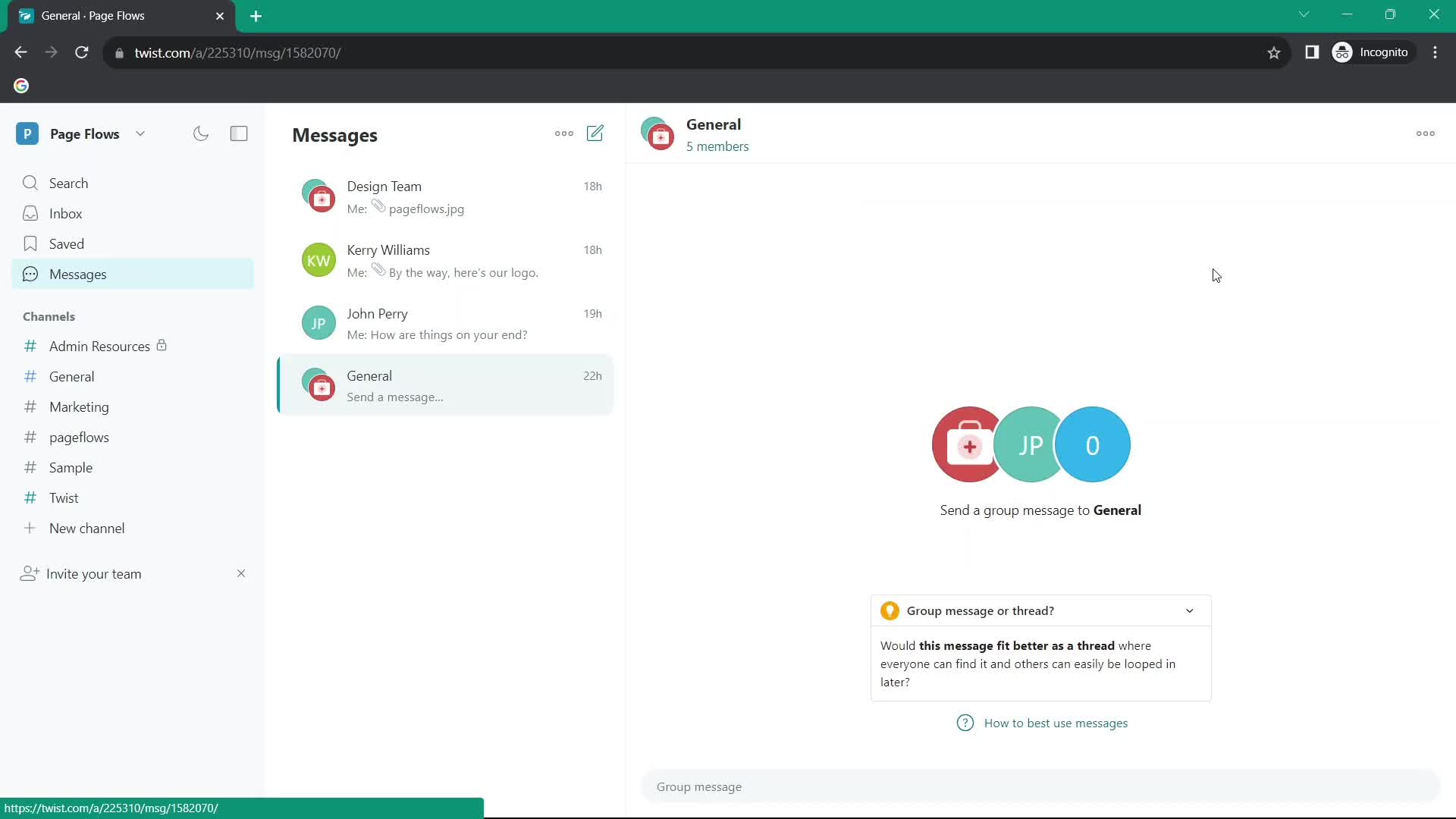
Group chat
this is title
Action menu
this is title
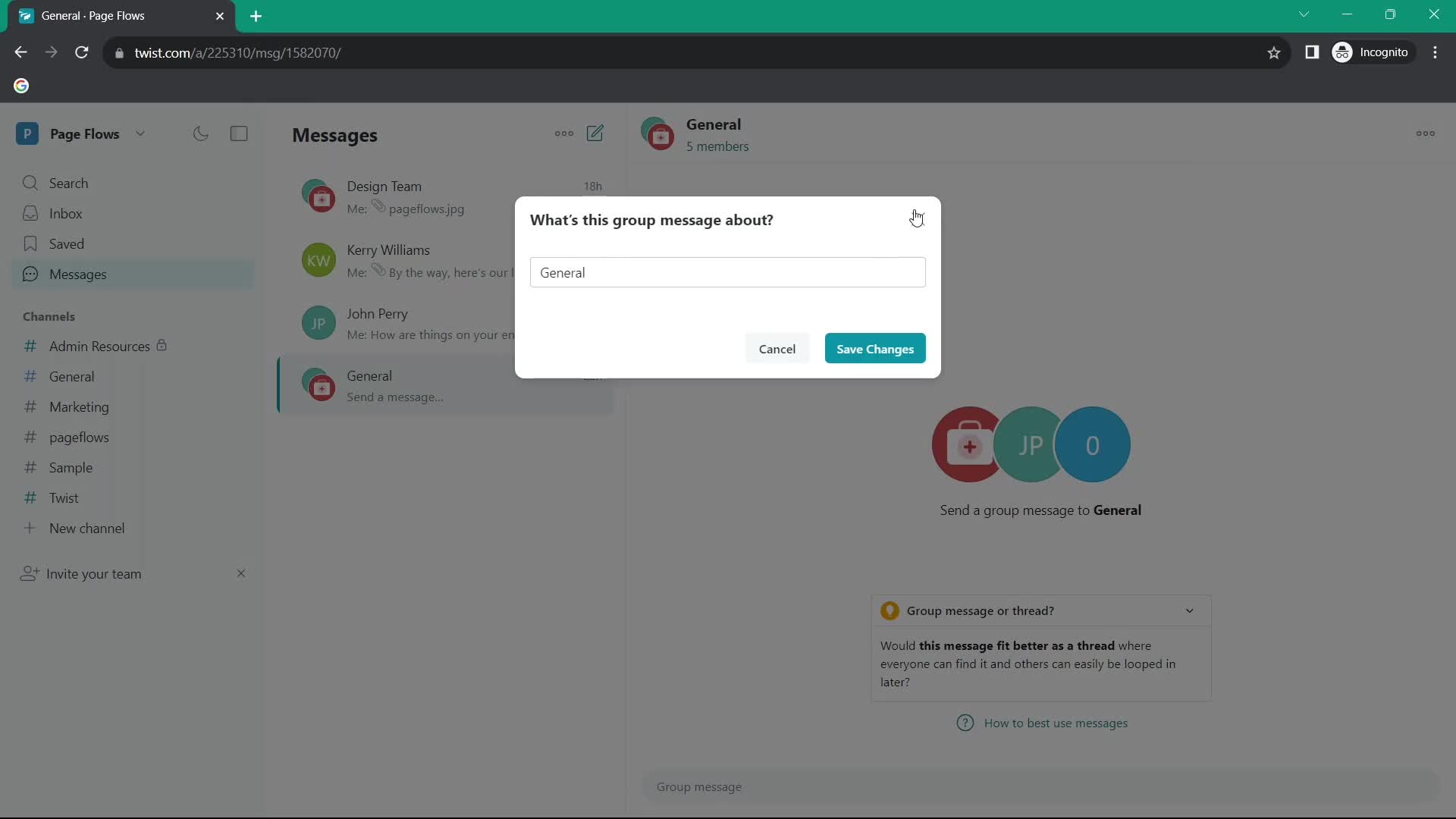
Edit details
this is title
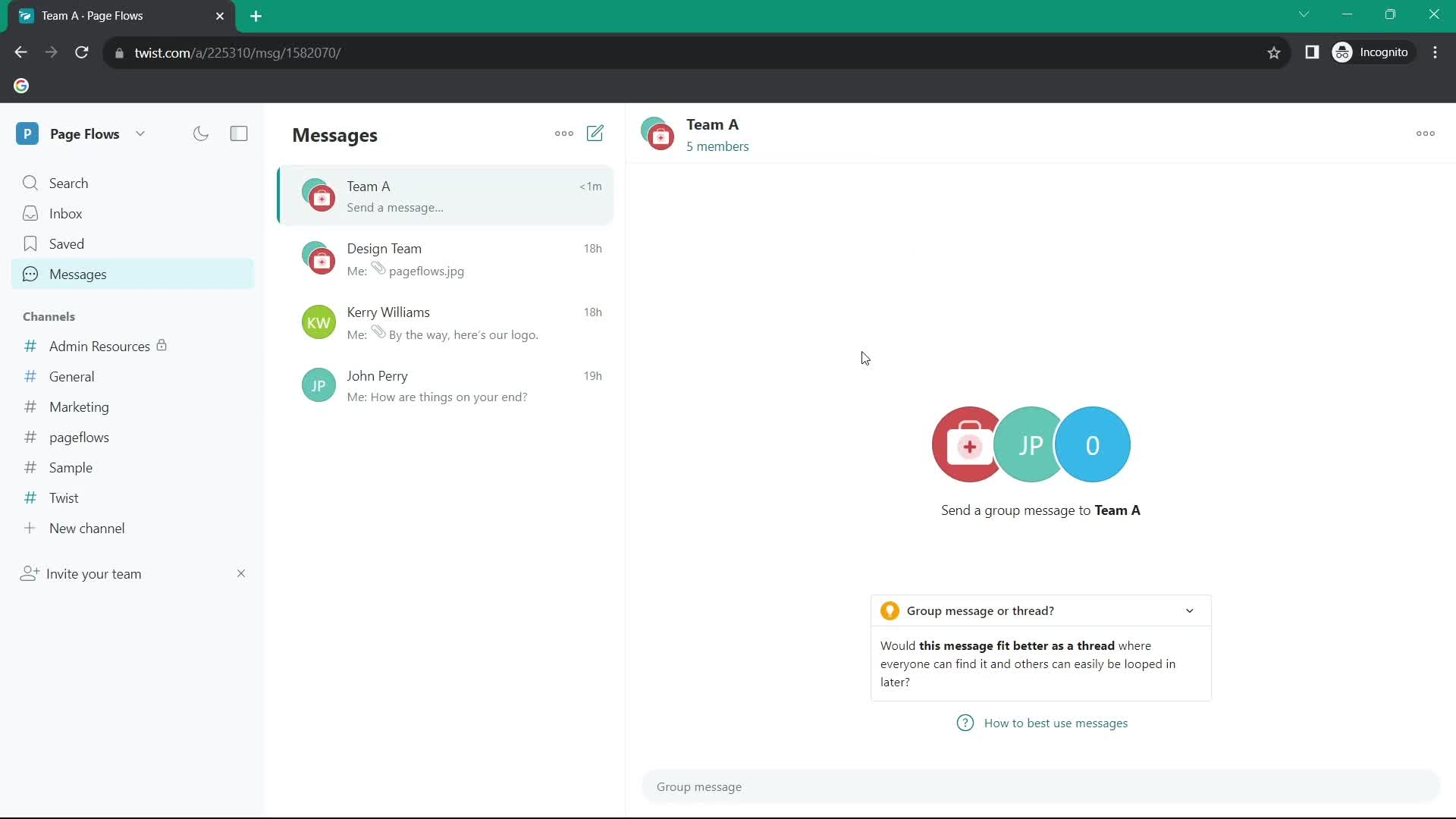
Group chat
this is title
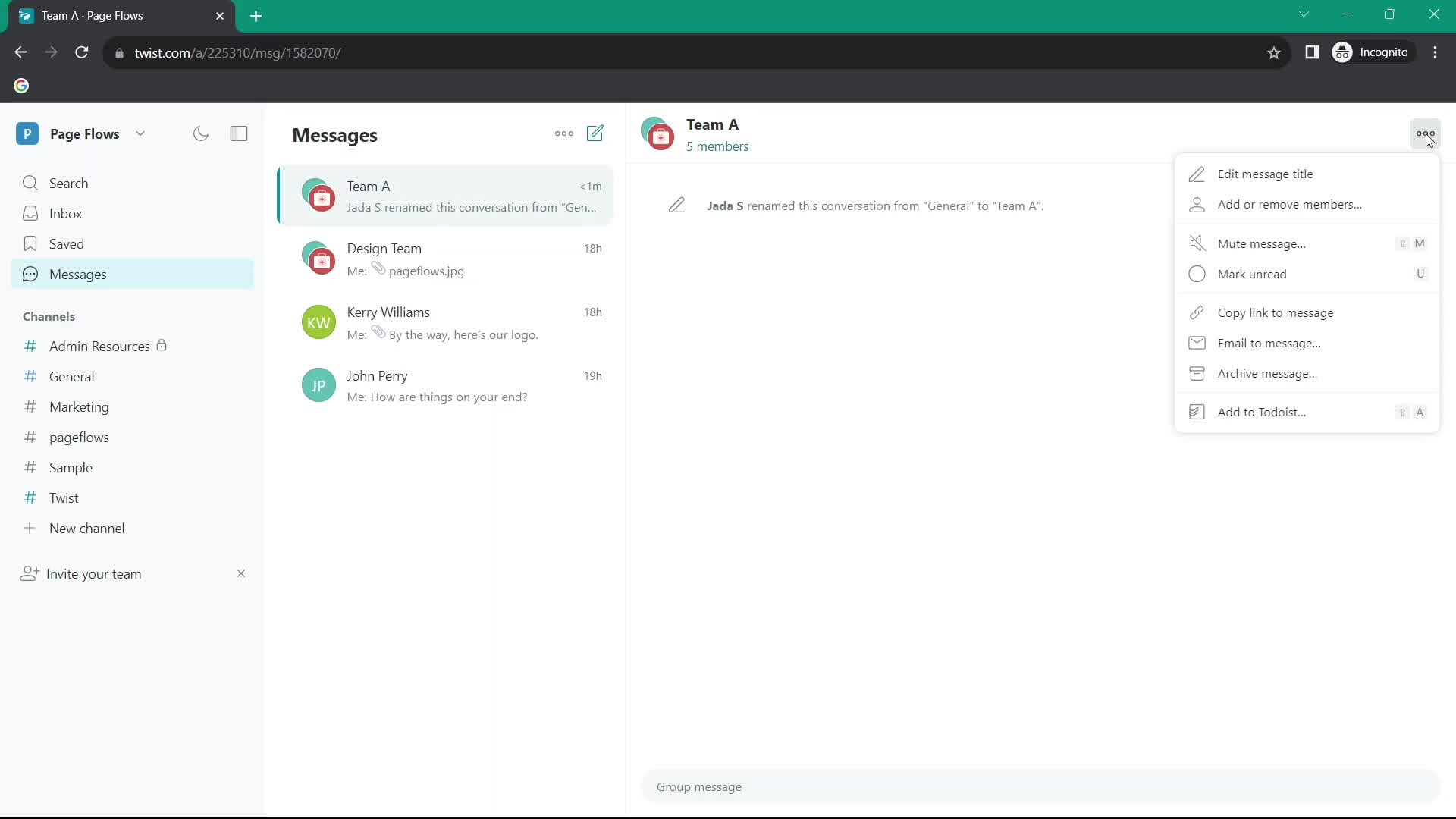
Action menu
this is title
Chat thread
this is title
Action menu
this is title
Send email
this is title
Chat thread
this is title
Action menu
this is title
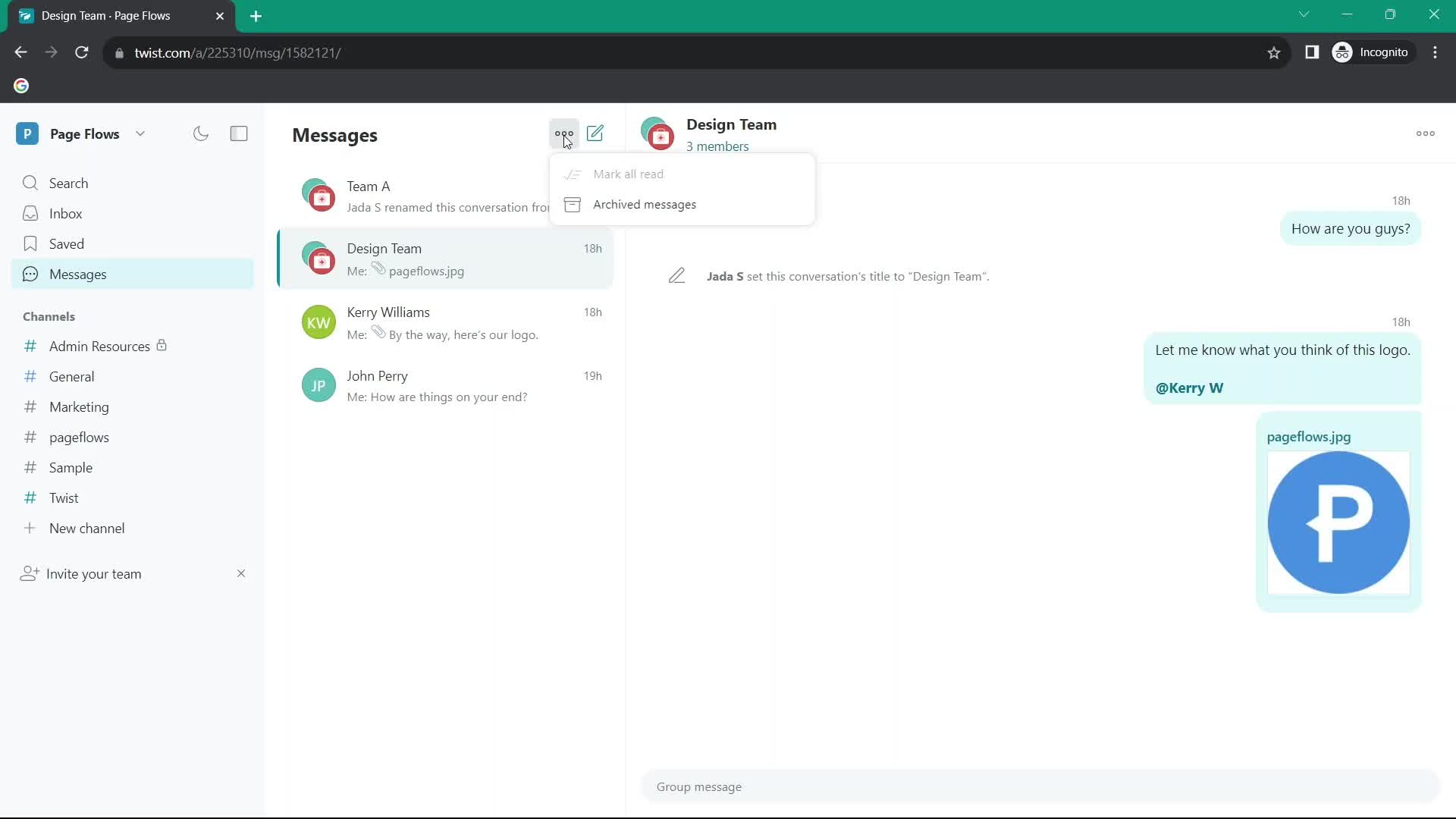
Mark as read
this is title
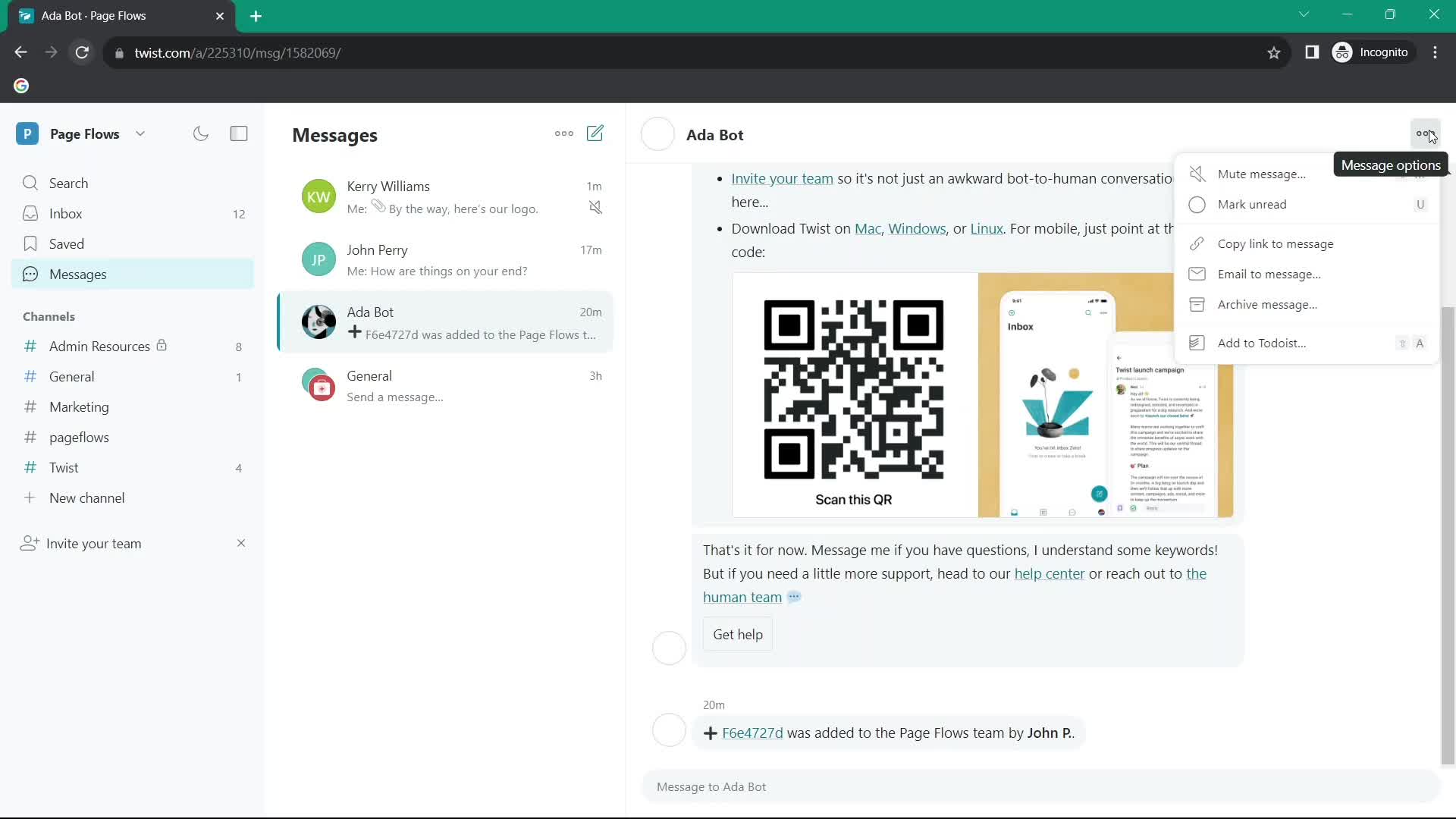
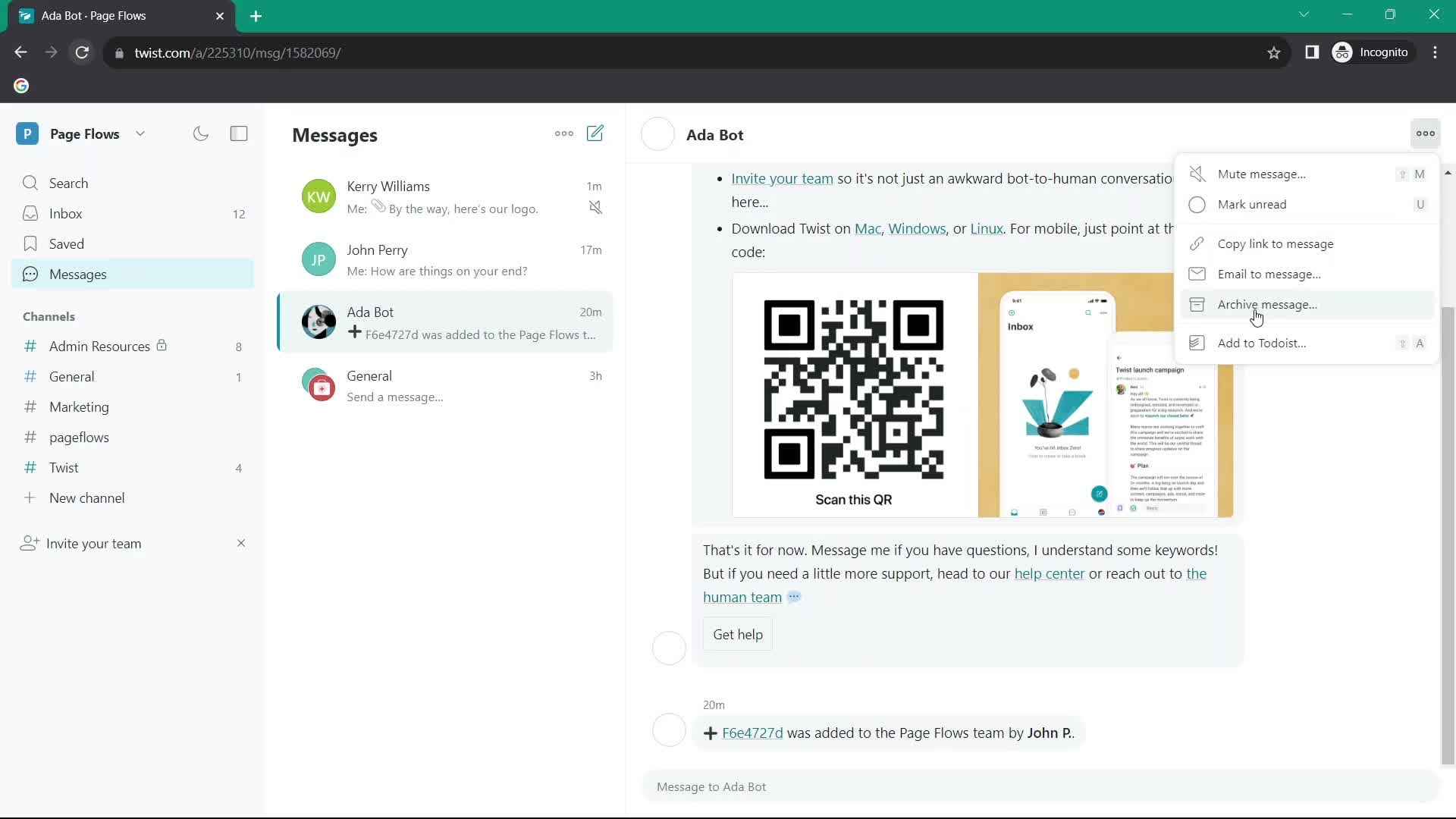
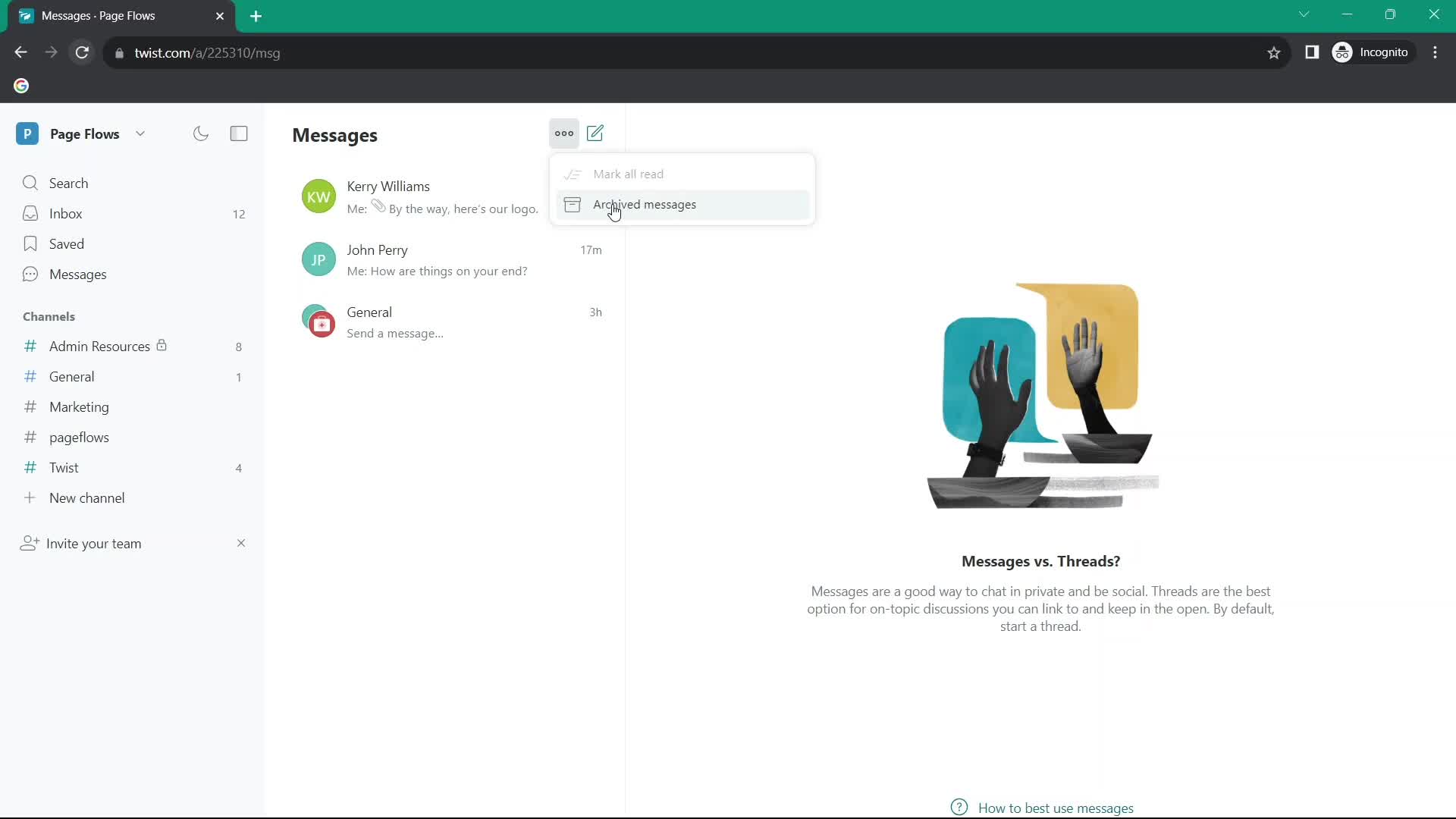
Action menu
this is title
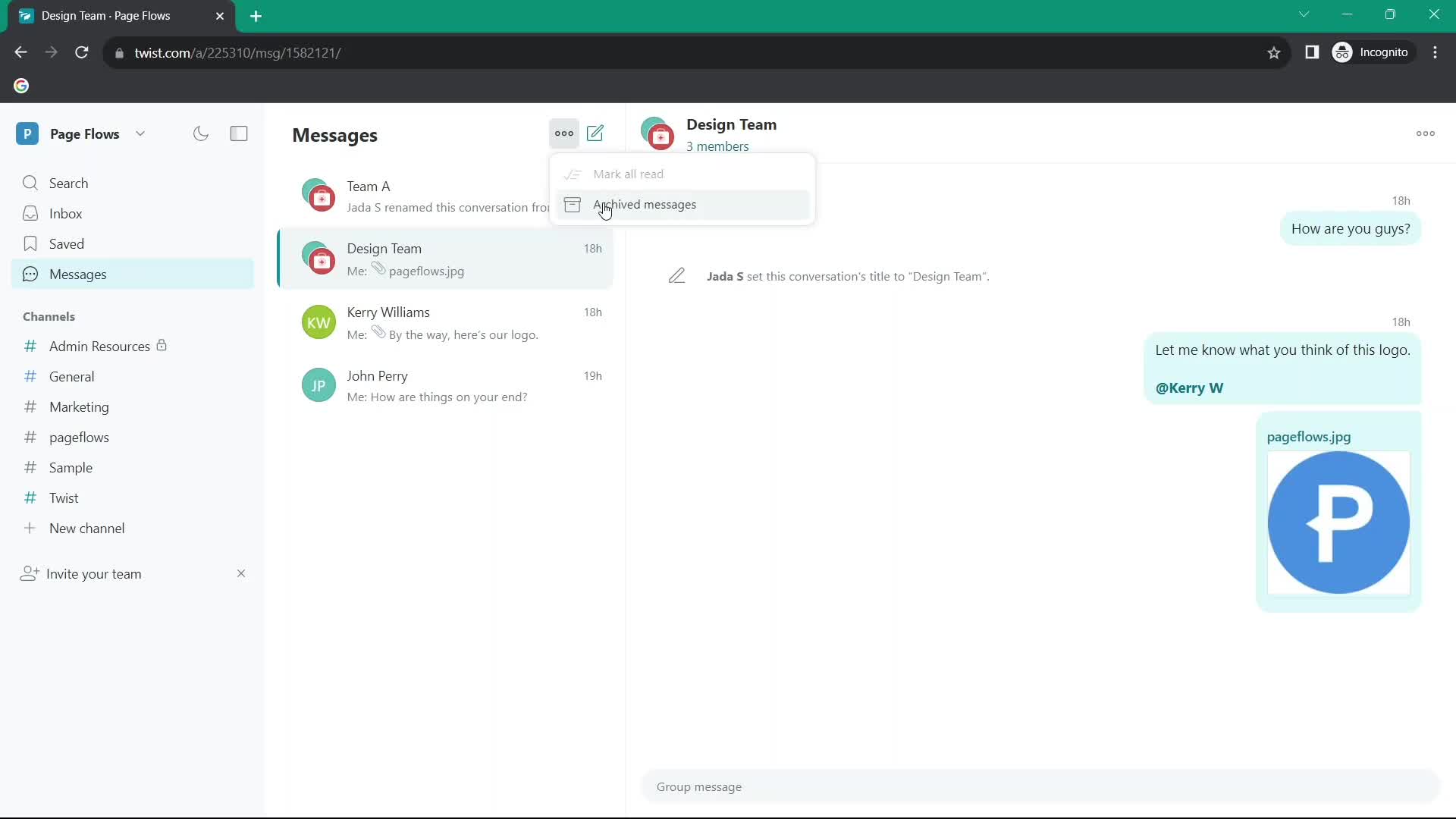
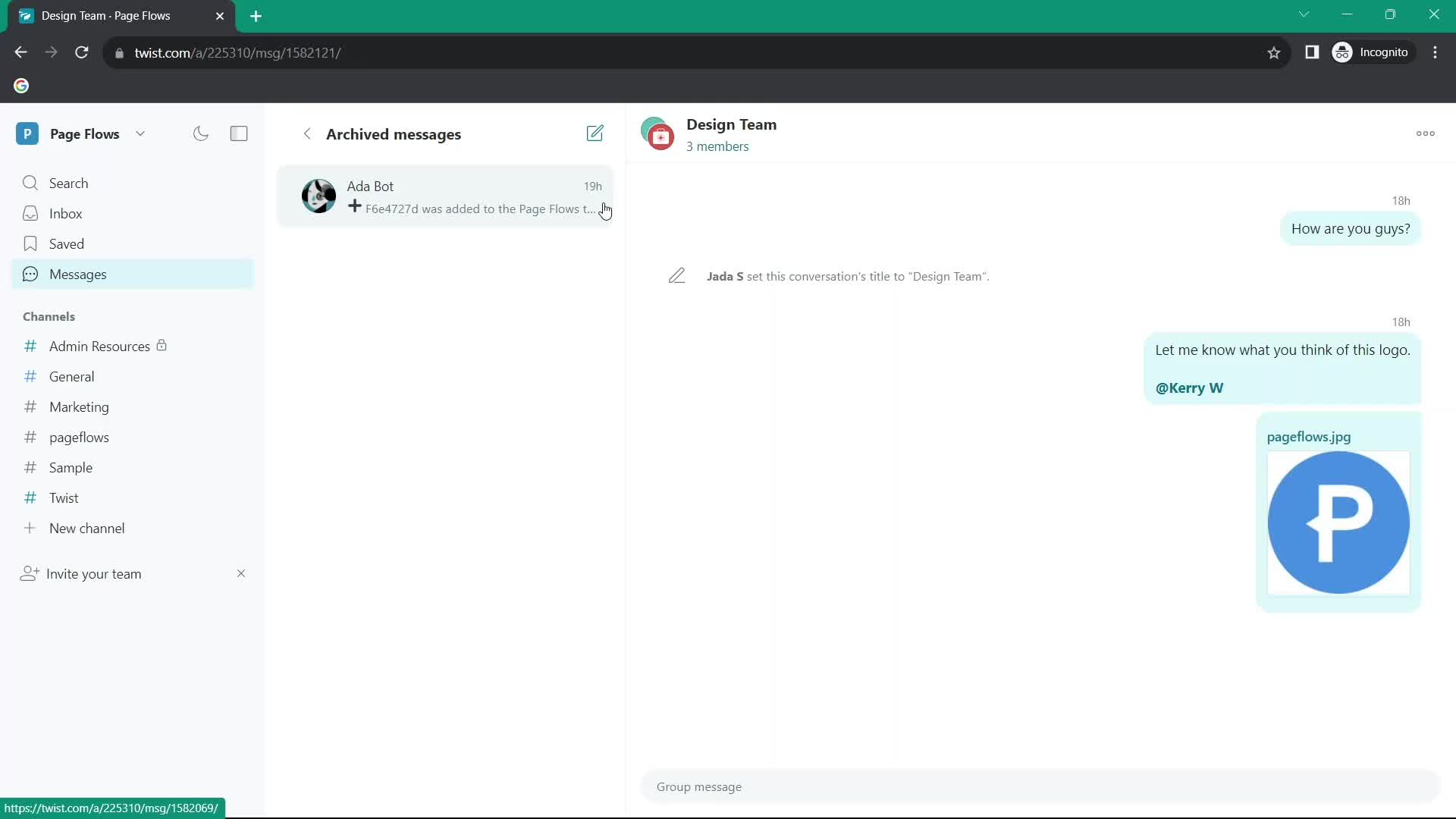
Archive
this is title
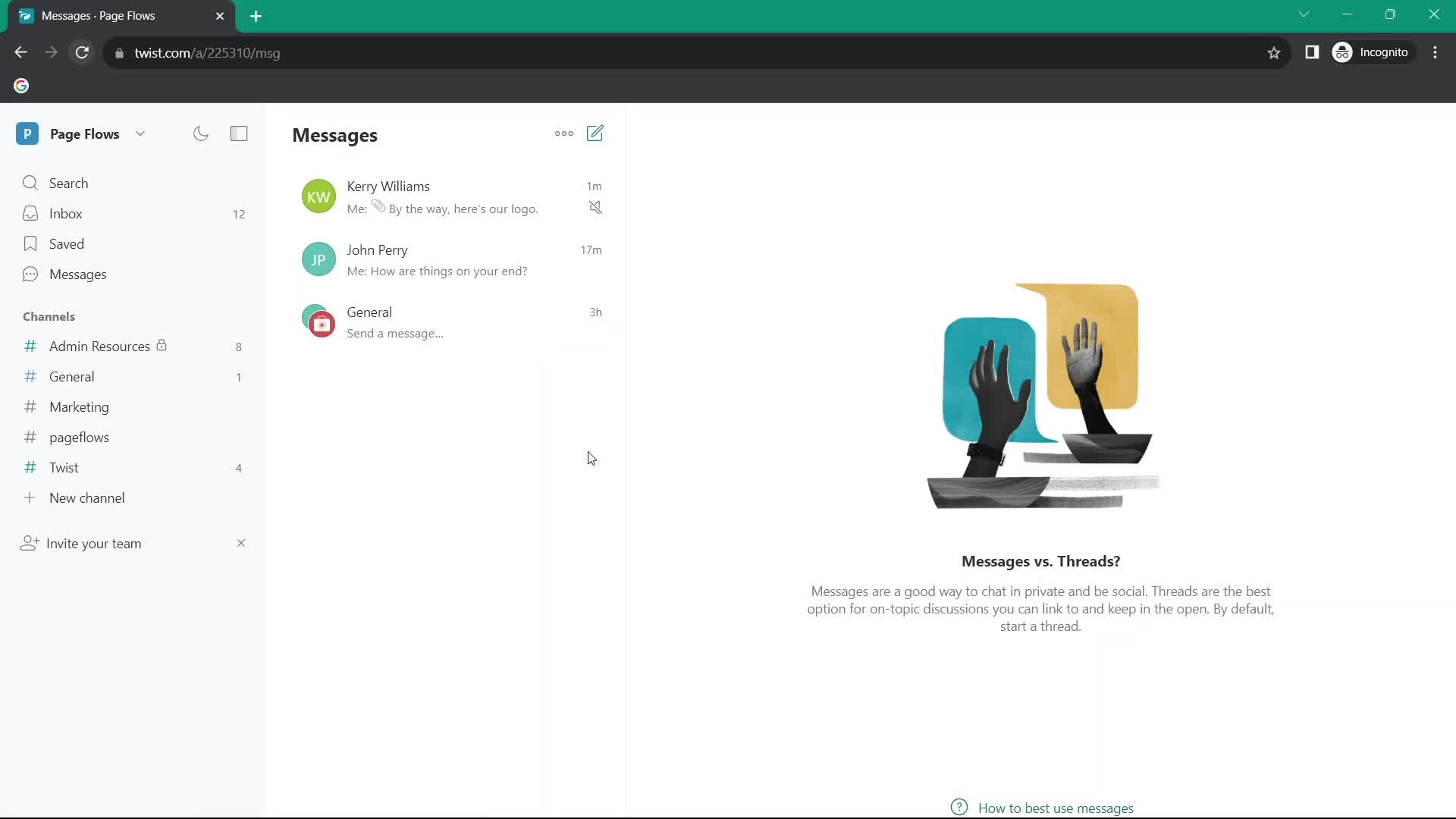
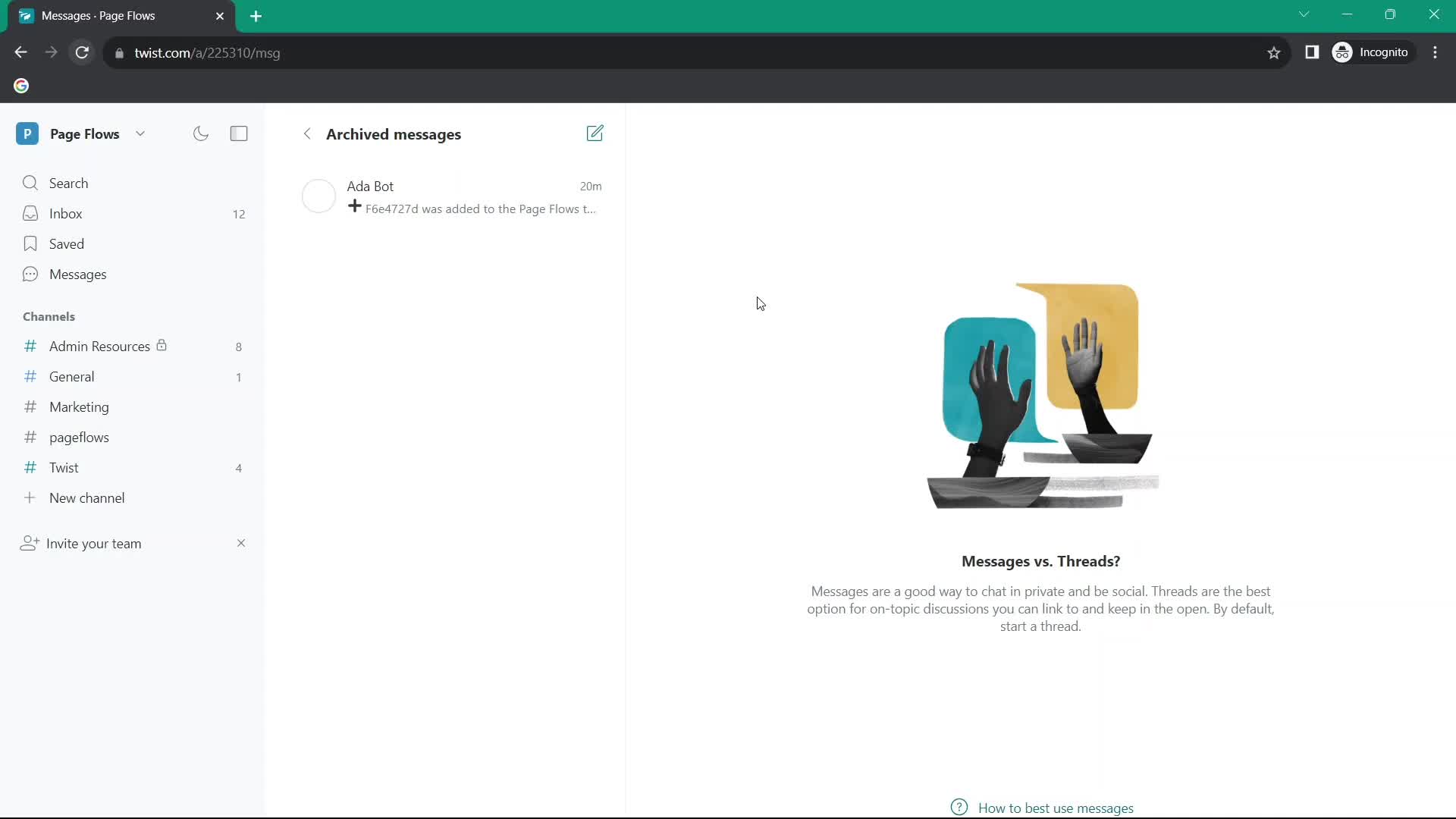
Archived
this is title
Messages
this is title
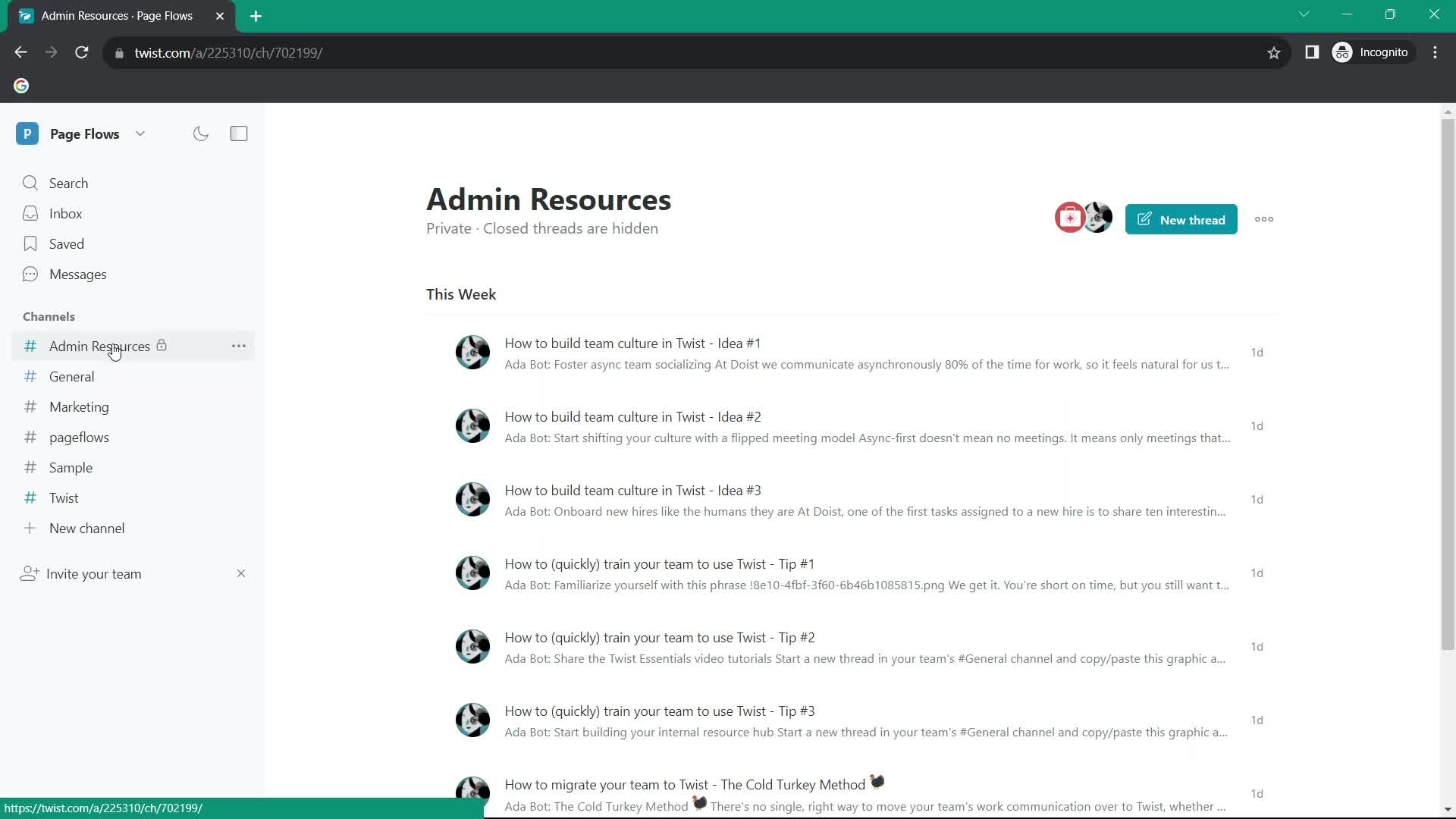
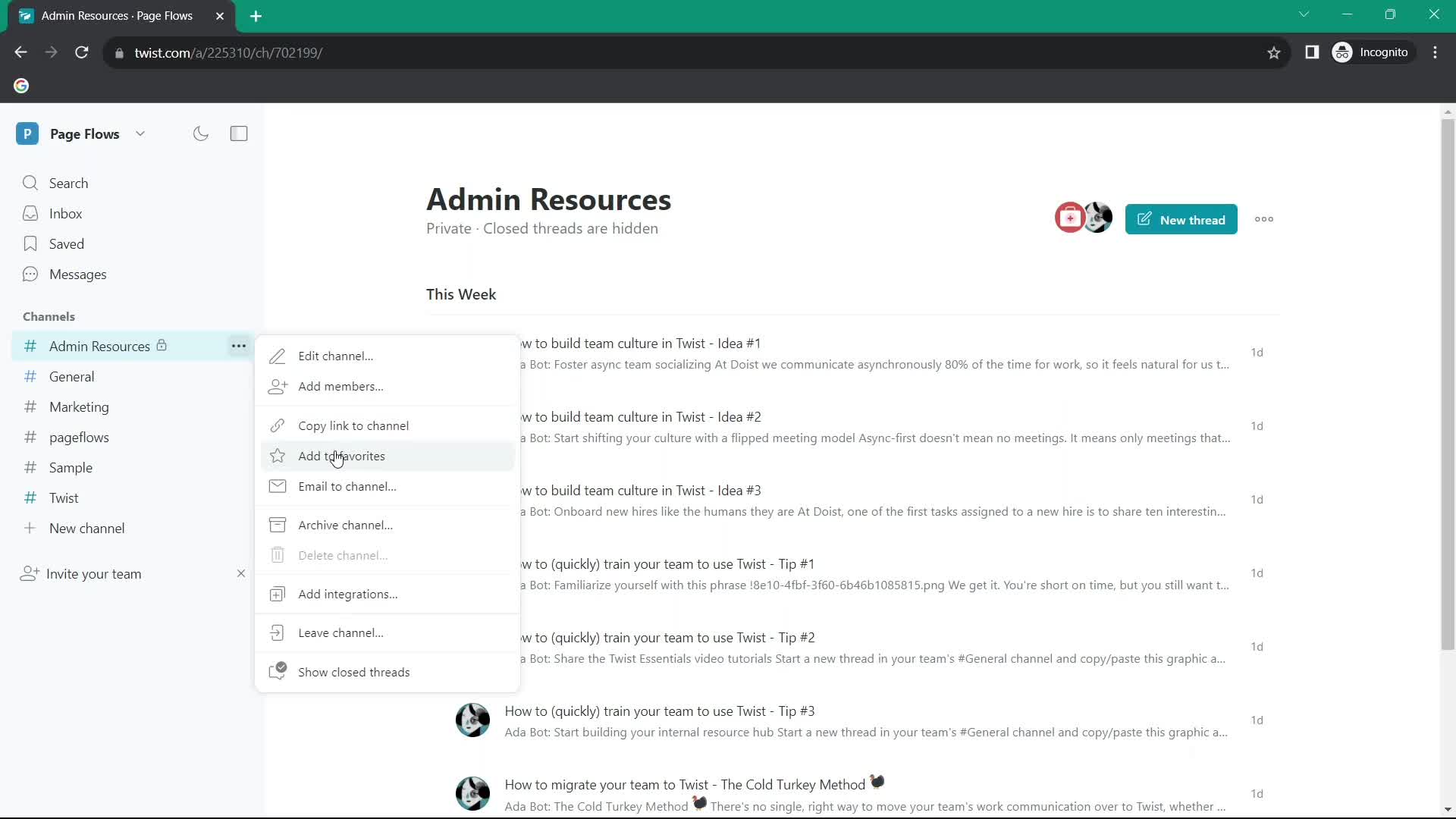
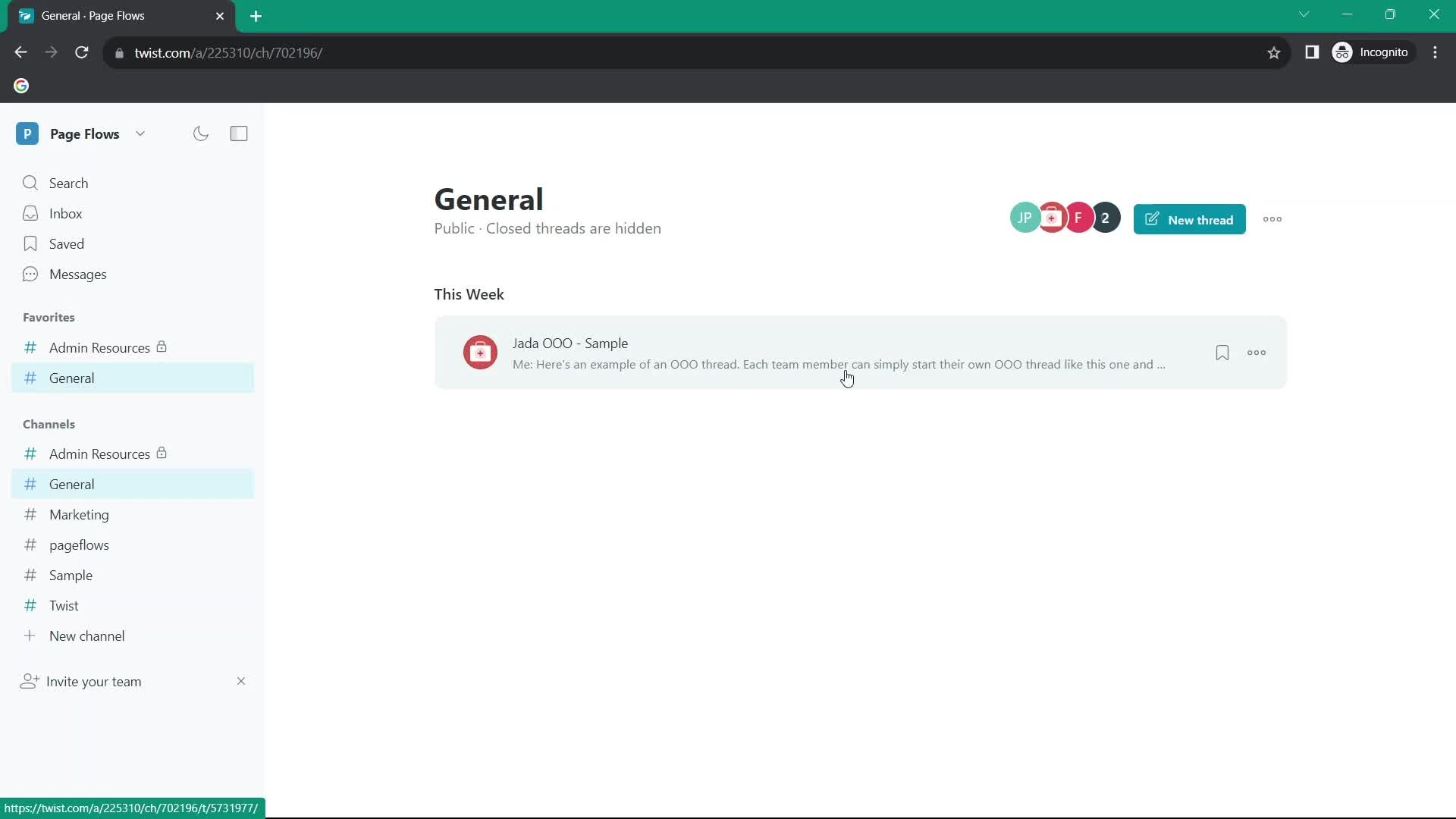
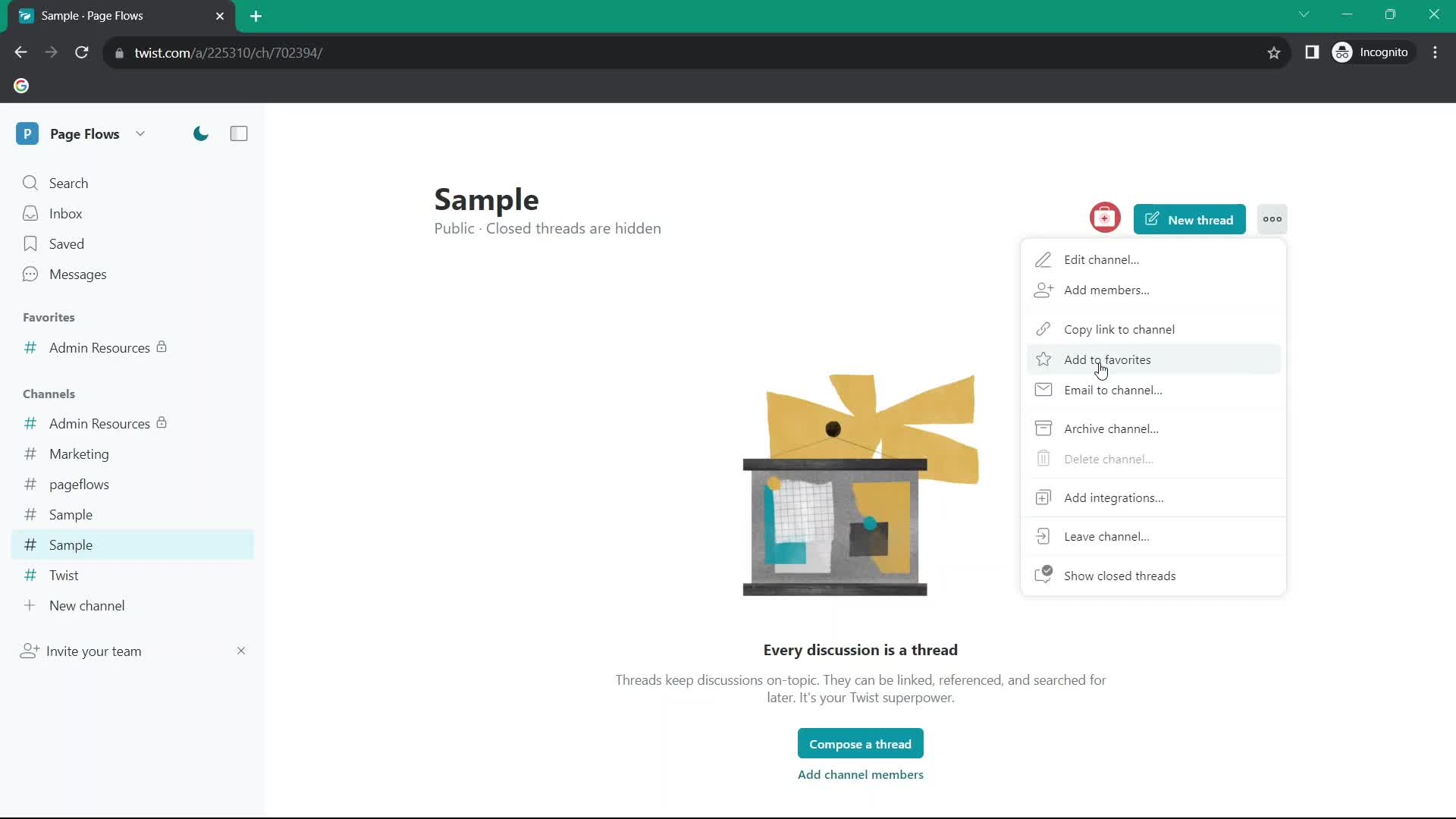
Channel
this is title
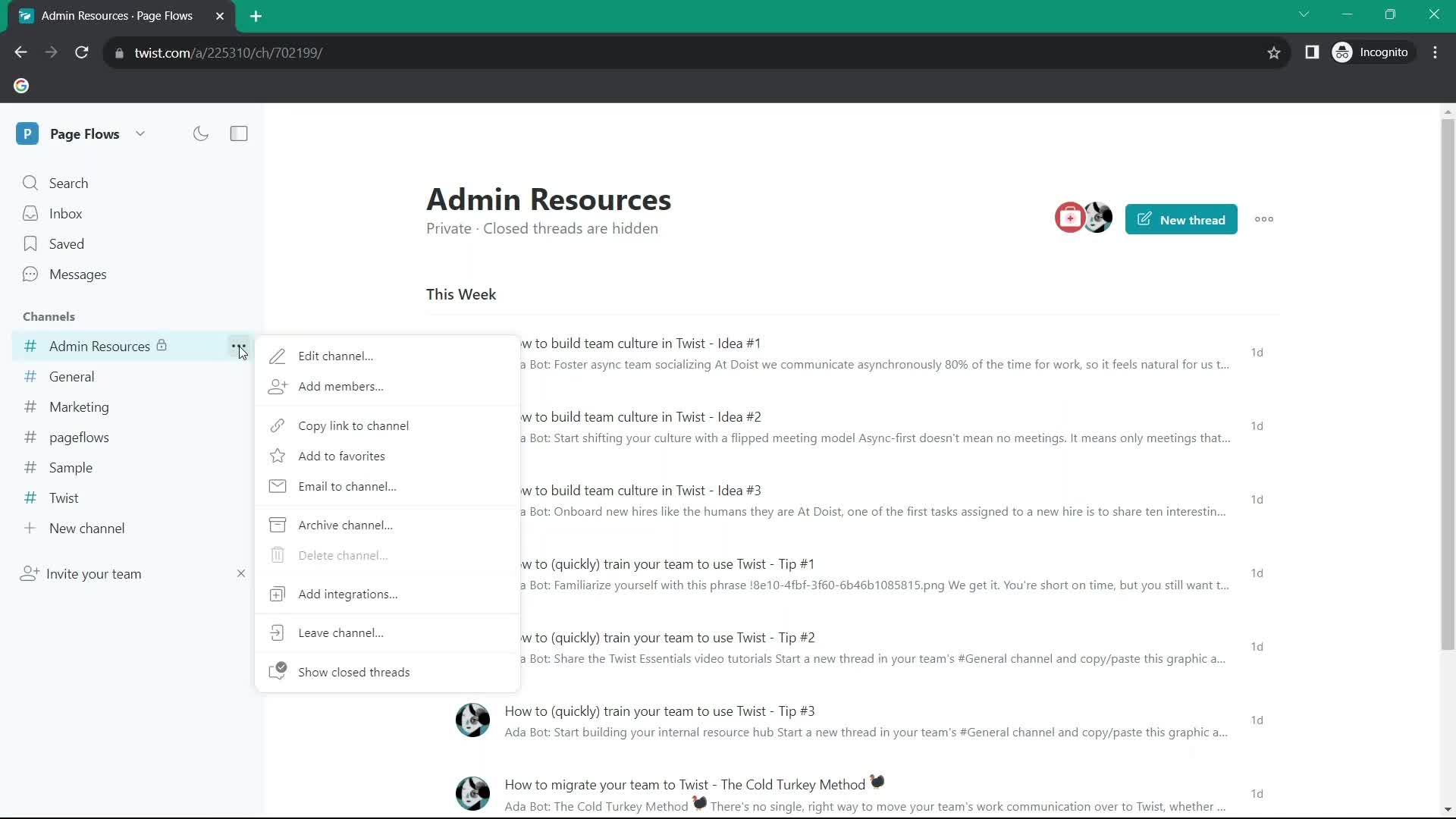
Action menu
this is title
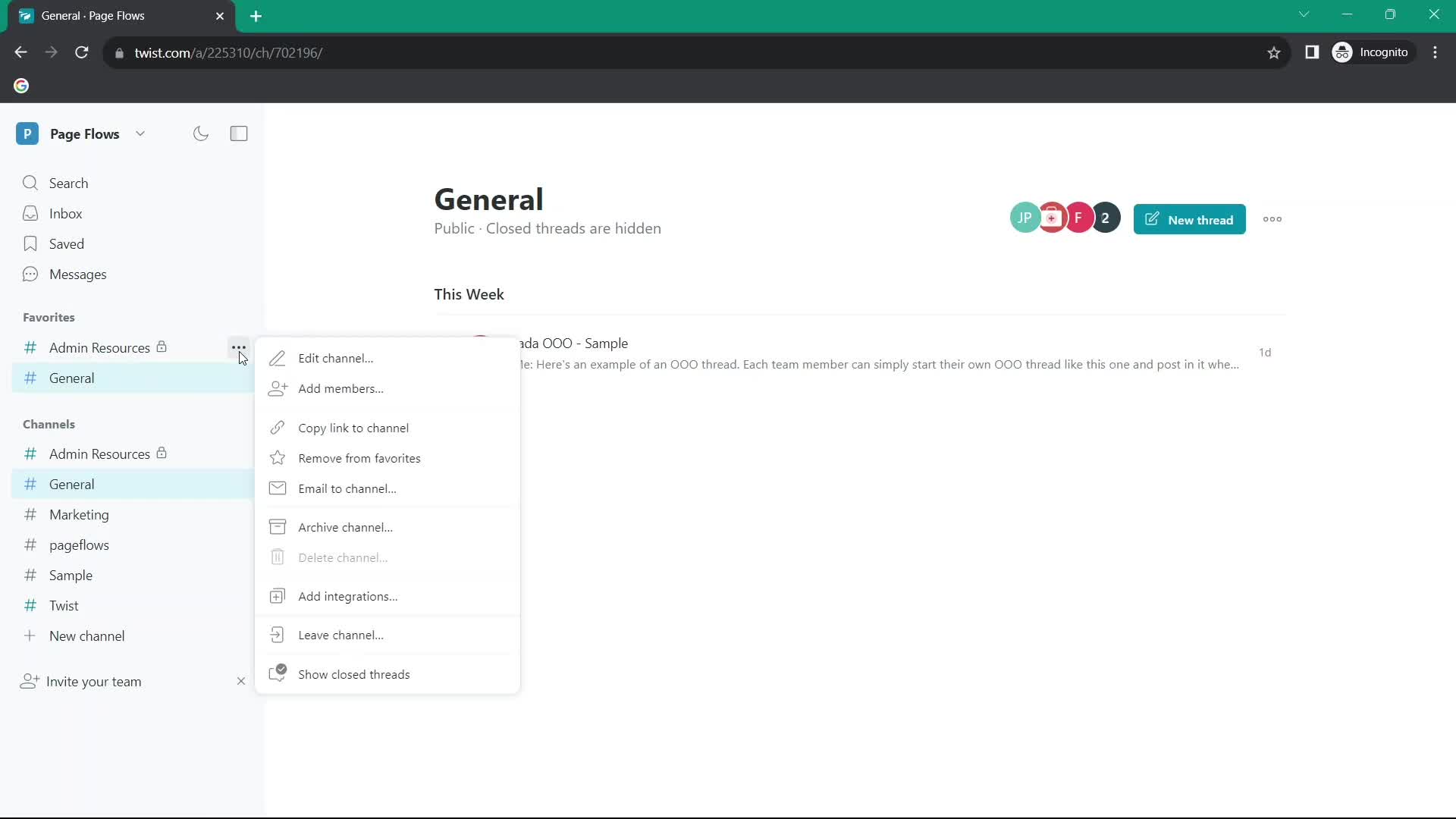
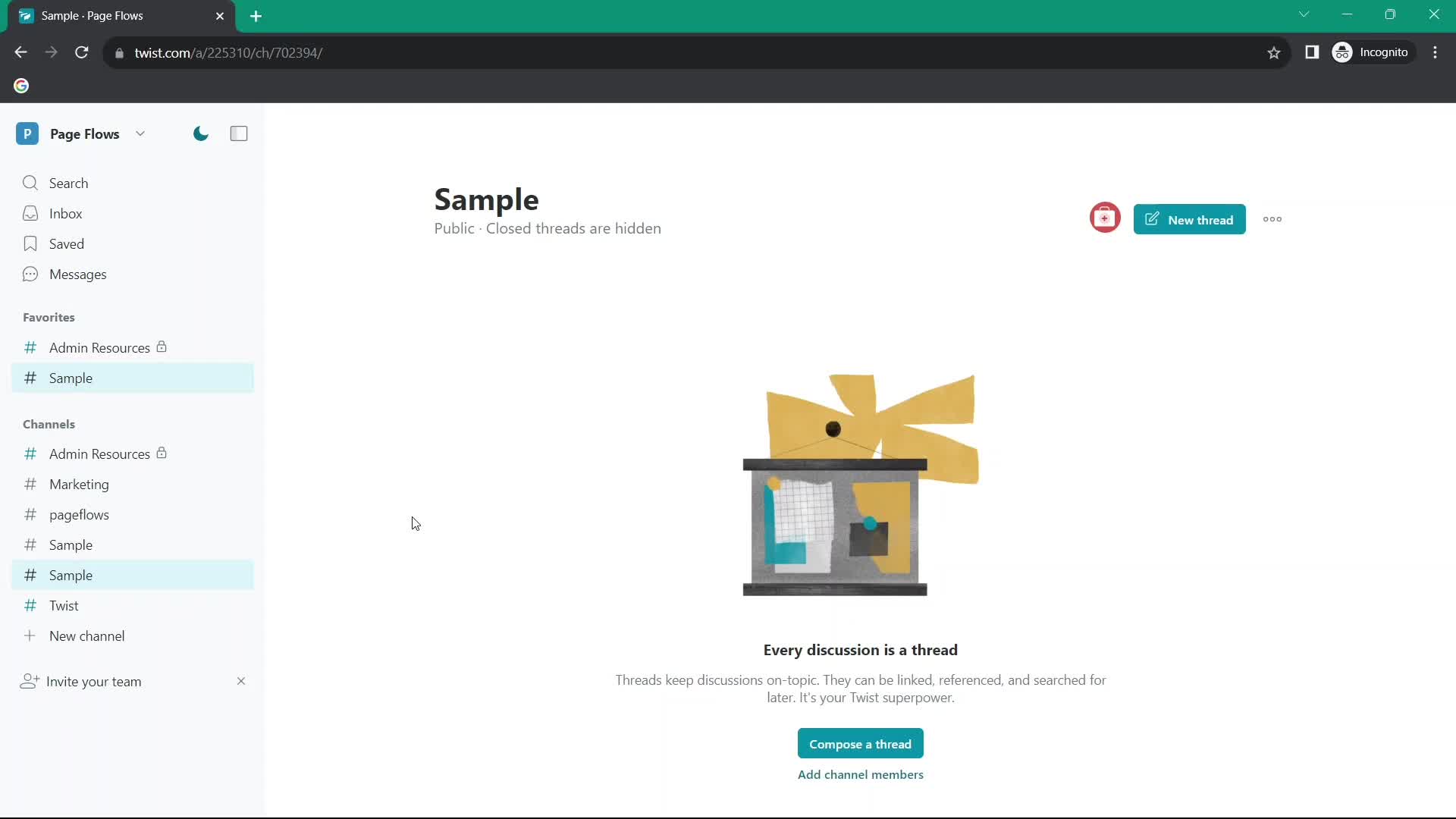
Added to favorites
this is title
Action menu
this is title
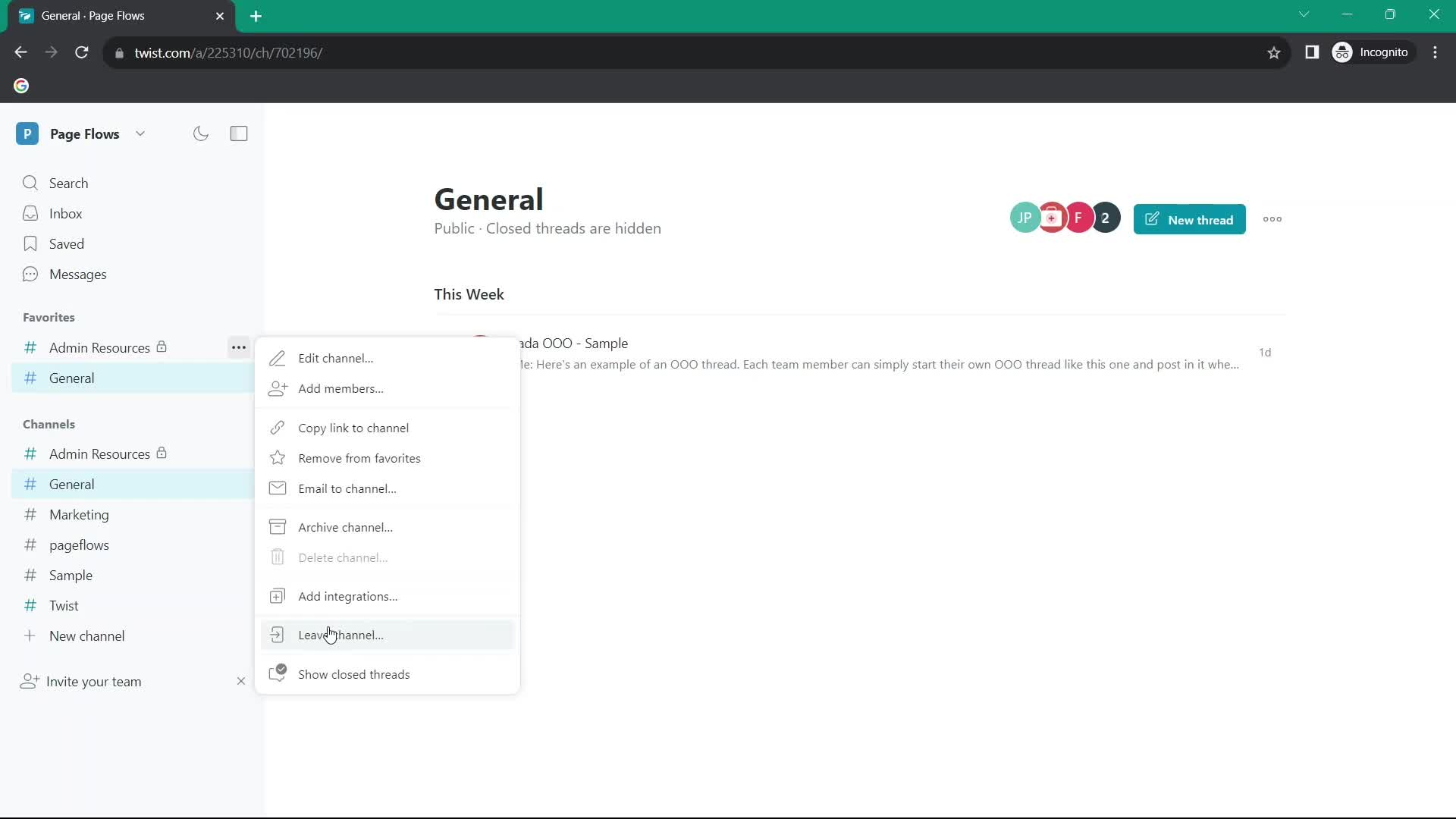
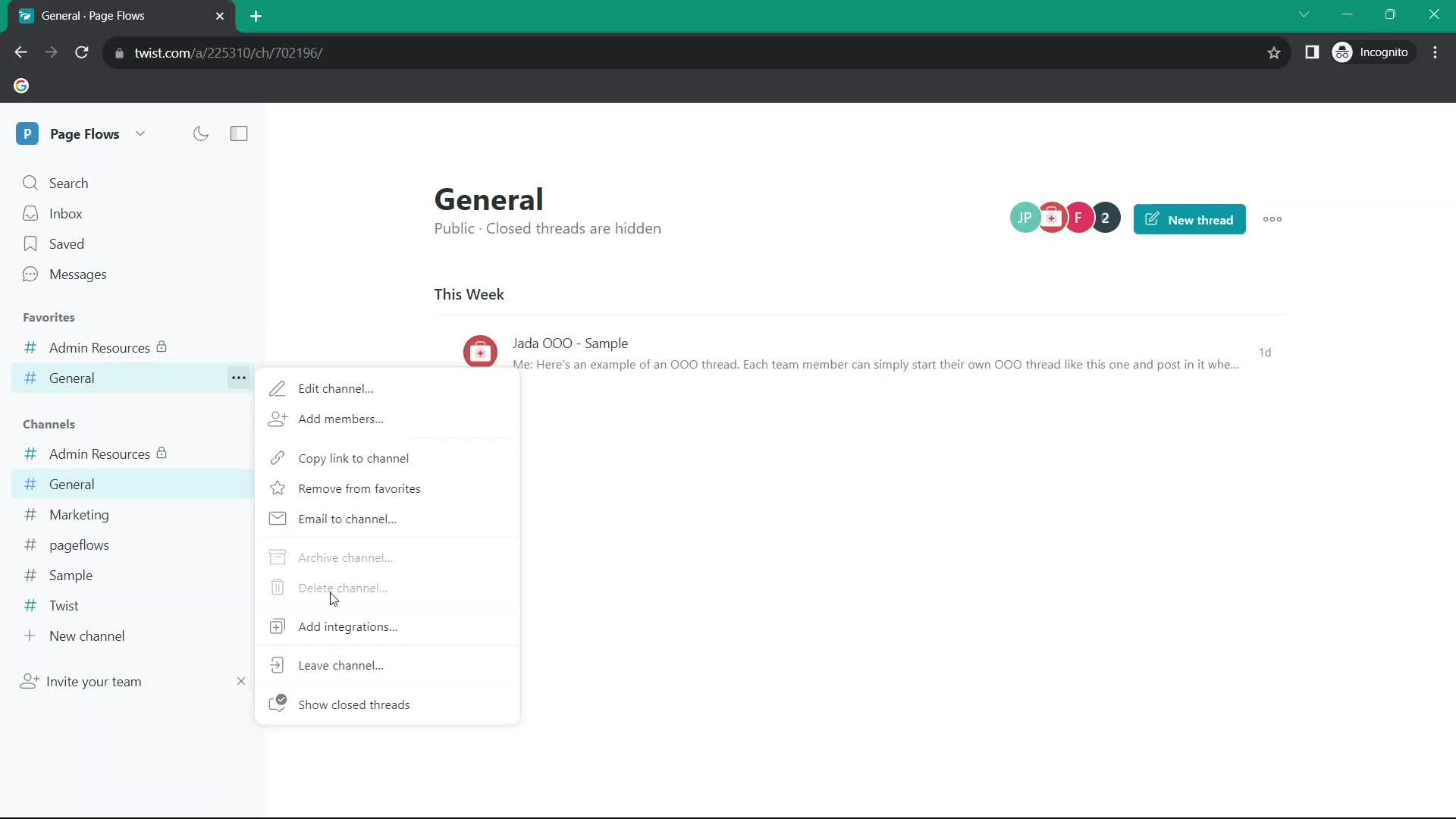
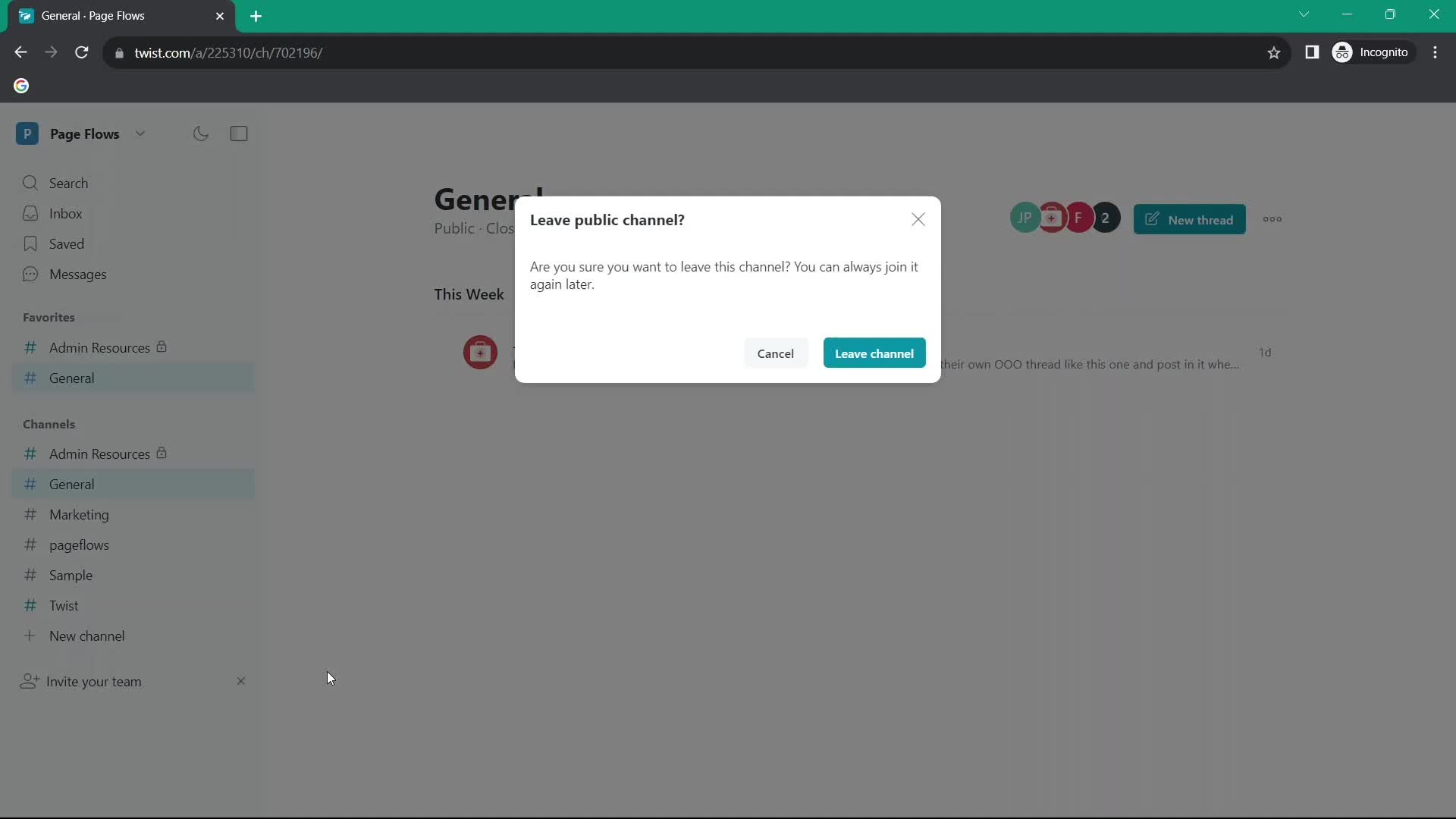
Leave group
this is title
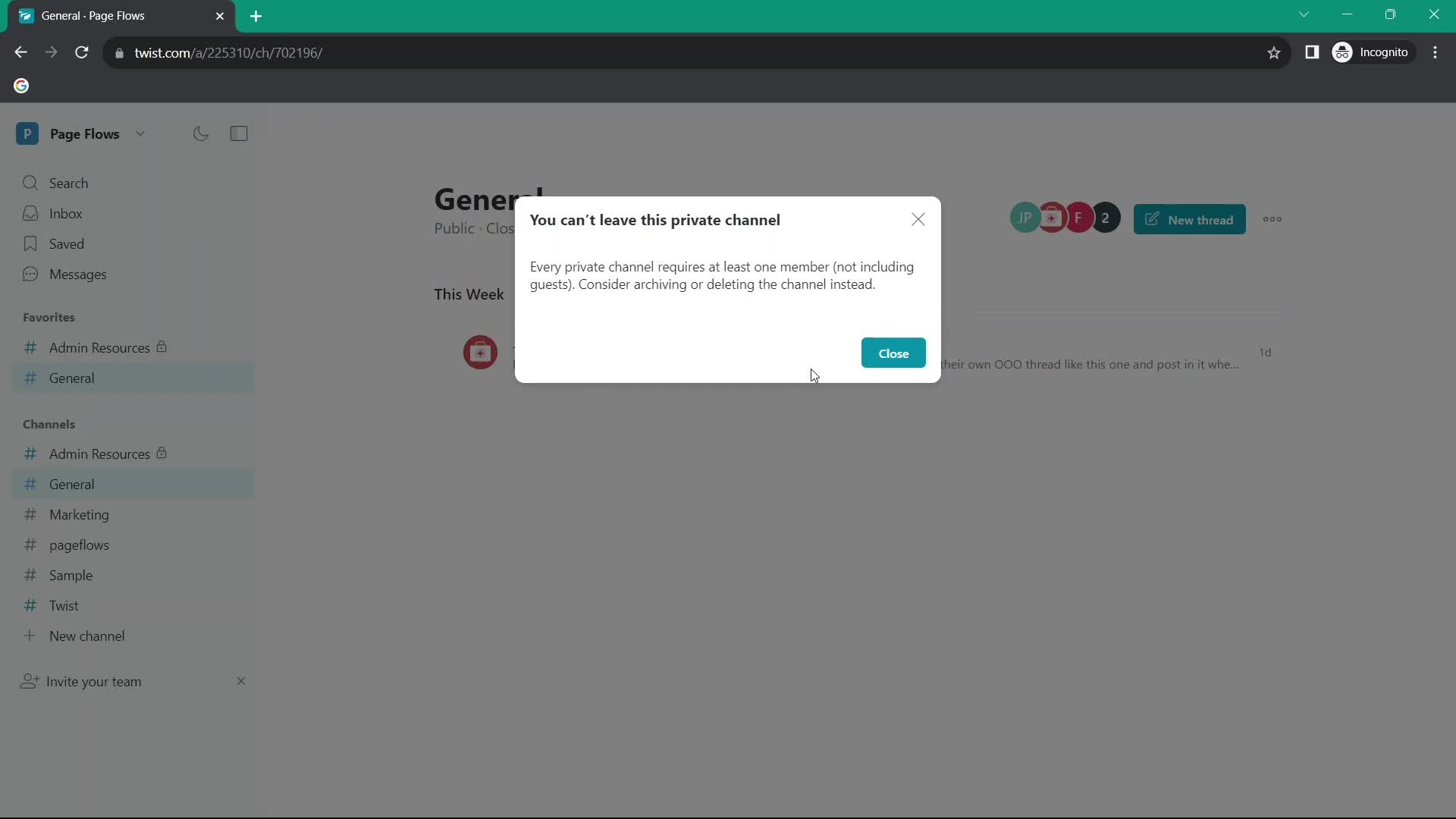
Leave channel error
this is title
Channel
this is title
Action menu
this is title
Leave group
this is title
Inbox
this is title
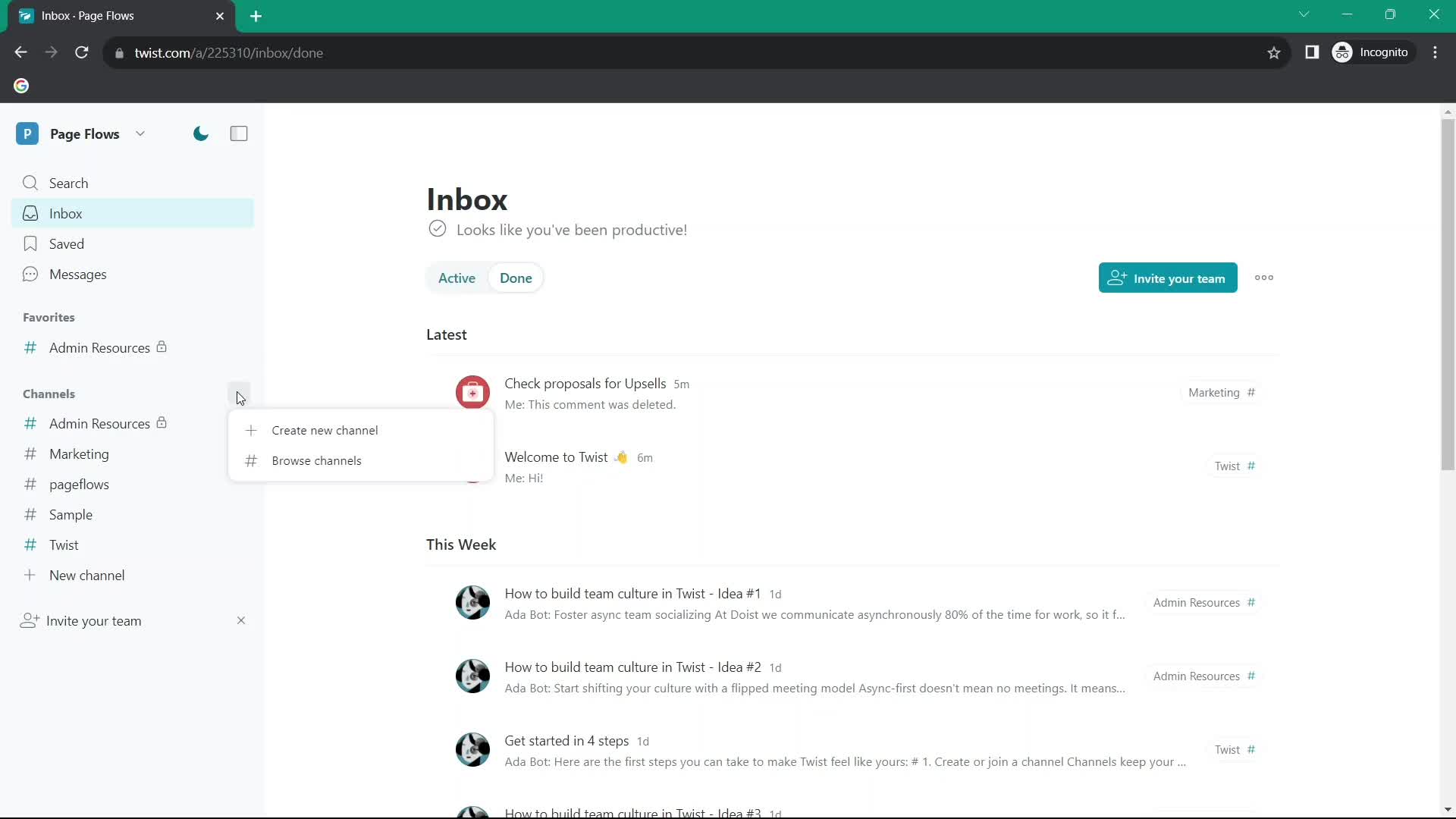
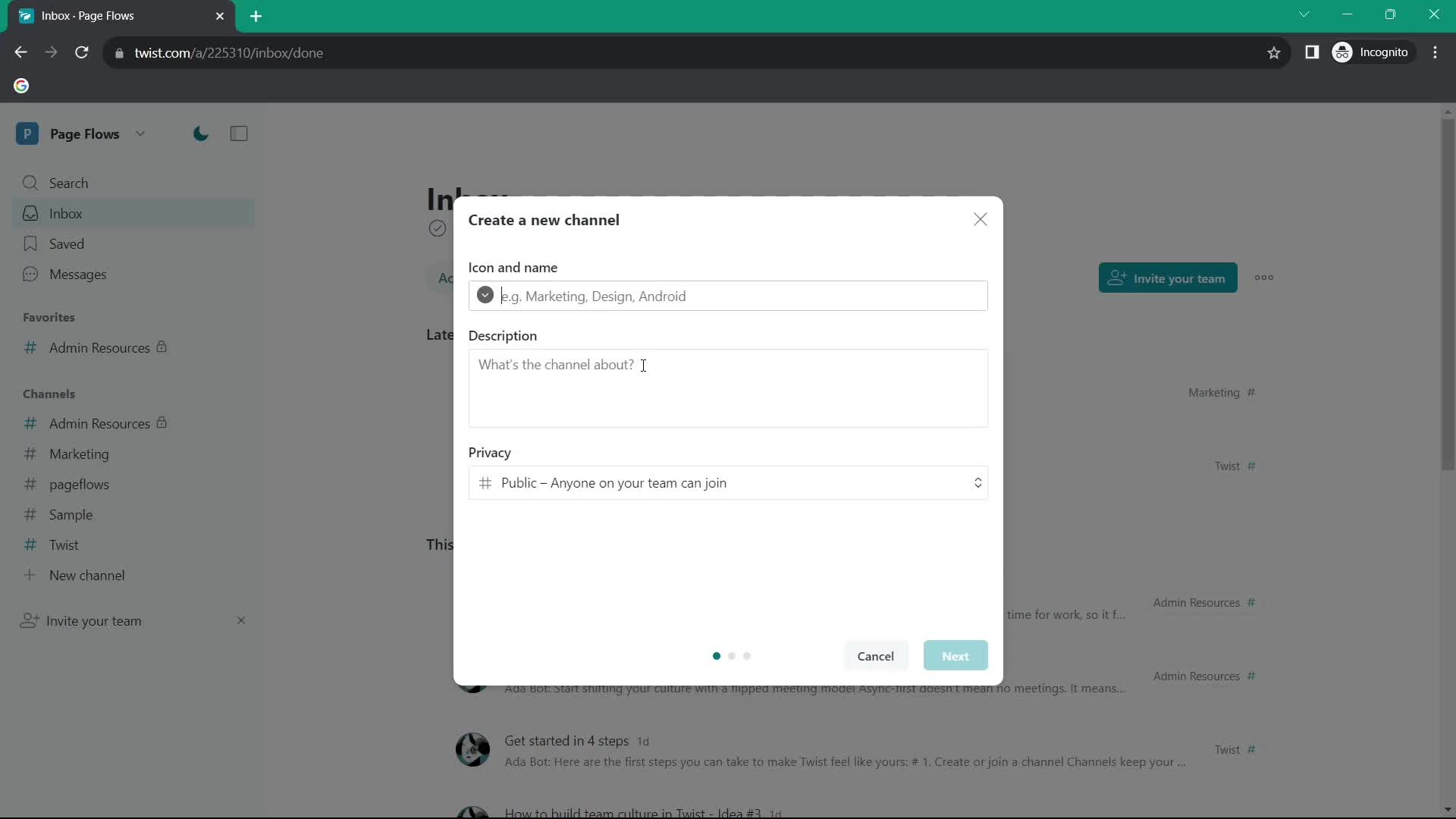
Create channel
this is title
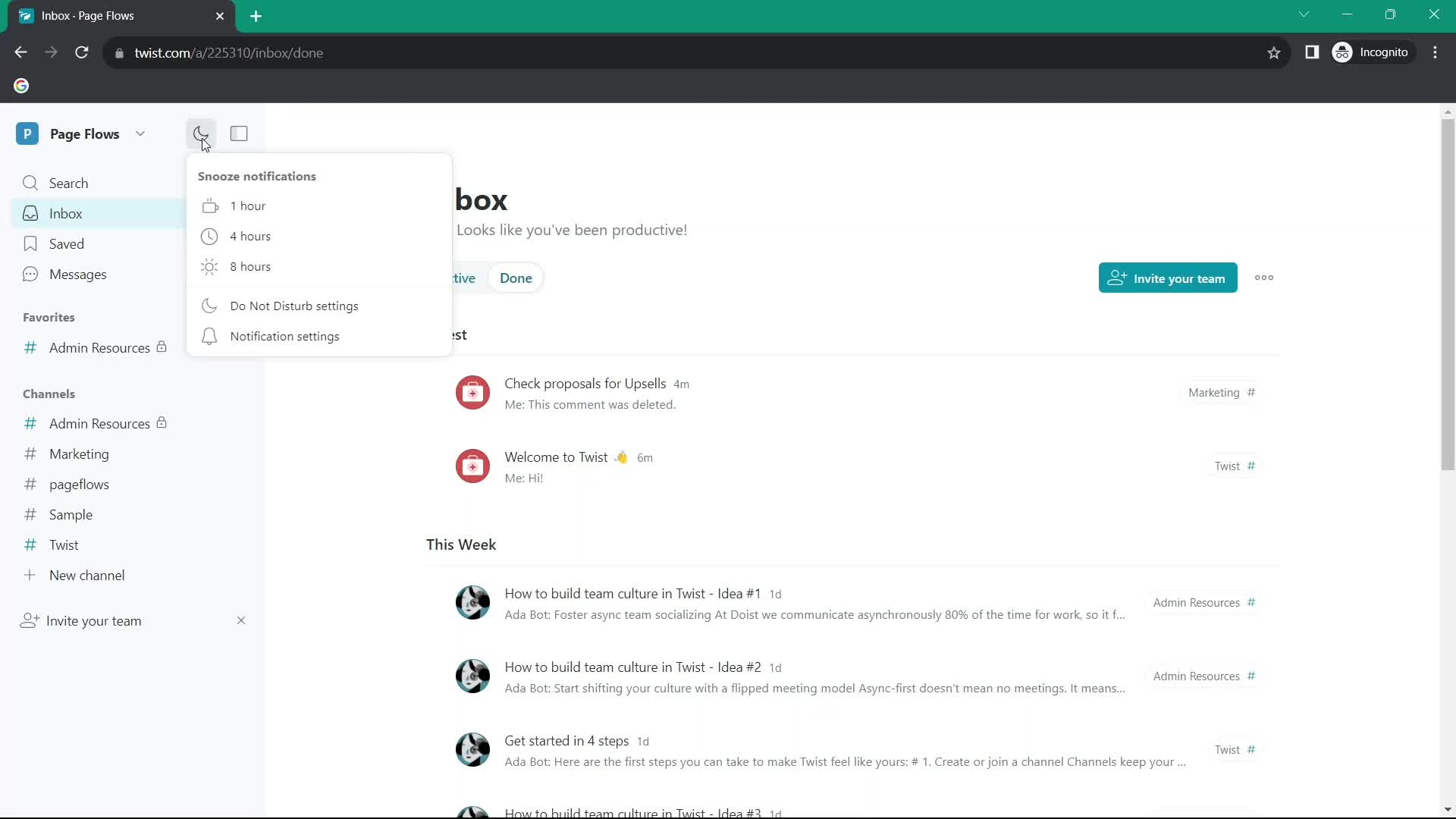
Snooze conversation
this is title
Inbox
this is title
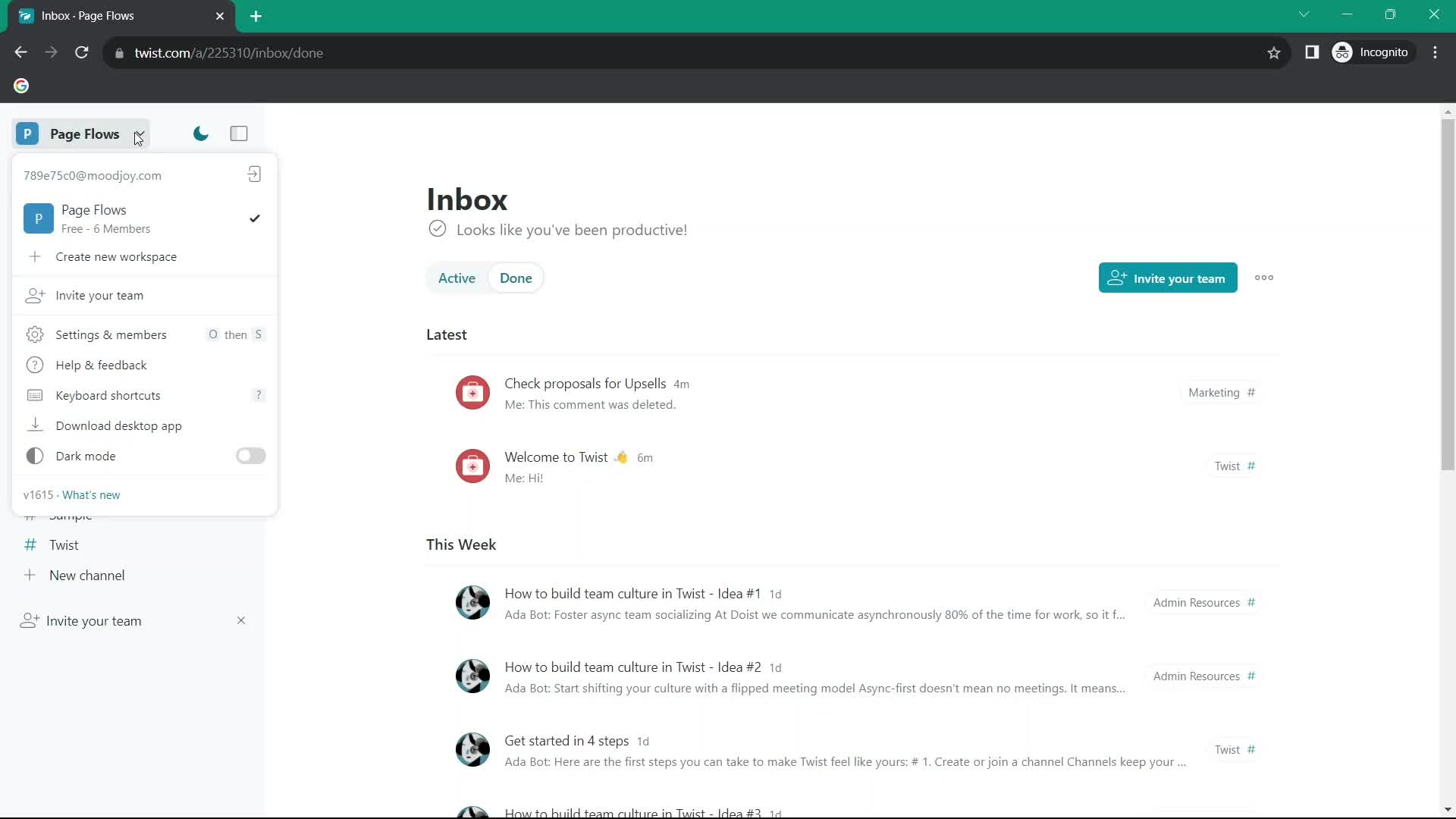
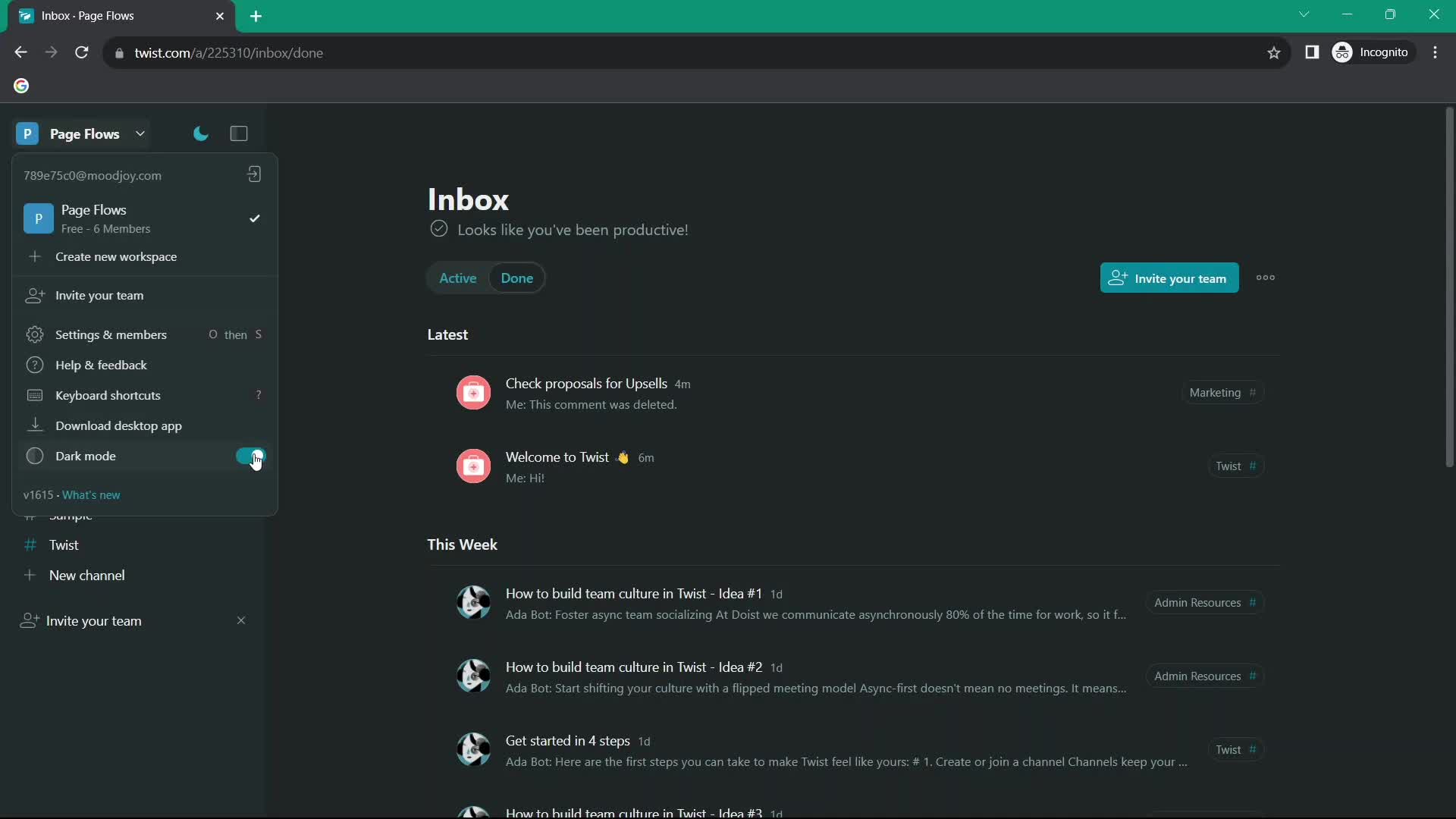
Account menu
this is title
Dark mode
this is title
Inbox
this is title
Action menu
this is title
Create channel
this is title
Add members
this is title
Set as default
this is title
Channel
this is title
Action menu
this is title
Added to favorites
this is title
Channel
this is title
Action menu
this is title
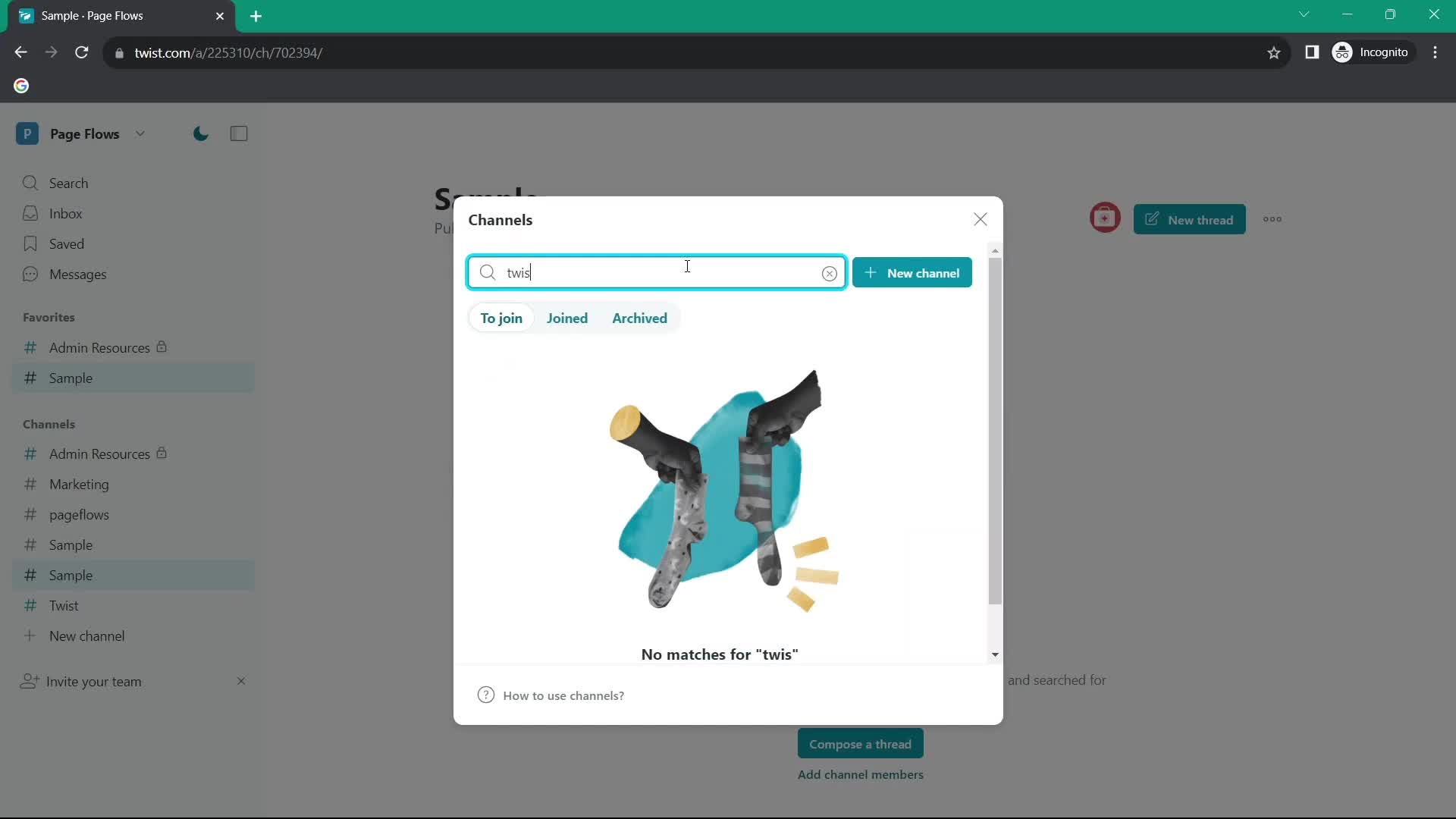
Search
this is title
No search results
this is title
Search
this is title
Filtered results
this is title
Inbox
this is title
Channel
this is title
Inbox
this is title
Account menu
this is title
Settings
this is title
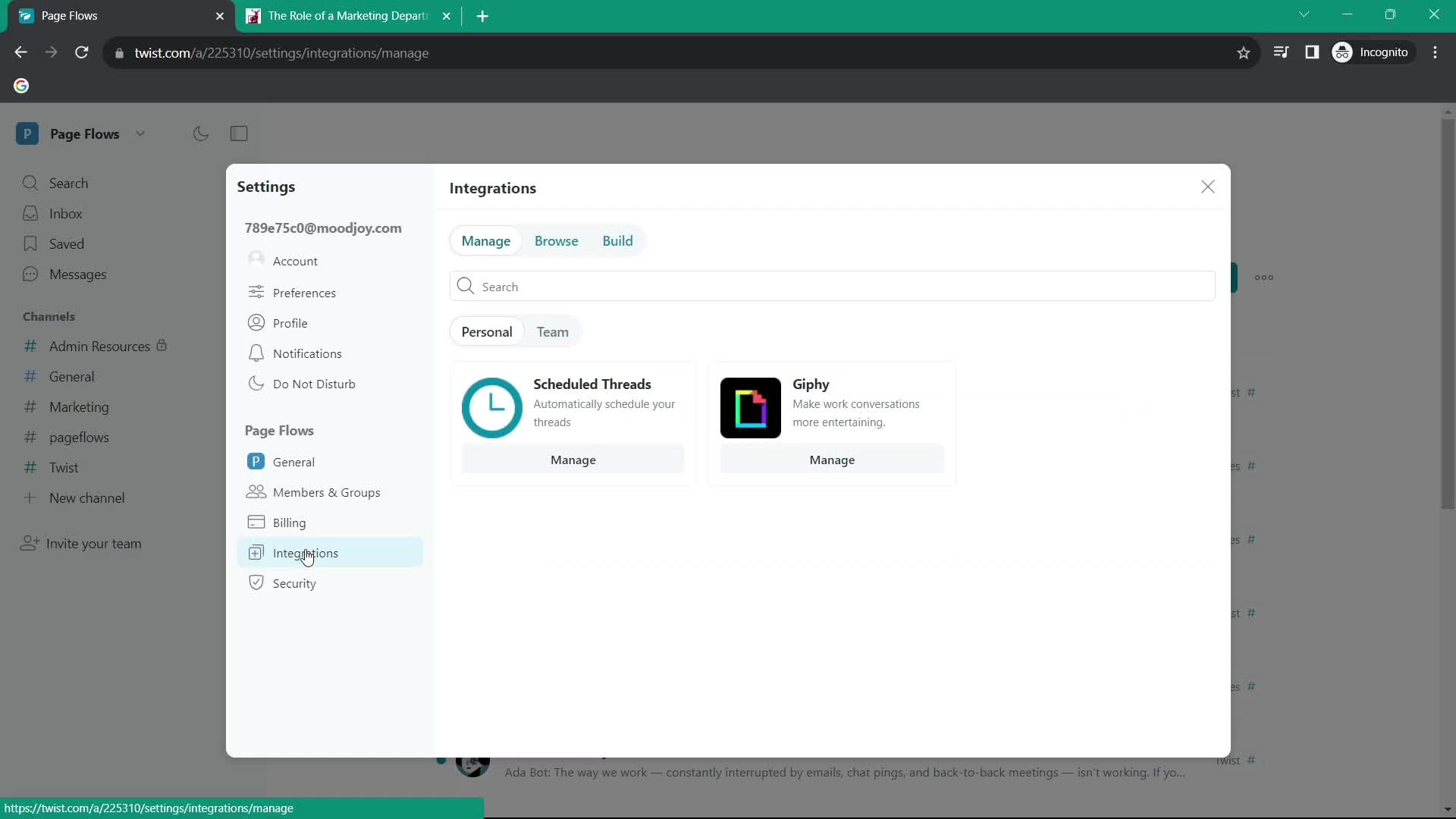
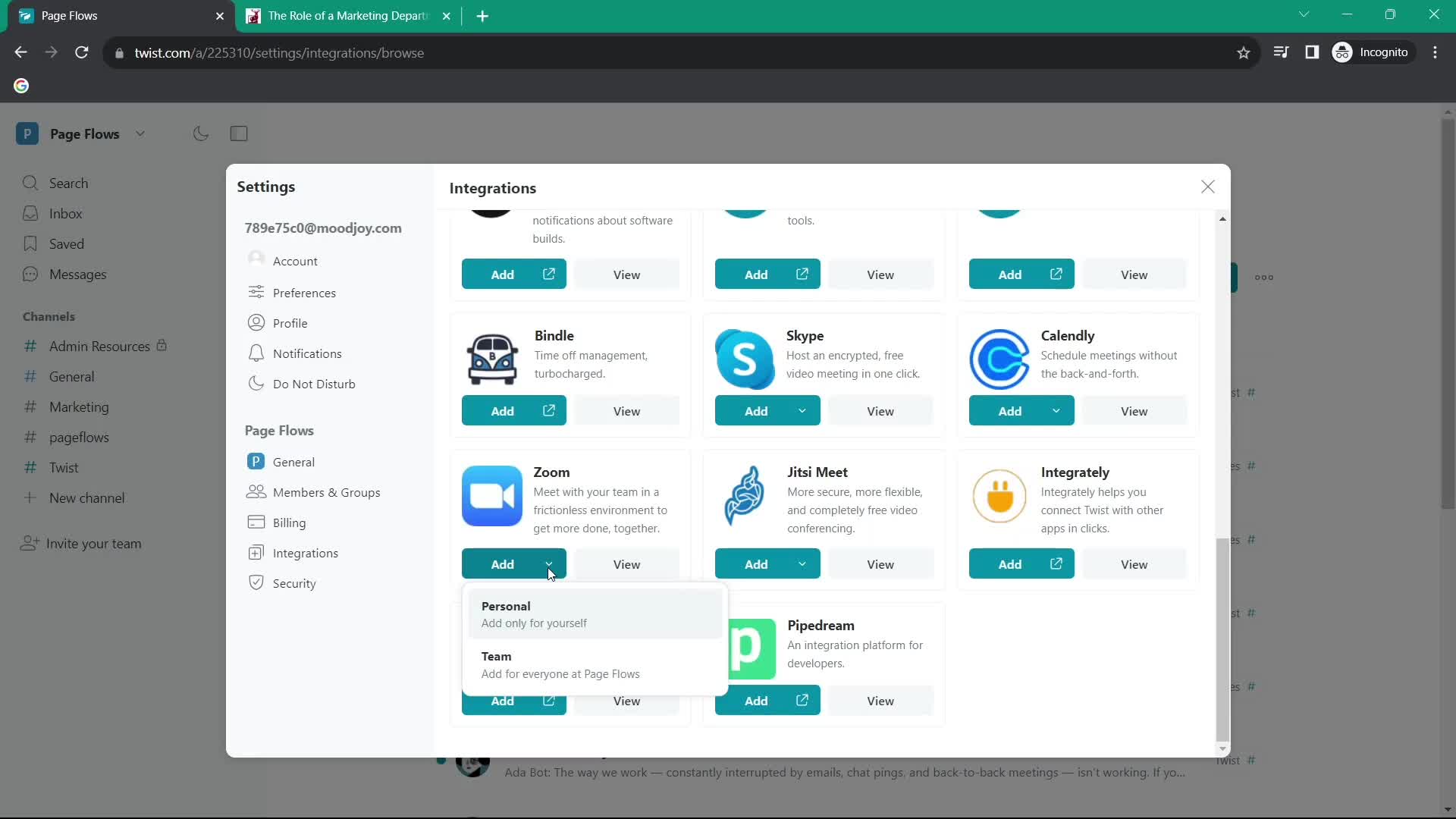
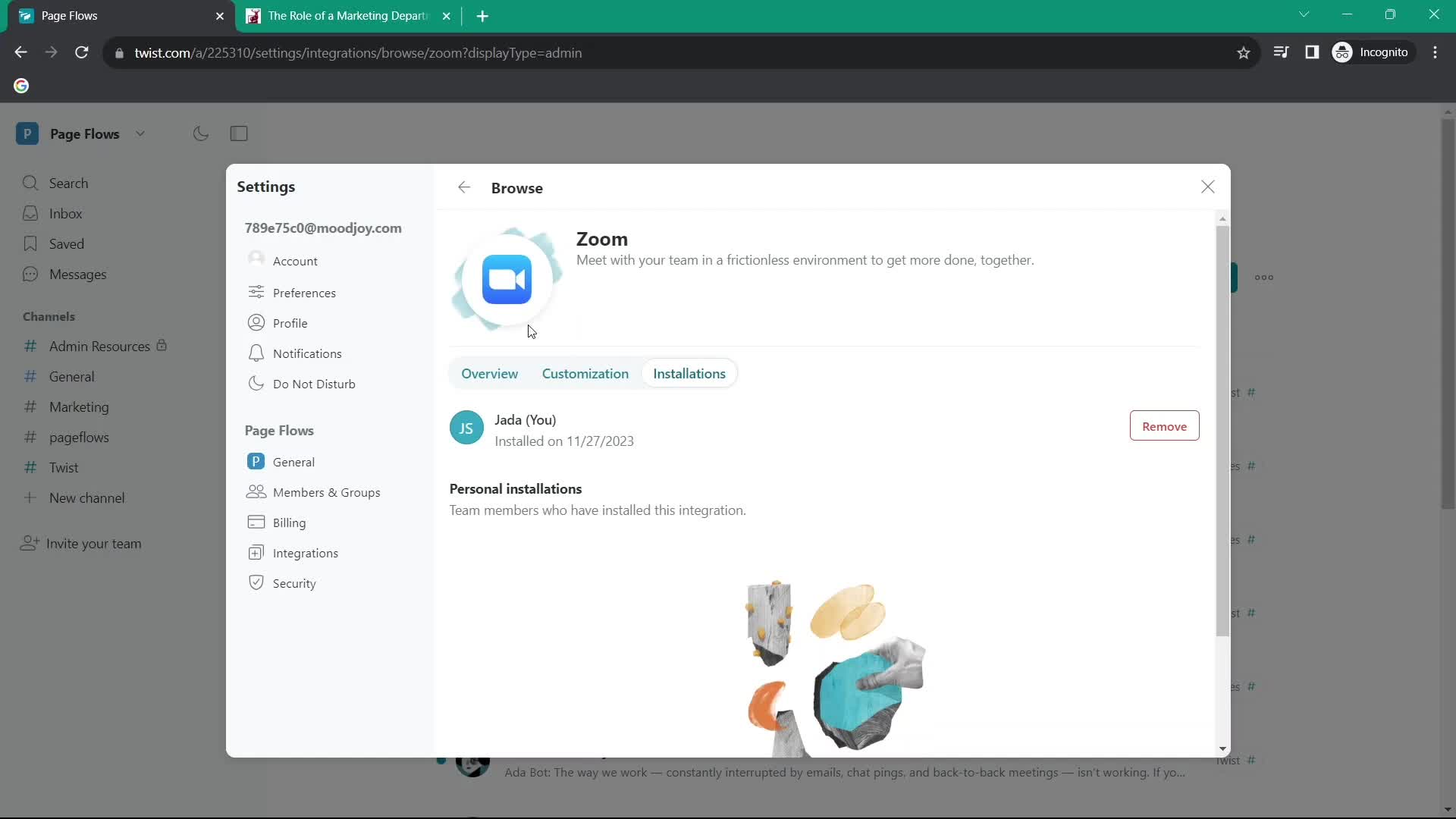
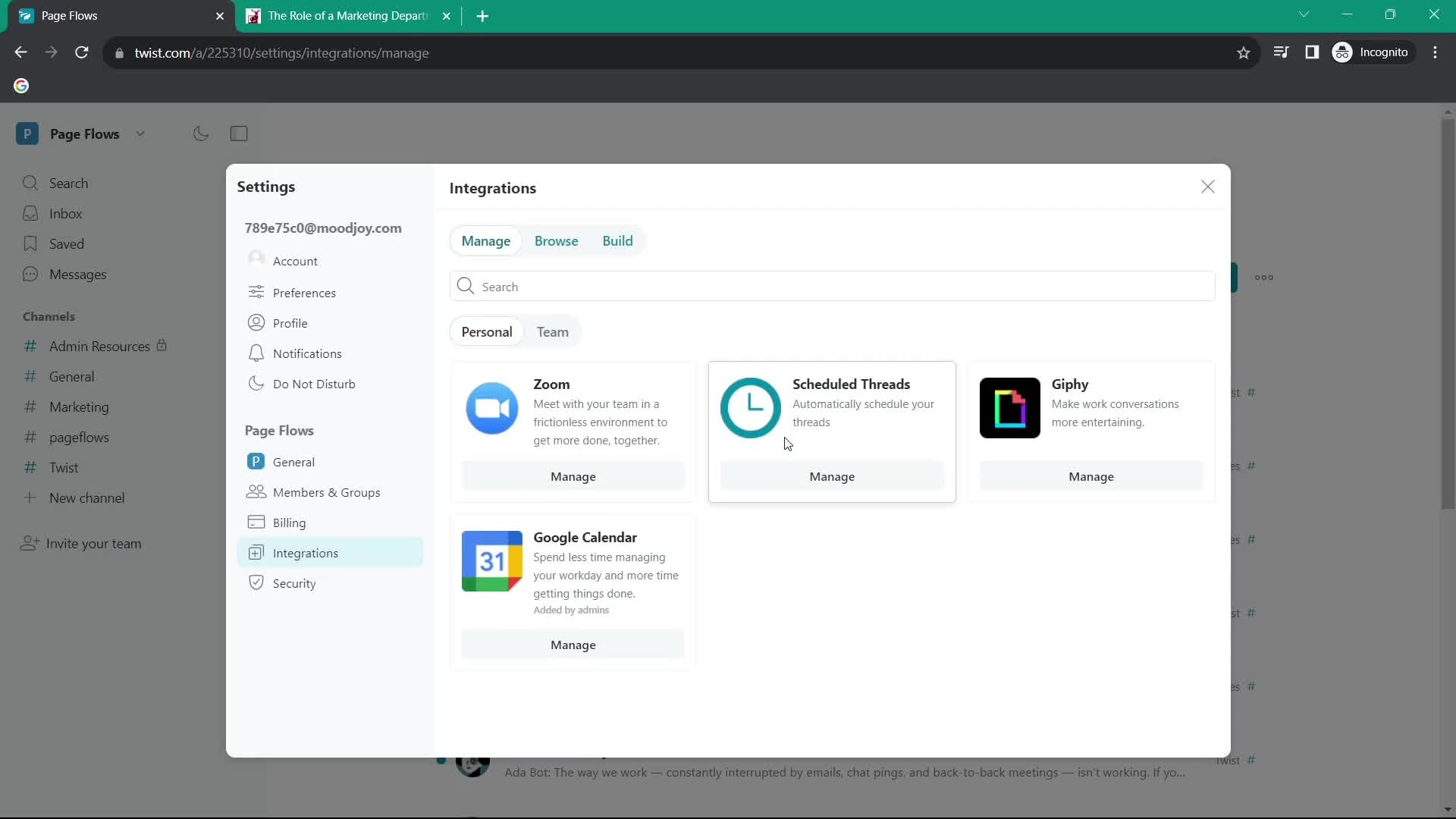
Integrations
this is title
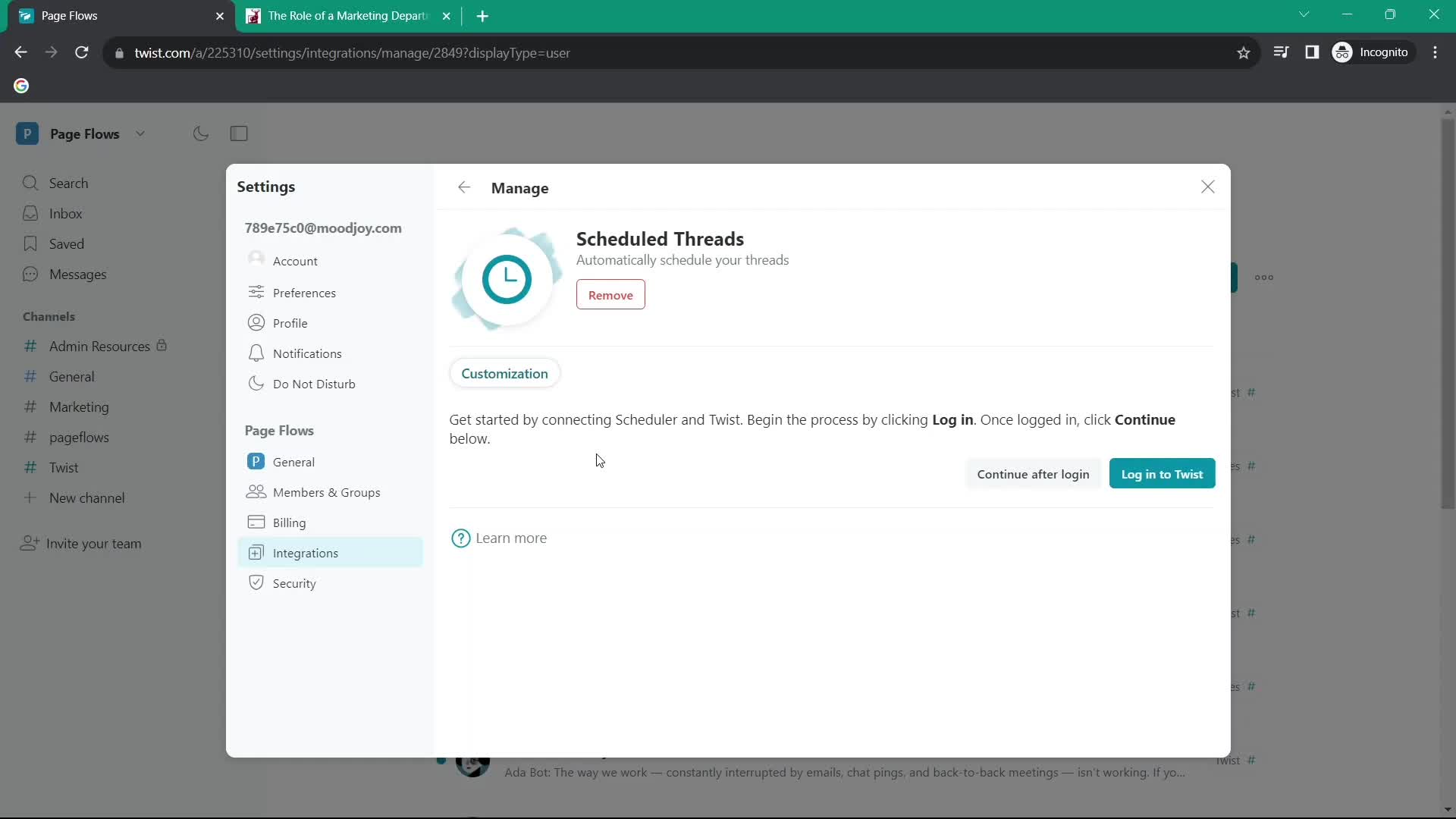
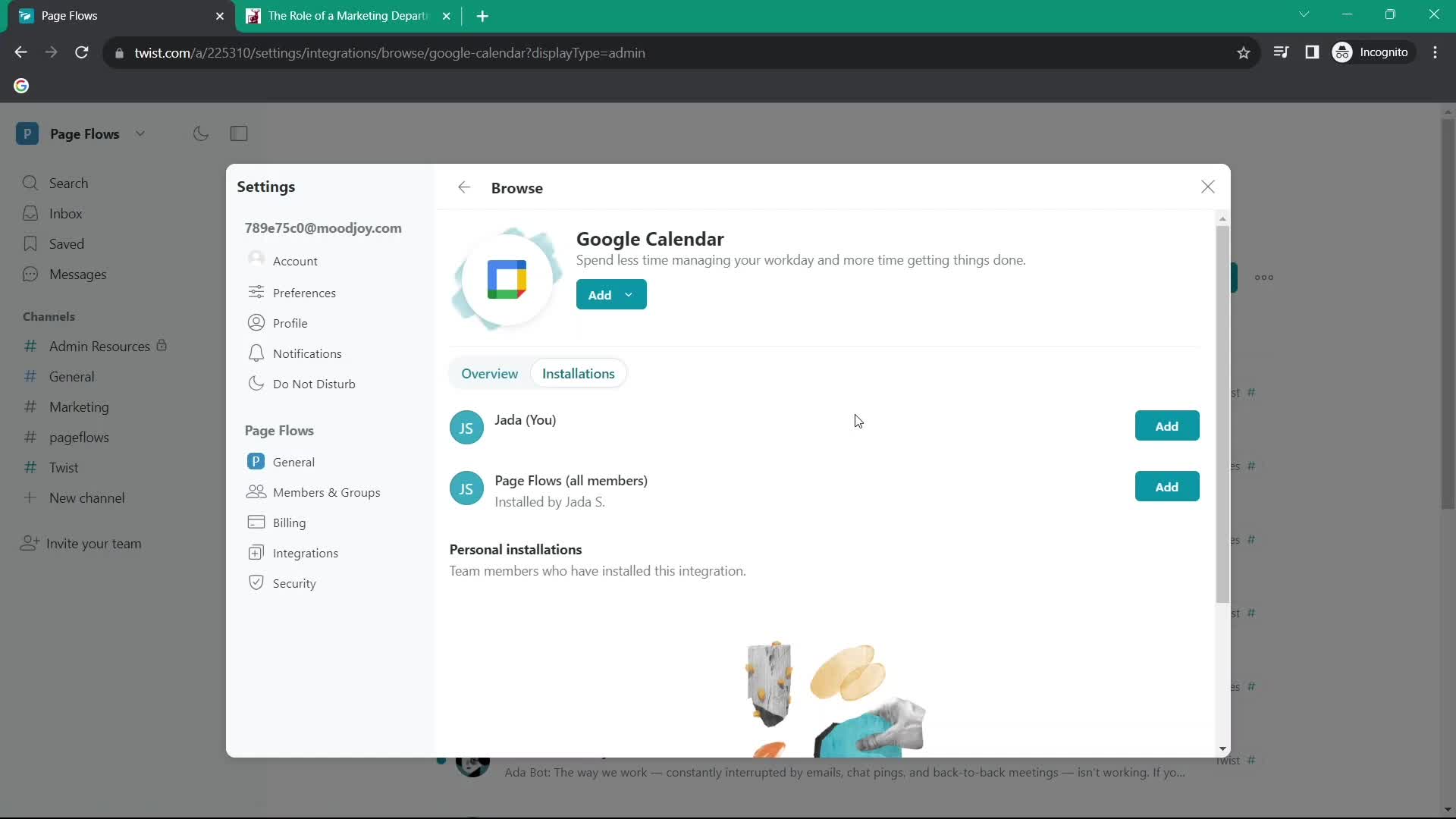
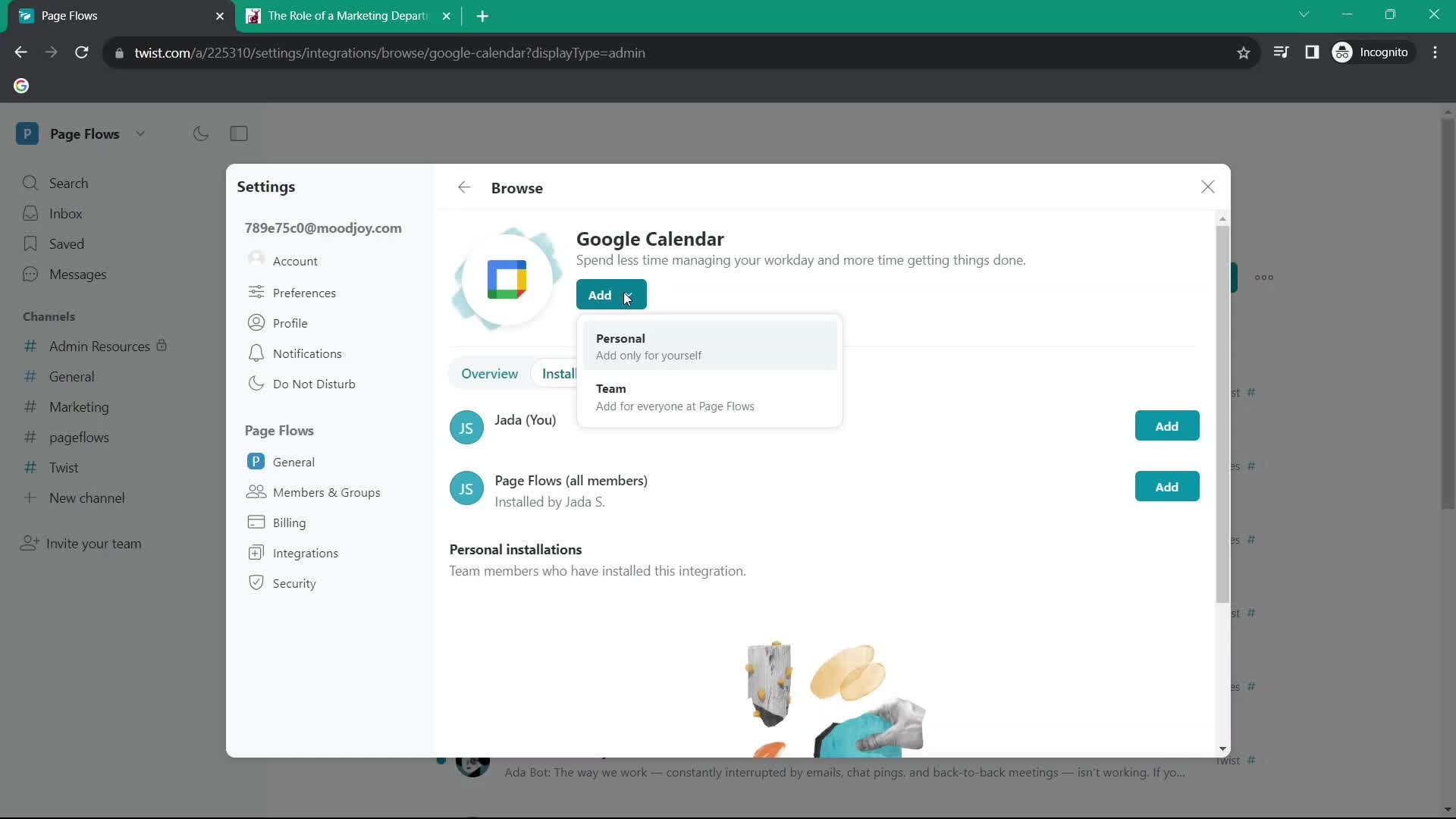
Connect integration
this is title
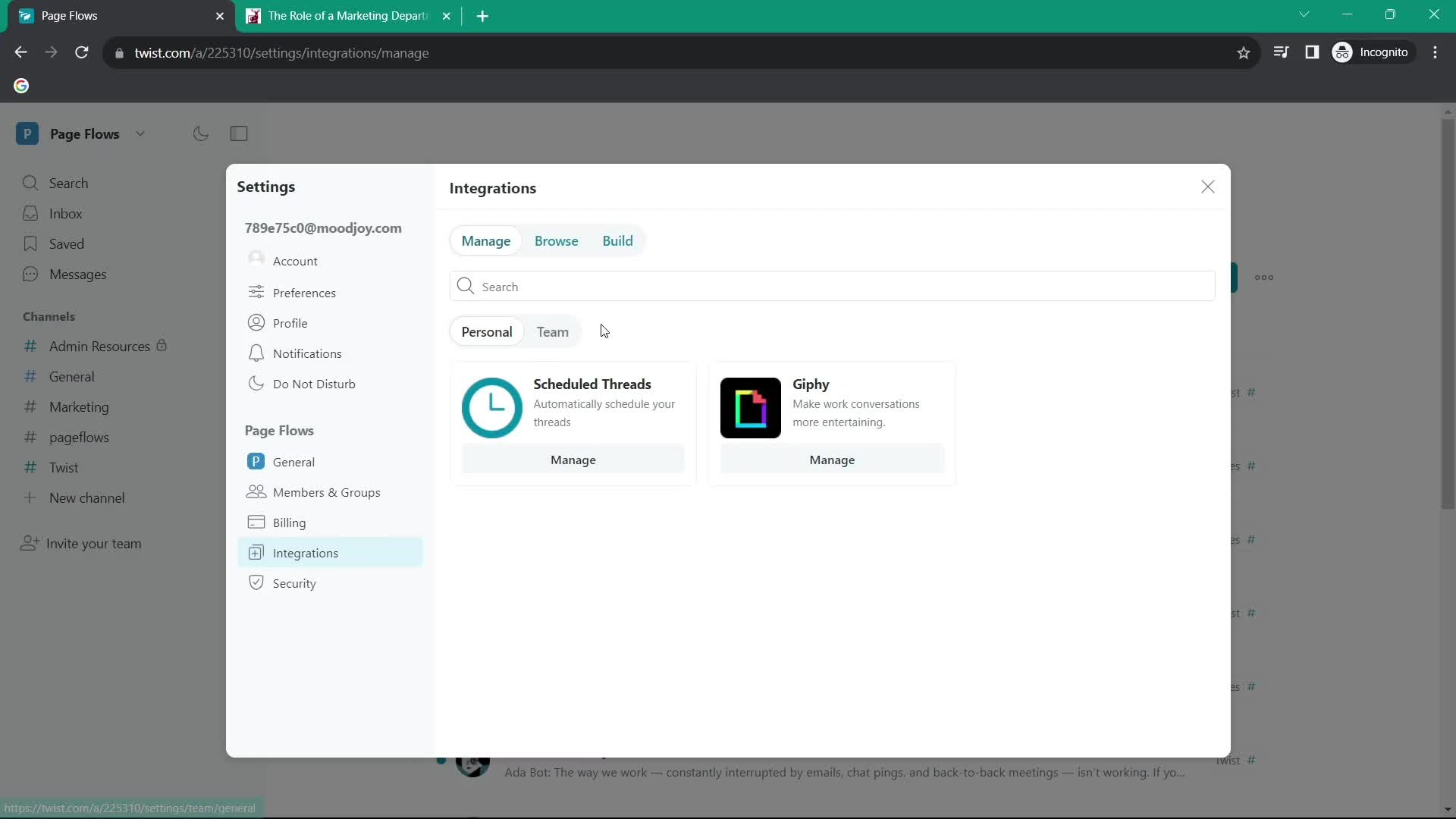
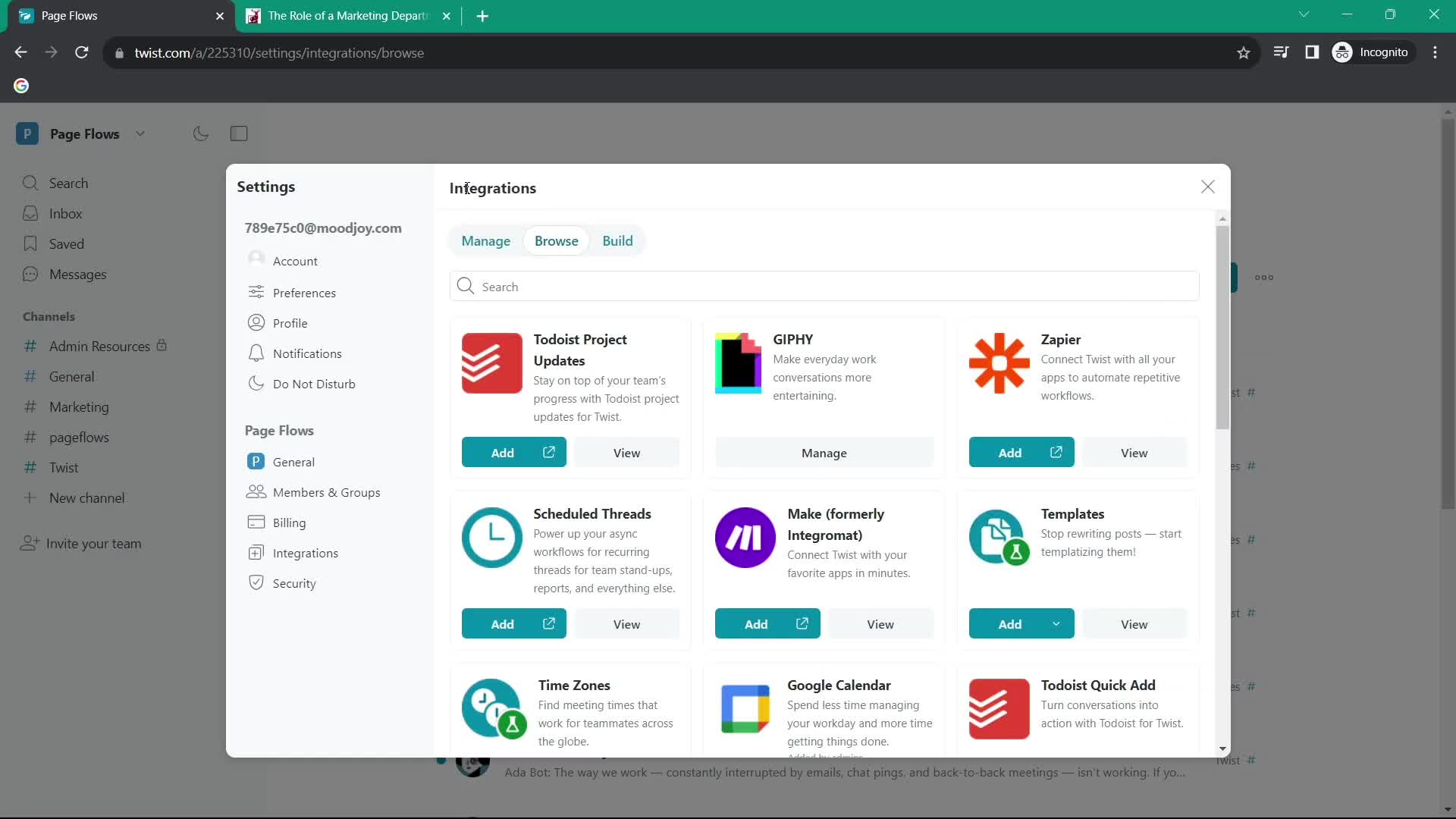
Integrations
this is title
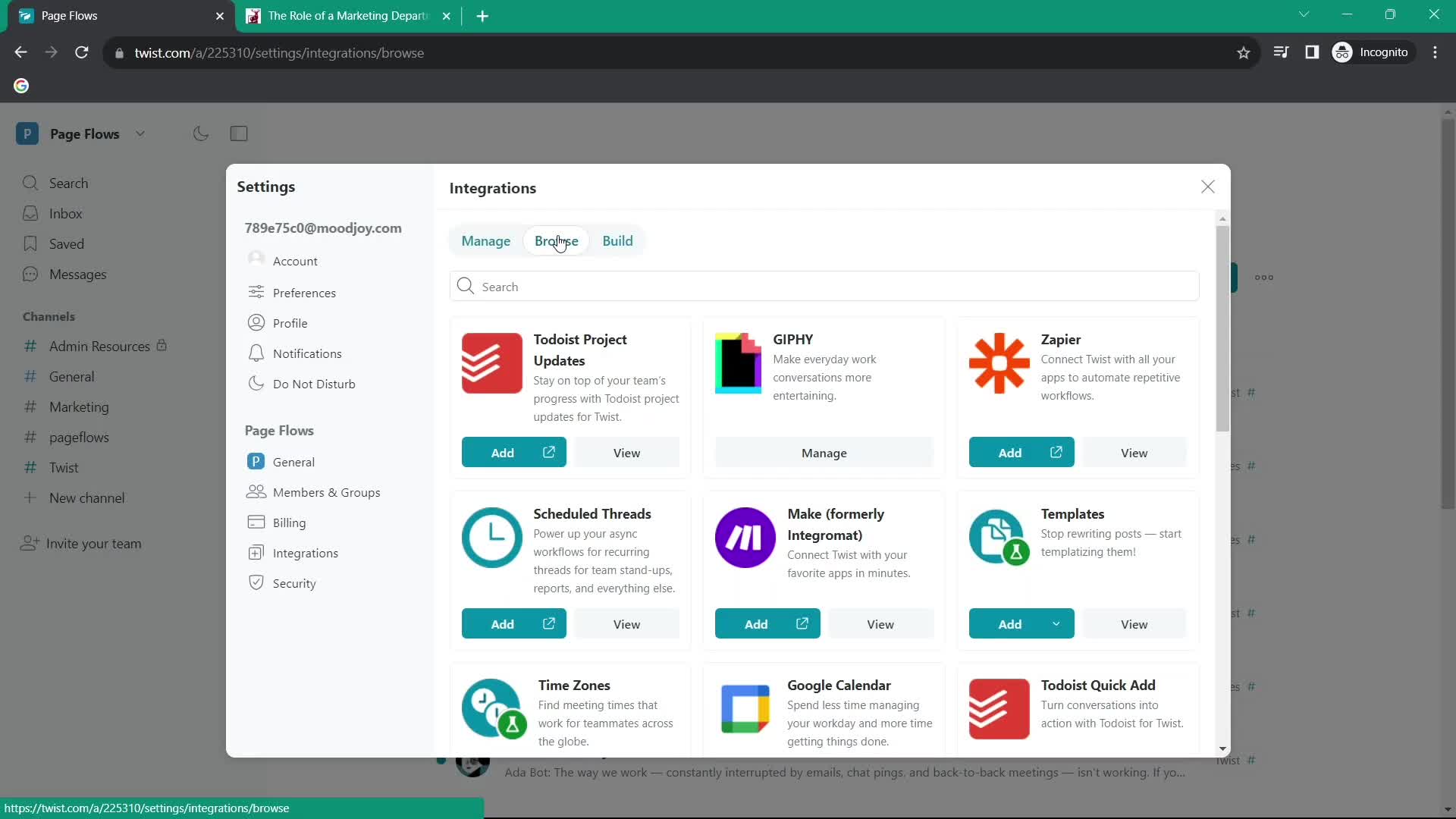
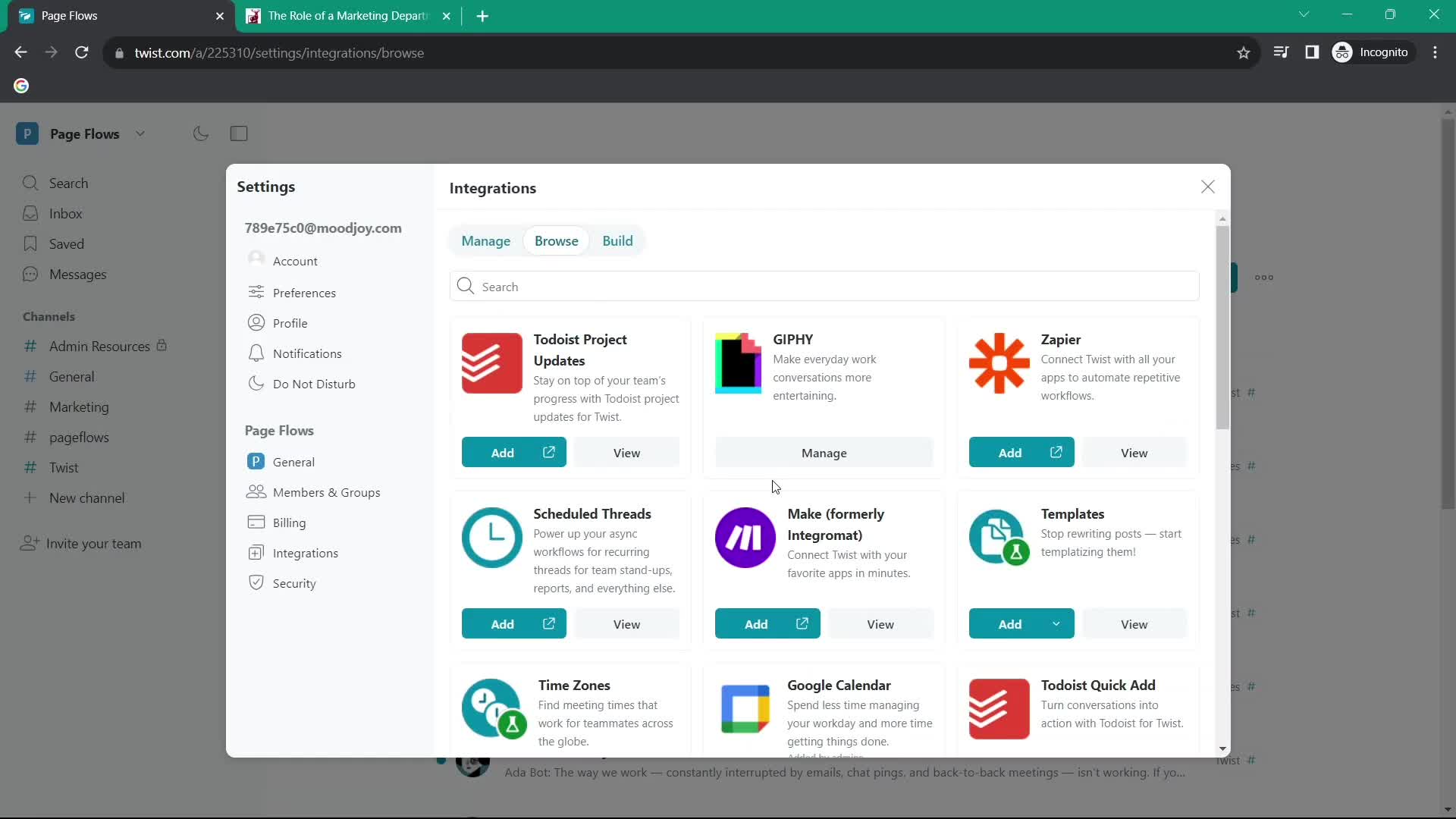
Browse apps
this is title
Connect integration
this is title
Set preferences
this is title
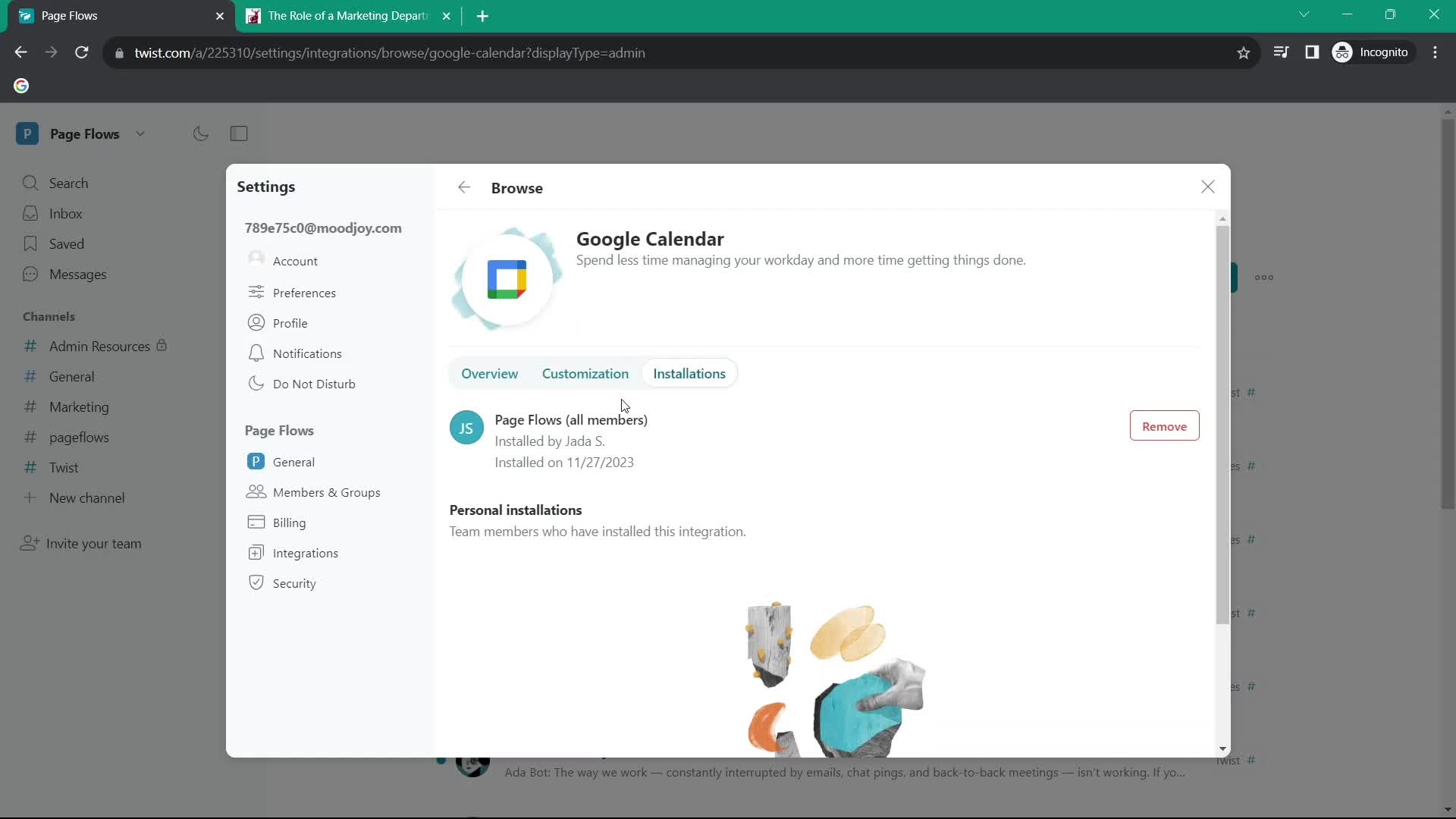
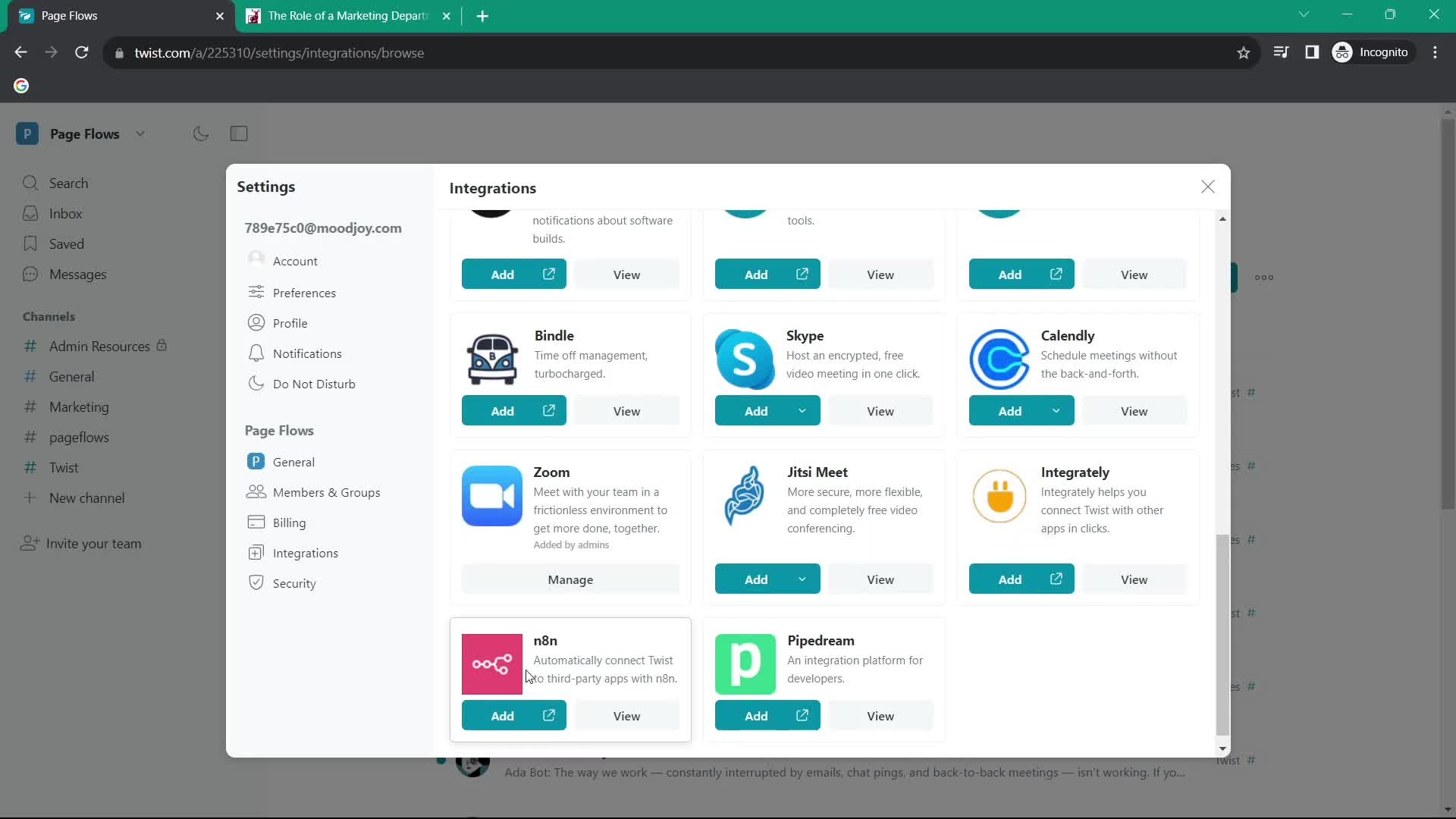
App connected
this is title
Browse apps
this is title
Set preferences
this is title
App connected
this is title
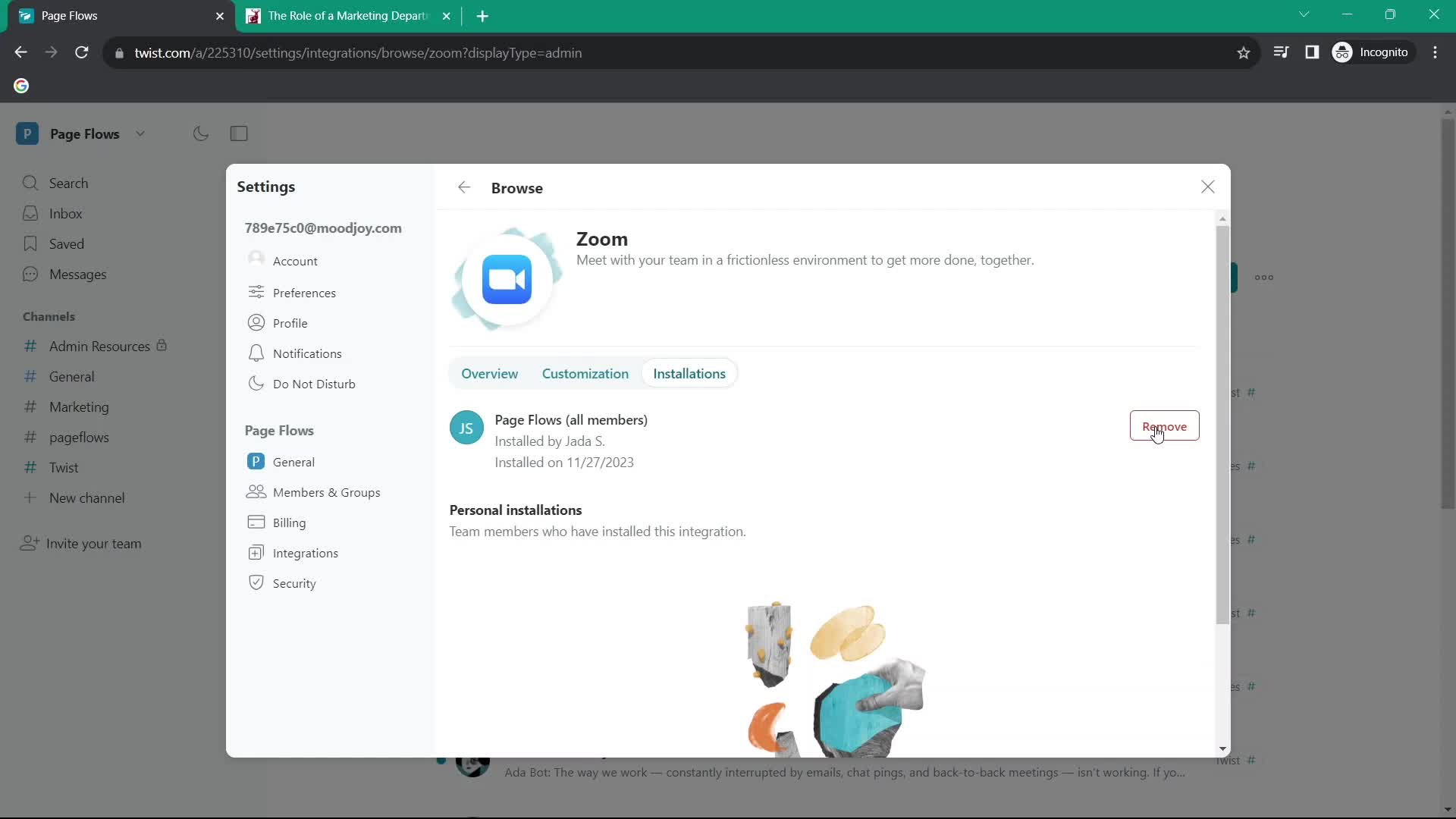
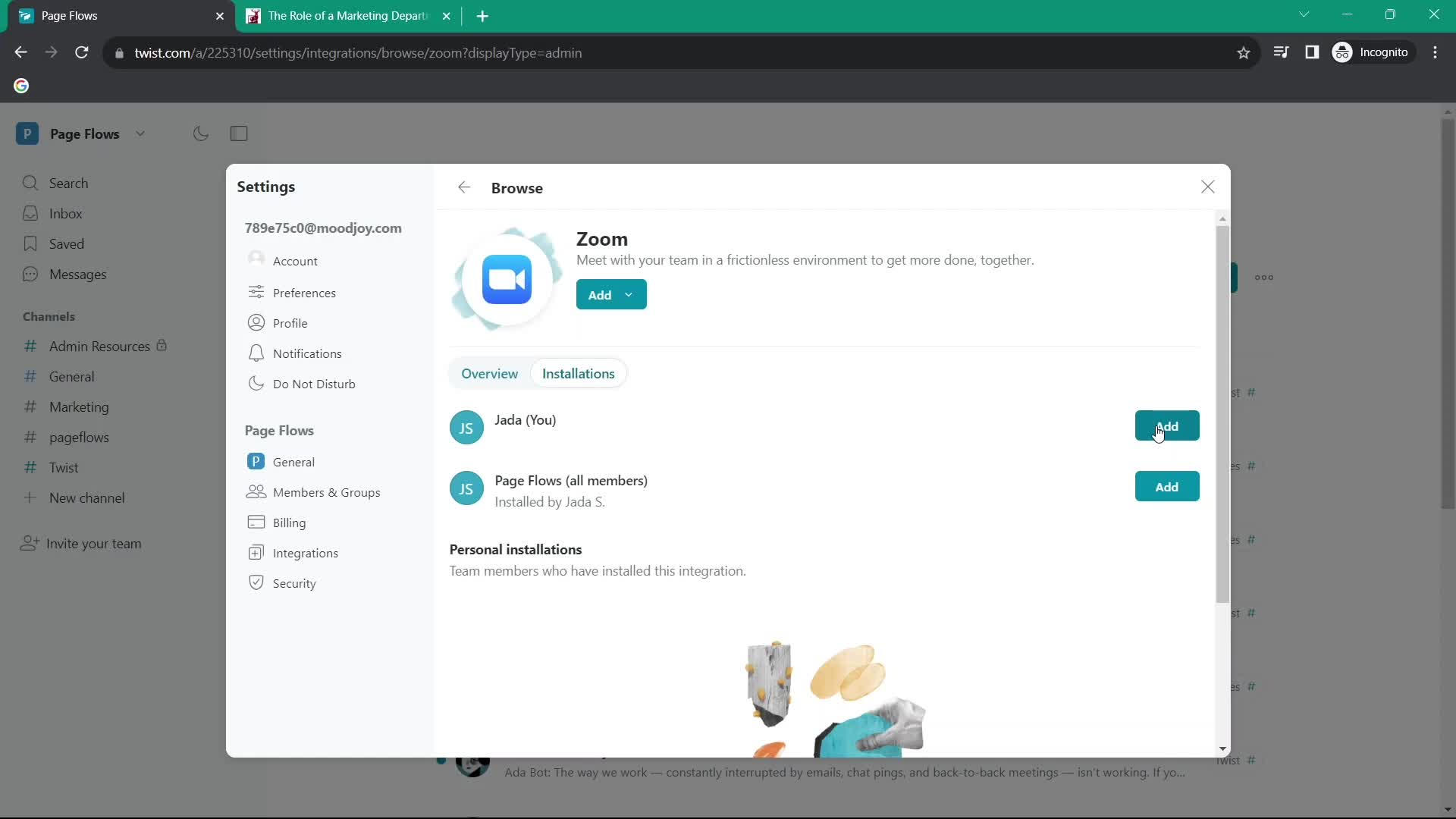
Disconnect integration
this is title
Connect integration
this is title
App connected
this is title
Browse apps
this is title
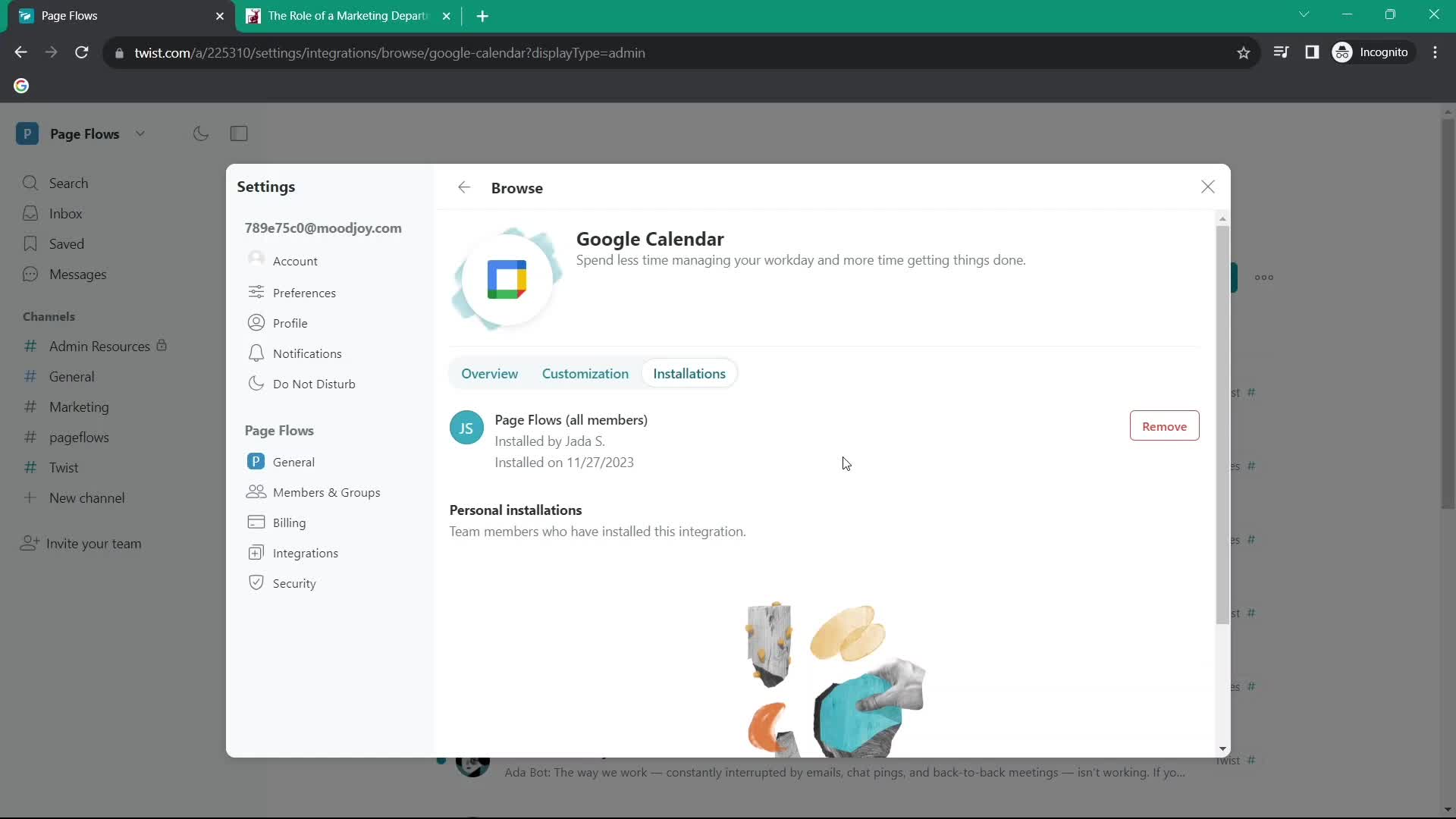
App details
this is title
Integrations
this is title
Inbox
this is title
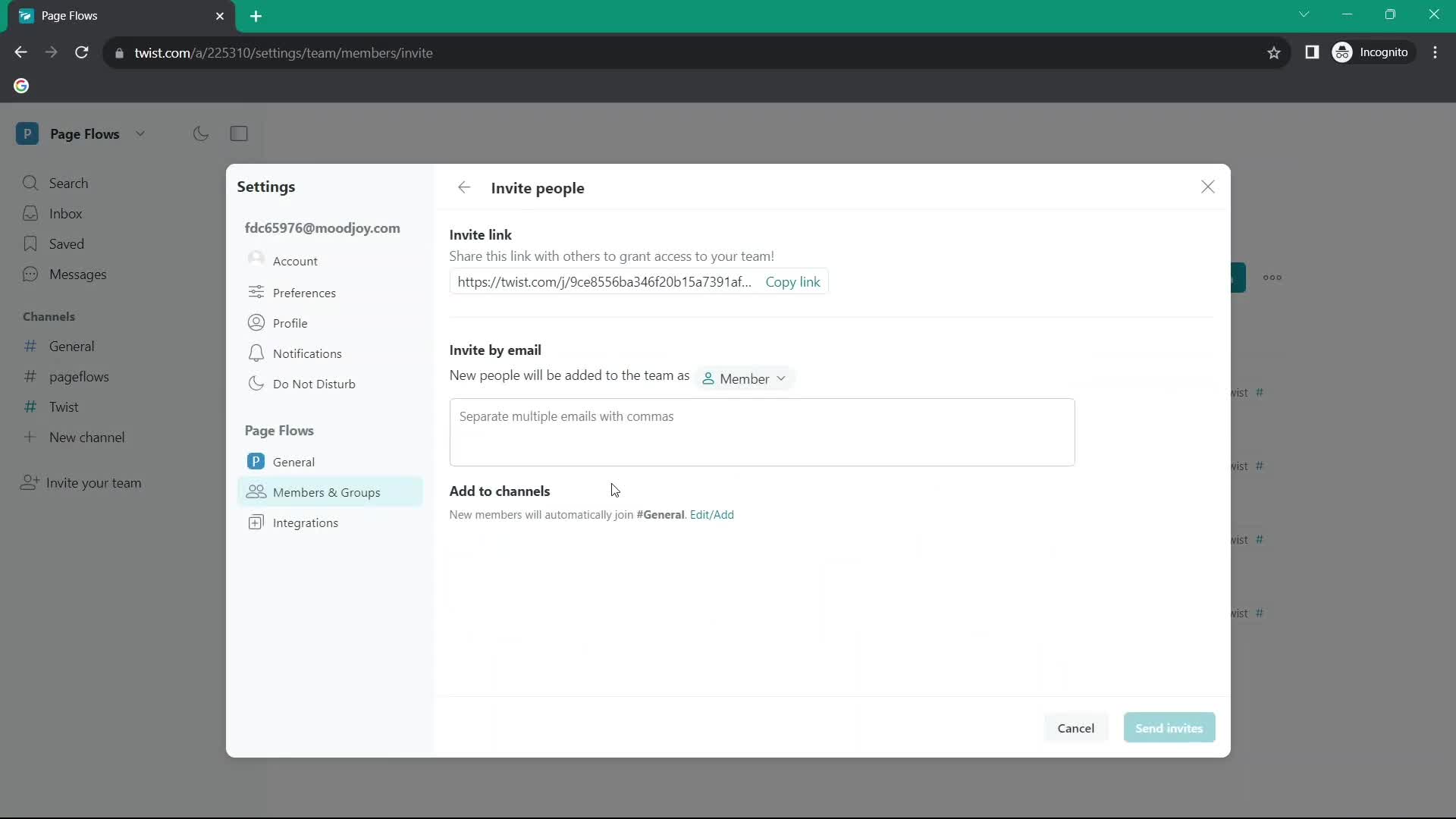
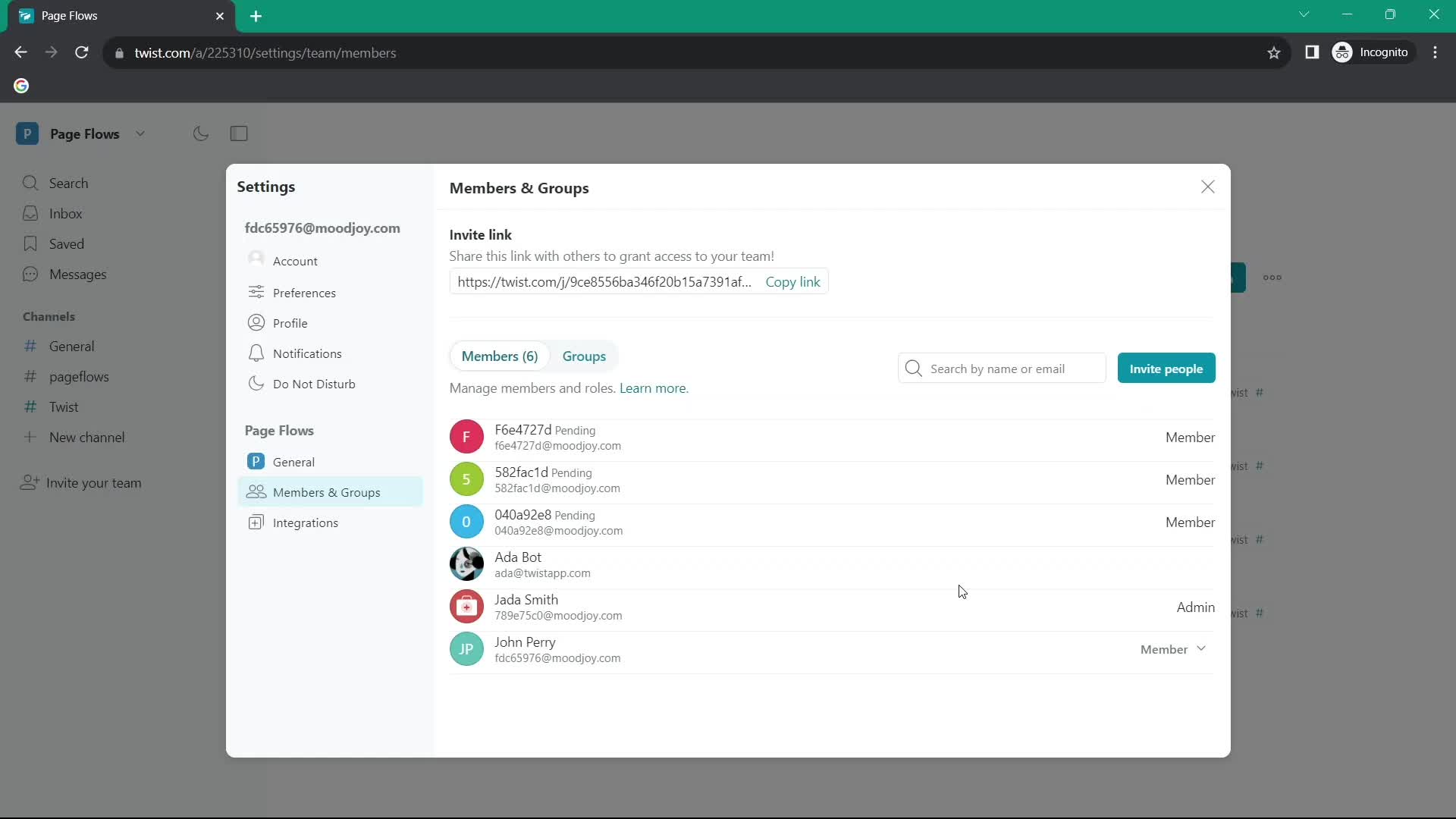
Invite people
this is title
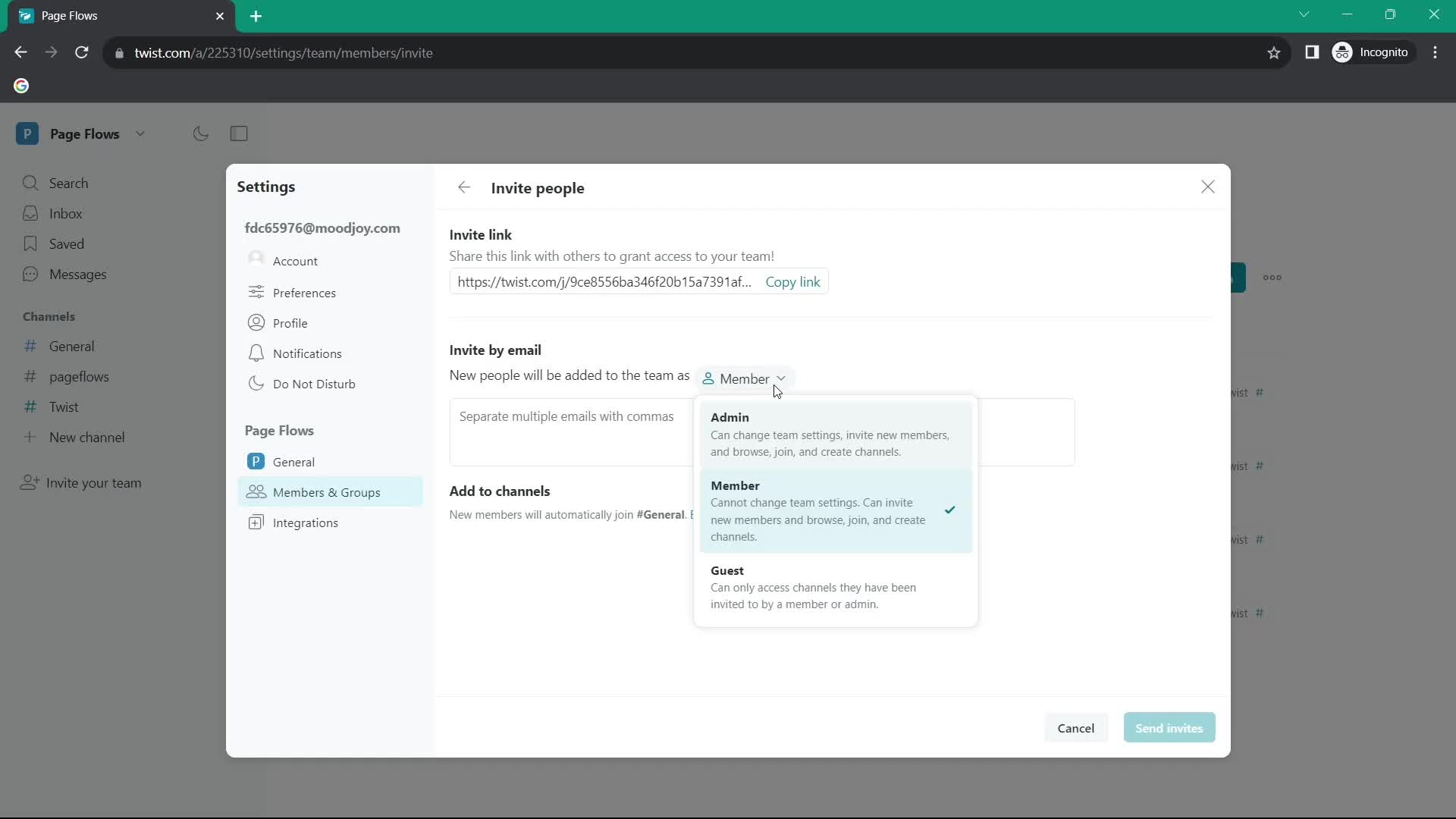
Select role
this is title
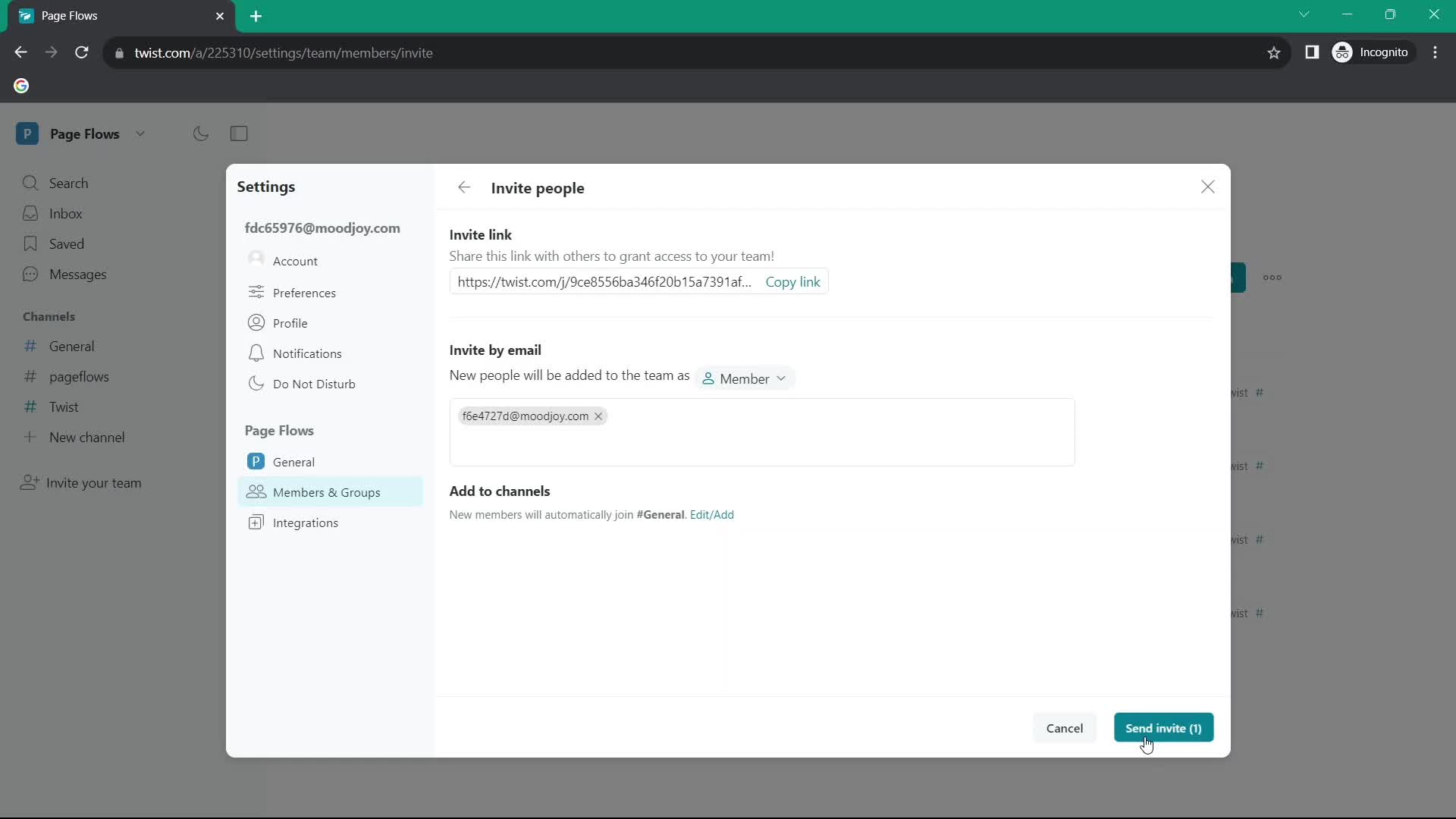
Send invite
this is title
Invite sent
this is title
Inbox
this is title
Channel details
this is title
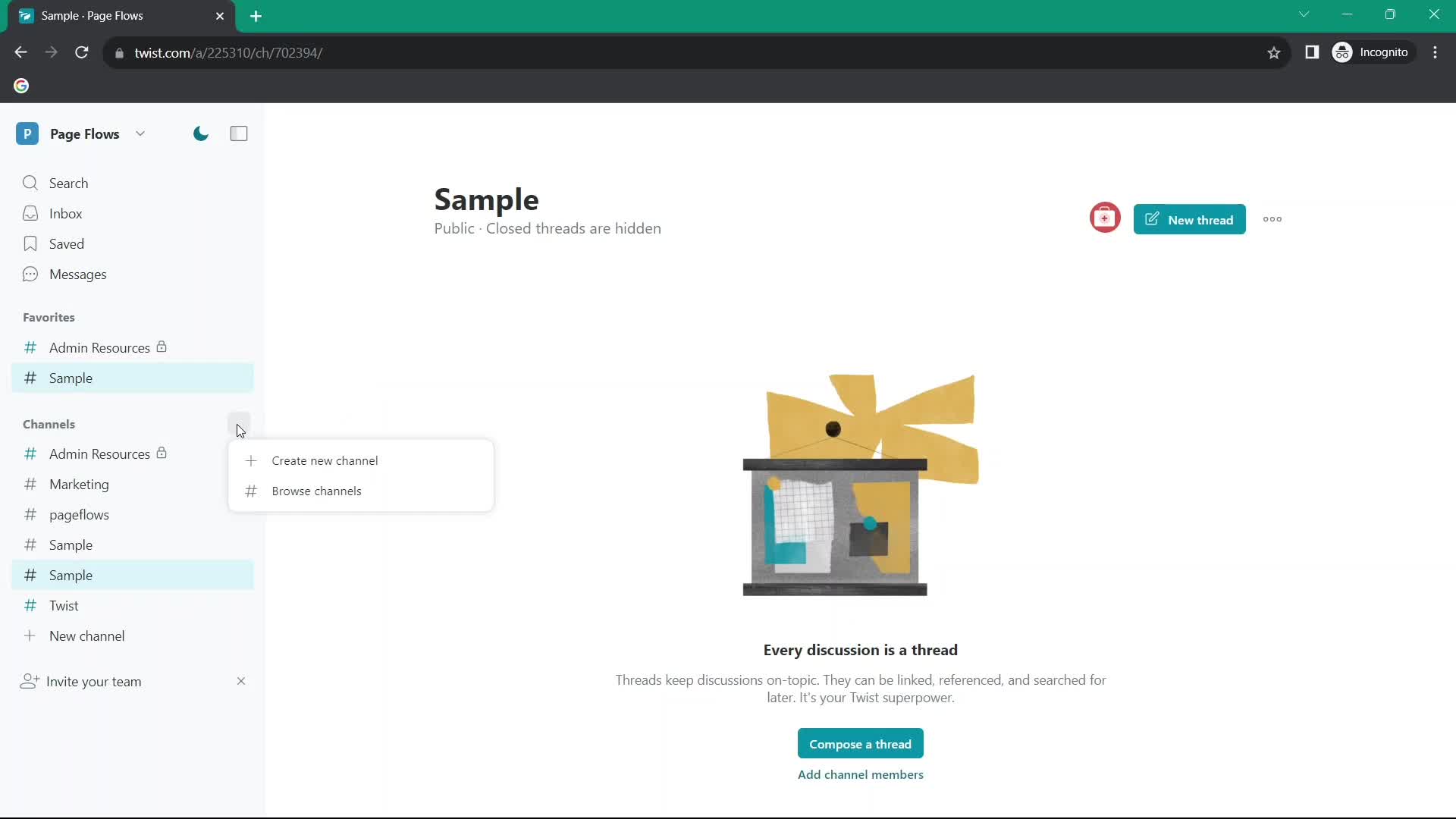
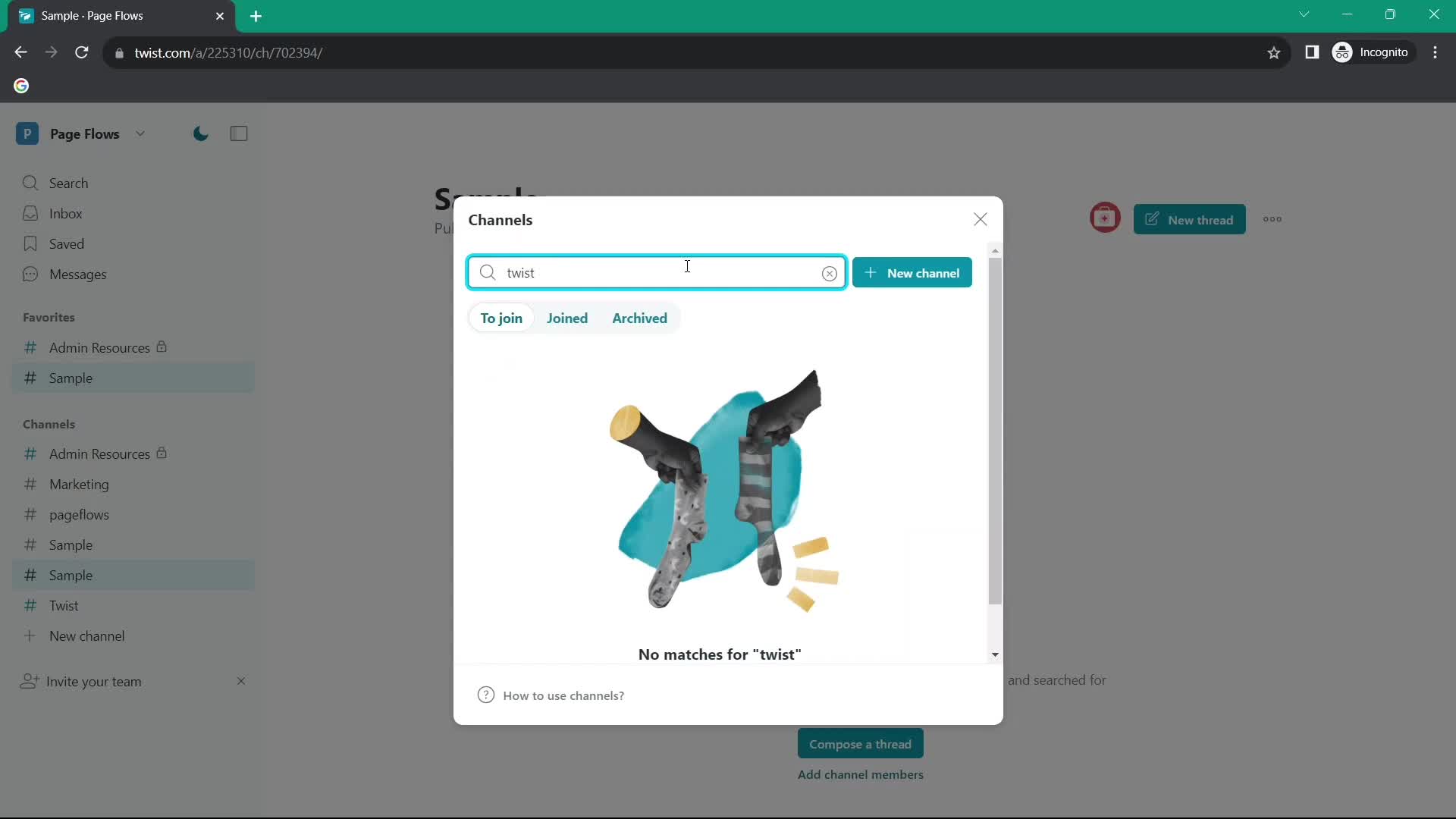
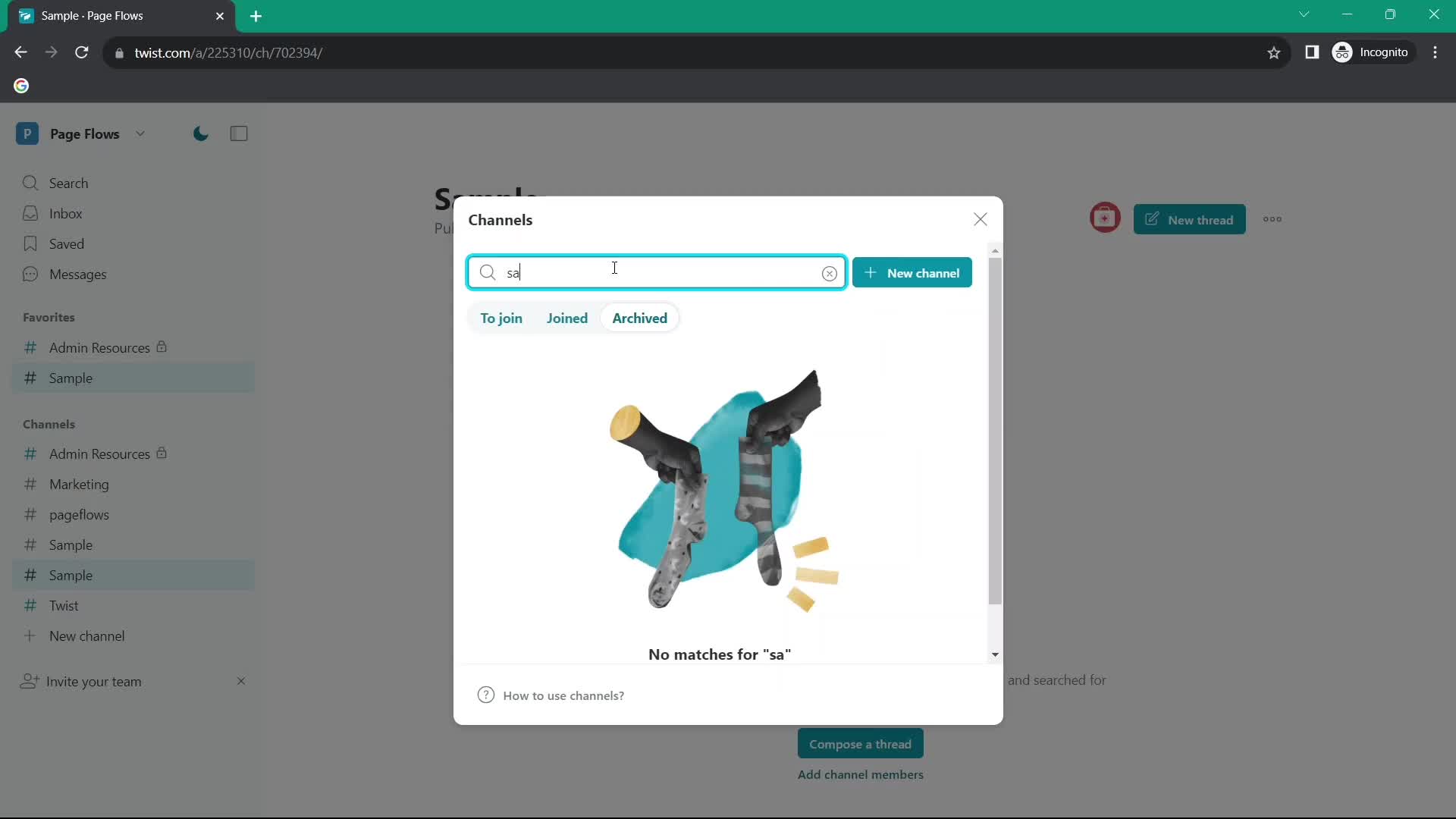
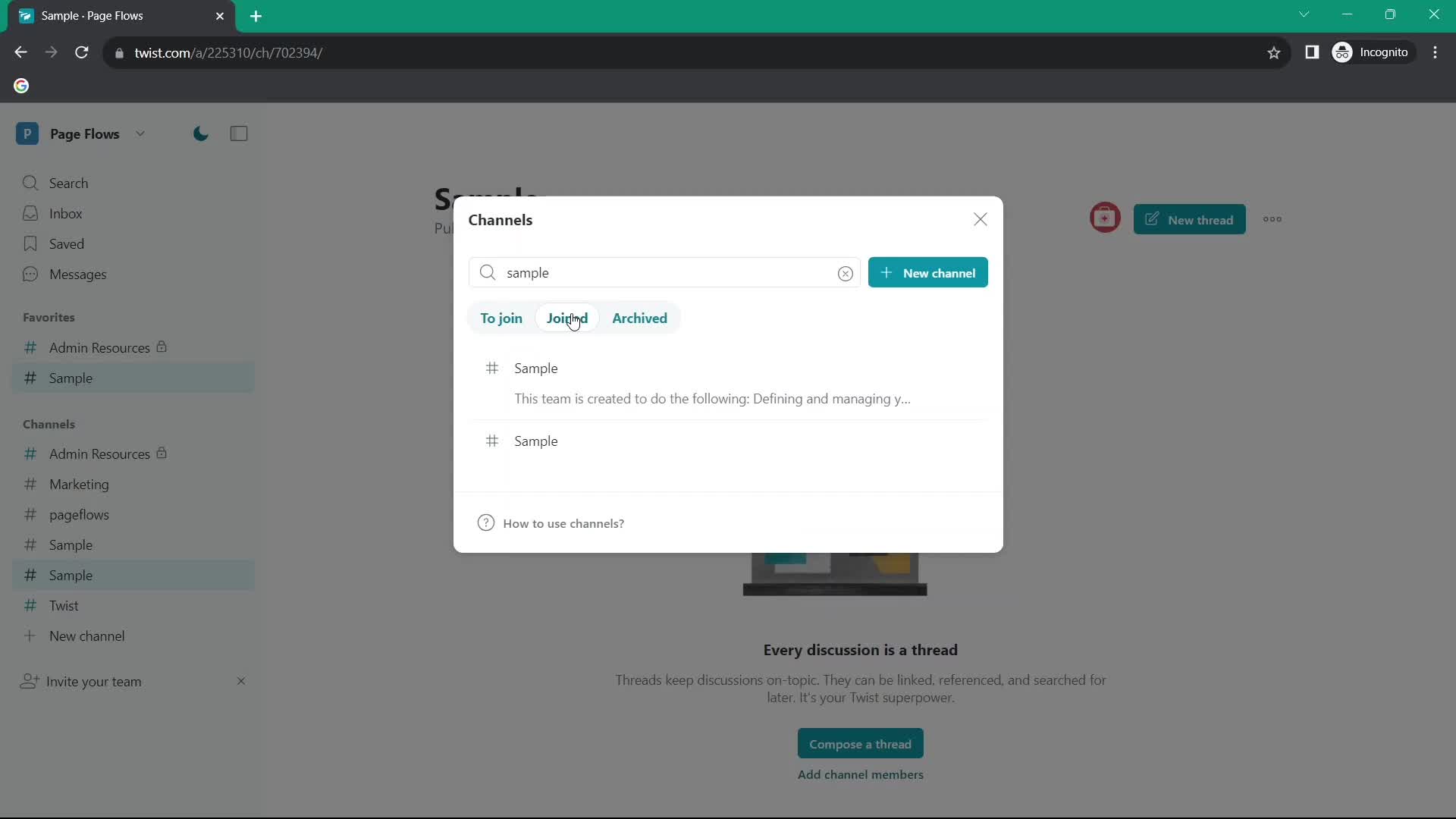
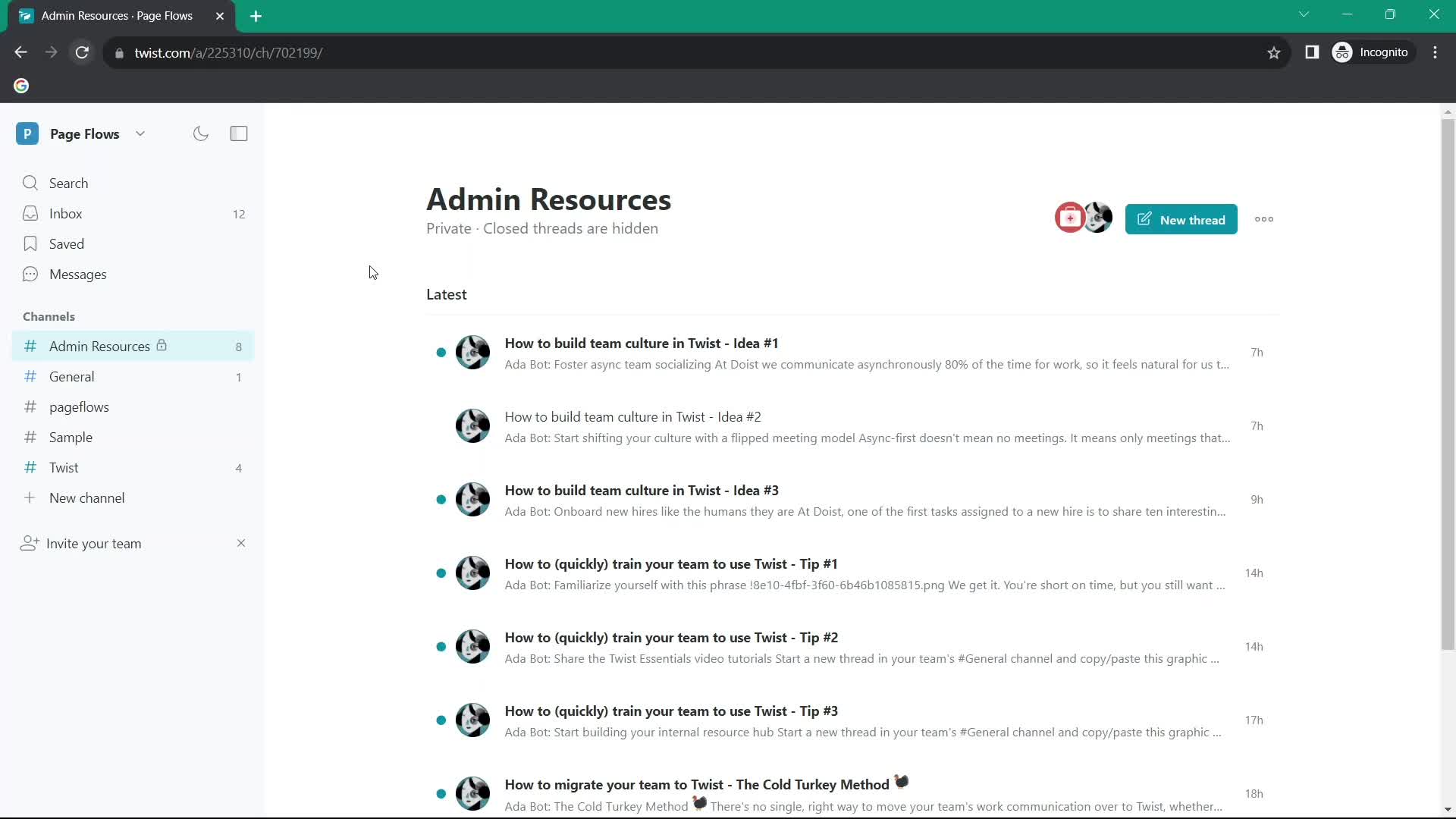
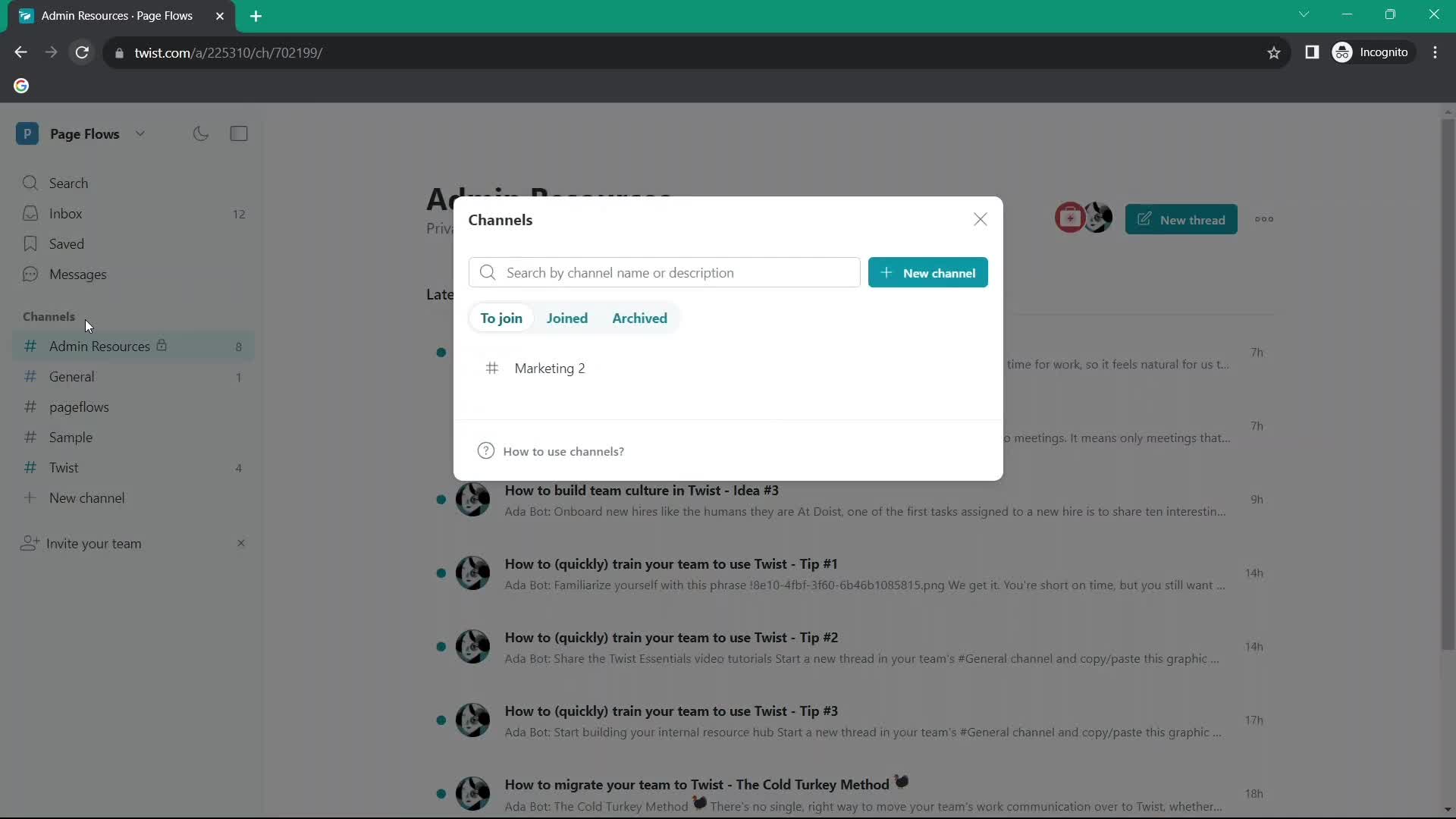
Channels
this is title
Create channel
this is title
Add description
this is title
Set privacy
this is title
Add members
this is title
Set as default
this is title
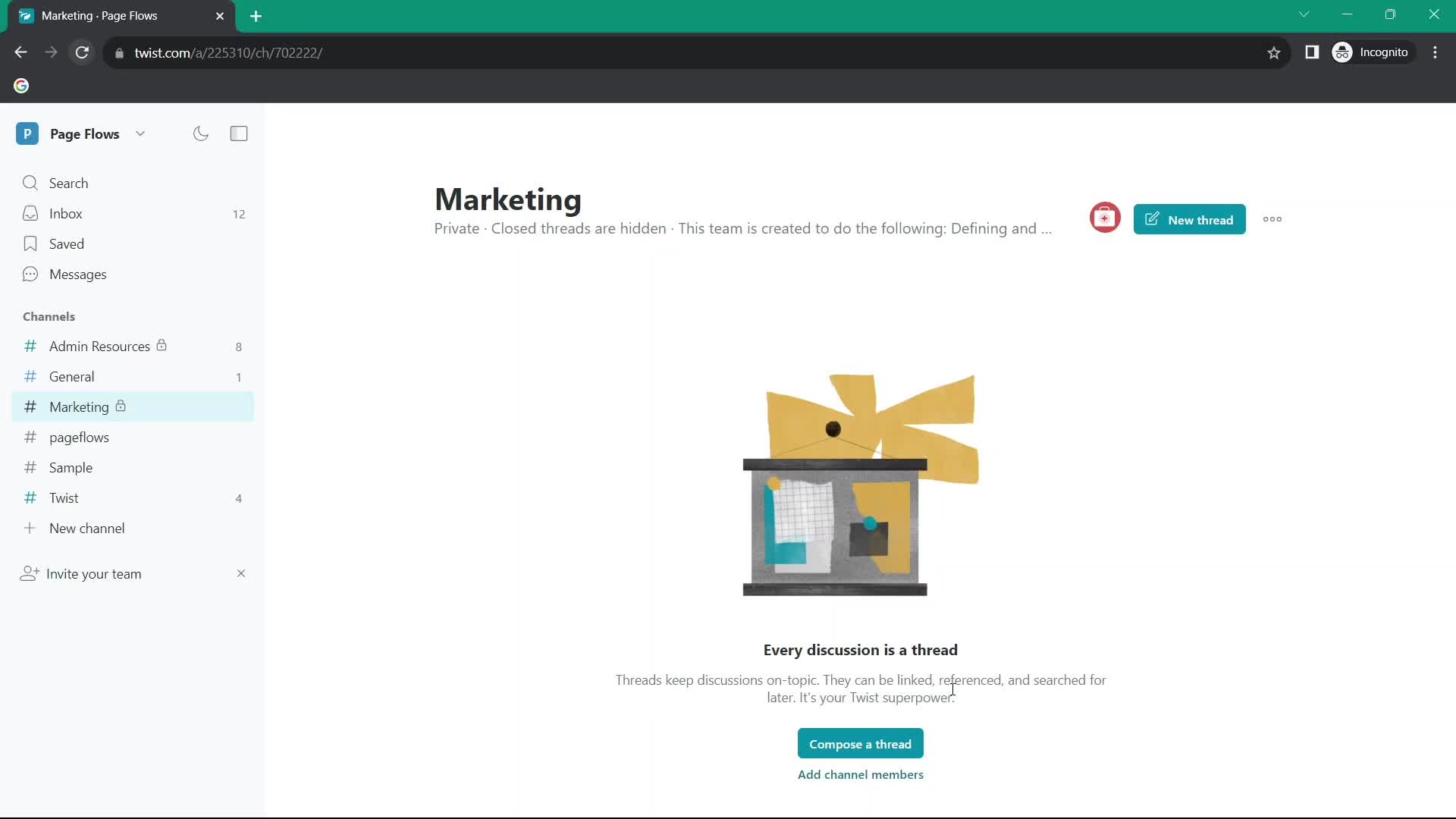
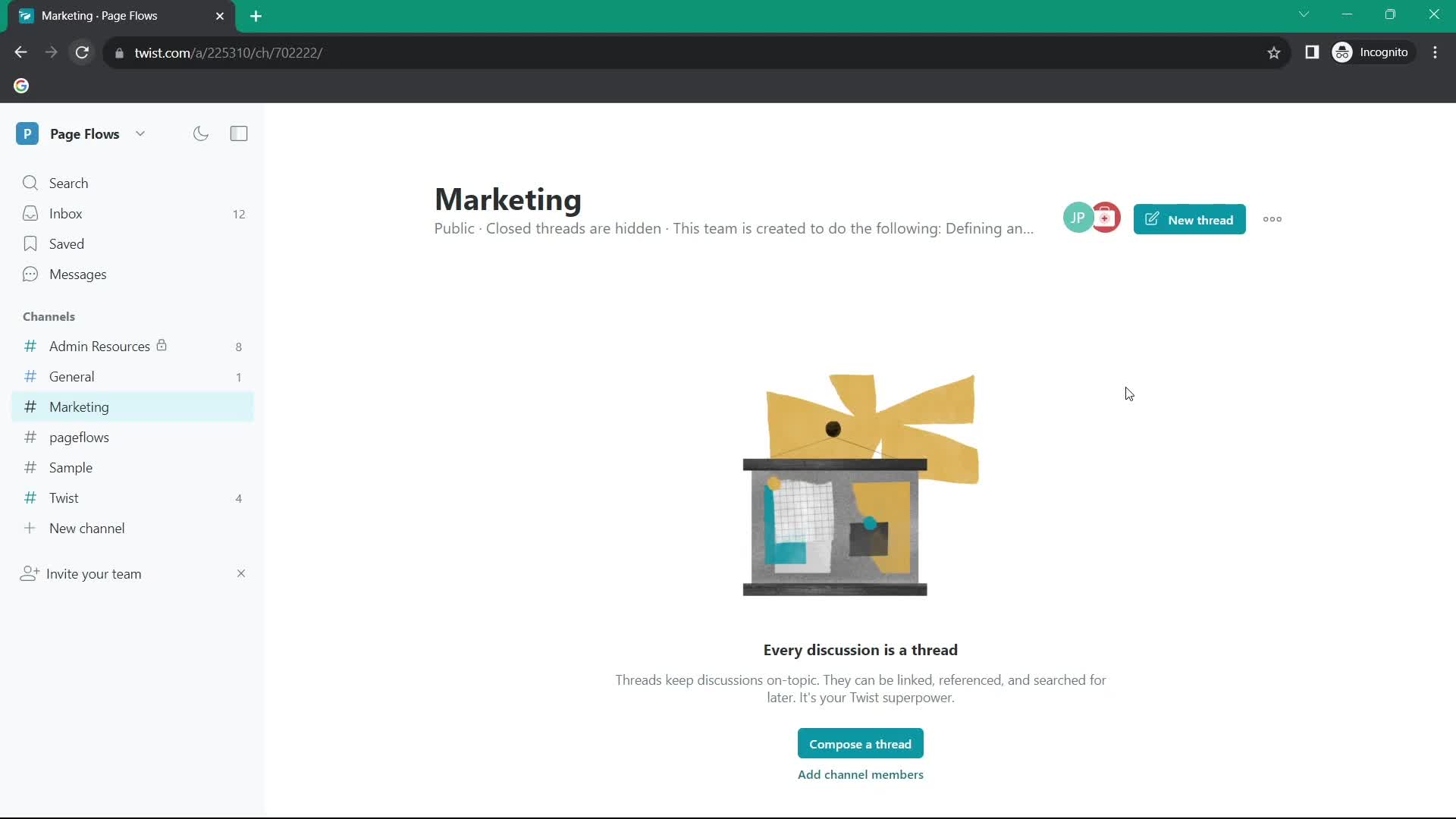
Channel created
this is title
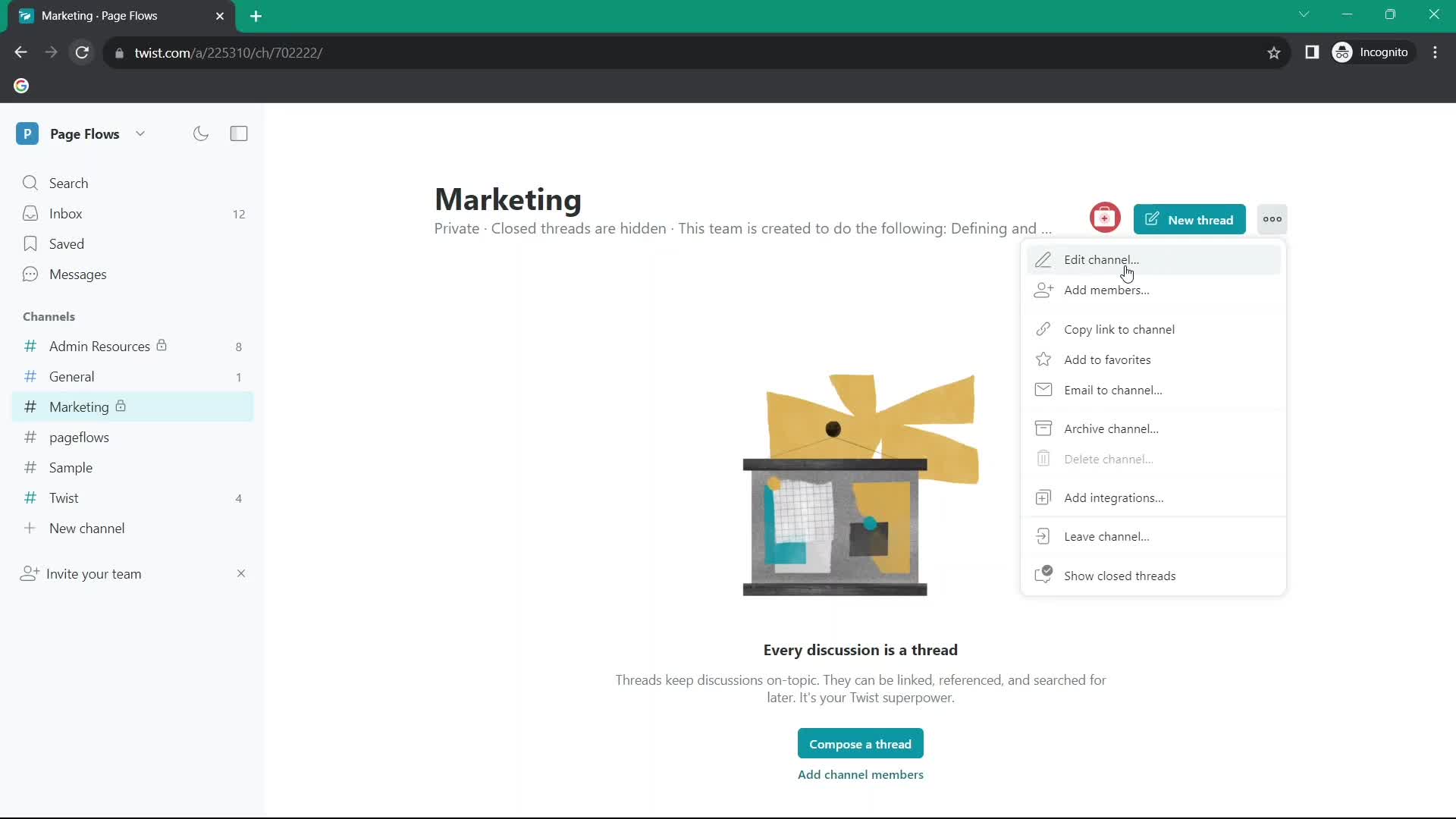
Action menu
this is title
Edit channel
this is title
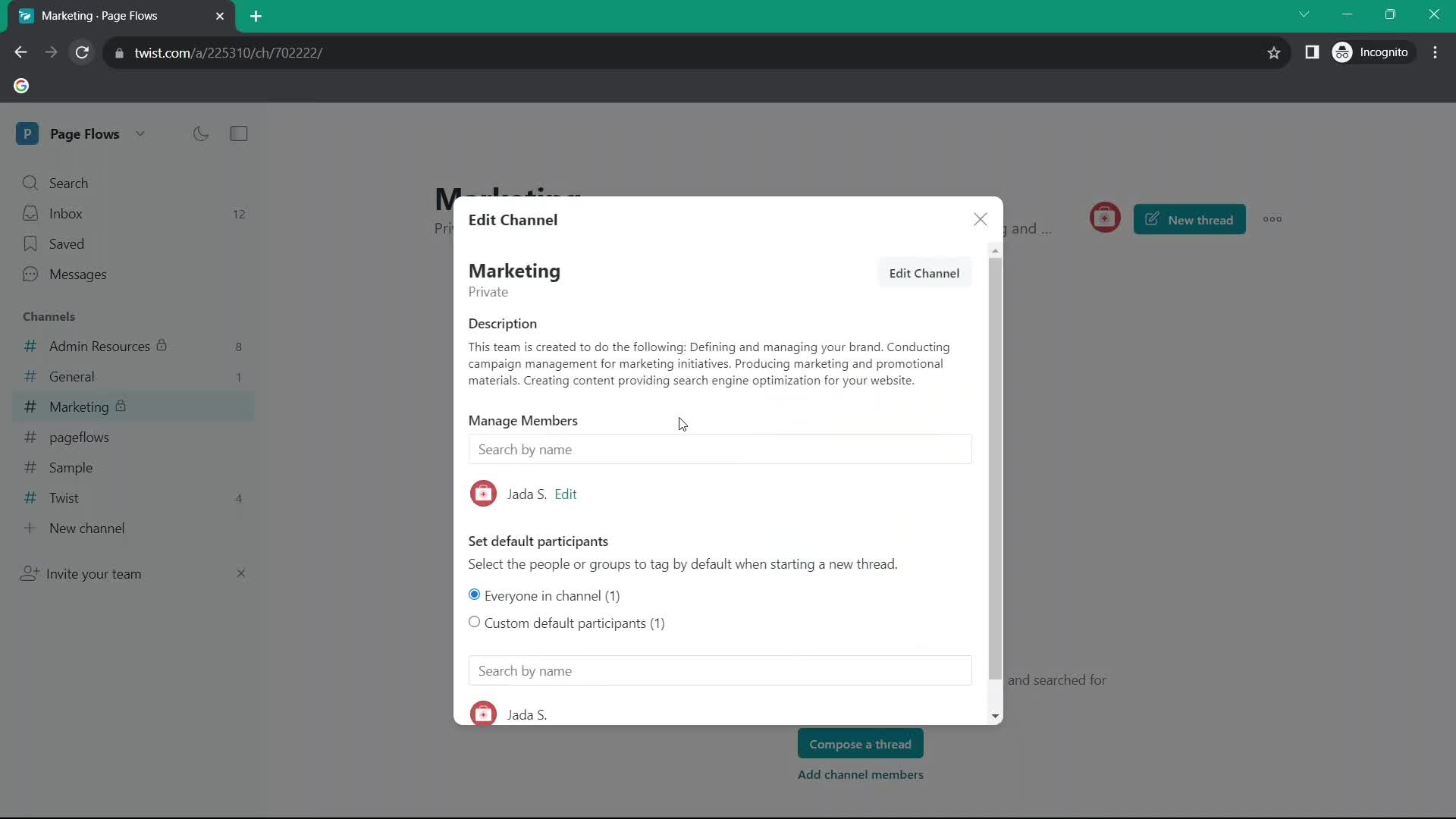
Edit details
this is title
Edit channel
this is title
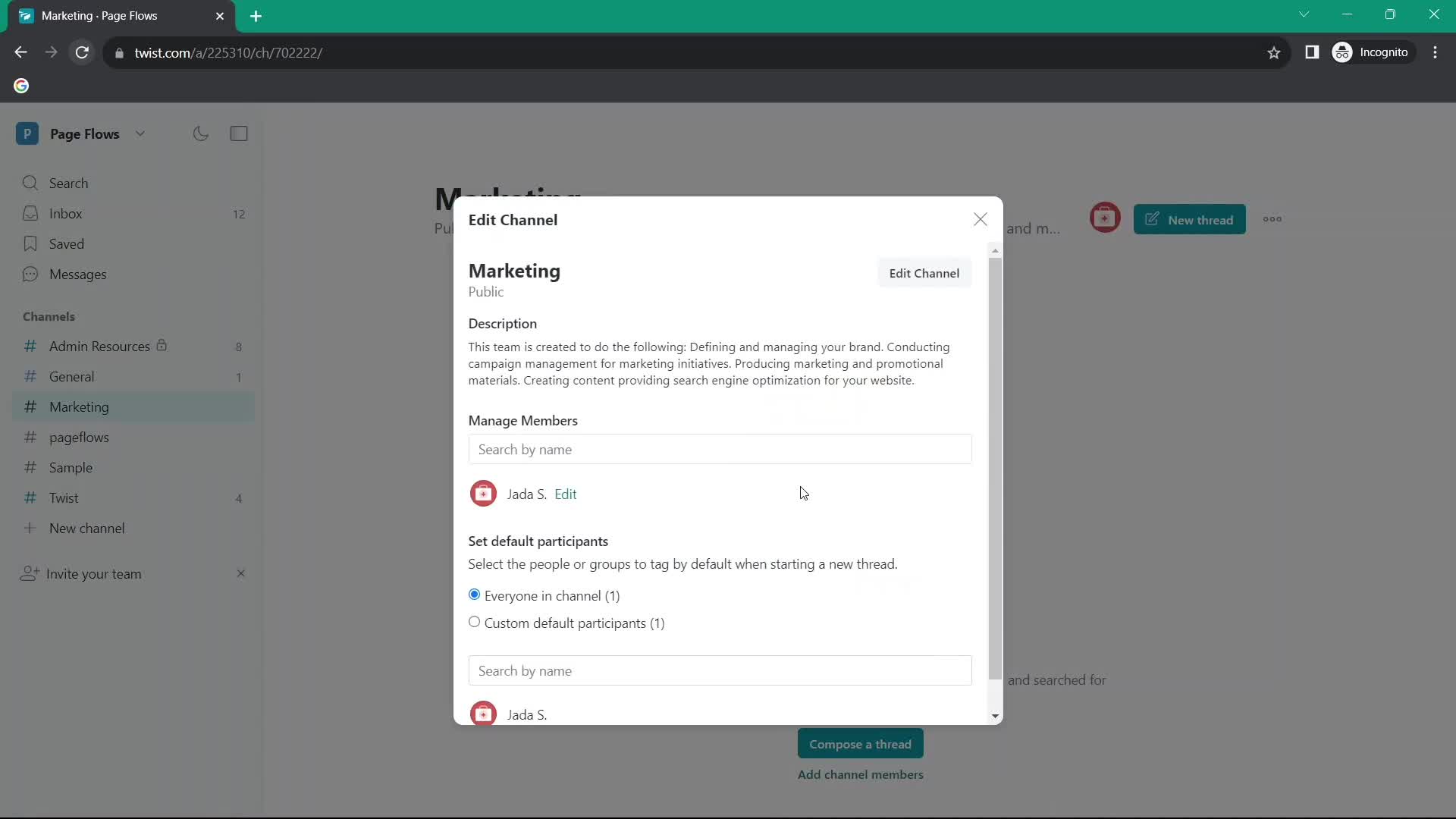
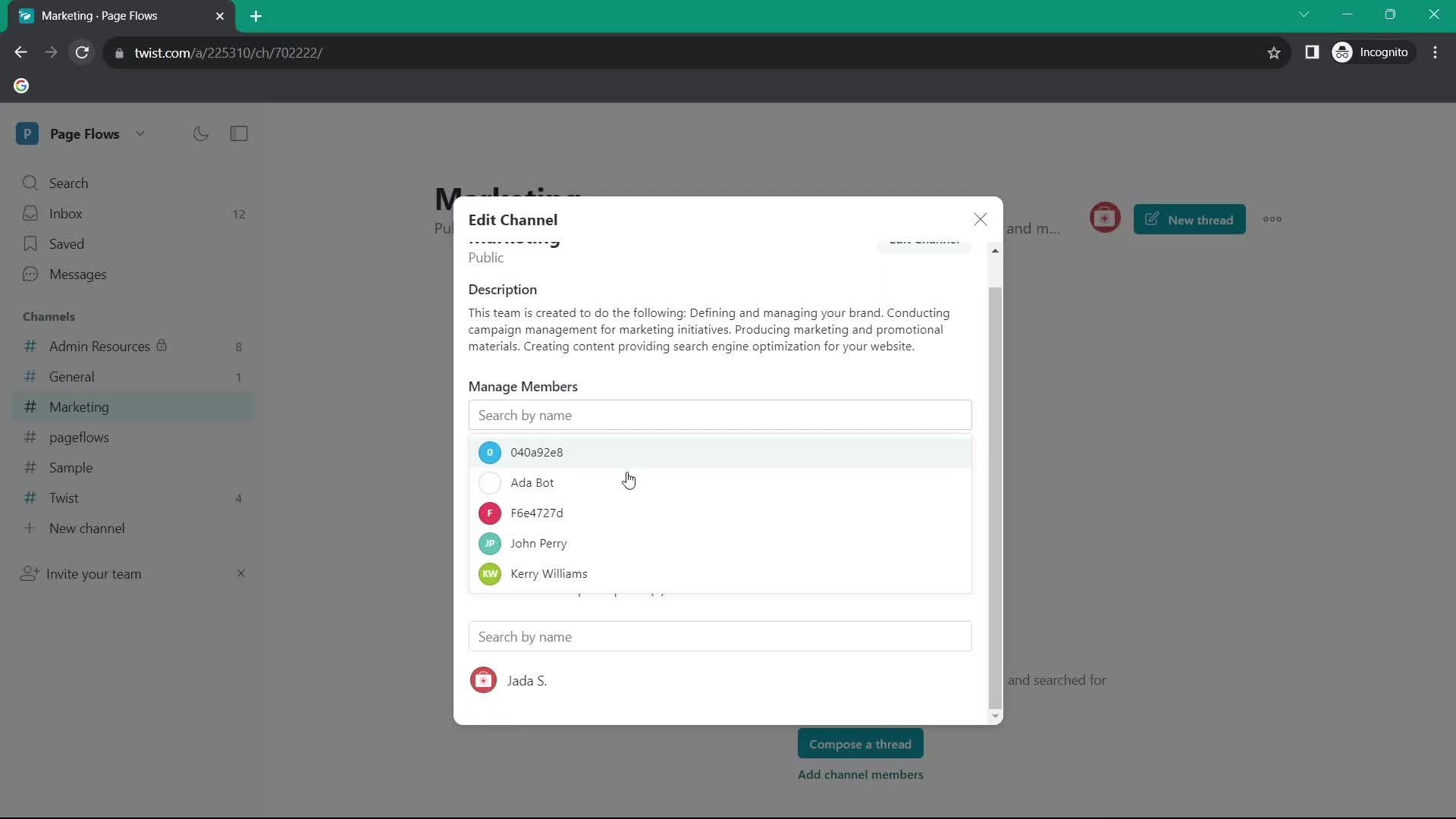
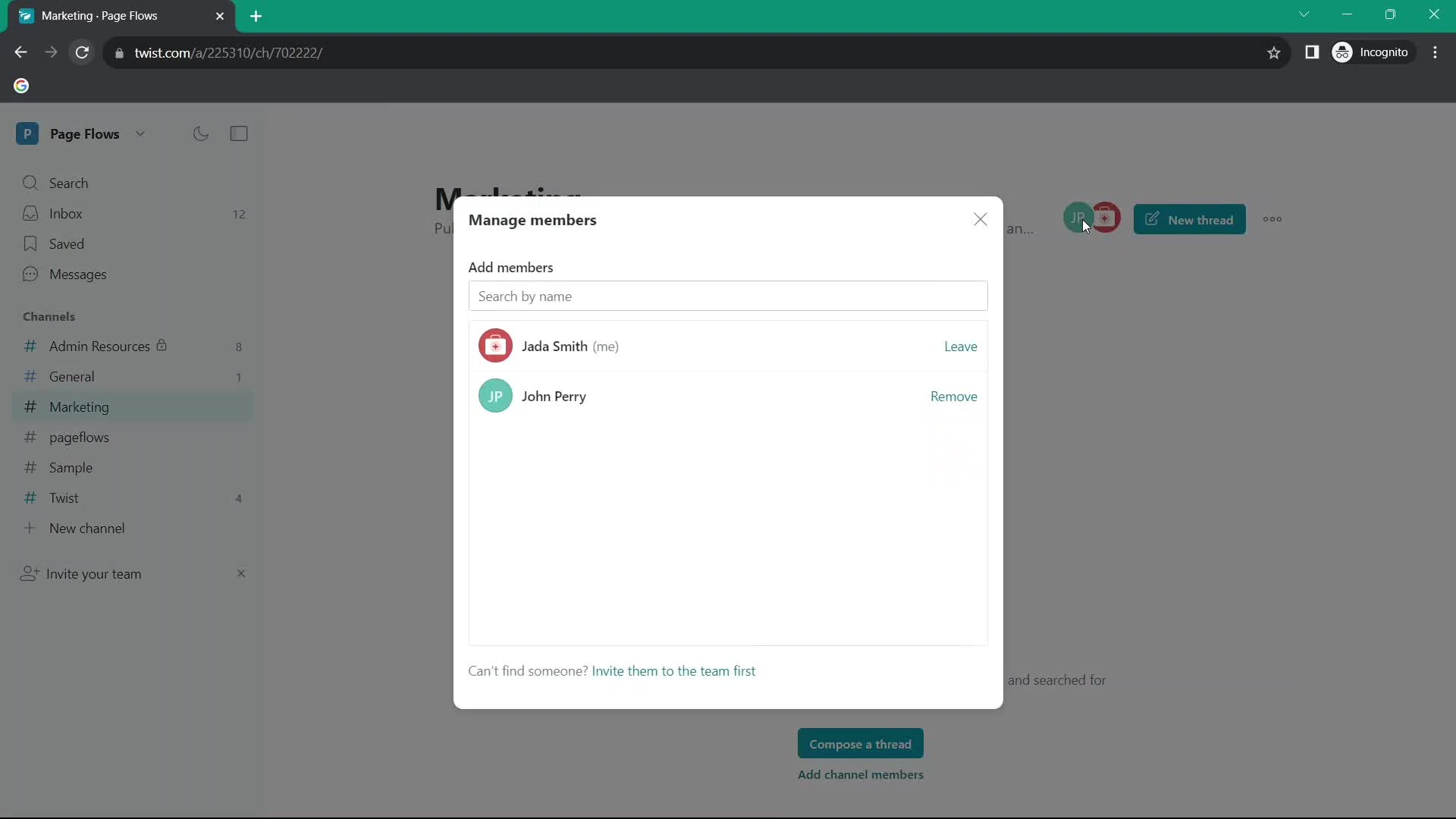
Manage members
this is title
Channel
this is title
Manage members
this is title
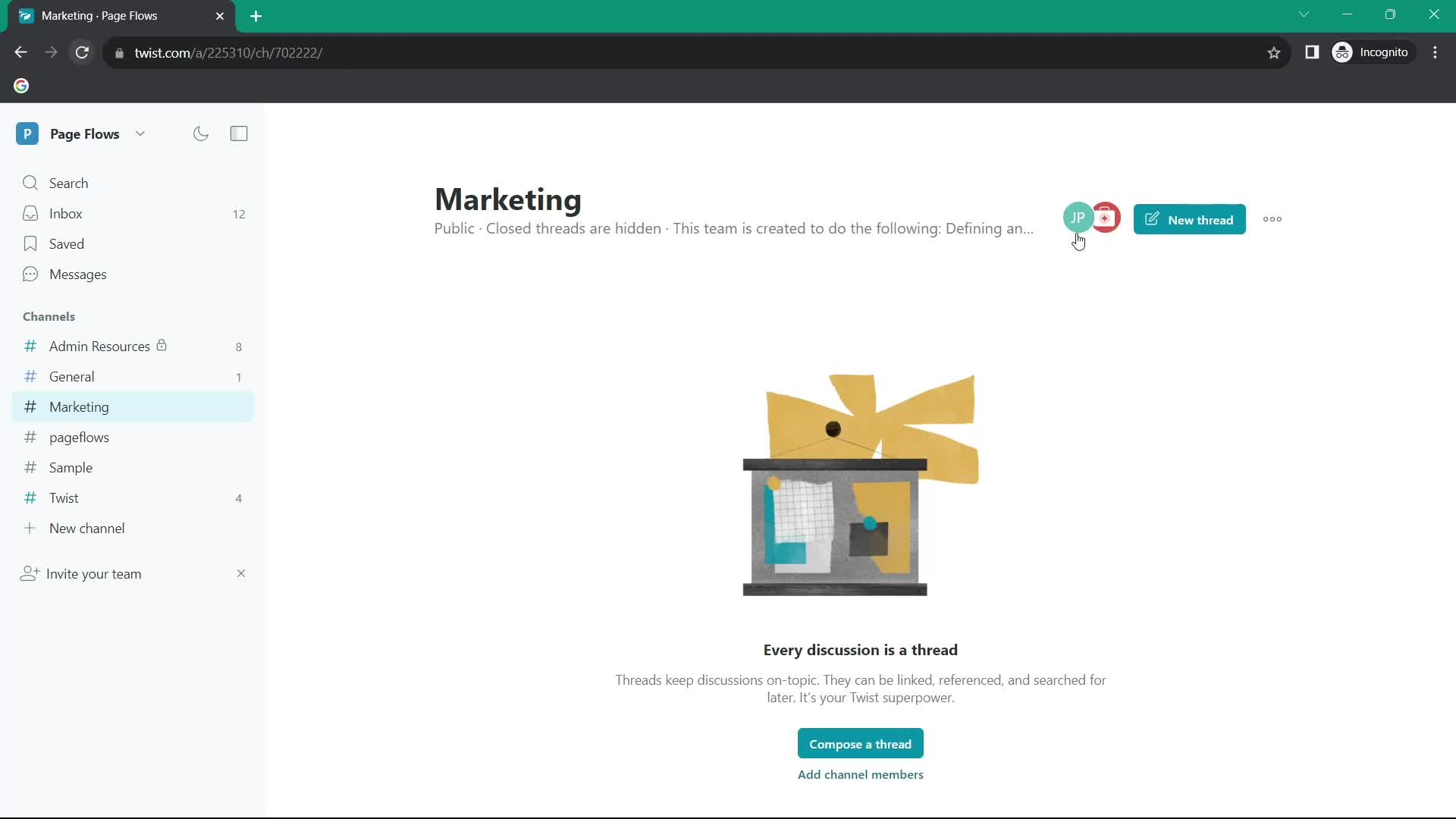
Channel
this is title
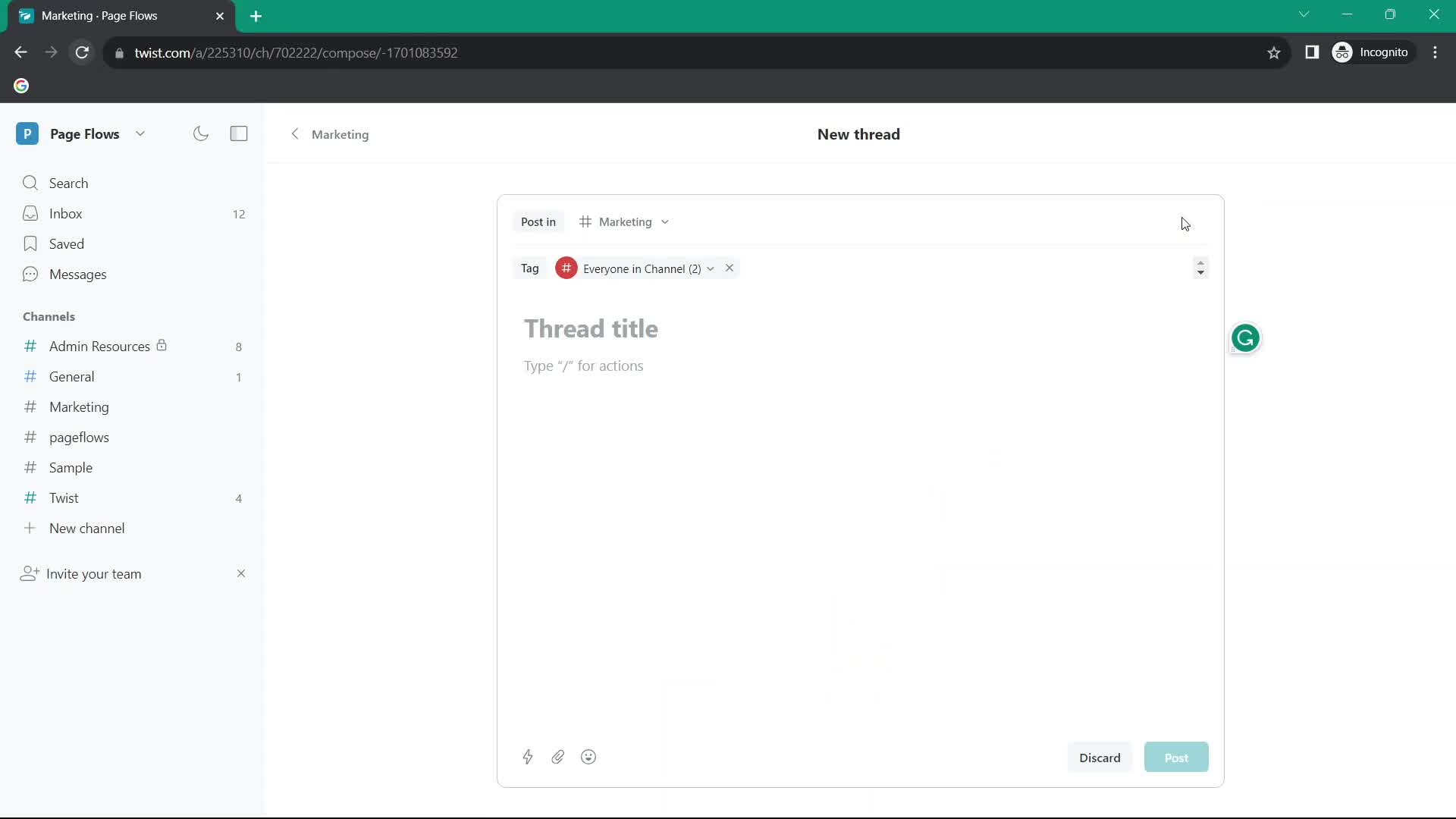
Create thread
this is title
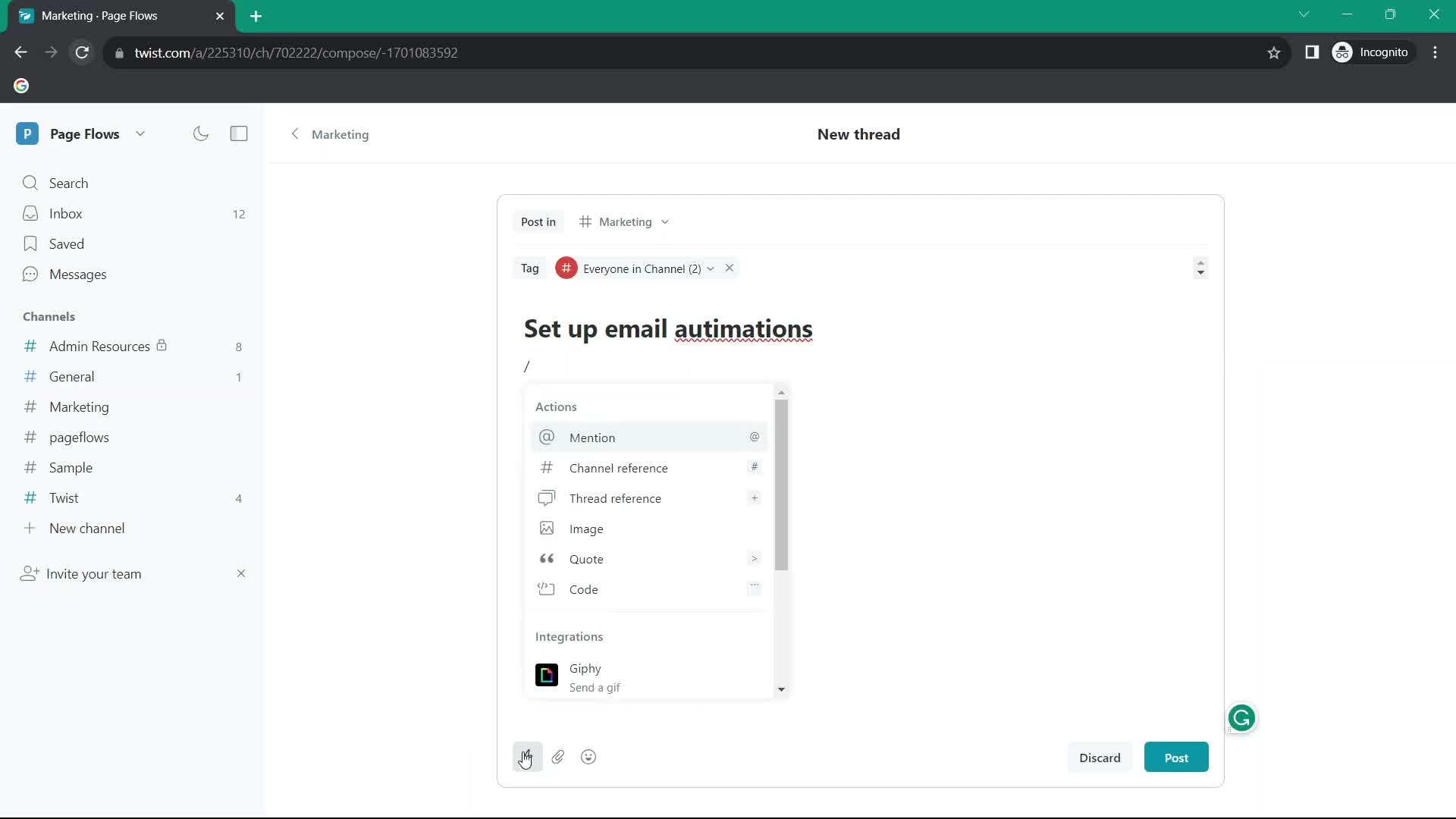
Action menu
this is title
Add mention
this is title
Add attachment
this is title
Emoji picker
this is title
Thread
this is title
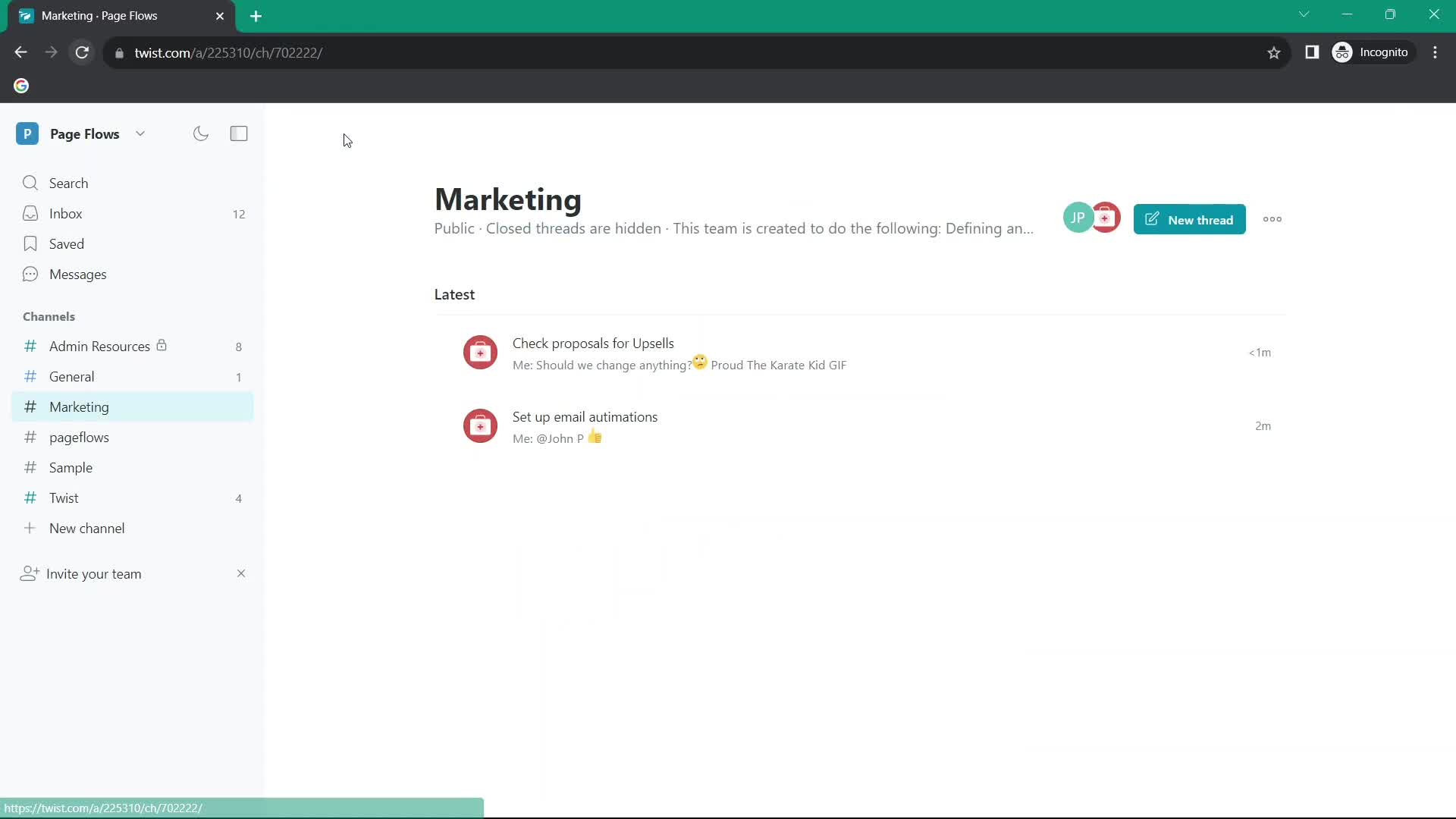
Channel
this is title
Create thread
this is title
Add attachment
this is title
Thread
this is title
Channel
this is title
Thread
this is title
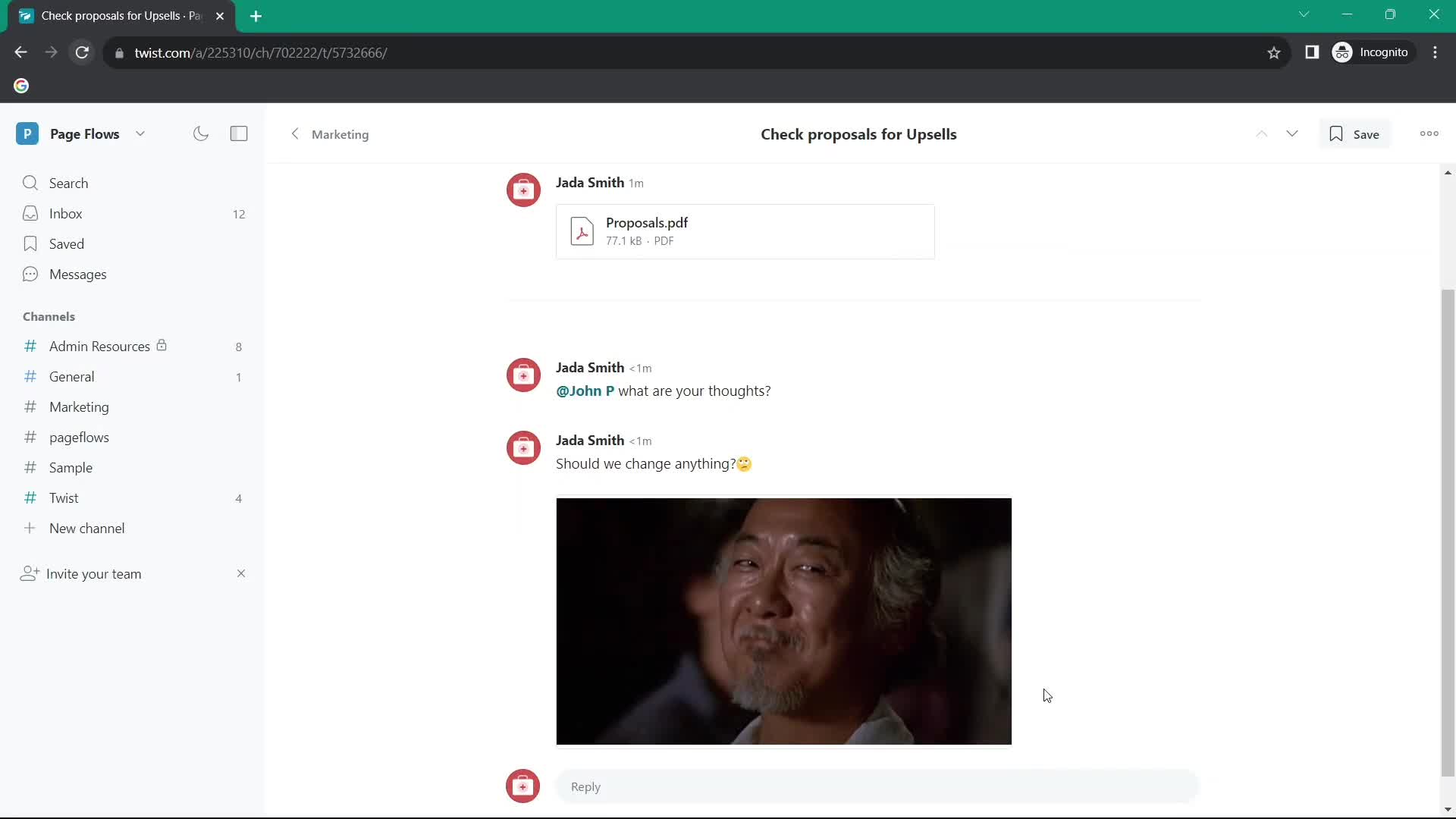
Add comment
this is title
Add mention
this is title
Thread
this is title
Add comment
this is title
Emoji picker
this is title
Action menu
this is title
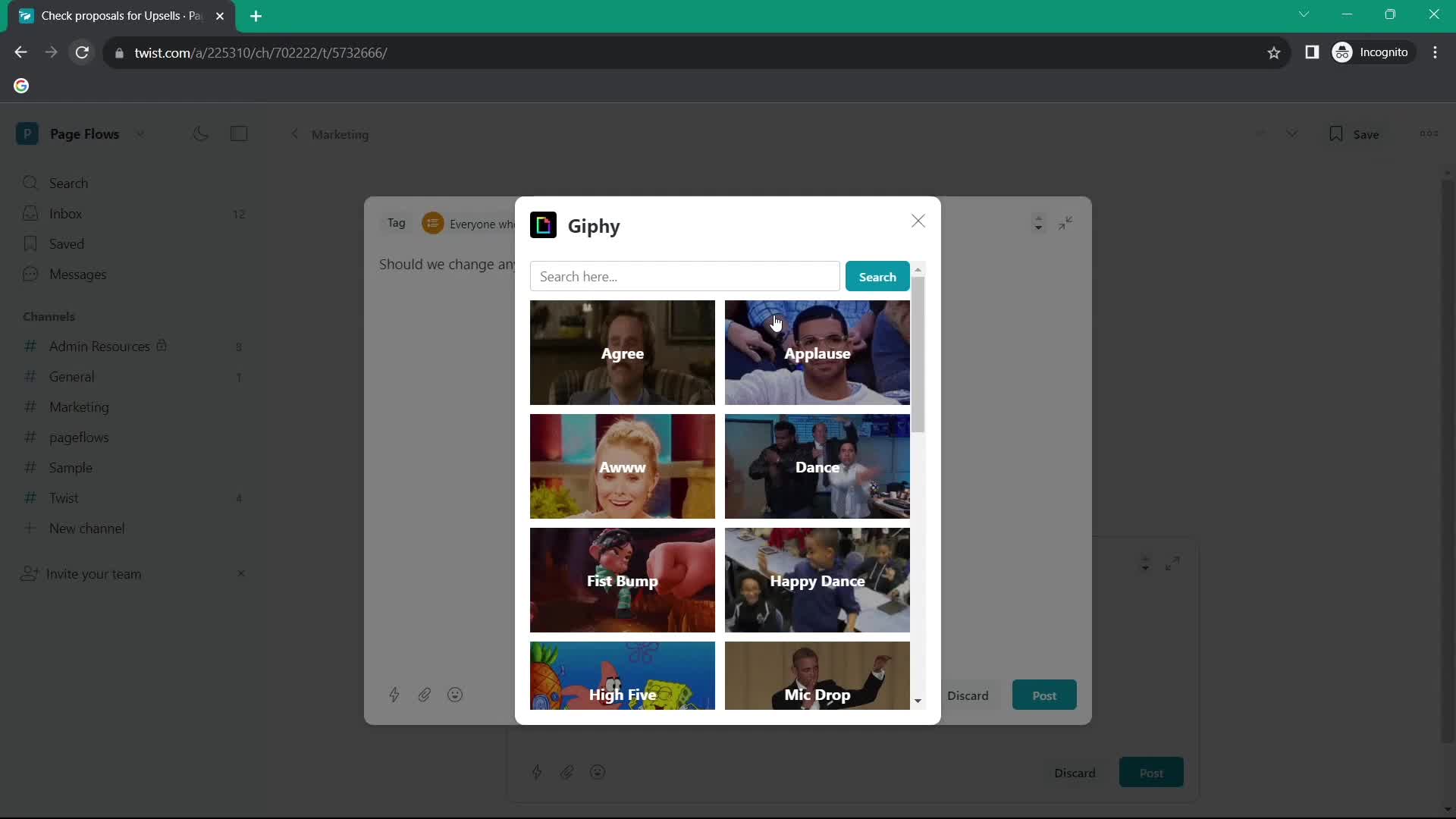
GIFs
this is title
Thread
this is title
Channel
this is title
Inbox
this is title
Channel
this is title
Emoji reaction
this is title
Add comment
this is title
Thread
this is title
Channel
this is title
Inbox
this is title
Channel
this is title
Thread
this is title
Add comment
this is title
Channel
this is title
Action menu
this is title
Channel
this is title
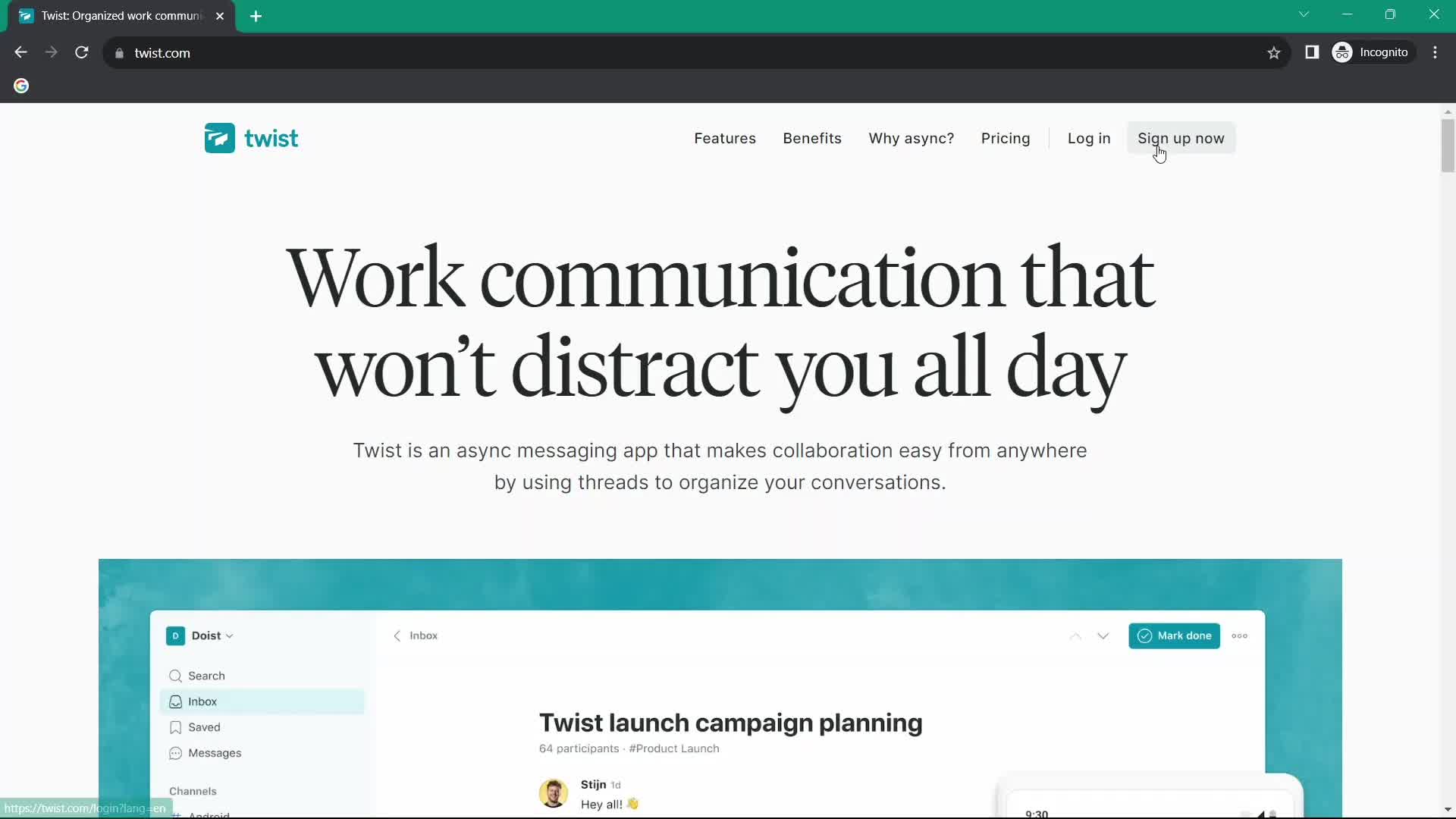
Homepage
this is title
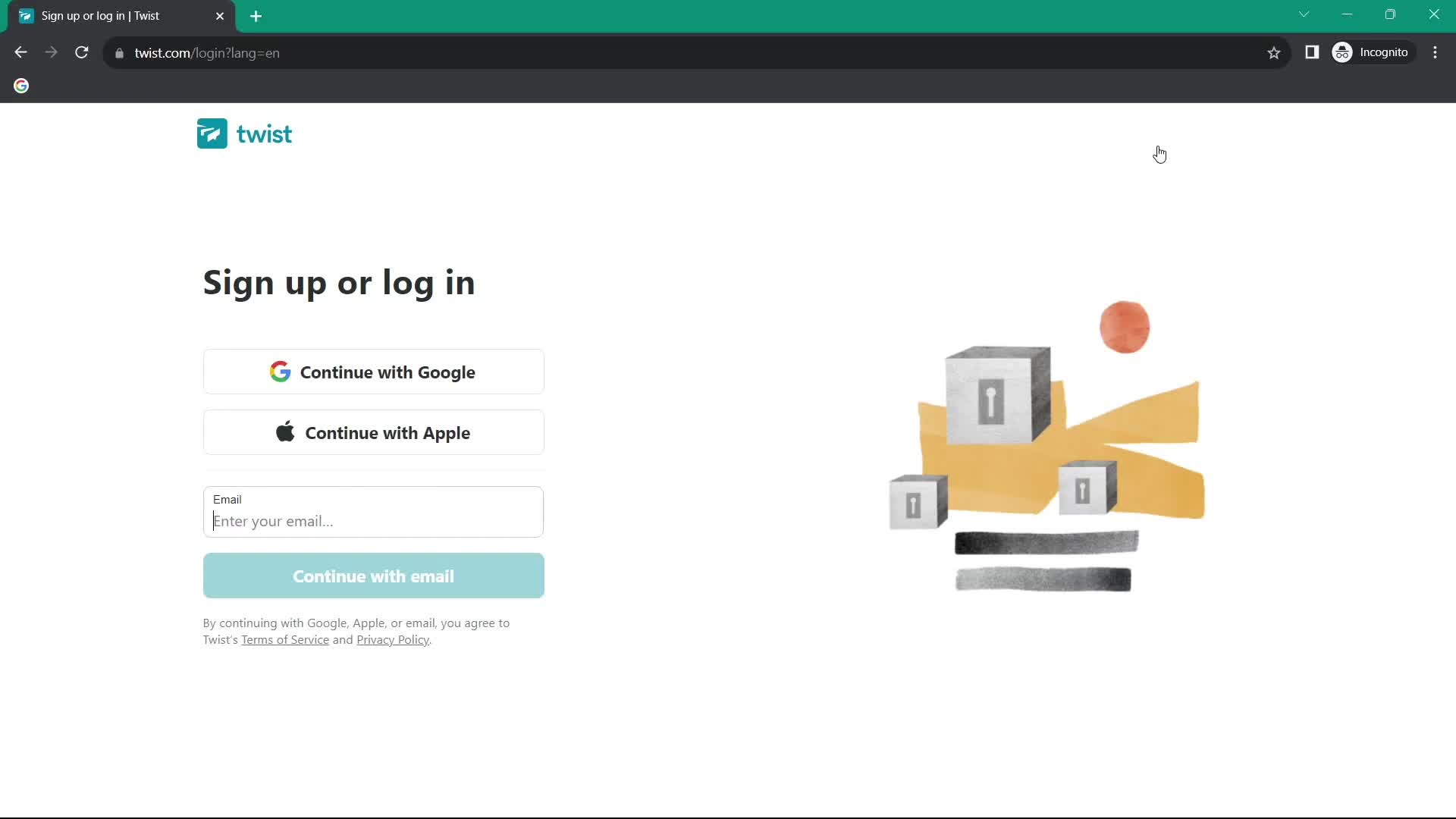
Sign up
this is title
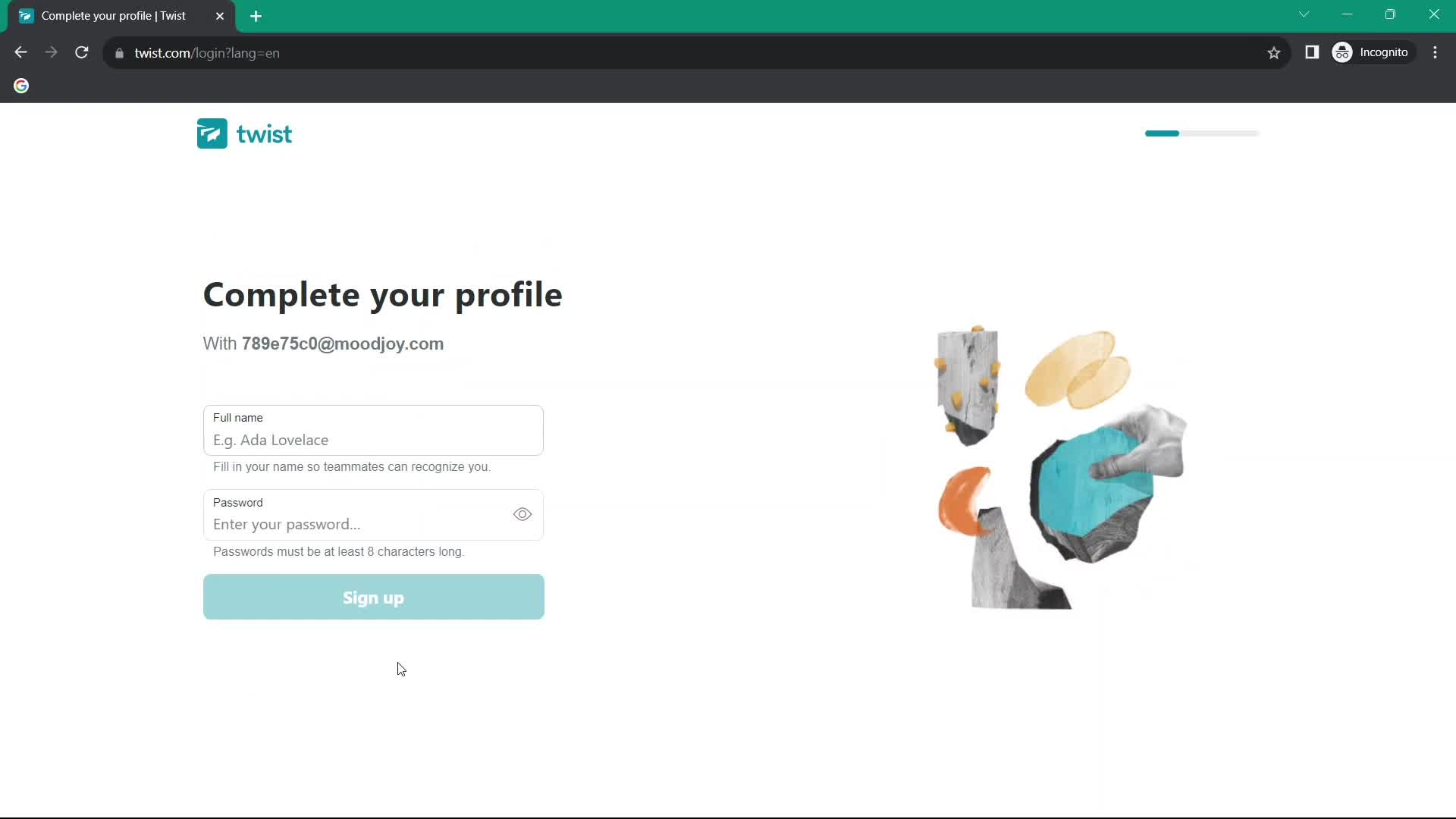
Complete profile
this is title
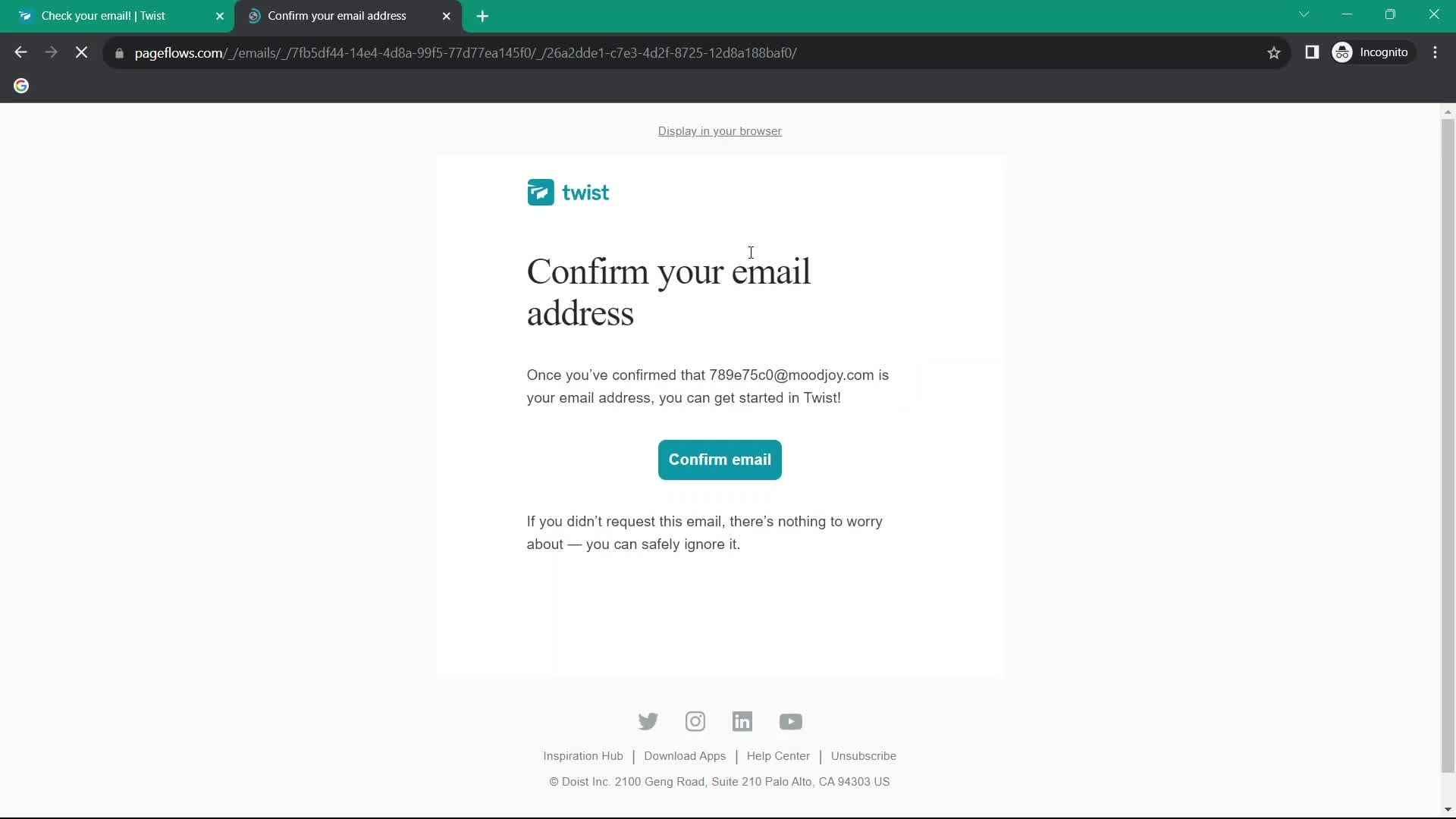
Confirm email
this is title
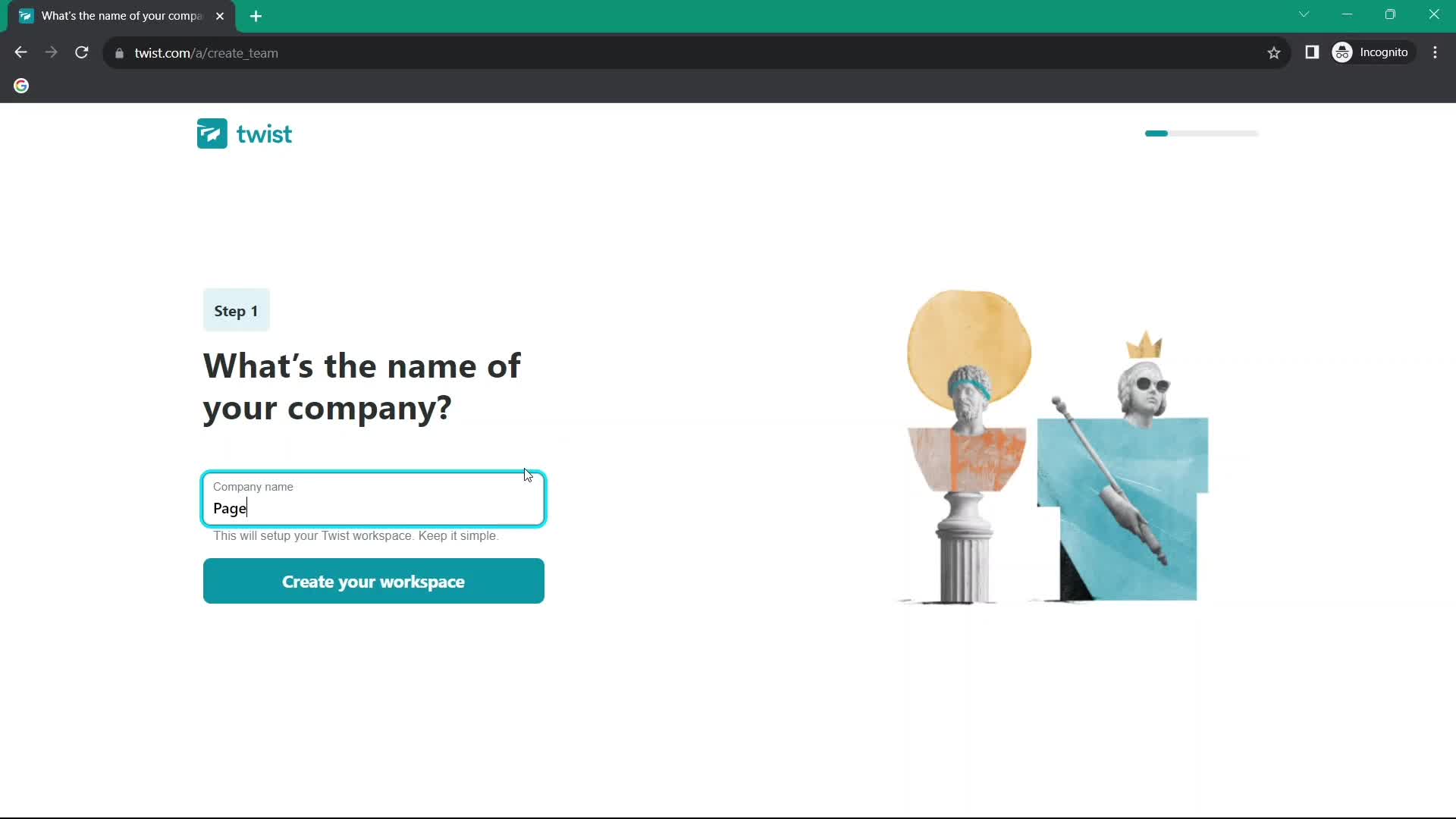
Create workspace
this is title
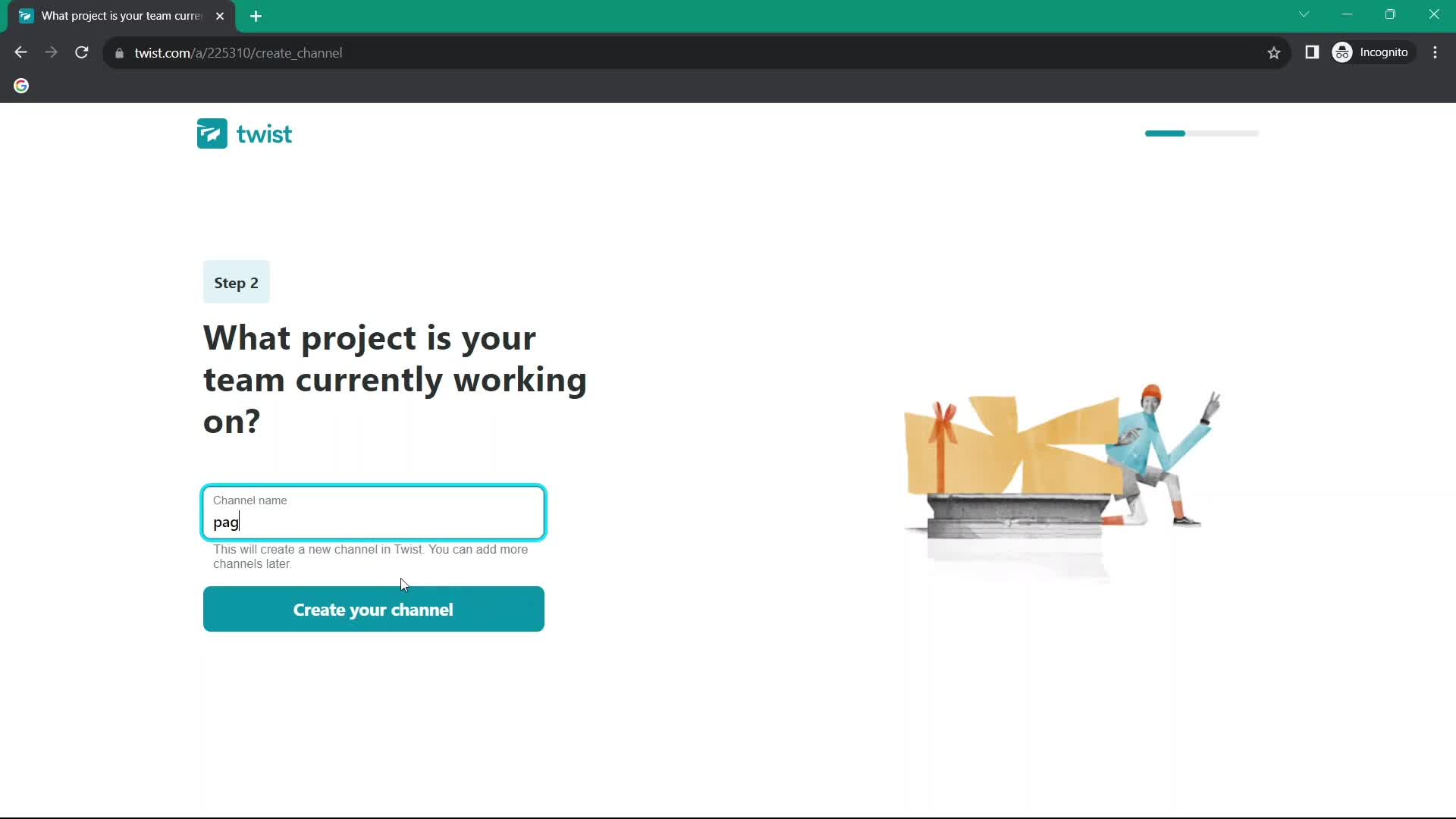
Create channel
this is title
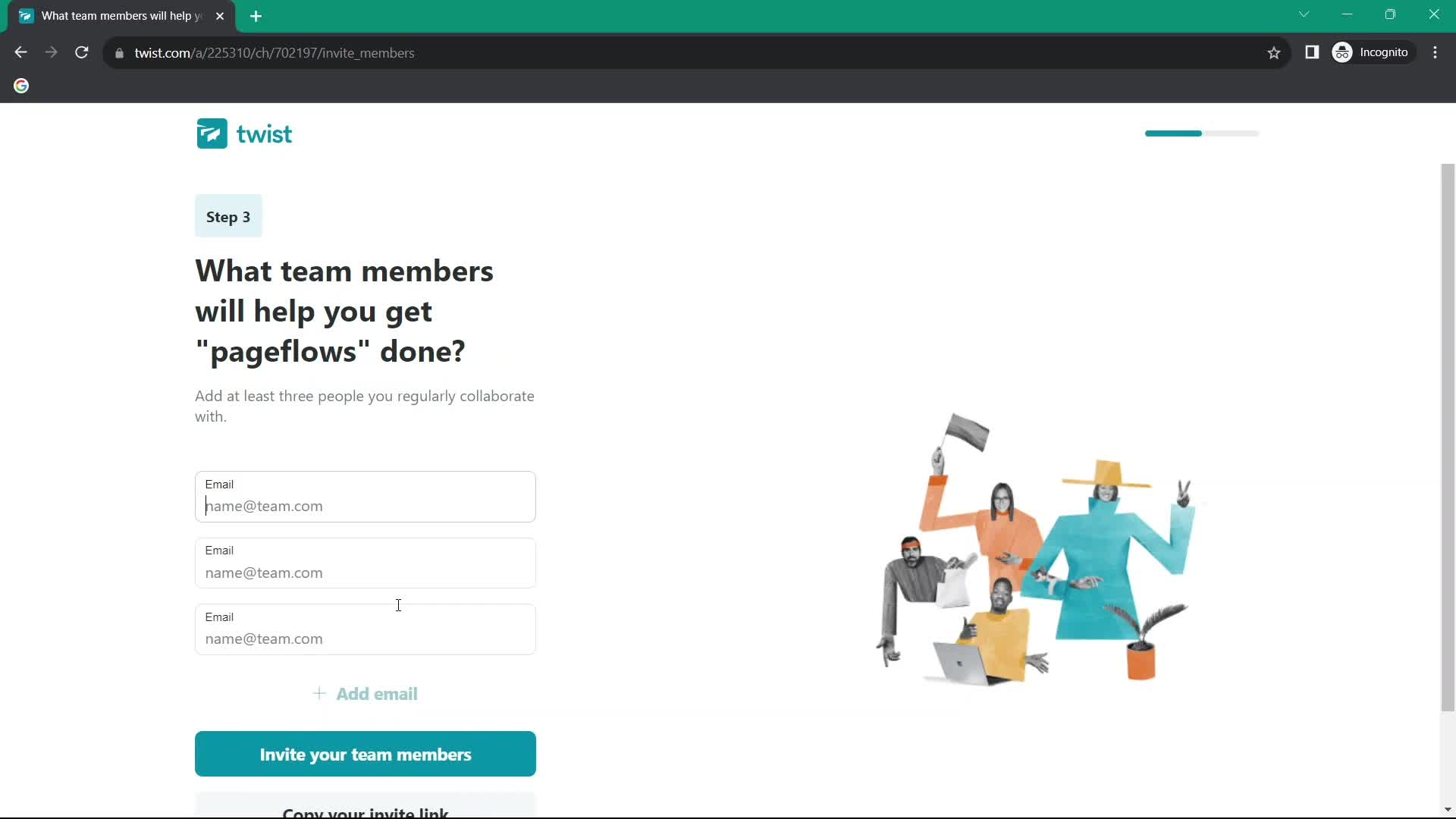
Invite teammate
this is title
Inbox
this is title
Guided tour
this is title
Inbox
this is title
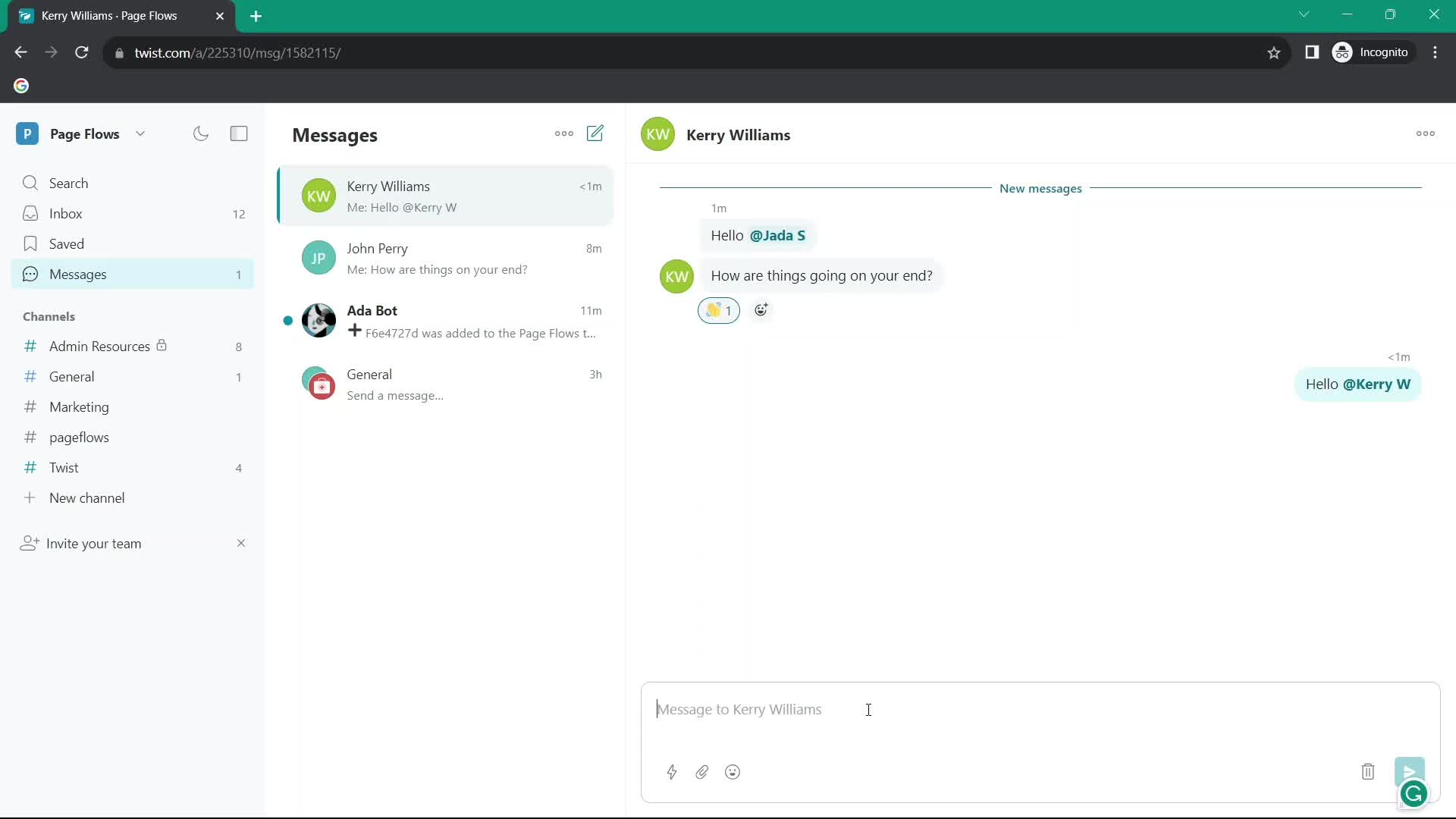
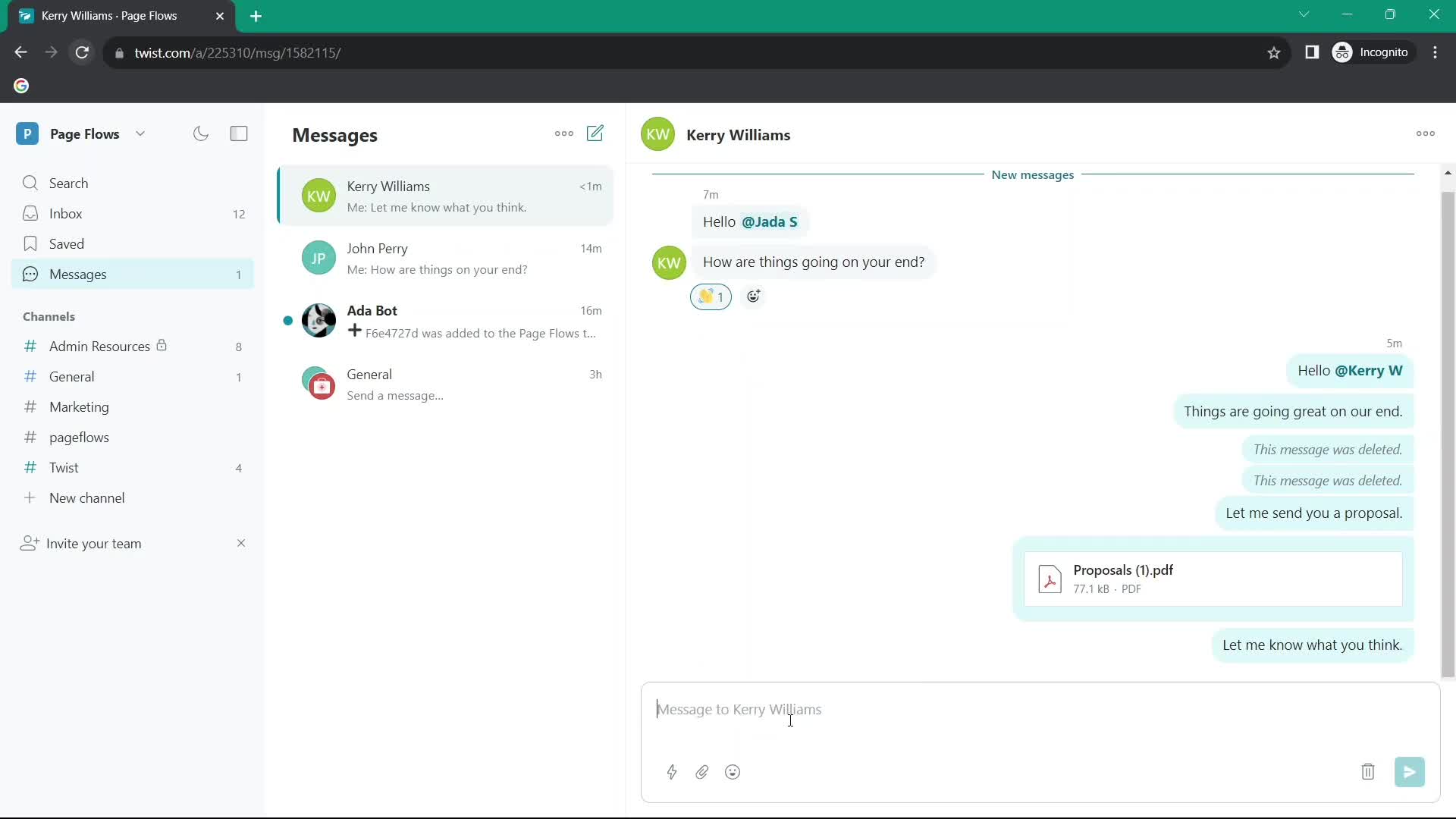
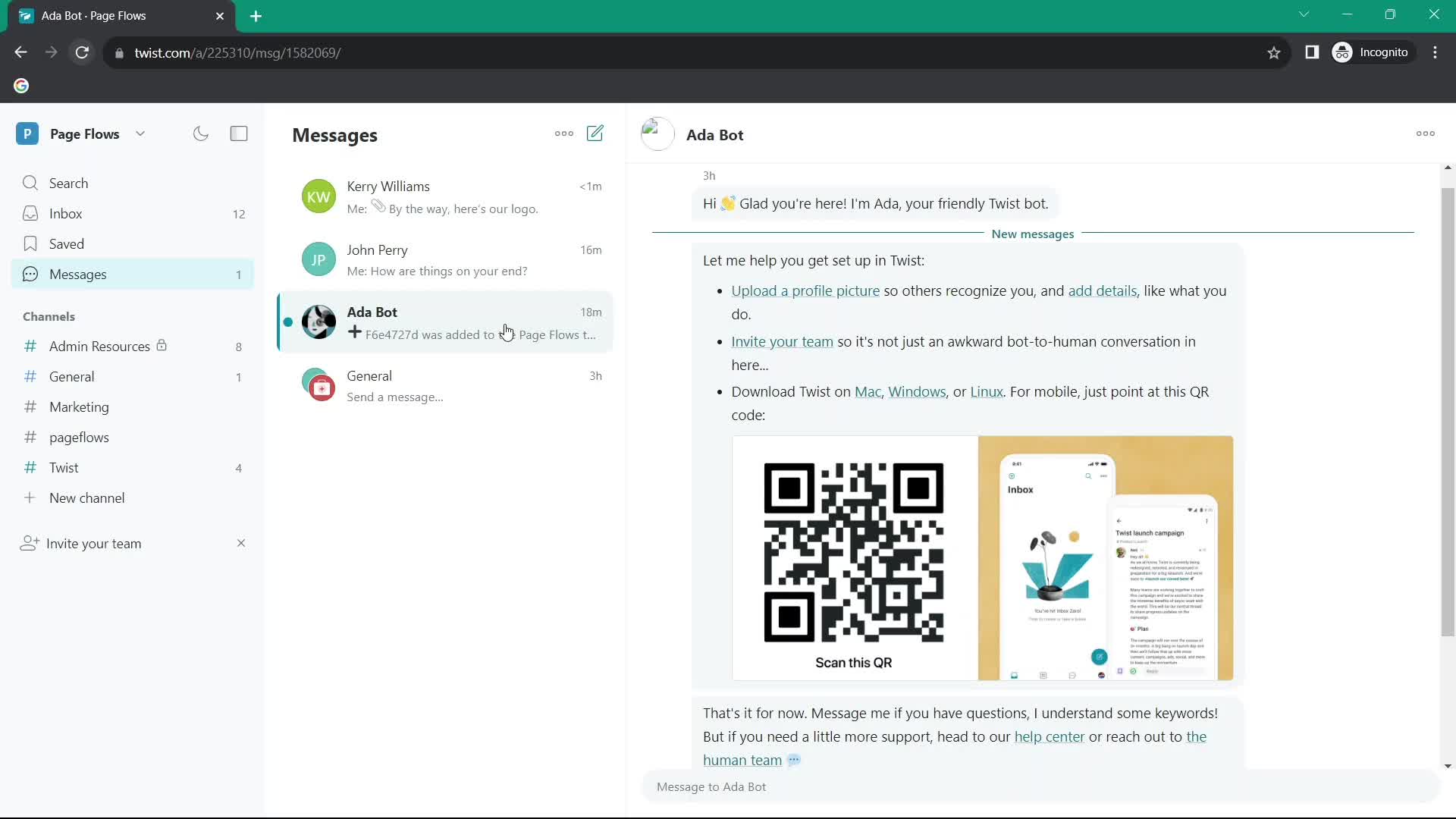
Messages
this is title
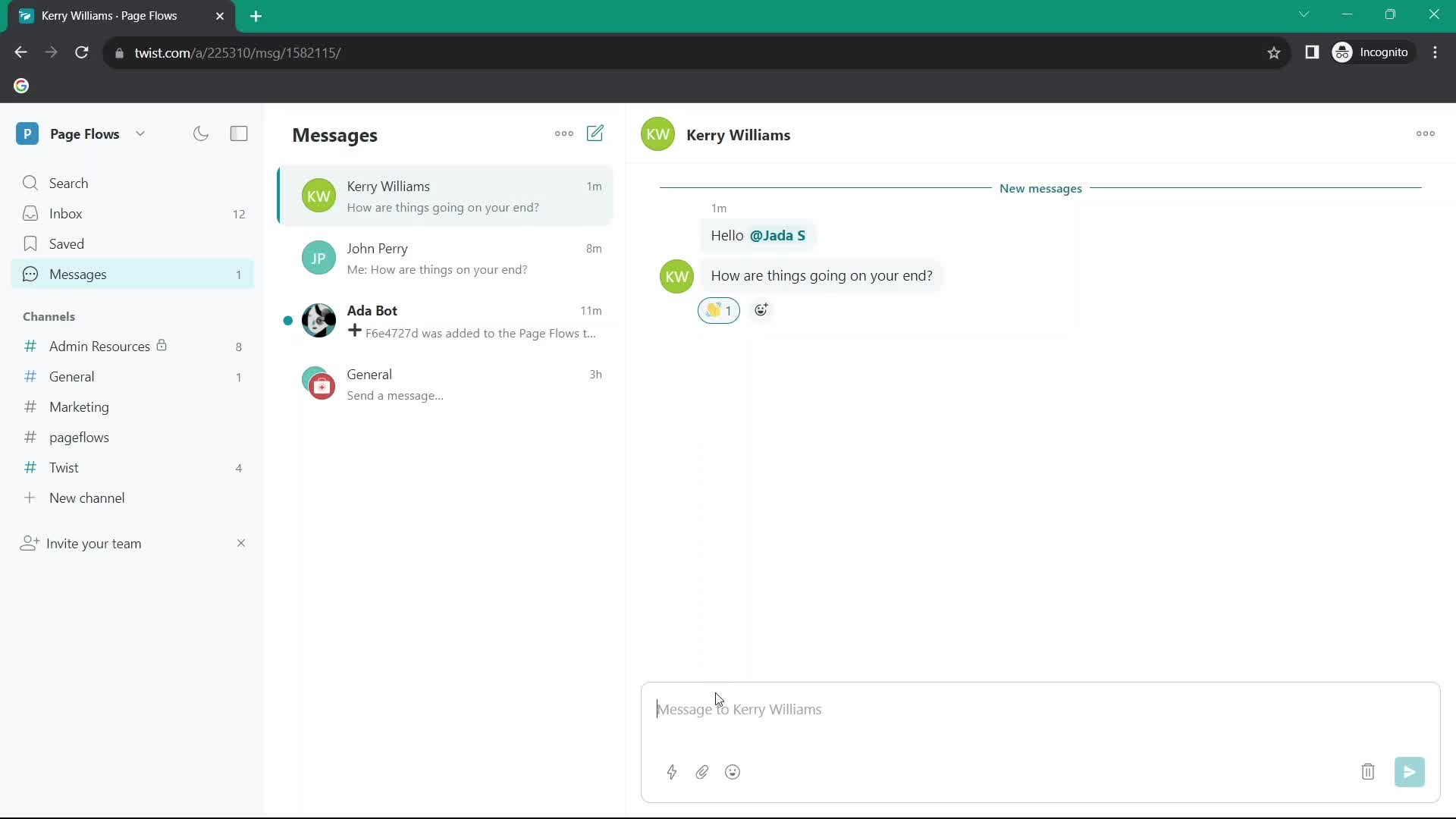
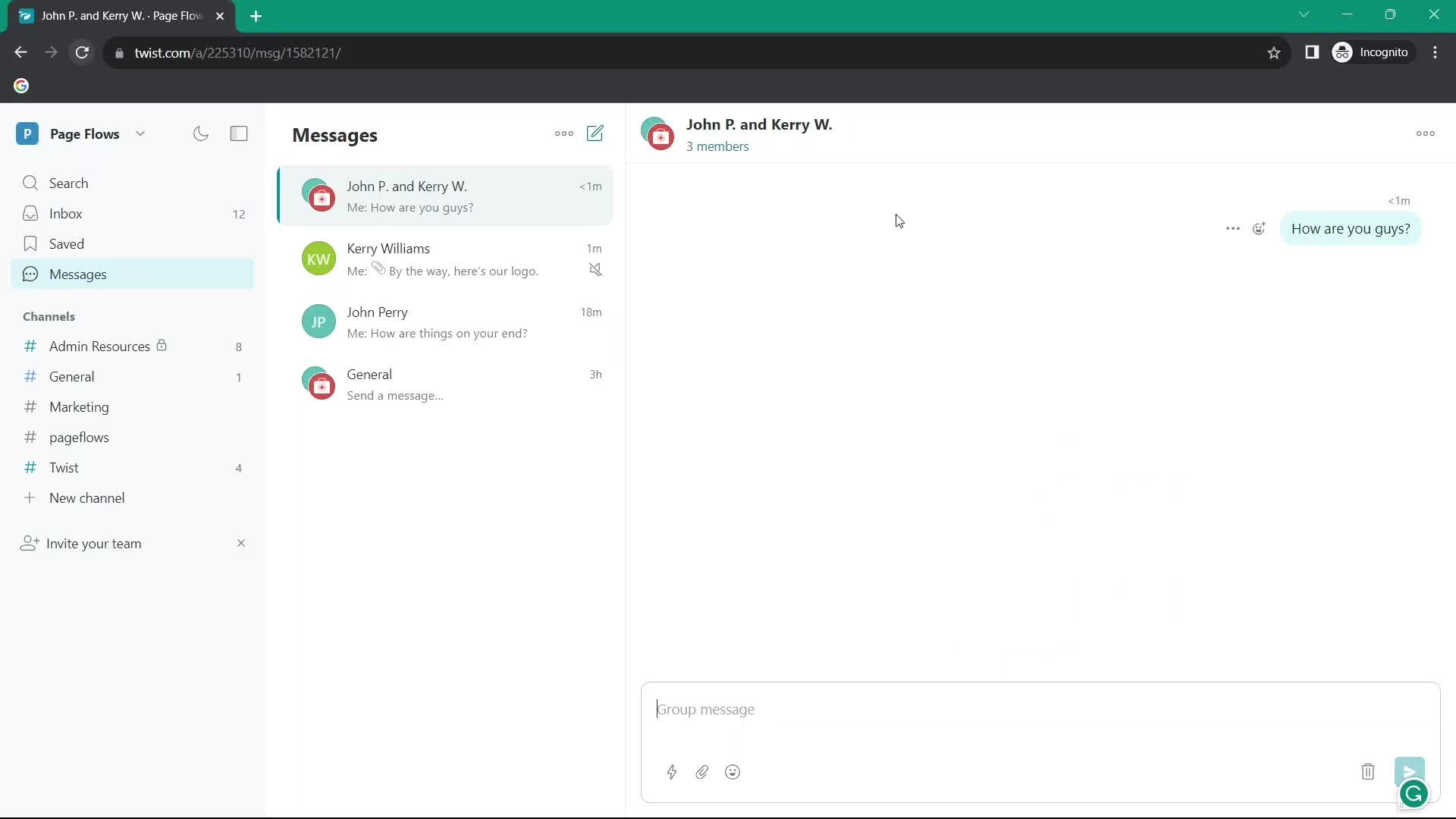
Chat thread
this is title
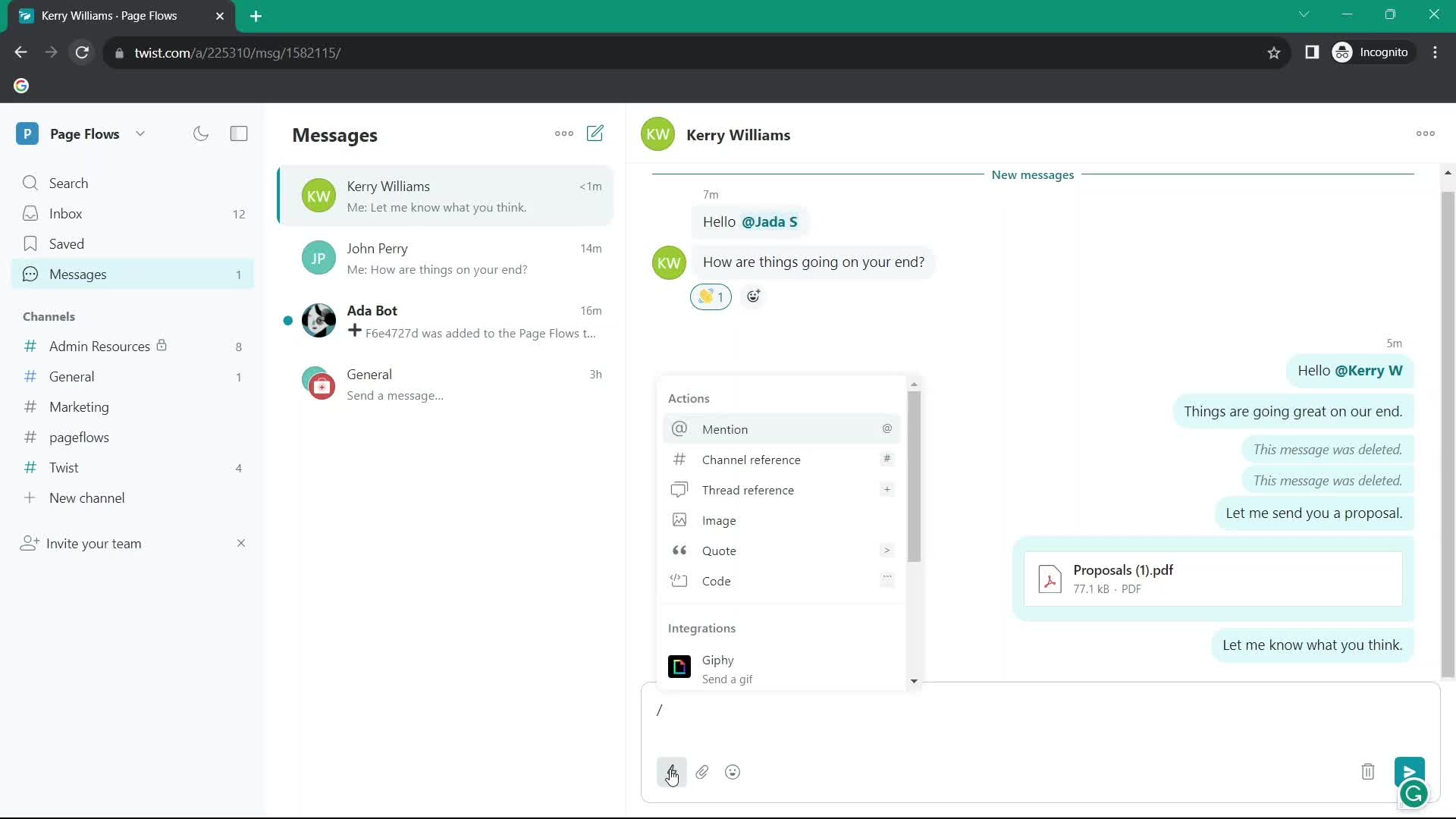
Action menu
this is title
Emoji picker
this is title
Add comment
this is title
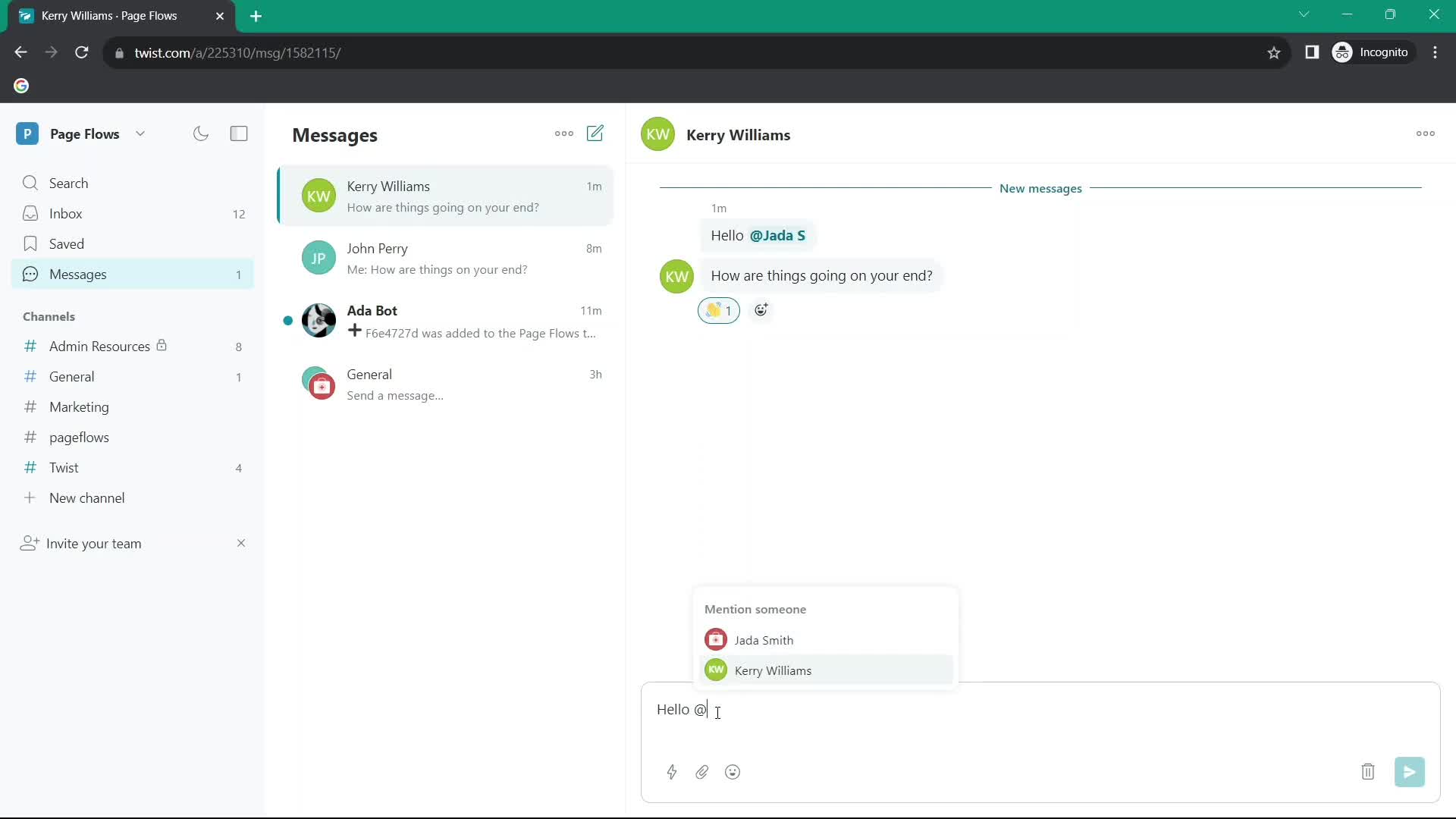
Add mention
this is title
Chat thread
this is title
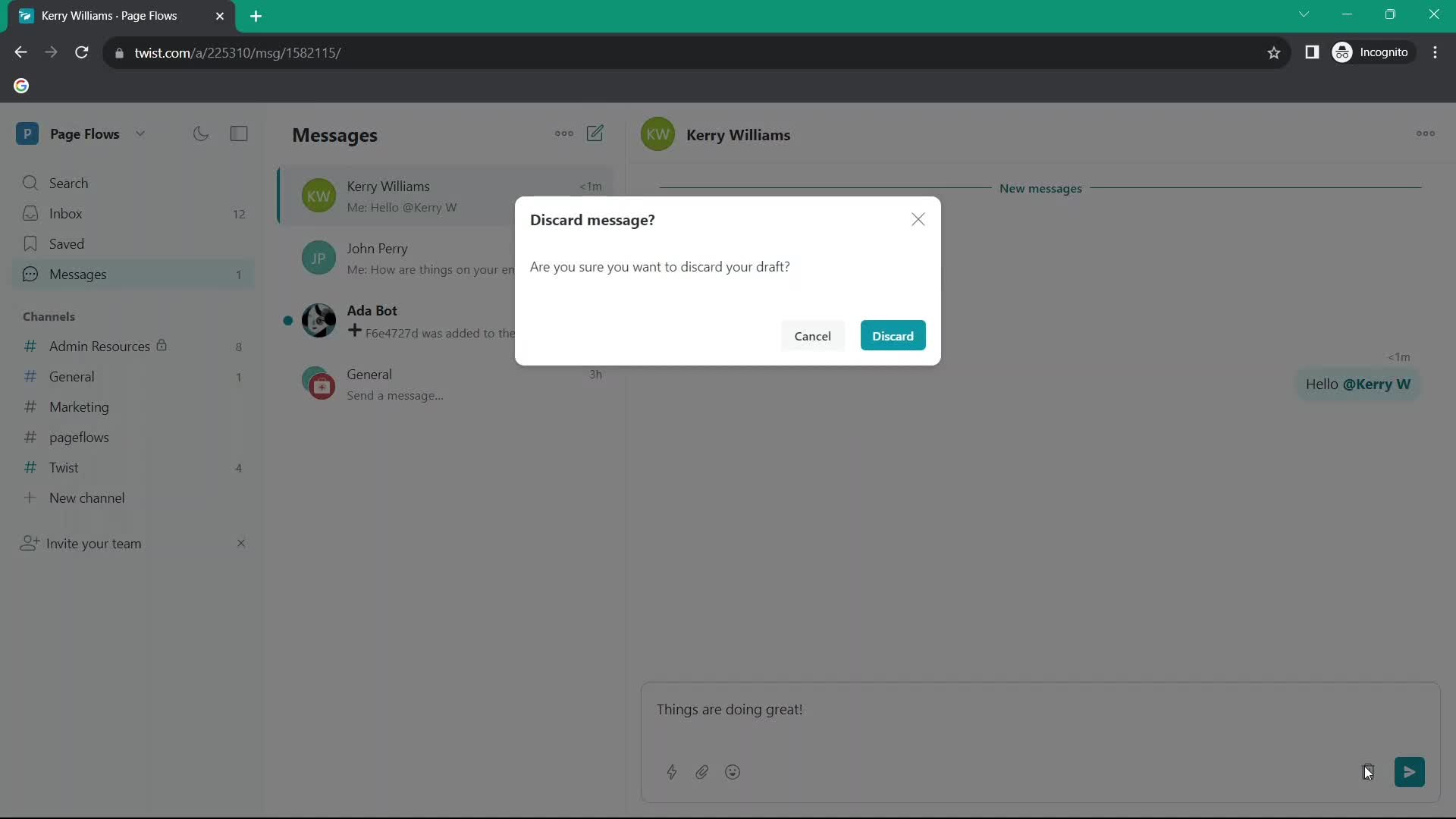
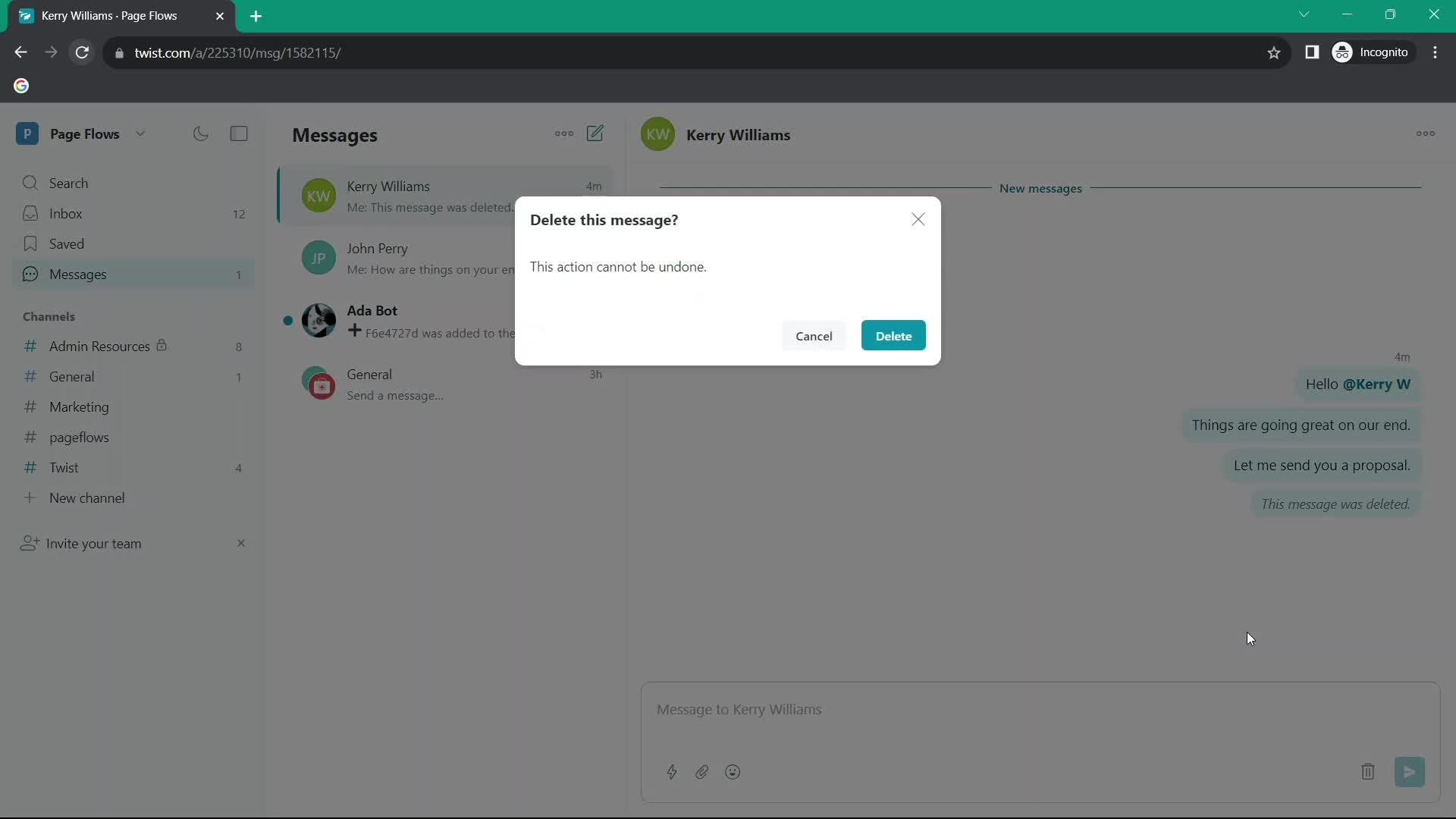
Delete message
this is title
Chat thread
this is title
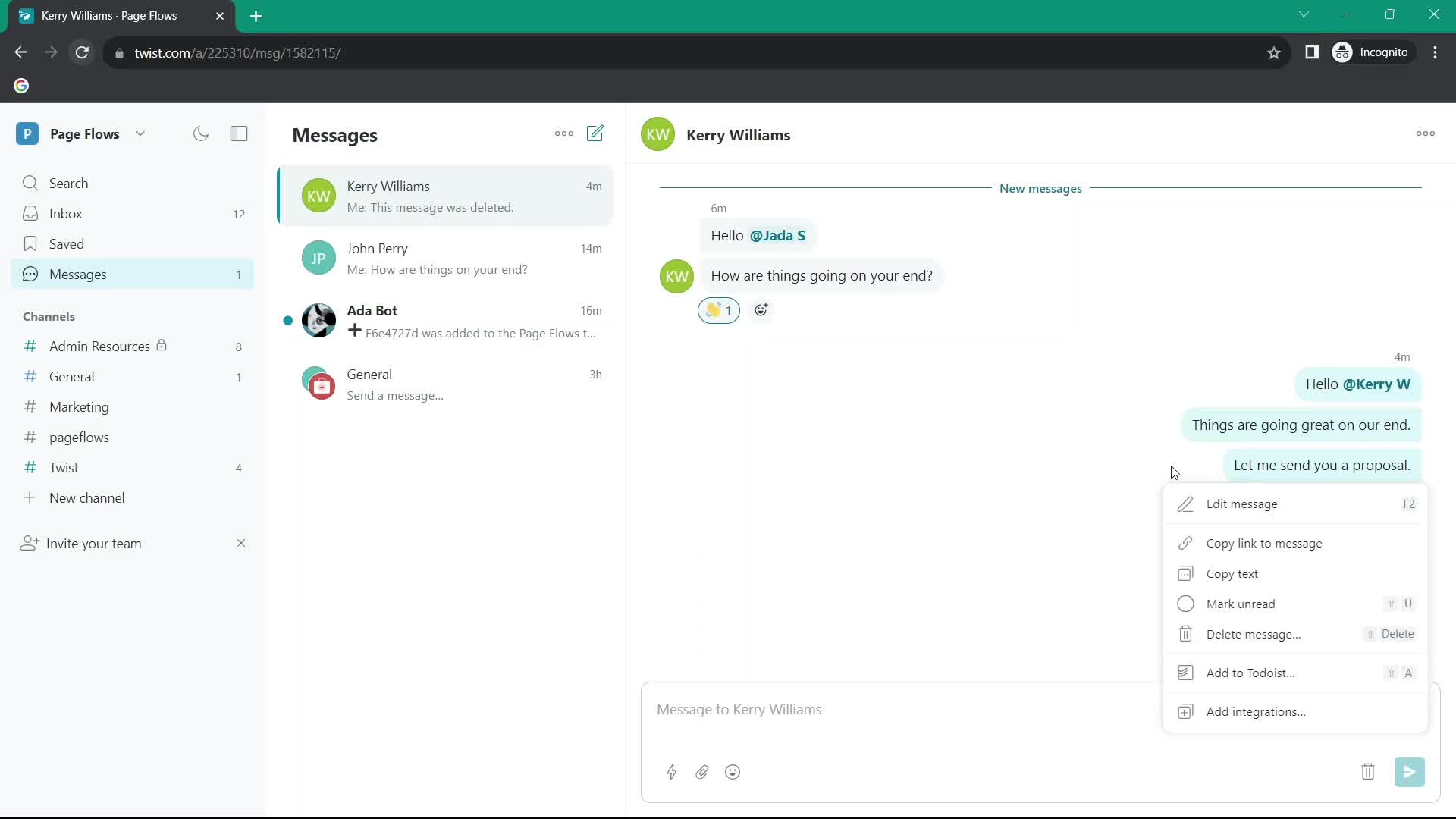
Action menu
this is title
Delete message
this is title
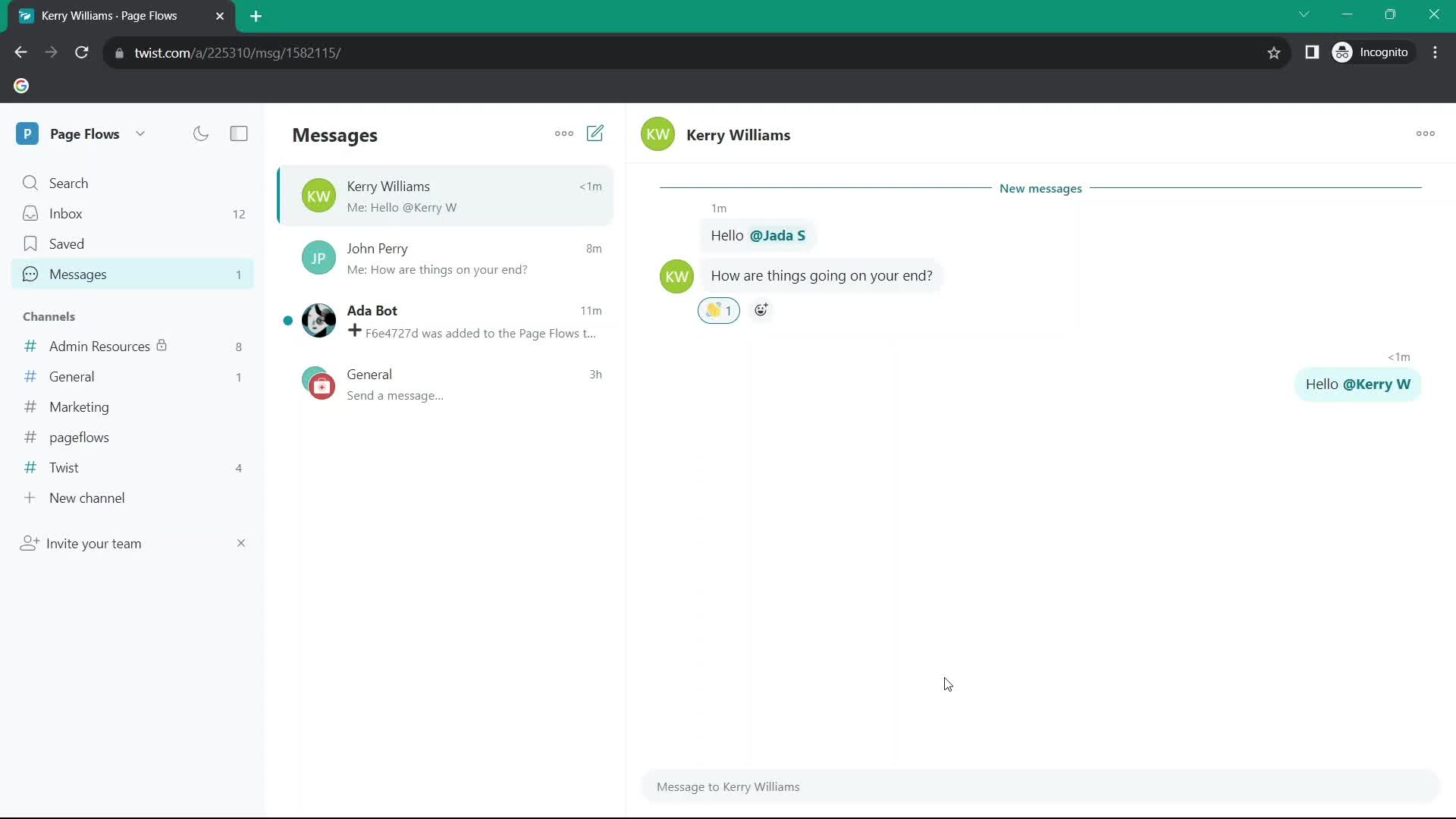
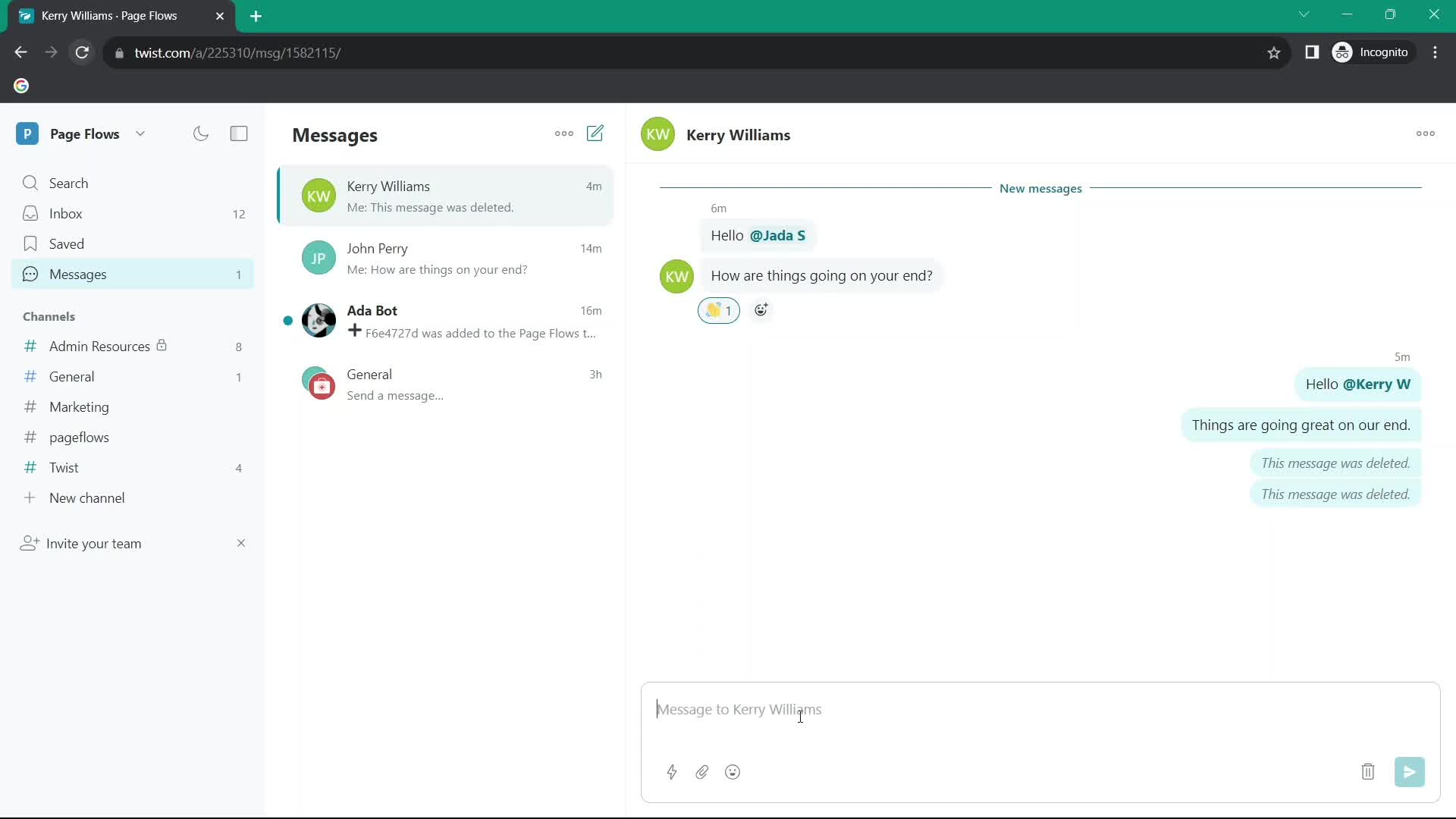
Deleted
this is title
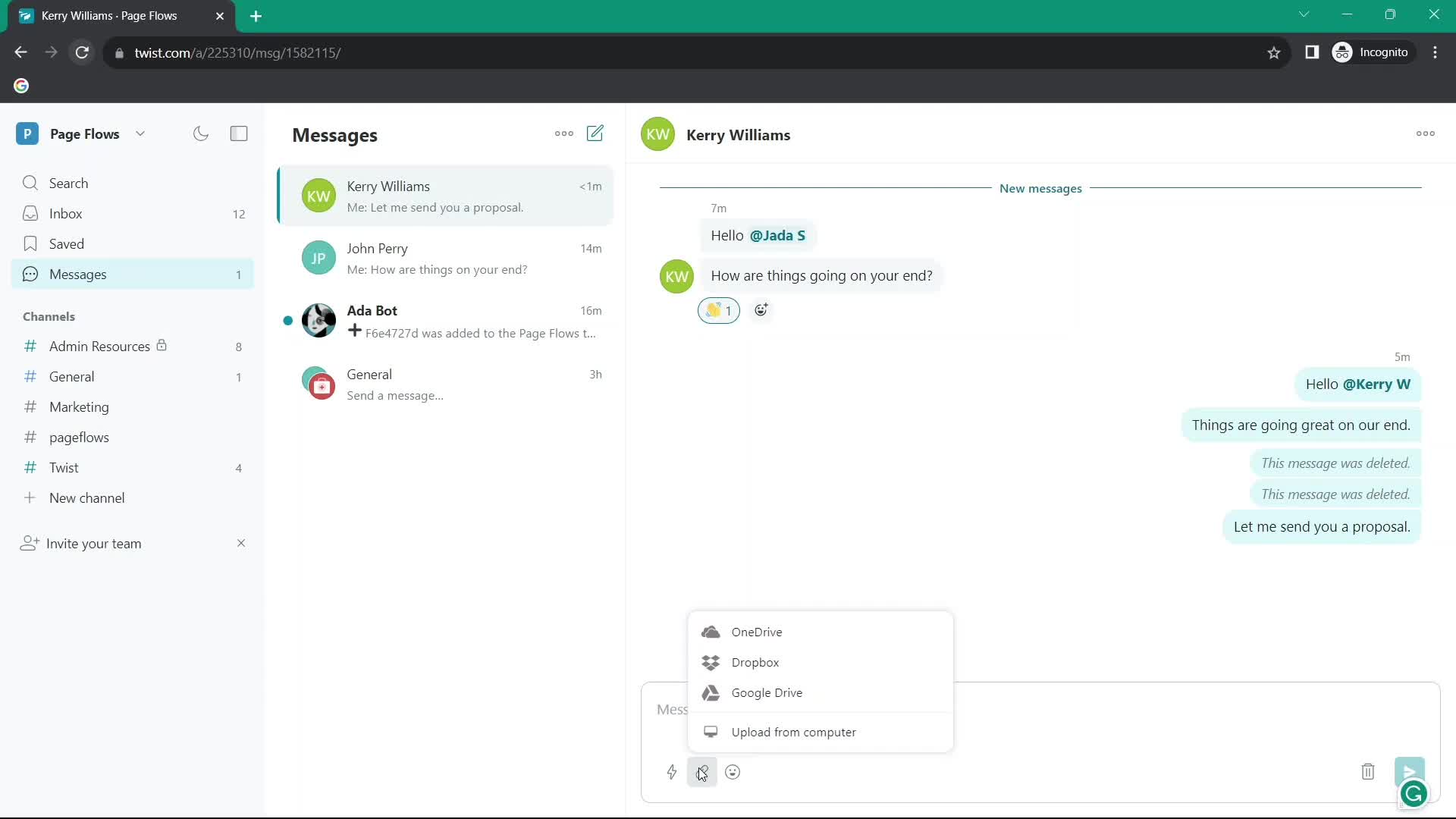
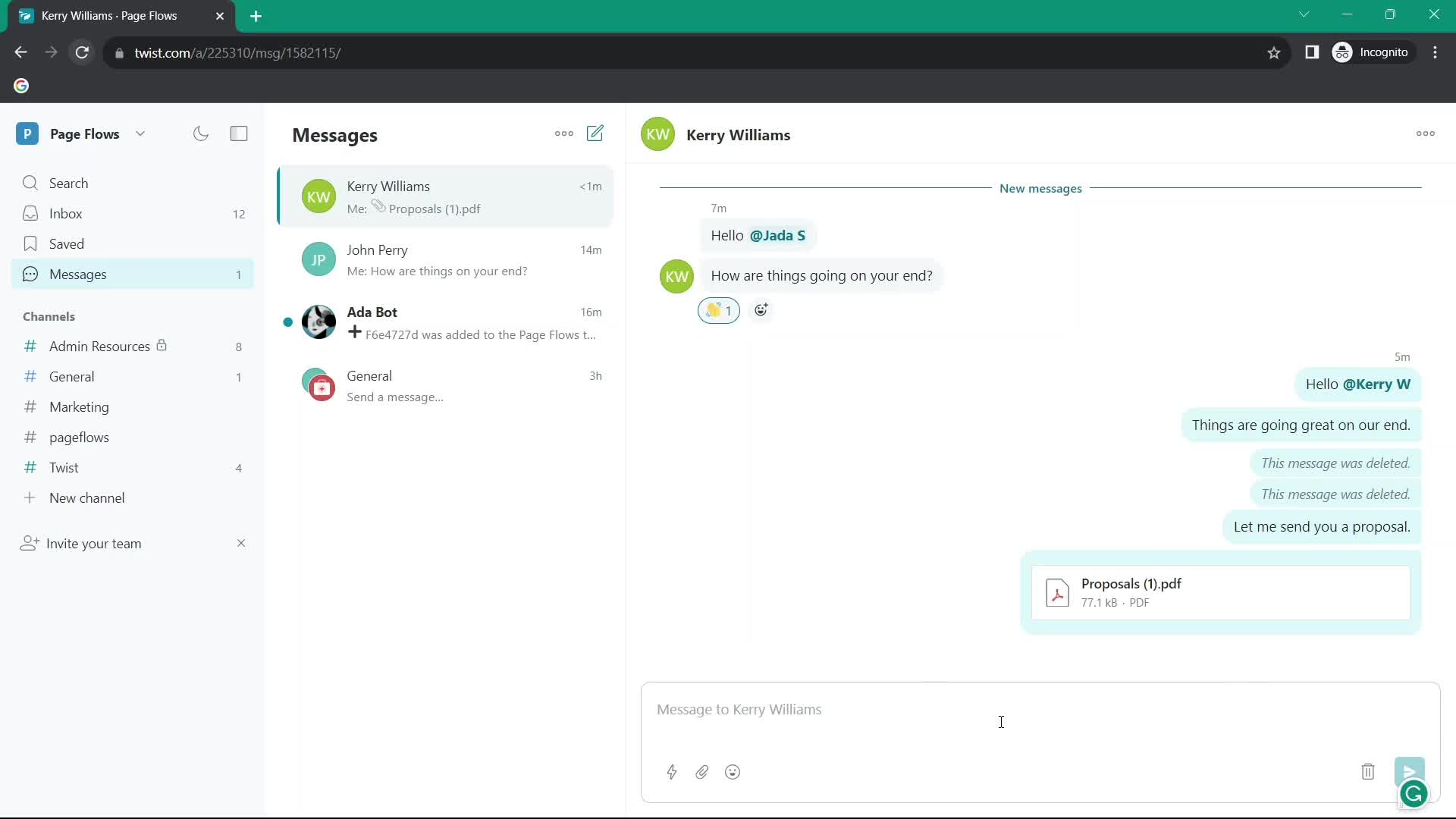
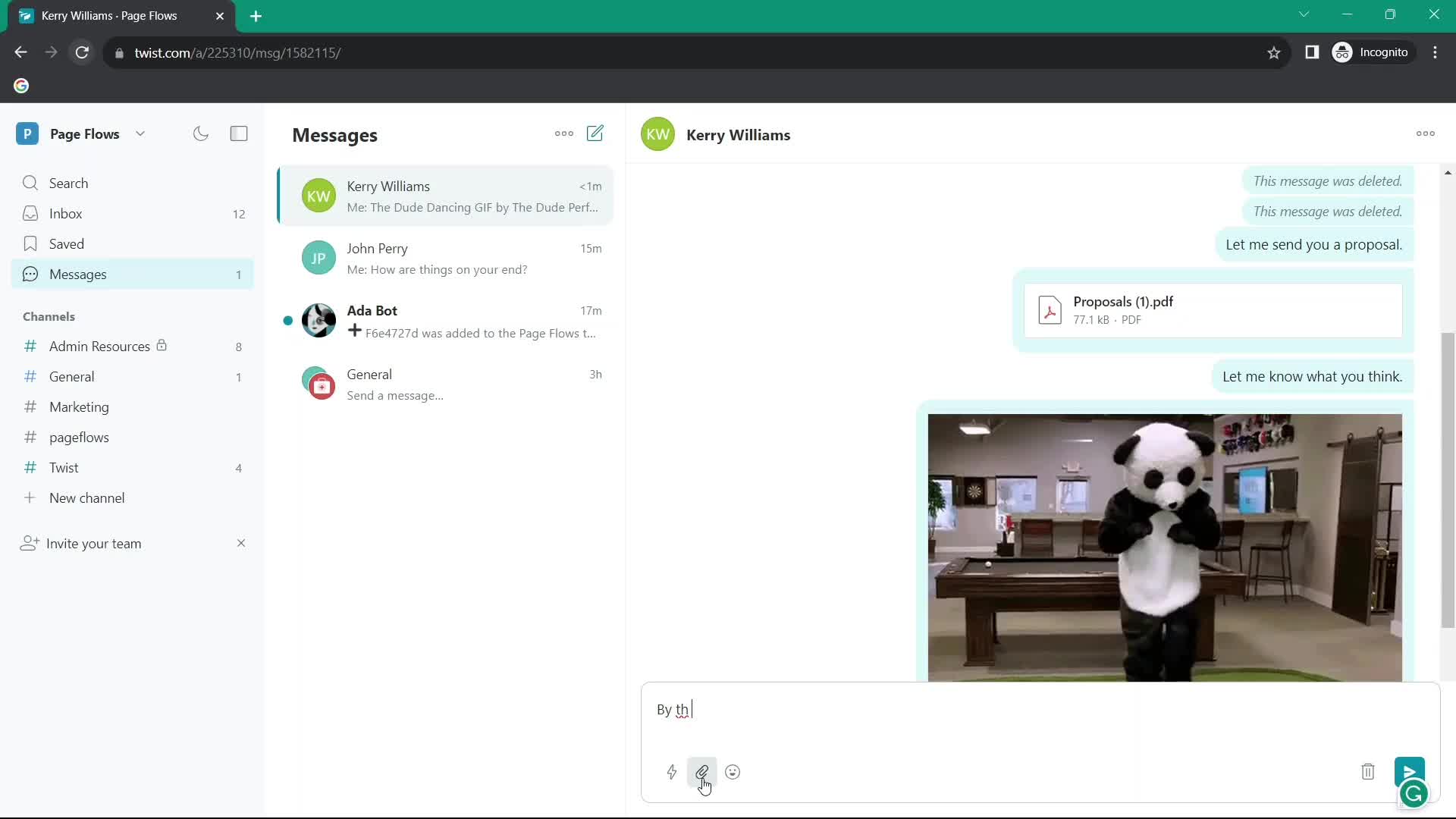
Add attachment
this is title
Add comment
this is title
Chat thread
this is title
Action menu
this is title
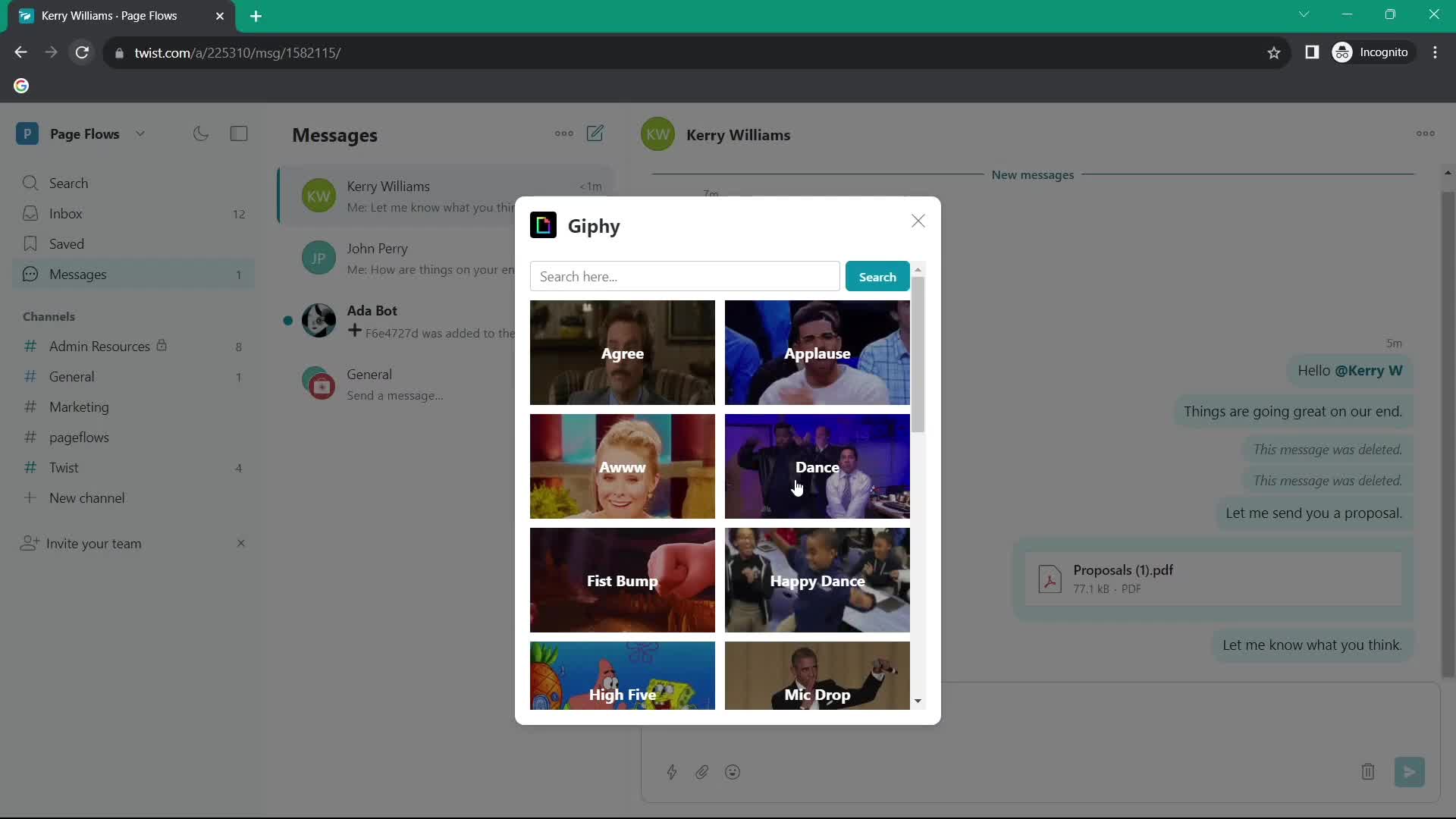
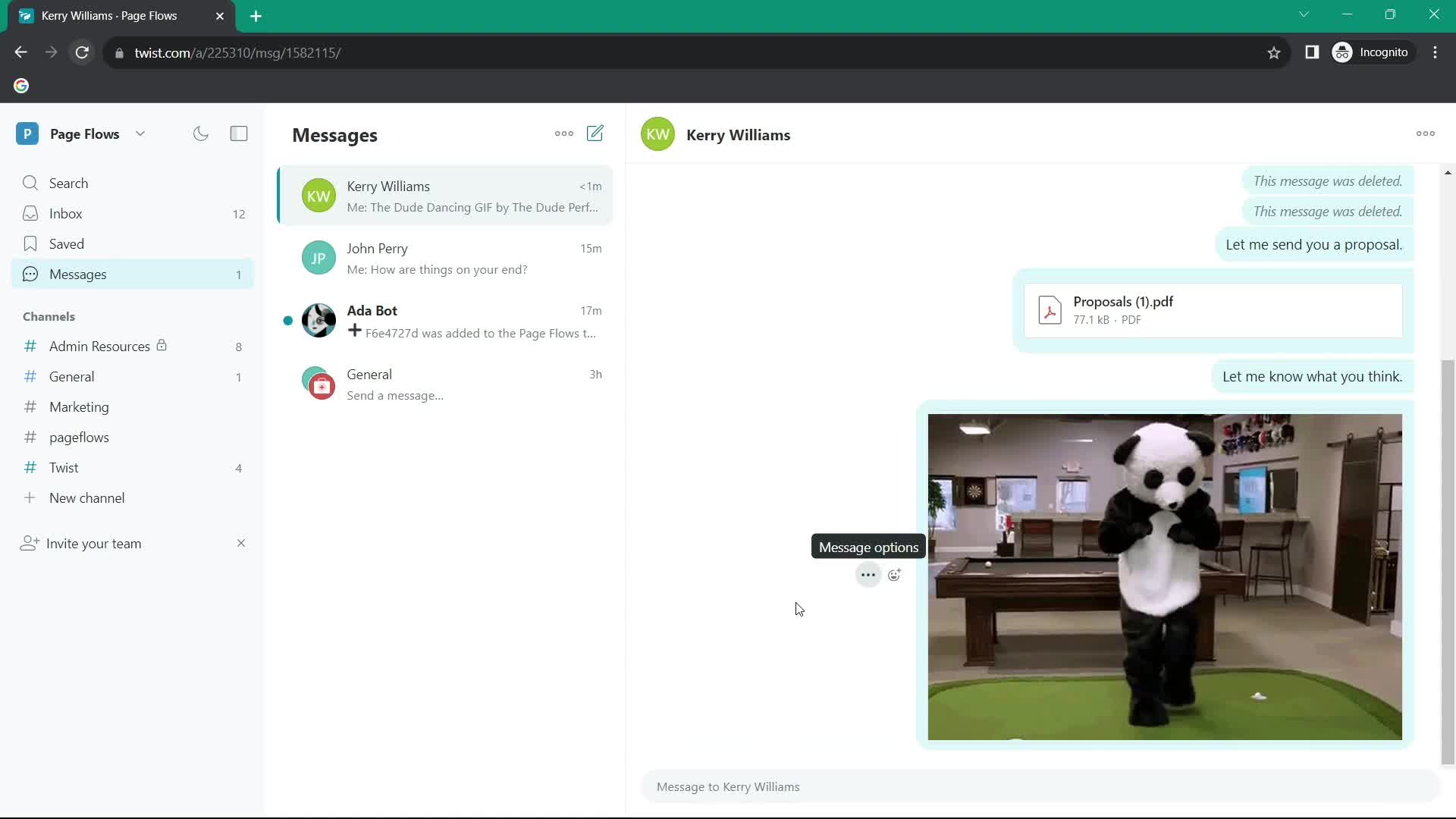
GIFs
this is title
Chat thread
this is title
Add comment
this is title
Chat thread
this is title
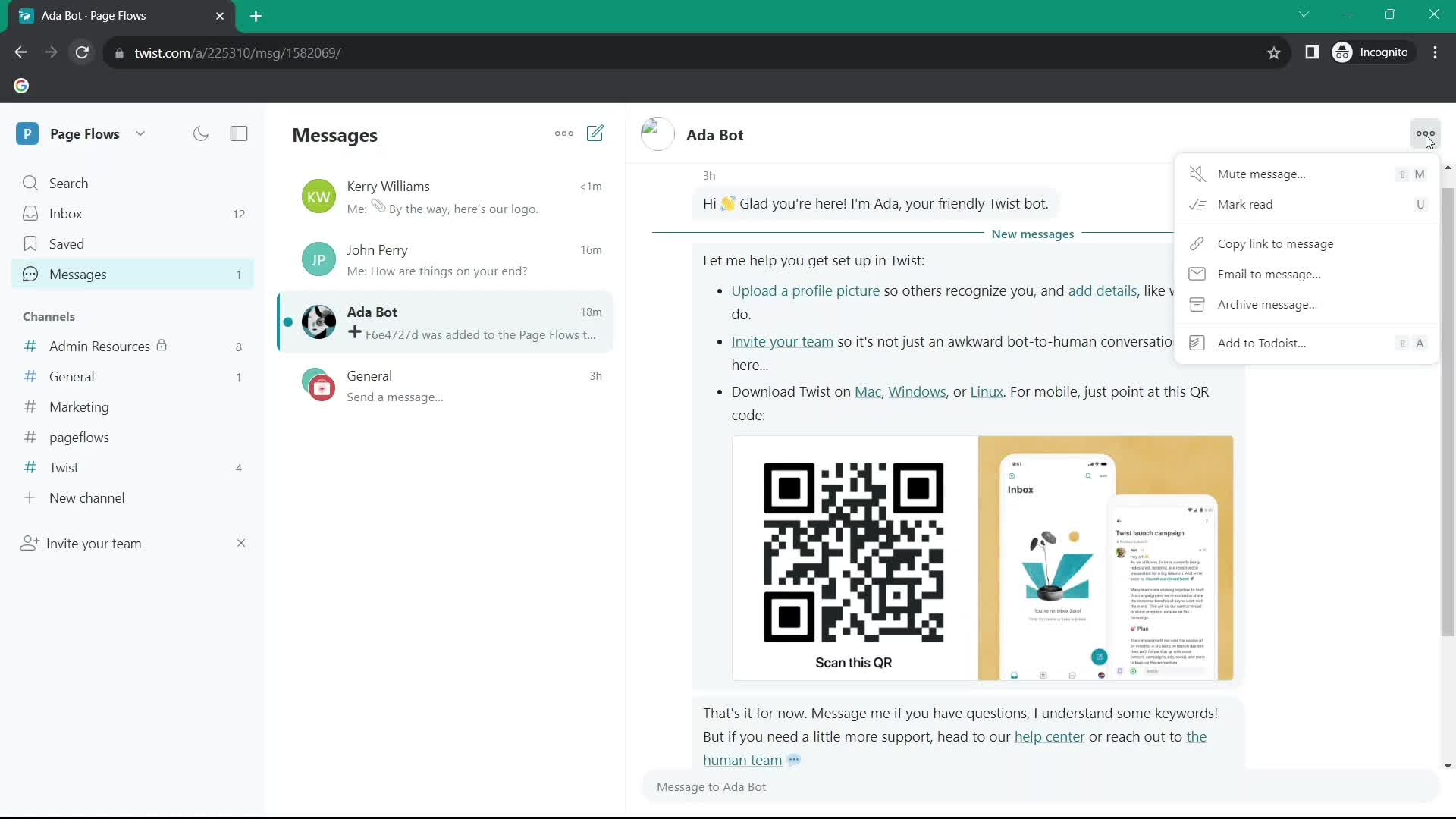
Action menu
this is title
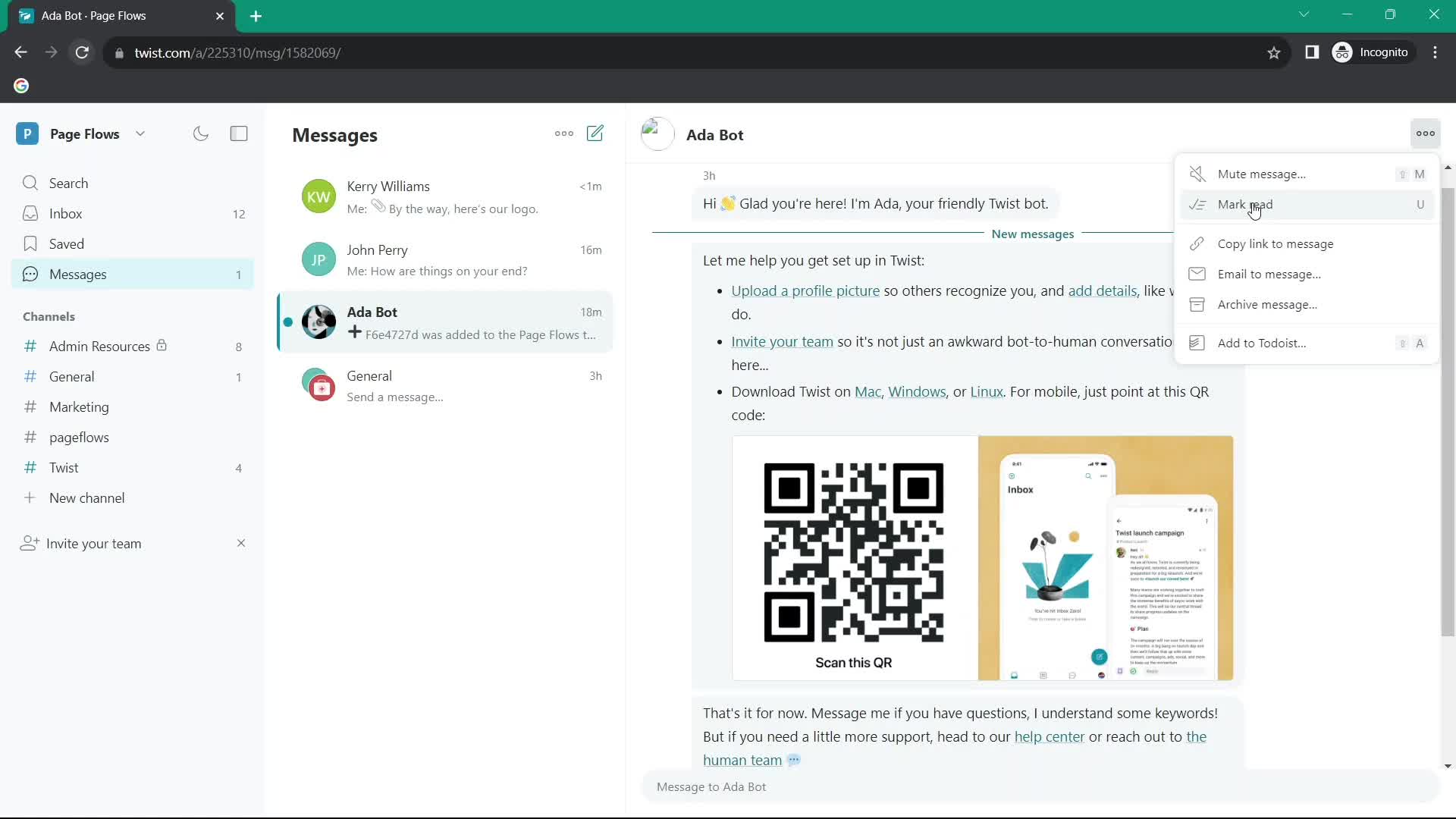
Mark as read
this is title
Chat thread
this is title
Action menu
this is title
Mute channel
this is title
Action menu
this is title
Mark as read
this is title
Action menu
this is title
Archive
this is title
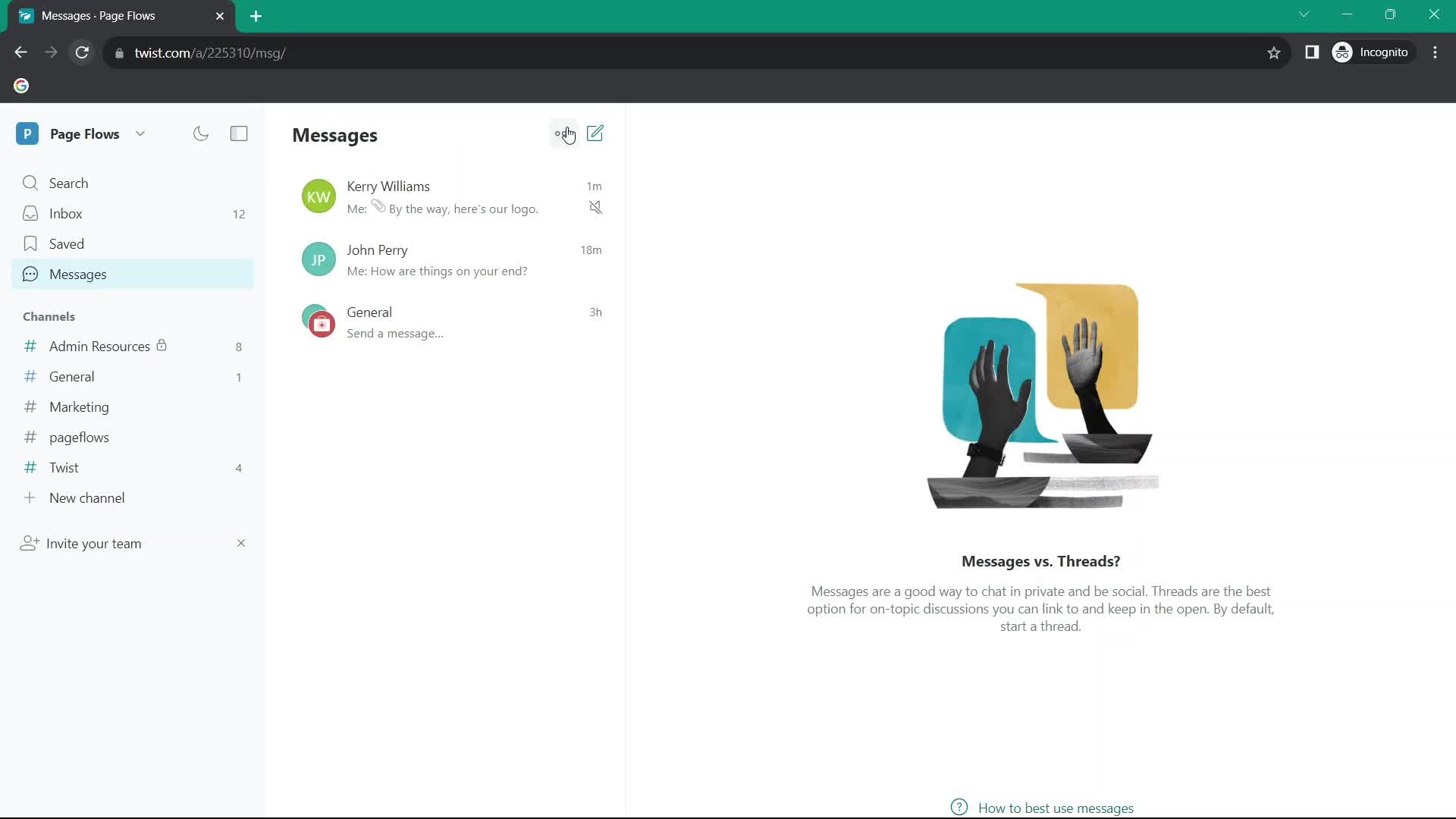
Messages
this is title
Action menu
this is title
Archived
this is title
Messages
this is title
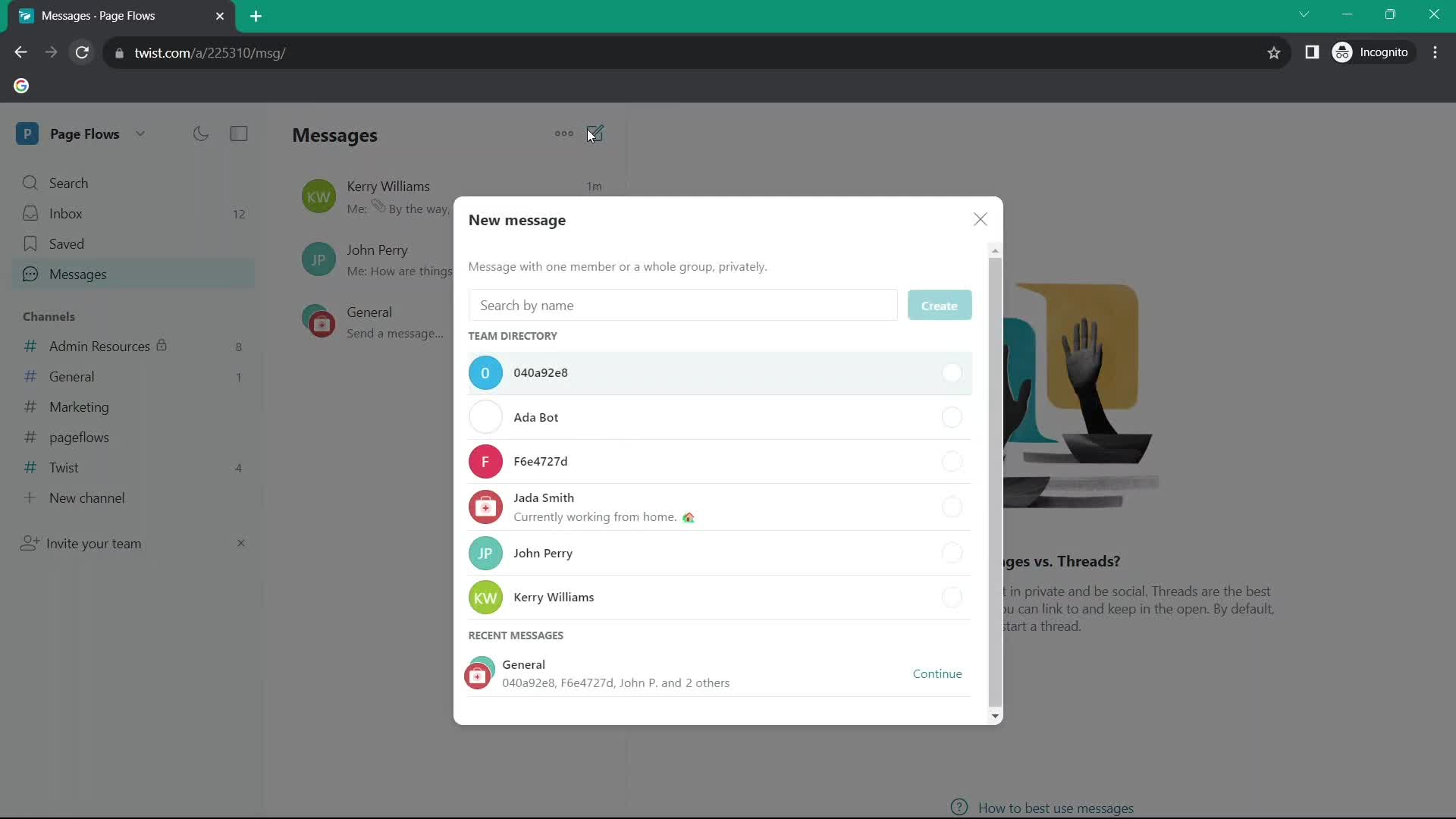
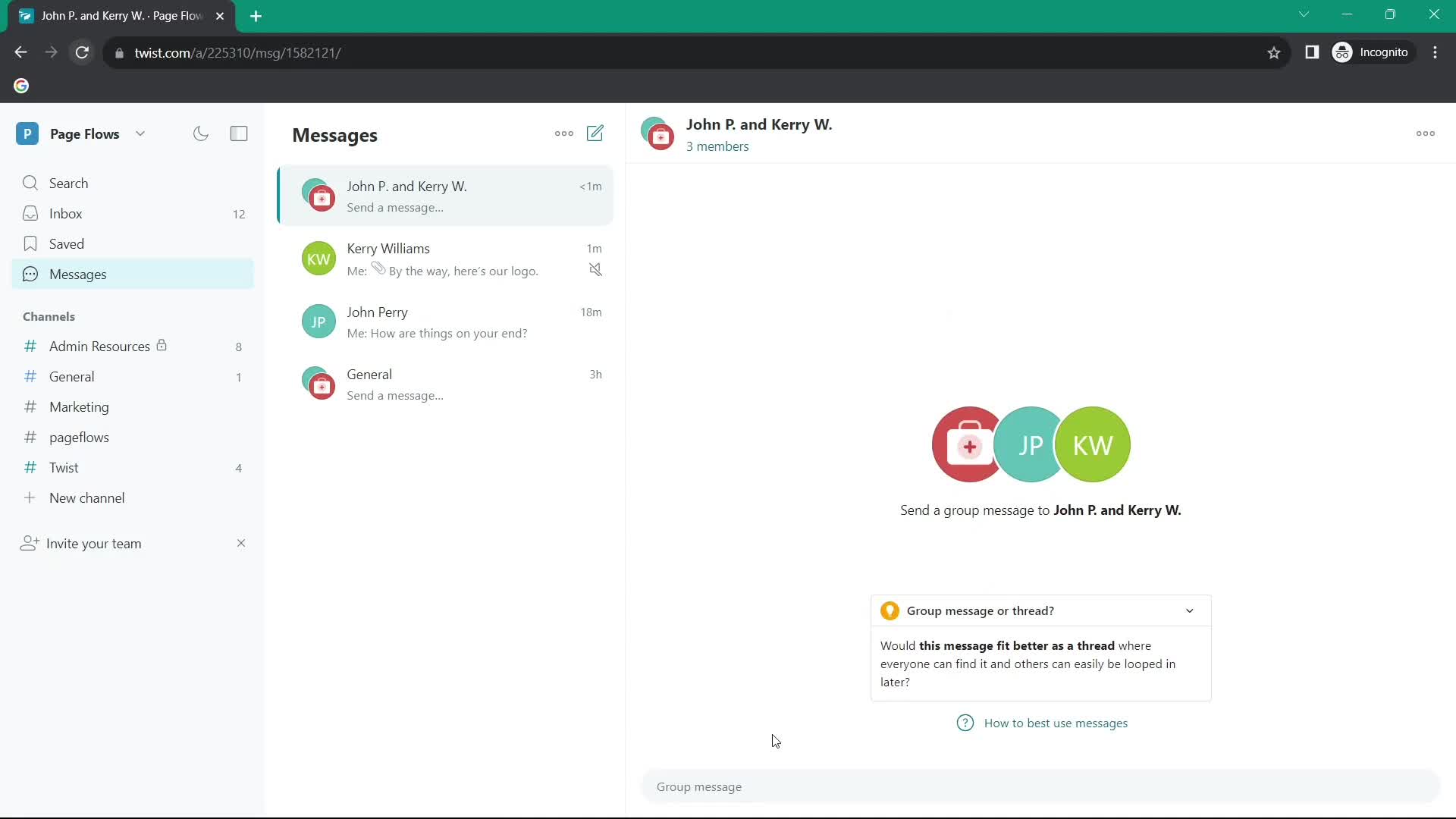
Create new message
this is title
Group chat
this is title
Chat thread
this is title
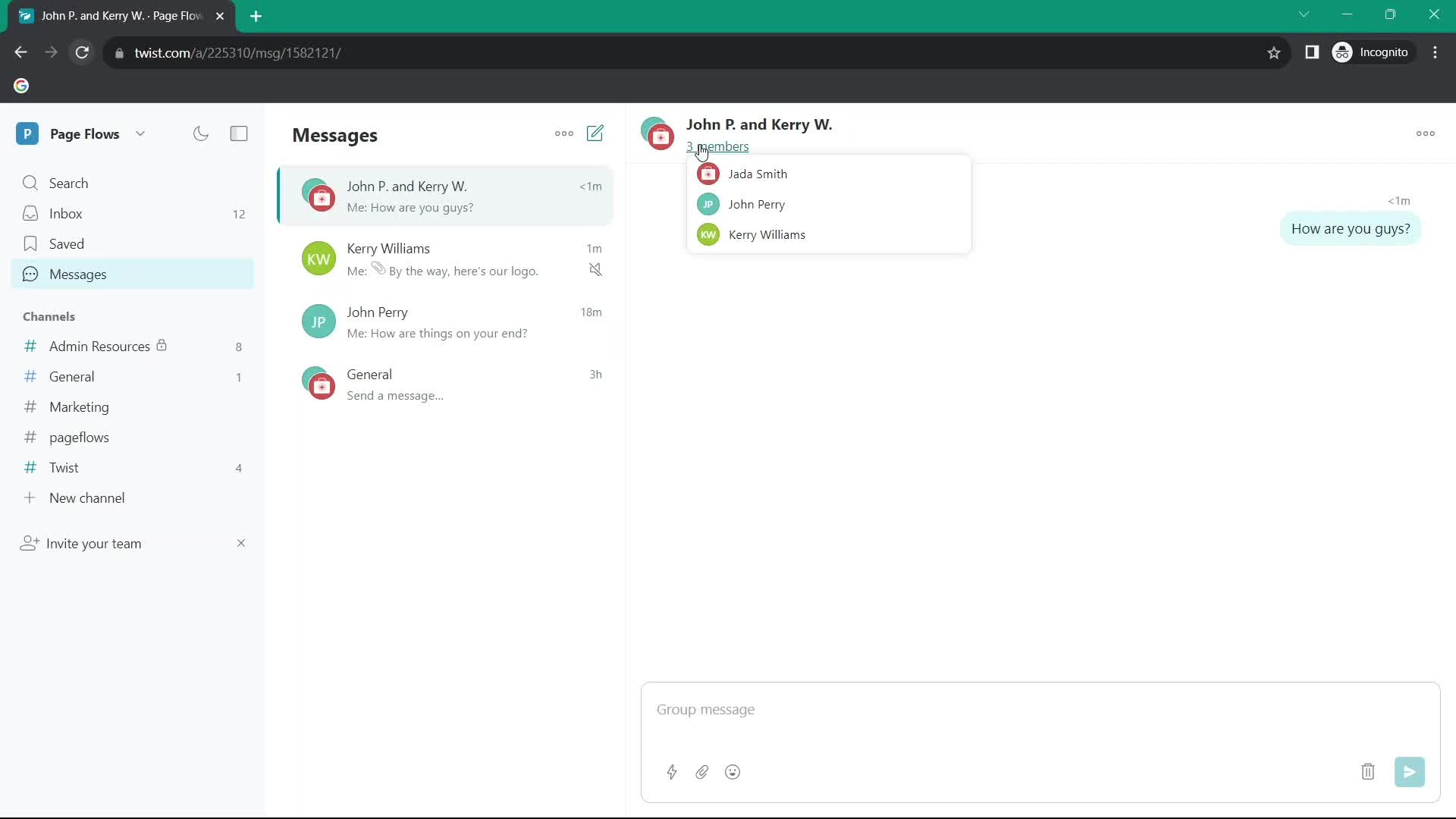
Members
this is title
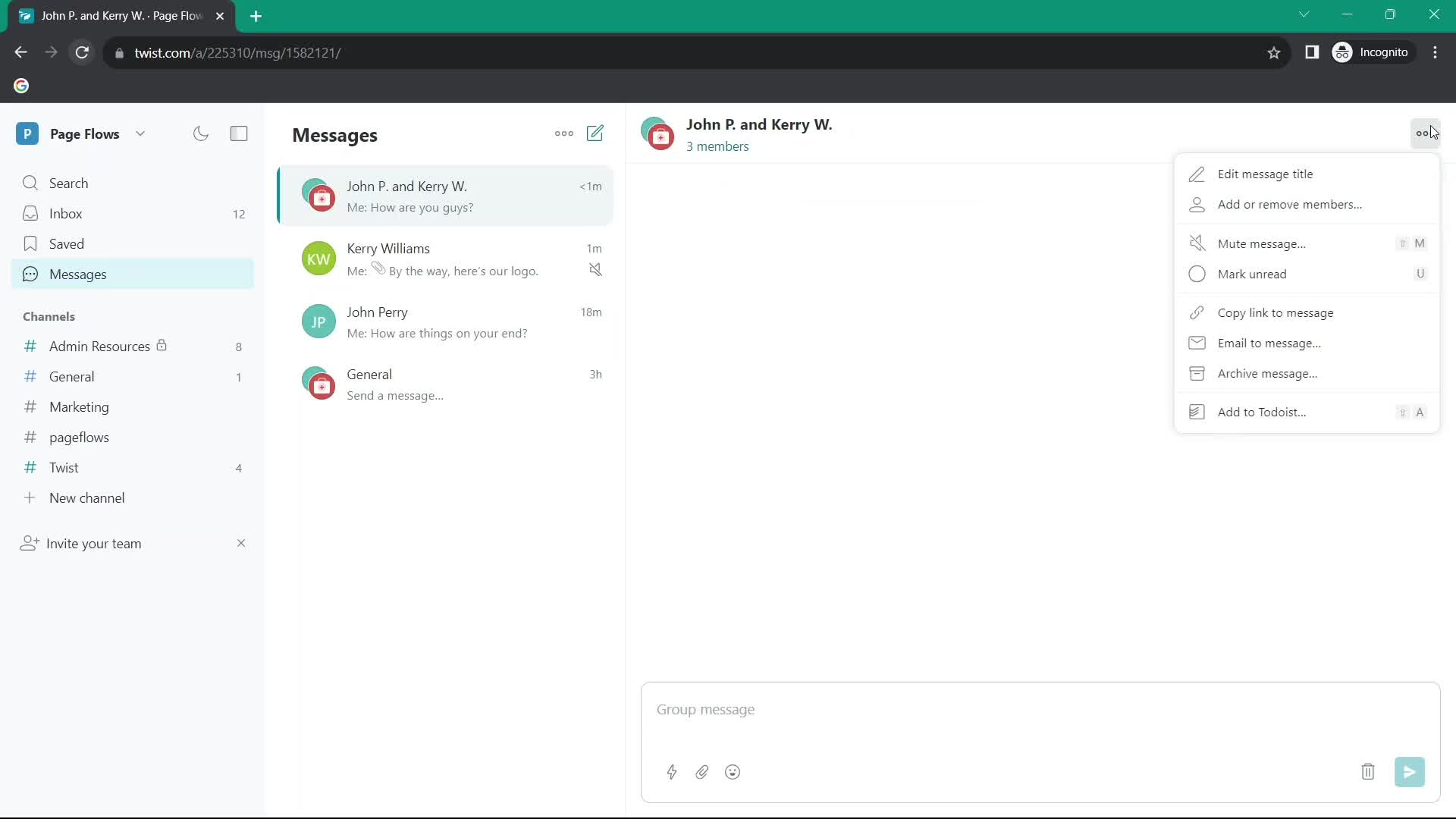
Action menu
this is title
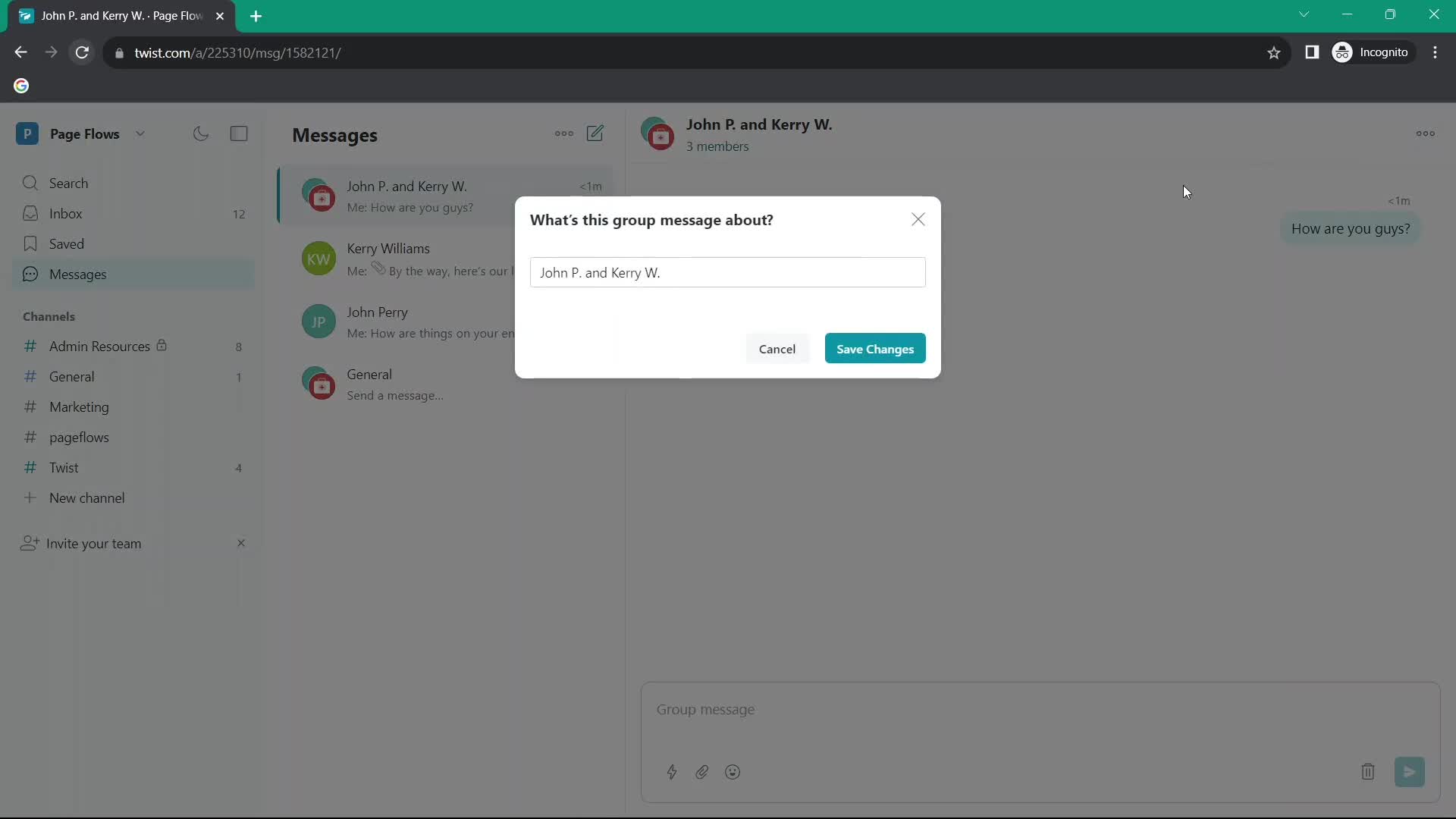
Set title
this is title
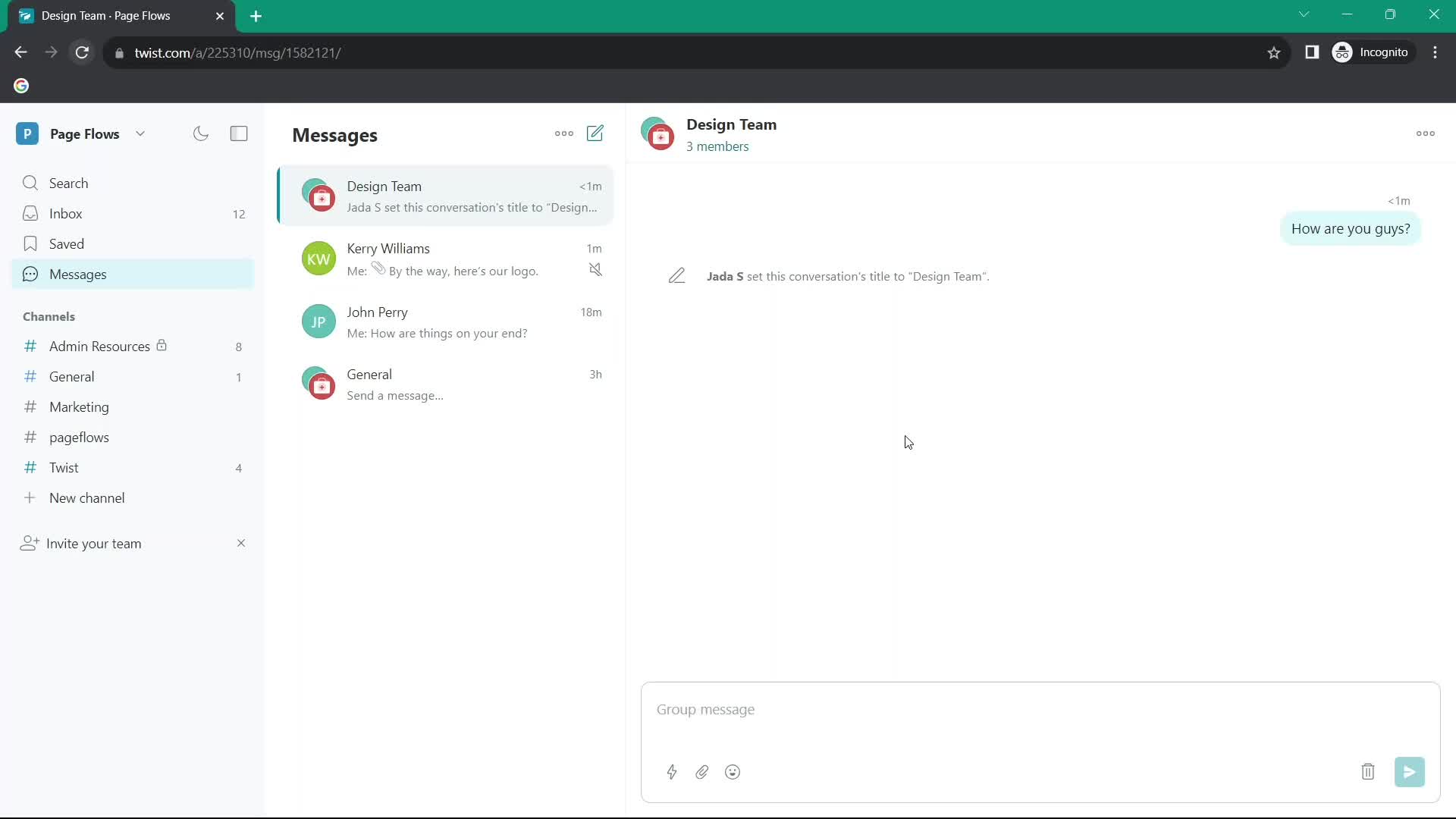
Chat thread
this is title
Inbox
this is title
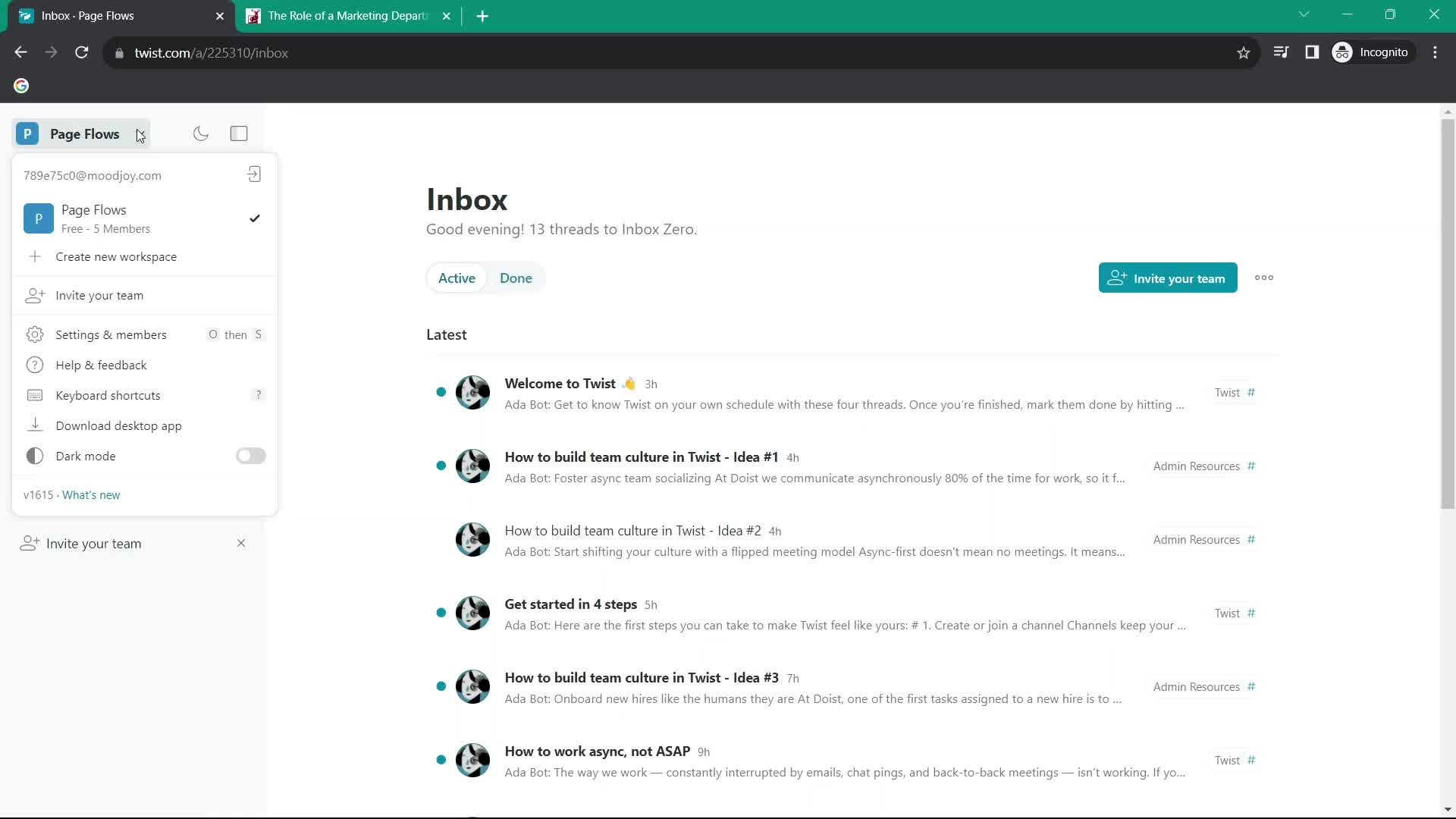
Account menu
this is title
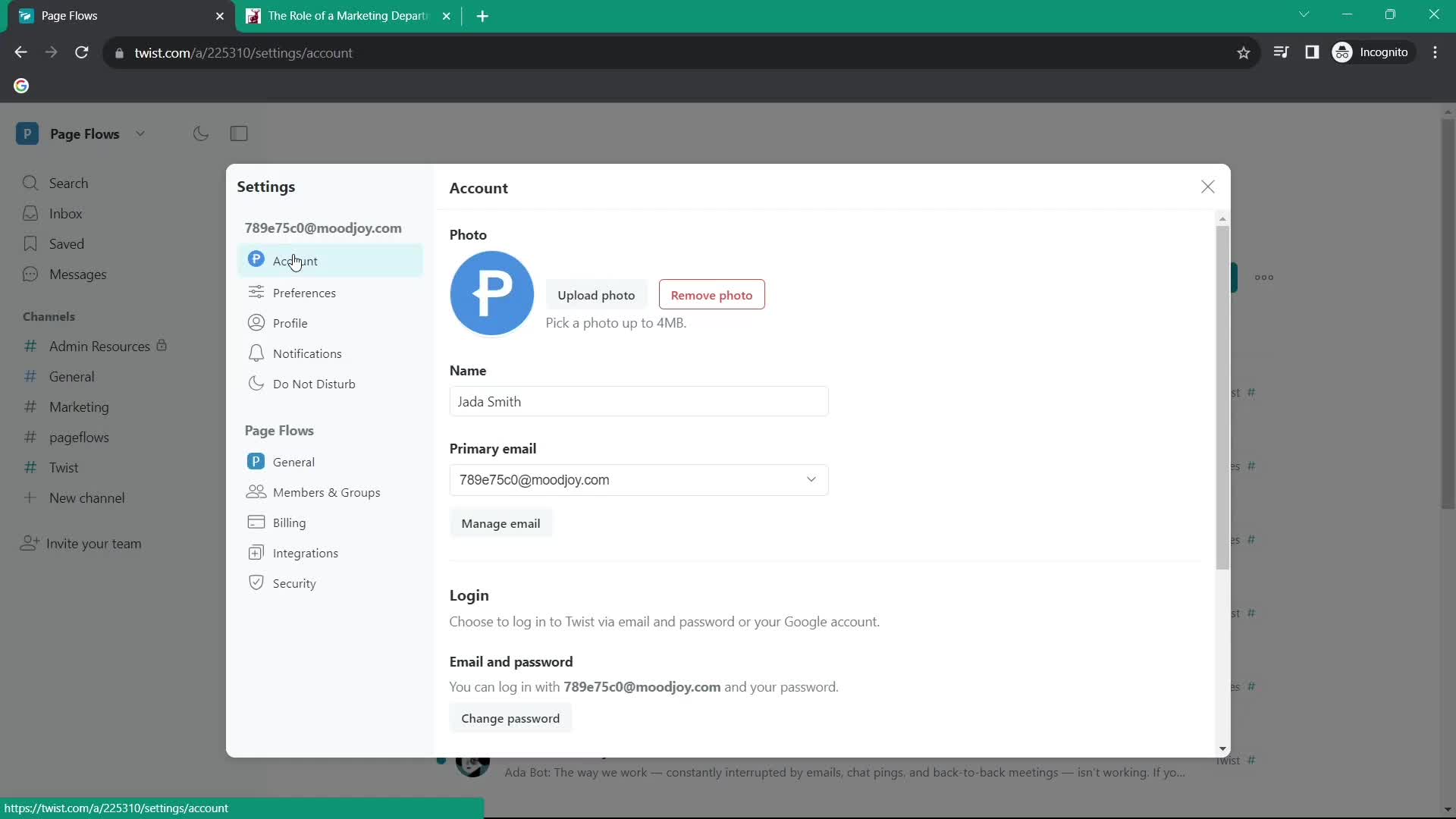
Settings
this is title
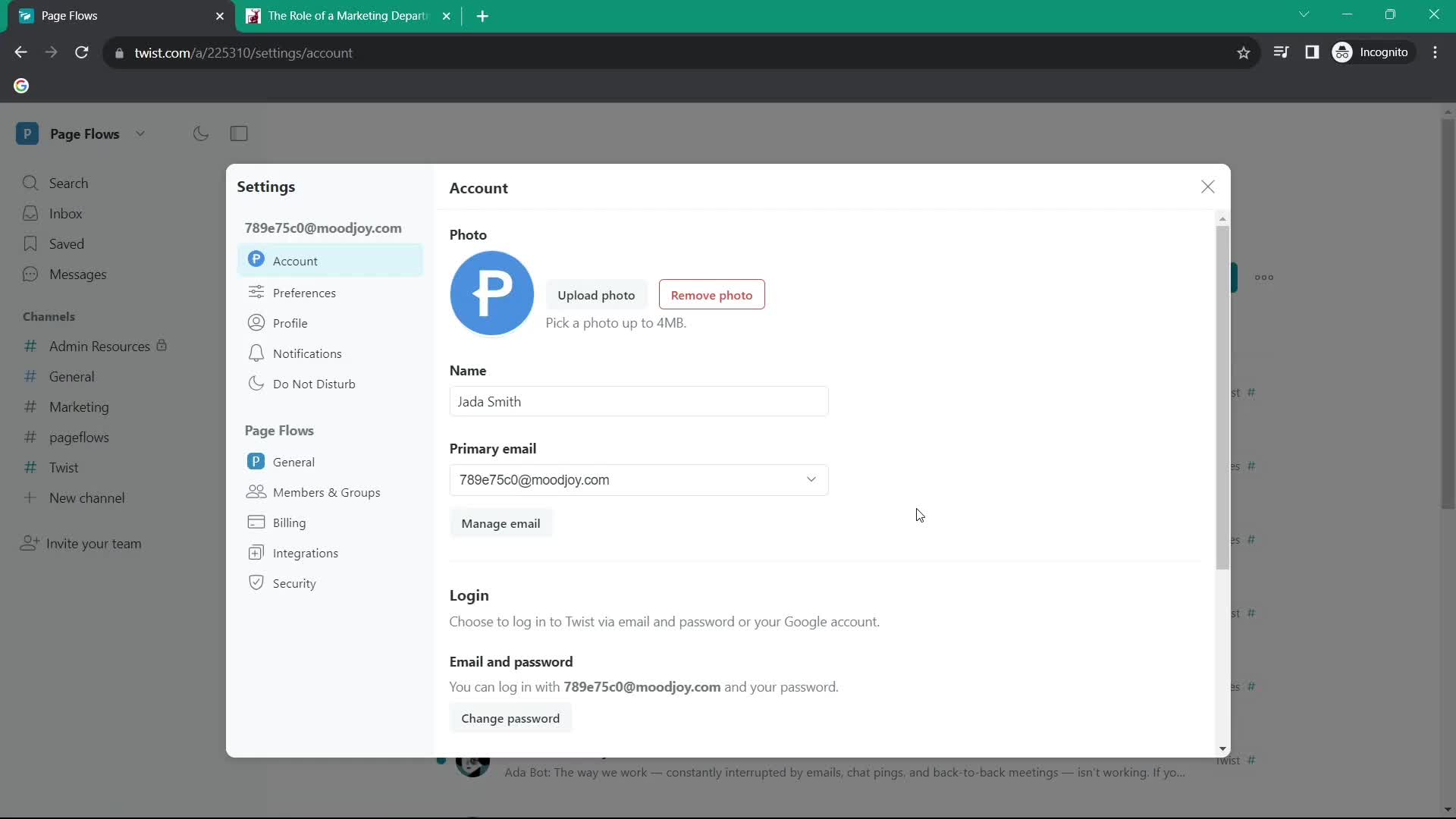
Edit profile
this is title
Upload profile picture
this is title
Profile photo added
this is title
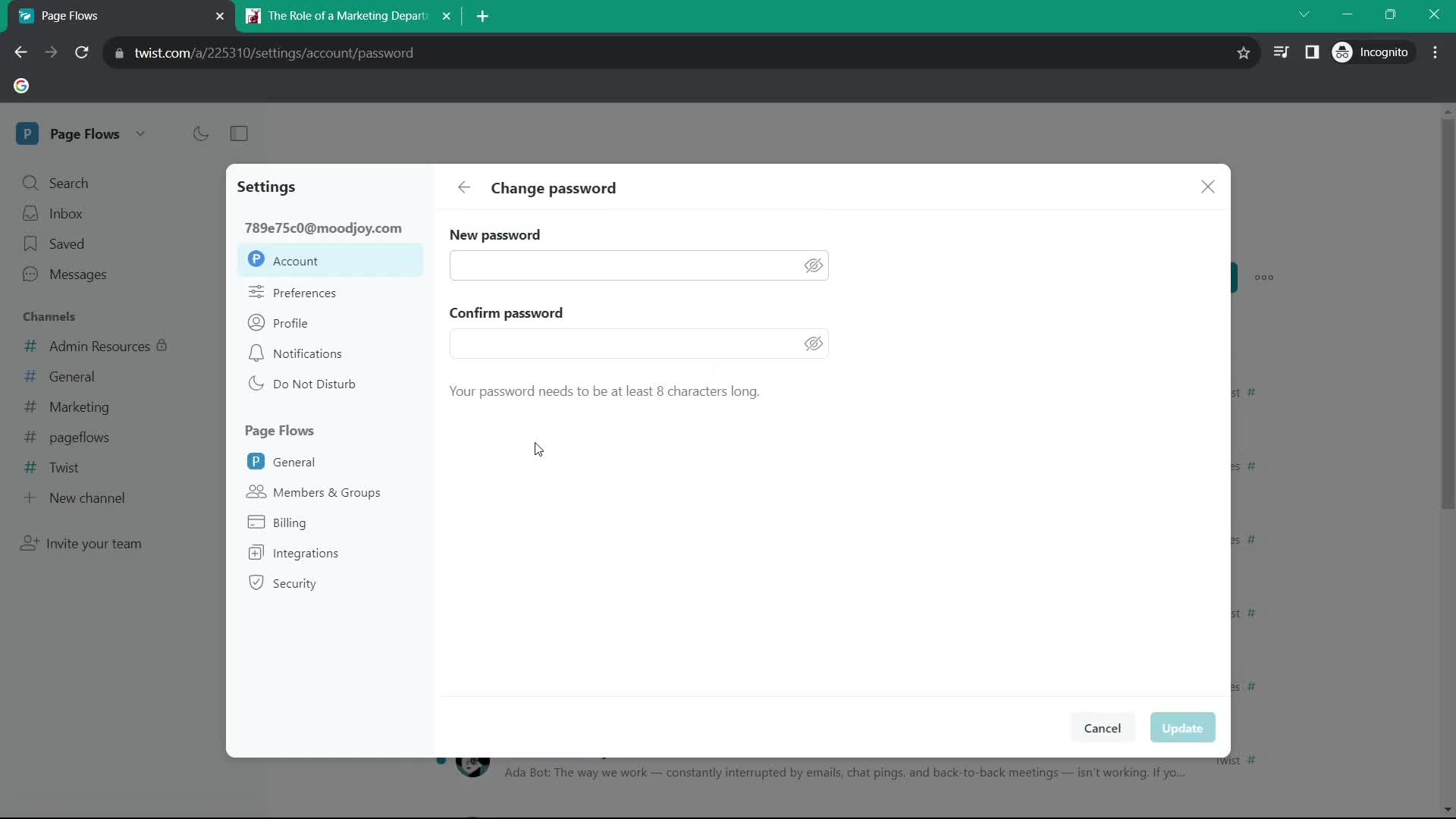
Change password
this is title
Edit profile
this is title
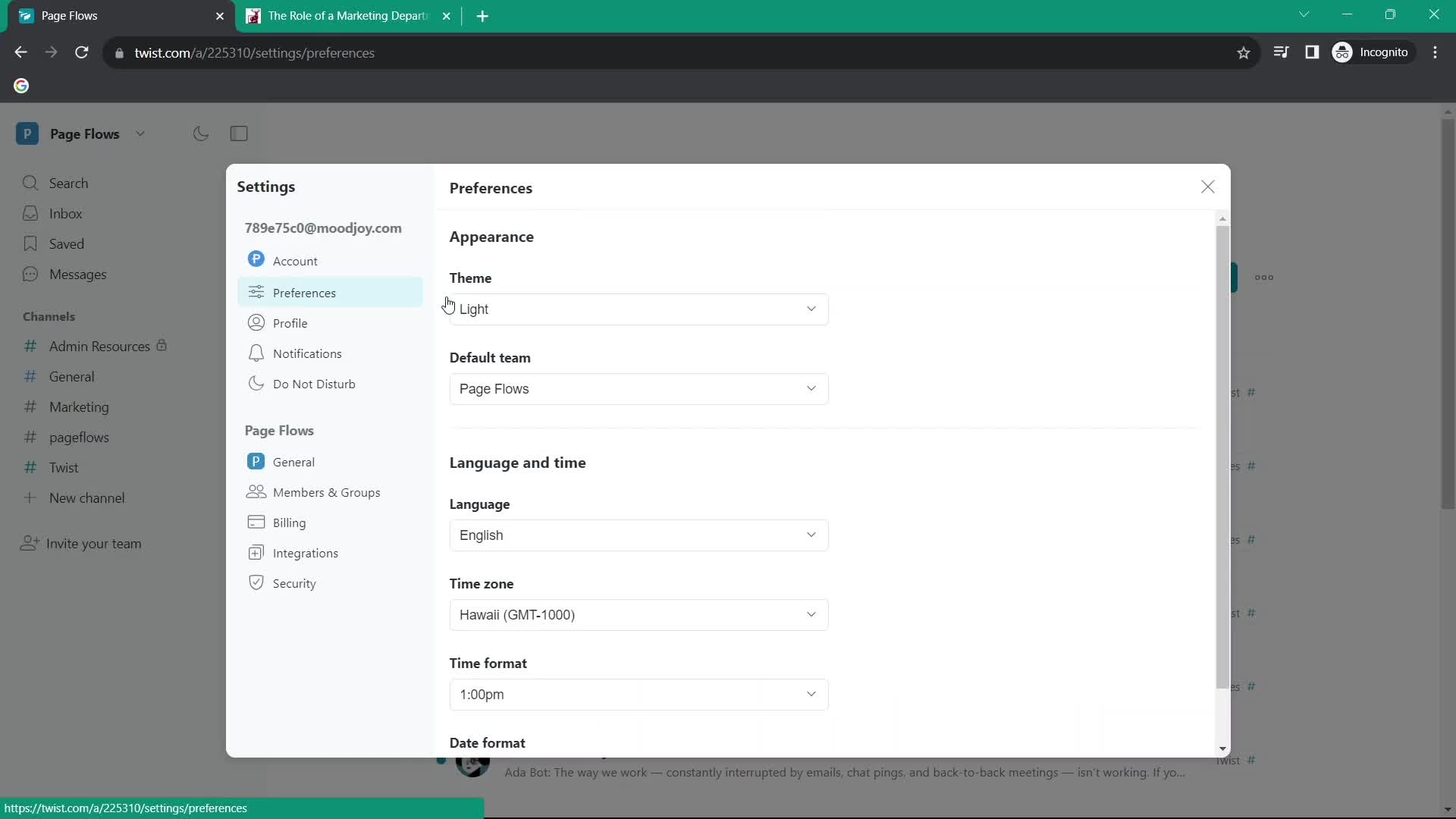
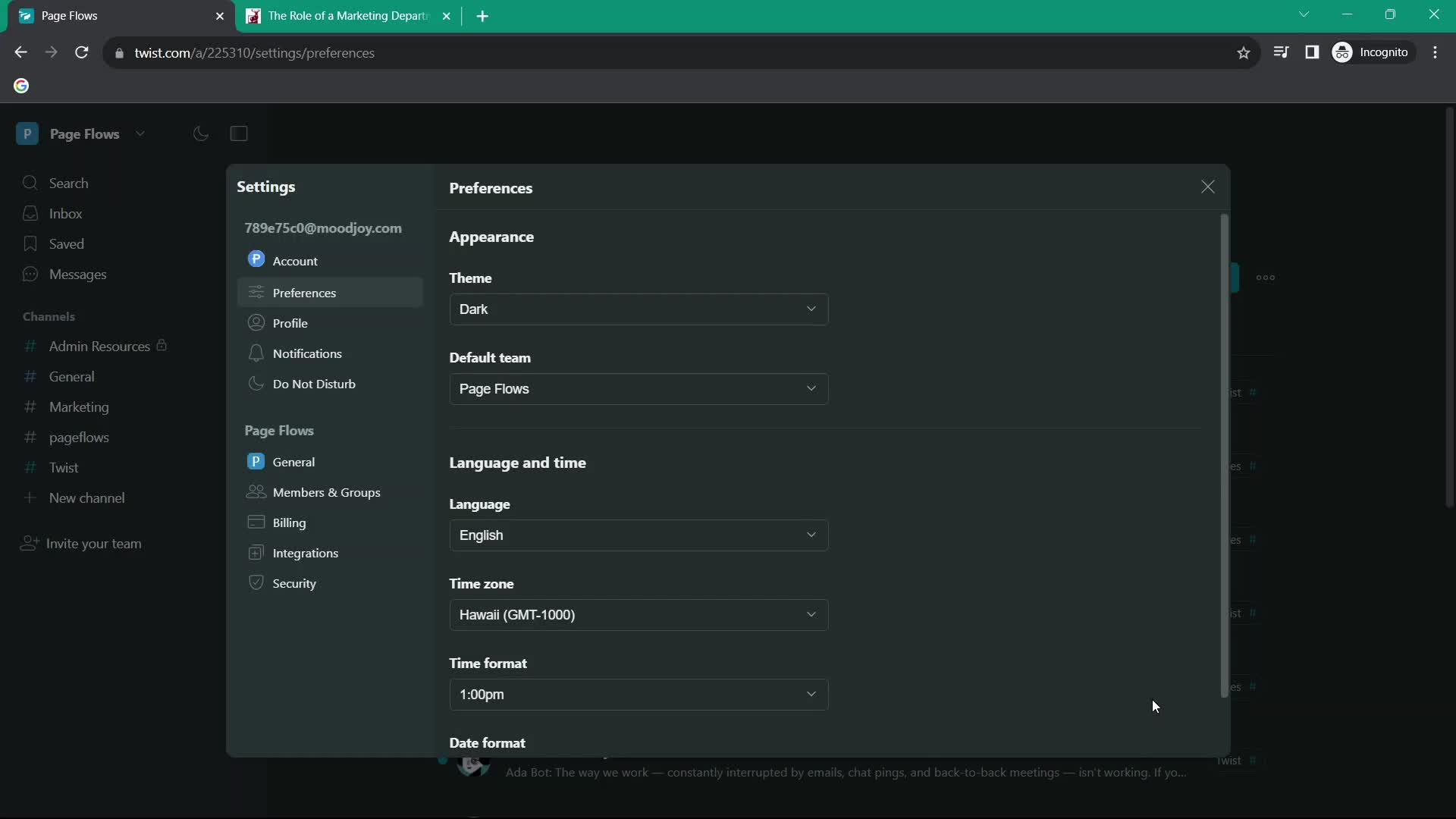
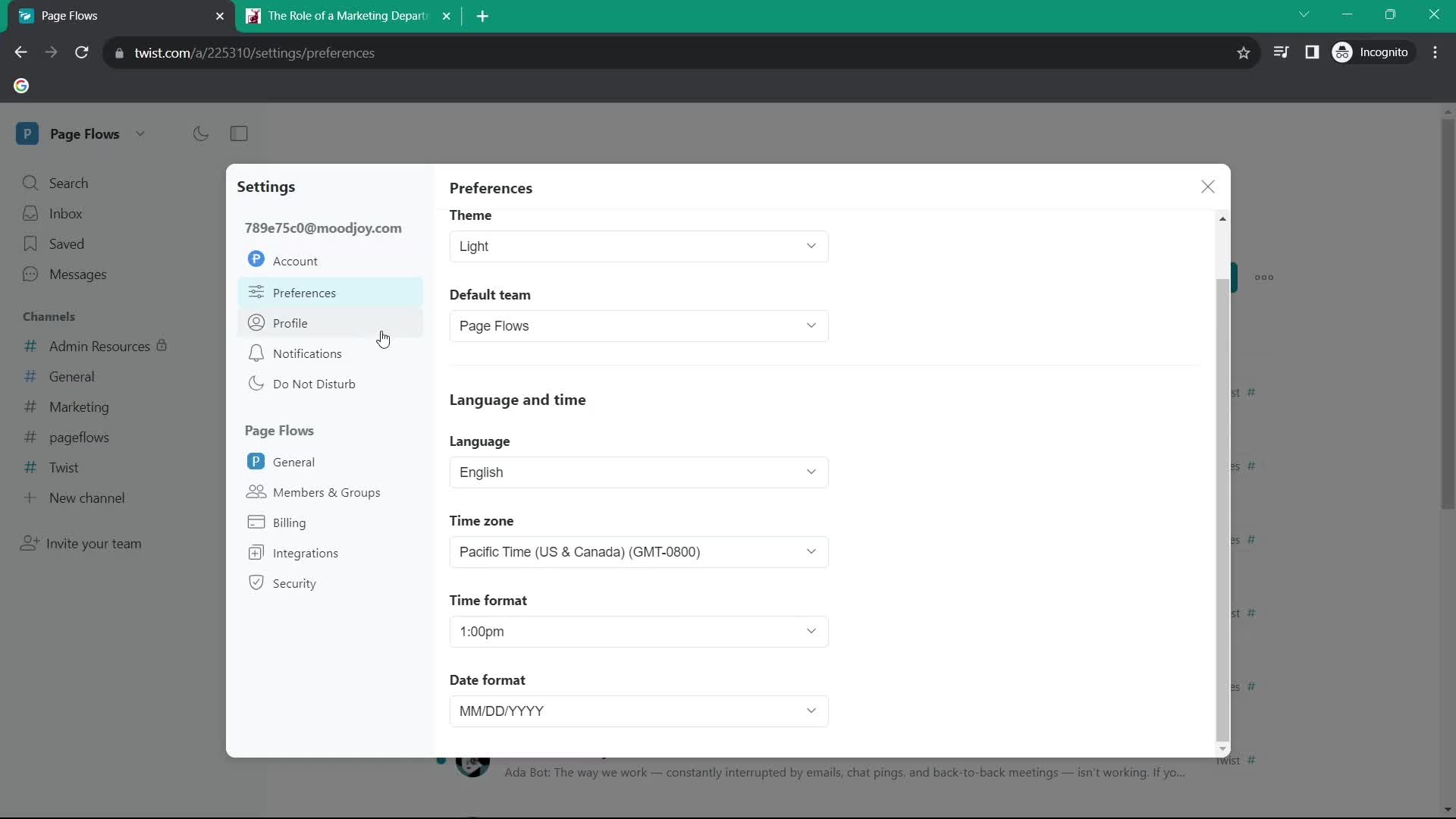
Preferences
this is title
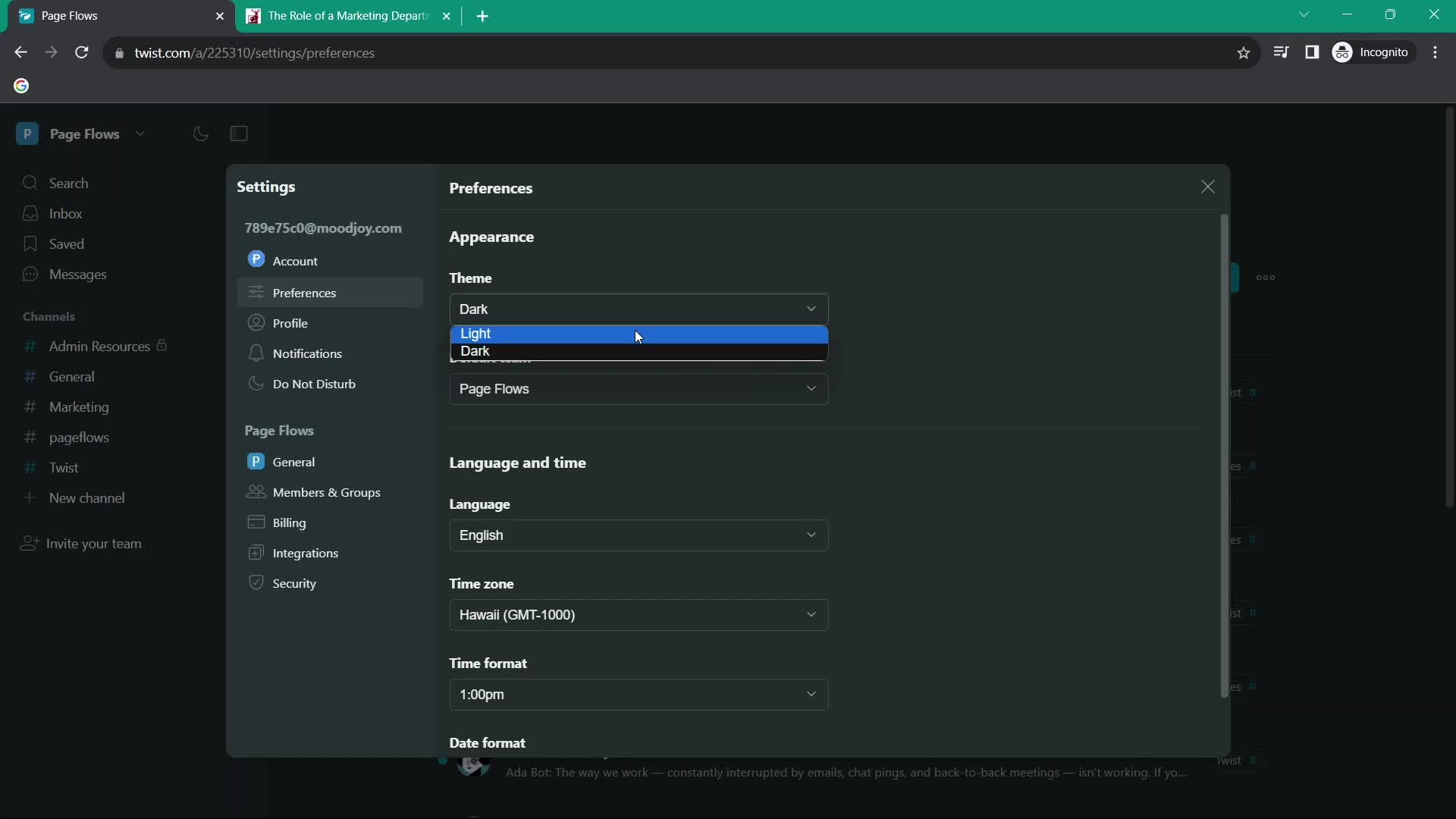
Select theme
this is title
Dark mode
this is title
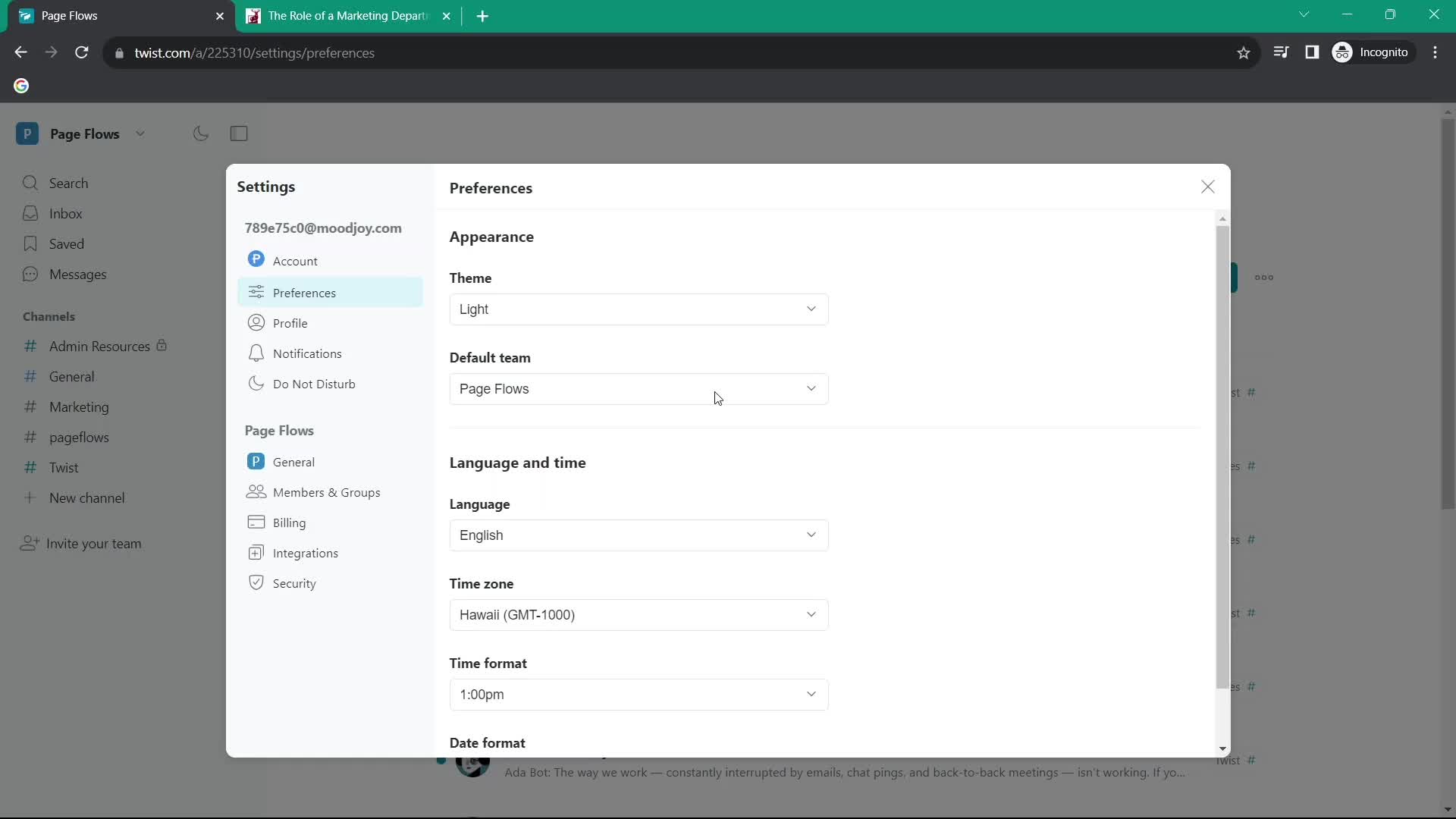
Select theme
this is title
Preferences
this is title
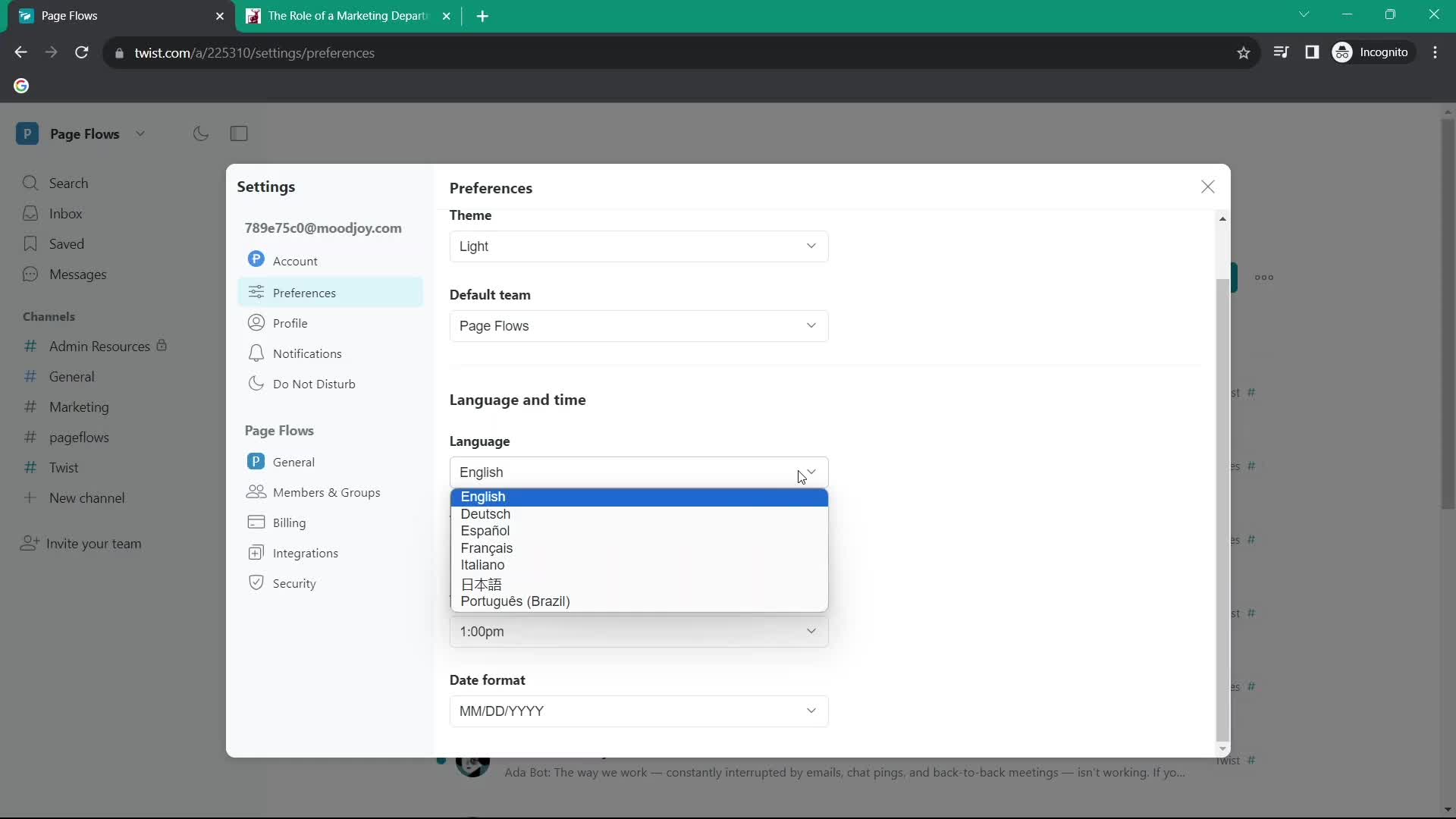
Select language
this is title
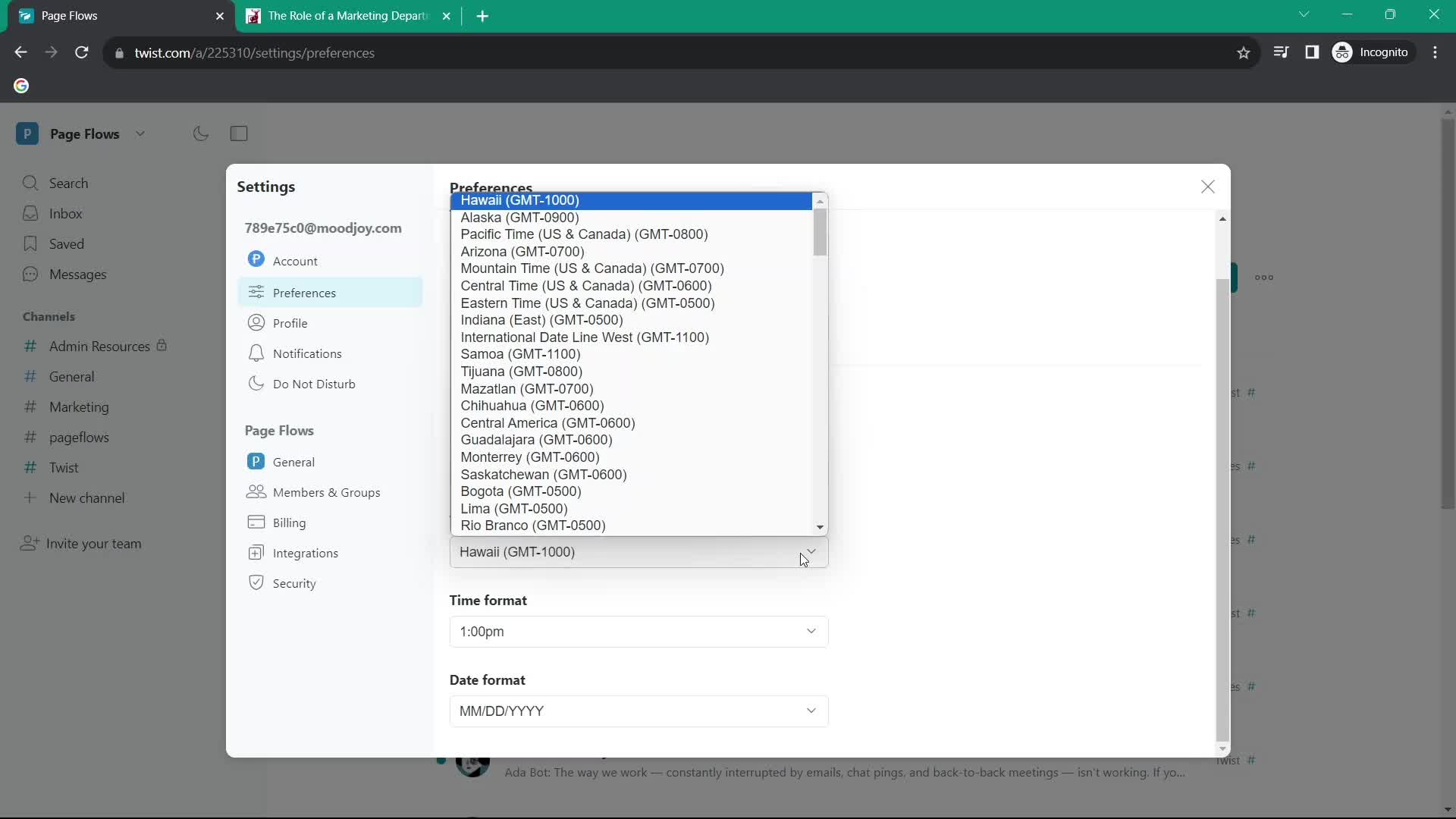
Select timezone
this is title
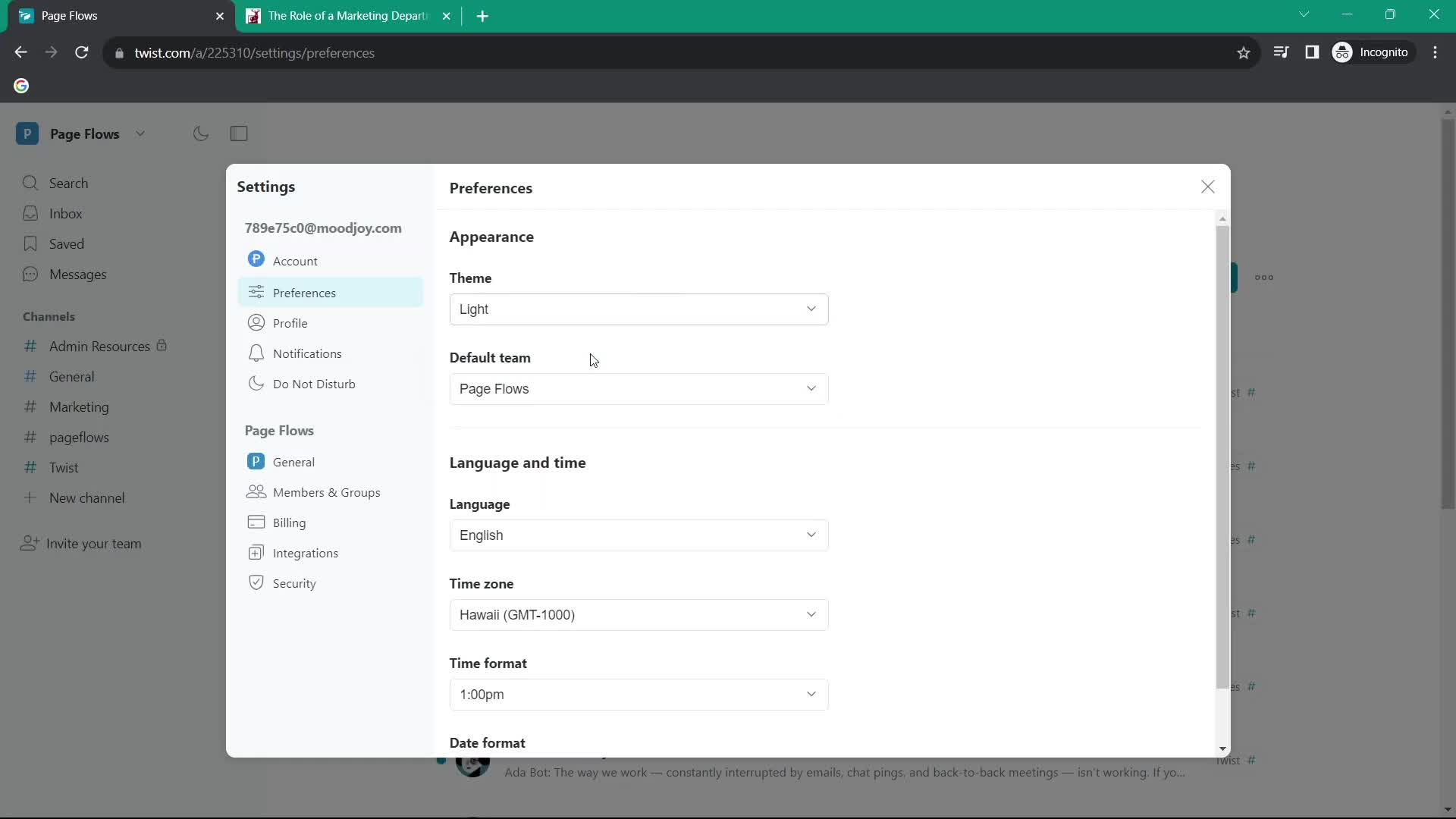
Preferences
this is title
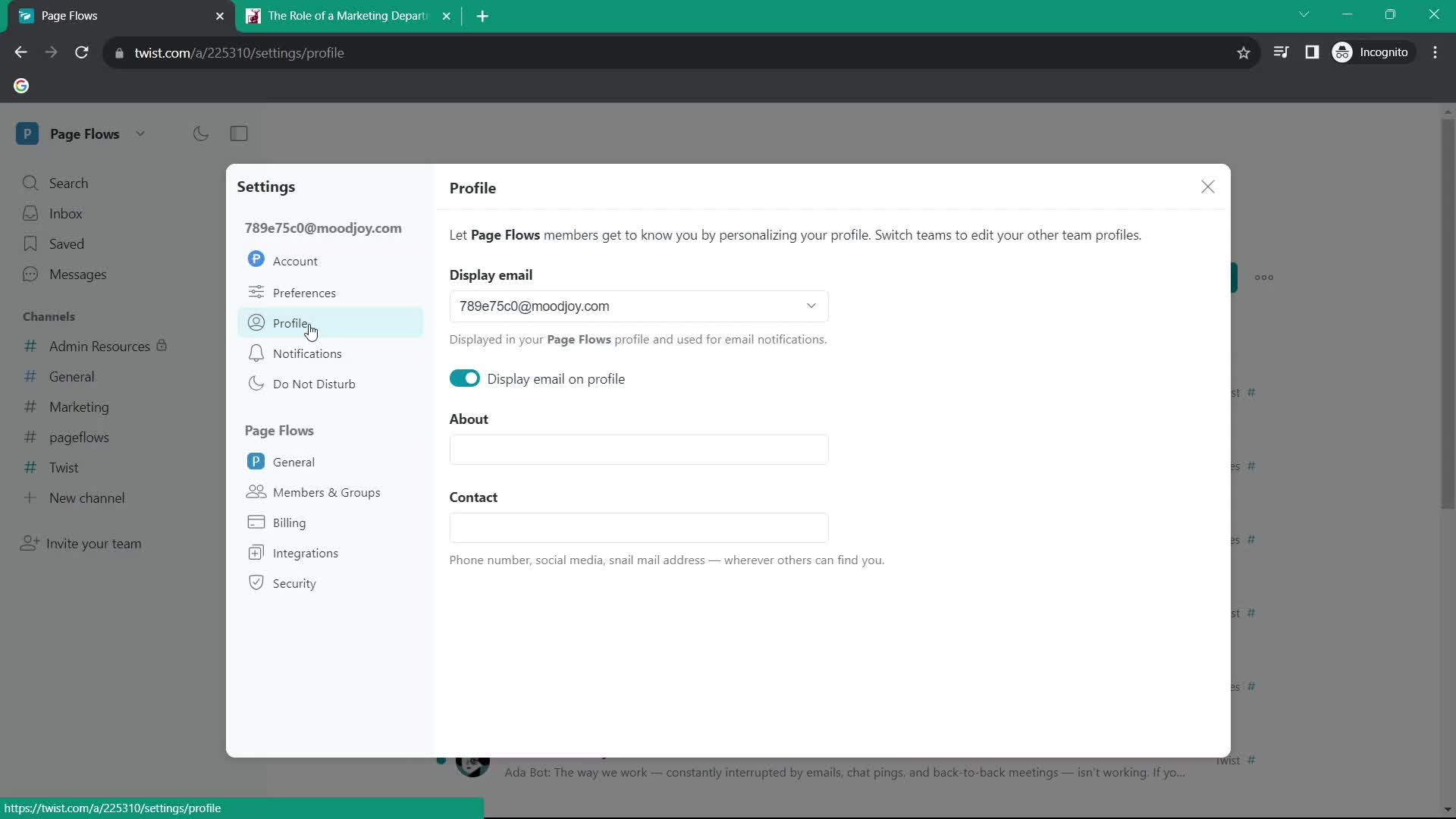
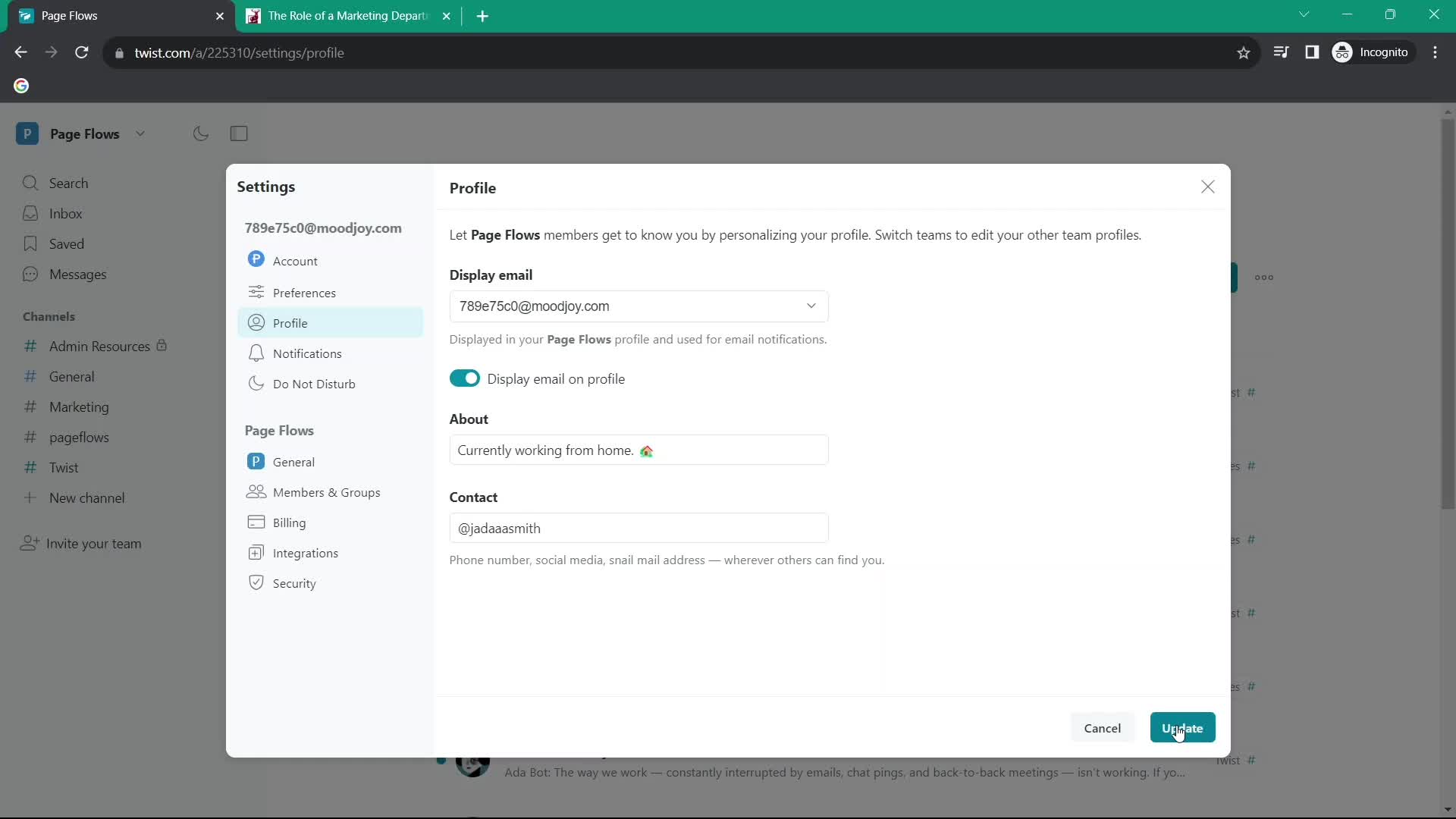
Profile
this is title
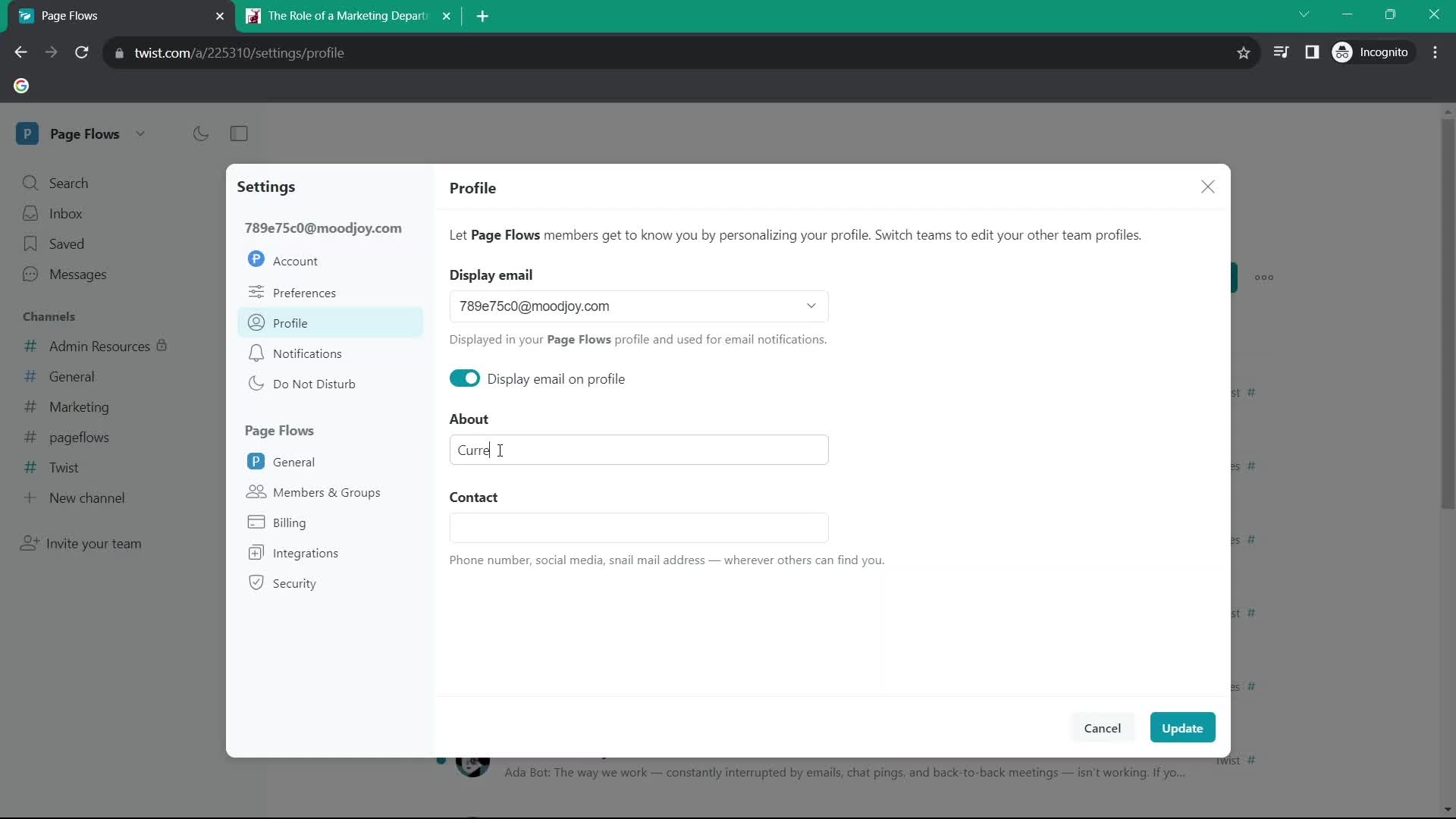
About
this is title
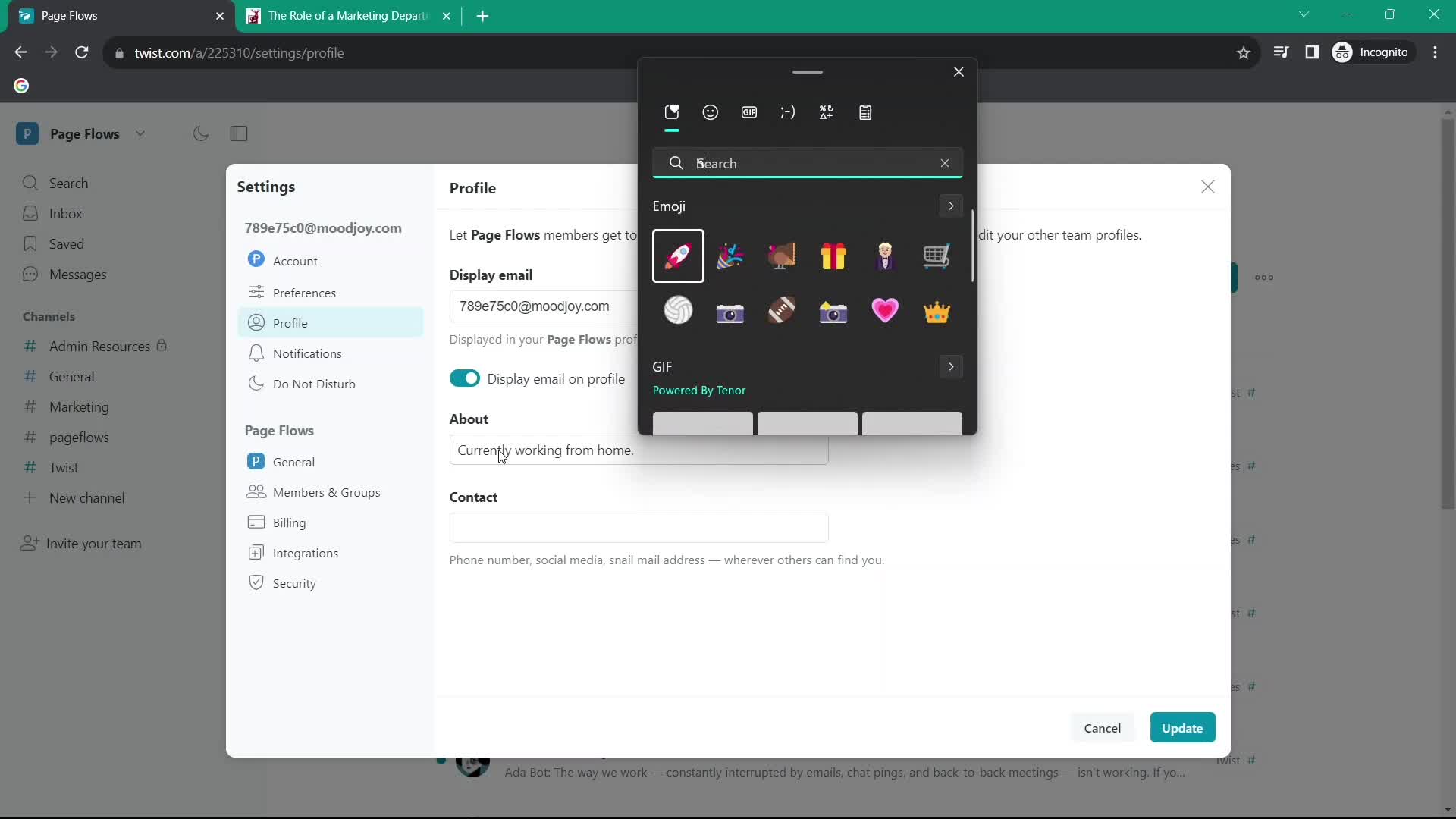
Emoji picker
this is title
Update
this is title
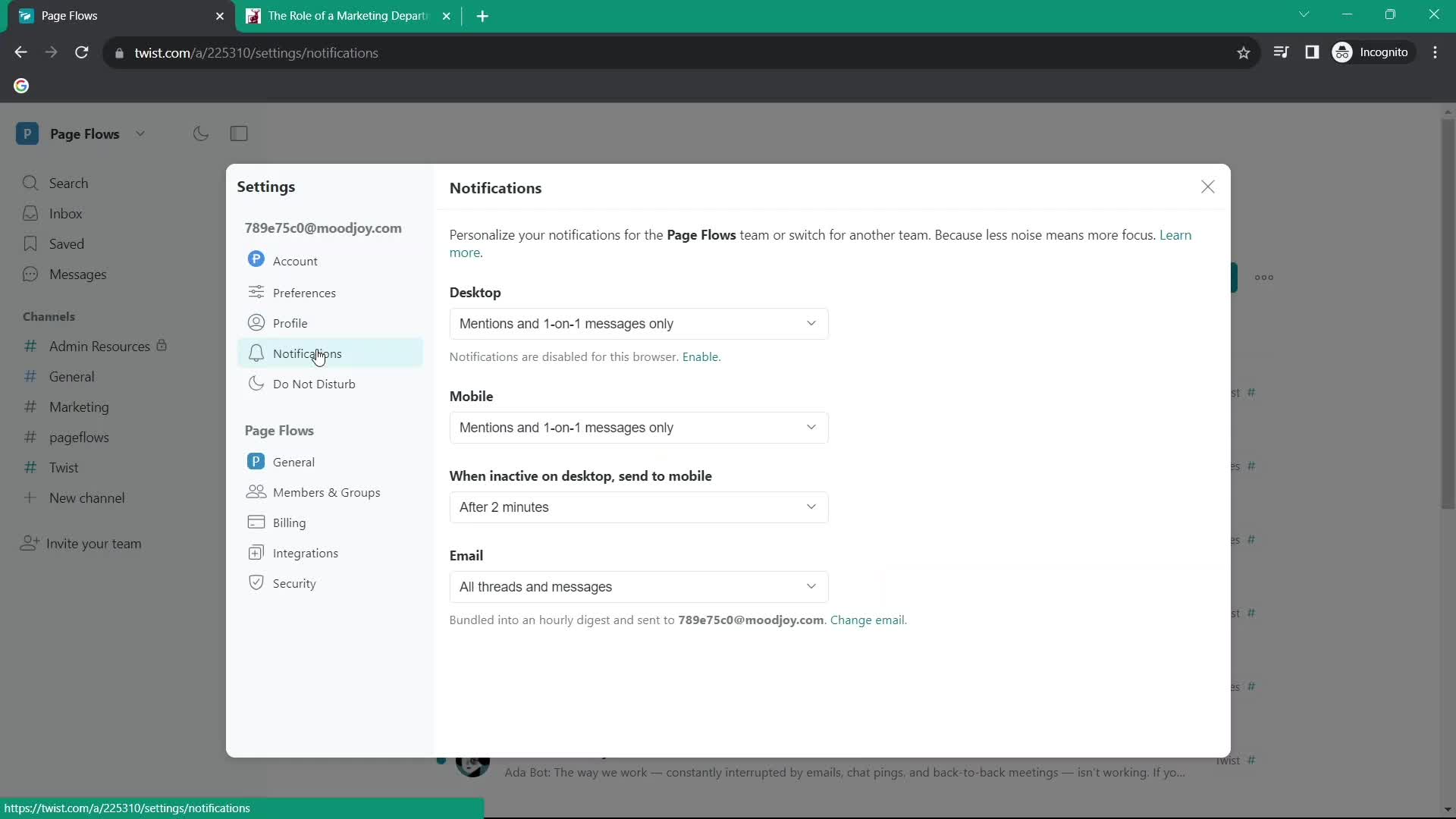
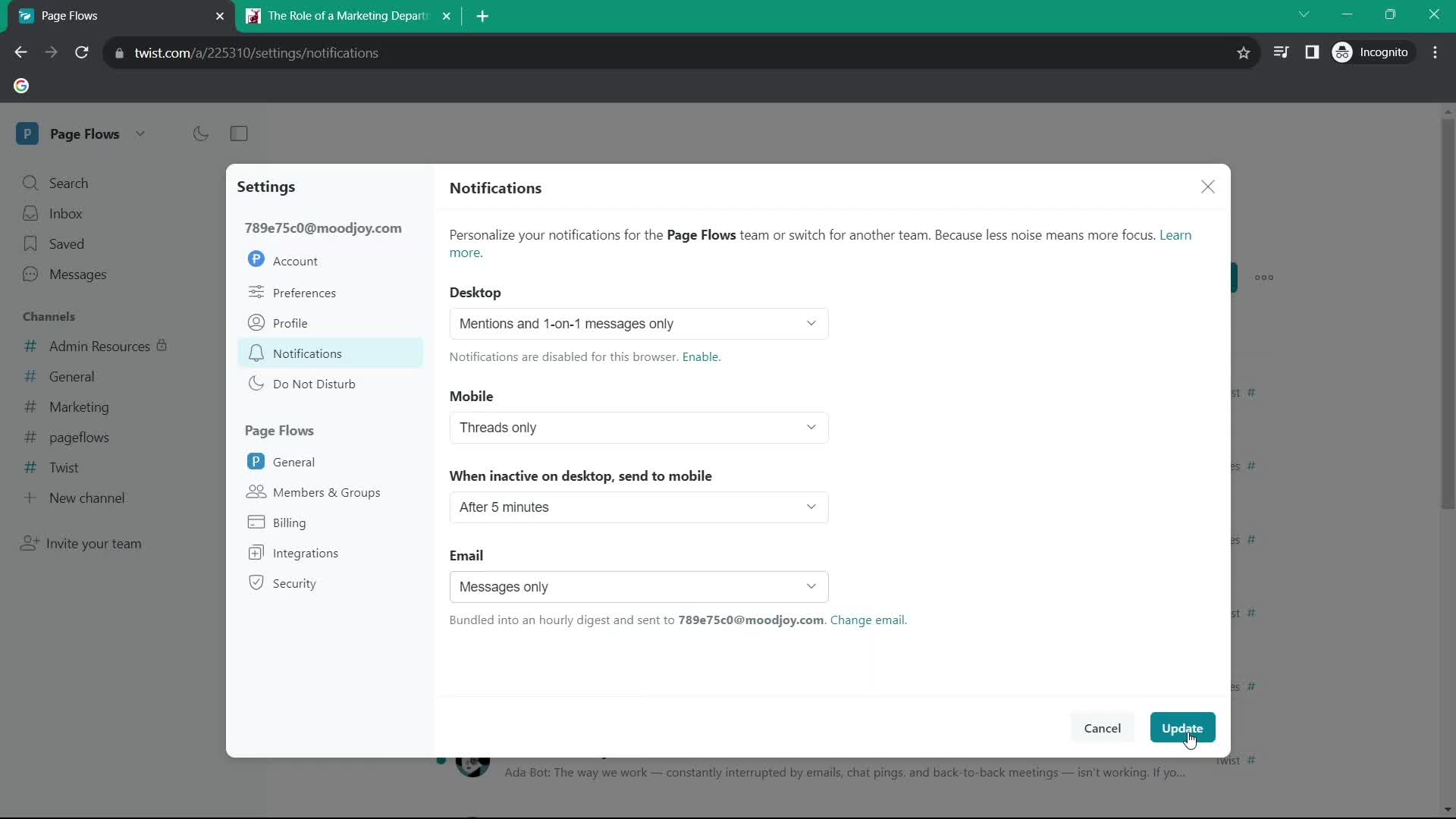
Notifications
this is title
Update
this is title
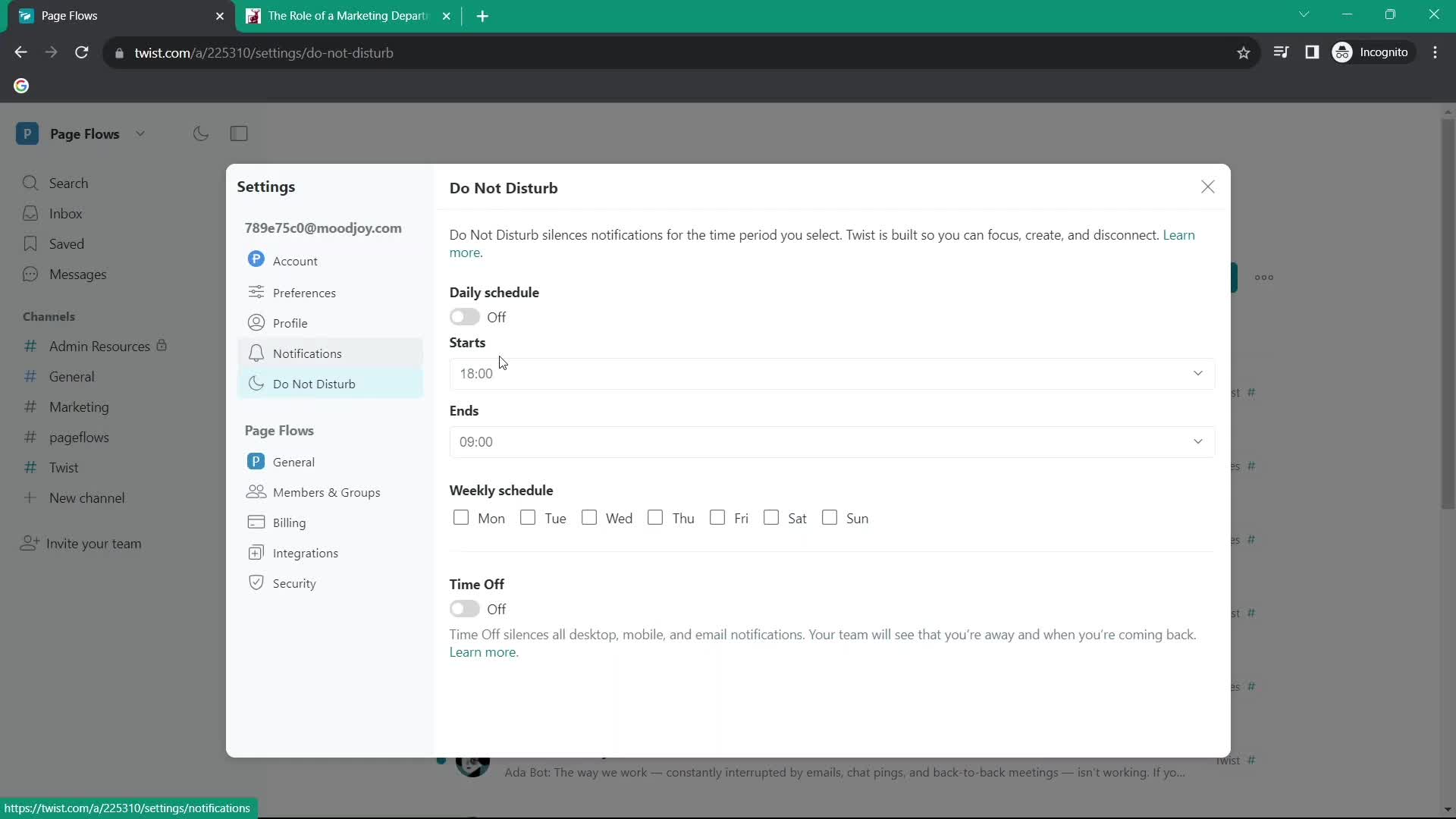
Do not disturb
this is title
Settings
this is title
Edit profile
this is title
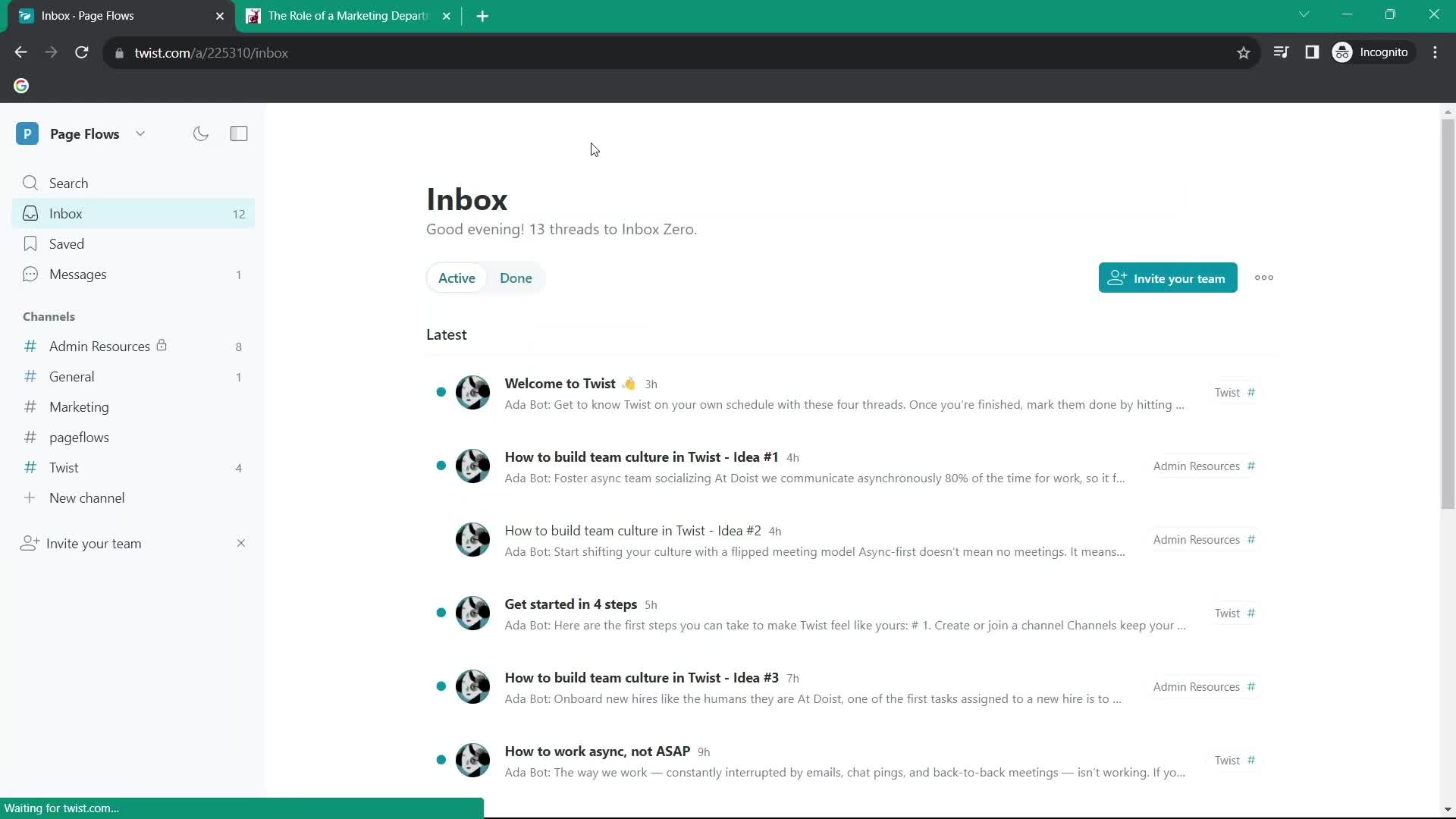
Inbox
this is title