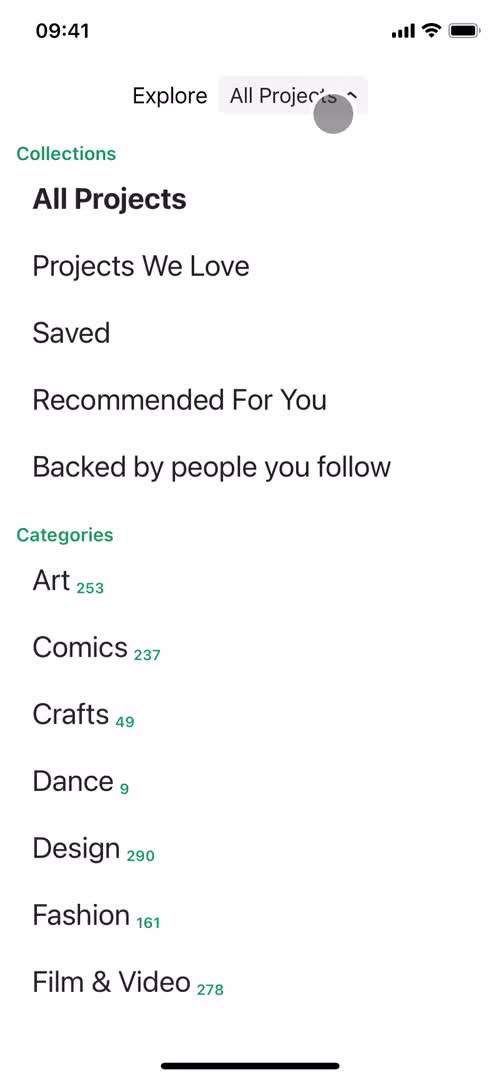
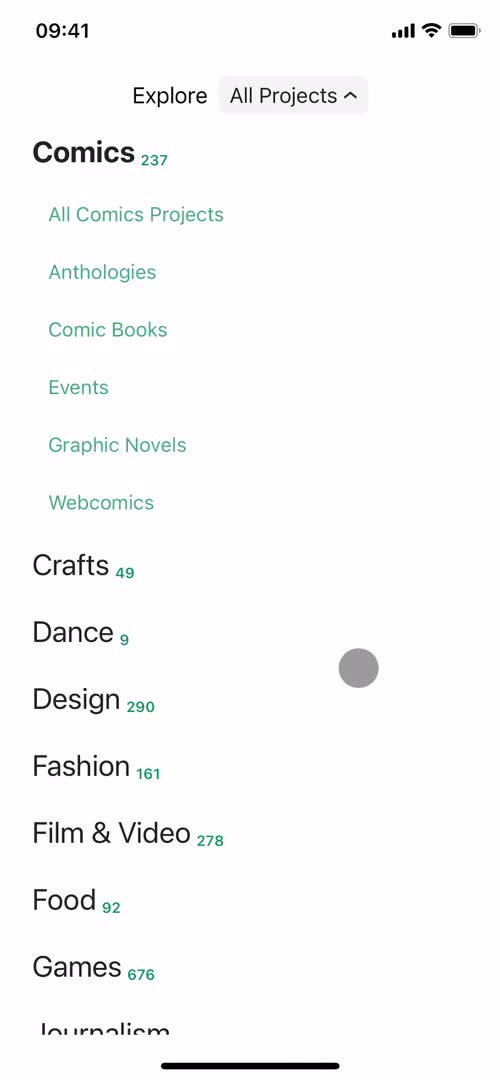
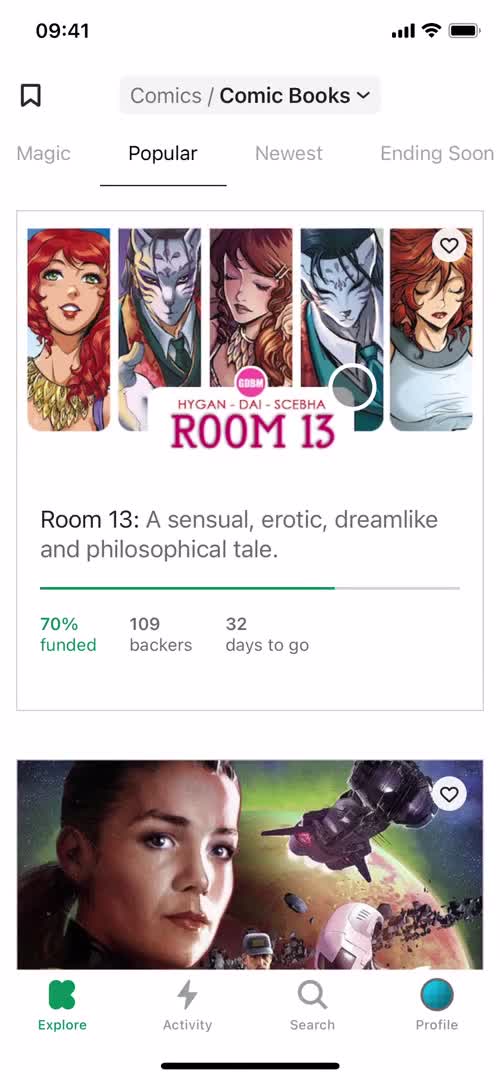
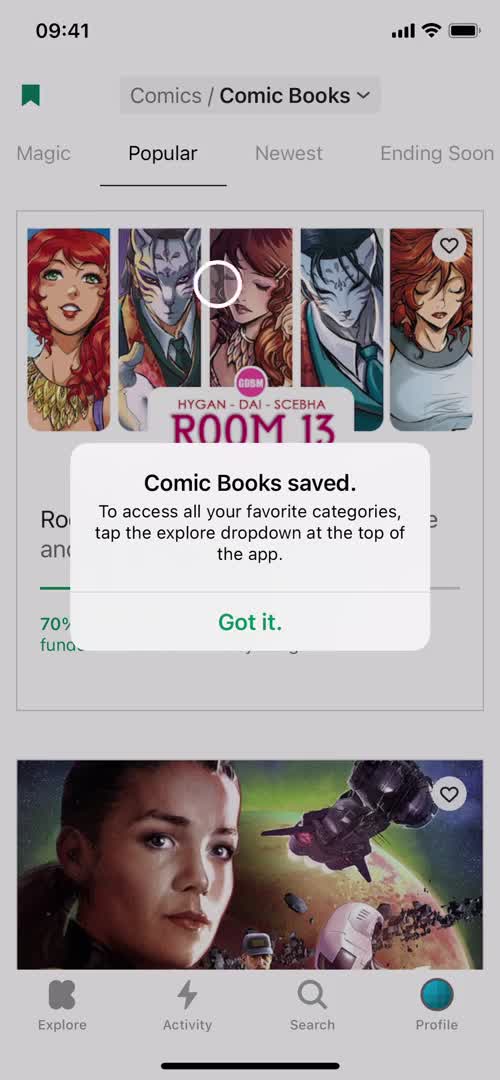
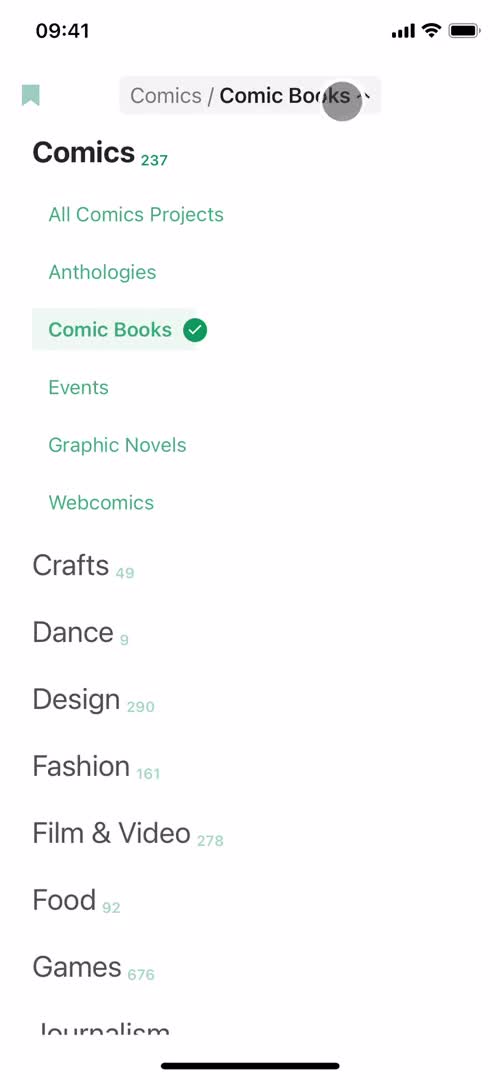
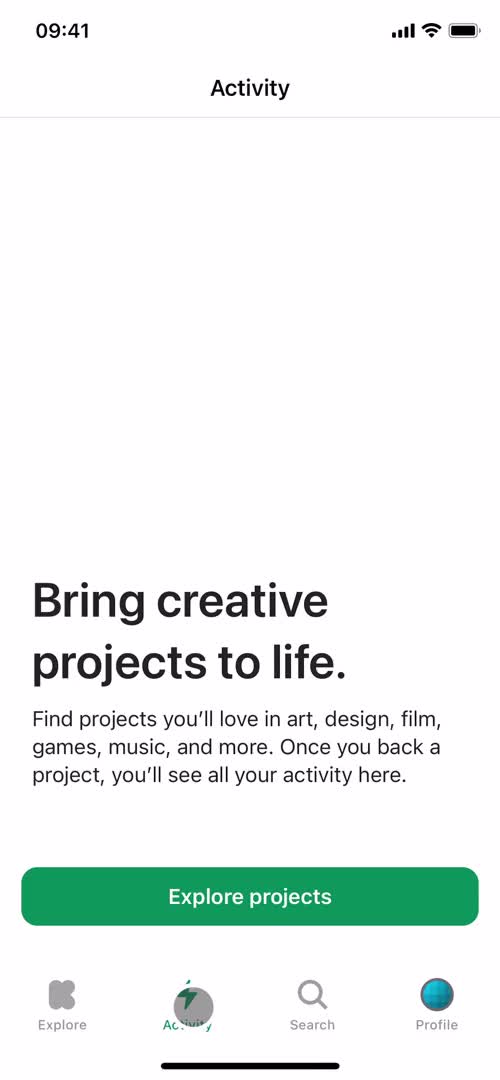
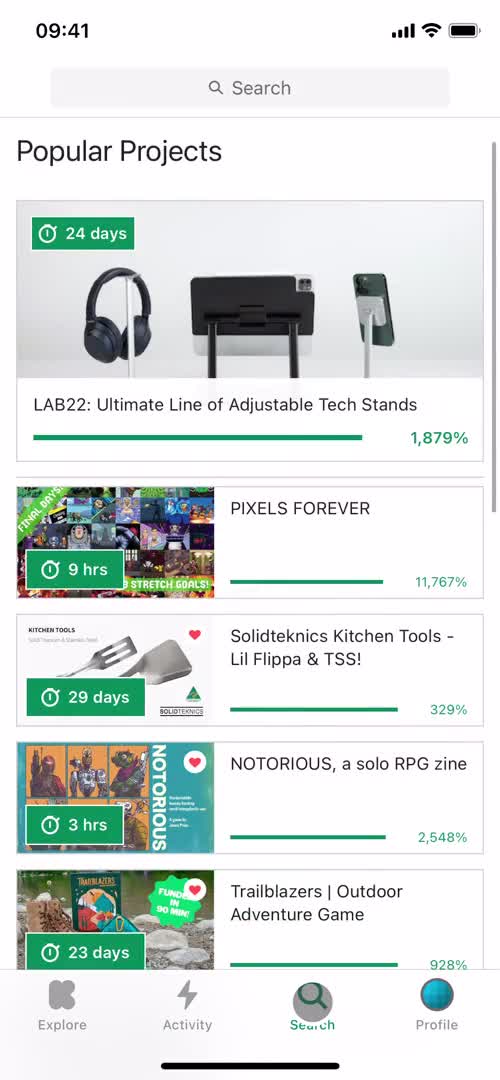
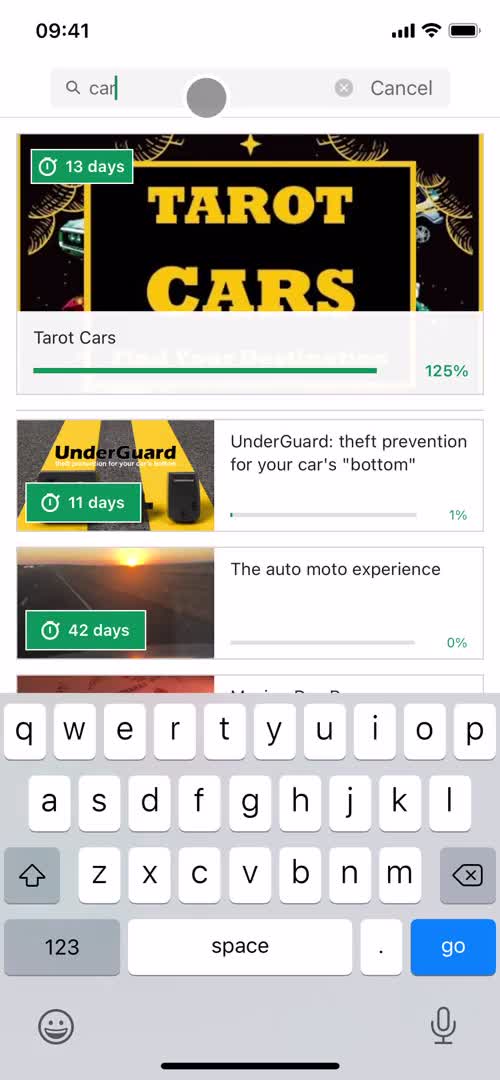
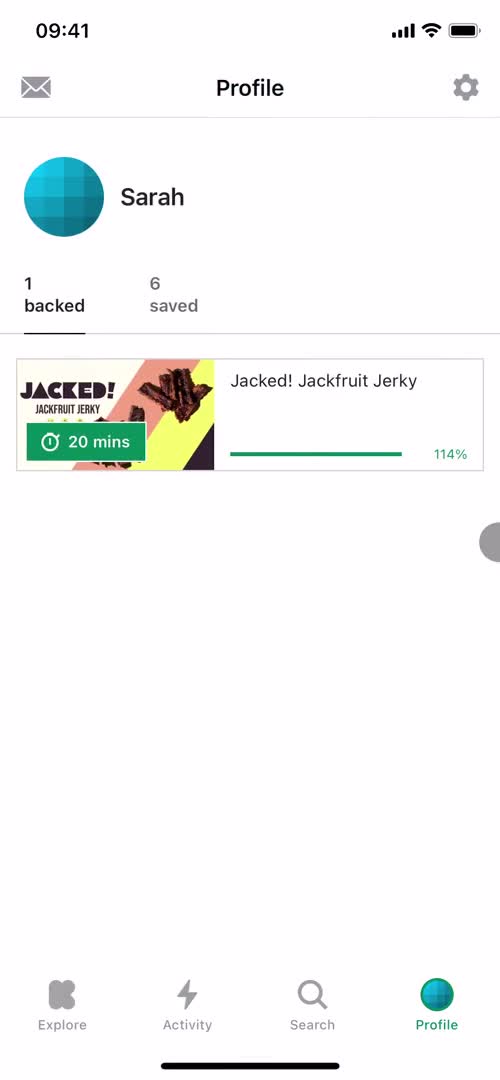
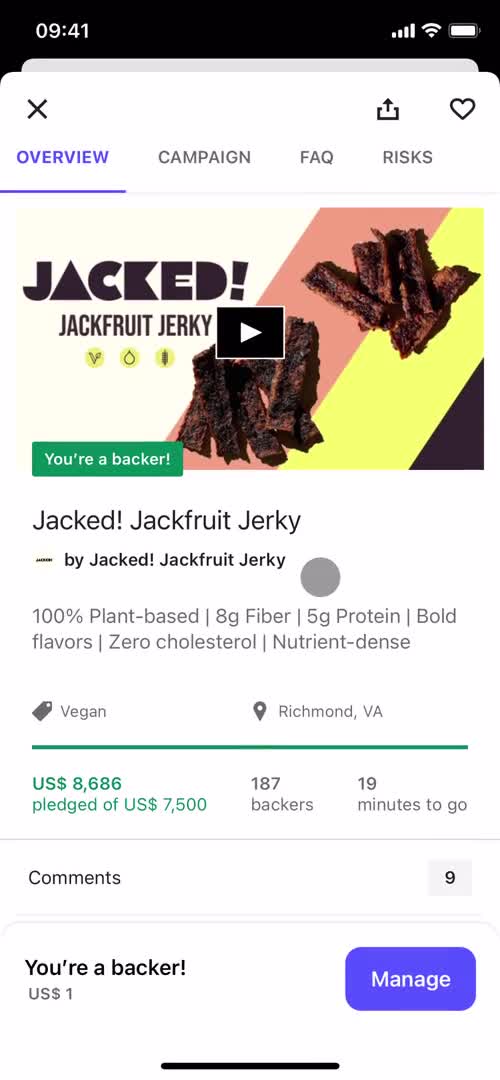
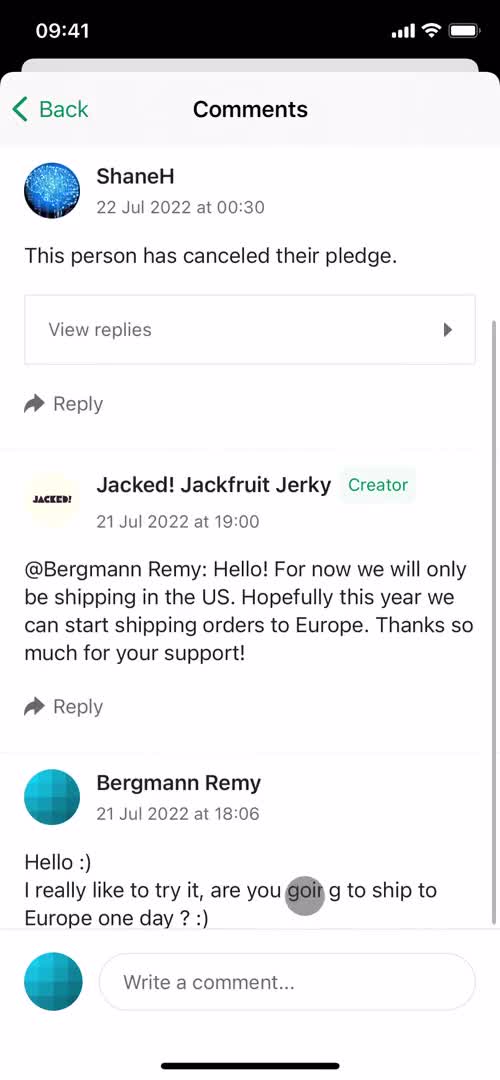
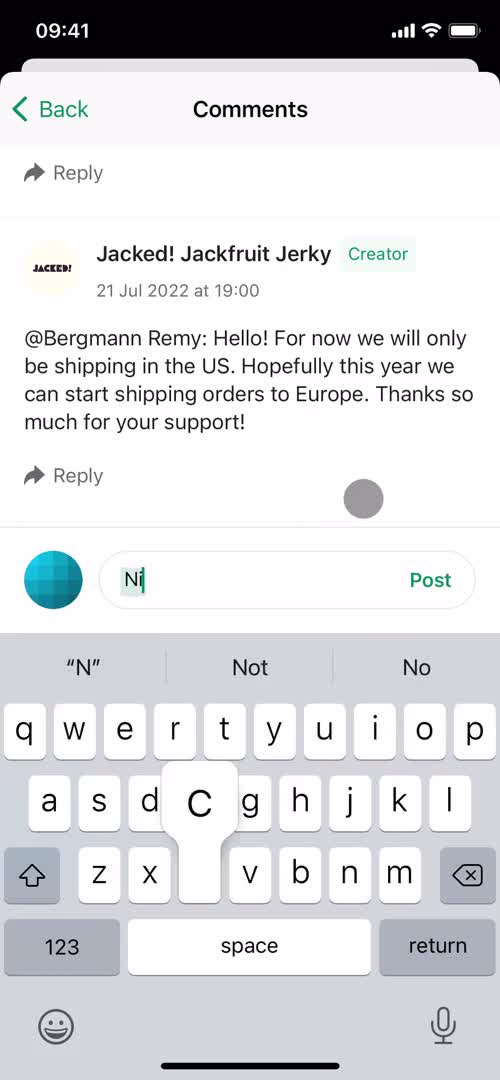
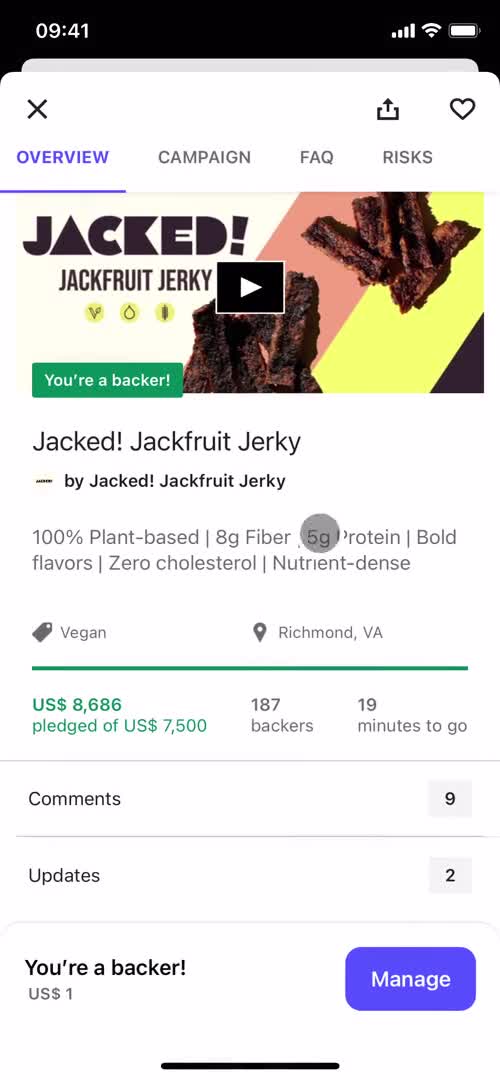
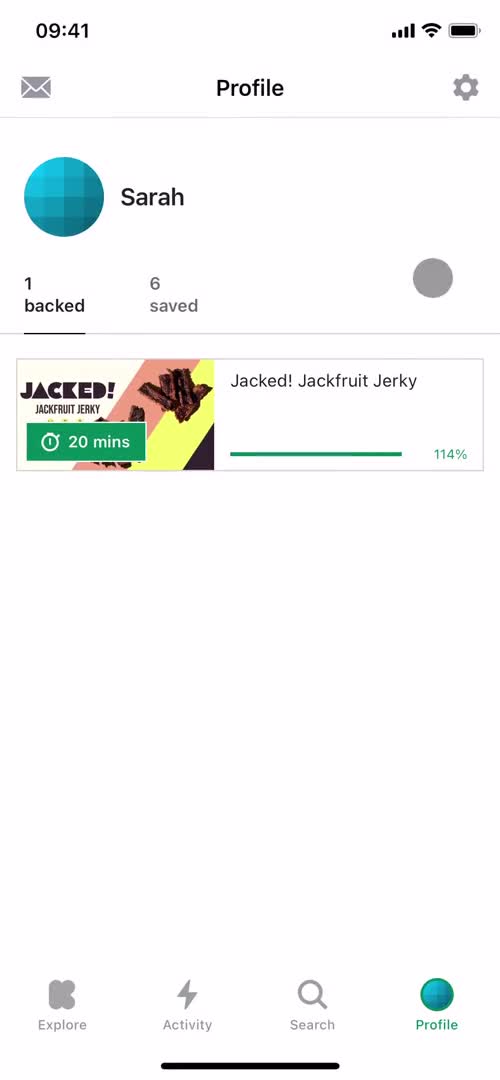
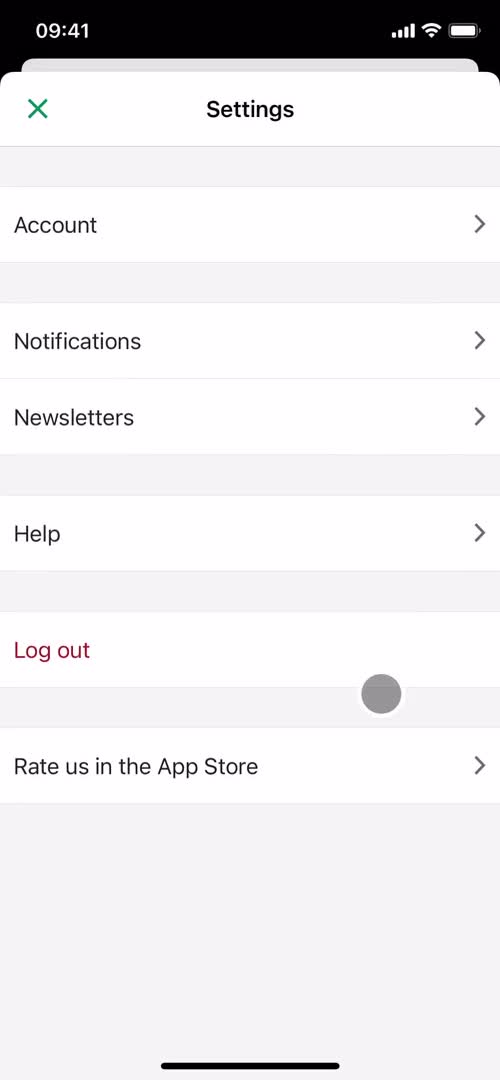
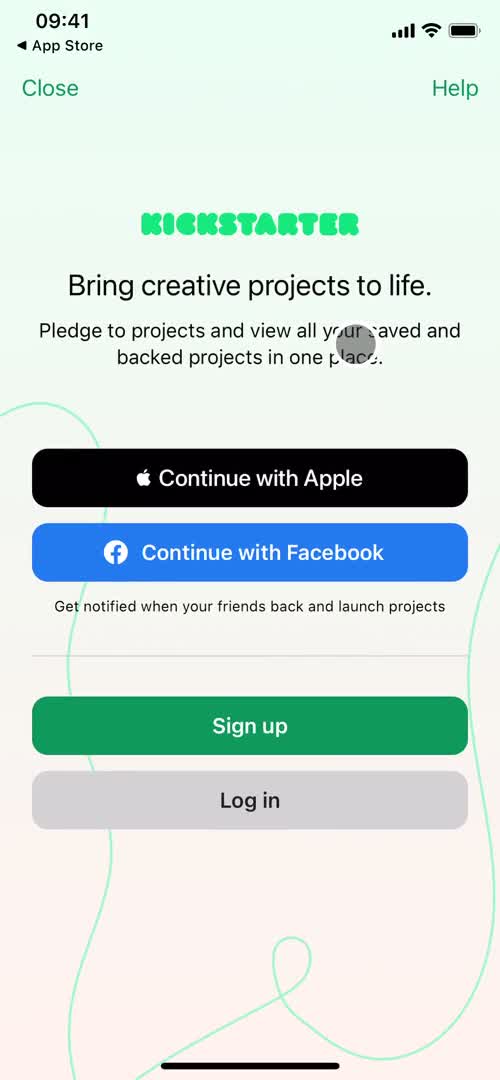
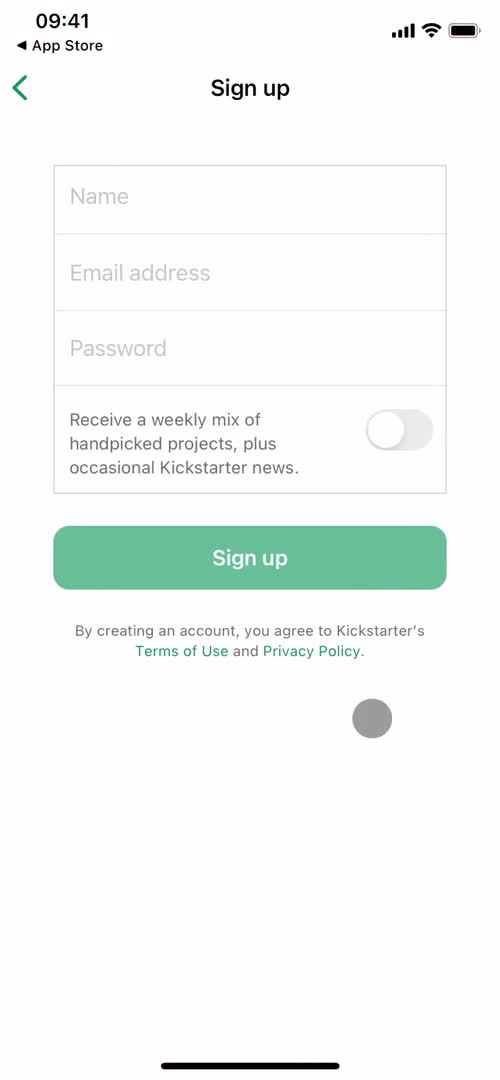
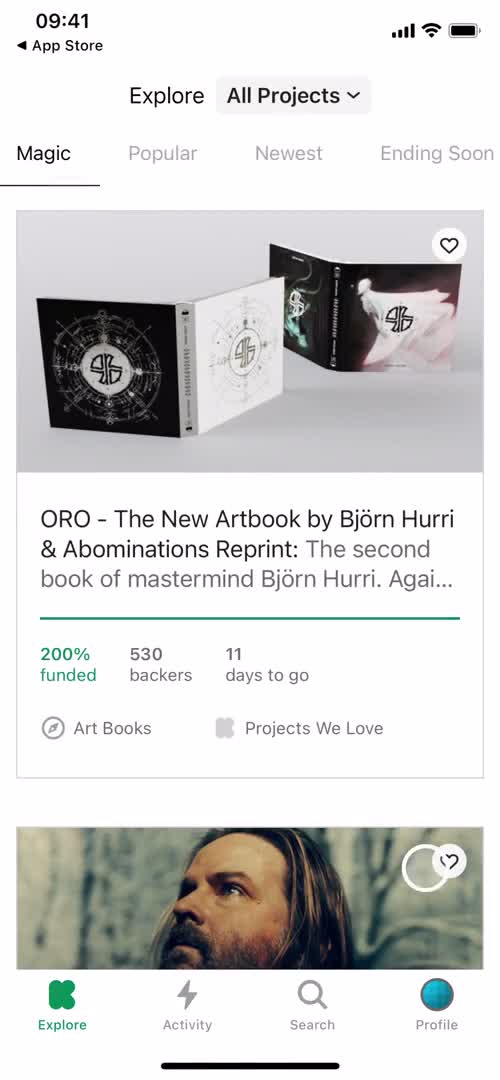
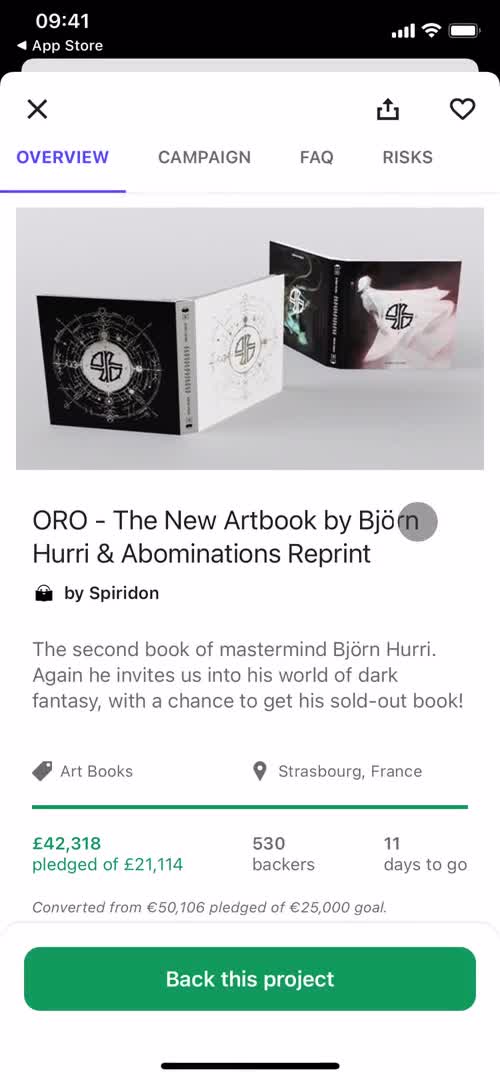
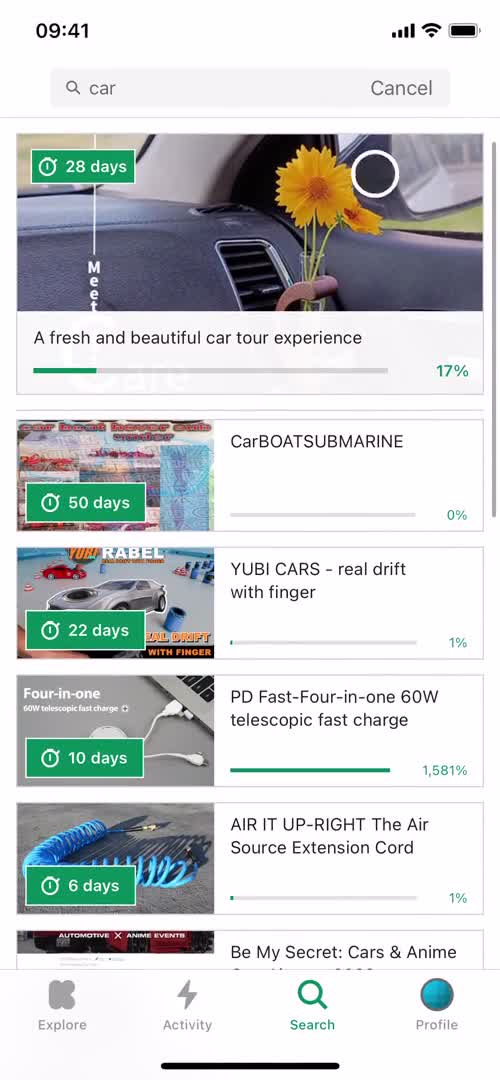
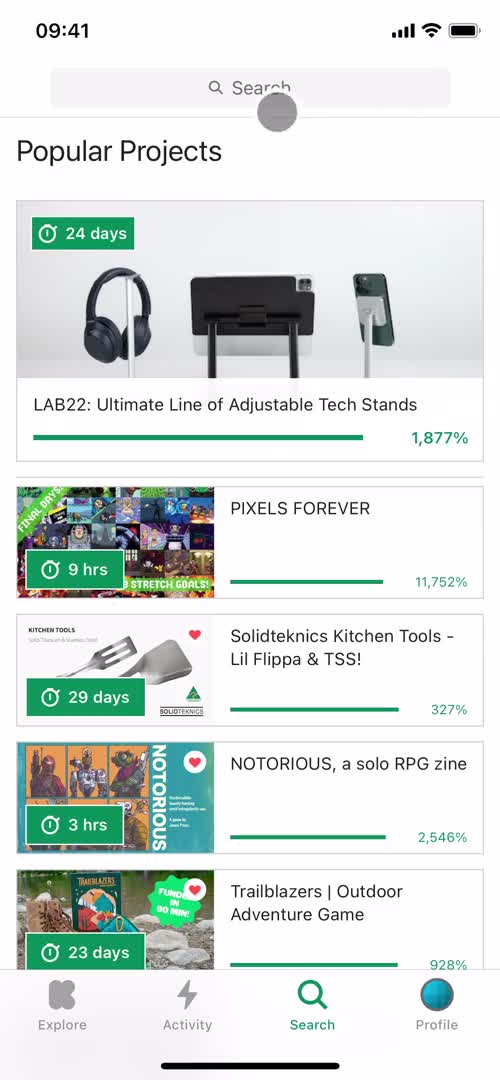
Backing a project Flow in Kickstarter for iOS

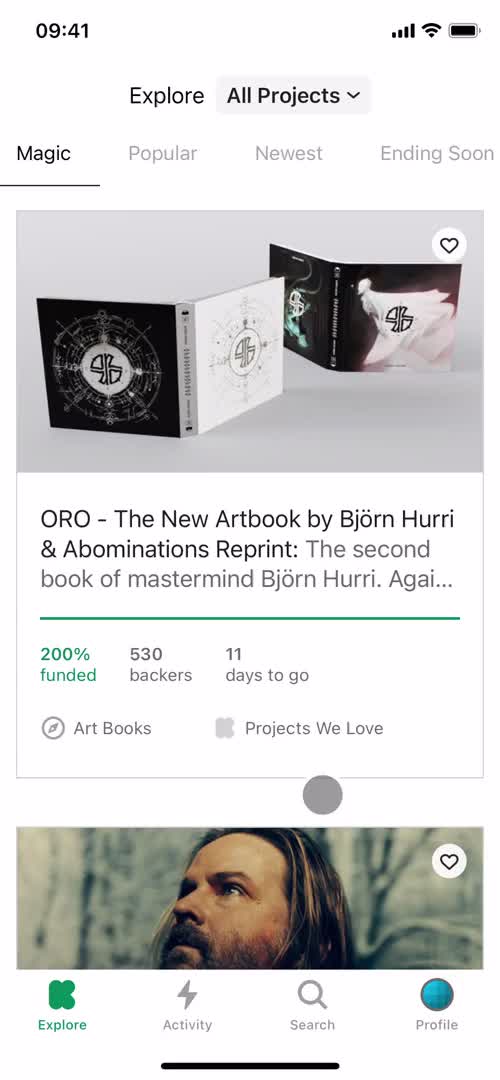
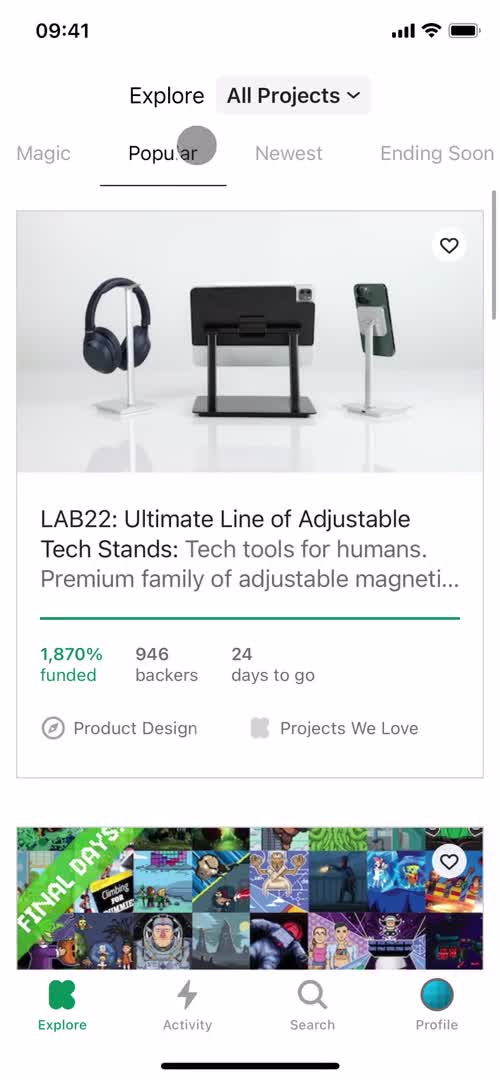
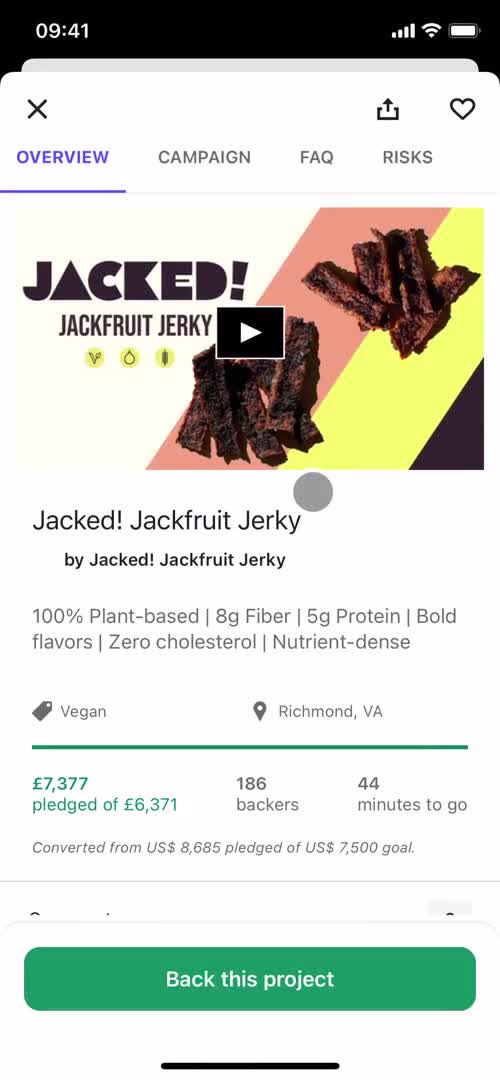
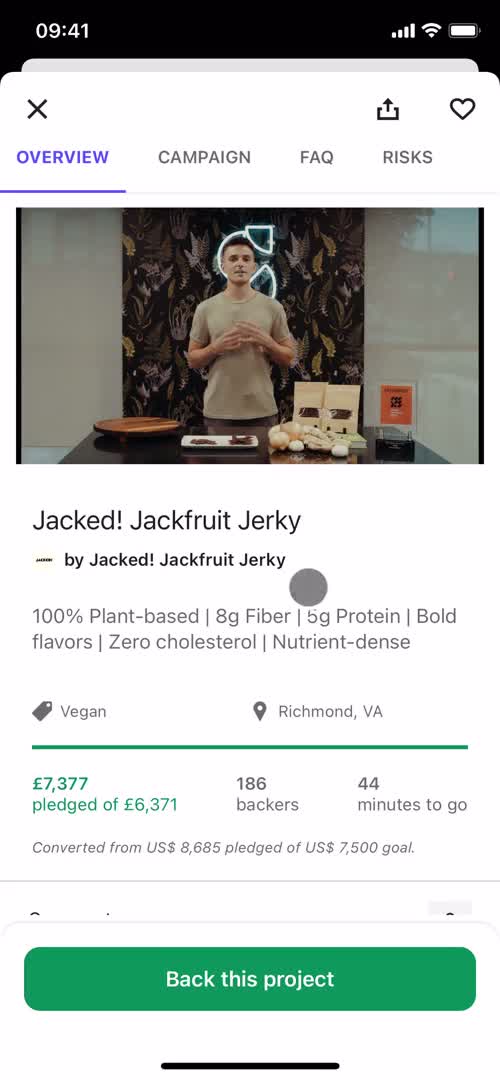
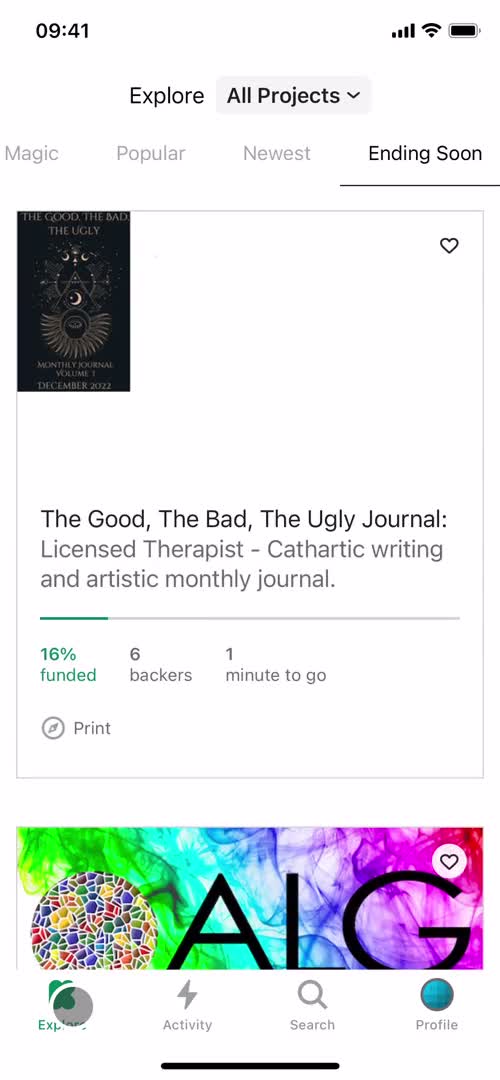
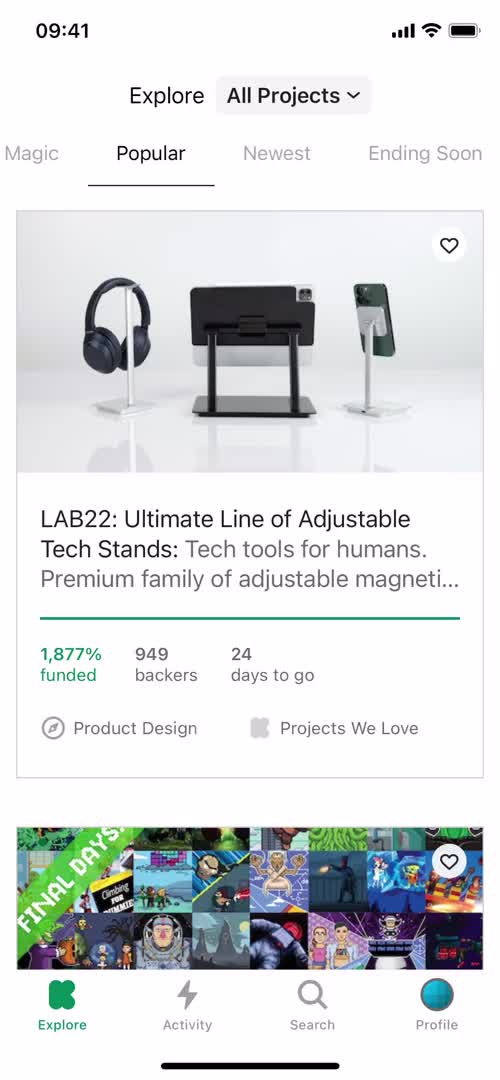
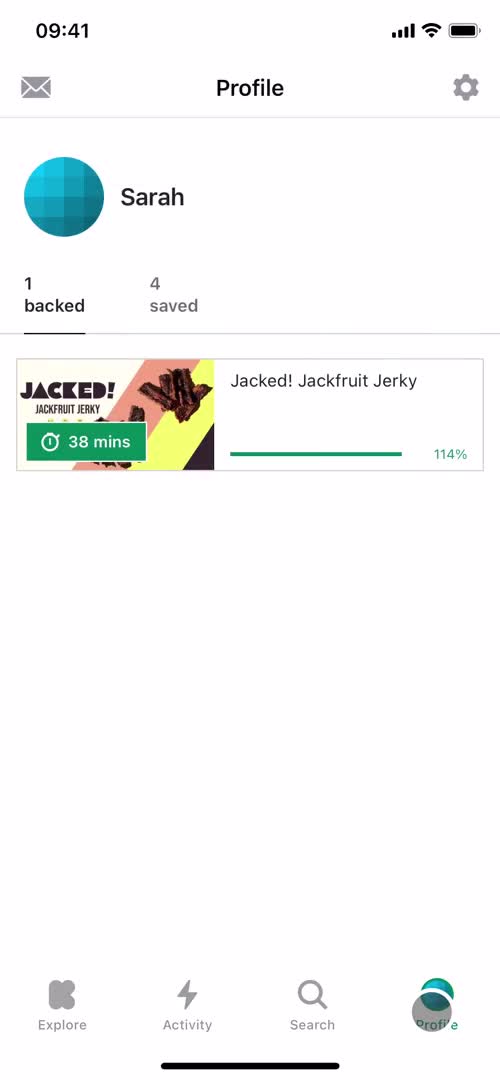
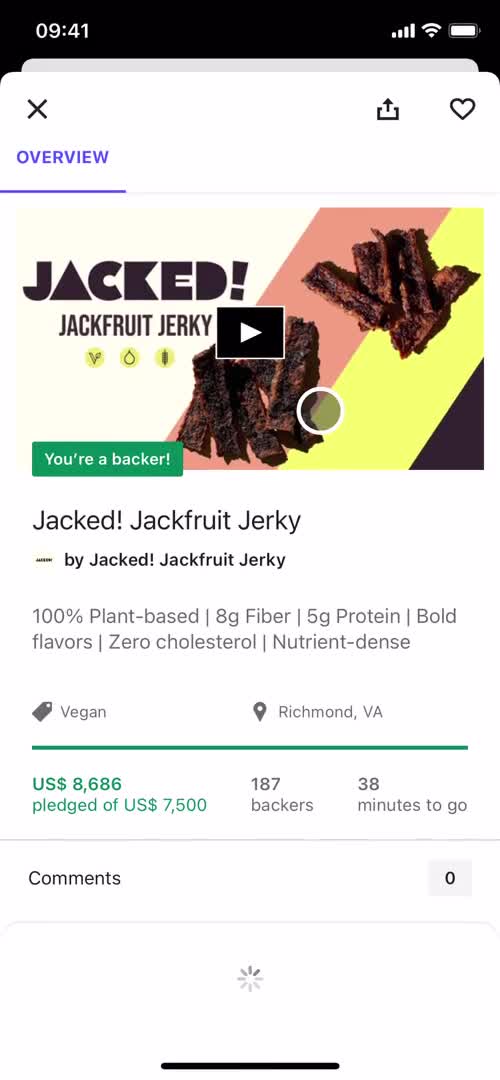
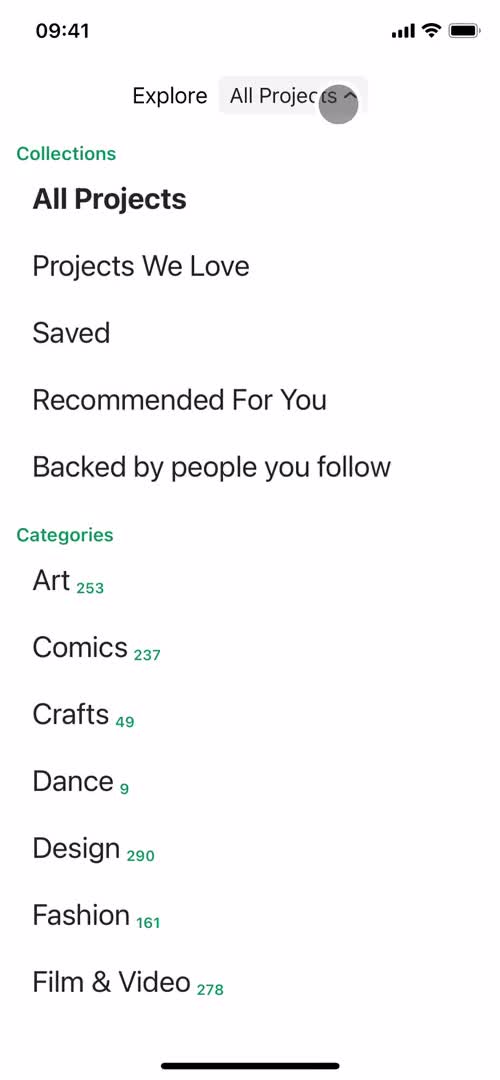
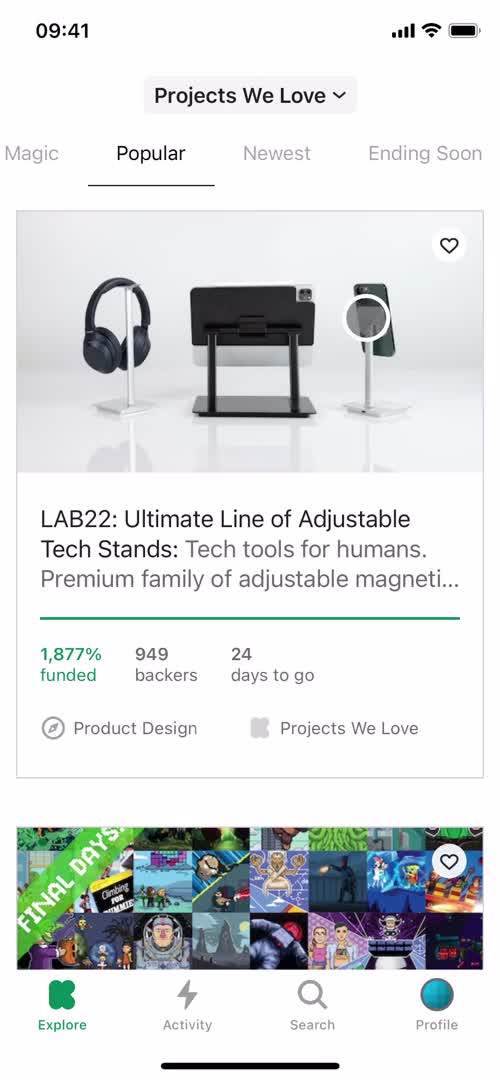
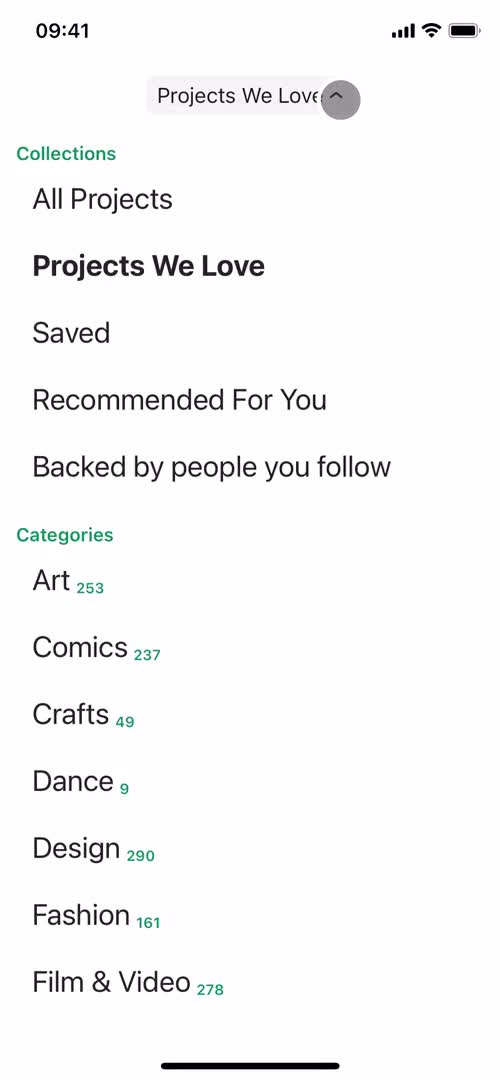
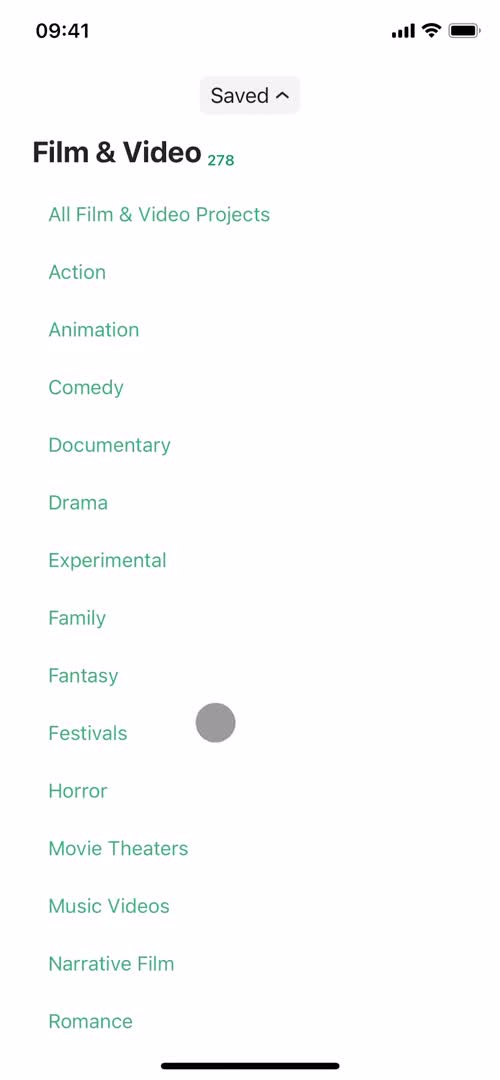
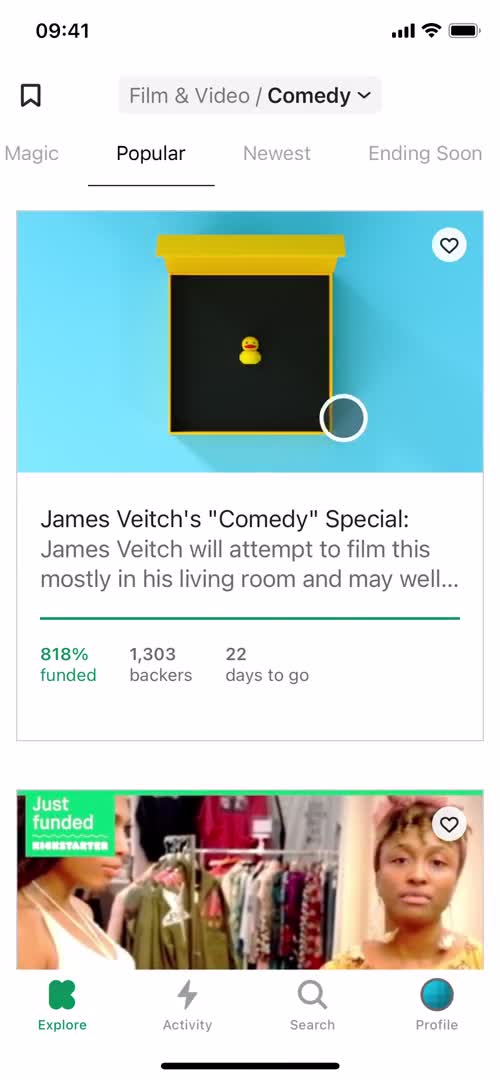
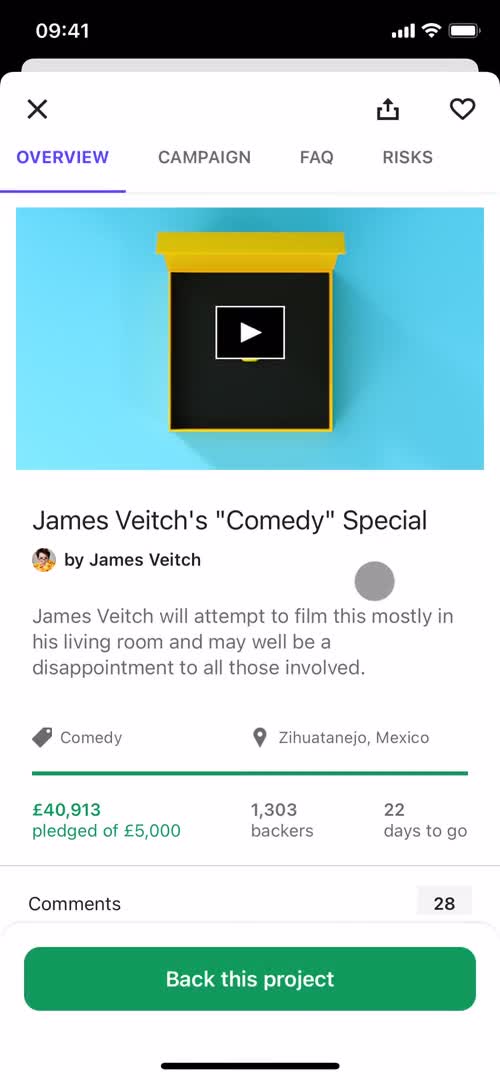
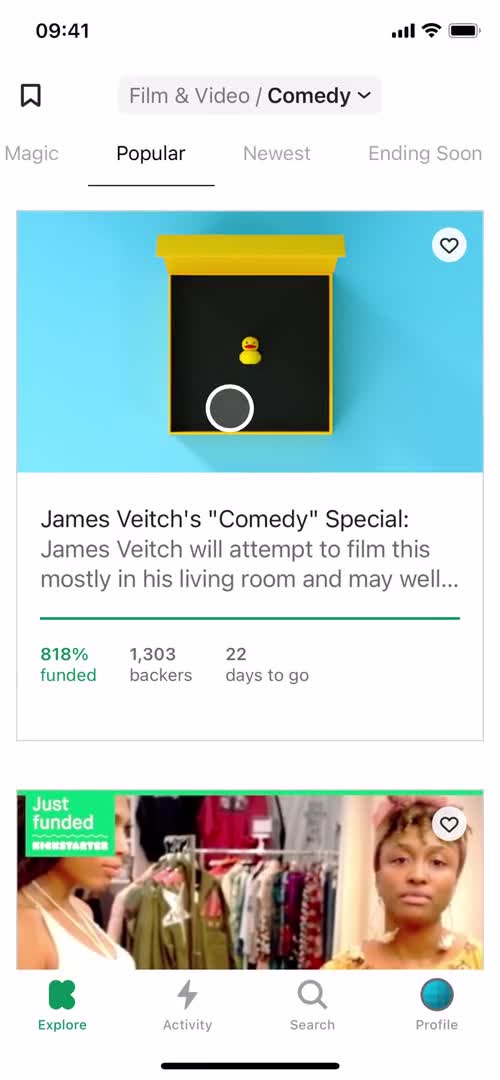
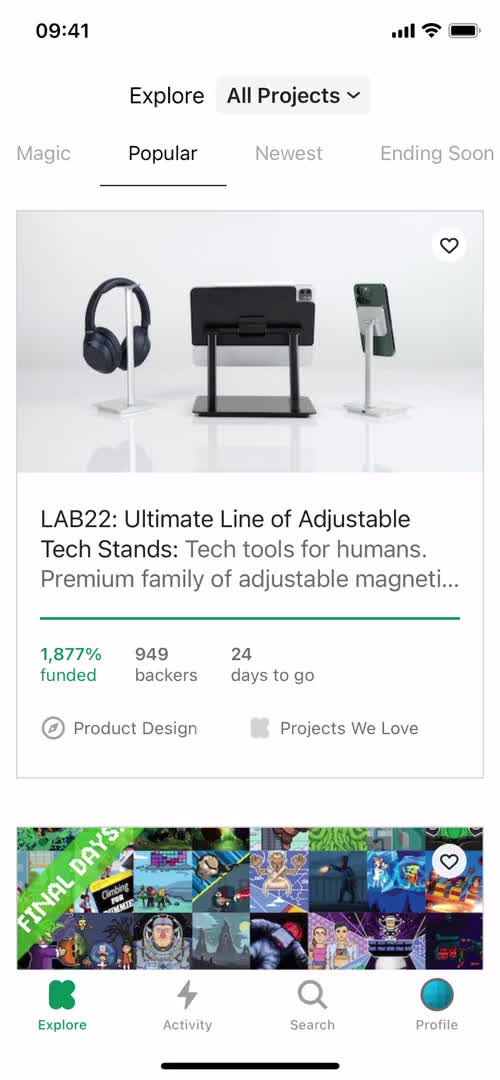
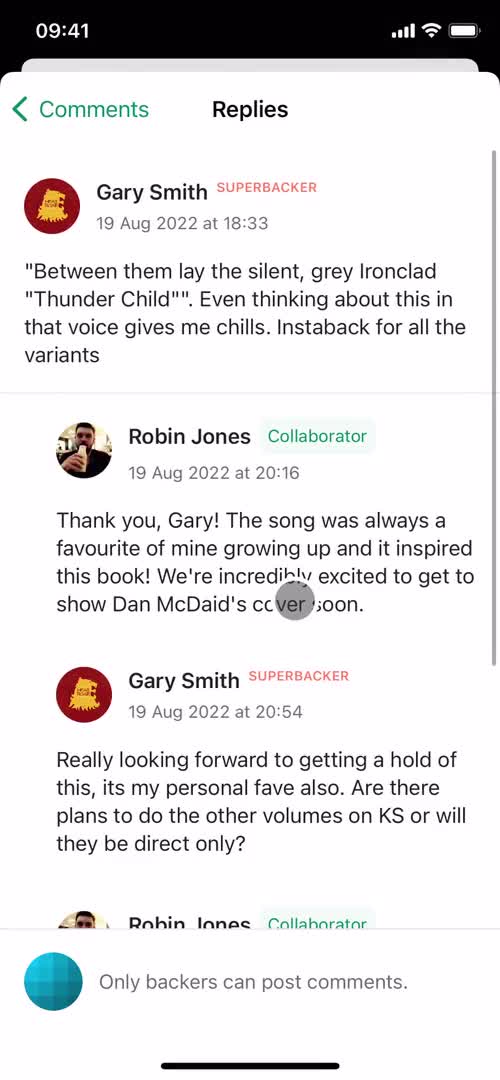
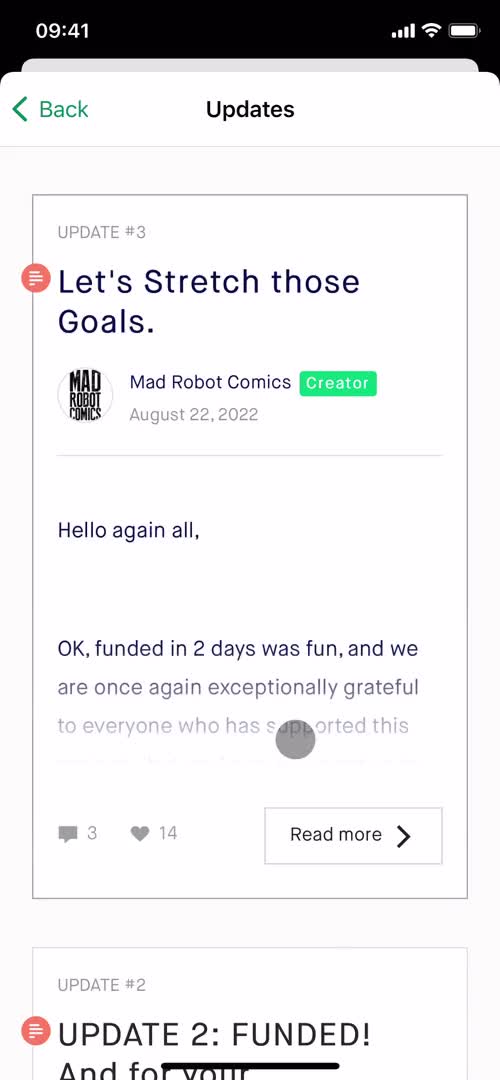
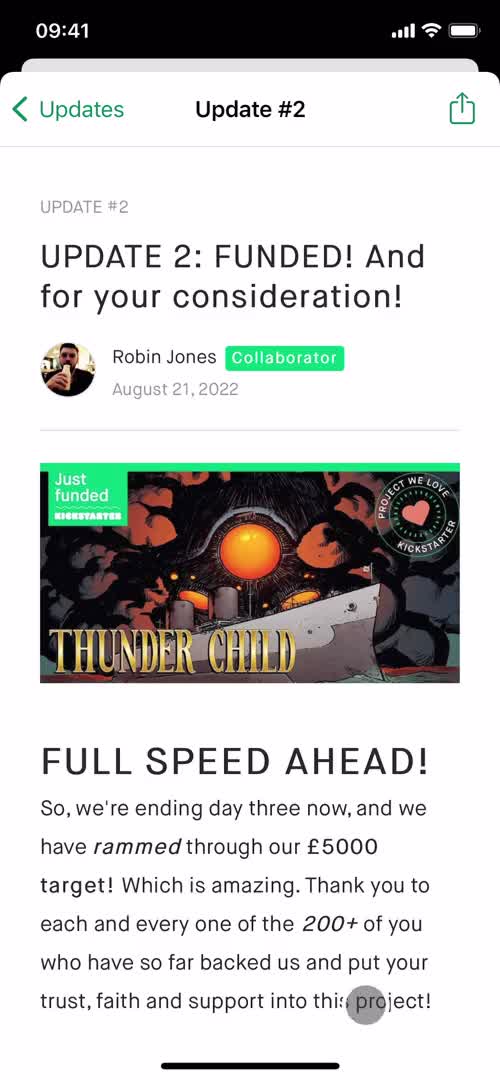
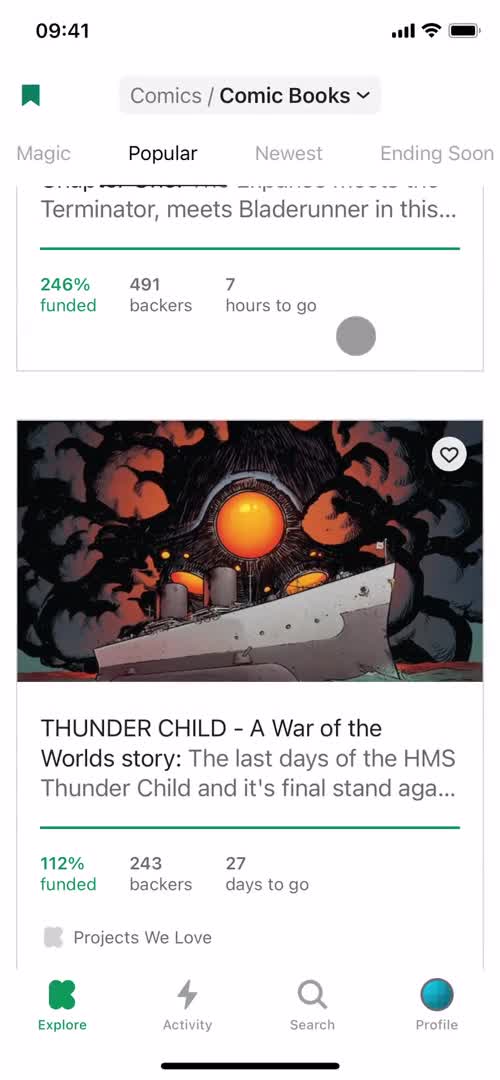
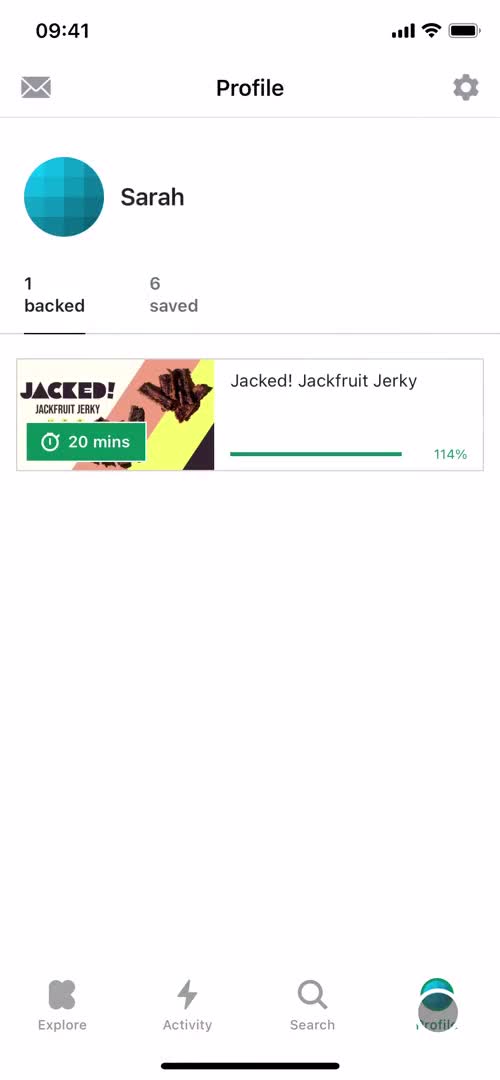
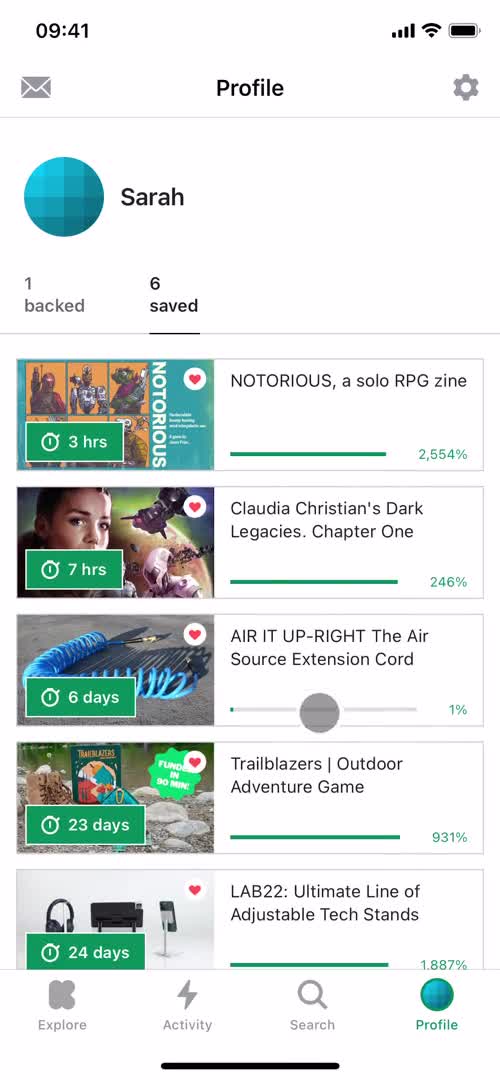
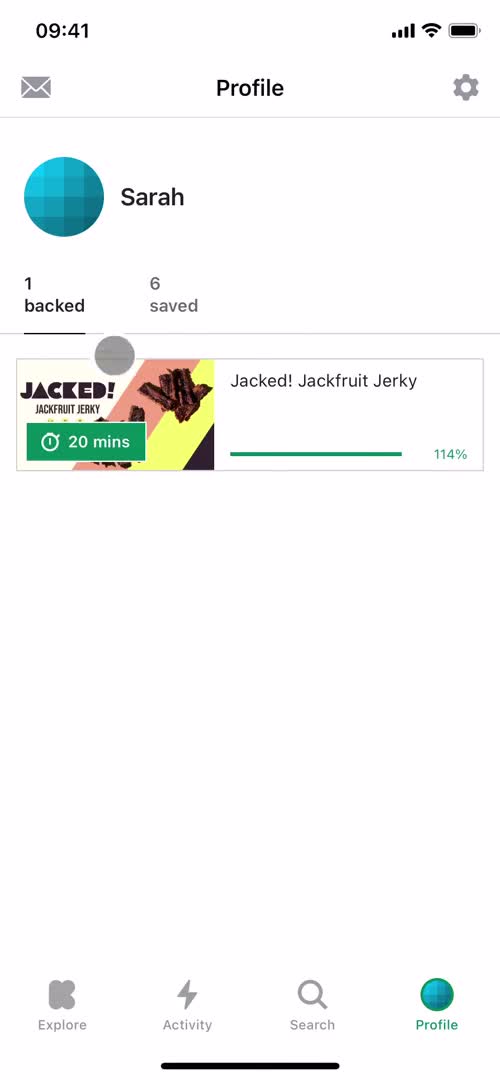
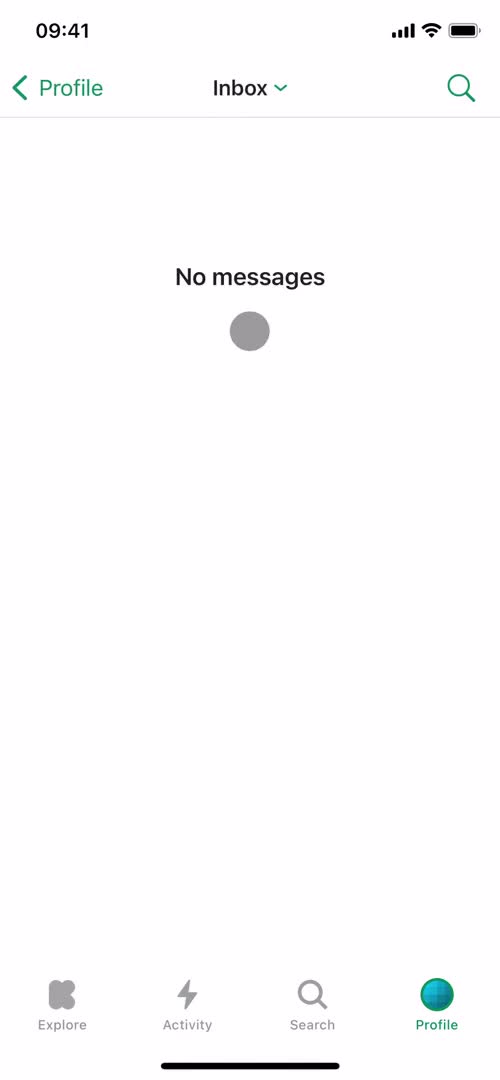
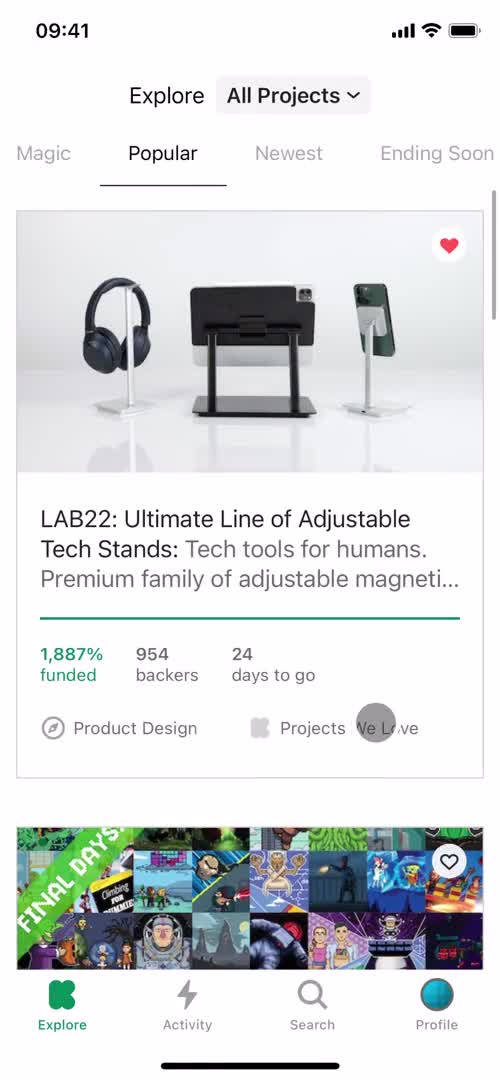
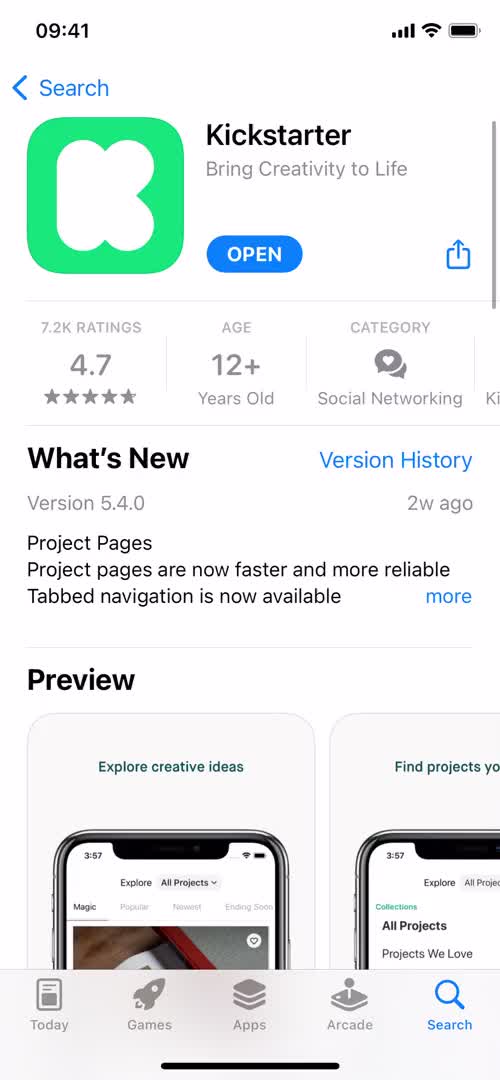
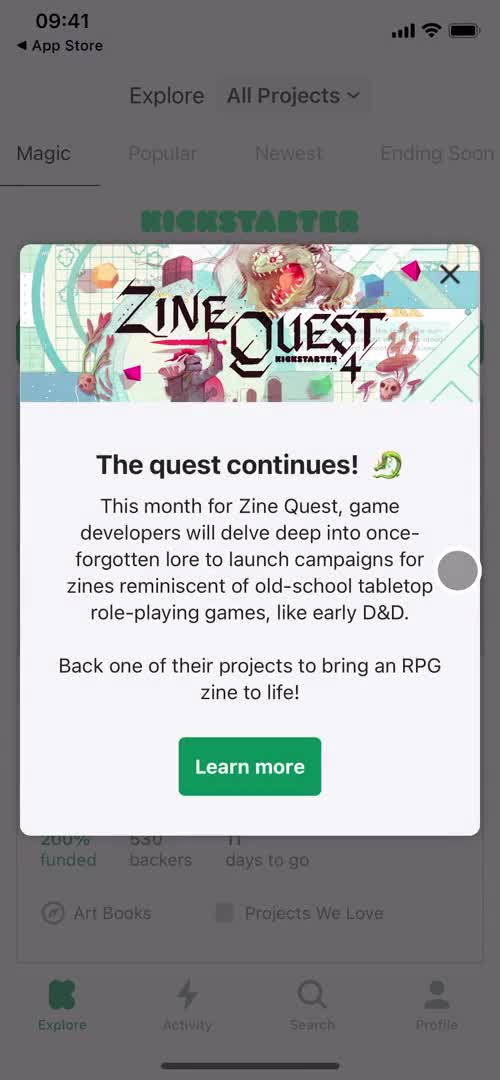
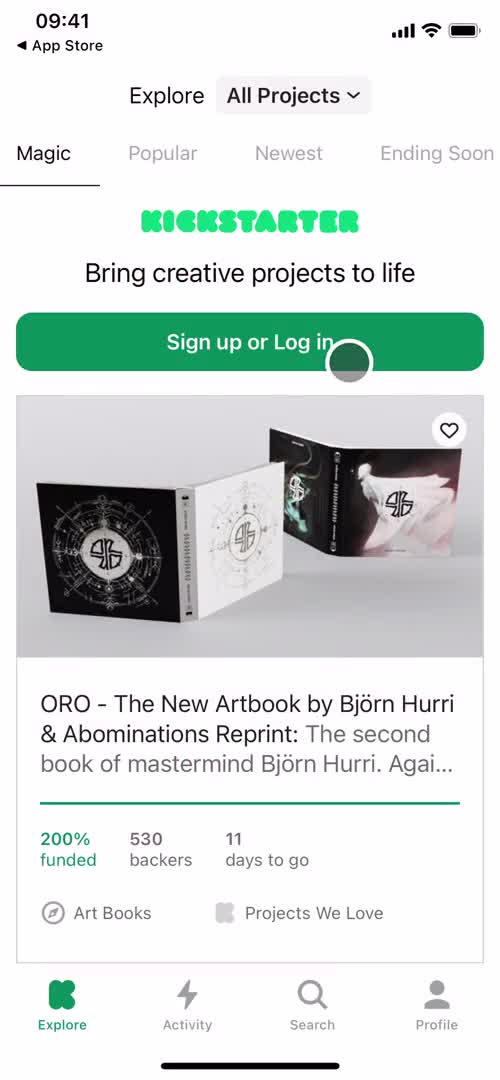
Watch a recorded Backing a project flow inside Kickstarter for iOS. Every screen, tap, and transition is captured step by step — see exactly how Kickstarter designs the Backing a project experience on iPhone.

Kickstarter is a dynamic crowdfunding platform where creators can launch creative projects and raise funds directly from the public. Whether it's for technology, music, film, or art, individuals present their ideas, set funding goals, and offer rewards in return for backers' support. With a successful project funding model, creators can bring their visions to life while backers get the chance to support innovative endeavors.
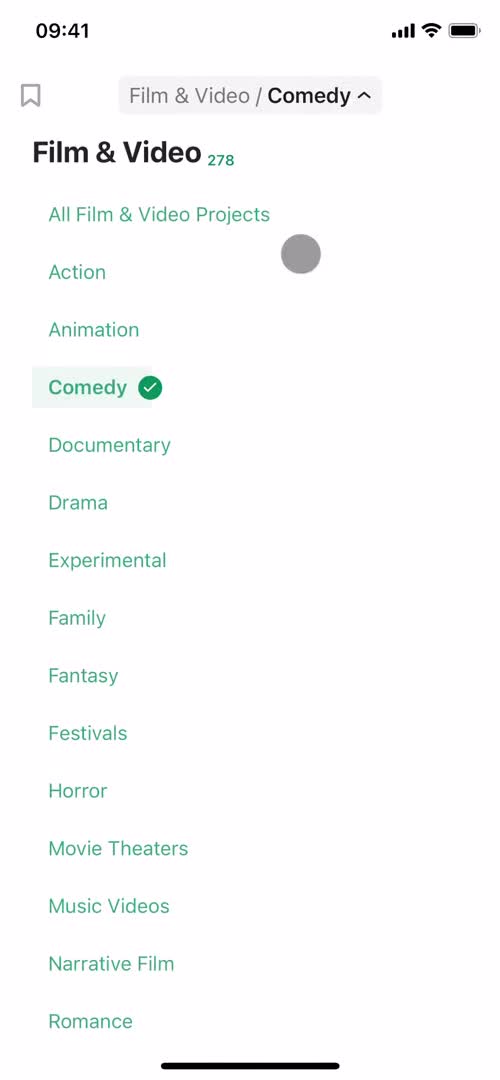
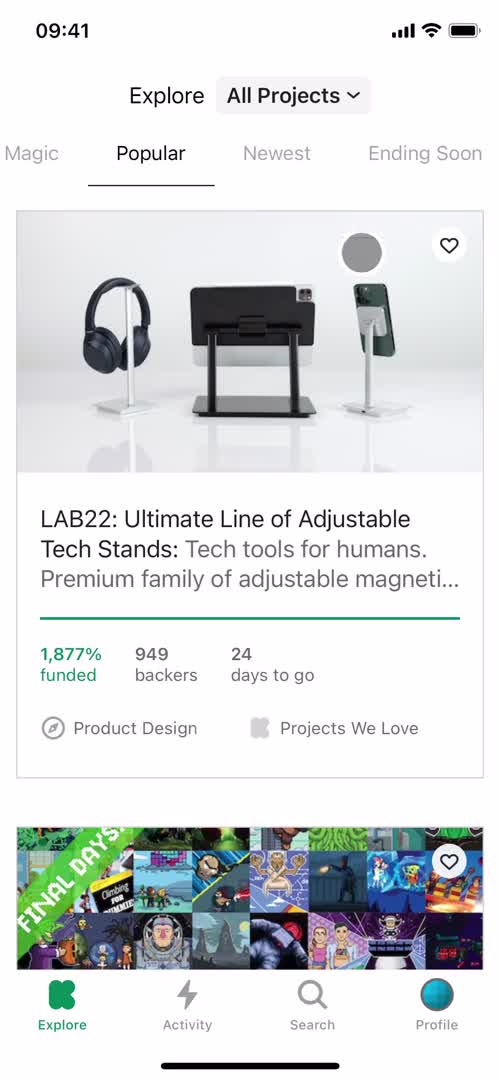
Video preview
In this video
  • Home
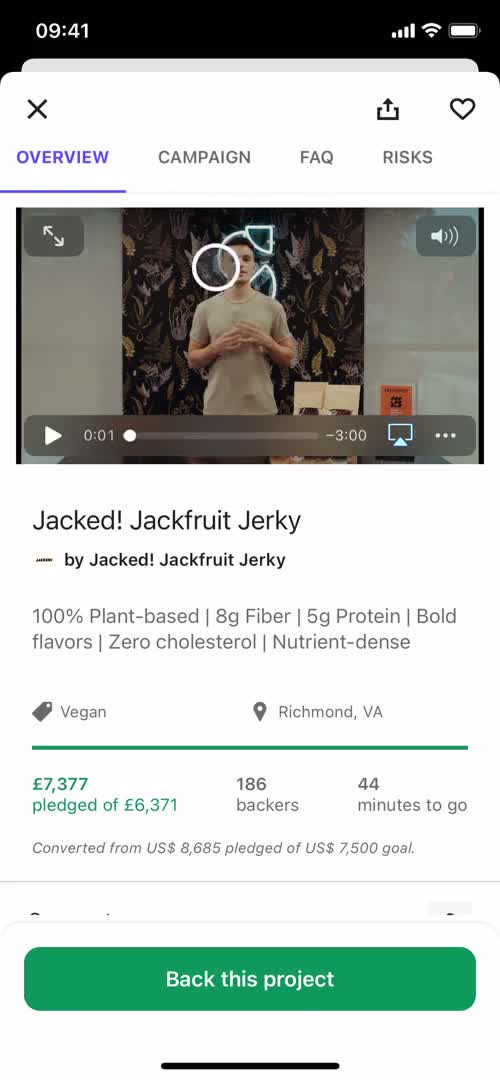
  • Project details
  • Video
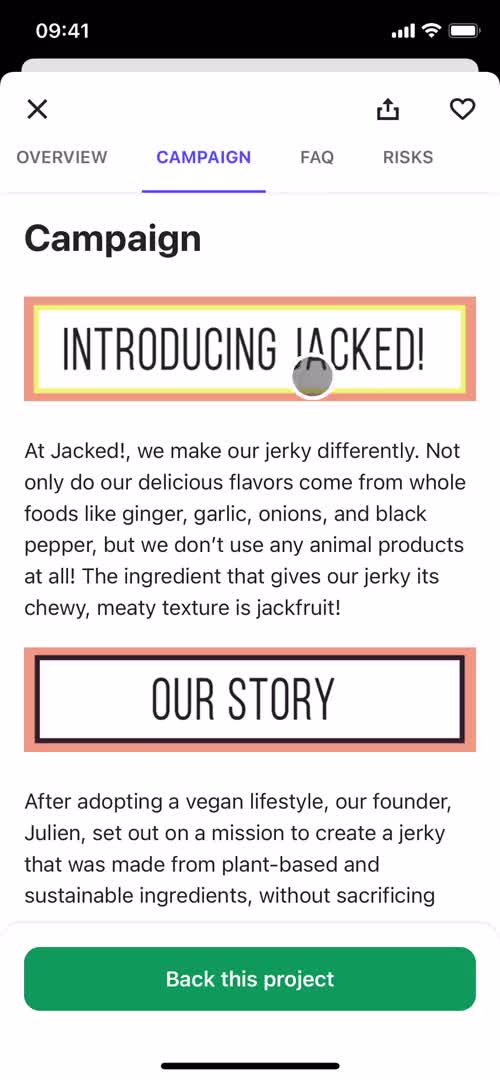
  • Campaign details
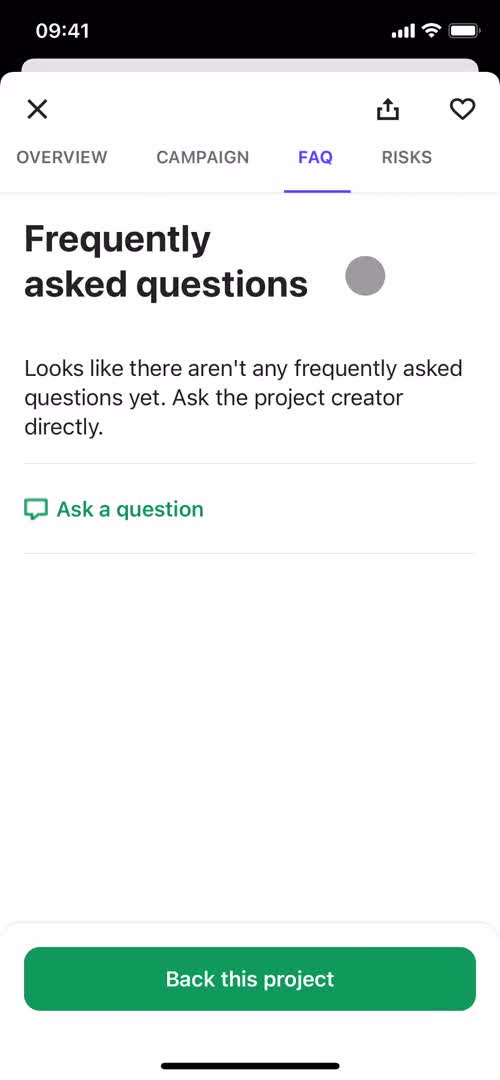
  • FAQ
  • Project details
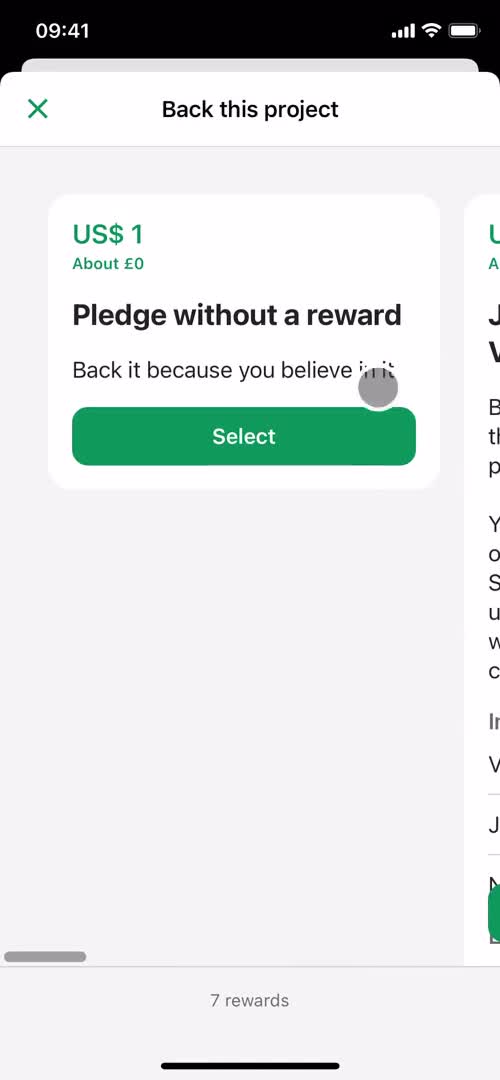
  • Select tier
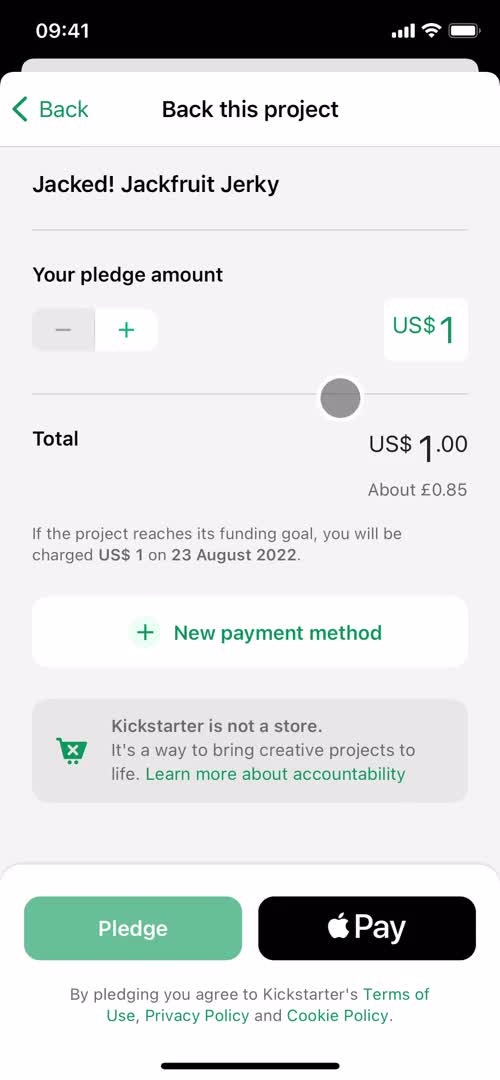
  • Pay
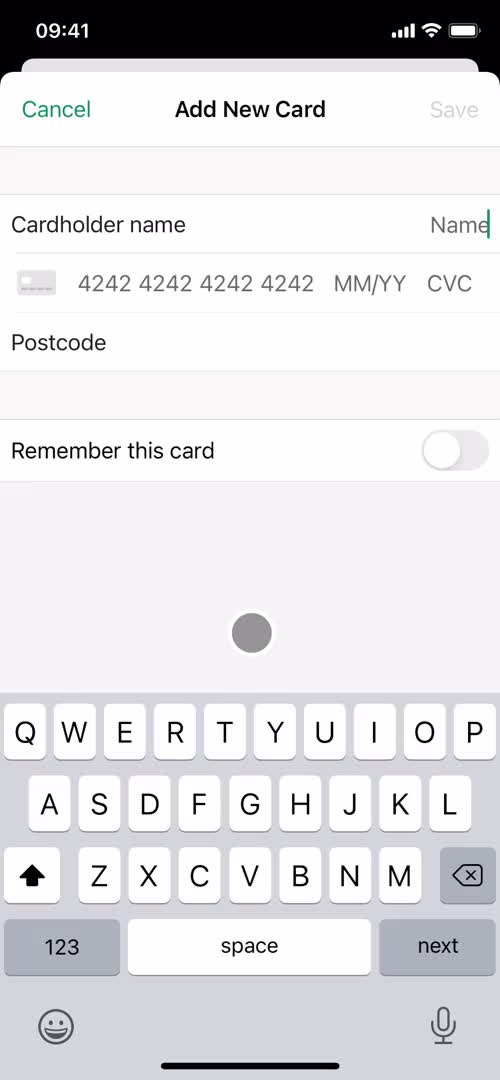
  • Add payment method
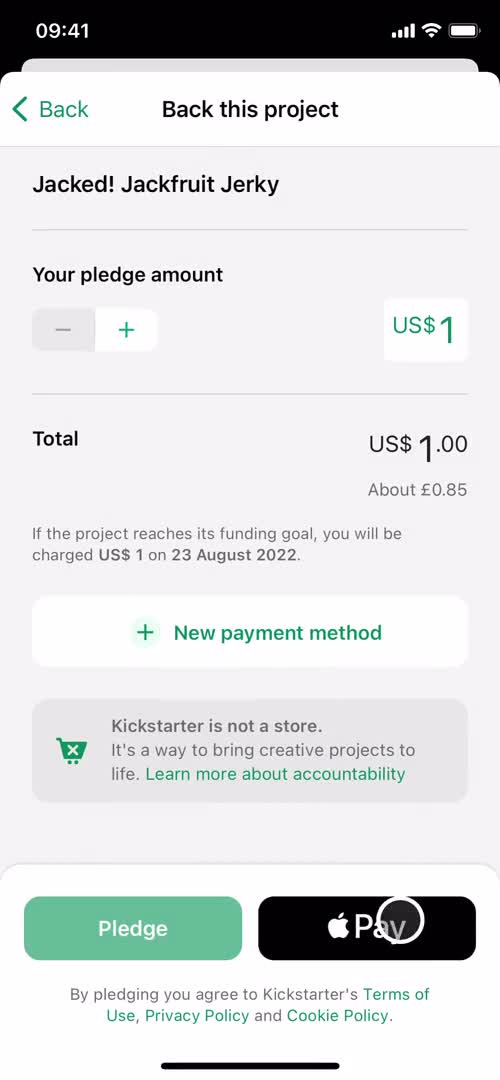
  • Checkout
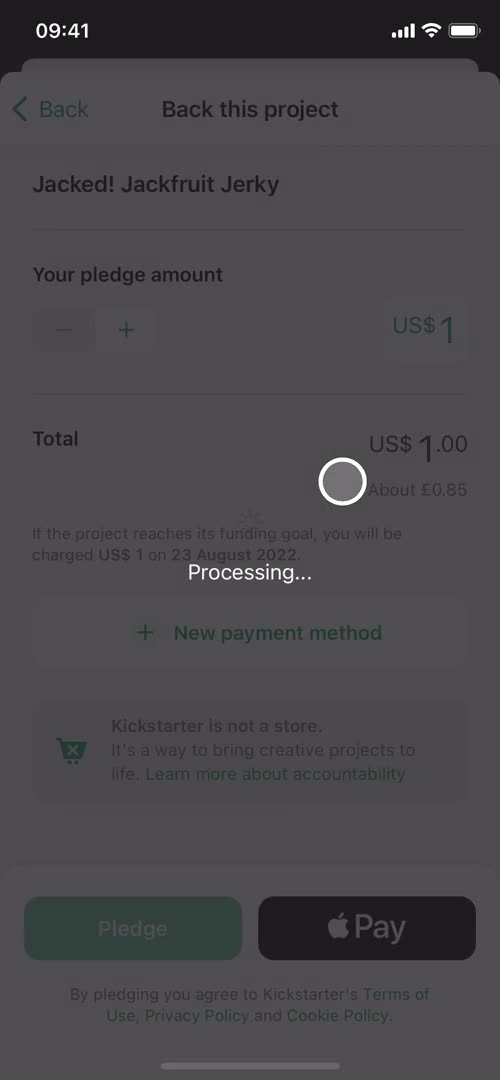
  • Processing
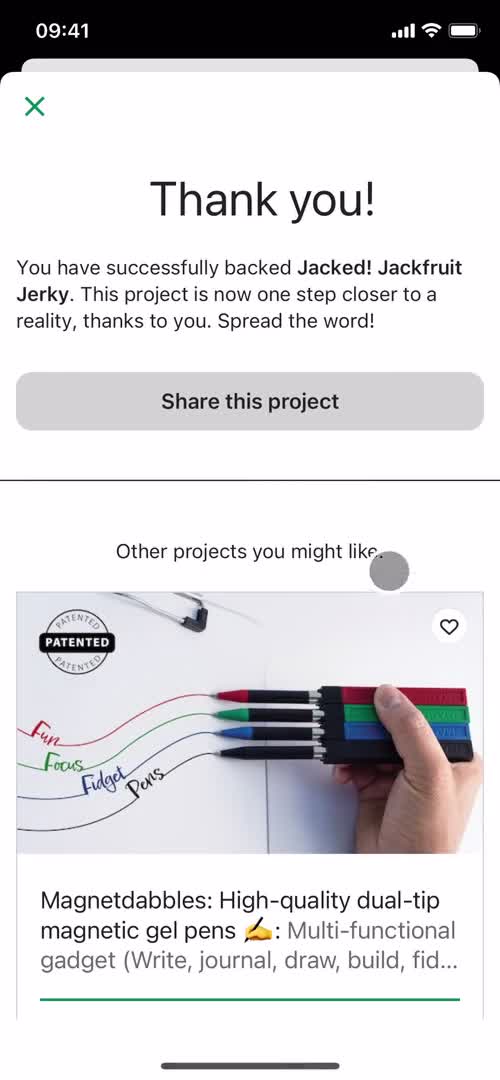
  • Payment succeeded
  • Home
  • Project details
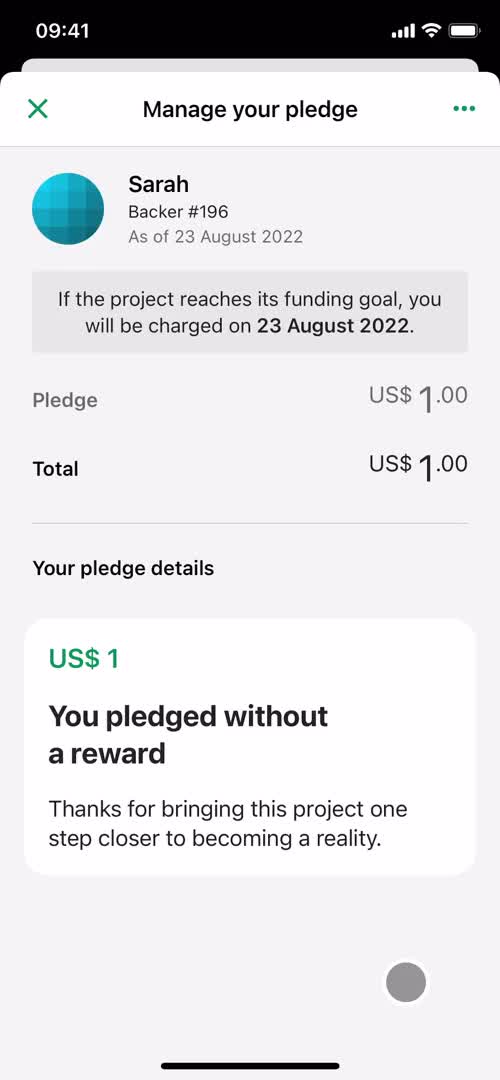
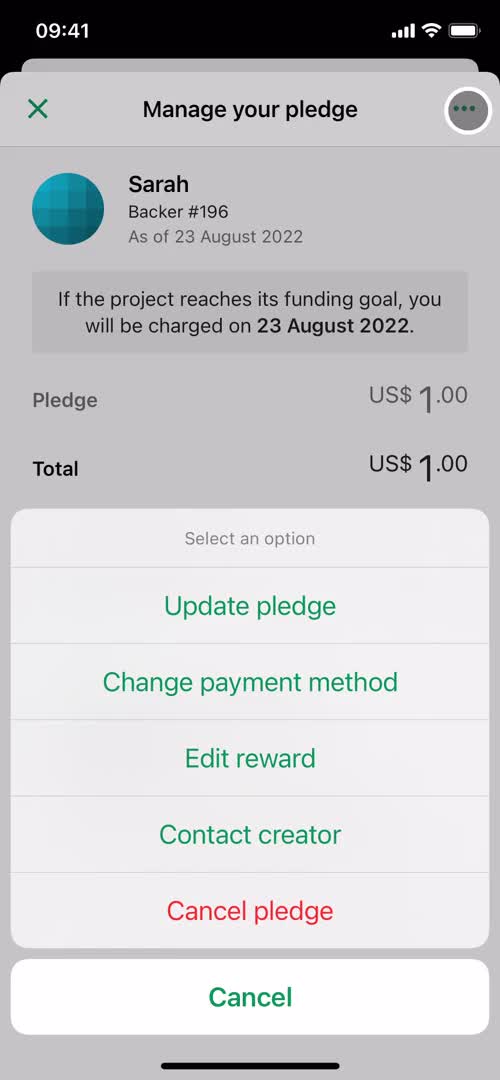
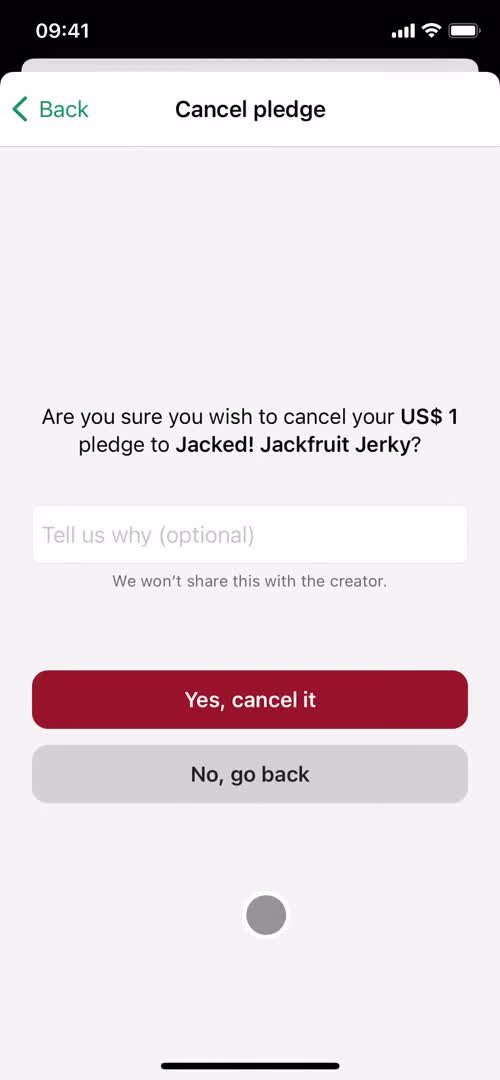
  • Manage pledge
  • Action menu
  • Home
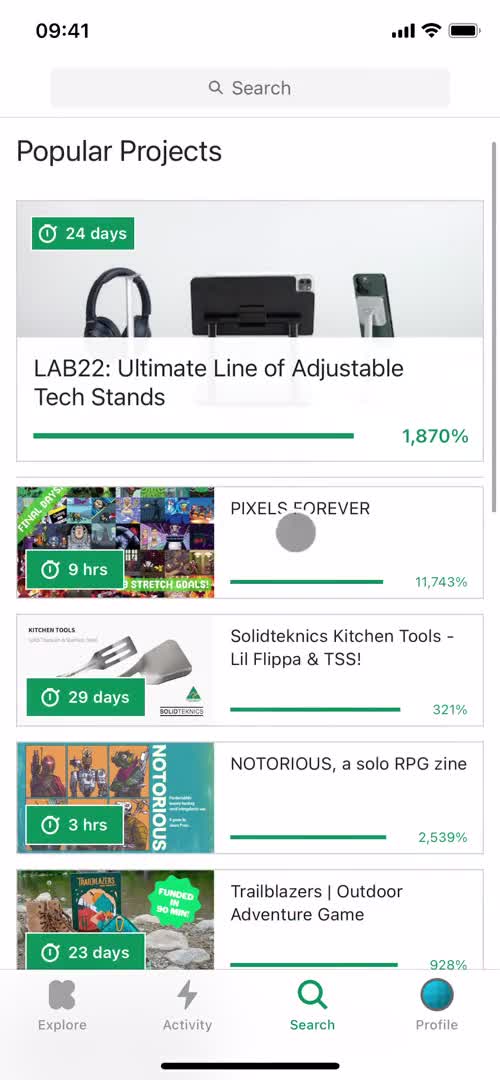
Backing a project 18 Screens
Backing a project screenshot
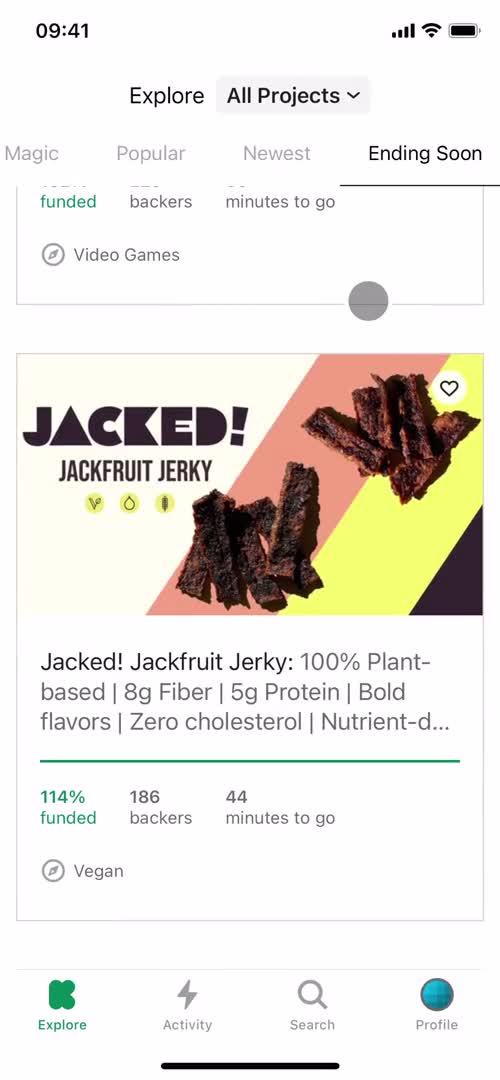
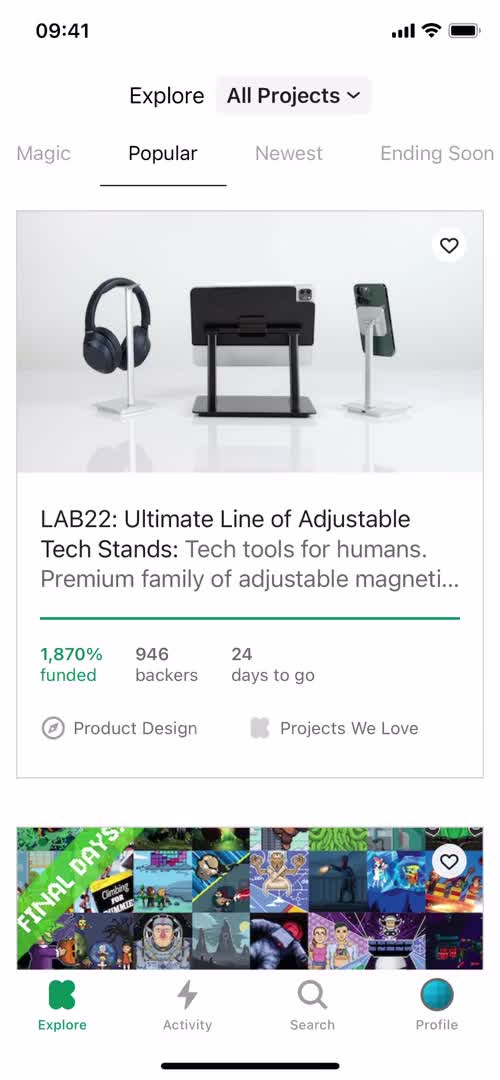
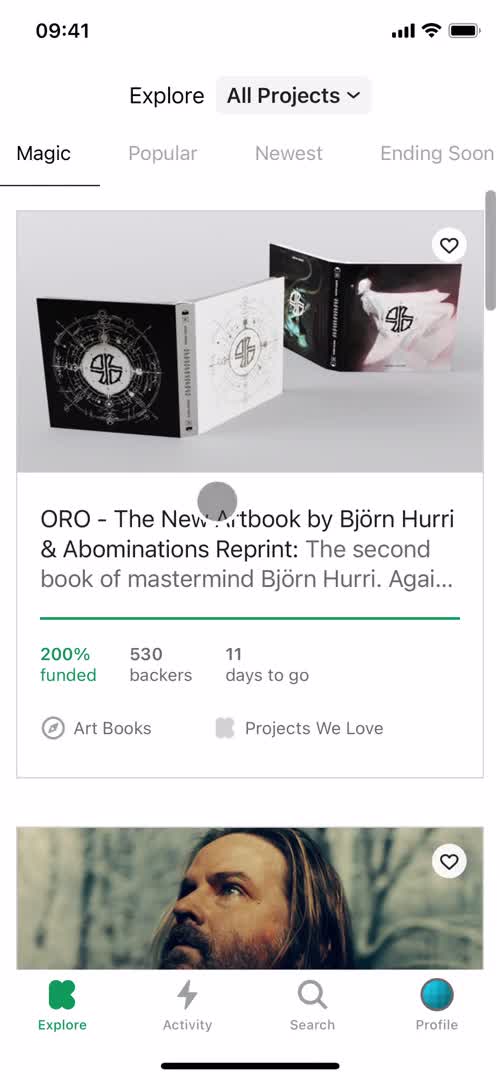
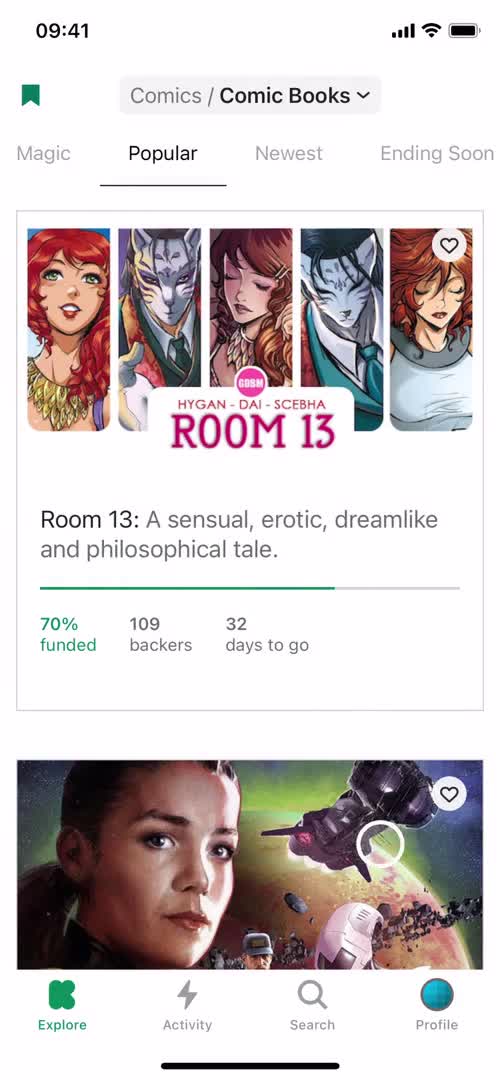
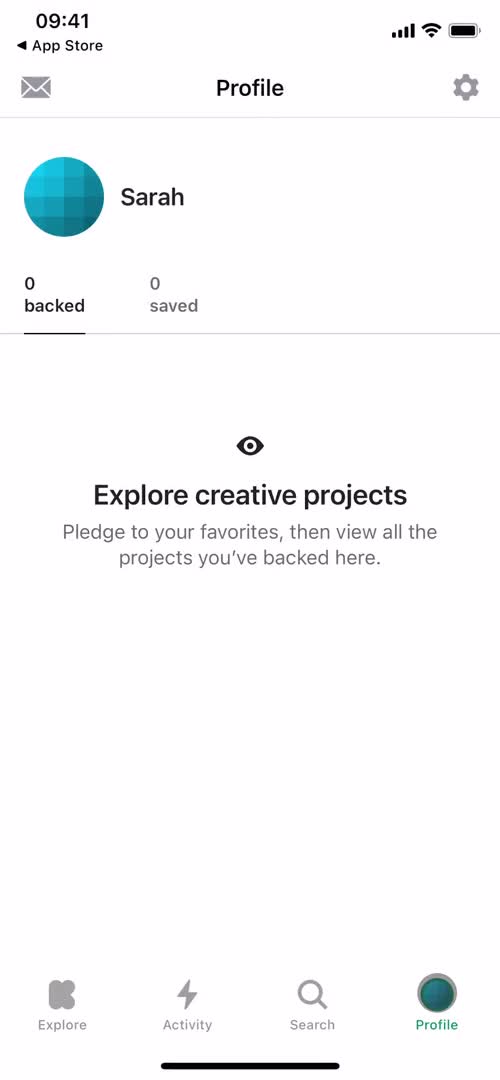
Home
Backing a project screenshot
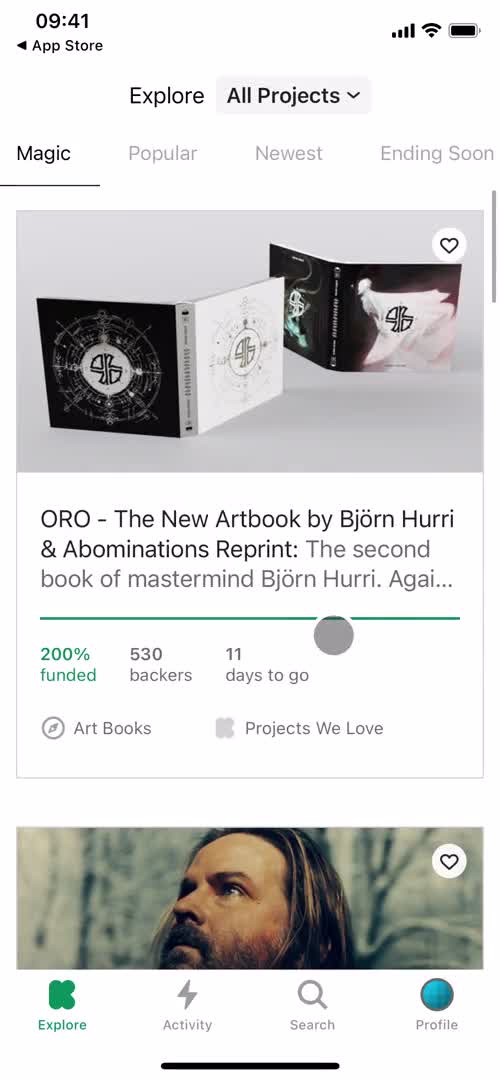
Home
Backing a project screenshot
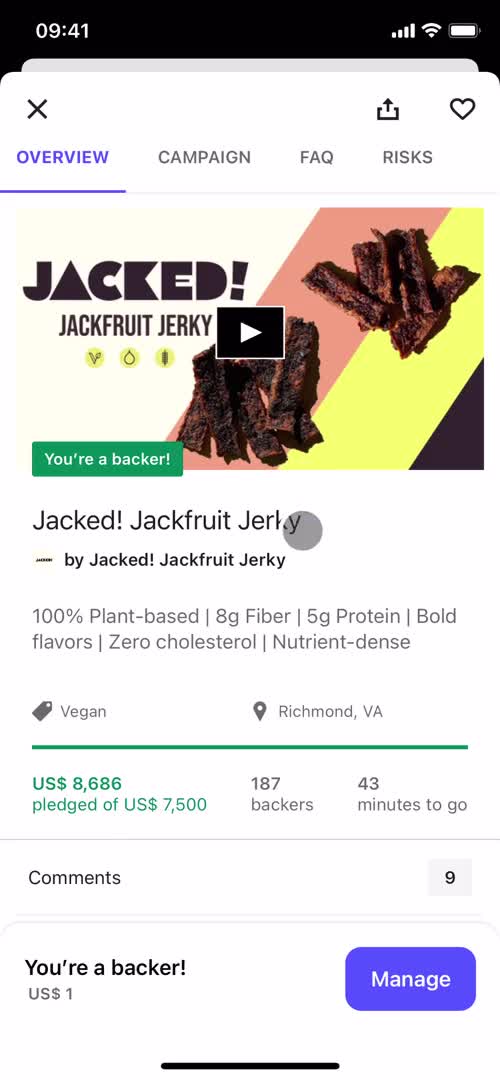
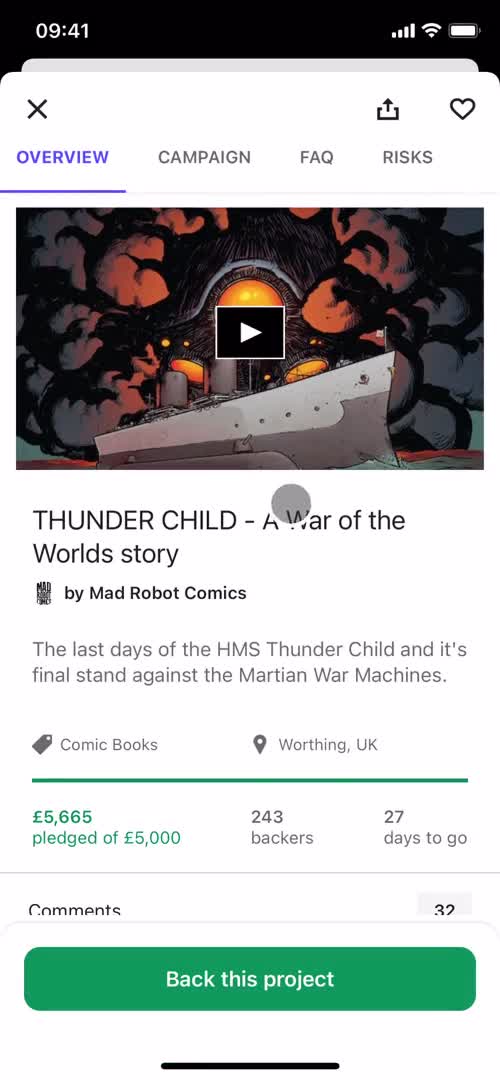
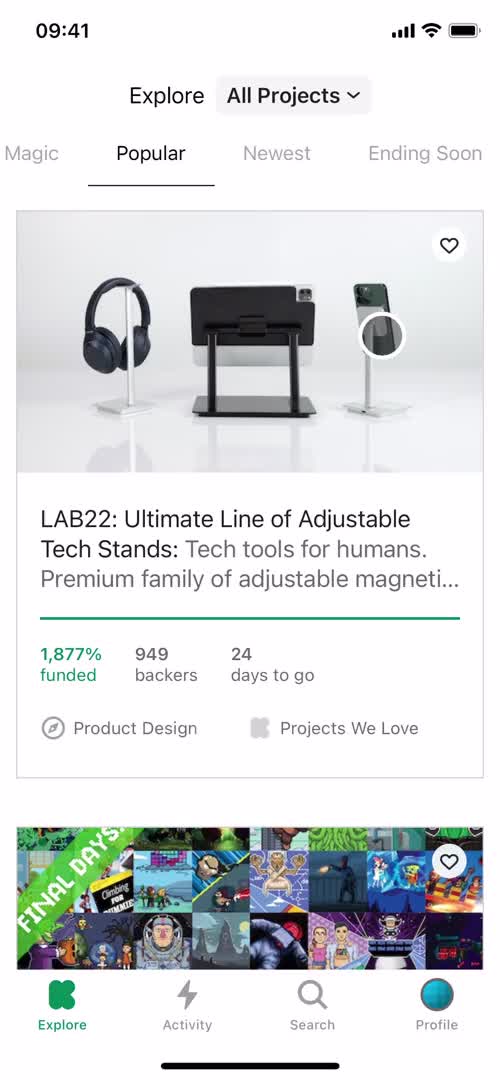
Project details
Backing a project screenshot

Sign up to unlock this user flow

Try 3 Days
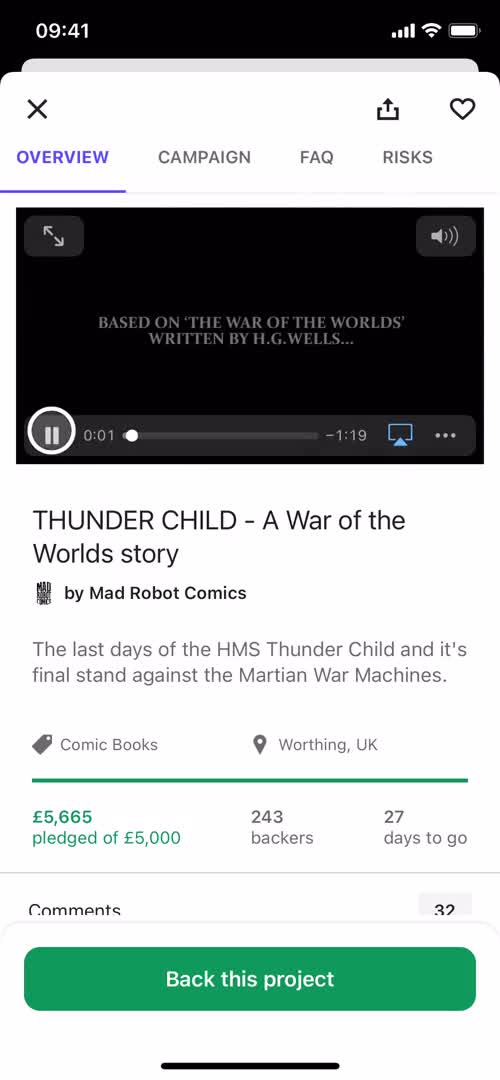
Video
Backing a project screenshot

Sign up to unlock this user flow

Try 3 Days
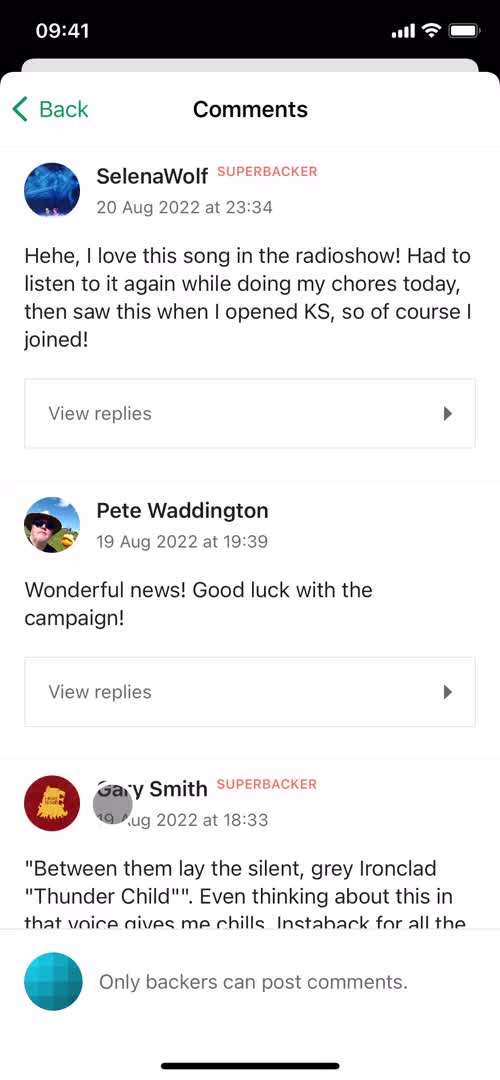
Campaign details
Backing a project screenshot

Sign up to unlock this user flow

Try 3 Days
FAQ
Backing a project screenshot

Sign up to unlock this user flow

Try 3 Days
Project details
Backing a project screenshot

Sign up to unlock this user flow

Try 3 Days
Select tier
Backing a project screenshot

Sign up to unlock this user flow

Try 3 Days
Pay
Backing a project screenshot

Sign up to unlock this user flow

Try 3 Days
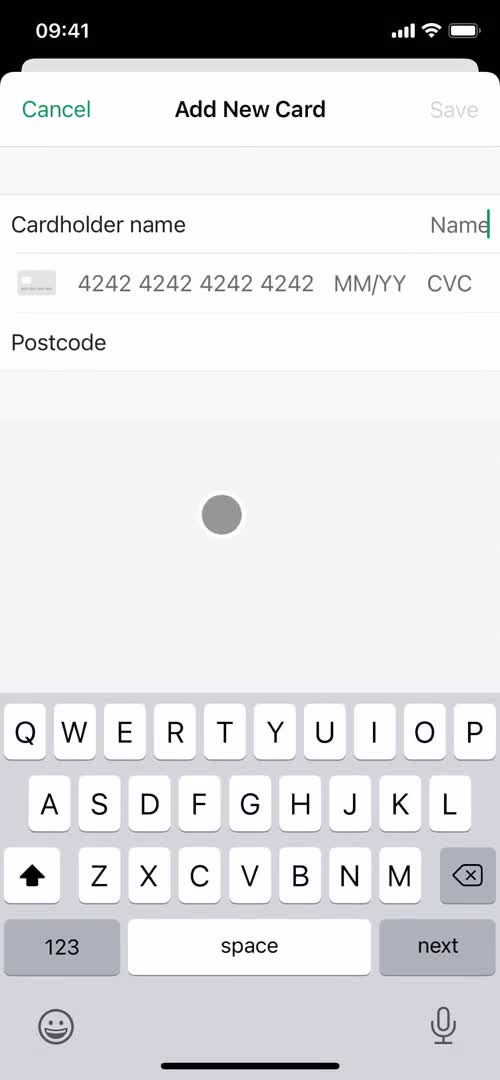
Add payment method
Backing a project screenshot

Sign up to unlock this user flow

Try 3 Days
Checkout
Backing a project screenshot

Sign up to unlock this user flow

Try 3 Days
Processing
Backing a project screenshot

Sign up to unlock this user flow

Try 3 Days
Payment succeeded
Backing a project screenshot

Sign up to unlock this user flow

Try 3 Days
Home
Backing a project screenshot

Sign up to unlock this user flow

Try 3 Days
Project details
Backing a project screenshot

Sign up to unlock this user flow

Try 3 Days
Manage pledge
Backing a project screenshot

Sign up to unlock this user flow

Try 3 Days
Action menu
Backing a project screenshot

Sign up to unlock this user flow

Try 3 Days
Home
Unlock 6 hidden flows

Log In or Sign Up to See All
Kickstarter Flows

  • Home
  • Project details
  • Video
  • Campaign details
  • FAQ
  • Project details
  • Select tier
  • Pay
  • Add payment method
  • Checkout
  • Processing
  • Payment succeeded
  • Home
  • Project details
  • Manage pledge
  • Action menu
  • Home

Other Social Networking apps you might like

GoFundMe screenshot
Instagram screenshot
Facebook screenshot

Kickstarter Backing a project Flow on iOS — Screen by Screen

This recording documents the Backing a project flow inside Kickstarter on iOS, captured screen by screen from the live app. Rather than showing a static screenshot or a summarized case study, it preserves the full sequence — every transition, microcopy change, and UX decision — so you can study what Kickstarter actually ships, not what they describe.

How Kickstarter Structures the Backing a project Experience

The Backing a project flow is a specific moment inside the Kickstarter experience, and studying it in isolation (while still showing it in the context of a real product) makes it easier to extract patterns you can apply elsewhere. Notice how Kickstarter structures the flow: what it shows first, how it builds momentum, where it places friction, and how it handles completion.

A Real Reference for Backing a project Research

For designers researching Backing a project patterns, this recording gives you a direct, real-world reference. For Kickstarter enthusiasts or competitors, it's a detailed look at how the brand approaches this specific user journey on iOS.

Frequently Asked Questions

How was this Backing a project flow in Kickstarter recorded?

The flow was captured directly from the live iOS version of Kickstarter, preserving the full sequence of screens and interactions exactly as a real user would experience them.

How long is the Backing a project flow in Kickstarter?

Length depends on how Kickstarter has designed the flow — some Backing a project sequences are intentionally brief, others include multiple steps. Watch the full recording to see the complete timing.

How often is the Kickstarter Backing a project flow updated?

Recordings are refreshed when Kickstarter ships significant redesigns, so the documentation reflects the current iOS experience rather than an outdated version.

Can I see Backing a project flows from other iOS apps to compare?

Yes. The iOS Backing a project flows category collects the same flow type from many different iOS apps, so you can benchmark Kickstarter against competitors and alternative approaches.