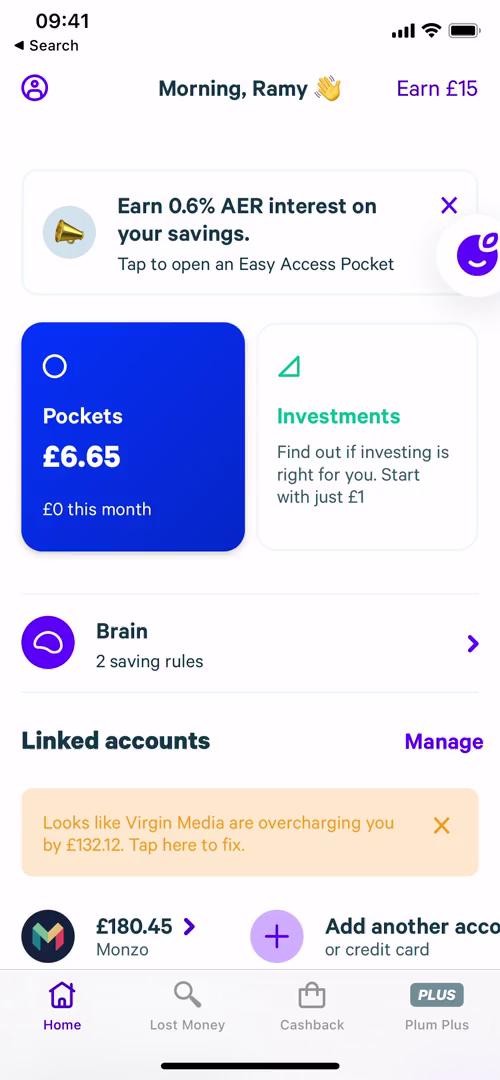
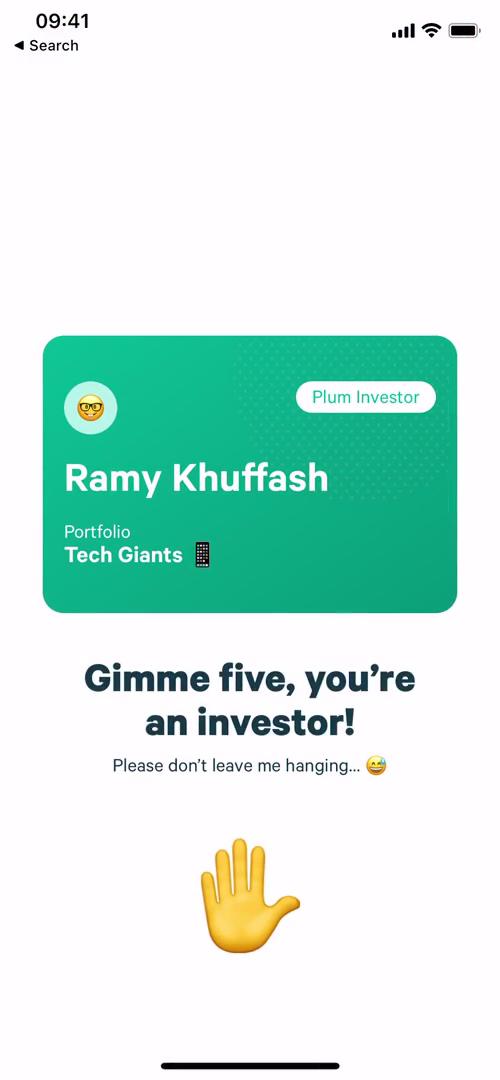
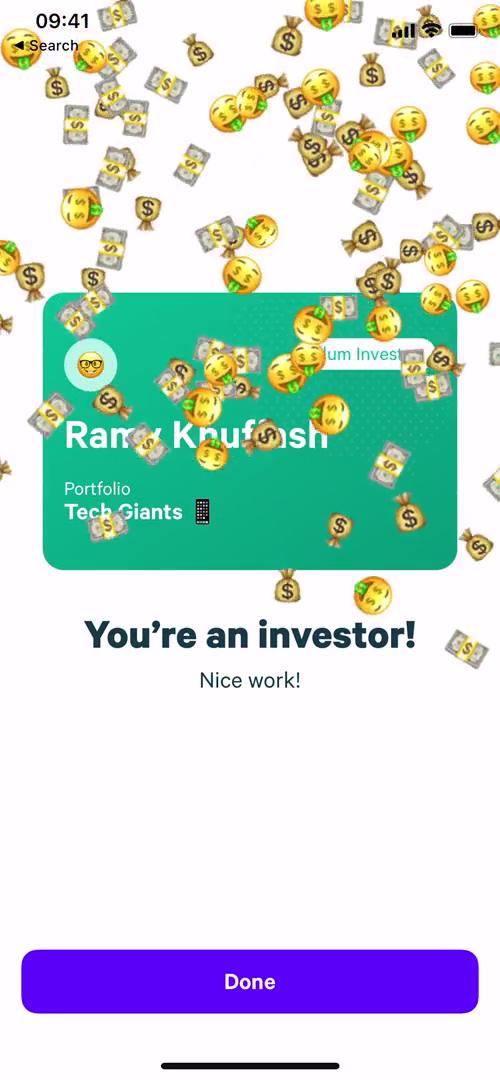
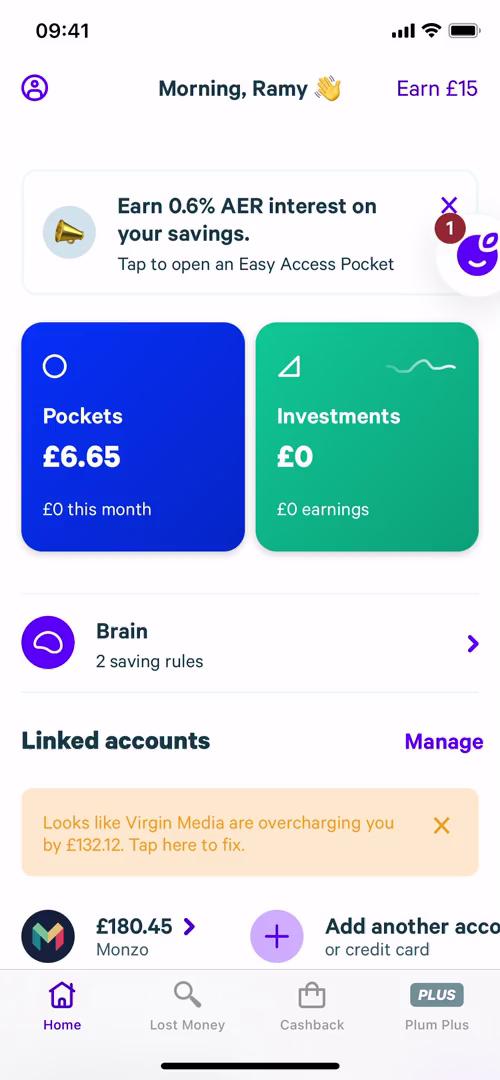
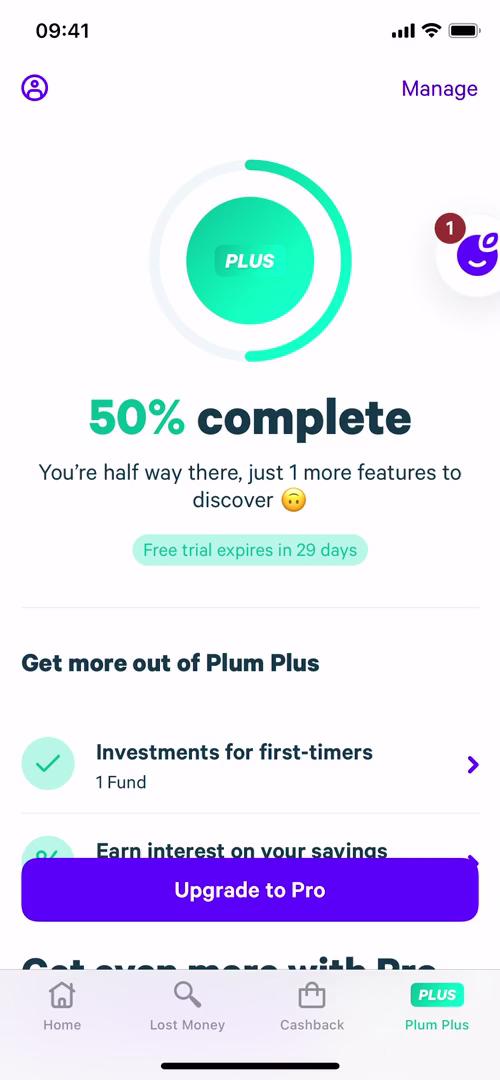
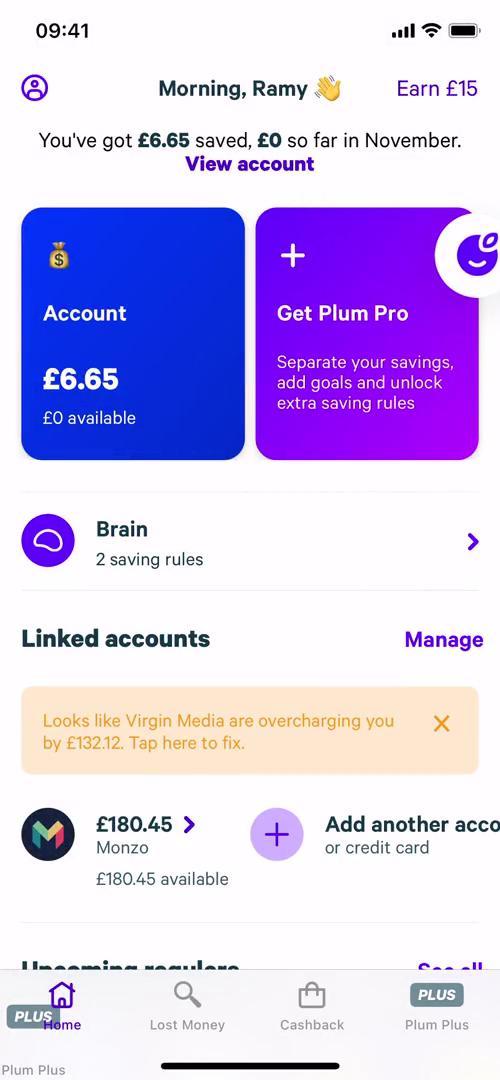
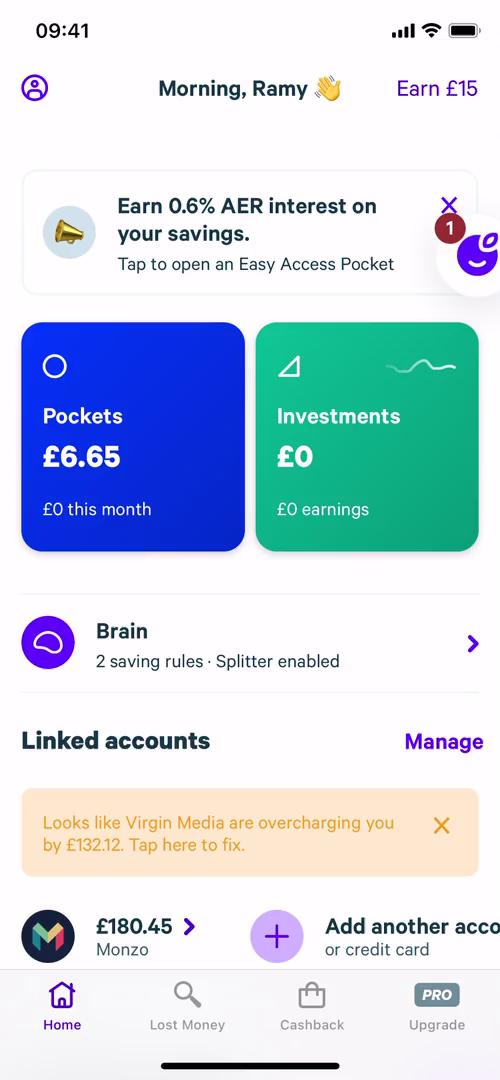
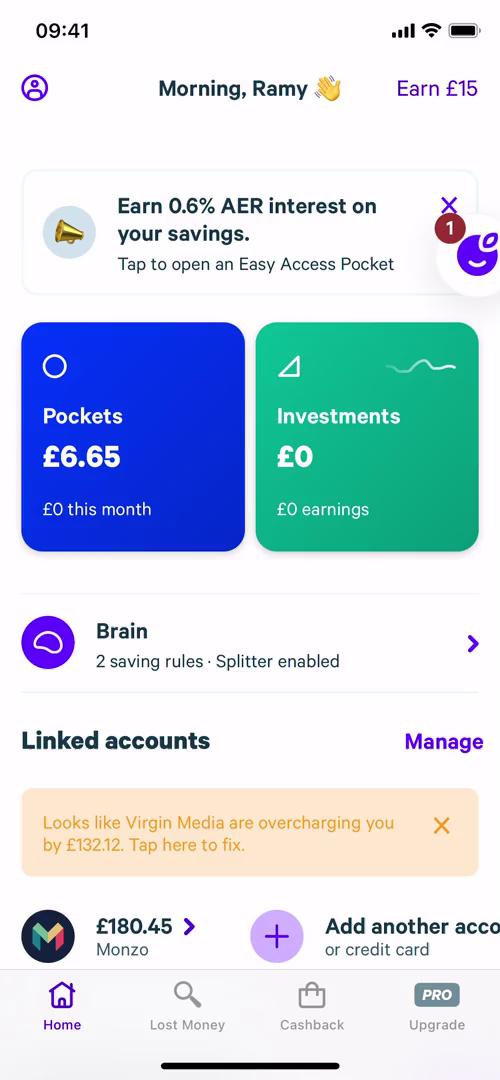
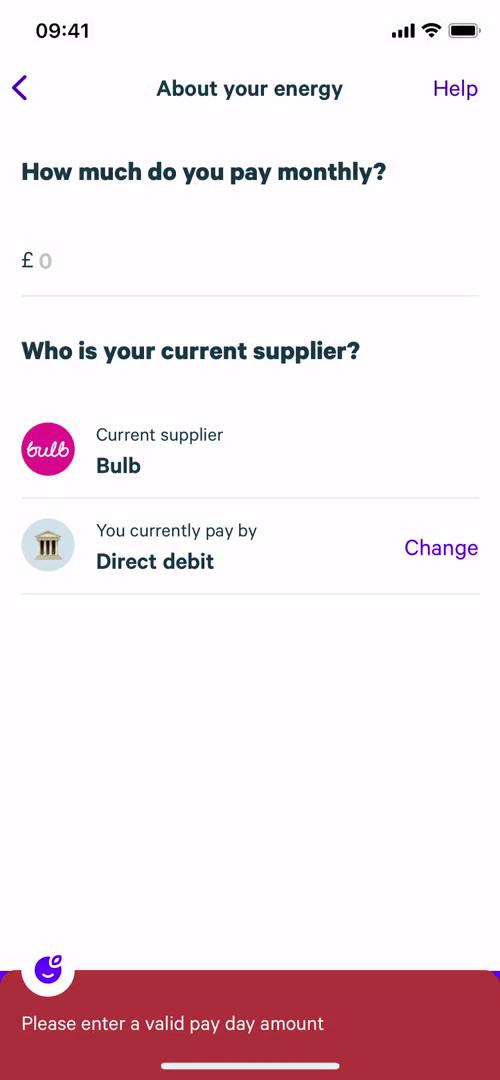
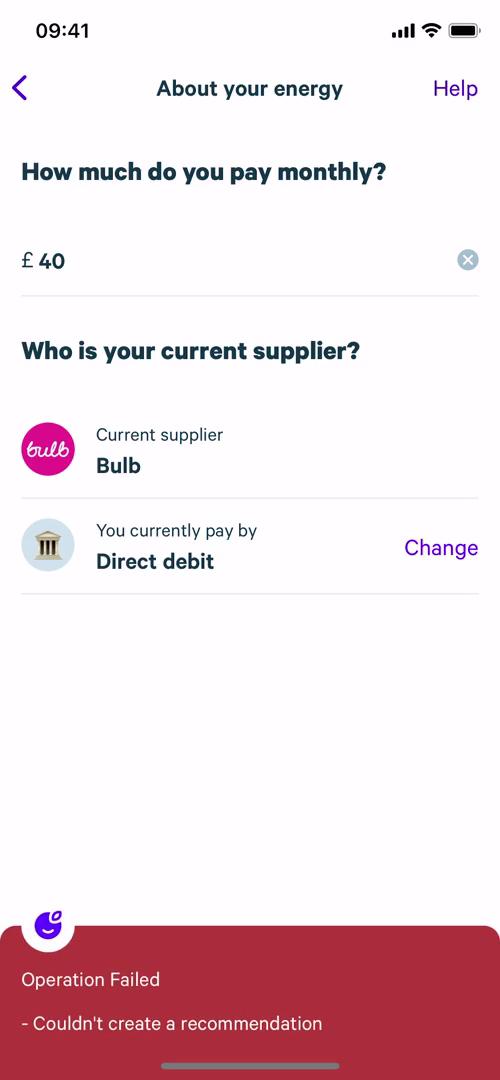
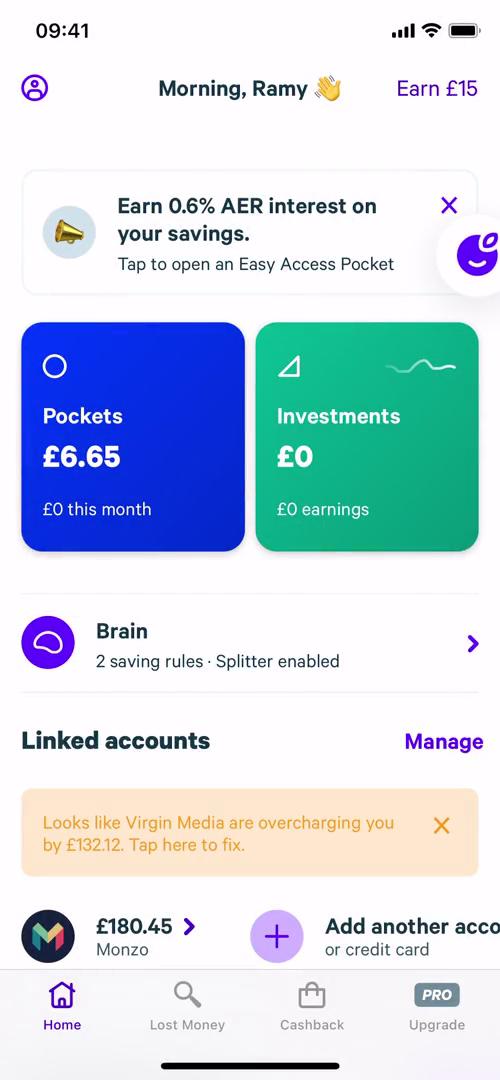
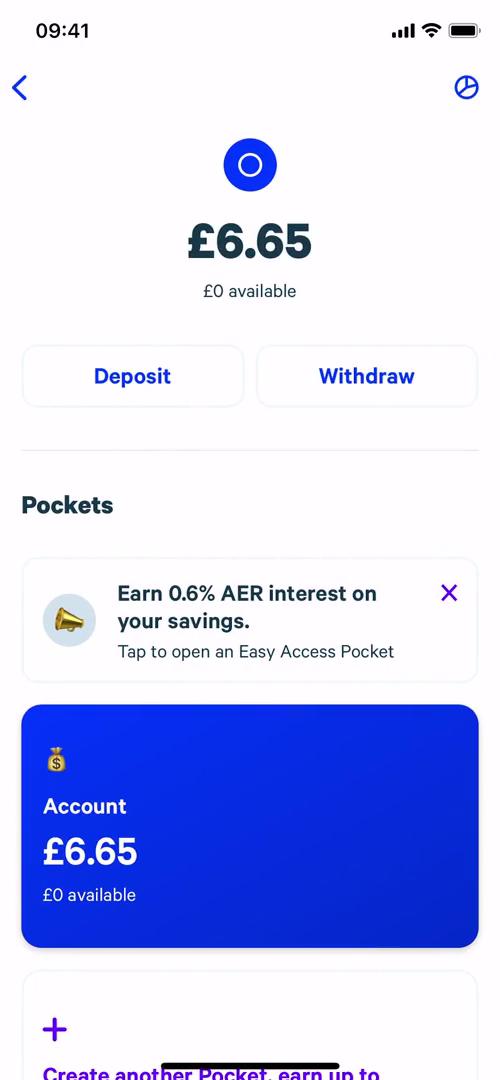
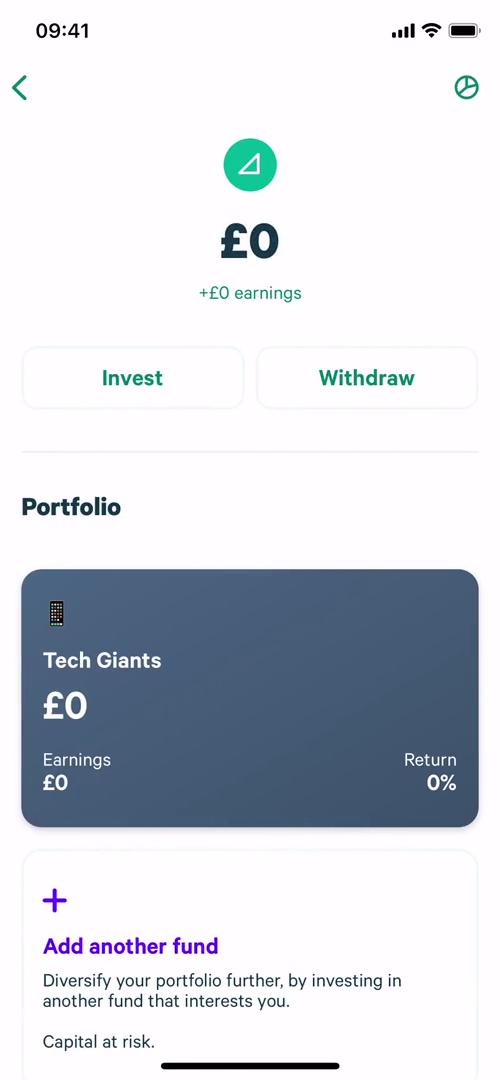
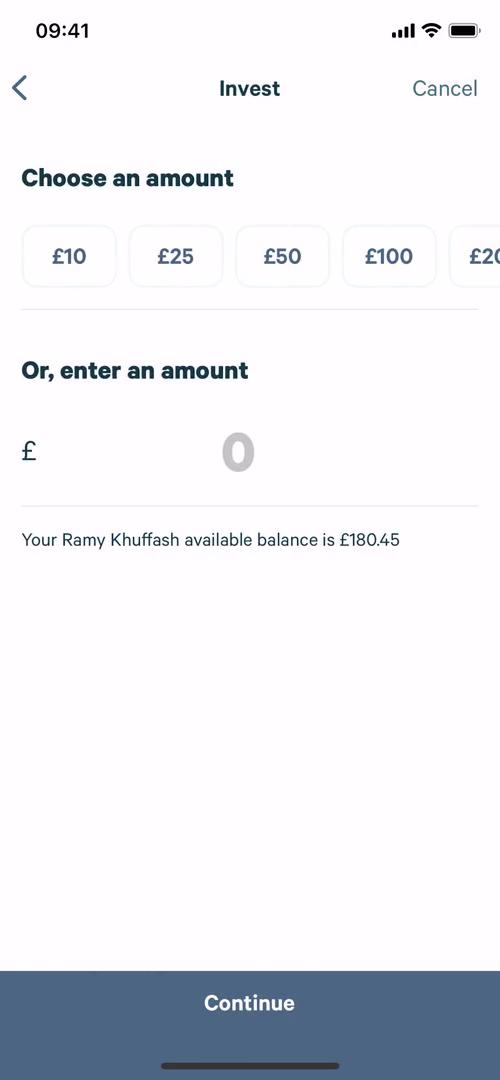
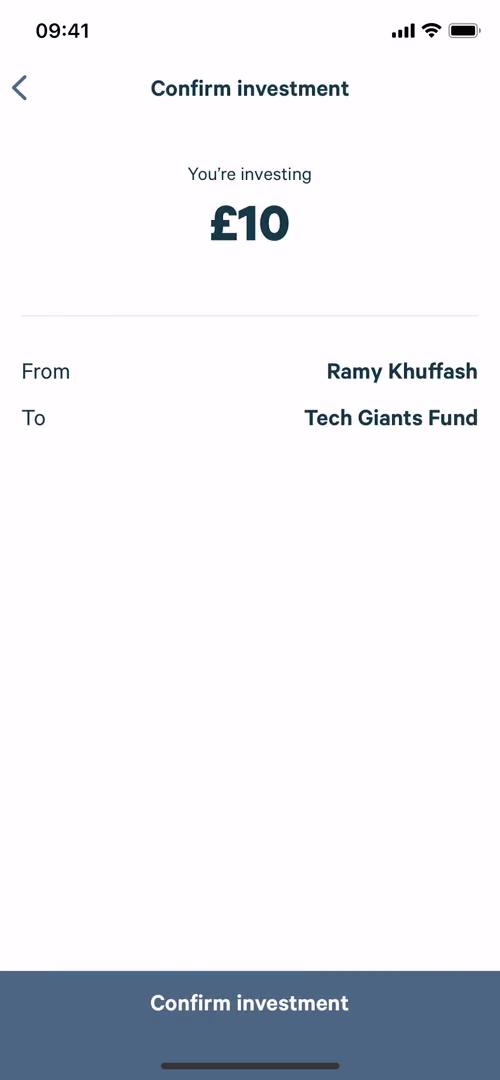
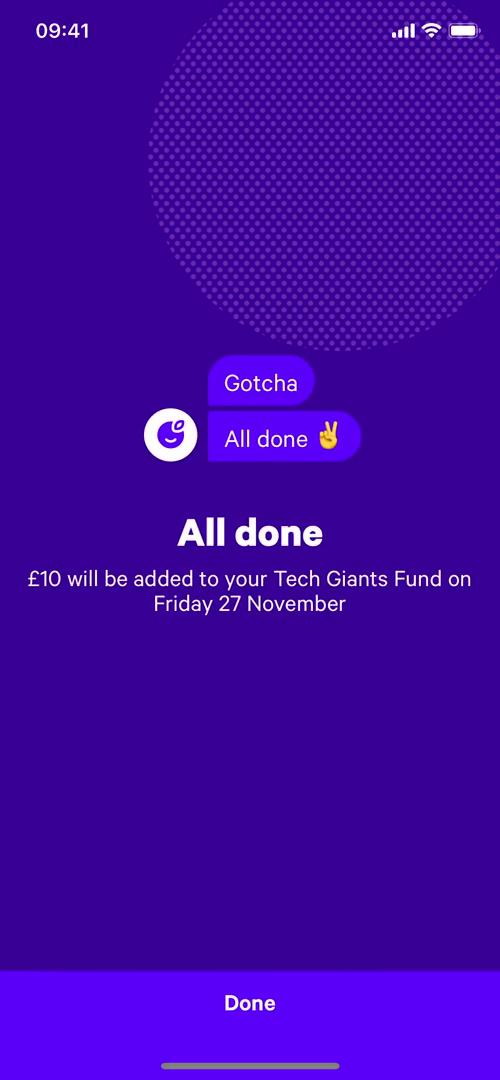
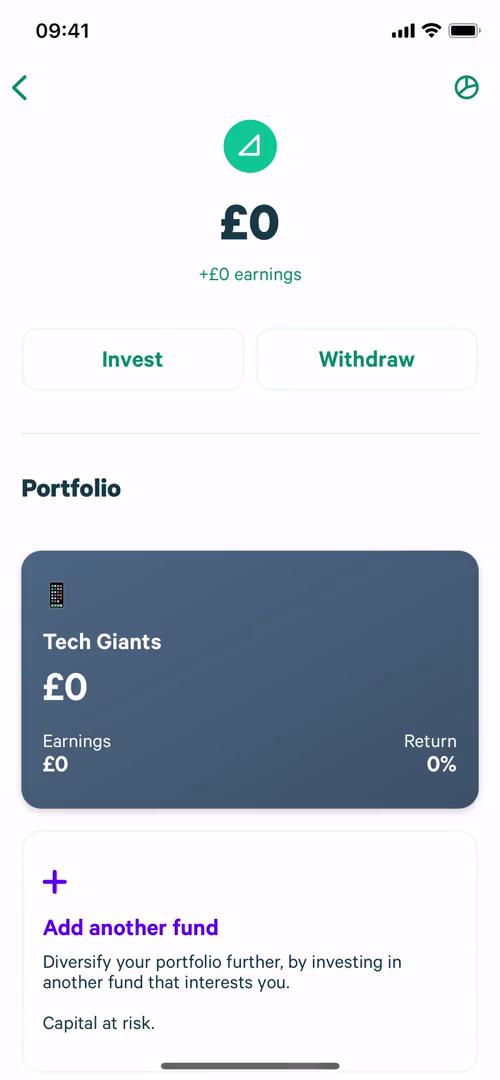
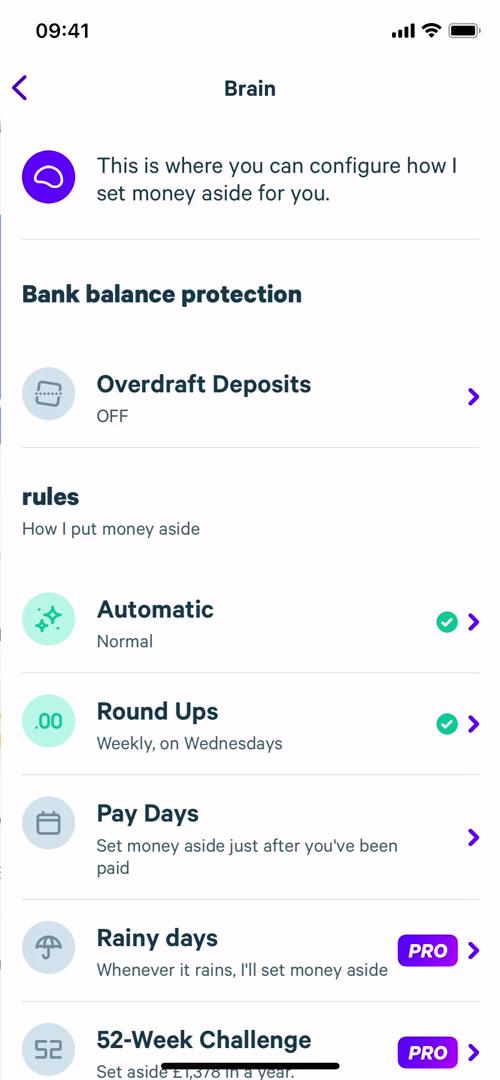
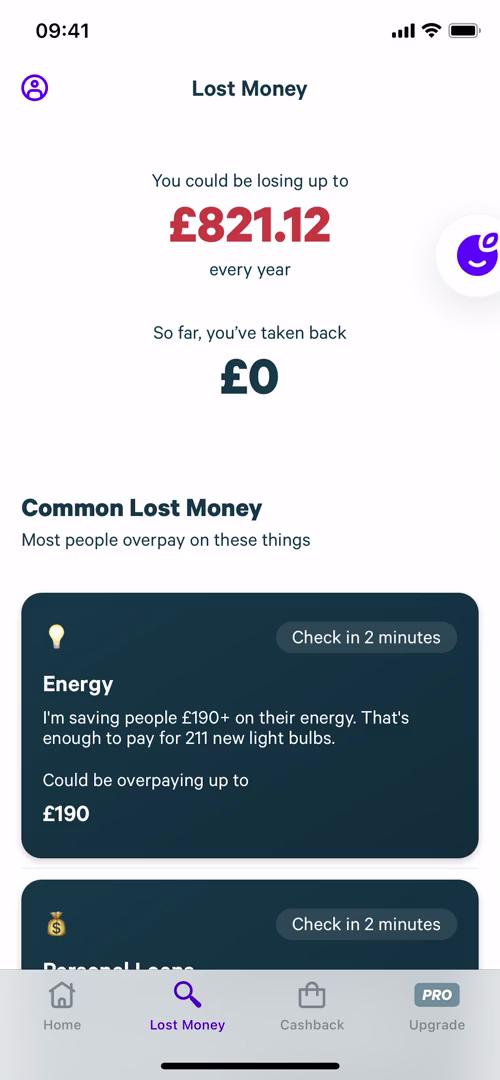
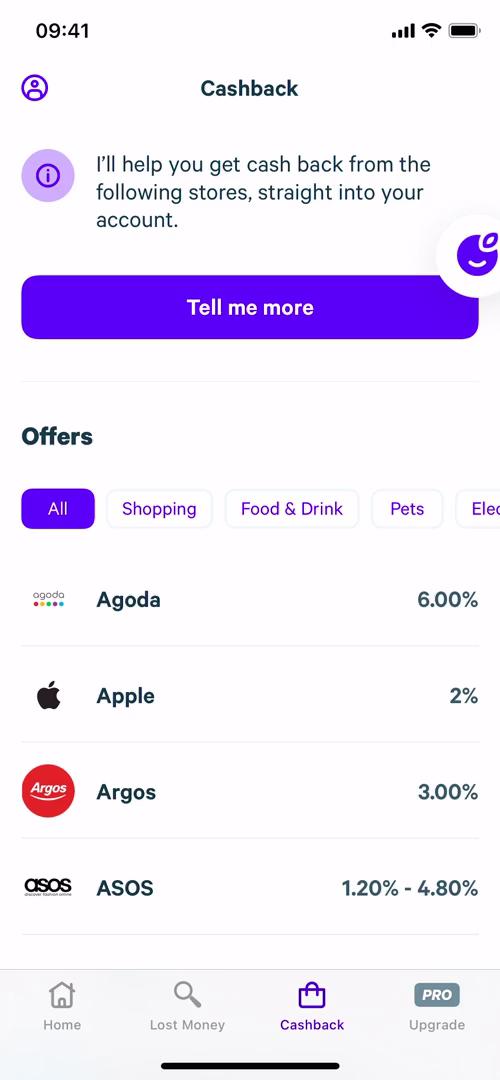
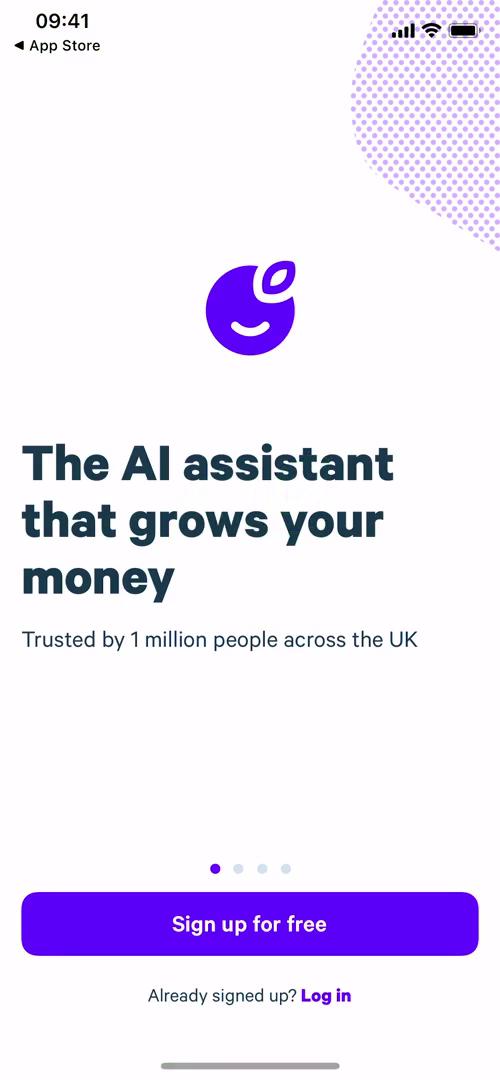
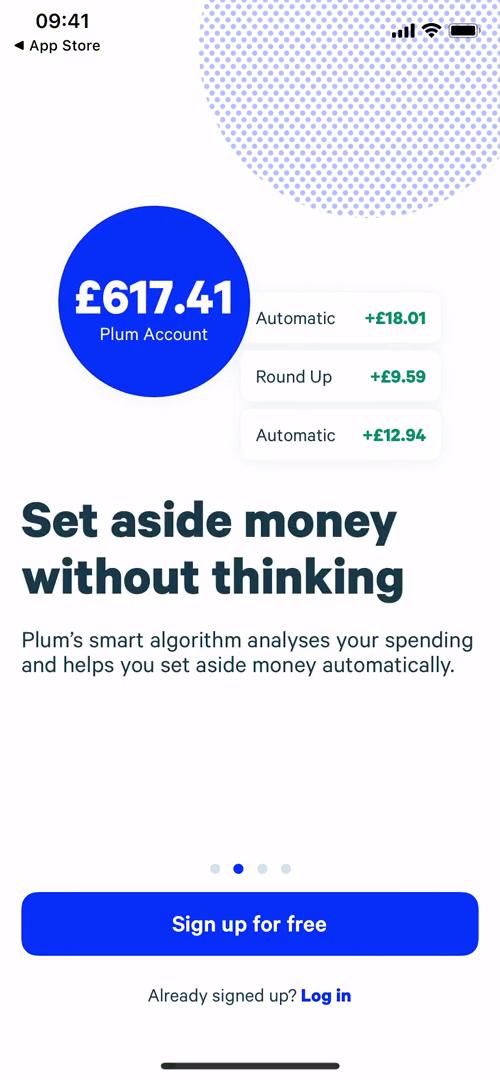
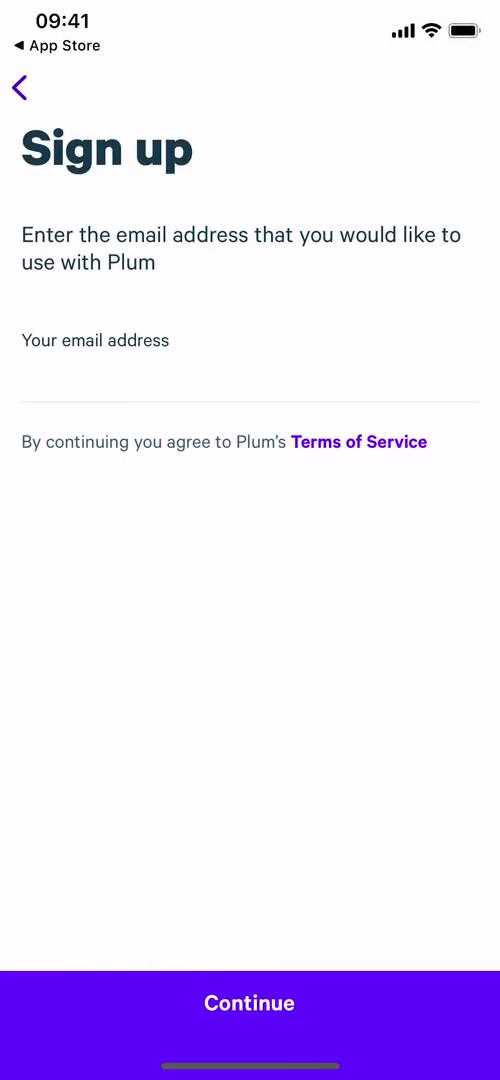
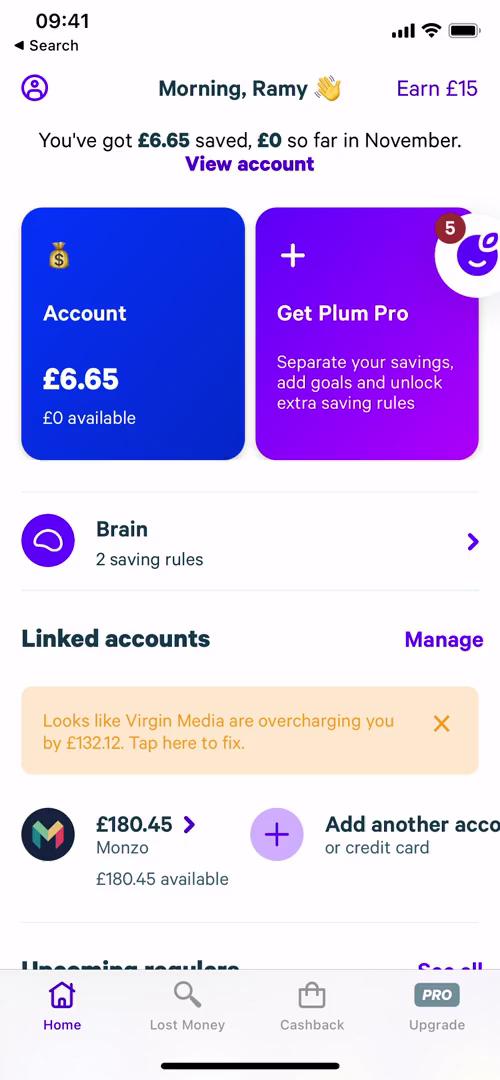
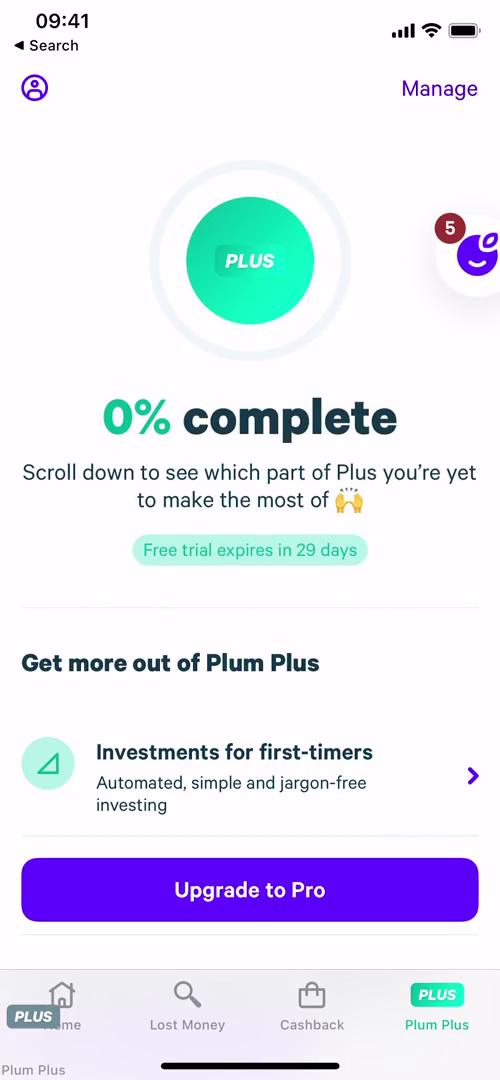
Home
this is title
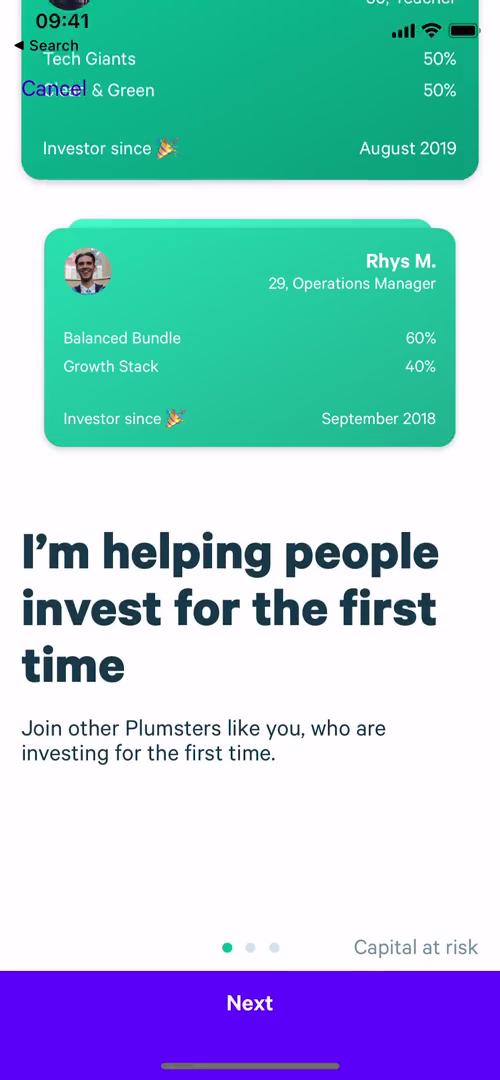
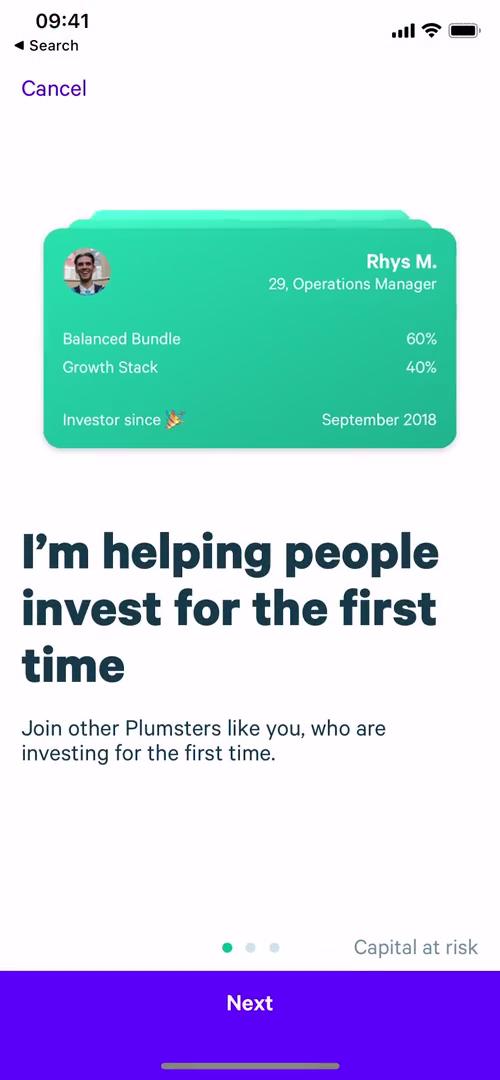
Introduction to investing
this is title
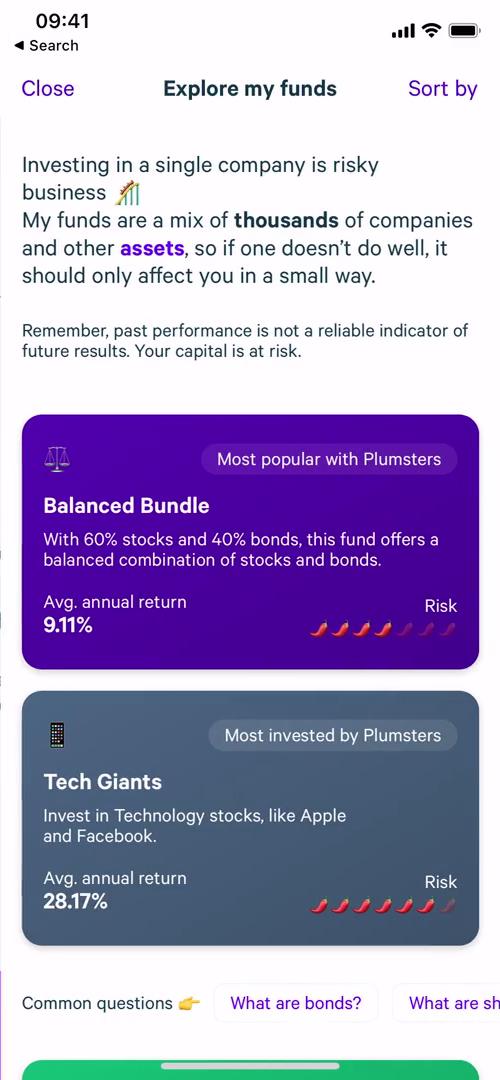
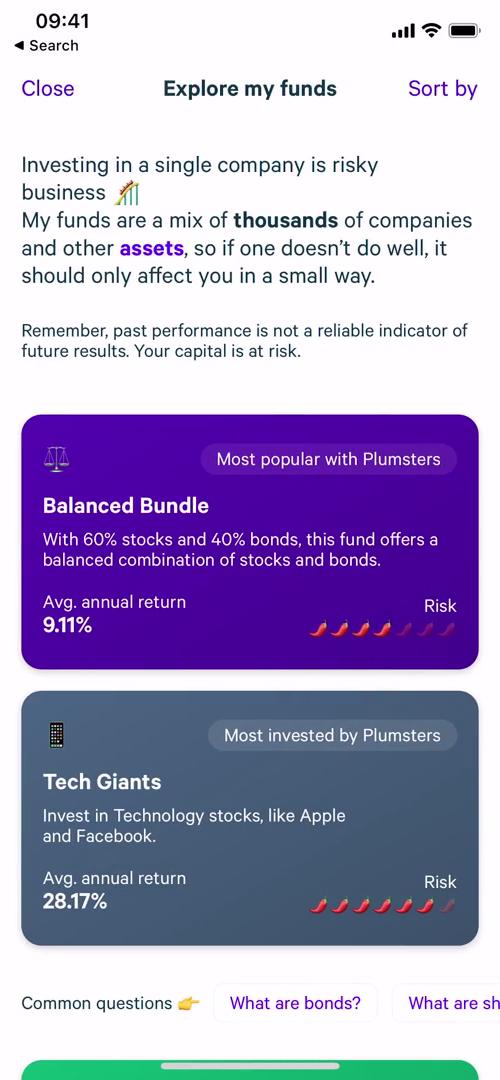
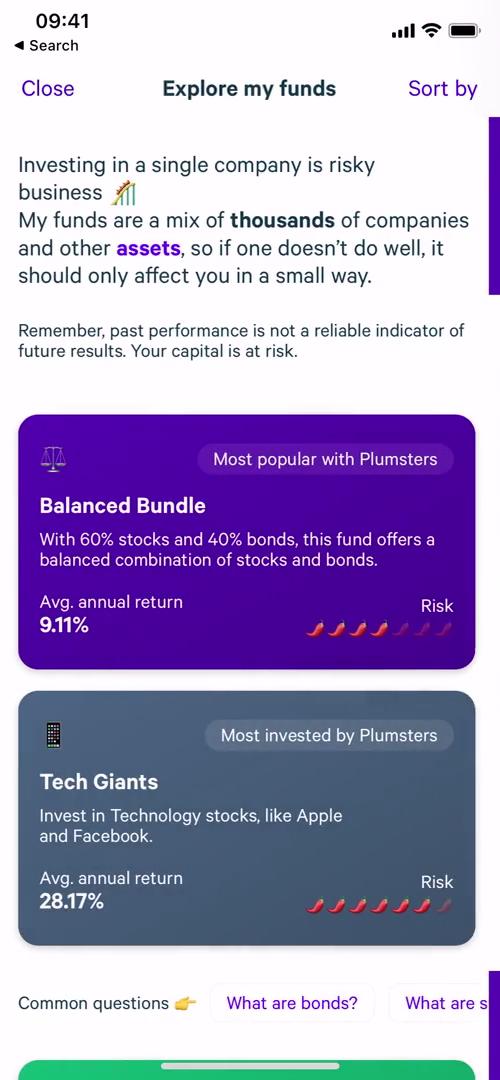
Funds
this is title
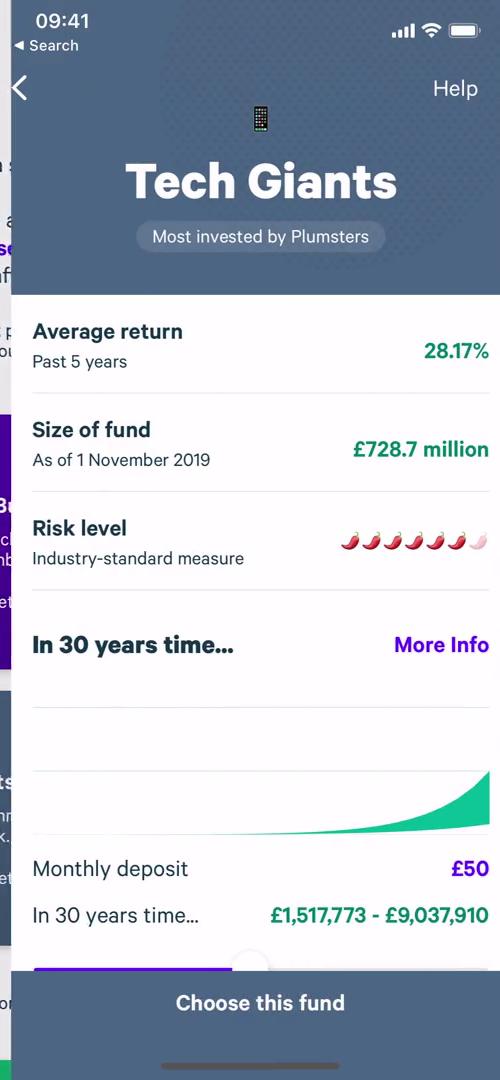
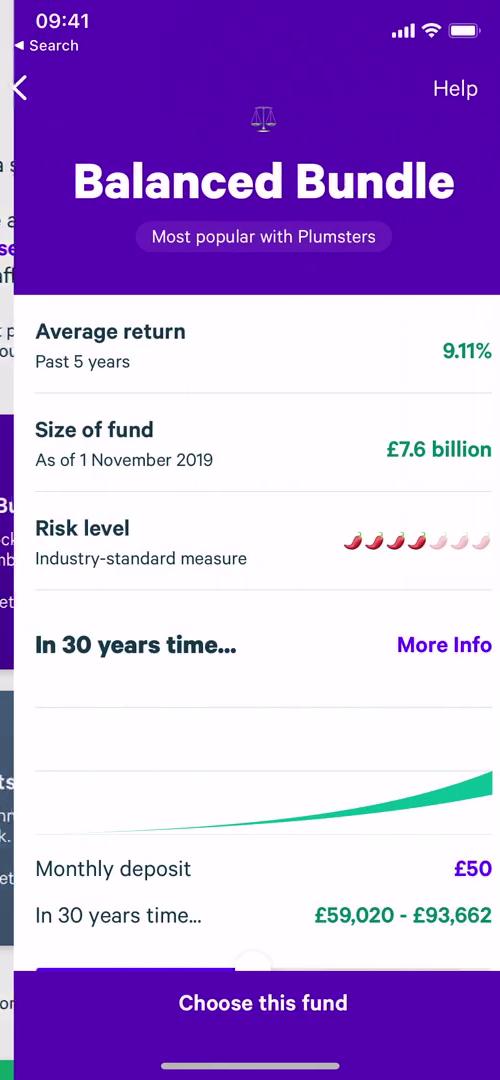
Fund details
this is title
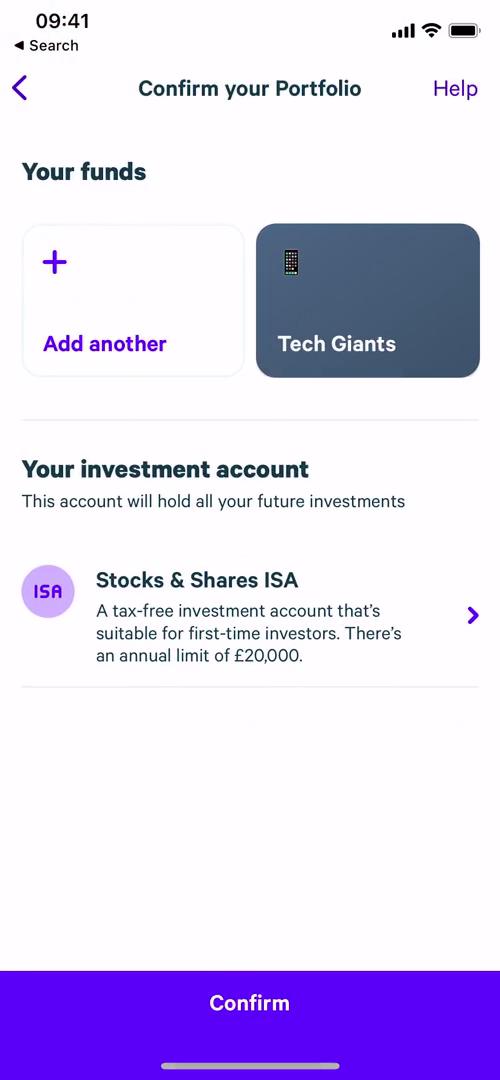
Confirm portfolio
this is title
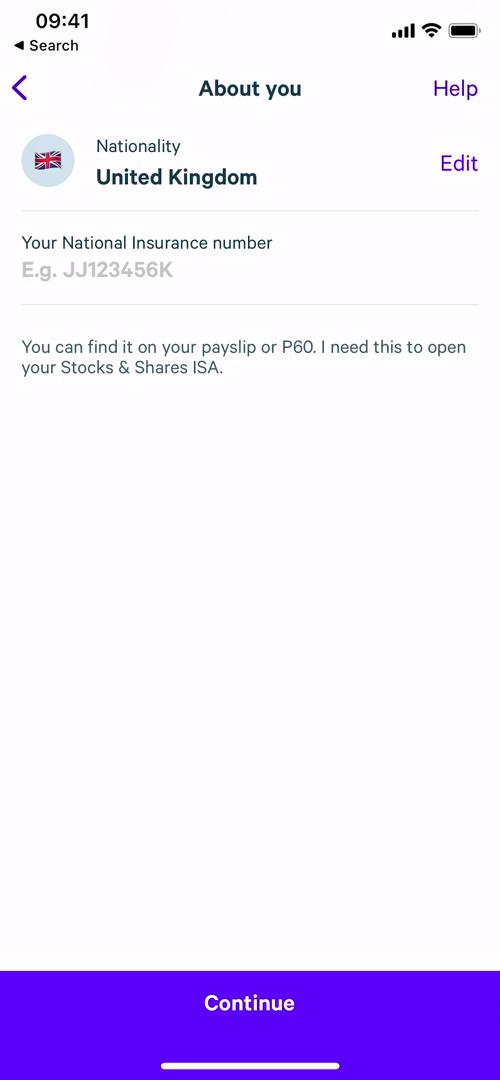
About you
this is title
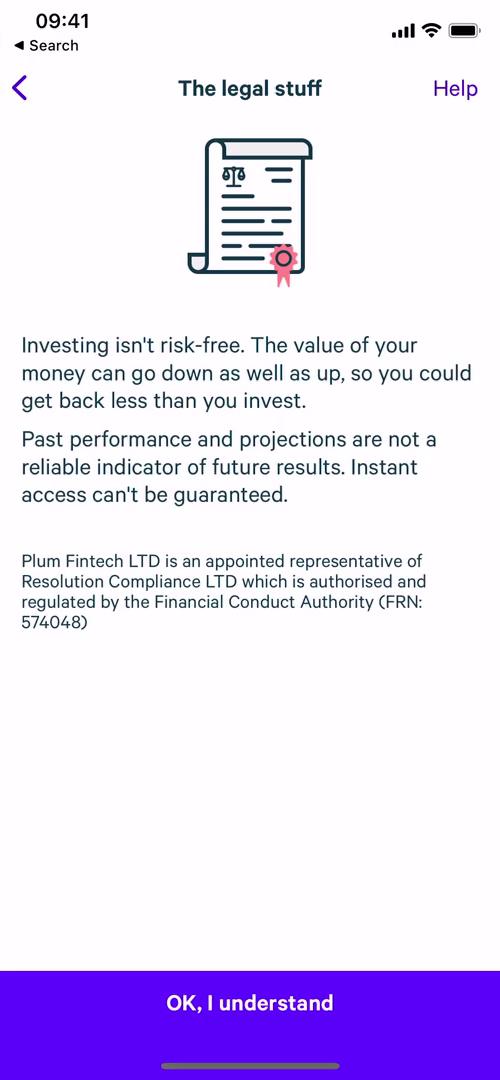
The legal stuff
this is title
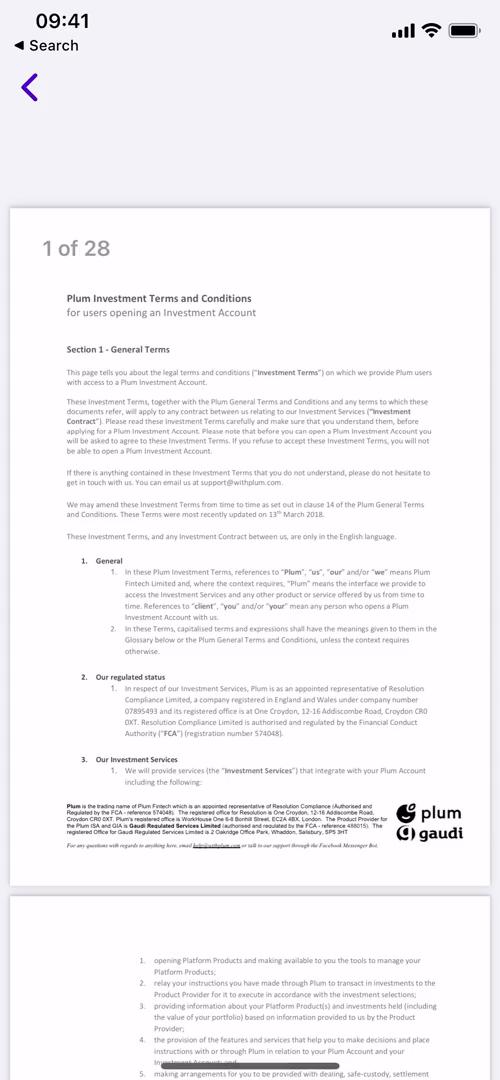
The legal stuff
this is title
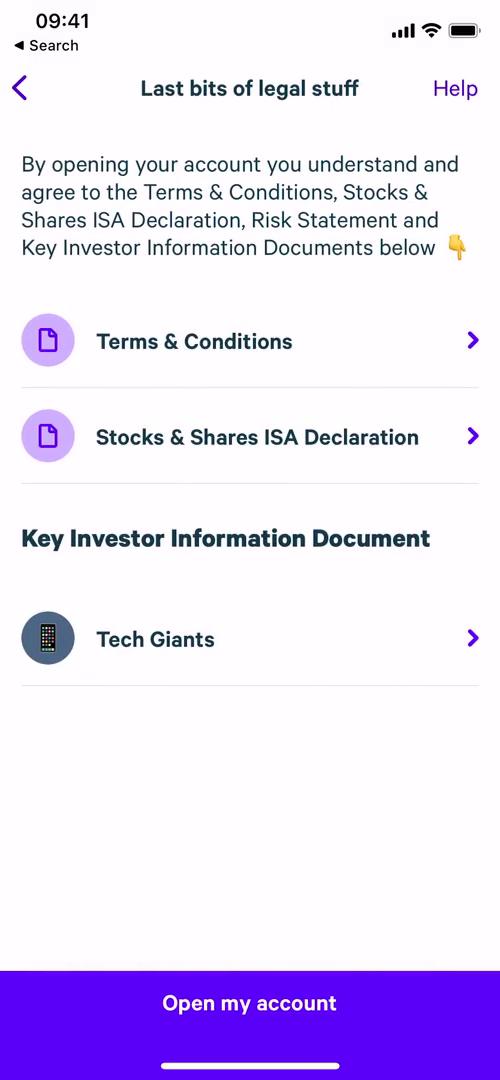
Legal document
this is title
Loading
this is title
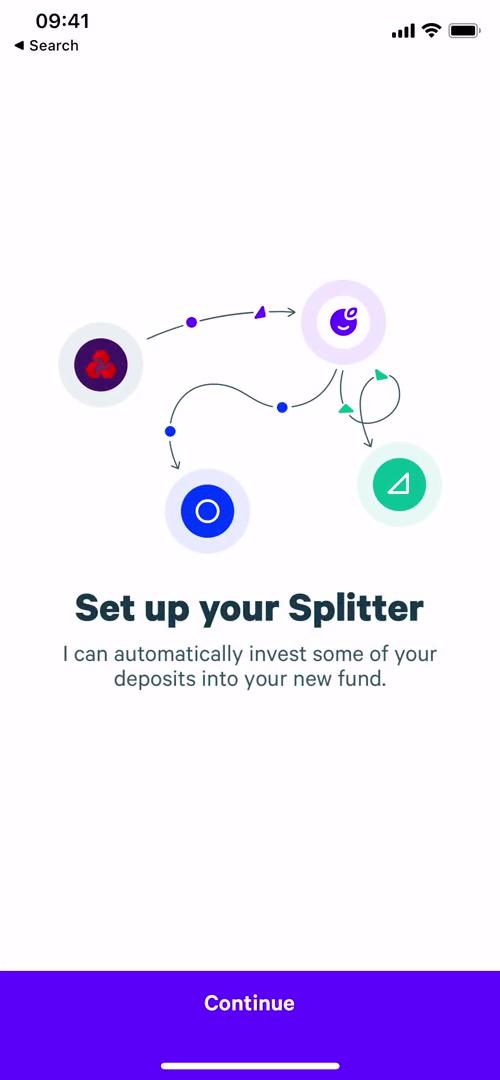
Set split
this is title
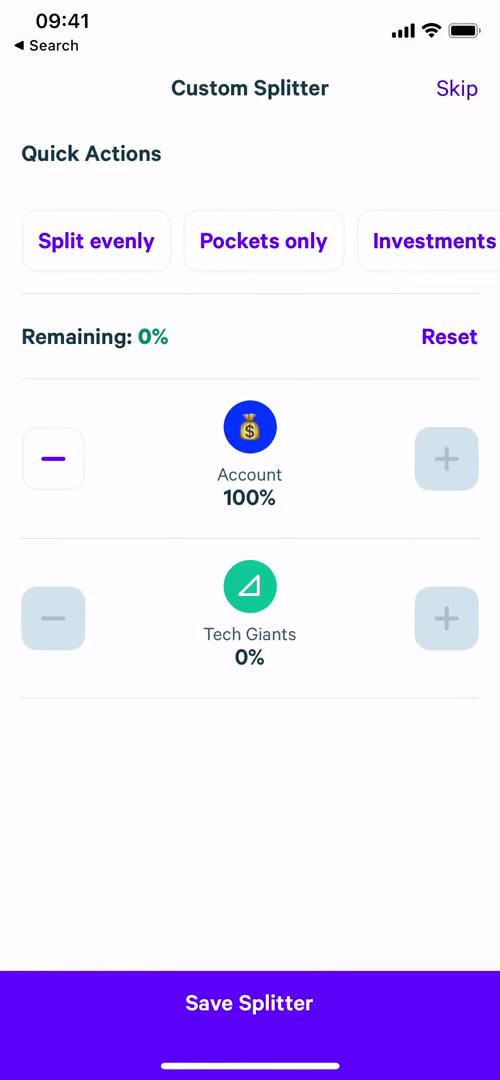
Set split
this is title
Success
this is title
Success
this is title
Home
this is title
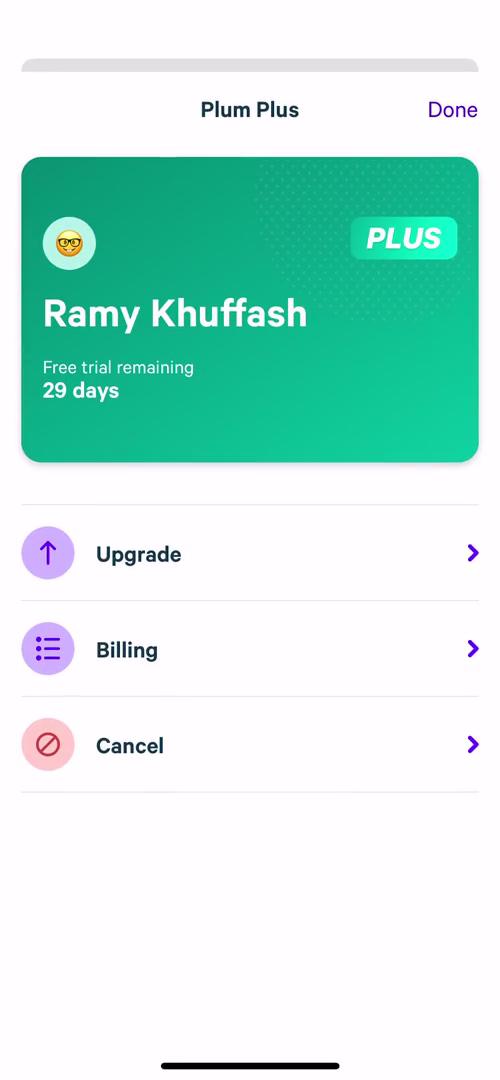
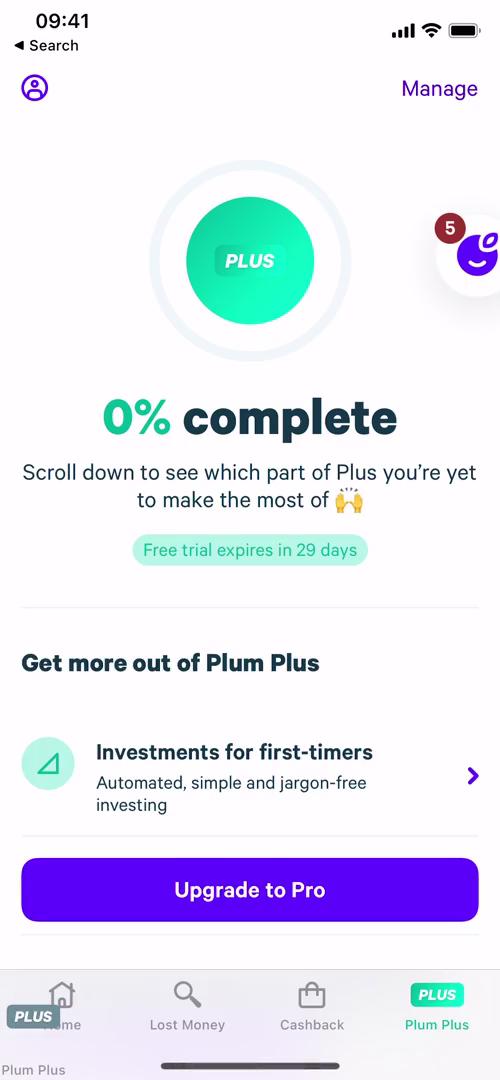
Plus
this is title
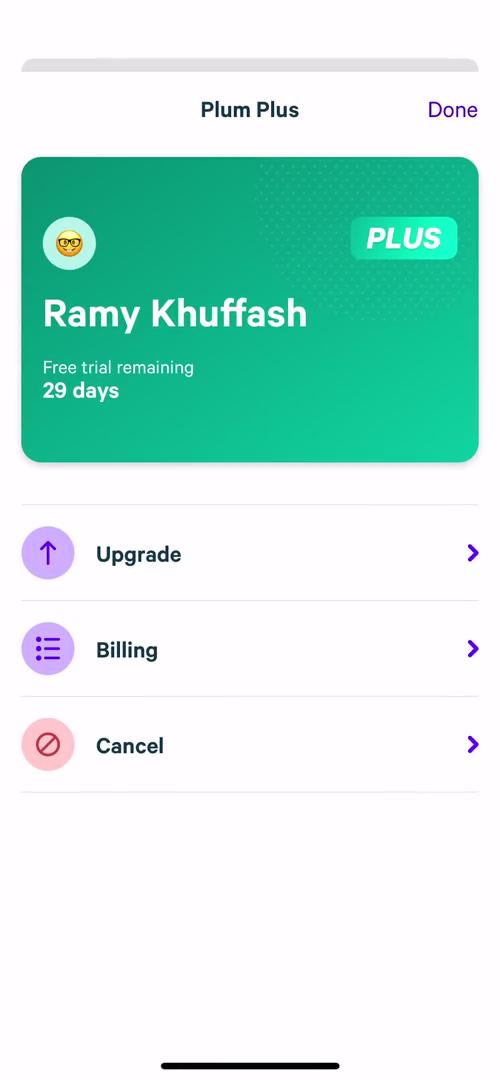
Manage subscription
this is title
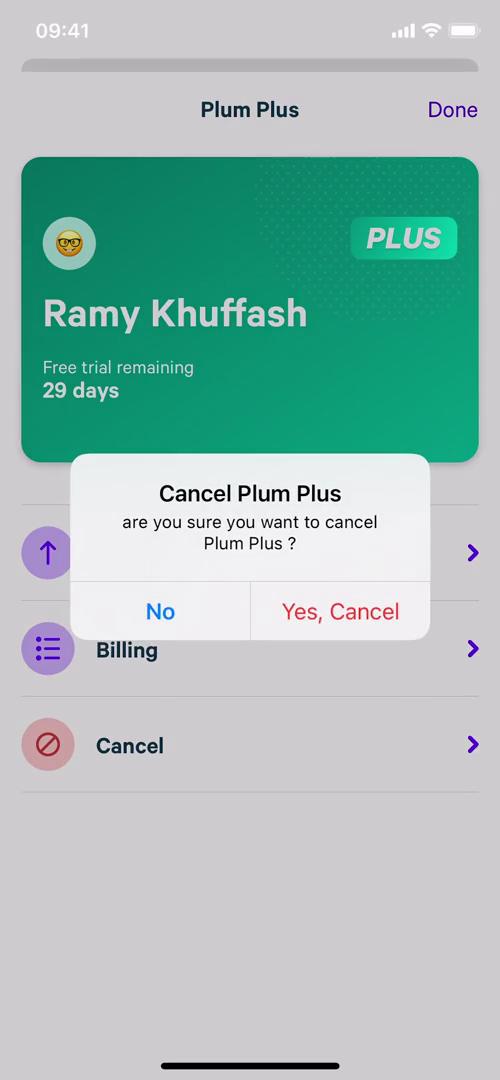
Confirm cancellation
this is title
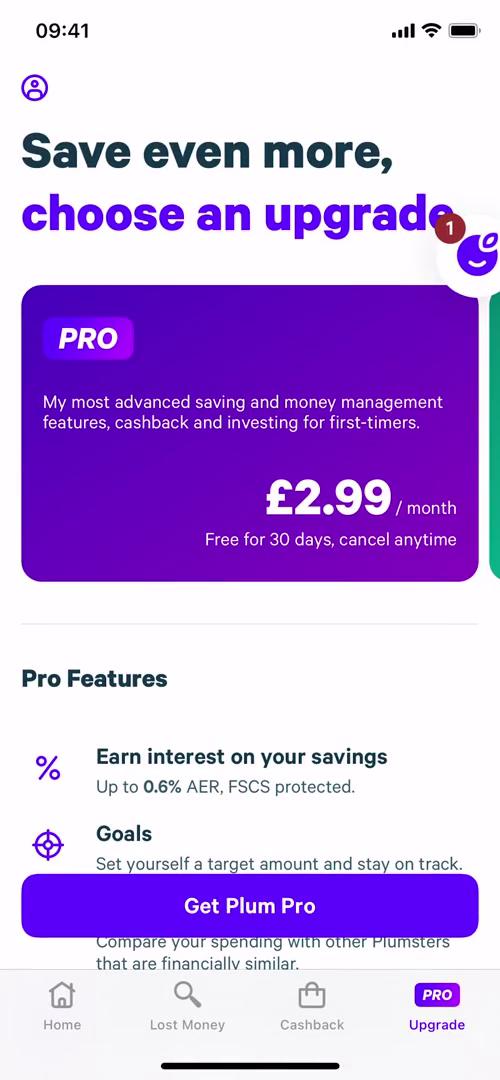
Upgrade
this is title
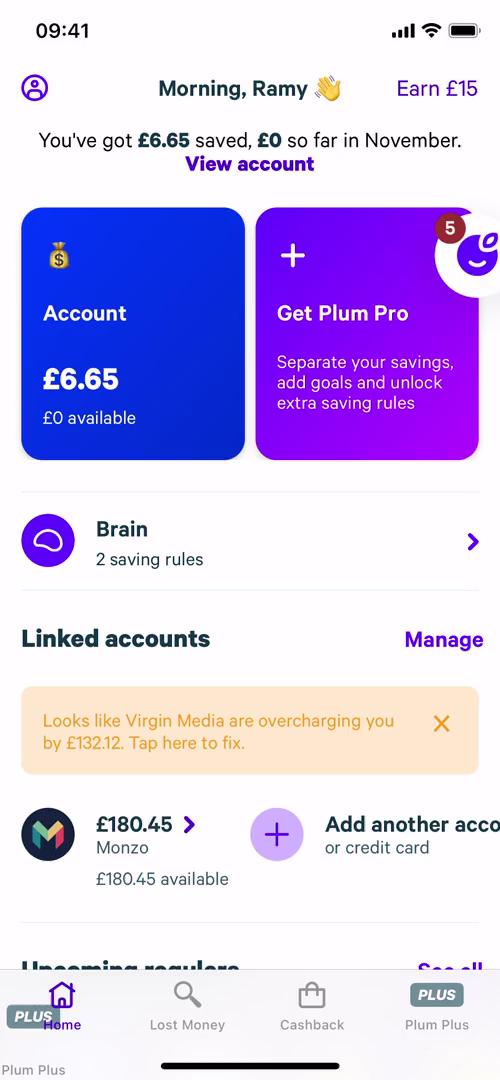
Home
this is title
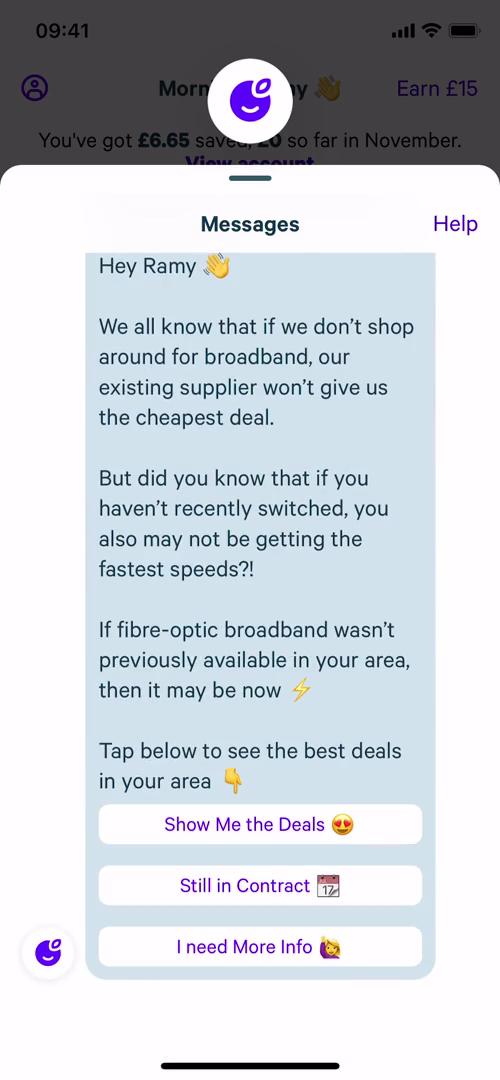
Assistant
this is title
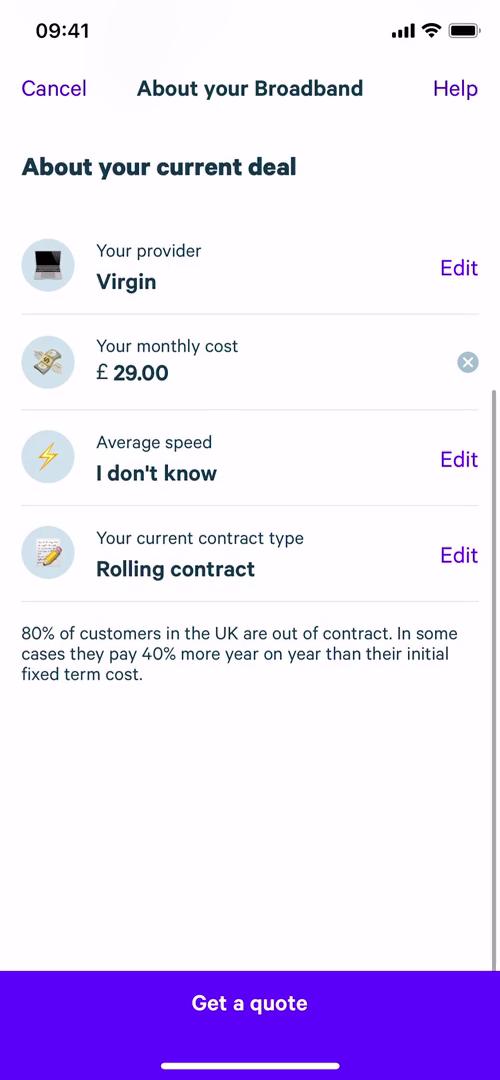
Get a quote
this is title
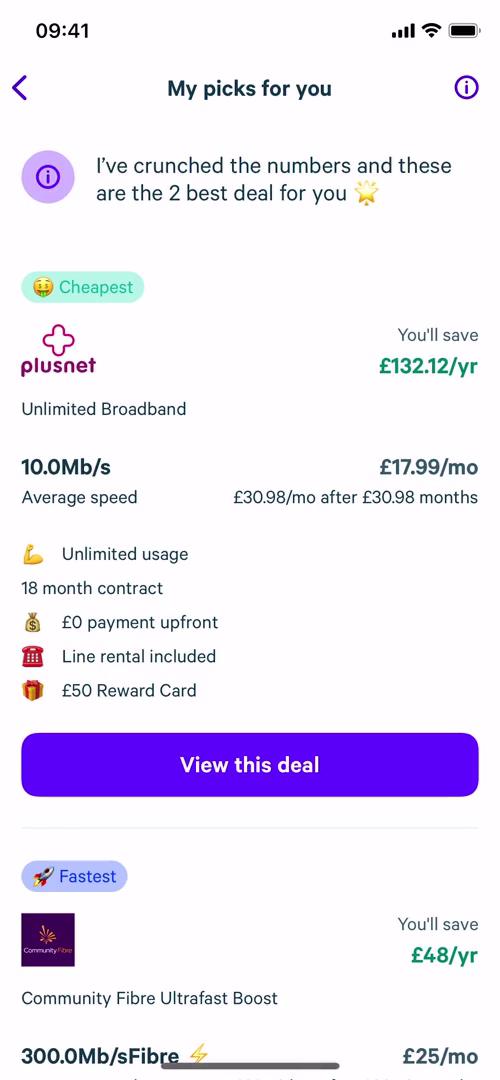
Price quotes
this is title
Assistant
this is title
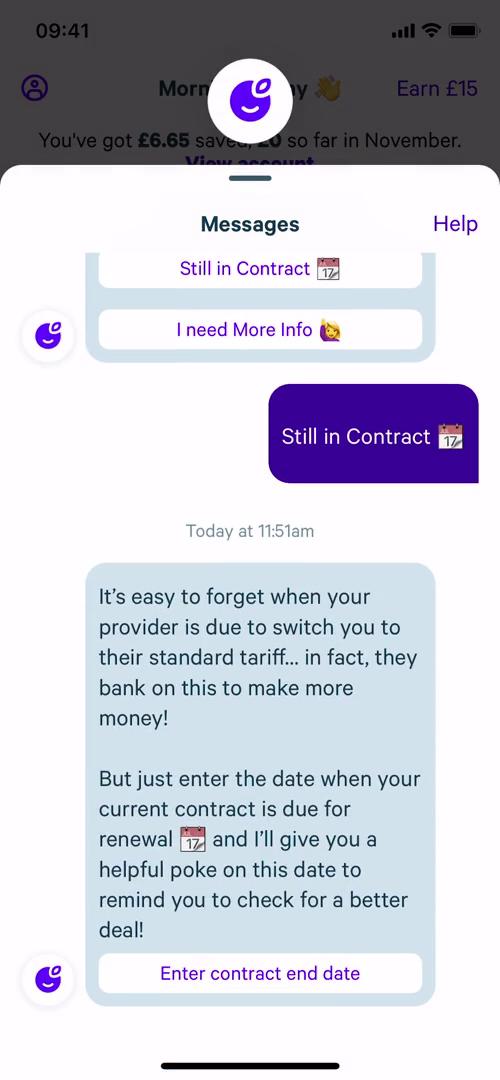
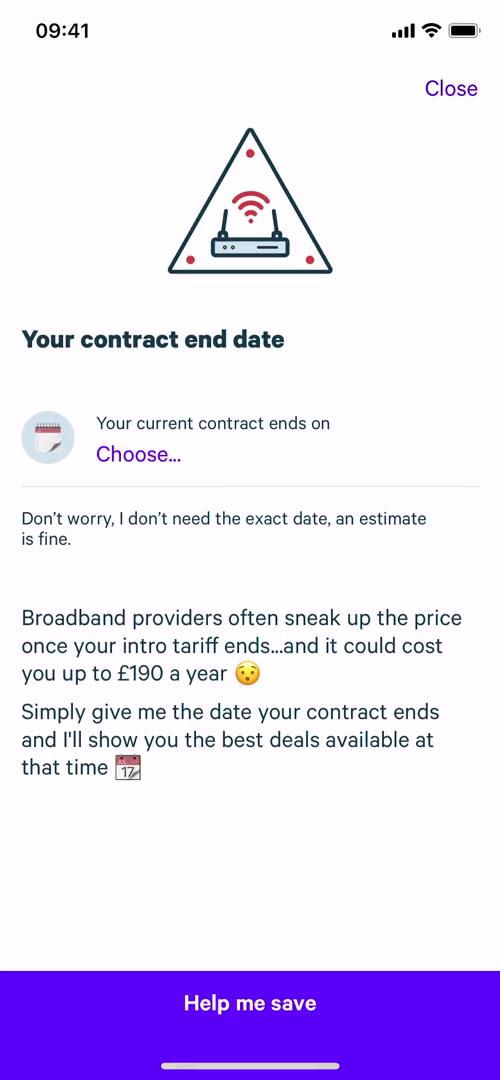
Enter contract end date
this is title
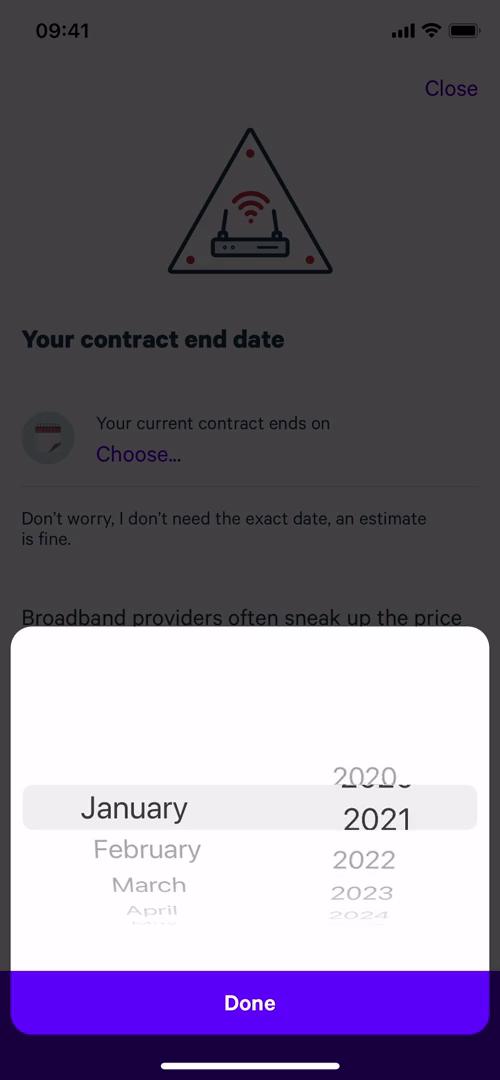
Enter contract end date
this is title
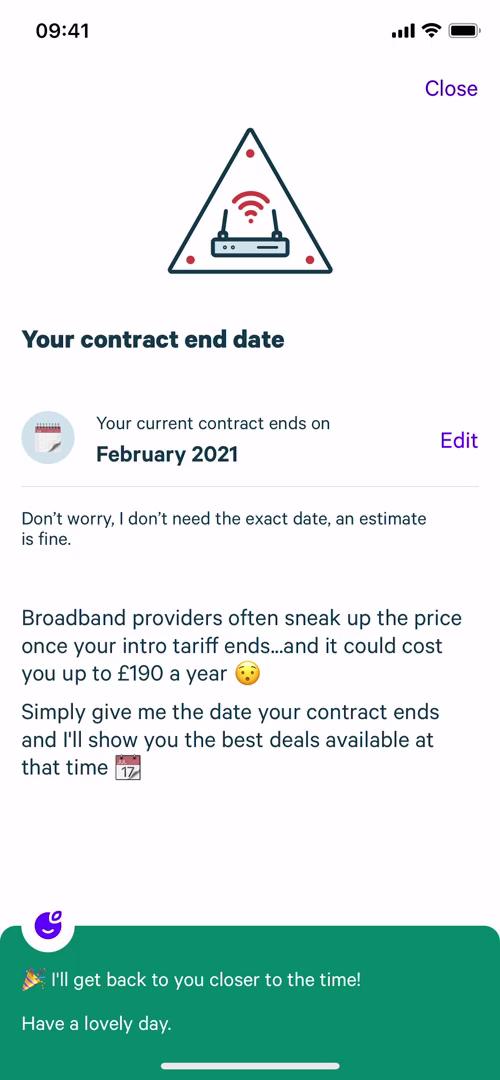
Enter contract end date
this is title
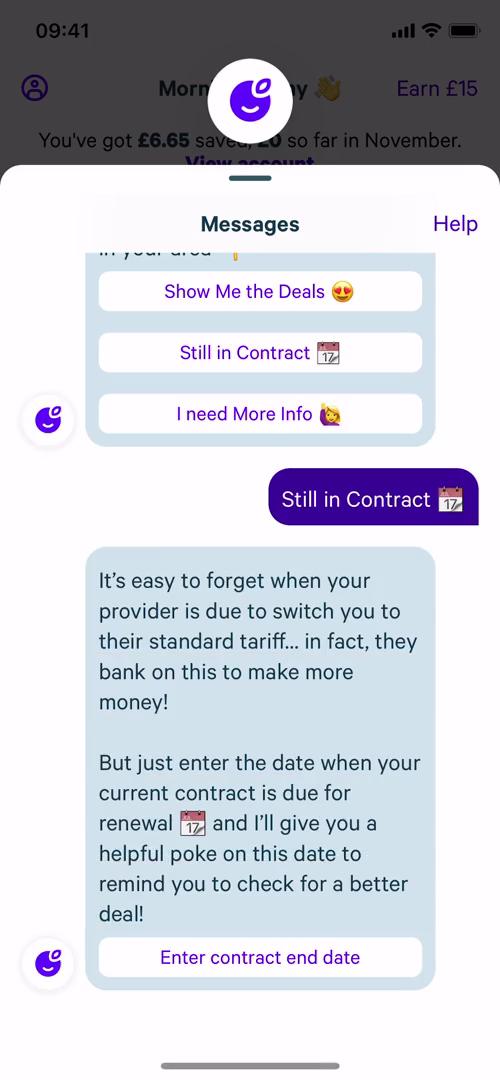
Assistant
this is title
Home
this is title
Home
this is title
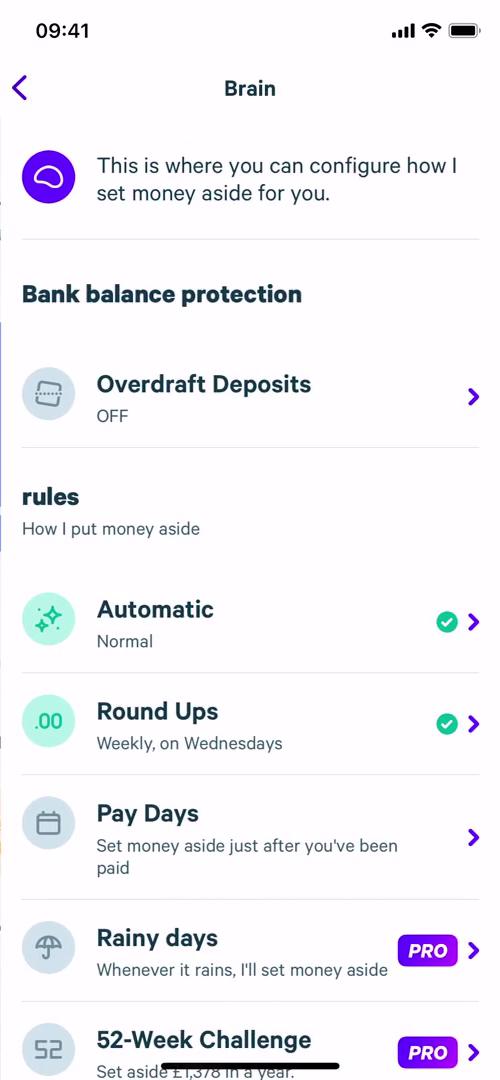
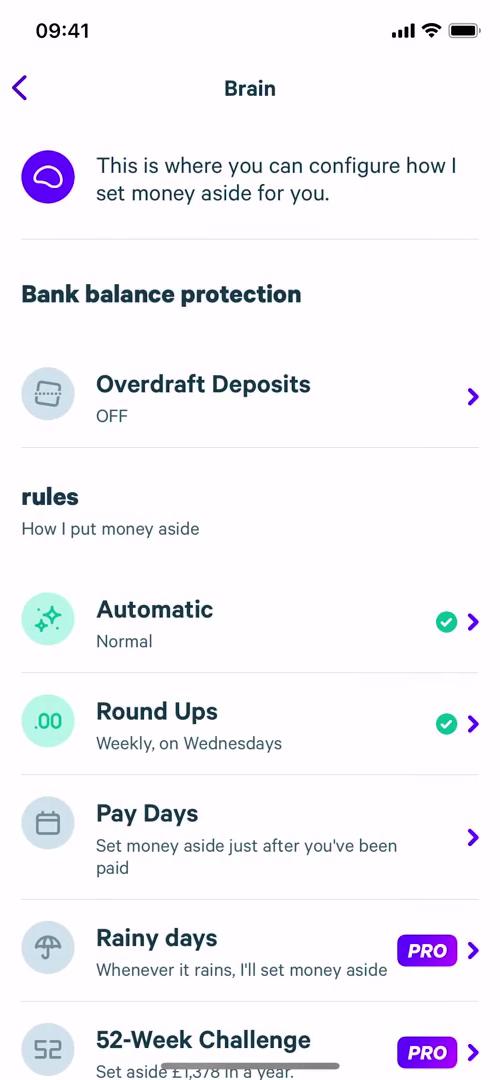
Brain
this is title
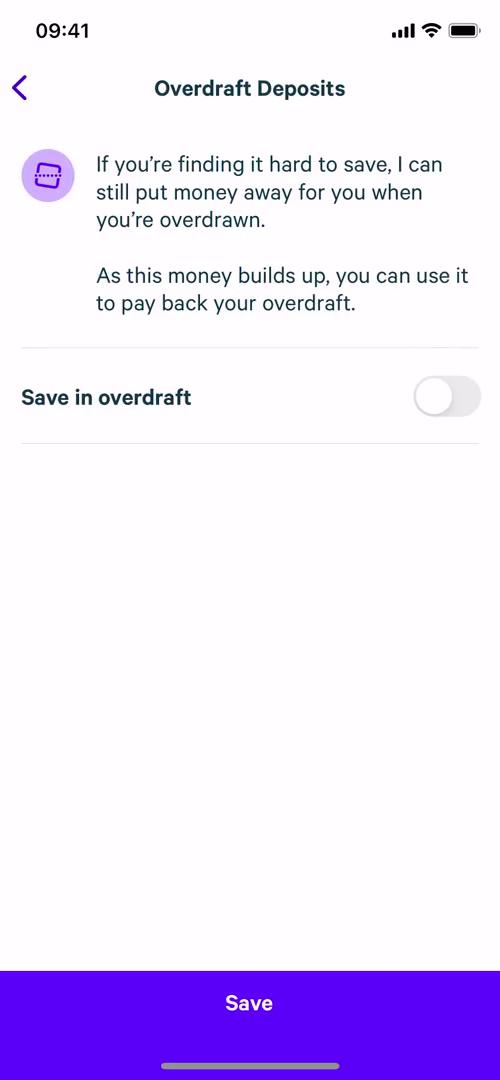
Overdraft details
this is title
Brain
this is title
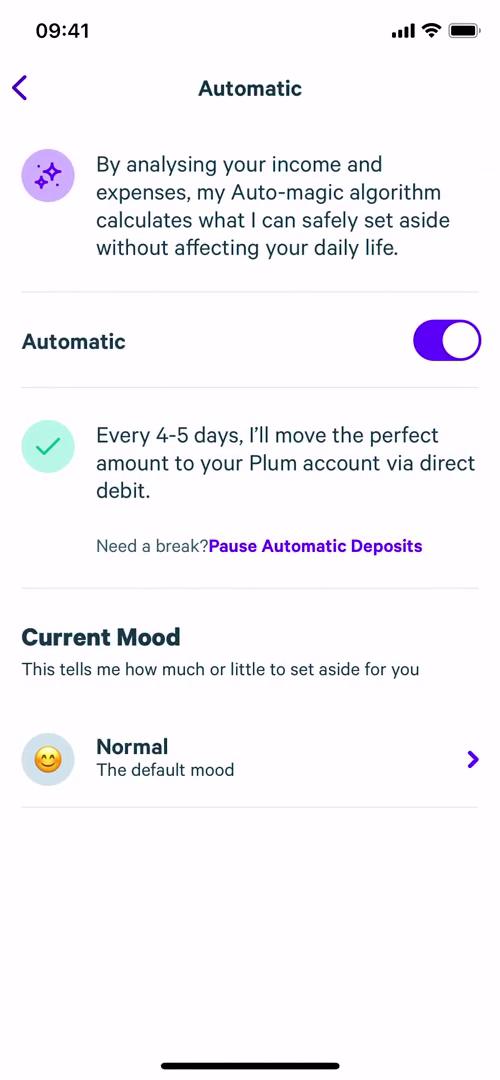
Automation rules
this is title
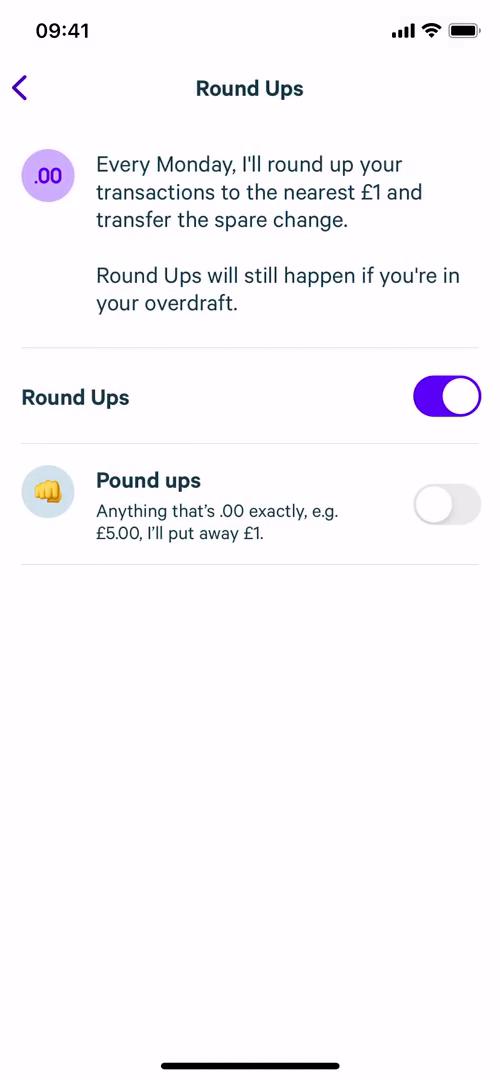
Round ups
this is title
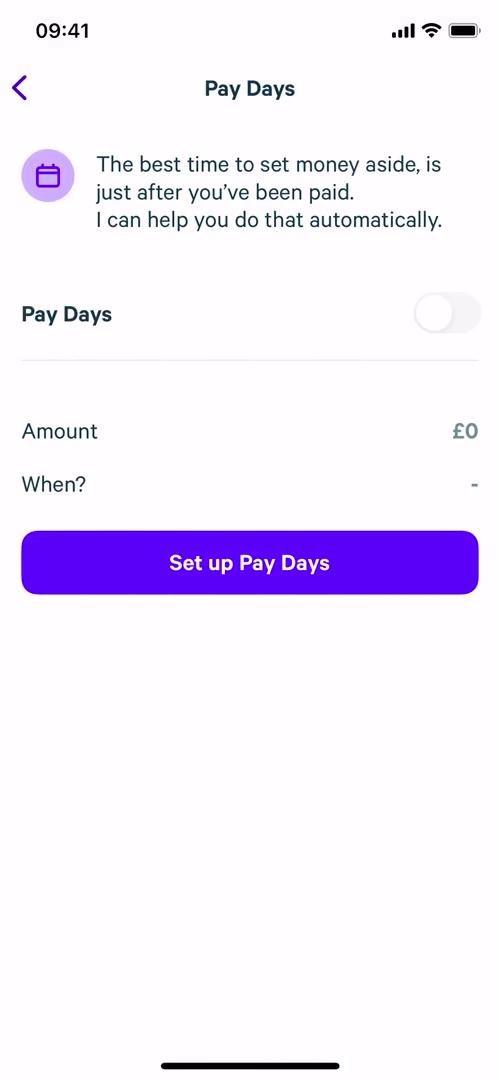
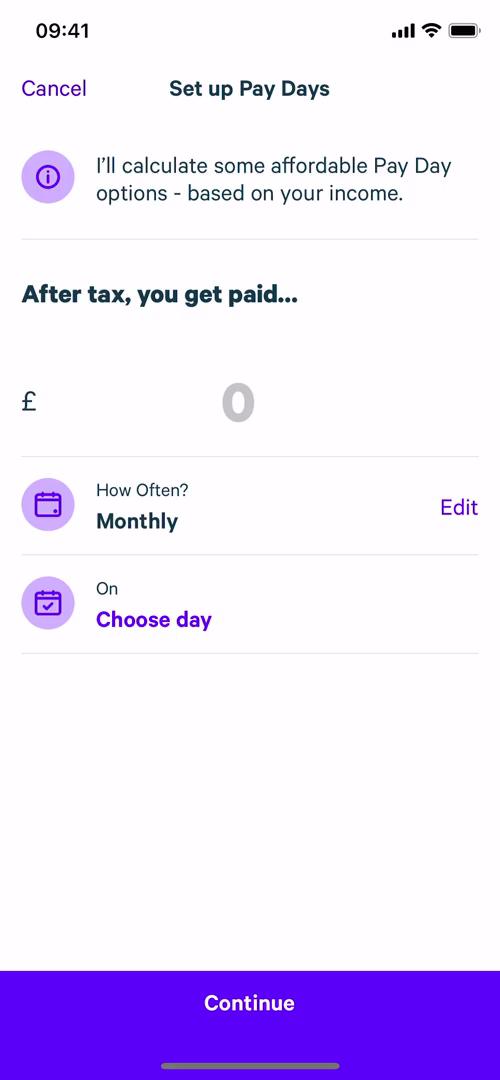
Pay days
this is title
Set up pay days
this is title
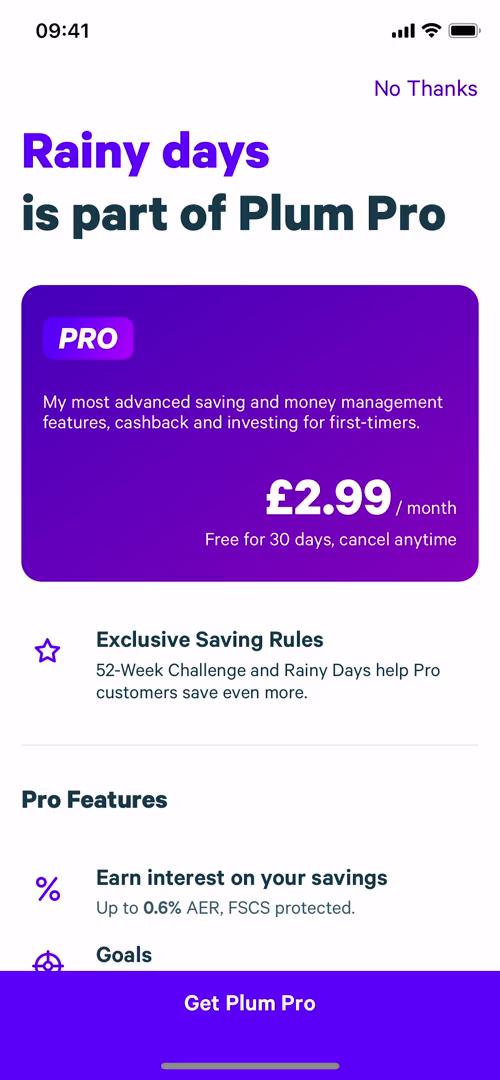
Upgrade
this is title
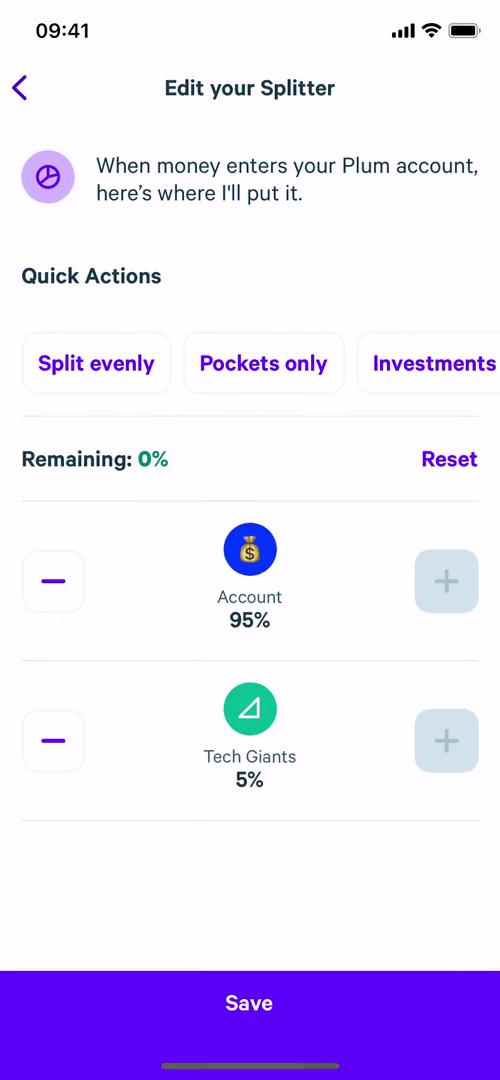
Set split
this is title
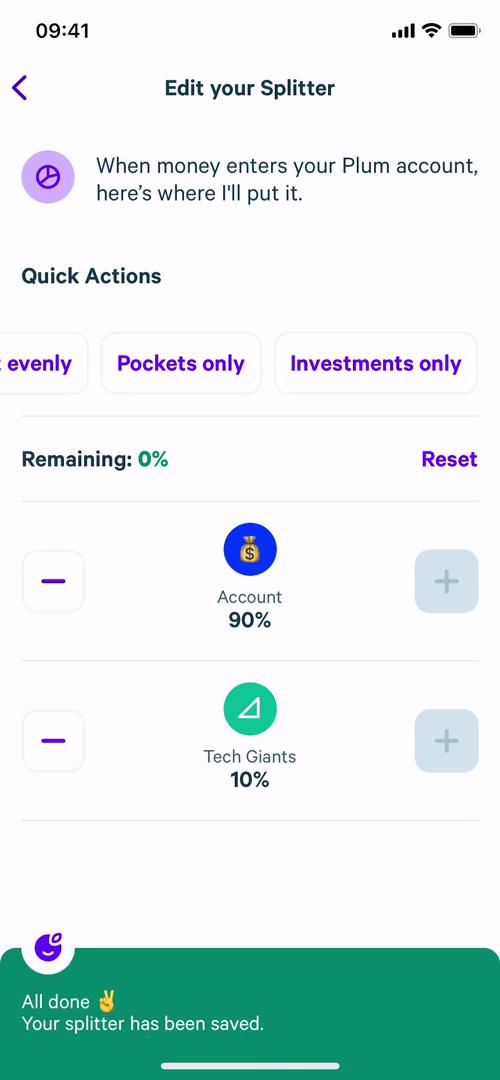
Set split
this is title
Home
this is title
Account settings
this is title
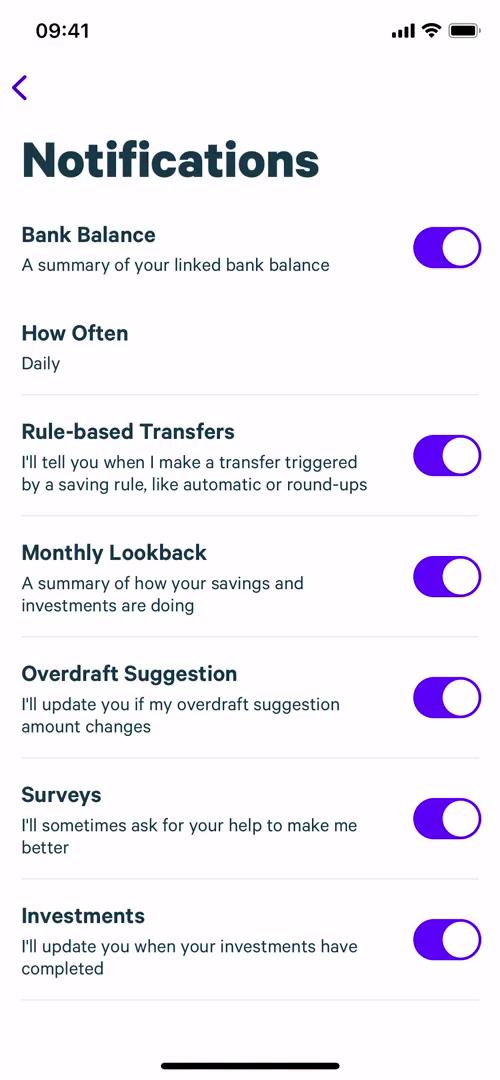
Notification settings
this is title
Set automated savings
this is title
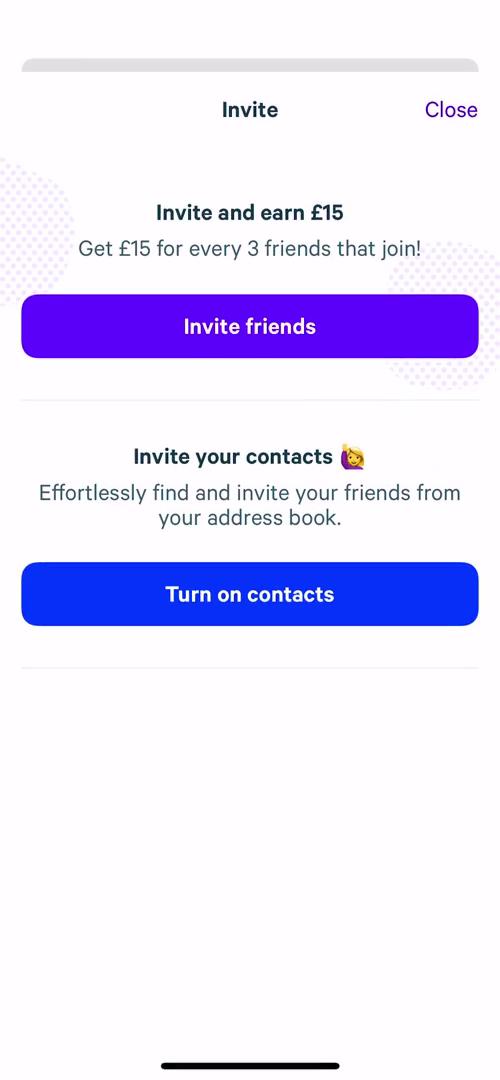
Invite people
this is title
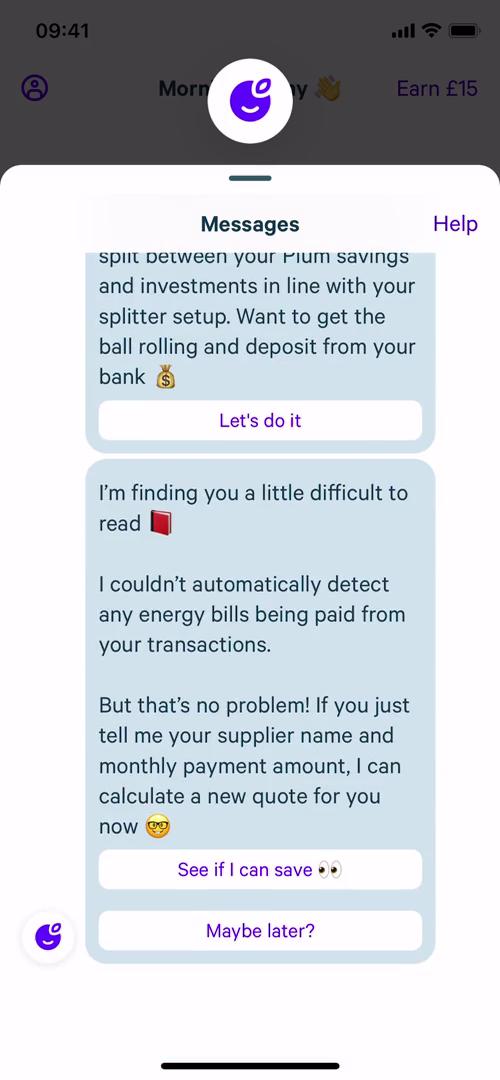
Assistant
this is title
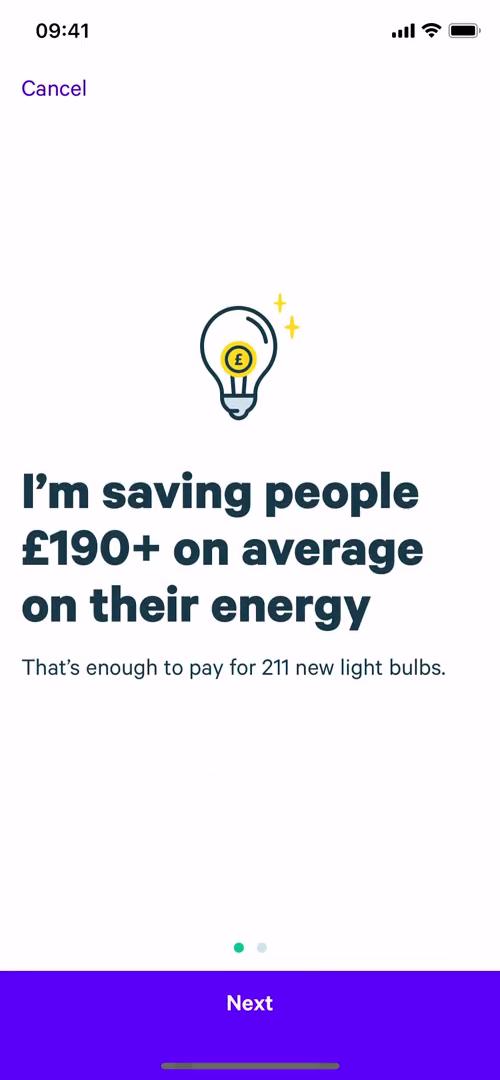
Save on bills
this is title
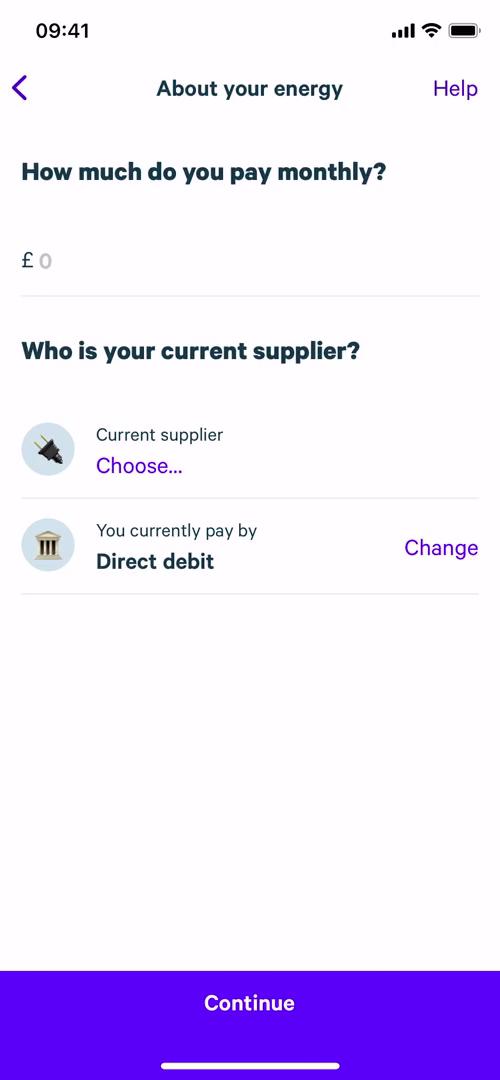
Current supplier details
this is title
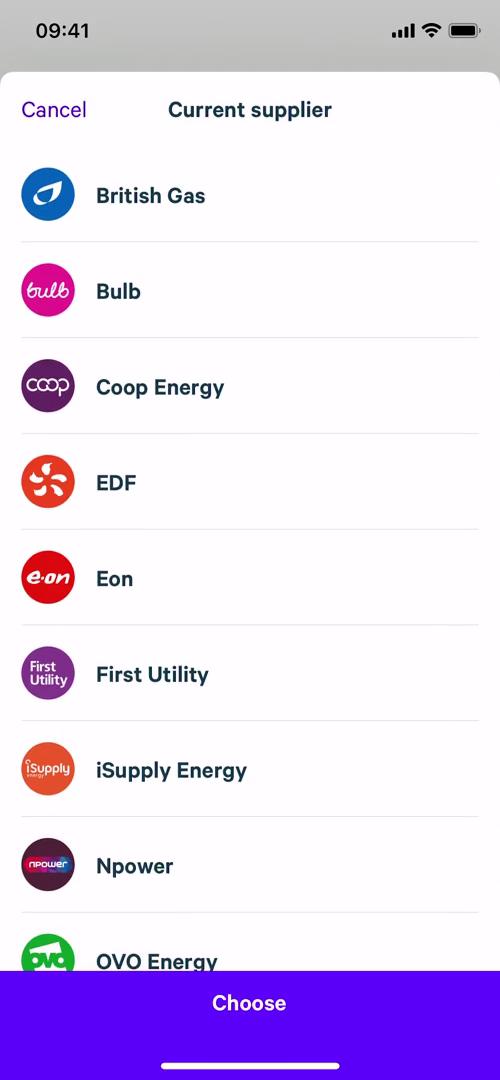
Select supplier
this is title
Current supplier details
this is title
Current supplier details
this is title
Home
this is title
Balance
this is title
Investments
this is title
Invest
this is title
Select fund
this is title
Set amount
this is title
Select payment method
this is title
Confirm investment
this is title
Success
this is title
Investments
this is title
Configure automations
this is title
Lost money
this is title
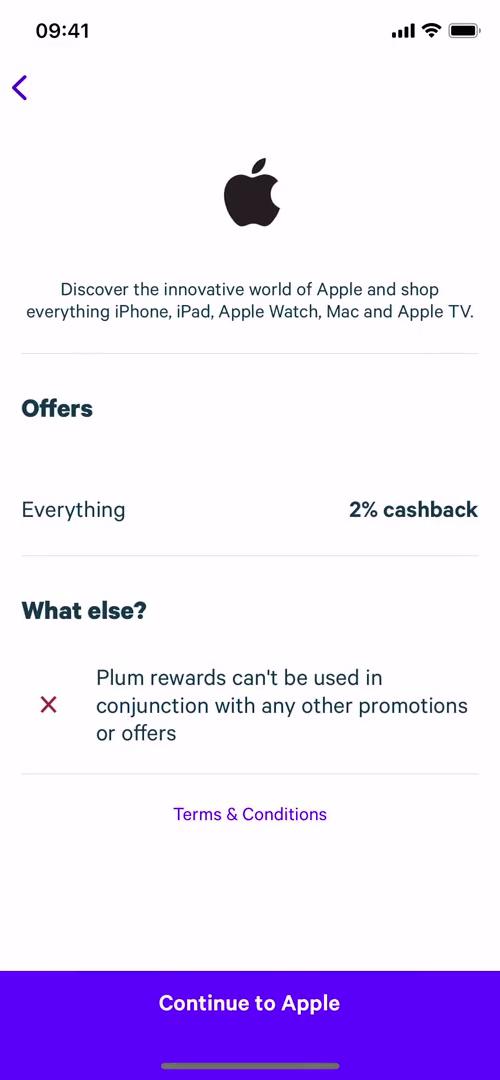
Cashback
this is title
Cashback details
this is title
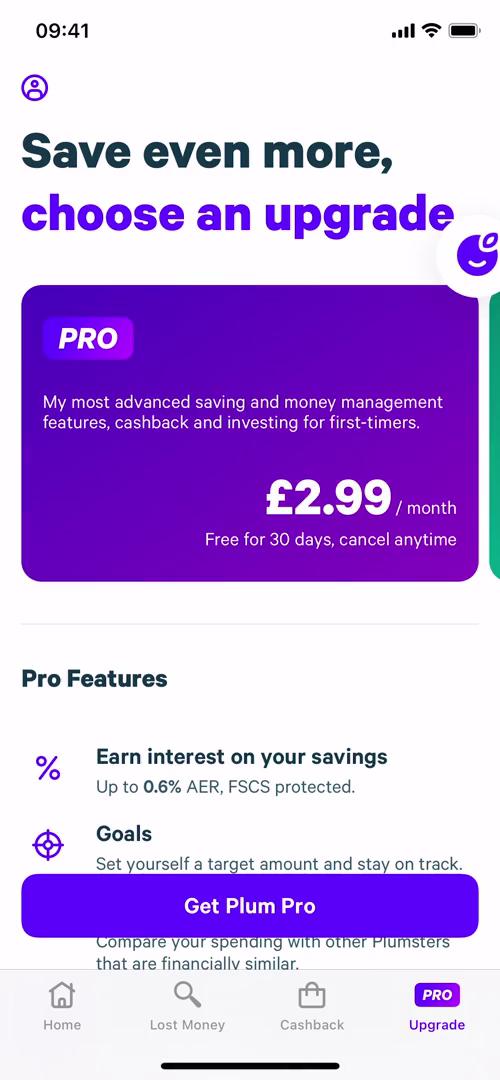
Upgrade
this is title
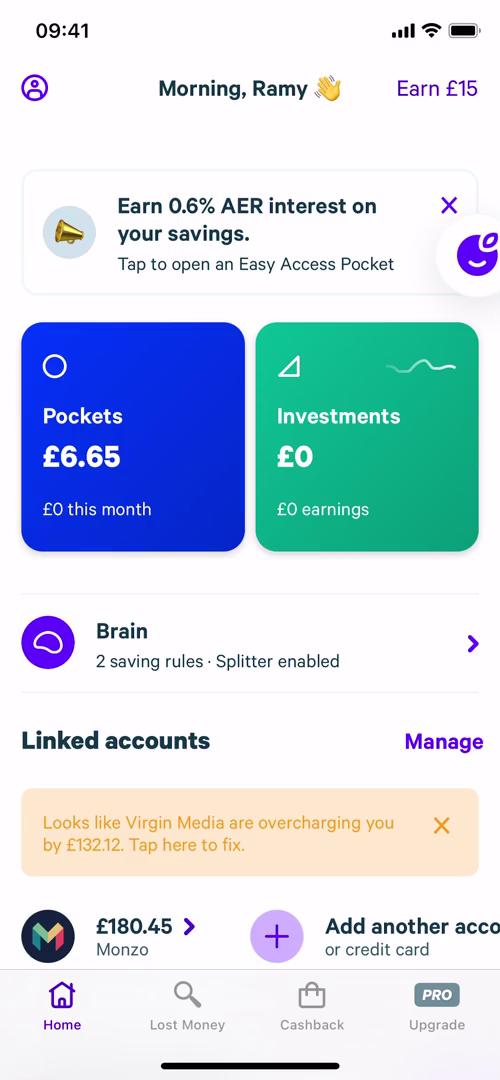
Home
this is title
App store listing
this is title
Splash screen
this is title
Welcome slides
this is title
Welcome slides
this is title
Sign up
this is title
Check your inbox
this is title
Verify email
this is title
About you
this is title
Connect bank
this is title
Connect bank
this is title
Bank connected
this is title
Create PIN
this is title
Enable Face ID
this is title
Enable notifications
this is title
Configure automations
this is title
Upgrade
this is title
Home
this is title
Home
this is title
Upgrade
this is title
Upgrade complete
this is title
Introduction to investing
this is title
Funds
this is title
Fund details
this is title
Funds
this is title
Plus
this is title
Manage subscription
this is title
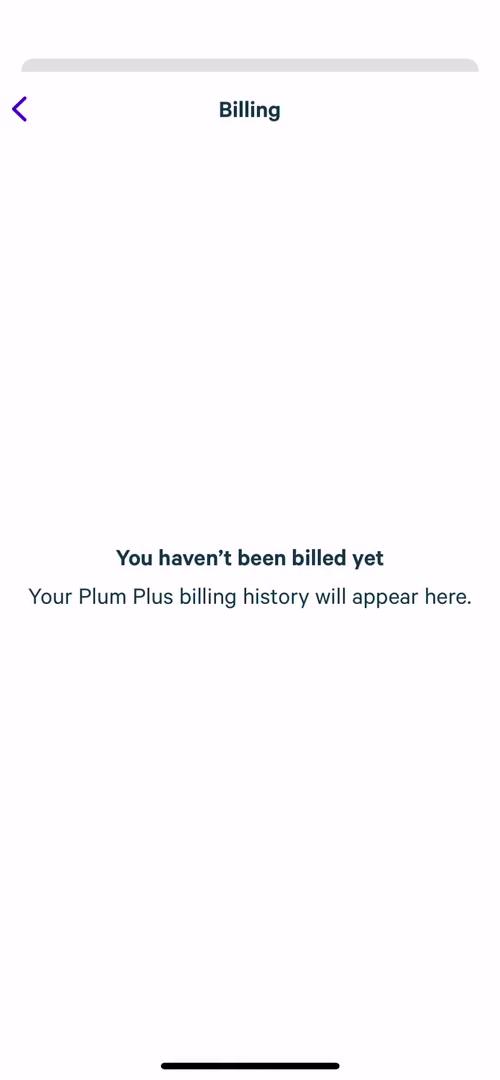
Billing
this is title