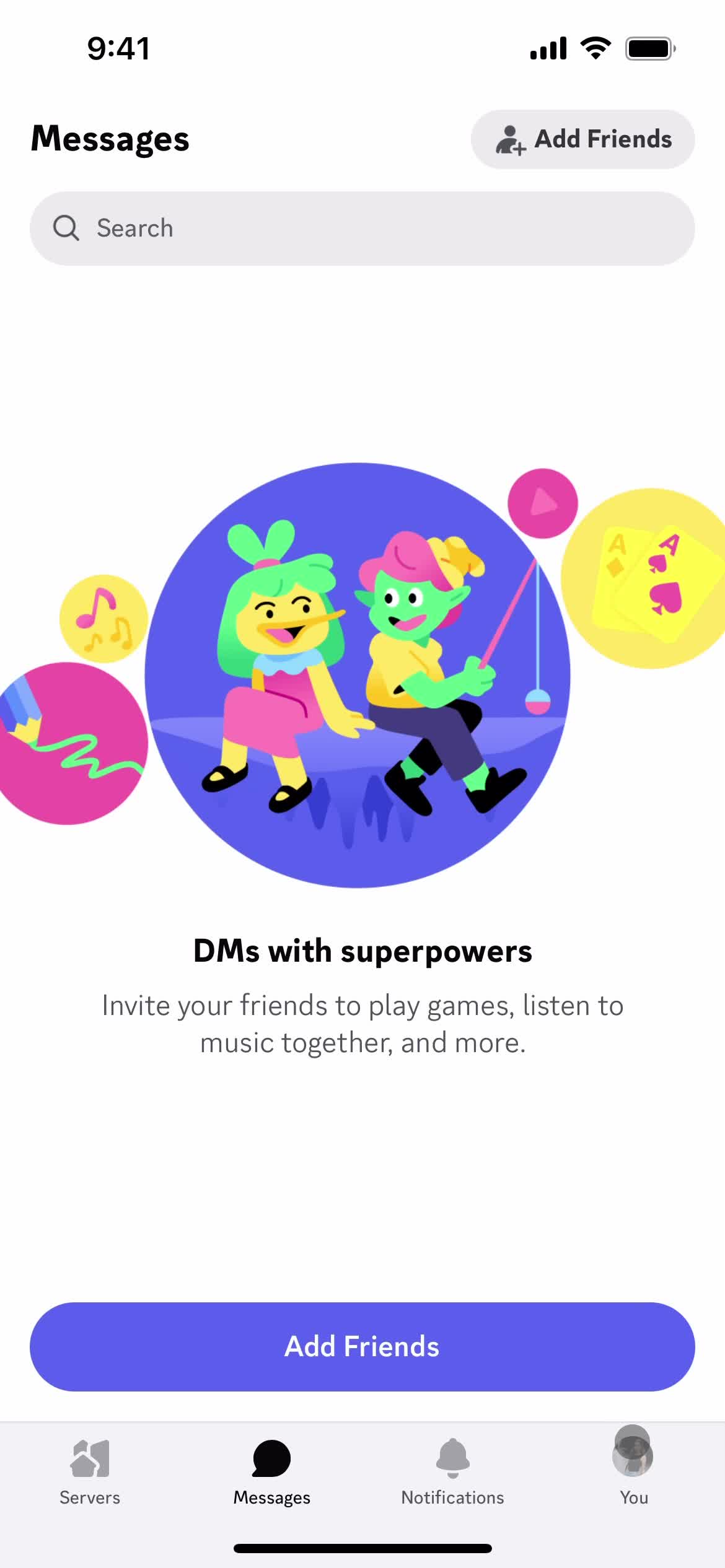
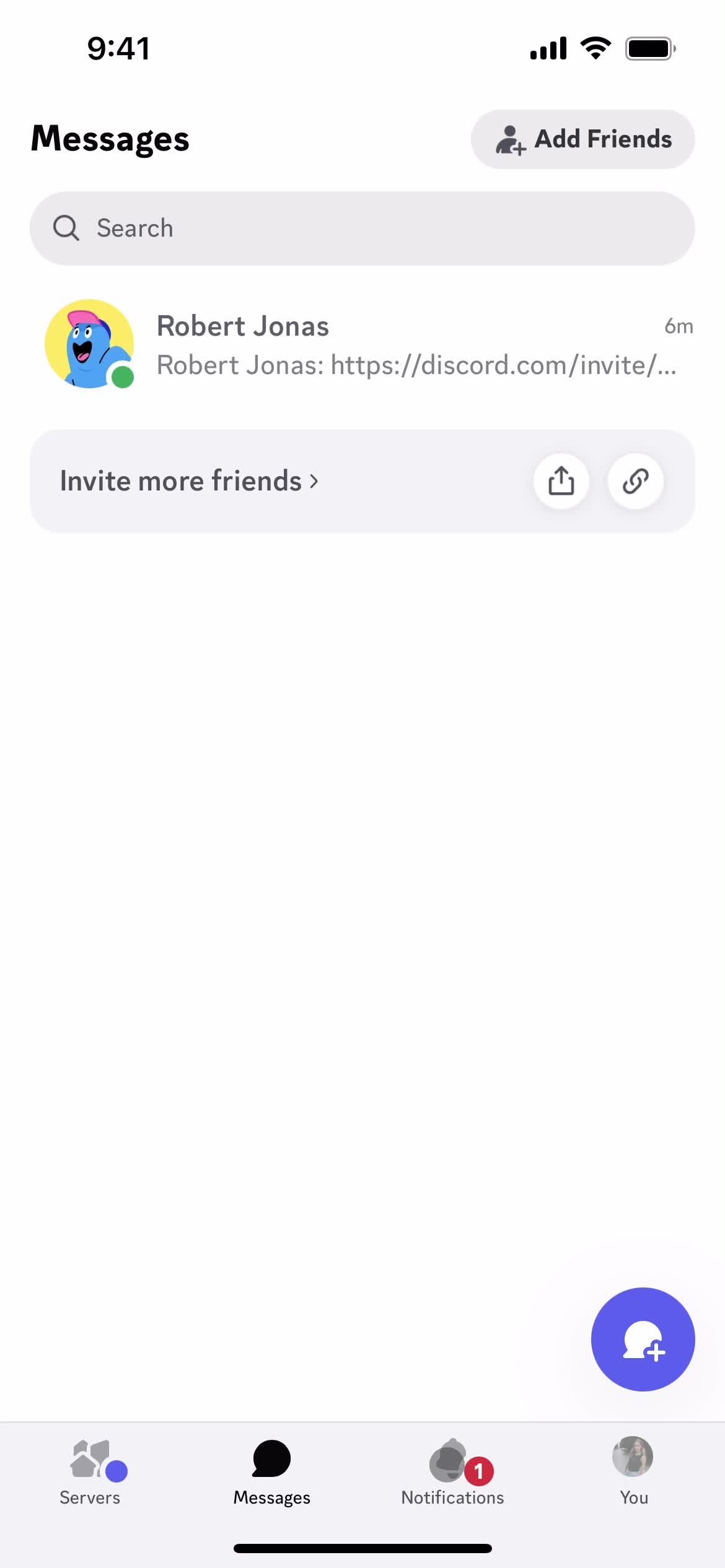
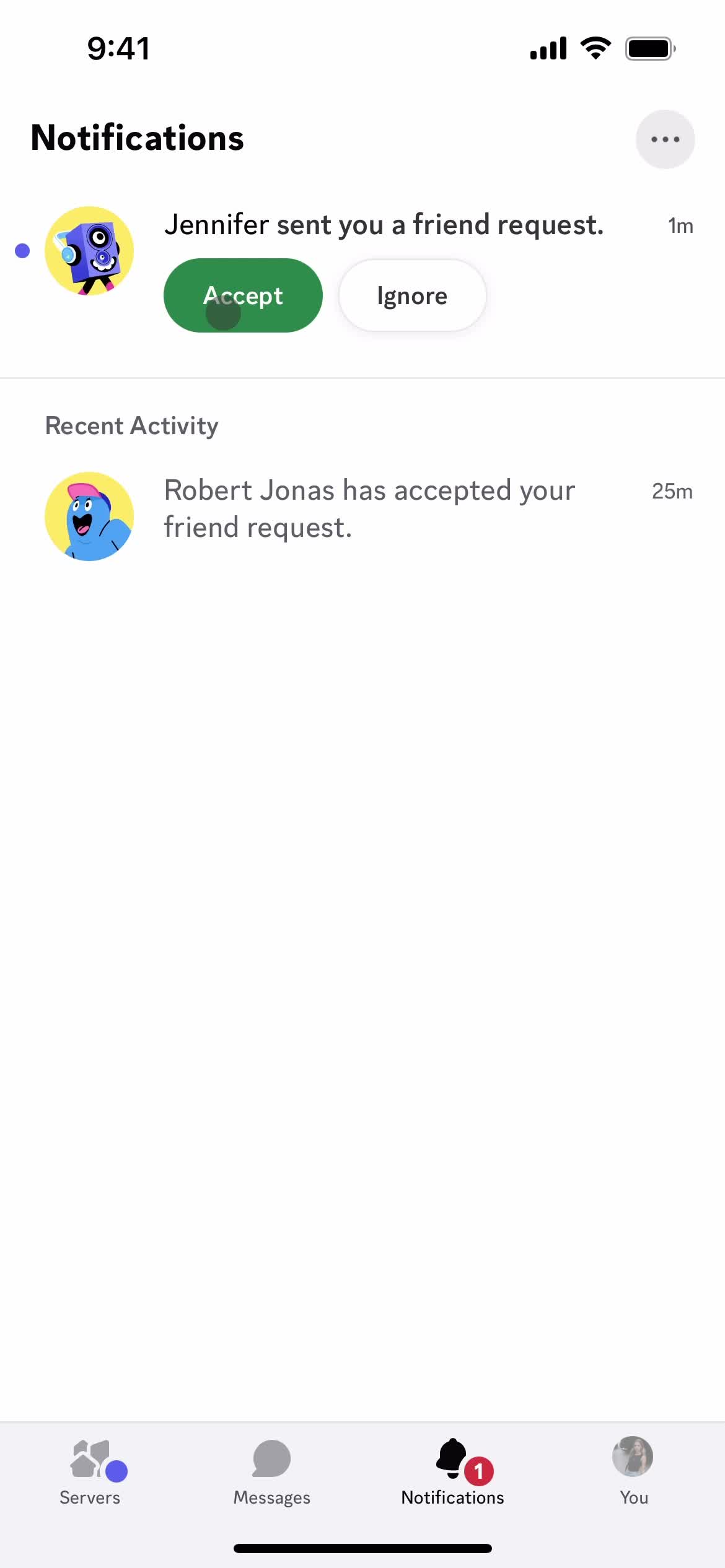
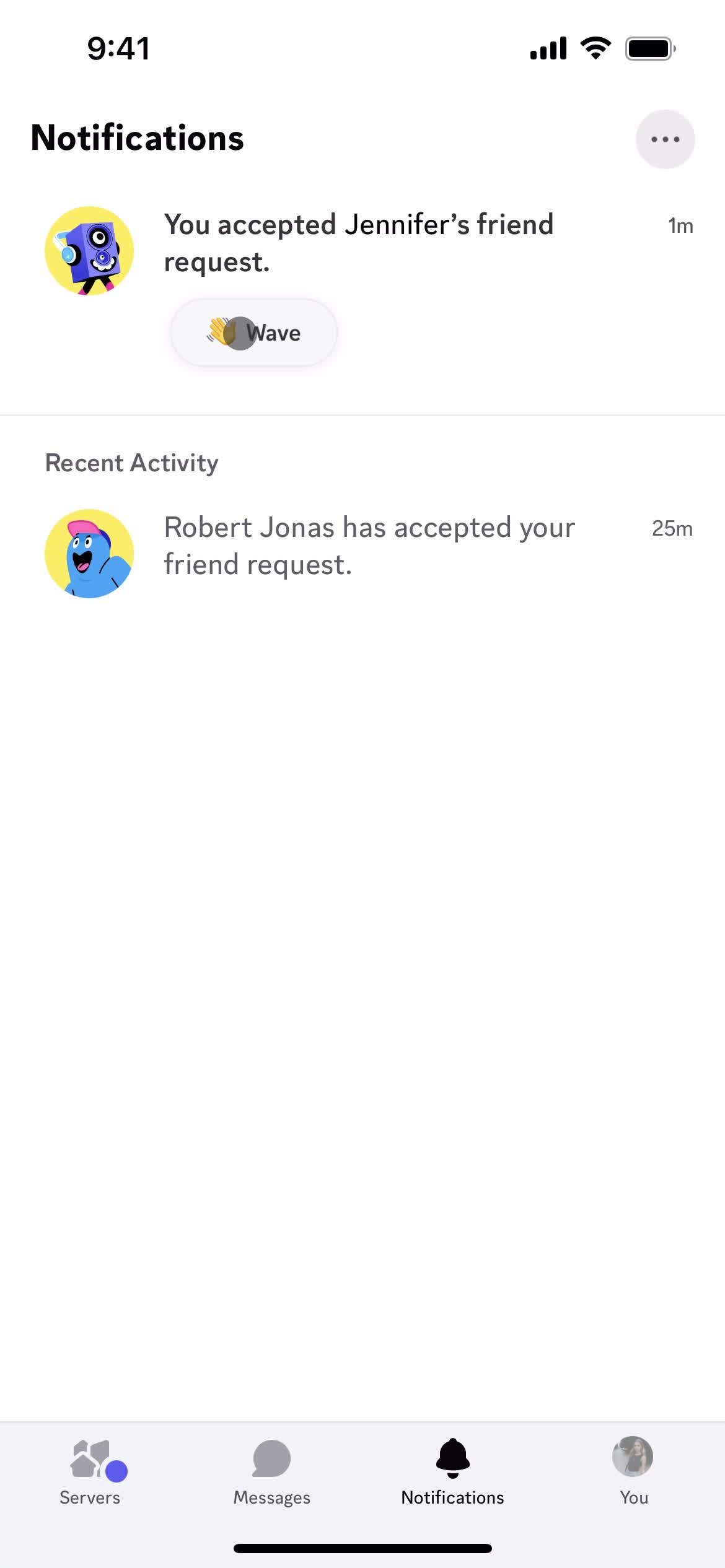
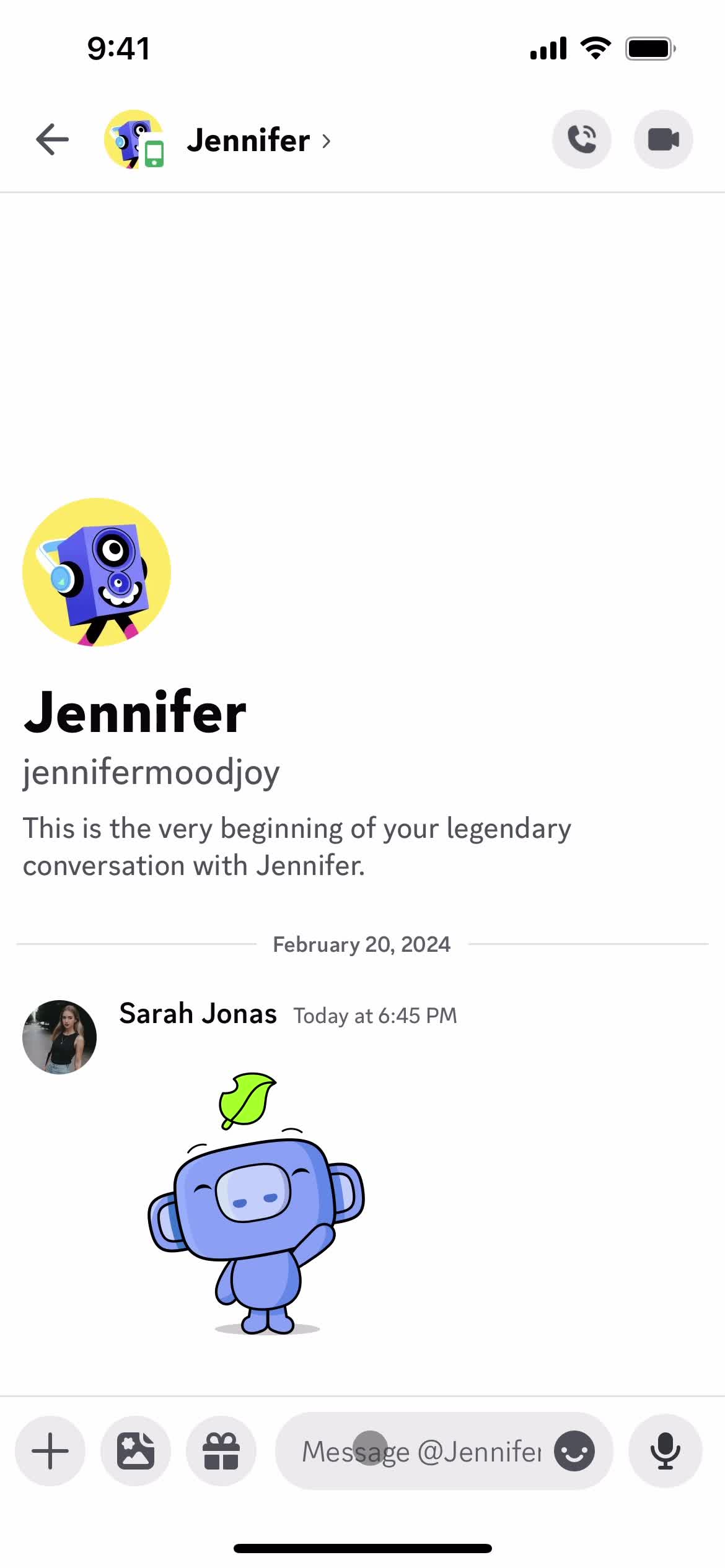
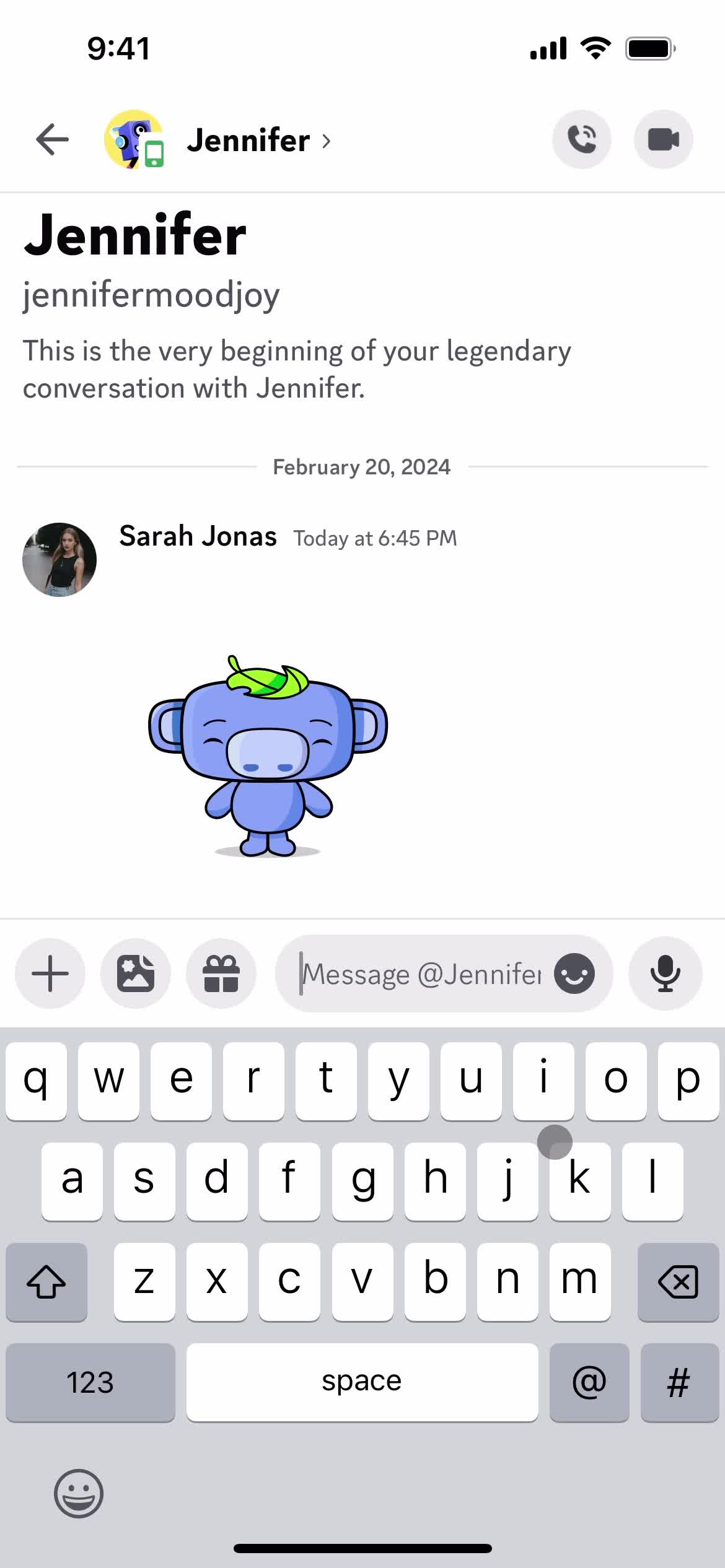
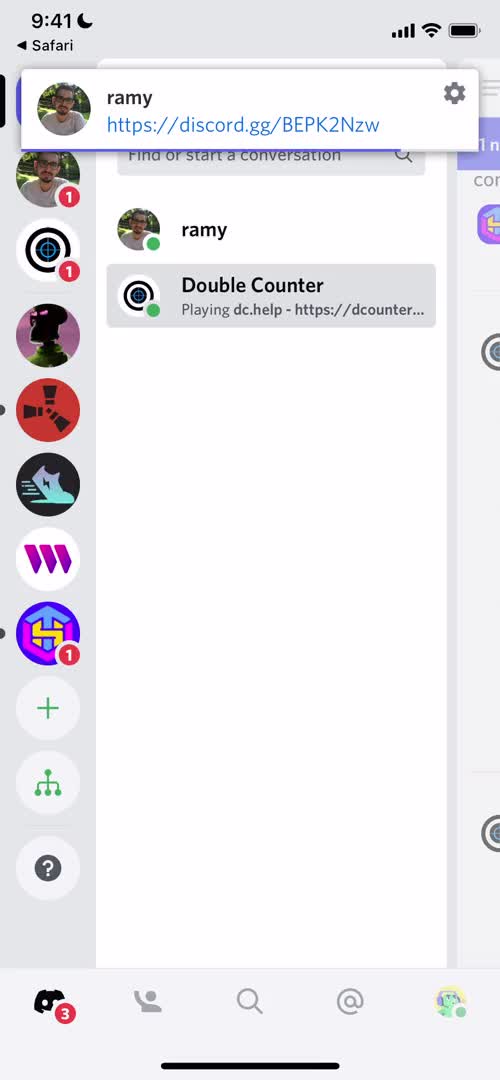
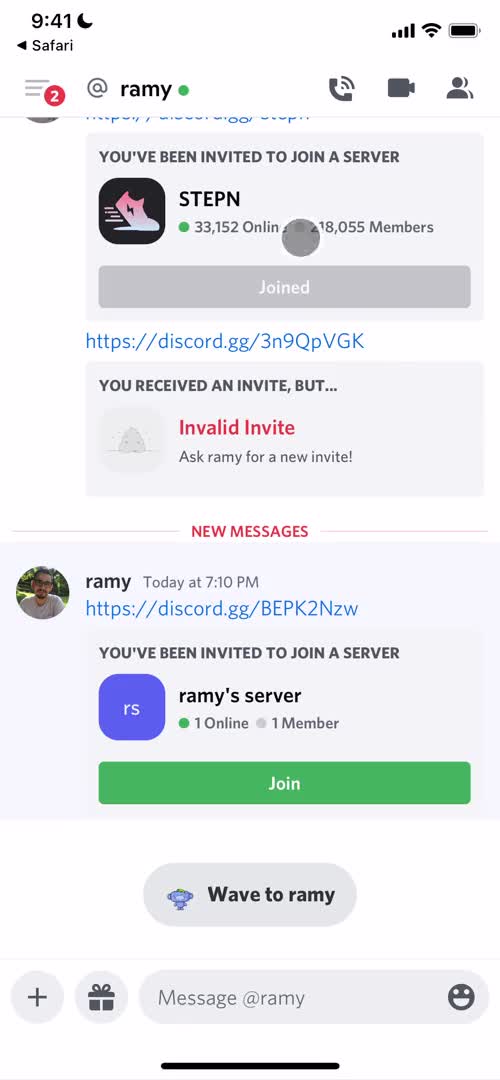
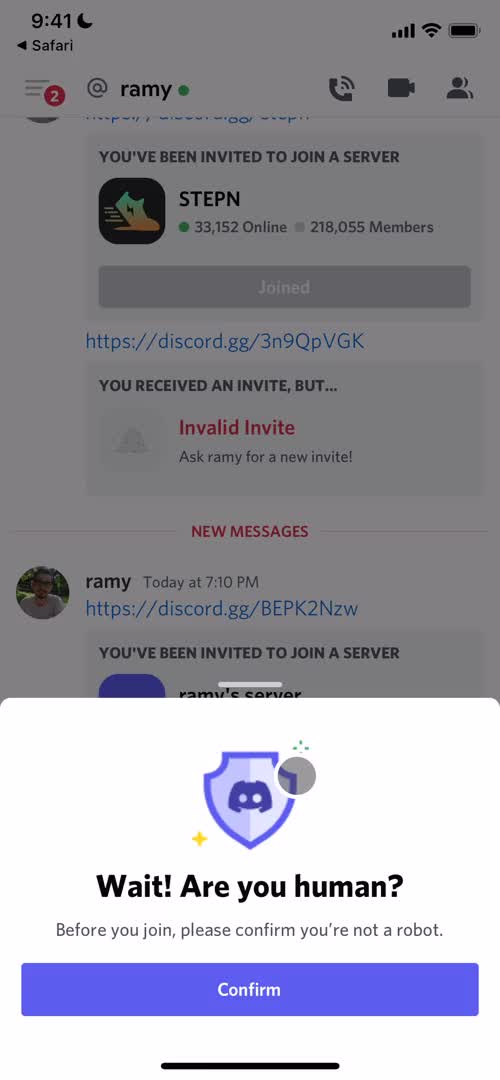
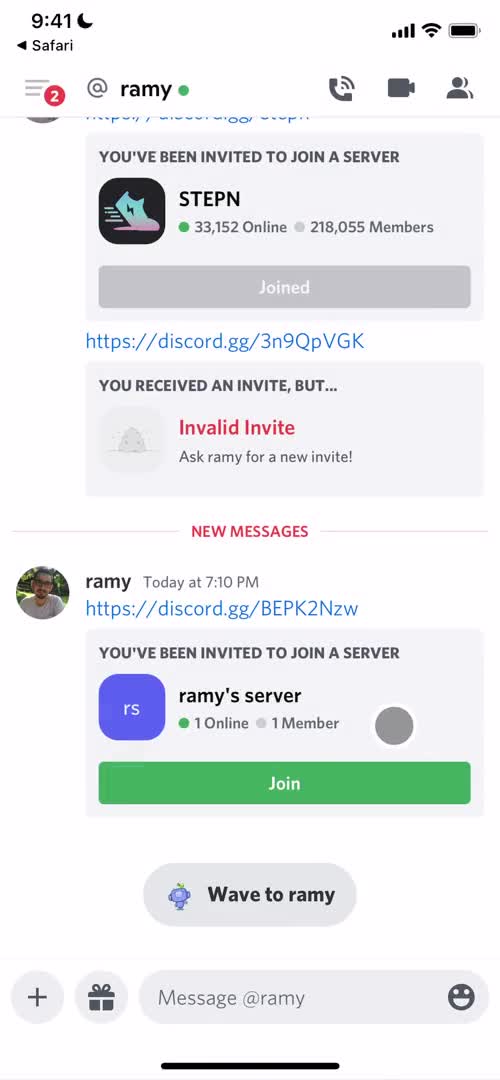
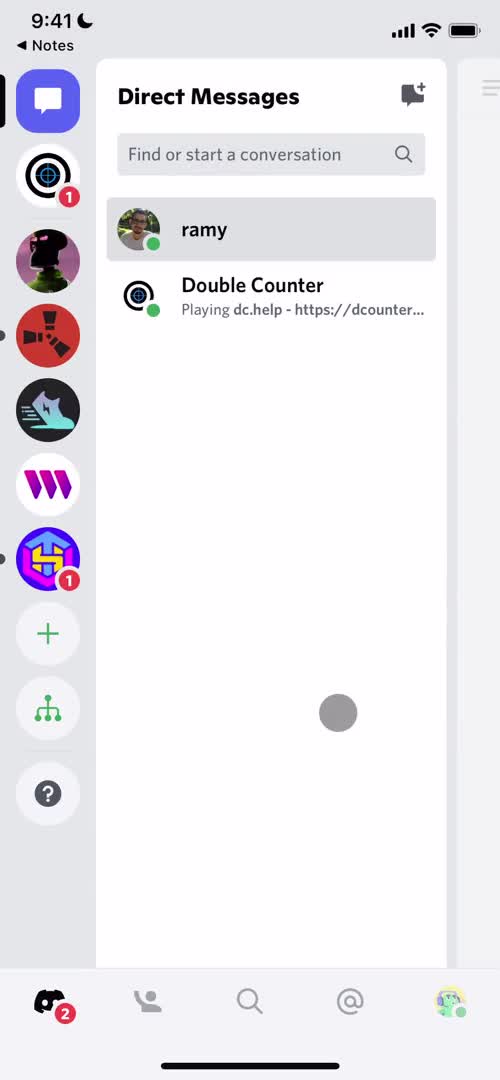
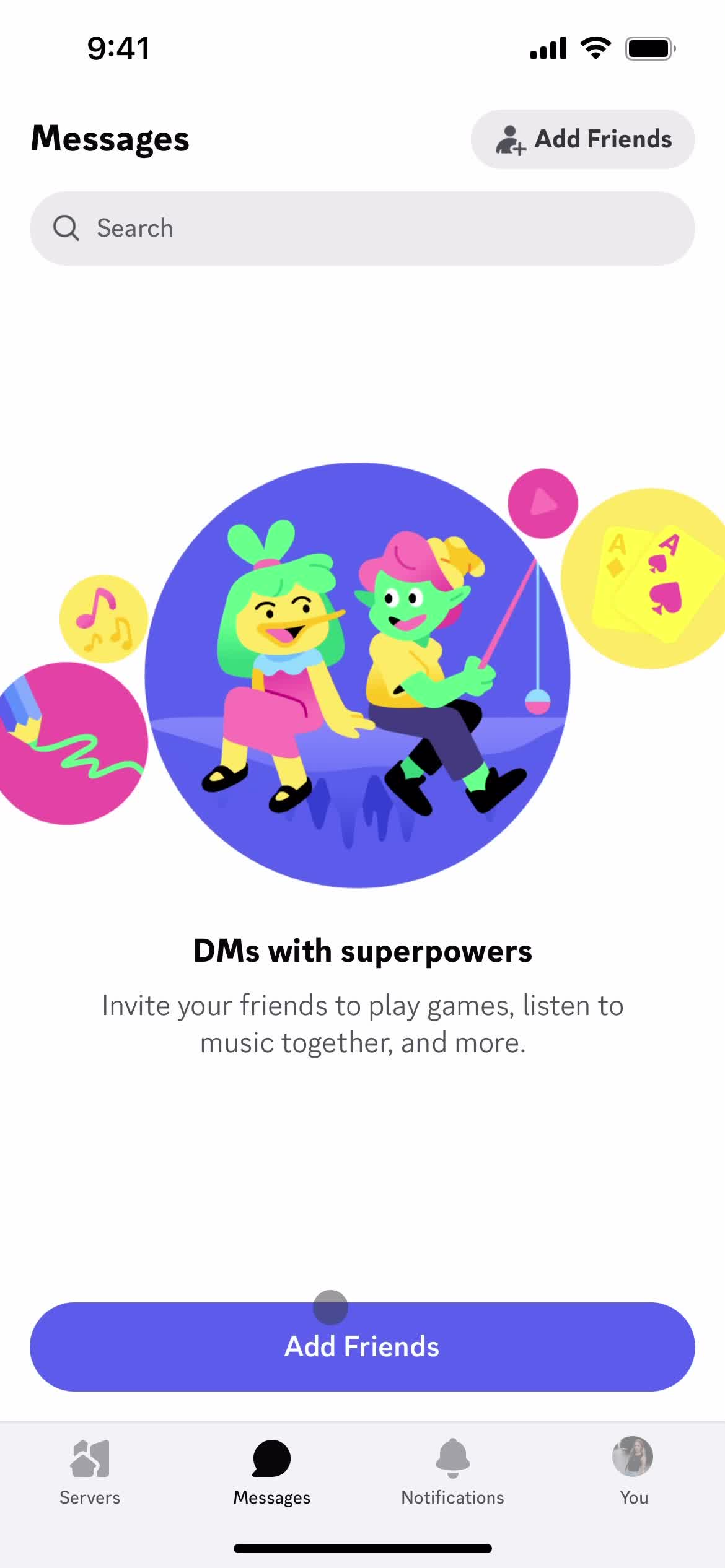
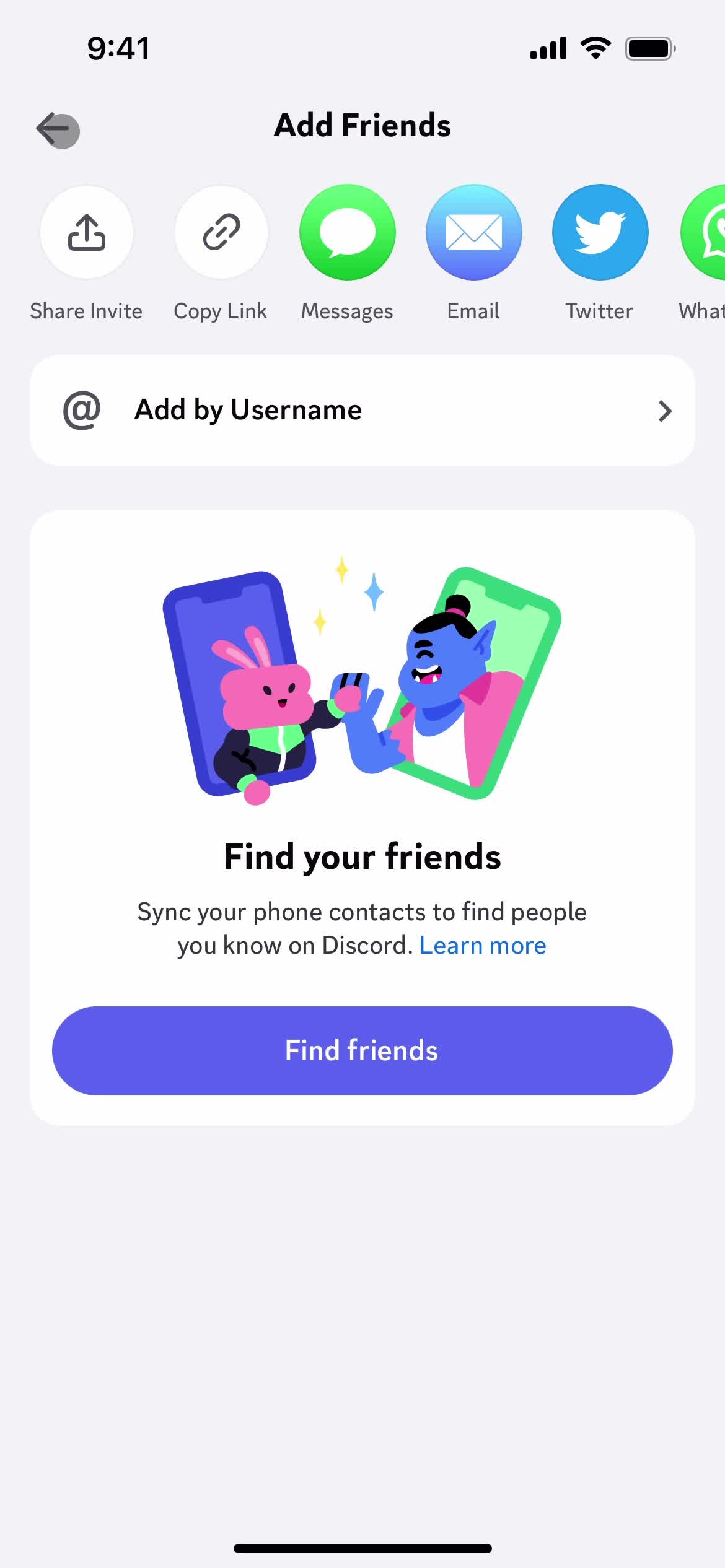
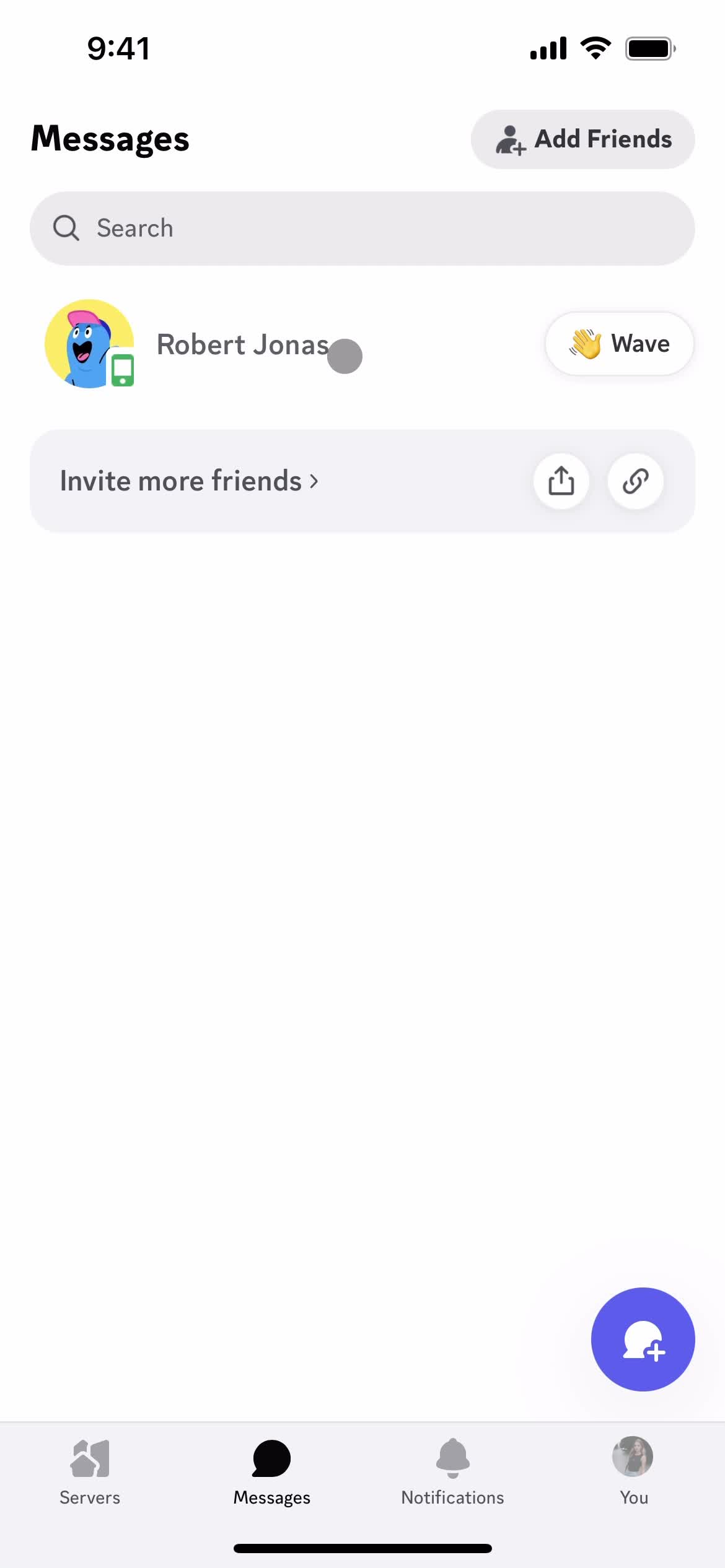
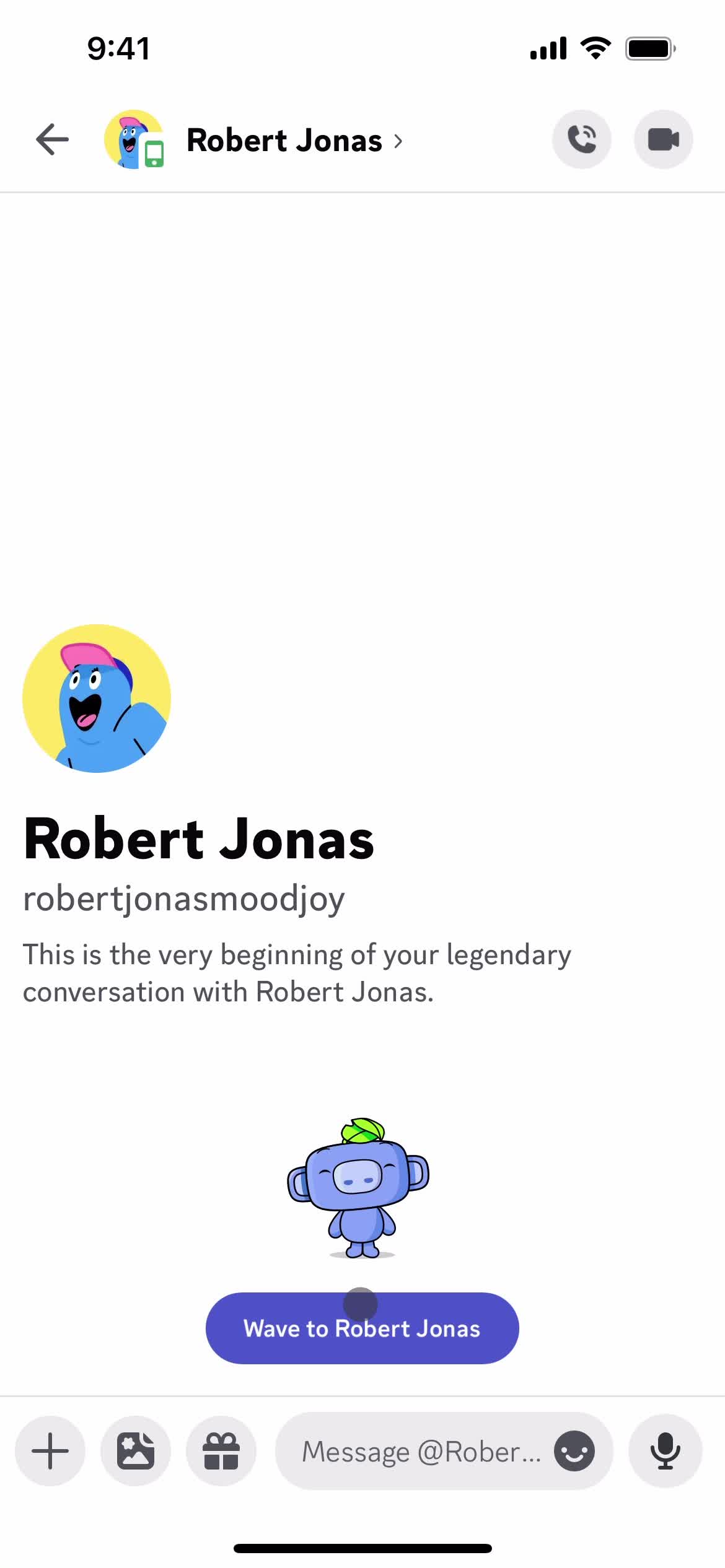
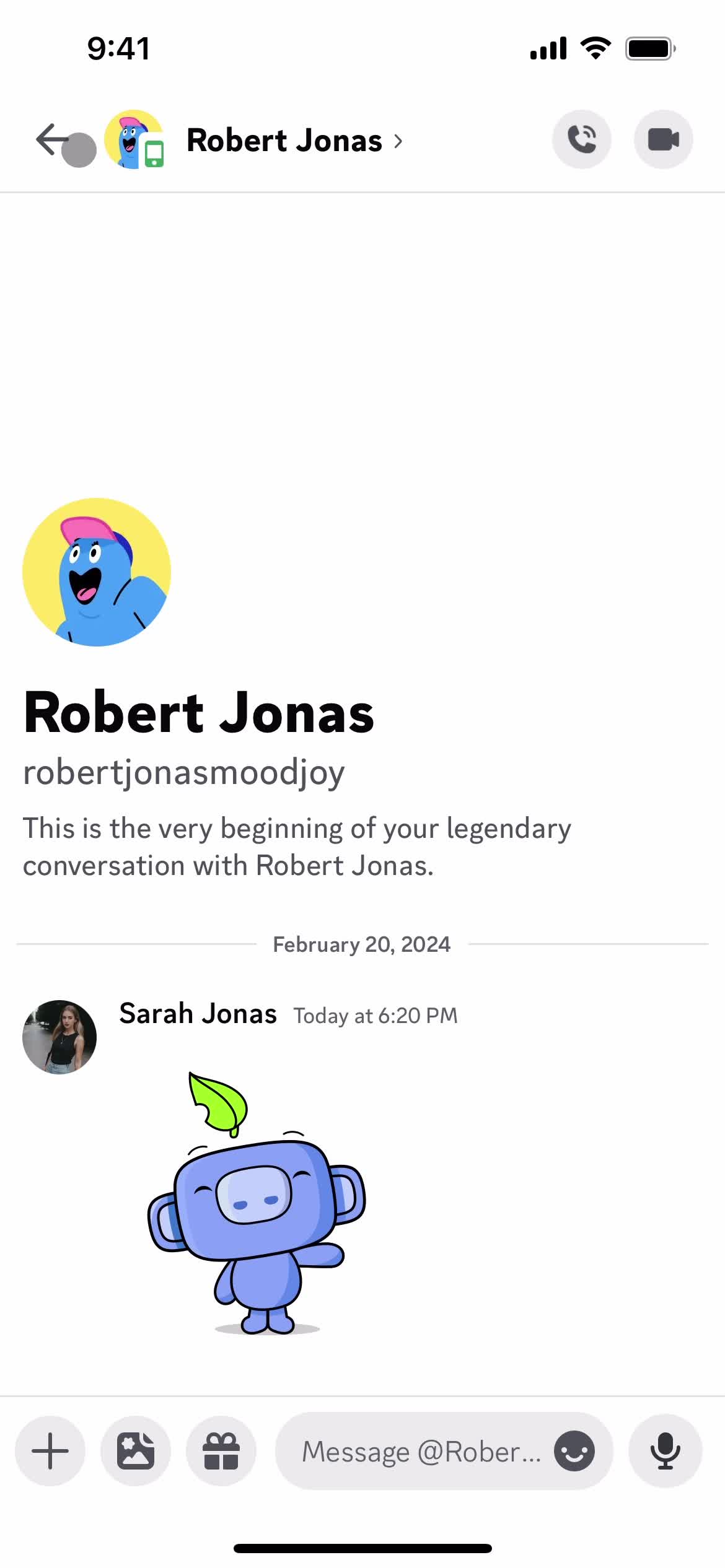
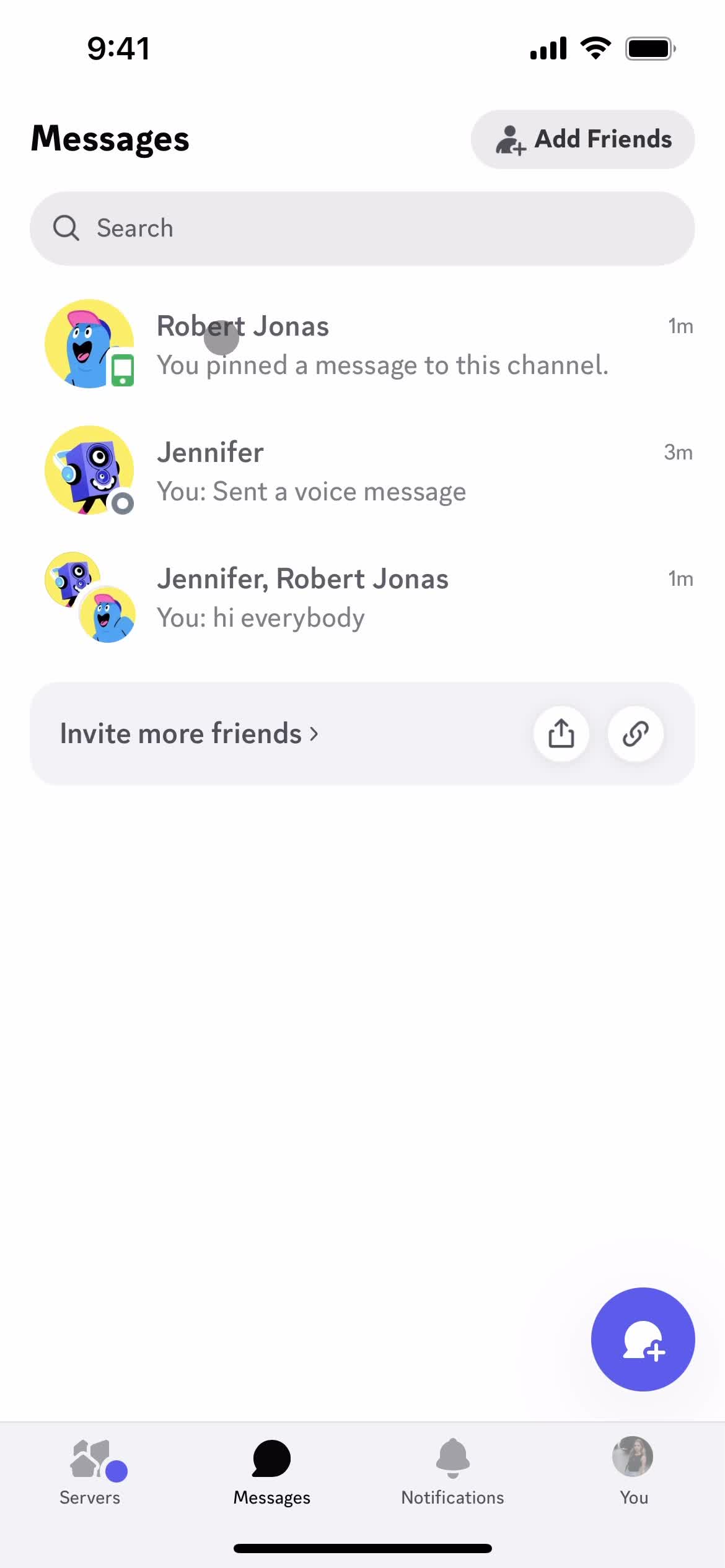
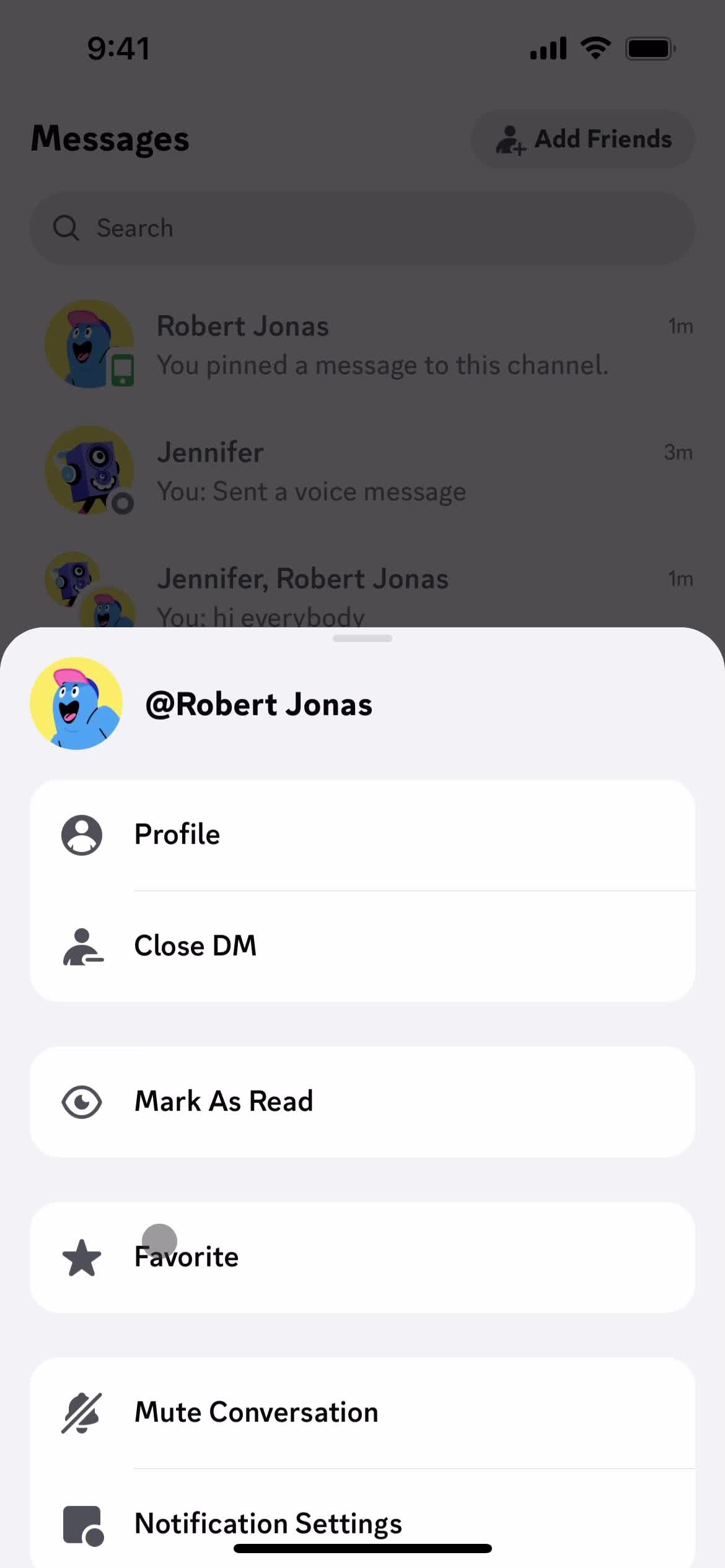
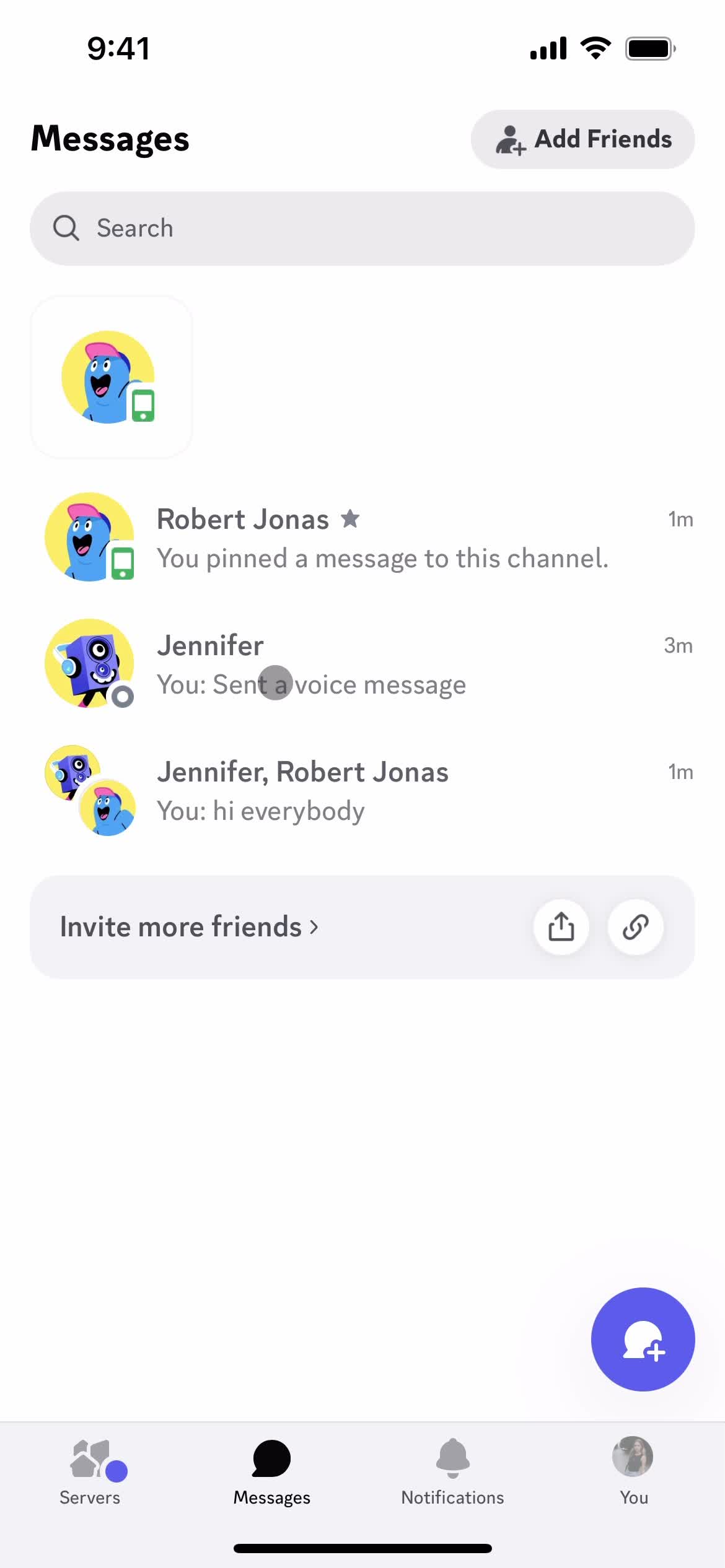
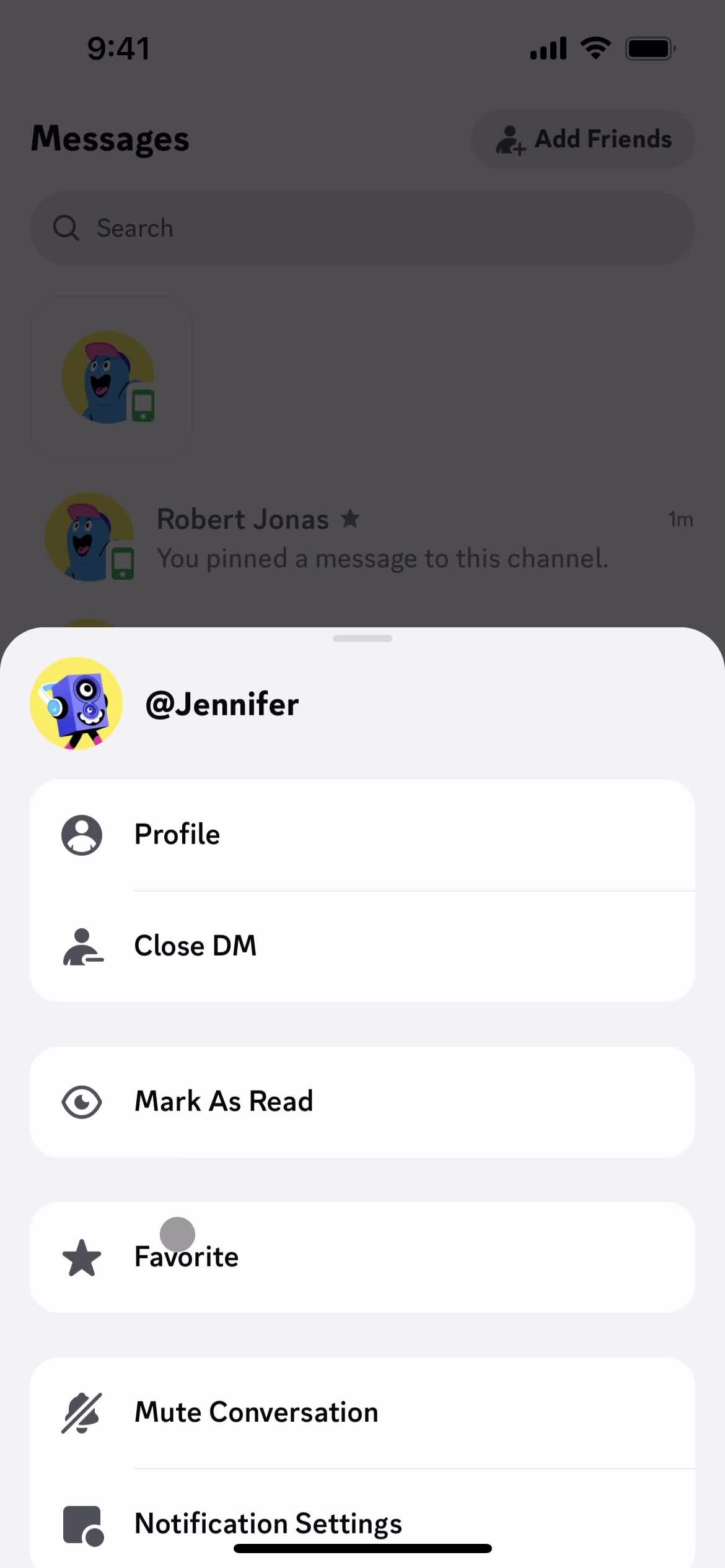
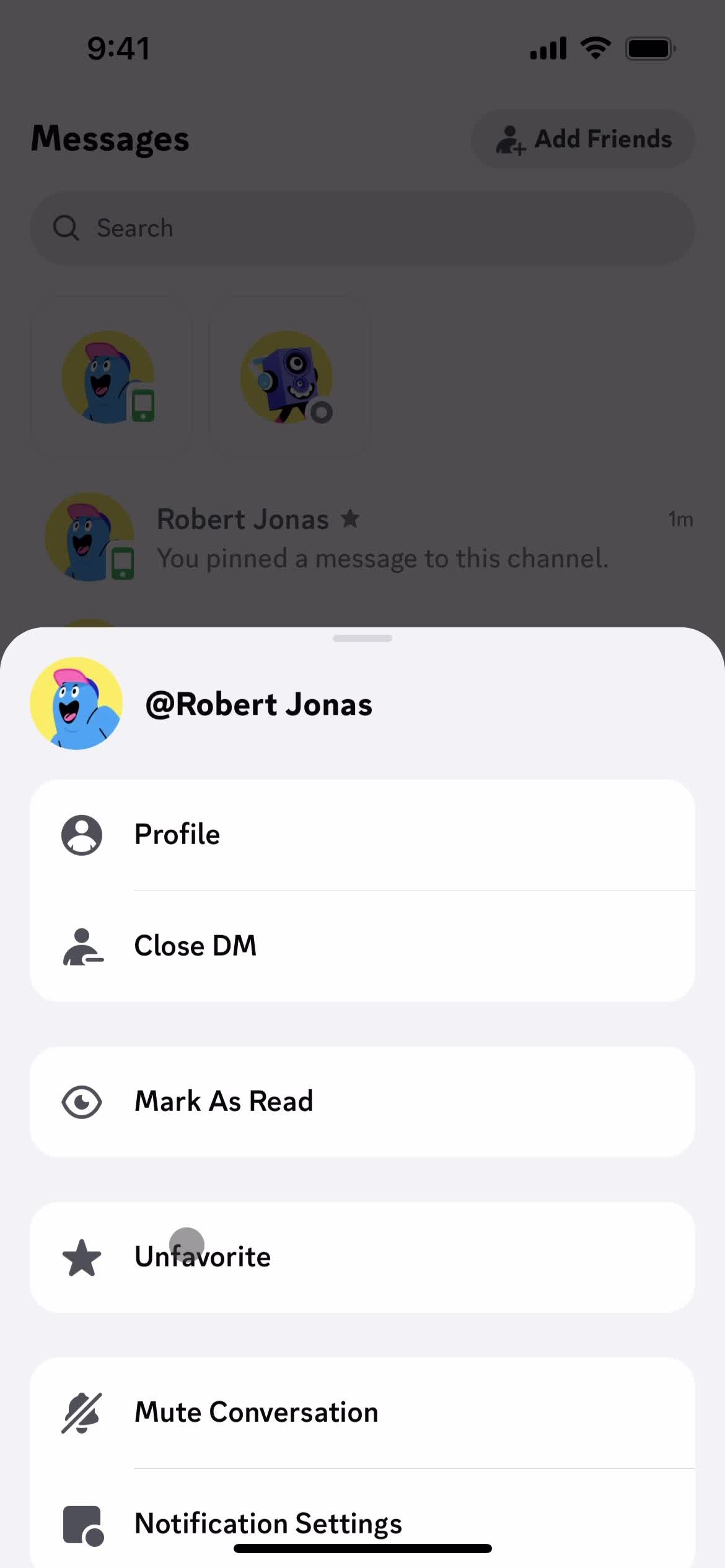
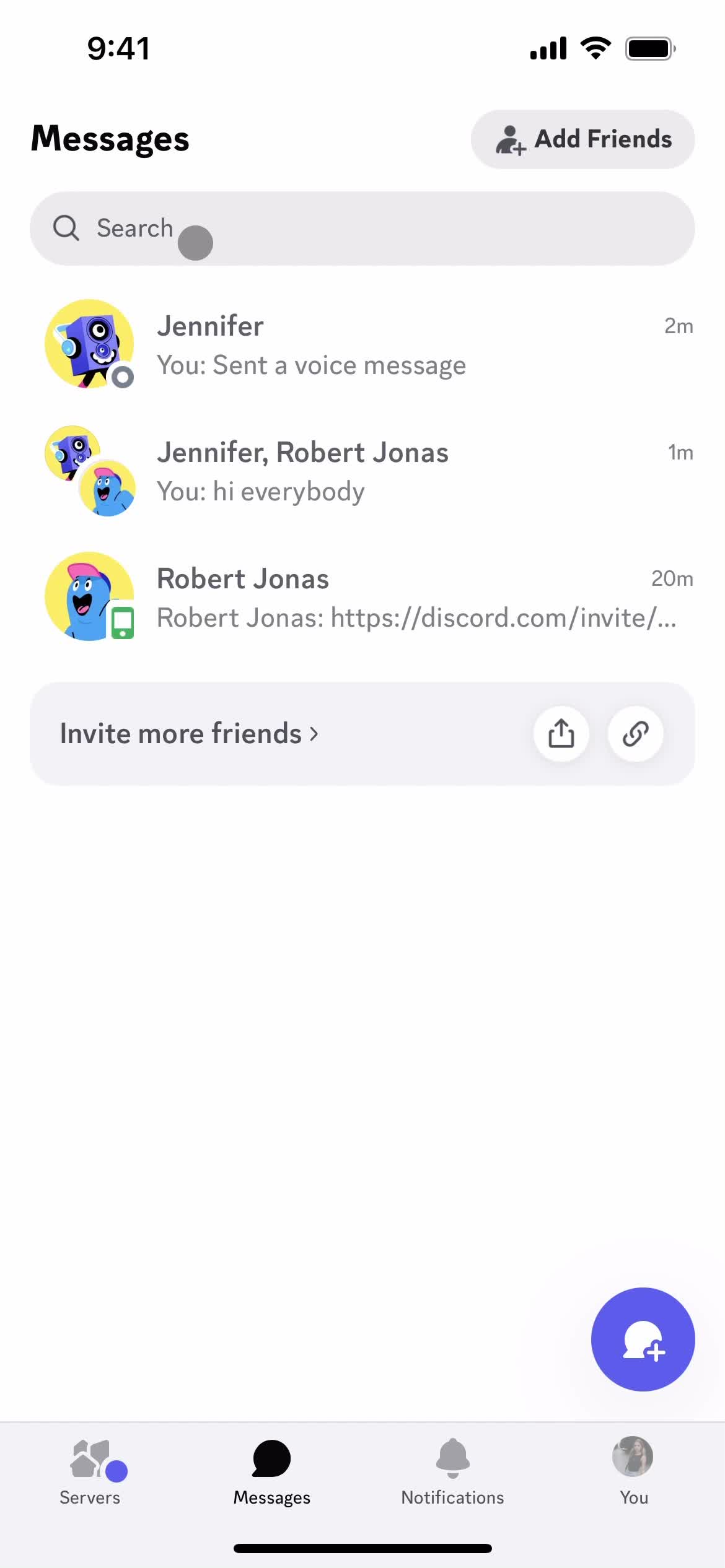
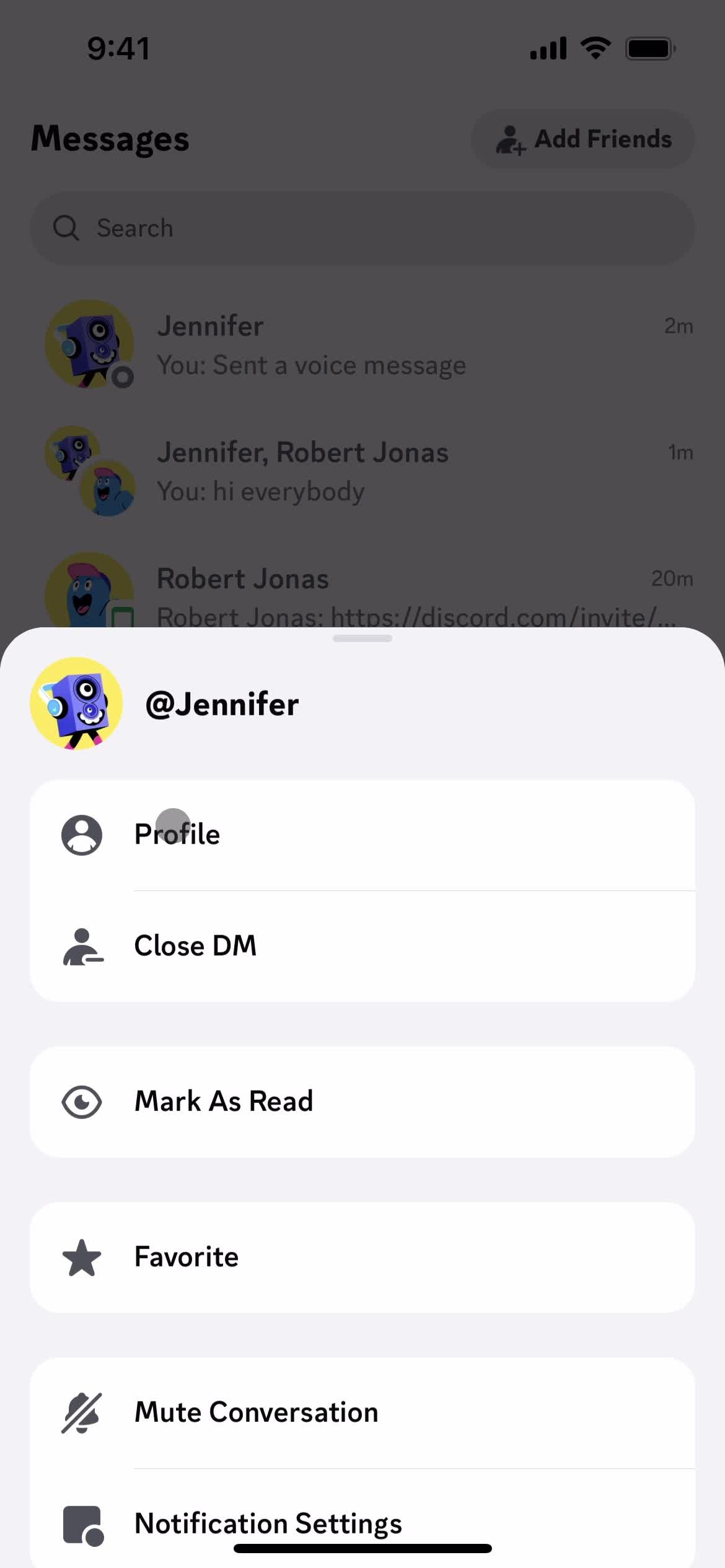
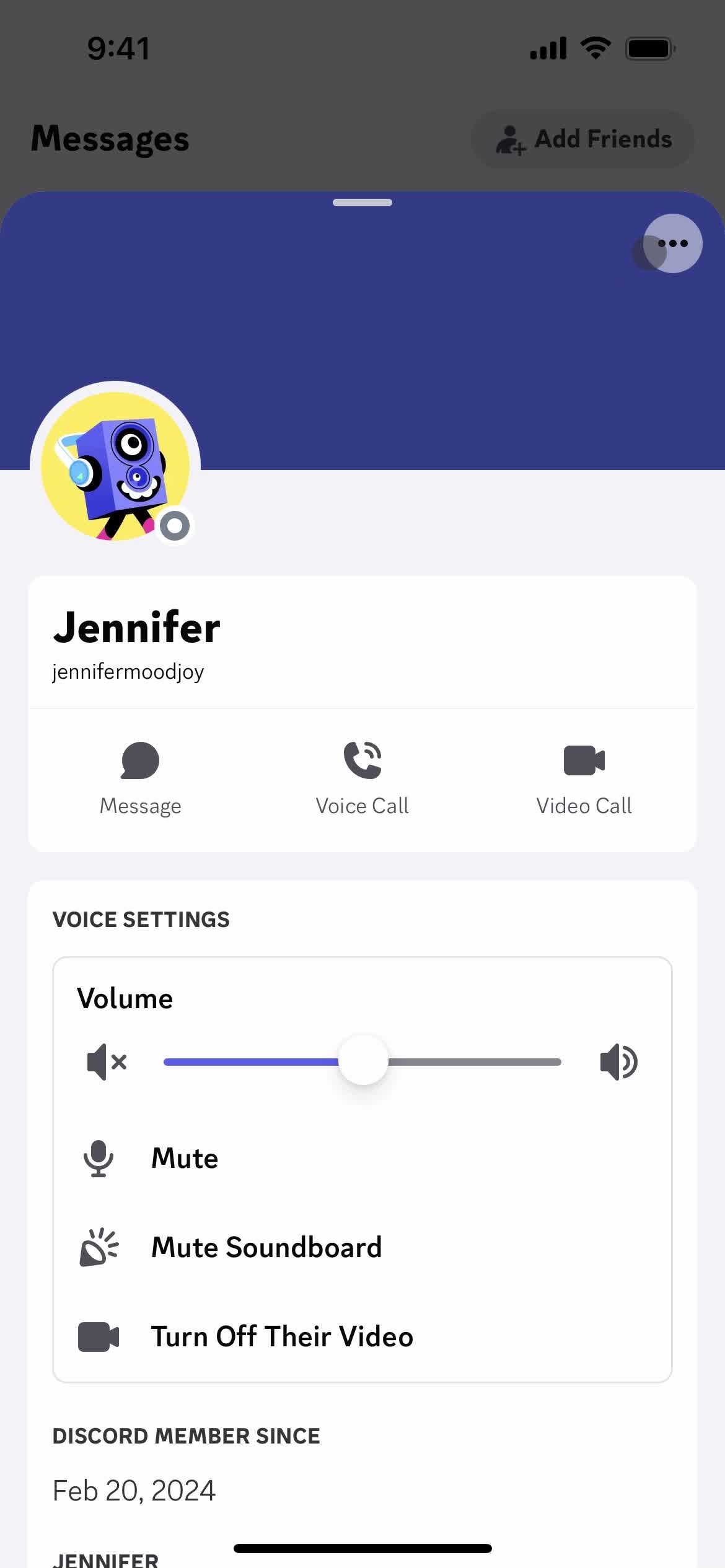
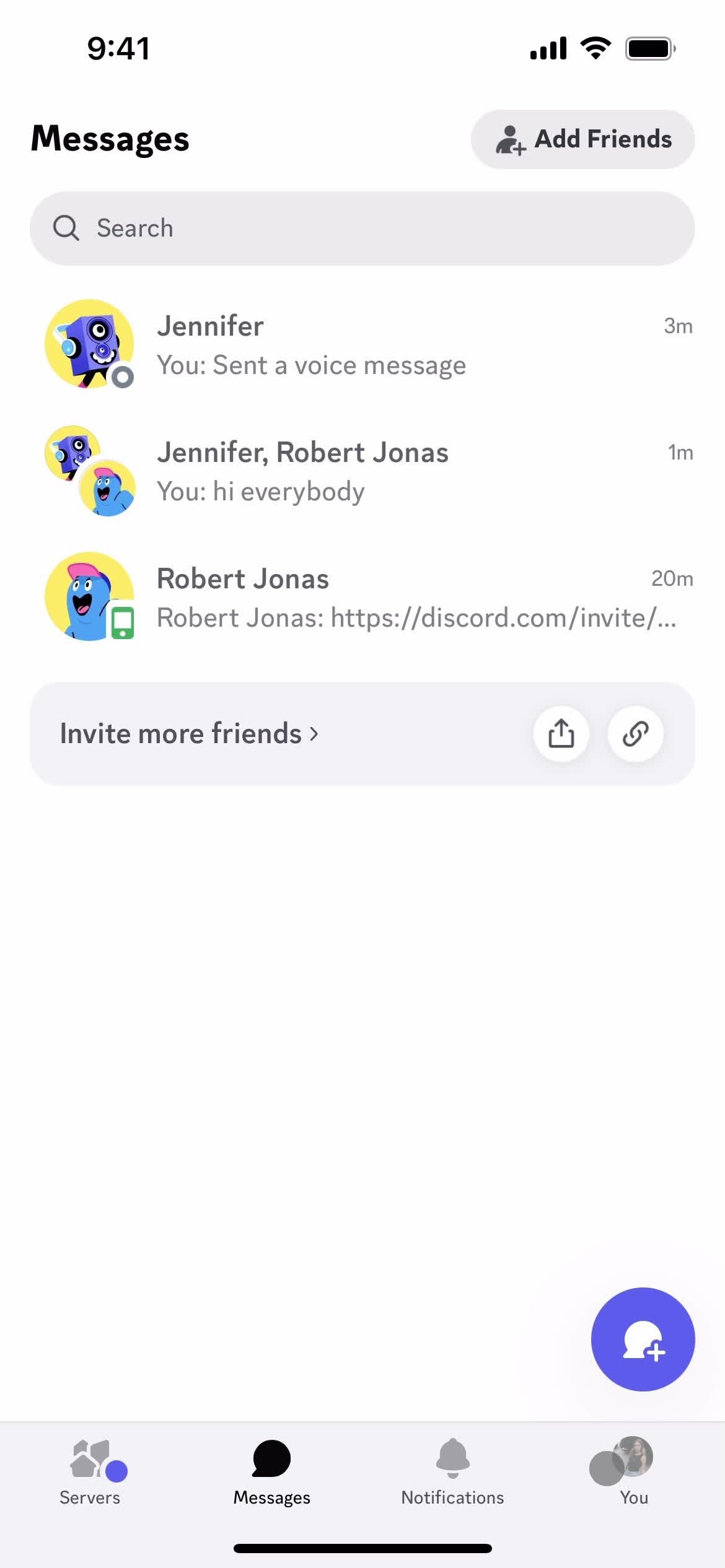
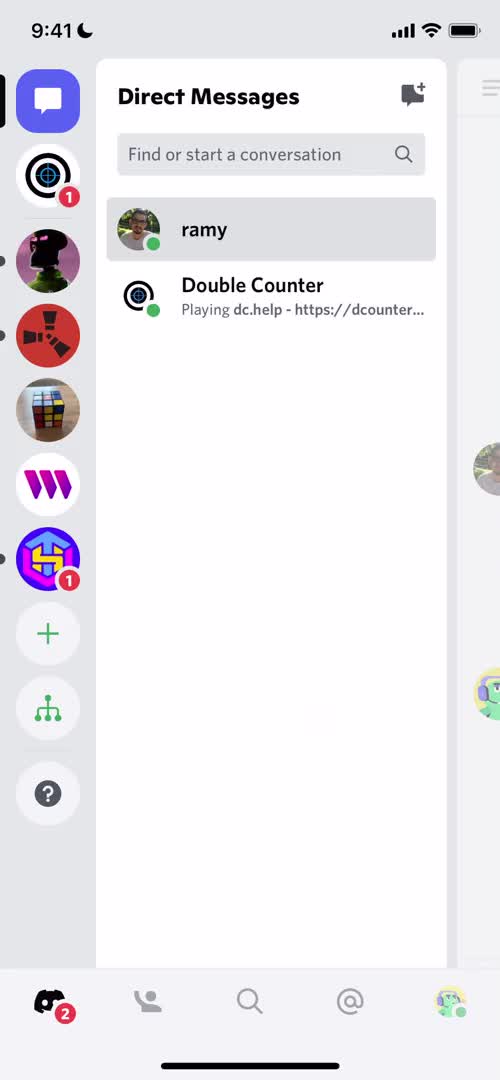
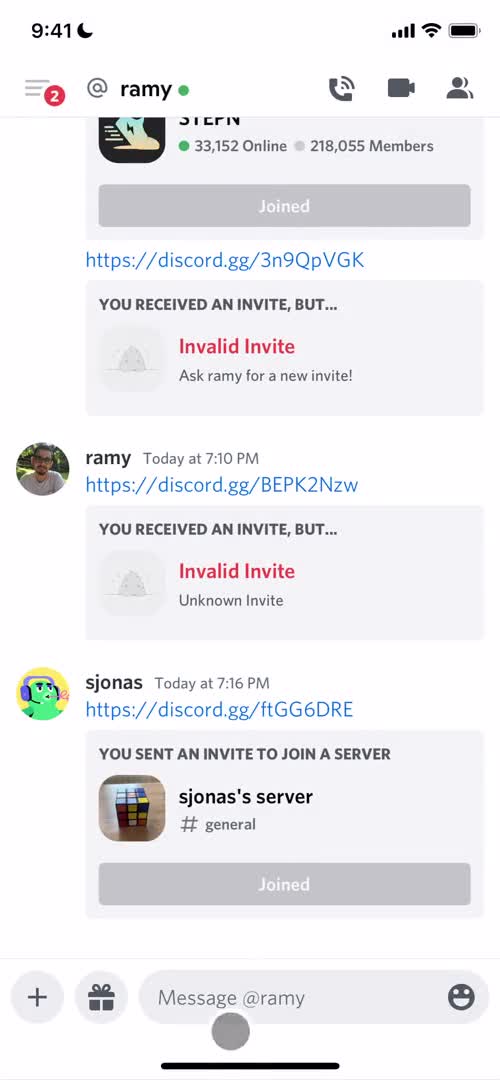
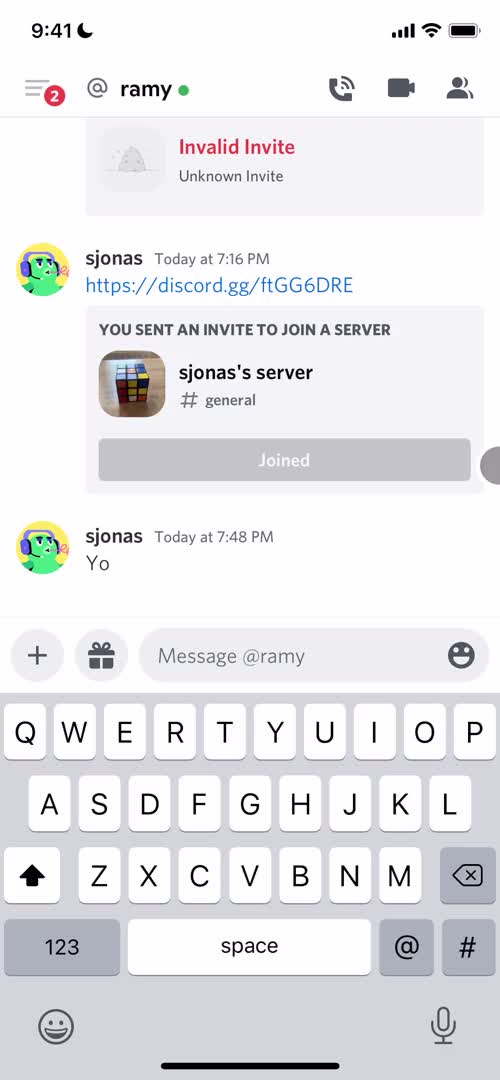
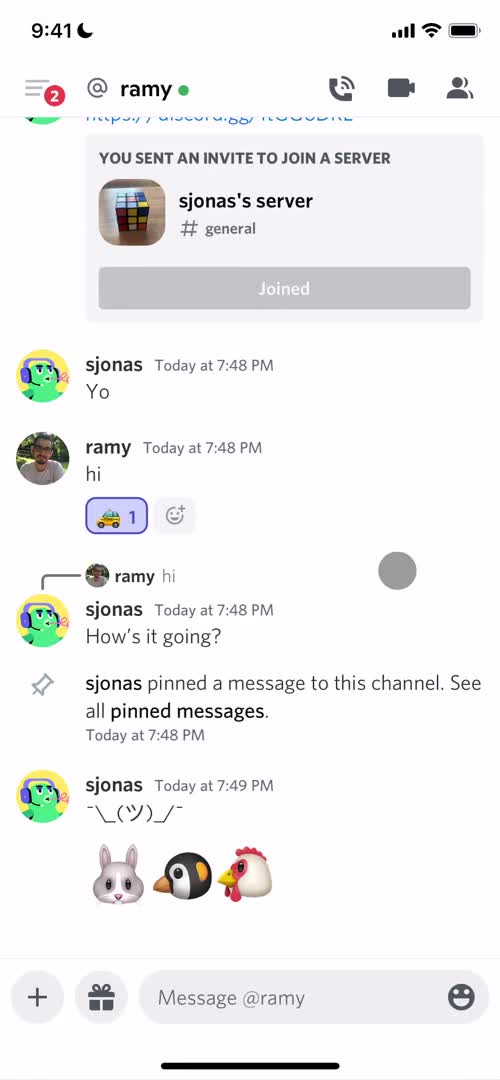
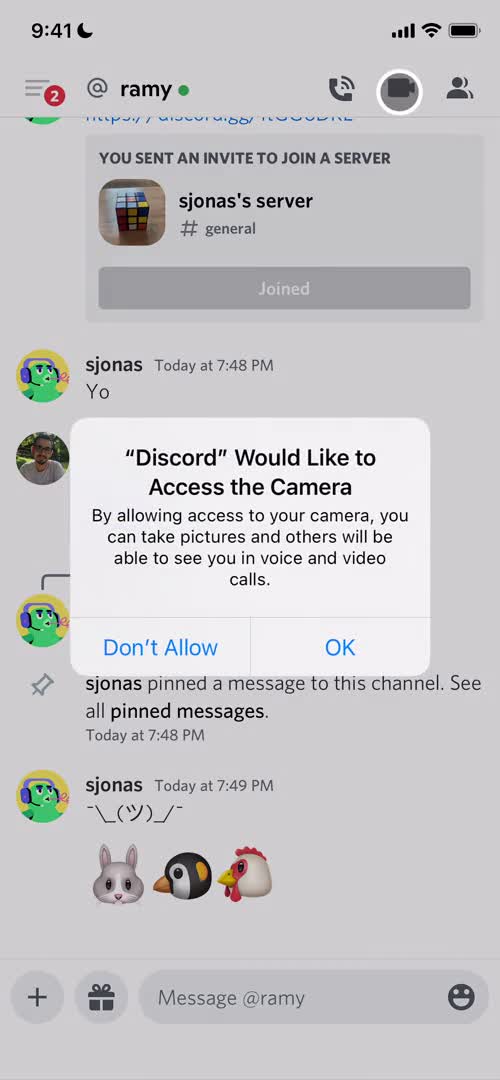
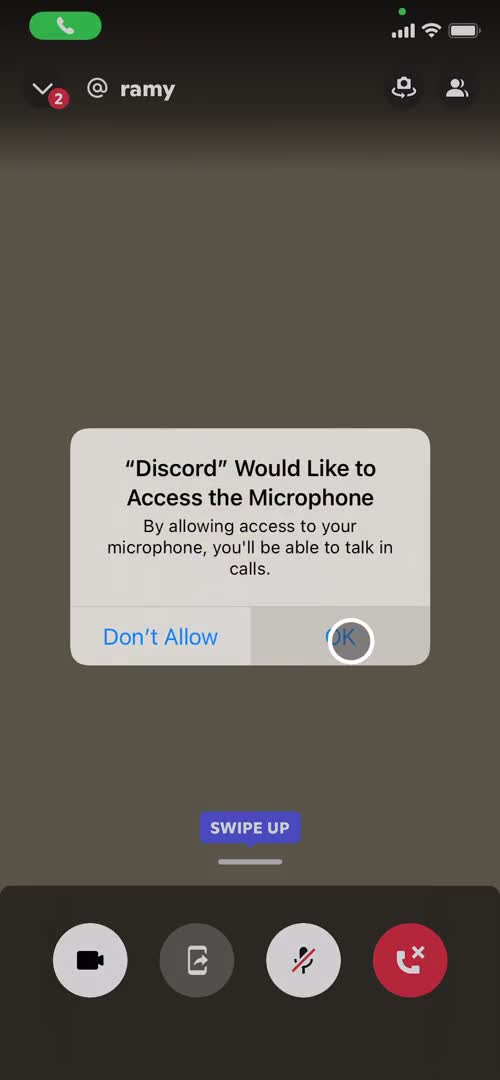
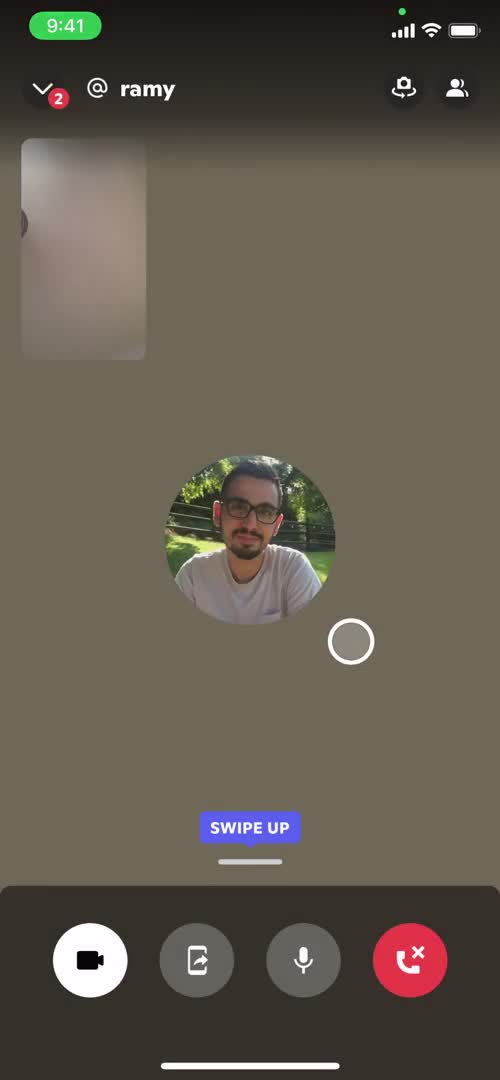
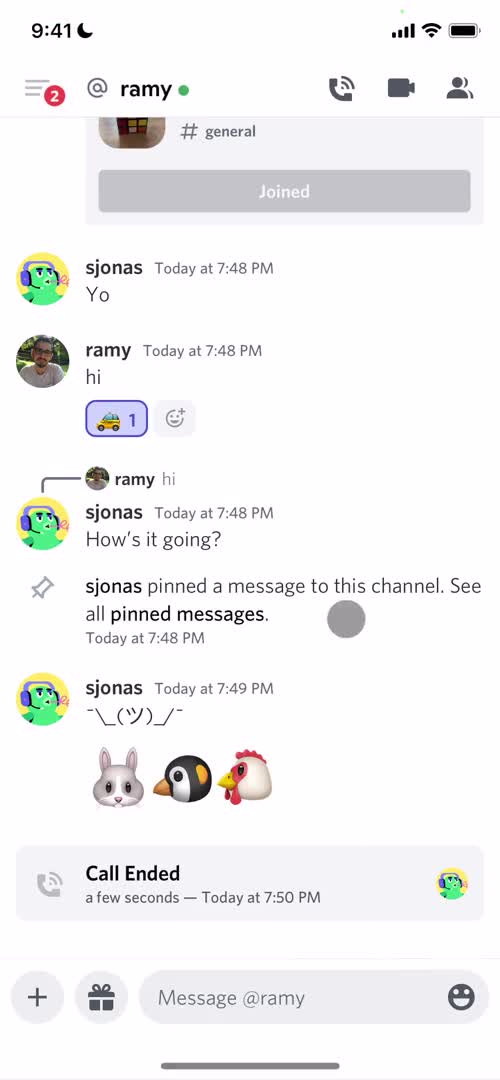
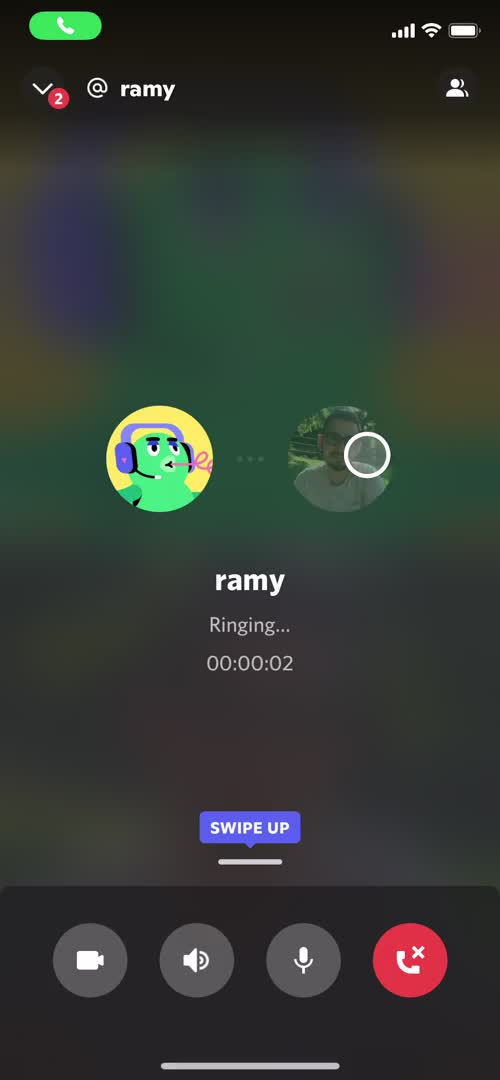
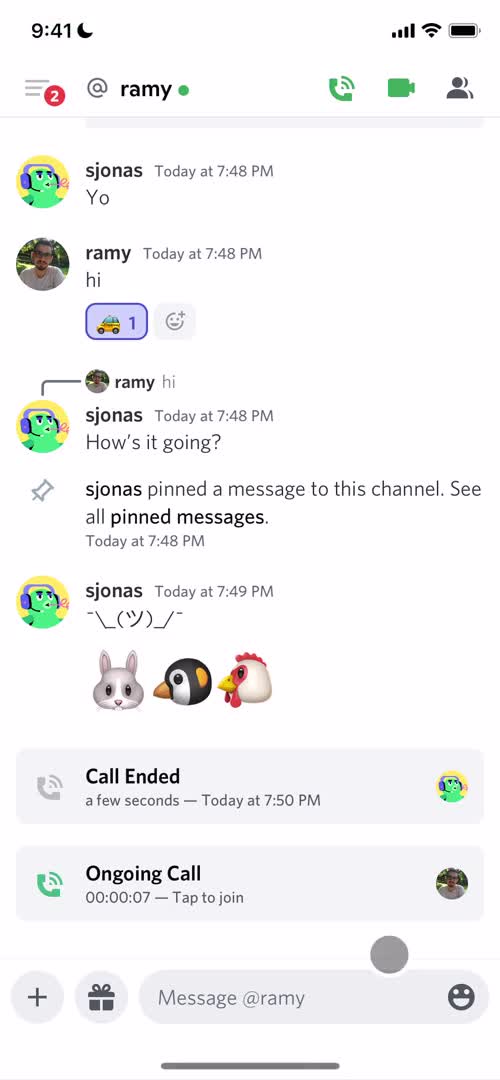
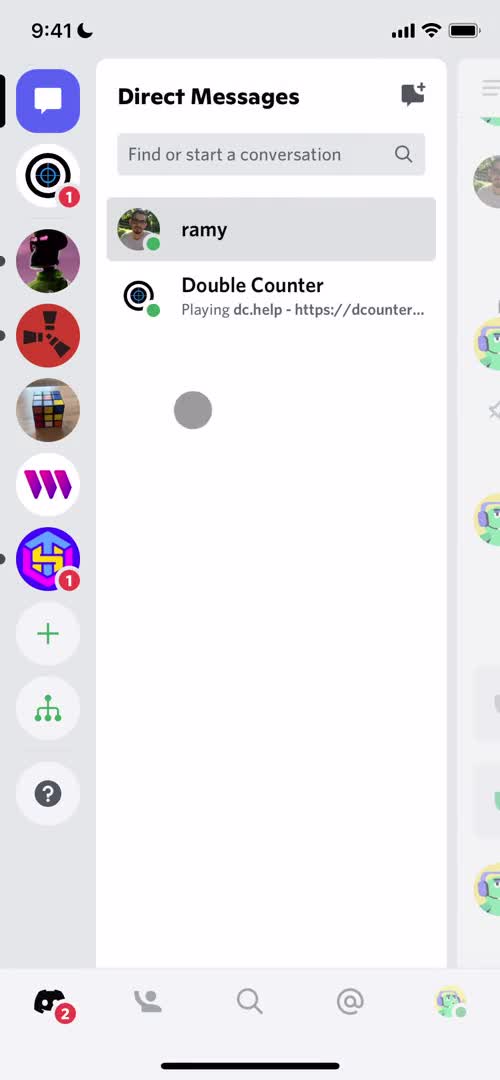
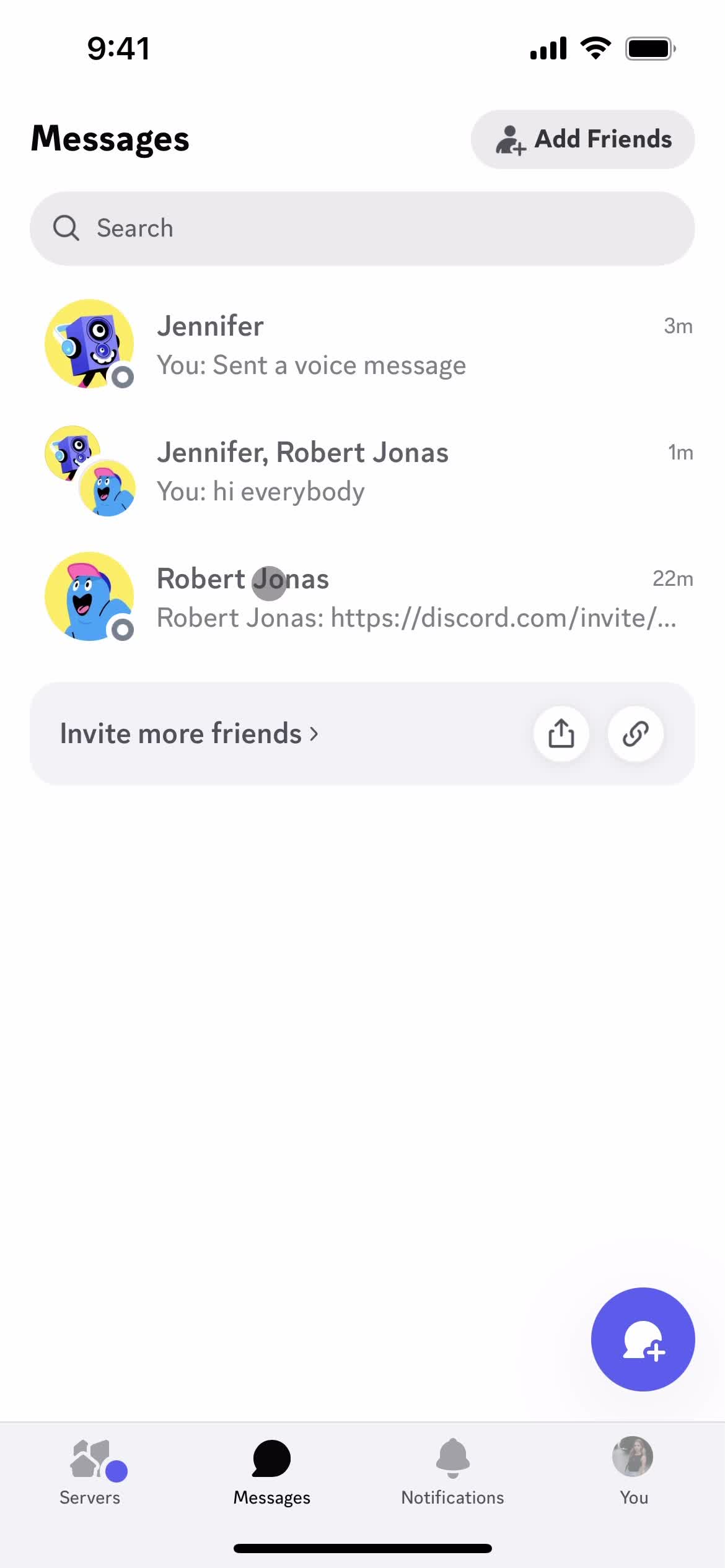
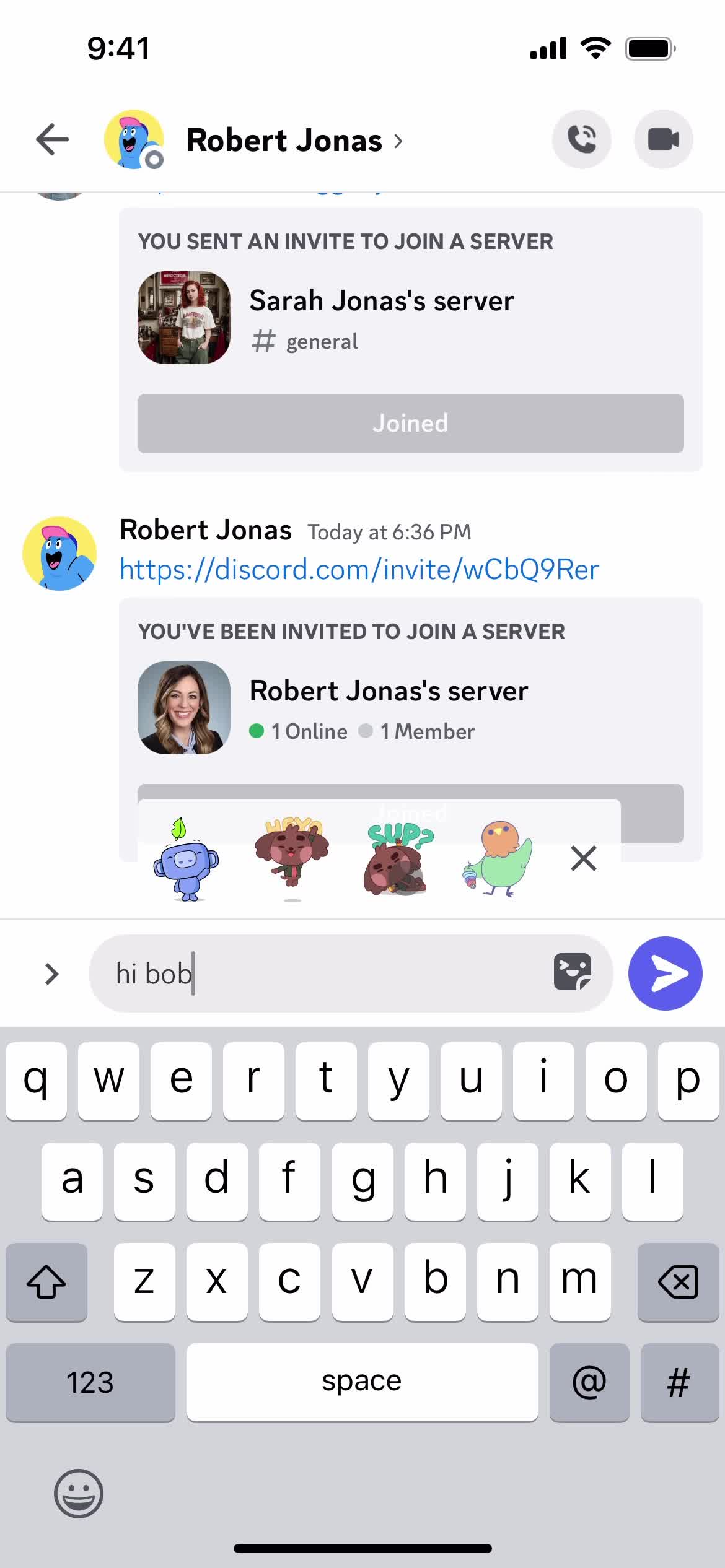
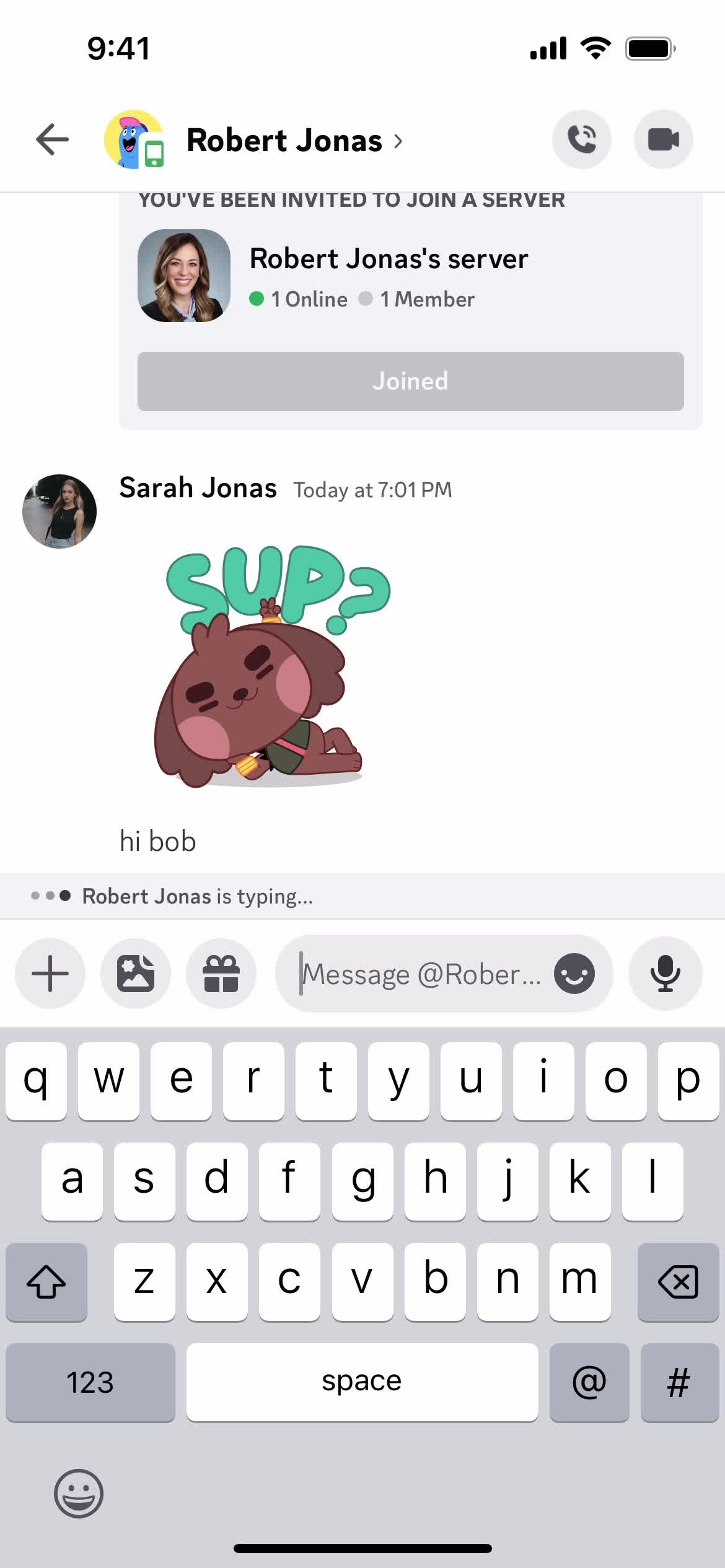
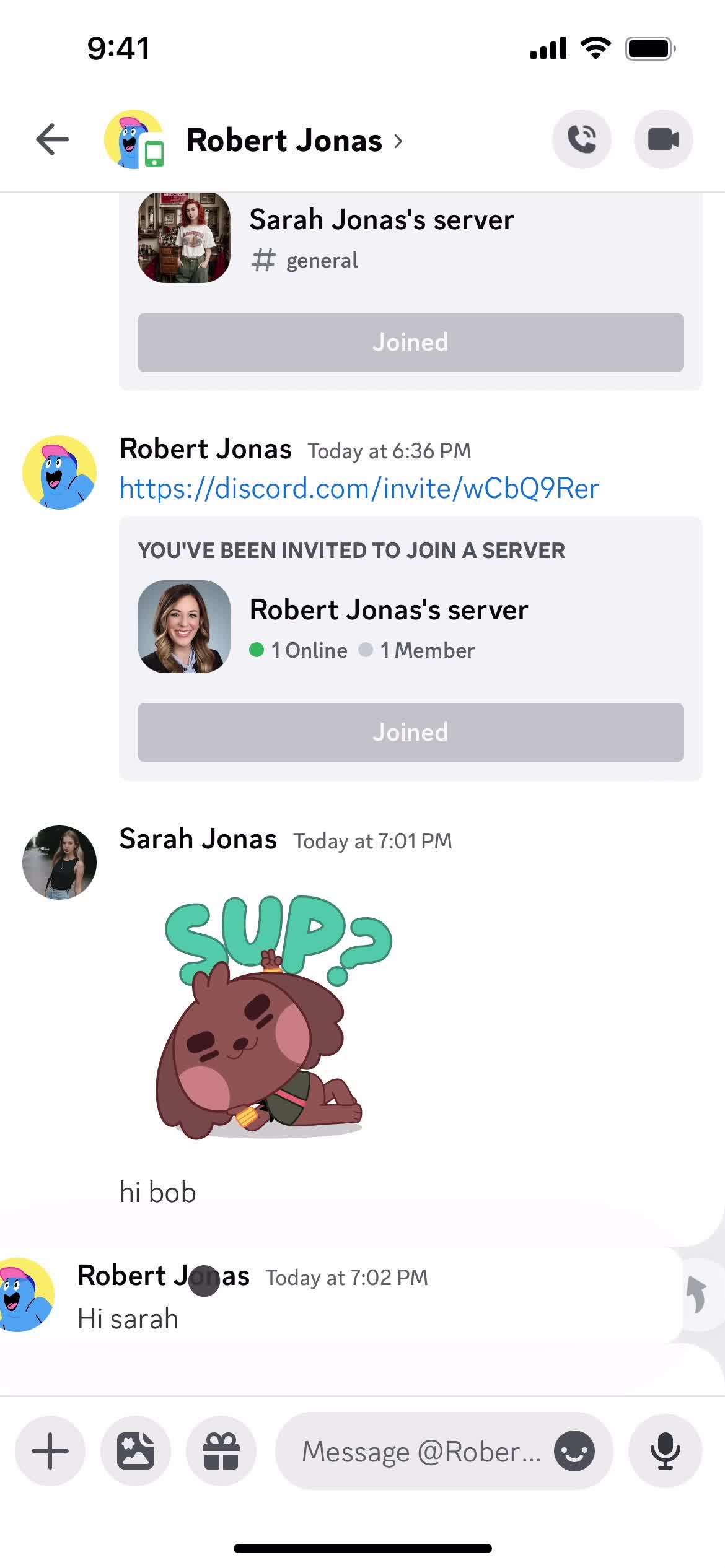
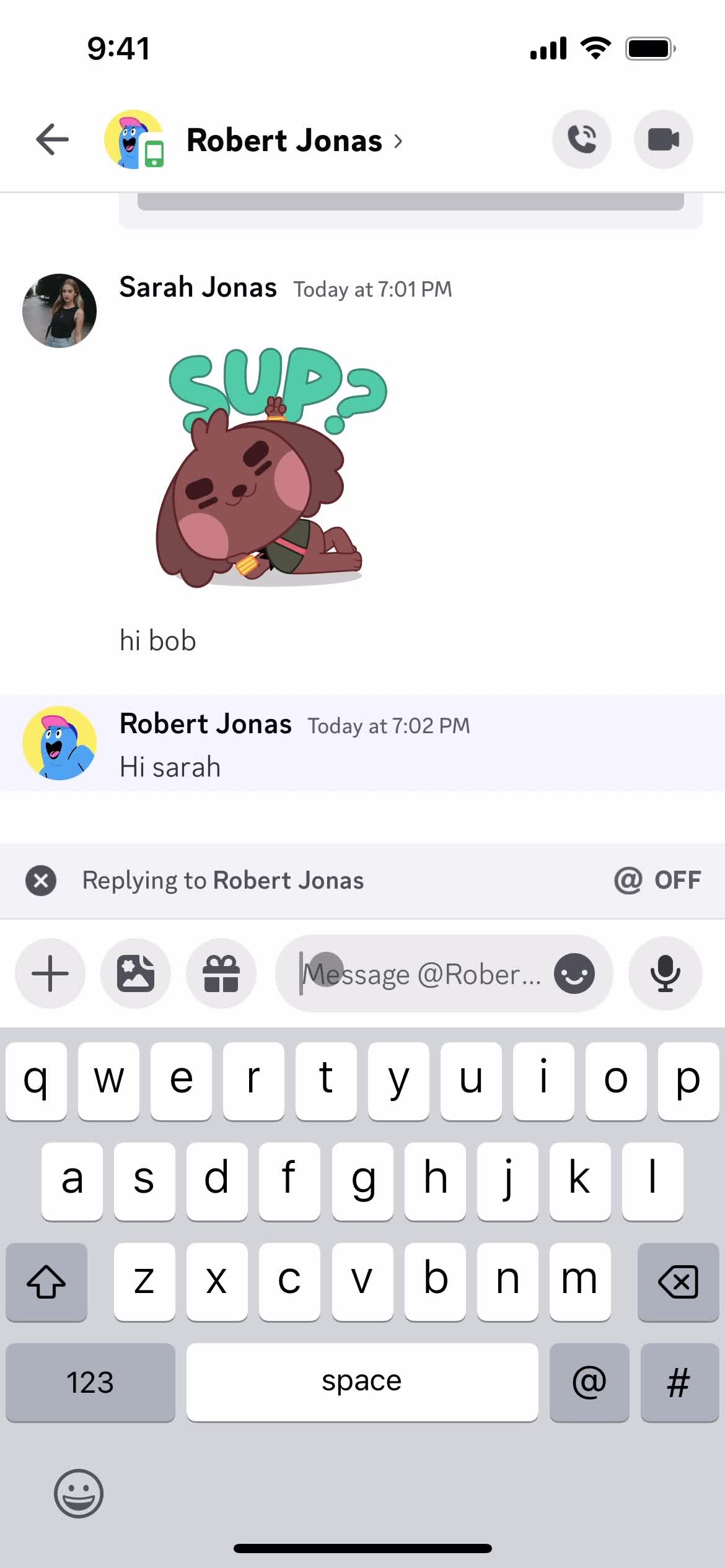
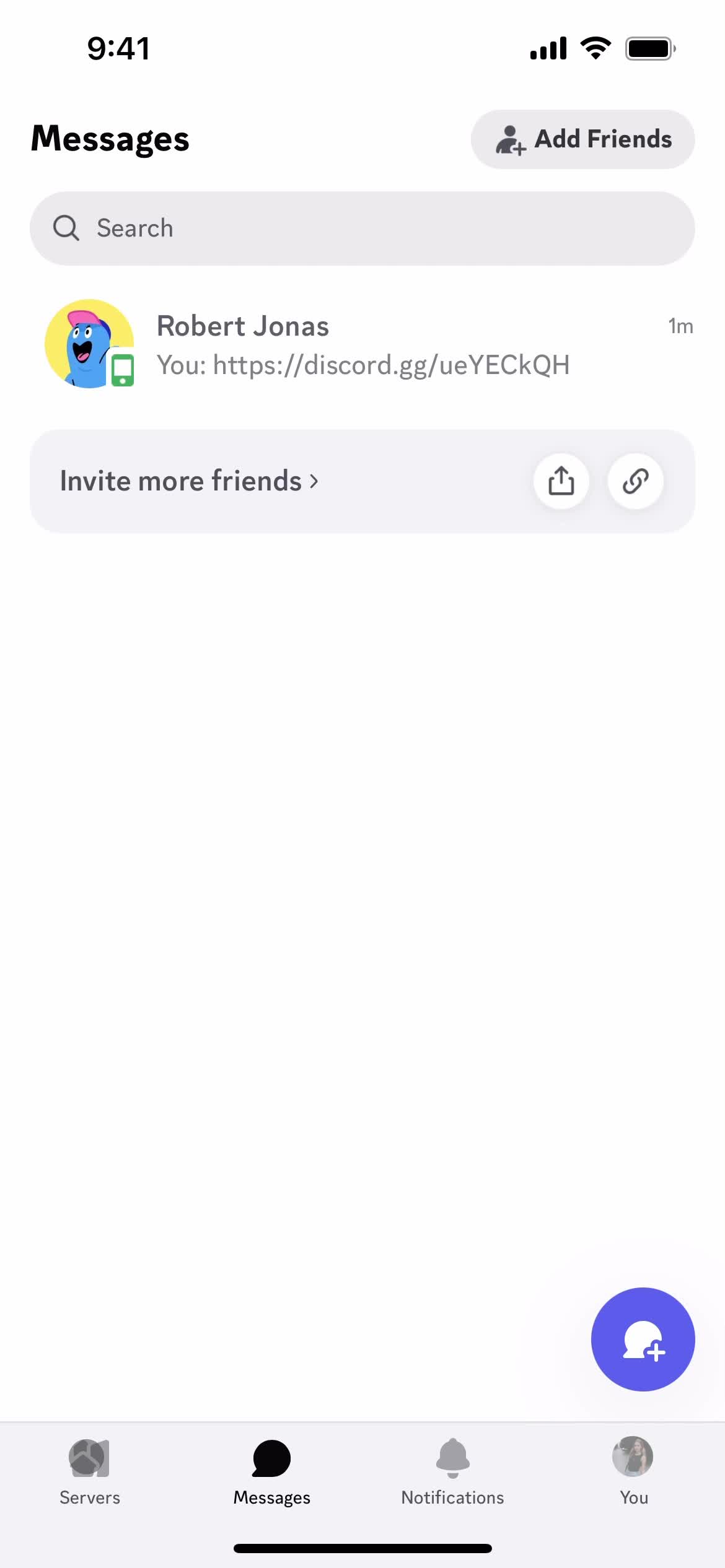
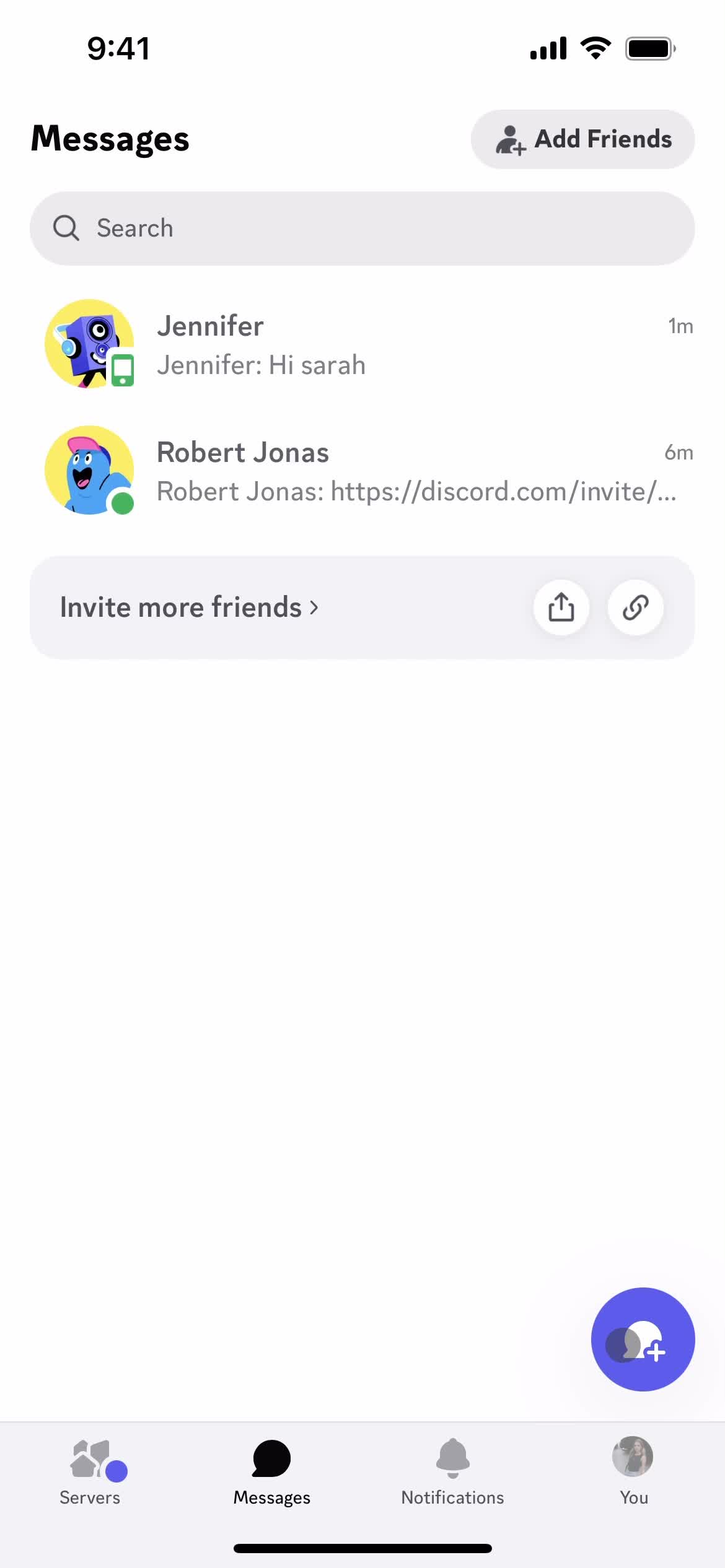
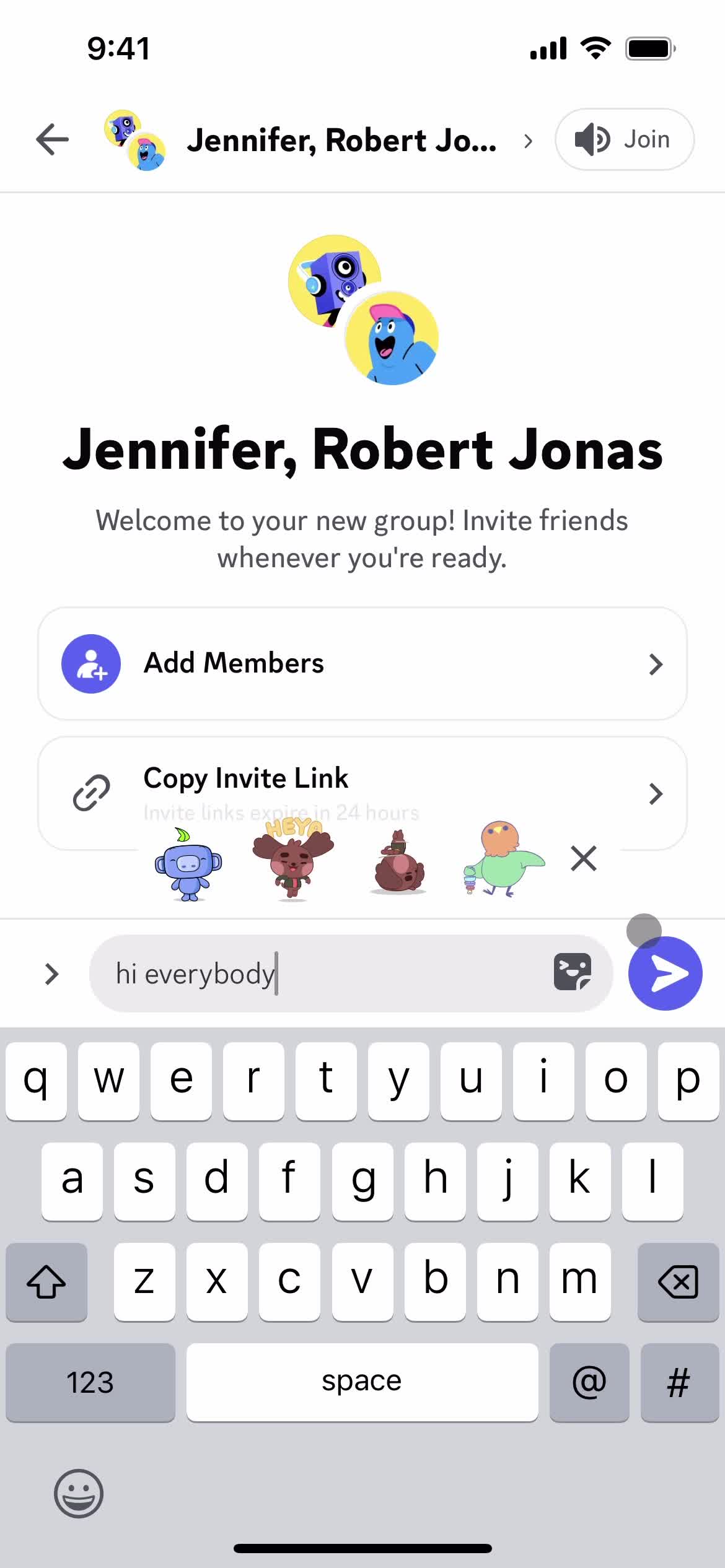
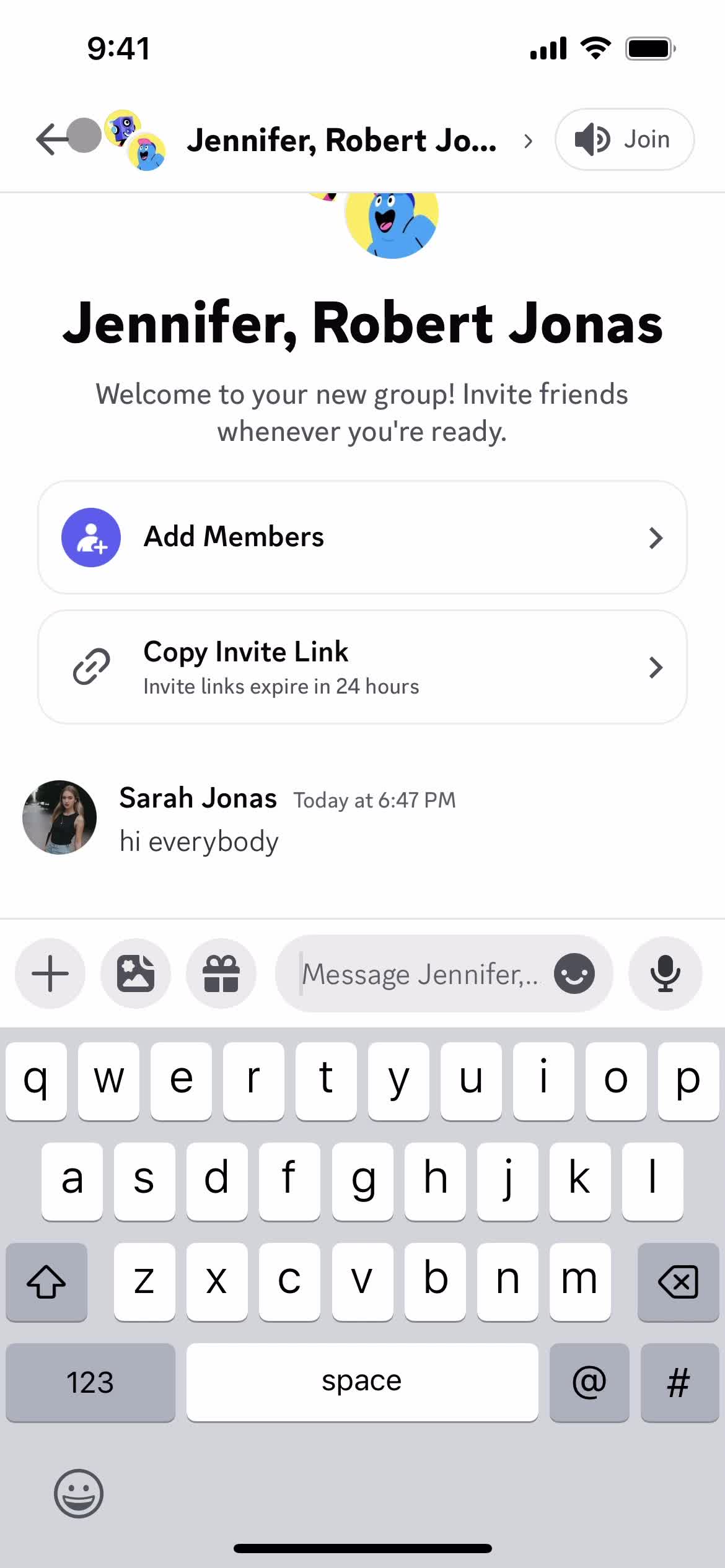
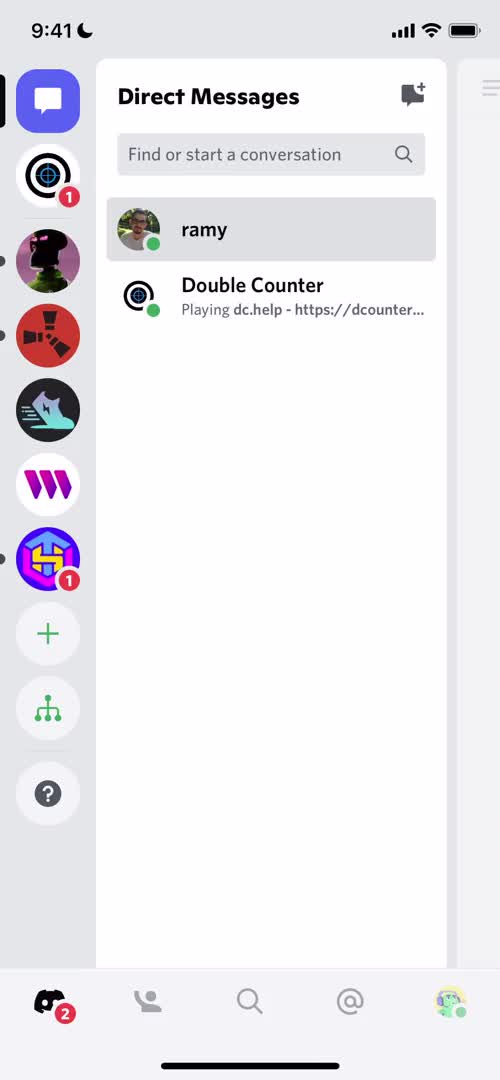
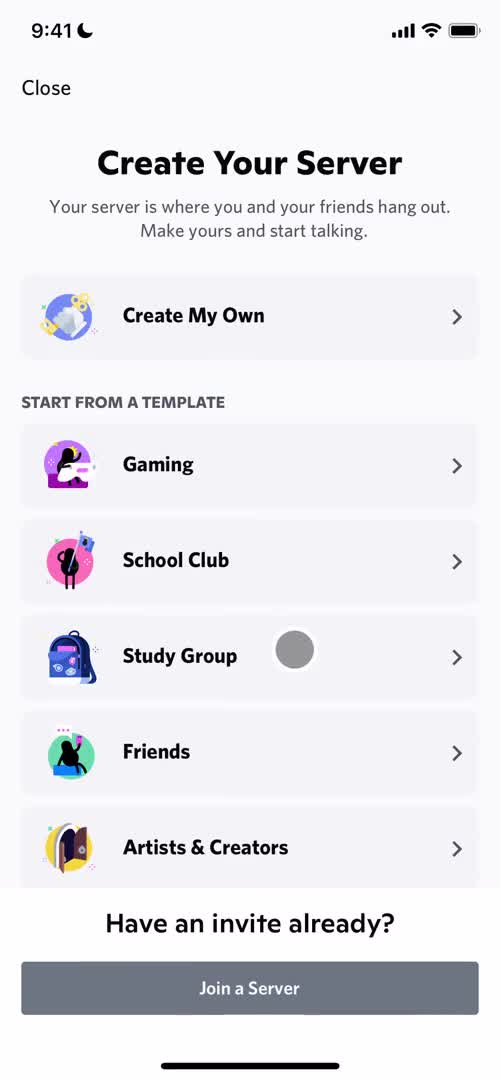
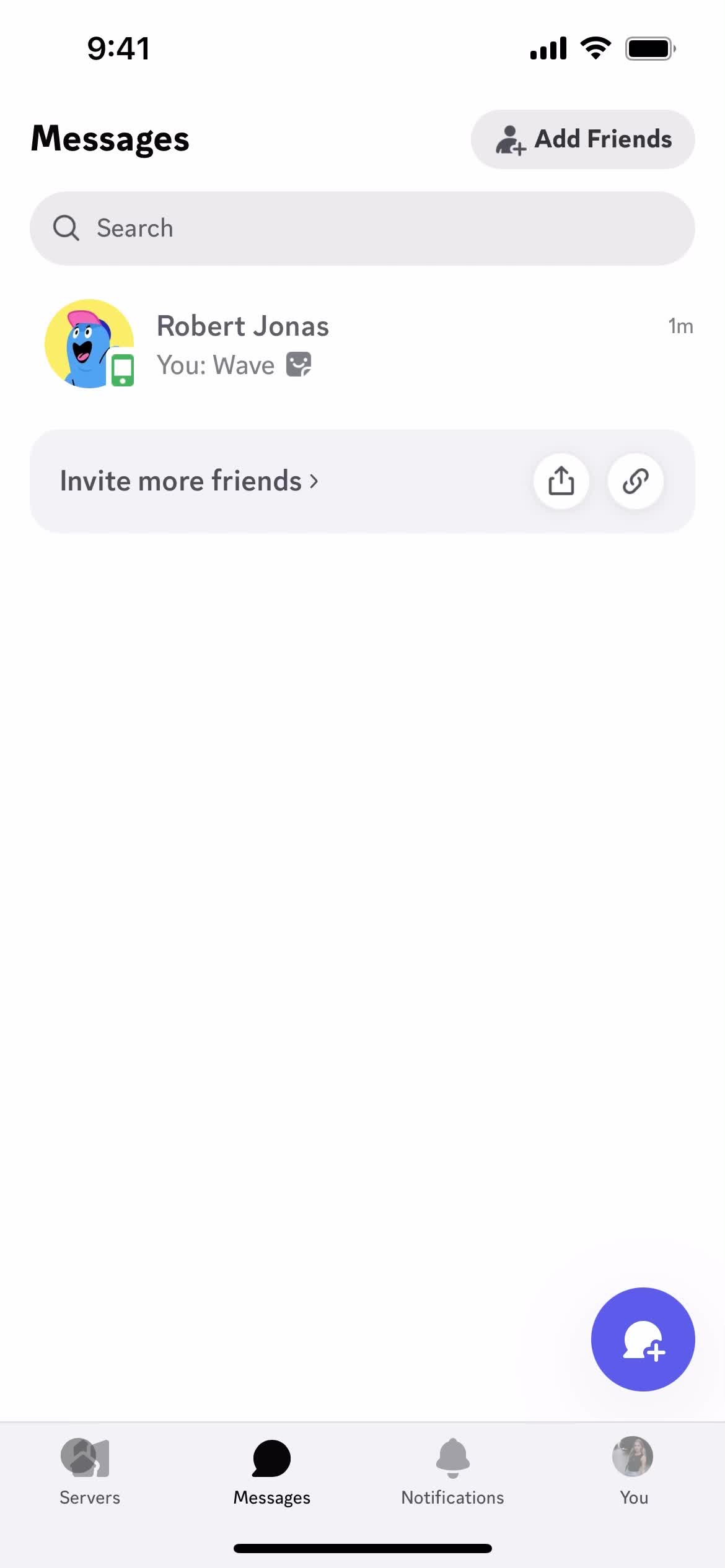
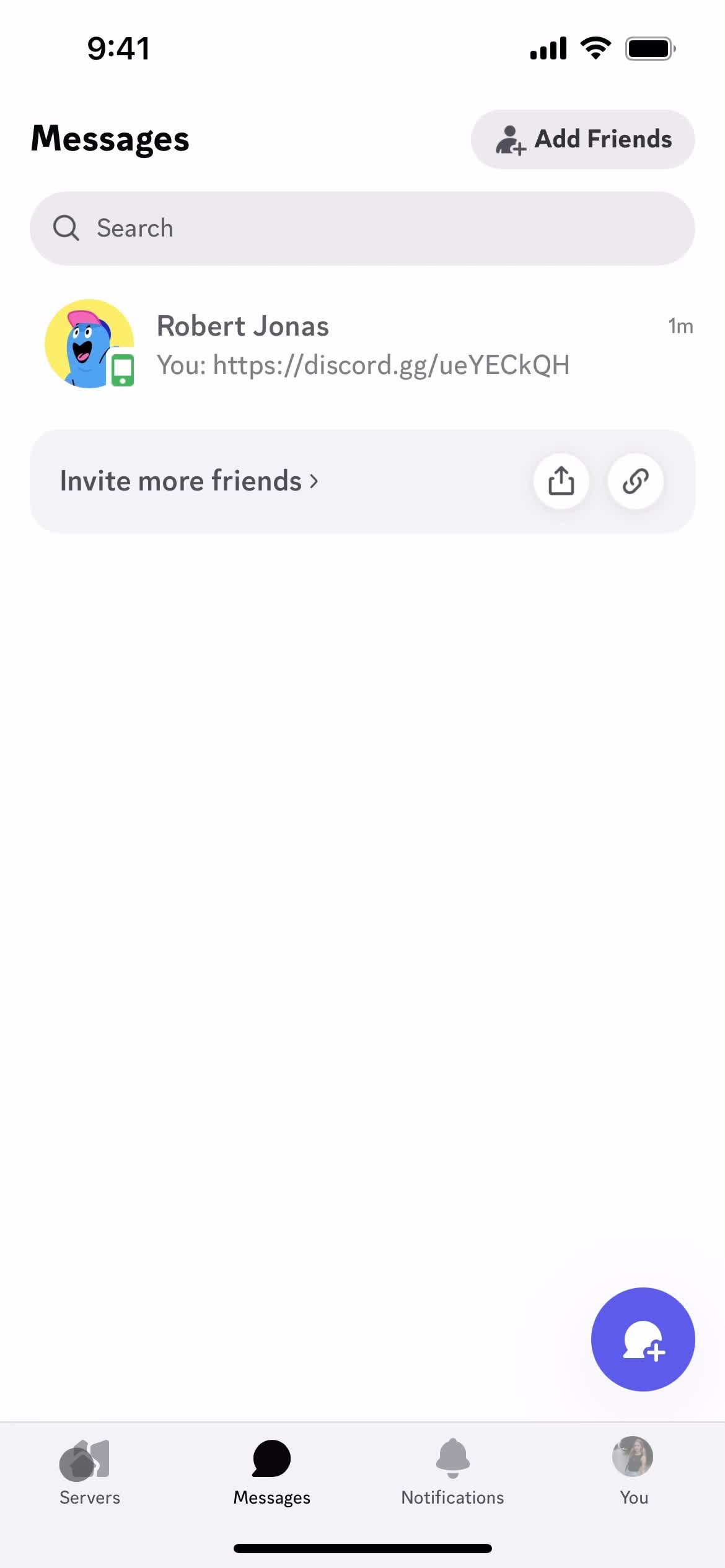
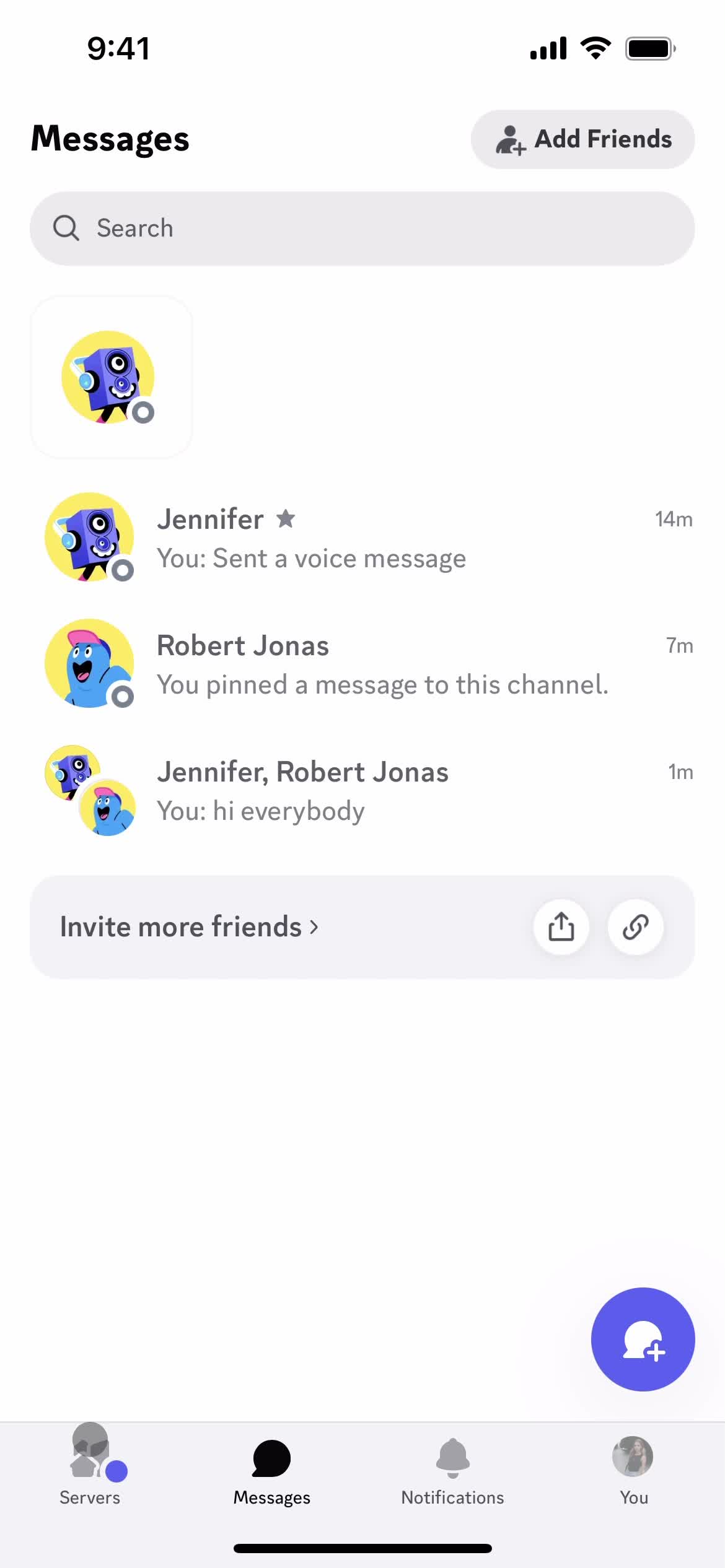
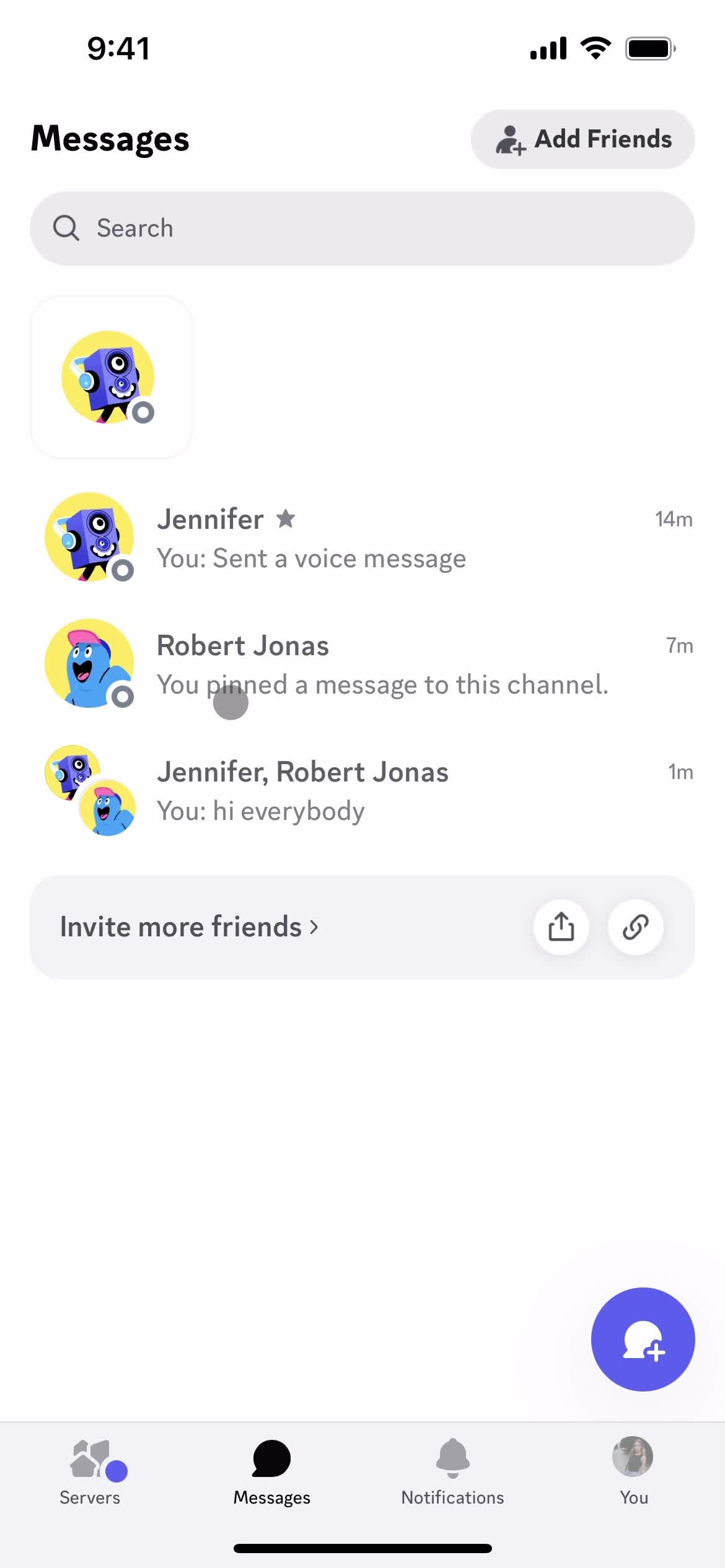
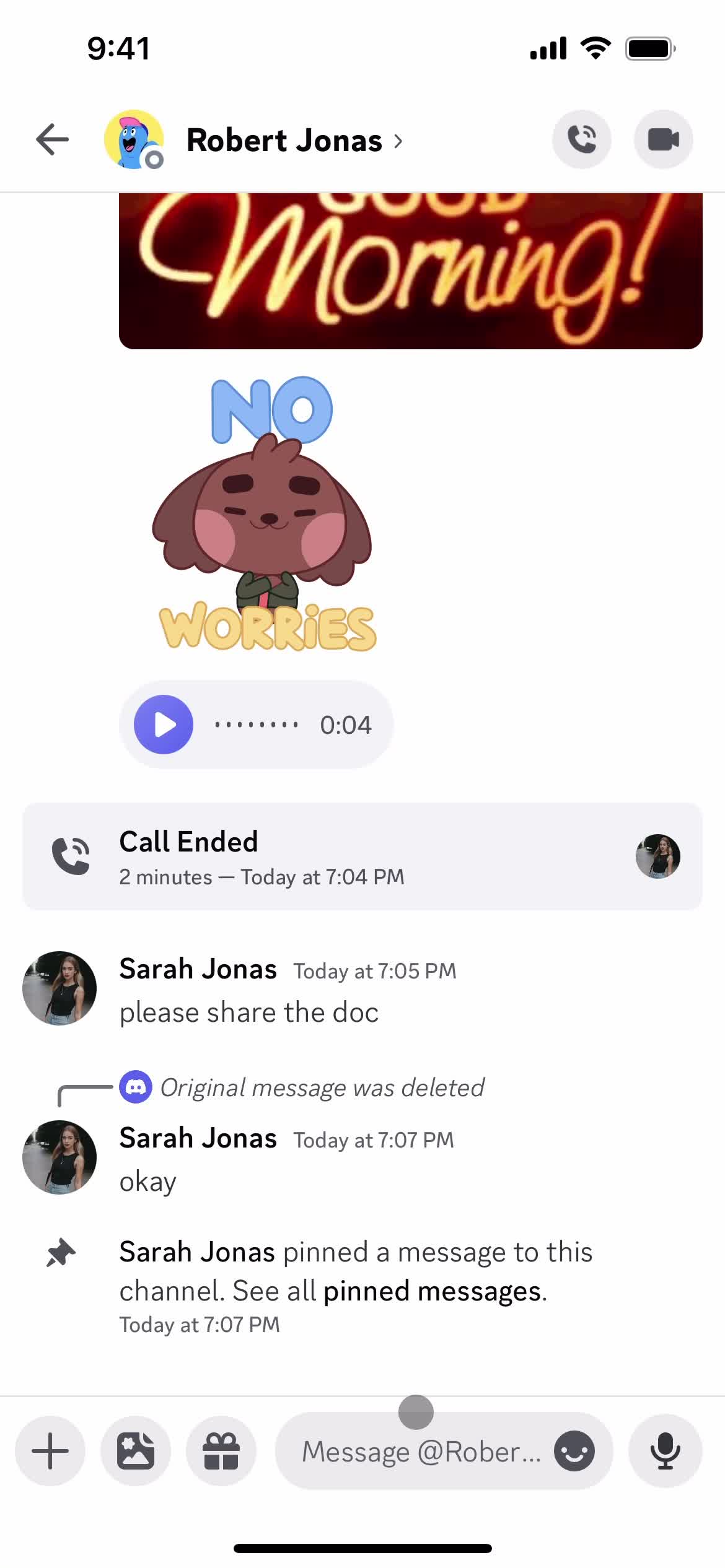
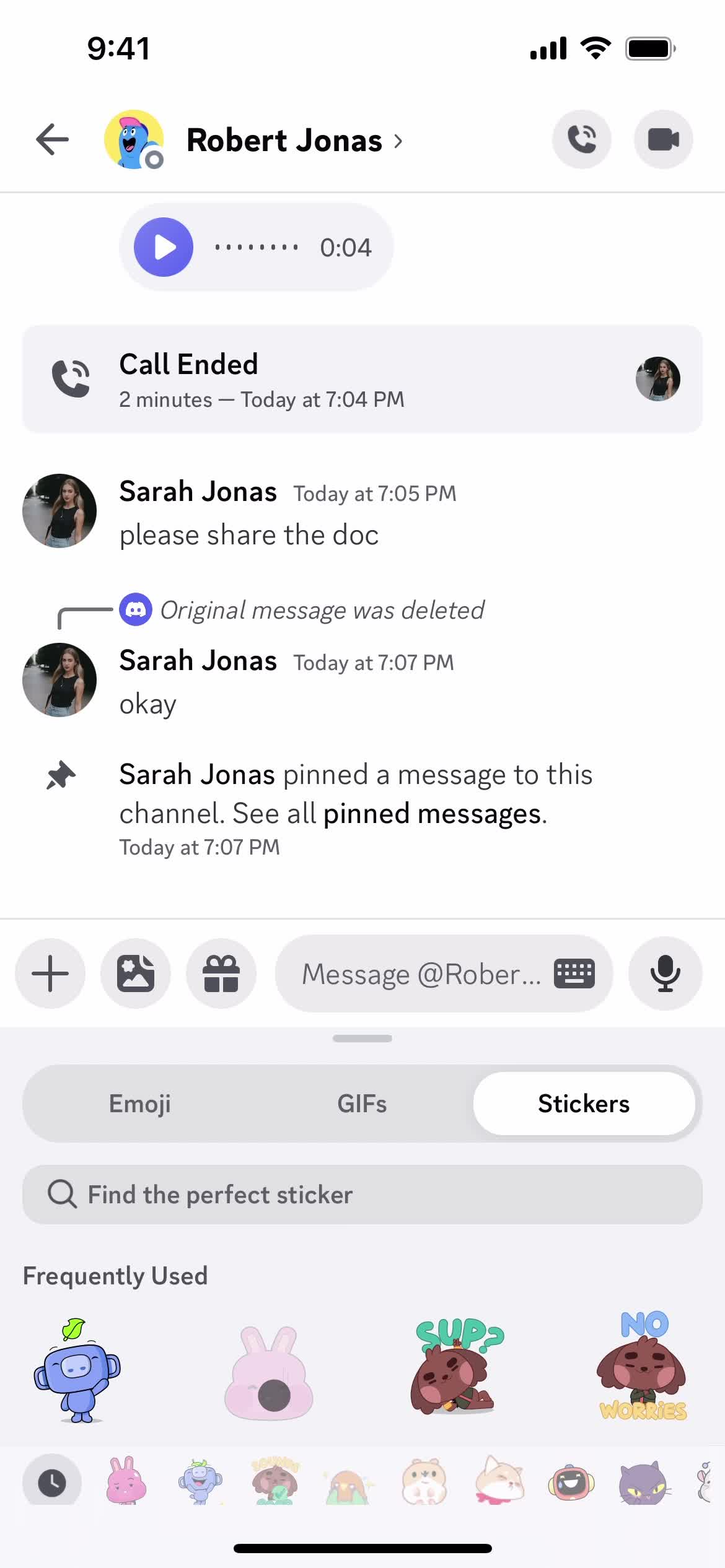
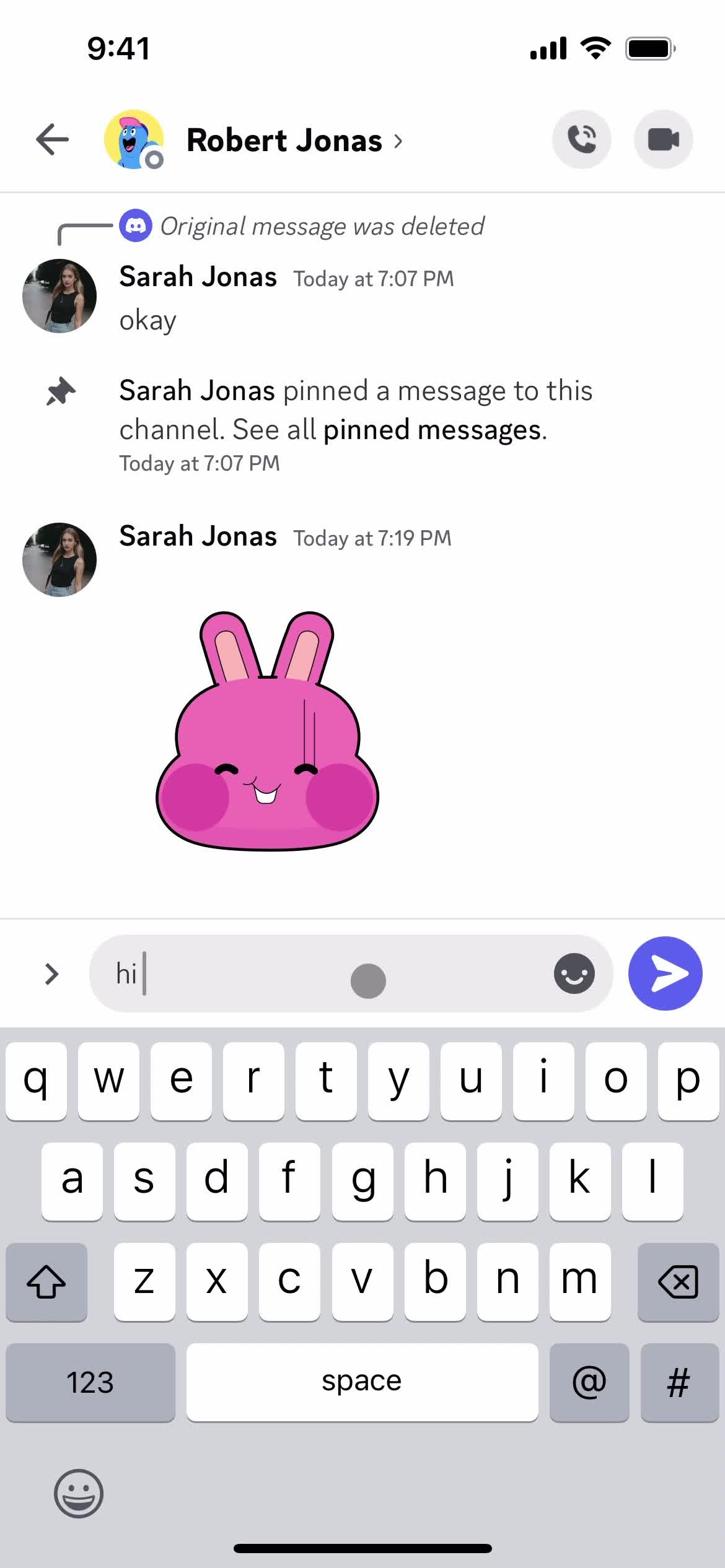
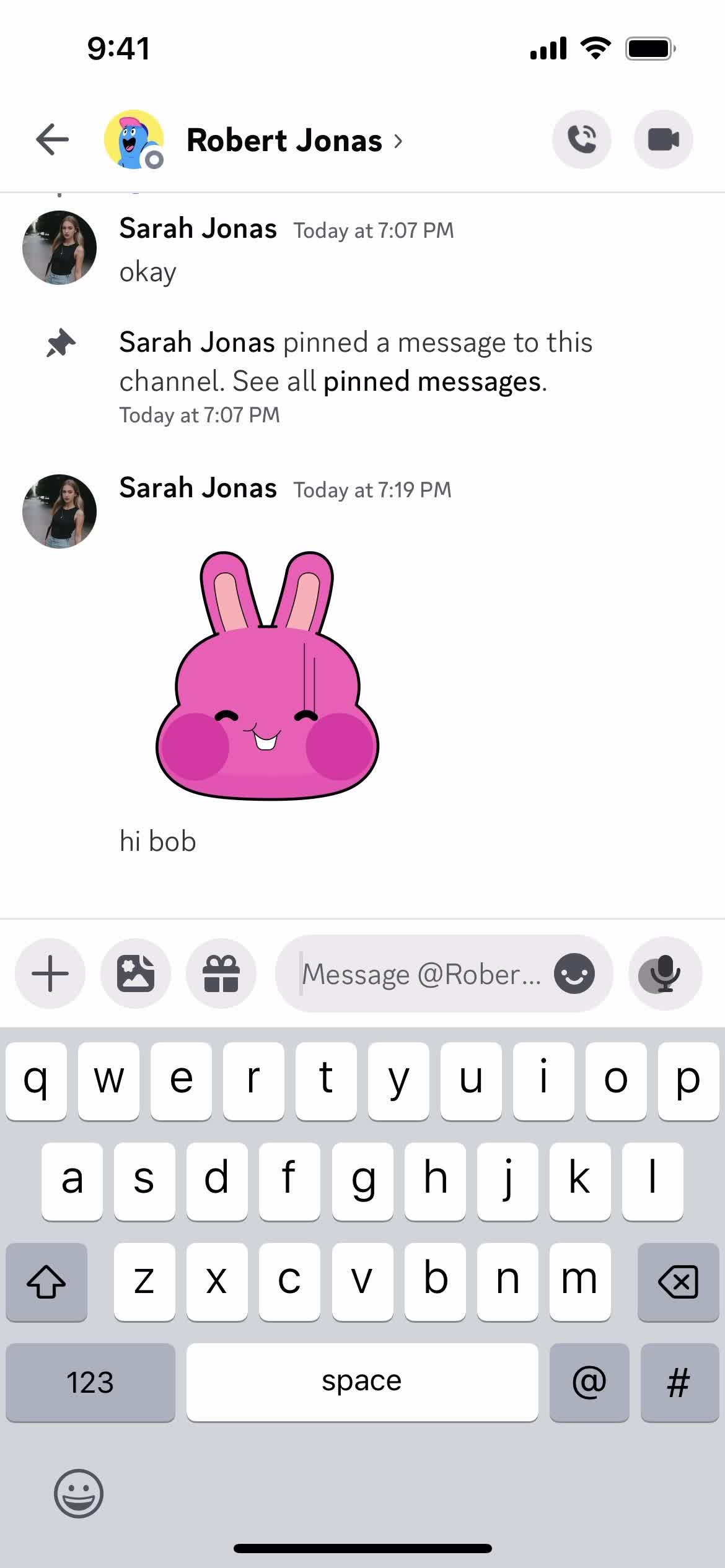
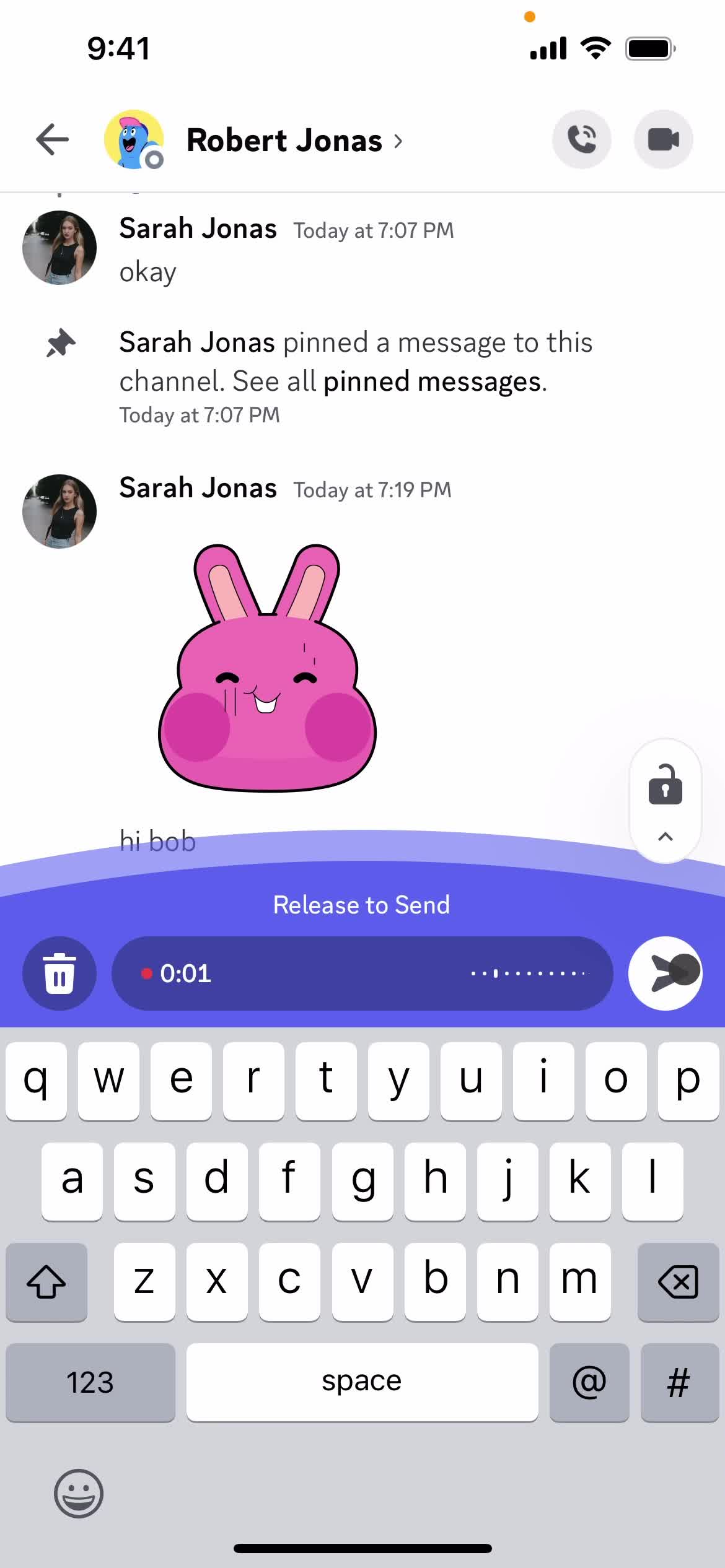
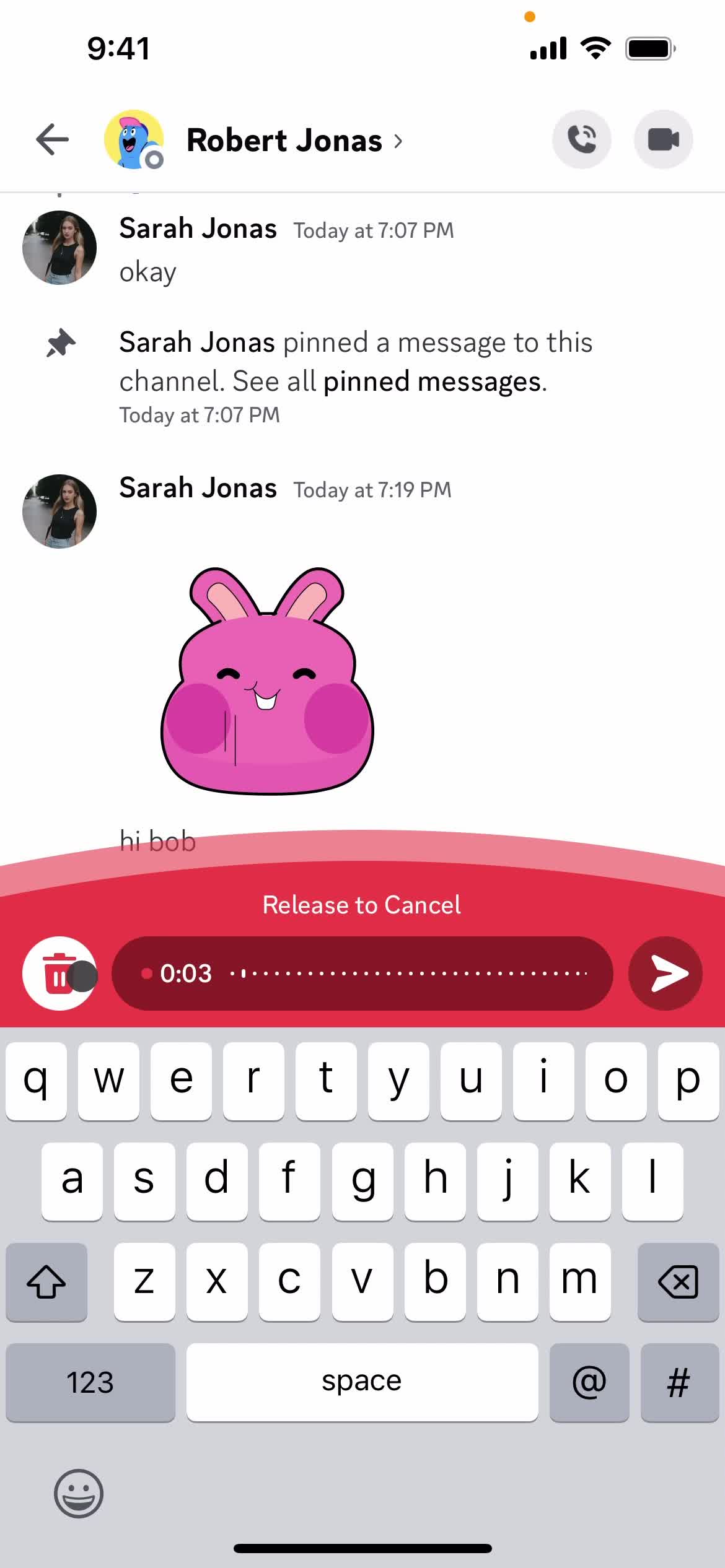
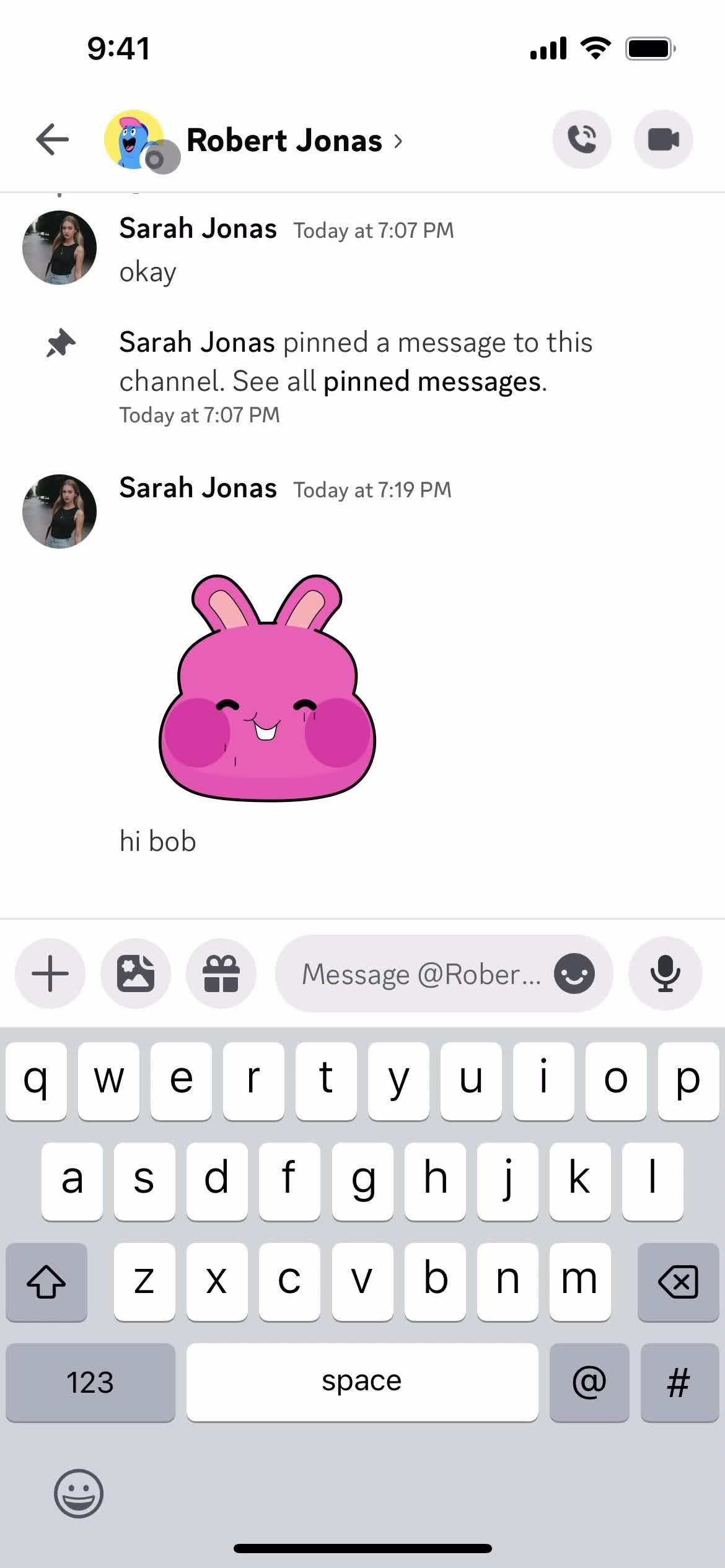
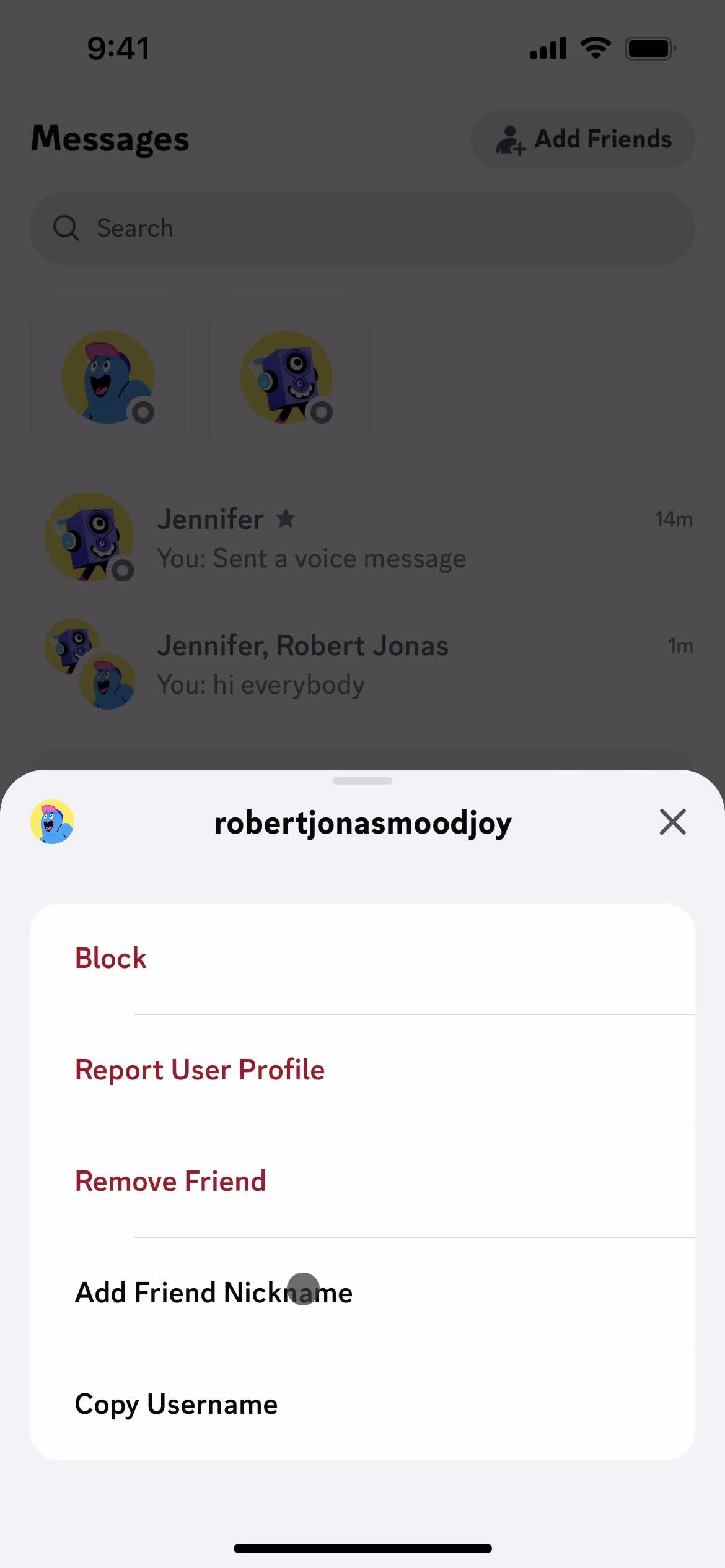
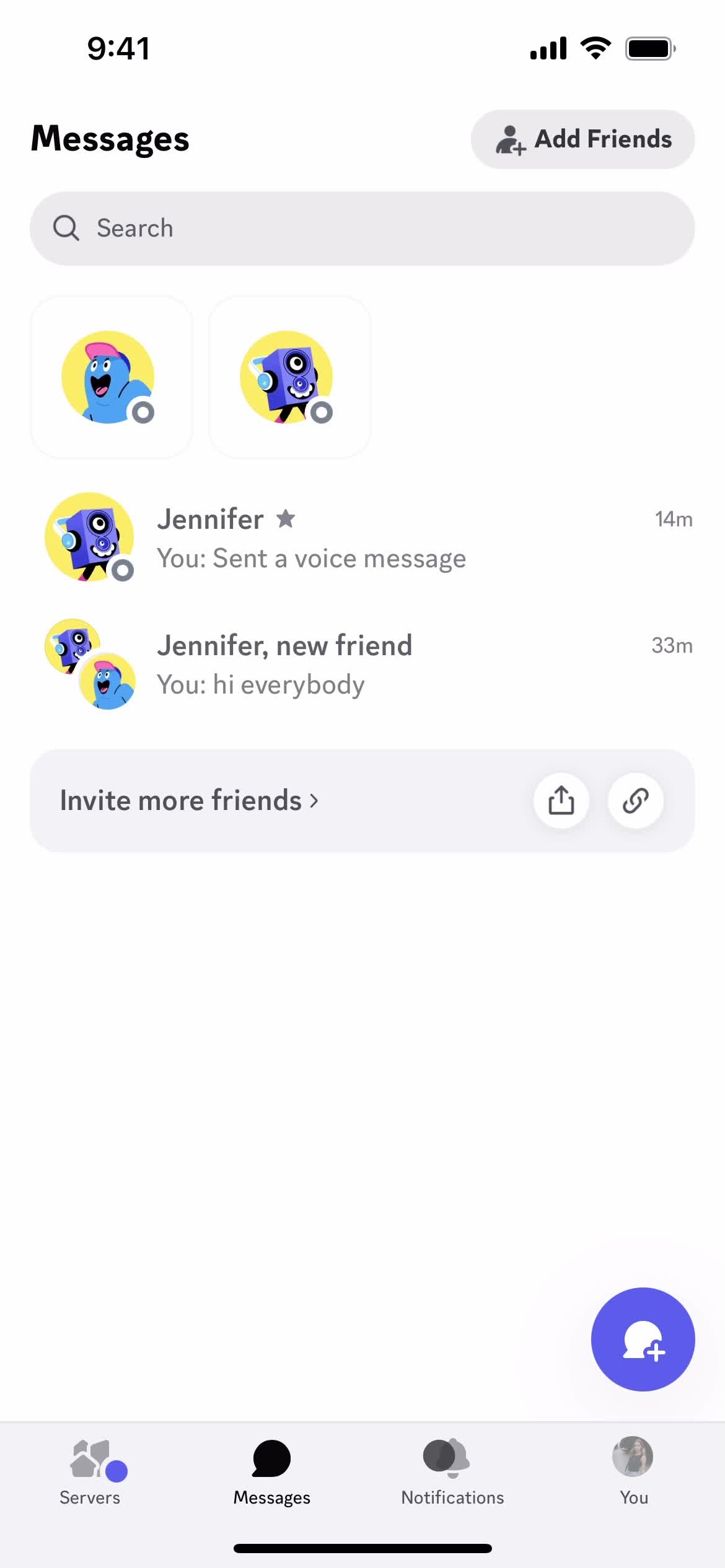
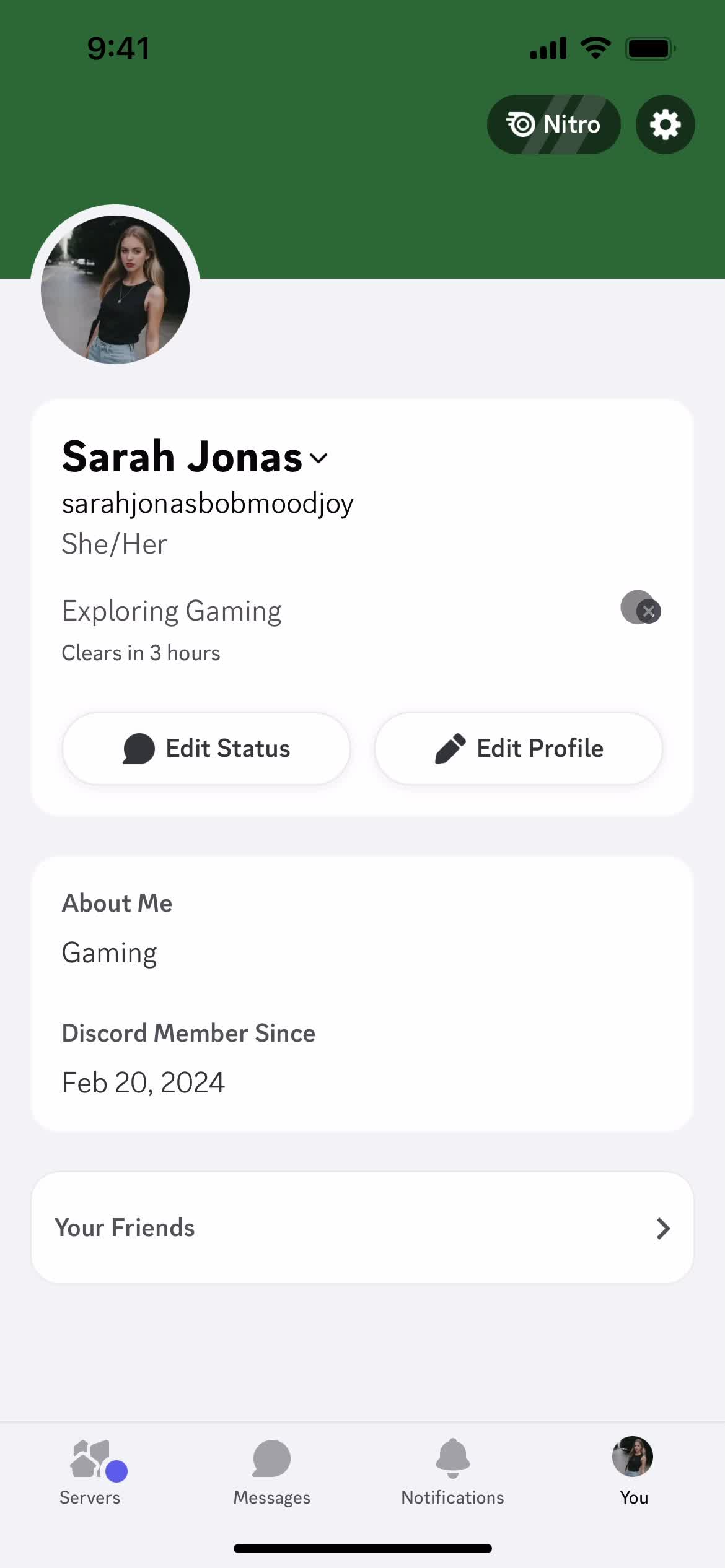
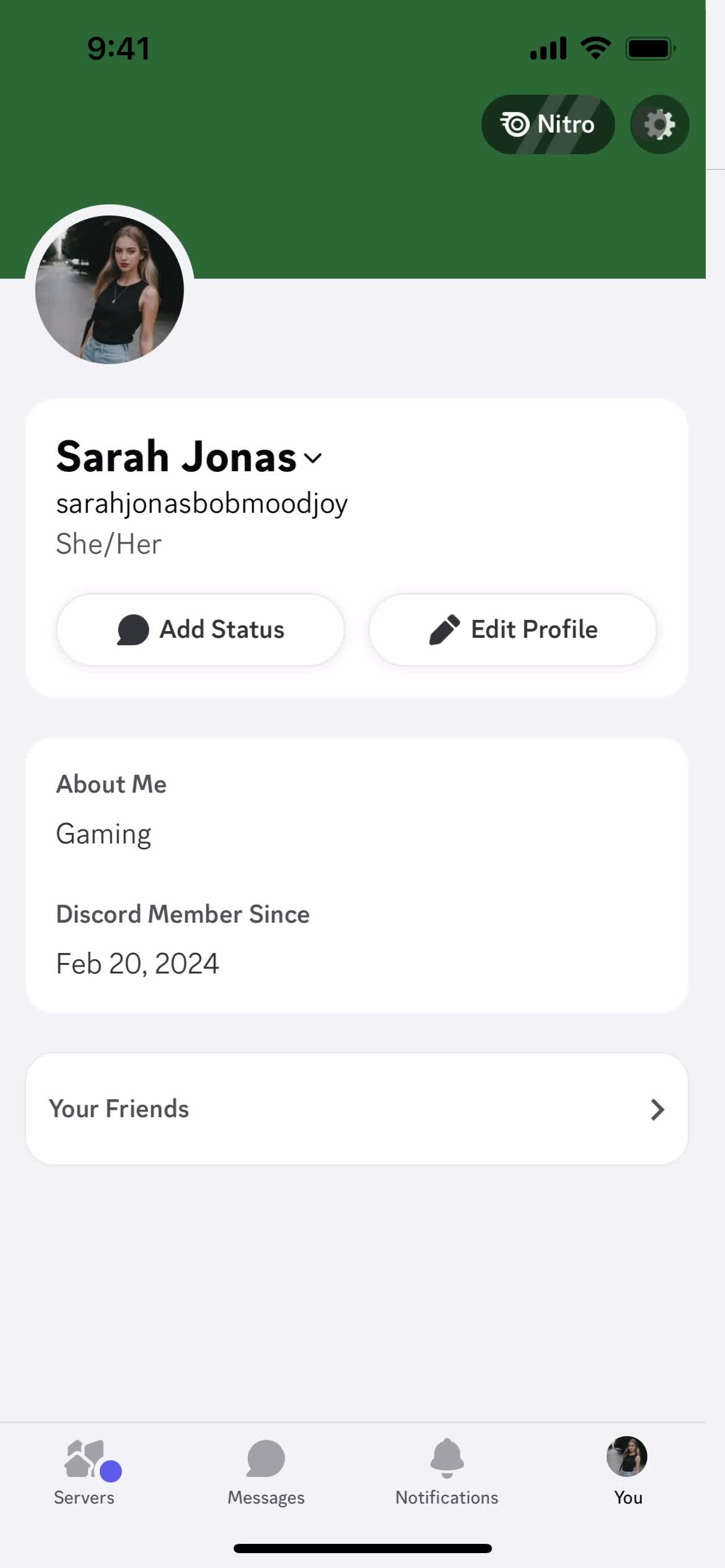
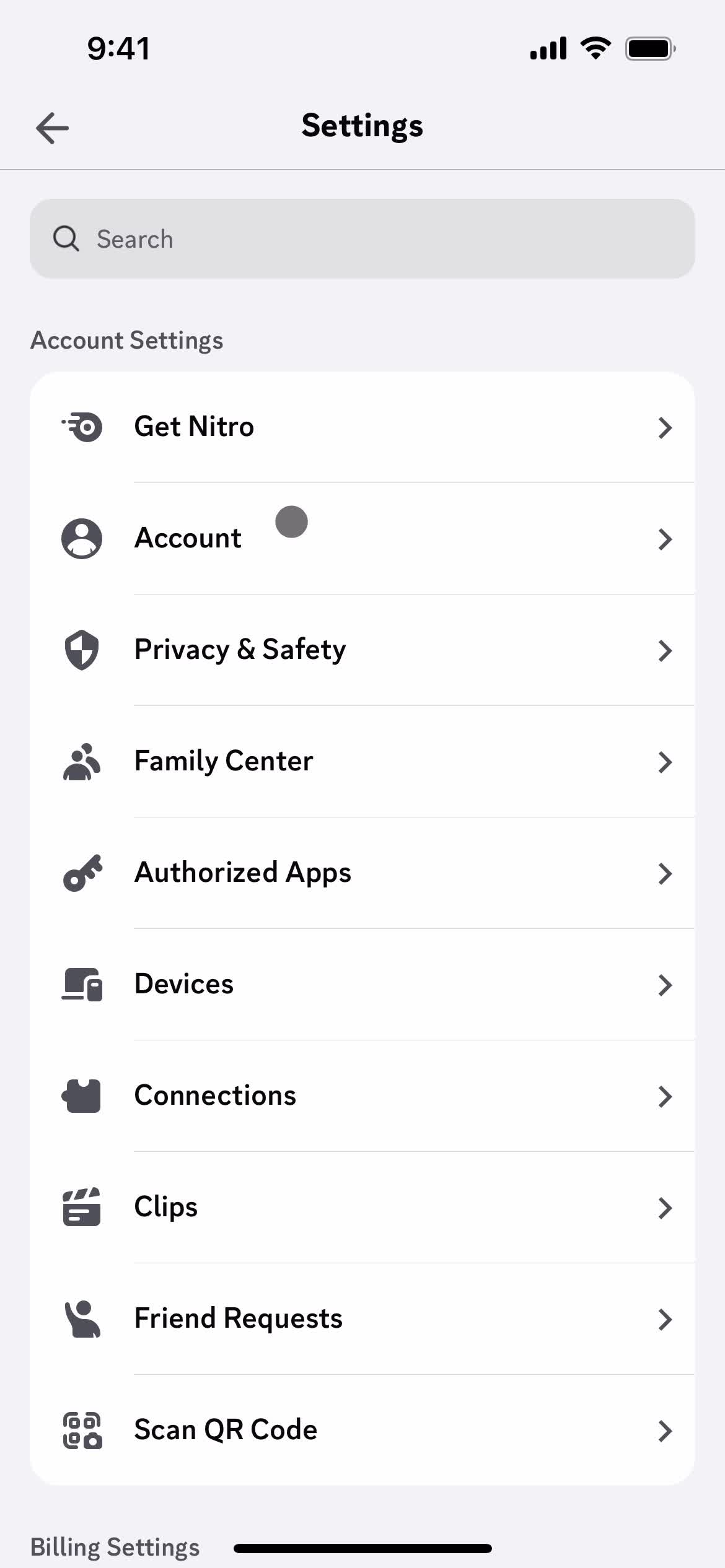
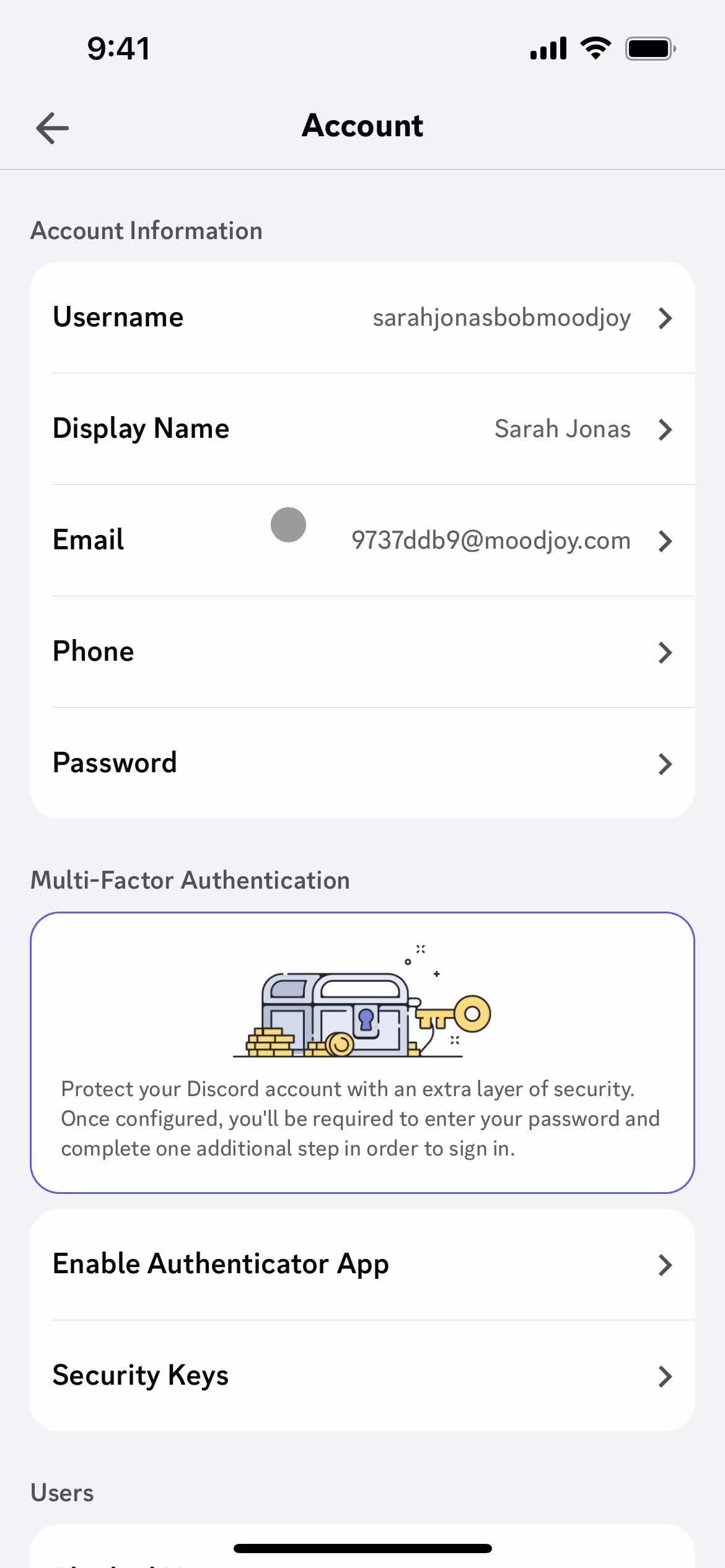
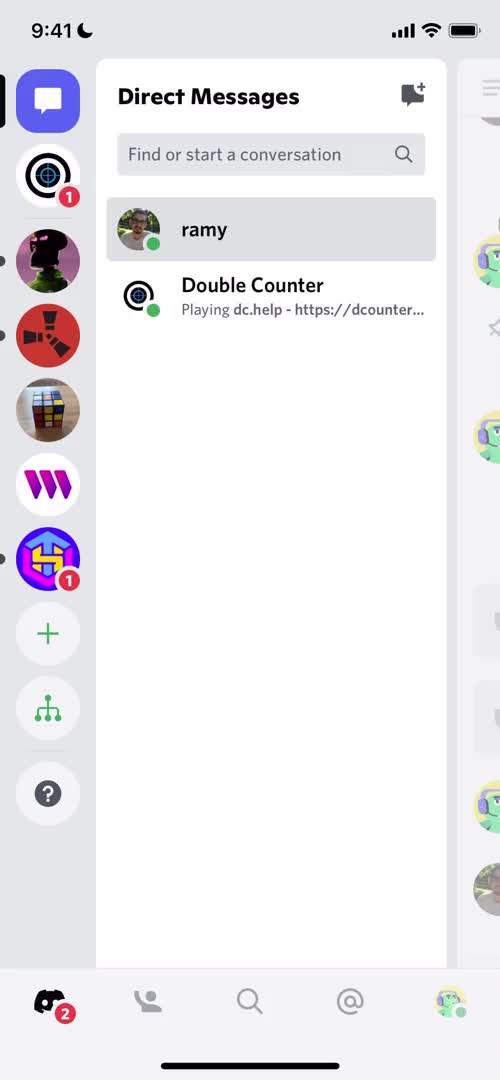
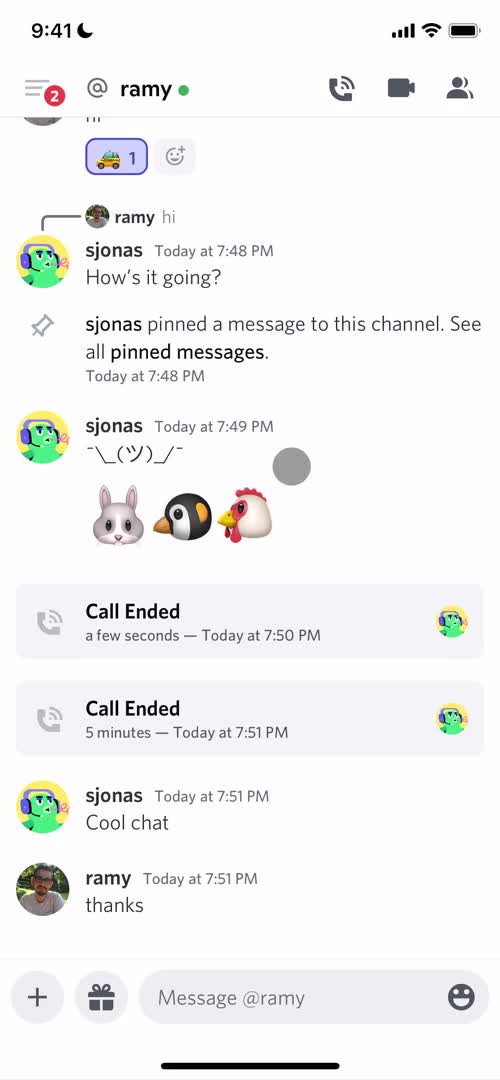
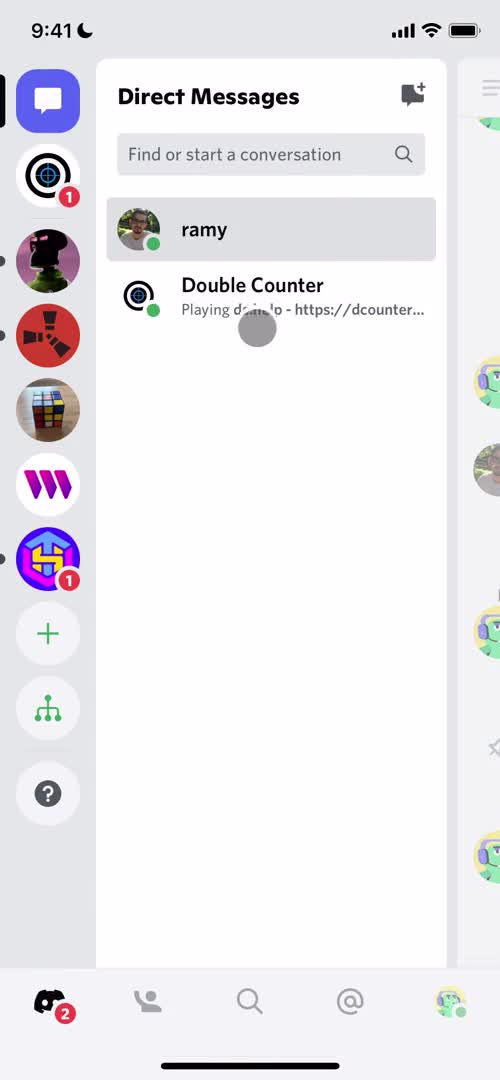
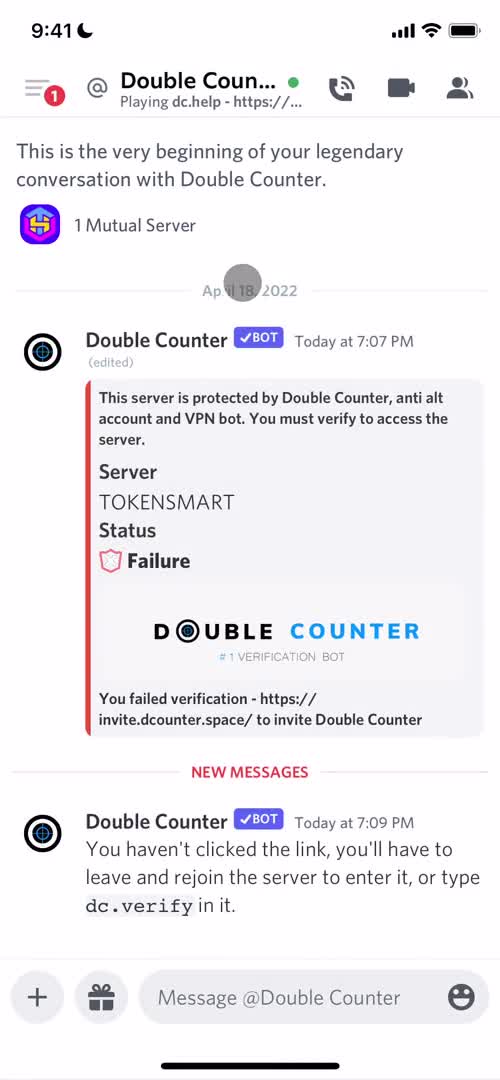
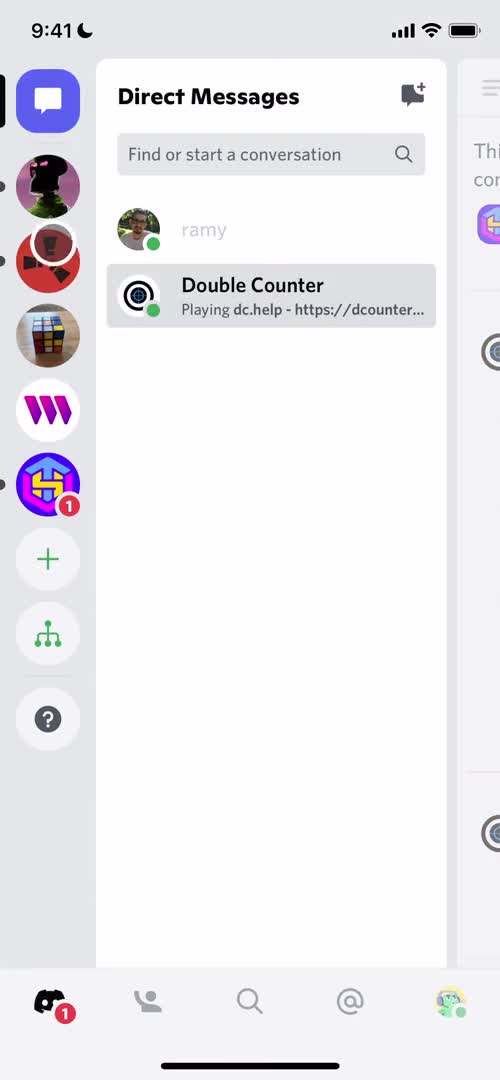
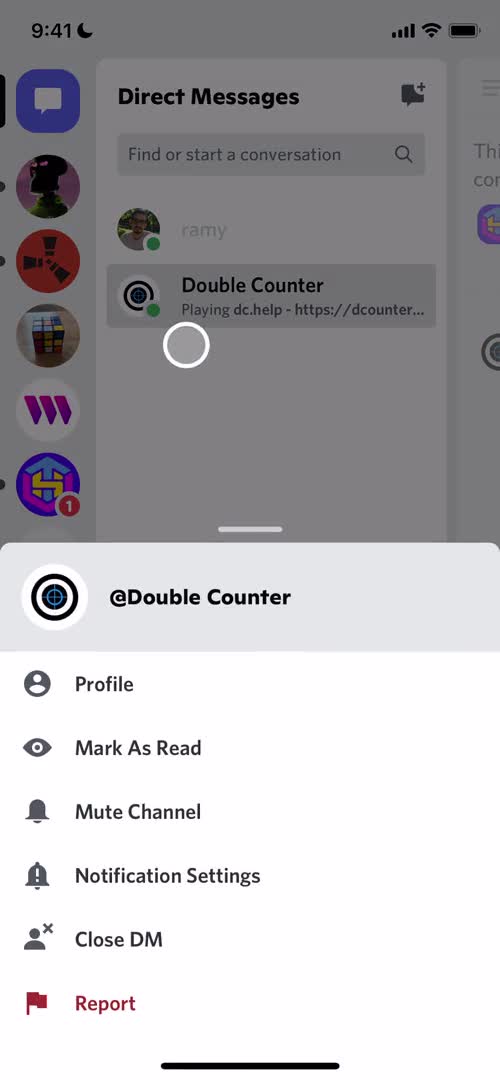
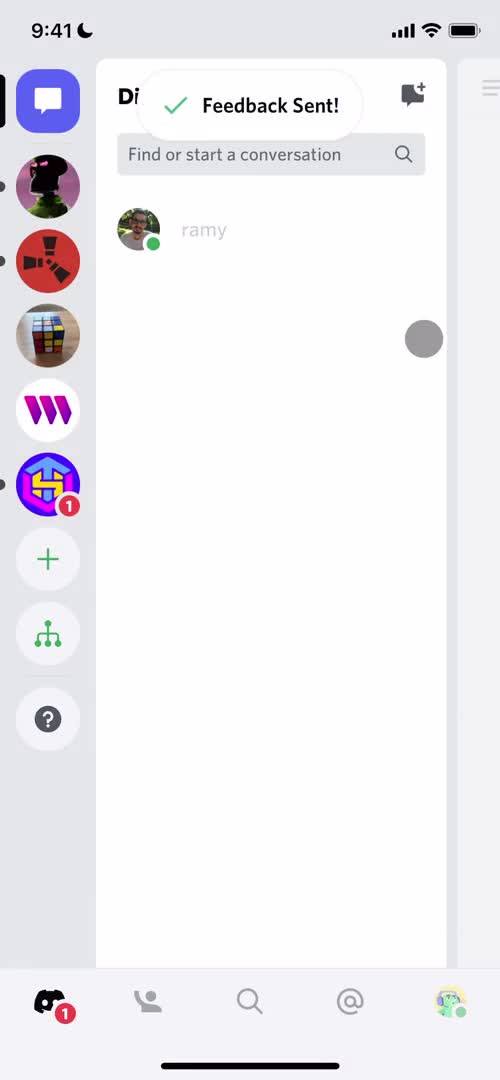
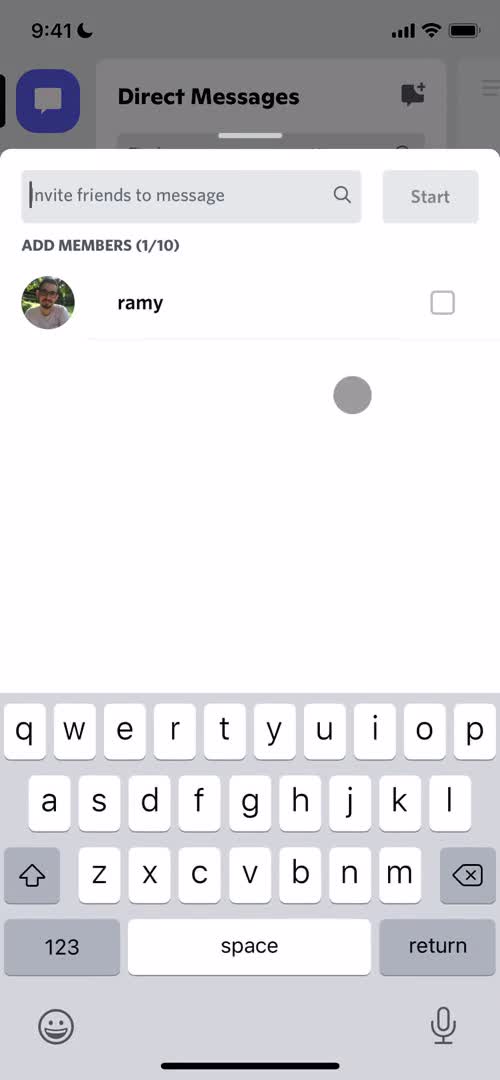
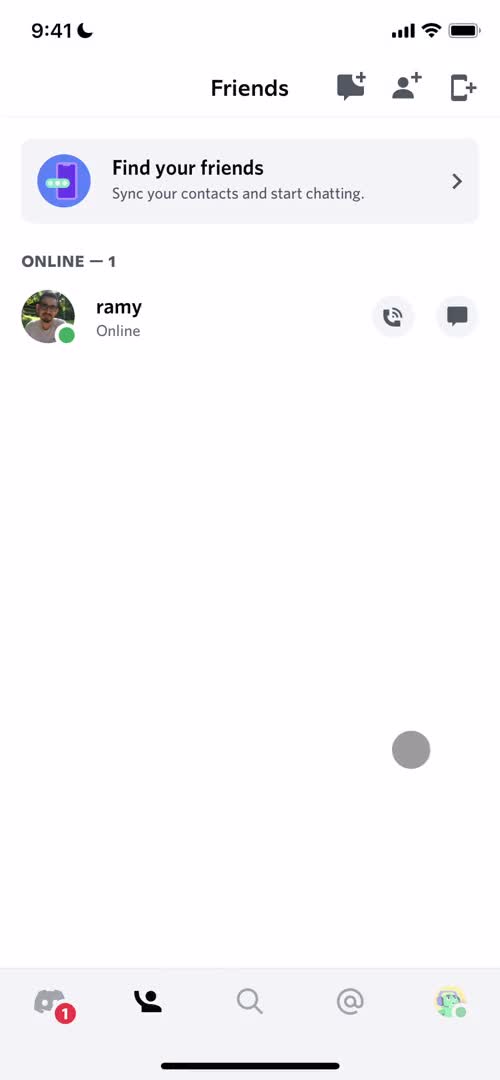
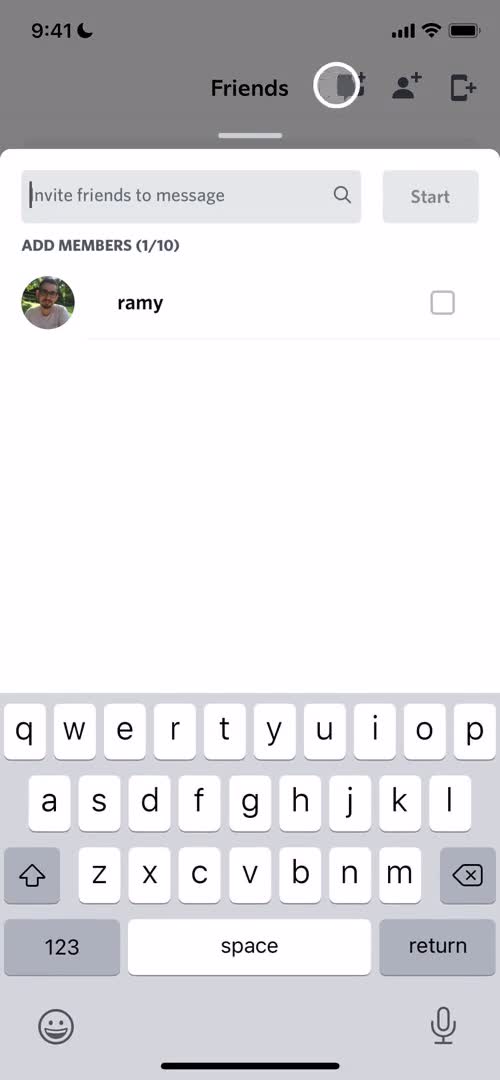
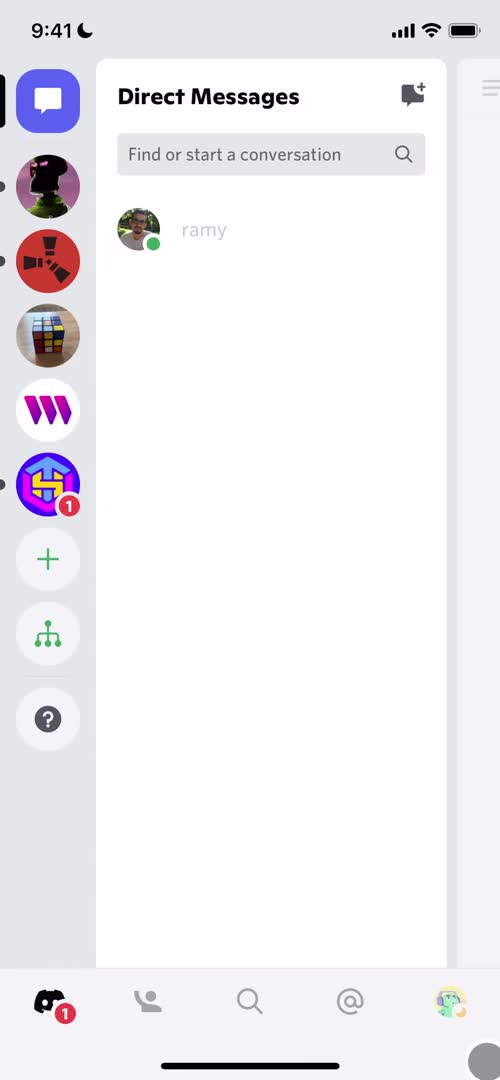
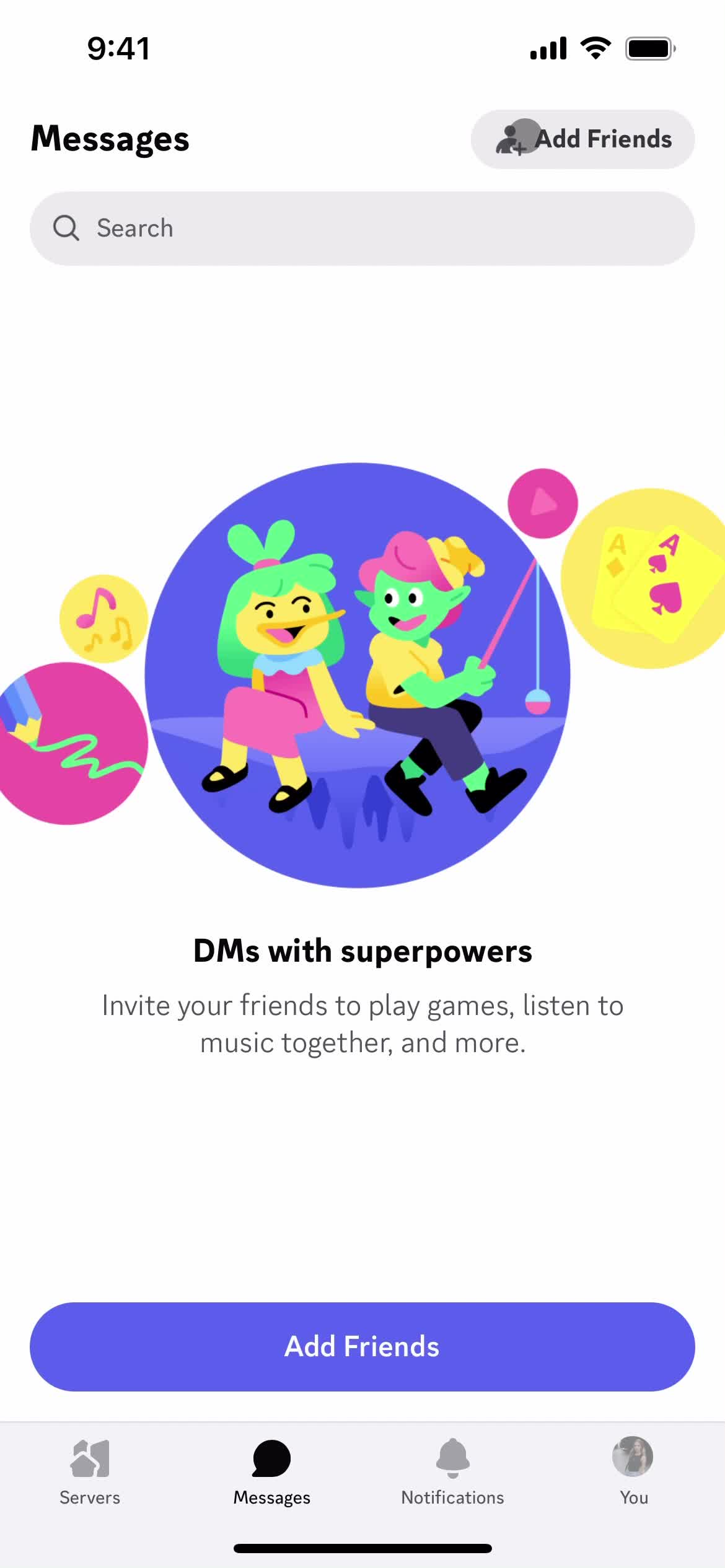
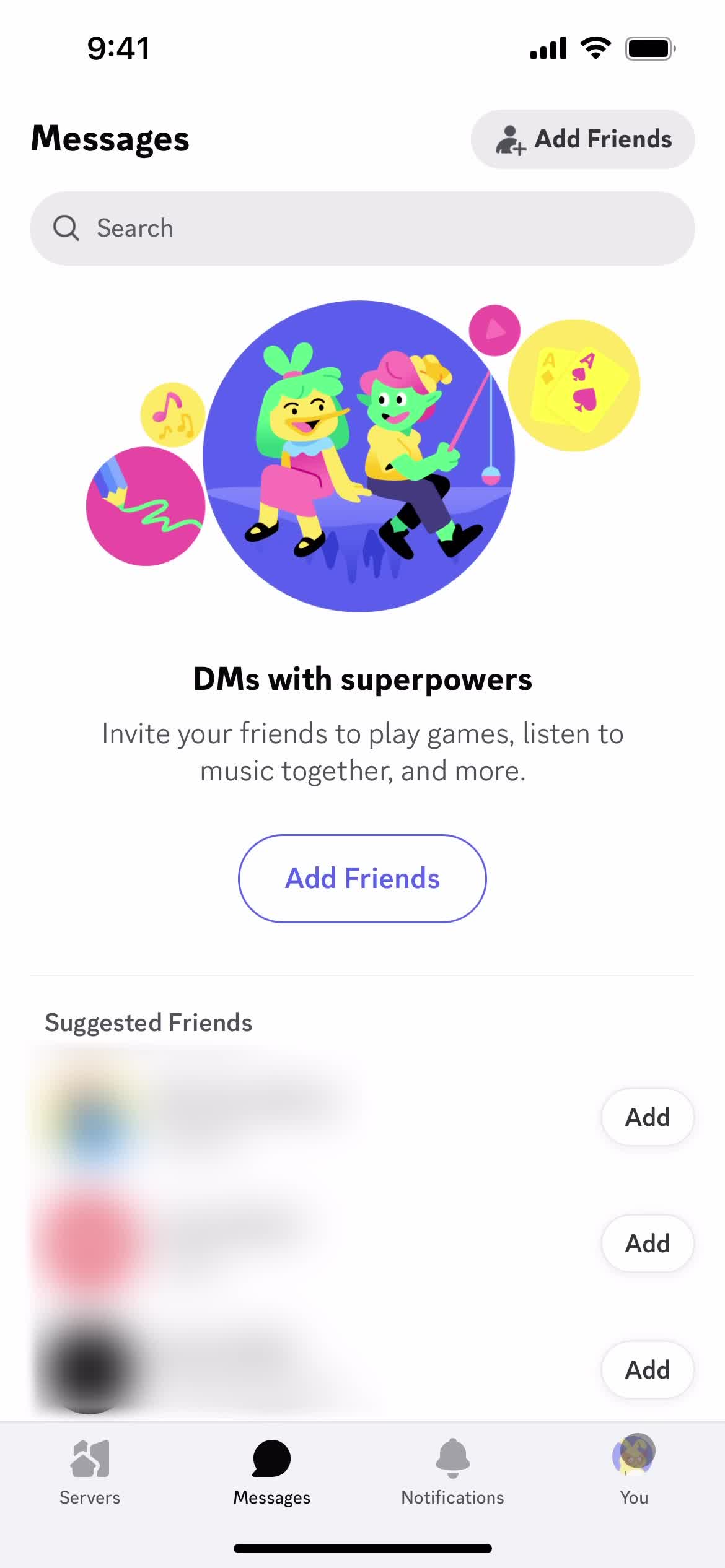
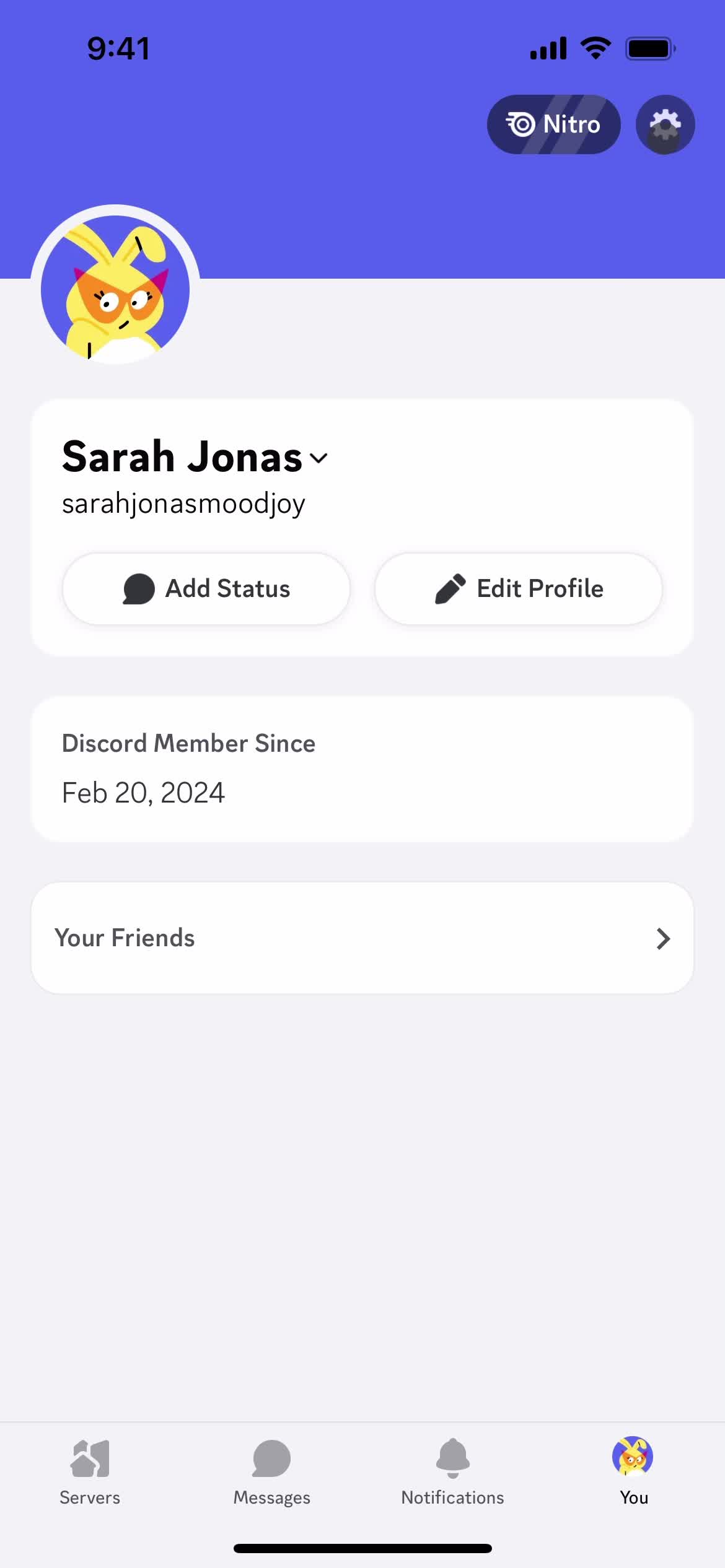
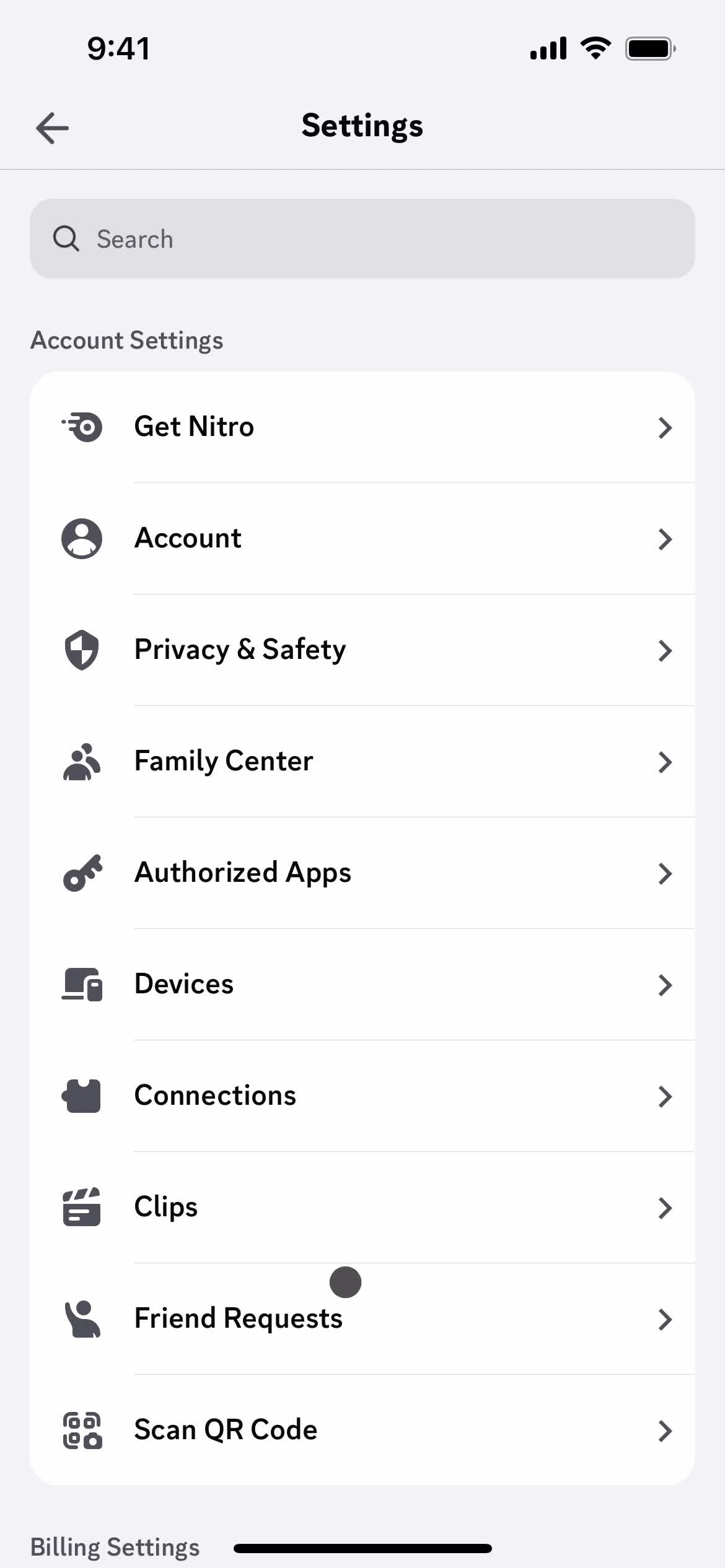
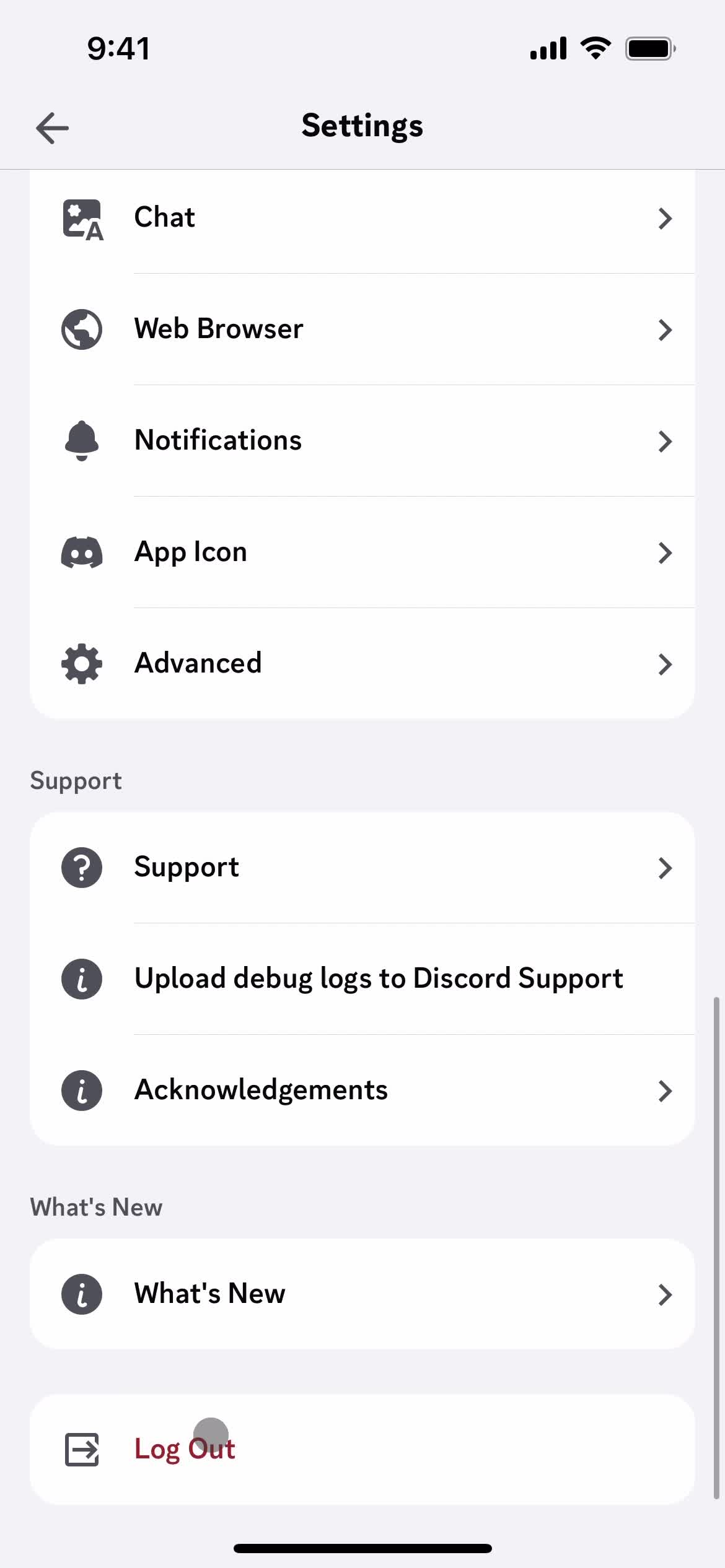
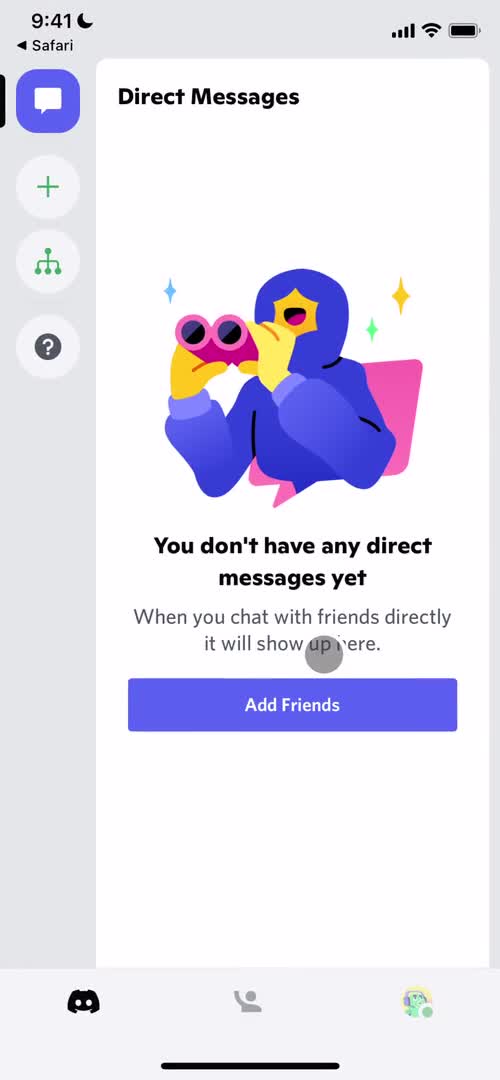
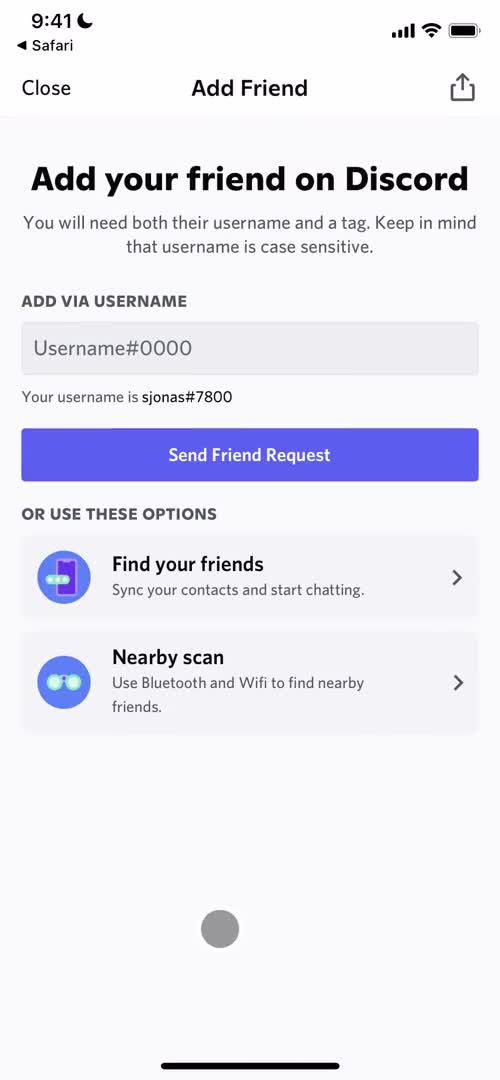
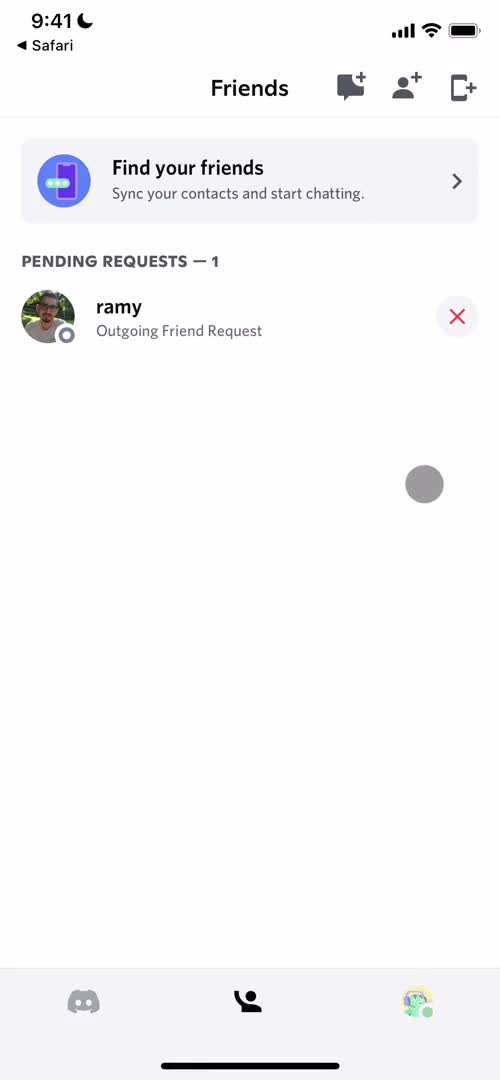
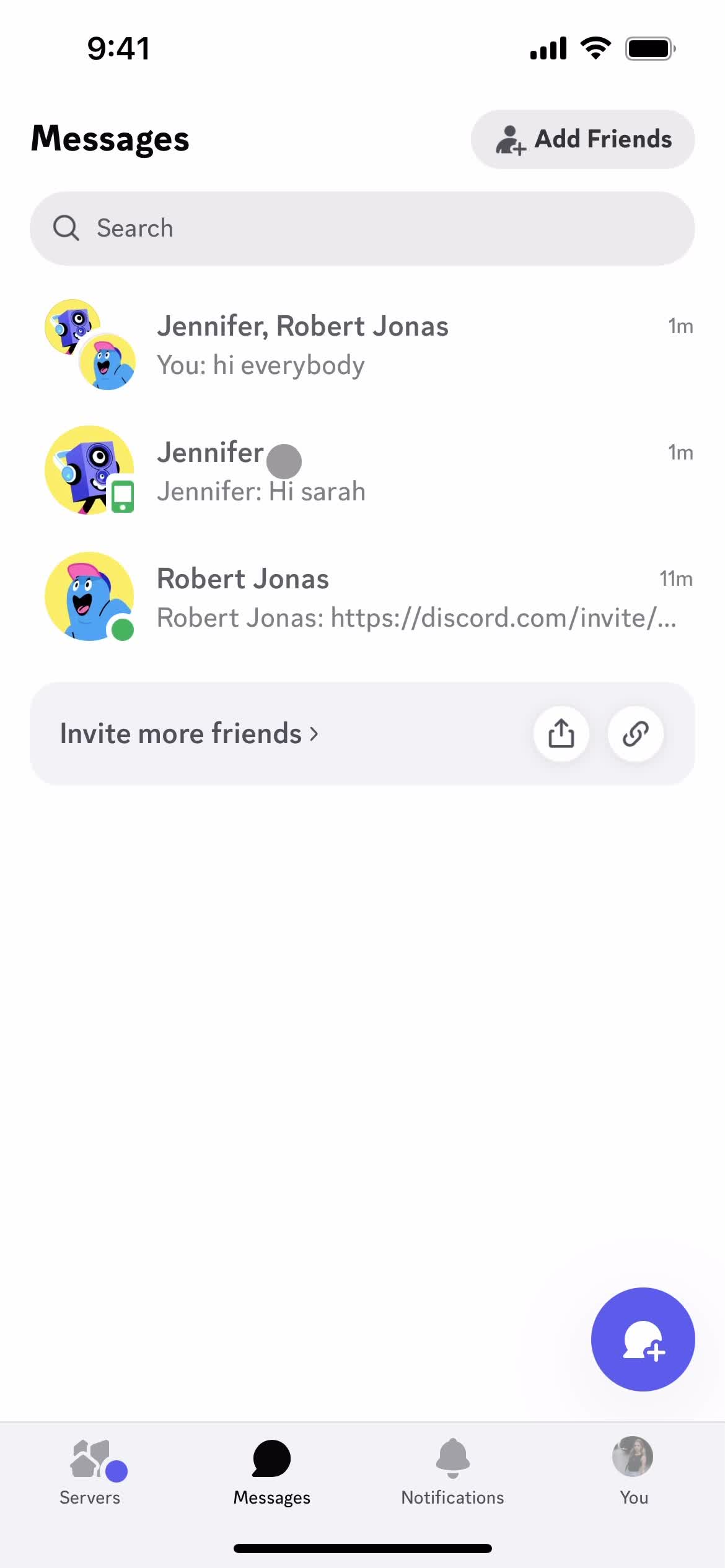
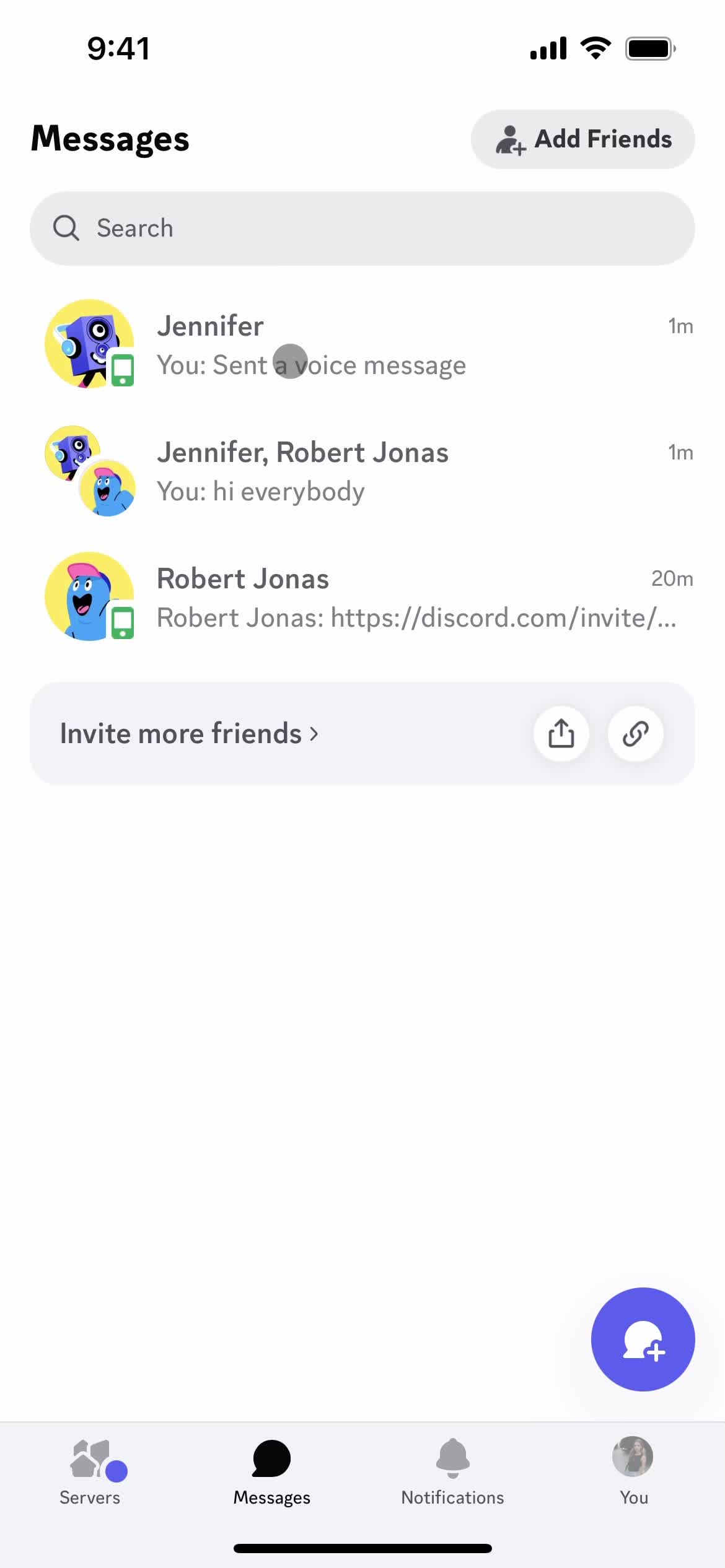
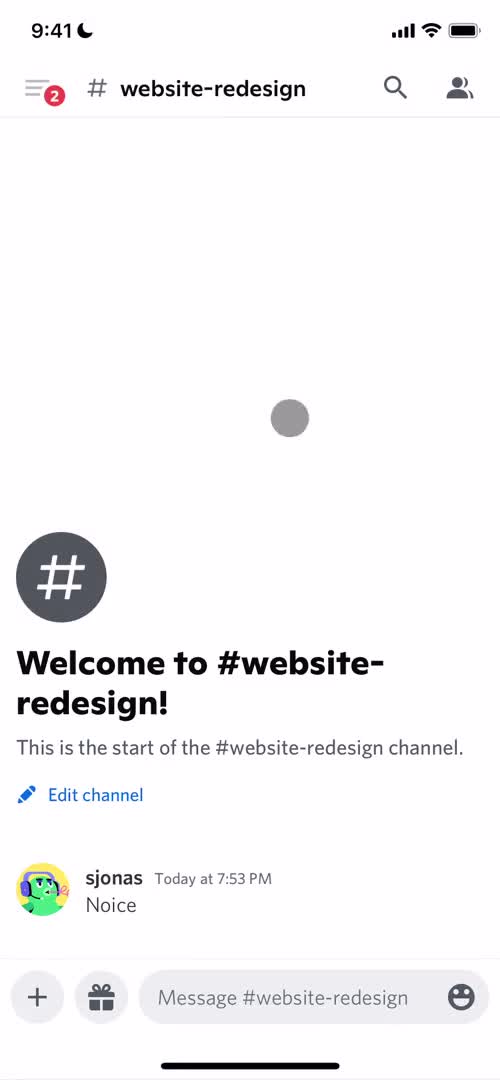
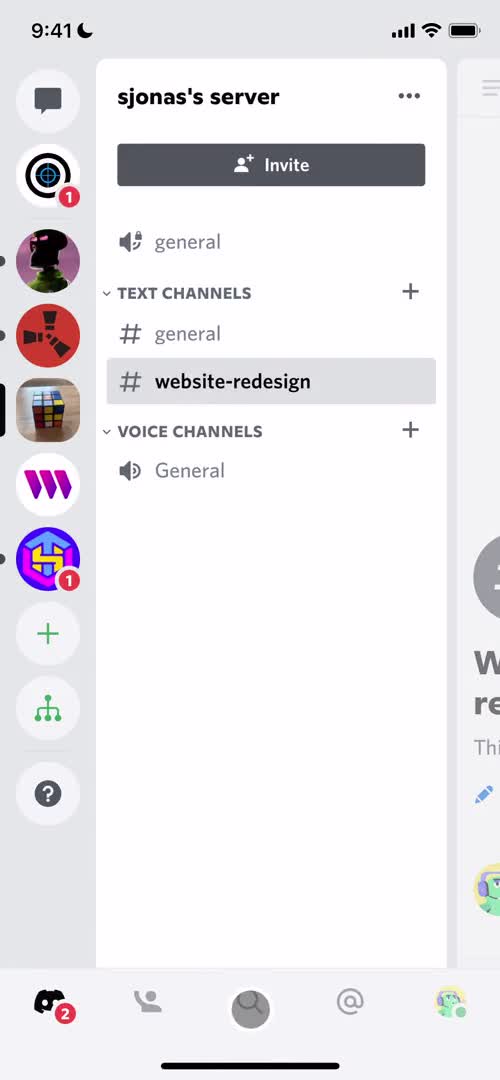
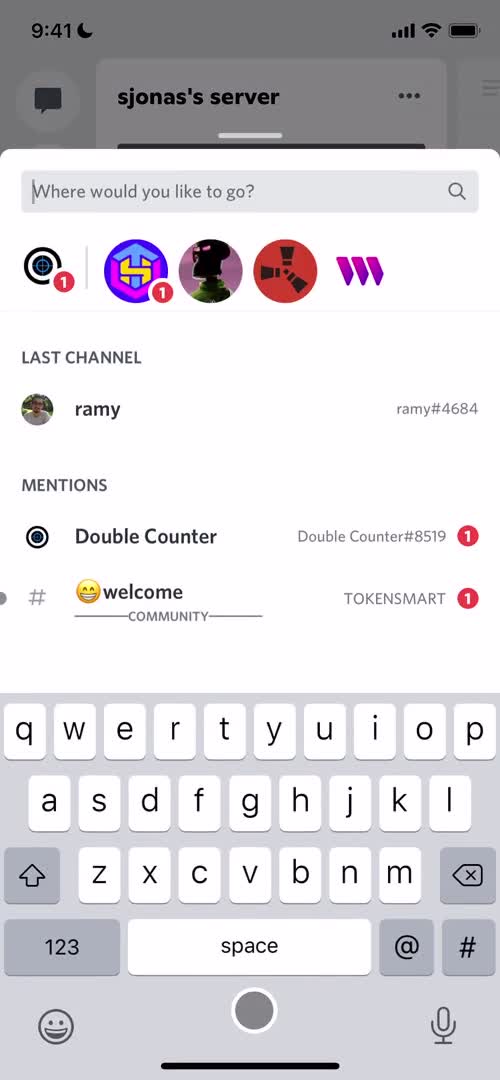
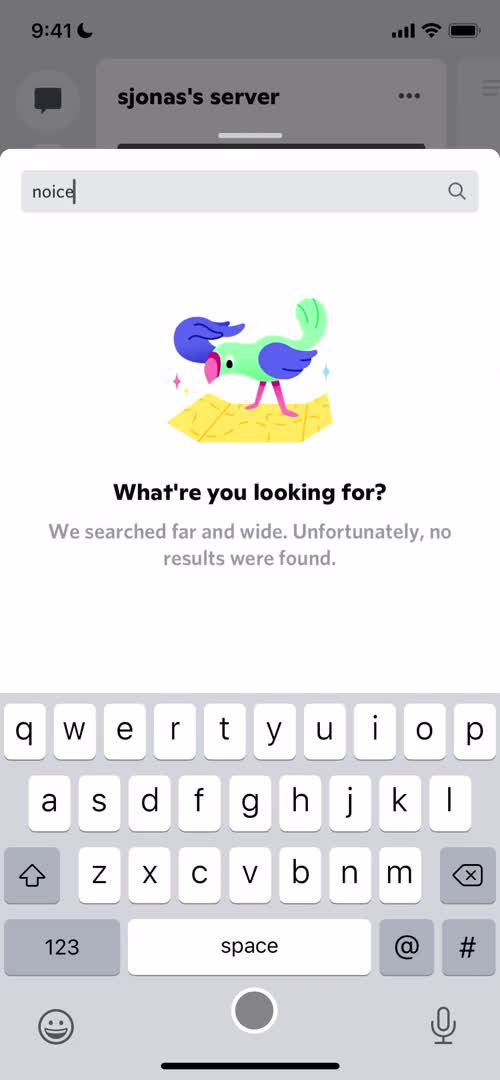
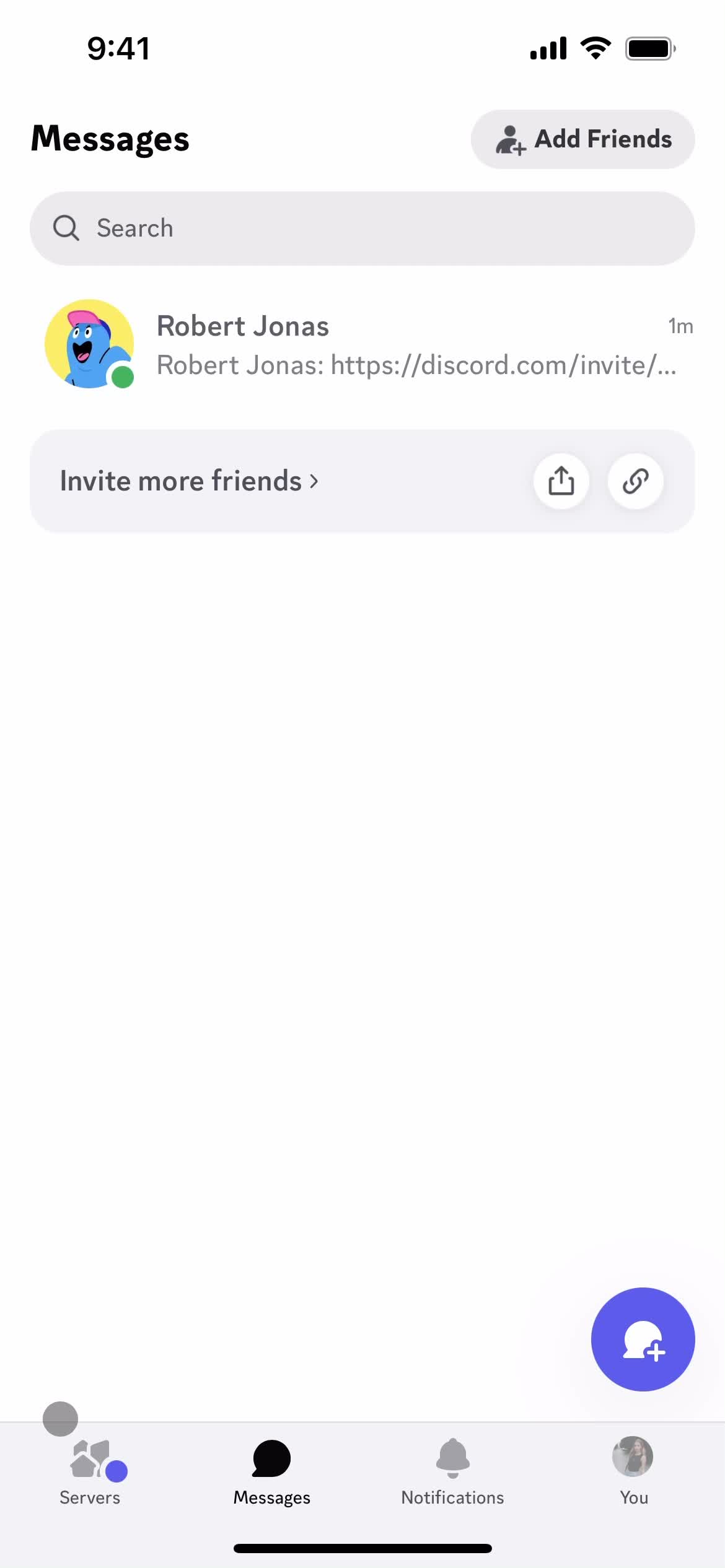
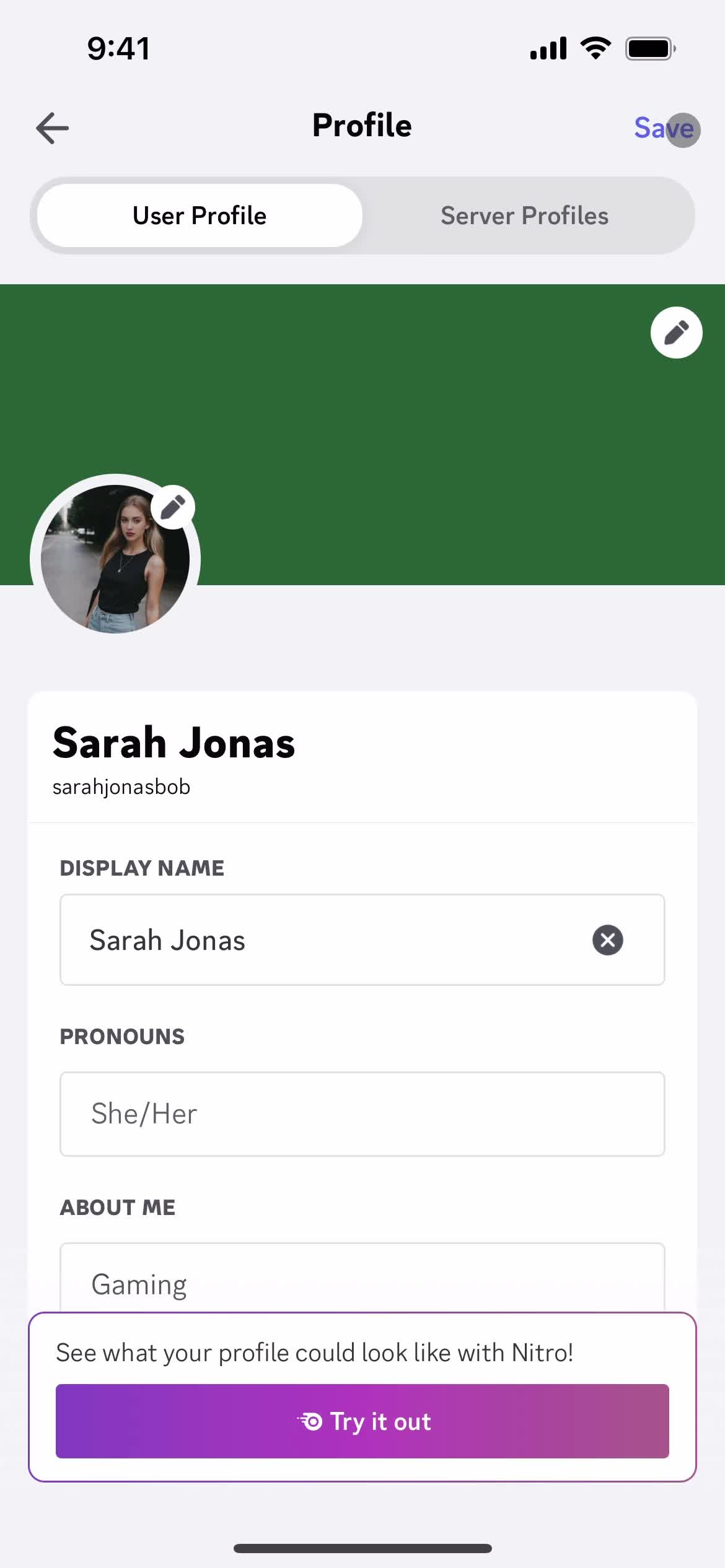
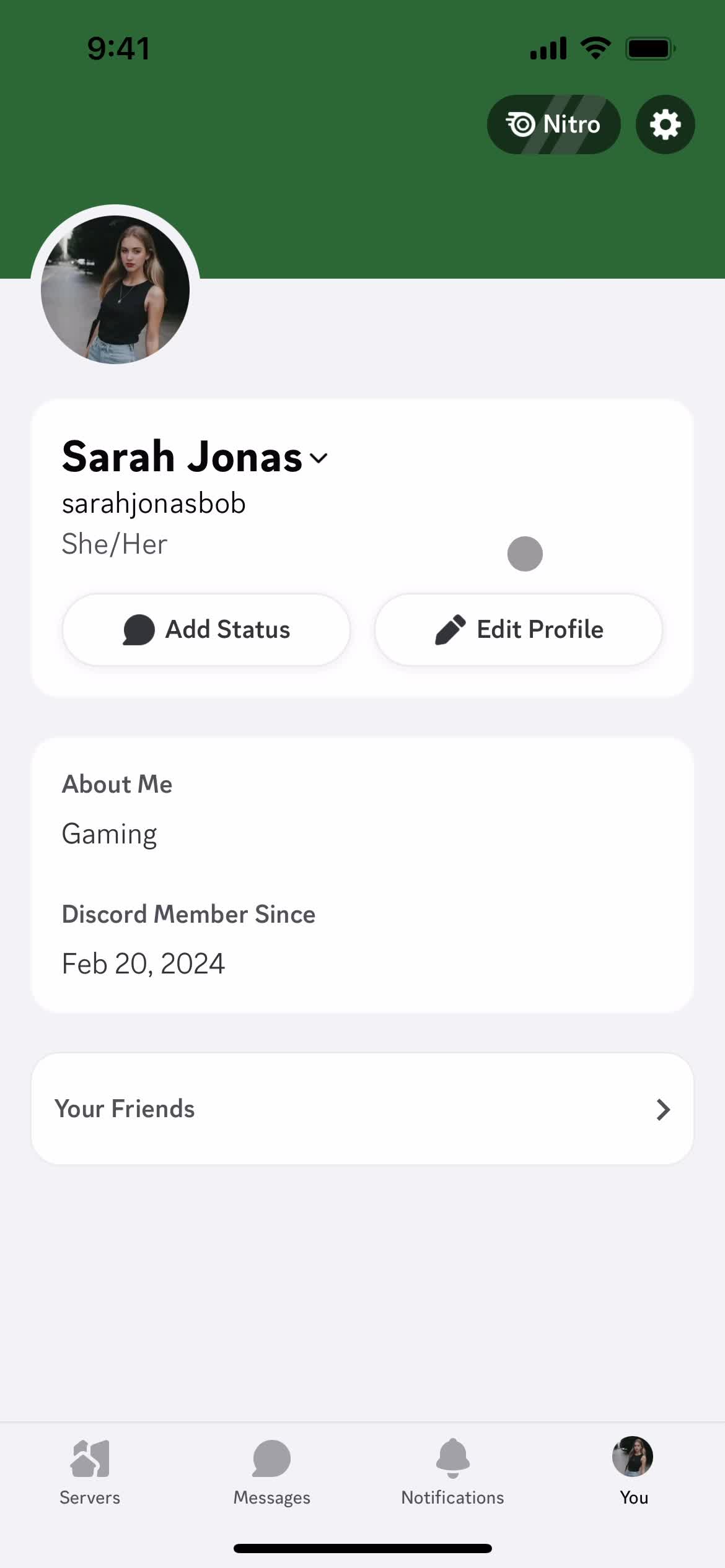
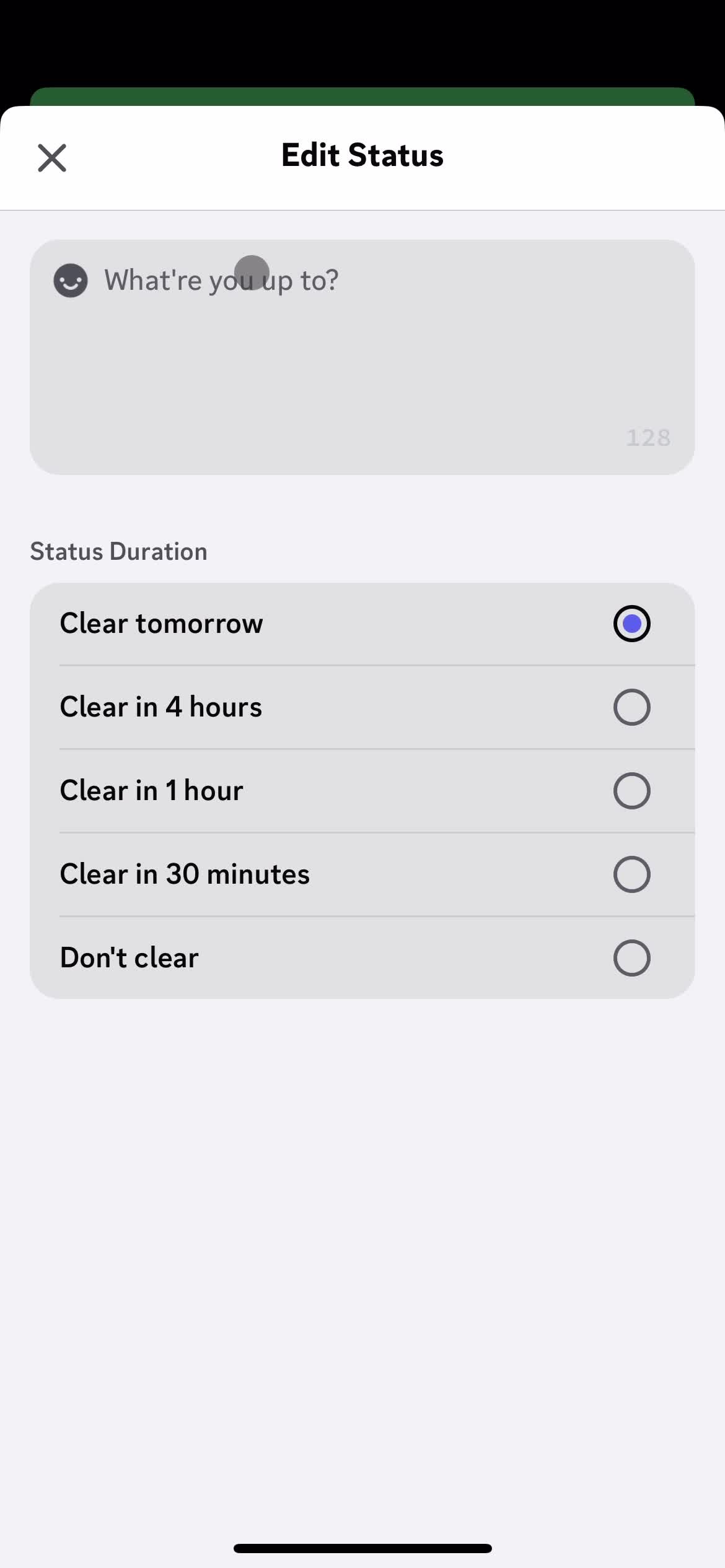
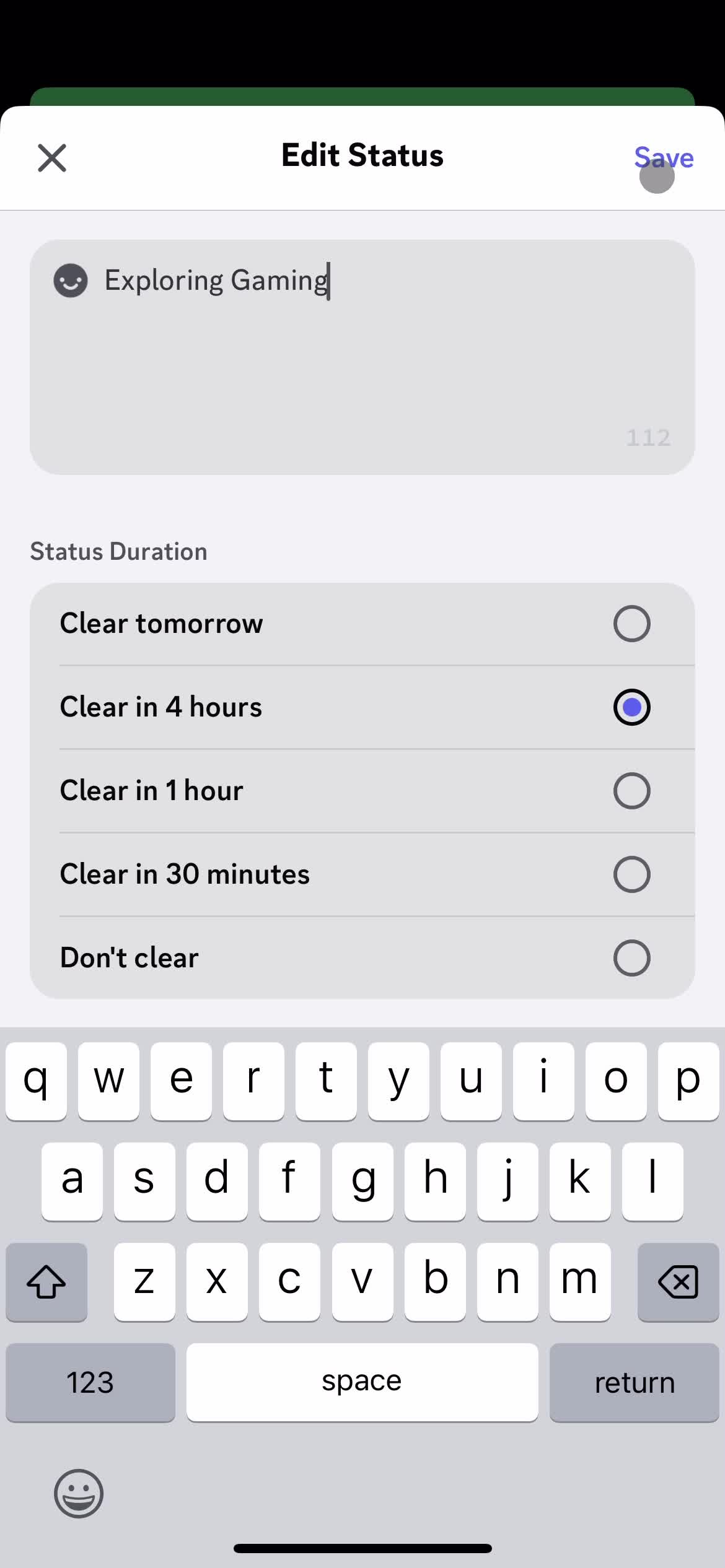
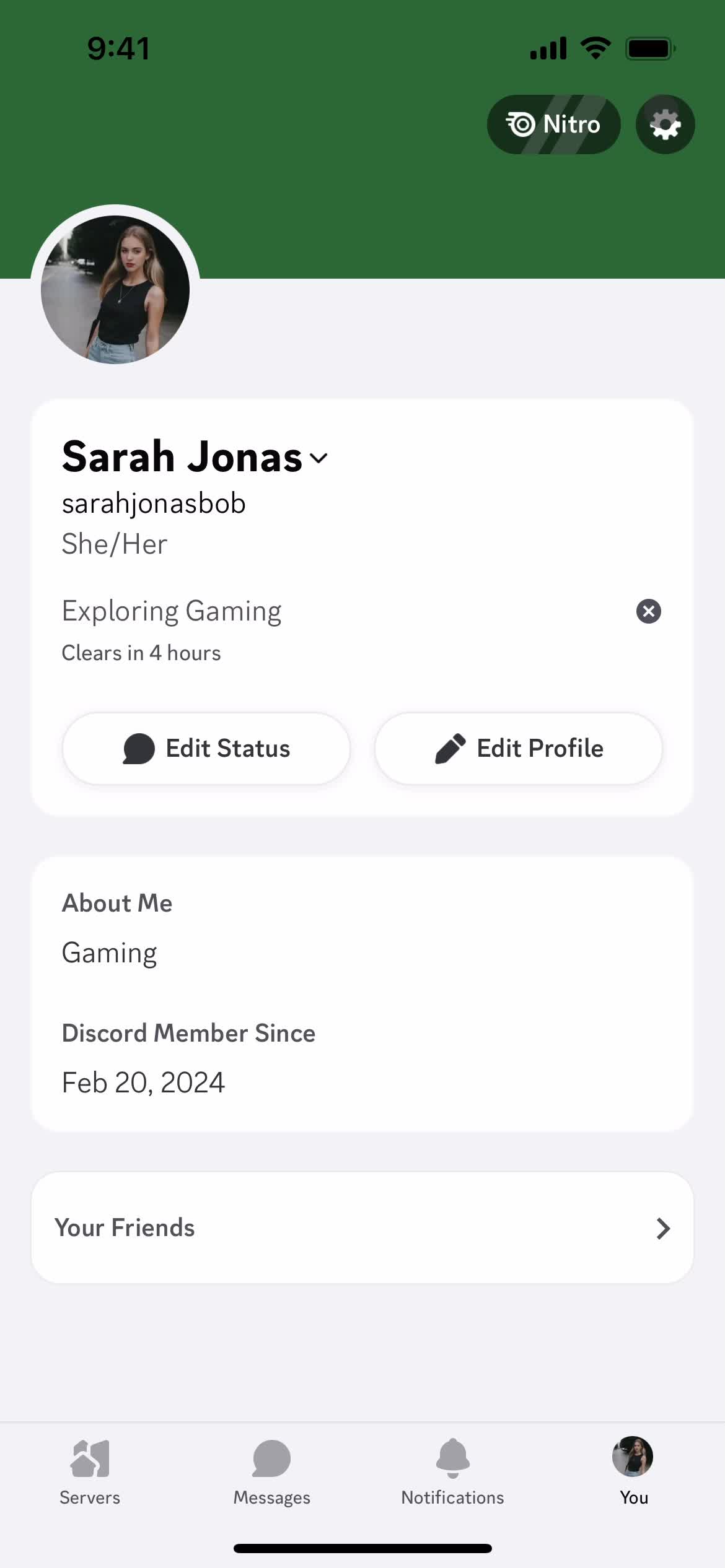
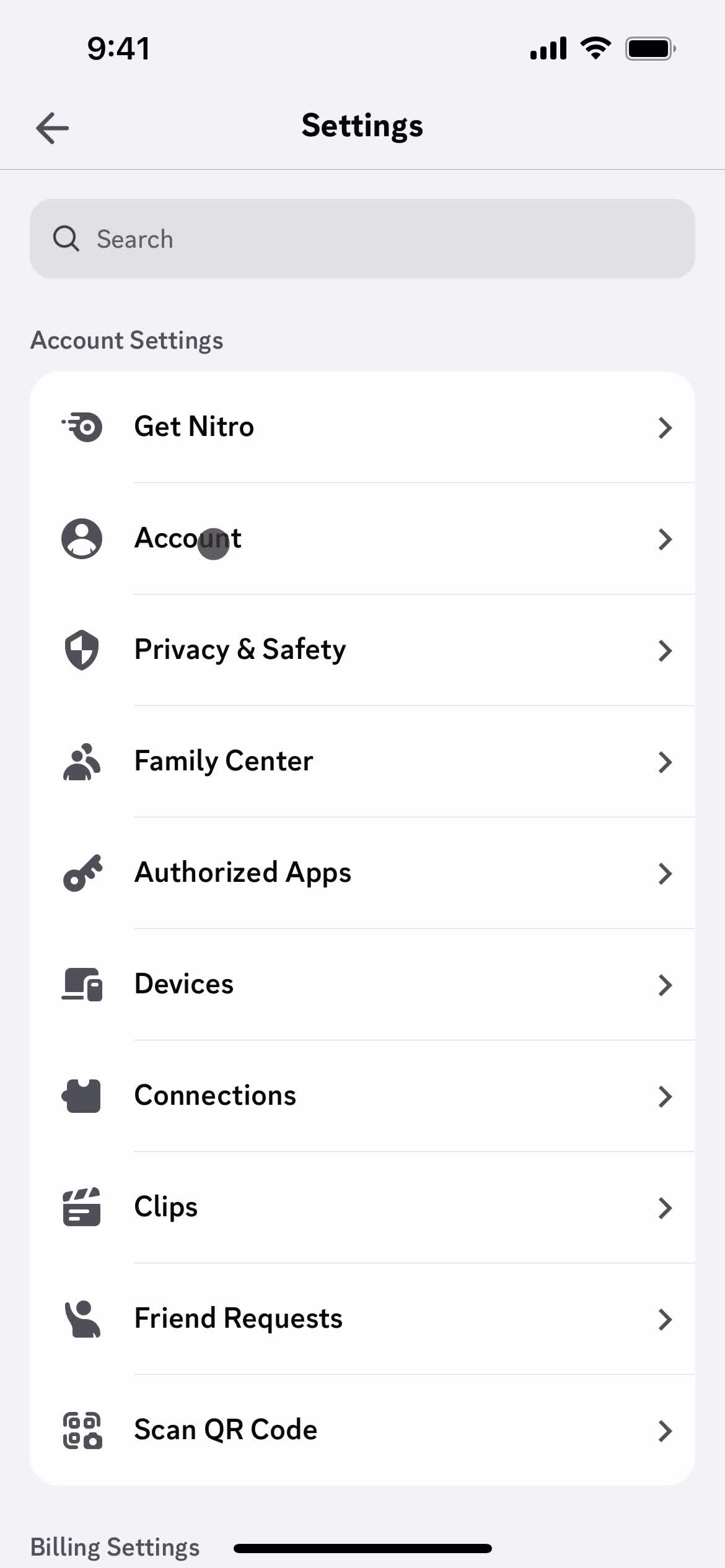
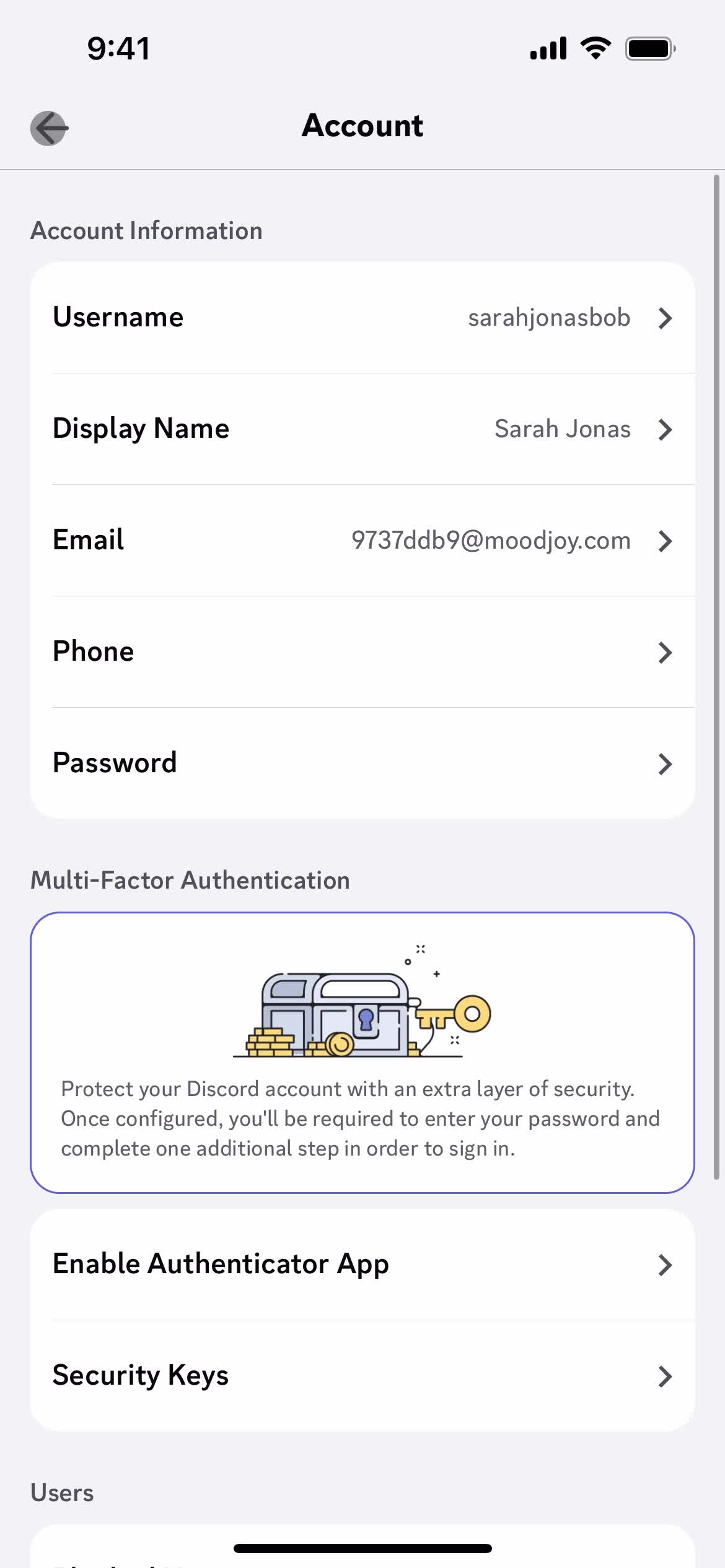
Messages
this is title
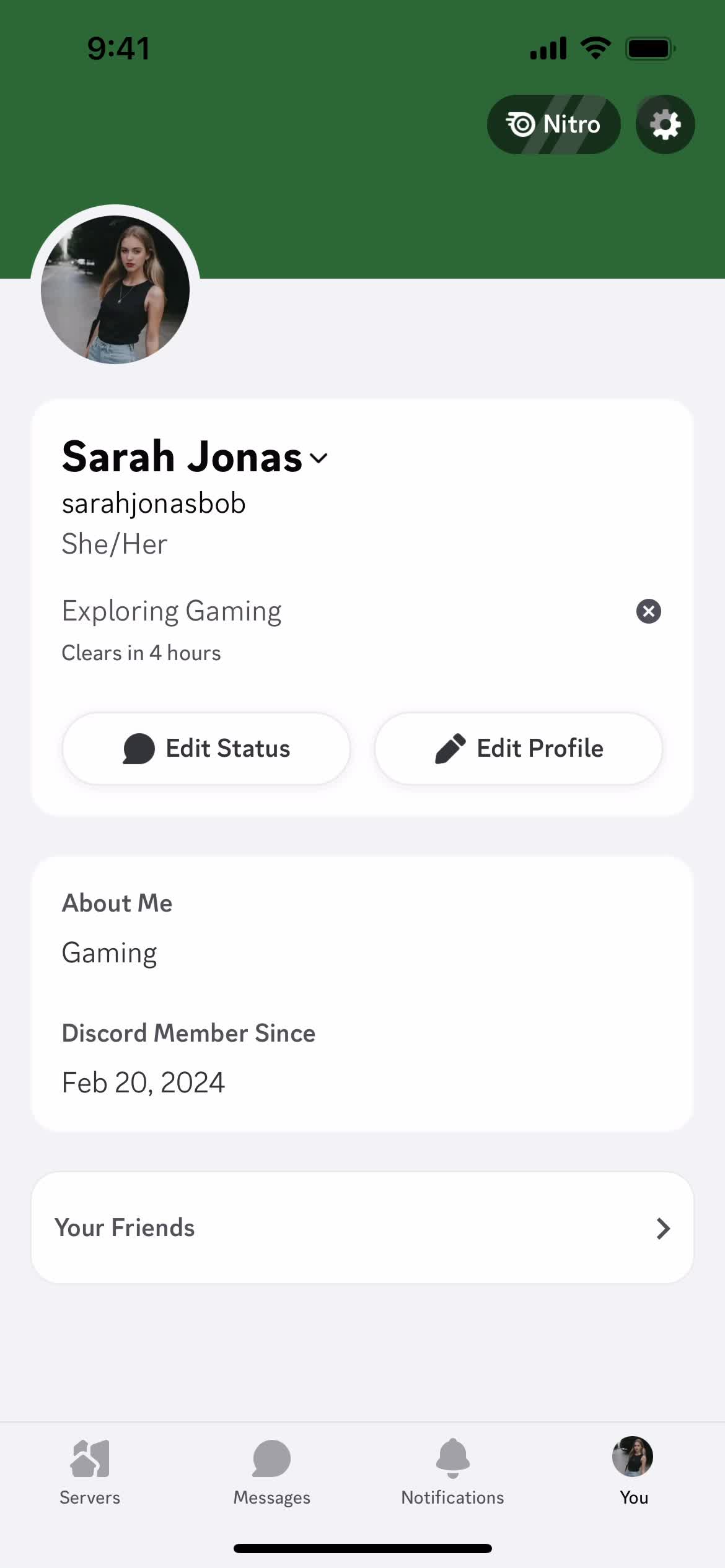
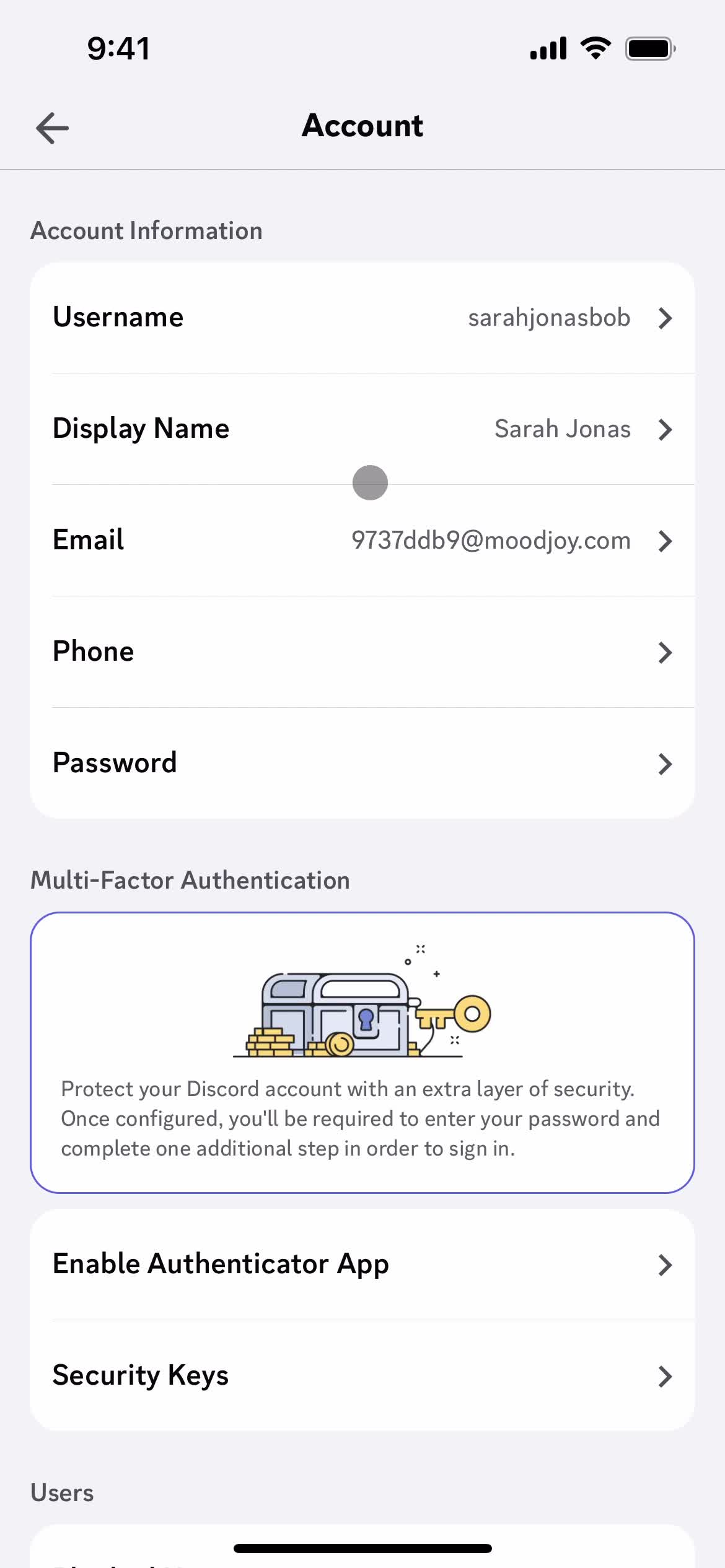
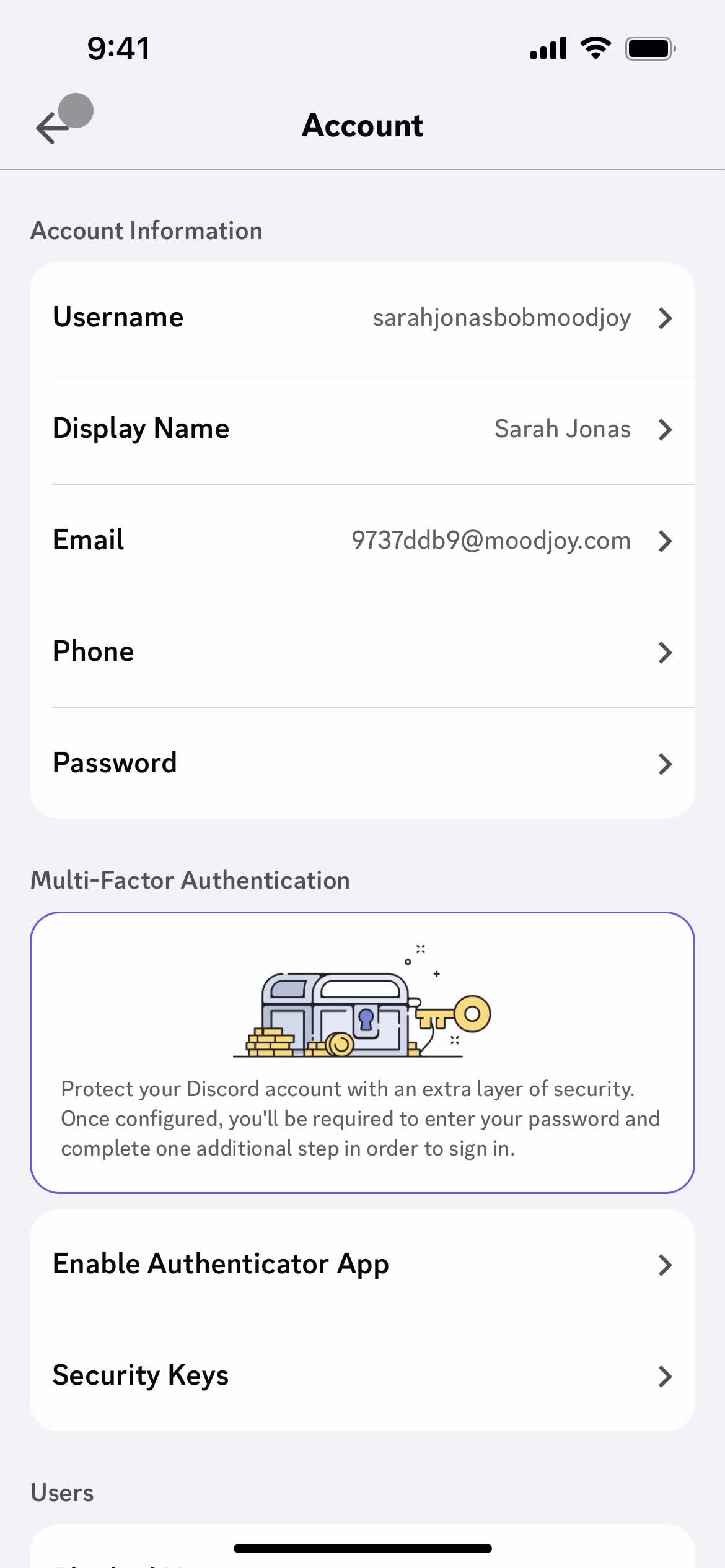
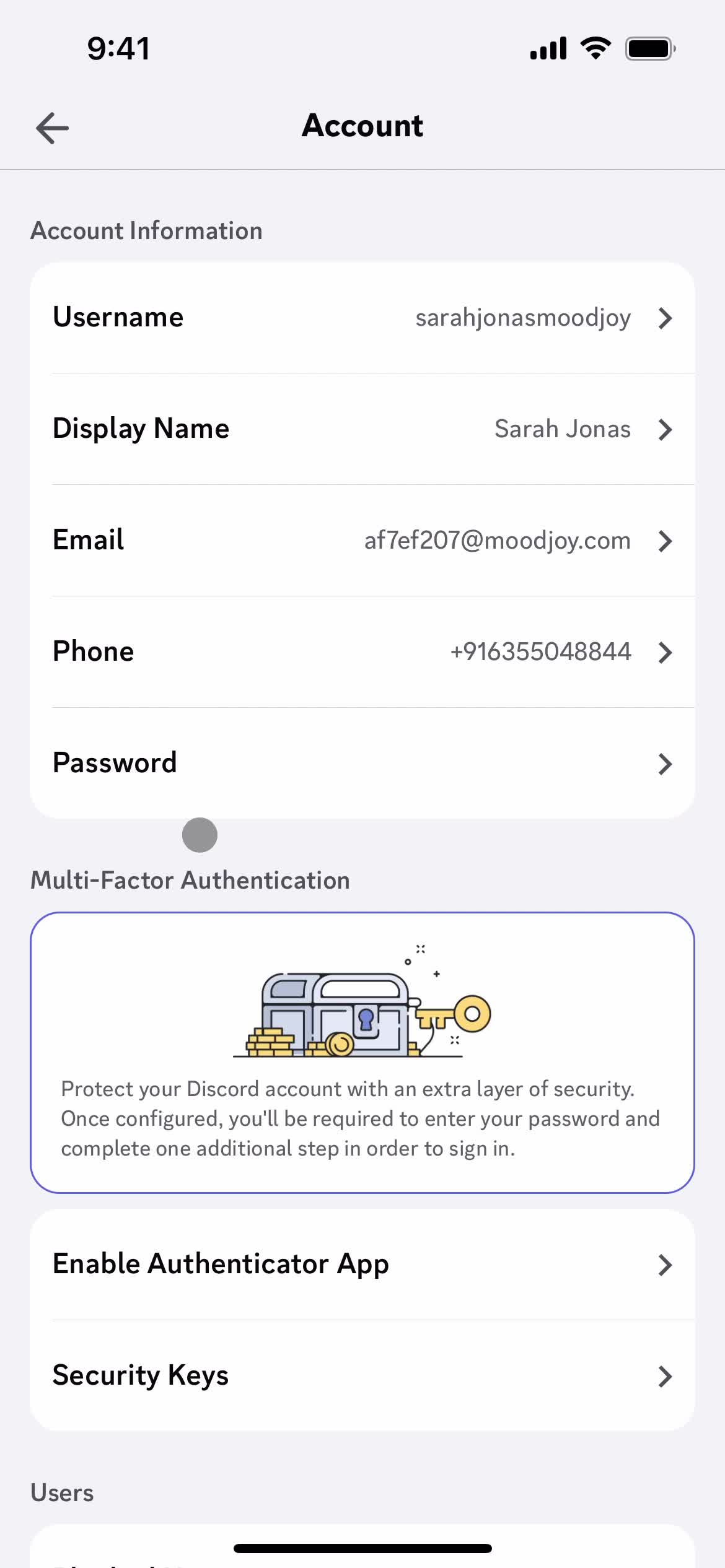
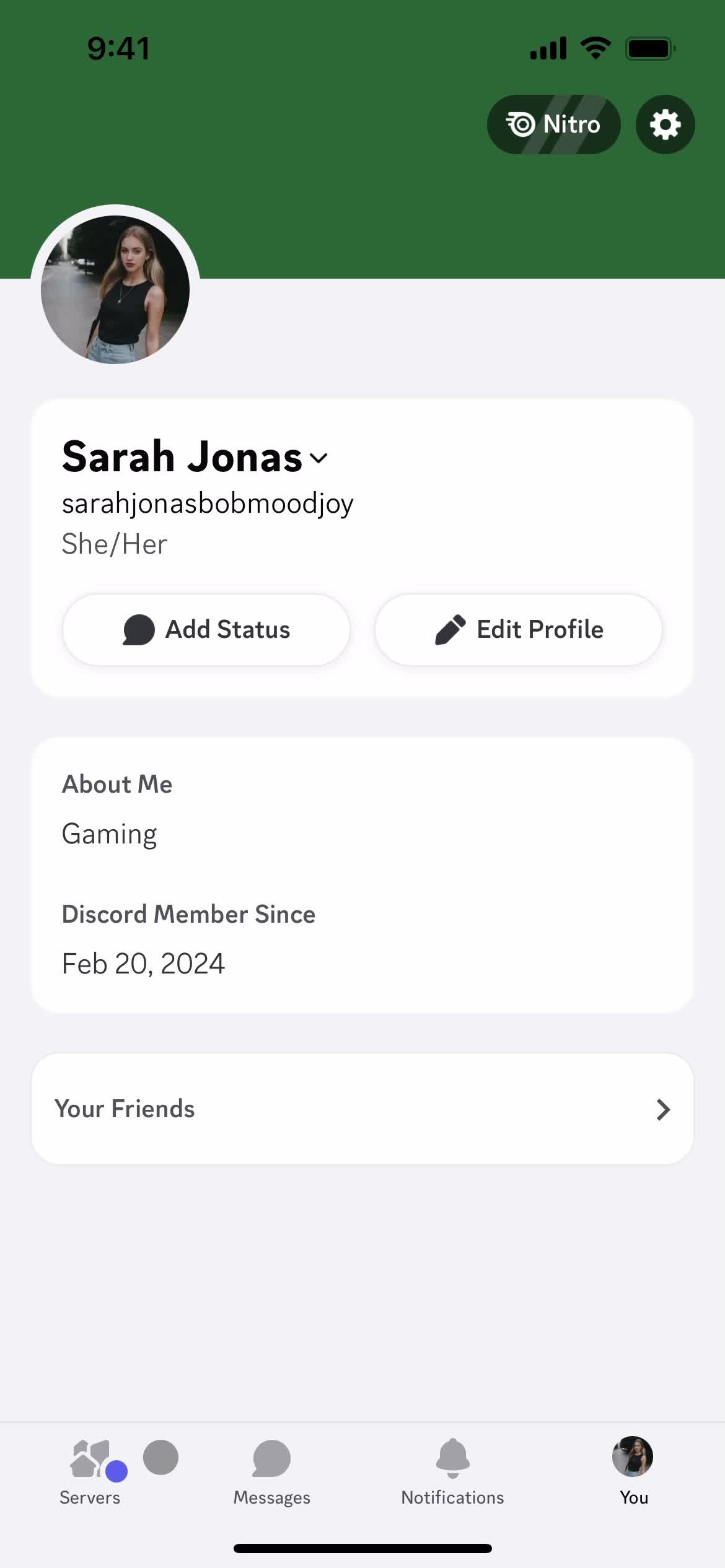
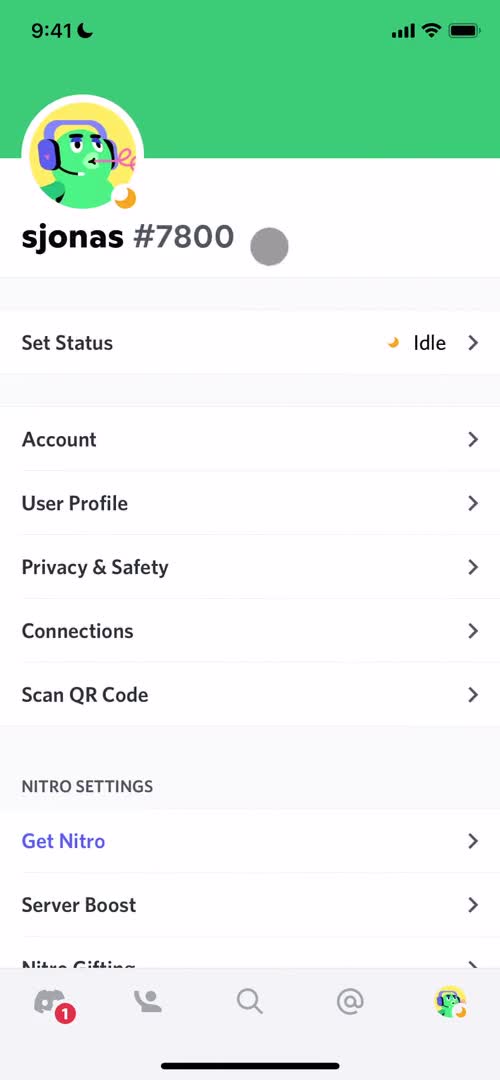
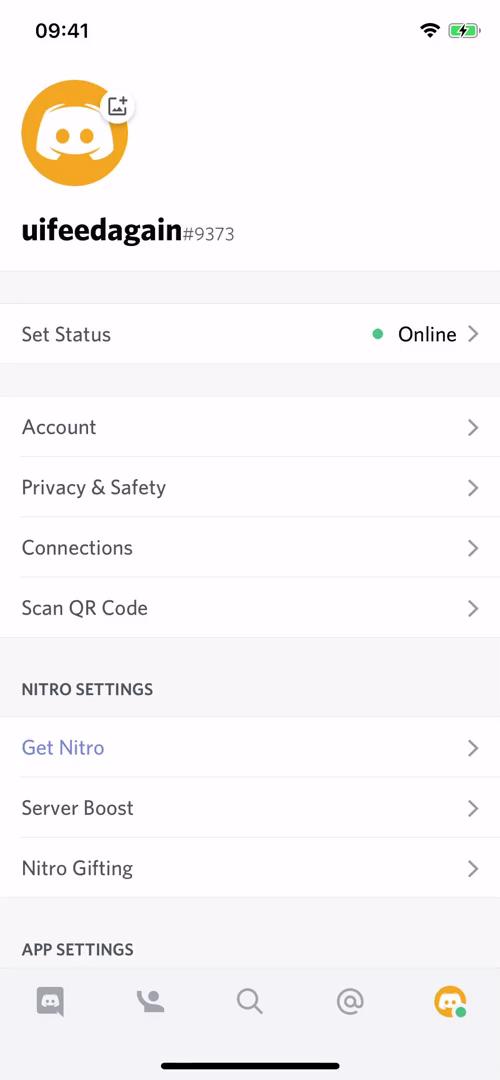
Account
this is title
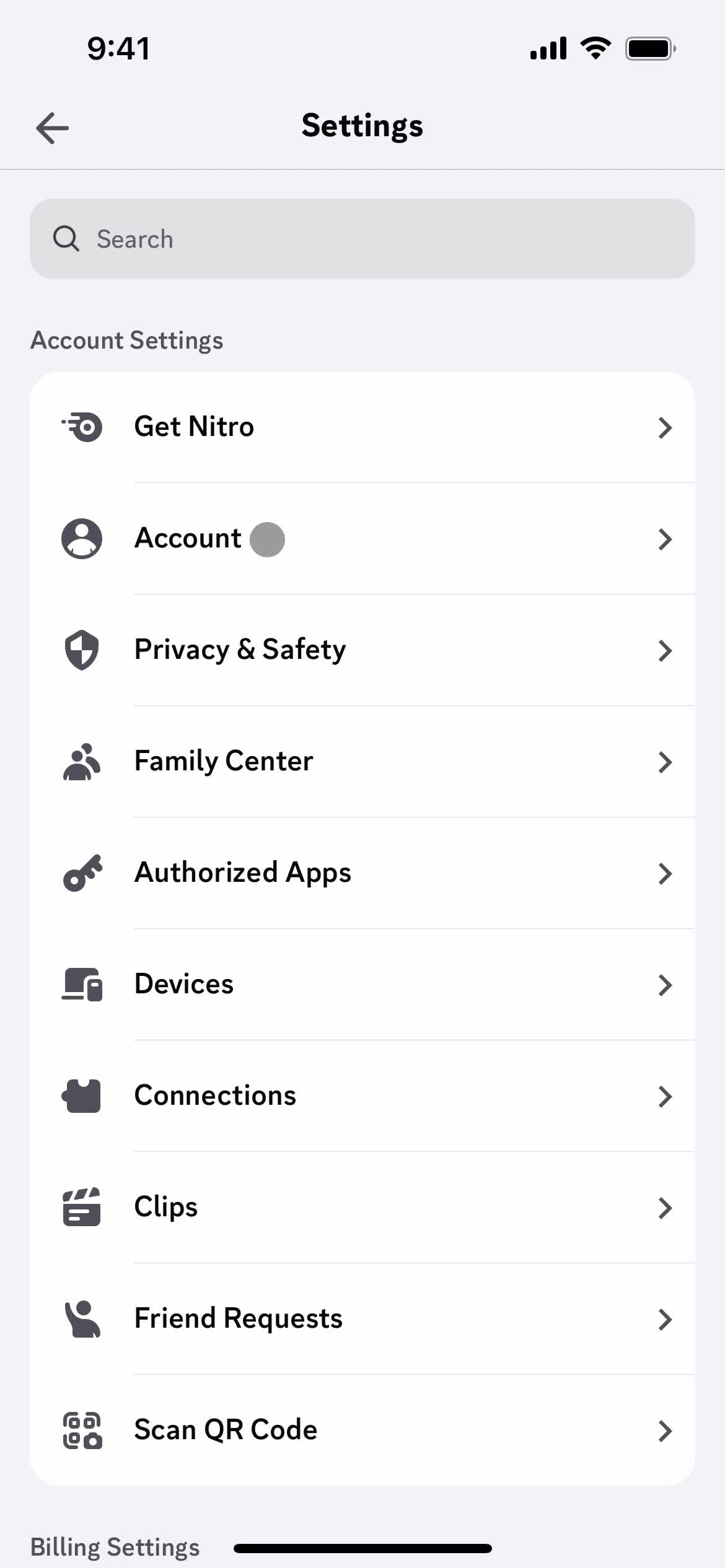
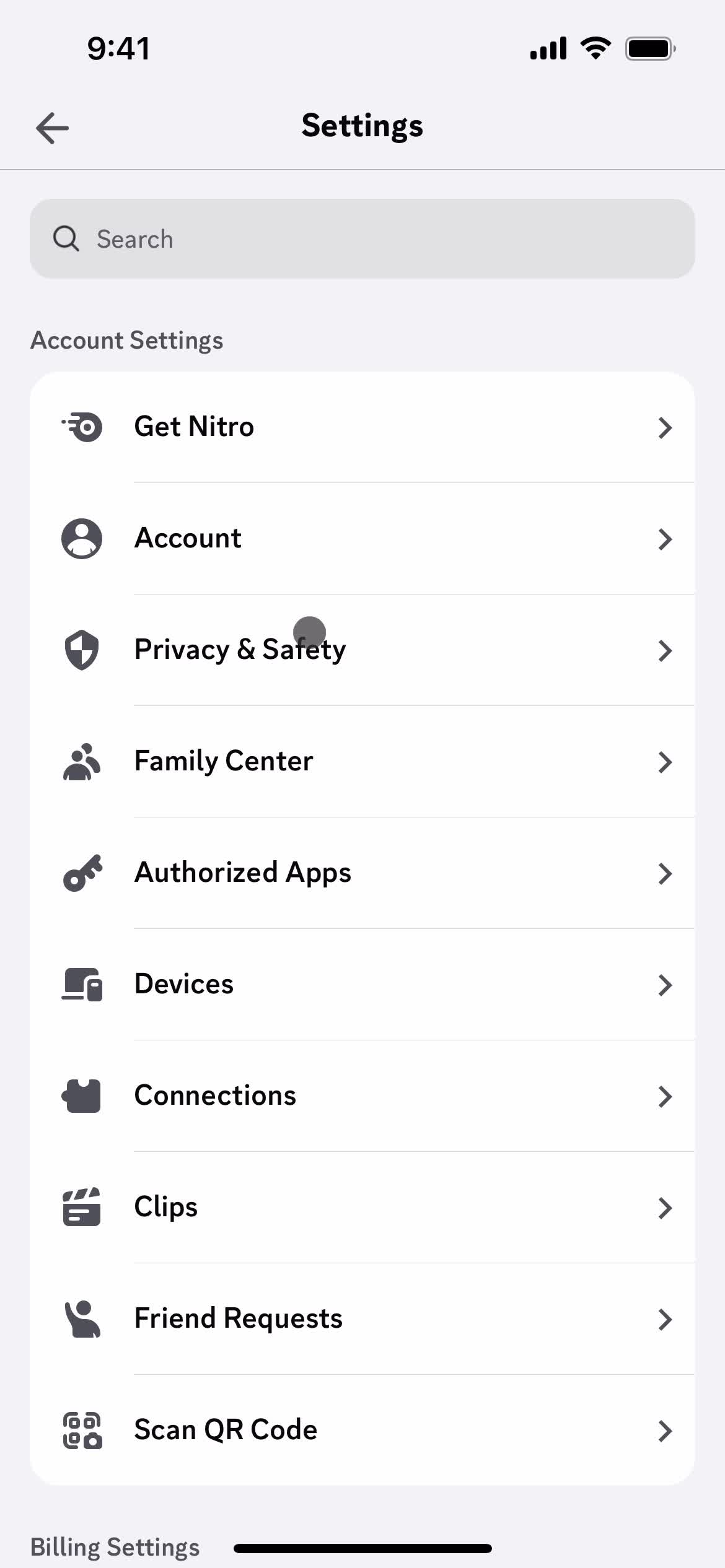
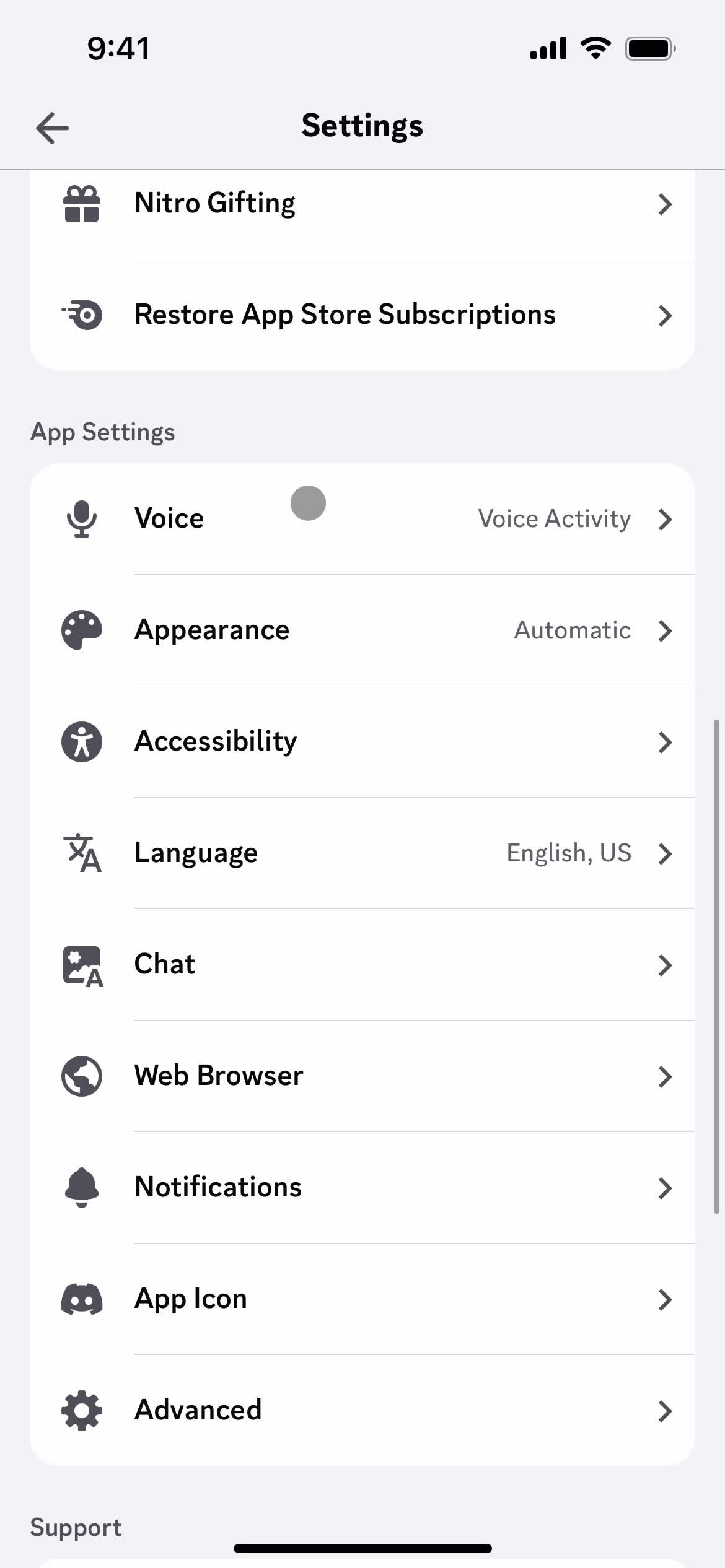
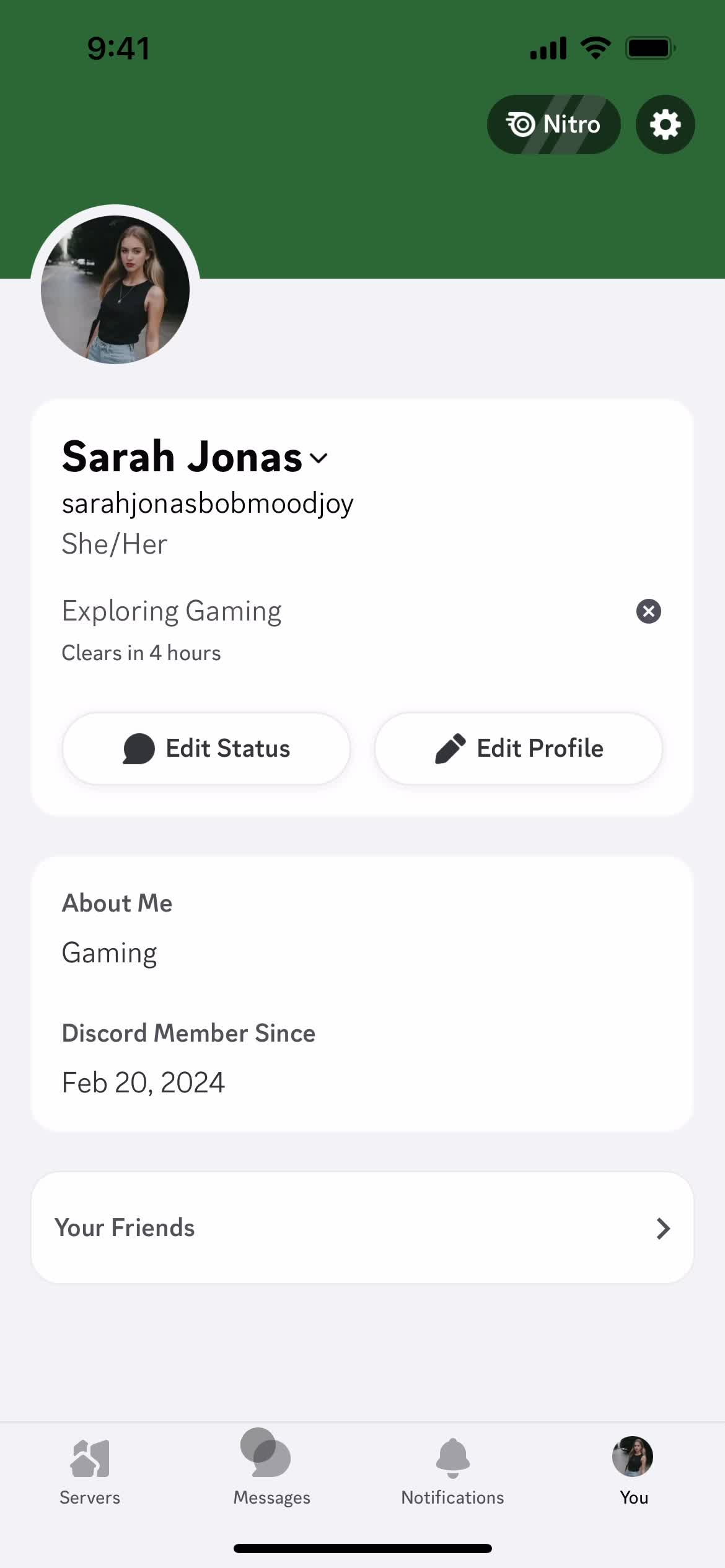
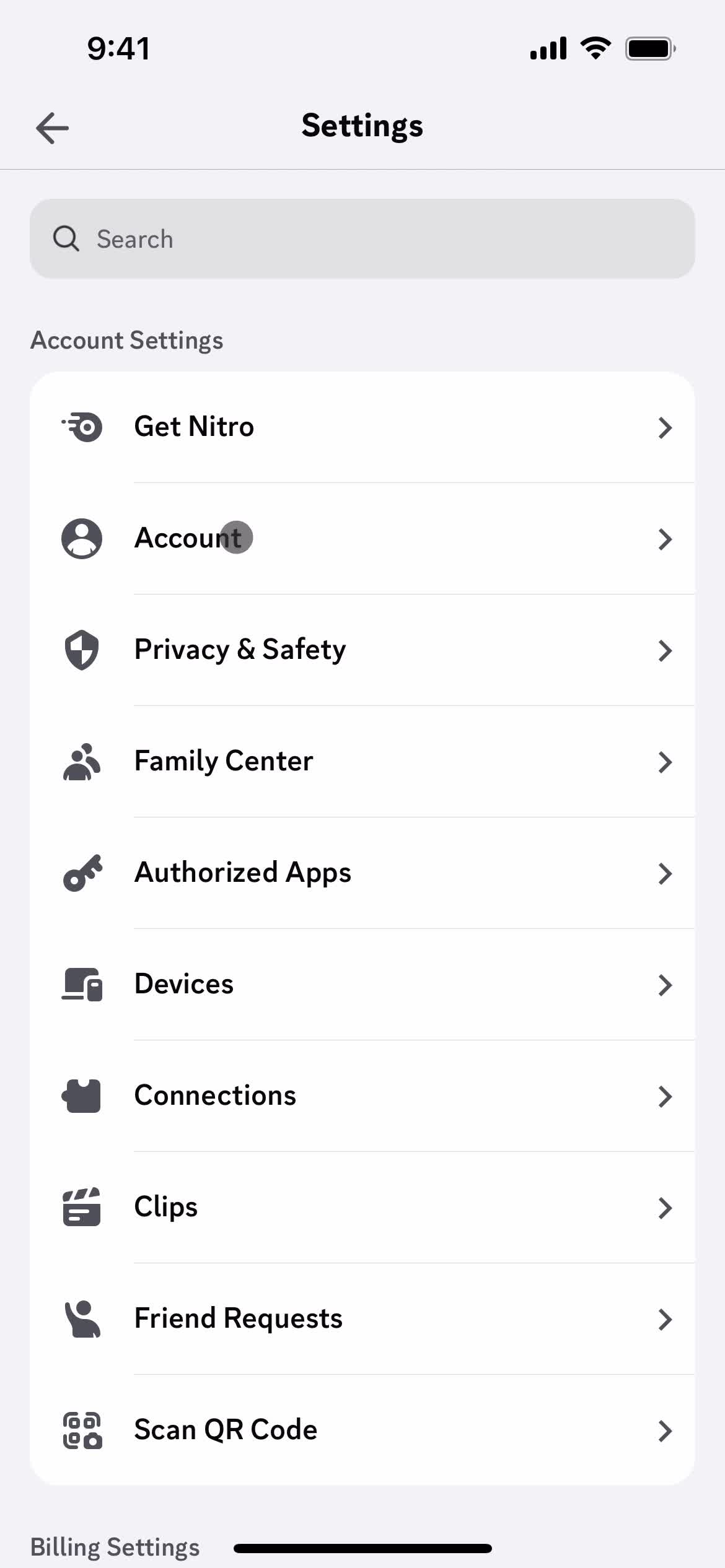
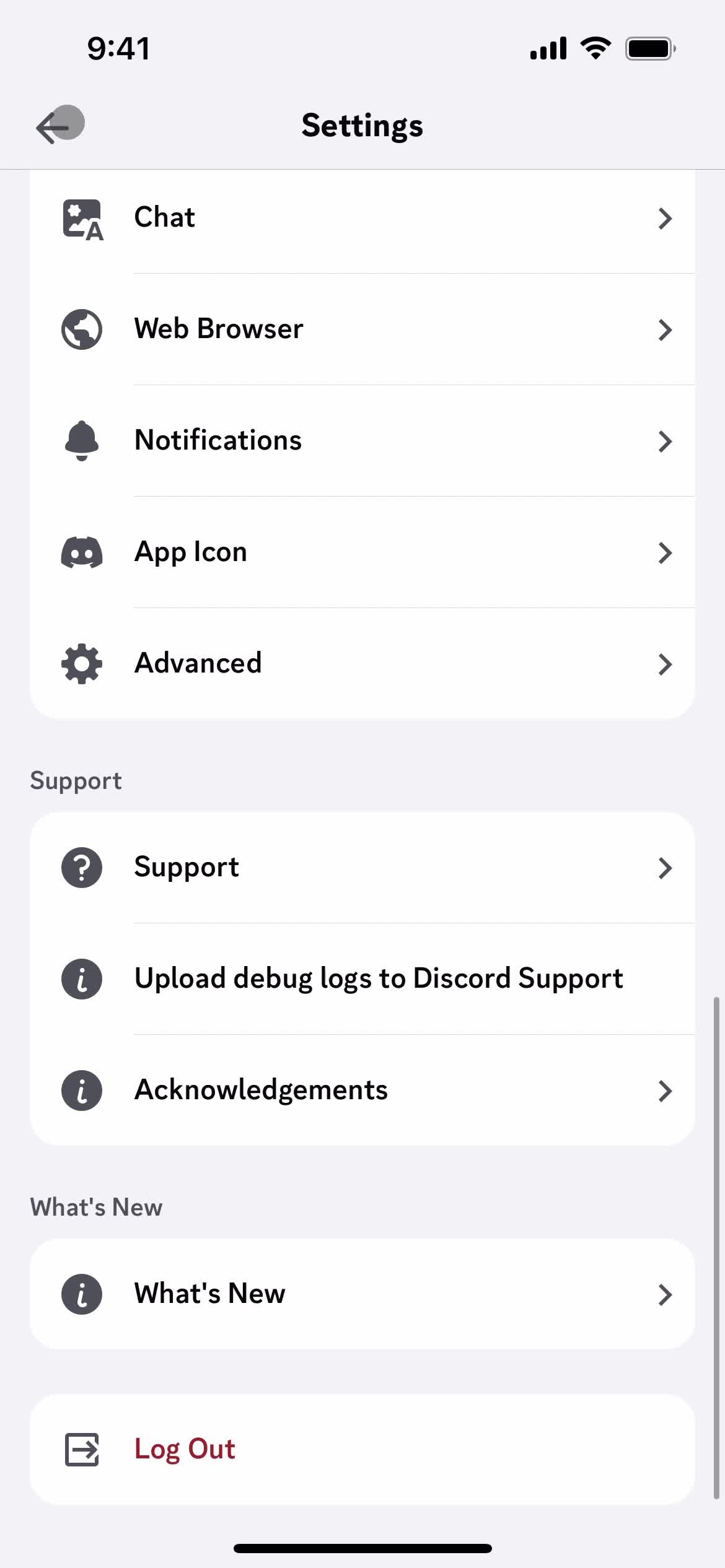
Settings
this is title
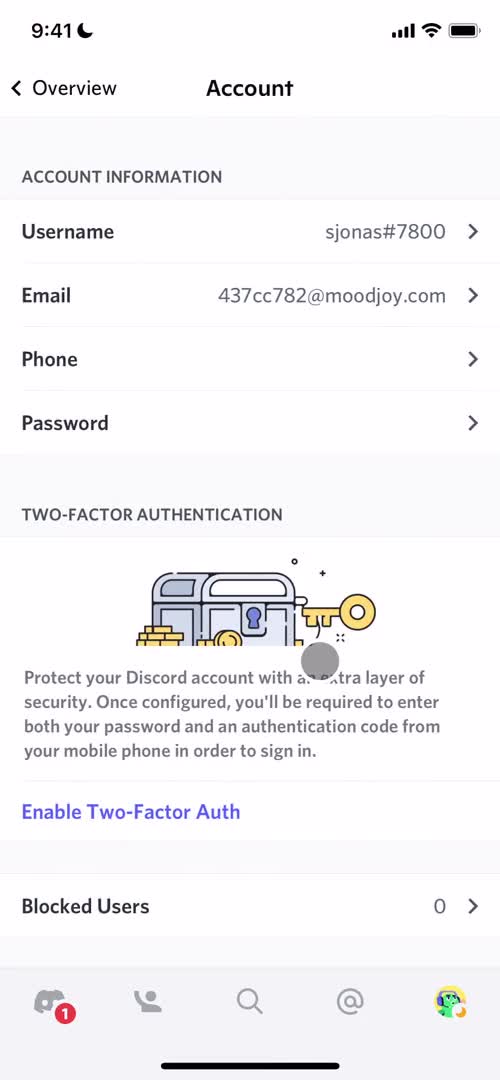
Account settings
this is title
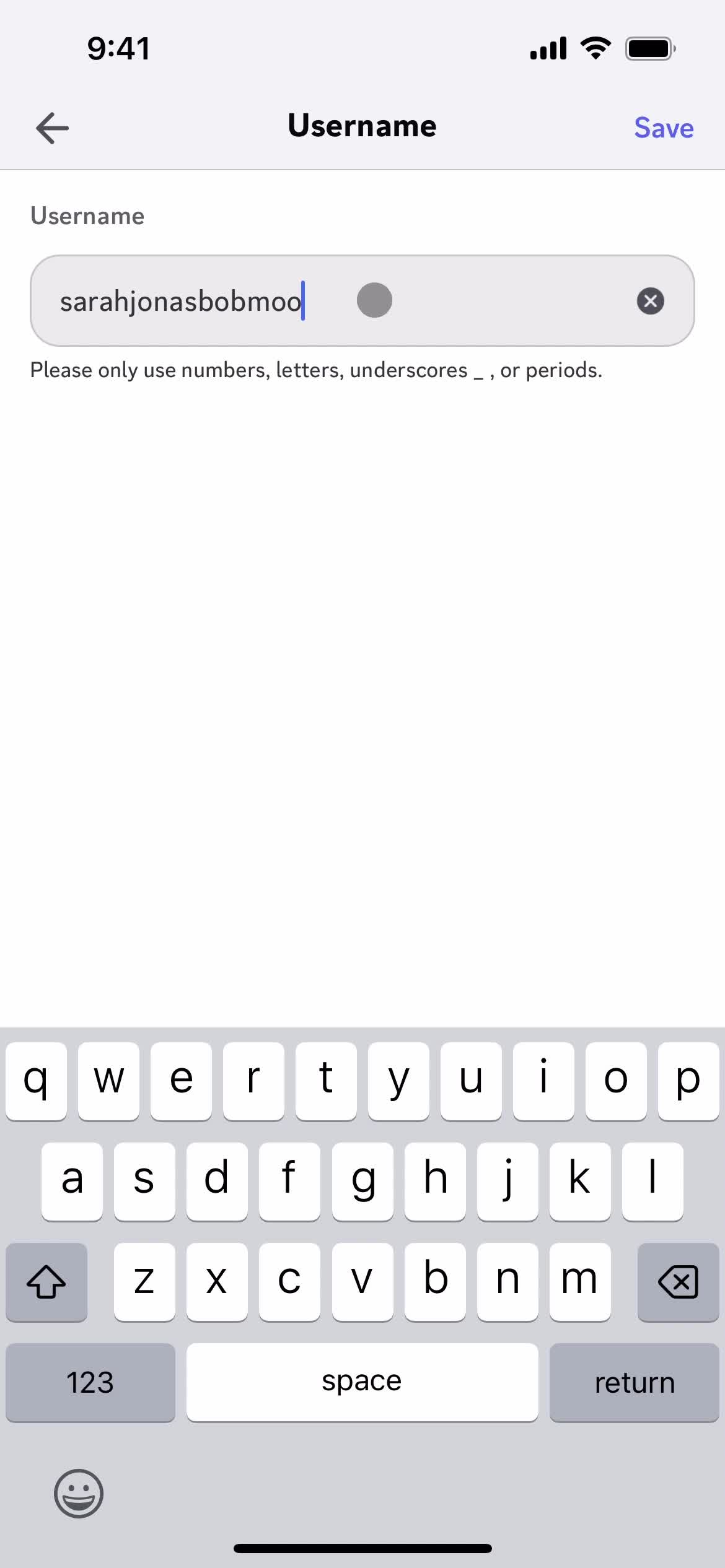
Edit details
this is title
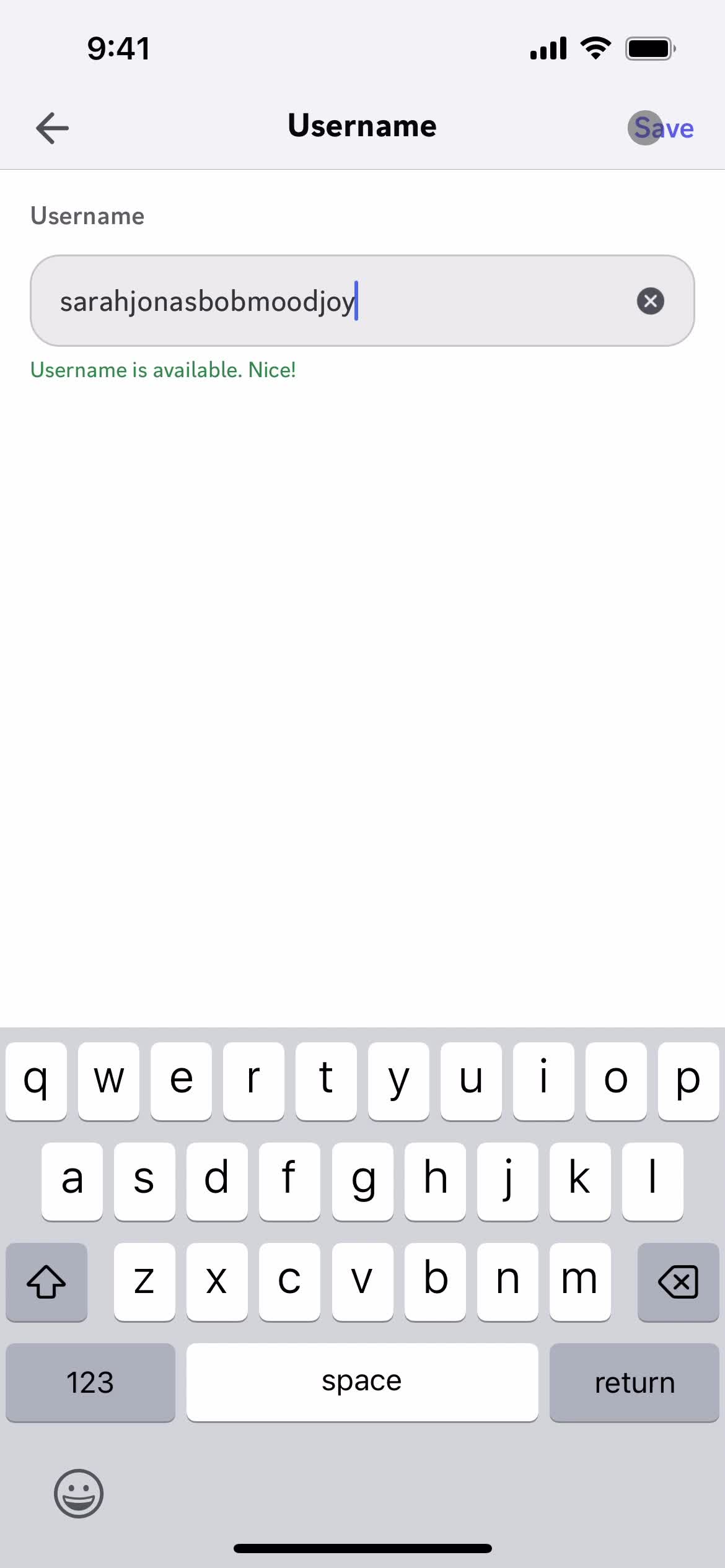
Save
this is title
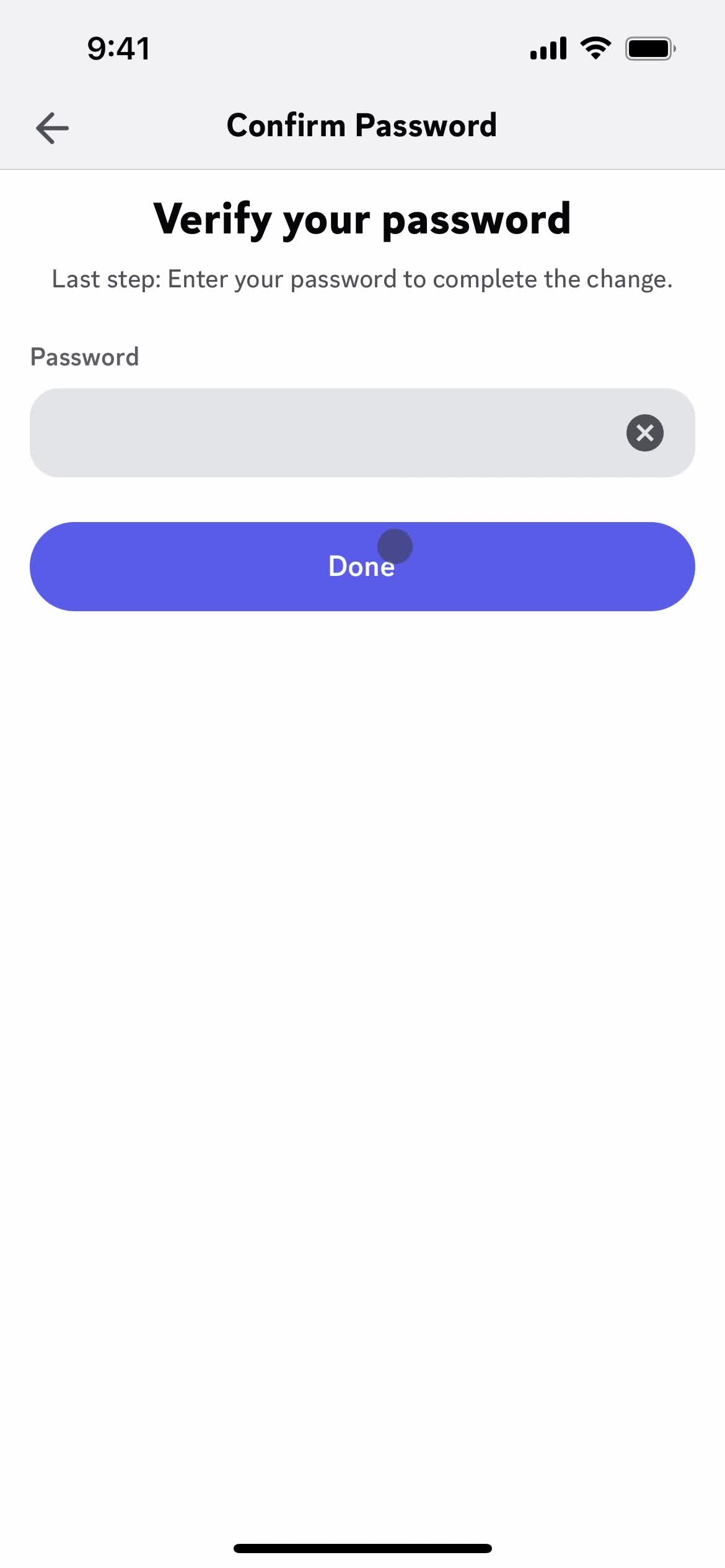
Confirm password
this is title
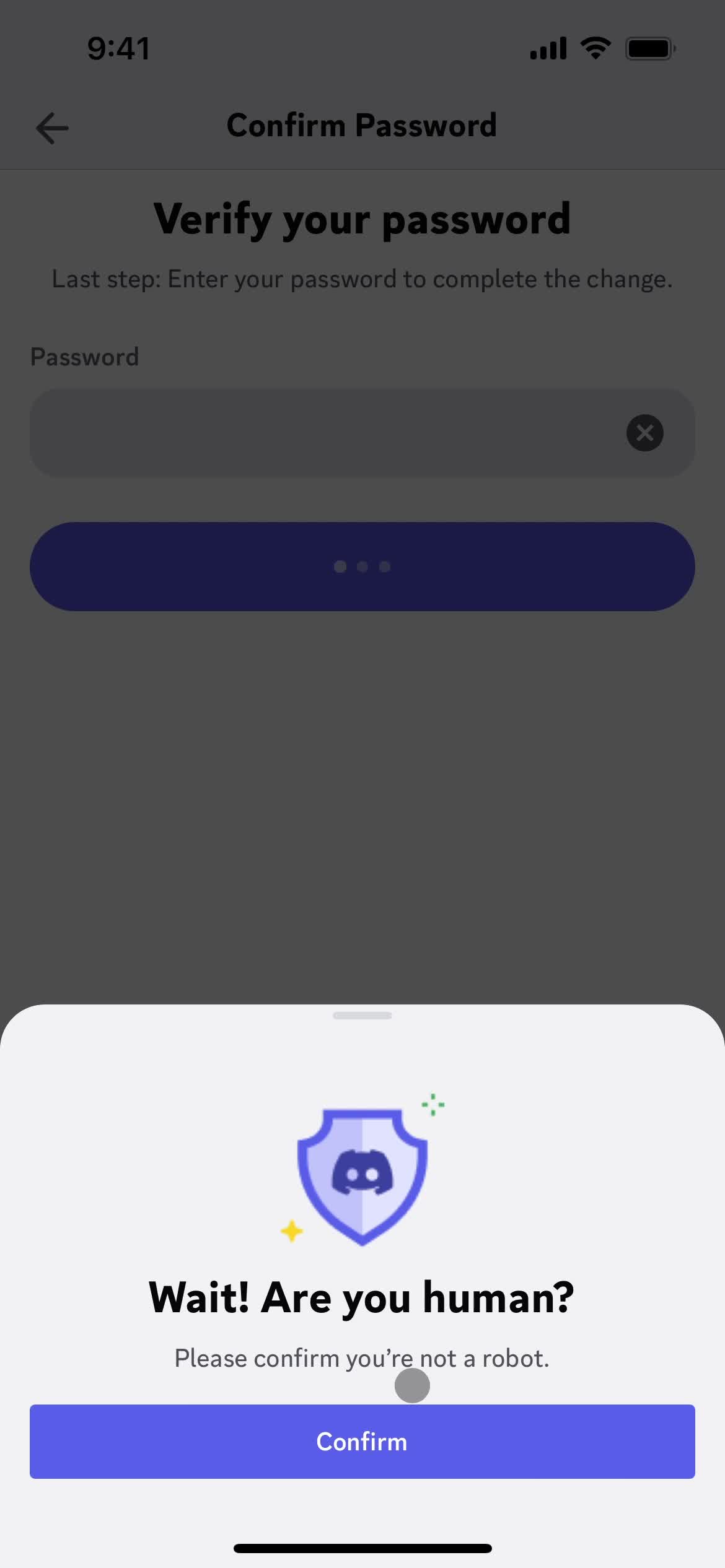
Confirm you're human
this is title
Account settings
this is title
Settings
this is title
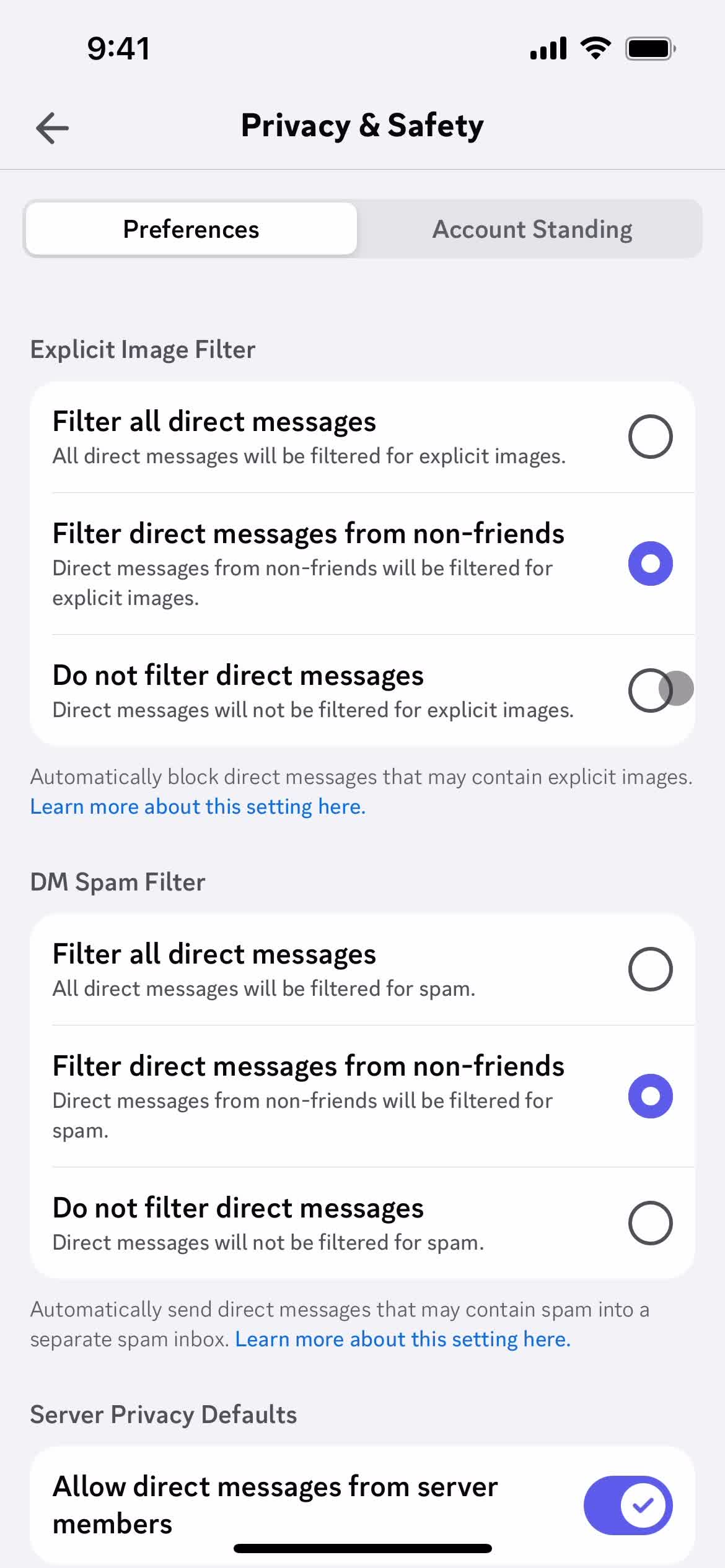
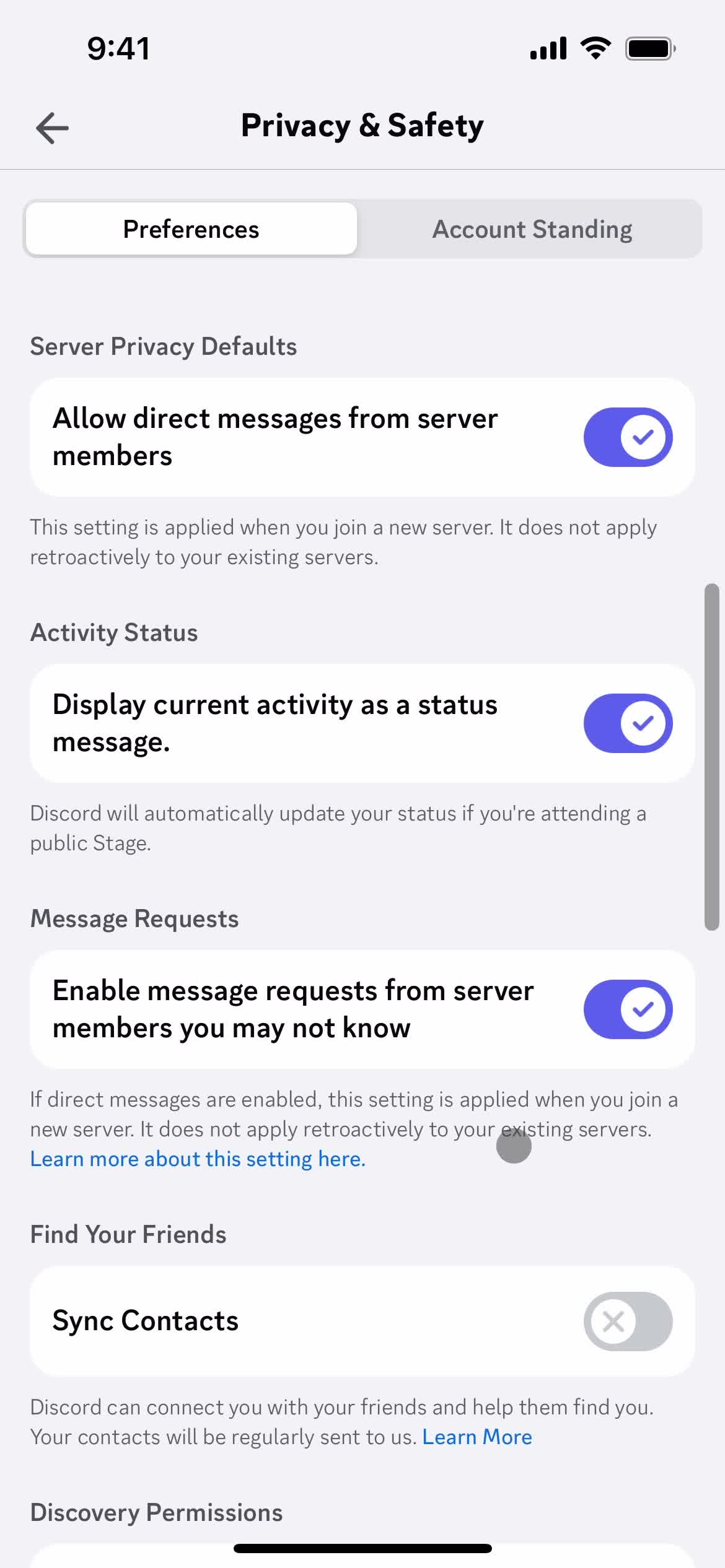
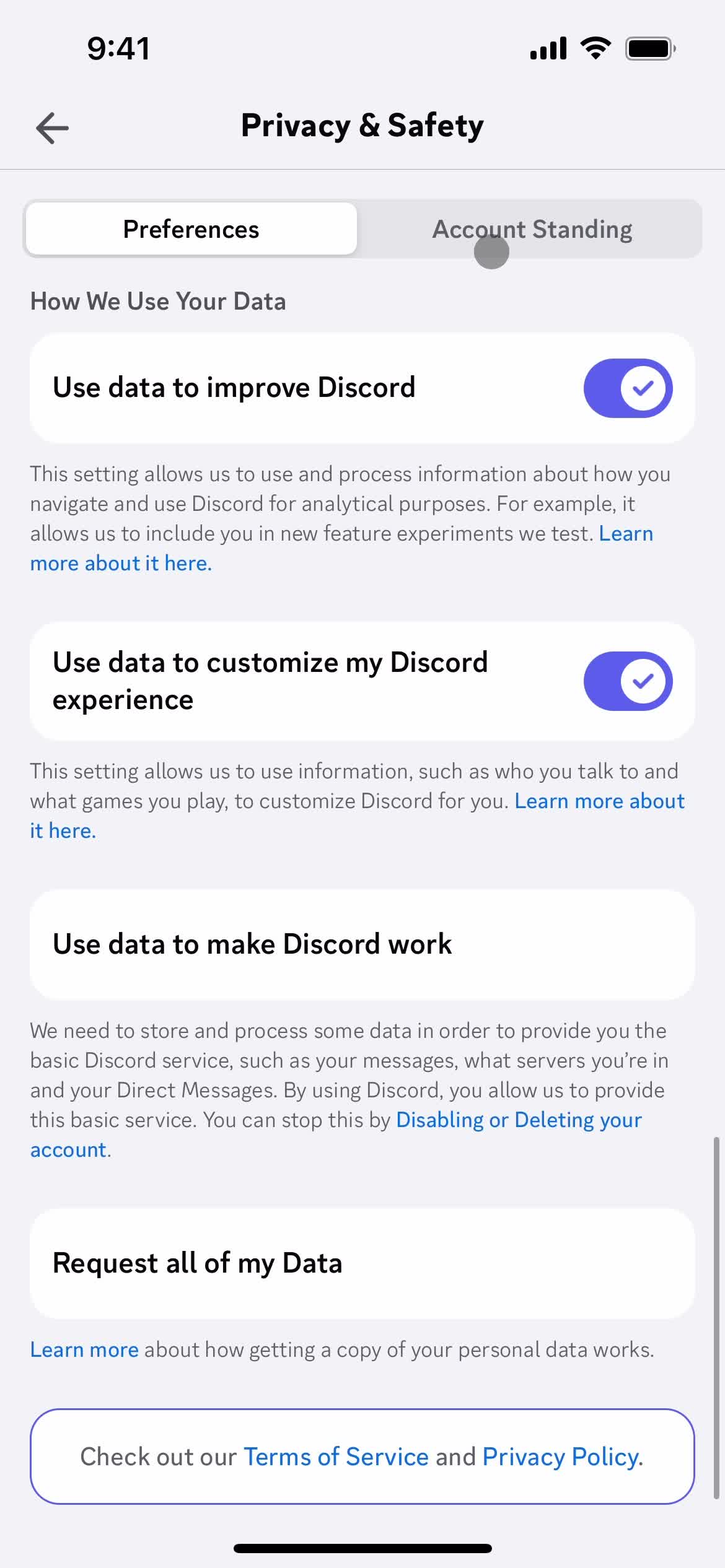
Privacy settings
this is title
this is title
this is title
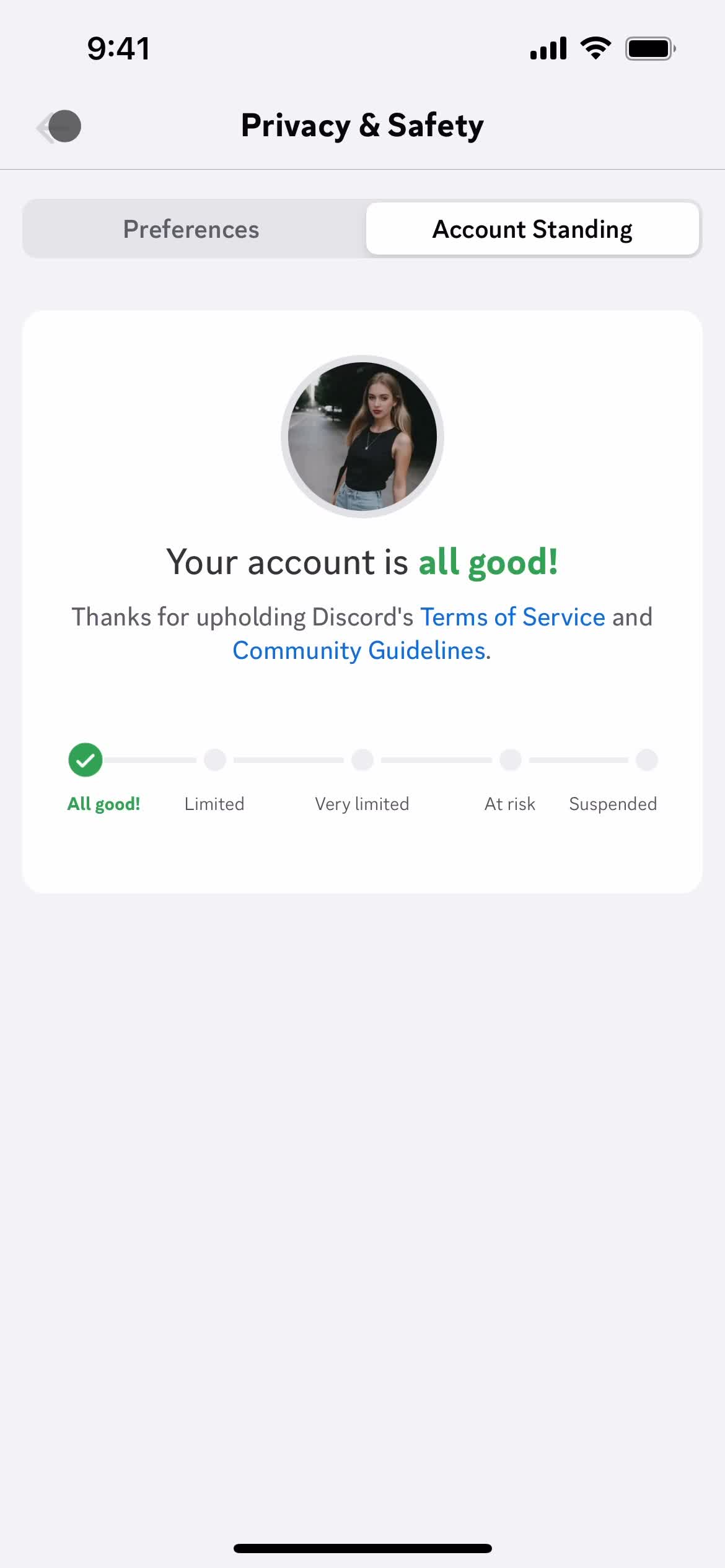
Account status
this is title
Settings
this is title
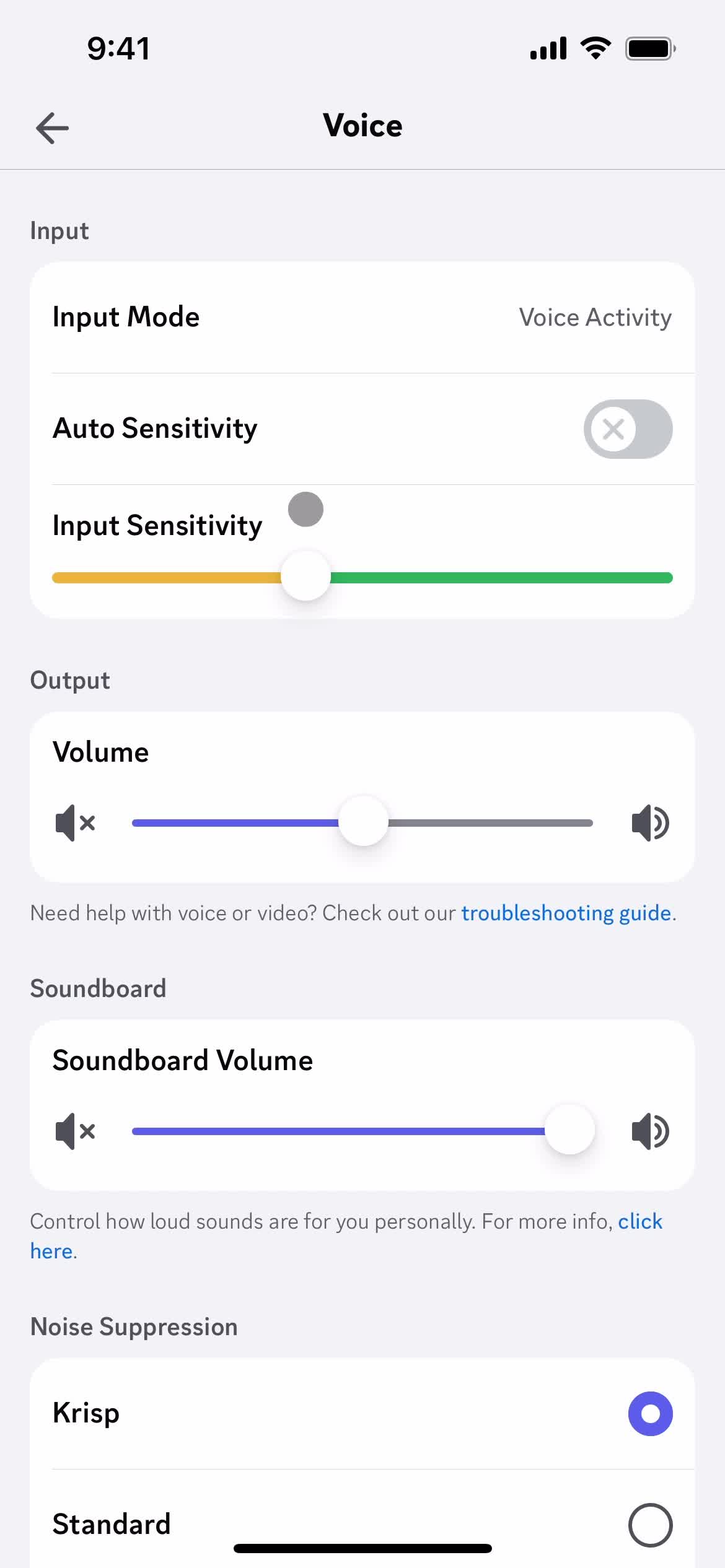
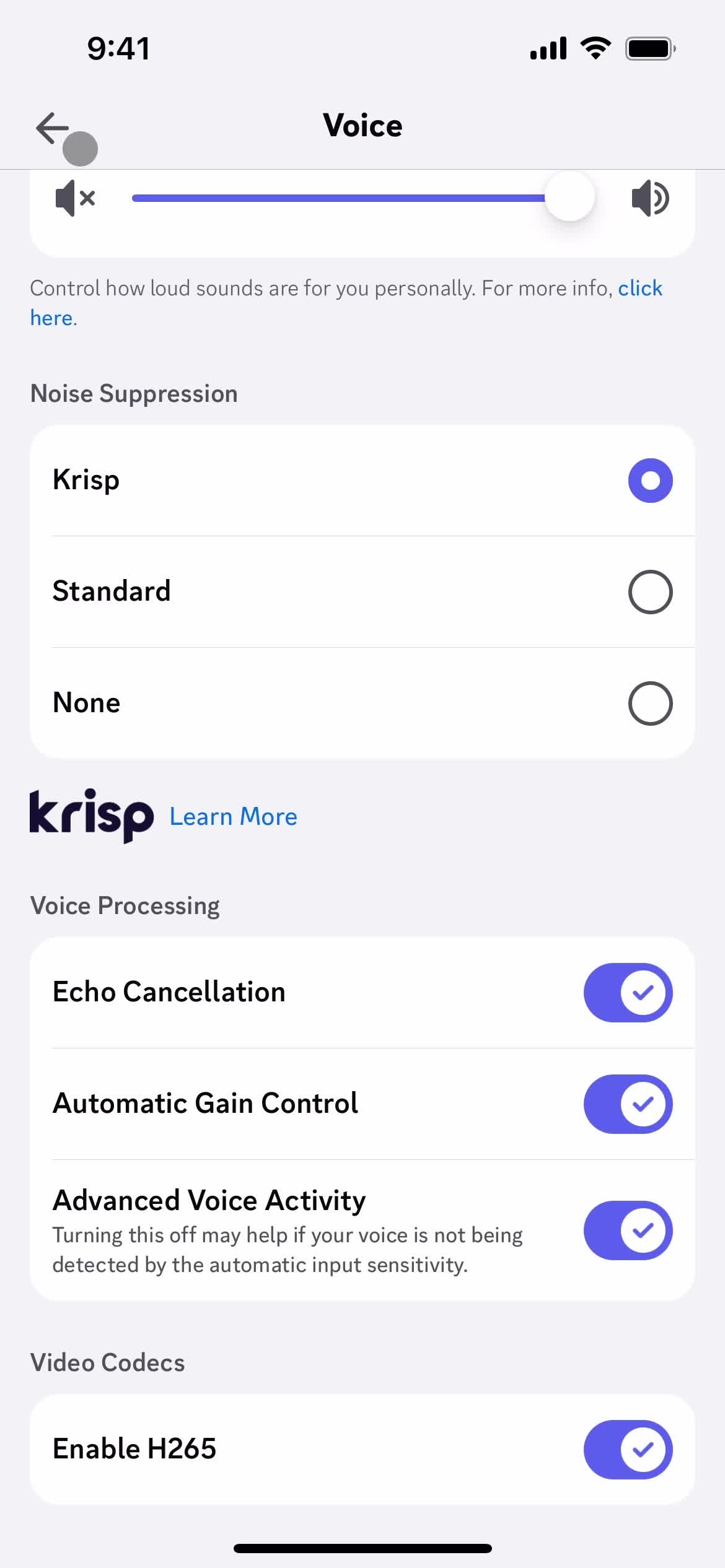
Voice settings
this is title
this is title
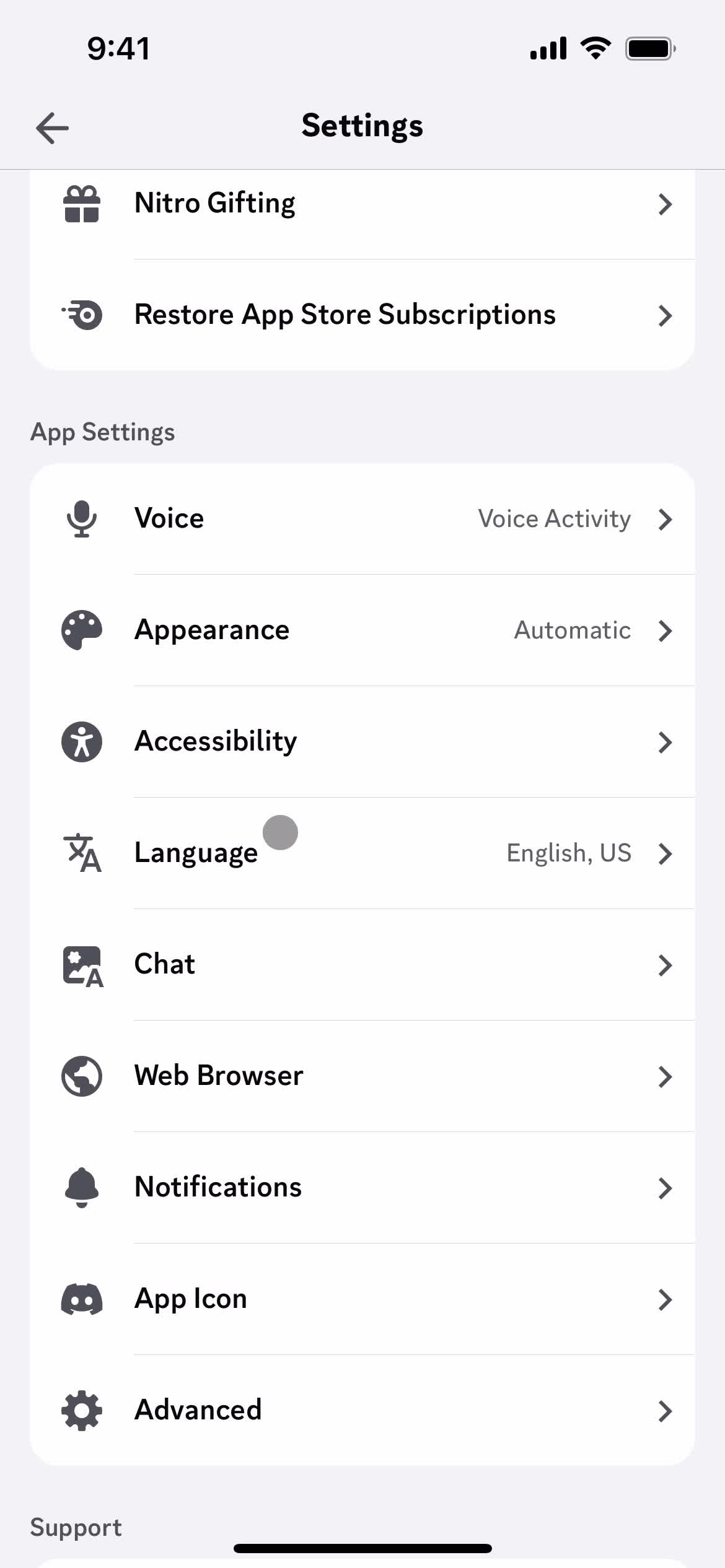
Settings
this is title
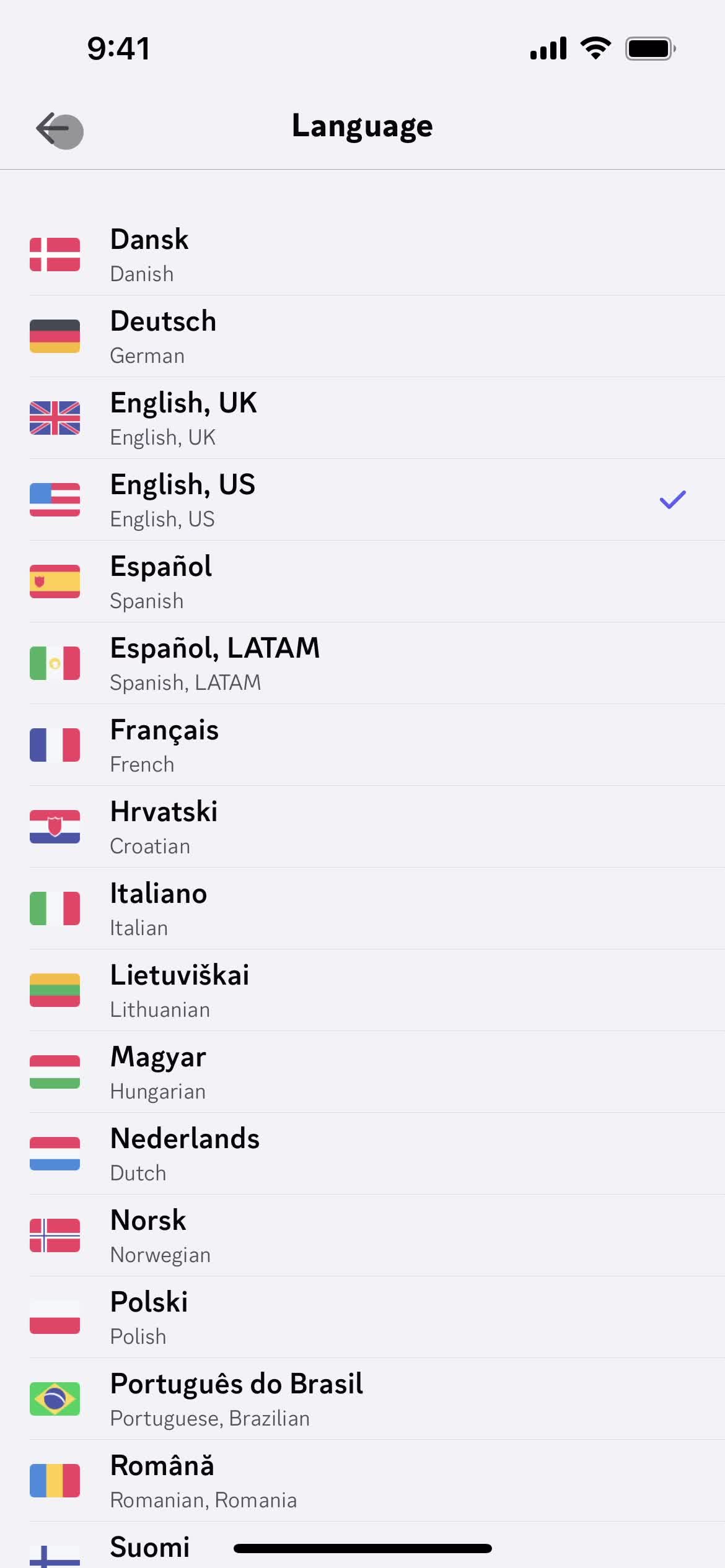
Select language
this is title
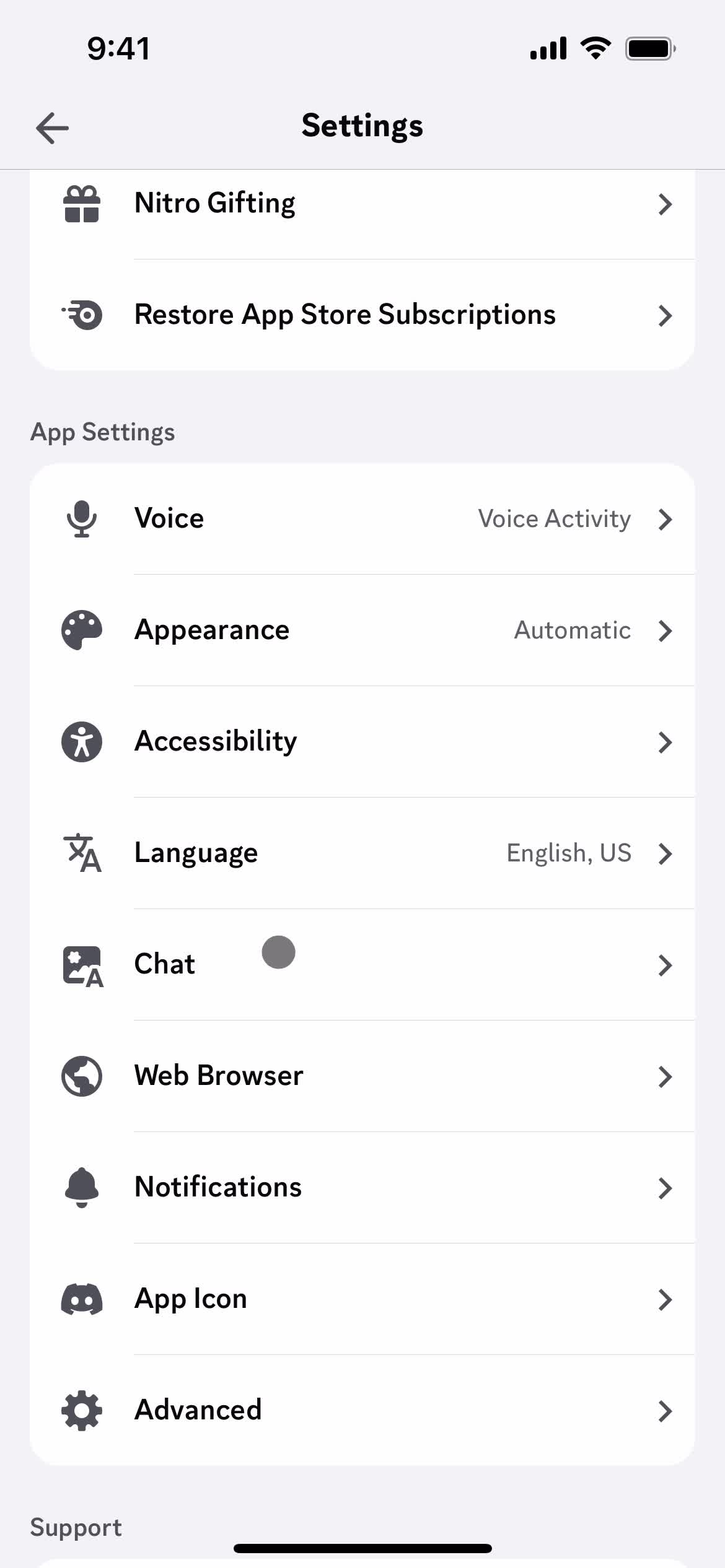
Settings
this is title
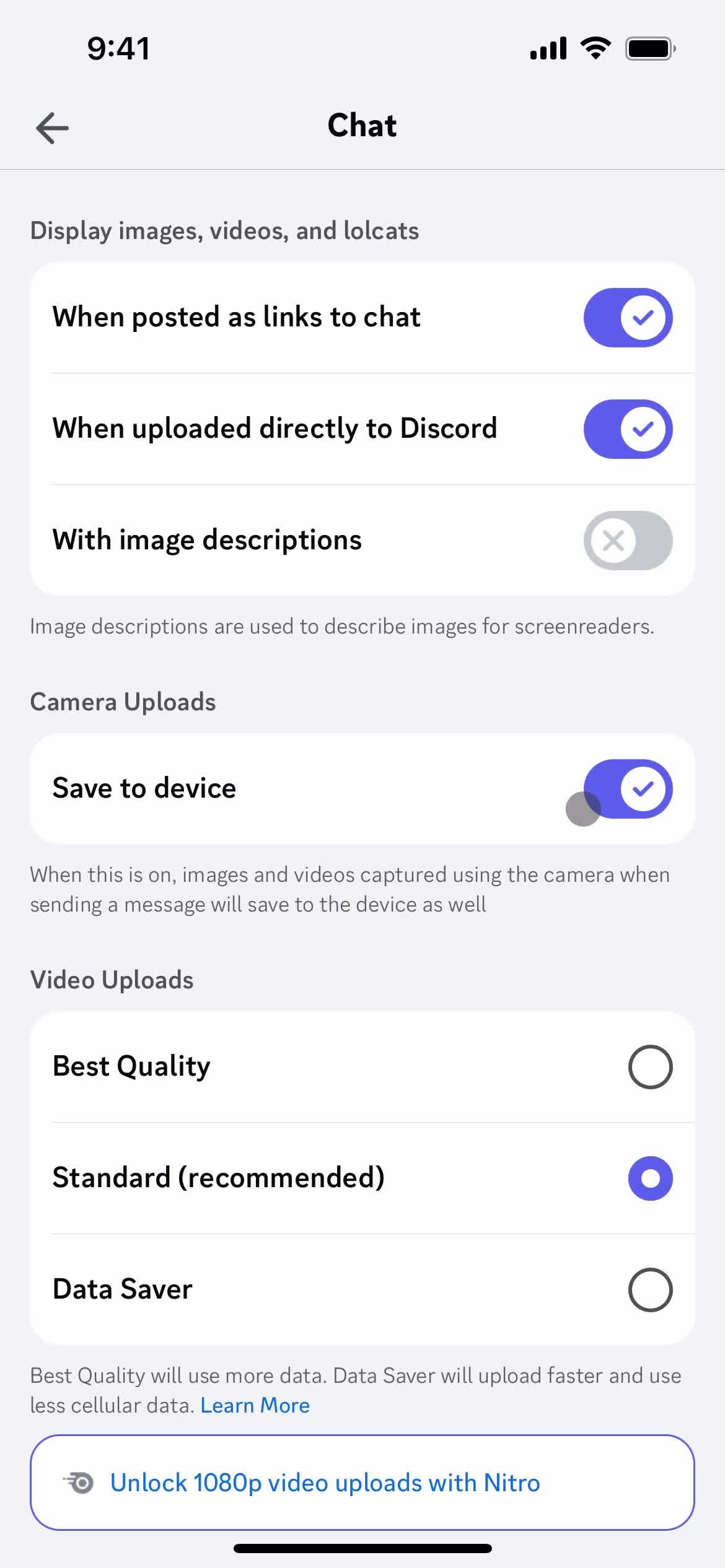
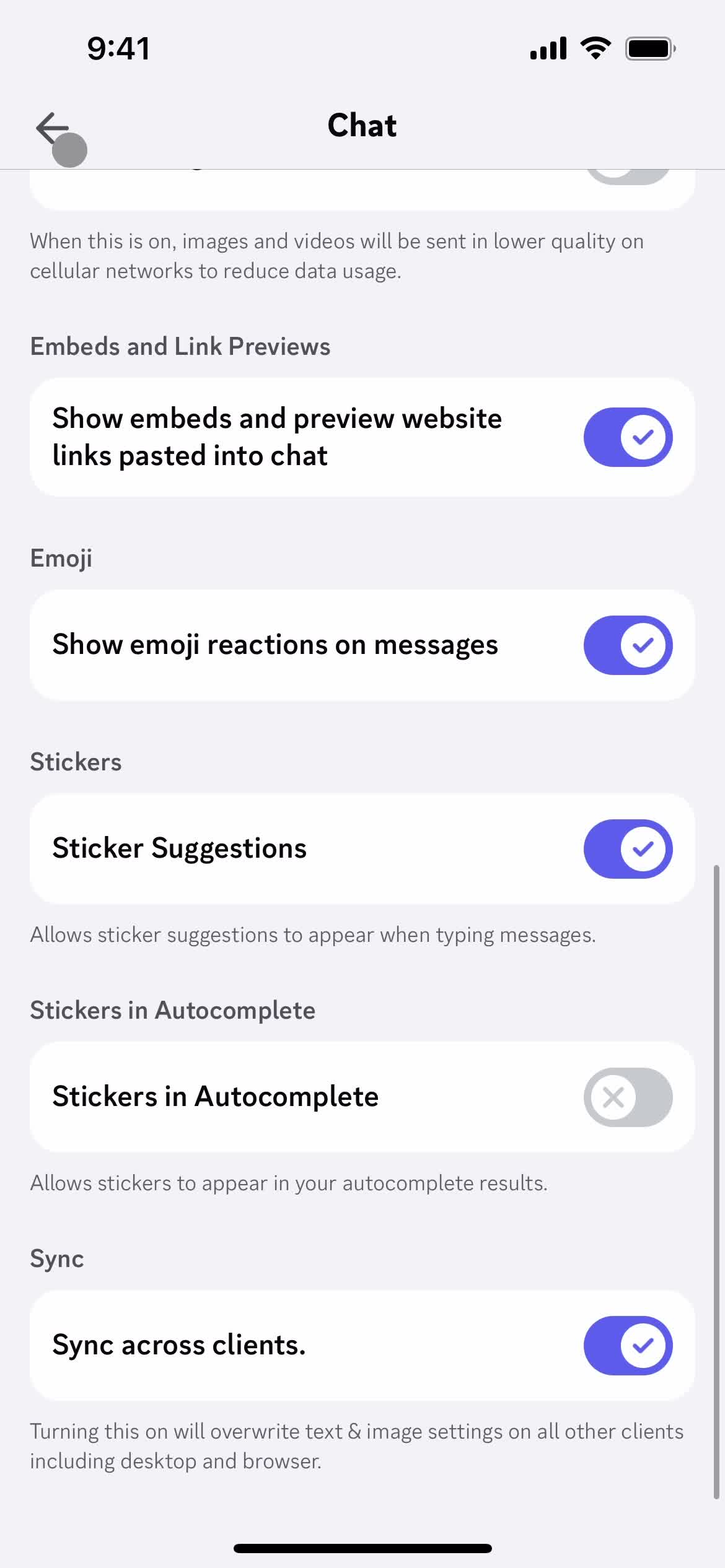
Chat settings
this is title
this is title
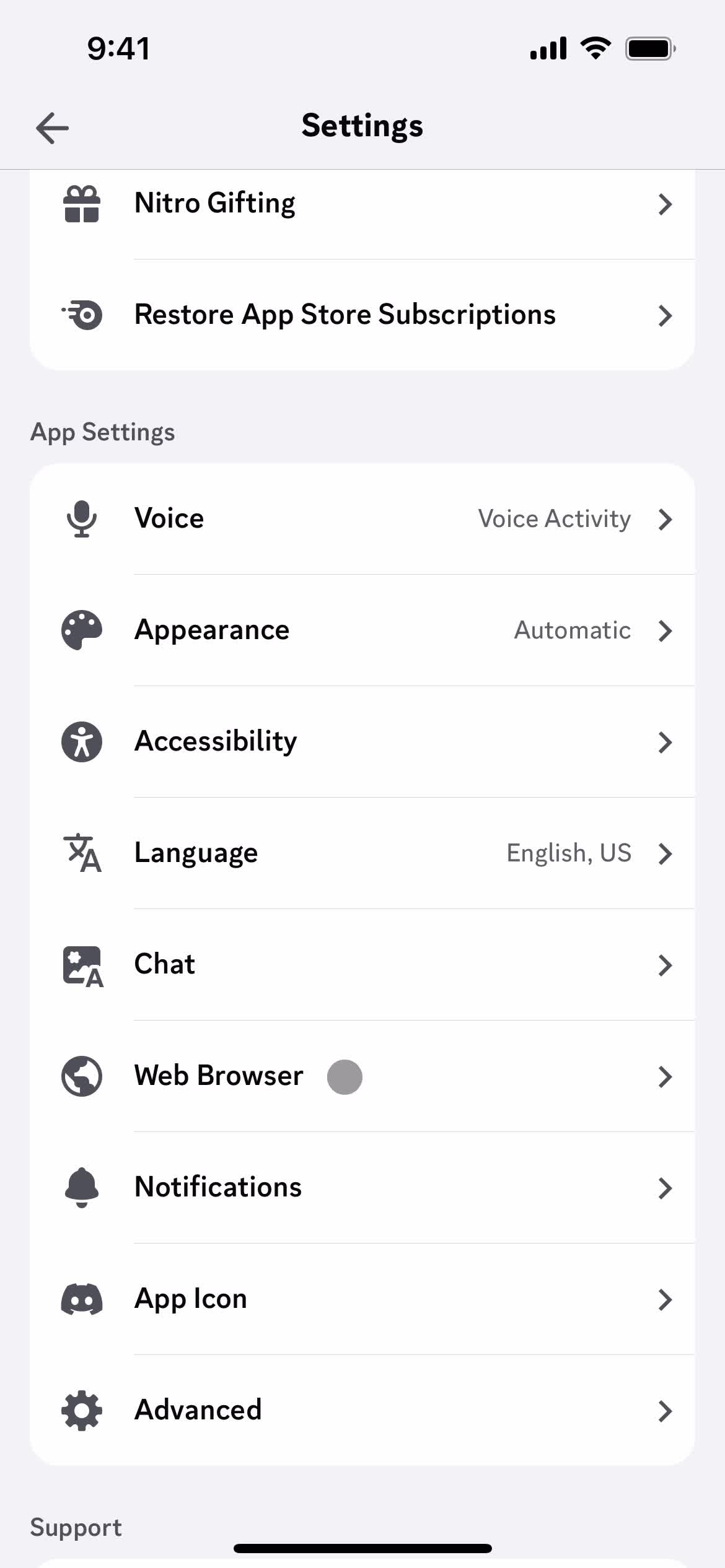
Settings
this is title
Select options
this is title
Settings
this is title
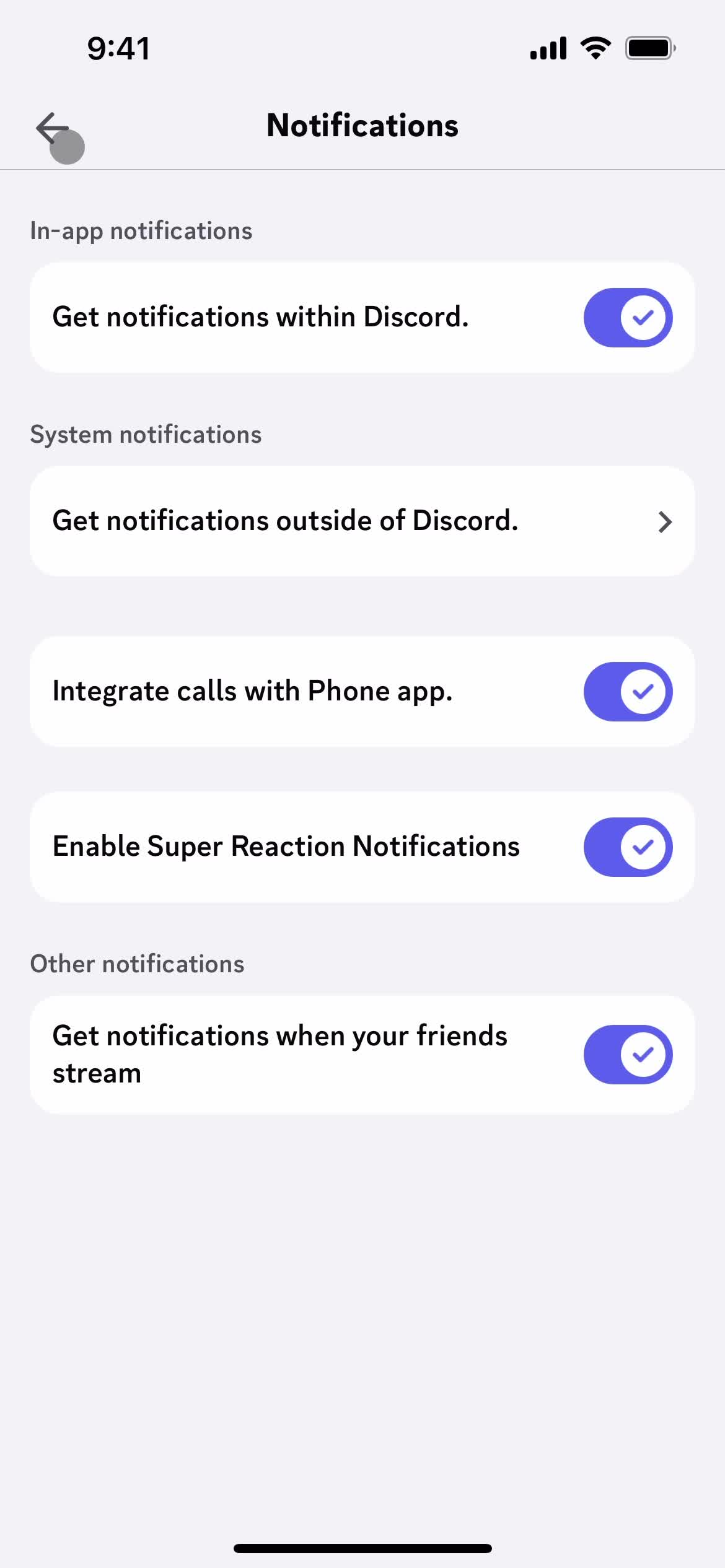
Notification settings
this is title
Settings
this is title
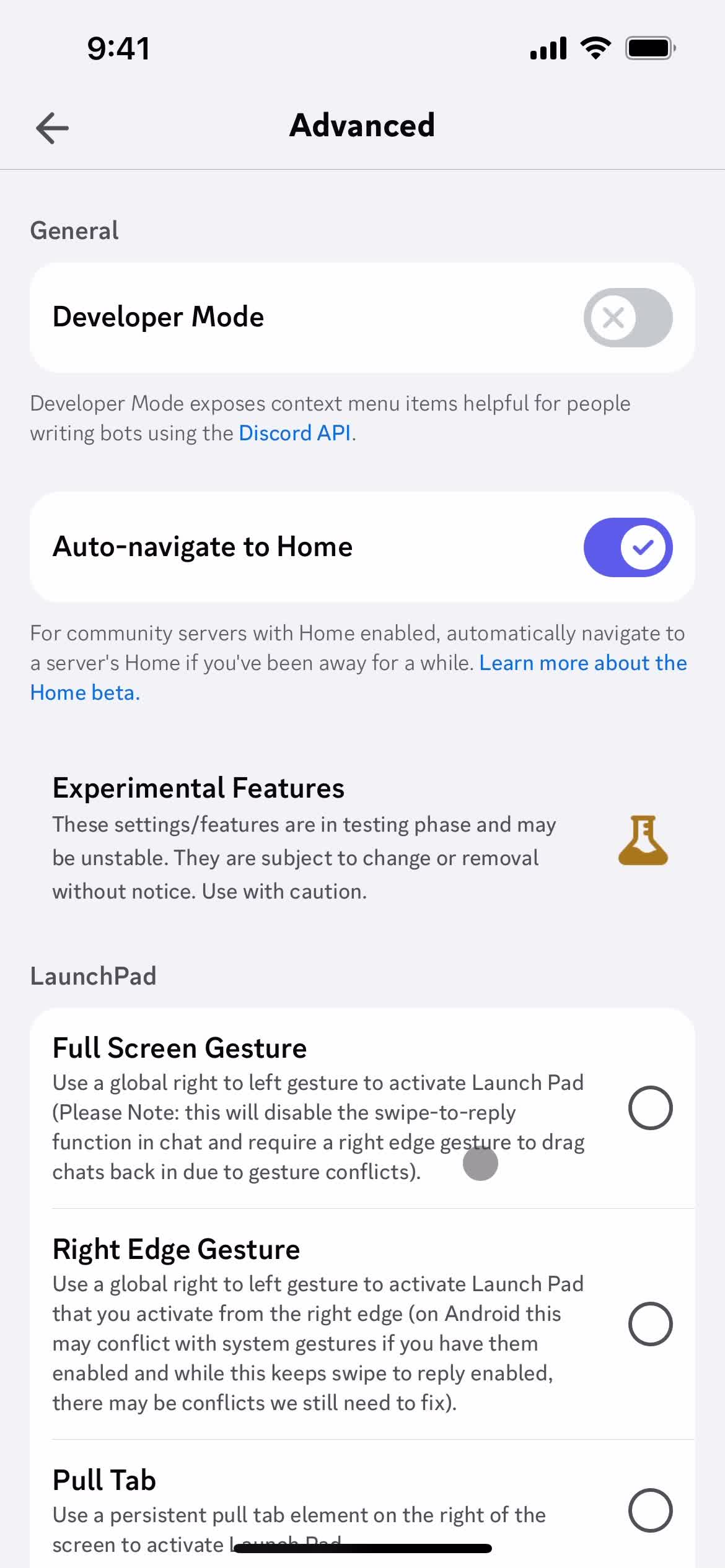
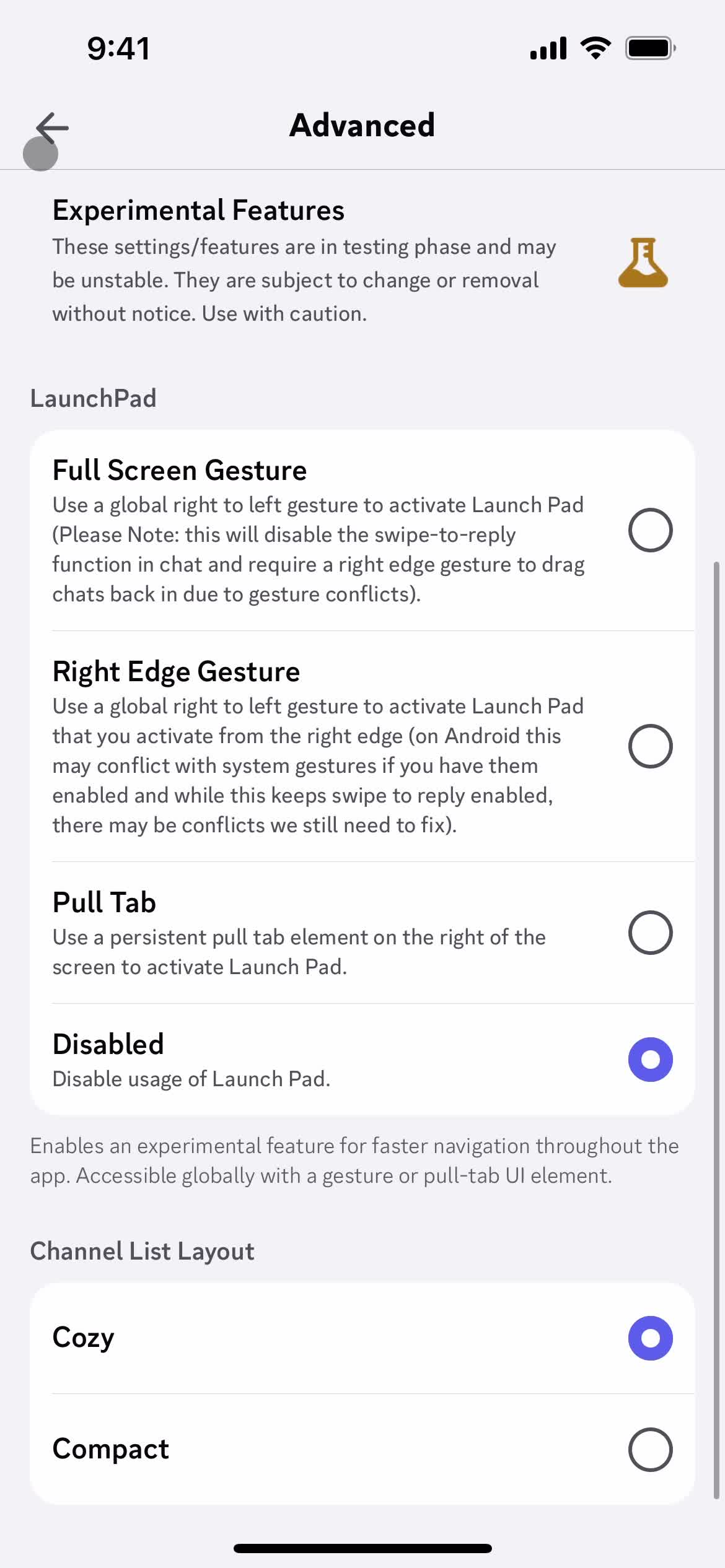
Advanced settings
this is title
this is title
Settings
this is title
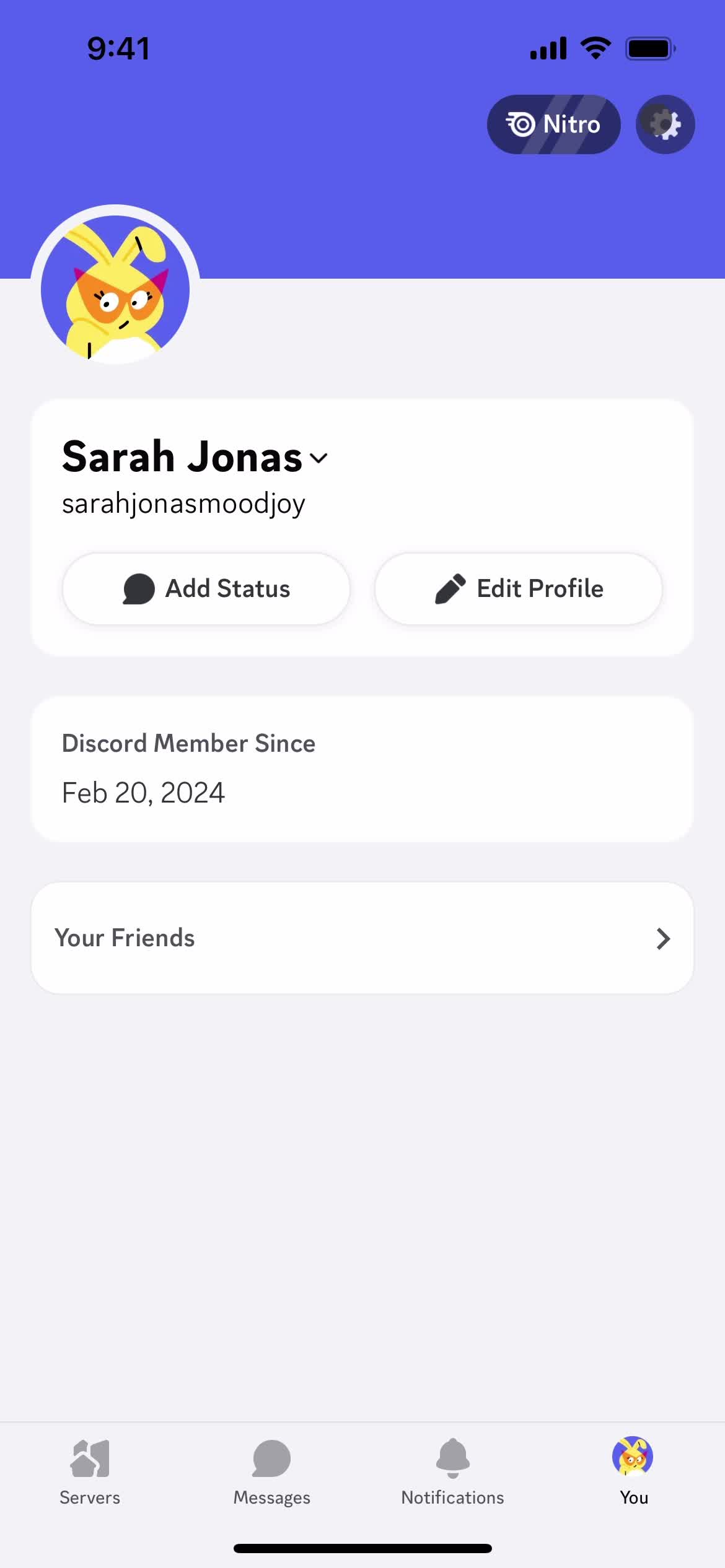
Account
this is title
Messages
this is title
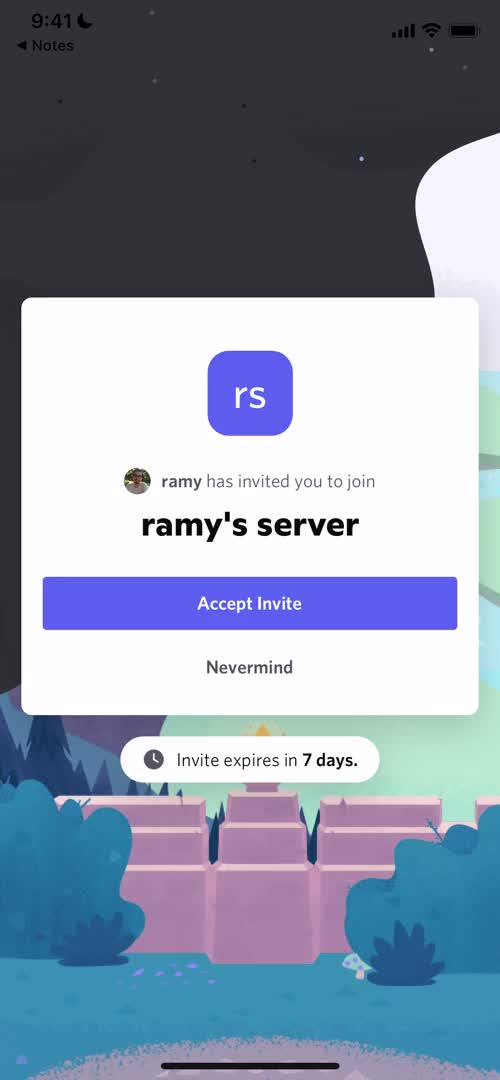
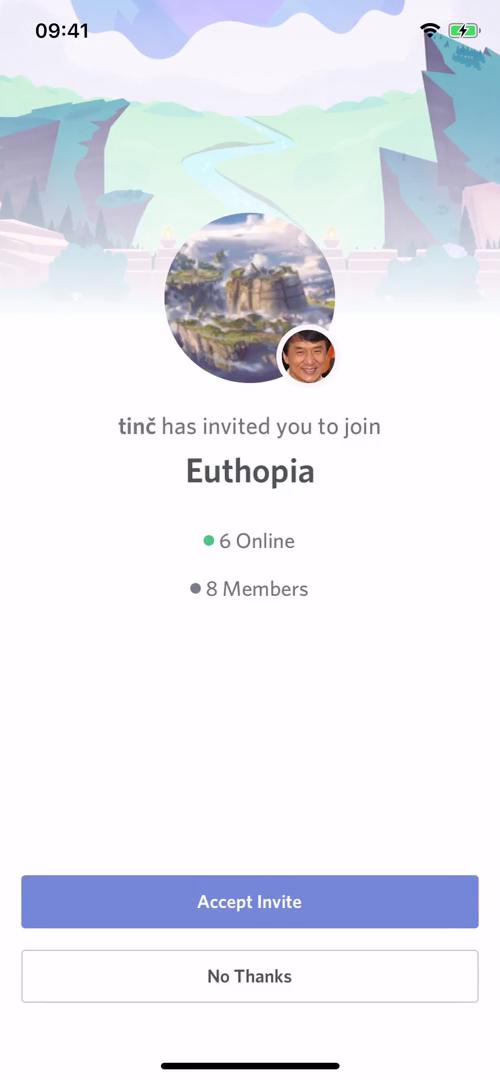
Accept invite
this is title
Request accepted
this is title
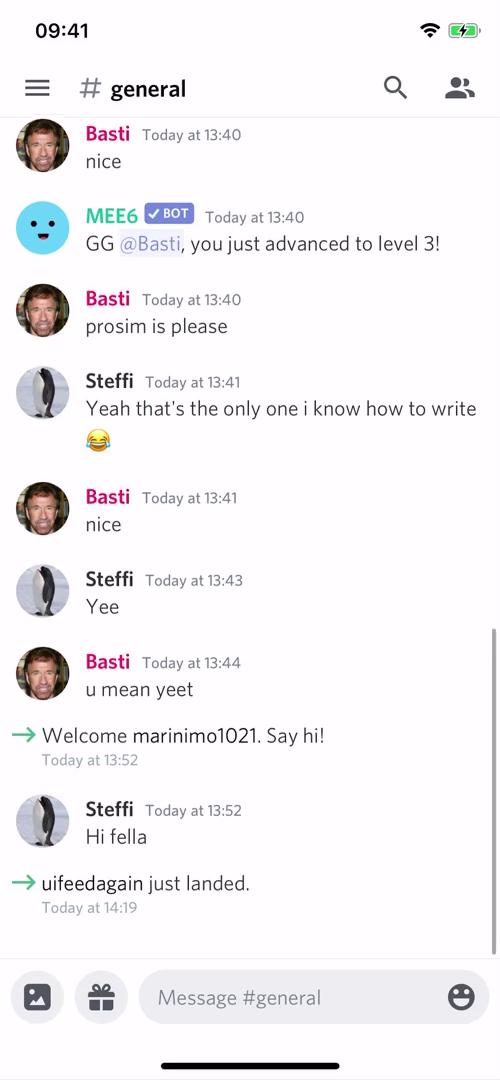
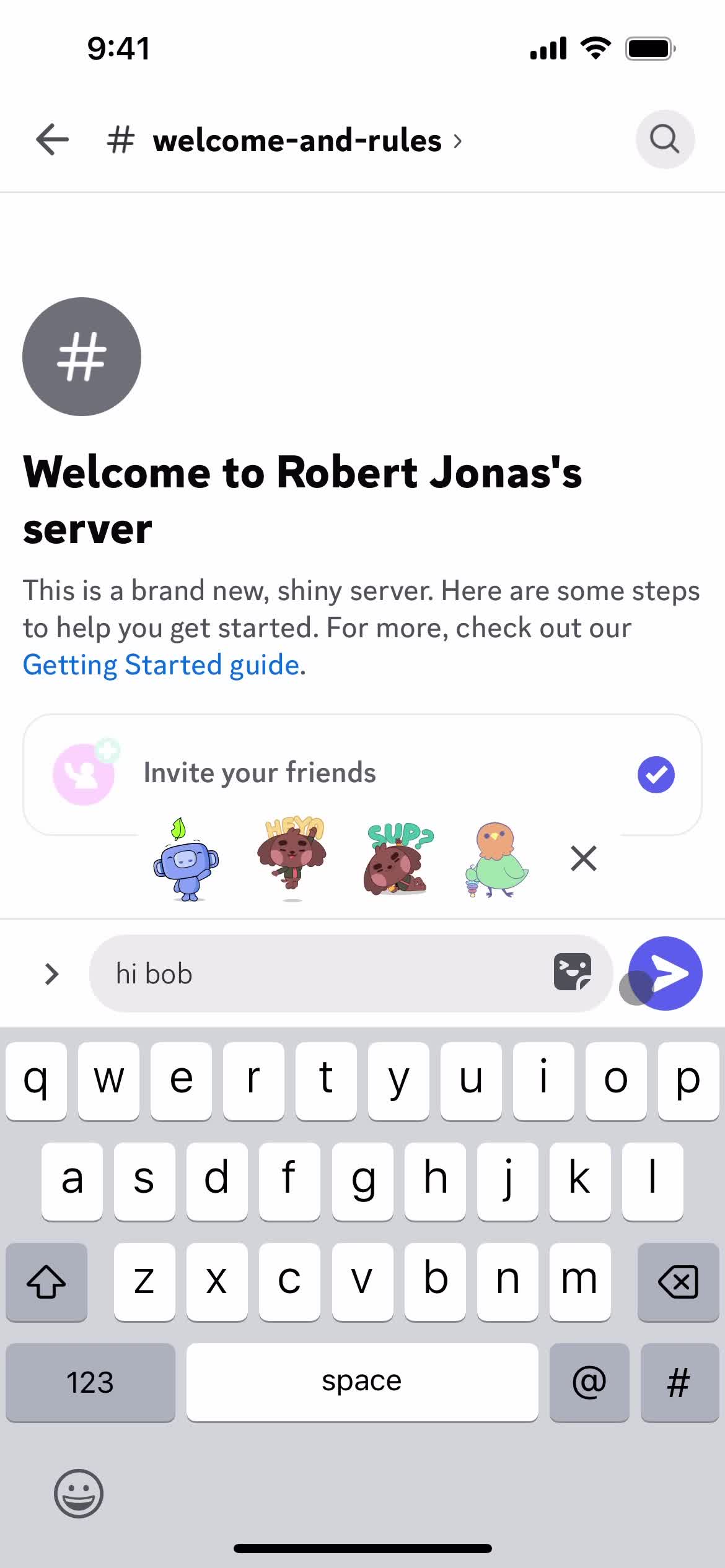
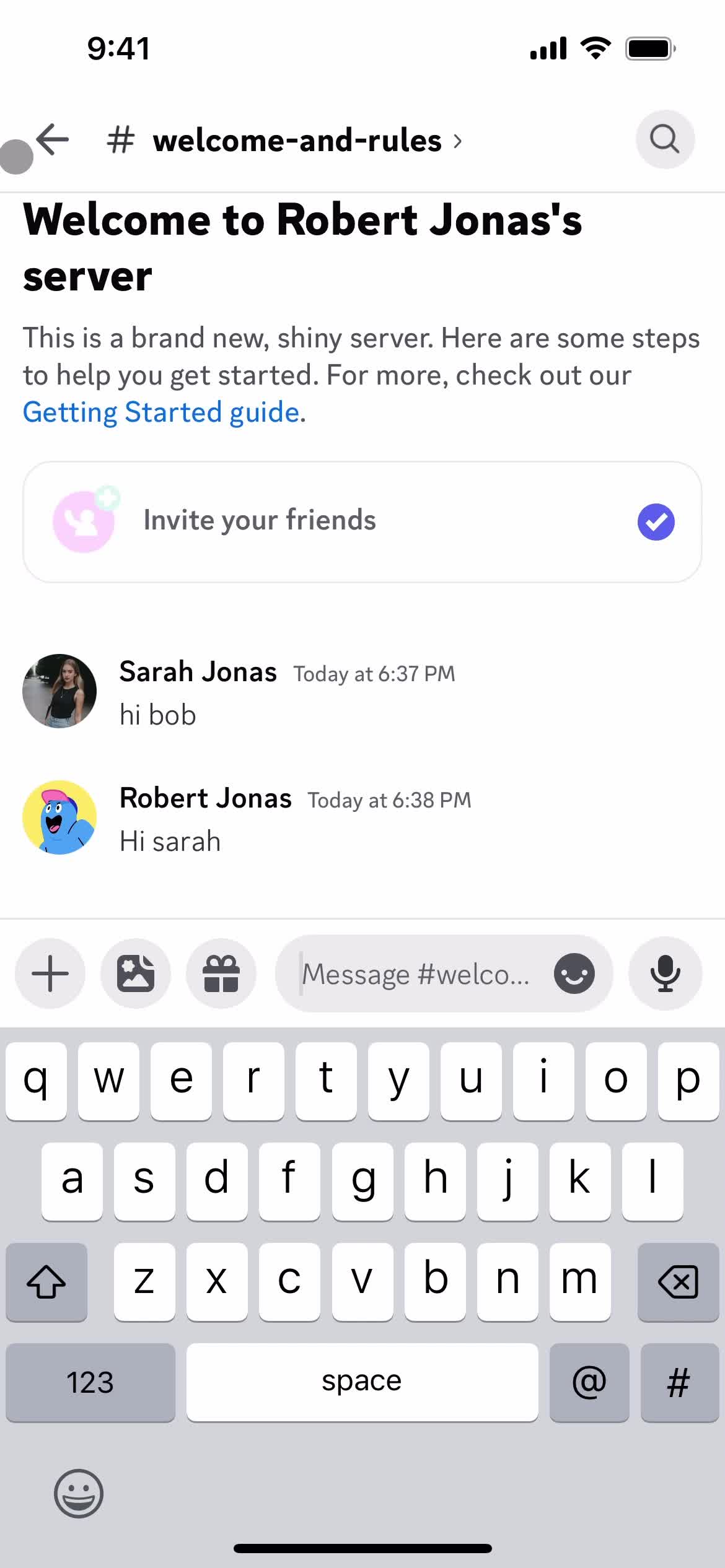
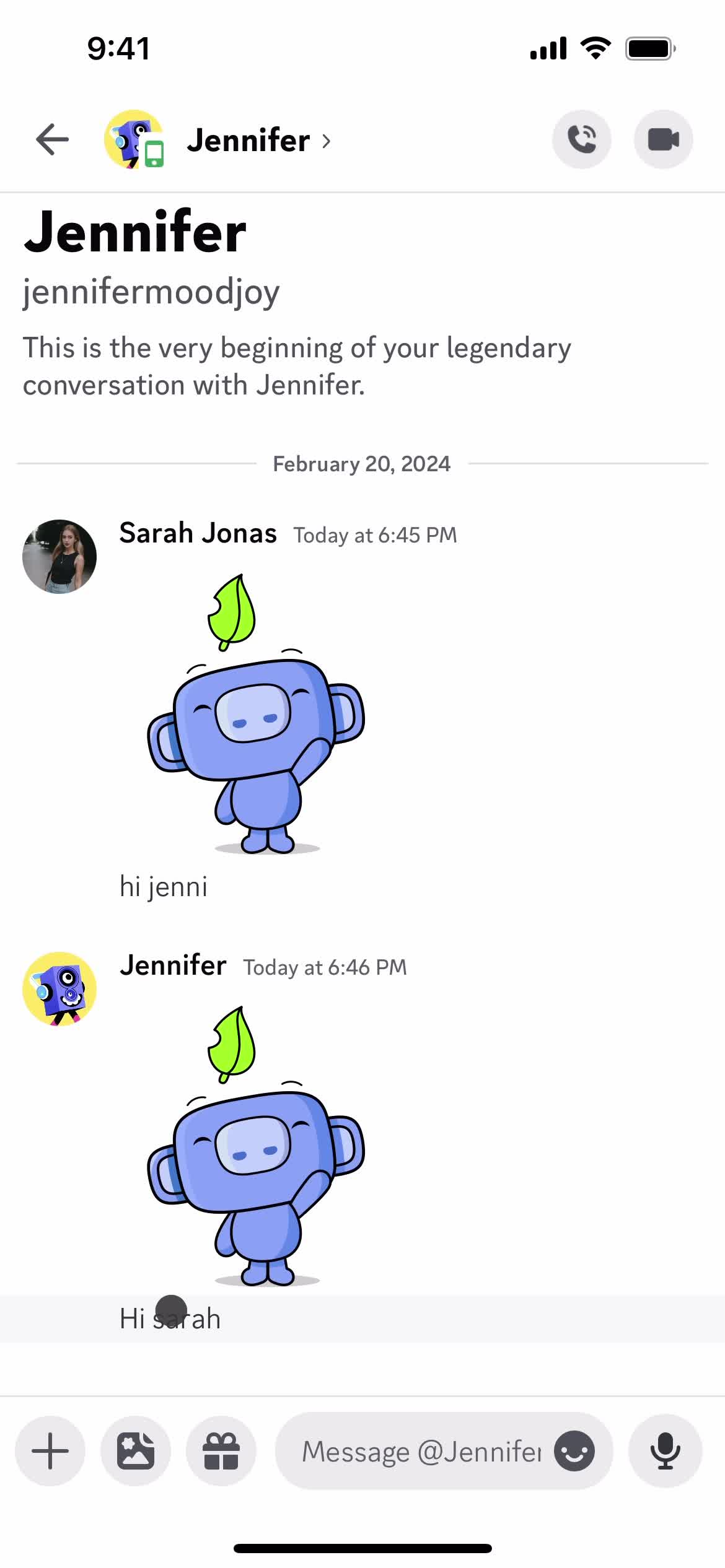
Chat thread
this is title
Add message
this is title
Send now
this is title
Chat thread
this is title
Notifications
this is title
Accept invite
this is title
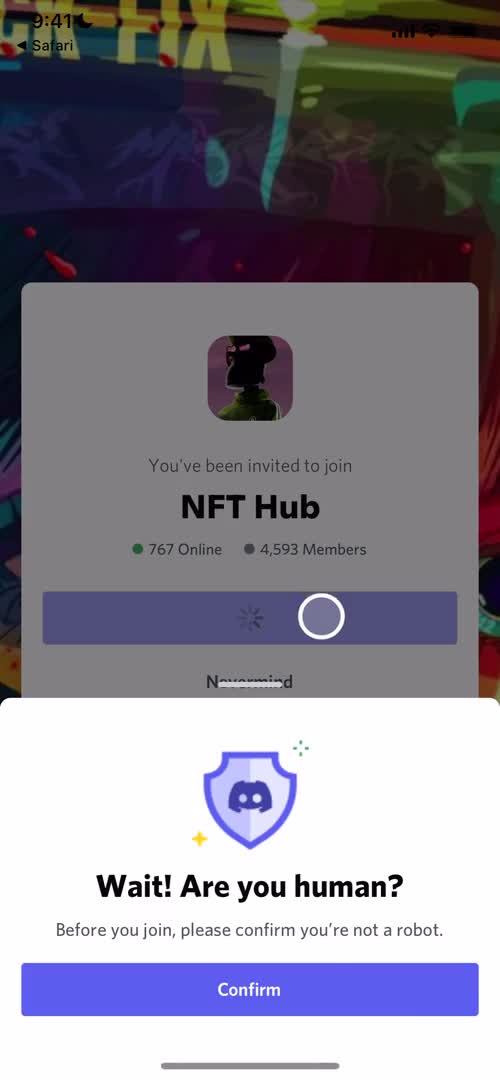
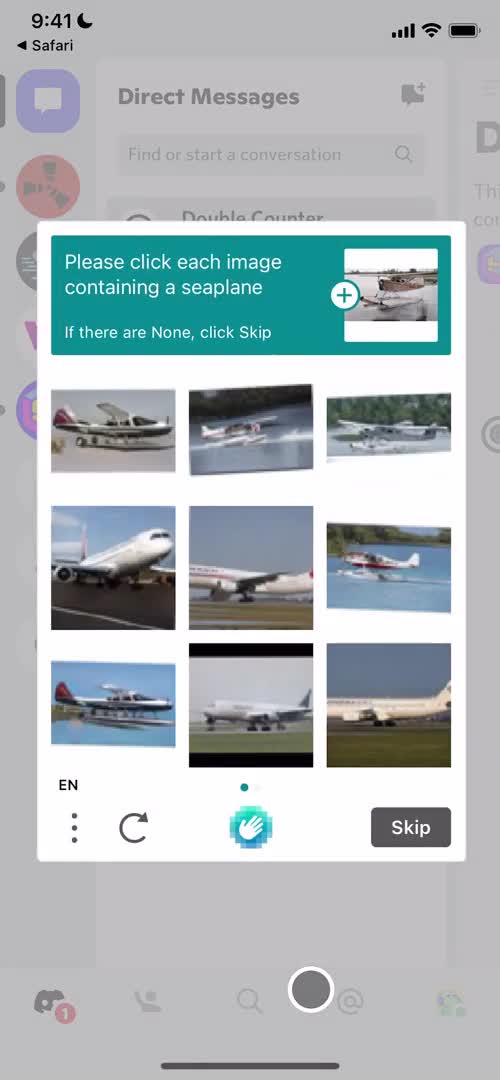
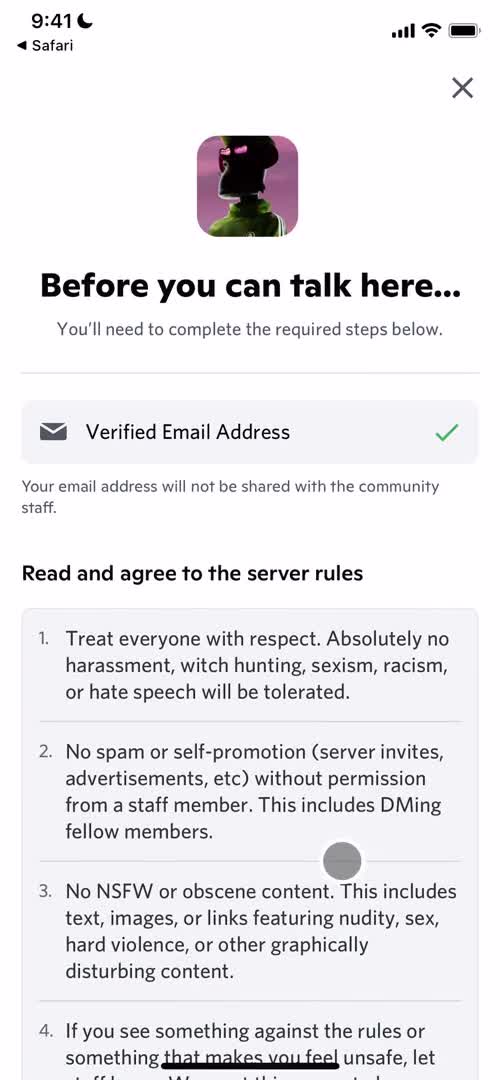
Confirm you're human
this is title
Confirm you're human
this is title
Community
this is title
Confirm you're human
this is title
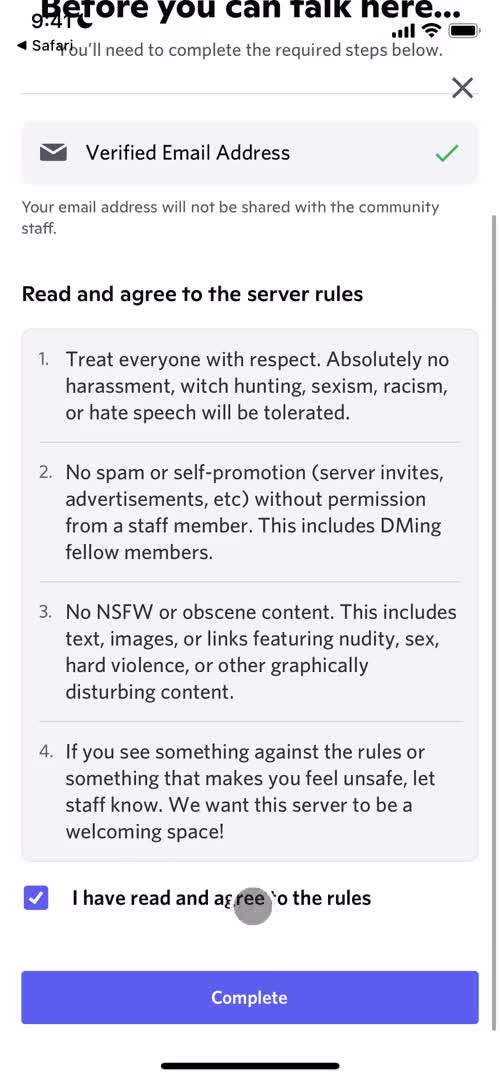
Agree to terms
this is title
Agree to terms
this is title
Confirm you're human
this is title
Confirm you're human
this is title
Community
this is title
Channel
this is title
Community
this is title
Direct messages
this is title
Notification
this is title
Invite message
this is title
Confirm you're human
this is title
Invite message
this is title
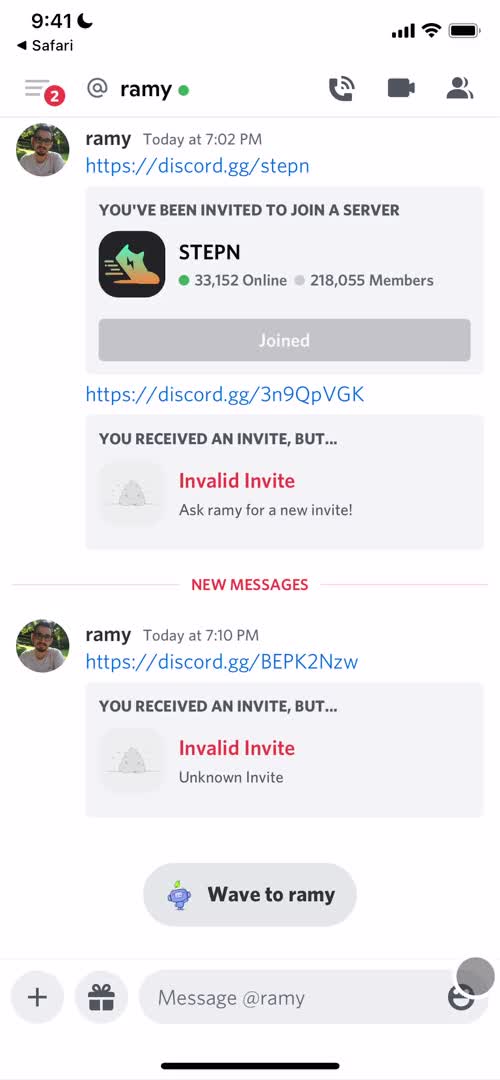
Invalid invite
this is title
Direct messages
this is title
Accept invite
this is title
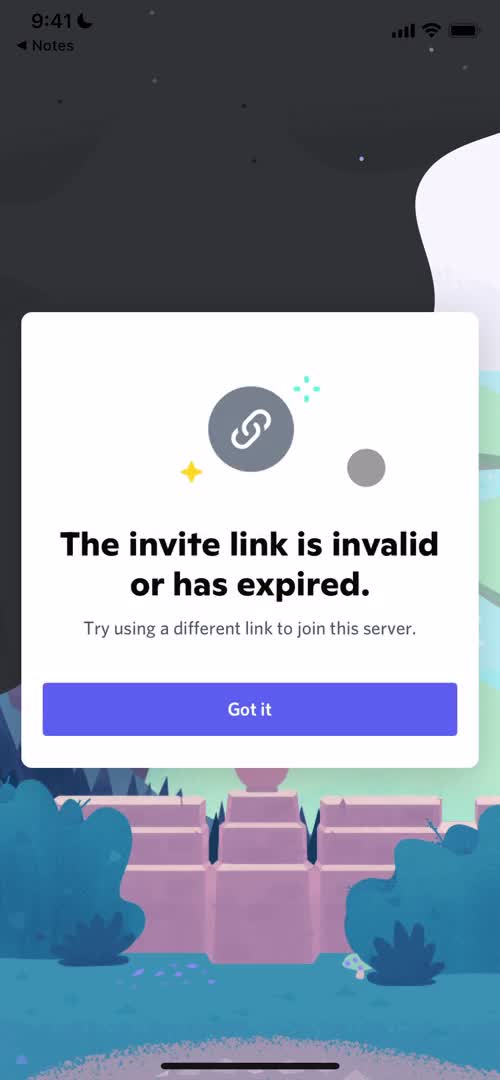
Invalid invite
this is title
Direct messages
this is title
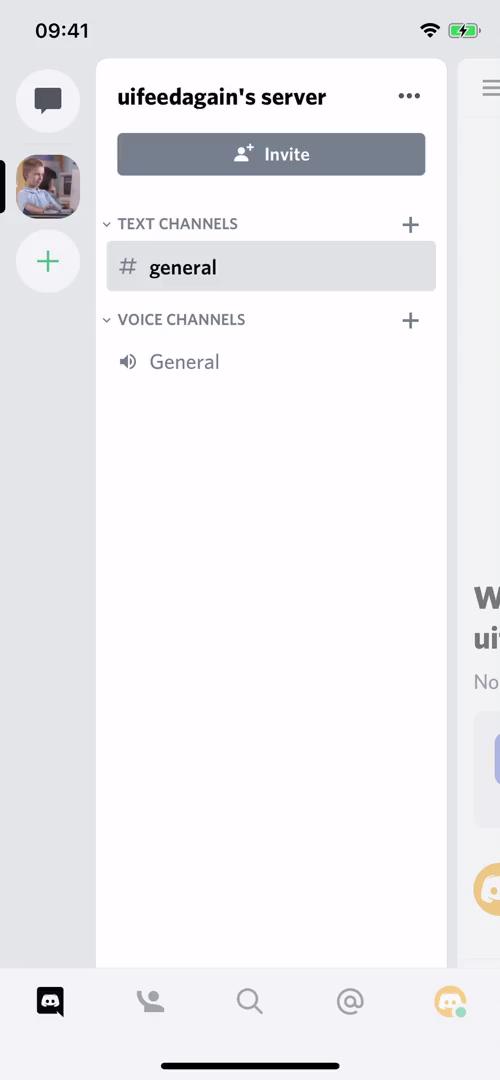
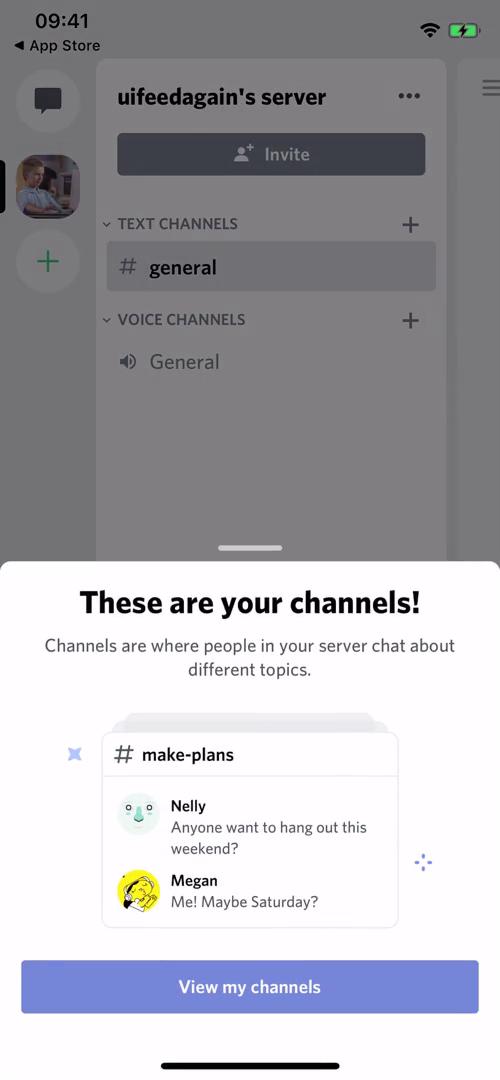
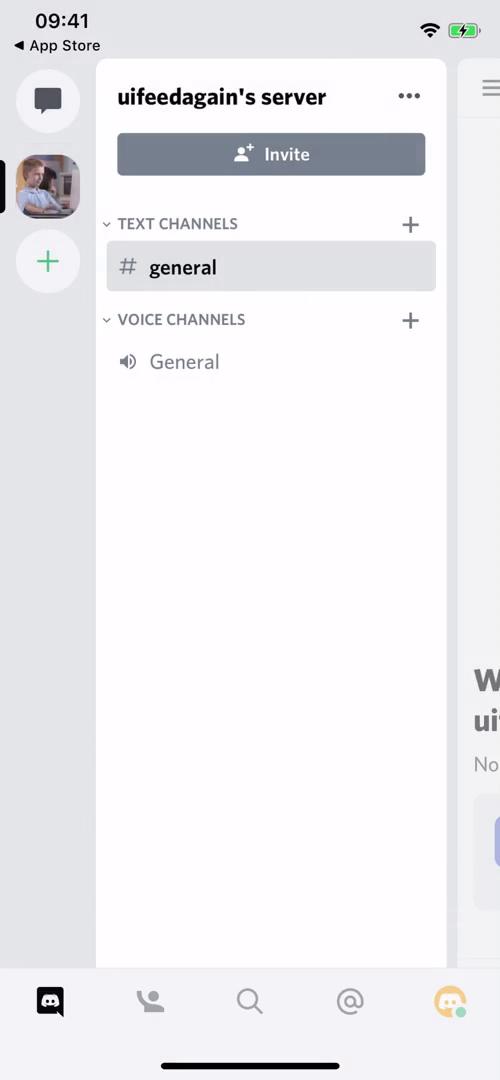
Channels
this is title
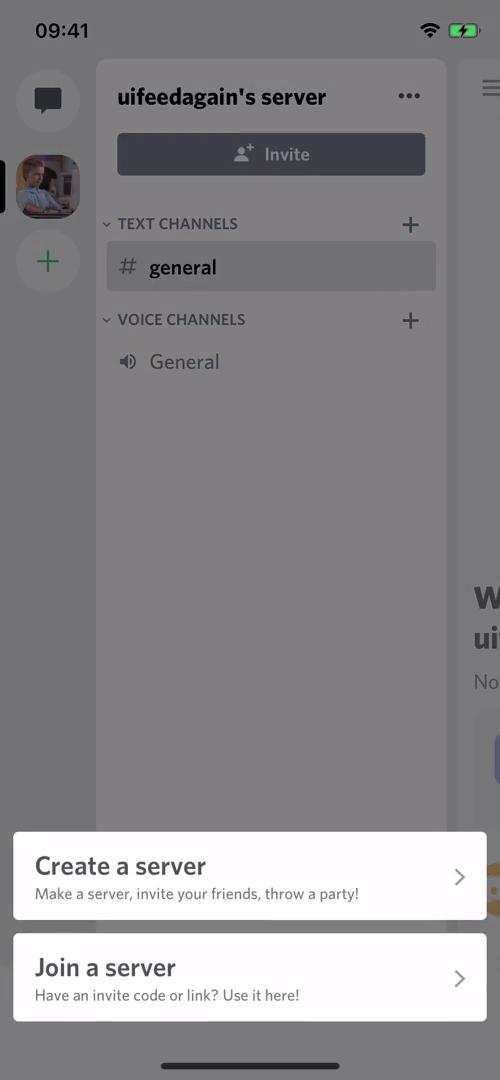
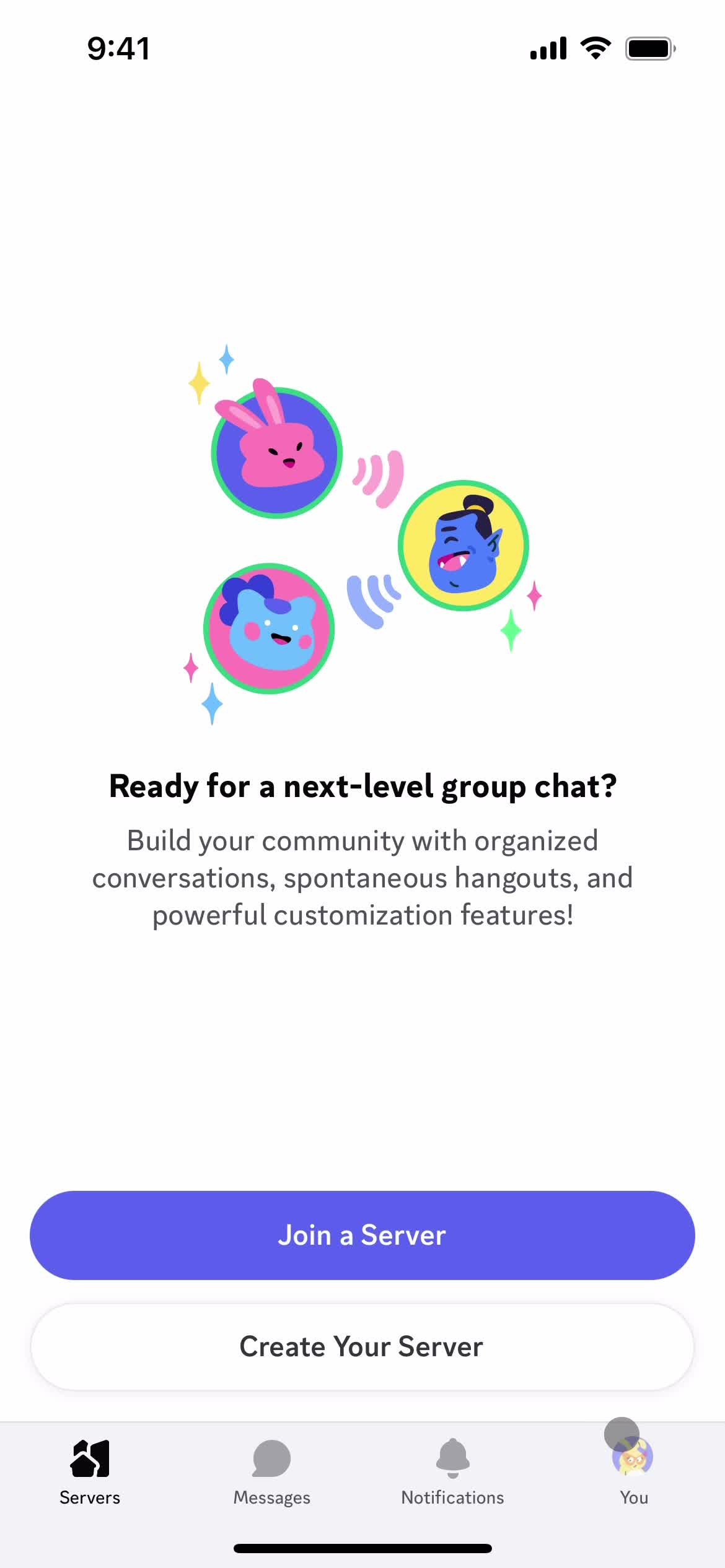
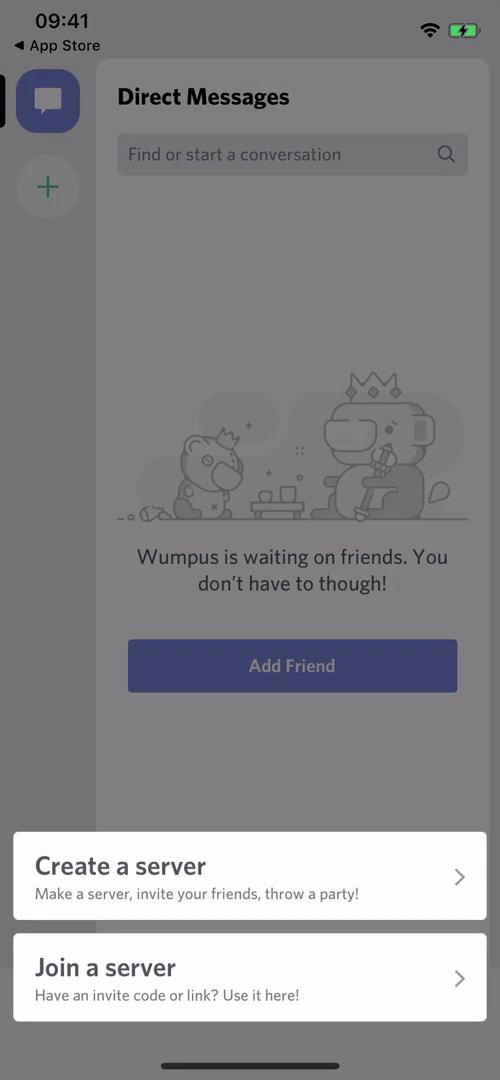
Create or join server
this is title
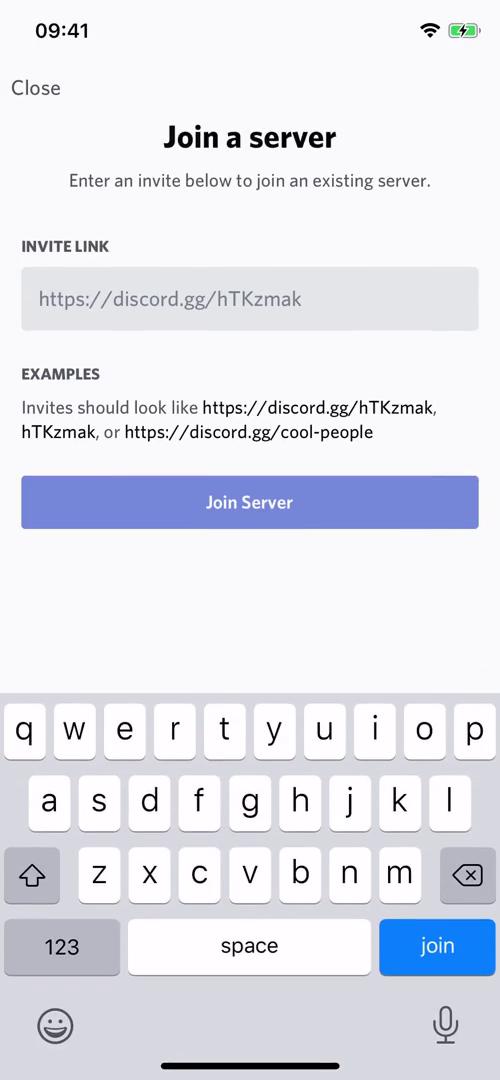
Join a server
this is title
Accept invite
this is title
Channel
this is title
Messages
this is title
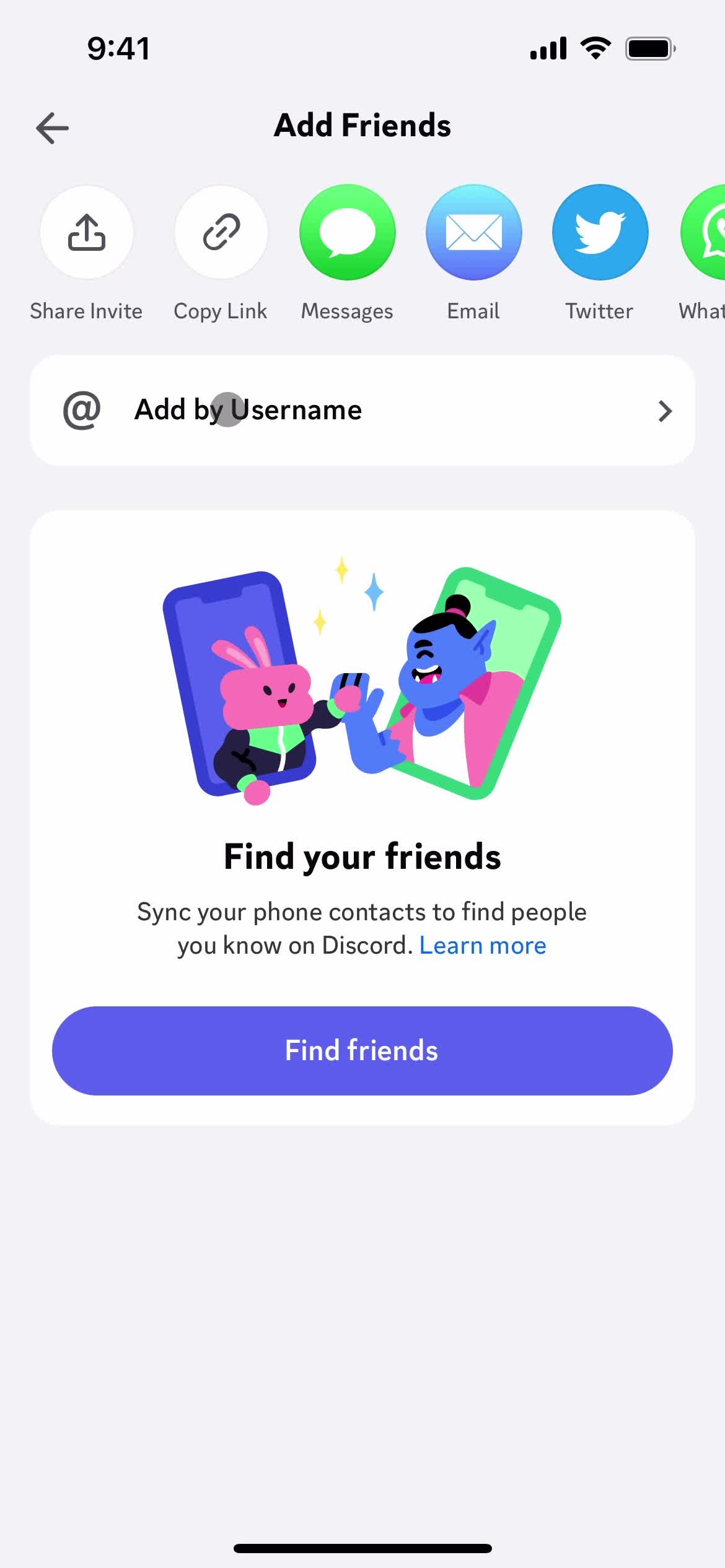
Add friends
this is title
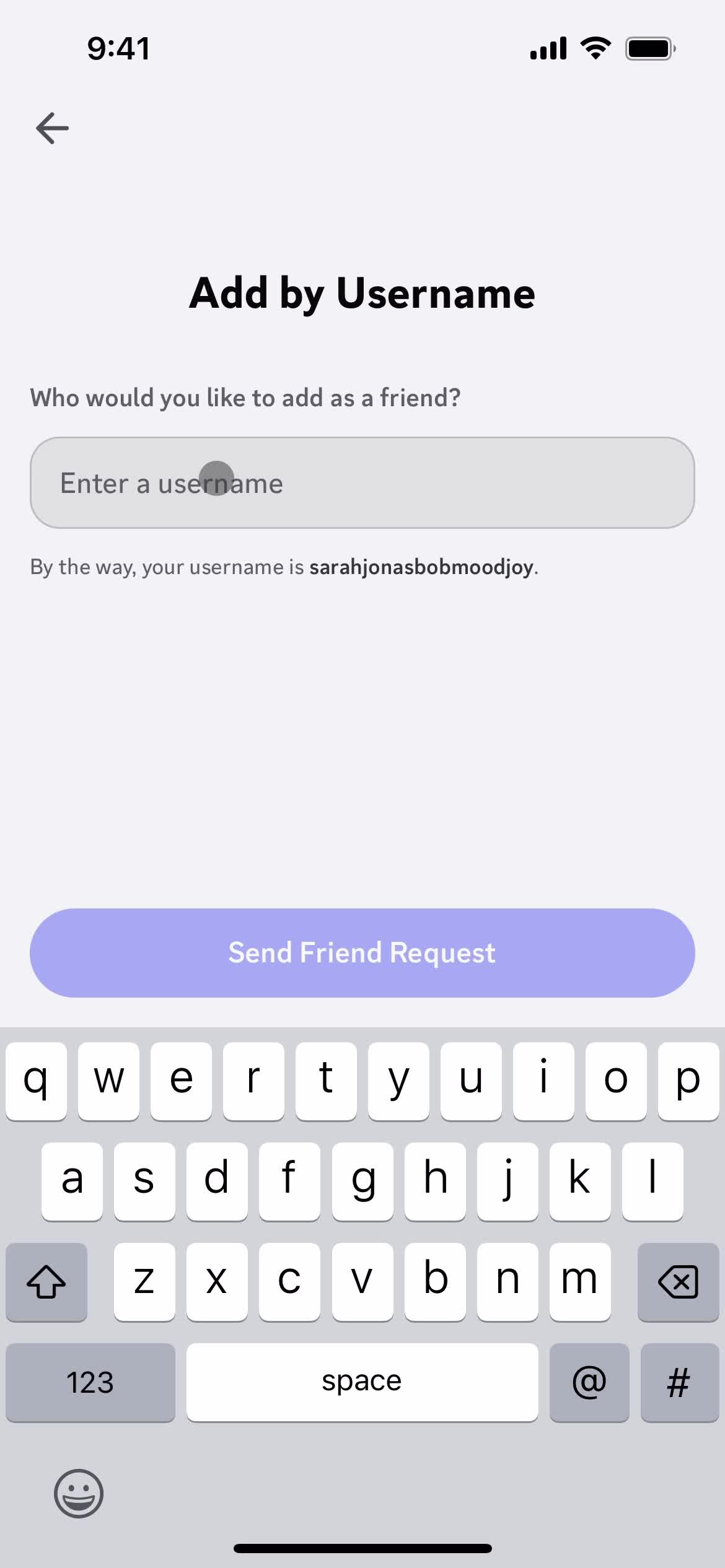
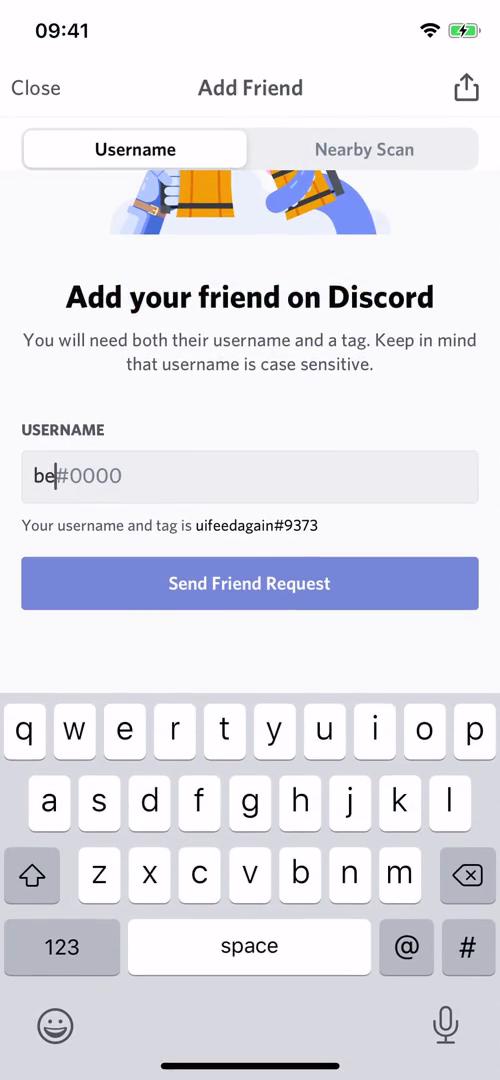
Enter username
this is title
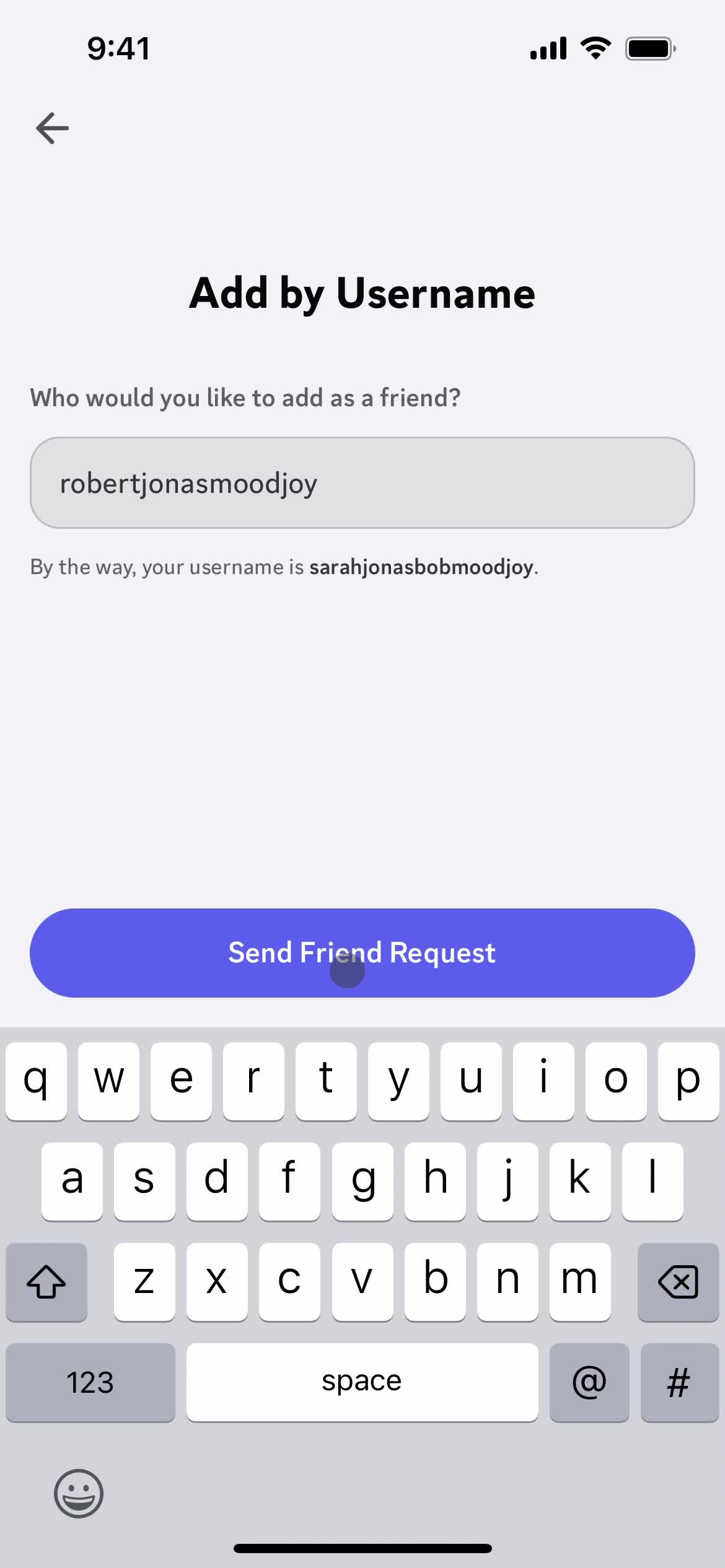
Send request
this is title
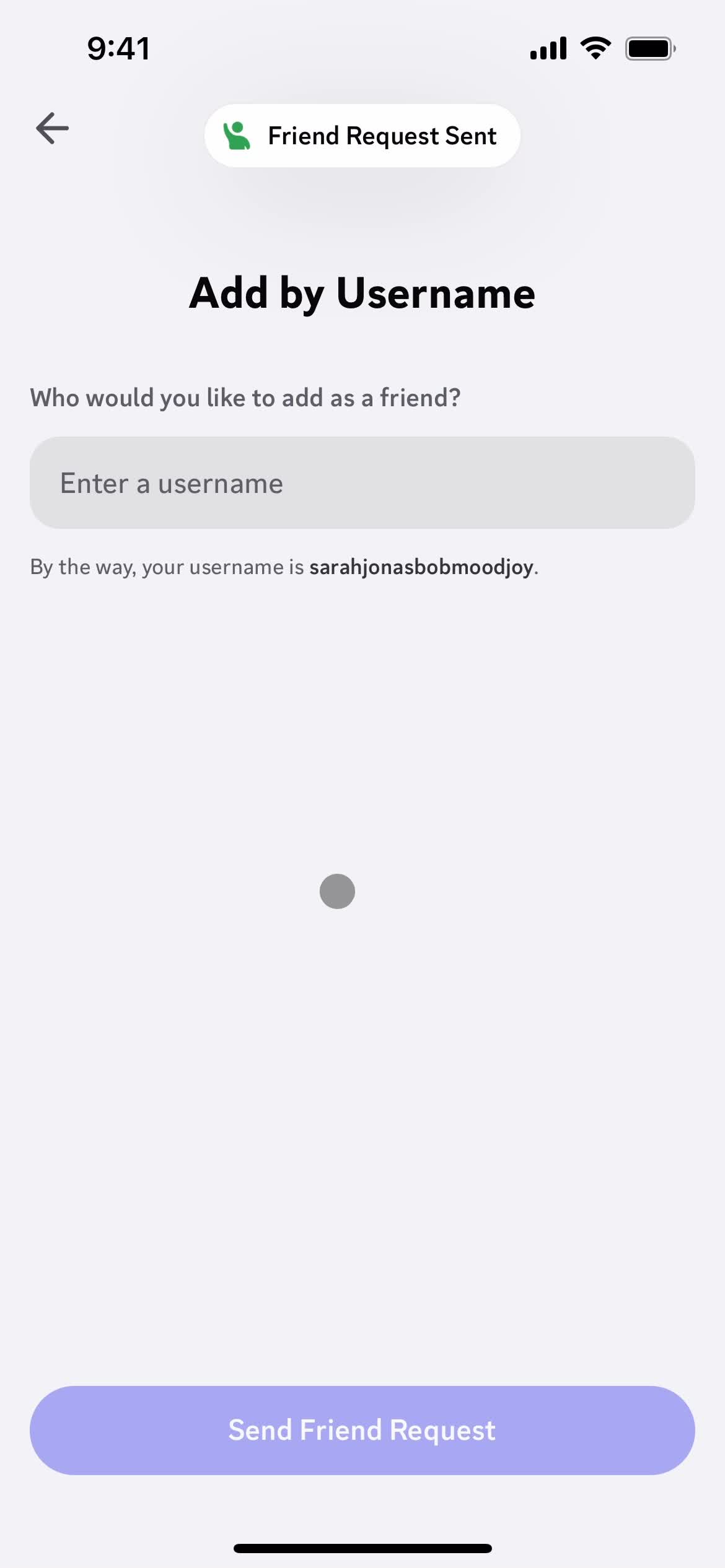
Request sent
this is title
this is title
Add friends
this is title
Messages
this is title
Chat
this is title
this is title
Messages
this is title
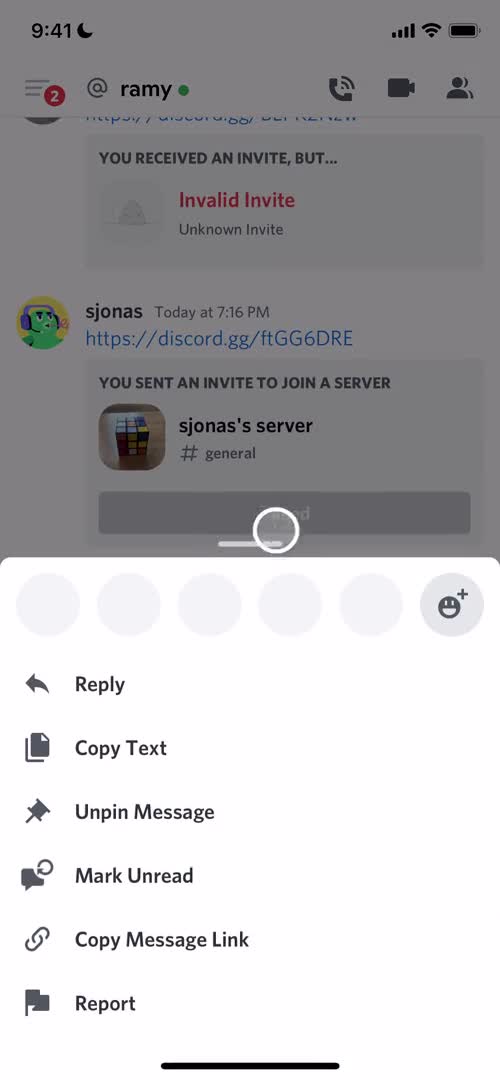
Action menu
this is title
Messages
this is title
Action menu
this is title
Removed from list
this is title
Messages
this is title
Action menu
this is title
Profile
this is title
Block user
this is title
Profile
this is title
Action menu
this is title
Messages
this is title
Profile
this is title
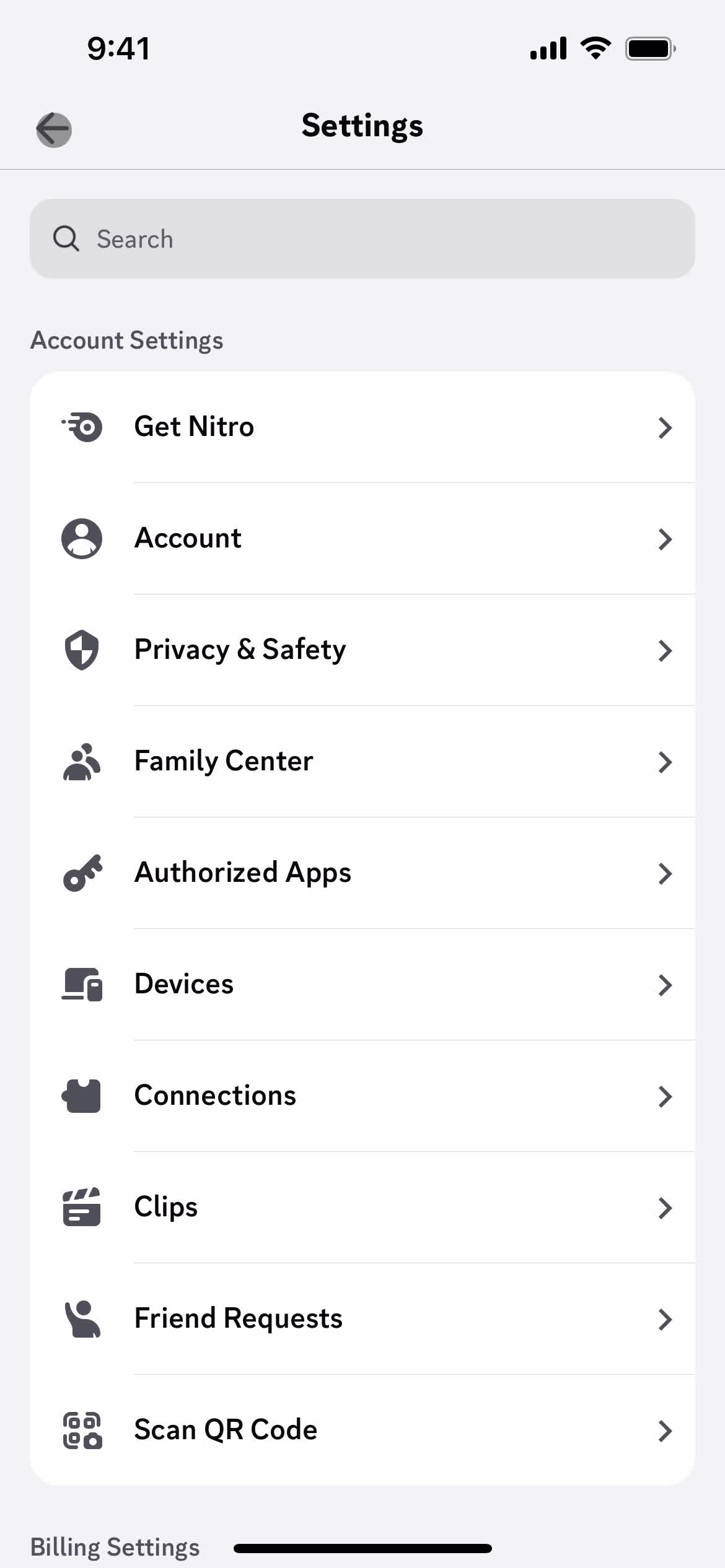
Settings
this is title
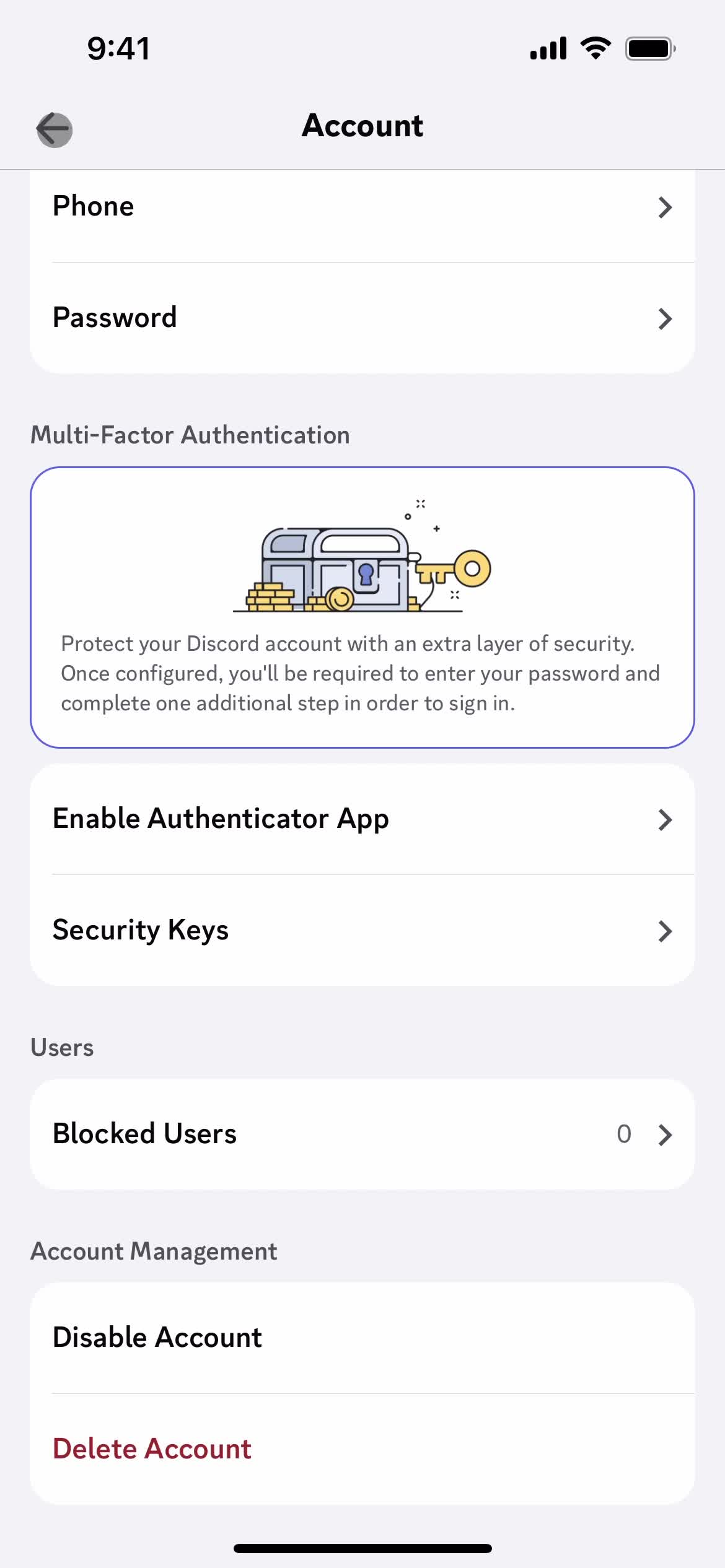
Account settings
this is title
this is title
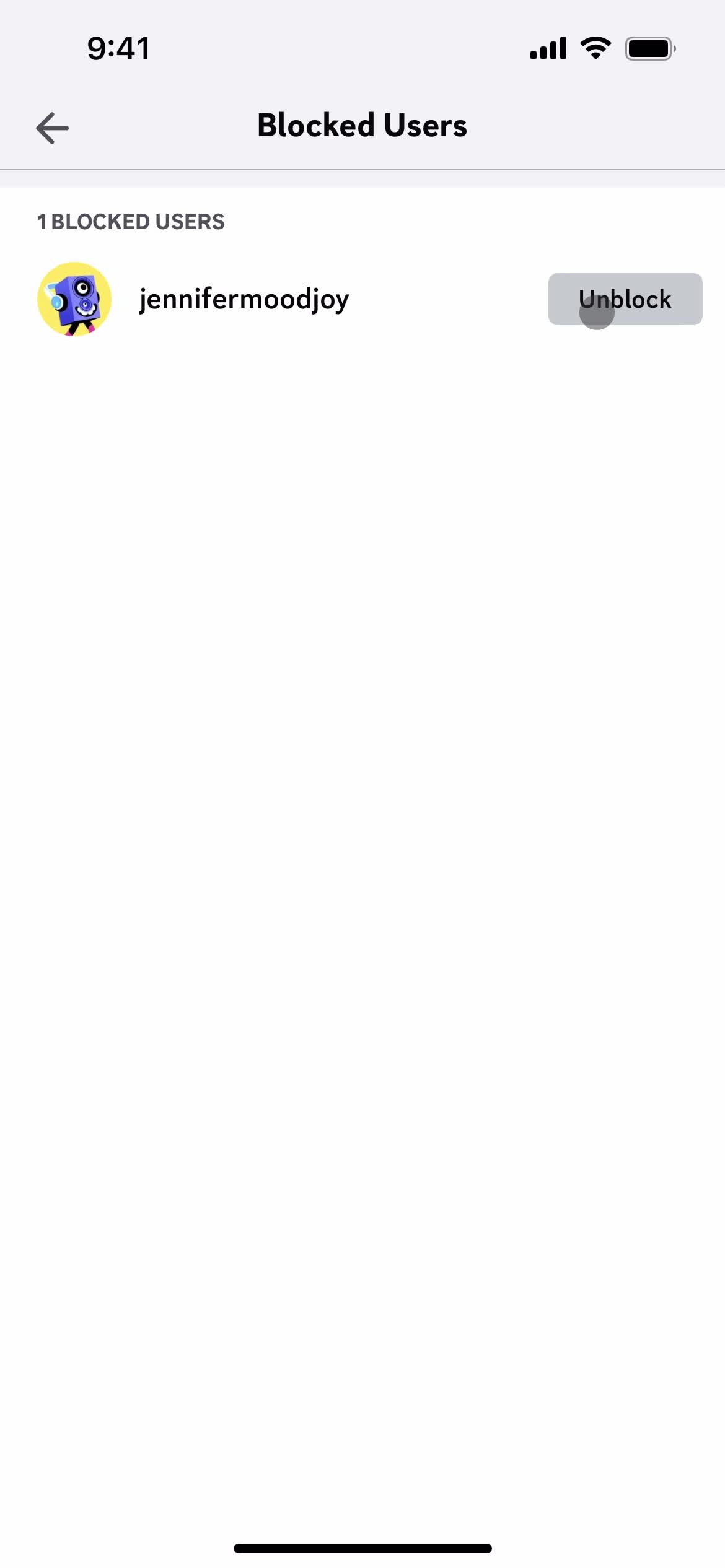
Blocked users
this is title
Blocked users
this is title
Account settings
this is title
Settings
this is title
Account
this is title
Direct messages
this is title
Chat
this is title
Chat
this is title
Action menu
this is title
Reply to message
this is title
Action menu
this is title
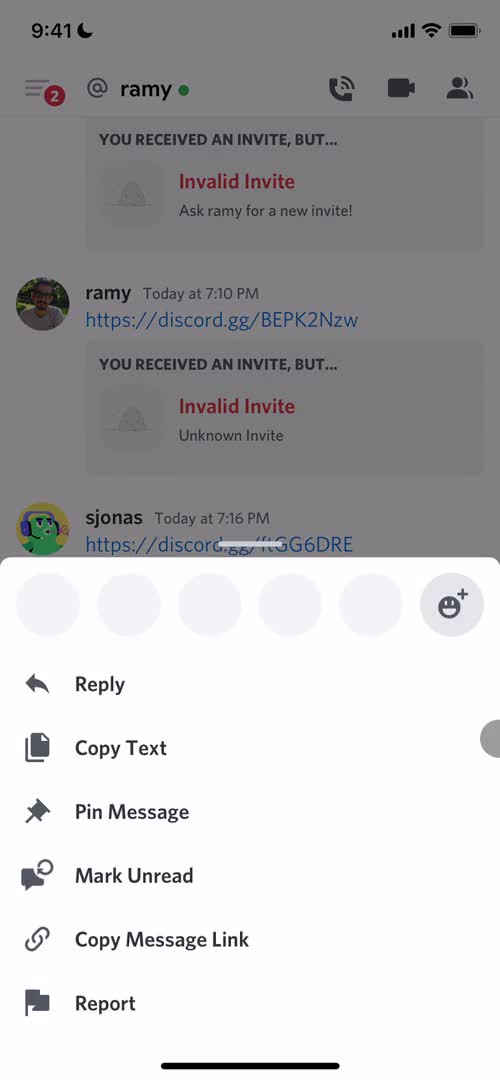
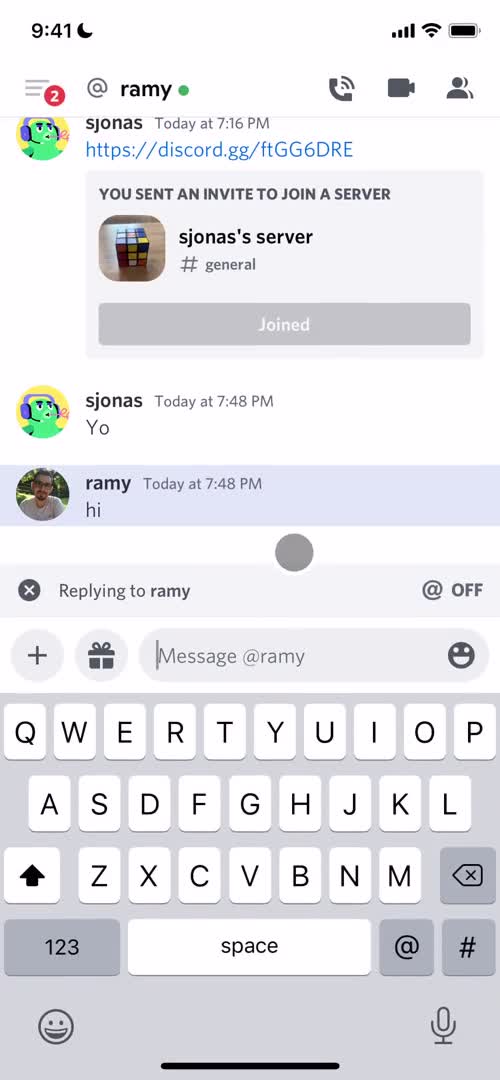
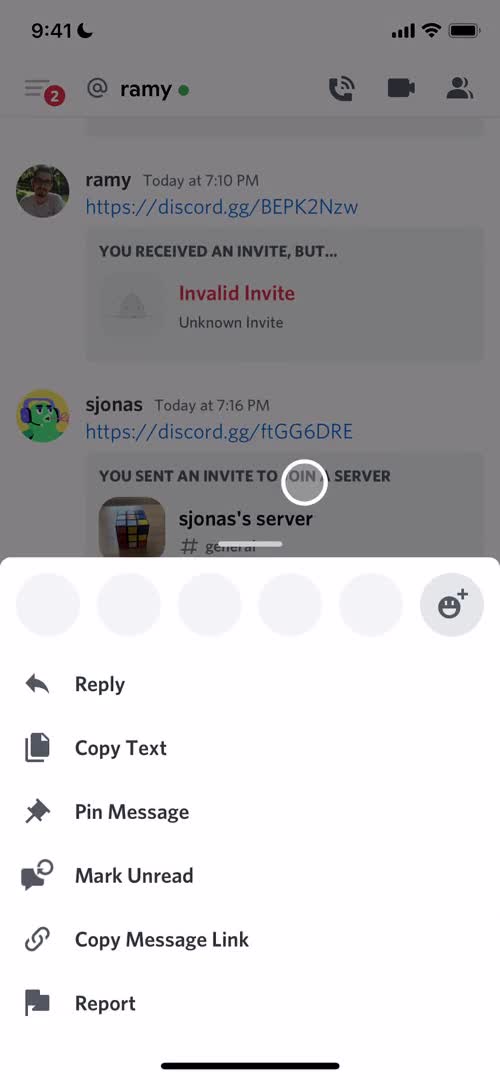
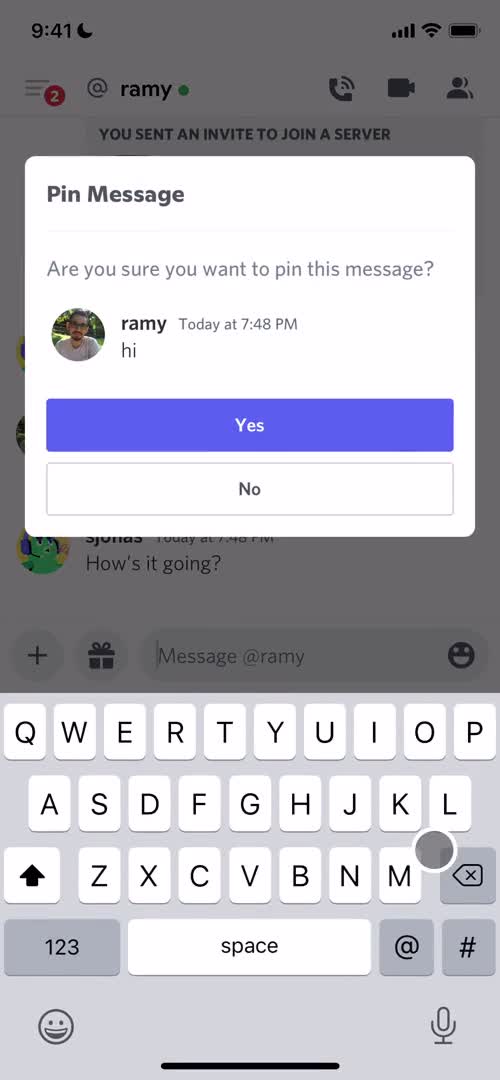
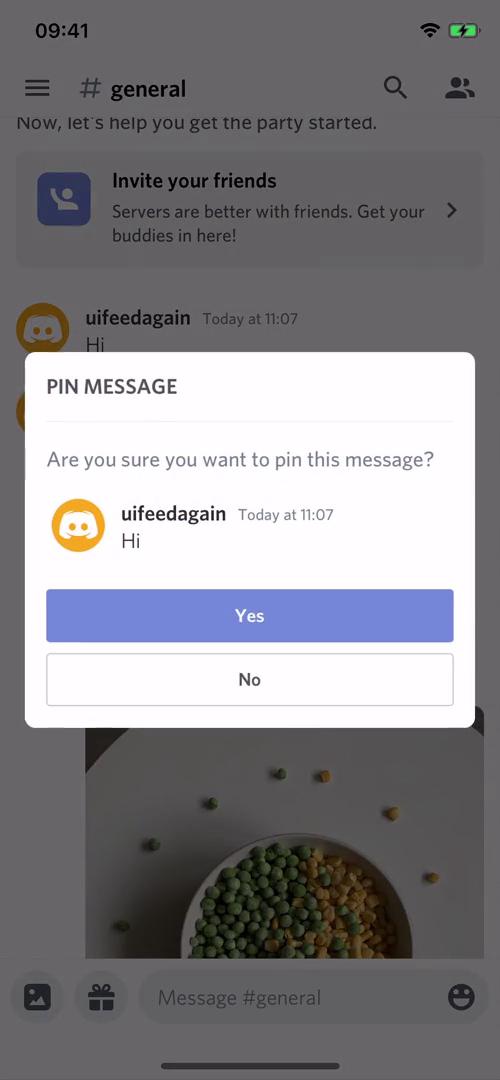
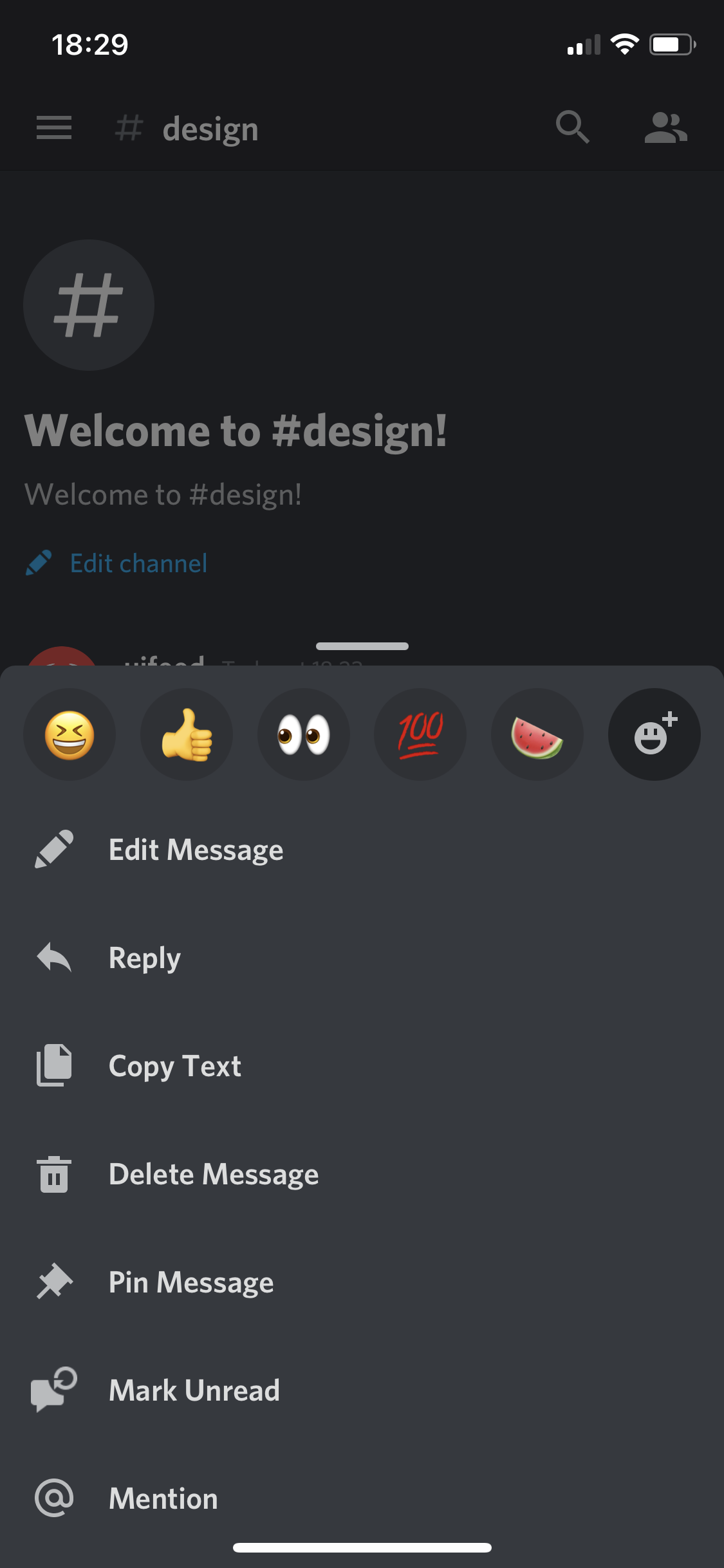
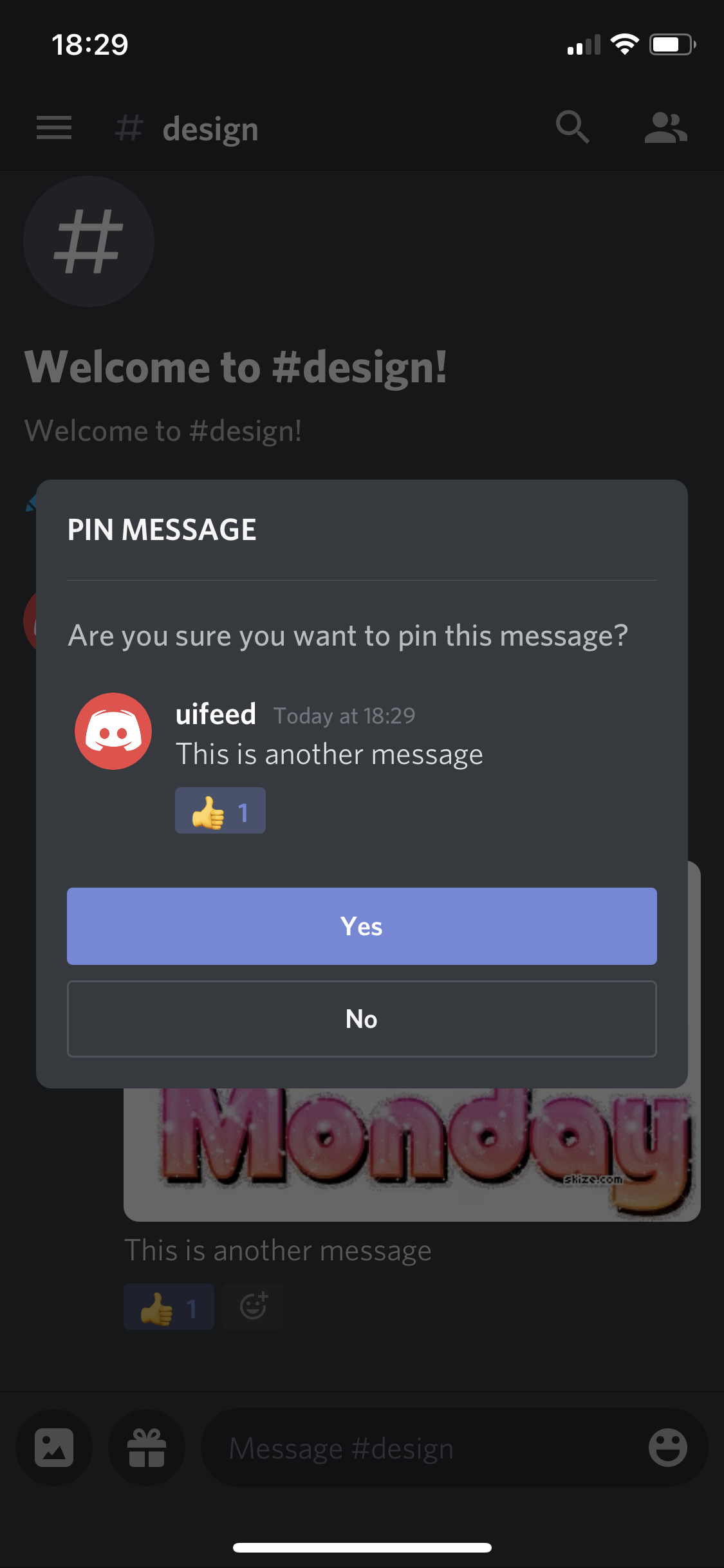
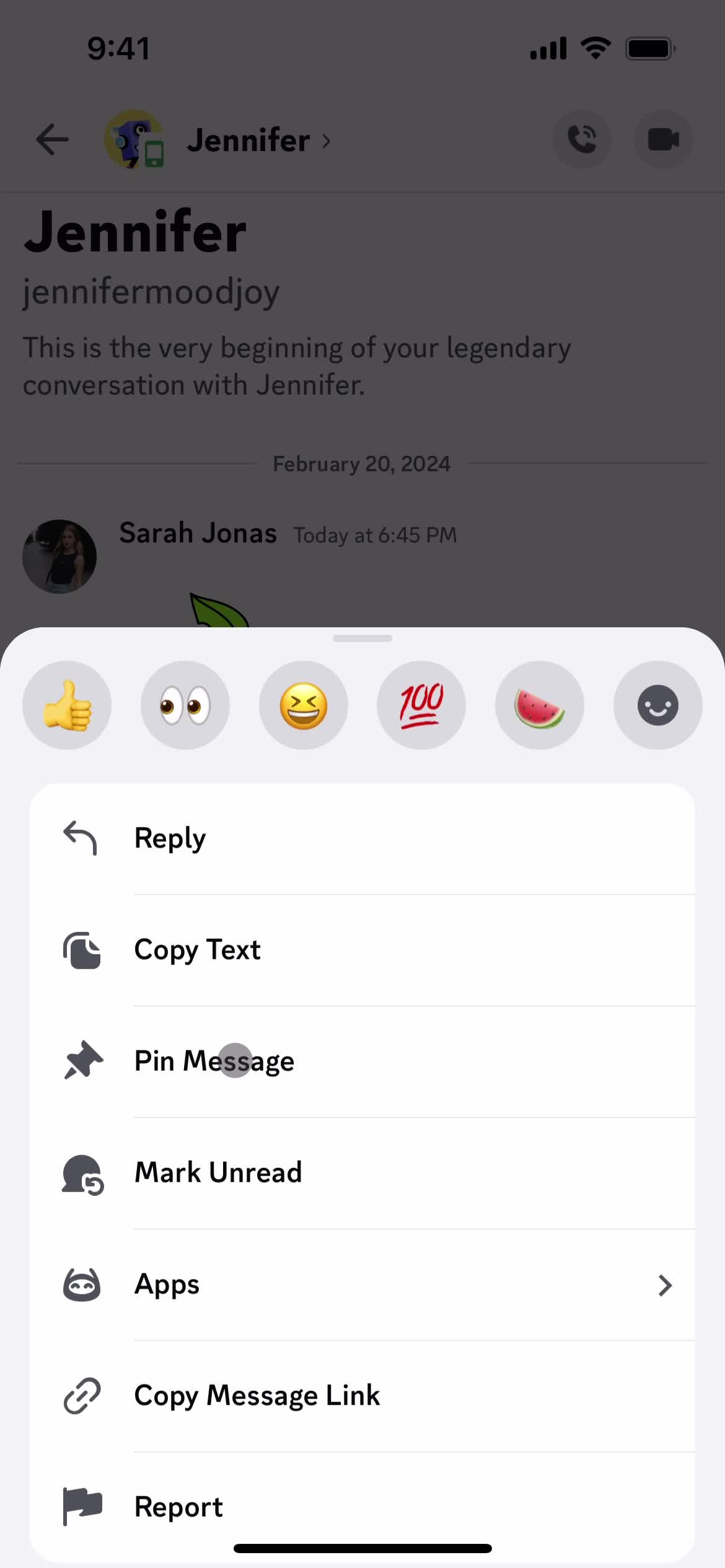
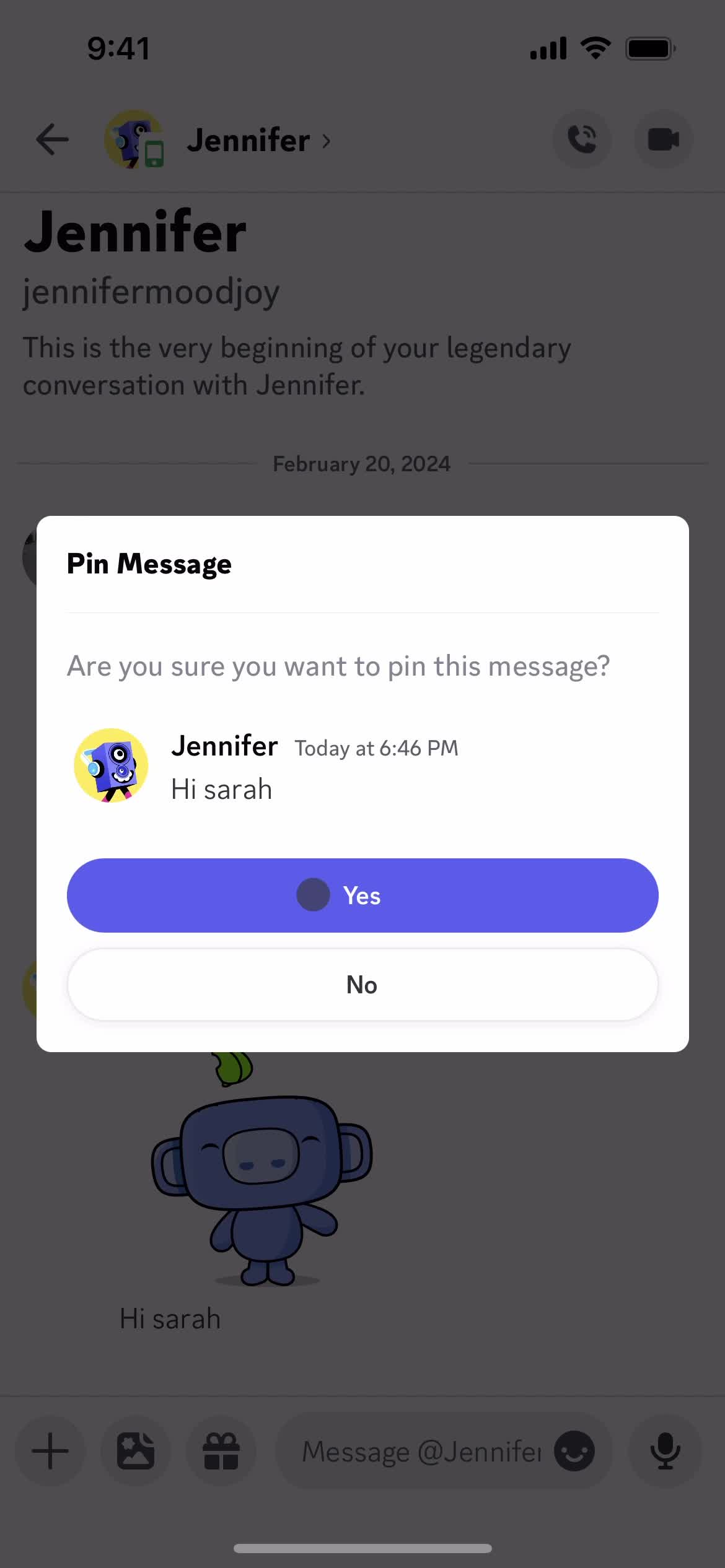
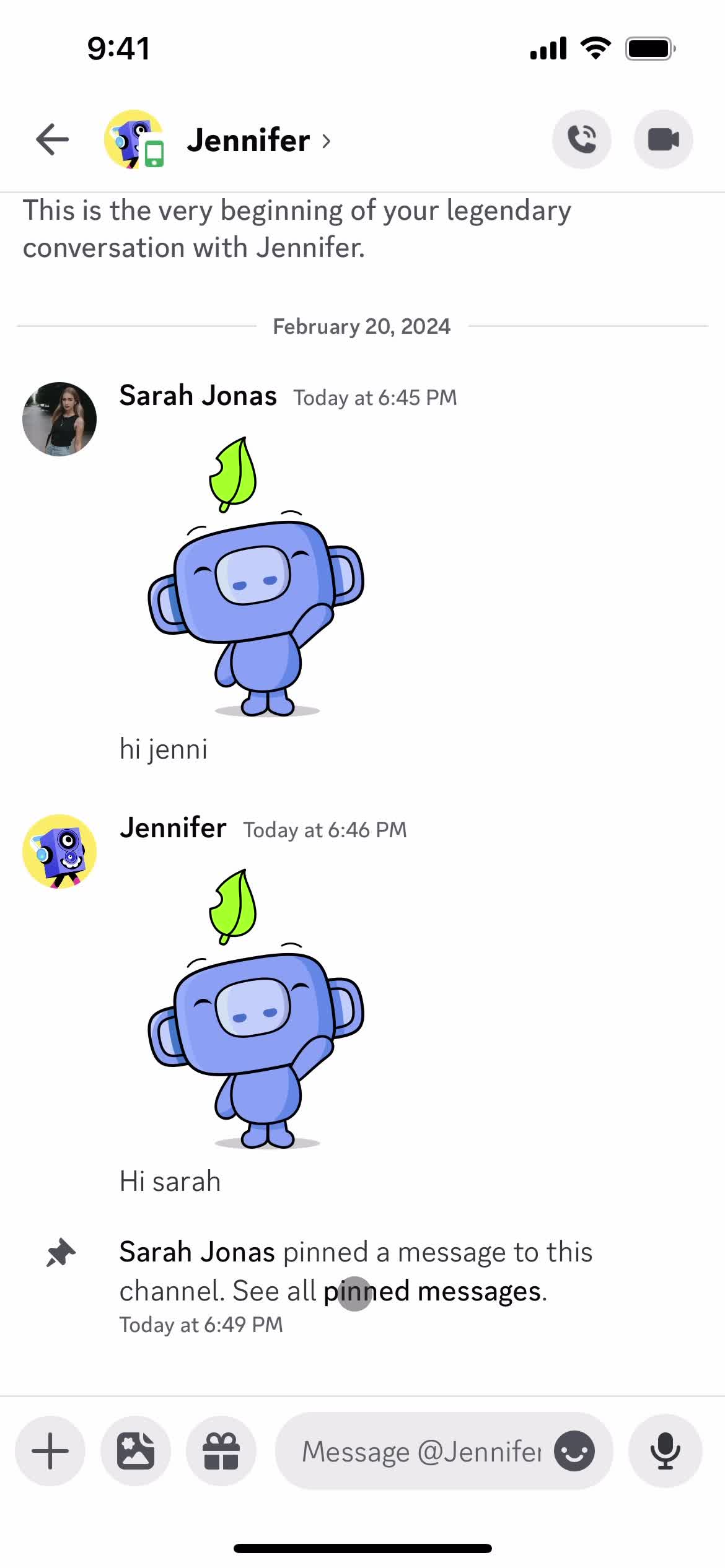
Pin message
this is title
Action menu
this is title
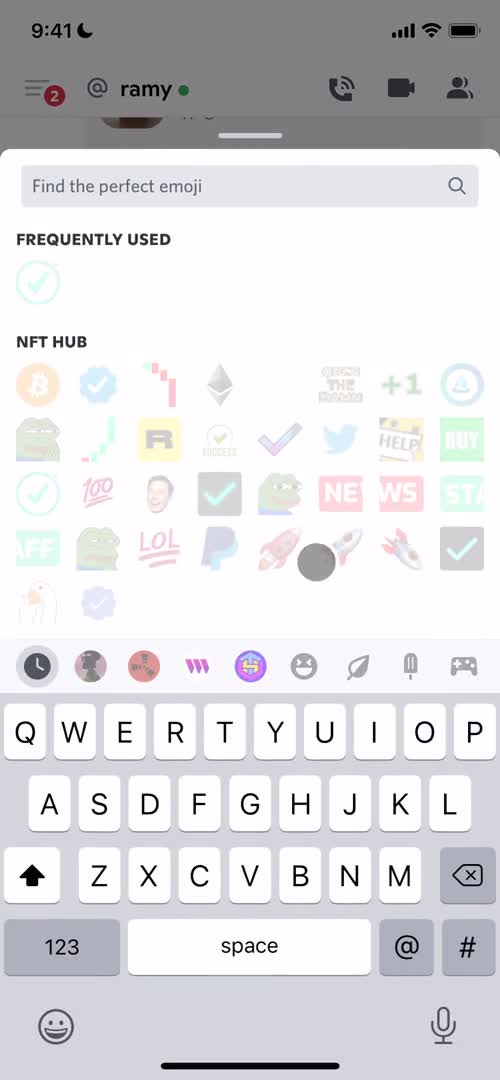
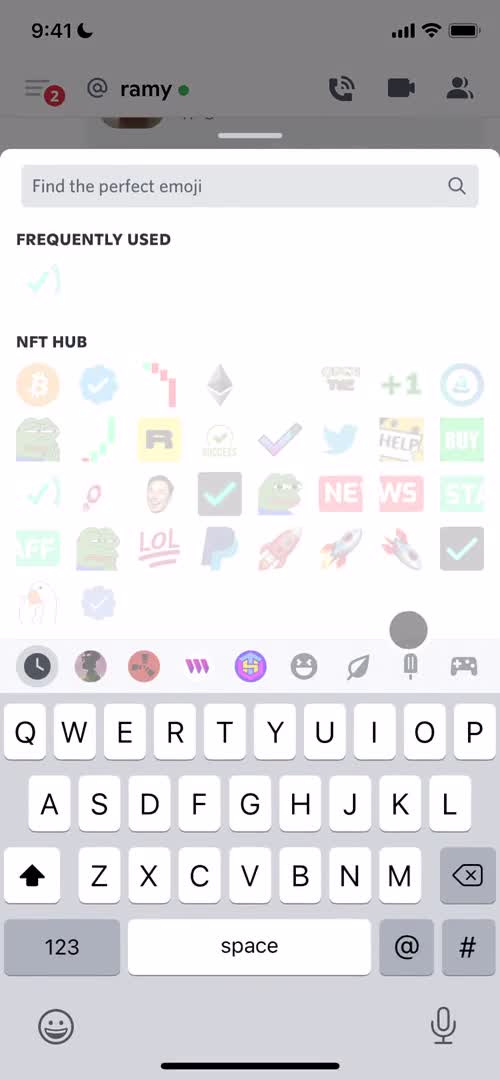
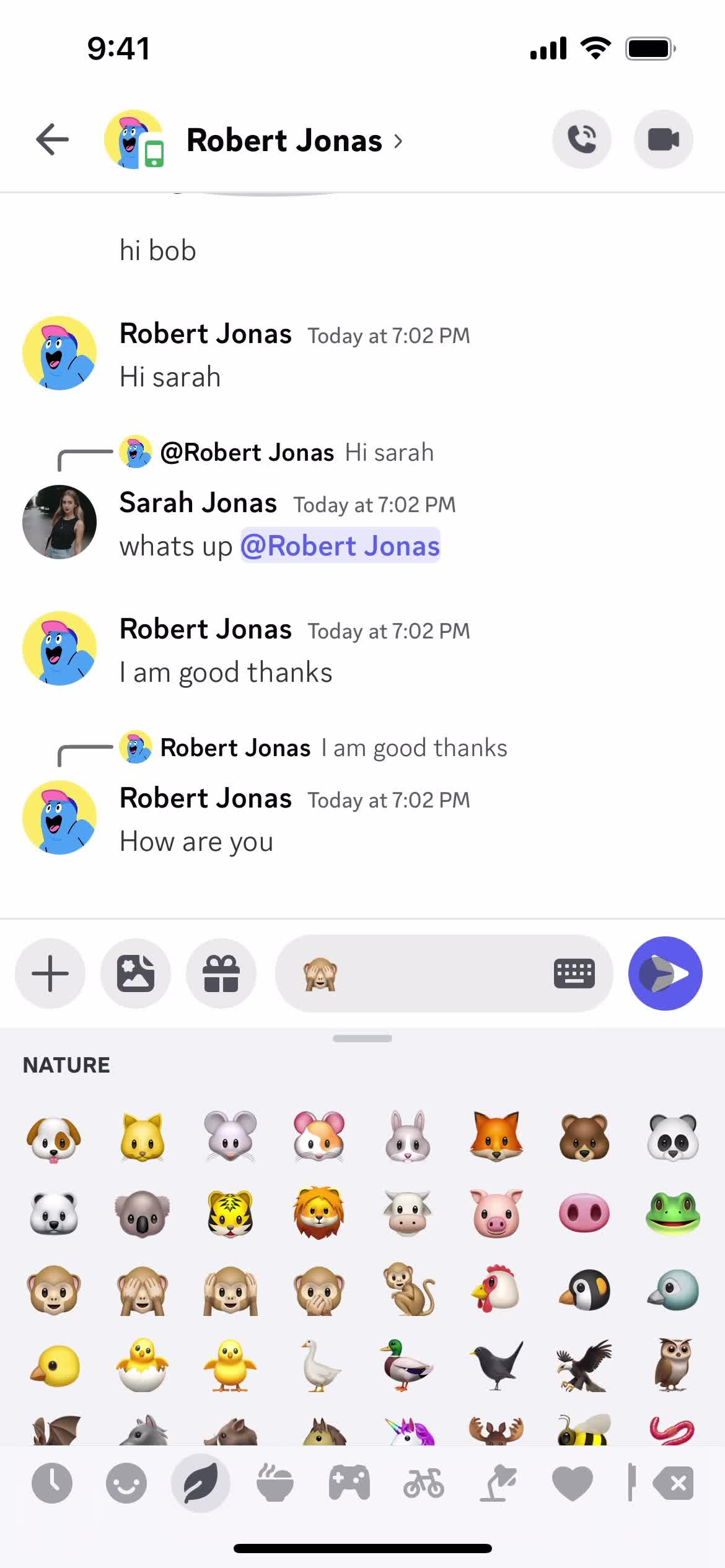
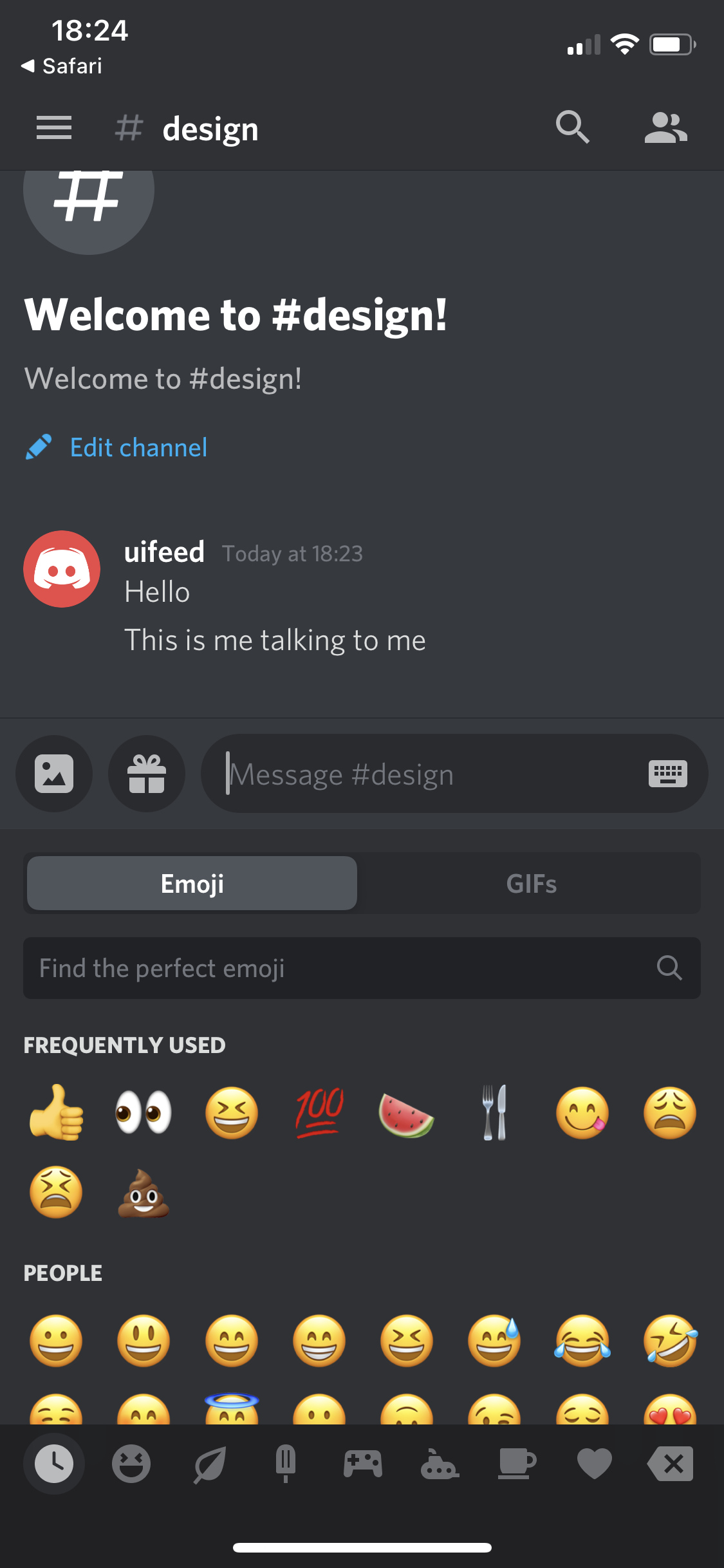
Emoji picker
this is title
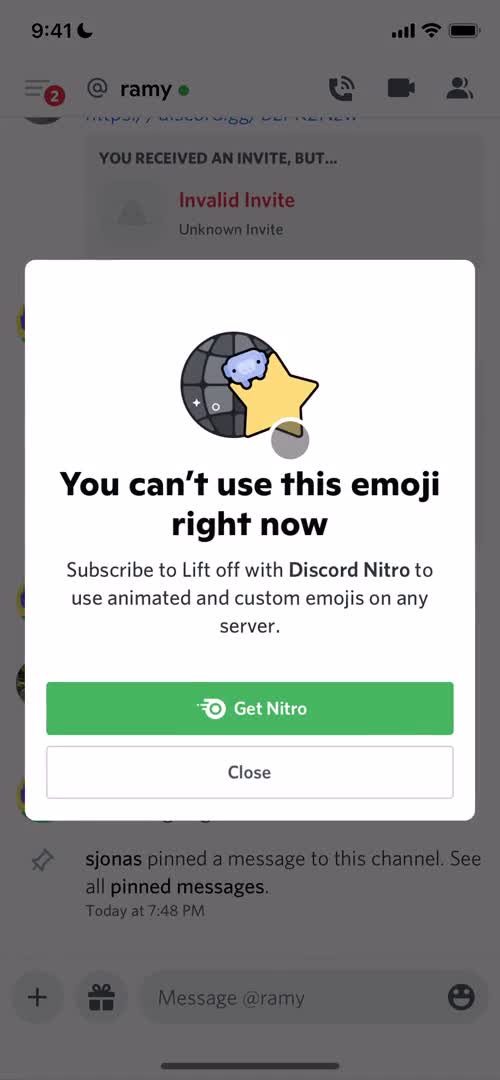
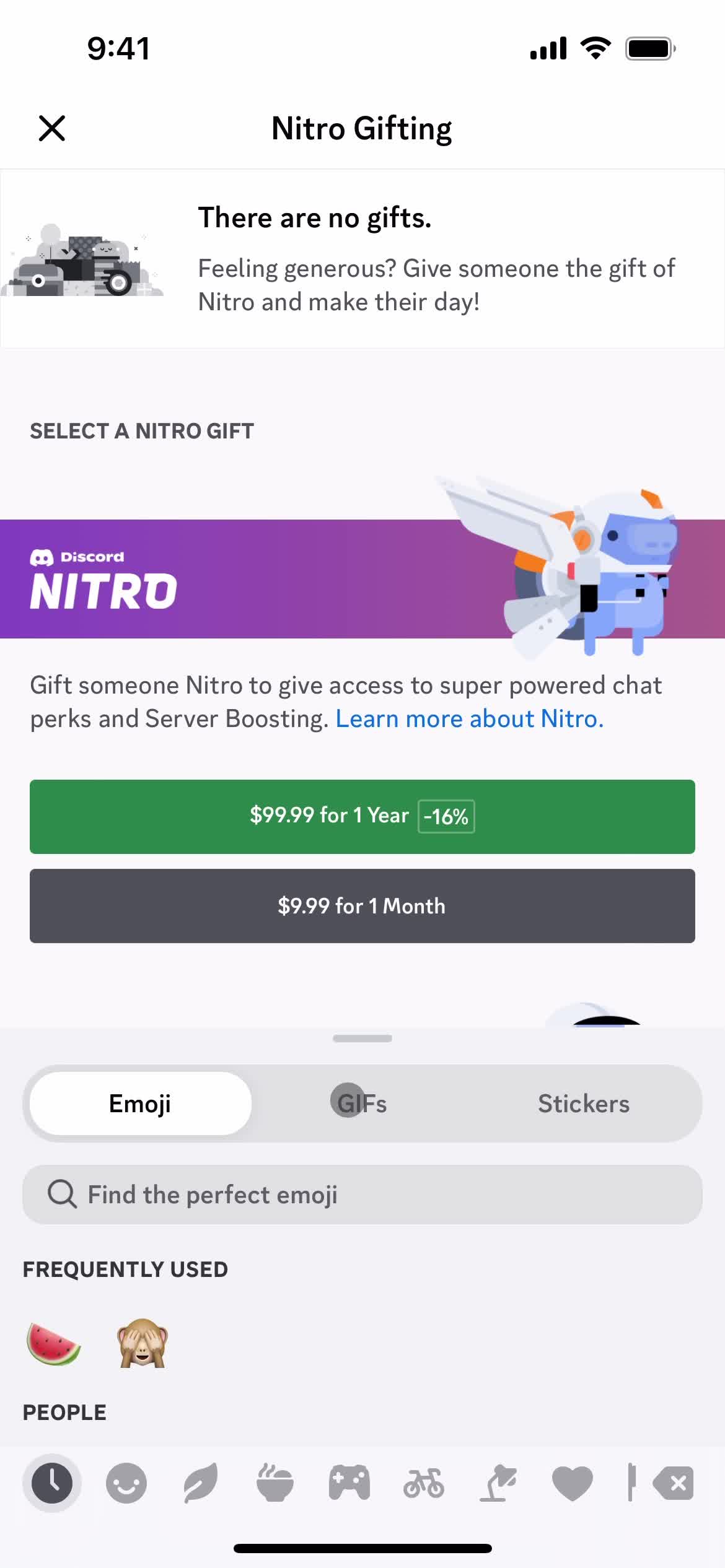
Upgrade prompt
this is title
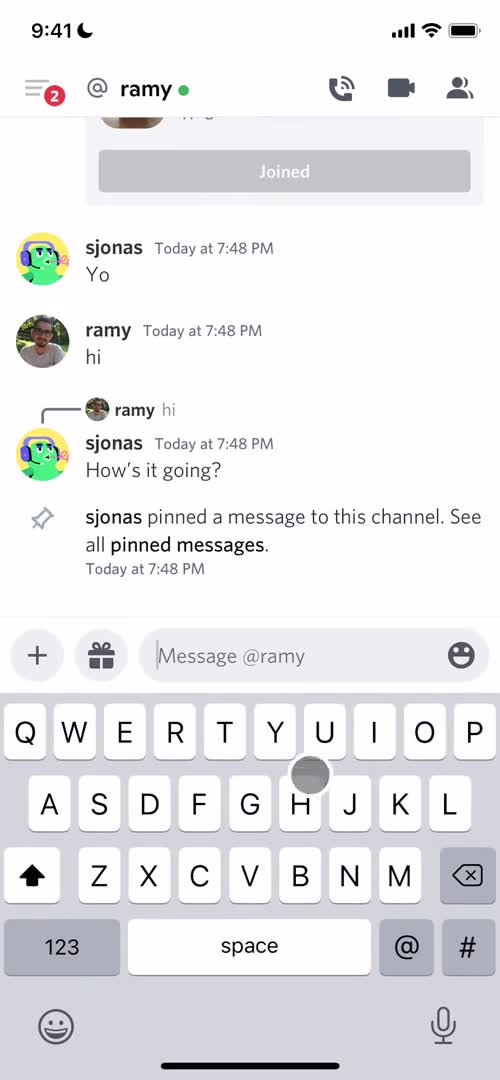
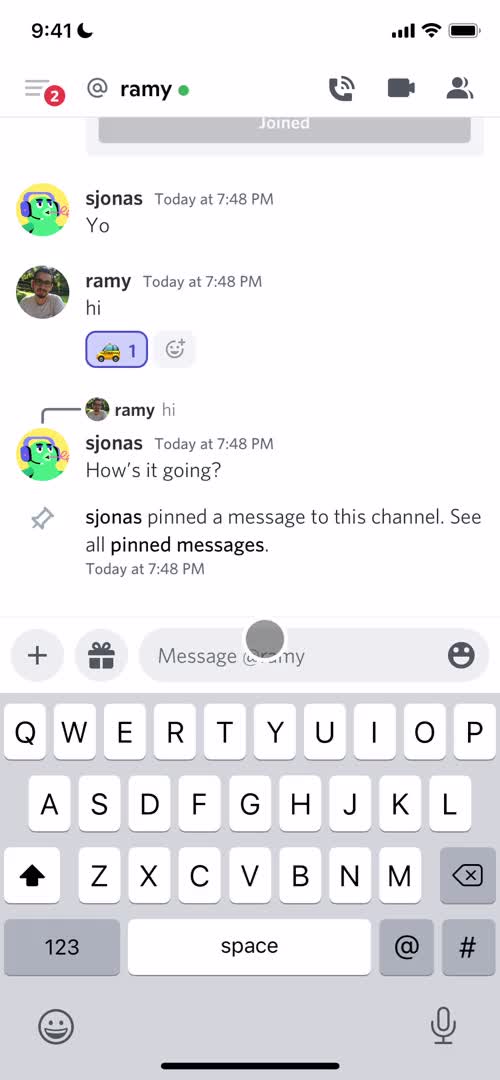
Chat
this is title
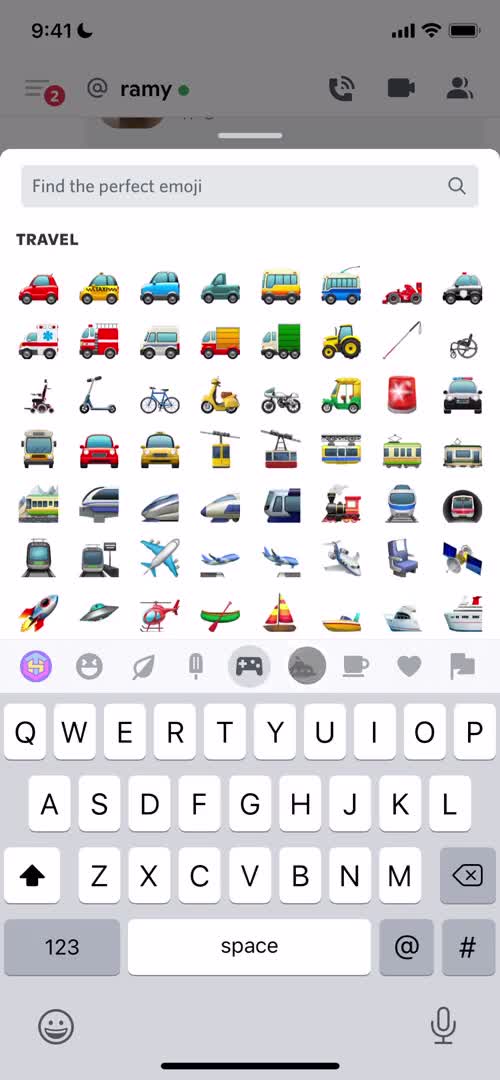
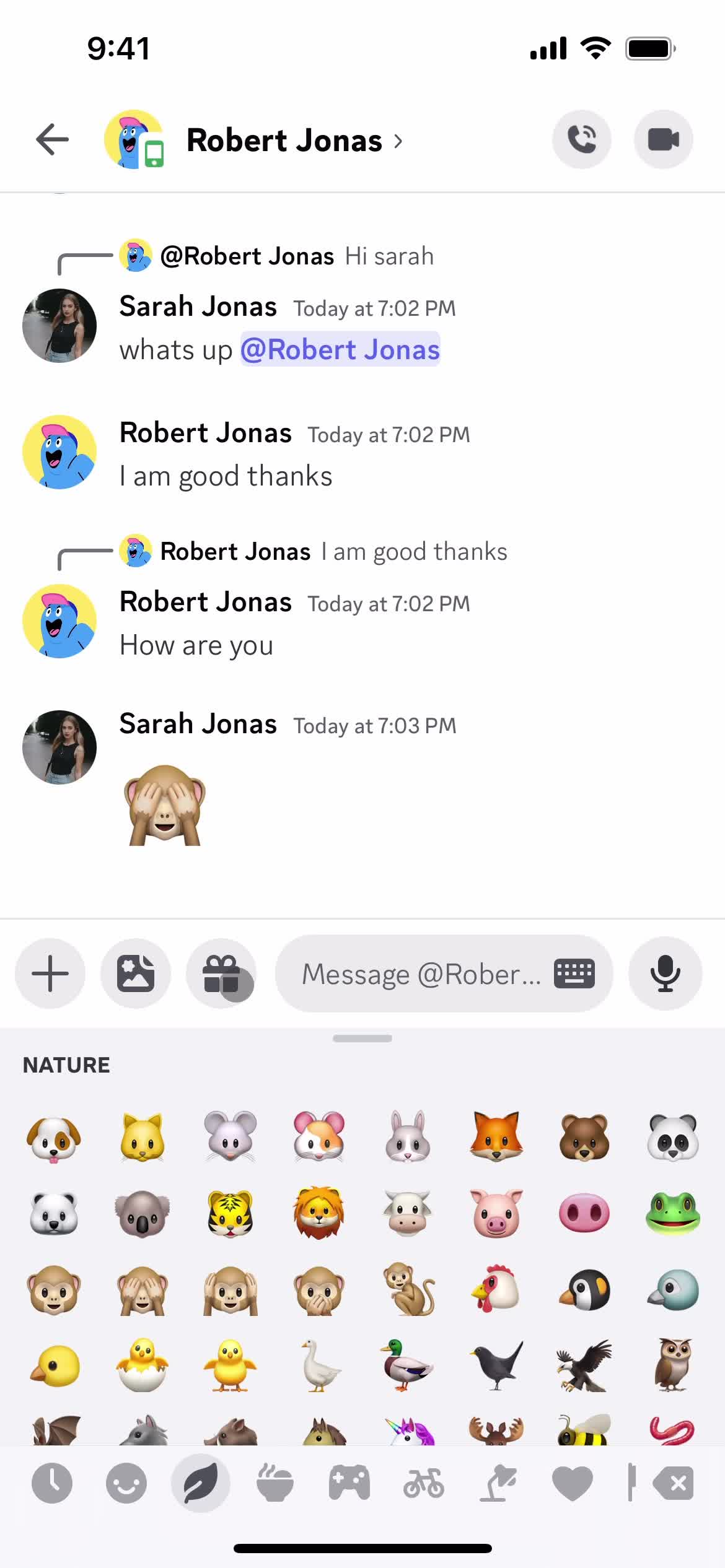
Emoji picker
this is title
Emoji picker
this is title
Chat
this is title
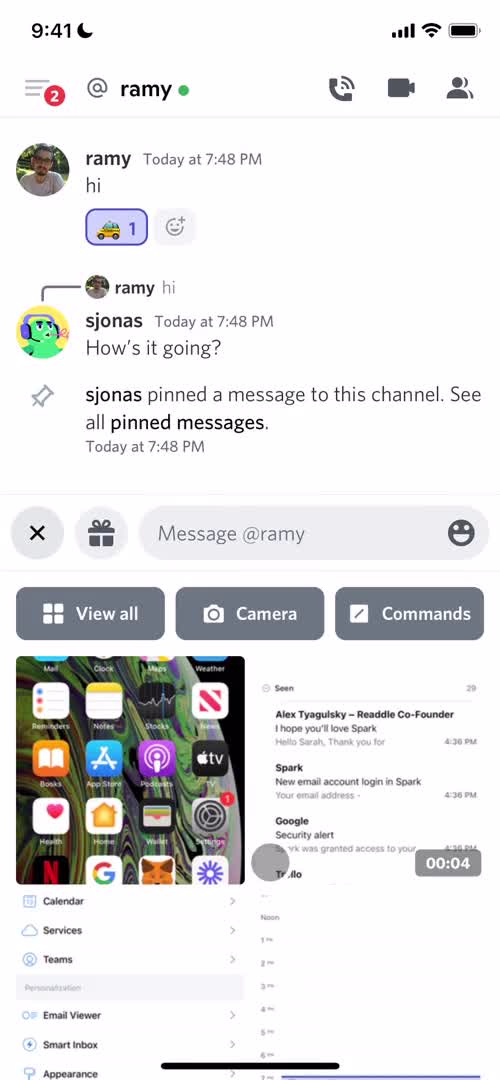
Select images
this is title
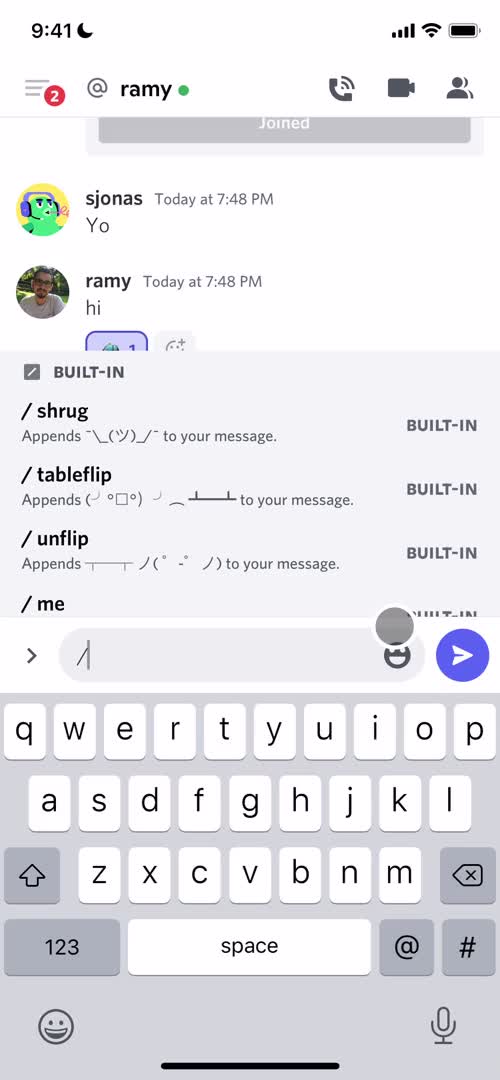
Shortcuts
this is title
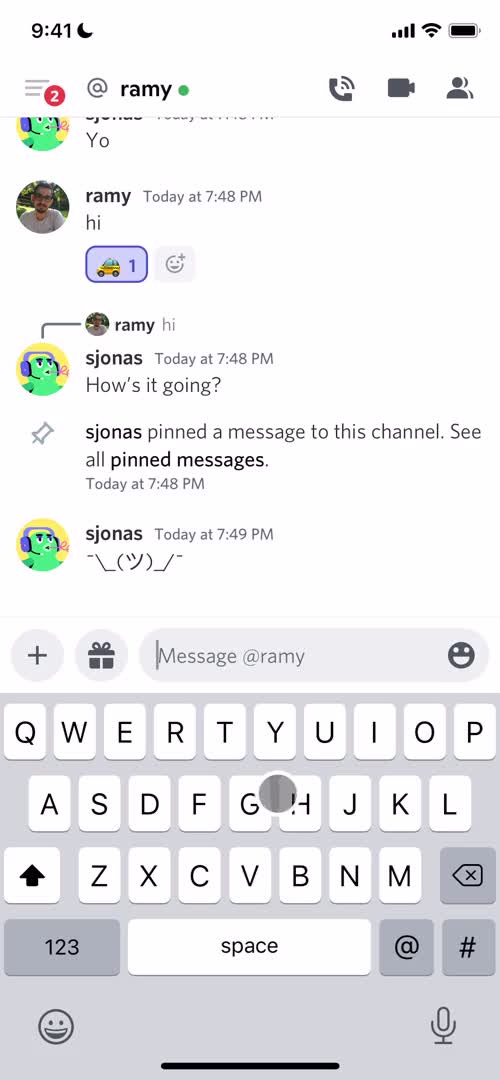
Chat
this is title
Upgrades
this is title
Chat
this is title
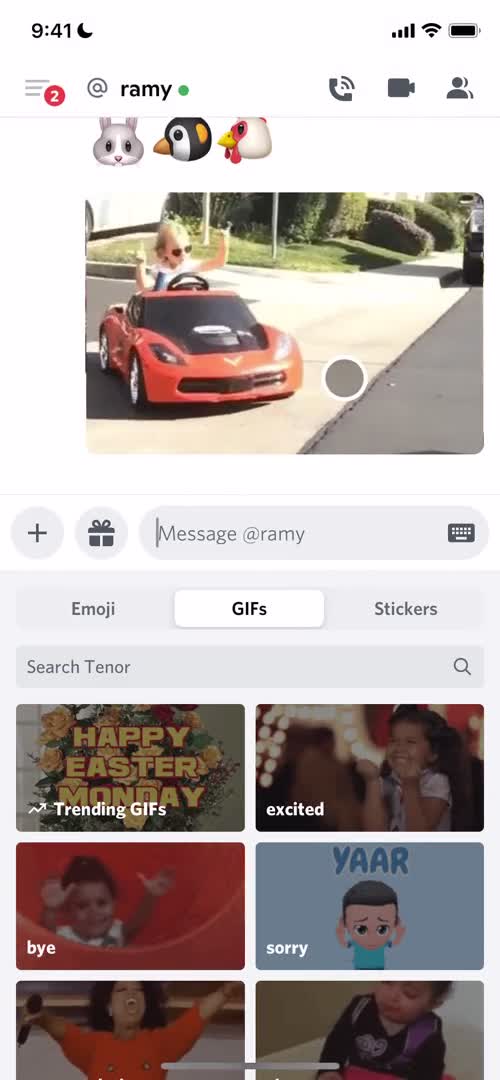
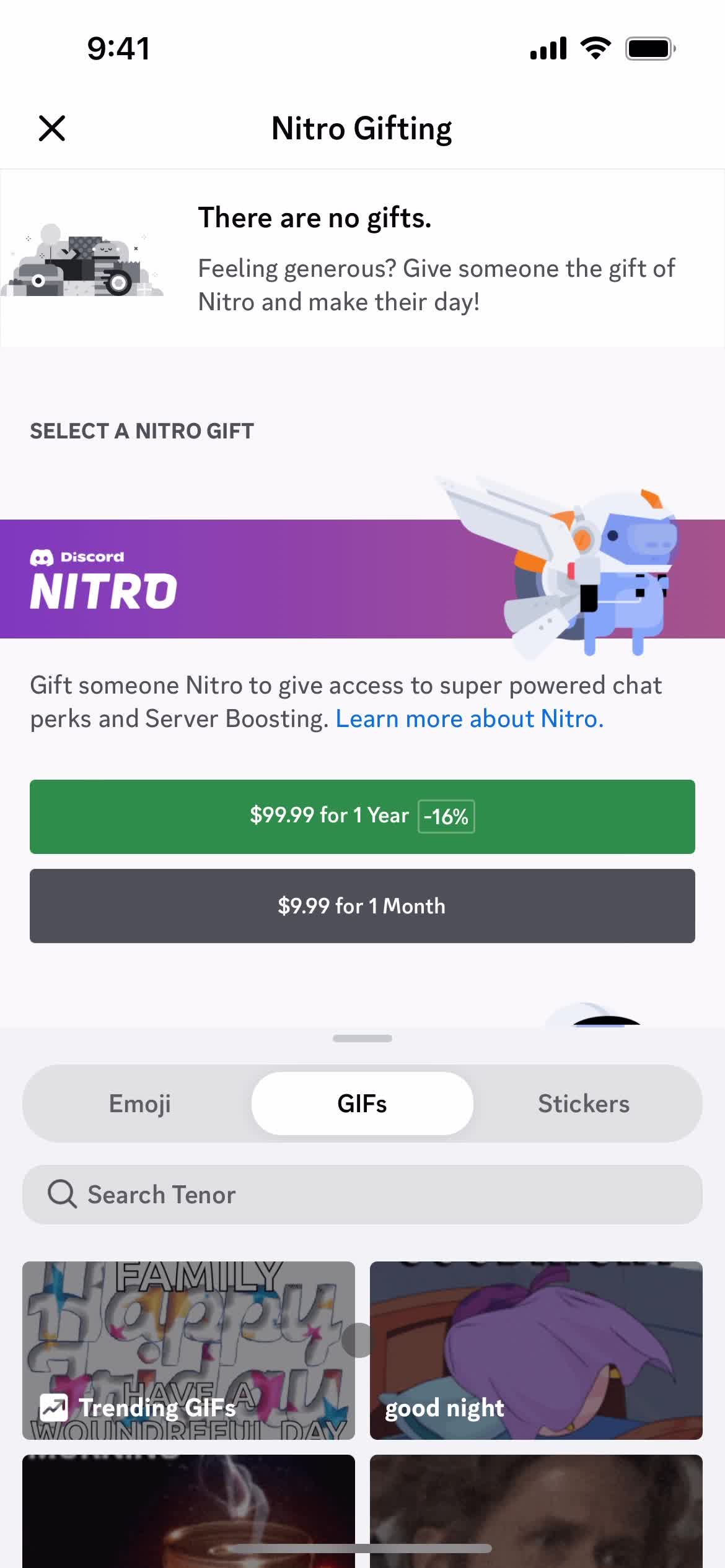
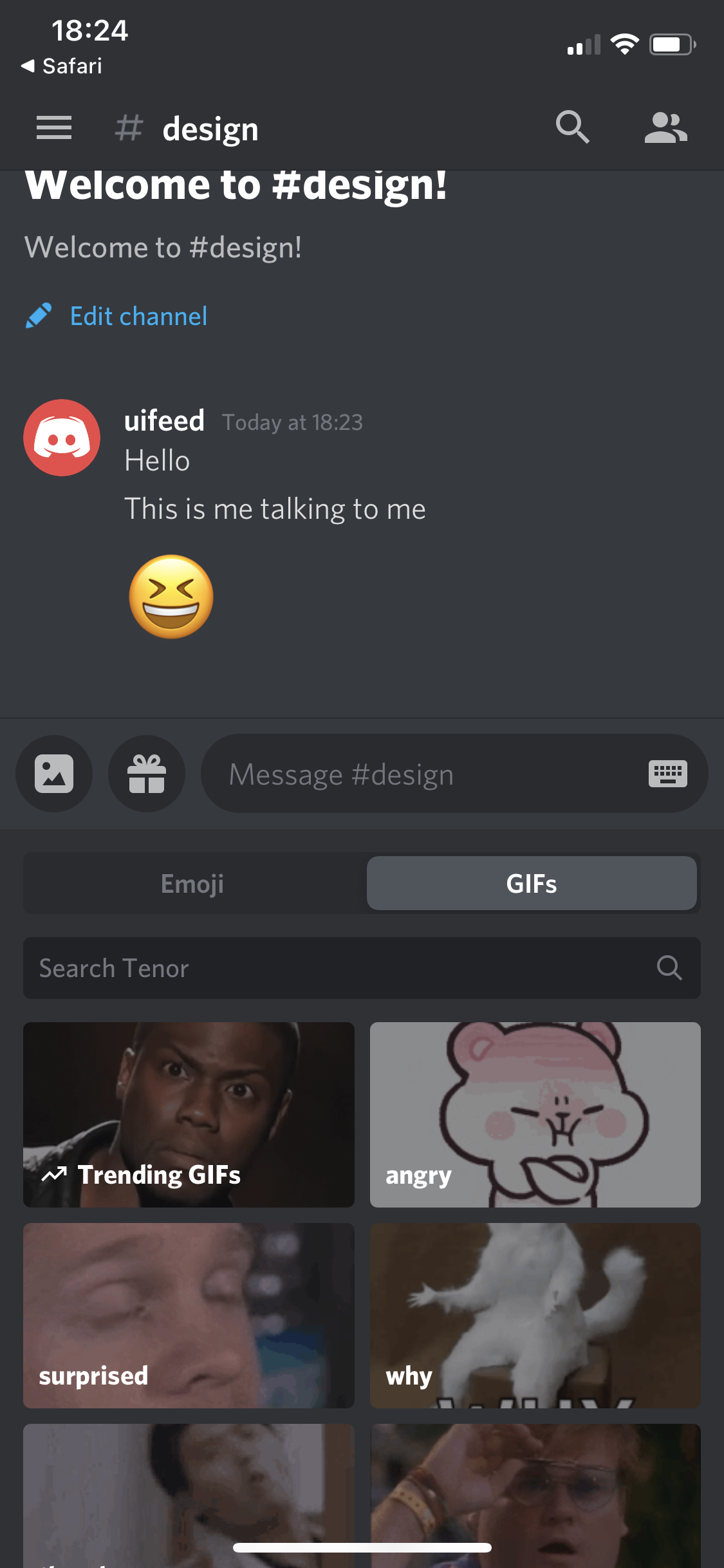
GIFs
this is title
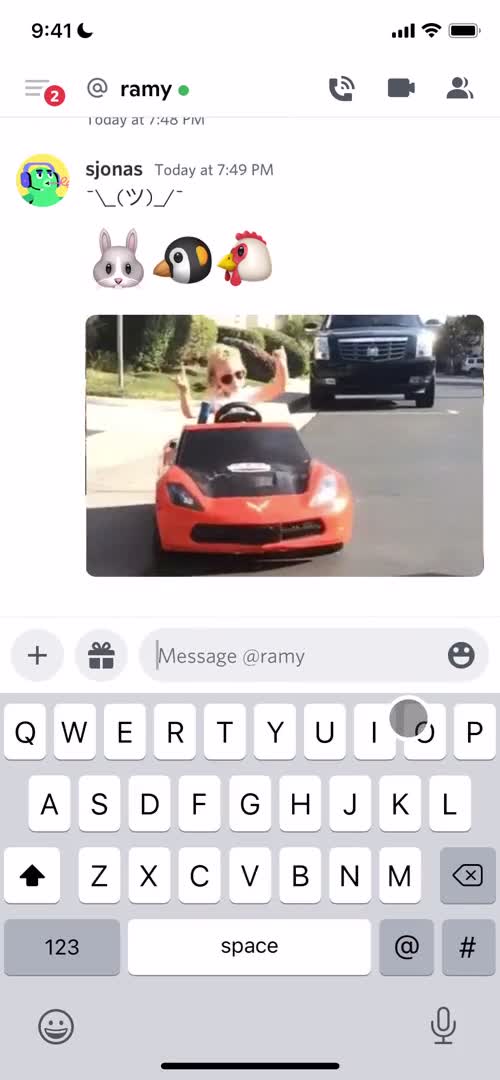
Chat
this is title
GIFs
this is title
Search
this is title
GIFs
this is title
Chat
this is title
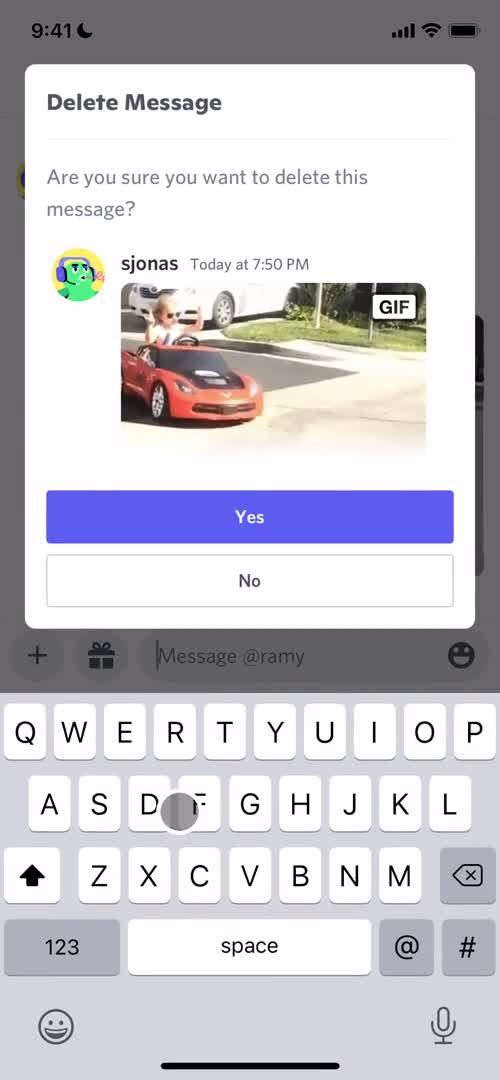
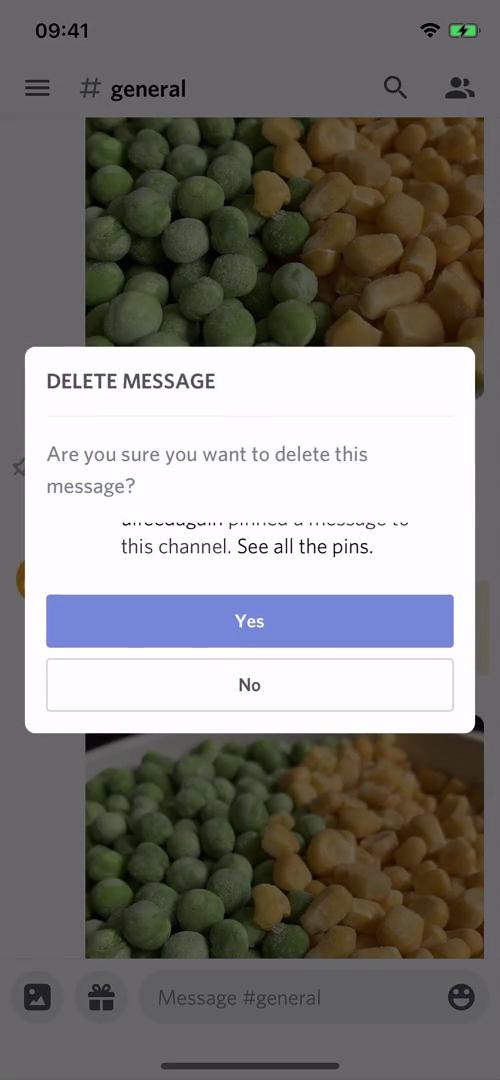
Confirm delete
this is title
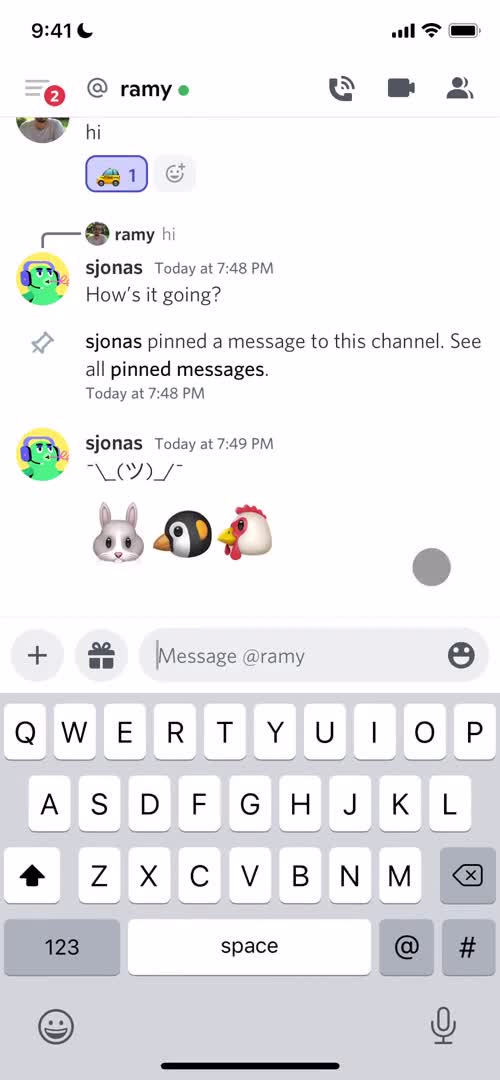
Chat
this is title
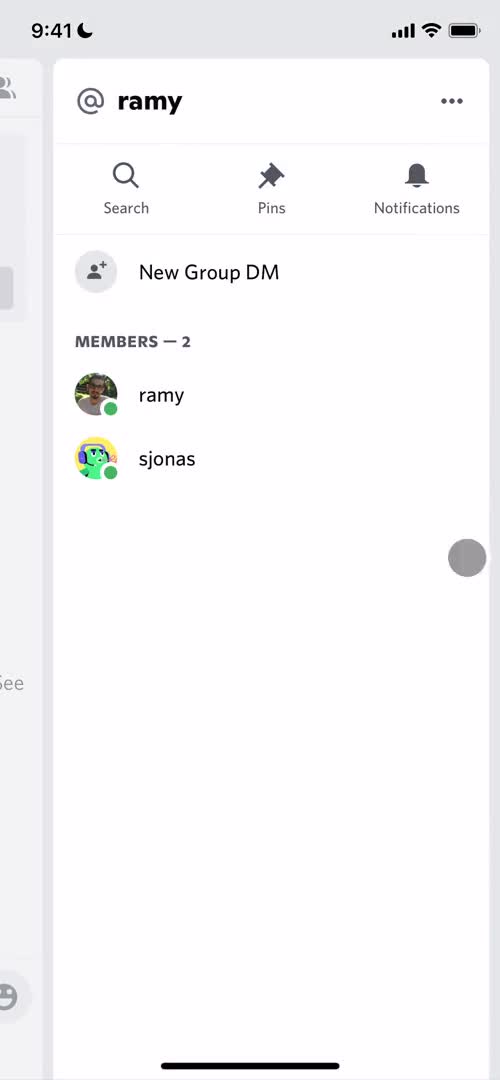
Chat details
this is title
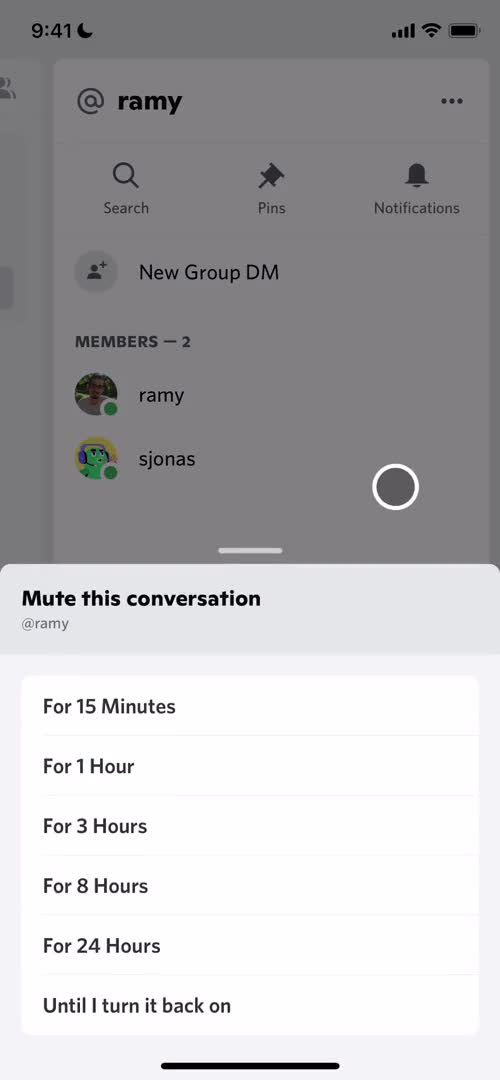
Notification settings
this is title
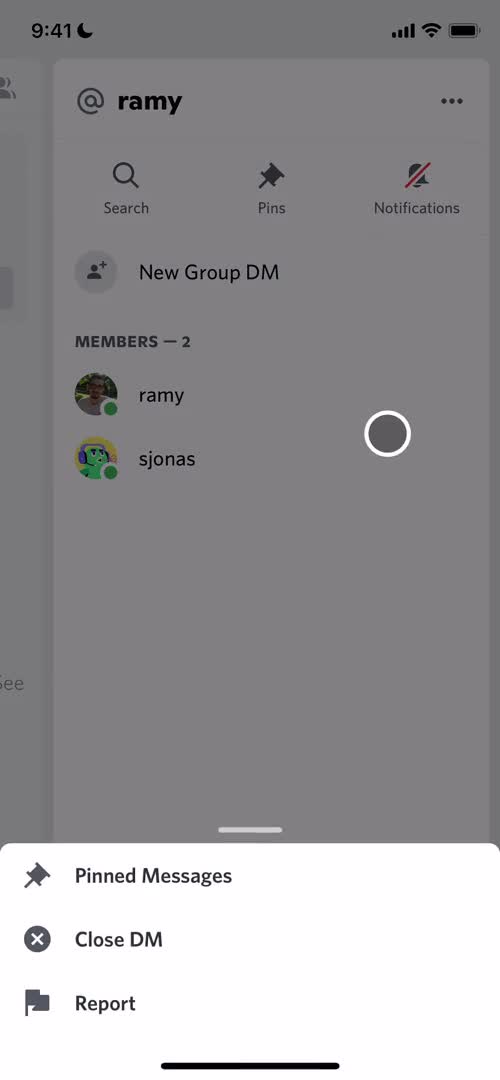
Action menu
this is title
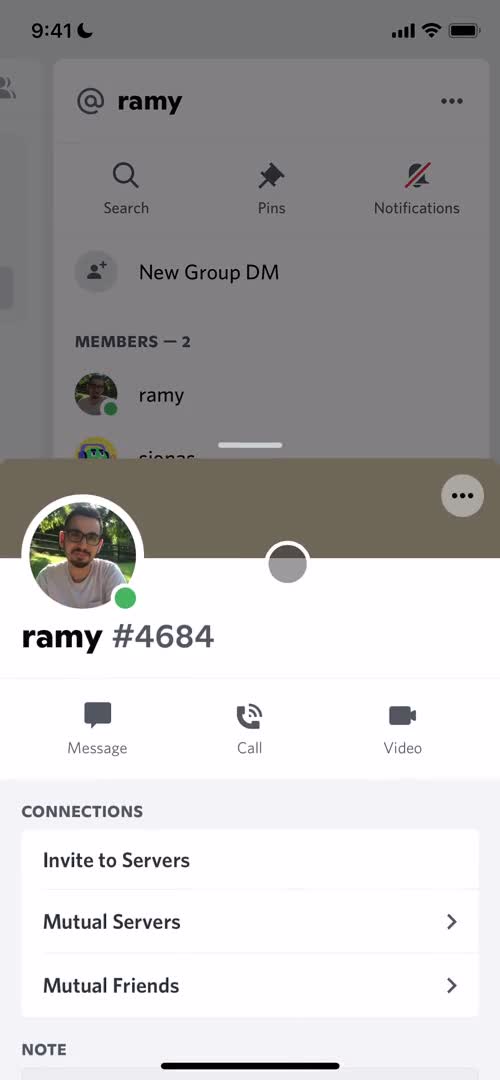
Profile
this is title
Chat
this is title
Enable camera
this is title
Enable camera
this is title
Video call
this is title
Chat
this is title
Call
this is title
Chat
this is title
Direct messages
this is title
Channels
this is title
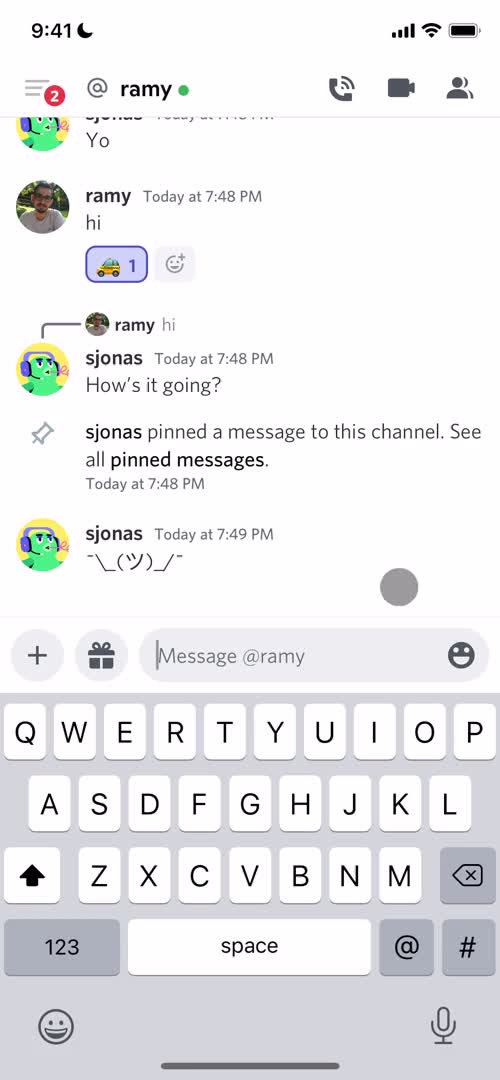
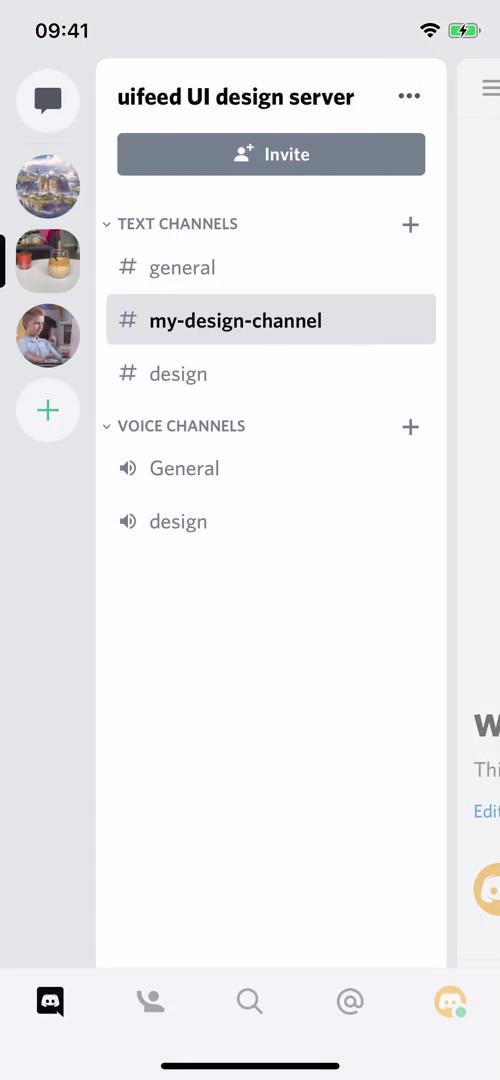
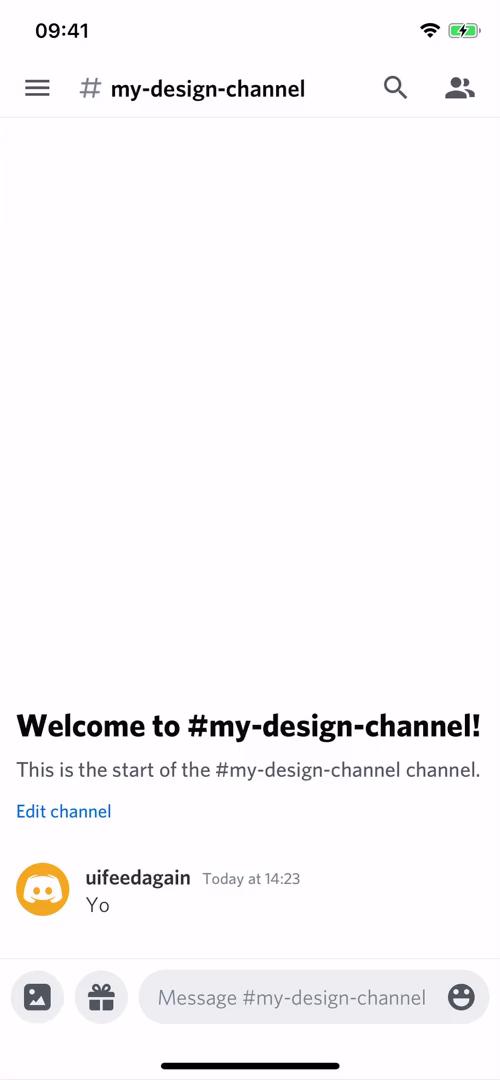
Channel
this is title
Emoji picker
this is title
Select photos
this is title
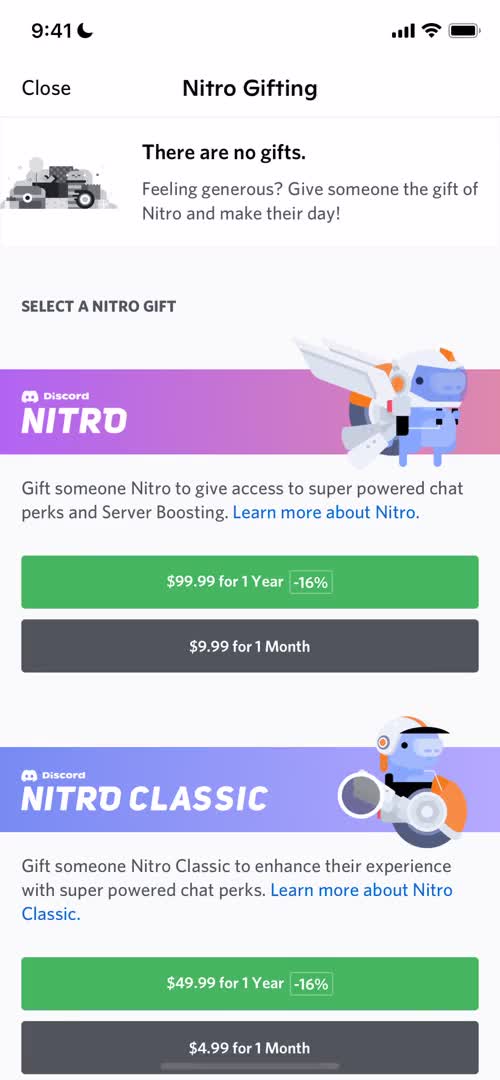
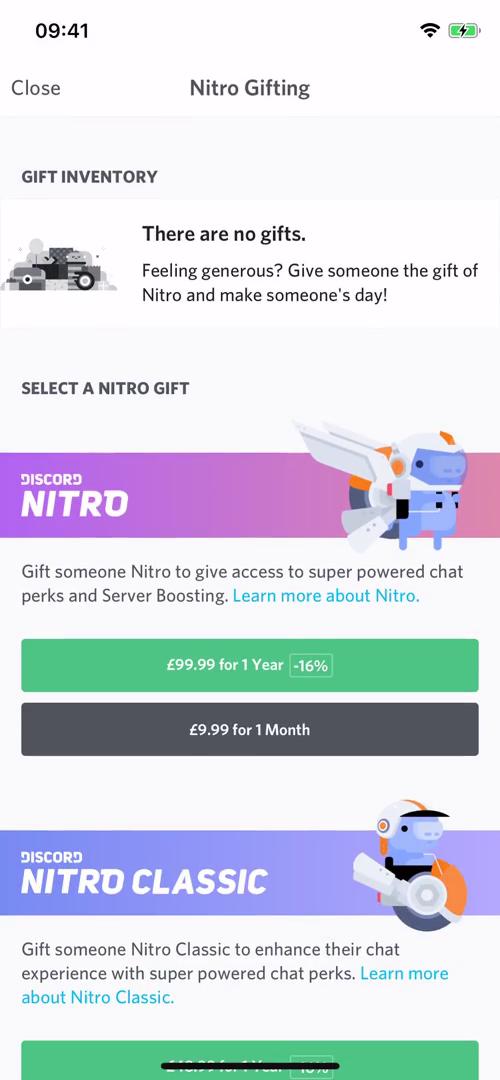
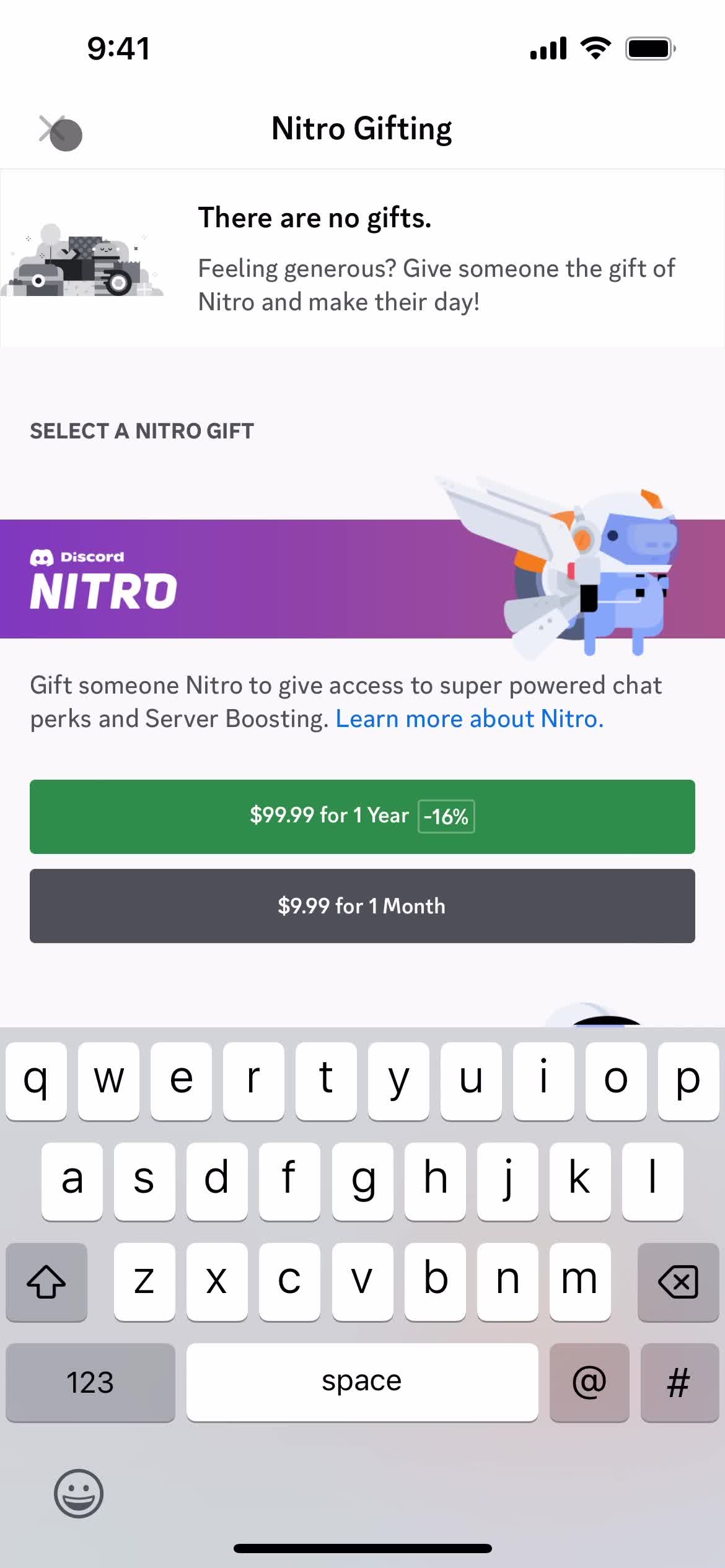
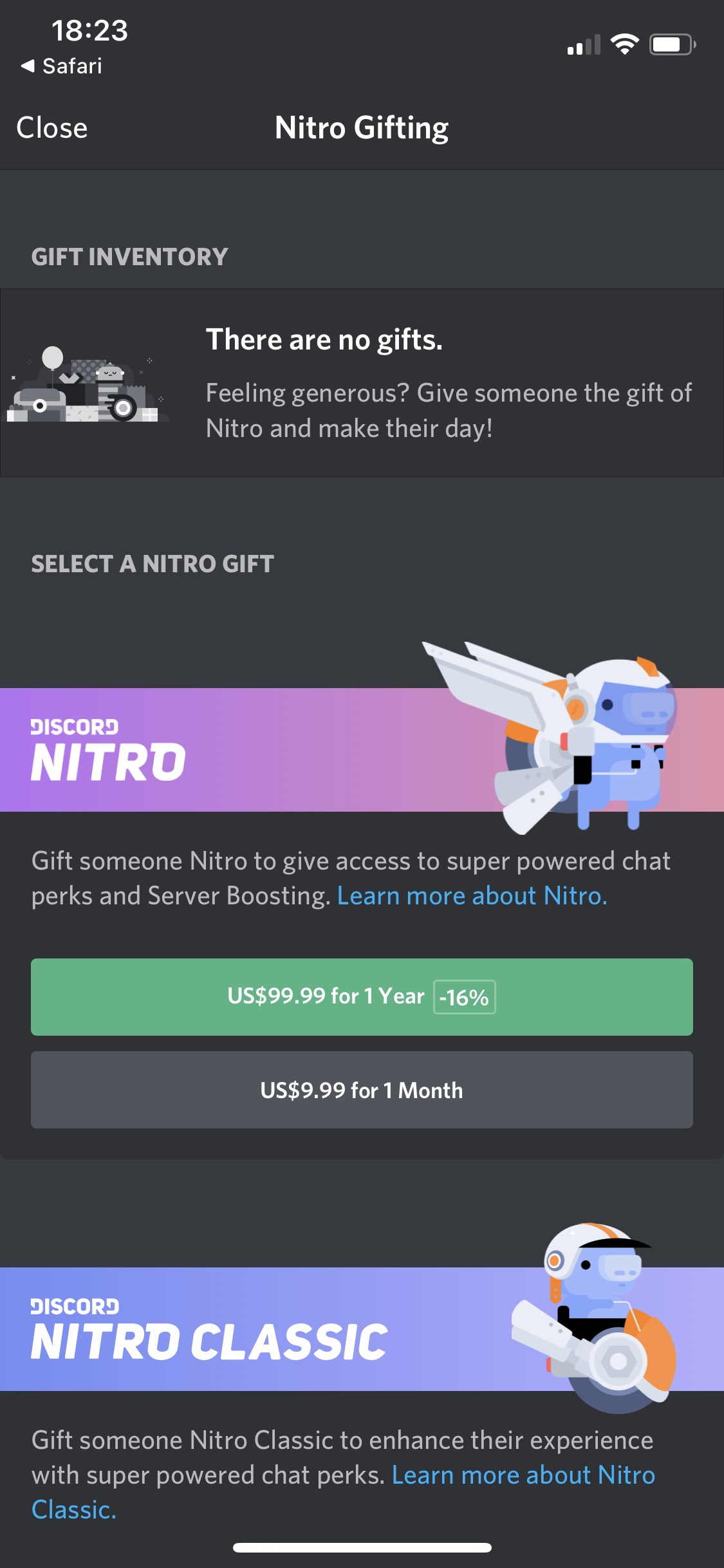
Nitro gifting
this is title
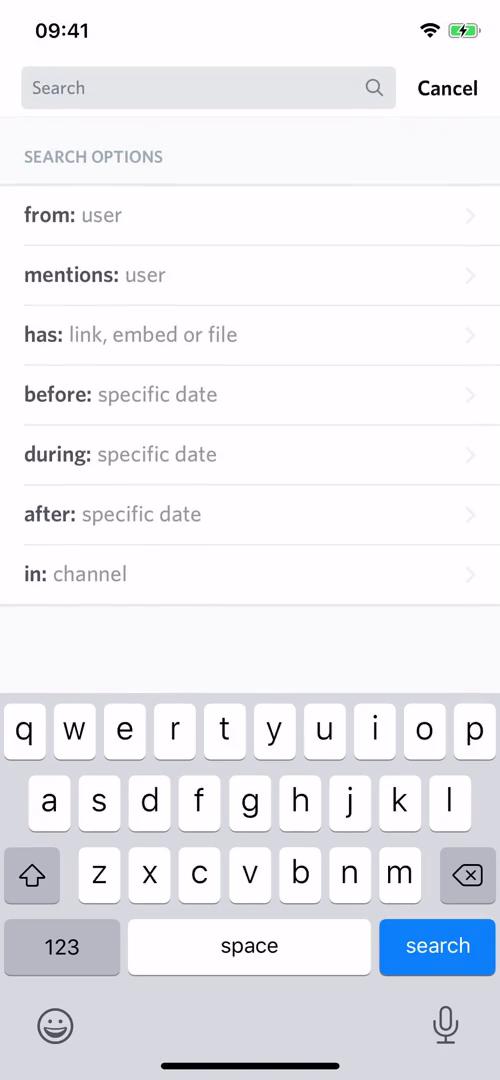
Channel search
this is title
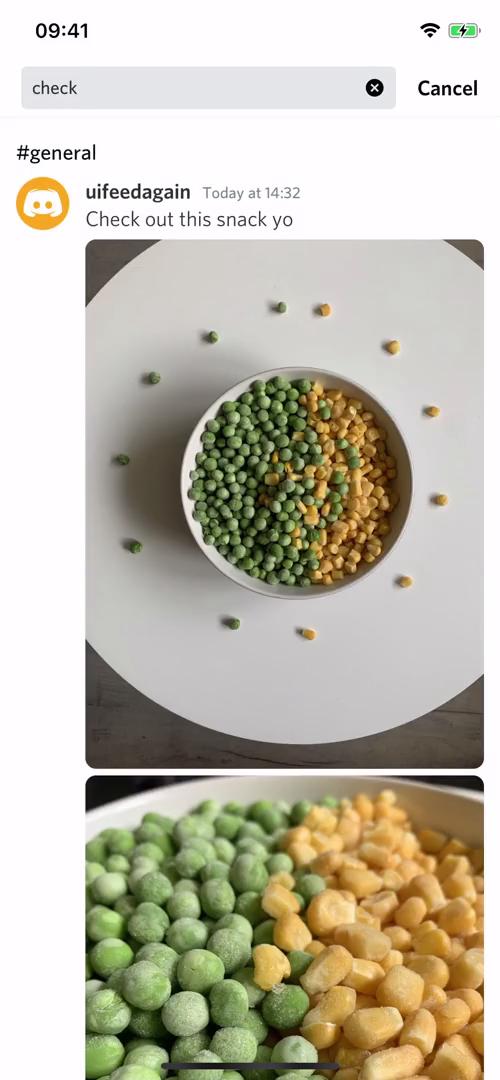
Channel search results
this is title
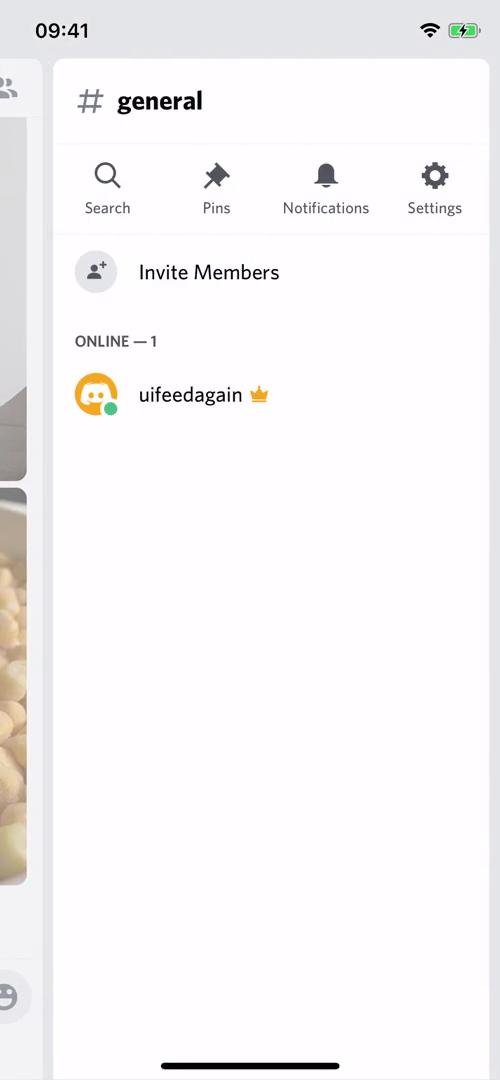
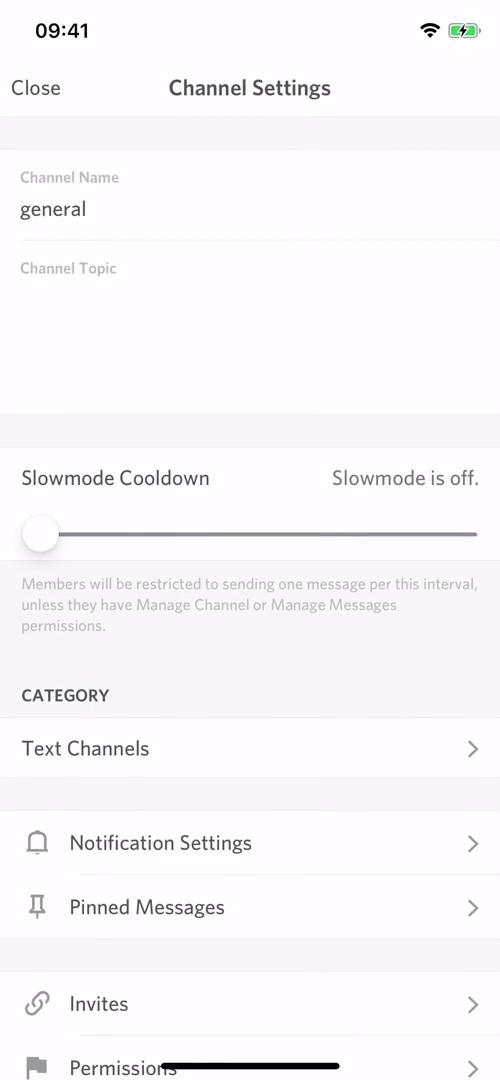
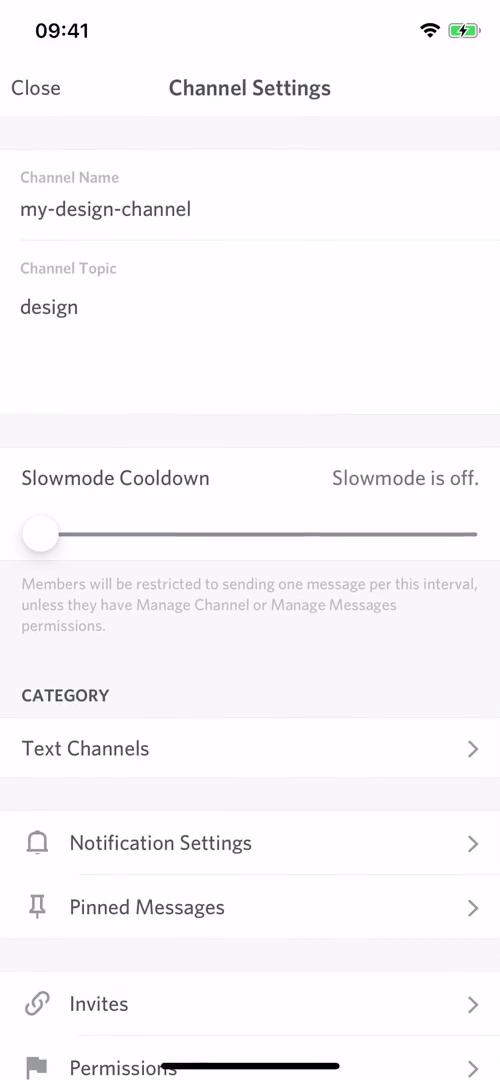
Channel settings
this is title
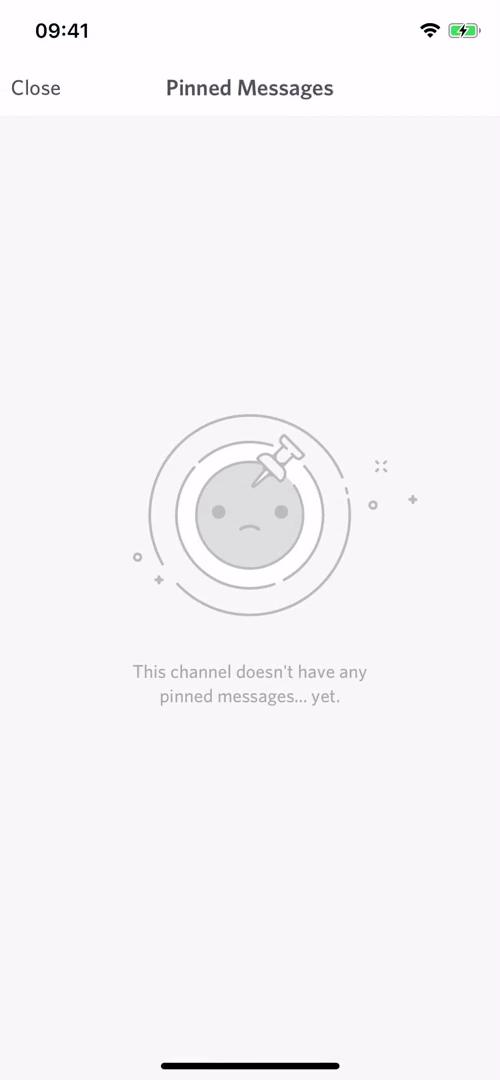
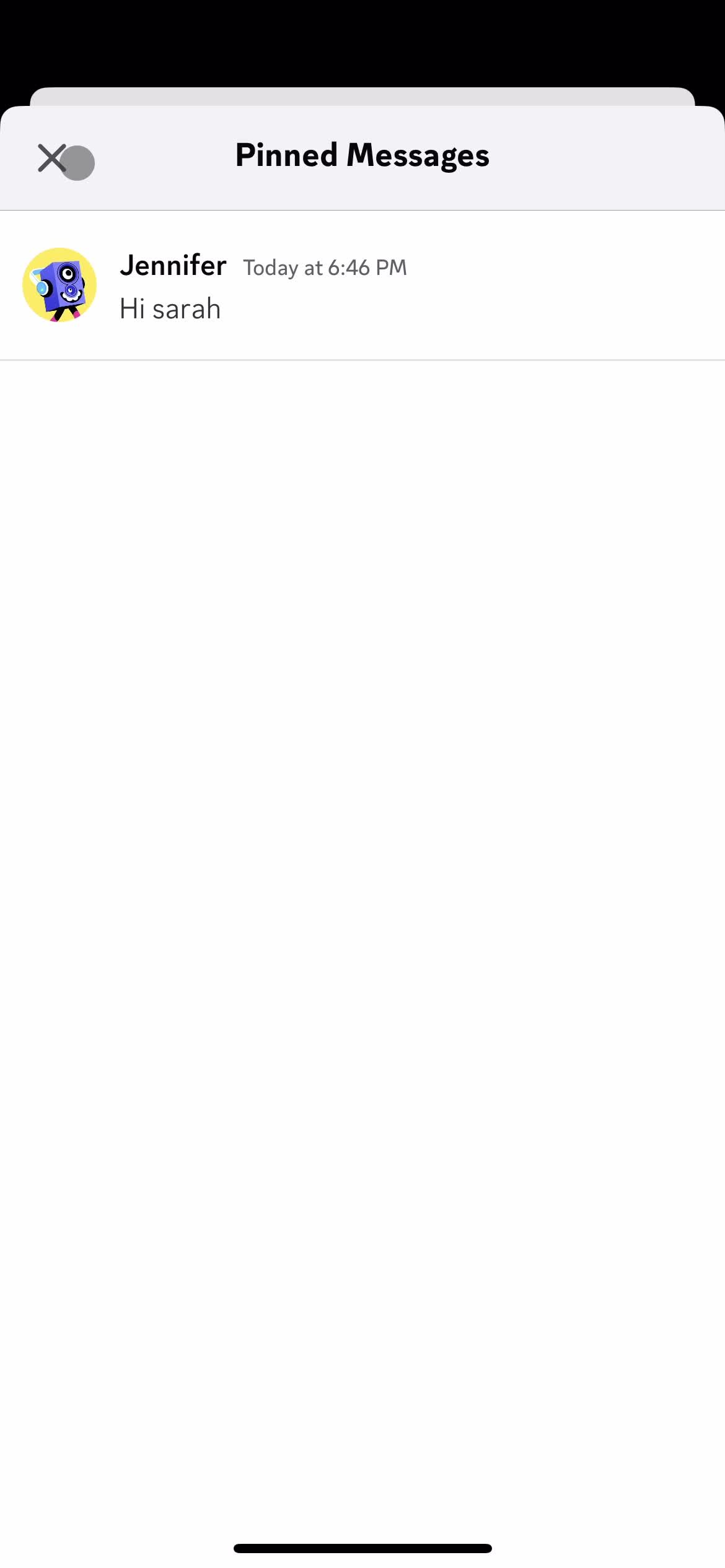
Pinned messages
this is title
Channel settings
this is title
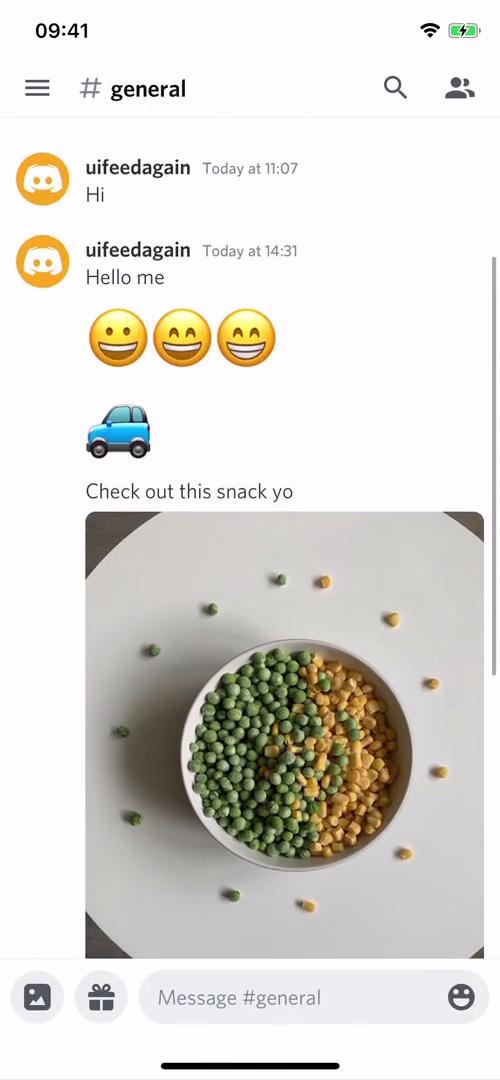
Channel
this is title
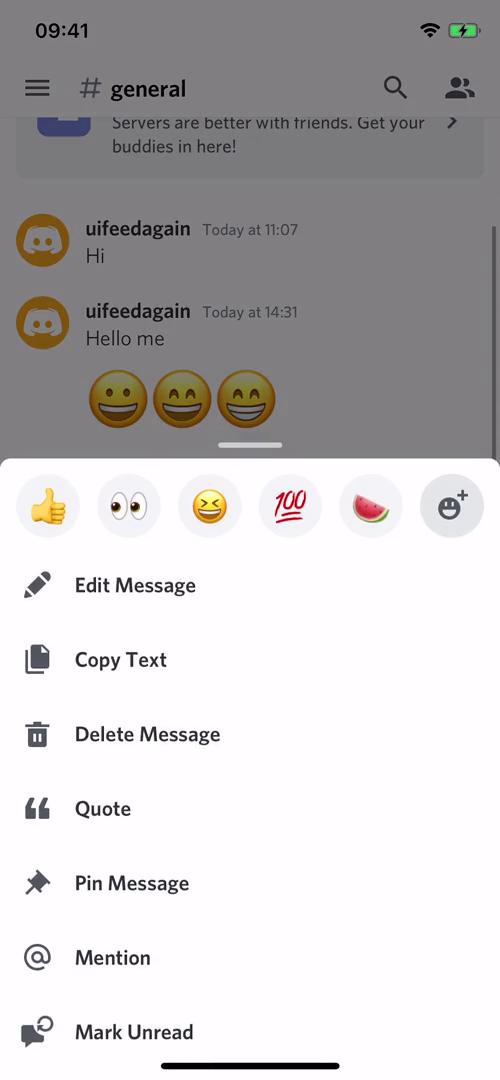
Message menu
this is title
Pin message
this is title
Channel
this is title
Messages
this is title
Chat thread
this is title
this is title
this is title
Chat thread
this is title
Reply to message
this is title
this is title
this is title
Add mention
this is title
Send now
this is title
Chat thread
this is title
Upload file
this is title
Chat thread
this is title
Add emoji
this is title
this is title
Chat thread
this is title
Nitro gifting
this is title
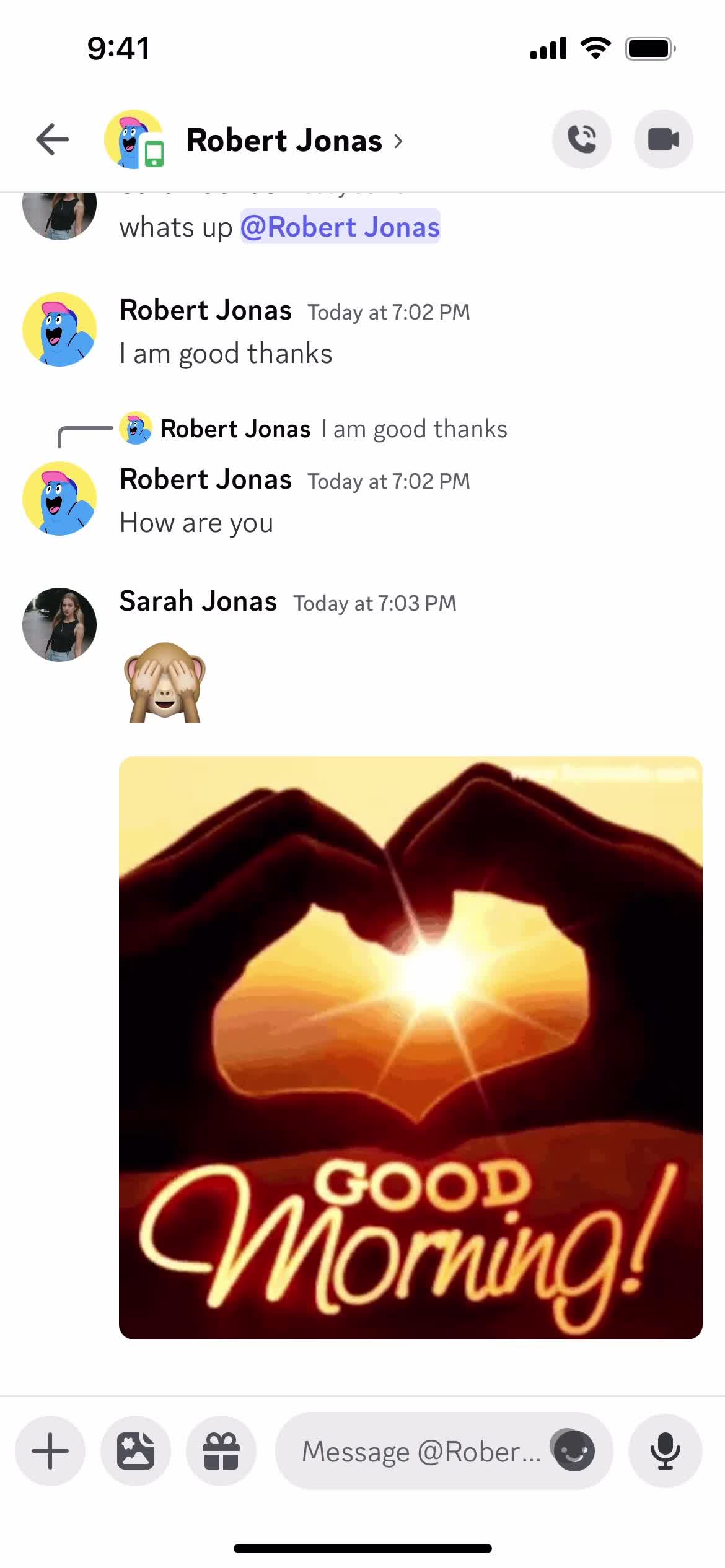
GIFs
this is title
this is title
Chat thread
this is title
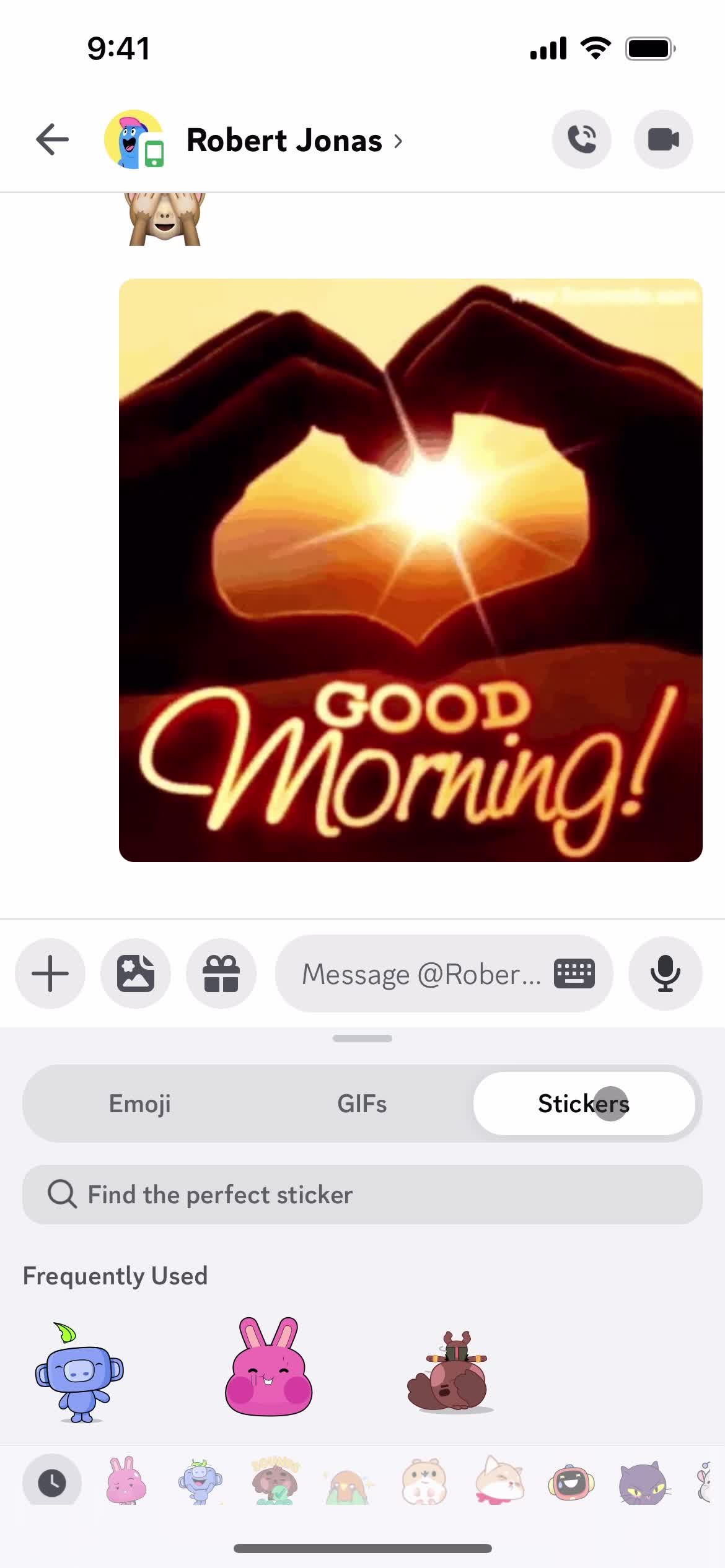
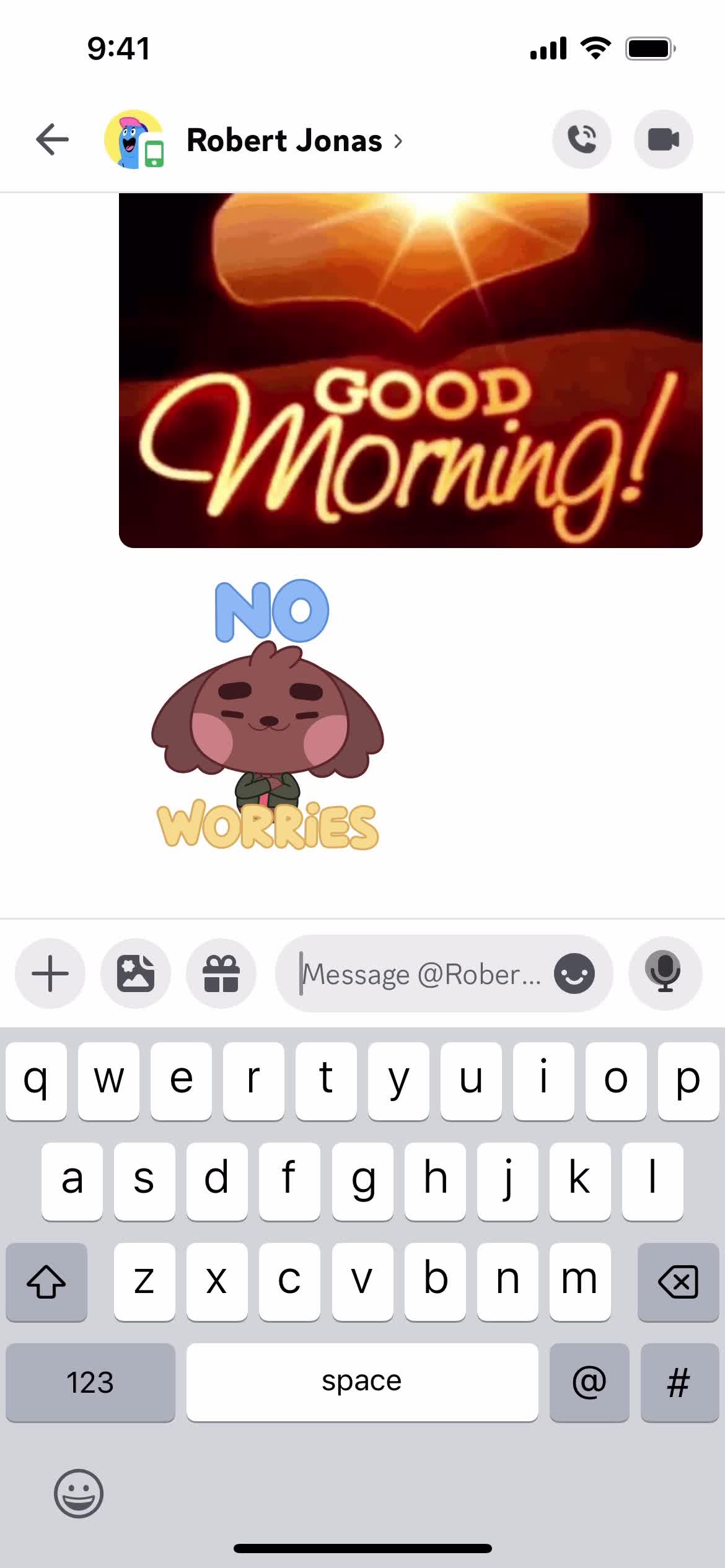
Stickers
this is title
Chat thread
this is title
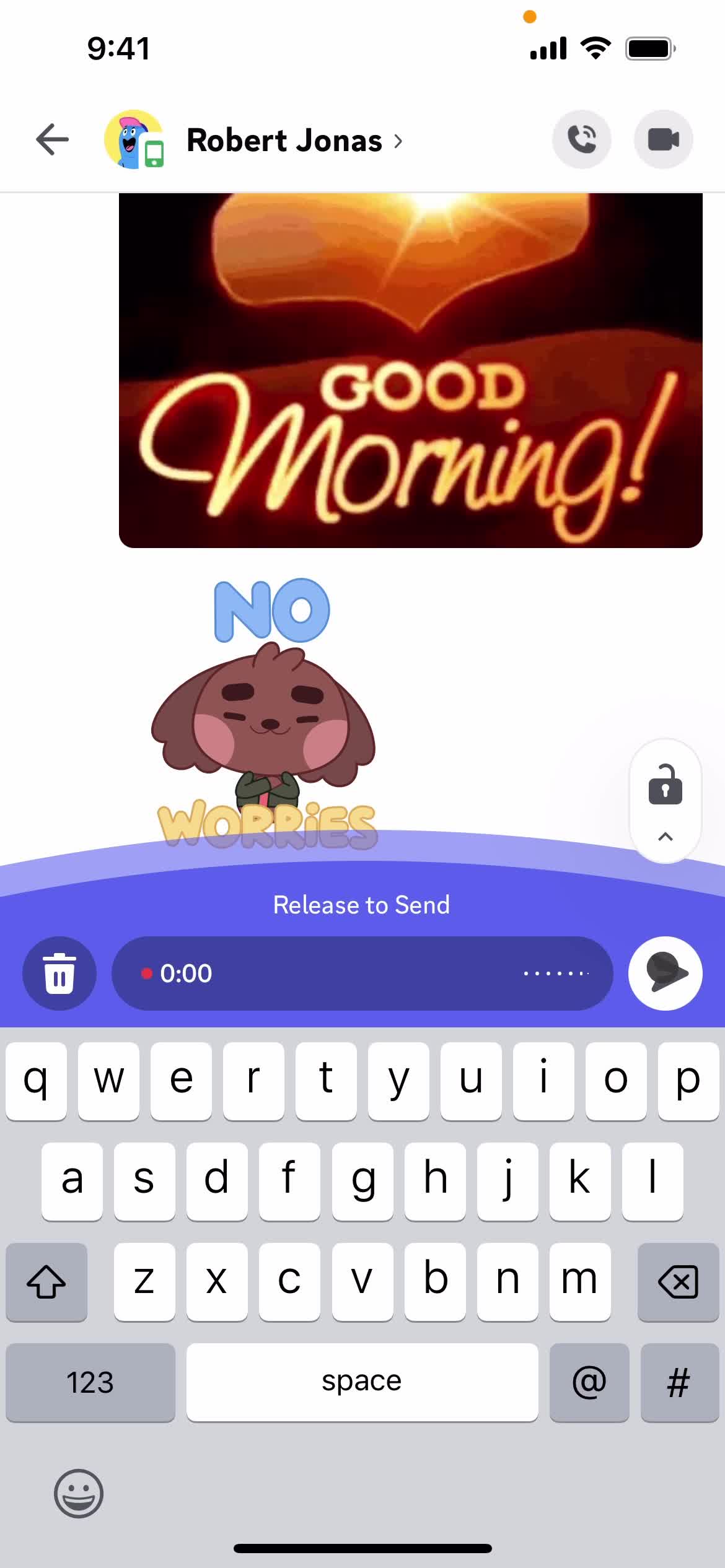
Record audio
this is title
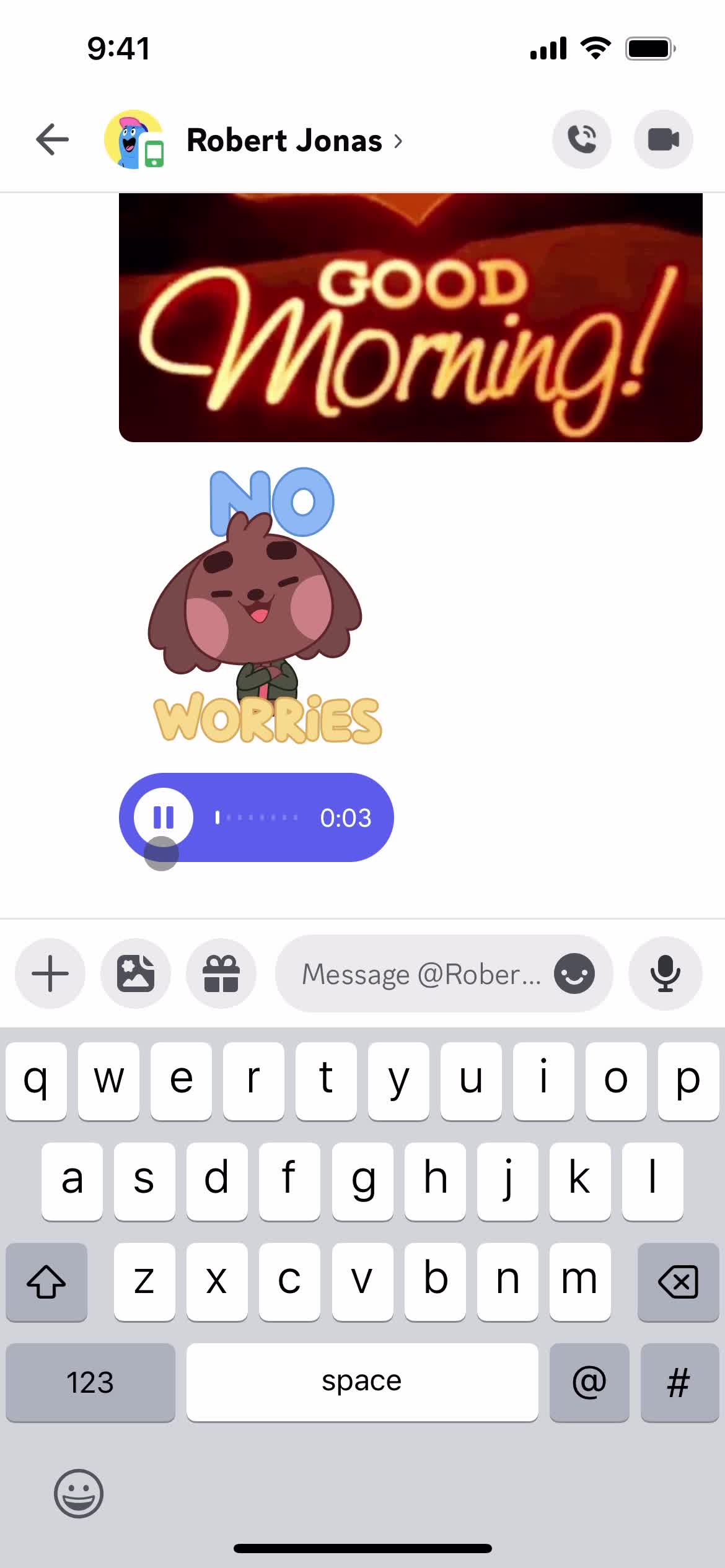
Playing audio
this is title
Chat thread
this is title
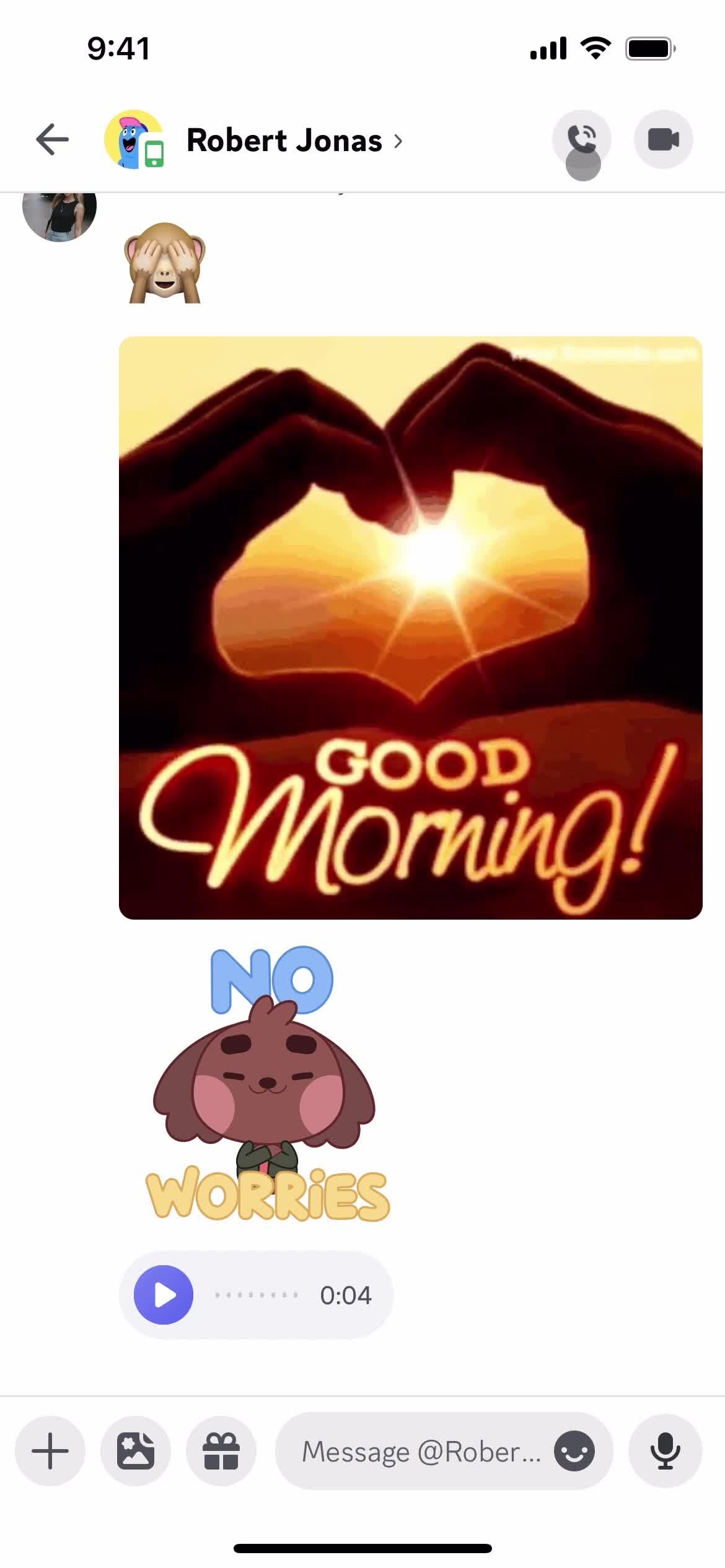
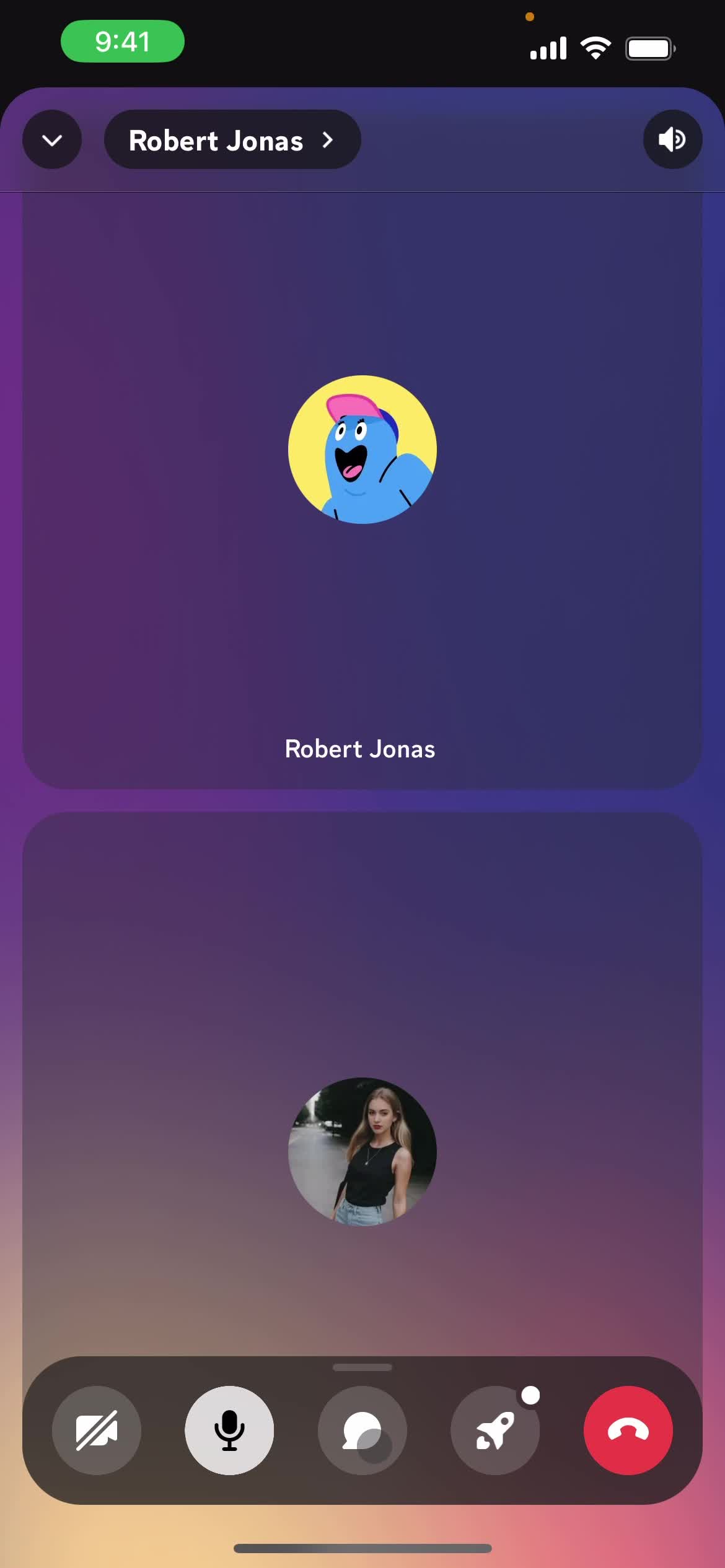
Call
this is title
Add message
this is title
Chat
this is title
End call
this is title
Chat thread
this is title
Messages
this is title
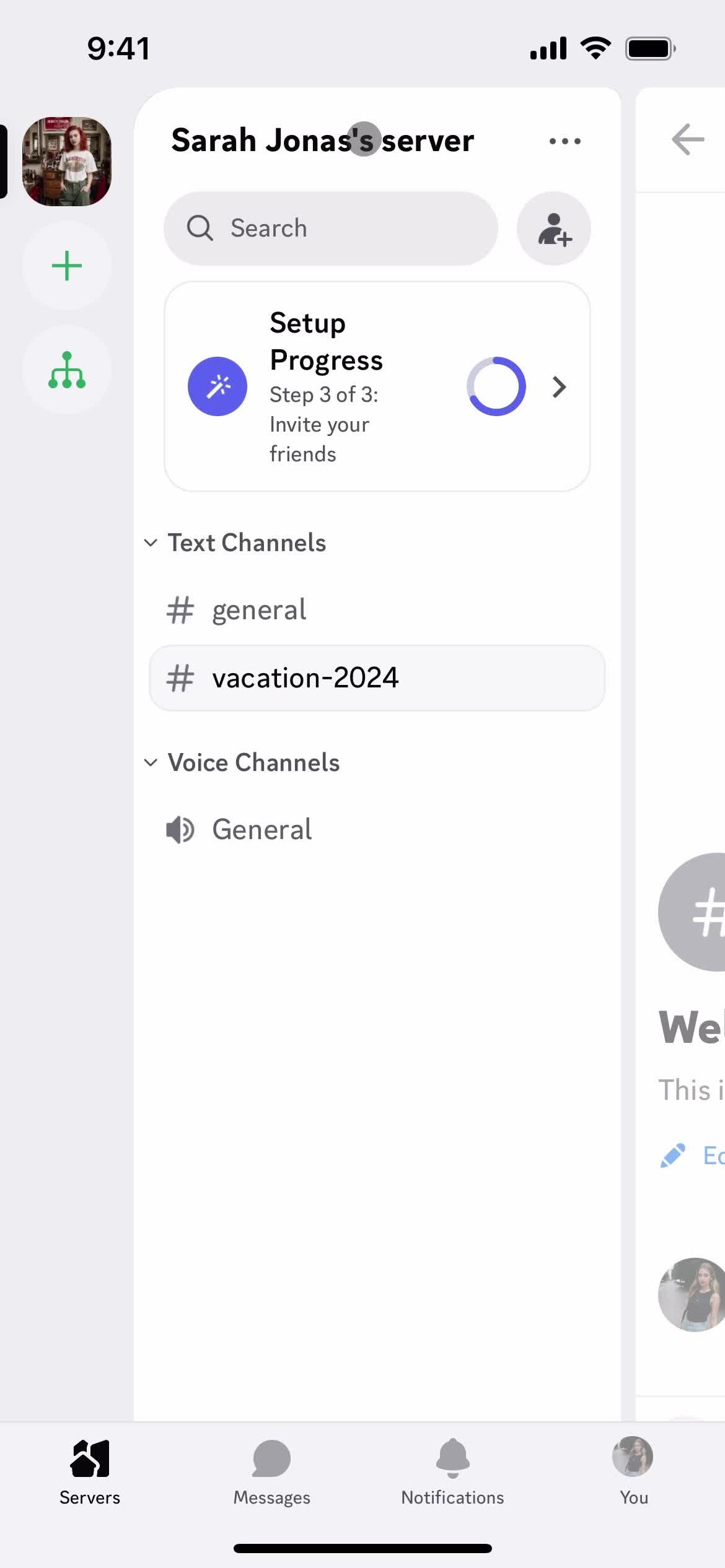
Servers
this is title
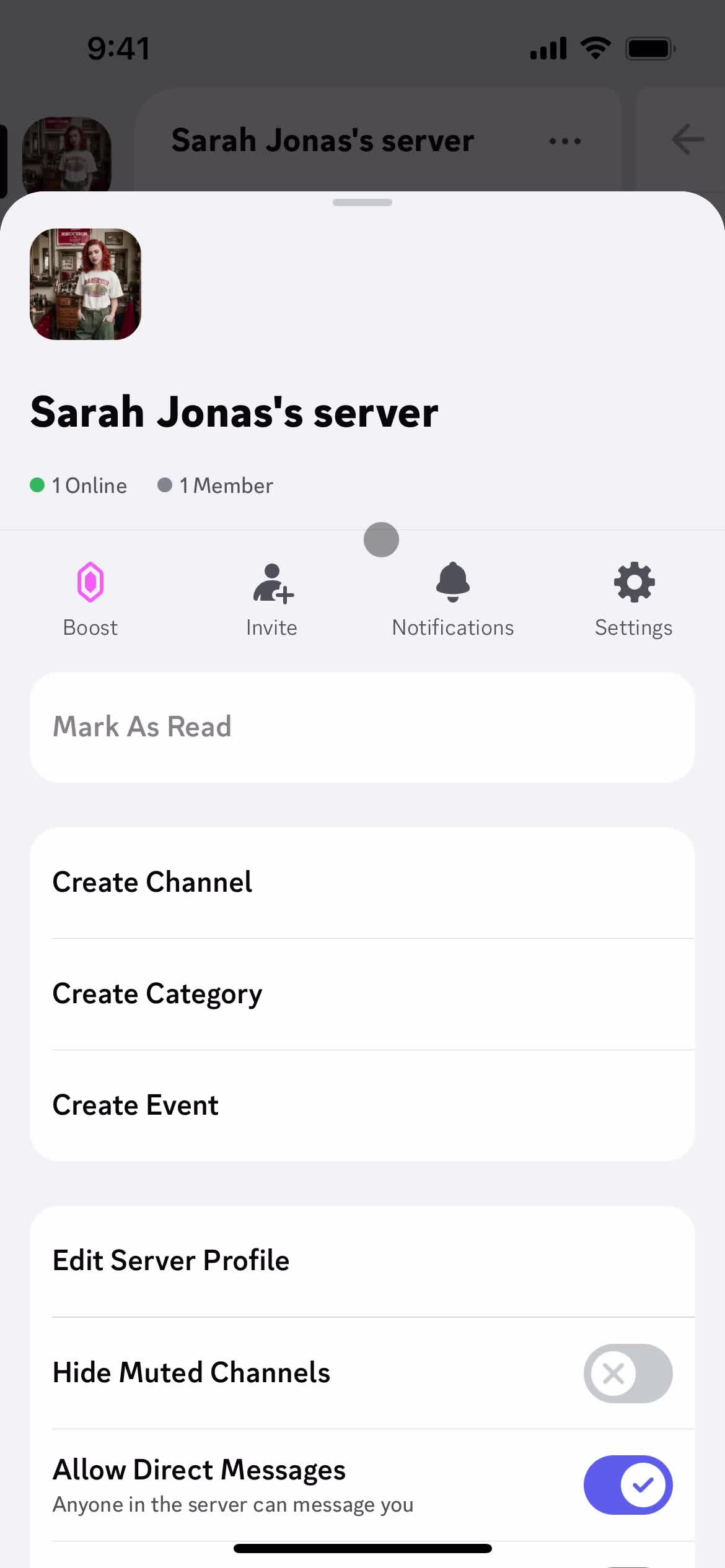
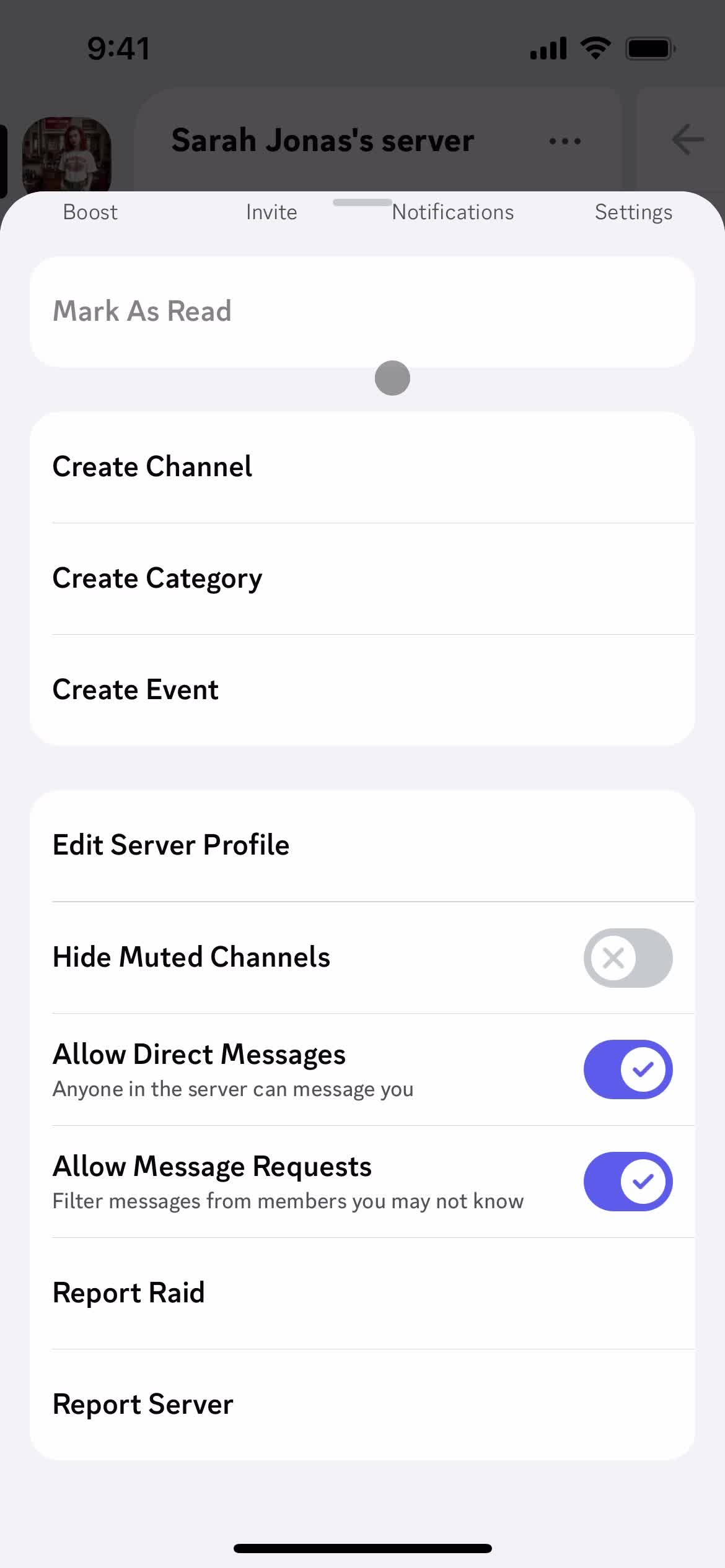
Server details
this is title
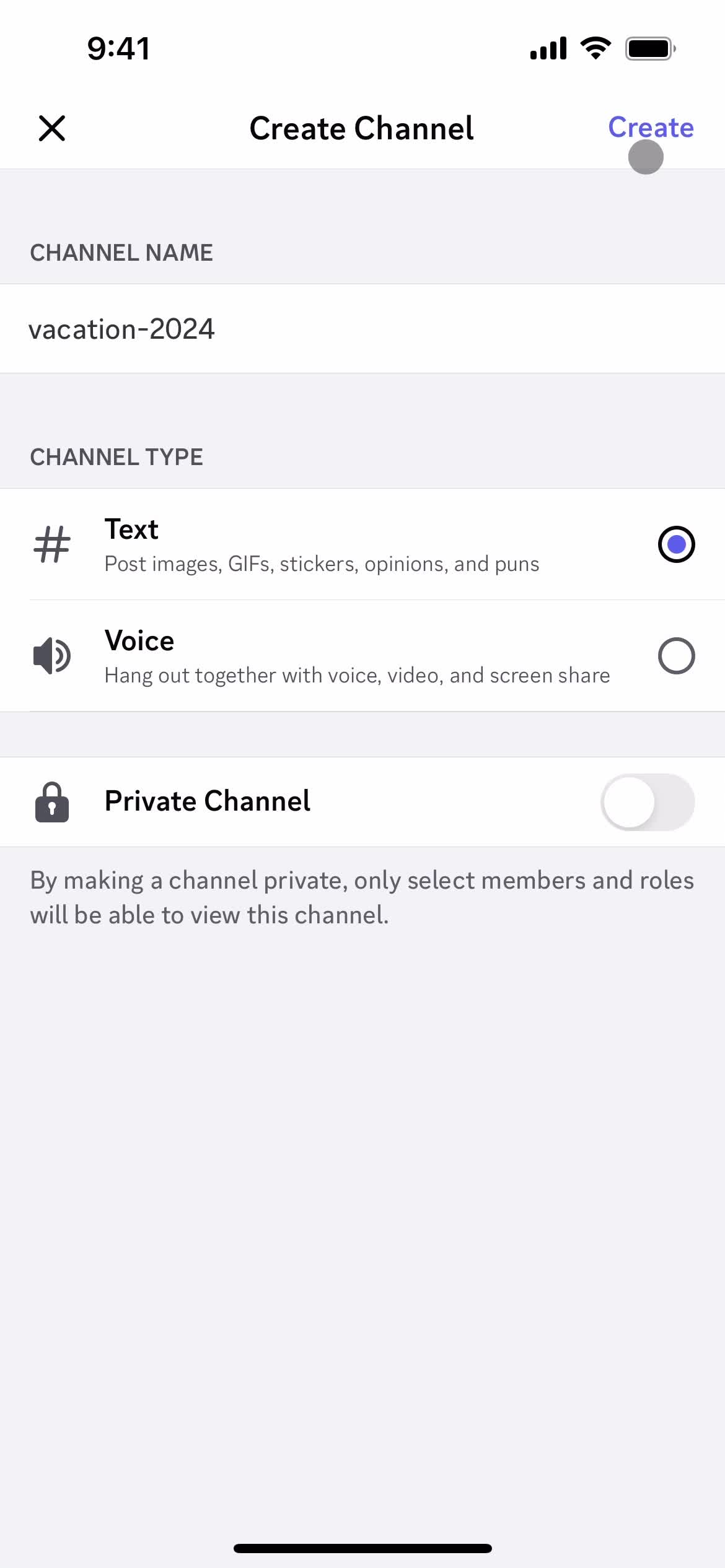
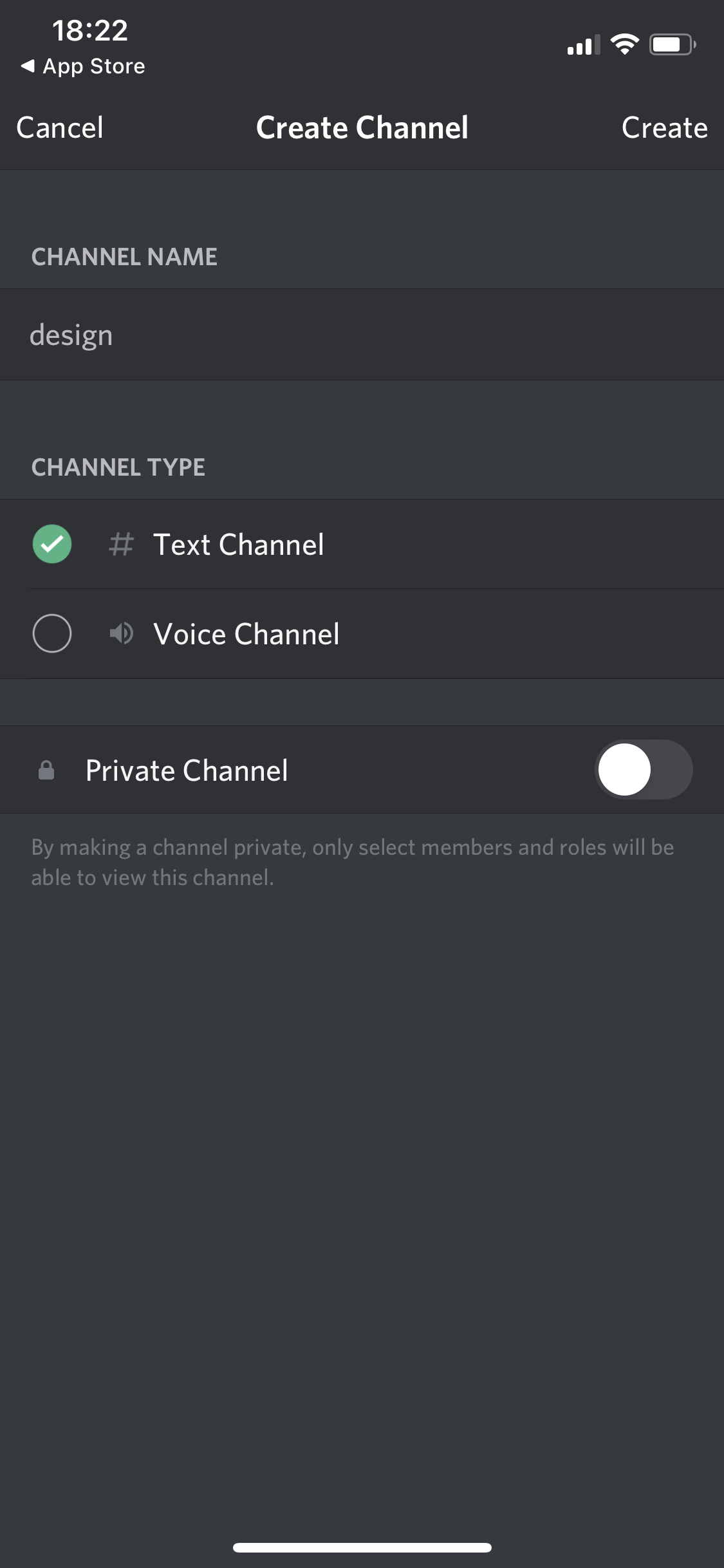
Create channel
this is title
Continue
this is title
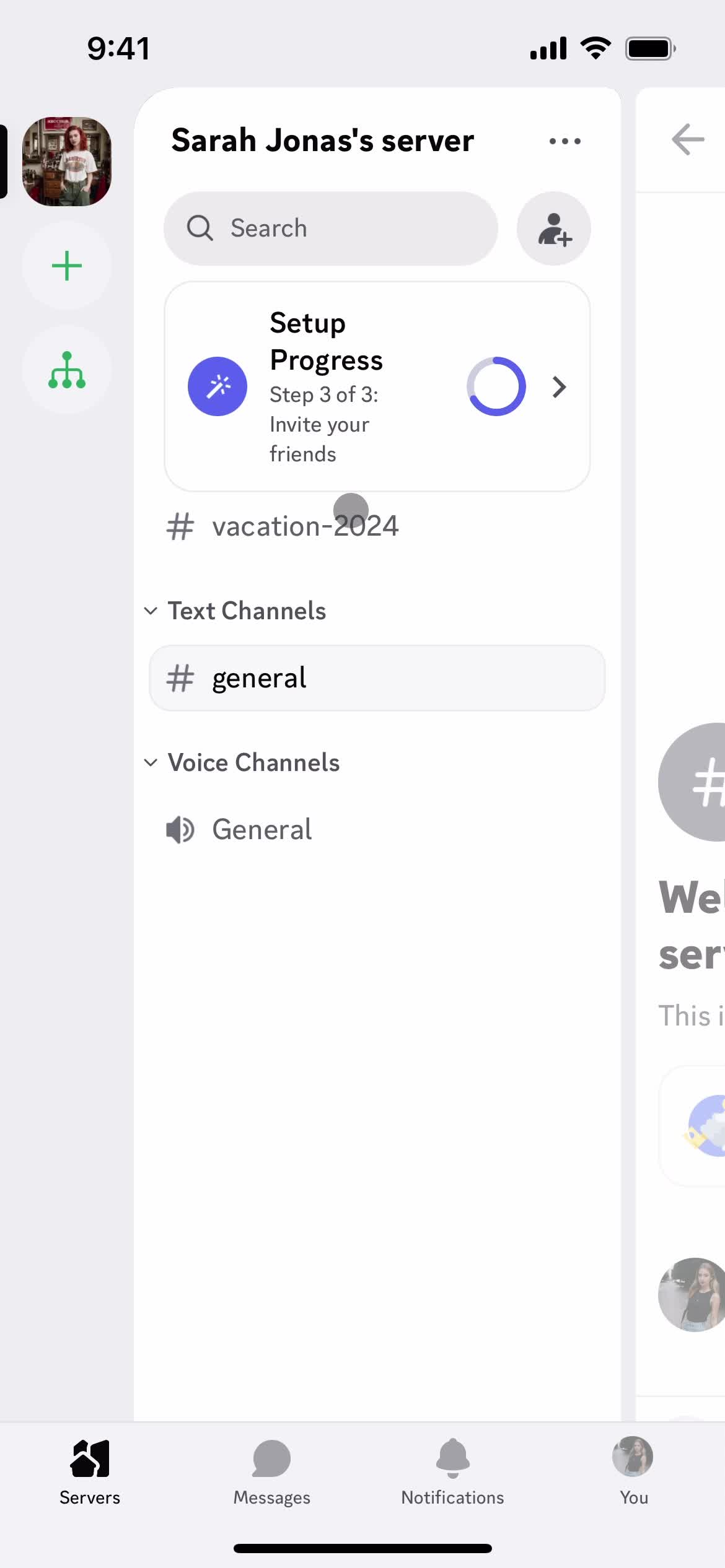
Servers
this is title
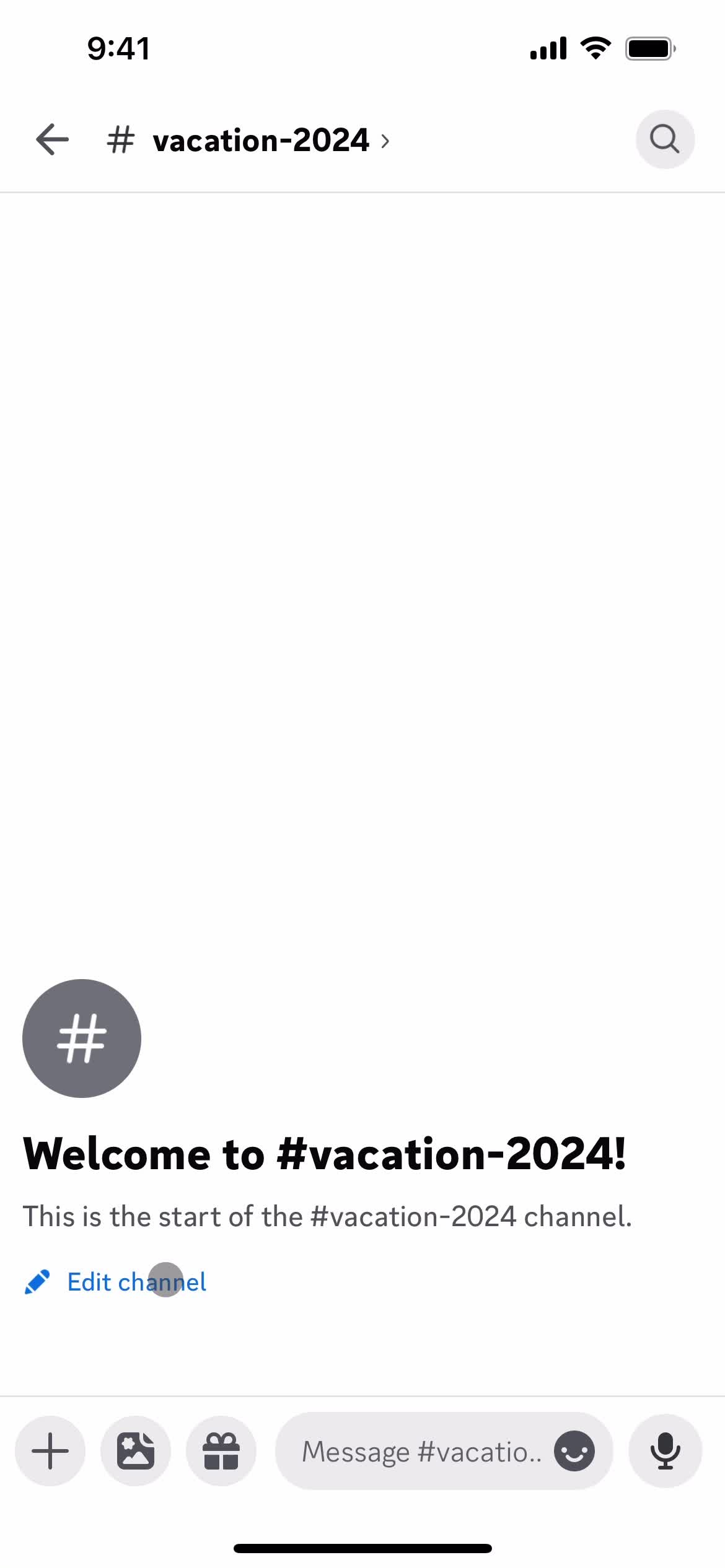
Channel
this is title
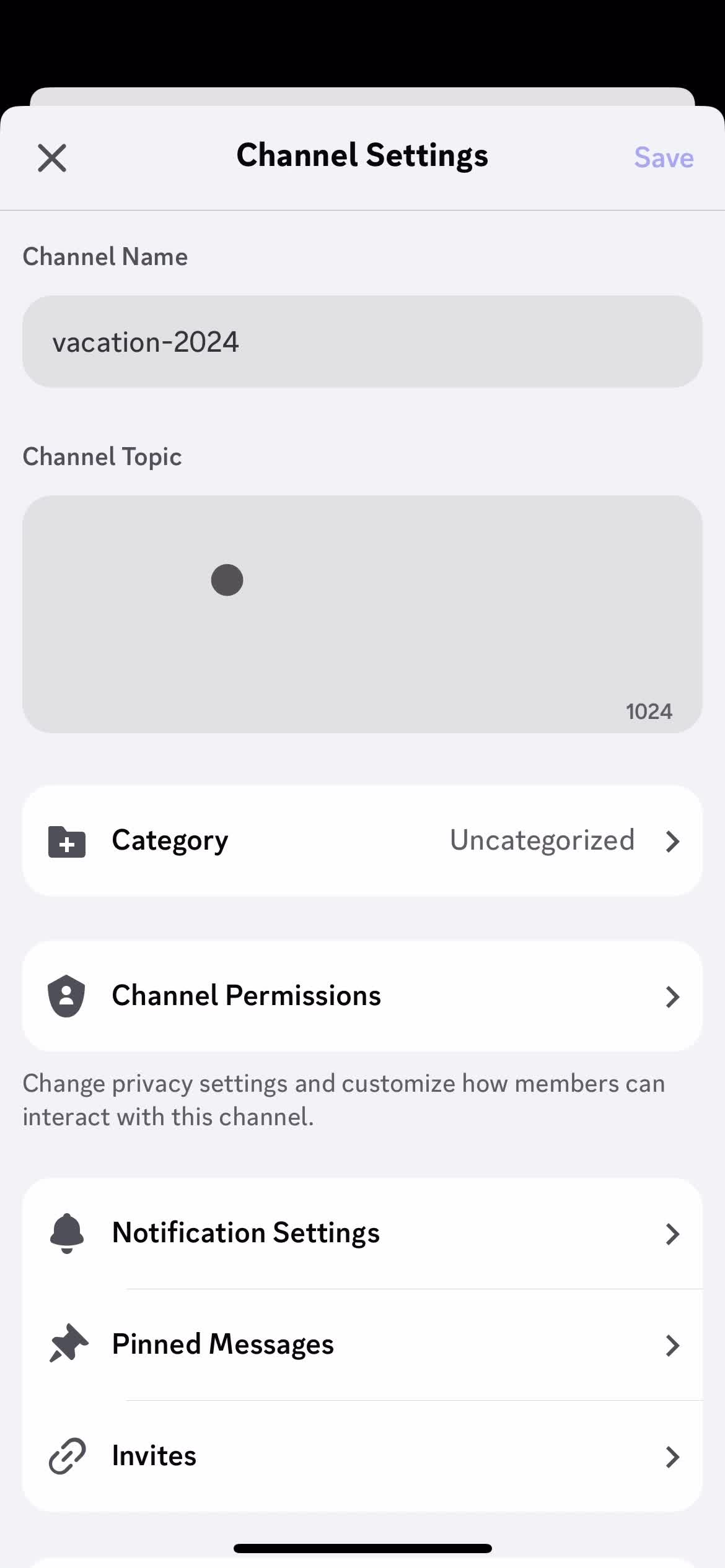
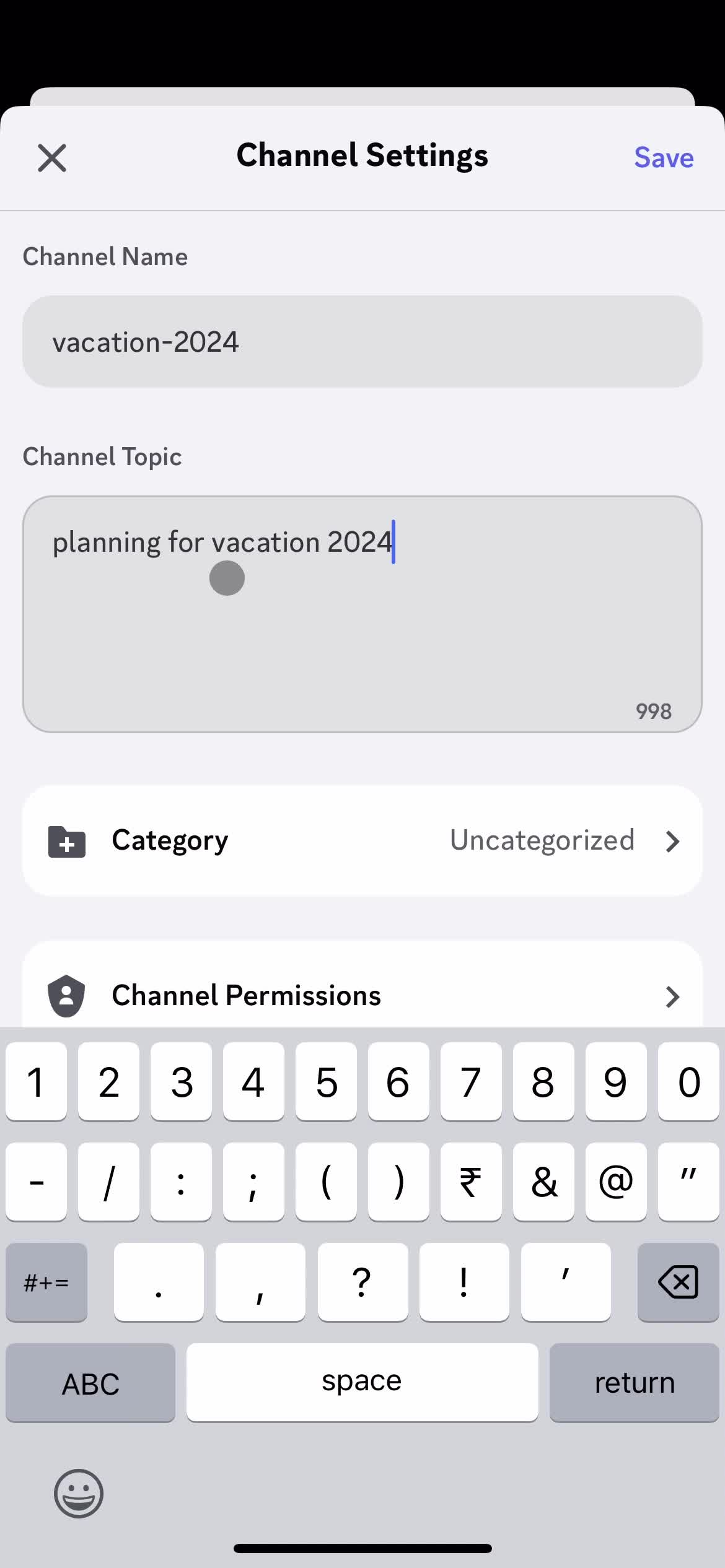
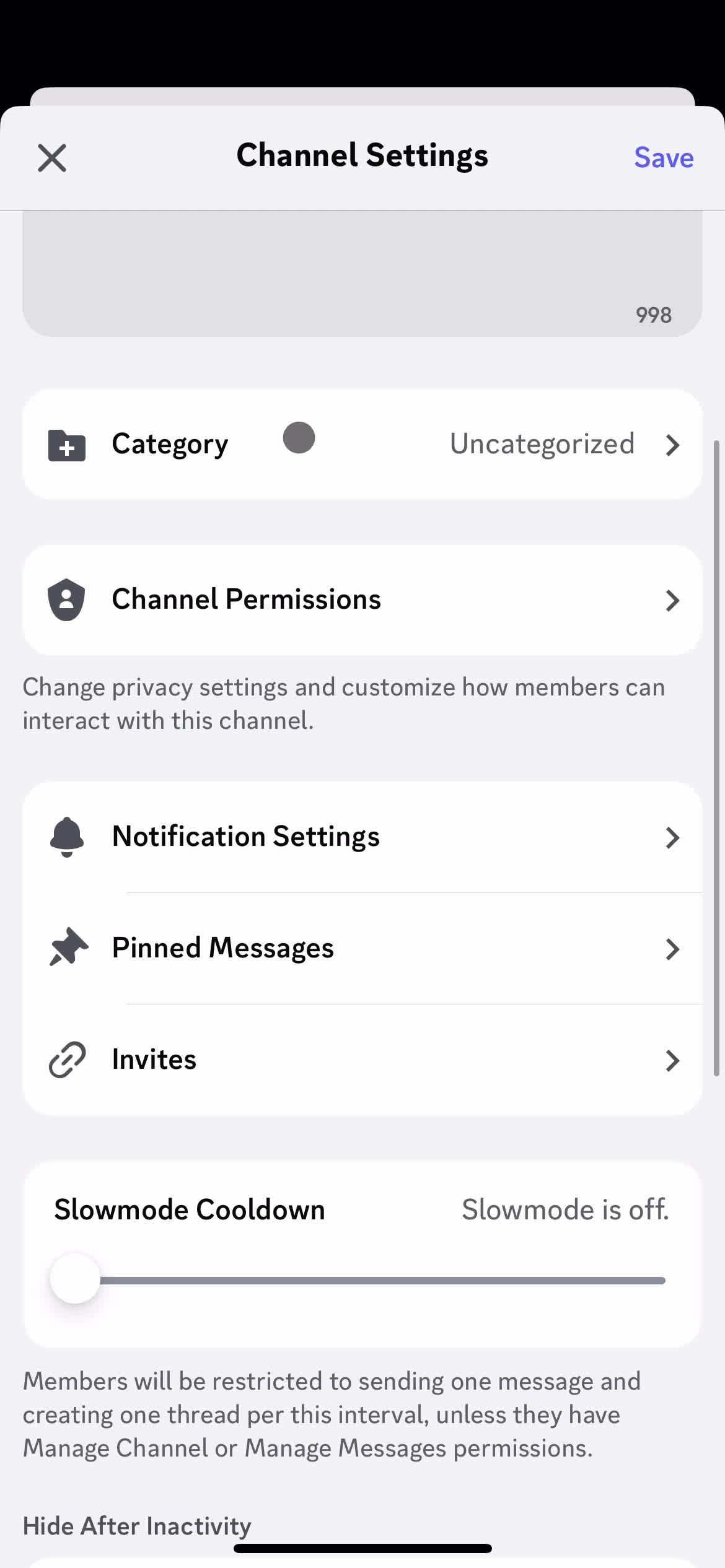
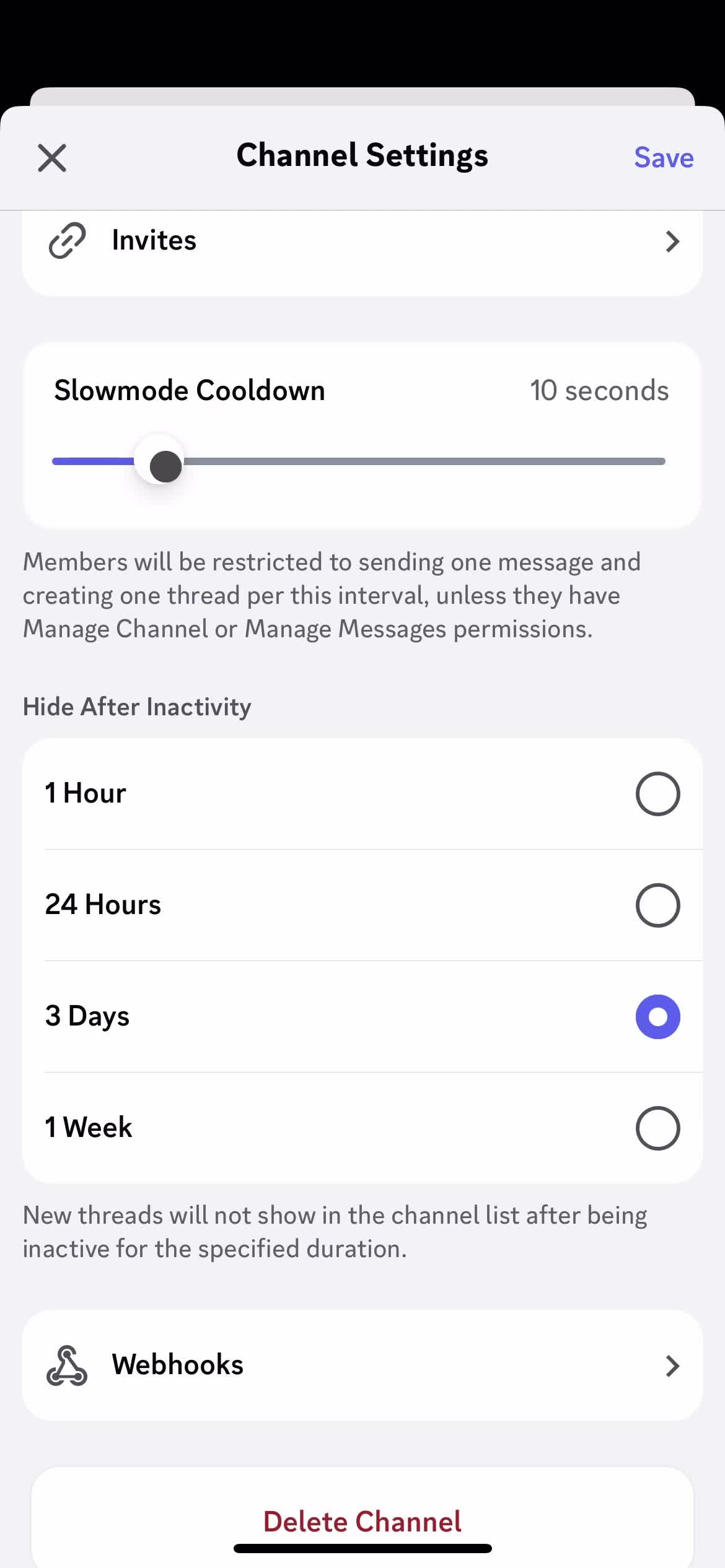
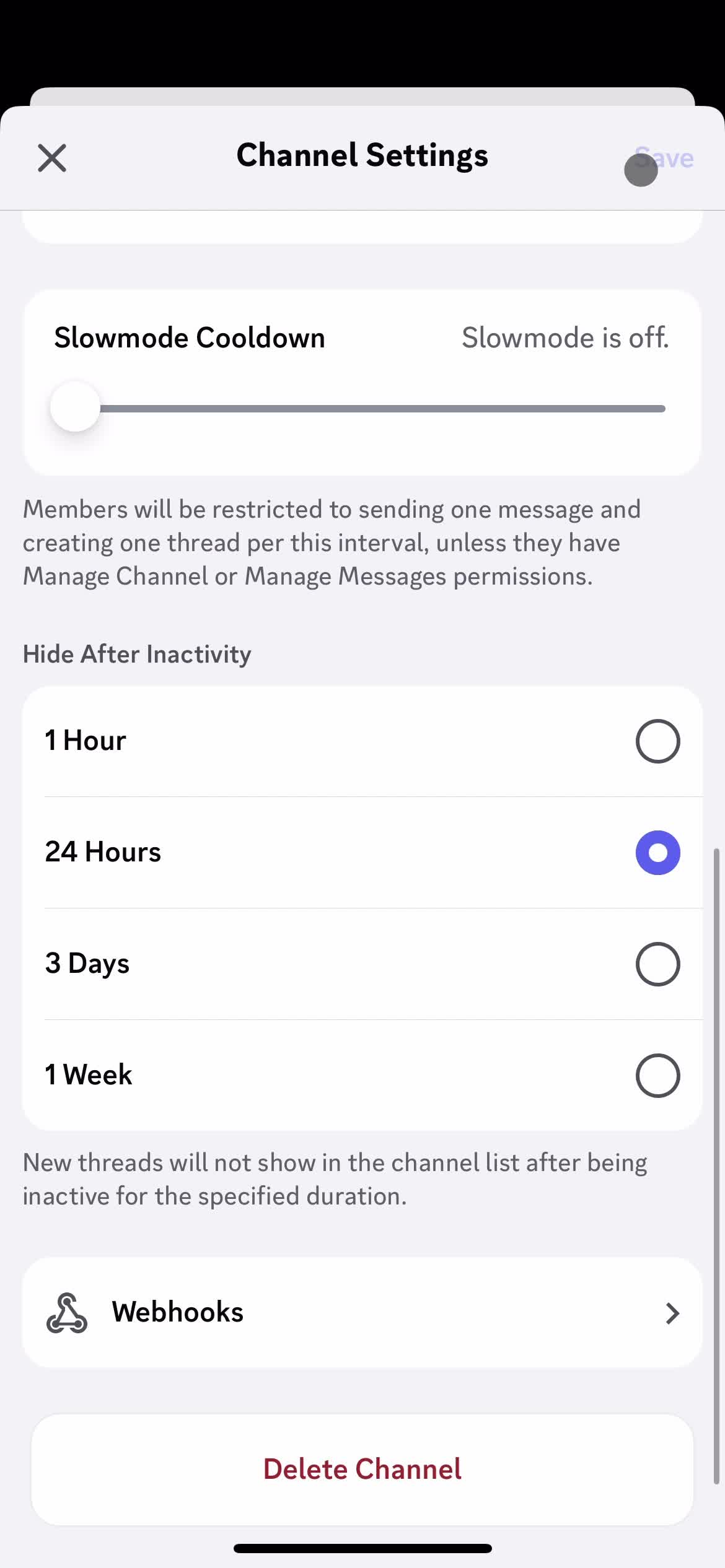
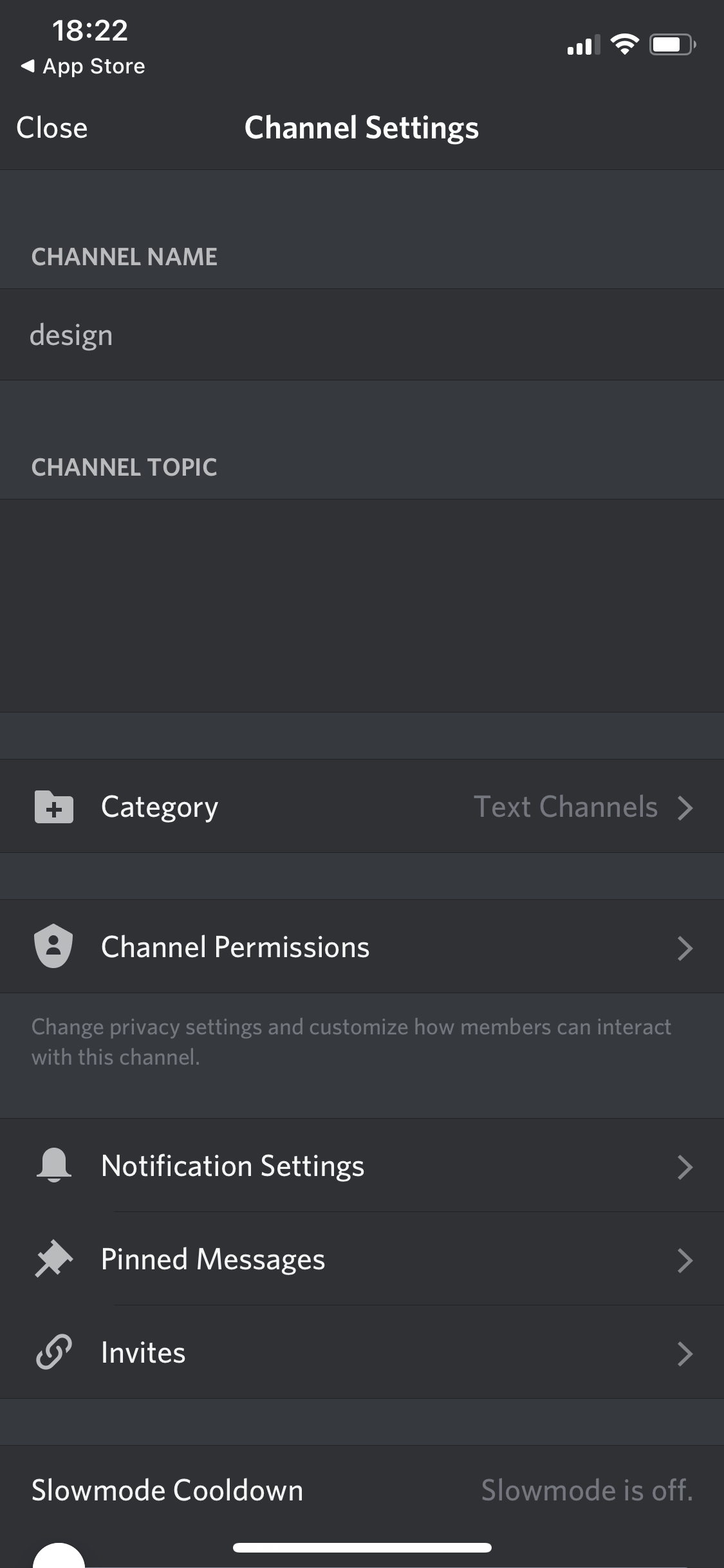
Channel settings
this is title
Add topic
this is title
this is title
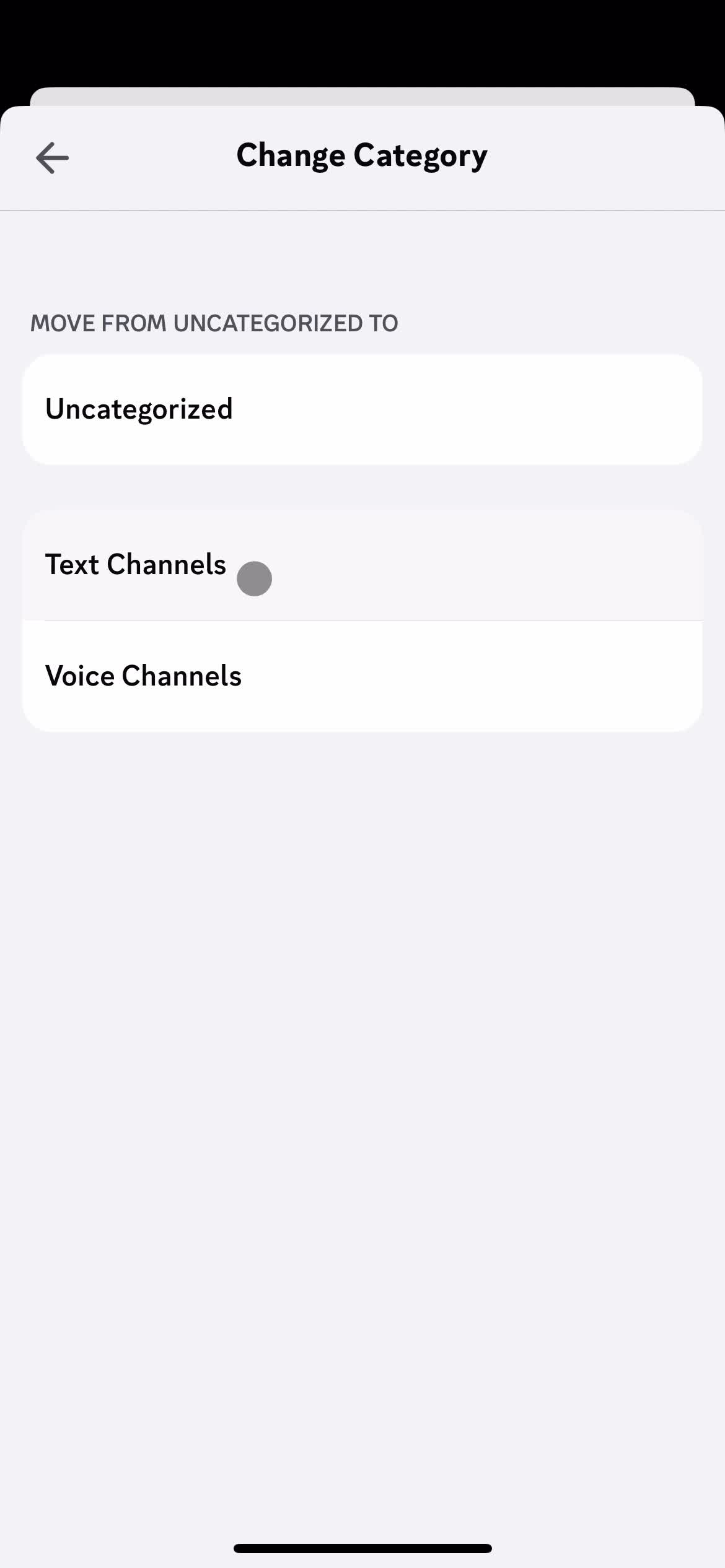
Select category
this is title
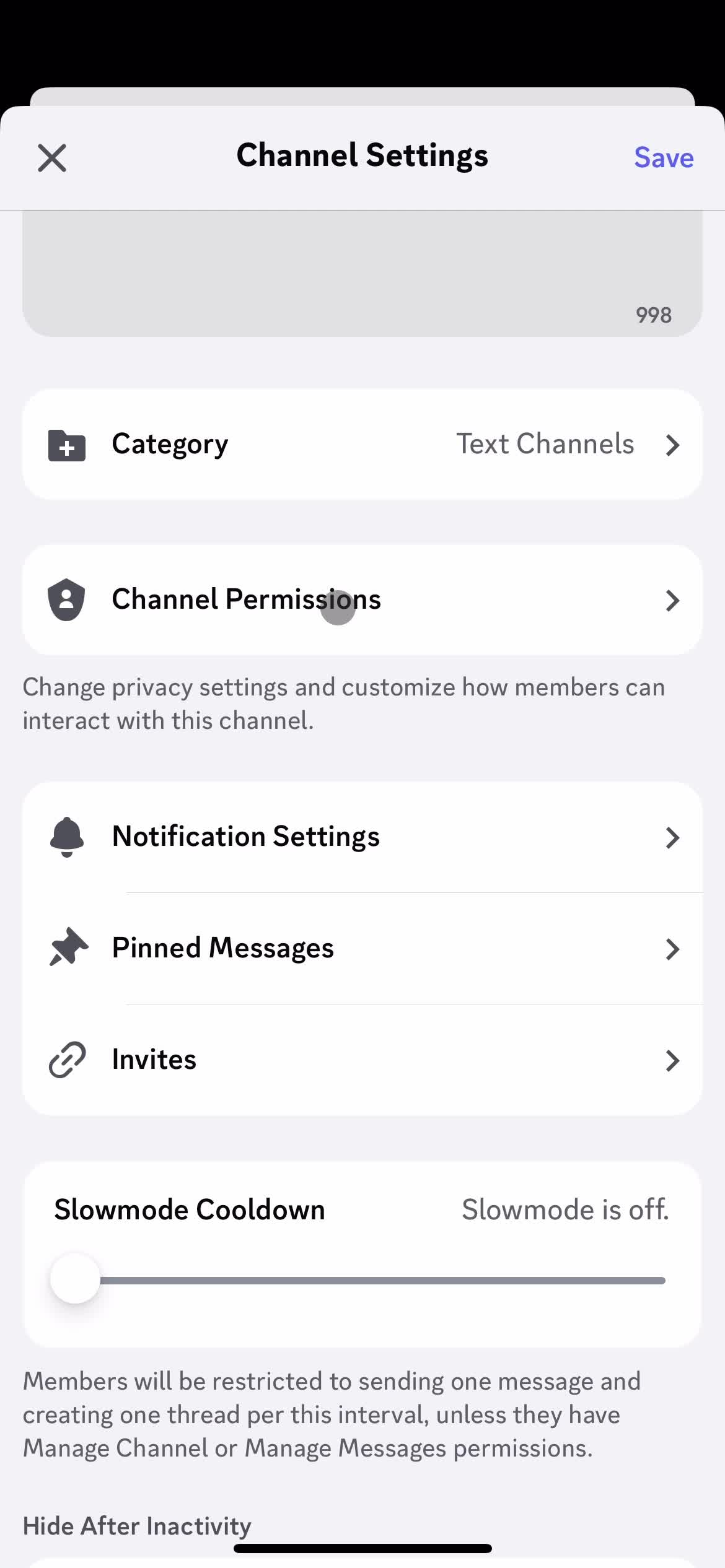
Channel settings
this is title
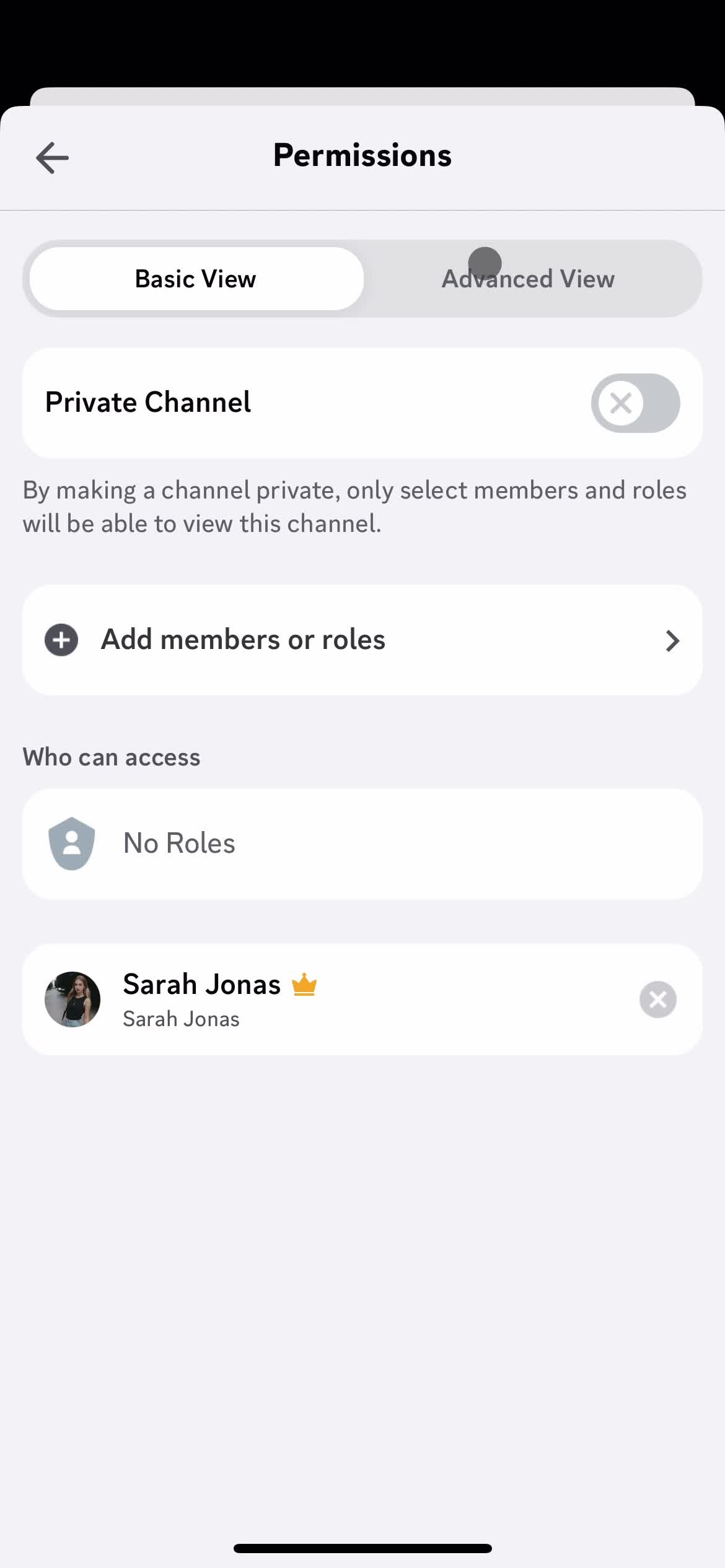
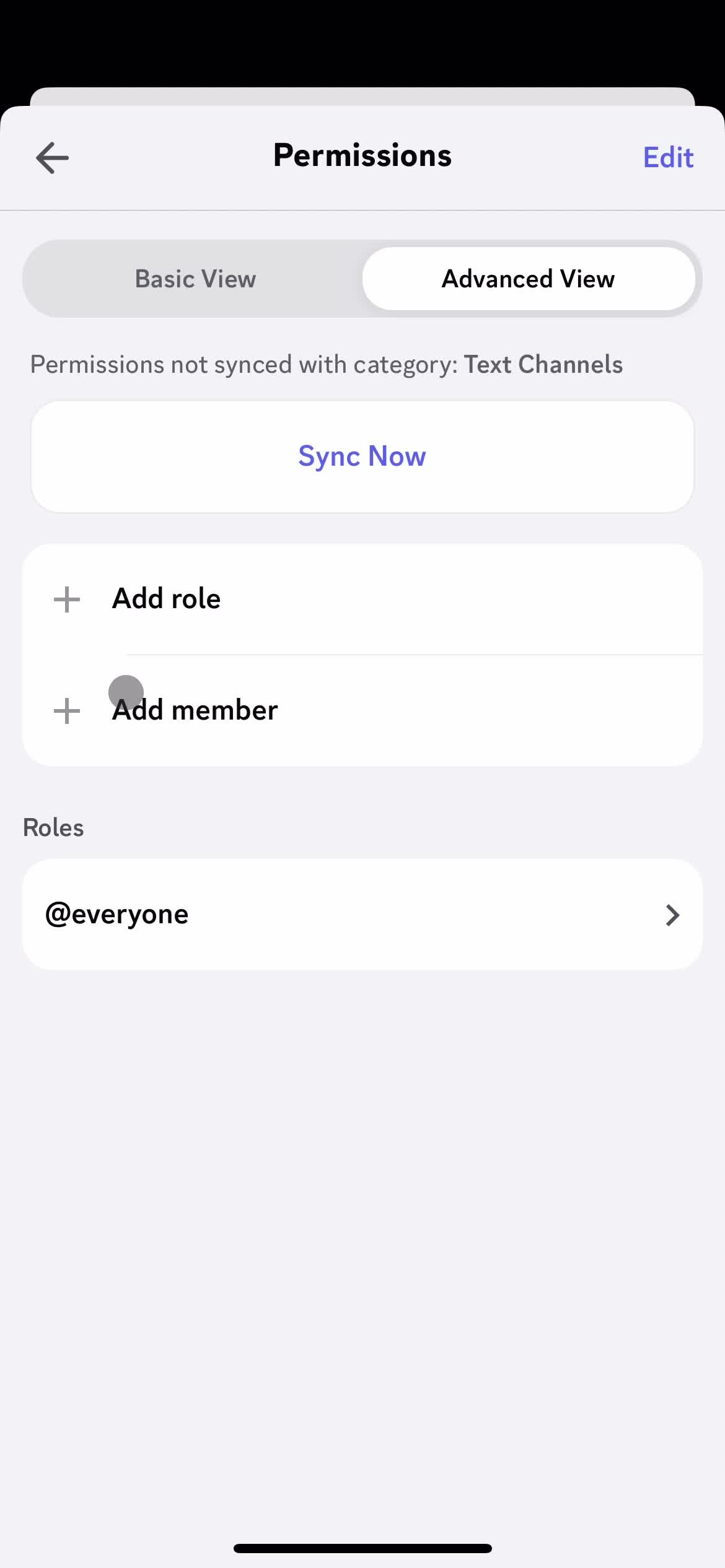
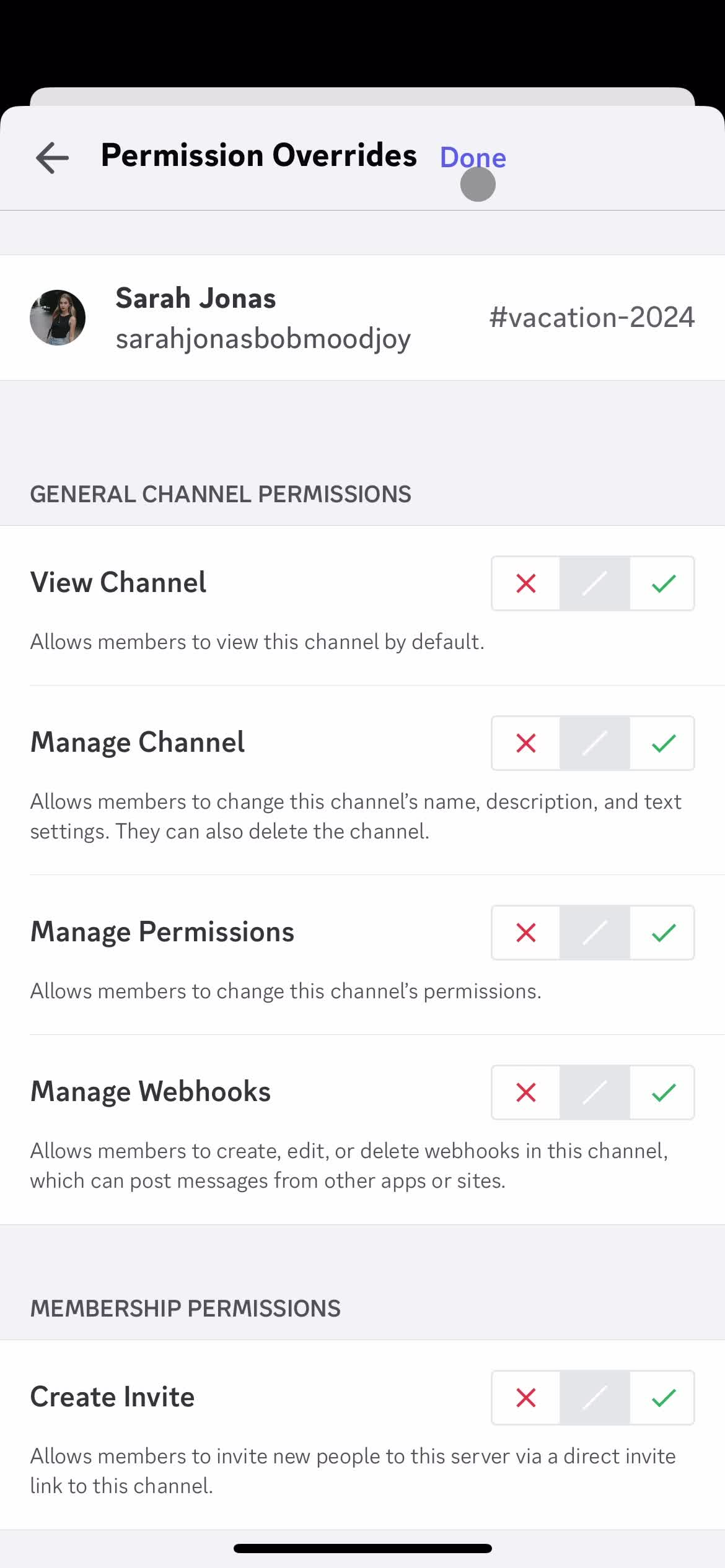
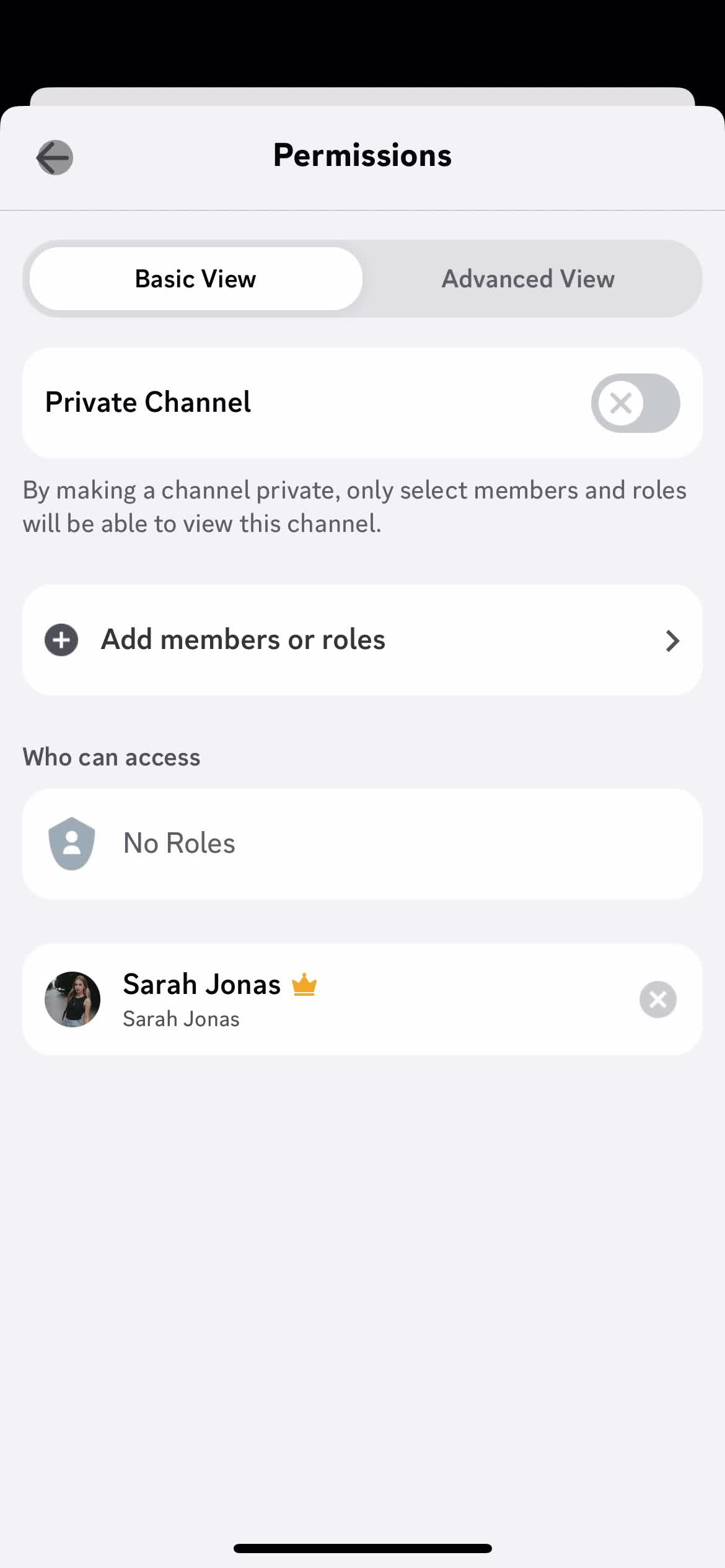
Permissions
this is title
this is title
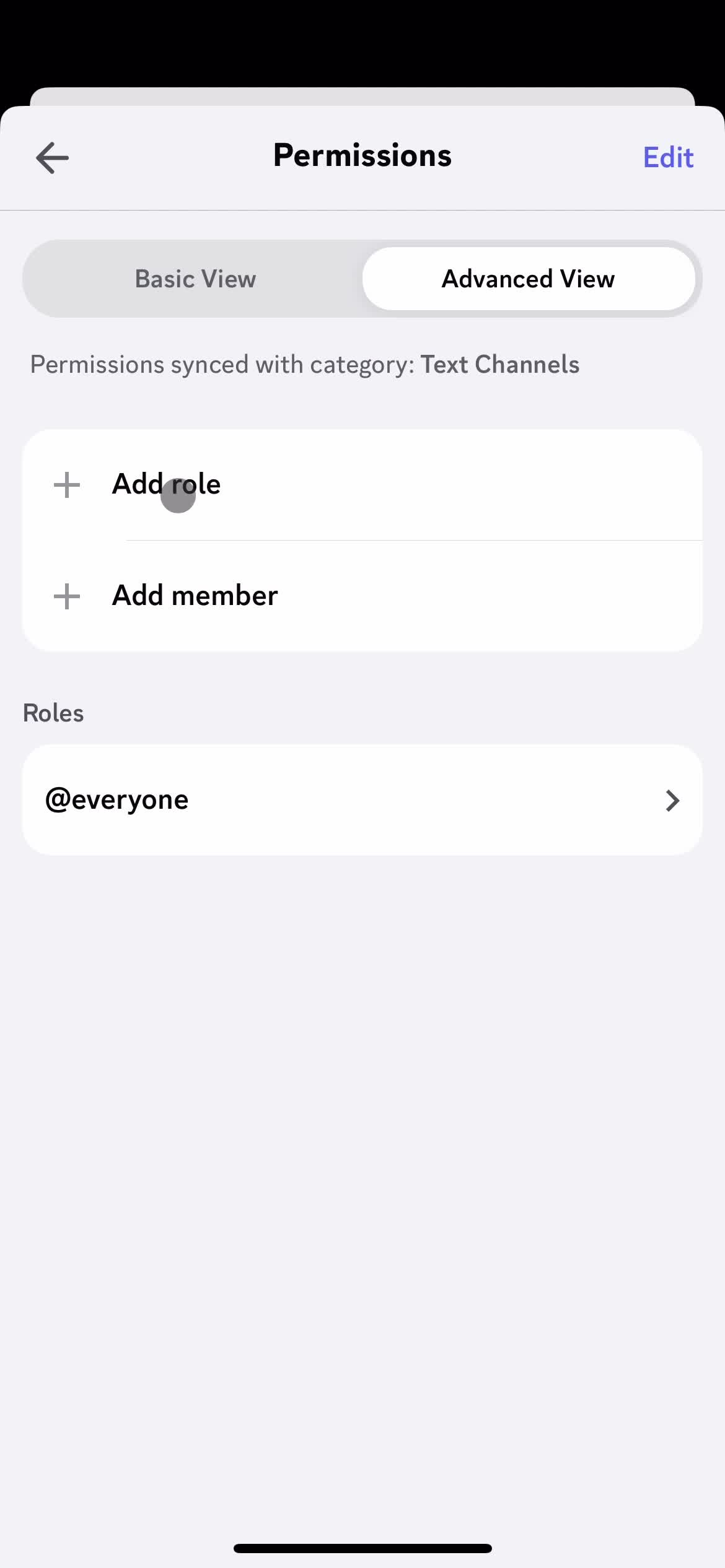
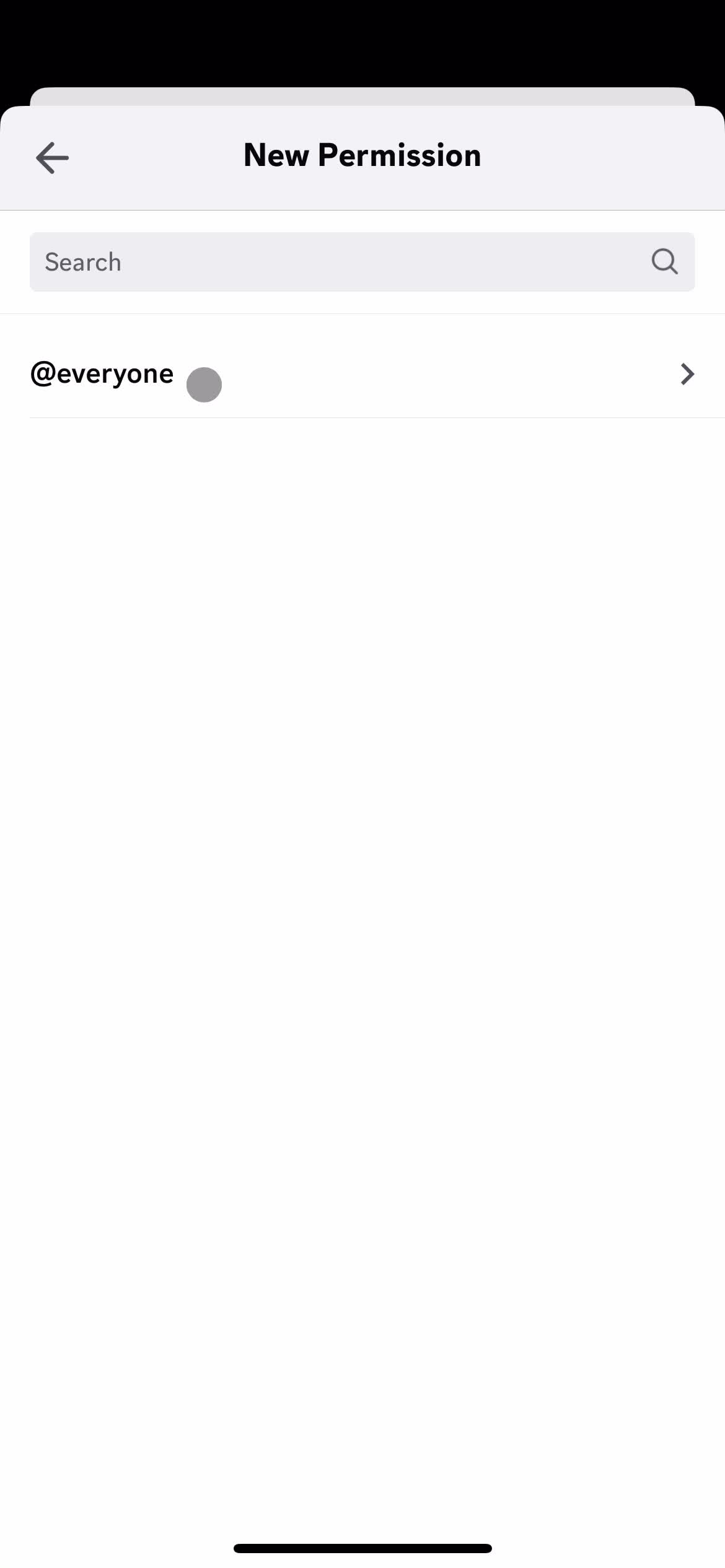
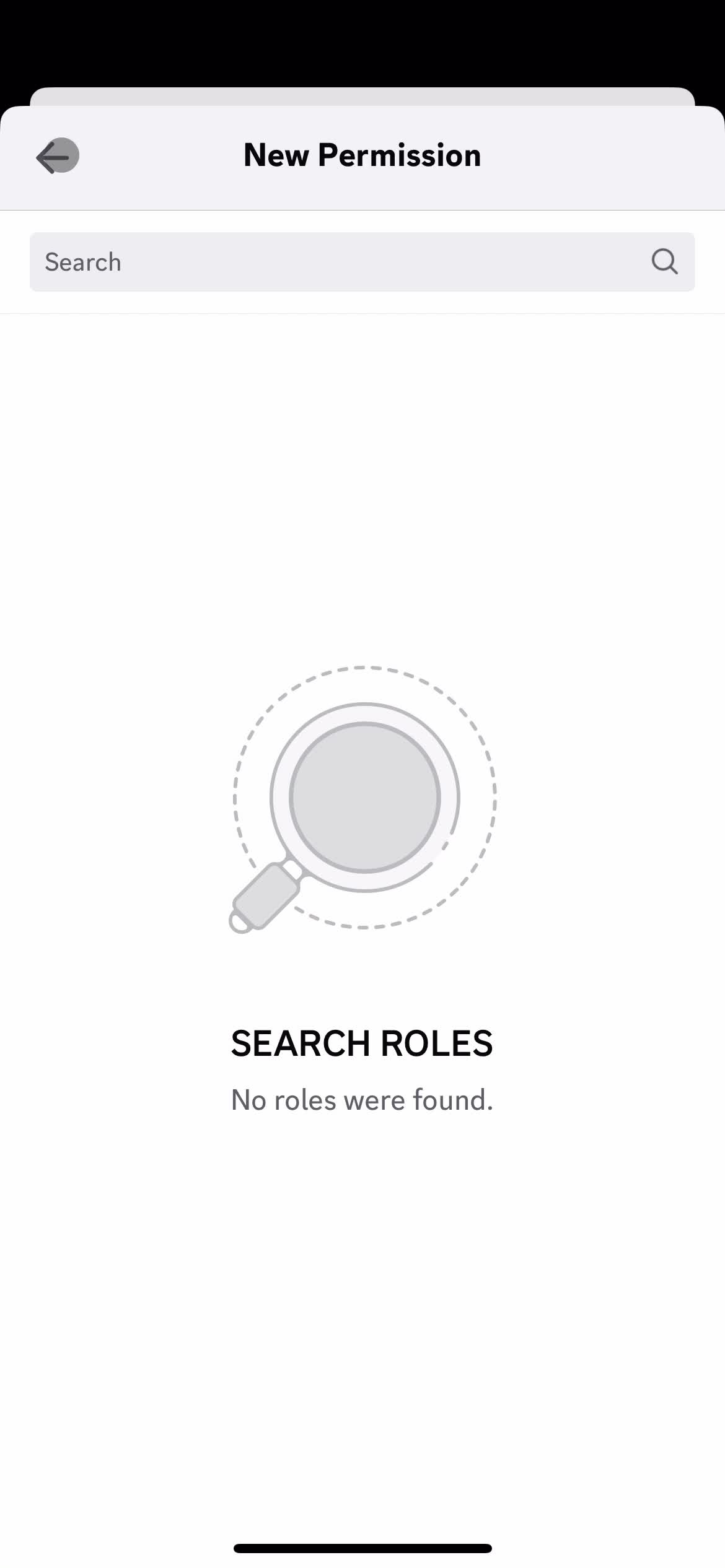
Select role
this is title
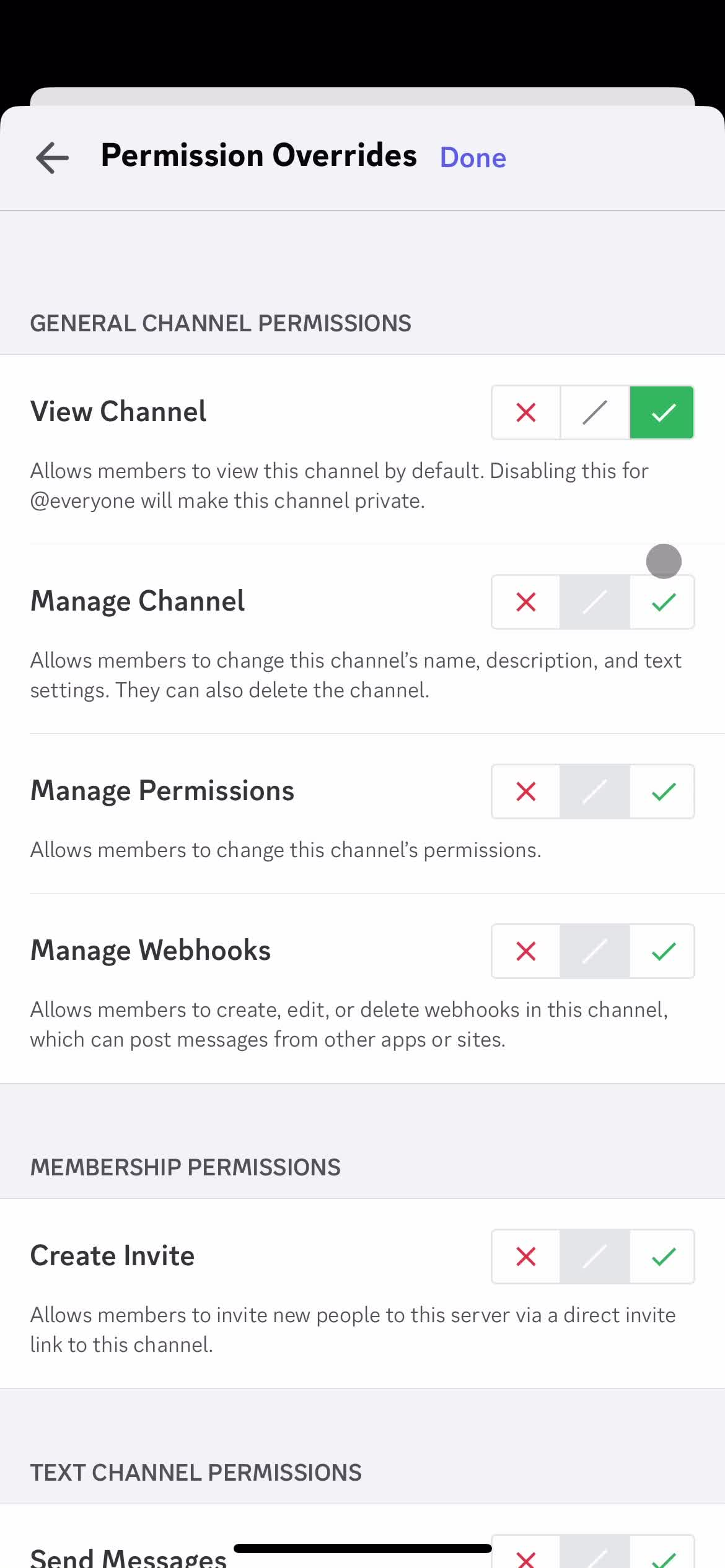
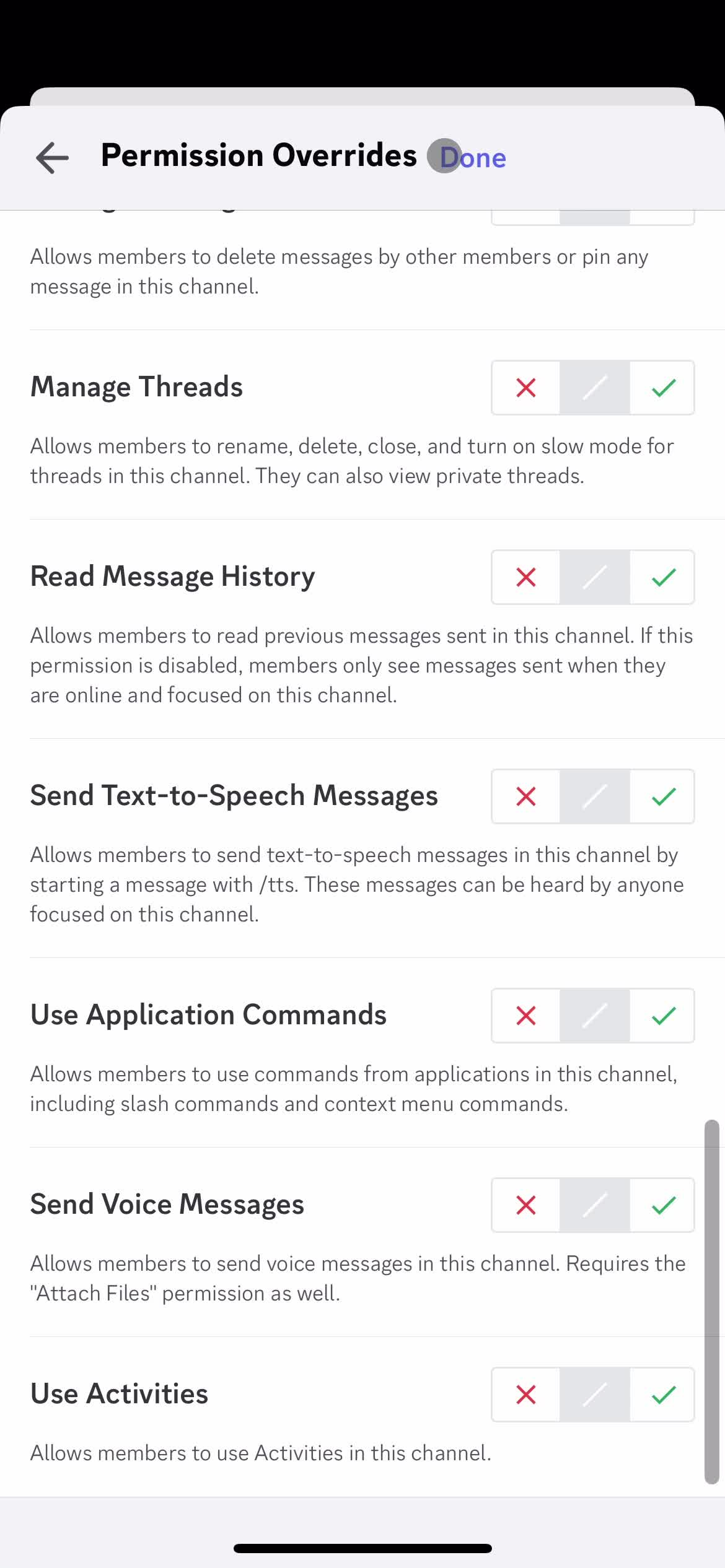
Set permissions
this is title
Continue
this is title
this is title
Permissions
this is title
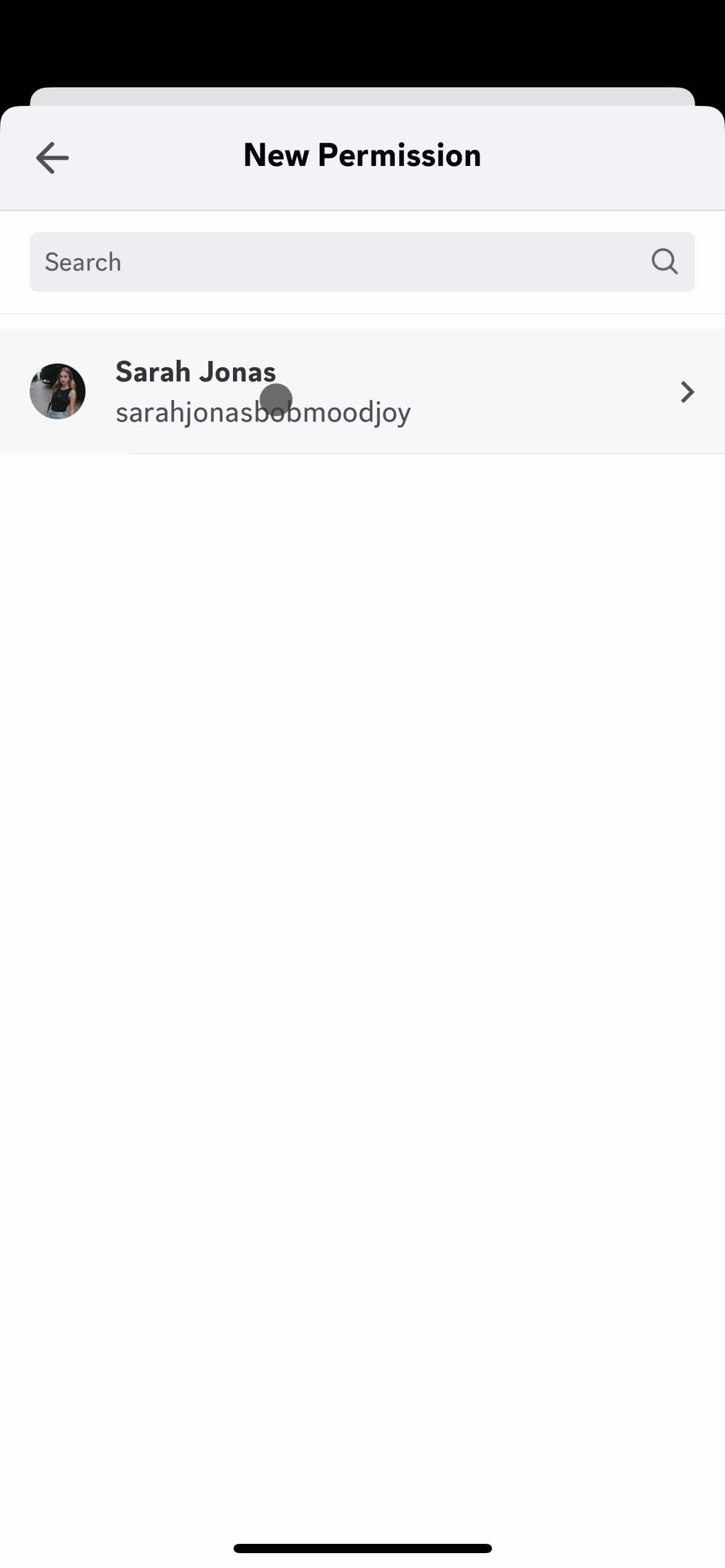
Add members
this is title
Continue
this is title
Permissions
this is title
Channel settings
this is title
Save
this is title
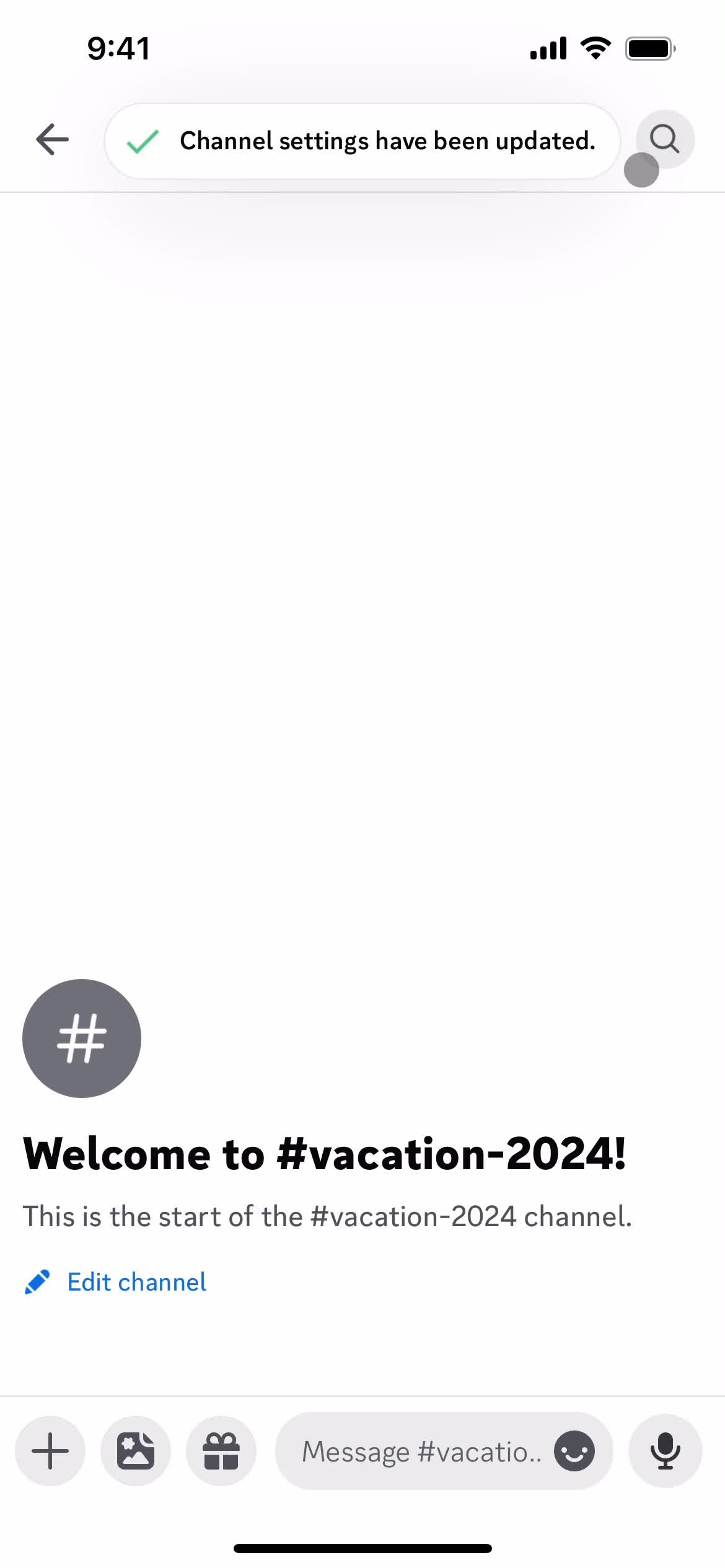
Changes saved
this is title
Add message
this is title
this is title
Chat thread
this is title
Servers
this is title
Channels
this is title
Create channel
this is title
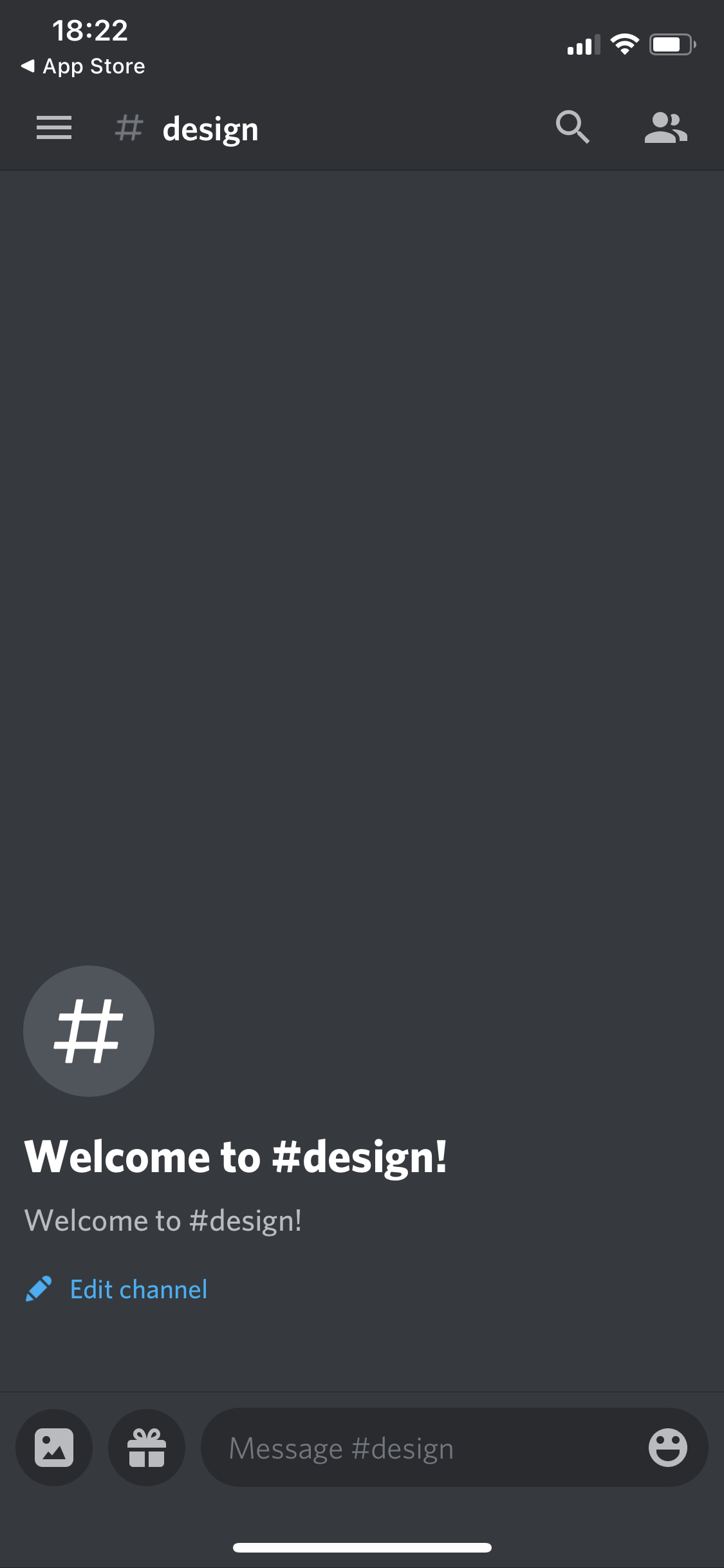
Channel created
this is title
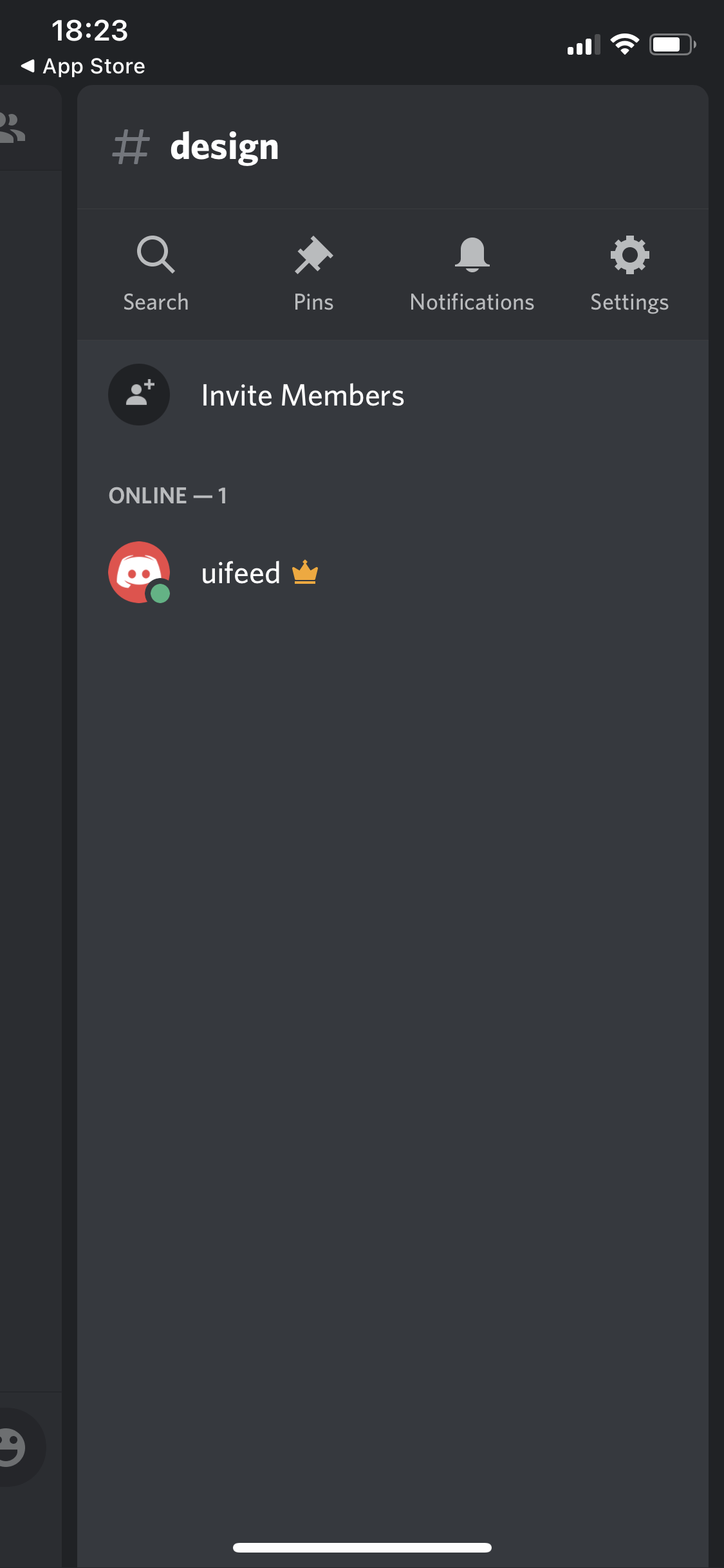
Channel details
this is title
Channels
this is title
Create channel
this is title
Add moderators
this is title
Add moderators
this is title
Create channel
this is title
Add people
this is title
Add people
this is title
Channels
this is title
Channel
this is title
Channels
this is title
Create channel
this is title
Channels
this is title
Channel
this is title
Messages
this is title
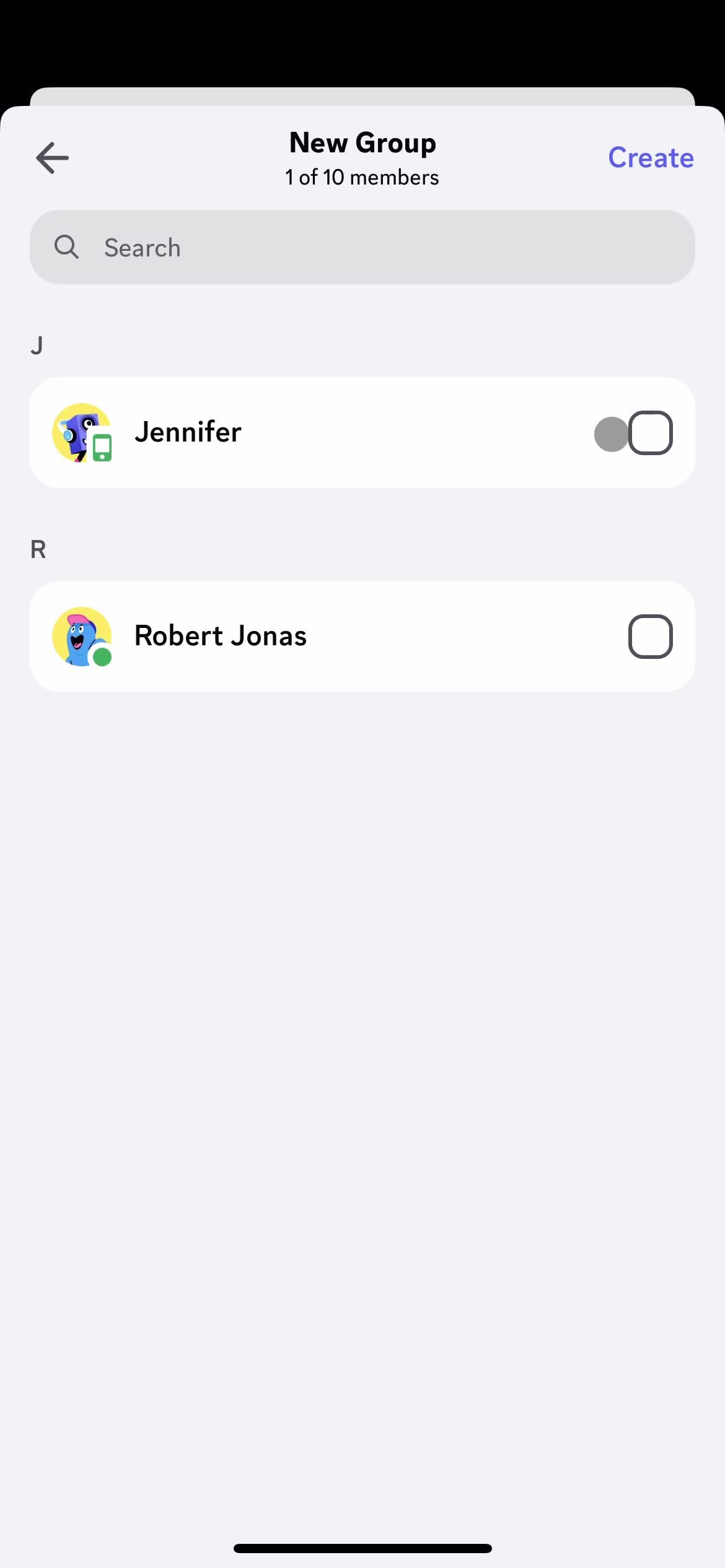
Create new message
this is title
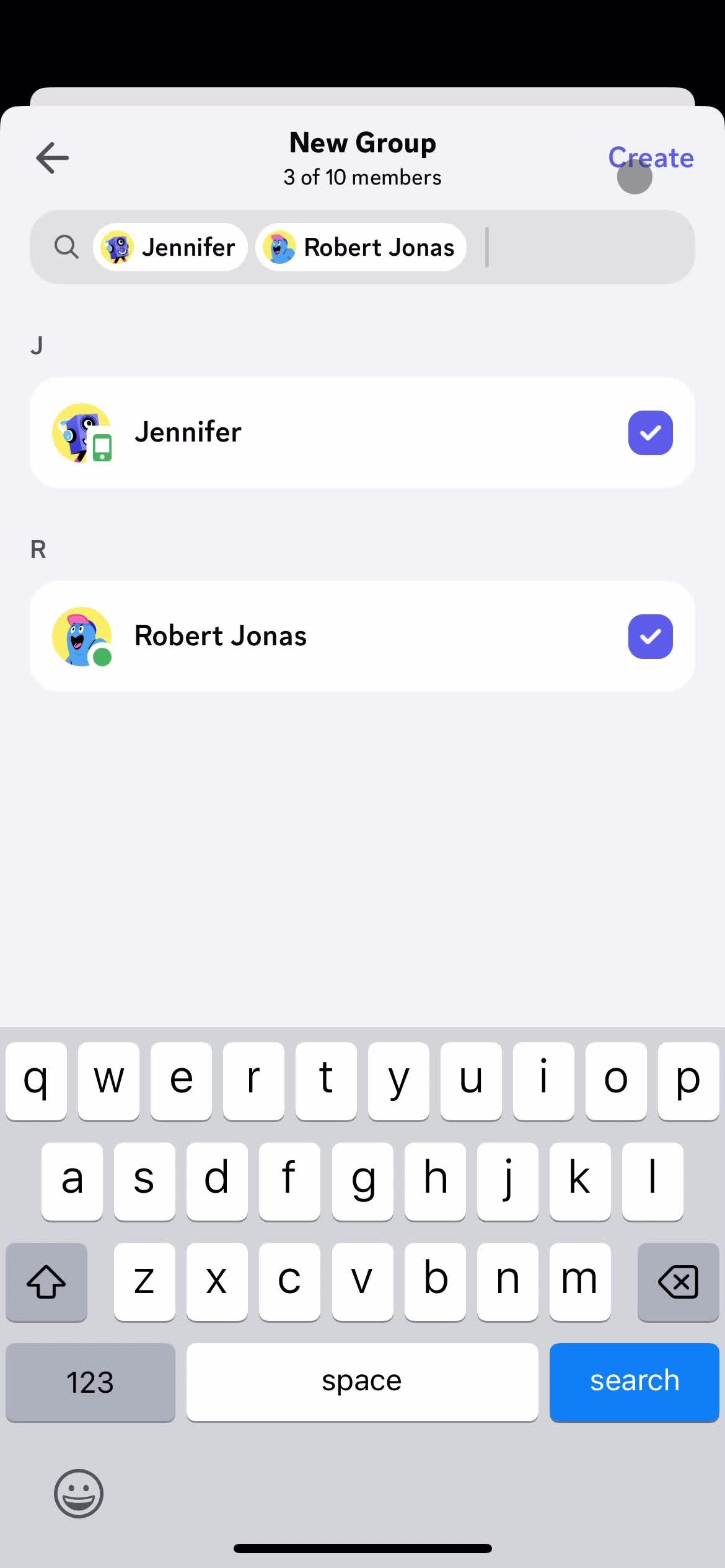
Add members
this is title
Continue
this is title
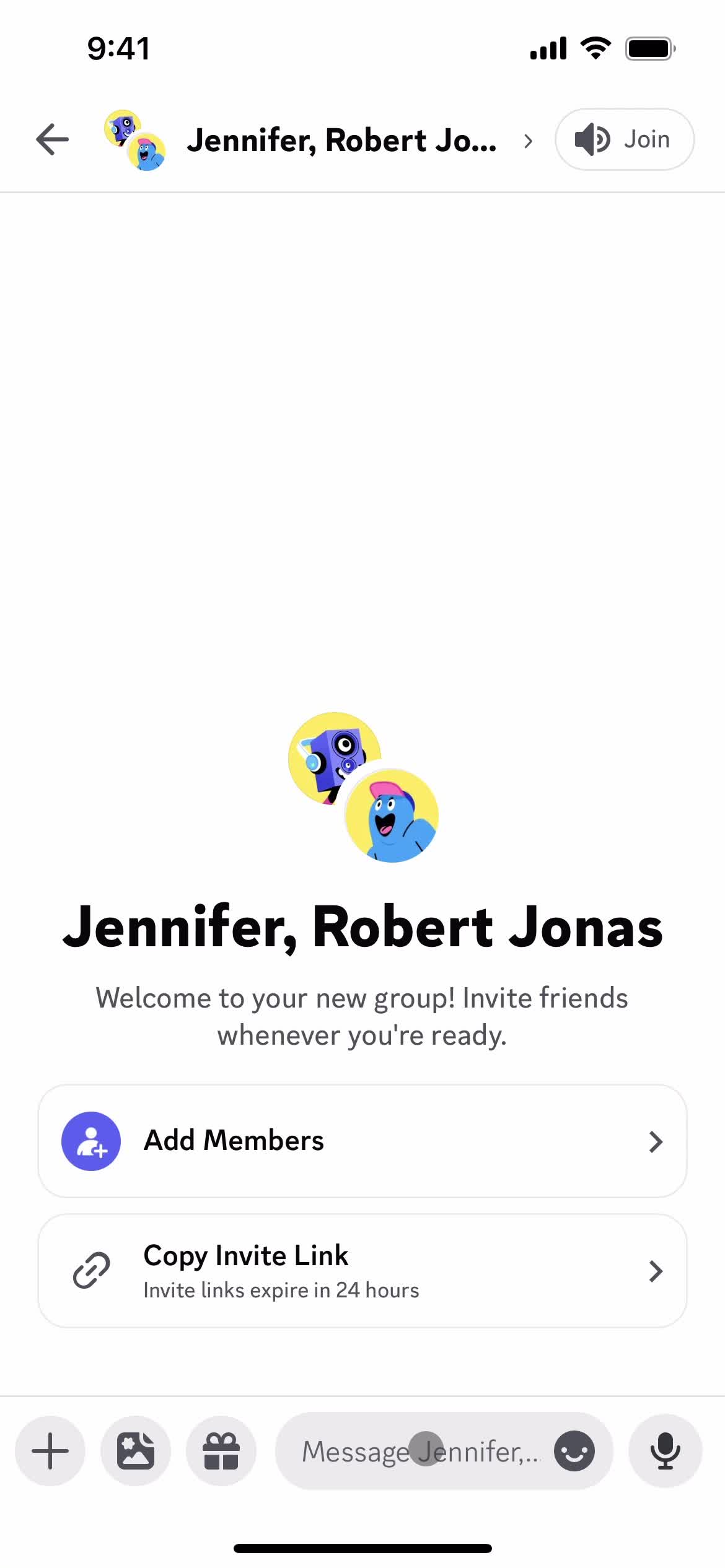
Group created
this is title
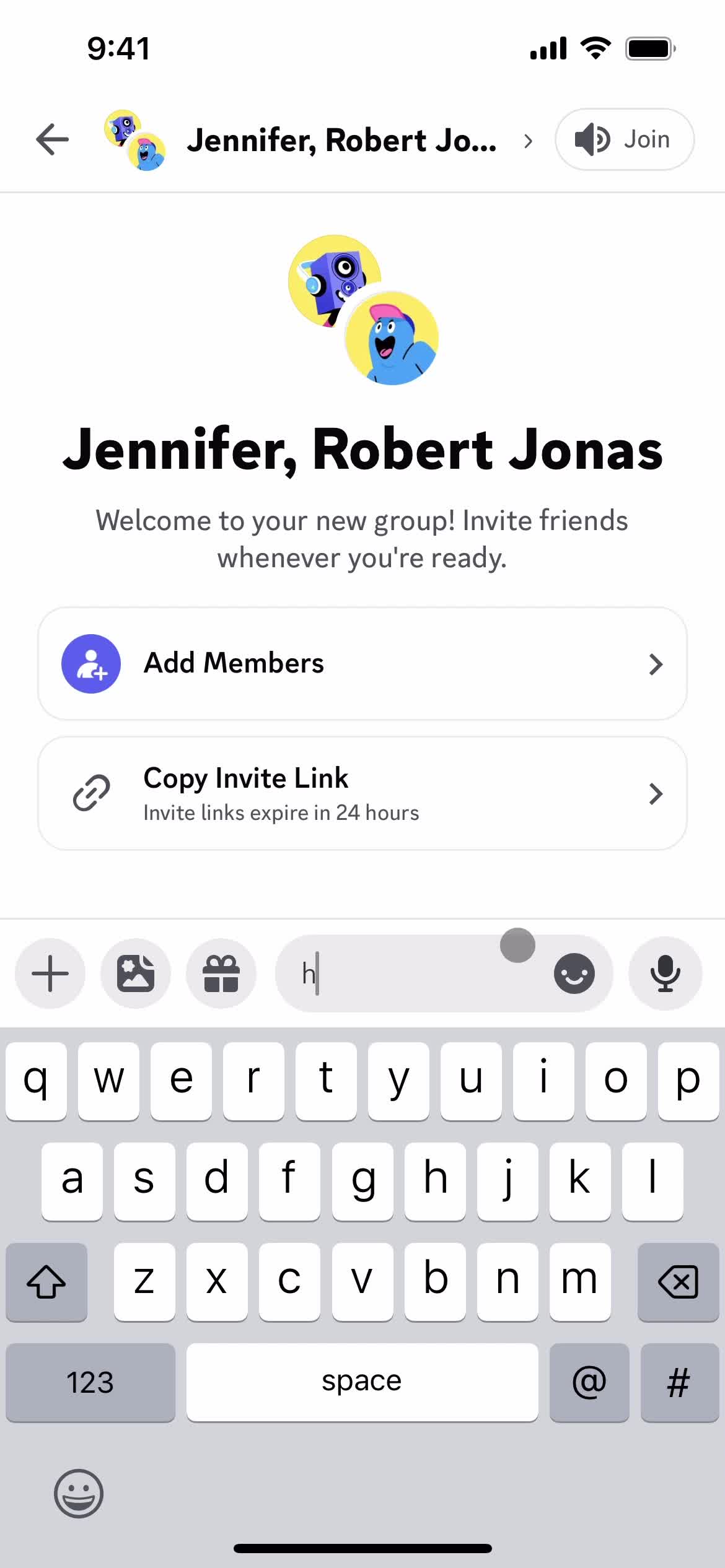
Add message
this is title
this is title
Chat thread
this is title
Direct messages
this is title
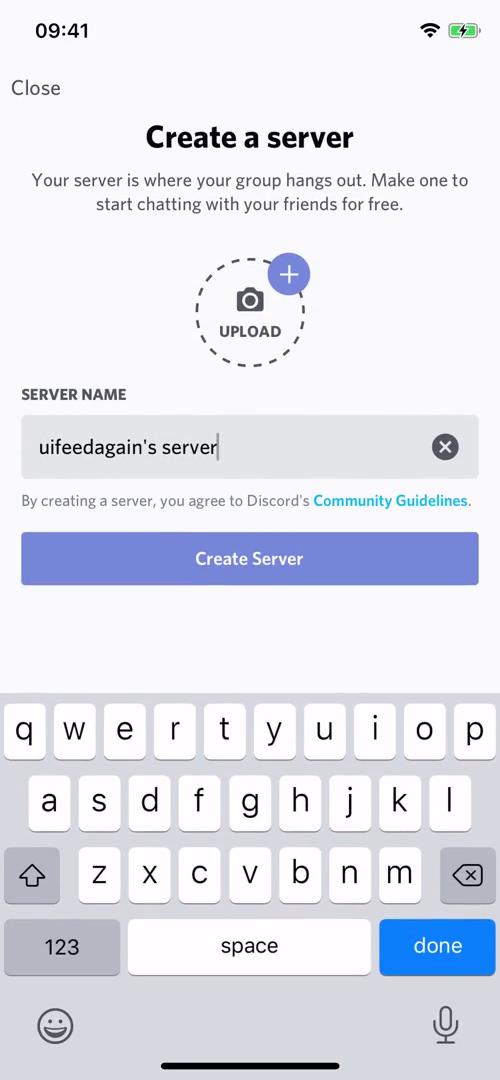
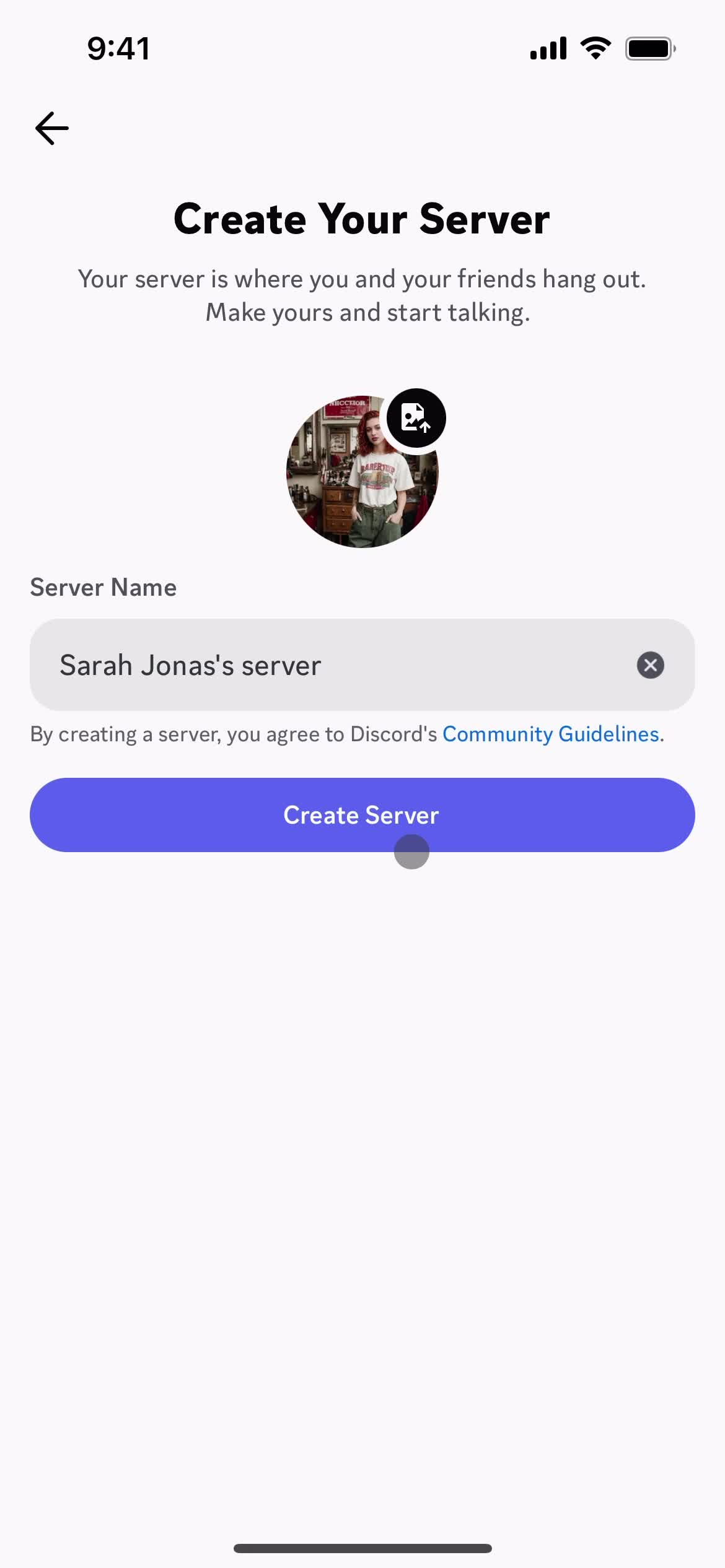
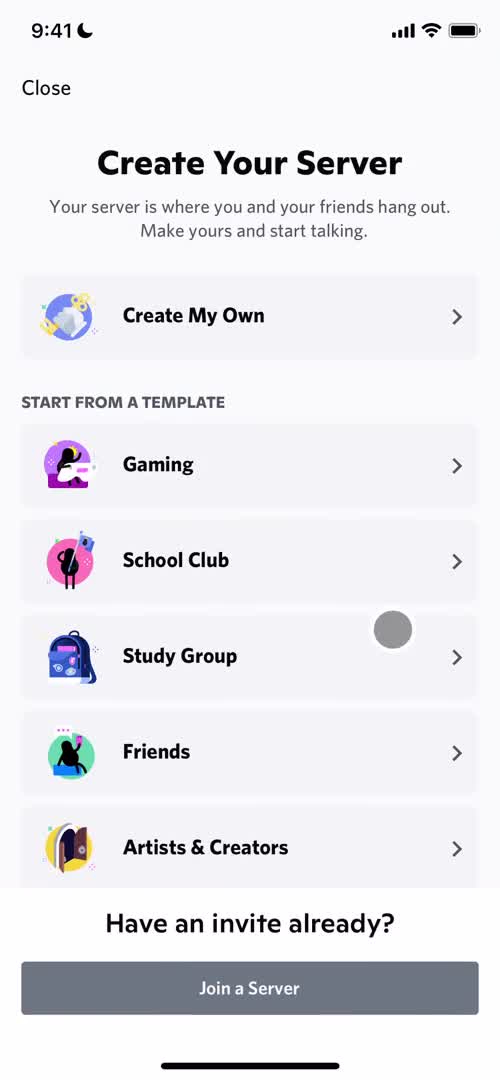
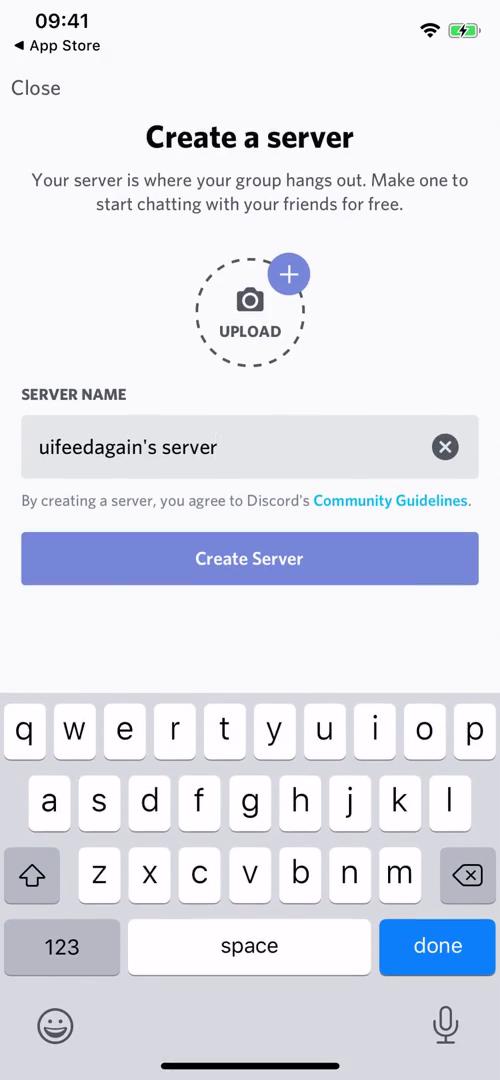
Create server
this is title
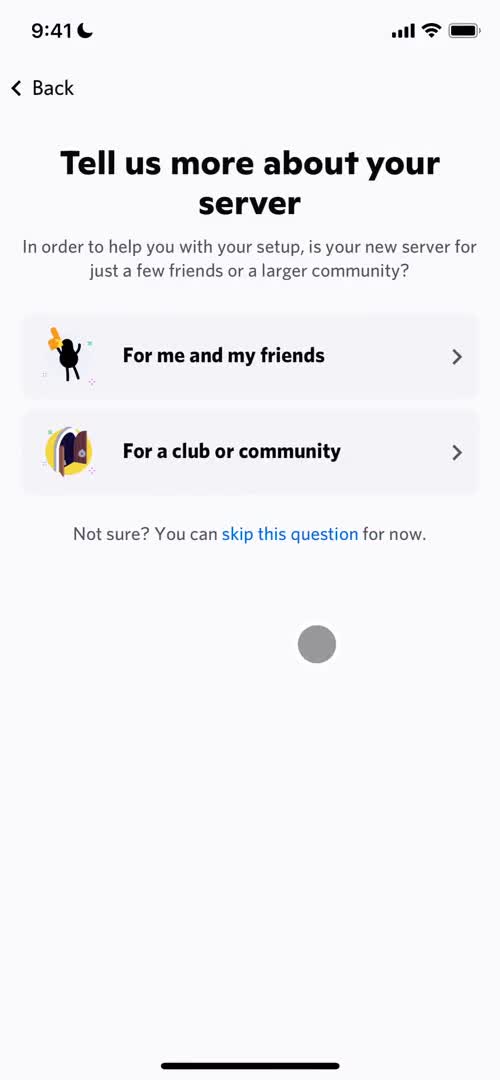
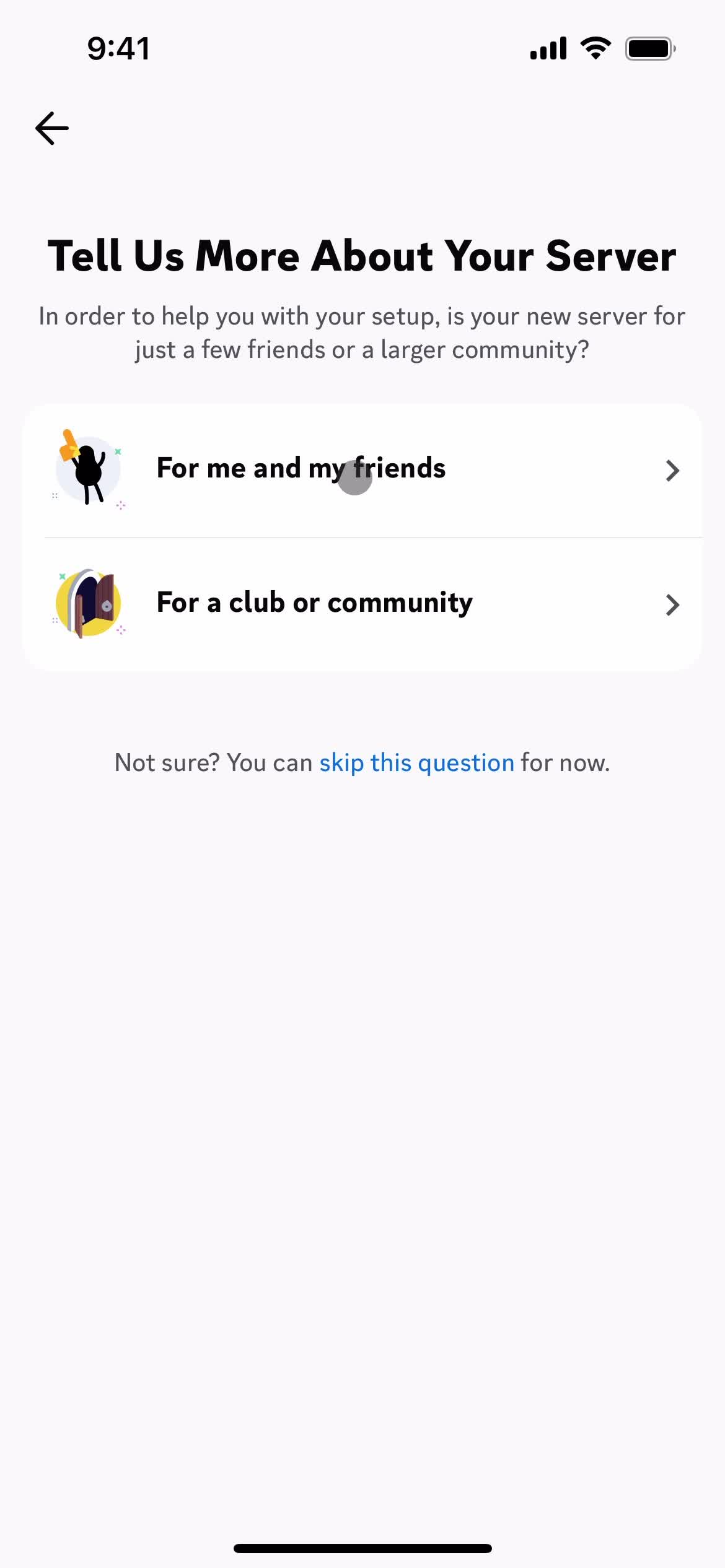
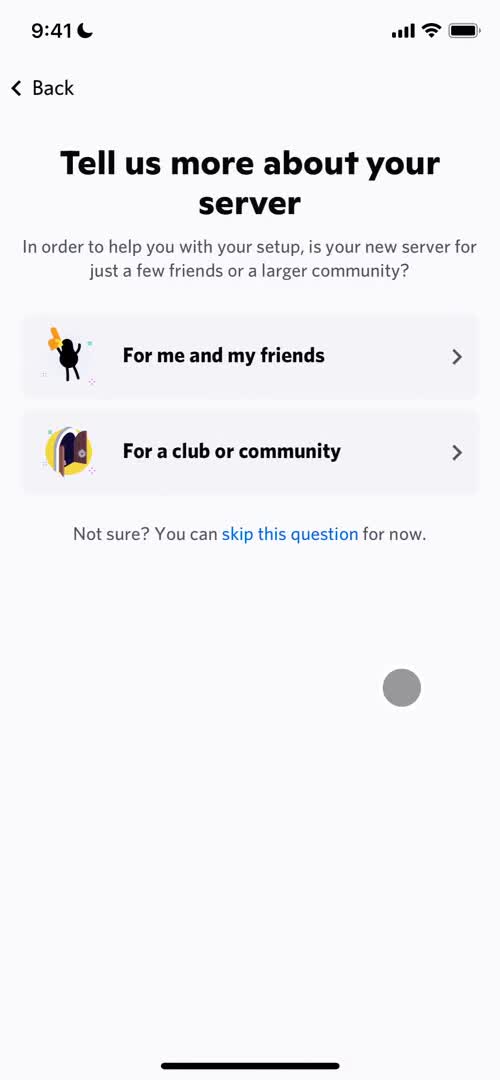
Select type
this is title
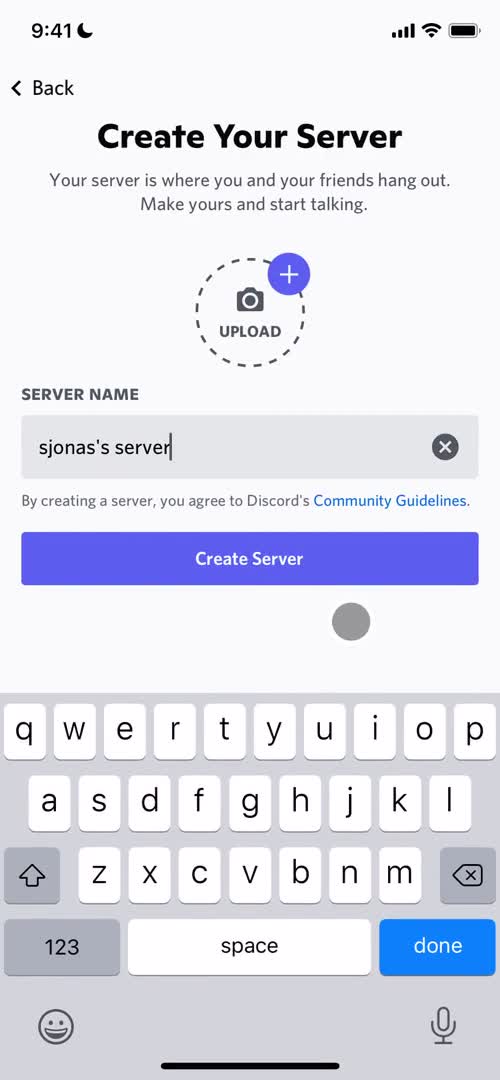
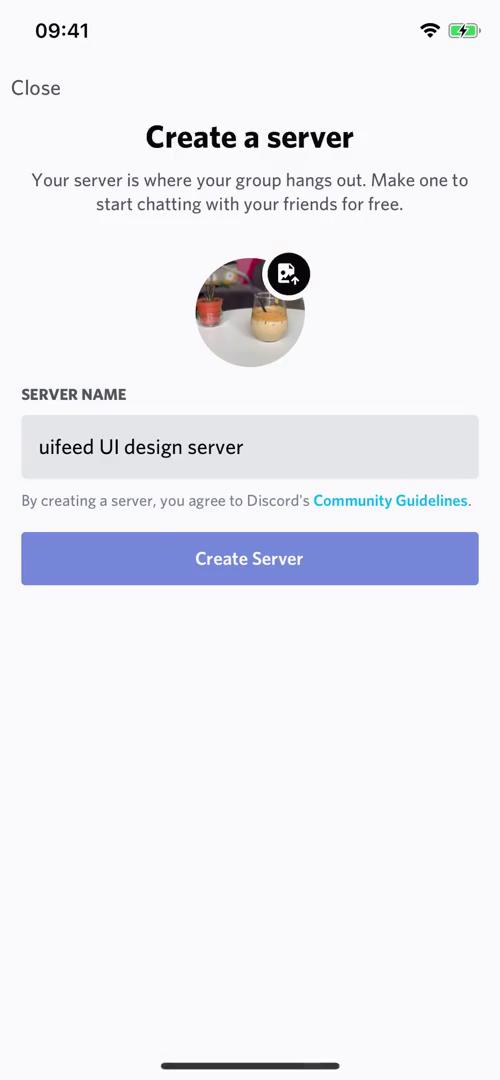
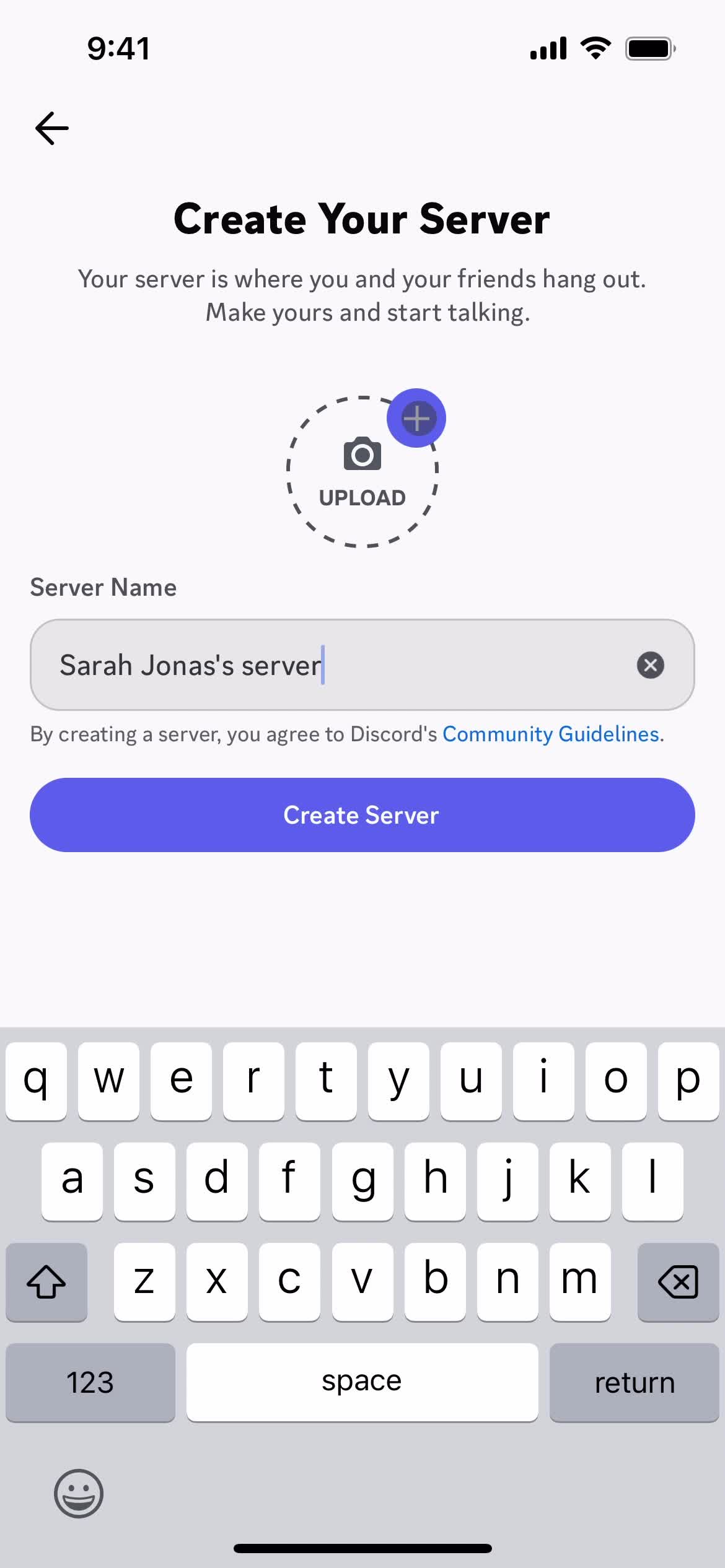
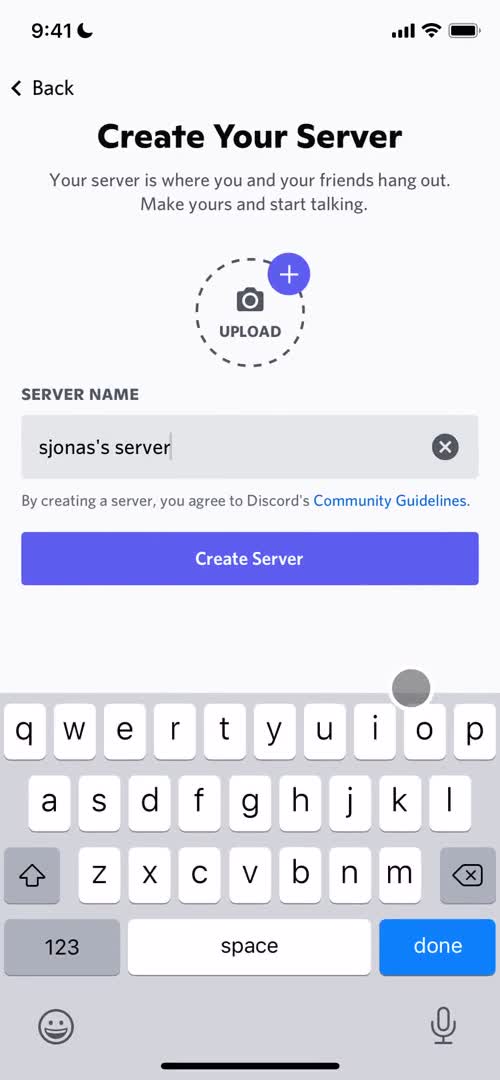
Add details
this is title
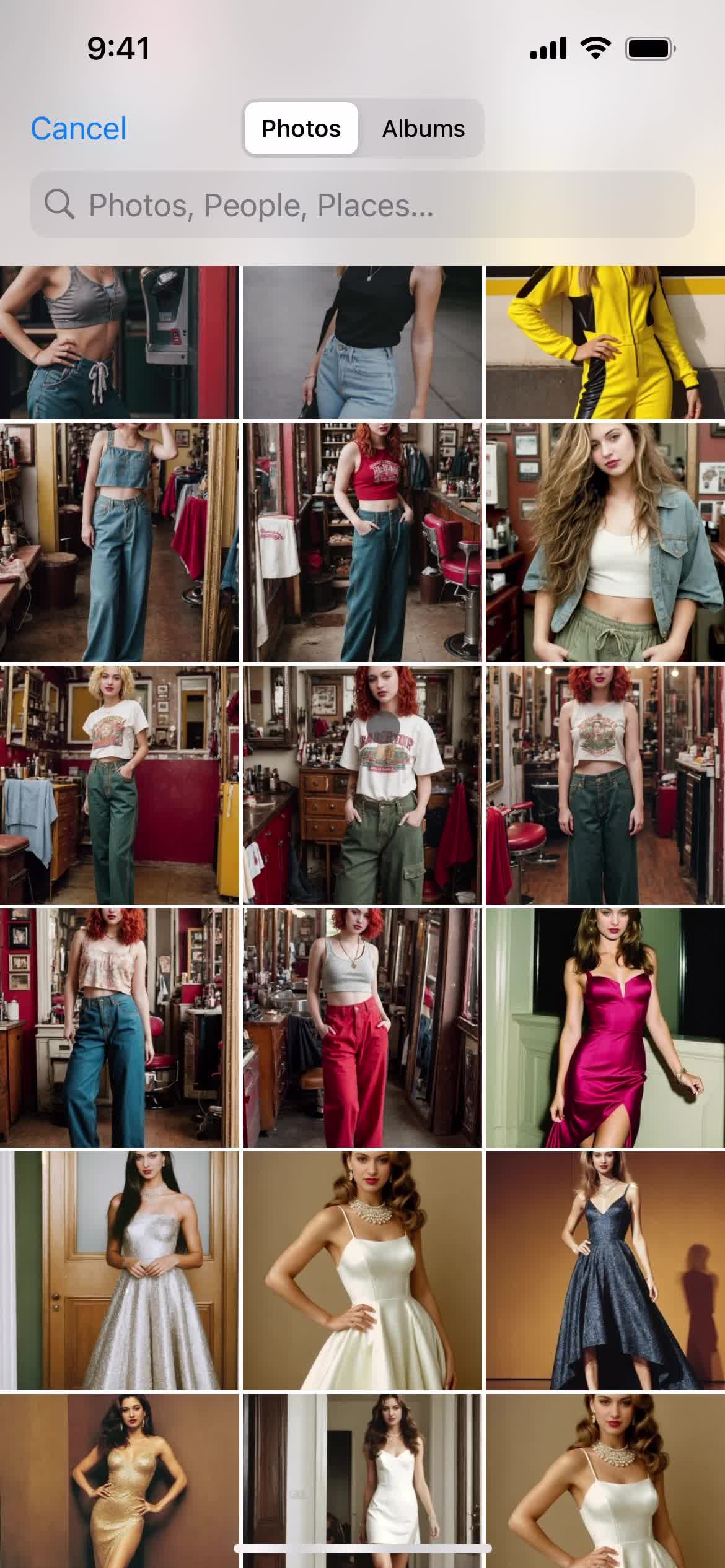
Enable photo library access
this is title
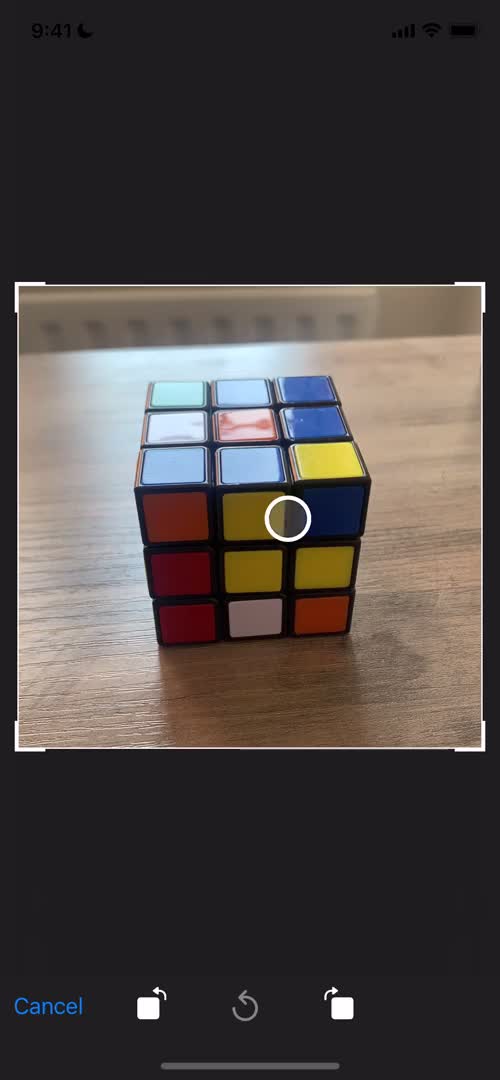
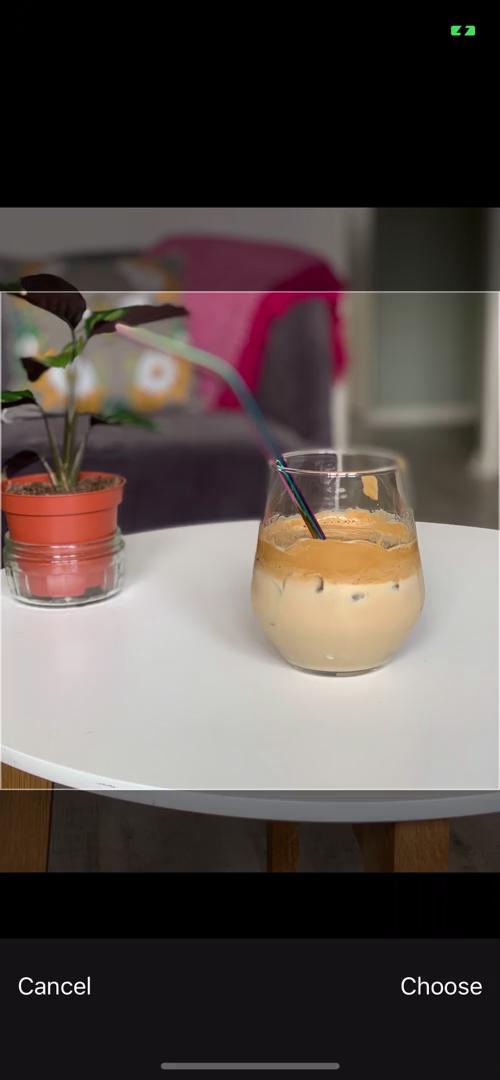
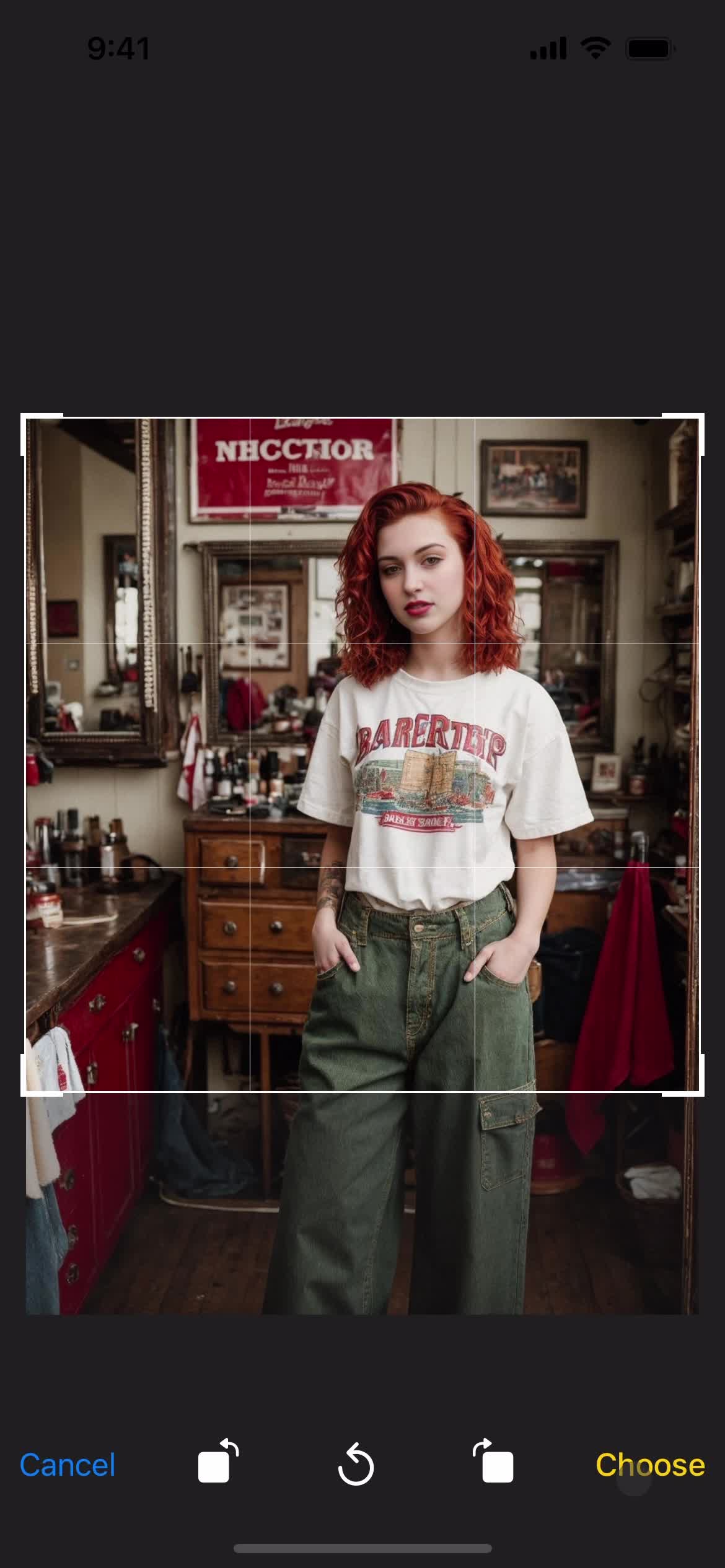
Crop image
this is title
Channels
this is title
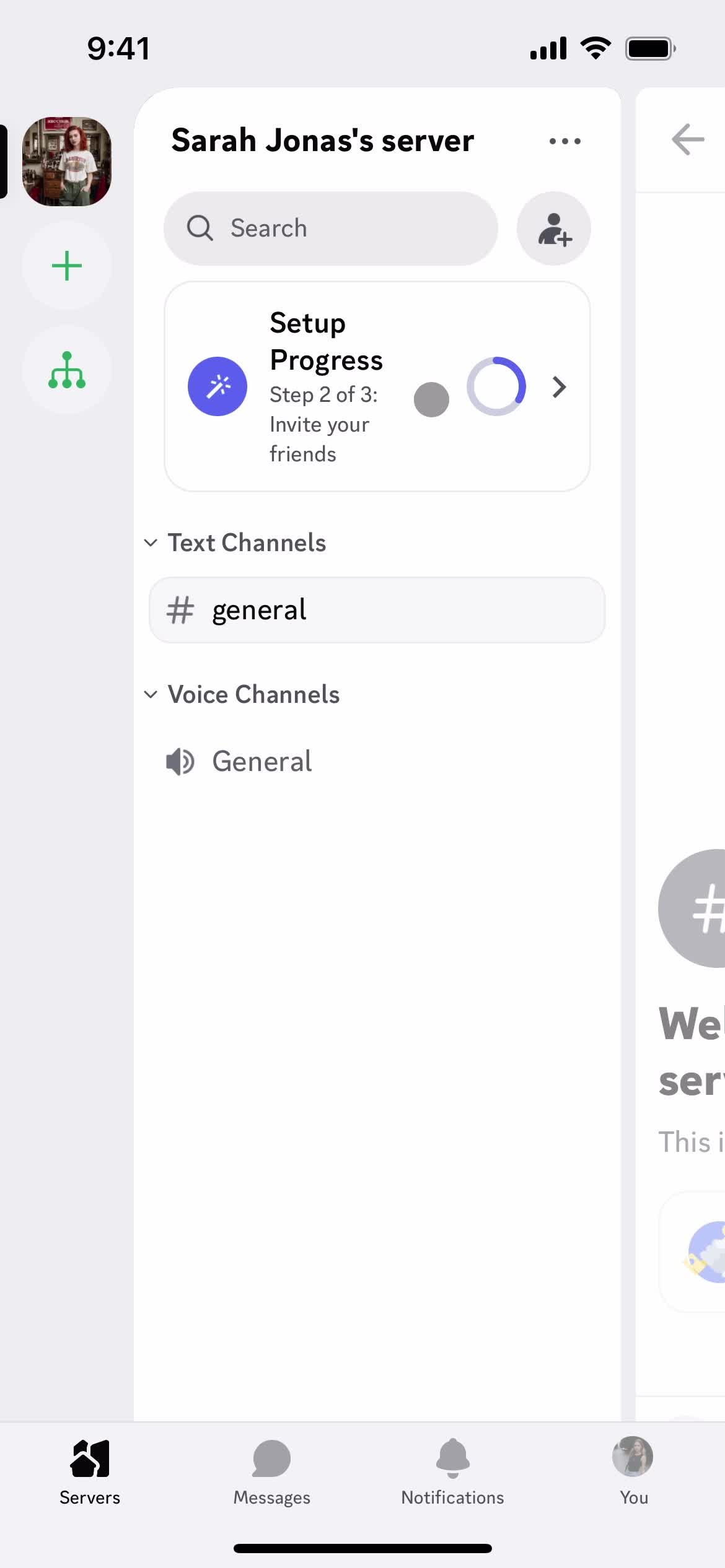
Onboarding tasks
this is title
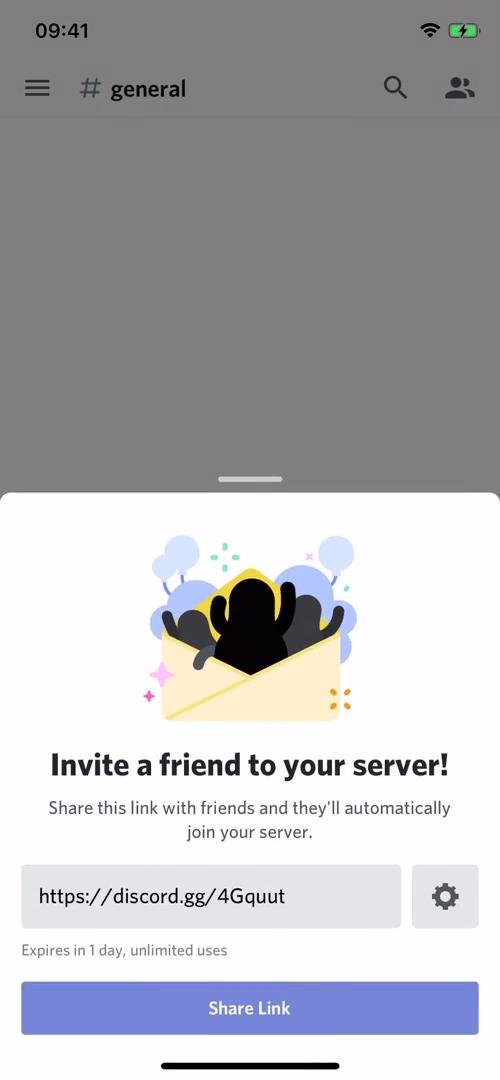
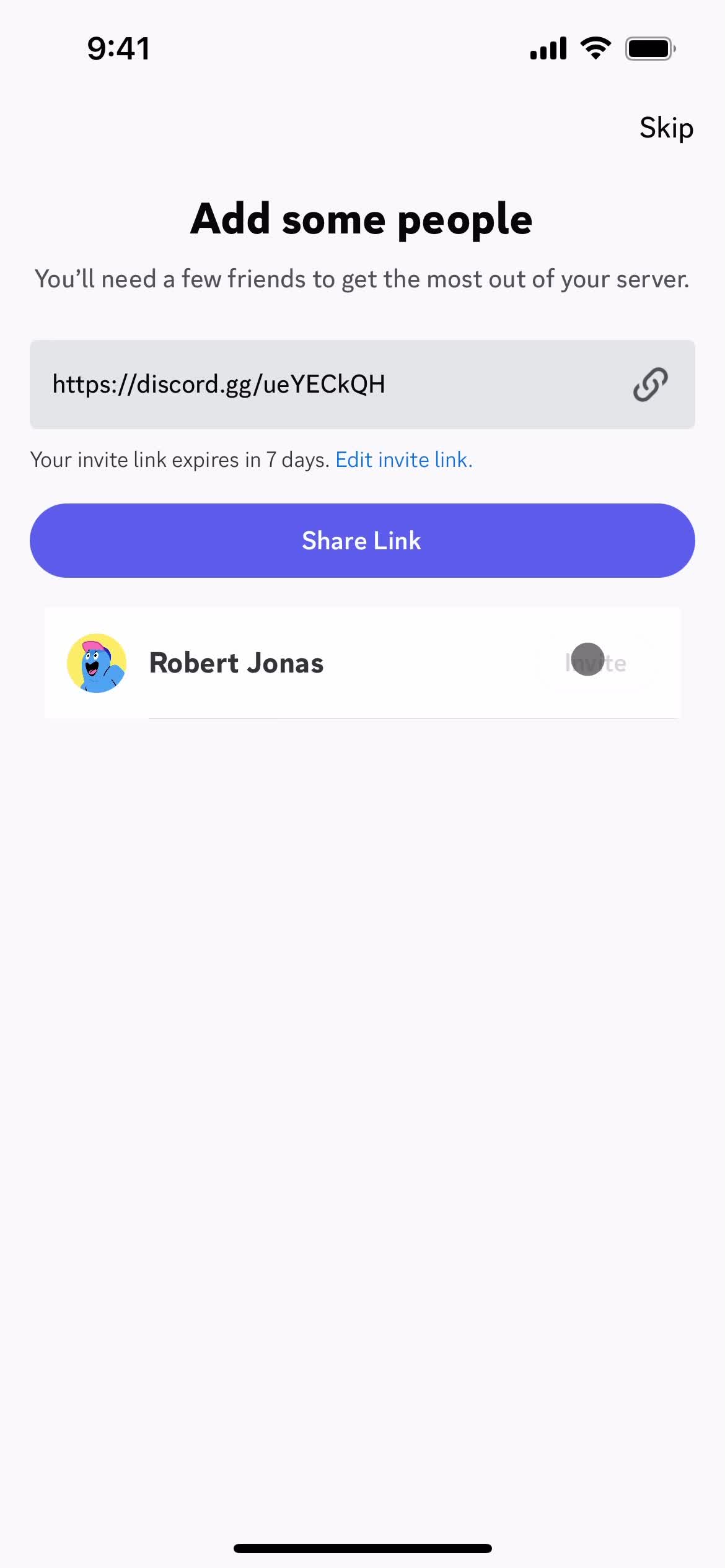
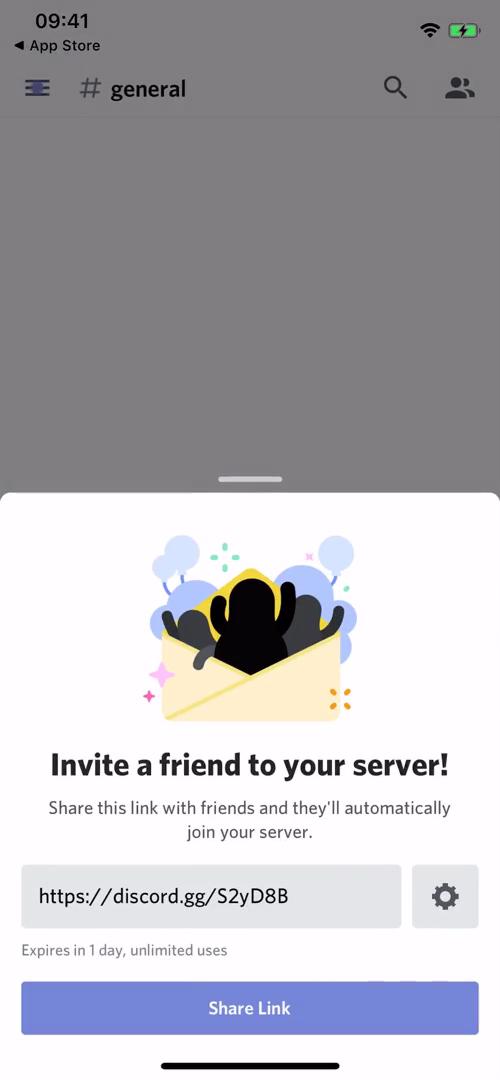
Invite friends
this is title
Channels
this is title
Onboarding tasks
this is title
Channel
this is title
Channel
this is title
Setup complete
this is title
Channels
this is title
Channel
this is title
Channels
this is title
Create or join server
this is title
Create server
this is title
Add profile photo
this is title
Create server
this is title
Invite friends
this is title
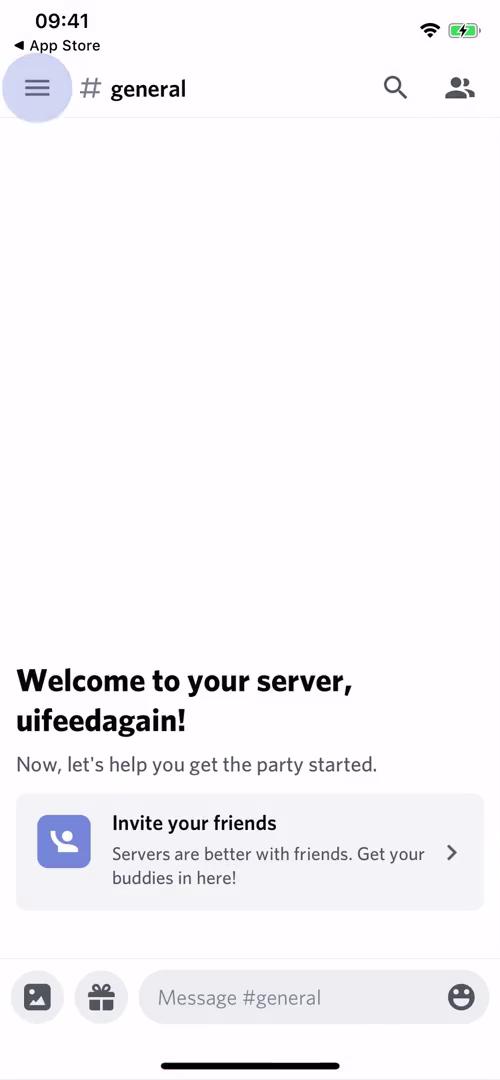
Channel
this is title
Messages
this is title
Servers
this is title
Create server
this is title
Select type
this is title
Create server
this is title
this is title
Crop image
this is title
Continue
this is title
Invite people
this is title
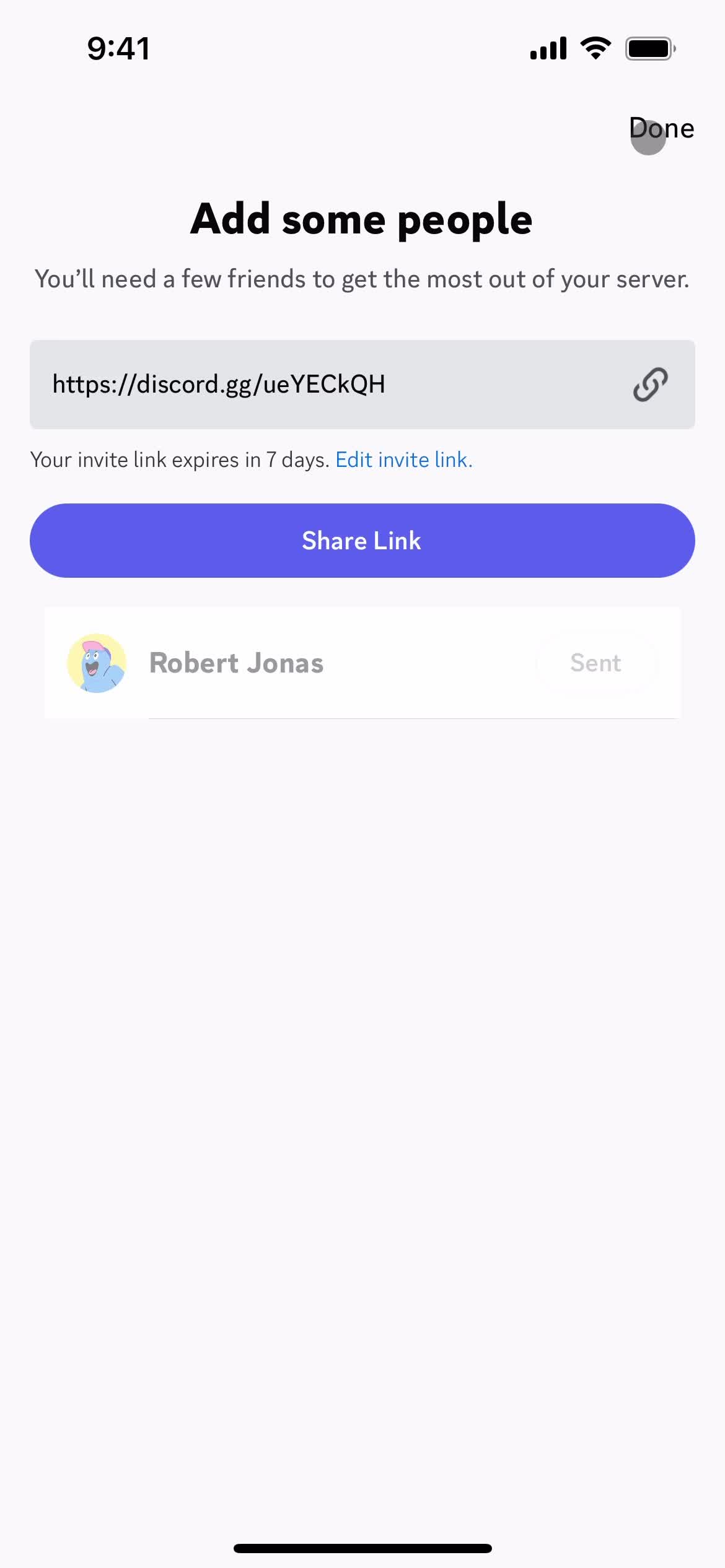
Invite sent
this is title
Servers
this is title
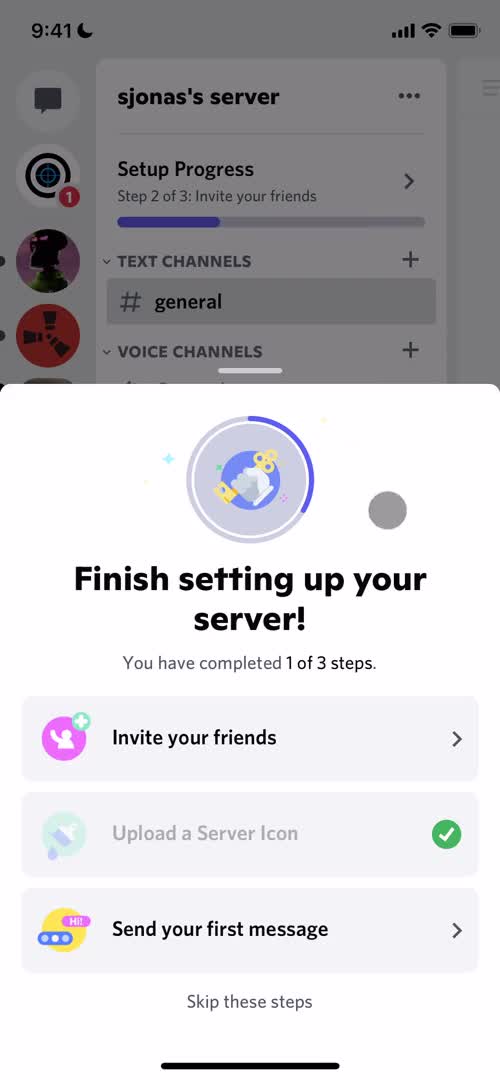
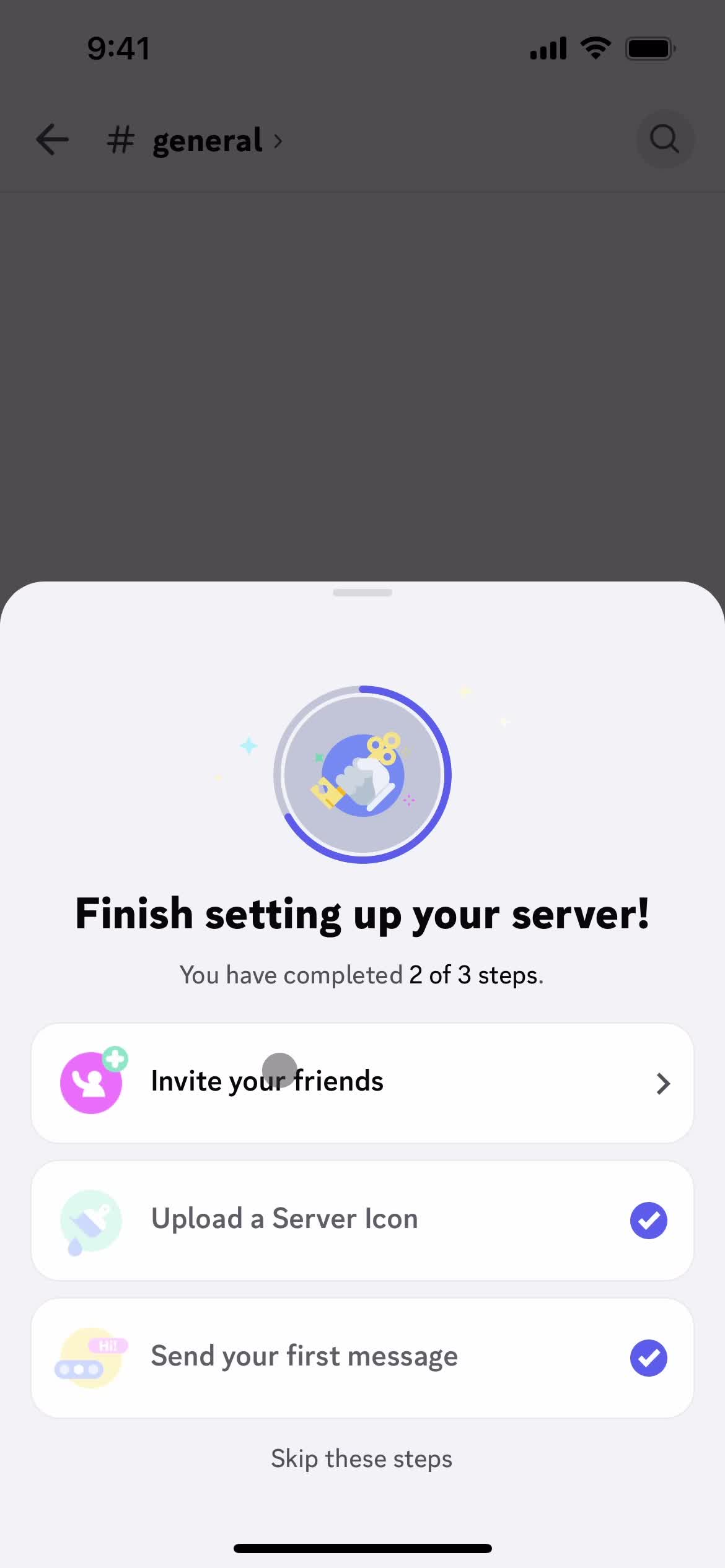
Finish set up
this is title
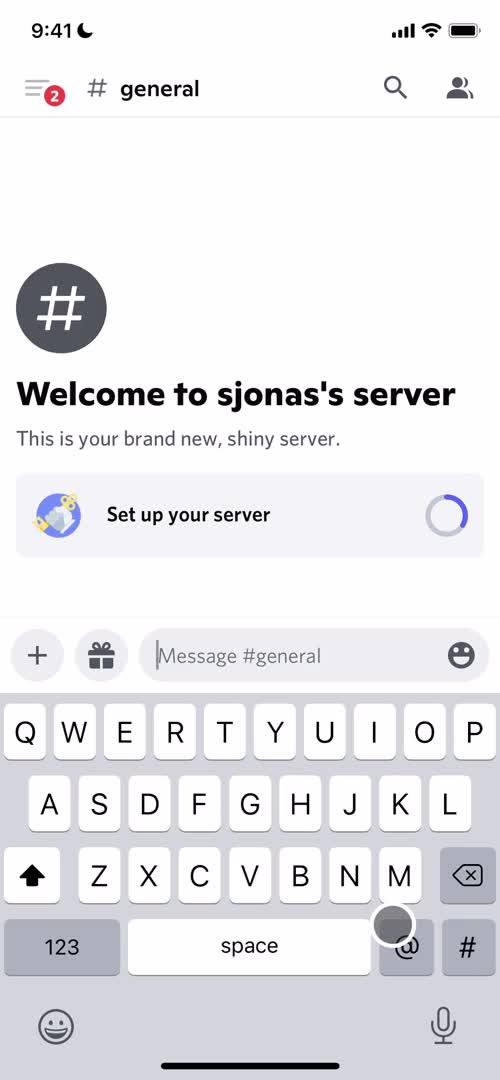
Add message
this is title
this is title
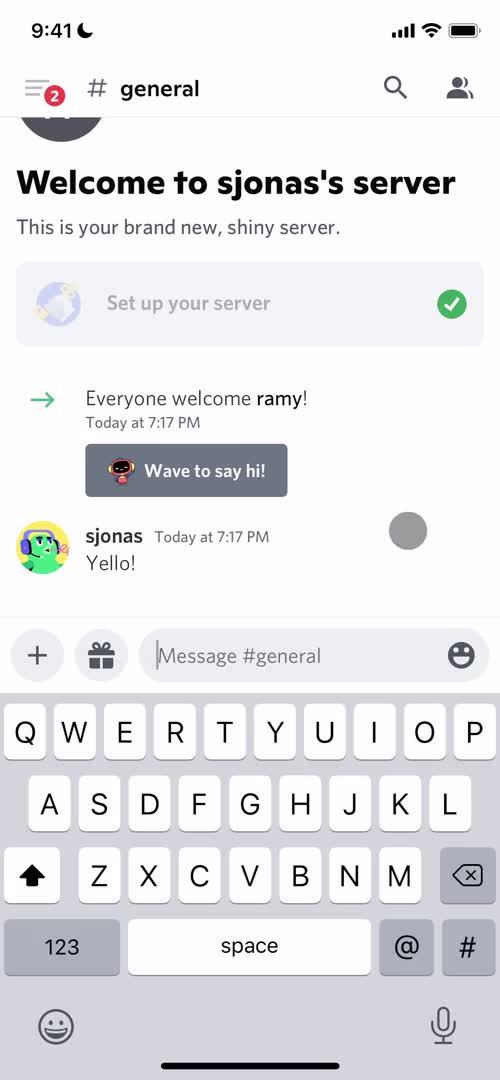
Chat thread
this is title
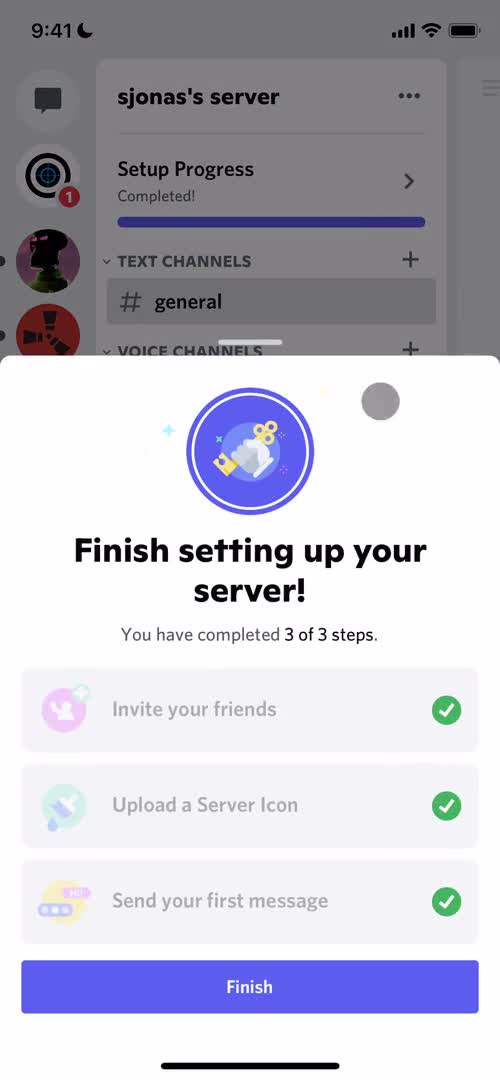
Finish set up
this is title
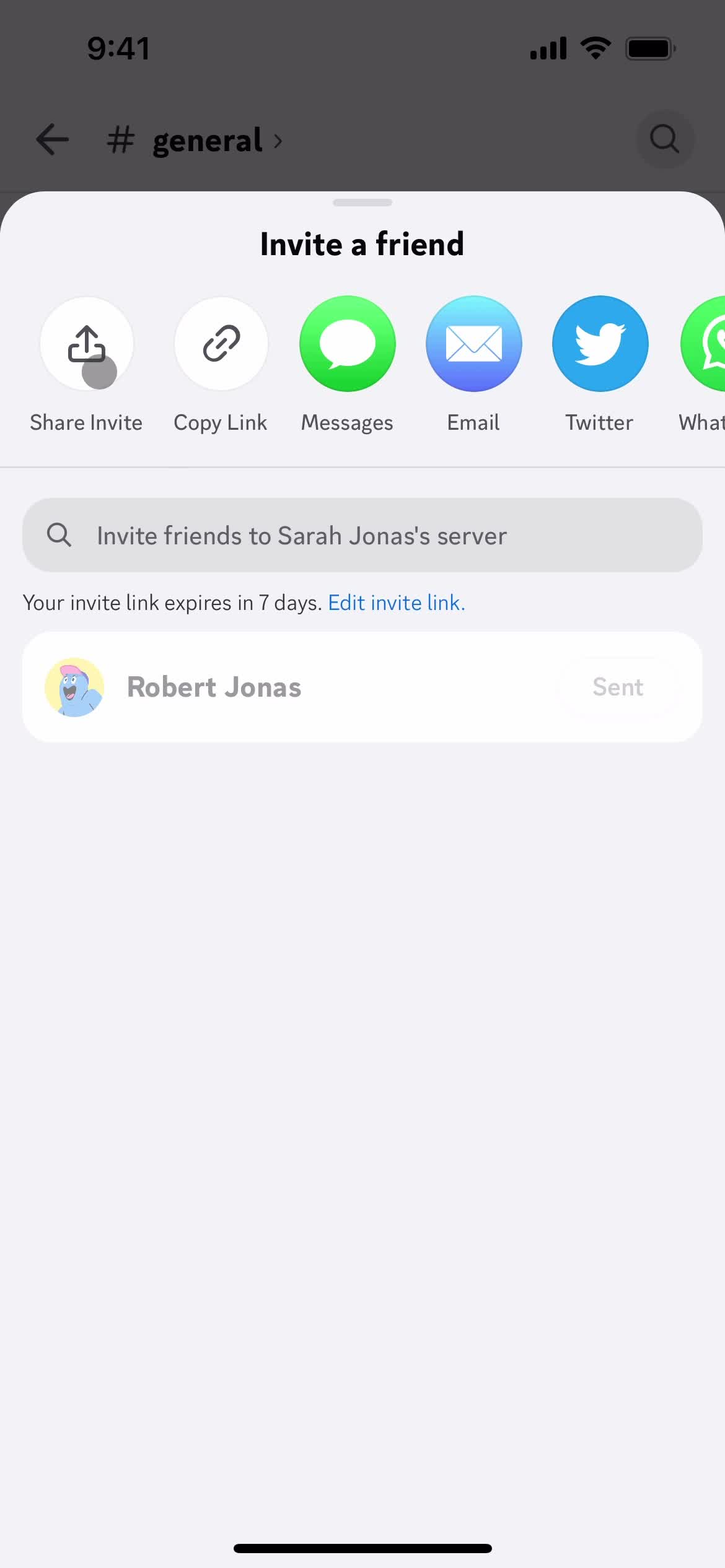
Invite friends
this is title
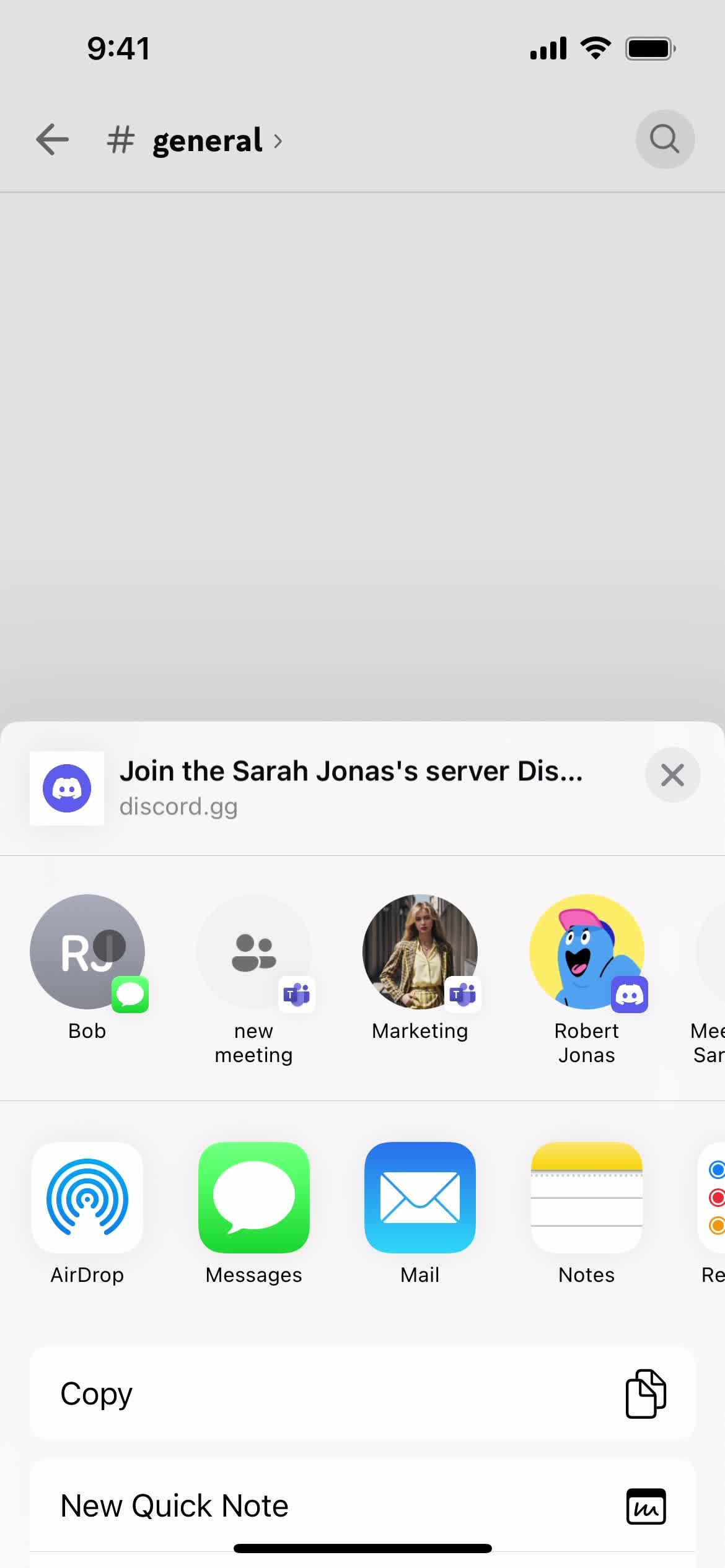
Share
this is title
Chat thread
this is title
Guide popover
this is title
Servers
this is title
Join meeting
this is title
Servers
this is title
Server details
this is title
this is title
Messages
this is title
Servers
this is title
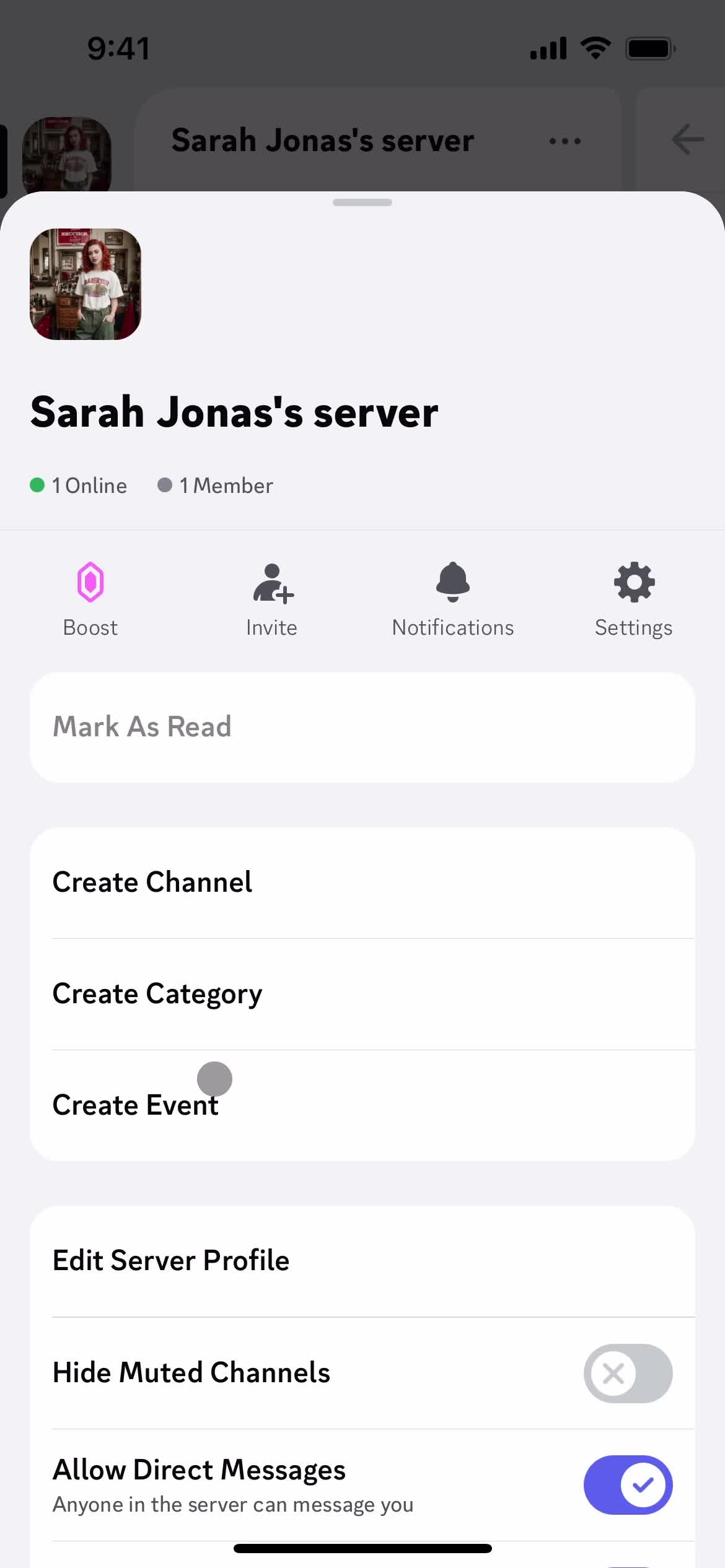
Server details
this is title
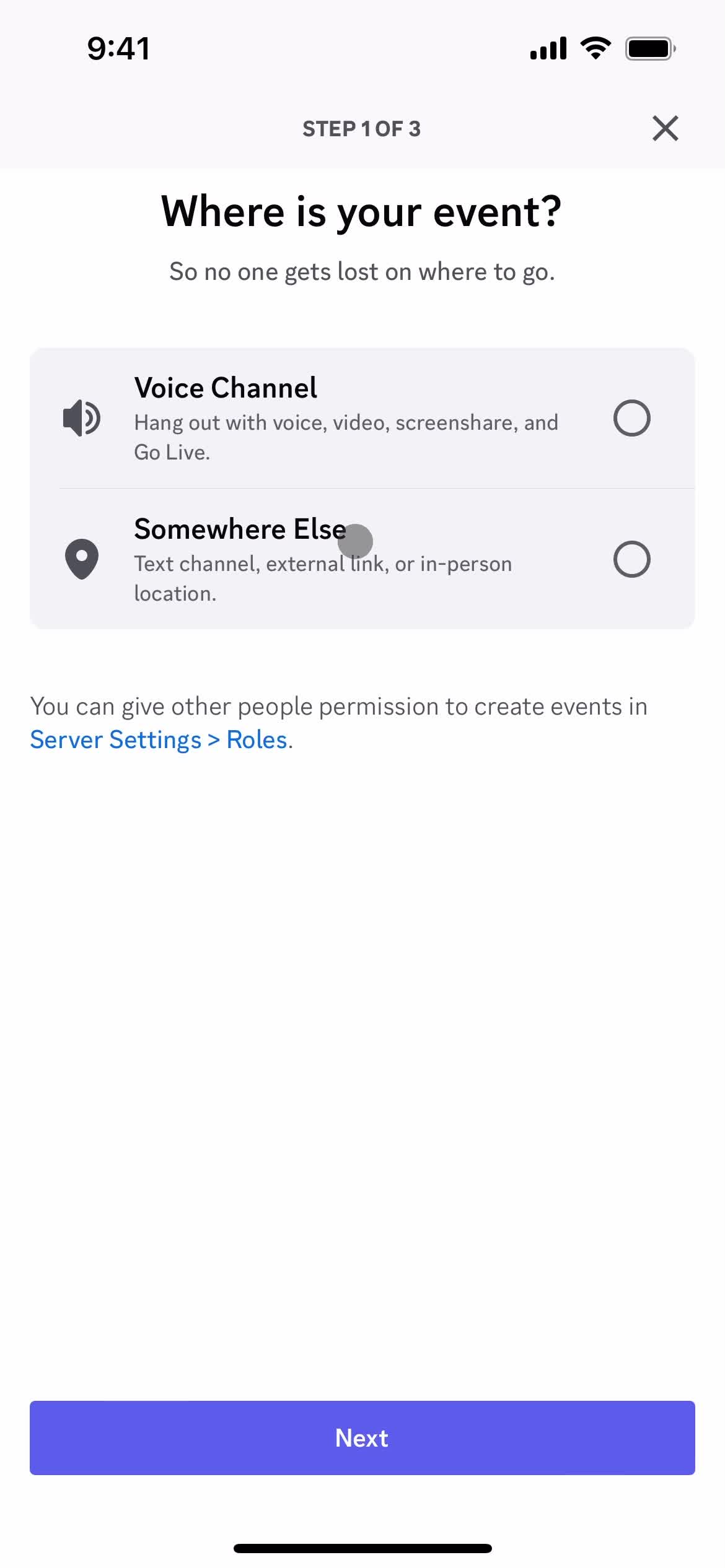
Select event type
this is title
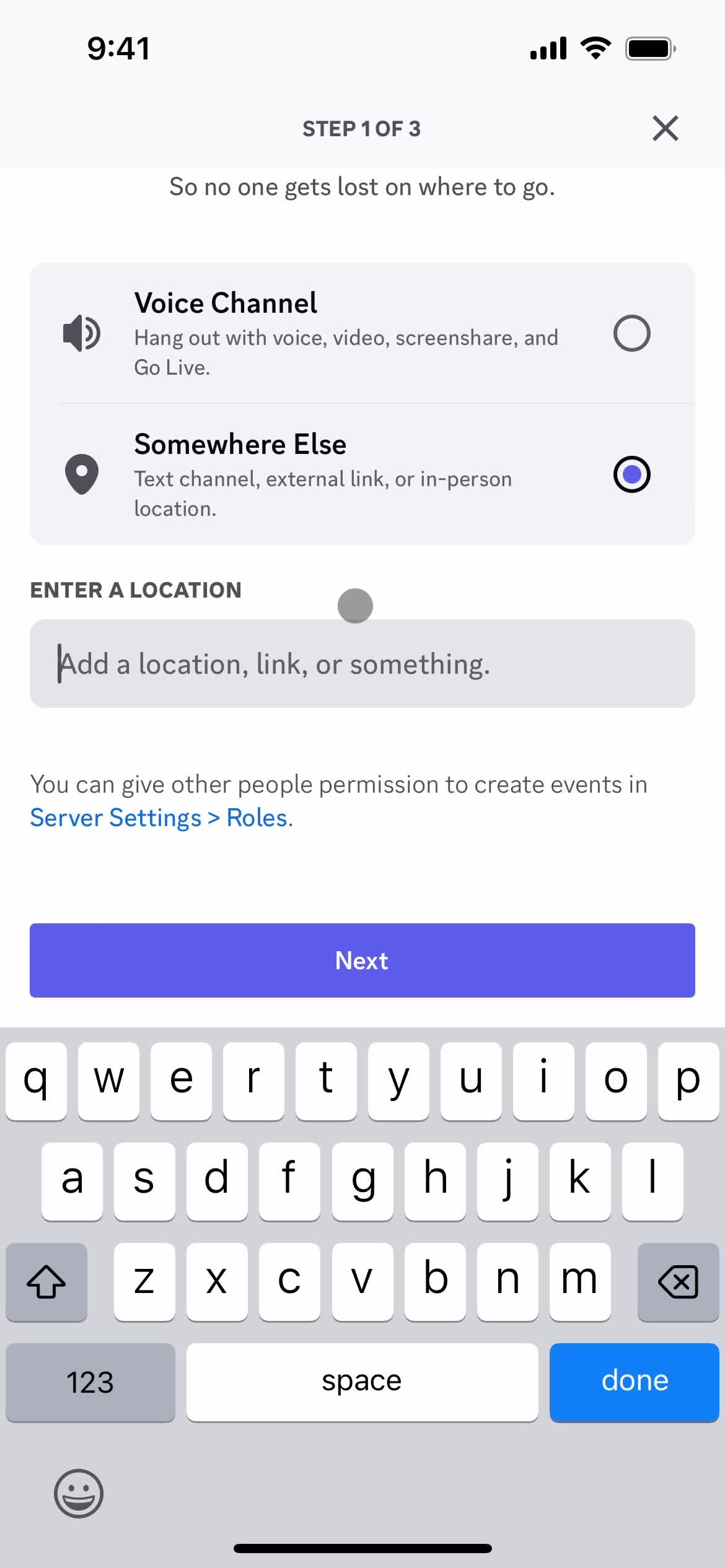
Add location
this is title
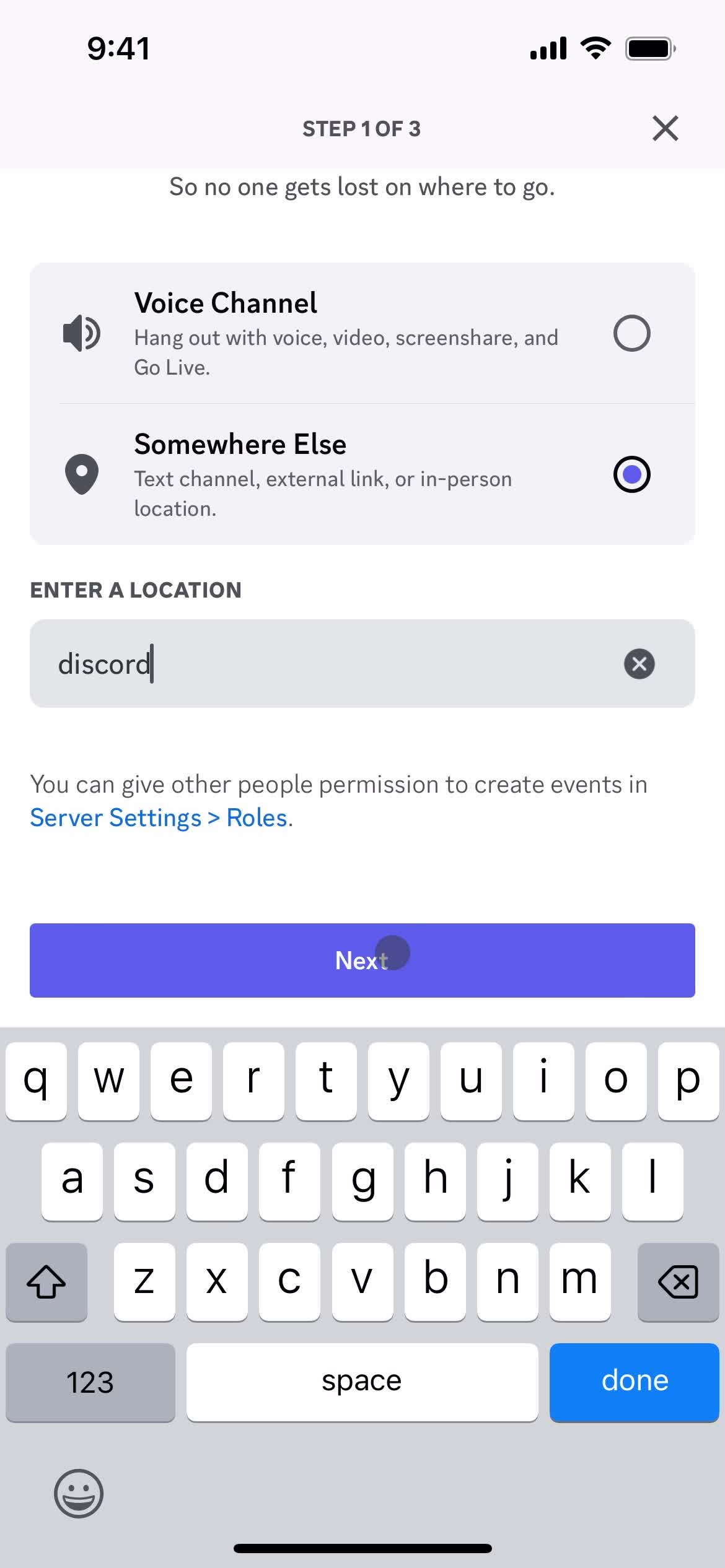
Next
this is title
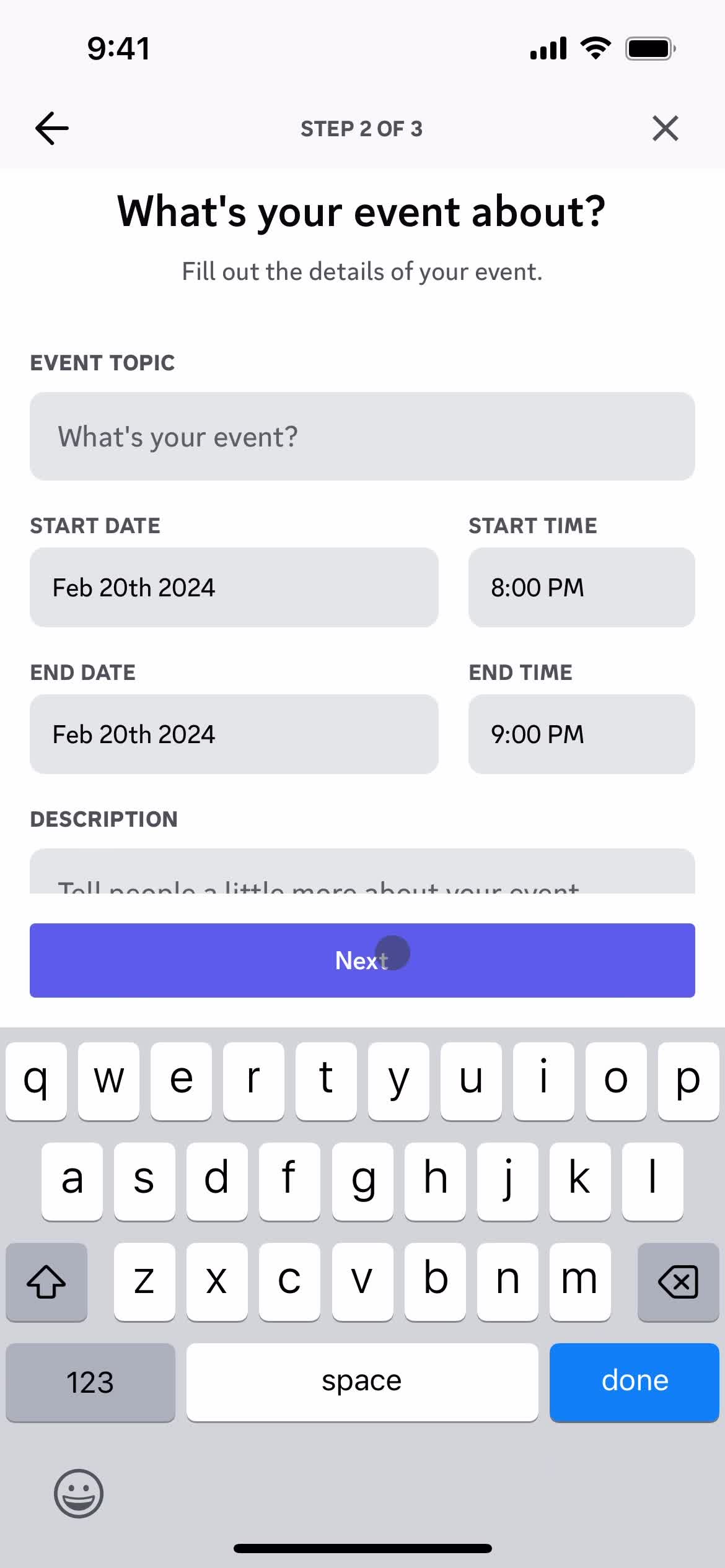
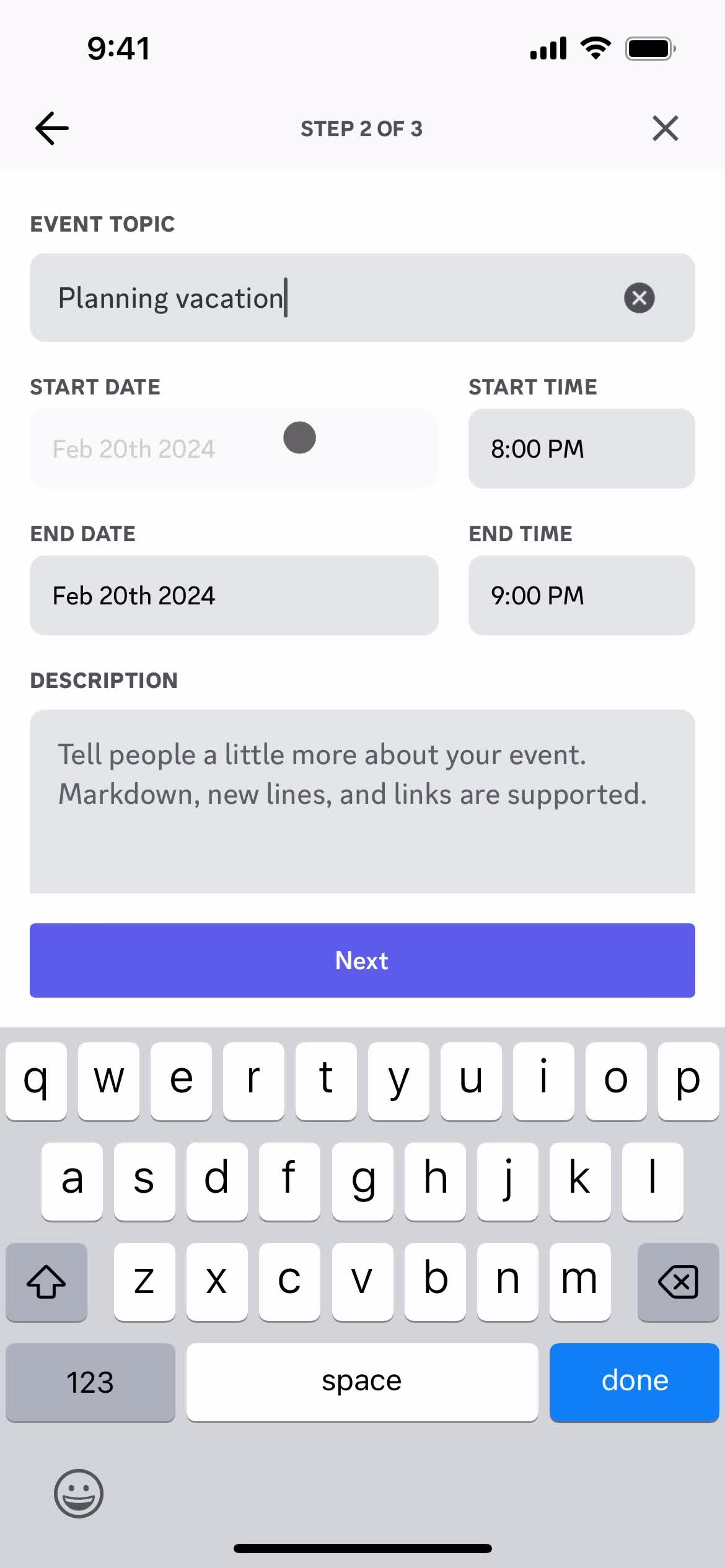
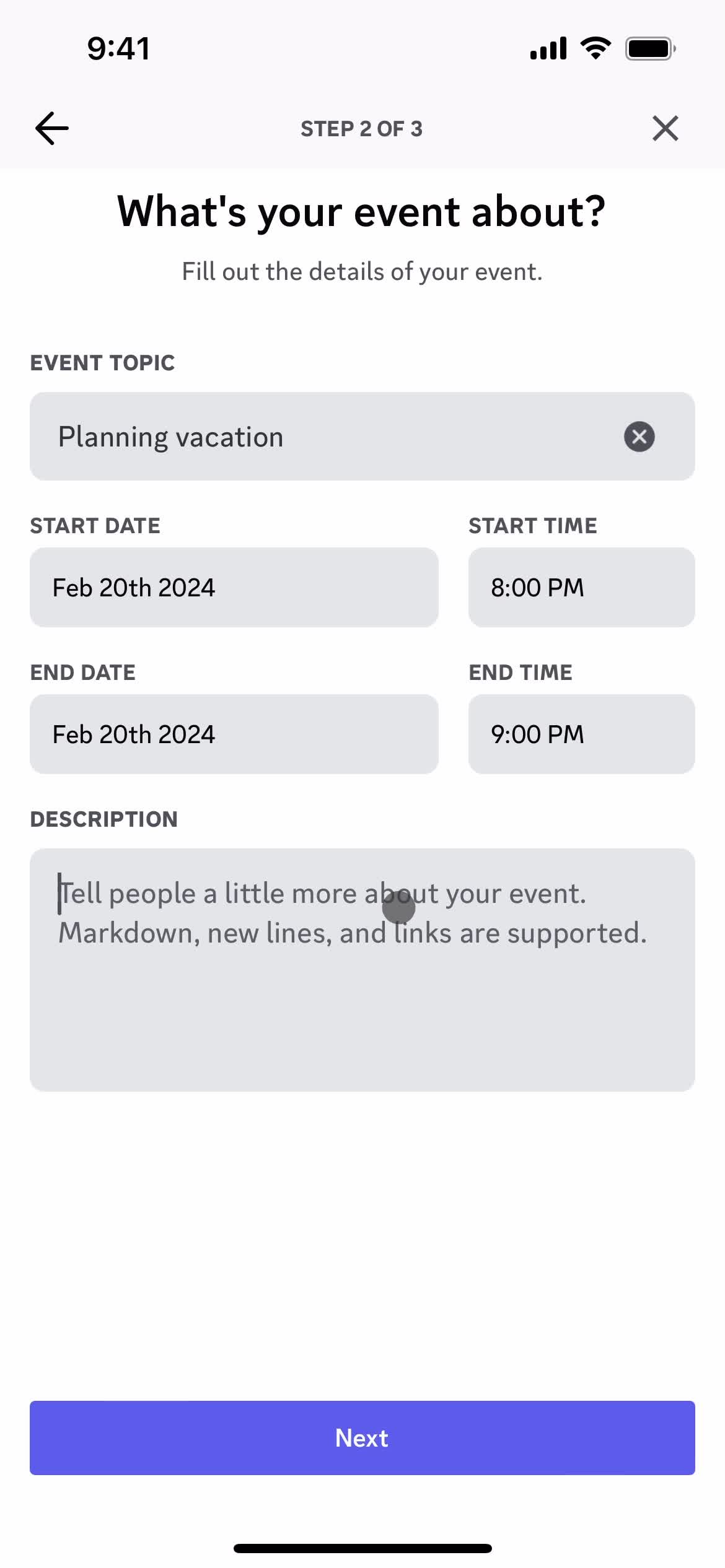
Add event details
this is title
this is title
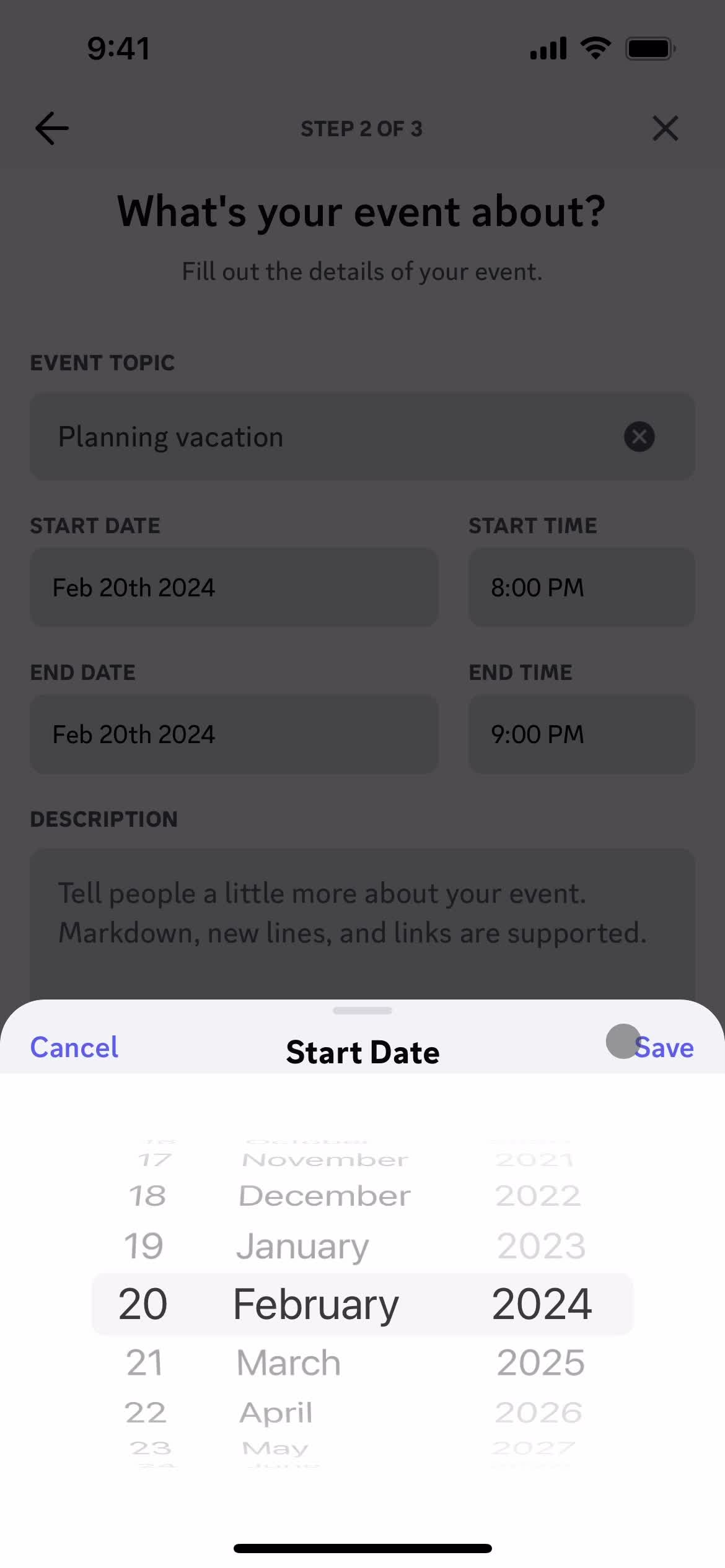
Select start date
this is title
this is title
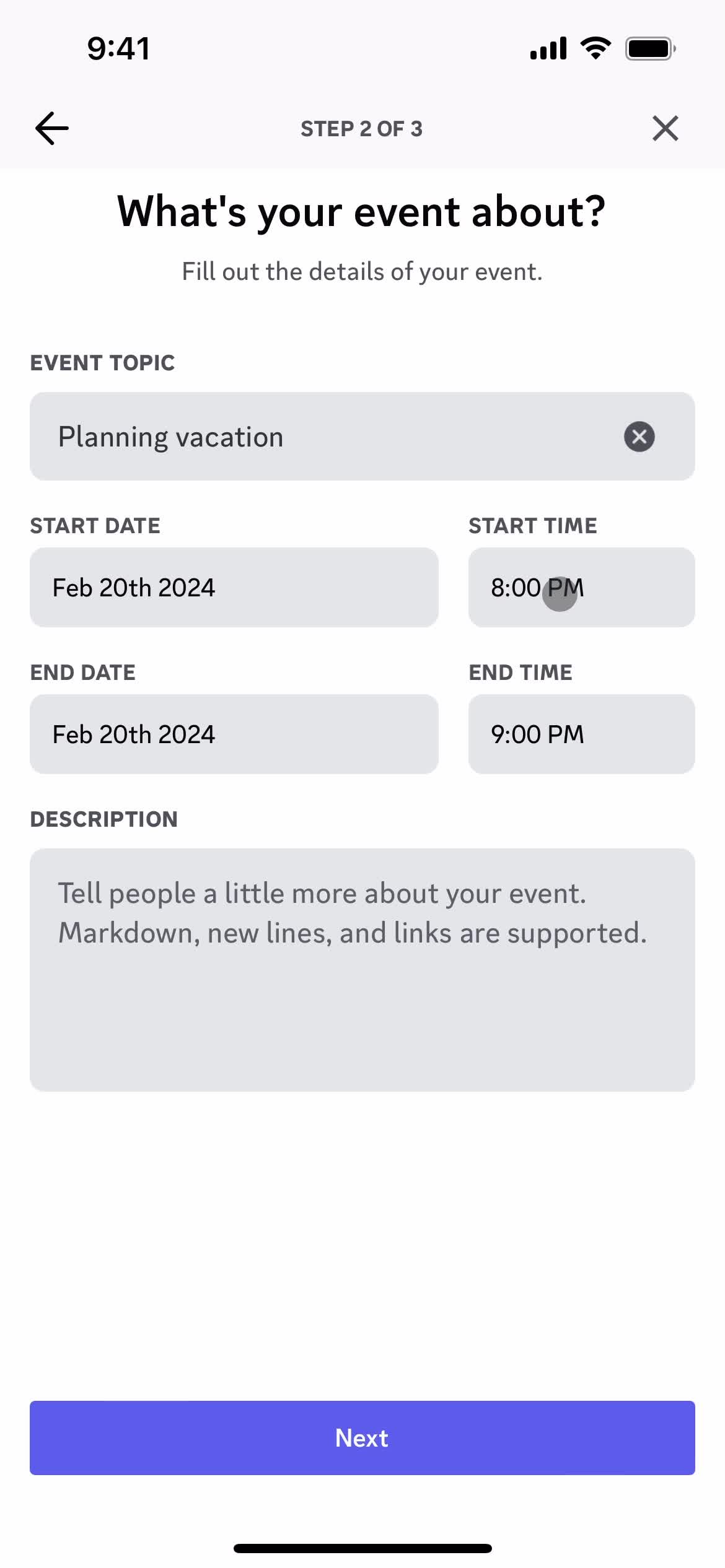
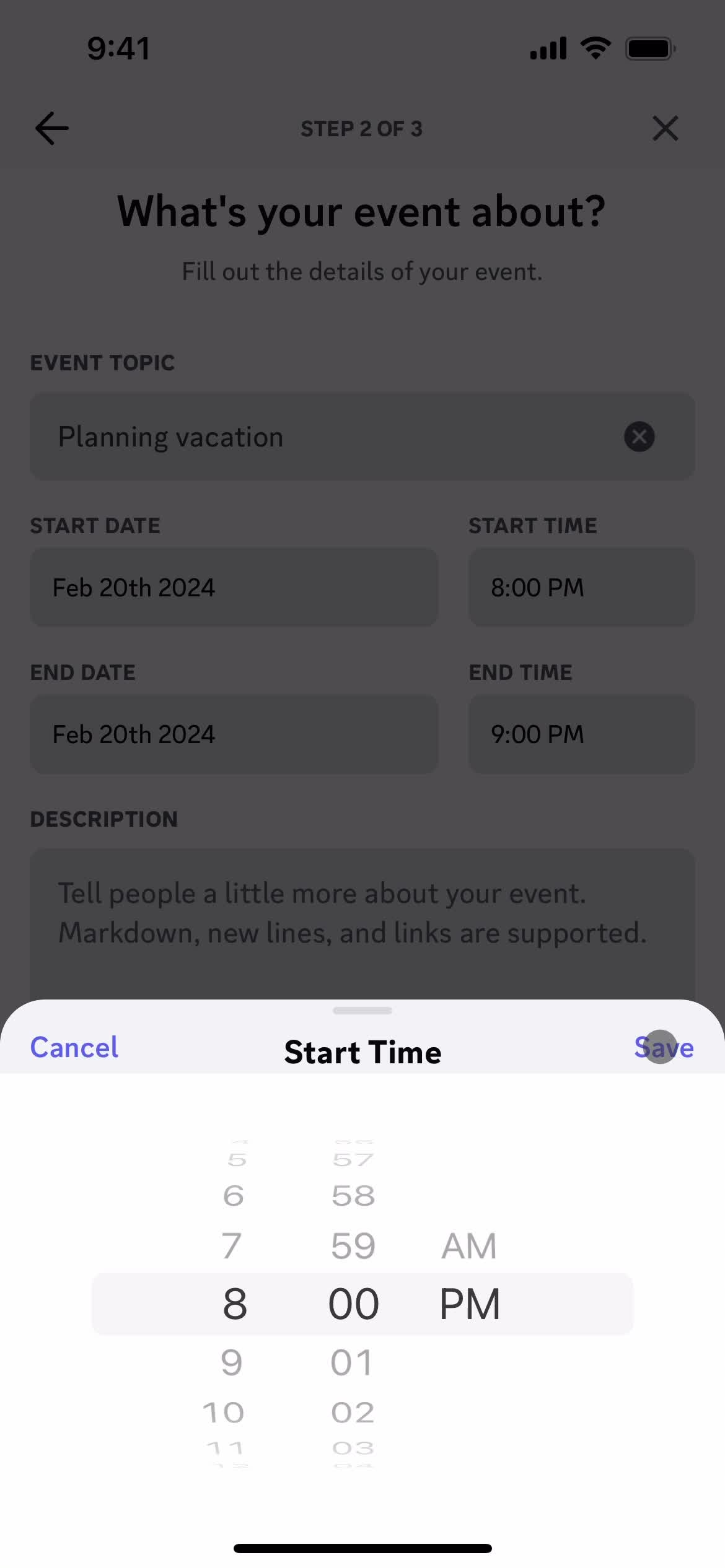
Set time
this is title
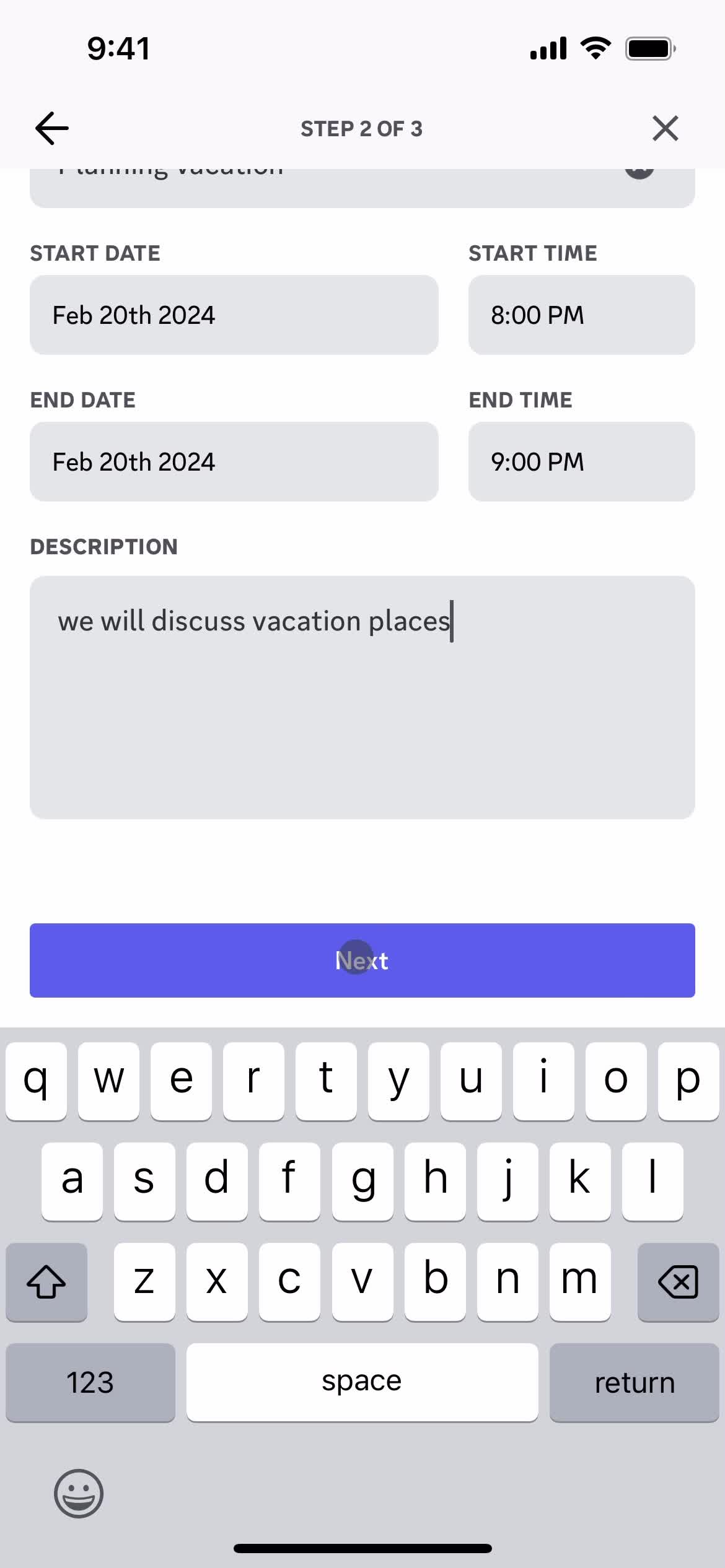
Add description
this is title
Next
this is title
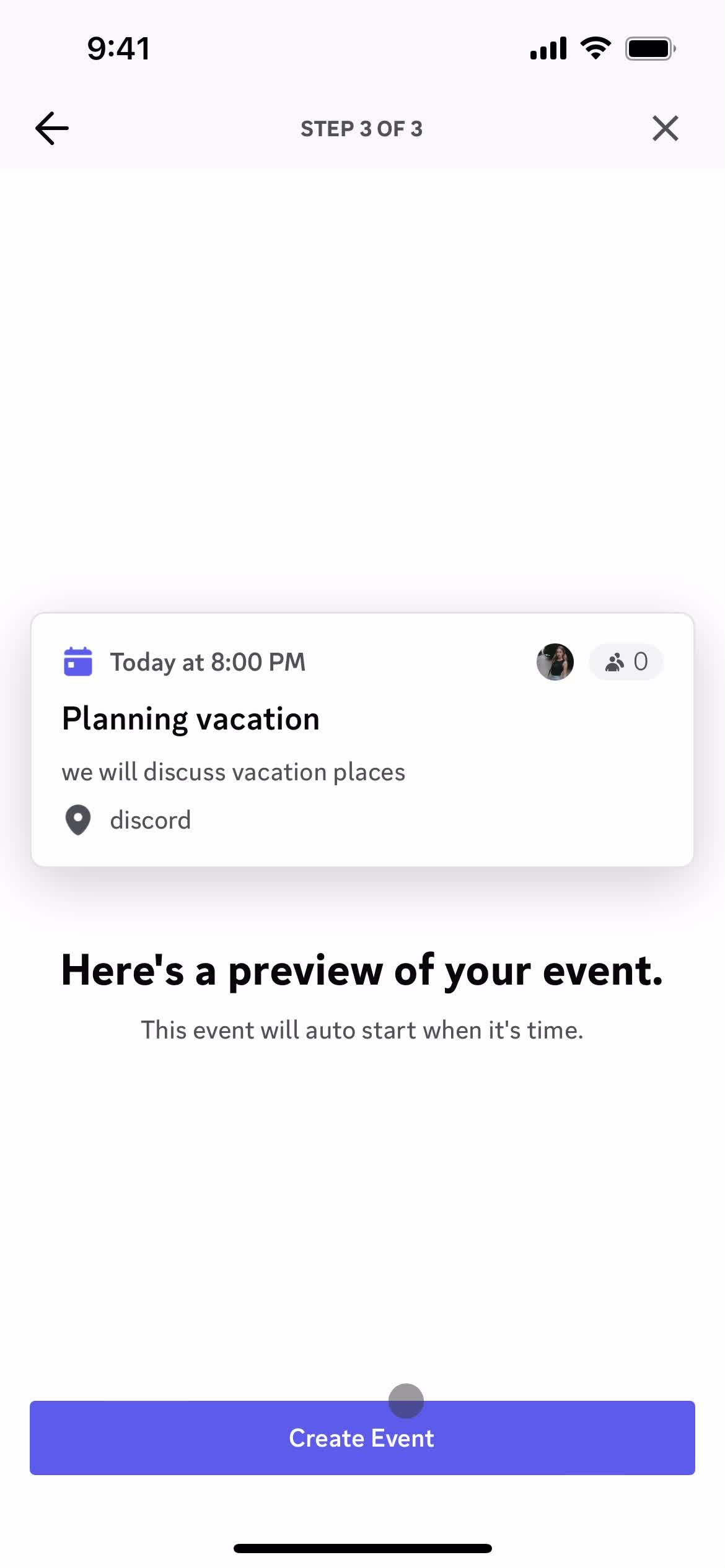
Review
this is title
Servers
this is title
Events
this is title
Continue
this is title
Servers
this is title
Account
this is title
Settings
this is title
Account settings
this is title
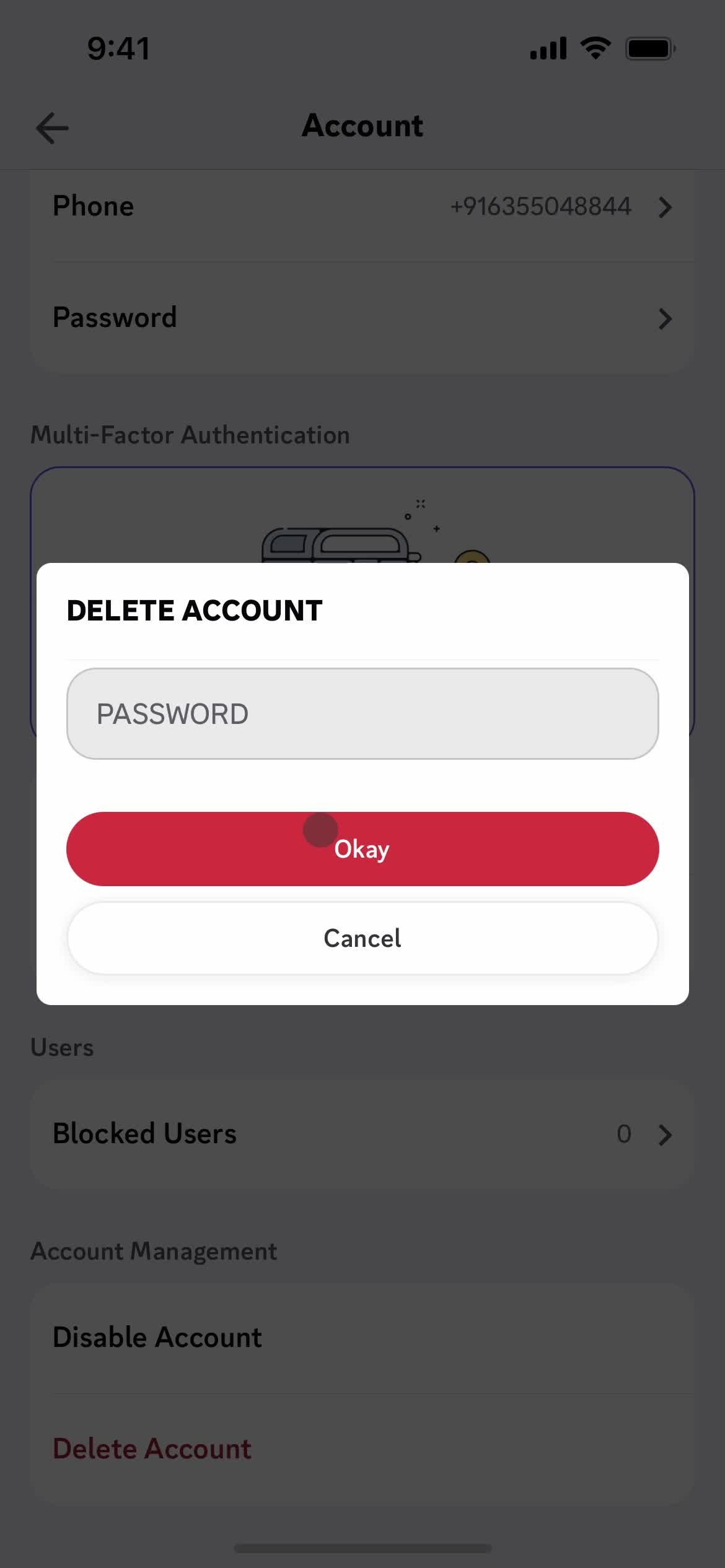
Delete account
this is title
Enter password
this is title
Get started
this is title
Servers
this is title
Account
this is title
Settings
this is title
Account settings
this is title
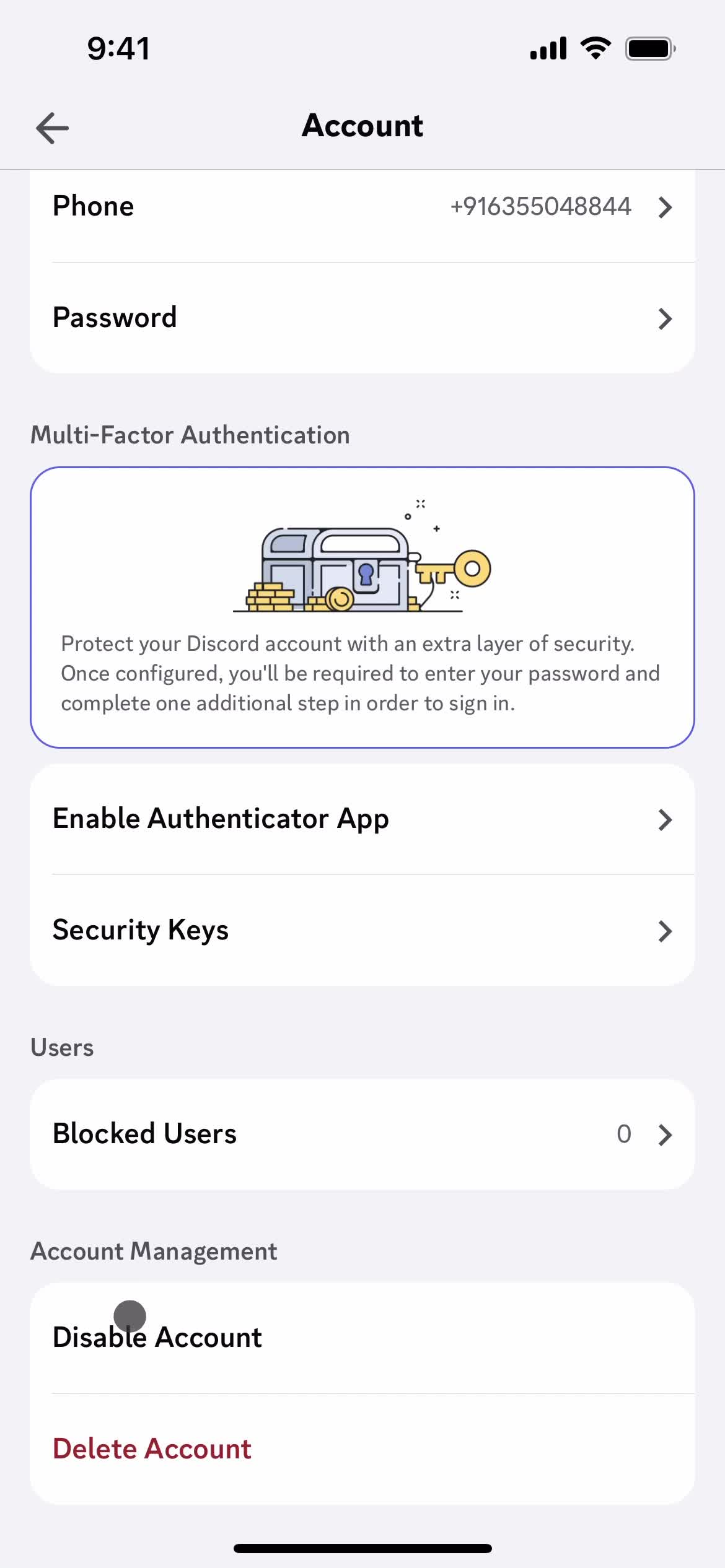
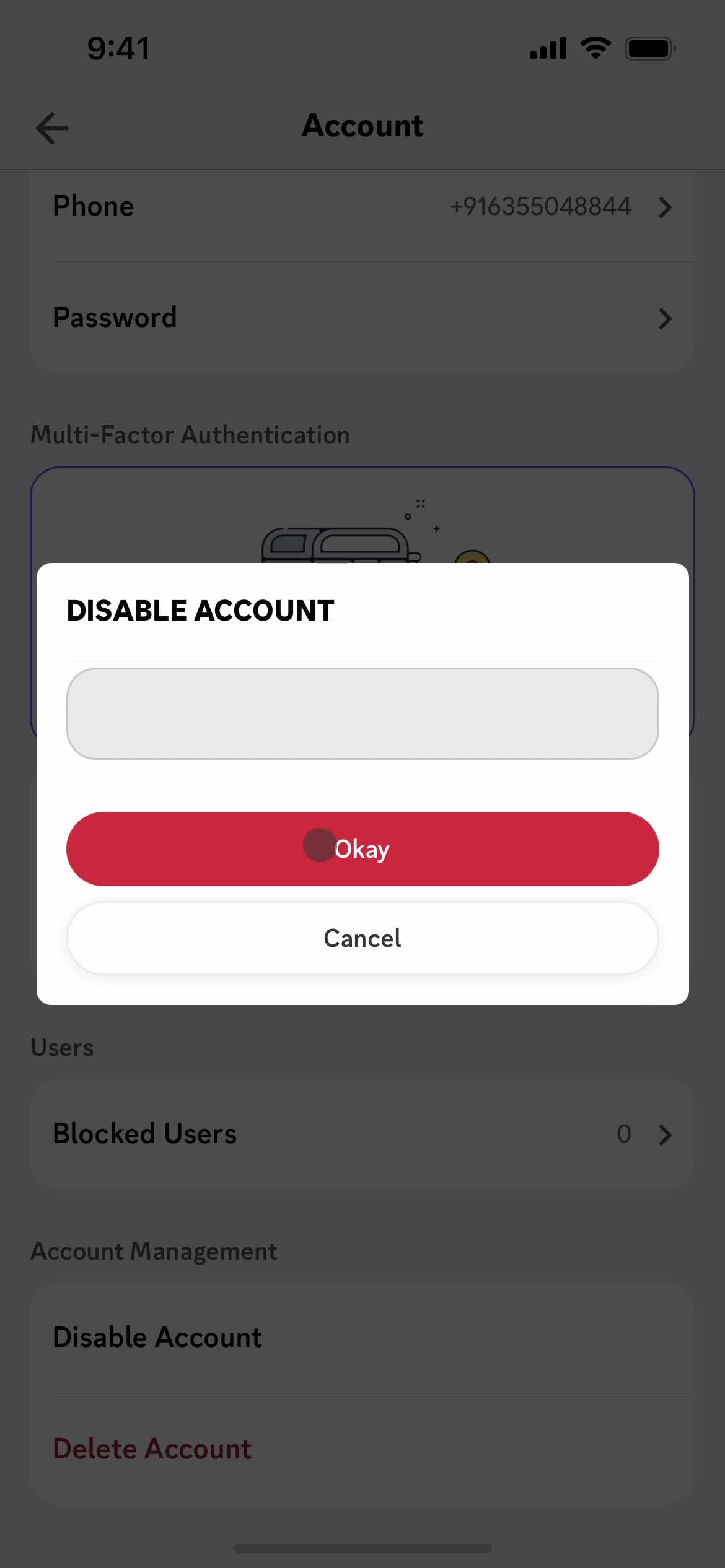
Disable account
this is title
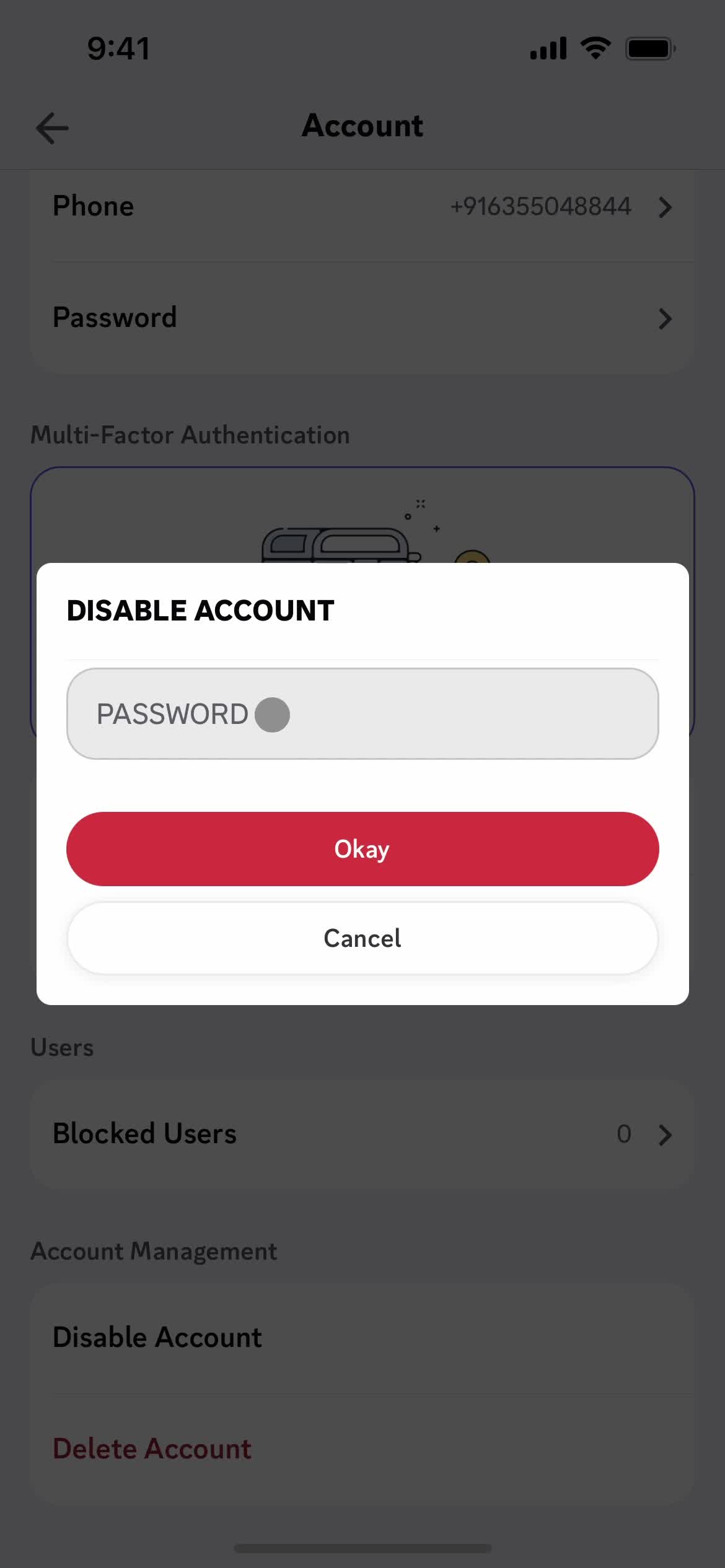
Enter password
this is title
Continue
this is title
Messages
this is title
Servers
this is title
Server details
this is title
Add message
this is title
this is title
Chat thread
this is title
My profile
this is title
this is title
Chat thread
this is title
Action menu
this is title
Create thread
this is title
Add message
this is title
this is title
Chat thread
this is title
Thread
this is title
Chat thread
this is title
Notification settings
this is title
Chat thread
this is title
Chat thread
this is title
Servers
this is title
Servers
this is title
Events
this is title
Interest activated
this is title
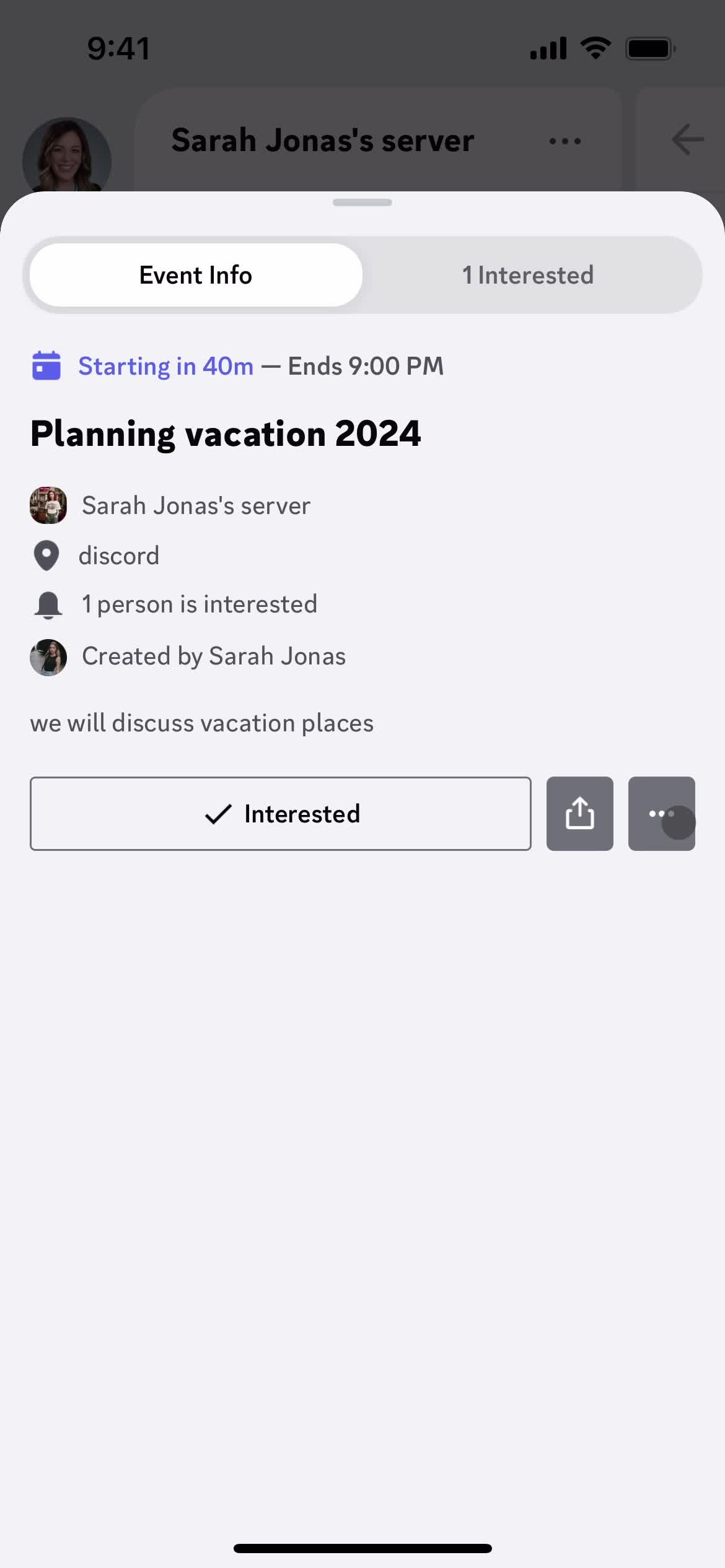
Event detail
this is title
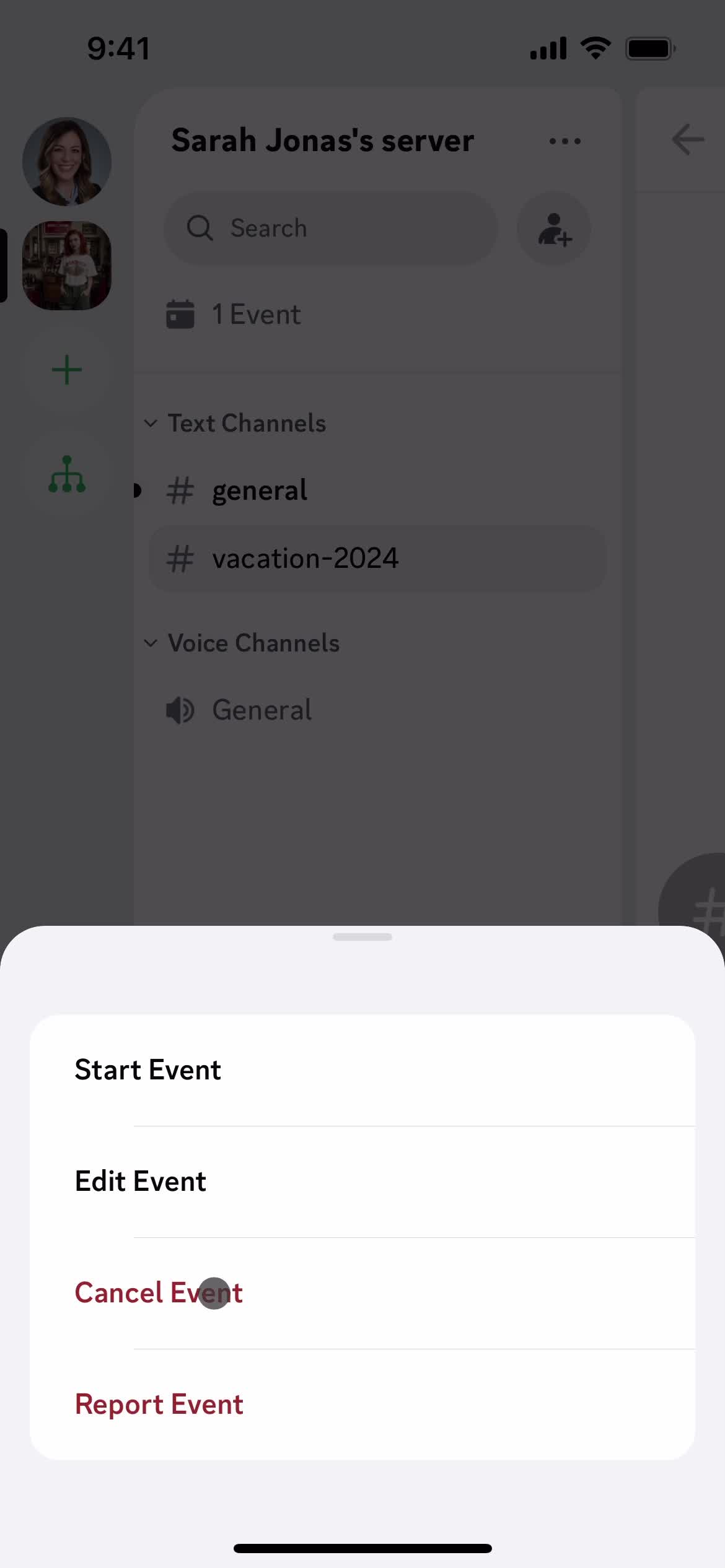
Action menu
this is title
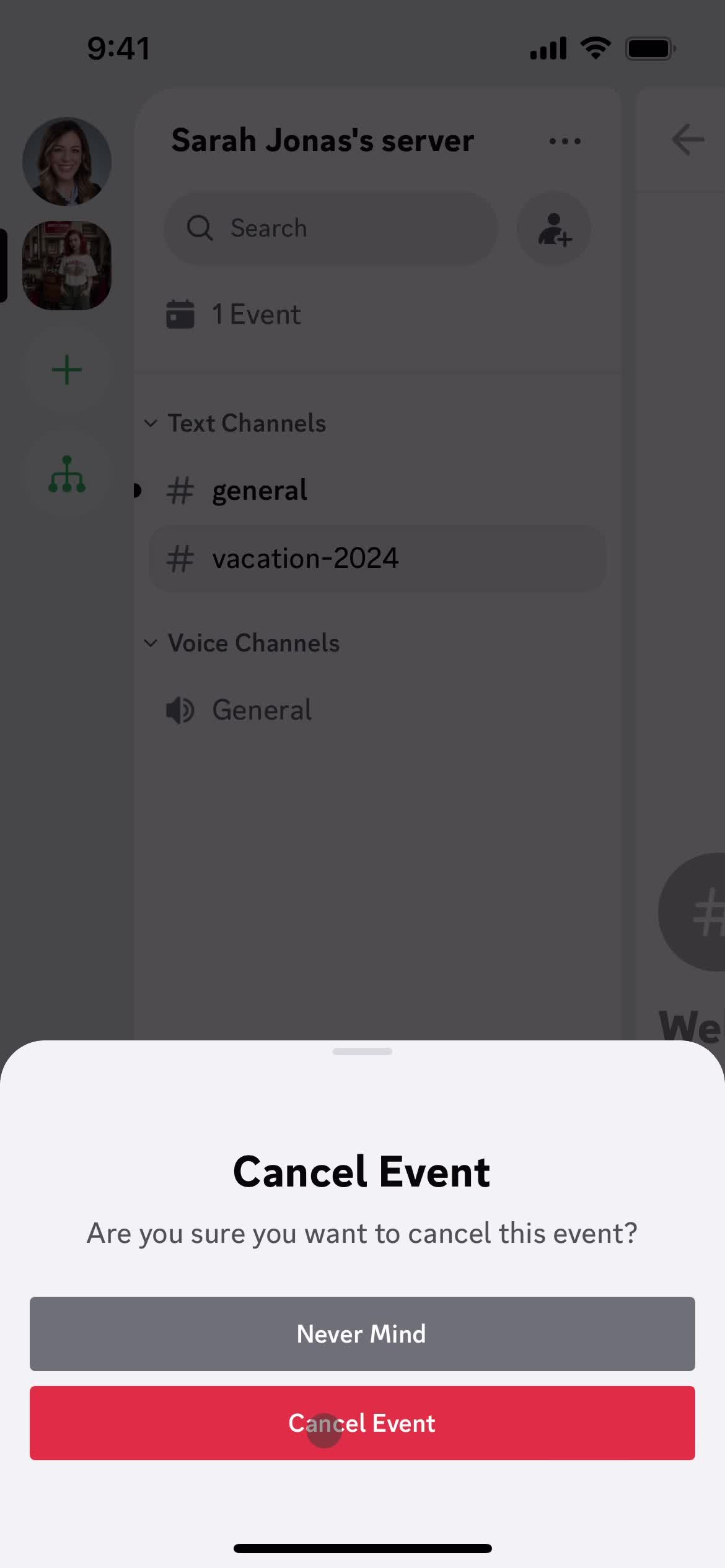
Confirm cancellation
this is title
Servers
this is title
Messages
this is title
Chat thread
this is title
Stickers
this is title
Add message
this is title
Chat thread
this is title
Record audio
this is title
Delete
this is title
Chat thread
this is title
Profile
this is title
Action menu
this is title
Messages
this is title
Profile
this is title
Action menu
this is title
Change nickname
this is title
Save
this is title
Messages
this is title
Create new message
this is title
Messages
this is title
Notifications
this is title
Notification settings
this is title
this is title
Notifications
this is title
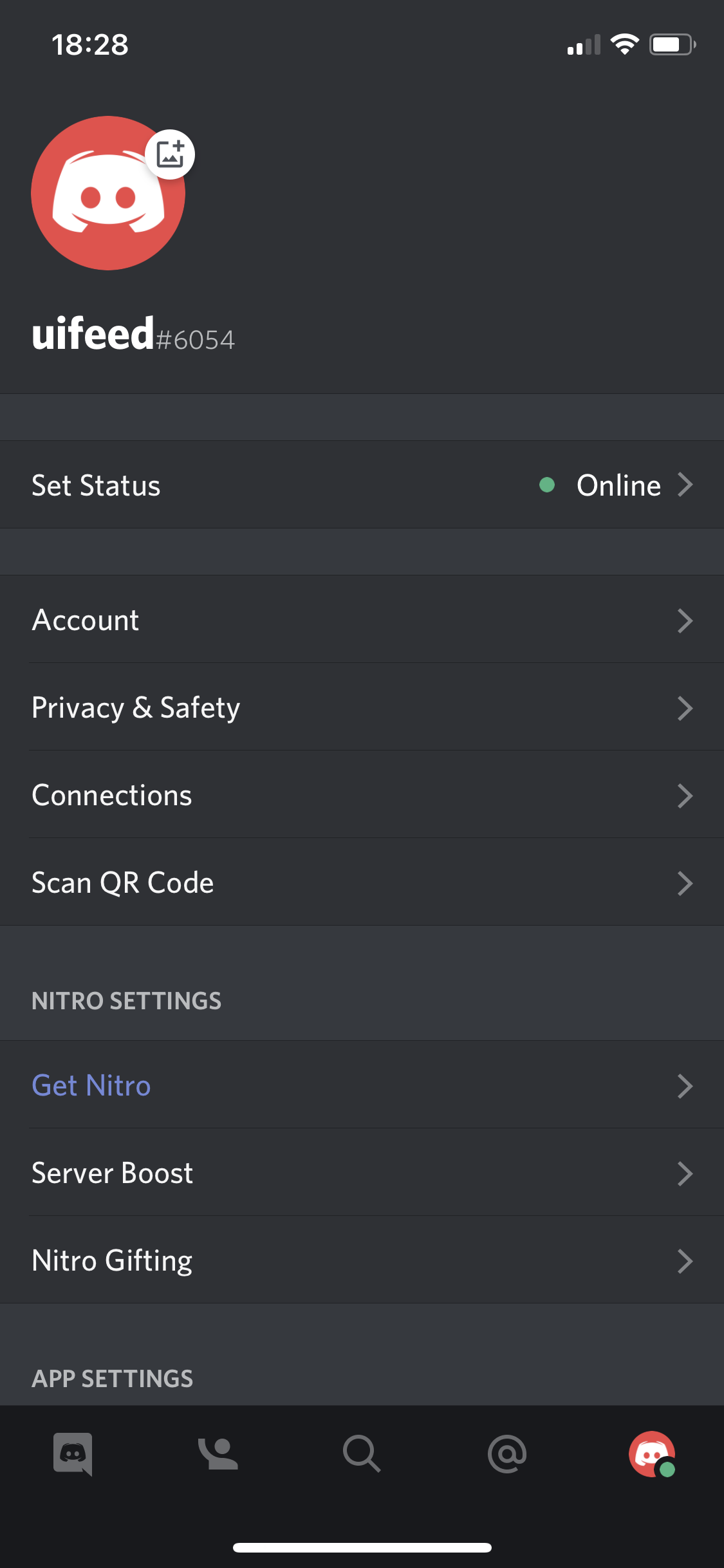
Account
this is title
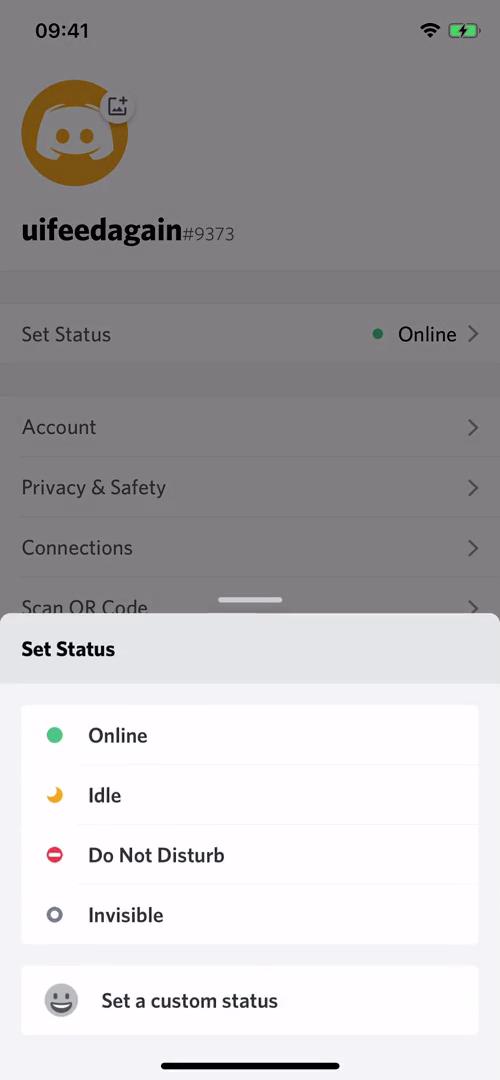
Set status
this is title
Account
this is title
this is title
Settings
this is title
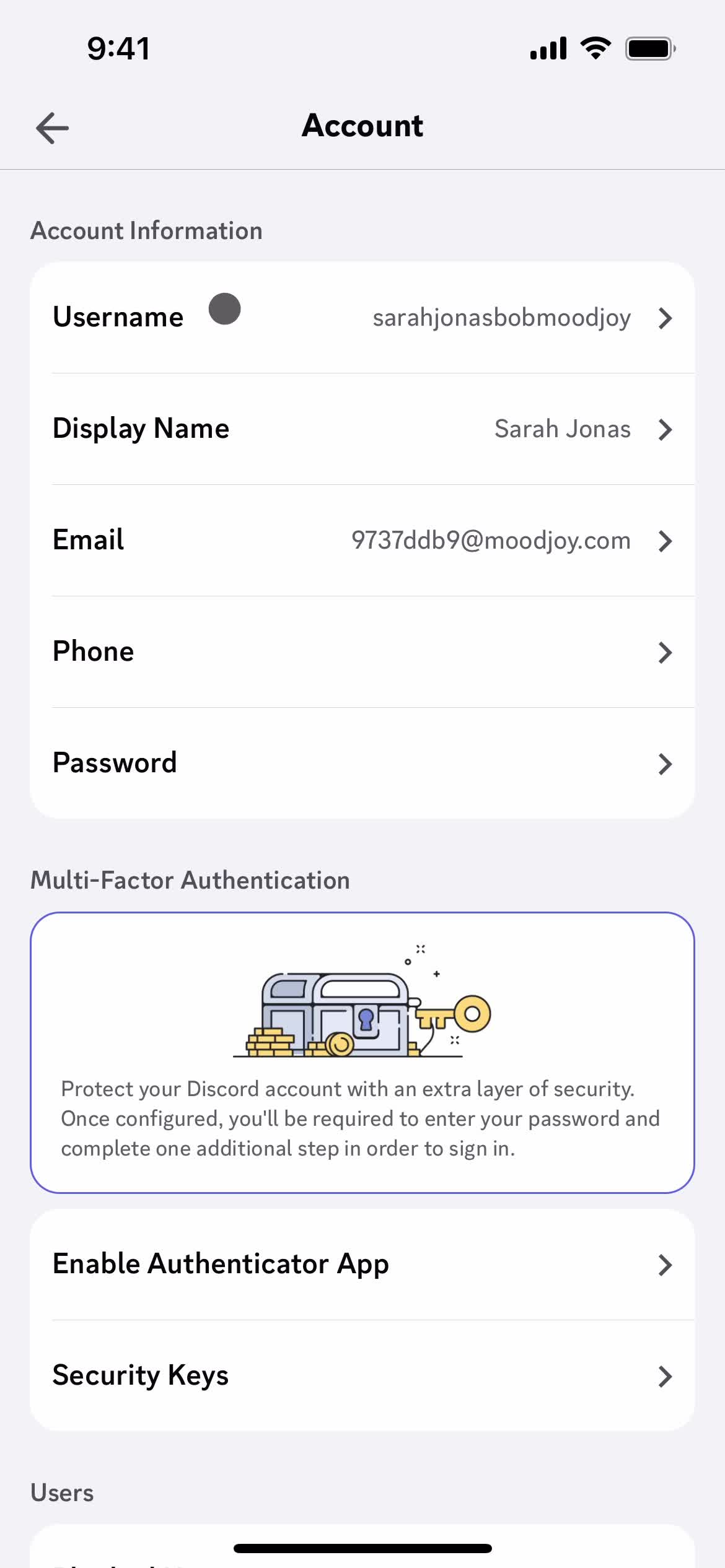
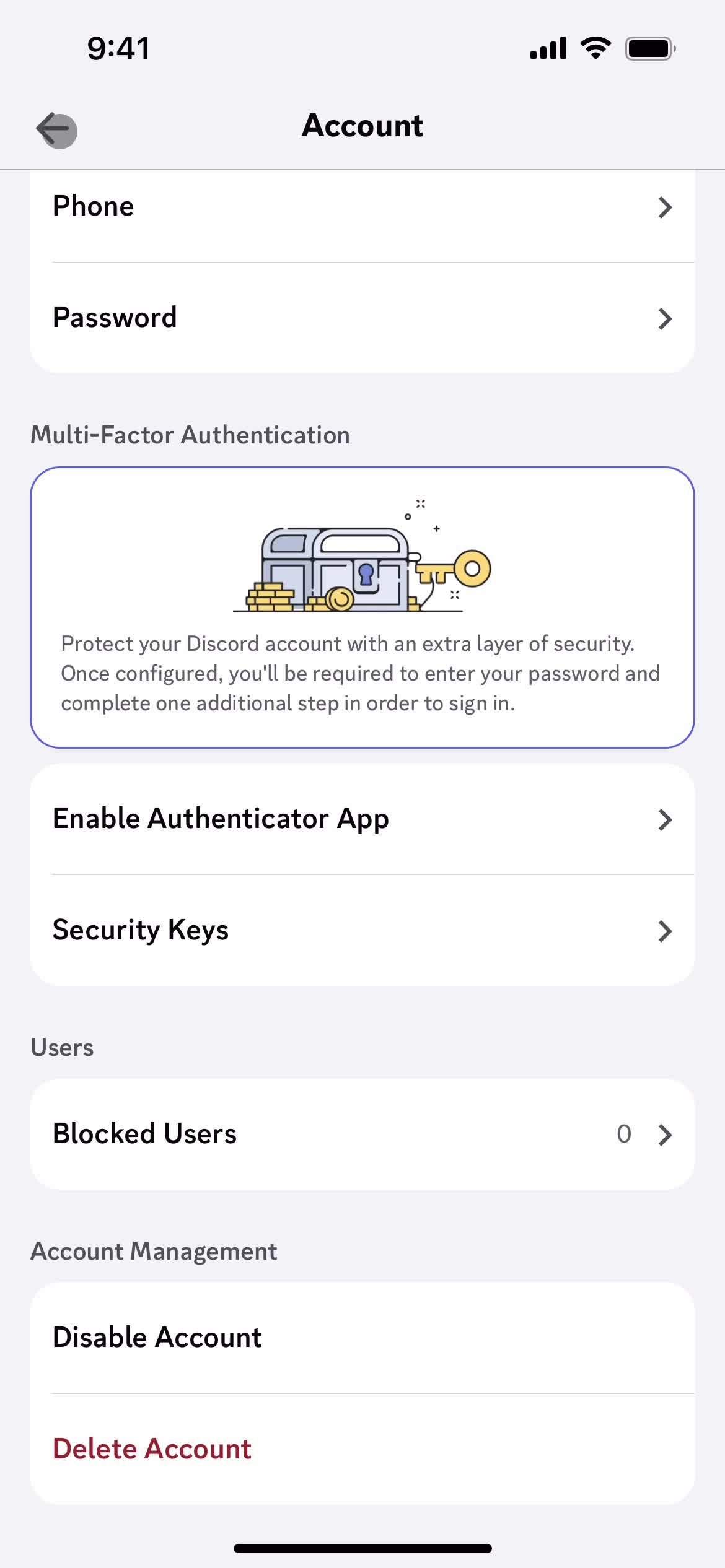
Account settings
this is title
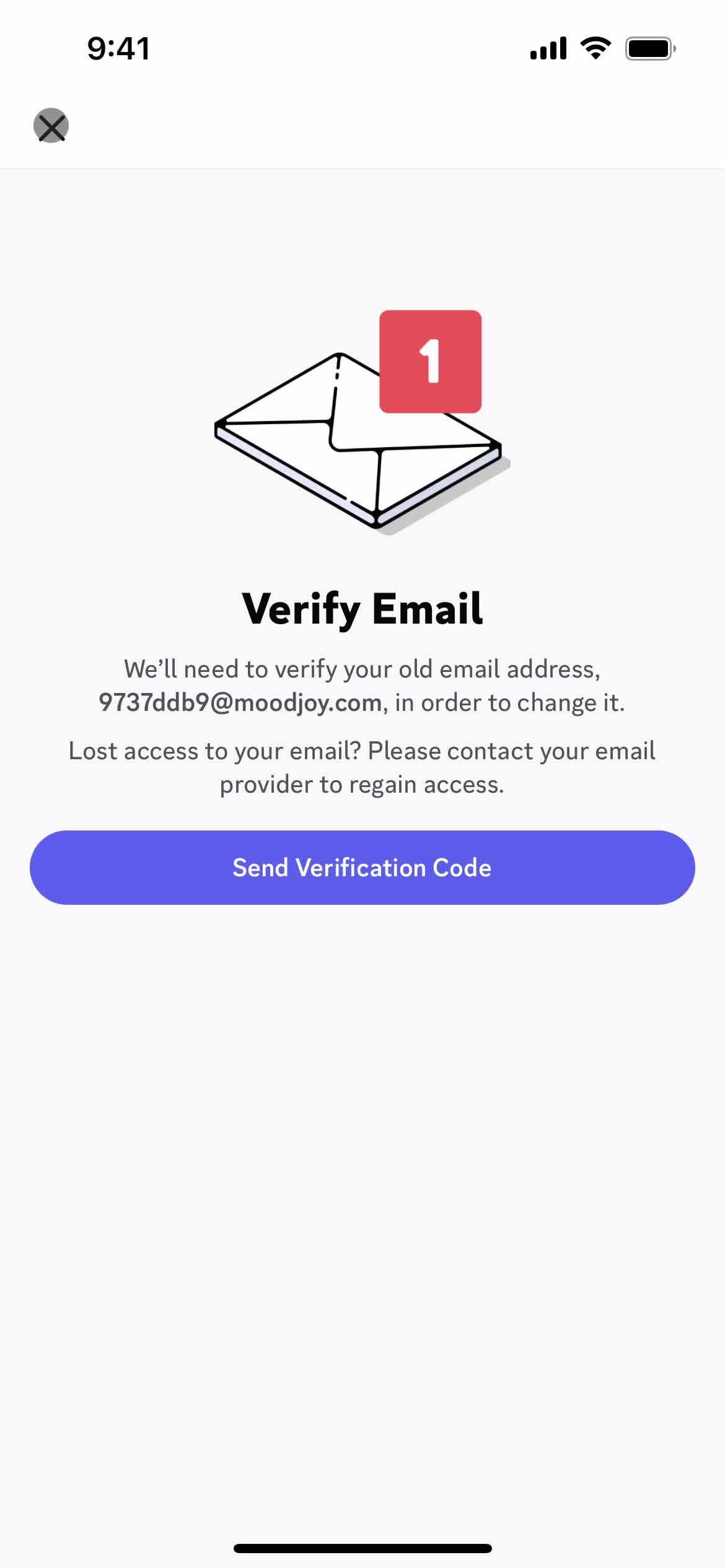
Verify email
this is title
Account settings
this is title
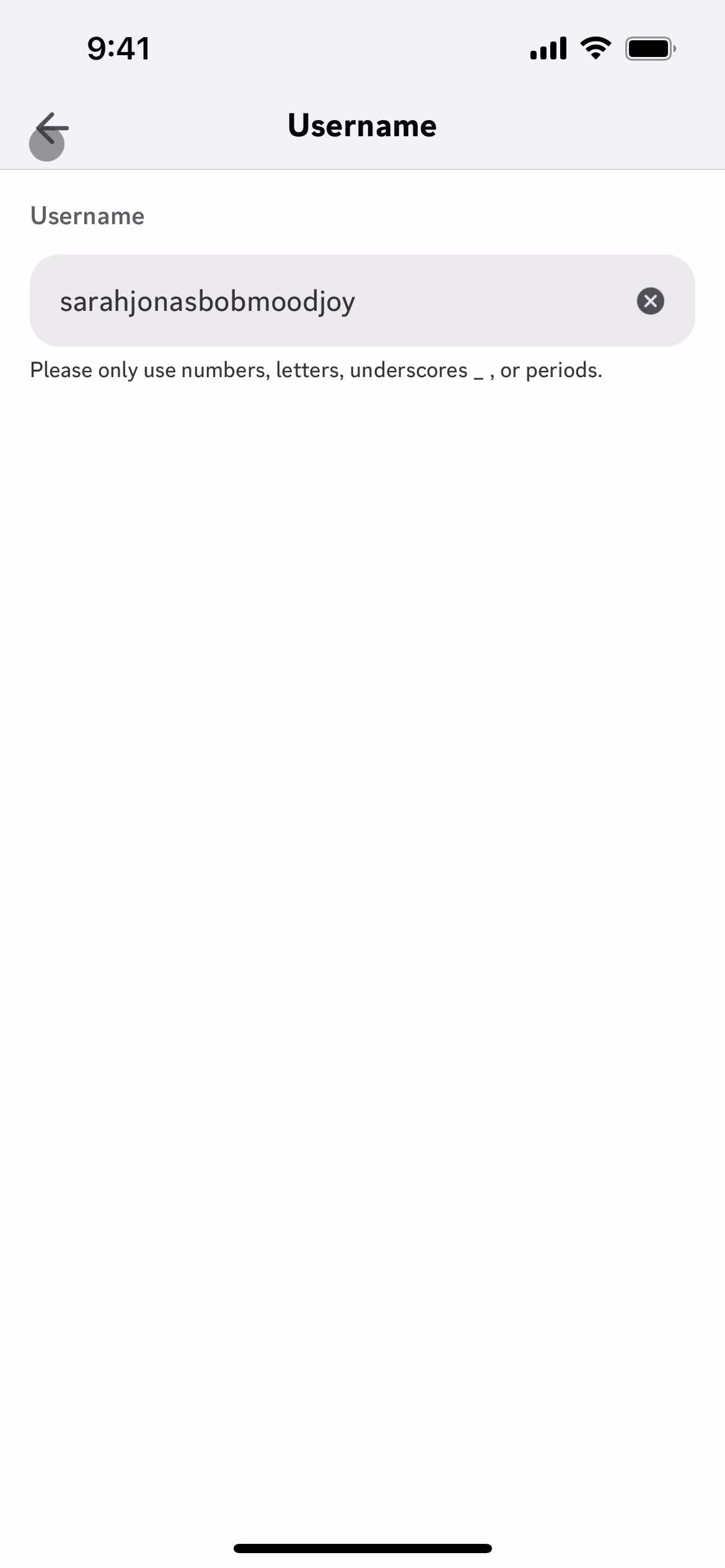
Set username
this is title
Account settings
this is title
Settings
this is title
this is title
Upgrade
this is title
Upgrade
this is title
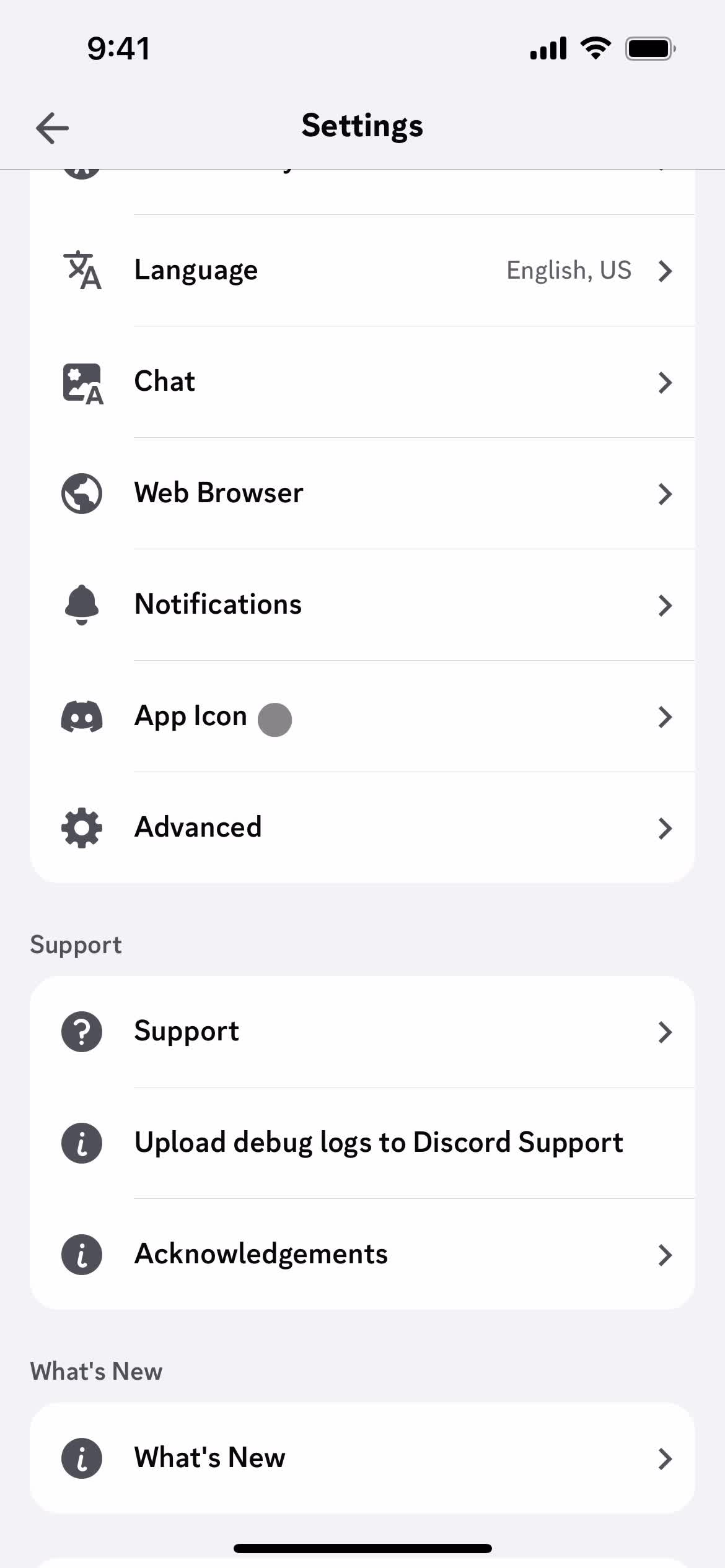
Settings
this is title
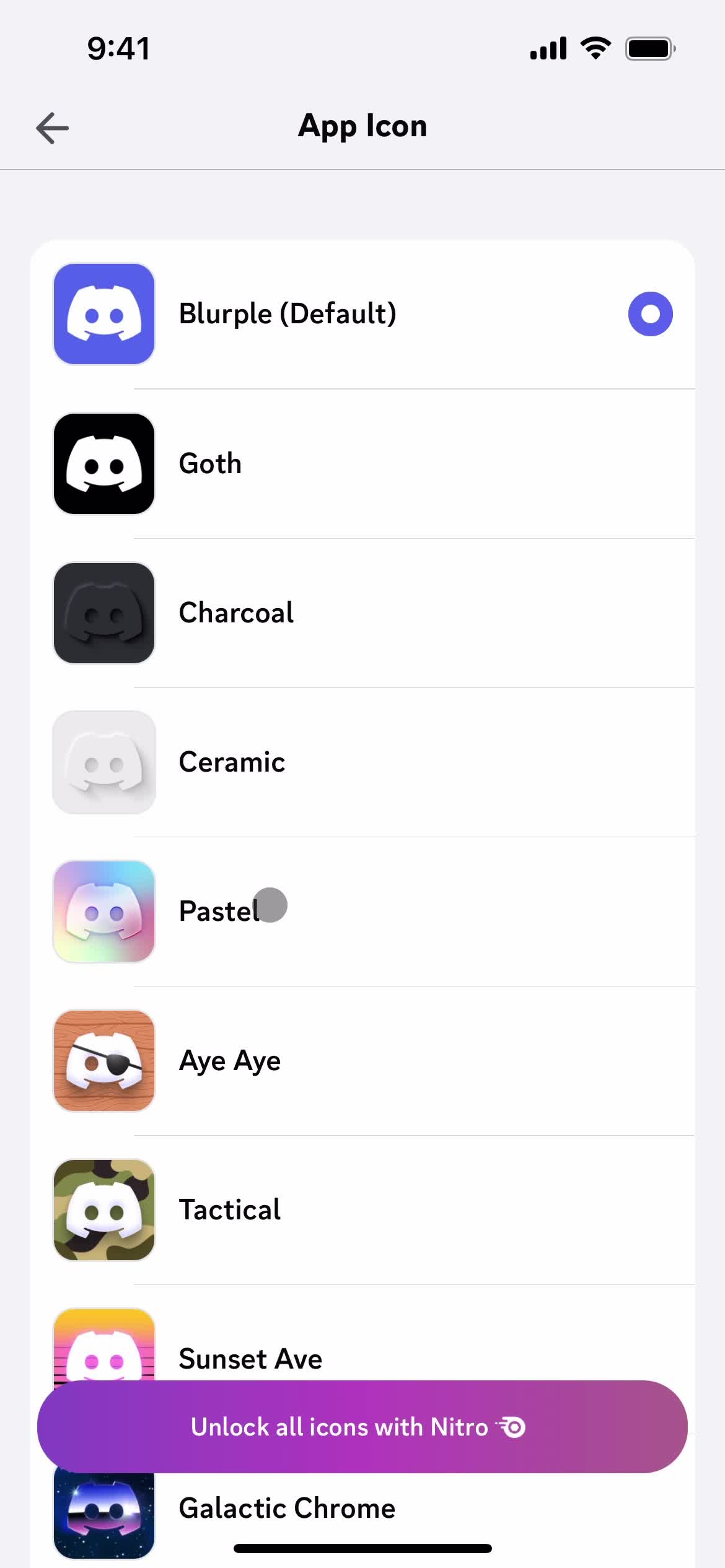
App Icon
this is title
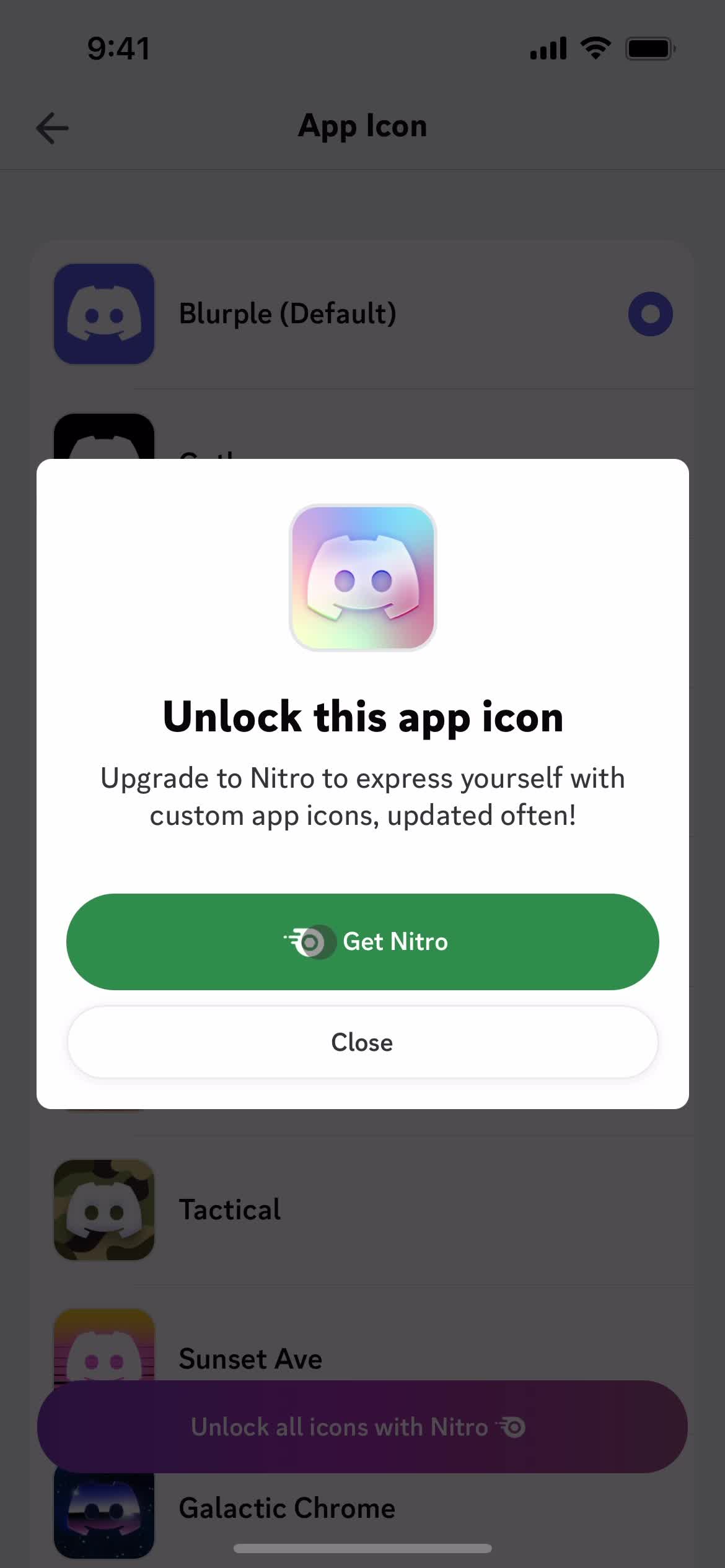
Upgrade
this is title
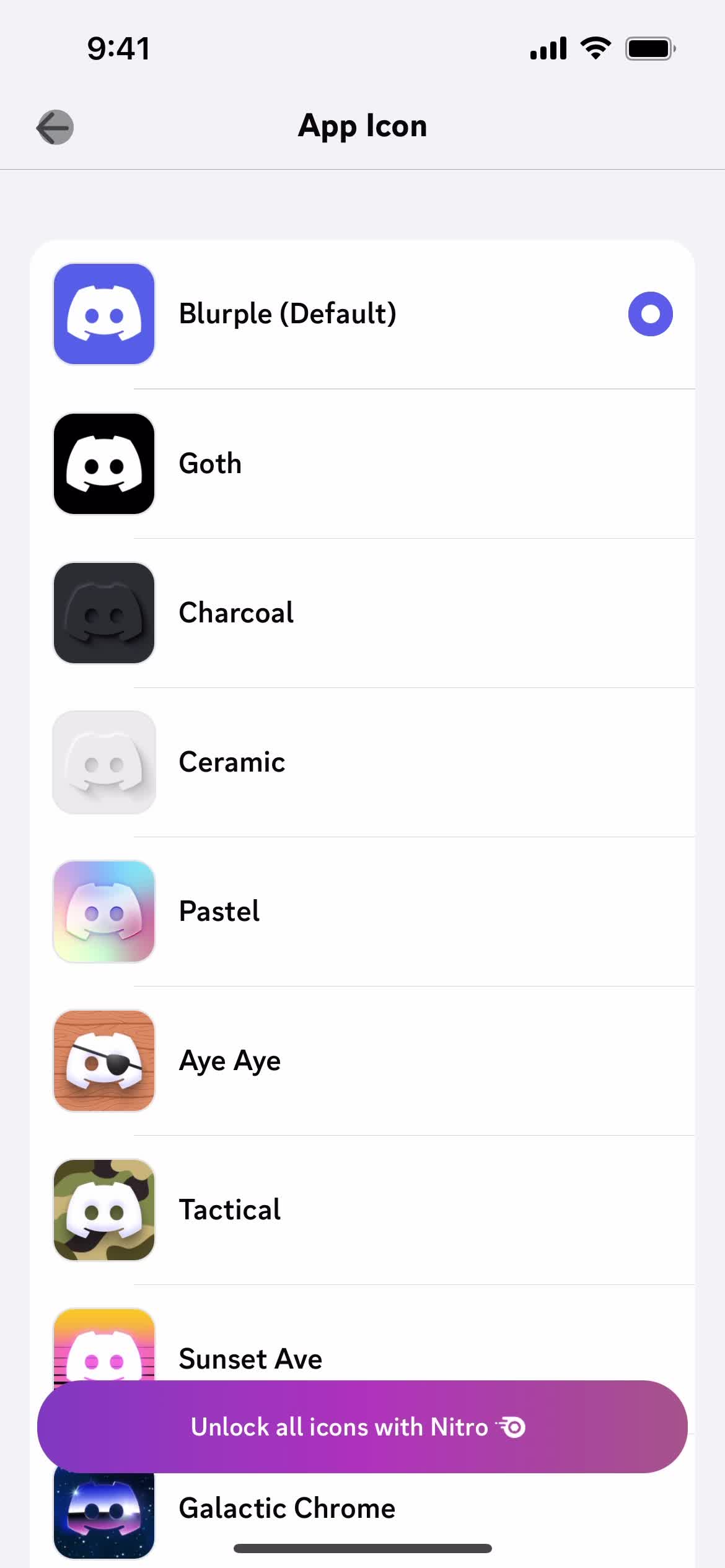
App Icon
this is title
Settings
this is title
Account
this is title
Direct messages
this is title
Chat
this is title
Action menu
this is title
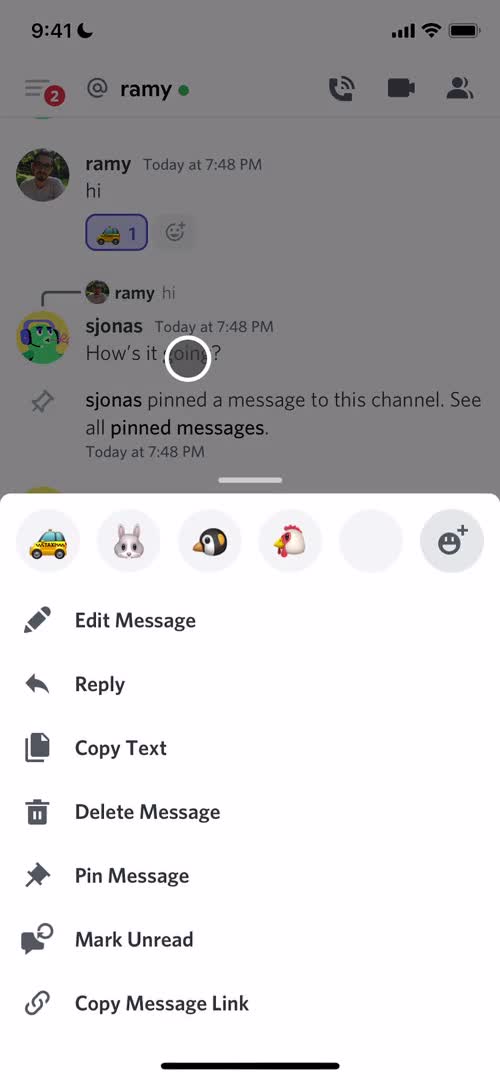
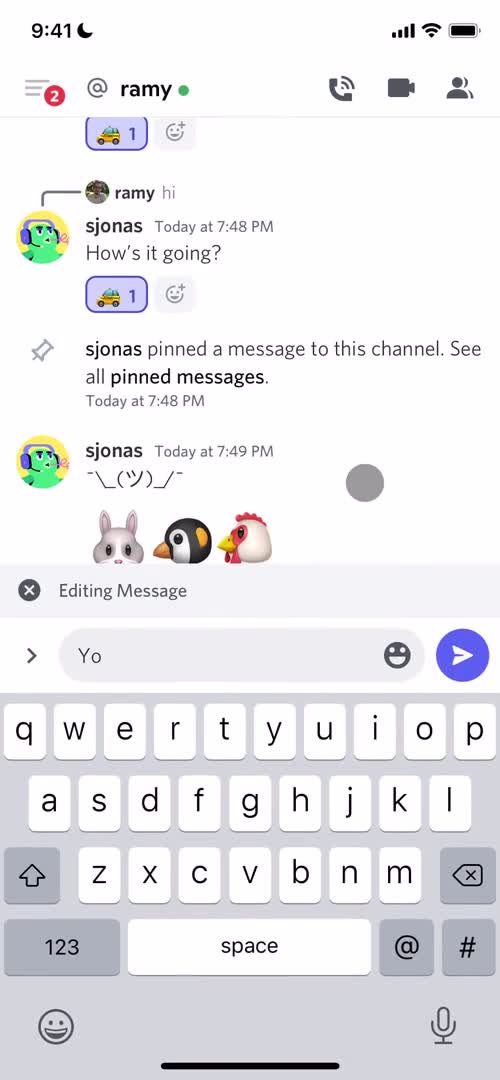
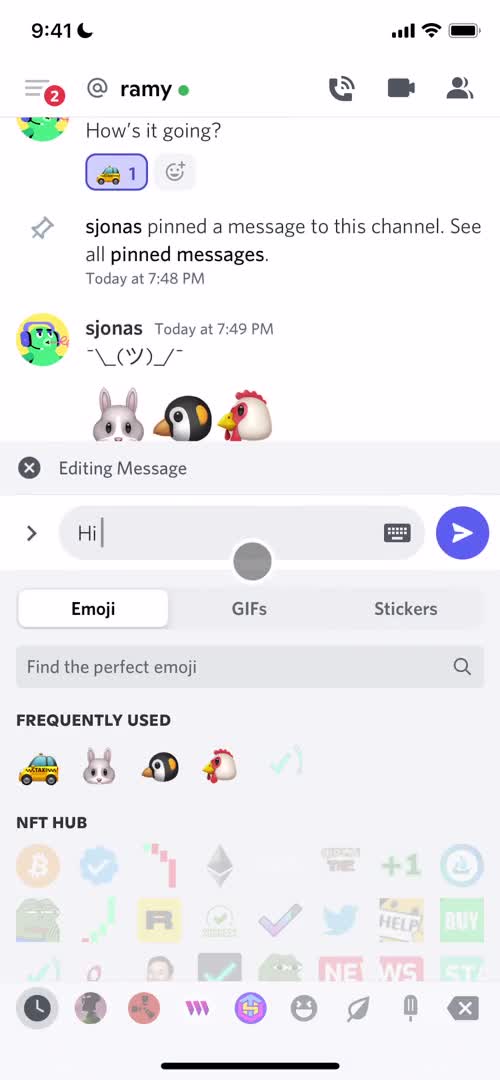
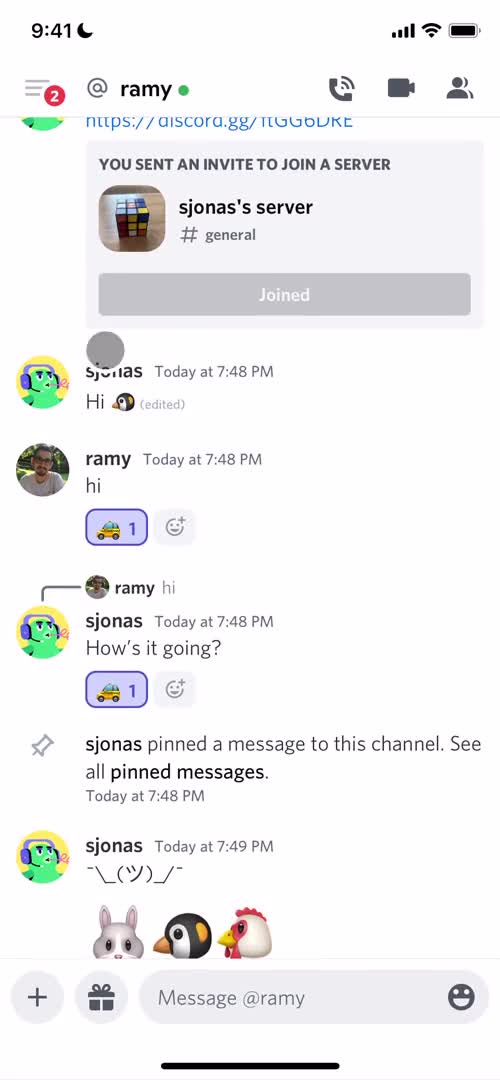
Edit message
this is title
Emoji picker
this is title
Chat
this is title
Direct messages
this is title
Chat
this is title
Direct messages
this is title
Action menu
this is title
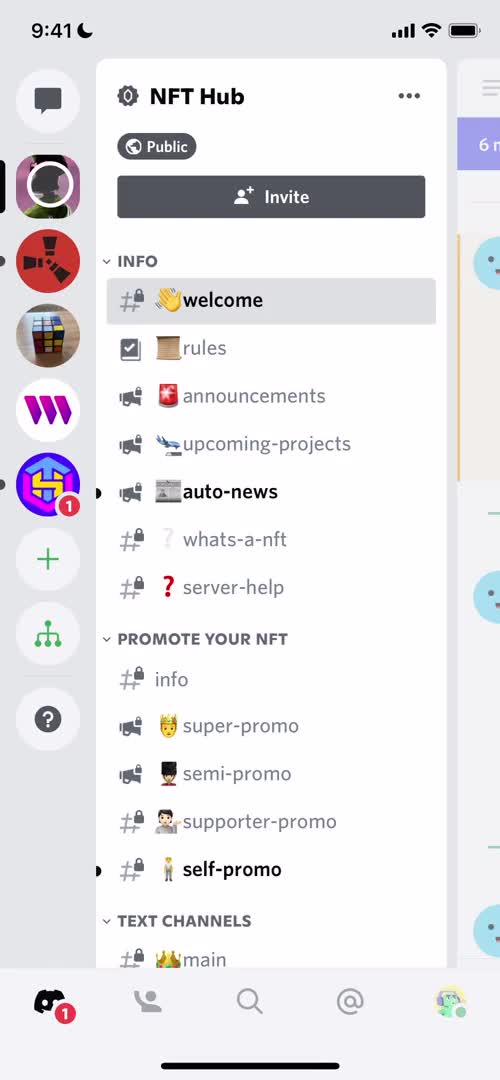
Channels
this is title
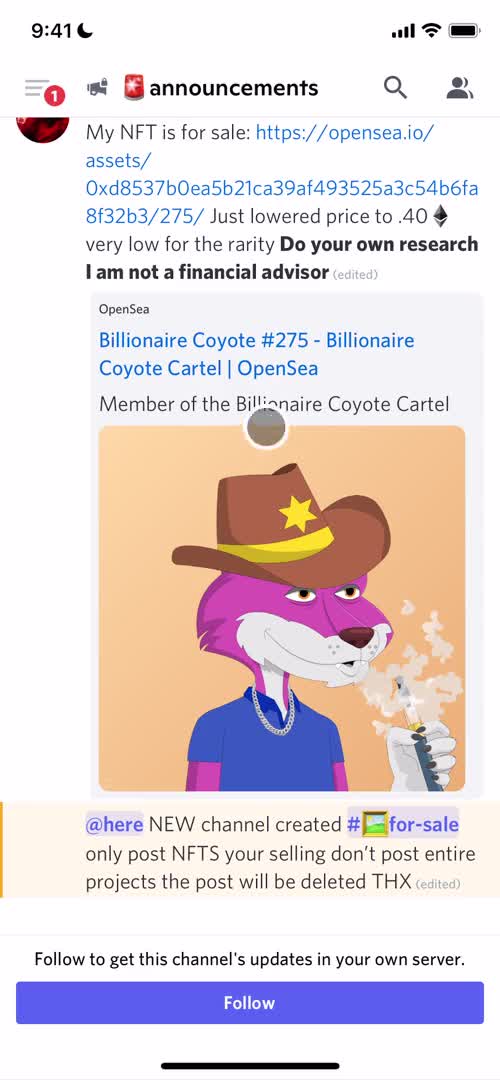
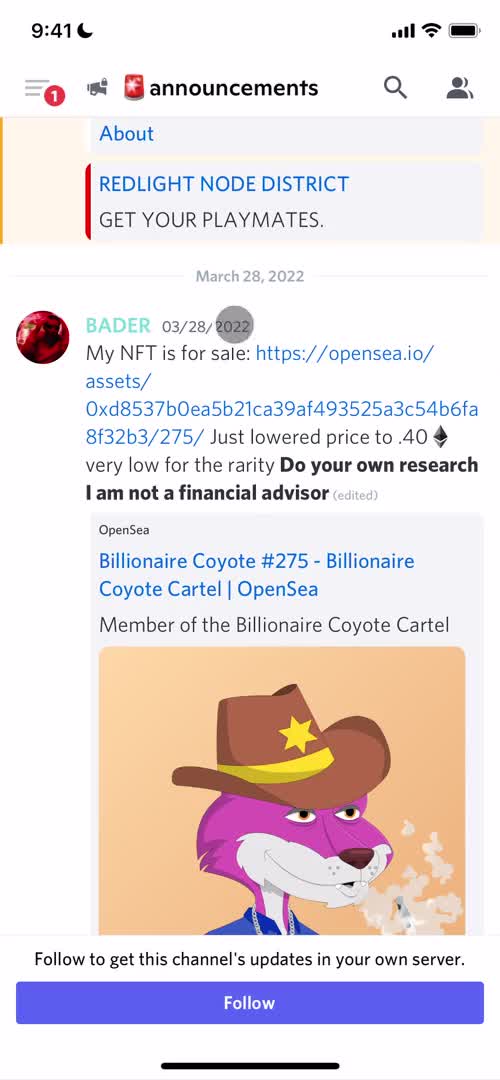
Channel
this is title
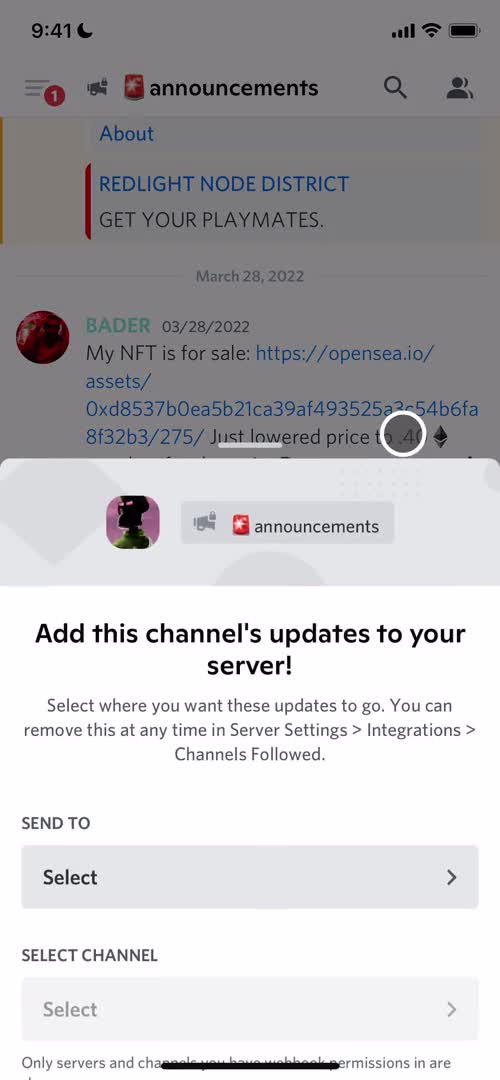
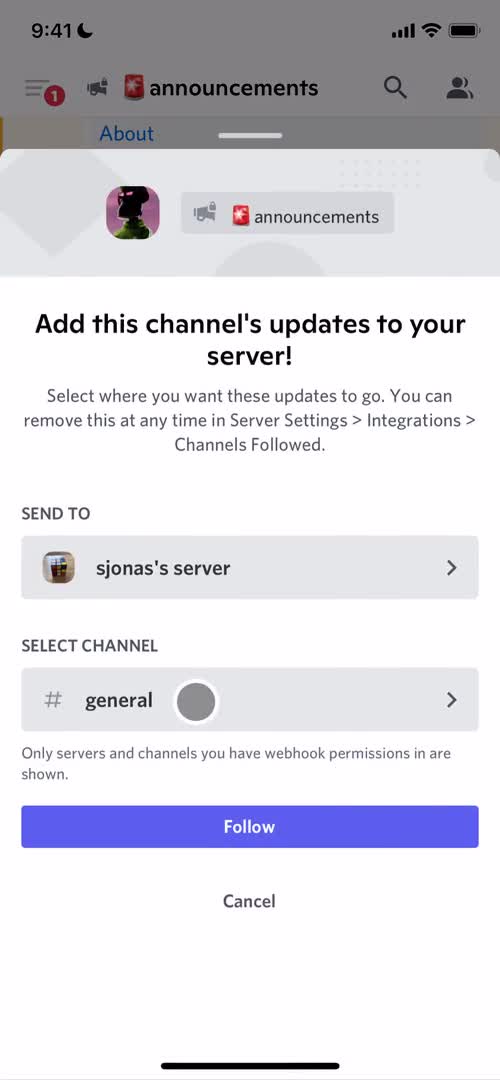
Follow channel
this is title
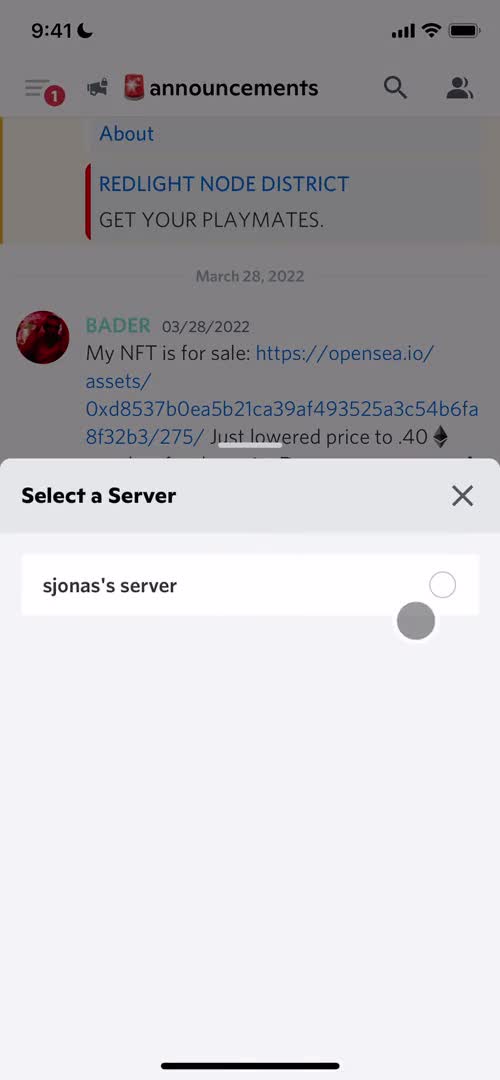
Select server
this is title
Follow channel
this is title
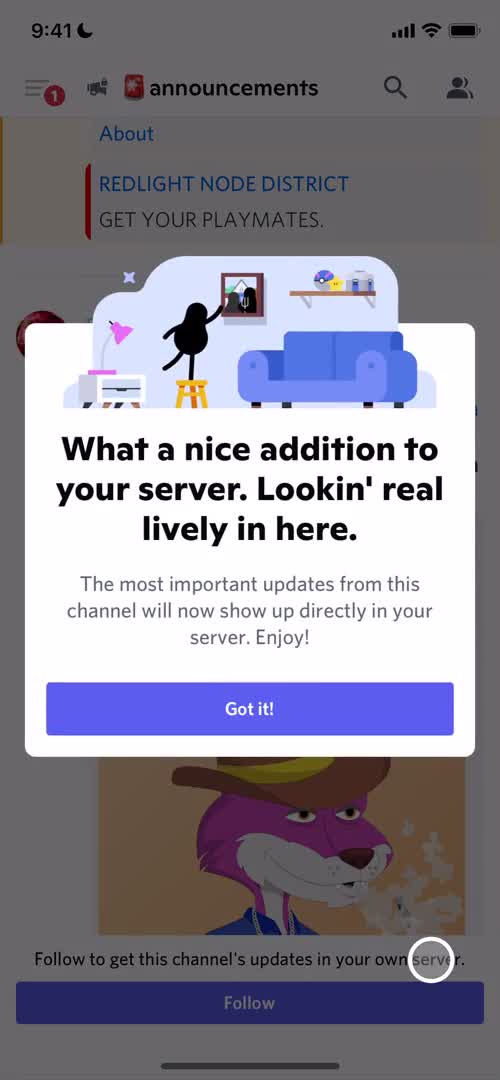
Success
this is title
Channel
this is title
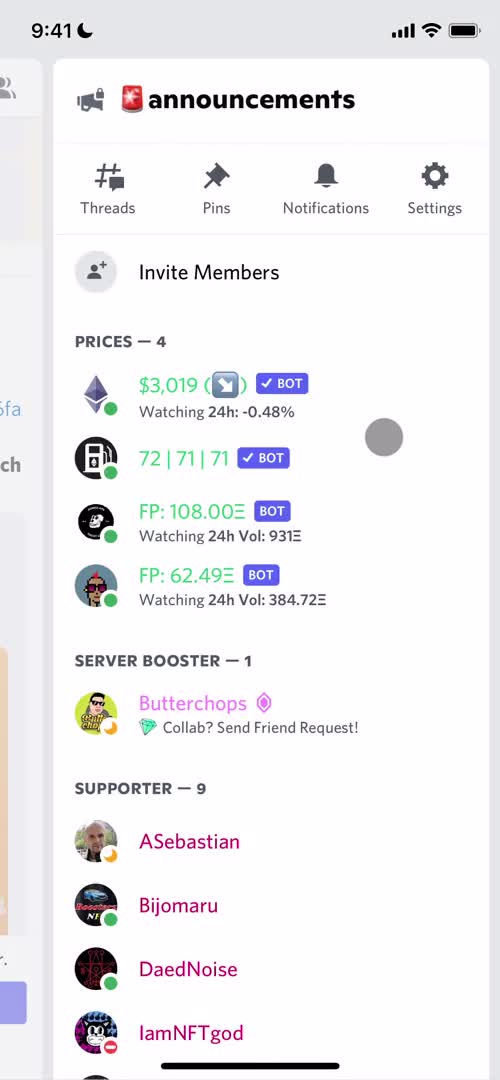
Channel details
this is title
Channels
this is title
Create server
this is title
Select type
this is title
Add details
this is title
Server created
this is title
Channel
this is title
Server details
this is title
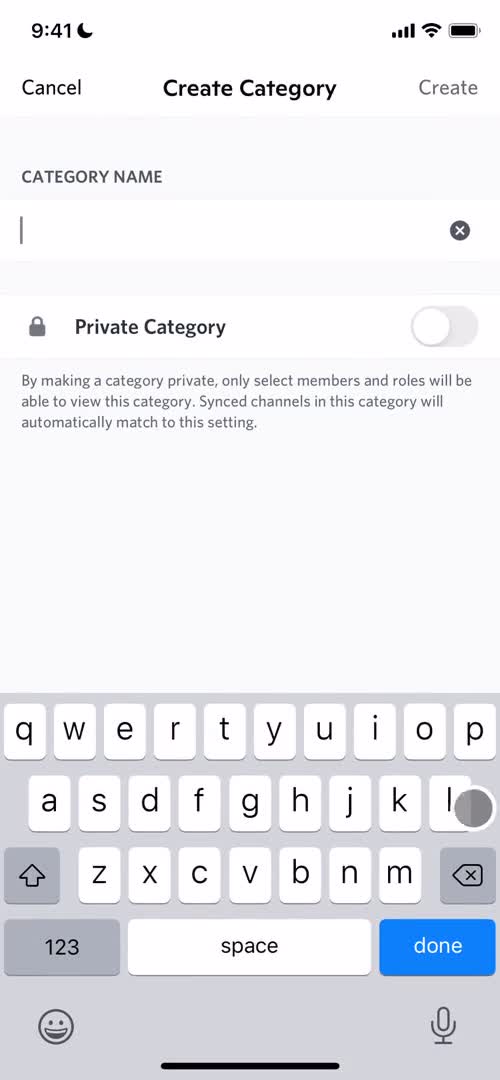
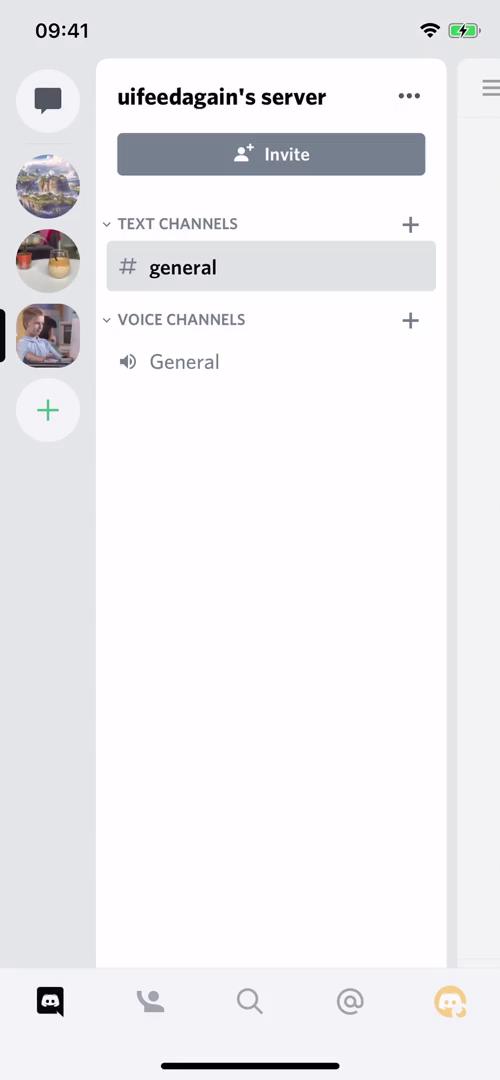
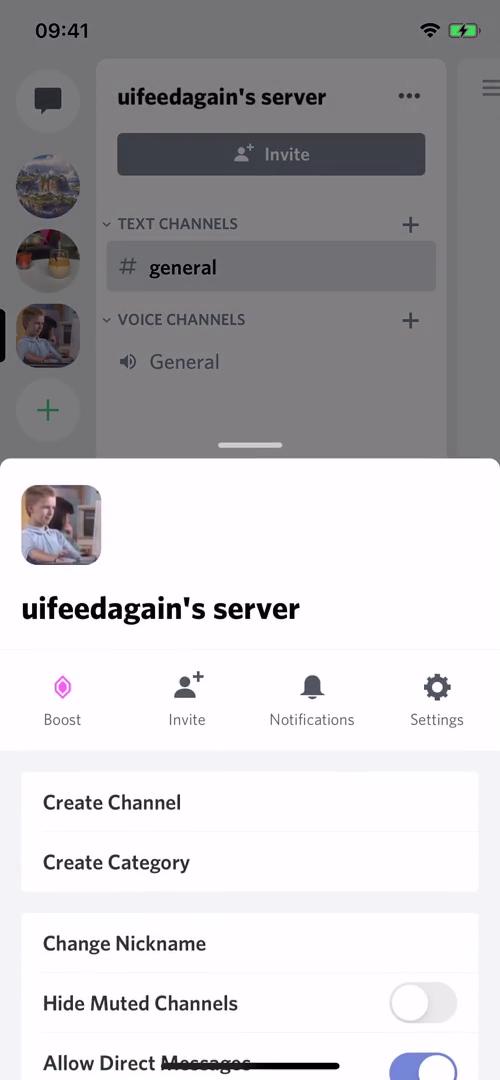
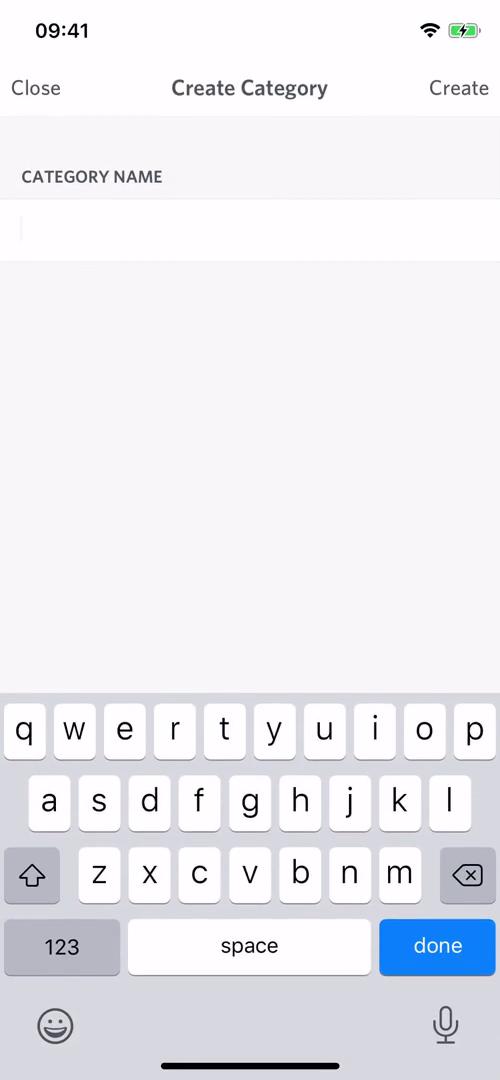
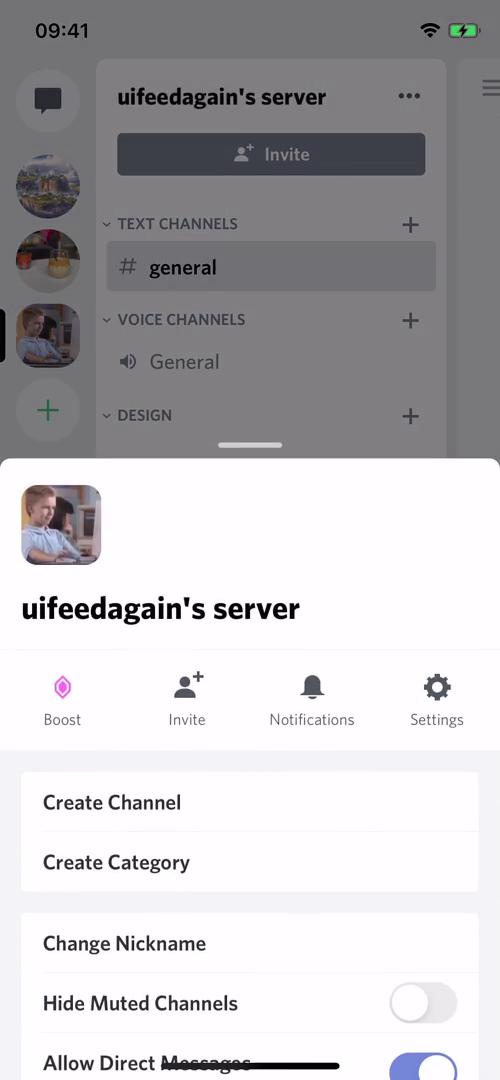
Create category
this is title
Channels
this is title
Edit profile
this is title
Upgrade
this is title
Select plan
this is title
Upgrade
this is title
Select plan
this is title
Channels
this is title
Continue setup
this is title
Channels
this is title
Invite friends
this is title
Server details
this is title
Settings
this is title
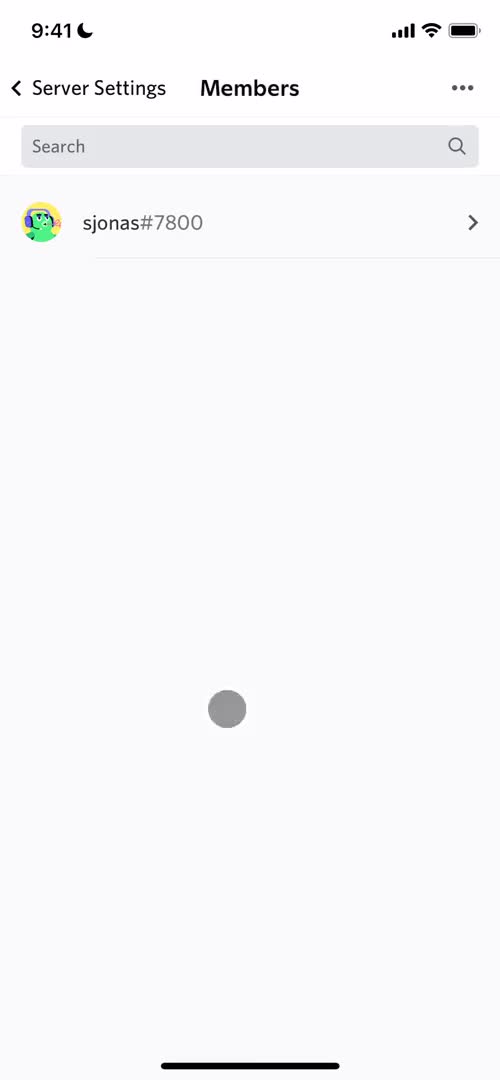
Members
this is title
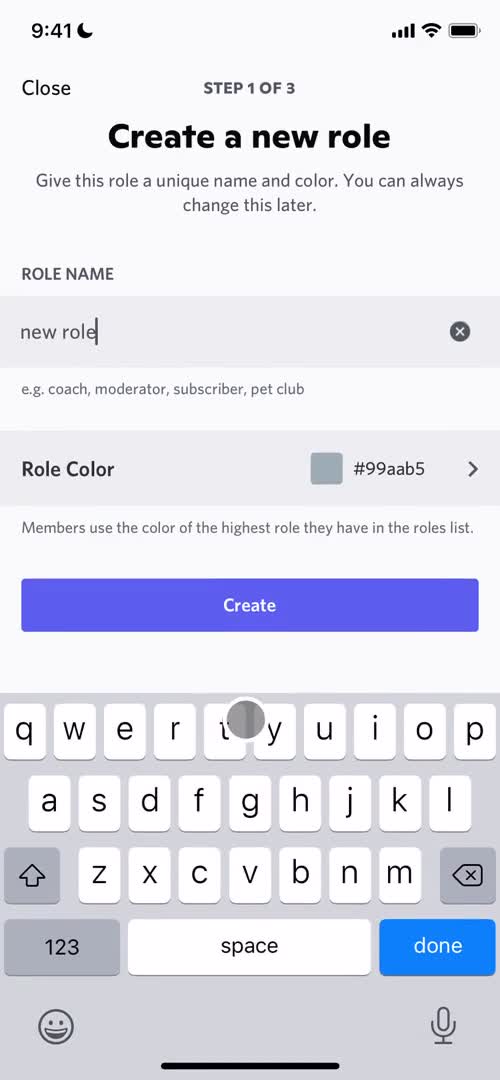
Create role
this is title
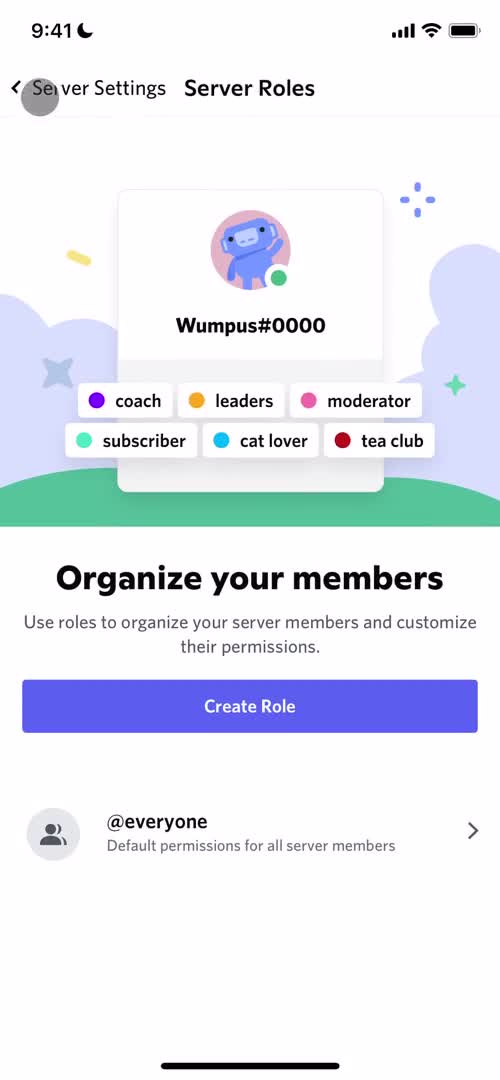
Roles
this is title
Channels
this is title
Channel
this is title
Channels
this is title
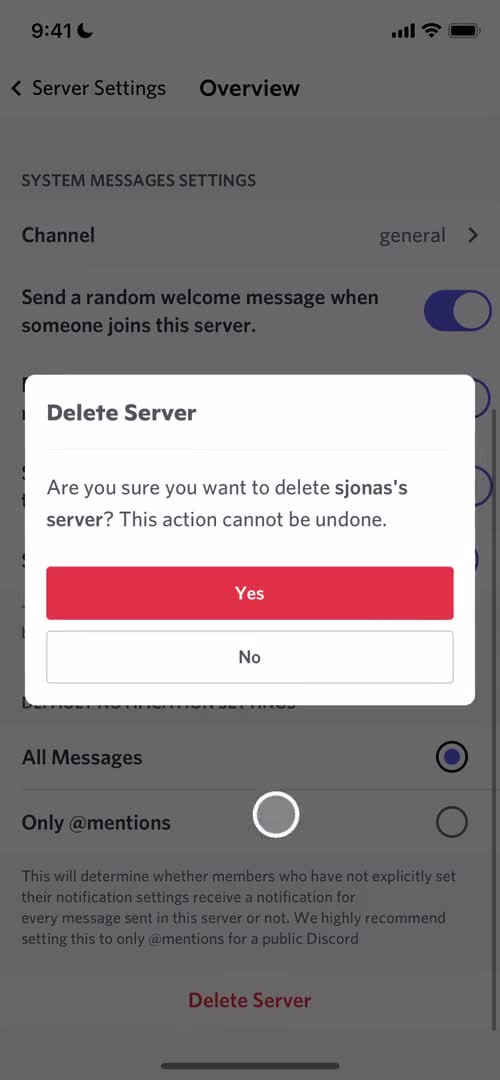
Confirm delete
this is title
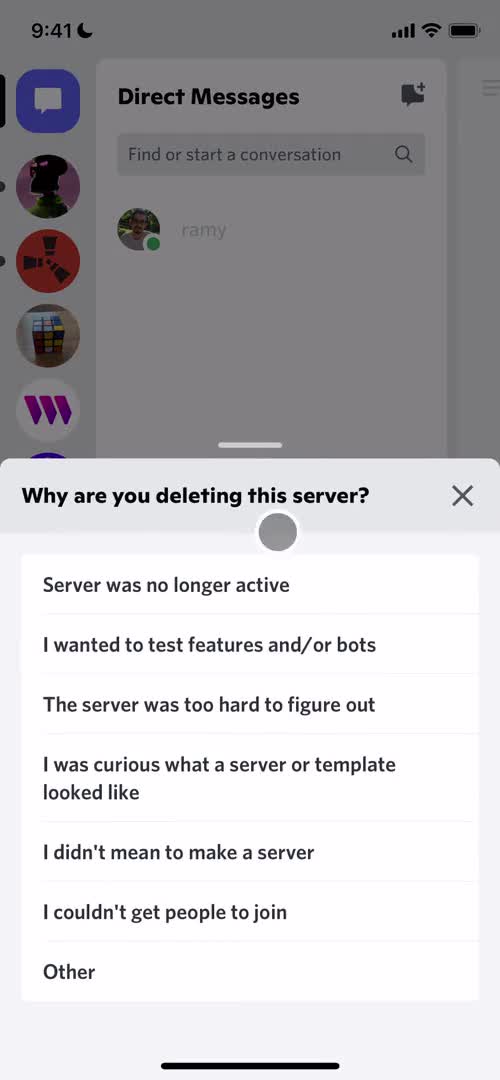
Select delete reason
this is title
Feedback submitted
this is title
Select recipient
this is title
Friends
this is title
Select recipient
this is title
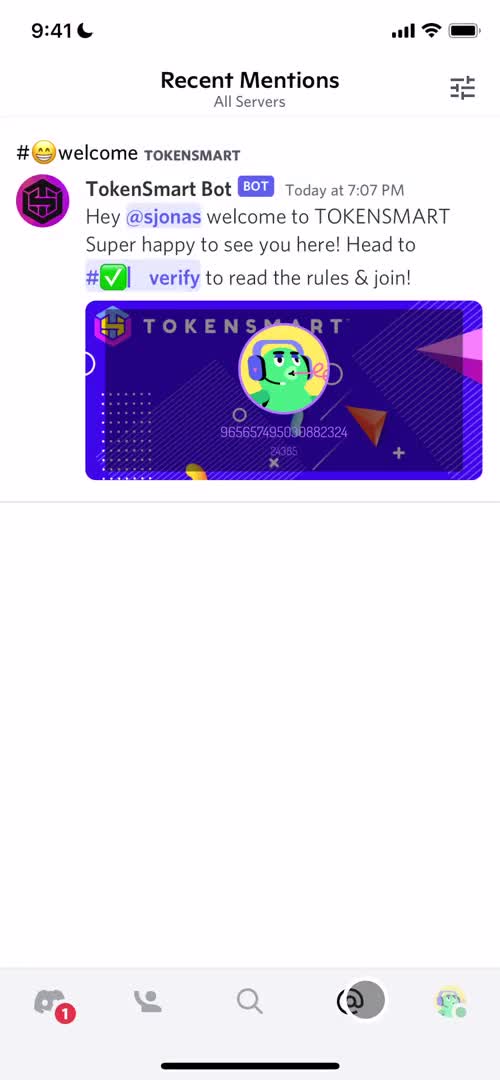
Mentions
this is title
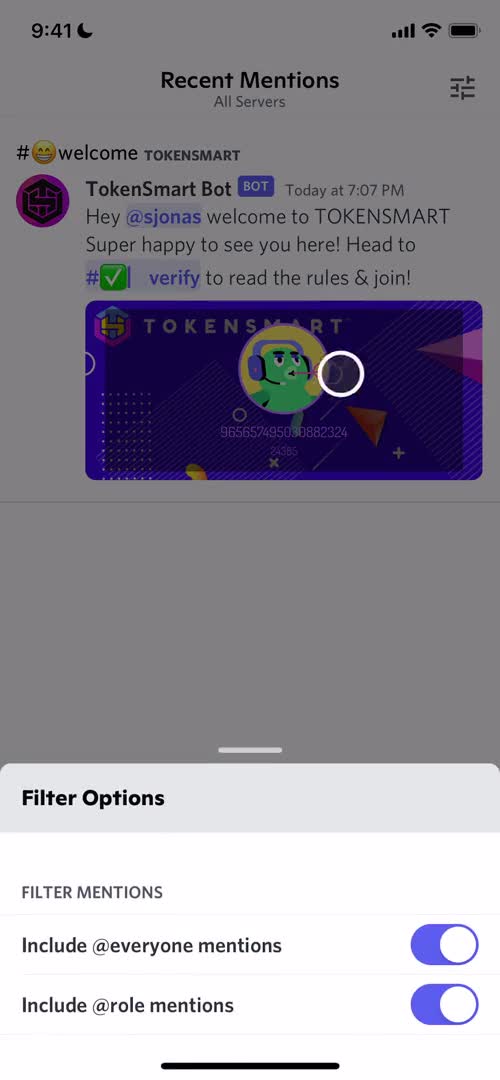
Filter
this is title
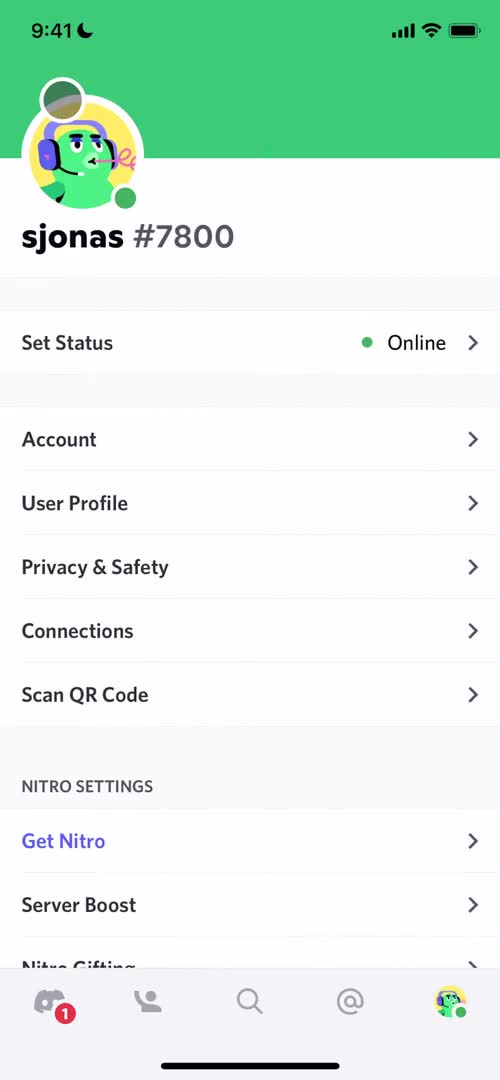
Account
this is title
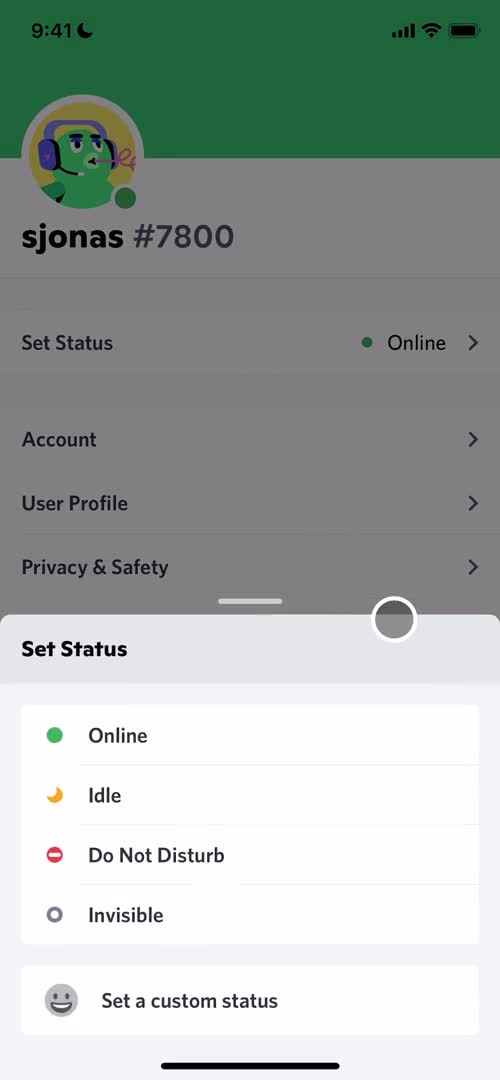
Set status
this is title
Account settings
this is title
Account
this is title
Upgrade
this is title
Direct messages
this is title
Splash screen
this is title
Start screen
this is title
Sign up
this is title
Set username
this is title
Set birthday
this is title
Create server
this is title
Select account type
this is title
Create server
this is title
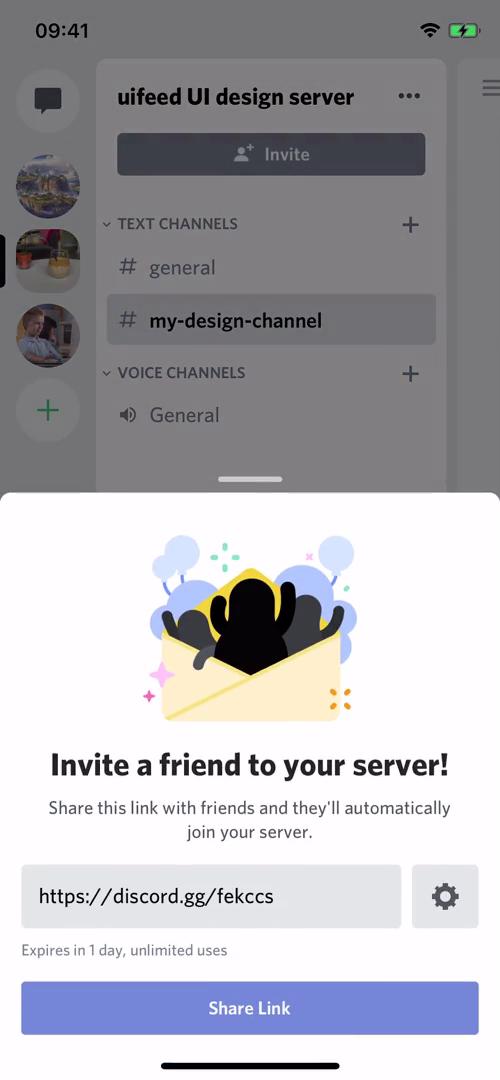
Invite people
this is title
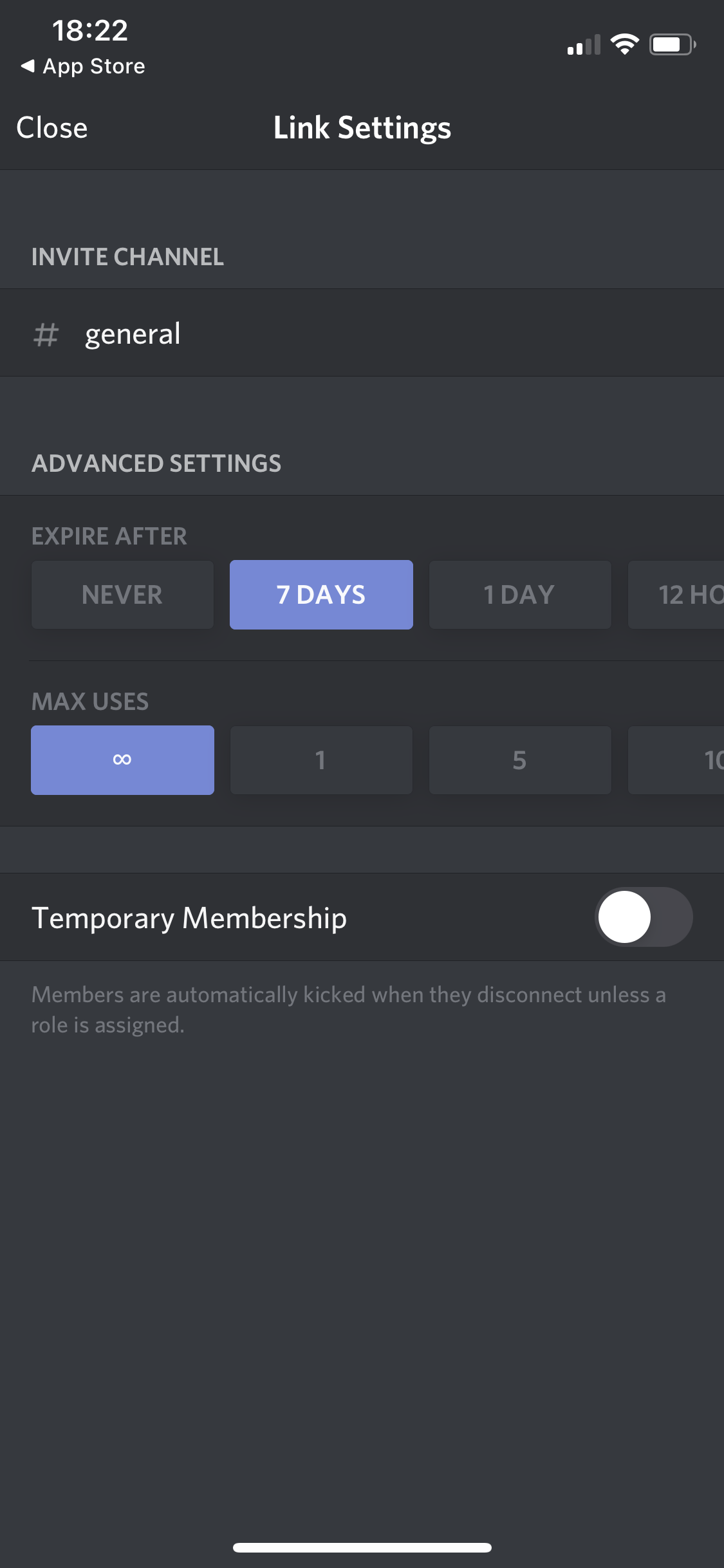
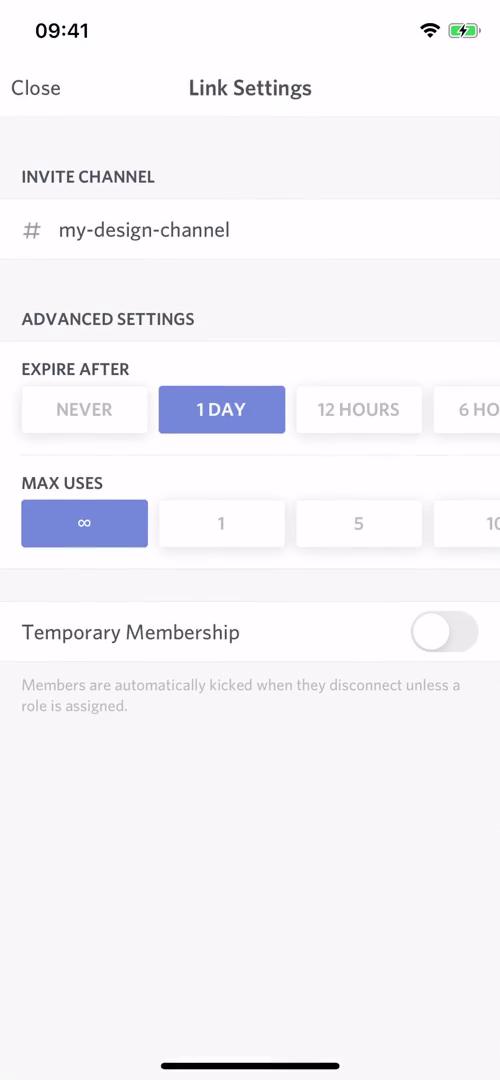
Link settings
this is title
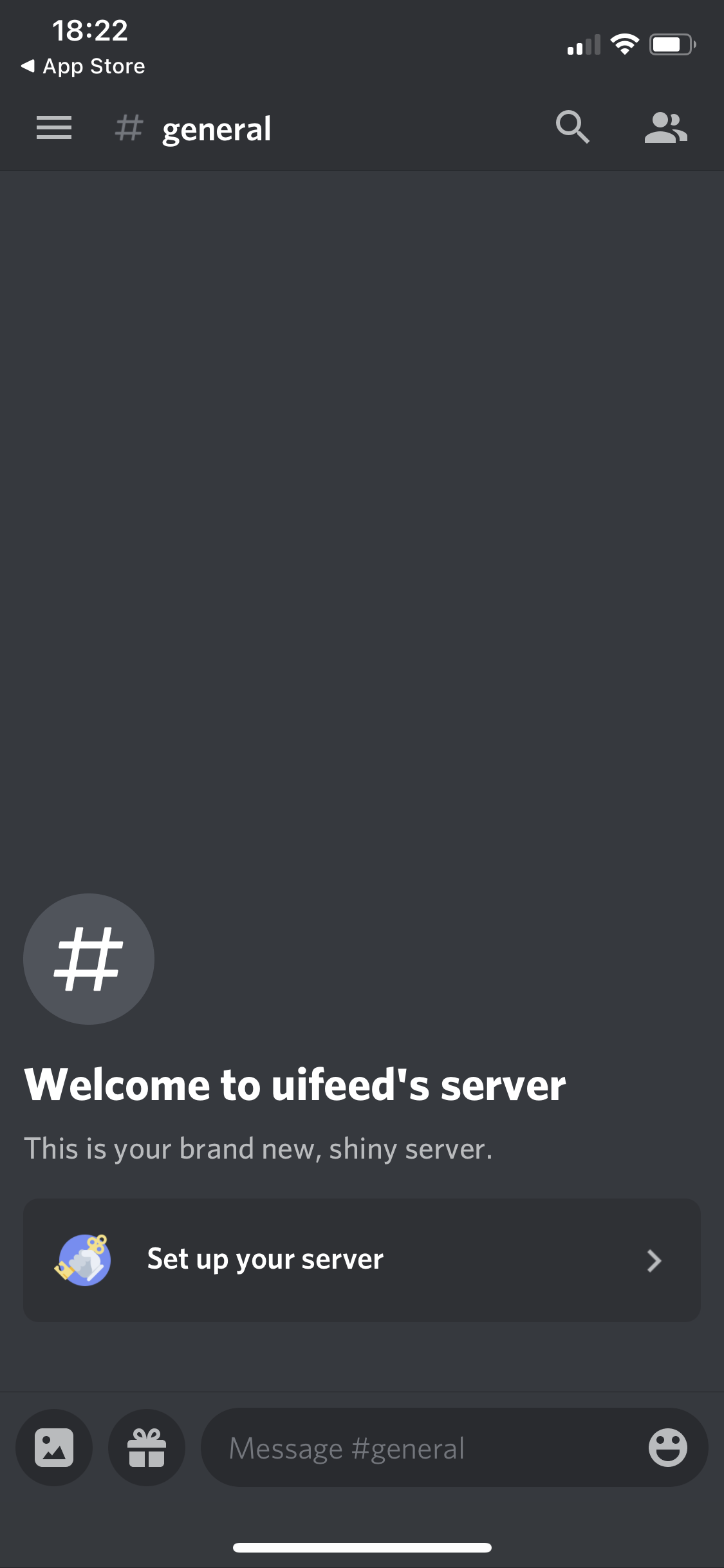
Channel
this is title
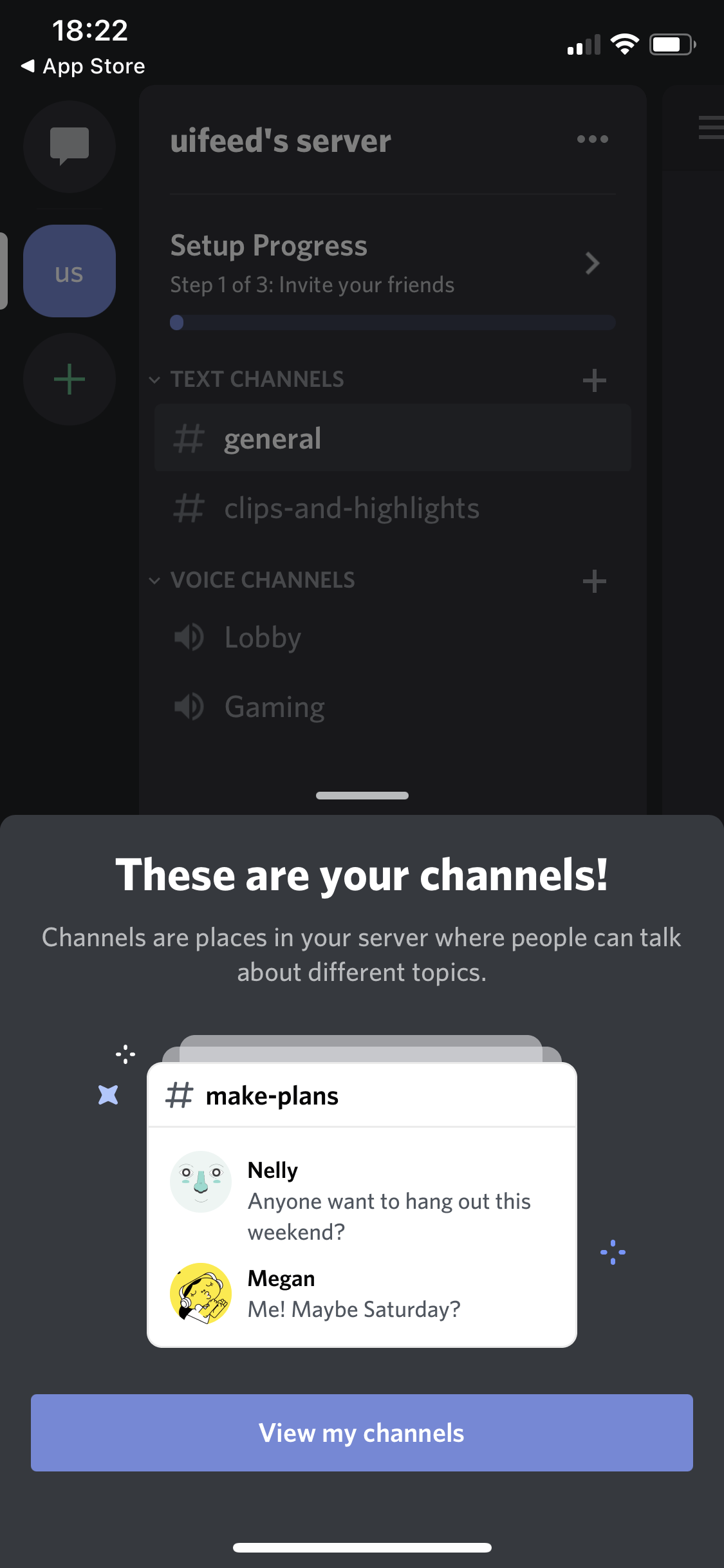
Guide
this is title
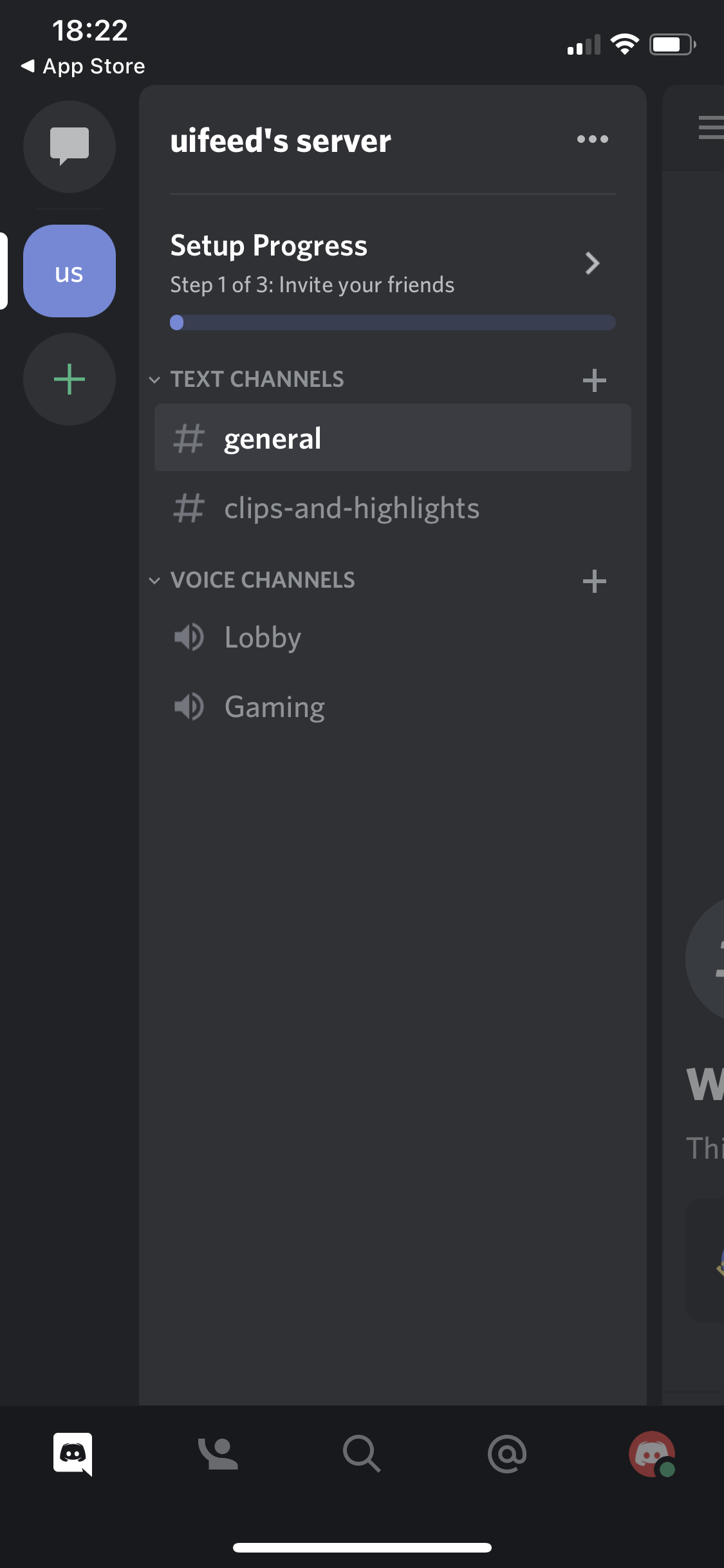
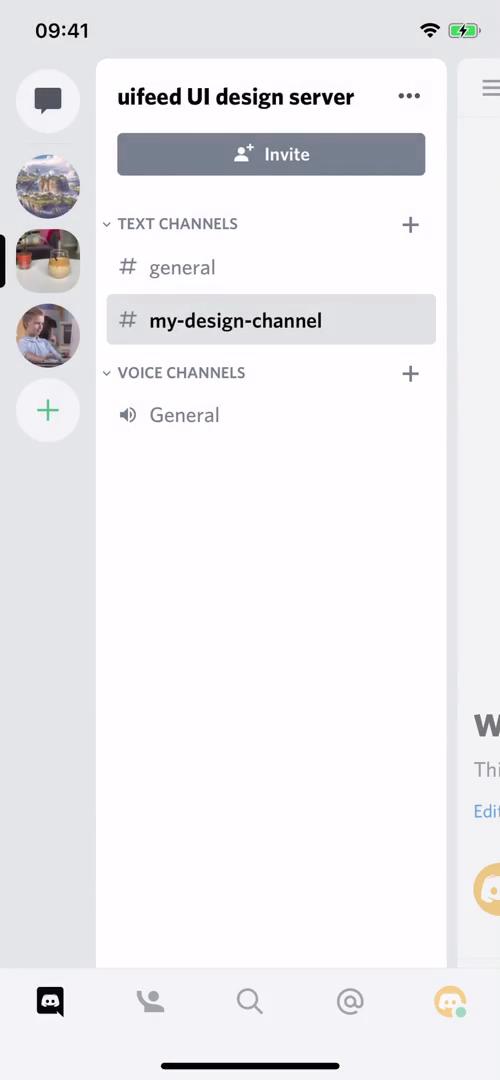
Channels
this is title
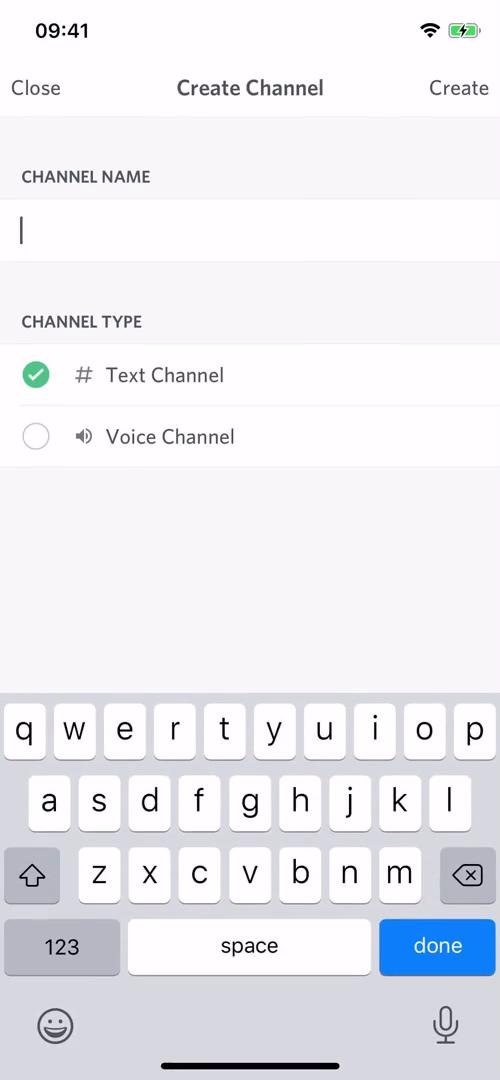
Create channel
this is title
Channel
this is title
Channel settings
this is title
Members
this is title
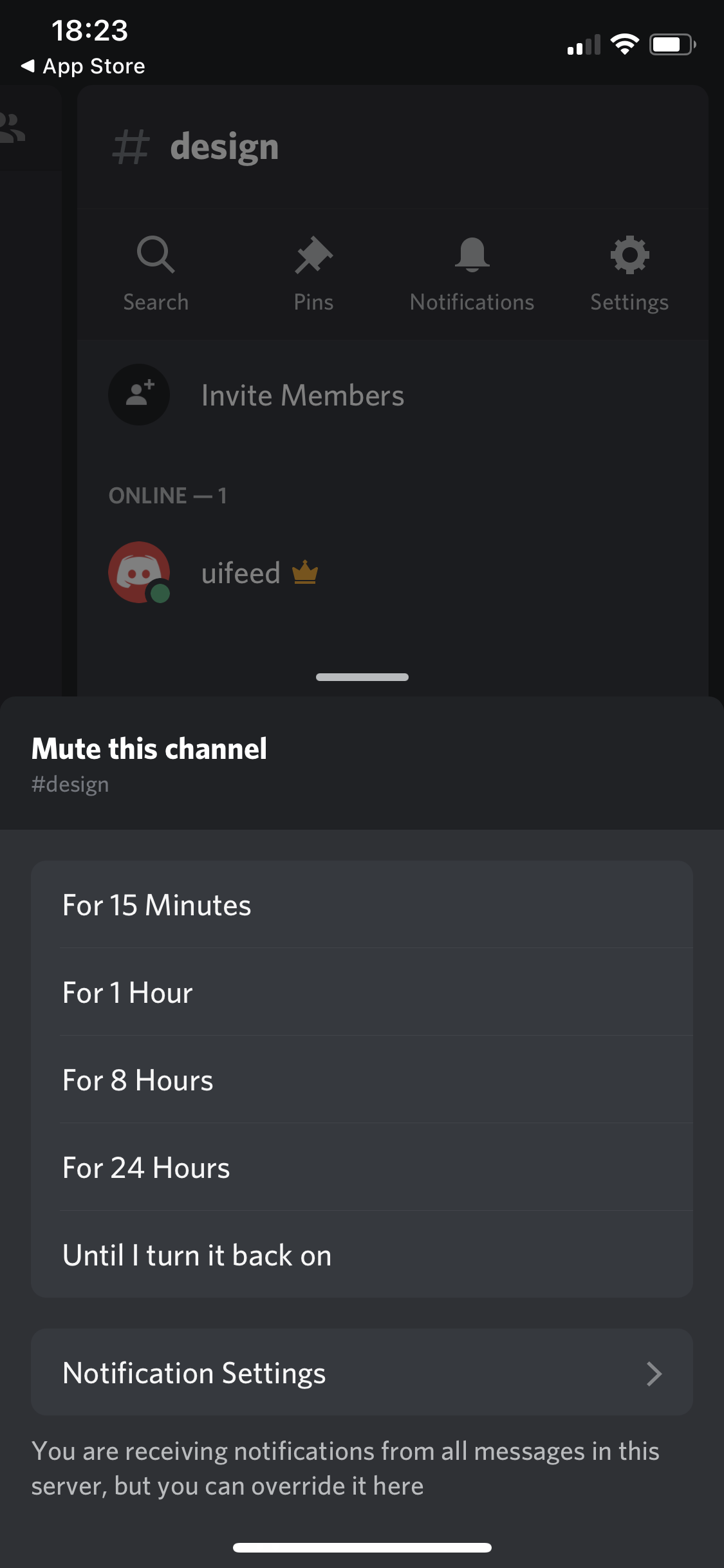
Mute channel
this is title
Upgrade
this is title
Channel
this is title
GIFs
this is title
GIFs
this is title
Onboarding tasks
this is title
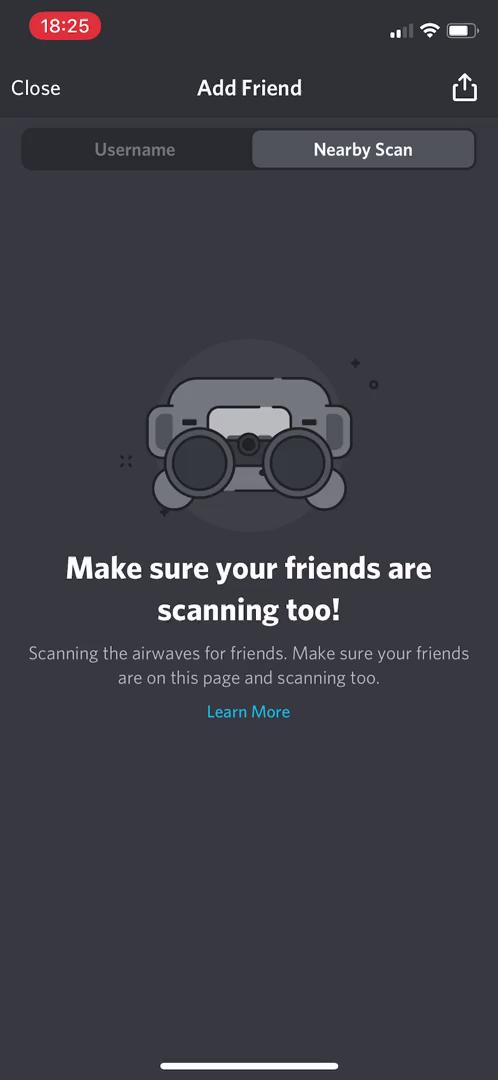
Nearby scan
this is title
Add friends
this is title
Search
this is title
Profile
this is title
Action menu
this is title
Pin message
this is title
Nearby scan
this is title
Mute channel
this is title
Channels
this is title
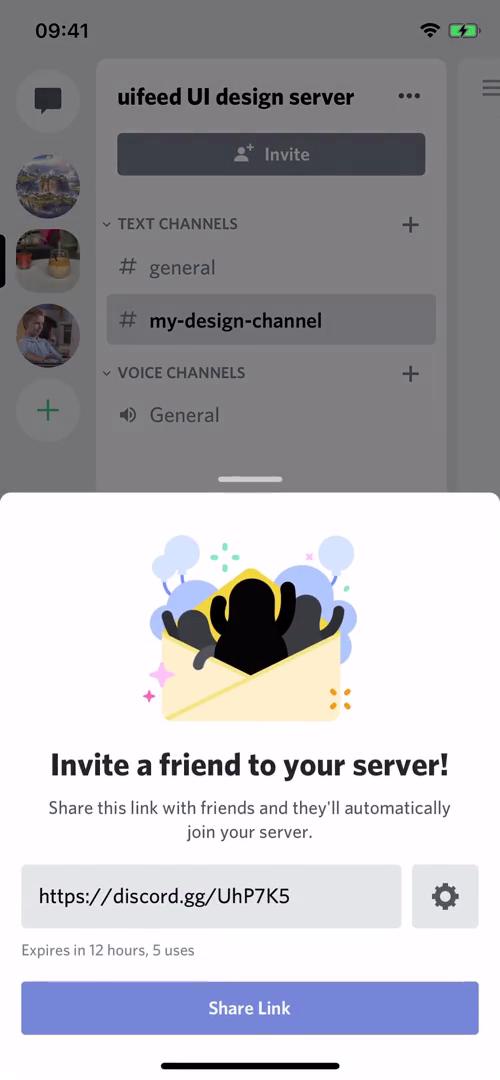
Invite friends
this is title
Invite link settings
this is title
Invite friends
this is title
Channels
this is title
Create channel
this is title
Channels
this is title
Channel
this is title
Channel search
this is title
Channel settings
this is title
Invite friends
this is title
Pinned messages
this is title
Mute channel
this is title
Channel muted
this is title
Channel settings
this is title
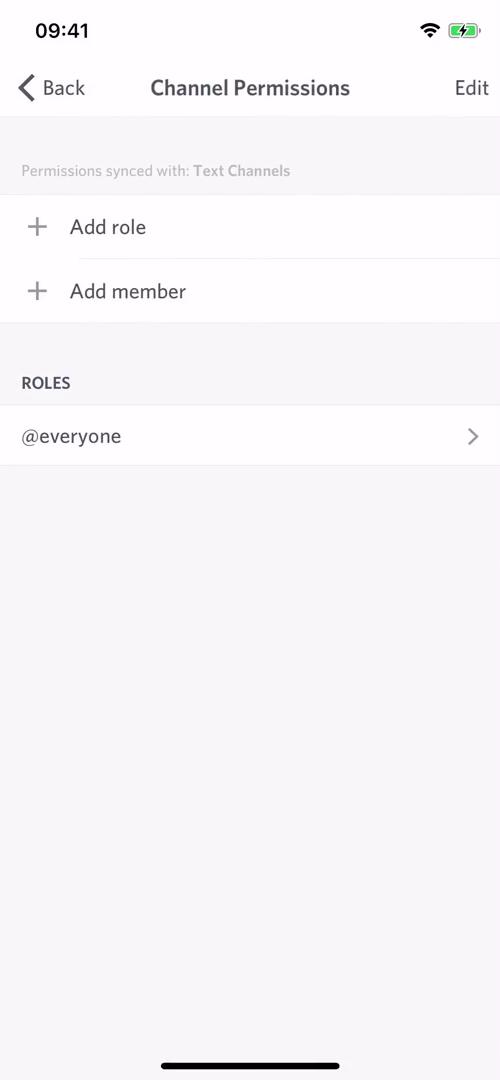
Channel permissions
this is title
Channels
this is title
Channel
this is title
Channels
this is title
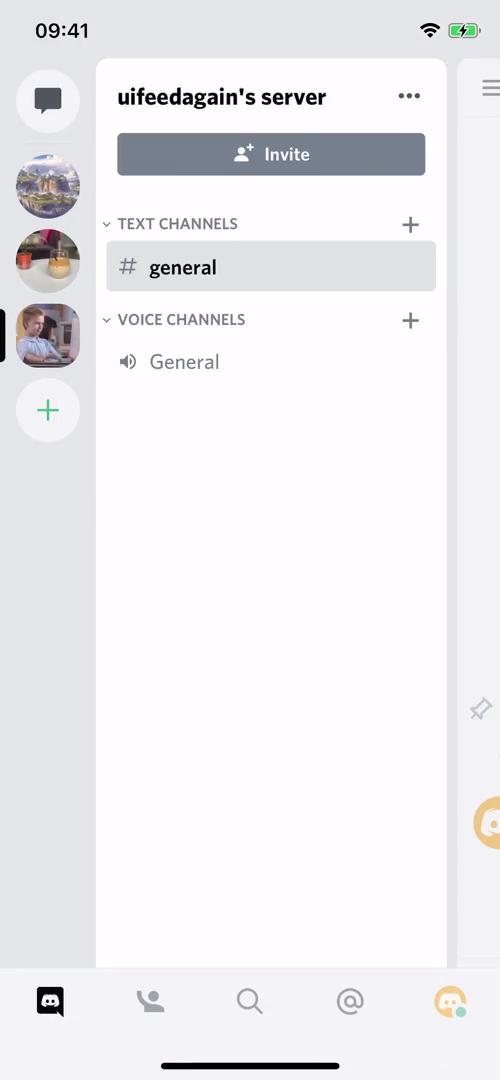
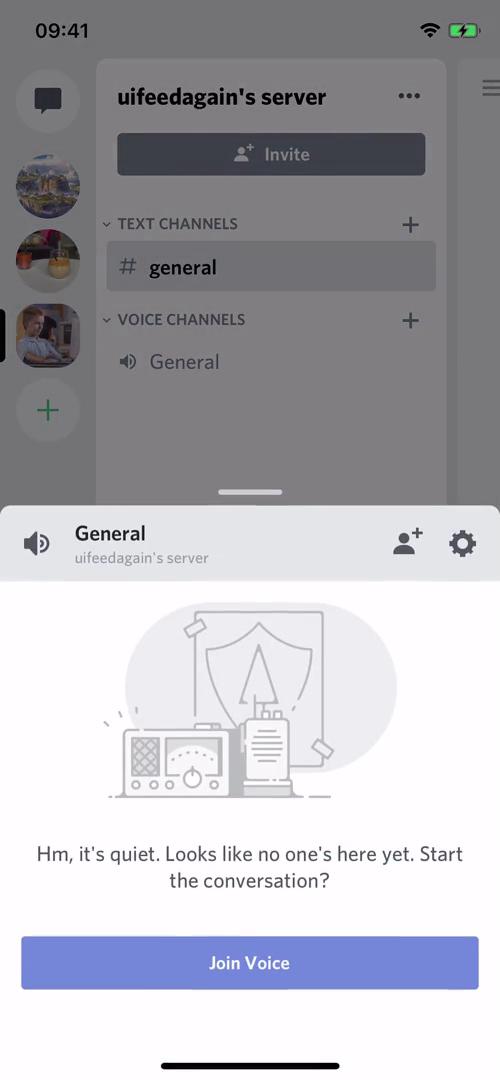
Join voice channel
this is title
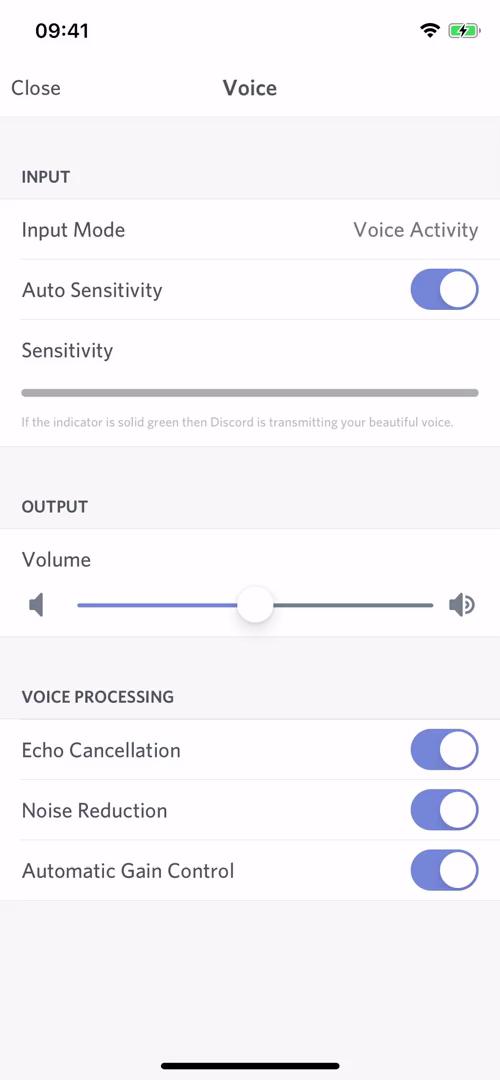
Voice settings
this is title
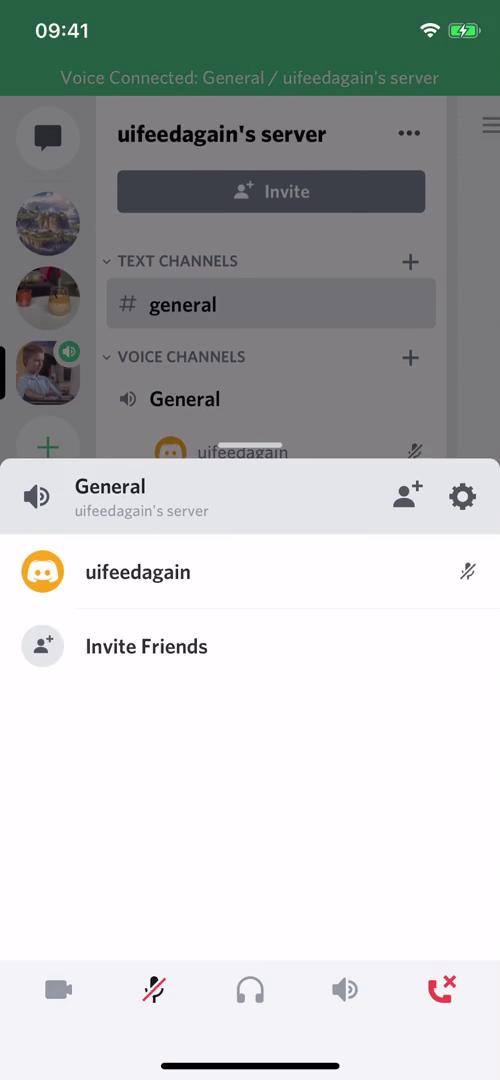
Voice channel
this is title
Channels
this is title
Channel
this is title
Select photos
this is title
Message menu
this is title
Delete message
this is title
Channels
this is title
Direct messages
this is title
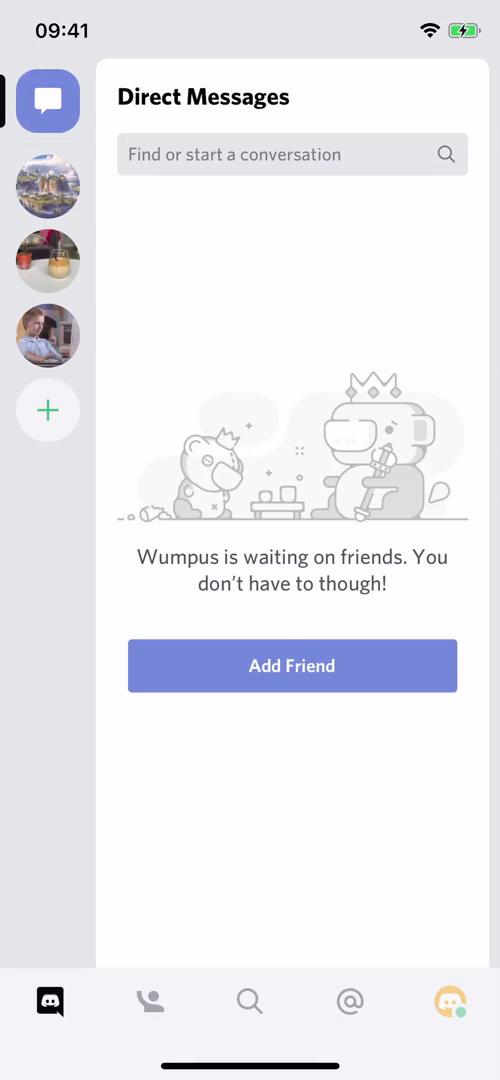
Add friend
this is title
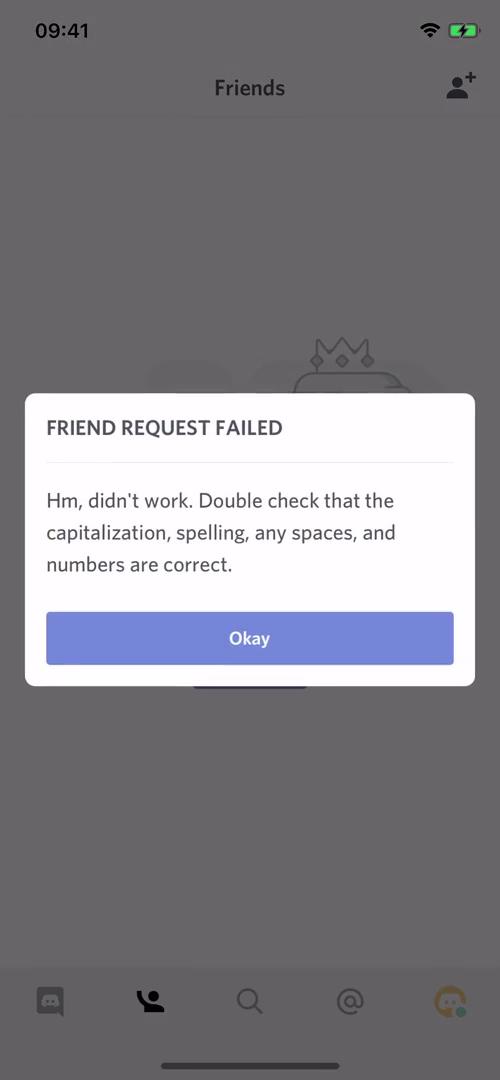
Friend request failed
this is title
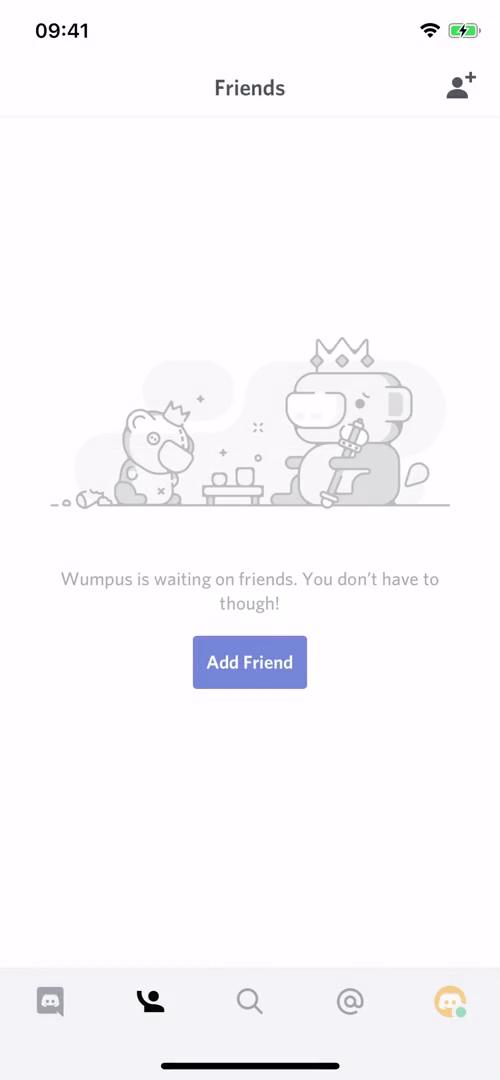
Friends
this is title
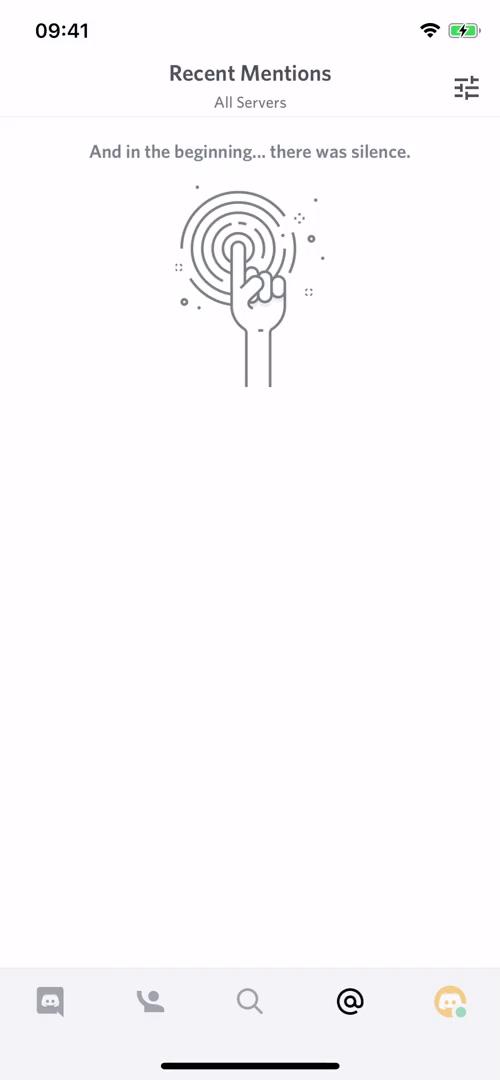
Mentions
this is title
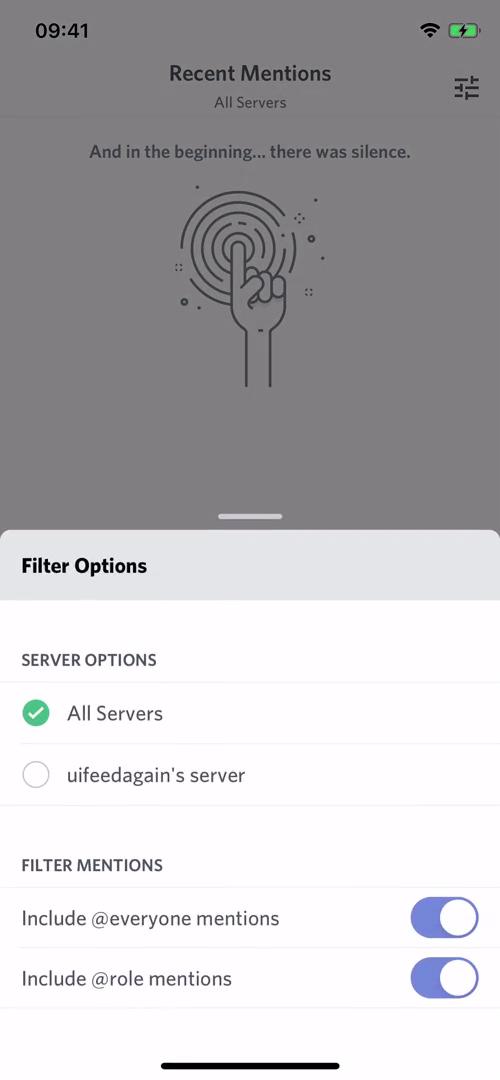
Filter options
this is title
Account settings
this is title
Set status
this is title
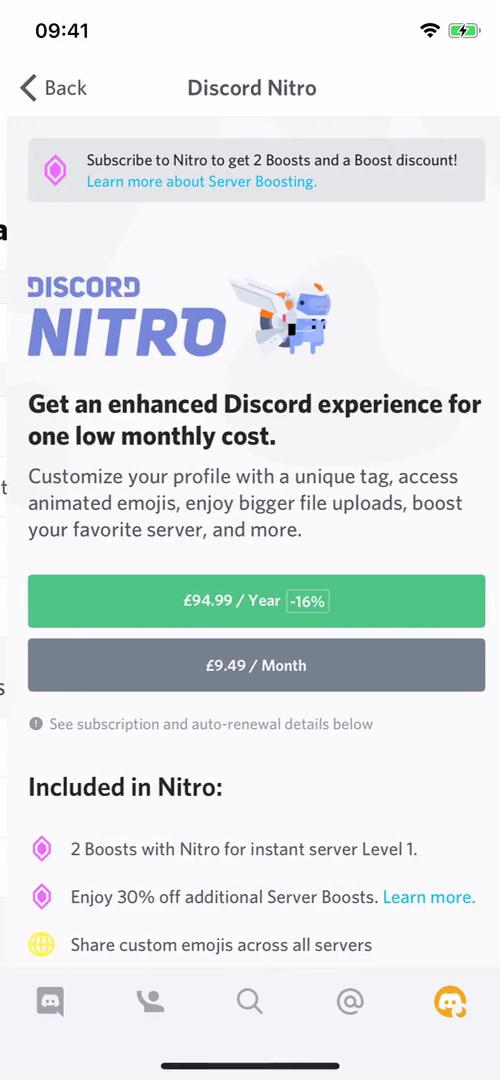
Discord Nitro
this is title
Account settings
this is title
Channels
this is title
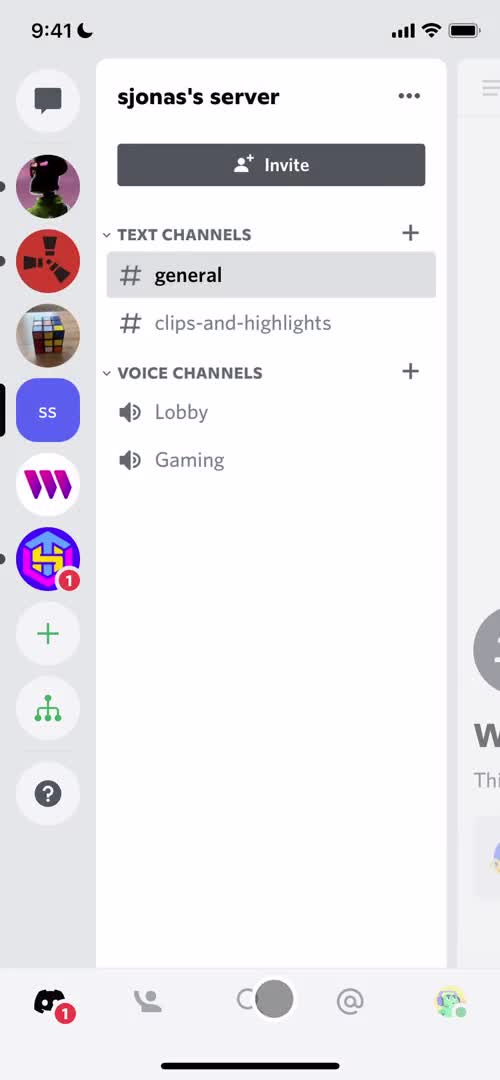
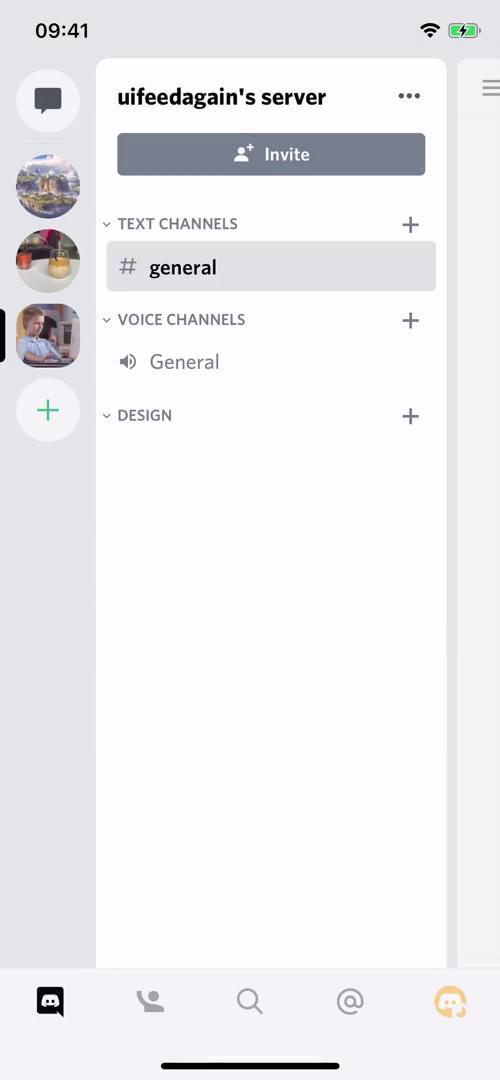
Server menu
this is title
Account creation progress
this is title
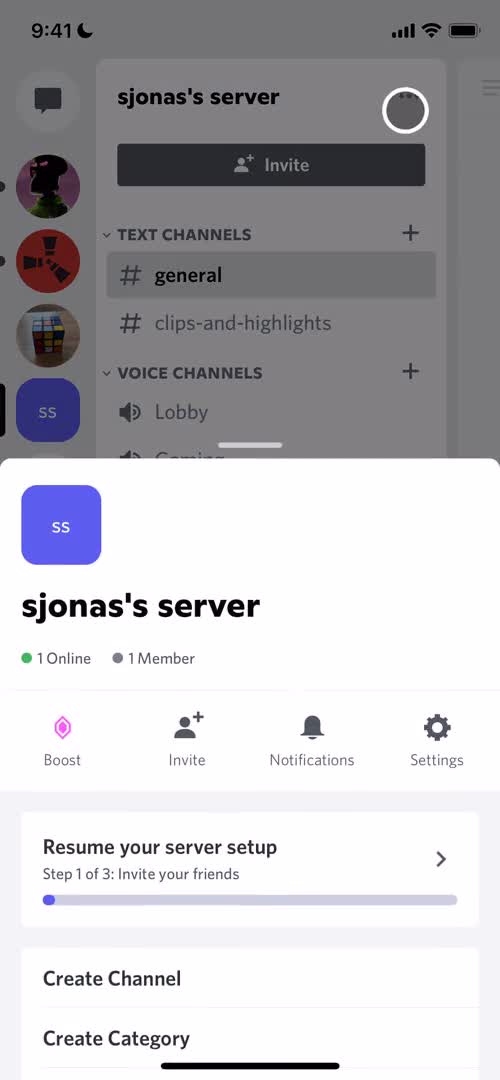
Server menu
this is title
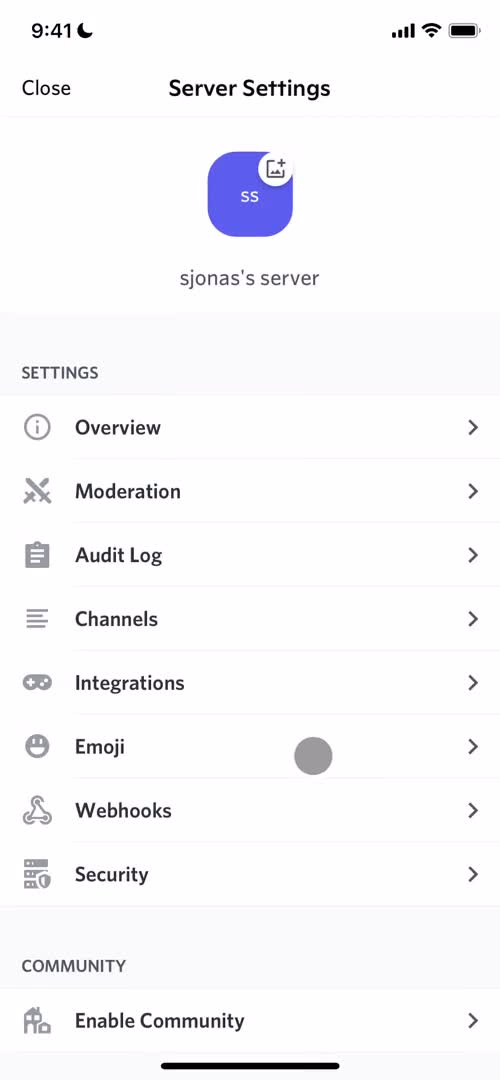
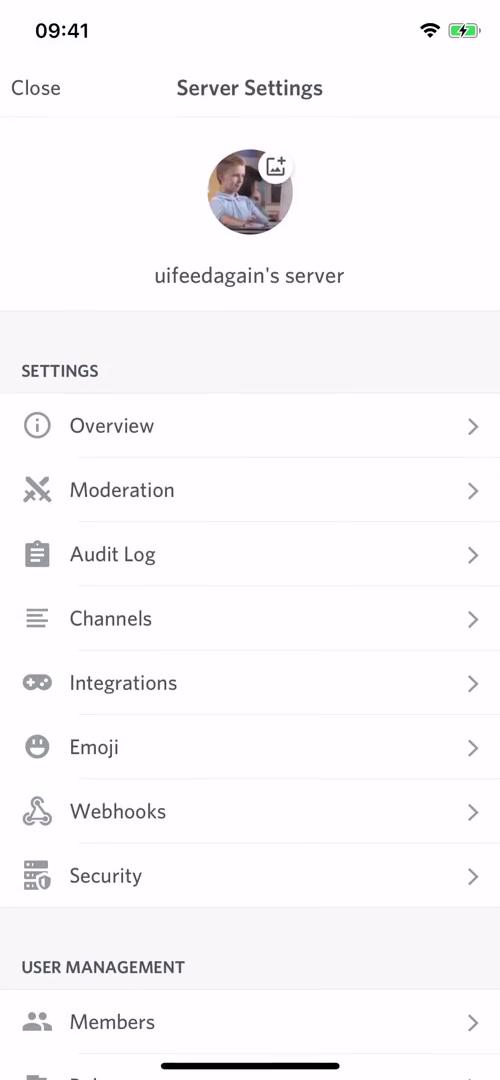
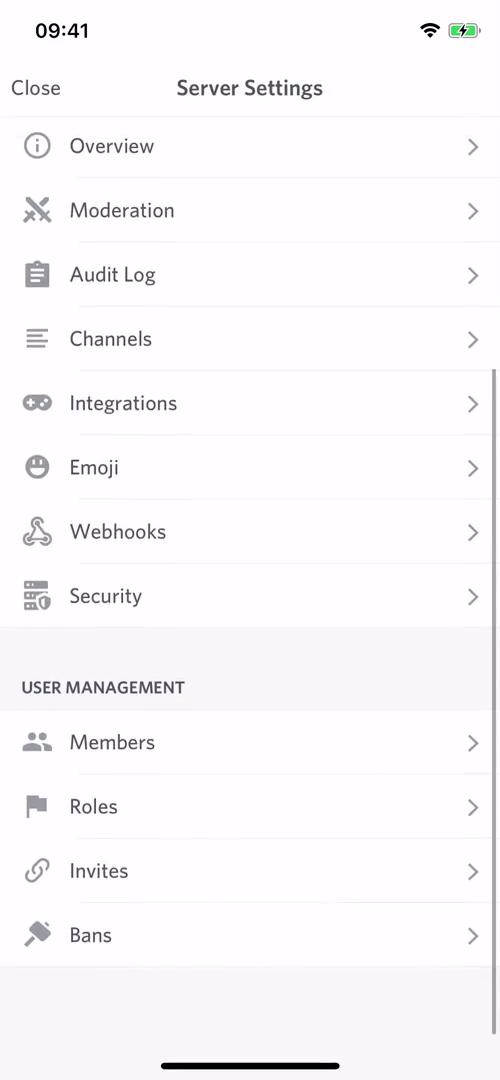
Server settings
this is title
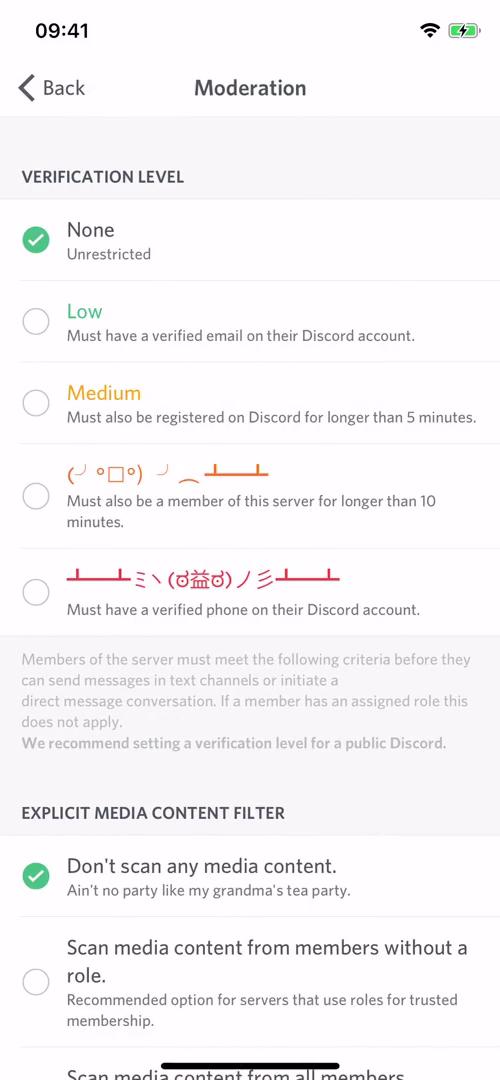
Moderation
this is title
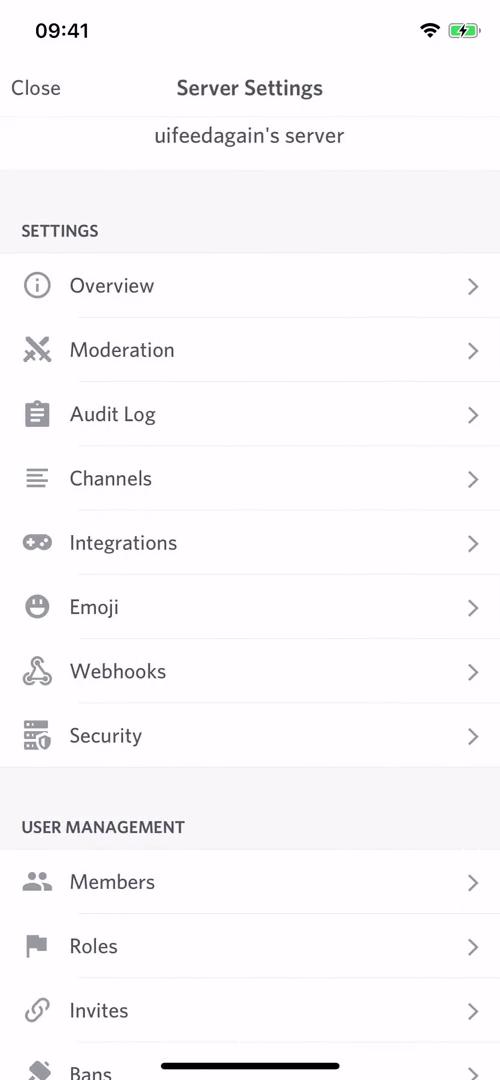
Server settings
this is title
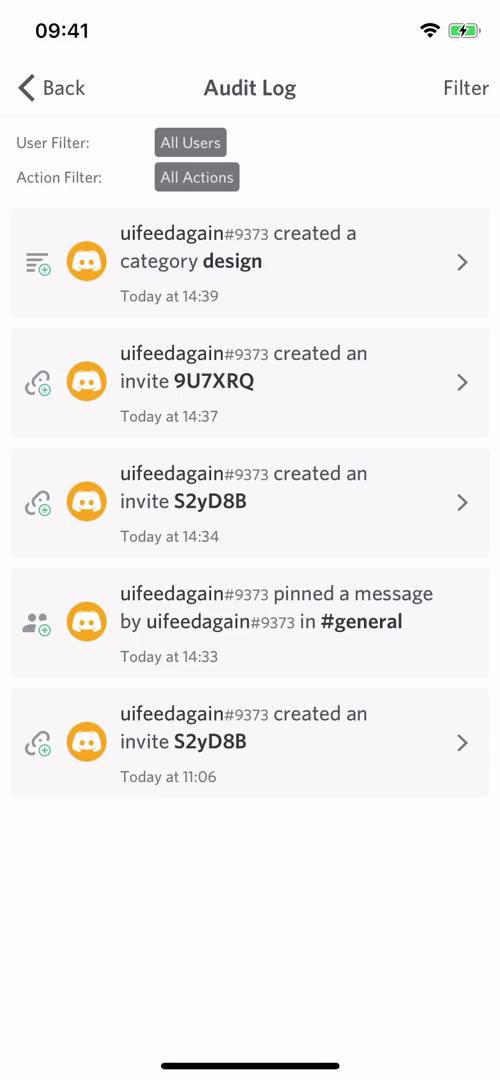
Audit log
this is title
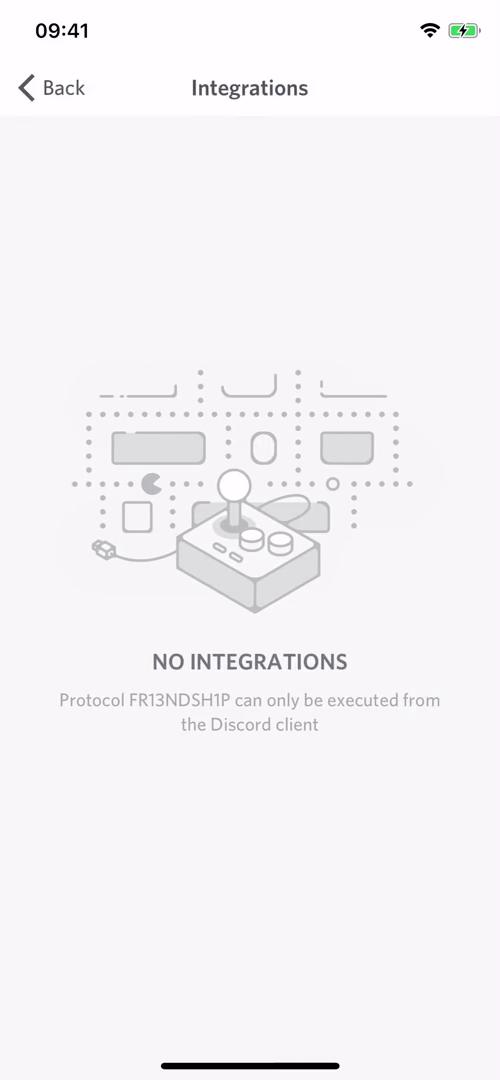
Integrations
this is title
Server settings
this is title
Channels
this is title
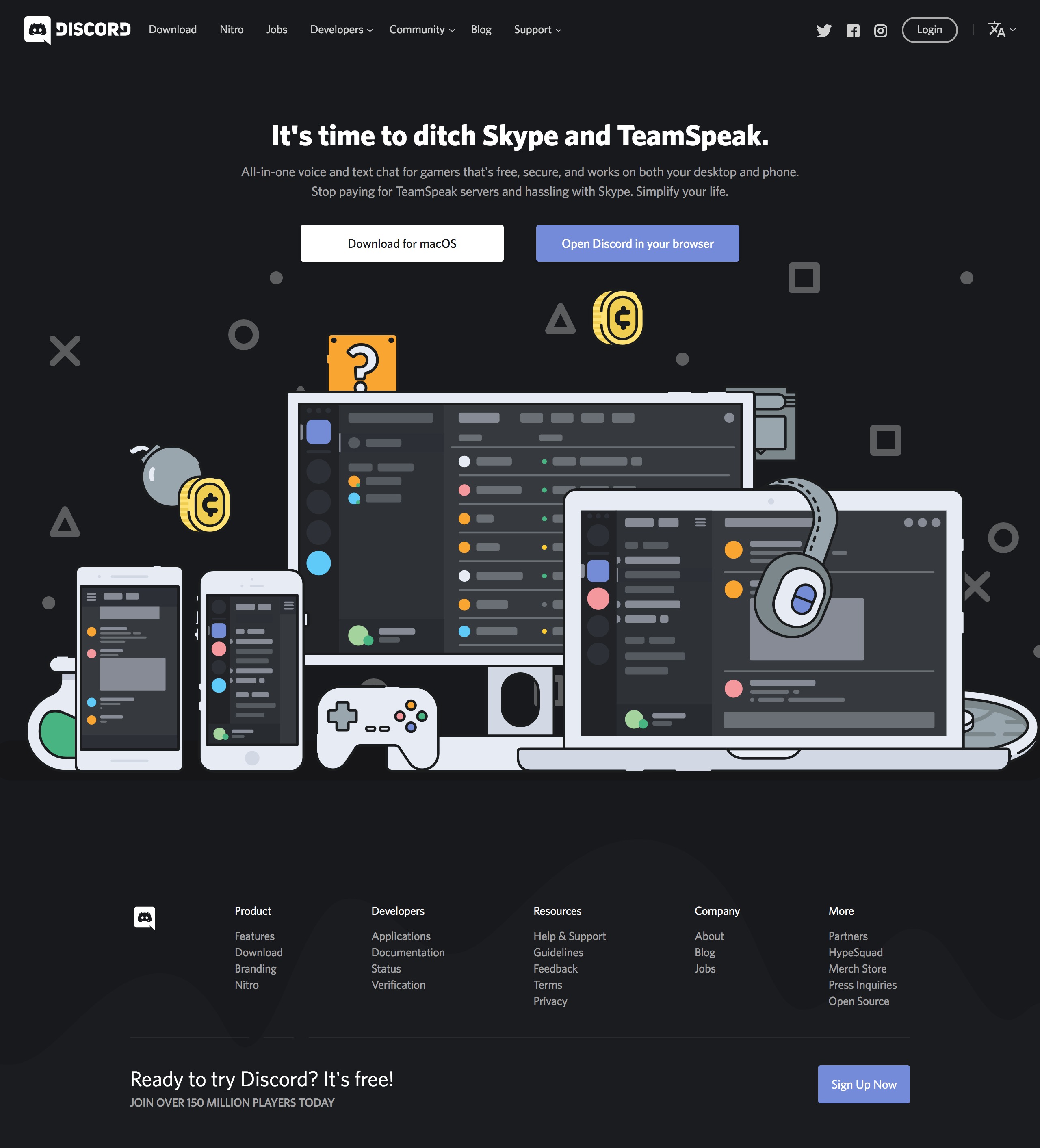
Landing page
this is title
Features
this is title
About
this is title
Messages
this is title
Add friends
this is title
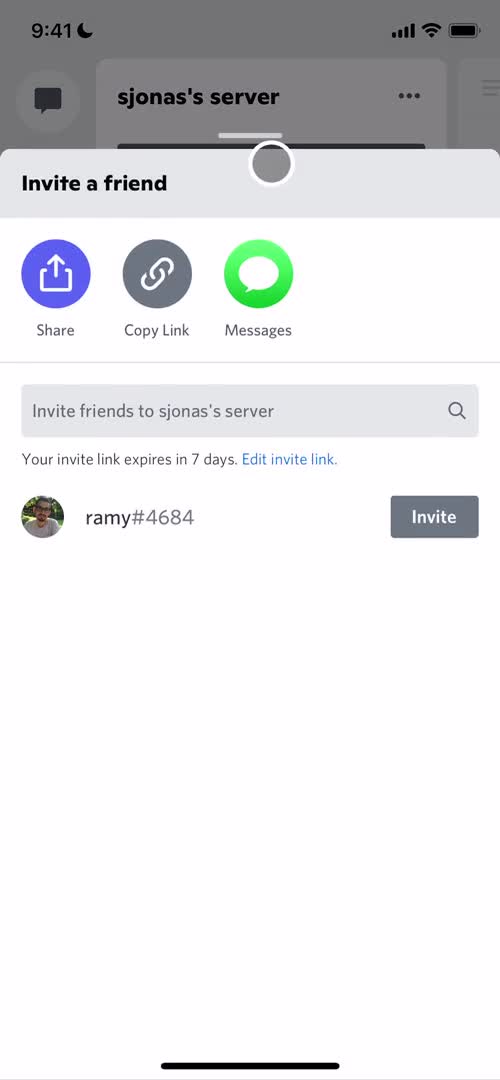
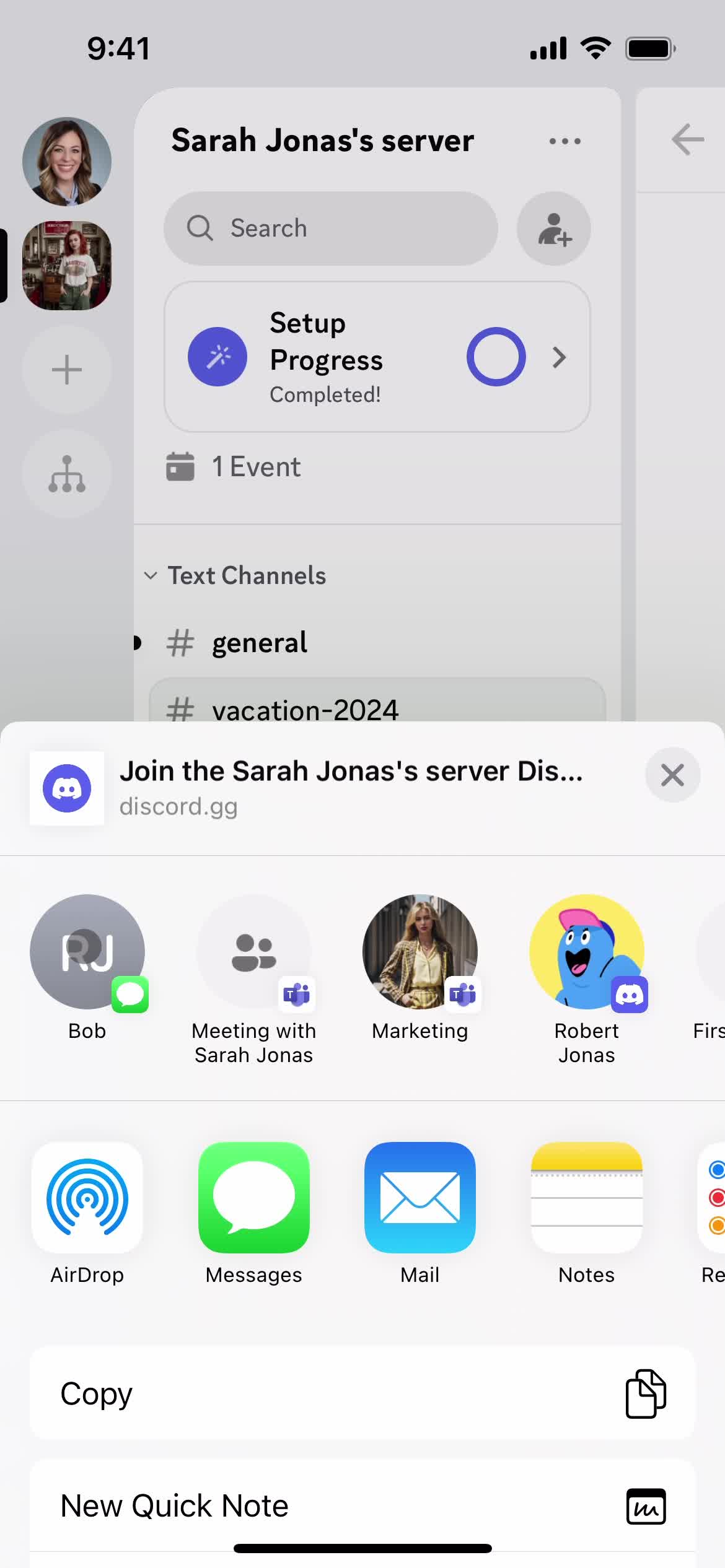
Share
this is title
this is title
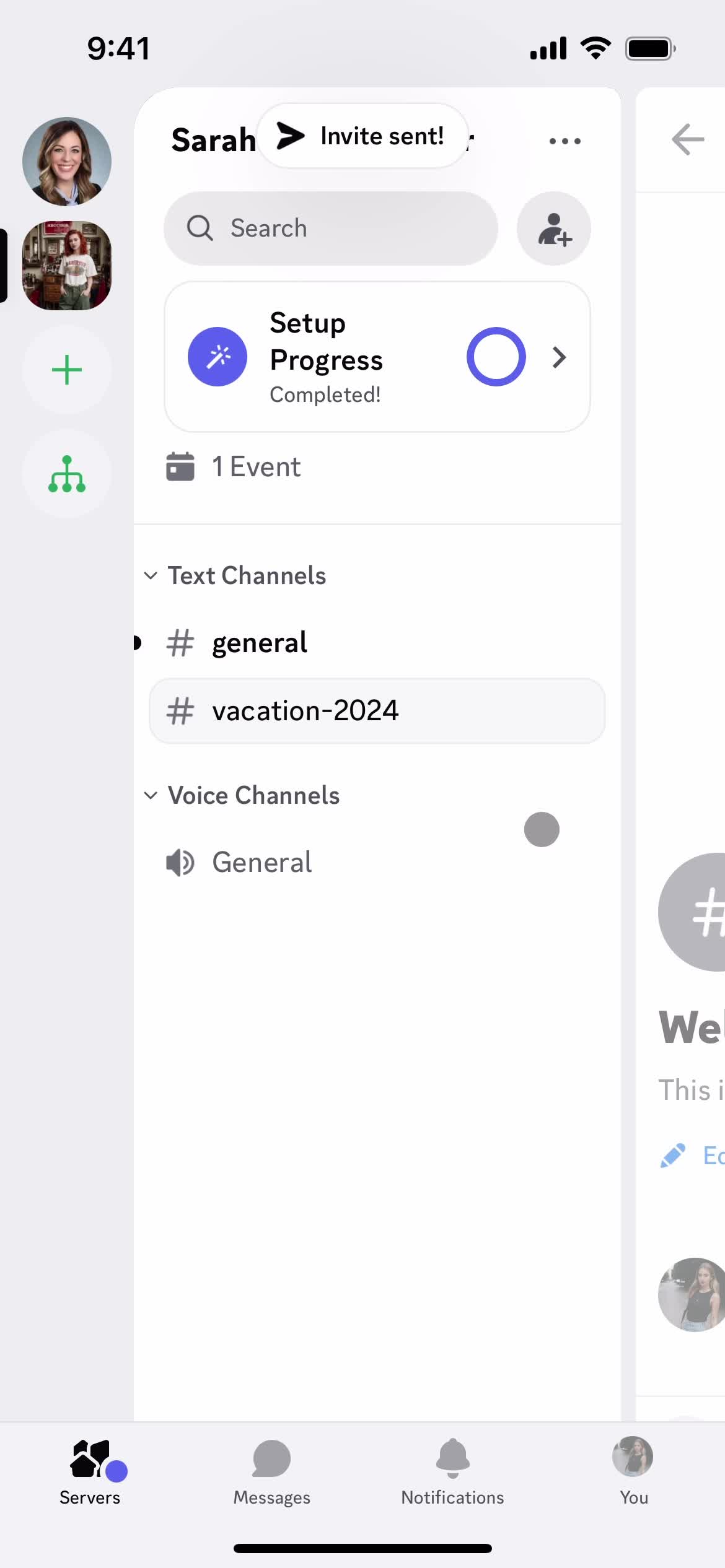
Invite sent
this is title
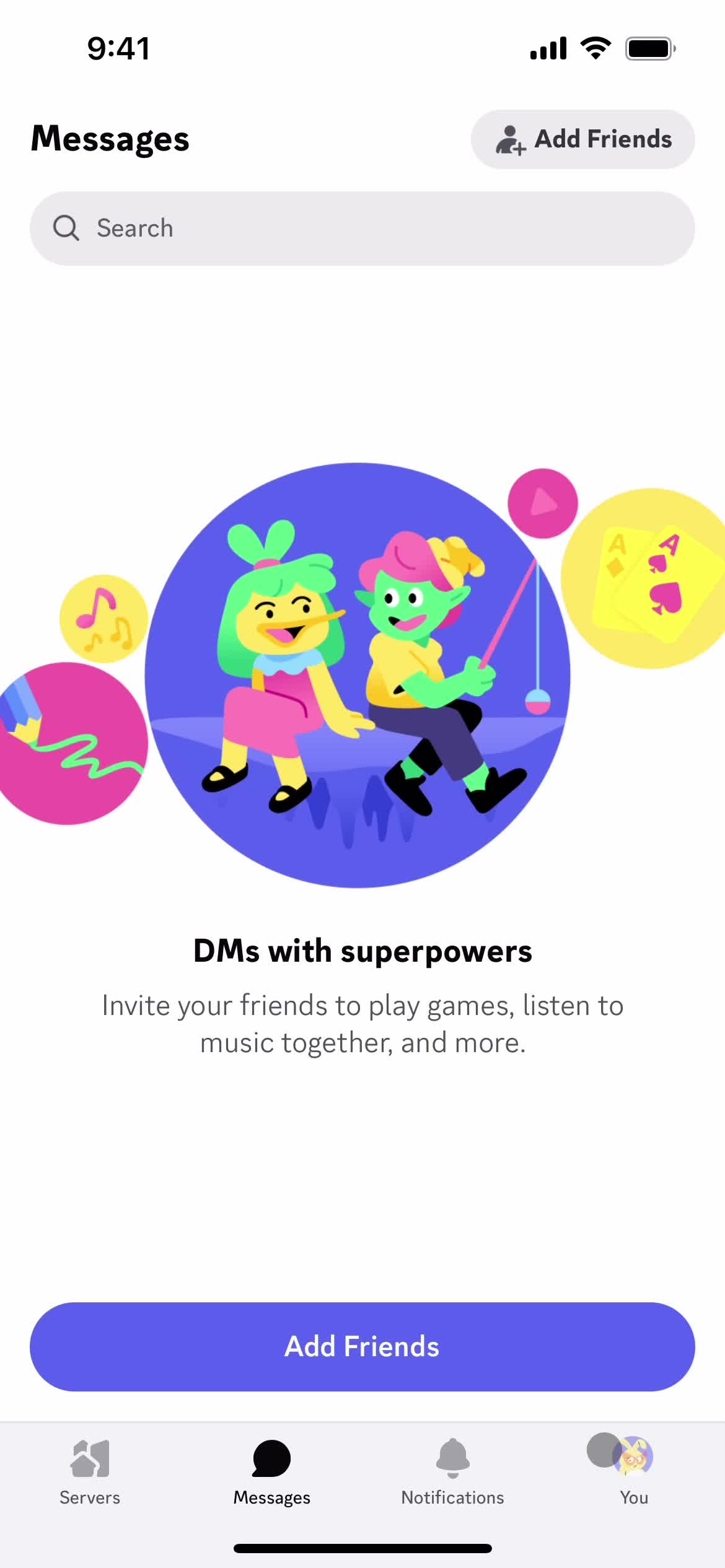
Messages
this is title
Join
this is title
Chat
this is title
this is title
Chat thread
this is title
Servers
this is title
Get started
this is title
Enter email
this is title
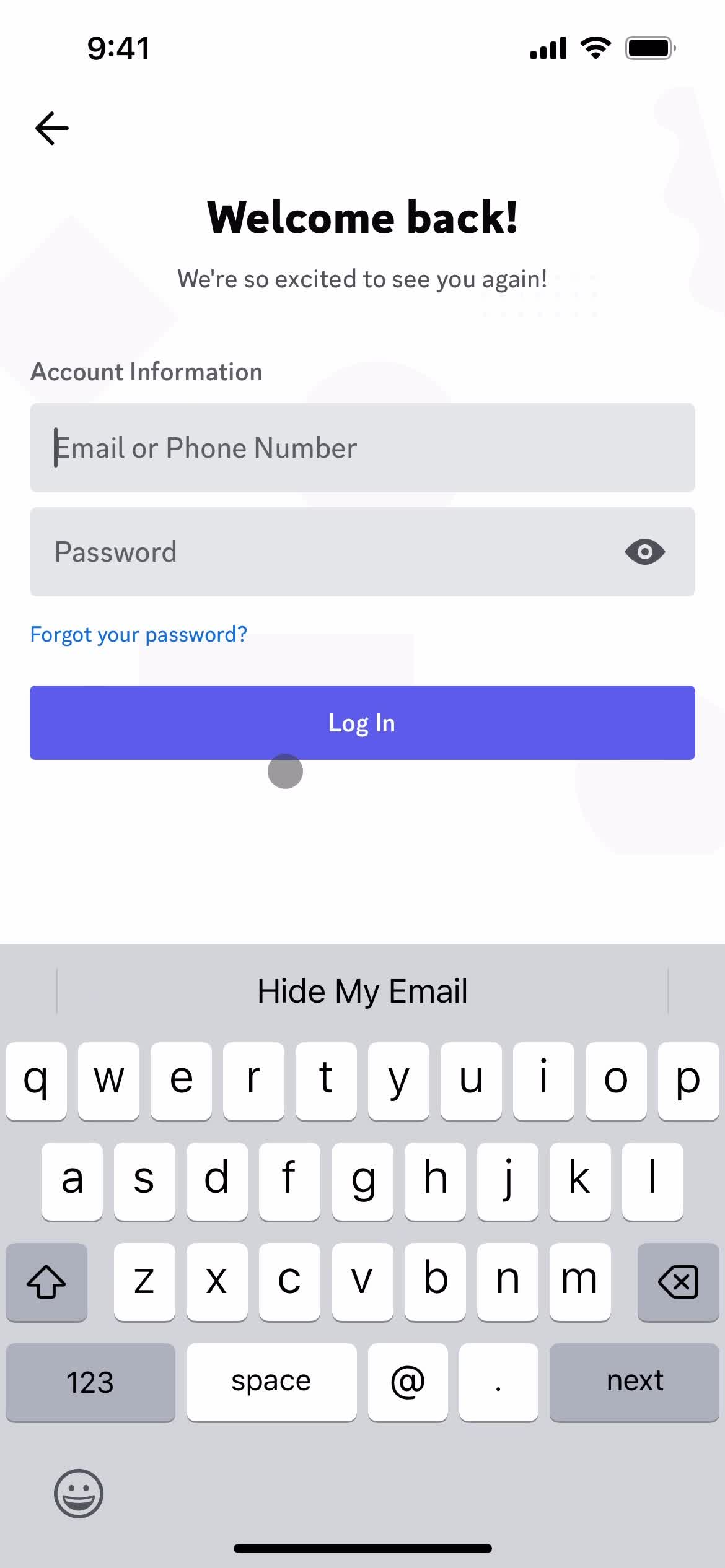
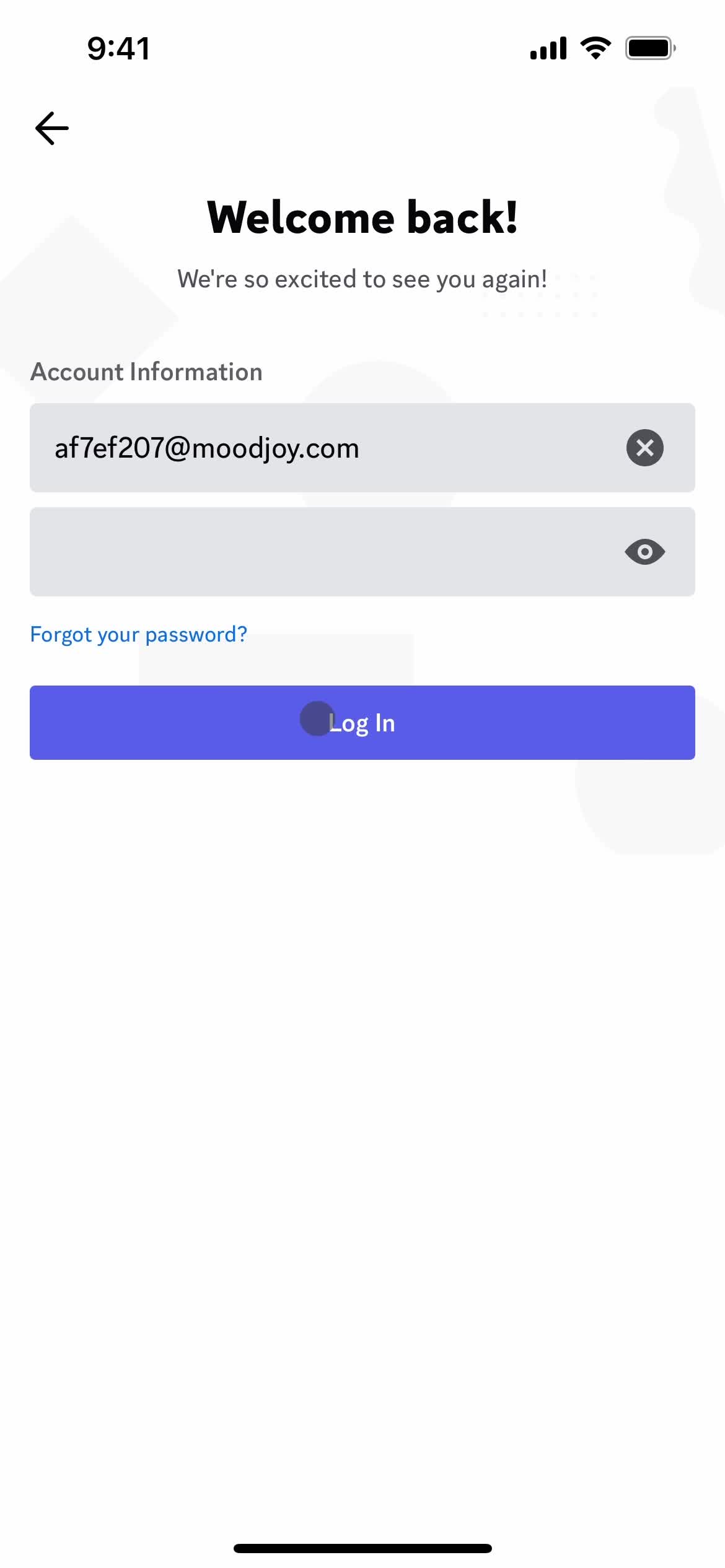
Login
this is title
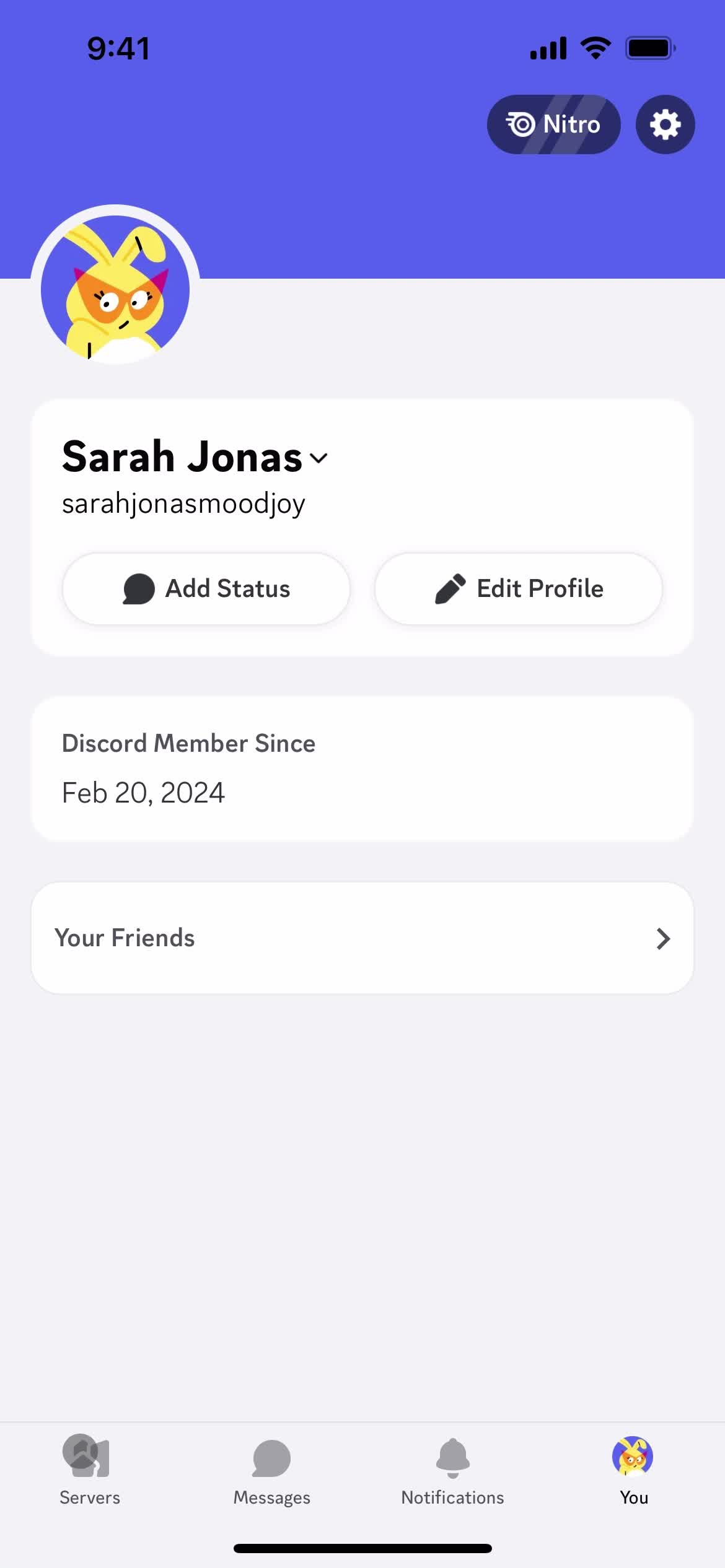
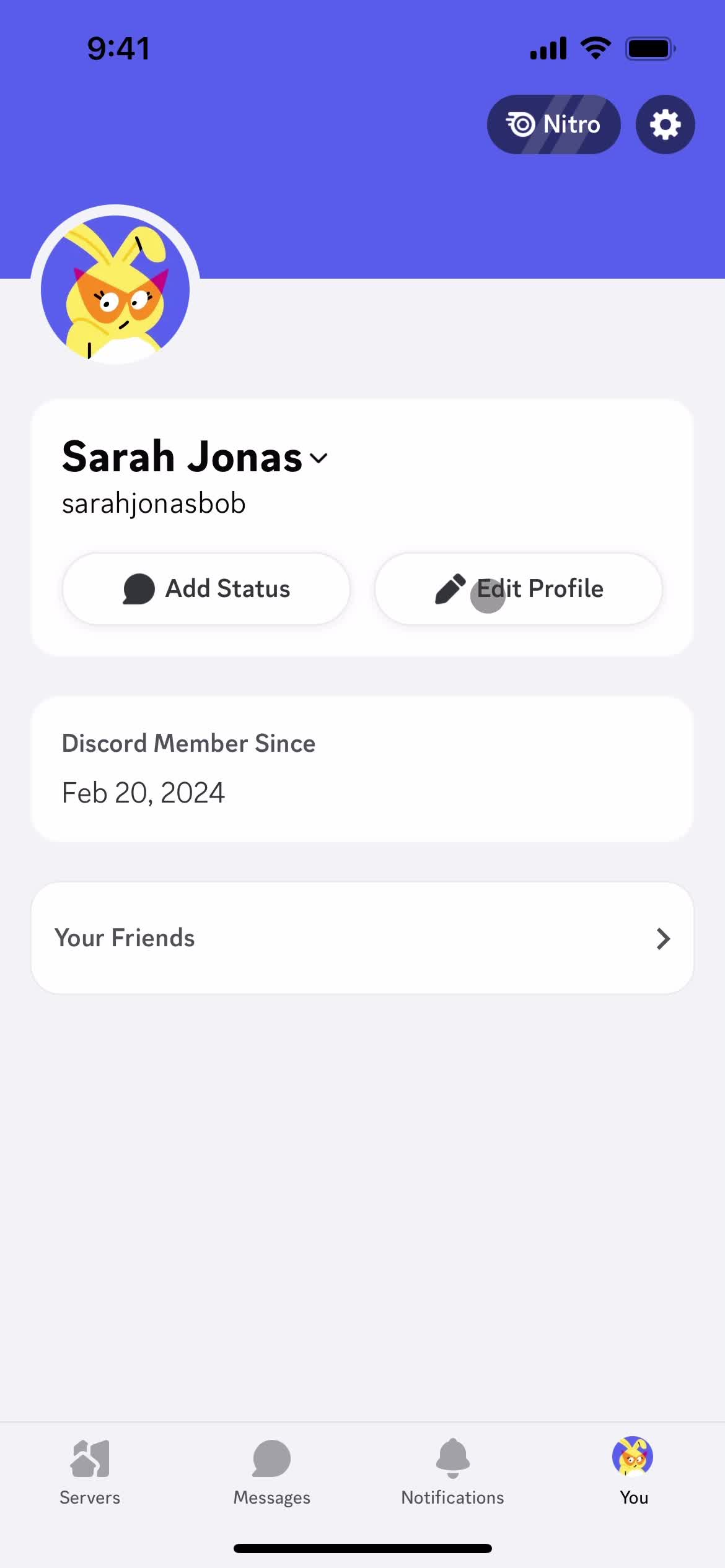
Account
this is title
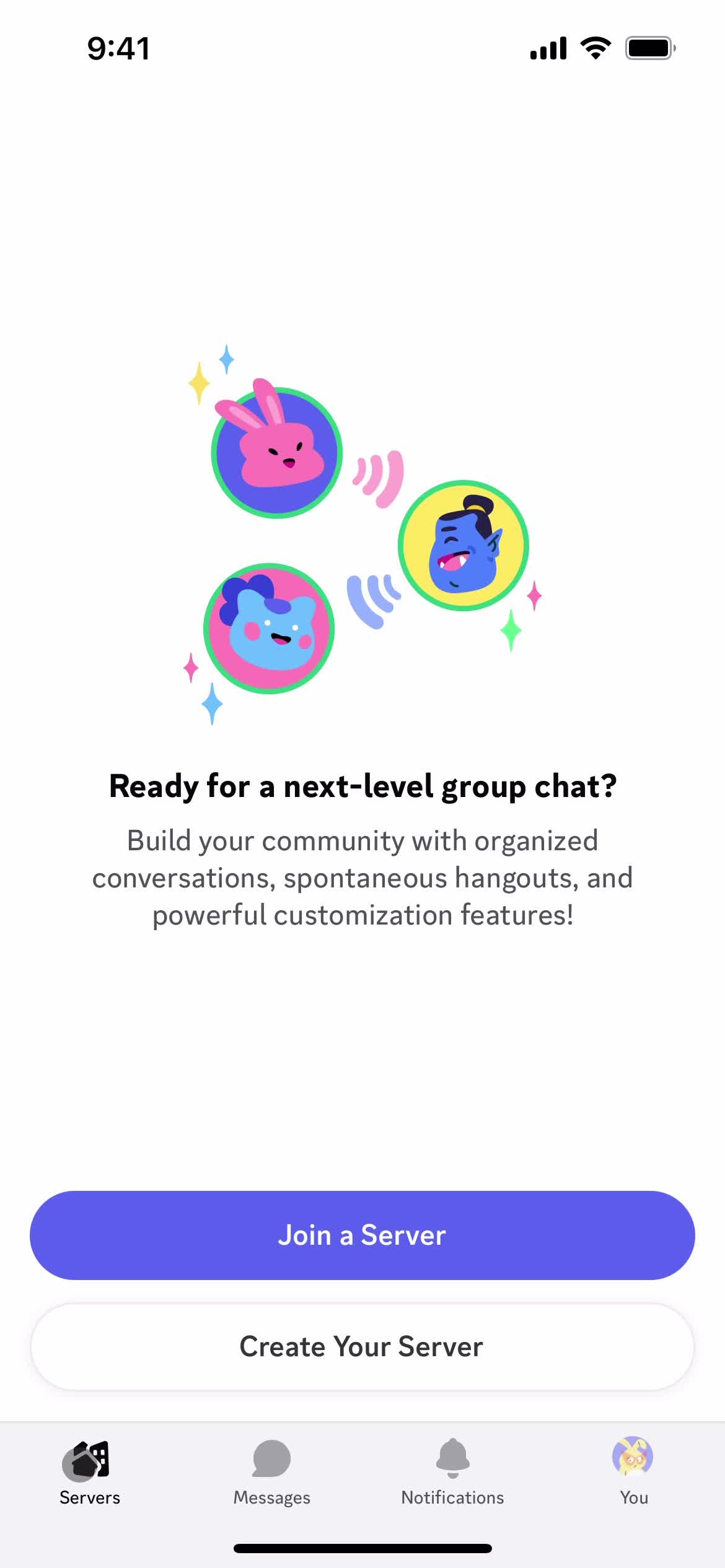
Servers
this is title
Messages
this is title
Account
this is title
Settings
this is title
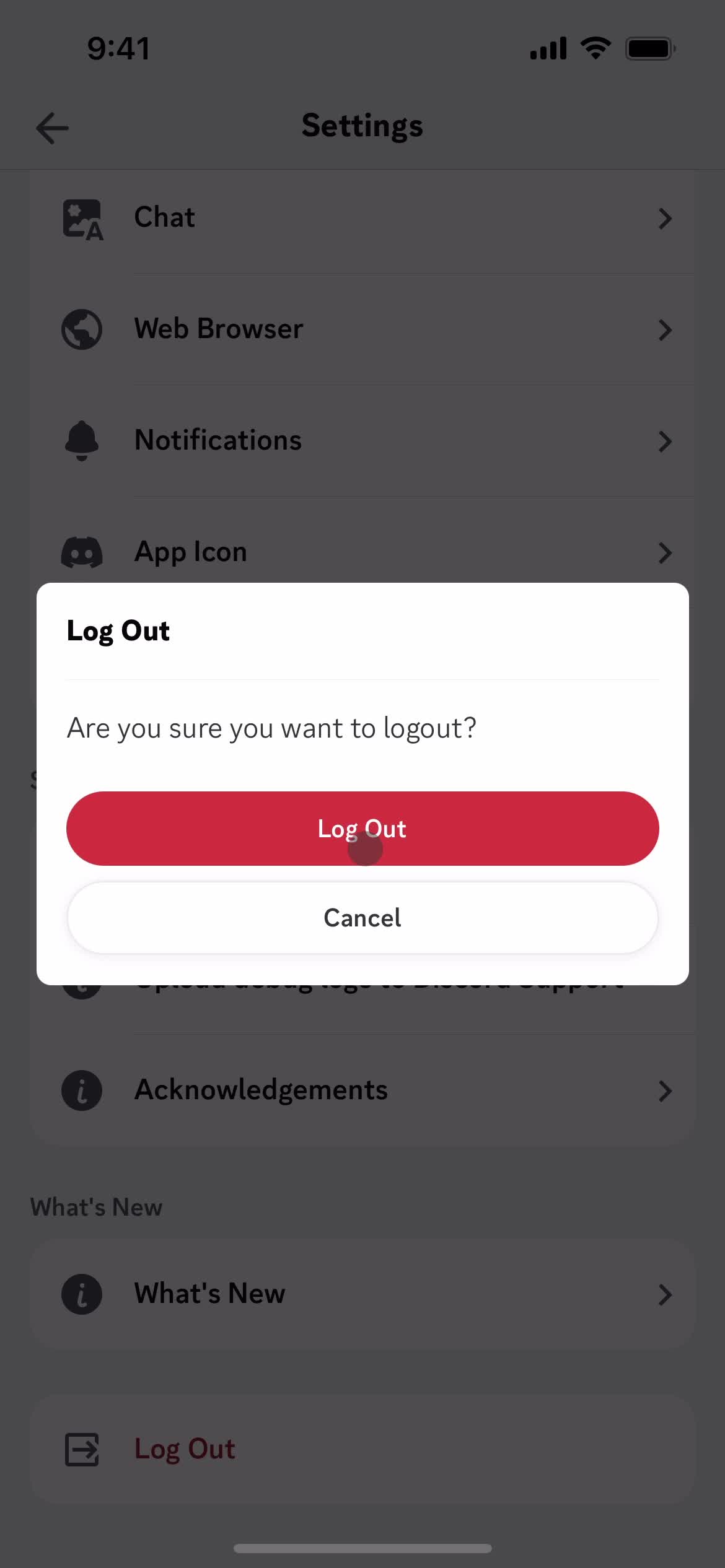
Log out
this is title
Confirm exit
this is title
App store listing
this is title
Splash screen
this is title
Get started
this is title
this is title
Enter email
this is title
Continue
this is title
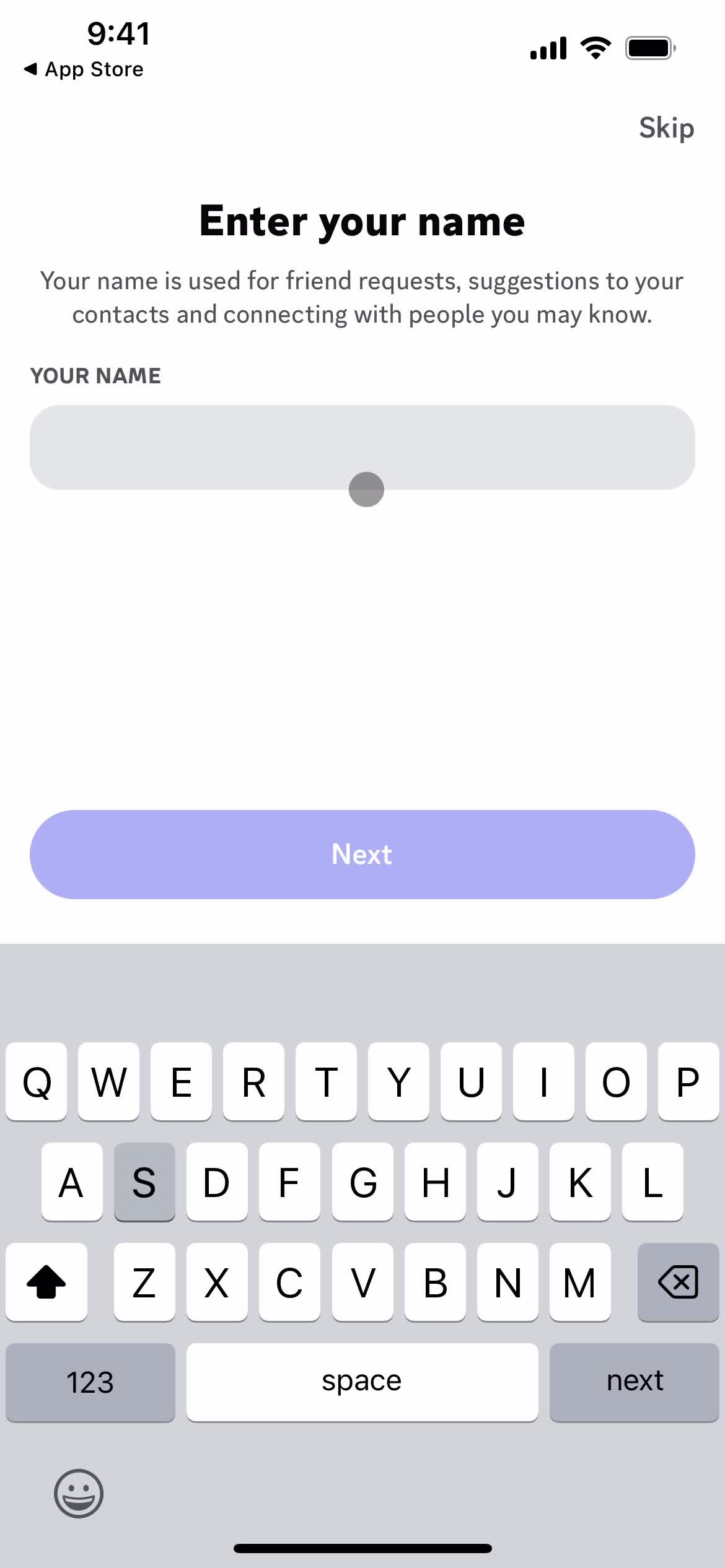
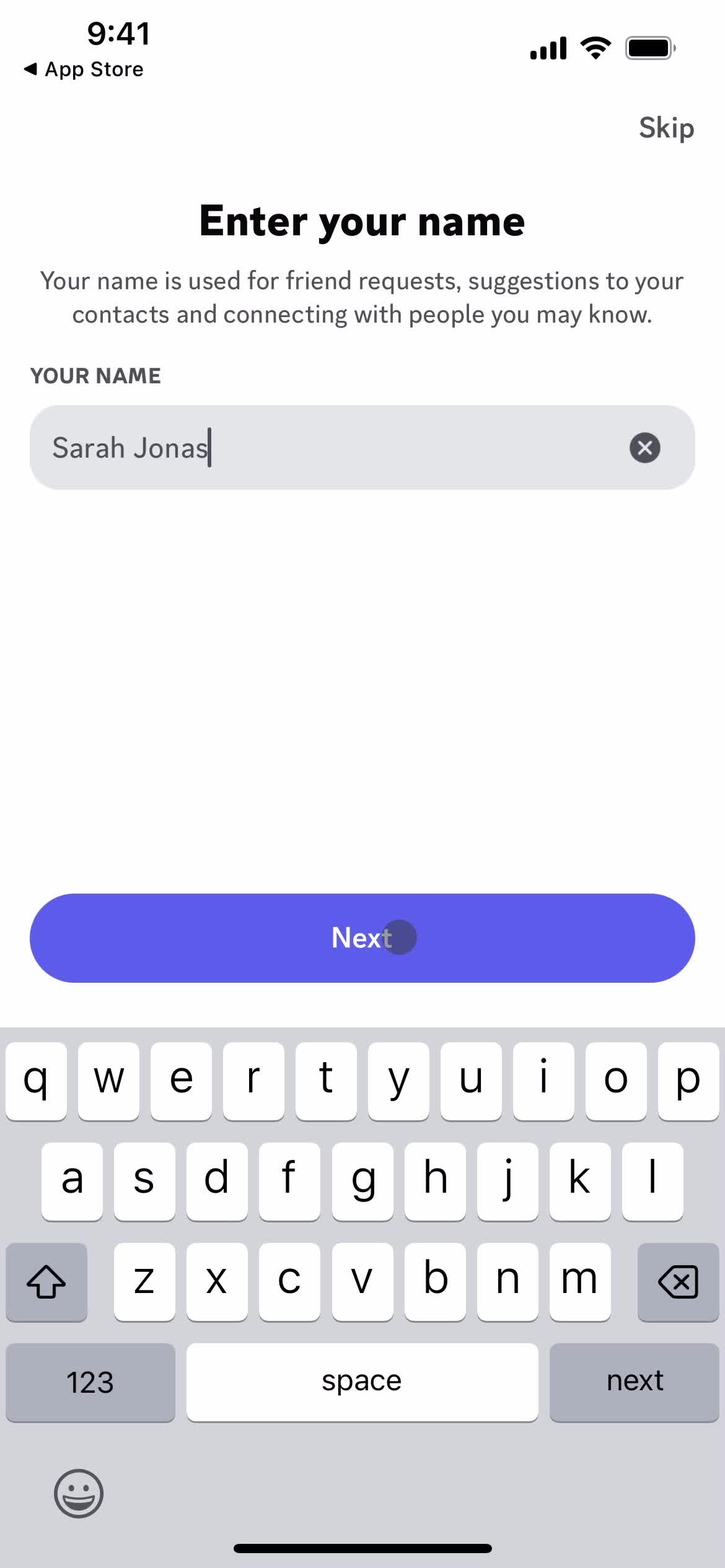
Enter name
this is title
Continue
this is title
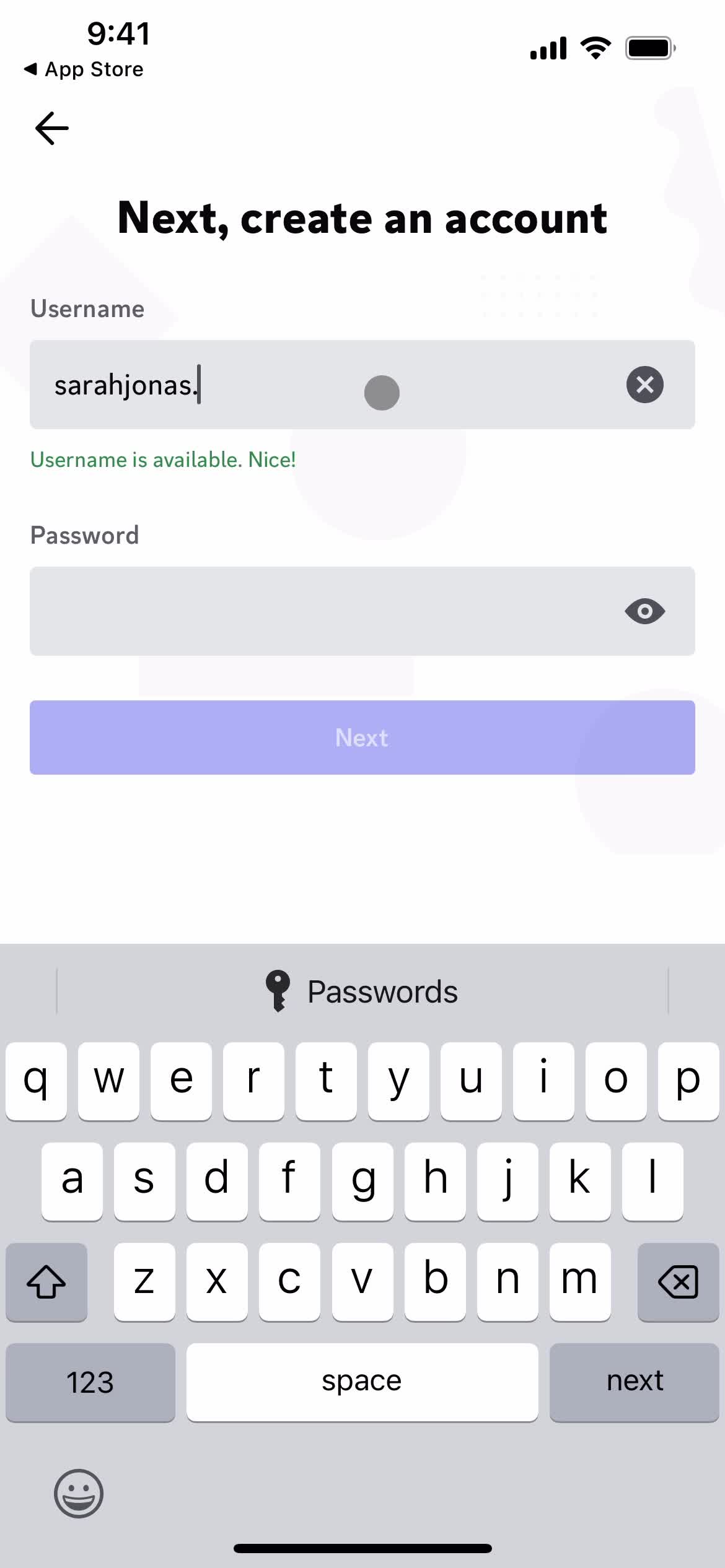
Set username
this is title
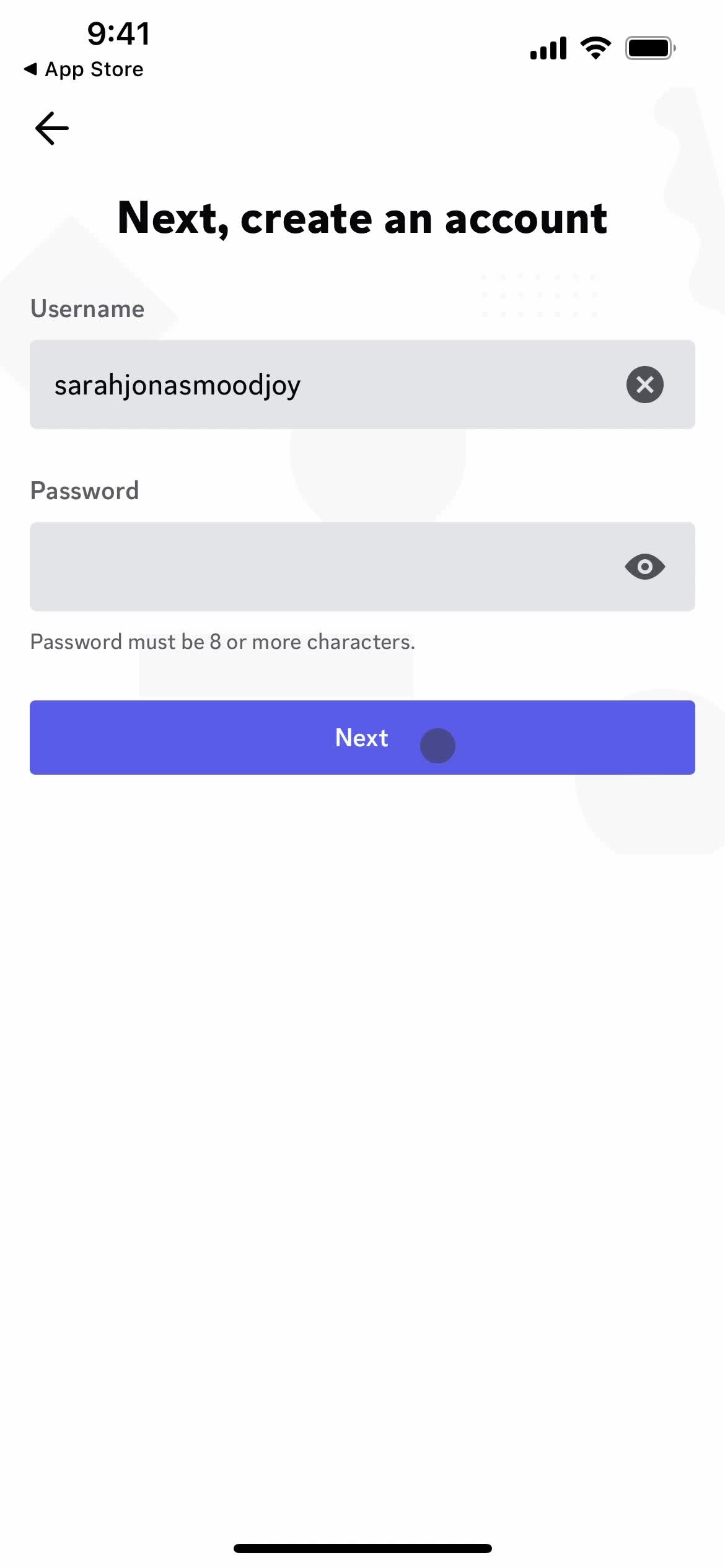
Next
this is title
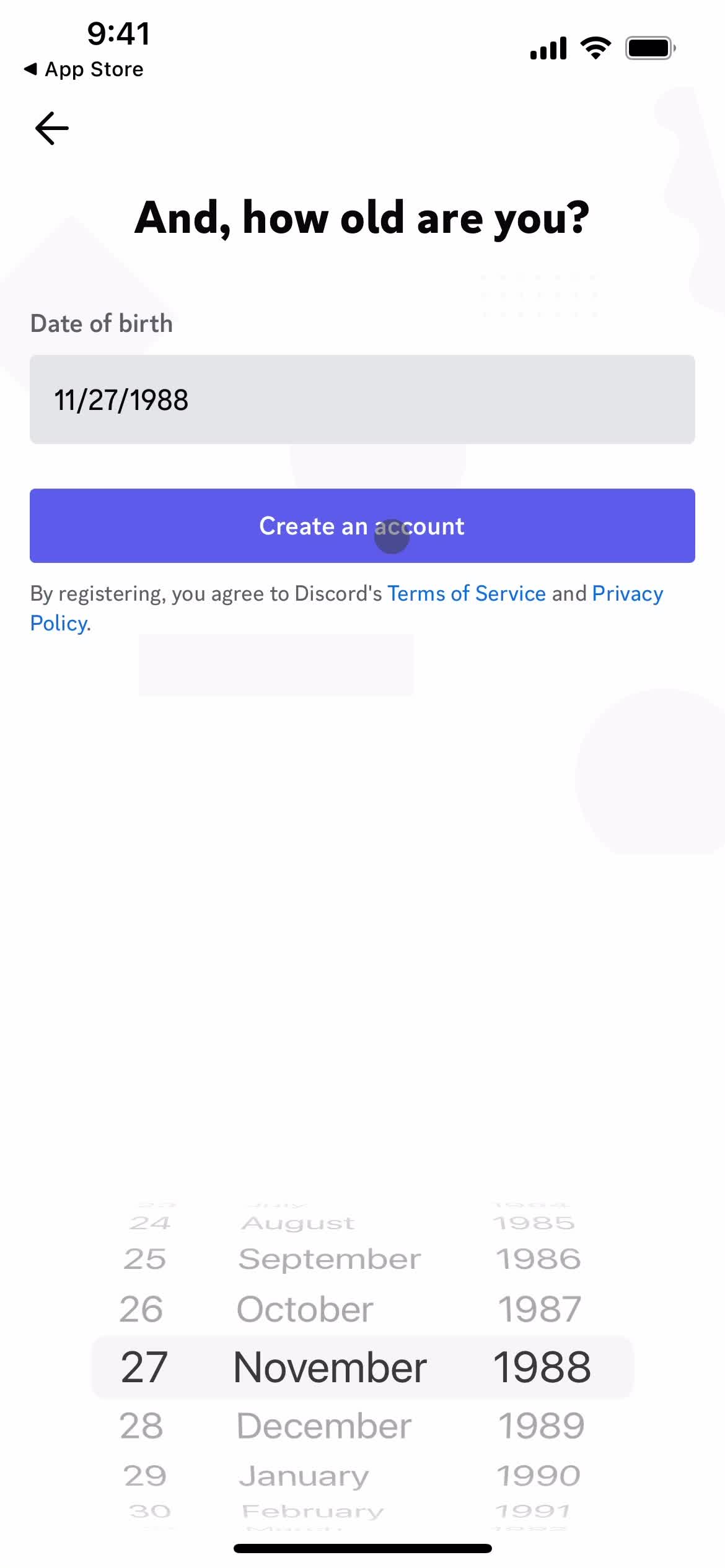
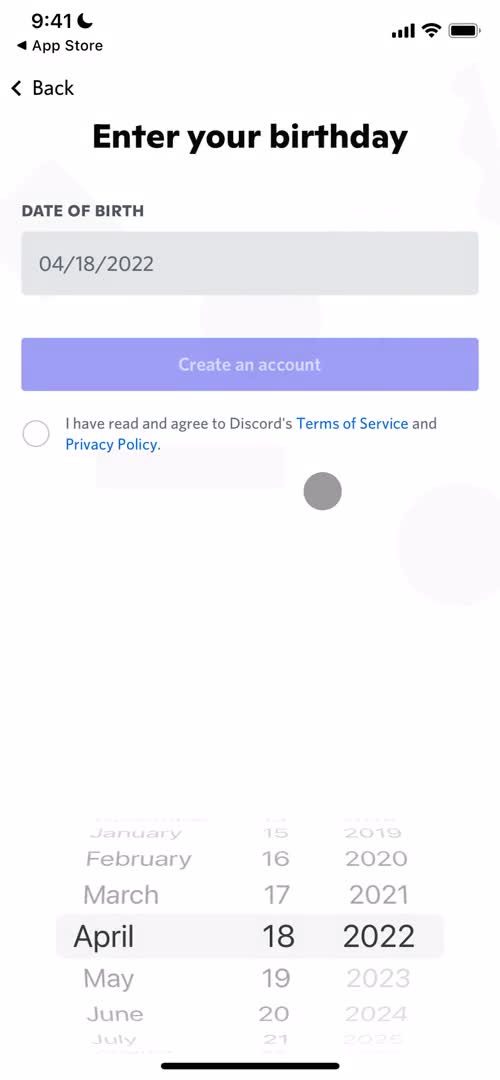
Enter birthday
this is title
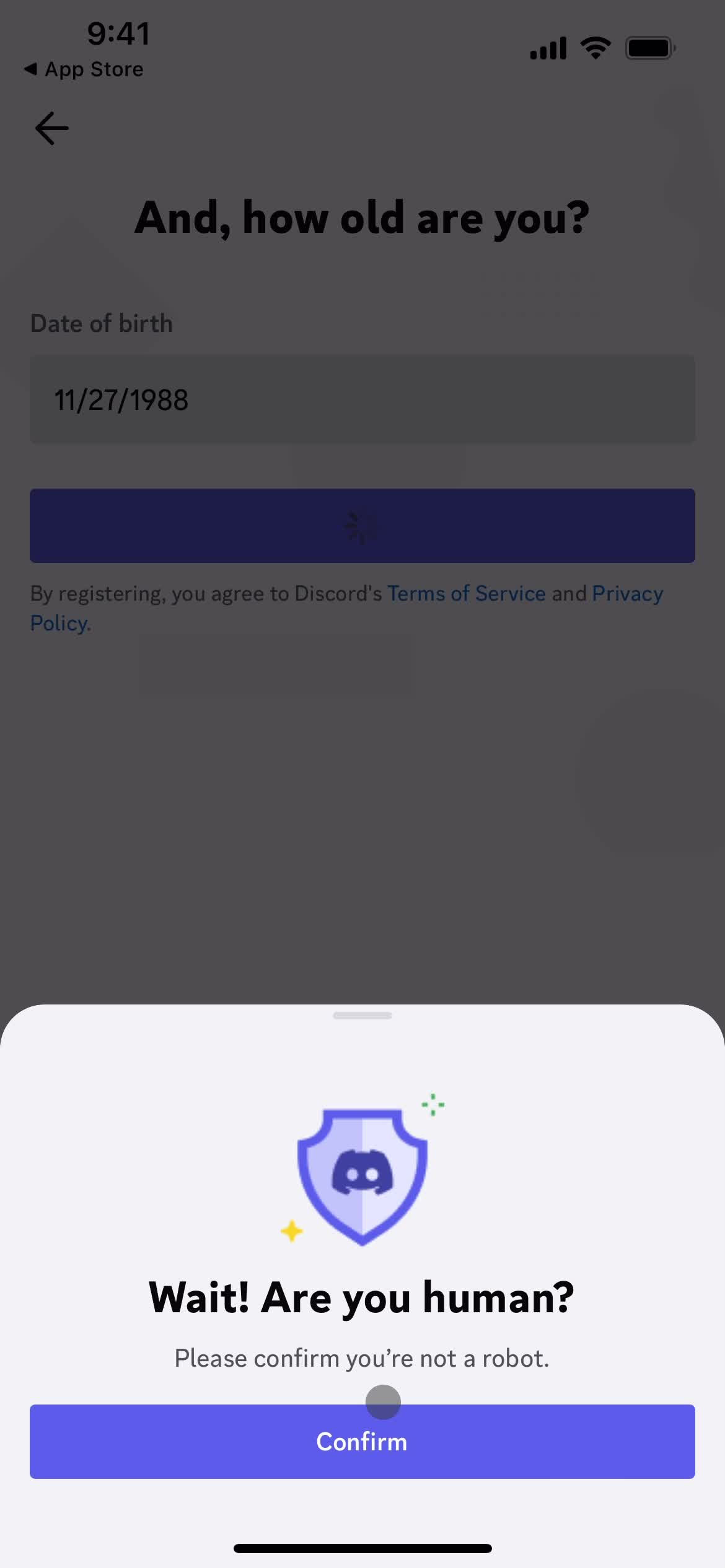
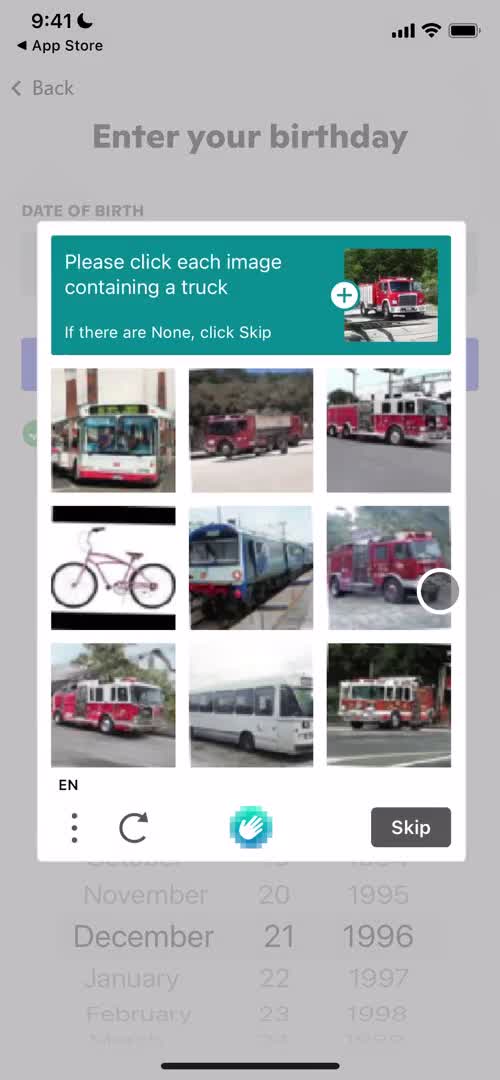
Confirm you're human
this is title
Enable notifications
this is title
Enable notifications
this is title
Enable contact access
this is title
Enable contact access
this is title
Enter phone number
this is title
Continue
this is title
Verify phone number
this is title
Continue
this is title
Enter name
this is title
Continue
this is title
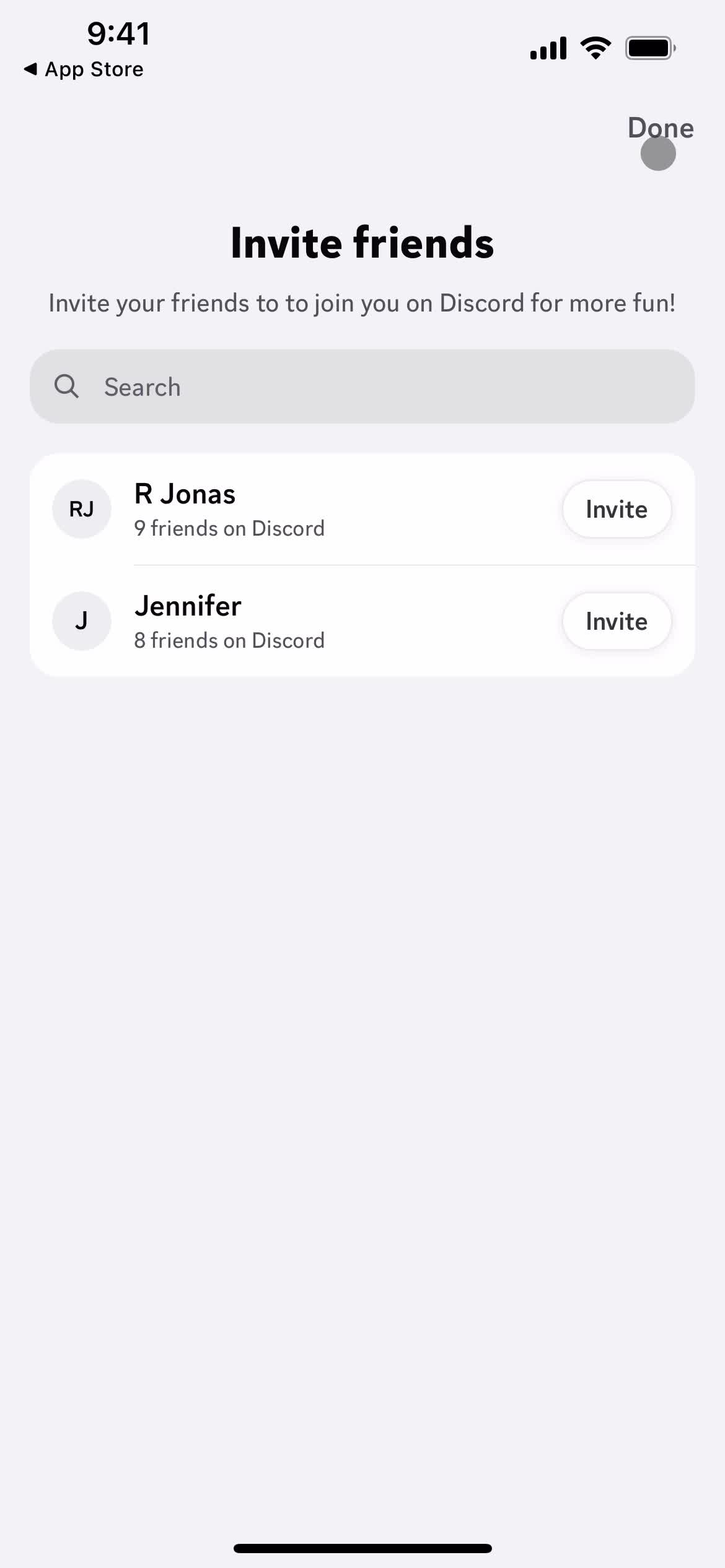
Invite friends
this is title
this is title
Enter name
this is title
Choose avatar
this is title
Continue
this is title
Account
this is title
Set status
this is title
Account
this is title
Servers
this is title
App store listing
this is title
Splash screen
this is title
Start screen
this is title
Sign up
this is title
Sign up with email
this is title
Complete sign up
this is title
Enter birthday
this is title
Confirm you're human
this is title
Enable notifications
this is title
Enable notifications
this is title
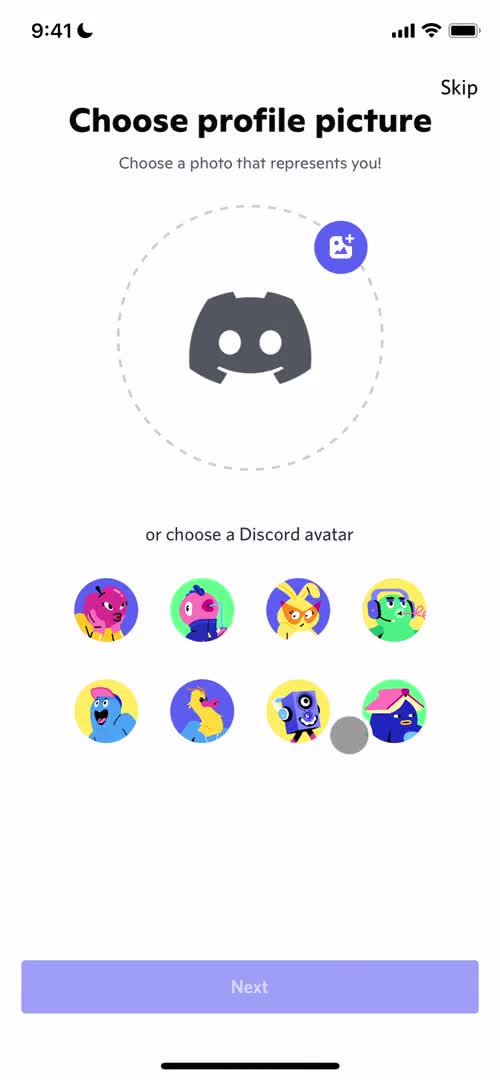
Add profile photo
this is title
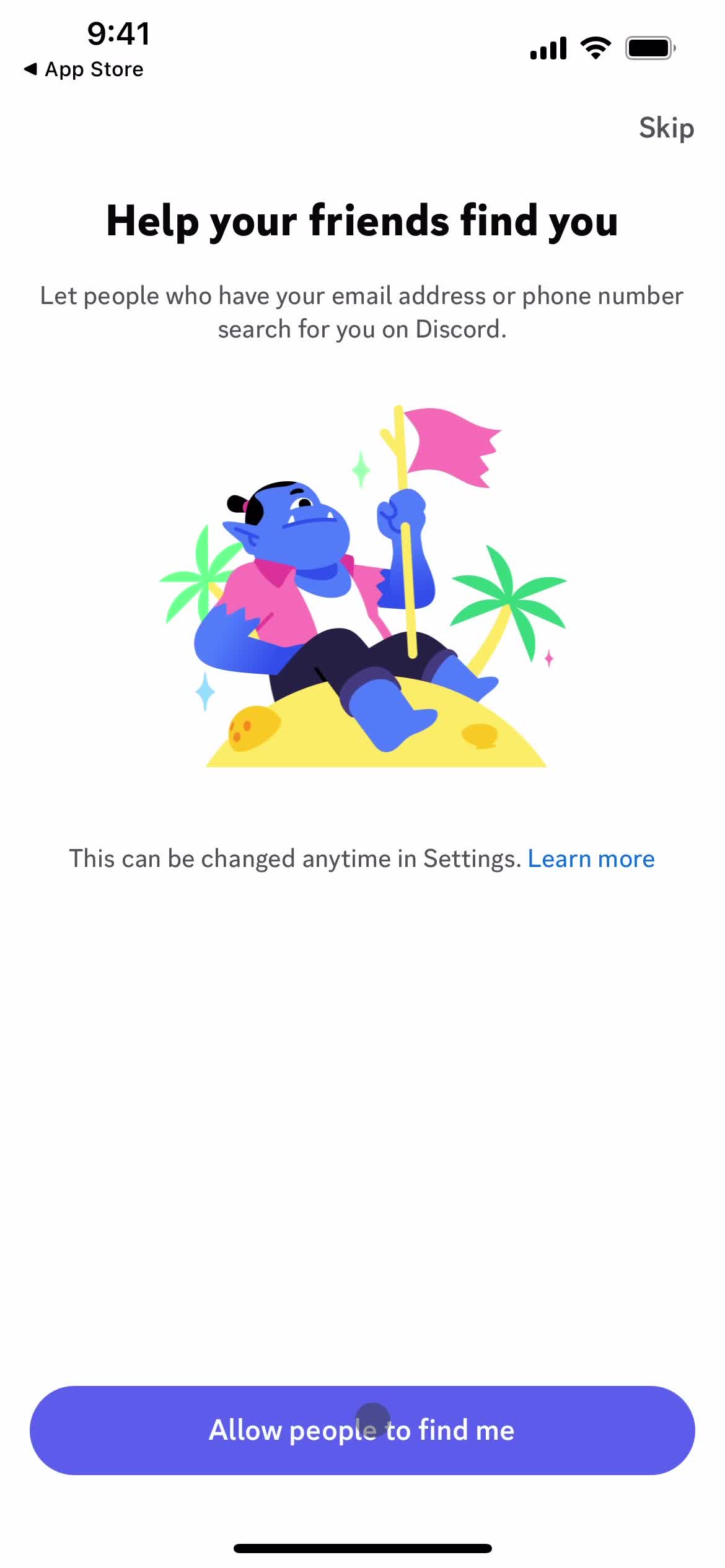
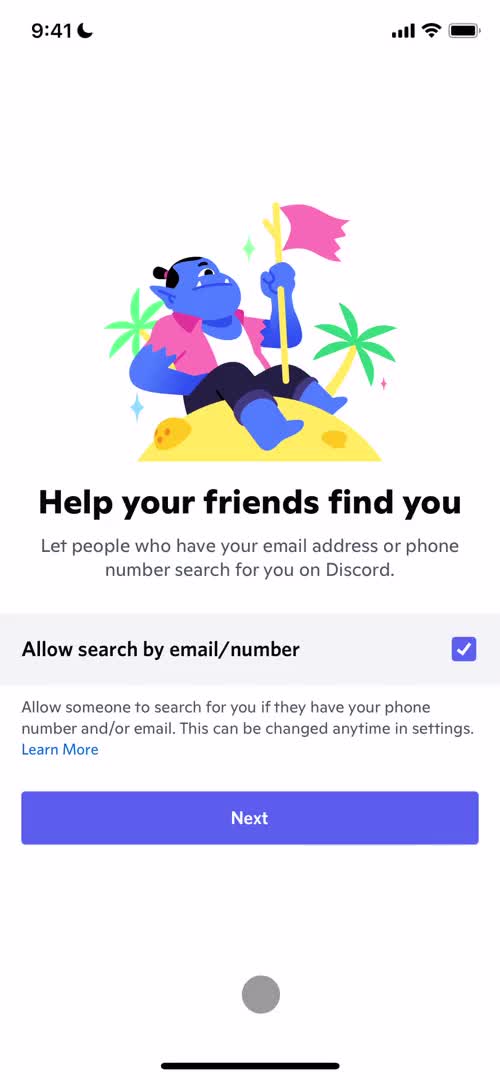
Allow search by email/phone
this is title
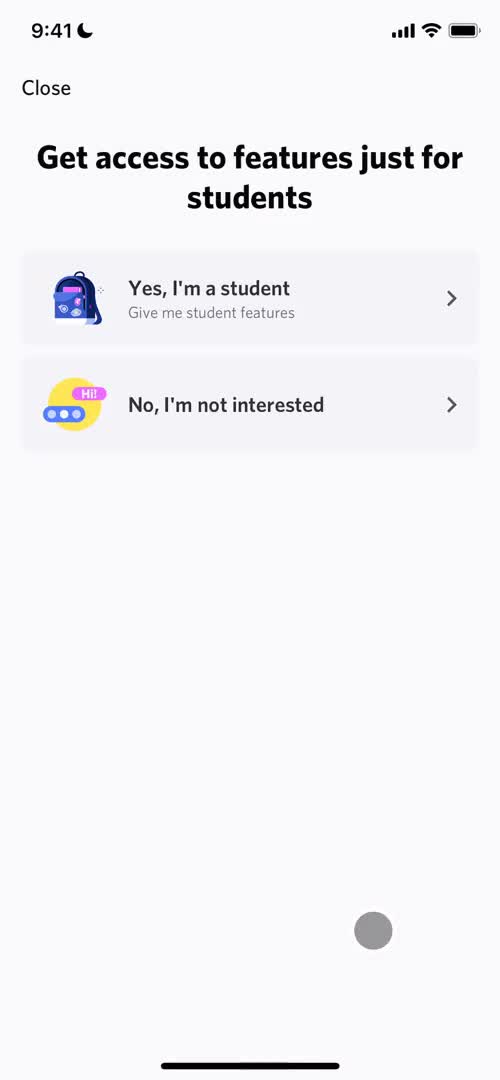
Enable student features
this is title
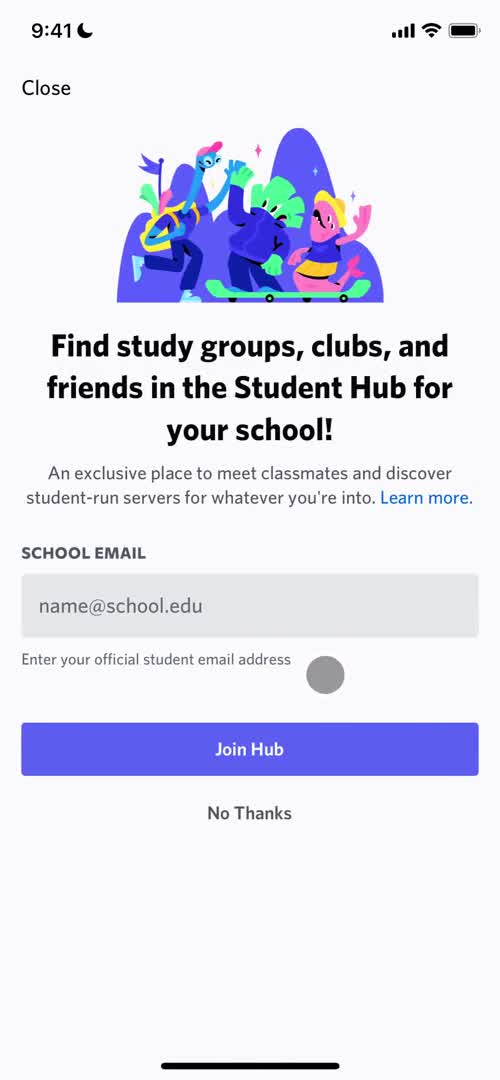
Enable student features
this is title
Verify email
this is title
Verify email
this is title
this is title
Confirm you're human
this is title
Direct messages
this is title
Add friends
this is title
Friends
this is title
Direct messages
this is title
Direct messages
this is title
App store listing
this is title
Splash screen
this is title
Start screen
this is title
Sign up
this is title
Create server
this is title
Create server
this is title
Notification permissions
this is title
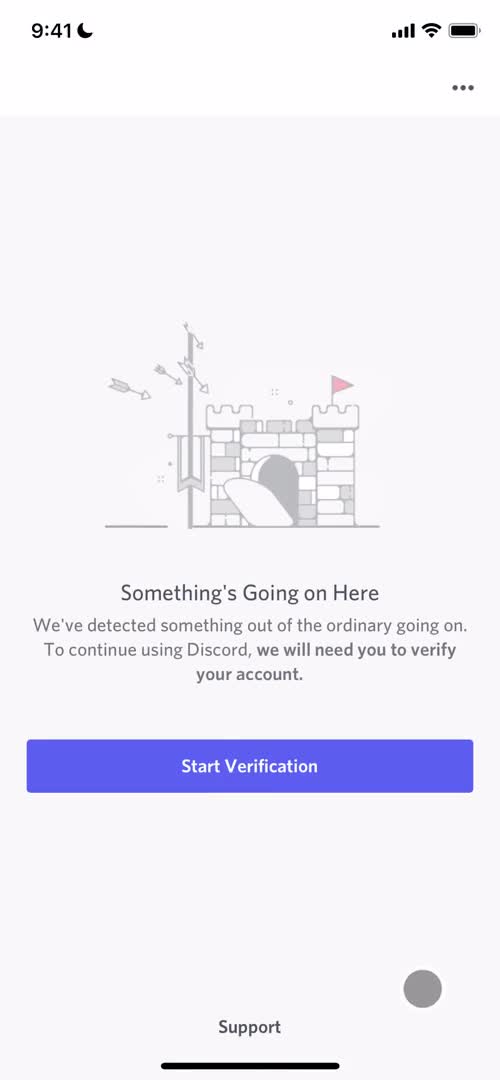
Verify identity
this is title
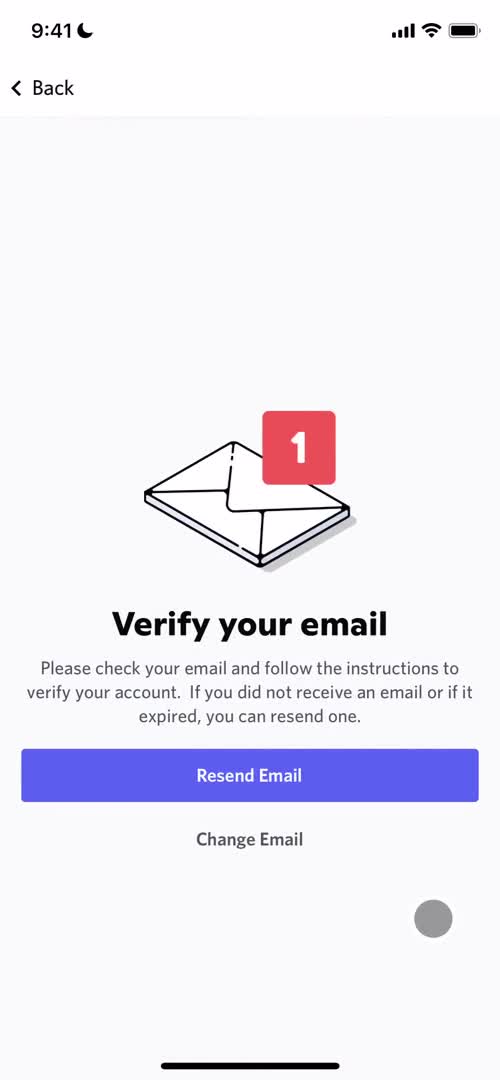
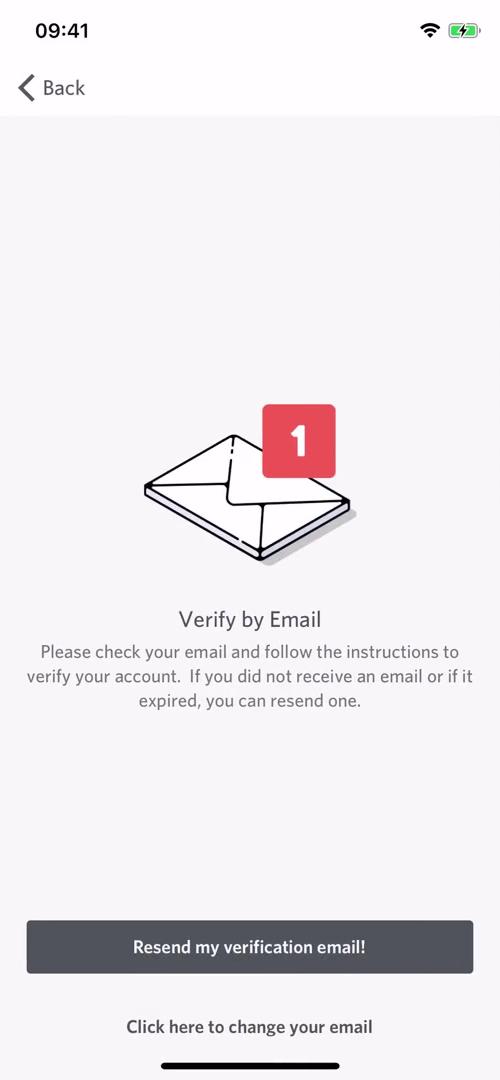
Verify email
this is title
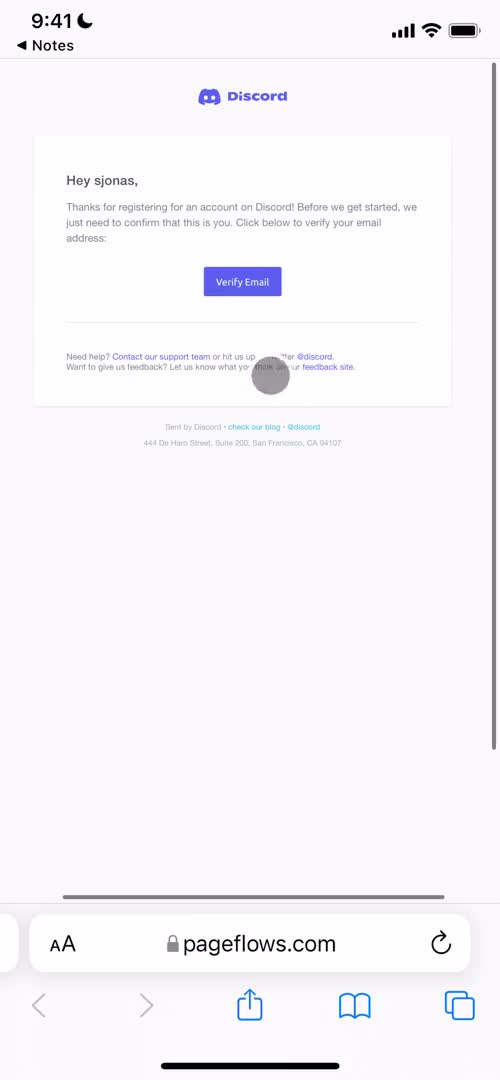
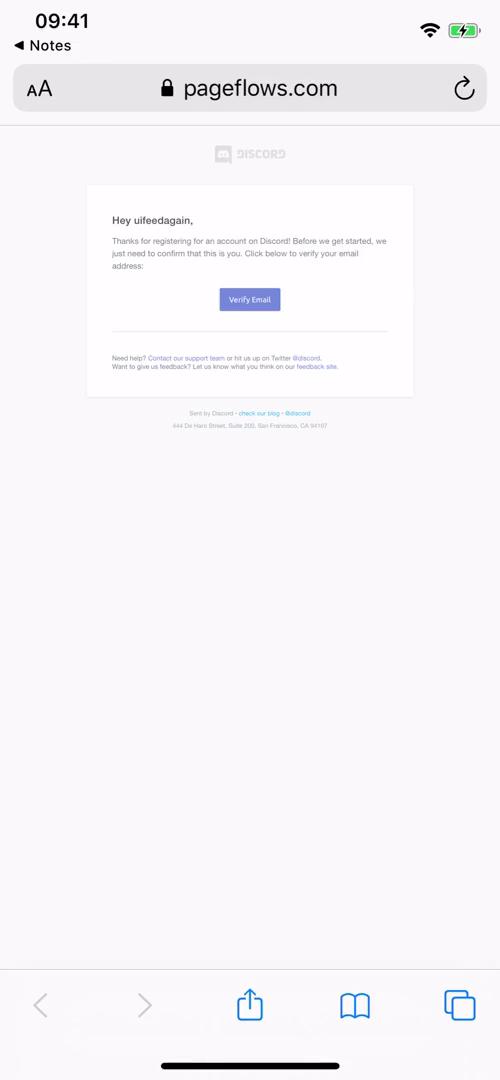
Confirm email
this is title
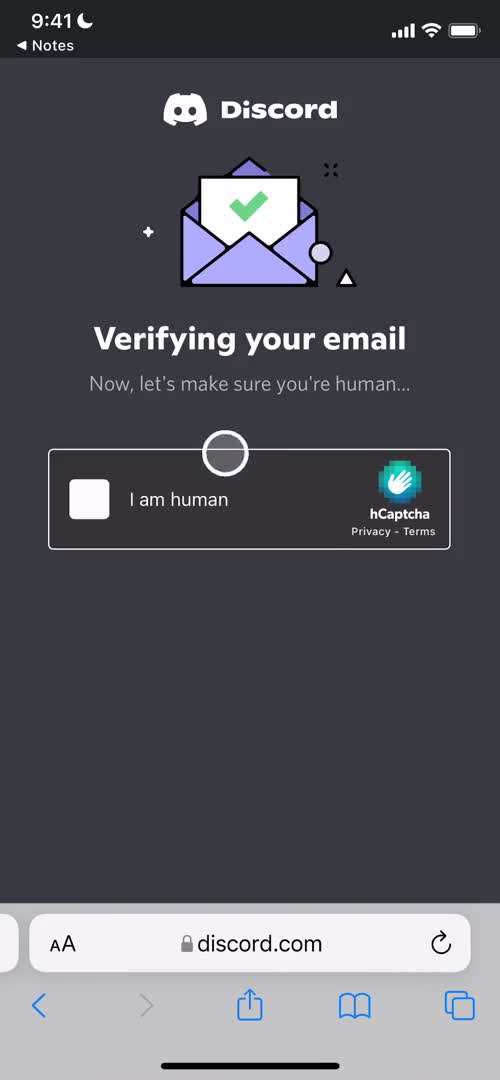
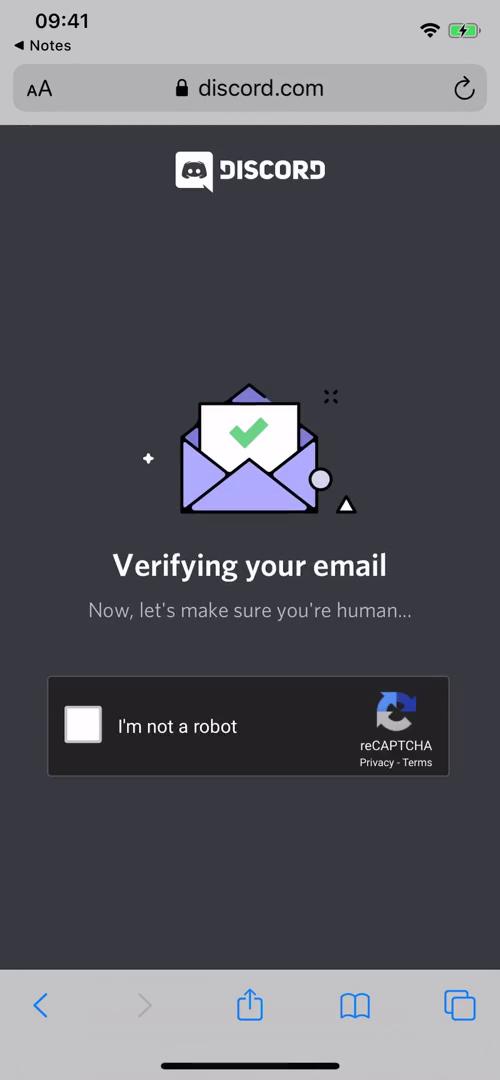
I'm not a robot
this is title
Onboarding tour
this is title
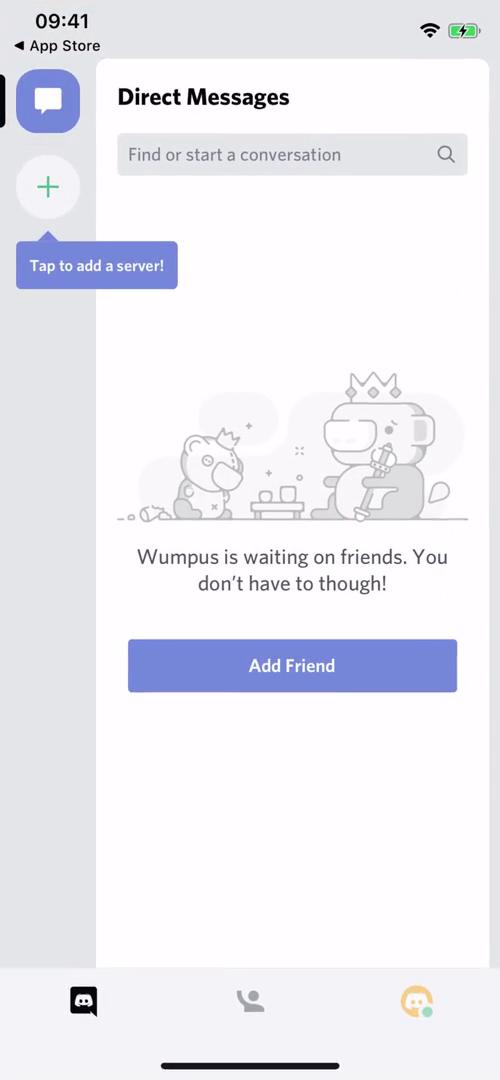
Create or join server
this is title
Create server
this is title
Invite friends
this is title
Channel
this is title
Onboarding tour
this is title
Channels
this is title
Messages
this is title
Chat thread
this is title
Action menu
this is title
Pin message
this is title
Chat thread
this is title
Pinned messages
this is title
Chat thread
this is title
Profile
this is title
Chat thread
this is title
Messages
this is title
Action menu
this is title
Profile
this is title
Action menu
this is title
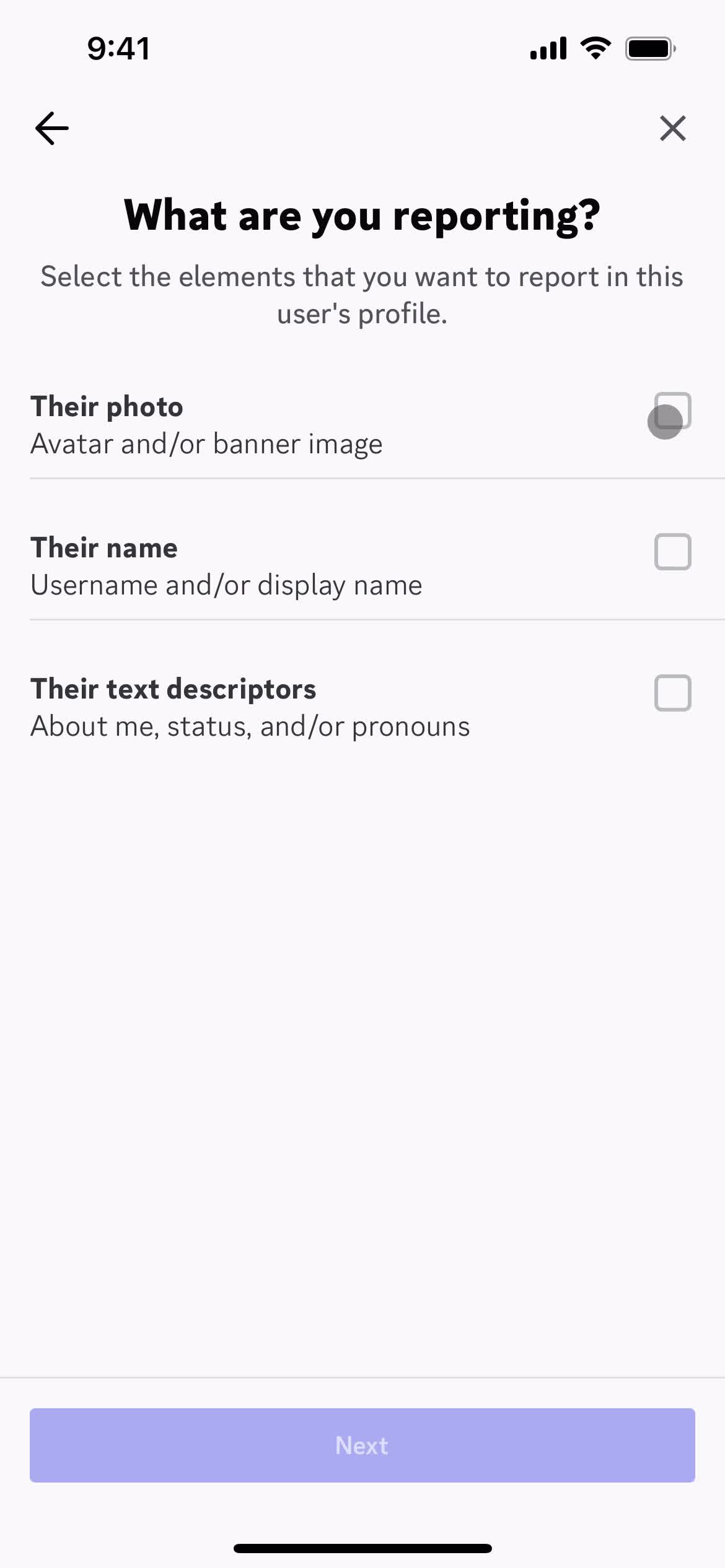
Report account
this is title
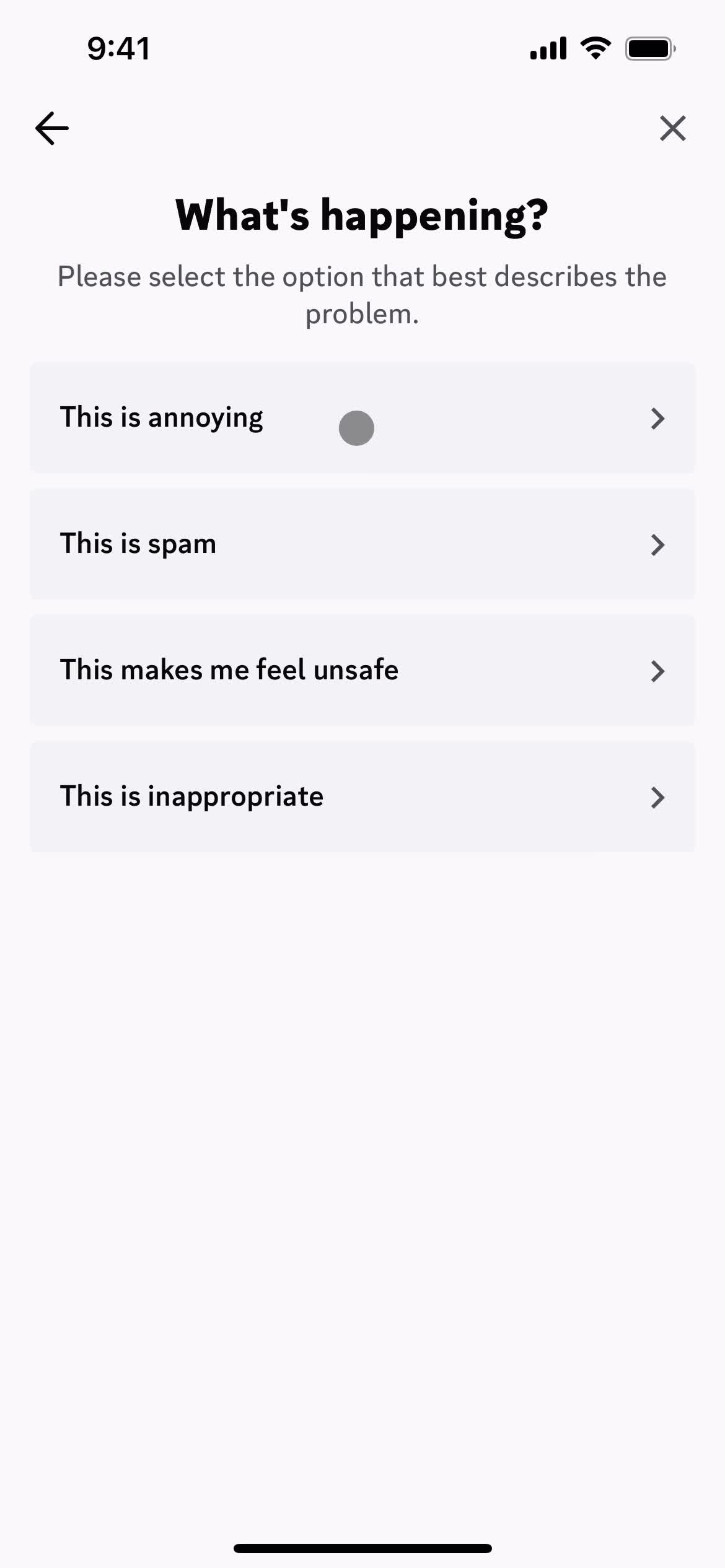
Select reason
this is title
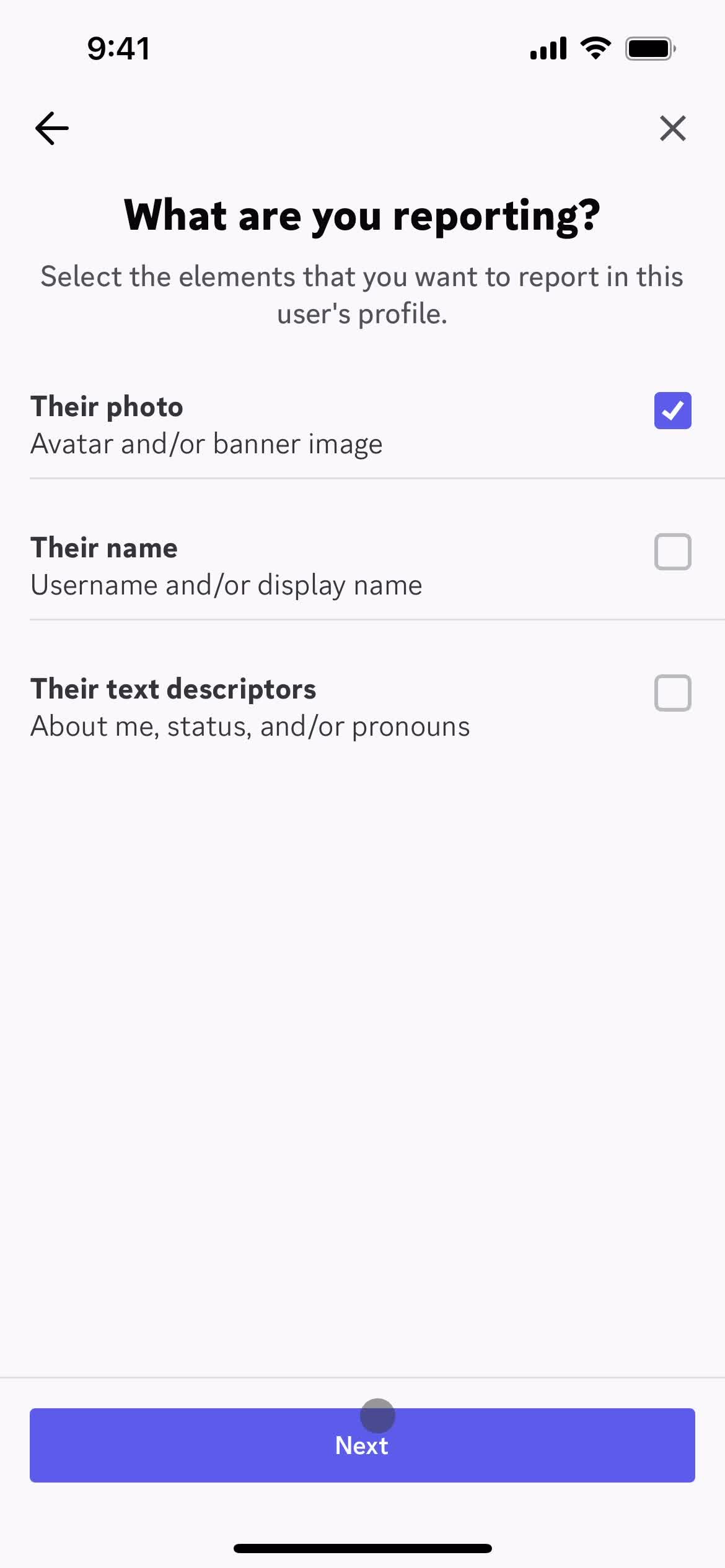
Continue
this is title
Select options
this is title
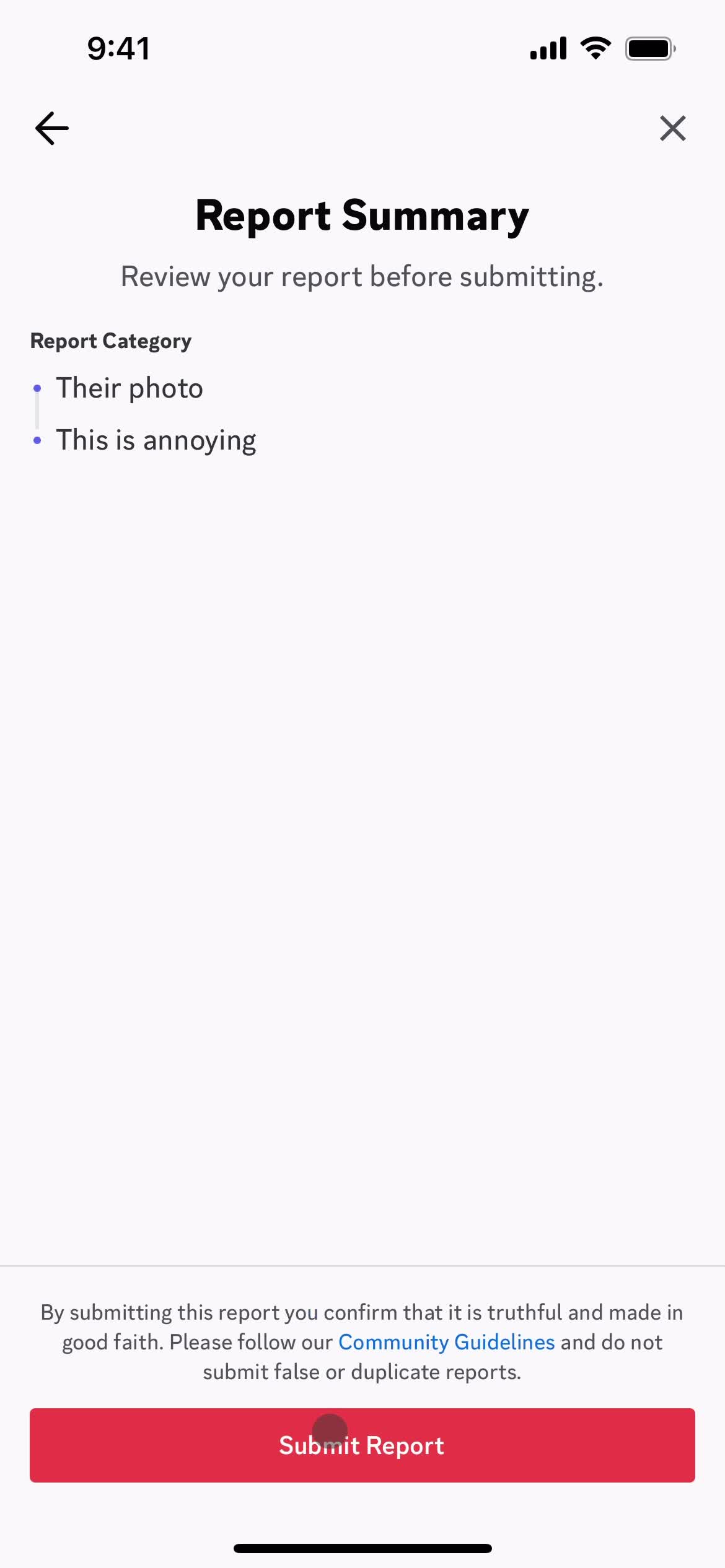
Submit report
this is title
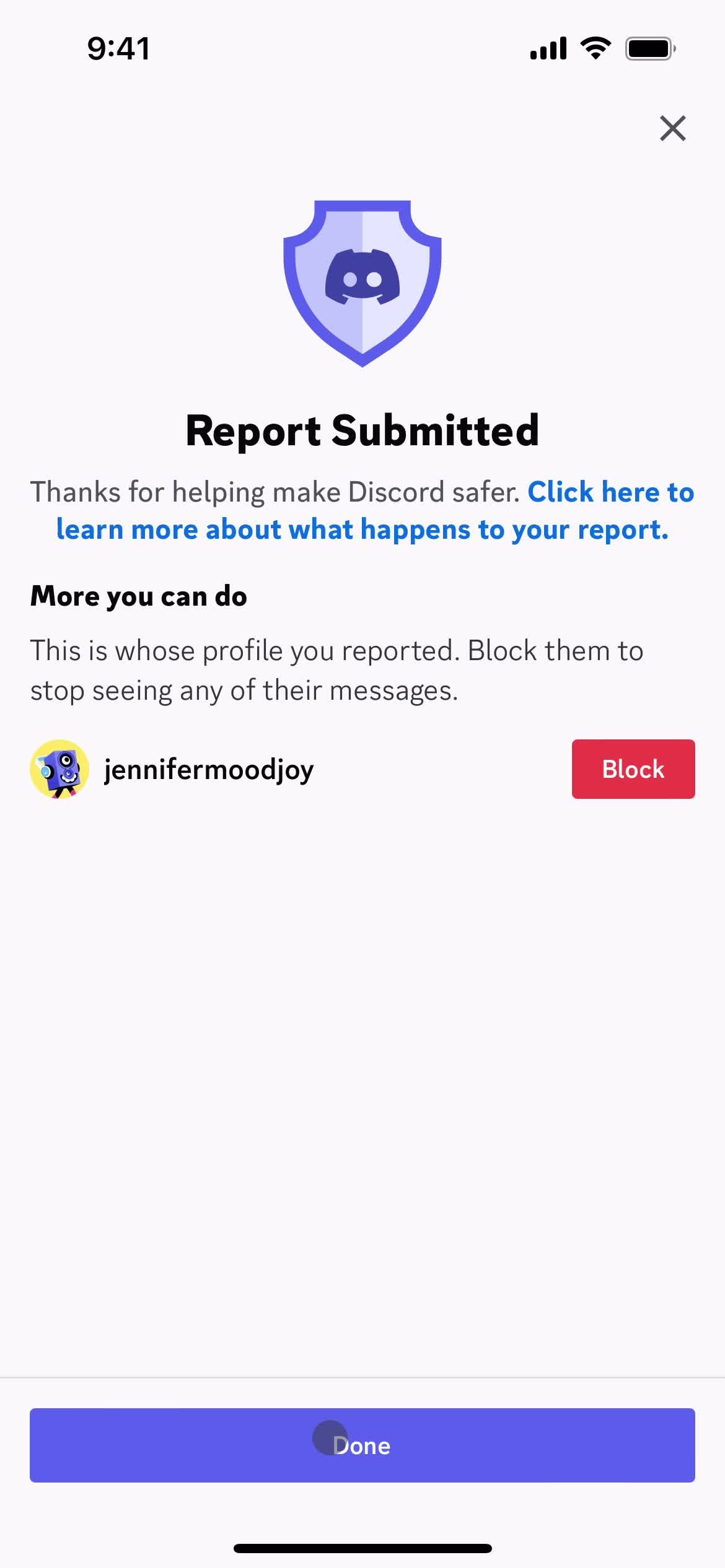
Report submitted
this is title
Get started
this is title
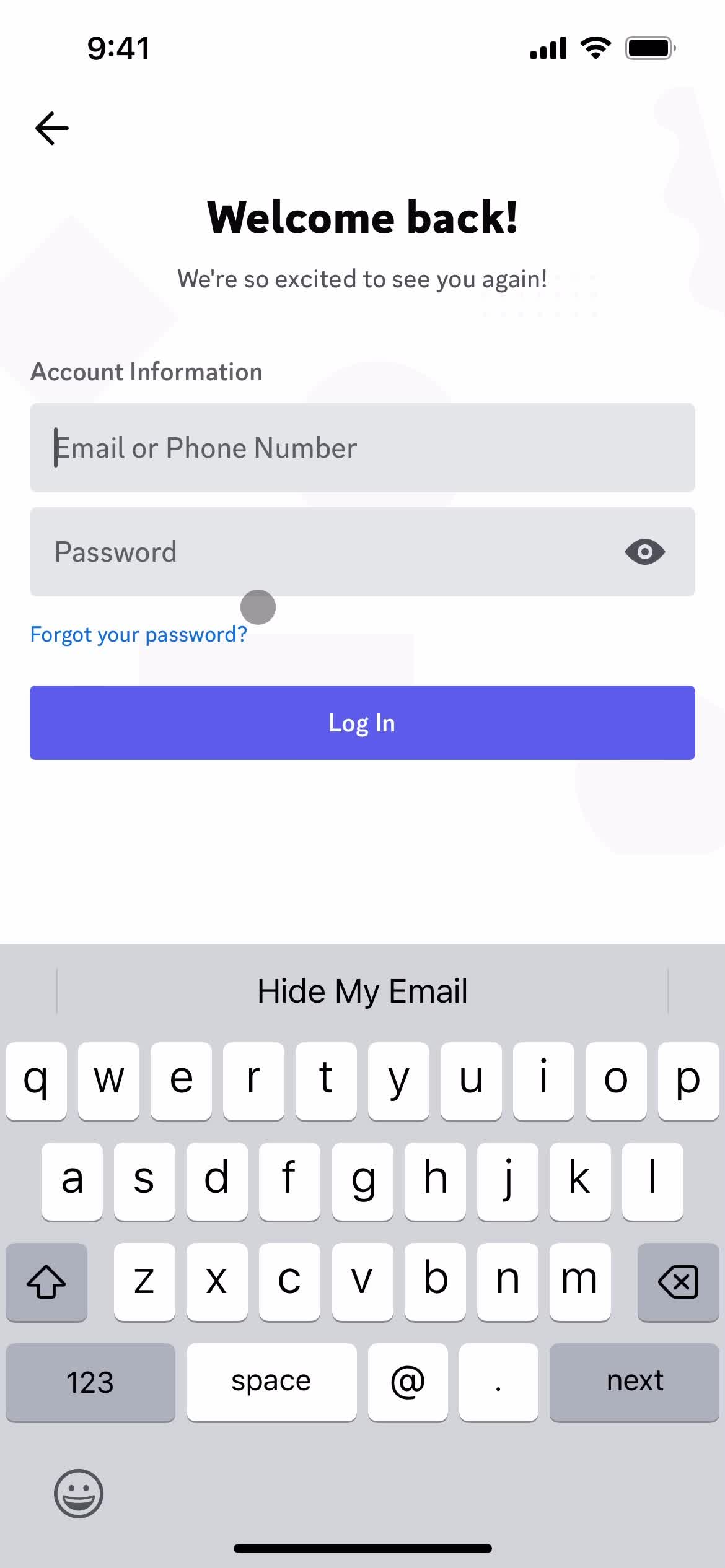
Enter email
this is title
this is title
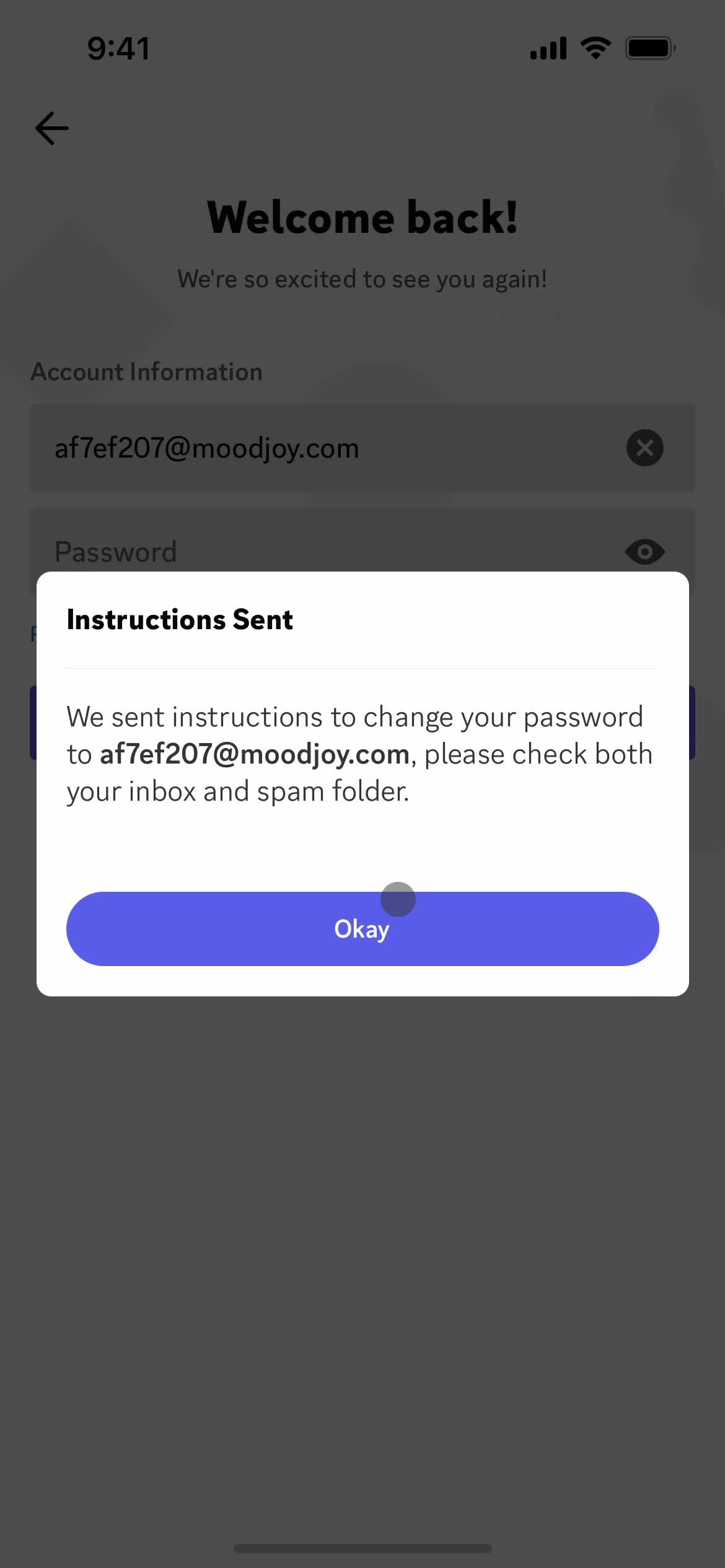
Email sent
this is title
Login
this is title
Account
this is title
Get started
this is title
Restore Account
this is title
Login
this is title
Messages
this is title
Messages
this is title
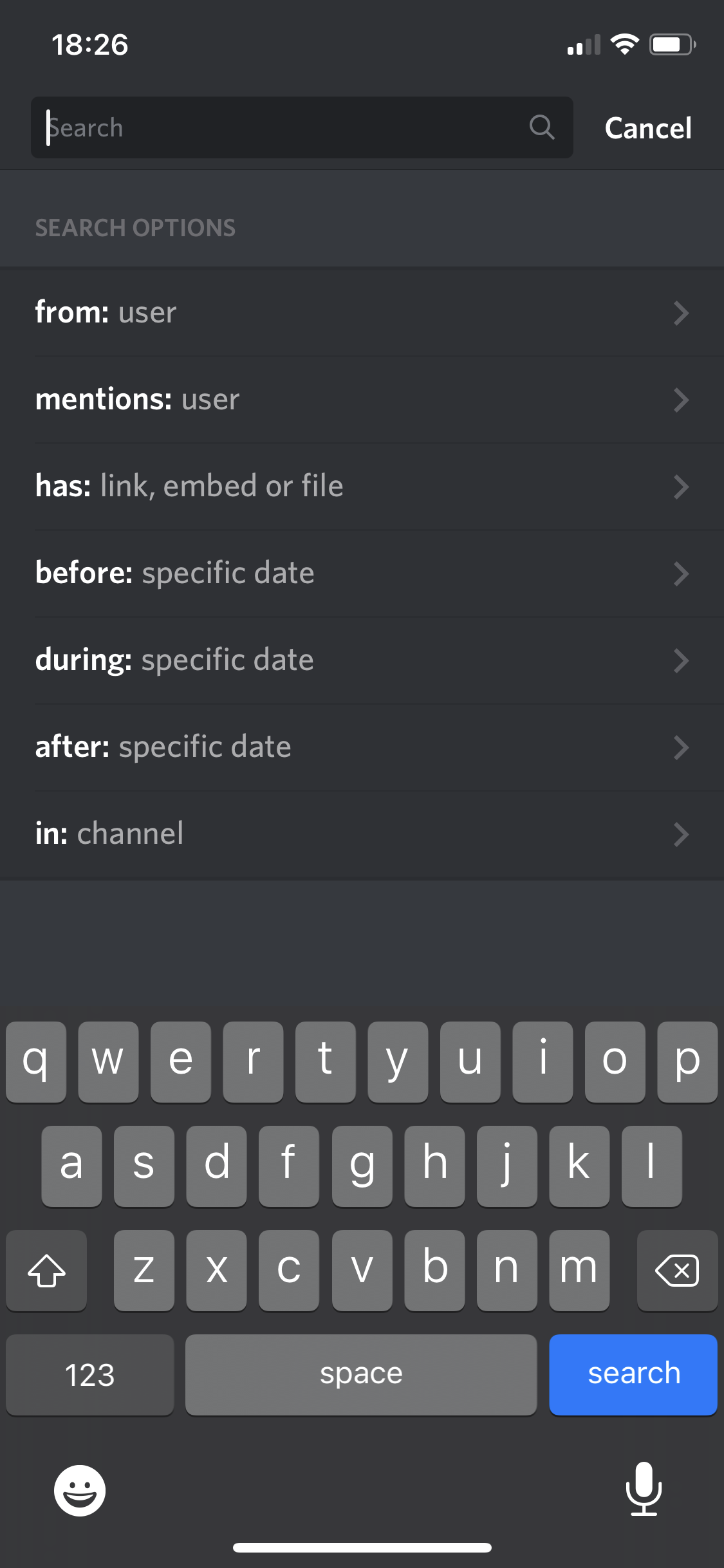
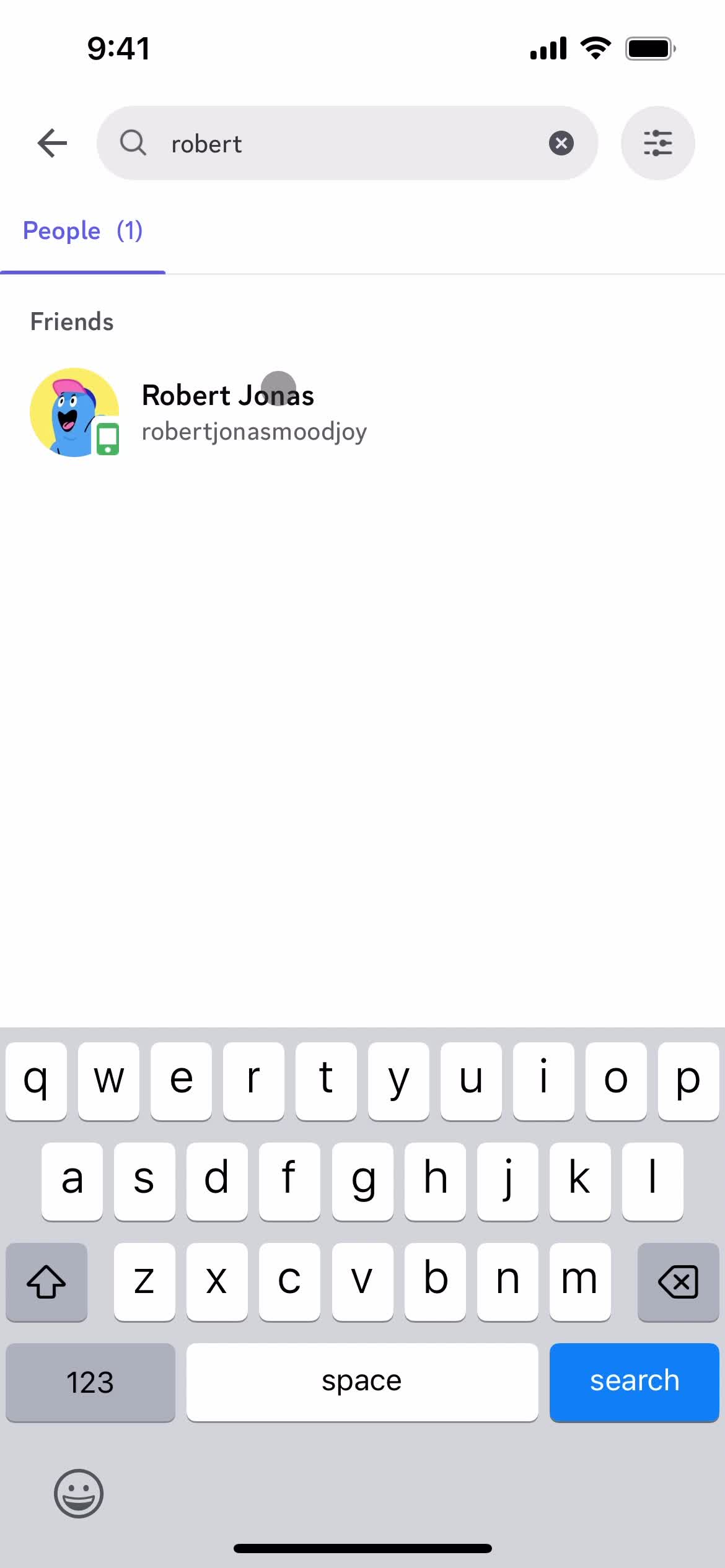
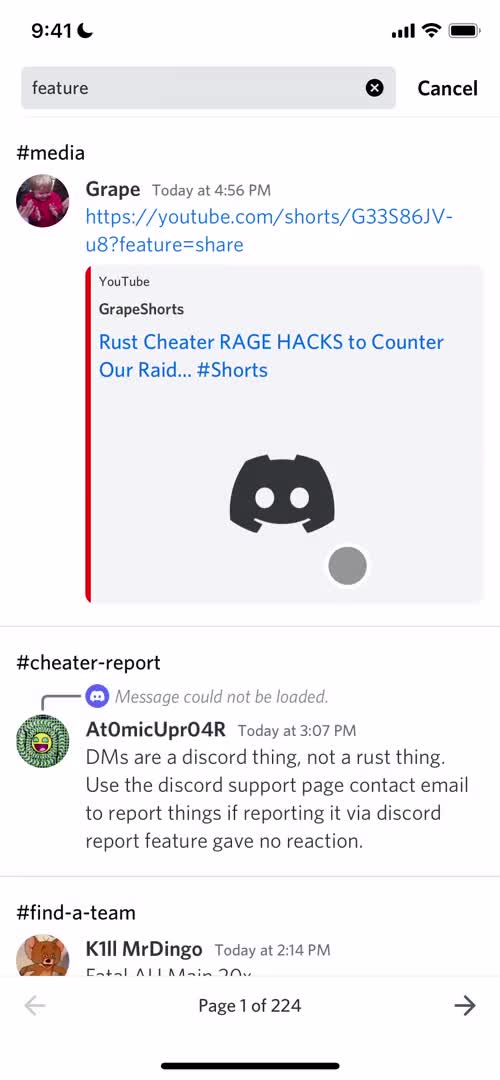
Search
this is title
Search results
this is title
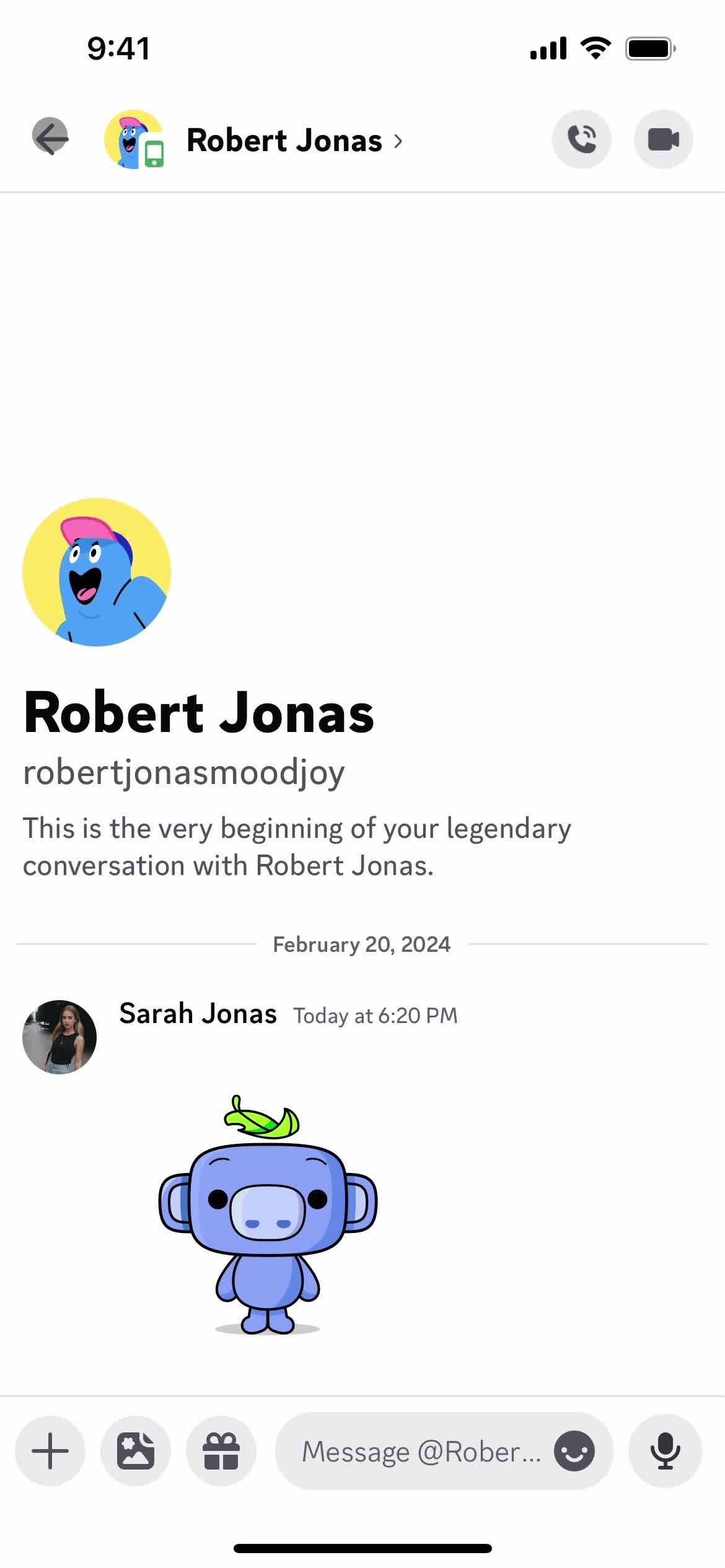
Chat
this is title
Search
this is title
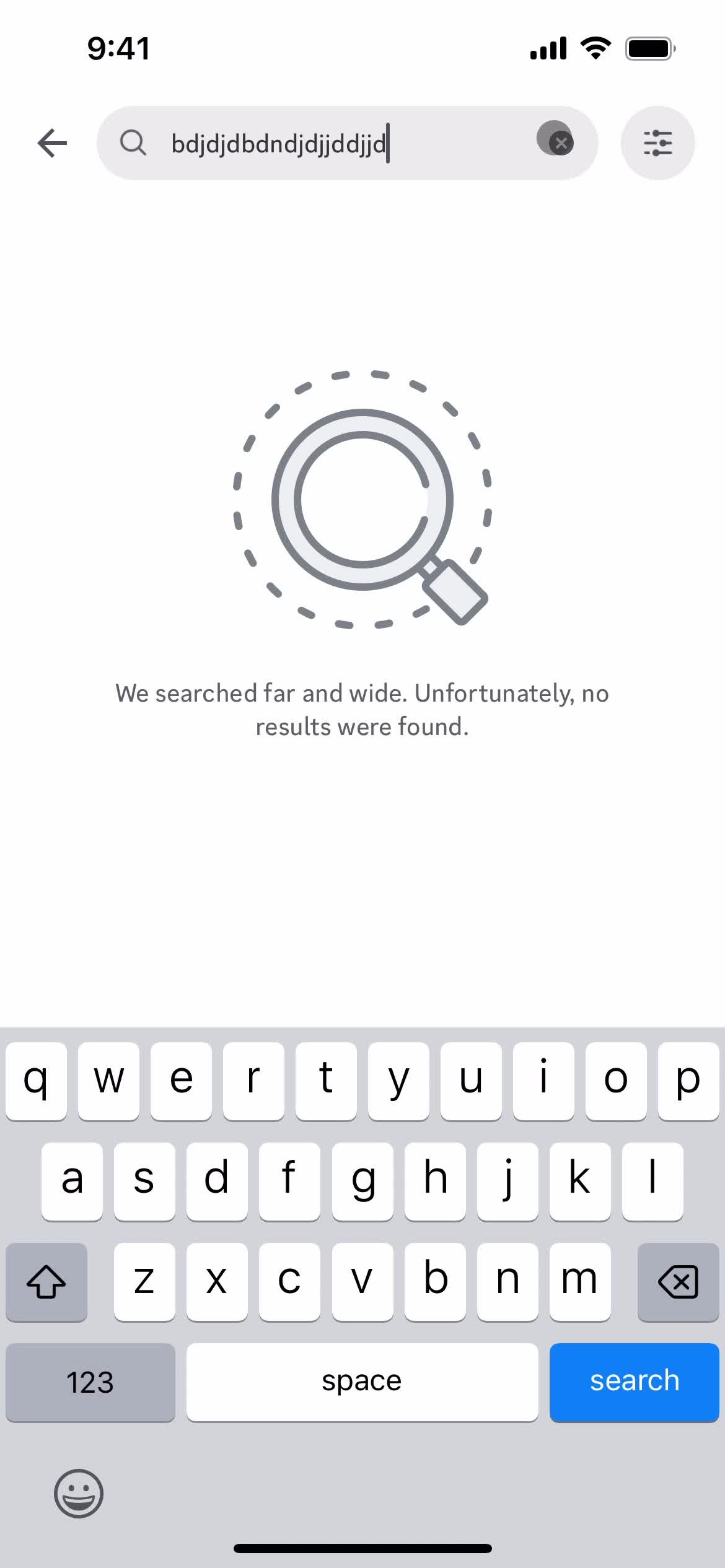
No search results
this is title
Search
this is title
Direct messages
this is title
Search
this is title
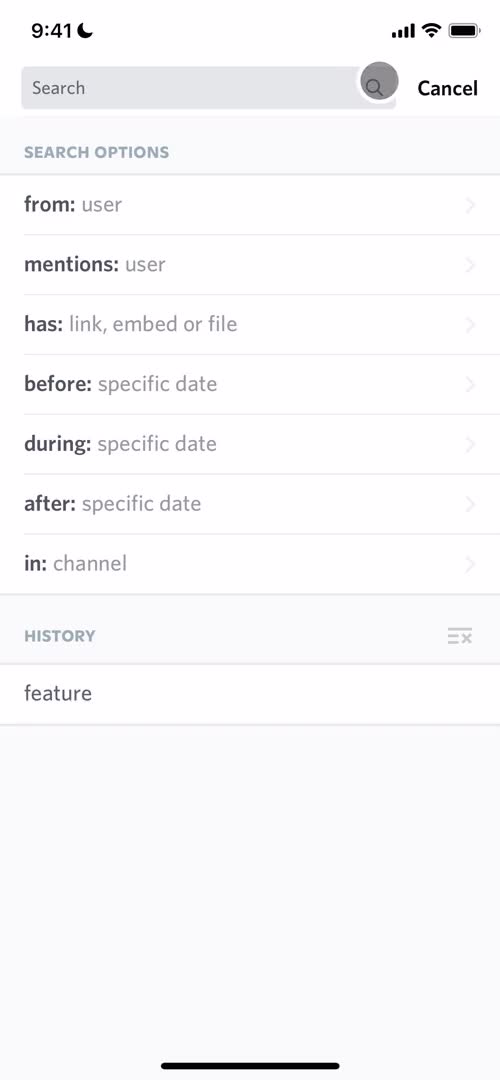
Search autocomplete
this is title
Channel
this is title
Channels
this is title
Search
this is title
No search results
this is title
Channels
this is title
Channel
this is title
Search
this is title
Search autocomplete
this is title
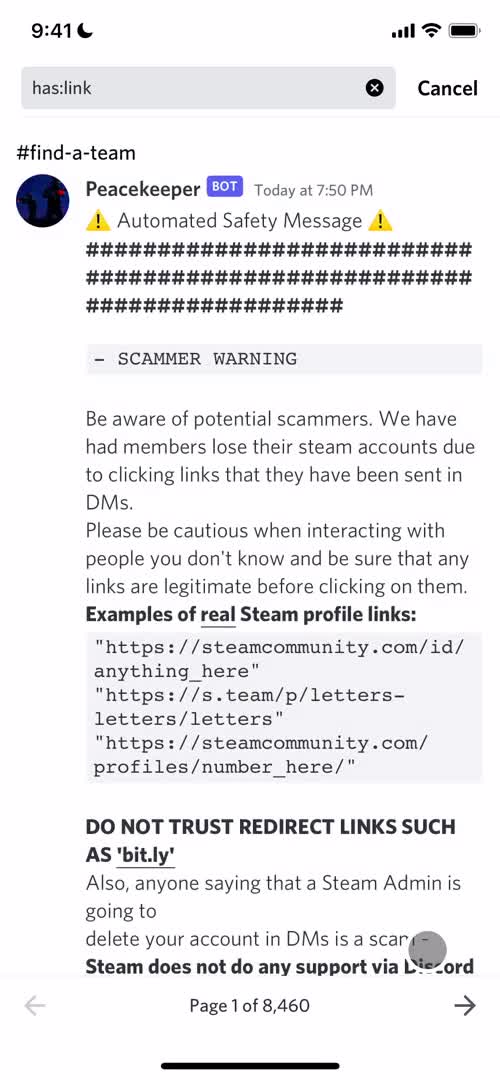
Search results
this is title
Search
this is title
Search results
this is title
Channel
this is title
Channels
this is title
Search
this is title
Search results
this is title
Search results
this is title
Messages
this is title
Search
this is title
Events
this is title
Share
this is title
this is title
Invite sent
this is title
Messages
this is title
Account
this is title
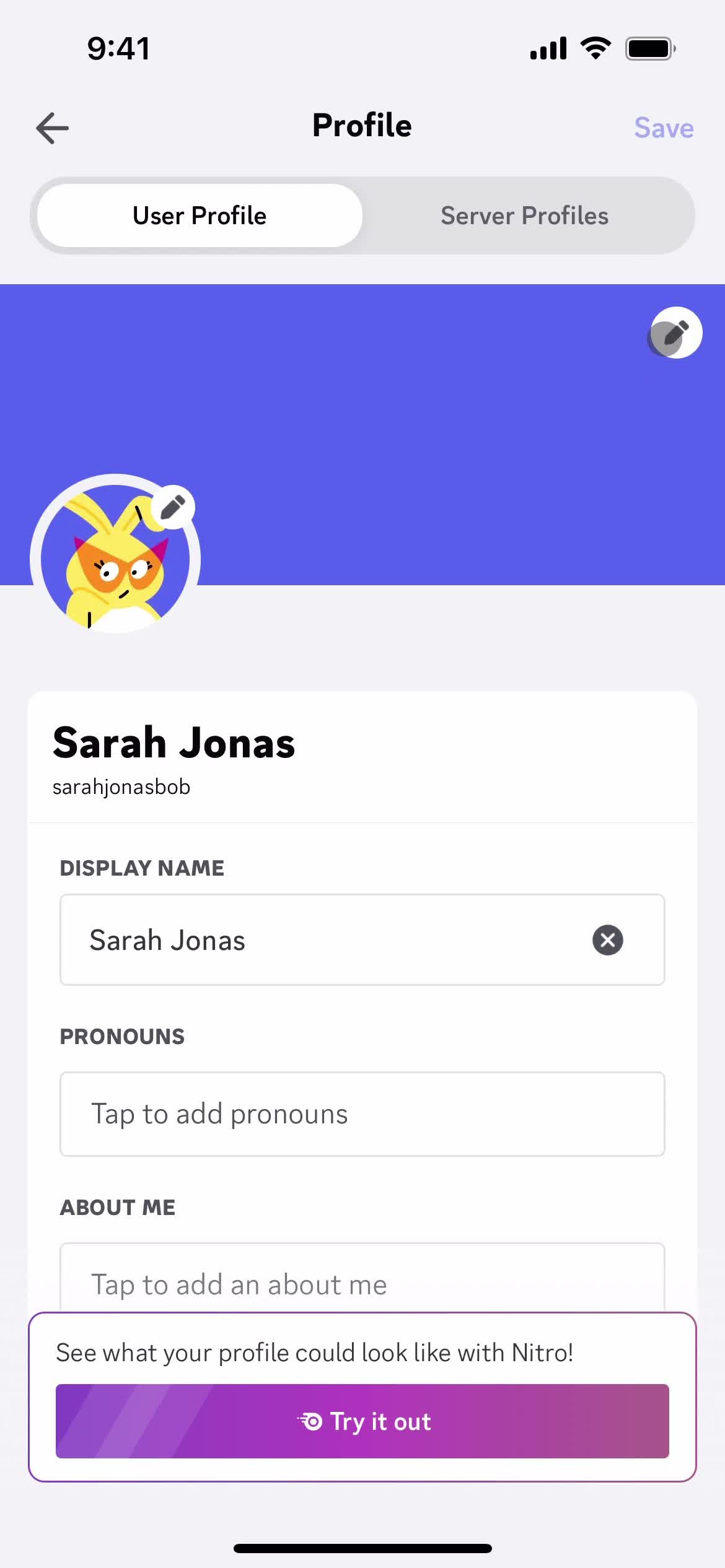
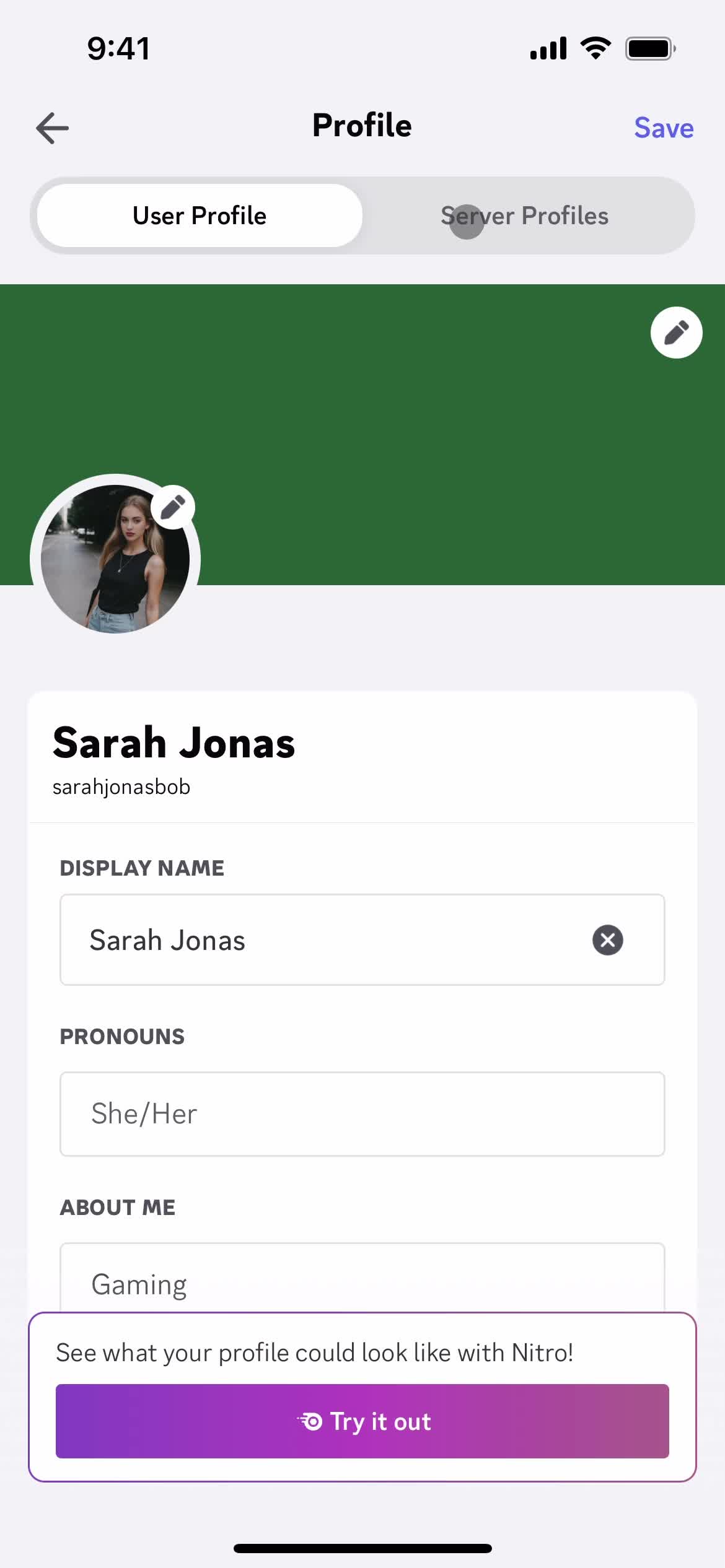
Edit profile
this is title
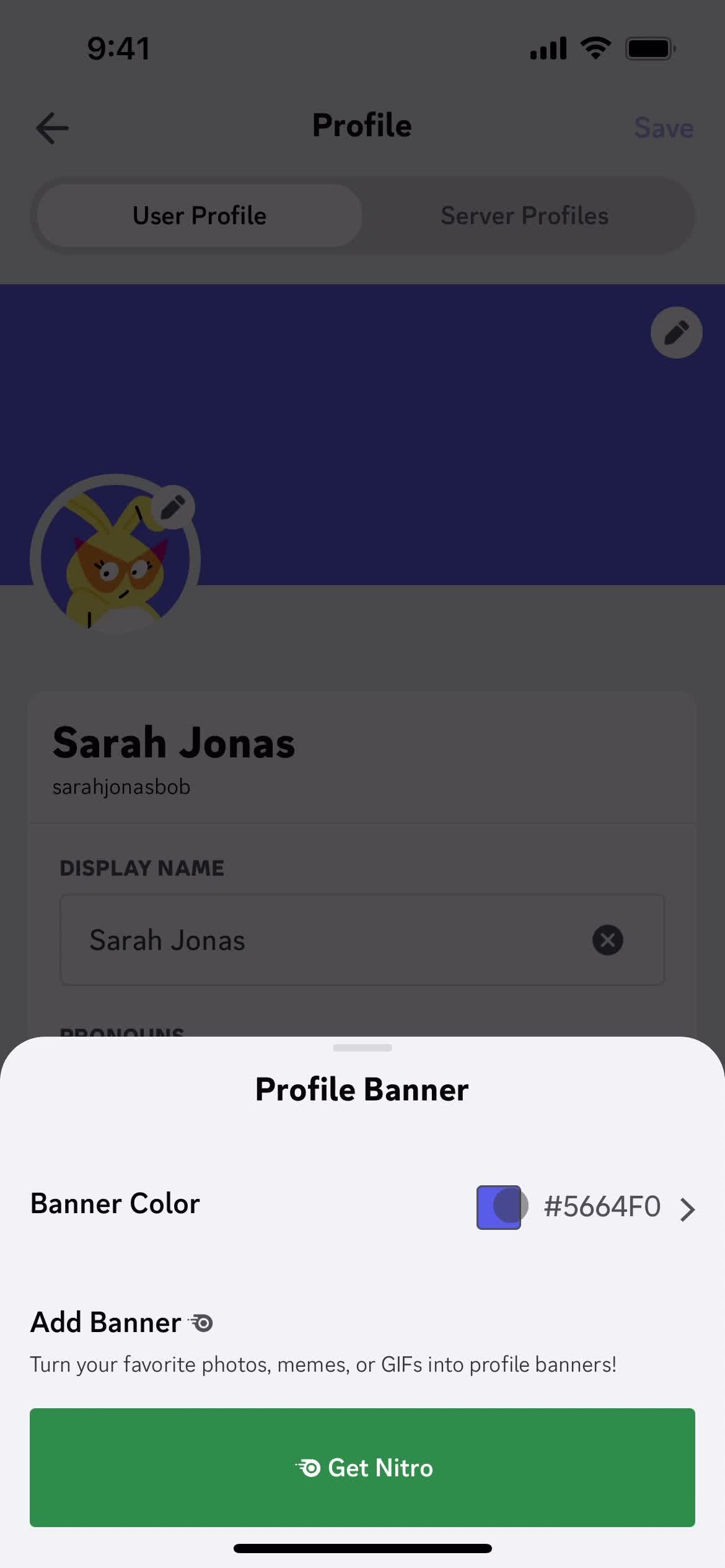
Create banner
this is title
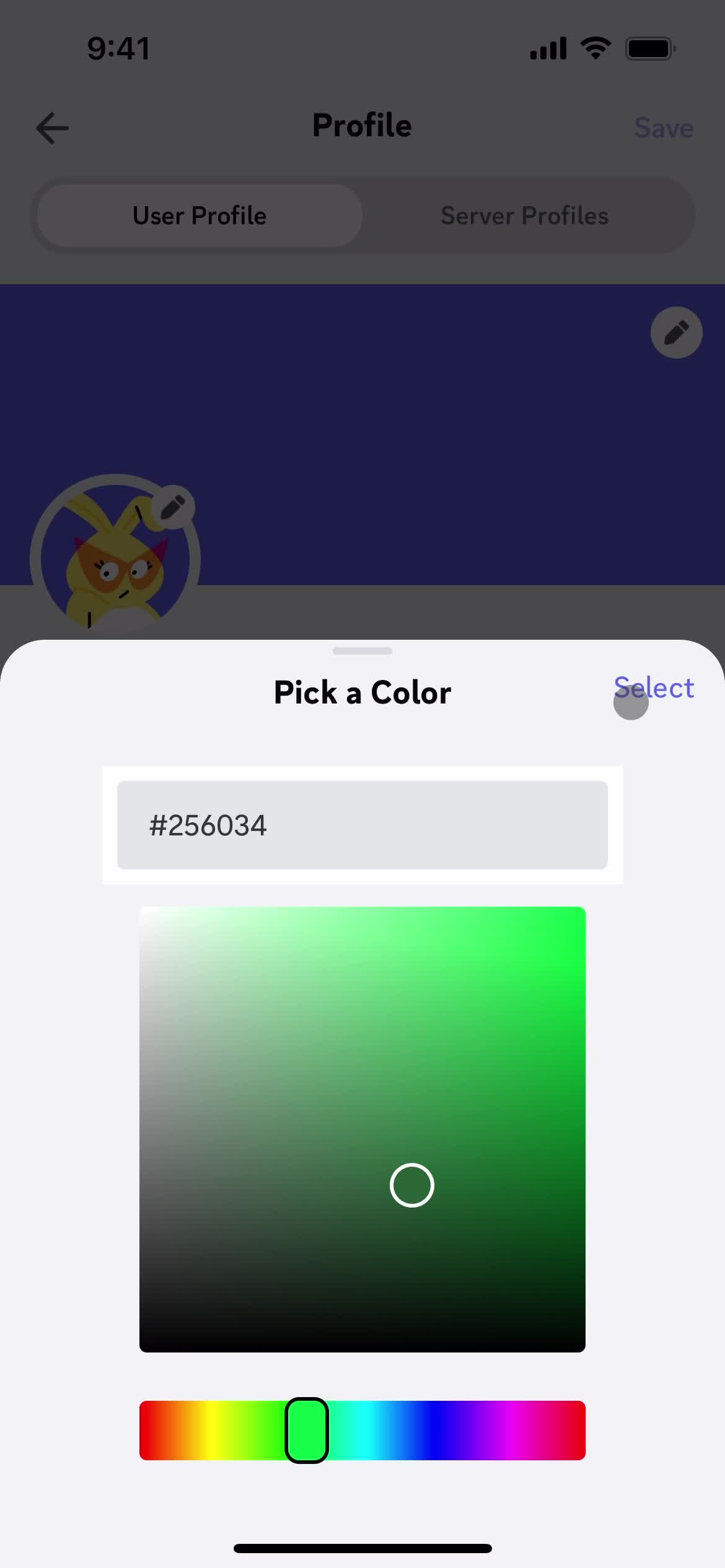
Set colors
this is title
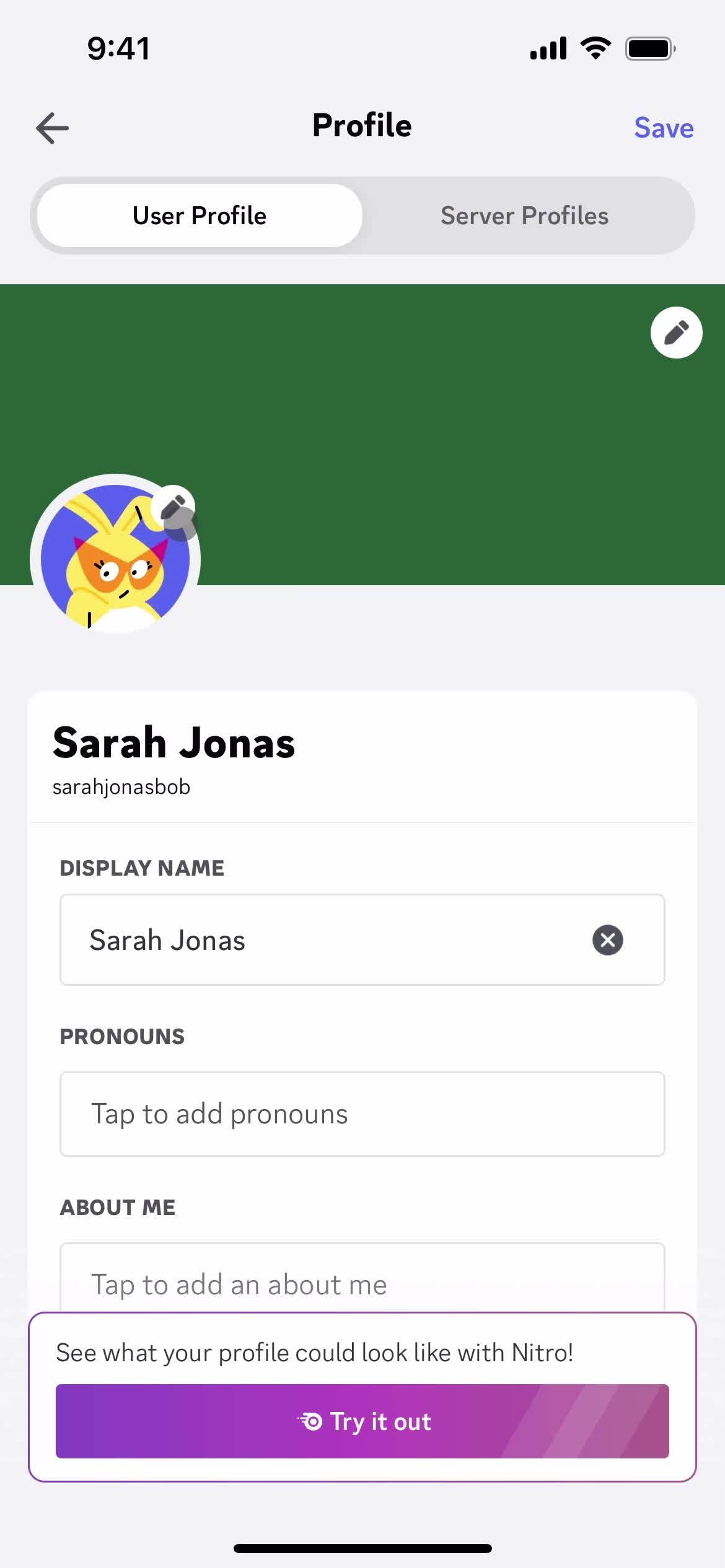
Edit profile
this is title
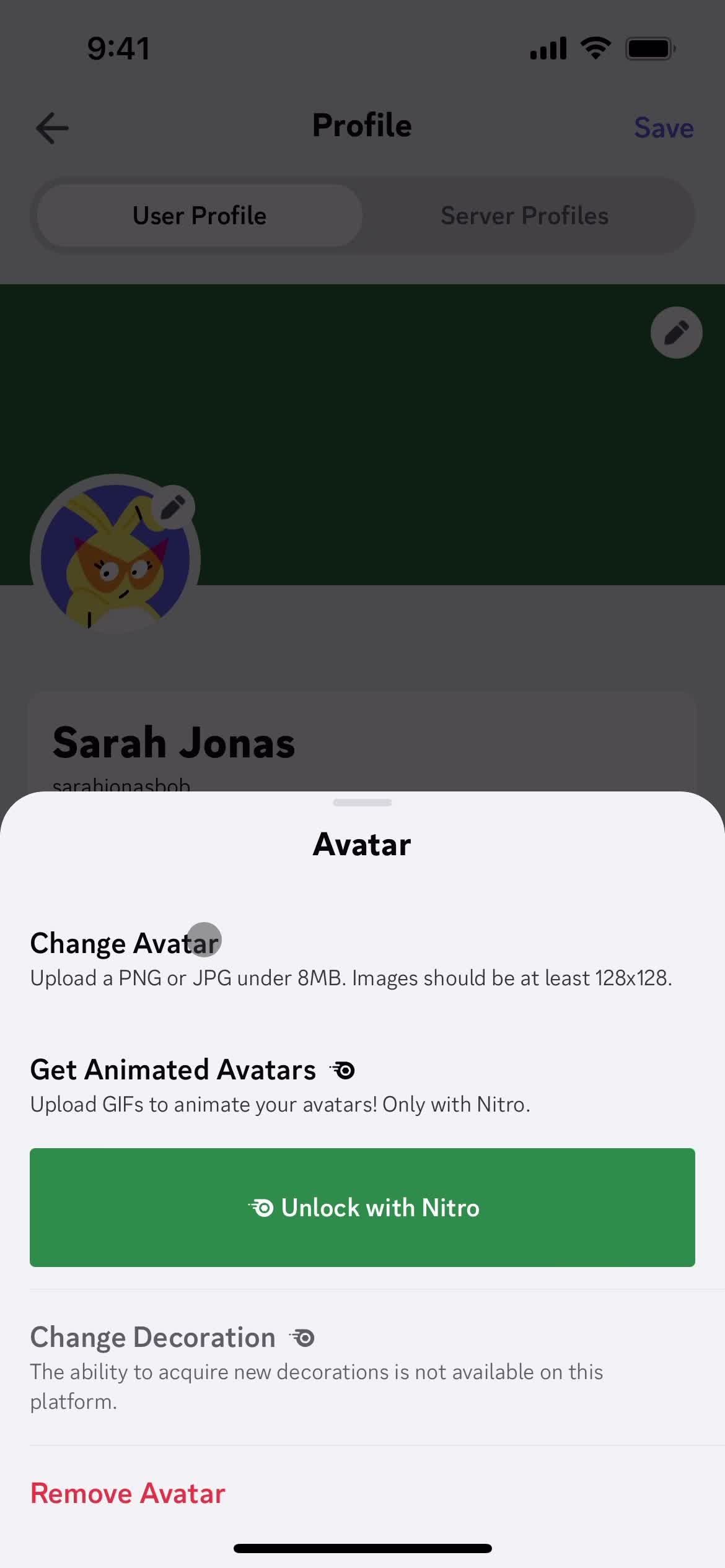
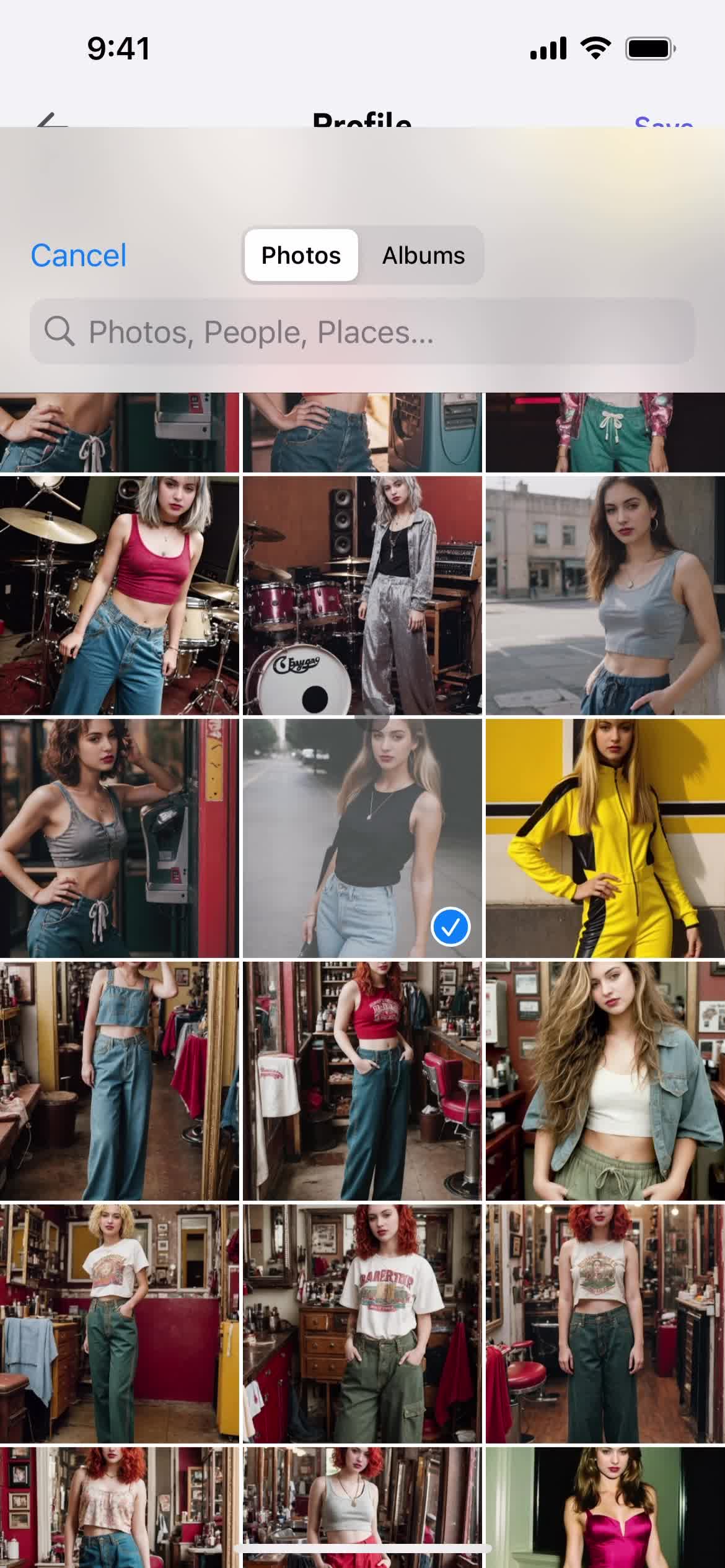
Choose avatar
this is title
this is title
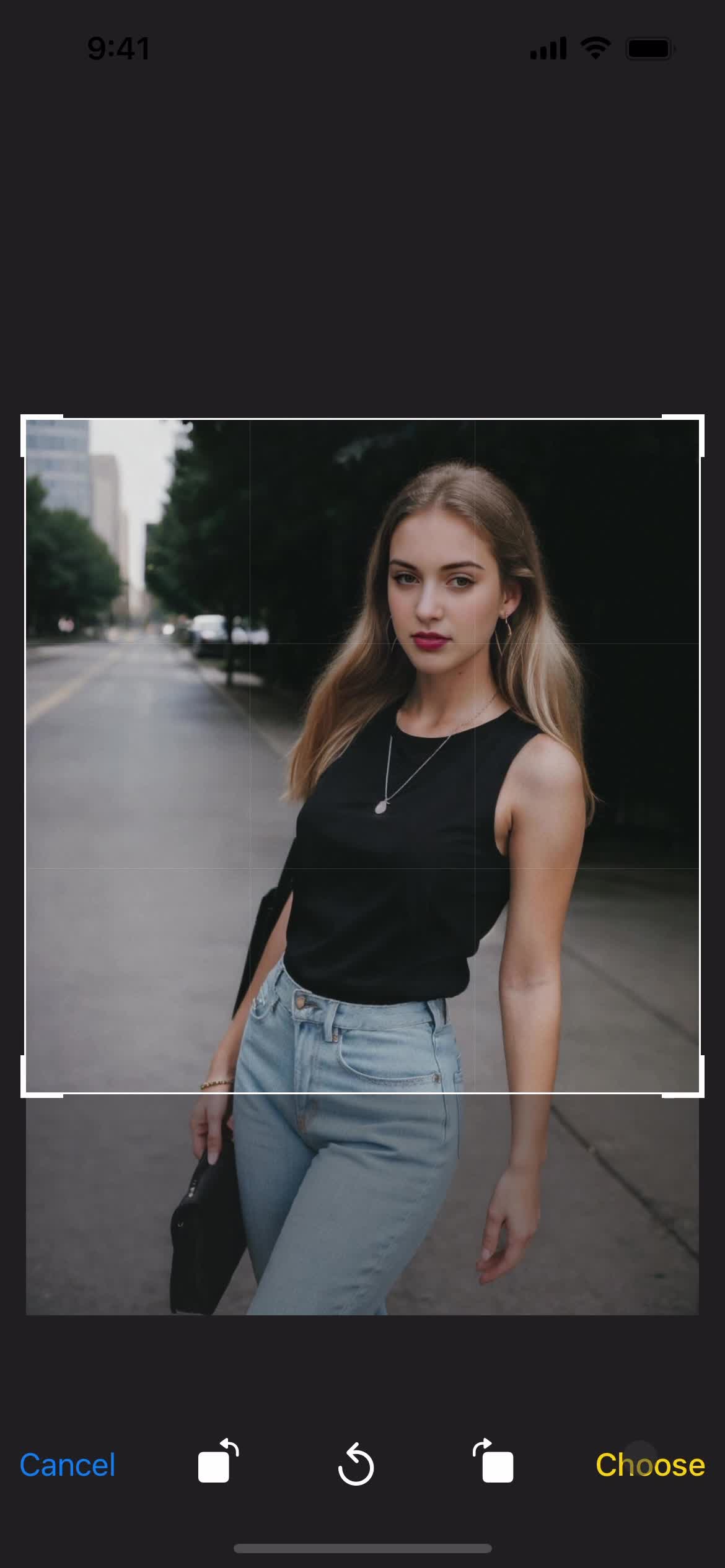
Crop image
this is title
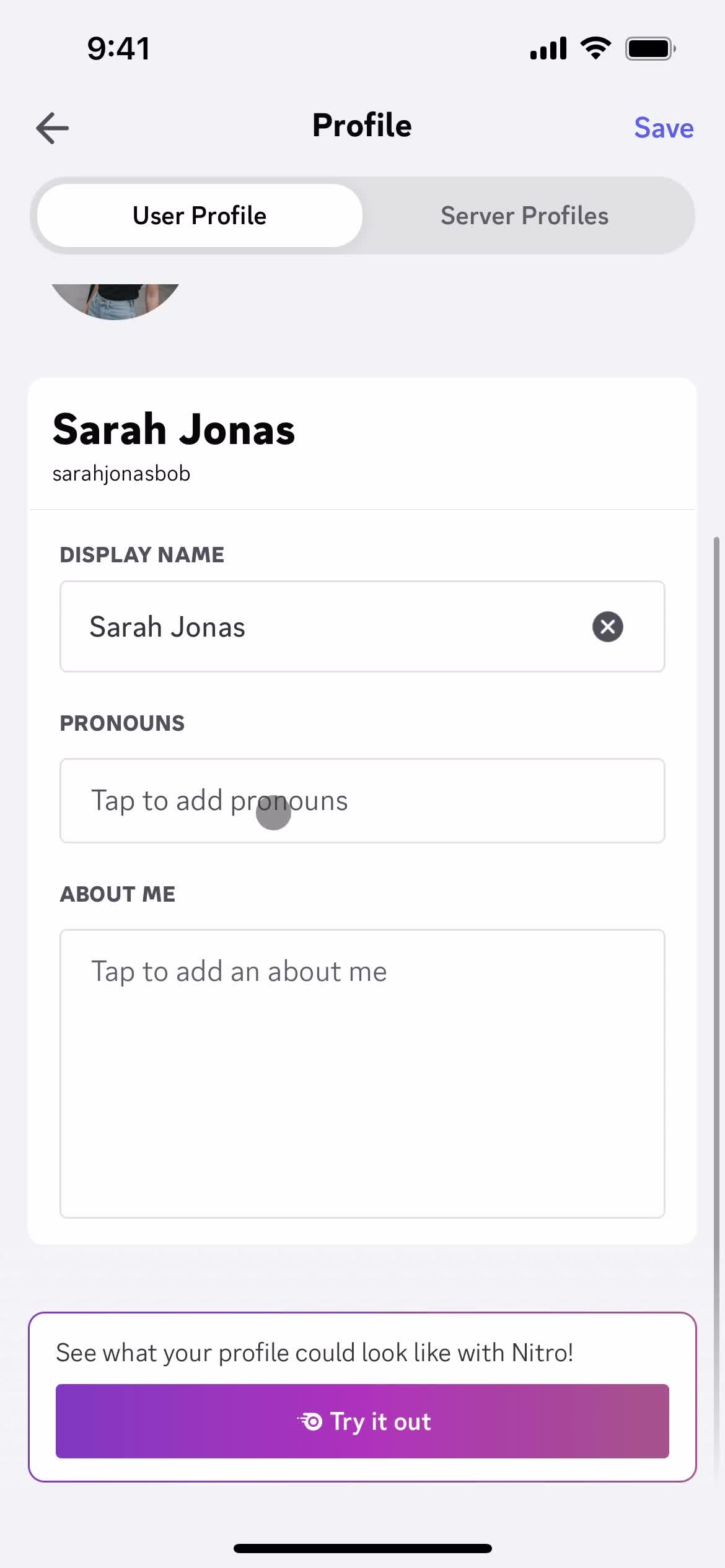
Edit profile
this is title
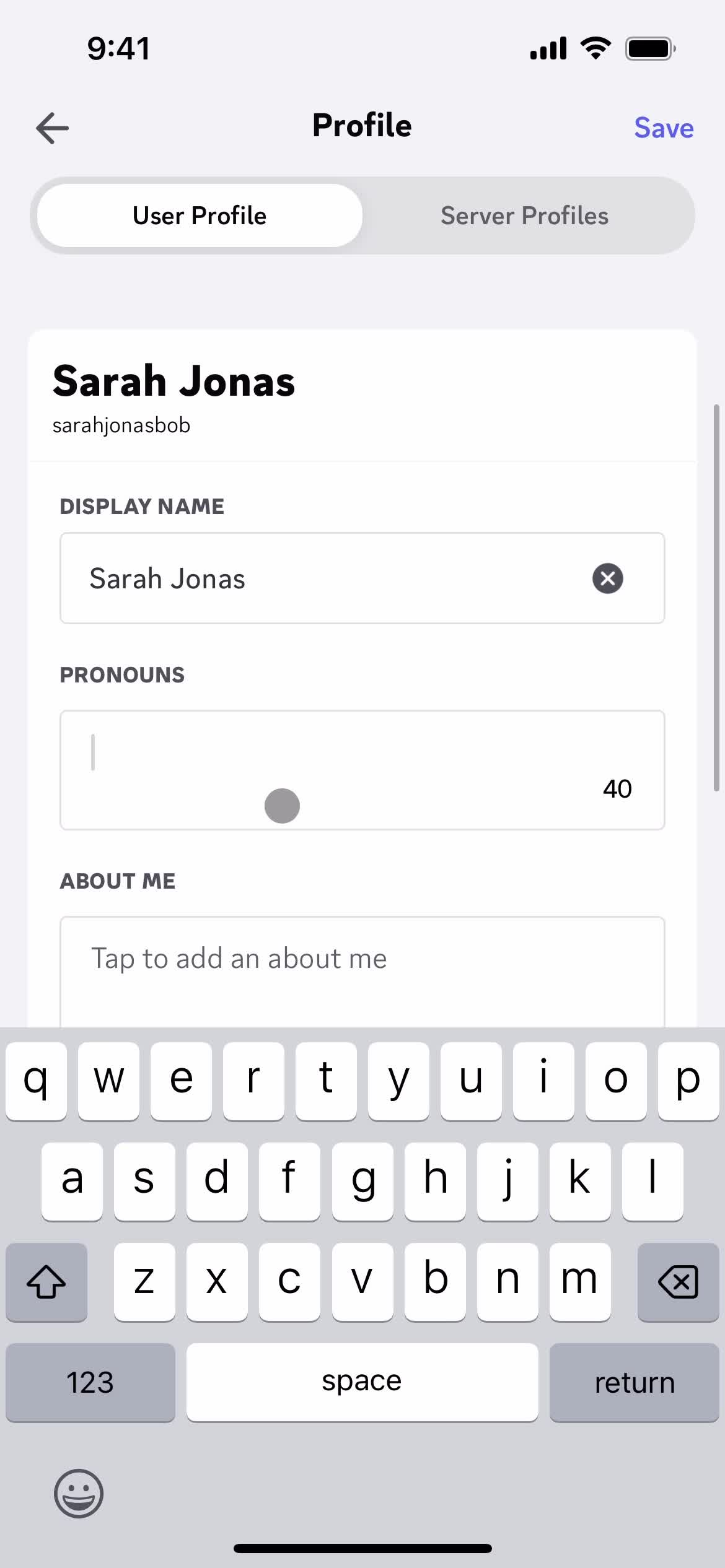
Set pronouns
this is title
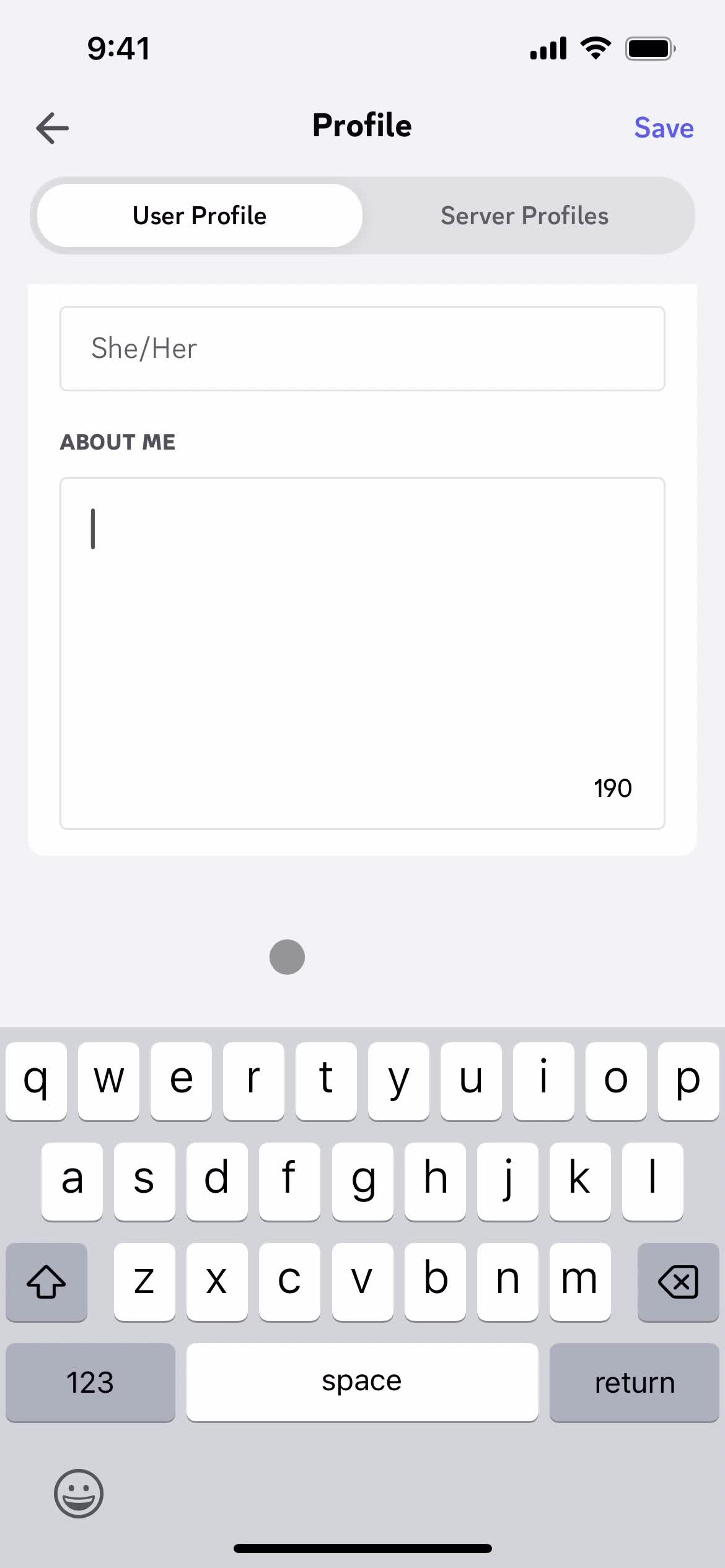
About you
this is title
this is title
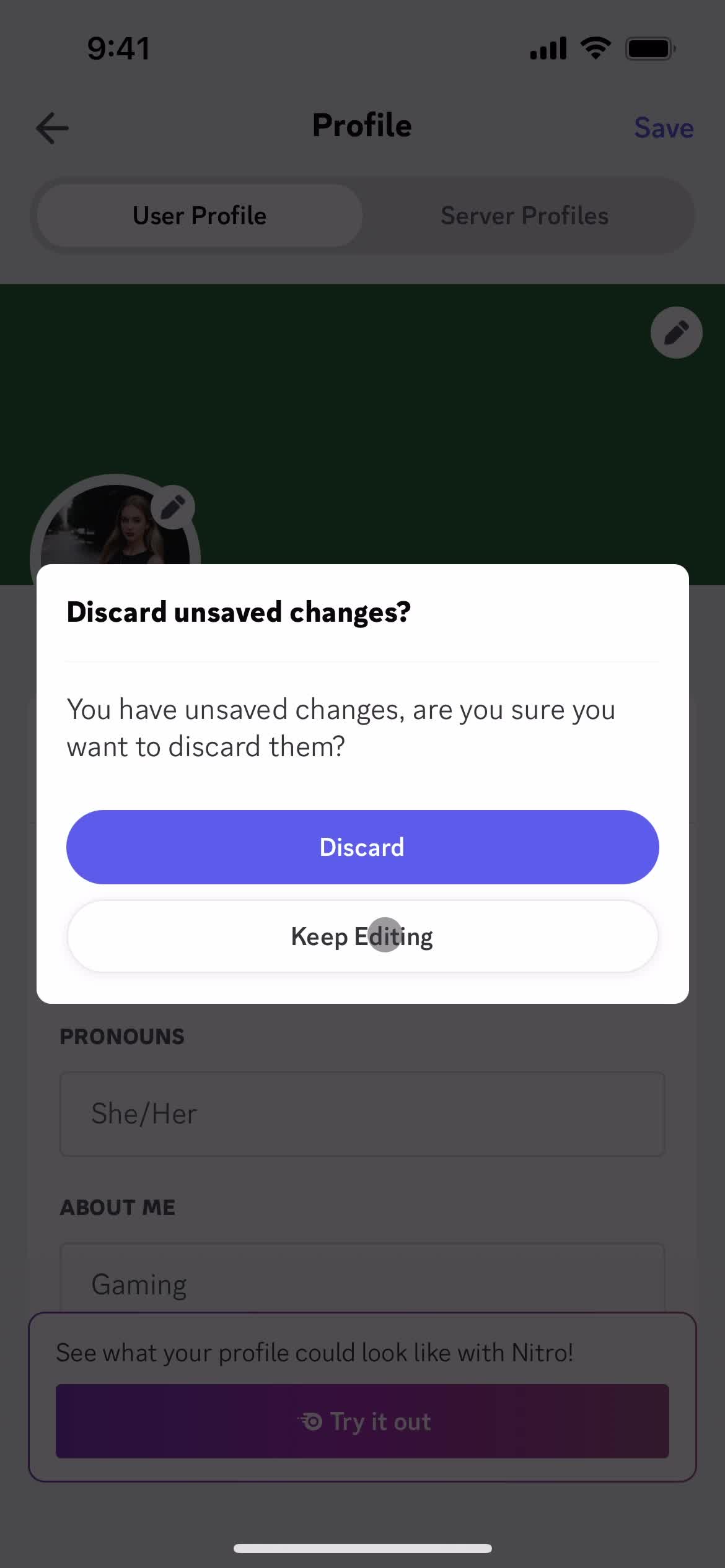
Discard changes
this is title
Save
this is title
Profile
this is title
Set status
this is title
Save
this is title
Profile
this is title
Settings
this is title
Account settings
this is title
Settings
this is title
Profile
this is title
Messages
this is title
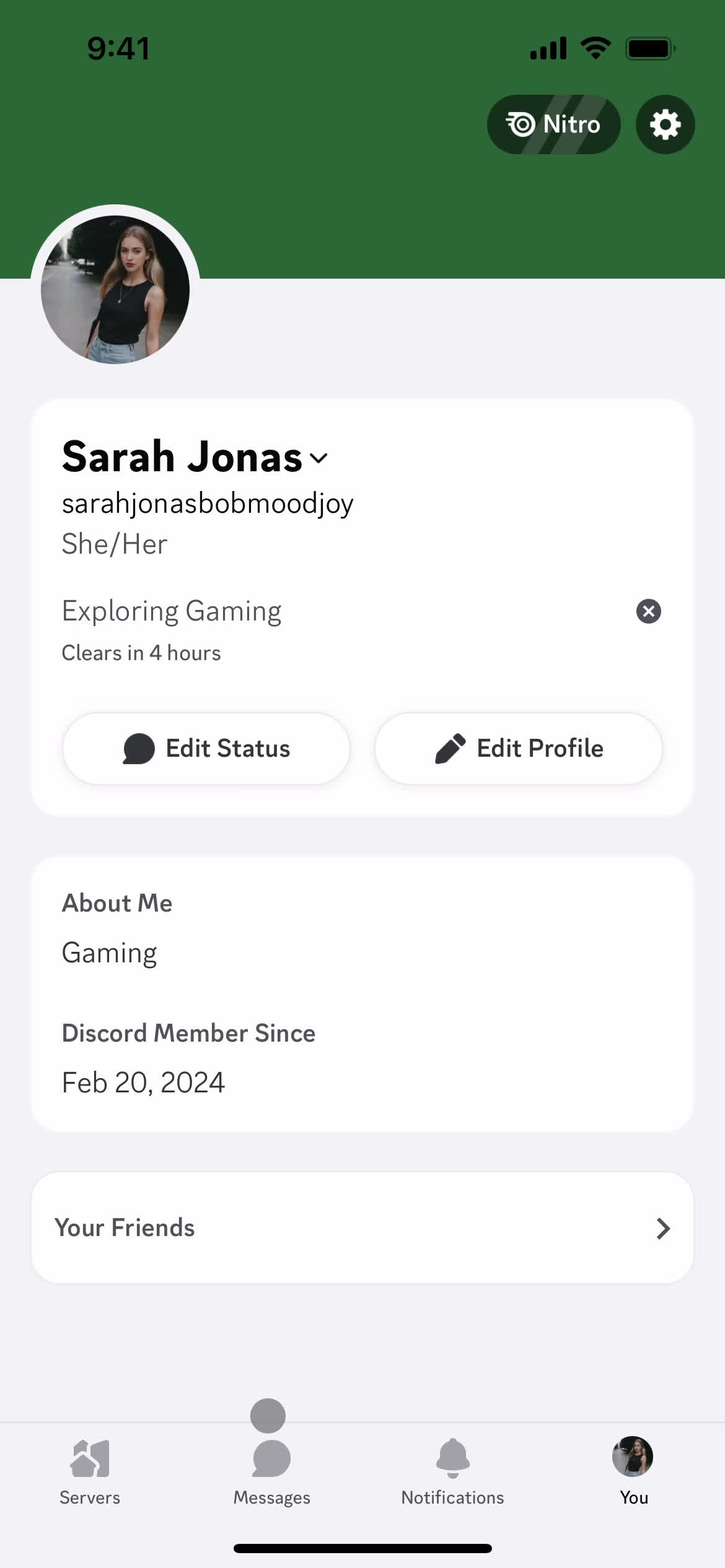
Account
this is title
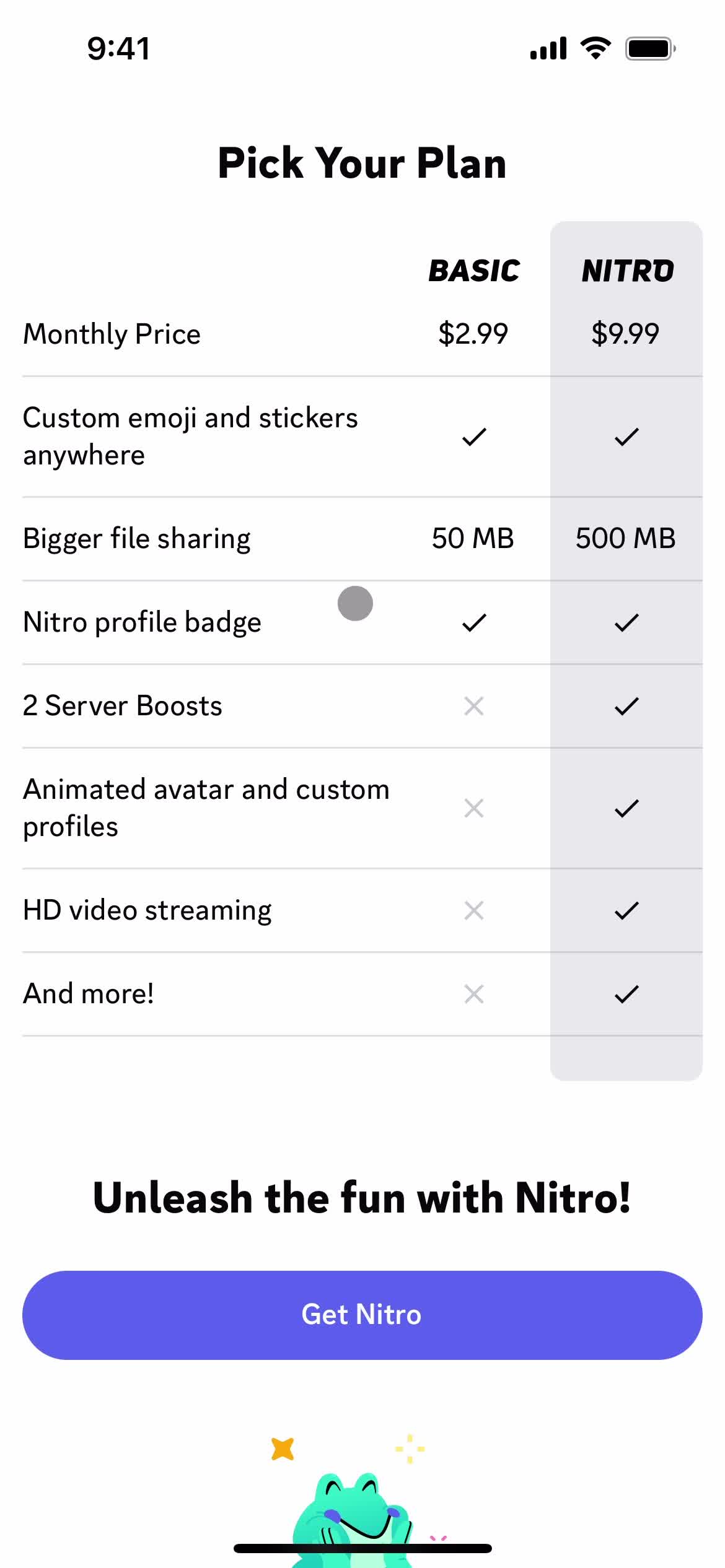
Upgrade plan
this is title
this is title
this is title
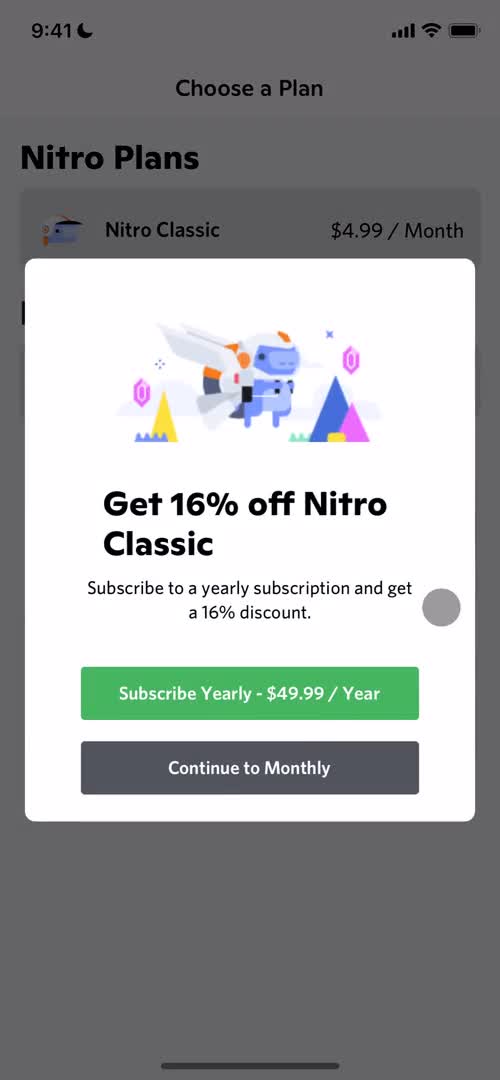
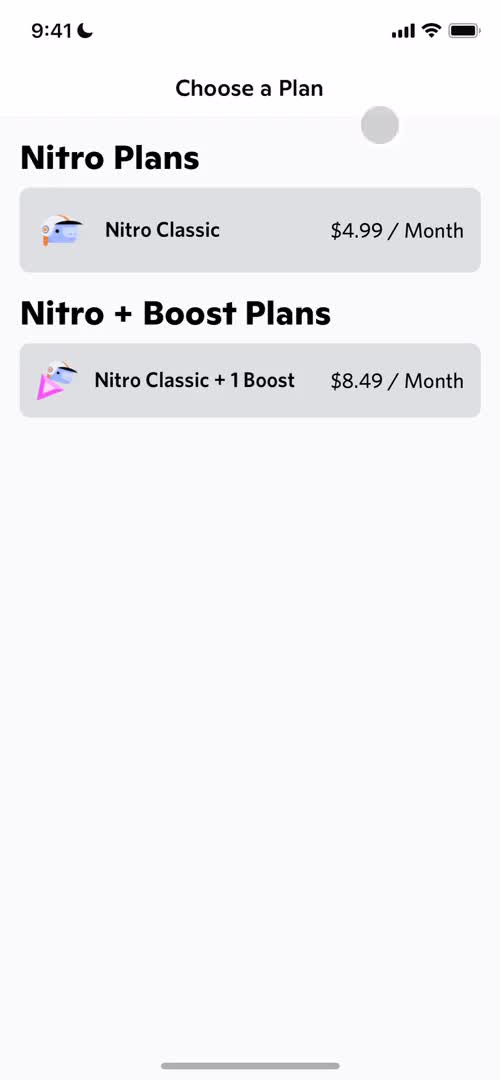
Select plan
this is title
Upgrade
this is title
Account
this is title
Channels
this is title
Account
this is title
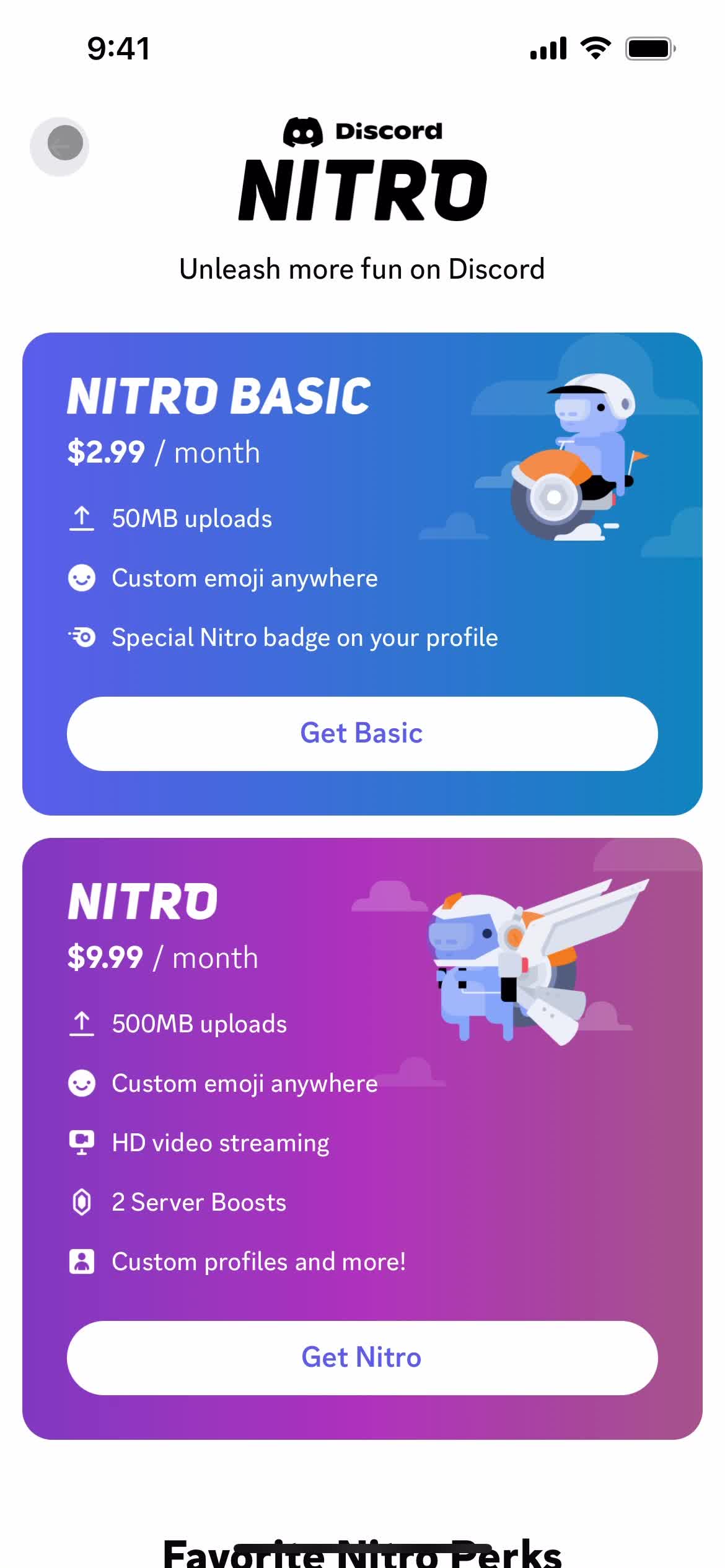
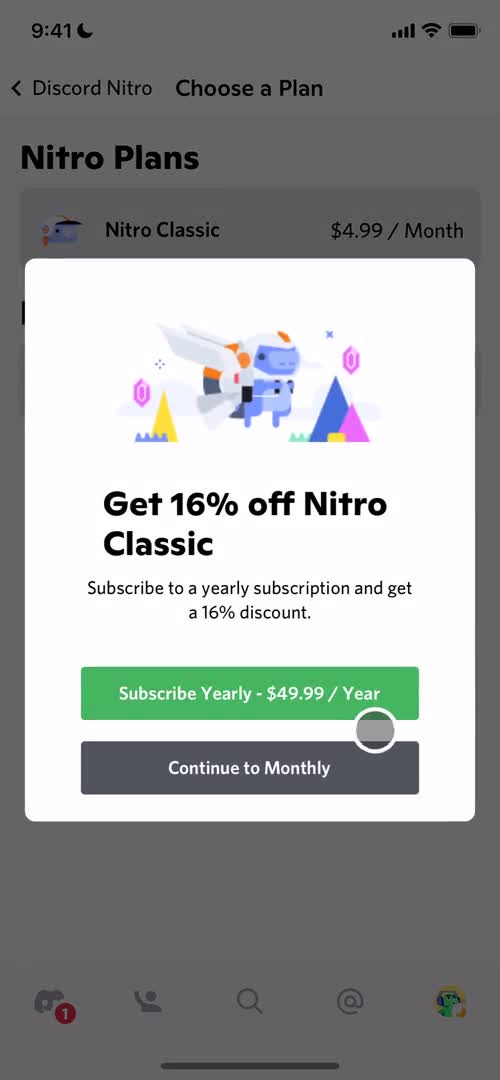
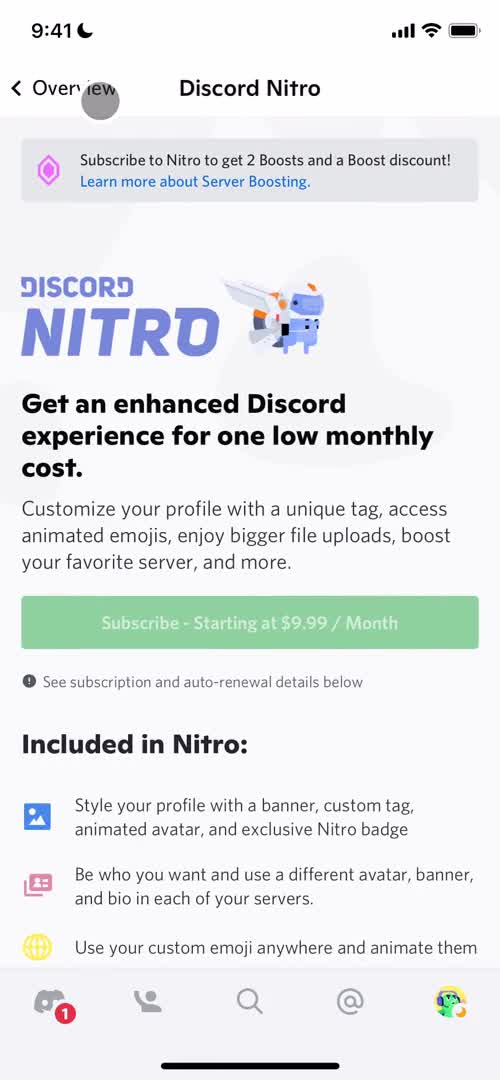
Upgrade
this is title
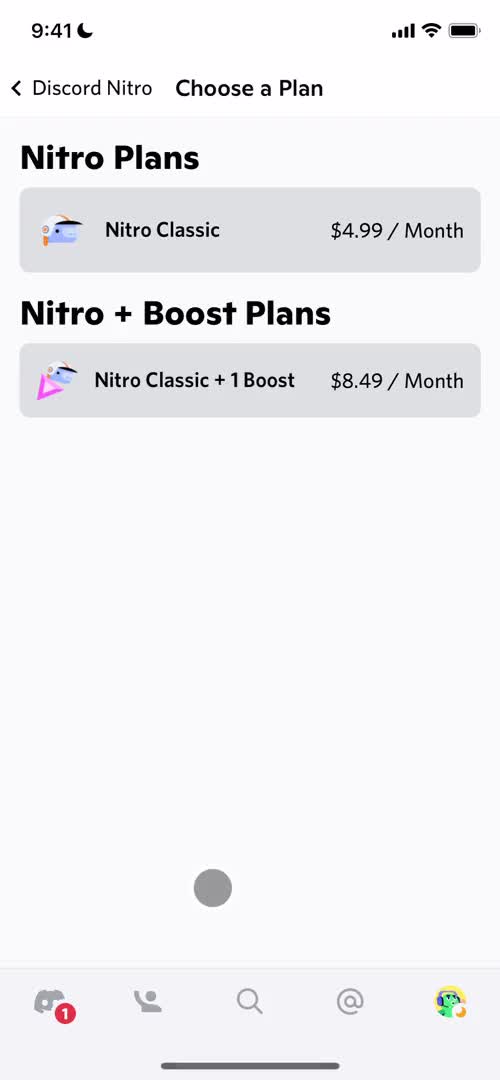
Select plan
this is title
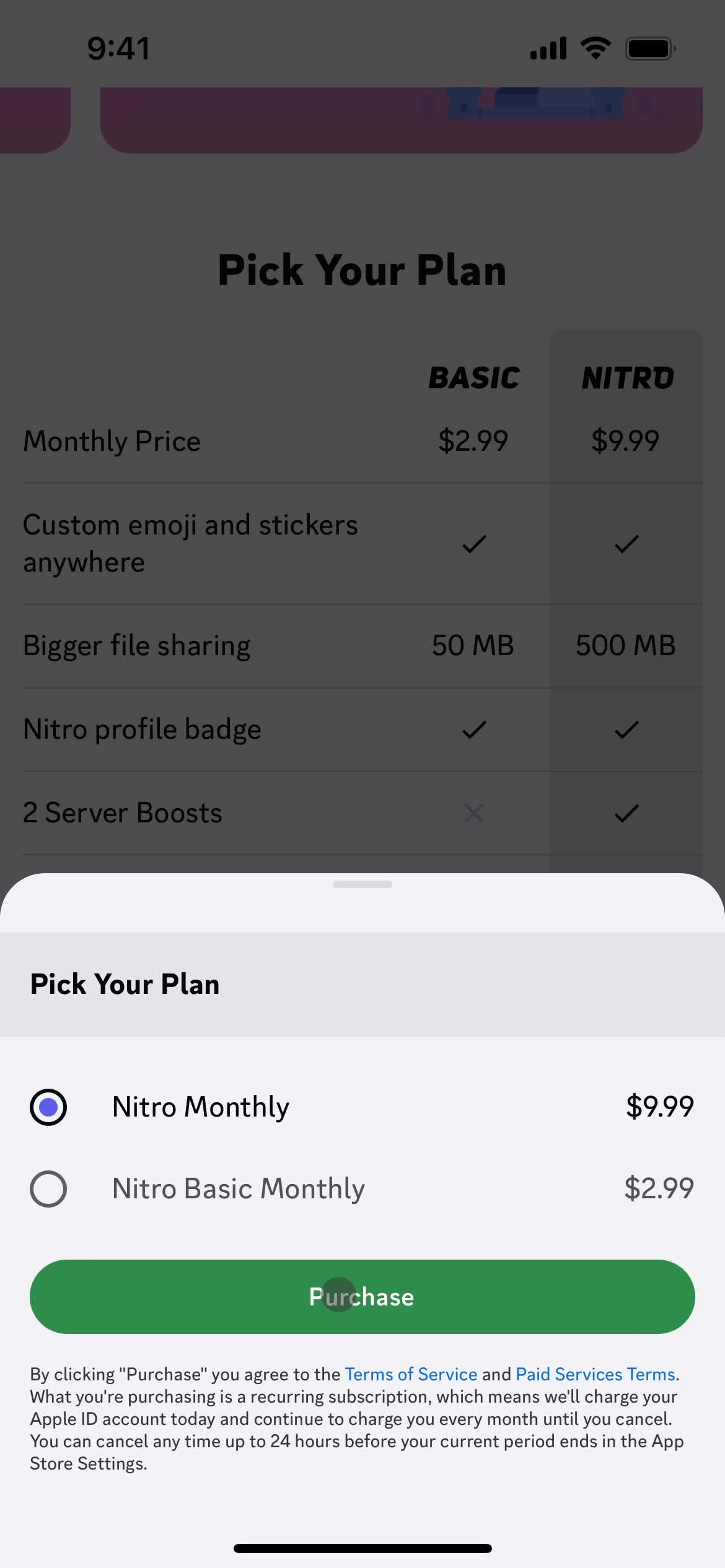
Confirm plan
this is title
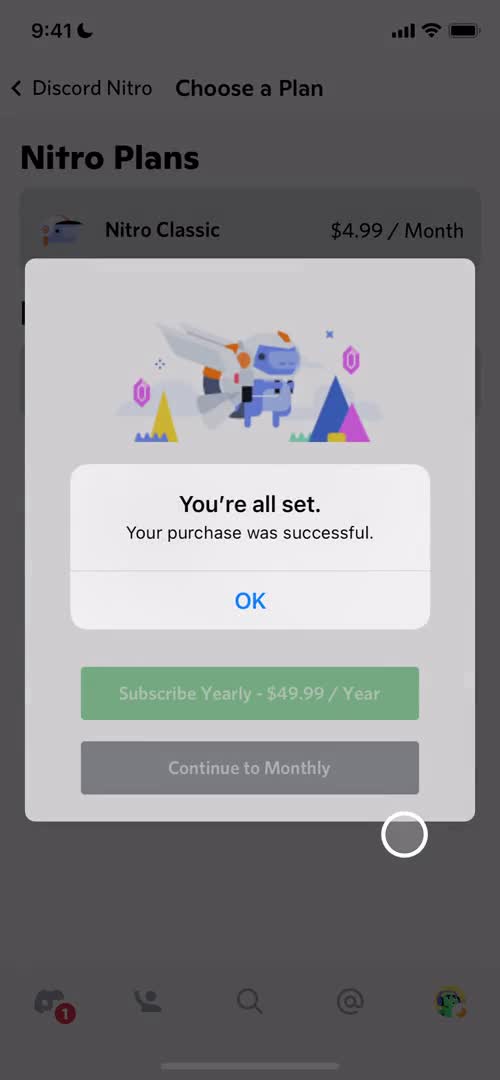
Purchase successful
this is title
Select plan
this is title
Upgrade
this is title
Account
this is title
Manage subscription
this is title