





























 Download all screens
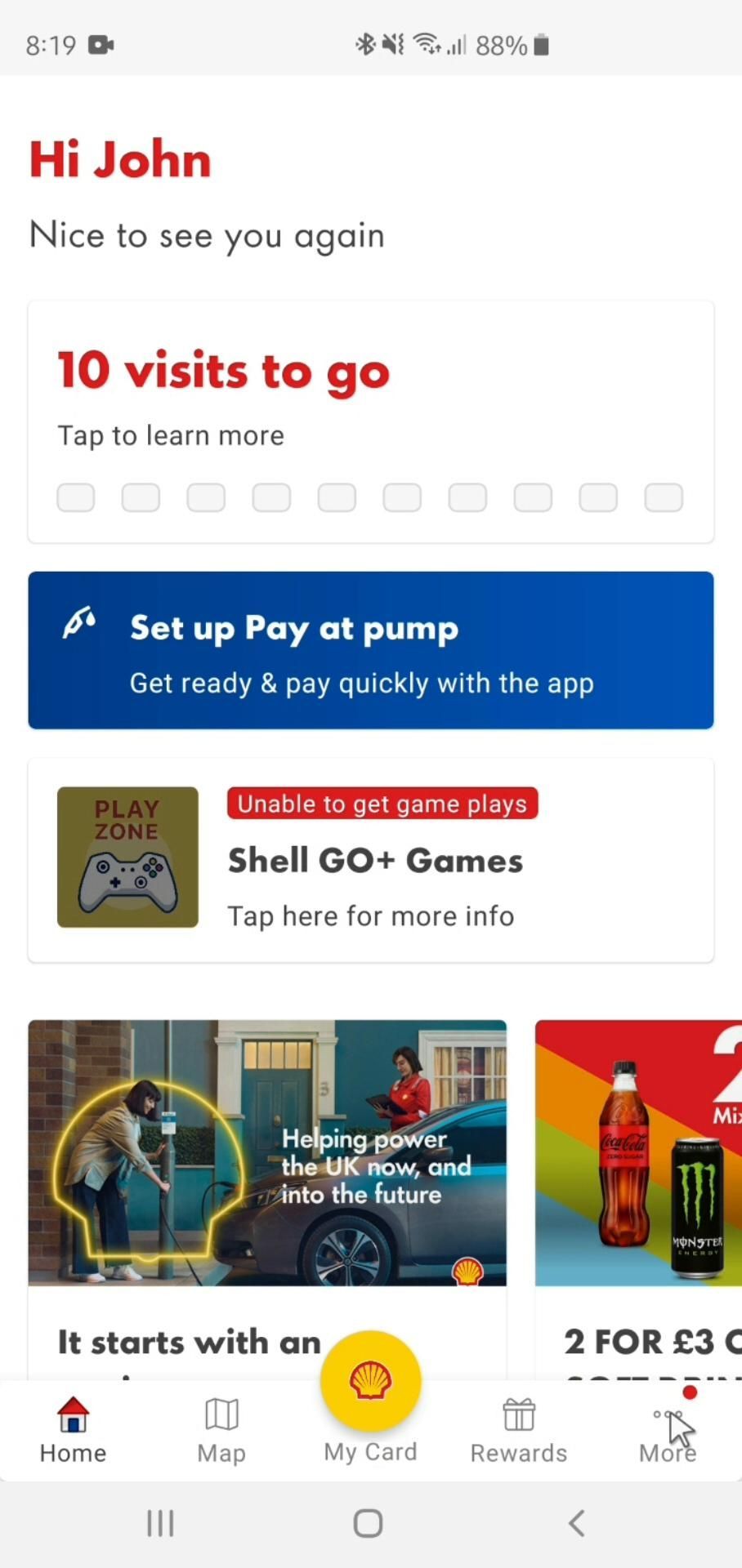
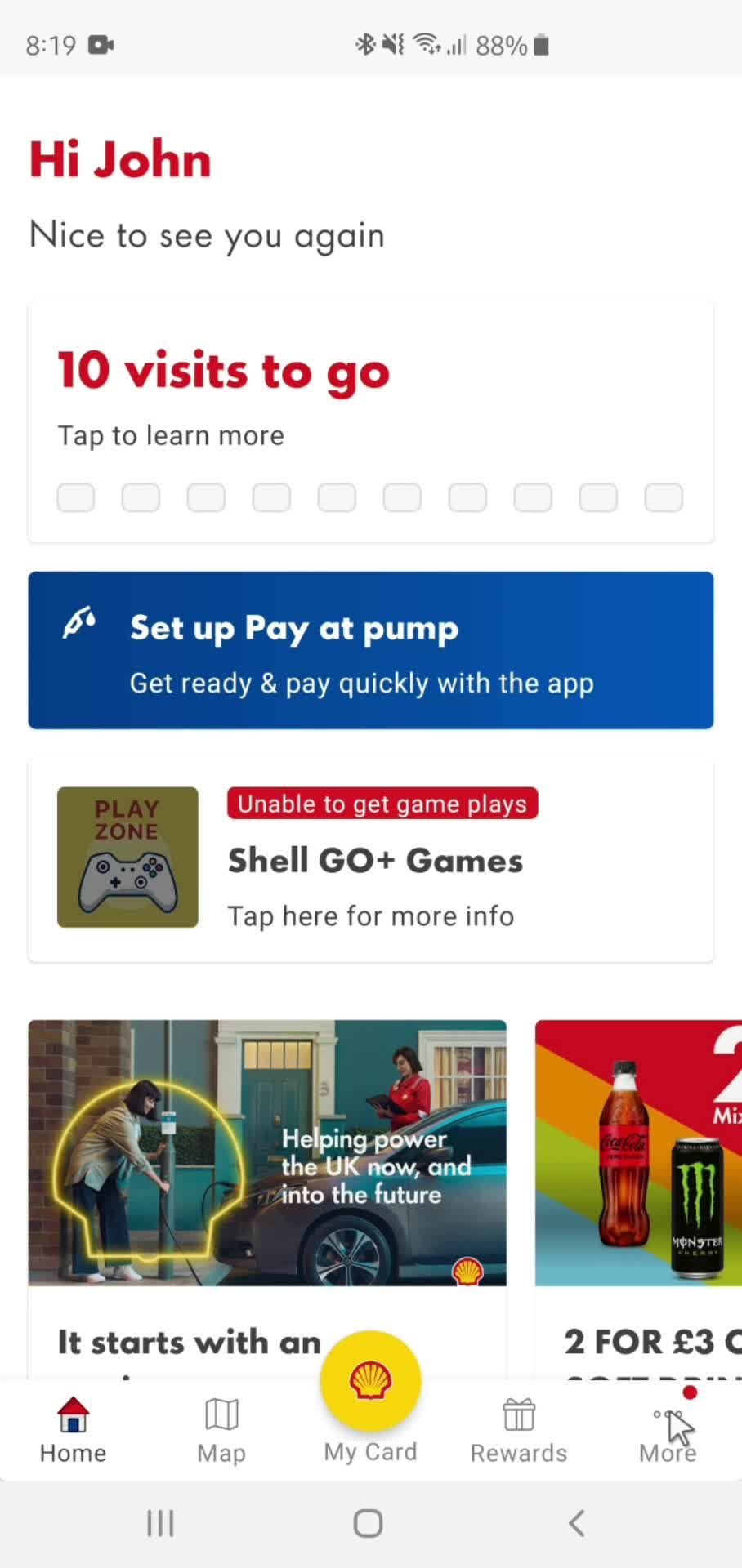
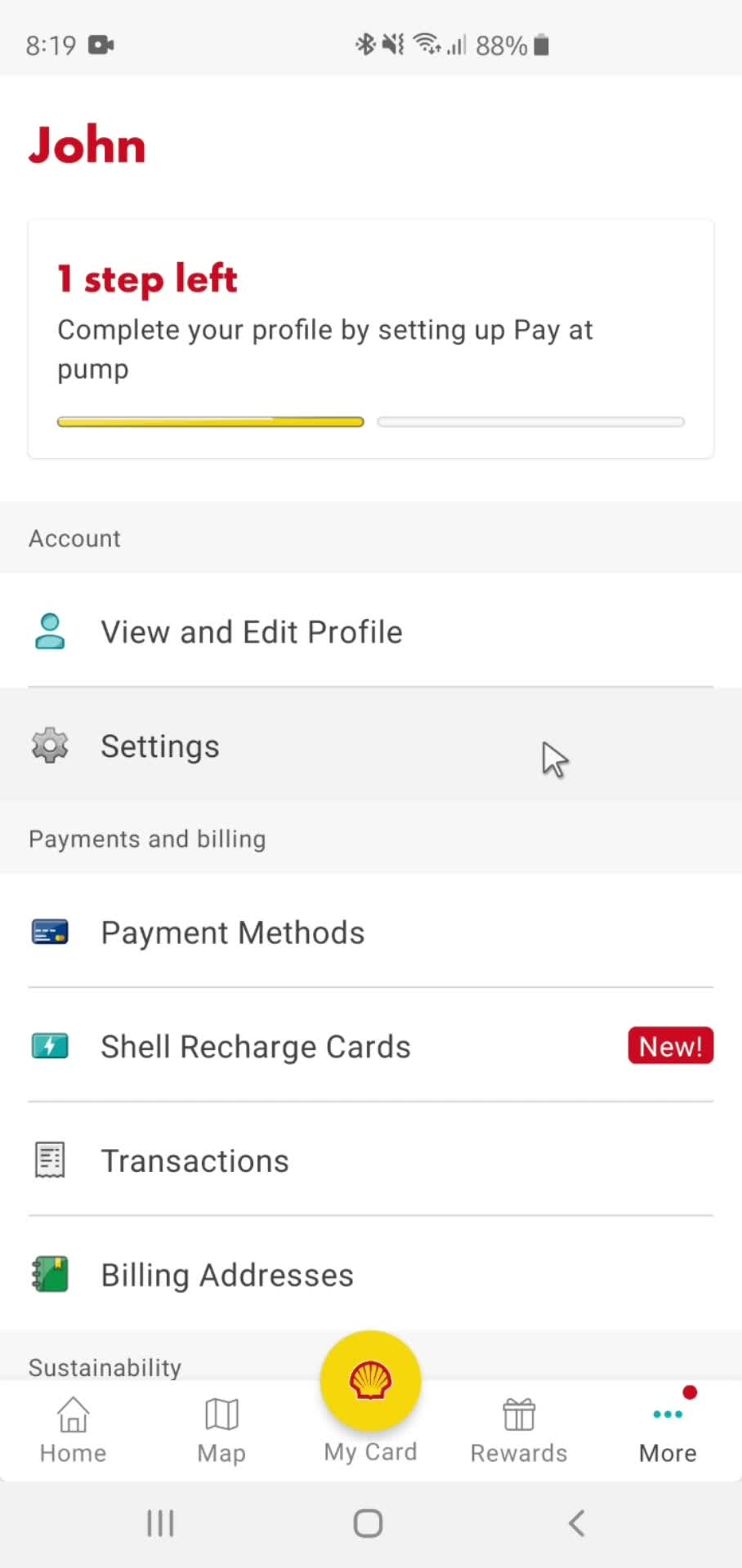
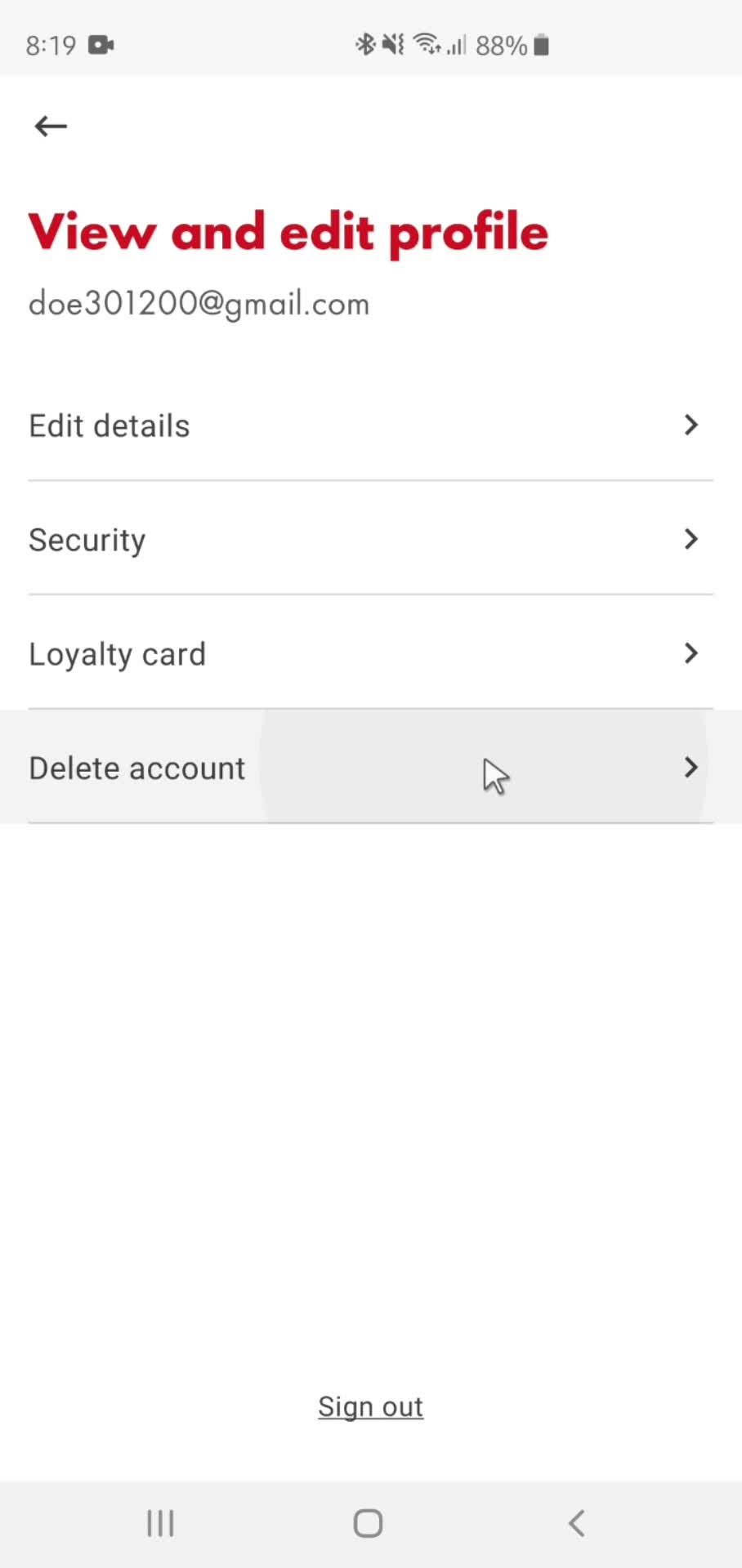
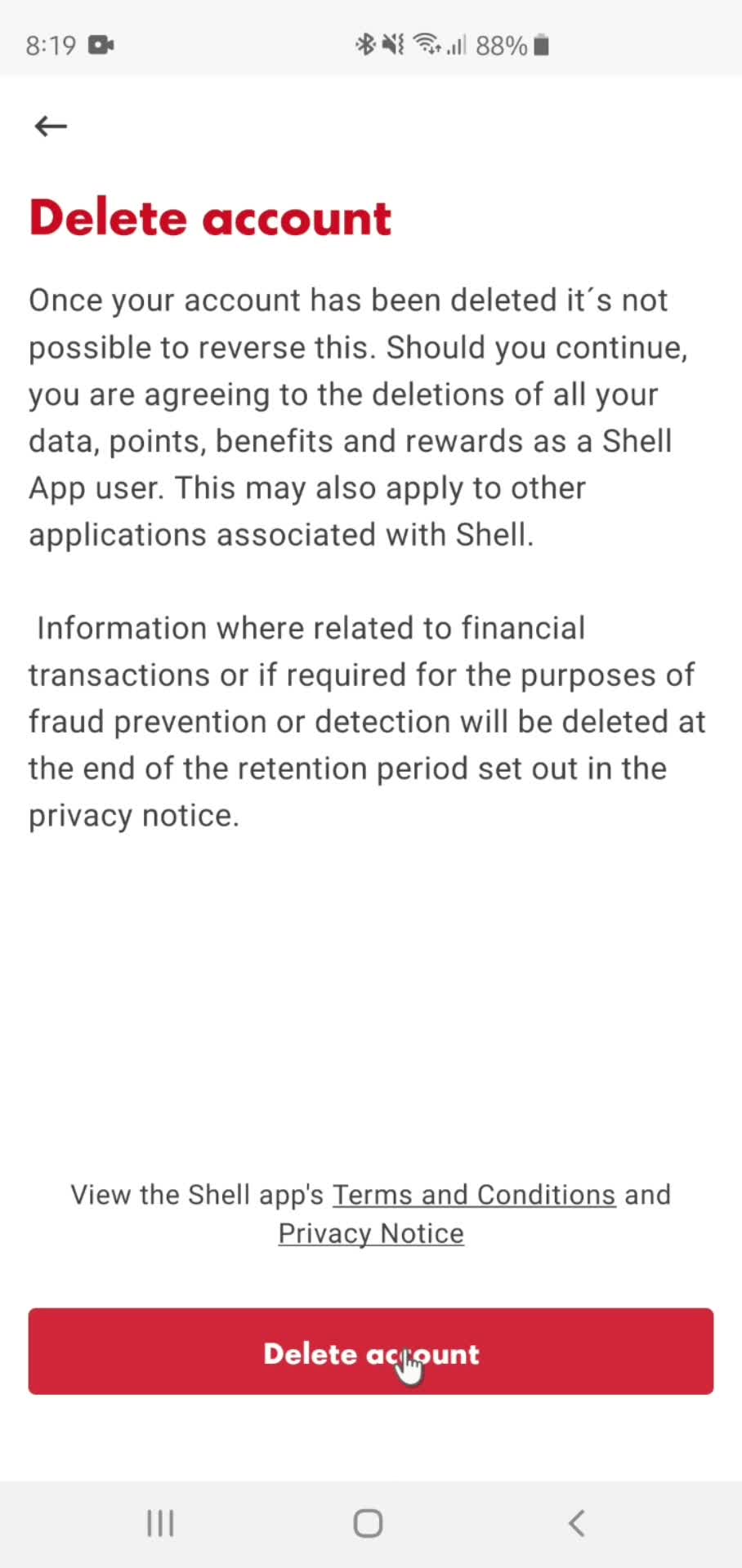
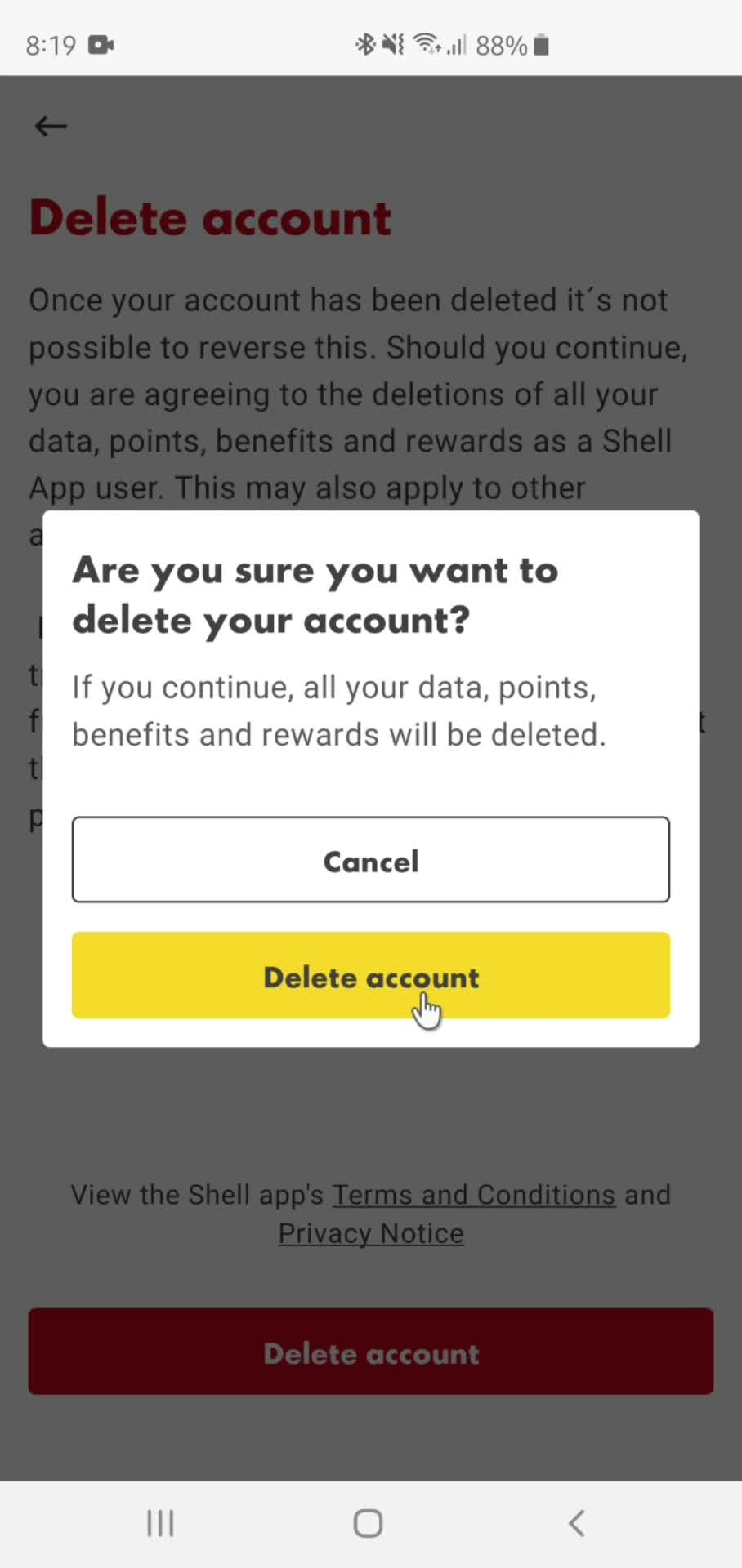
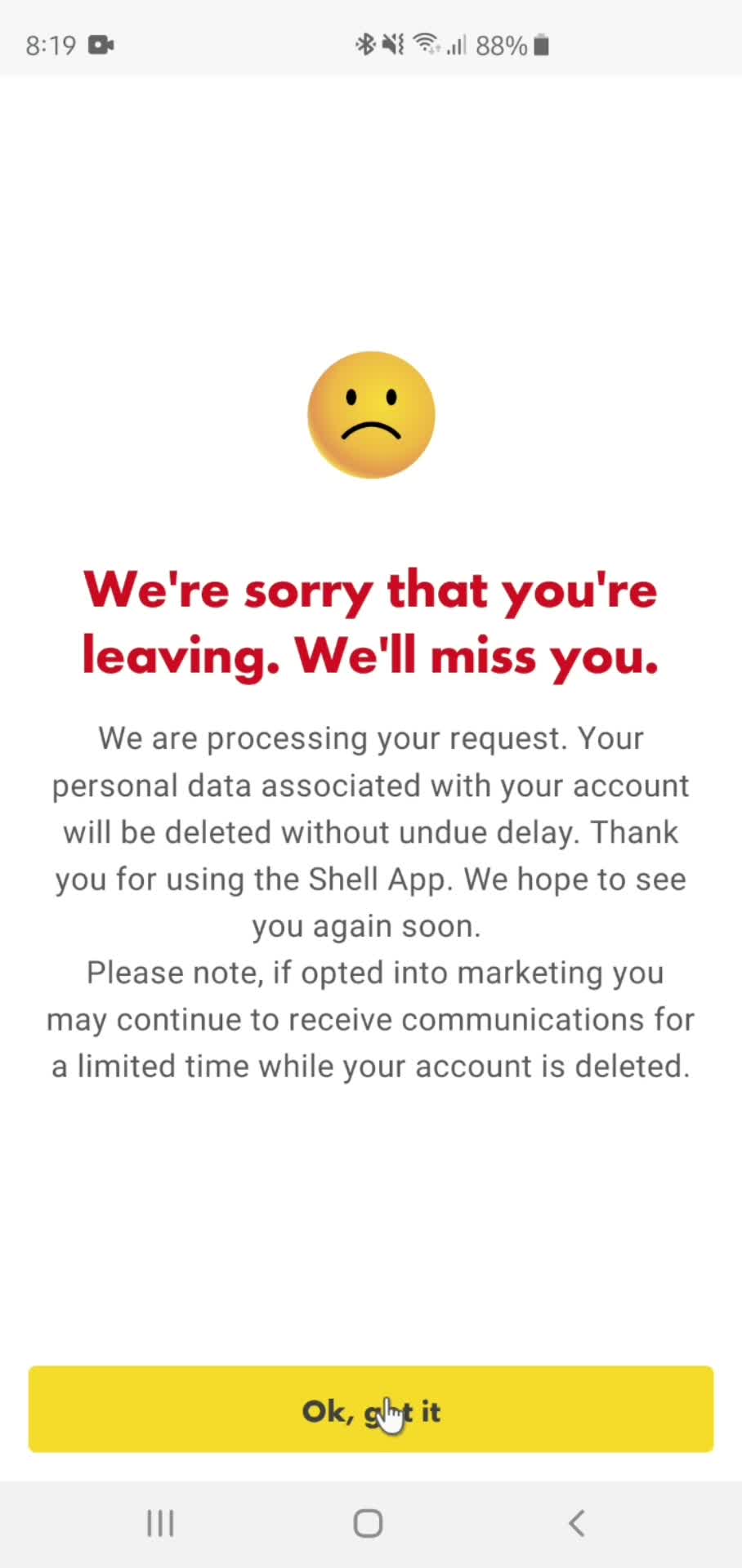



Shell Deleting your account Flow on Android — Full Recording
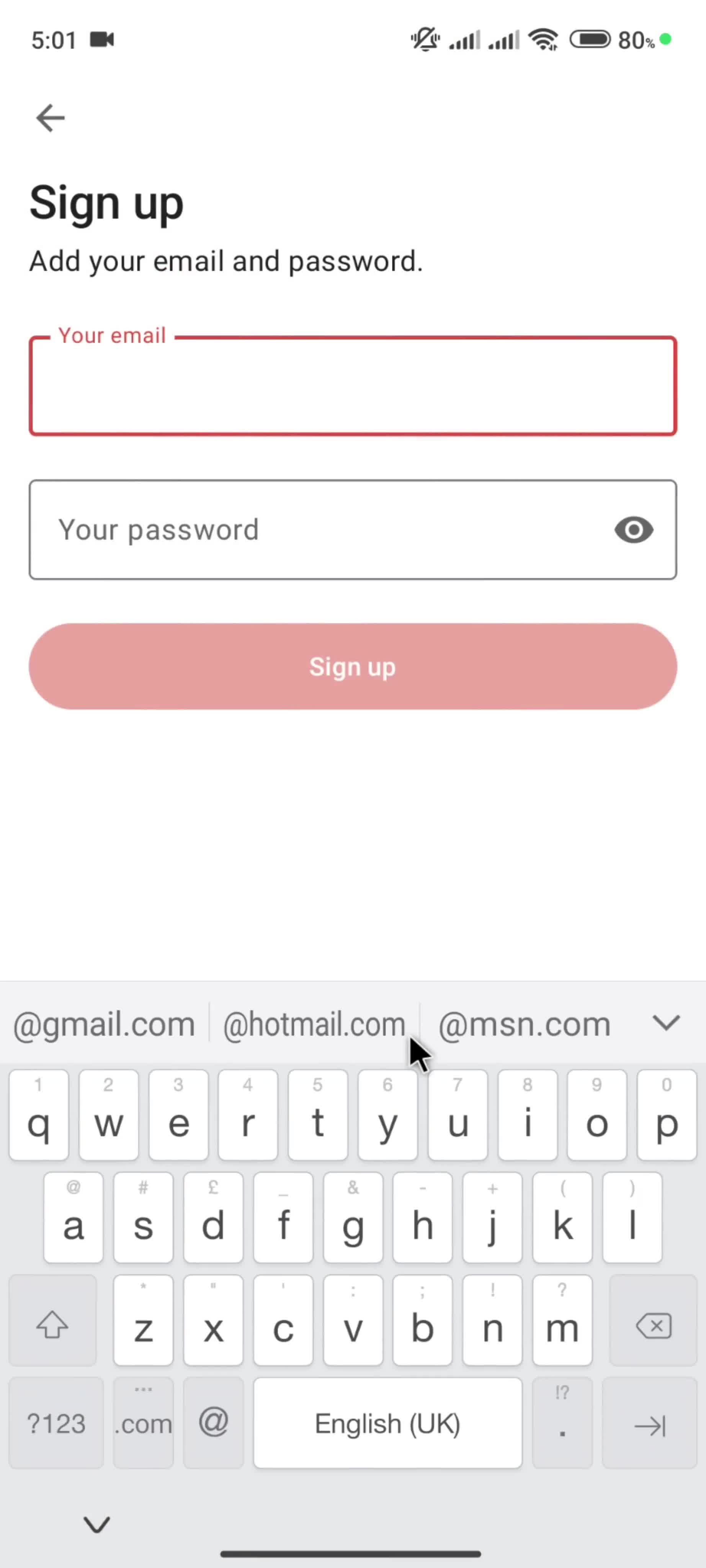
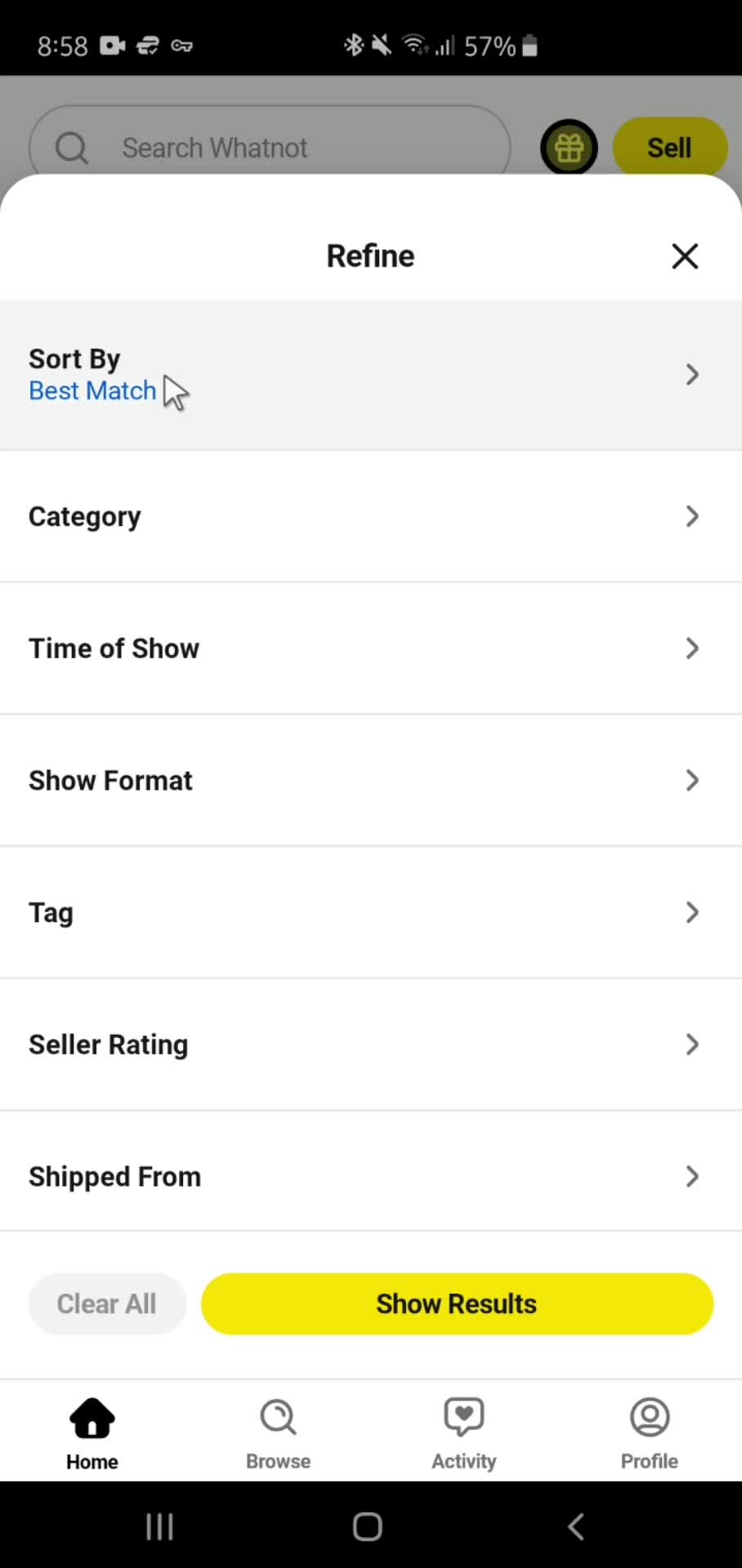
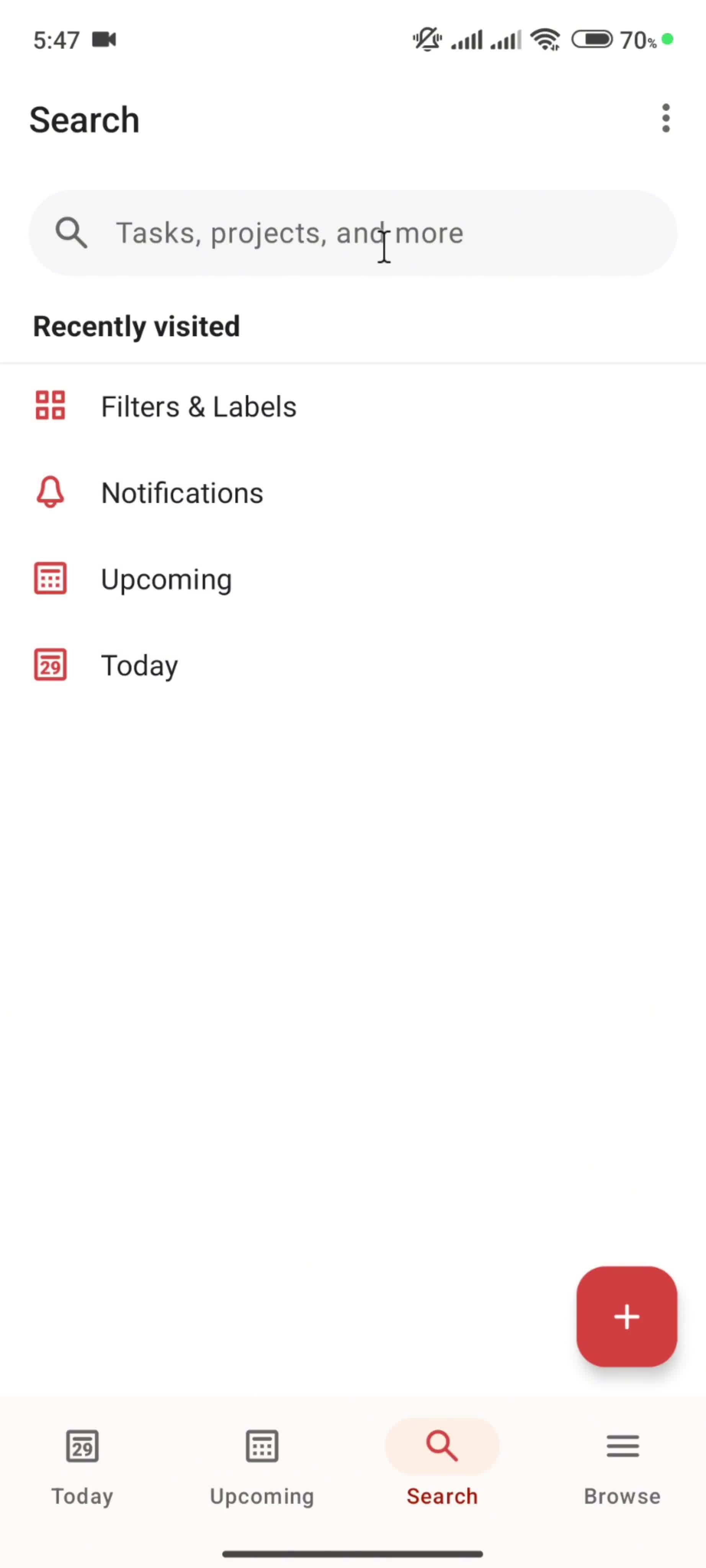
This recording documents the Deleting your account flow inside Shell on Android, captured from the live Google Play app. Unlike cropped screenshots or marketing videos, it preserves the full sequence — every screen, every transition, every design choice — so you can study the real user experience rather than a polished summary.
Android-Specific Design Decisions in Shell
Android Deleting your account flows often differ meaningfully from their iOS counterparts: back-button handling, Material Design patterns, system-level behaviors, and device considerations all shape the experience. Studying Shell's Android Deleting your account specifically helps you understand how the brand has adapted for Google Play users rather than assuming the iOS version translates directly.
Research Value for Shell Benchmarking
This is a focused reference for designers researching Deleting your account patterns on Android, PMs benchmarking against Shell, or researchers building competitive analyses. Every detail is preserved in the recording, giving you evidence rather than impressions.
Frequently Asked Questions
How is the Shell Android Deleting your account flow different from iOS?
Android versions typically use Material Design components, different navigation patterns, and back-button behaviors that don't exist on iOS. If Shell is also in our iOS library, you can directly compare the two versions.
What device was the Shell Deleting your account flow recorded on?
Android flows are typically captured on recent Pixel devices to show stock Android behavior. The patterns apply broadly across manufacturers.
Can I compare Shell's Deleting your account flow to competitors?
Yes. Visit the Android Deleting your account flows category to see Shell alongside other apps that have implemented the same flow type.
How current is the Shell Android recording?
Recordings are updated as Shell ships significant redesigns, so the Deleting your account flow reflects the current Android experience rather than an old version.