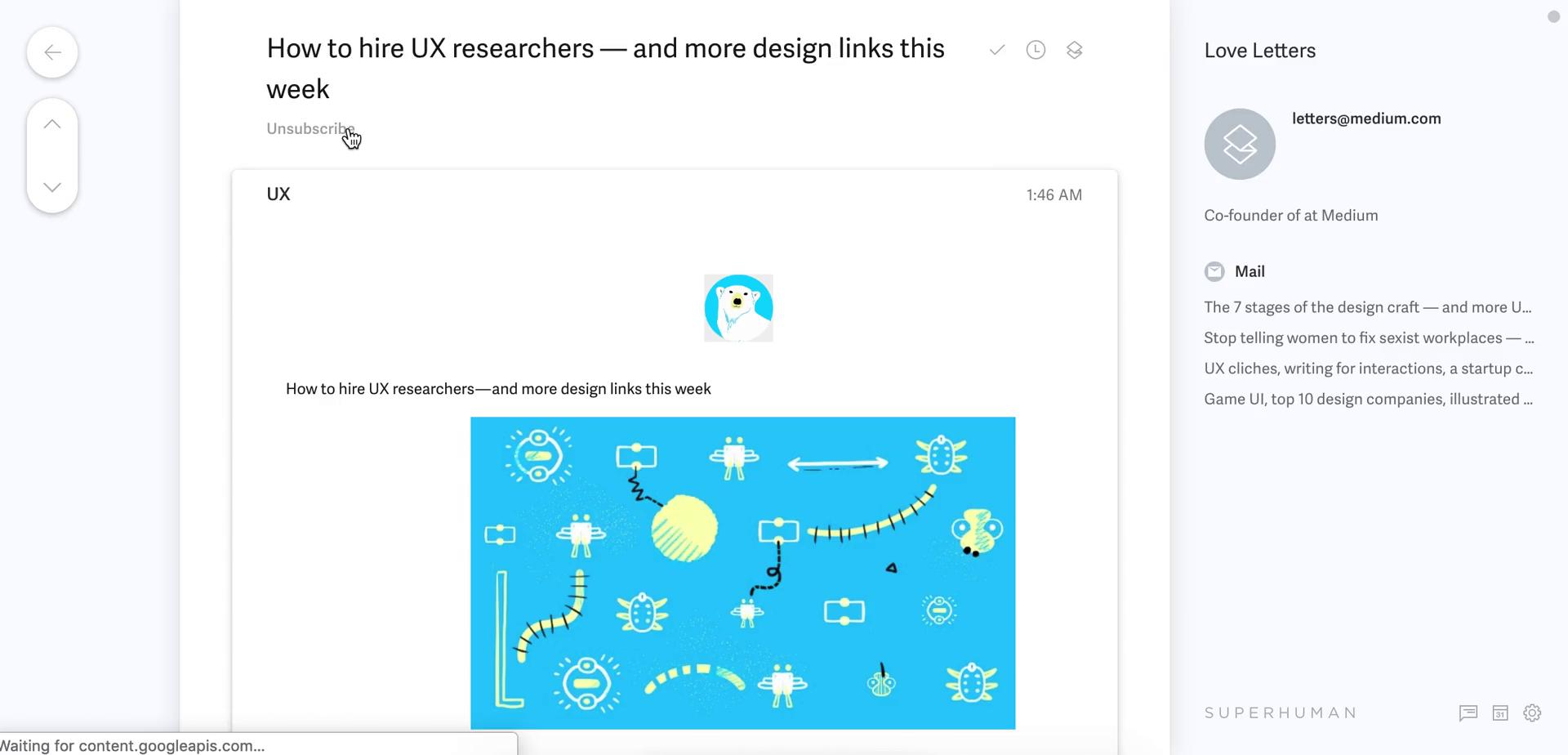
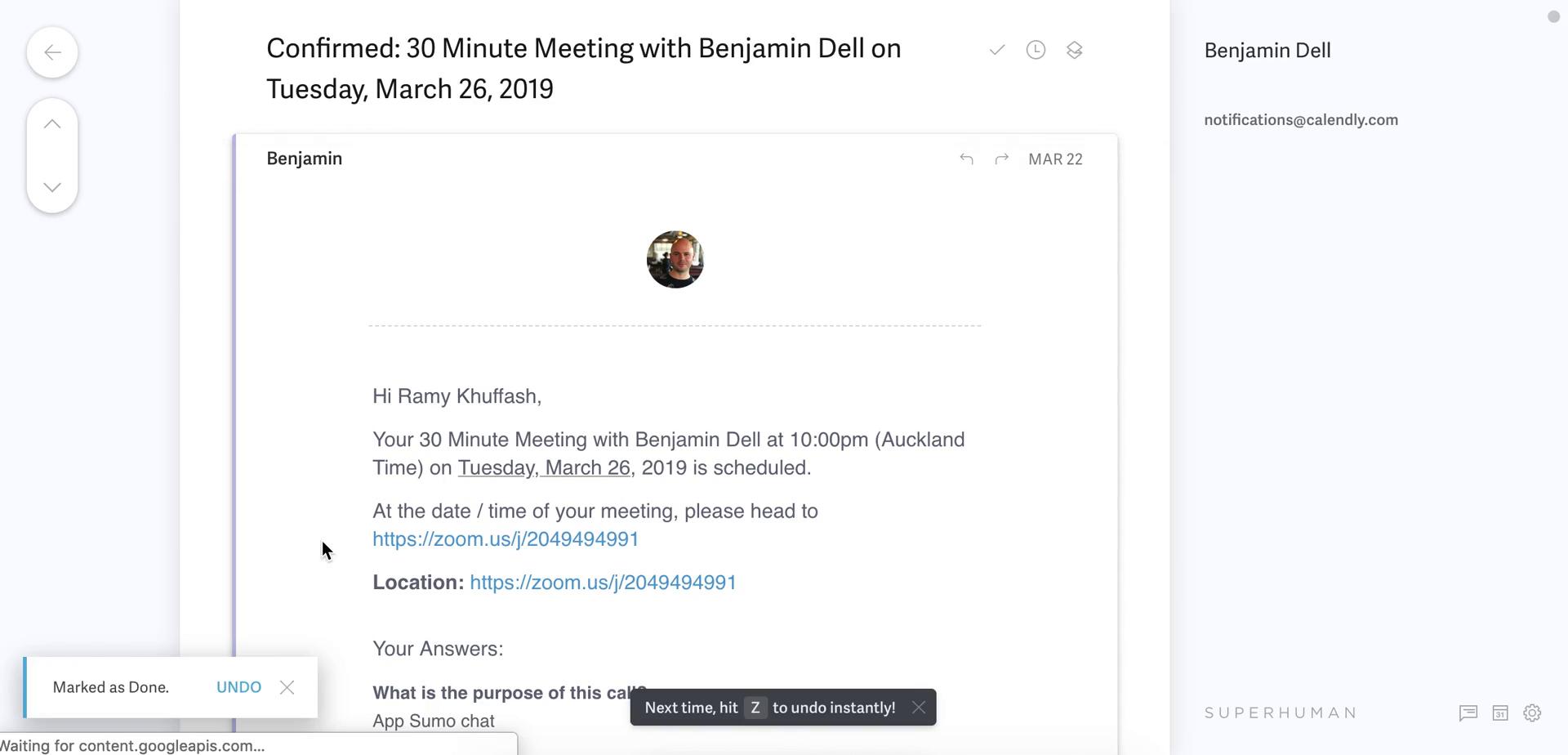
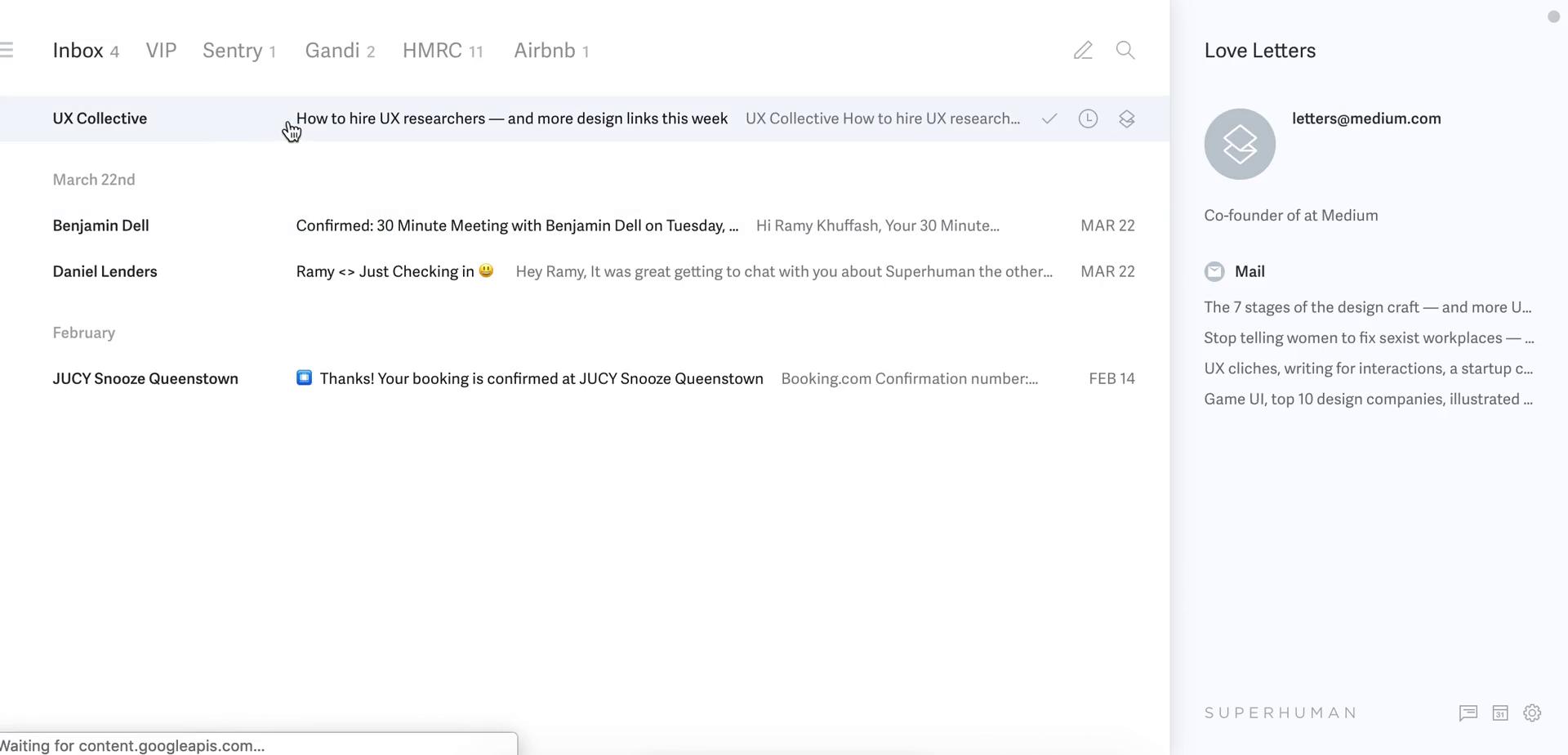
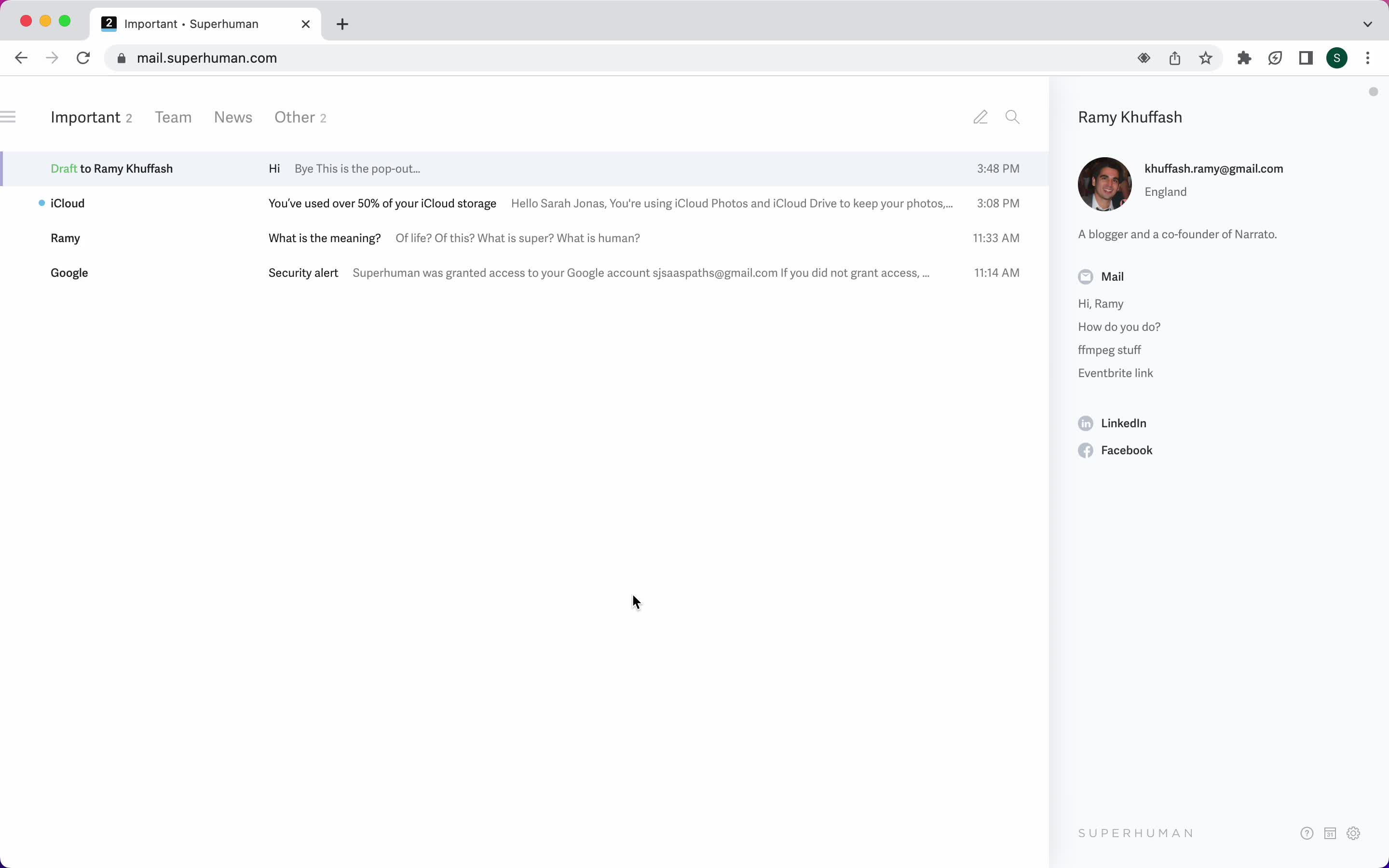
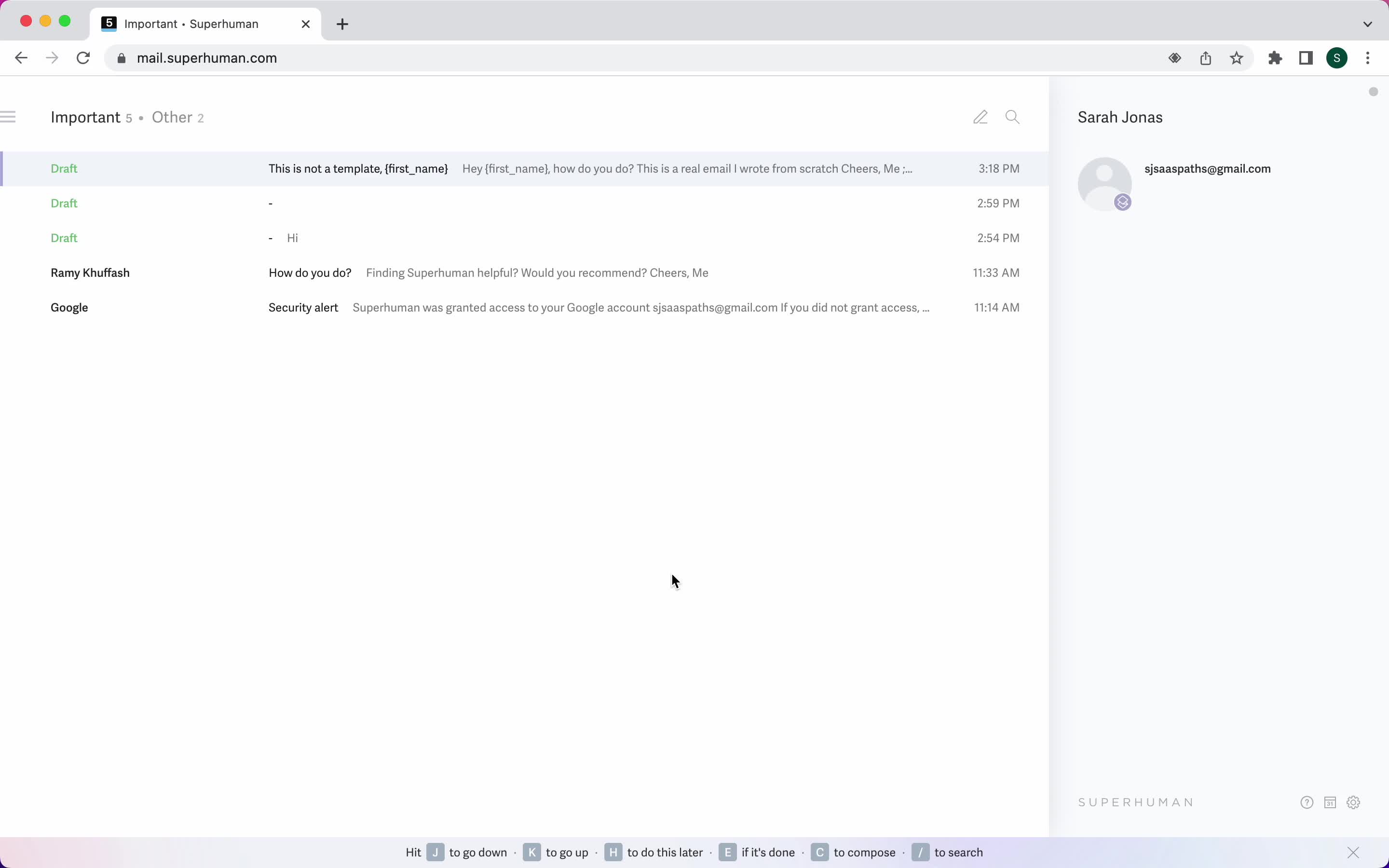
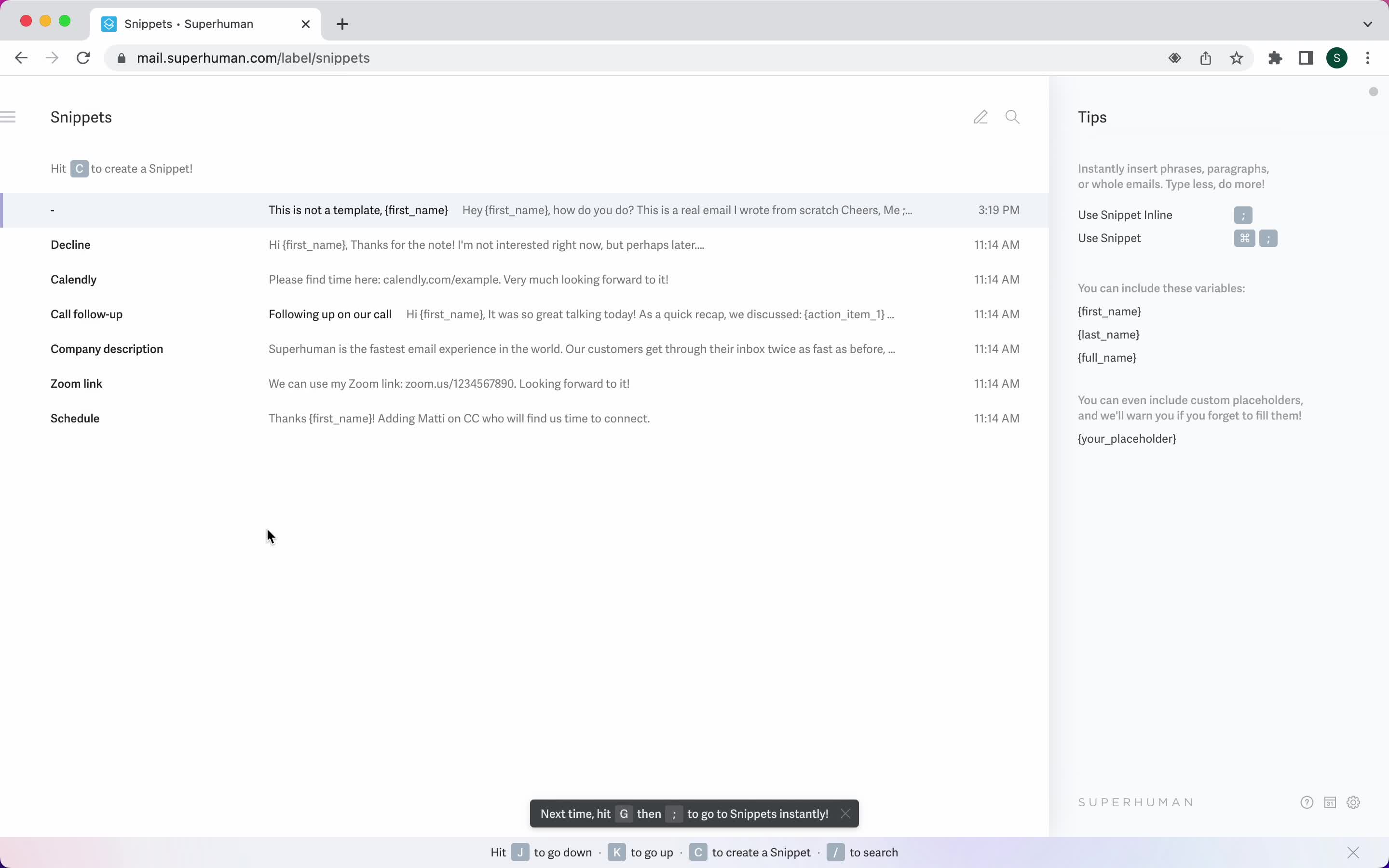
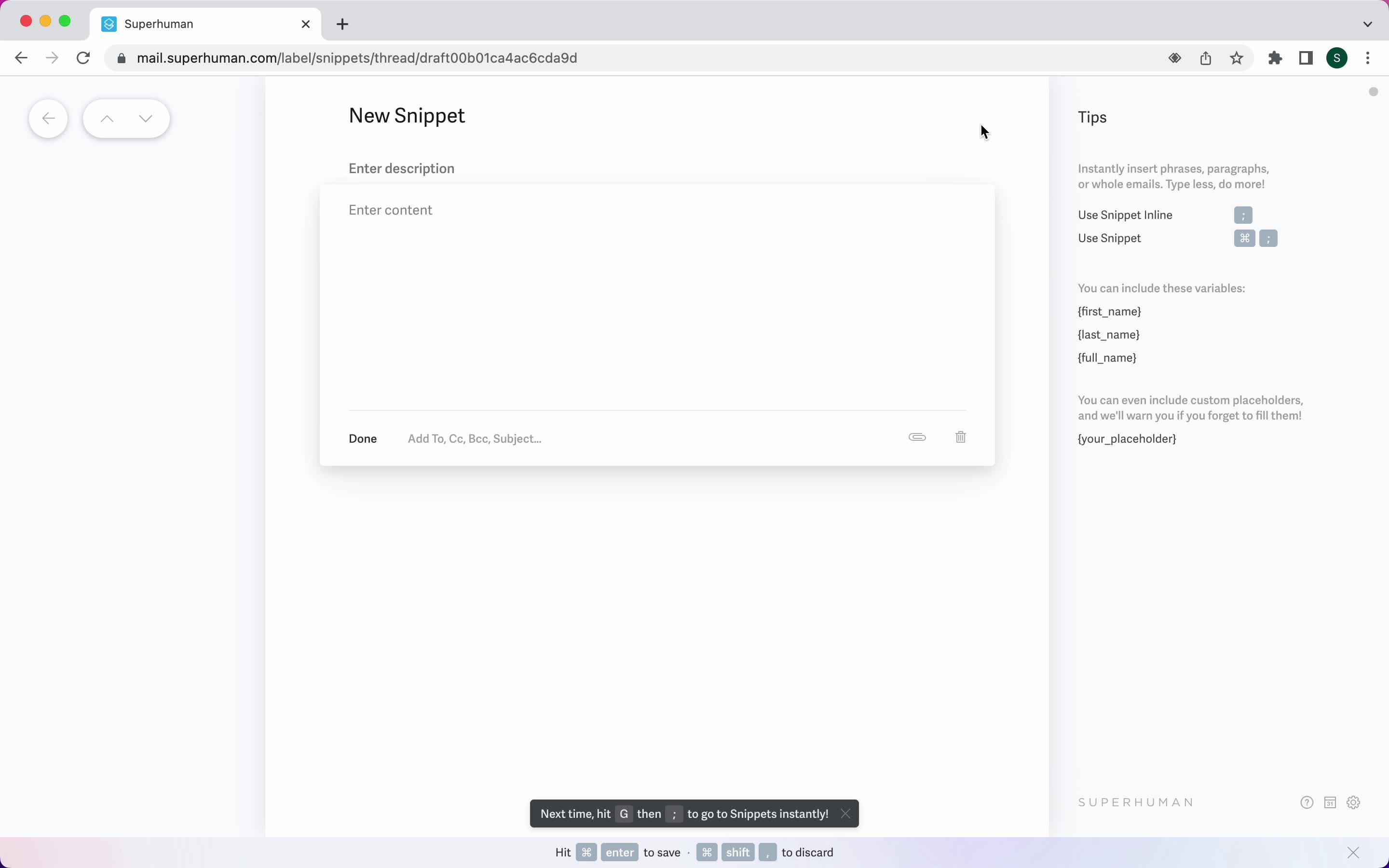
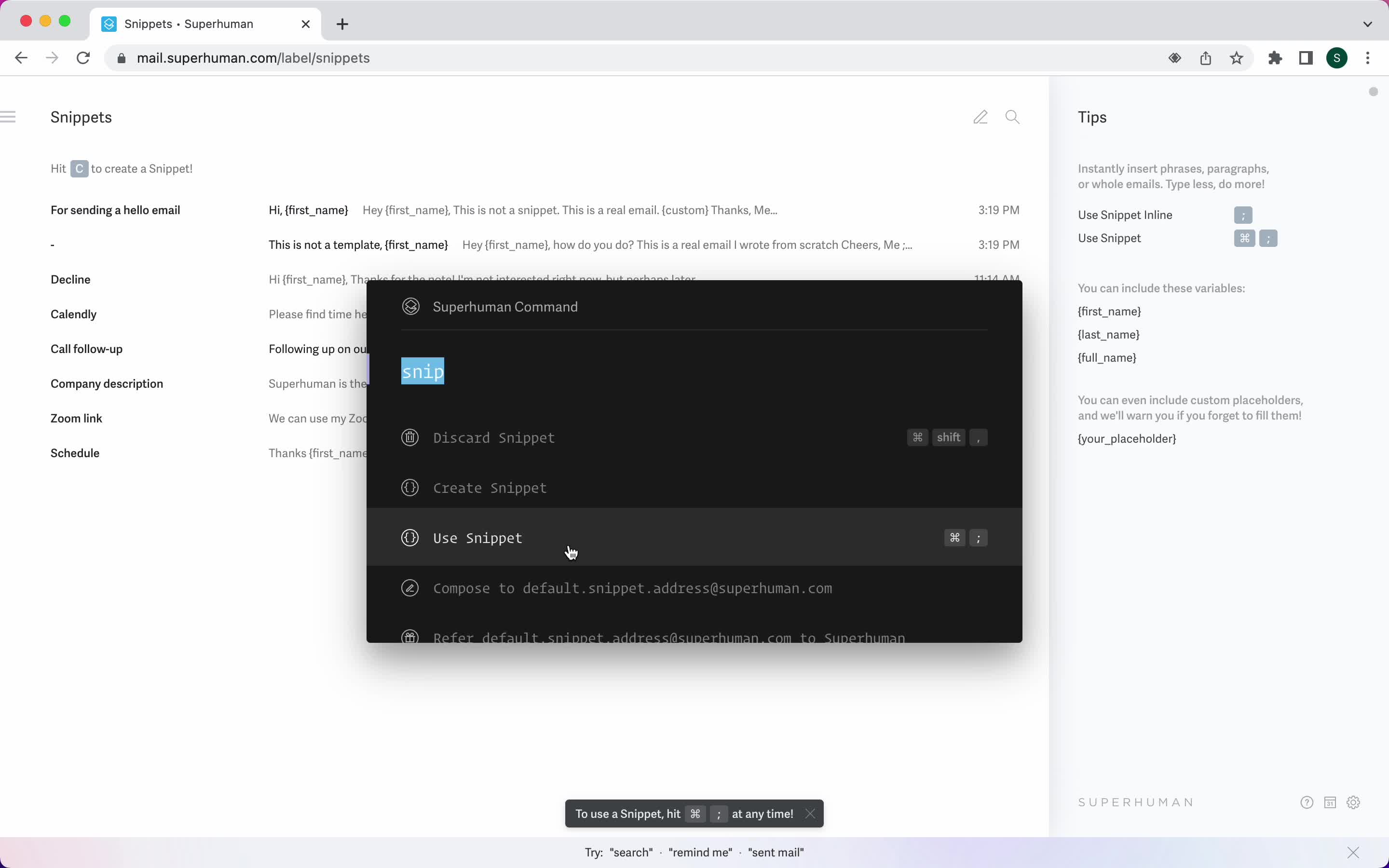
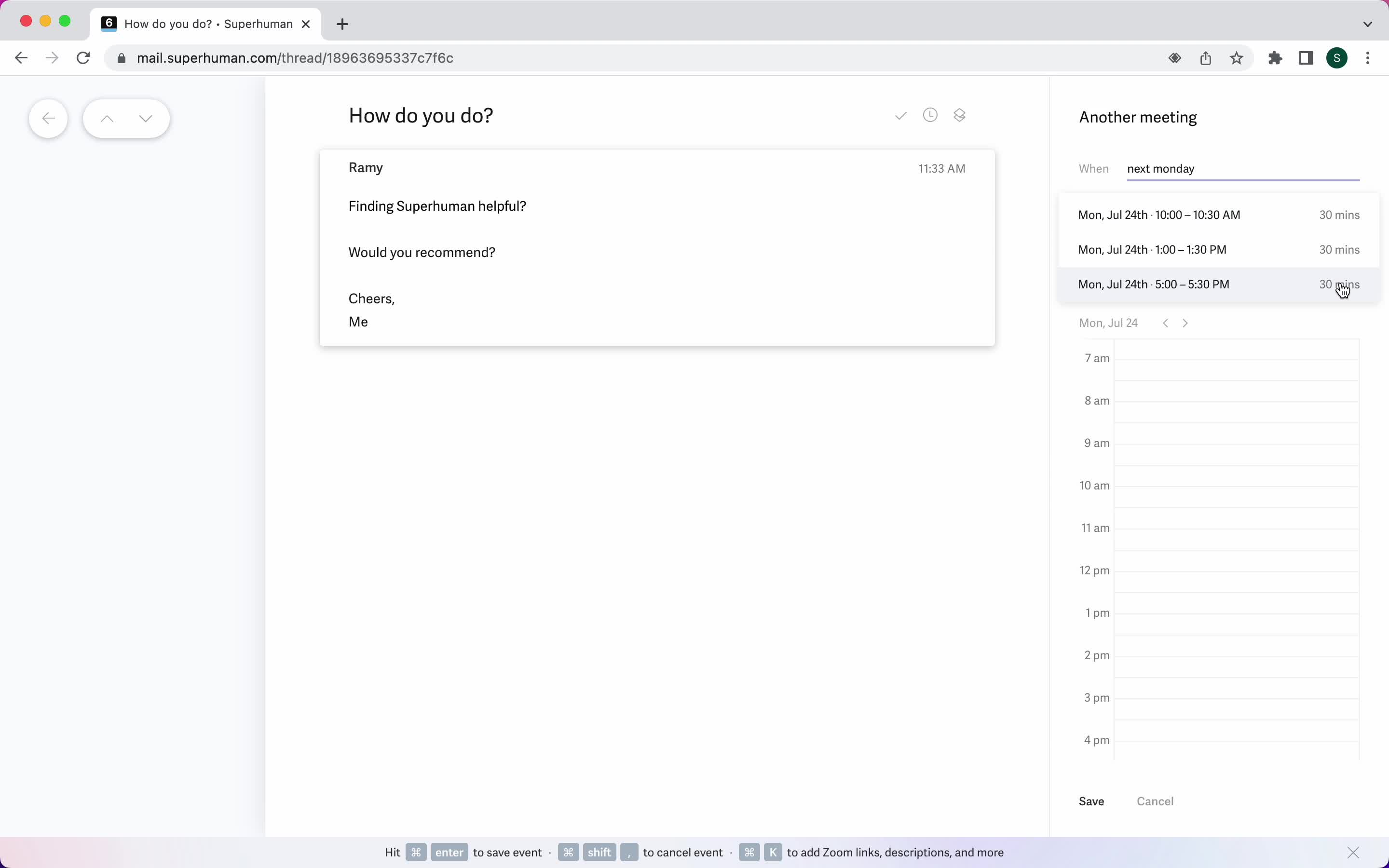
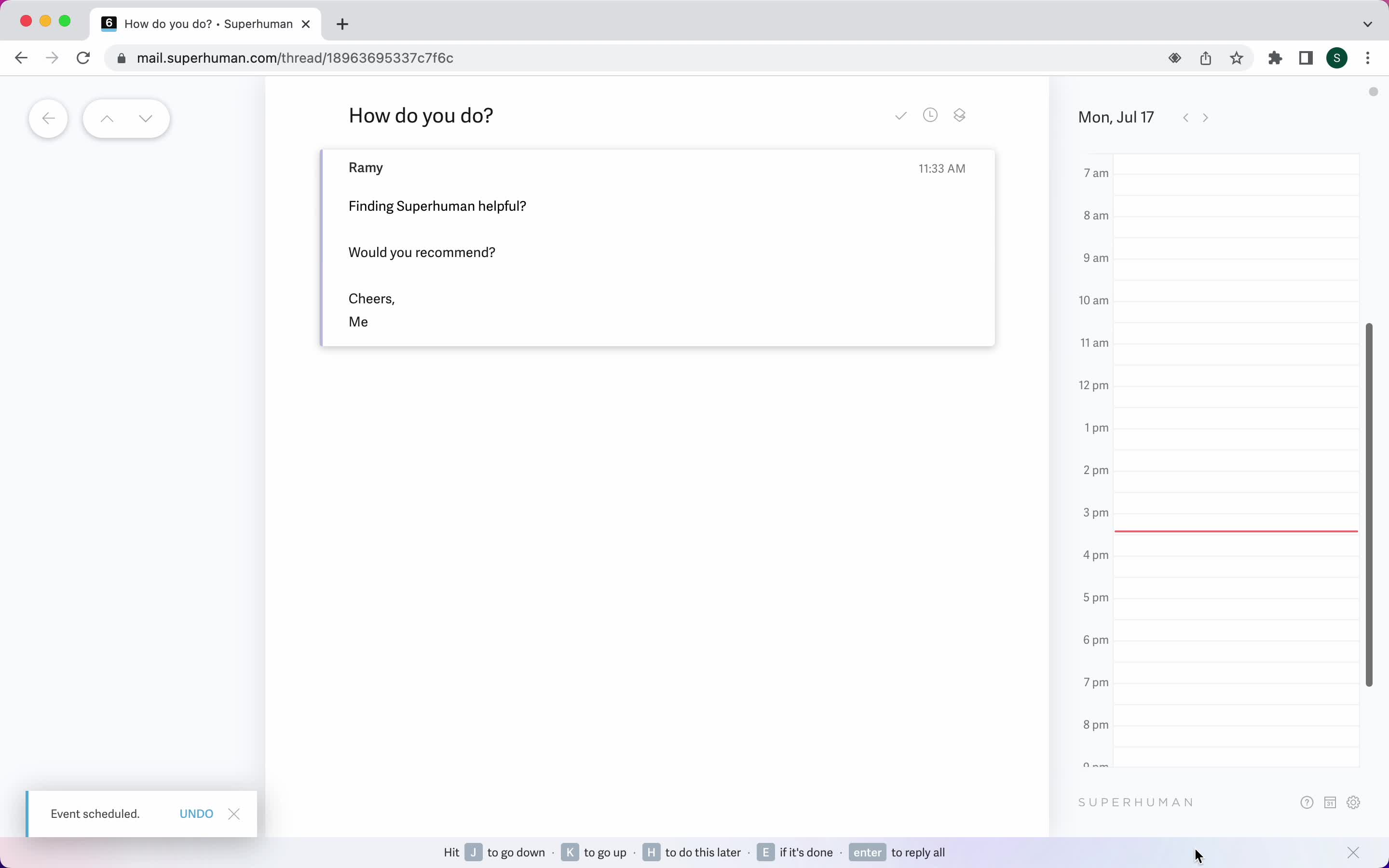
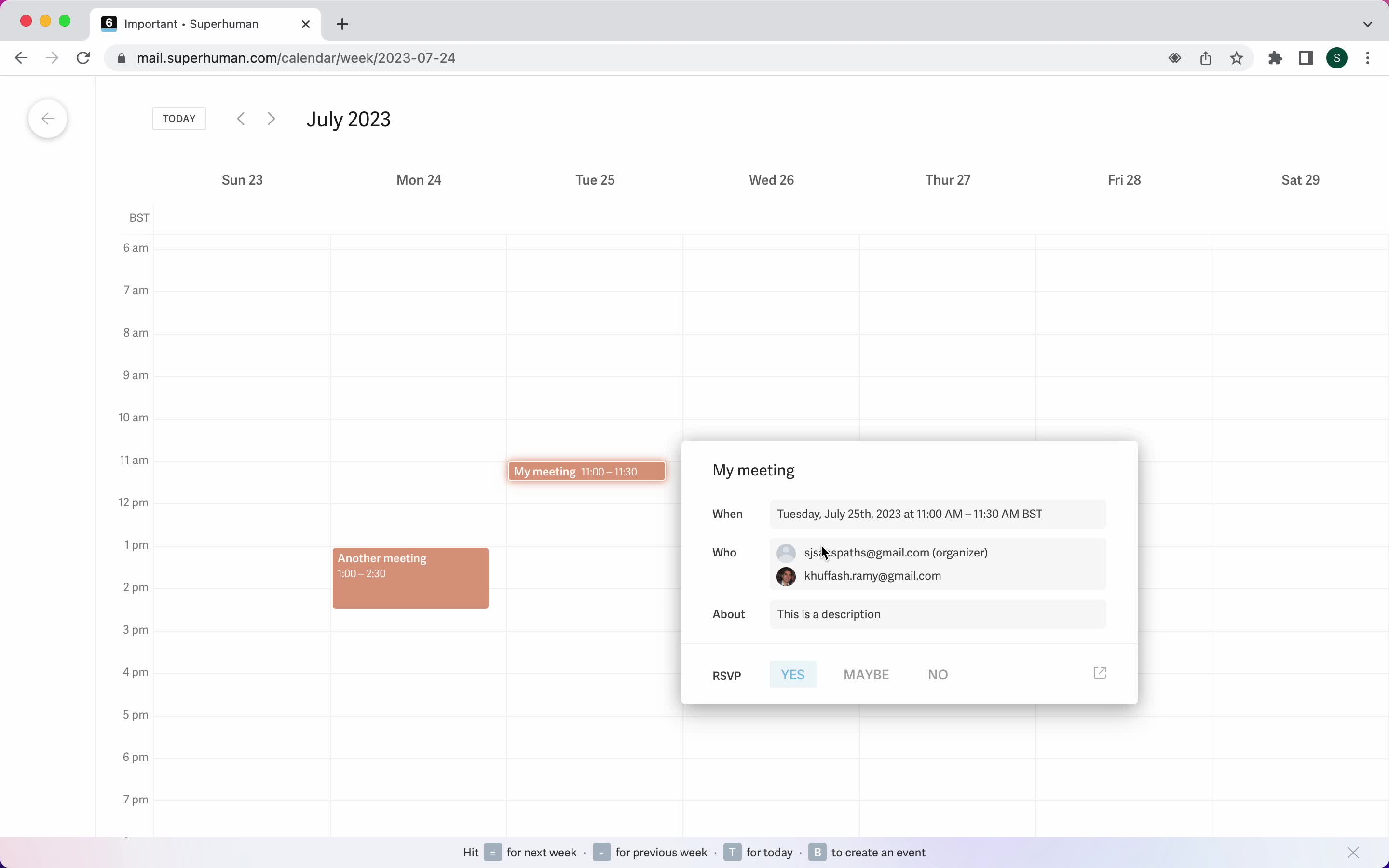
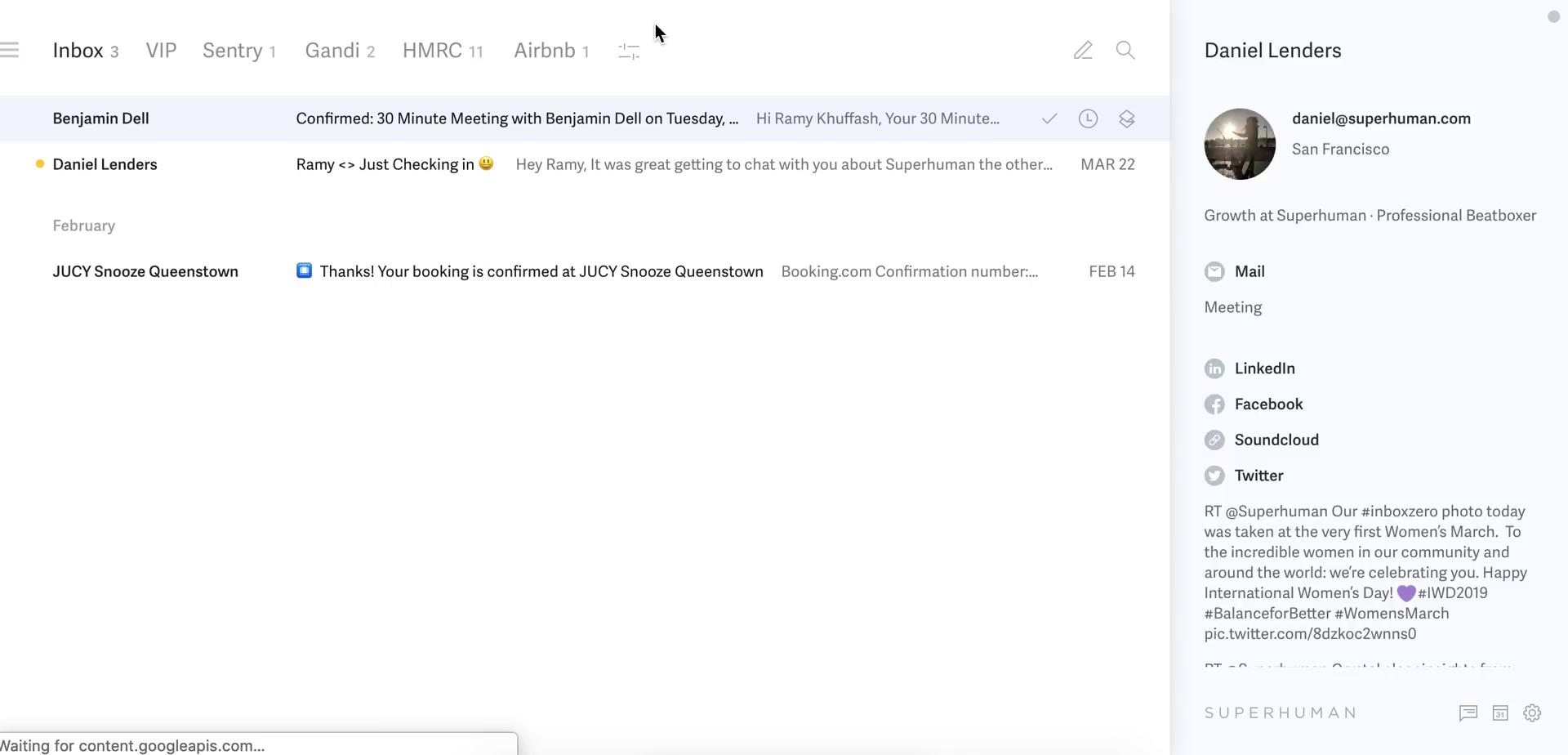
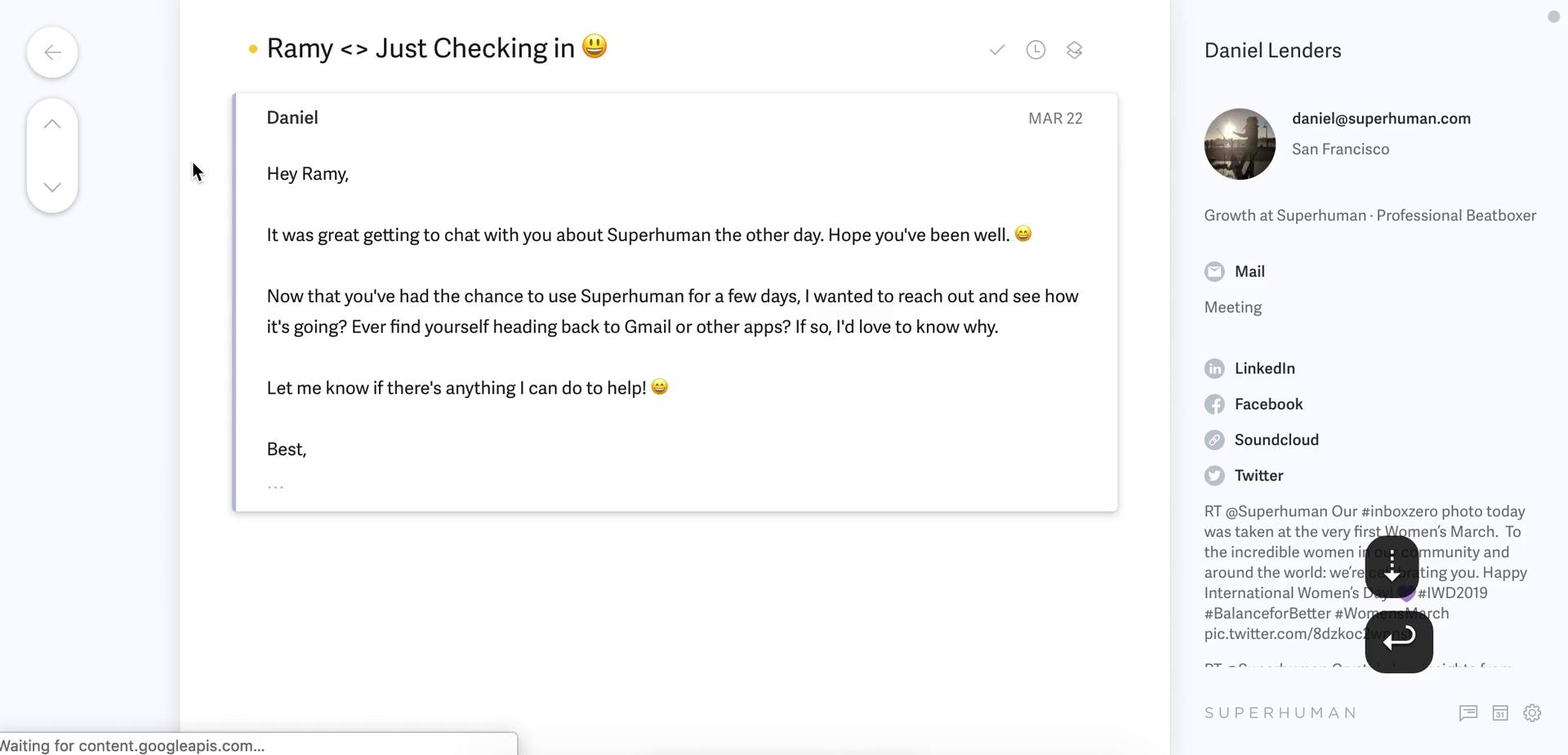
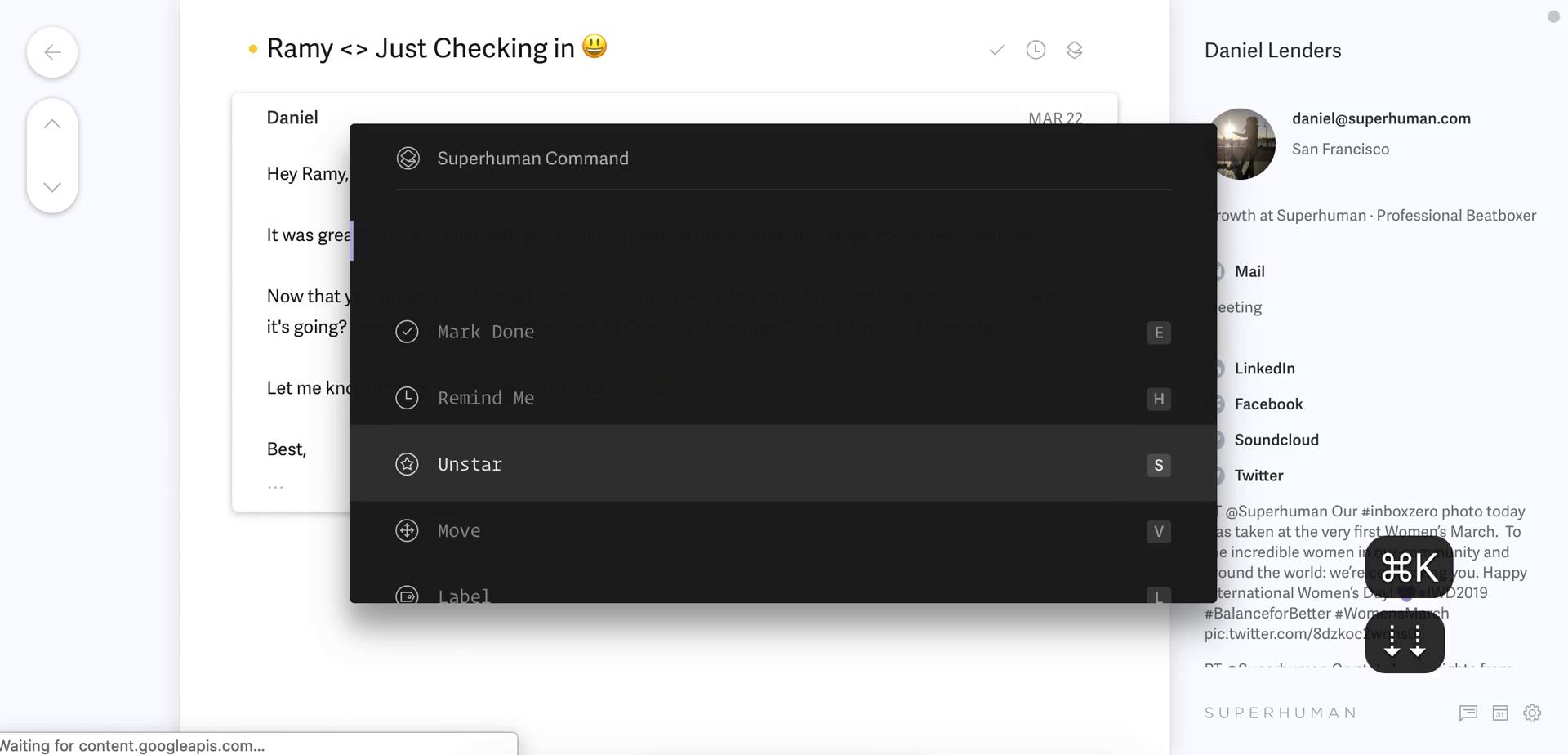
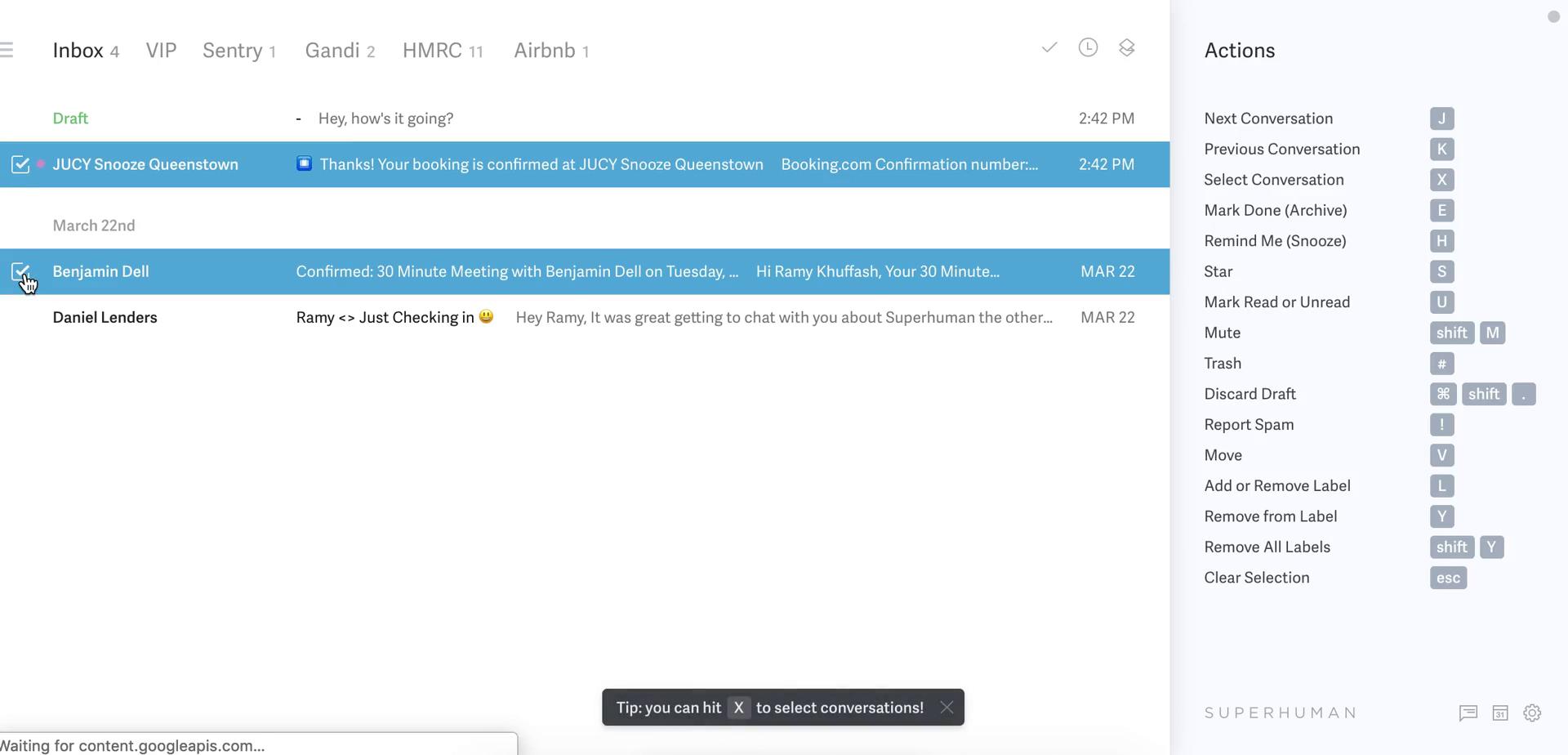
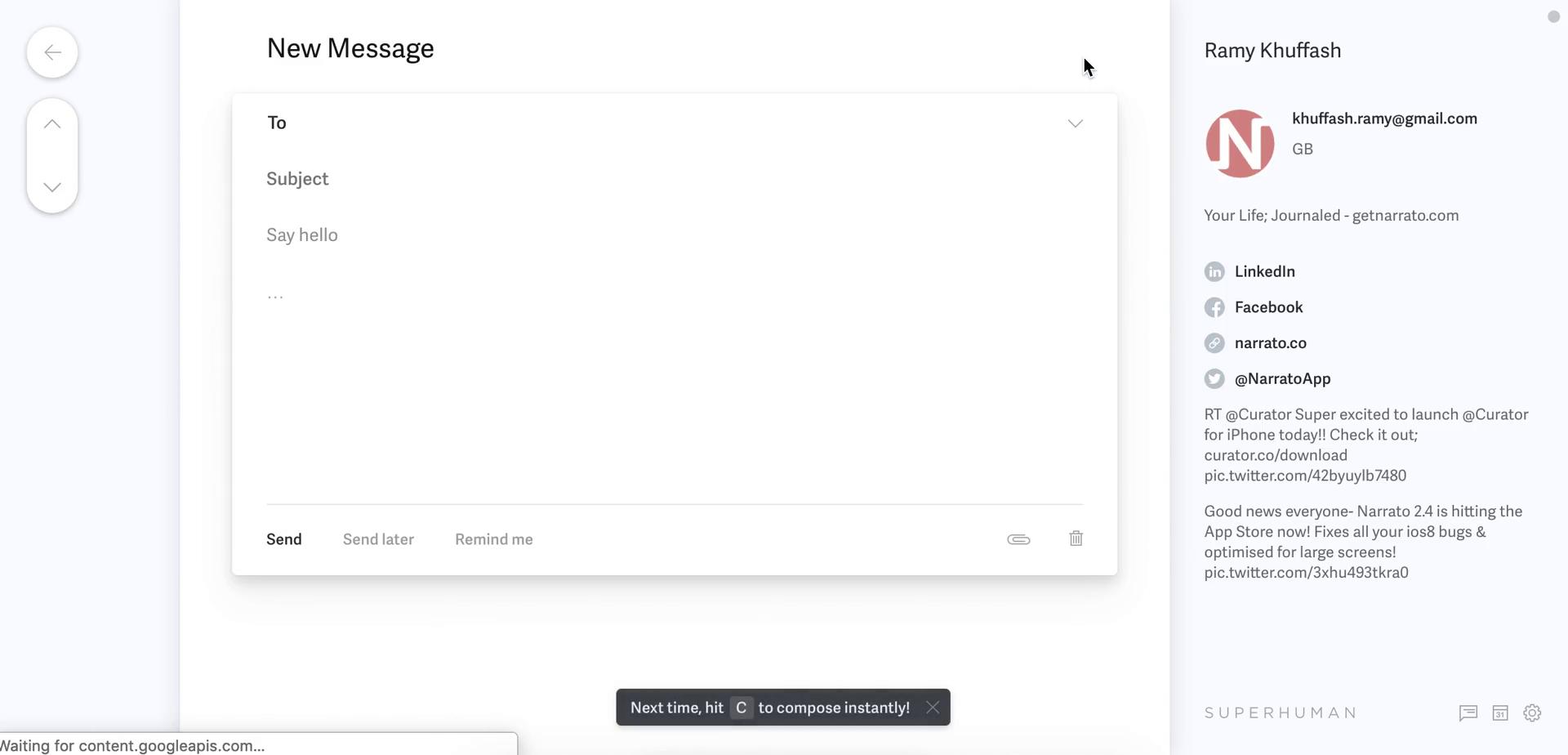
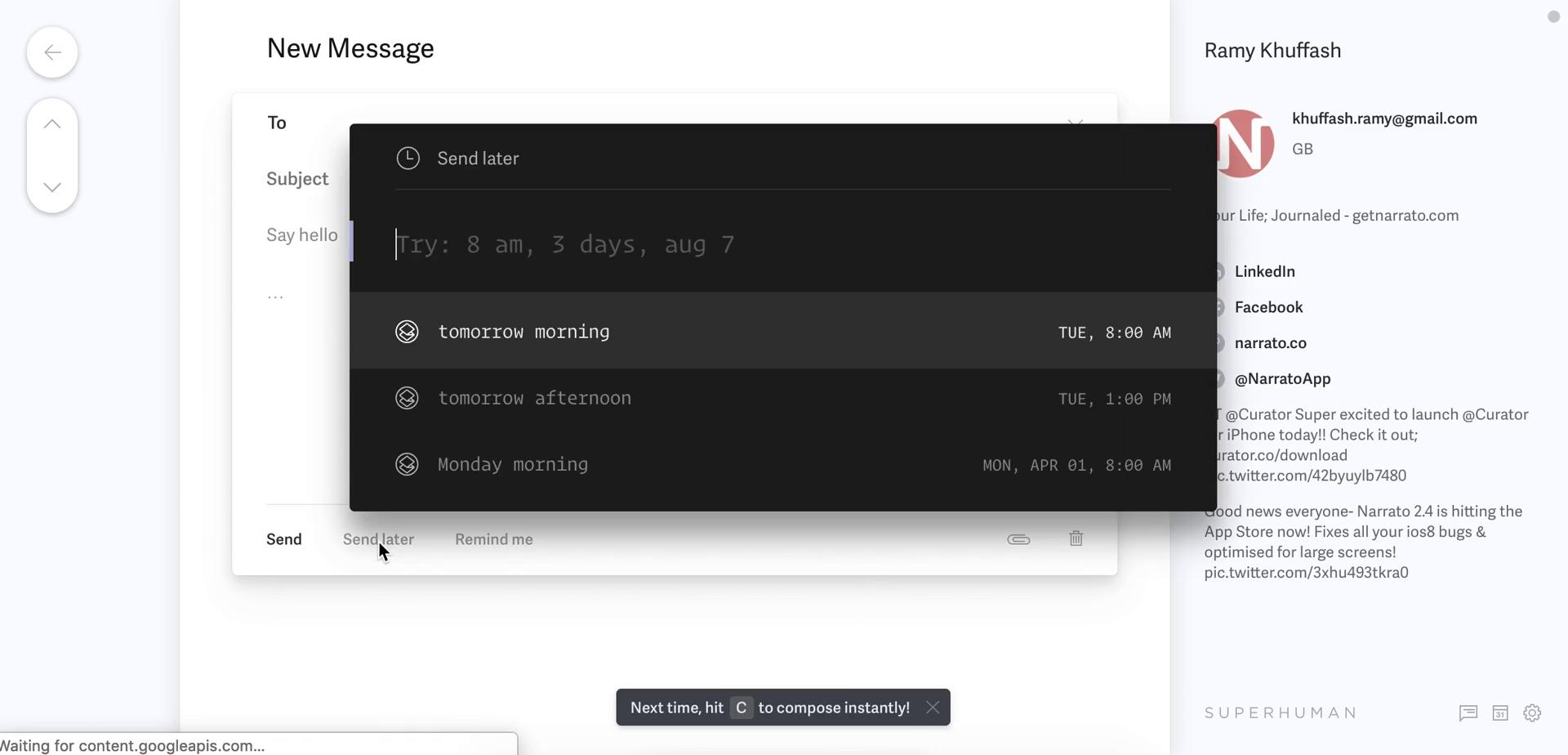
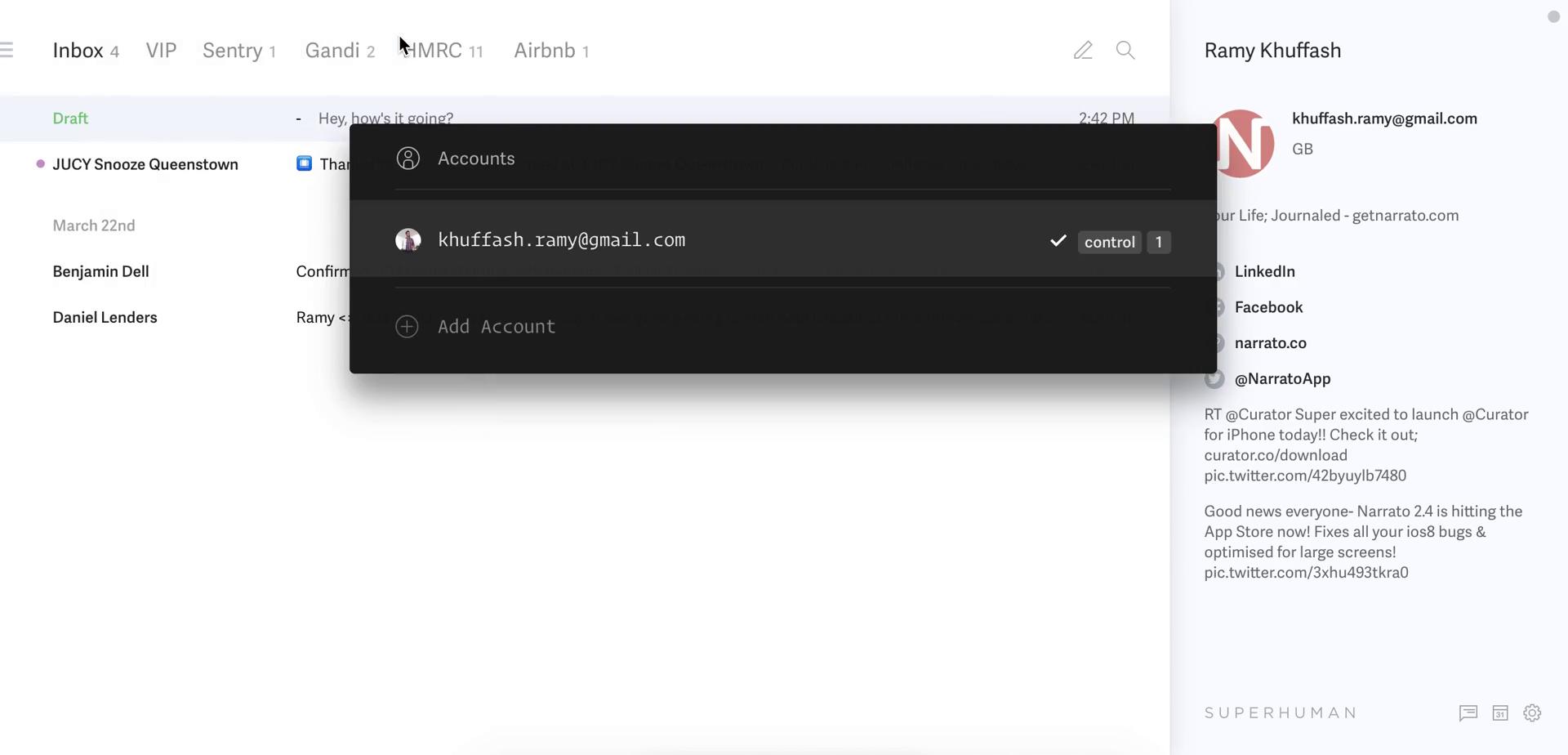
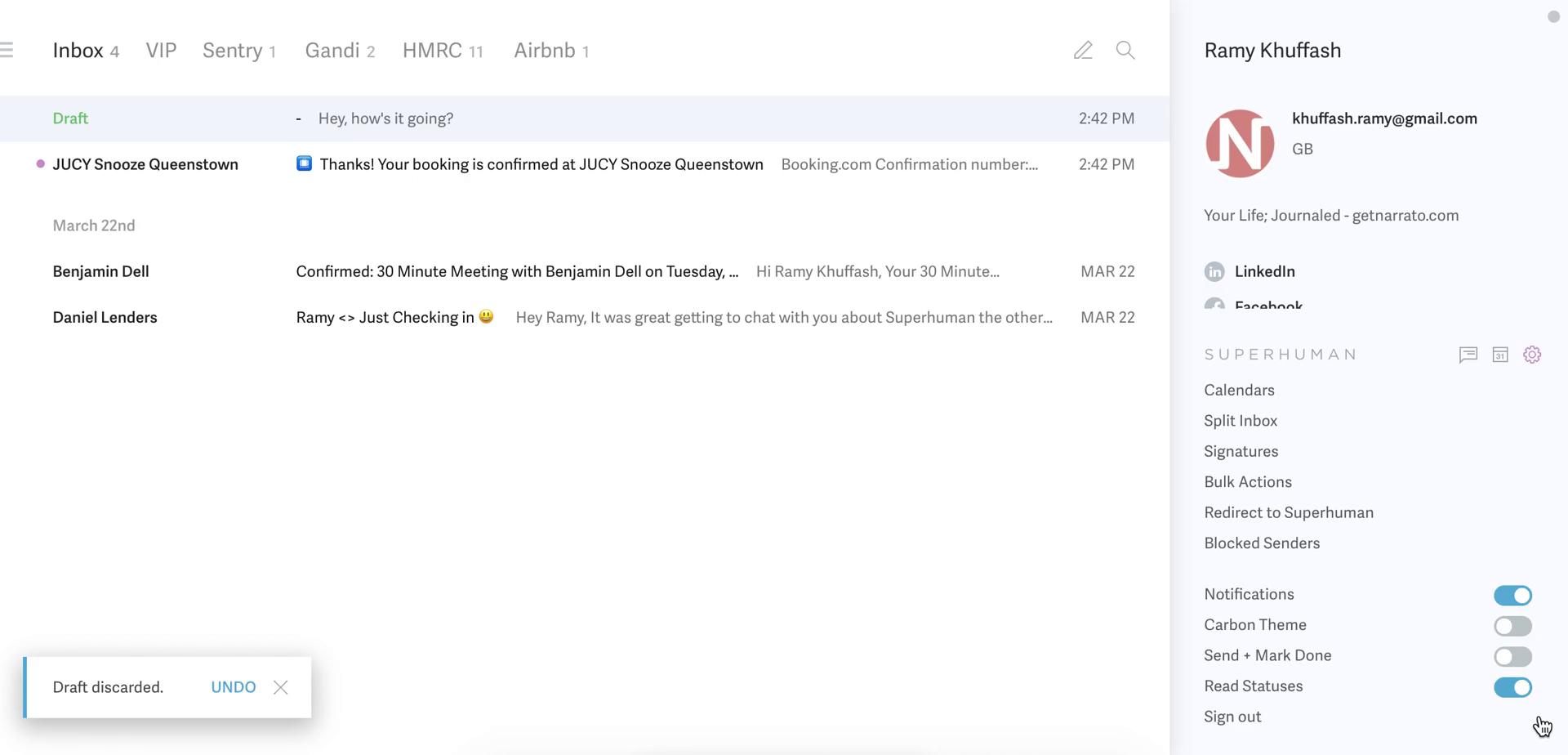
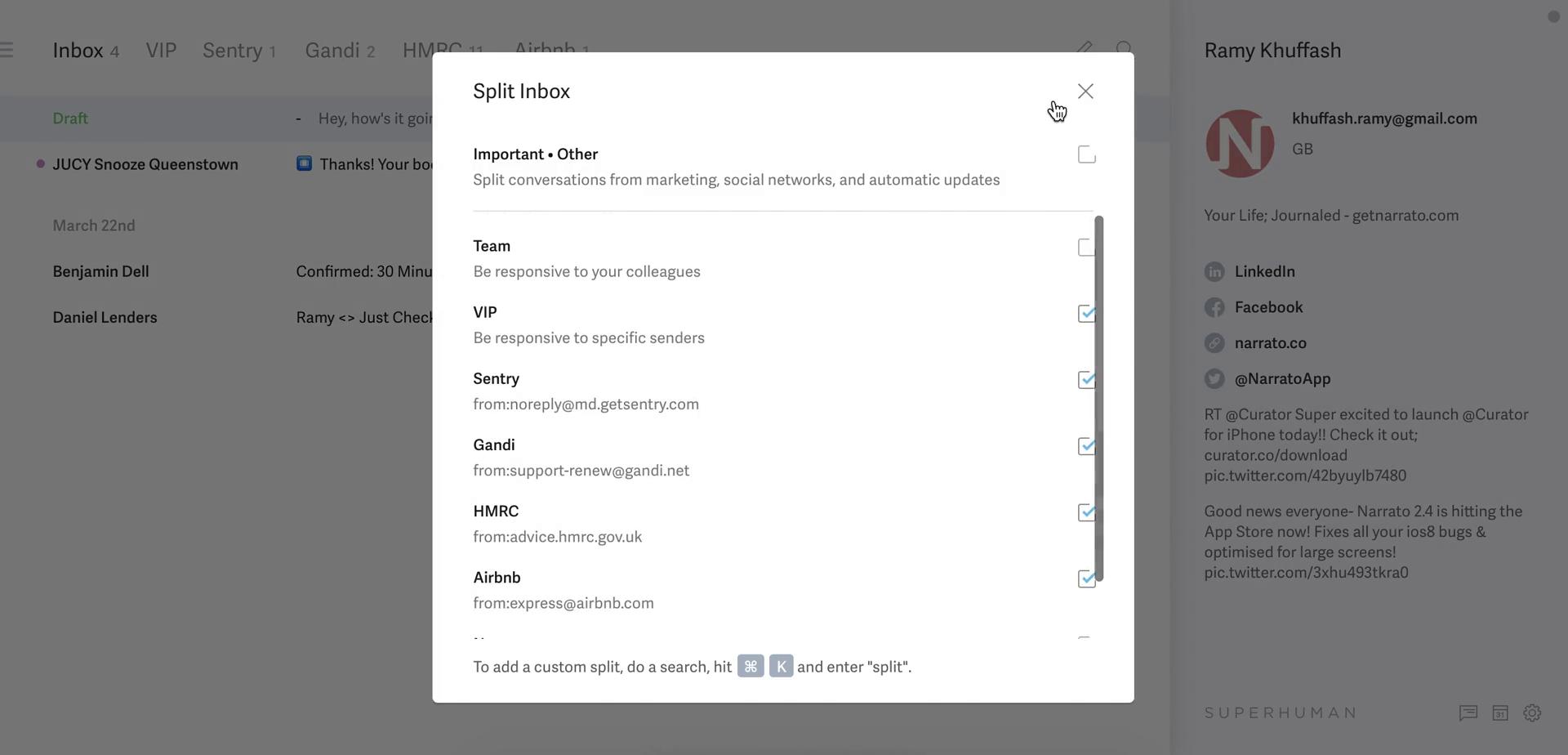
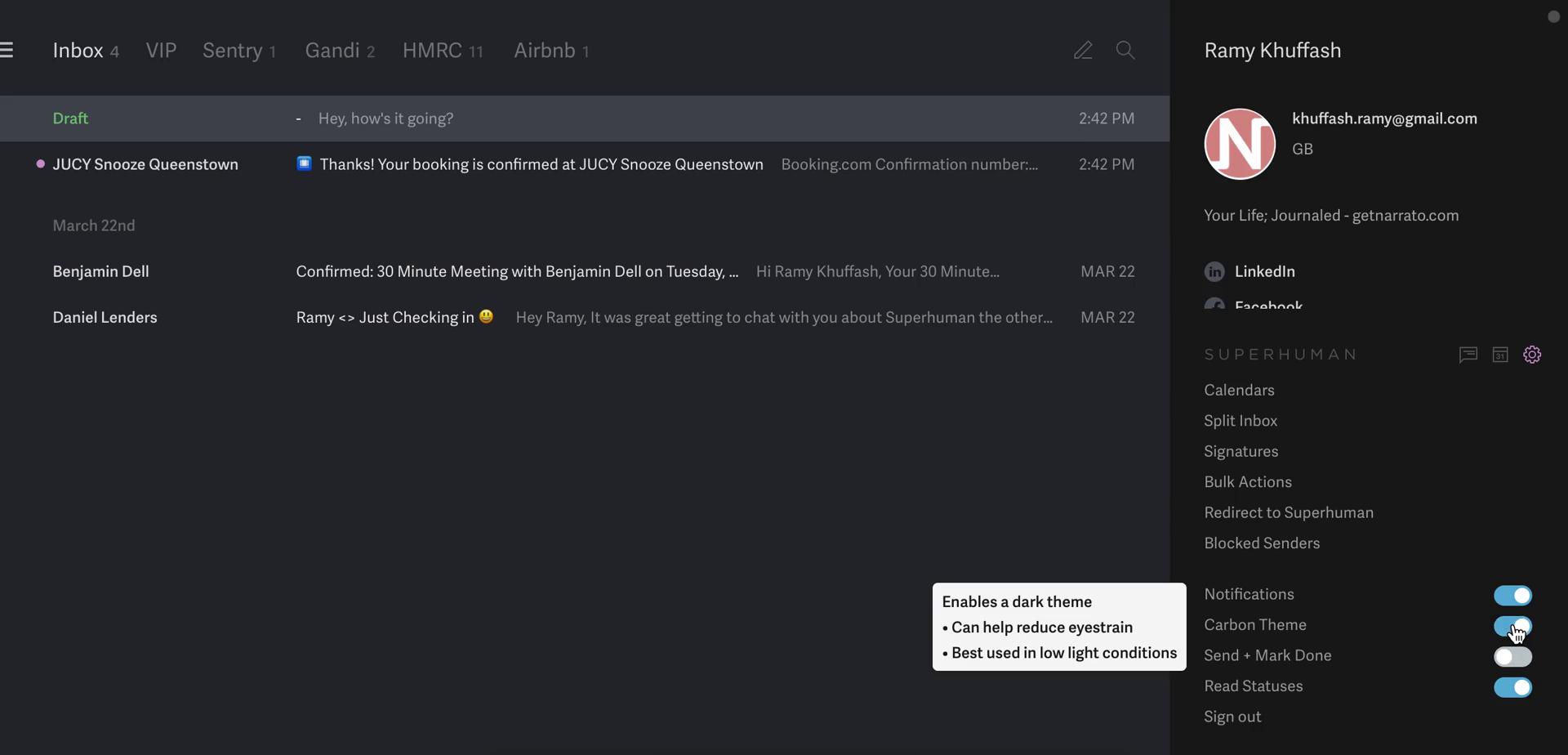
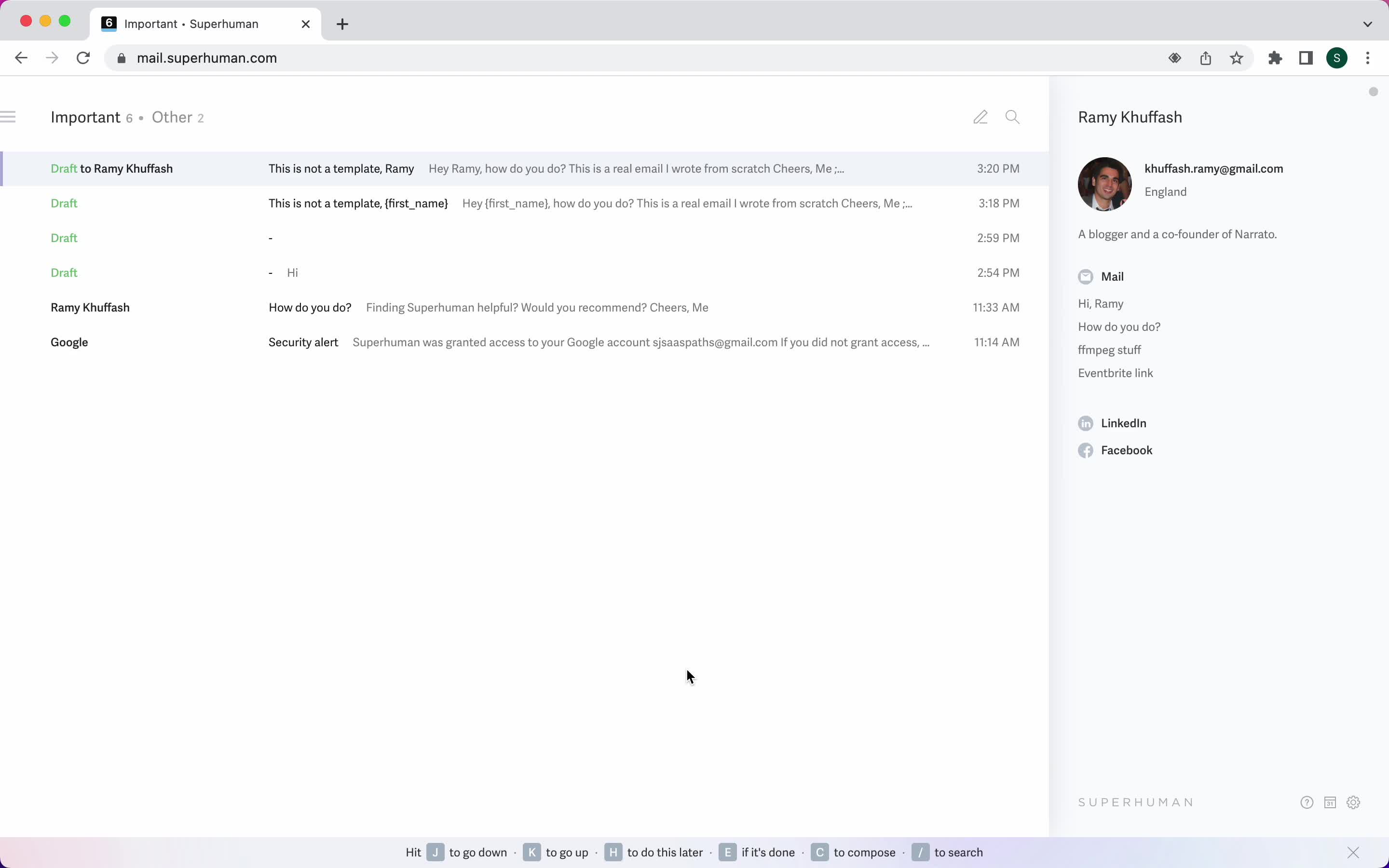
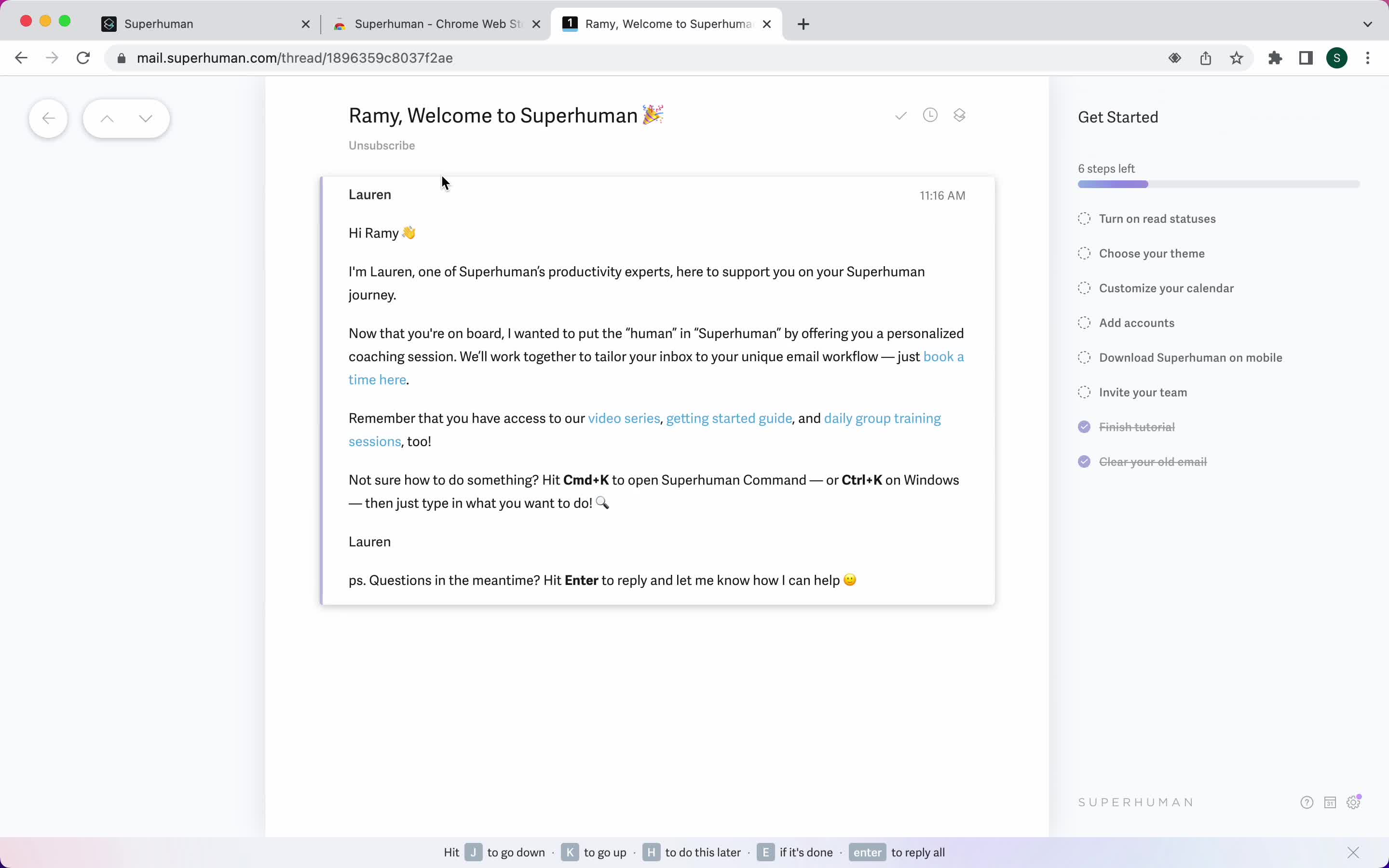
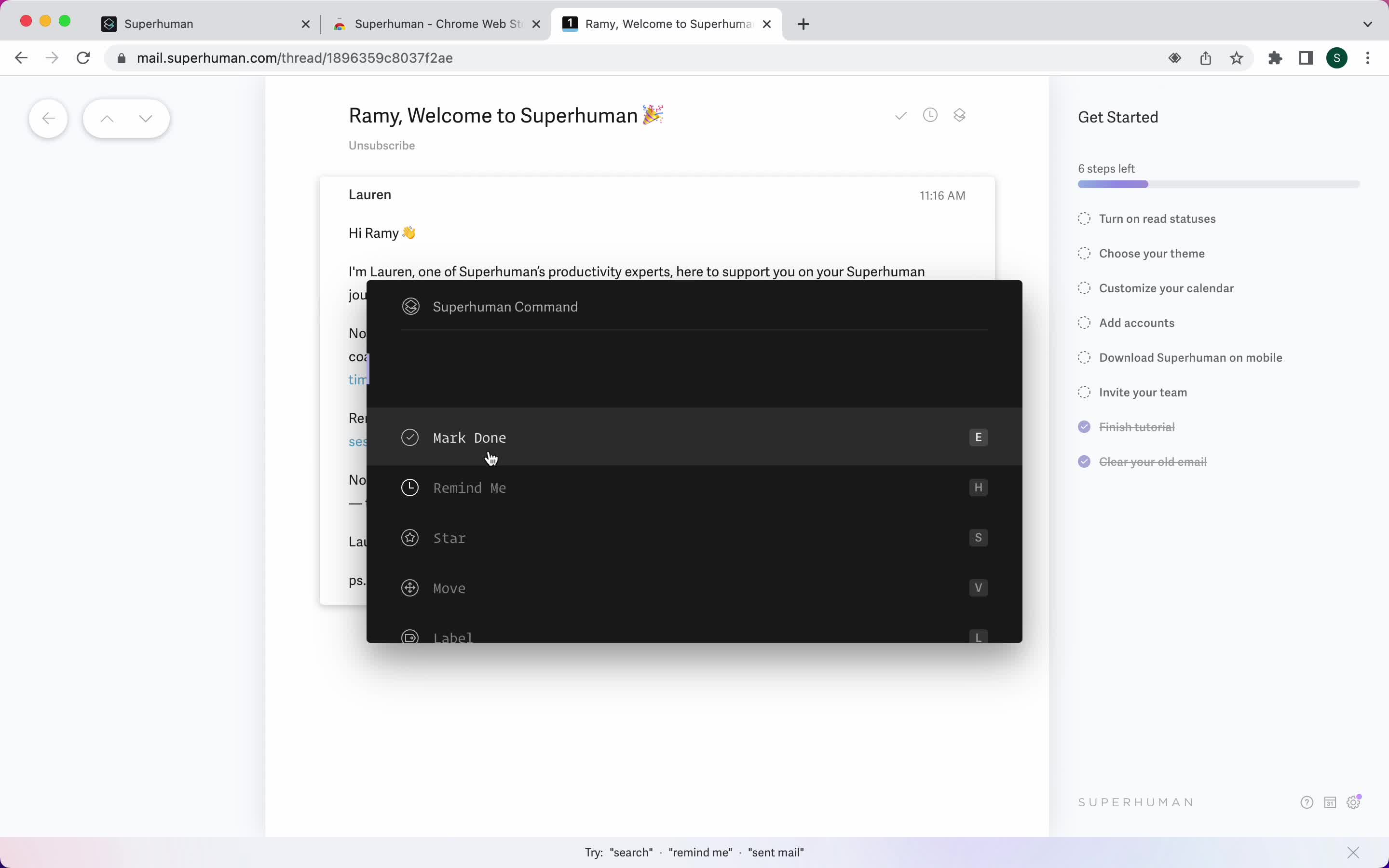
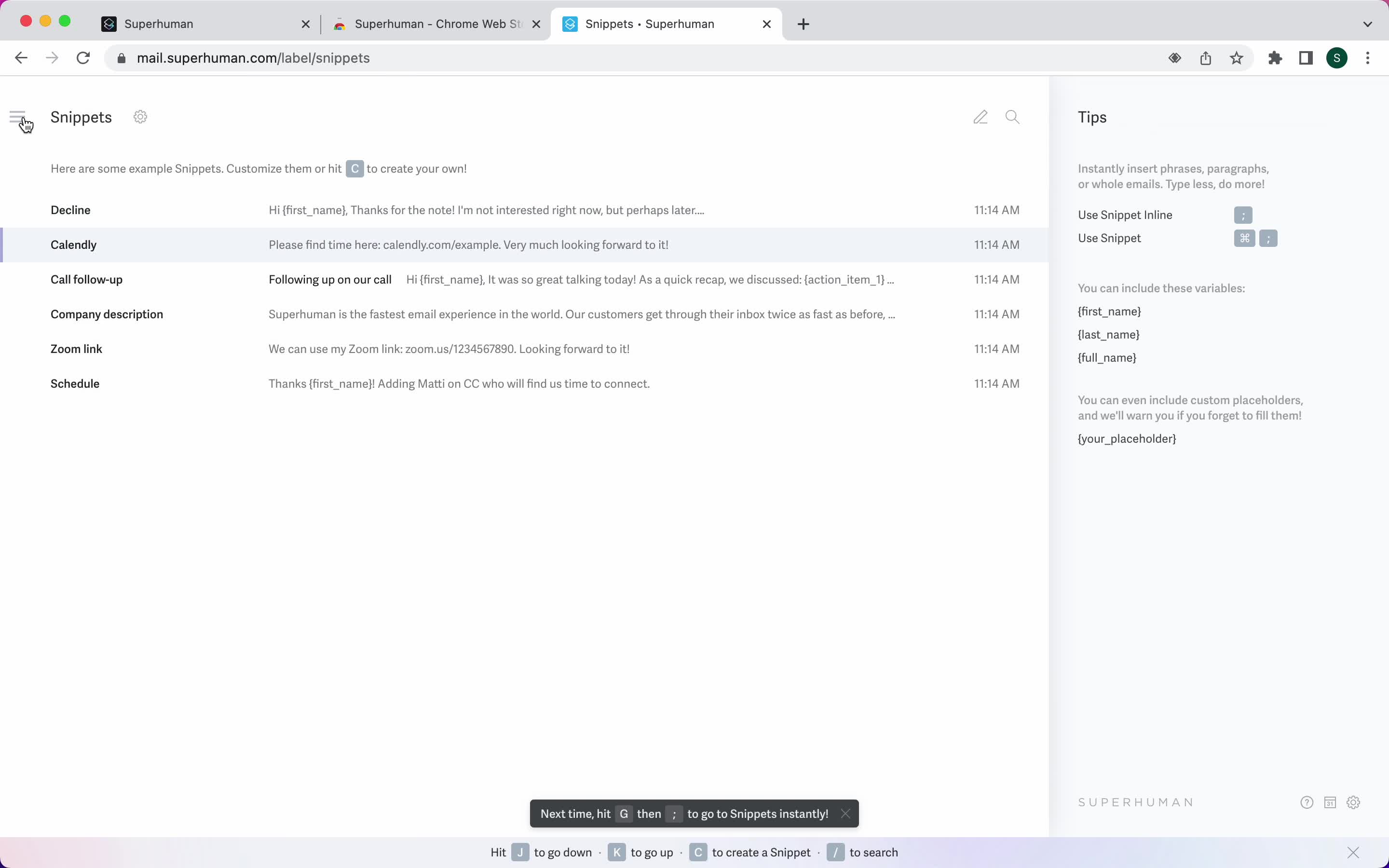
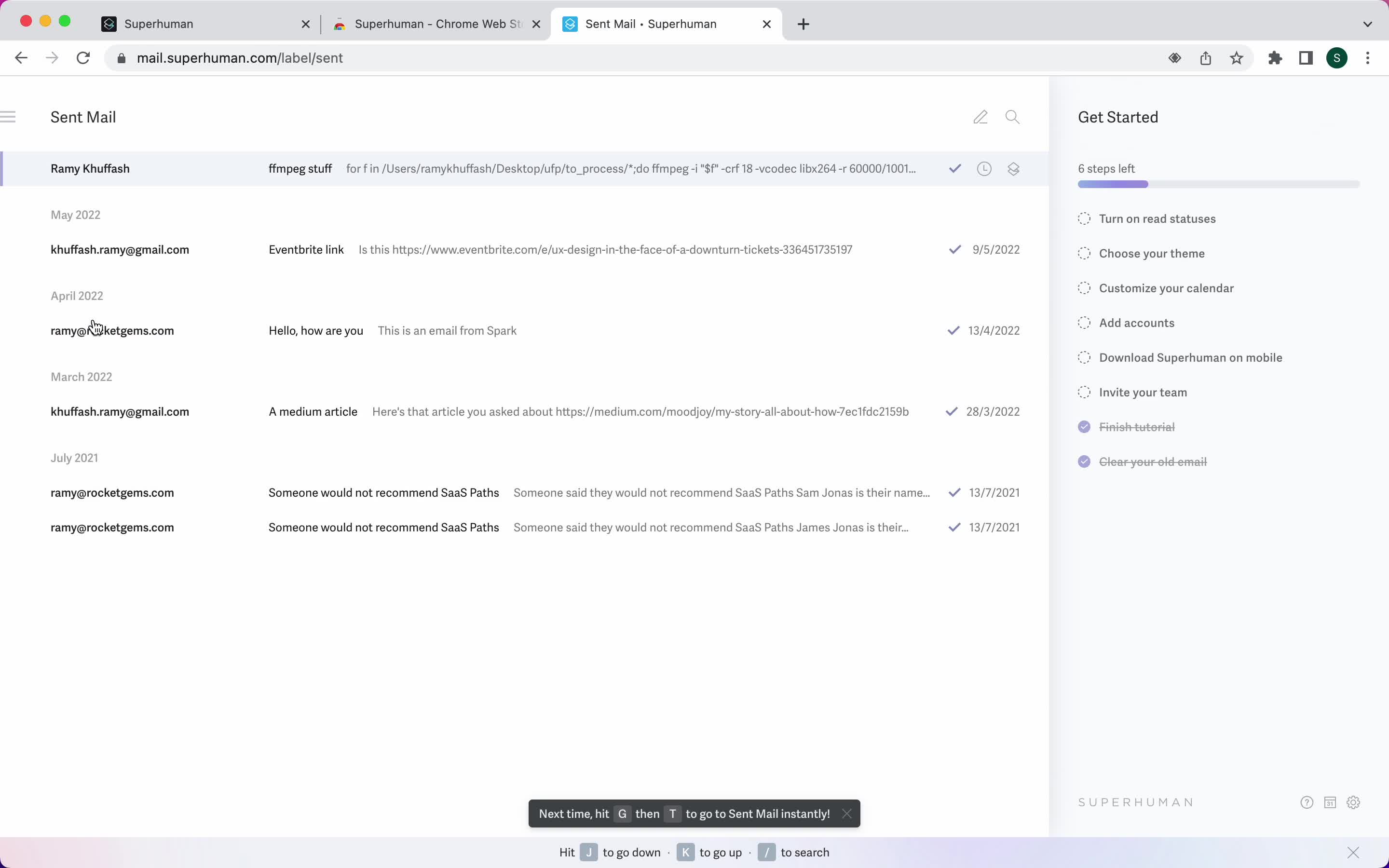
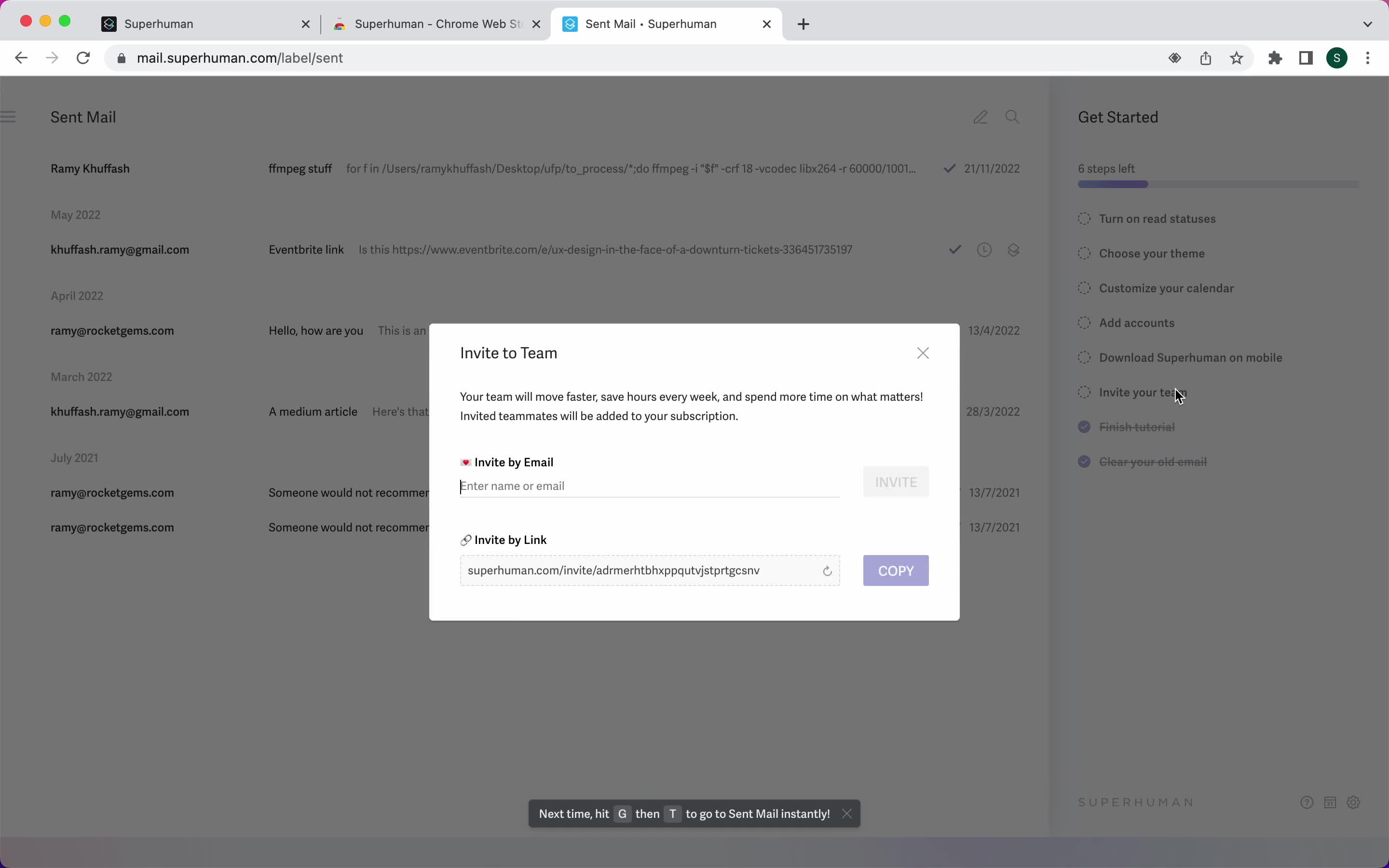
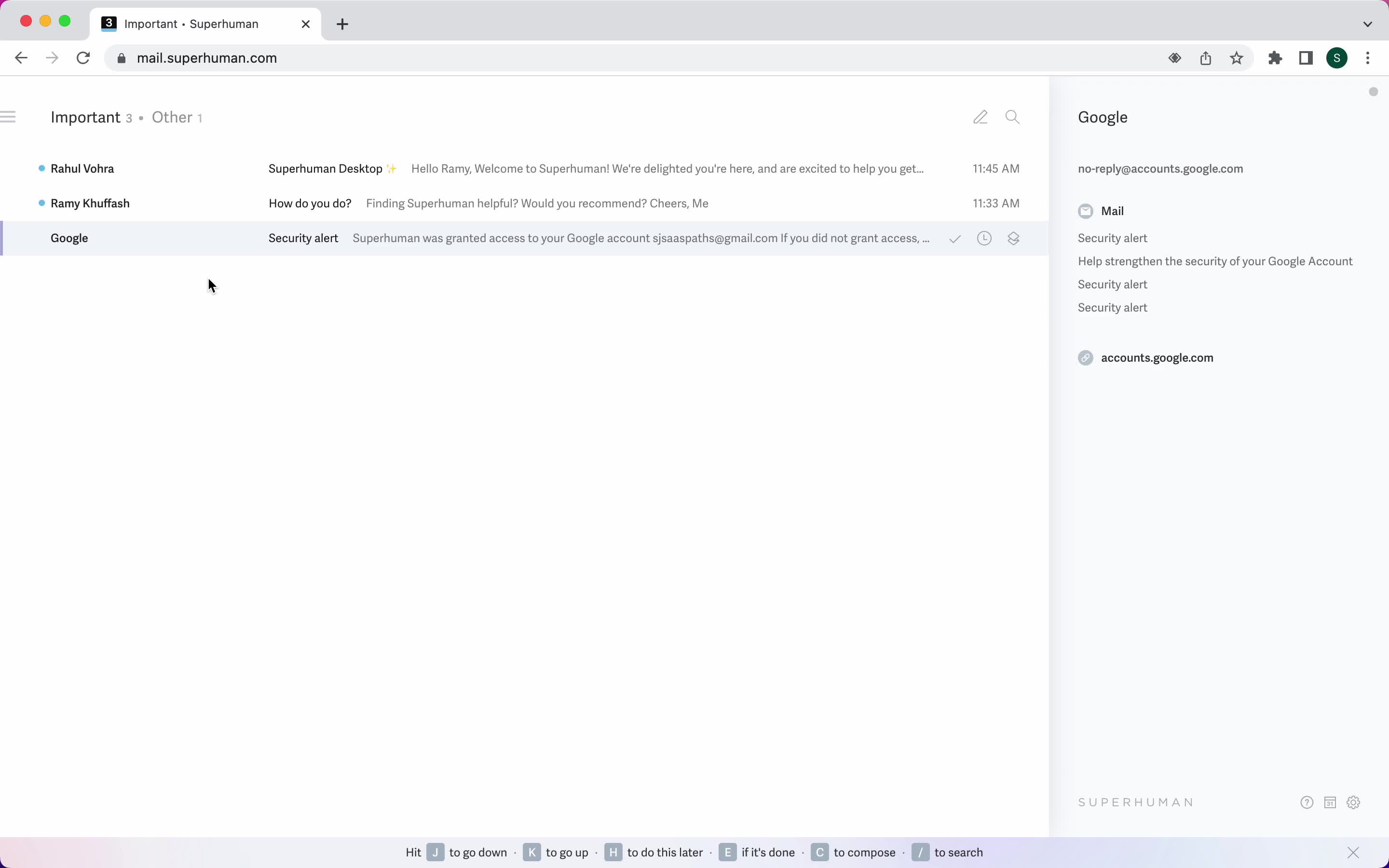
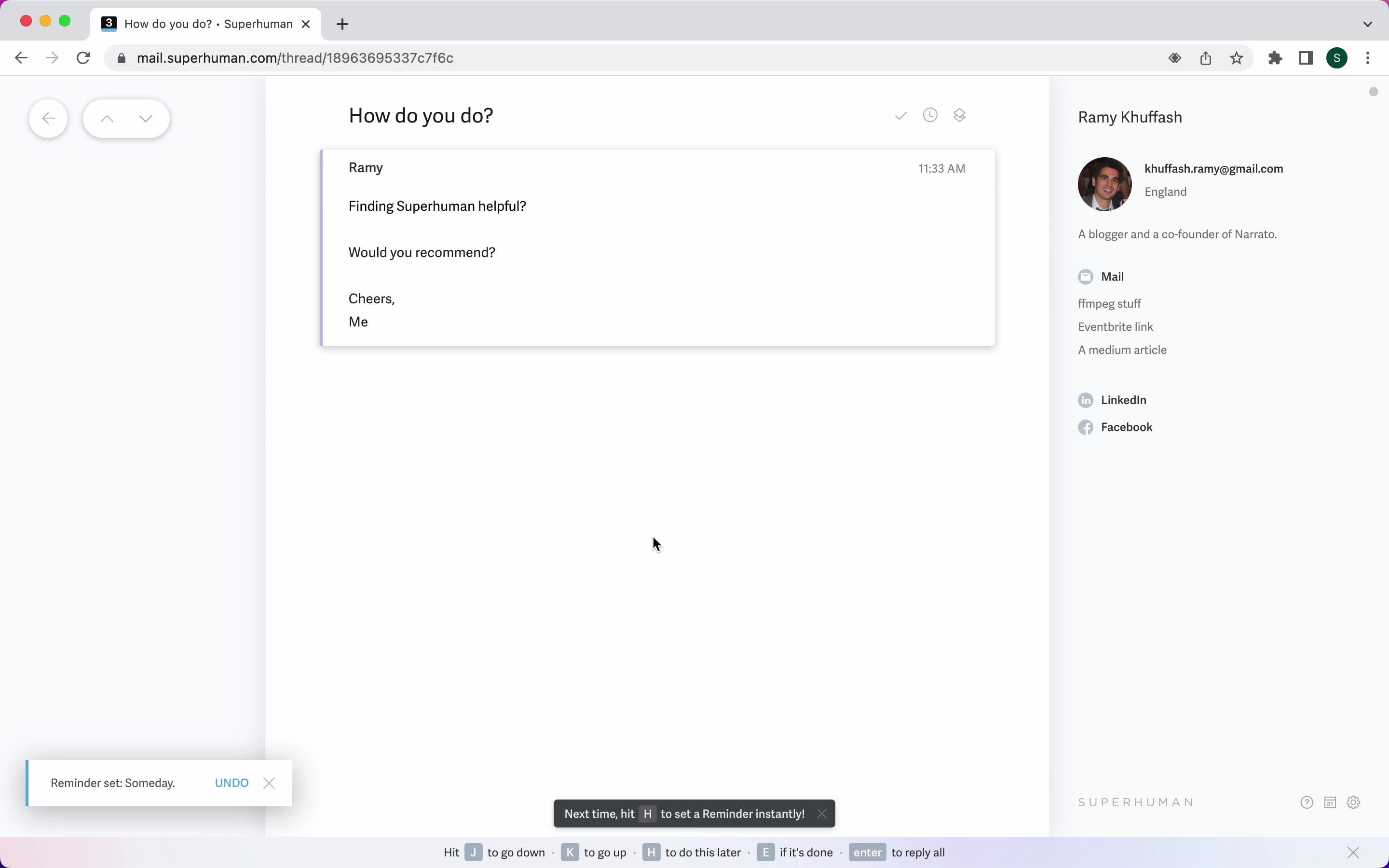
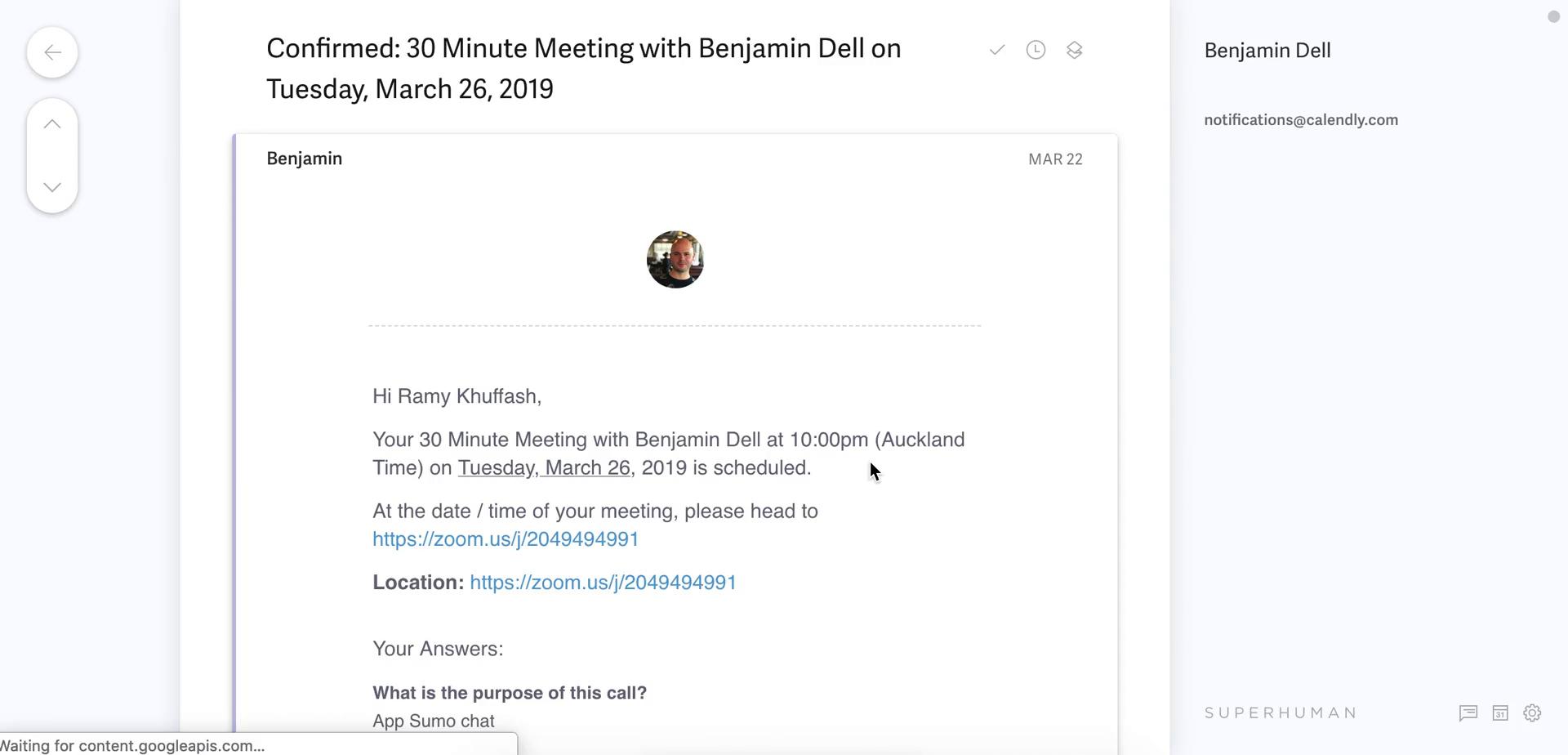
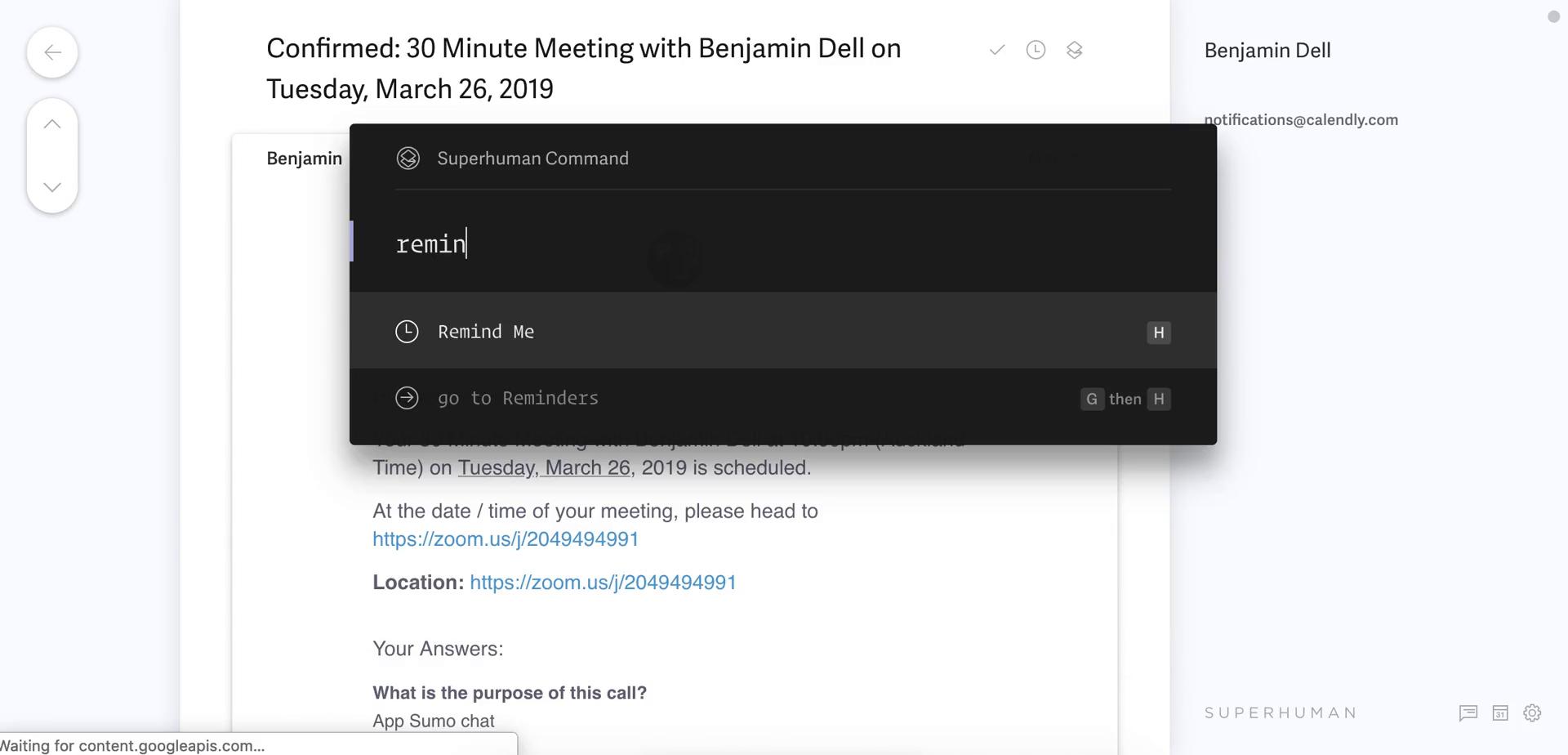
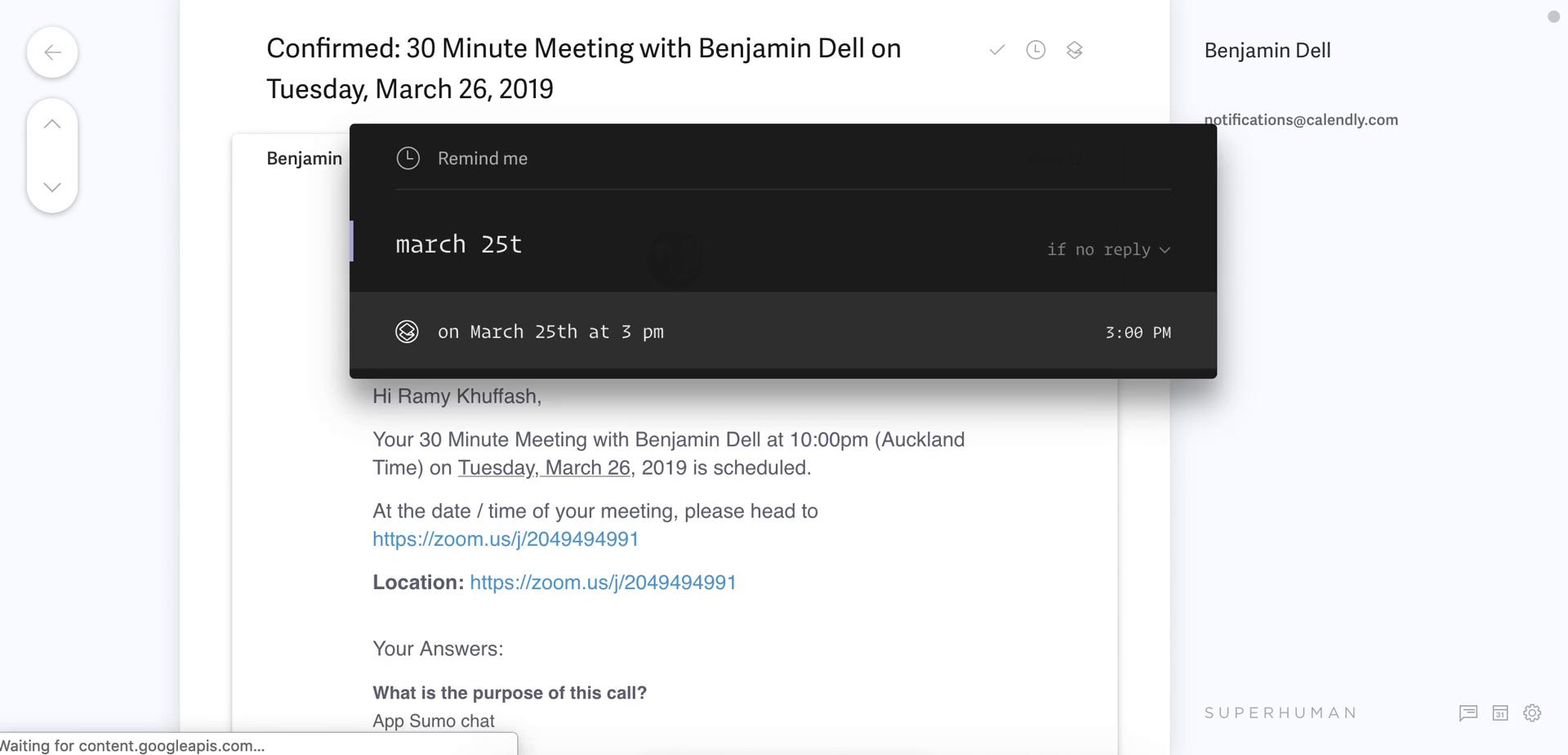
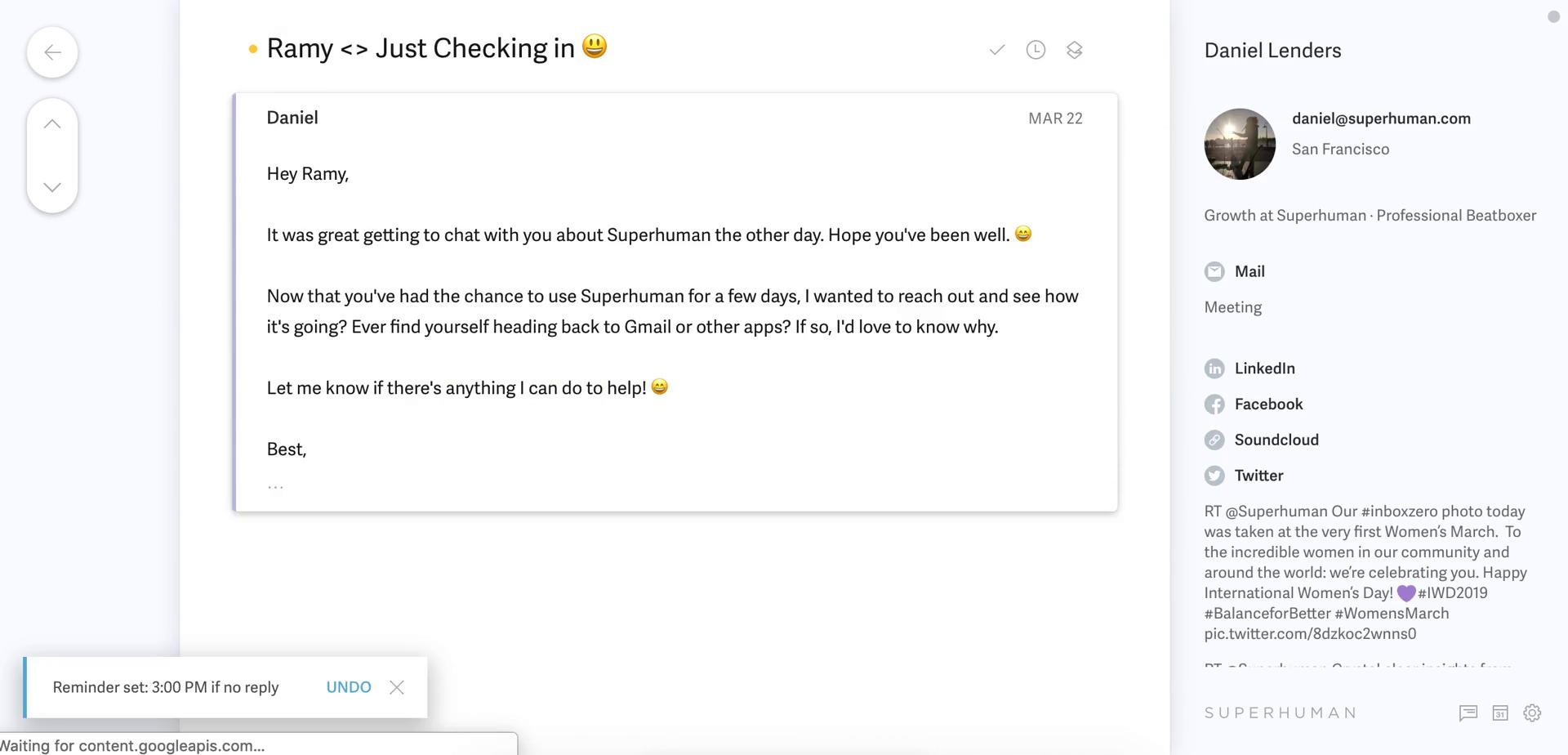
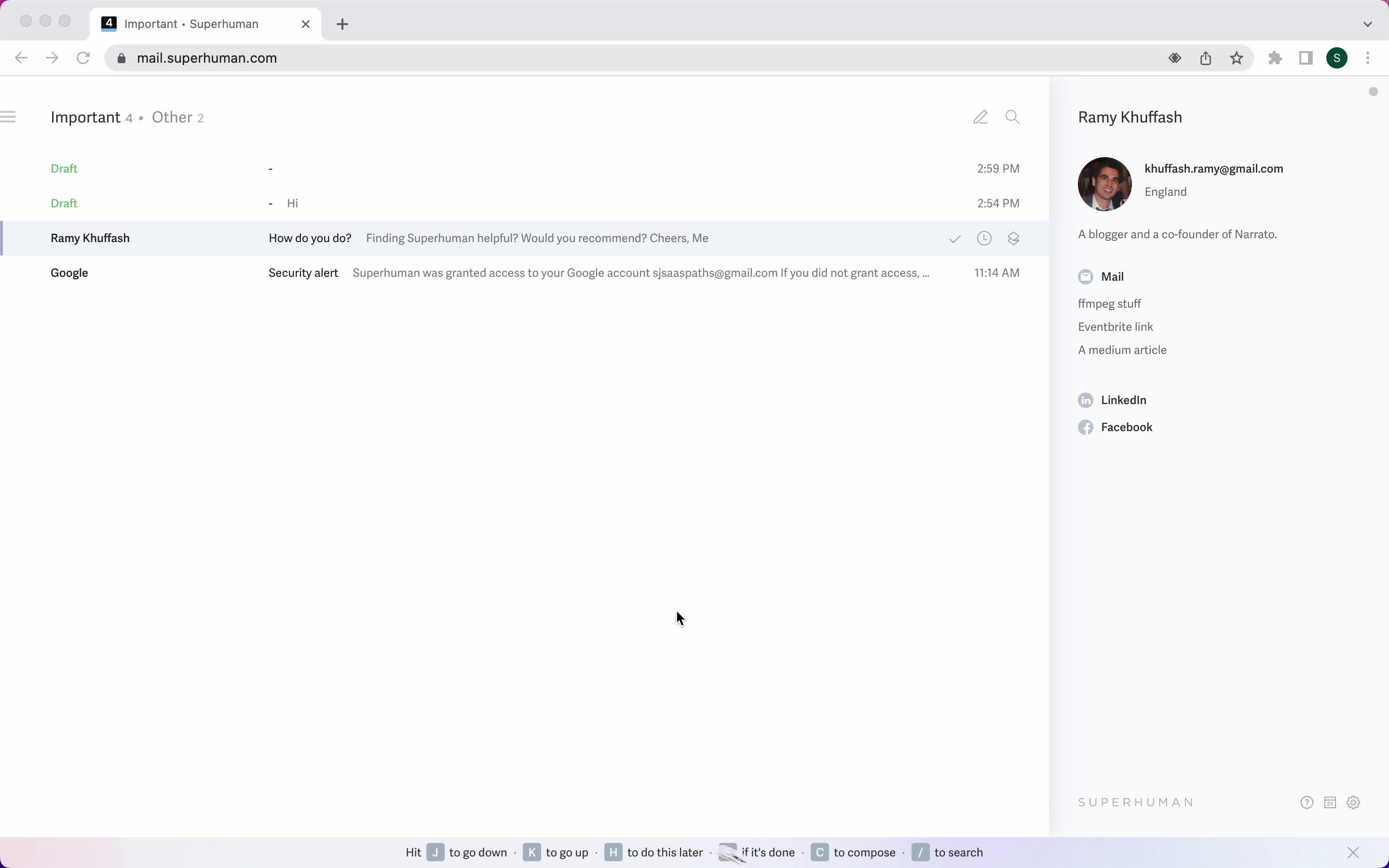
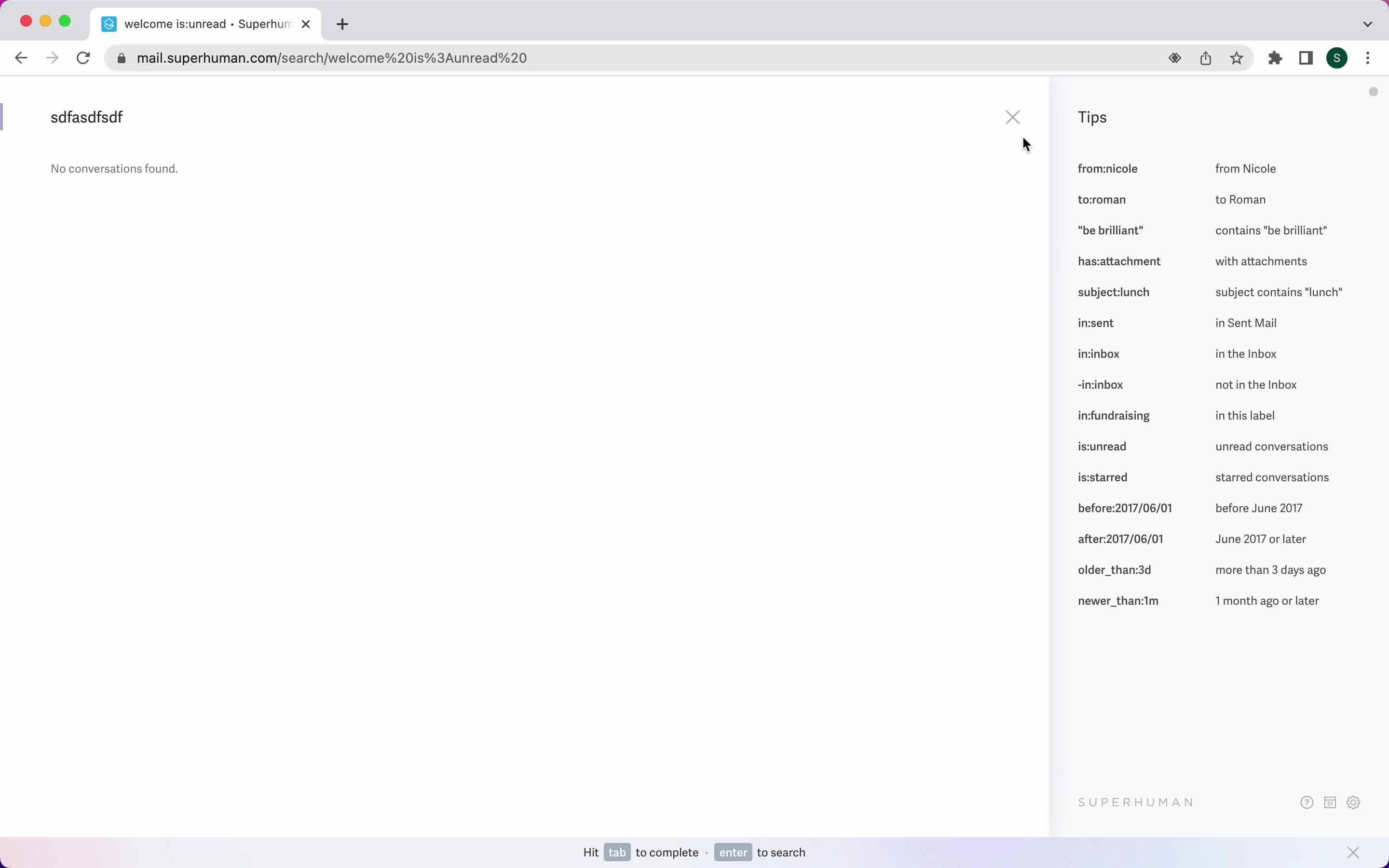
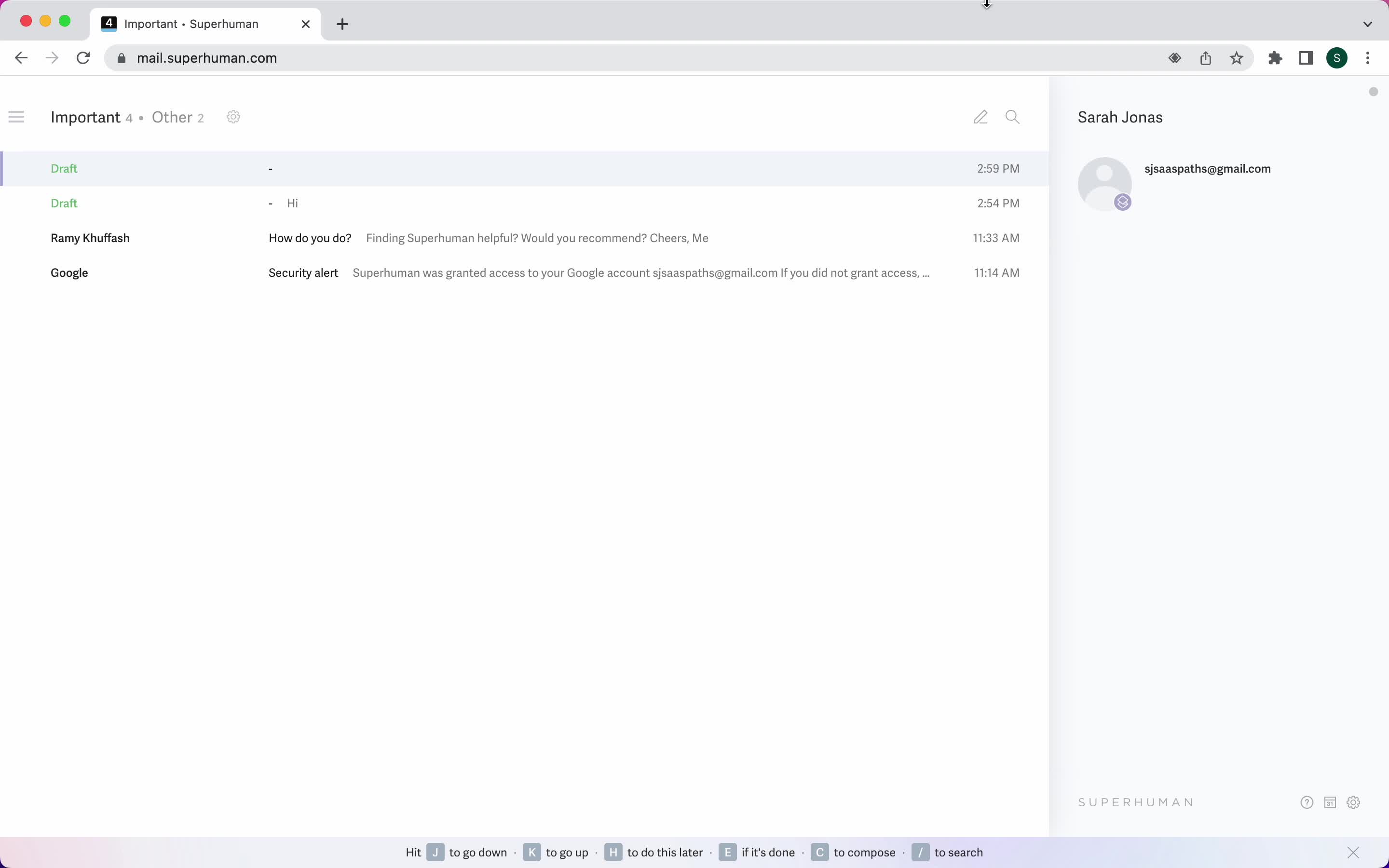
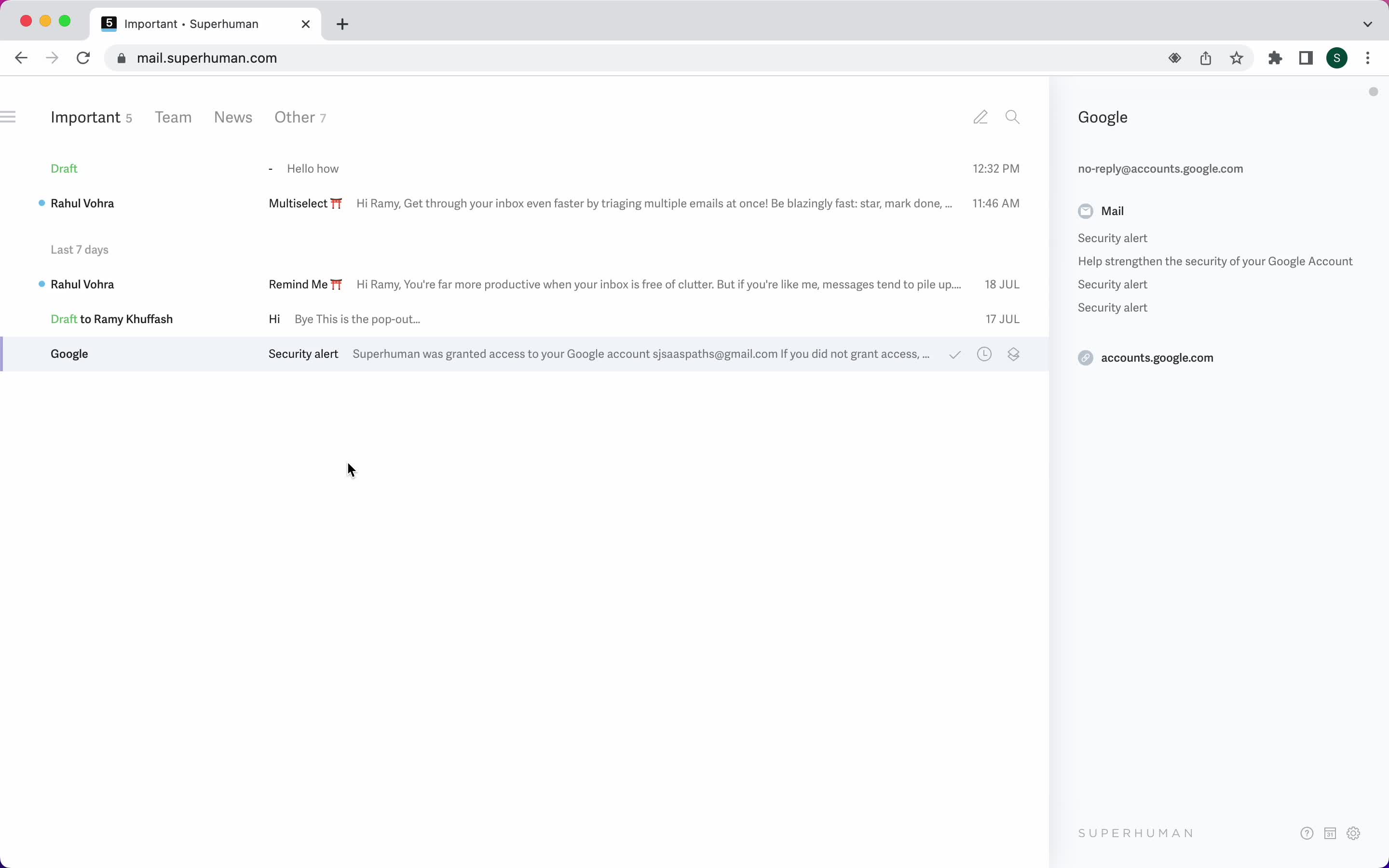
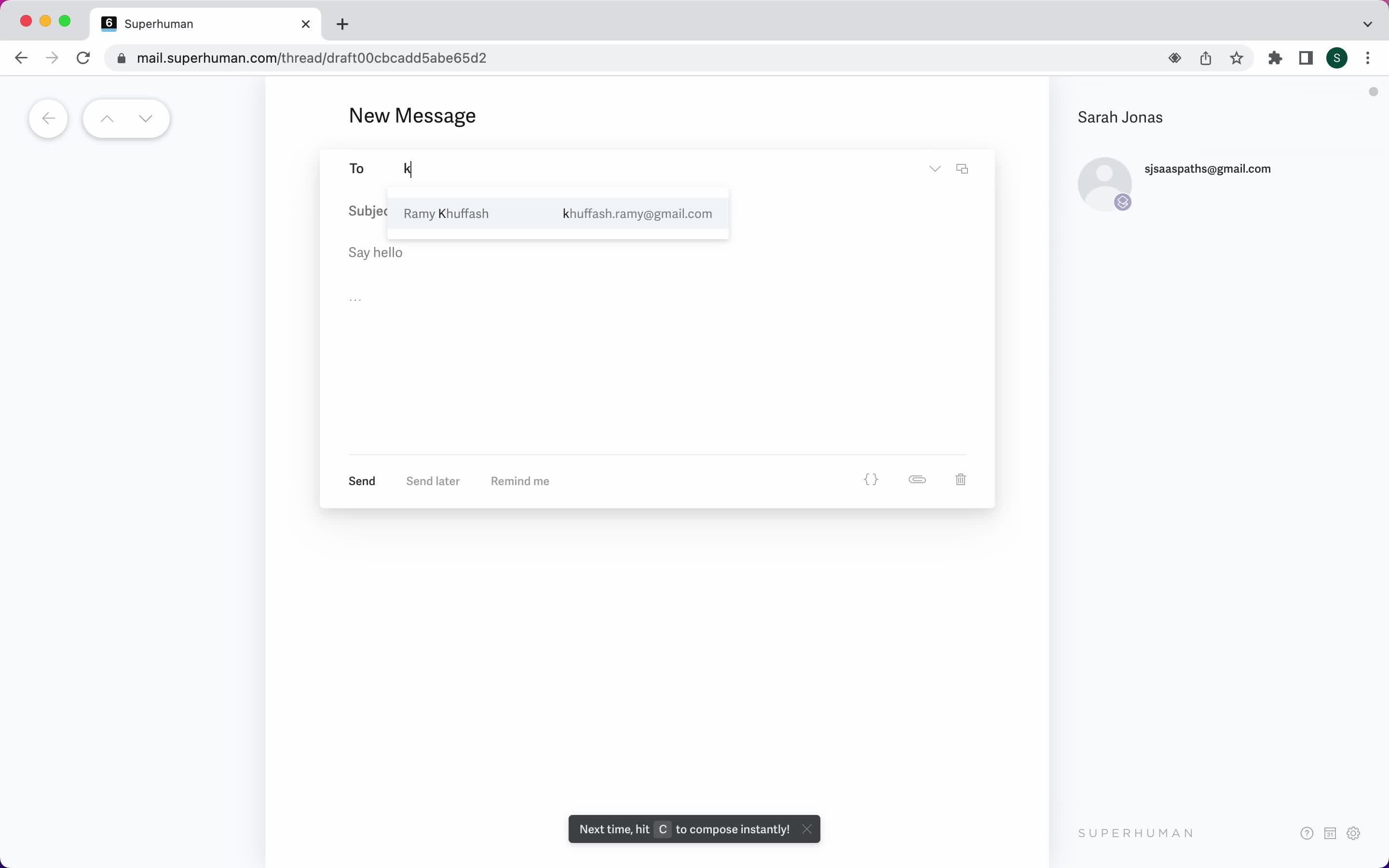
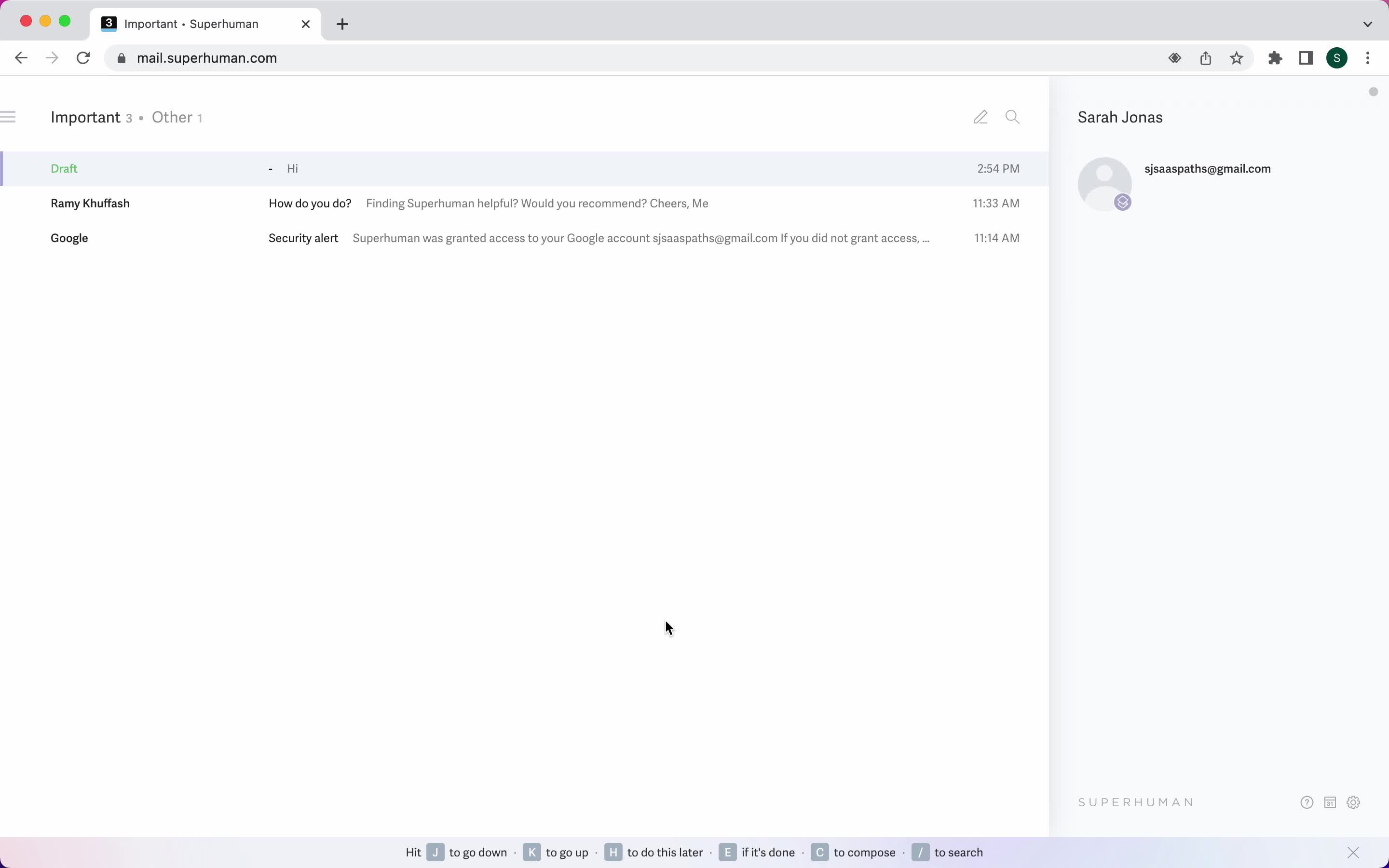
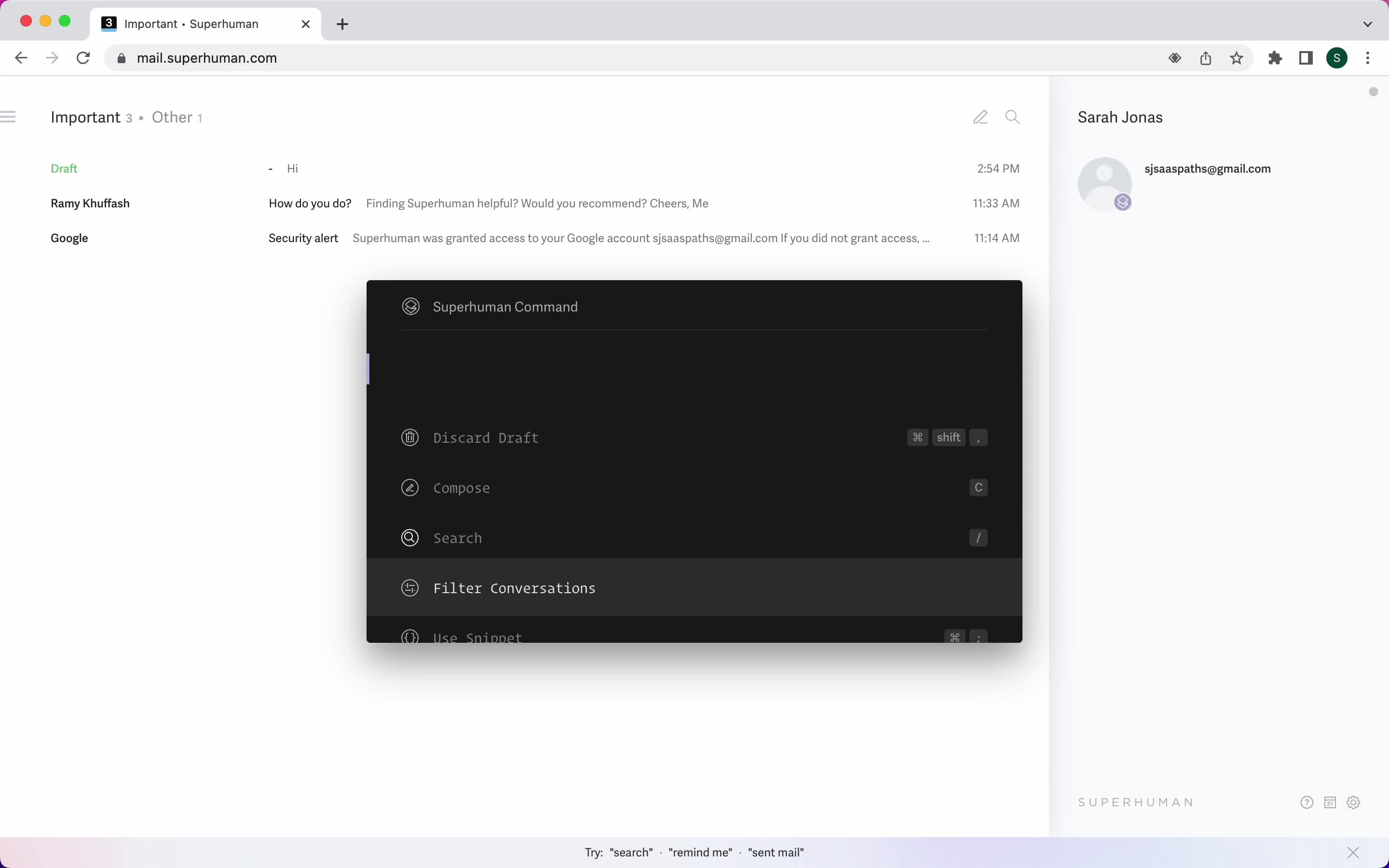
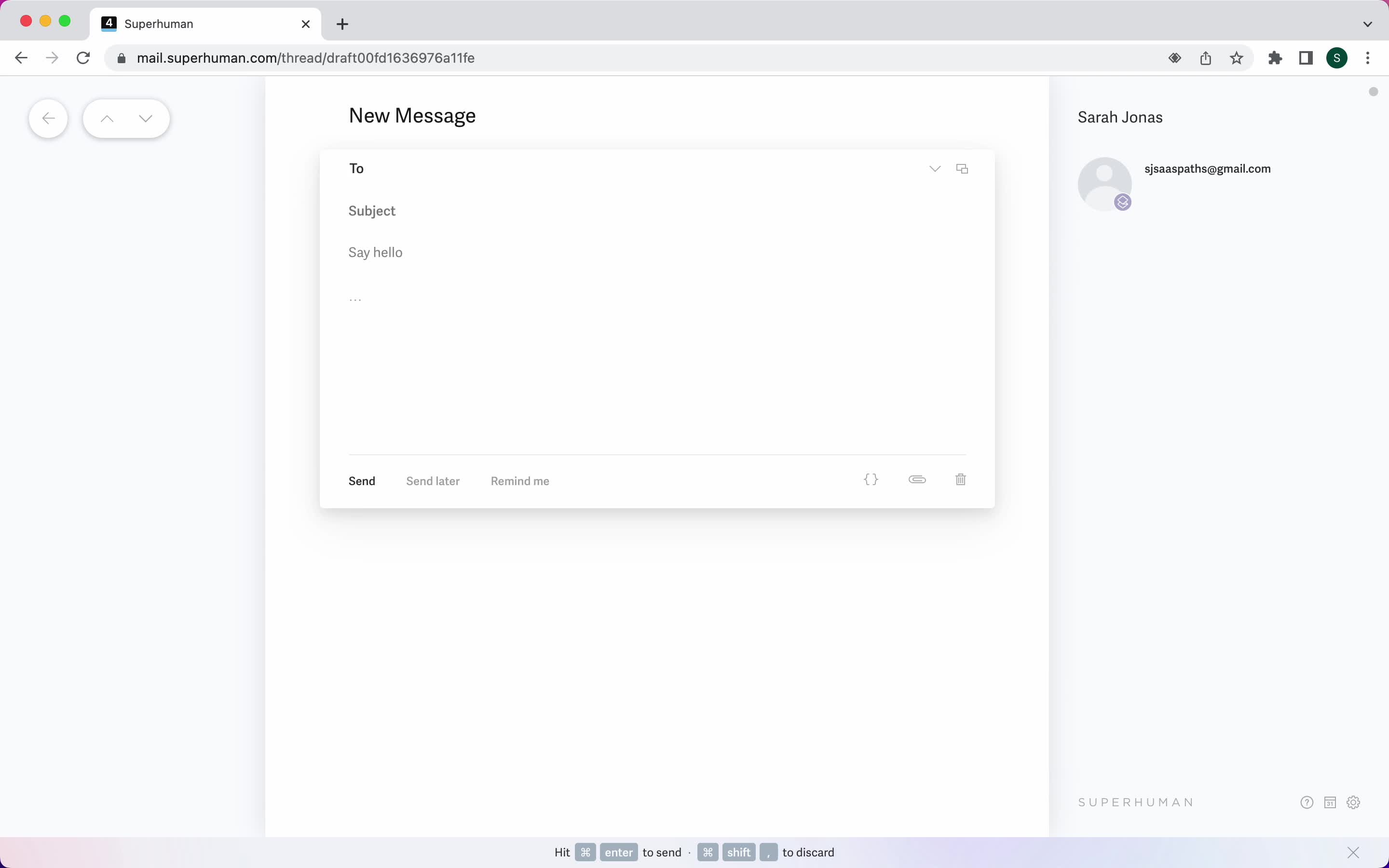
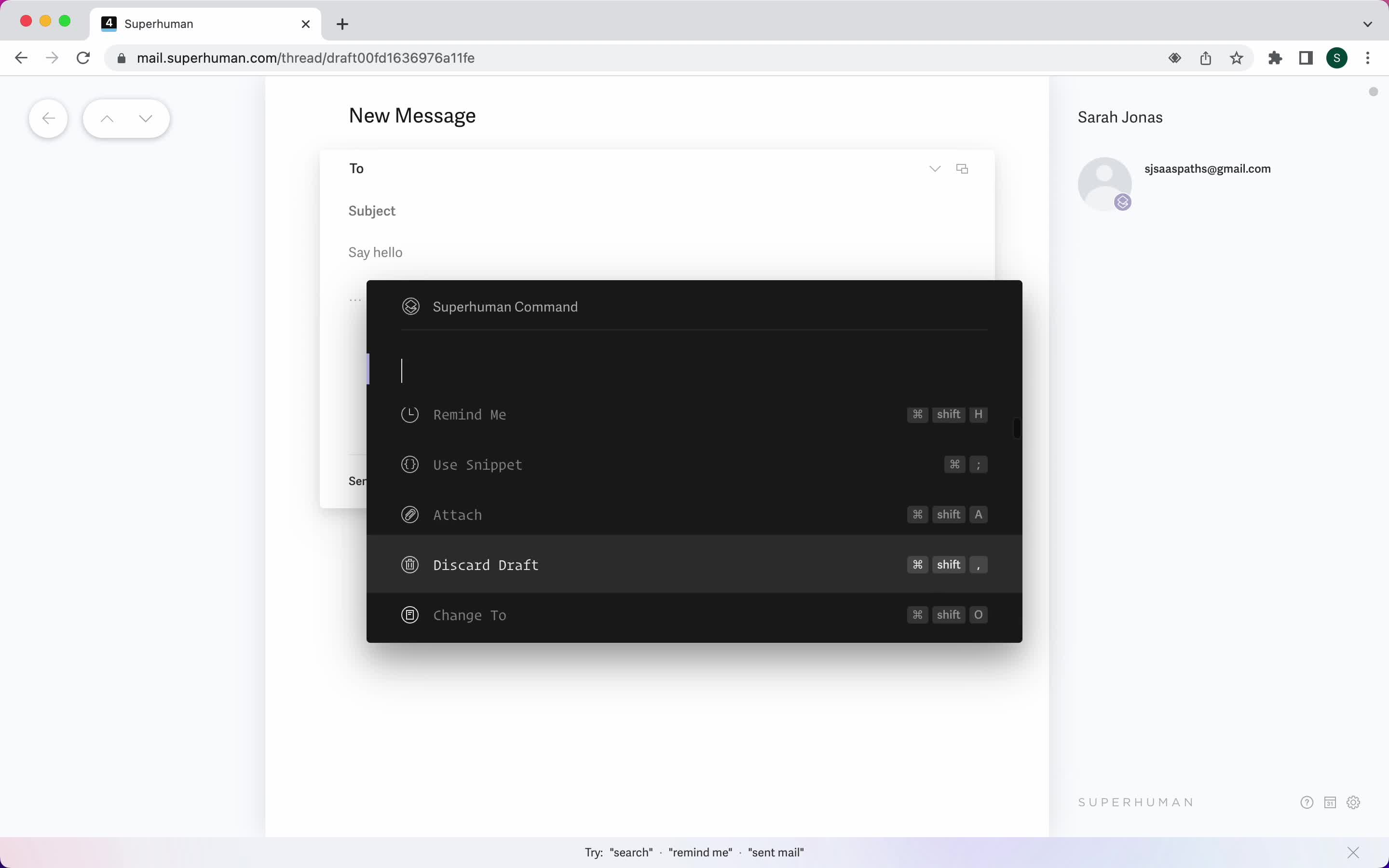
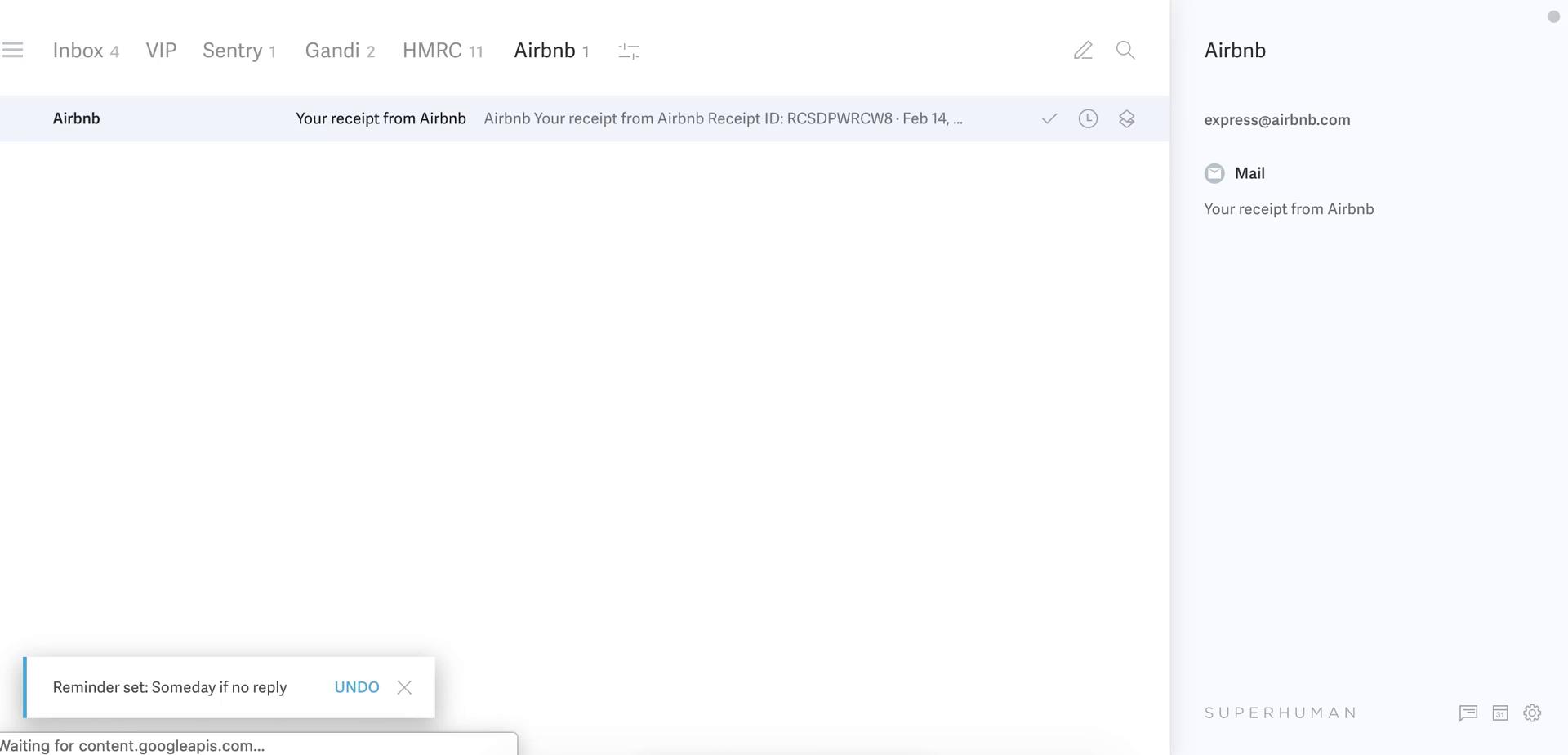
Email details
this is title
Email details
this is title
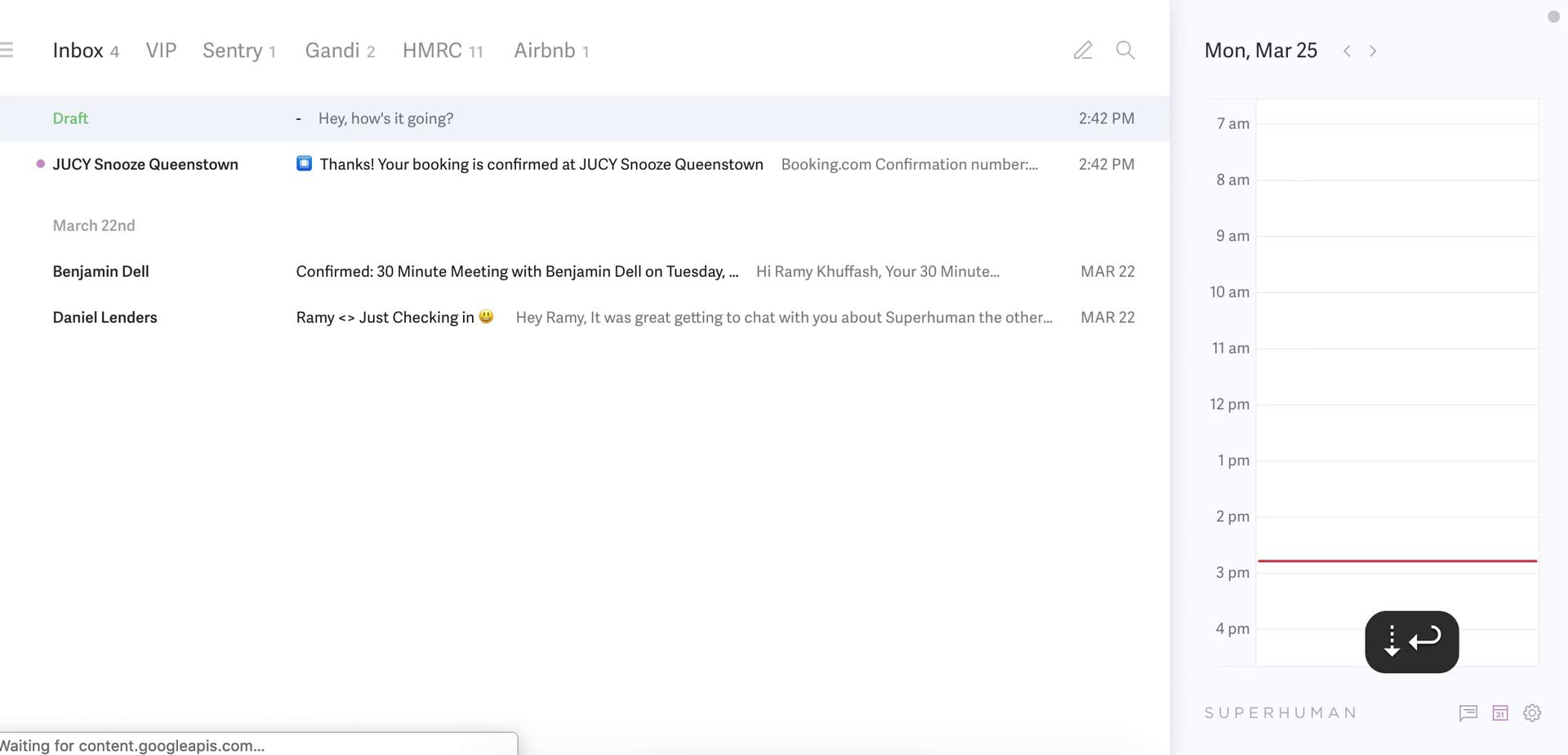
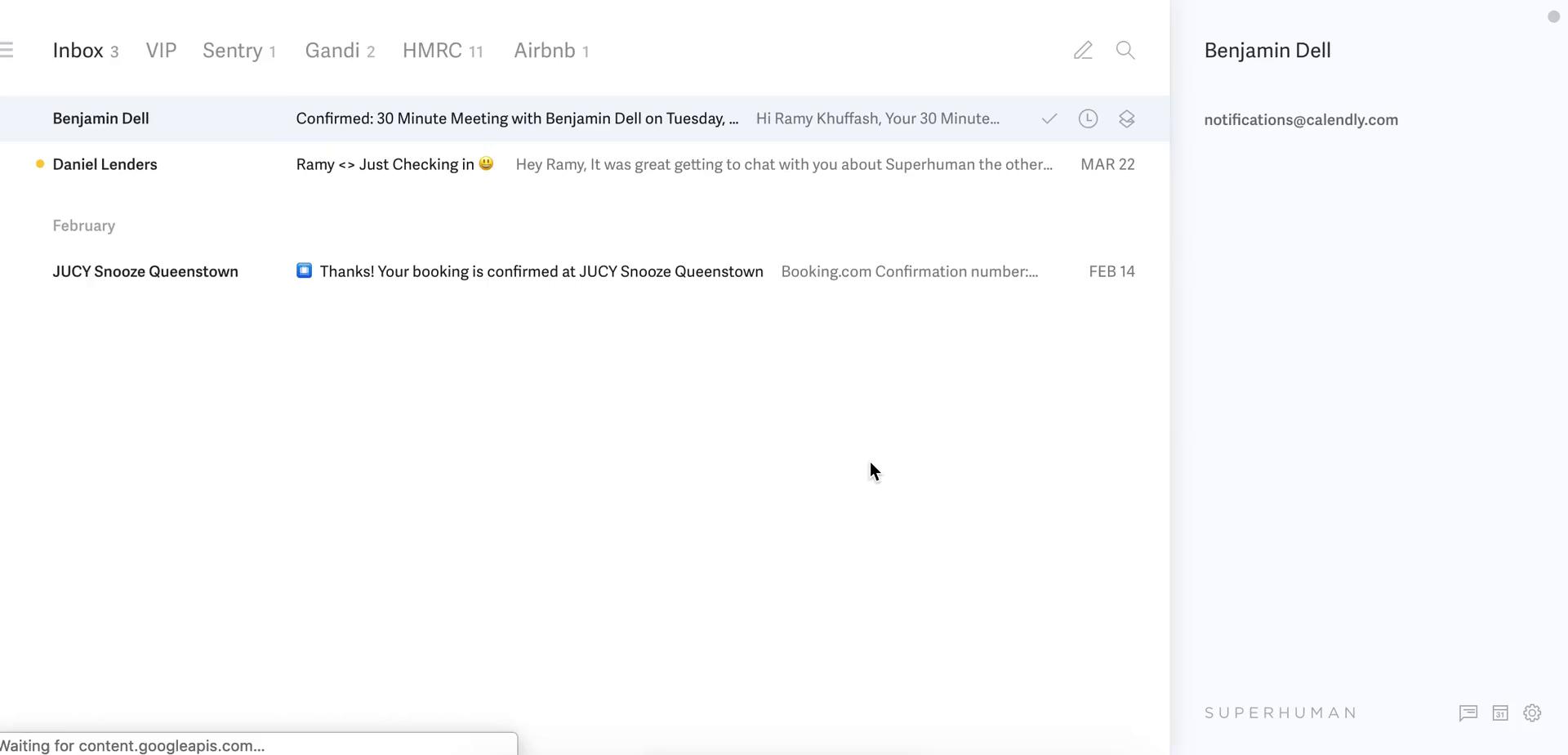
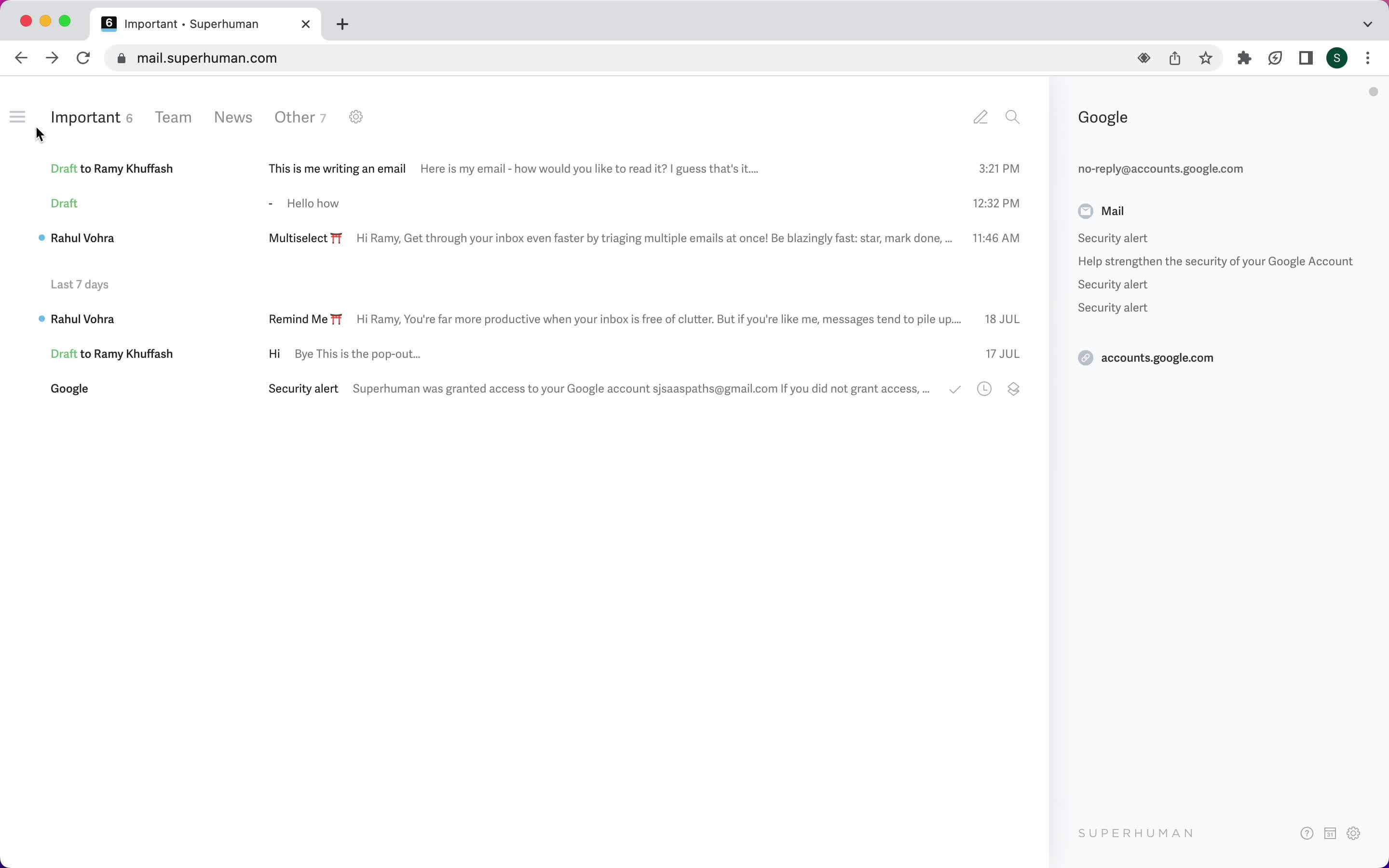
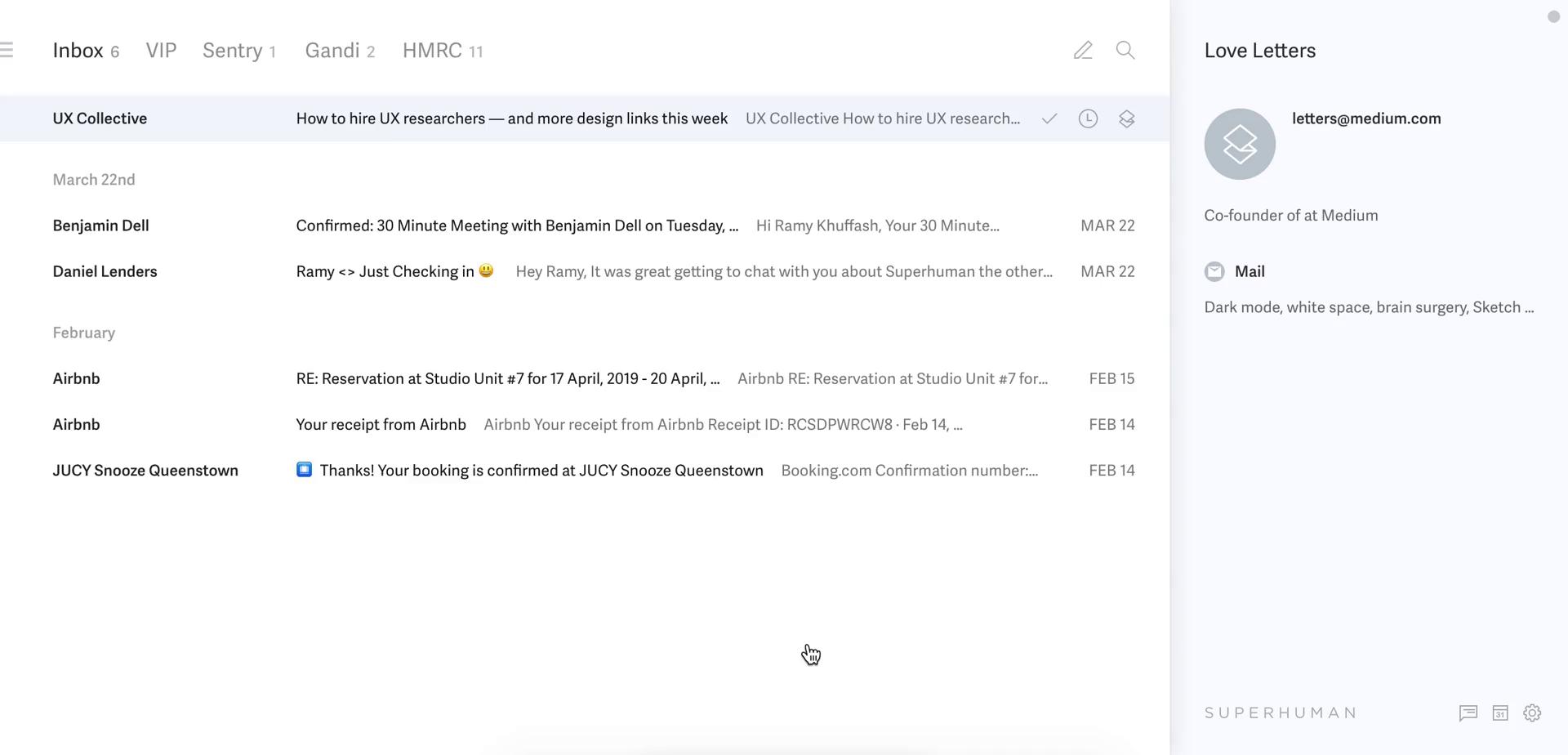
Inbox
this is title
Inbox
this is title
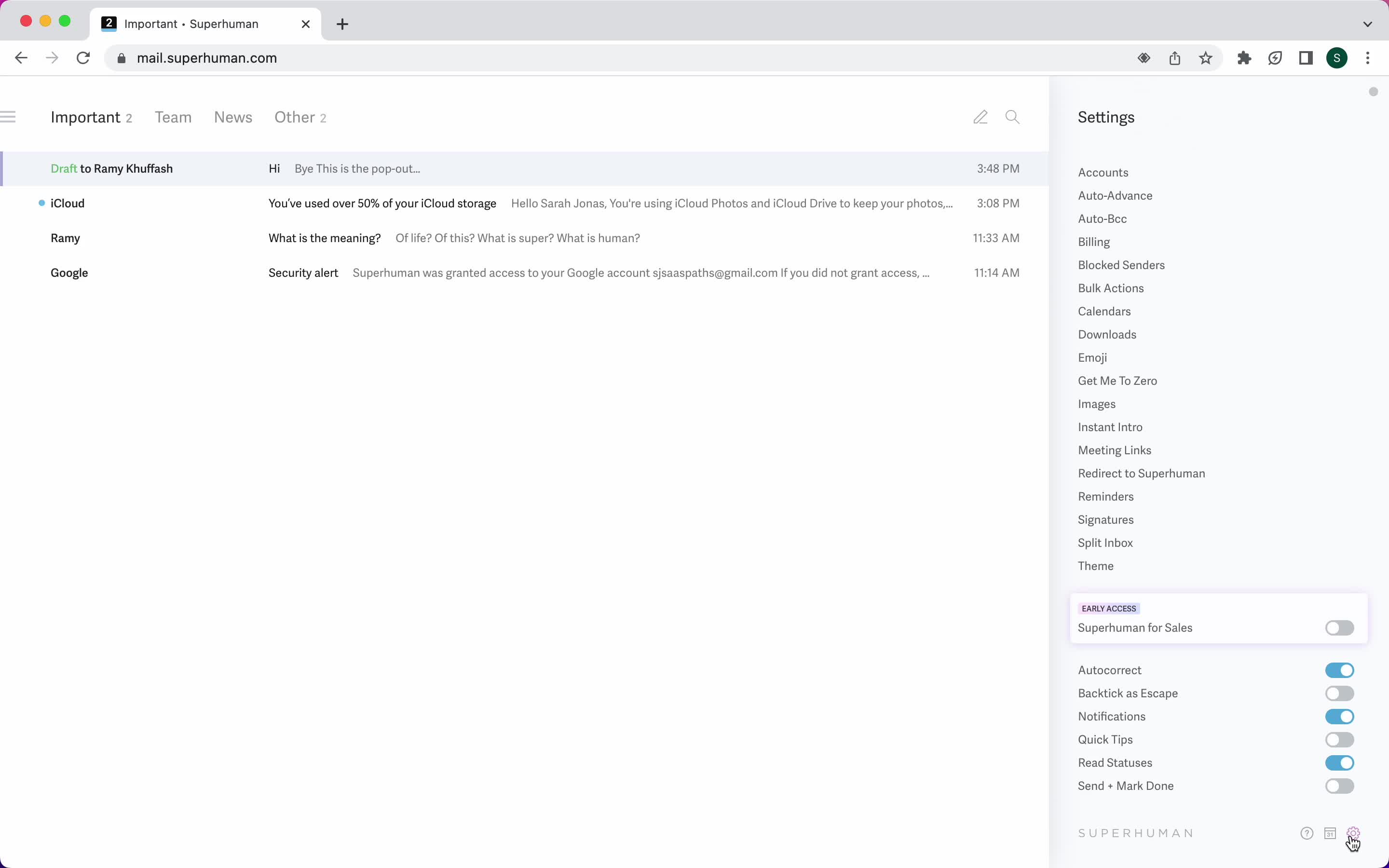
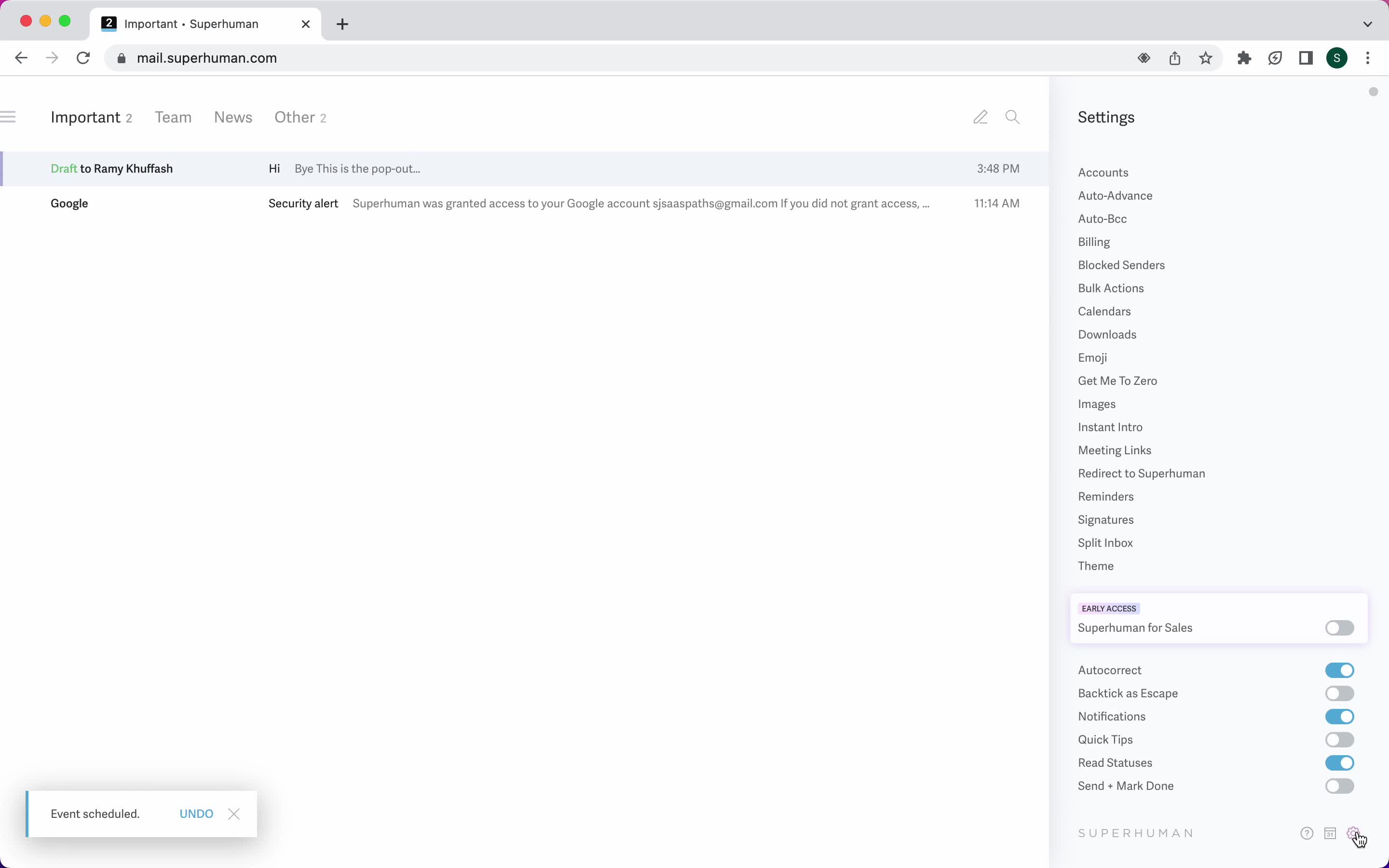
Settings
this is title
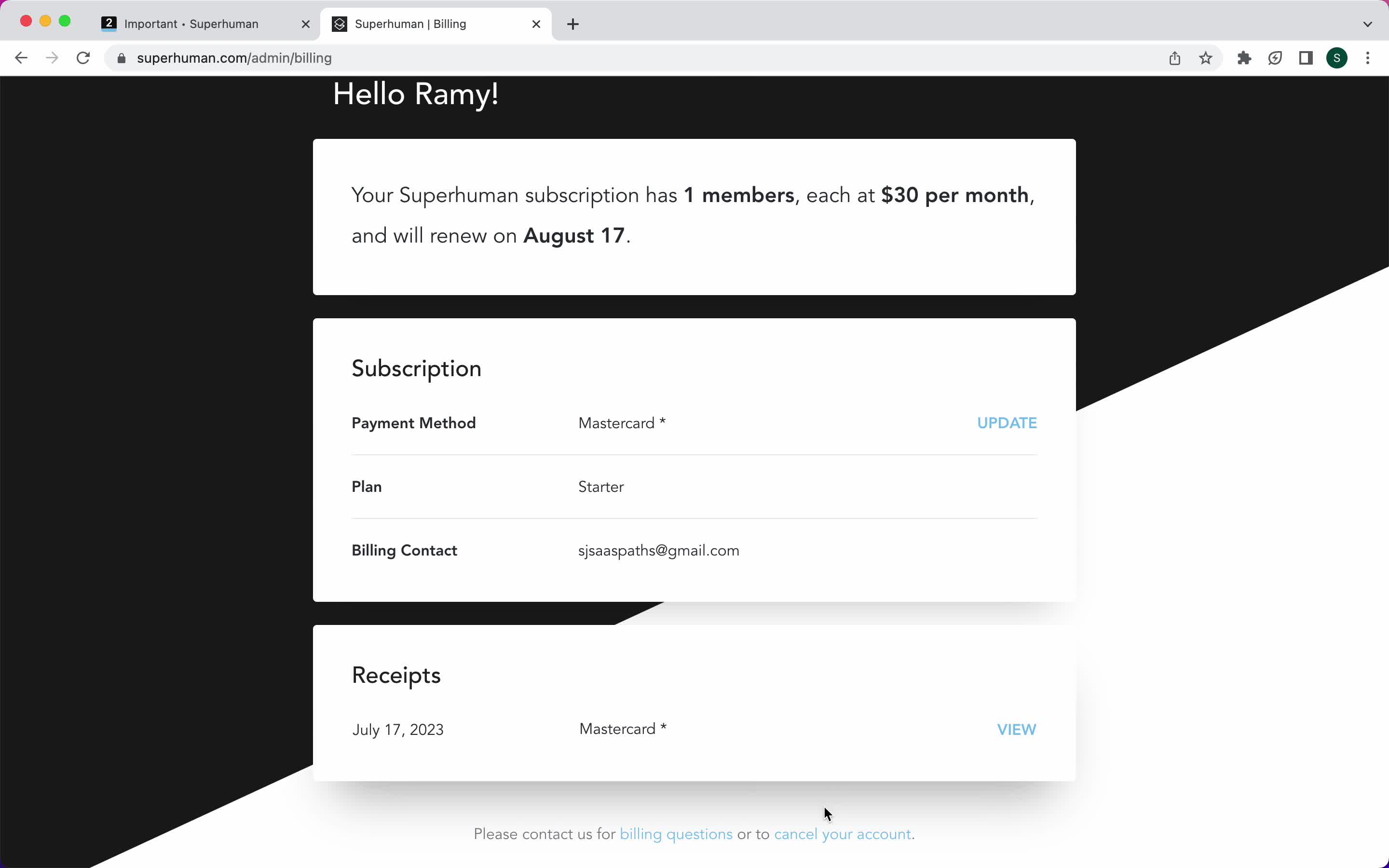
Billing
this is title
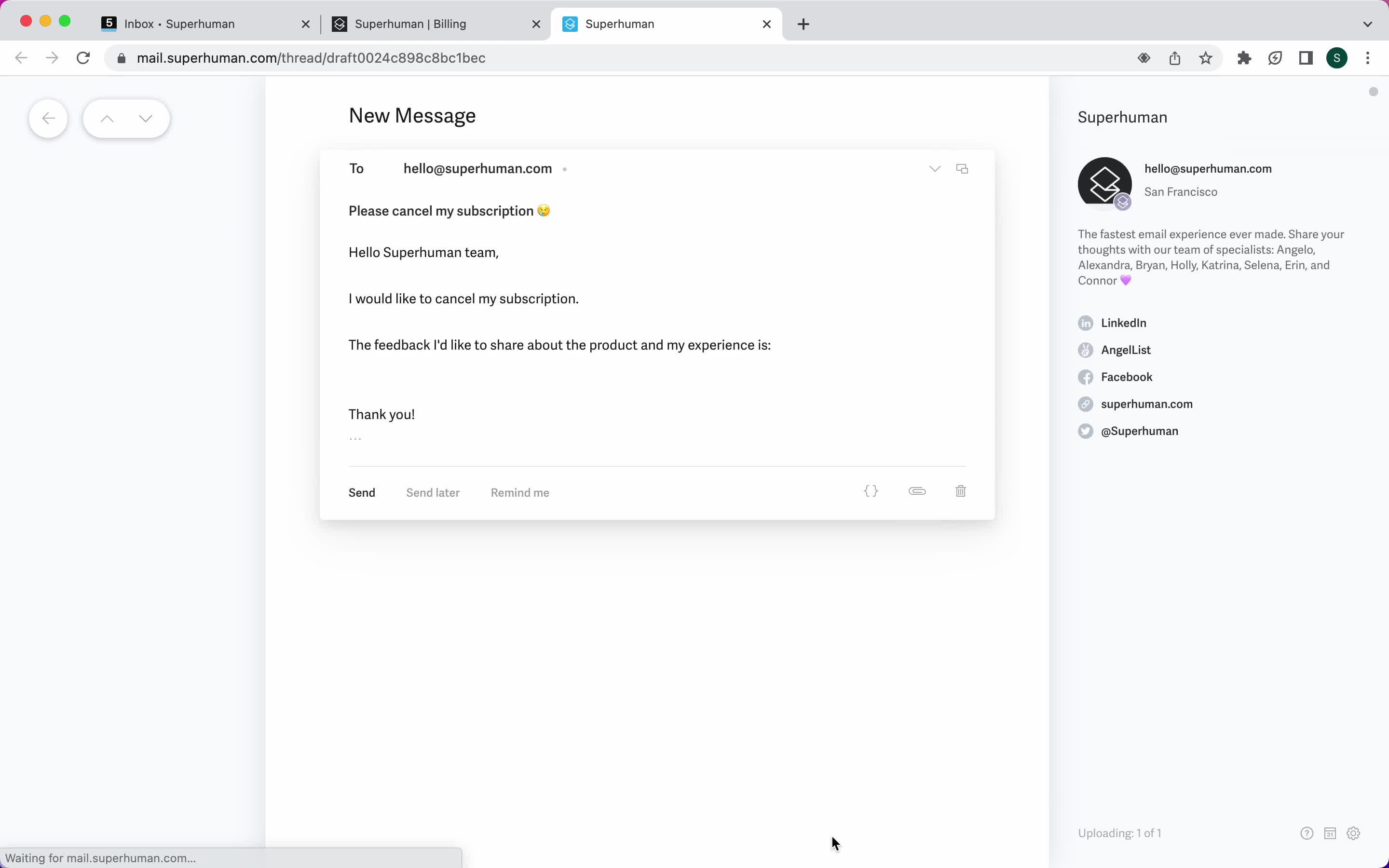
Cancel subscription
this is title
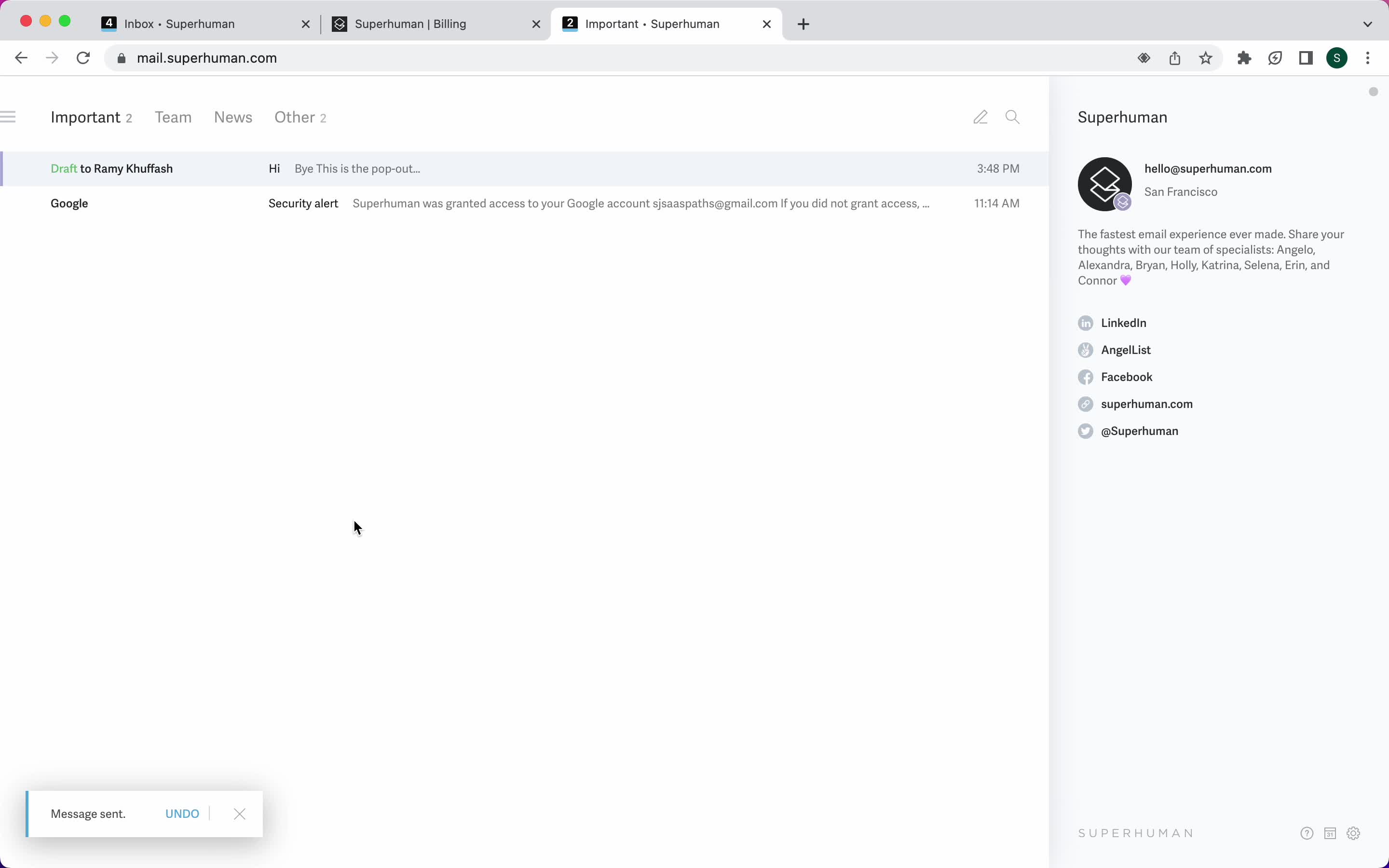
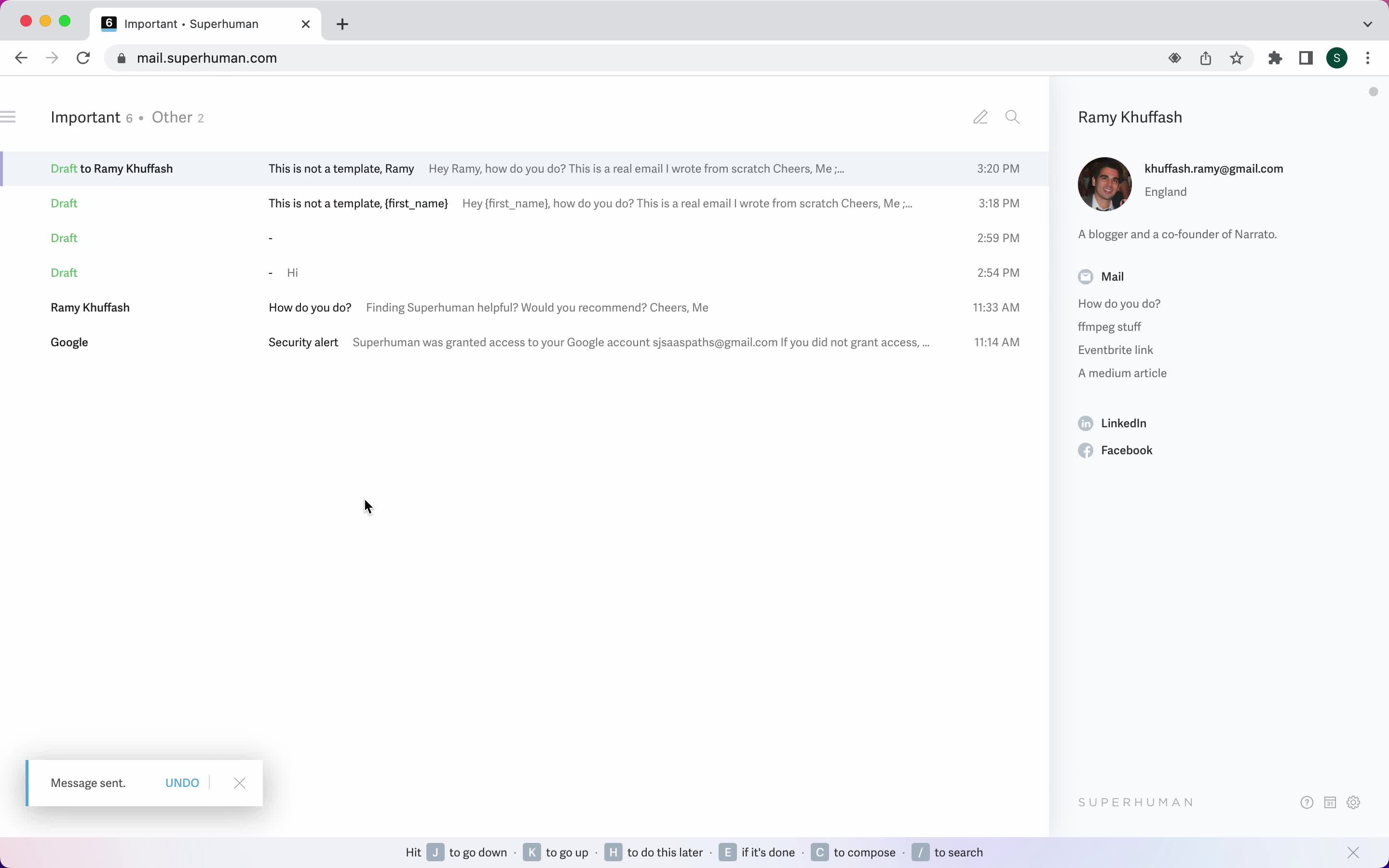
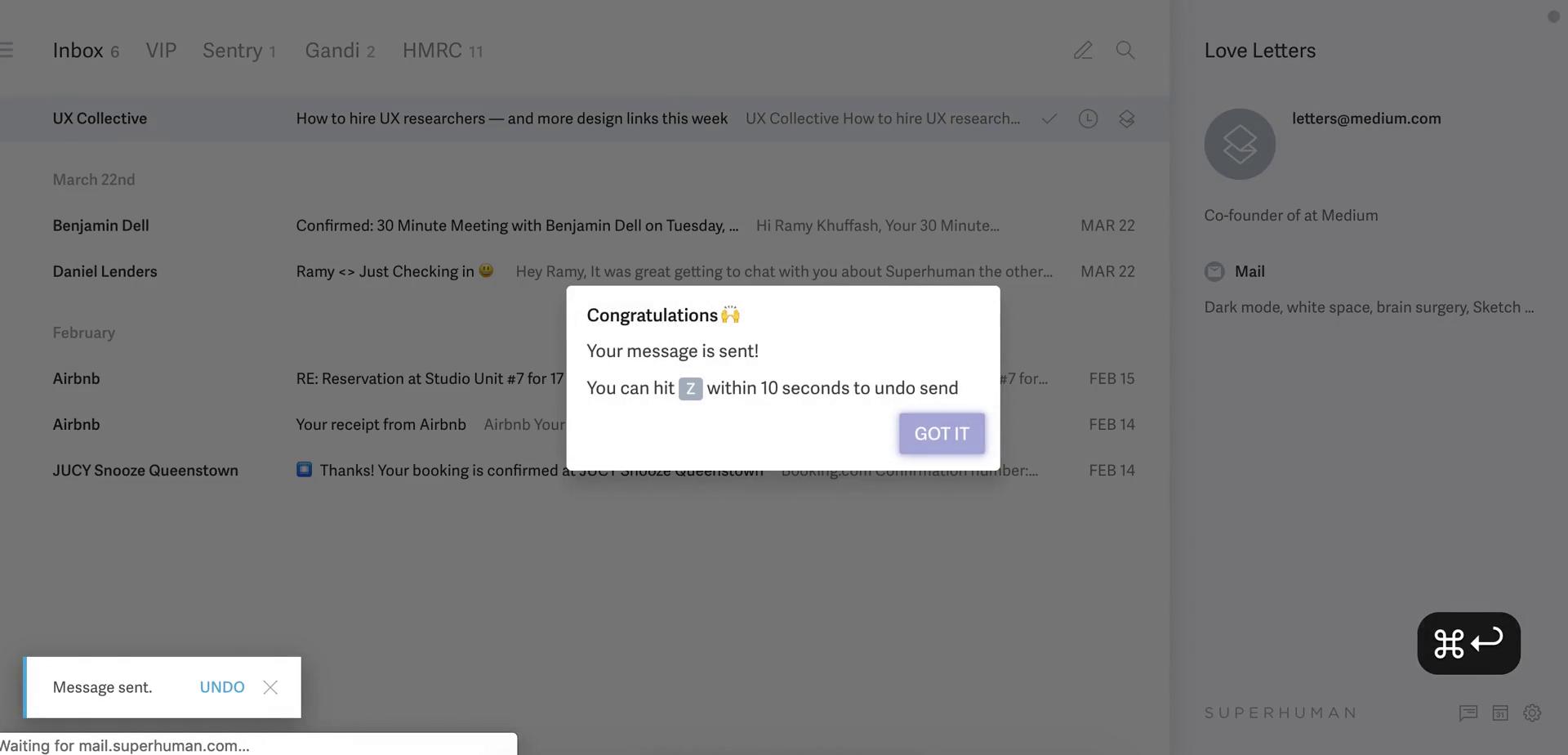
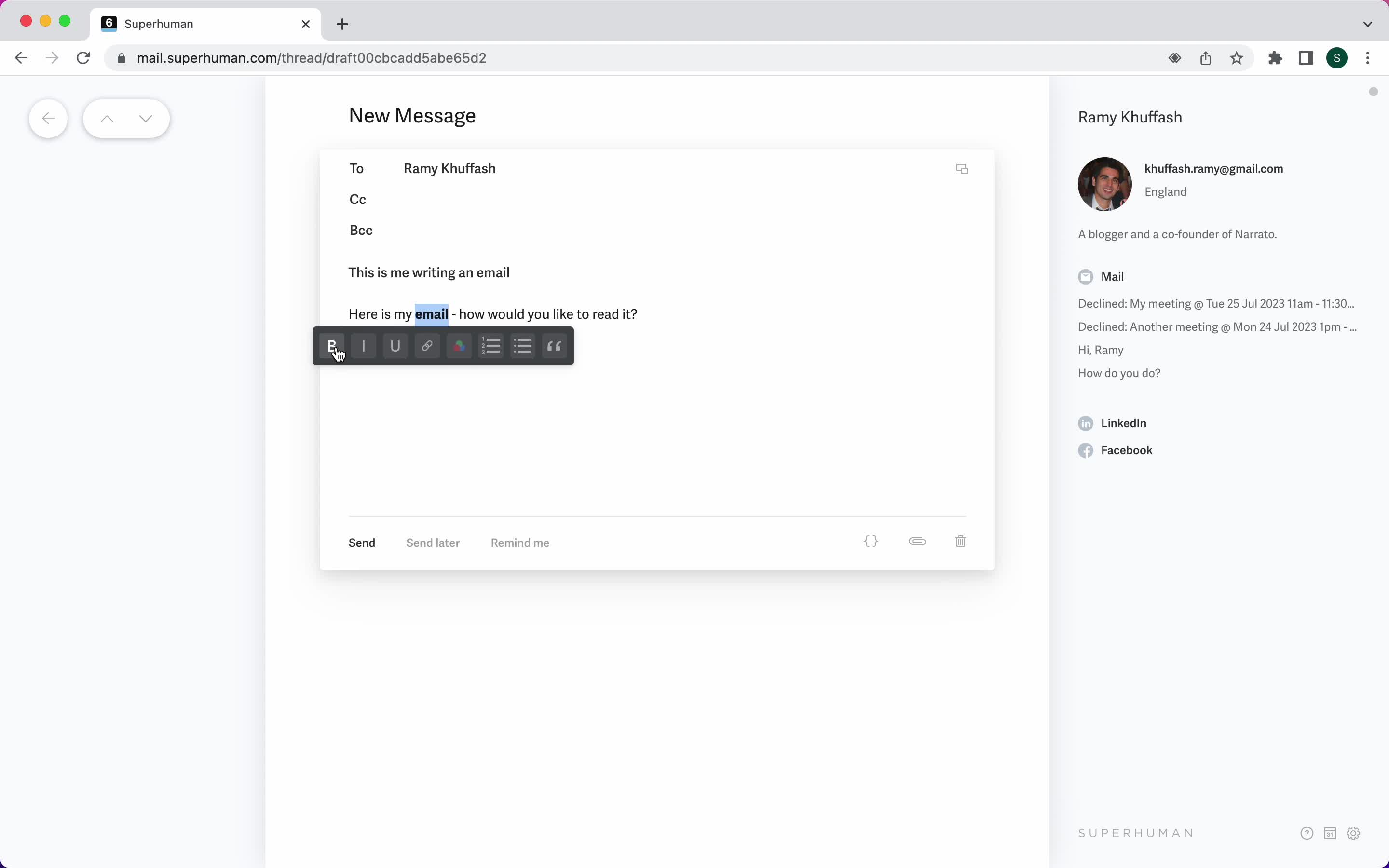
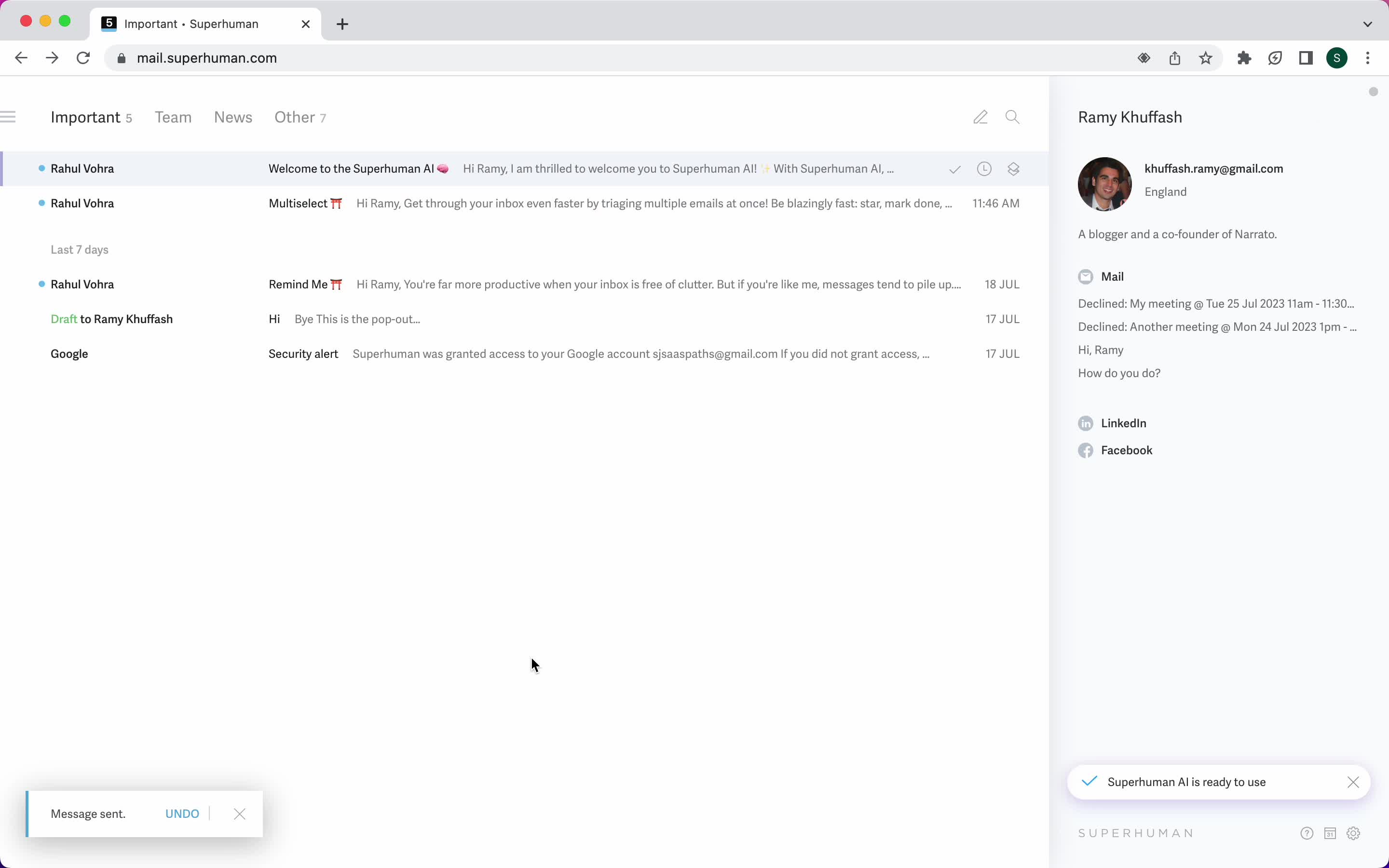
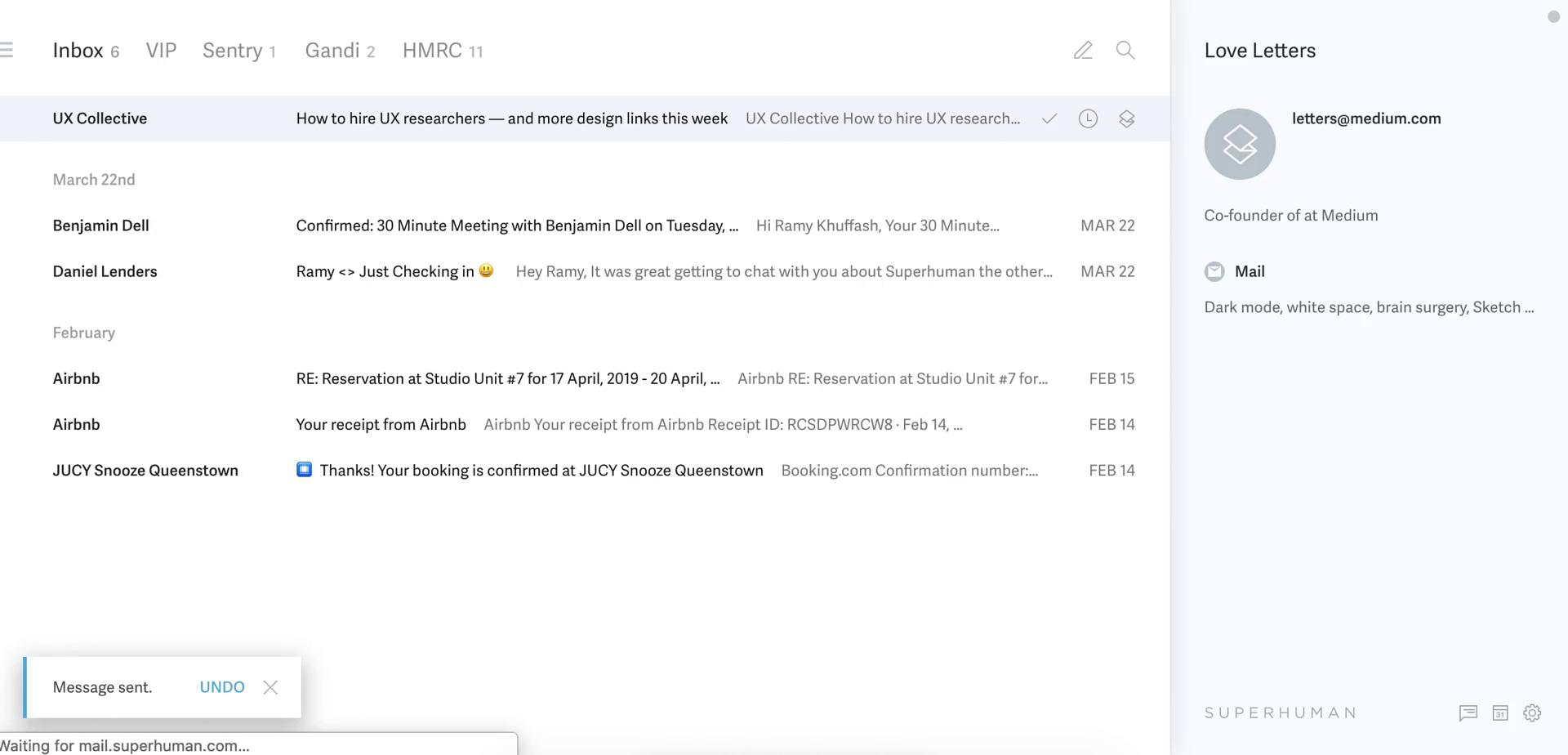
Email sent
this is title
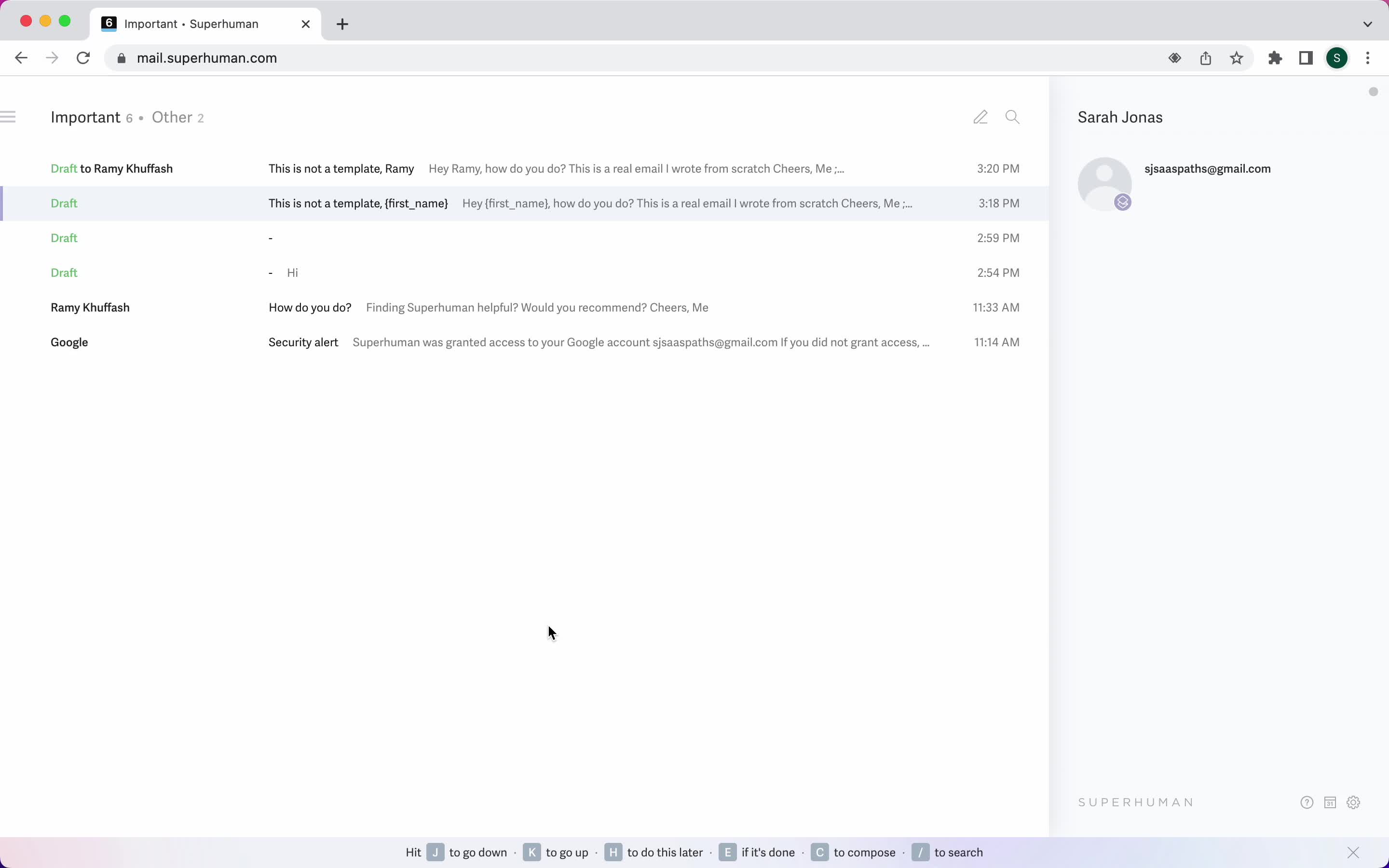
Inbox
this is title
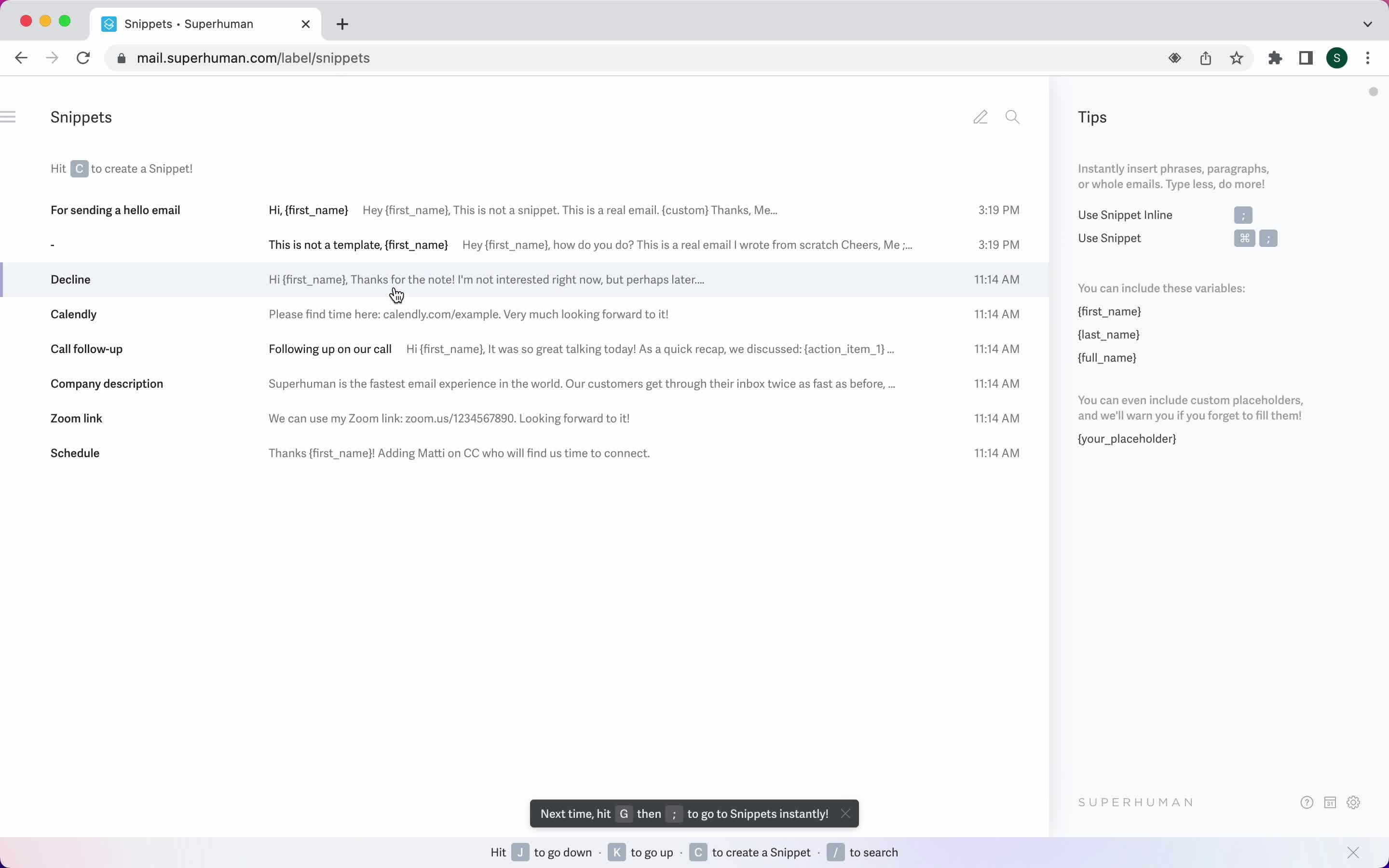
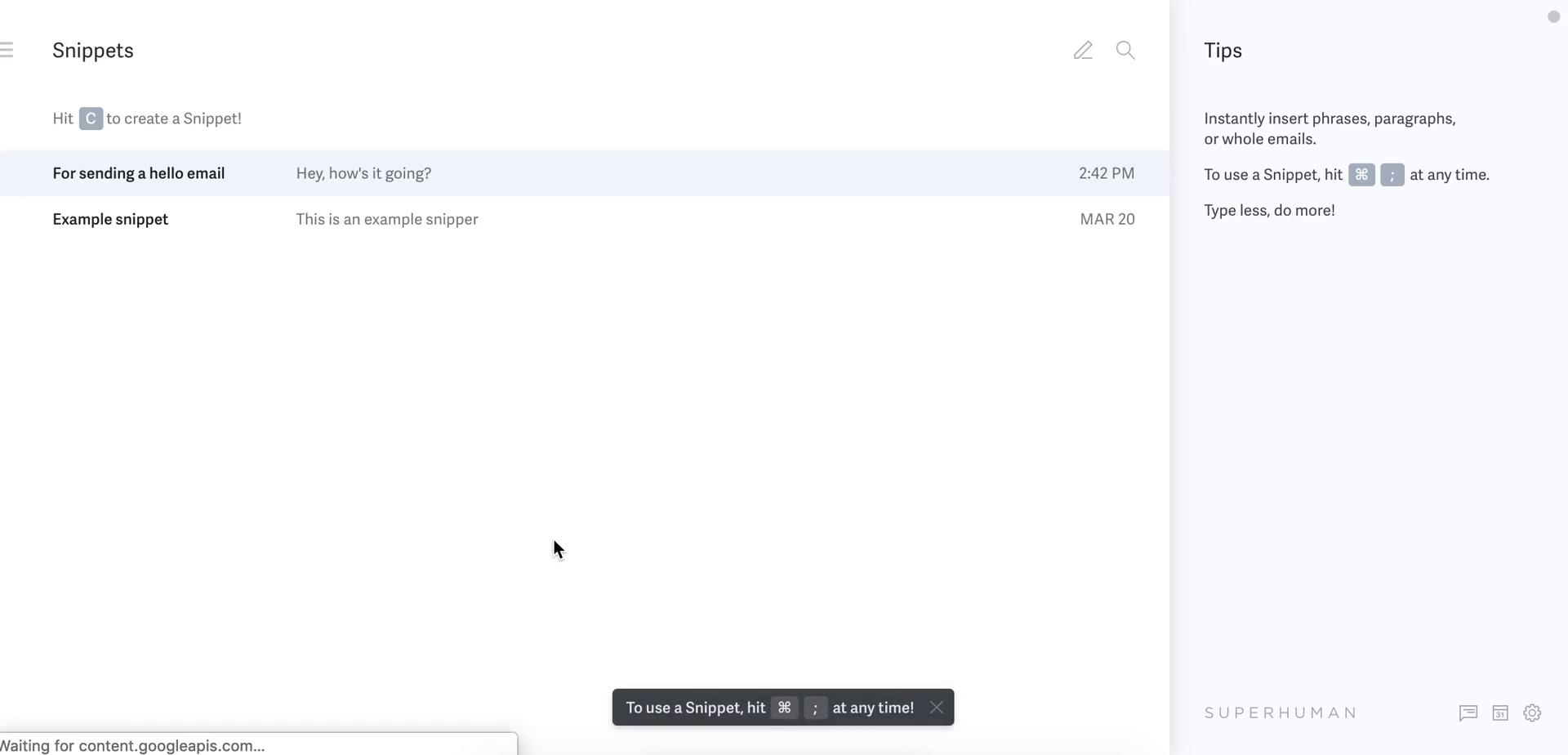
Snippets
this is title
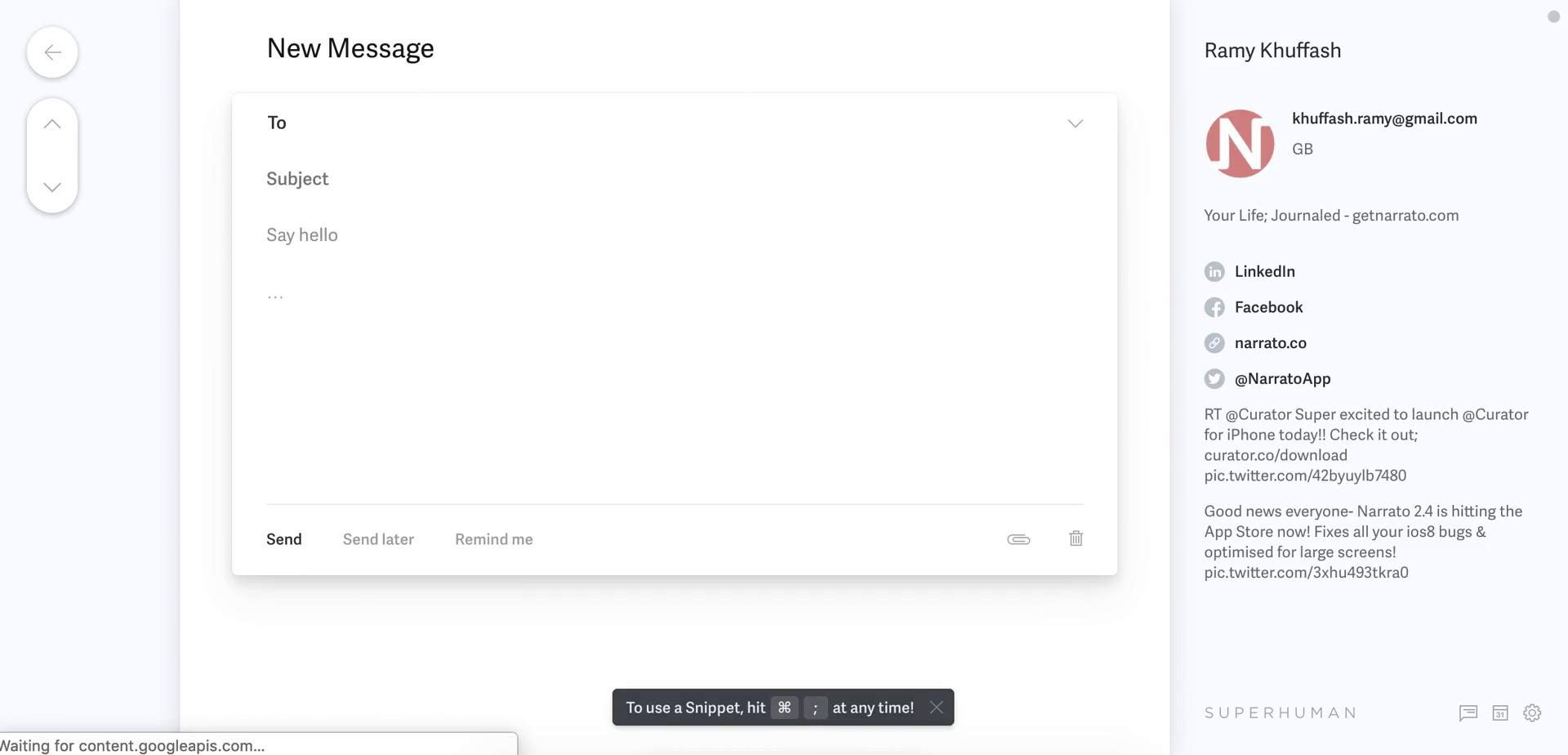
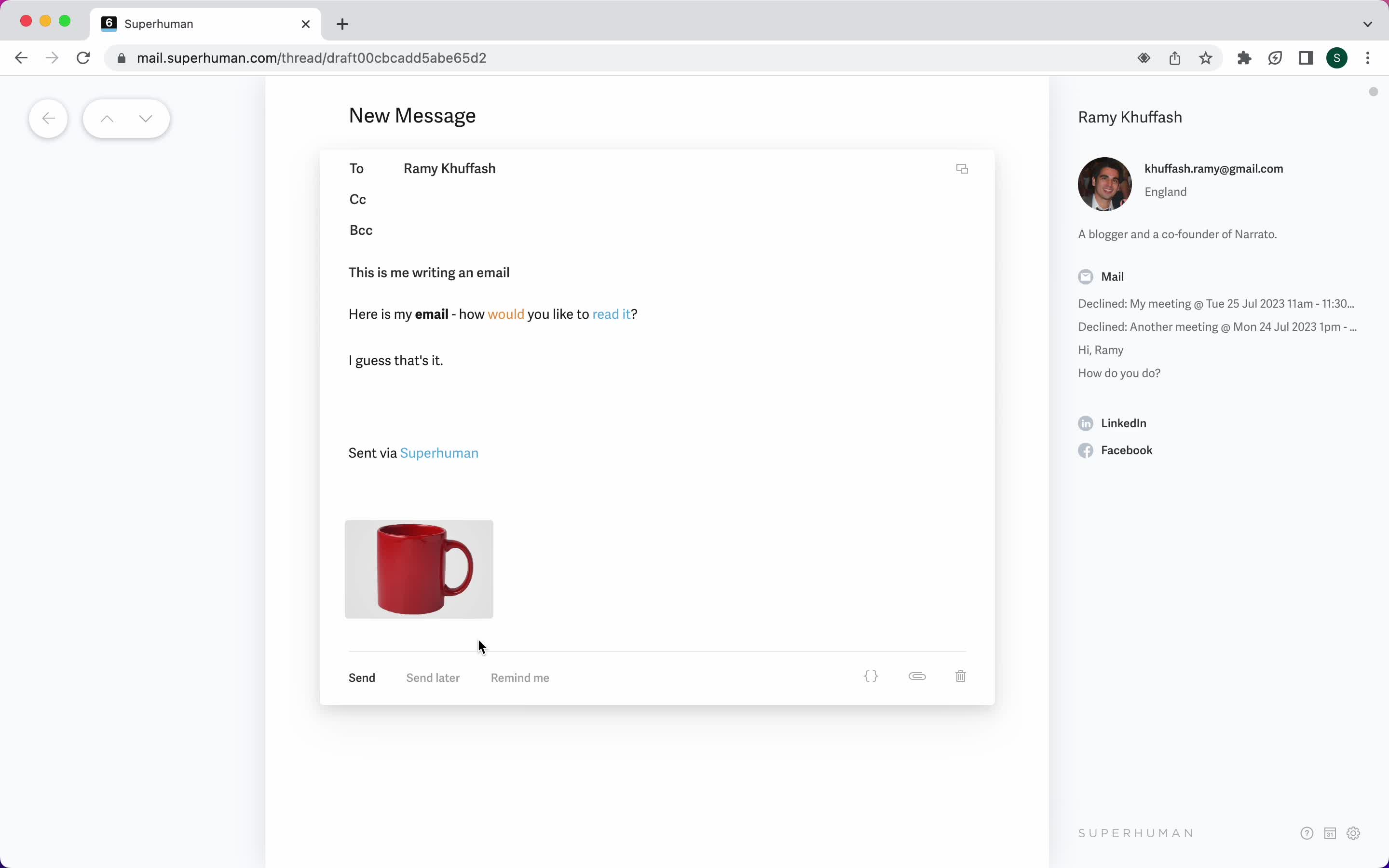
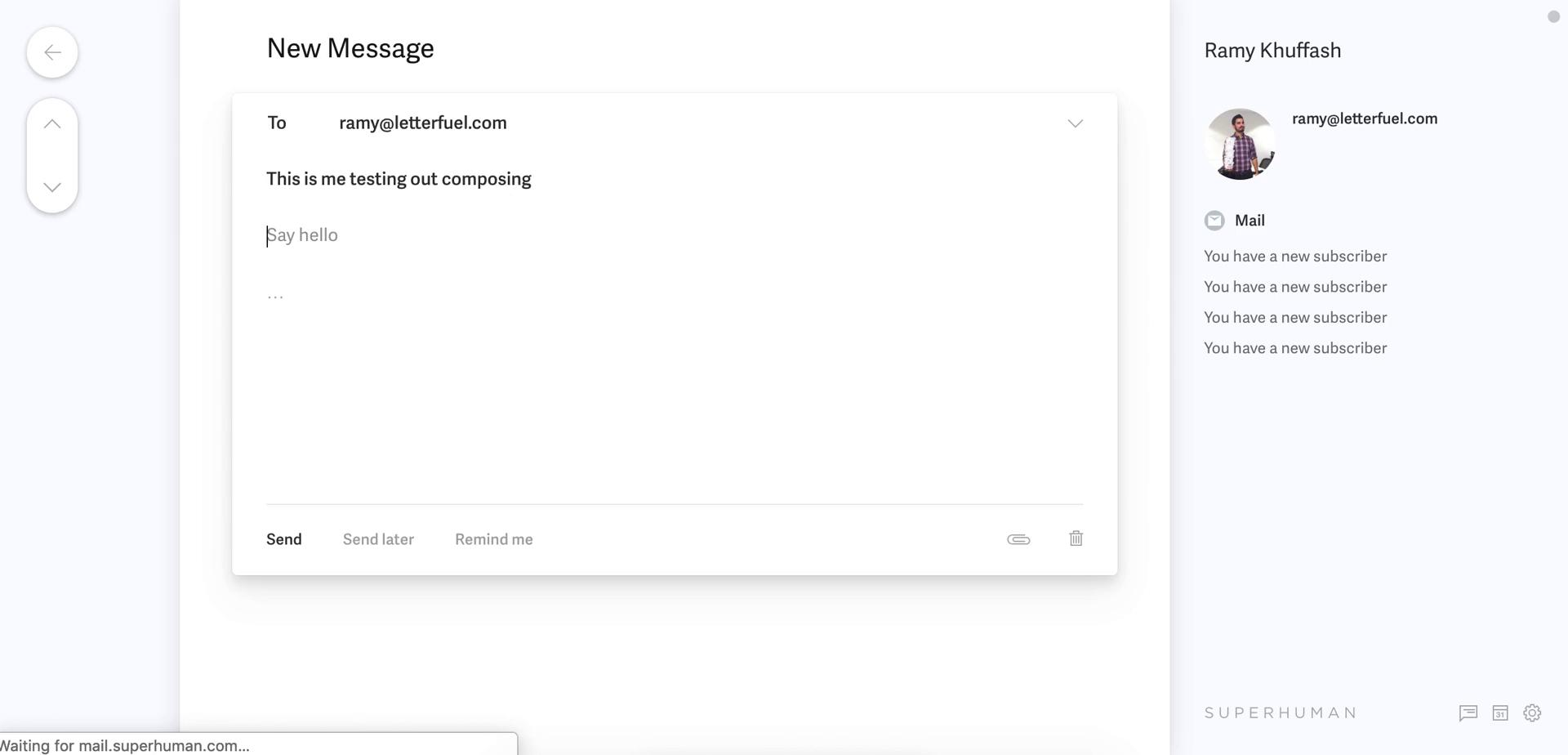
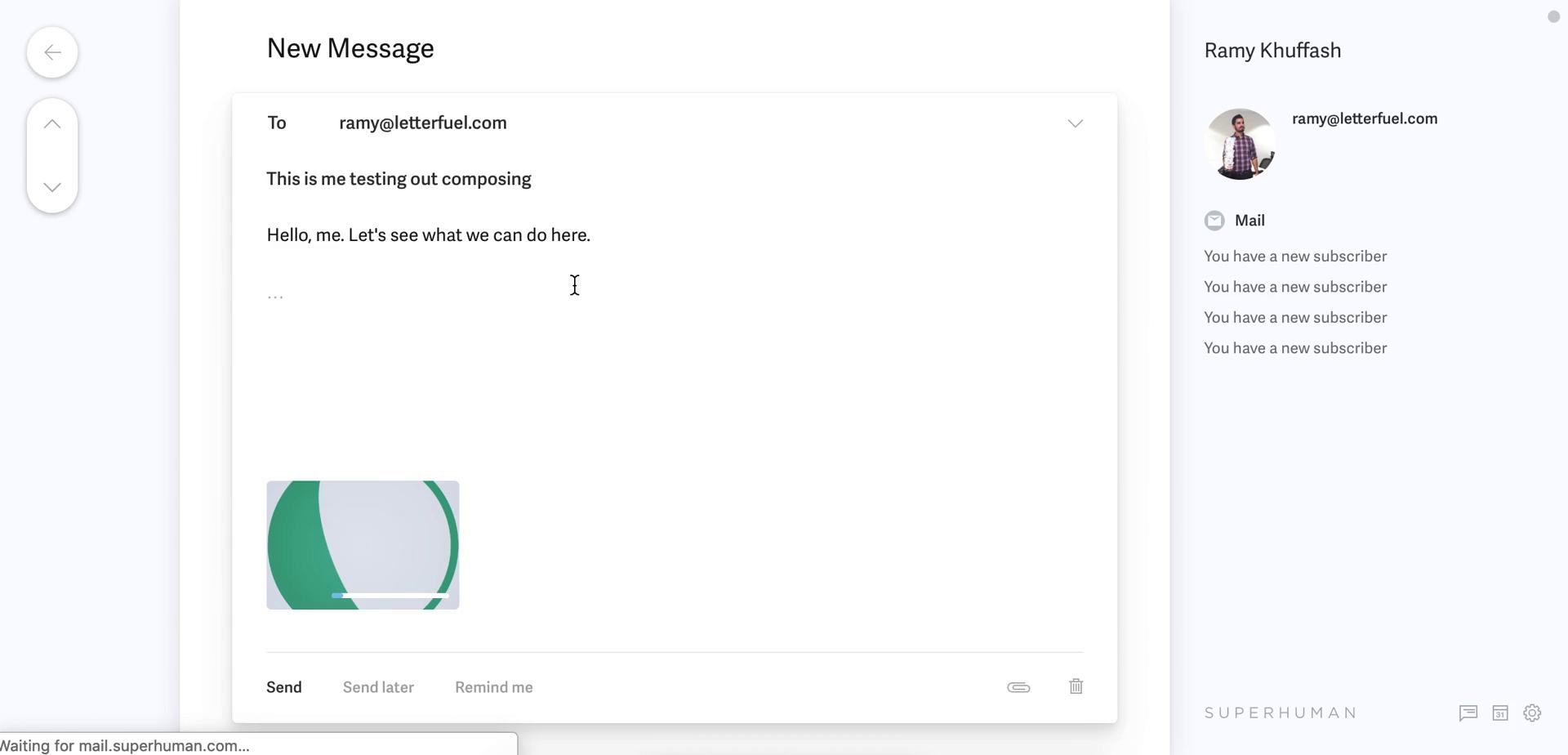
Compose email
this is title
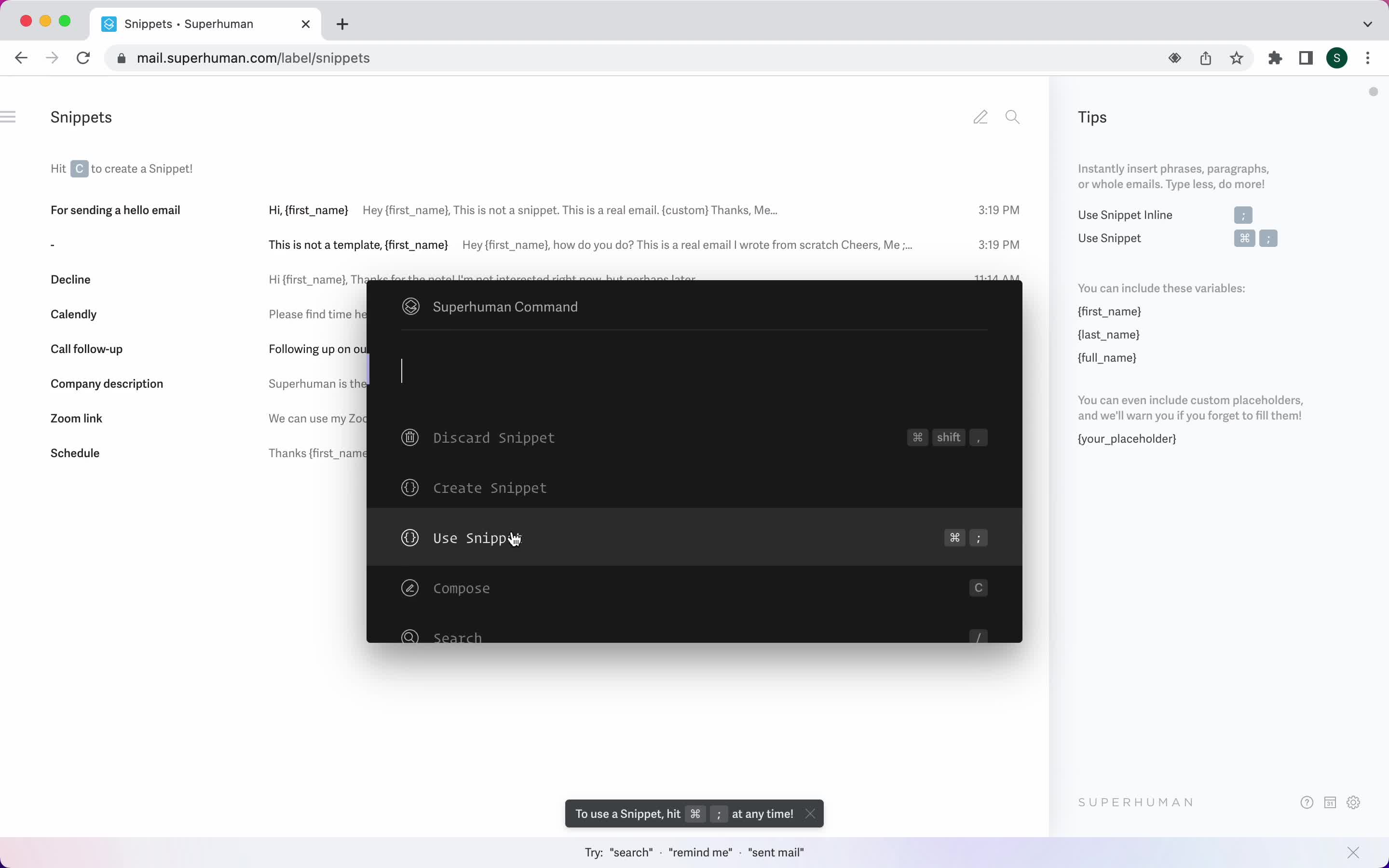
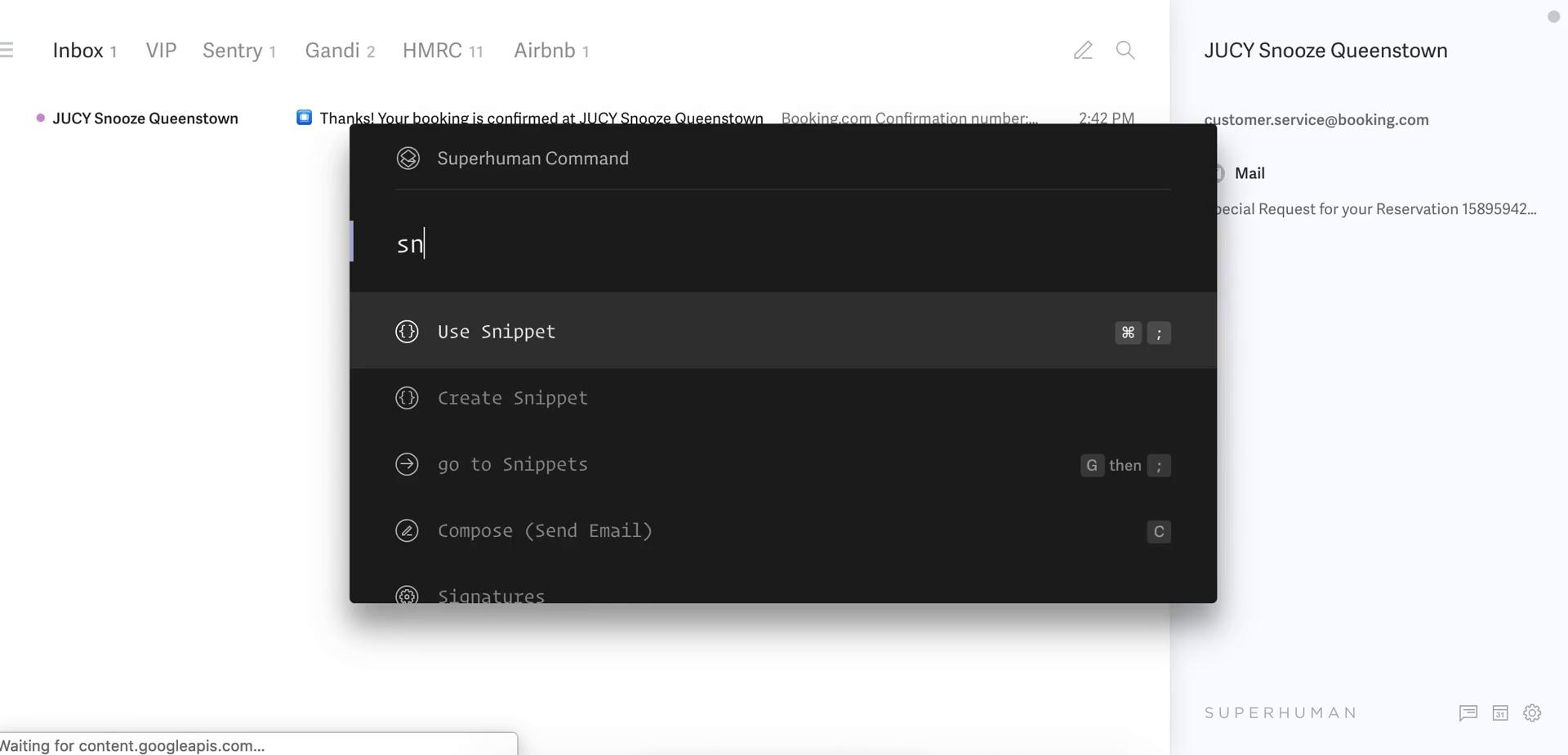
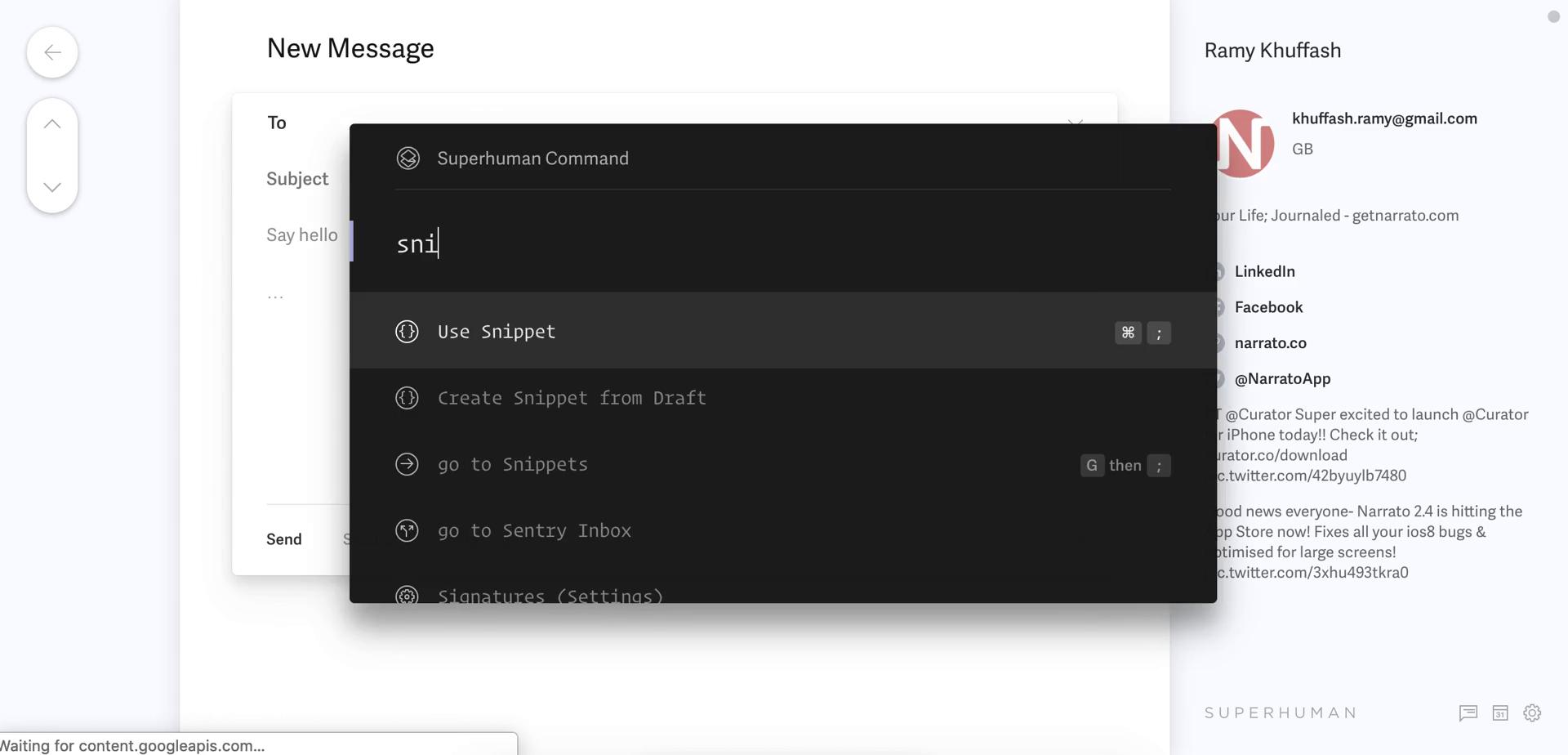
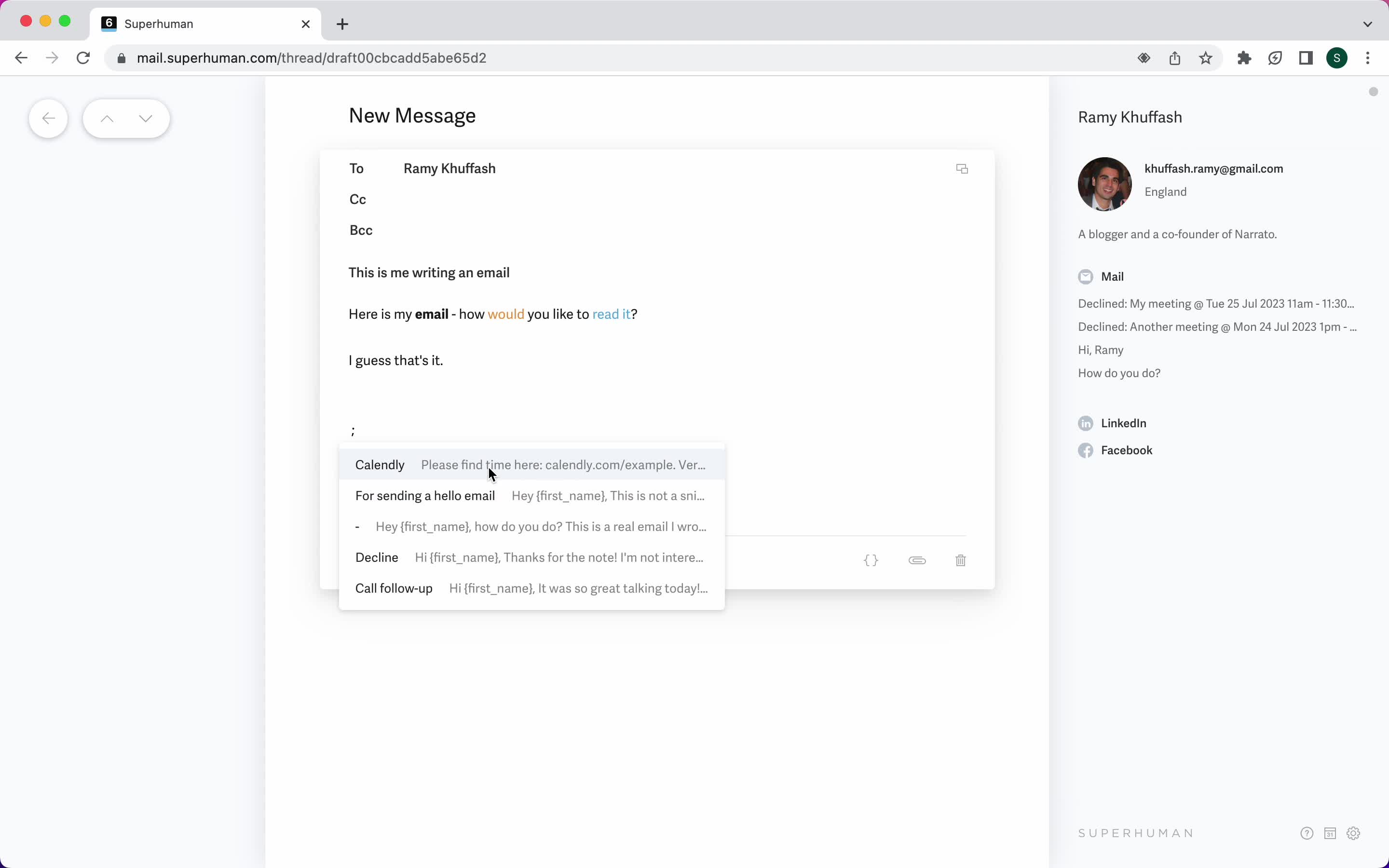
Use snippet
this is title
Snippets
this is title
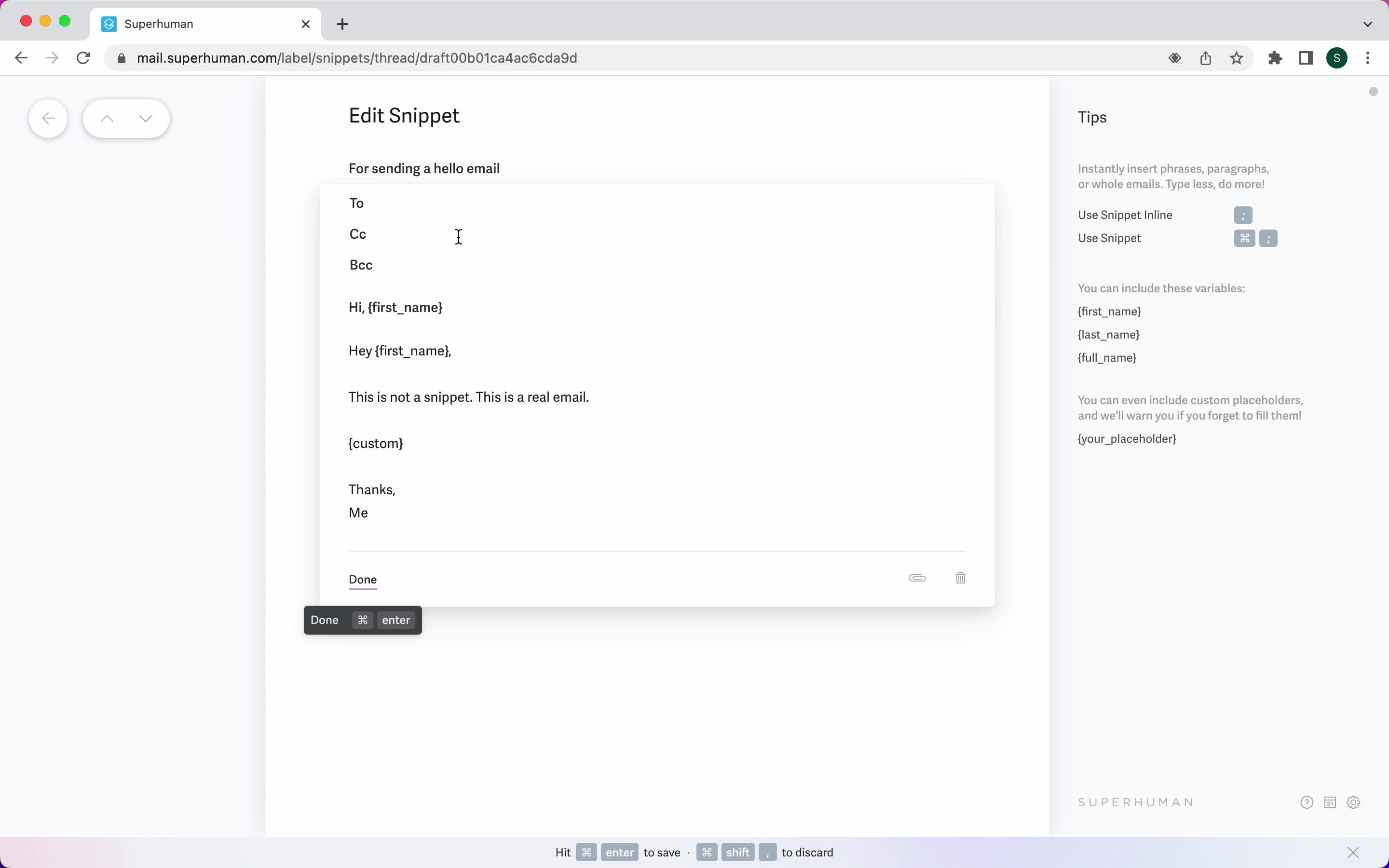
Edit template
this is title
Use snippet
this is title
Email sent
this is title
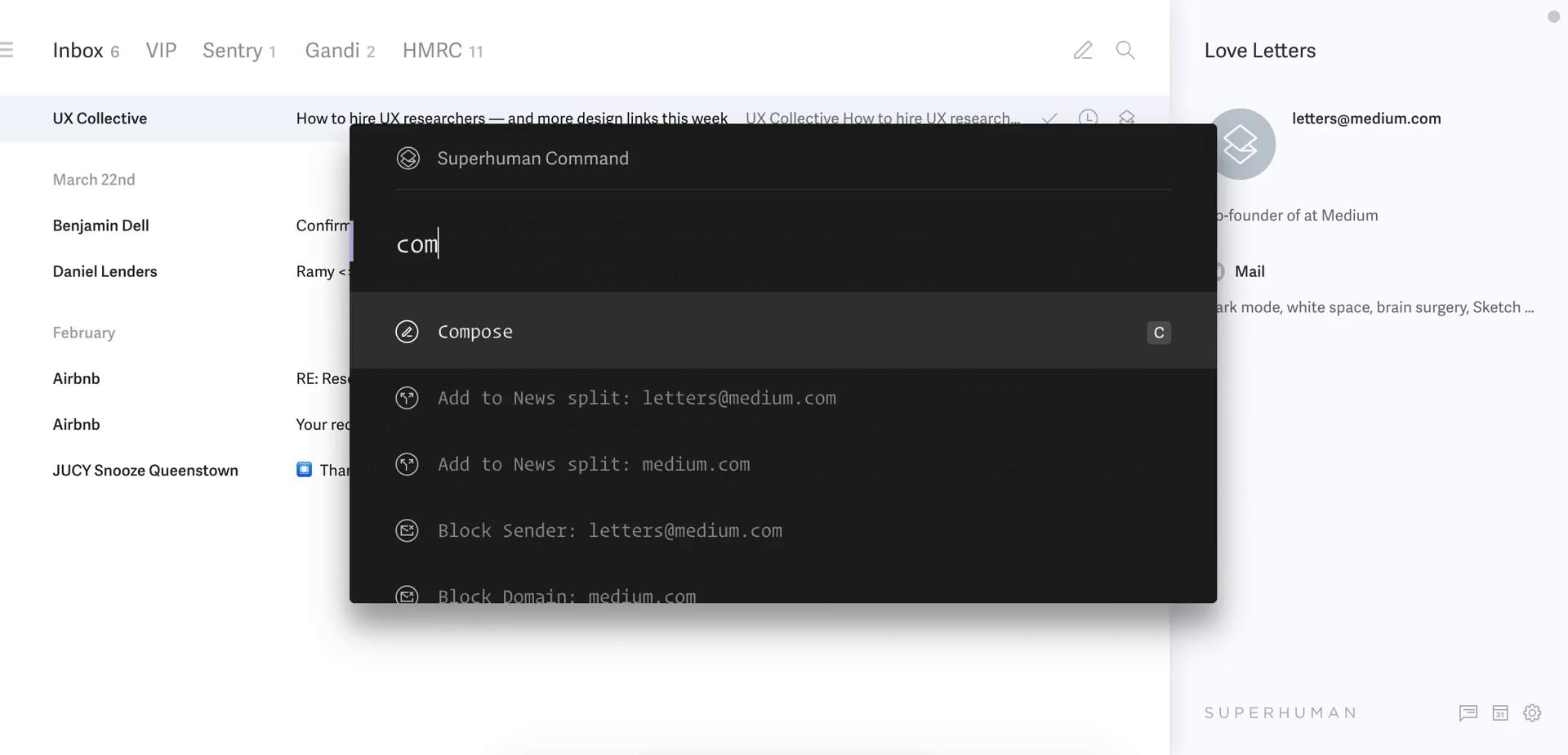
Shortcut commands
this is title
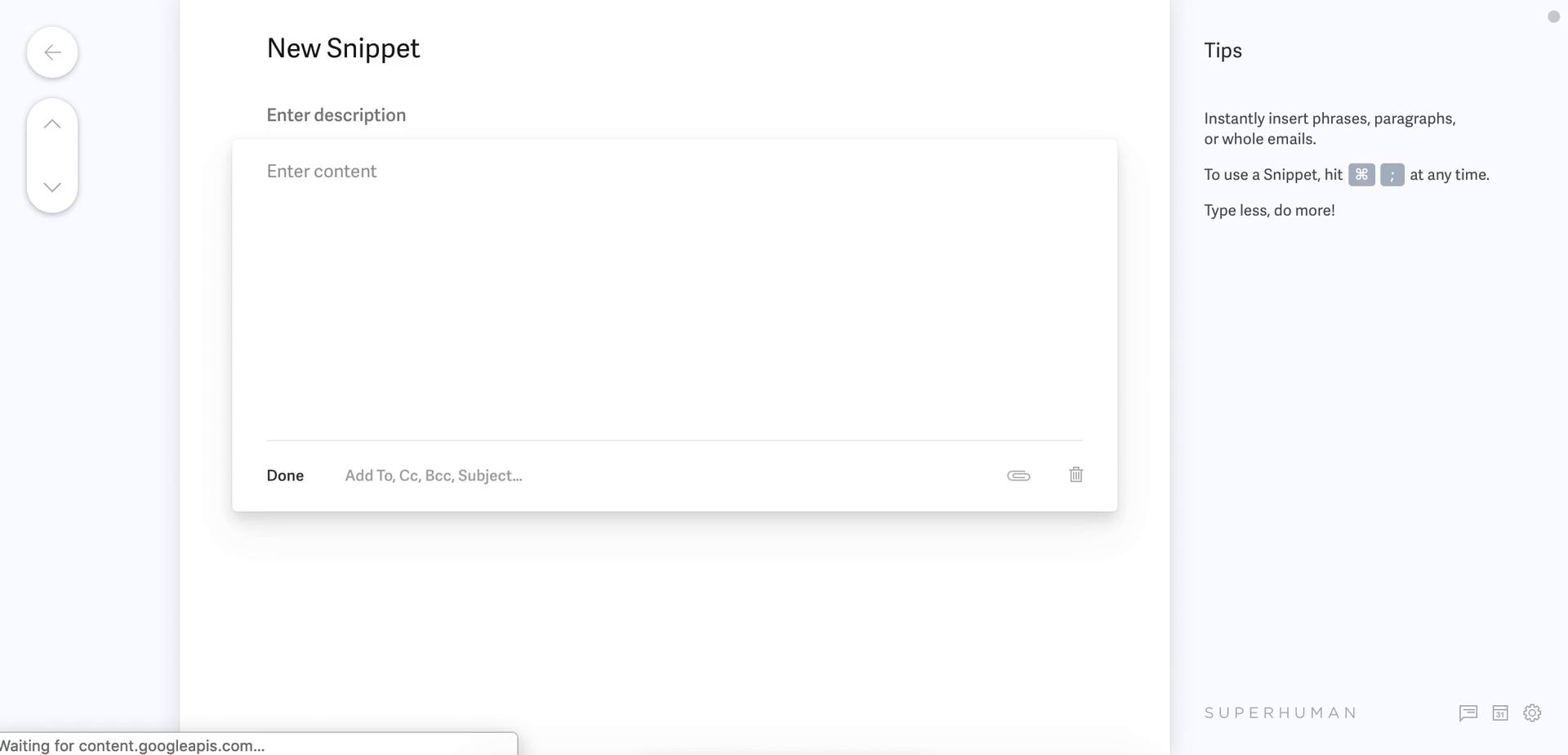
Create template
this is title
Snippets
this is title
Compose email
this is title
Use snippet
this is title
Inbox
this is title
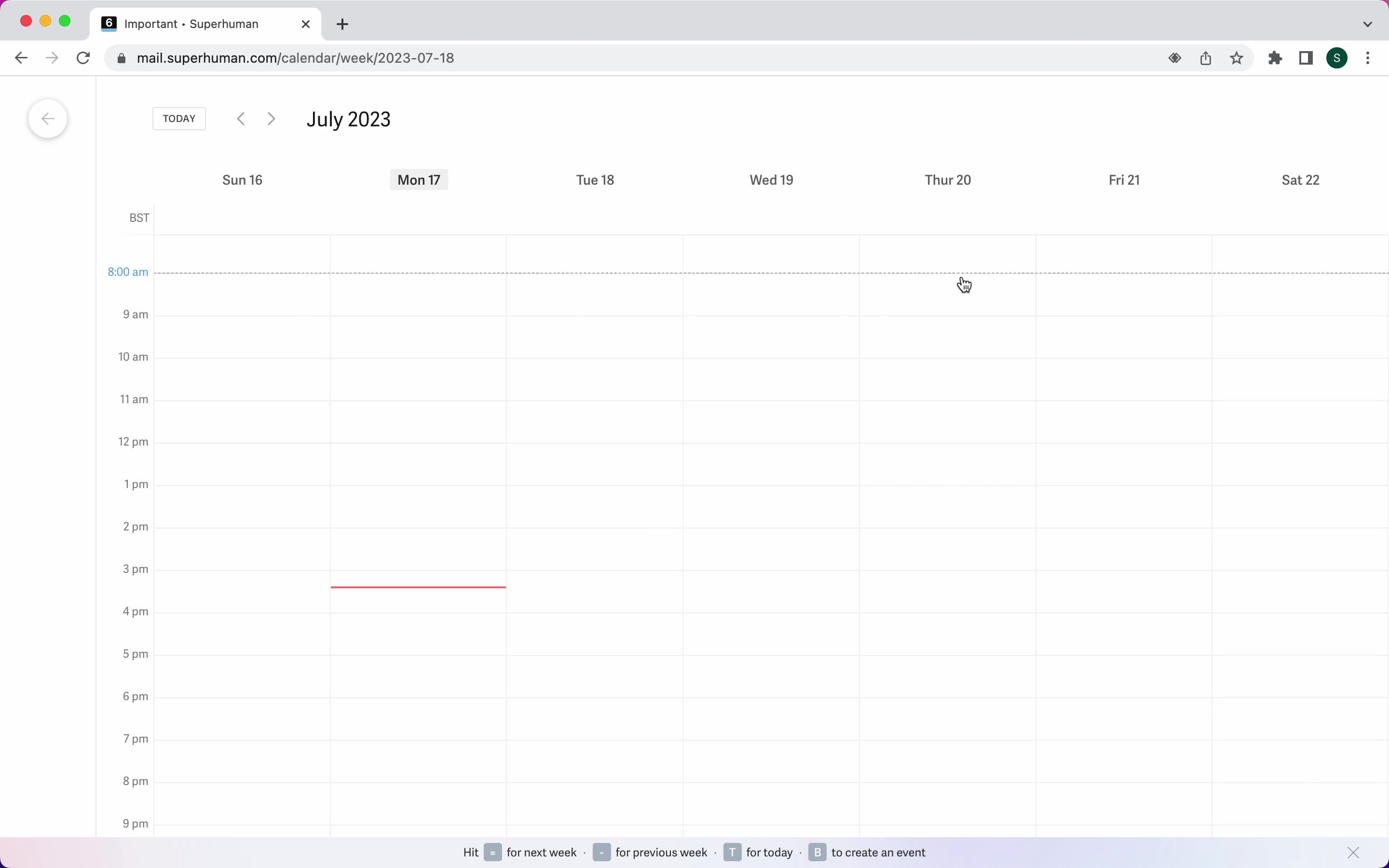
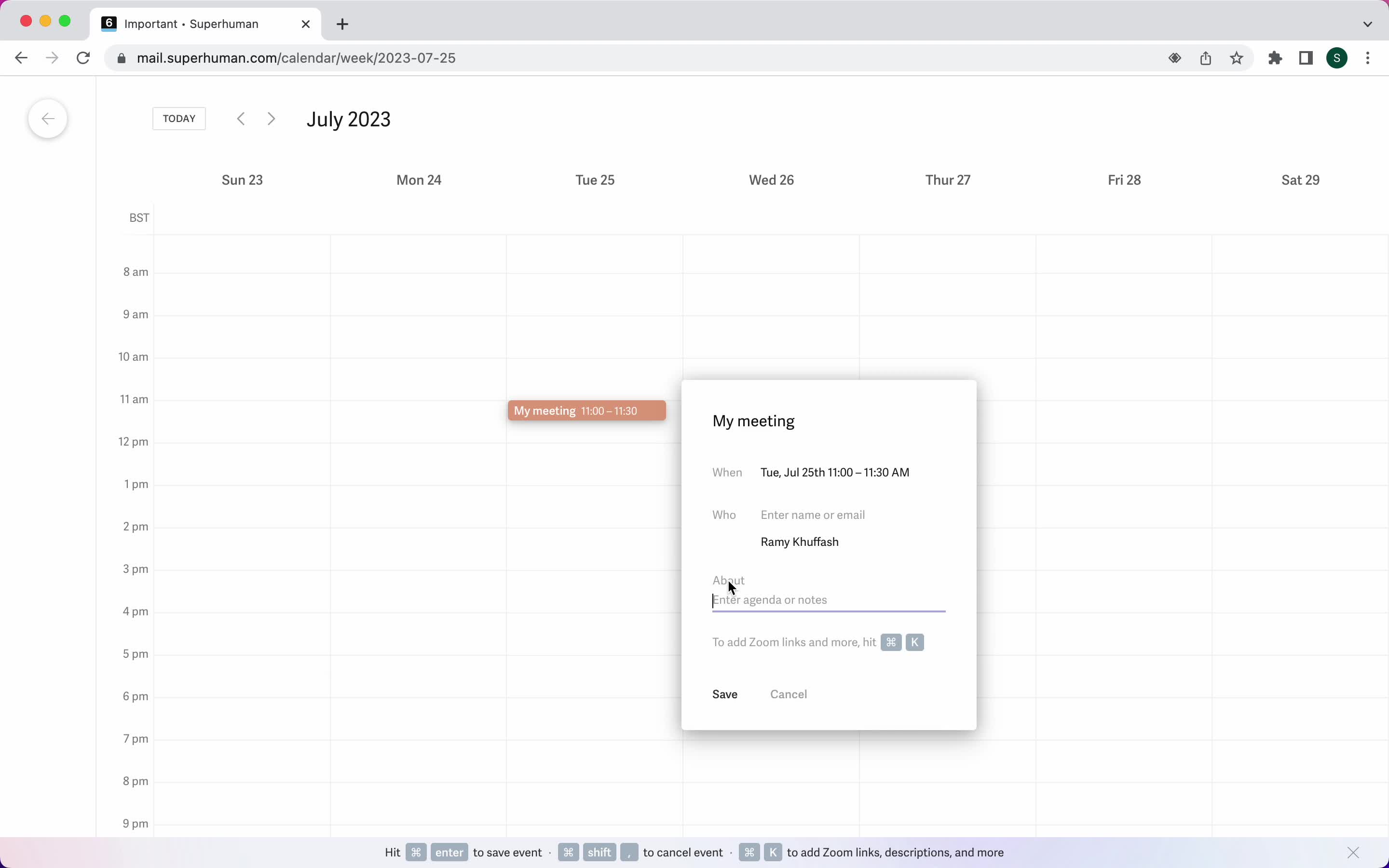
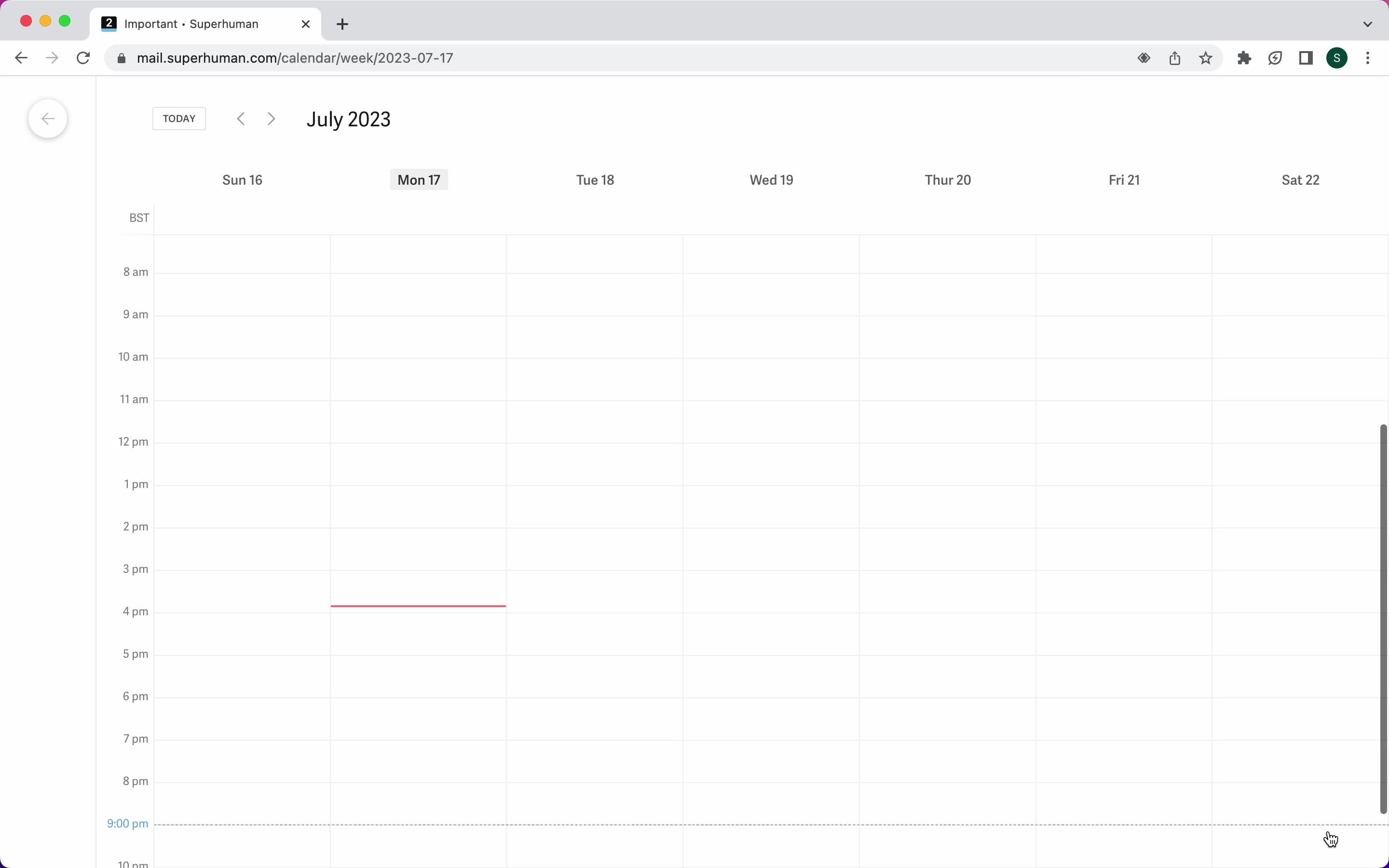
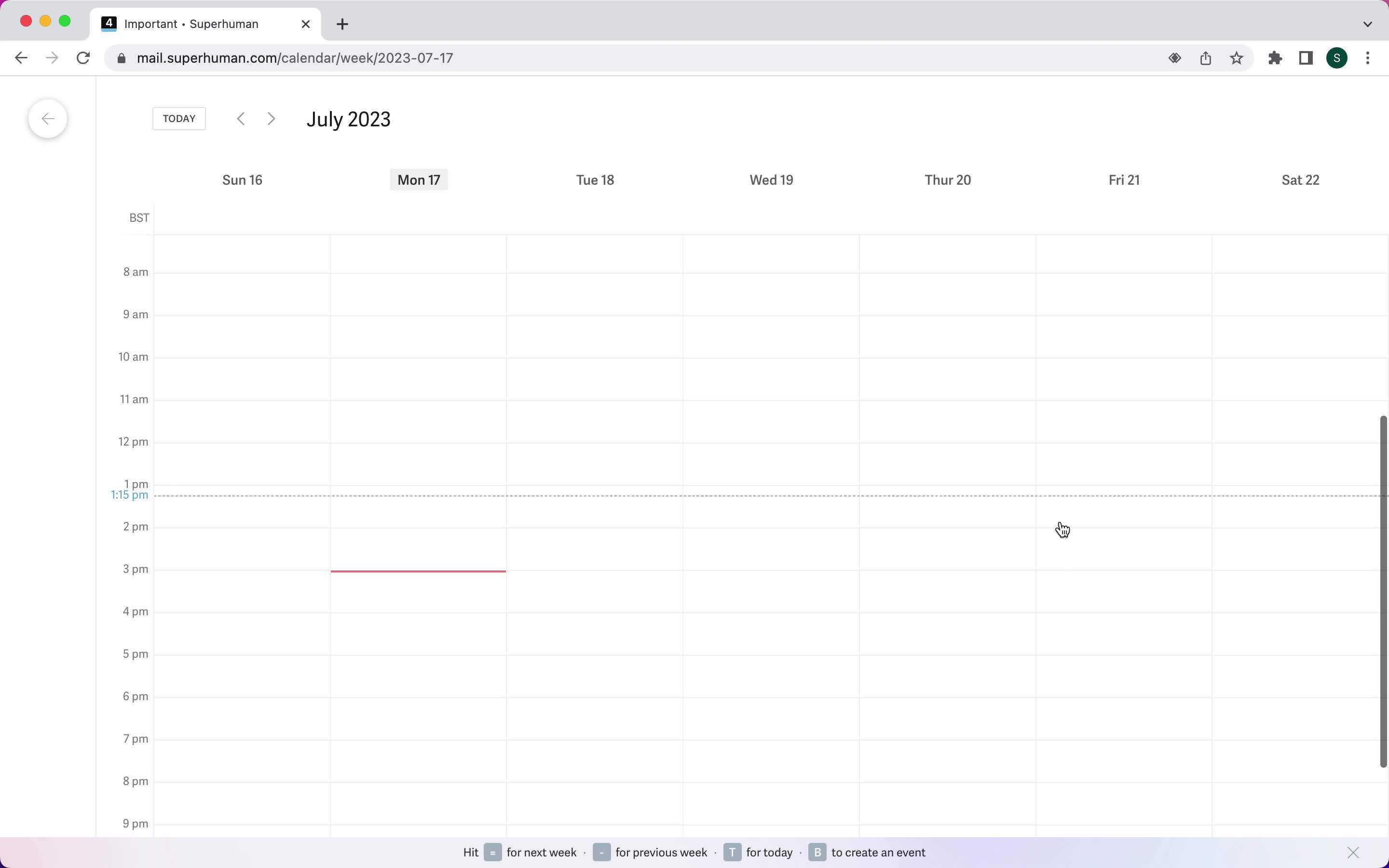
Calendar view
this is title
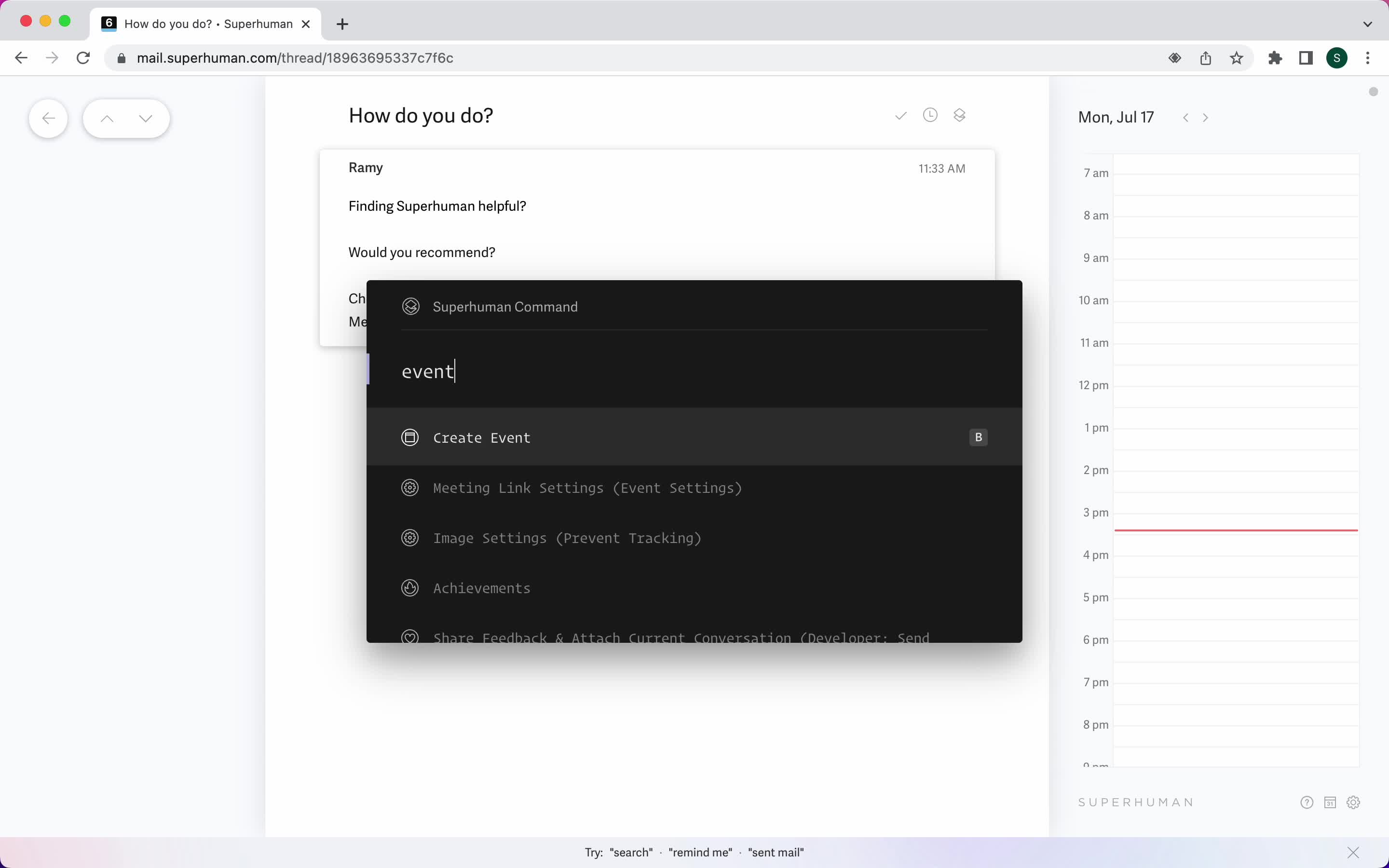
Create event
this is title
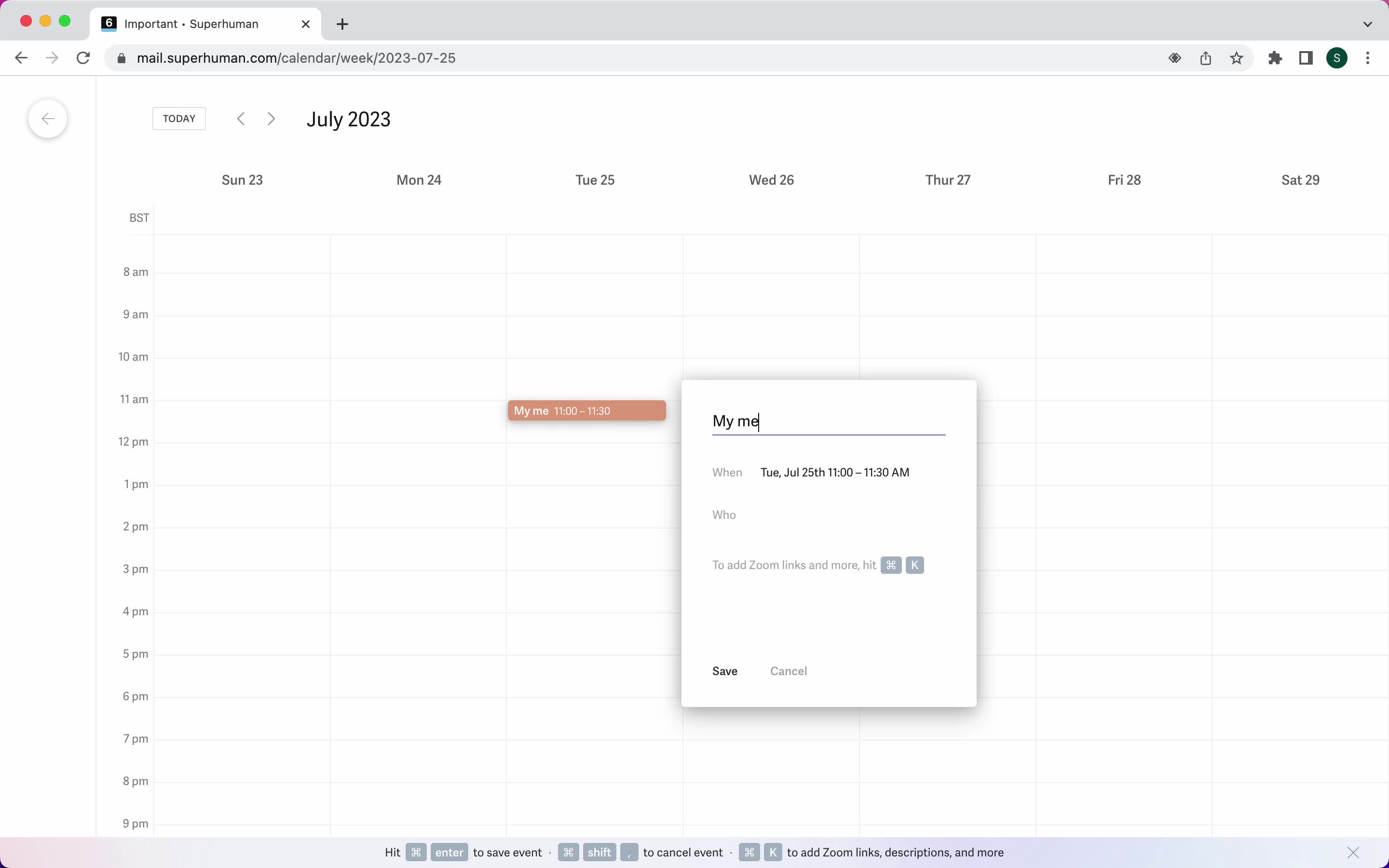
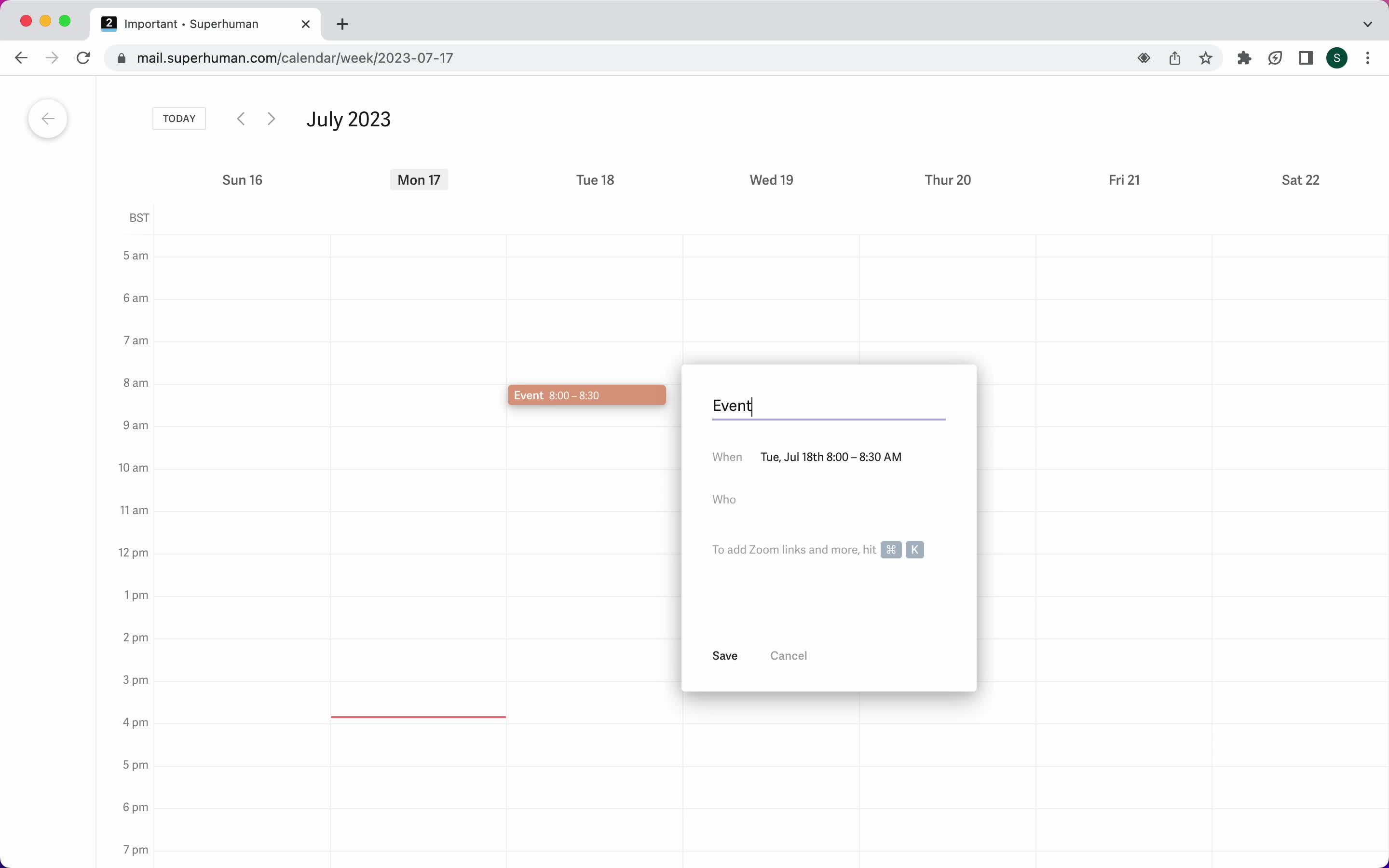
Add event details
this is title
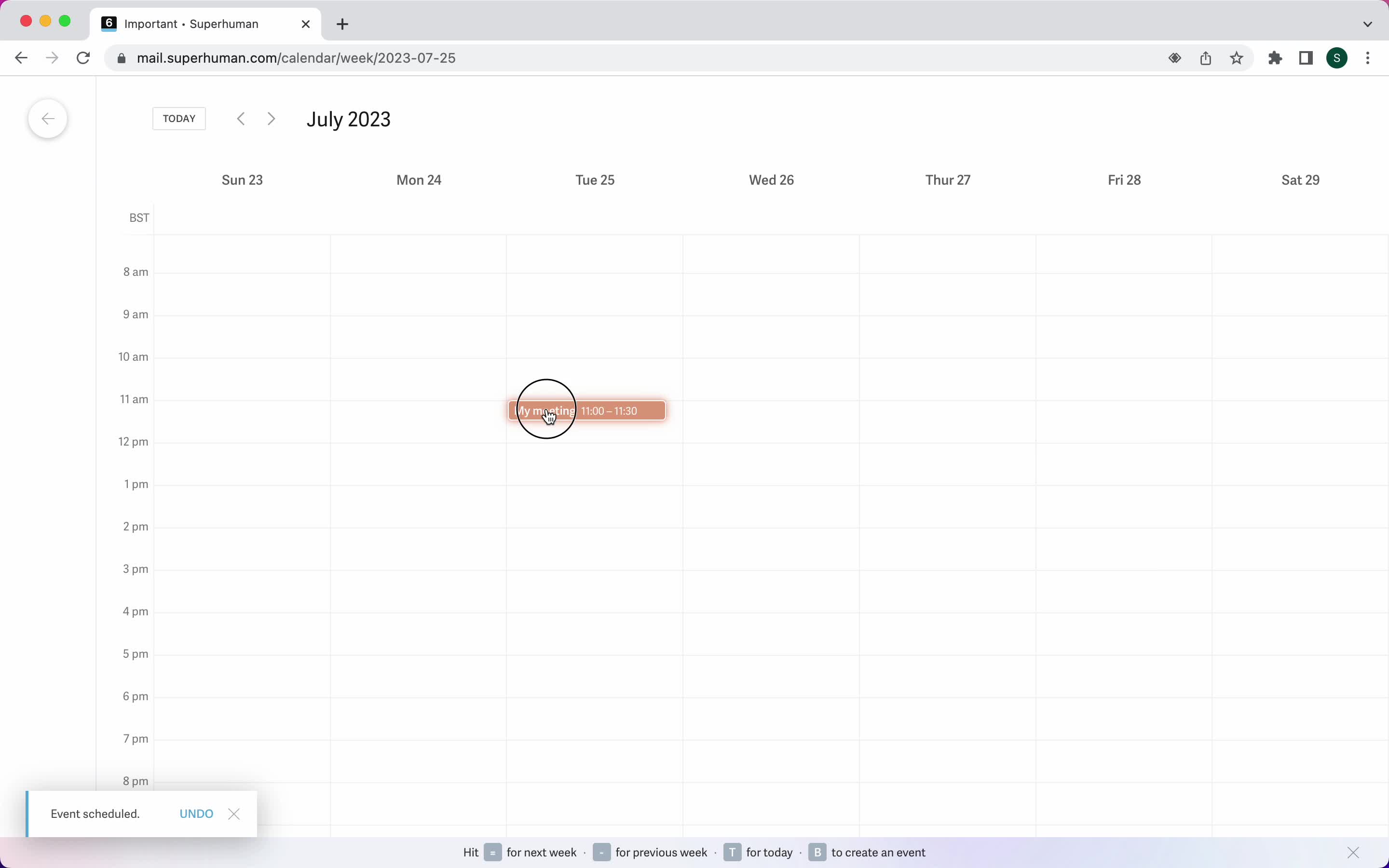
Event created
this is title
Create event
this is title
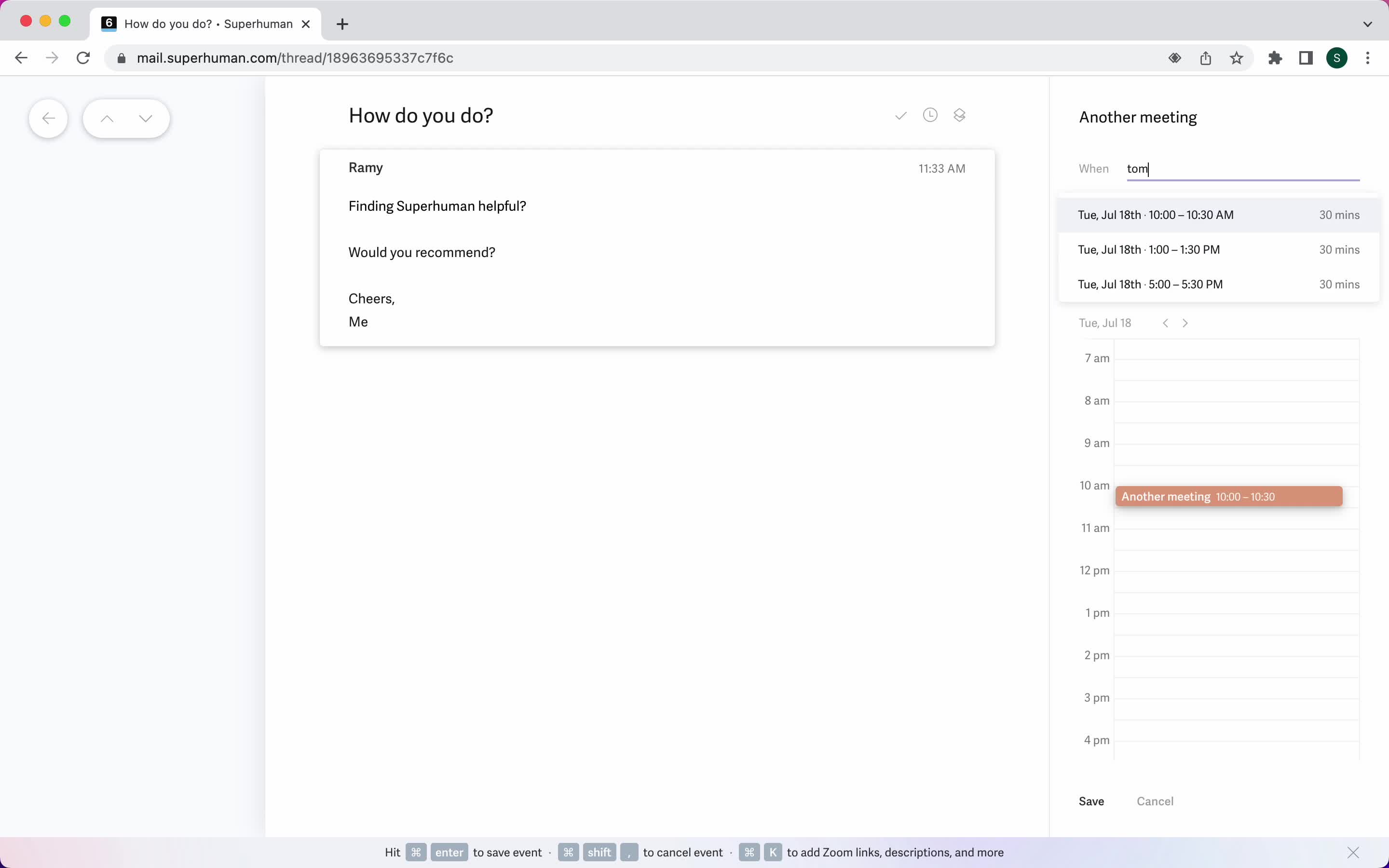
Add event details
this is title
Set date
this is title
Event created
this is title
My events
this is title
Event detail
this is title
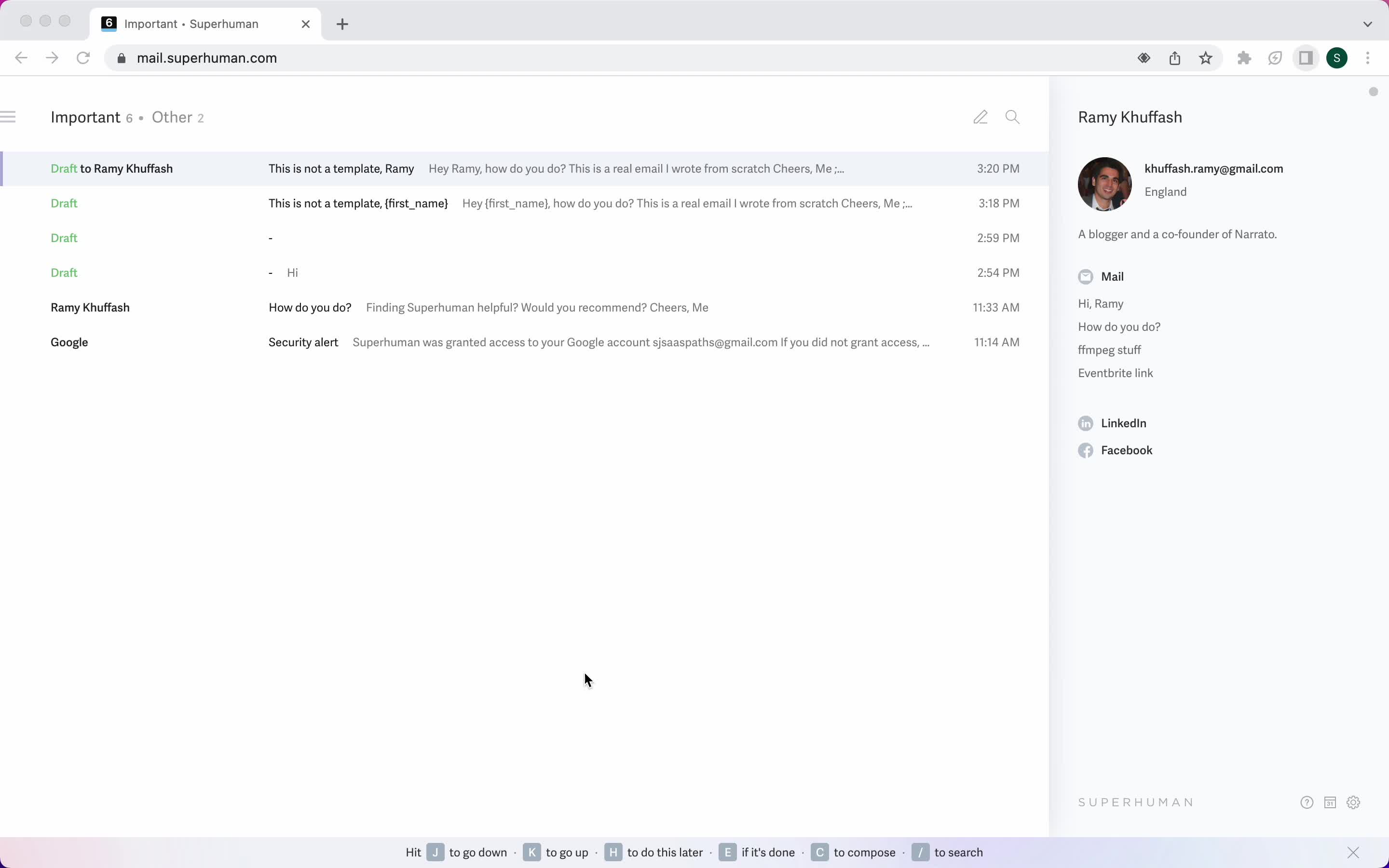
Inbox
this is title
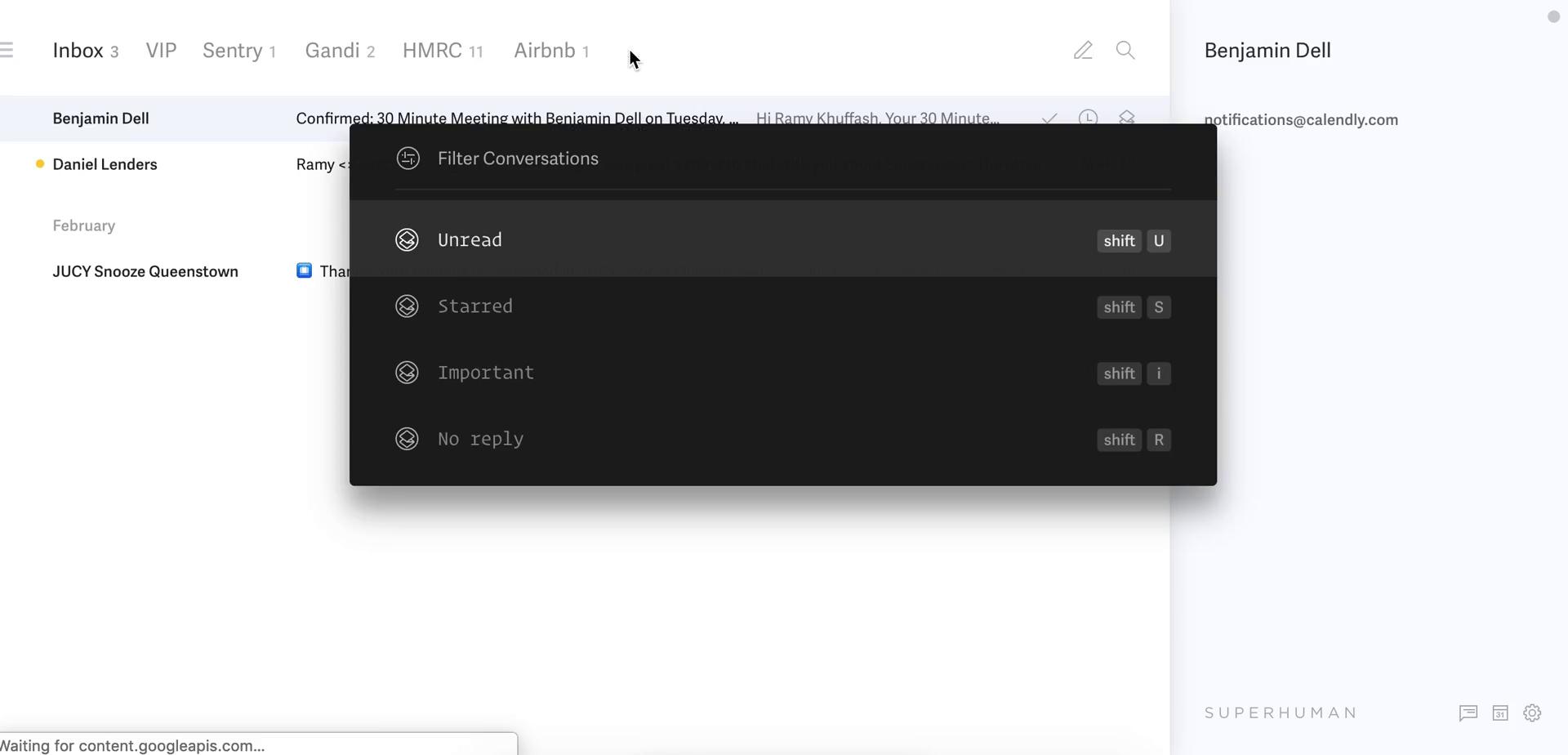
Filter
this is title
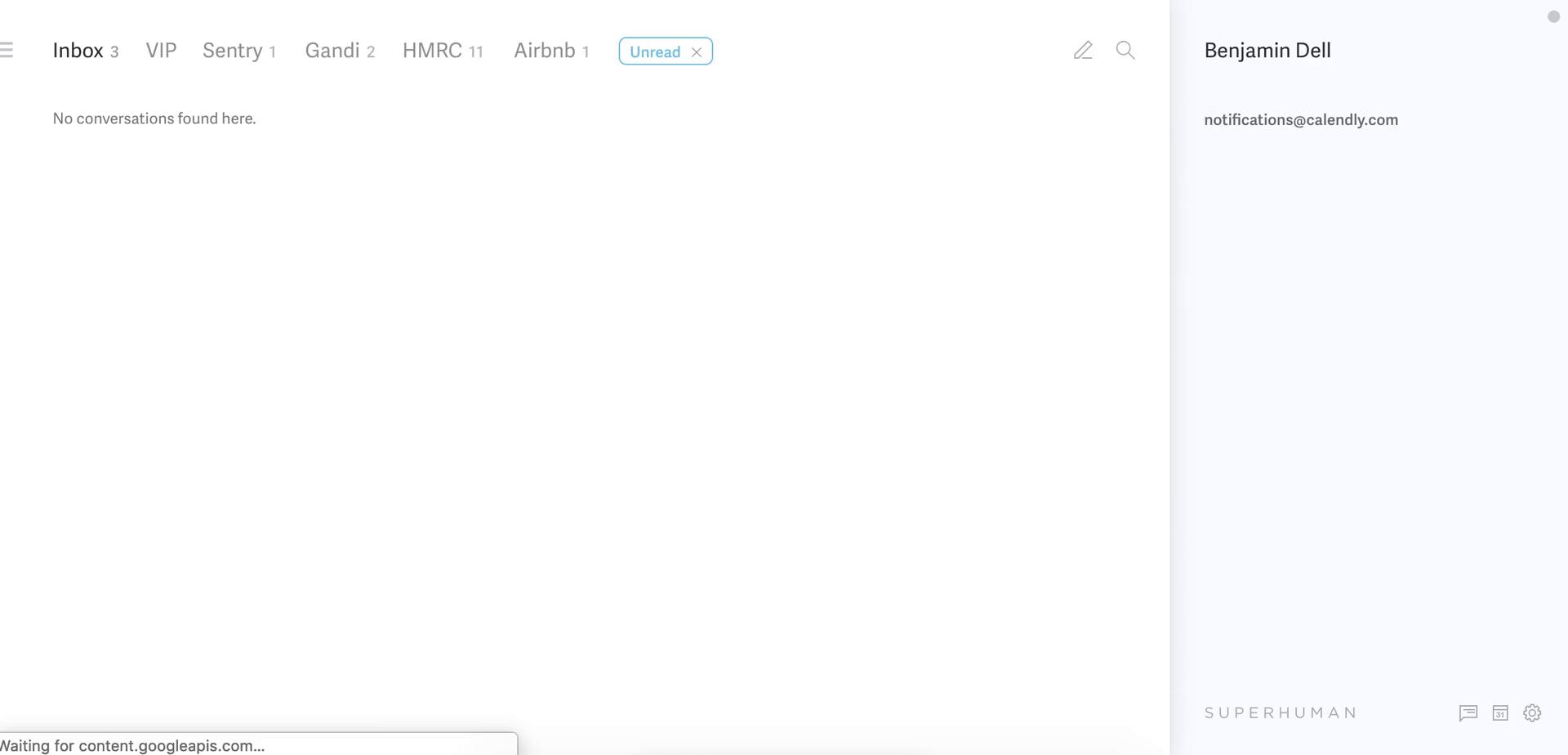
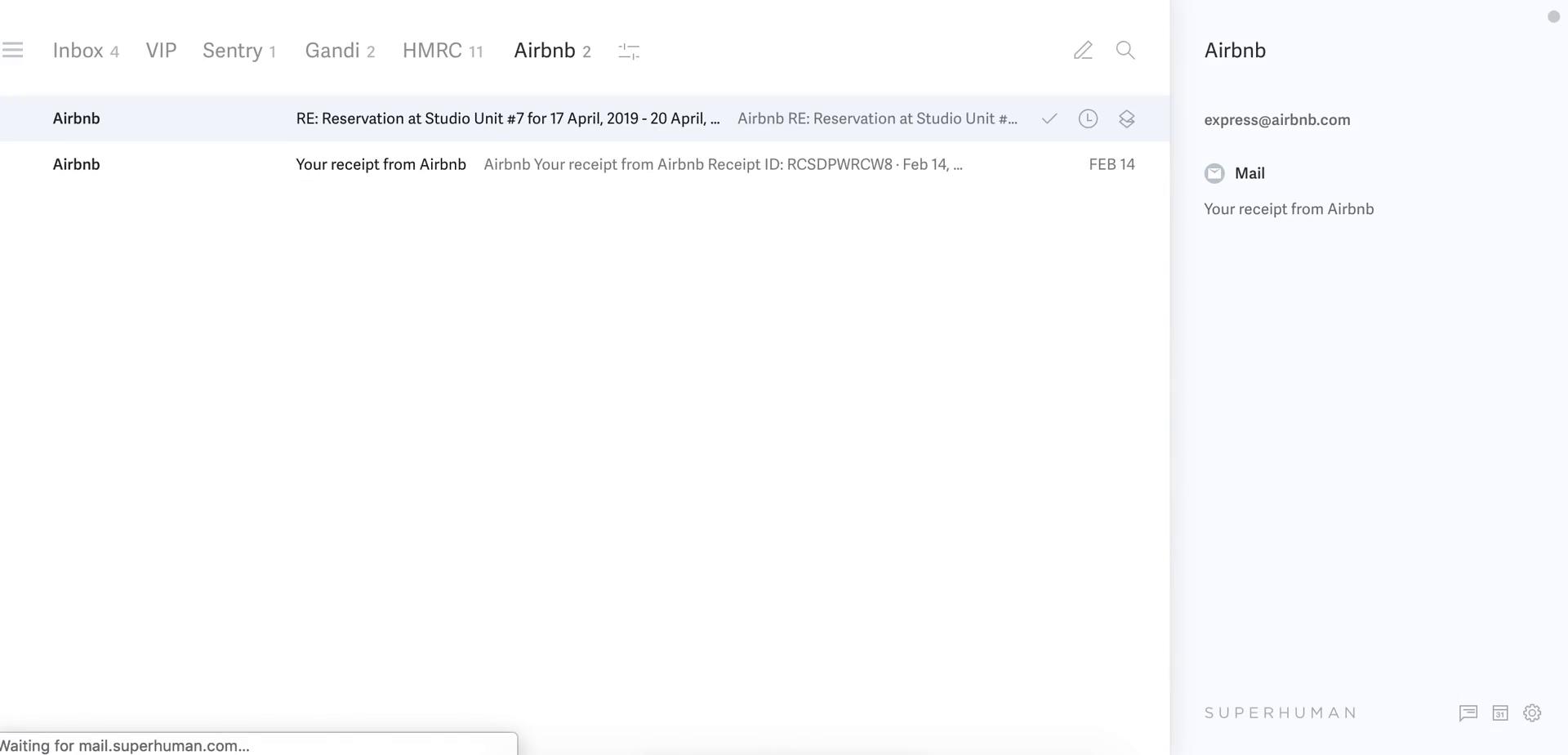
Filtered inbox
this is title
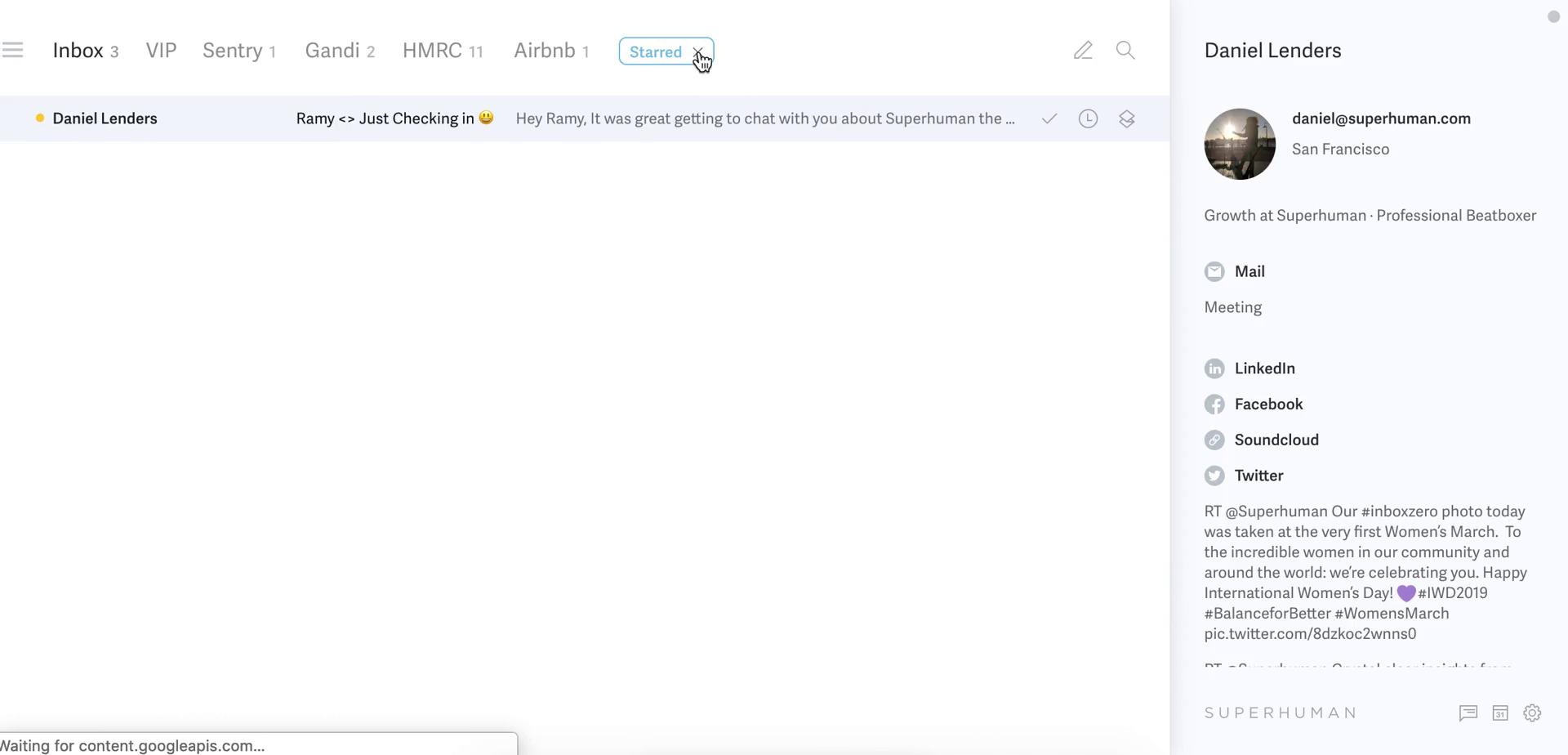
Filtered inbox
this is title
Inbox
this is title
Navigation menu
this is title
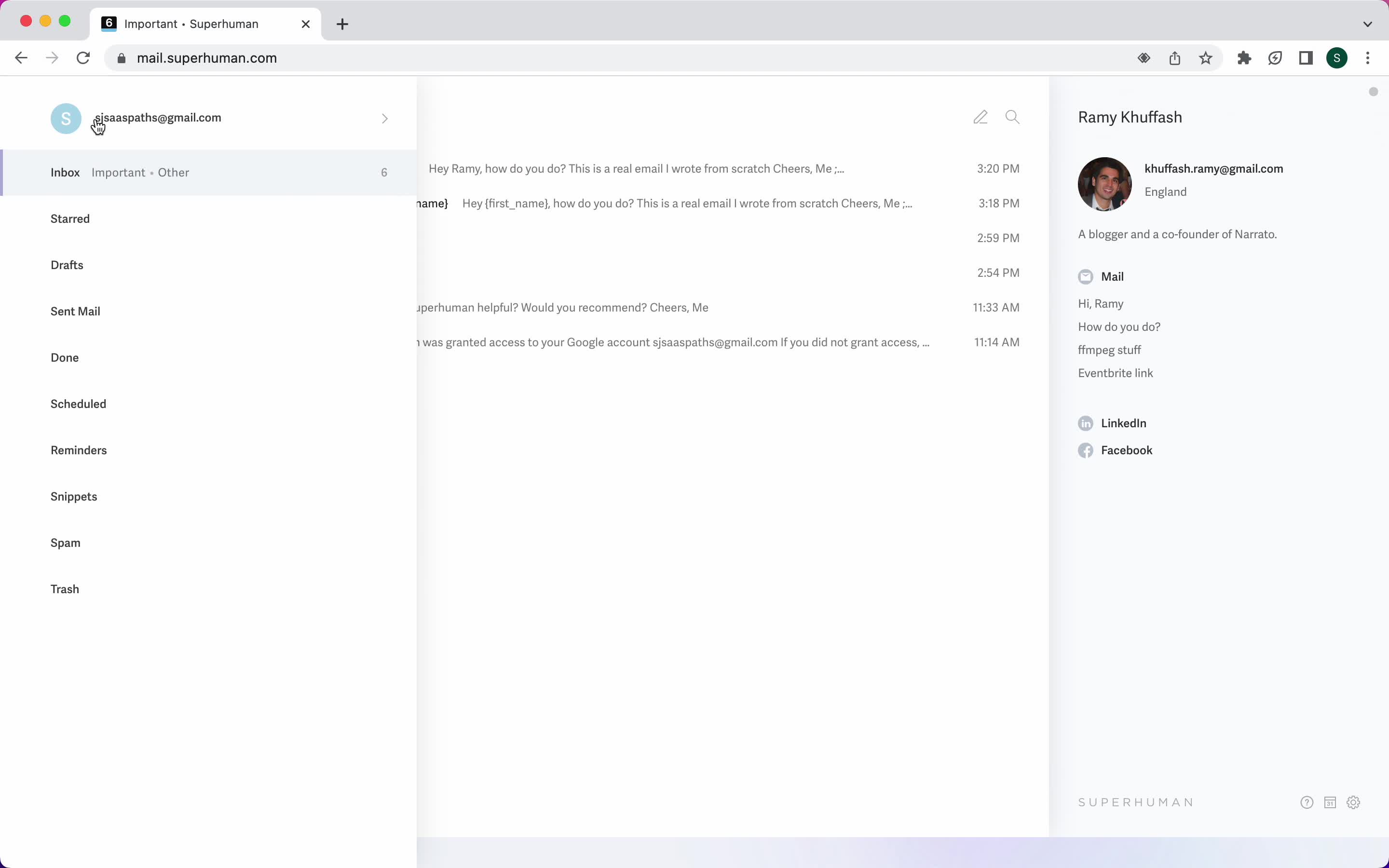
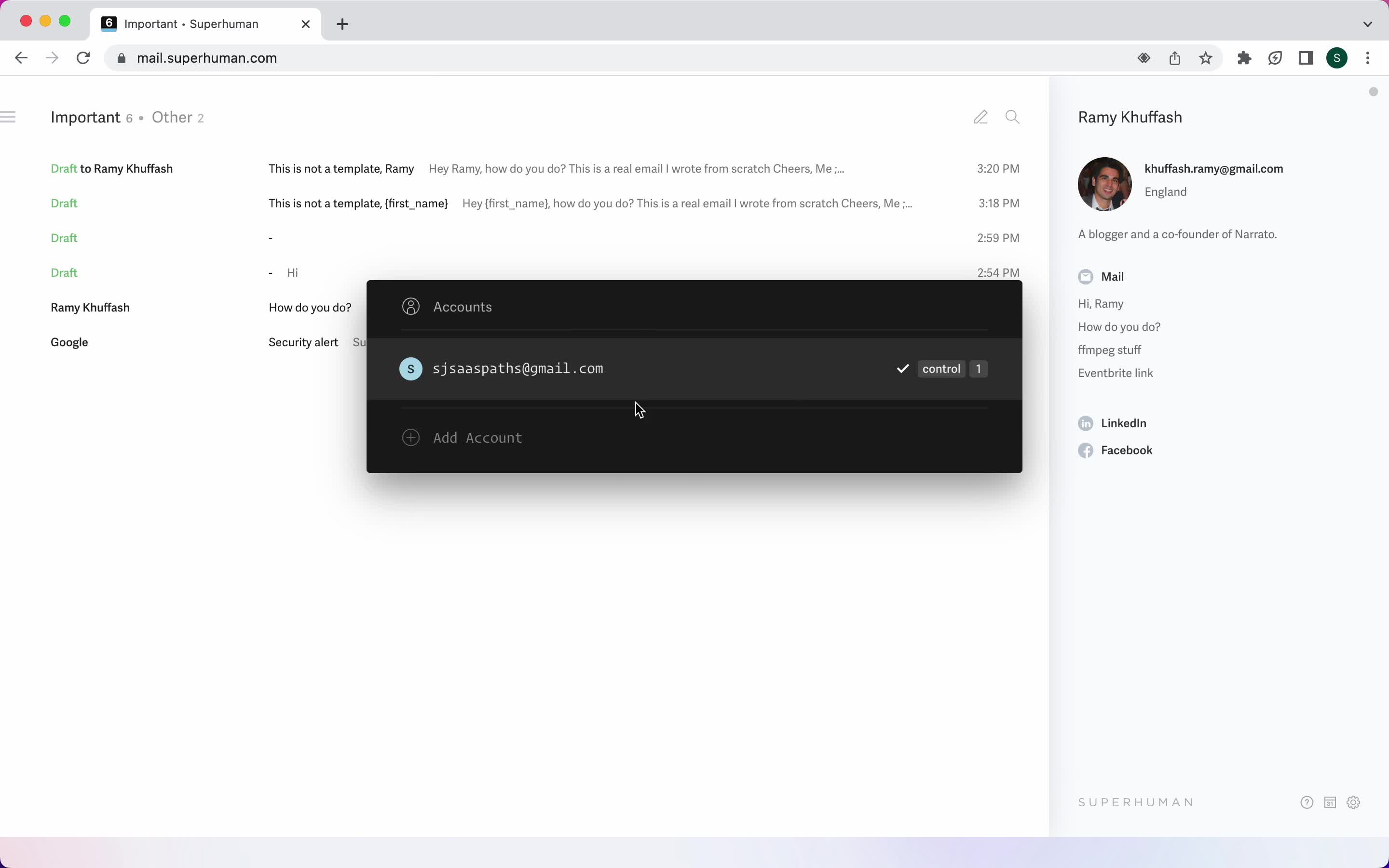
Accounts
this is title
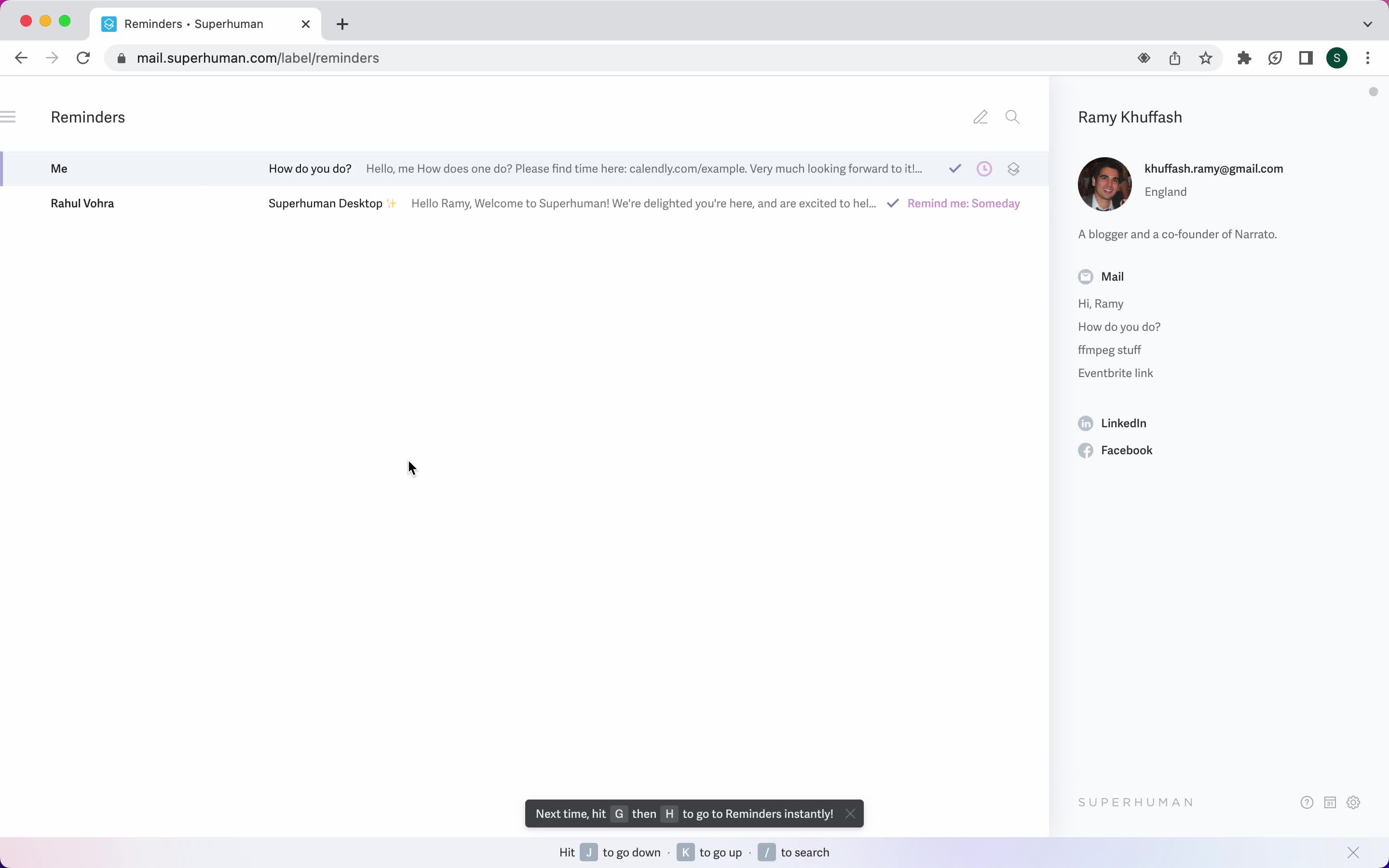
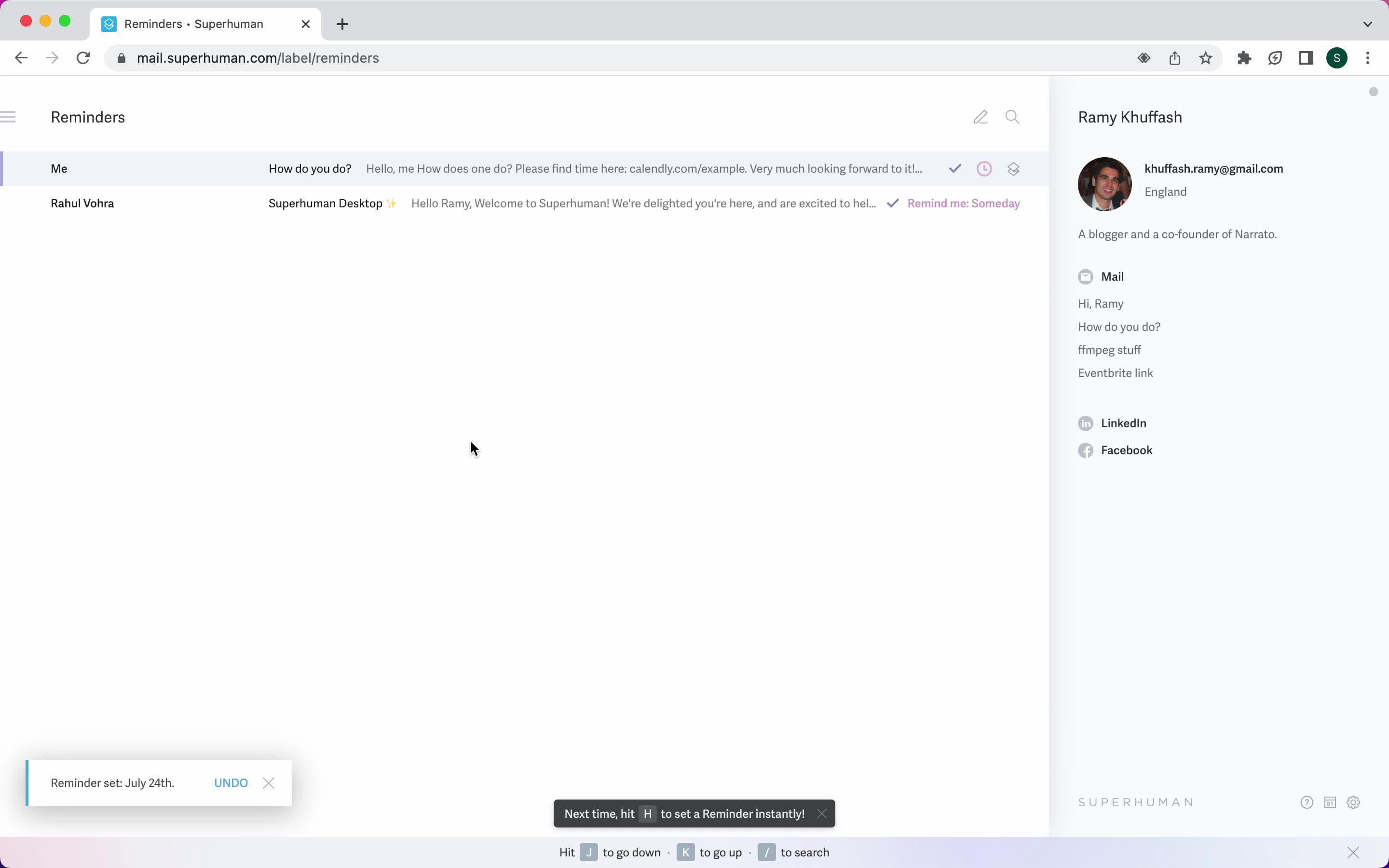
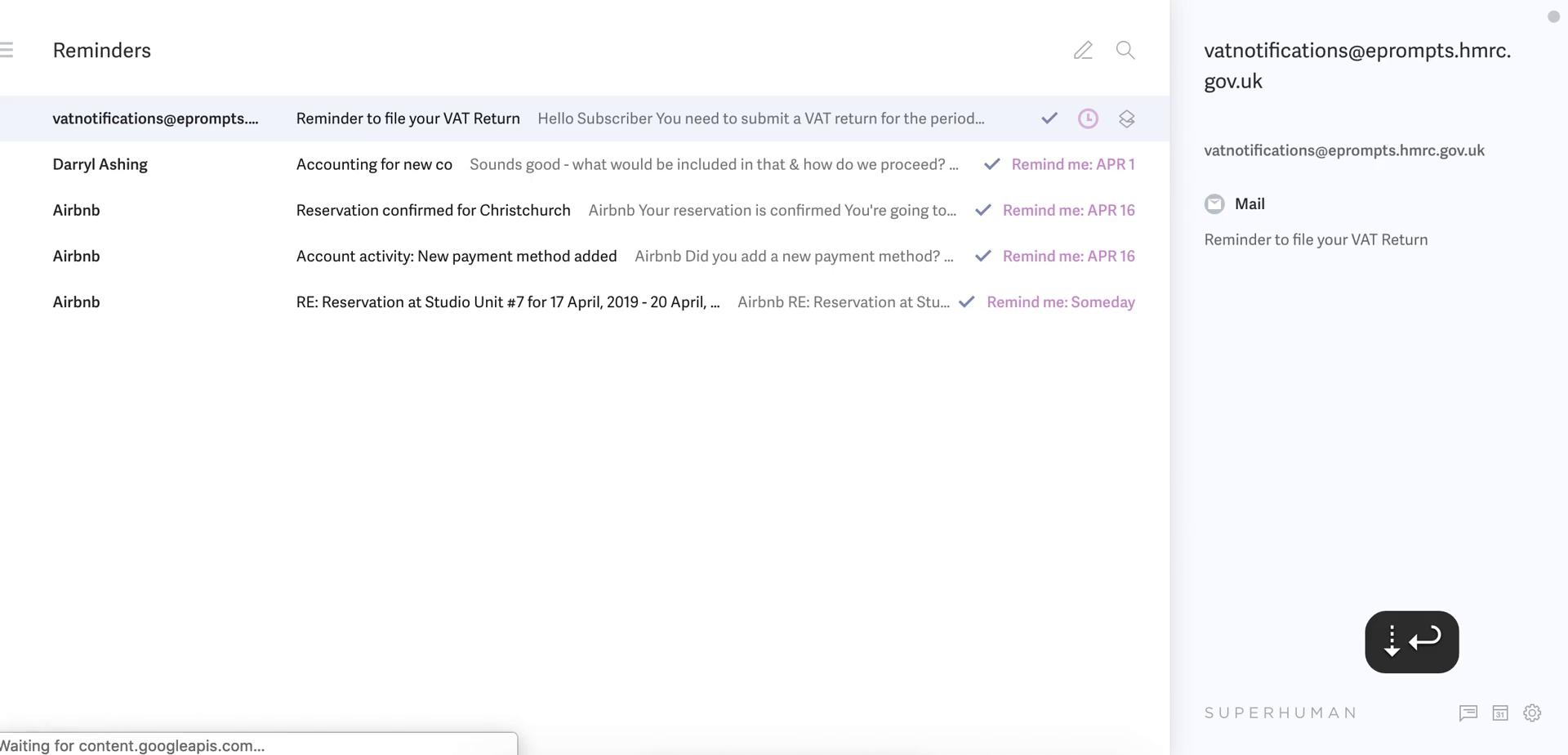
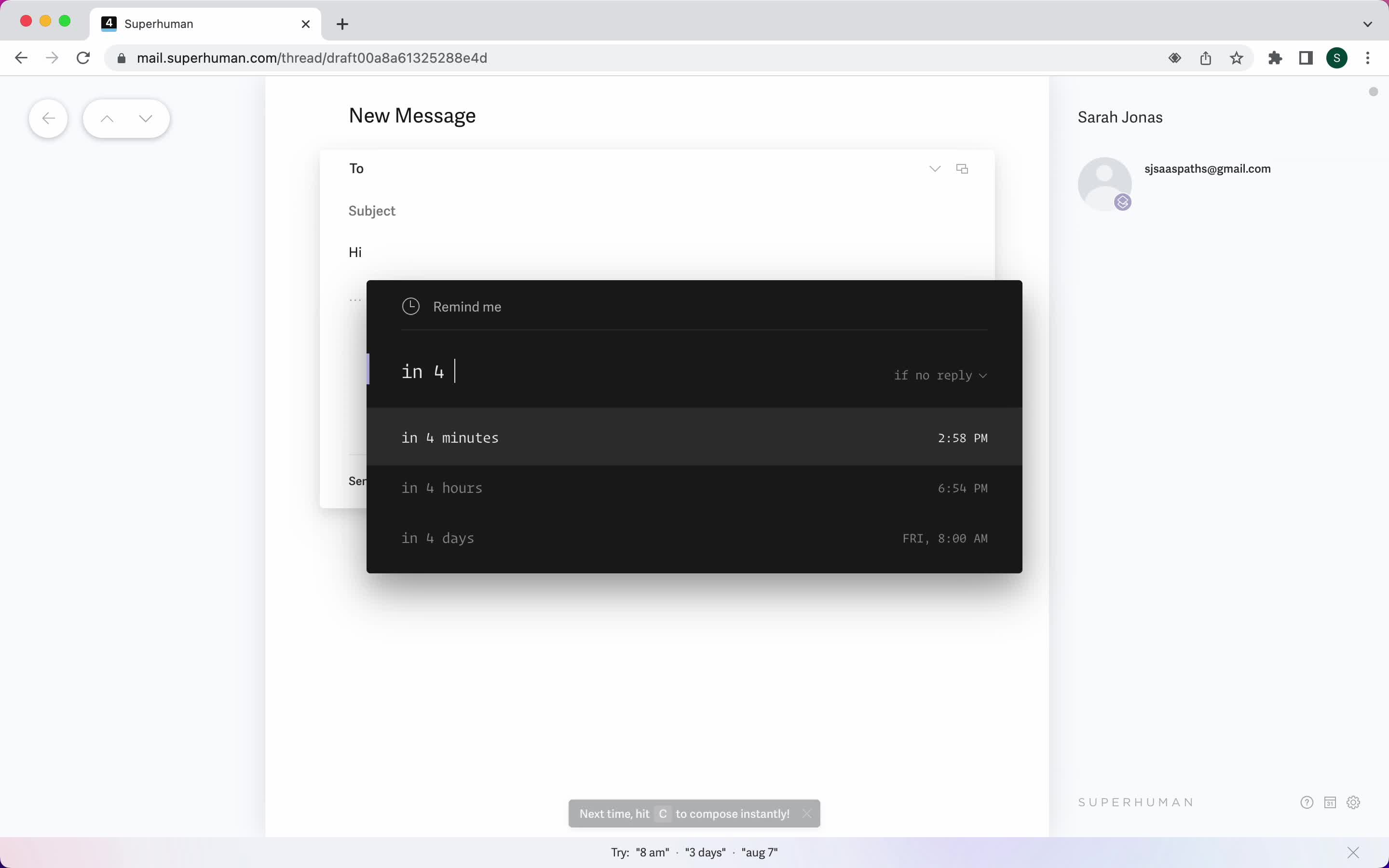
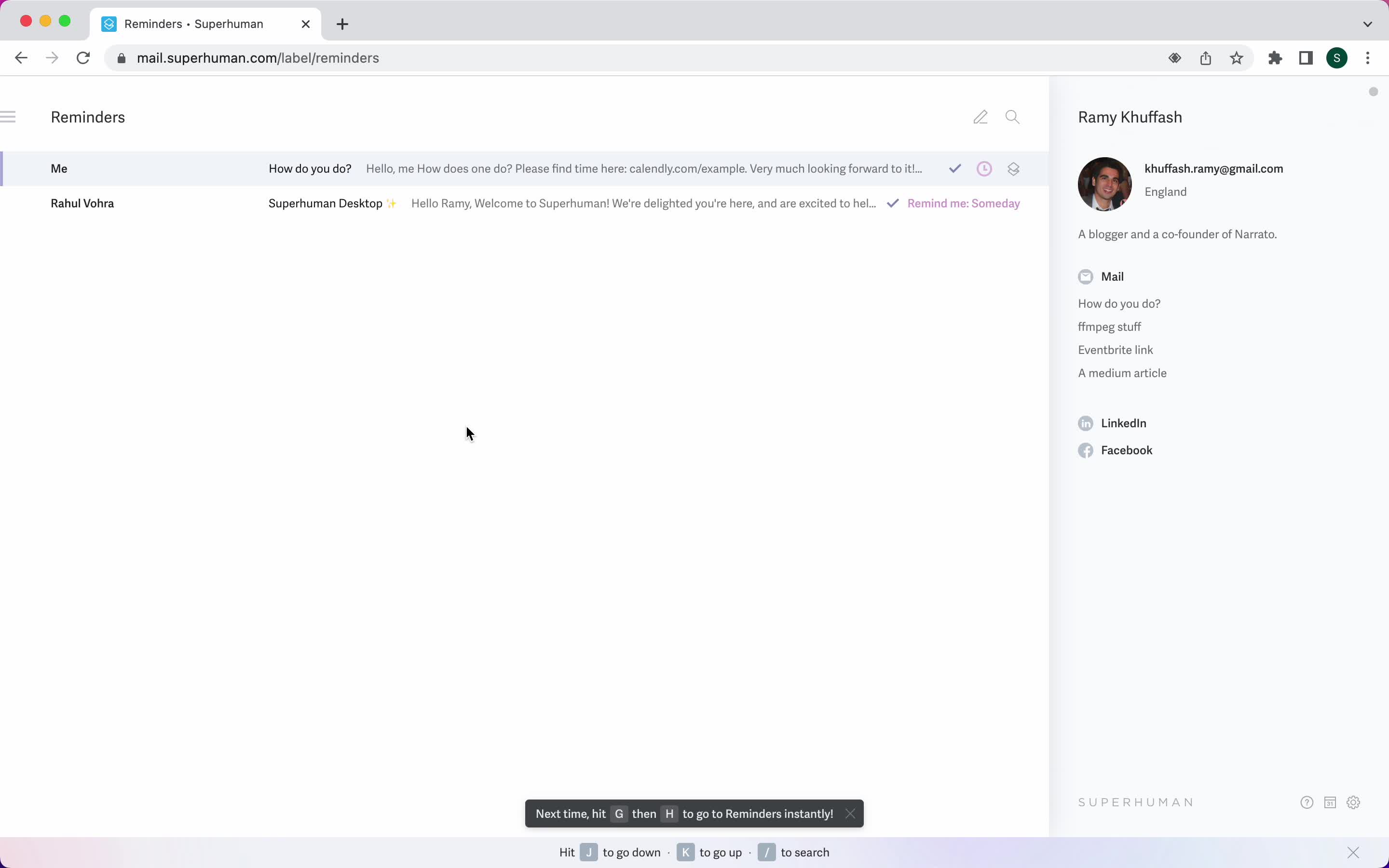
Reminders
this is title
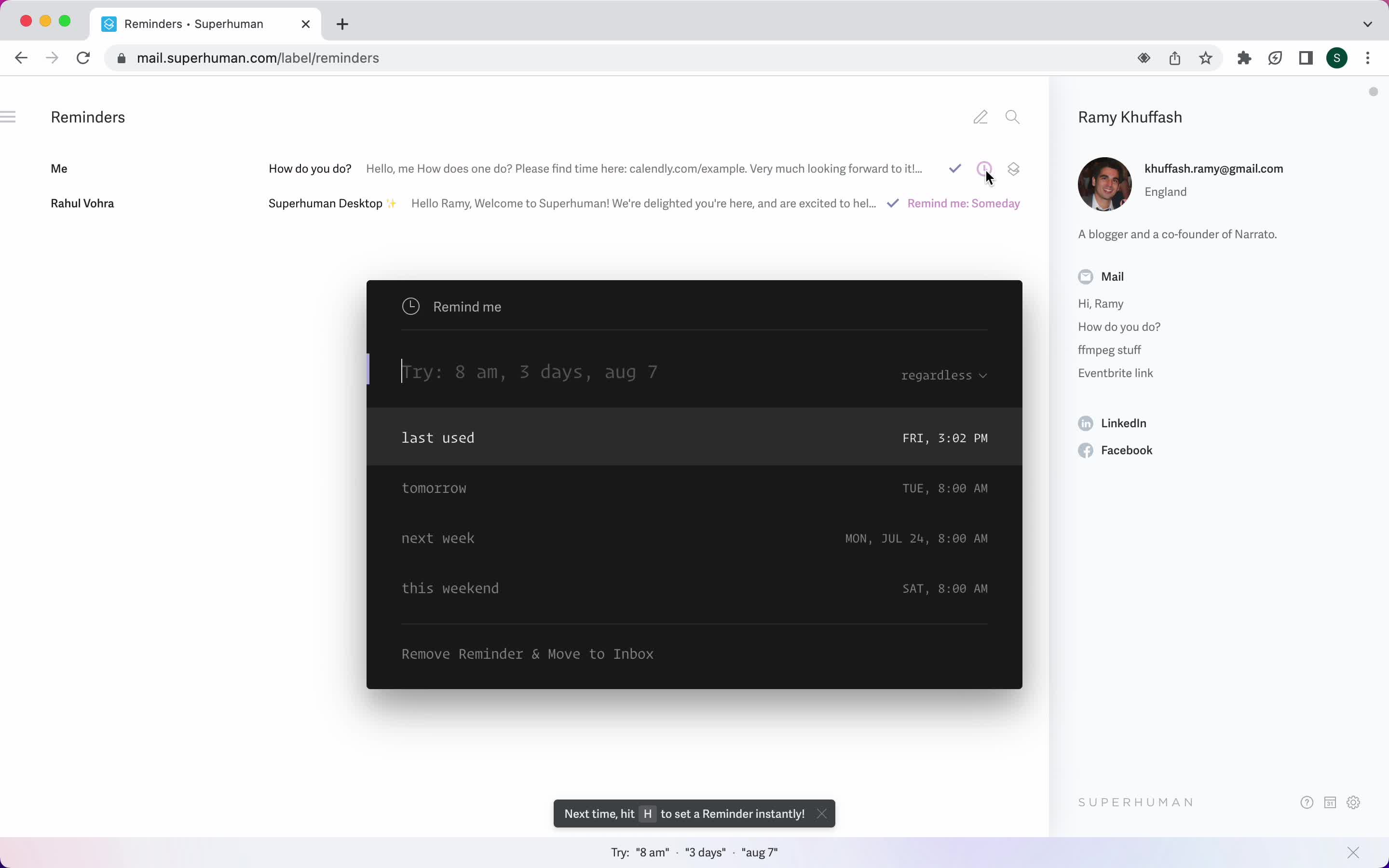
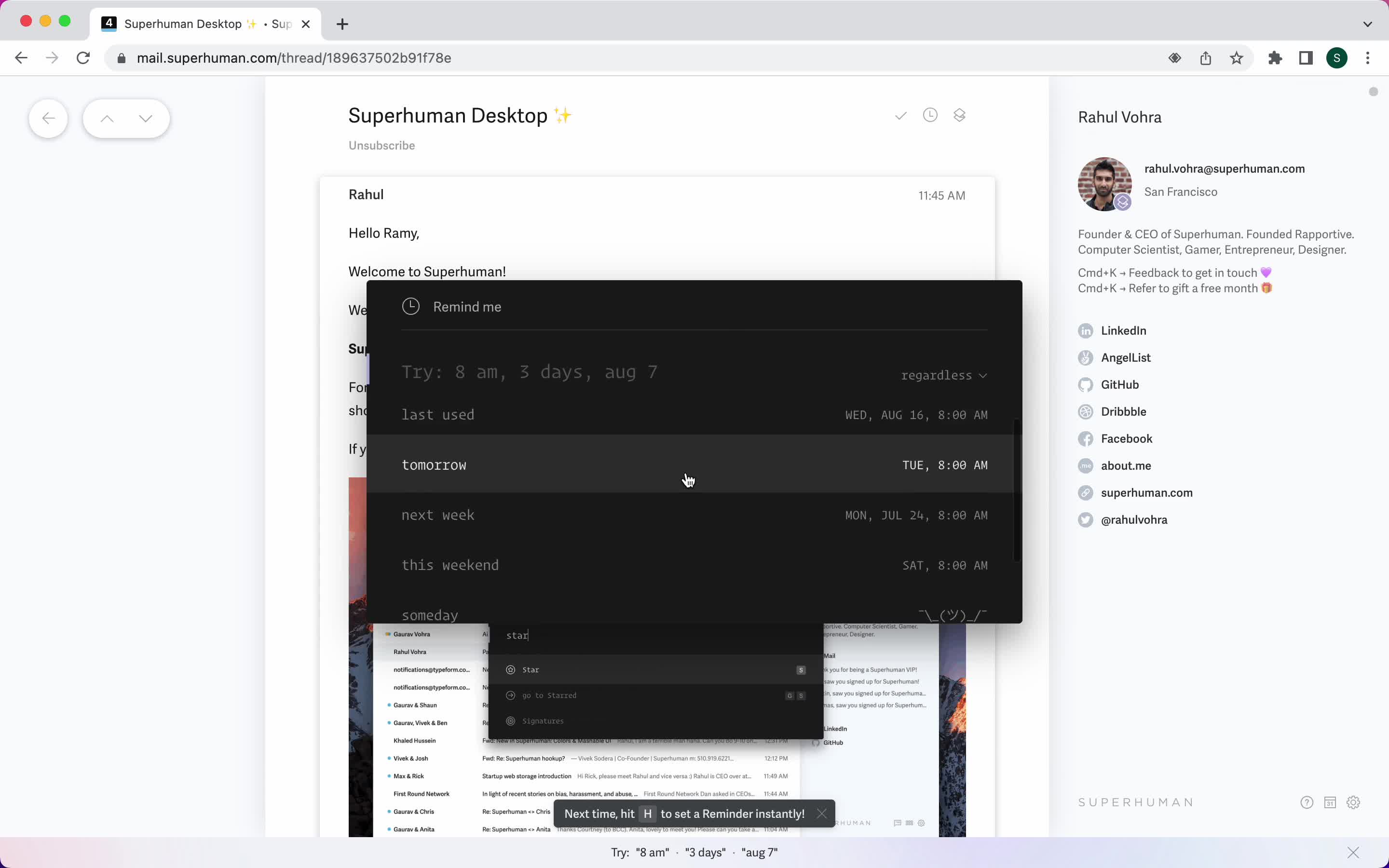
Set reminder
this is title
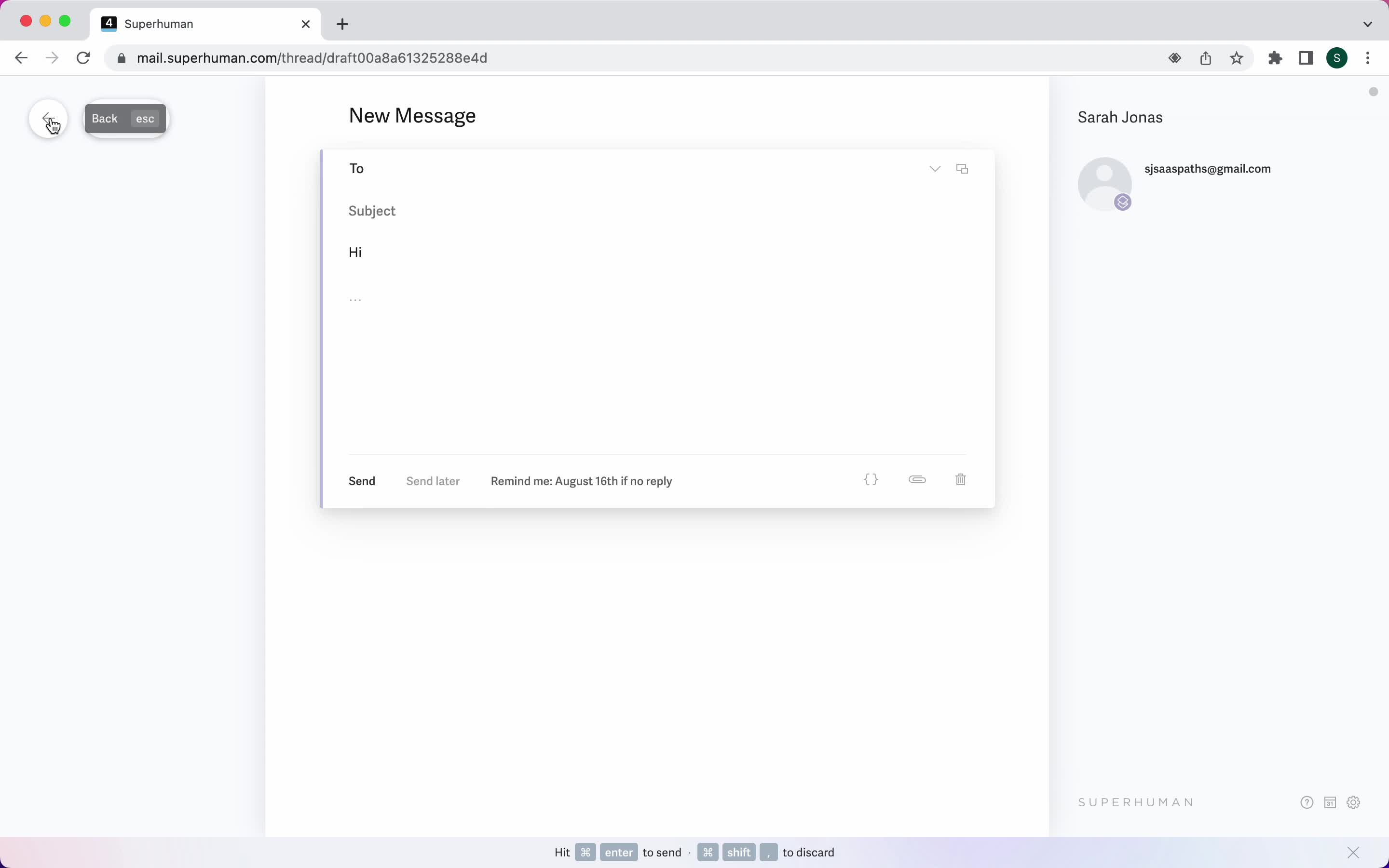
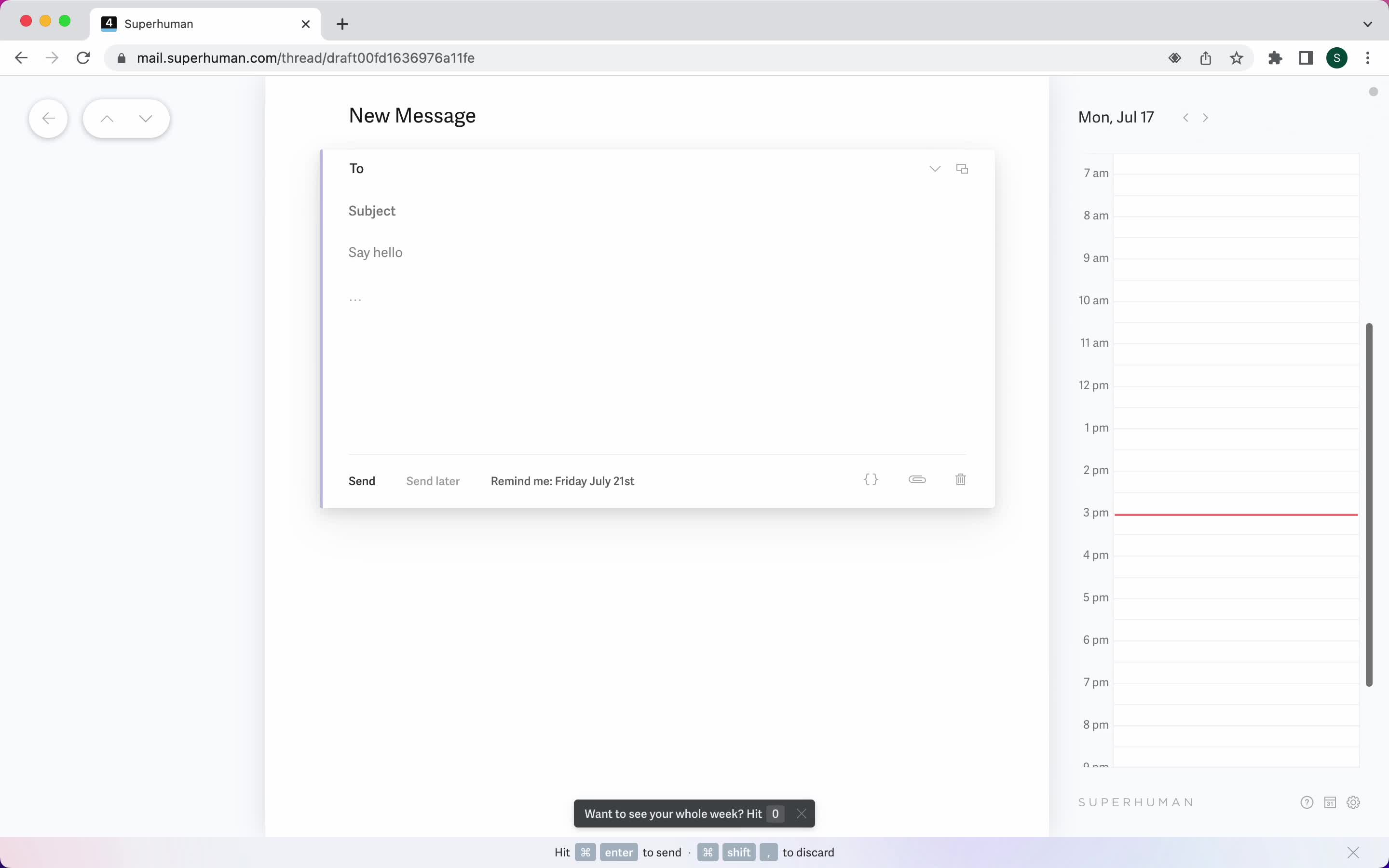
Reminder set
this is title
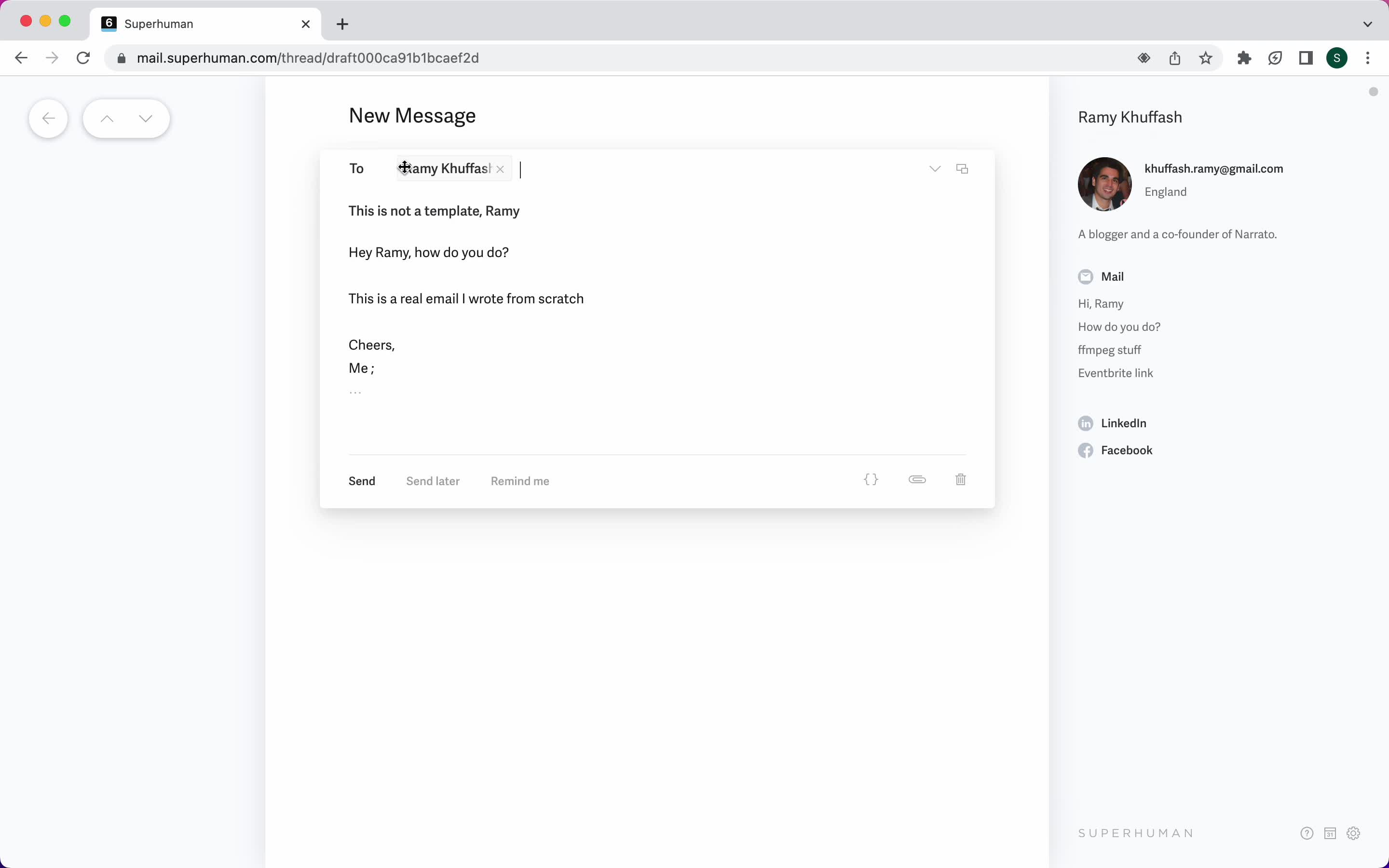
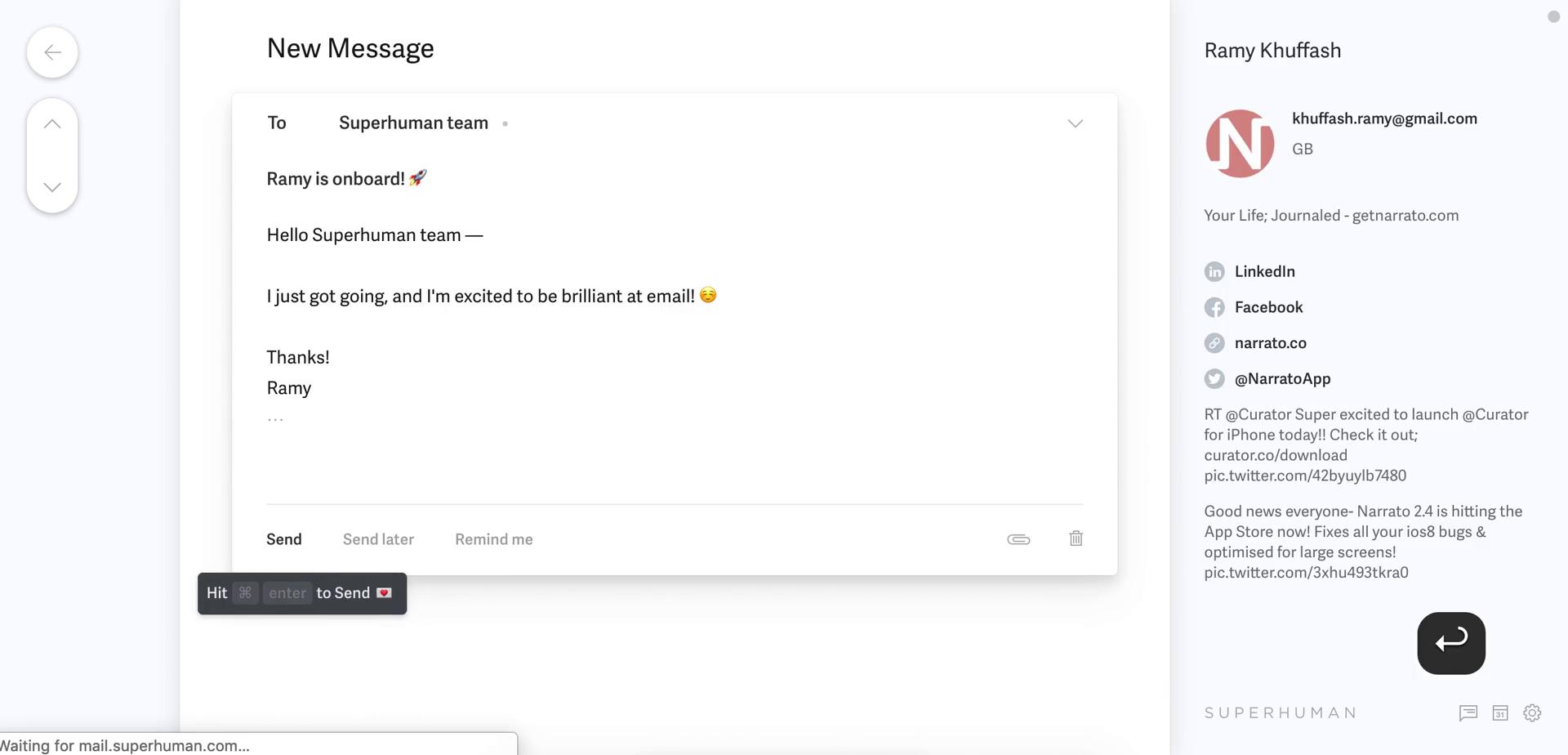
Compose email
this is title
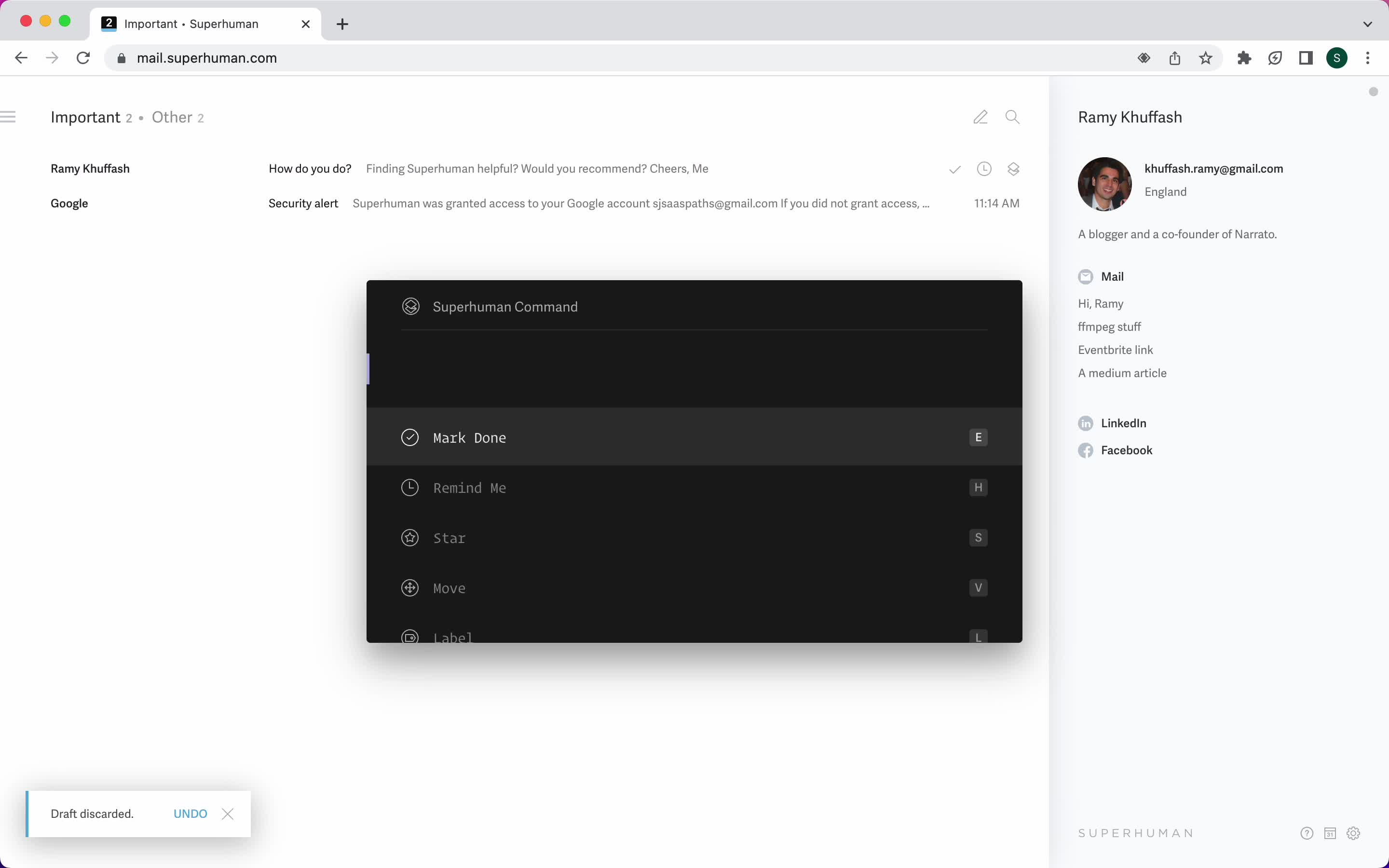
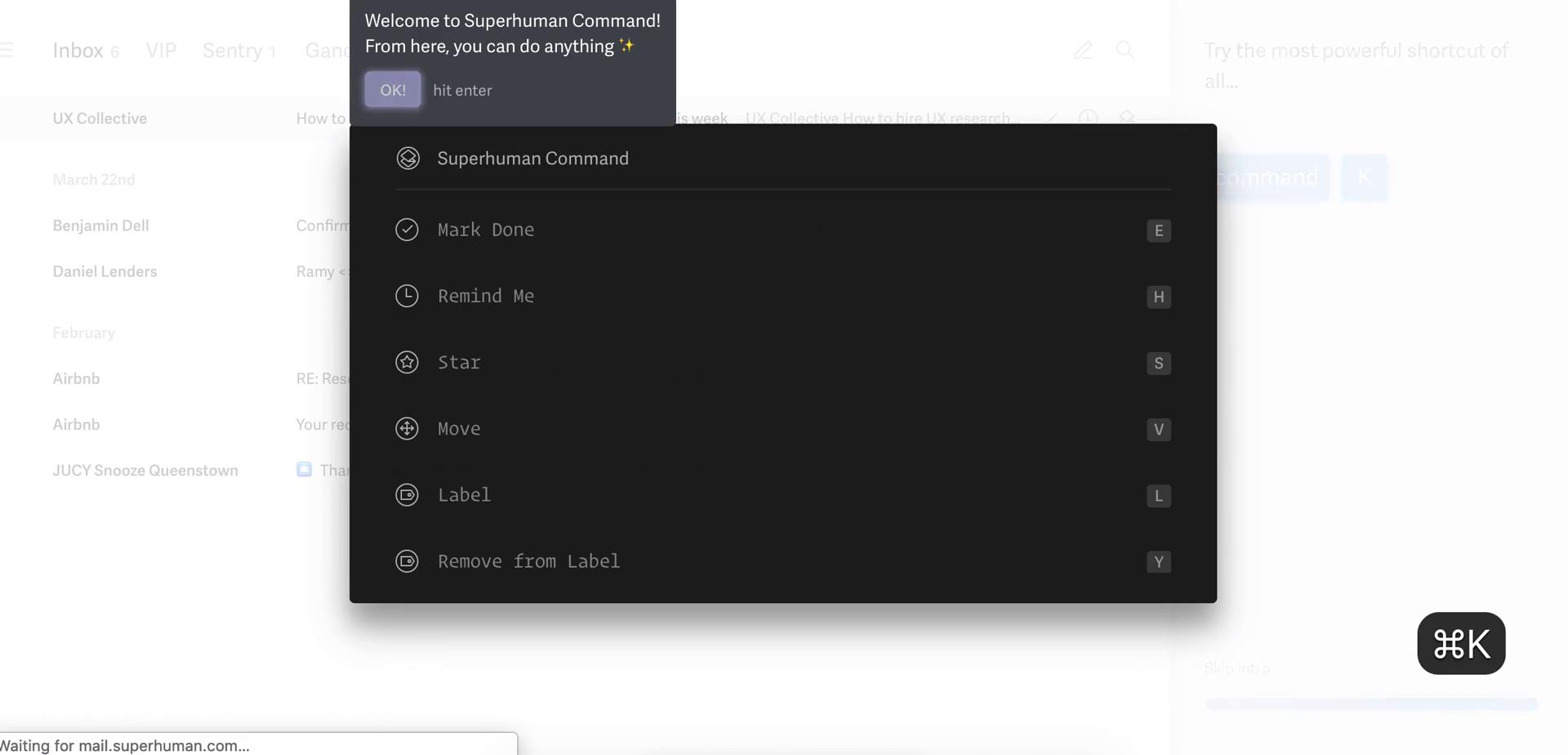
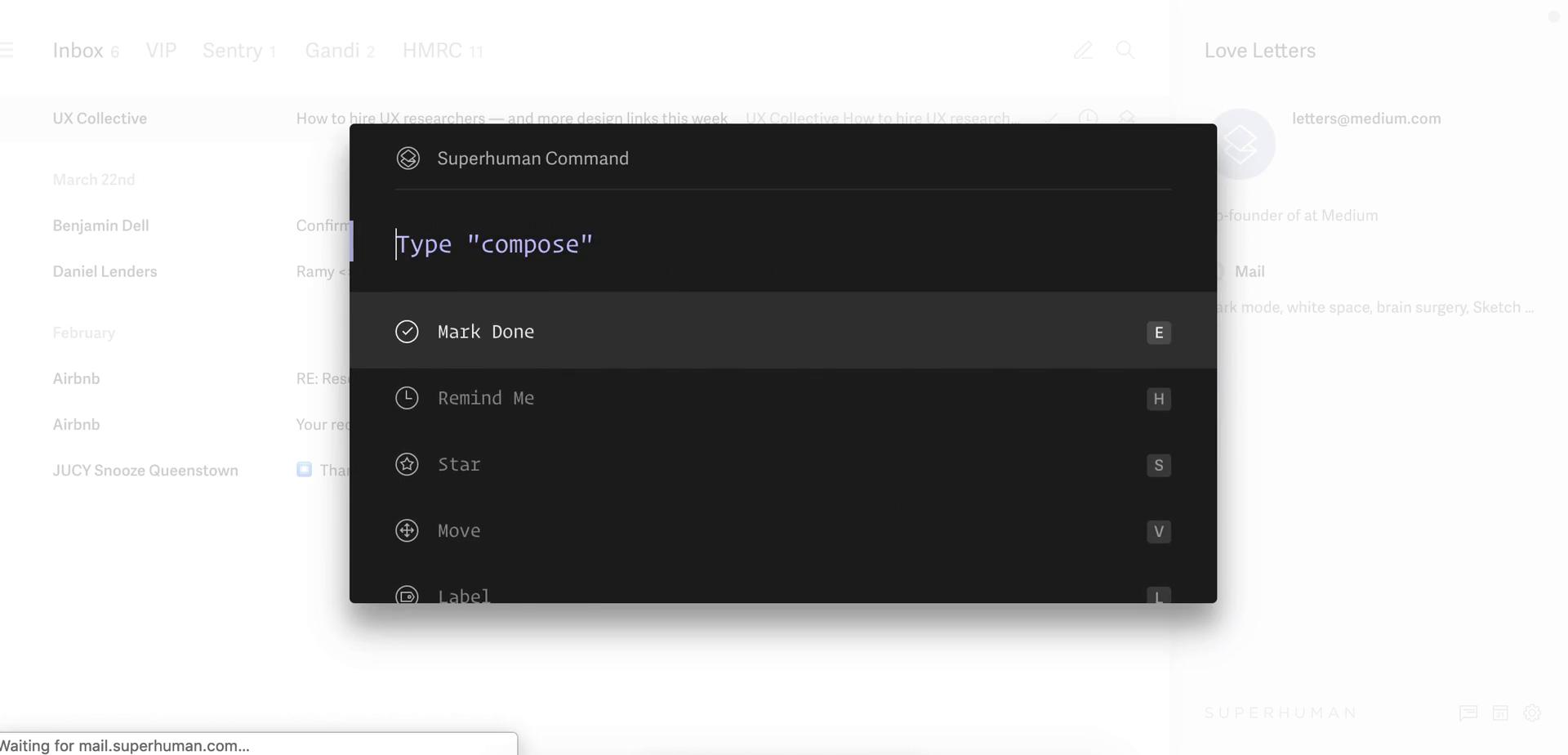
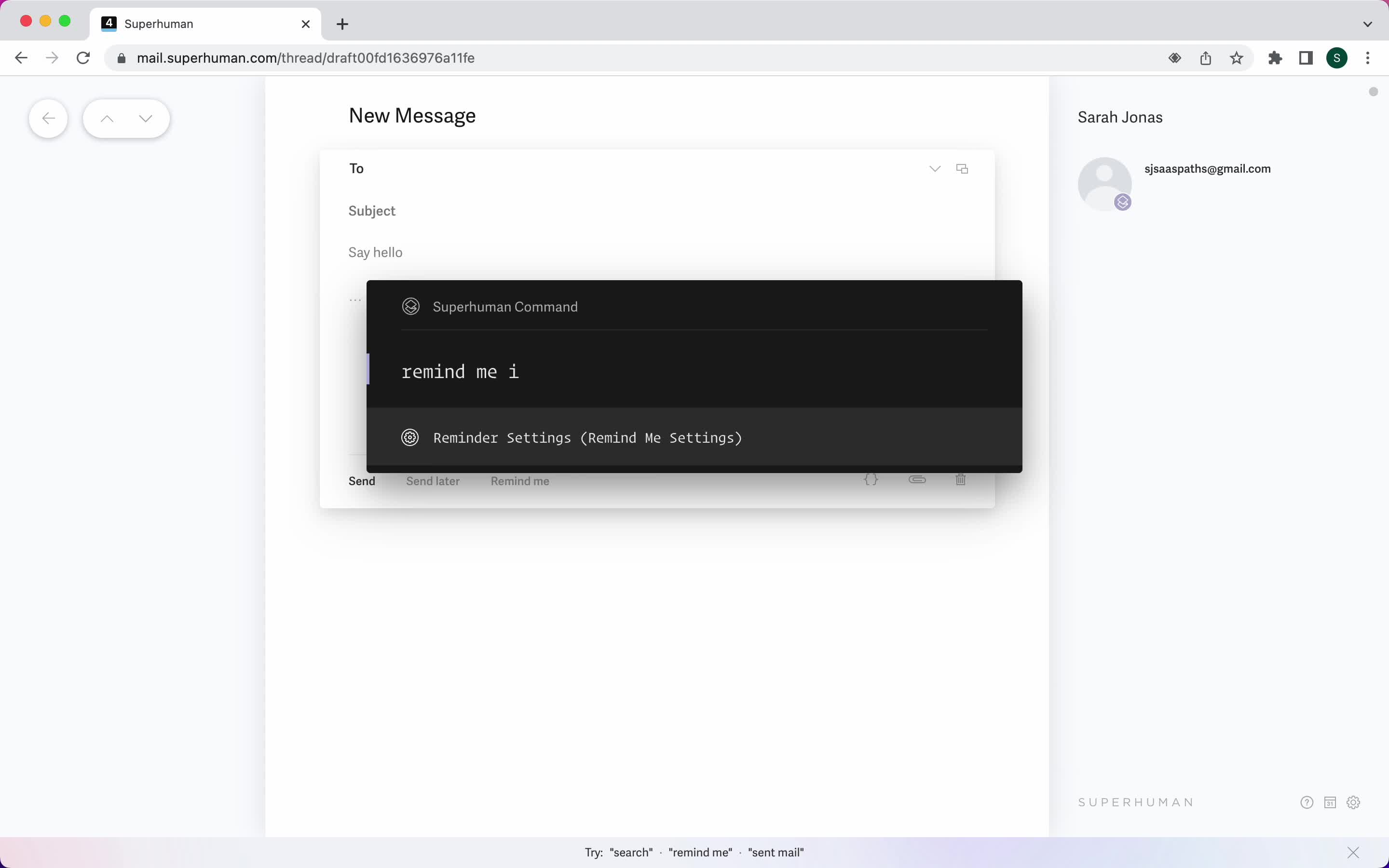
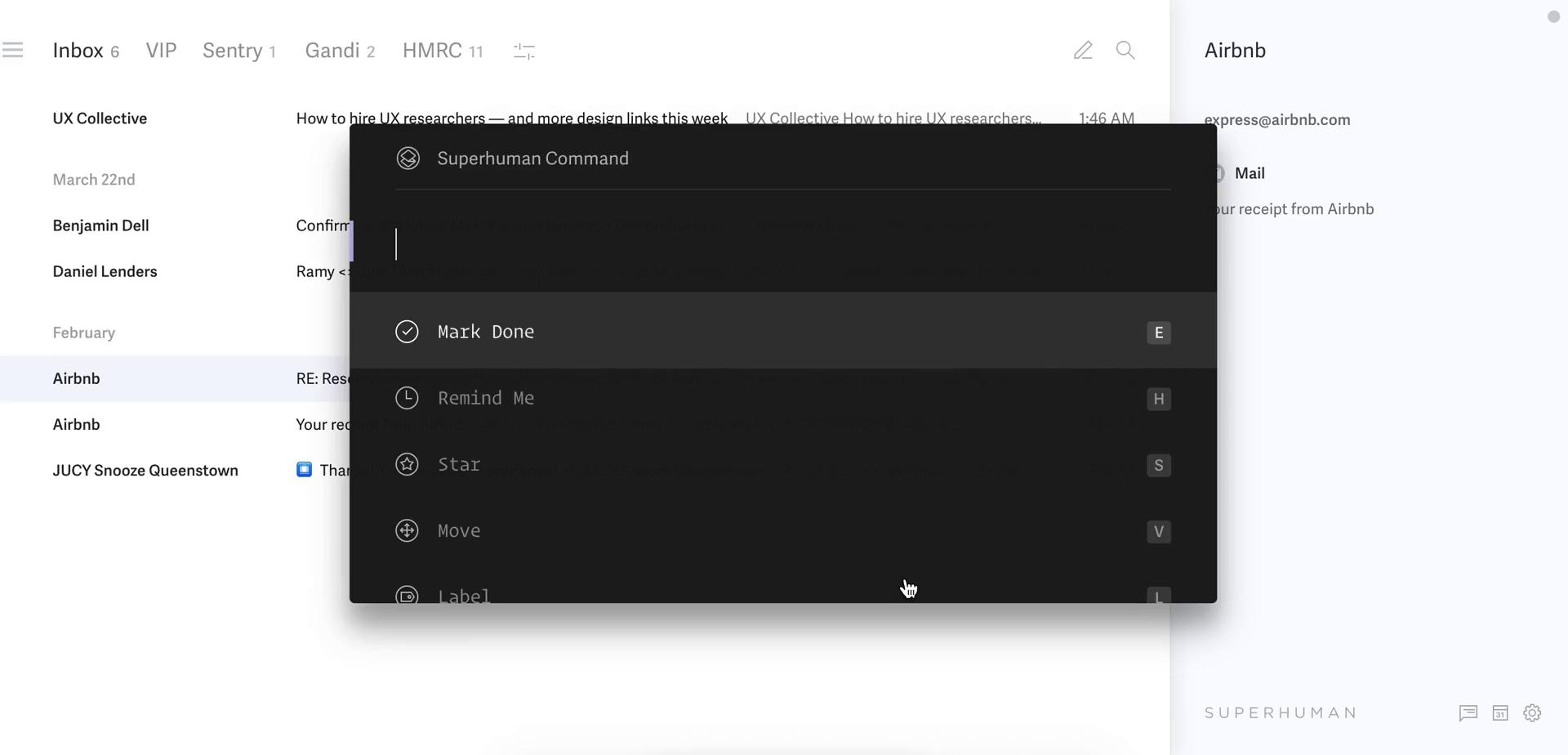
Command menu
this is title
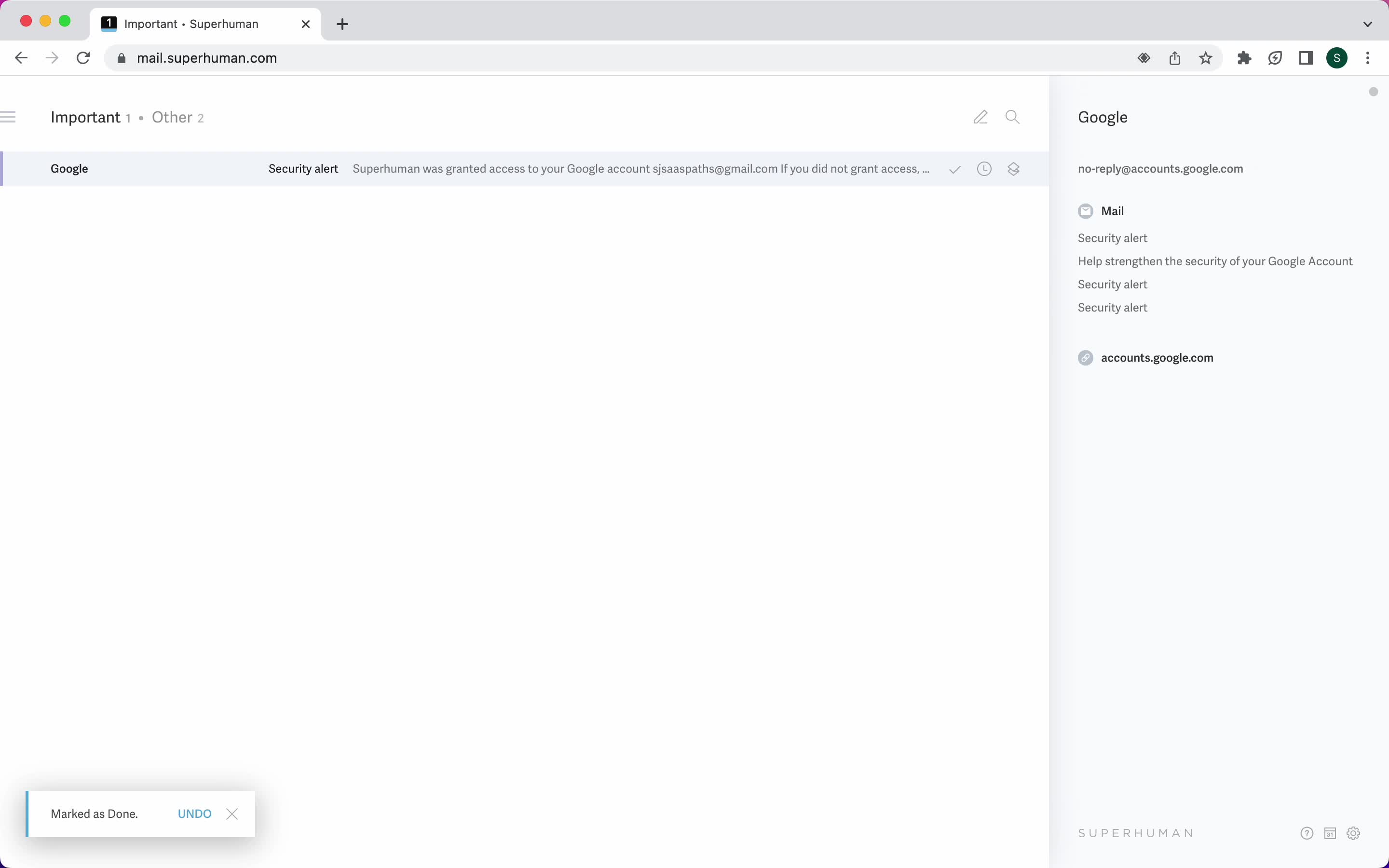
Marked as done
this is title
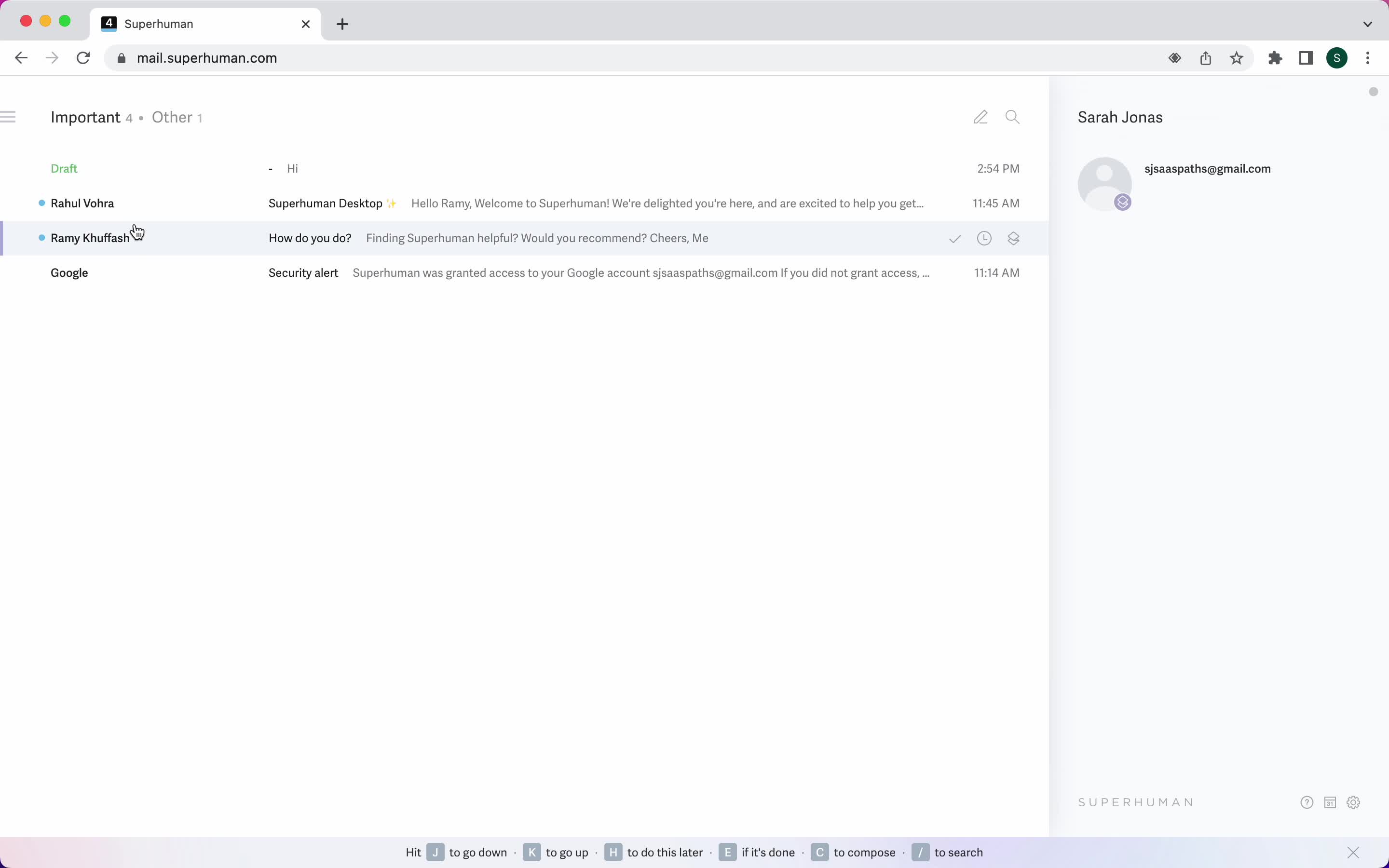
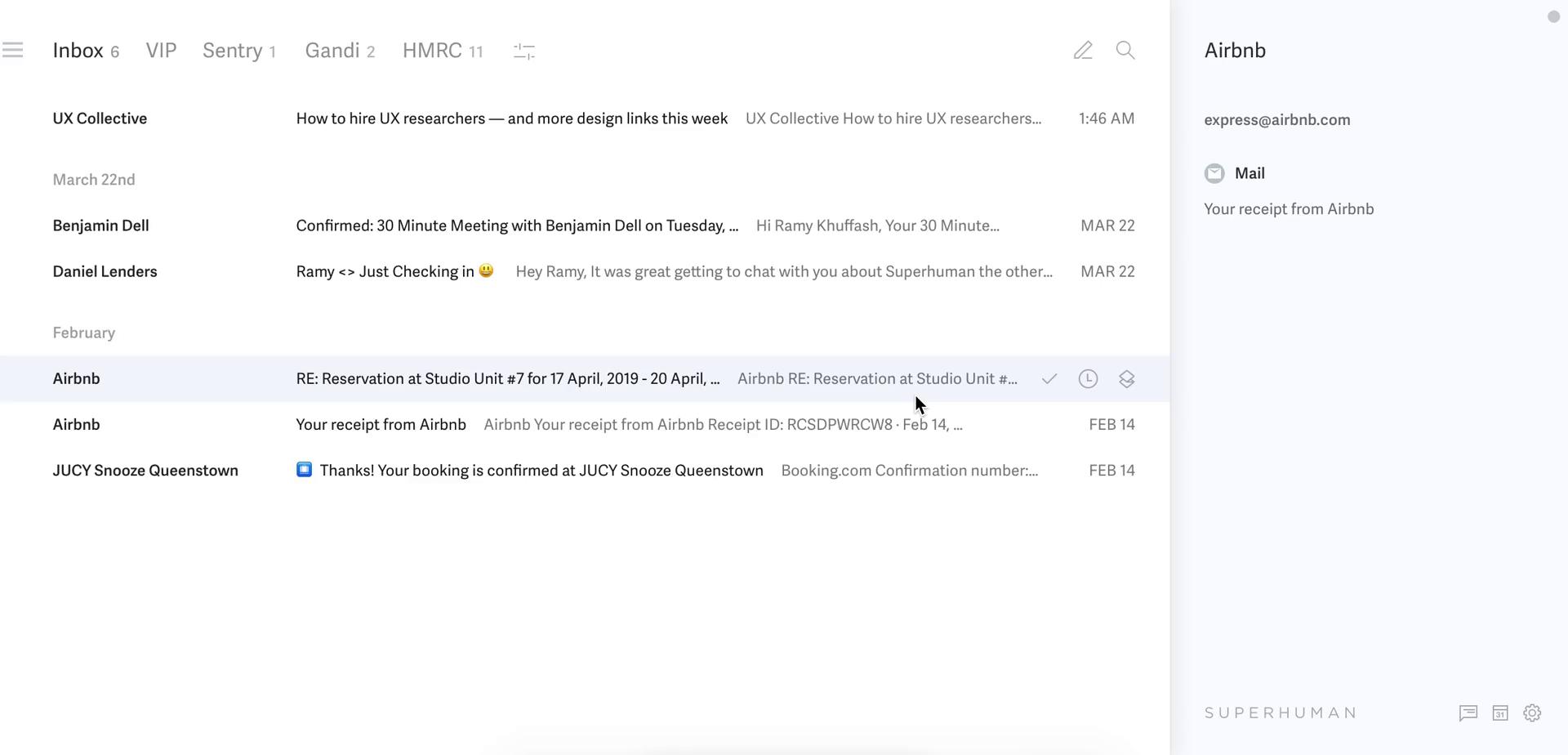
Inbox
this is title
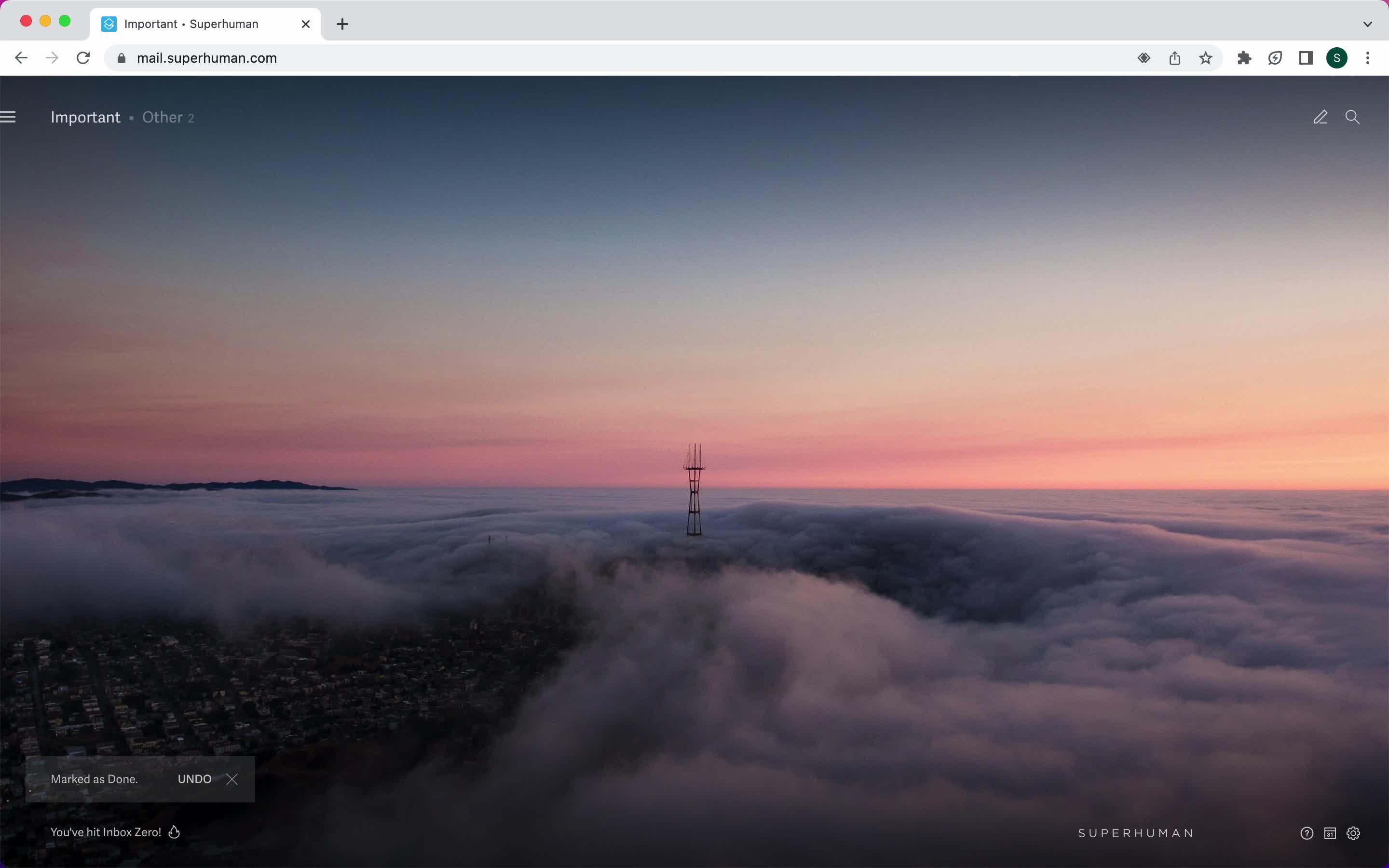
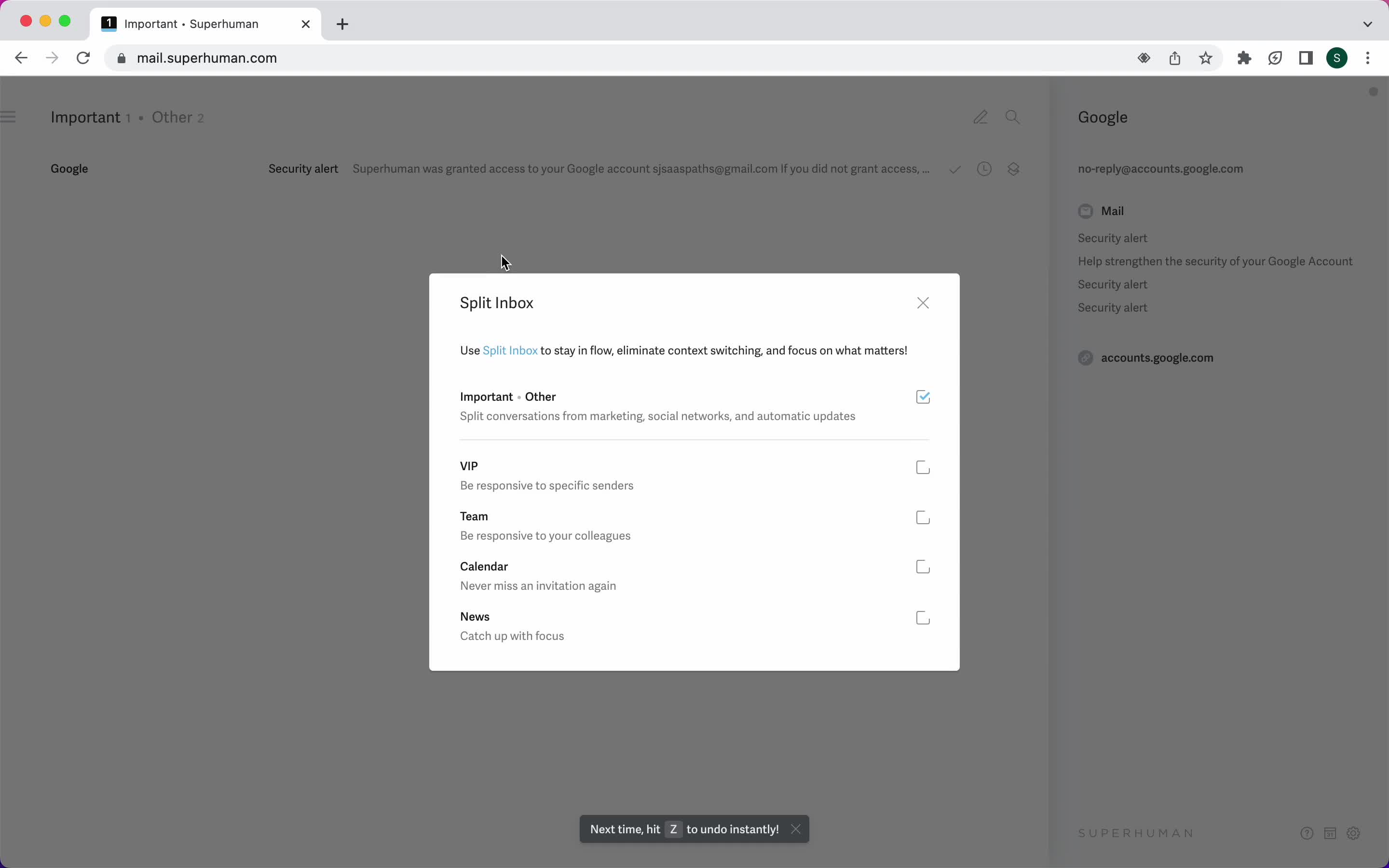
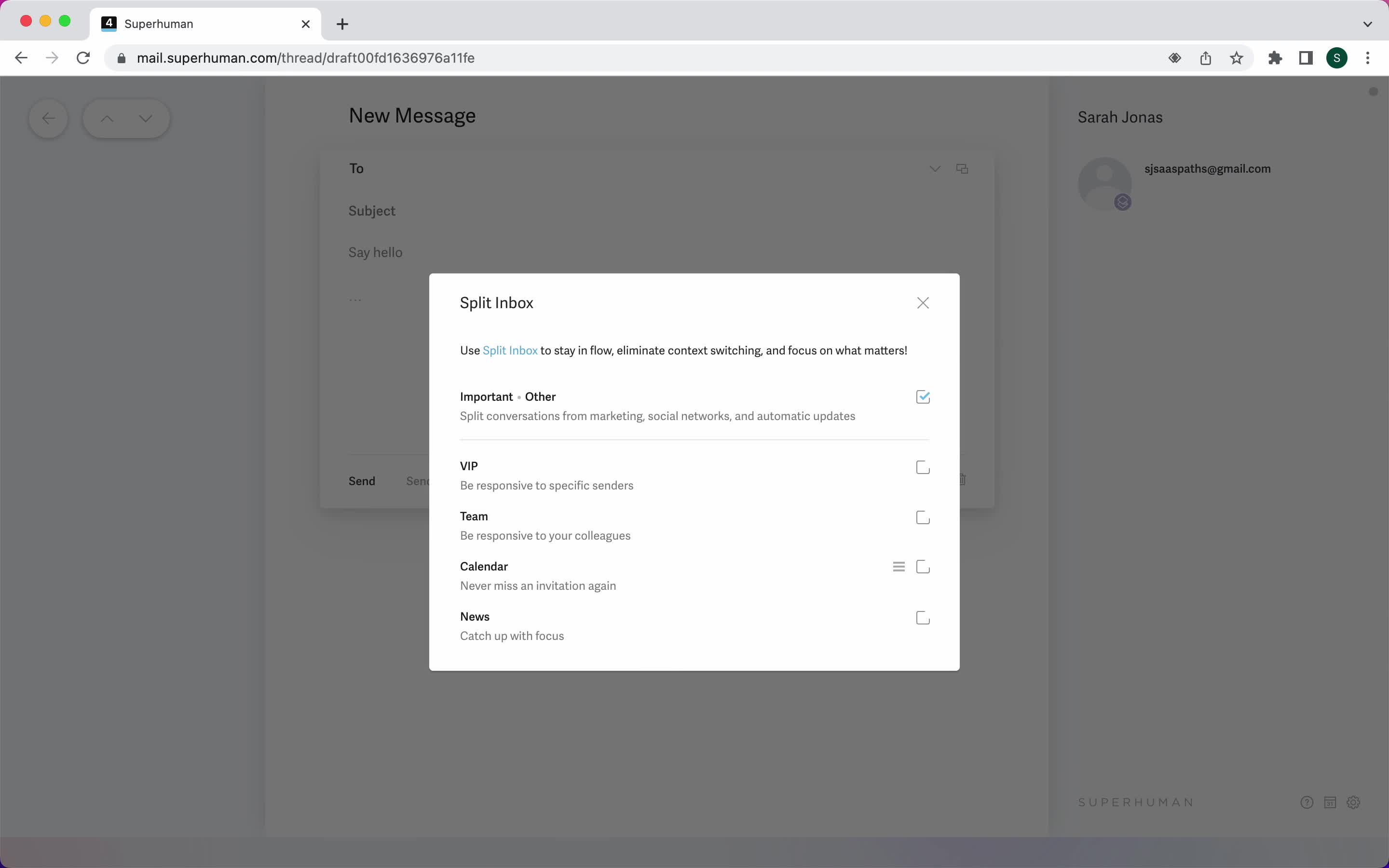
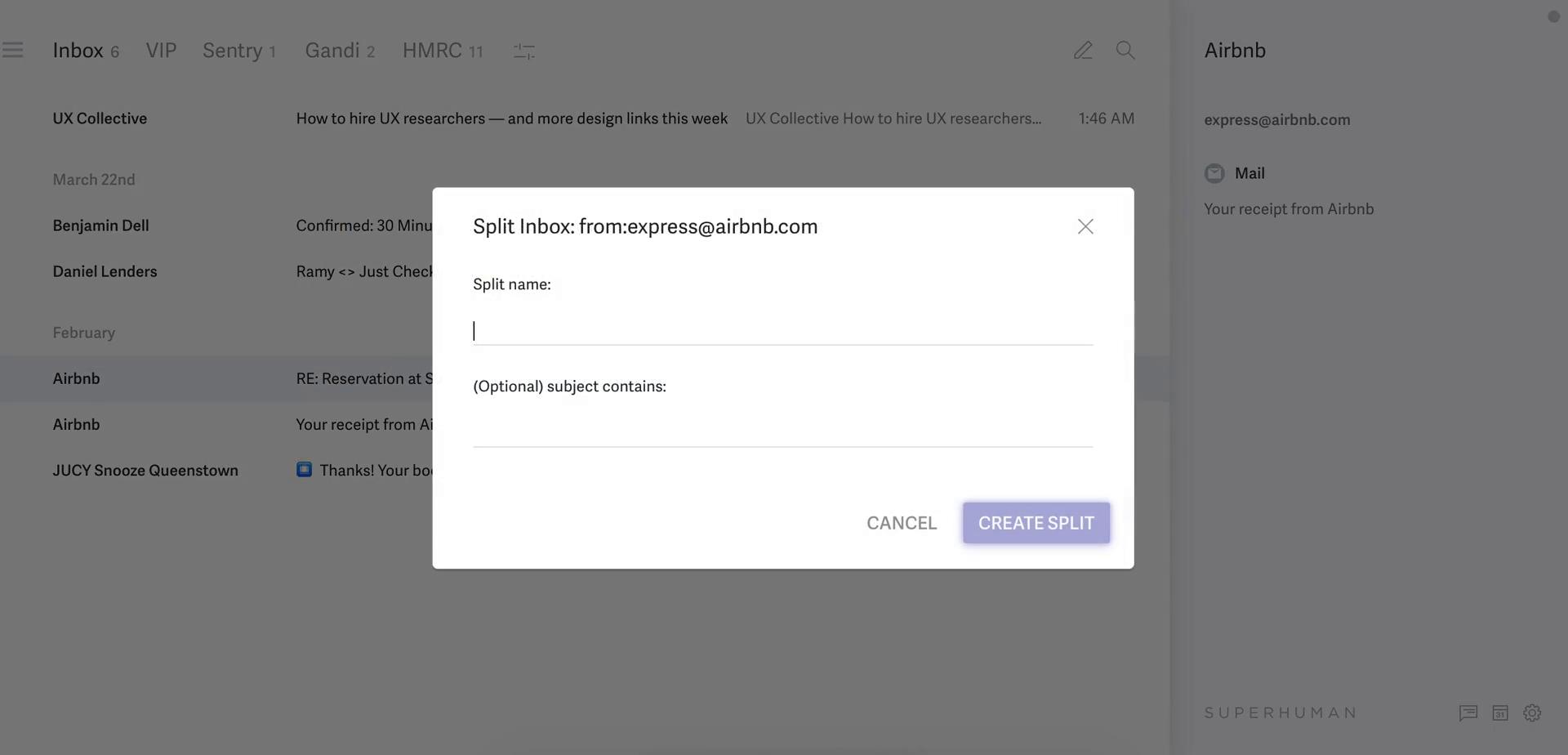
Split inbox
this is title
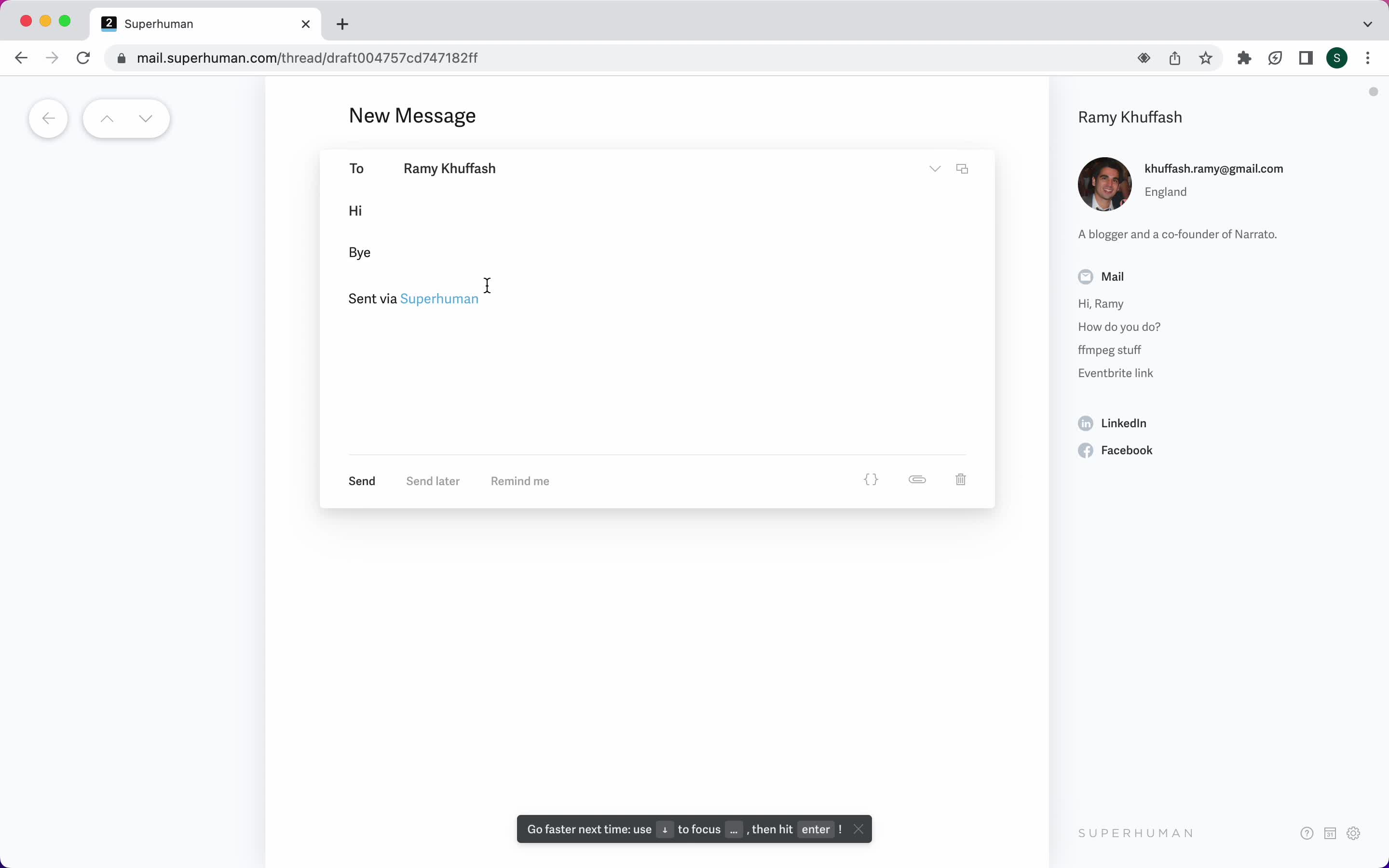
Compose email
this is title
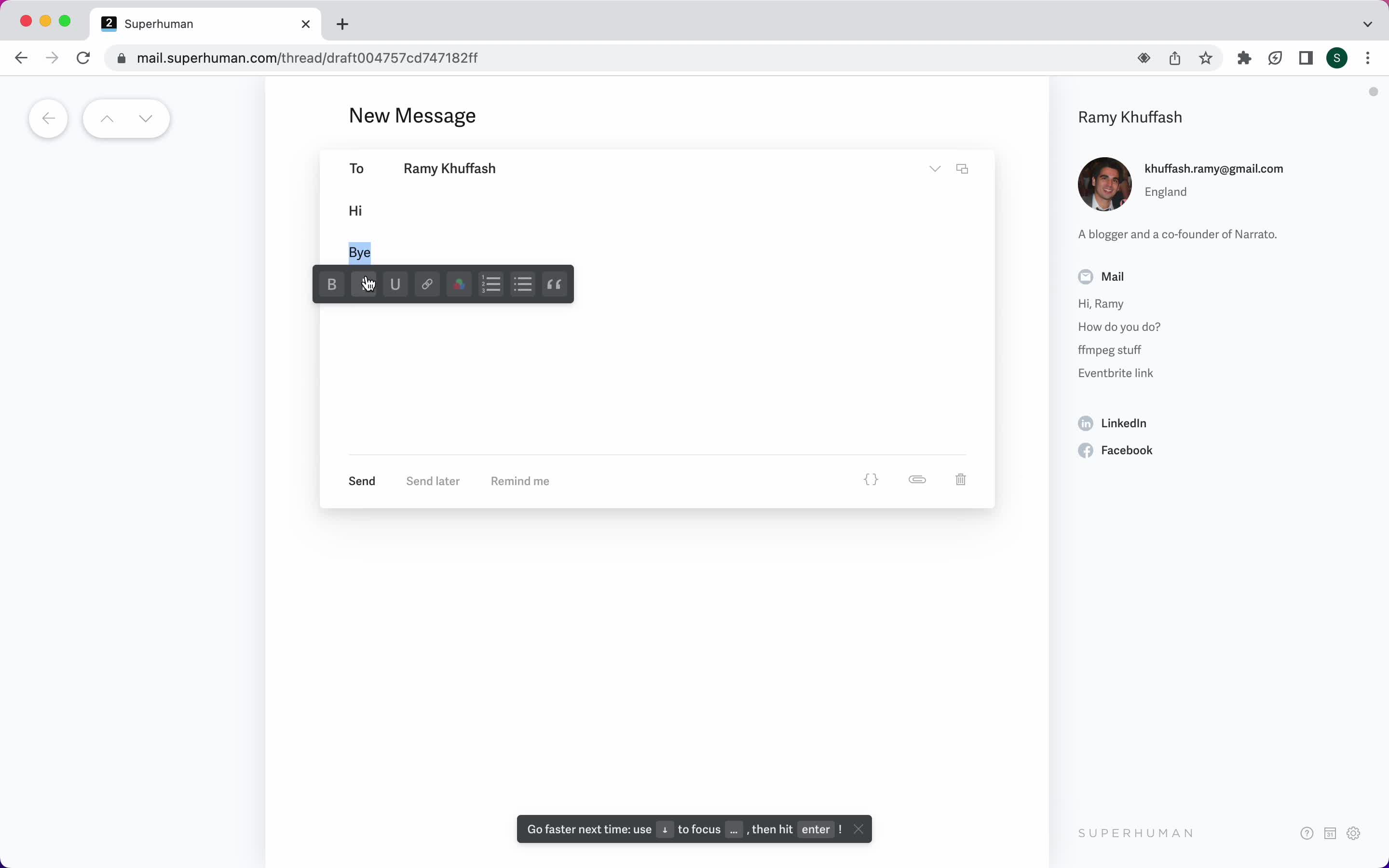
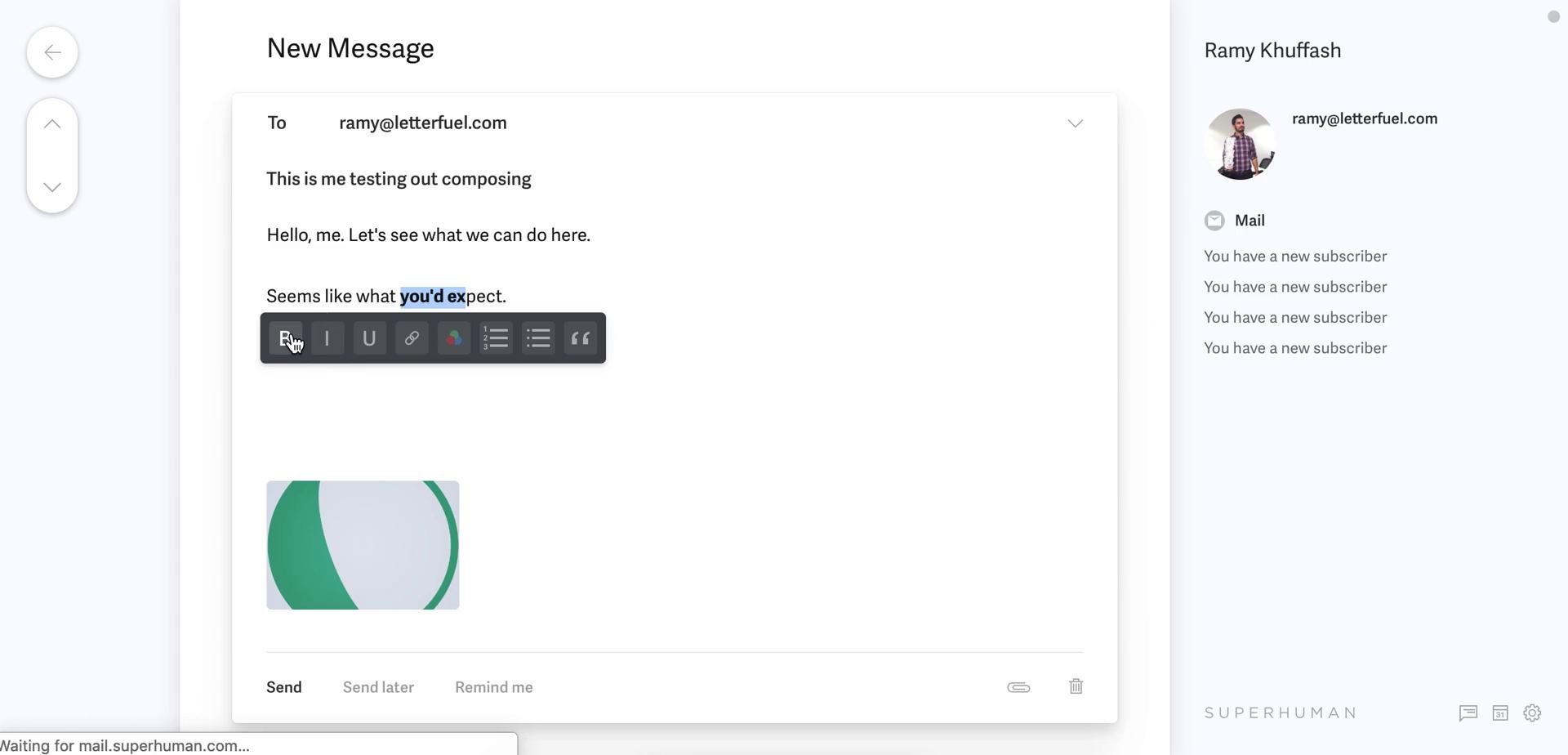
Format text
this is title
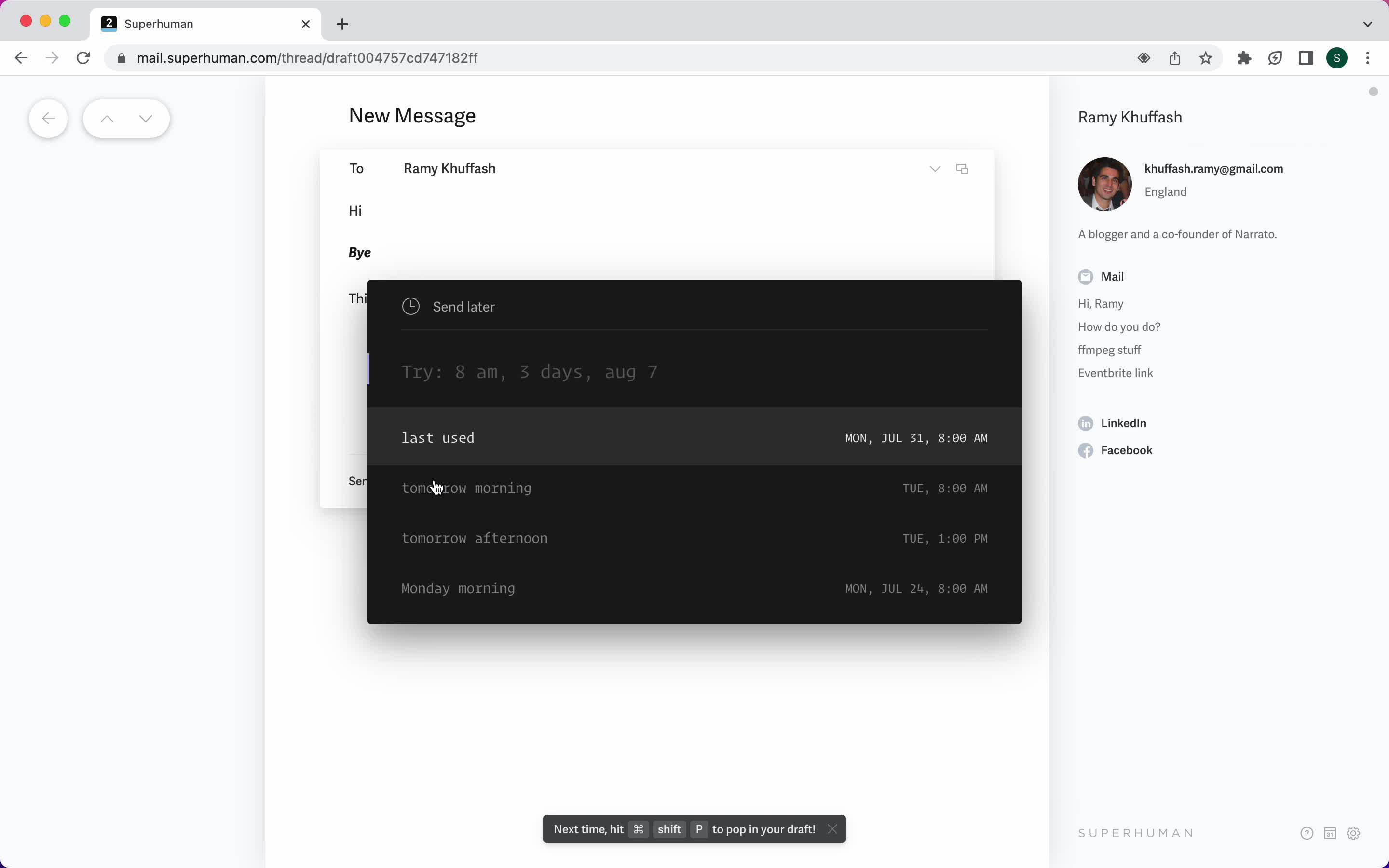
Schedule
this is title
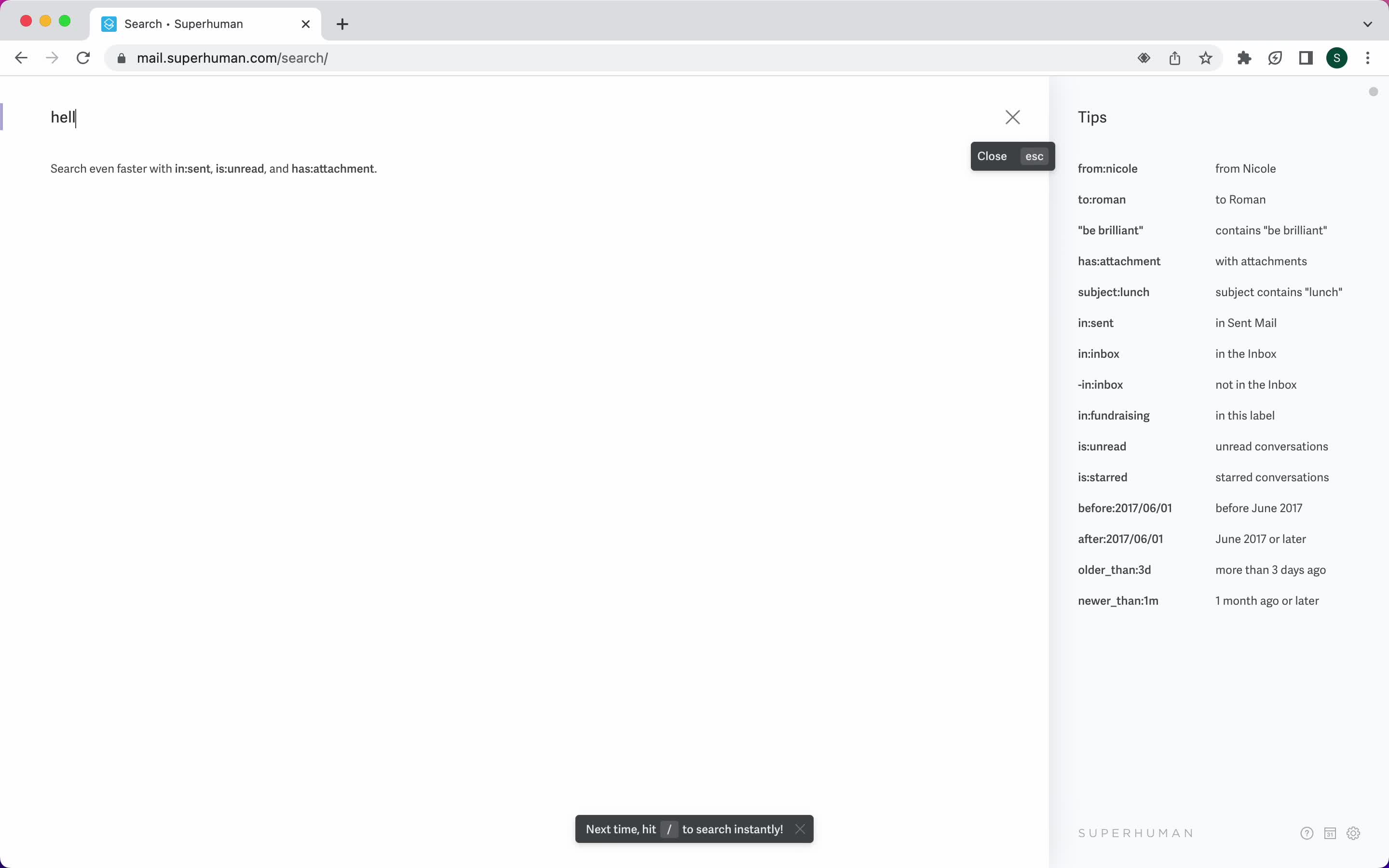
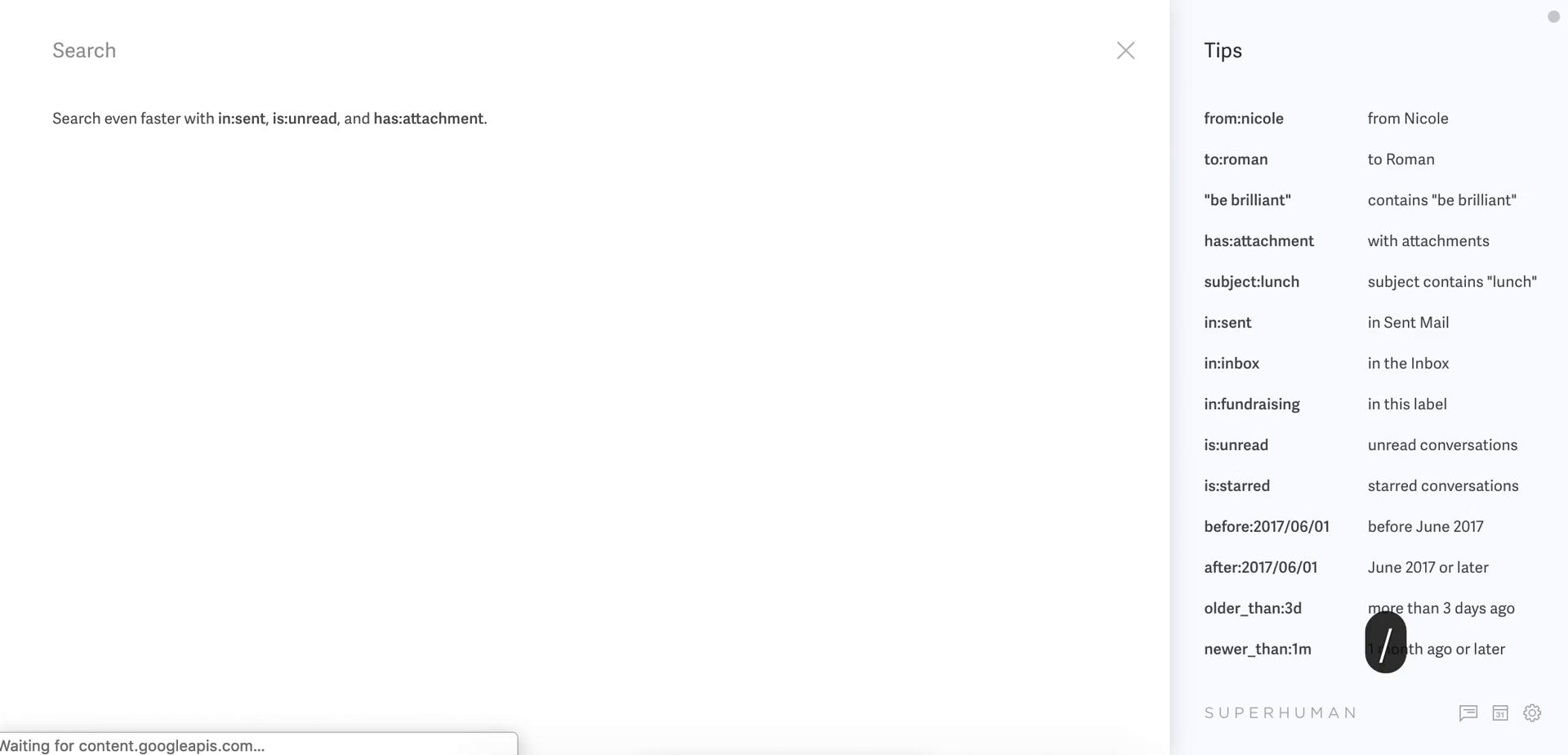
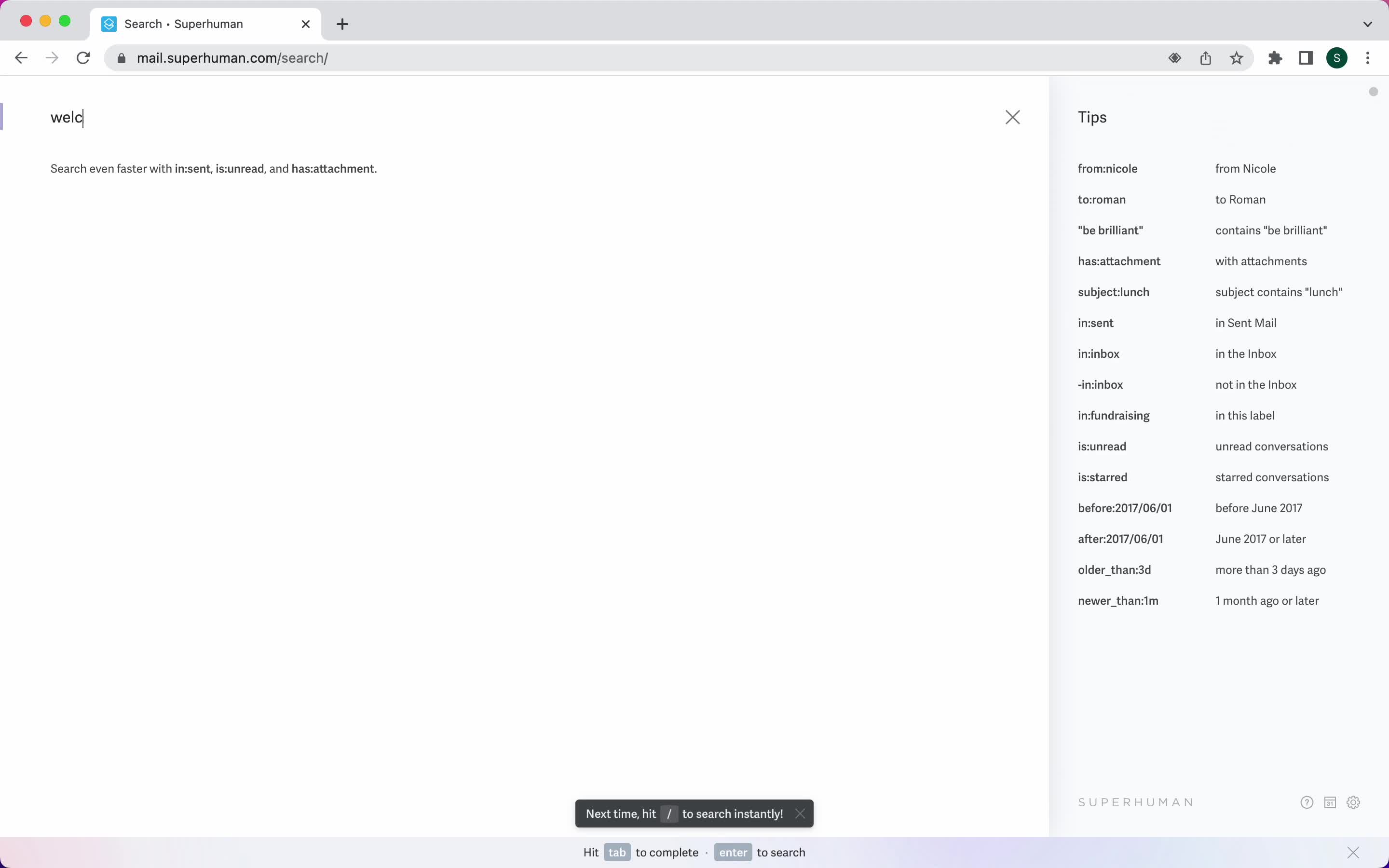
Search
this is title
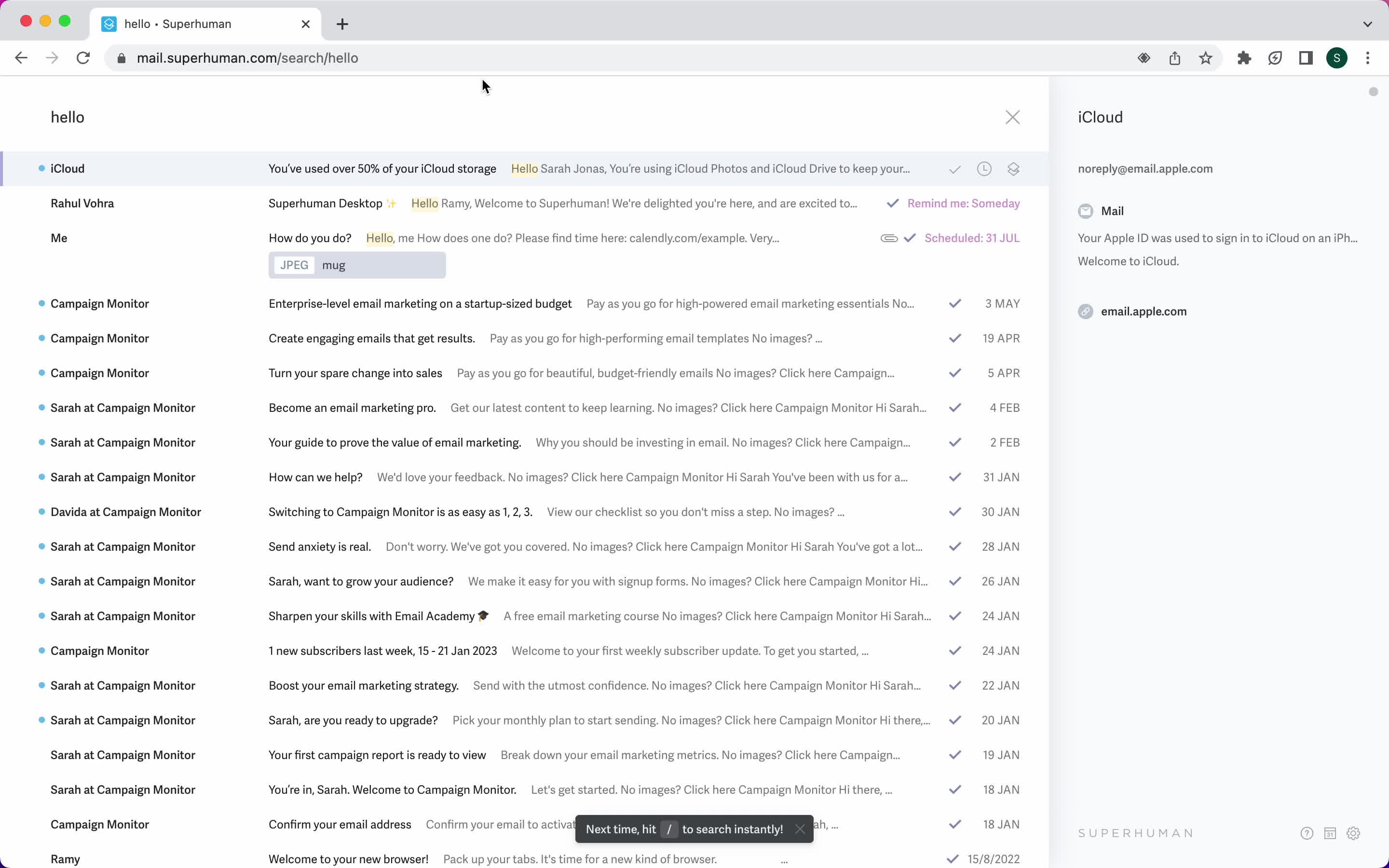
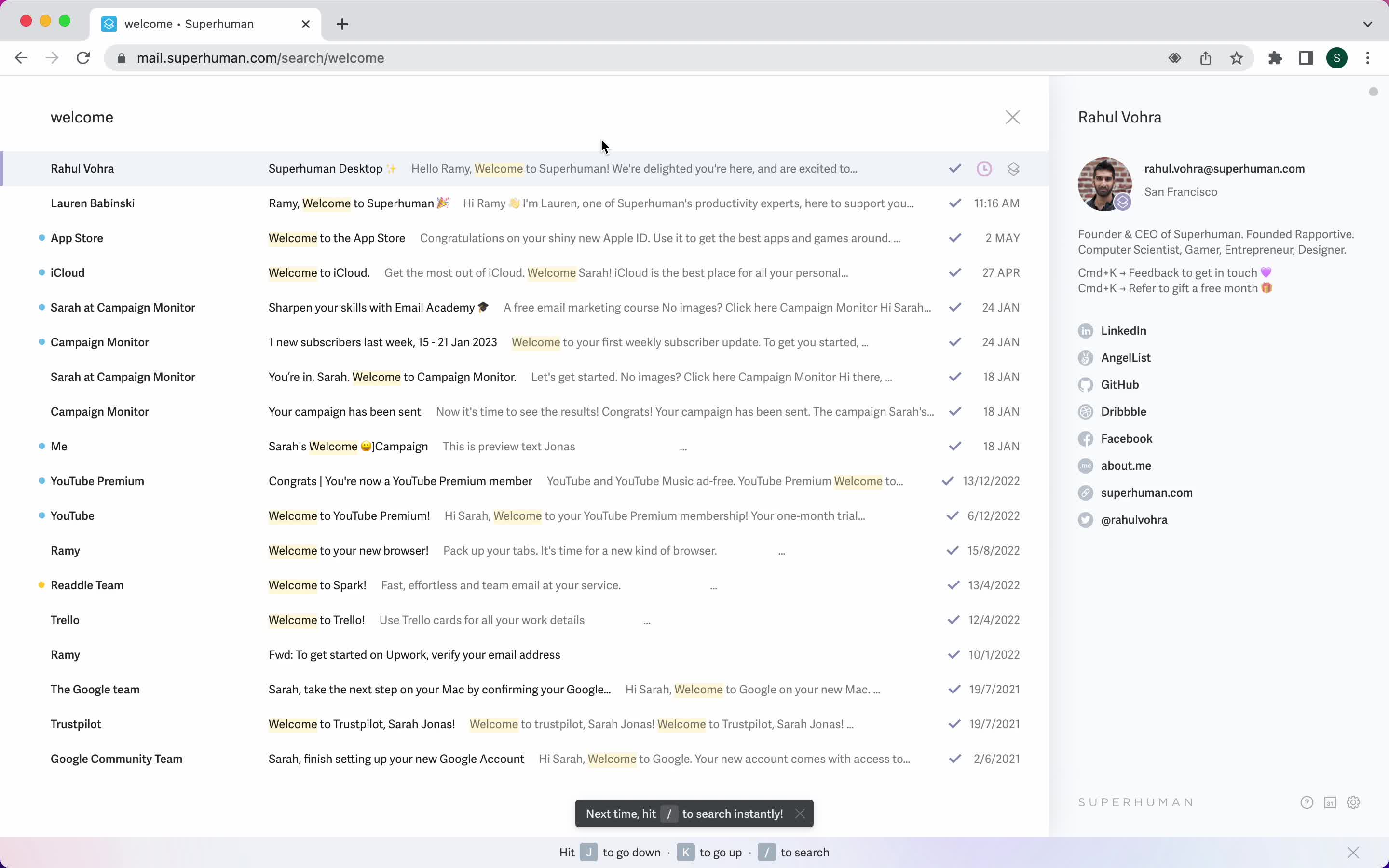
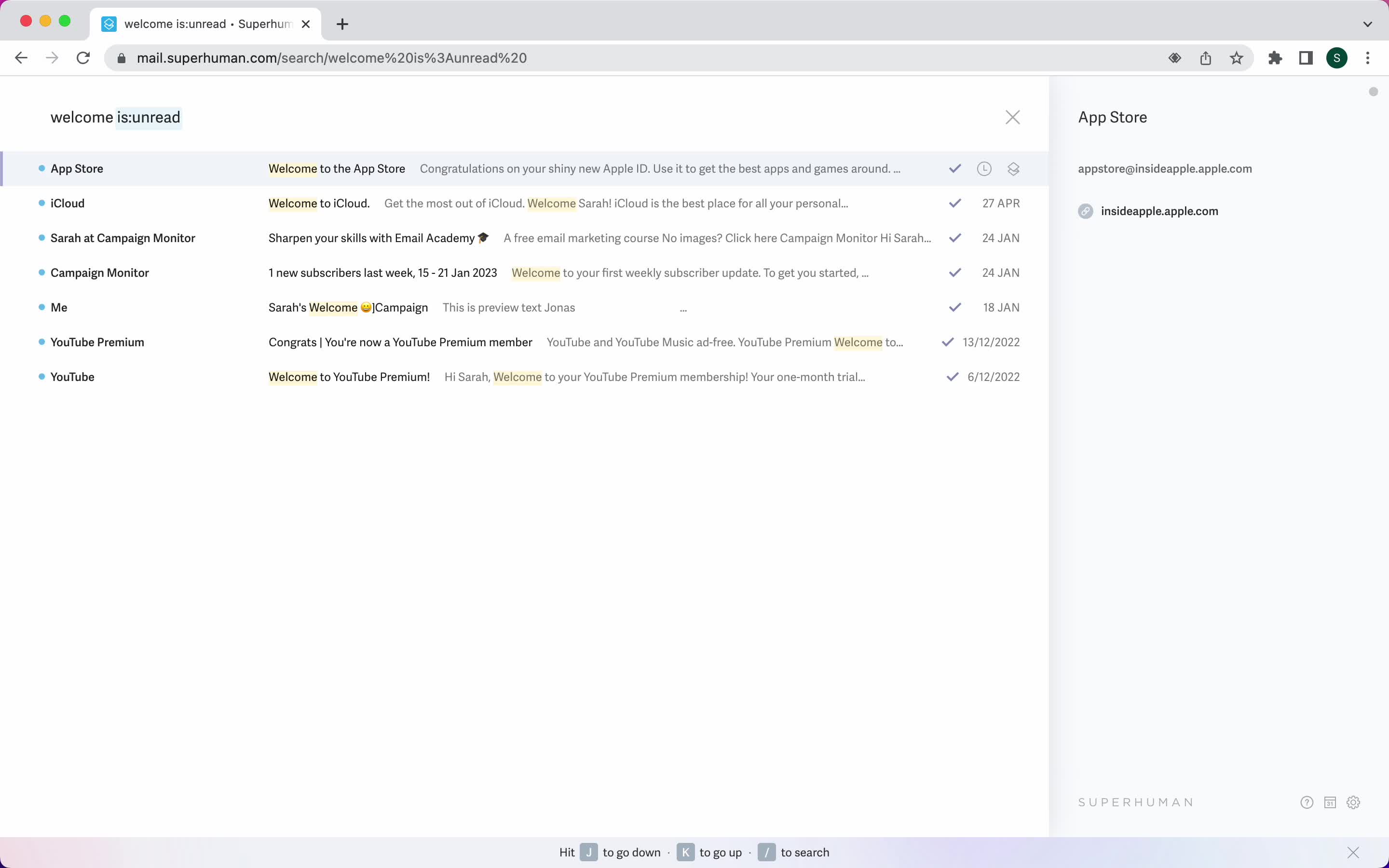
Search results
this is title
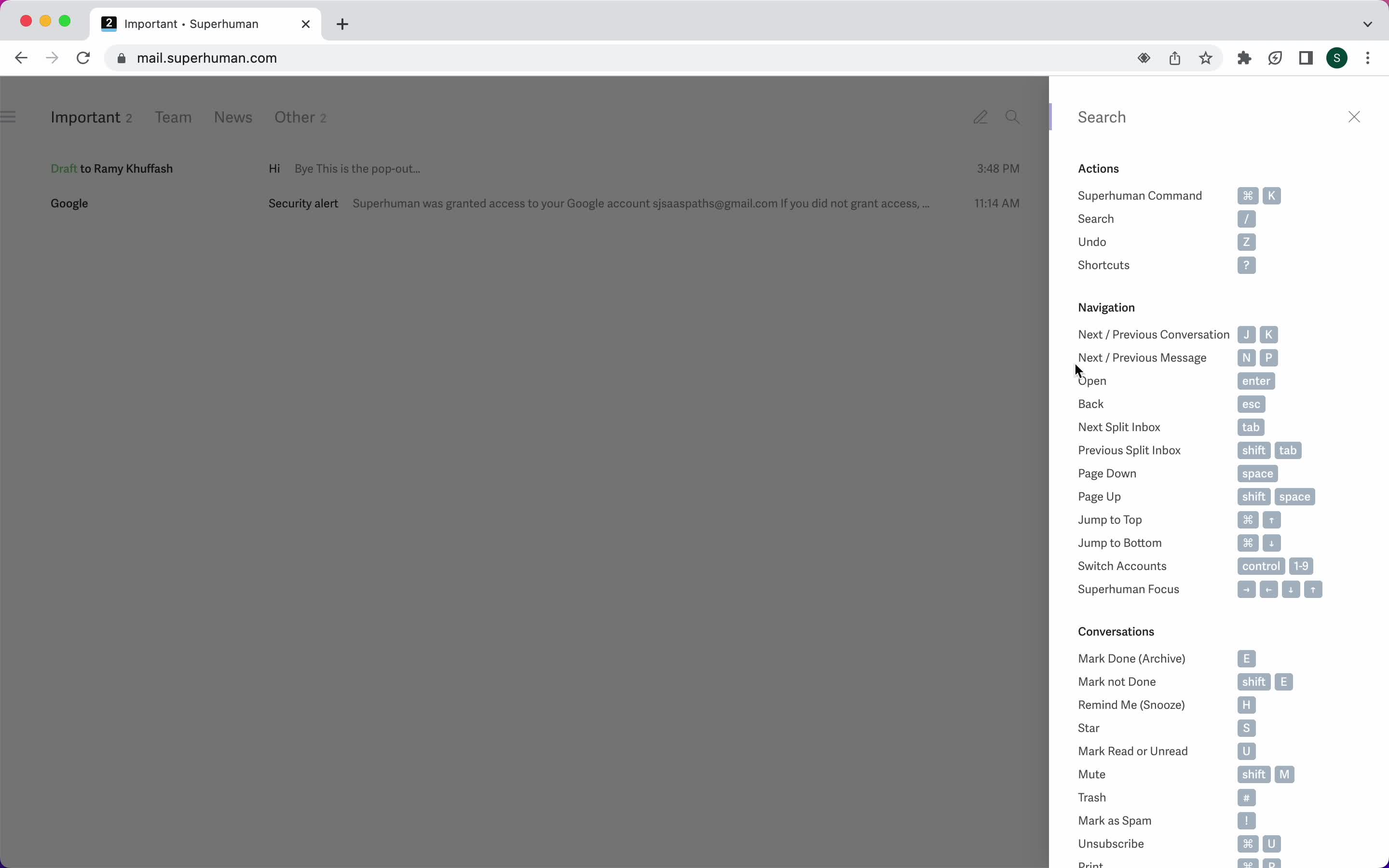
Keyboard shortcuts
this is title
Calendar
this is title
Create event
this is title
Settings
this is title
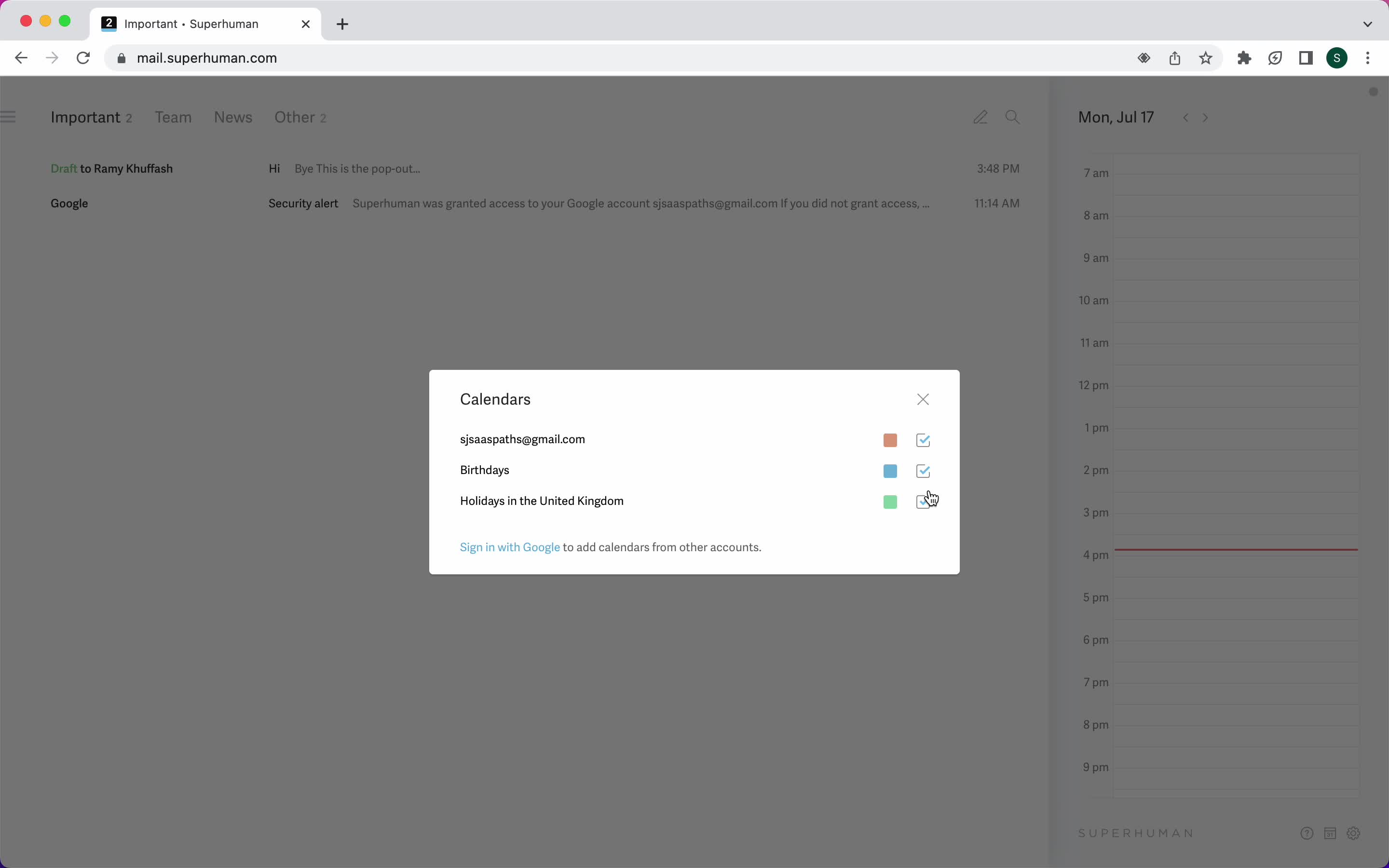
Select calendar account
this is title
Guide modal
this is title
Product updates
this is title
Inbox
this is title
Inbox
this is title
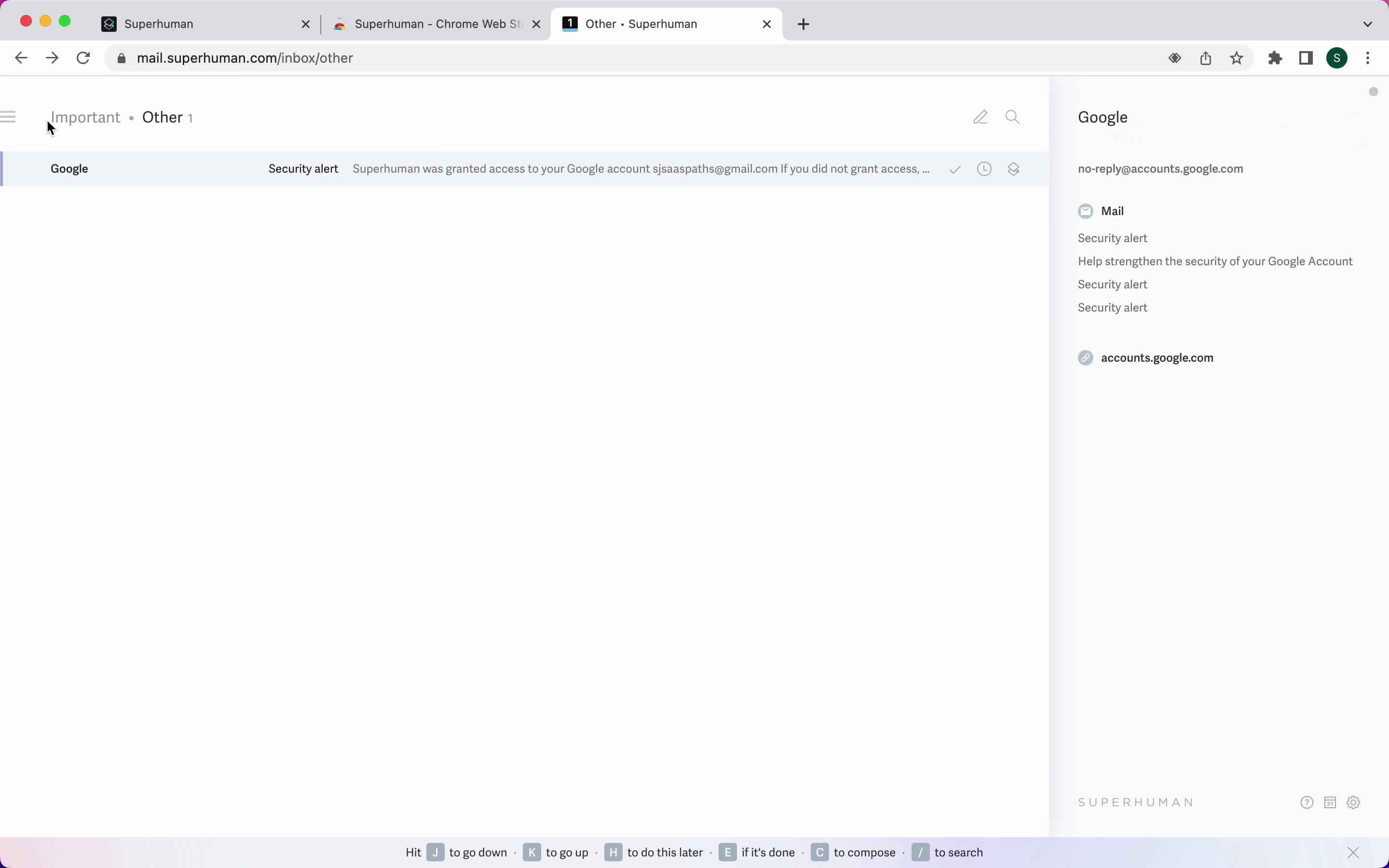
Email details
this is title
Shortcut commands
this is title
Reminders
this is title
Search
this is title
Calendar
this is title
Inbox
this is title
Compose email
this is title
Schedule send
this is title
Accounts
this is title
Product updates
this is title
Settings
this is title
Split inbox list
this is title
Dark mode
this is title
Keyboard shortcuts
this is title
Inbox
this is title
Shortcut commands
this is title
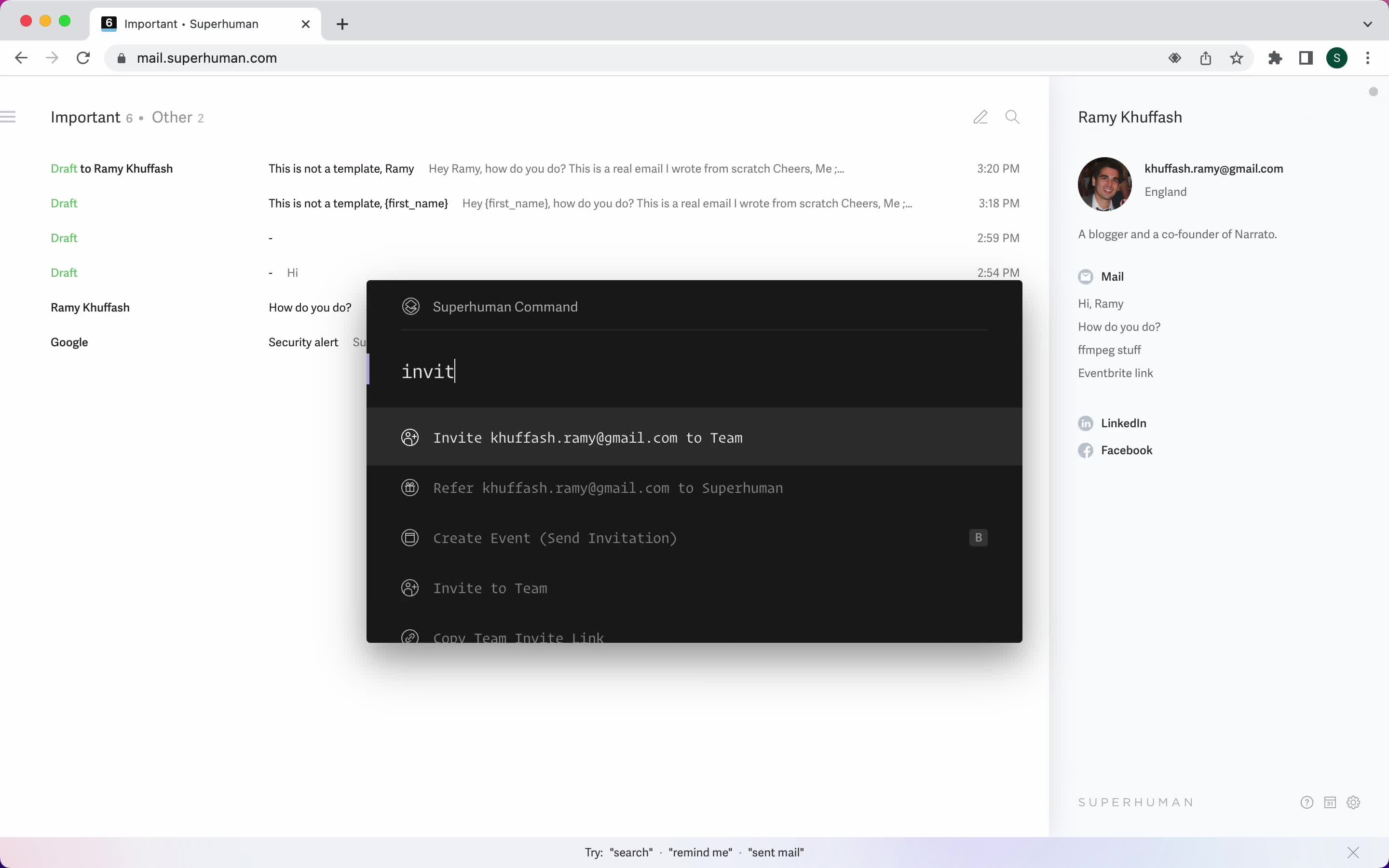
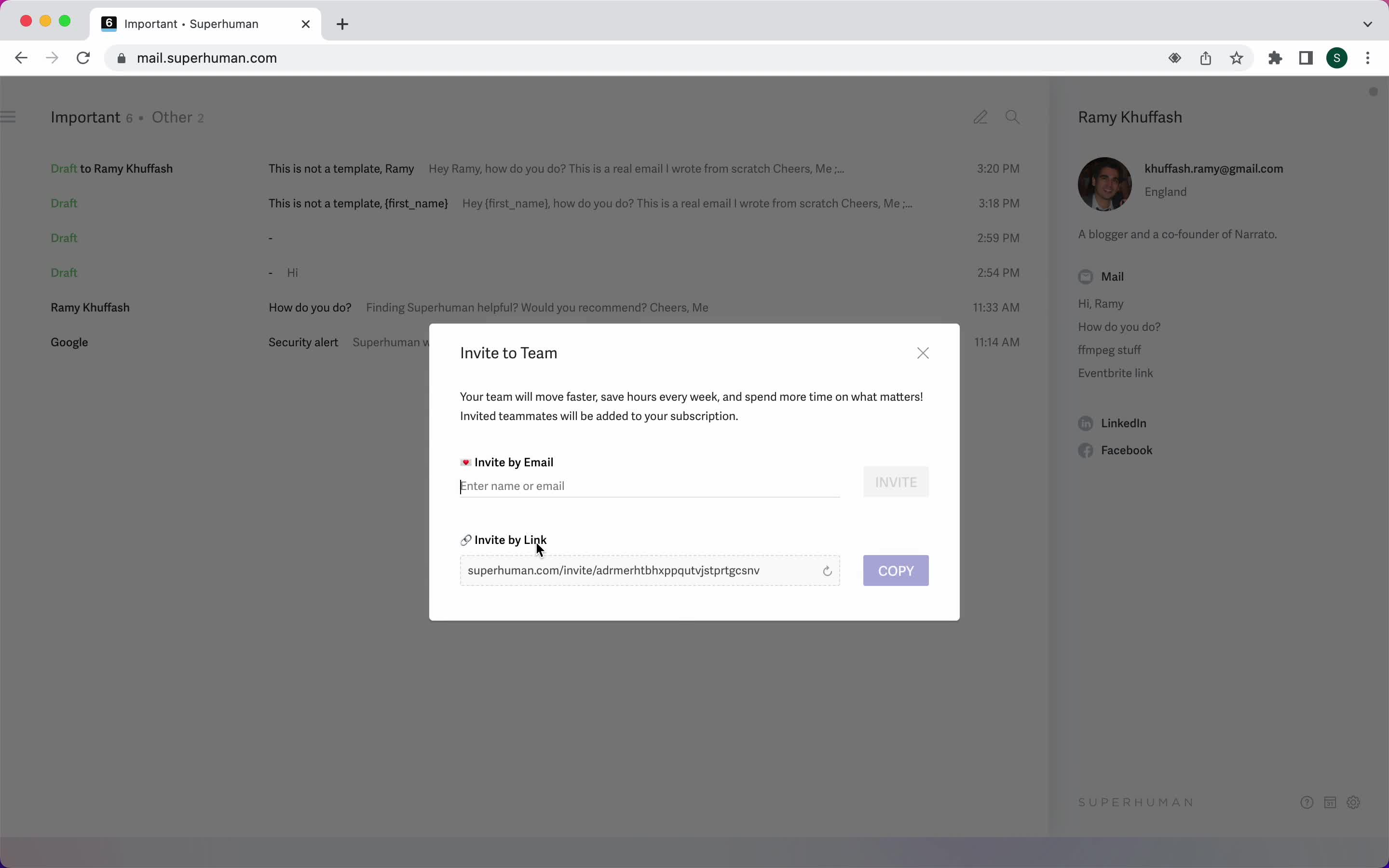
Invite teammate
this is title
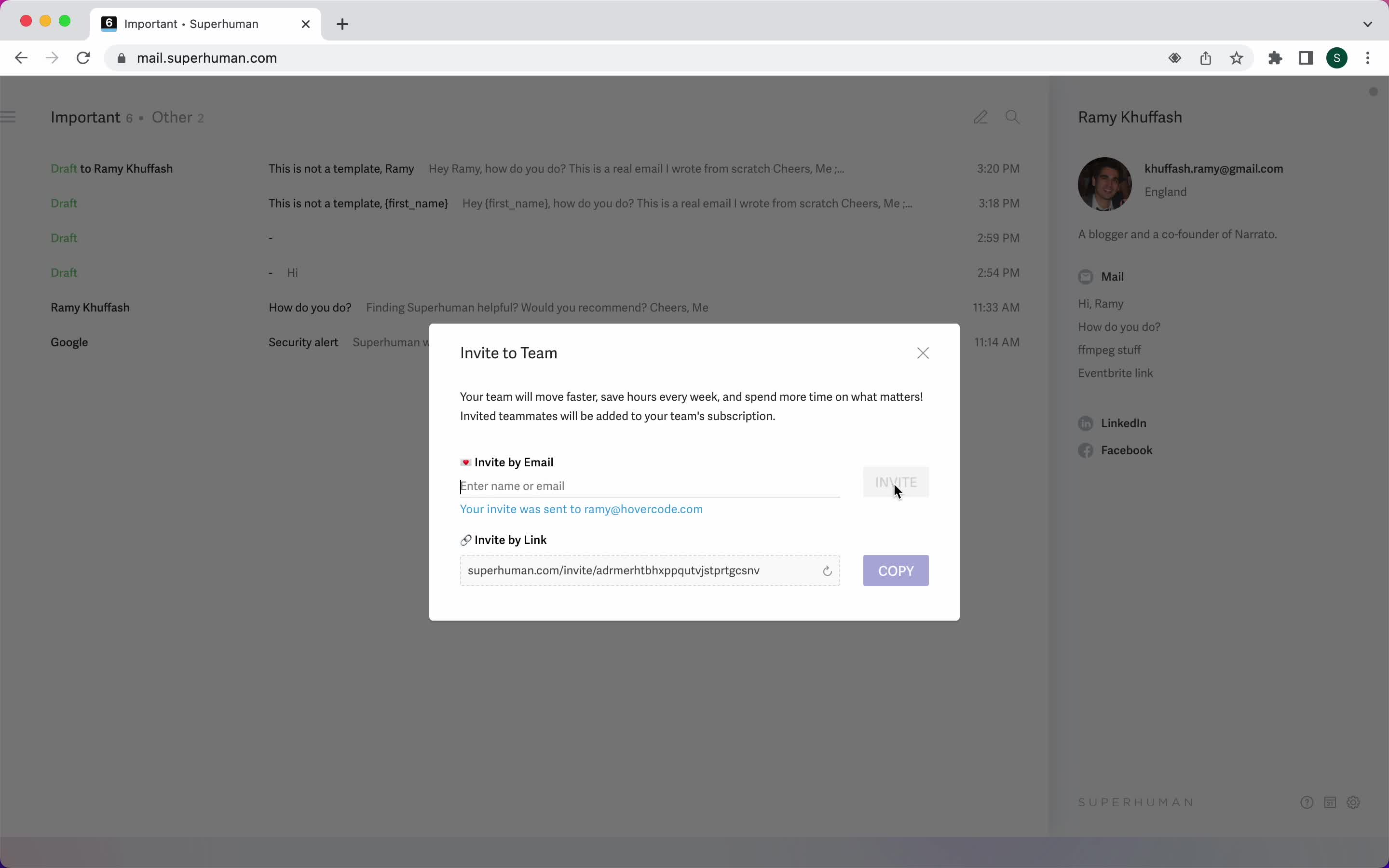
Invite sent
this is title
Settings
this is title
Sign in
this is title
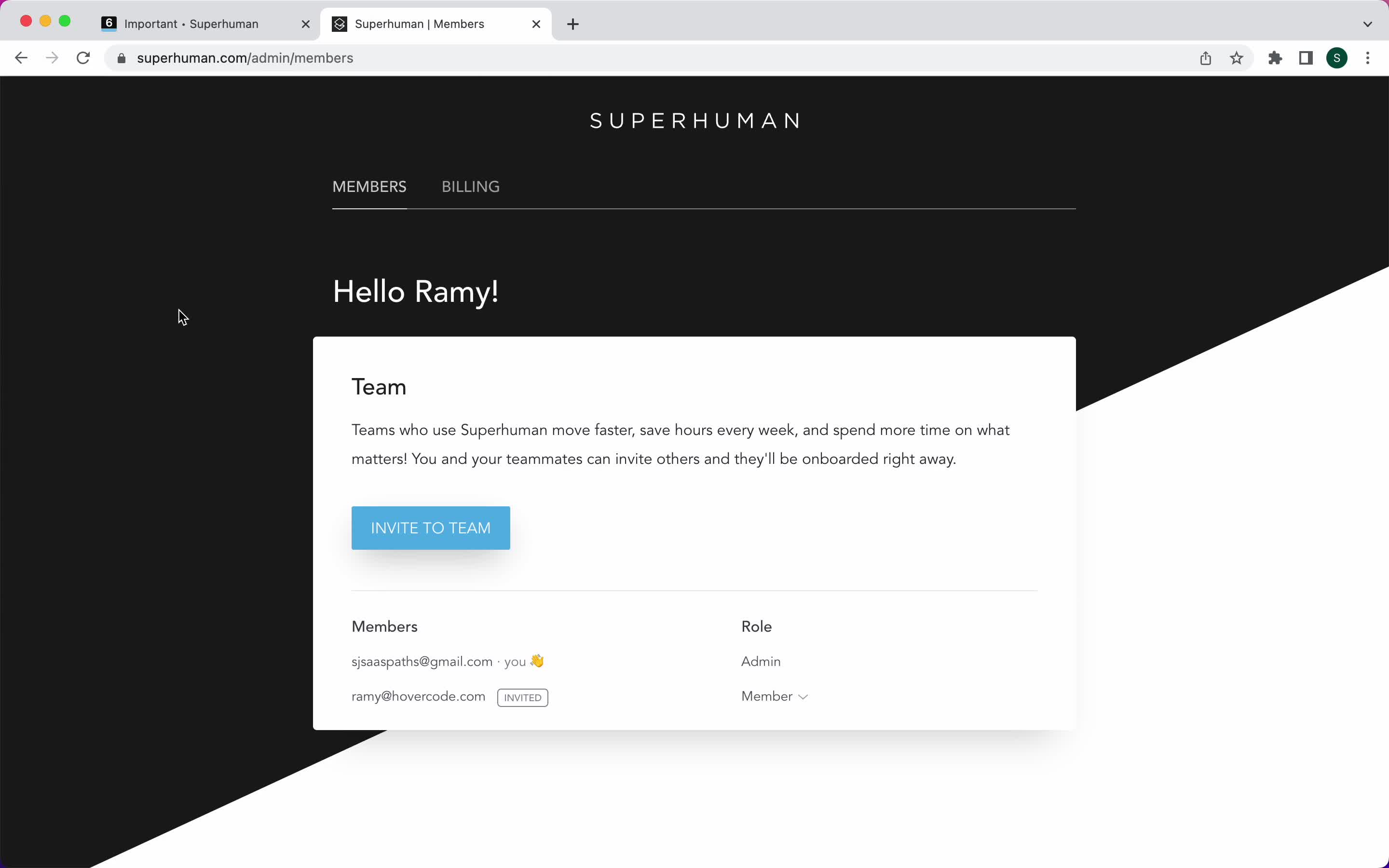
Team members
this is title
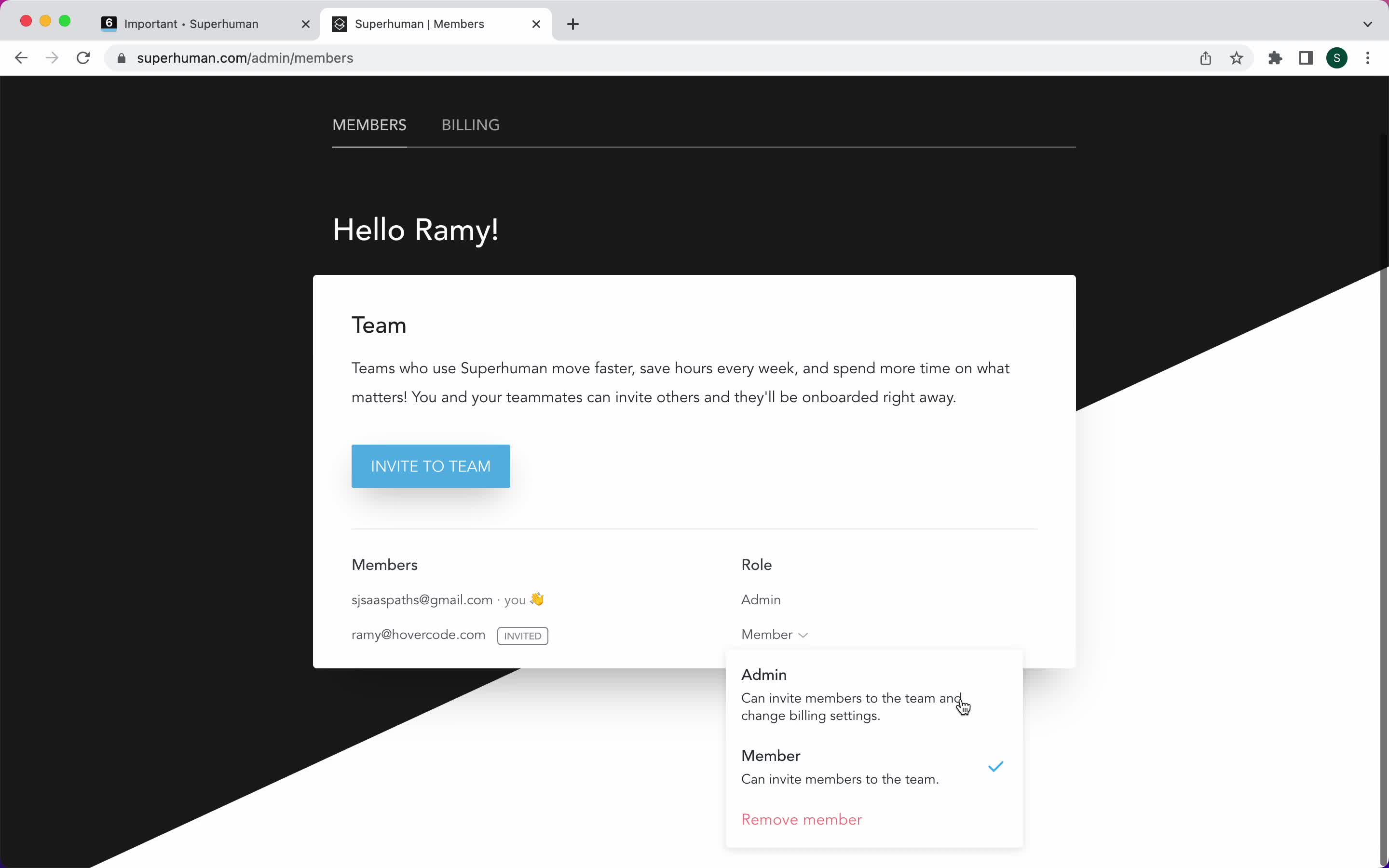
Select role
this is title
Homepage
this is title
Sign up
this is title
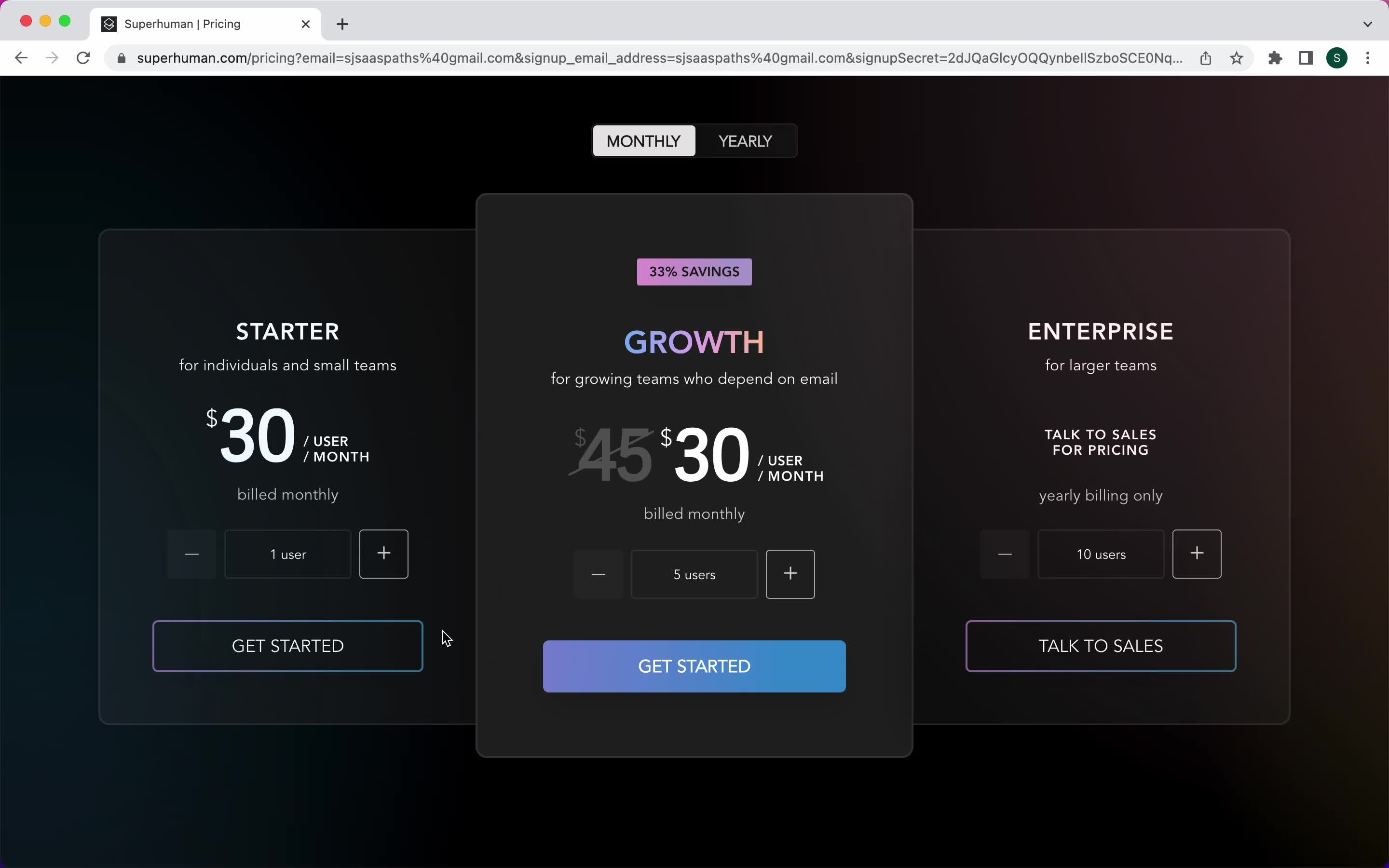
Select plan
this is title
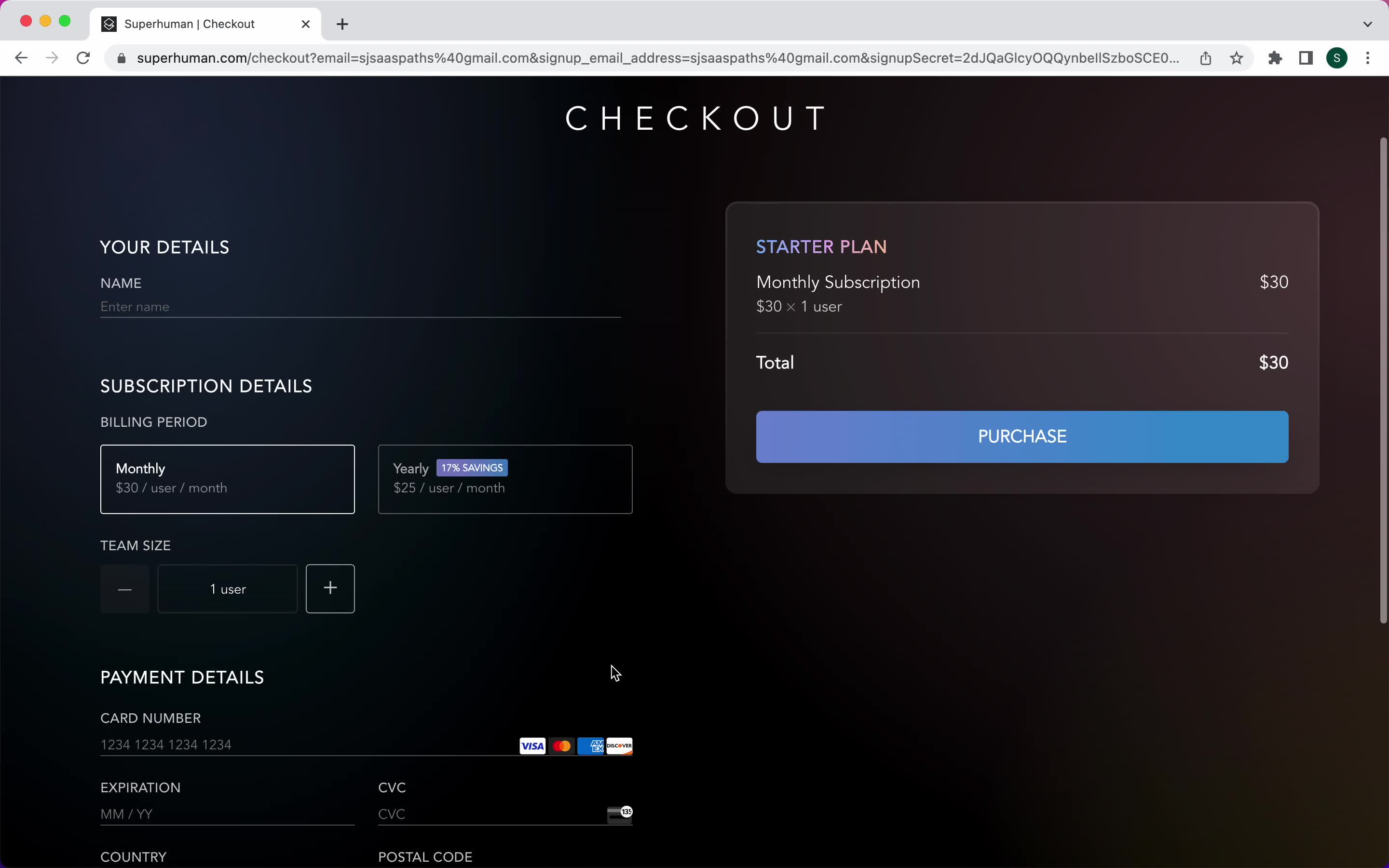
Add payment details
this is title
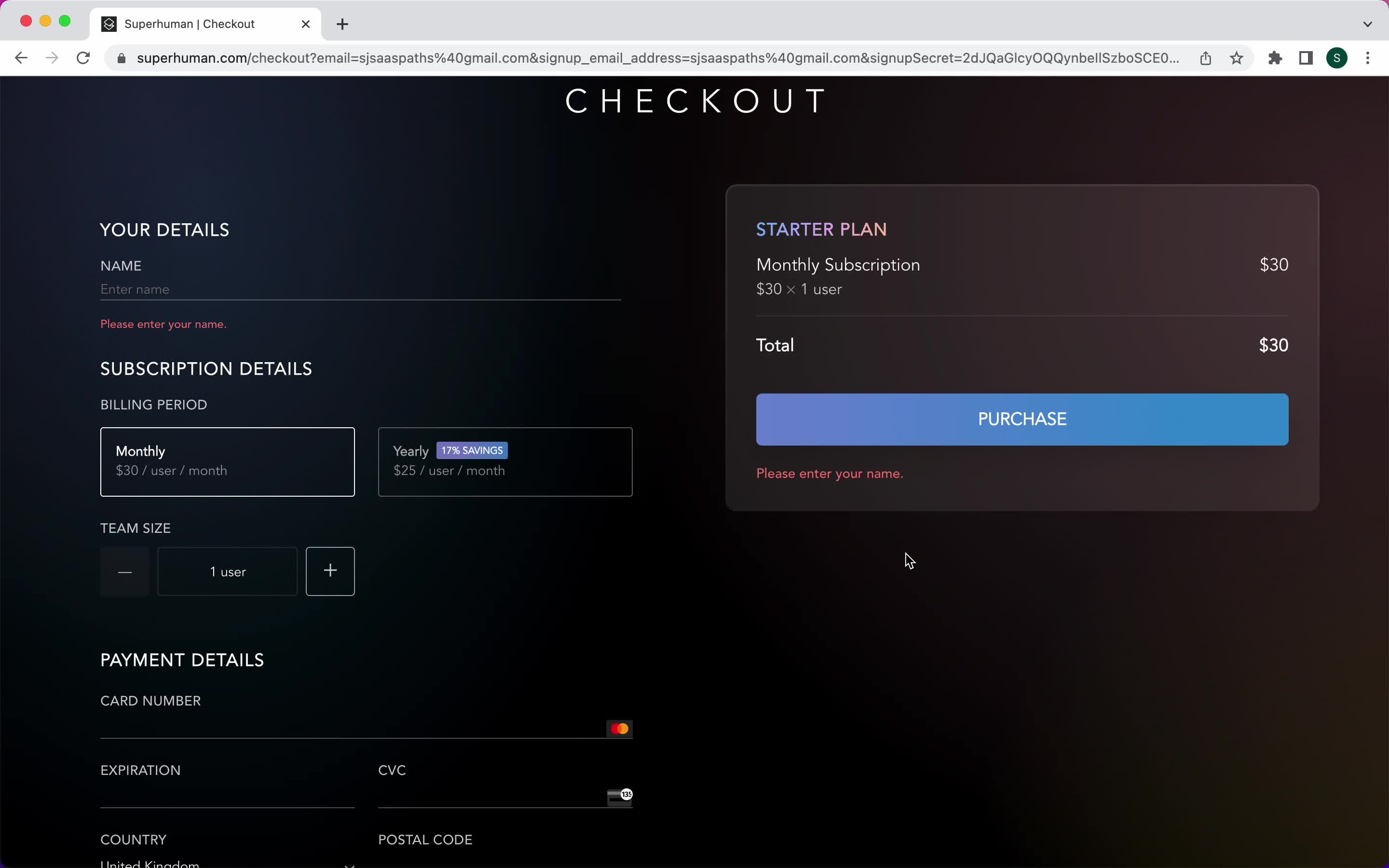
Add payment details
this is title
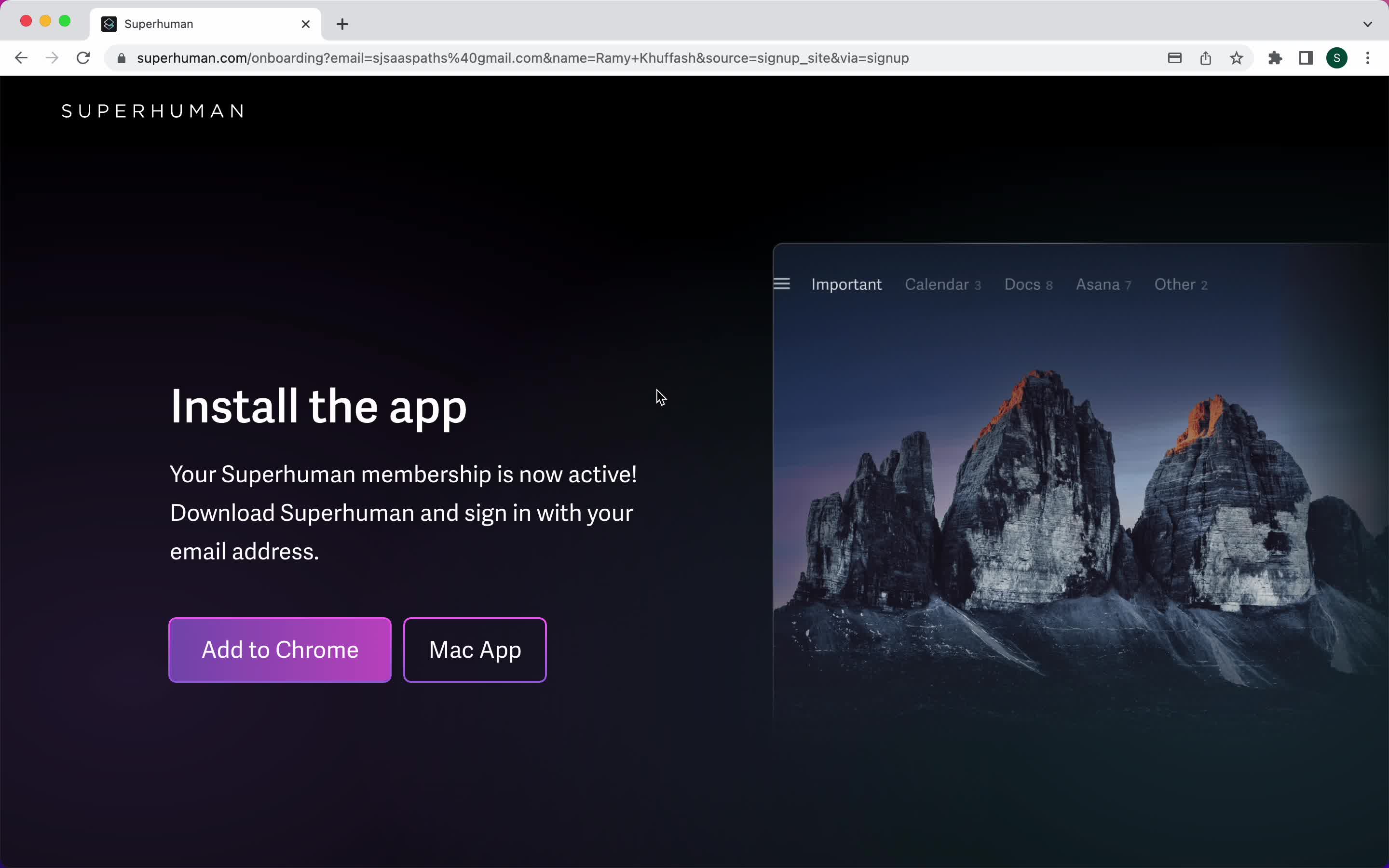
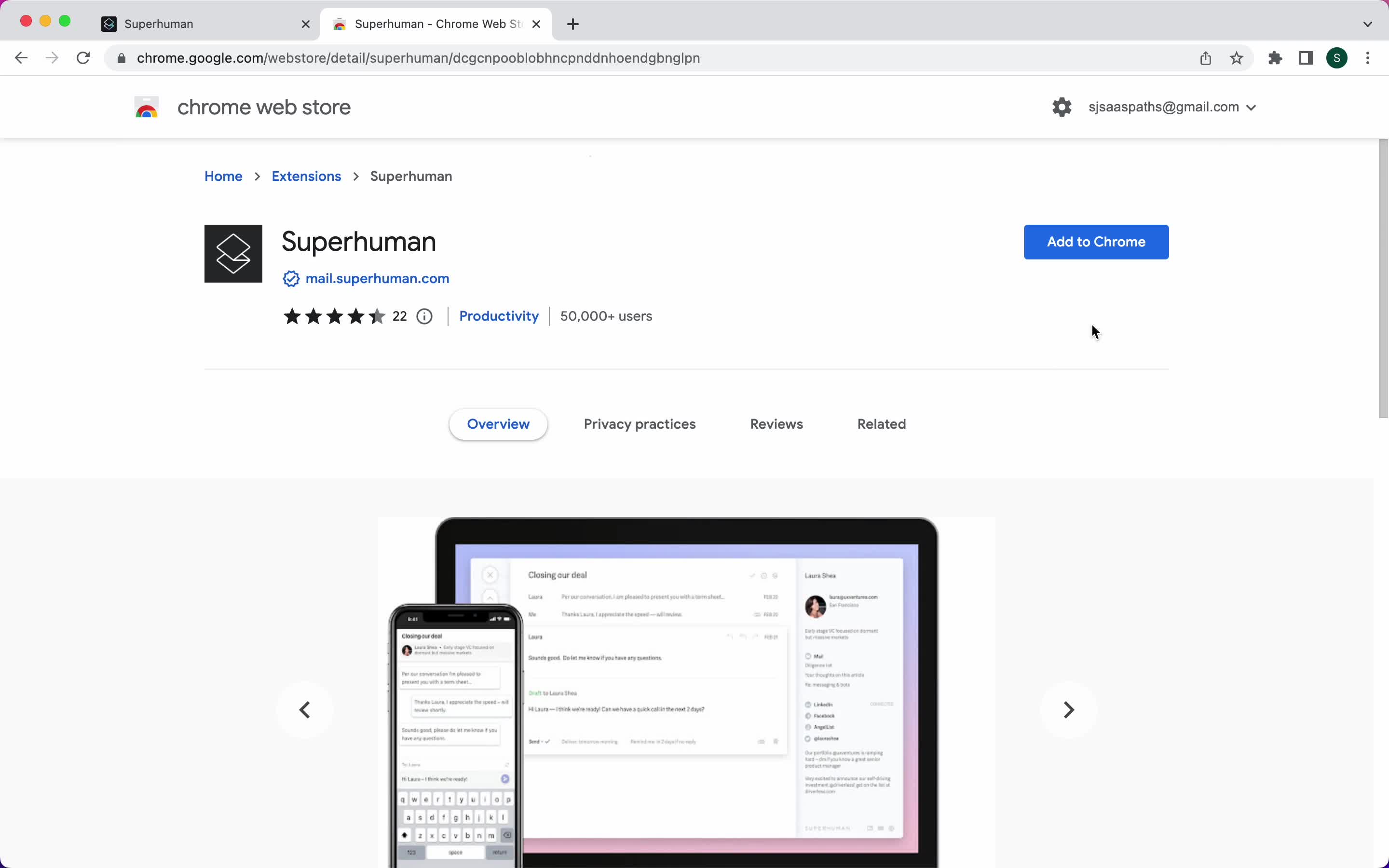
Install extension
this is title
Install extension
this is title
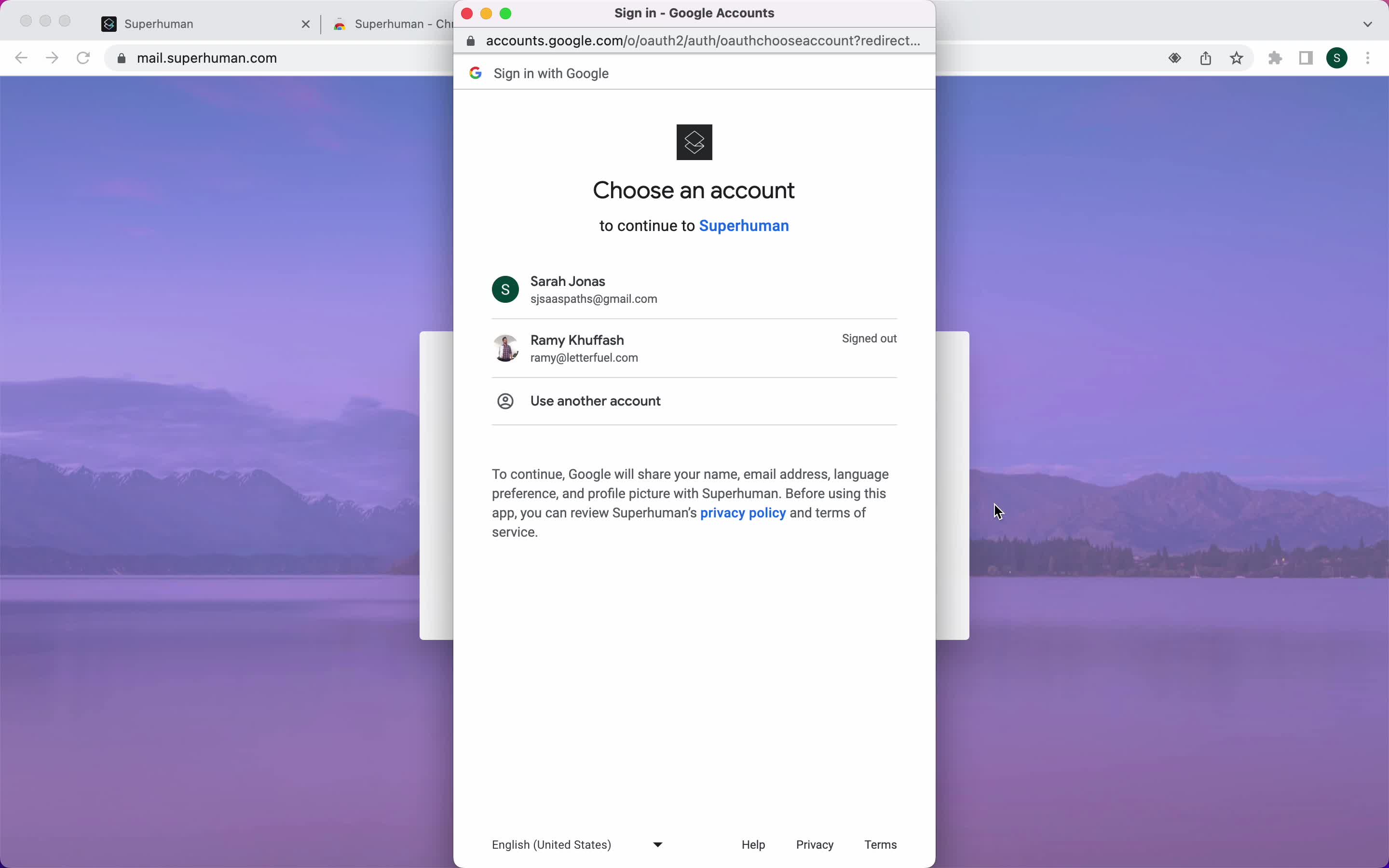
Connect email address
this is title
Loading
this is title
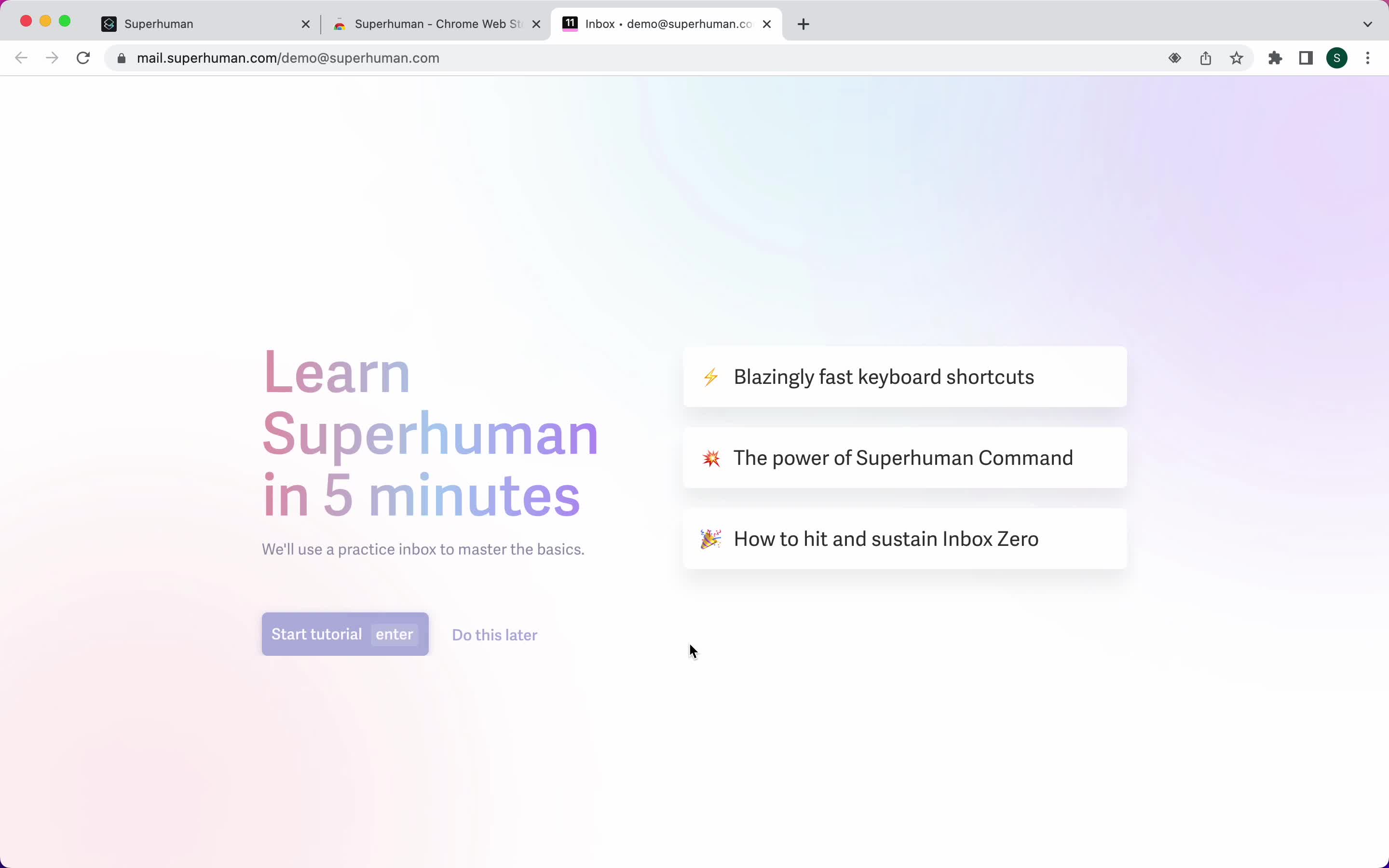
Start tutorial
this is title
Tutorial
this is title
Tutorial
this is title
Tutorial
this is title
Tutorial
this is title
Guide modal
this is title
Inbox
this is title
Email details
this is title
Command menu
this is title
Command menu
this is title
Snippets
this is title
Sent messages
this is title
Invite teammate
this is title
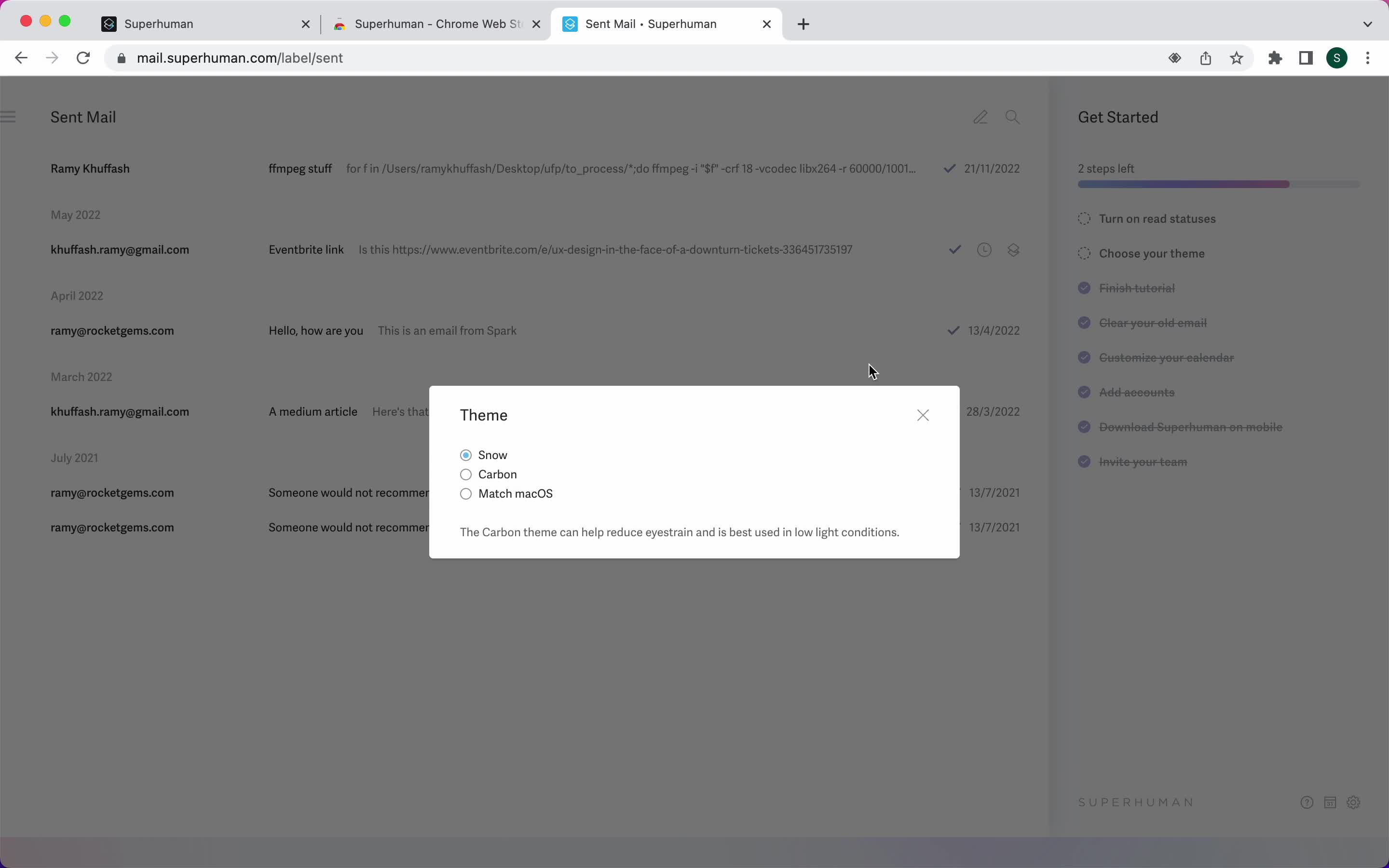
Select theme
this is title
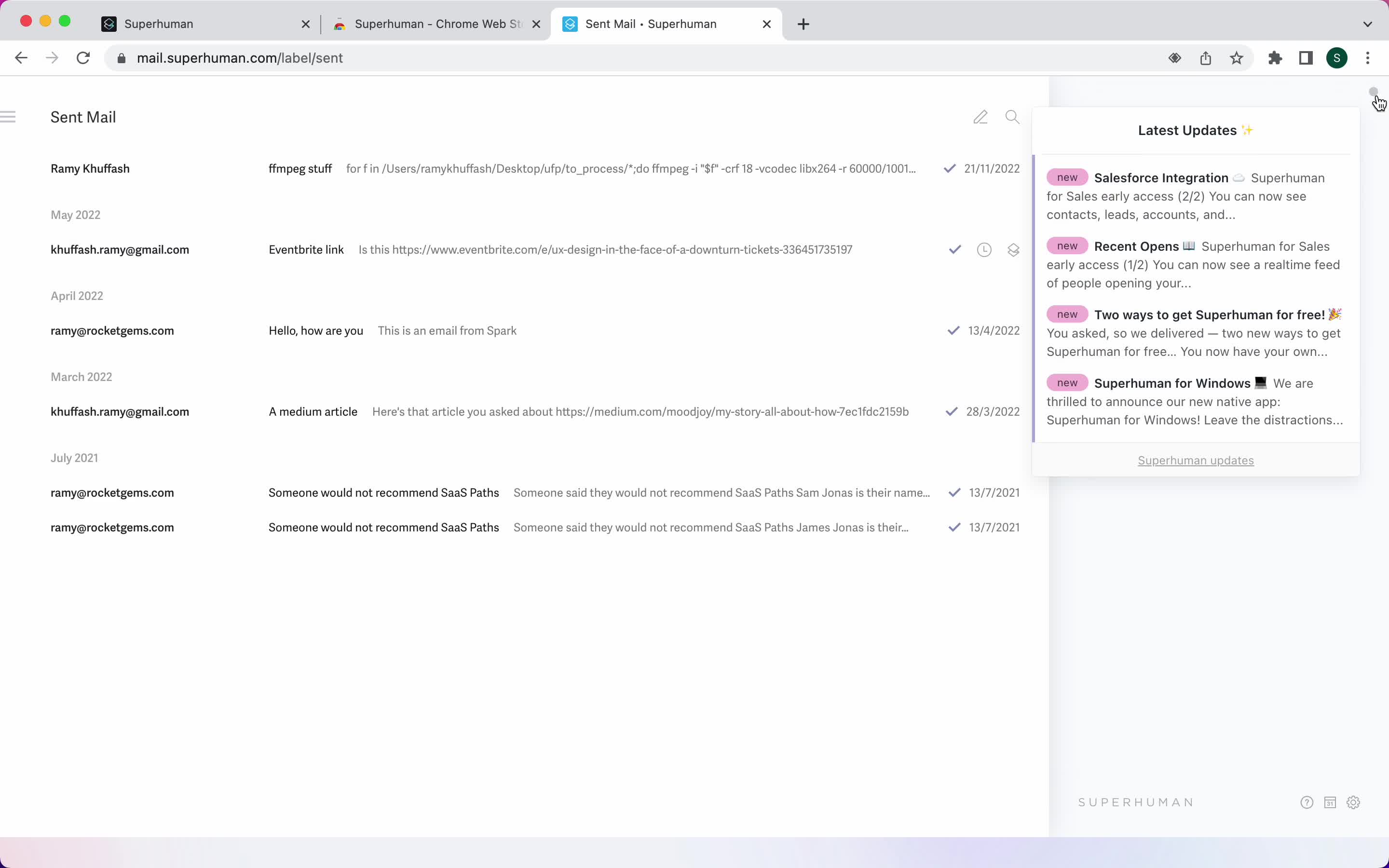
Product updates
this is title
Inbox
this is title
Get started
this is title
this is title
Welcome
this is title
Guide
this is title
Guide
this is title
Shortcut commands
this is title
Shortcut commands
this is title
Compose email
this is title
Email sent
this is title
Inbox
this is title
Reminders
this is title
Command menu
this is title
Compose email
this is title
Set reminder
this is title
Reminder set
this is title
Inbox
this is title
Email details
this is title
Set reminder
this is title
Reminder set
this is title
Reminders
this is title
Inbox
this is title
Email details
this is title
Shortcut commands
this is title
Set reminder
this is title
Reminder set
this is title
Inbox
this is title
Search
this is title
Search results
this is title
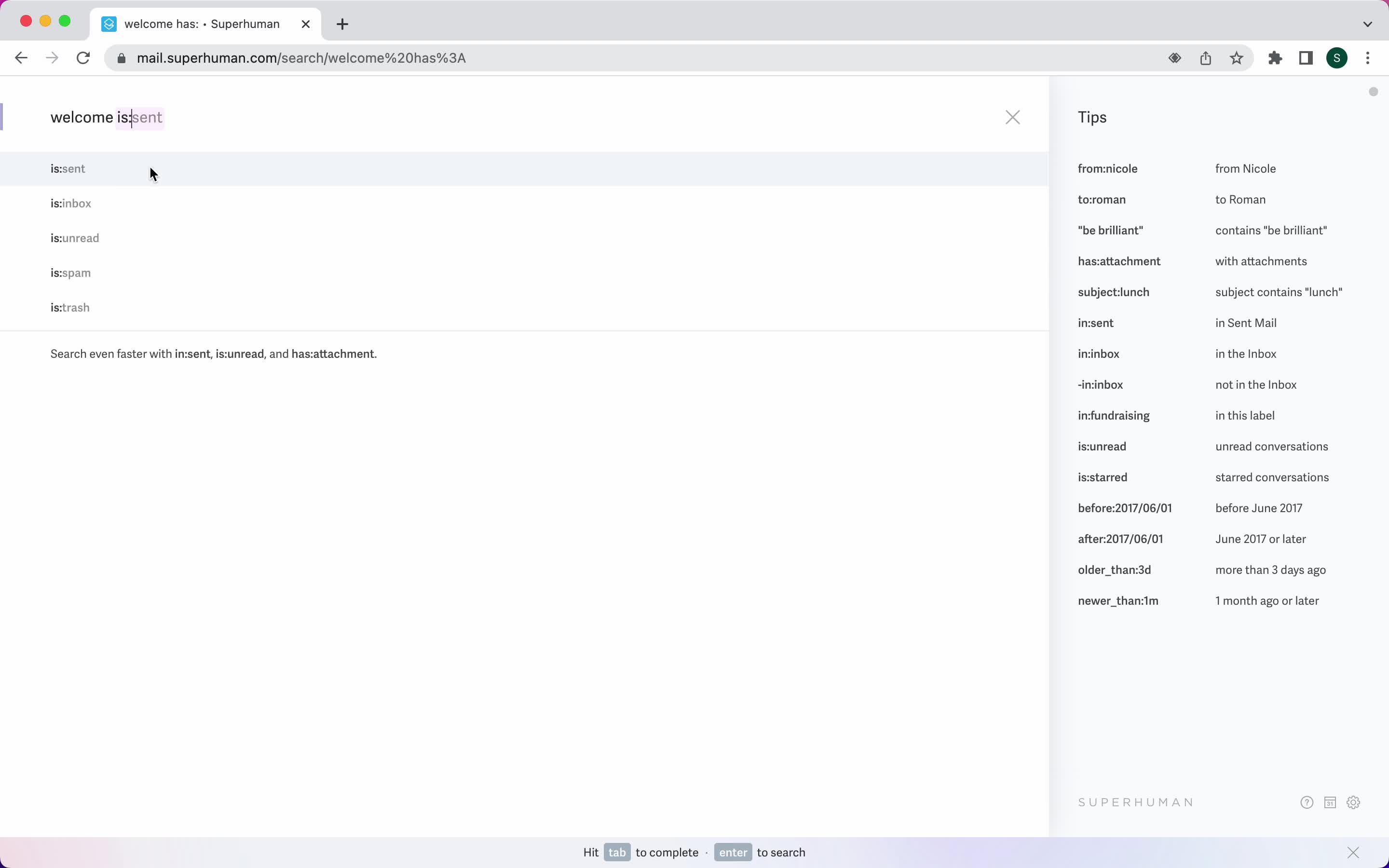
Search autocomplete
this is title
Search results
this is title
No search results
this is title
Inbox
this is title
Inbox
this is title
Compose email
this is title
Format text
this is title
Use snippet
this is title
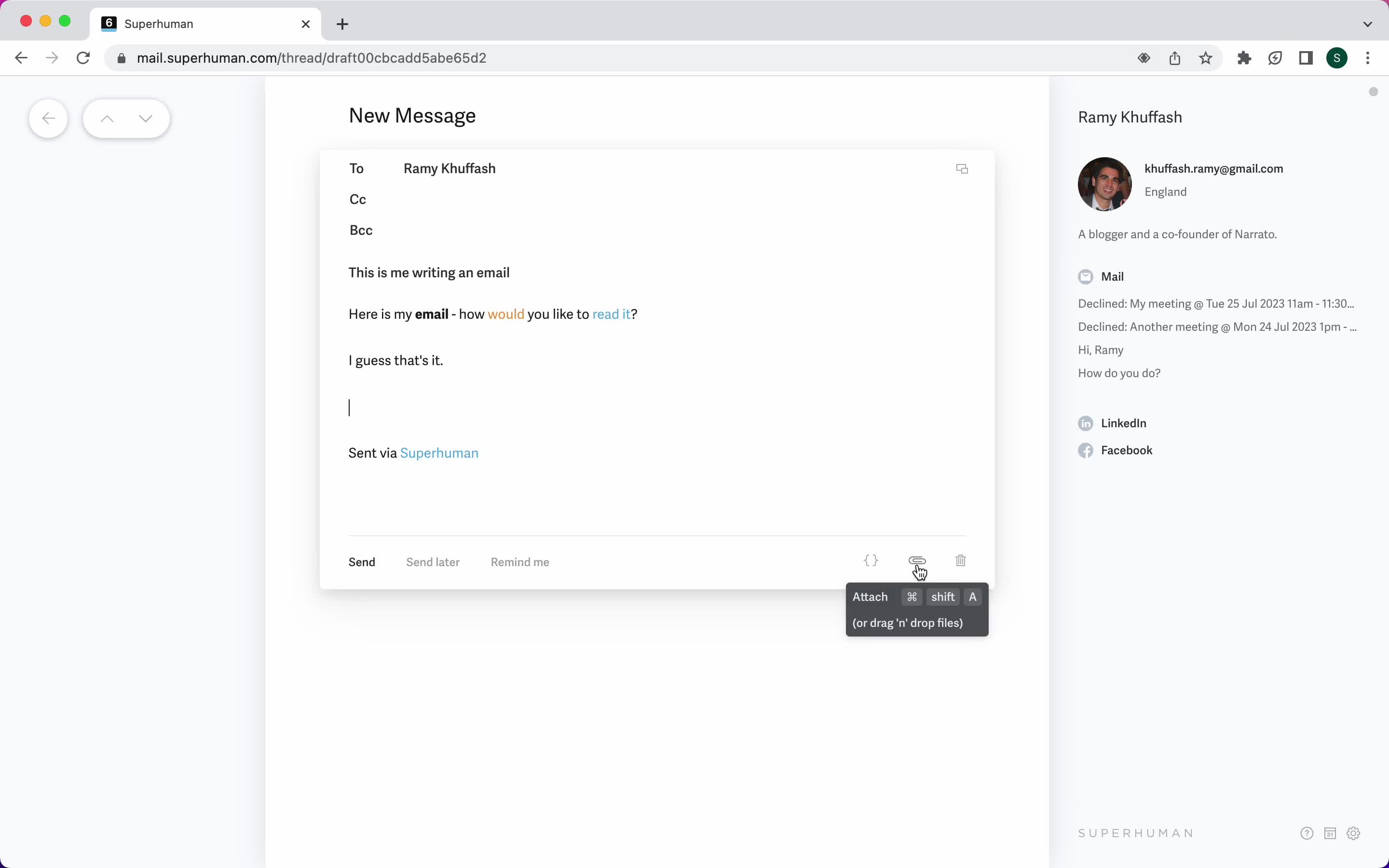
Add attachment
this is title
Schedule
this is title
Inbox
this is title
Email details
this is title
AI Generator
this is title
Email sent
this is title
Inbox
this is title
Shortcut commands
this is title
Compose email
this is title
Compose email
this is title
Format text
this is title
Format text
this is title
Email sent
this is title
Inbox
this is title
Shortcut commands
this is title
Compose email
this is title
Add attachment
this is title
Set reminder
this is title
Split inbox
this is title
Calendar
this is title
Calendar view
this is title
Inbox
this is title
Inbox
this is title
Shortcut commands
this is title
Split inbox
this is title
Filtered inbox
this is title
Filtered inbox
this is title
Move email
this is title