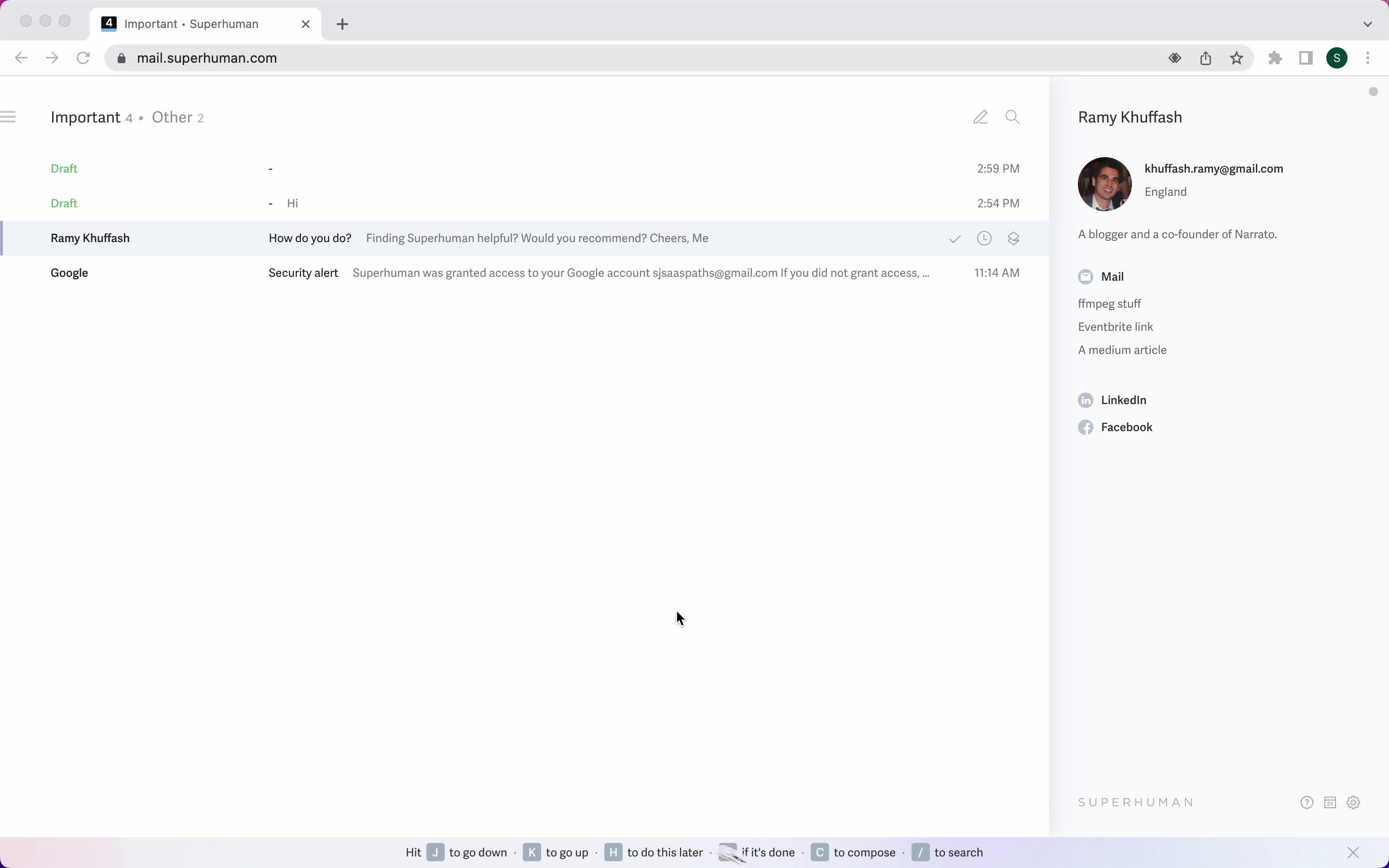
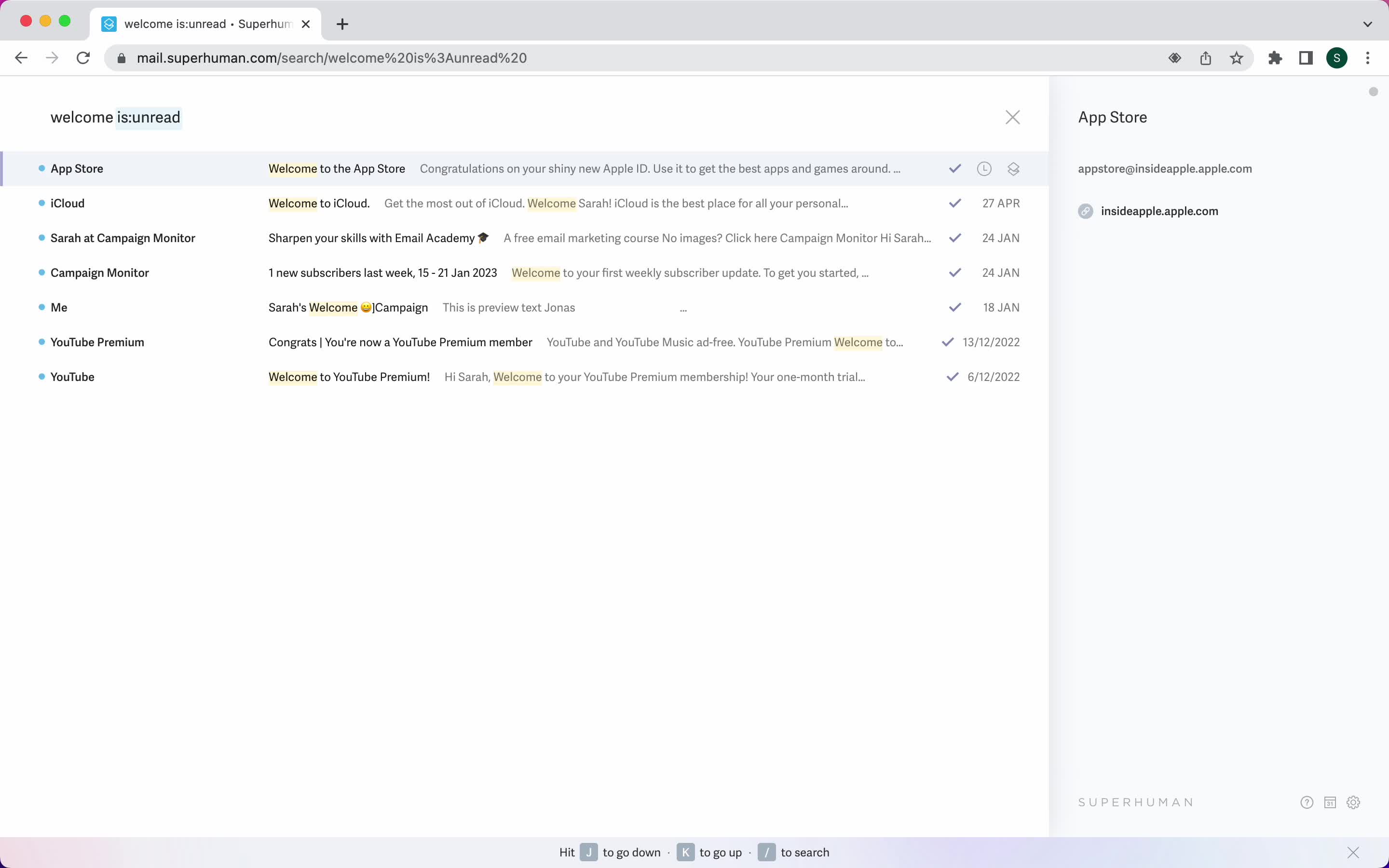
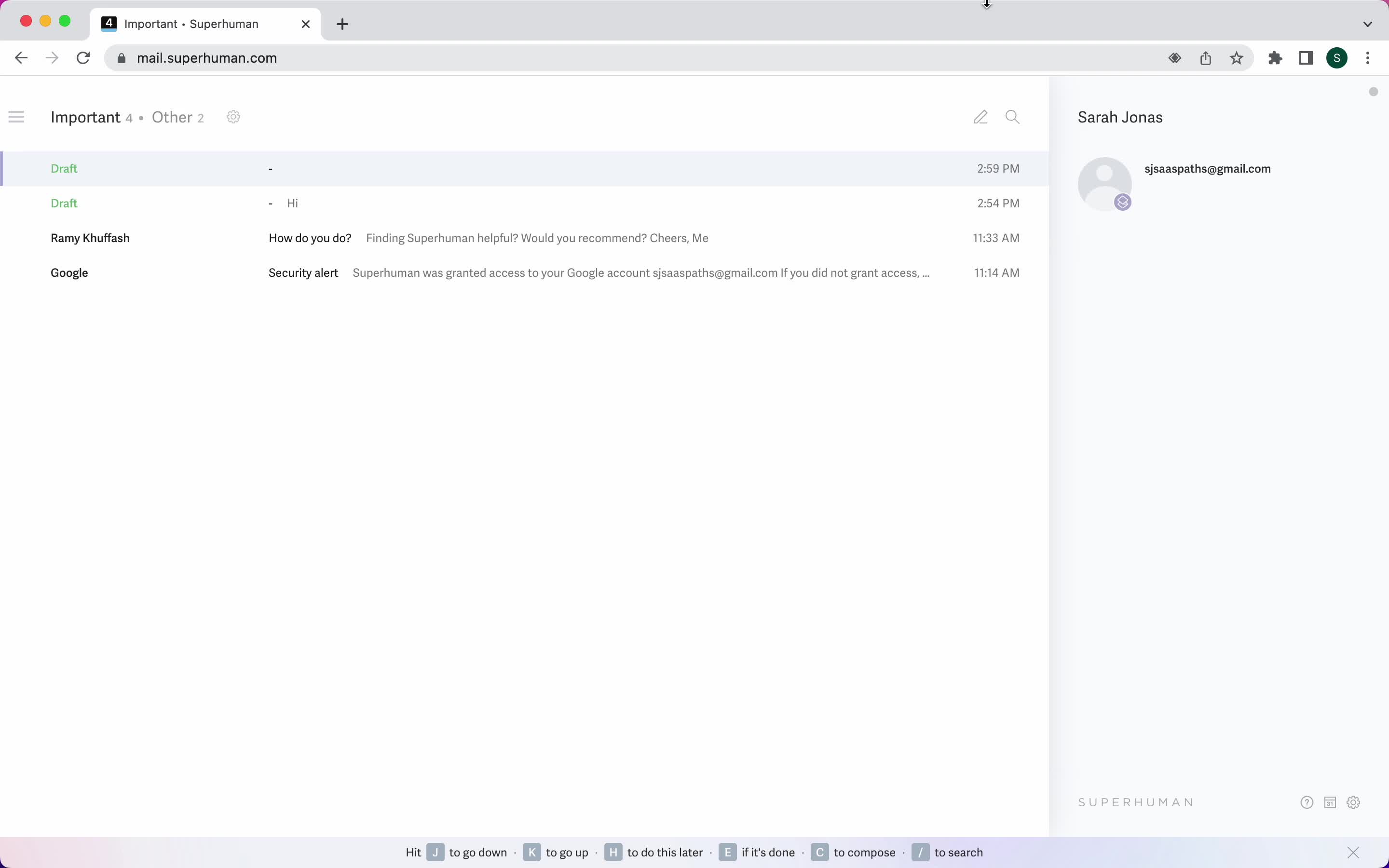
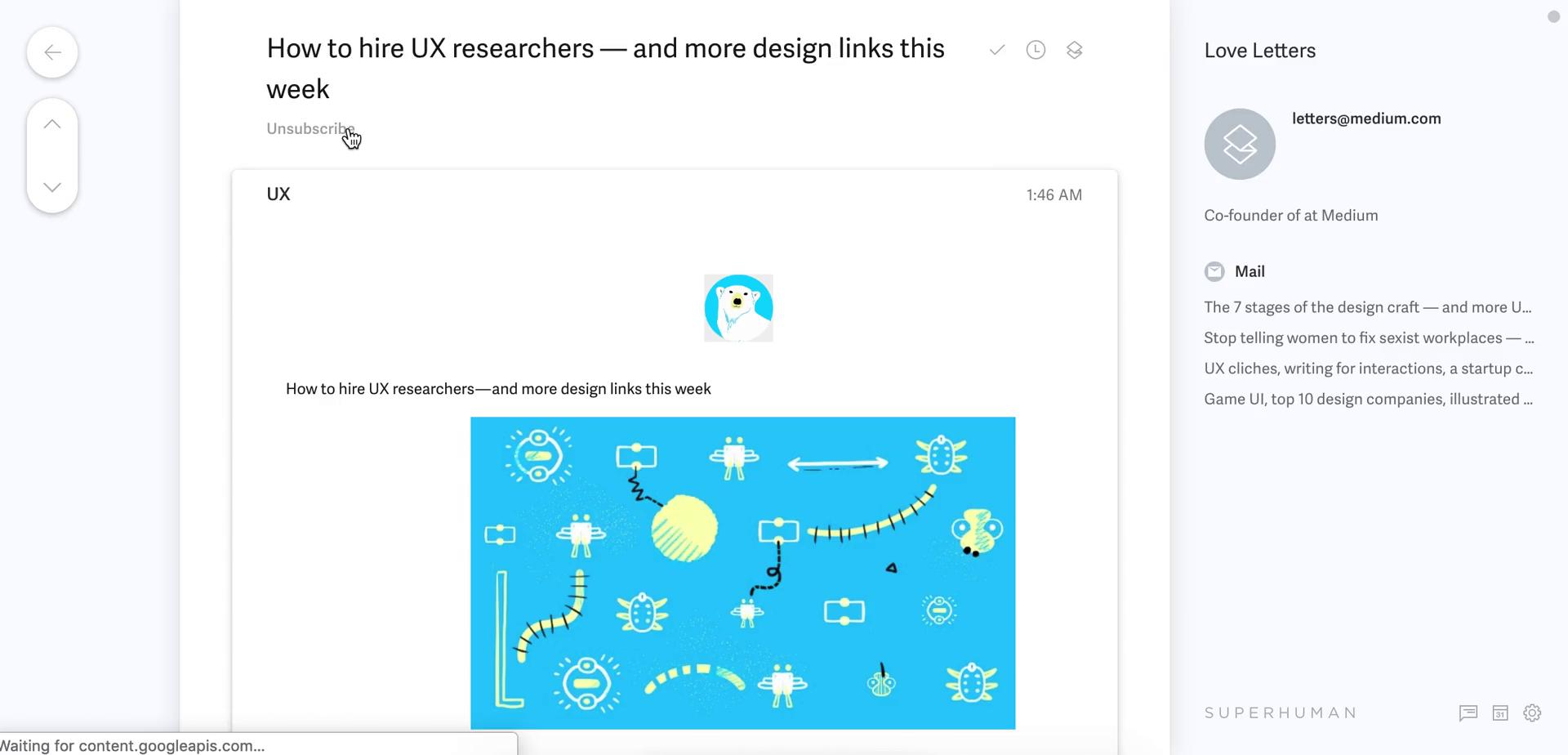
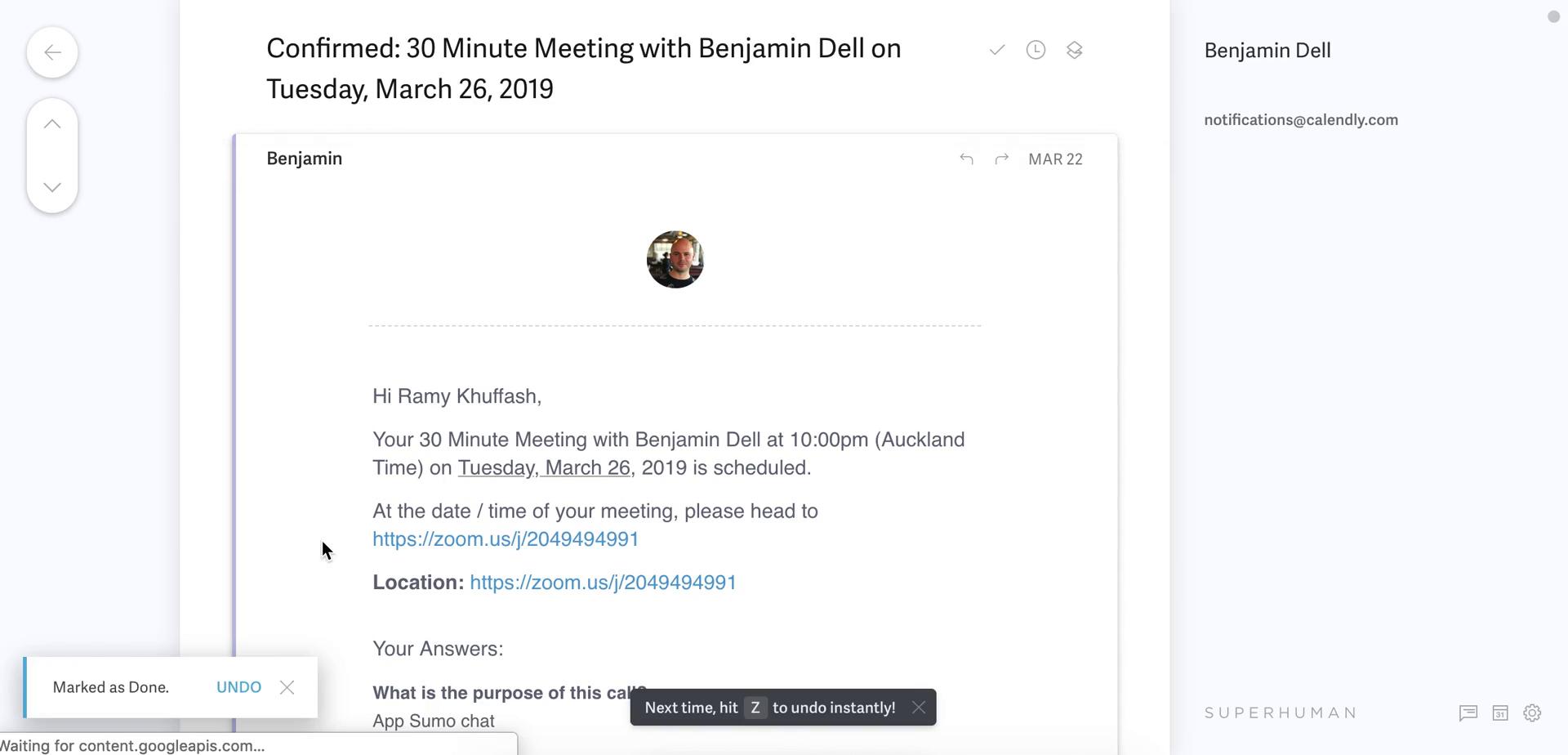
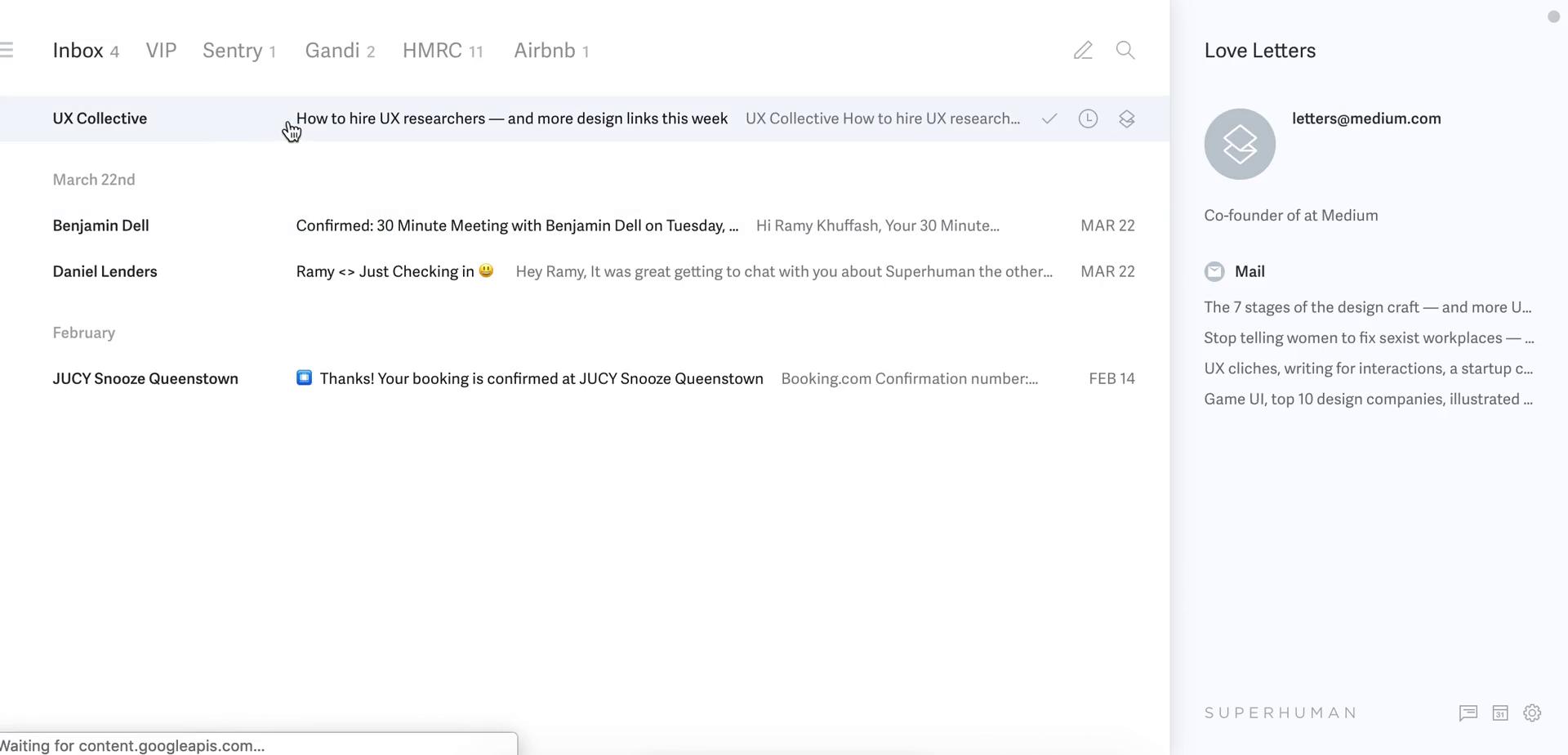
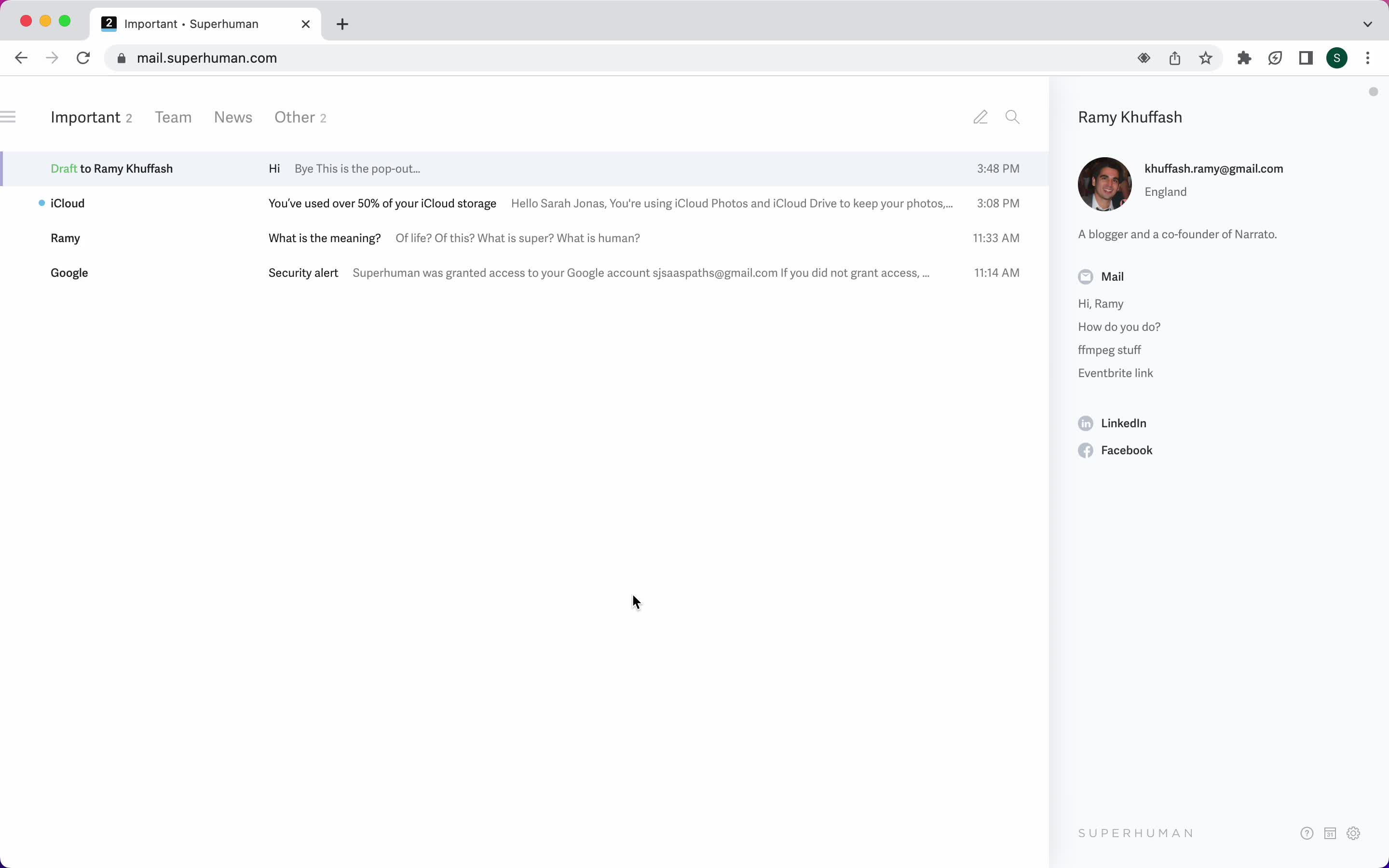
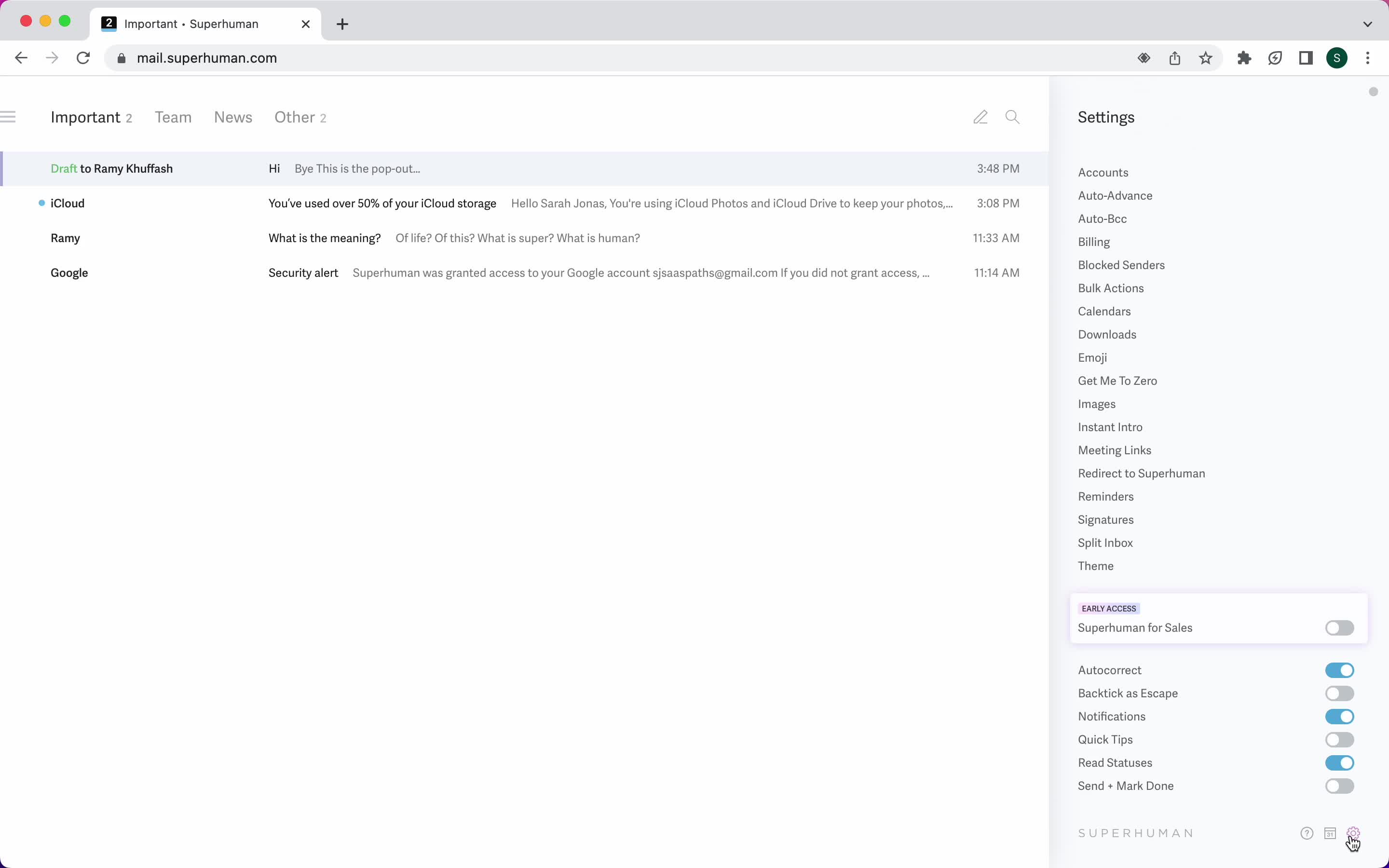
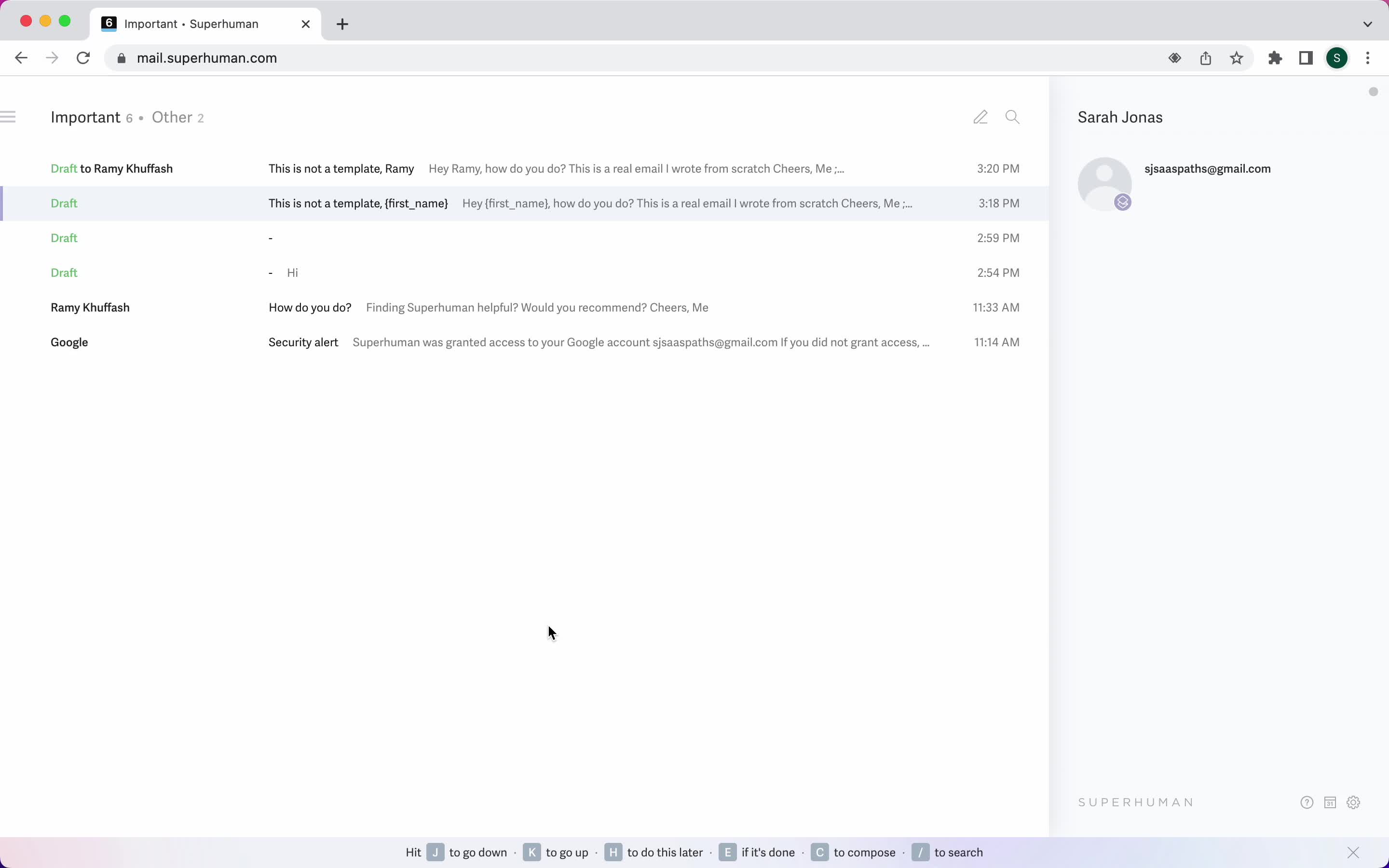
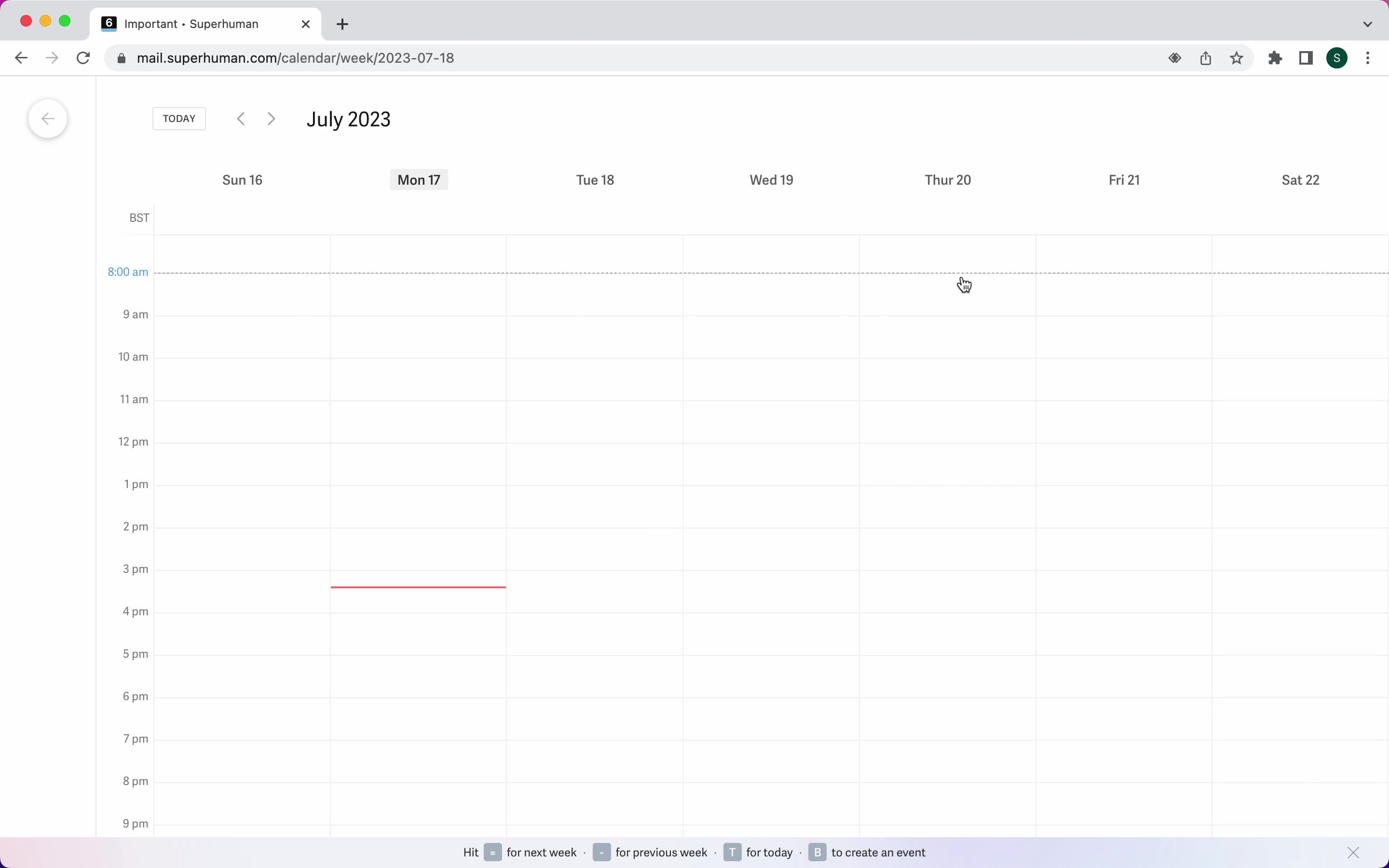
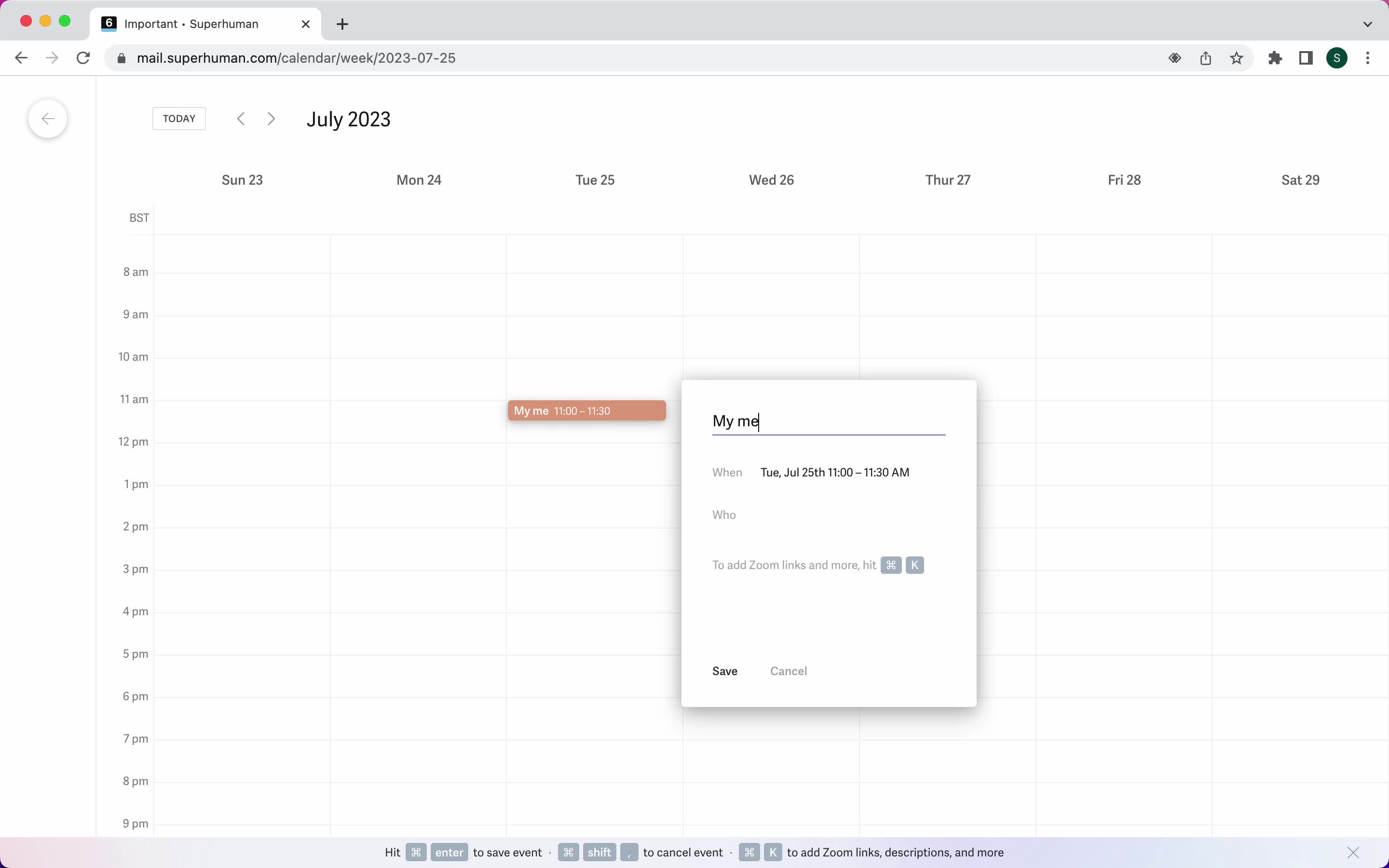
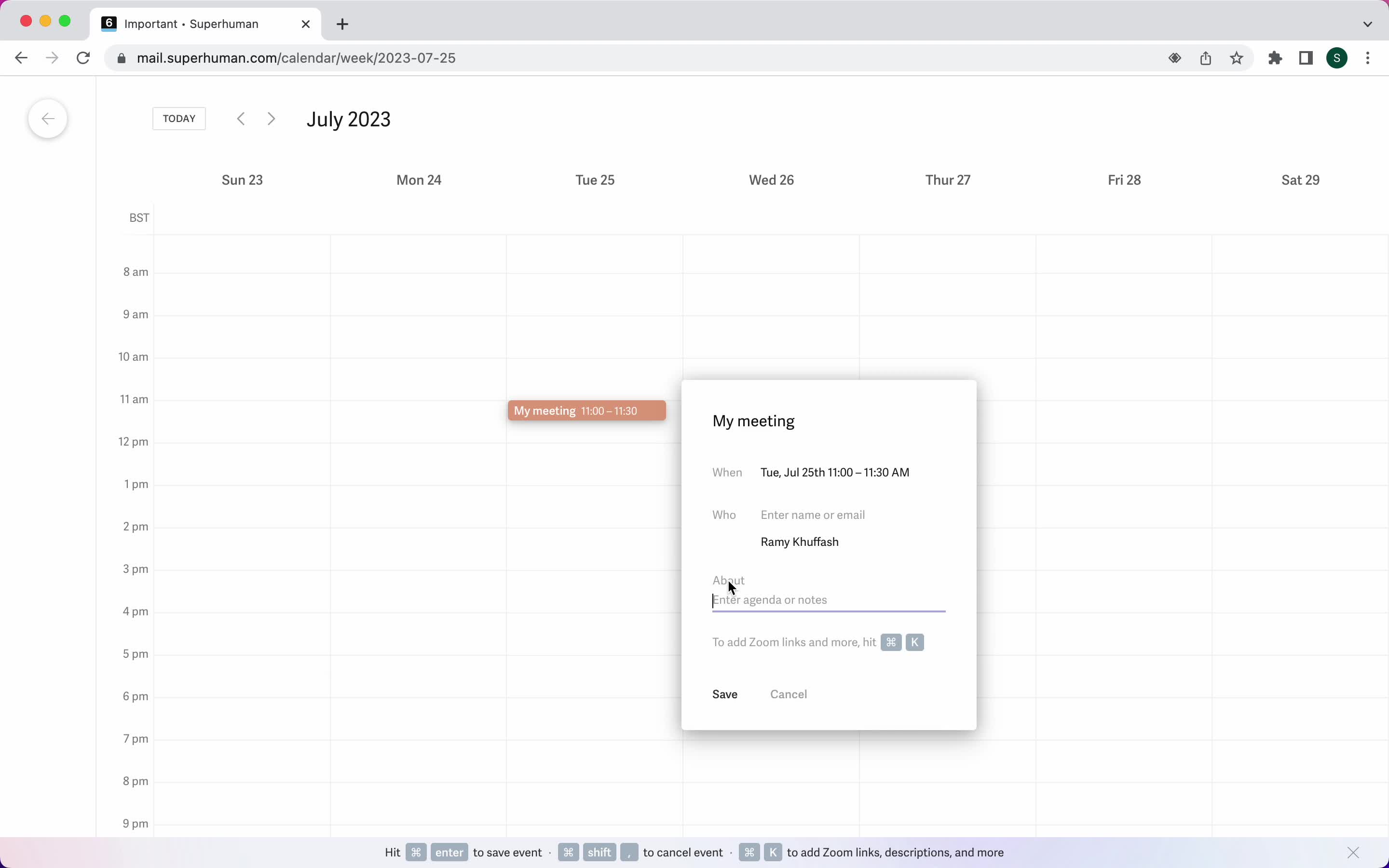
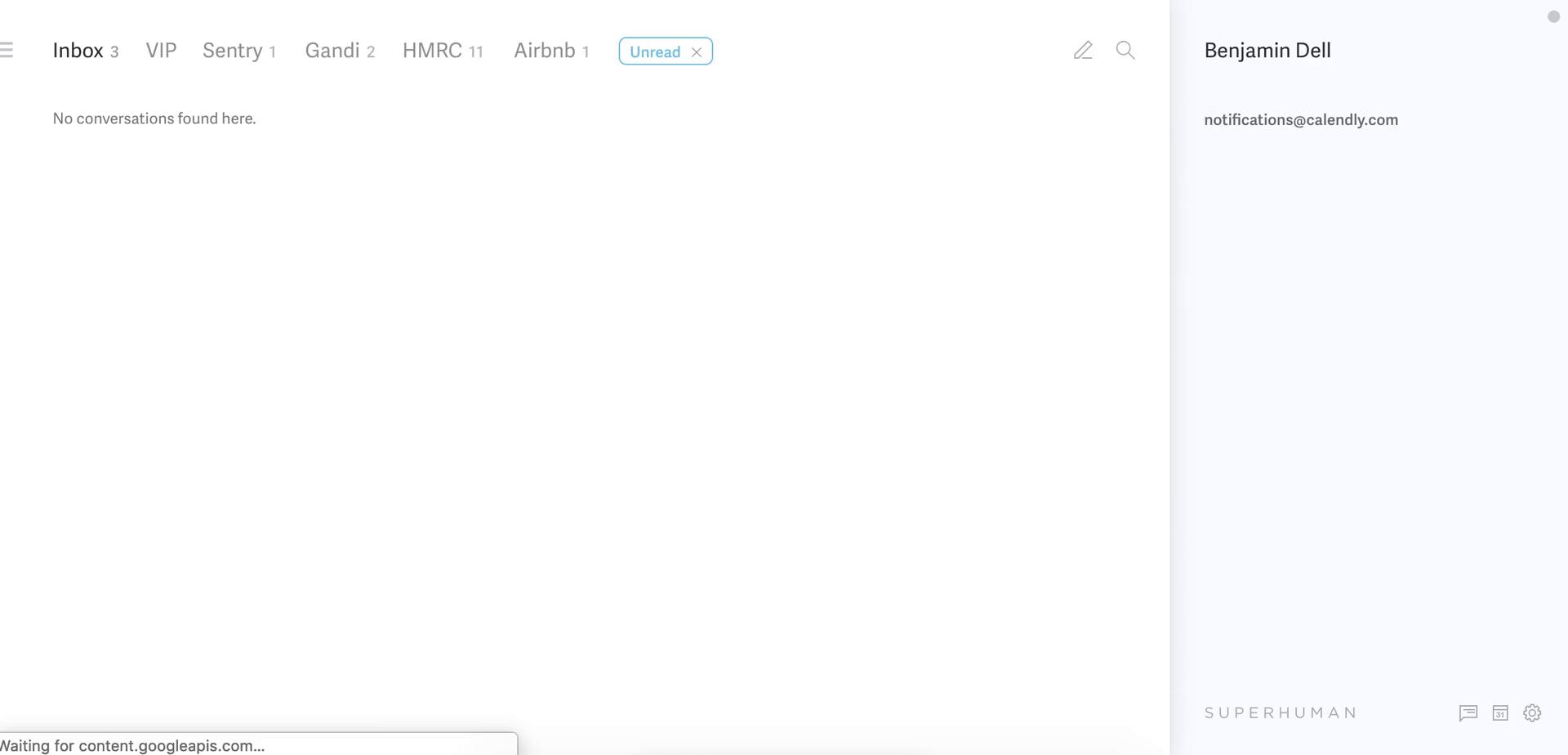
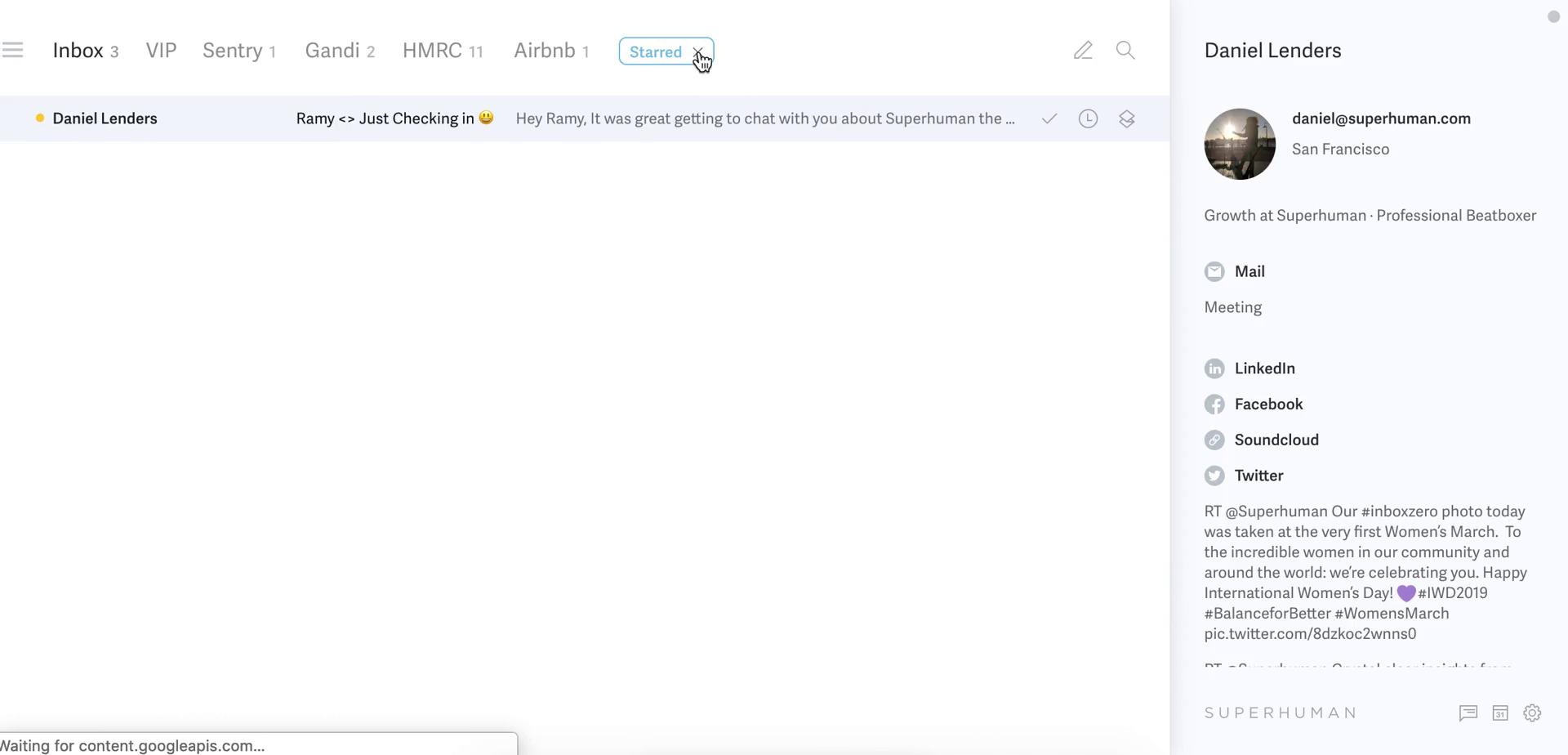
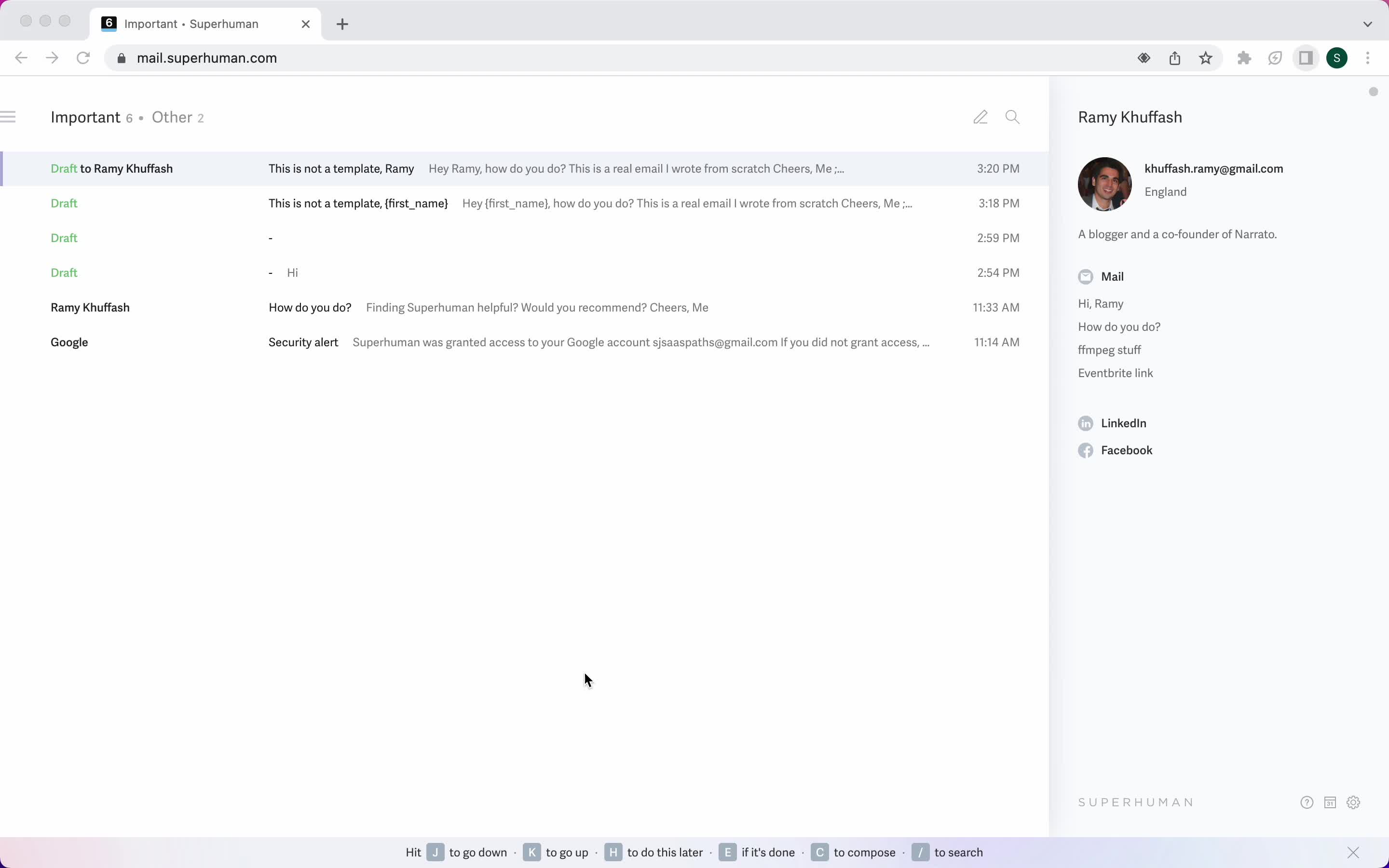
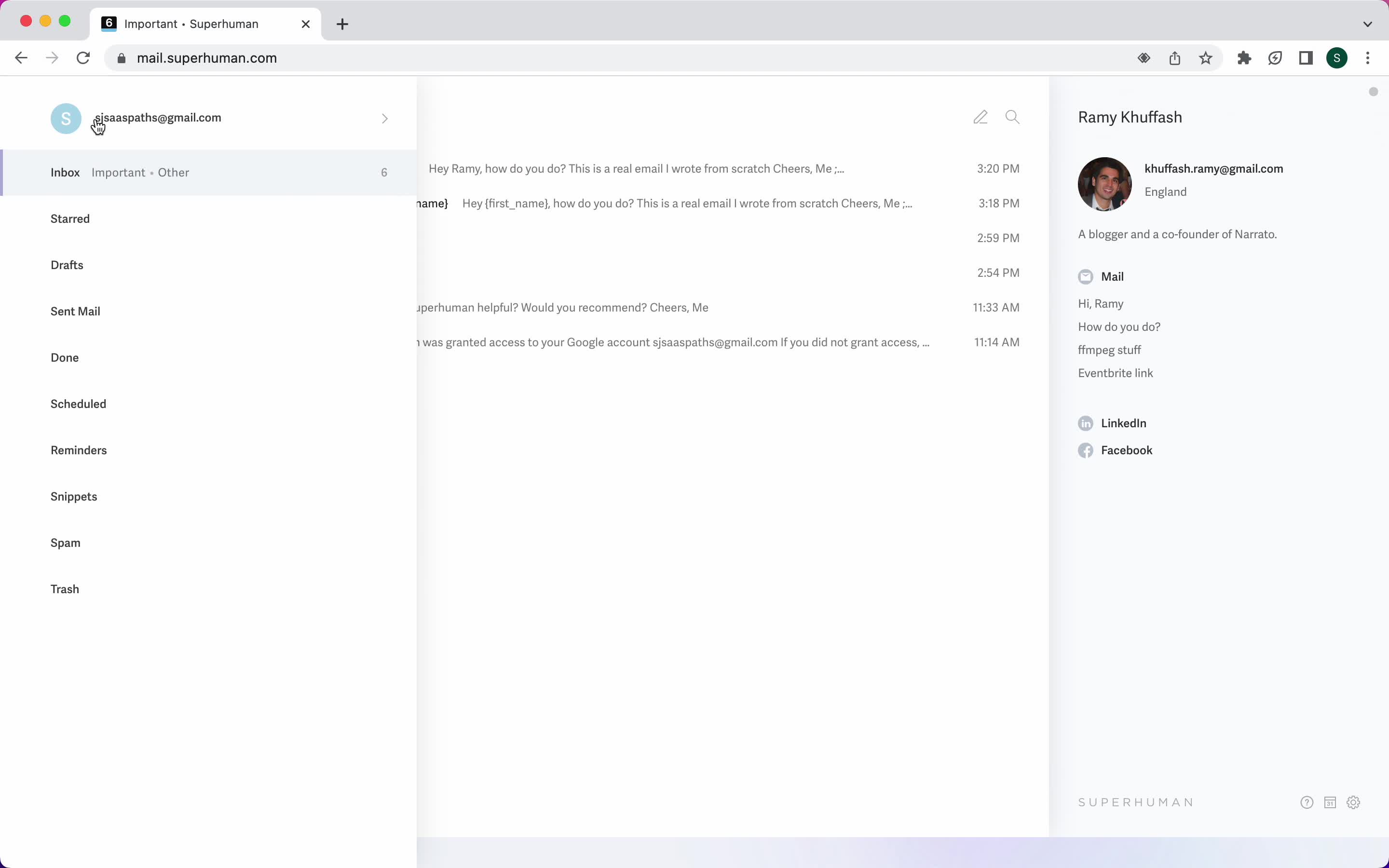
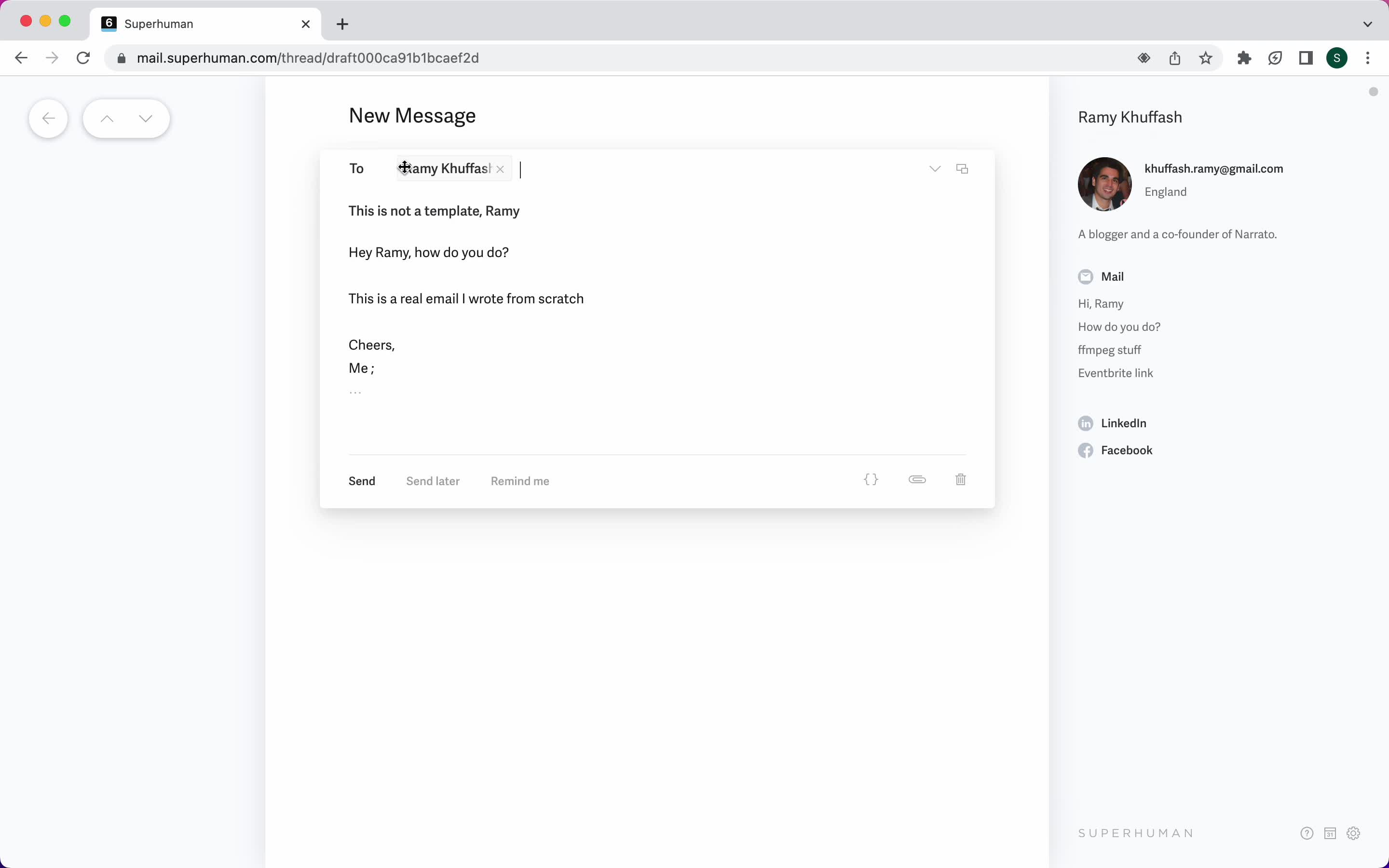
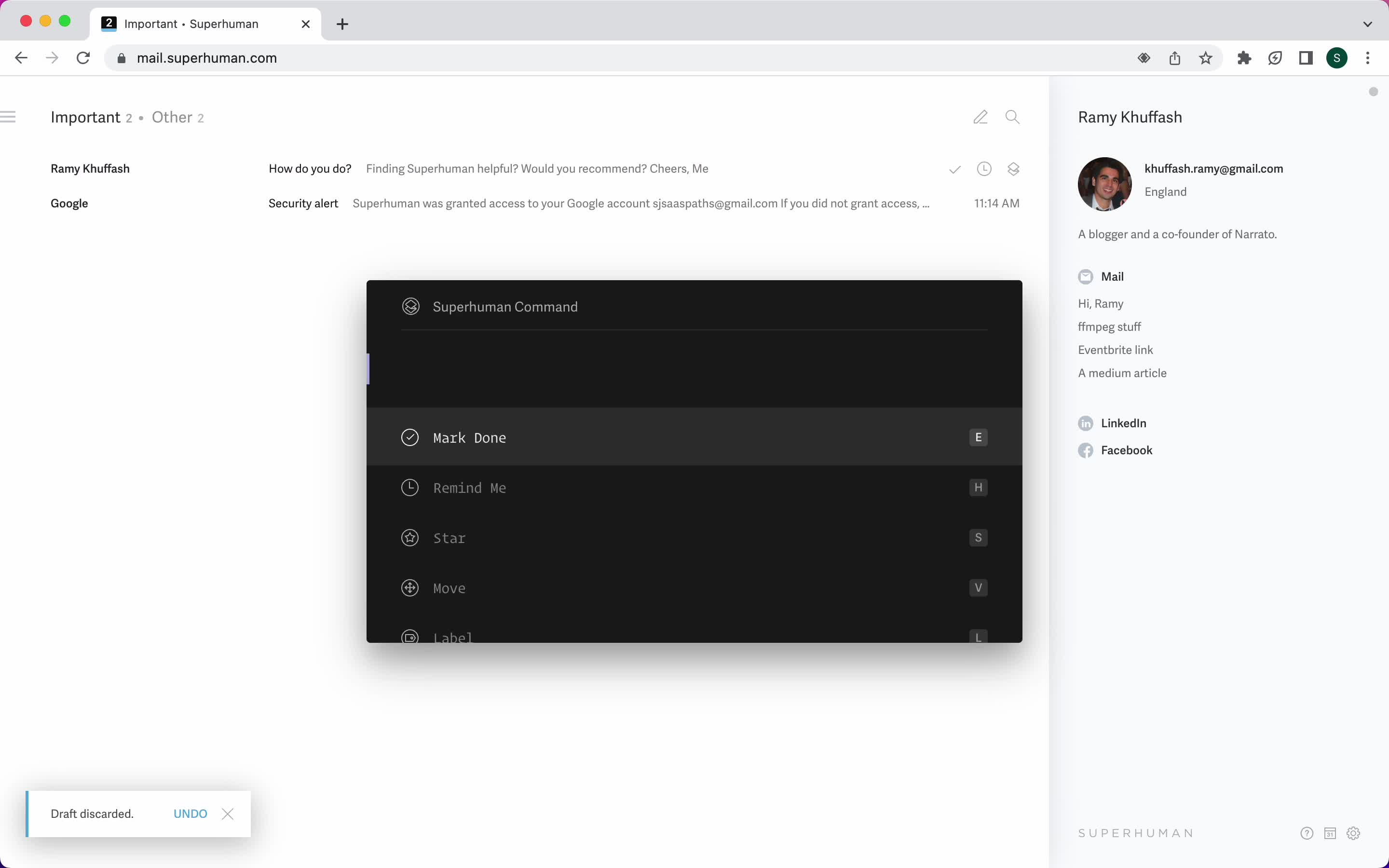
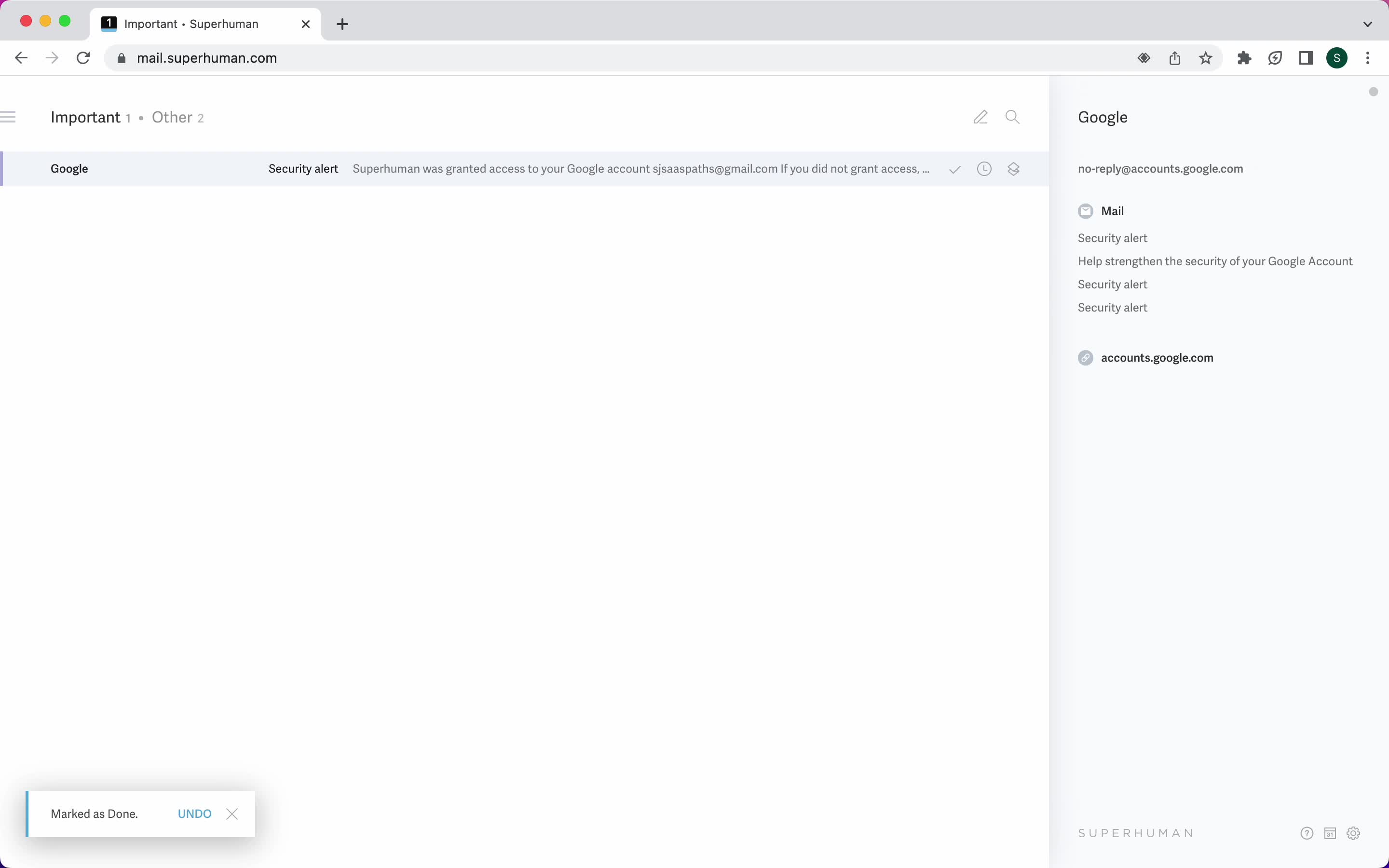
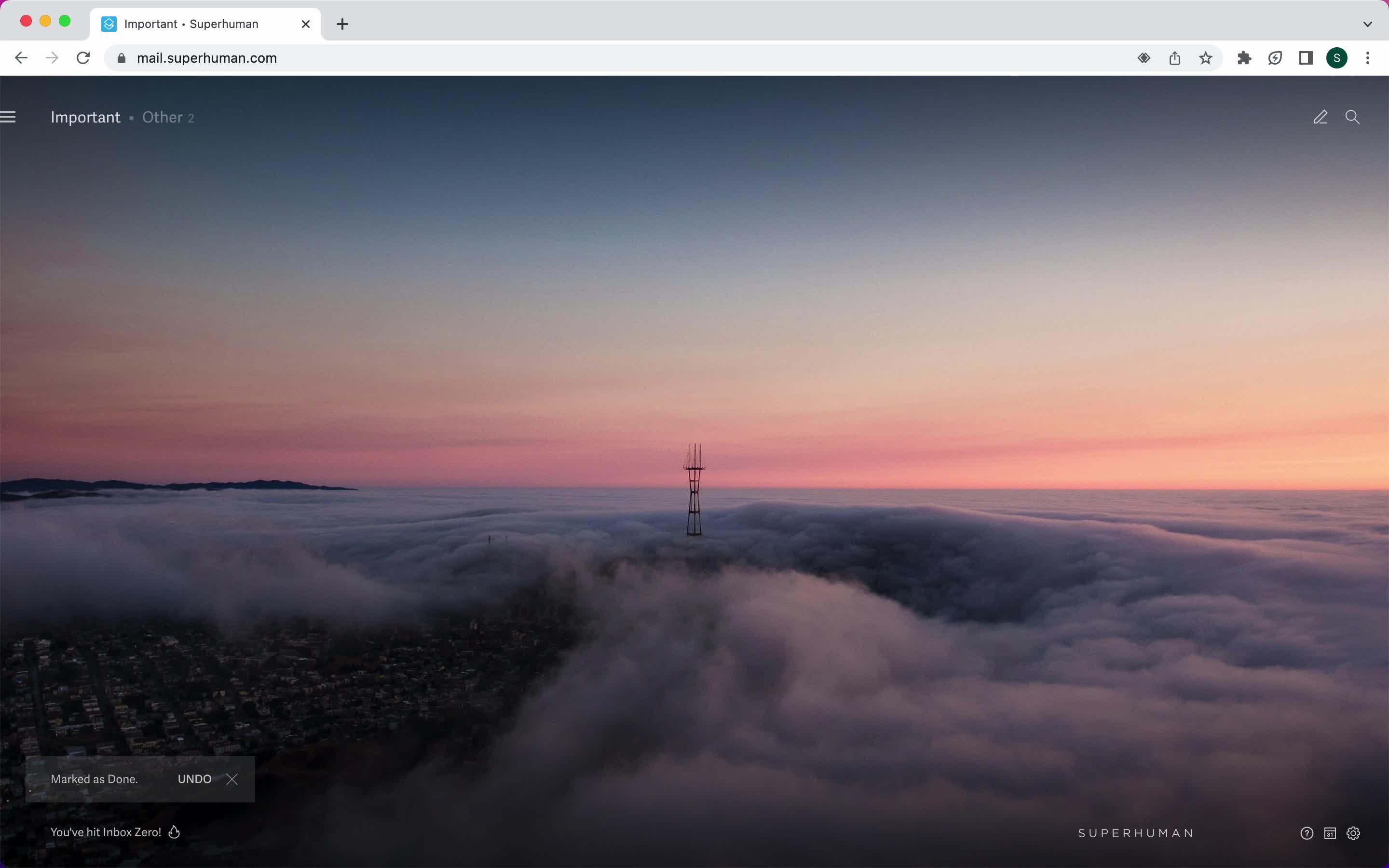
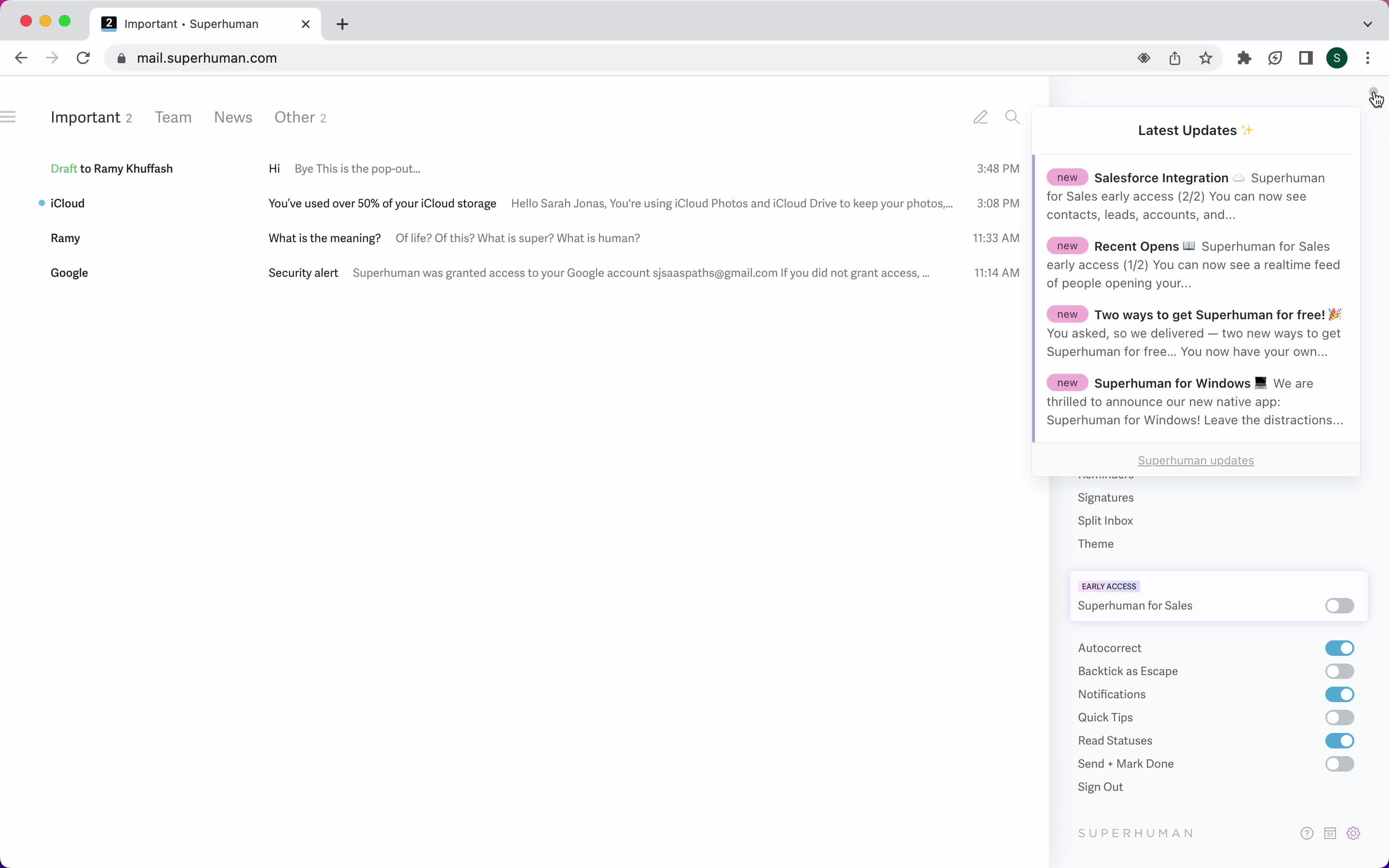
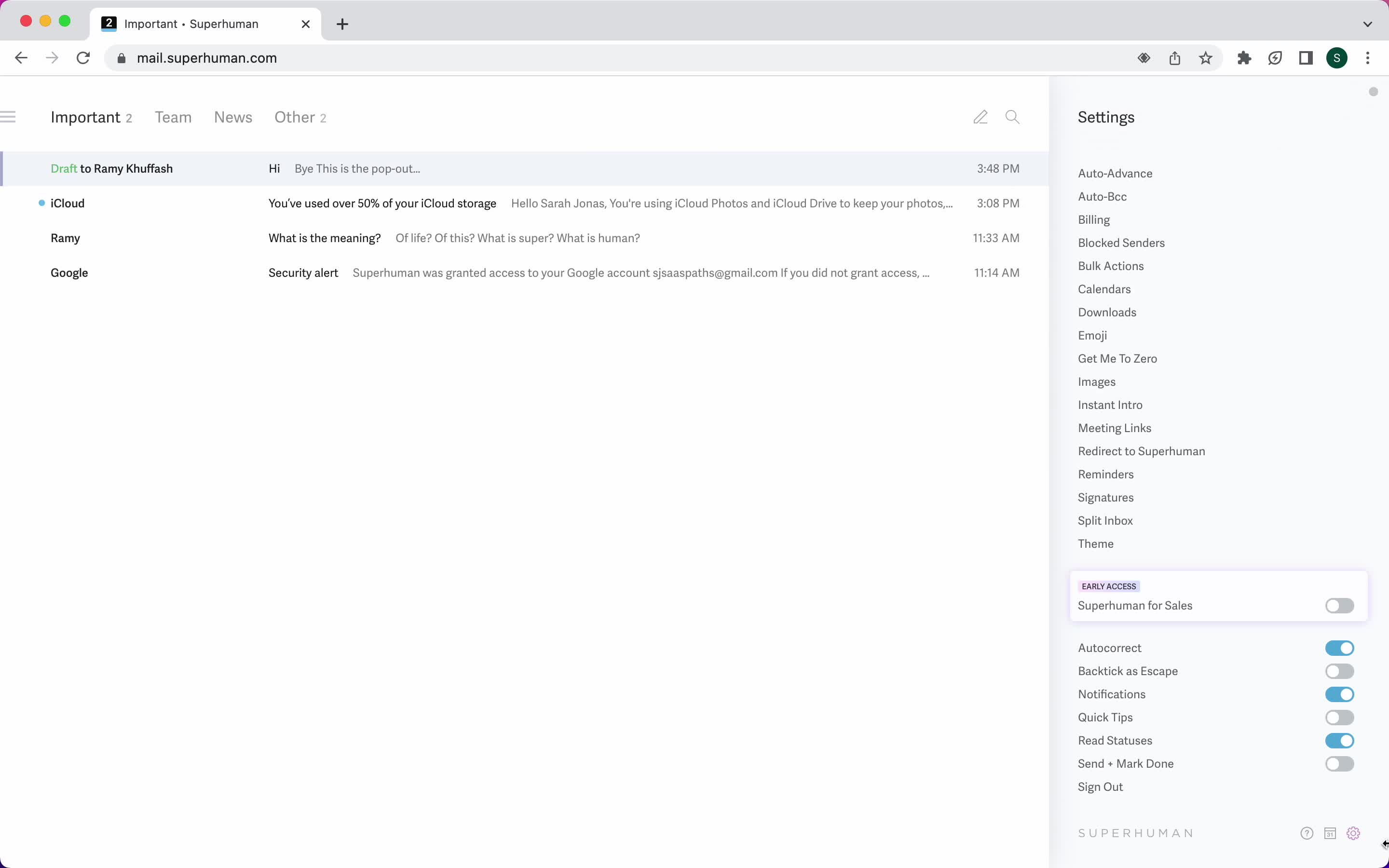
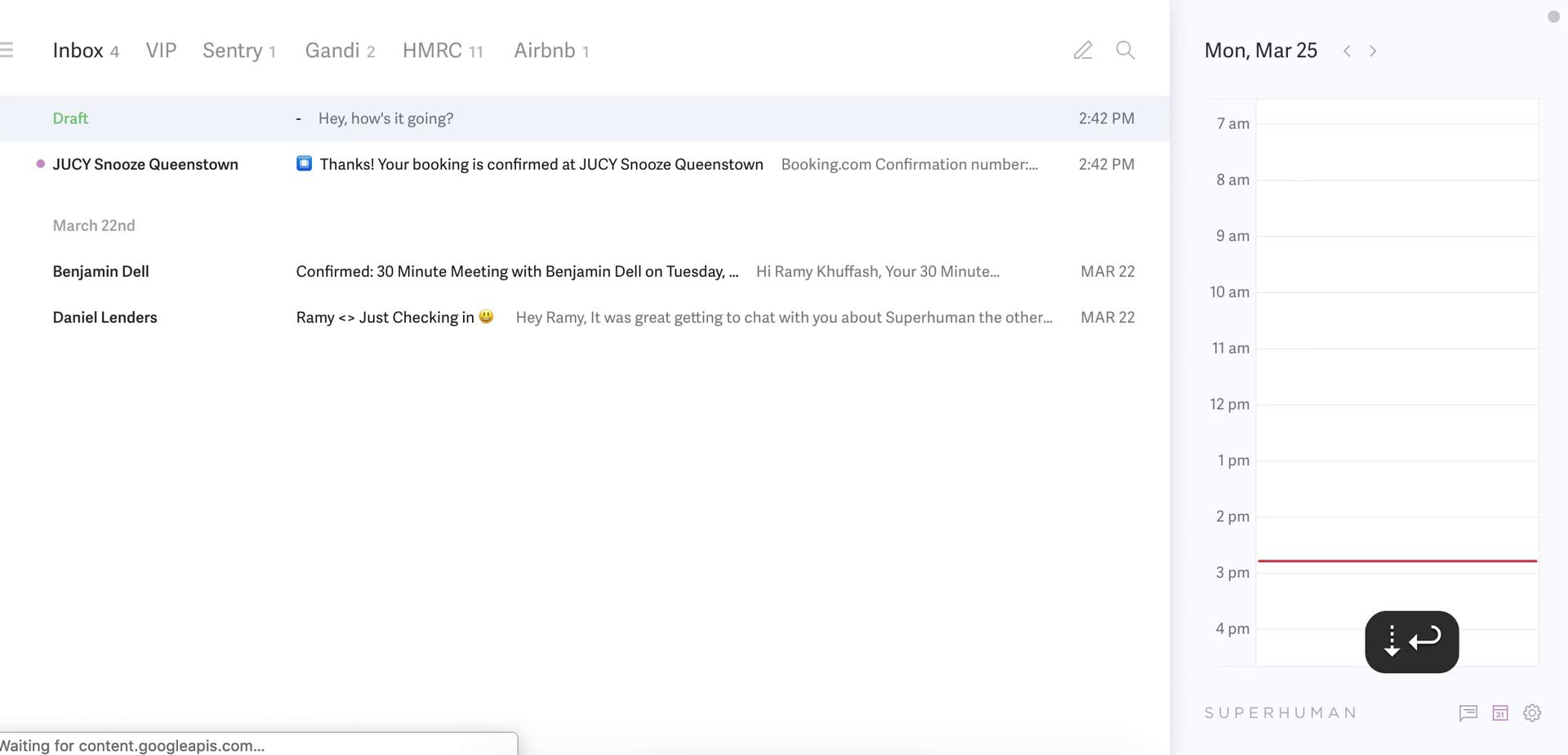
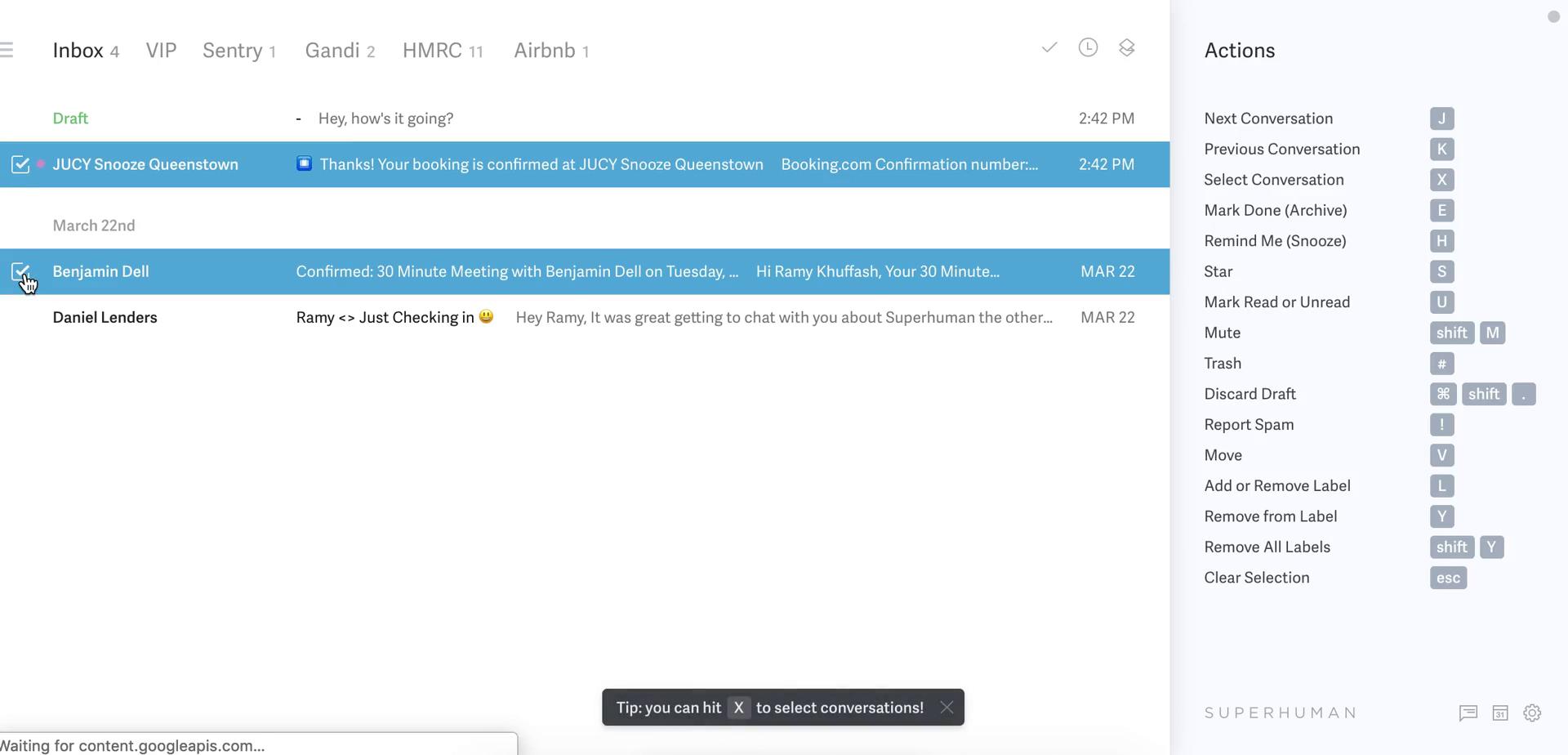
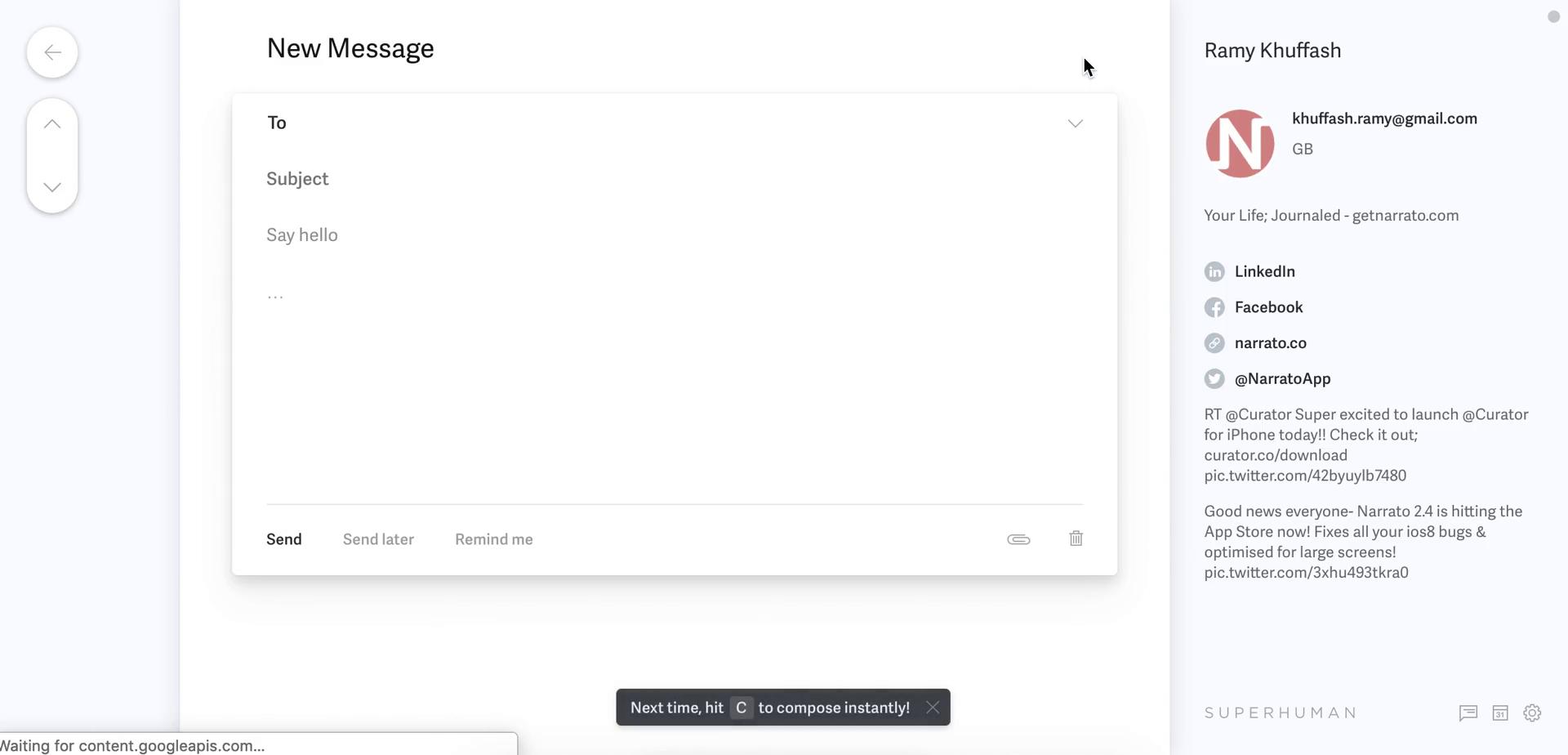
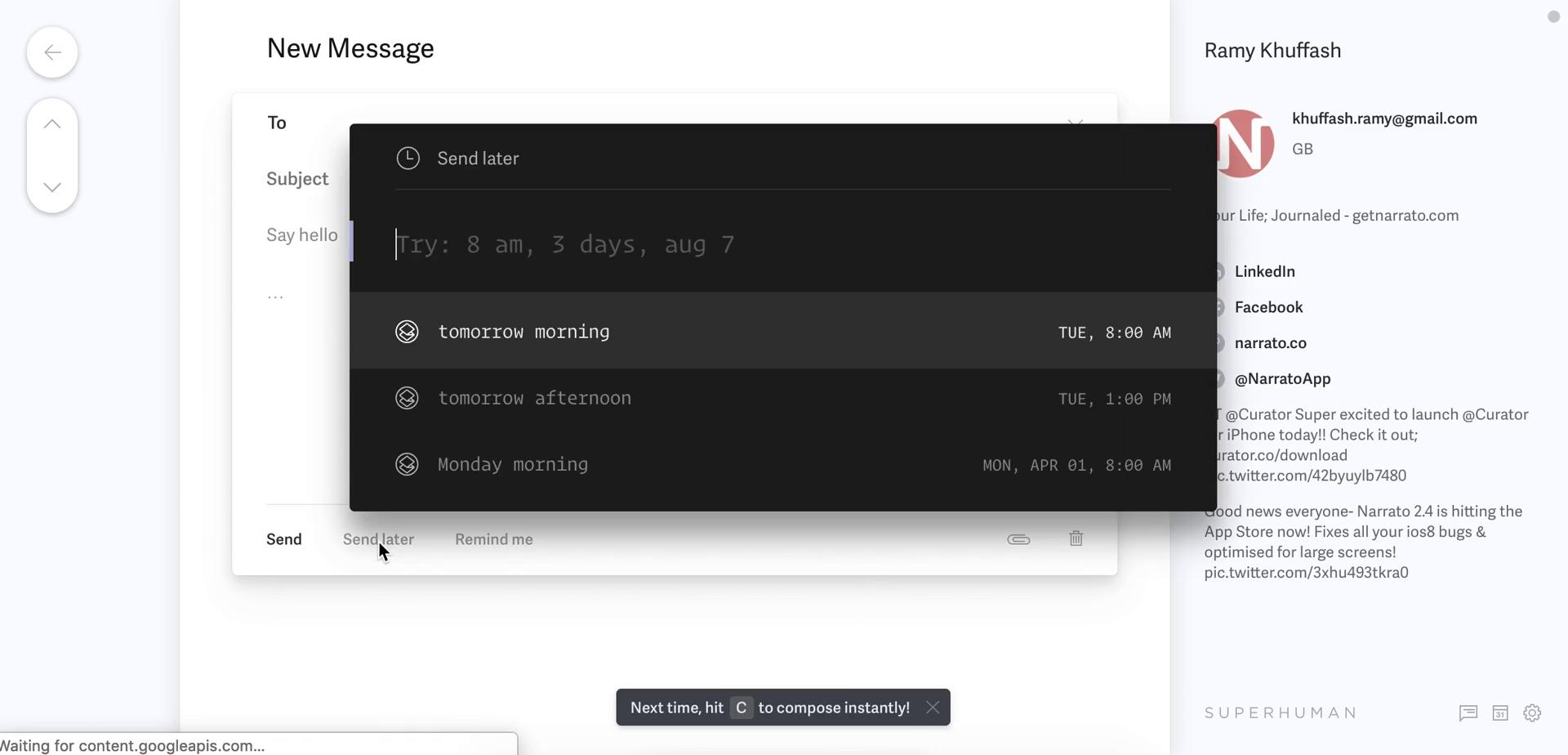
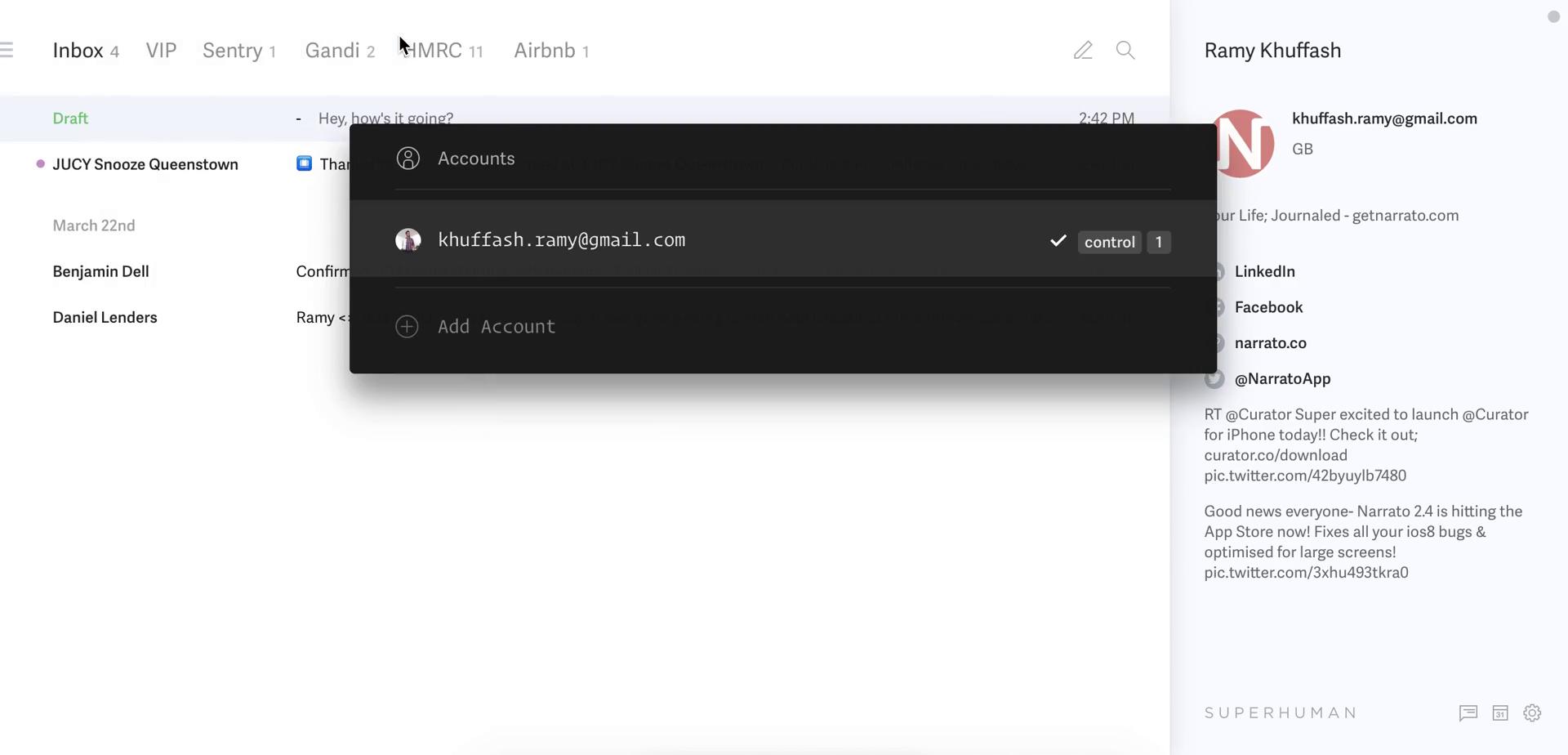
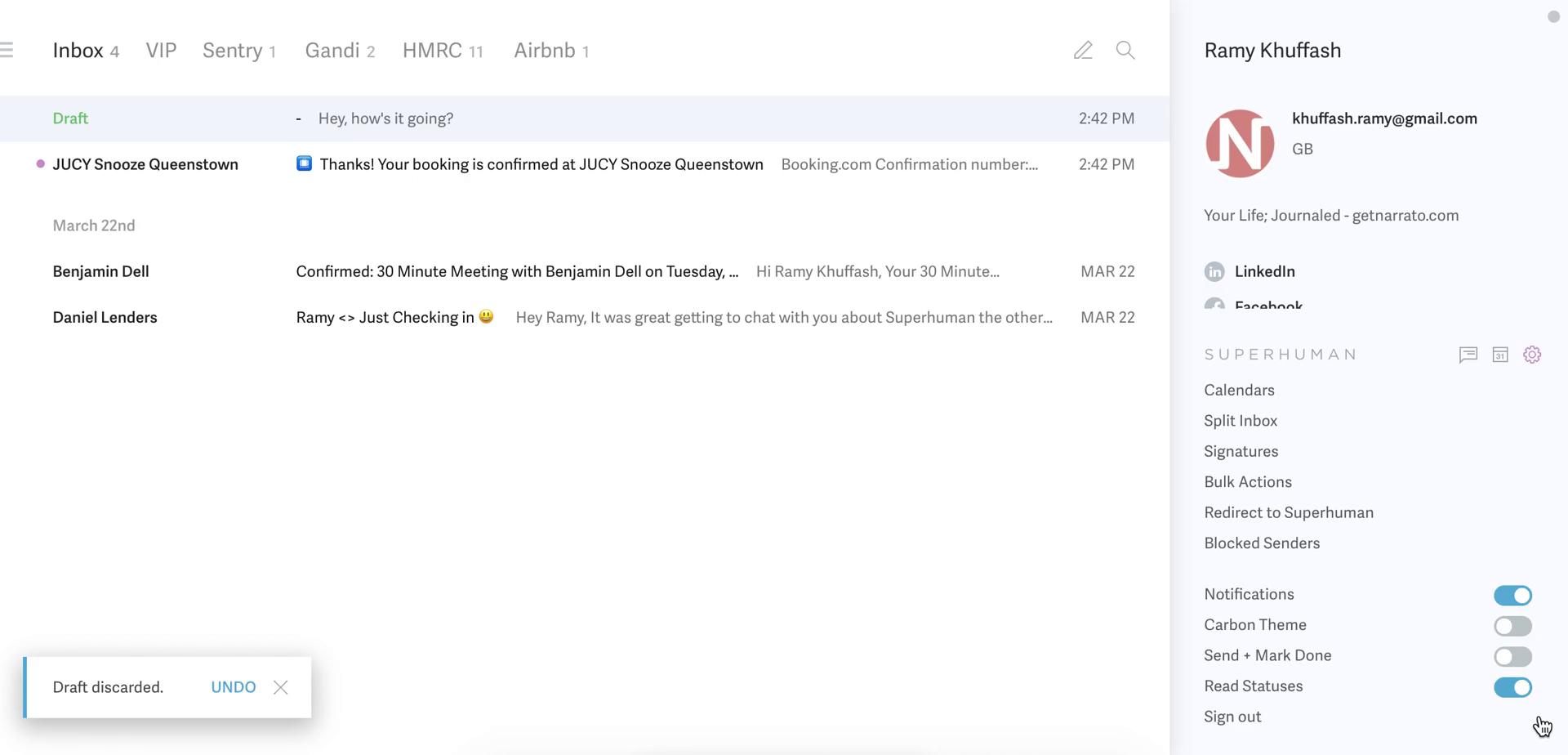
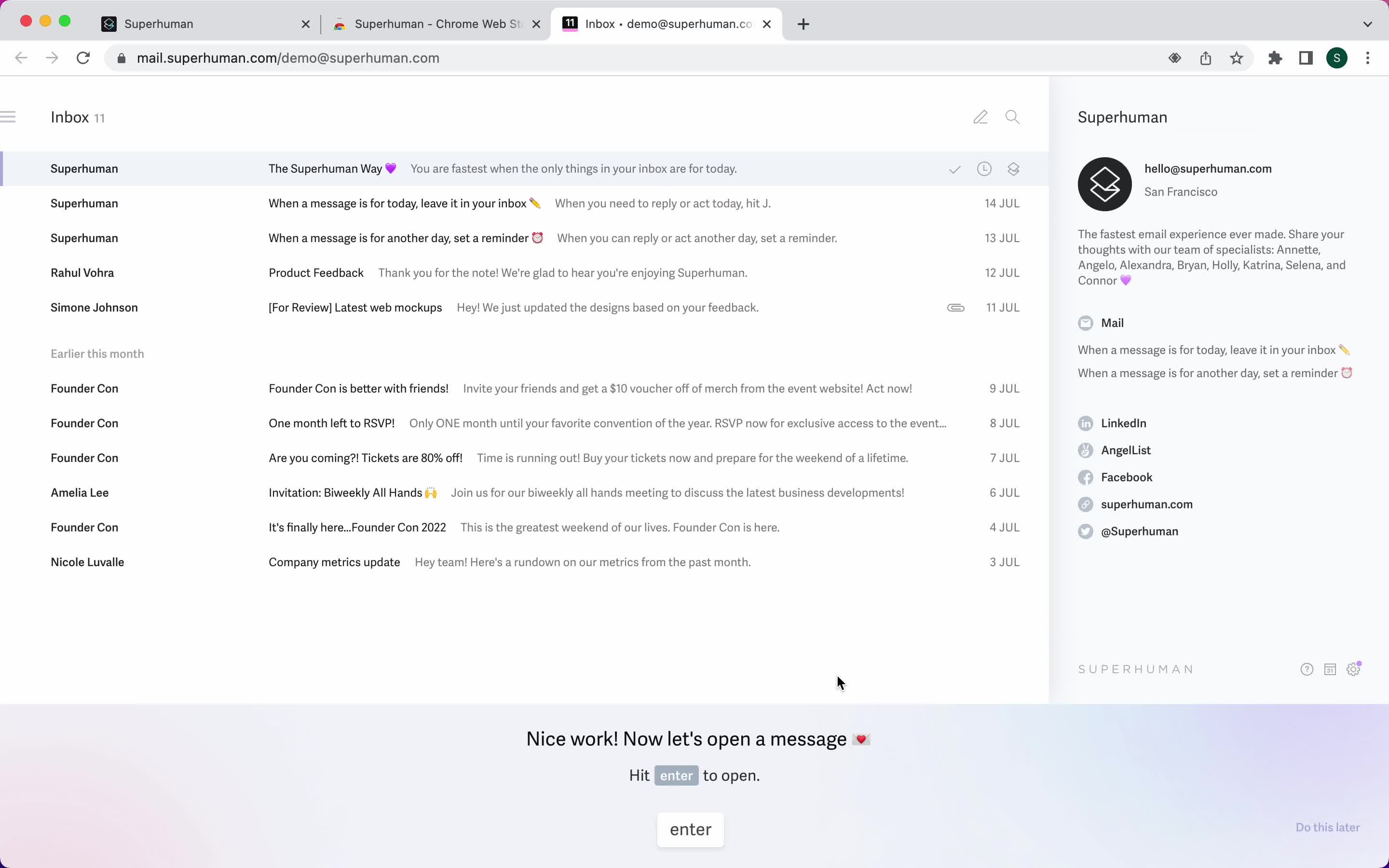
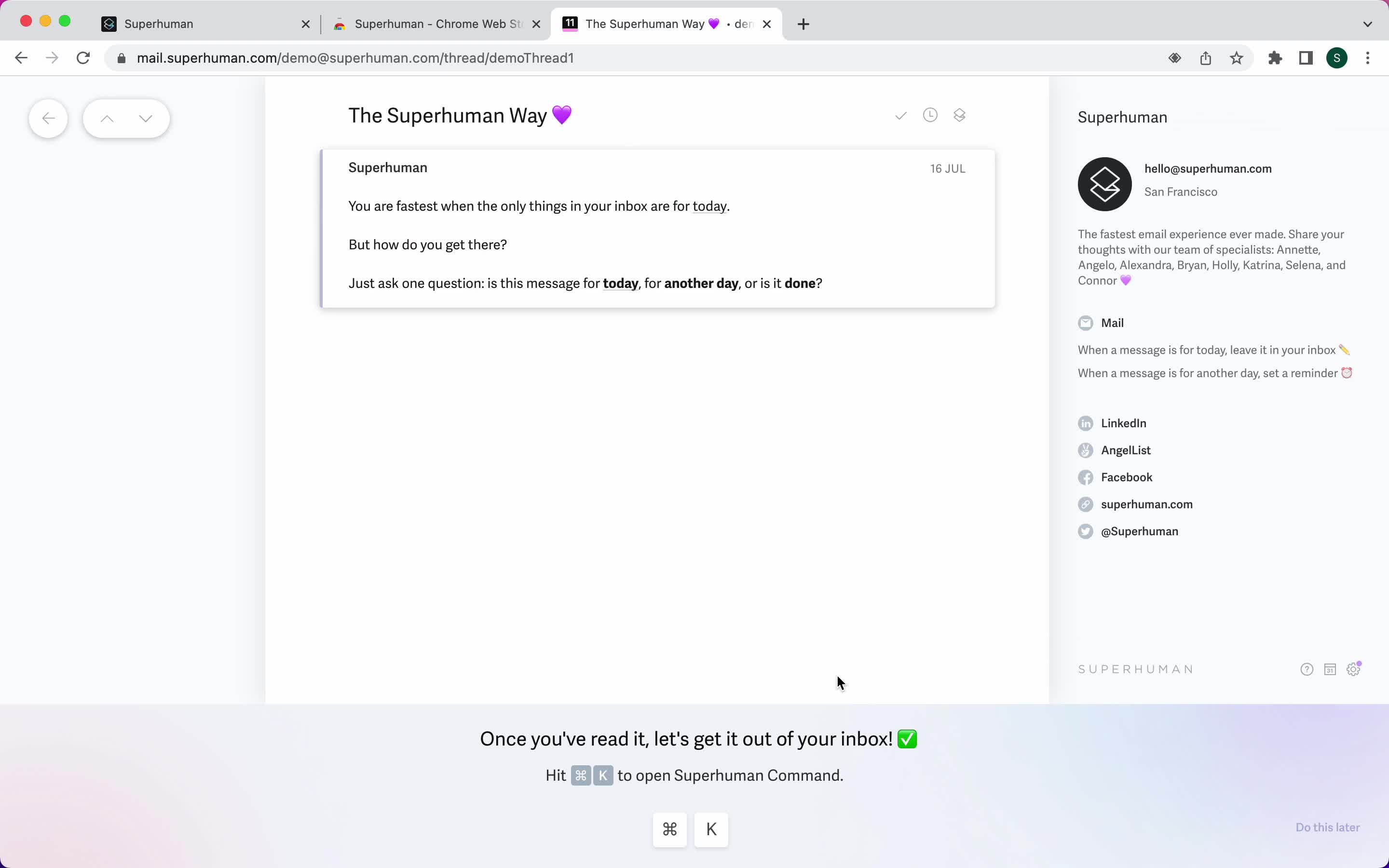
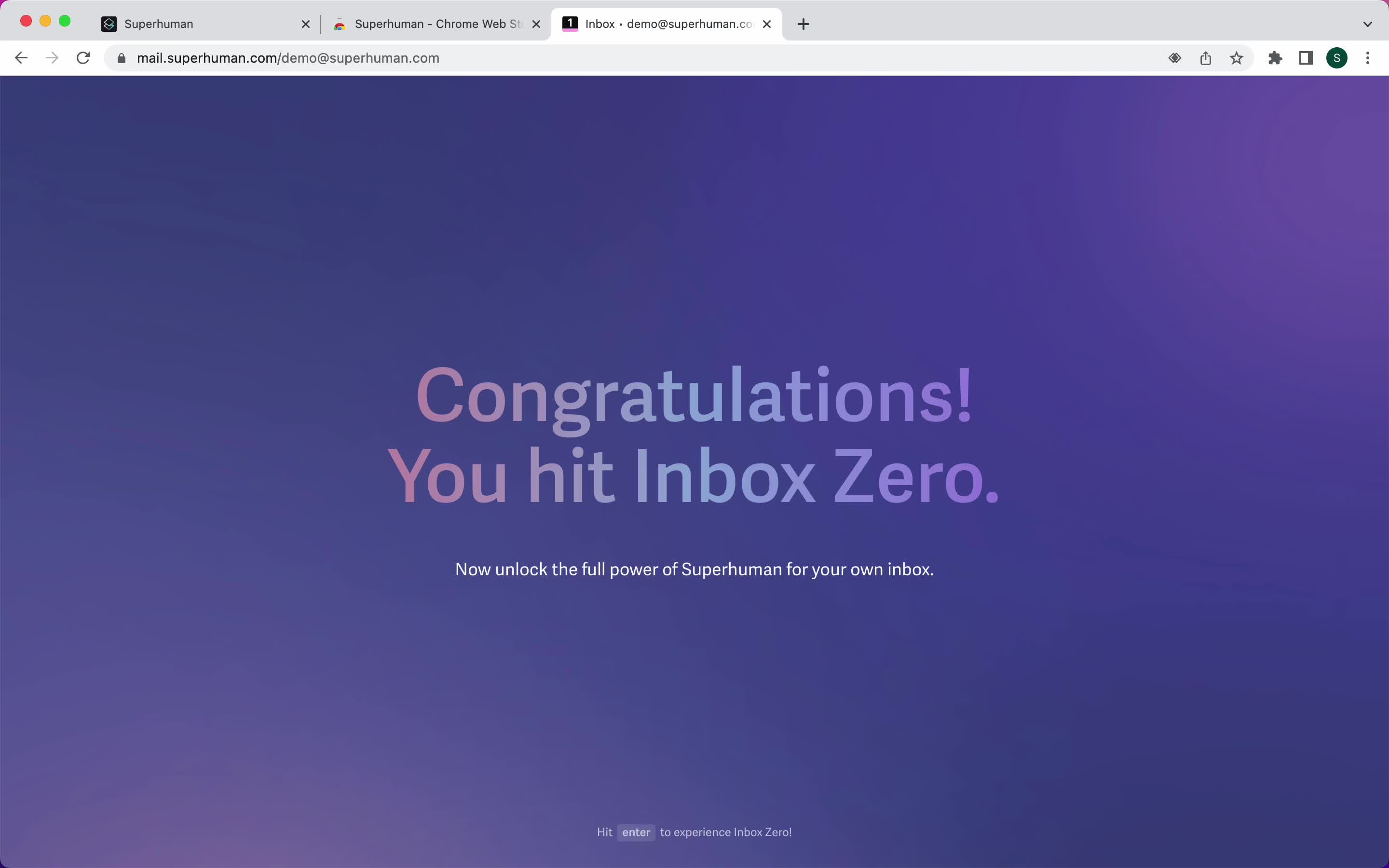
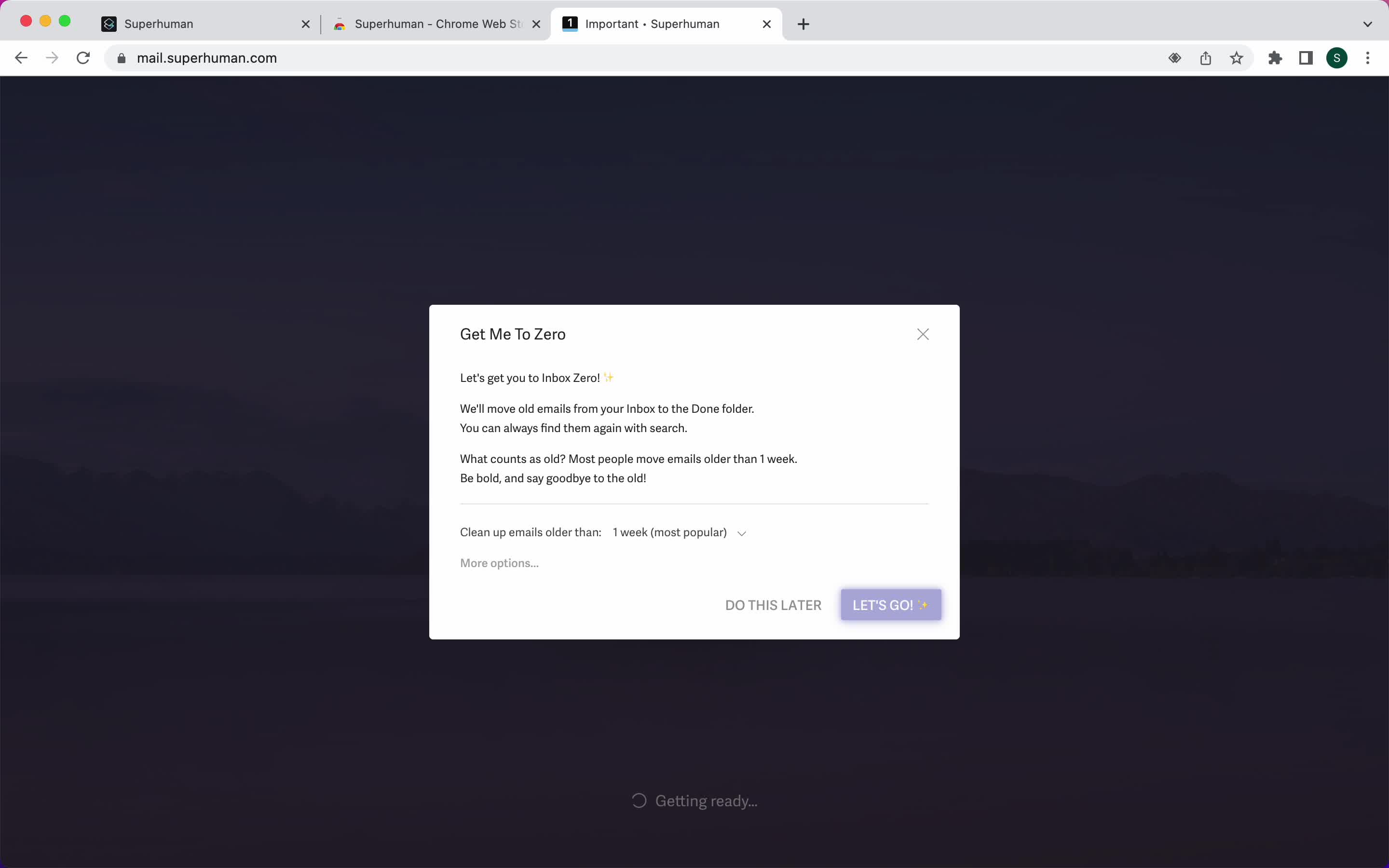
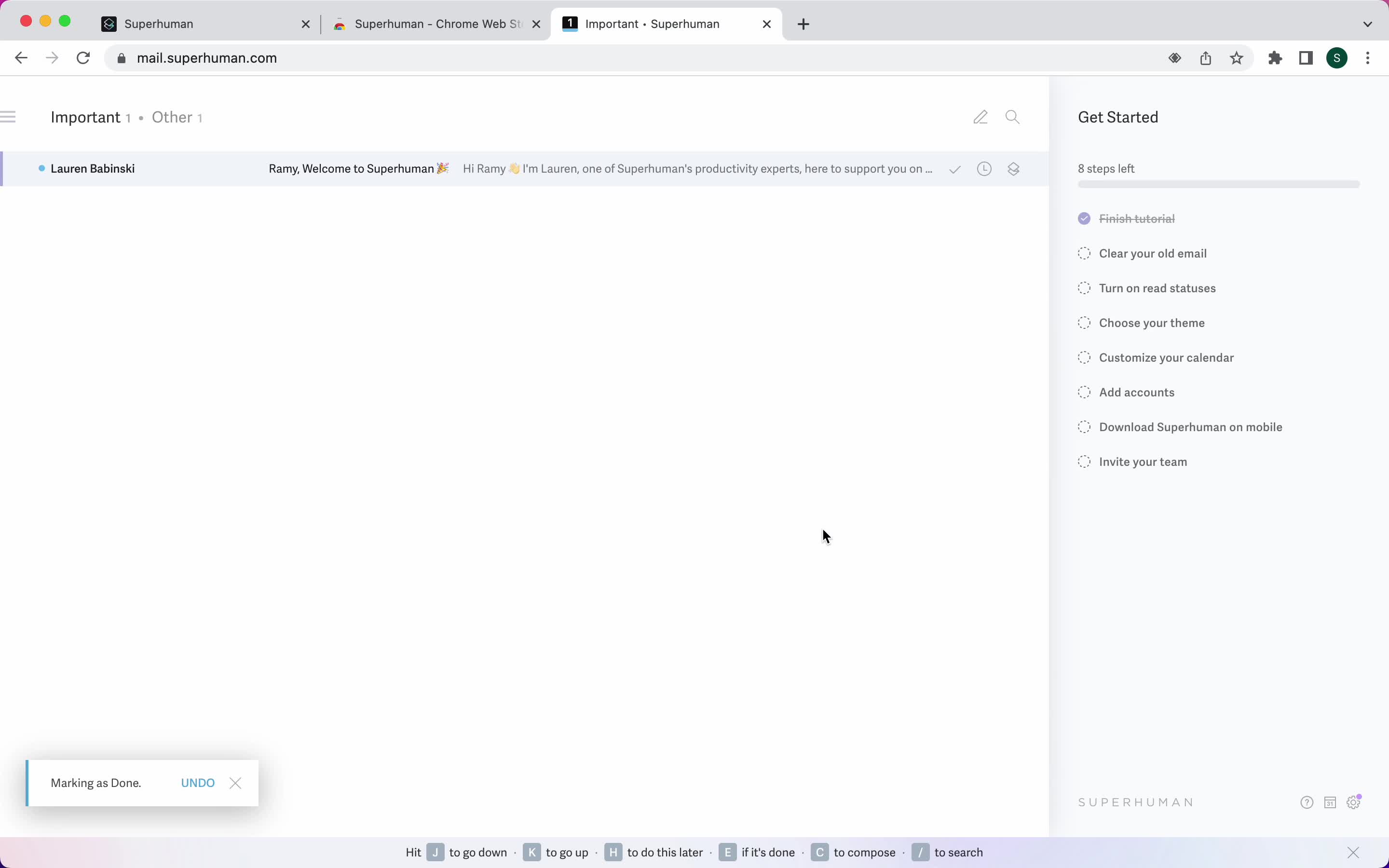
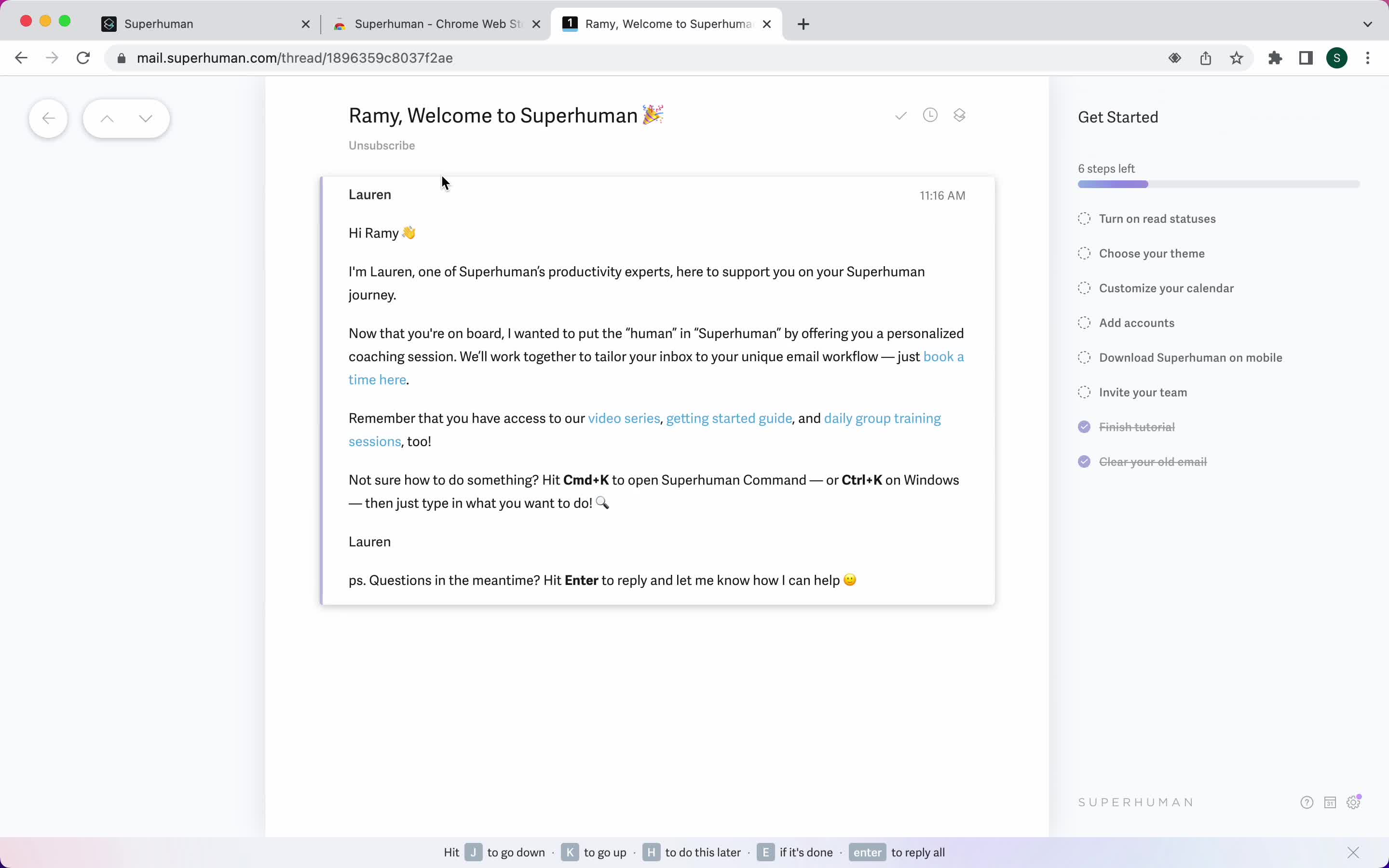
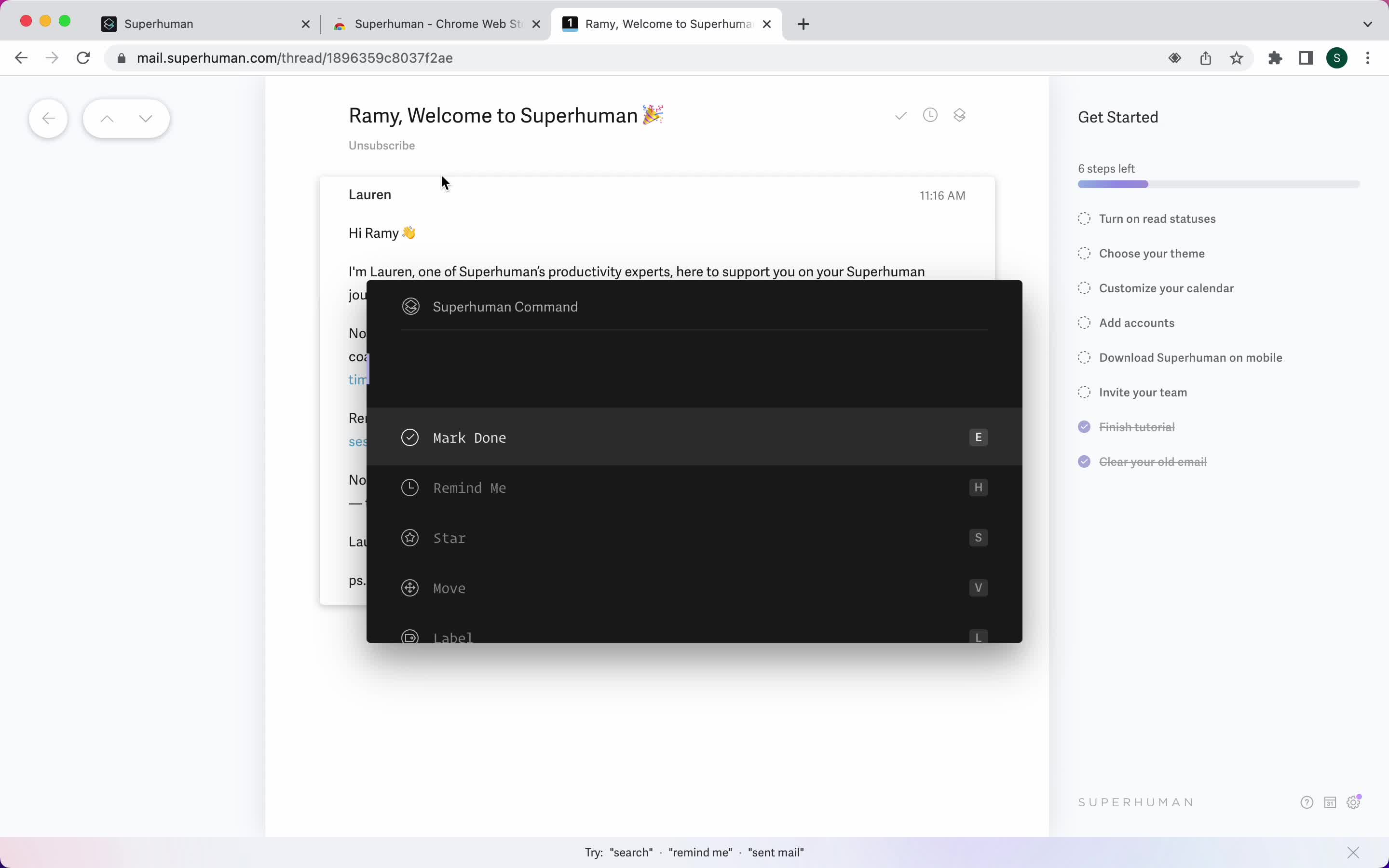
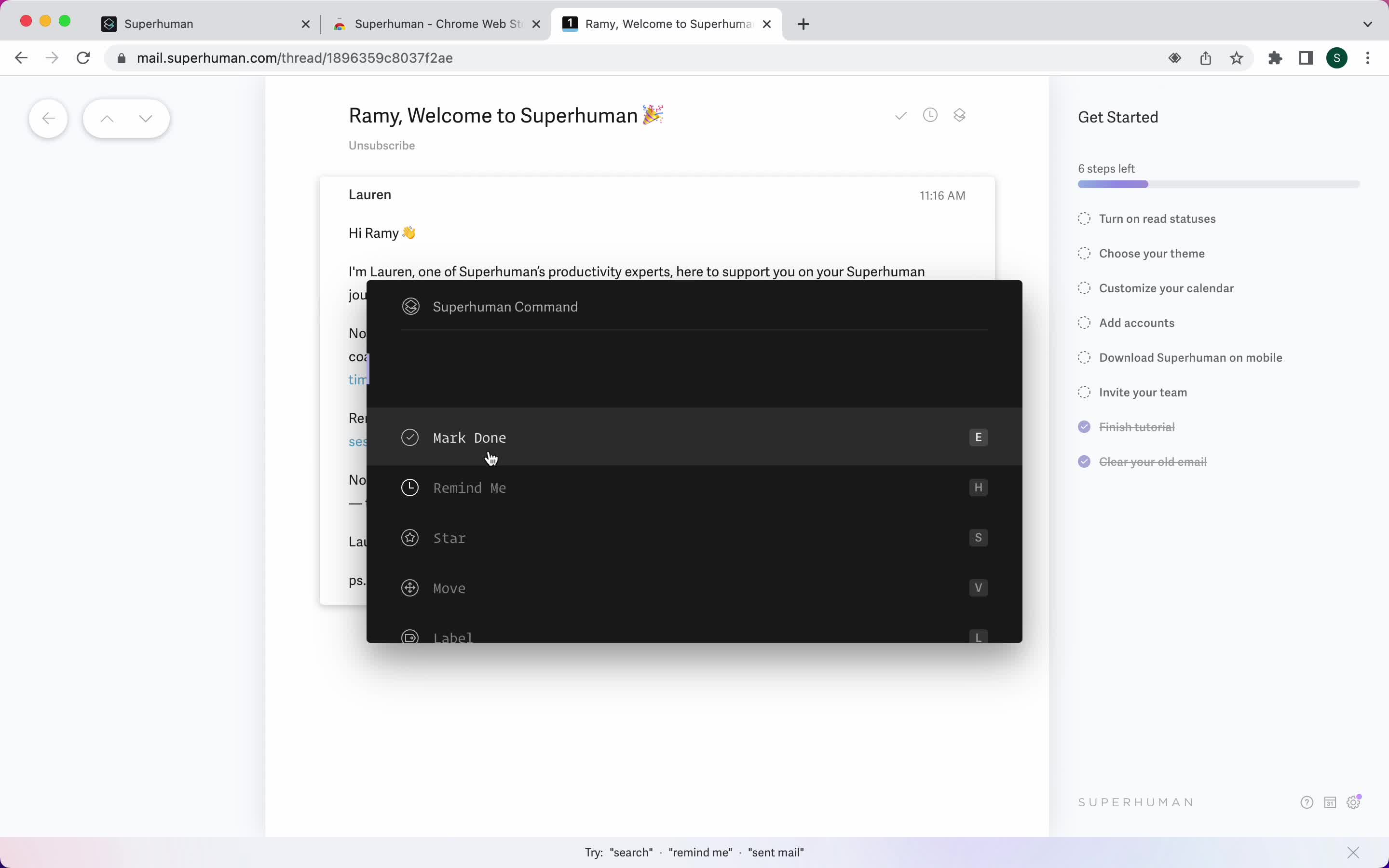
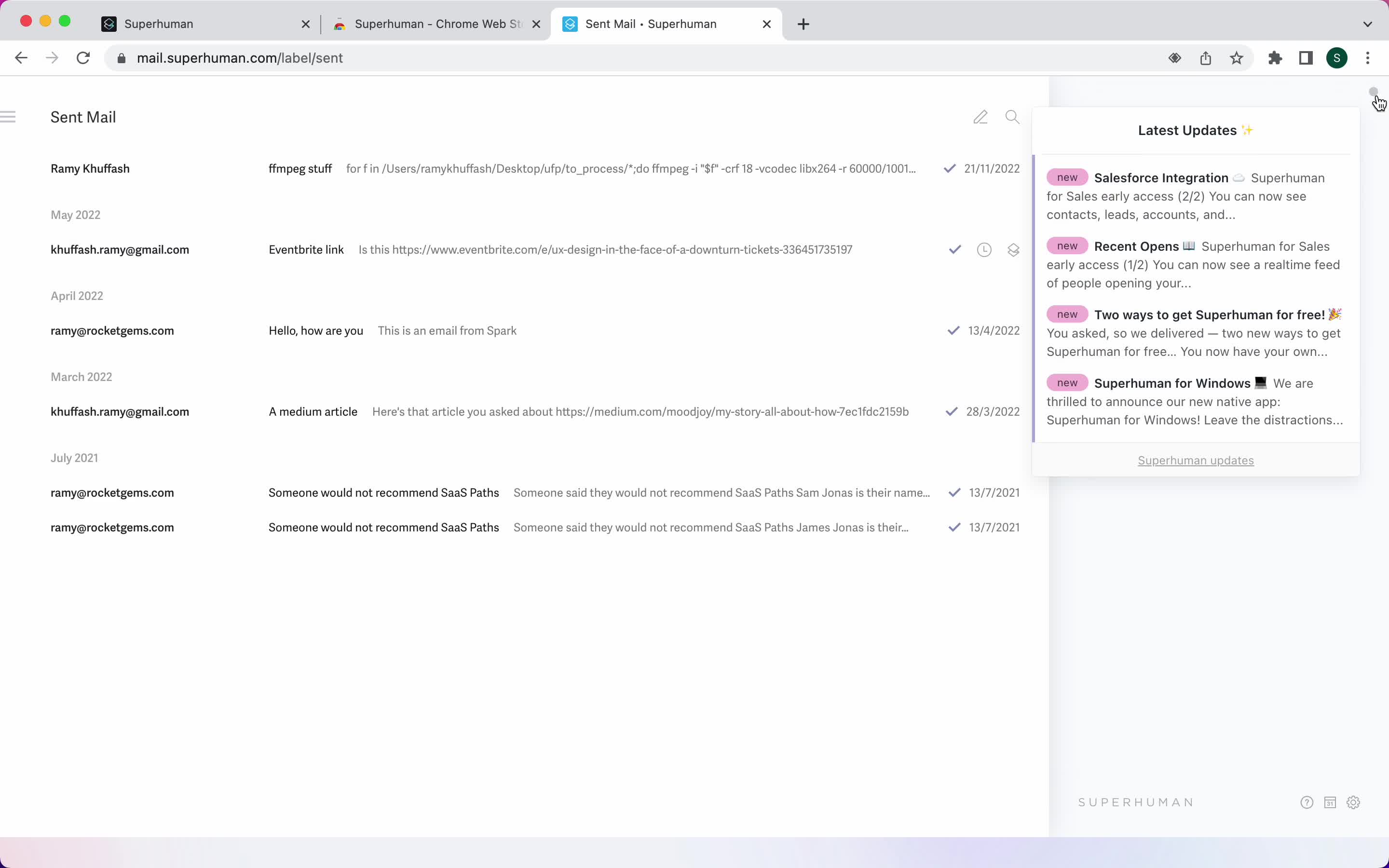
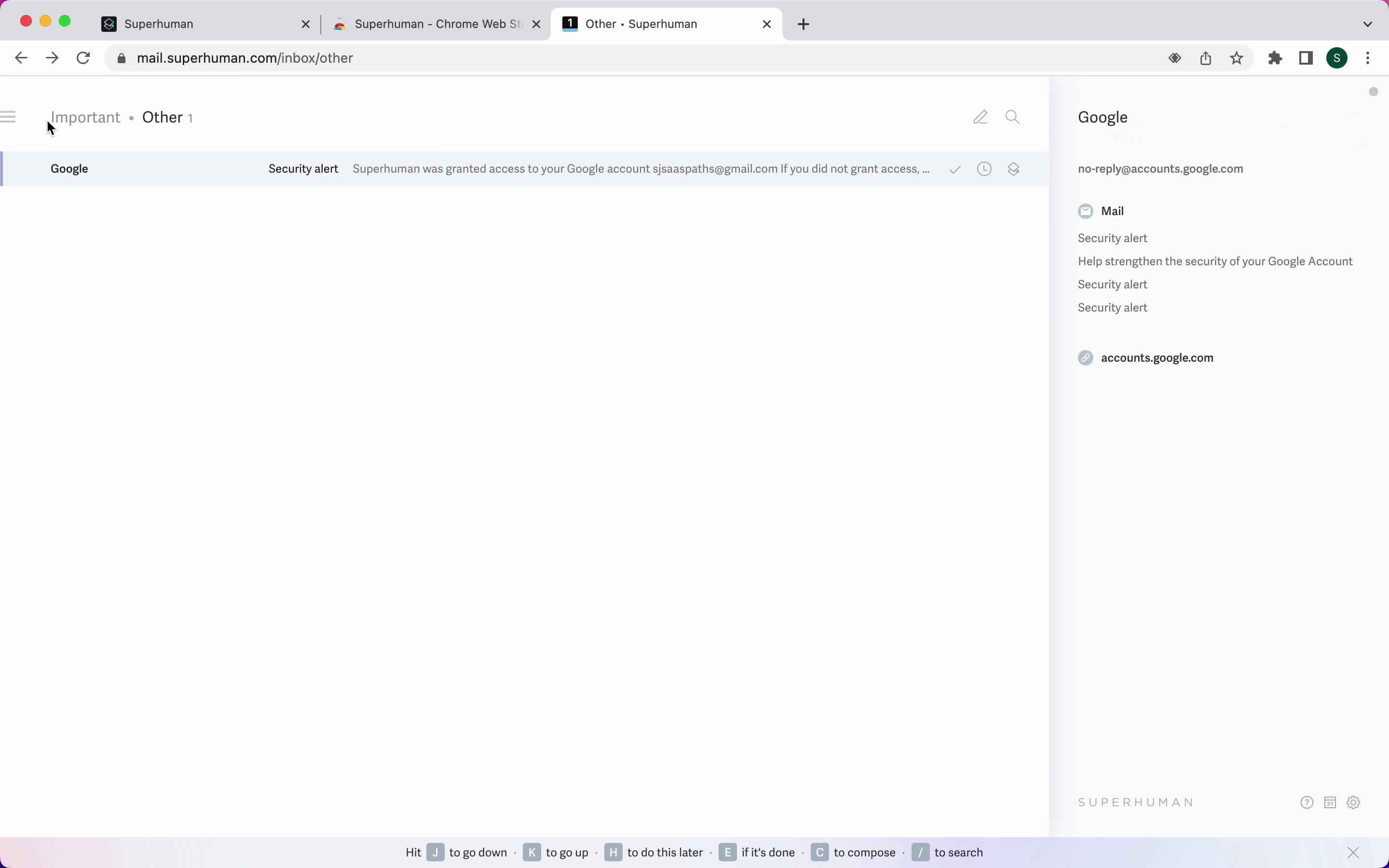
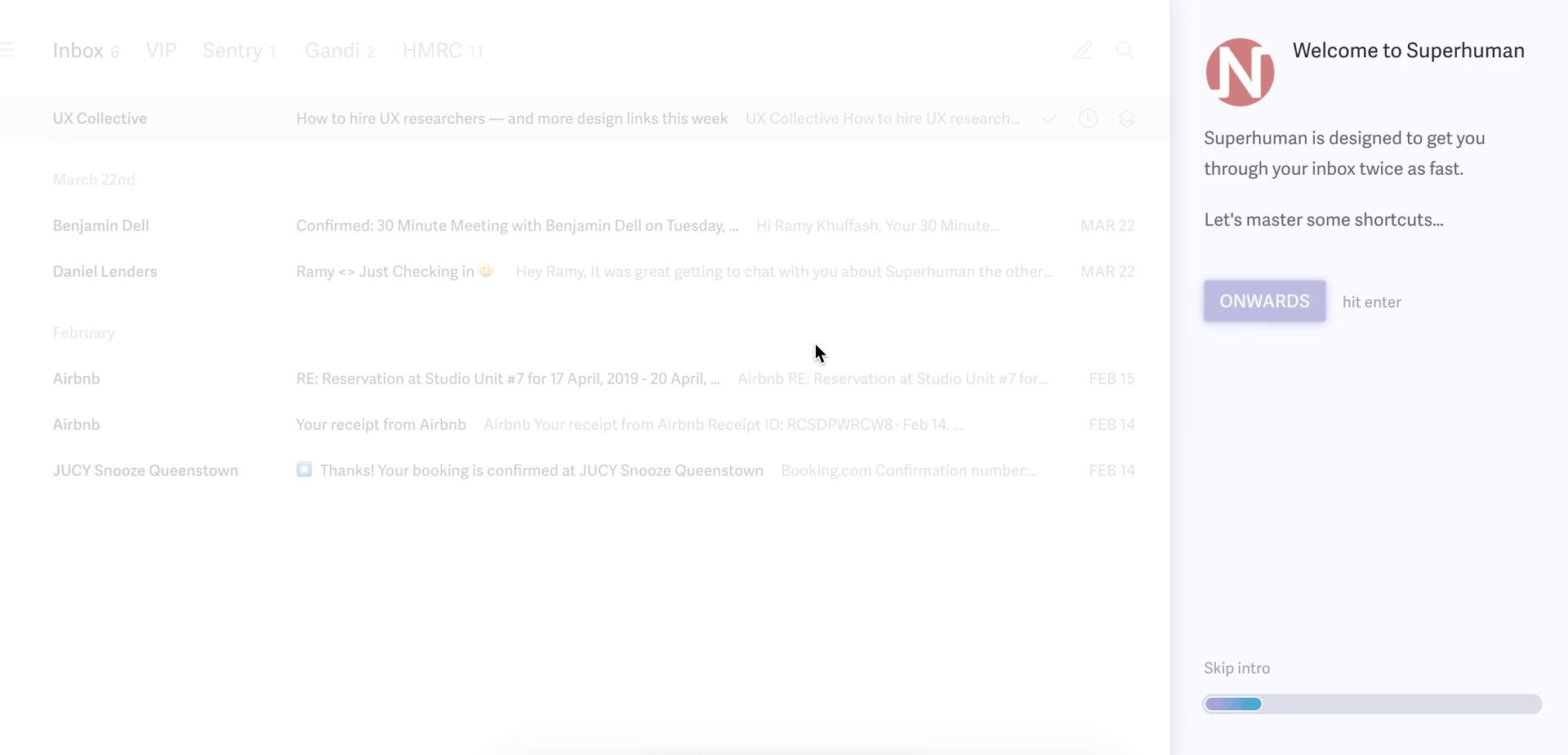
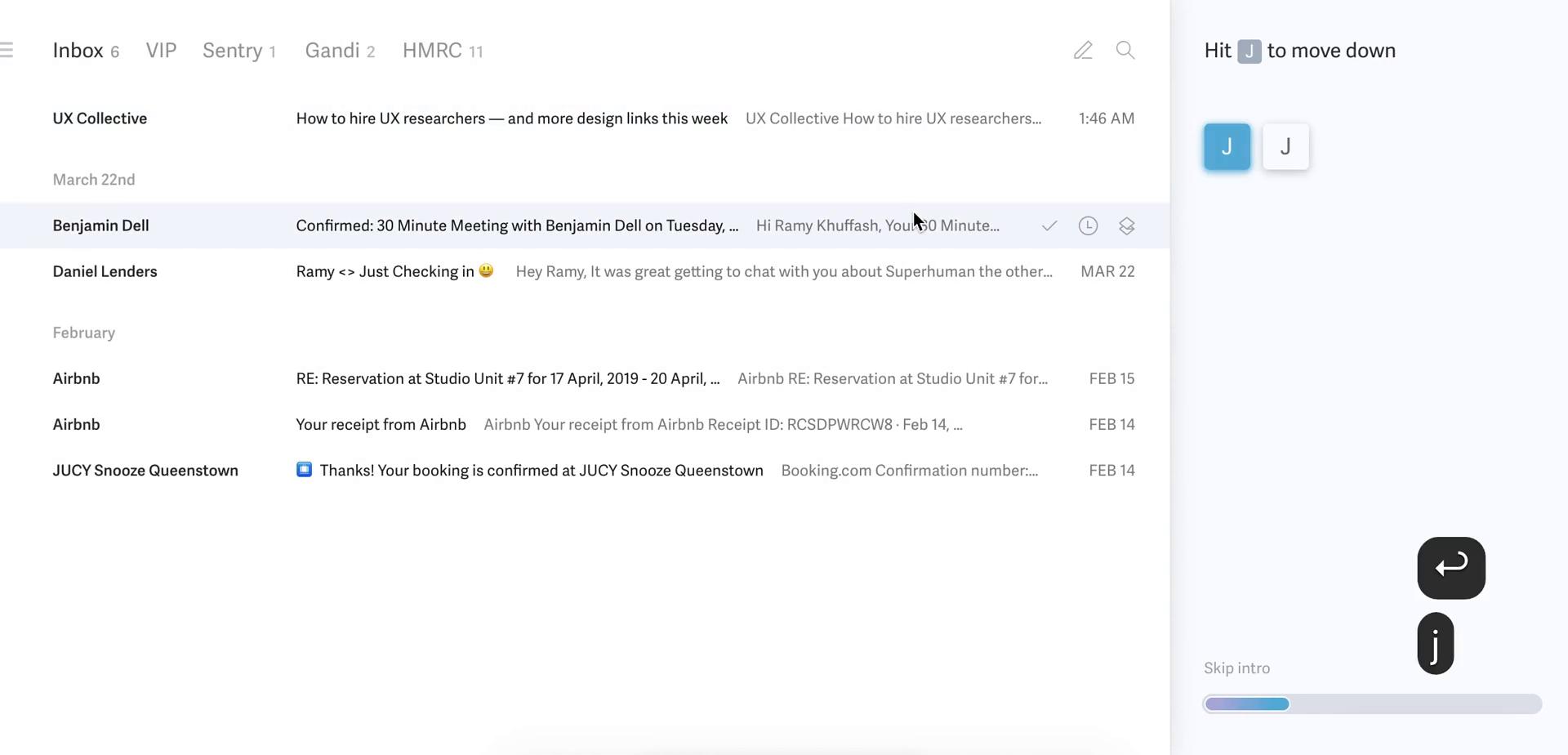
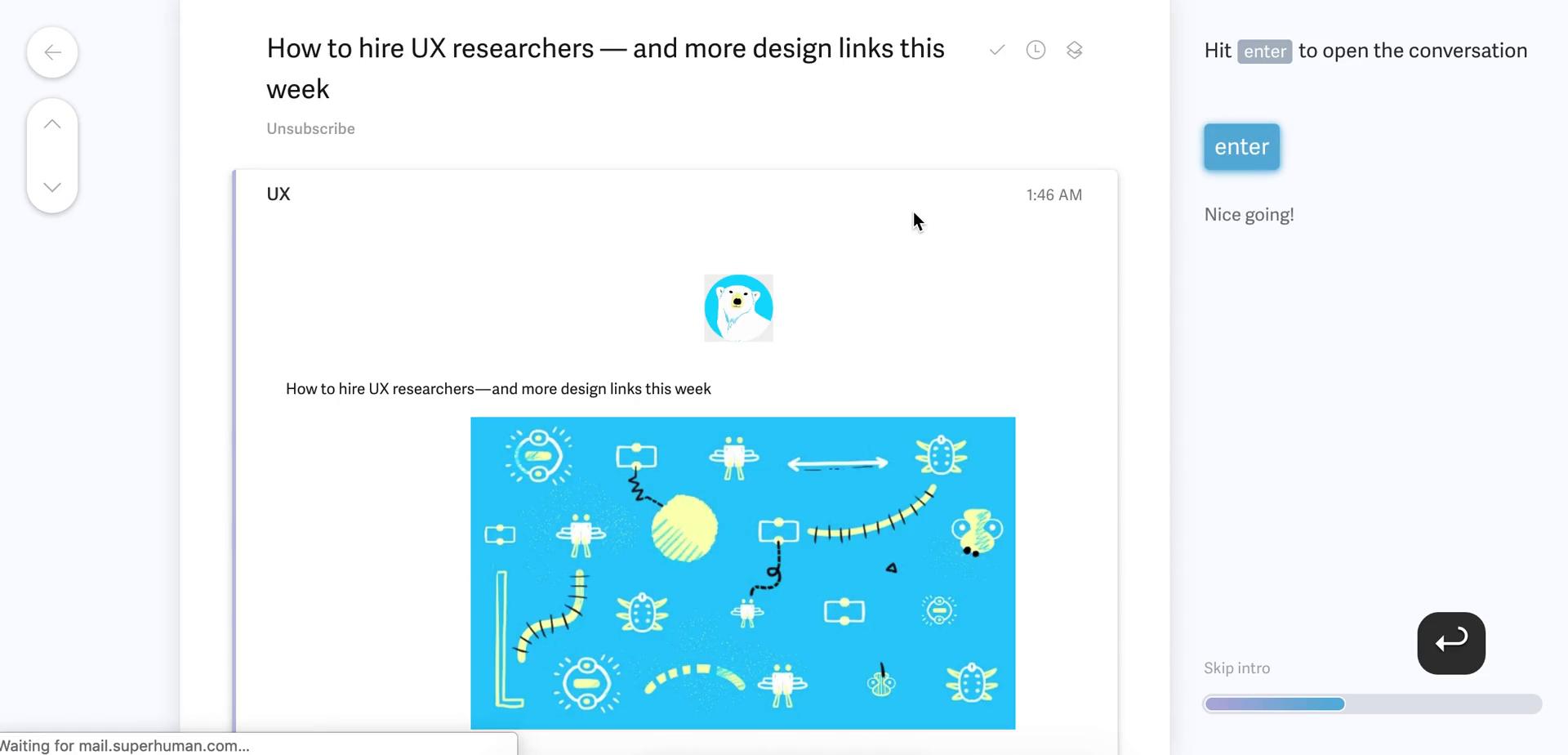
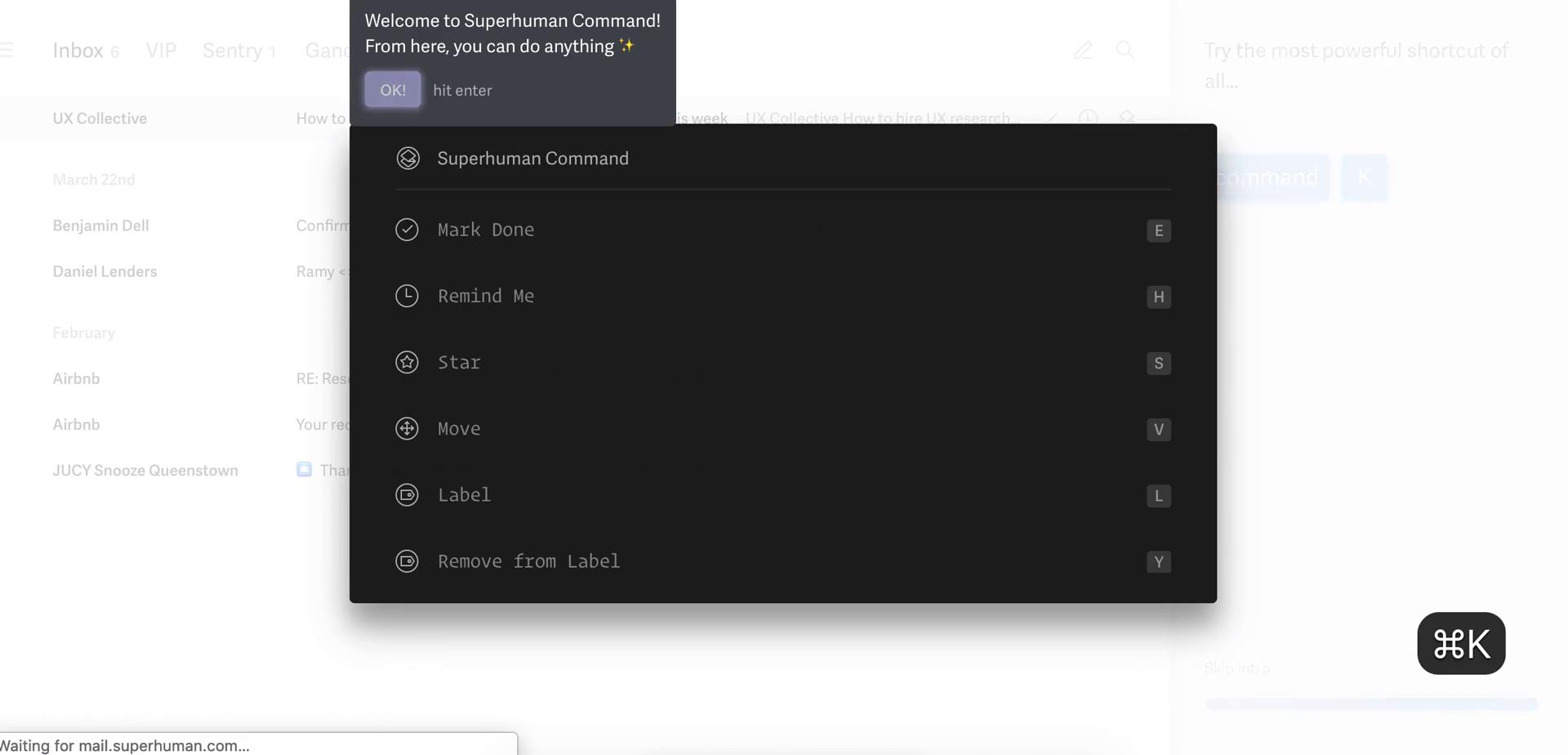
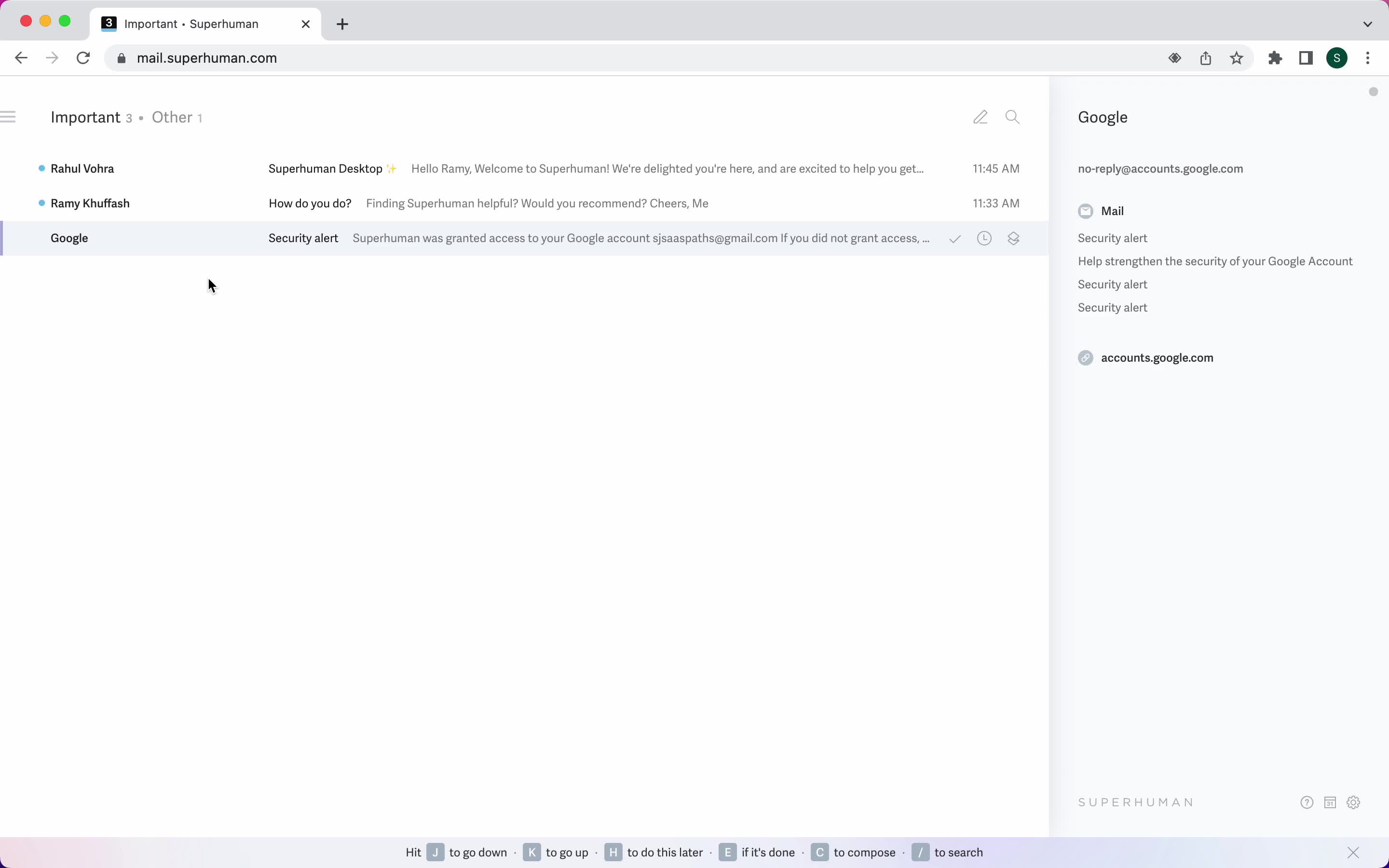
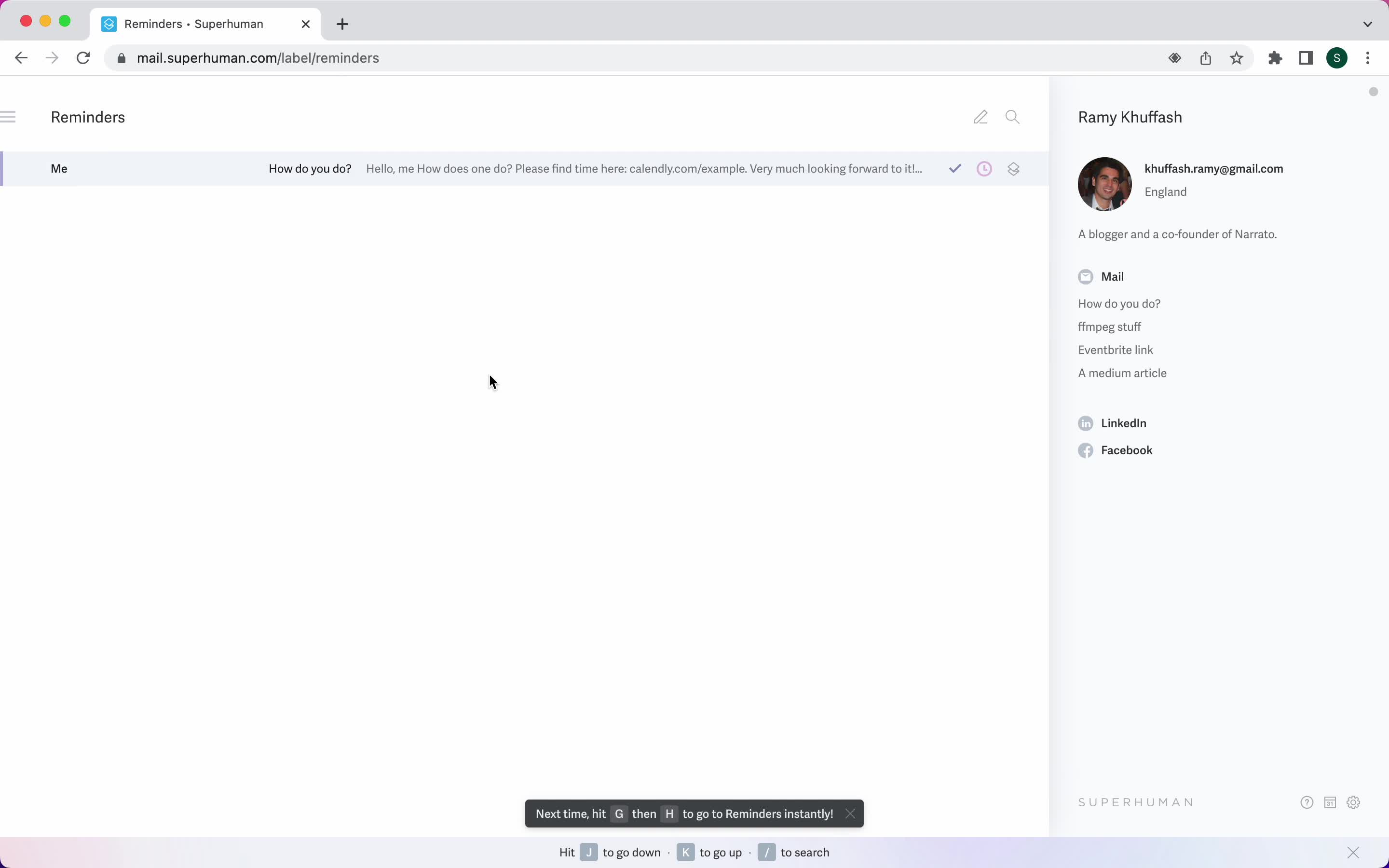
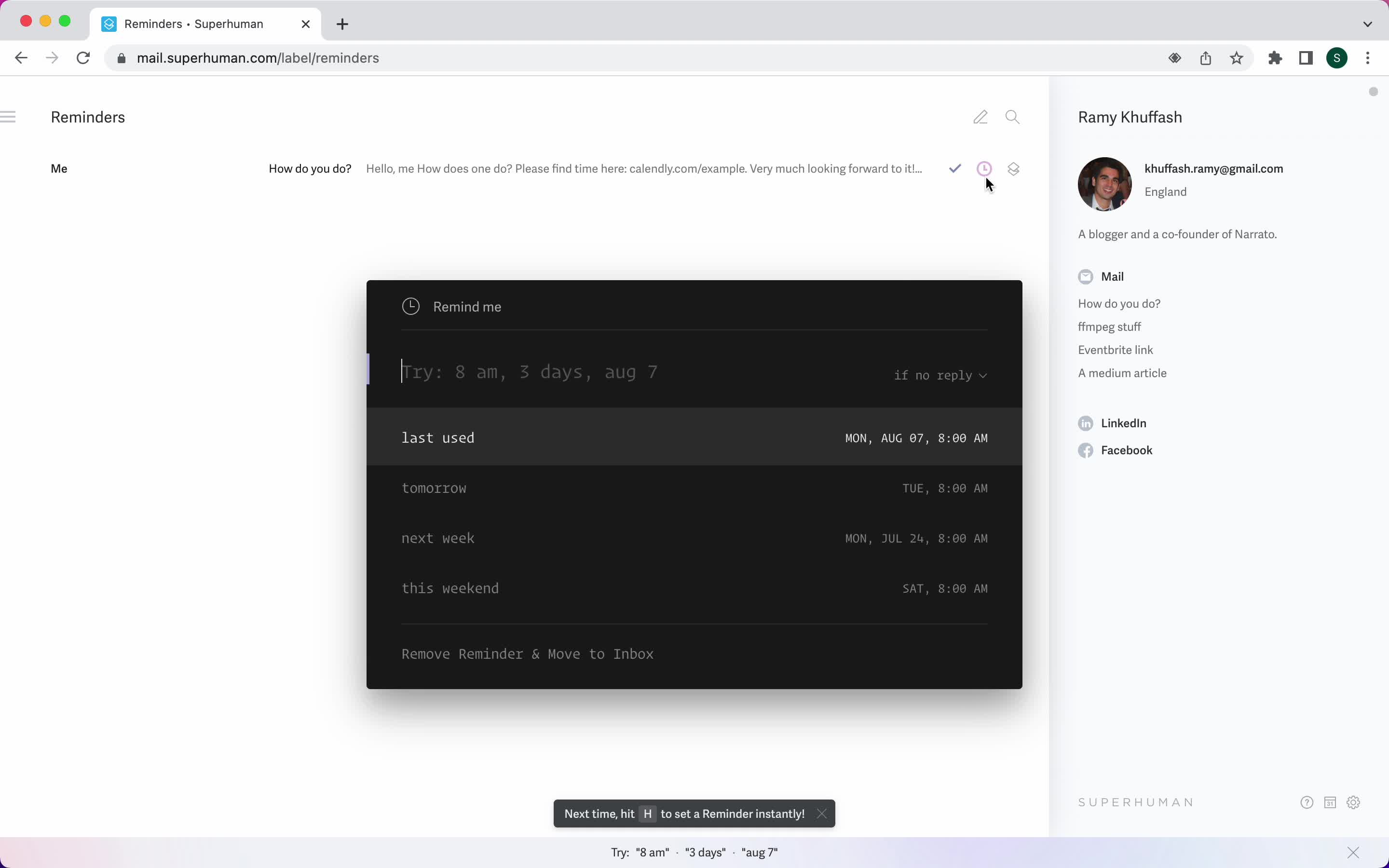
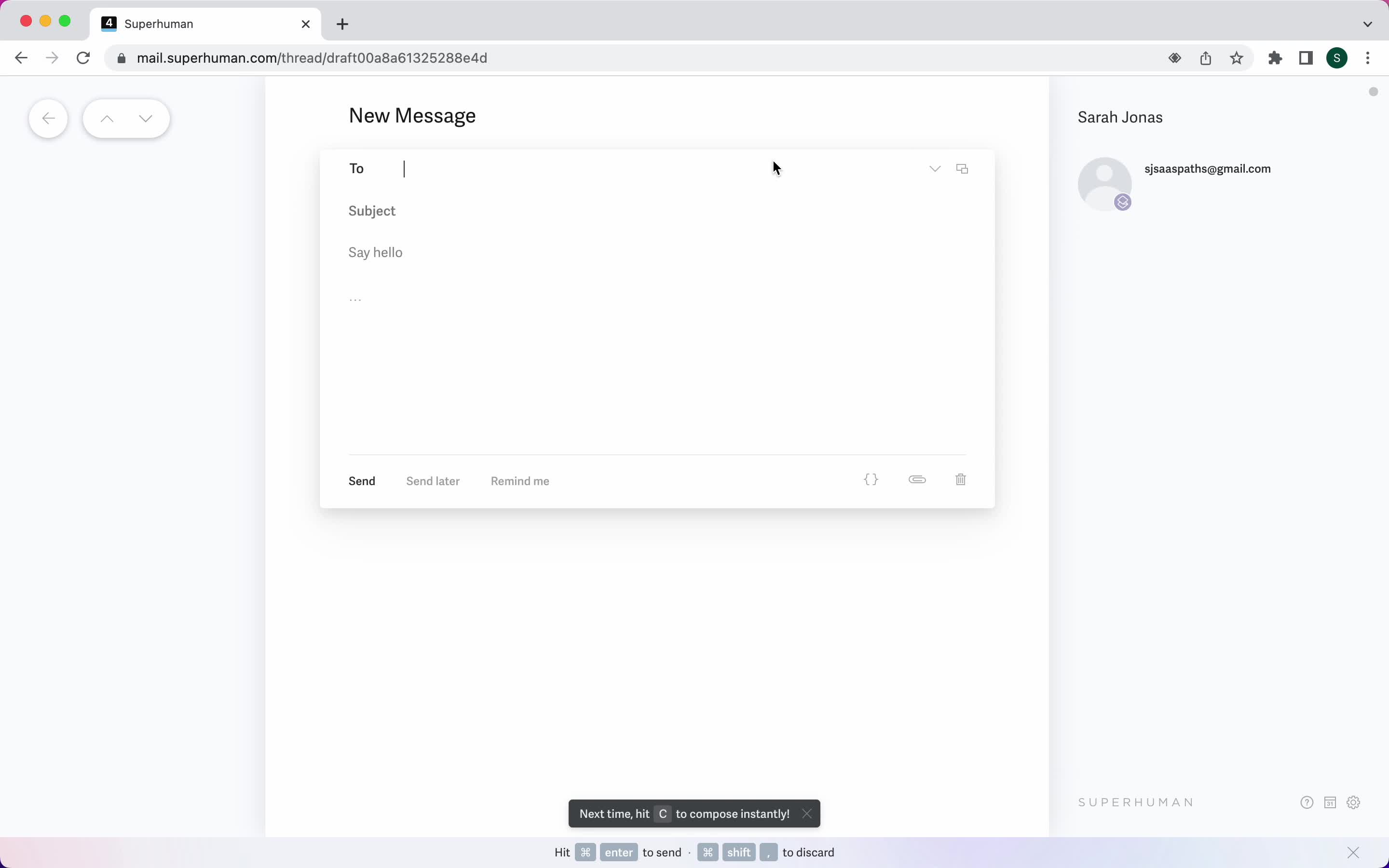
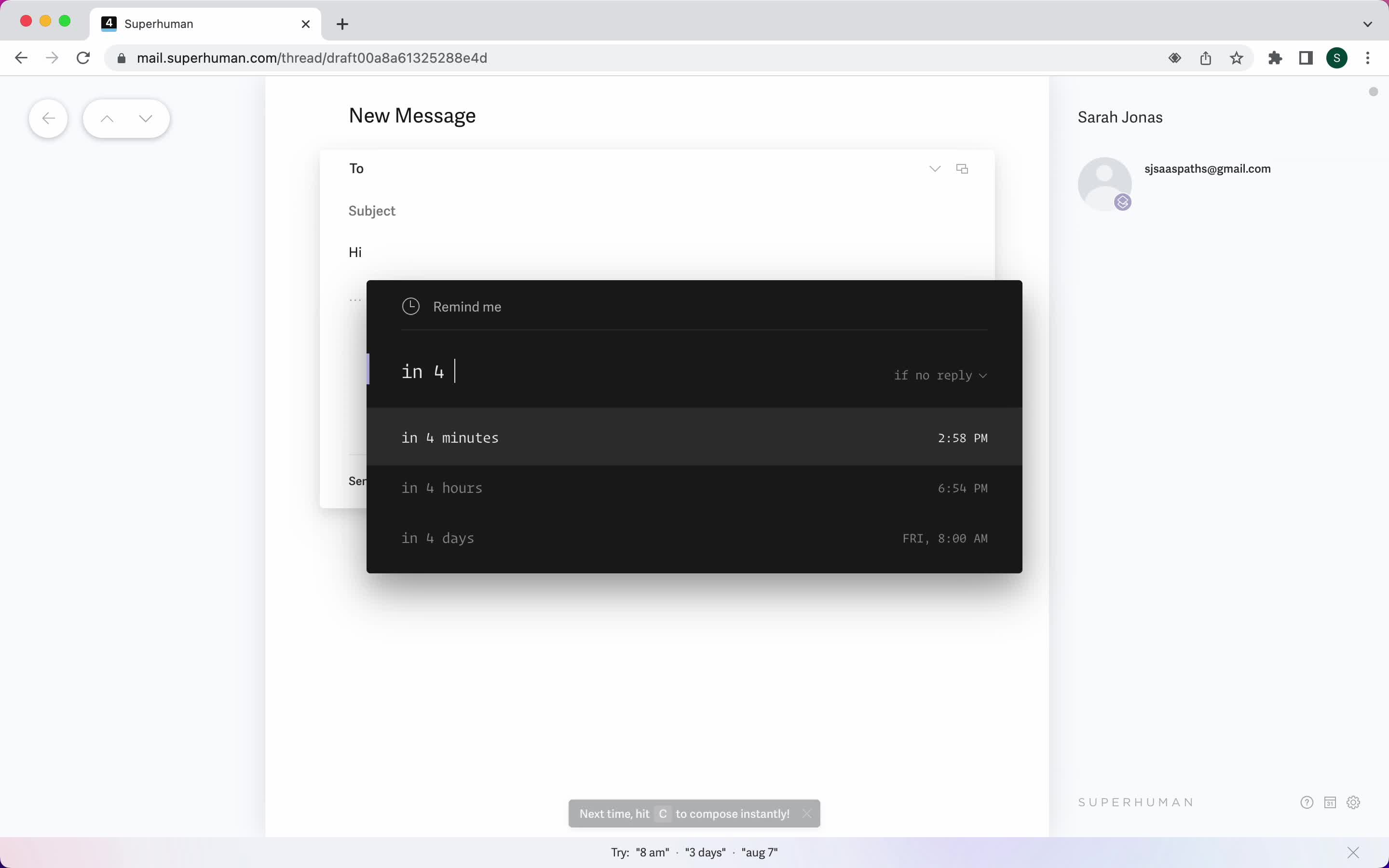
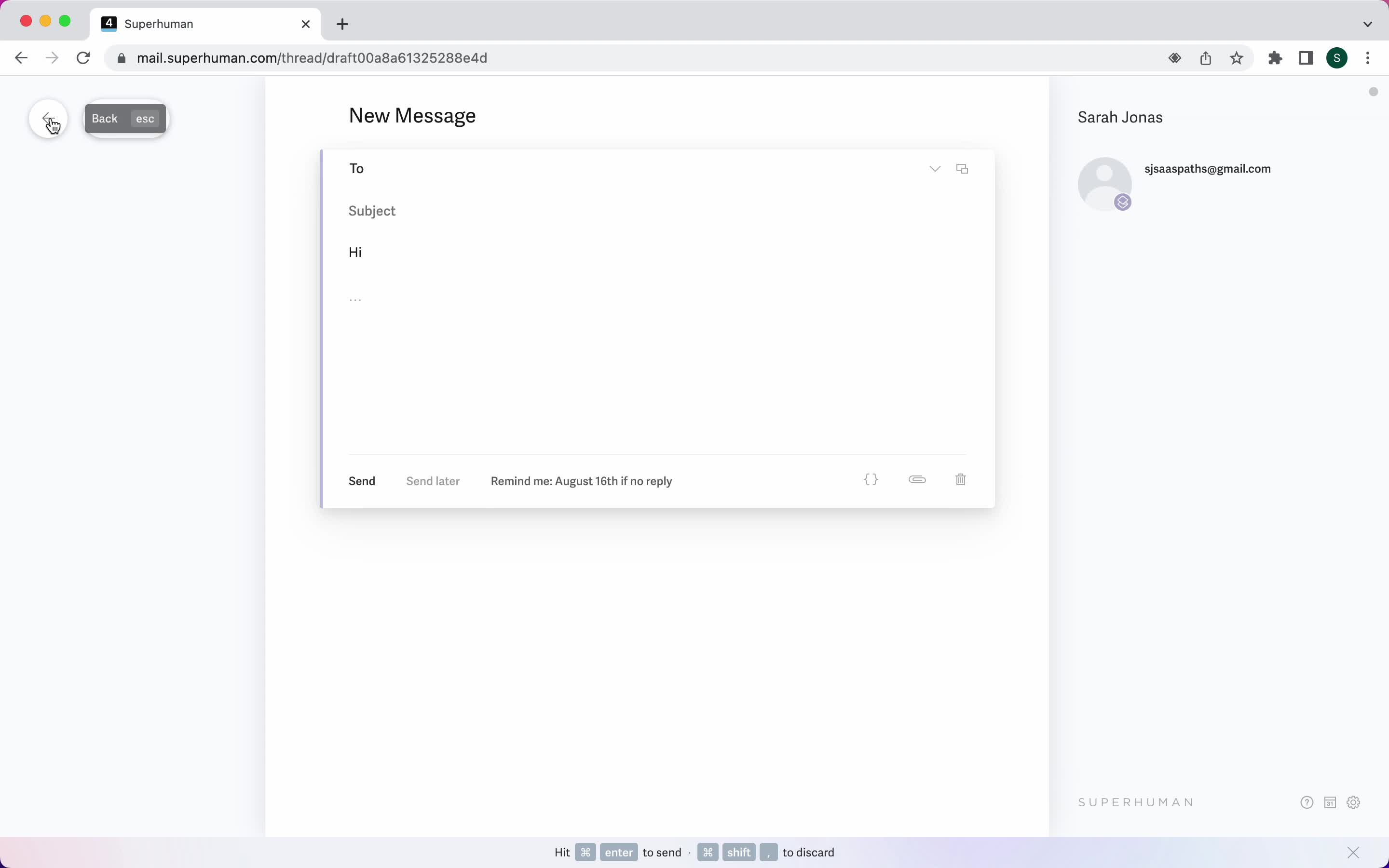
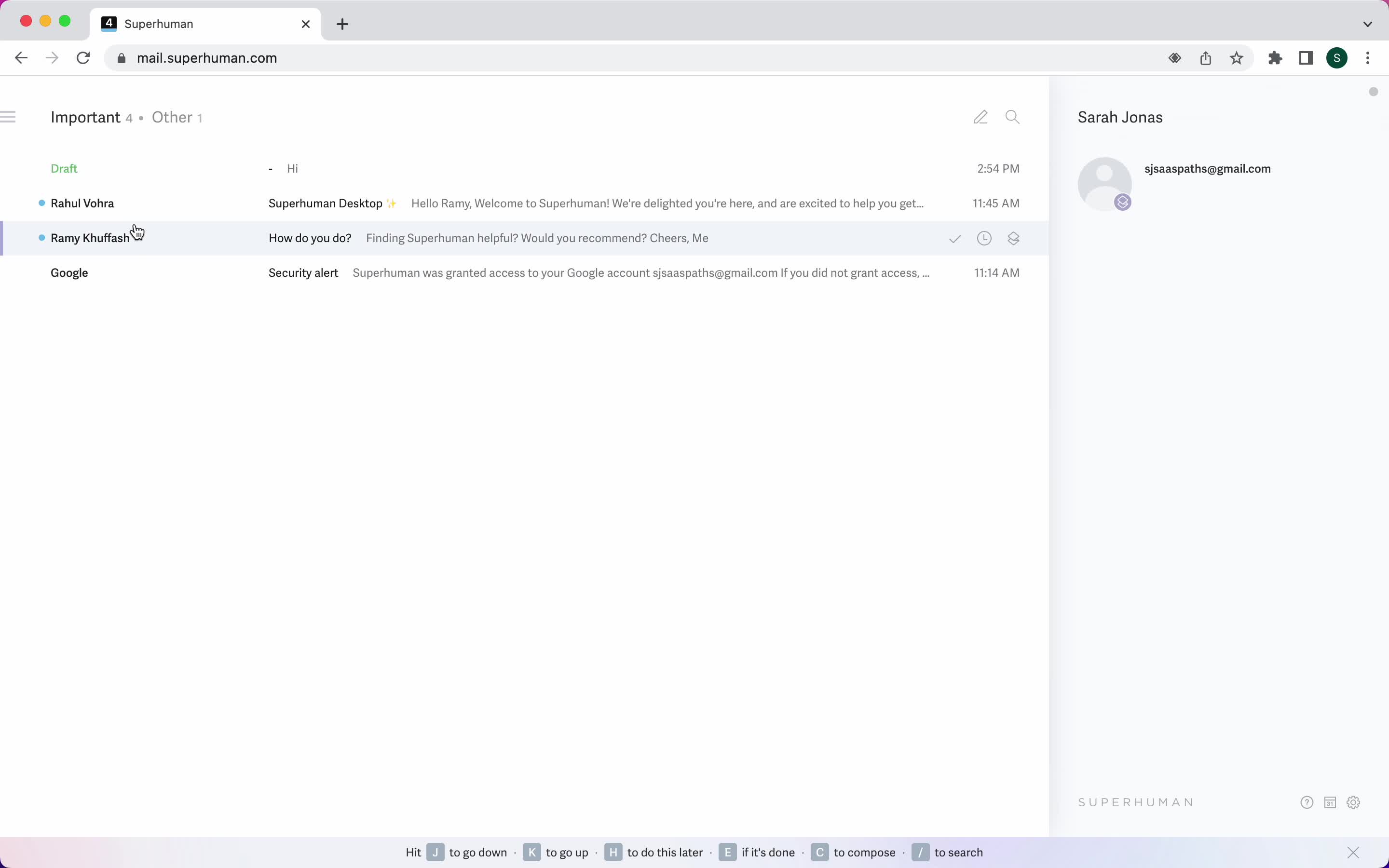
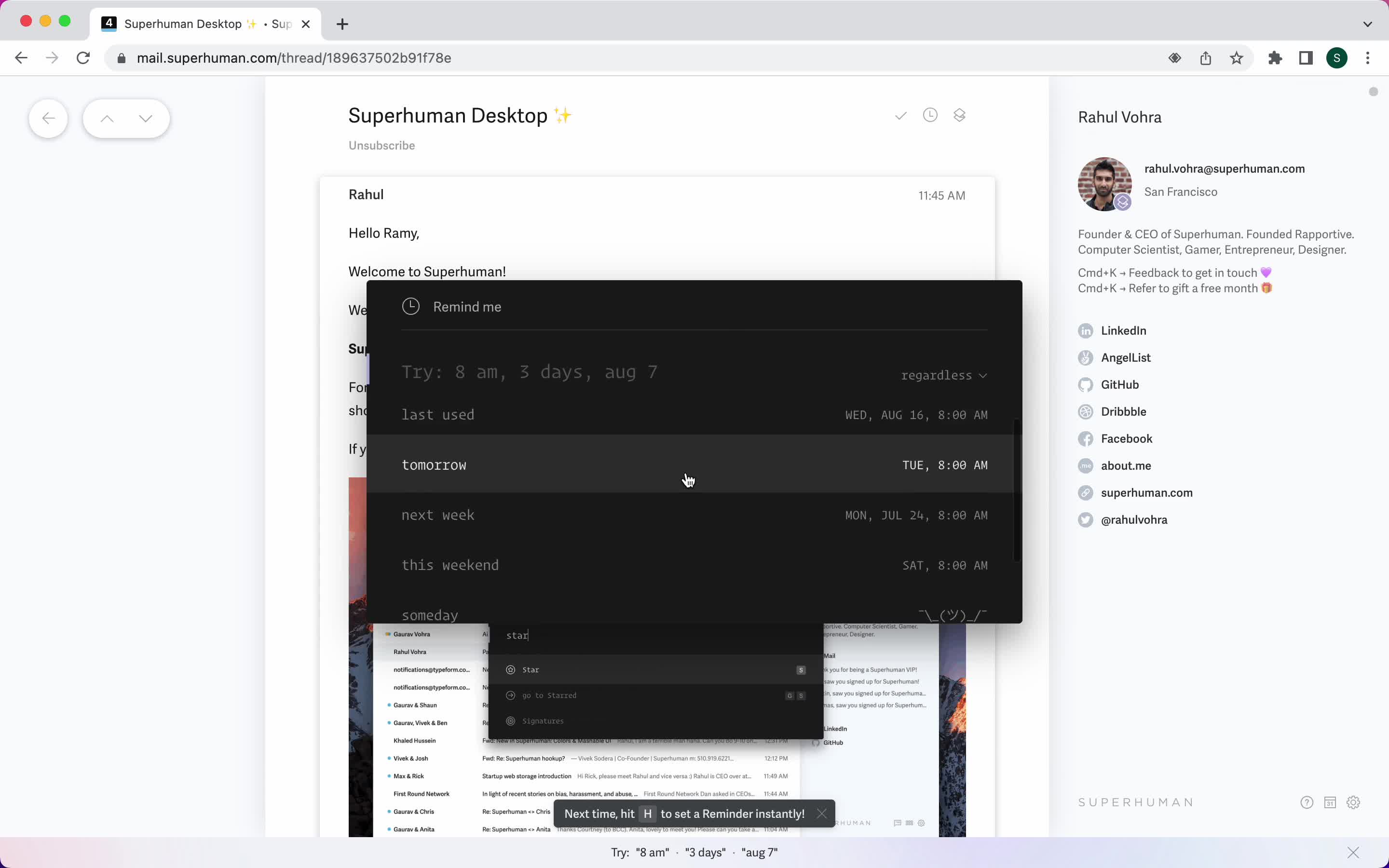
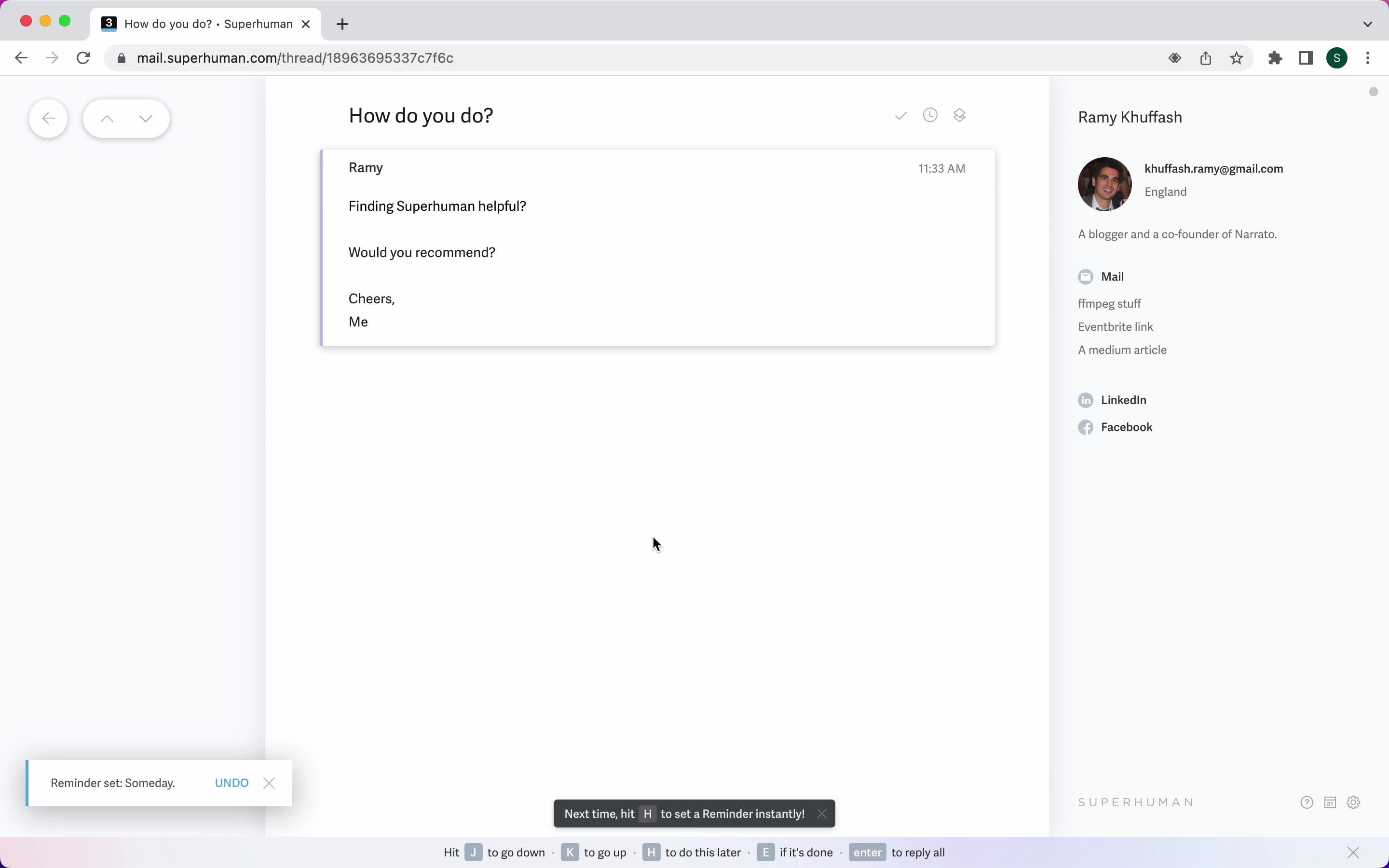
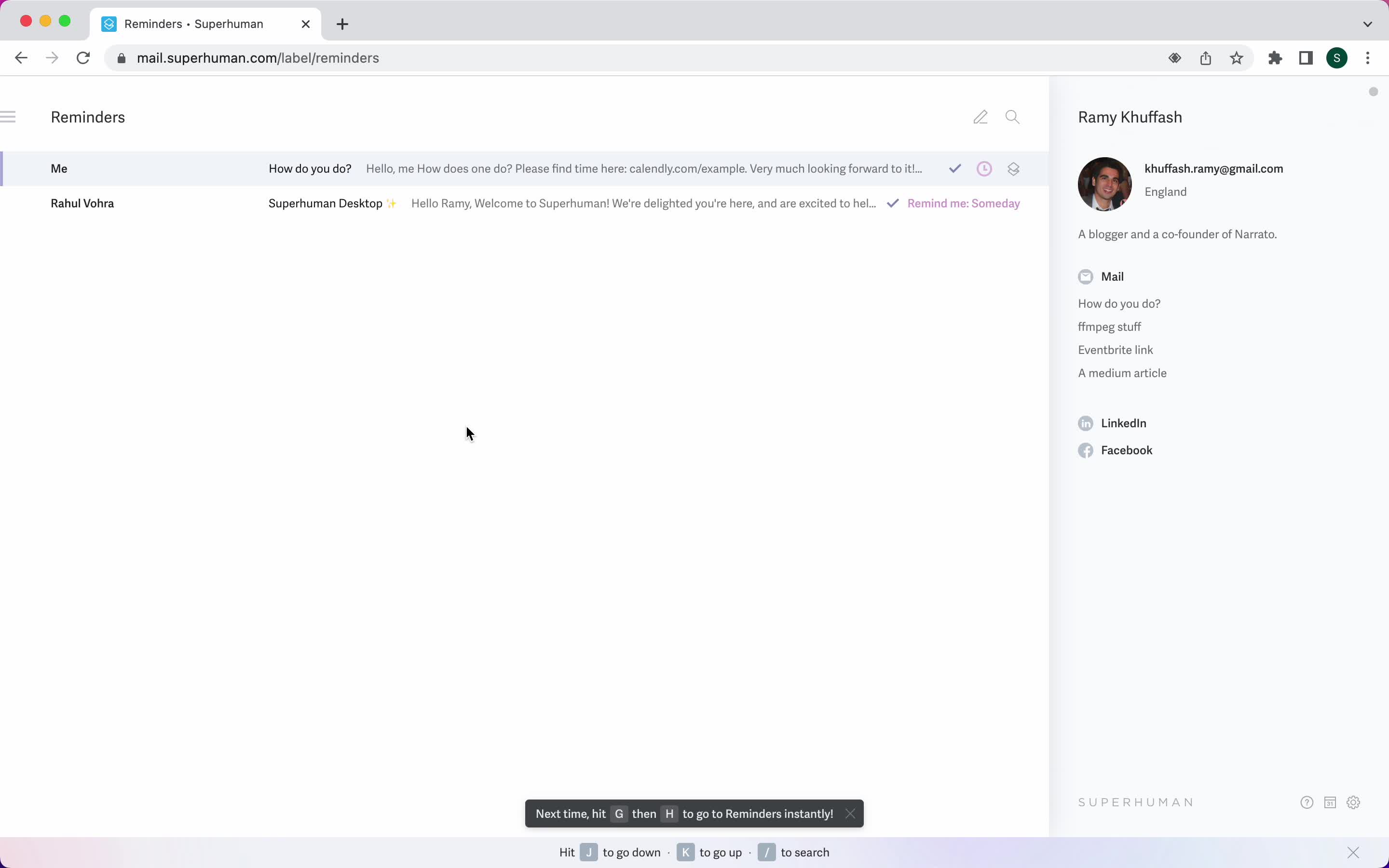
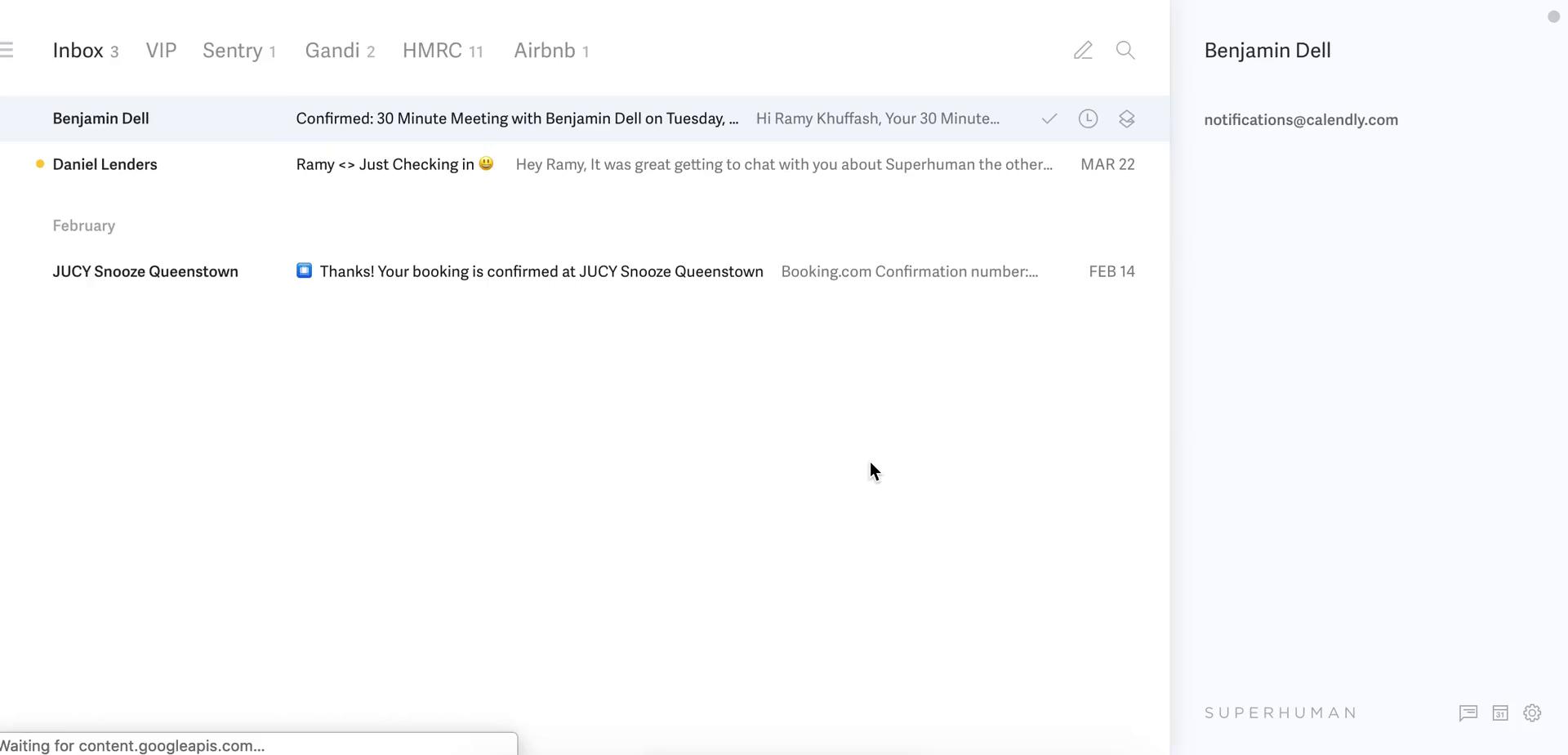
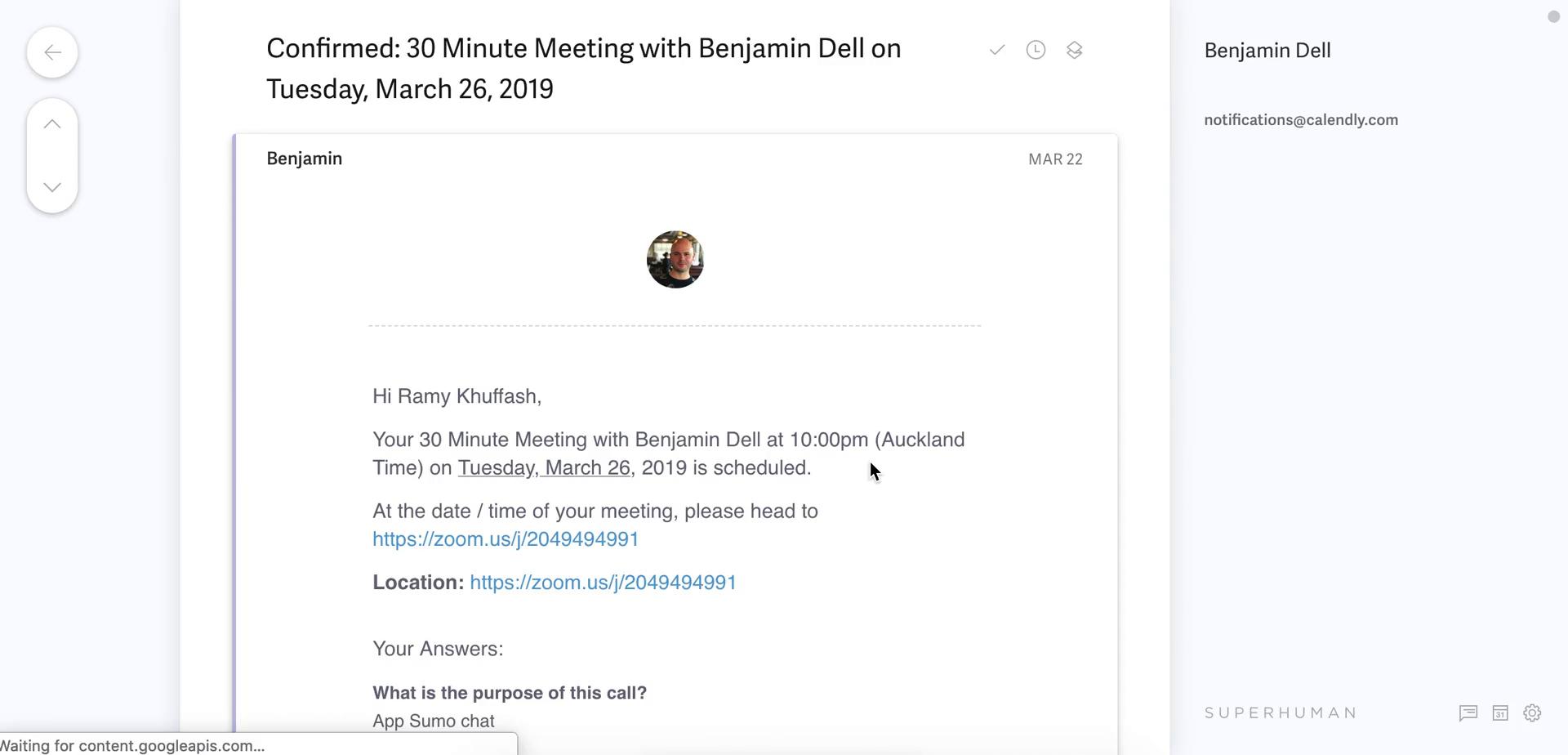
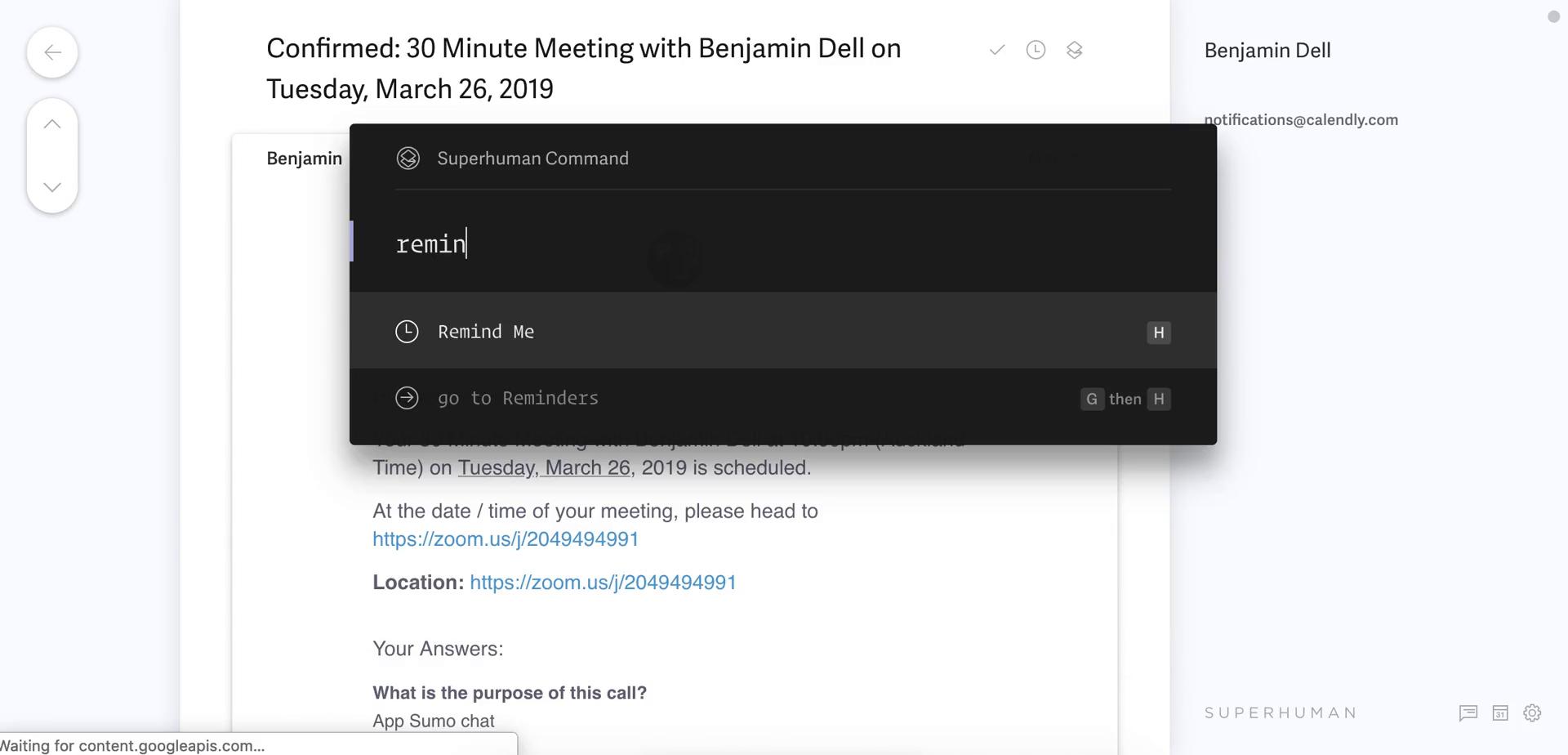
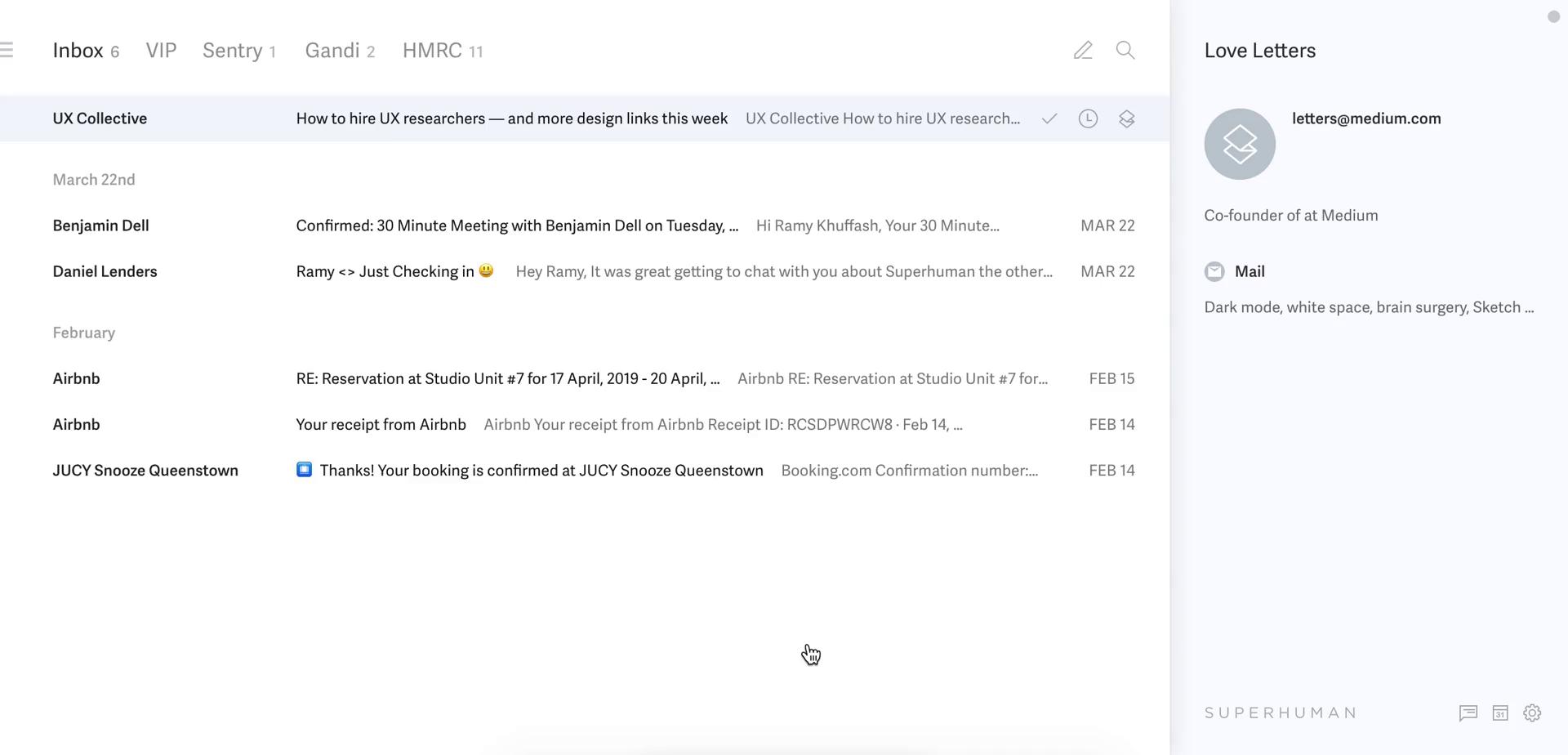
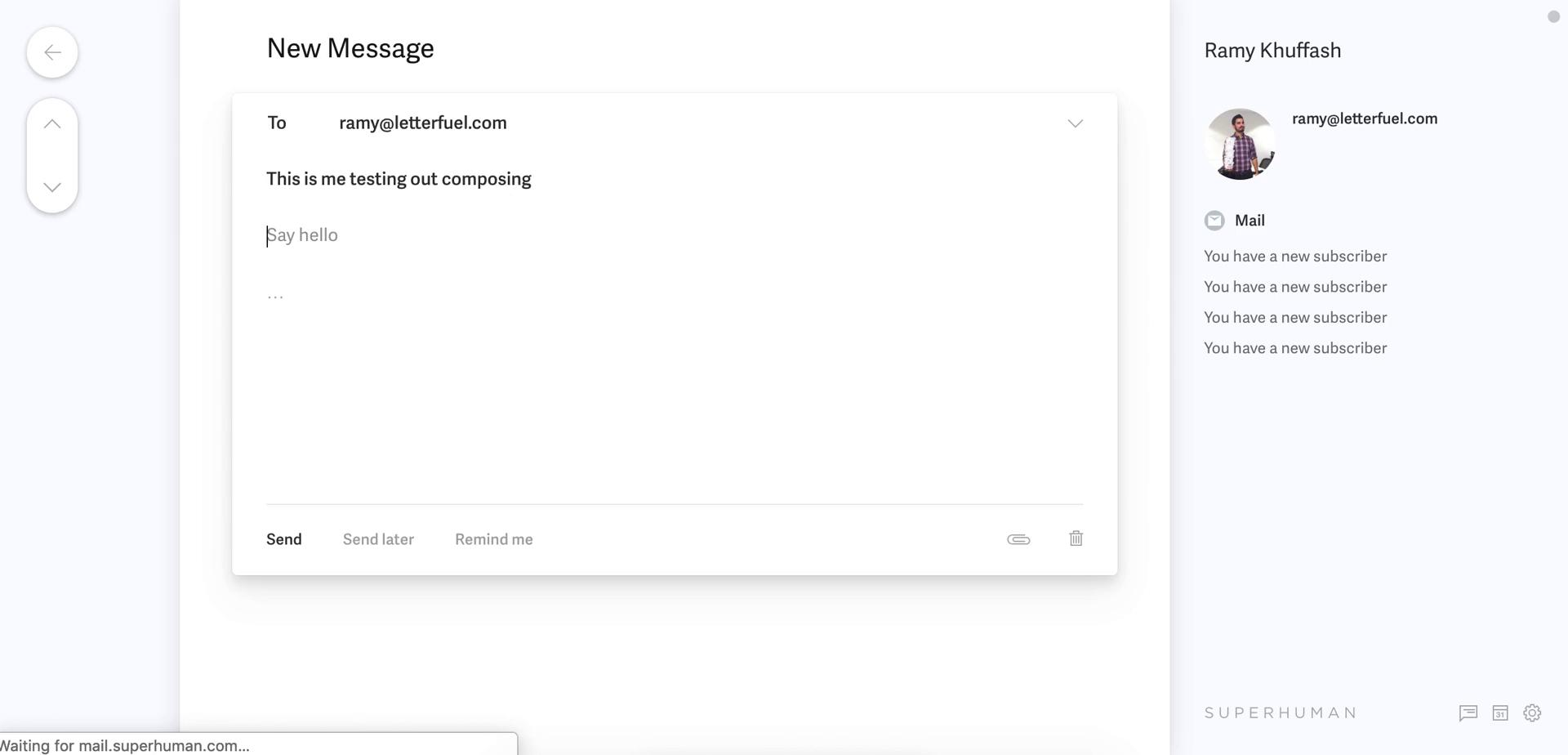
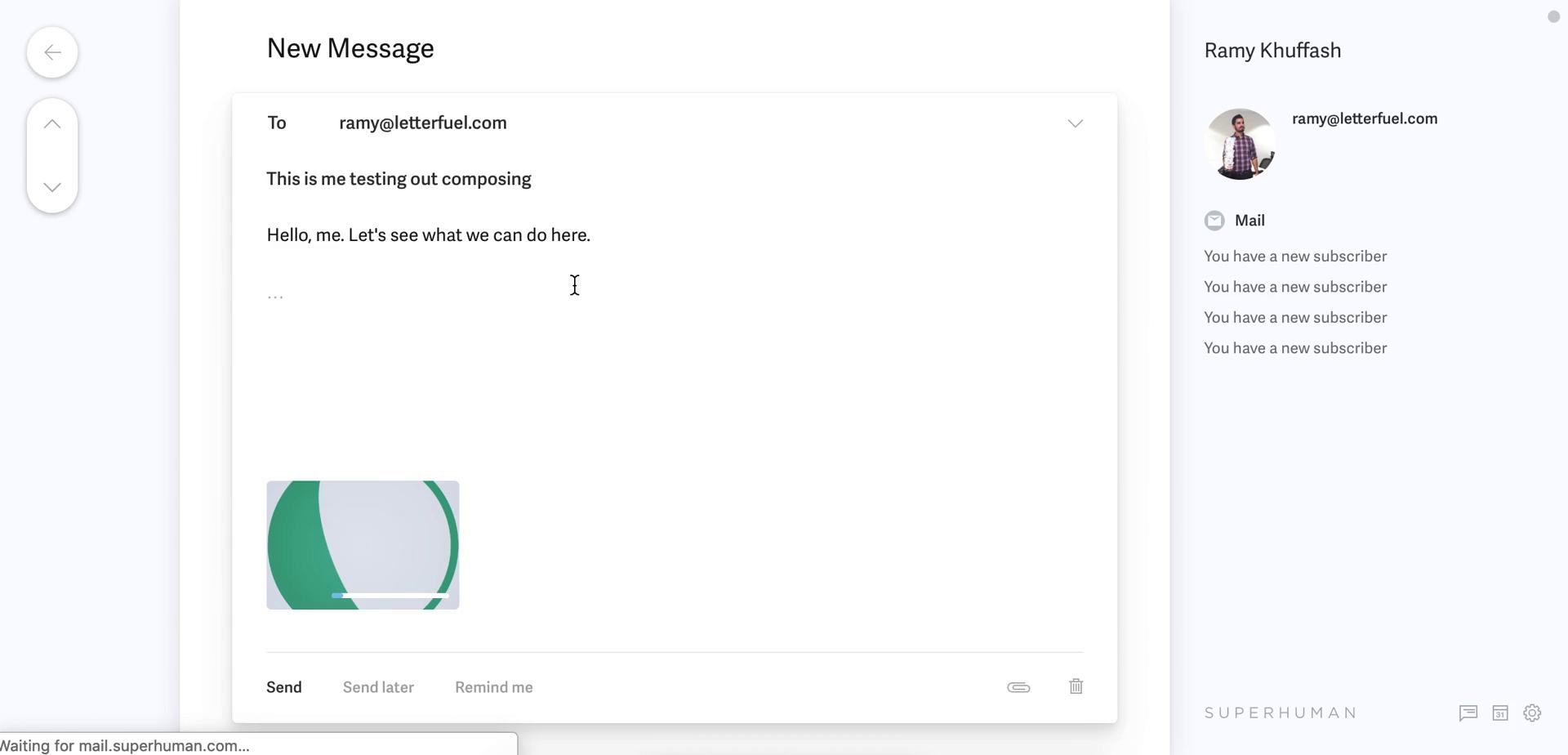
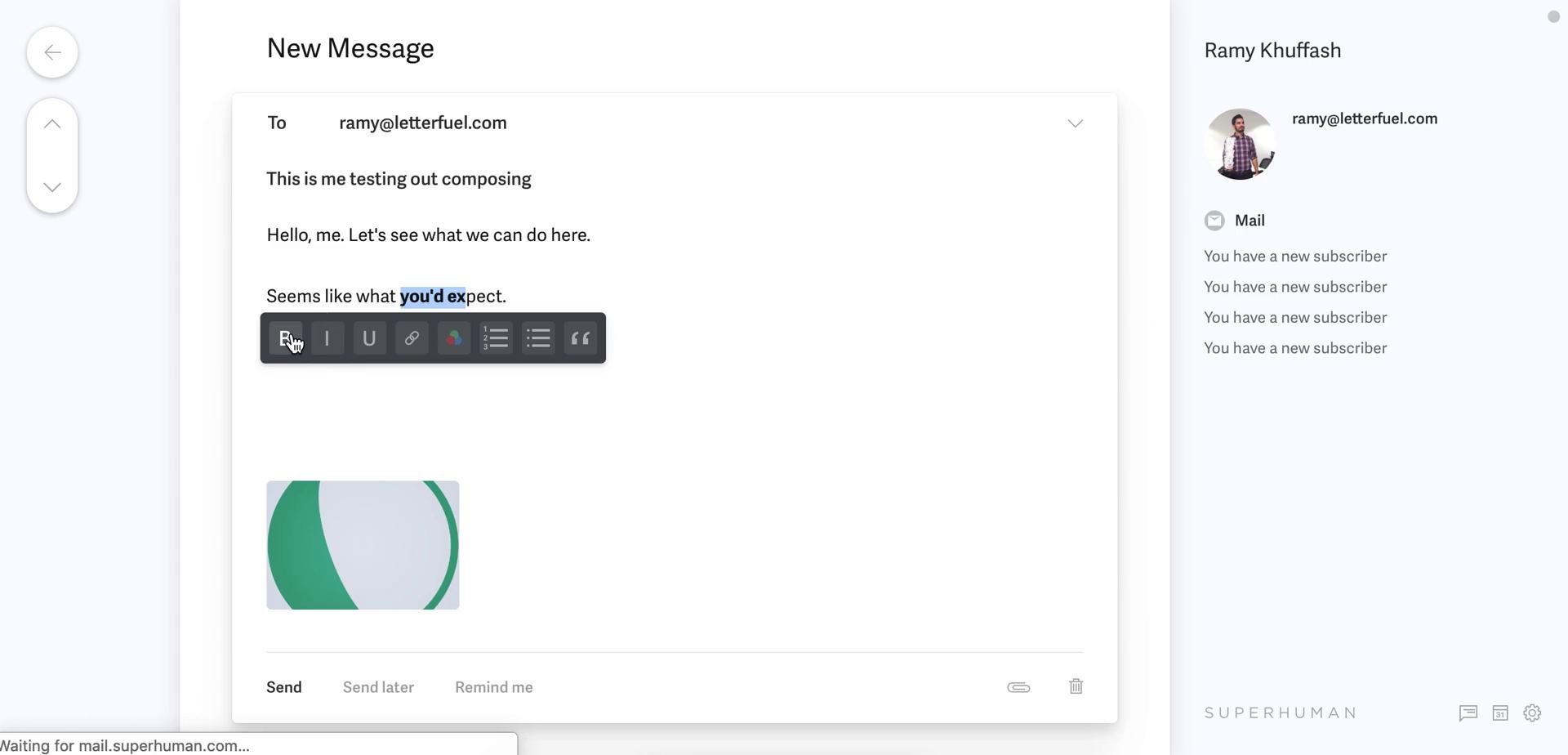
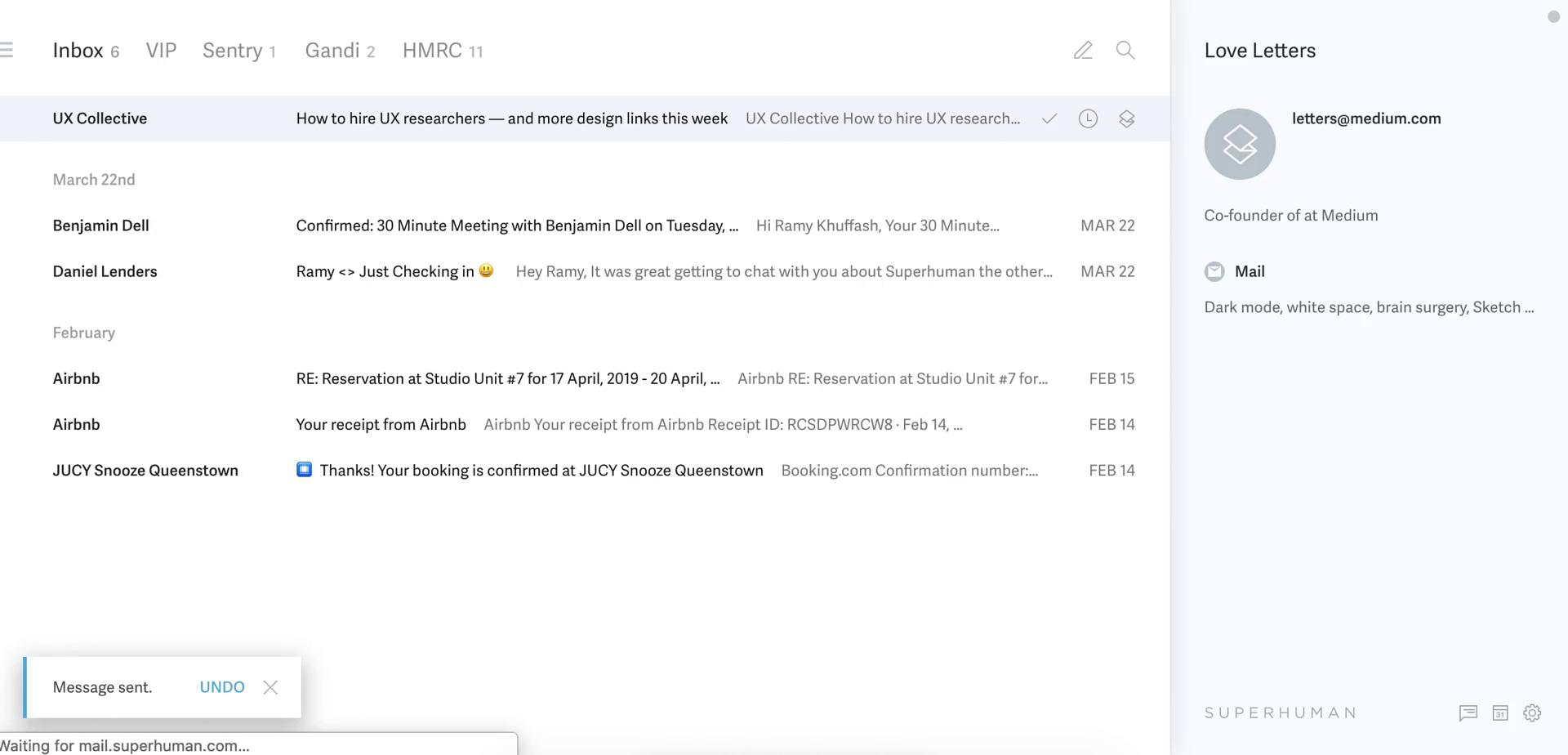
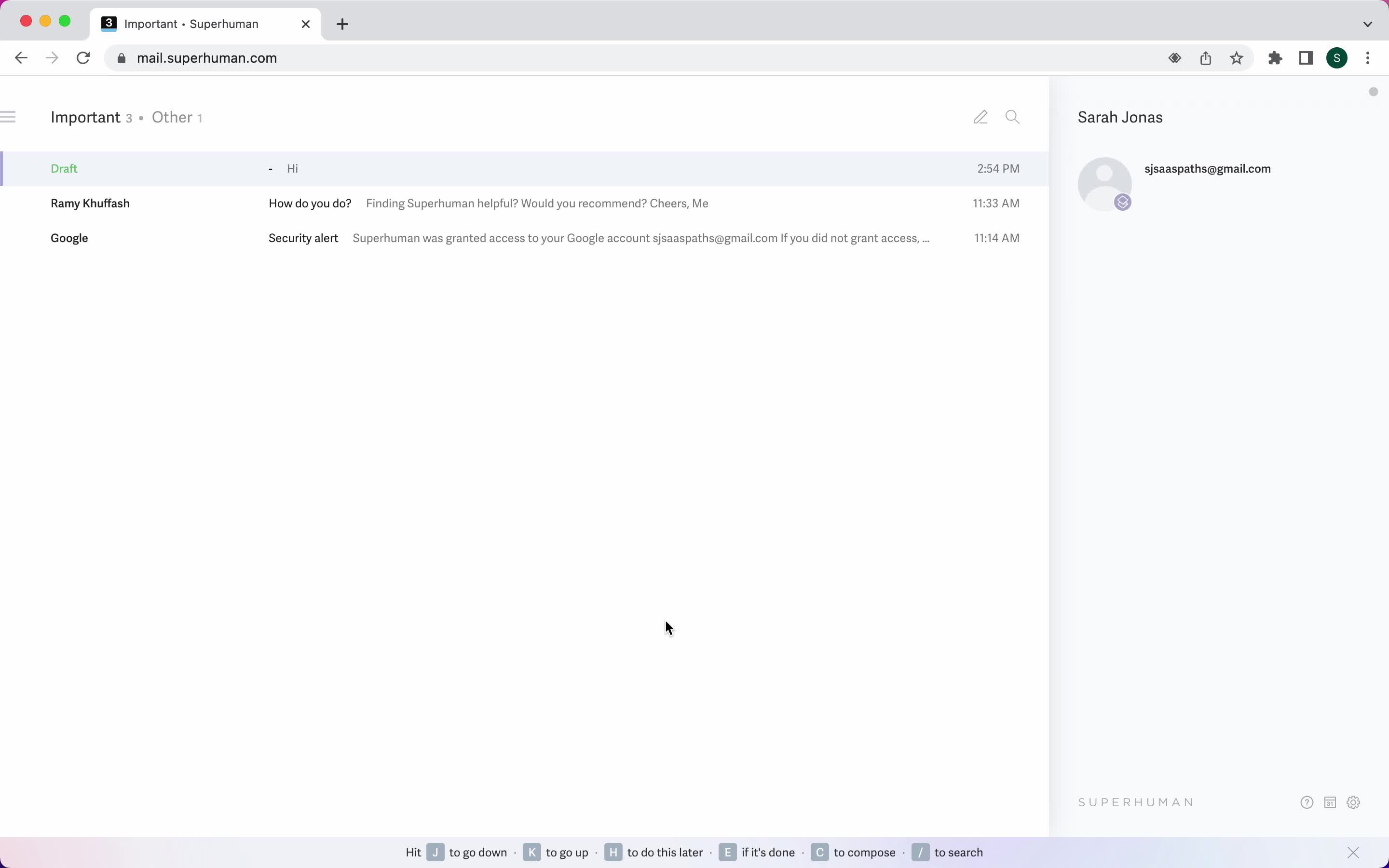
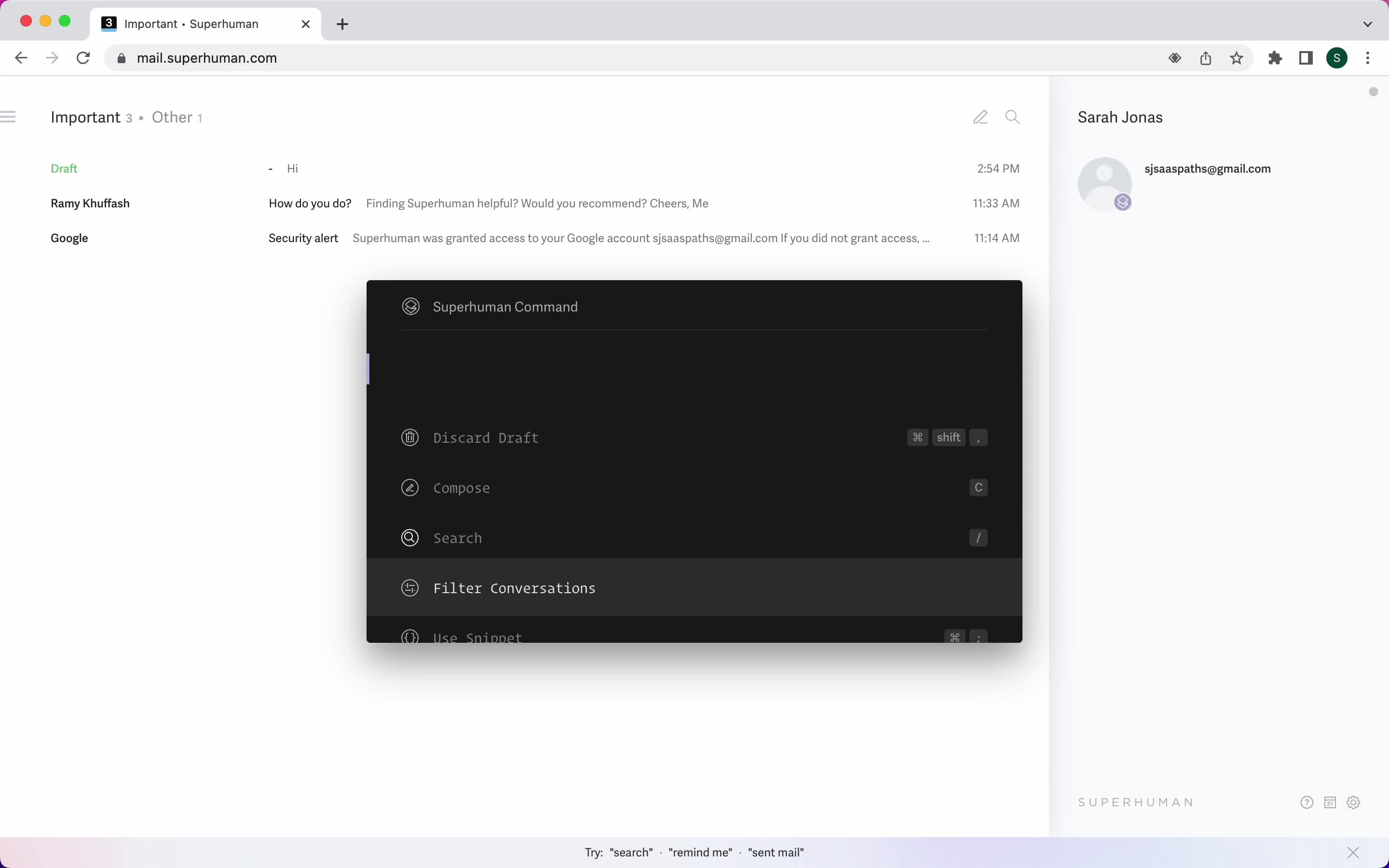
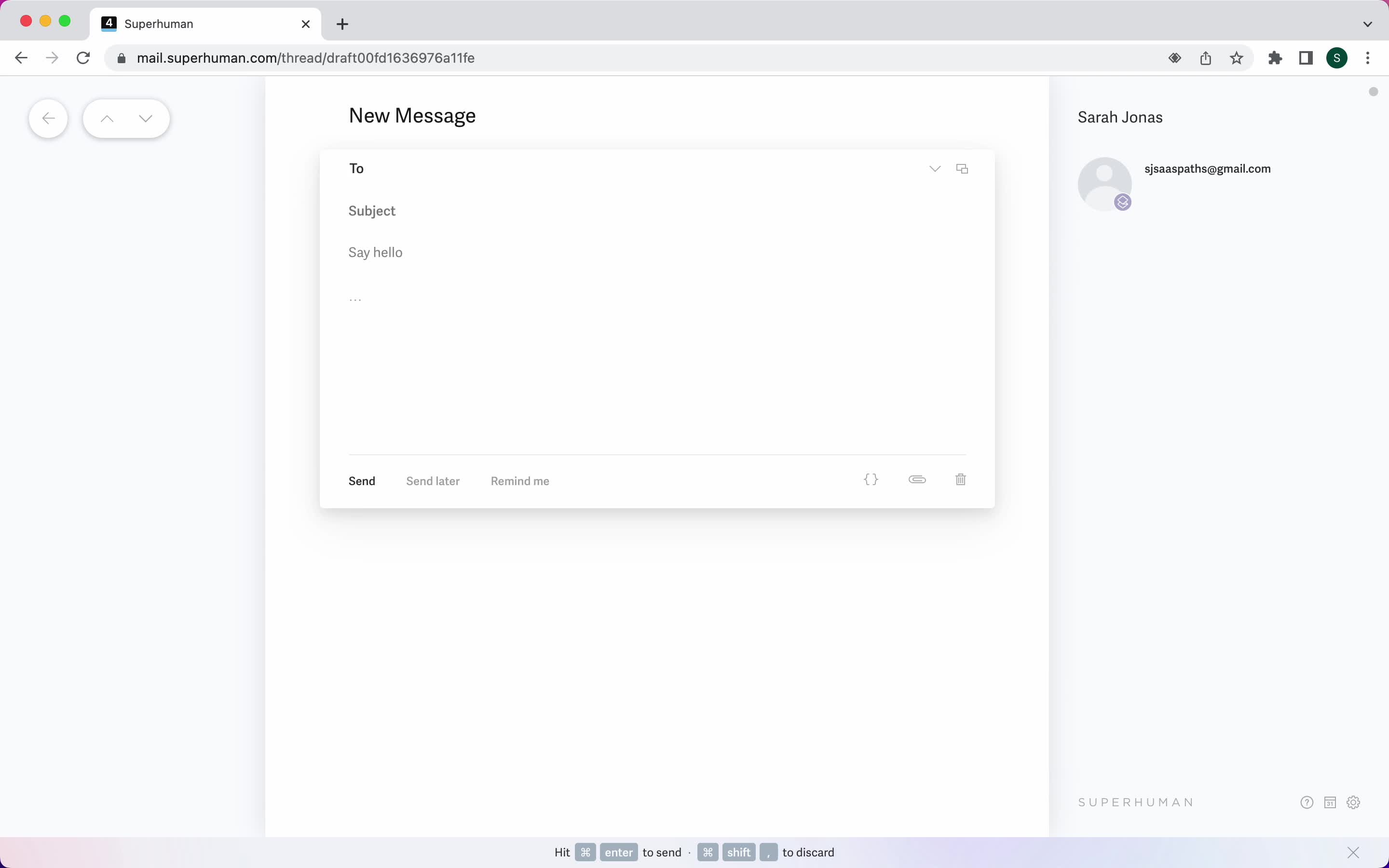
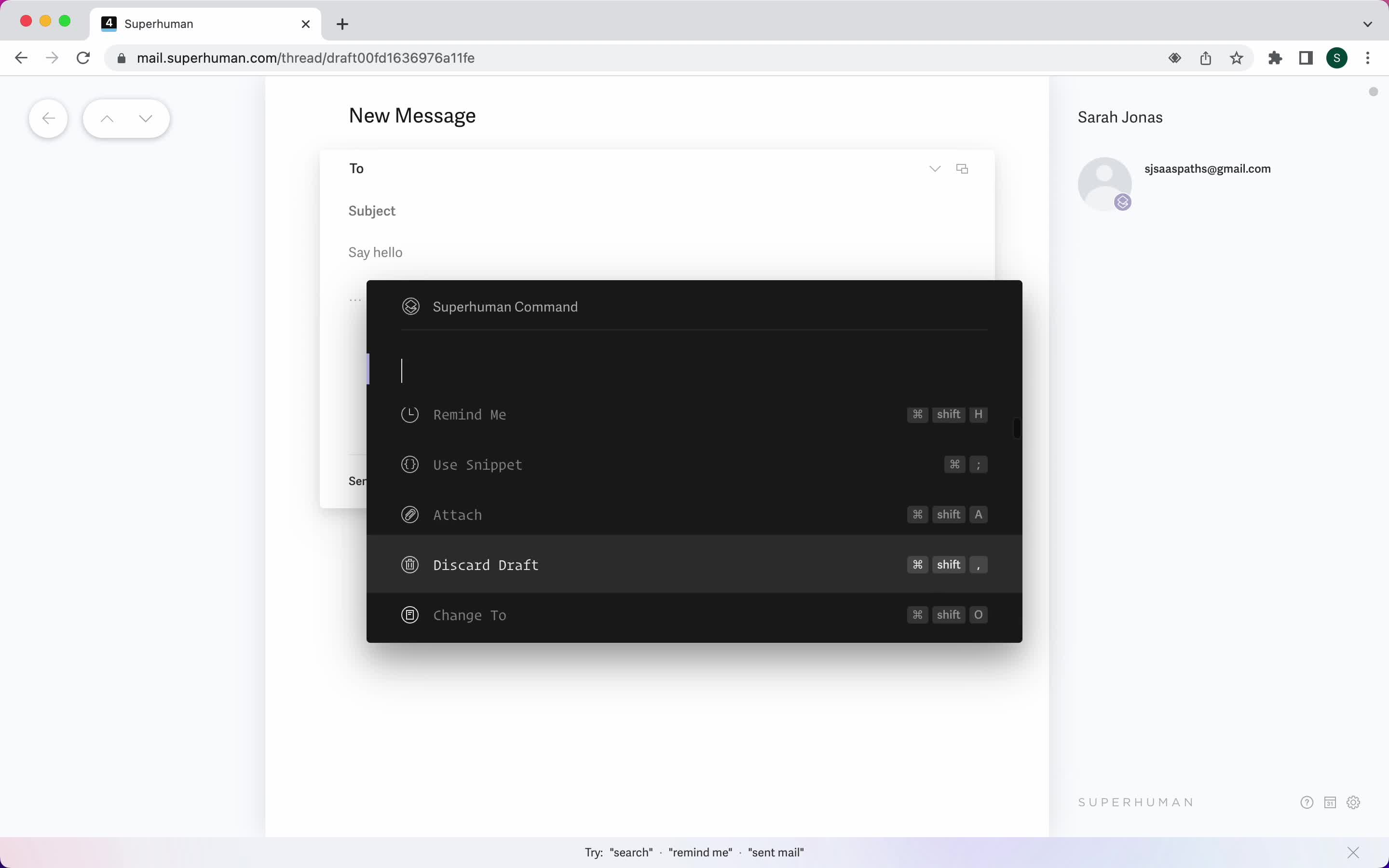
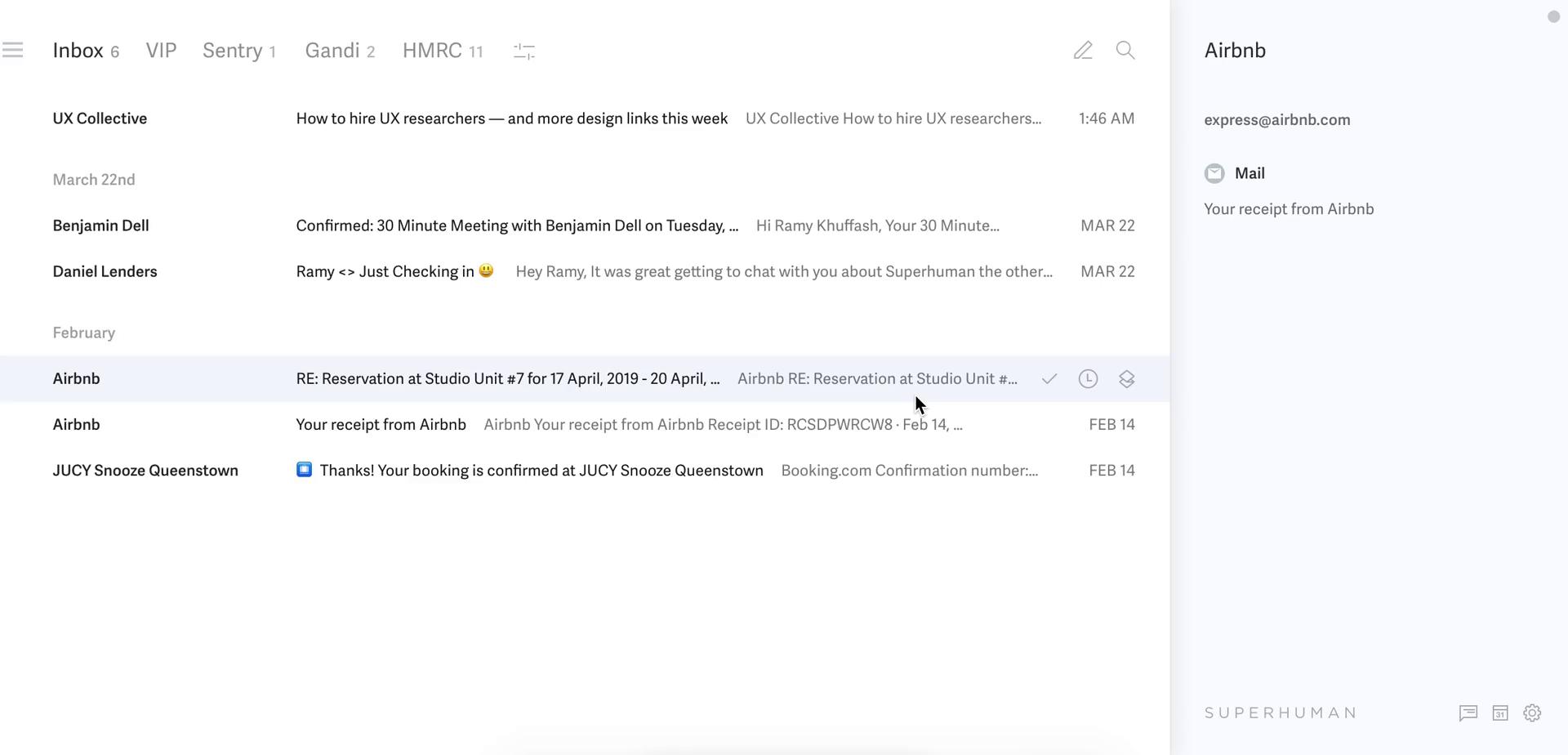
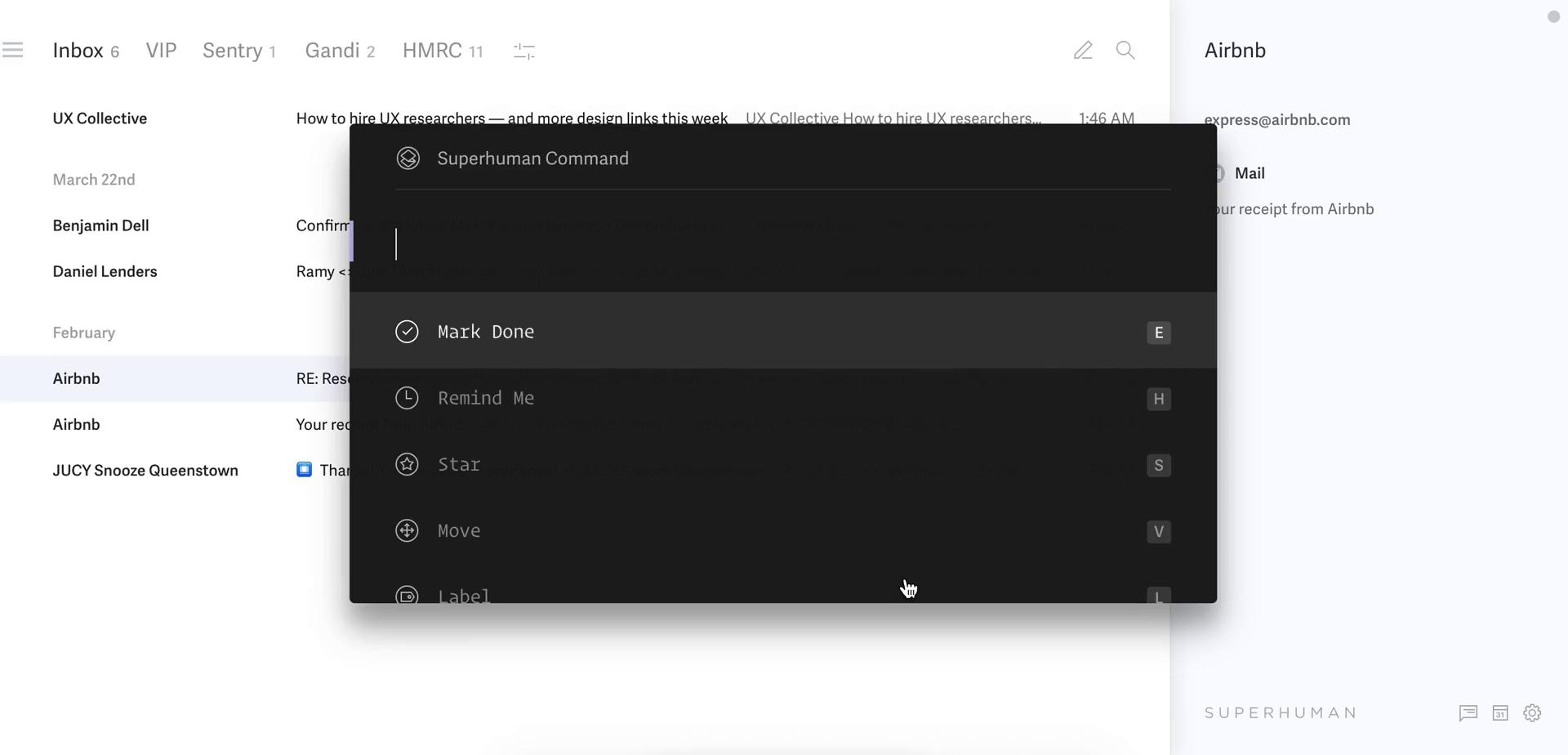
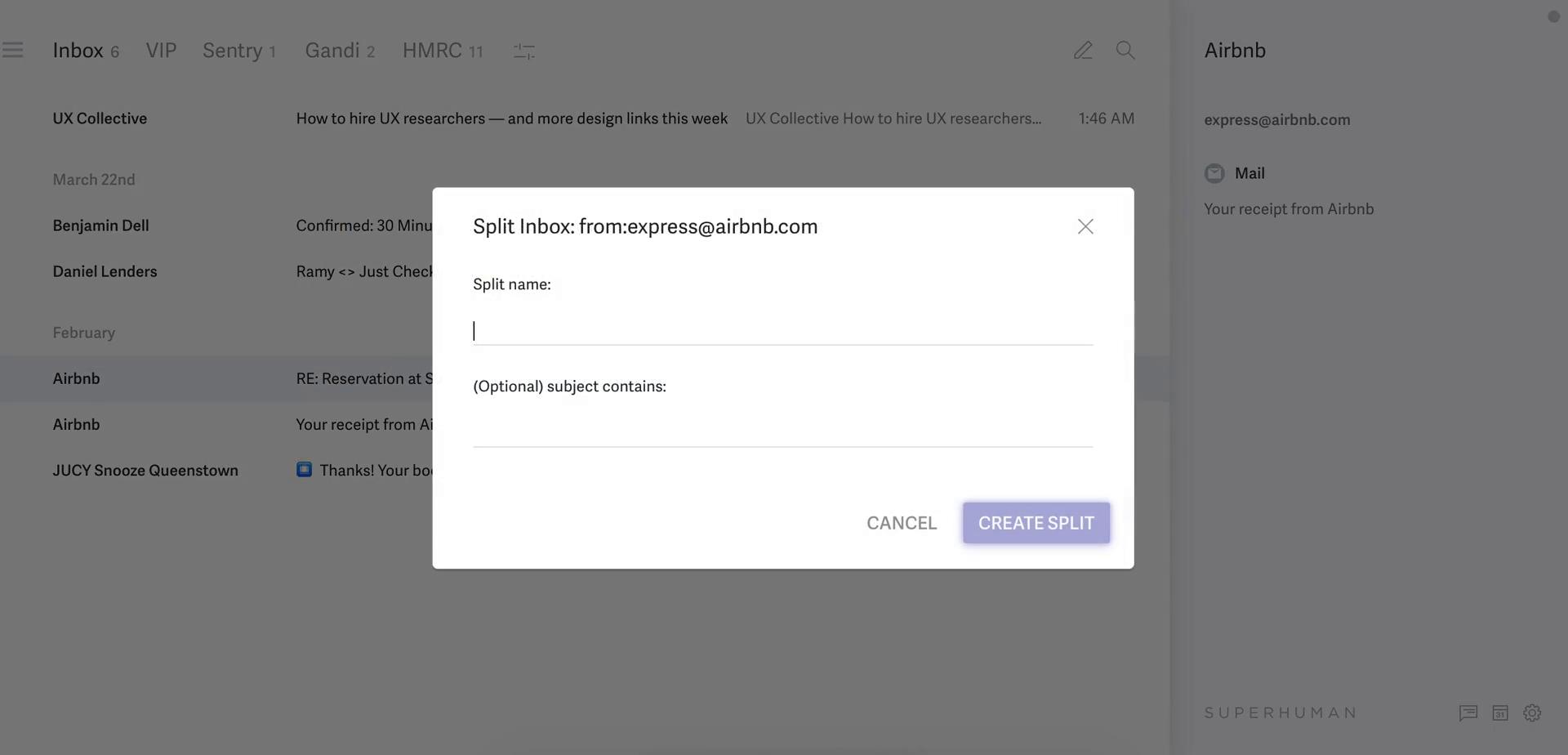
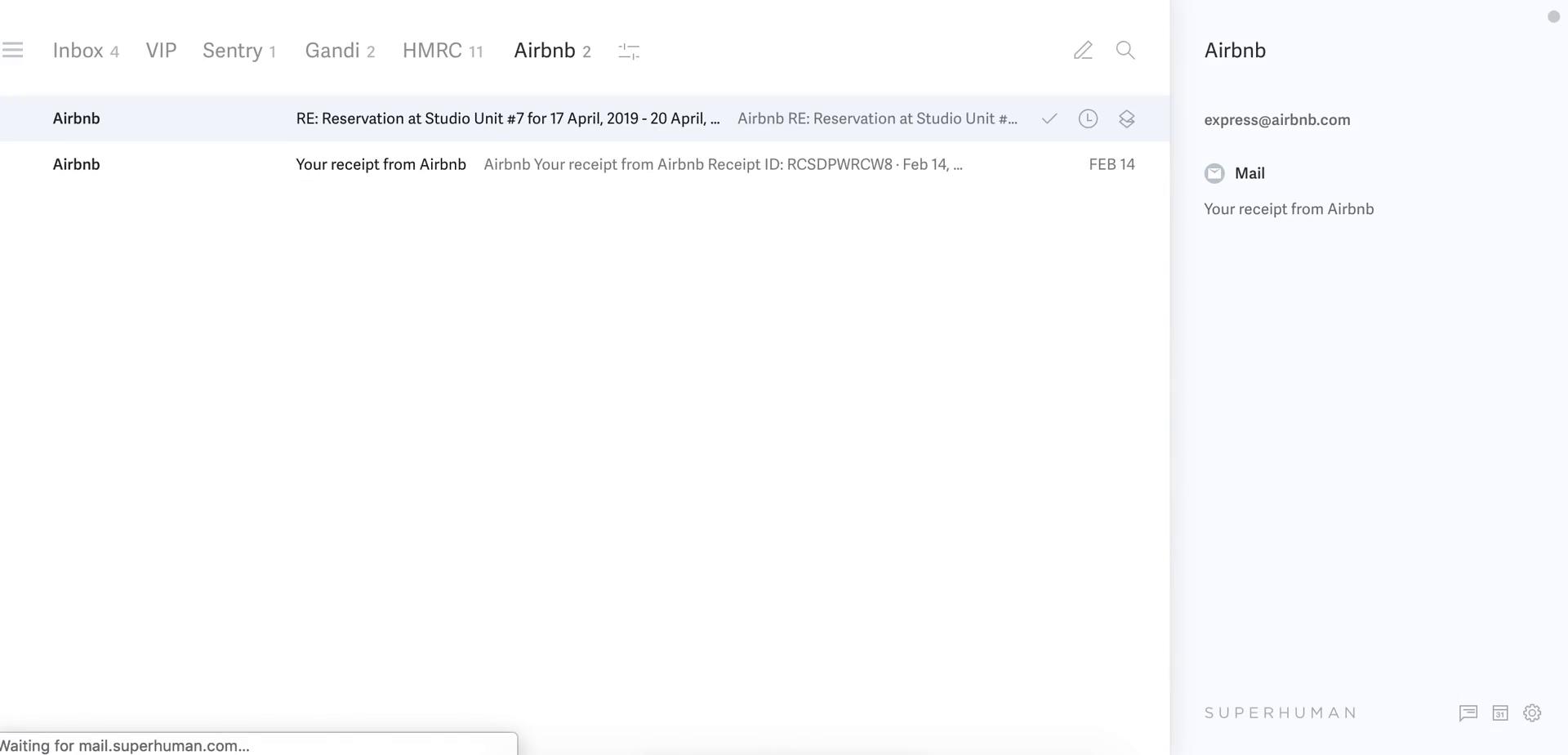
Inbox
this is title
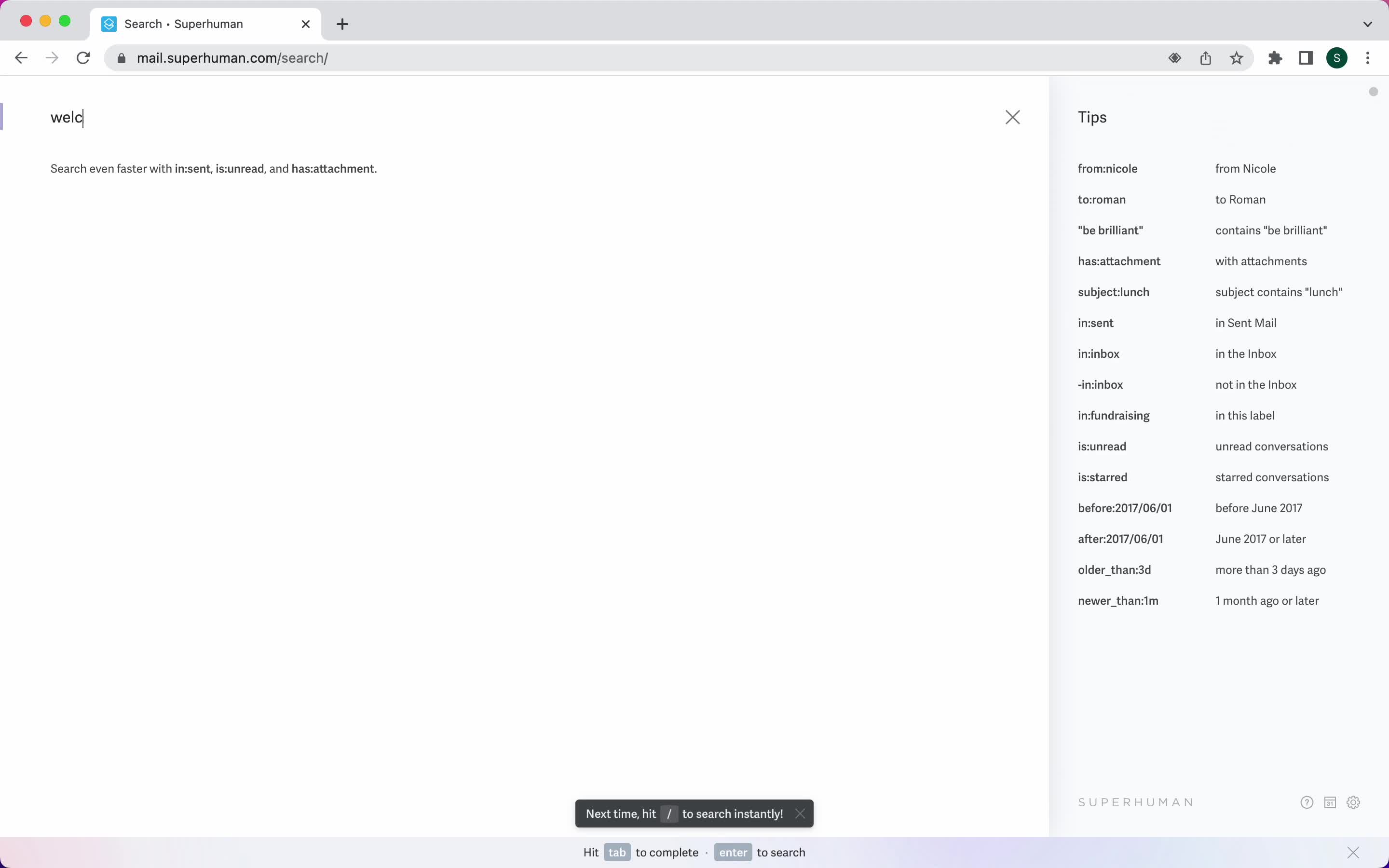
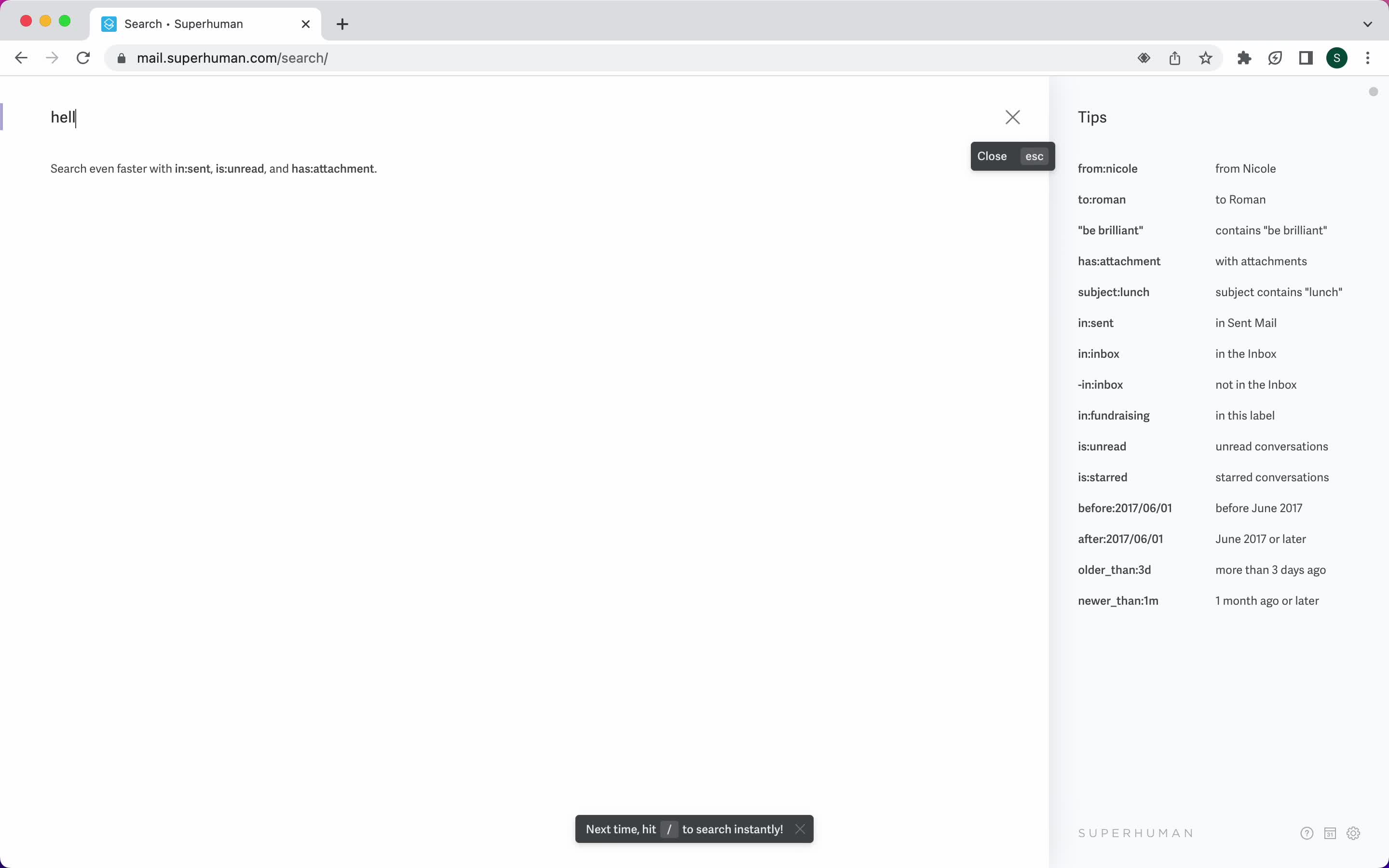
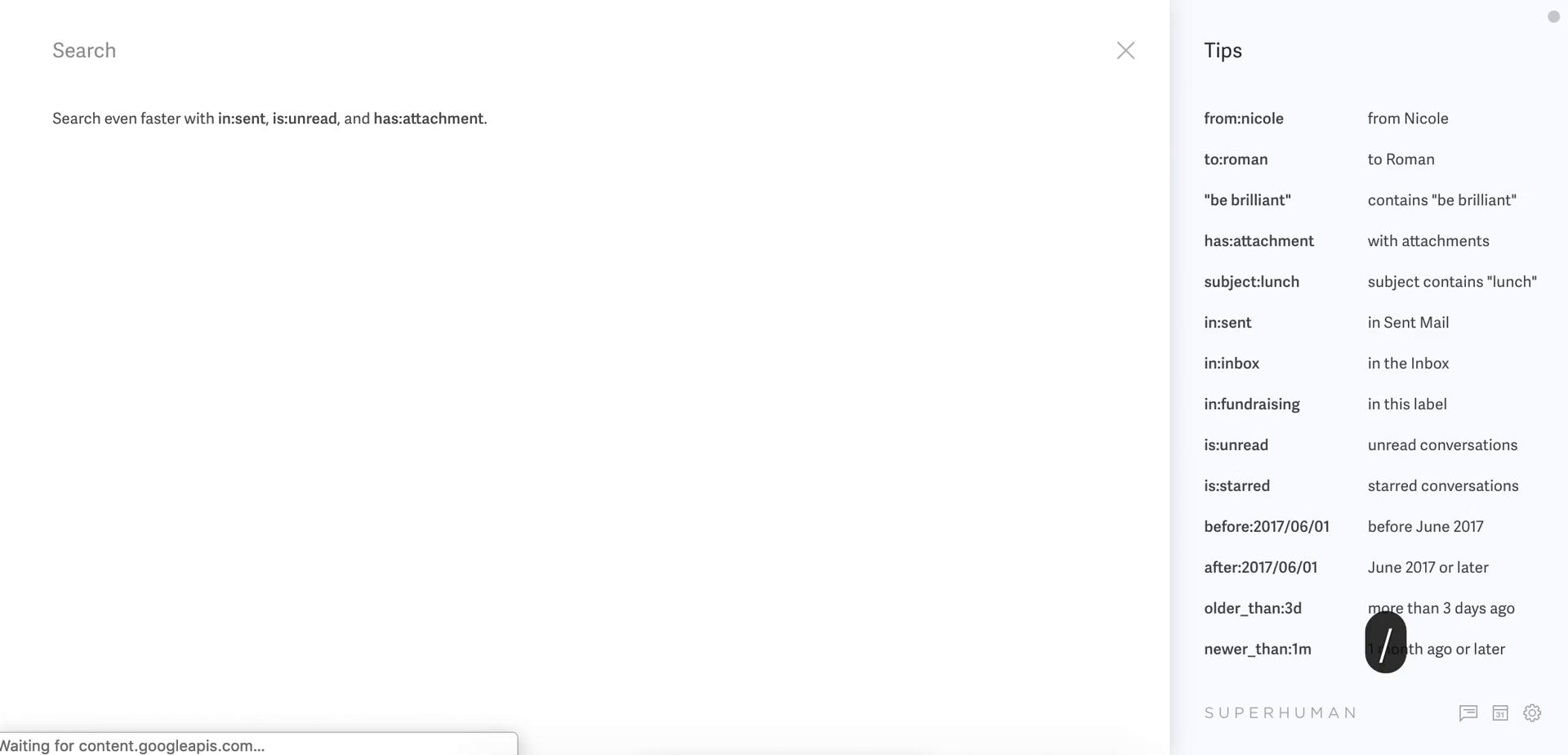
Search
this is title
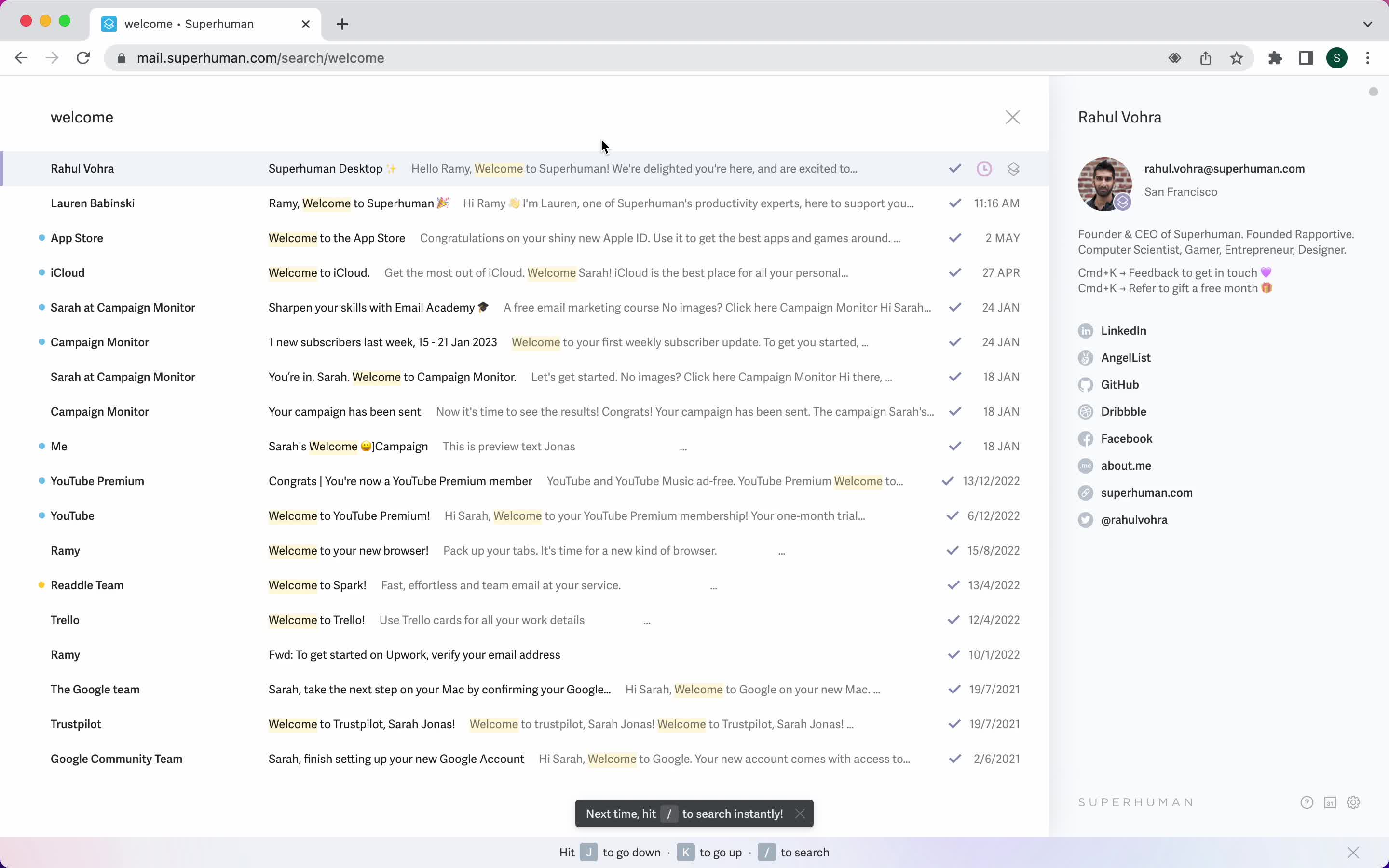
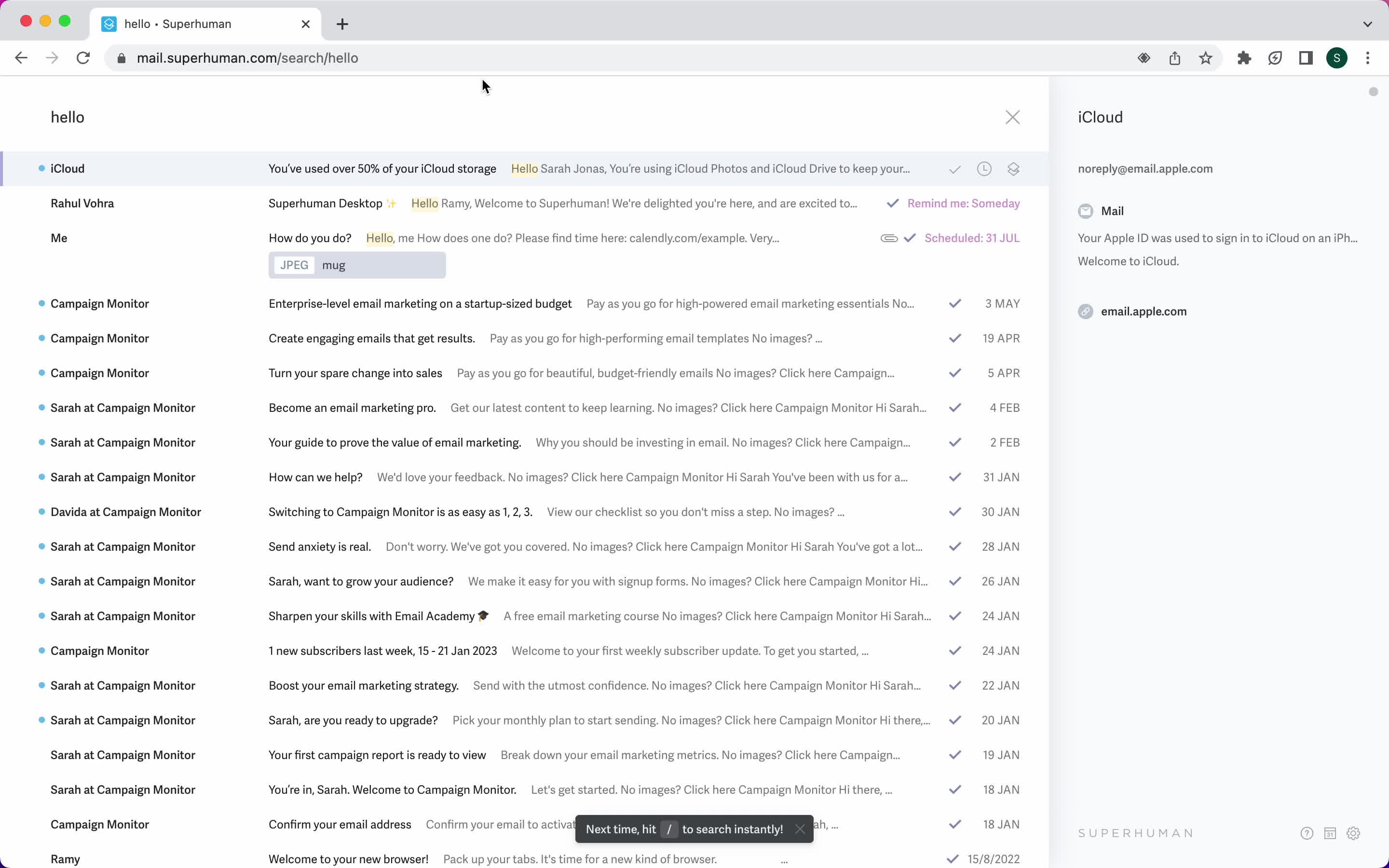
Search results
this is title
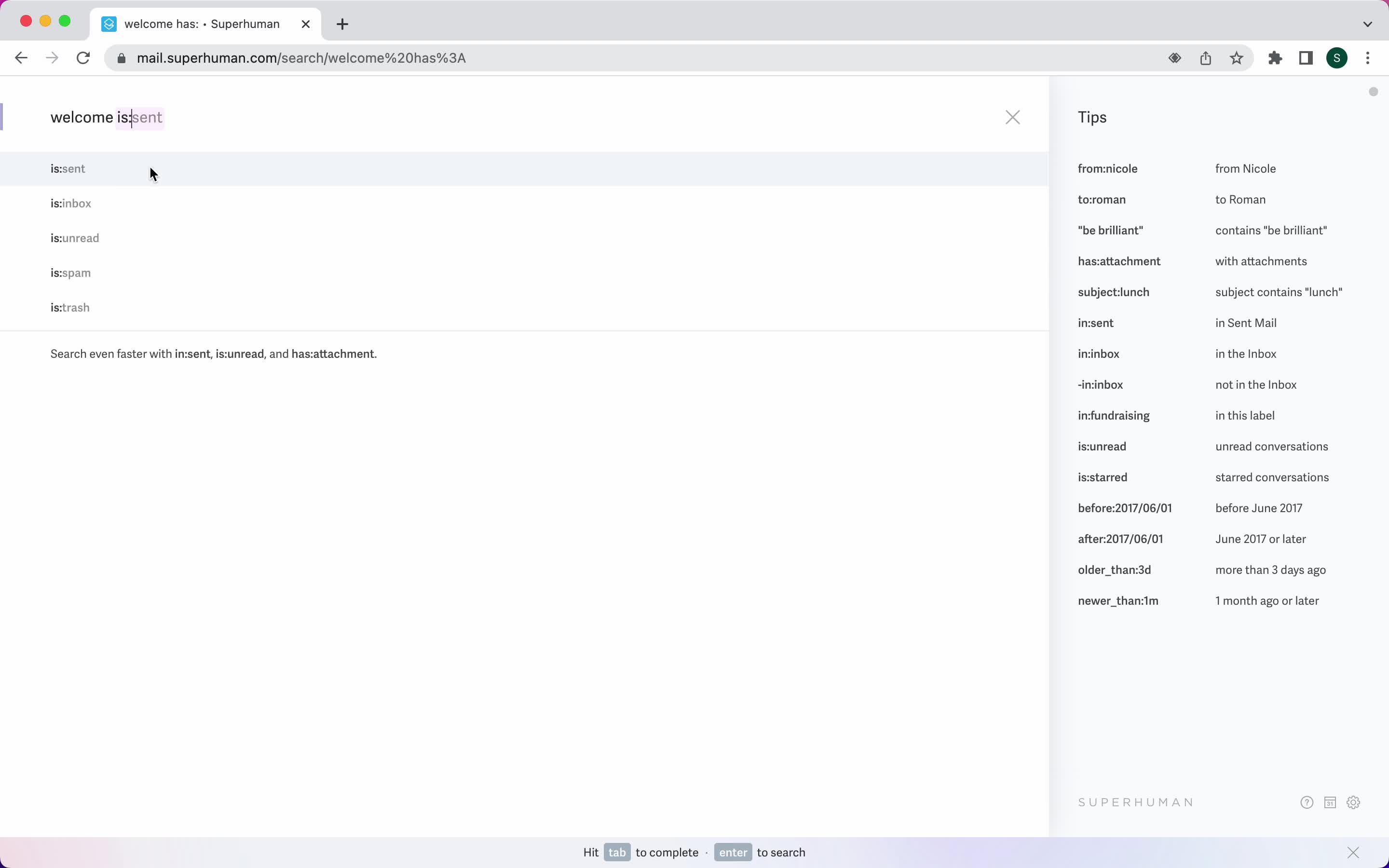
Search autocomplete
this is title
Search results
this is title
No search results
this is title
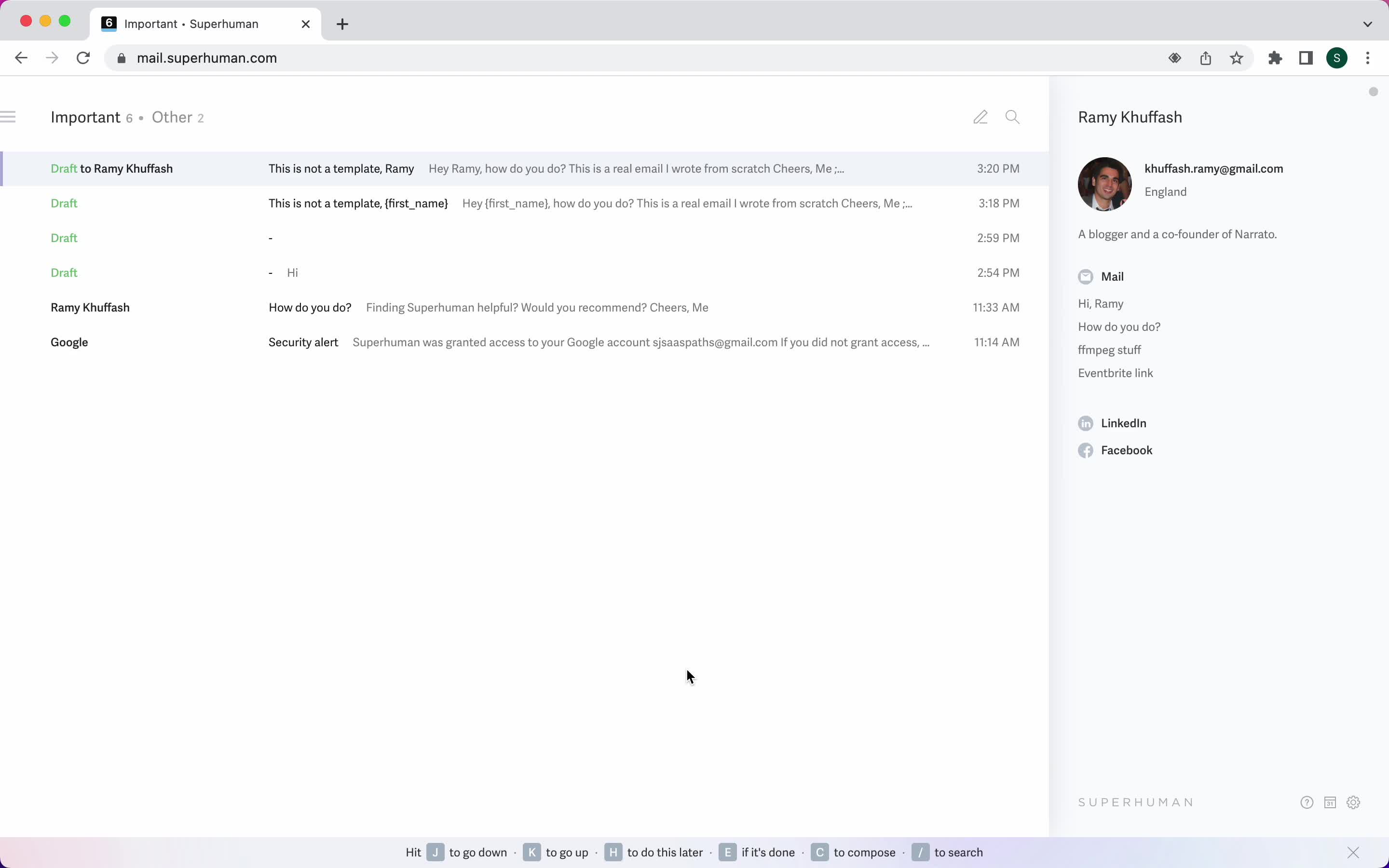
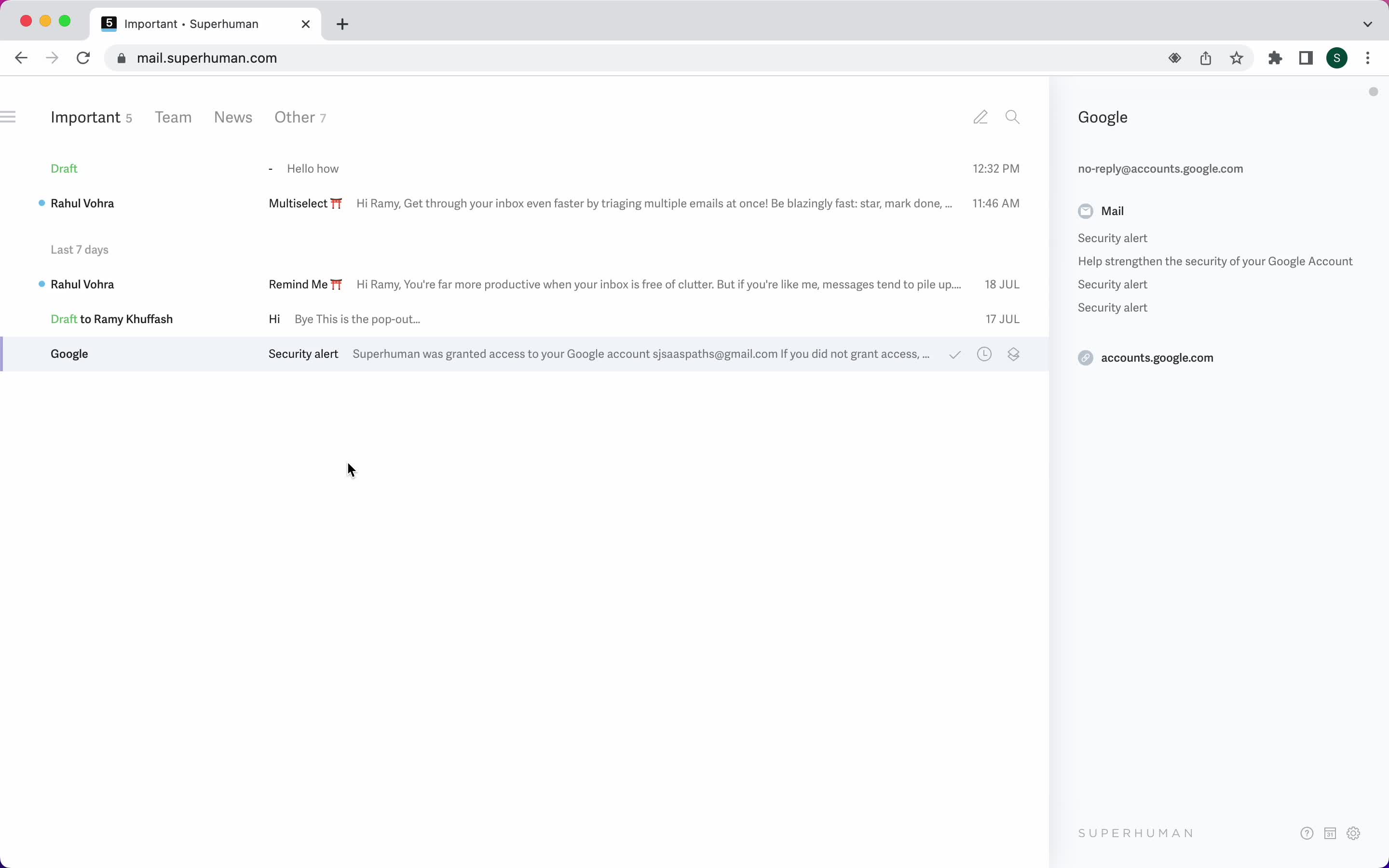
Inbox
this is title
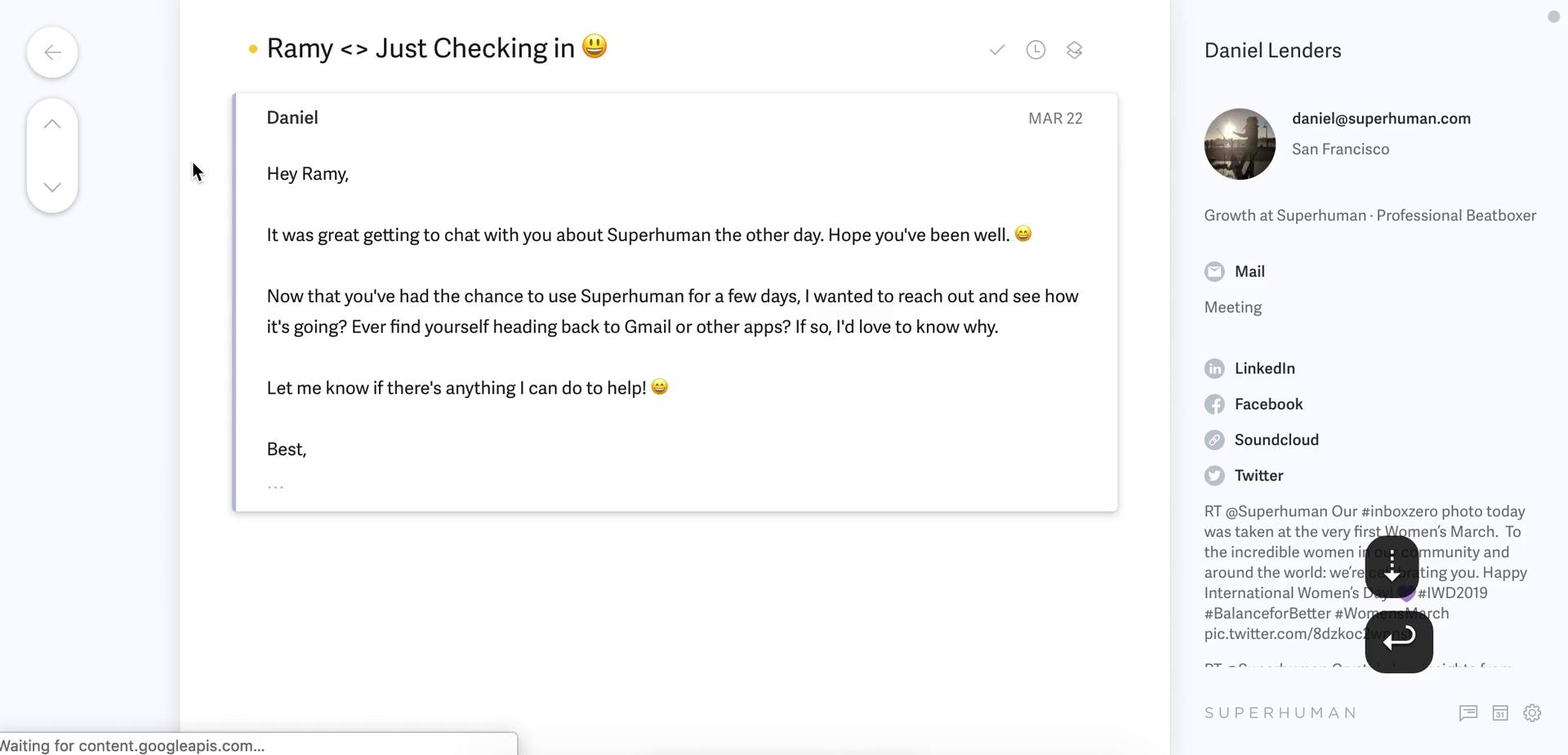
Email details
this is title
Email details
this is title
Inbox
this is title
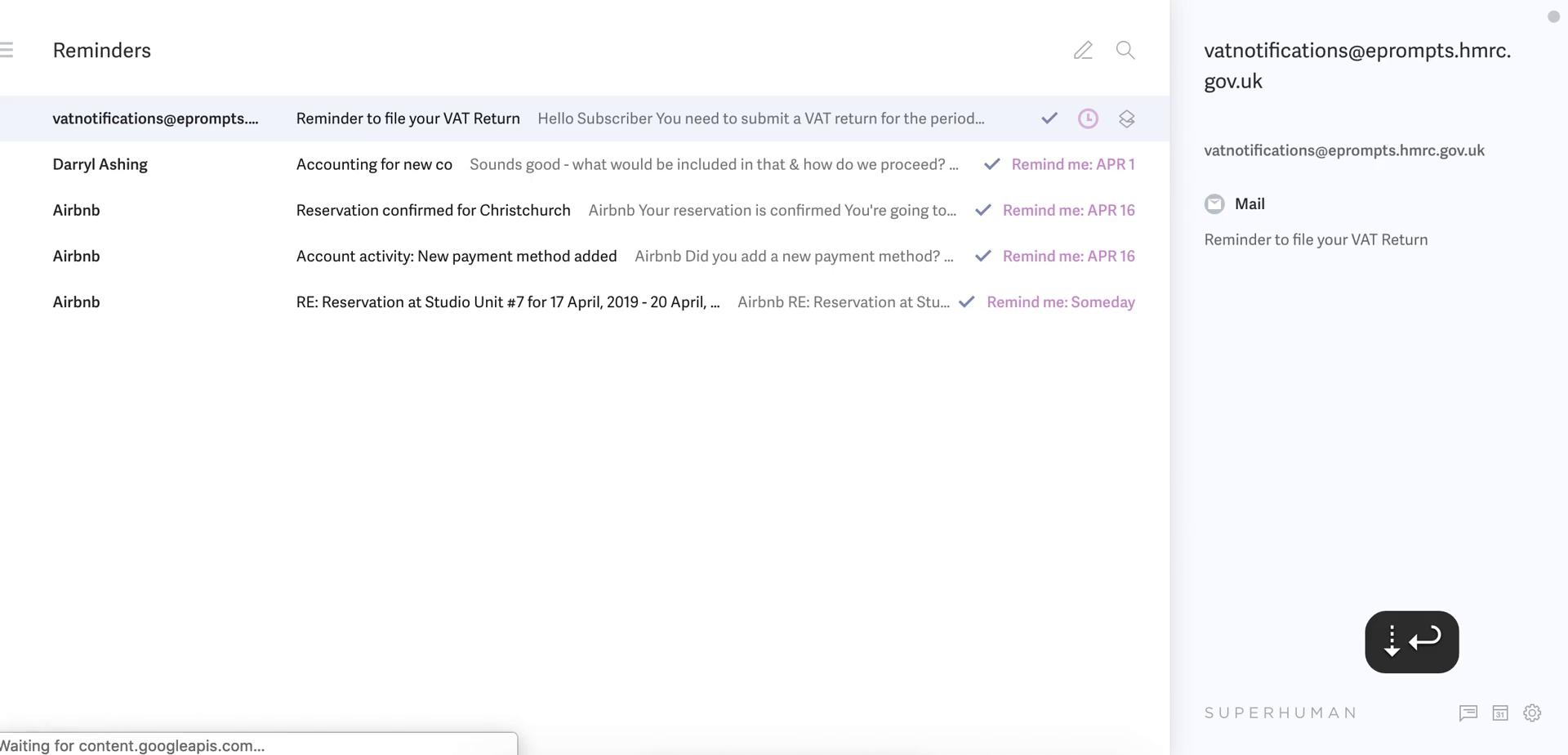
Inbox
this is title
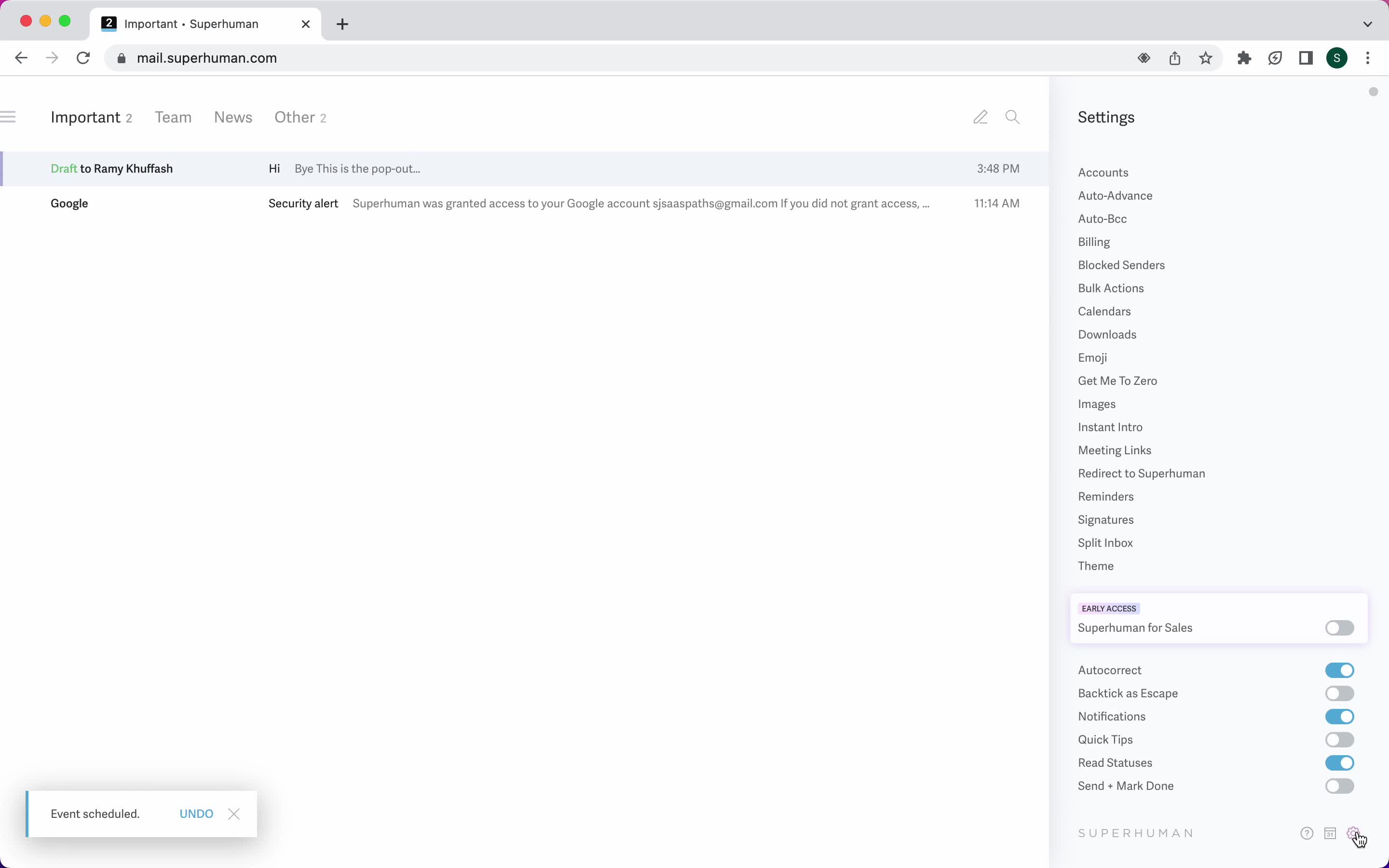
Settings
this is title
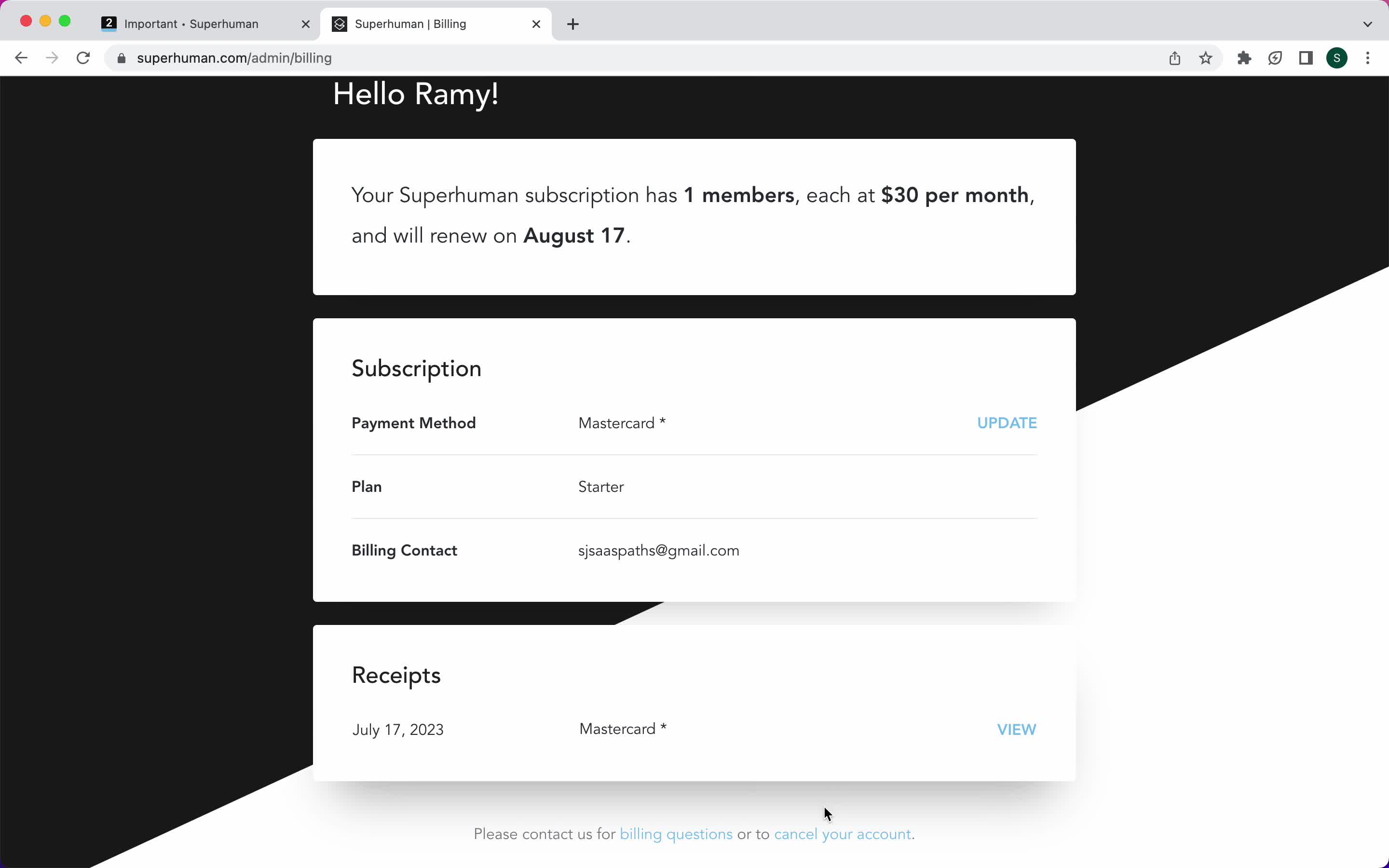
Billing
this is title
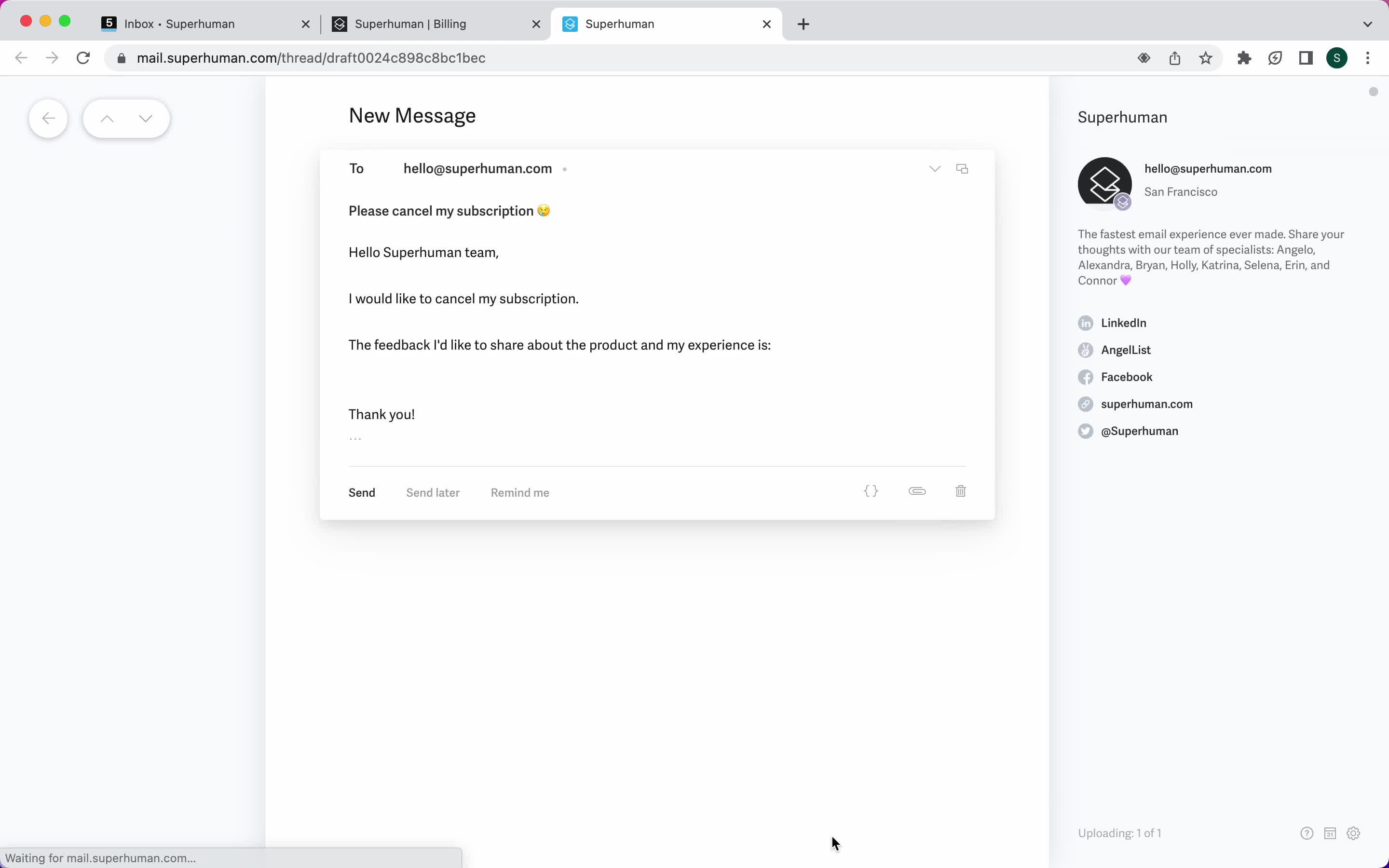
Cancel subscription
this is title
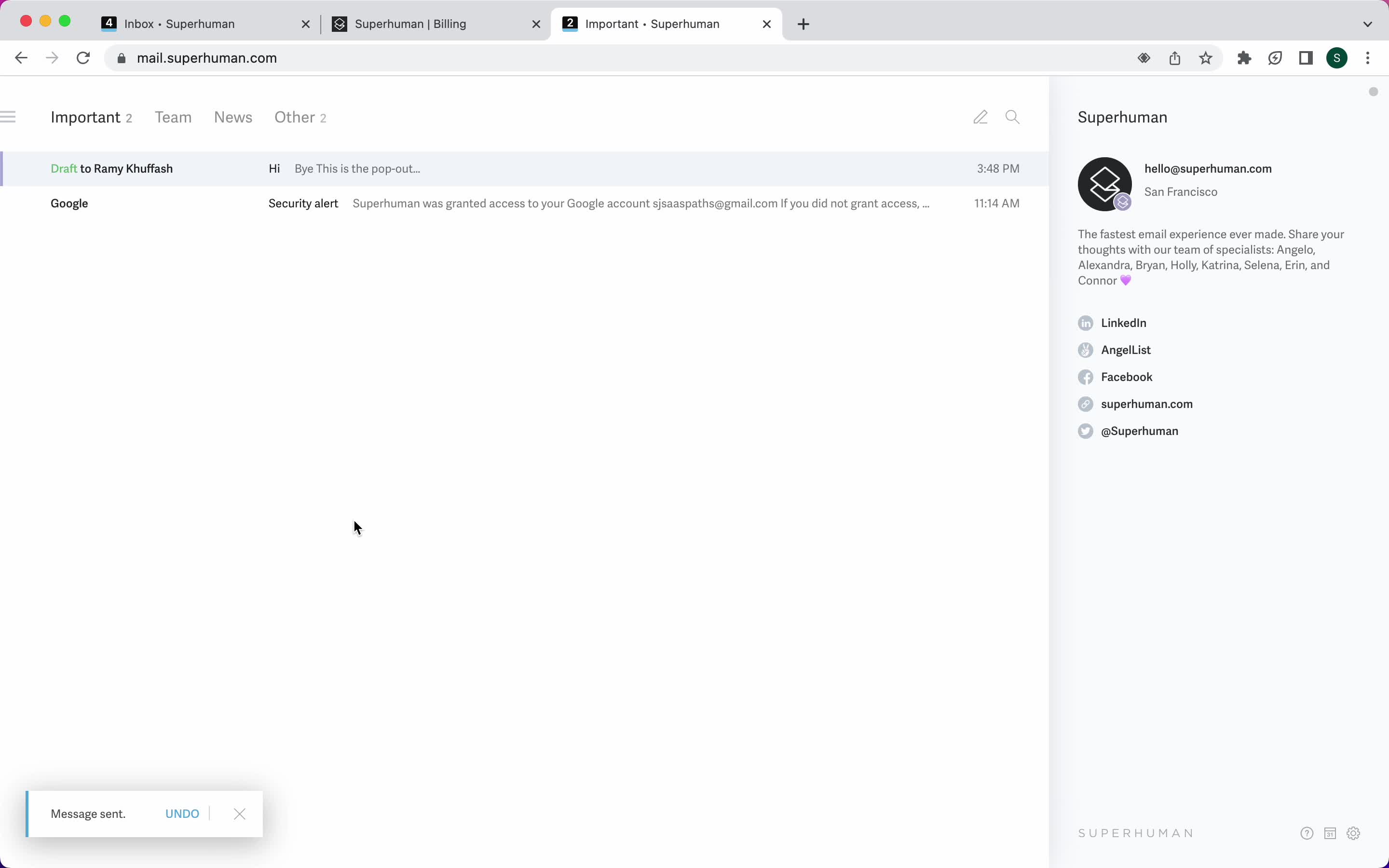
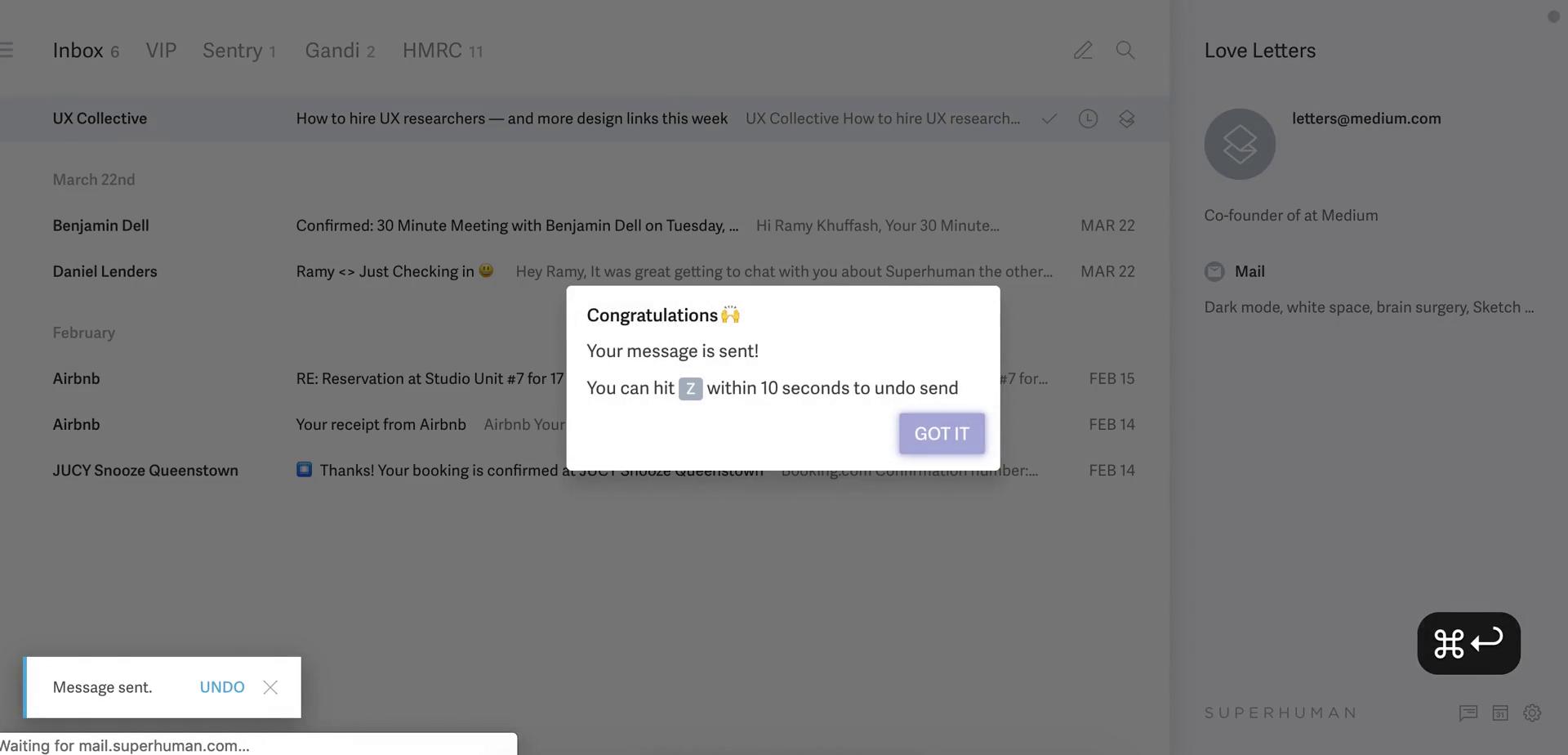
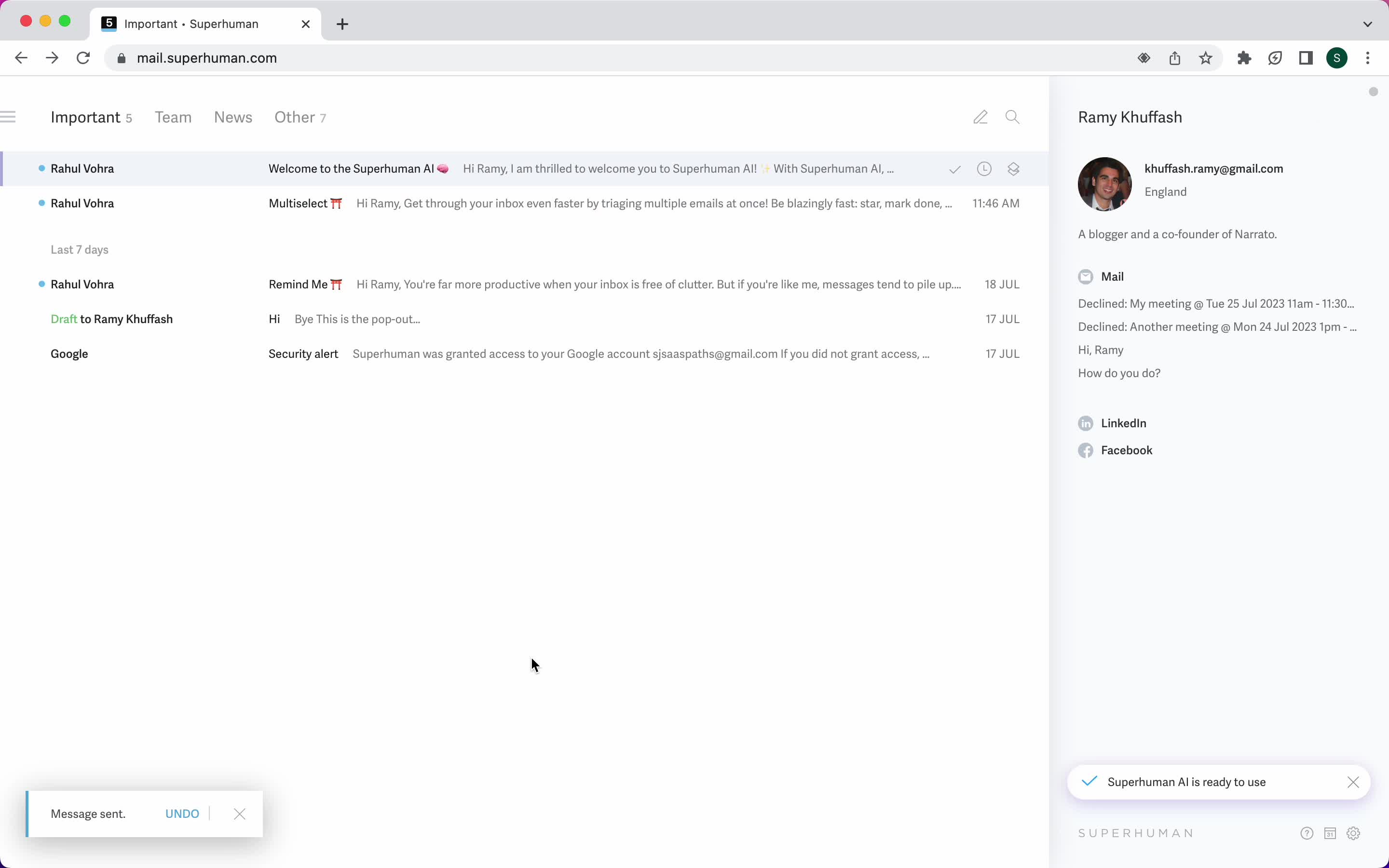
Email sent
this is title
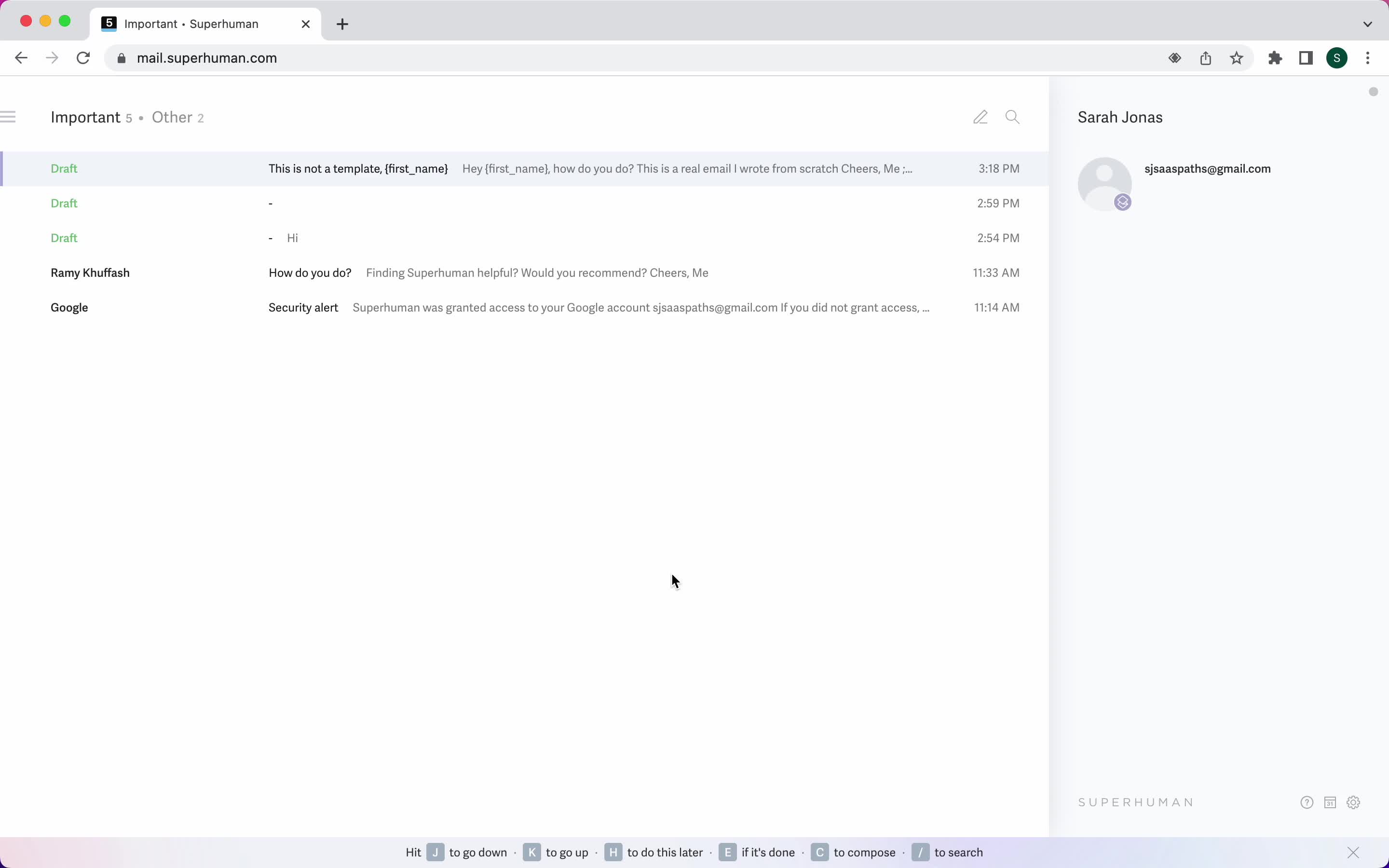
Inbox
this is title
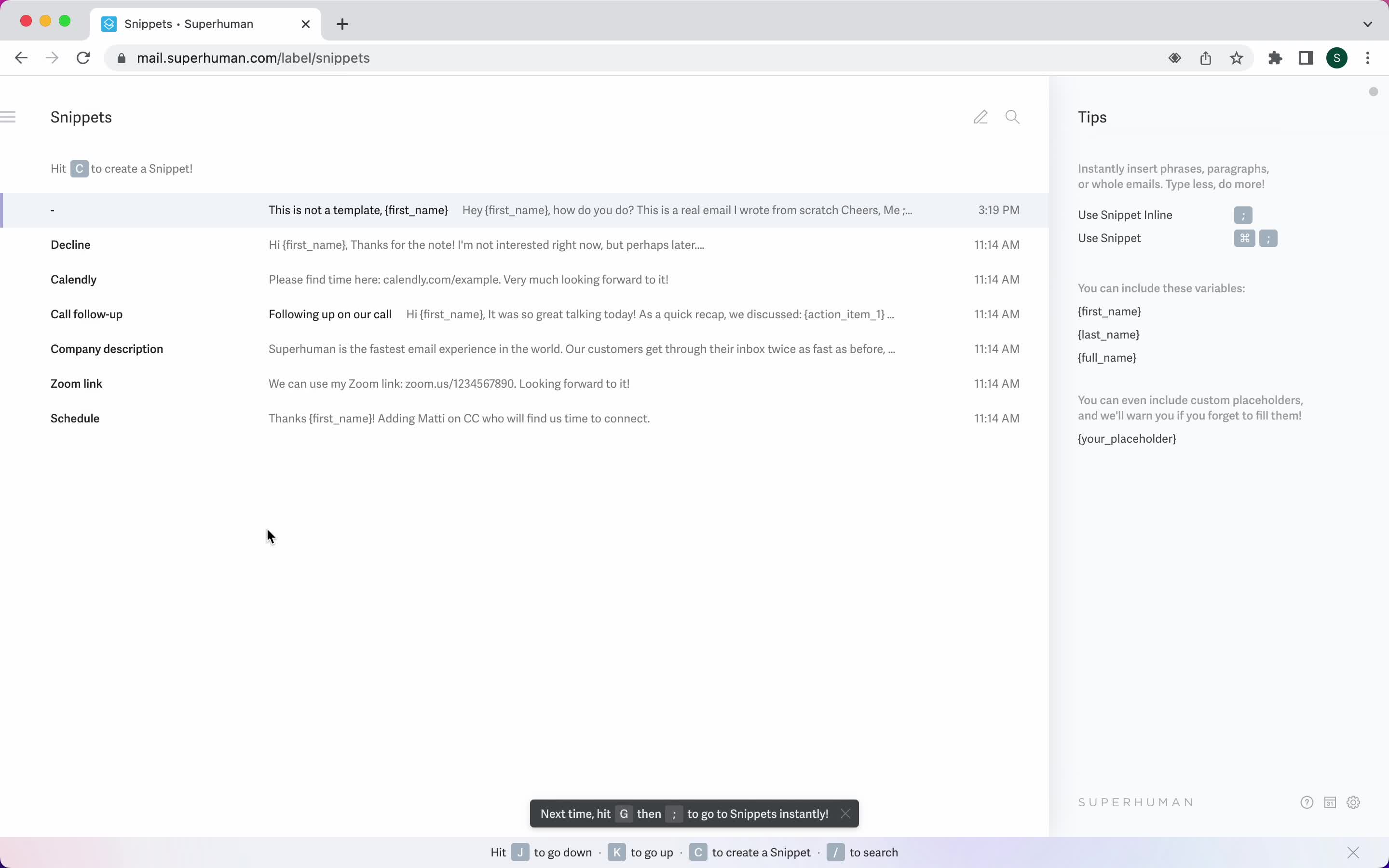
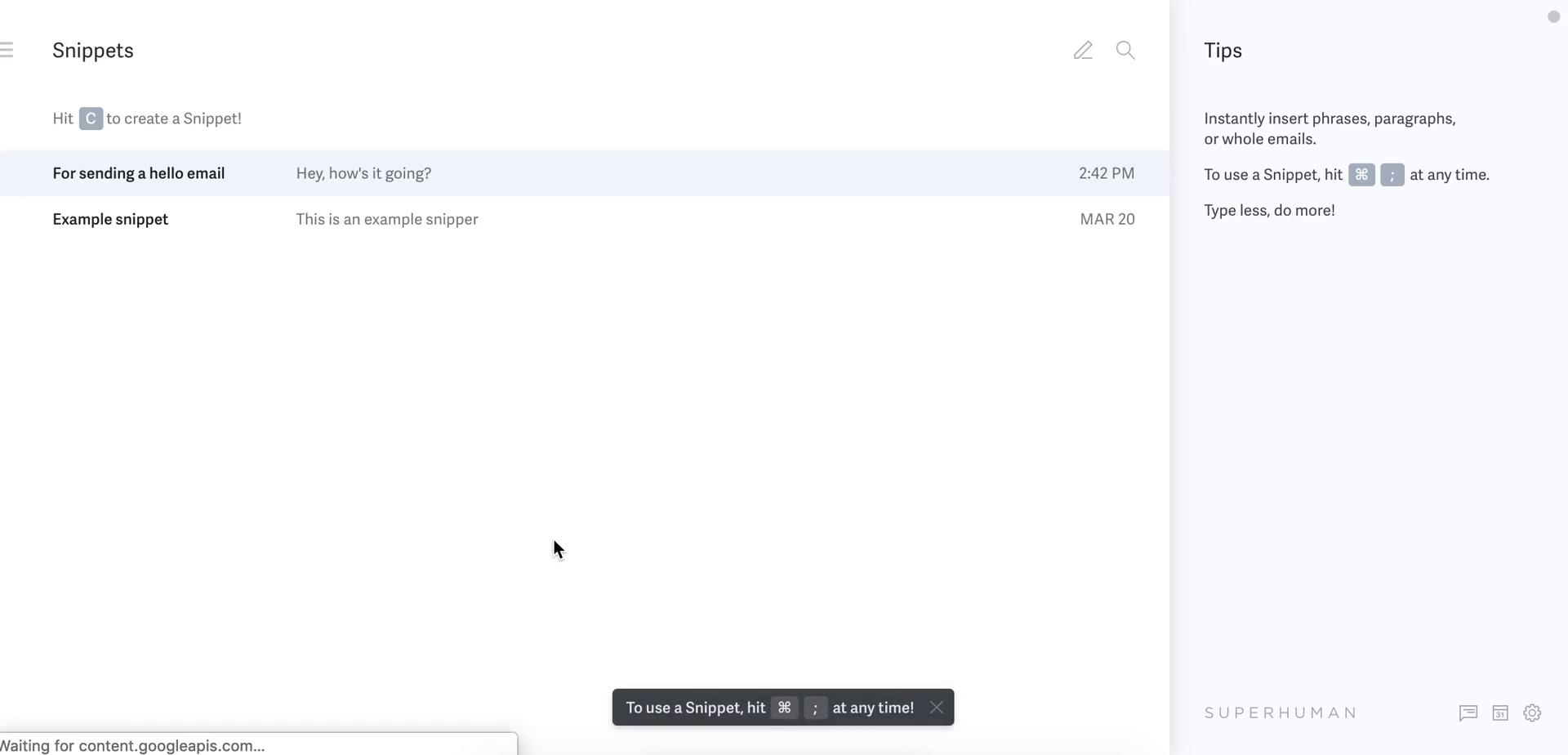
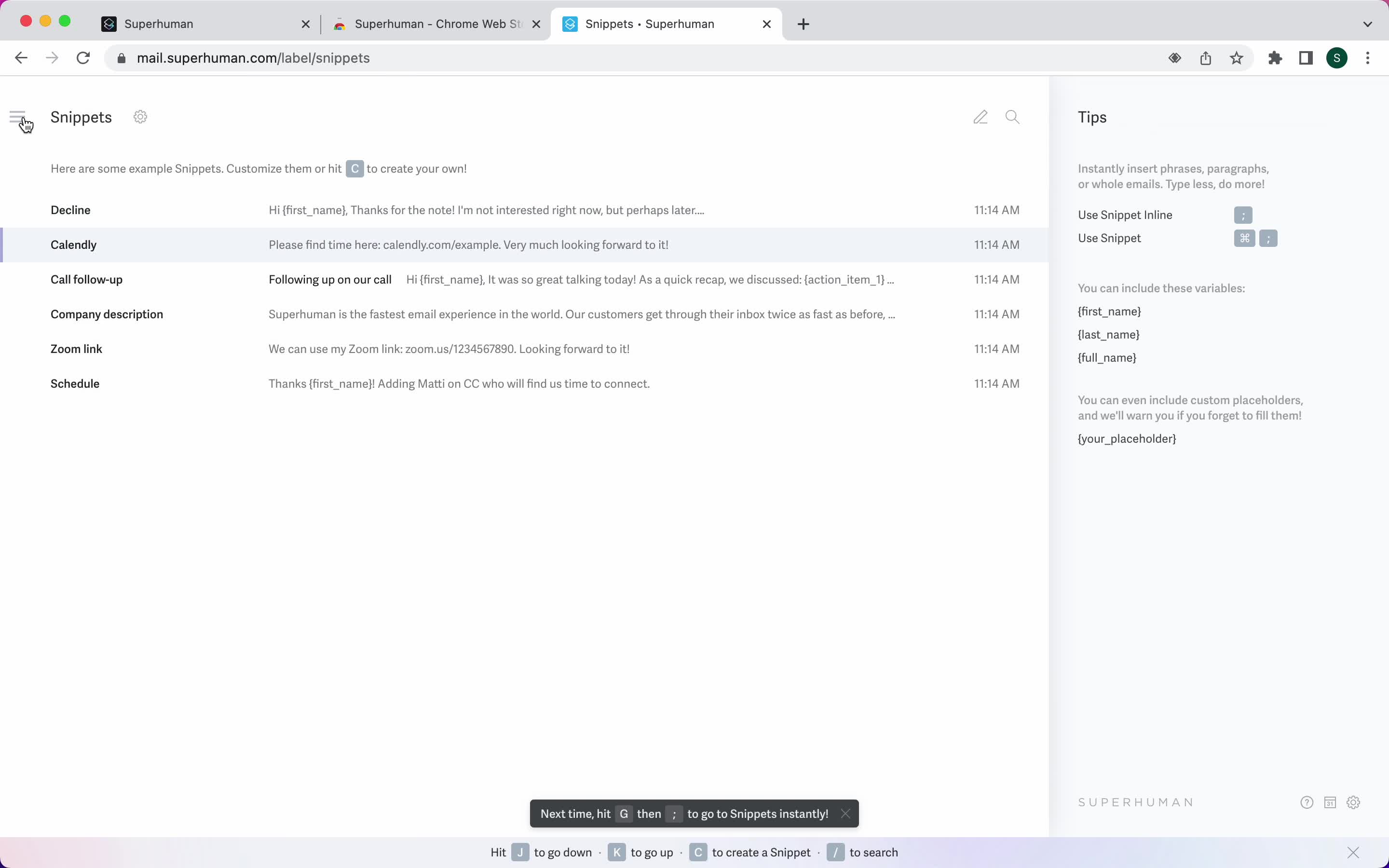
Snippets
this is title
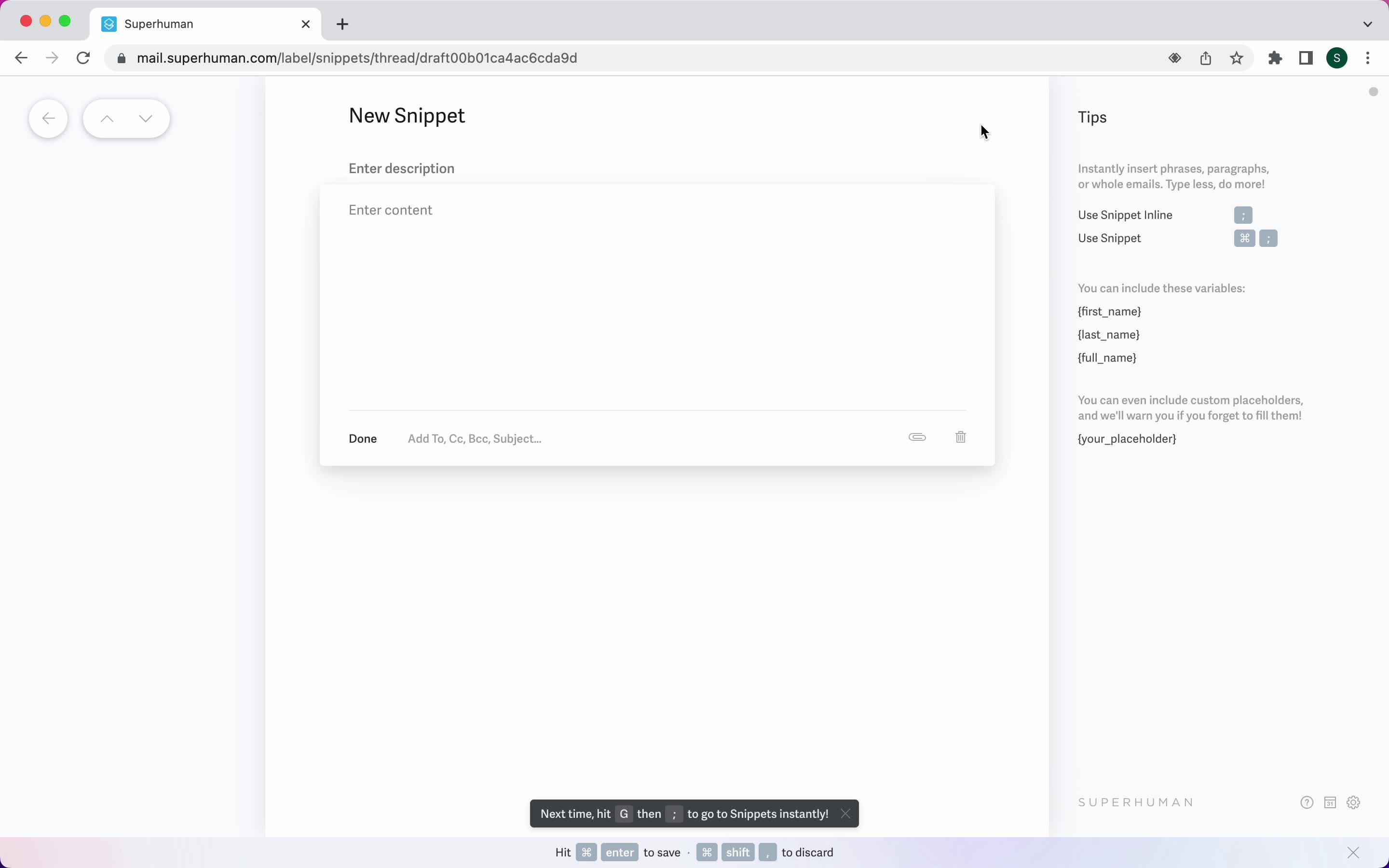
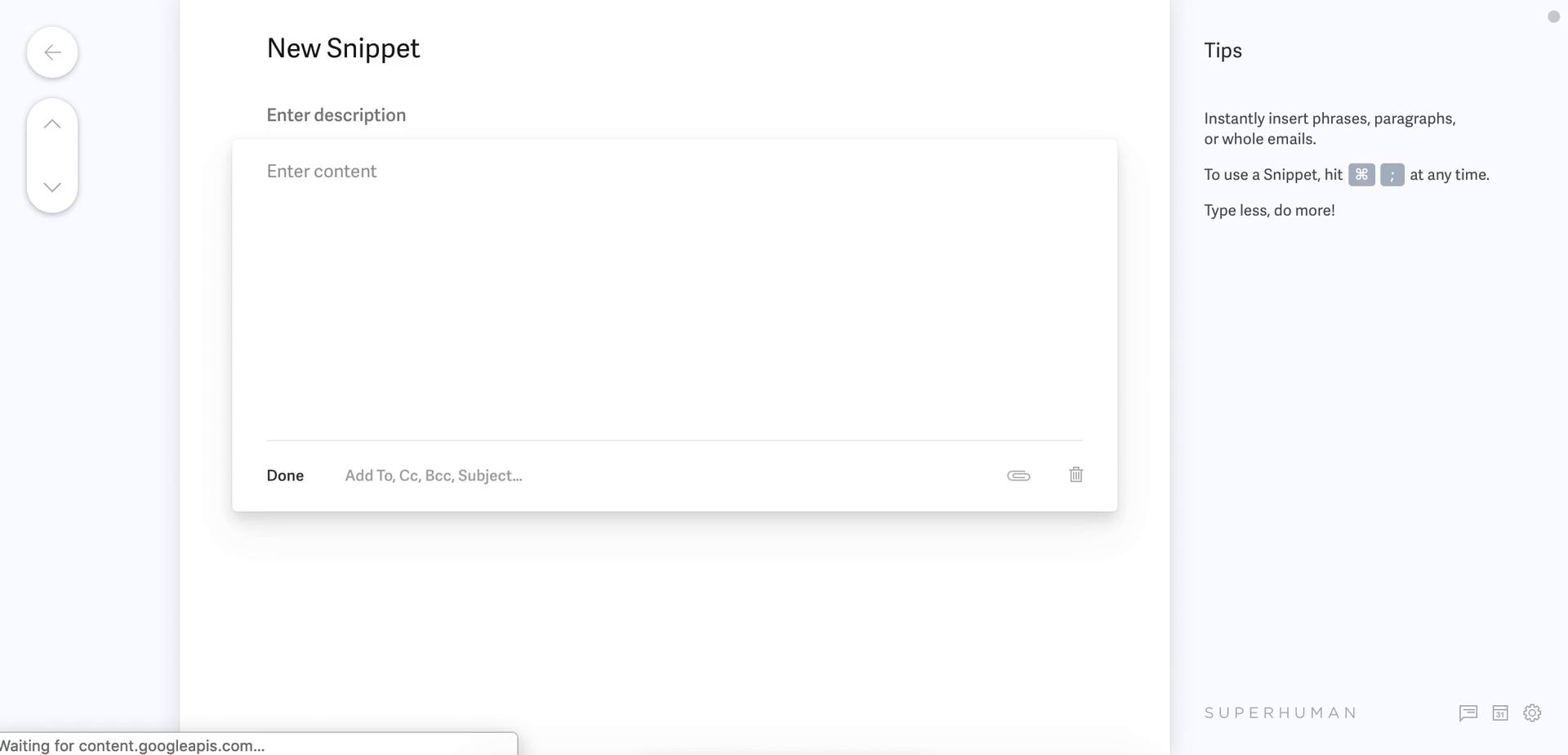
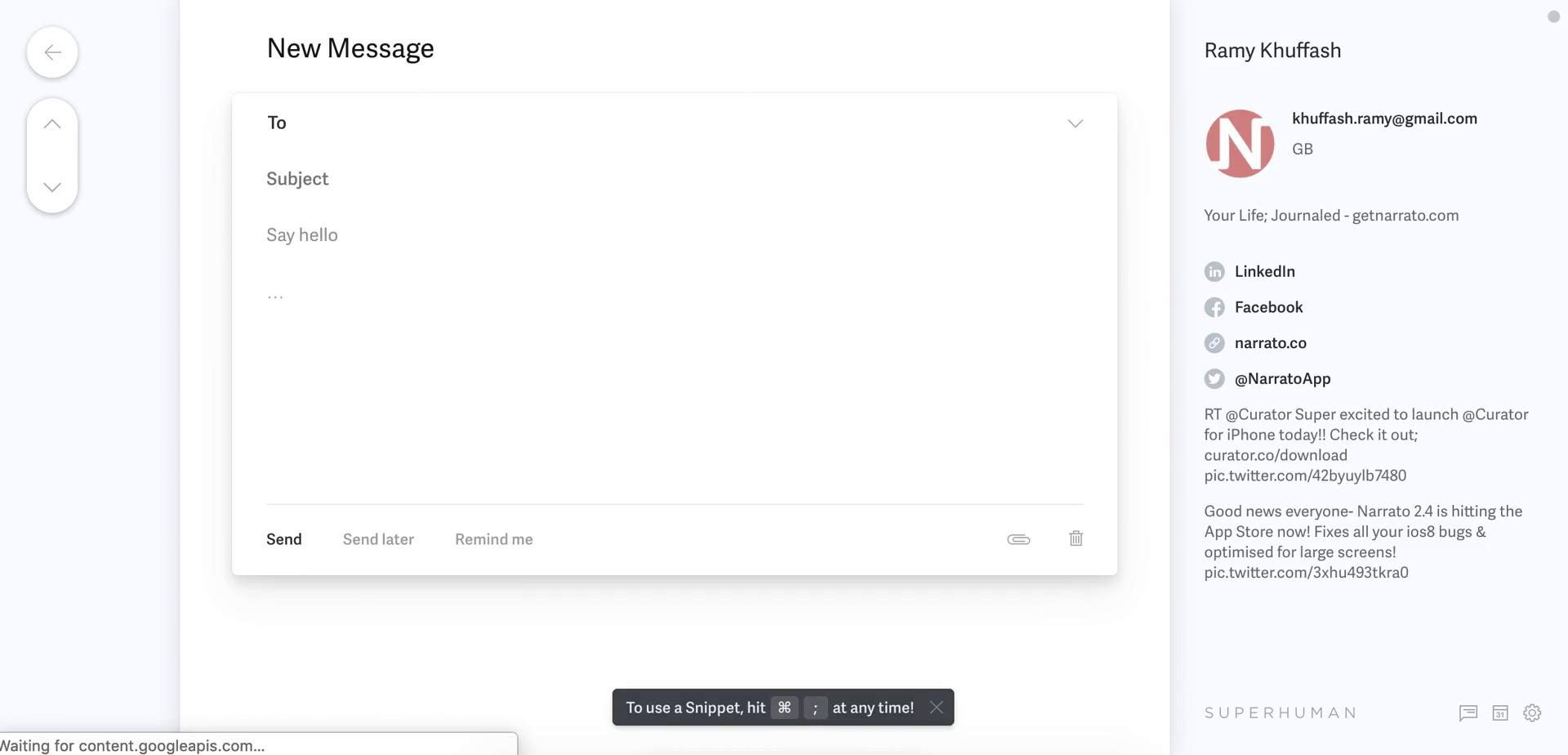
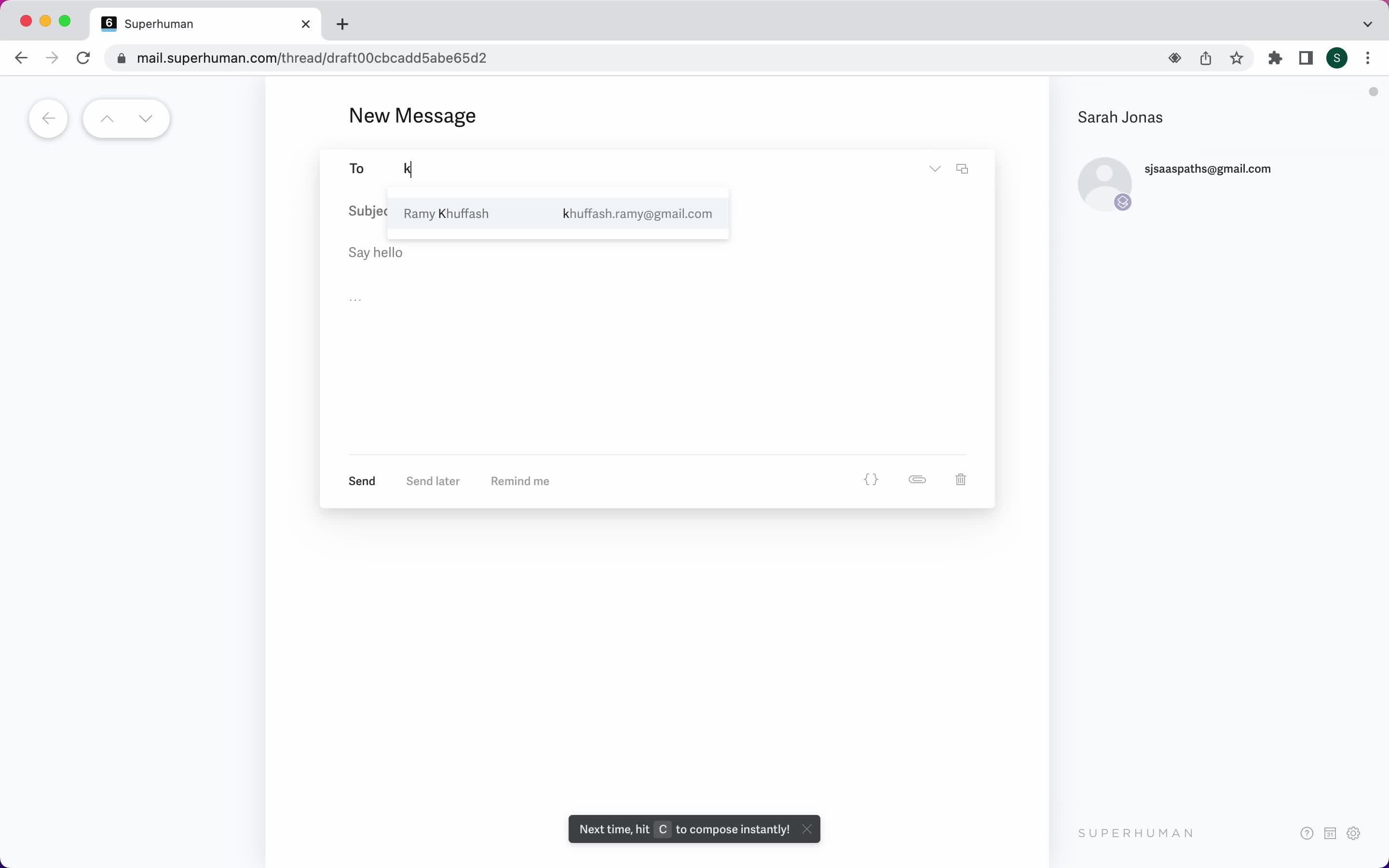
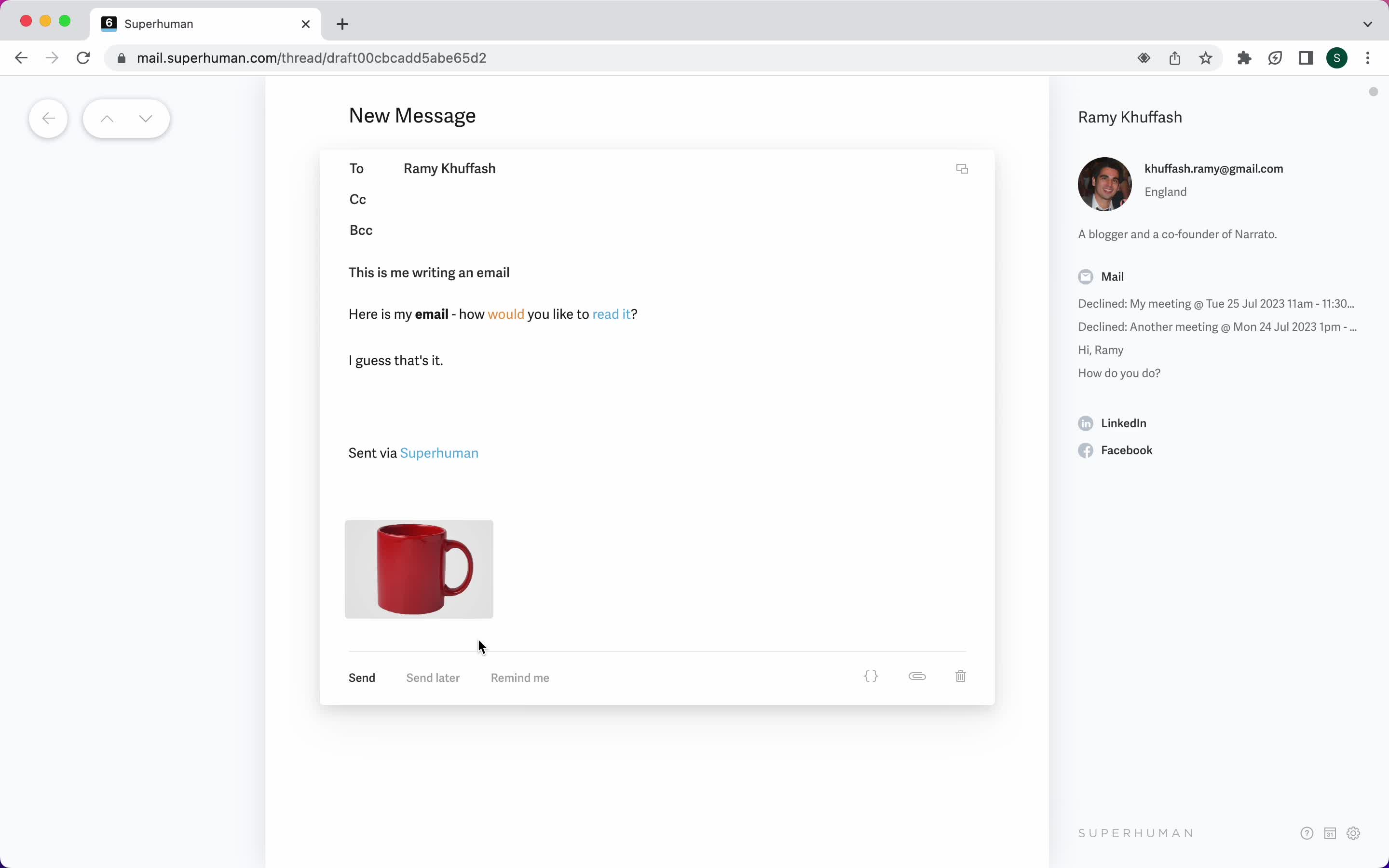
Compose email
this is title
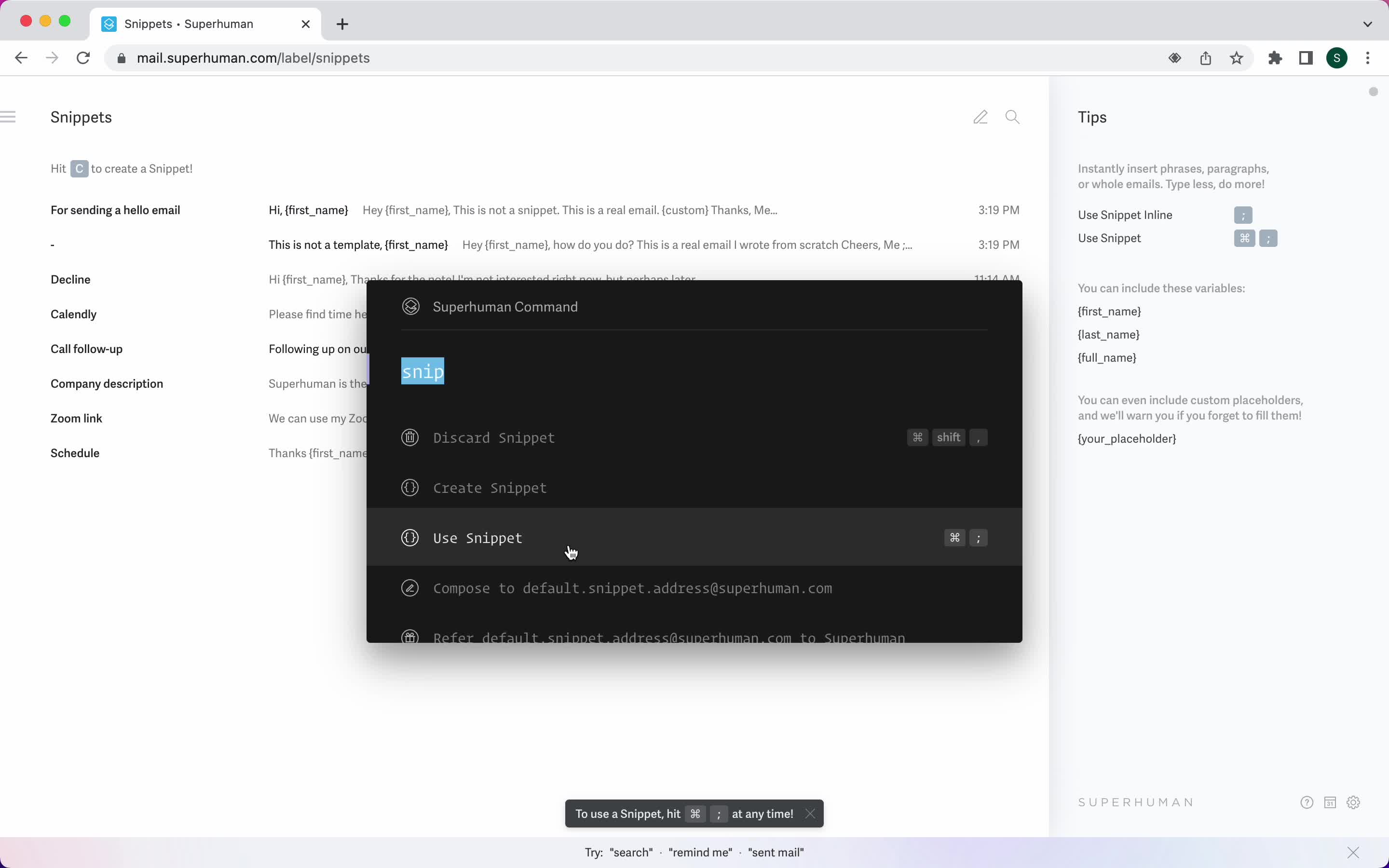
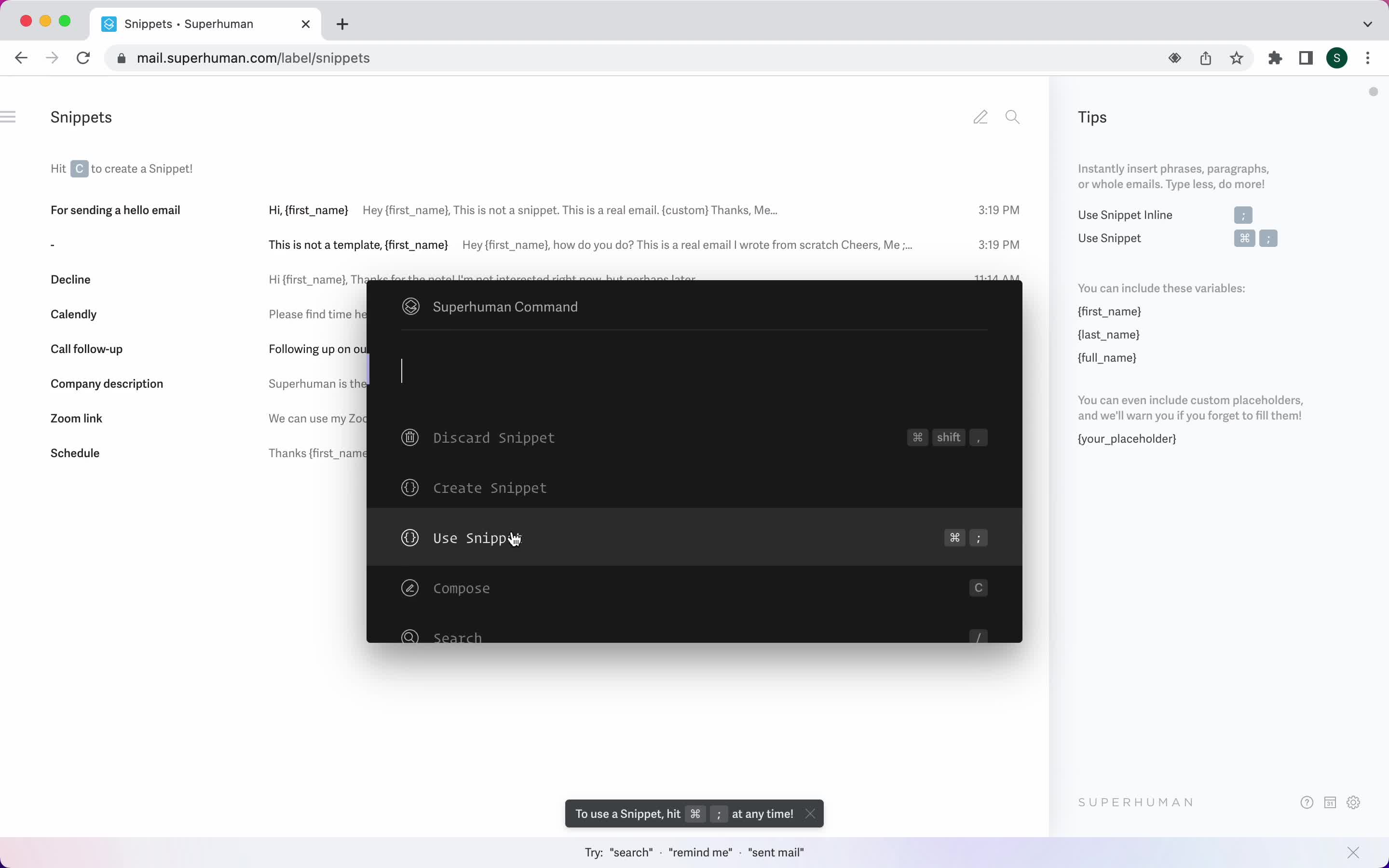
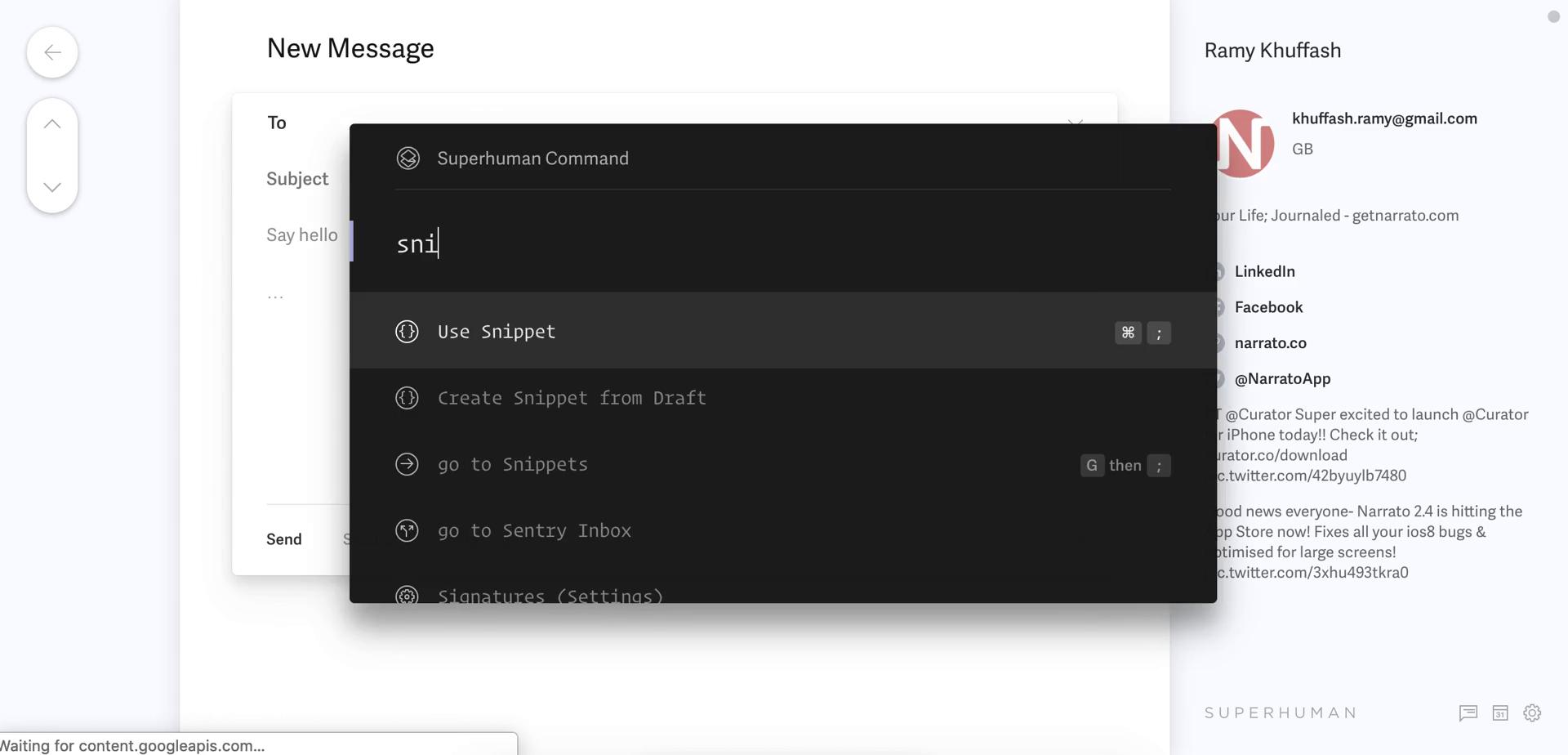
Use snippet
this is title
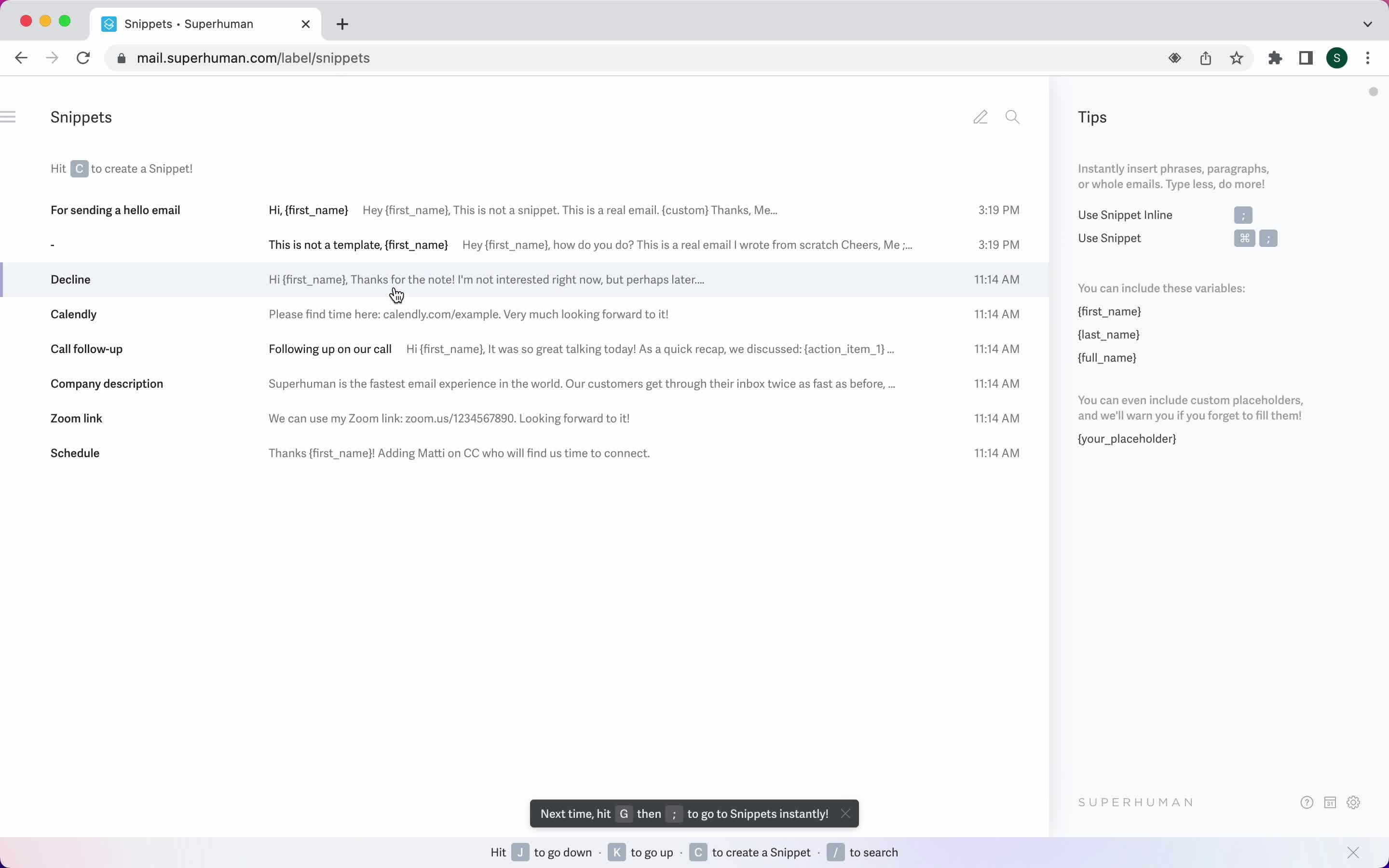
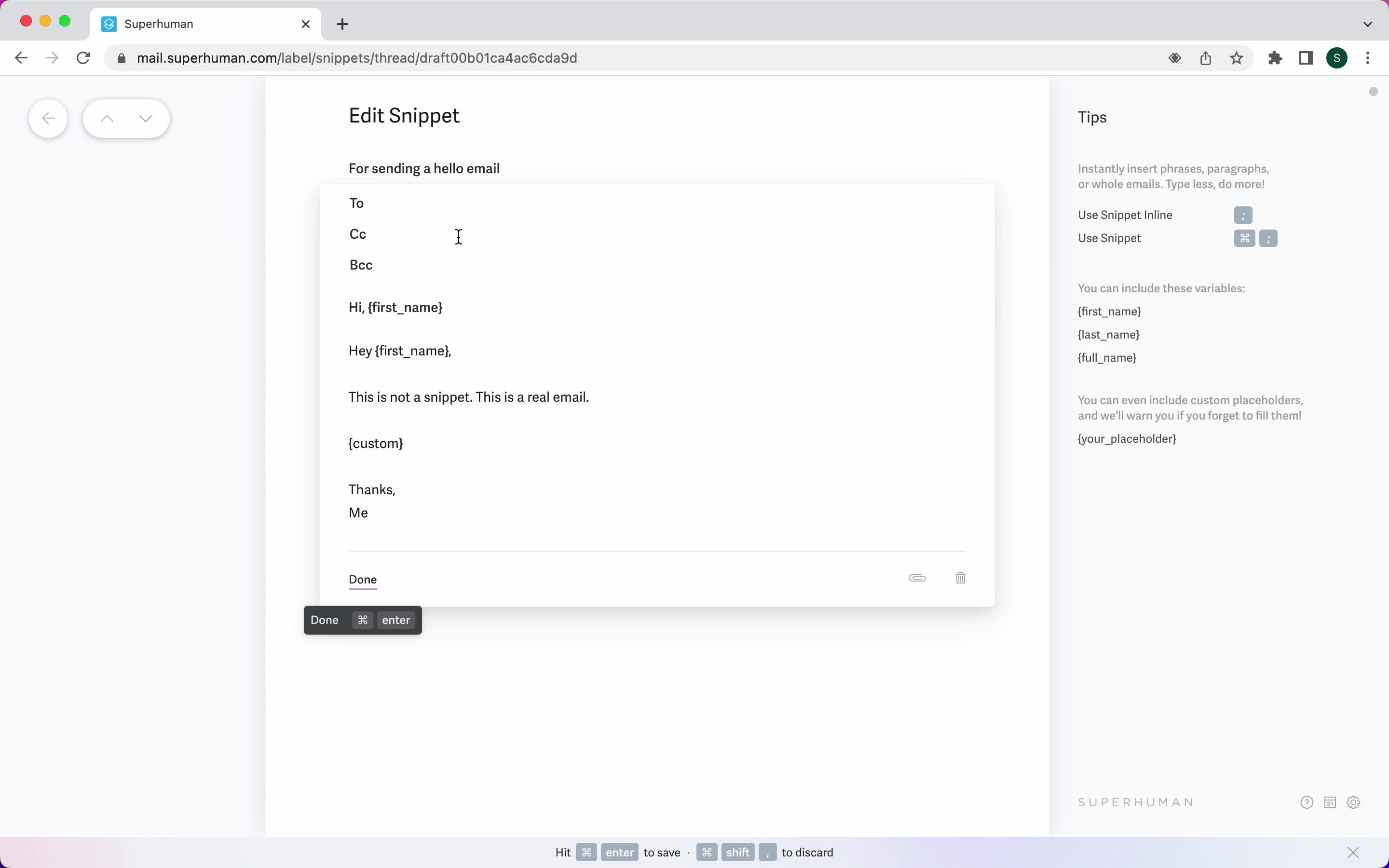
Snippets
this is title
Edit template
this is title
Use snippet
this is title
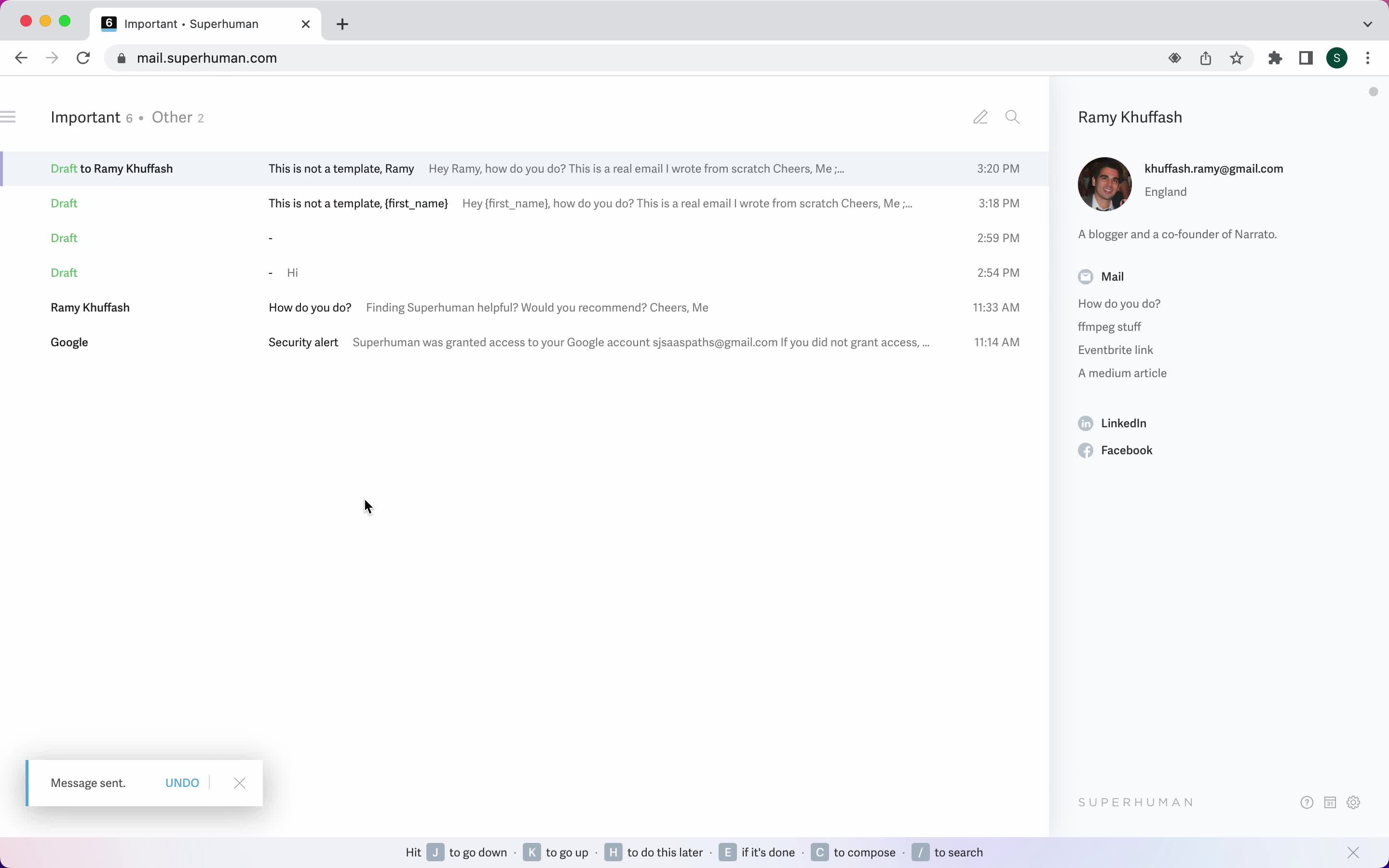
Email sent
this is title
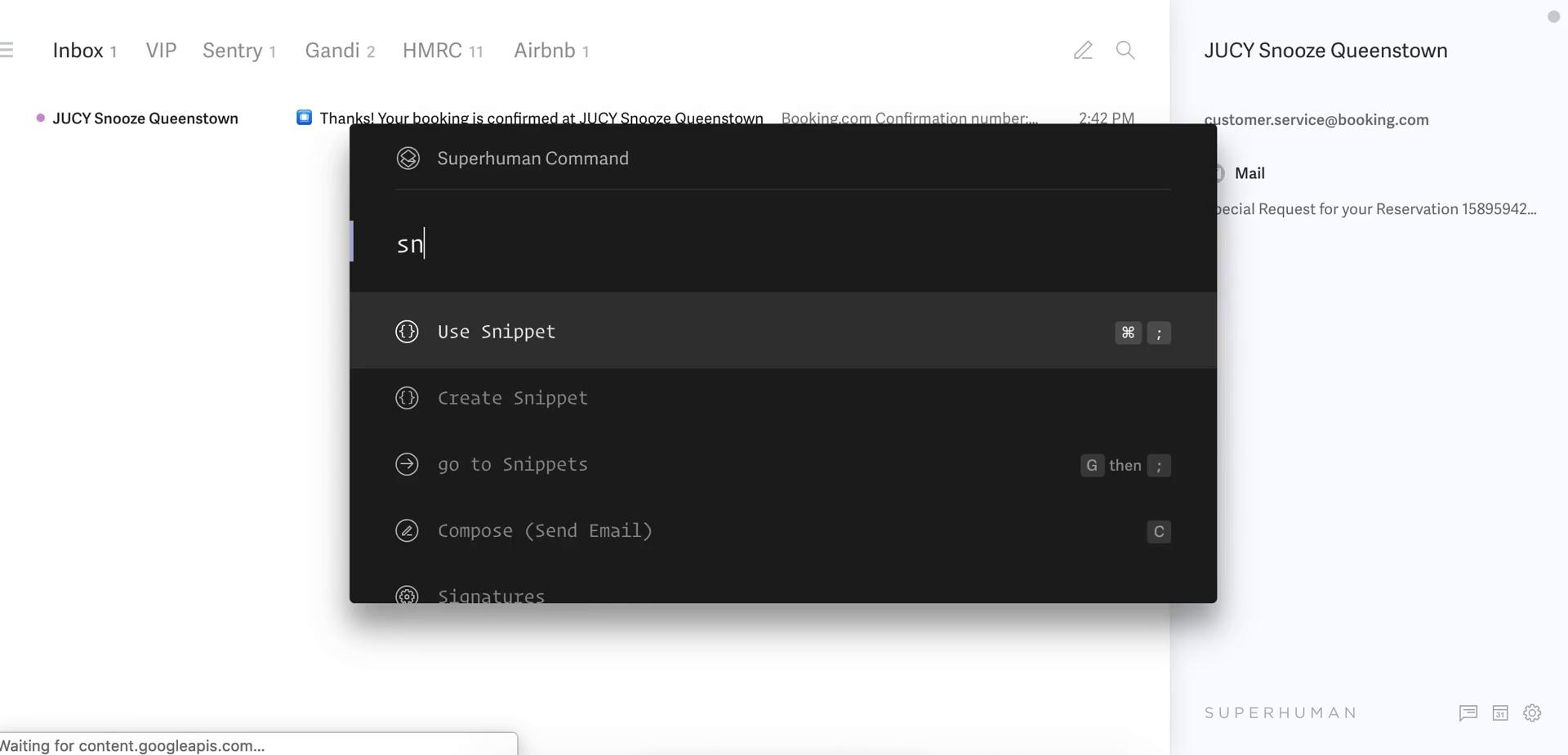
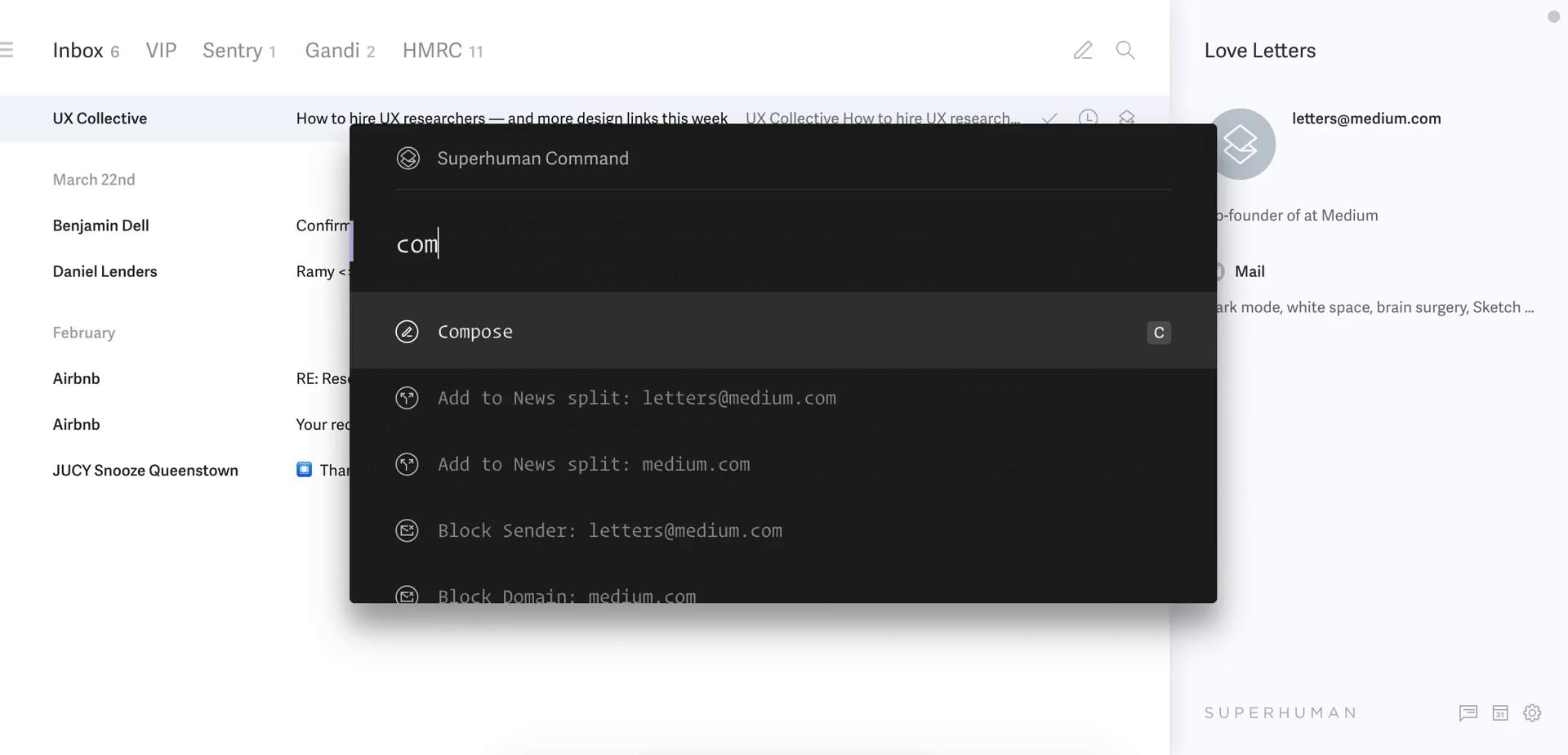
Shortcut commands
this is title
Create template
this is title
Snippets
this is title
Compose email
this is title
Use snippet
this is title
Inbox
this is title
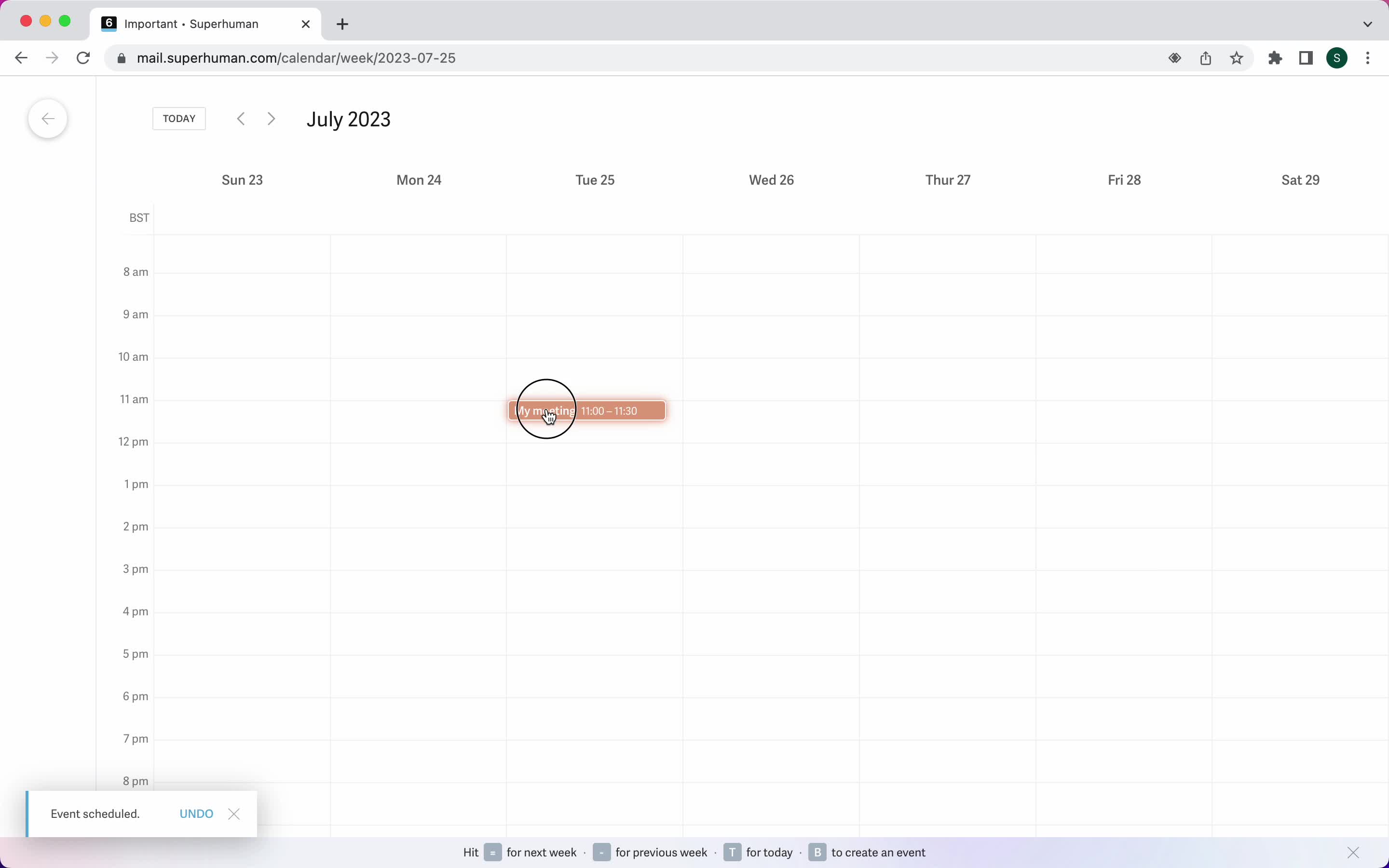
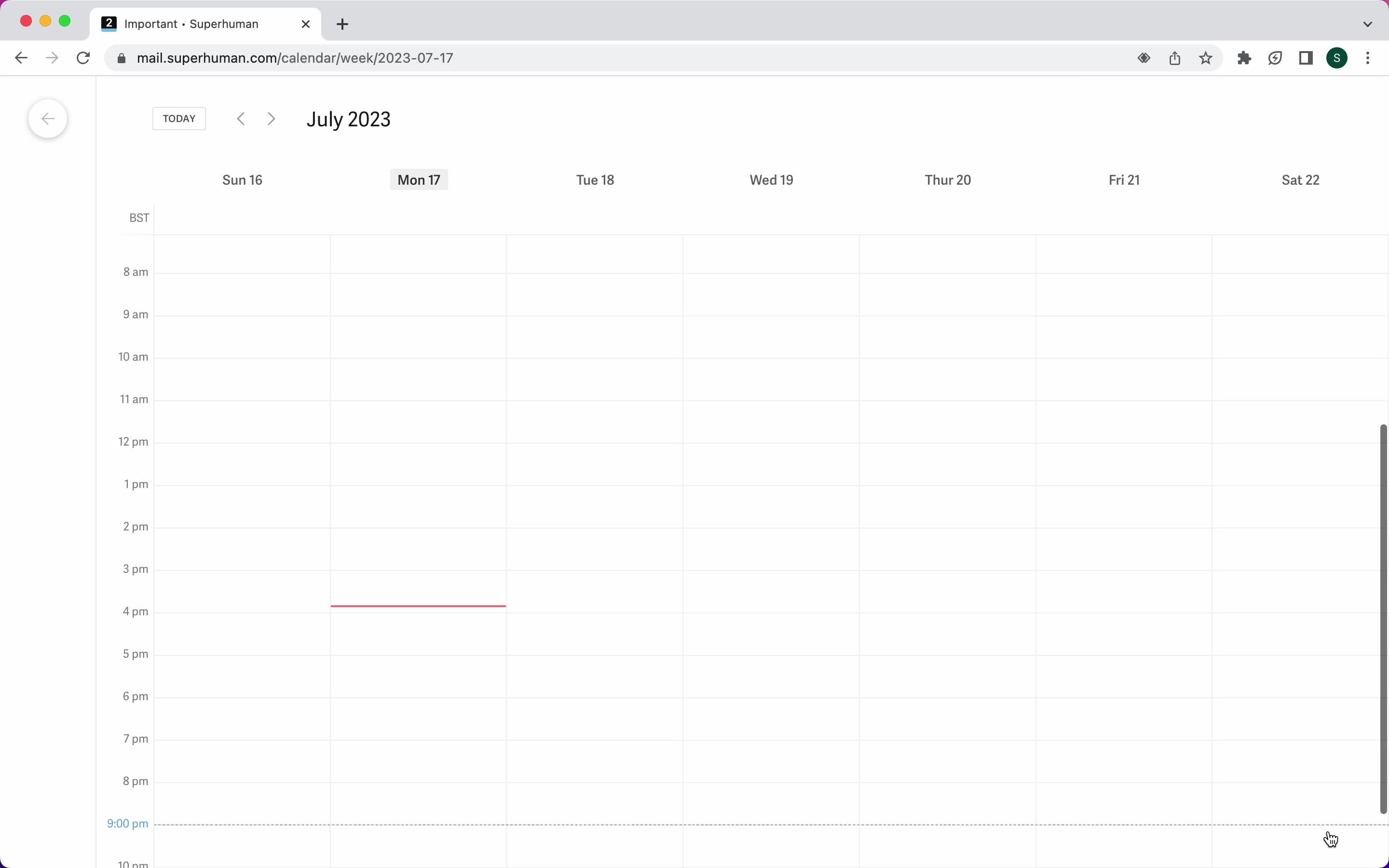
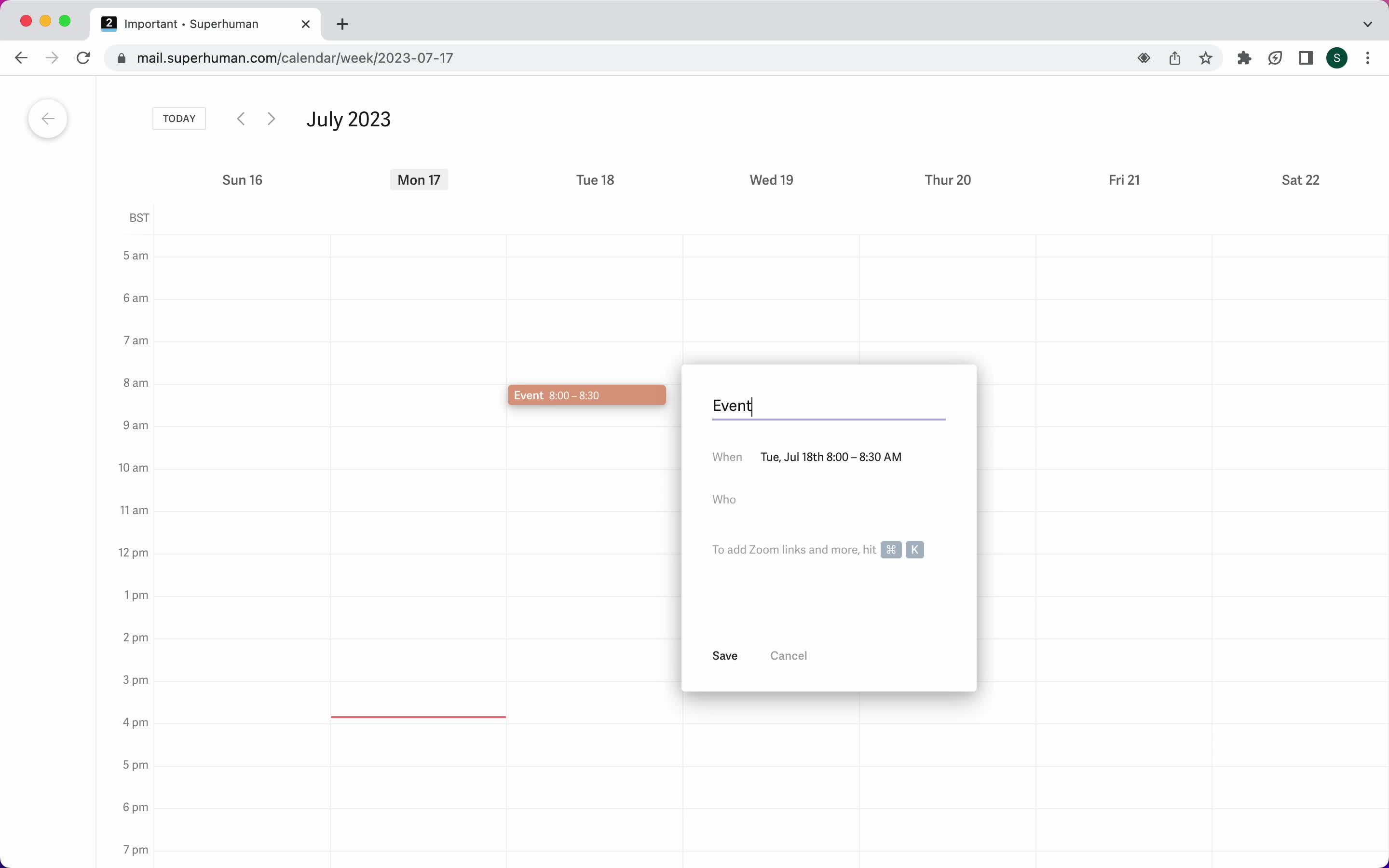
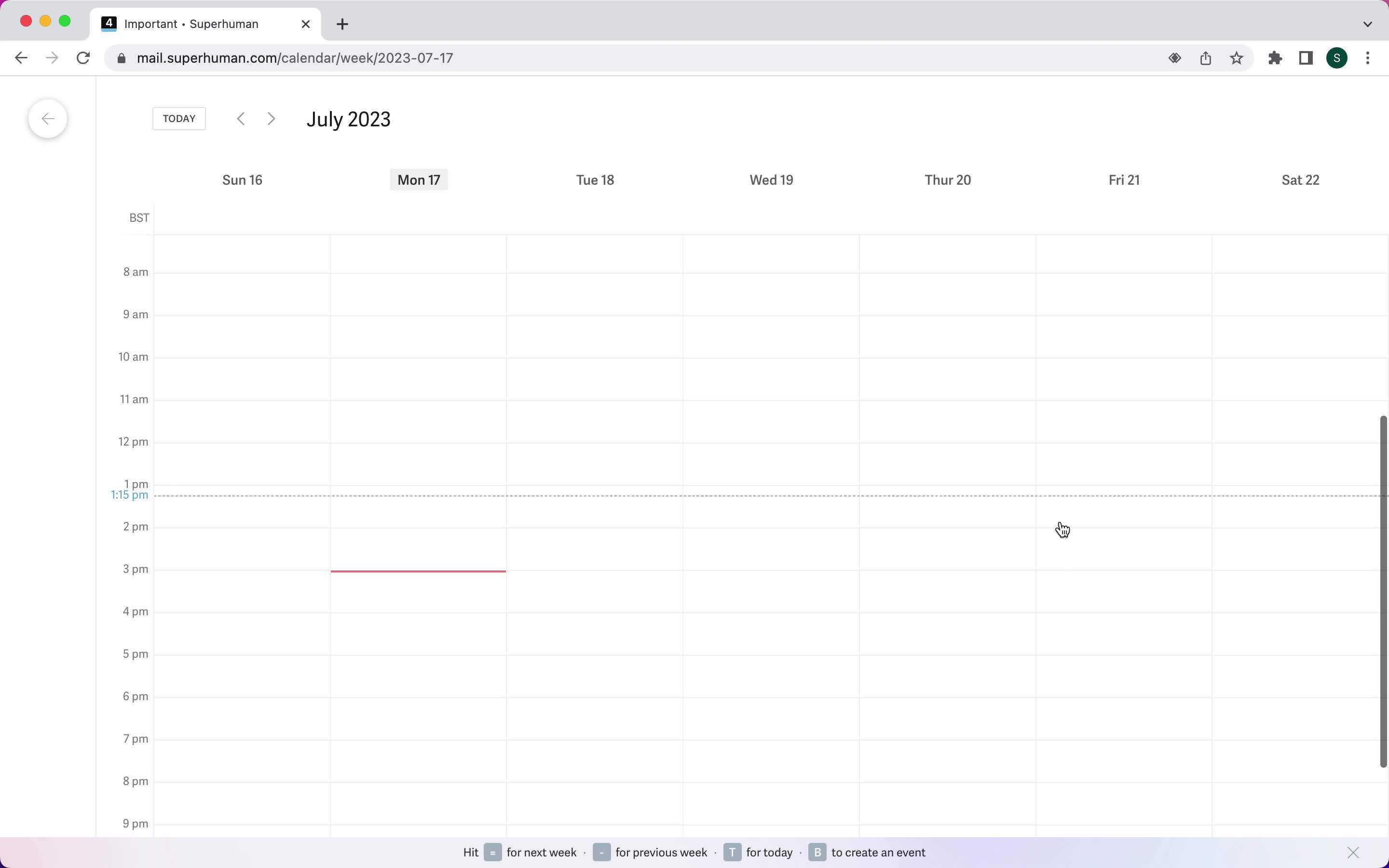
Calendar view
this is title
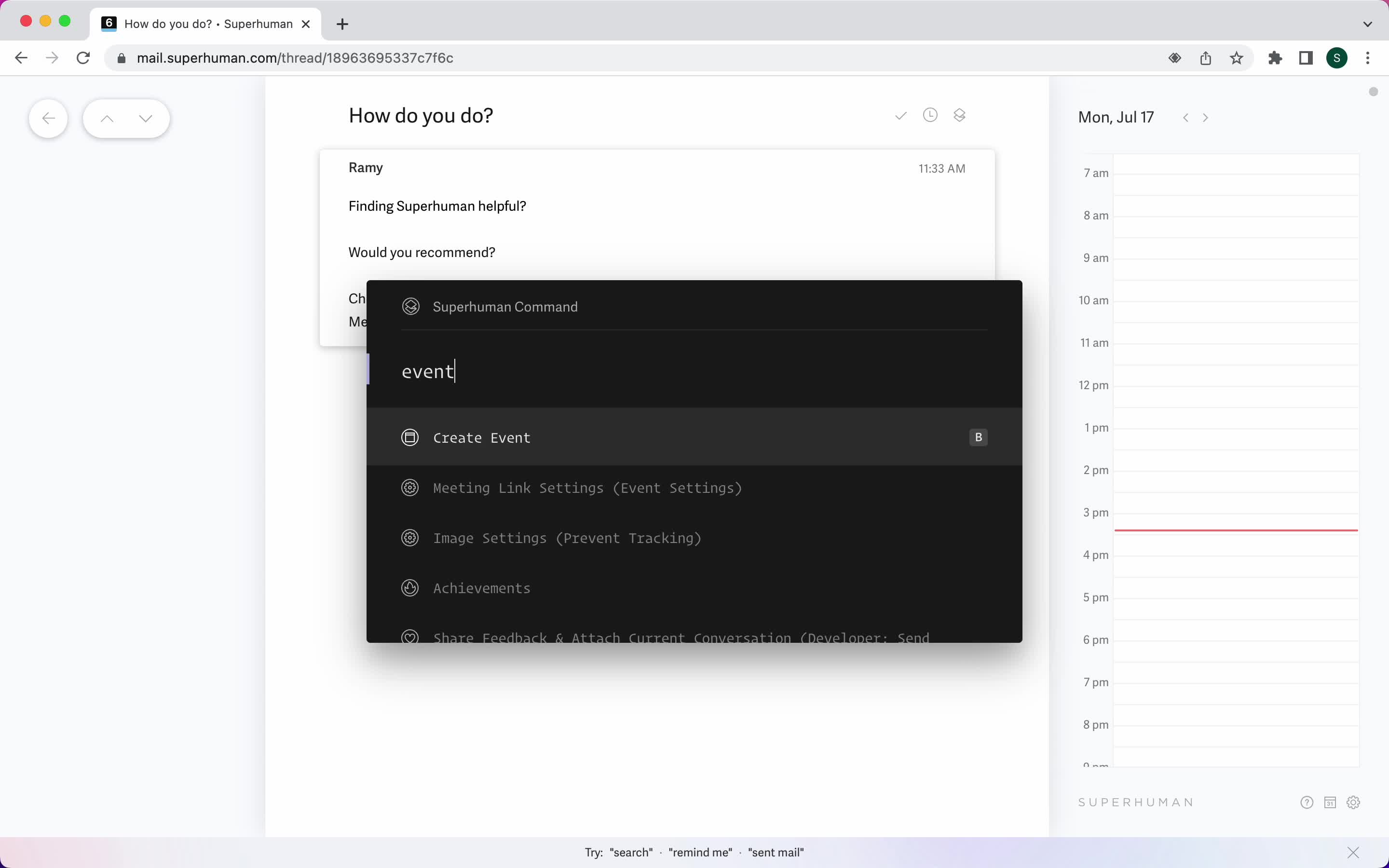
Create event
this is title
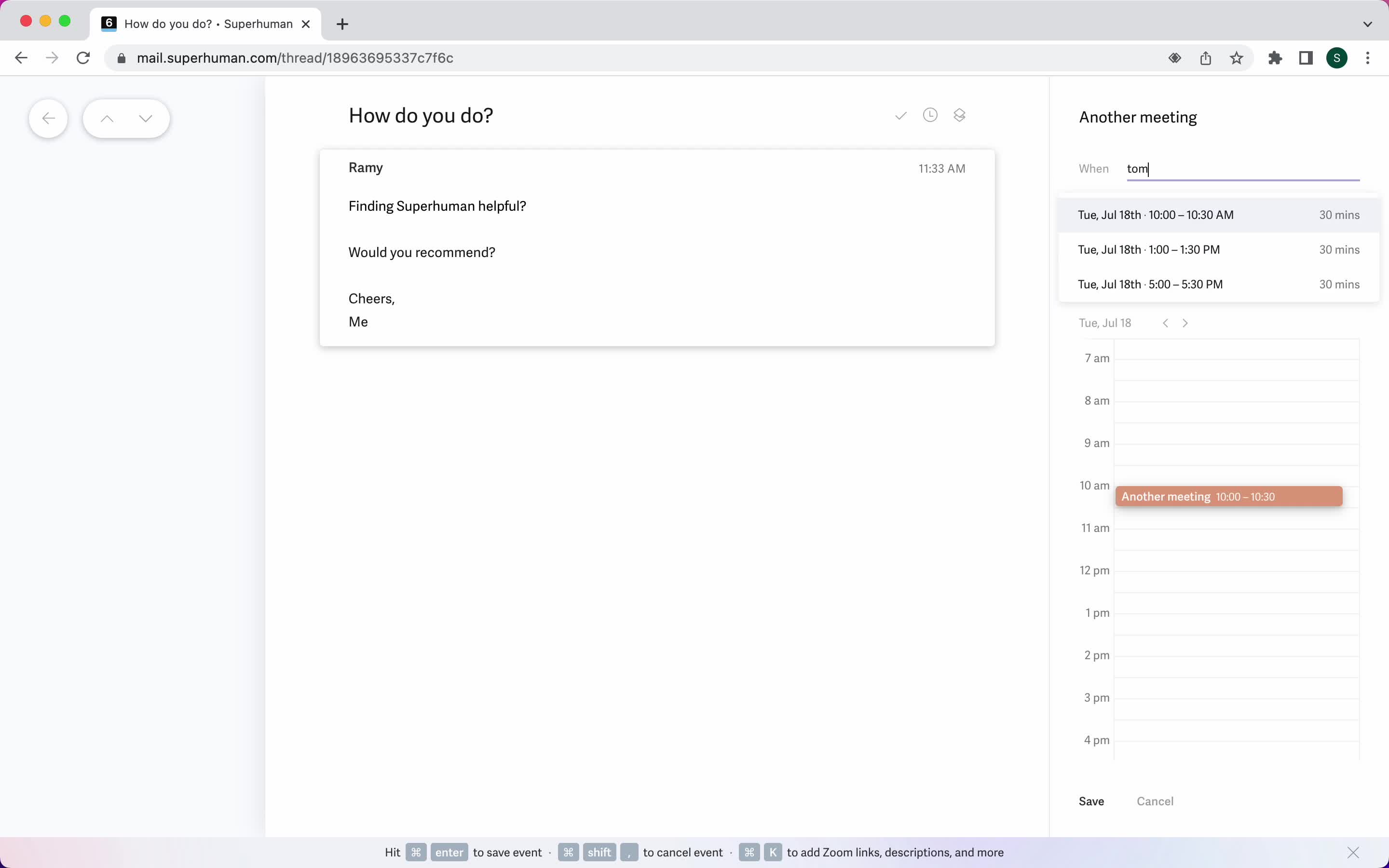
Add event details
this is title
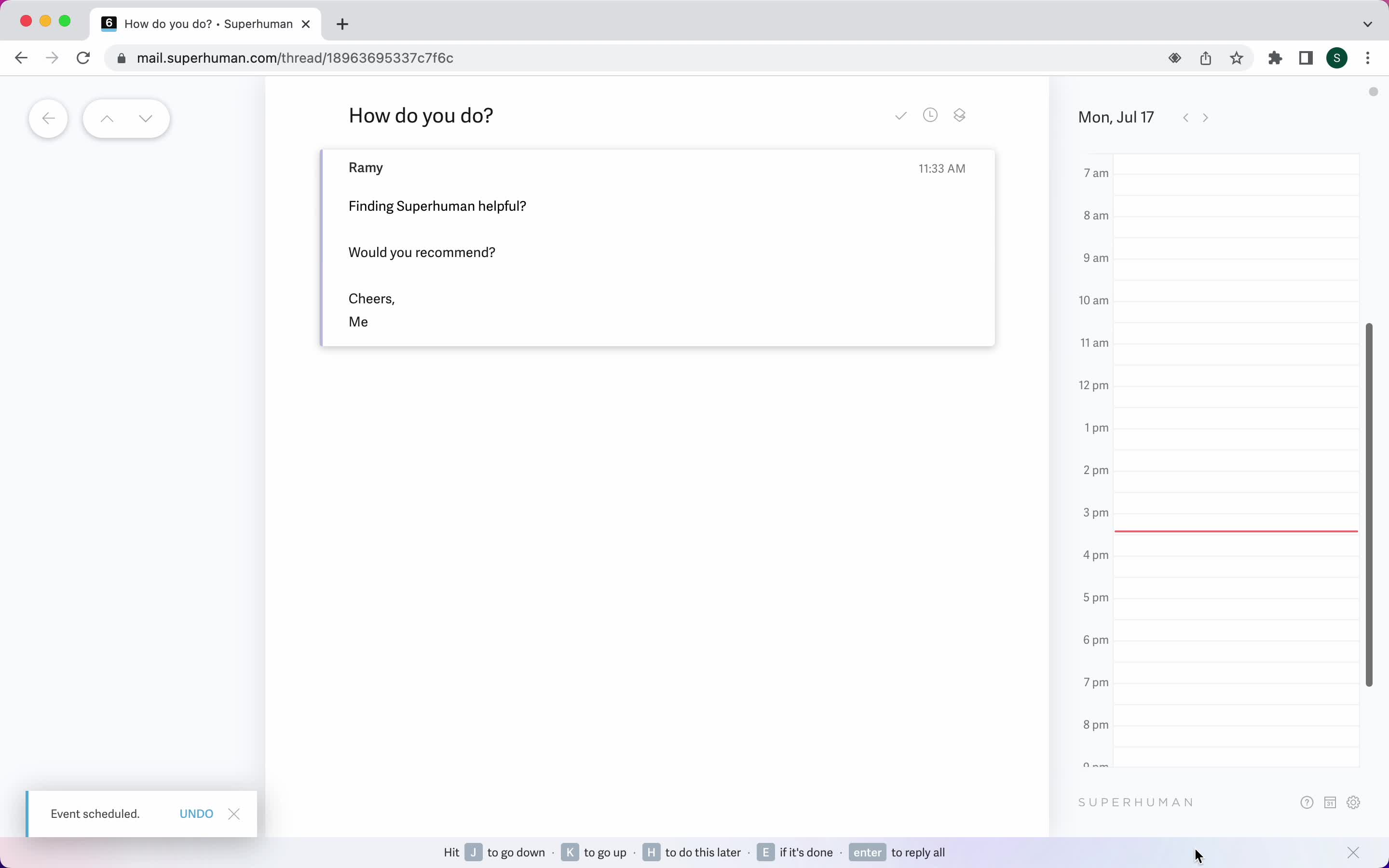
Event created
this is title
Create event
this is title
Add event details
this is title
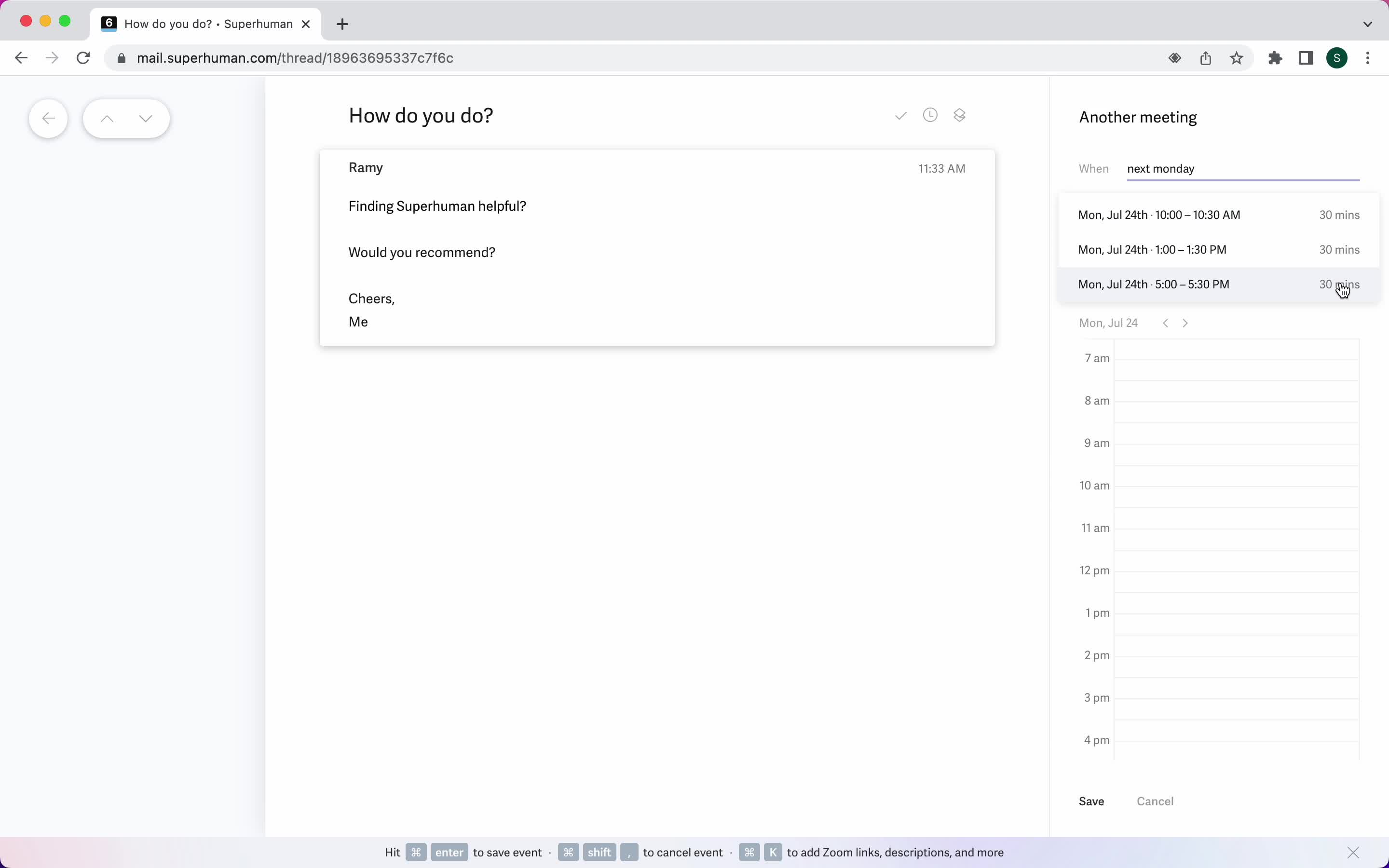
Set date
this is title
Event created
this is title
My events
this is title
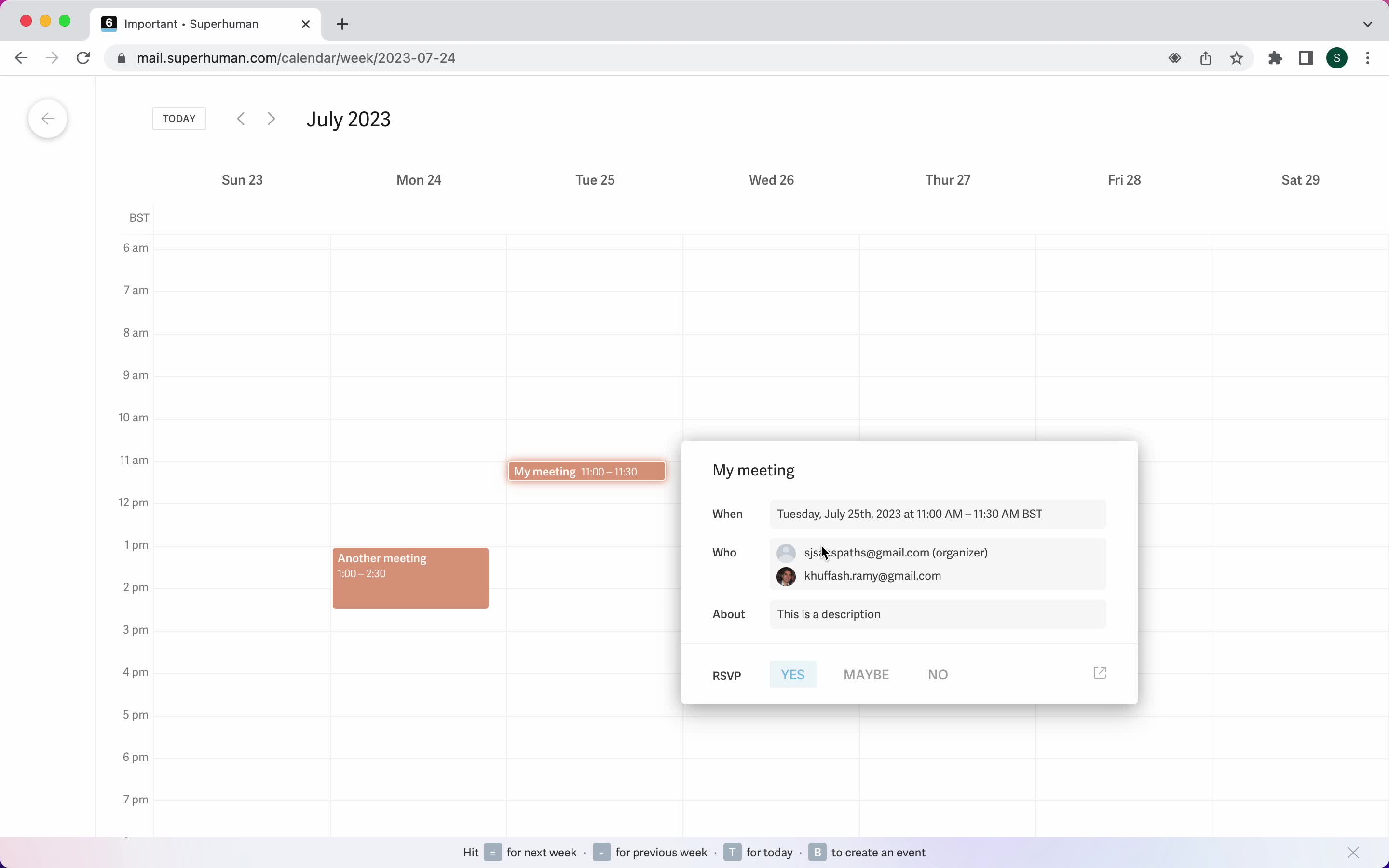
Event detail
this is title
Inbox
this is title
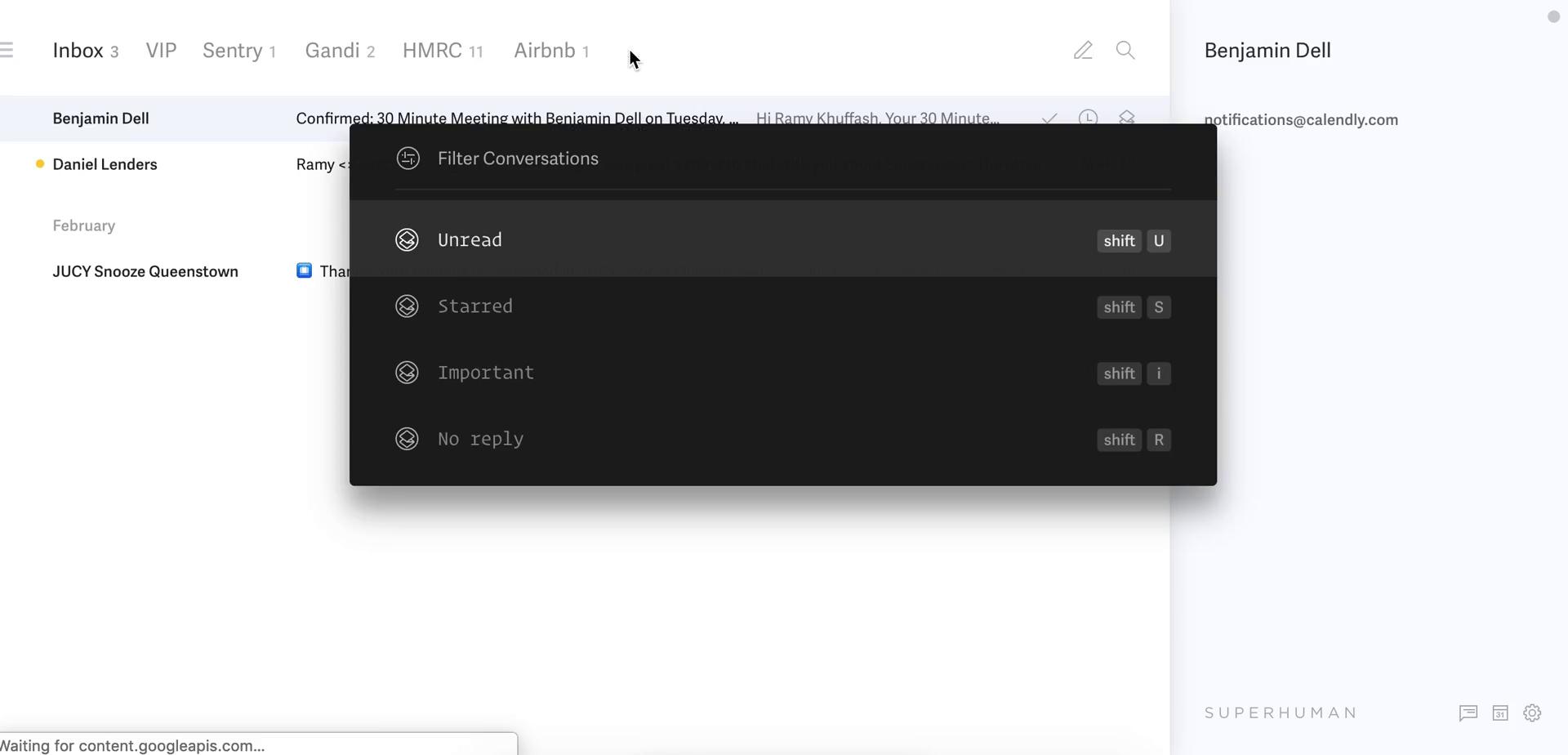
Filter
this is title
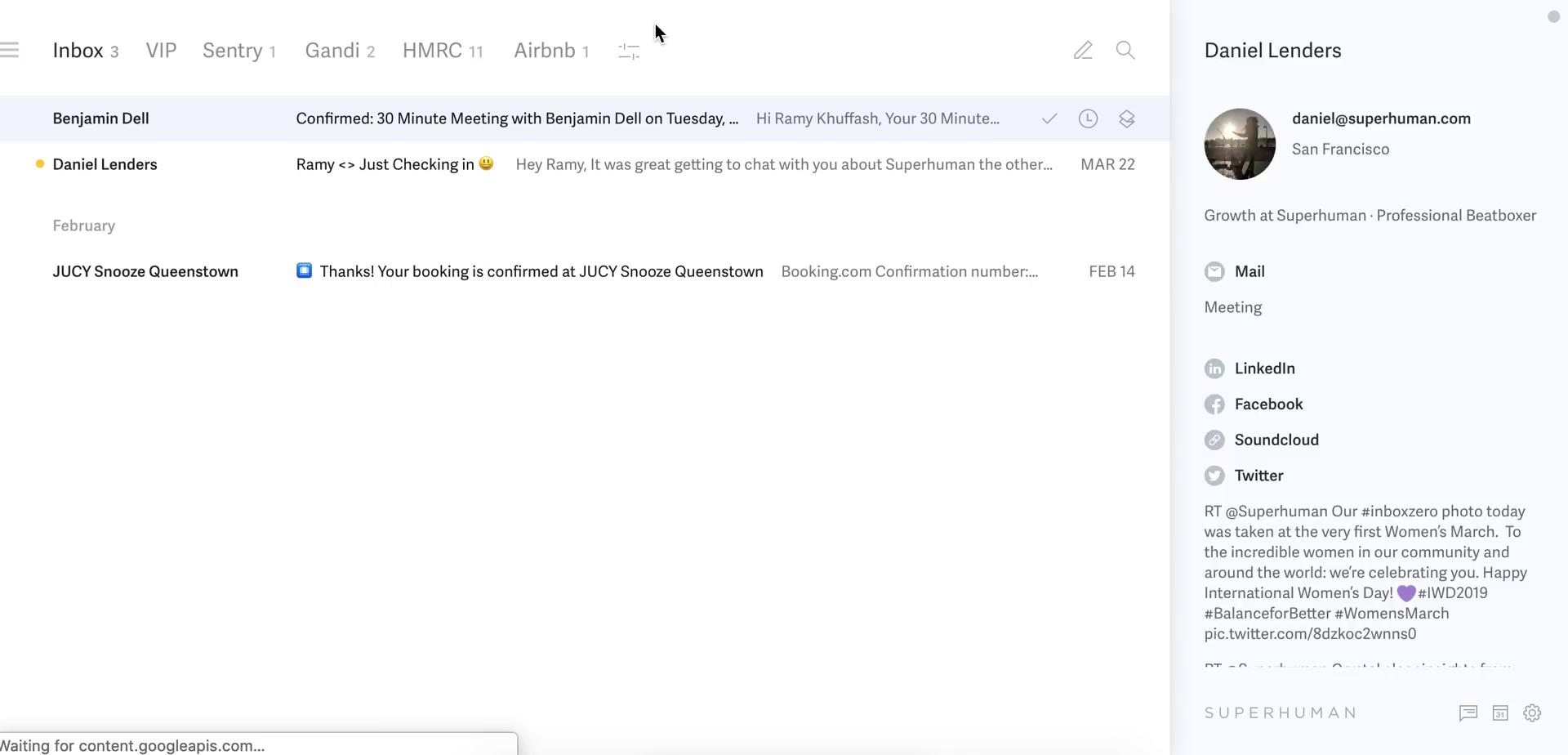
Filtered inbox
this is title
Filtered inbox
this is title
Inbox
this is title
Navigation menu
this is title
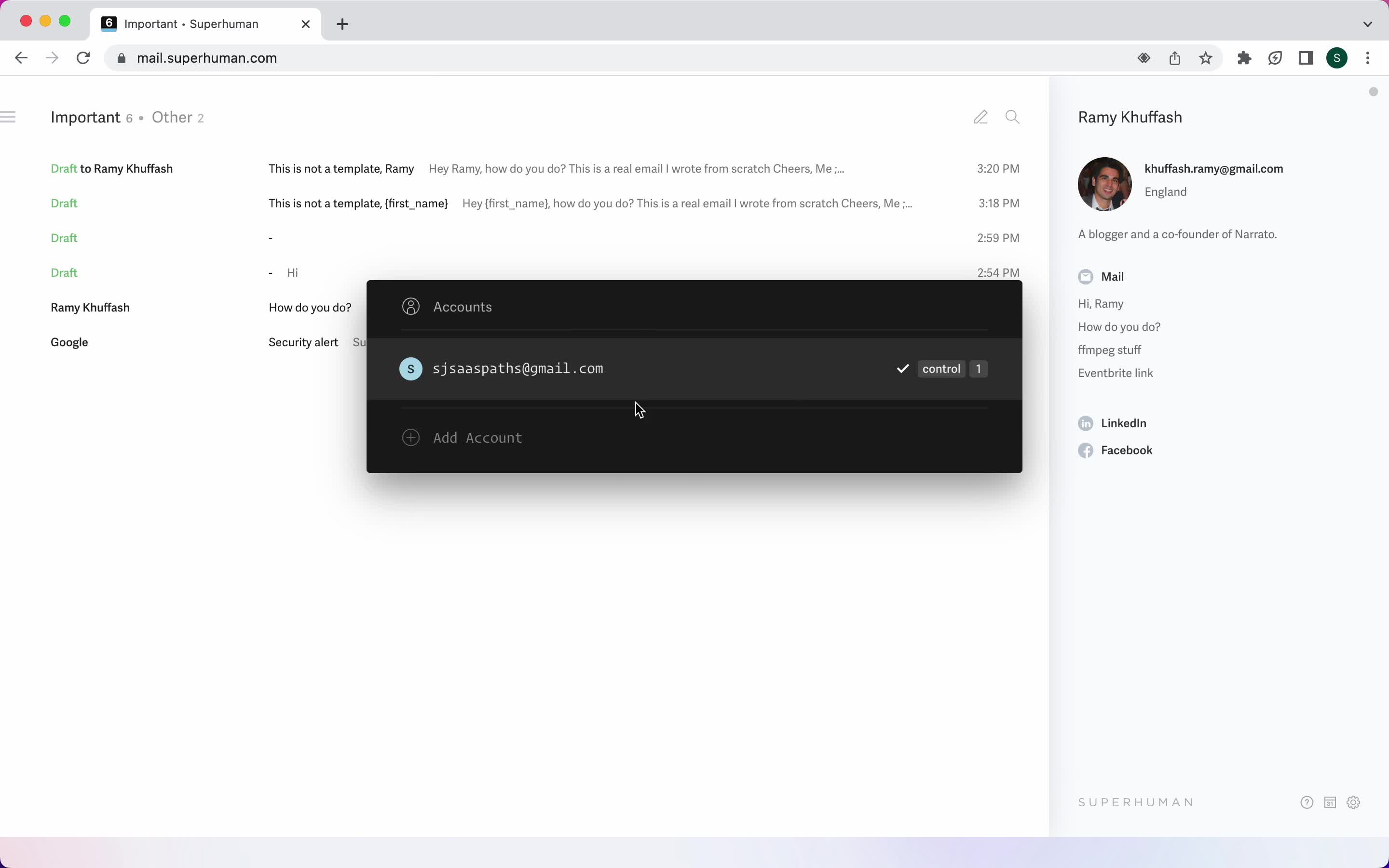
Accounts
this is title
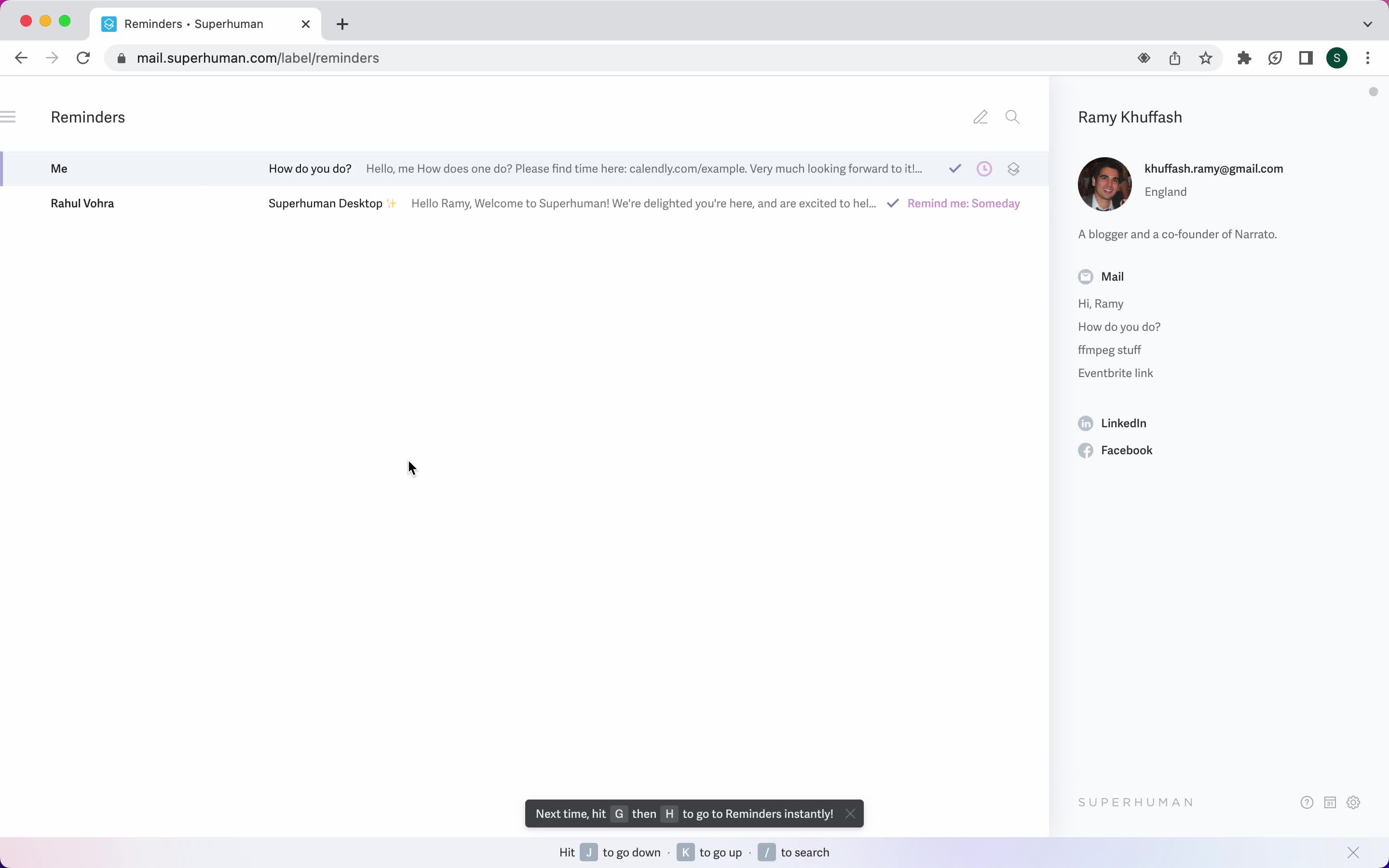
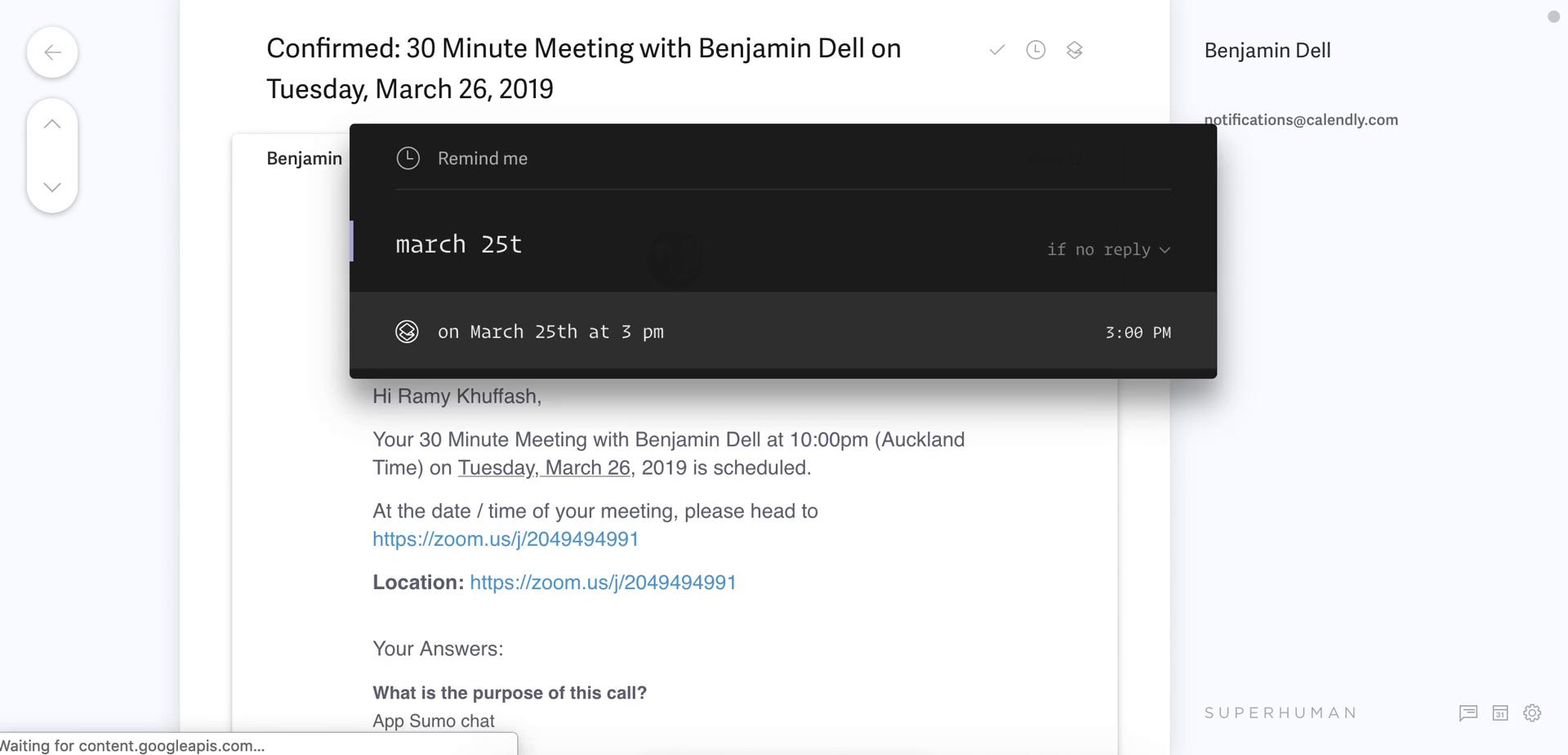
Reminders
this is title
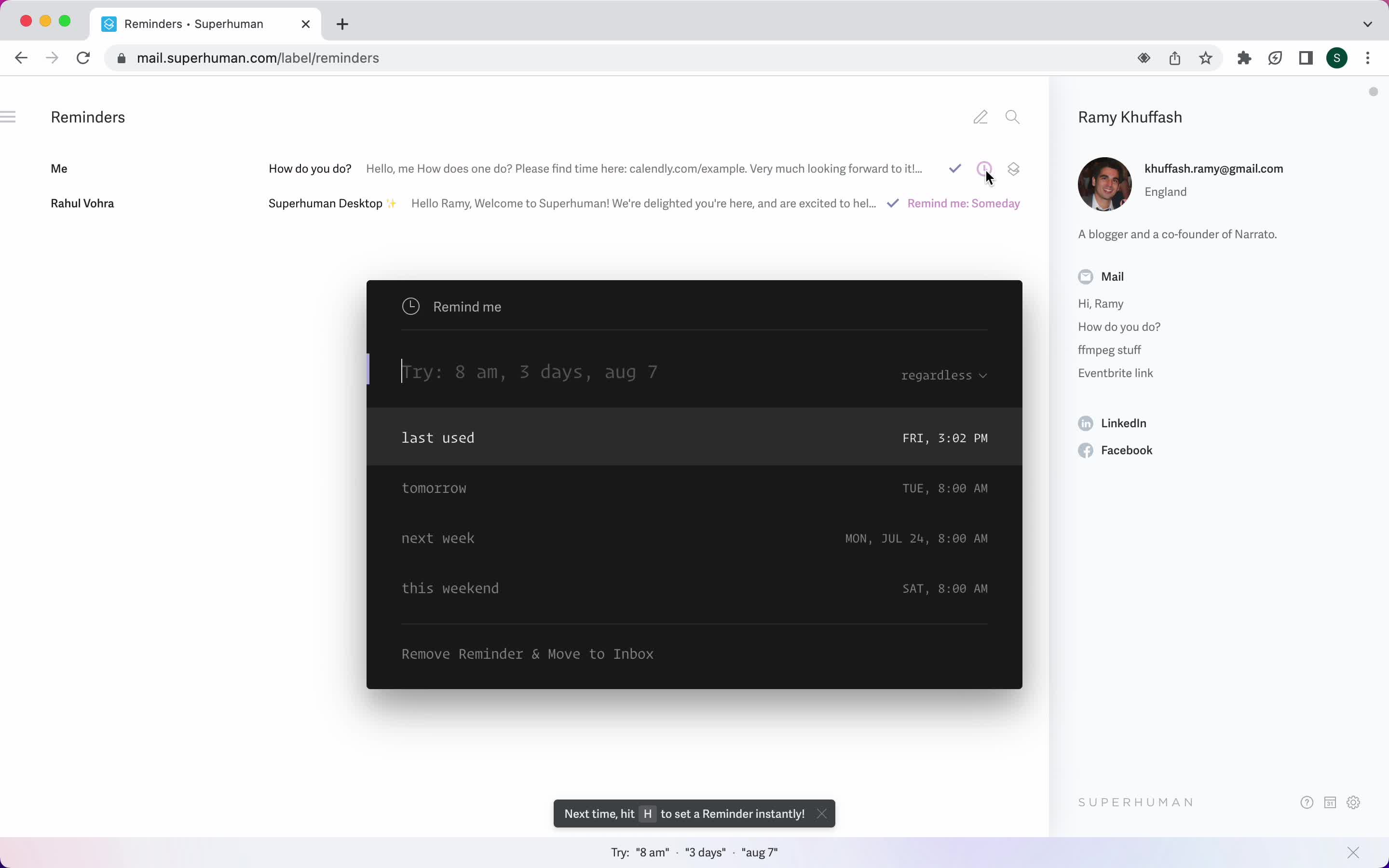
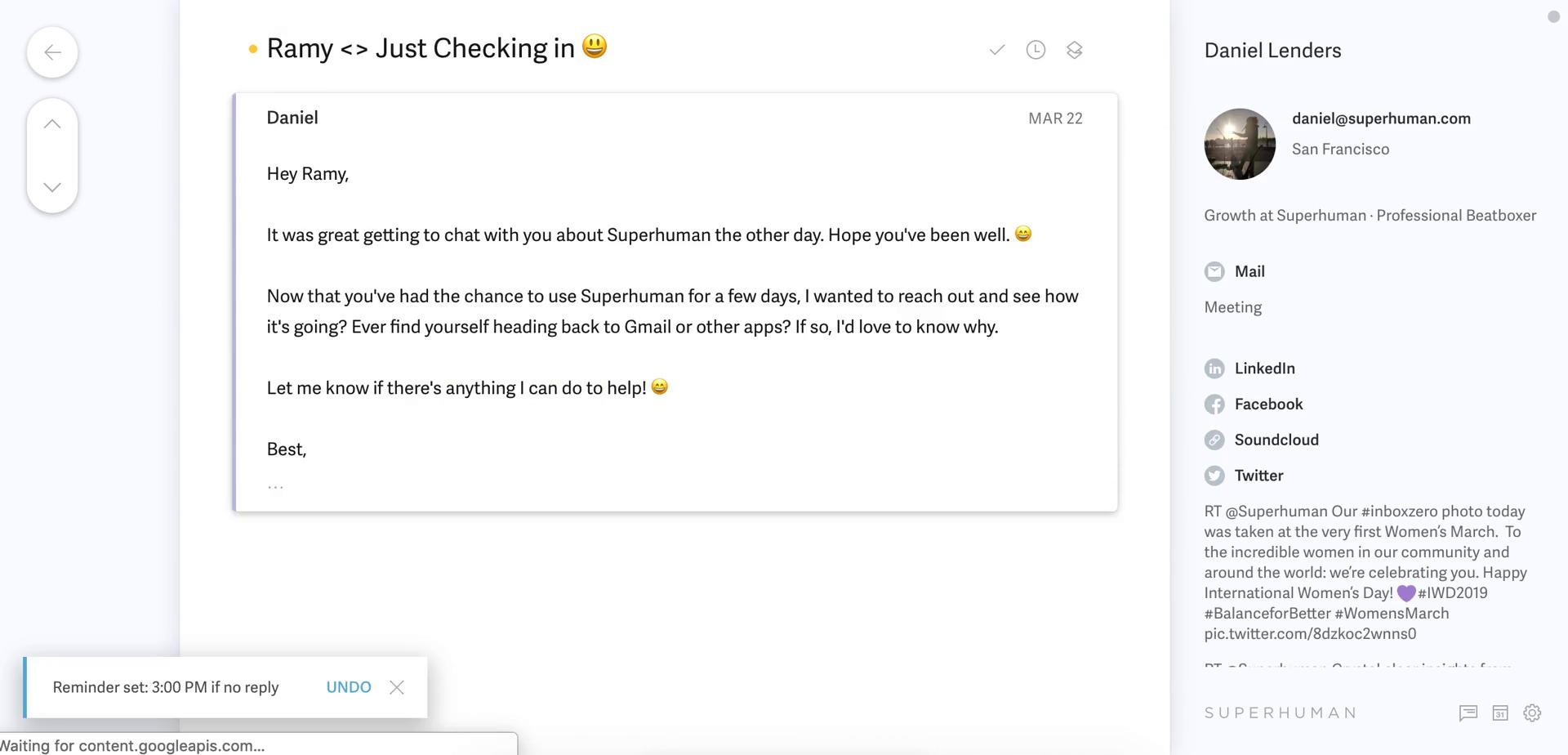
Set reminder
this is title
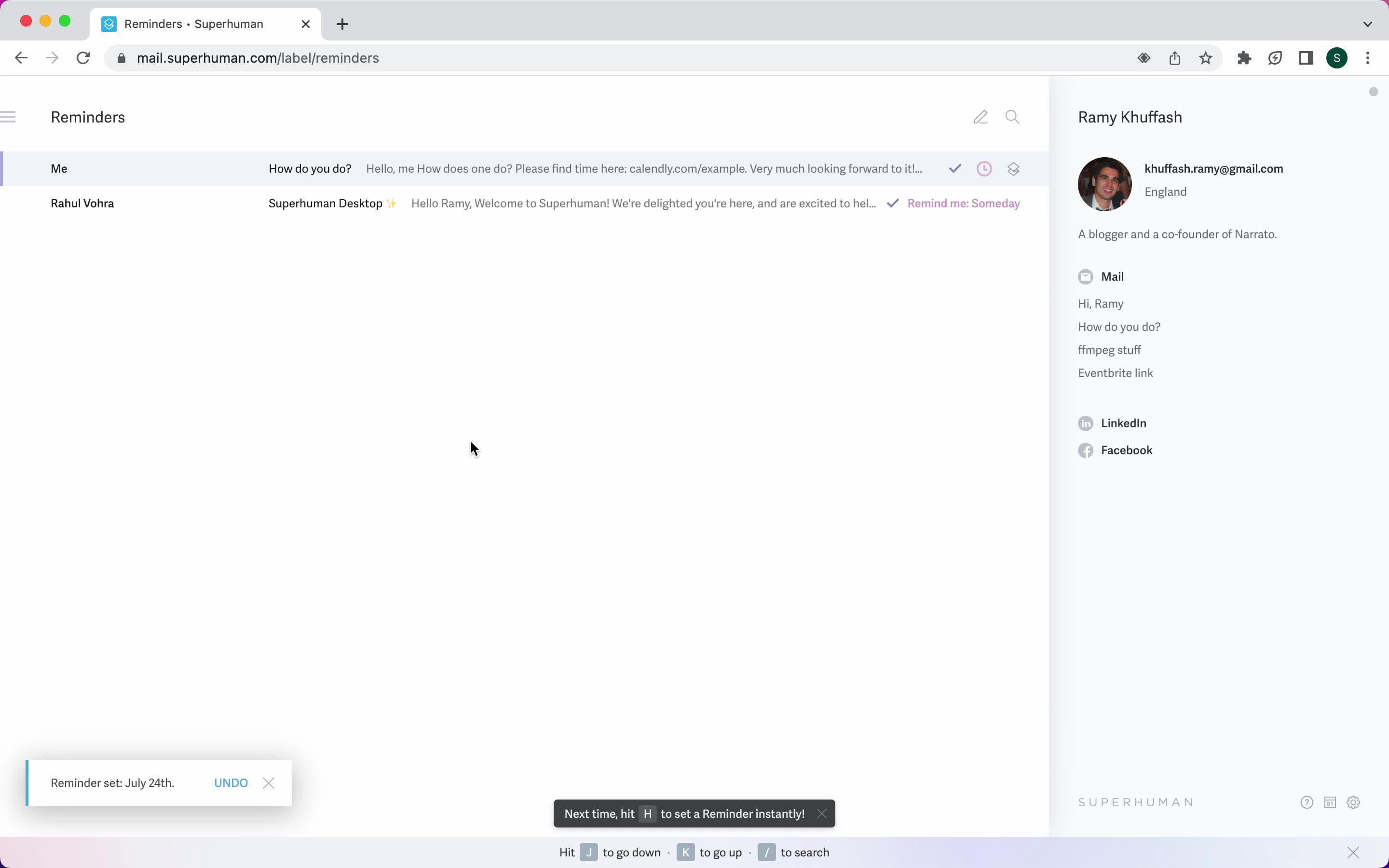
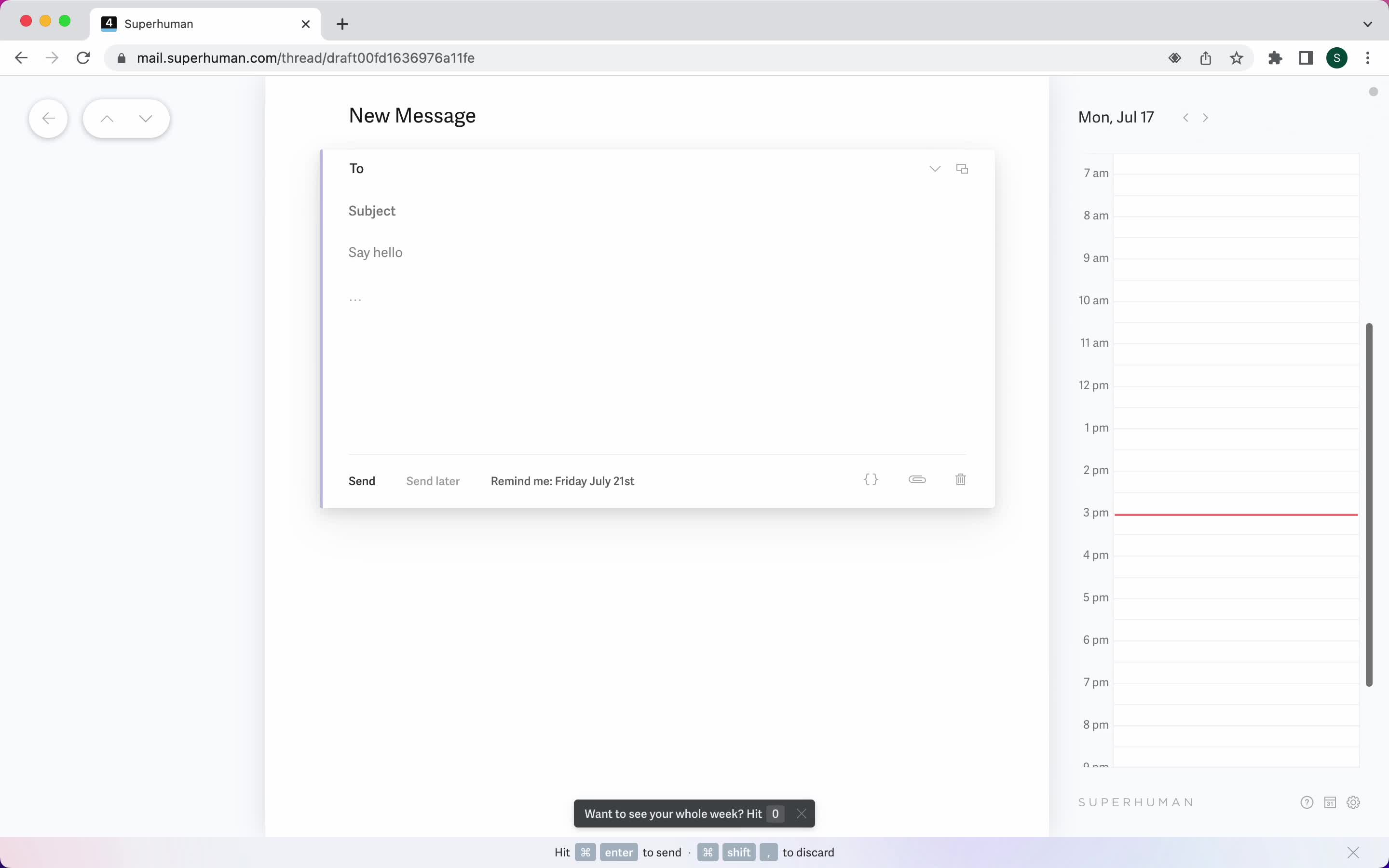
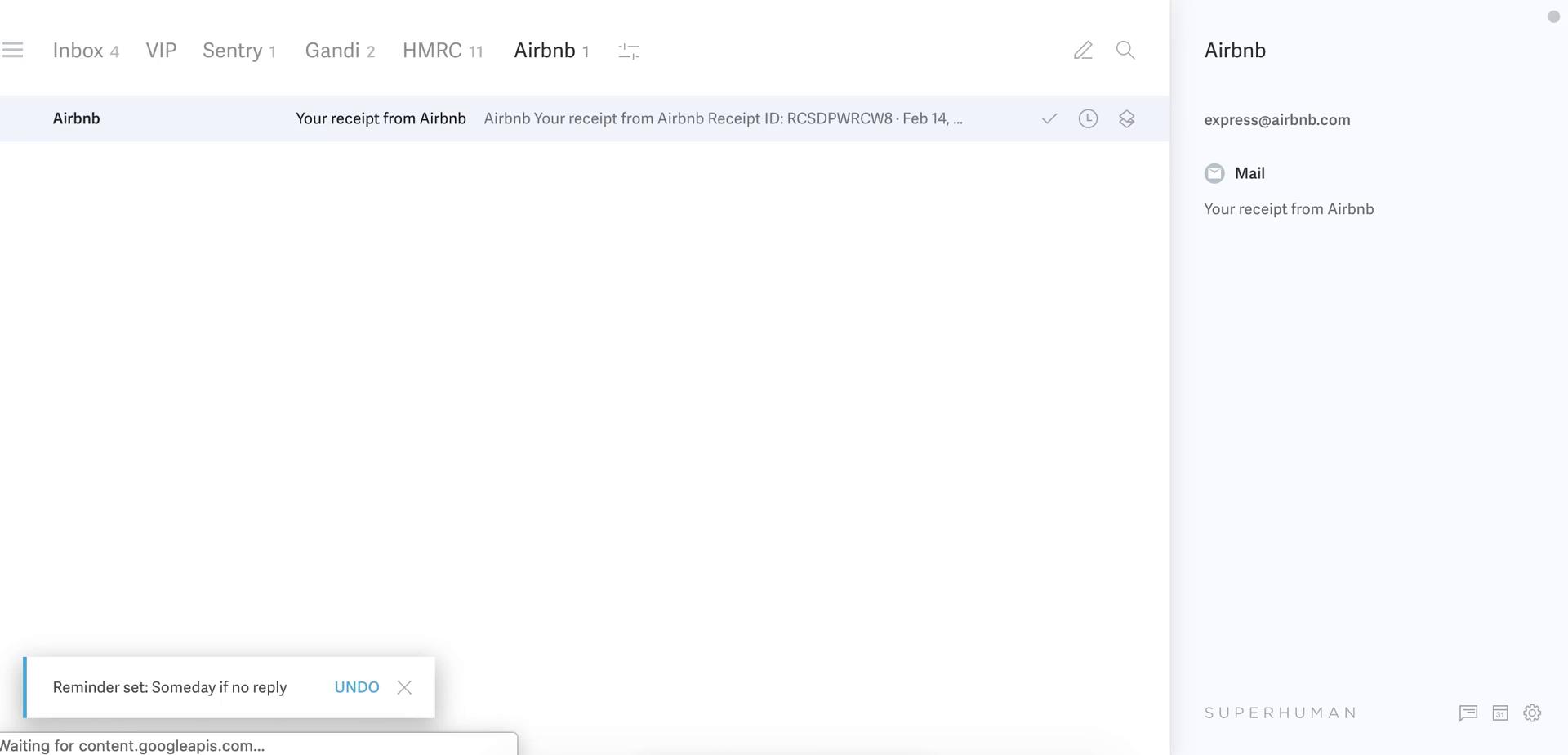
Reminder set
this is title
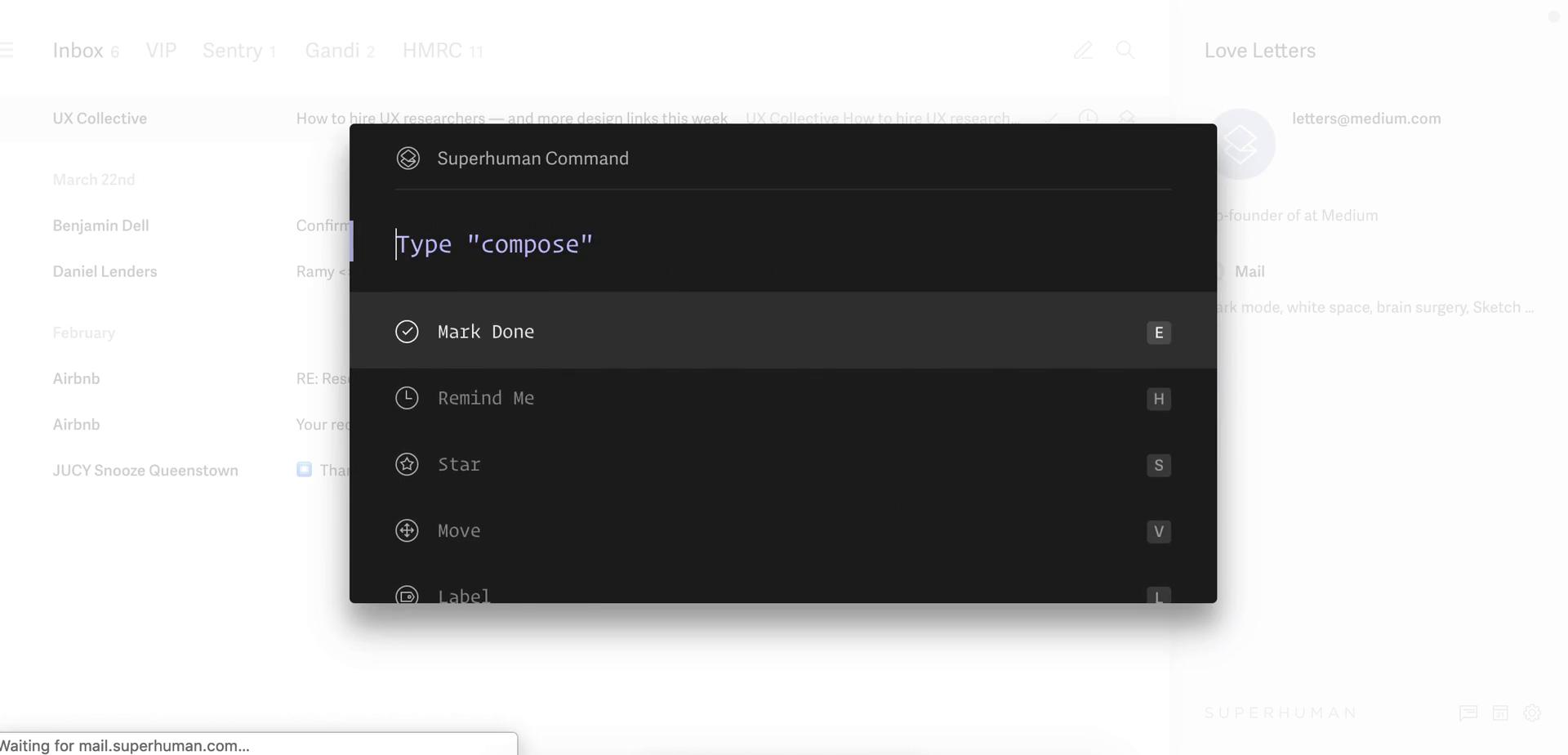
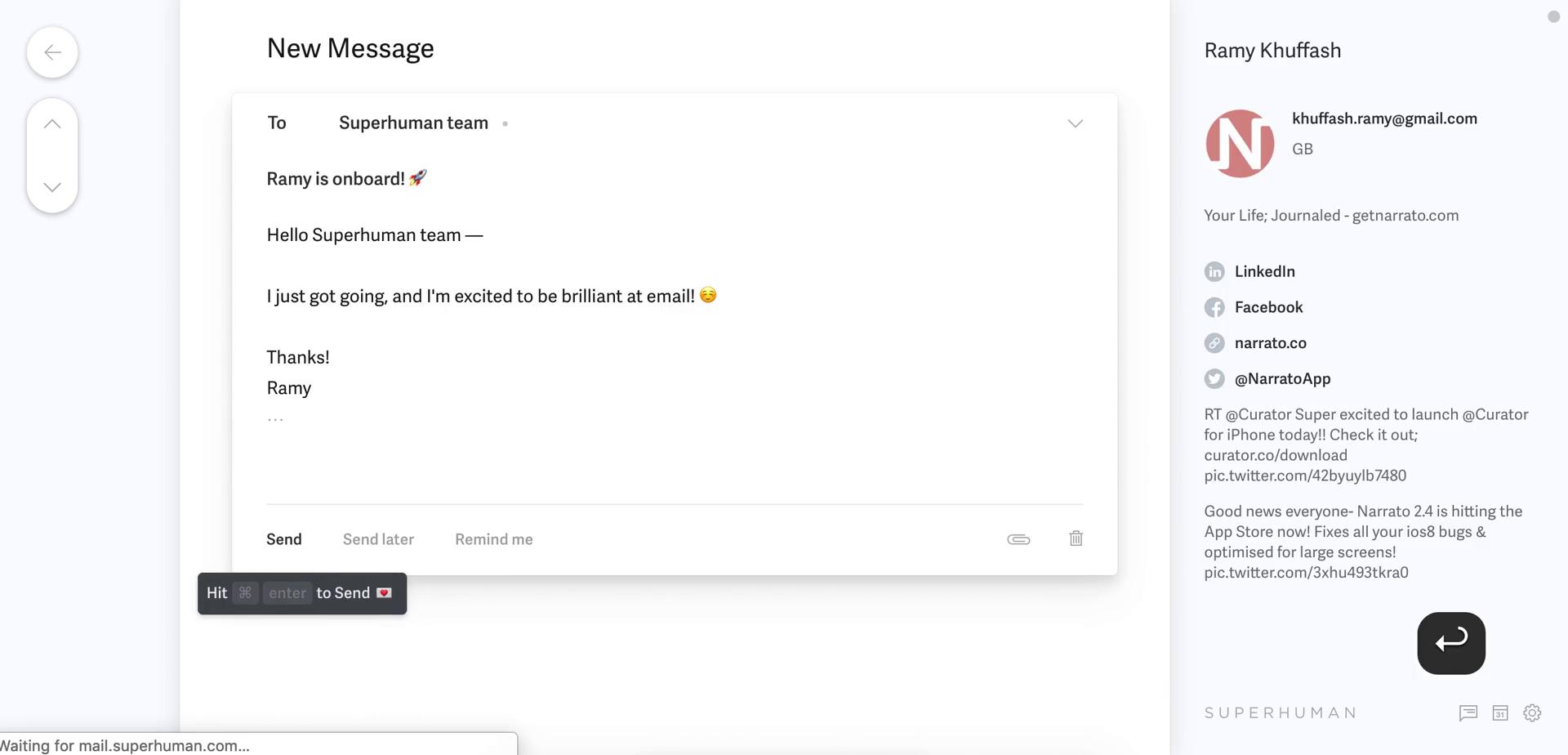
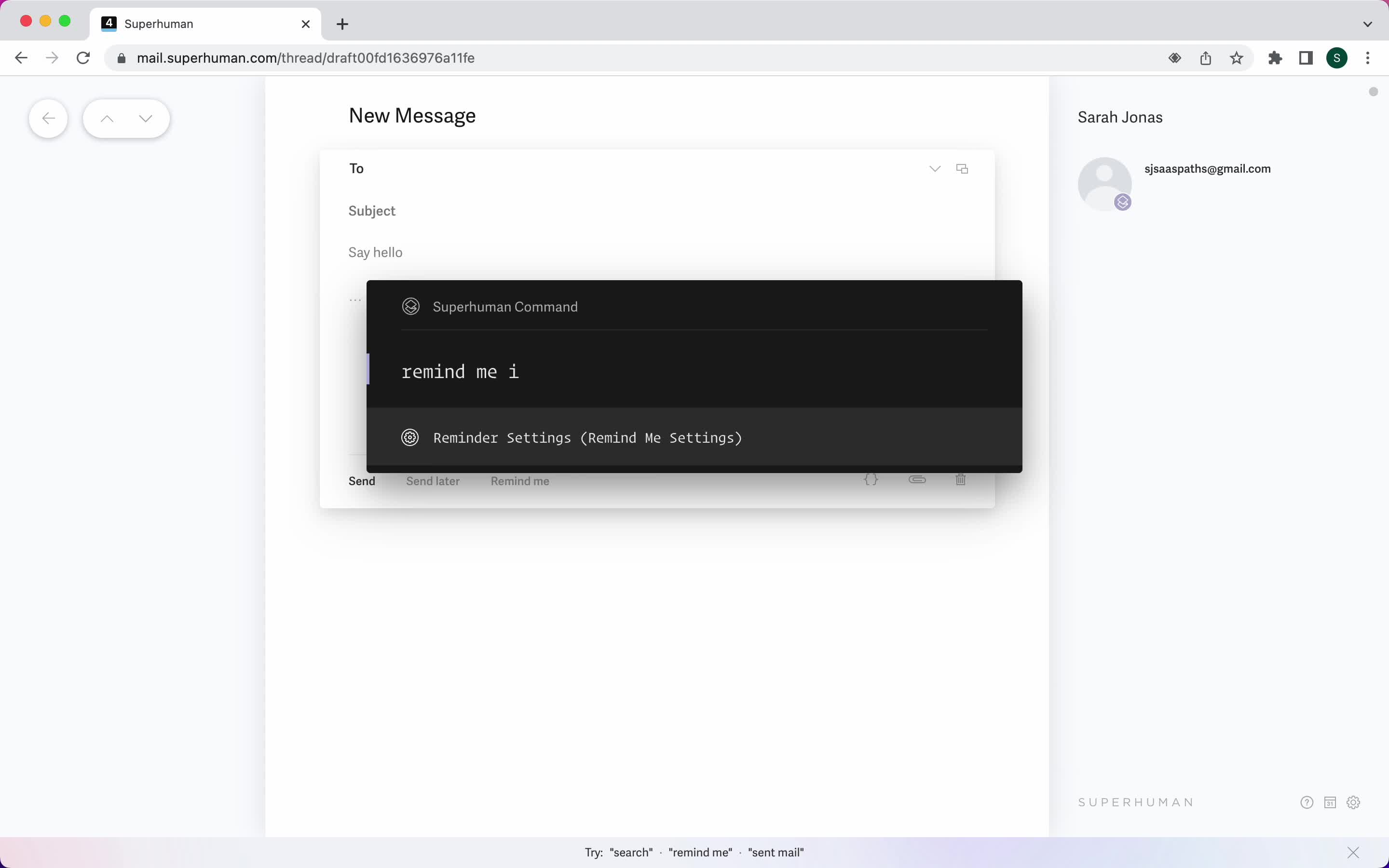
Compose email
this is title
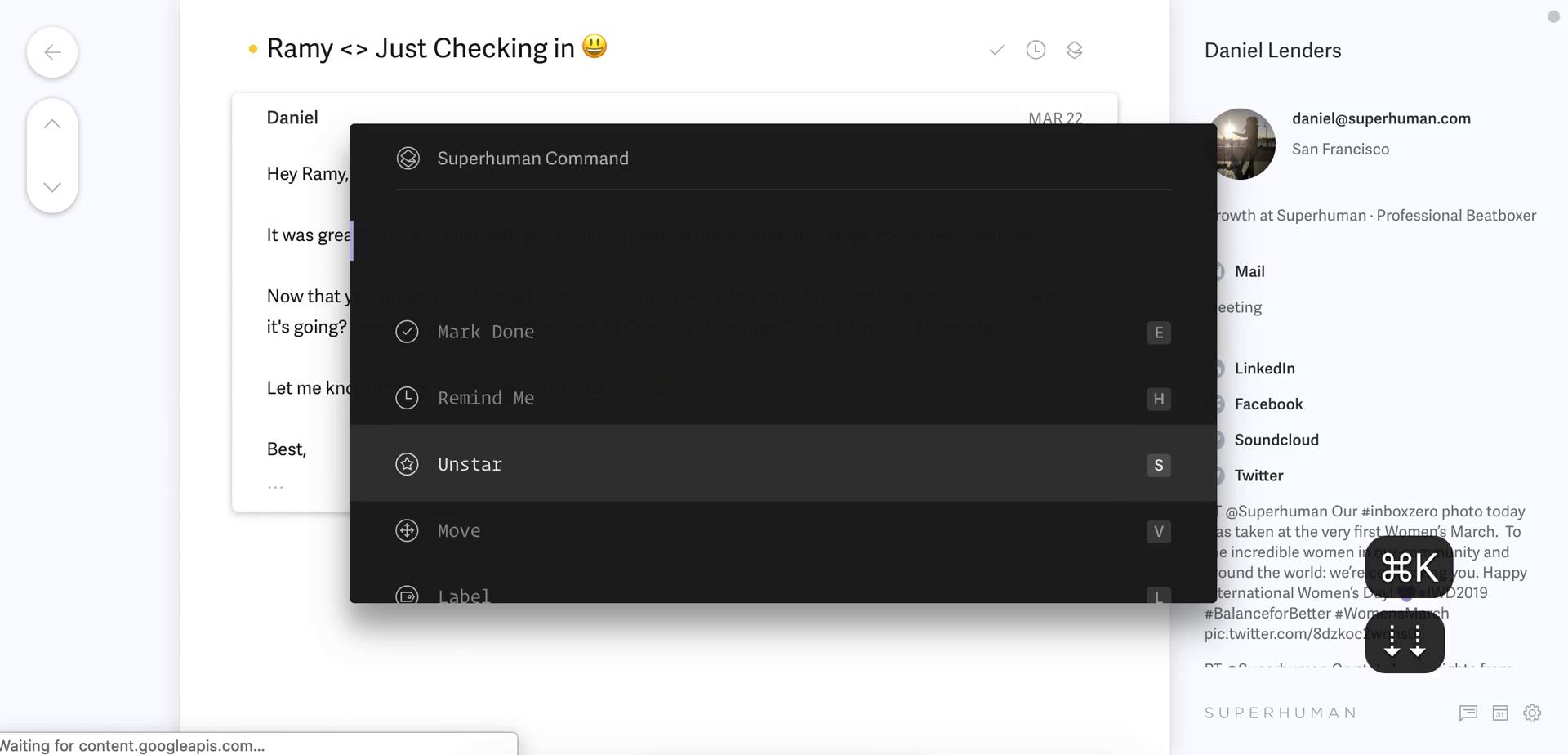
Command menu
this is title
Marked as done
this is title
Inbox
this is title
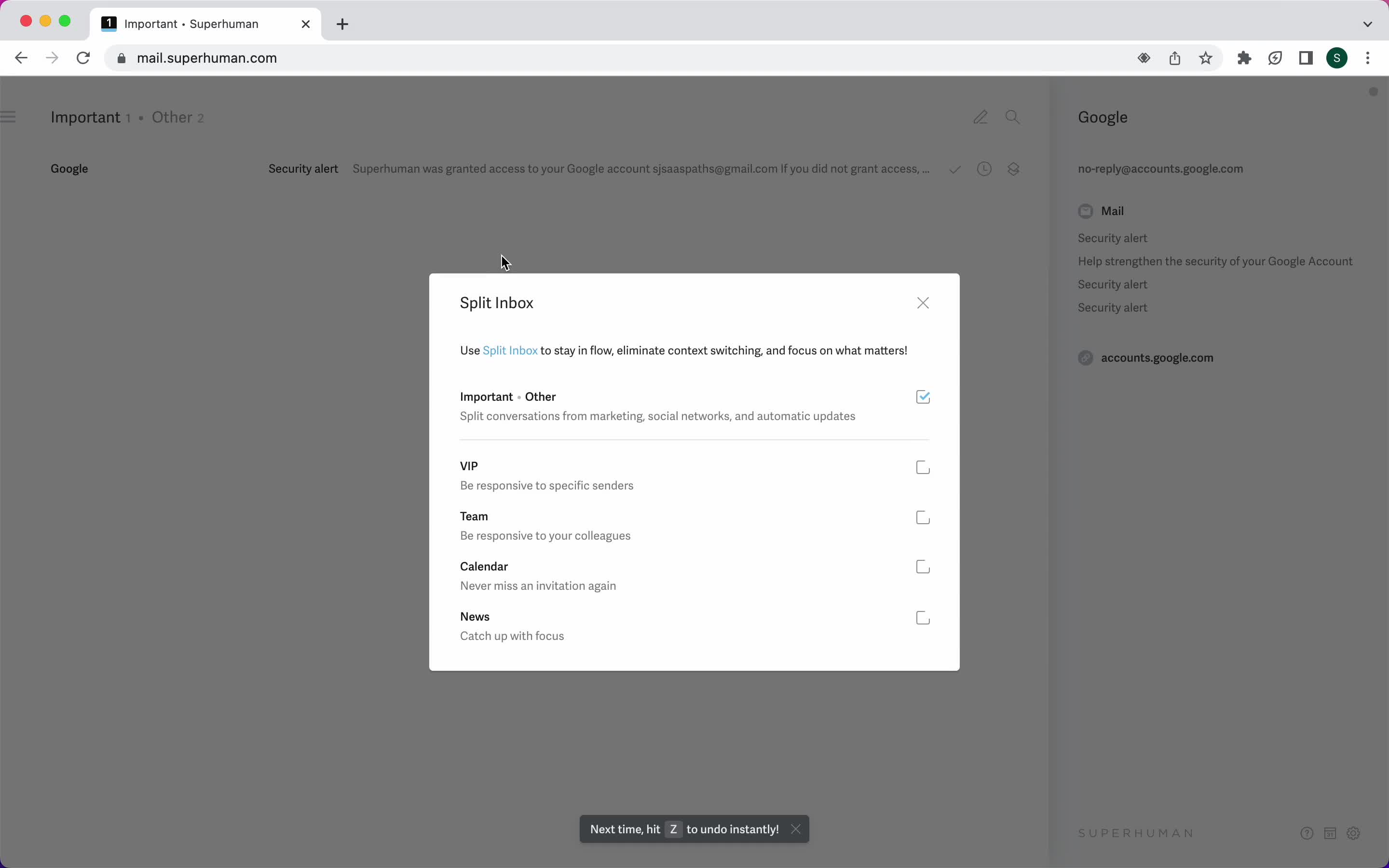
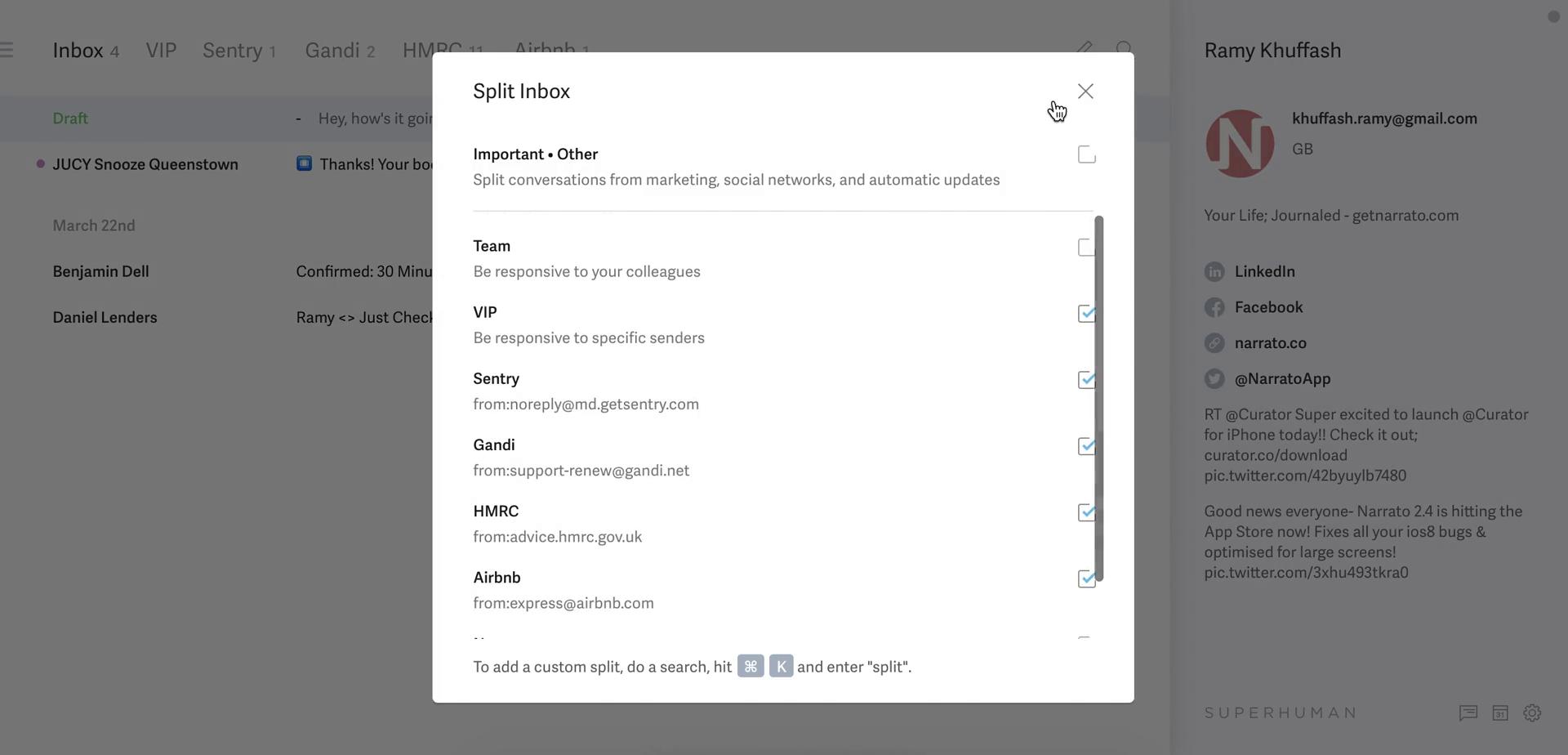
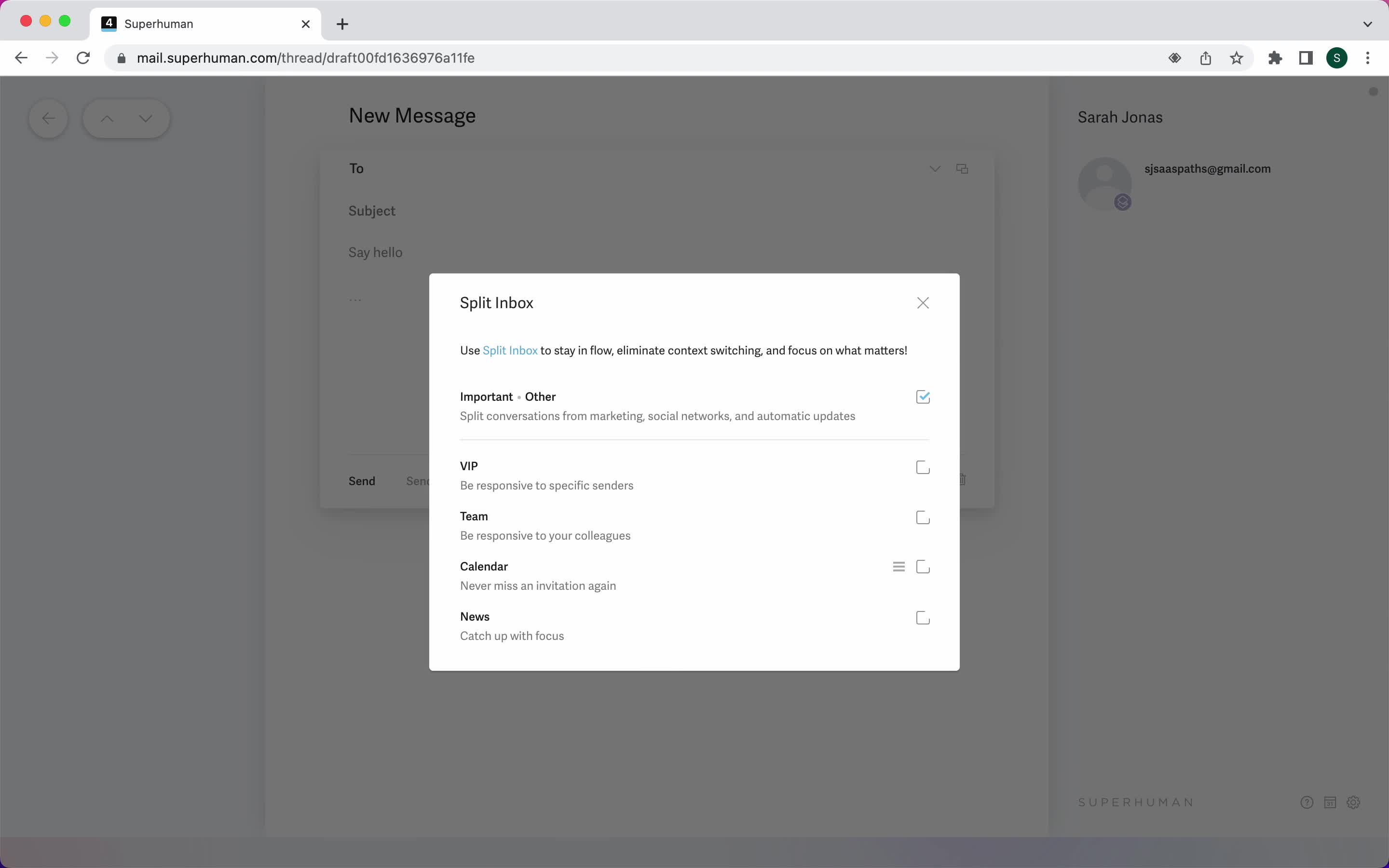
Split inbox
this is title
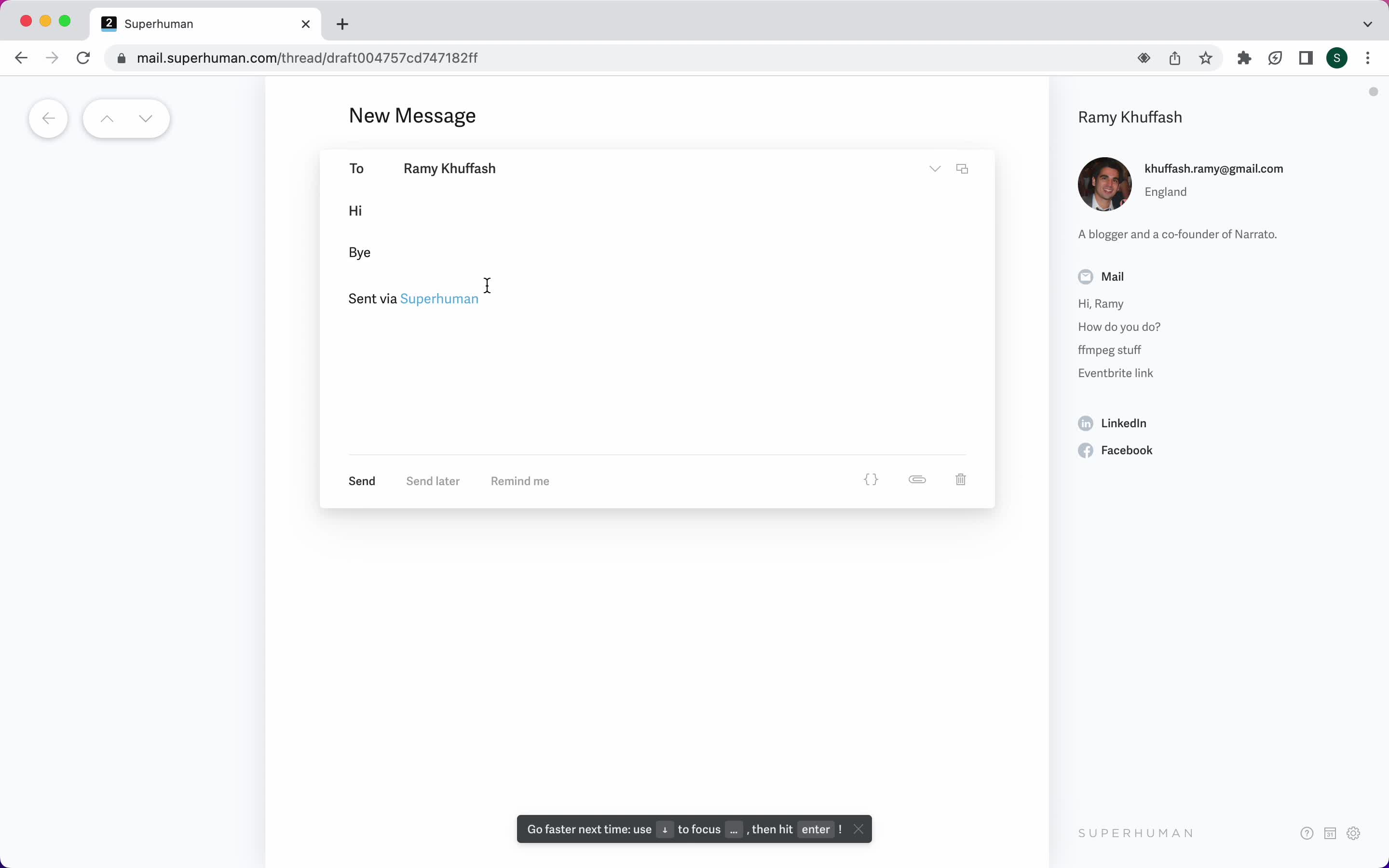
Compose email
this is title
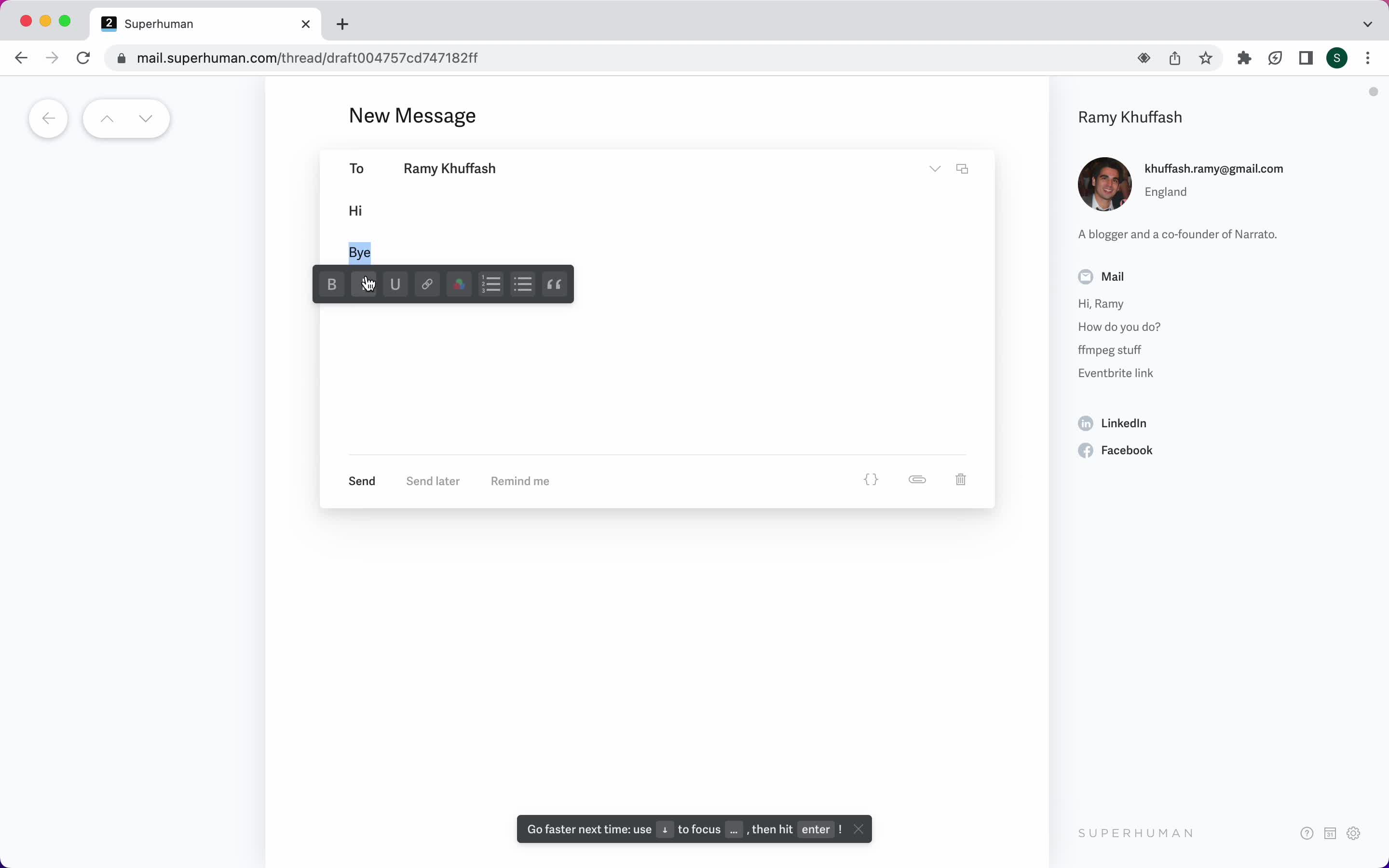
Format text
this is title
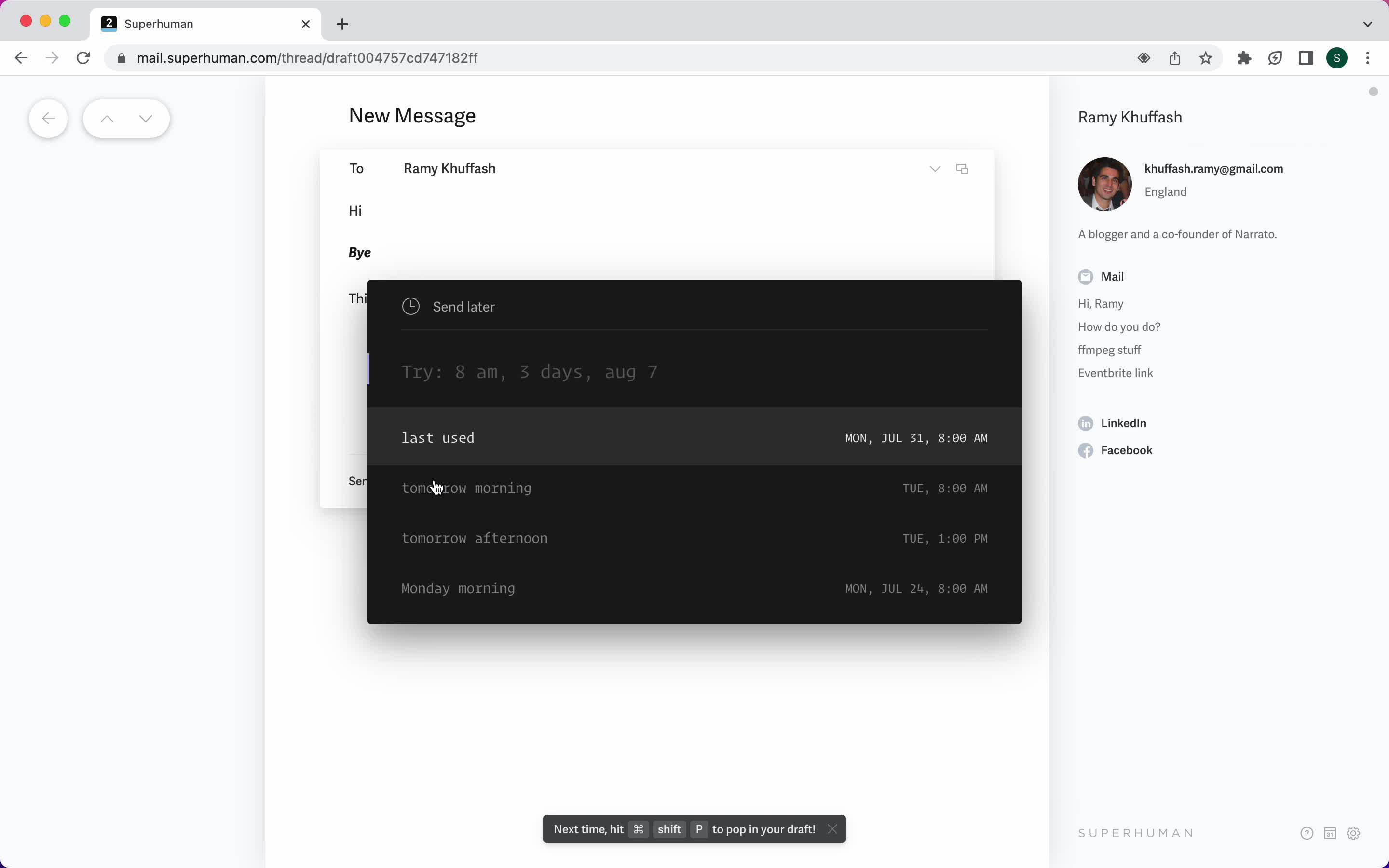
Schedule
this is title
Search
this is title
Search results
this is title
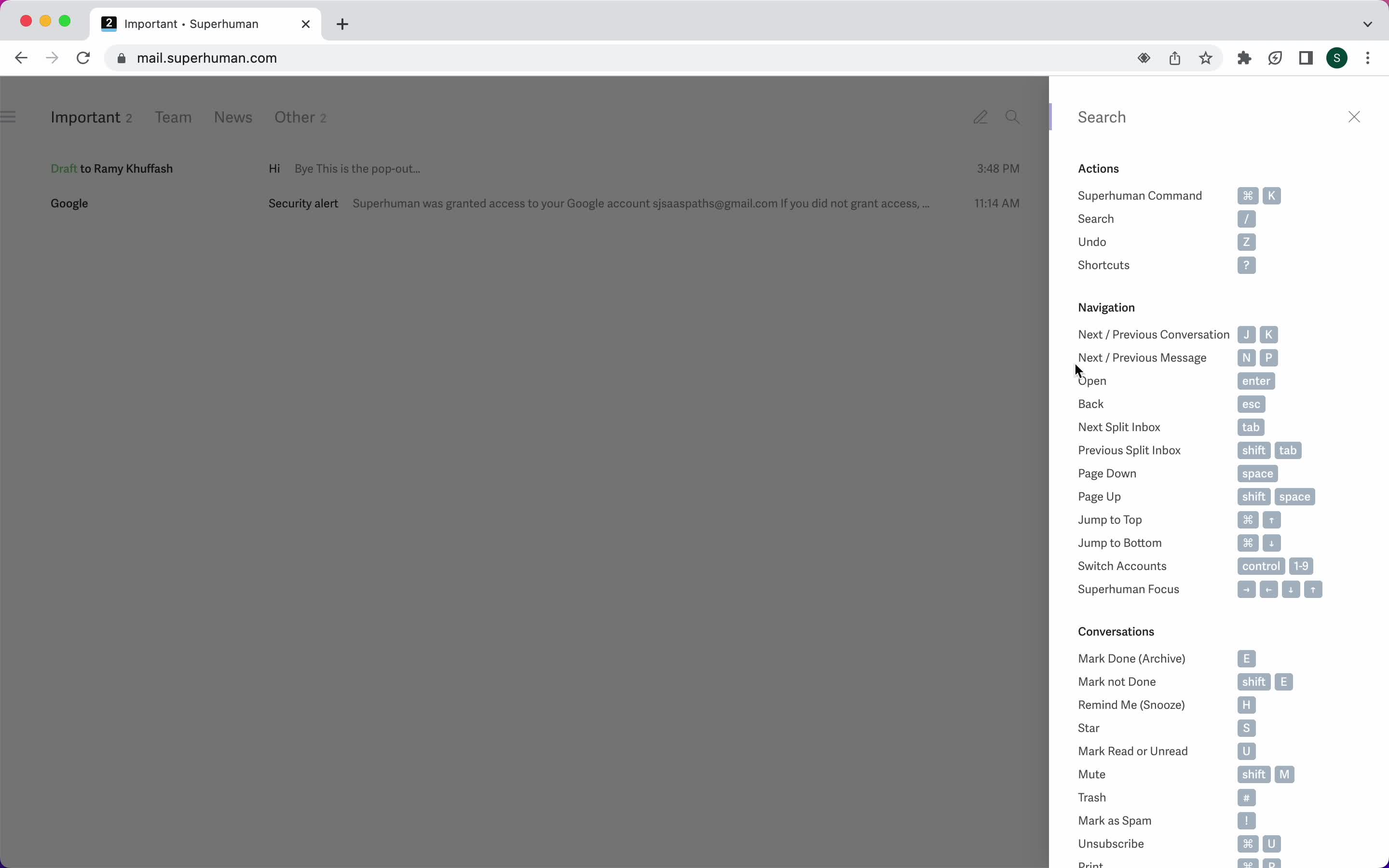
Keyboard shortcuts
this is title
Calendar
this is title
Create event
this is title
Settings
this is title
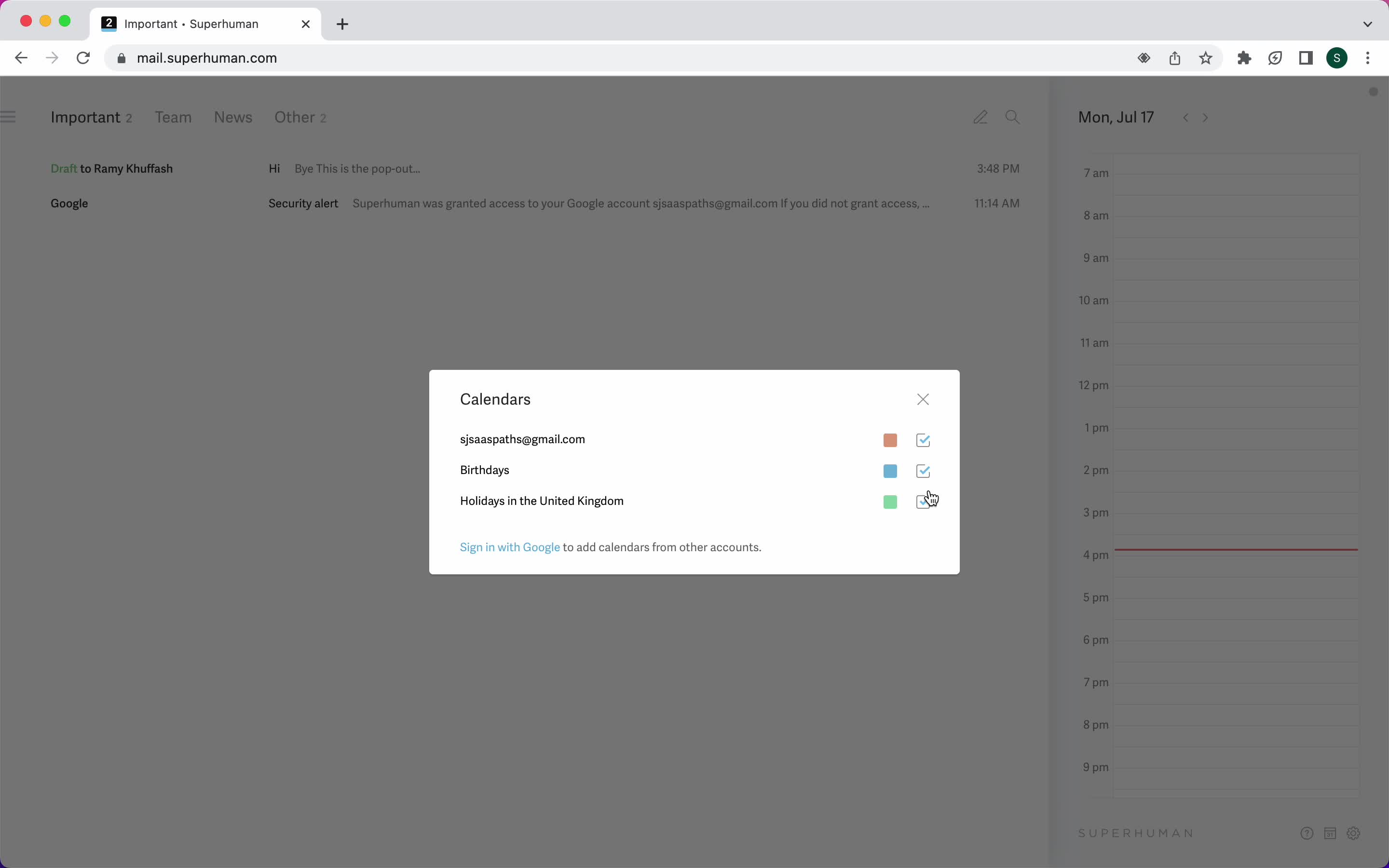
Select calendar account
this is title
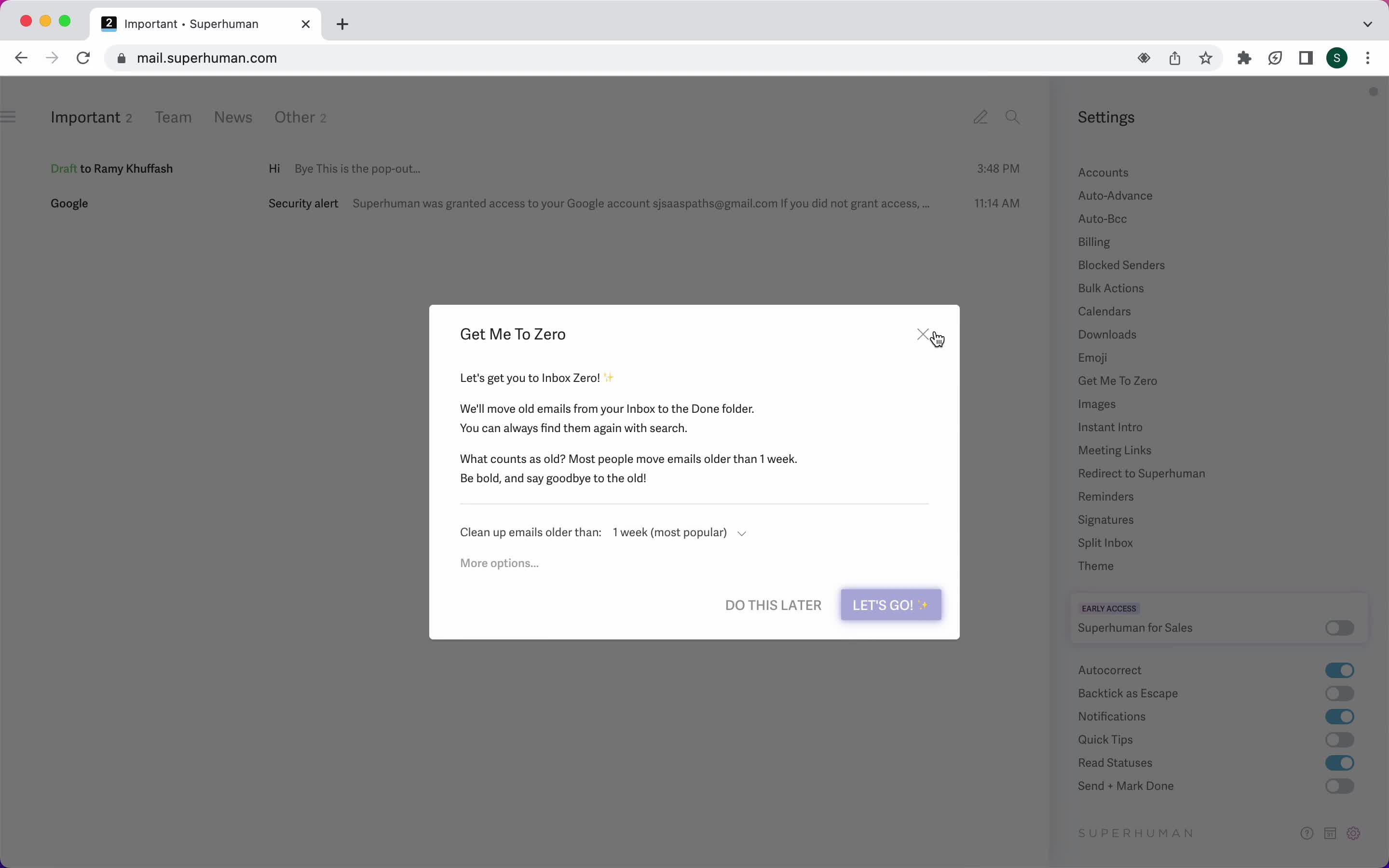
Guide modal
this is title
Product updates
this is title
Inbox
this is title
Inbox
this is title
Email details
this is title
Shortcut commands
this is title
Reminders
this is title
Search
this is title
Calendar
this is title
Inbox
this is title
Compose email
this is title
Schedule send
this is title
Accounts
this is title
Product updates
this is title
Settings
this is title
Split inbox list
this is title
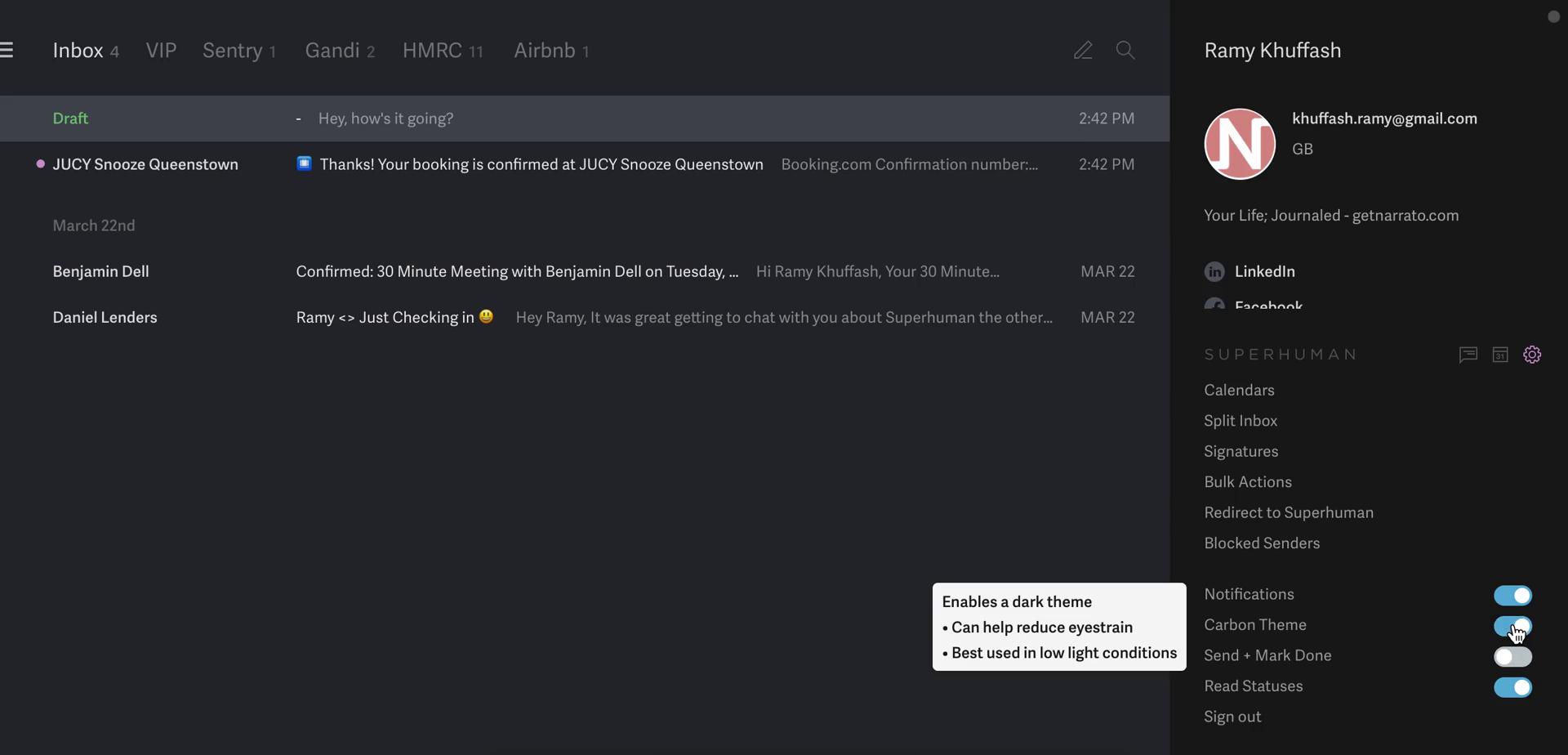
Dark mode
this is title
Keyboard shortcuts
this is title
Inbox
this is title
Shortcut commands
this is title
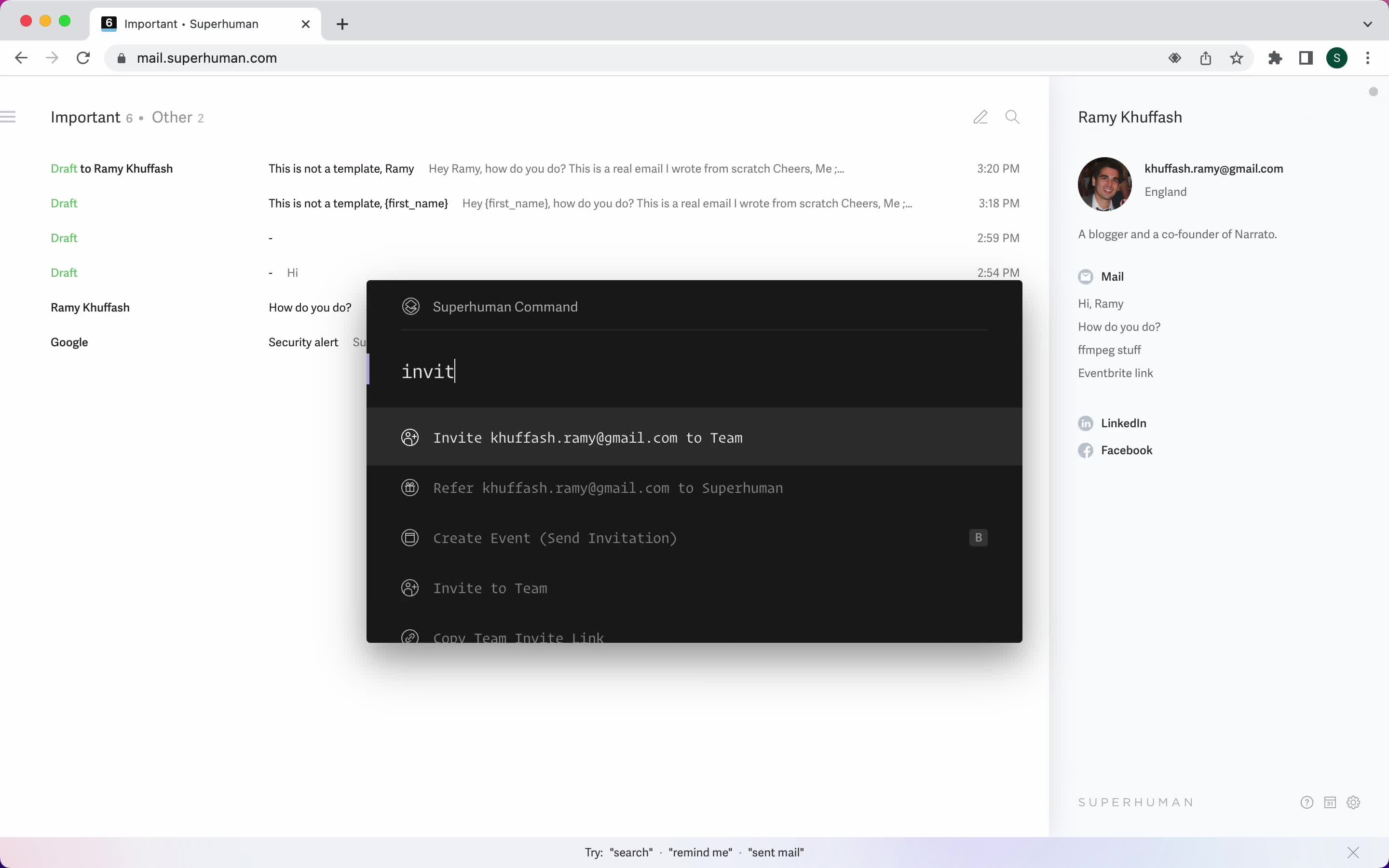
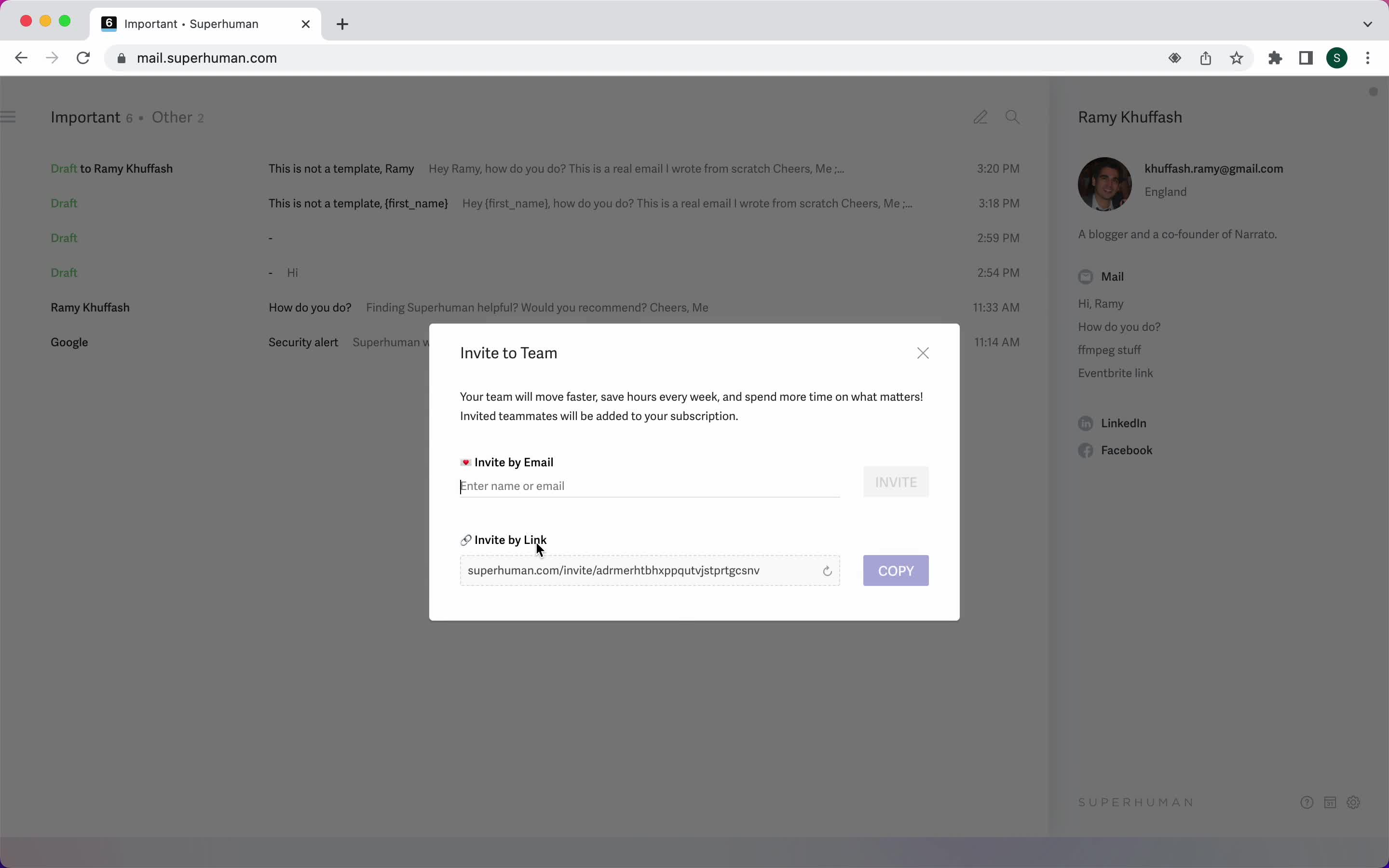
Invite teammate
this is title
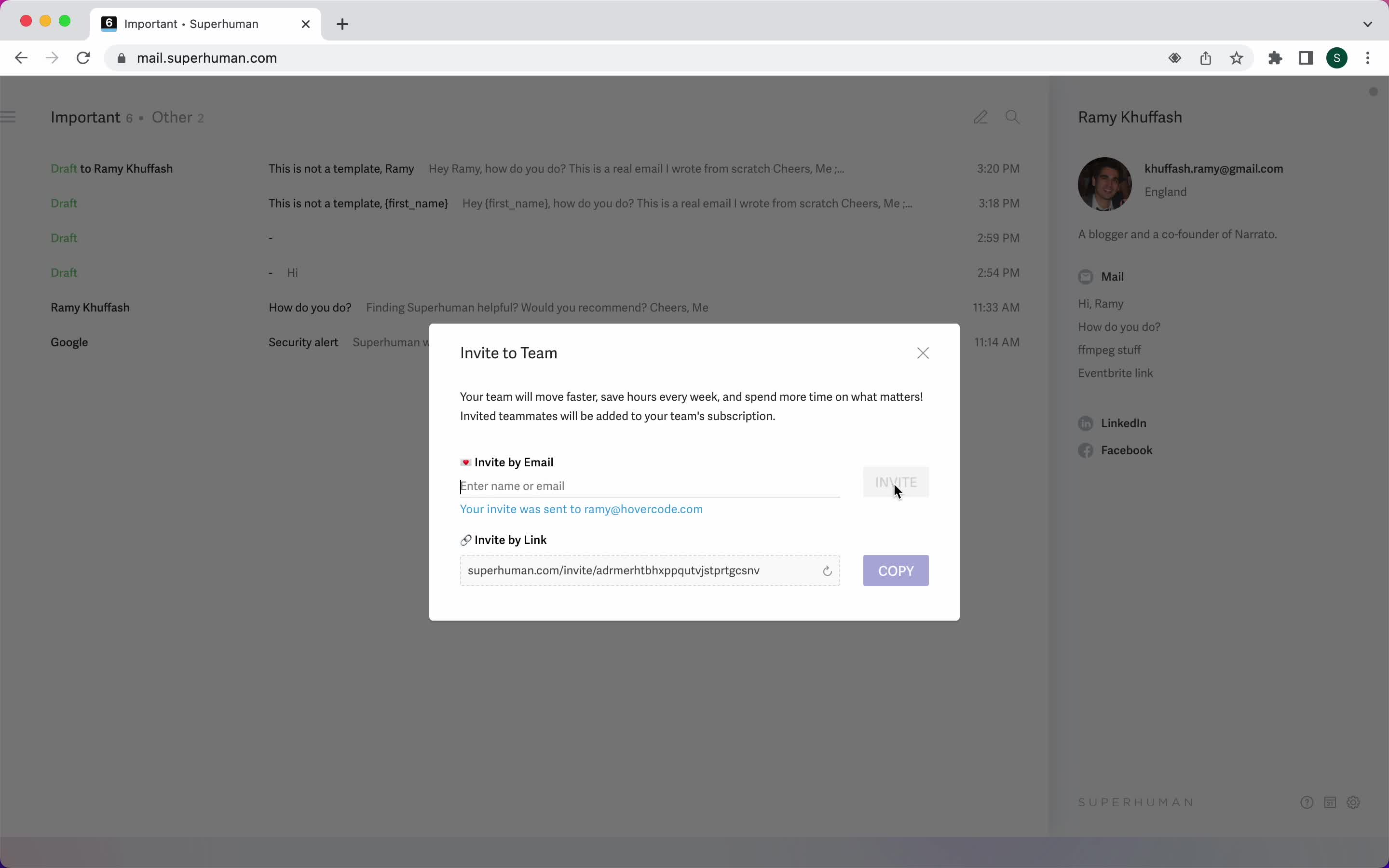
Invite sent
this is title
Settings
this is title
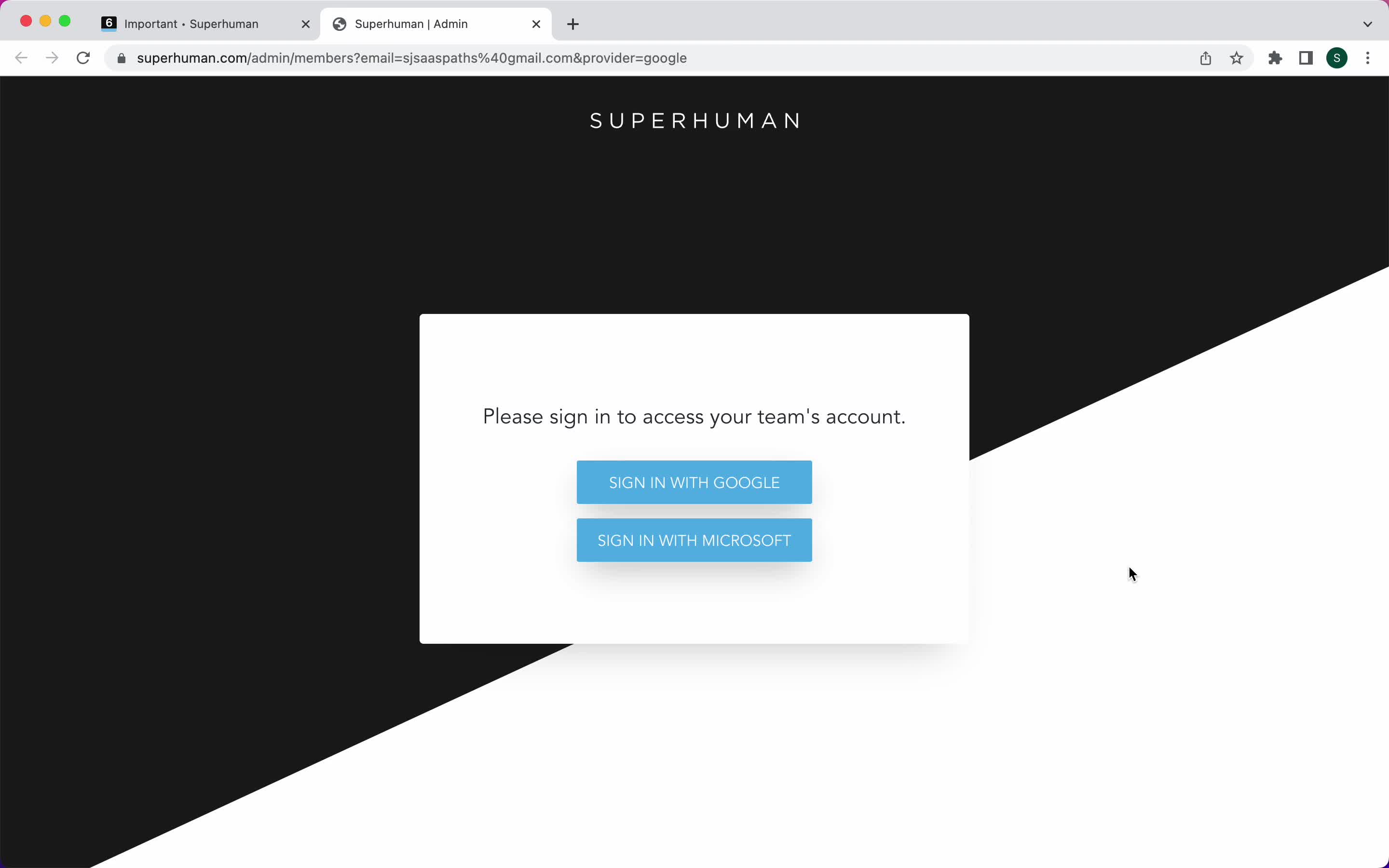
Sign in
this is title
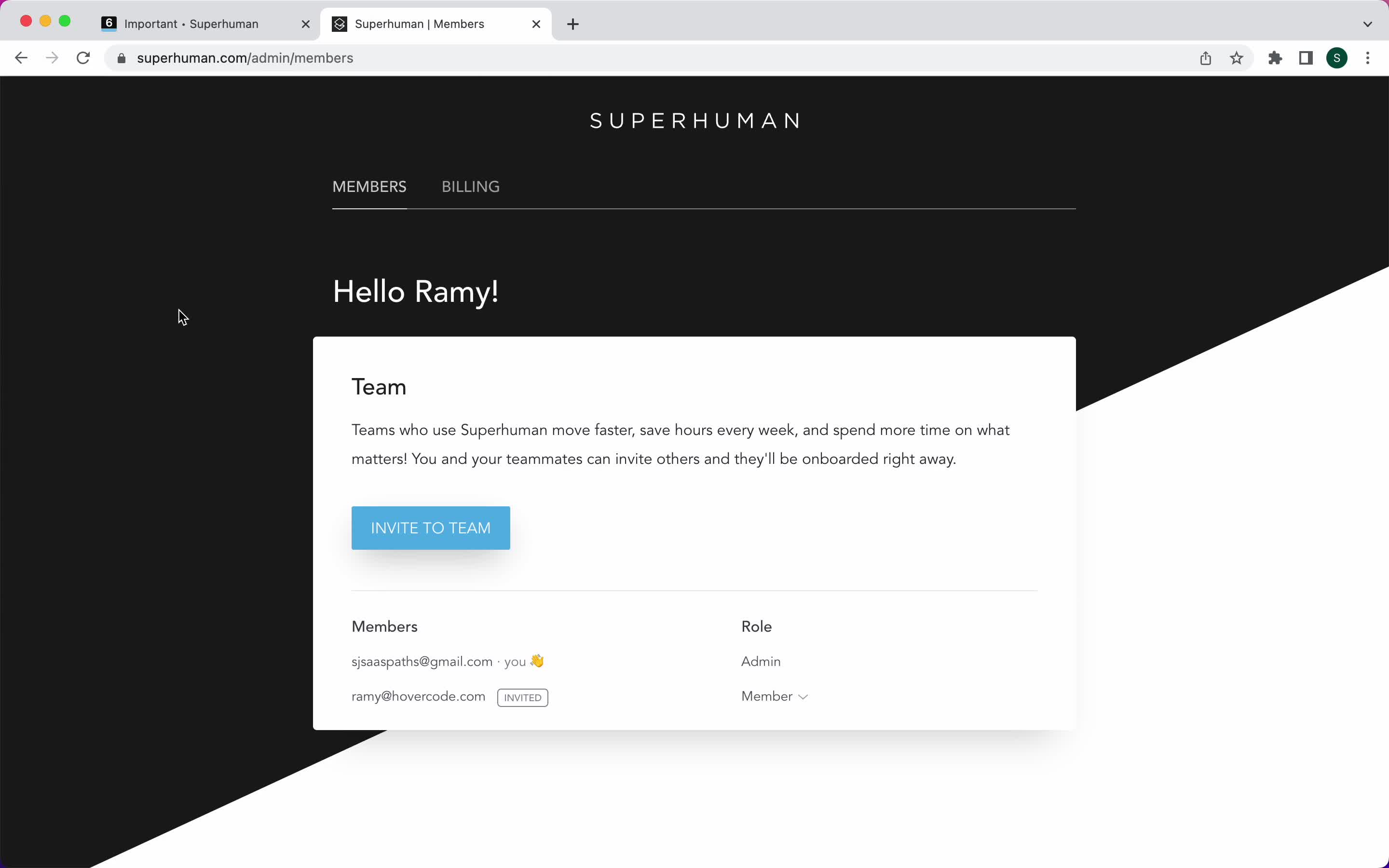
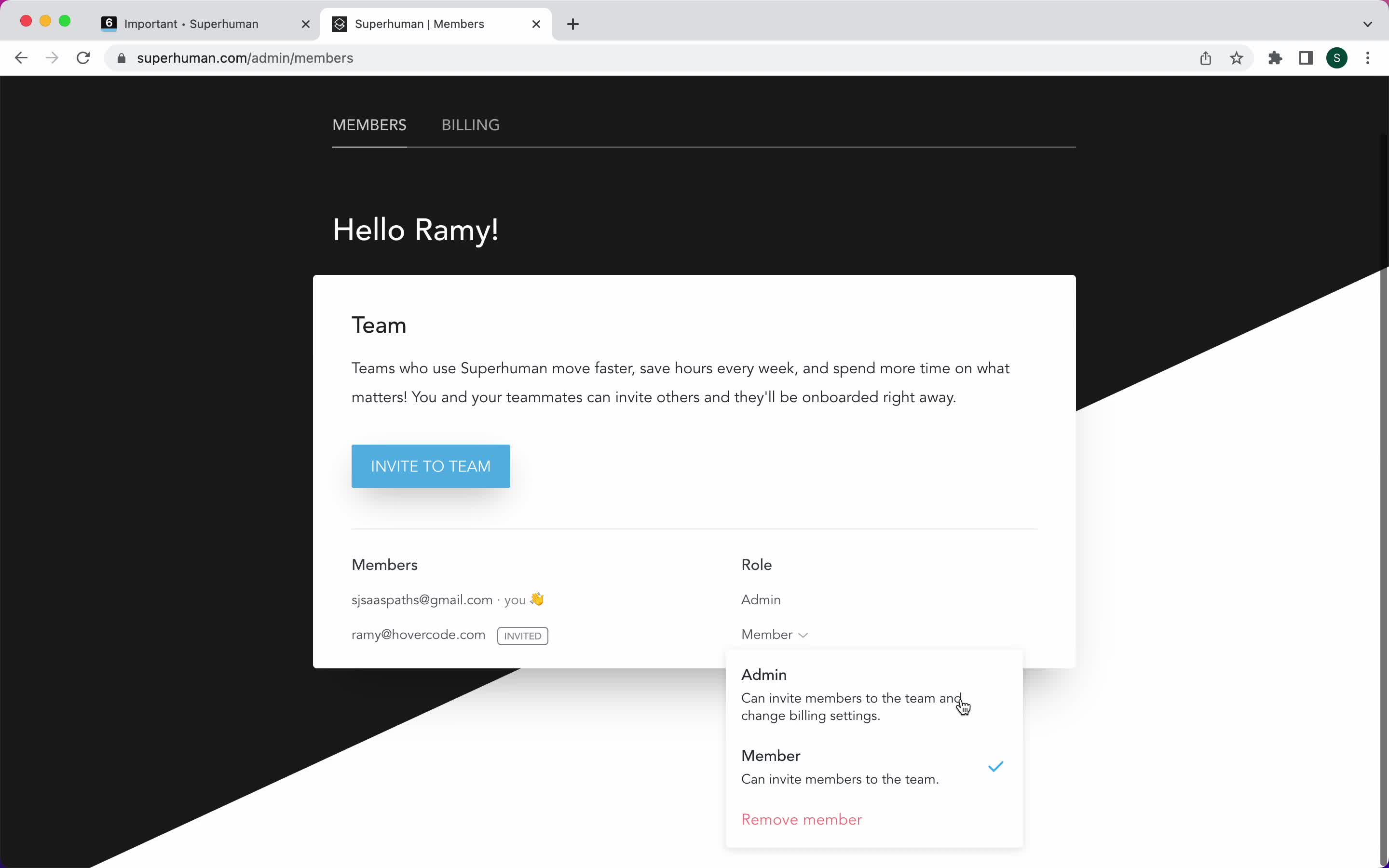
Team members
this is title
Select role
this is title
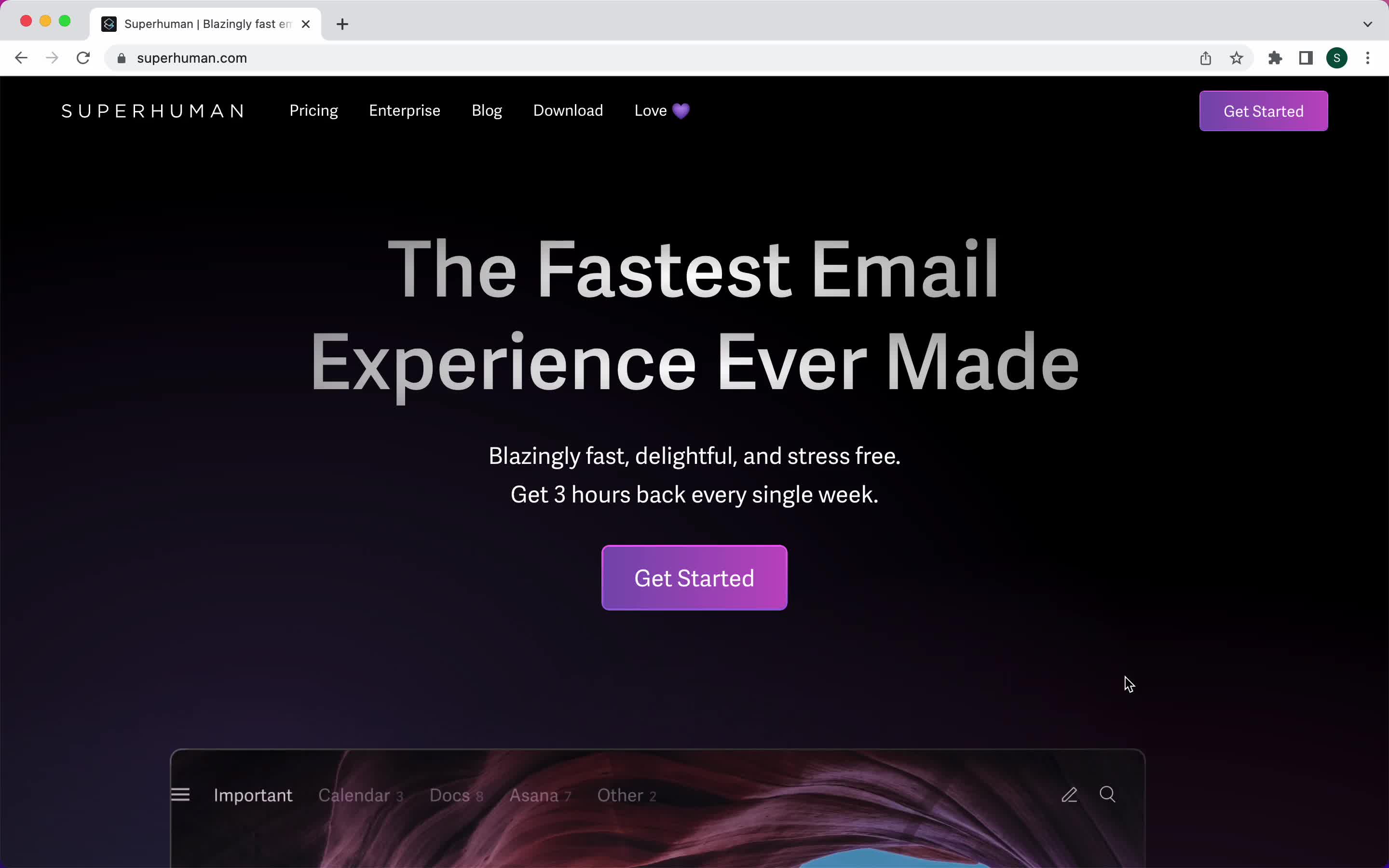
Homepage
this is title
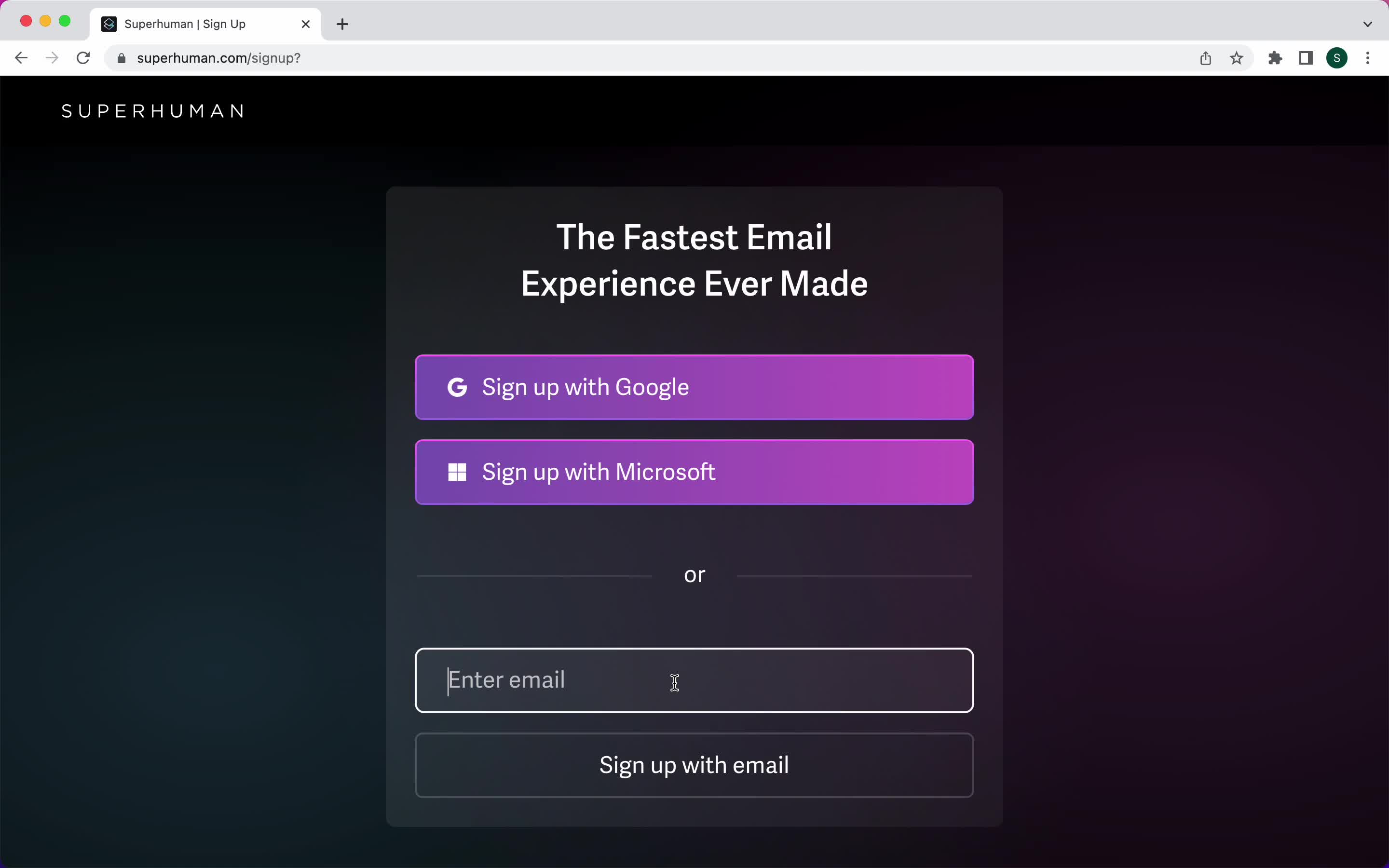
Sign up
this is title
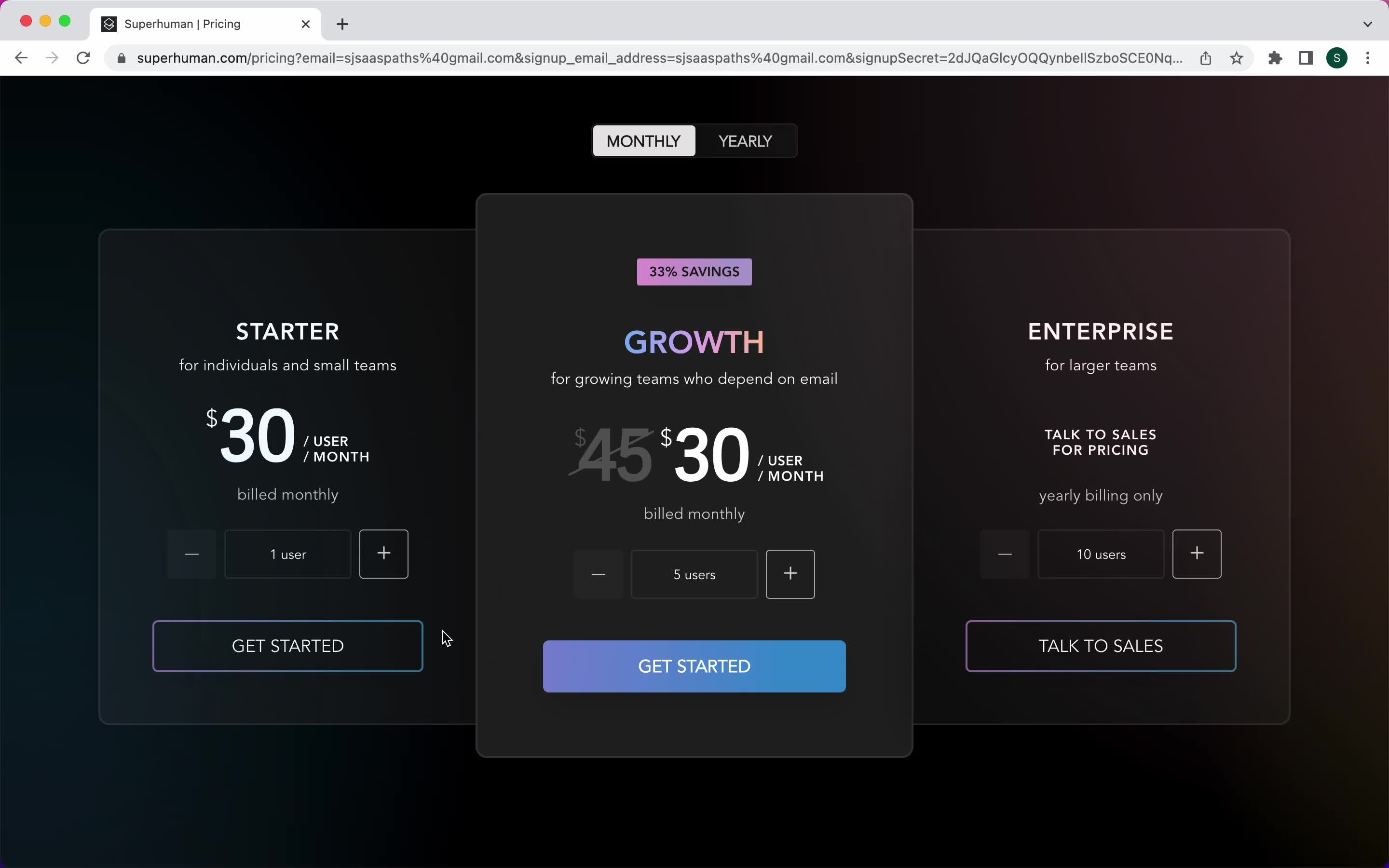
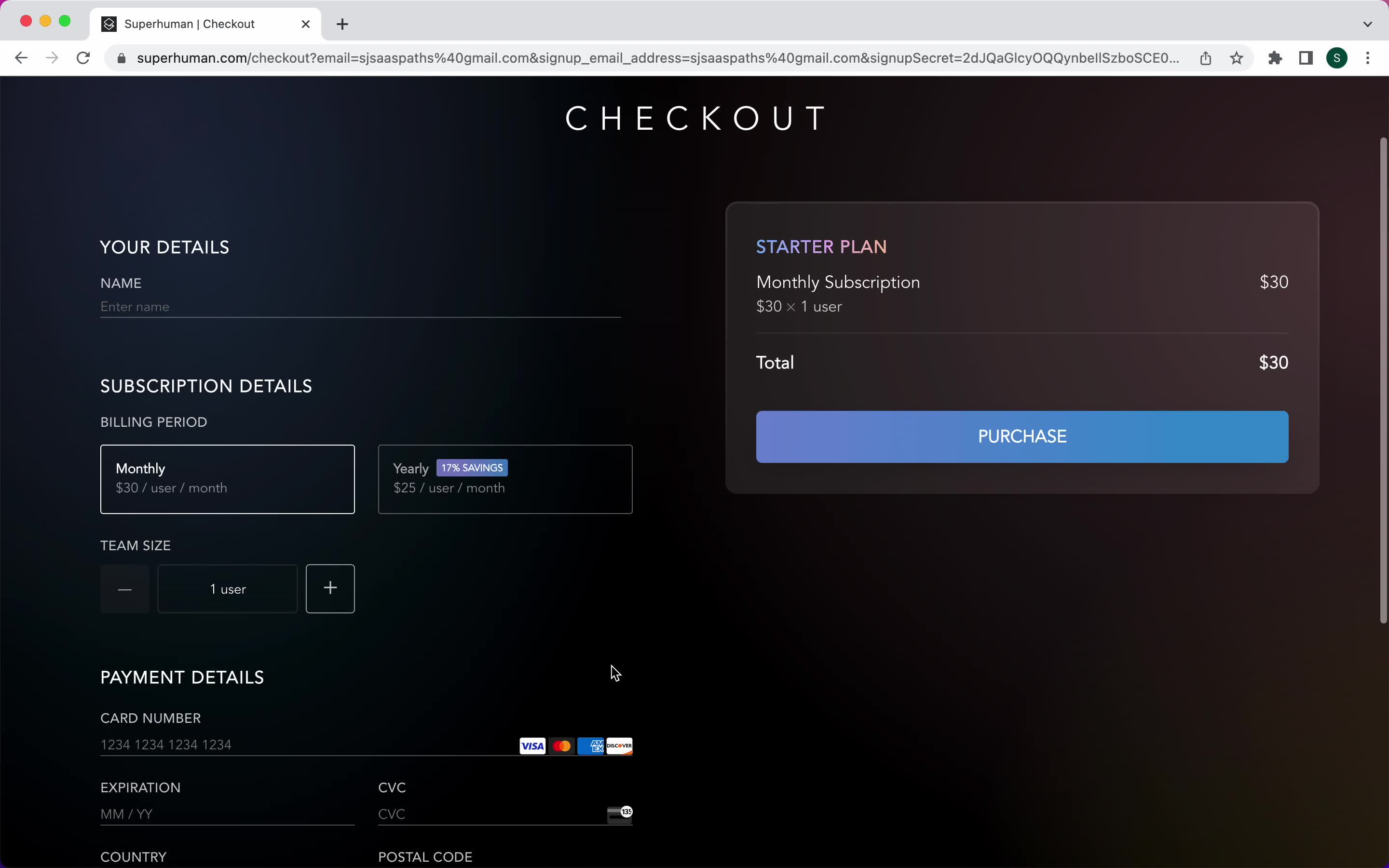
Select plan
this is title
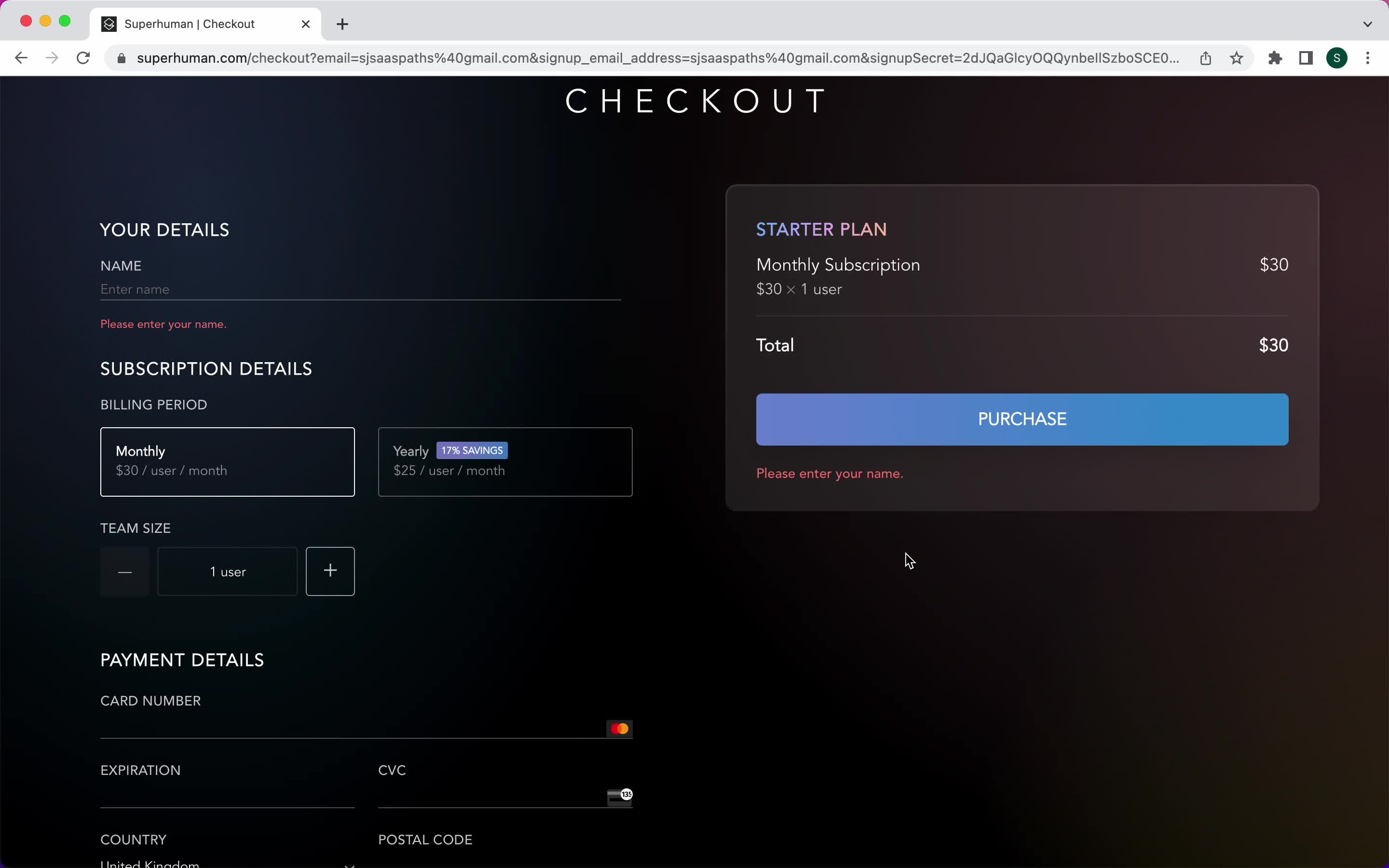
Add payment details
this is title
Add payment details
this is title
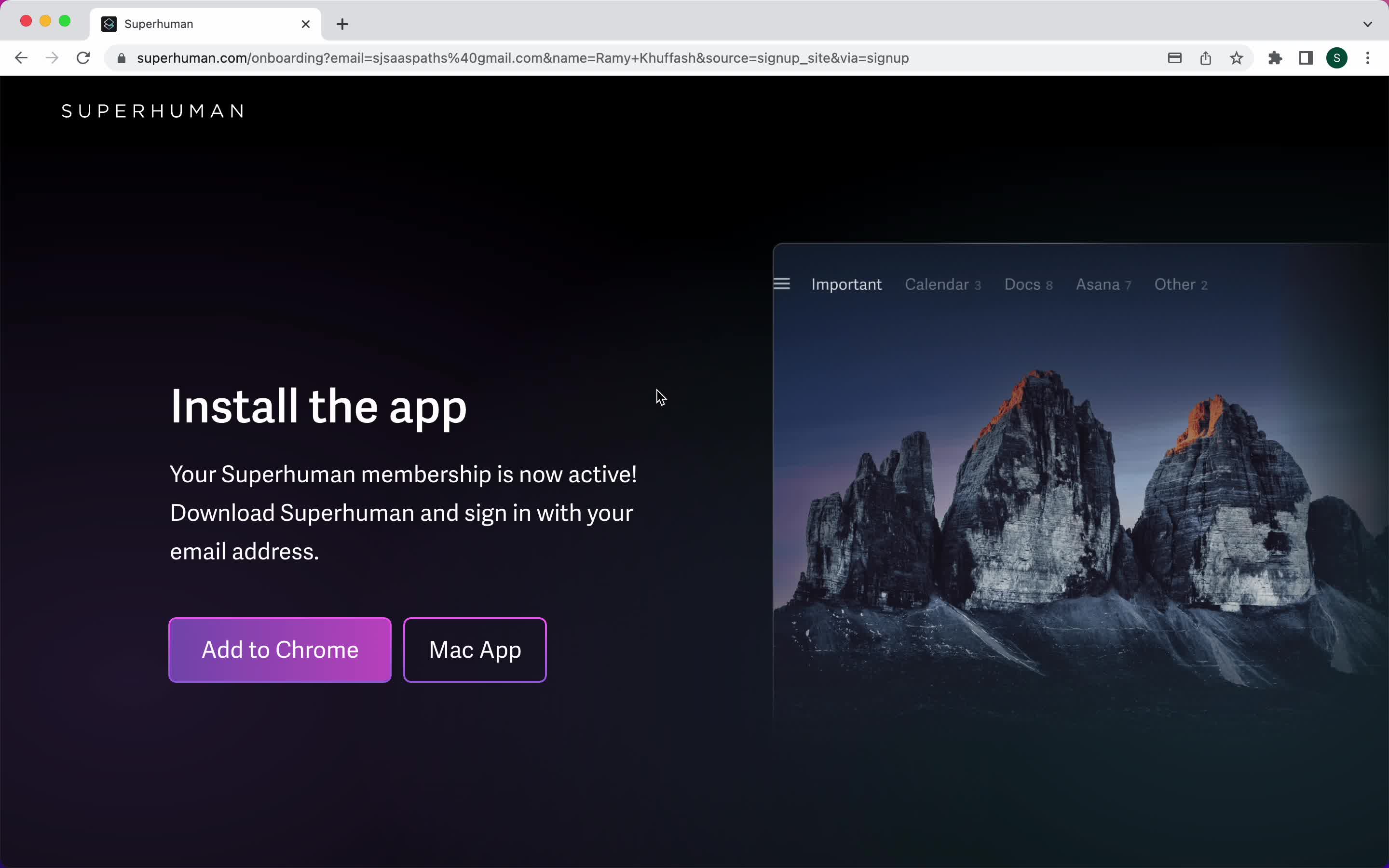
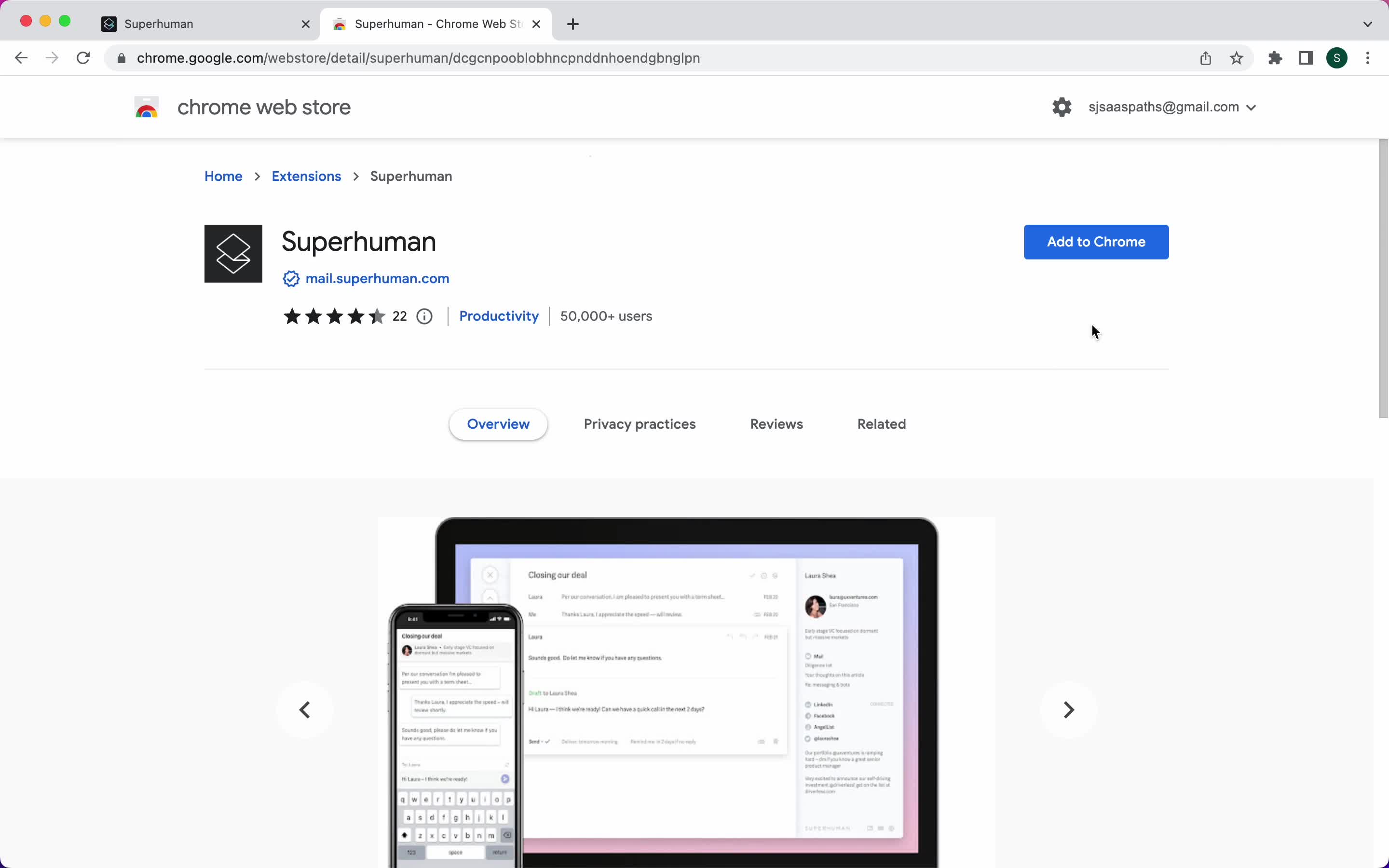
Install extension
this is title
Install extension
this is title
Connect email address
this is title
Loading
this is title
Start tutorial
this is title
Tutorial
this is title
Tutorial
this is title
Tutorial
this is title
Tutorial
this is title
Guide modal
this is title
Inbox
this is title
Email details
this is title
Command menu
this is title
Command menu
this is title
Snippets
this is title
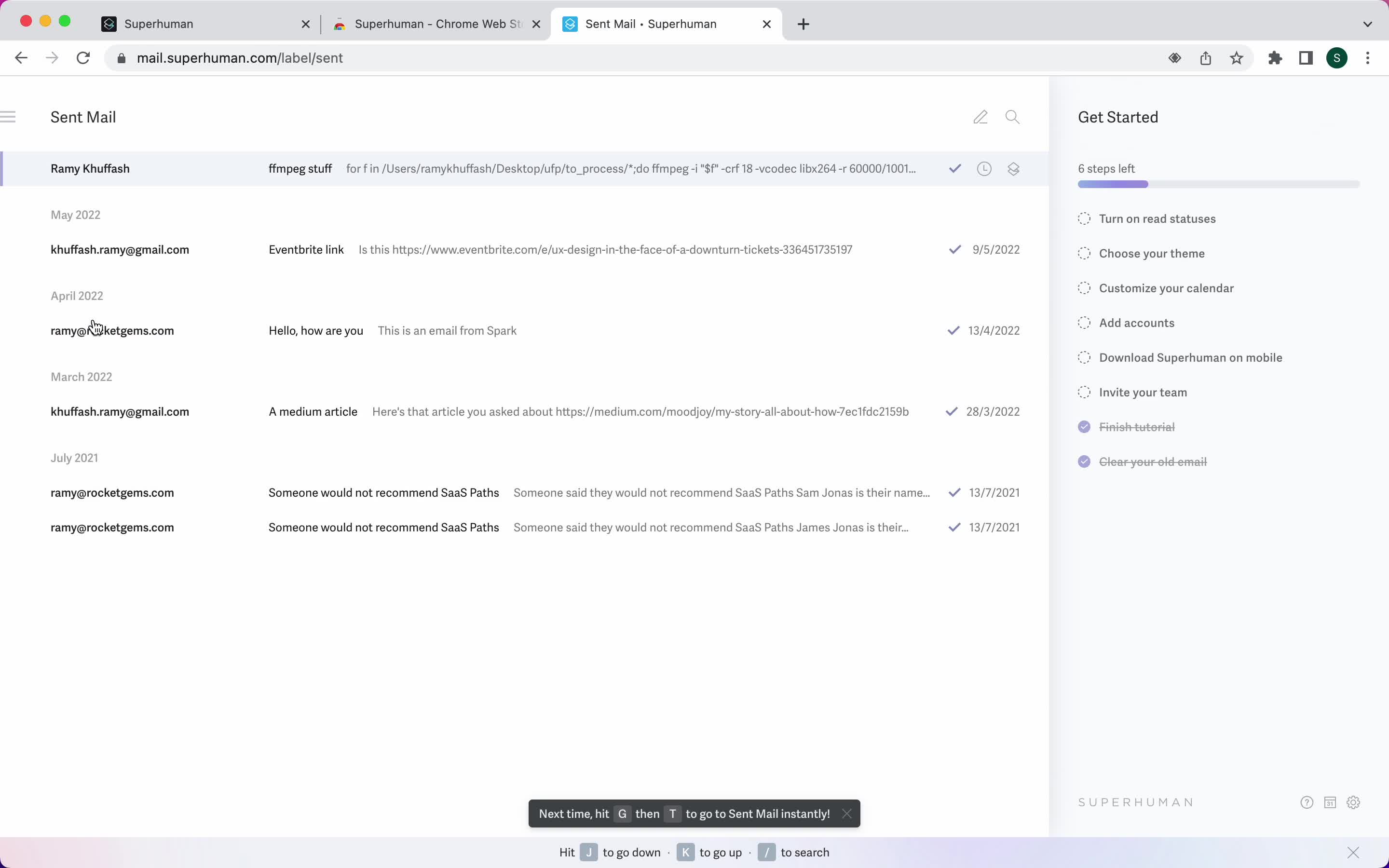
Sent messages
this is title
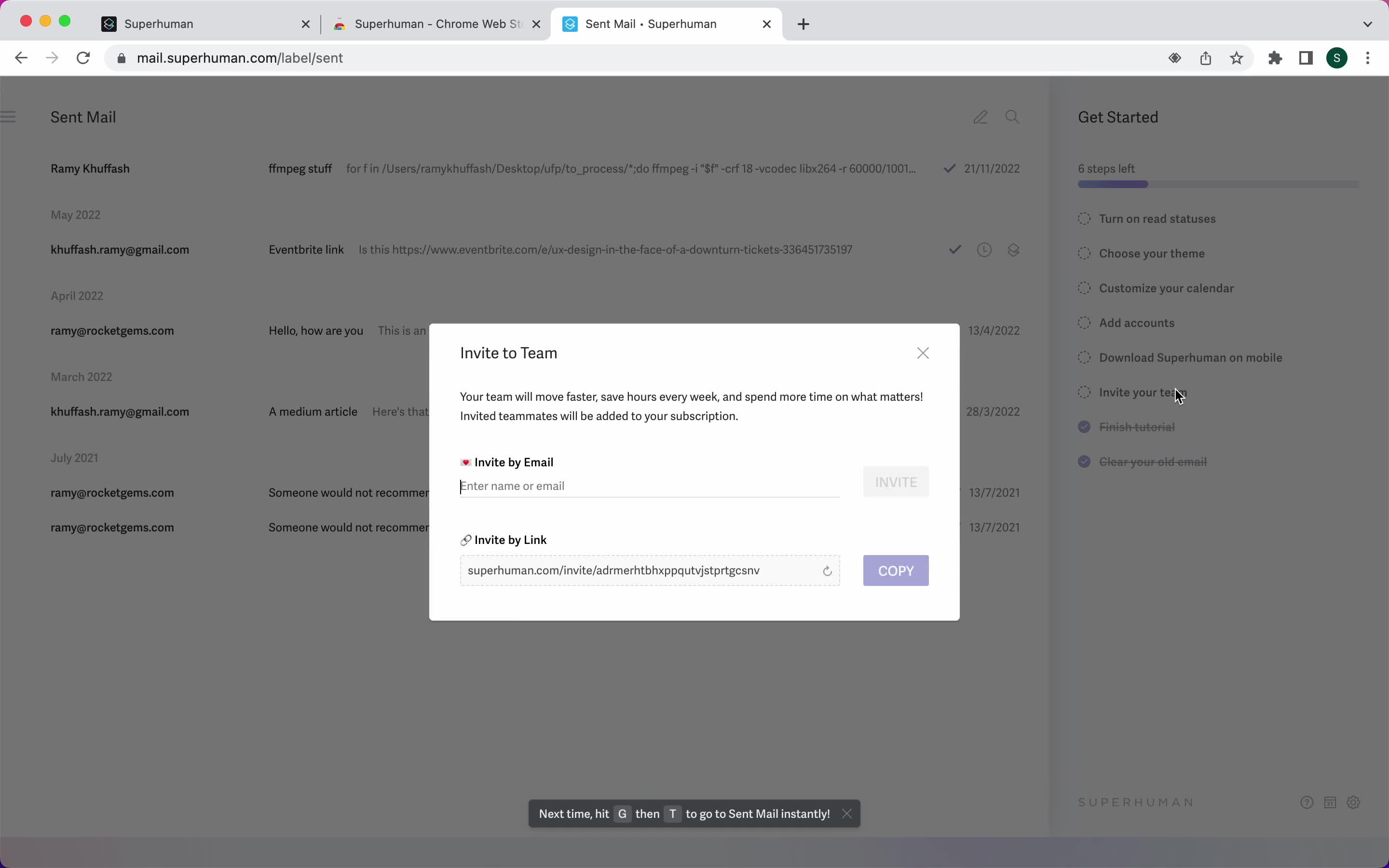
Invite teammate
this is title
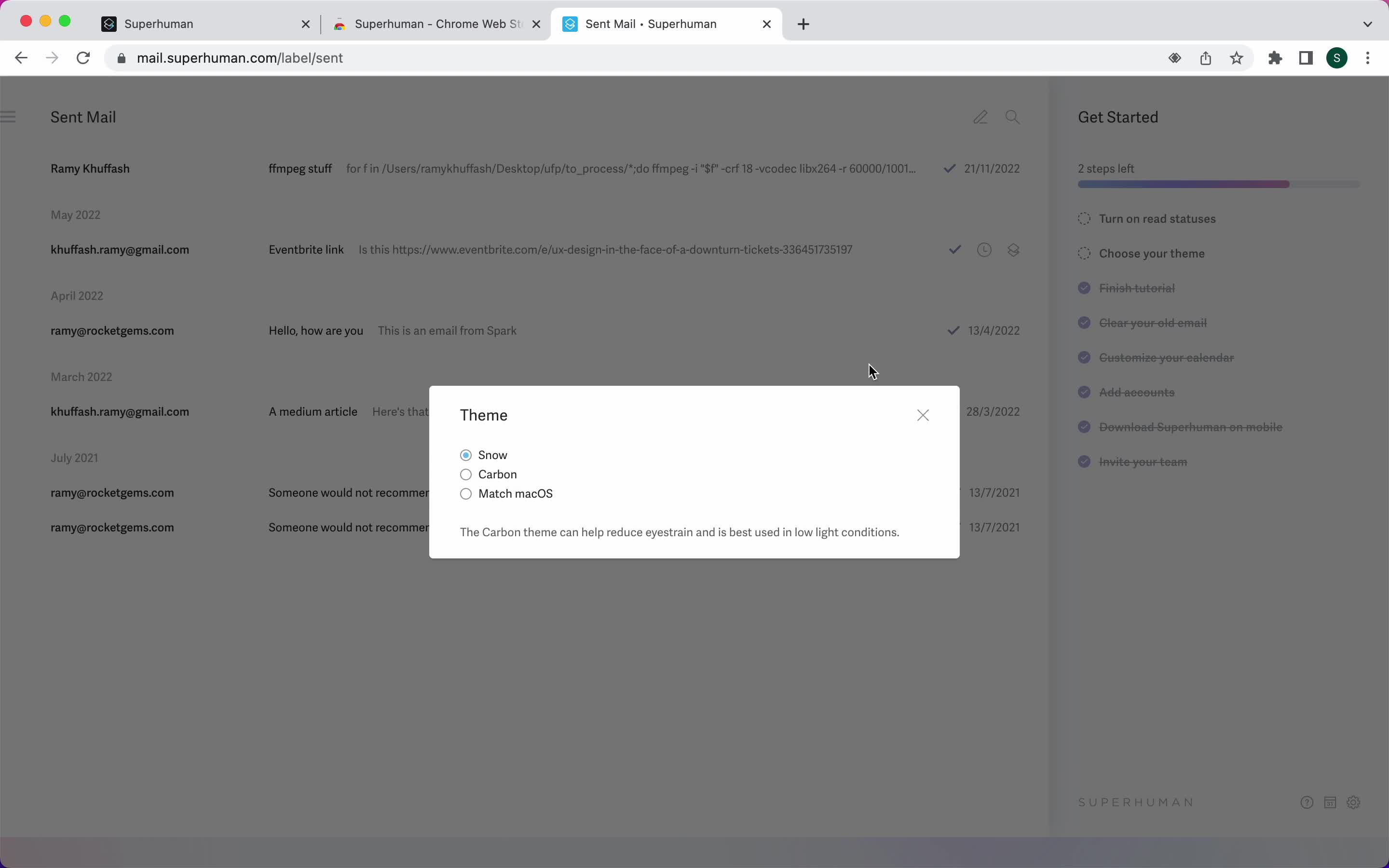
Select theme
this is title
Product updates
this is title
Inbox
this is title
Get started
this is title
this is title
Welcome
this is title
Guide
this is title
Guide
this is title
Shortcut commands
this is title
Shortcut commands
this is title
Compose email
this is title
Email sent
this is title
Inbox
this is title
Reminders
this is title
Command menu
this is title
Compose email
this is title
Set reminder
this is title
Reminder set
this is title
Inbox
this is title
Email details
this is title
Set reminder
this is title
Reminder set
this is title
Reminders
this is title
Inbox
this is title
Email details
this is title
Shortcut commands
this is title
Set reminder
this is title
Reminder set
this is title
Inbox
this is title
Compose email
this is title
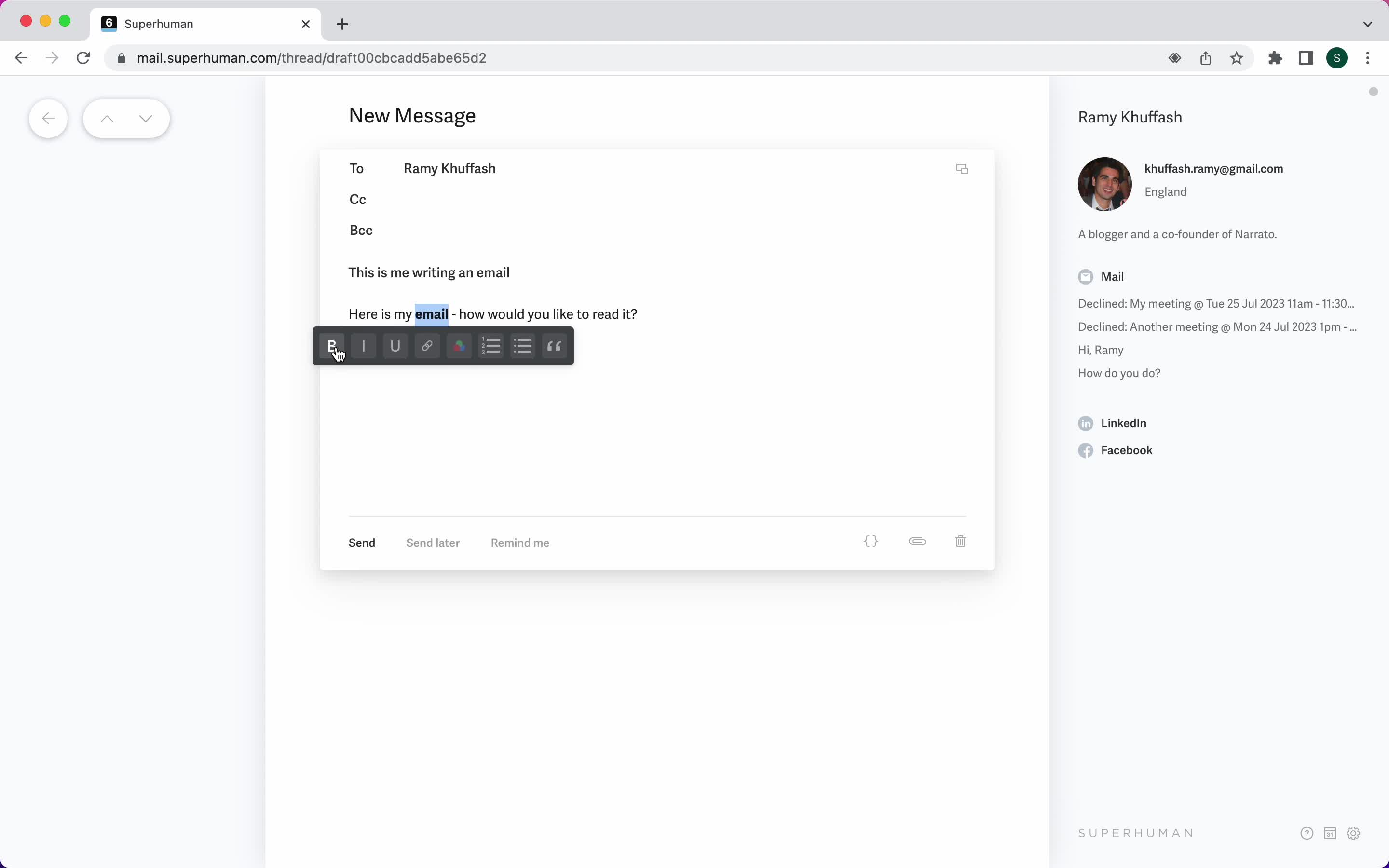
Format text
this is title
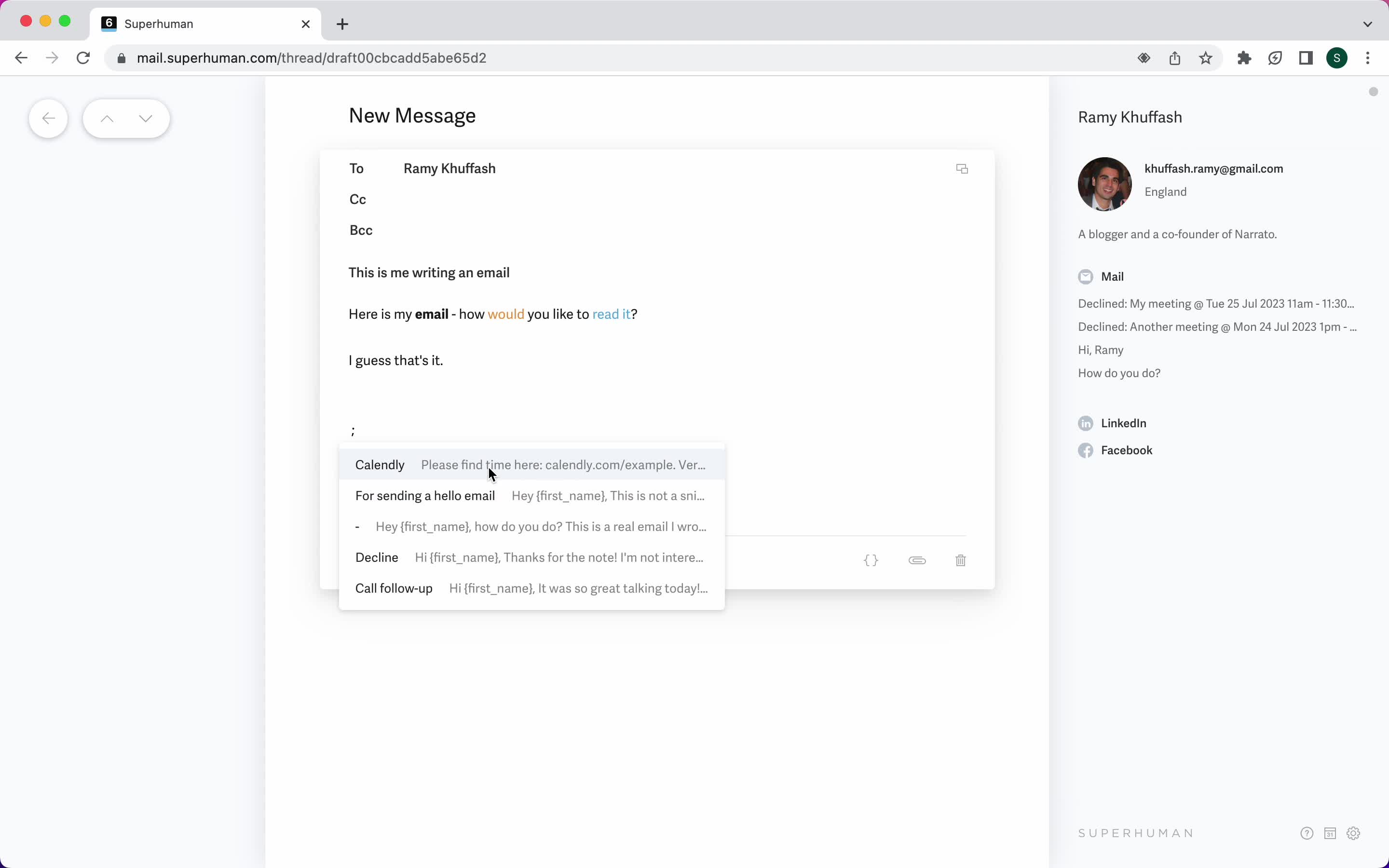
Use snippet
this is title
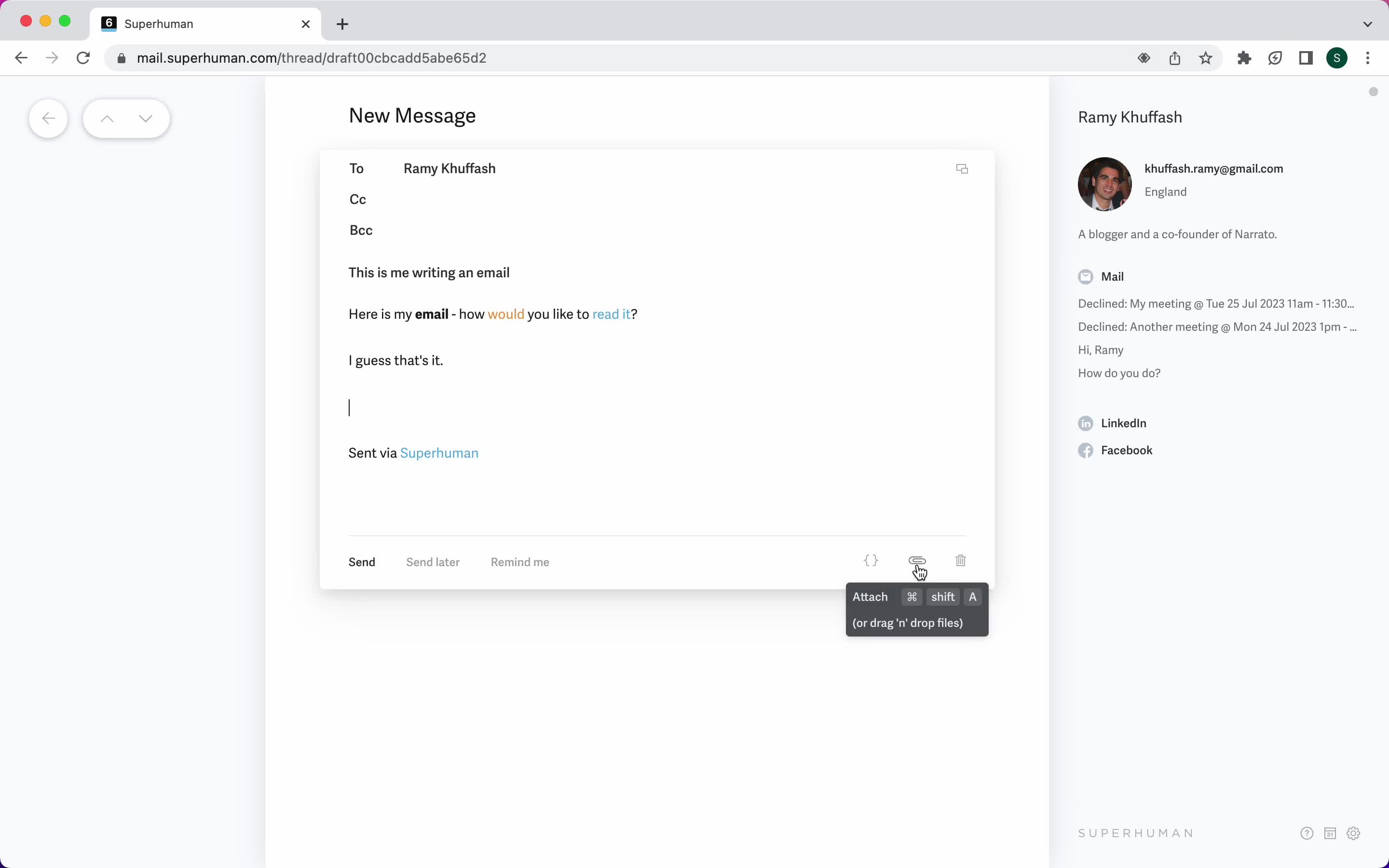
Add attachment
this is title
Schedule
this is title
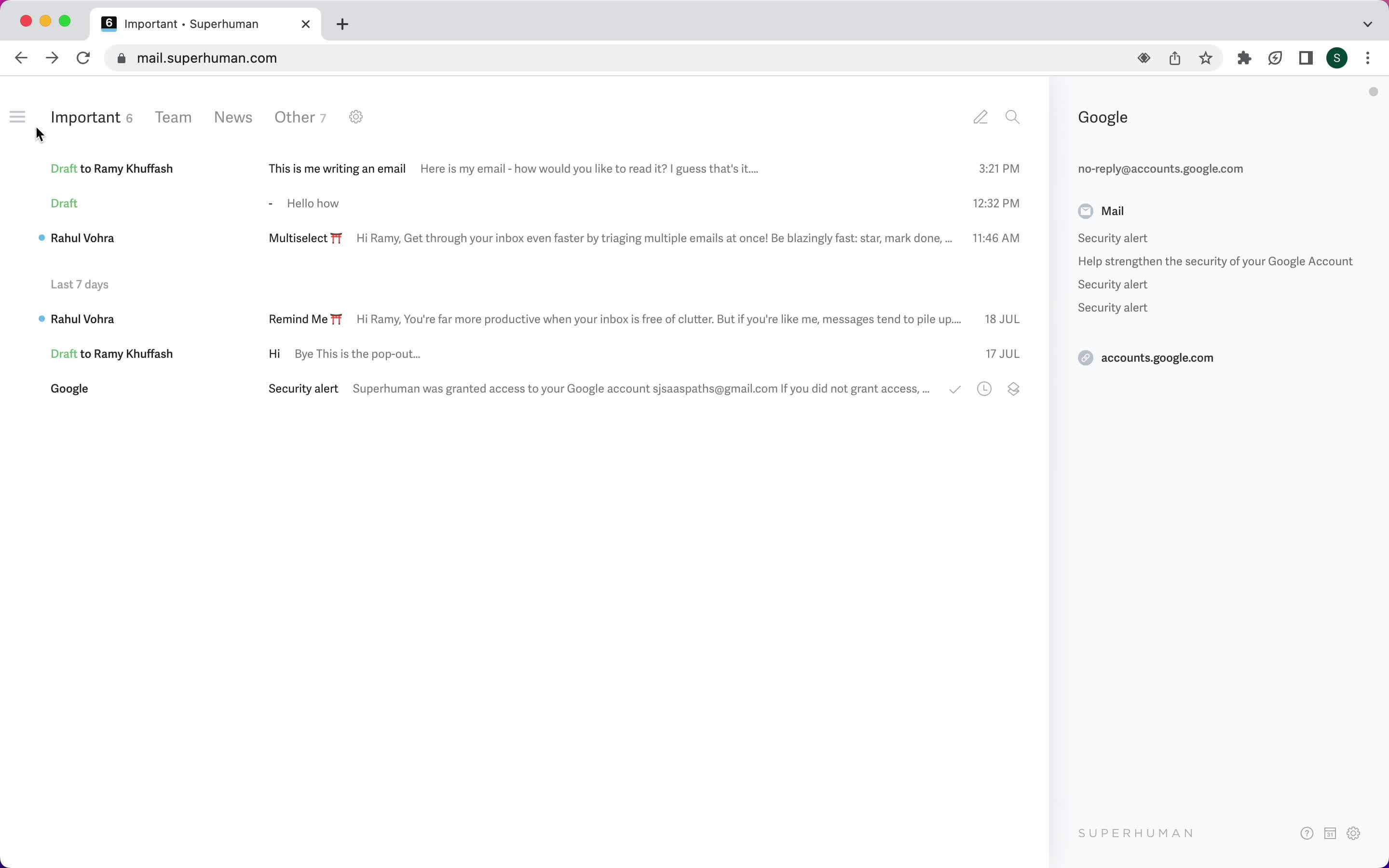
Inbox
this is title
Email details
this is title
AI Generator
this is title
Email sent
this is title
Inbox
this is title
Shortcut commands
this is title
Compose email
this is title
Compose email
this is title
Format text
this is title
Format text
this is title
Email sent
this is title
Inbox
this is title
Shortcut commands
this is title
Compose email
this is title
Add attachment
this is title
Set reminder
this is title
Split inbox
this is title
Calendar
this is title
Calendar view
this is title
Inbox
this is title
Inbox
this is title
Shortcut commands
this is title
Split inbox
this is title
Filtered inbox
this is title
Filtered inbox
this is title
Move email
this is title