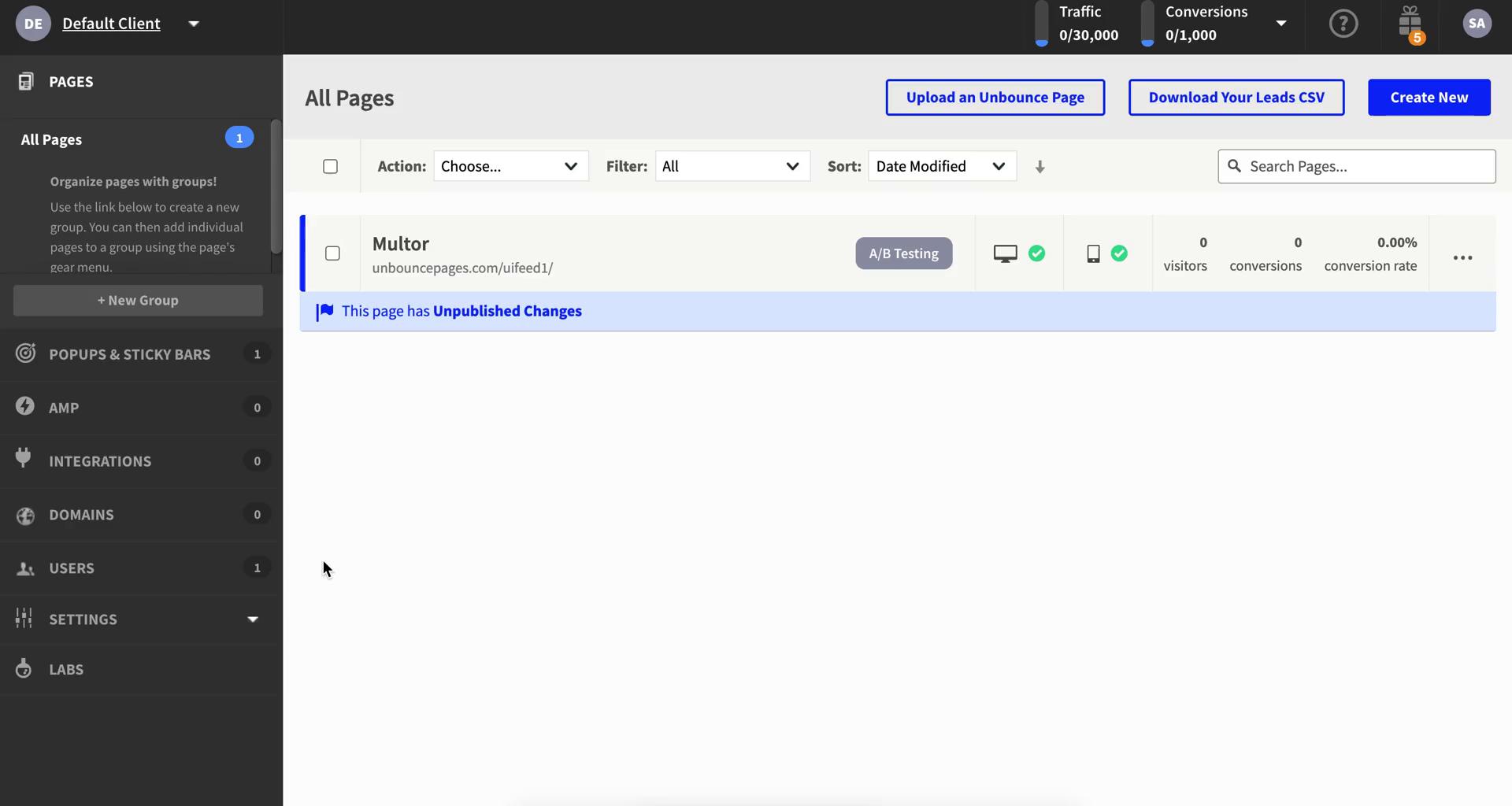
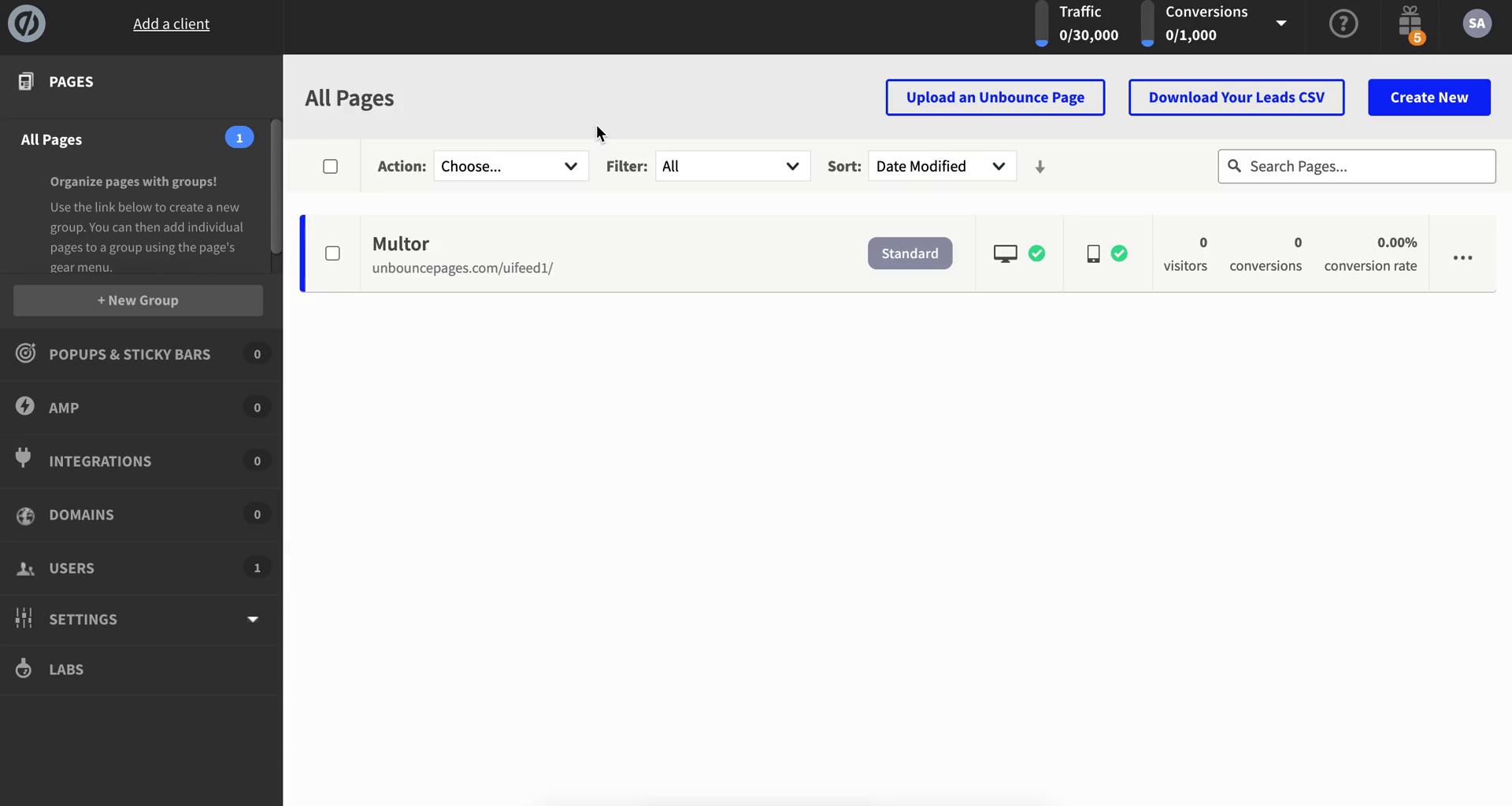
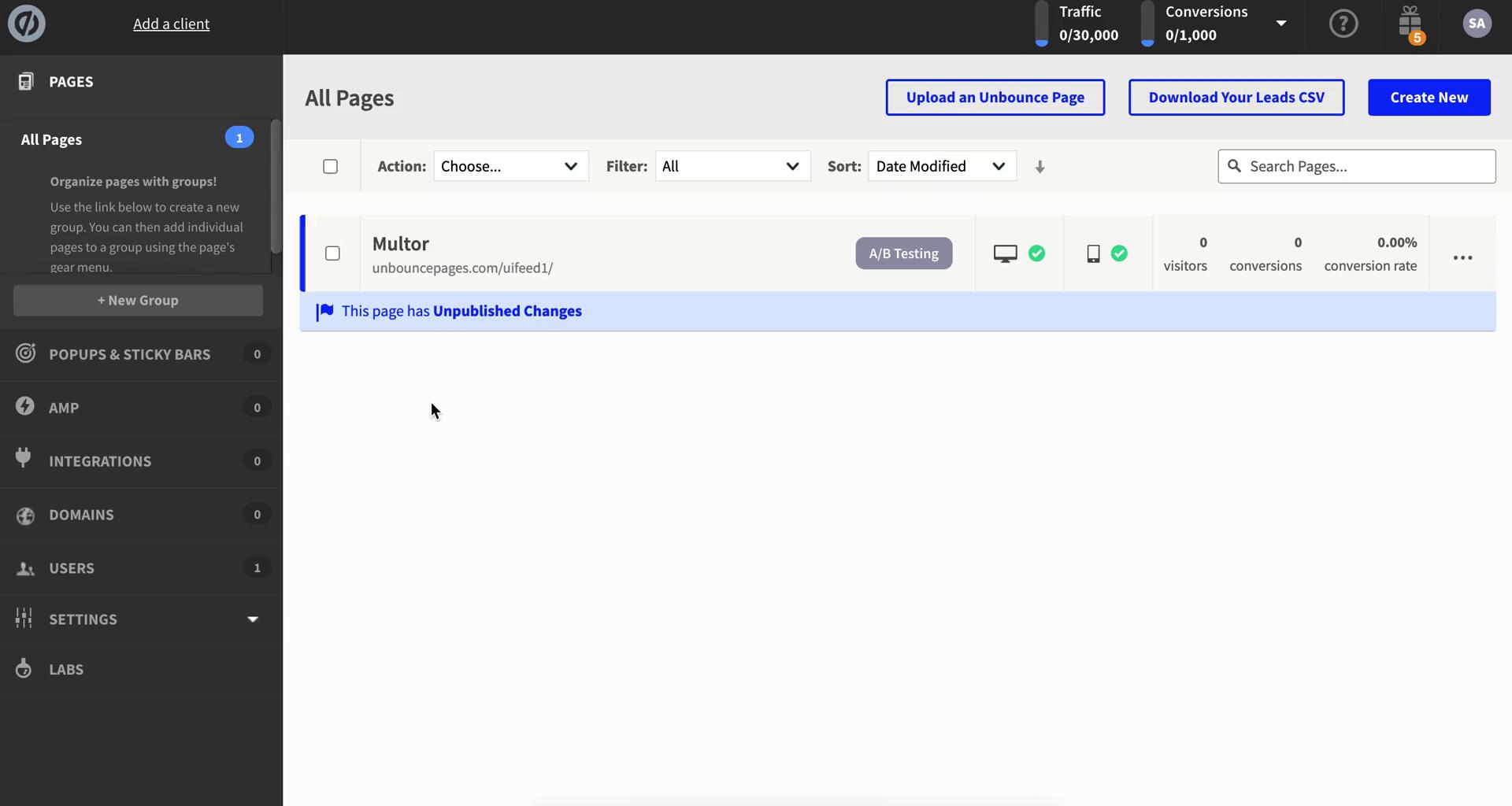
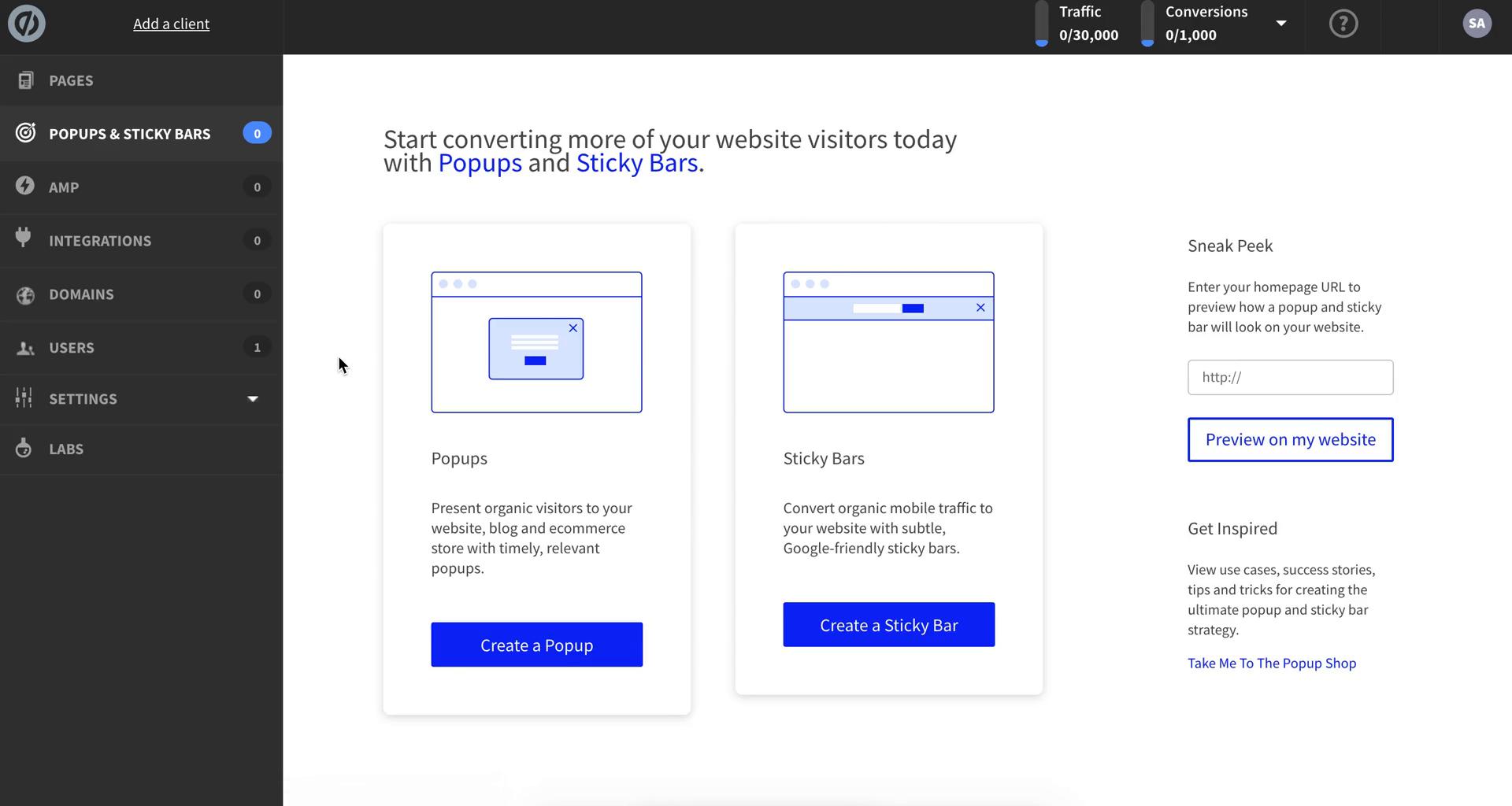
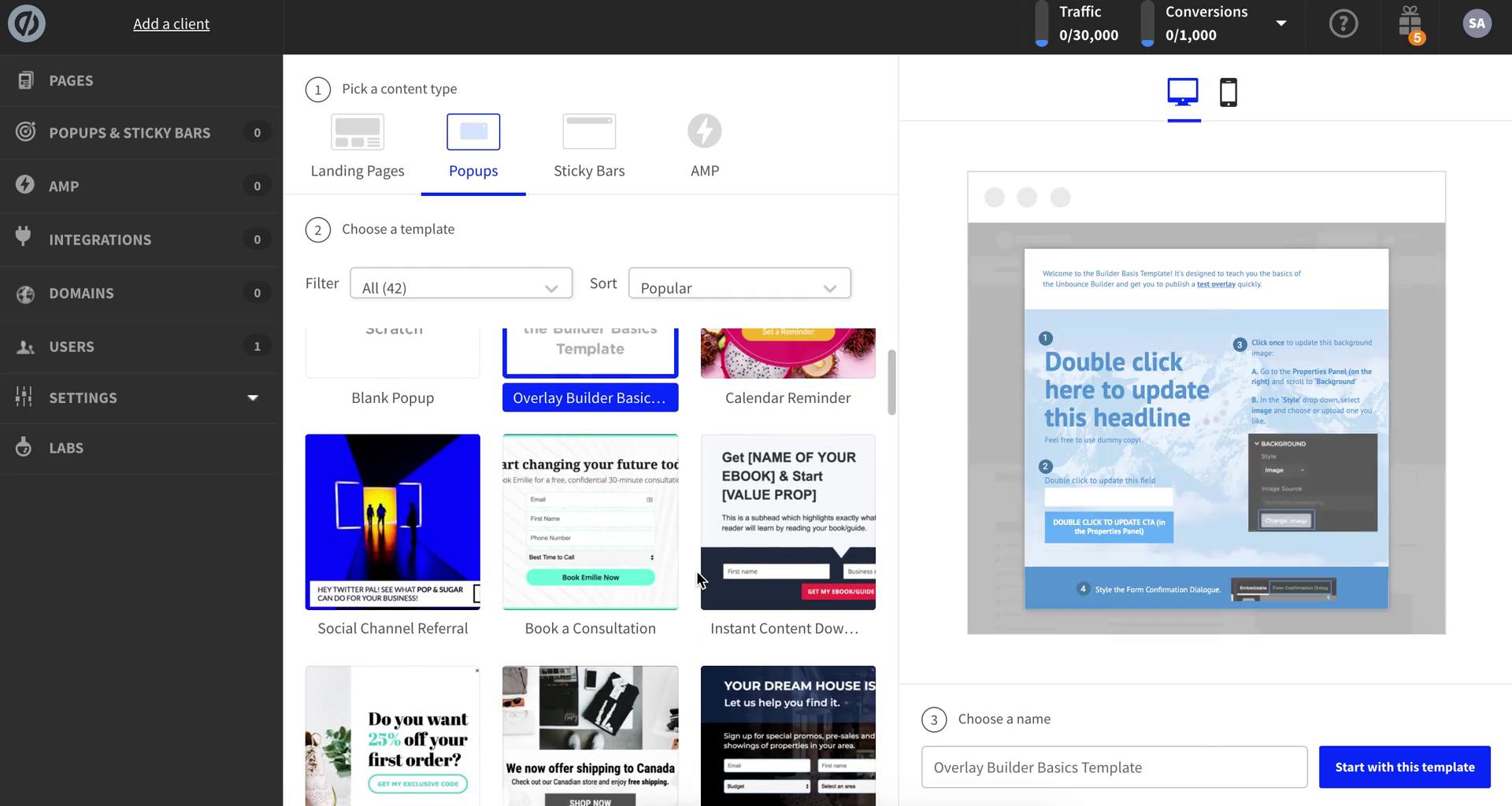
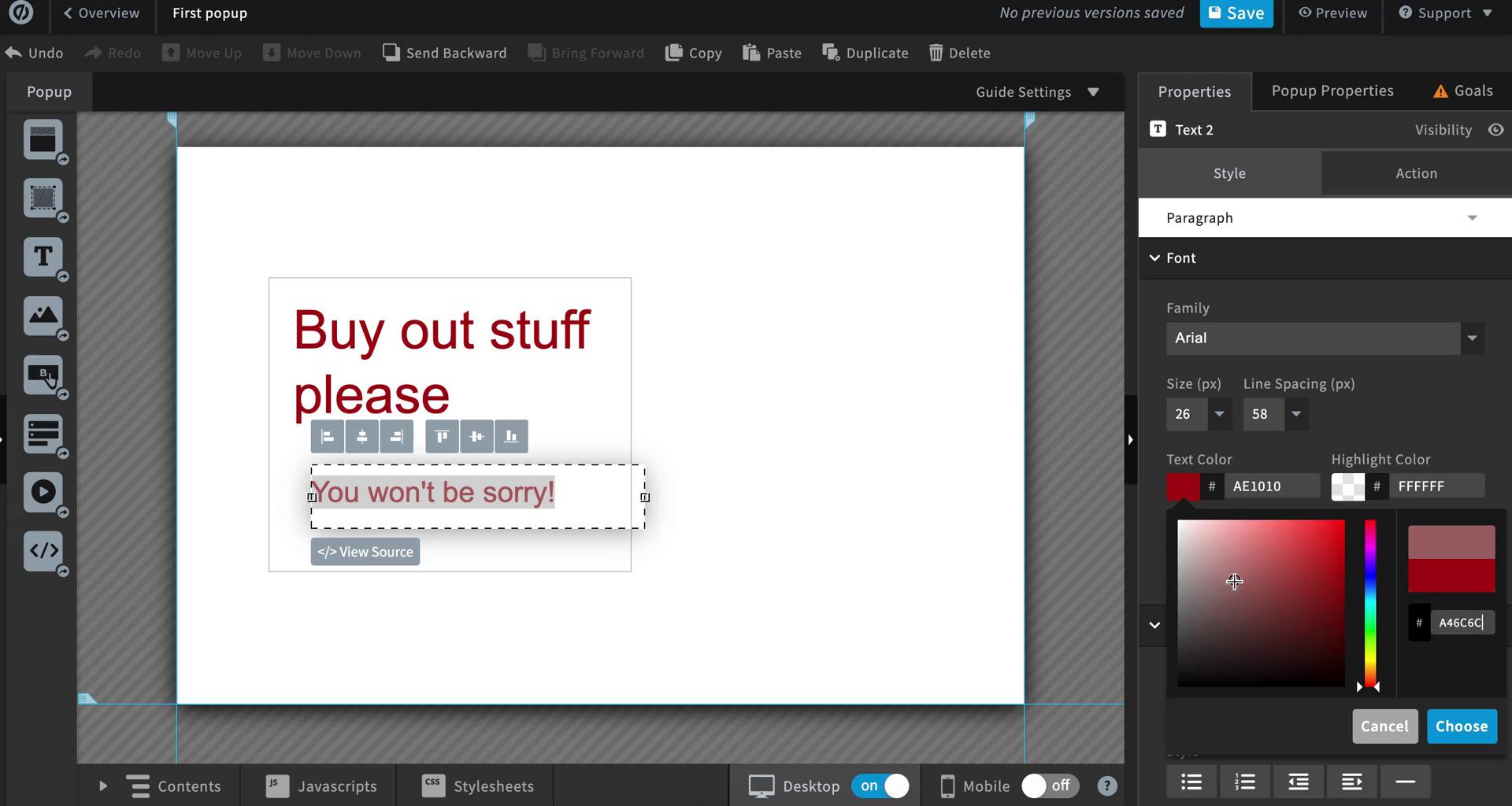
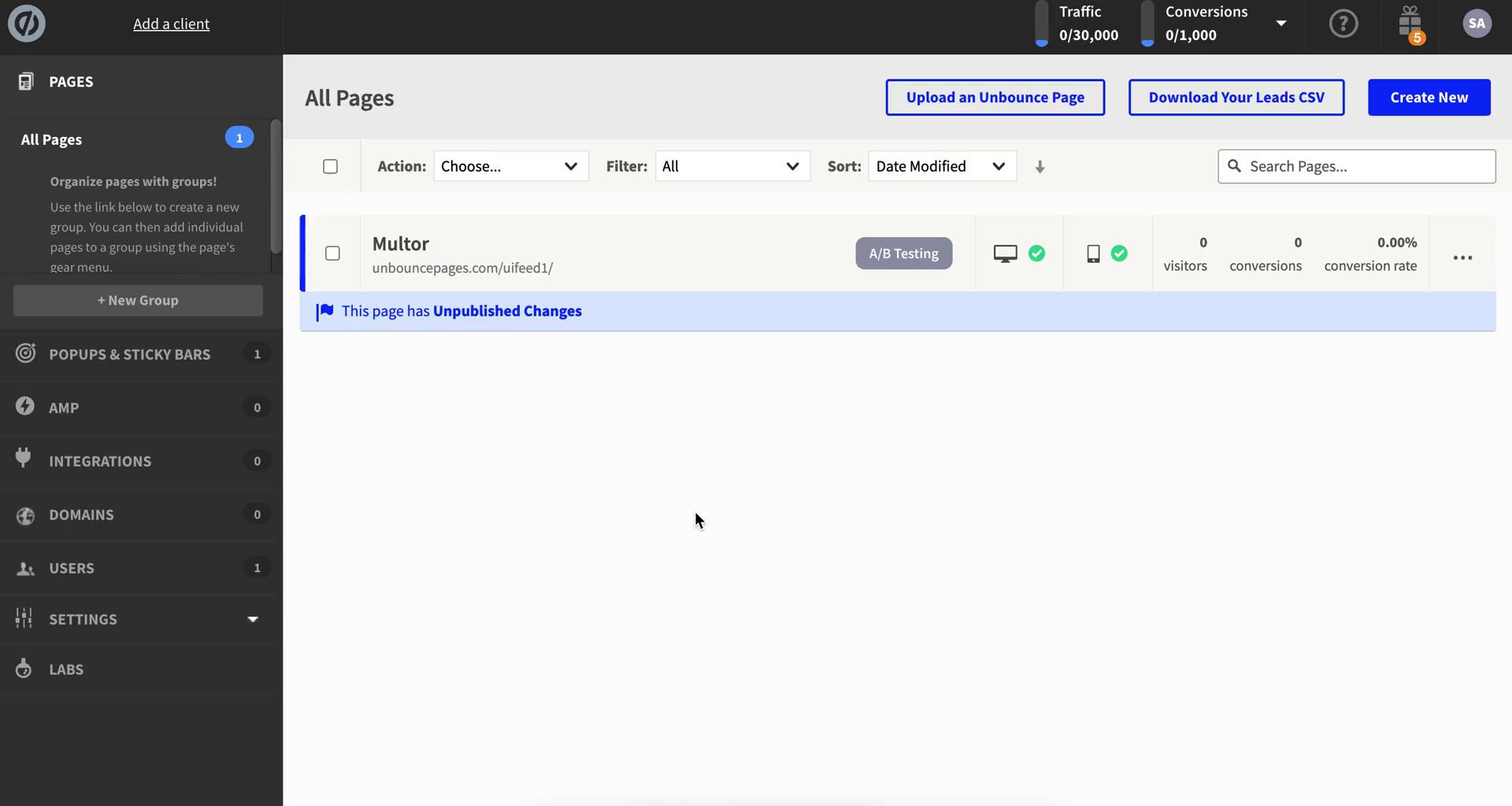
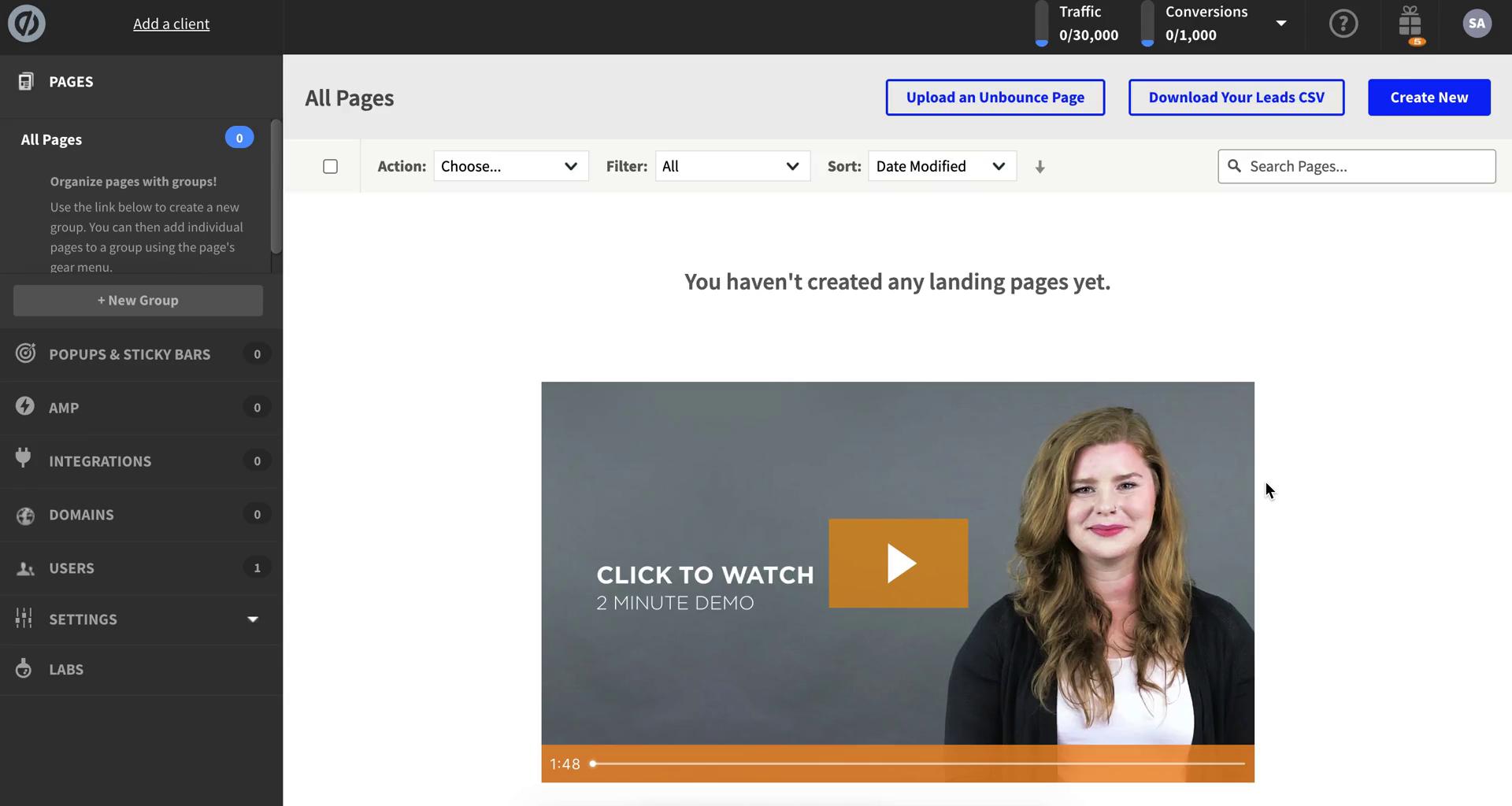
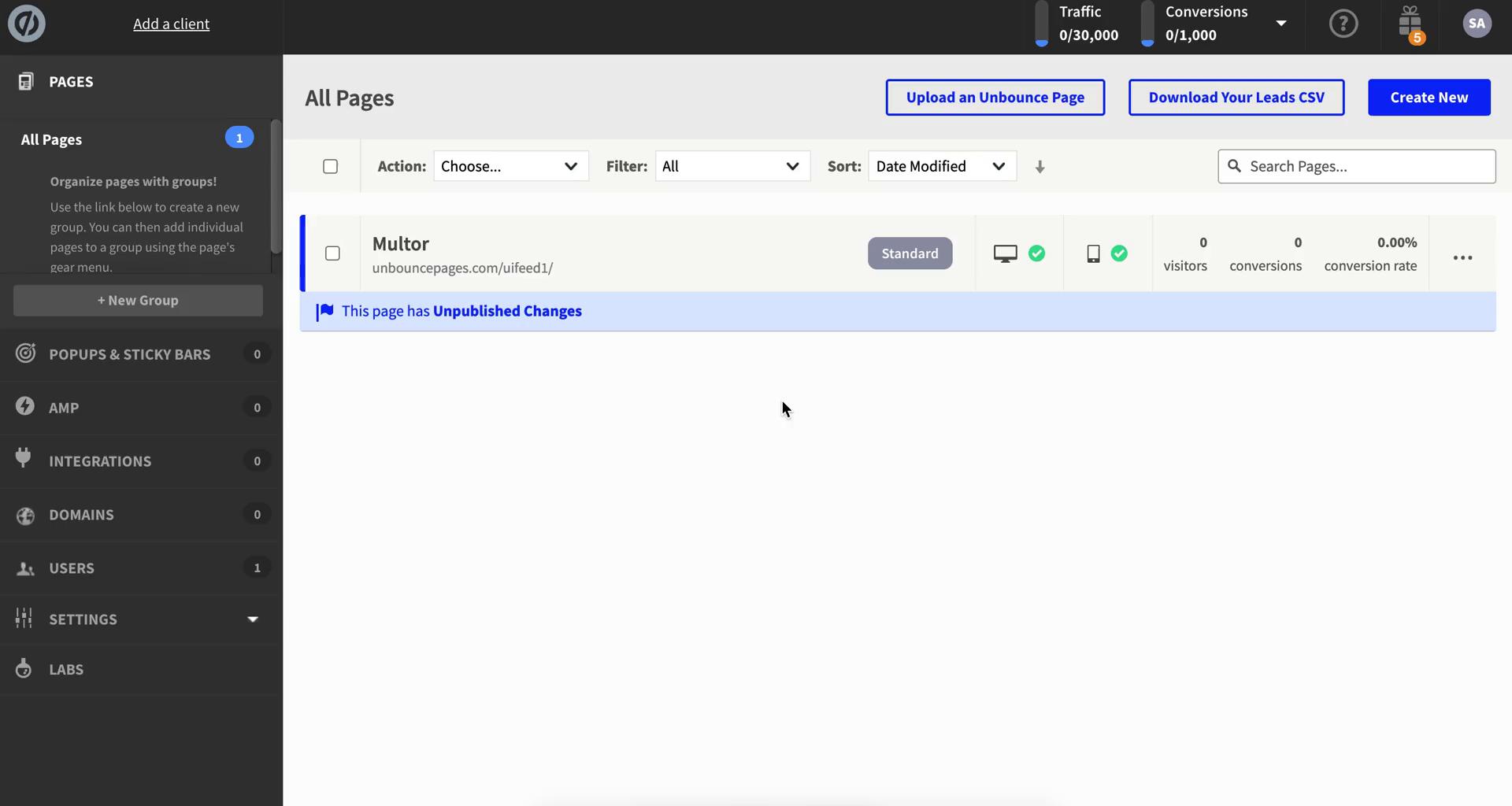
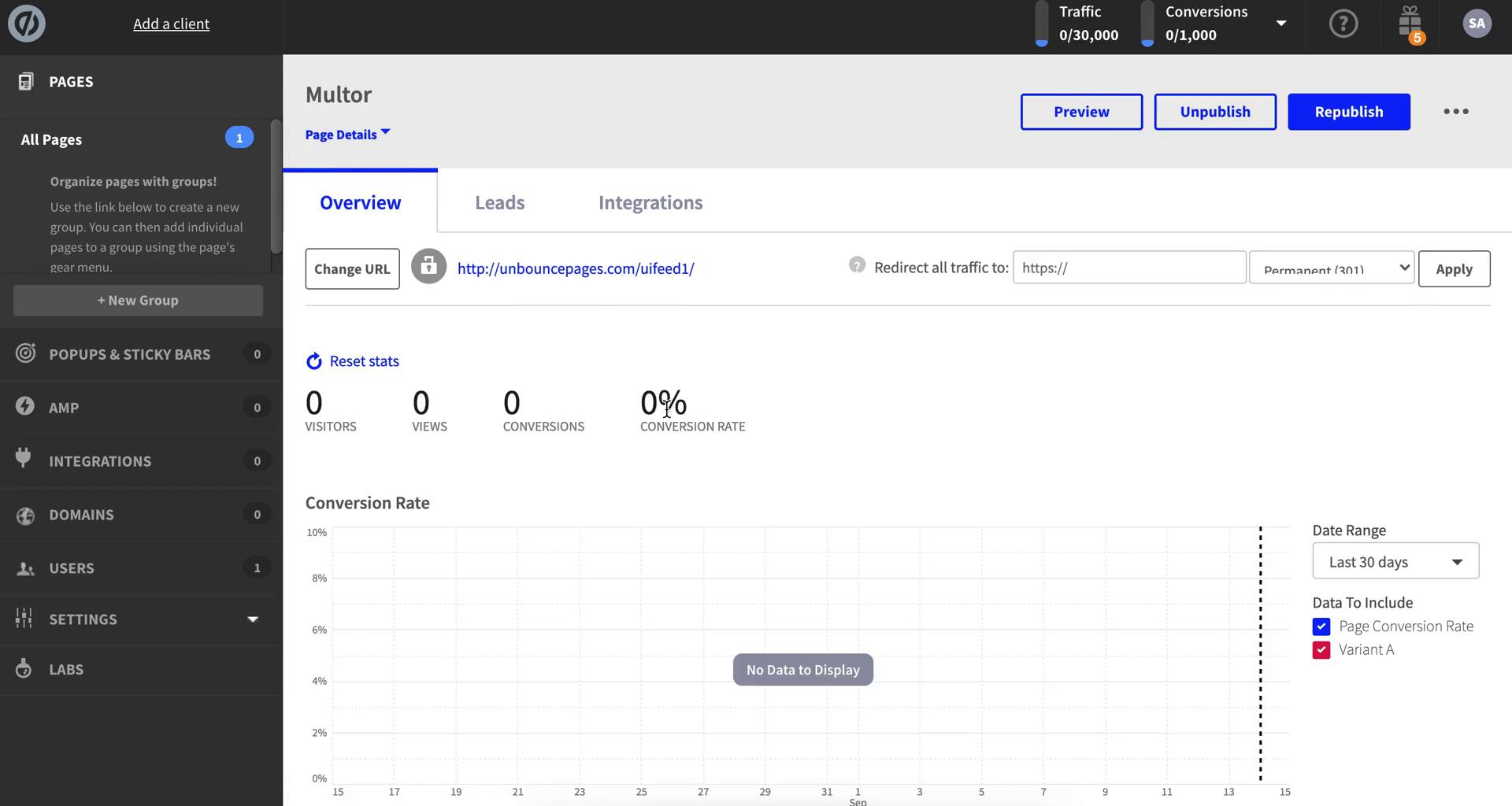
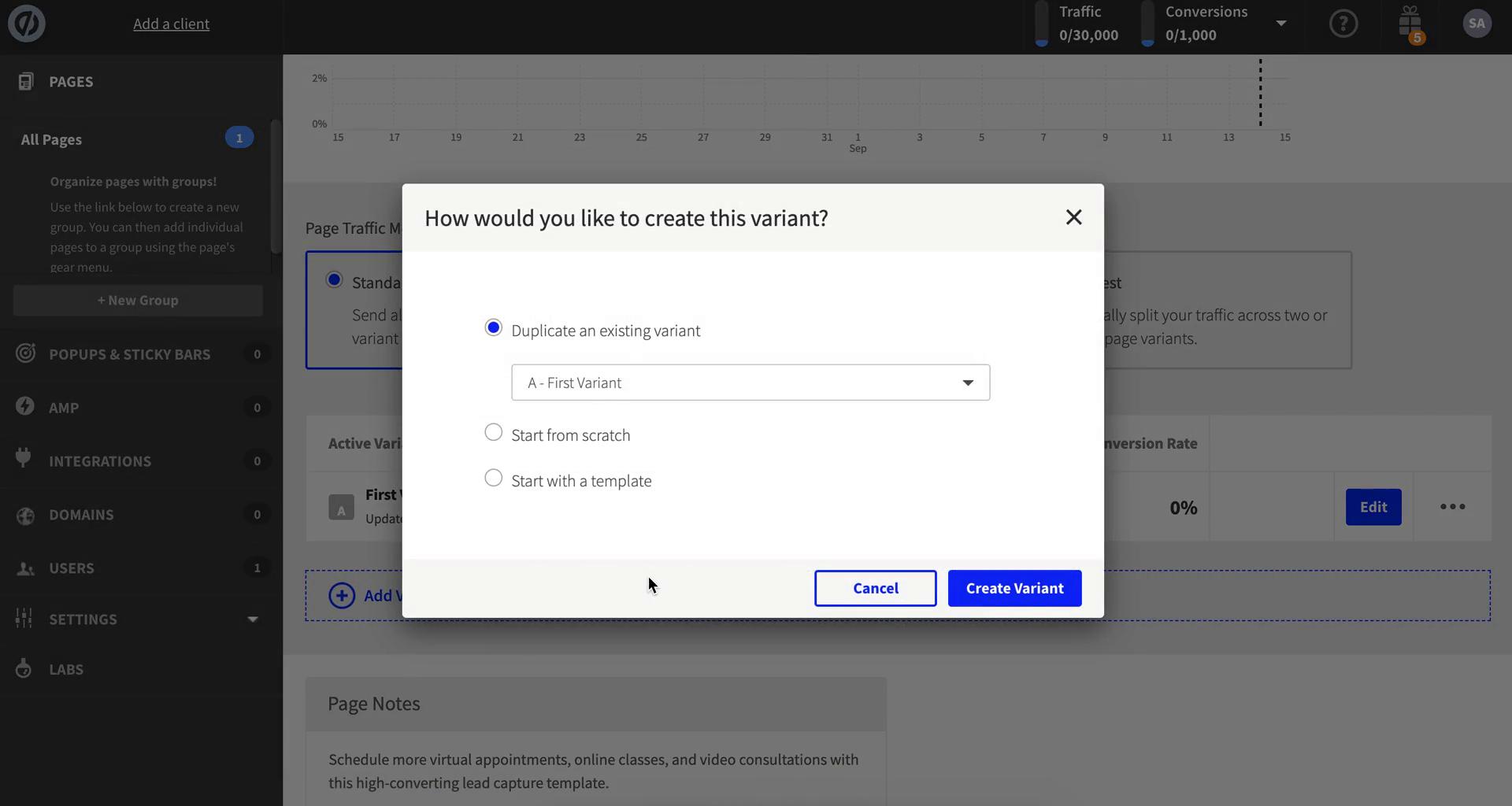
Dashboard
this is title
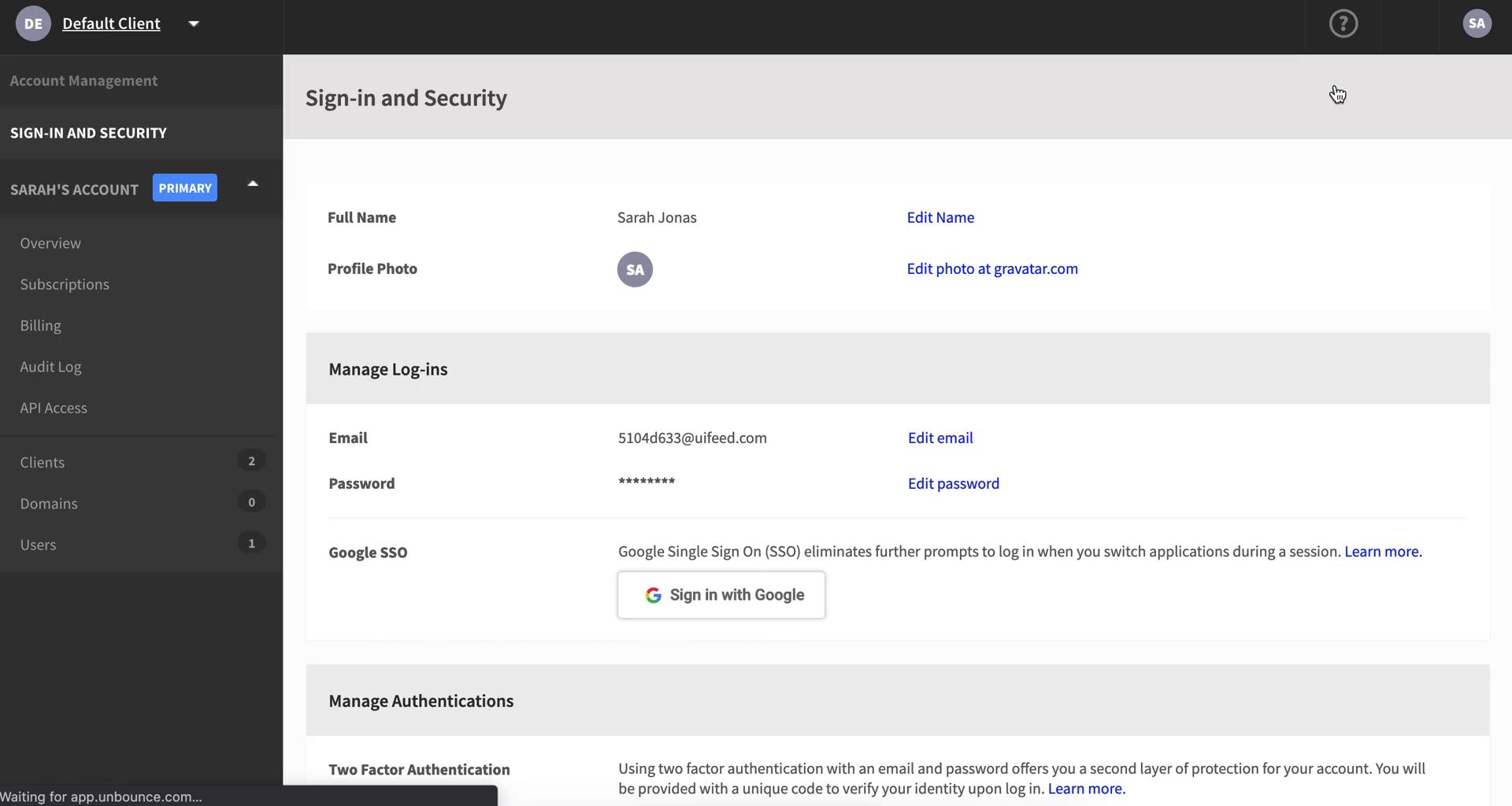
Account settings
this is title
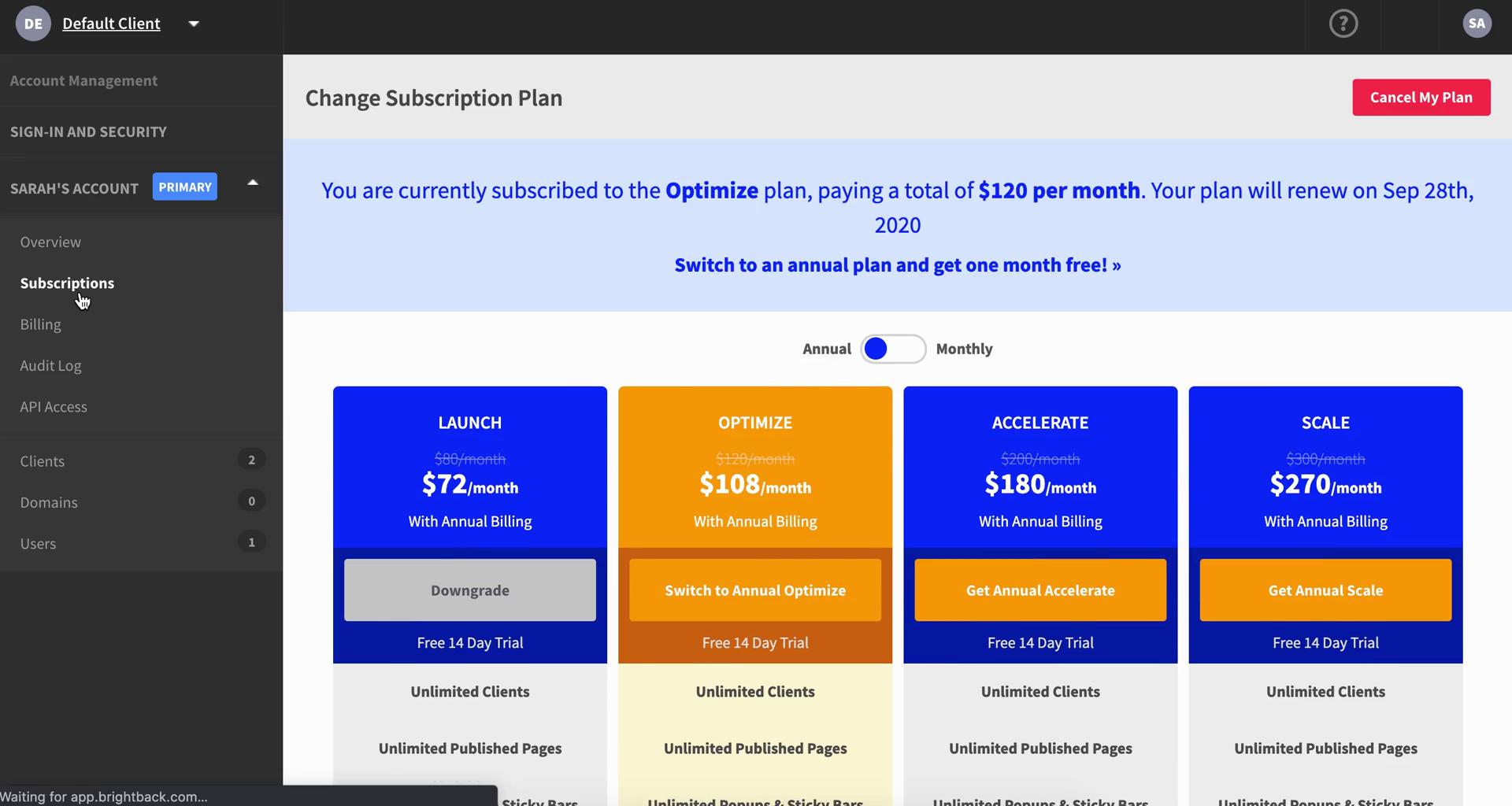
Subscriptions
this is title
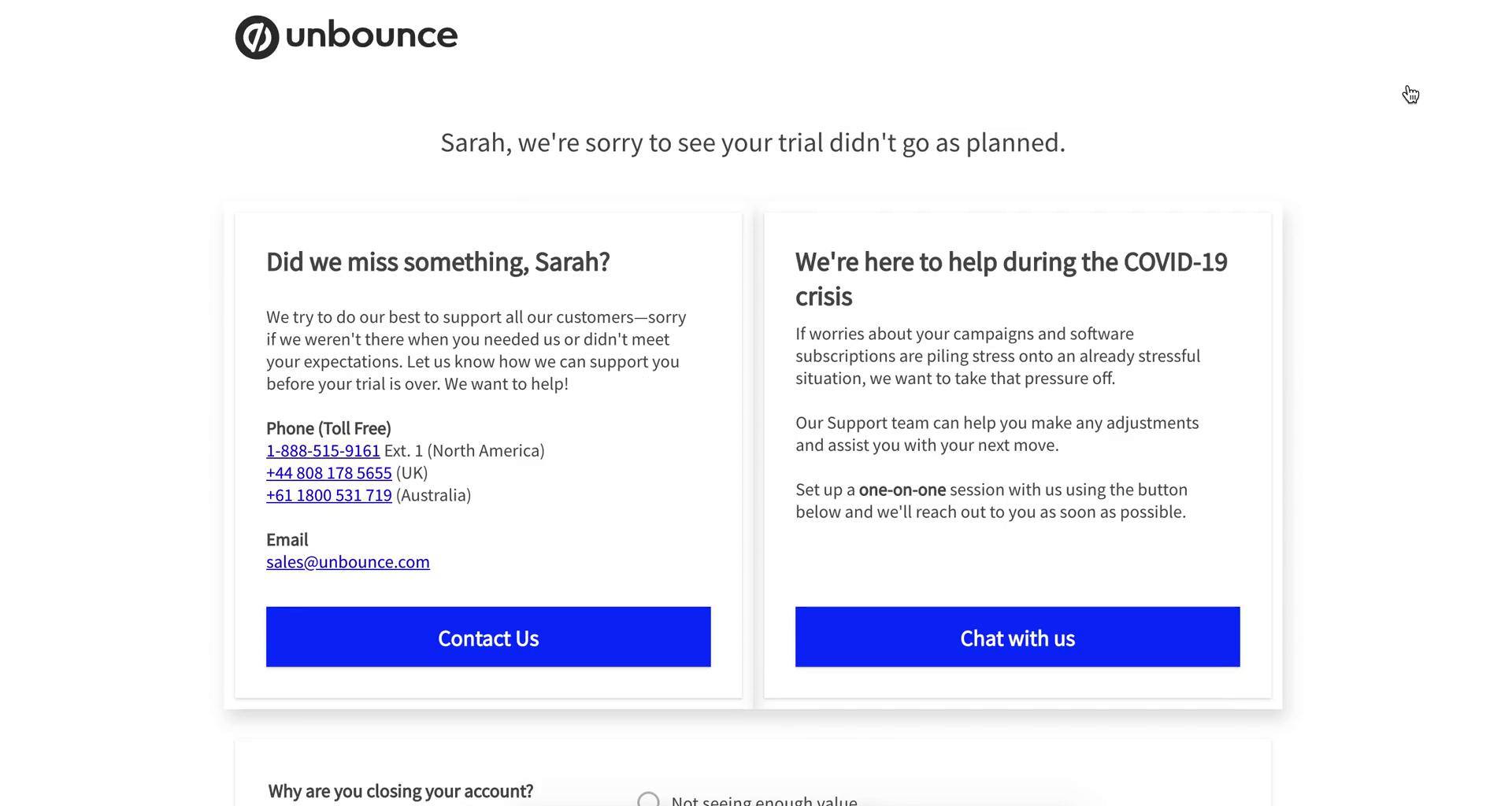
Cancel subscription
this is title
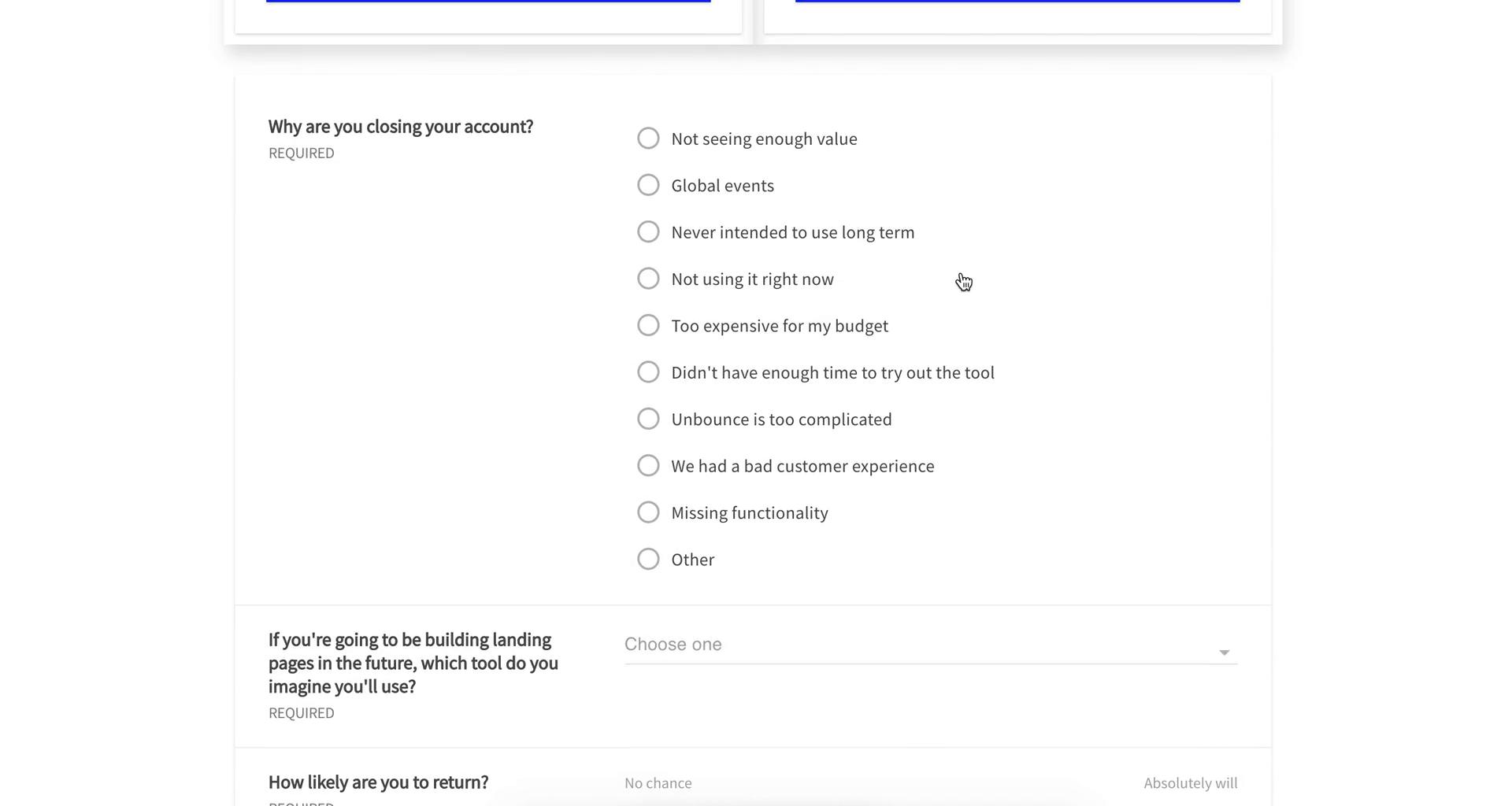
Select cancellation reason
this is title
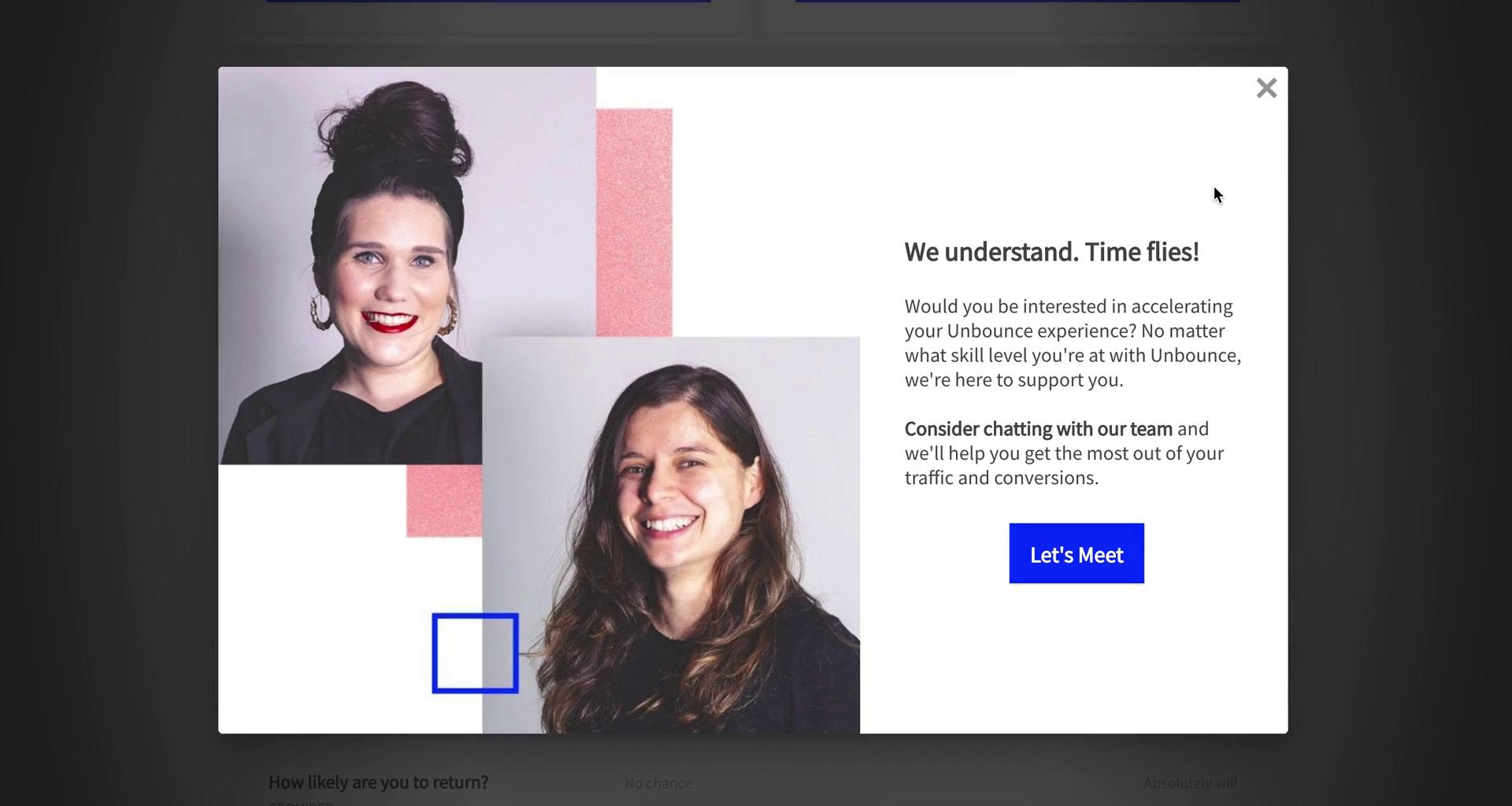
Meeting prompt
this is title
Confirm cancellation
this is title
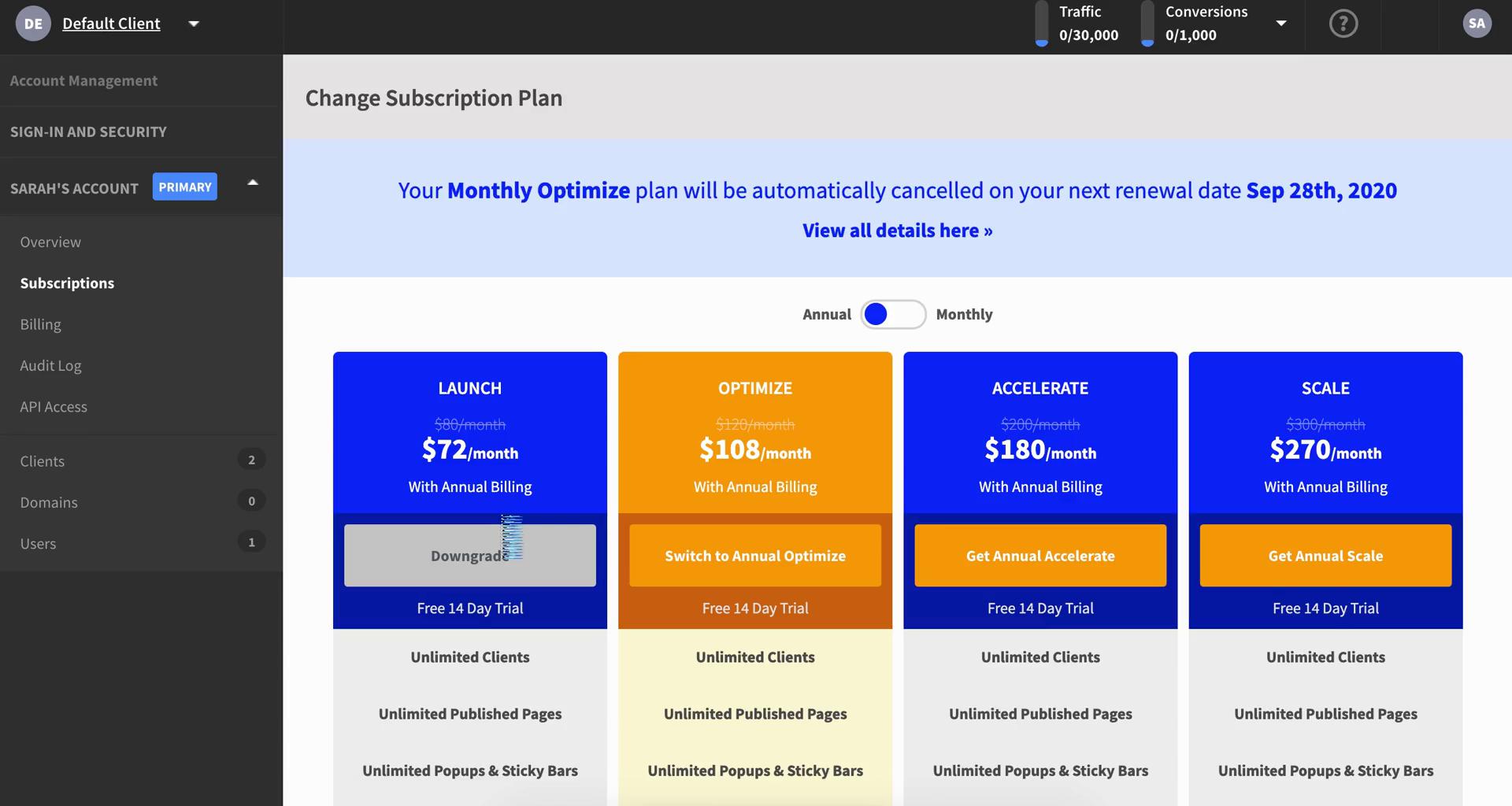
Subscriptions
this is title
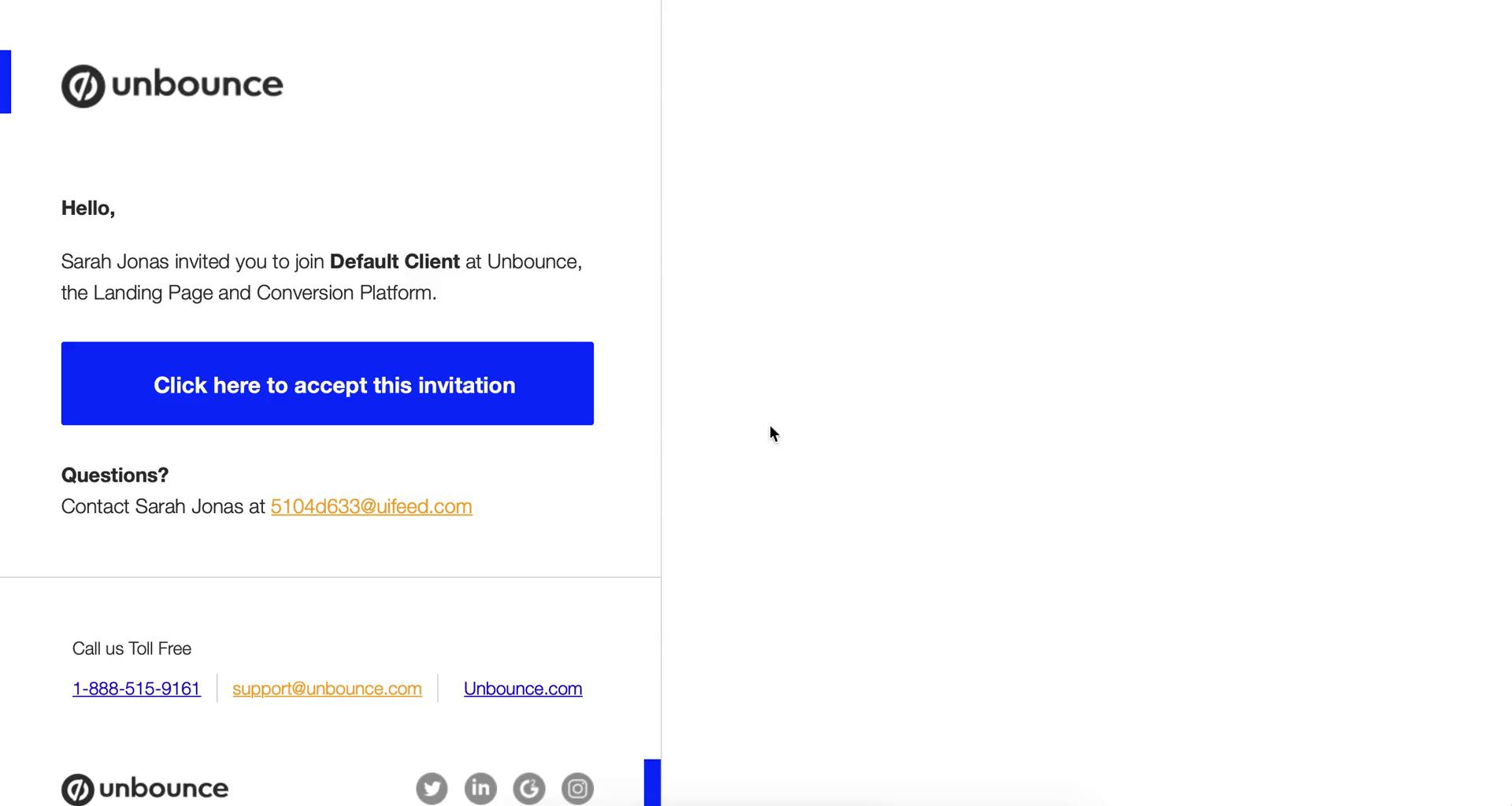
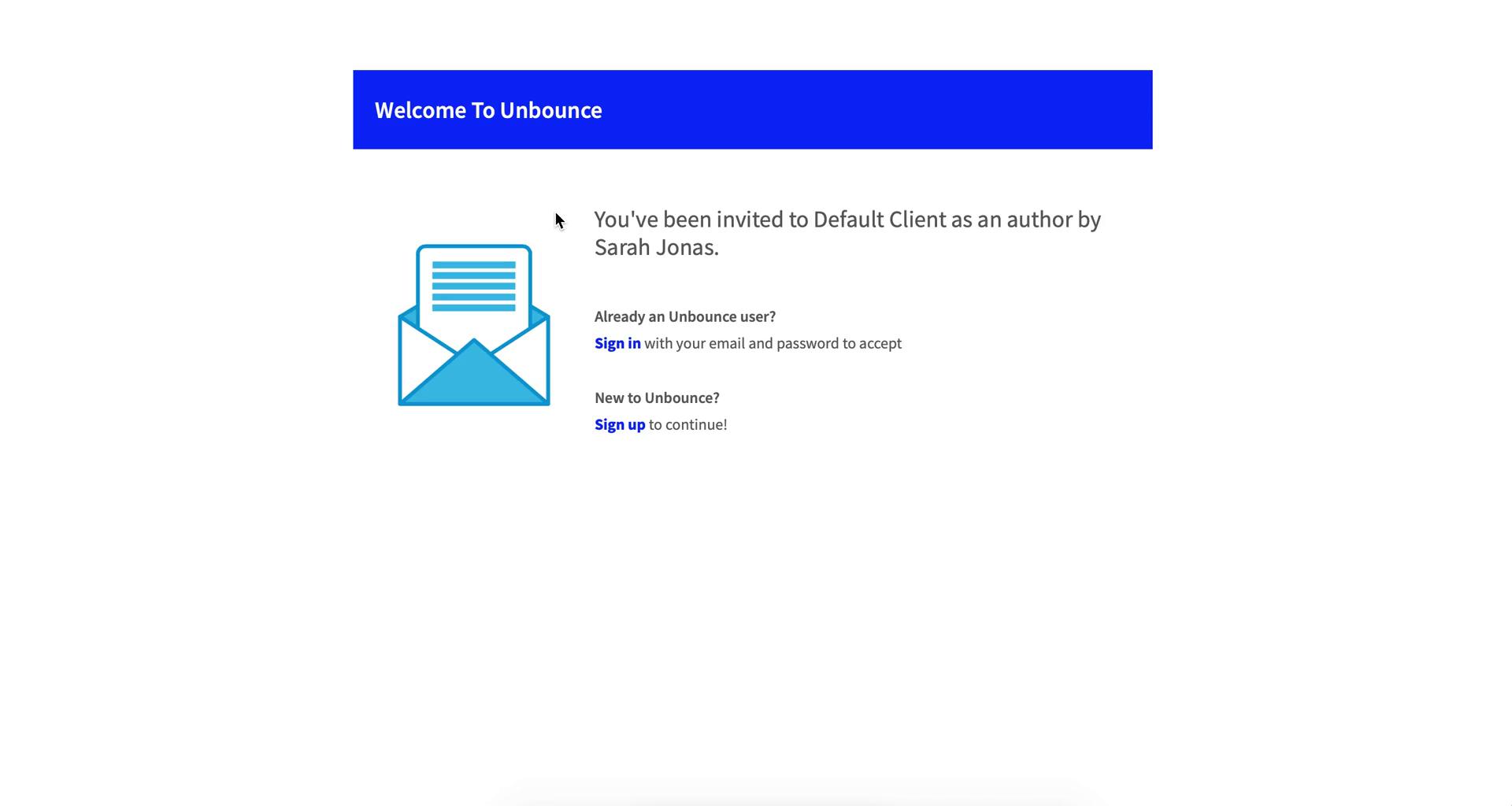
Invite email
this is title
Invitation
this is title
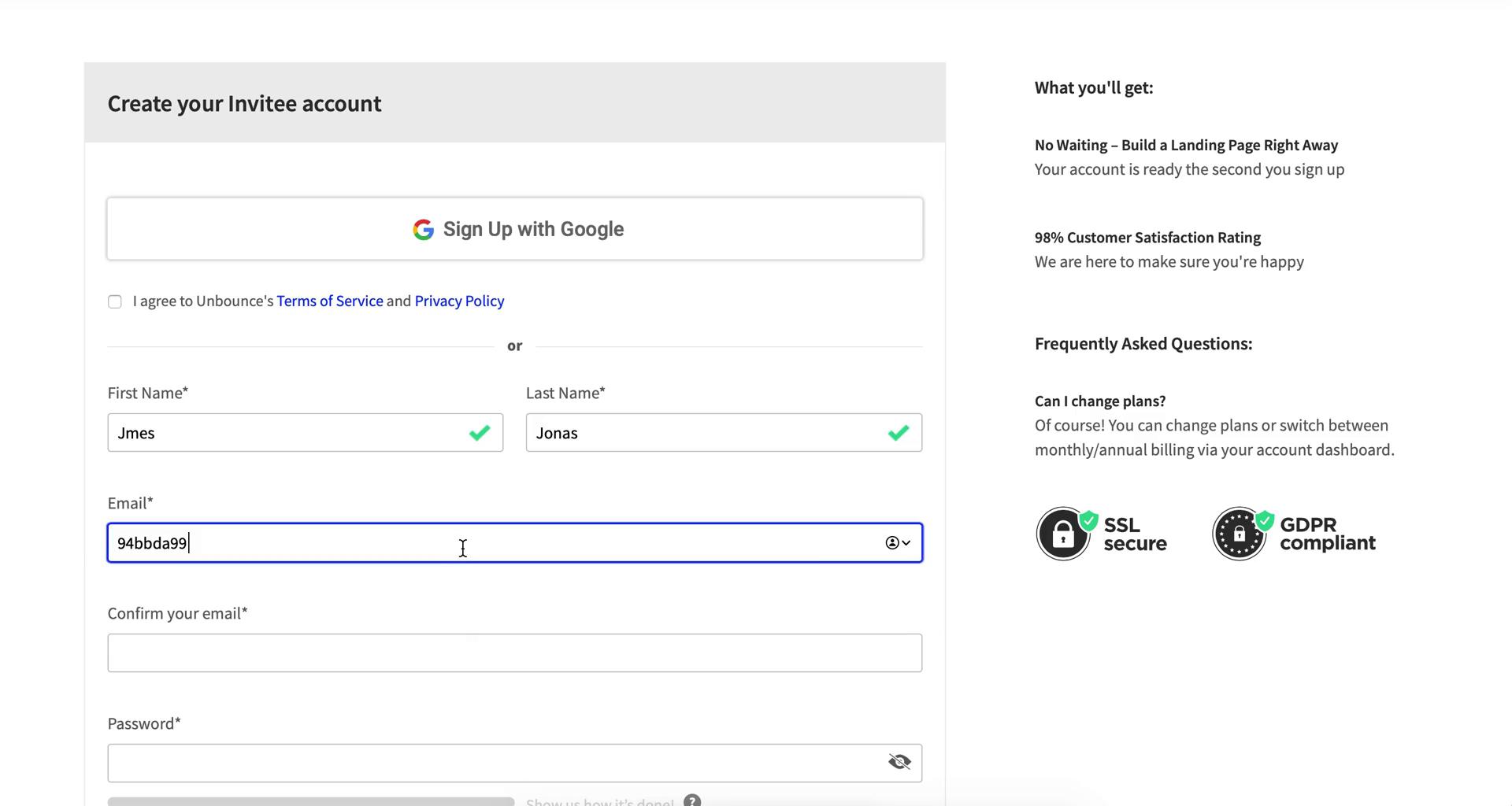
Sign up
this is title
Provide more information
this is title
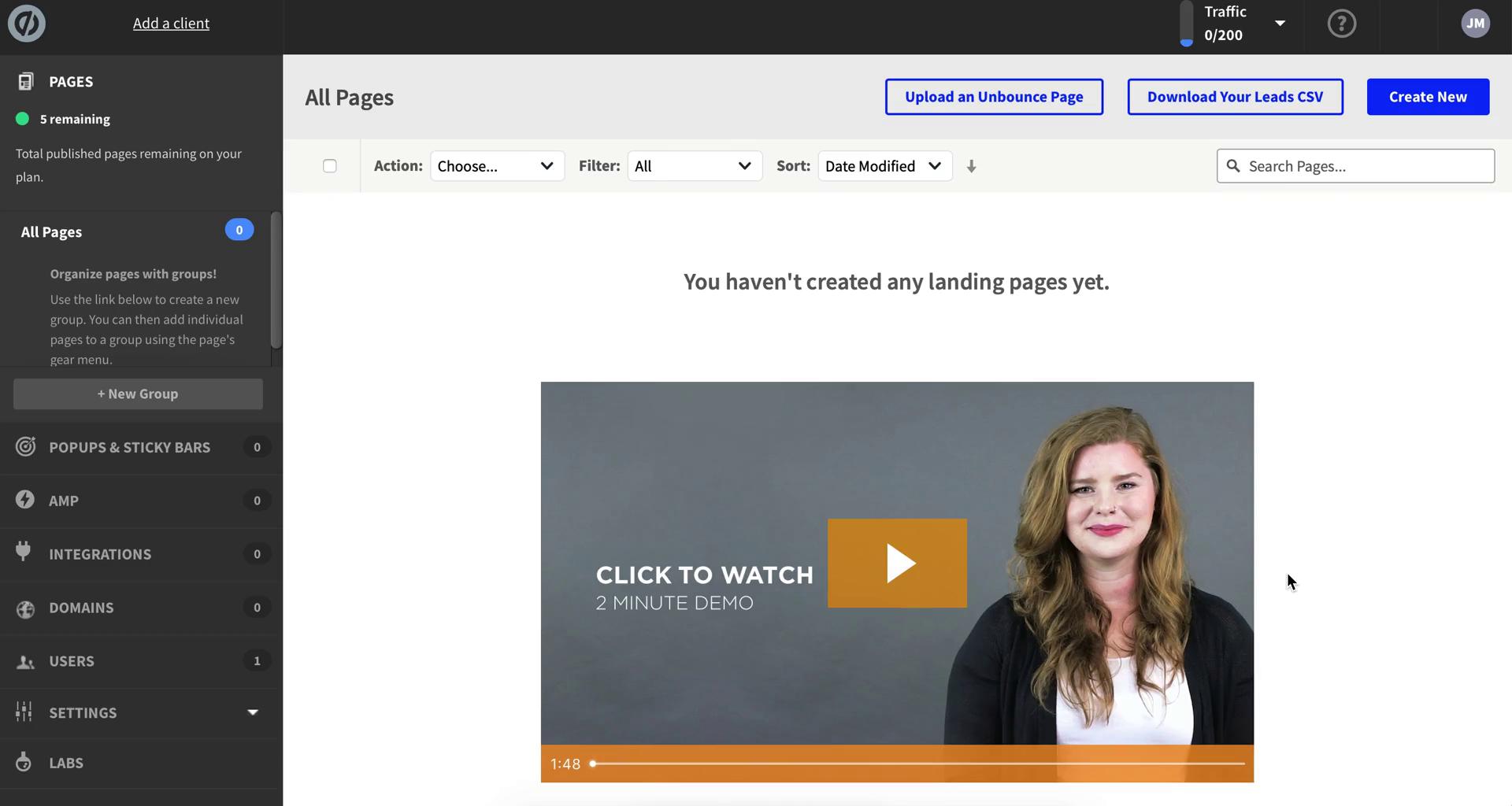
Dashboard
this is title
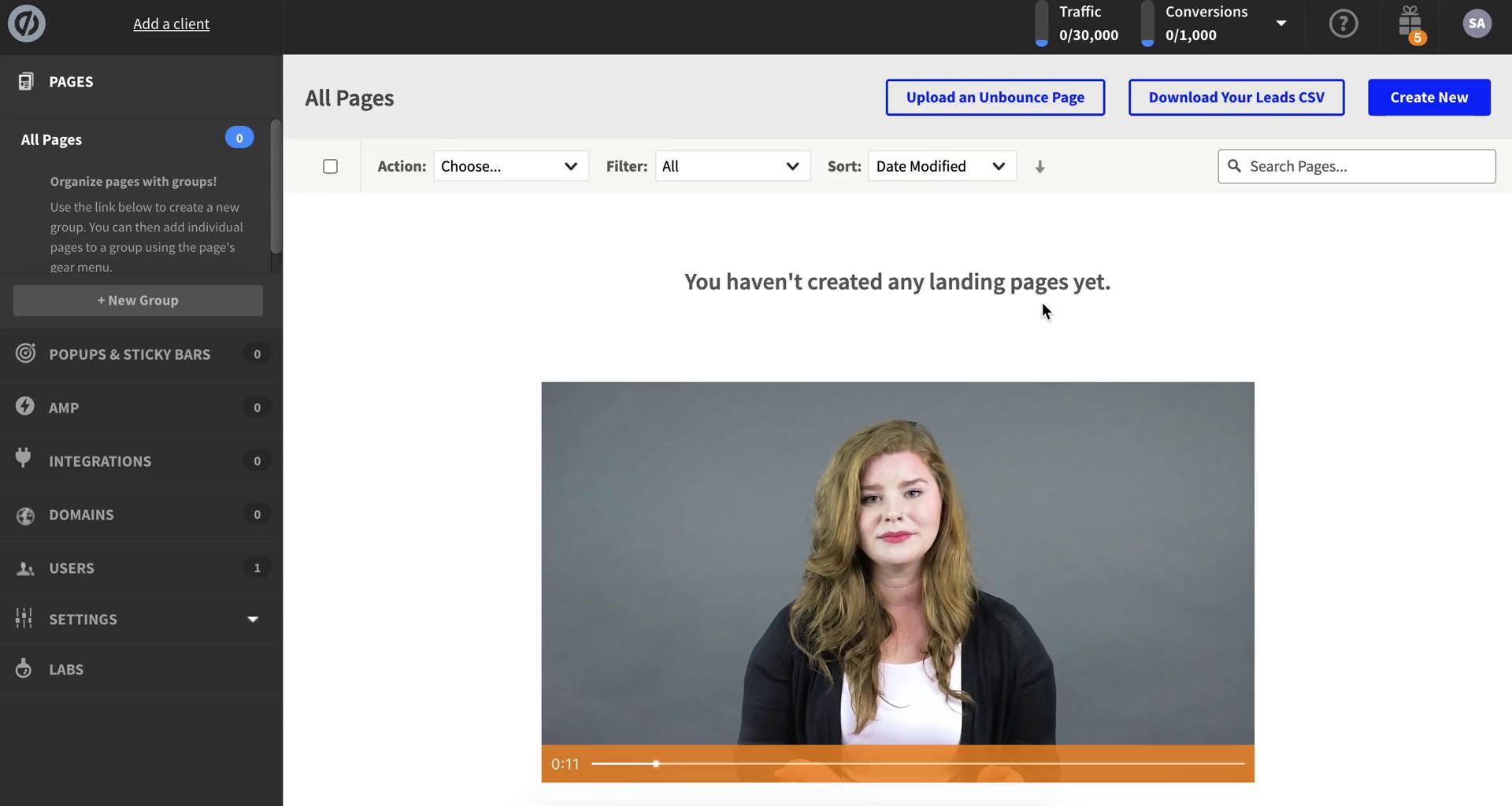
Dashboard
this is title
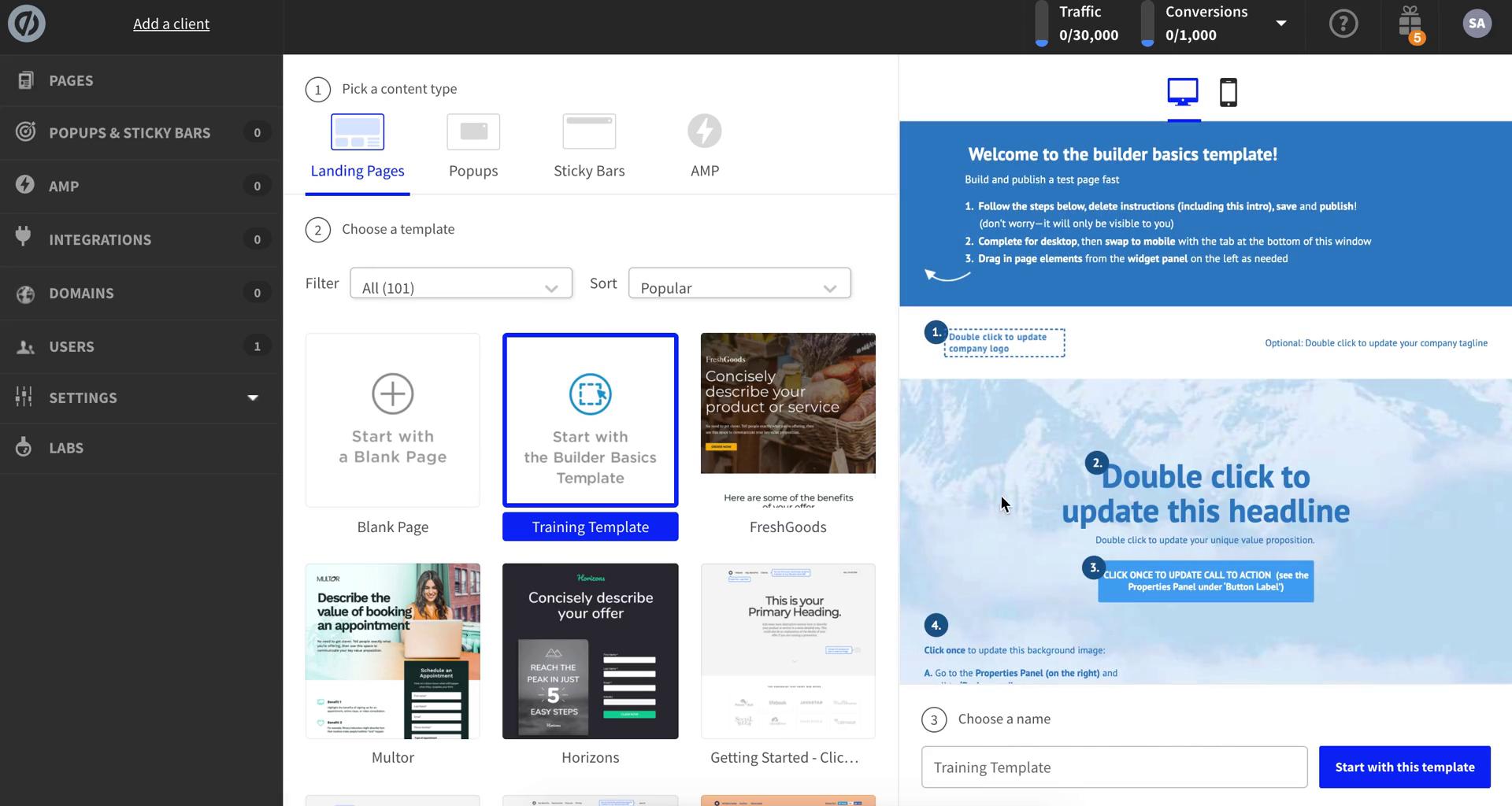
Select template
this is title
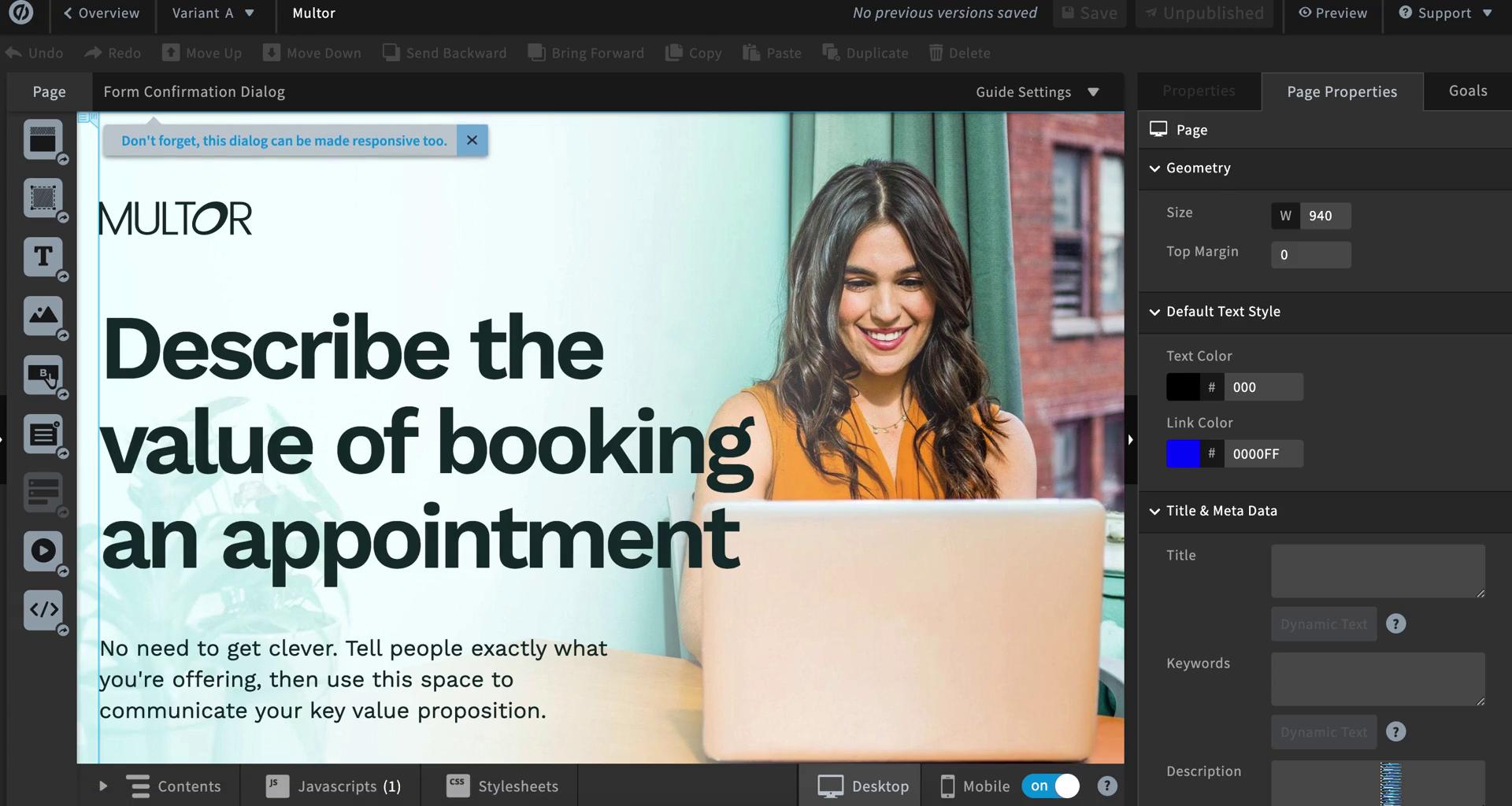
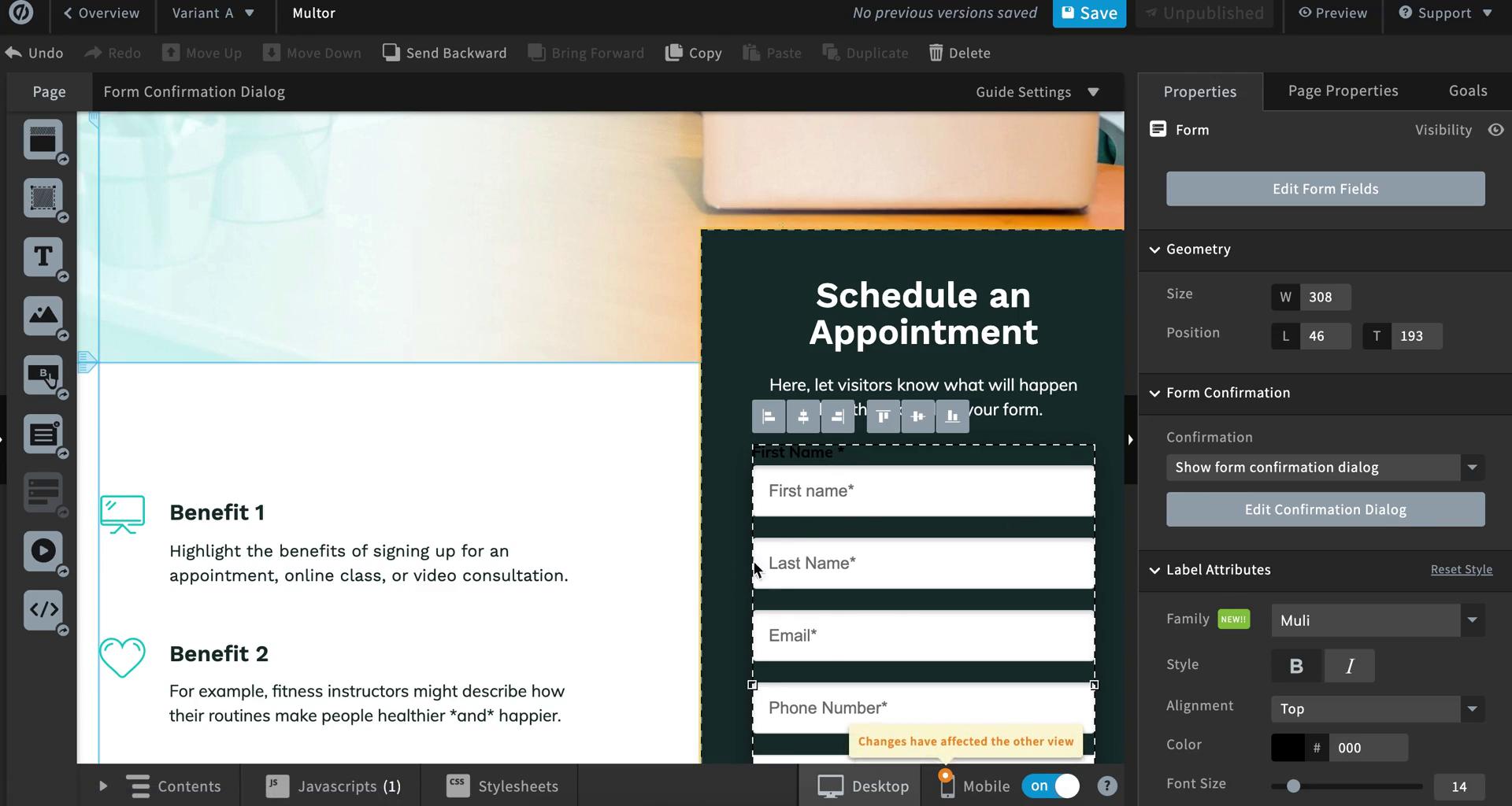
Page editor
this is title
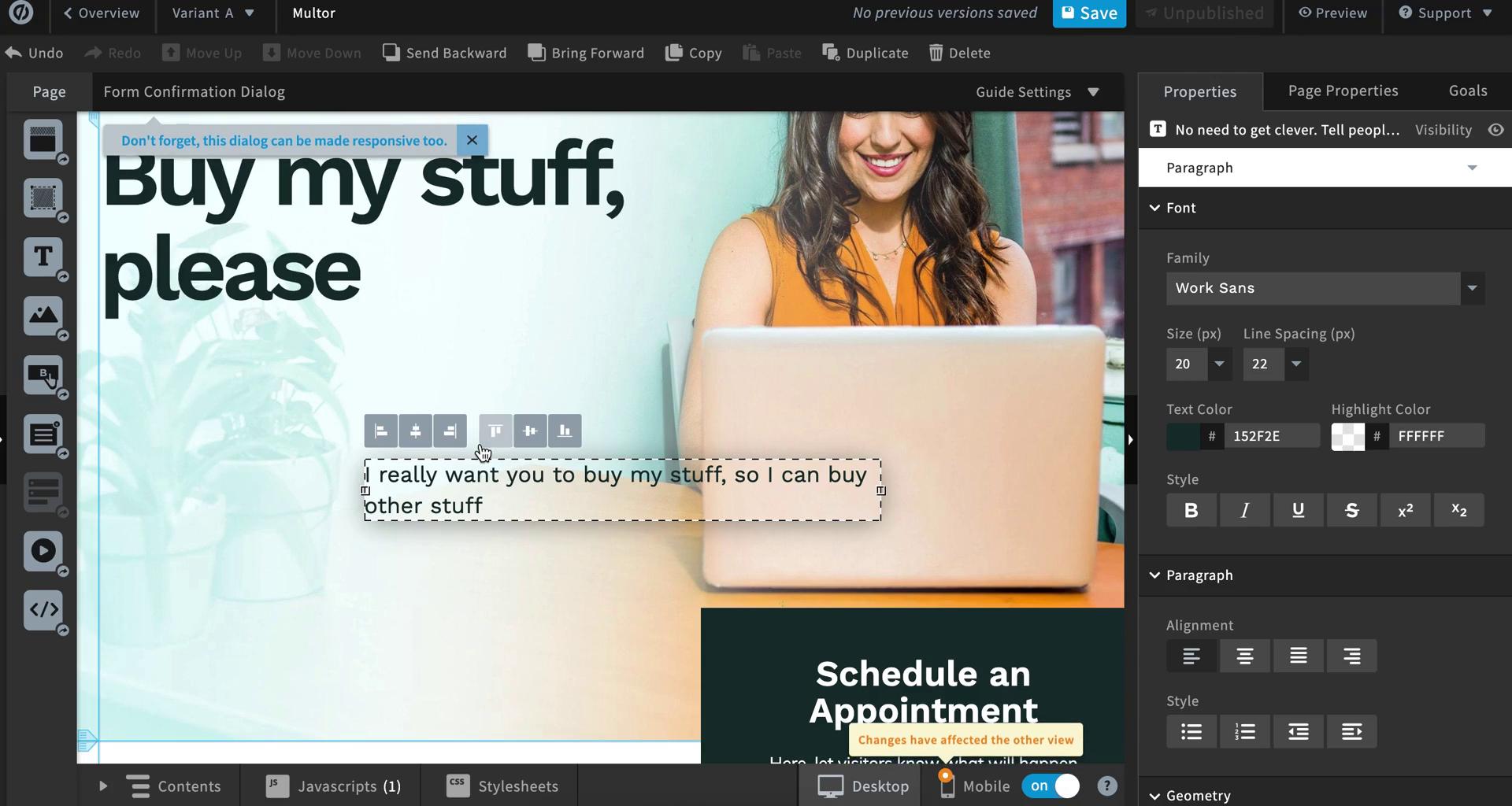
Page editor
this is title
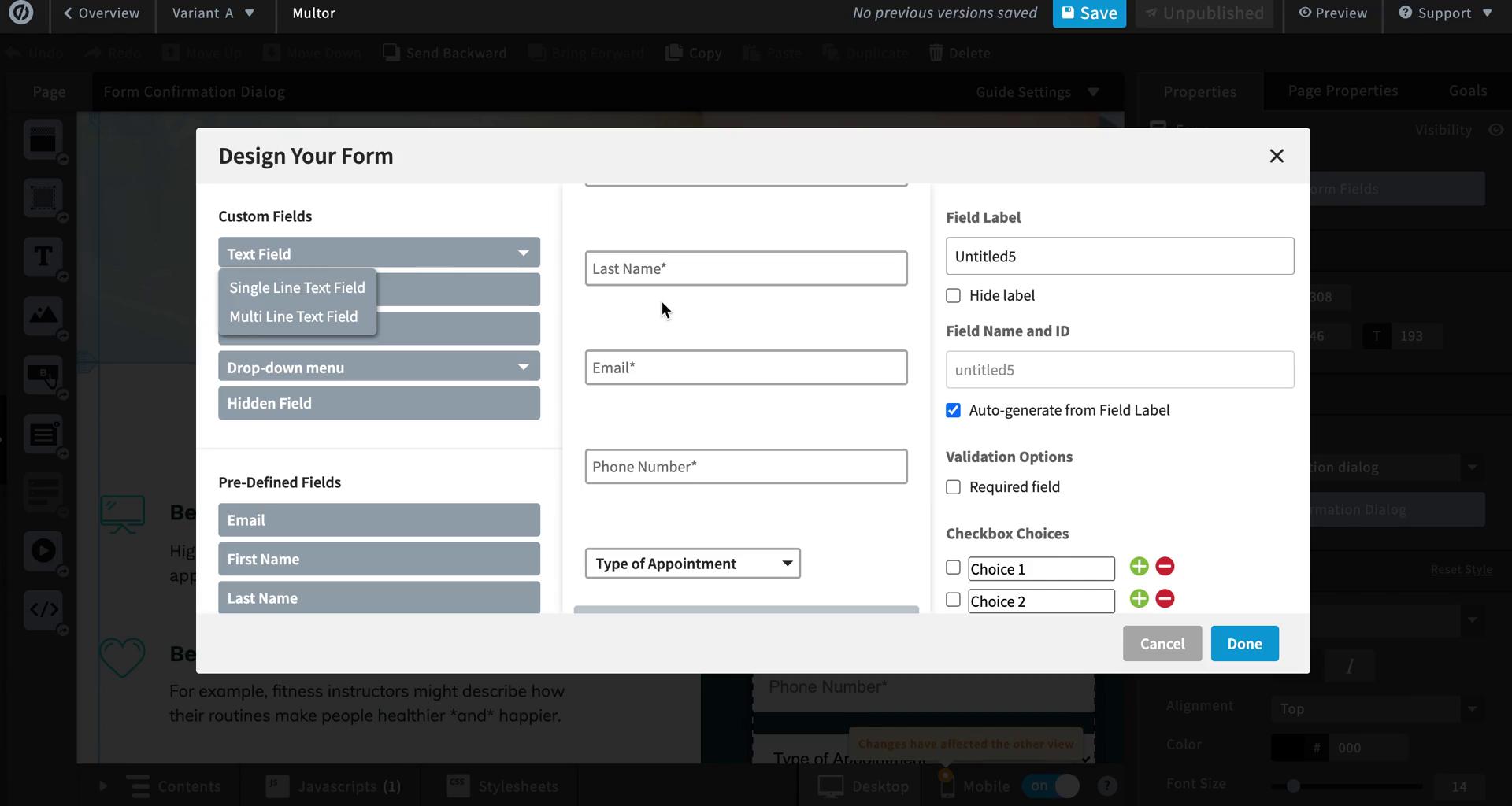
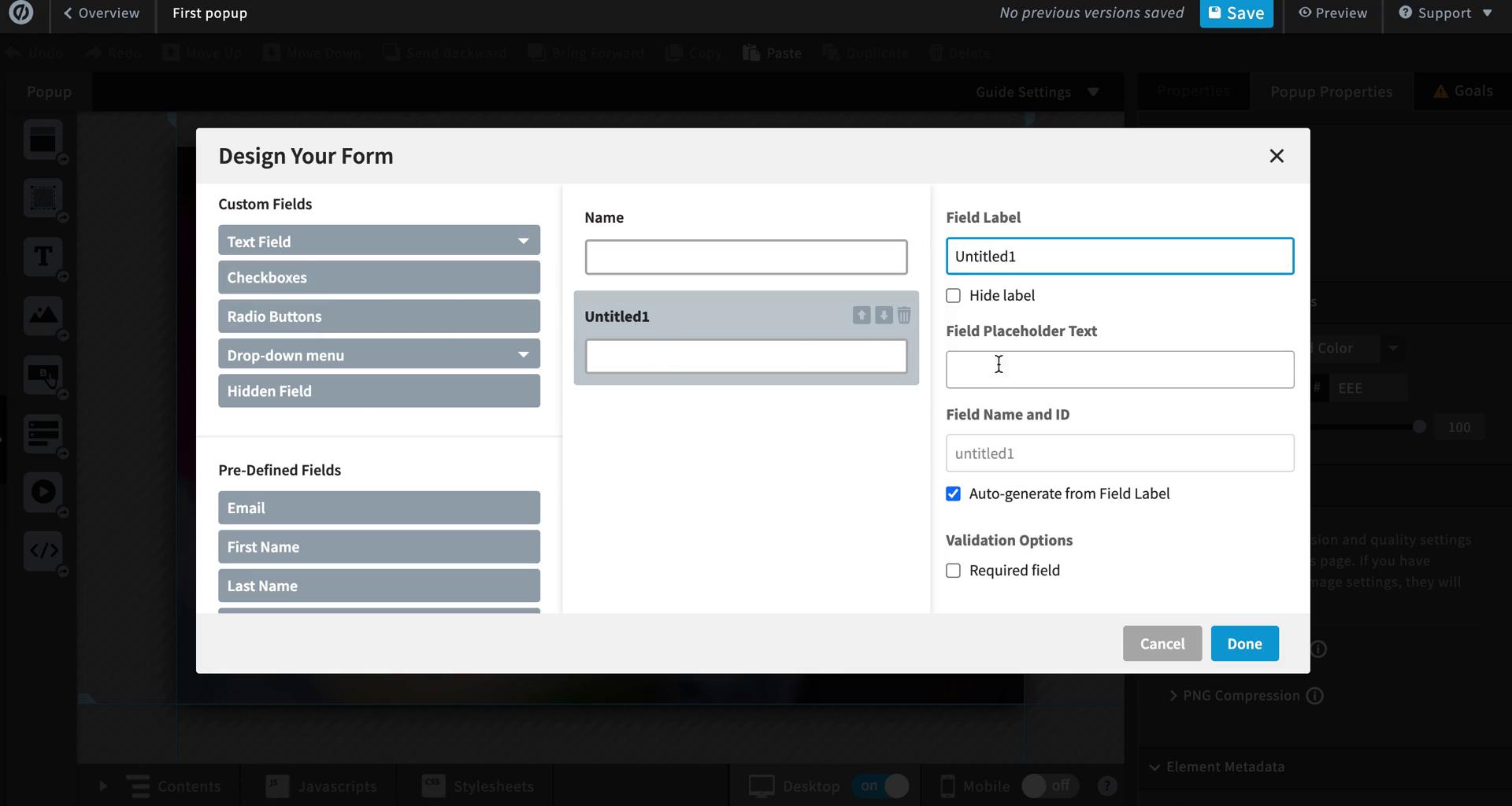
Create form
this is title
Page editor
this is title
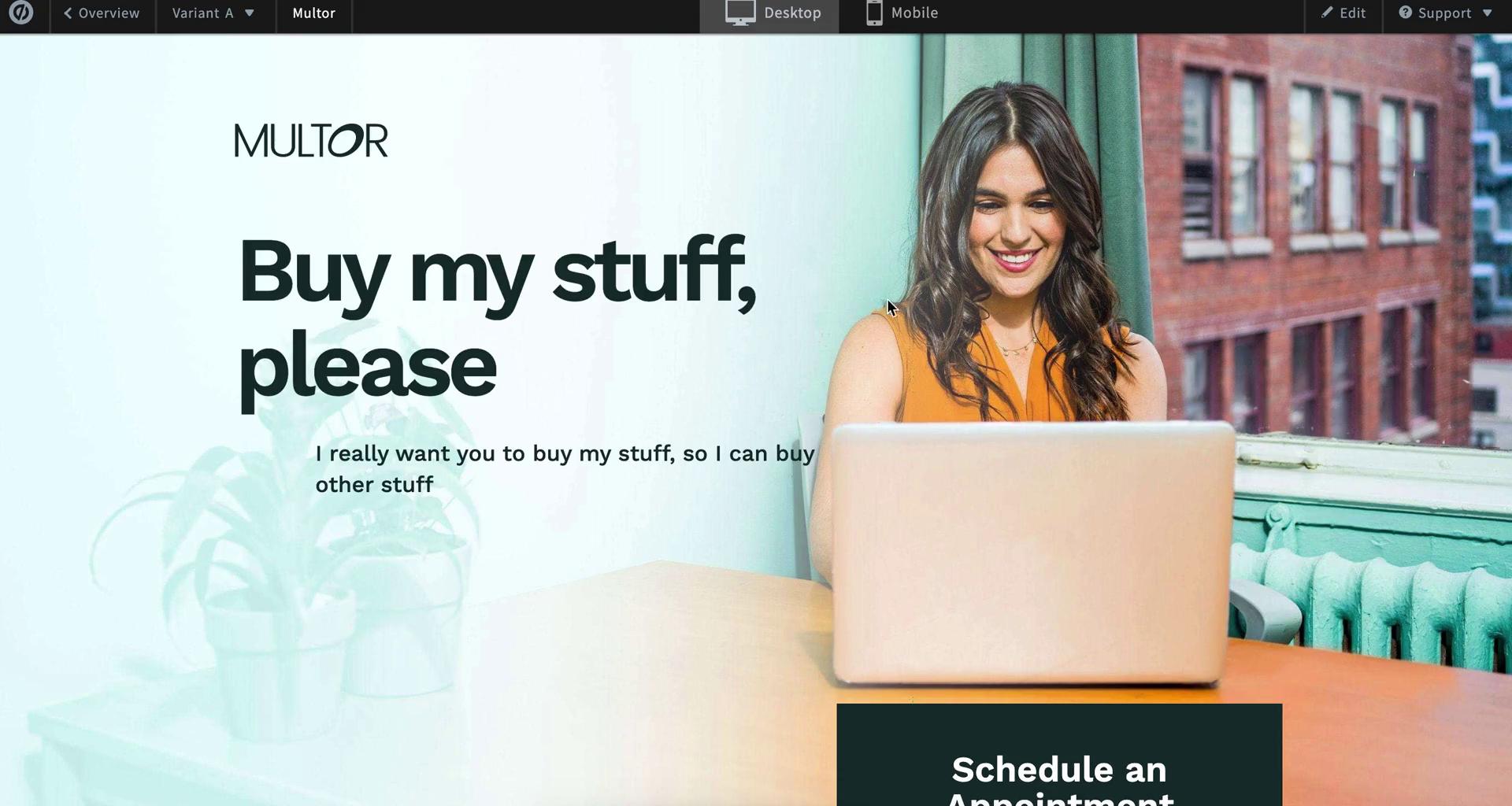
Preview
this is title
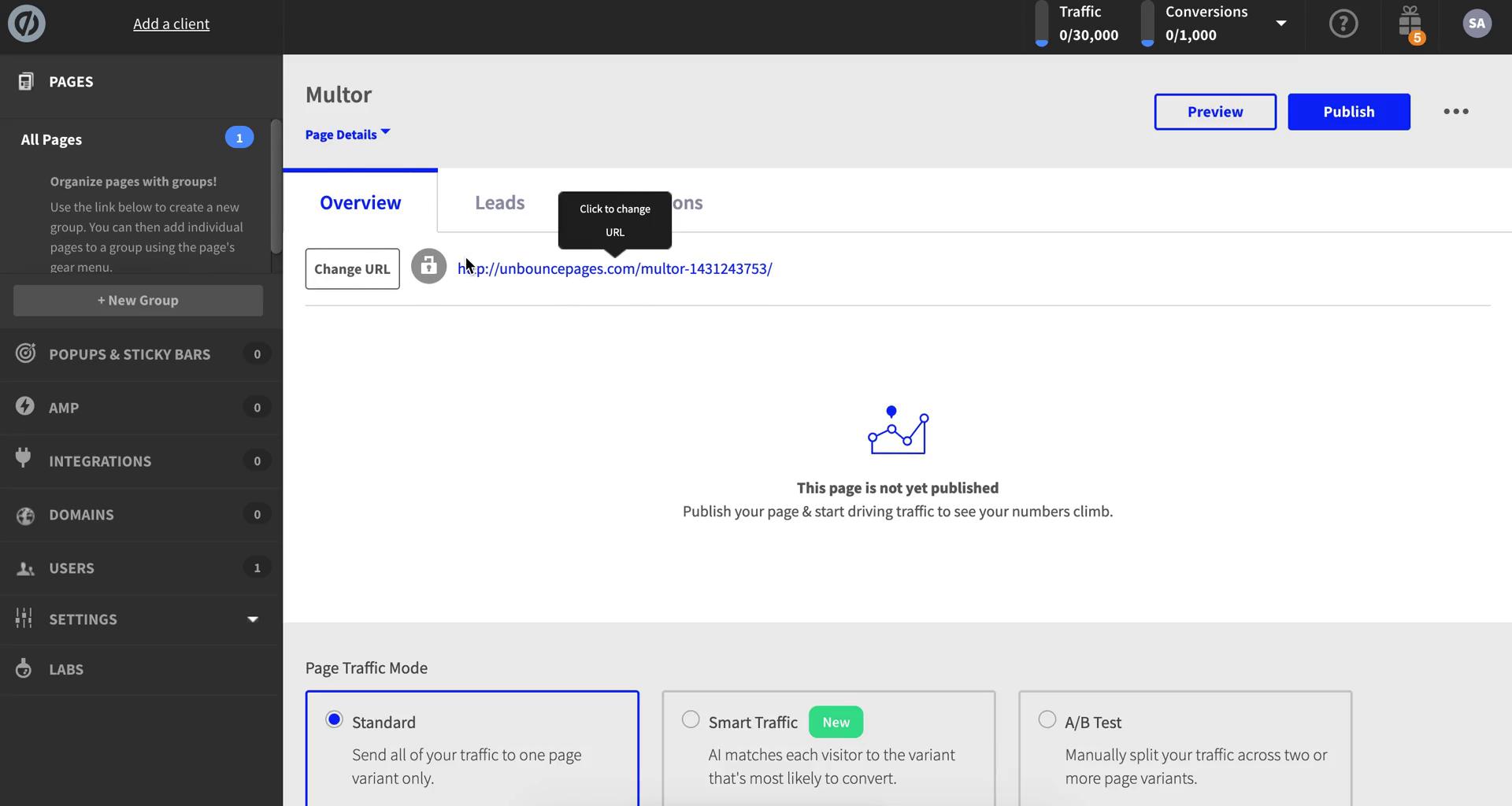
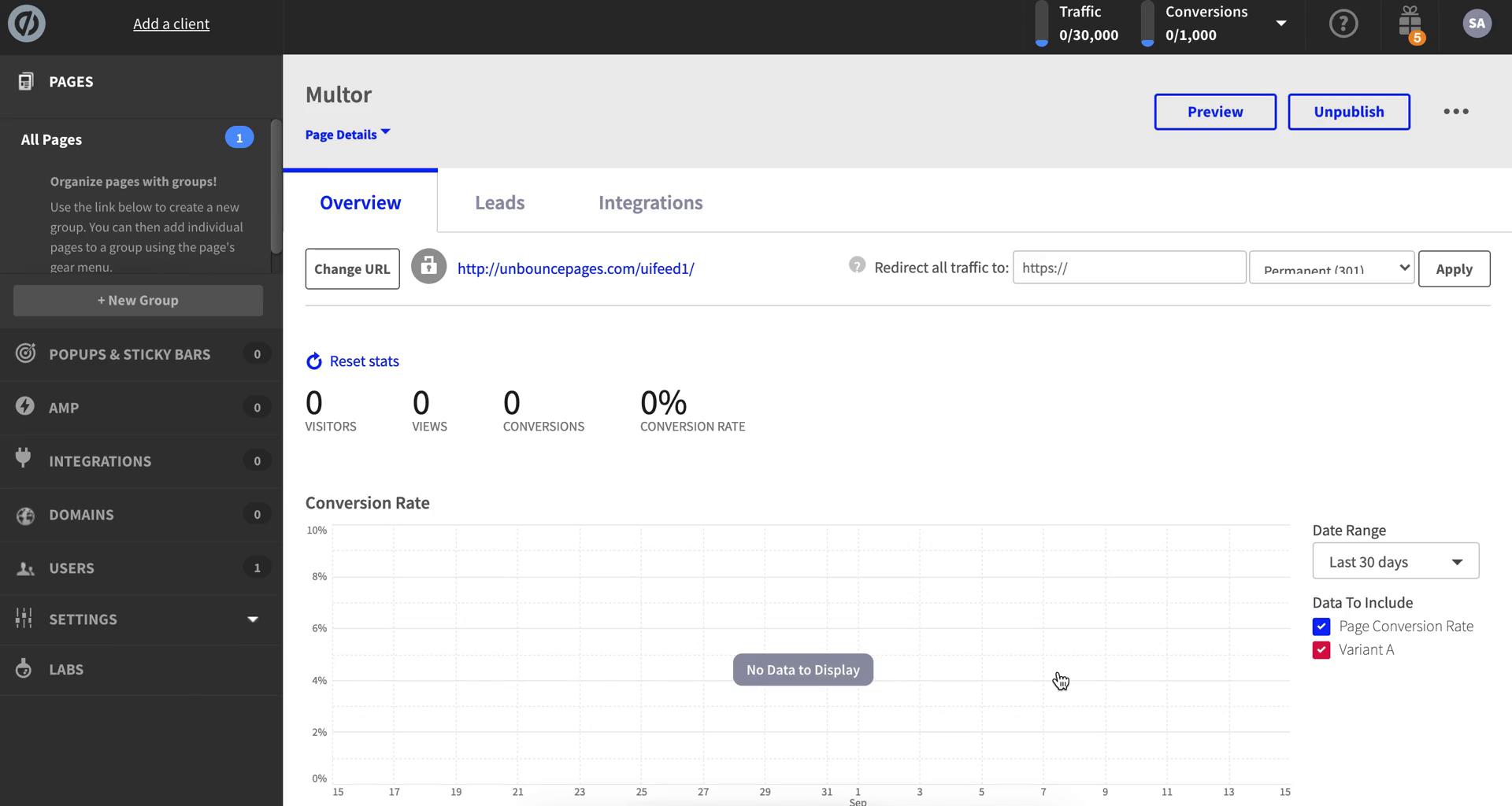
Landing page details
this is title
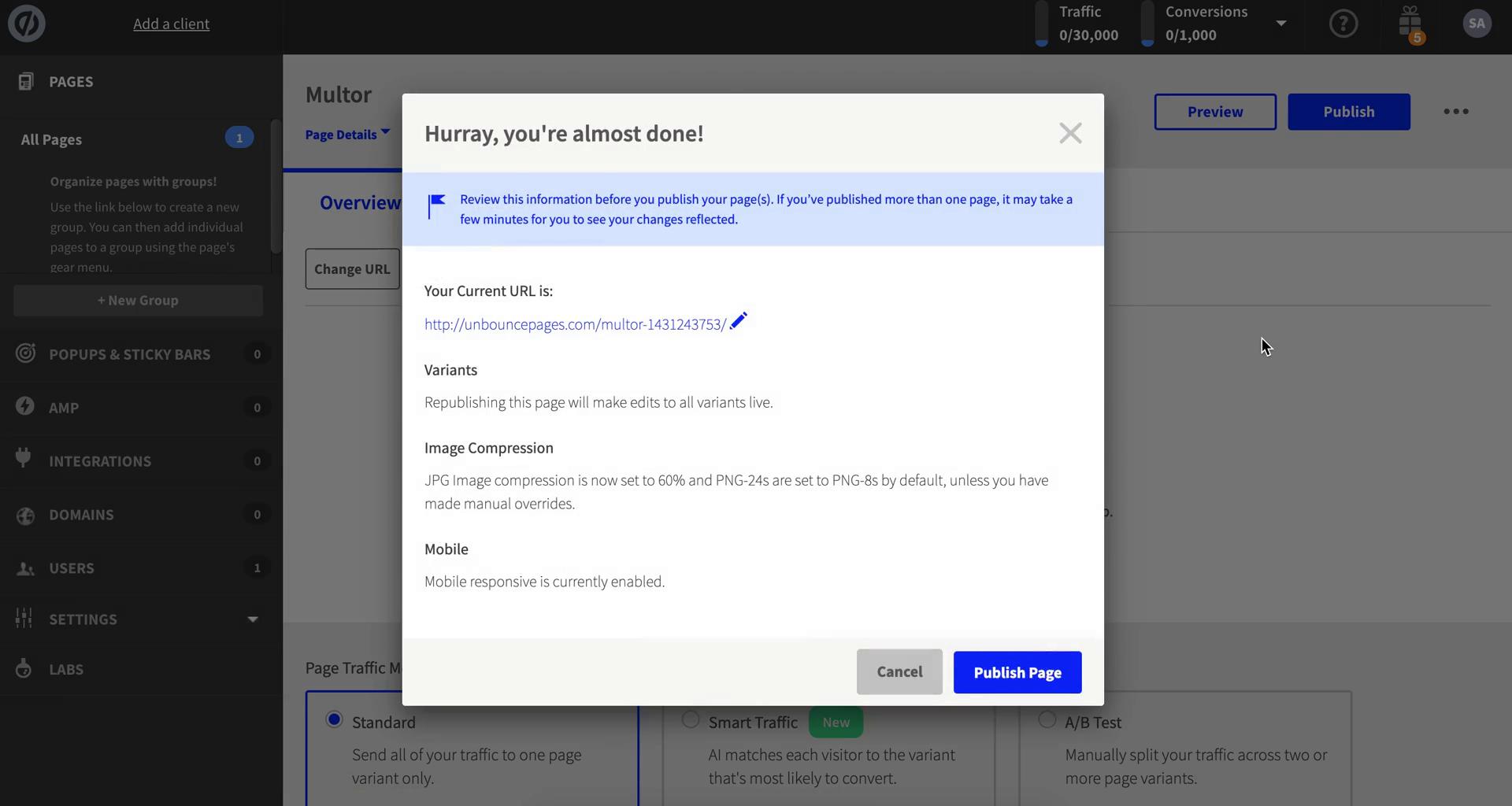
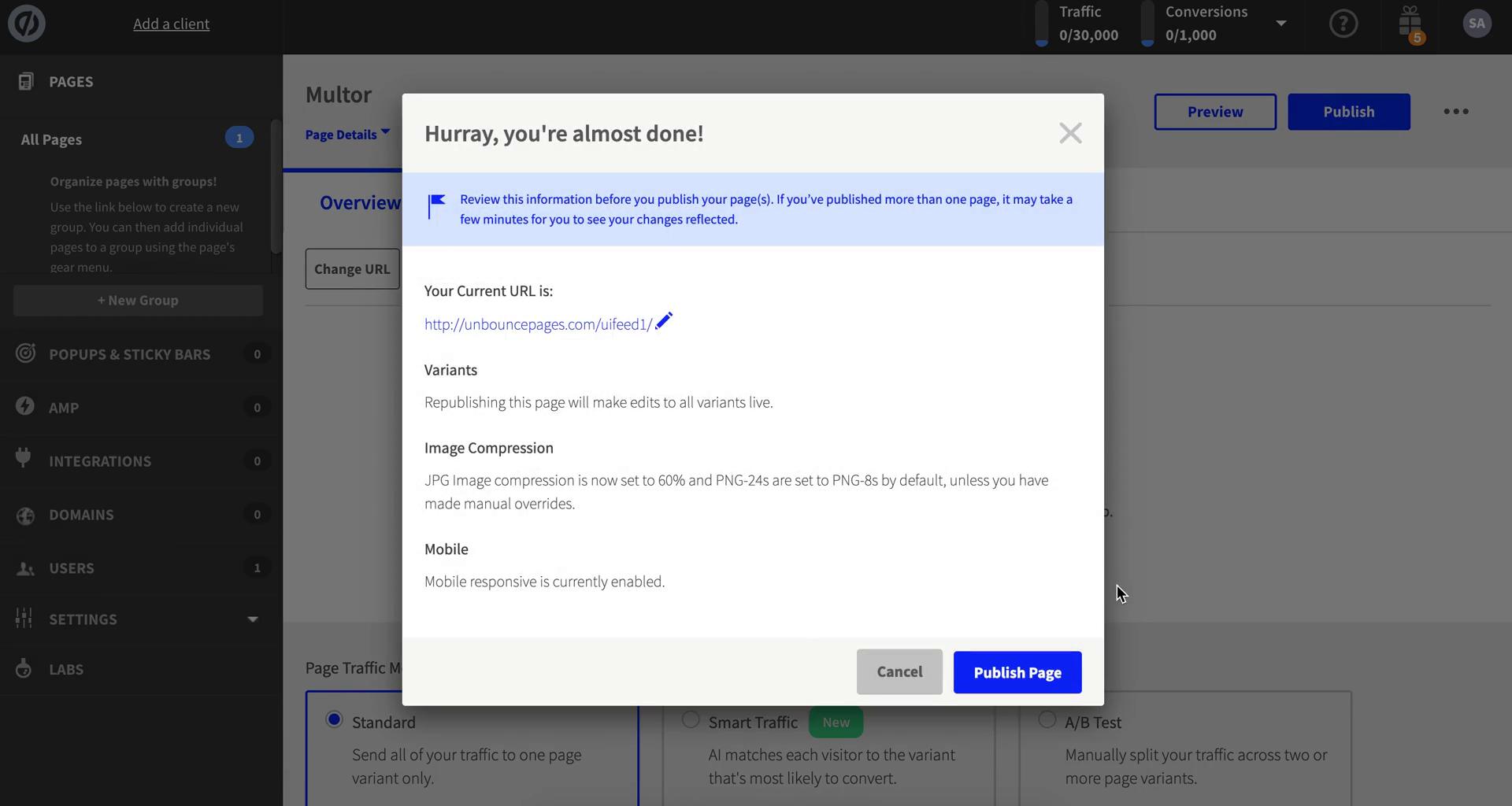
Publish
this is title
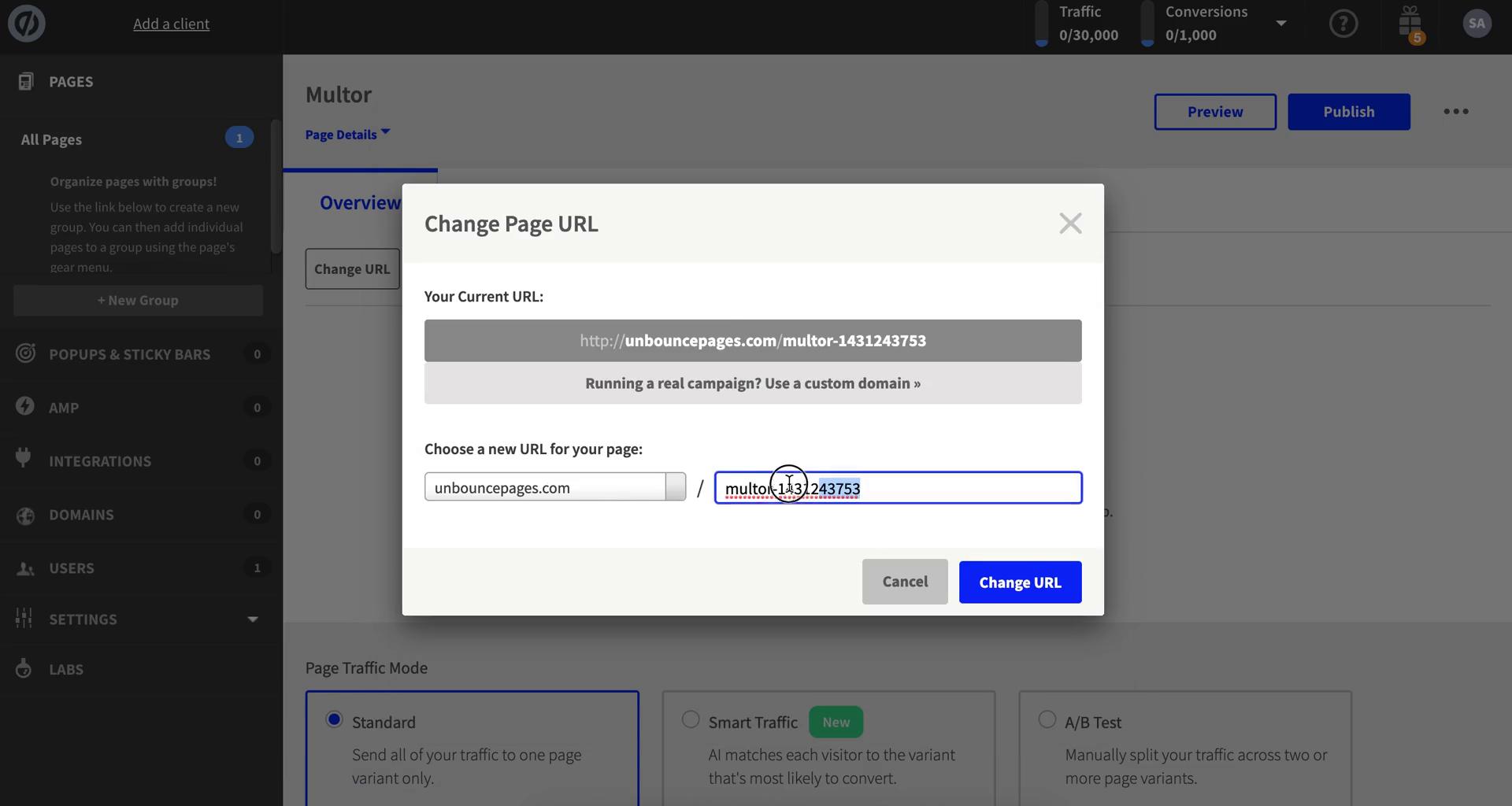
Change URL
this is title
Publish
this is title
Landing page details
this is title
Dashboard
this is title
Dashboard
this is title
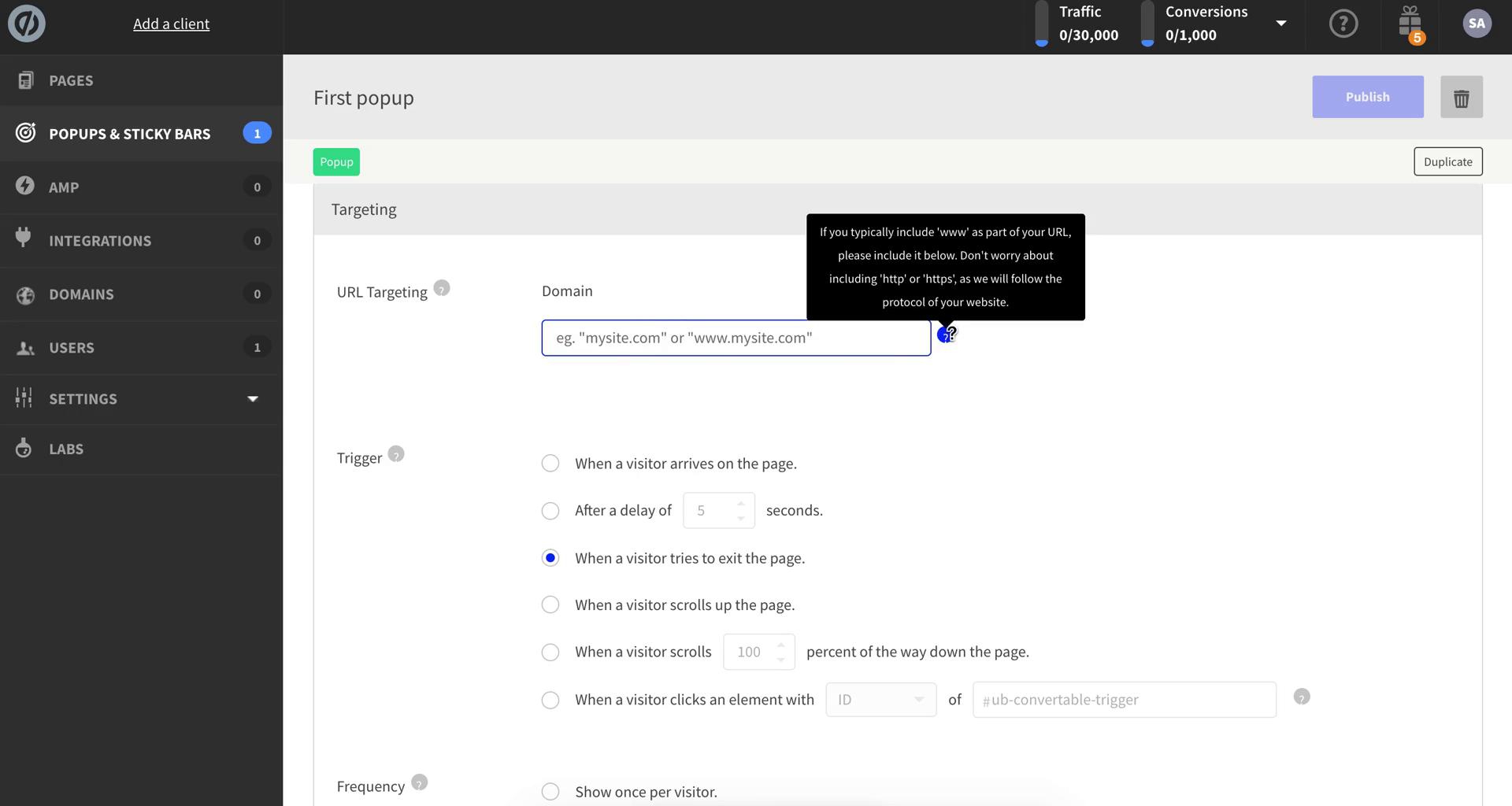
Pop-ups
this is title
Select template
this is title
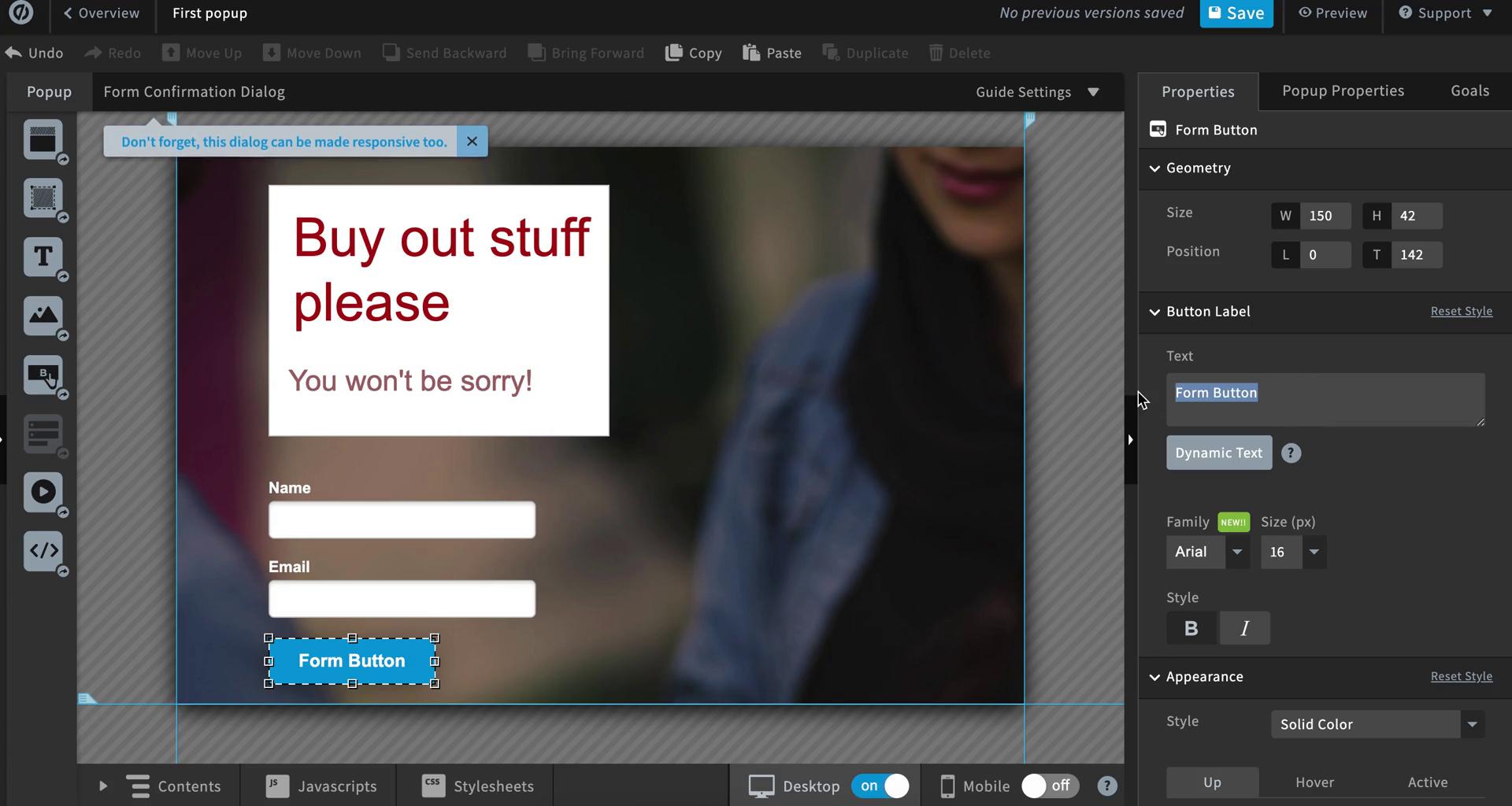
Pop-up editor
this is title
Create form
this is title
Pop-up editor
this is title
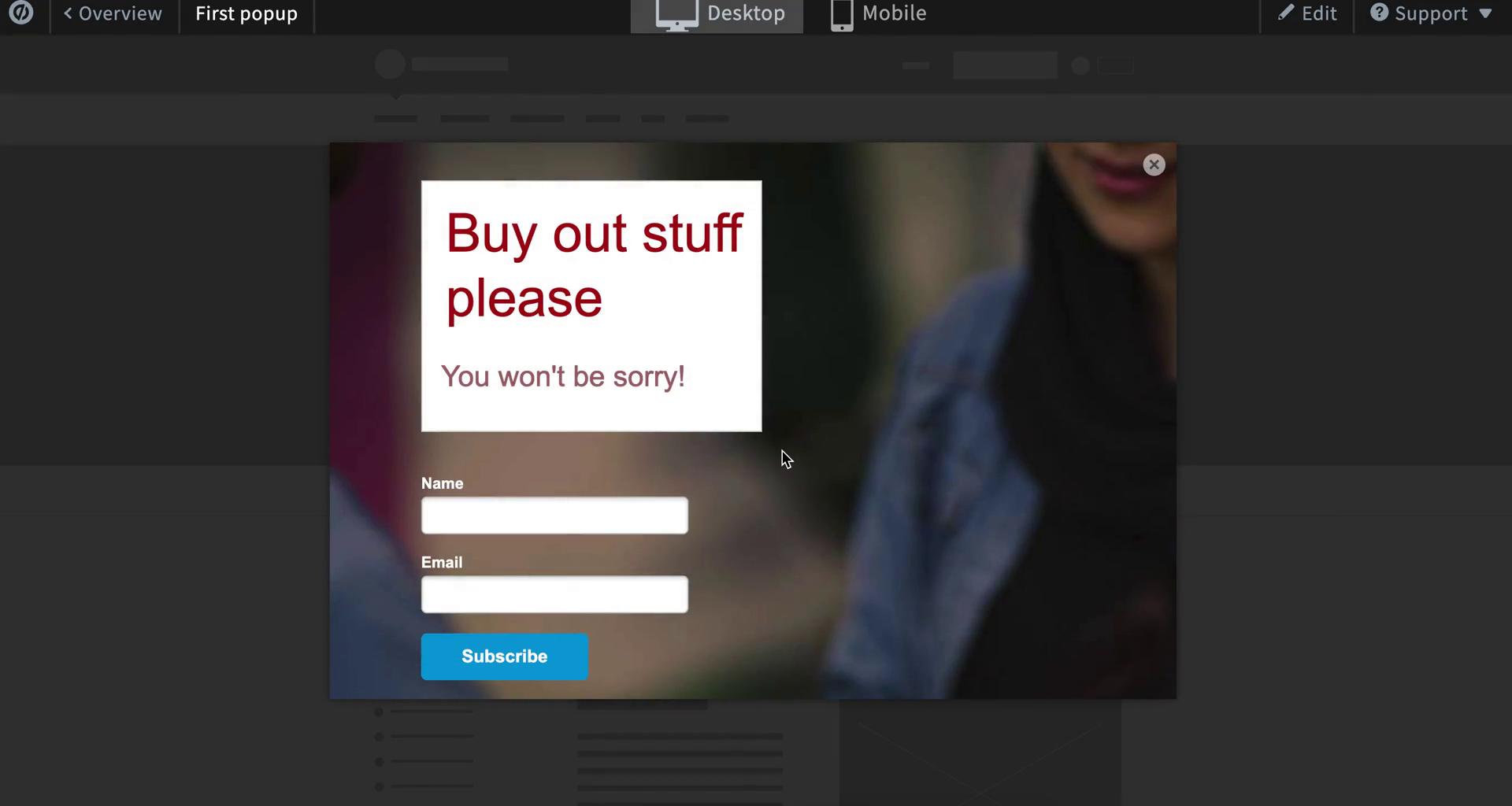
Preview
this is title
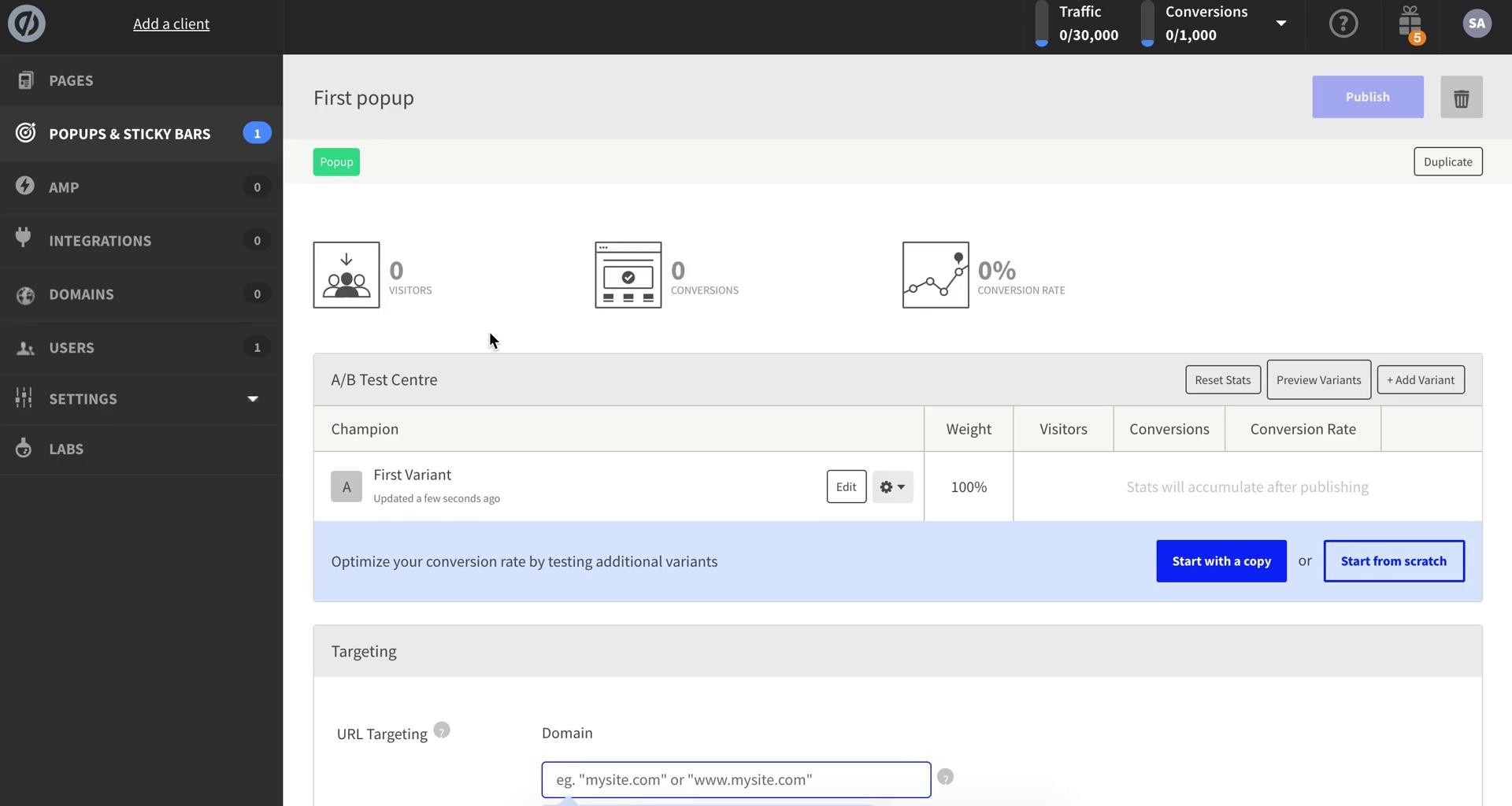
Pop-up details
this is title
Set targeting
this is title
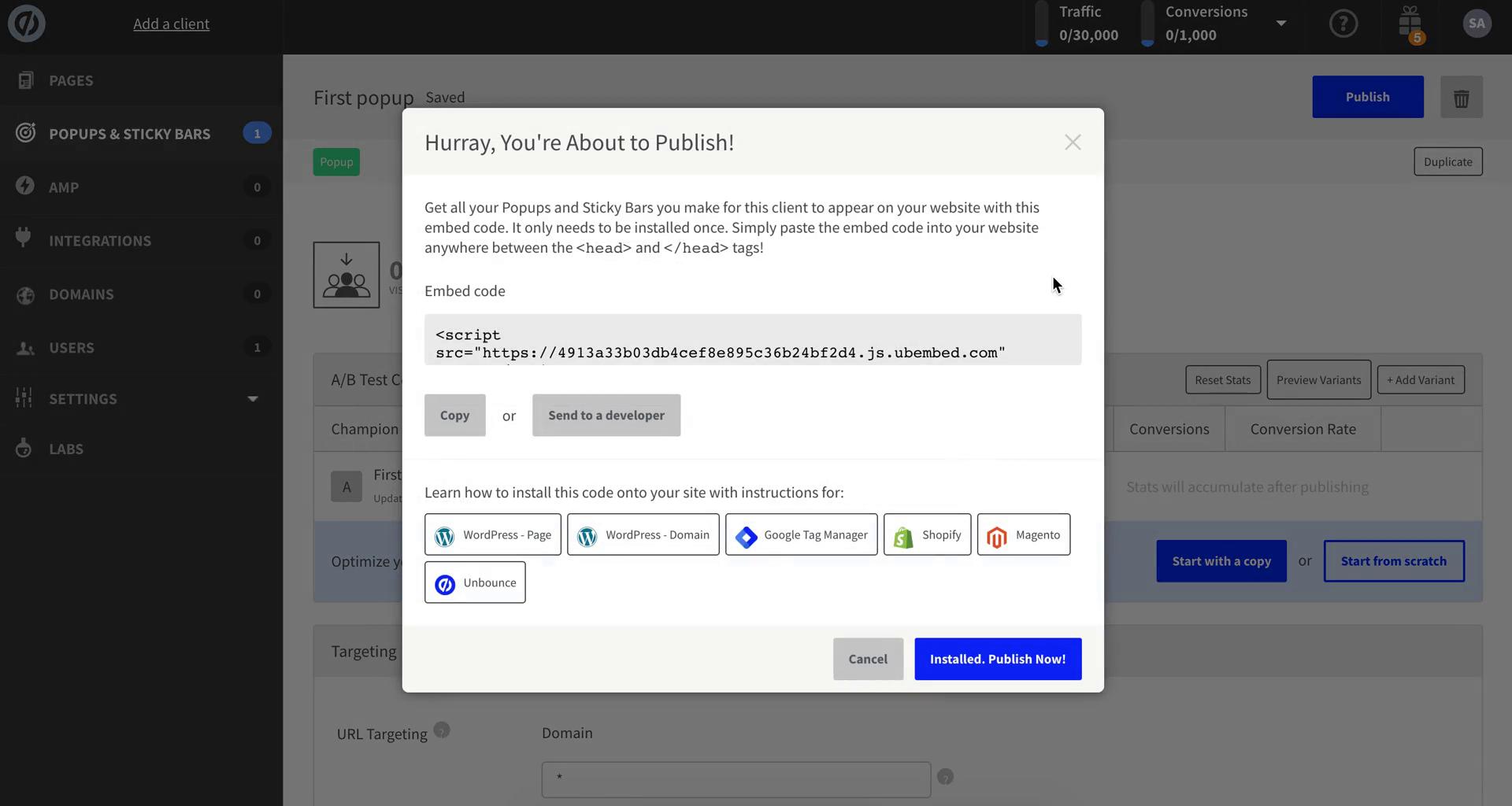
Publish
this is title
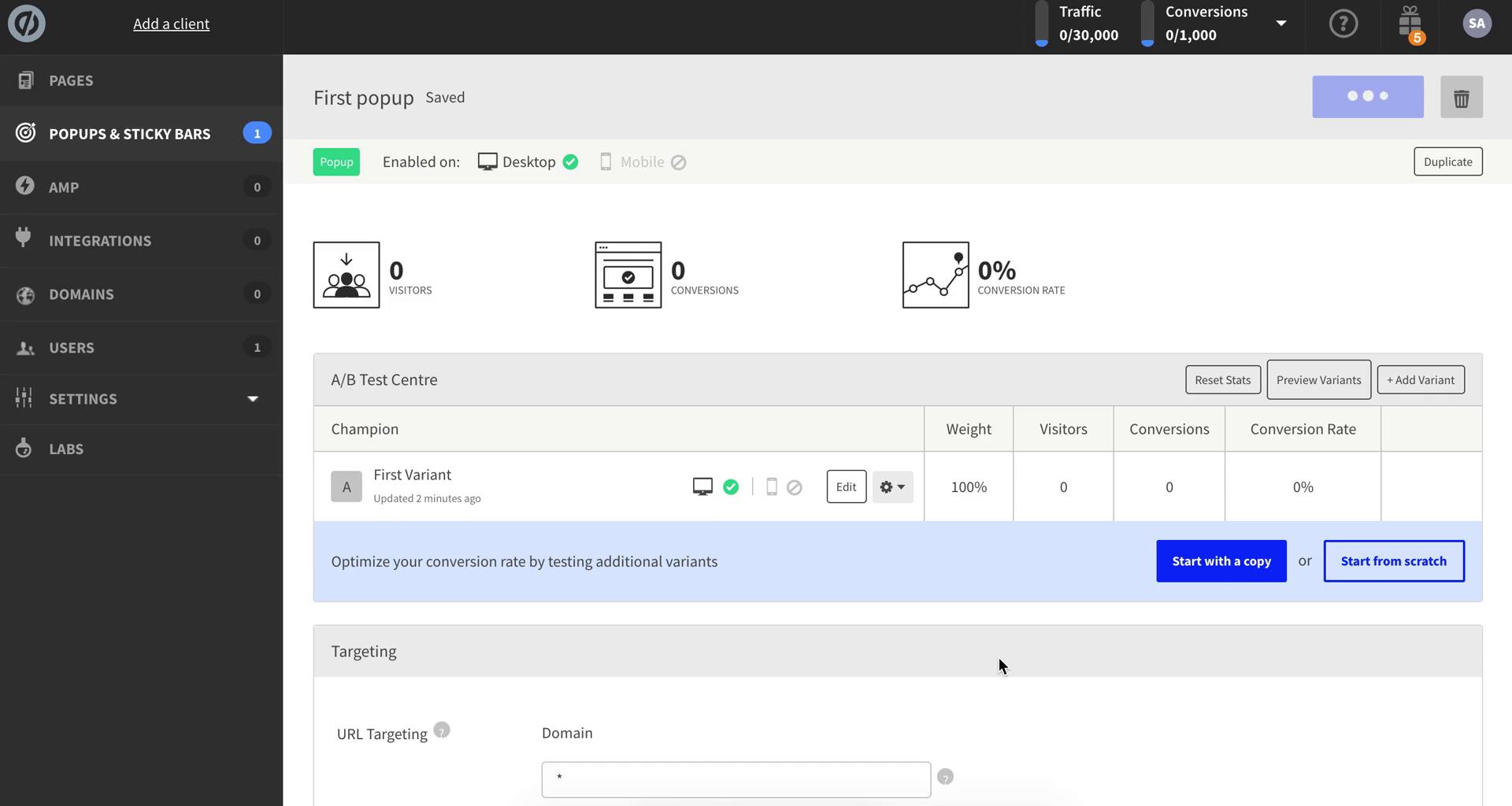
Pop-up details
this is title
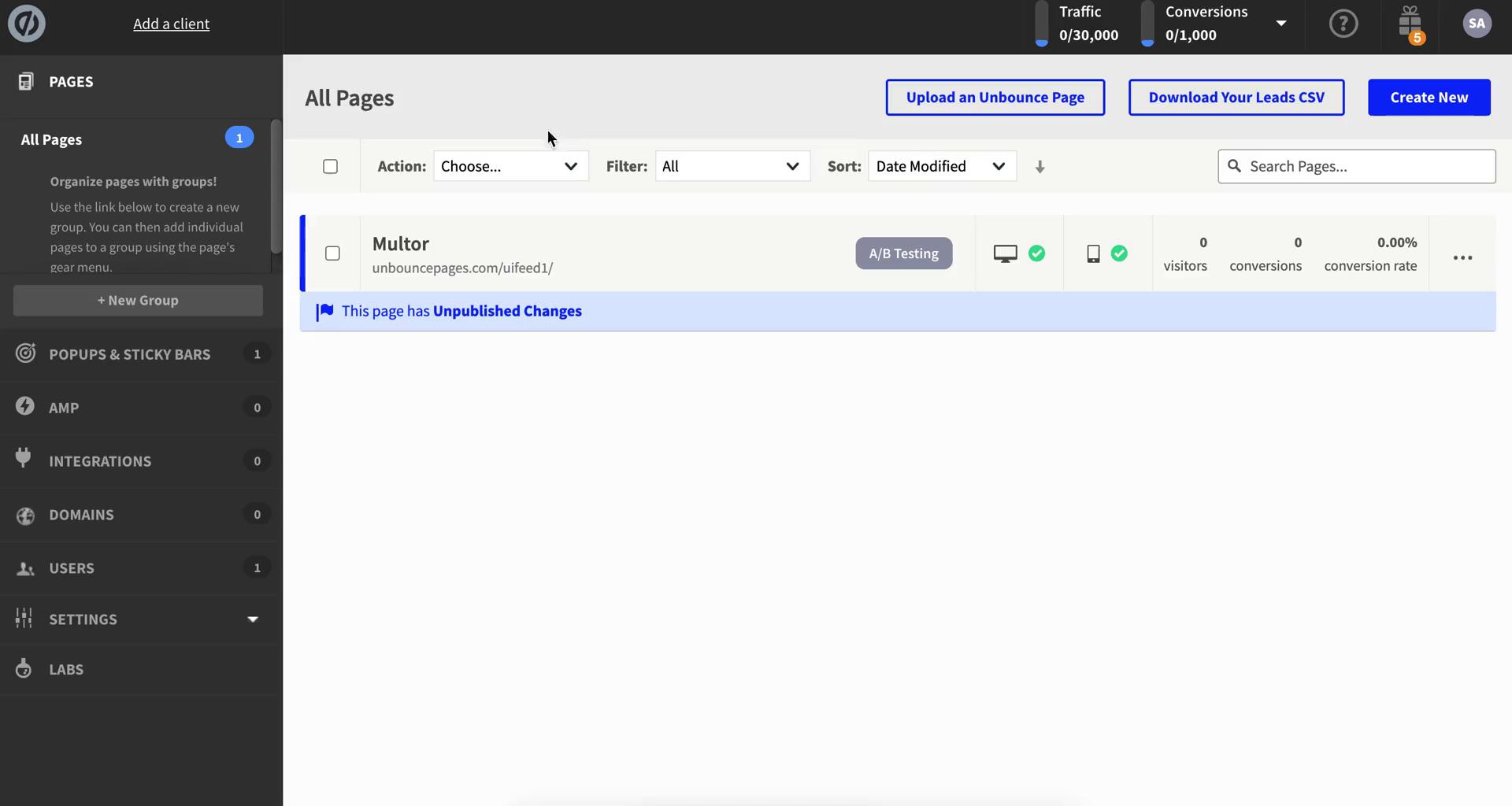
Dashboard
this is title
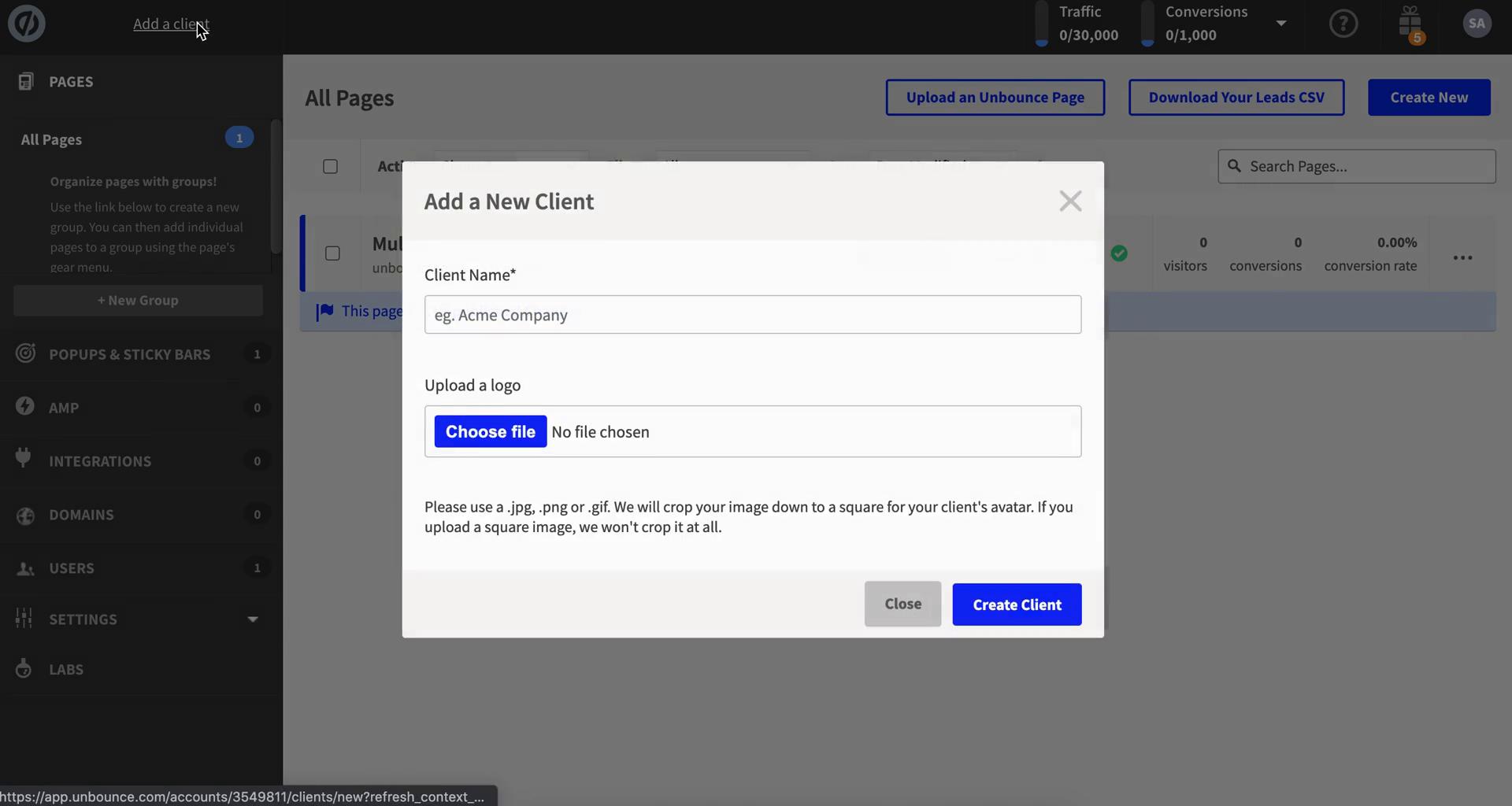
Add client
this is title
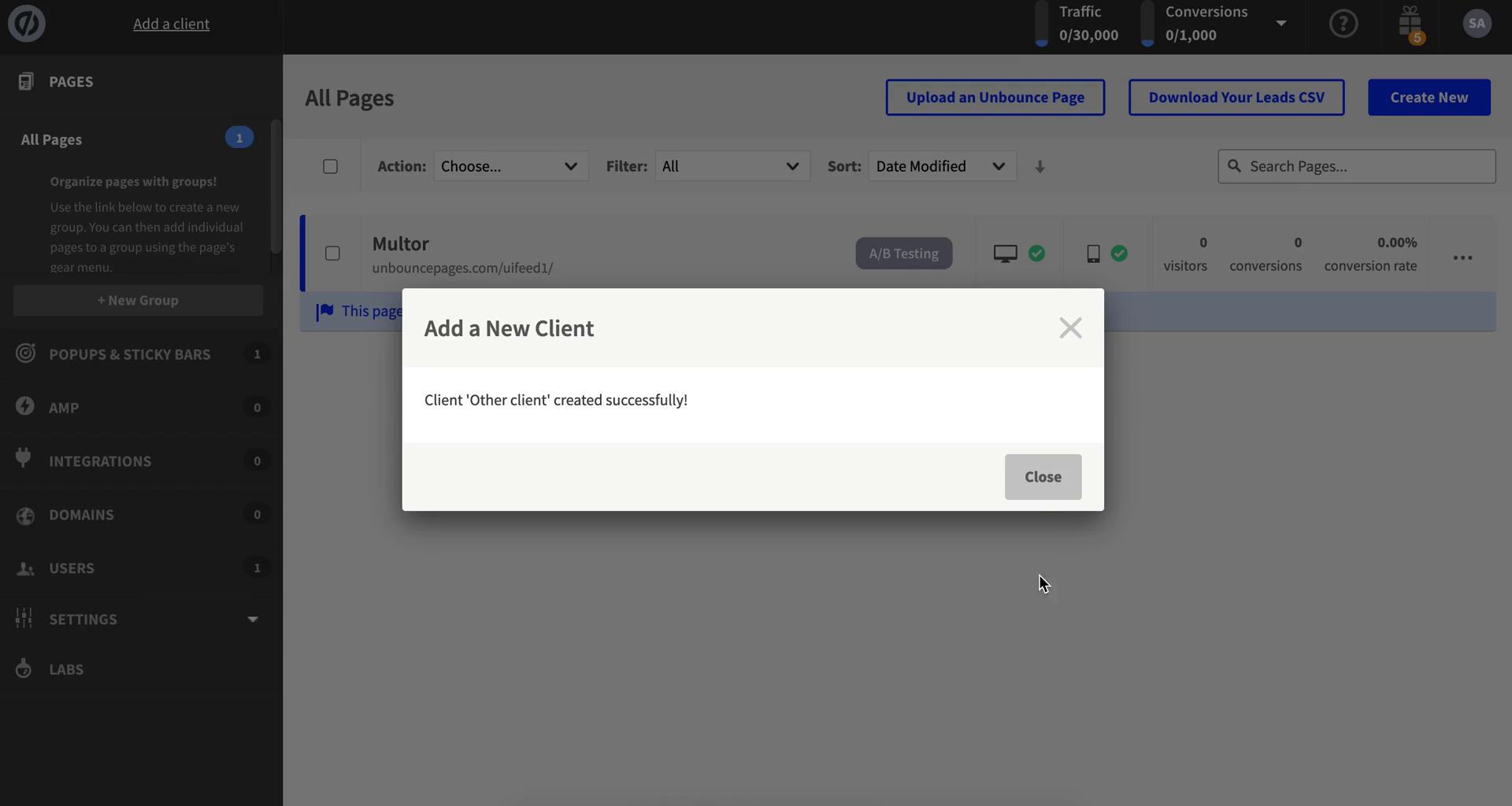
Client added
this is title
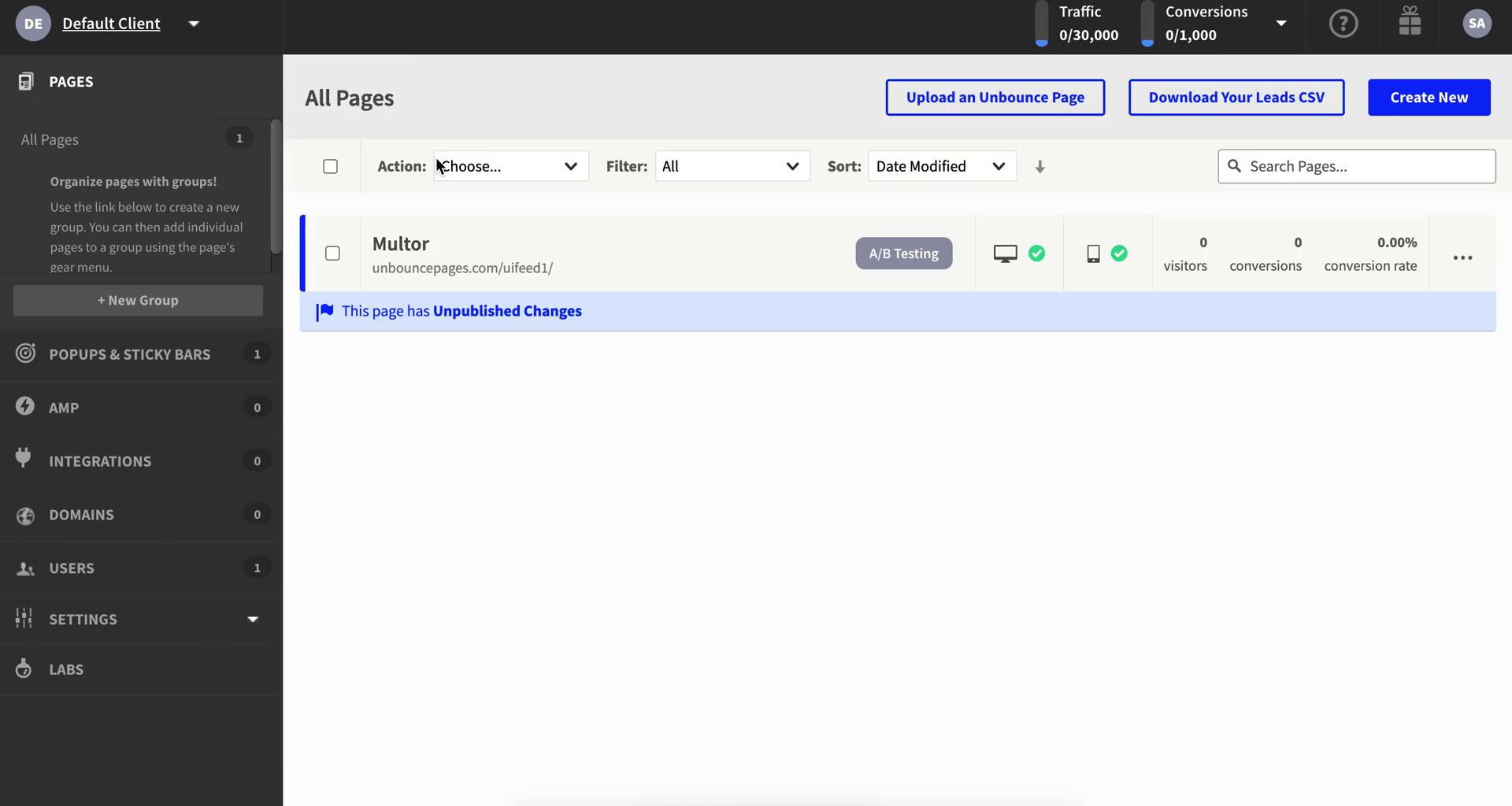
Dashboard
this is title
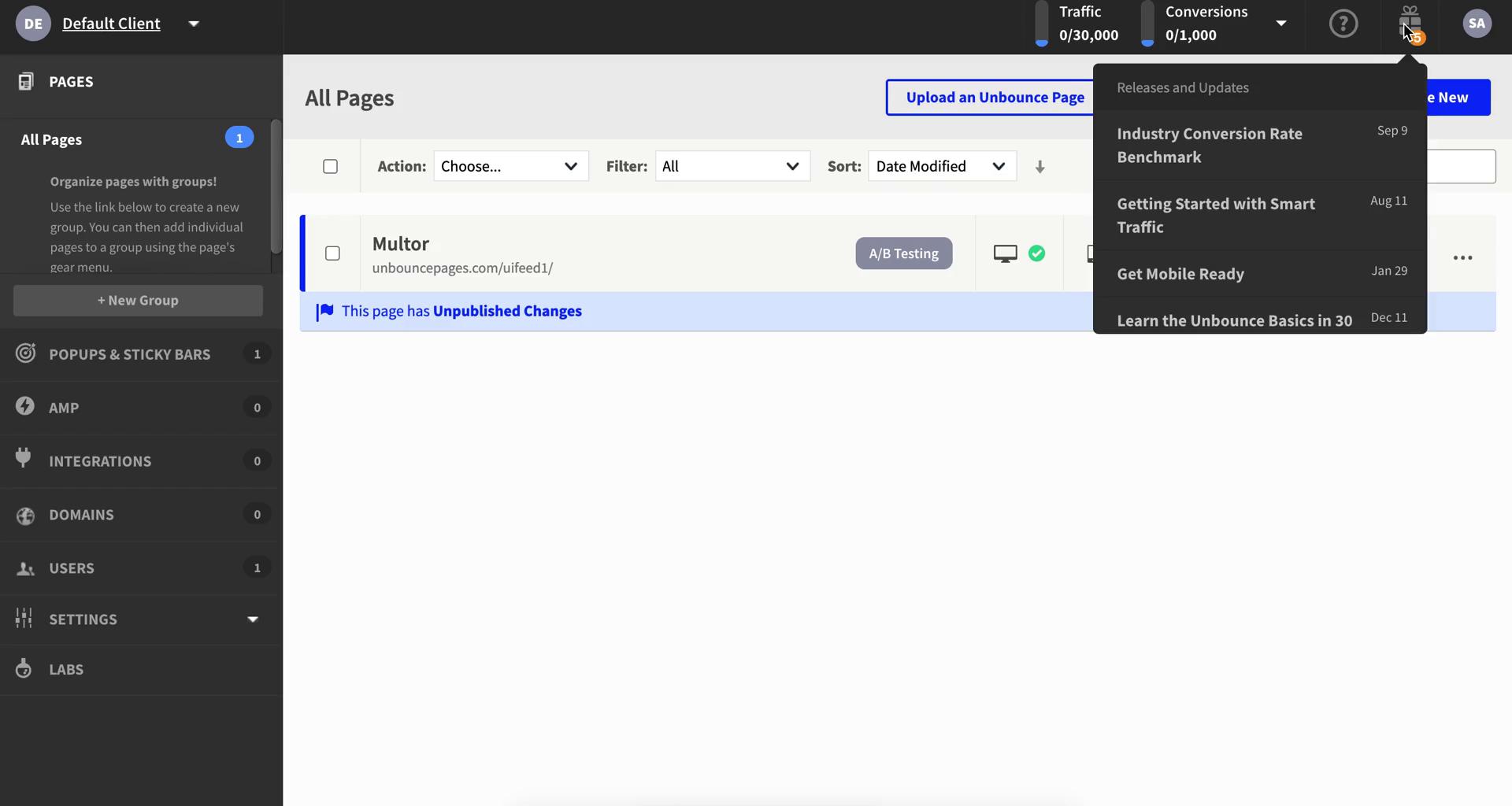
Updates
this is title
Account settings
this is title
Dashboard
this is title
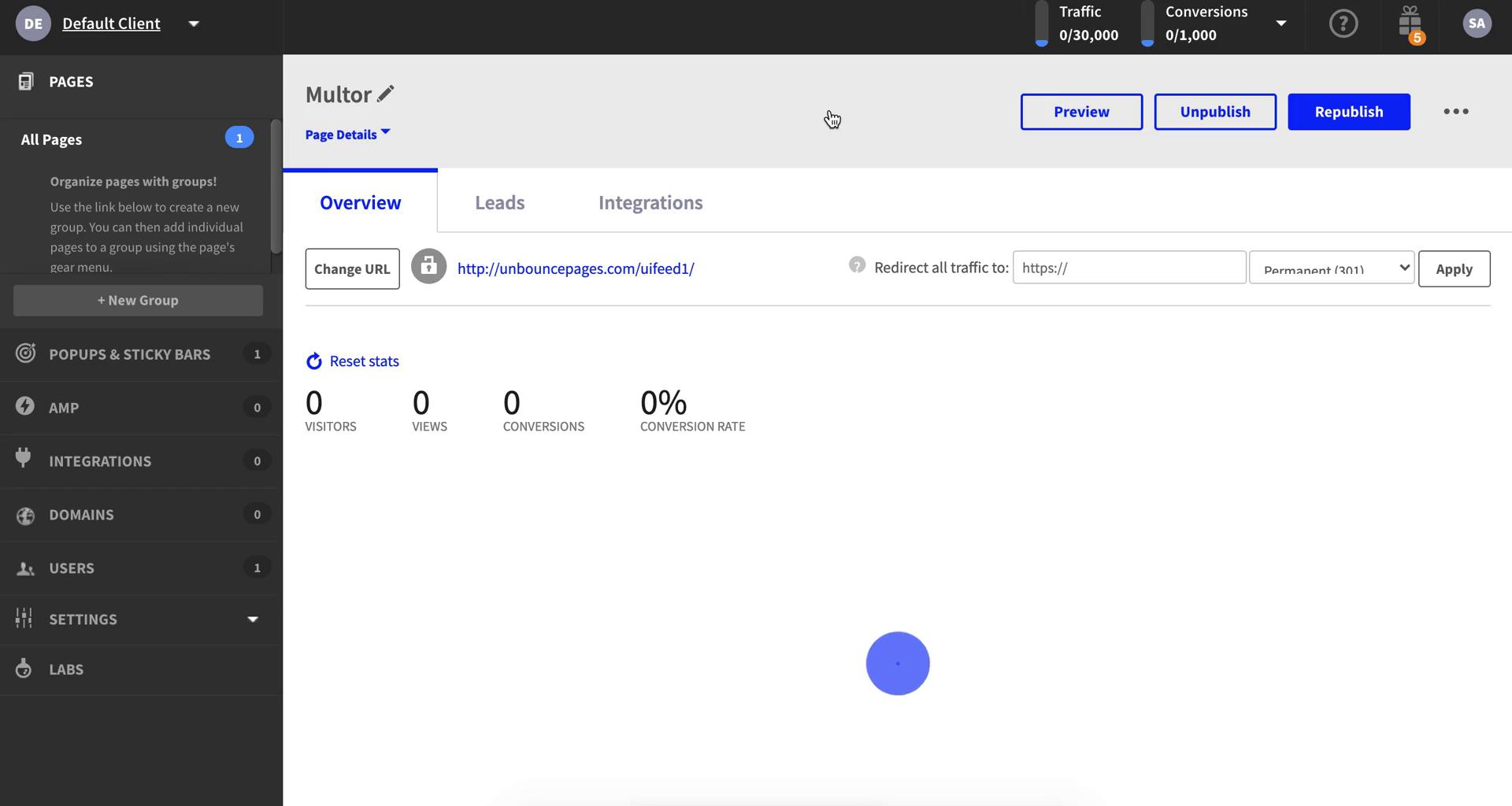
Landing page details
this is title
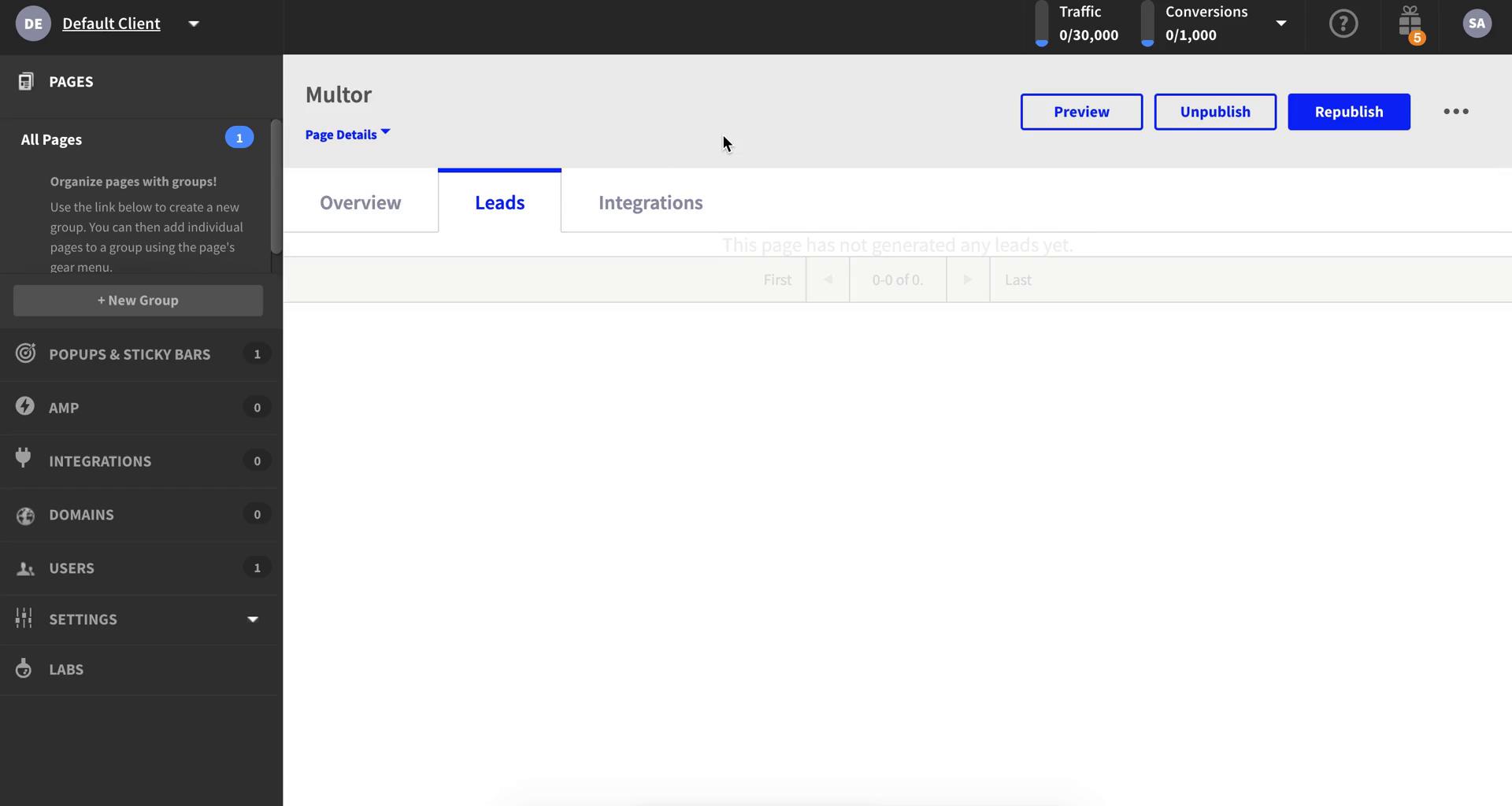
Leads
this is title
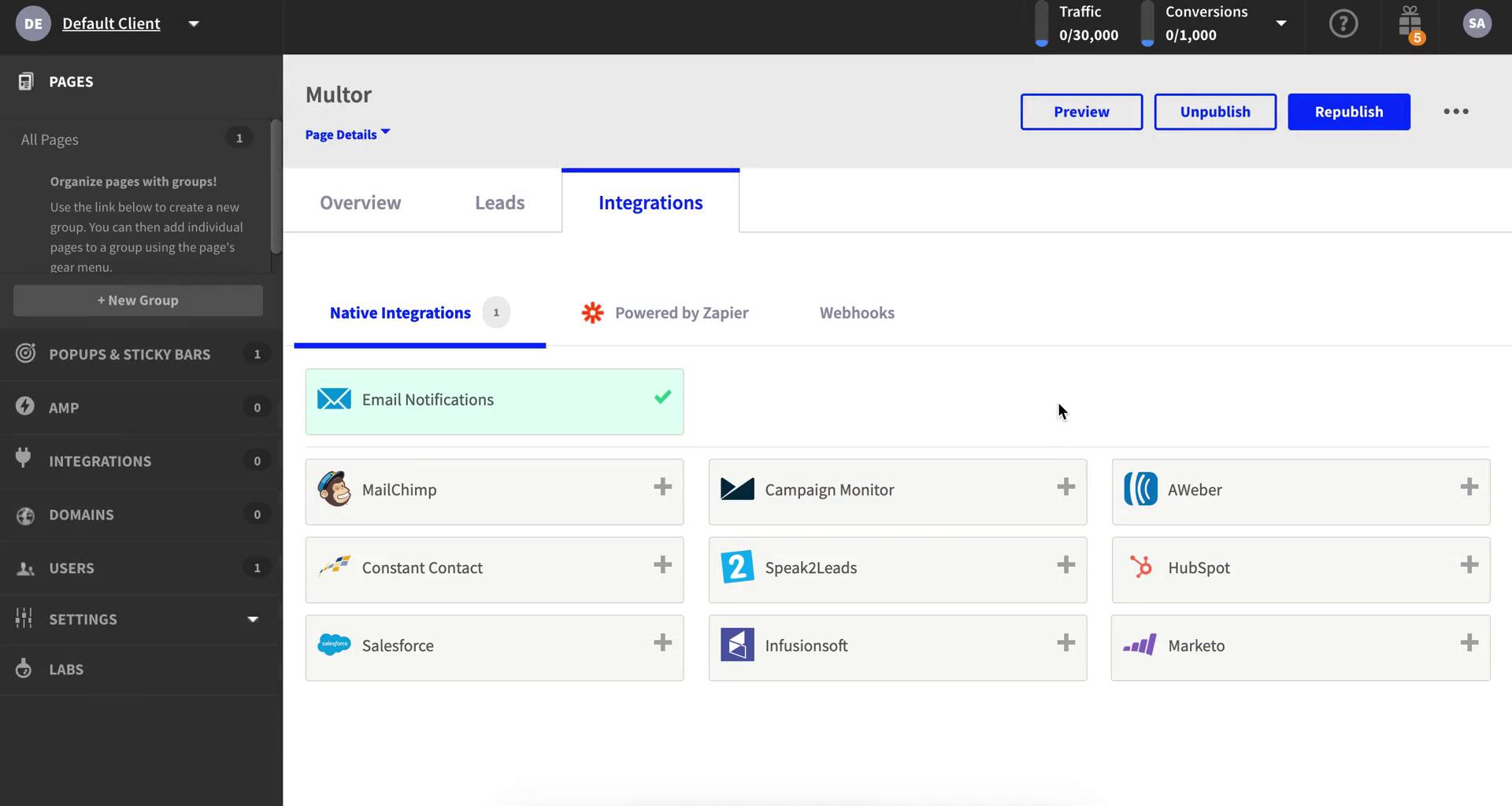
Integrations
this is title
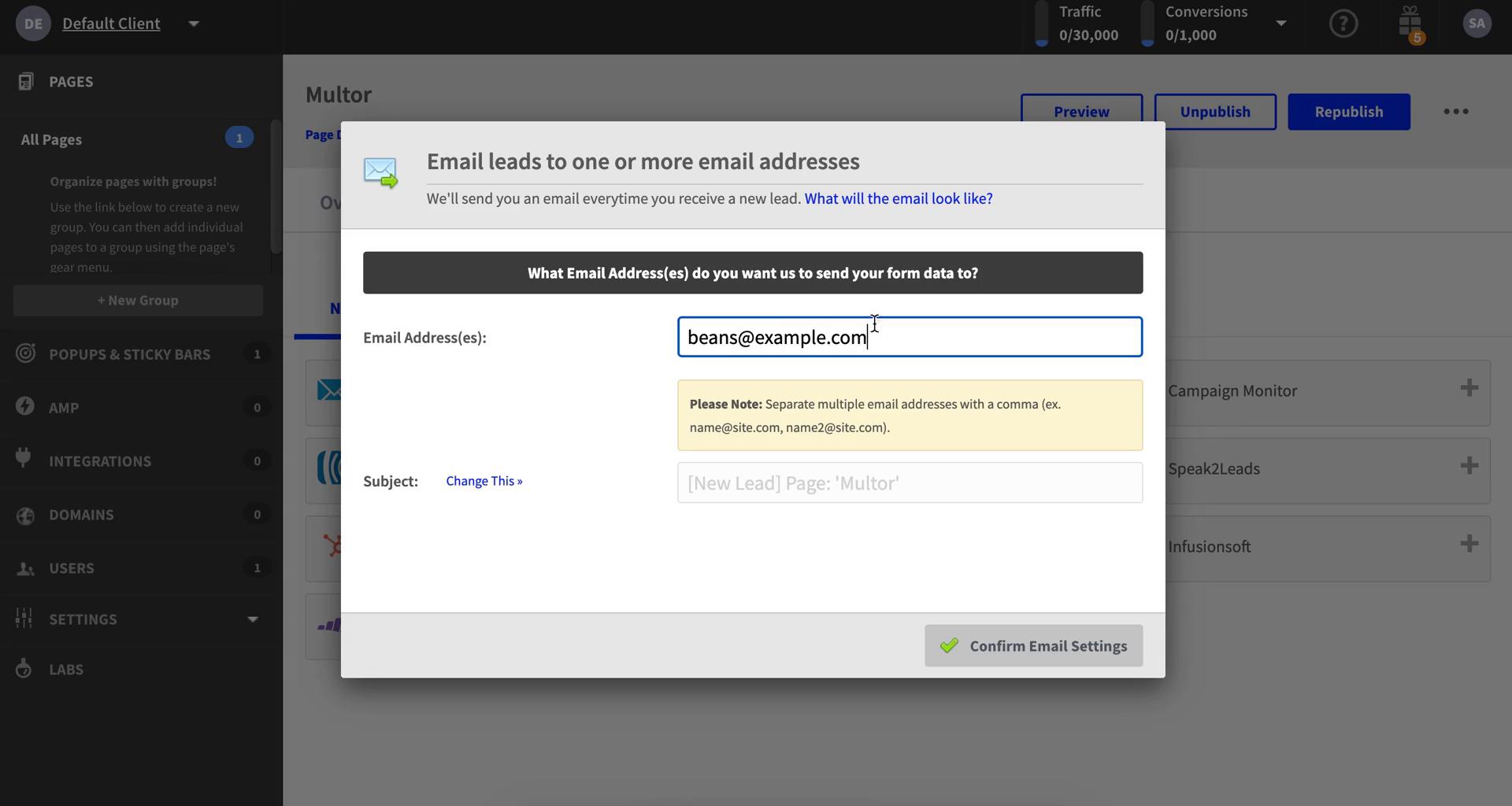
Add email integration
this is title
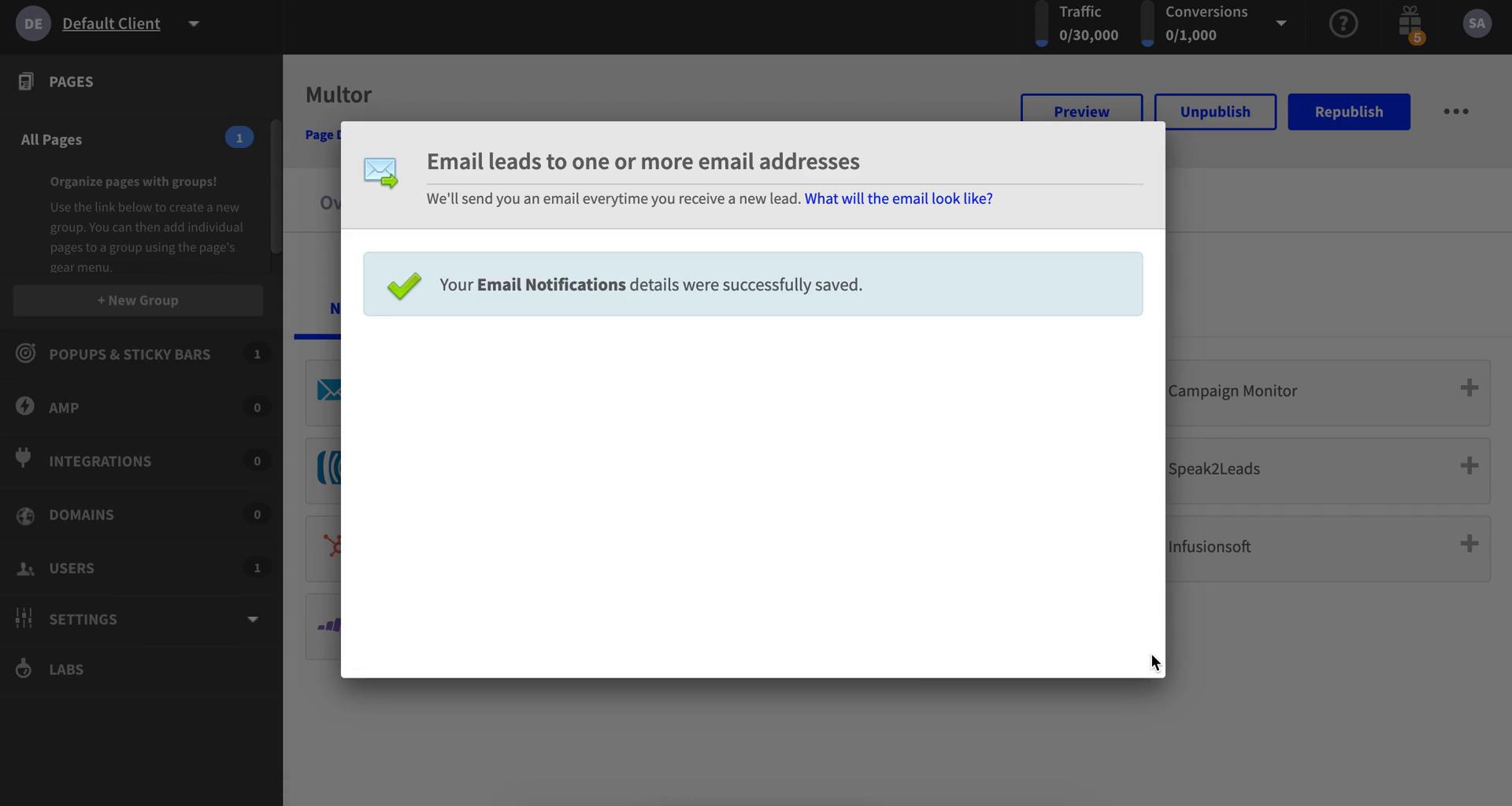
Email added
this is title
Integrations
this is title
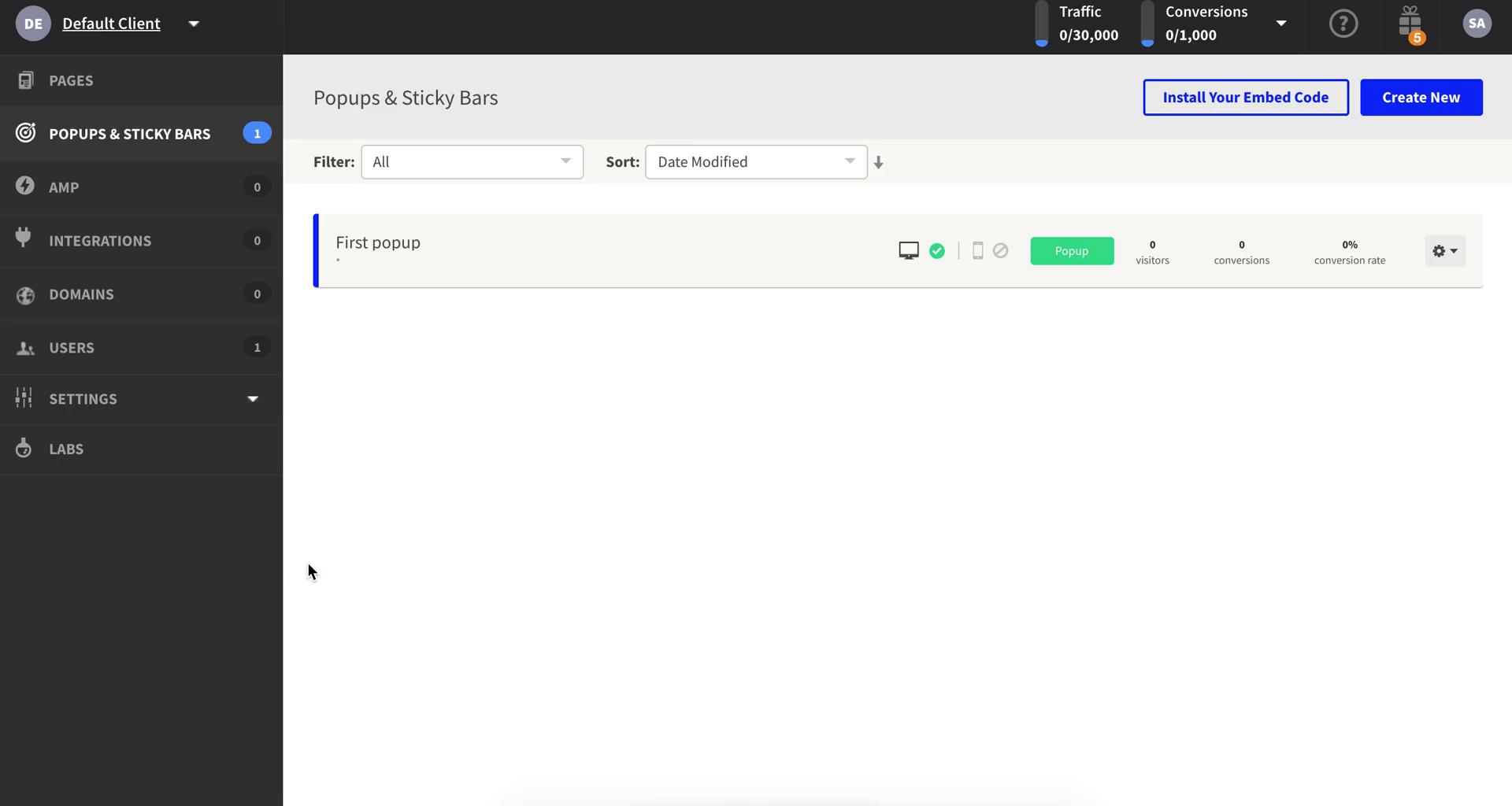
Pop-ups
this is title
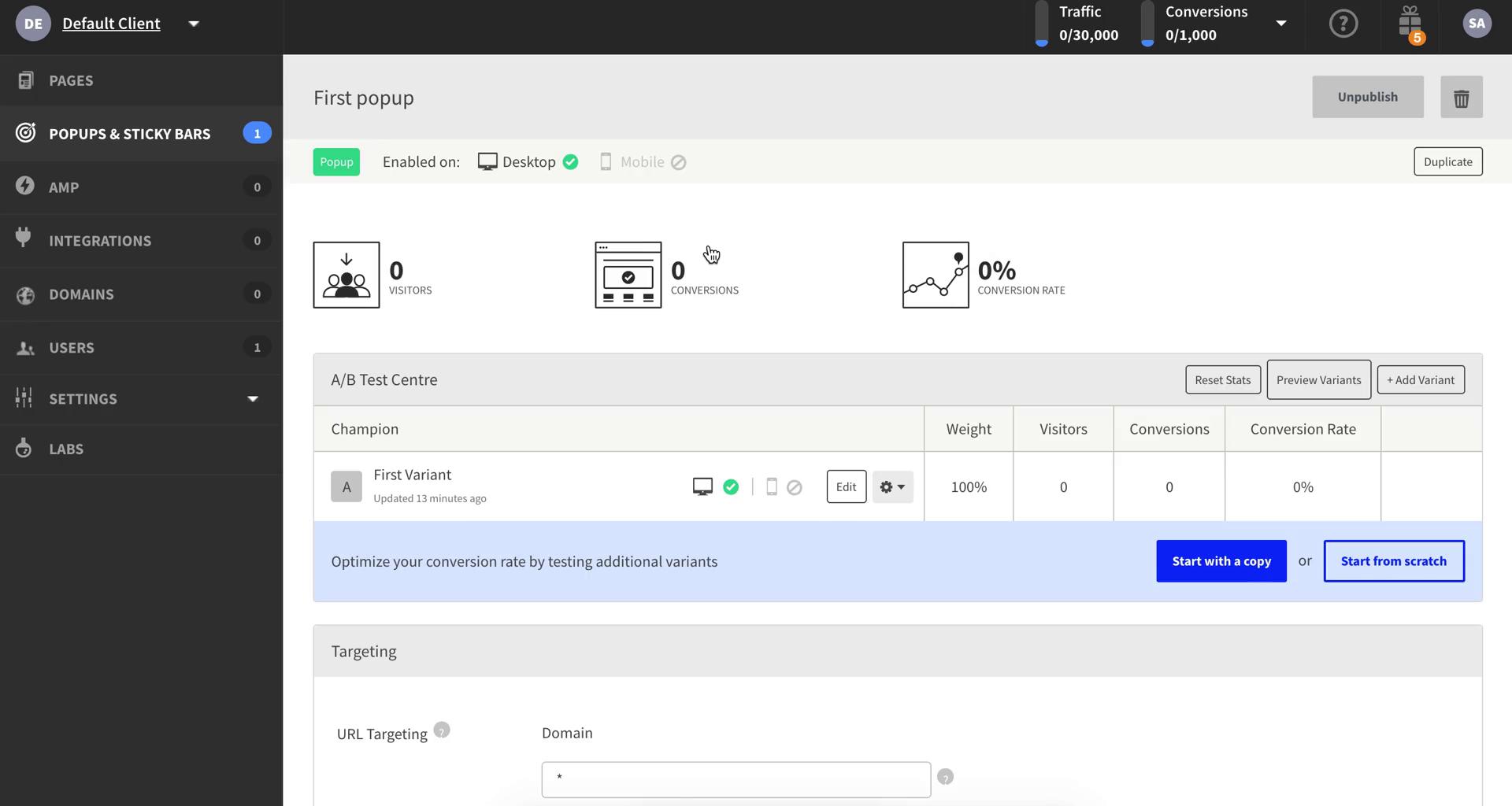
Pop-up details
this is title
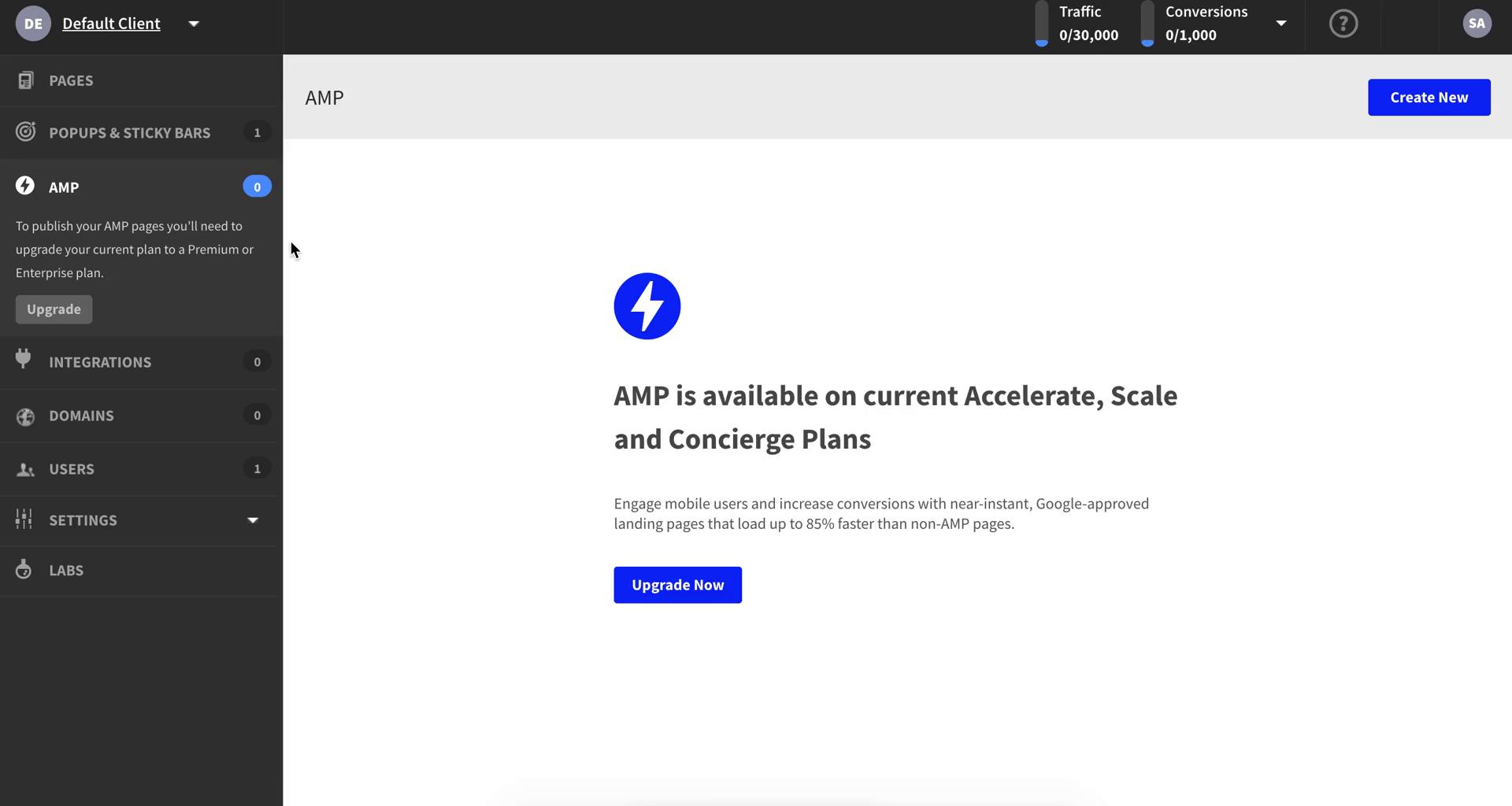
AMP
this is title
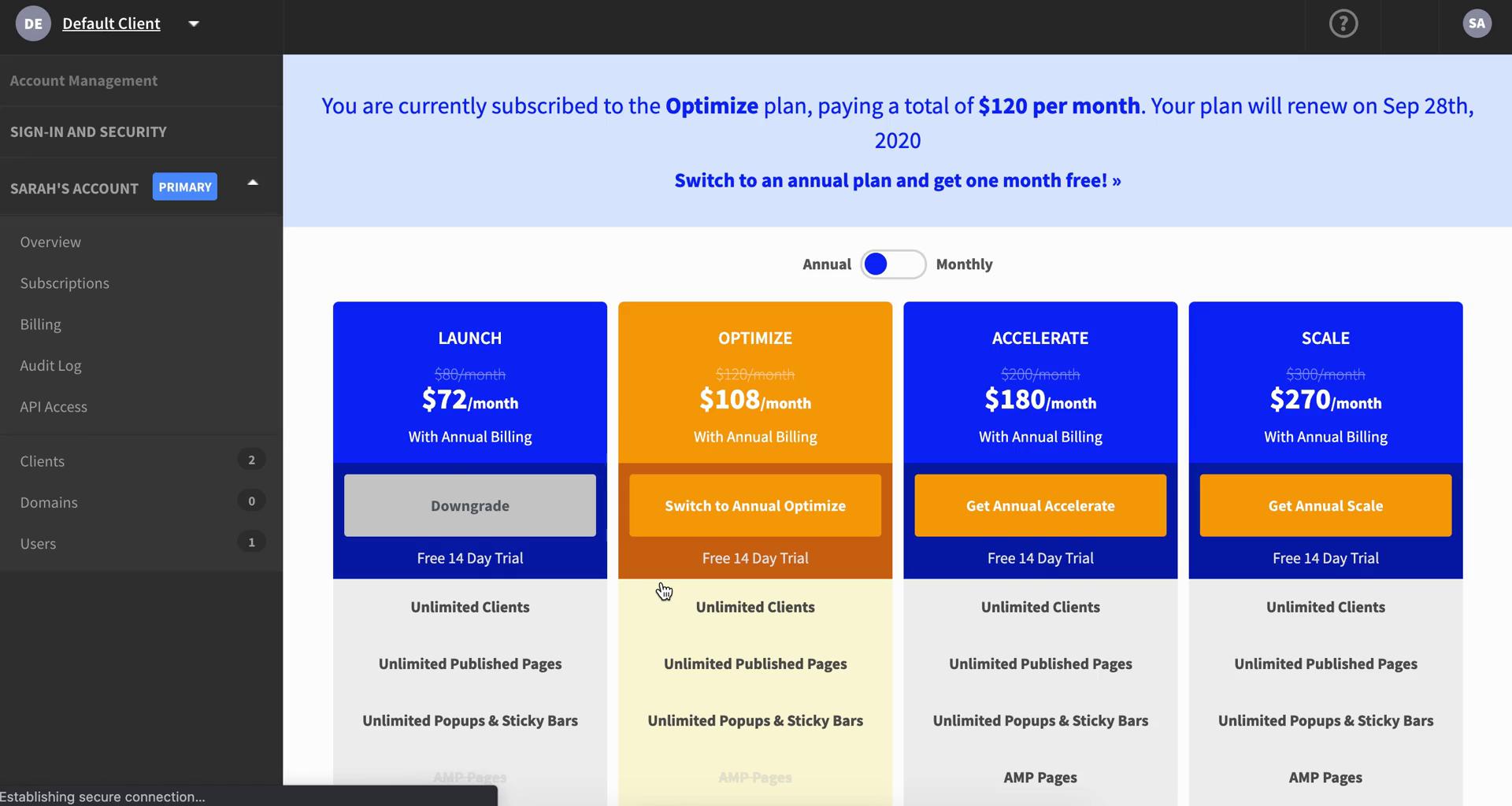
Pricing & plans
this is title
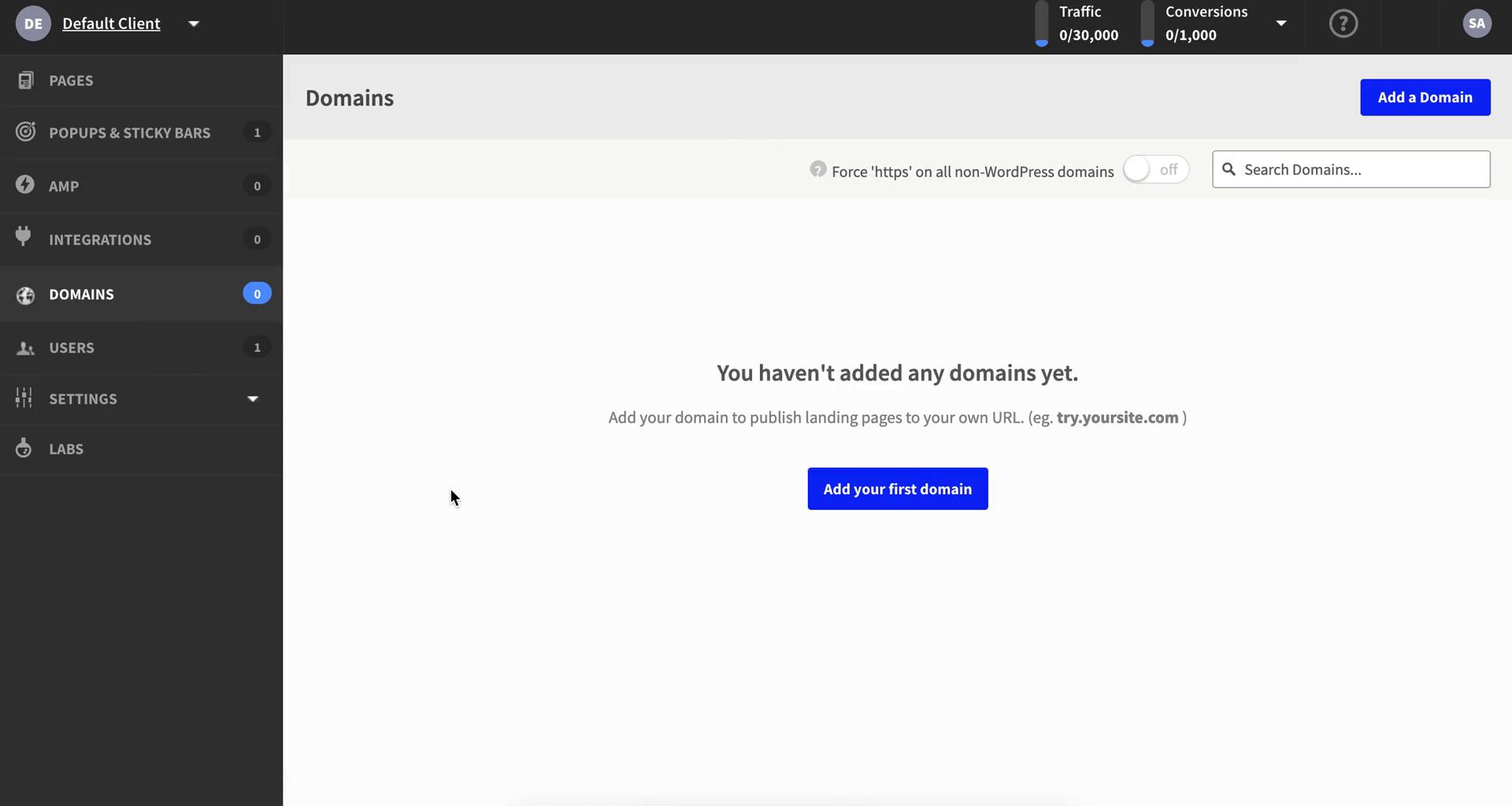
Domains
this is title
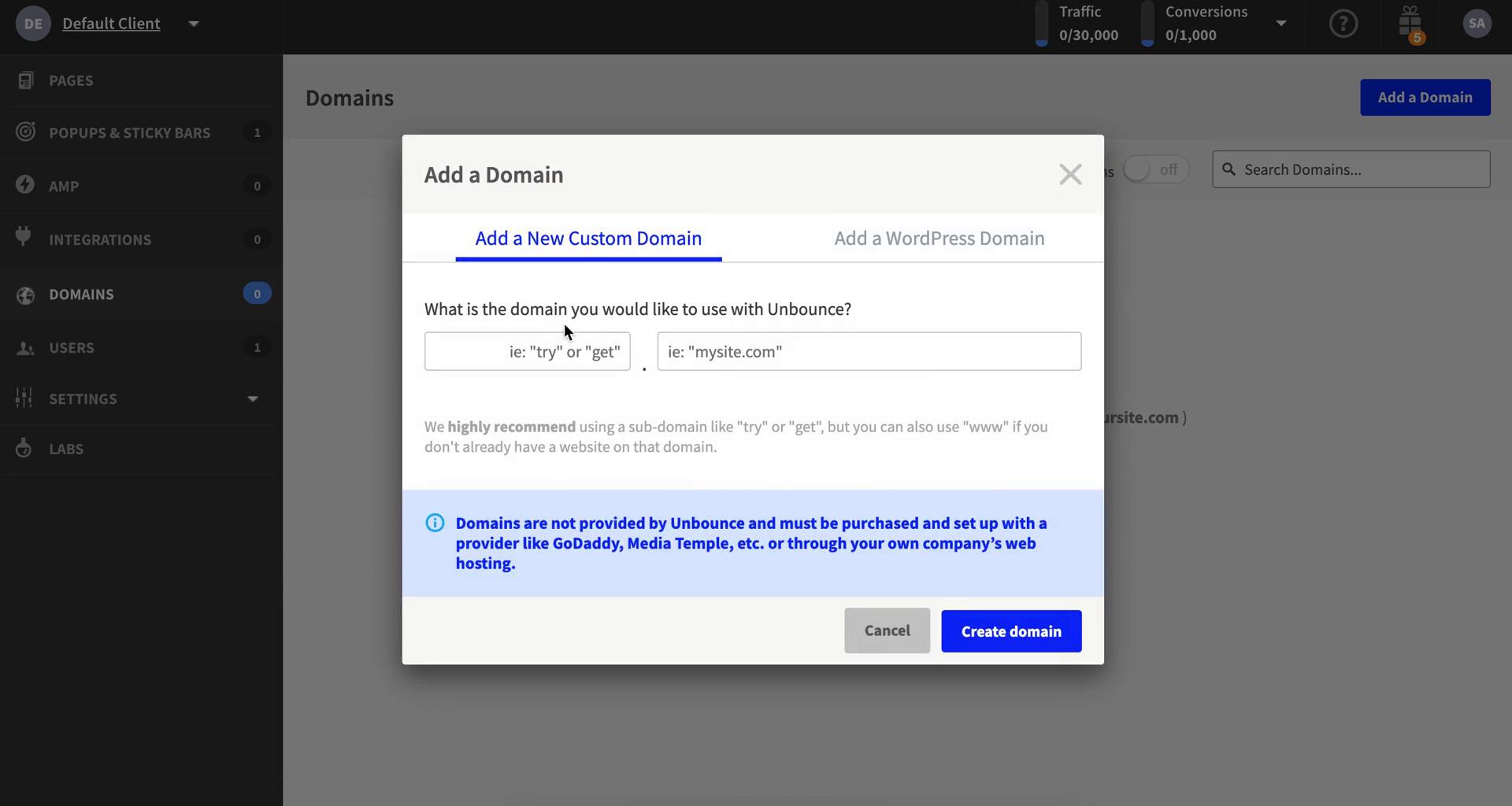
Add domain
this is title
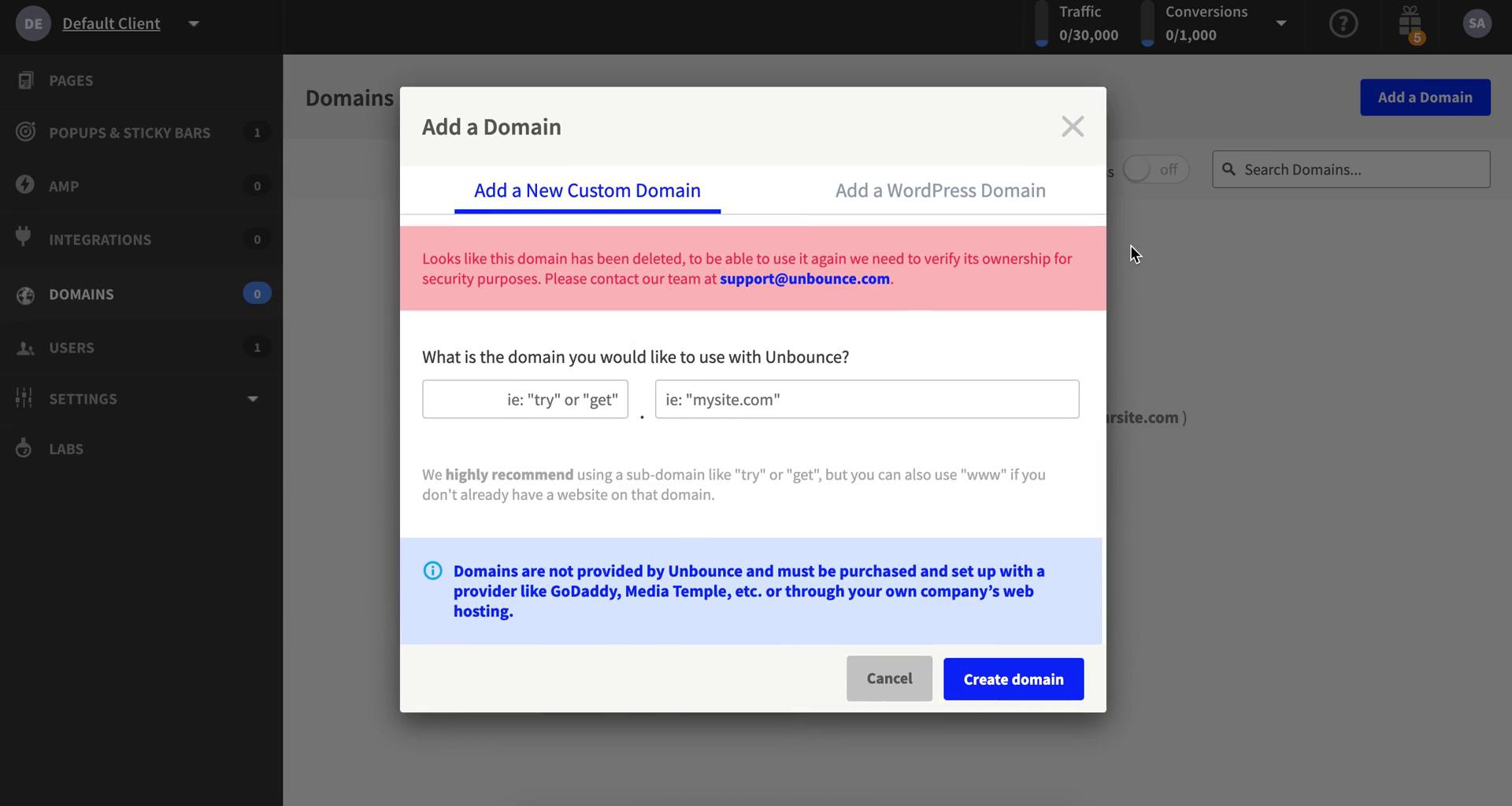
Submit error
this is title
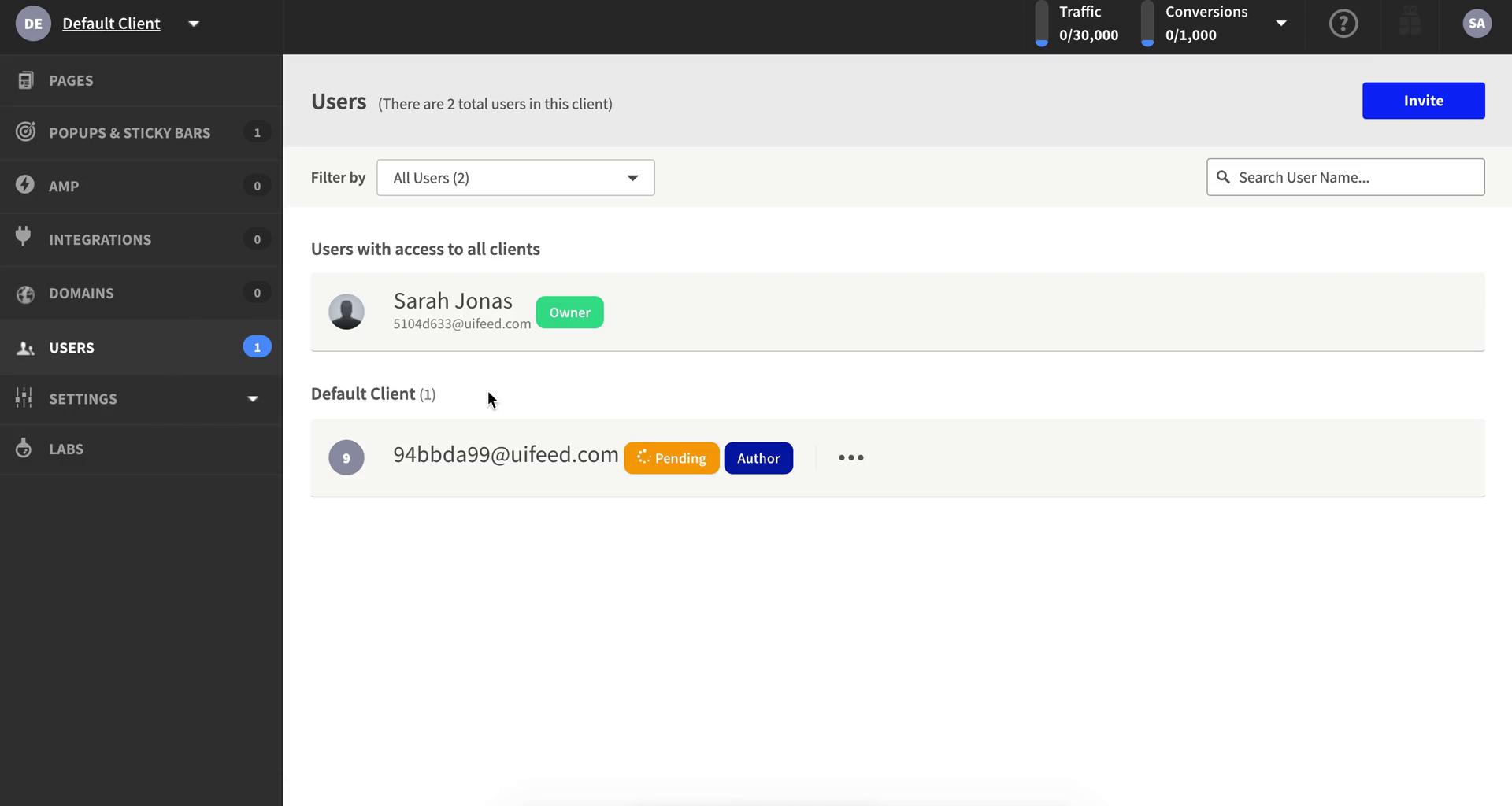
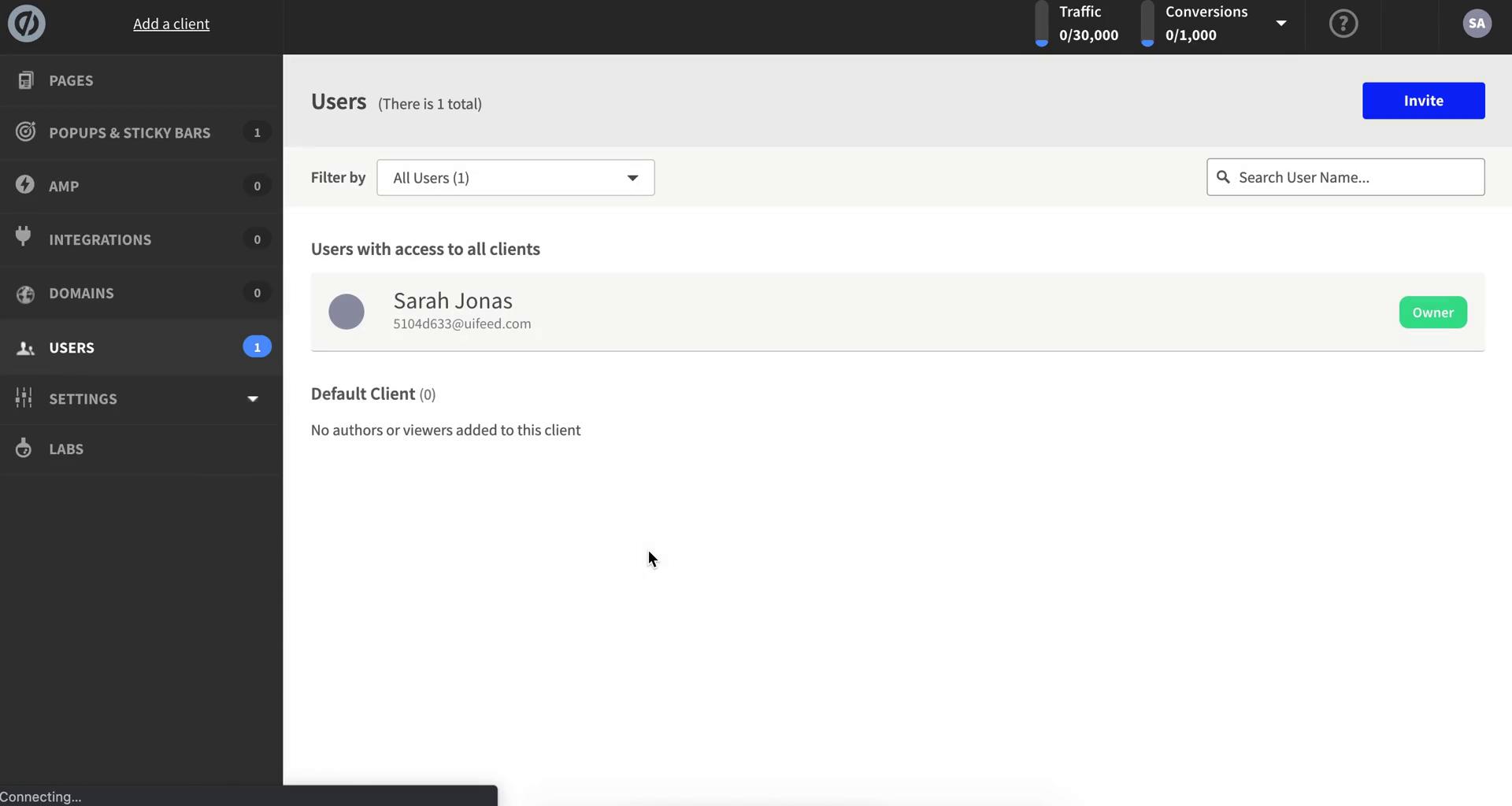
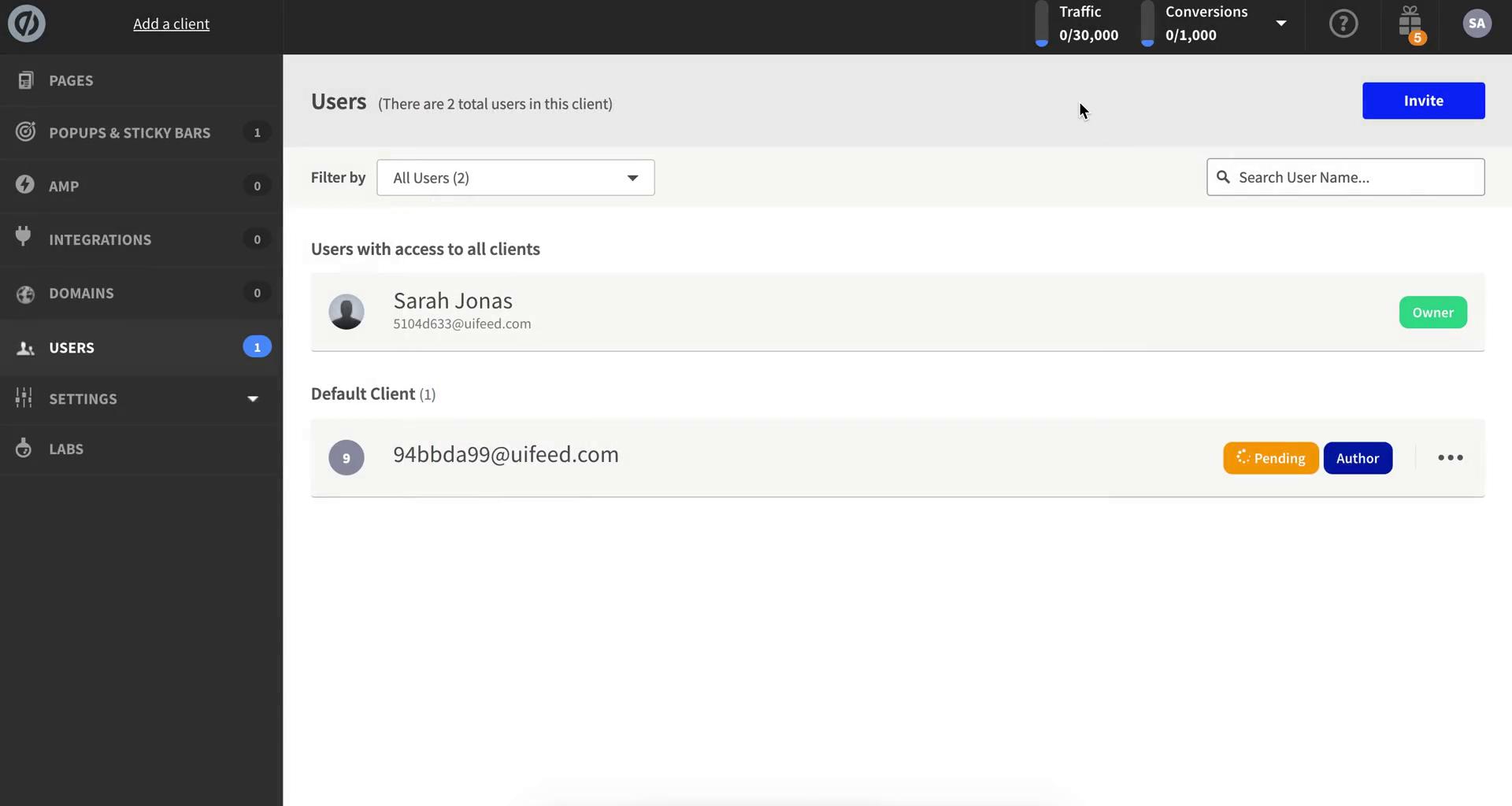
Users
this is title
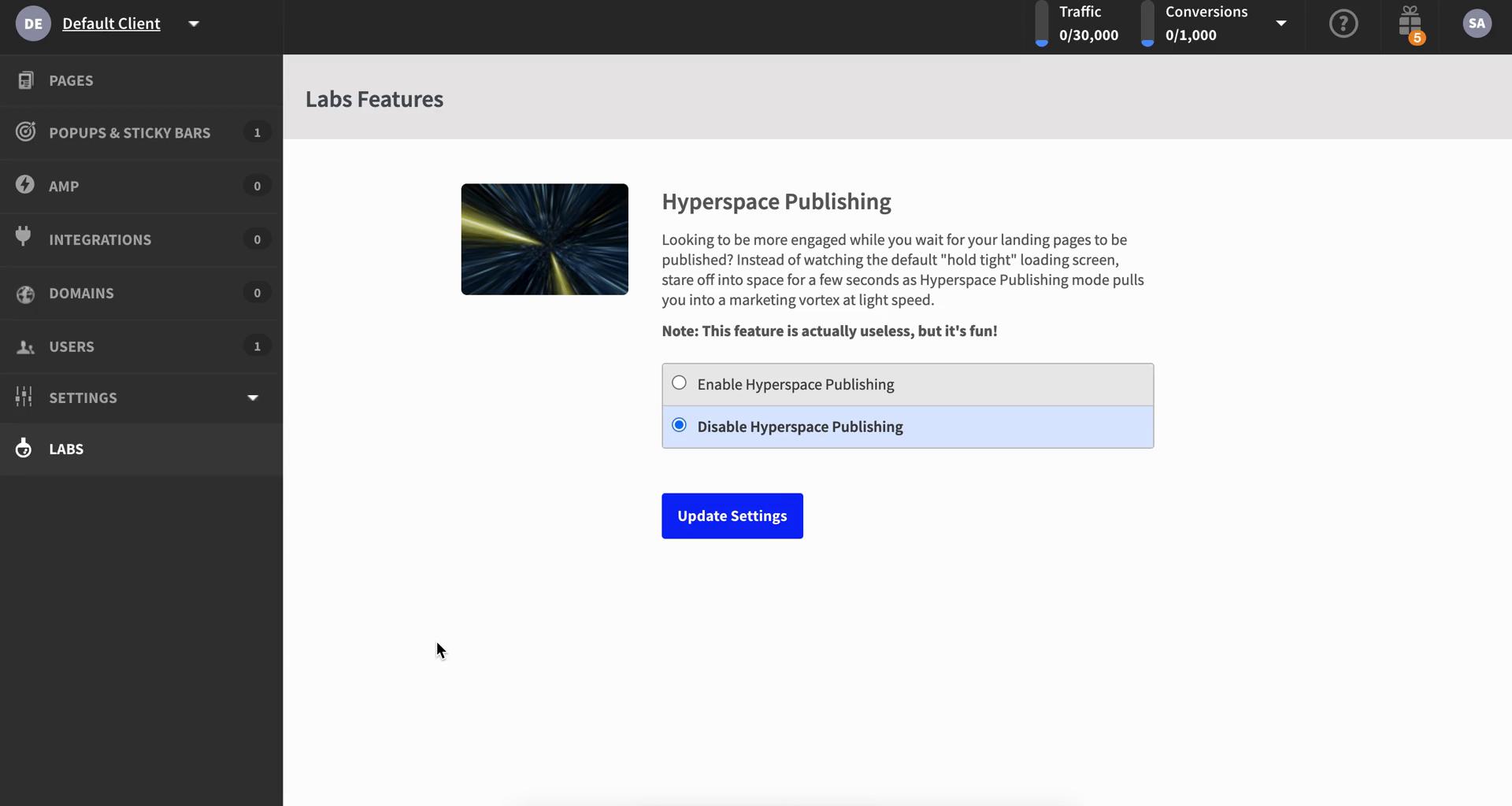
Labs
this is title
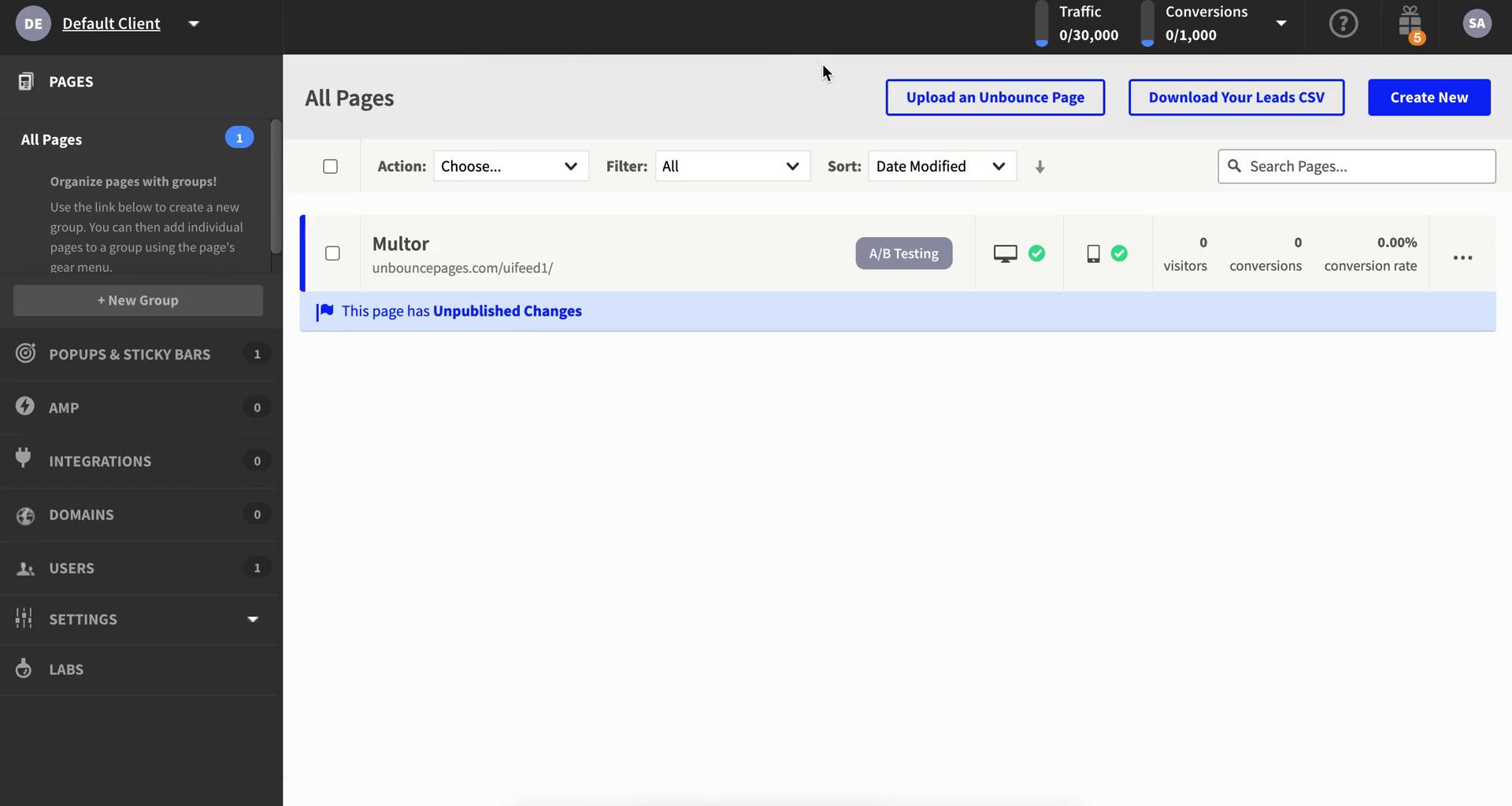
Dashboard
this is title
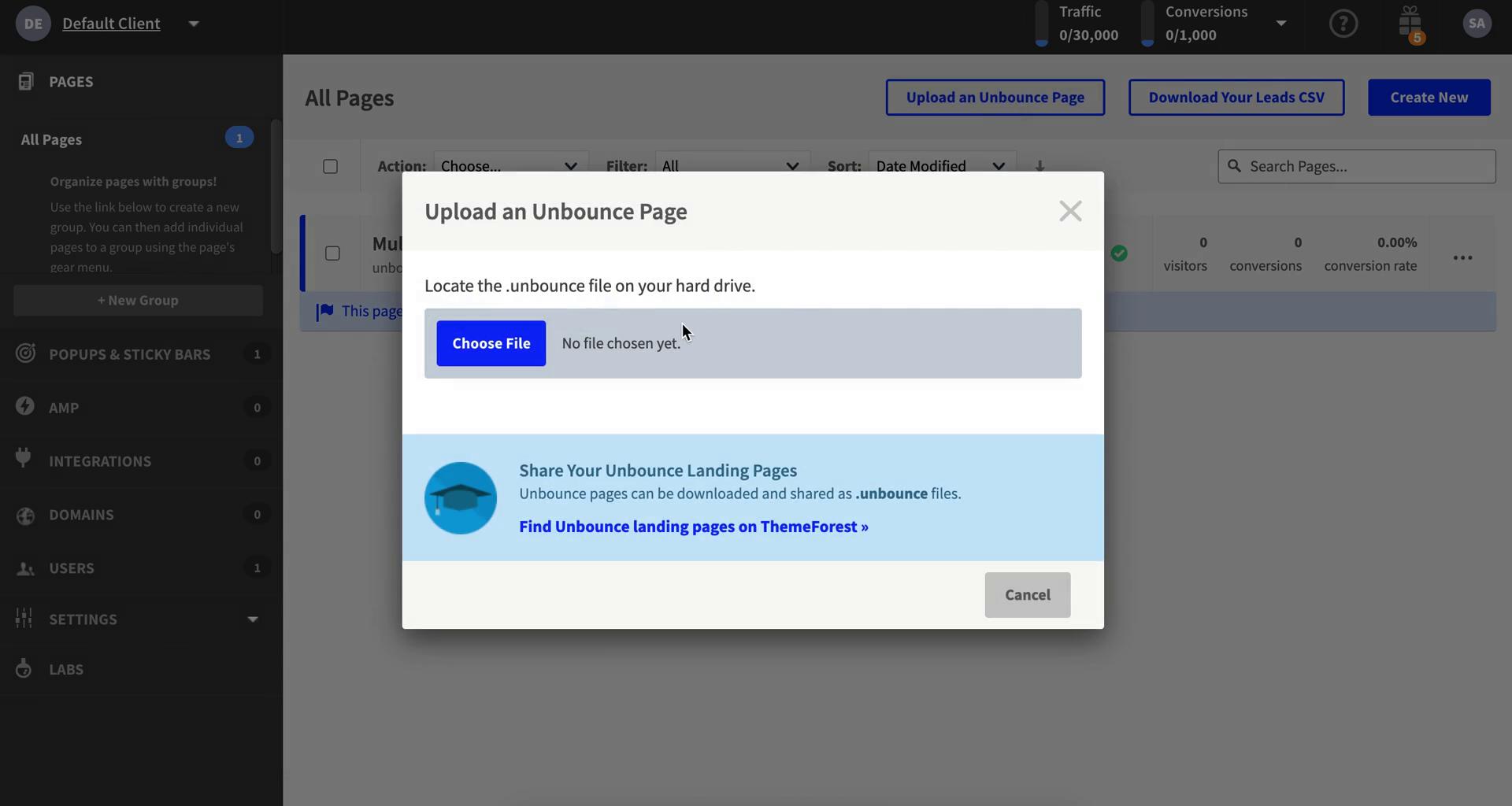
Import
this is title
Dashboard
this is title
Users
this is title
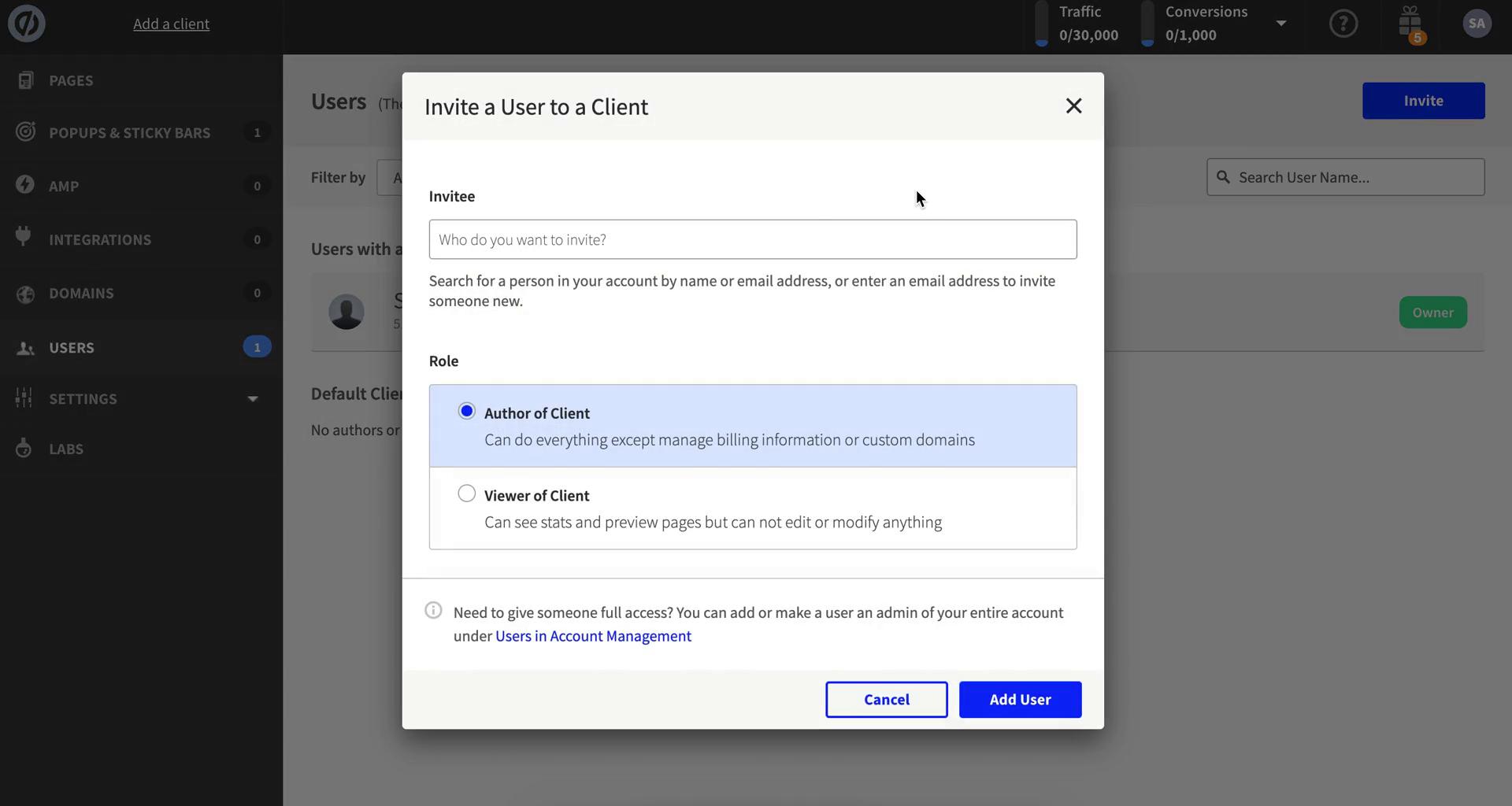
Invite people
this is title
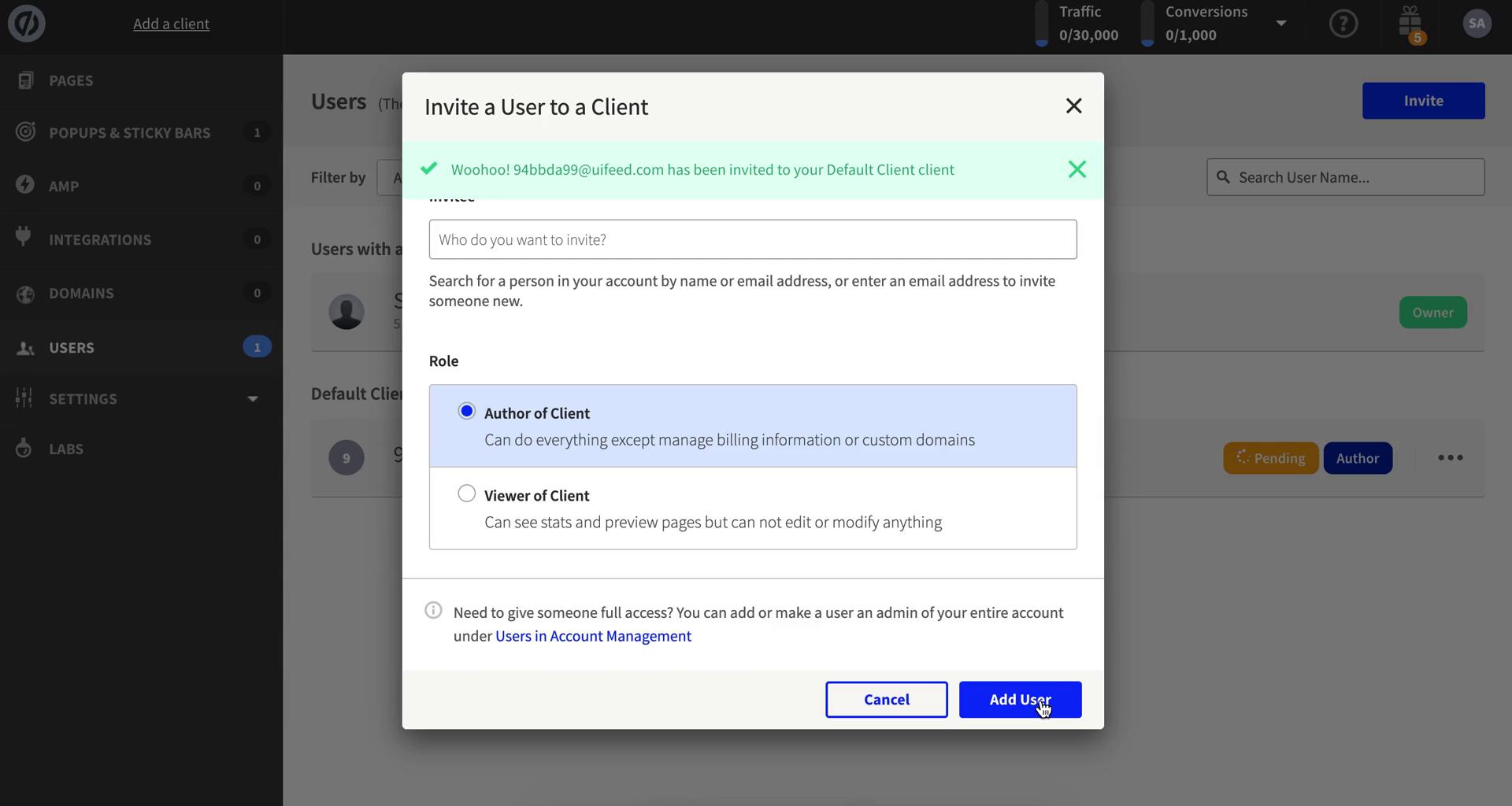
Invites sent
this is title
Users
this is title
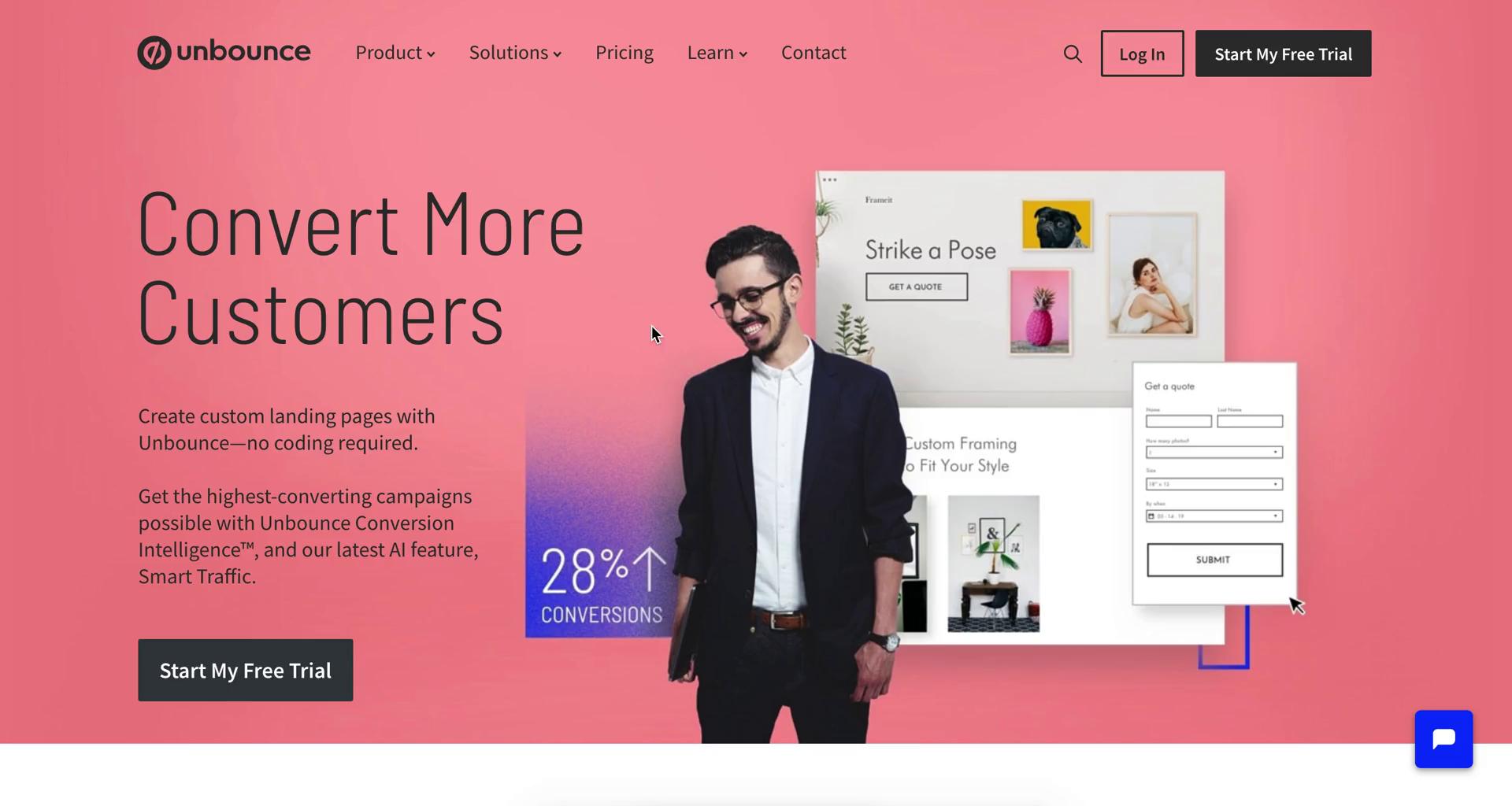
Homepage
this is title
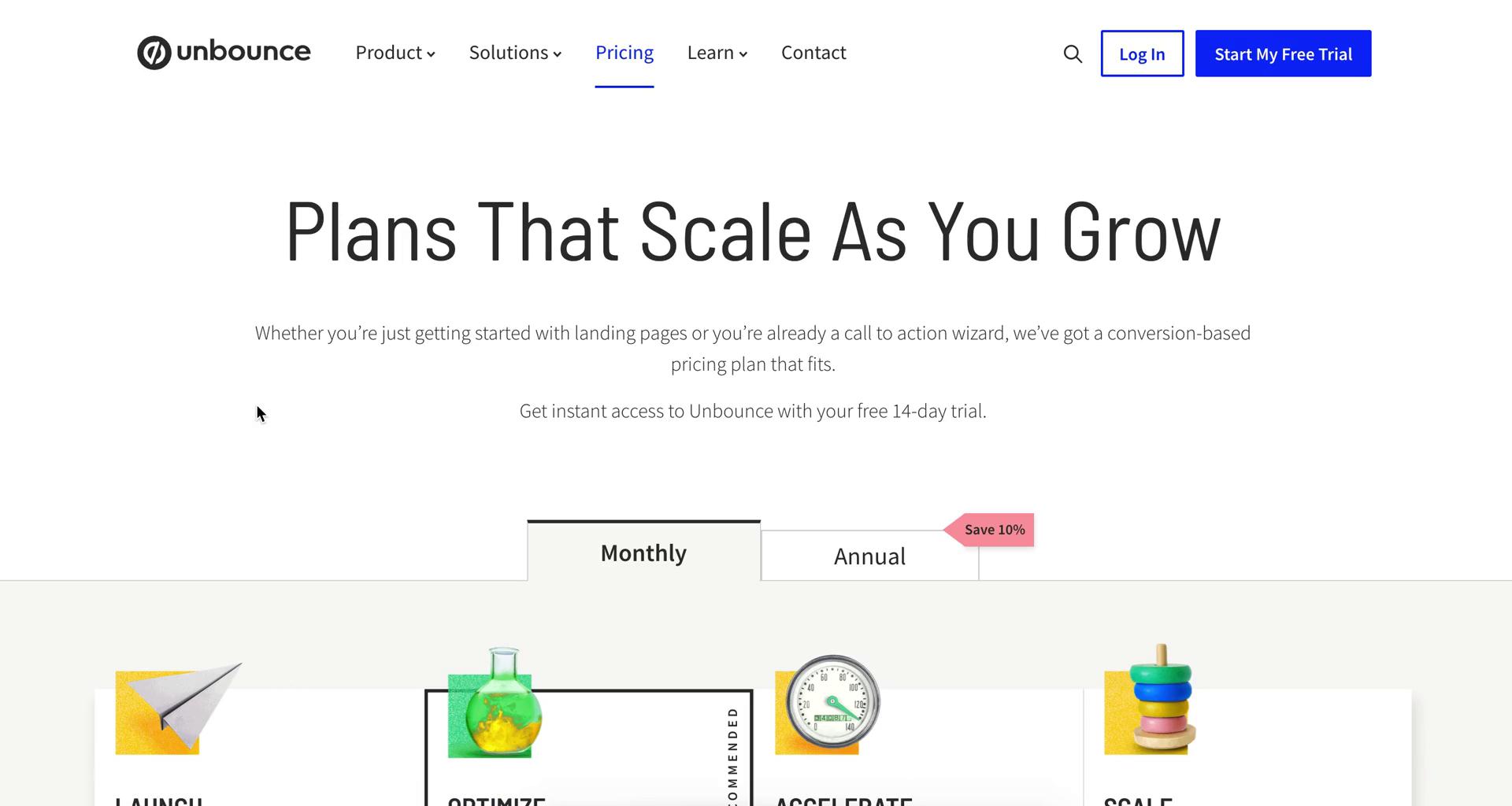
Select plan
this is title
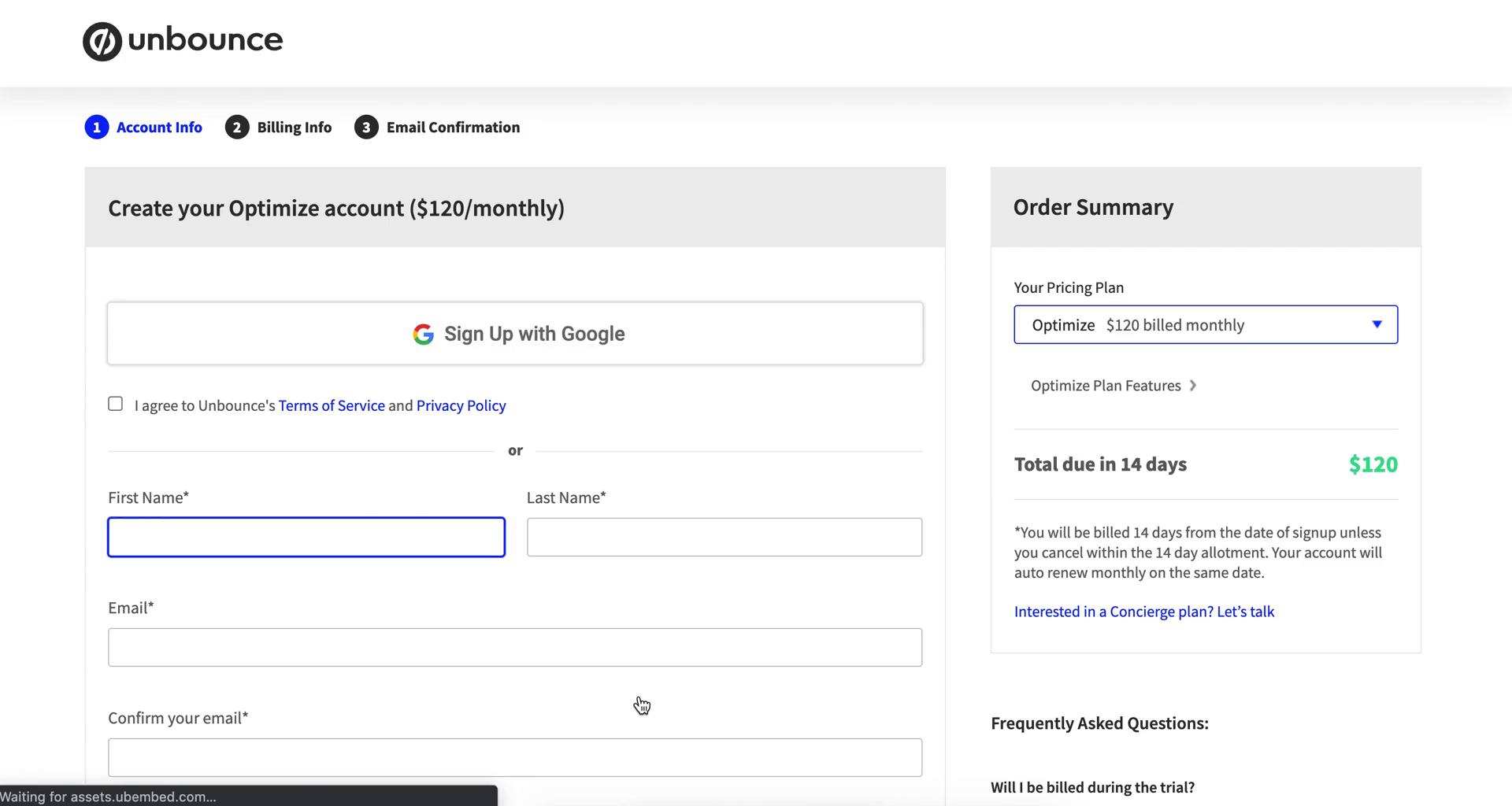
Sign up
this is title
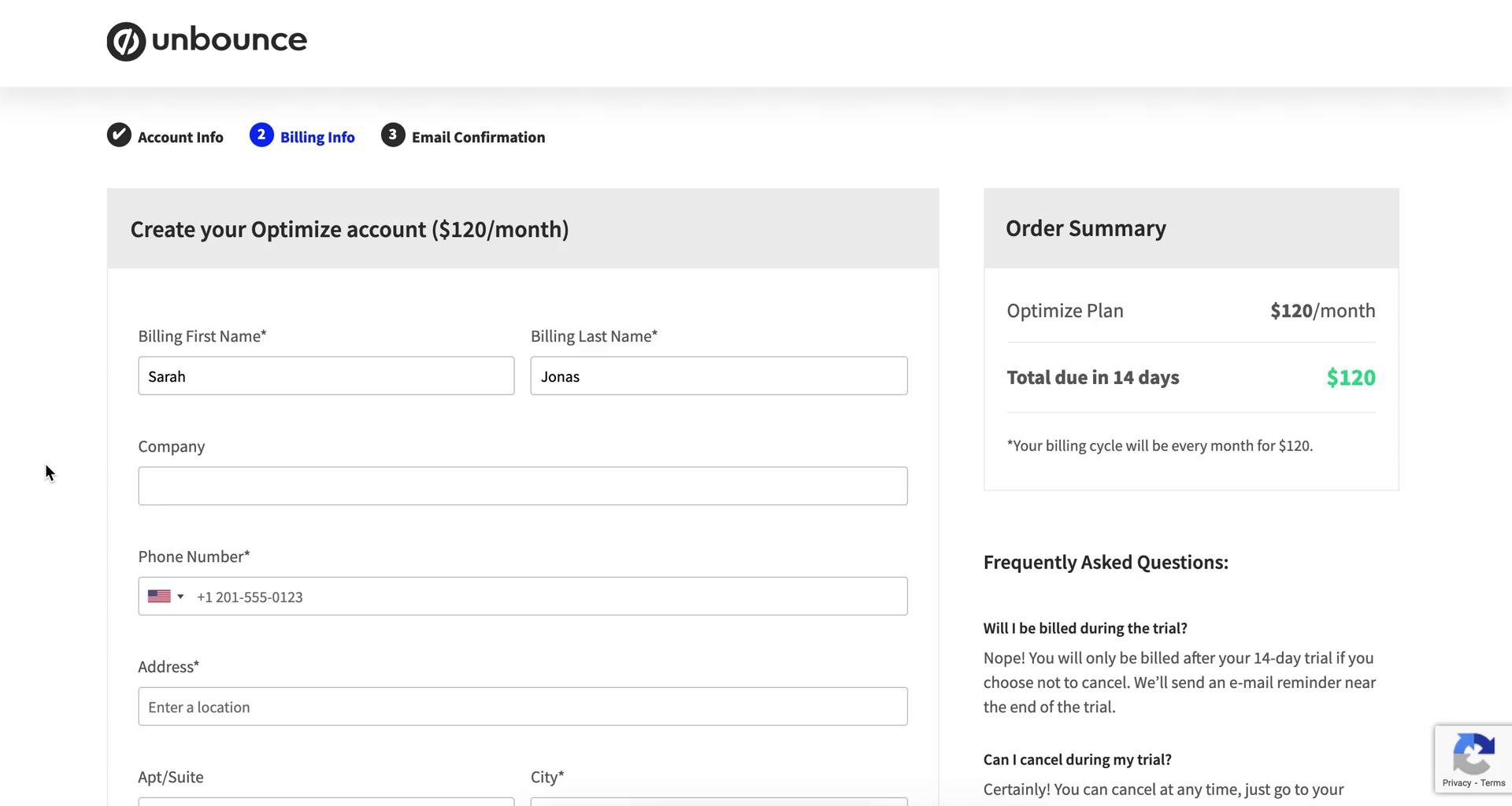
Add billing information
this is title
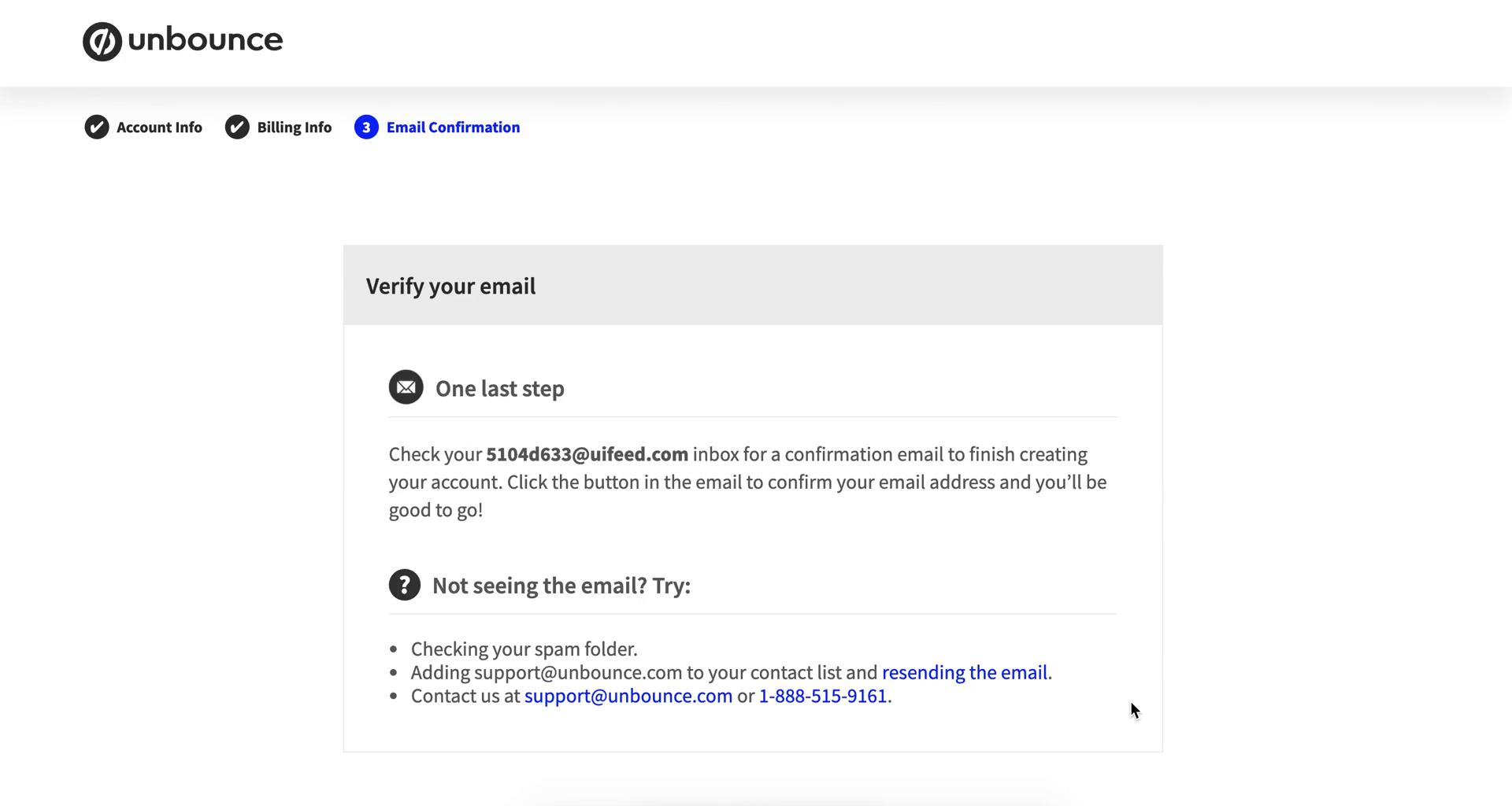
Verify email
this is title
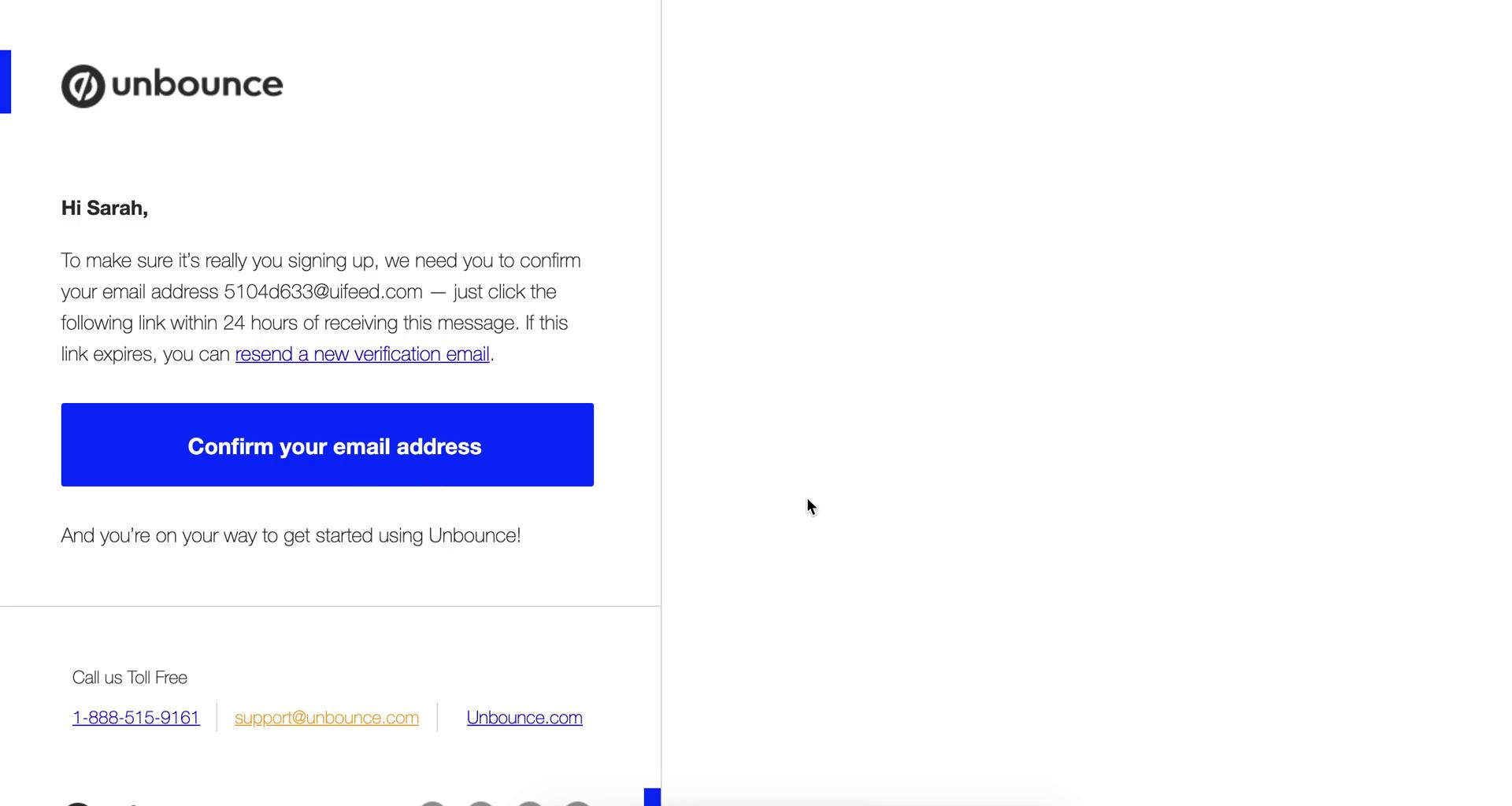
Confirm email
this is title
Sign in
this is title
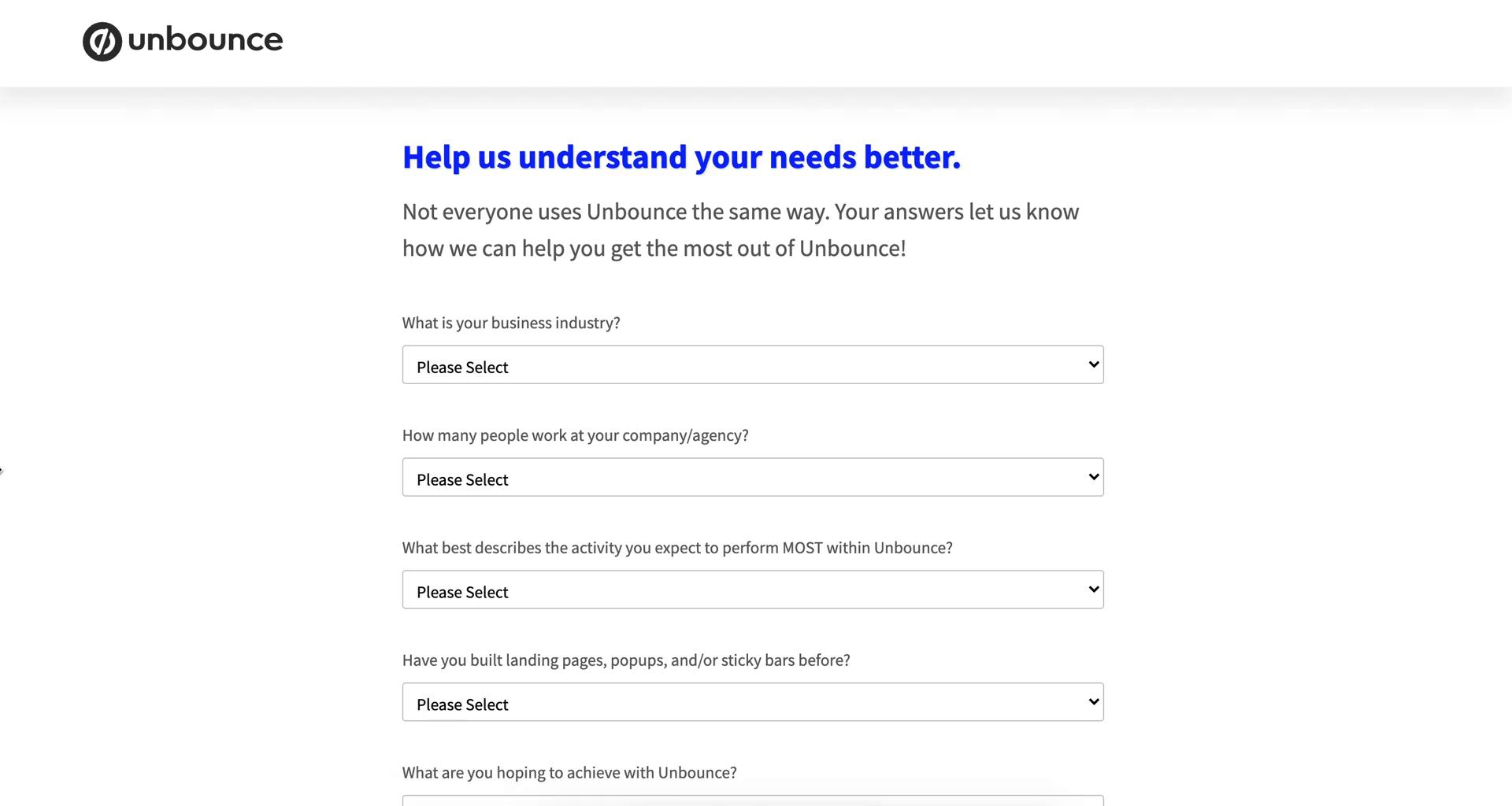
Provide more information
this is title
Dashboard
this is title
Dashboard
this is title
Landing page details
this is title
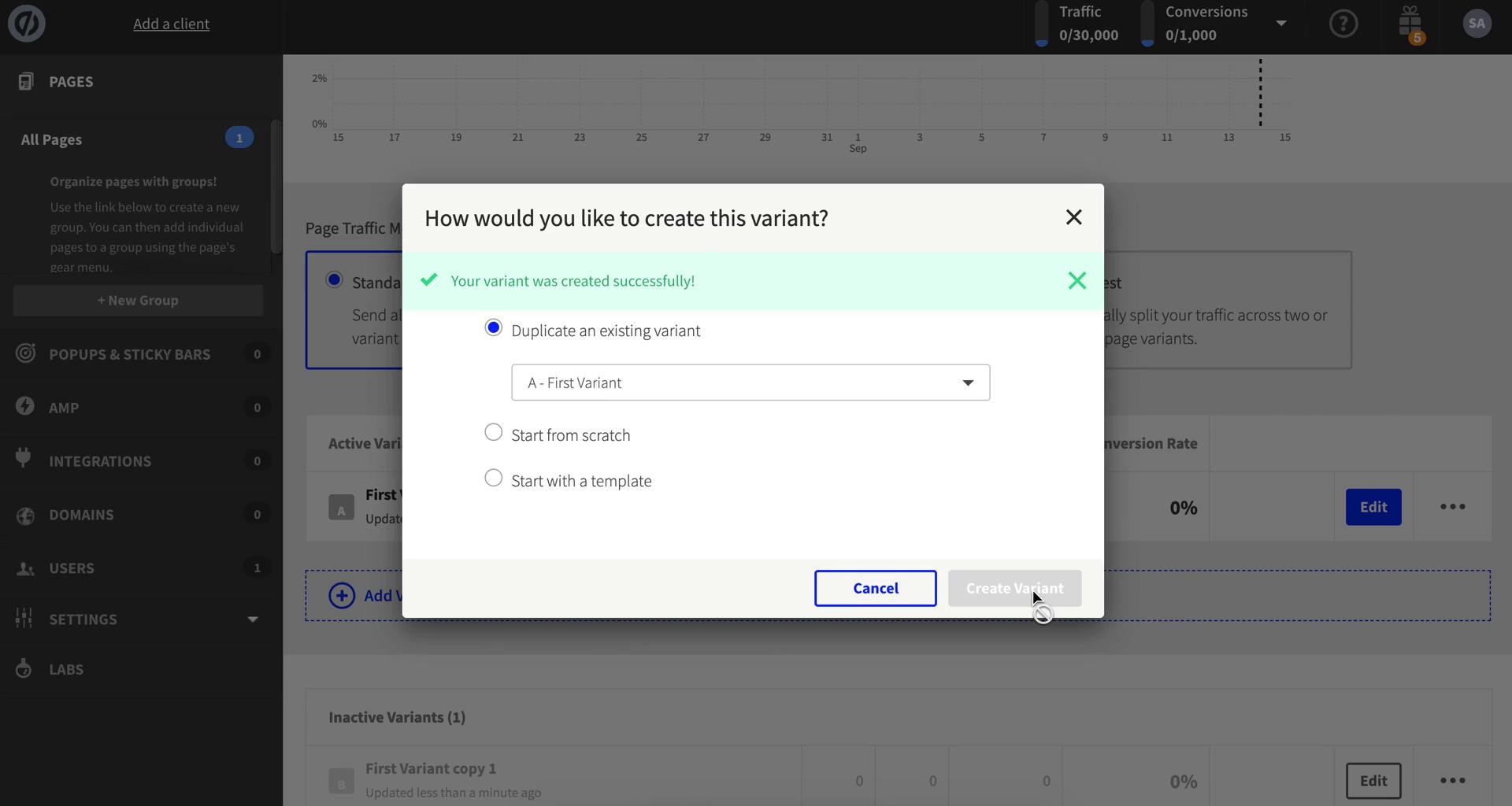
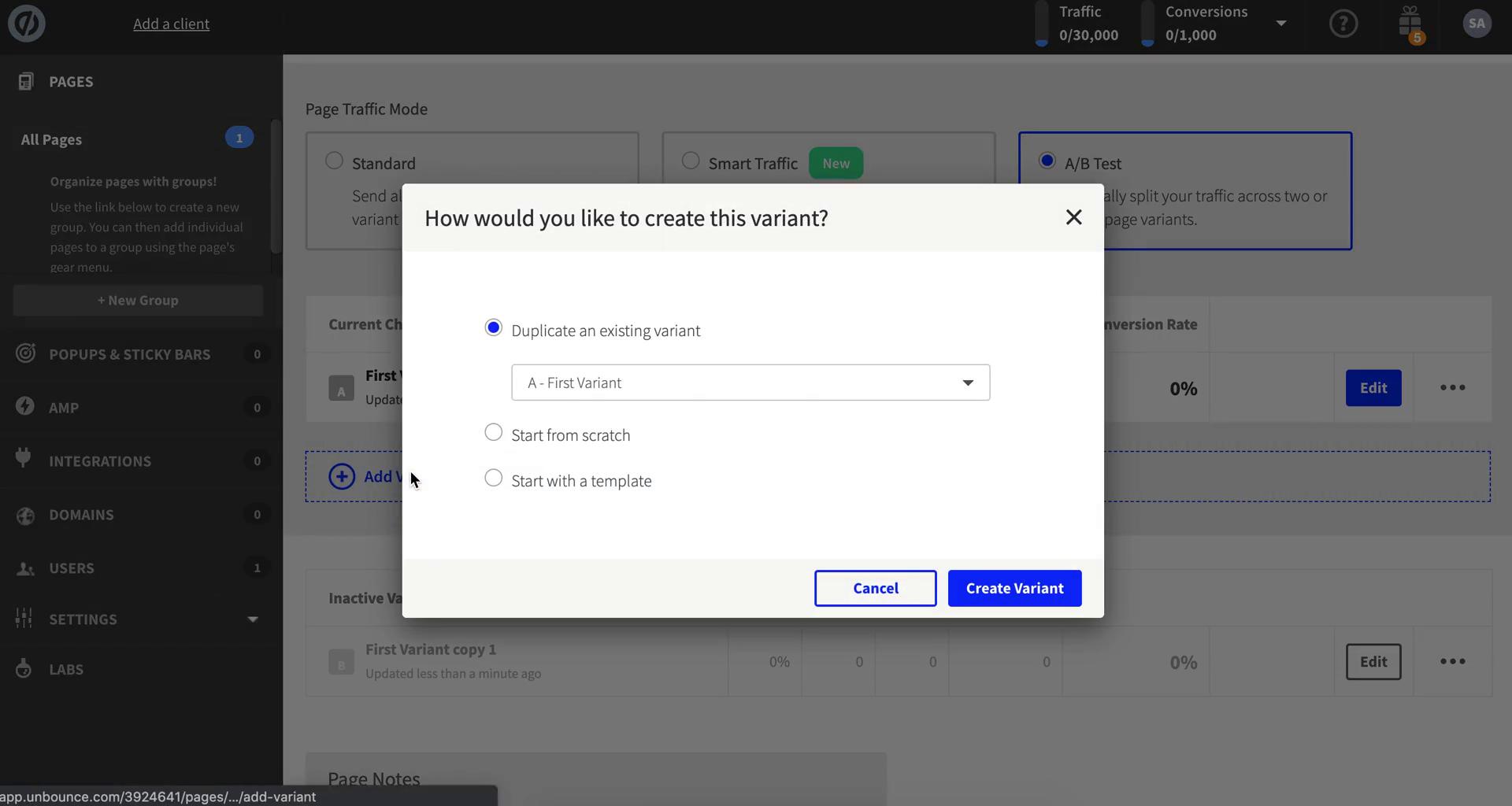
Create variant
this is title
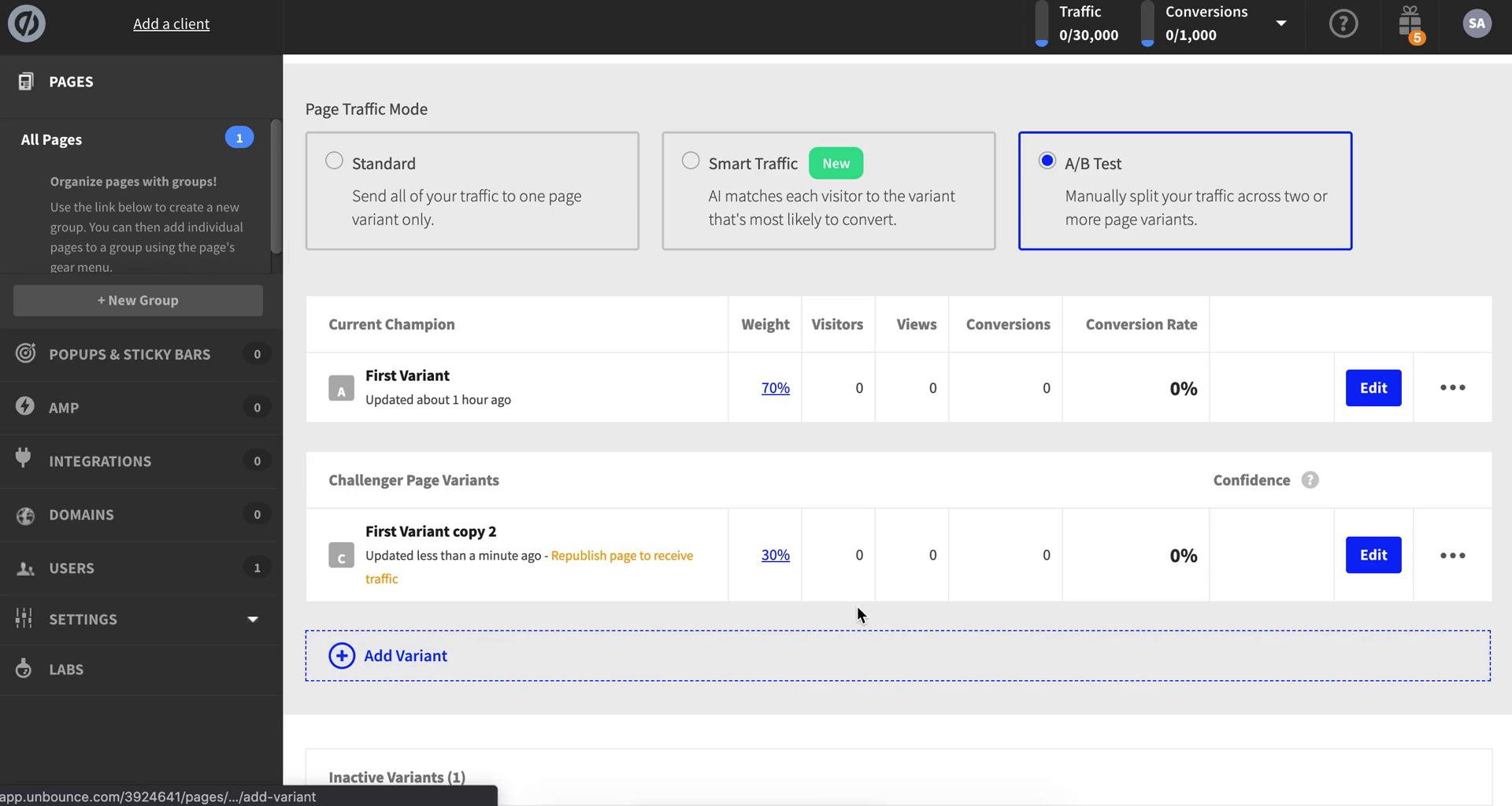
Varient created
this is title
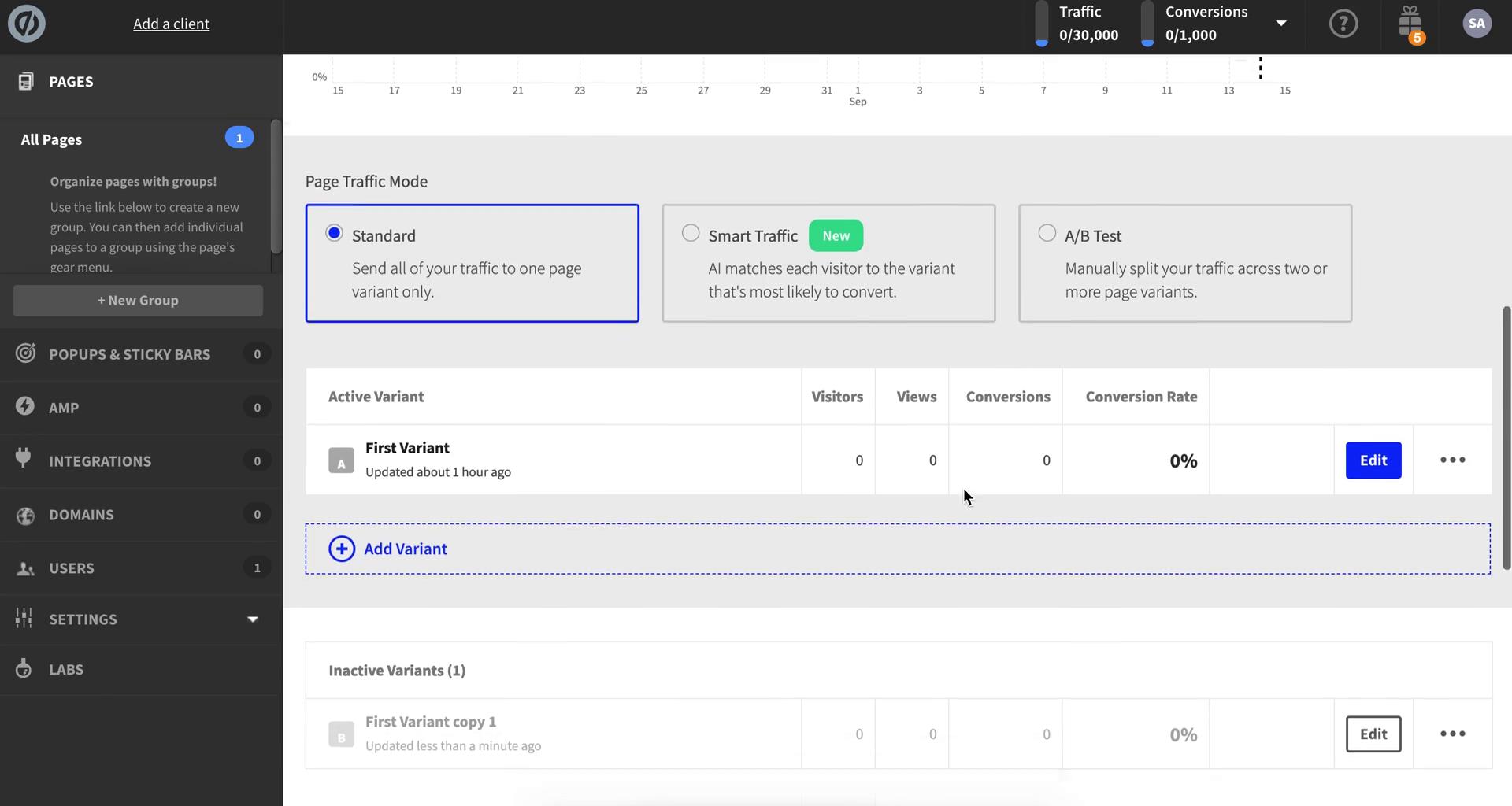
Landing page details
this is title
Page editor
this is title
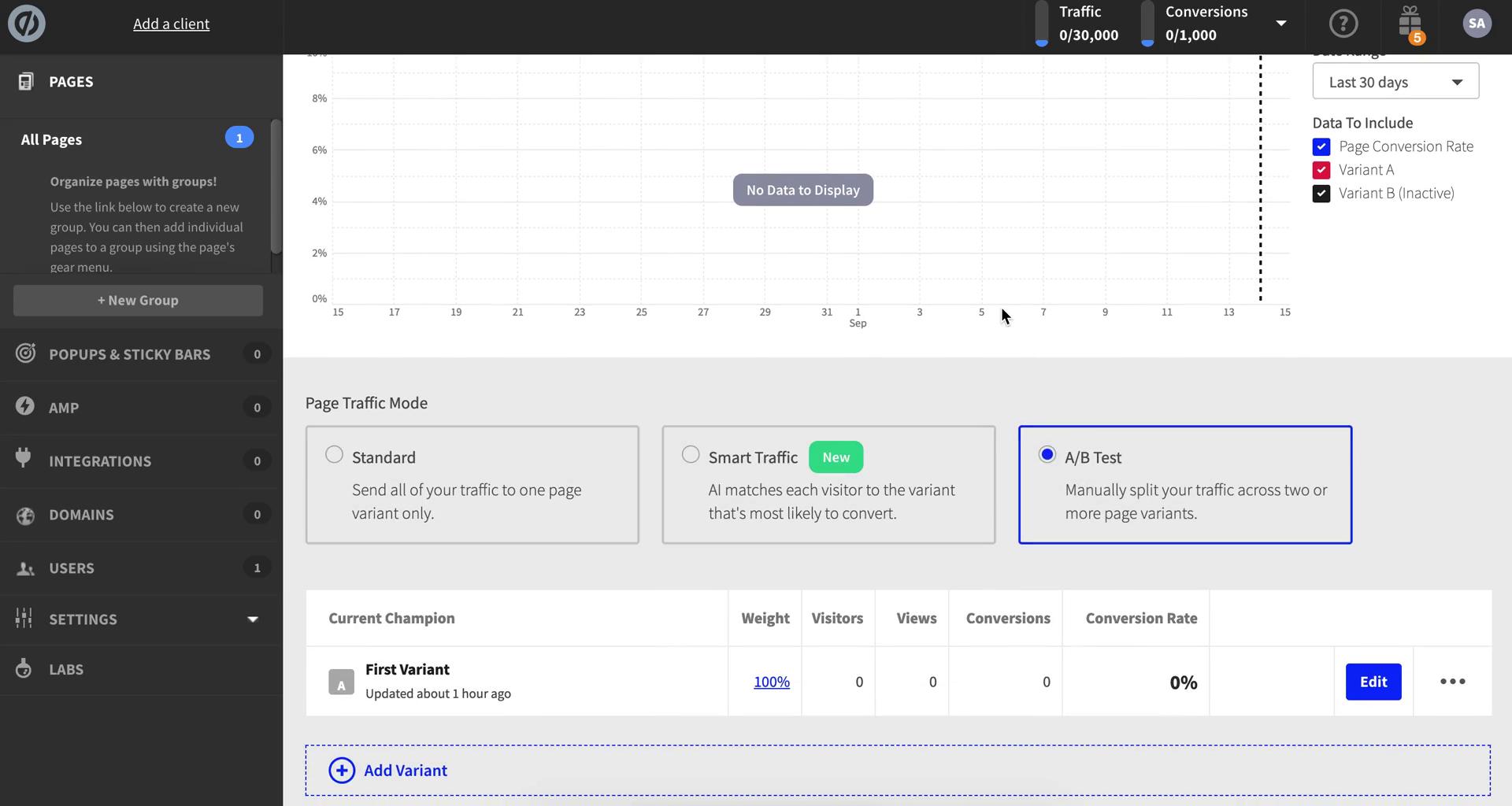
Landing page details
this is title
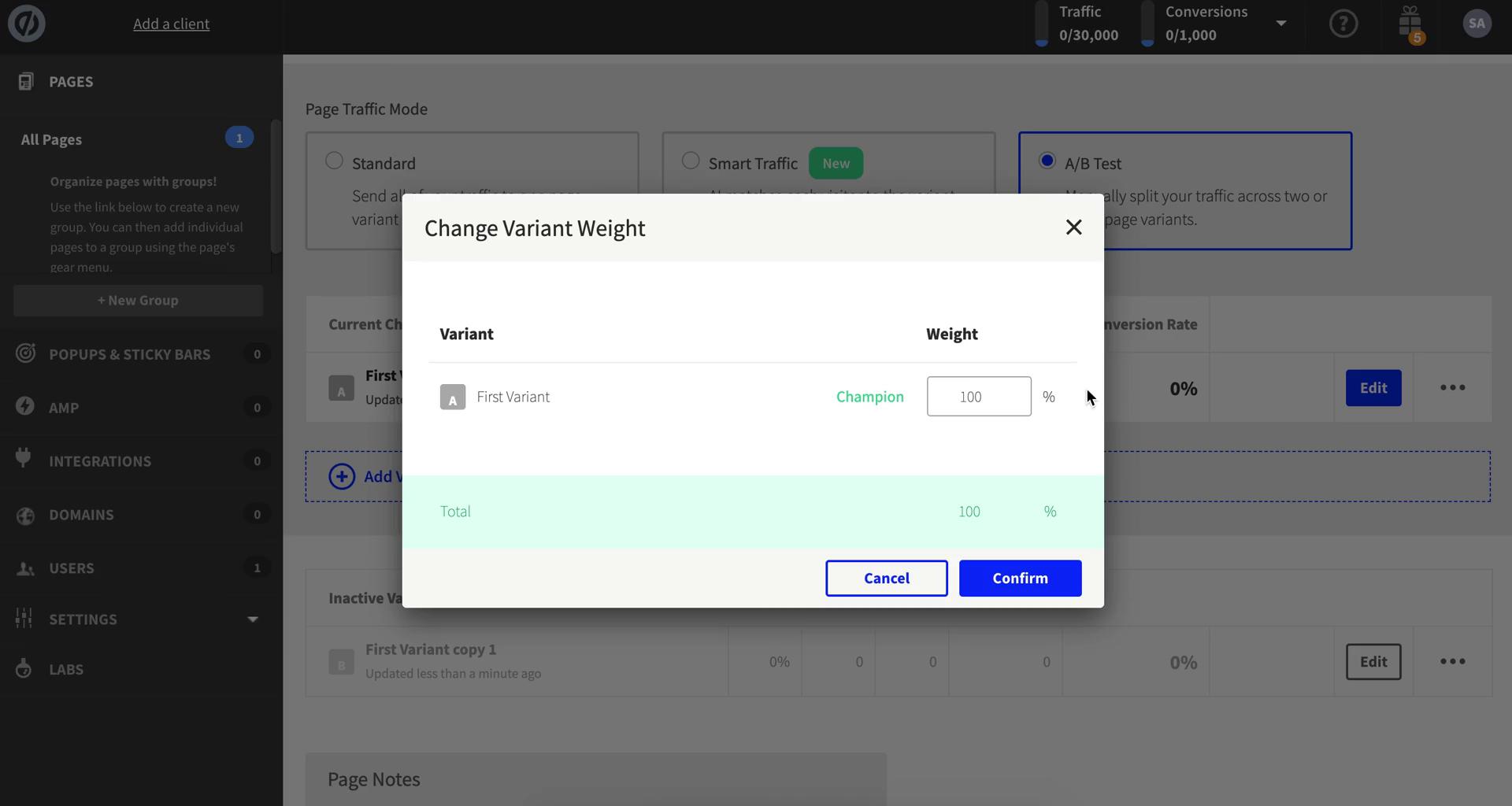
Change variant weight
this is title
Create variant
this is title
Change variant weight
this is title
Landing page details
this is title
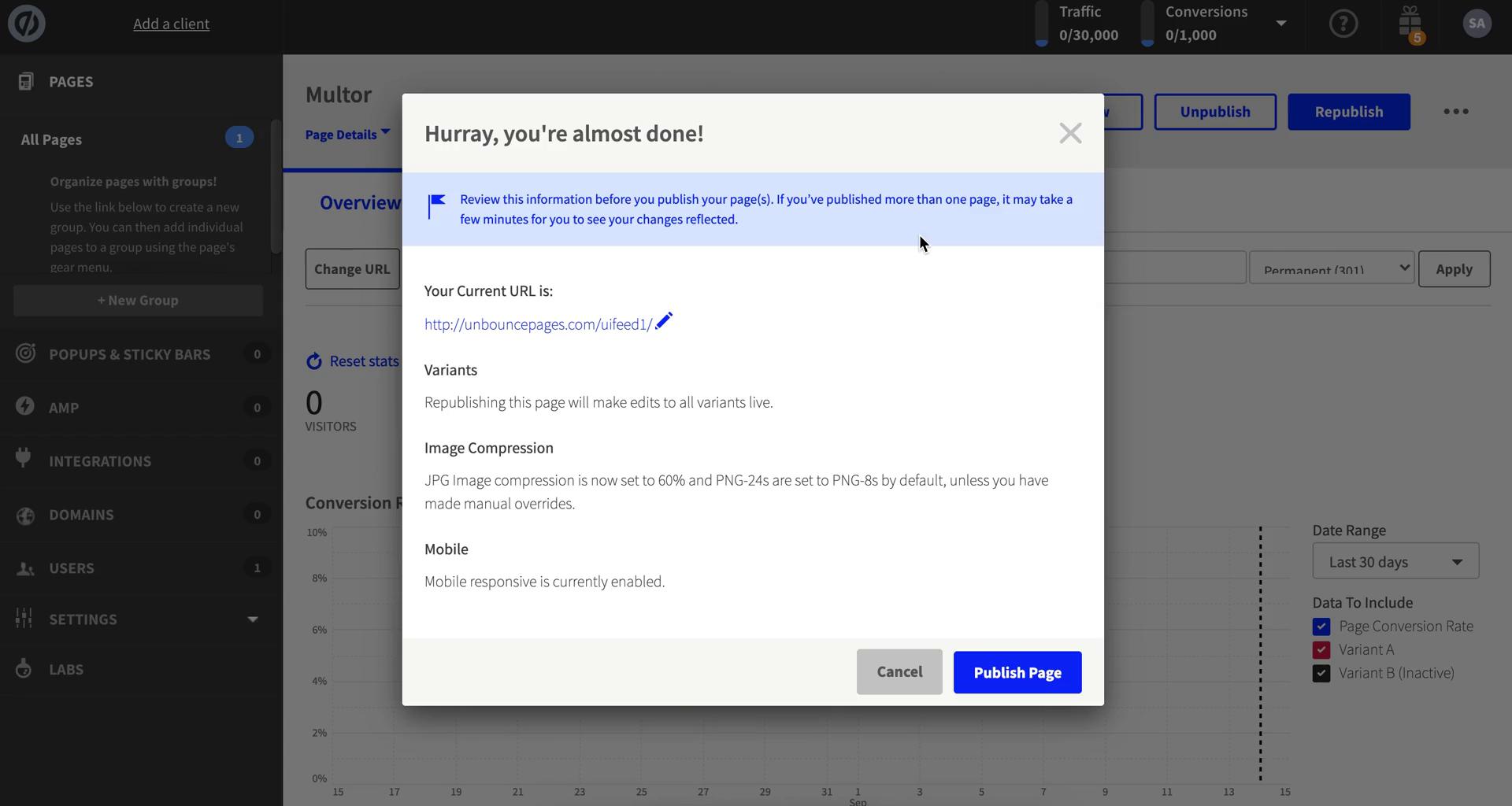
Publish changes
this is title