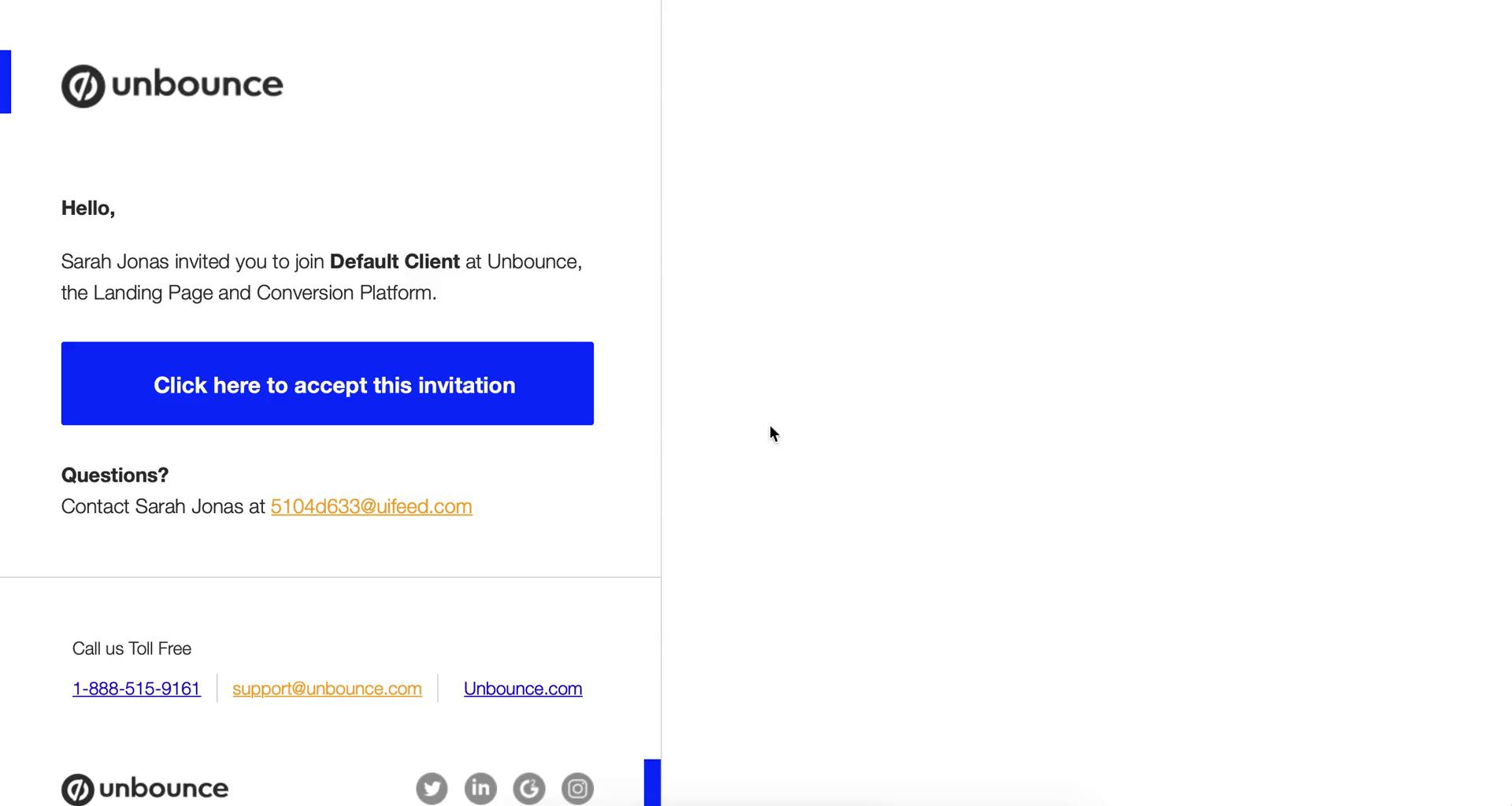
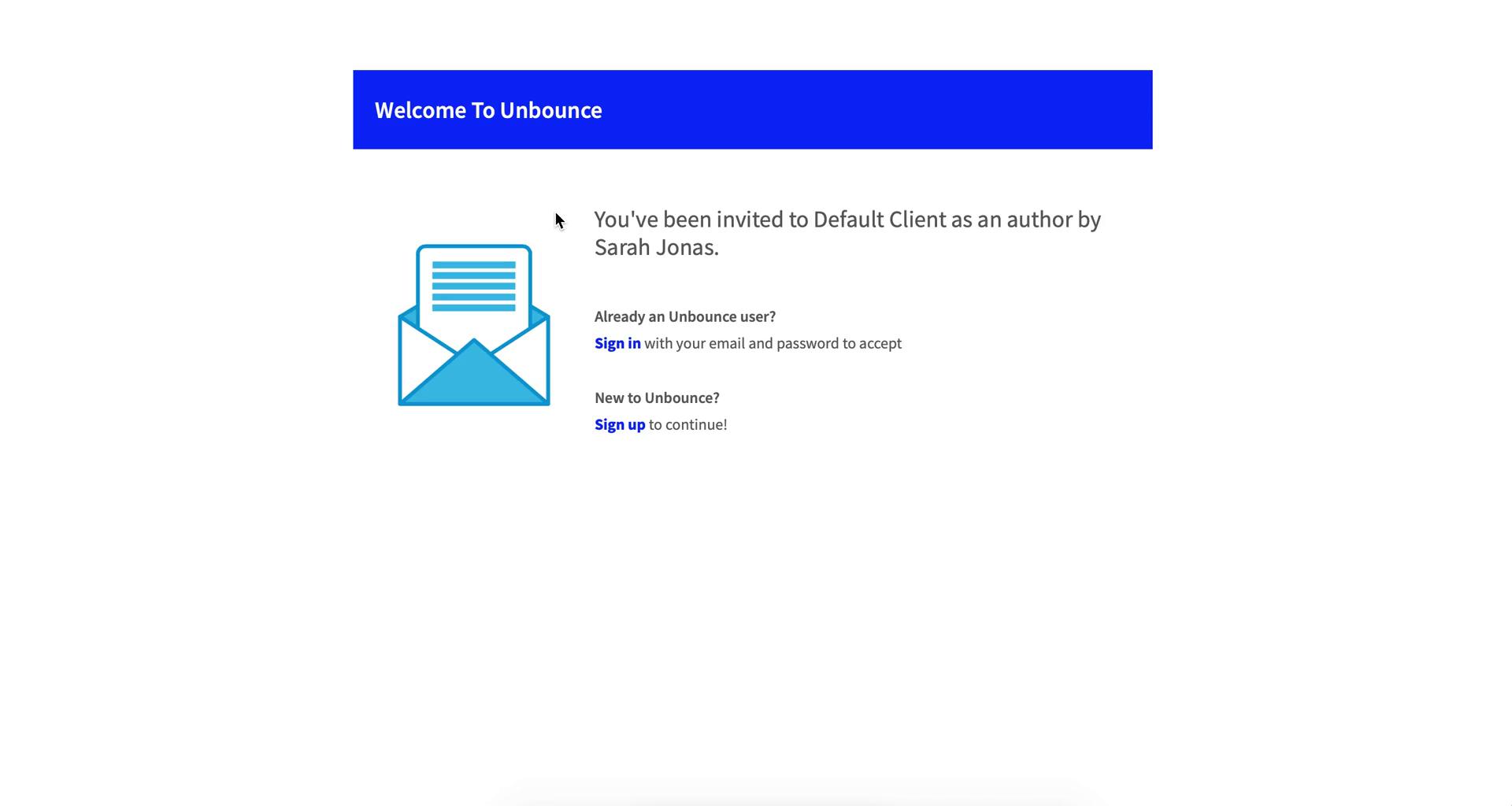
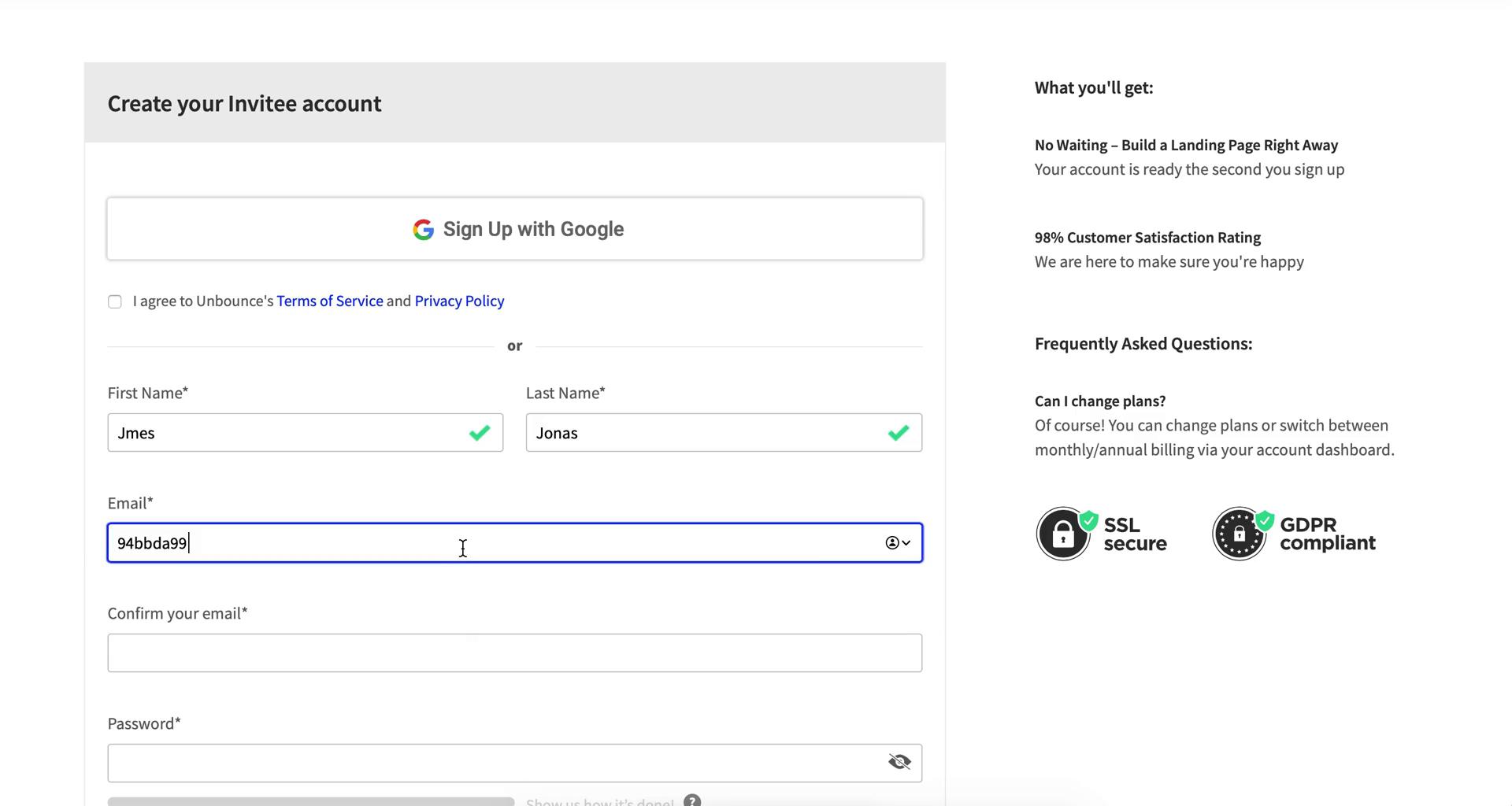
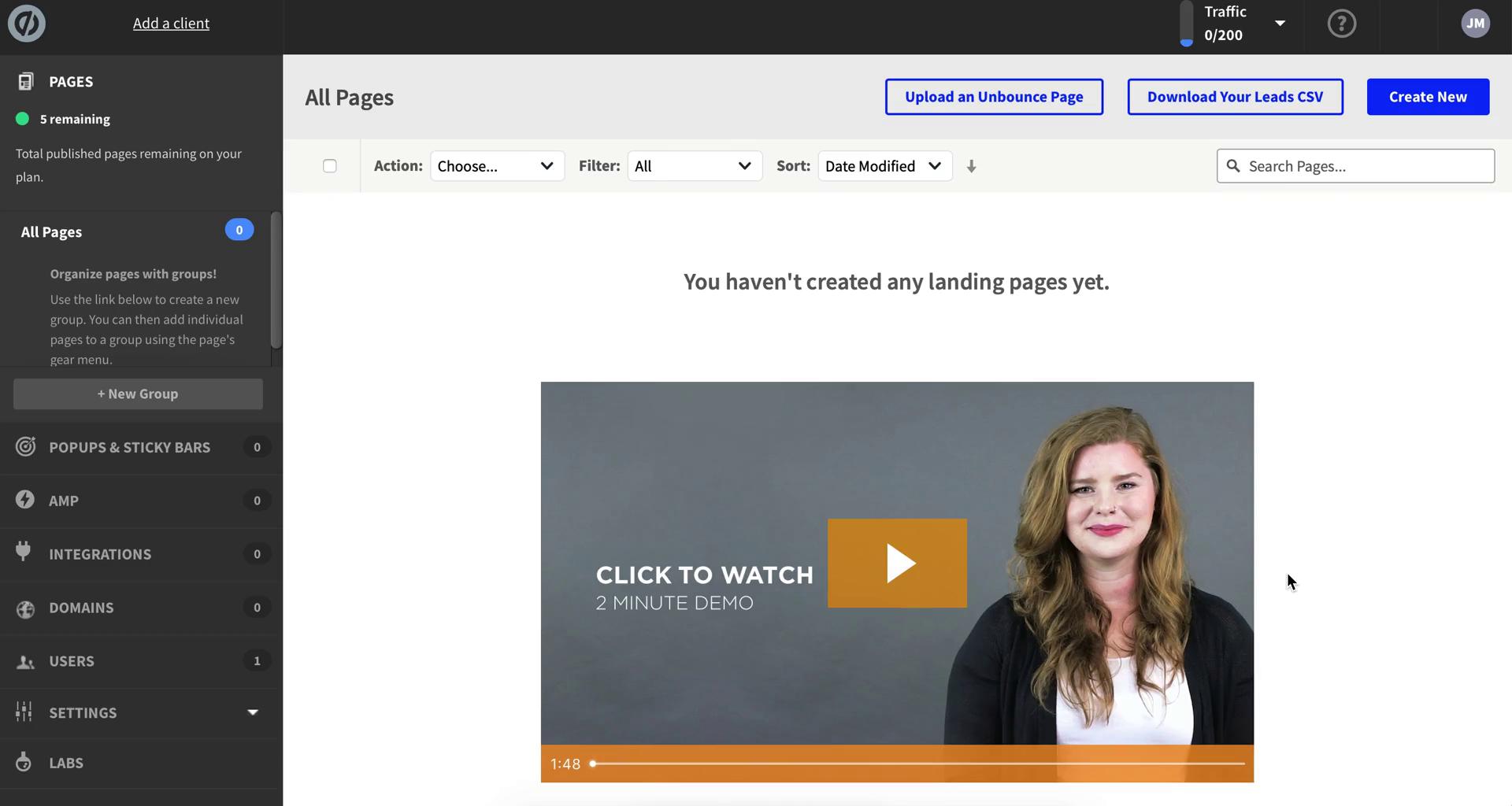
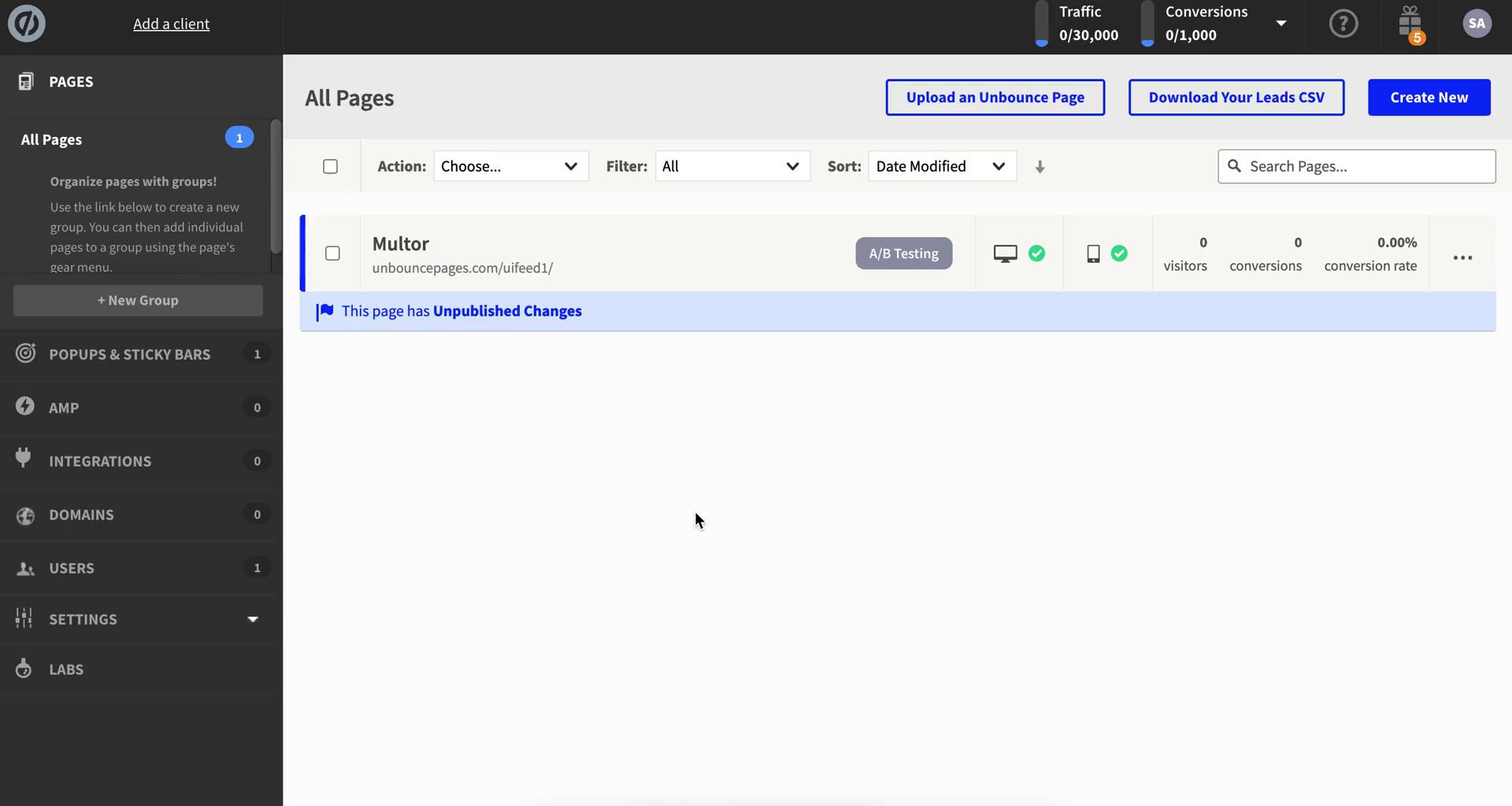
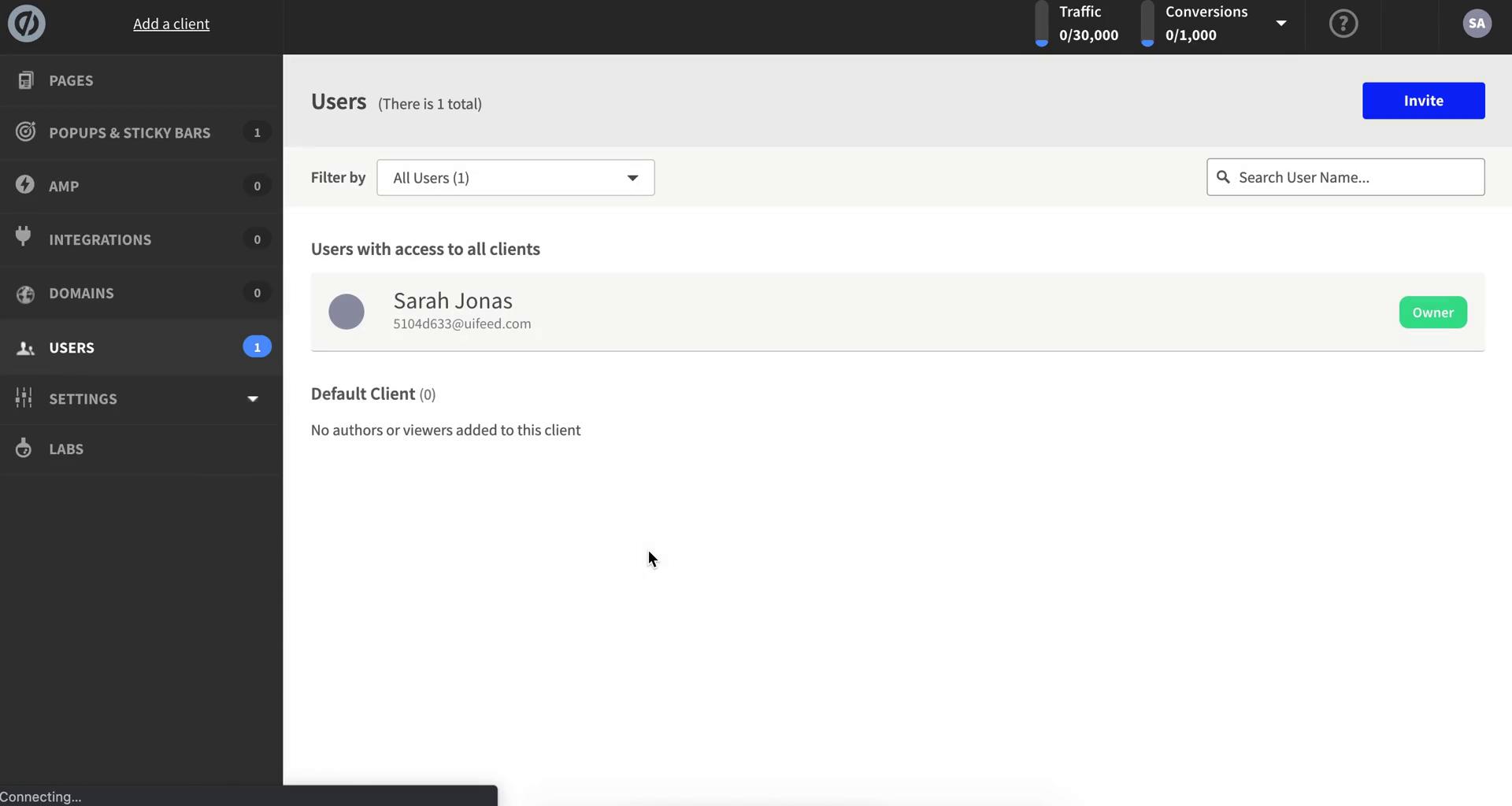
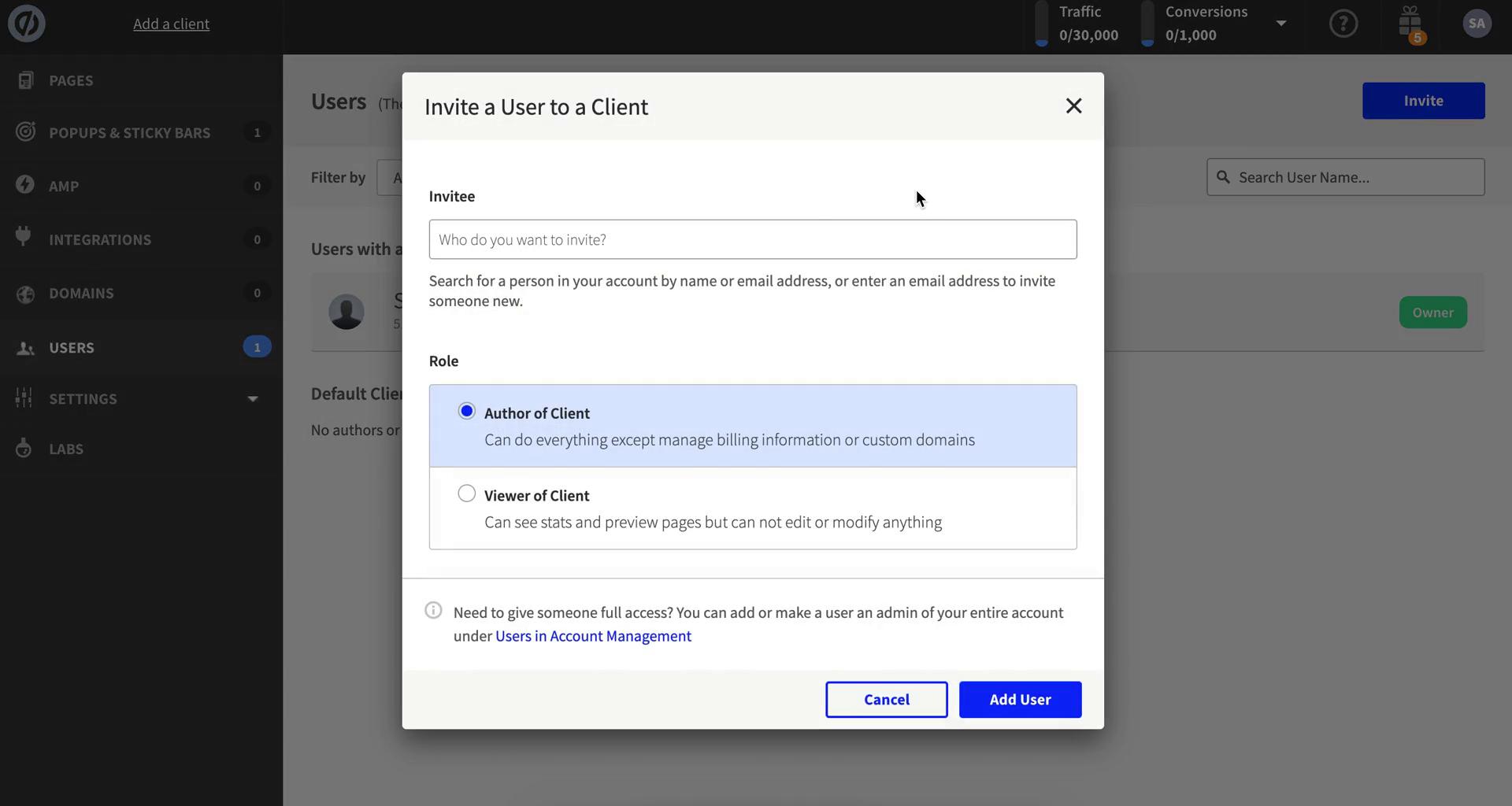
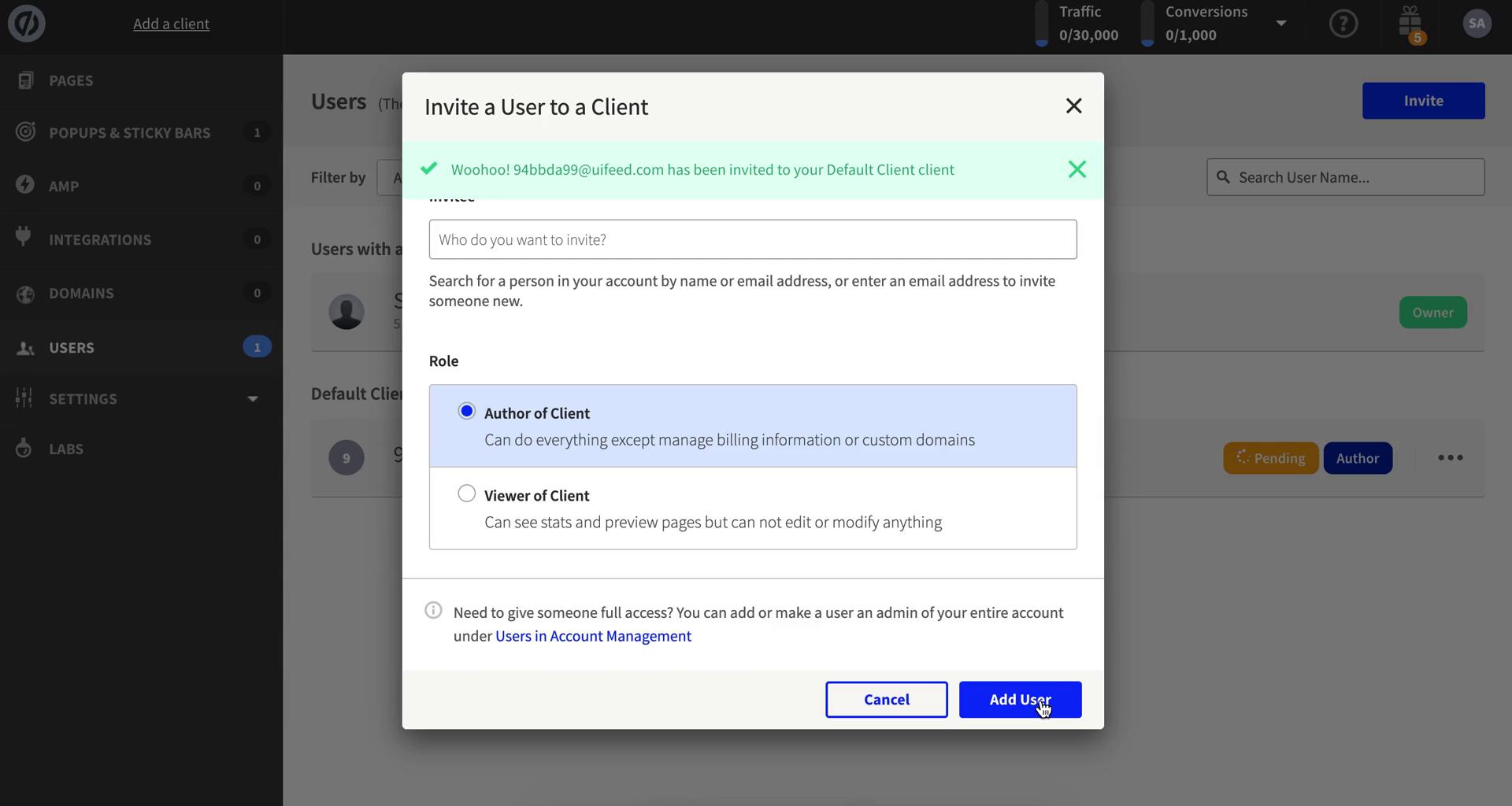
Invite email
this is title
Invitation
this is title
Sign up
this is title
Provide more information
this is title
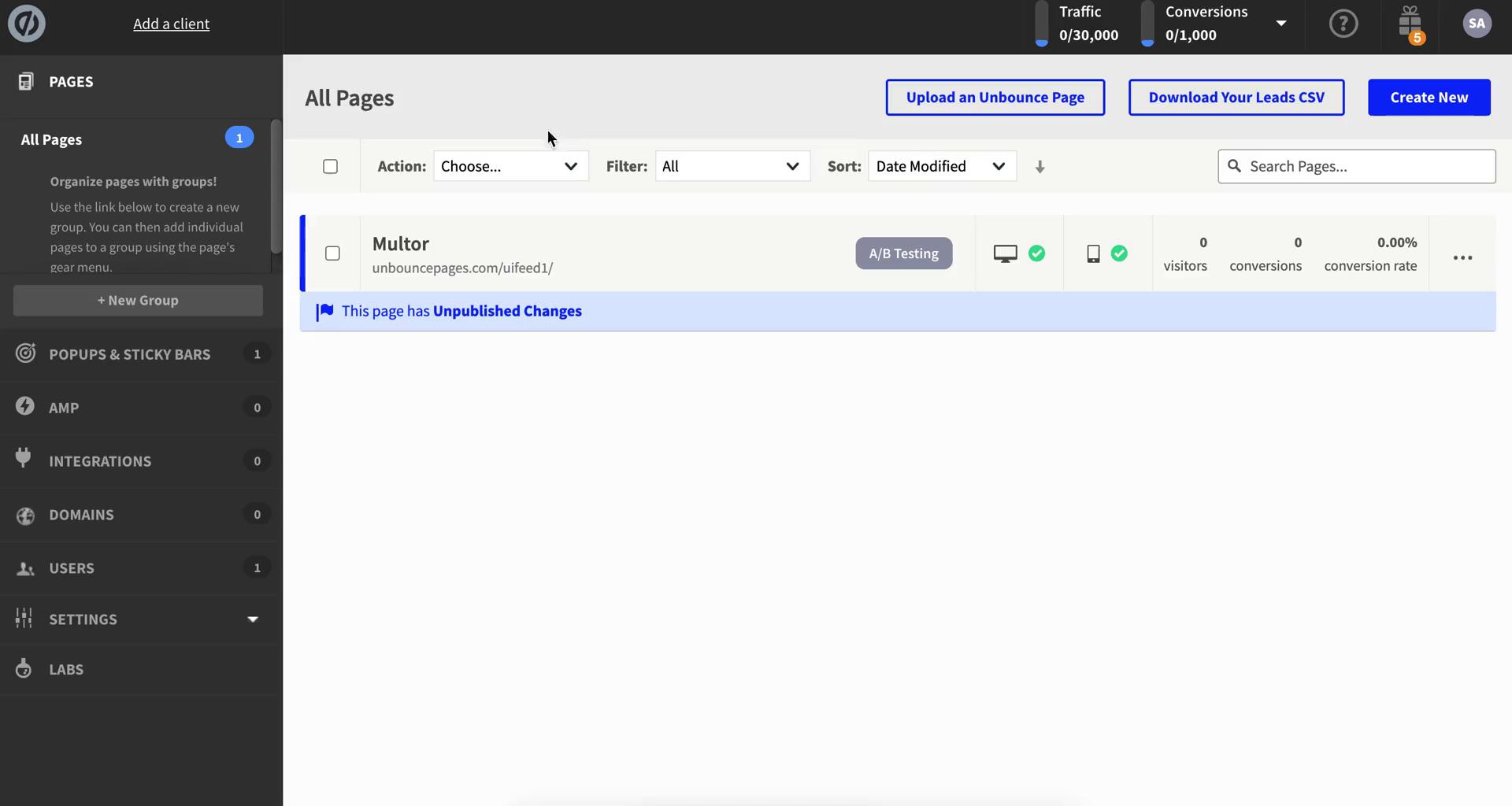
Dashboard
this is title
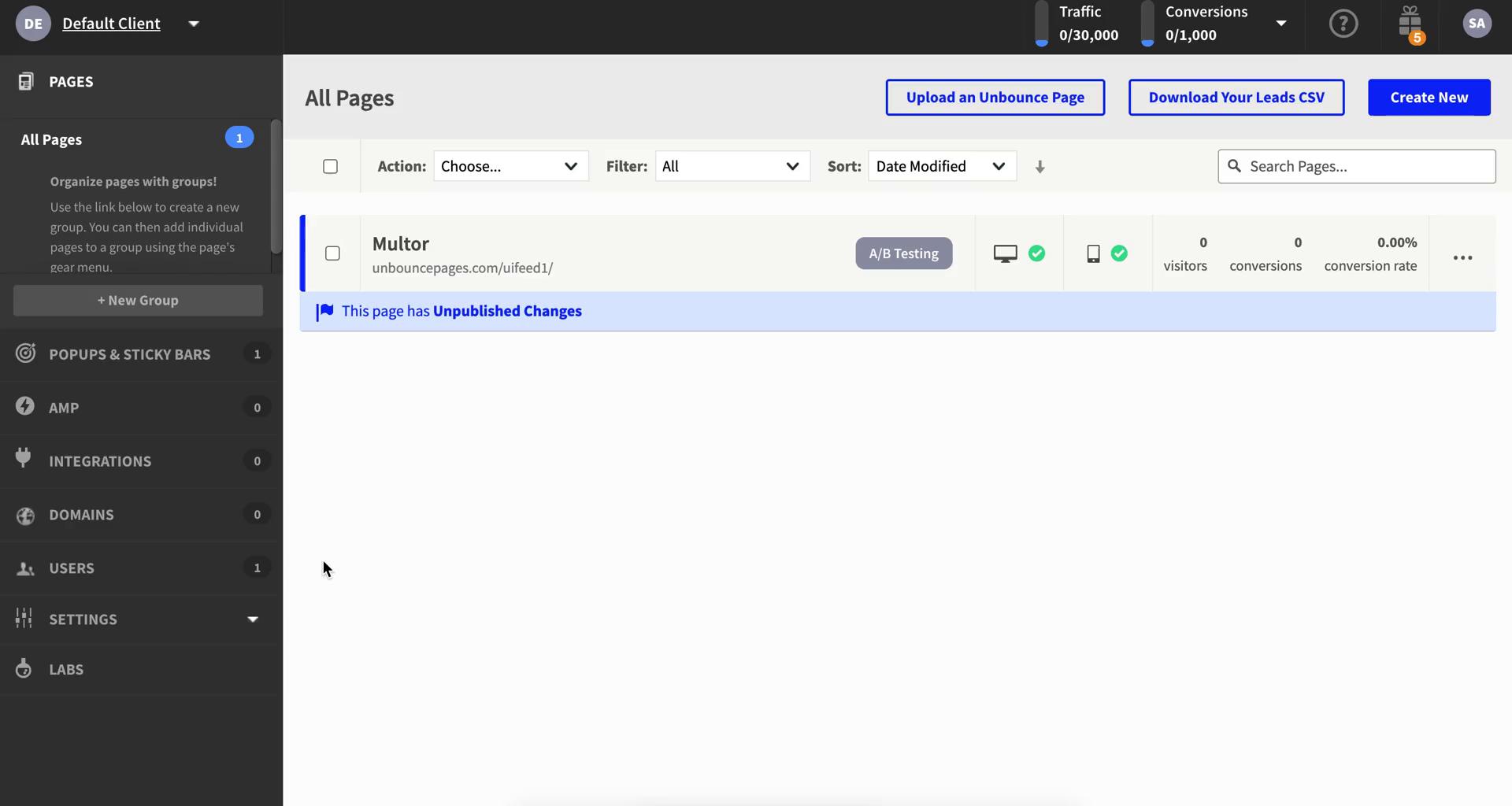
Dashboard
this is title
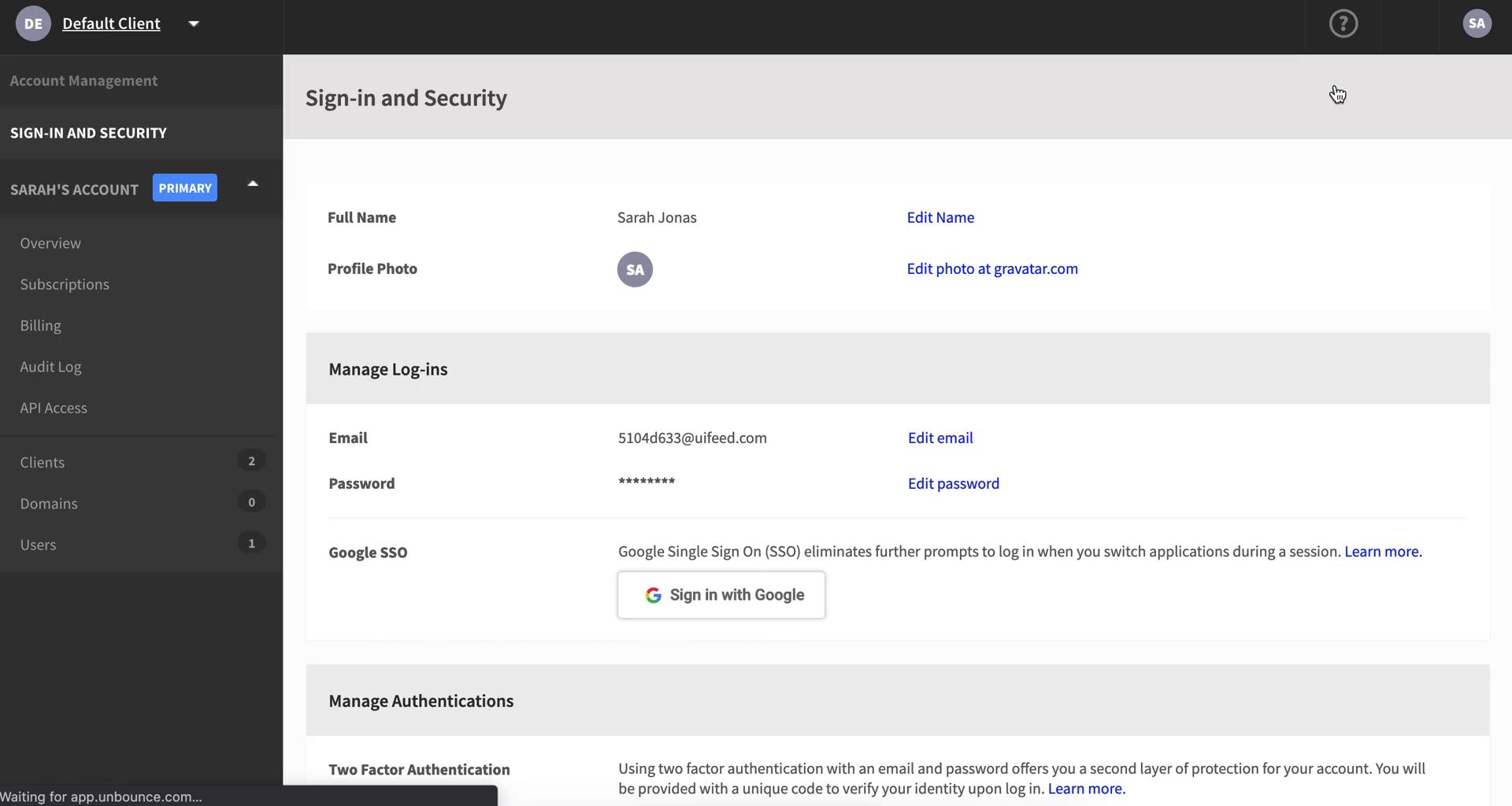
Account settings
this is title
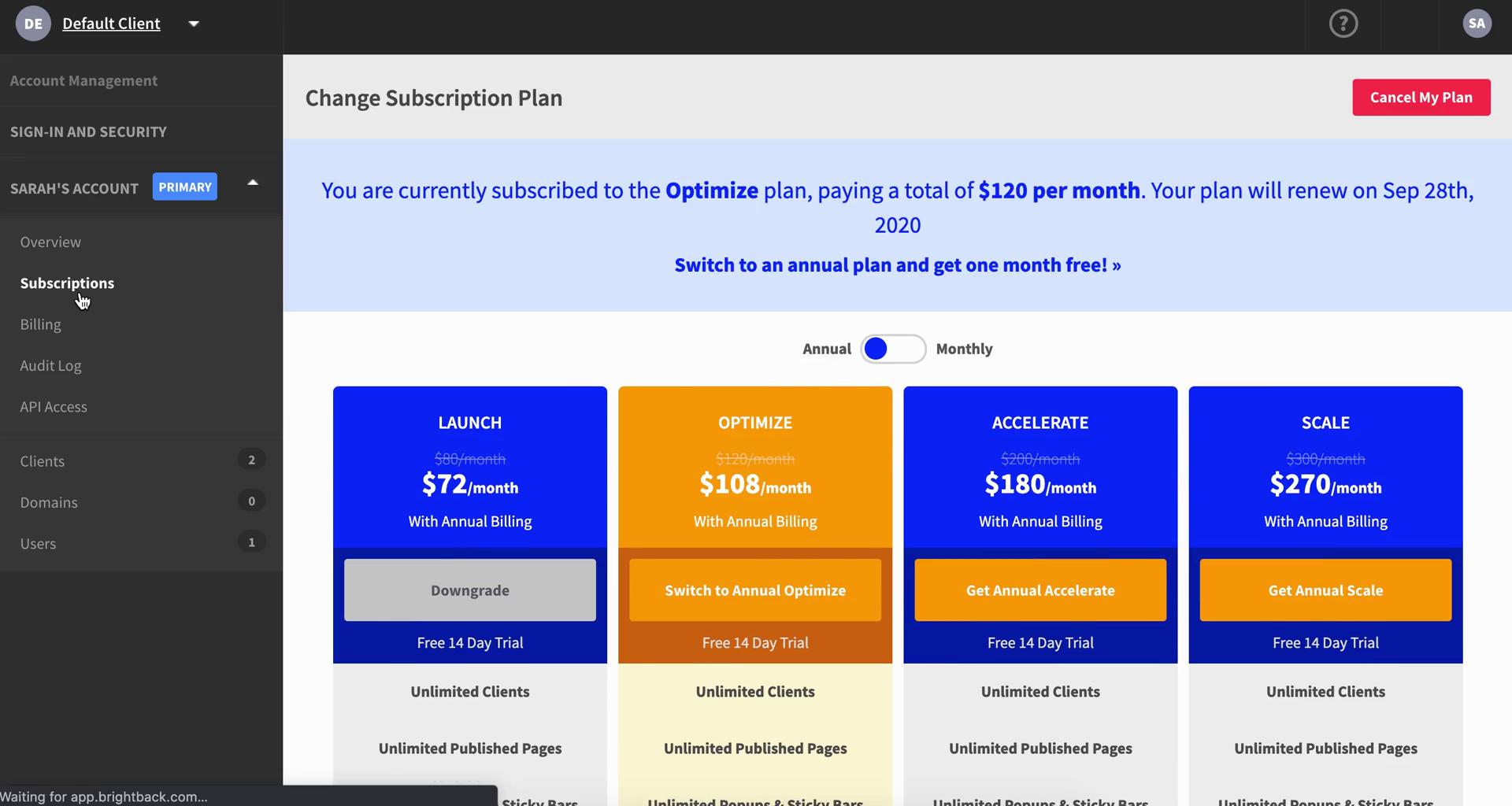
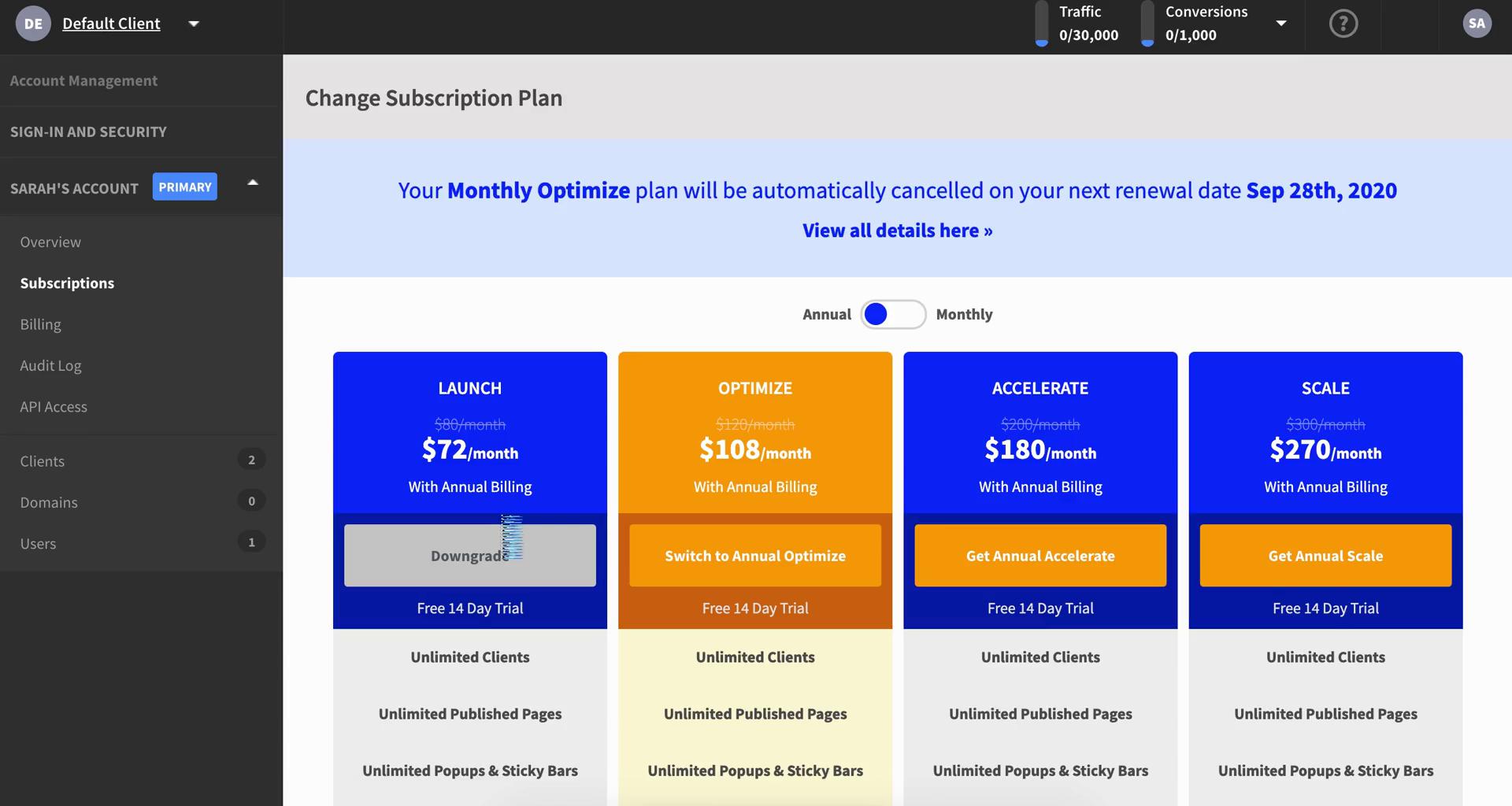
Subscriptions
this is title
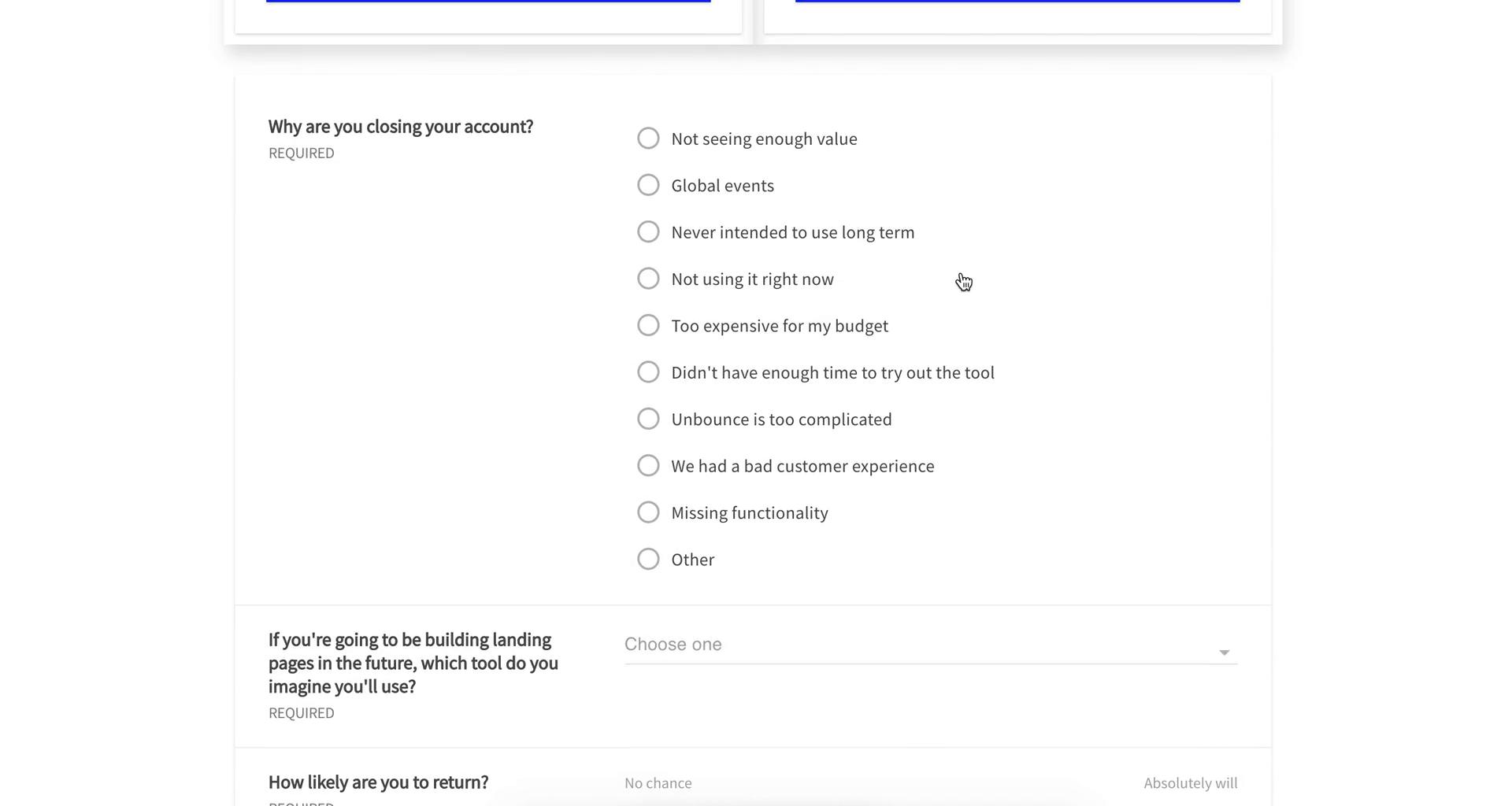
Cancel subscription
this is title
Select cancellation reason
this is title
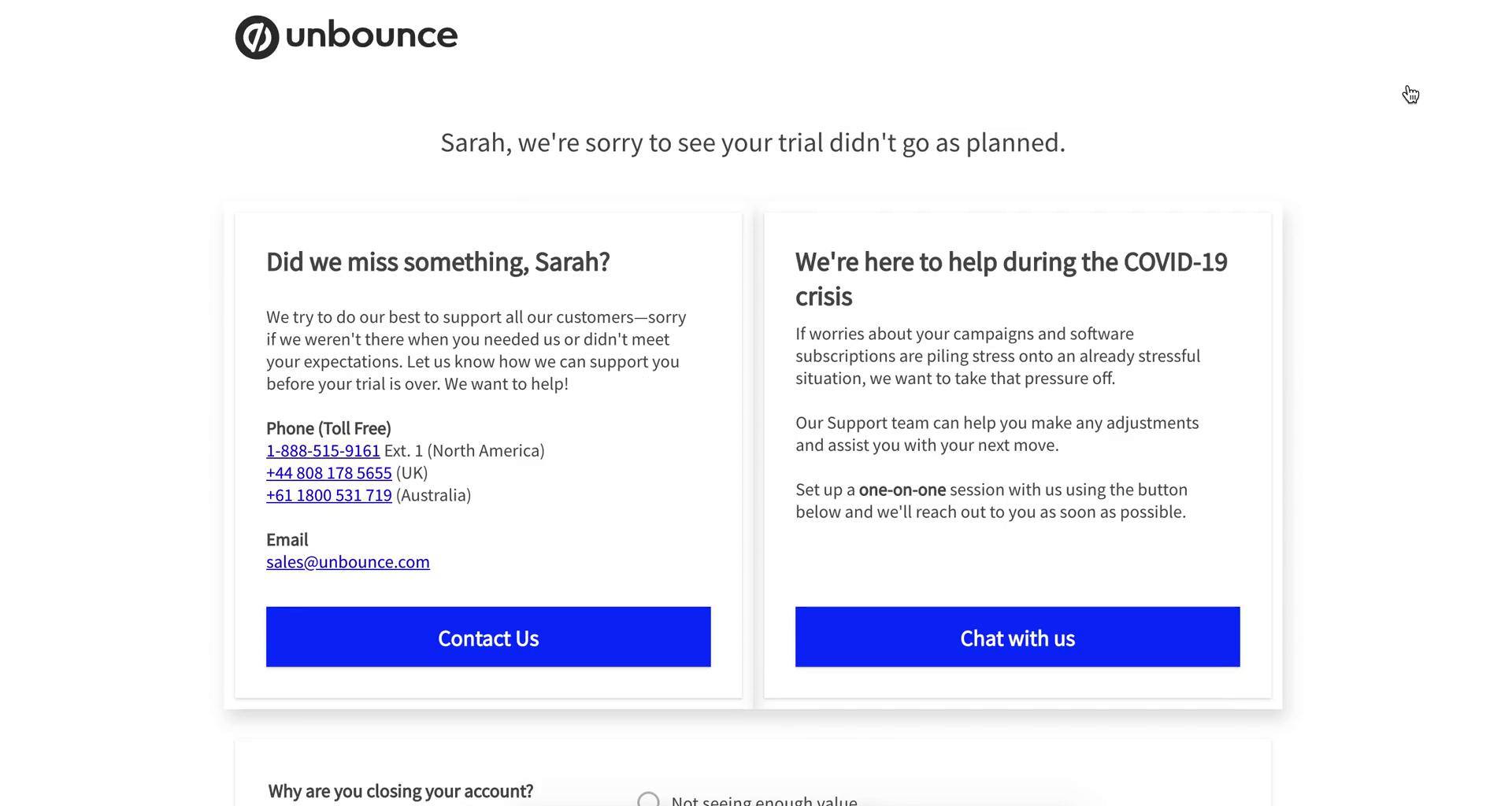
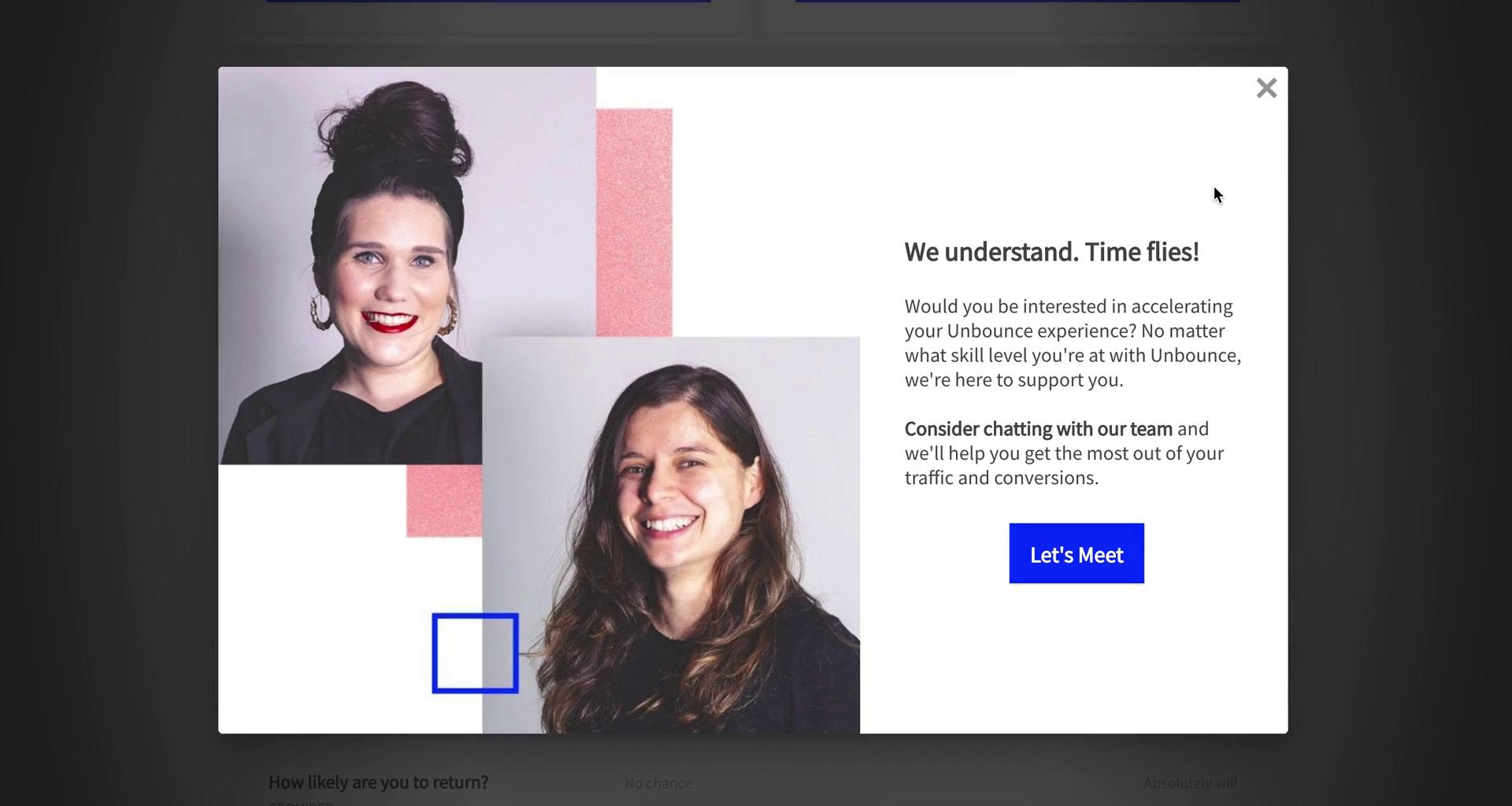
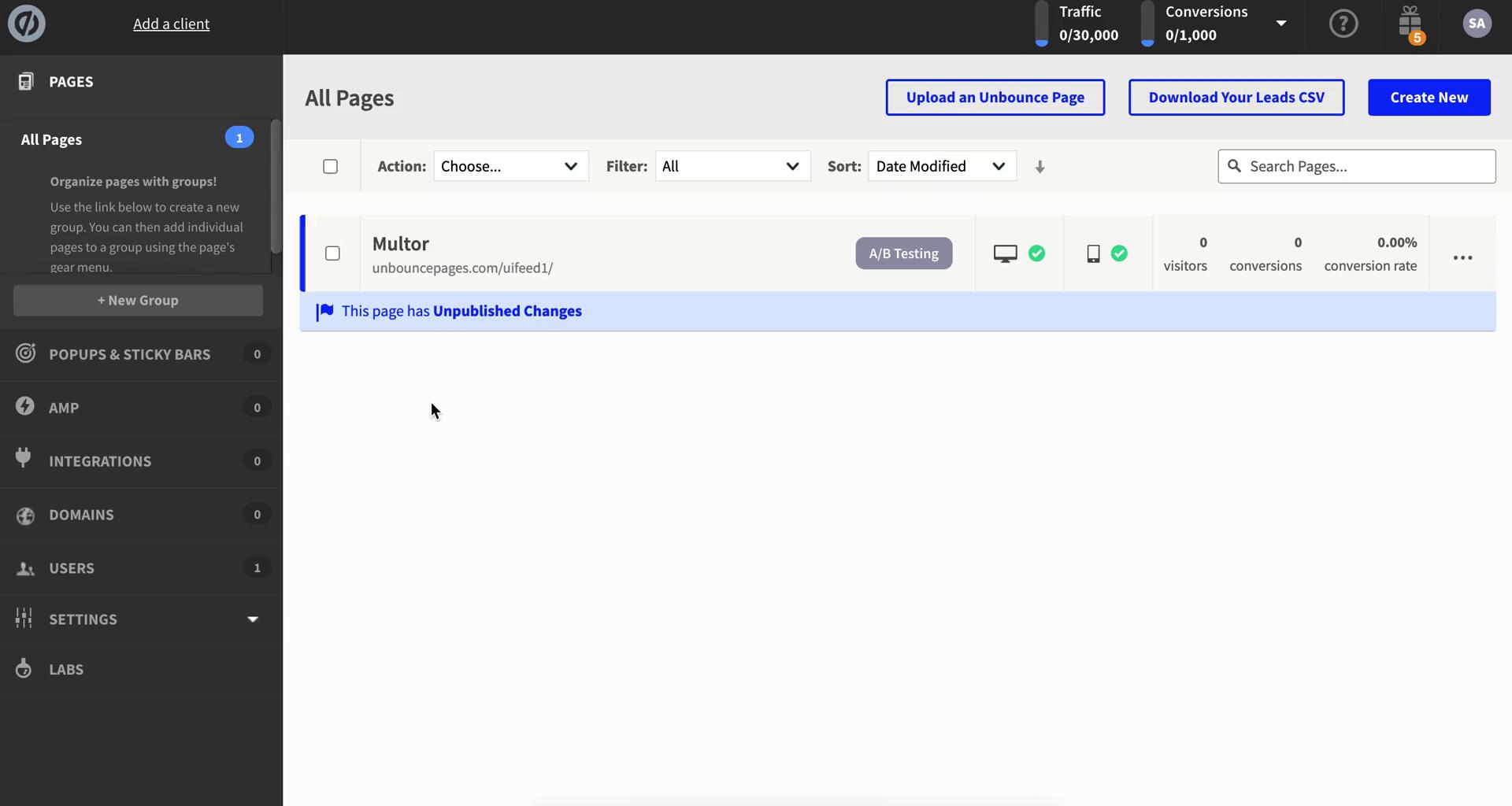
Meeting prompt
this is title
Confirm cancellation
this is title
Subscriptions
this is title
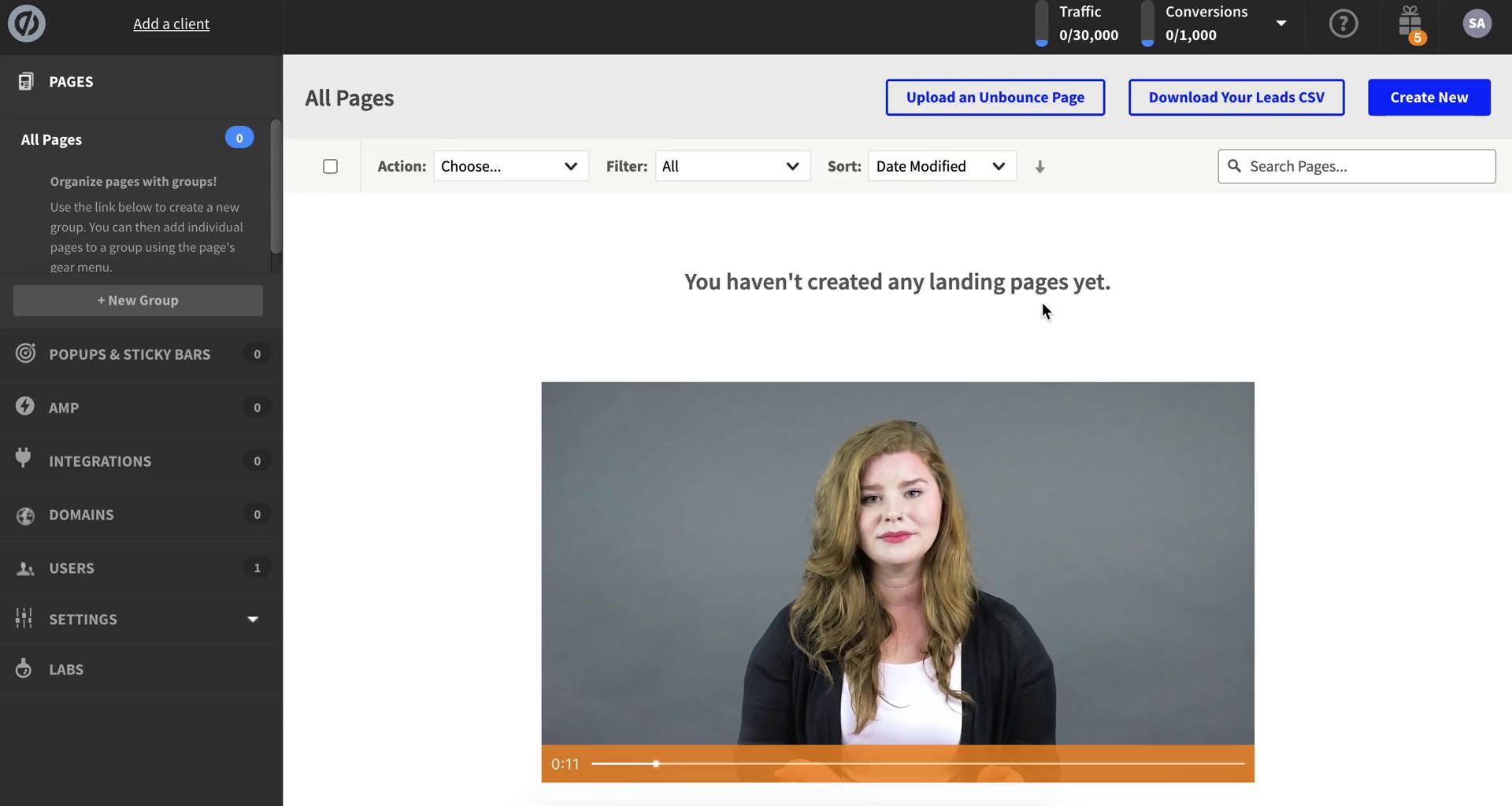
Dashboard
this is title
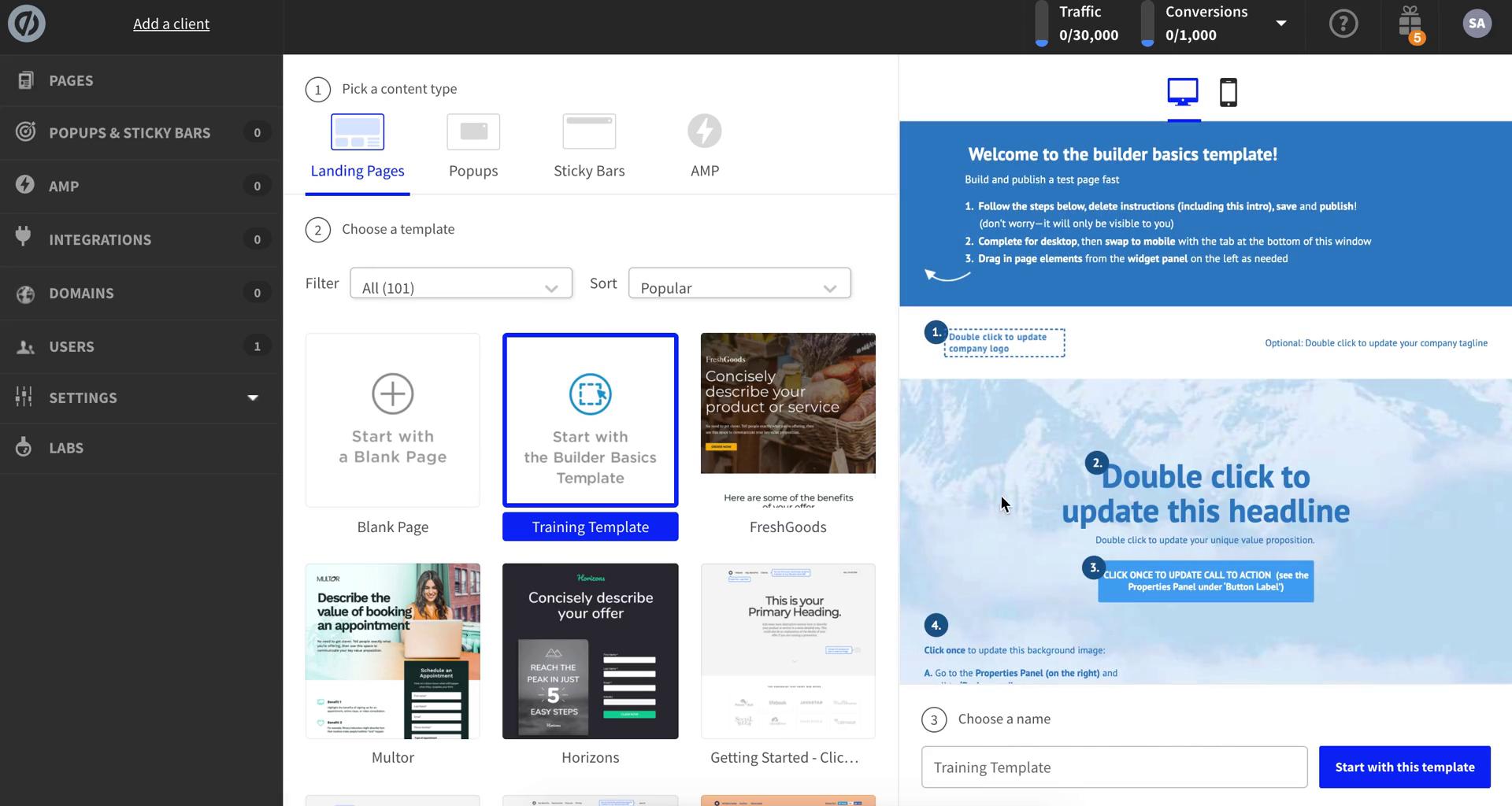
Select template
this is title
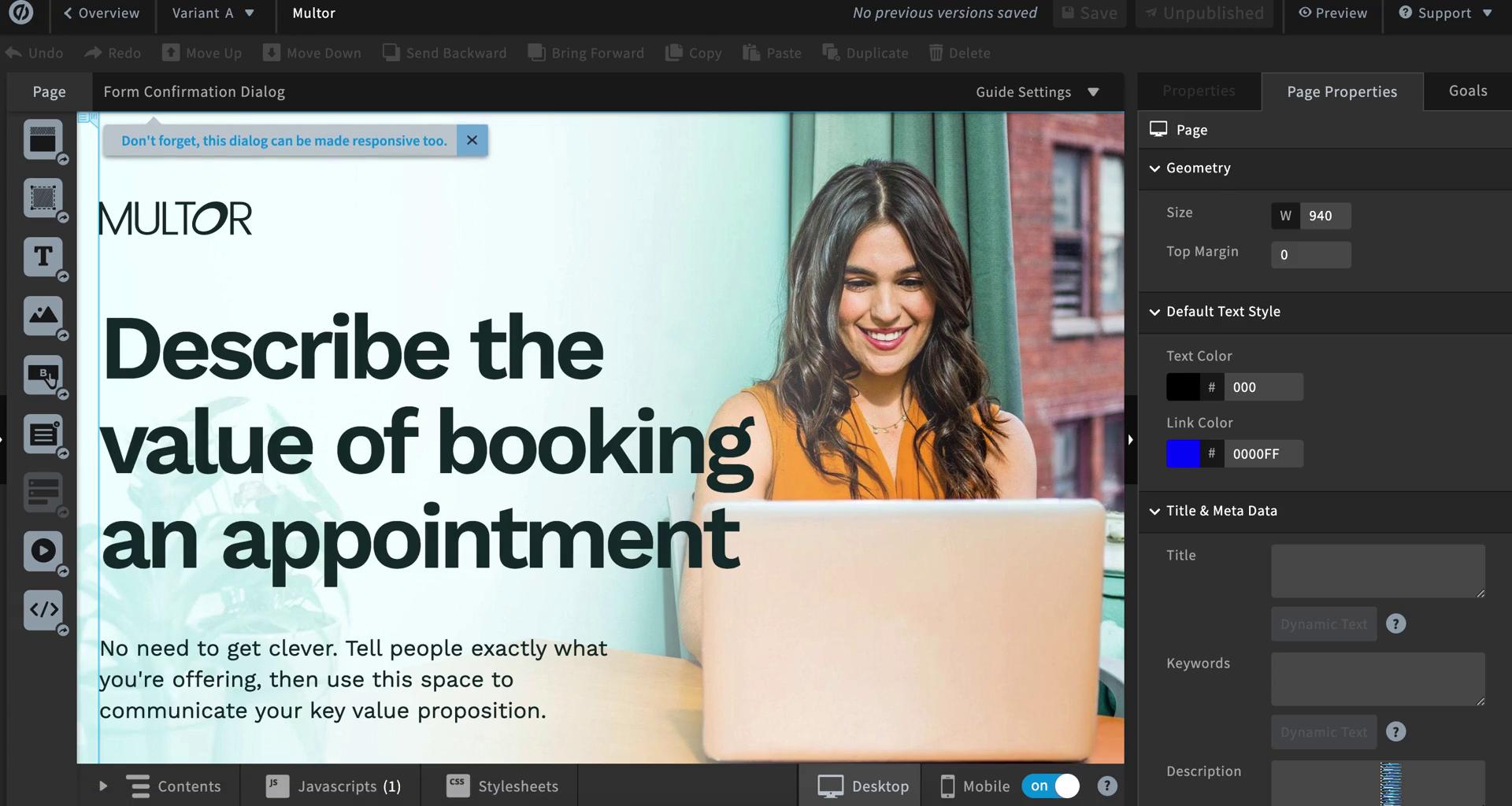
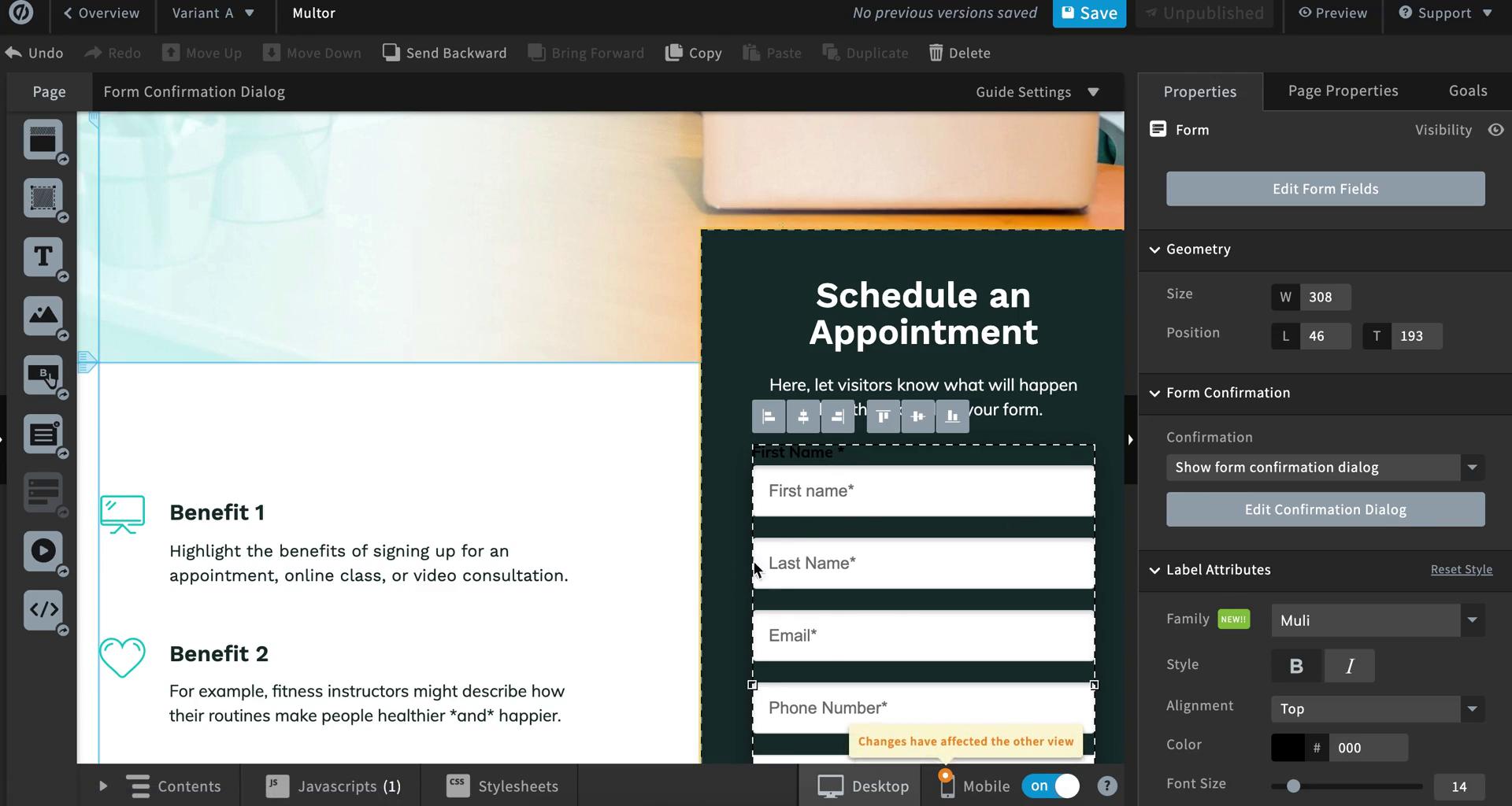
Page editor
this is title
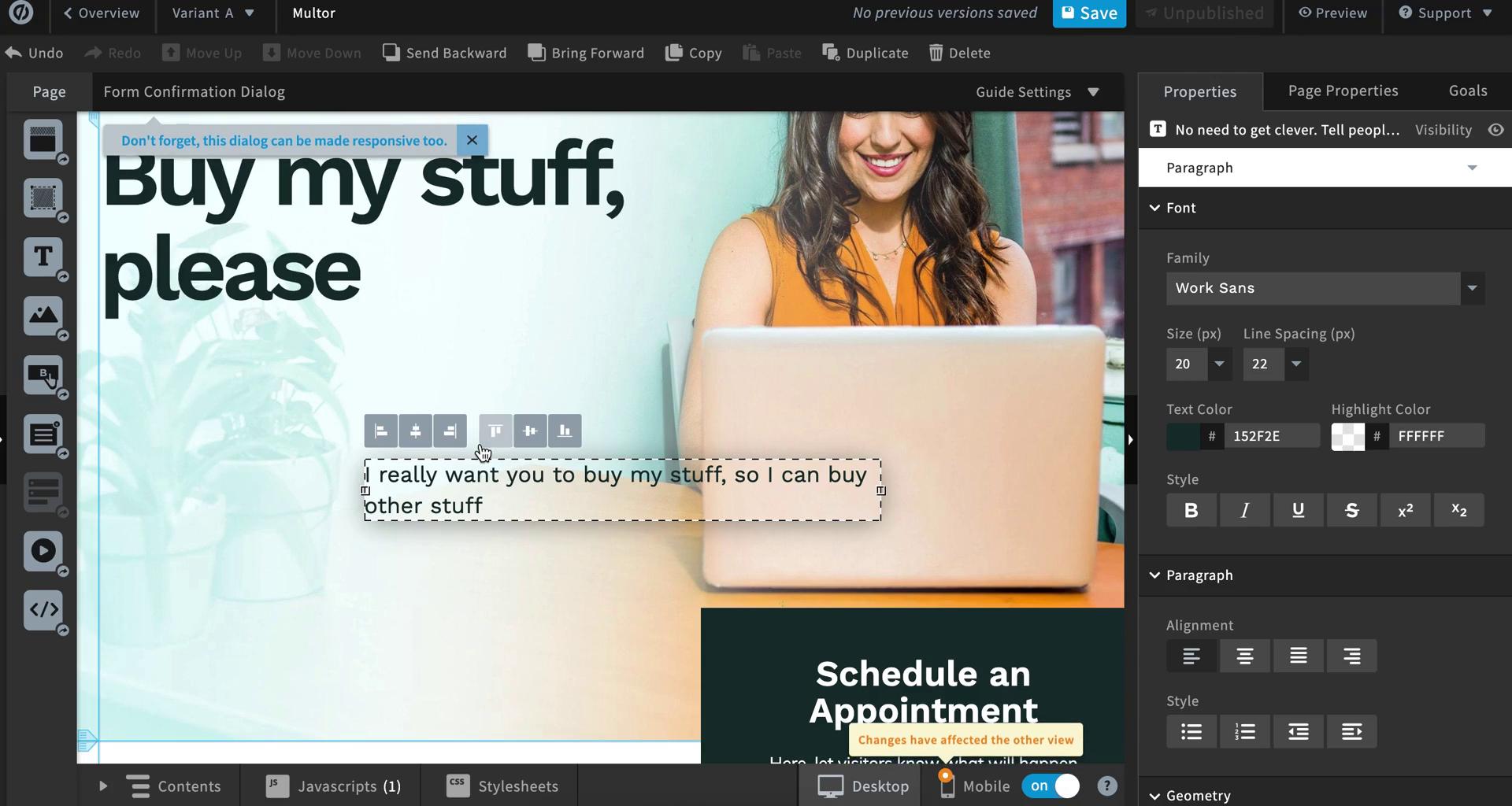
Page editor
this is title
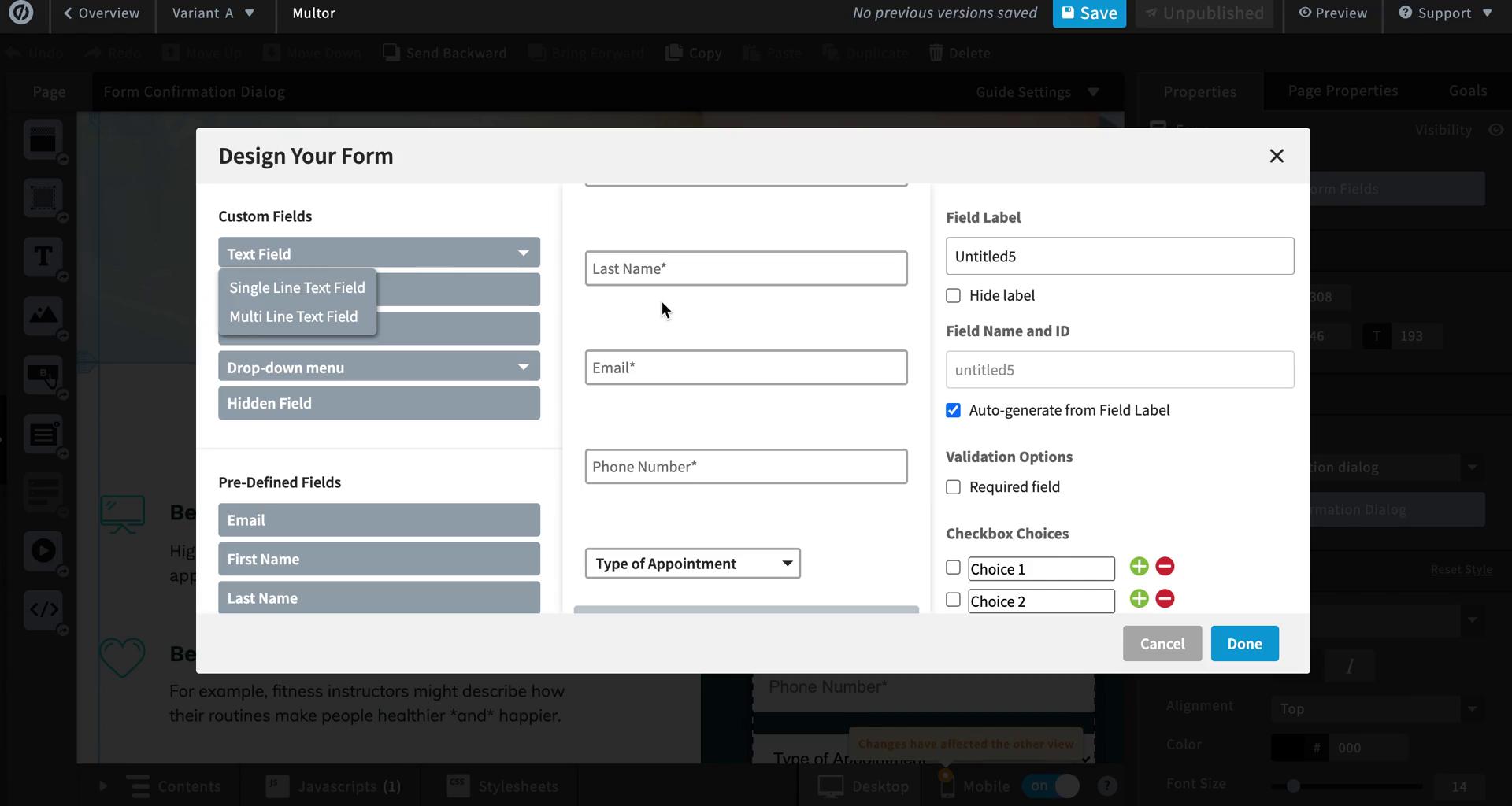
Create form
this is title
Page editor
this is title
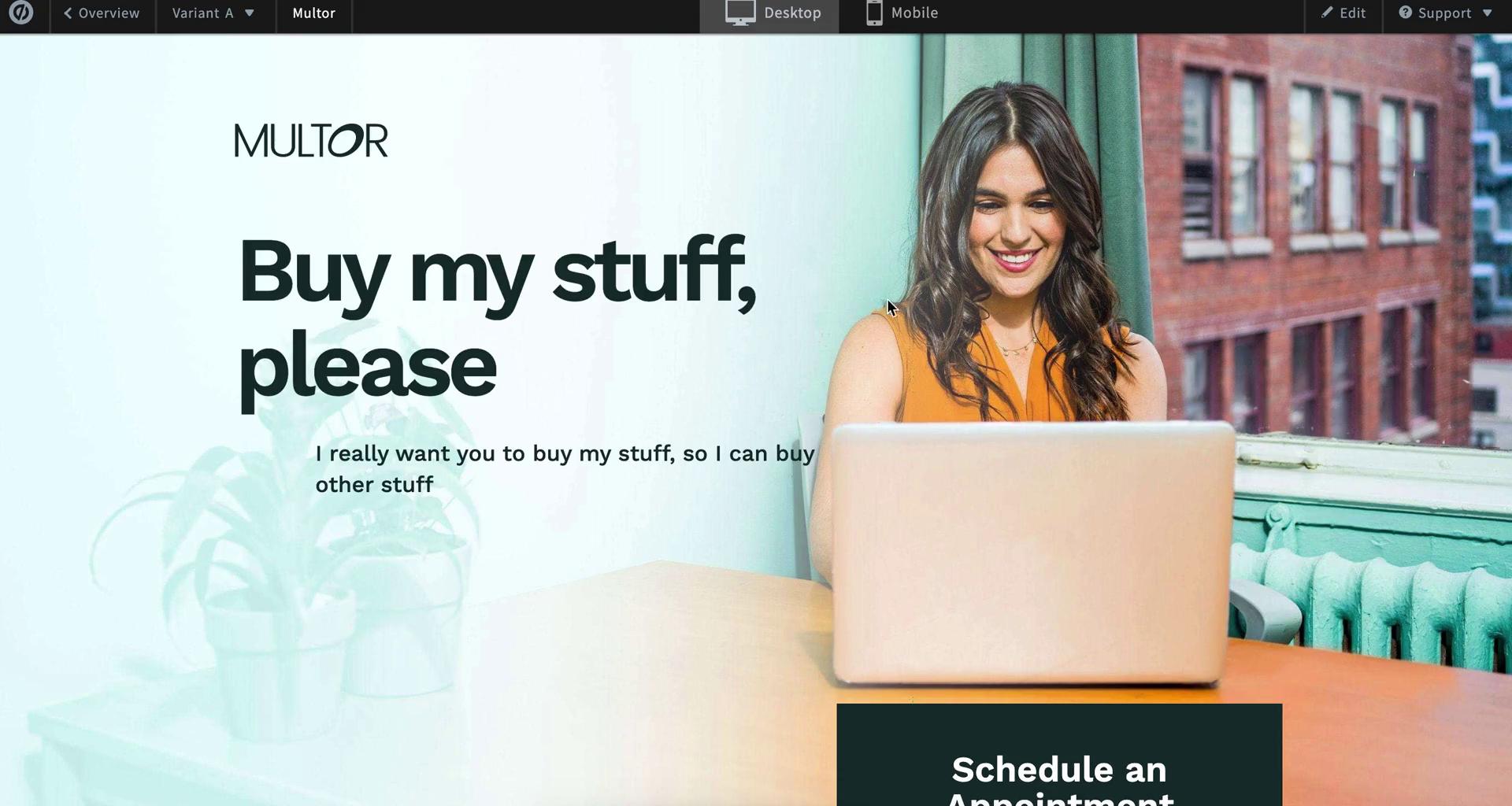
Preview
this is title
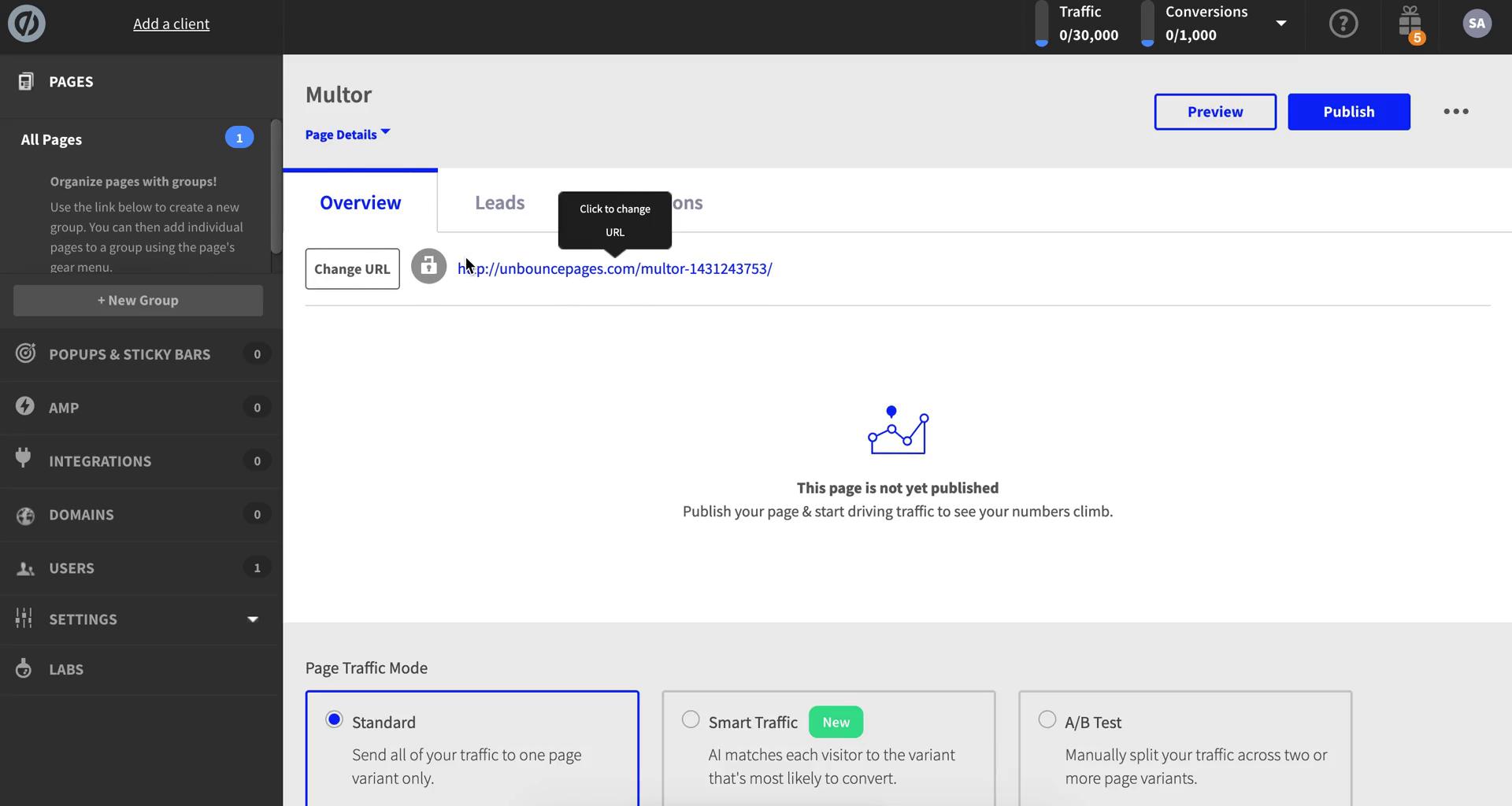
Landing page details
this is title
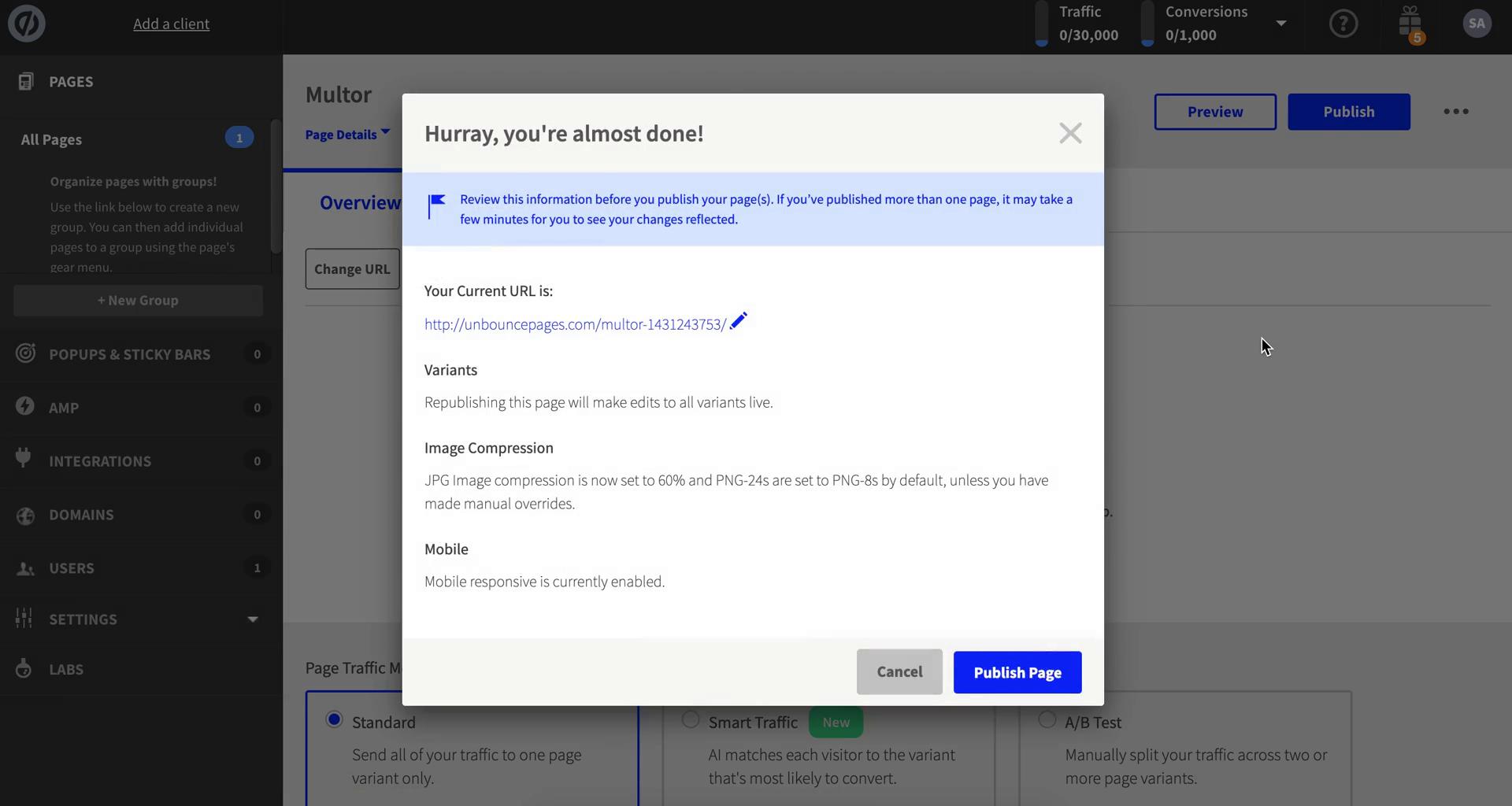
Publish
this is title
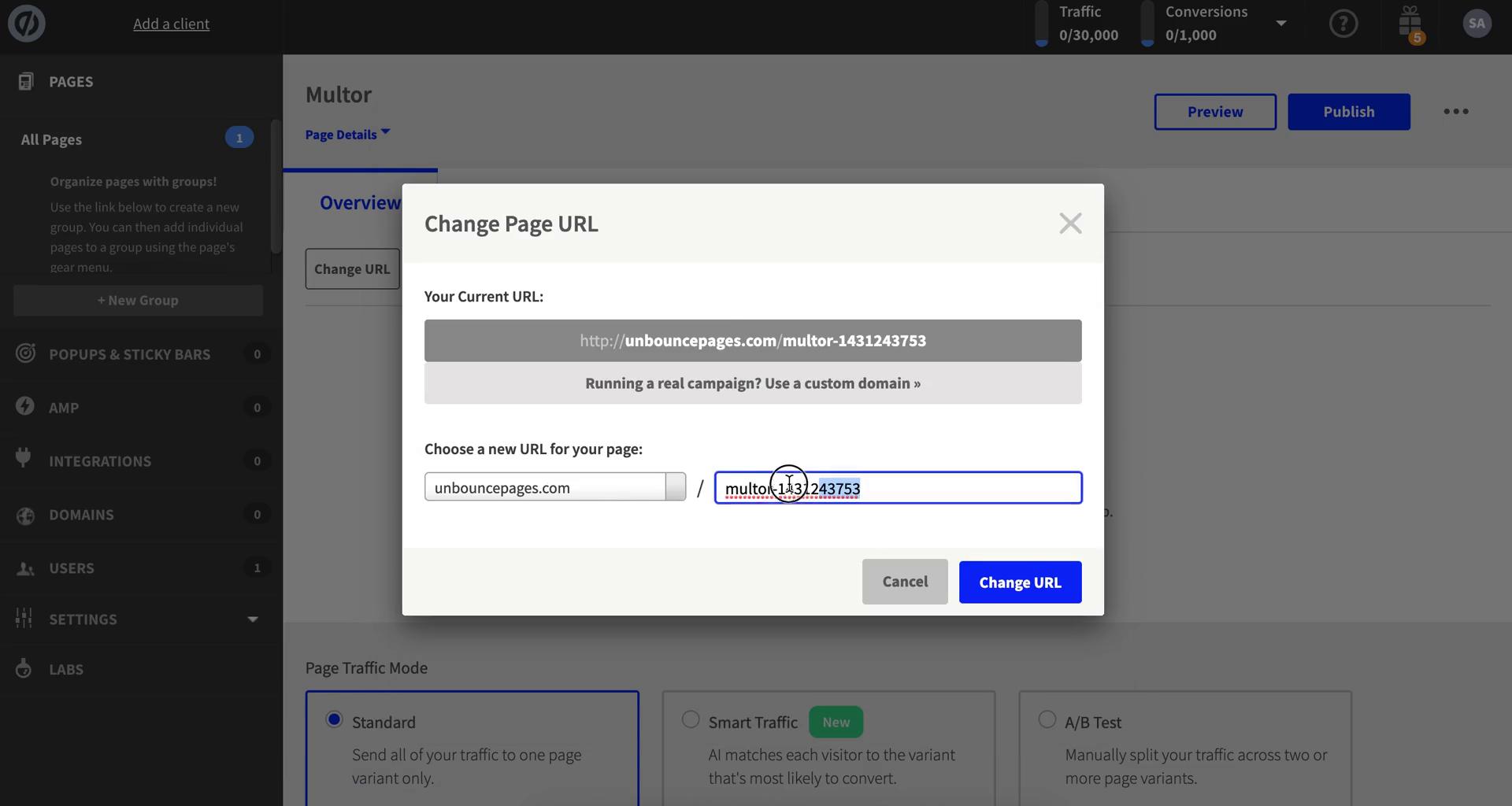
Change URL
this is title
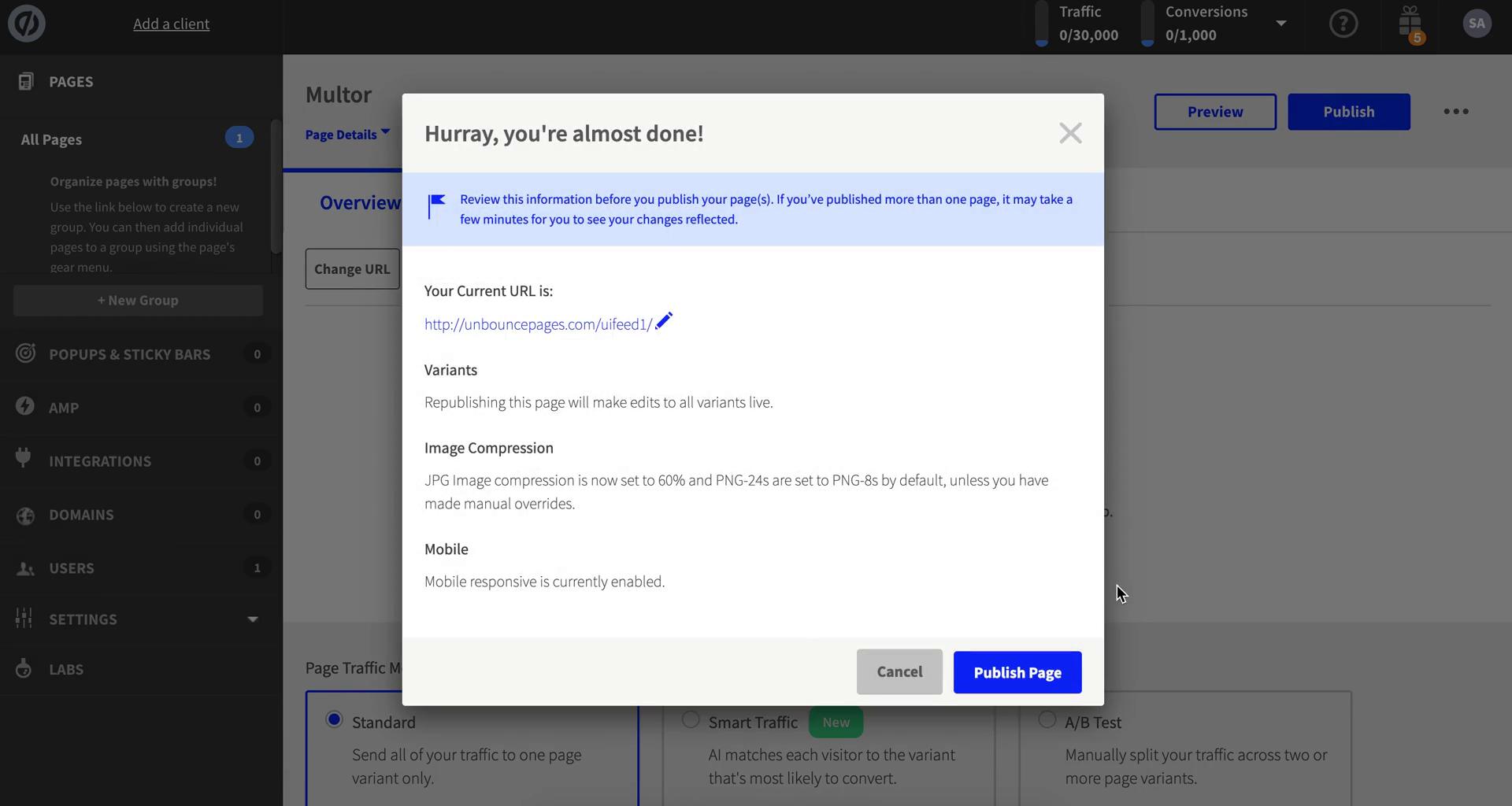
Publish
this is title
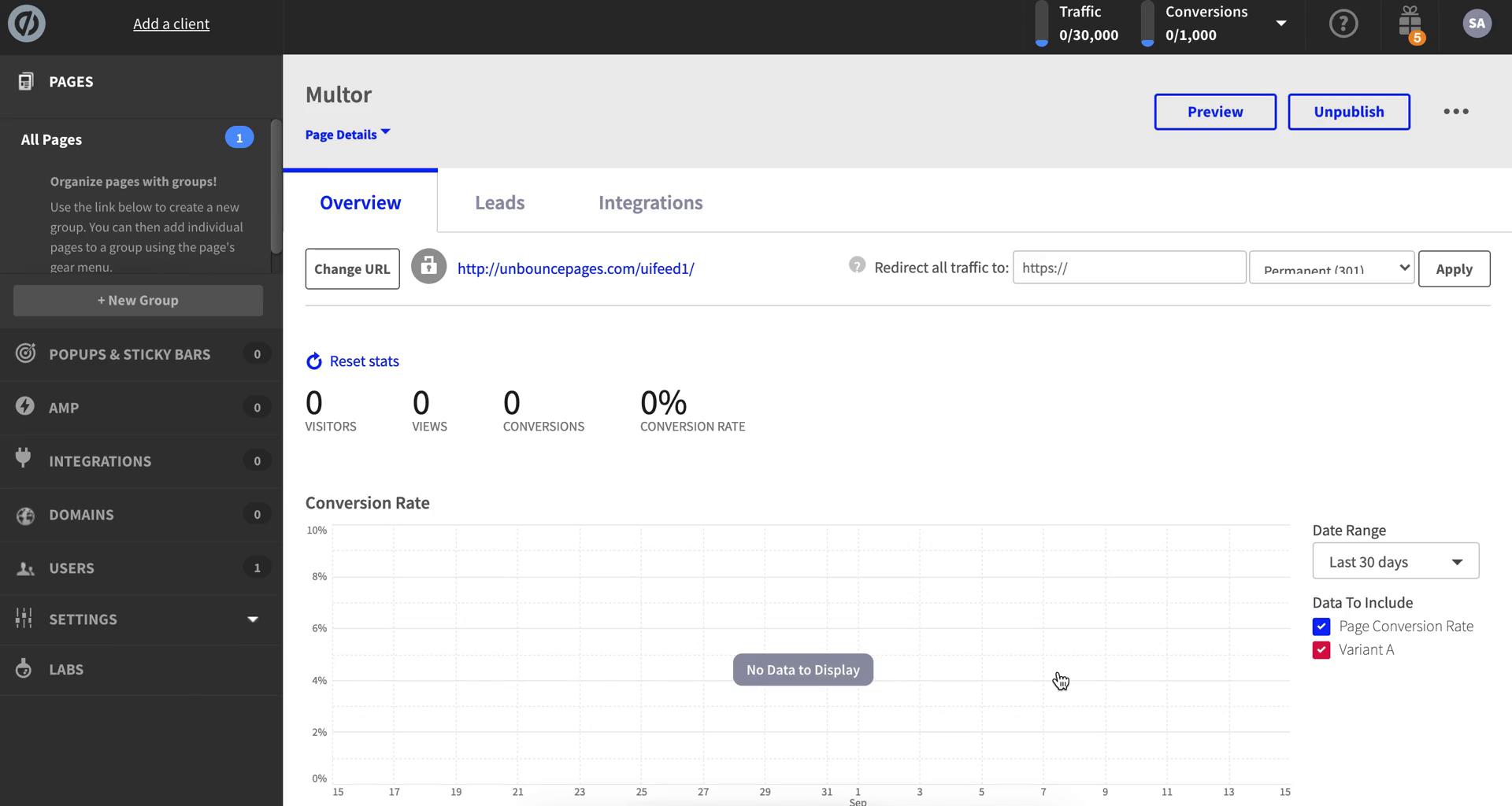
Landing page details
this is title
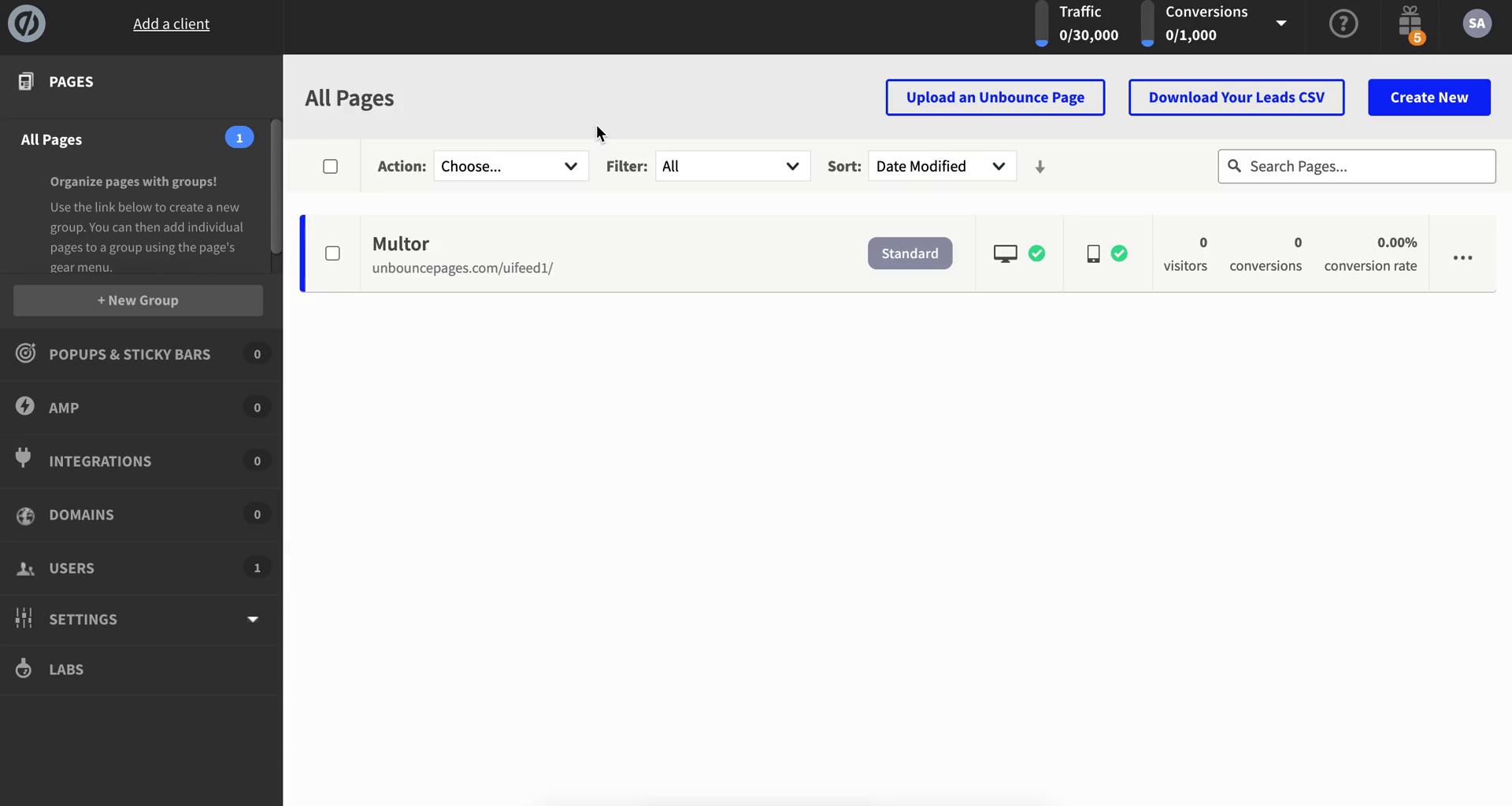
Dashboard
this is title
Dashboard
this is title
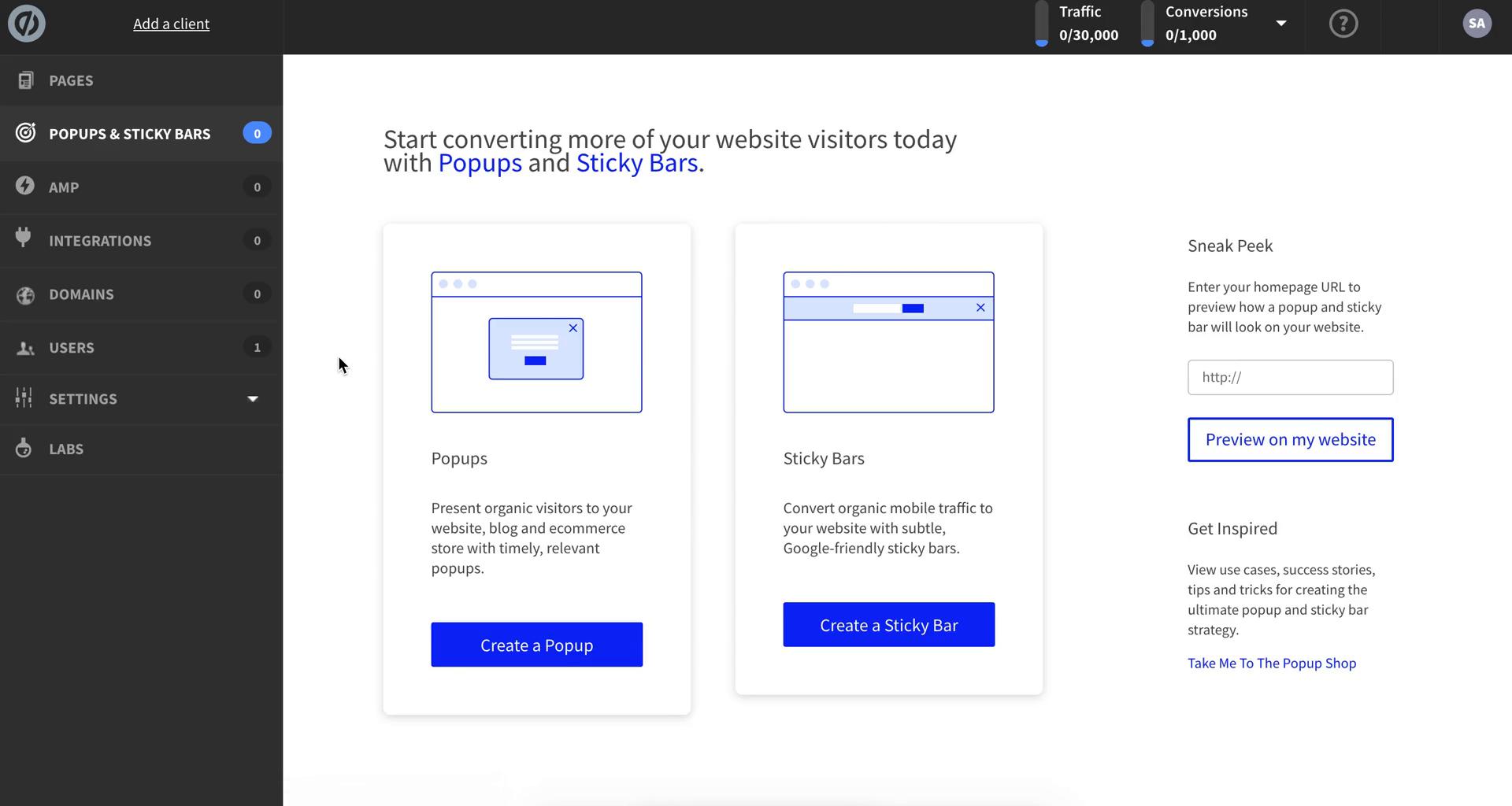
Pop-ups
this is title
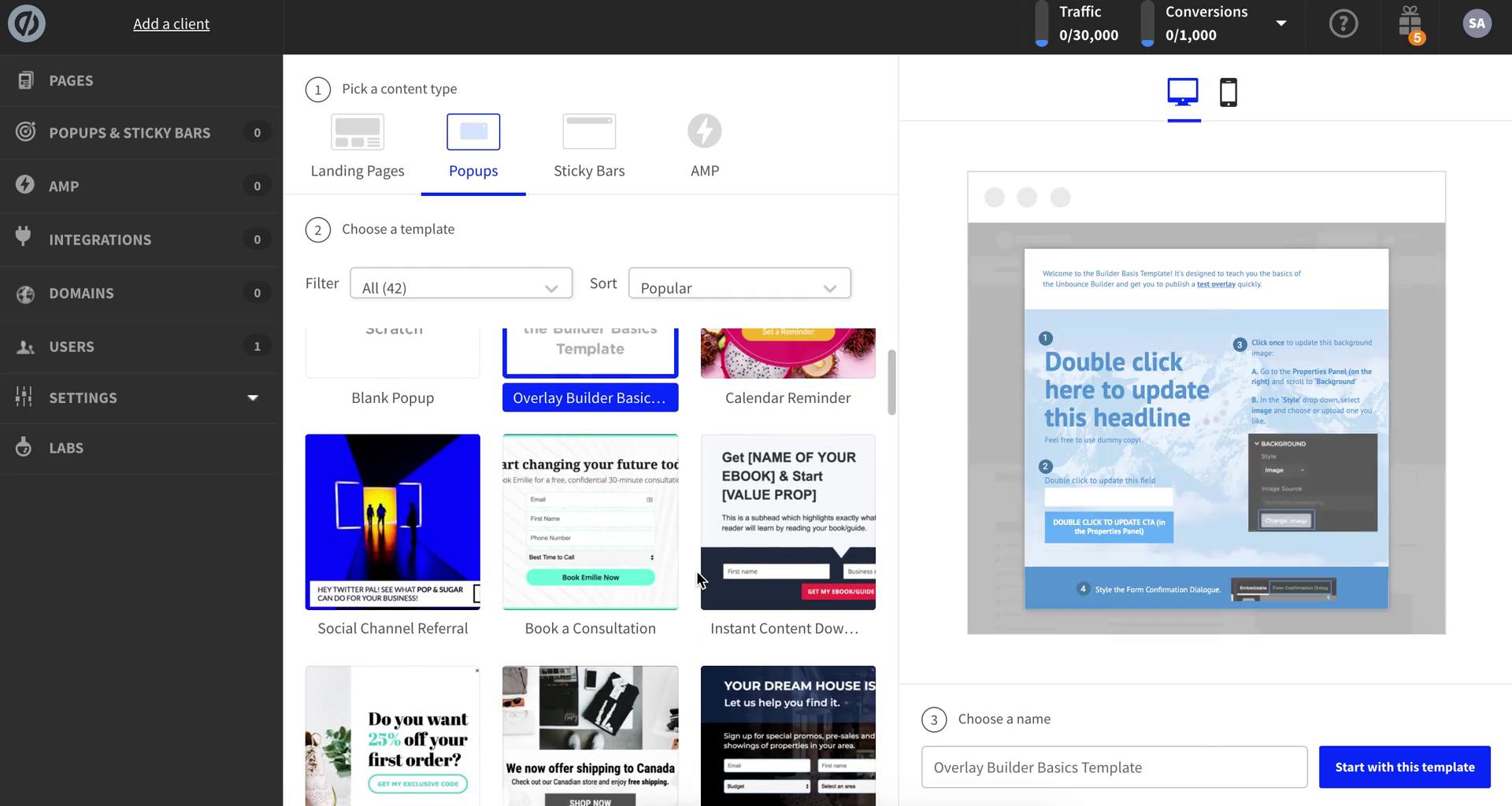
Select template
this is title
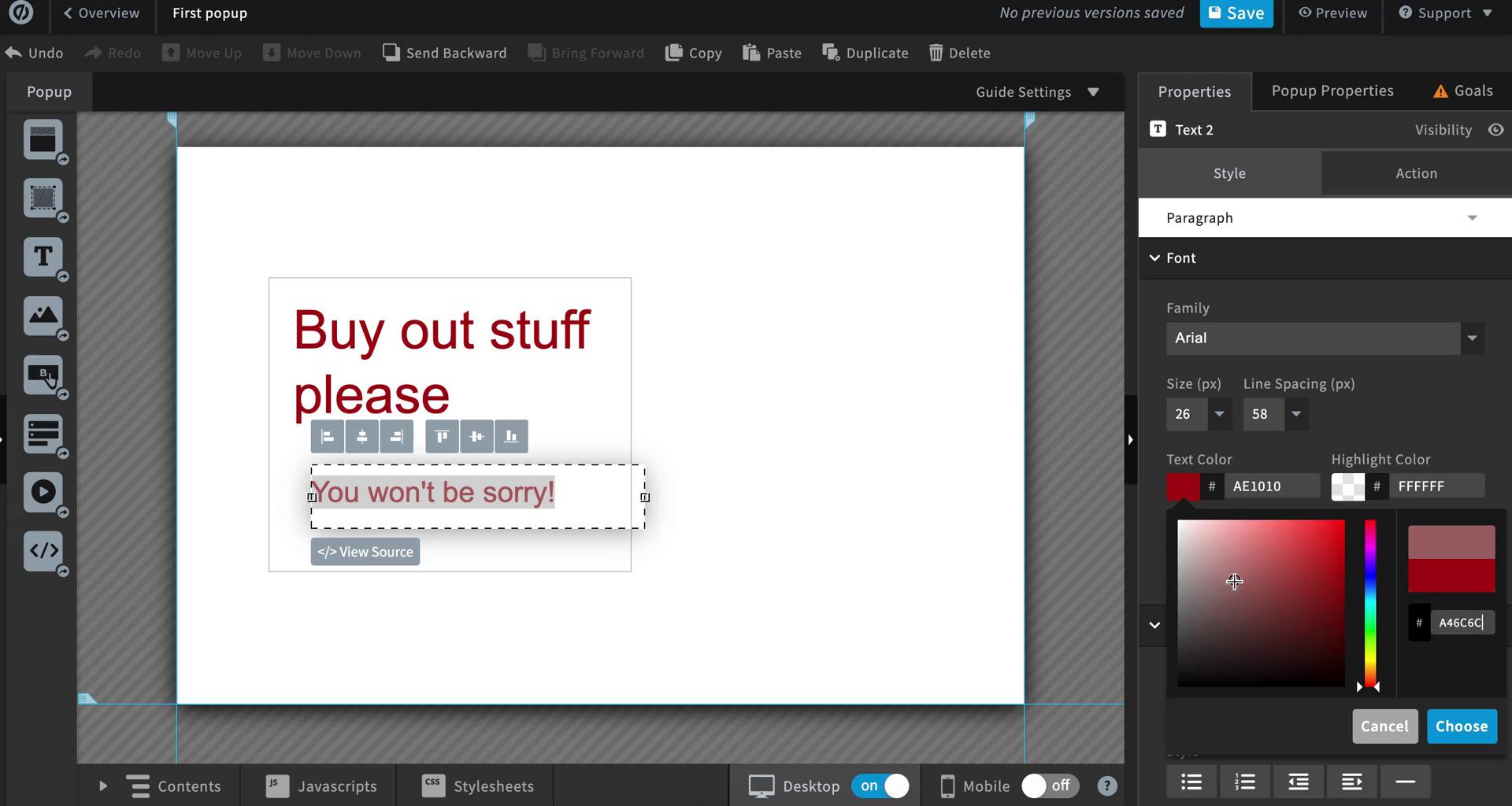
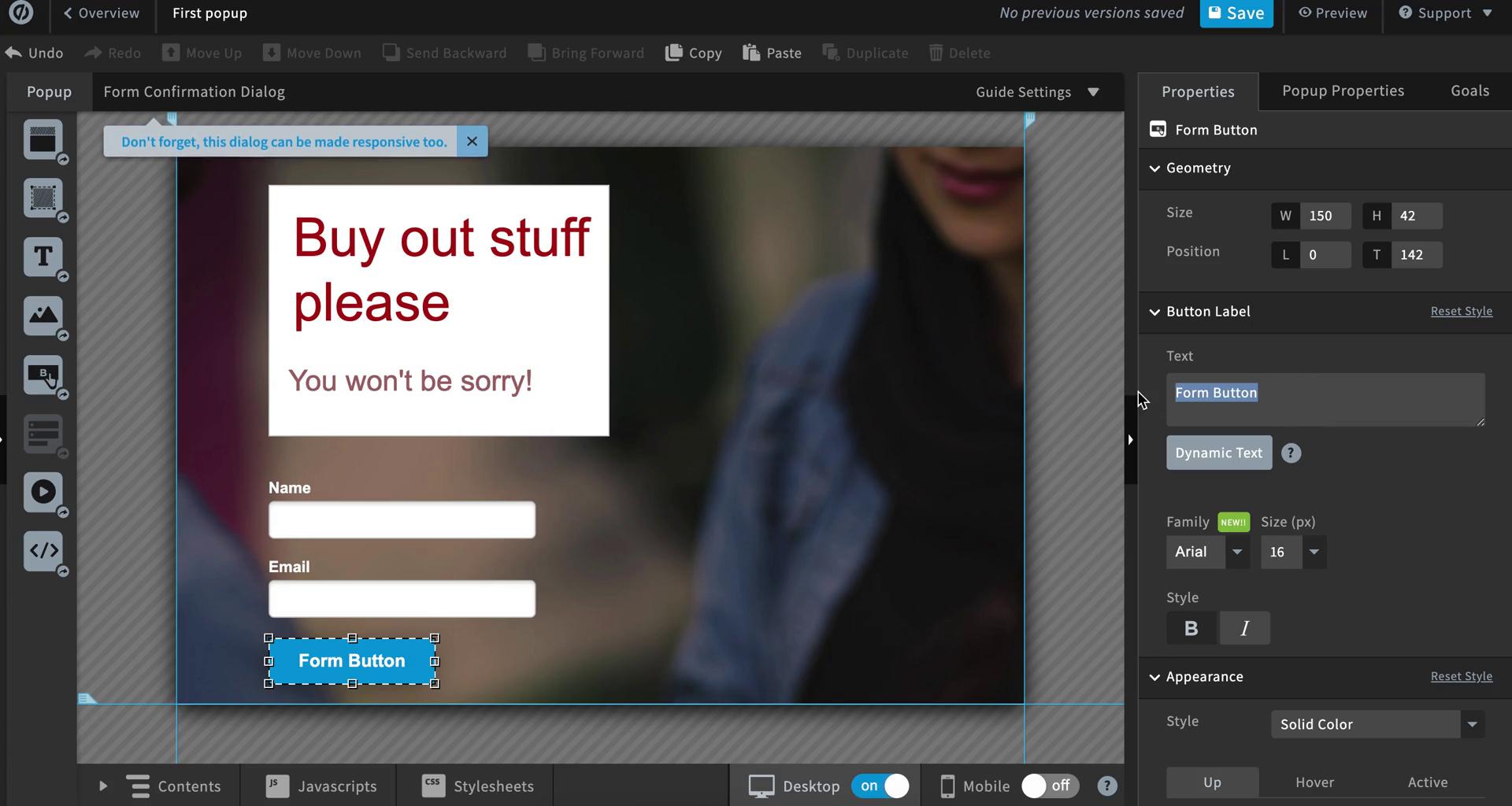
Pop-up editor
this is title
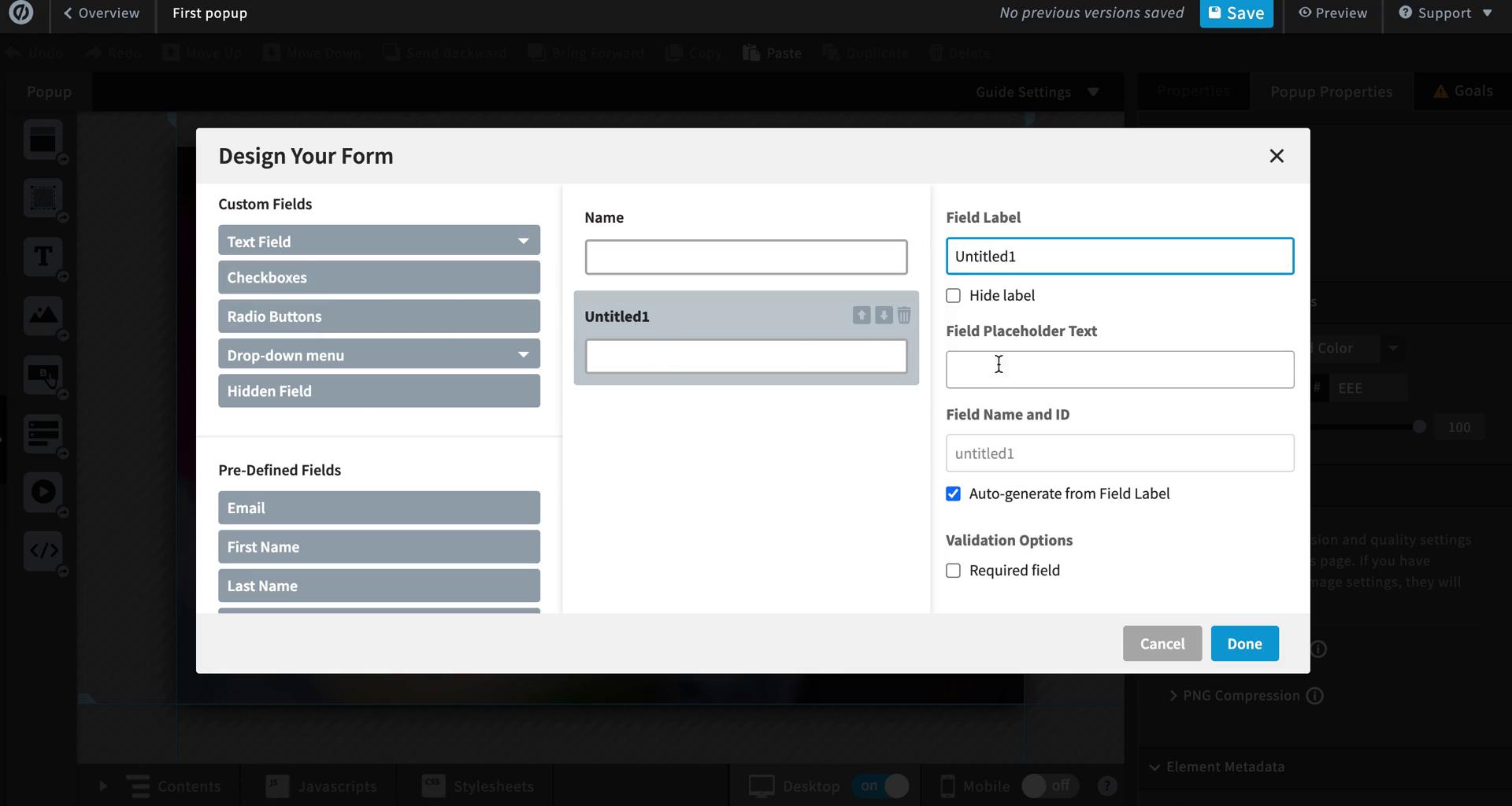
Create form
this is title
Pop-up editor
this is title
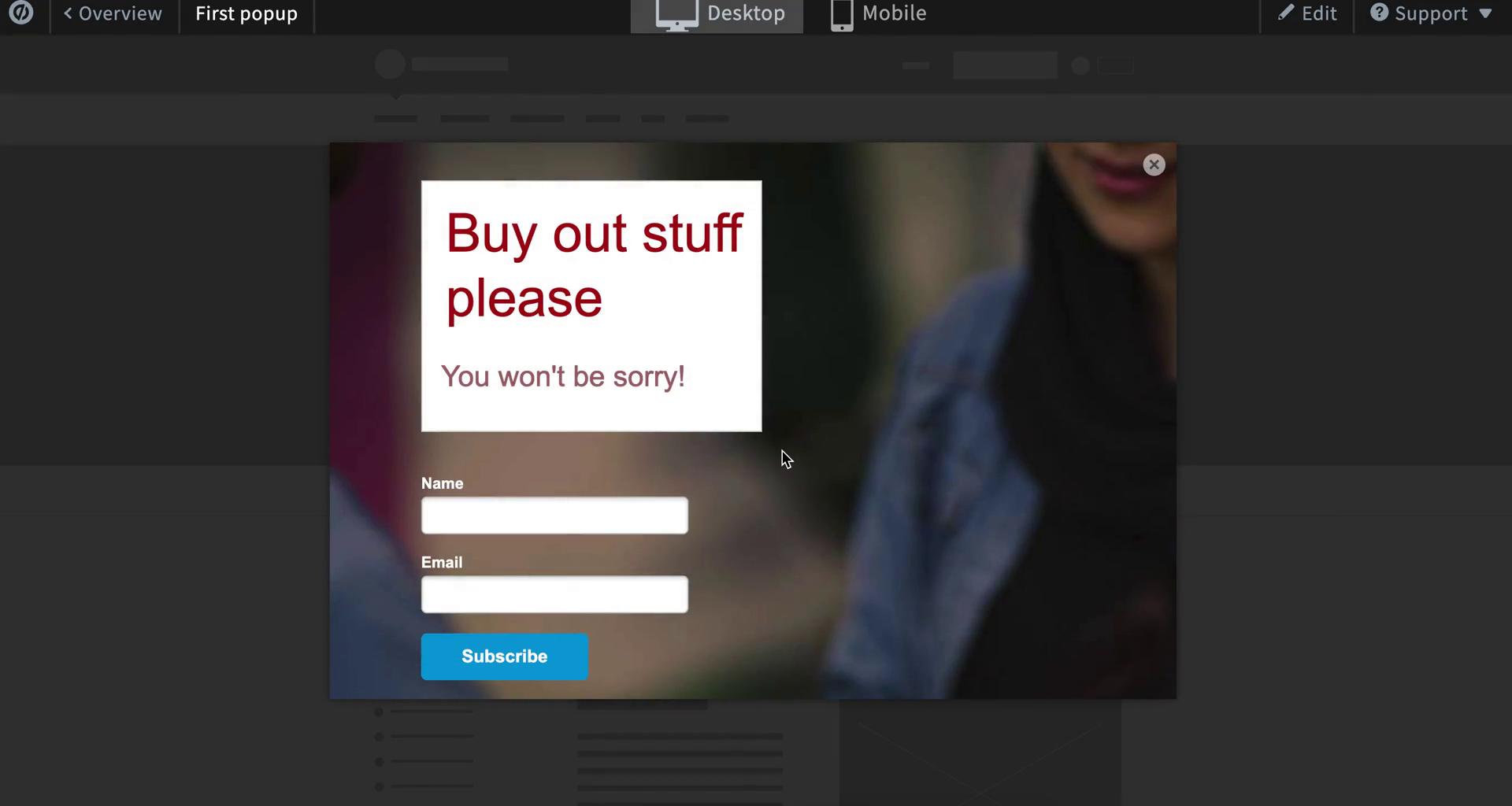
Preview
this is title
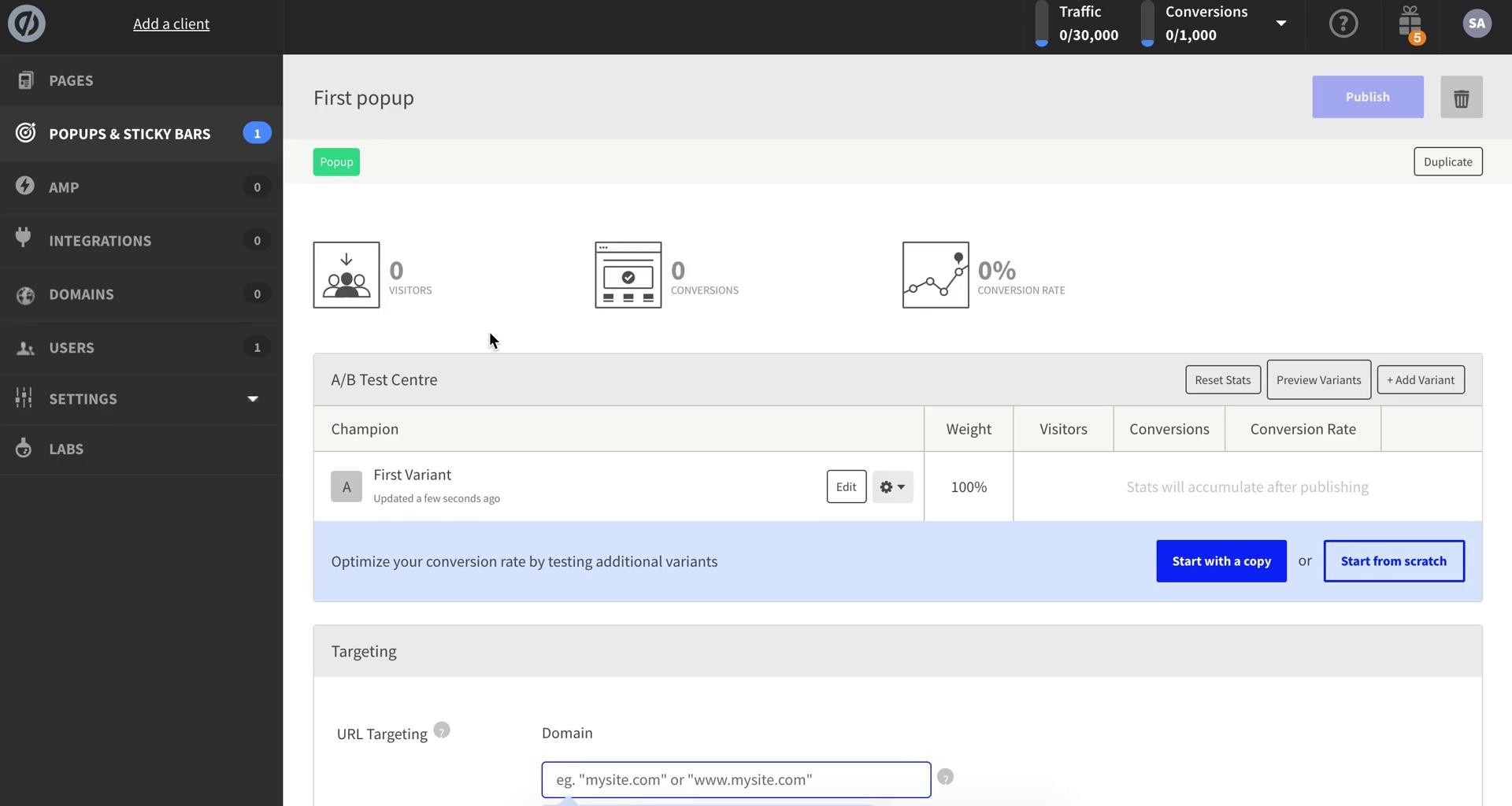
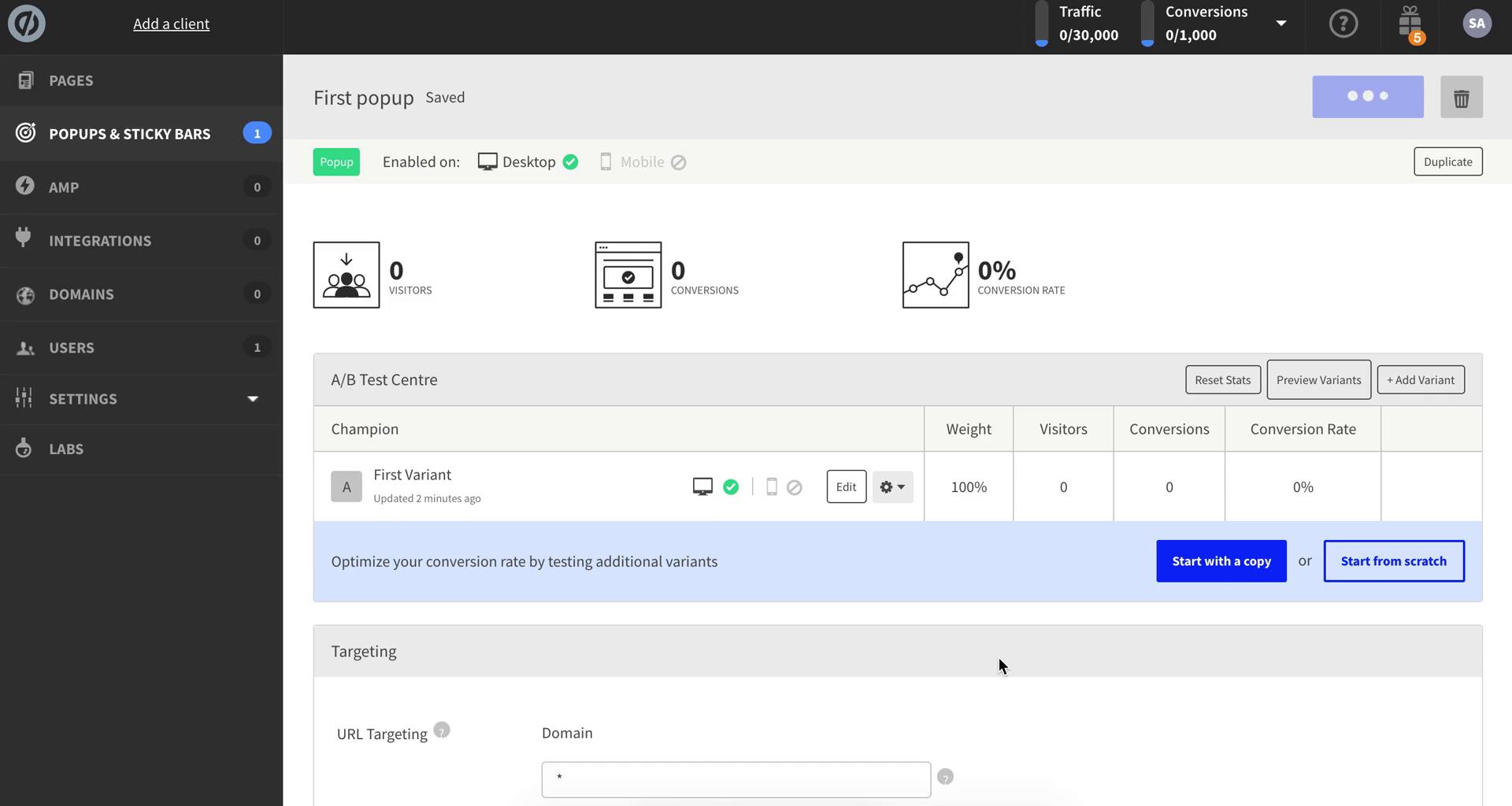
Pop-up details
this is title
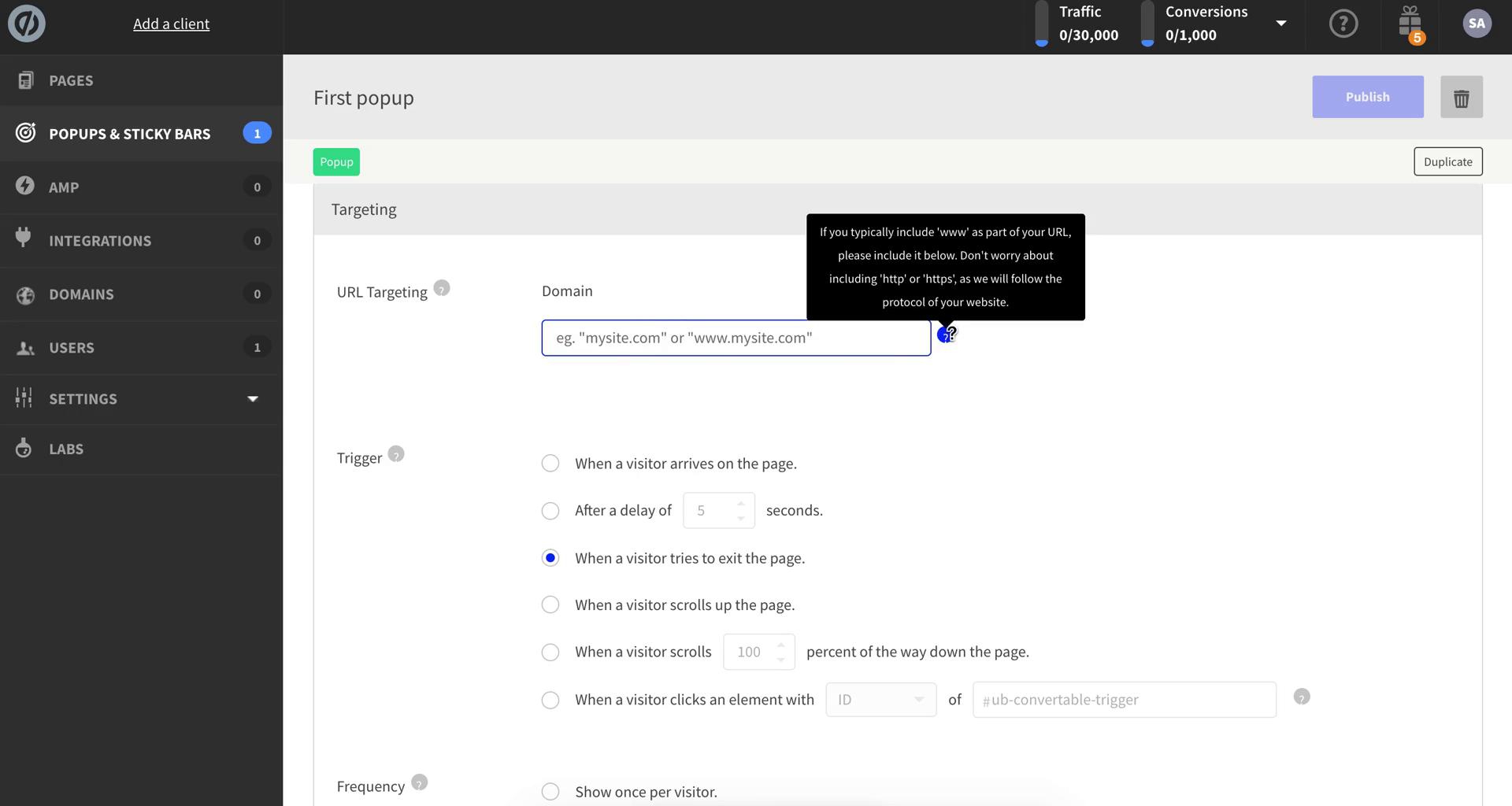
Set targeting
this is title
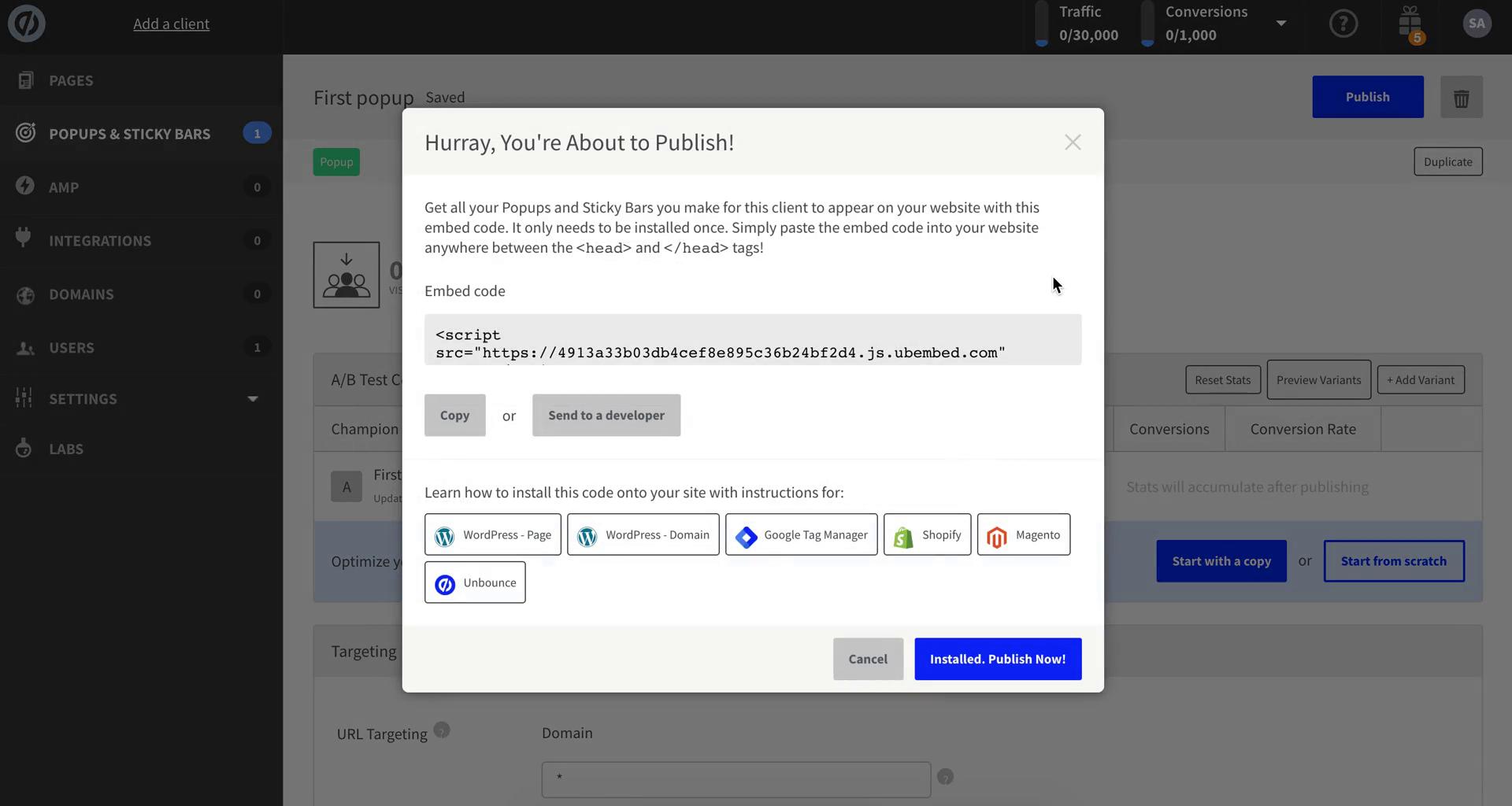
Publish
this is title
Pop-up details
this is title
Dashboard
this is title
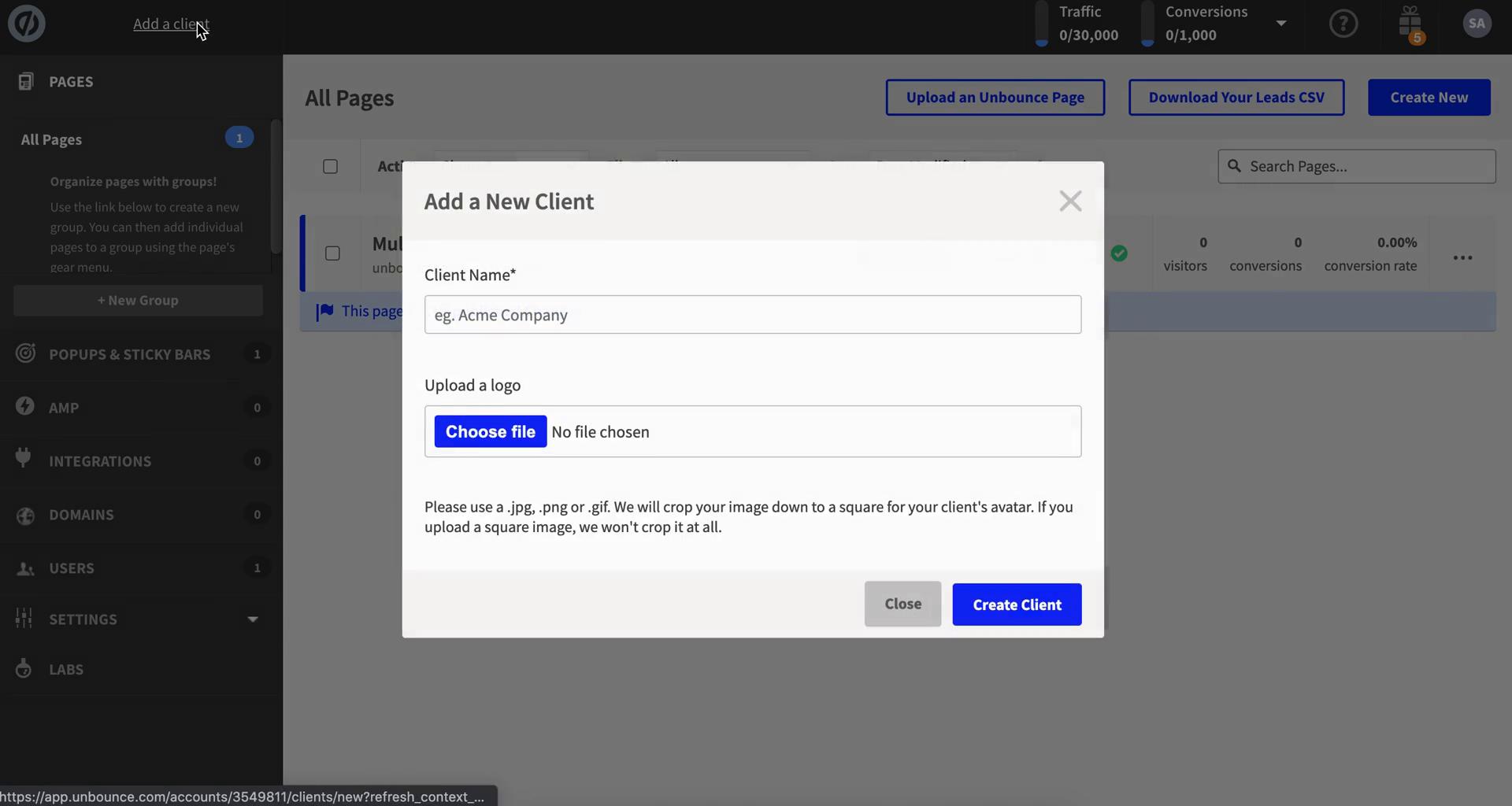
Add client
this is title
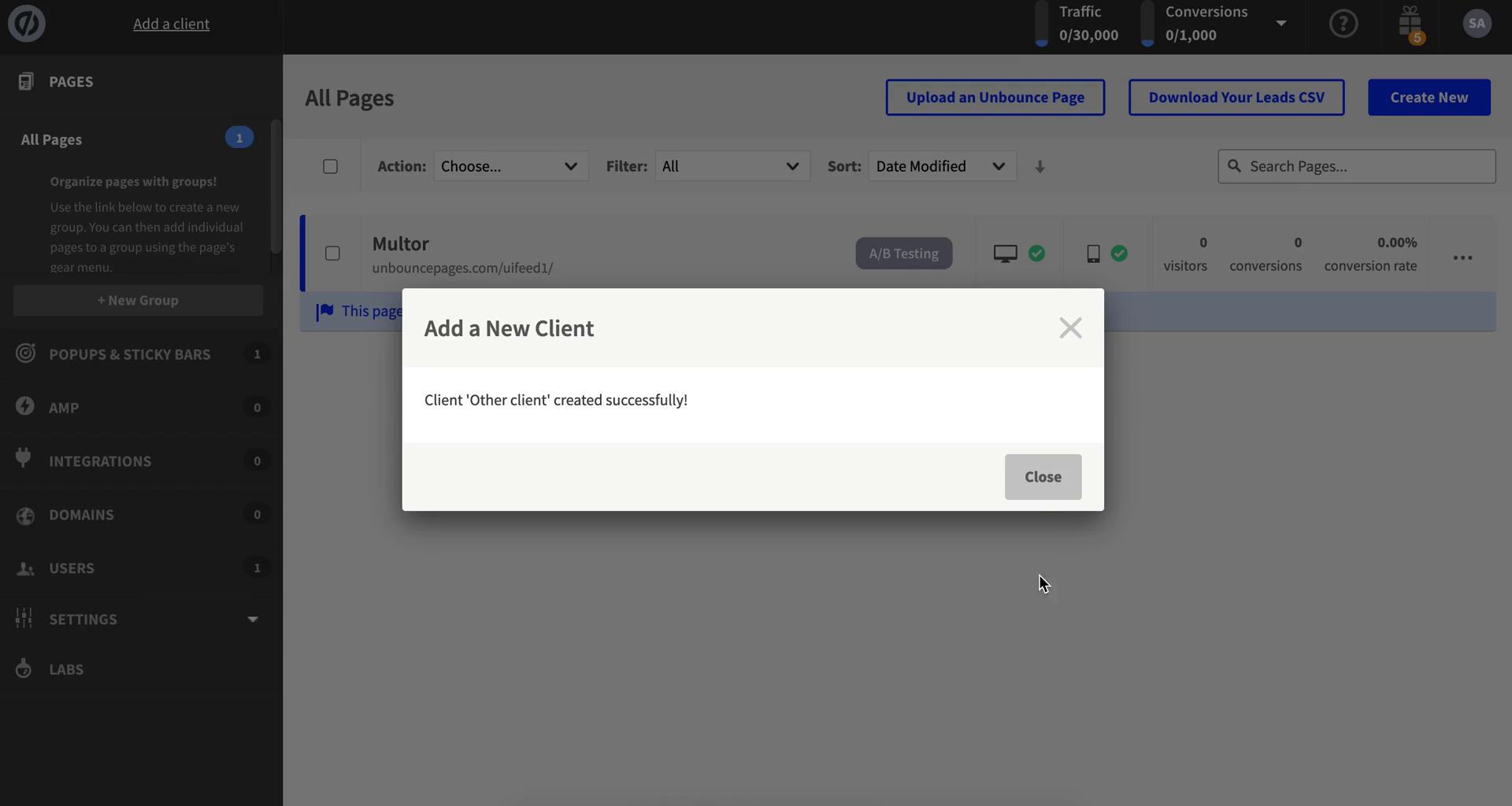
Client added
this is title
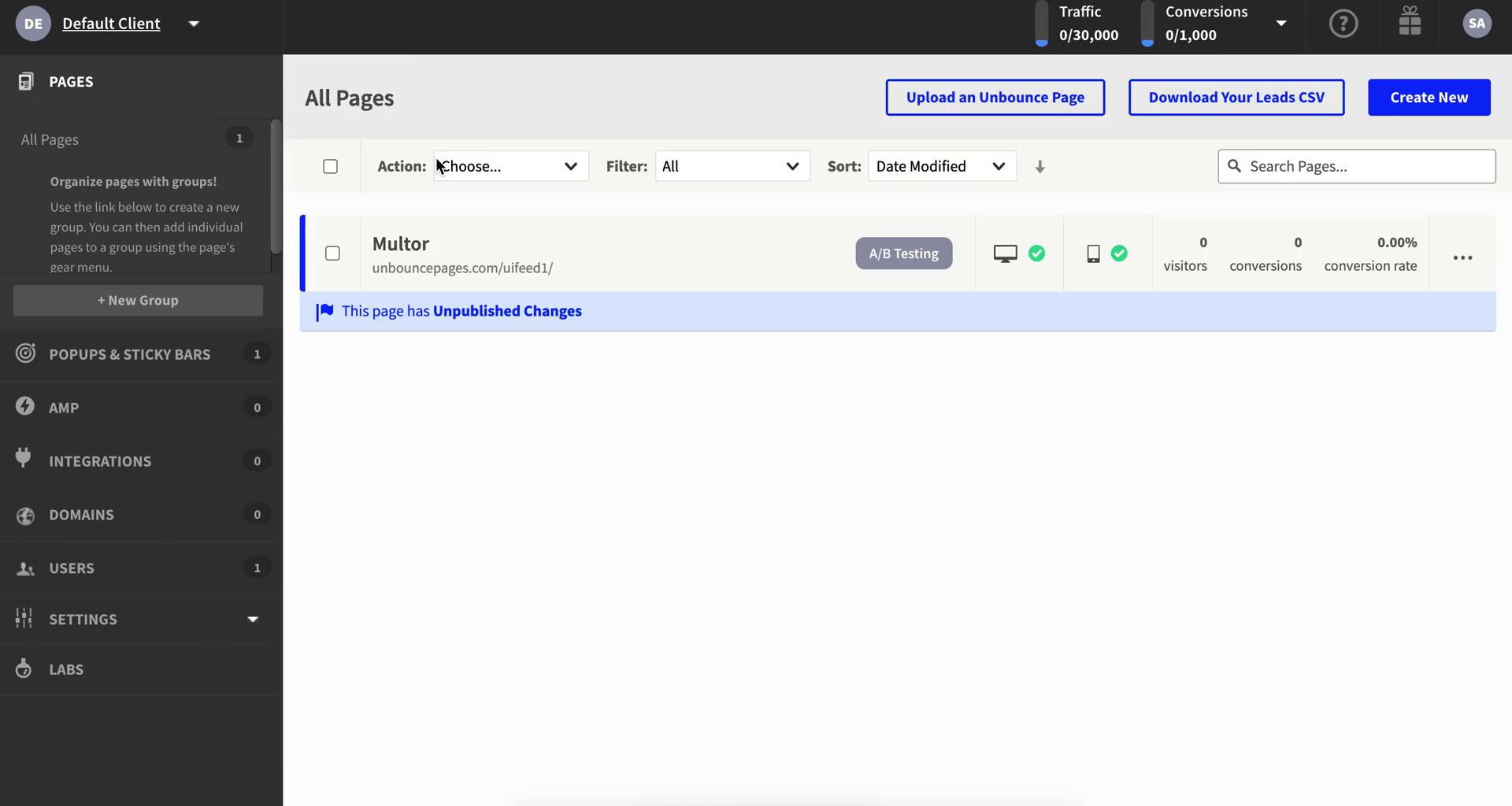
Dashboard
this is title
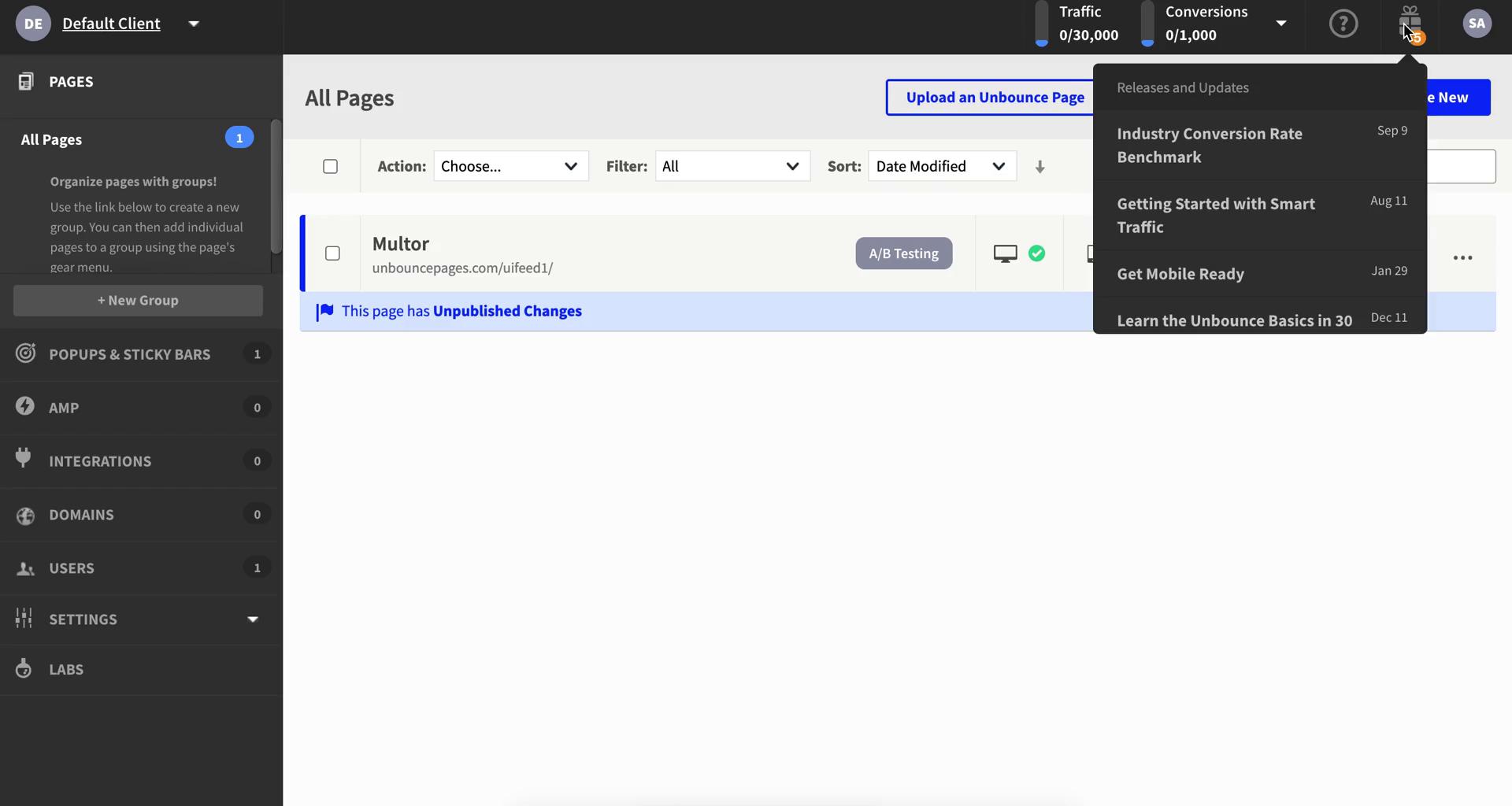
Updates
this is title
Account settings
this is title
Dashboard
this is title
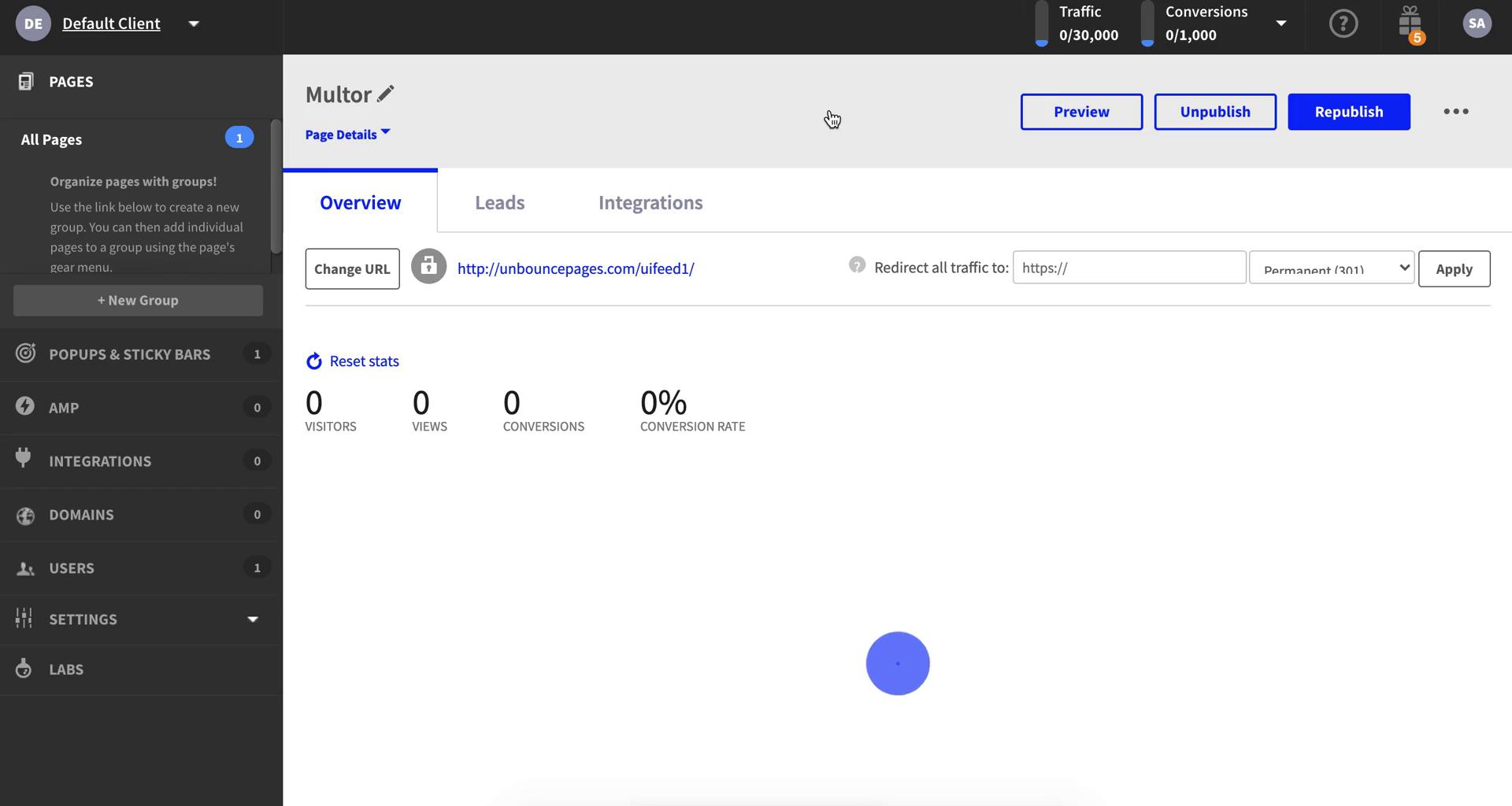
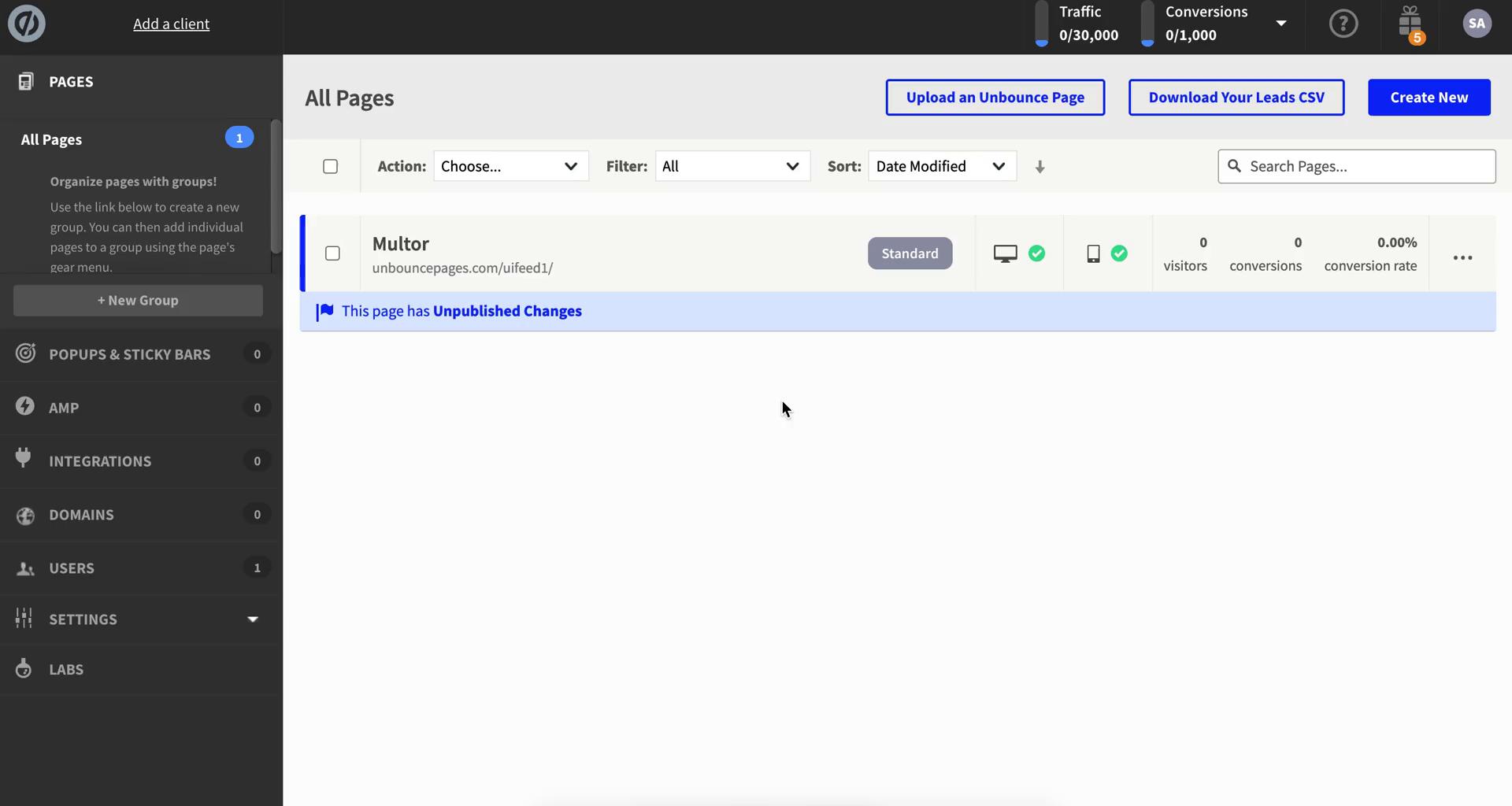
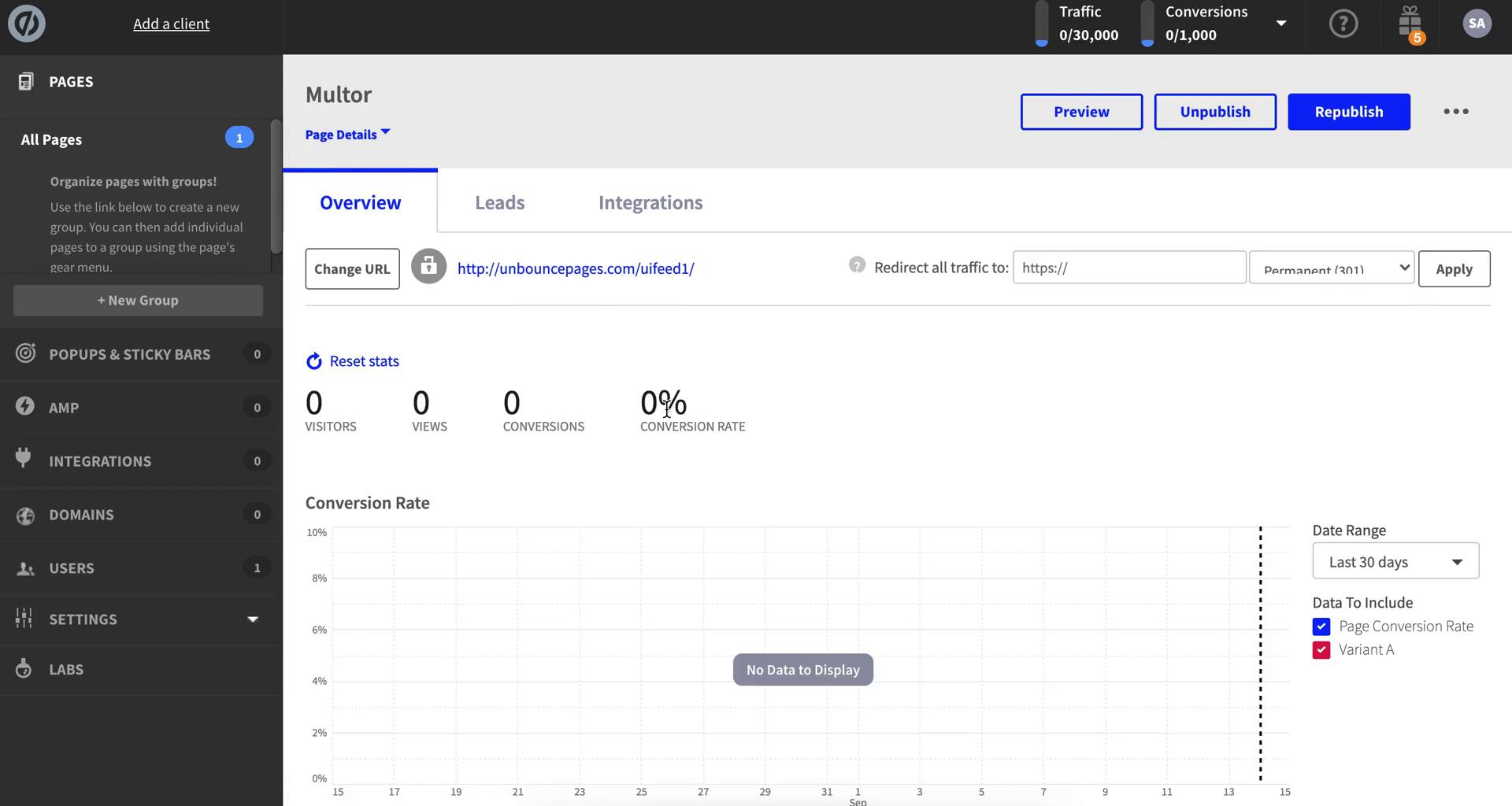
Landing page details
this is title
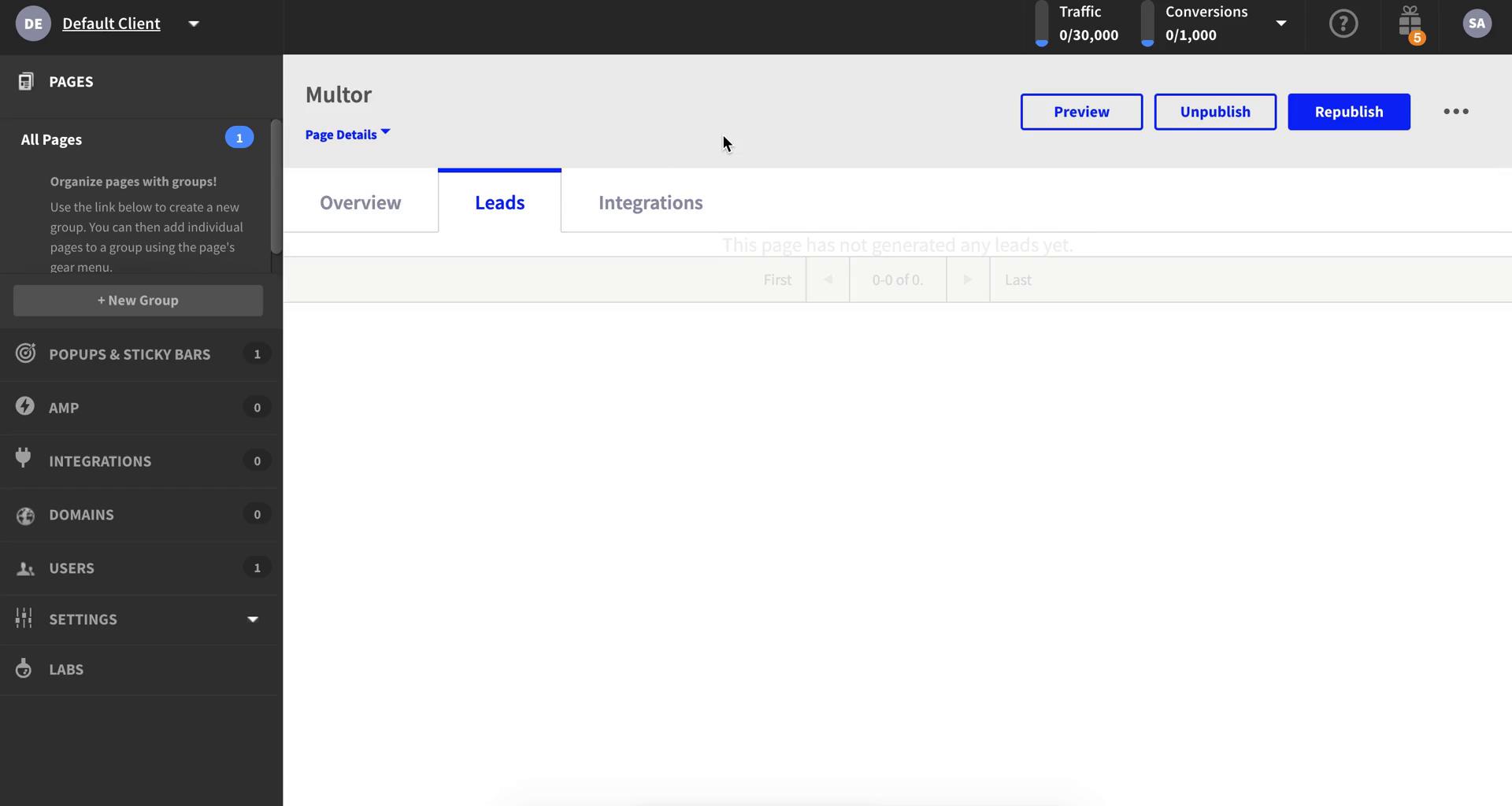
Leads
this is title
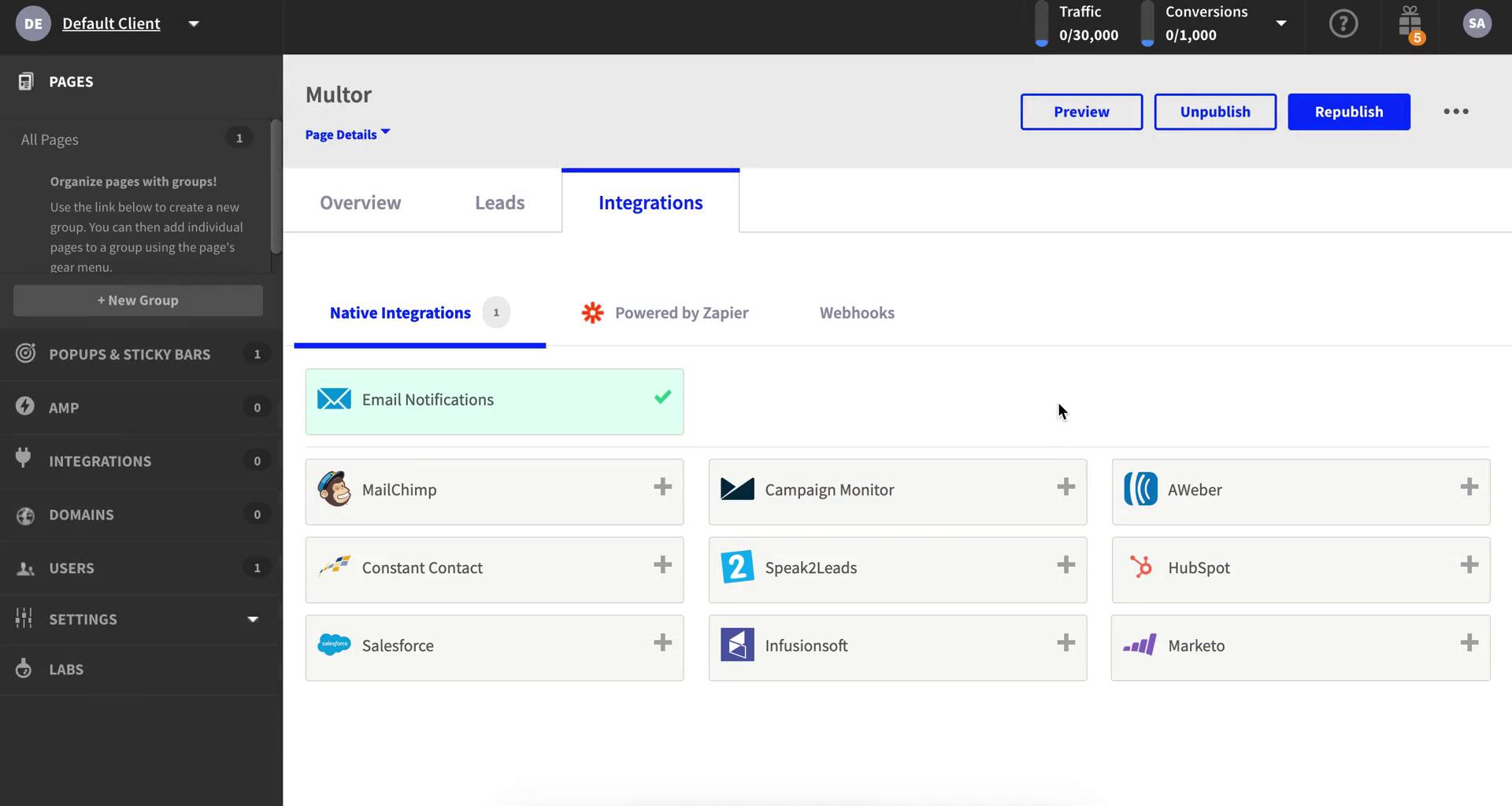
Integrations
this is title
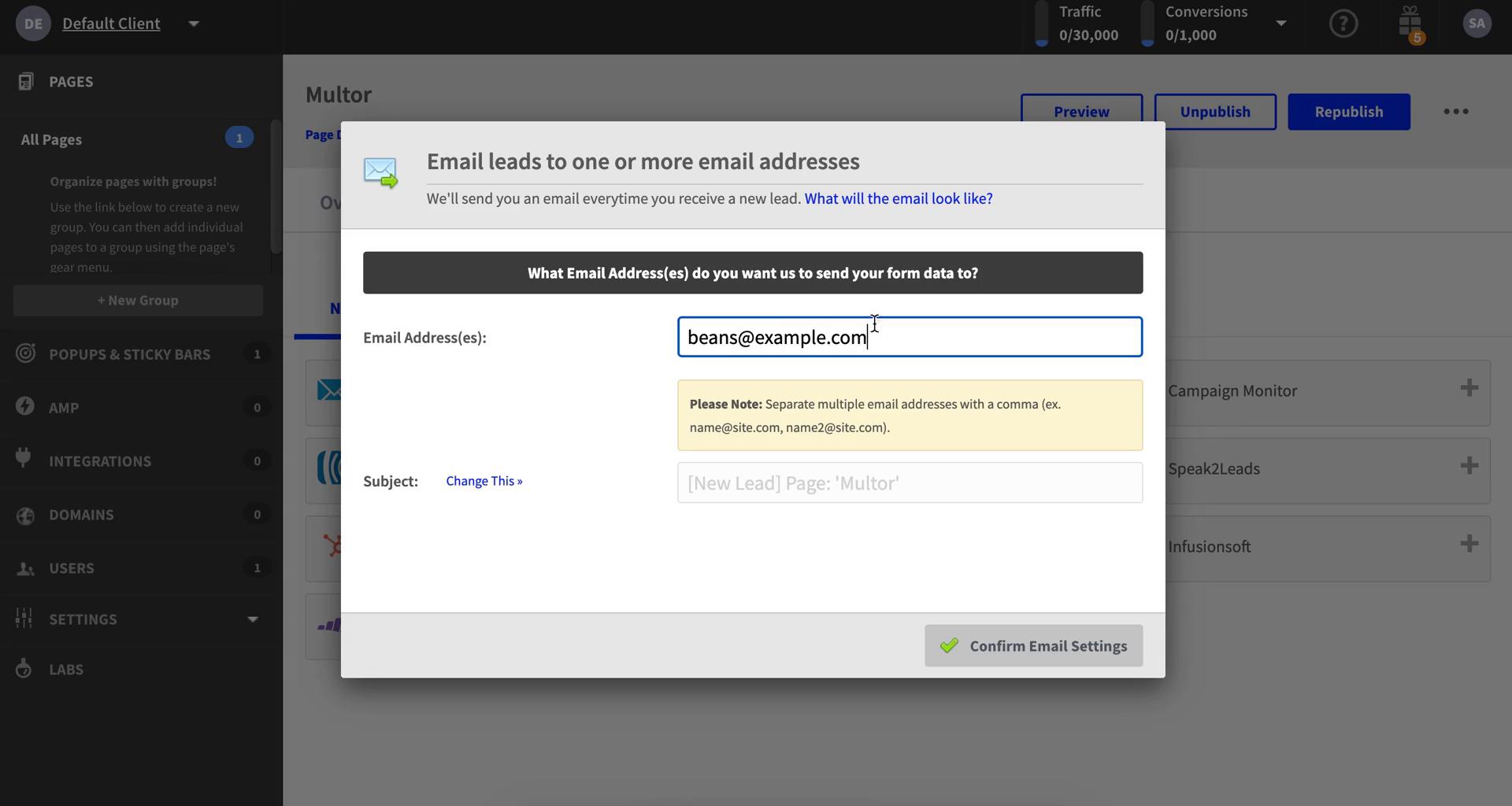
Add email integration
this is title
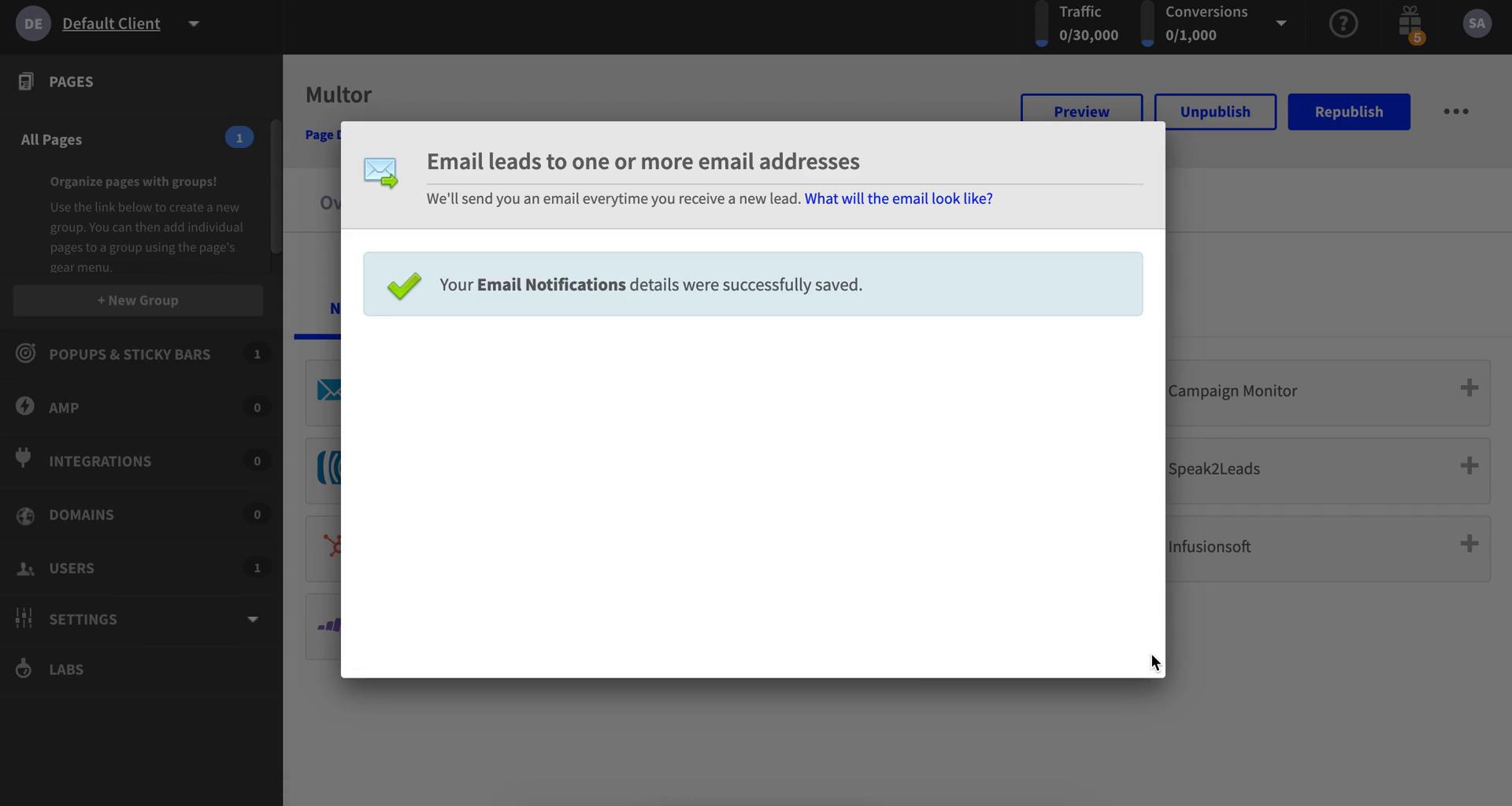
Email added
this is title
Integrations
this is title
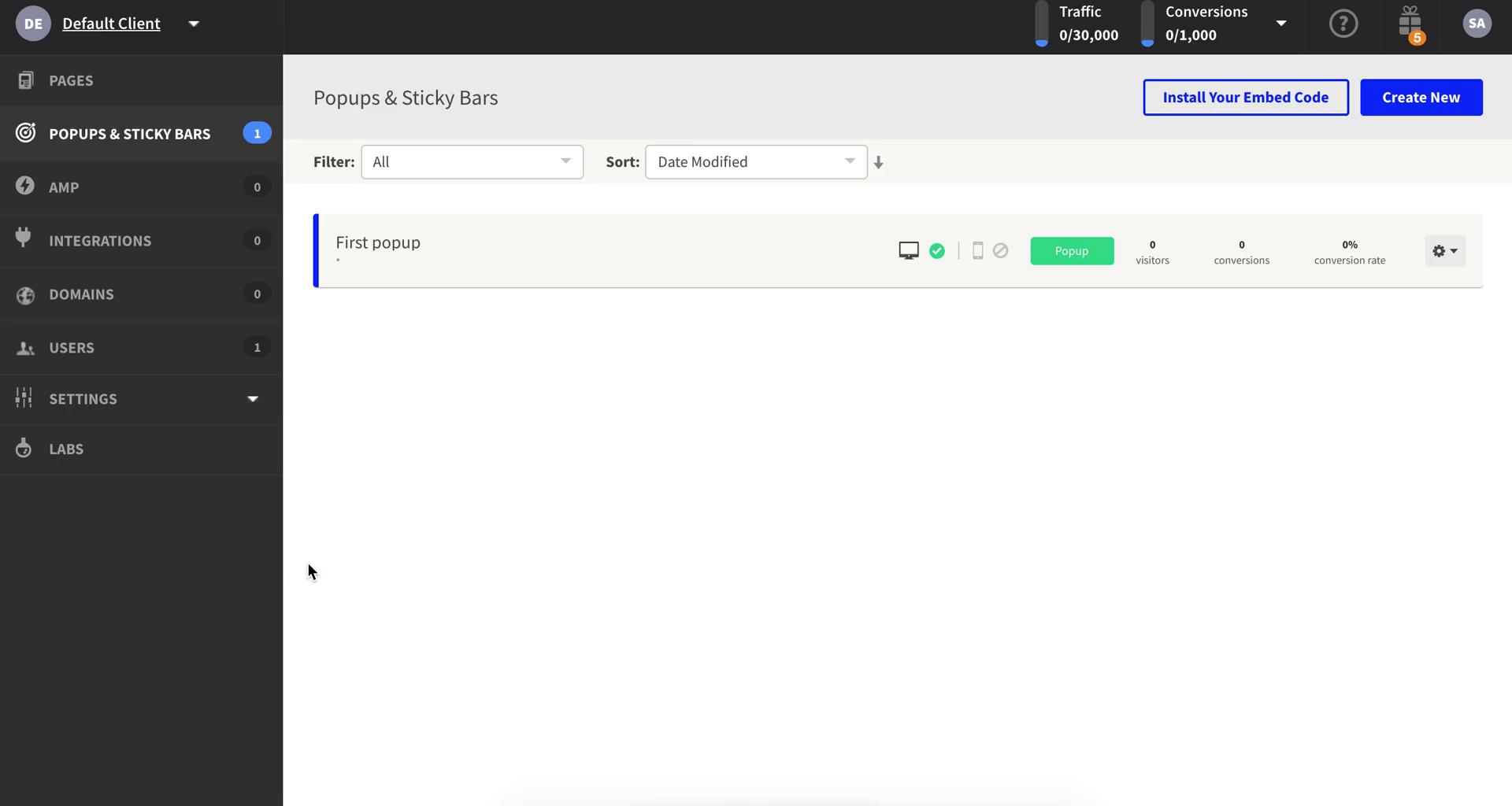
Pop-ups
this is title
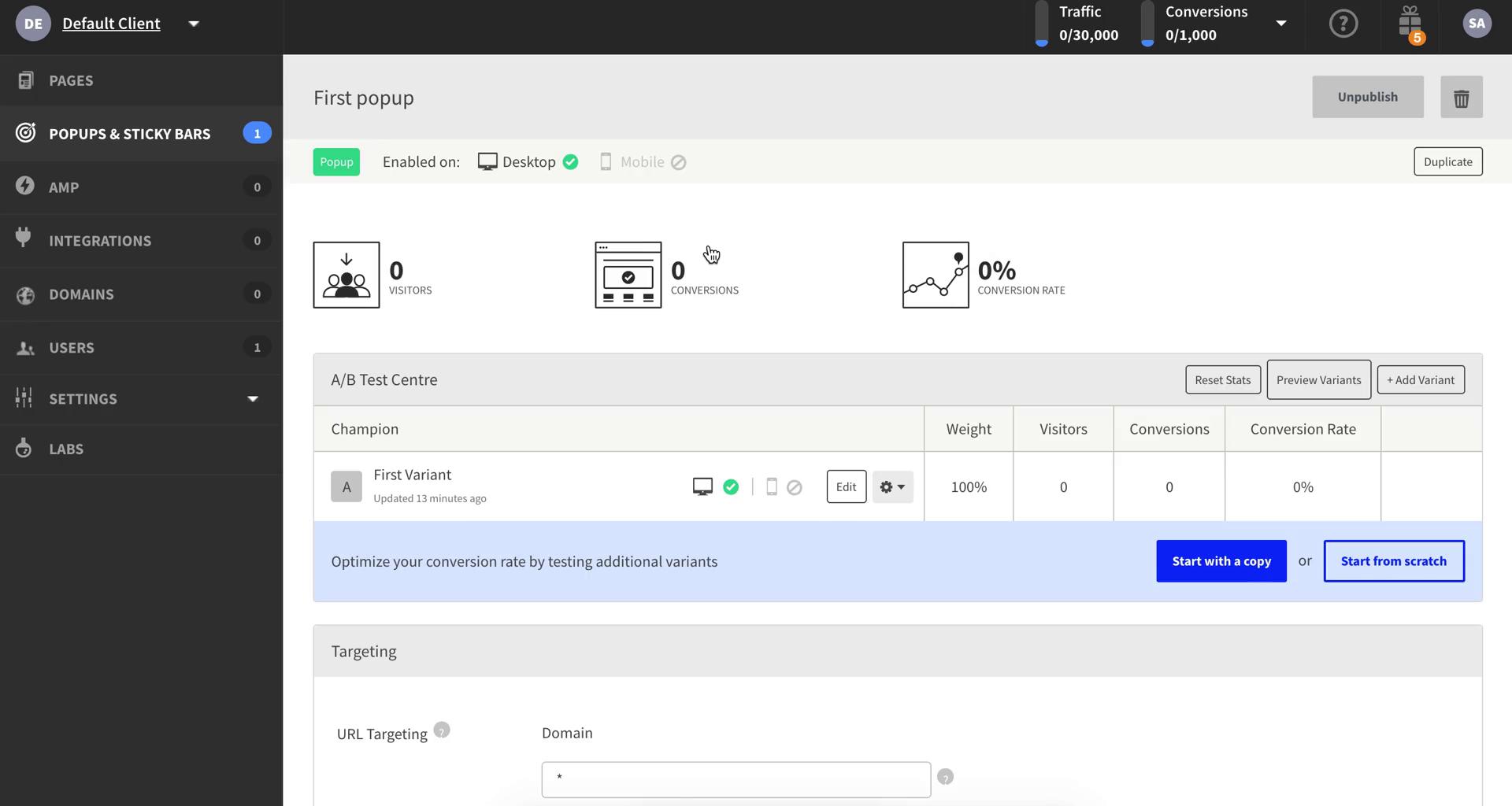
Pop-up details
this is title
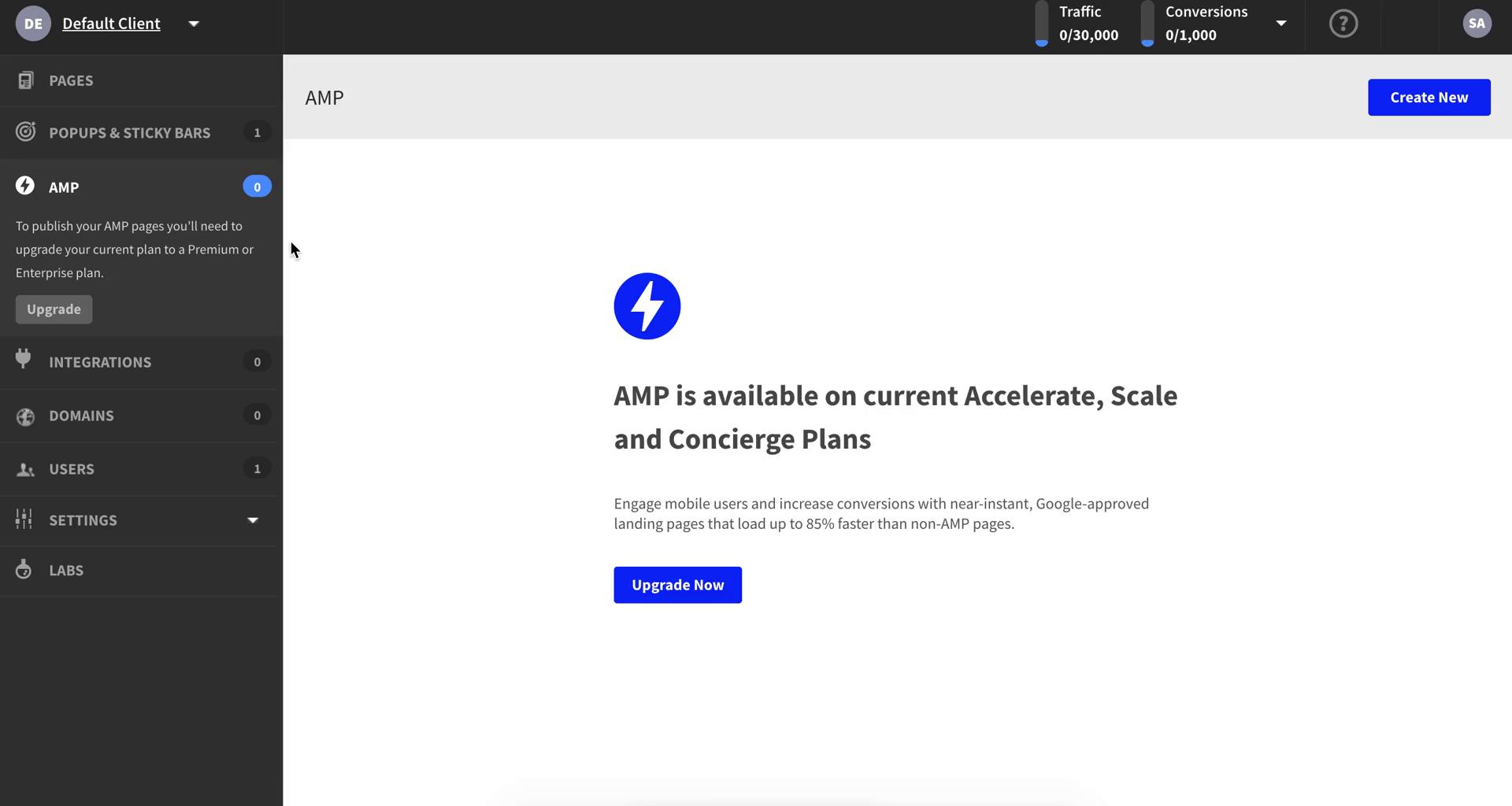
AMP
this is title
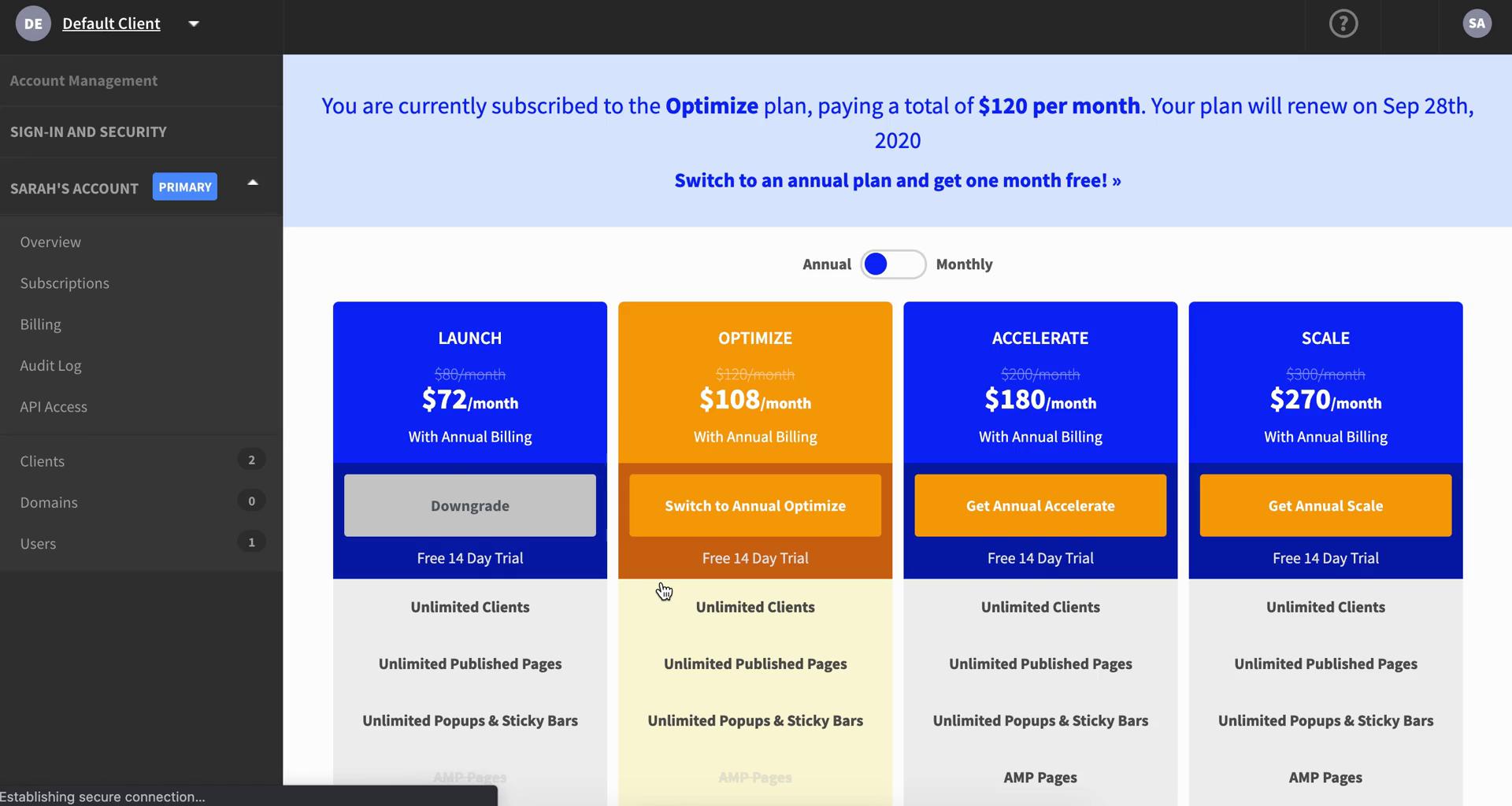
Pricing & plans
this is title
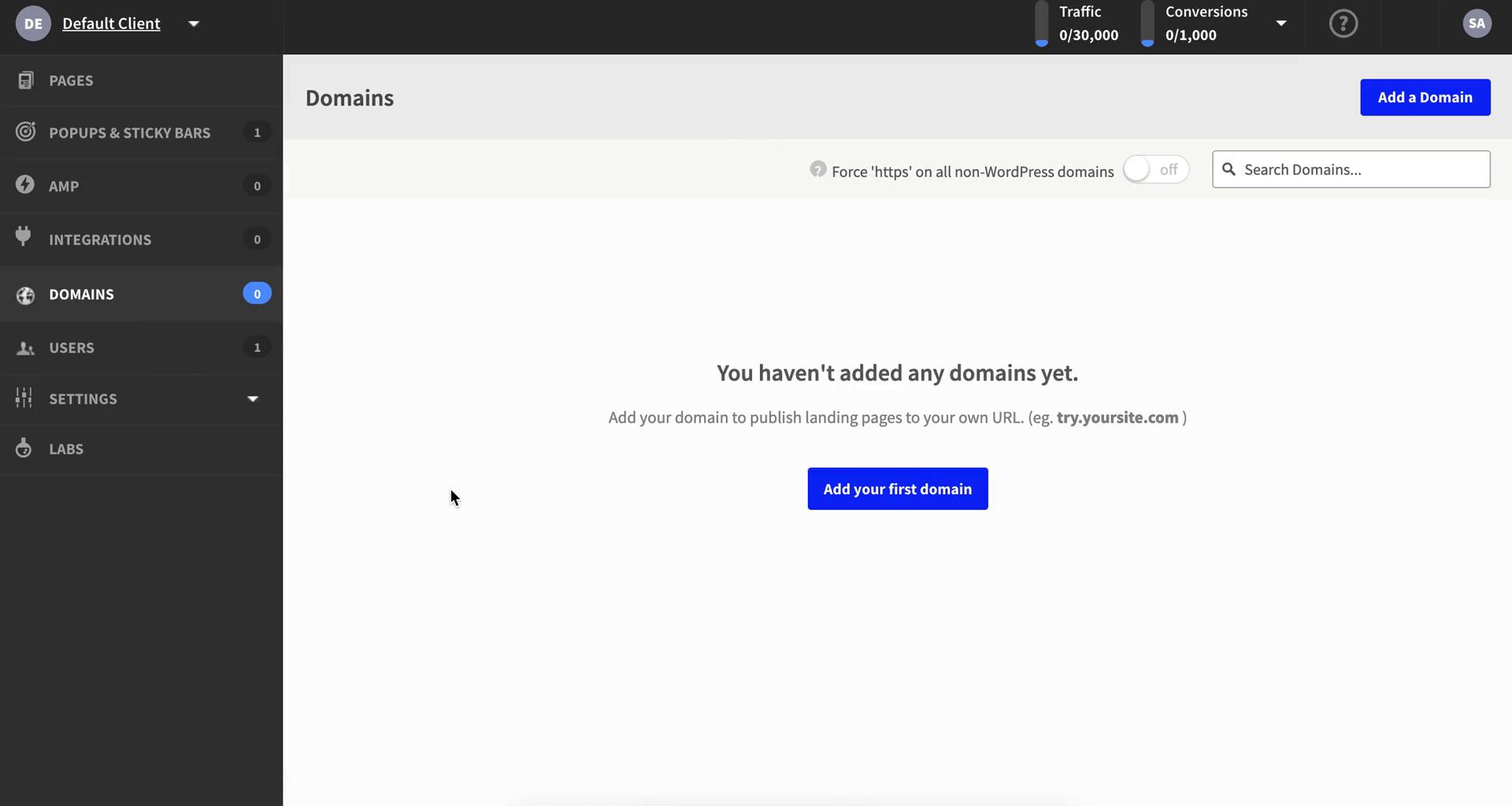
Domains
this is title
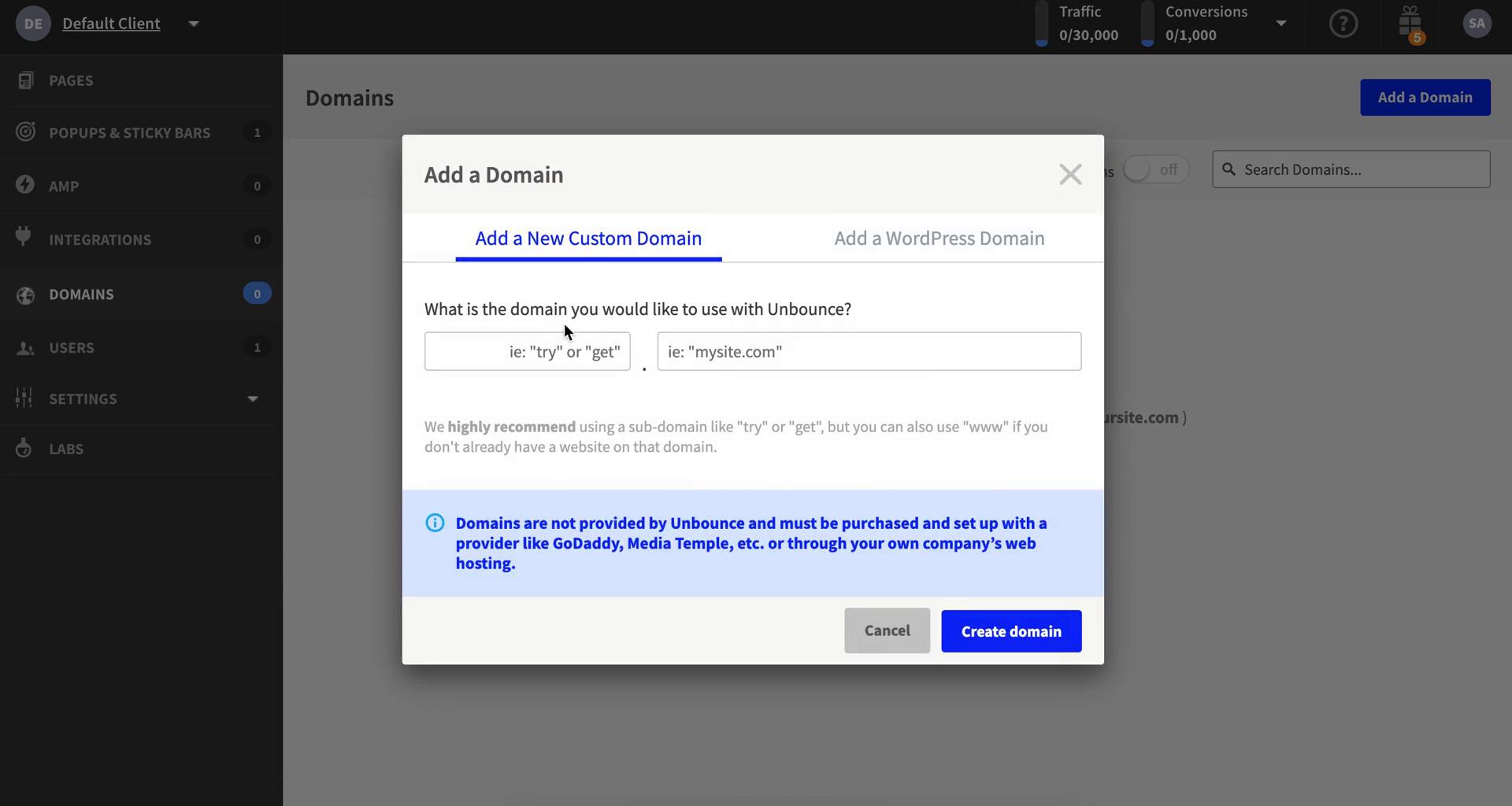
Add domain
this is title
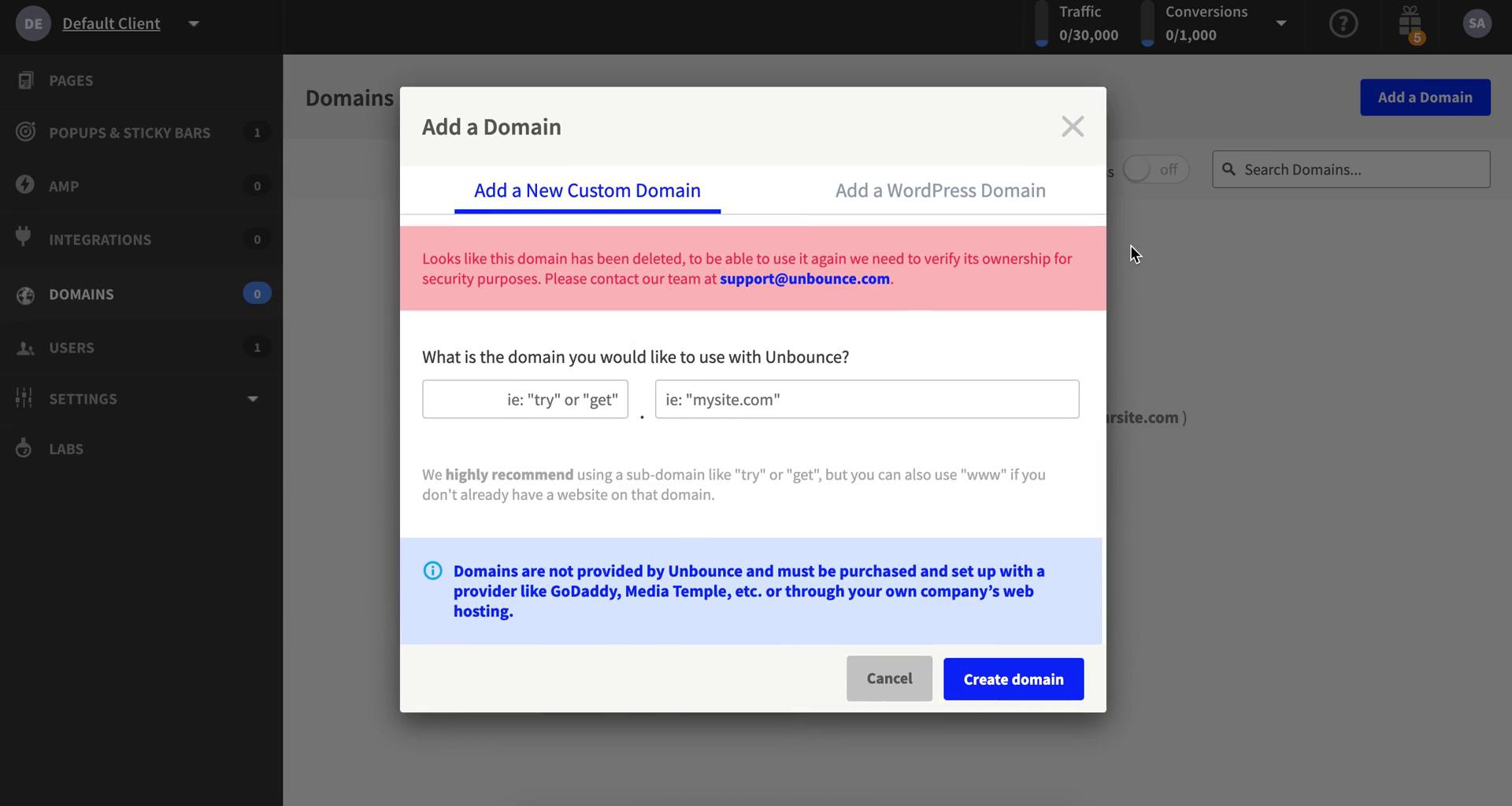
Submit error
this is title
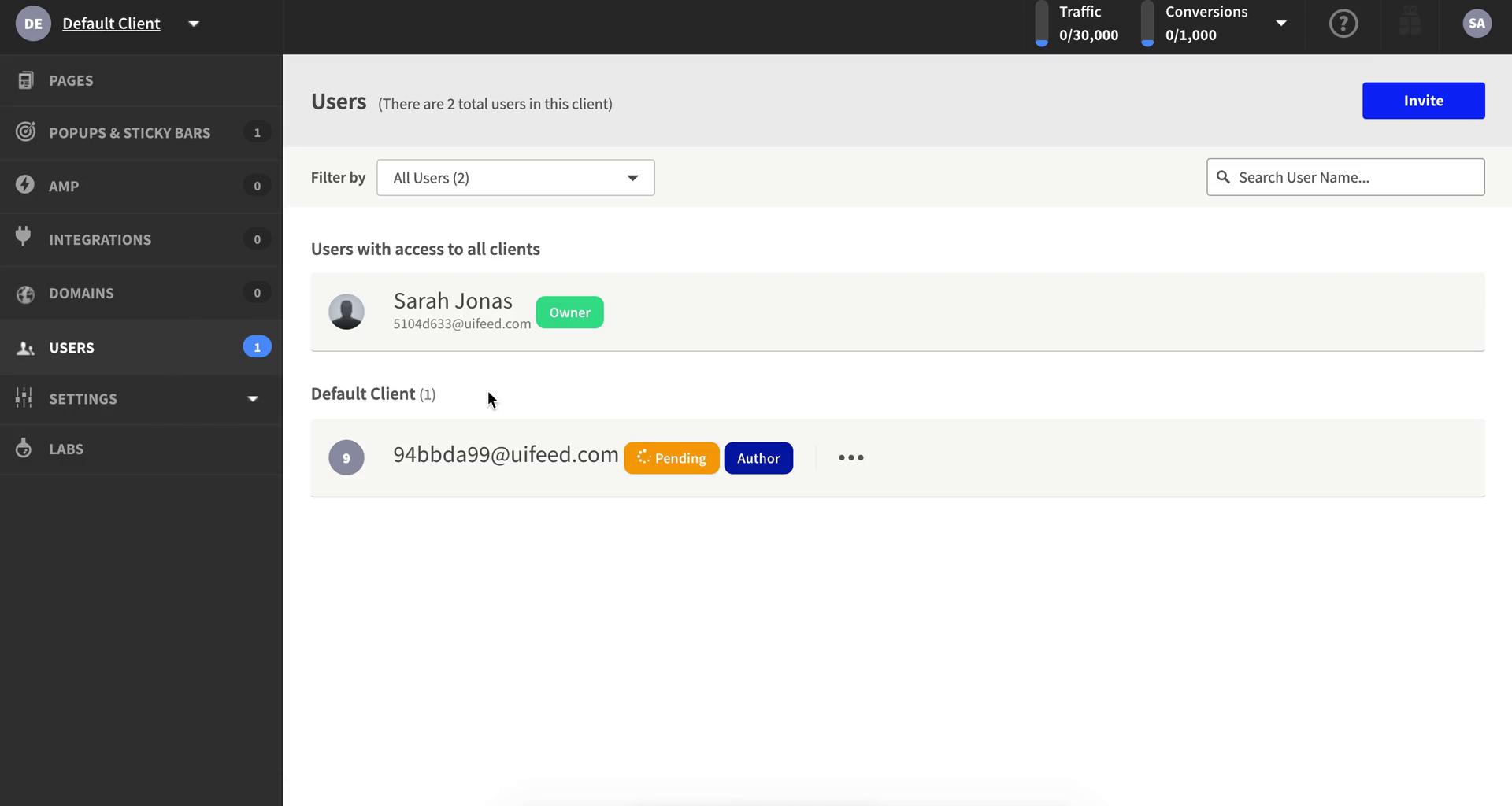
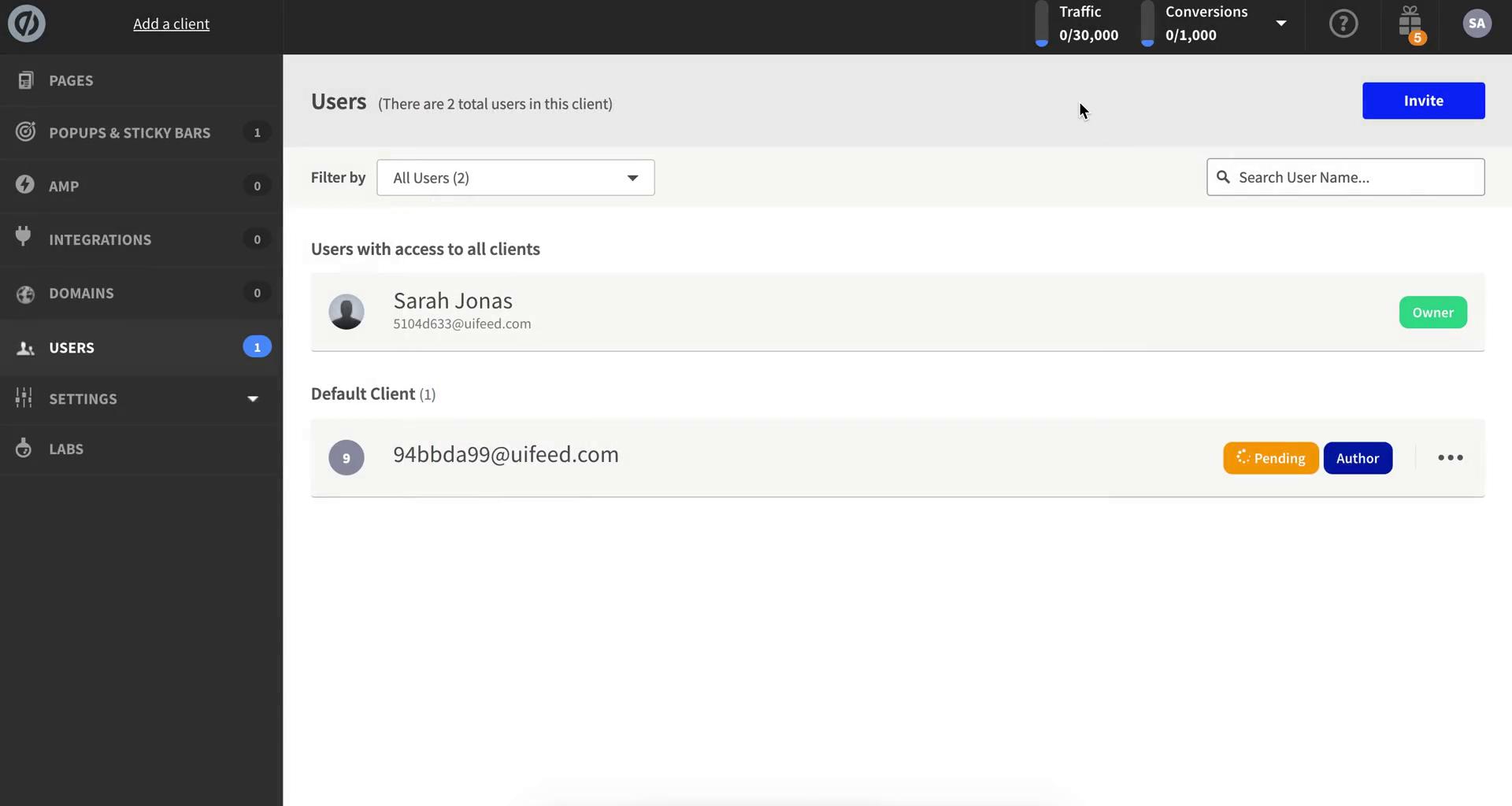
Users
this is title
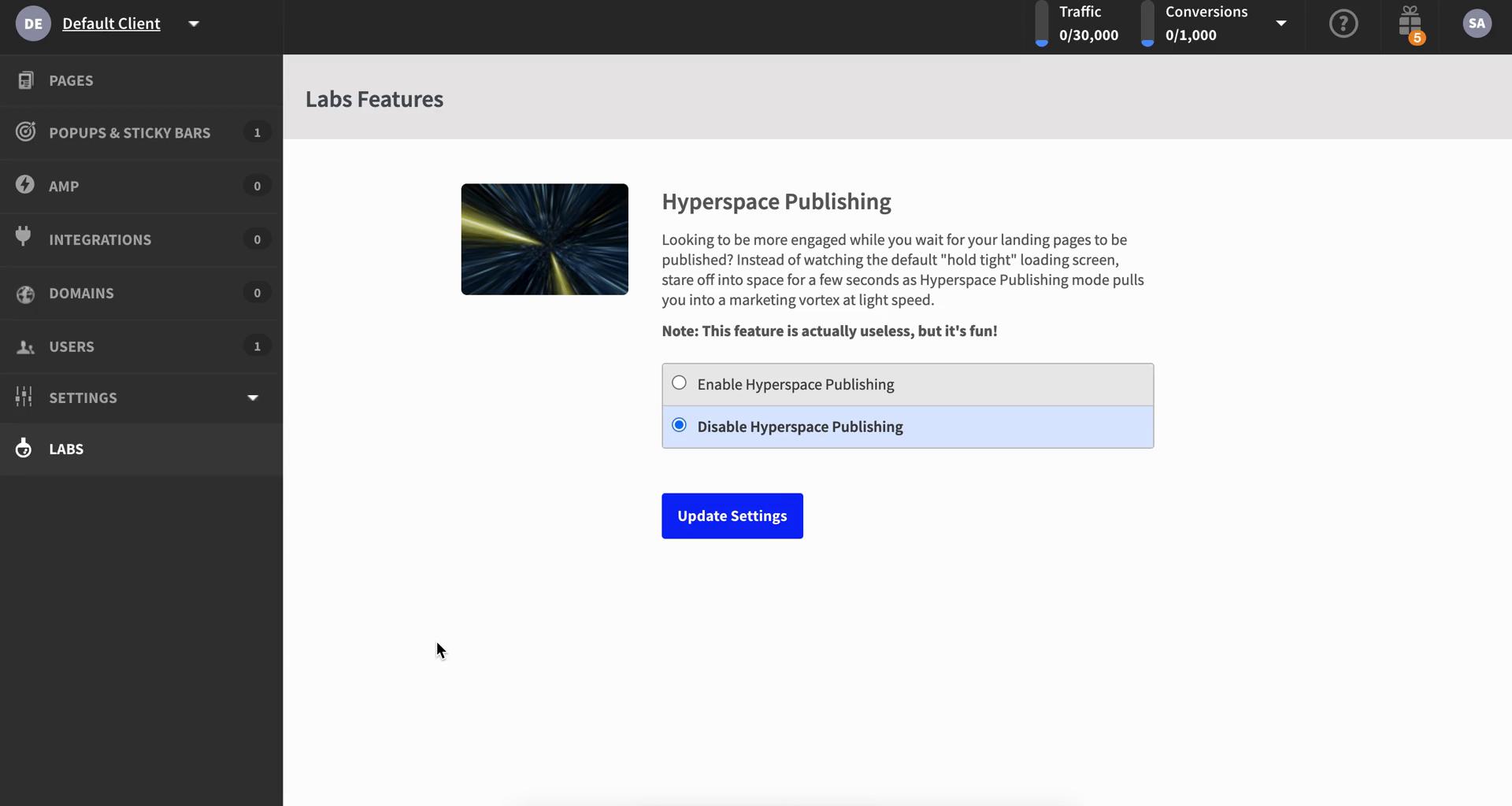
Labs
this is title
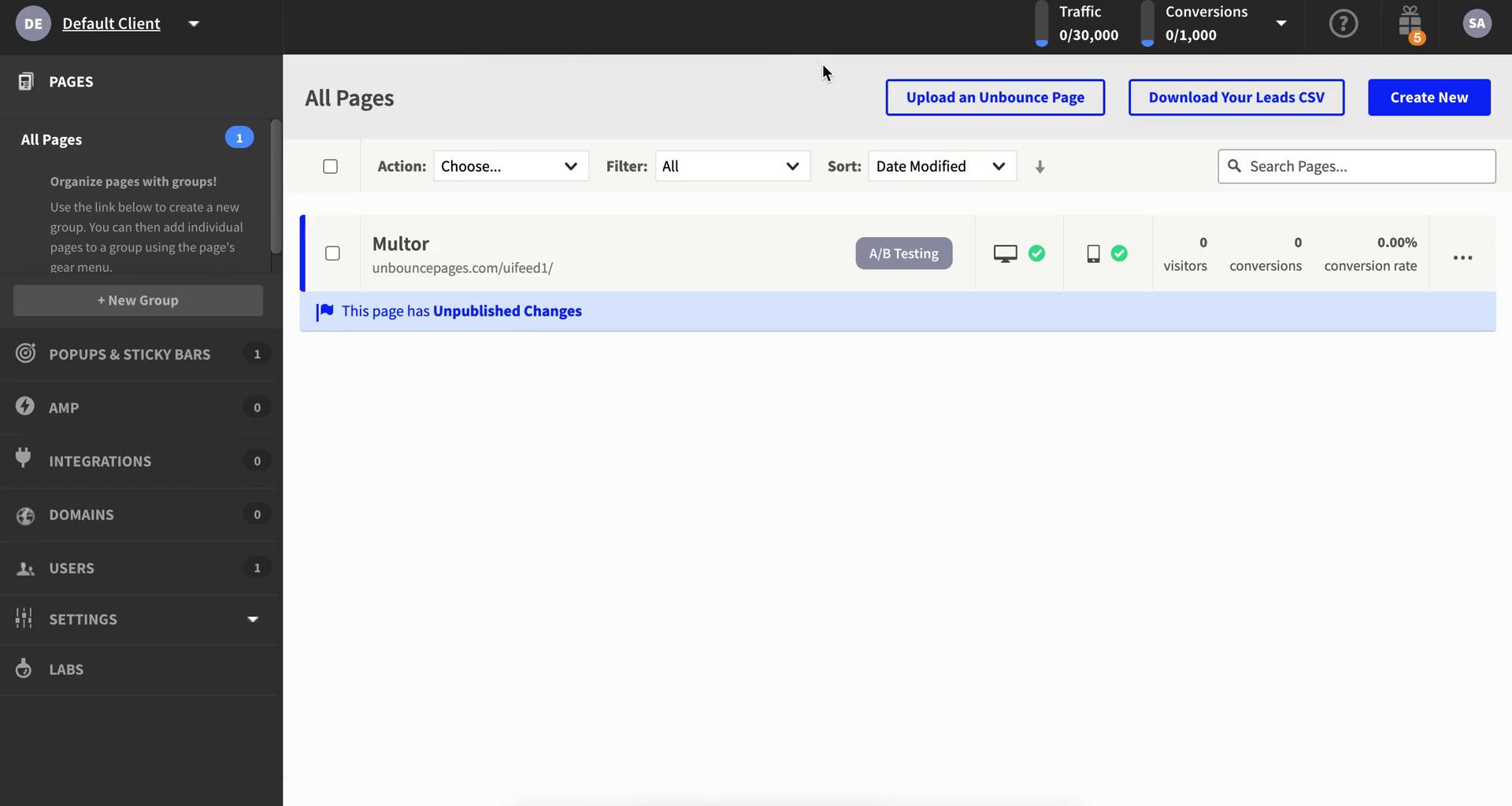
Dashboard
this is title
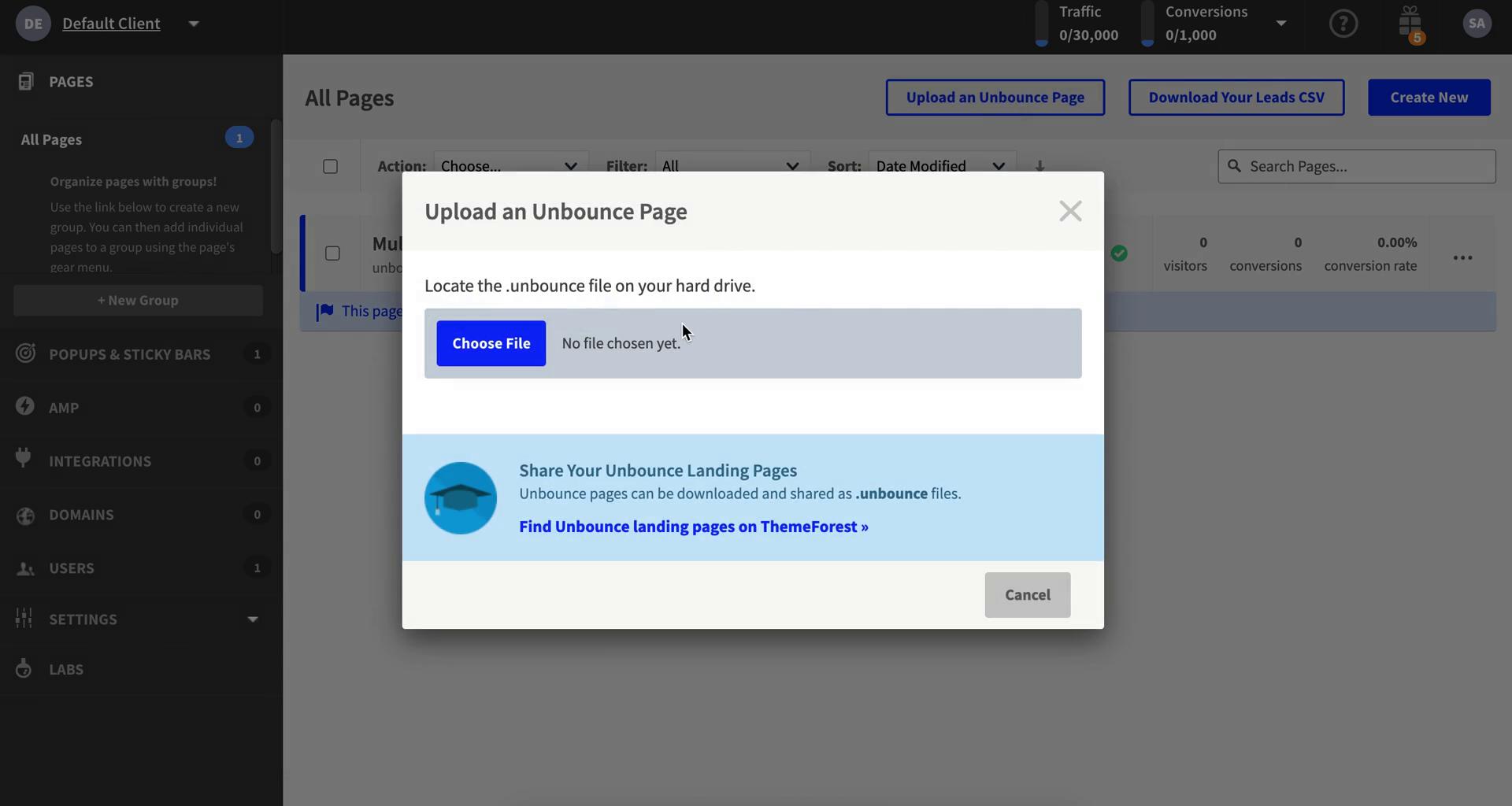
Import
this is title
Dashboard
this is title
Users
this is title
Invite people
this is title
Invites sent
this is title
Users
this is title
Dashboard
this is title
Landing page details
this is title
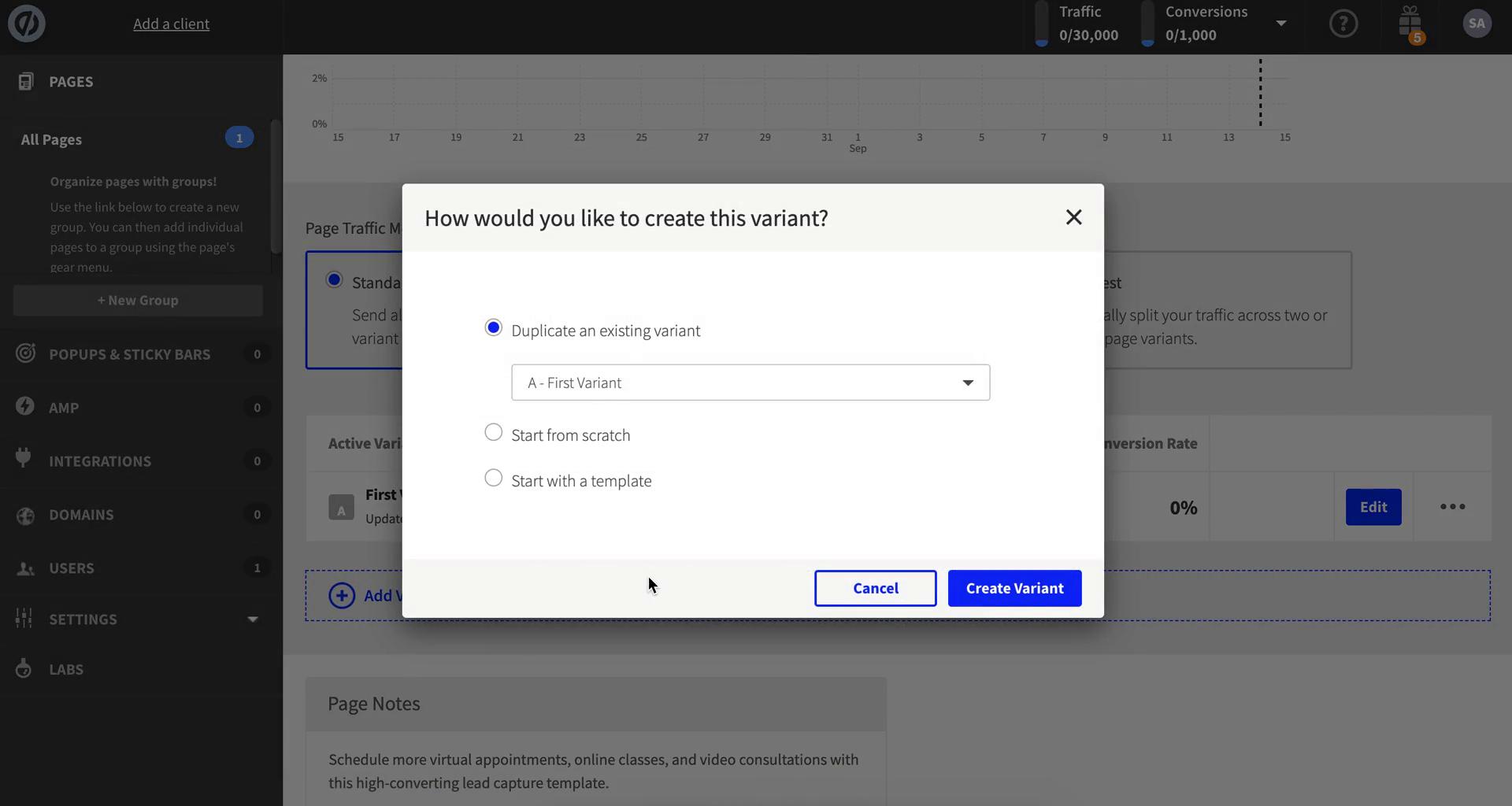
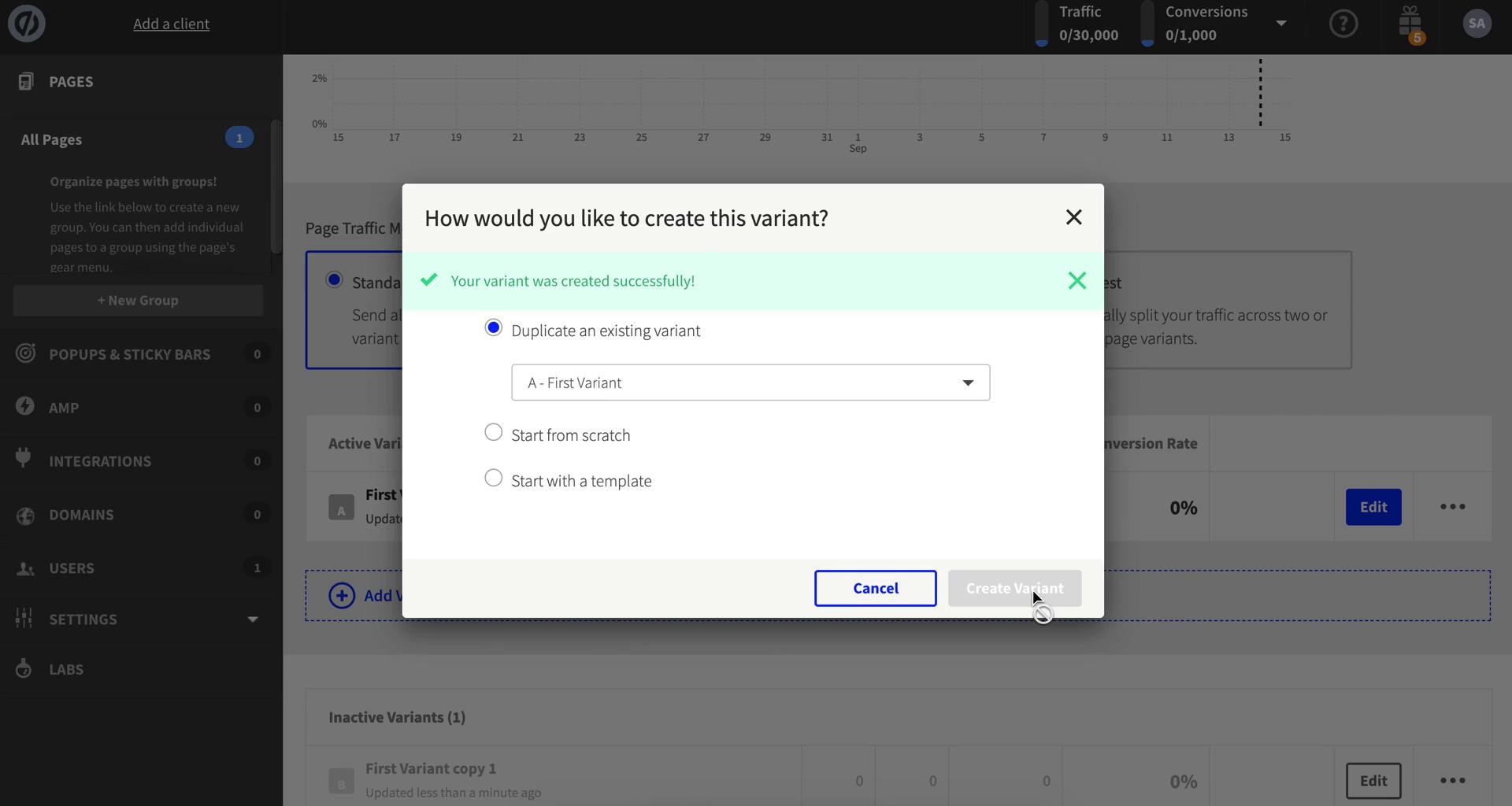
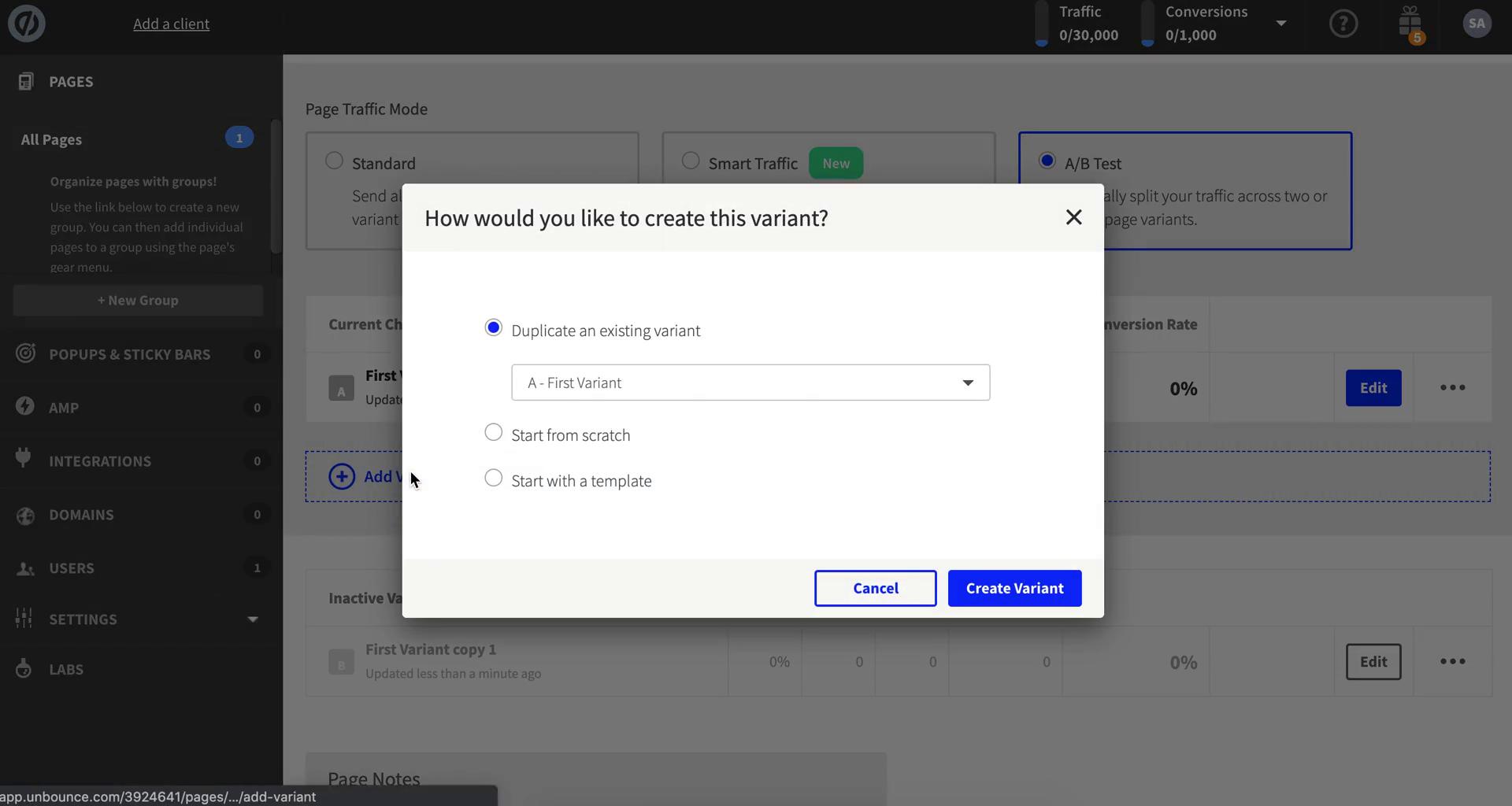
Create variant
this is title
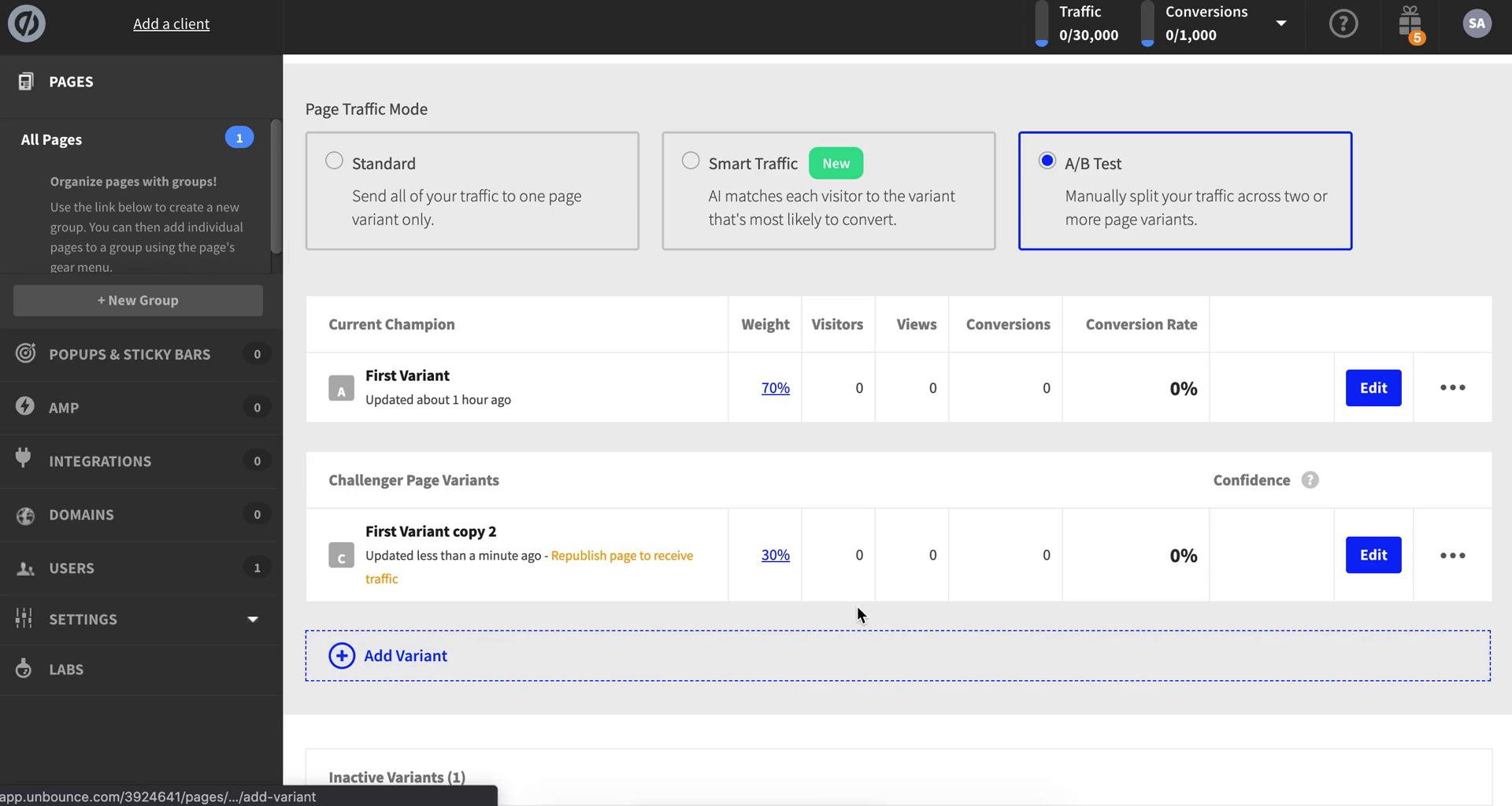
Varient created
this is title
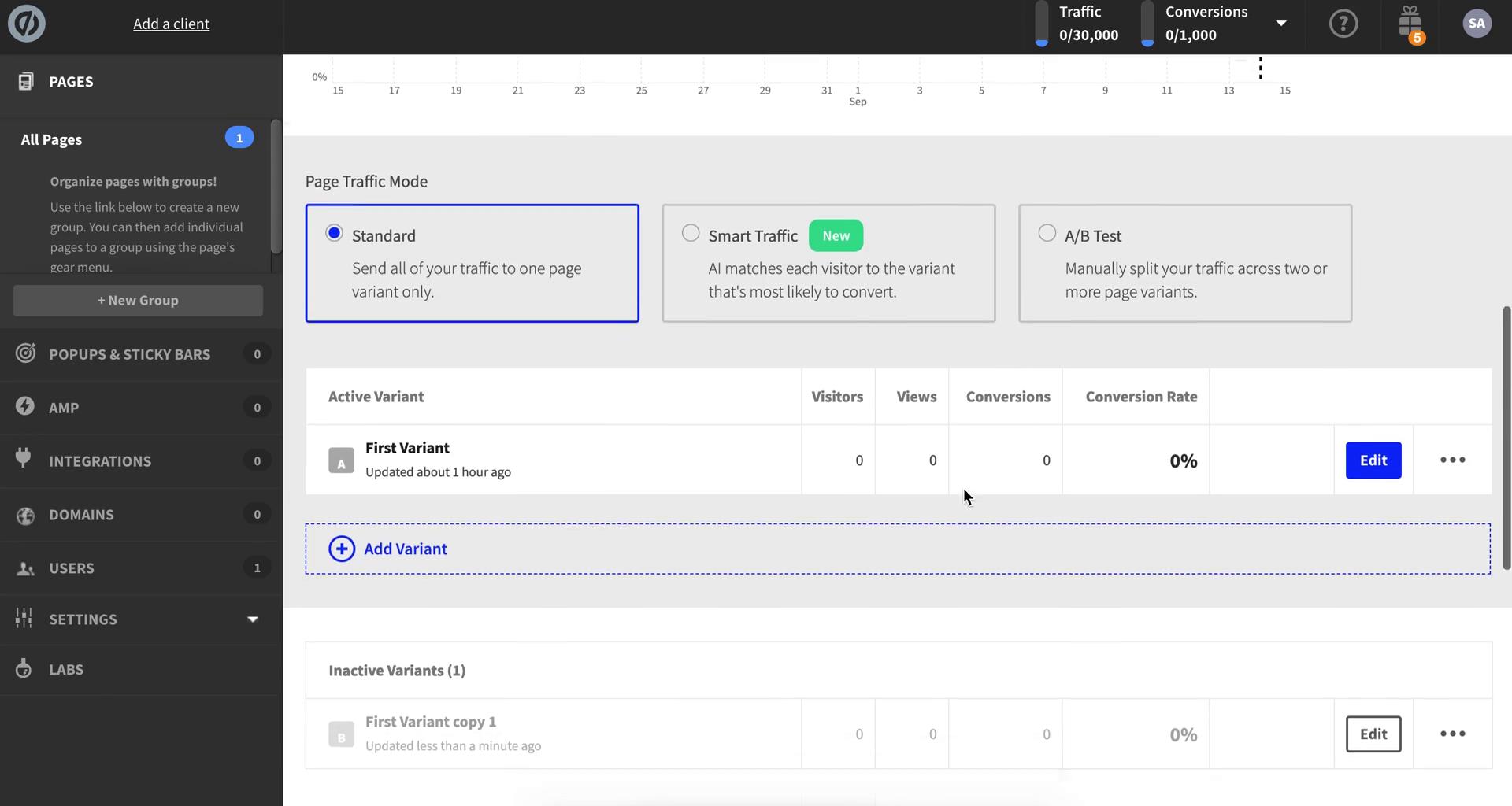
Landing page details
this is title
Page editor
this is title
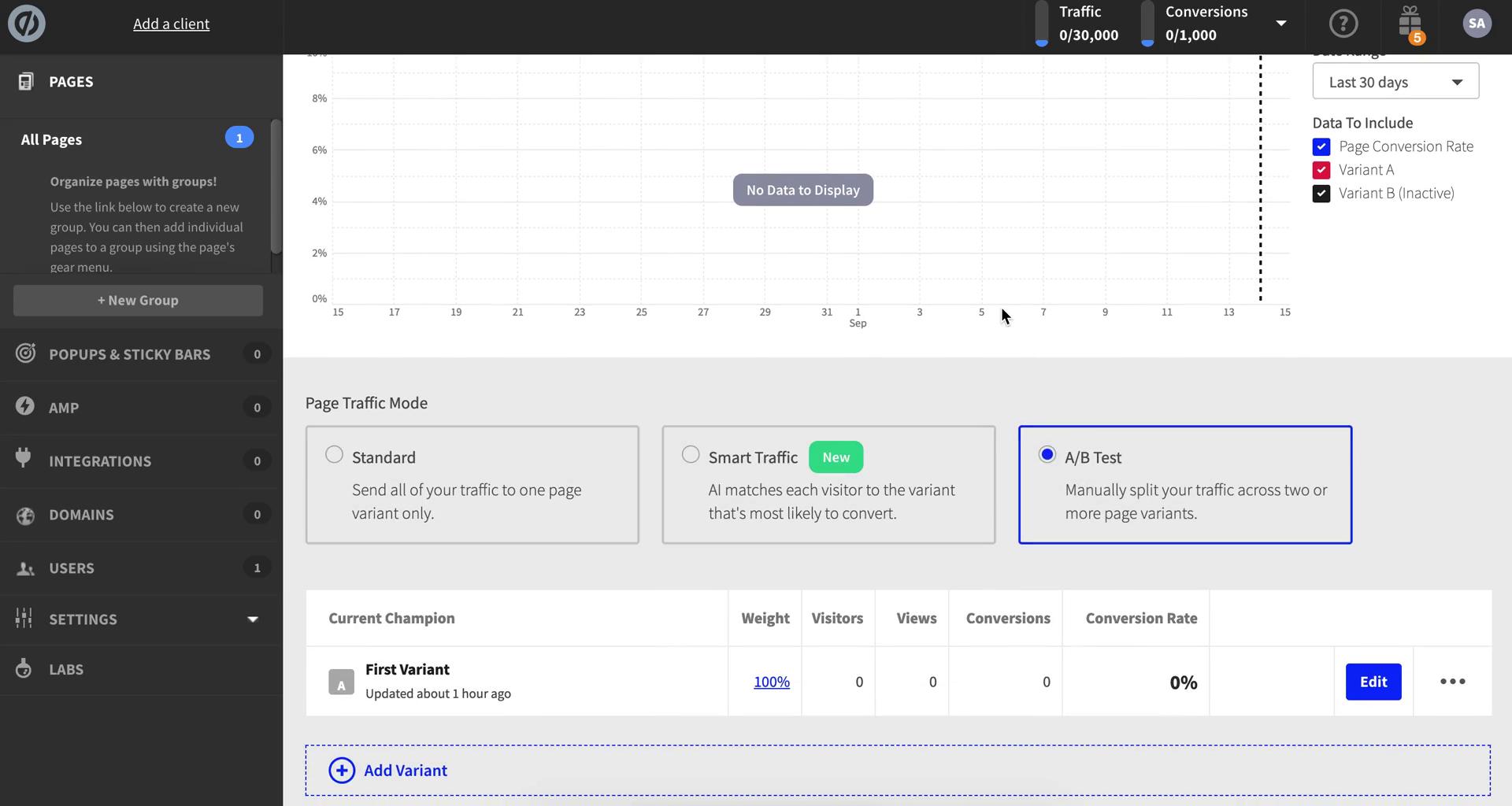
Landing page details
this is title
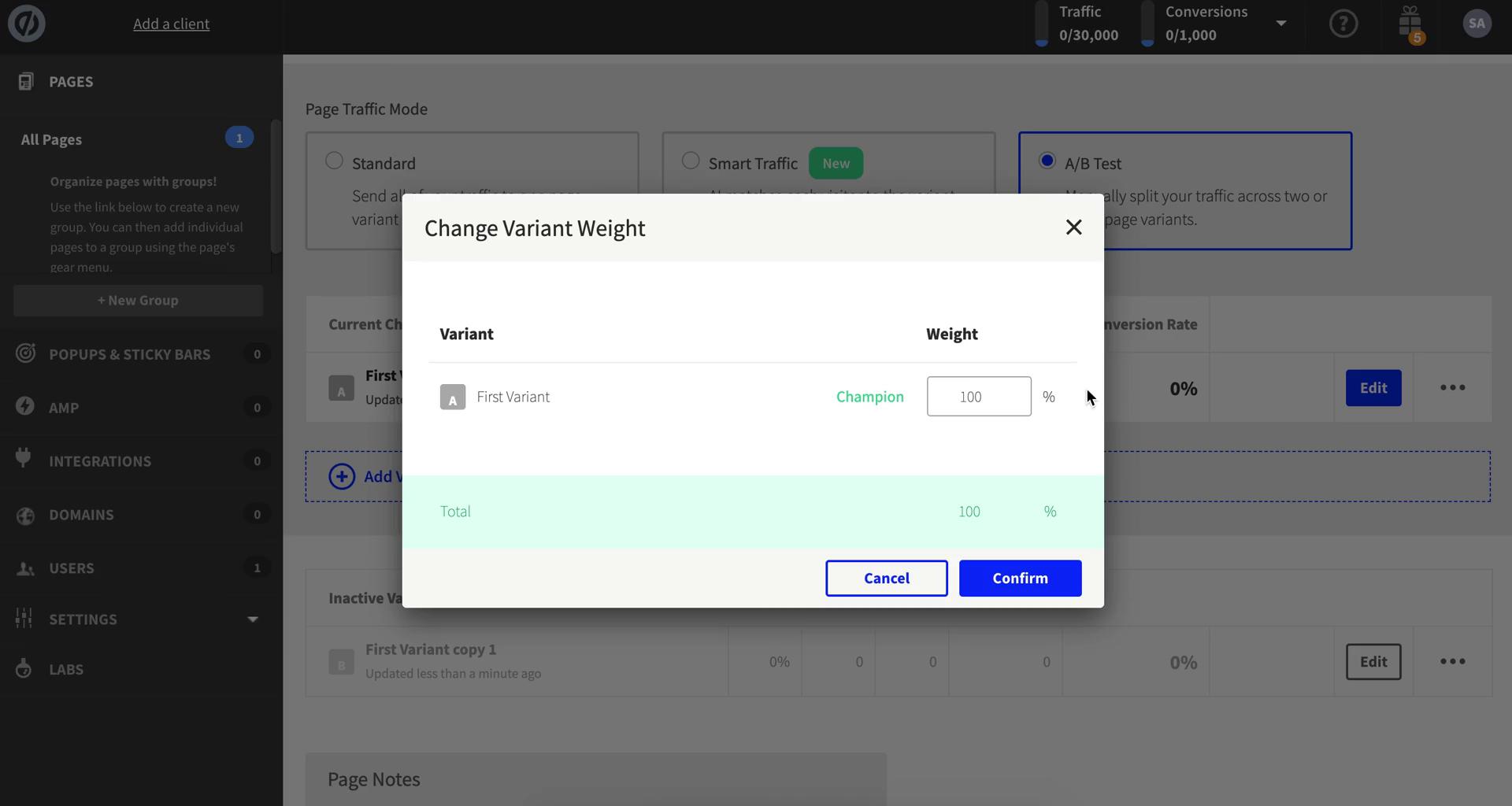
Change variant weight
this is title
Create variant
this is title
Change variant weight
this is title
Landing page details
this is title
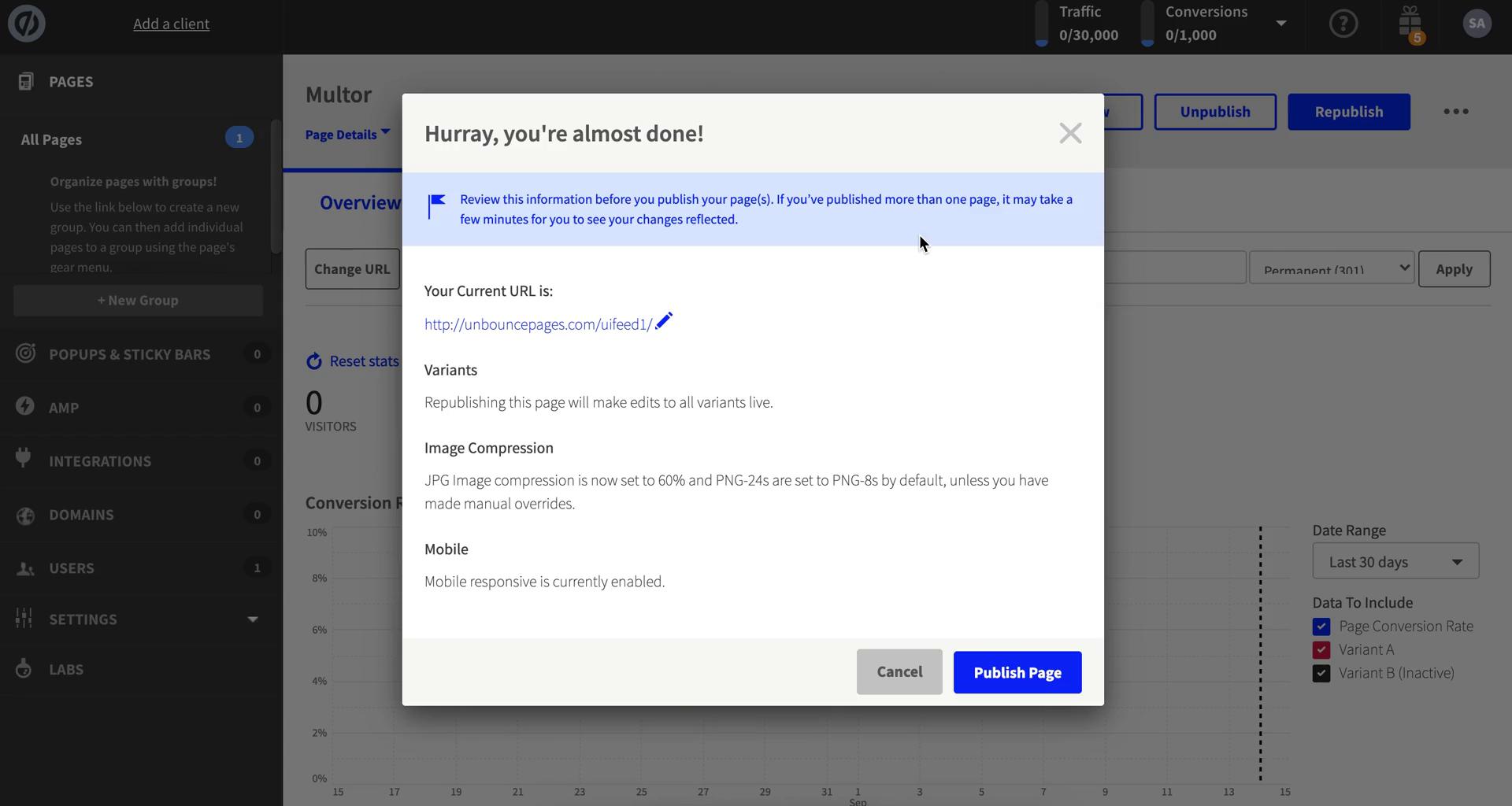
Publish changes
this is title