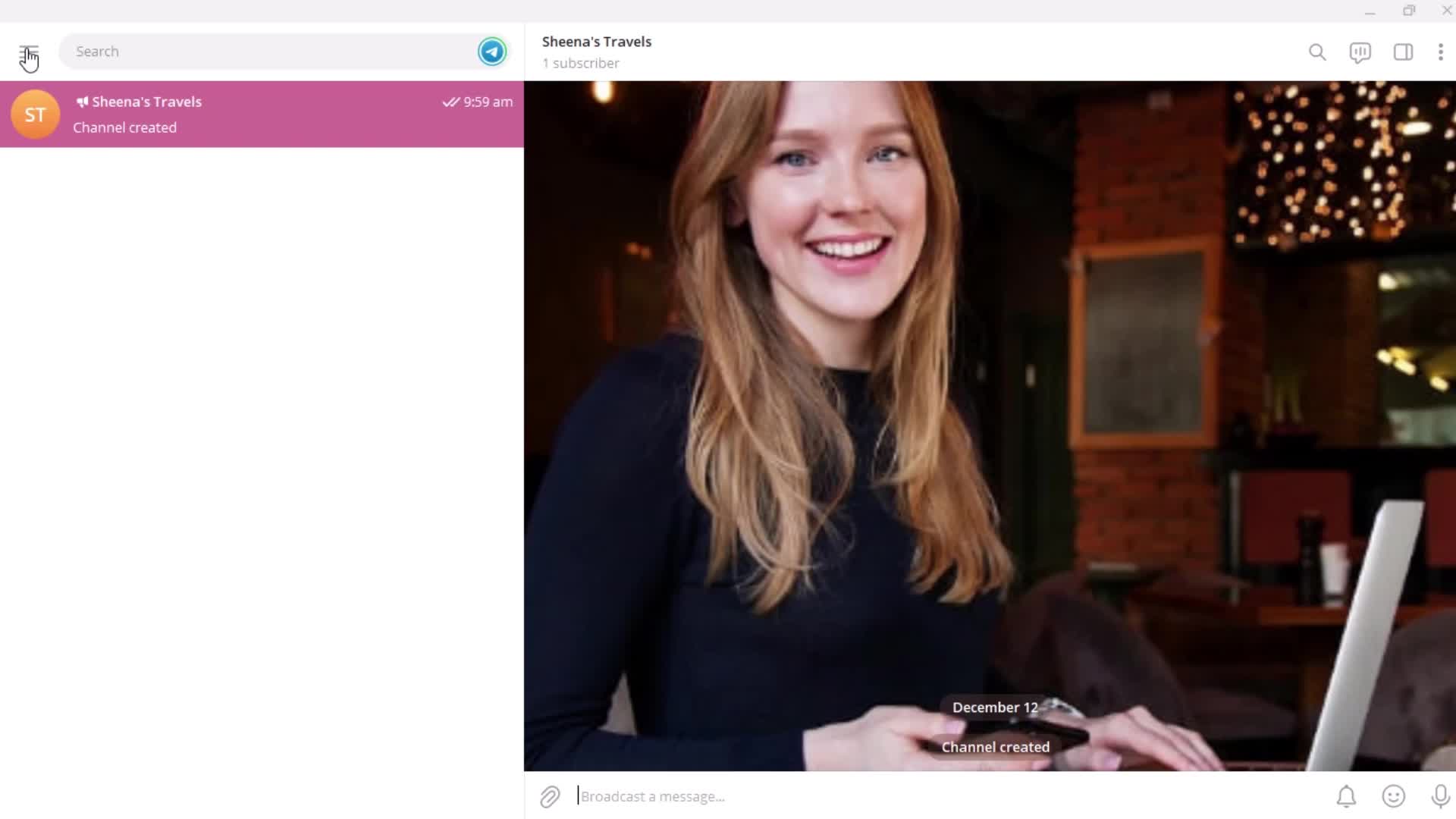
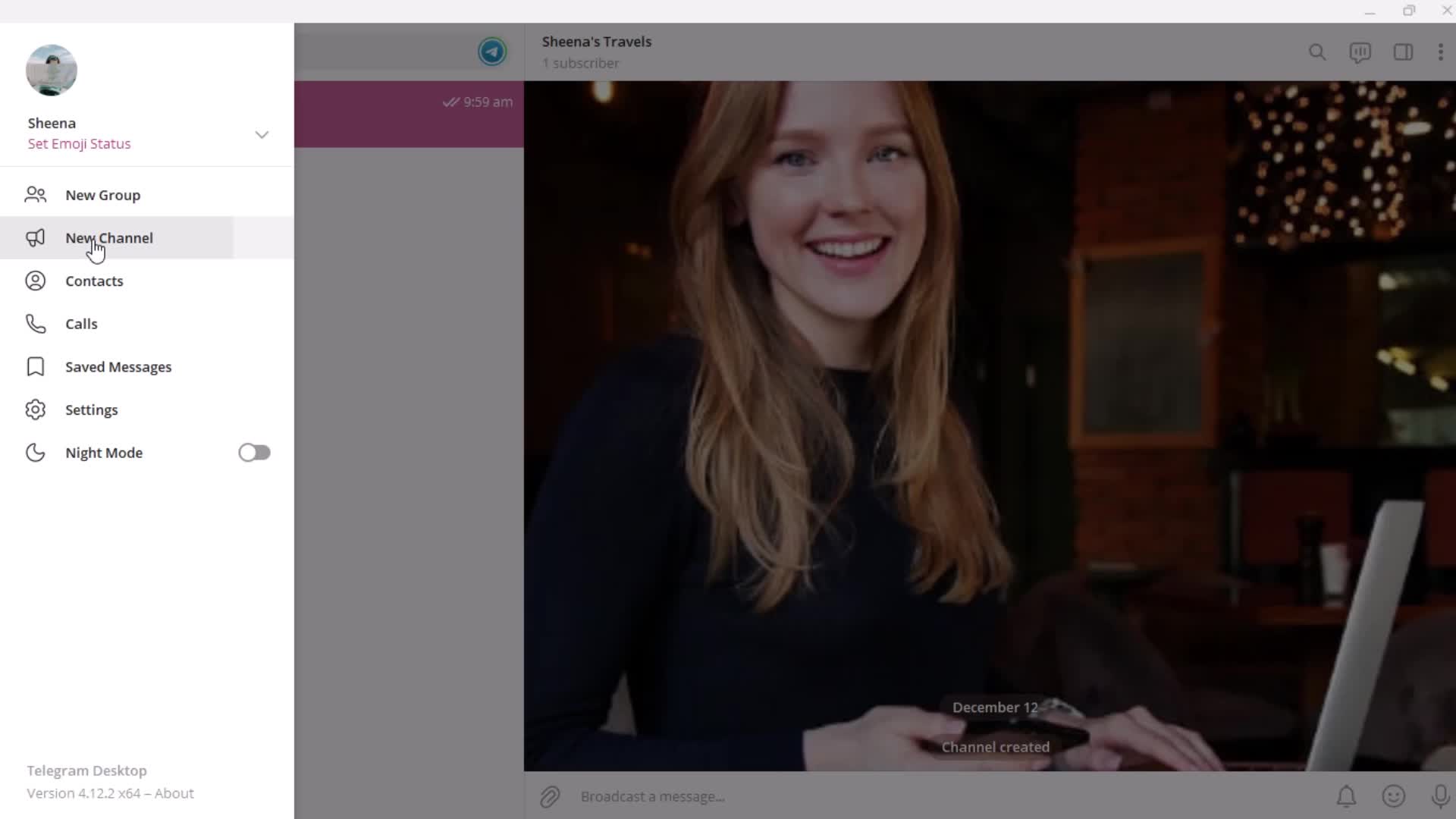
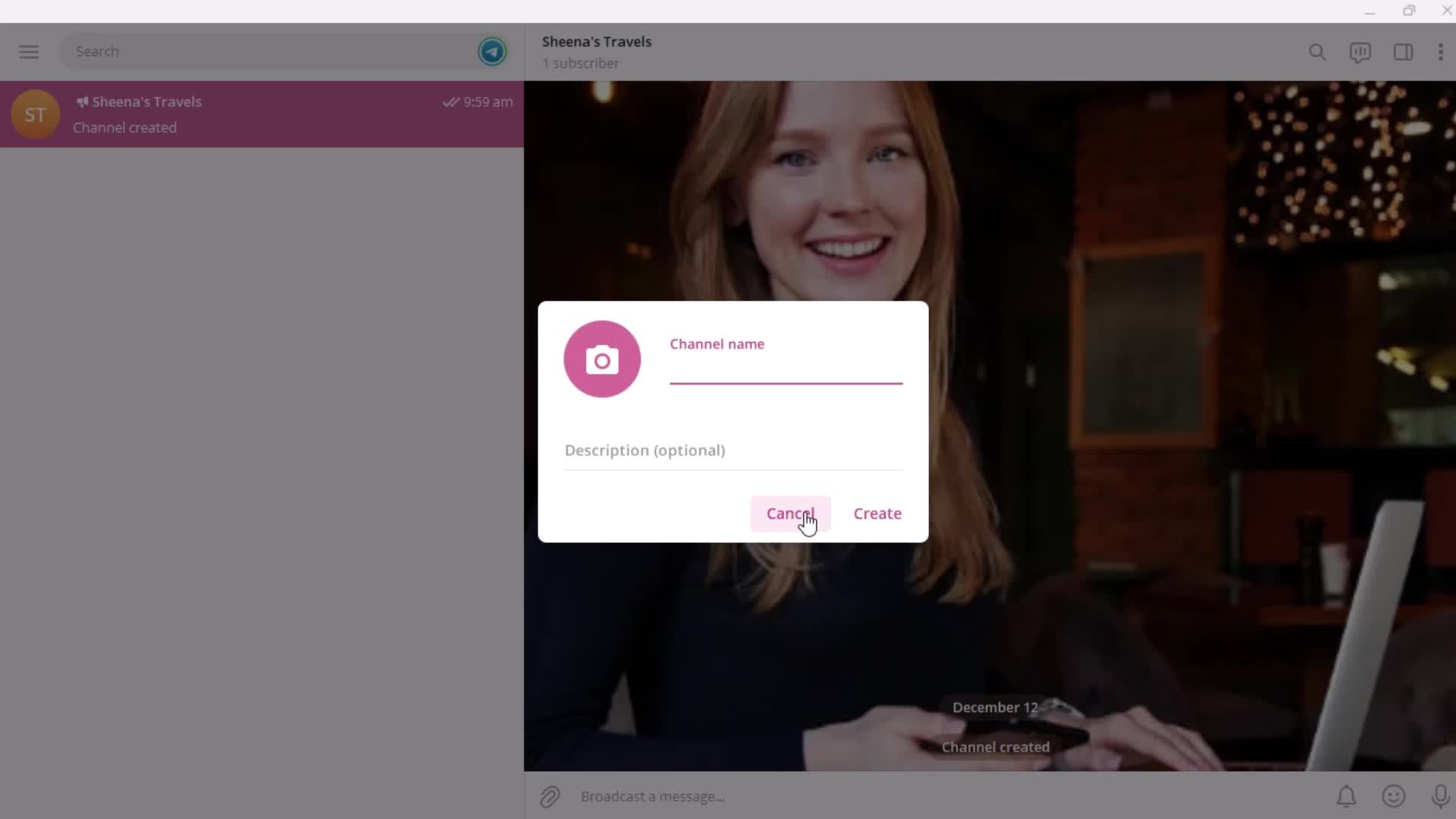
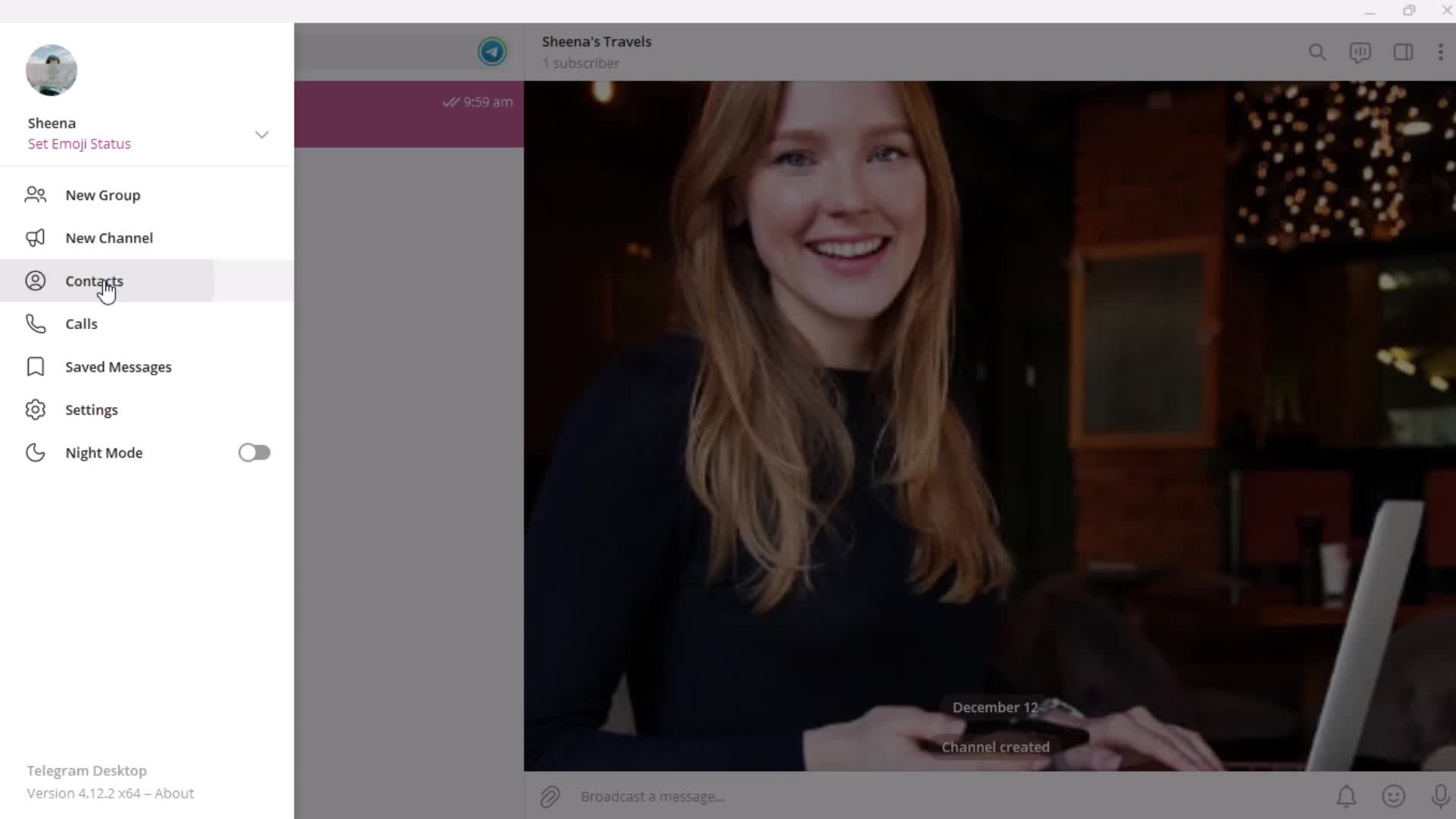
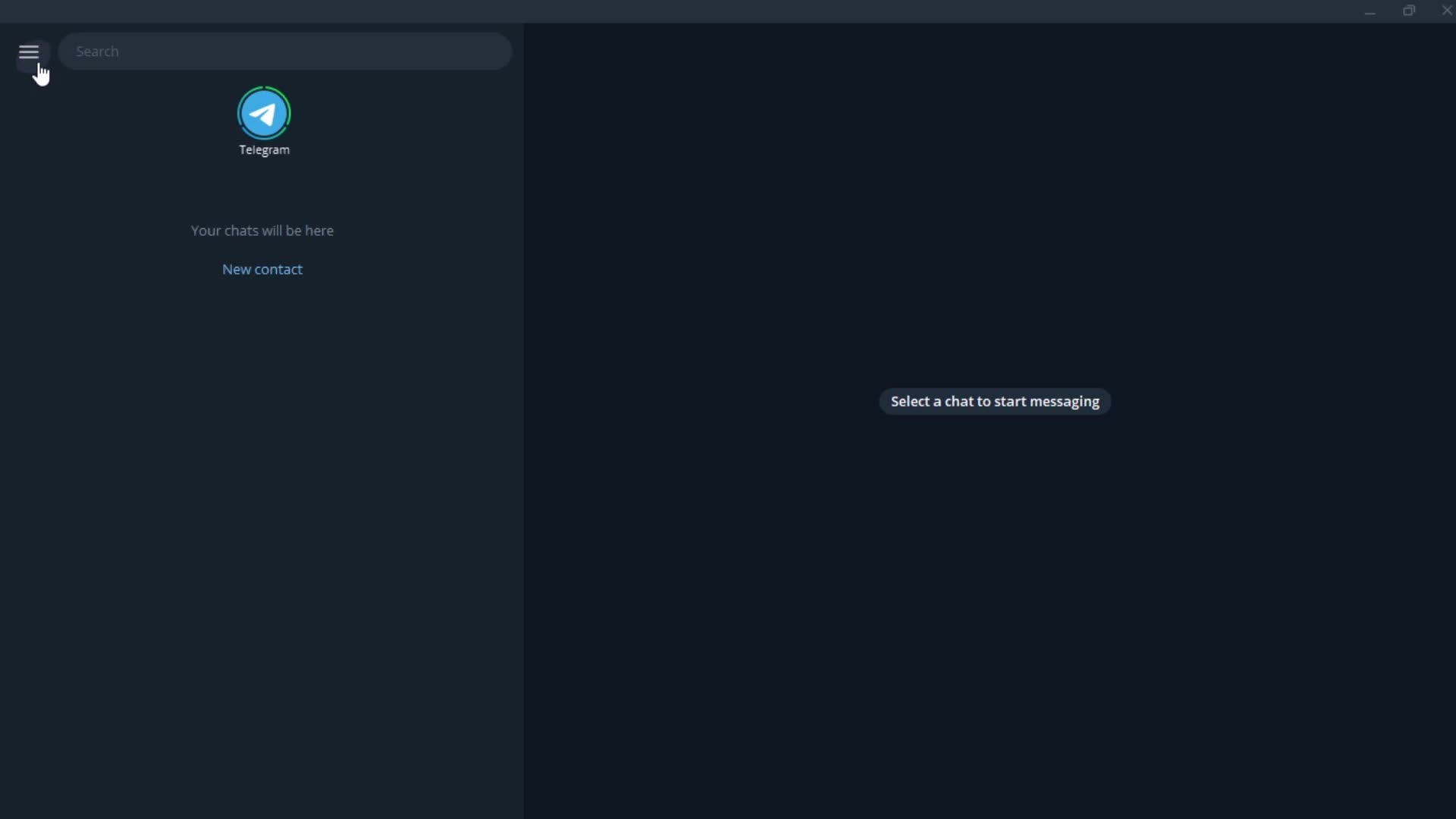
Home
this is title
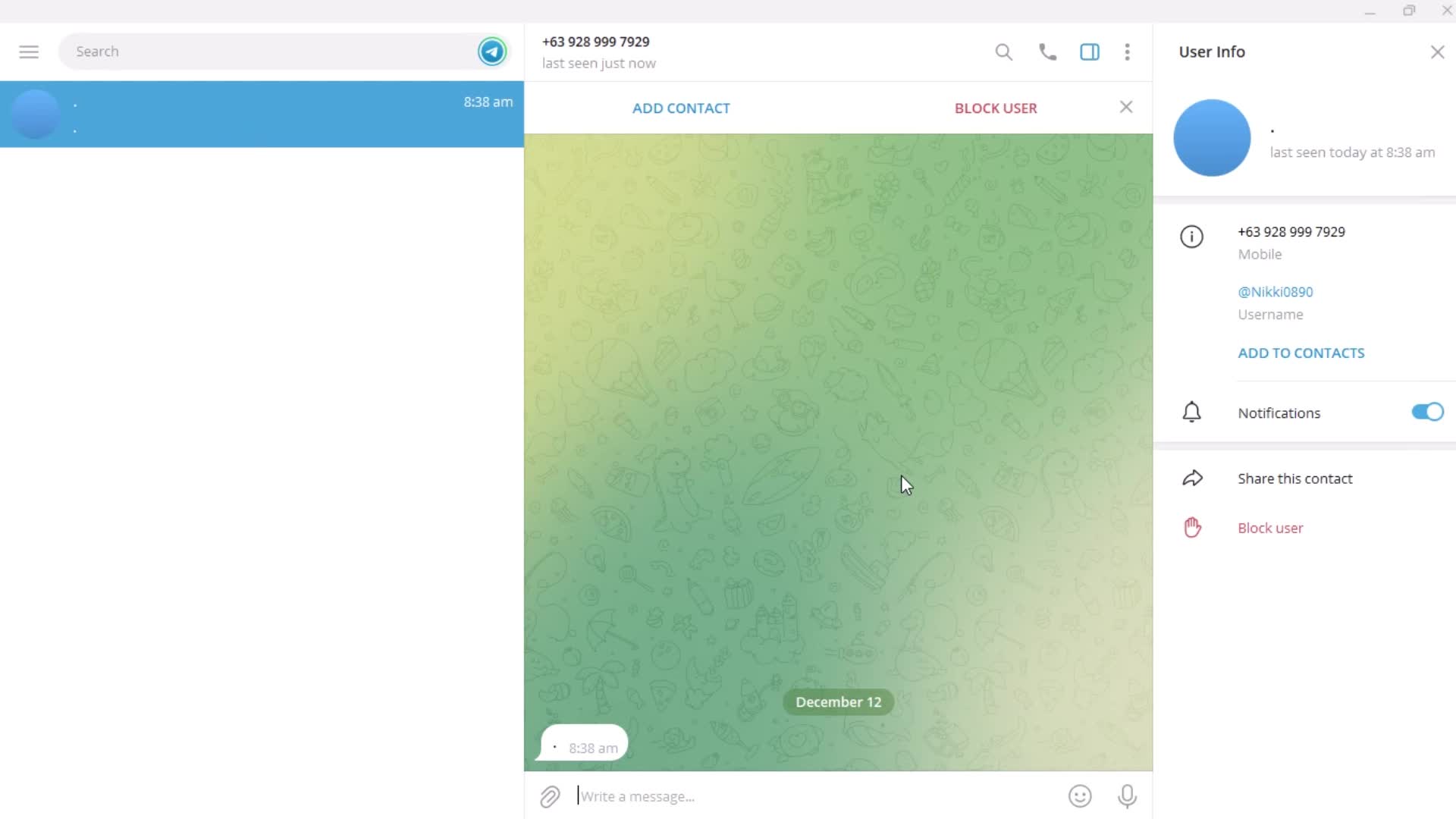
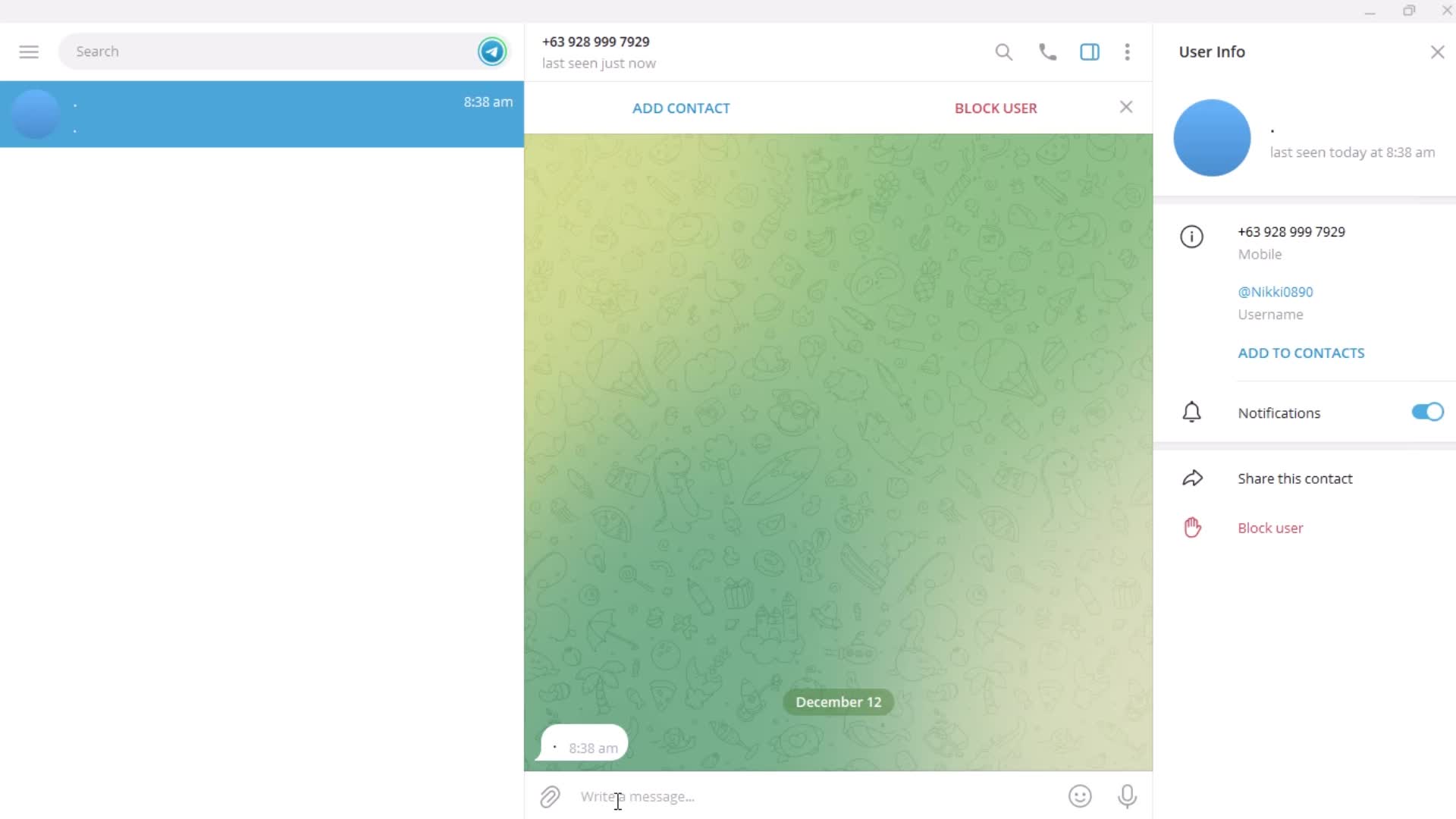
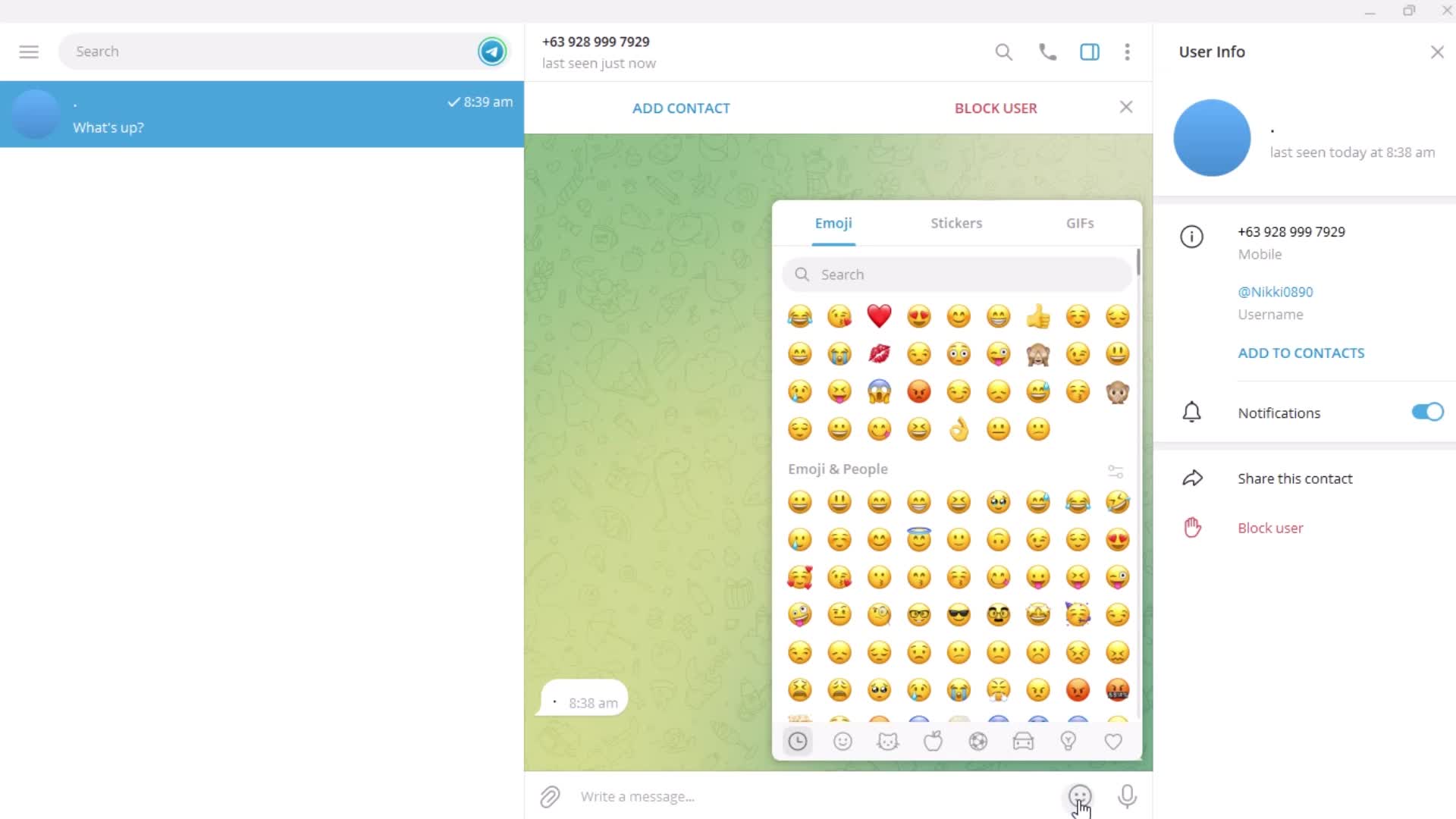
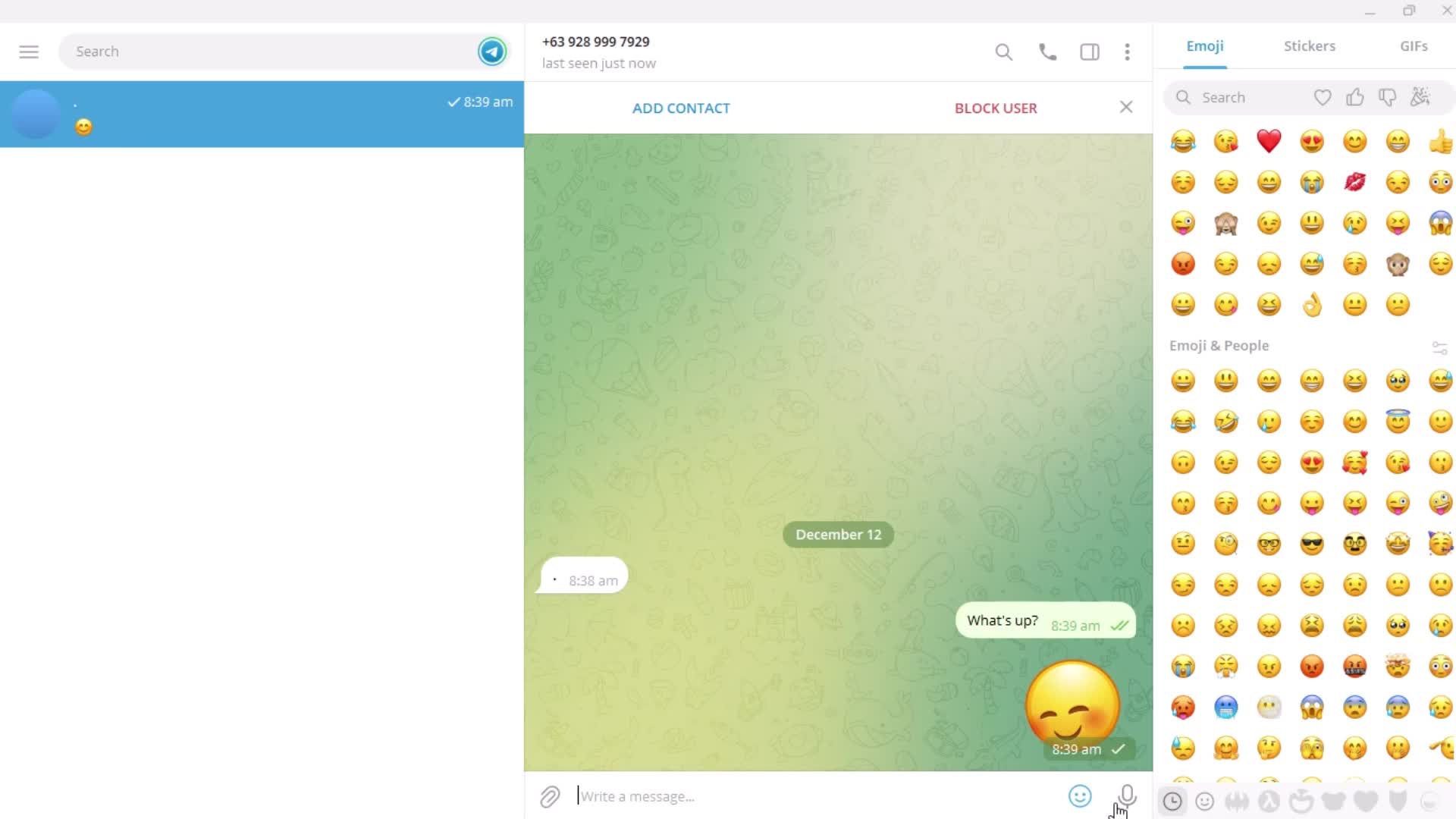
Send a message
this is title
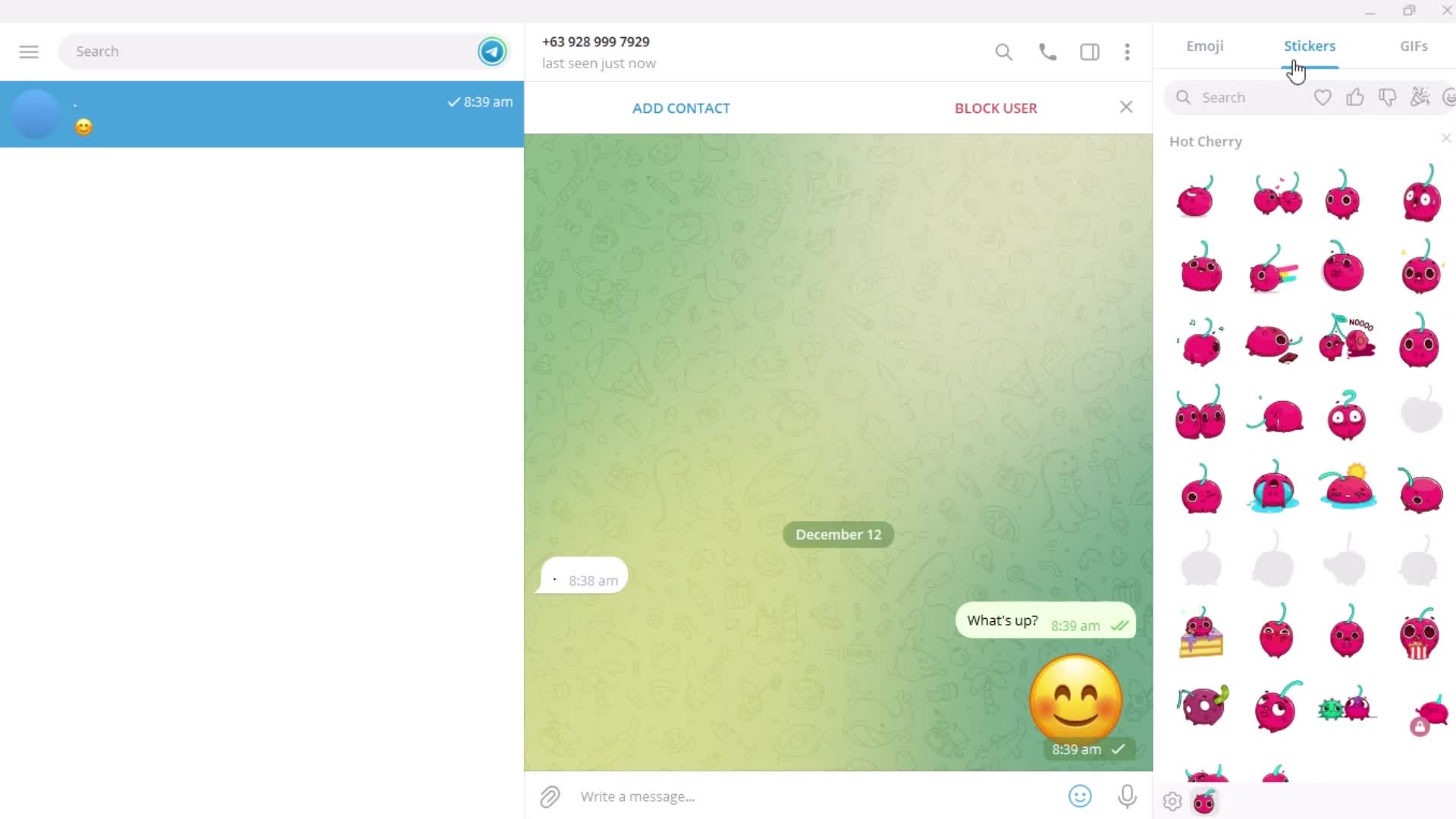
Emoji picker
this is title
this is title
Stickers
this is title
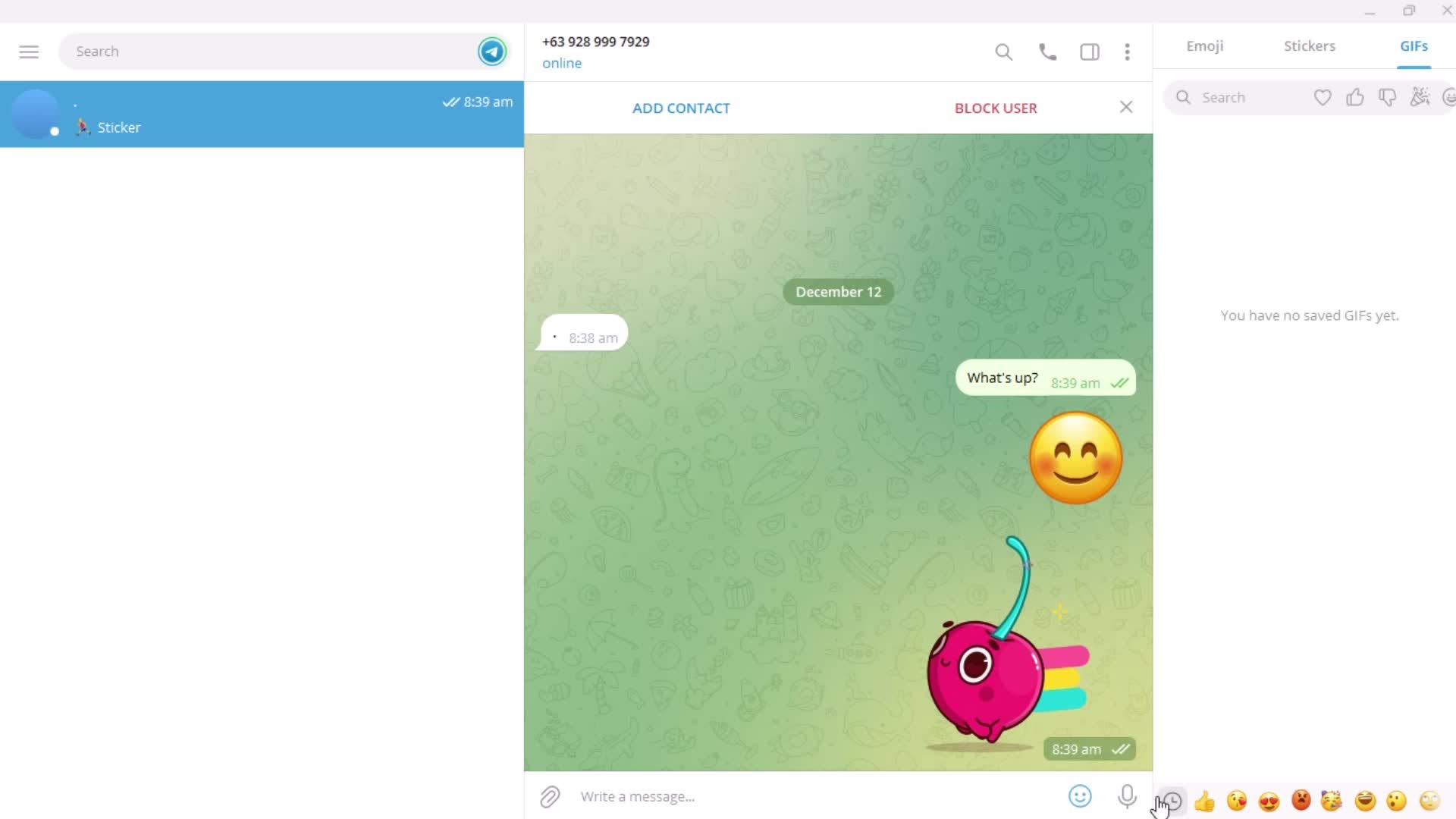
GIFs
this is title
Voice message
this is title
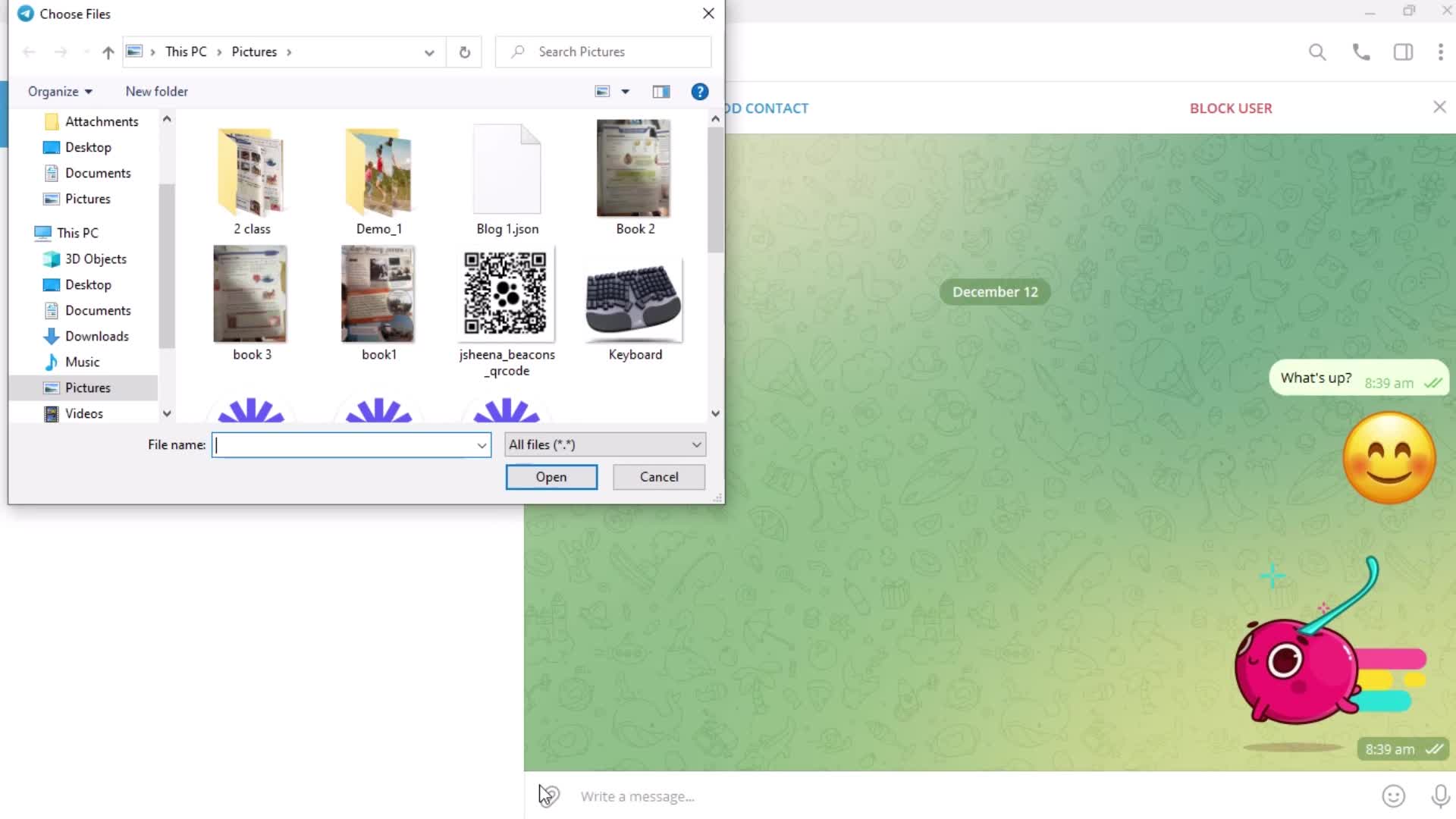
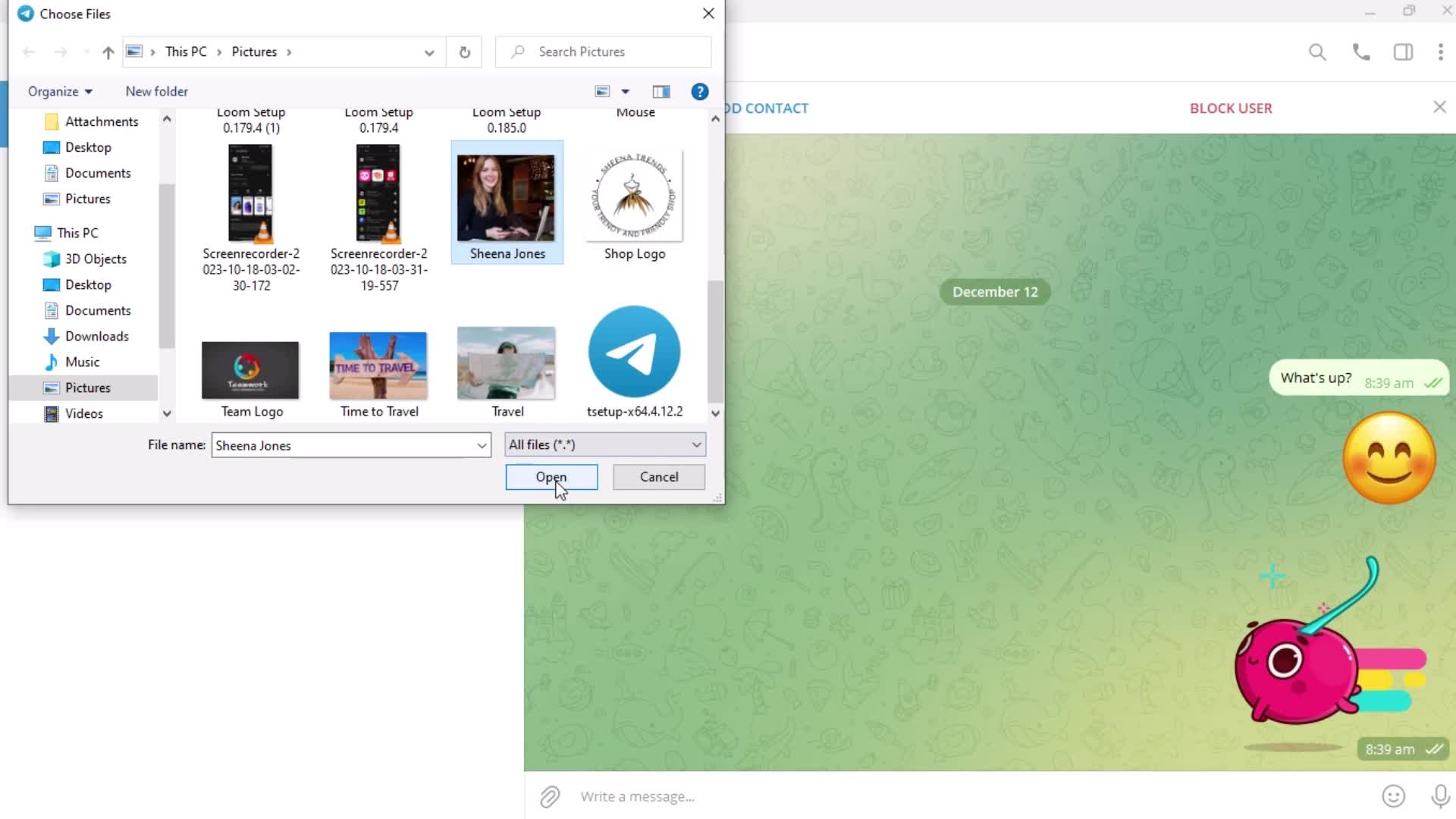
Add attachment
this is title
this is title
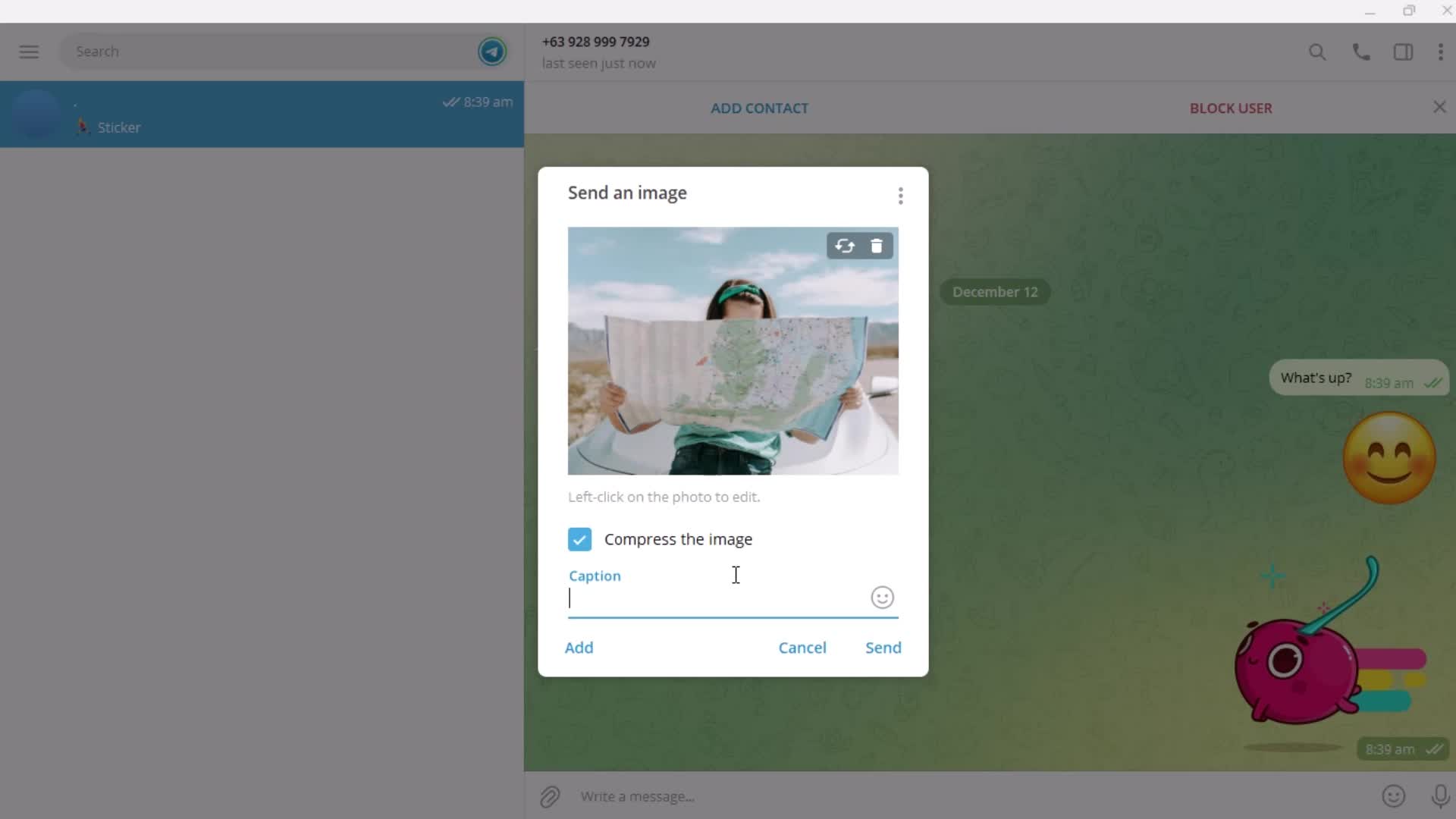
Add caption
this is title
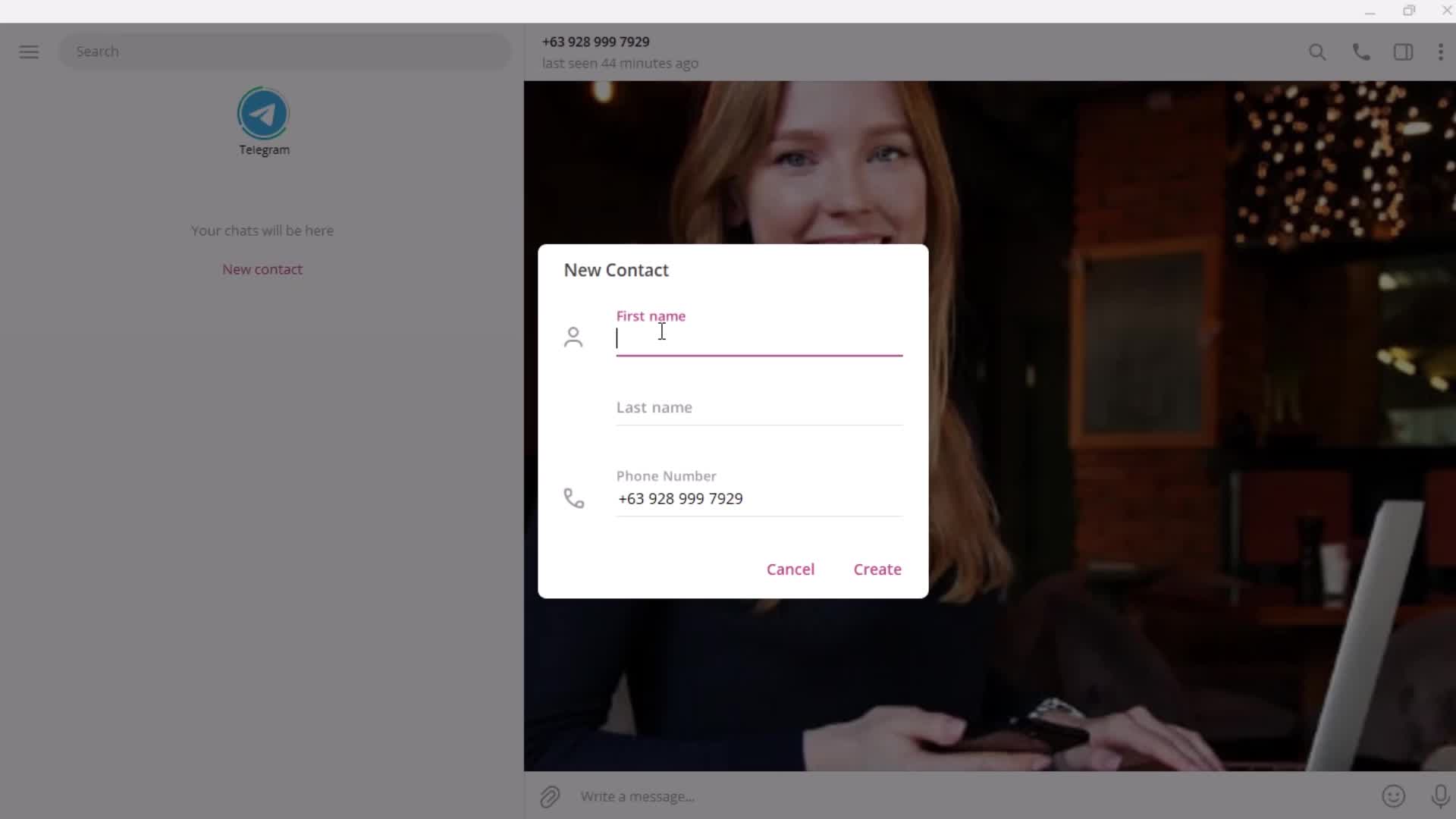
Add contact
this is title
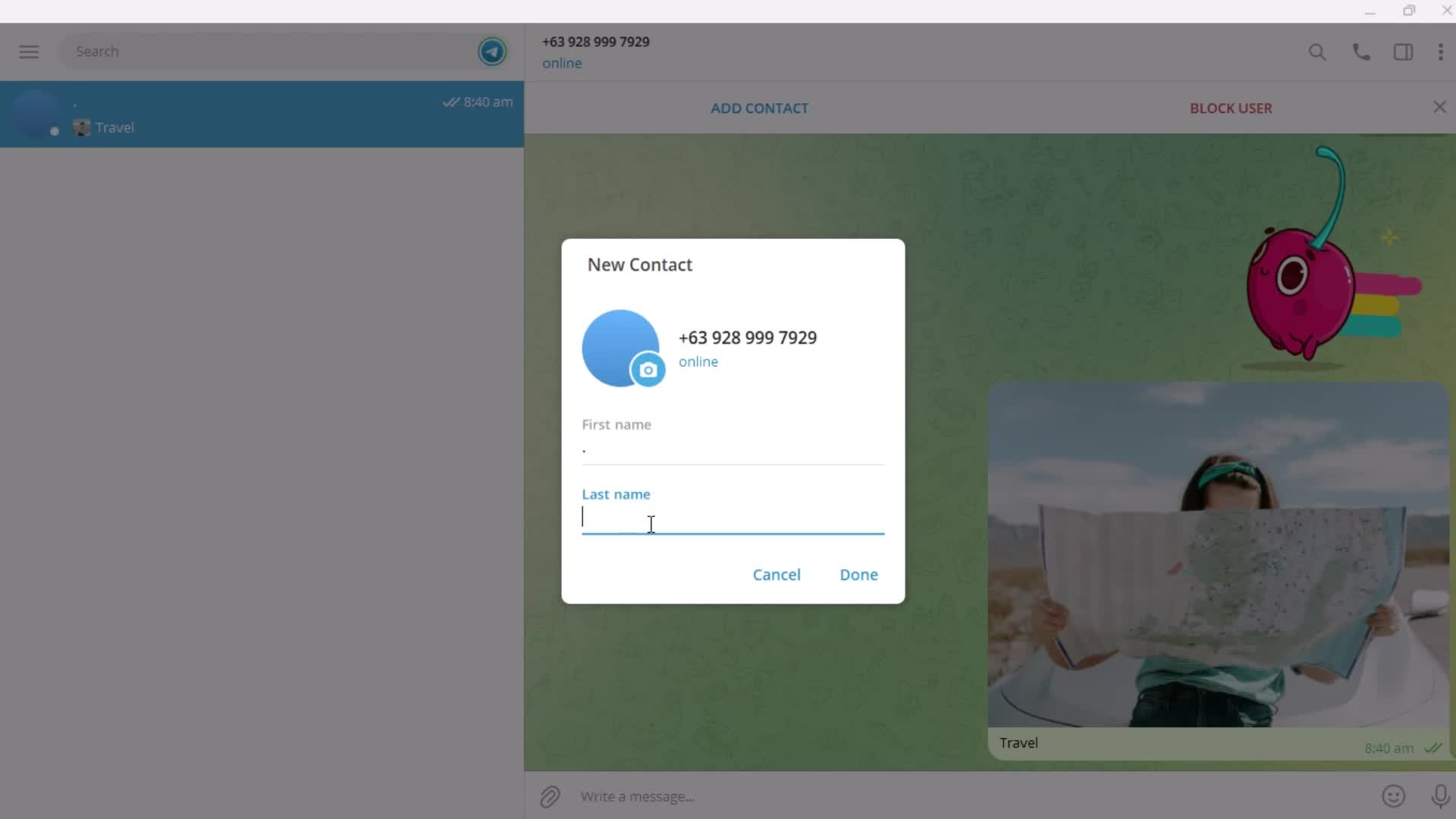
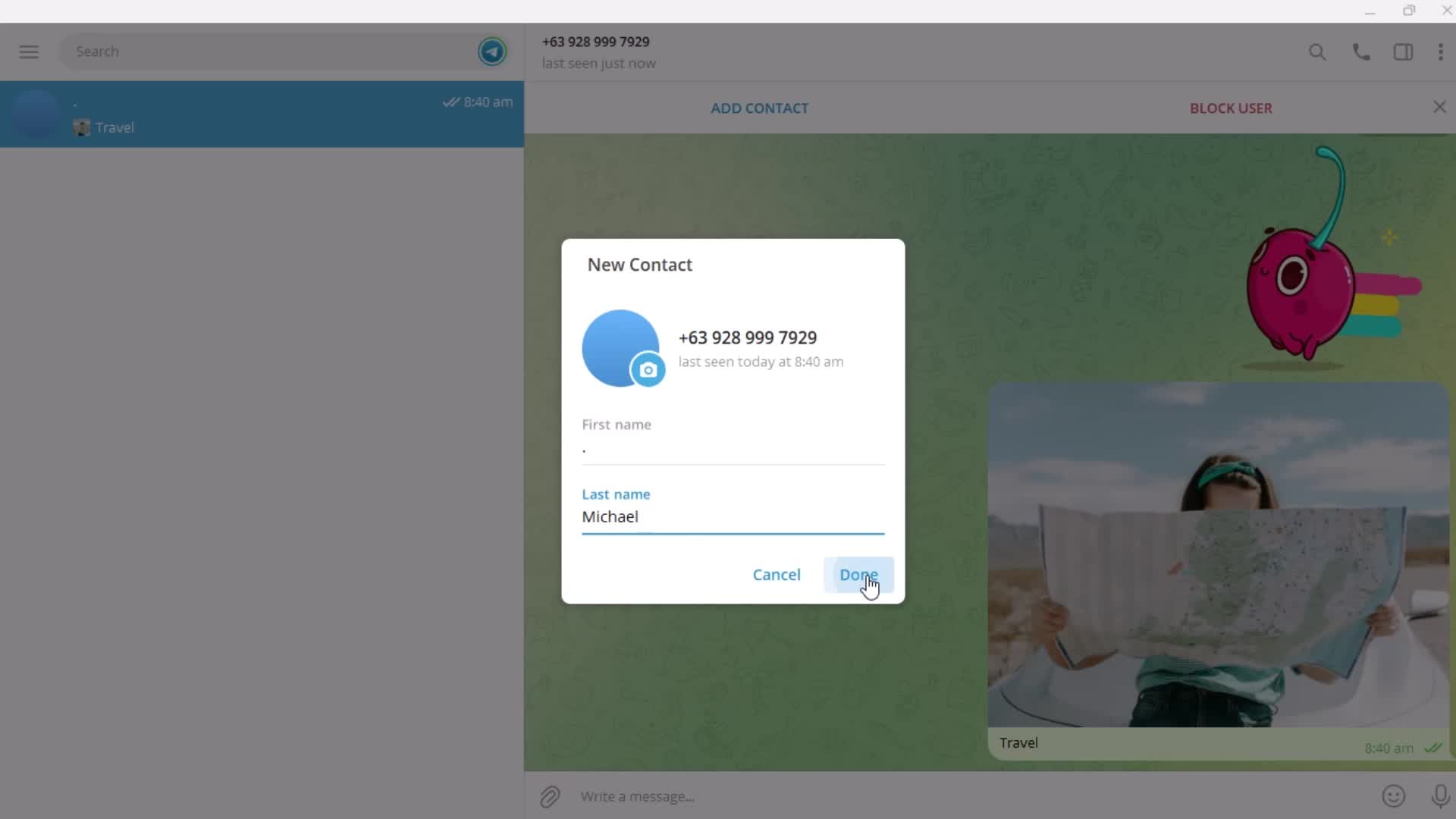
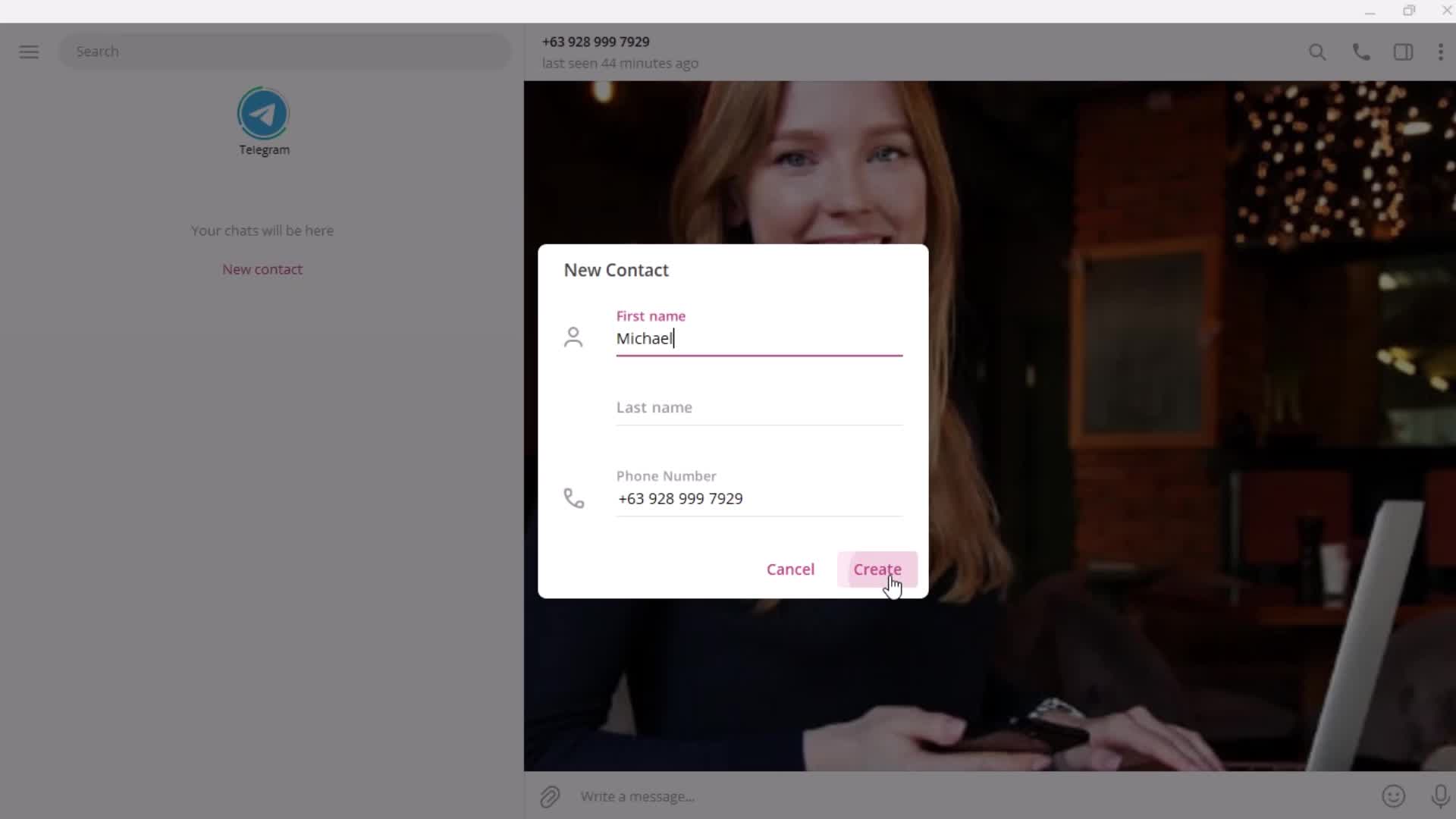
Enter name
this is title
this is title
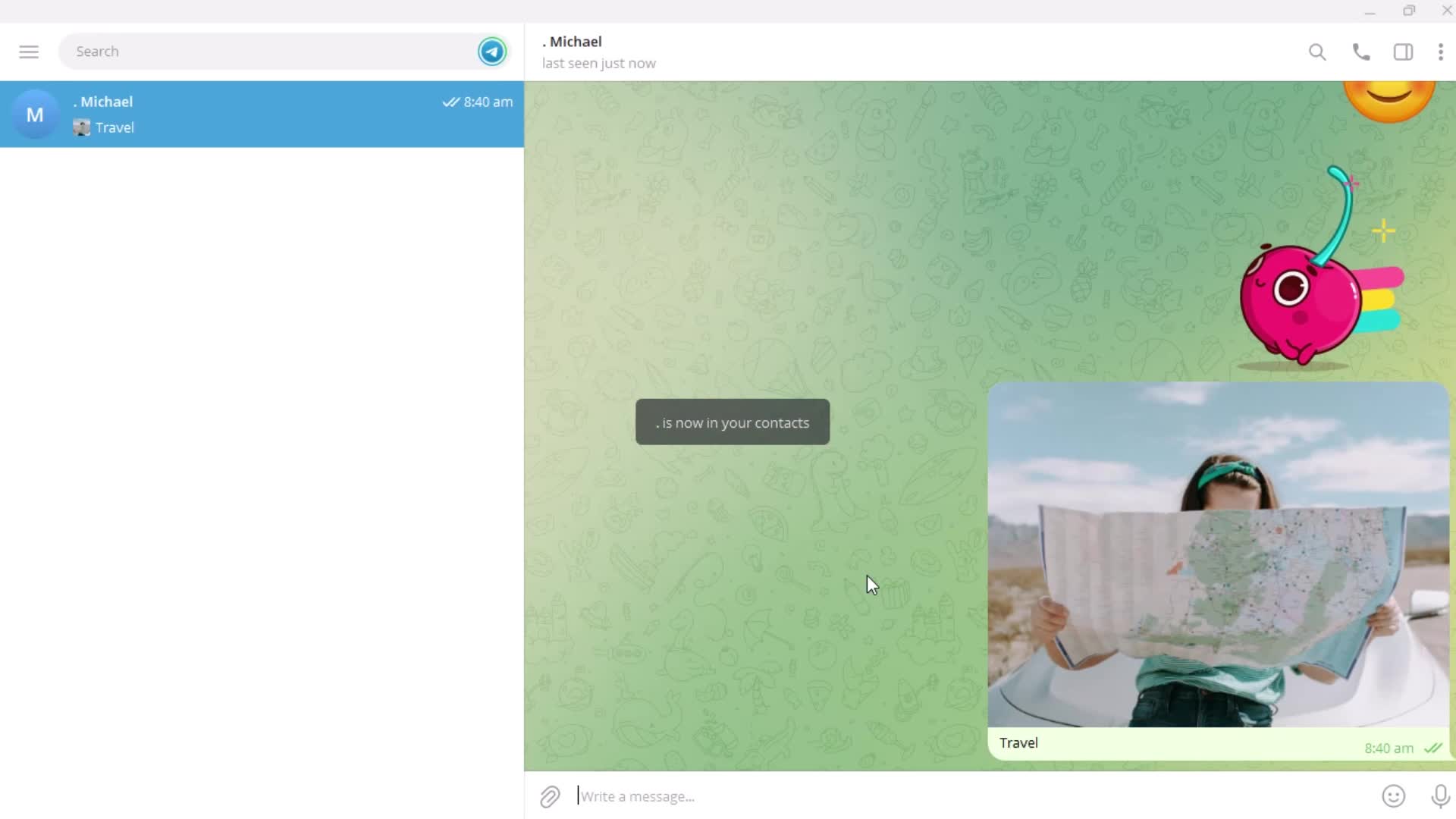
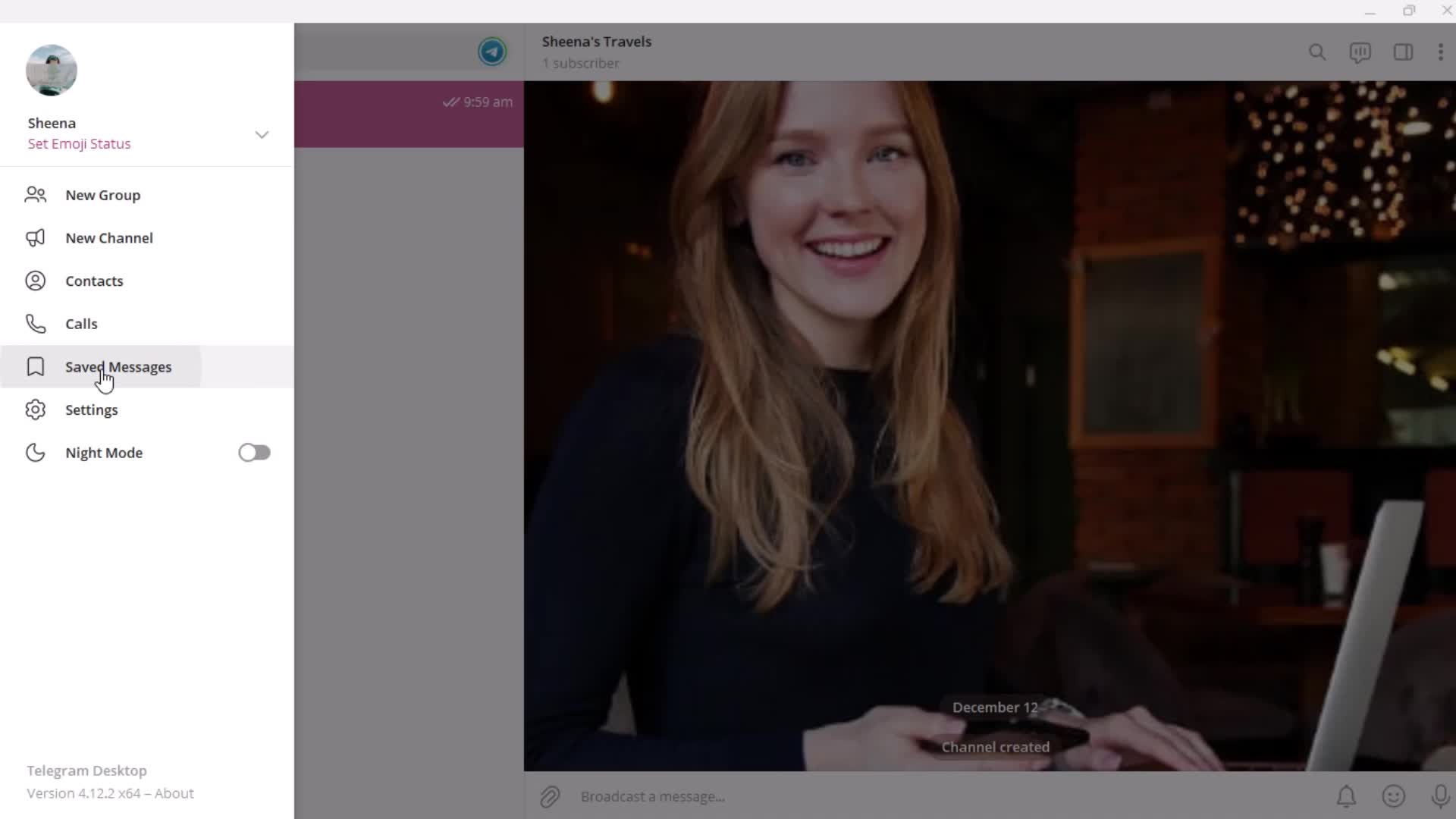
Saved
this is title
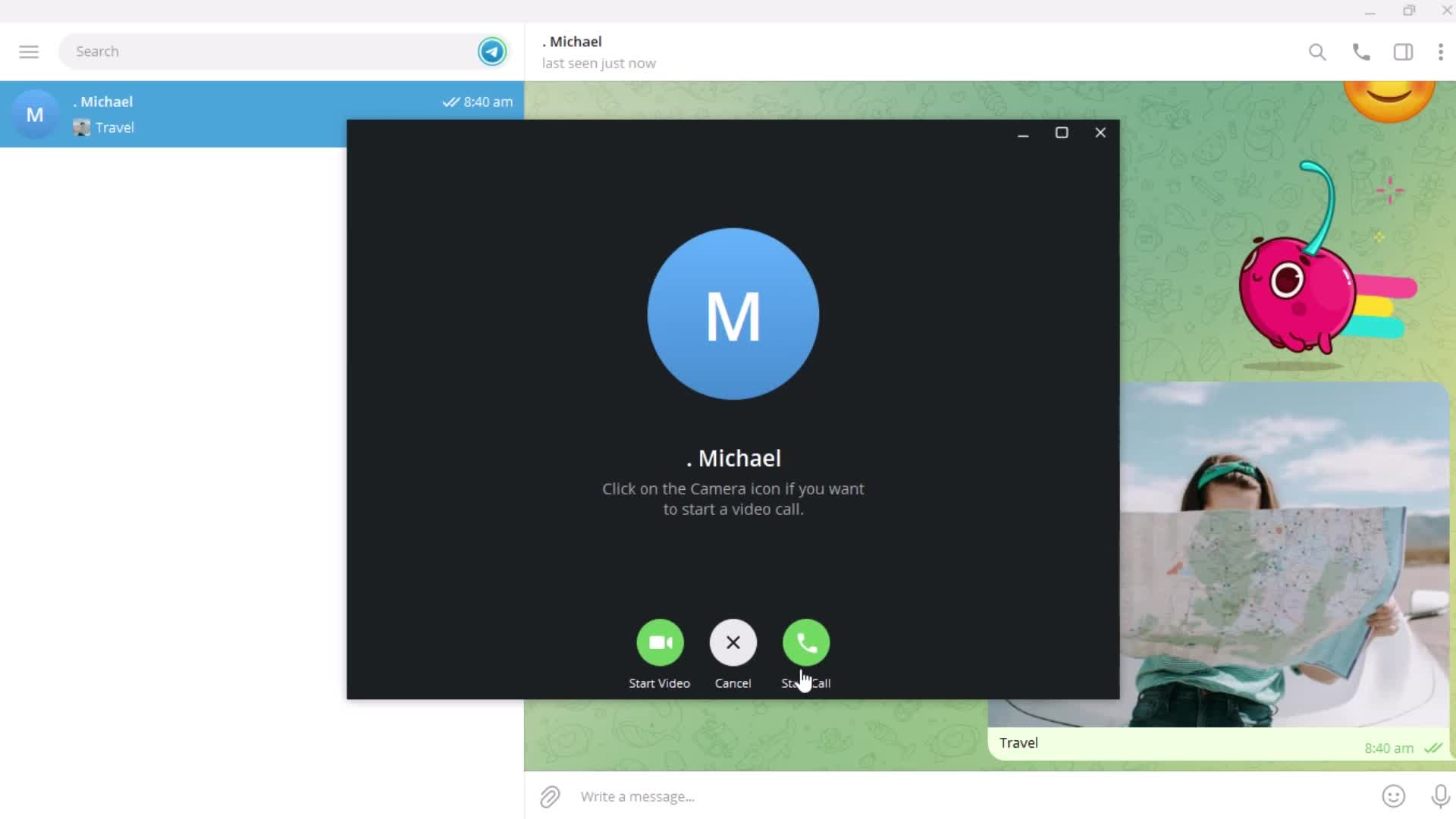
Call
this is title
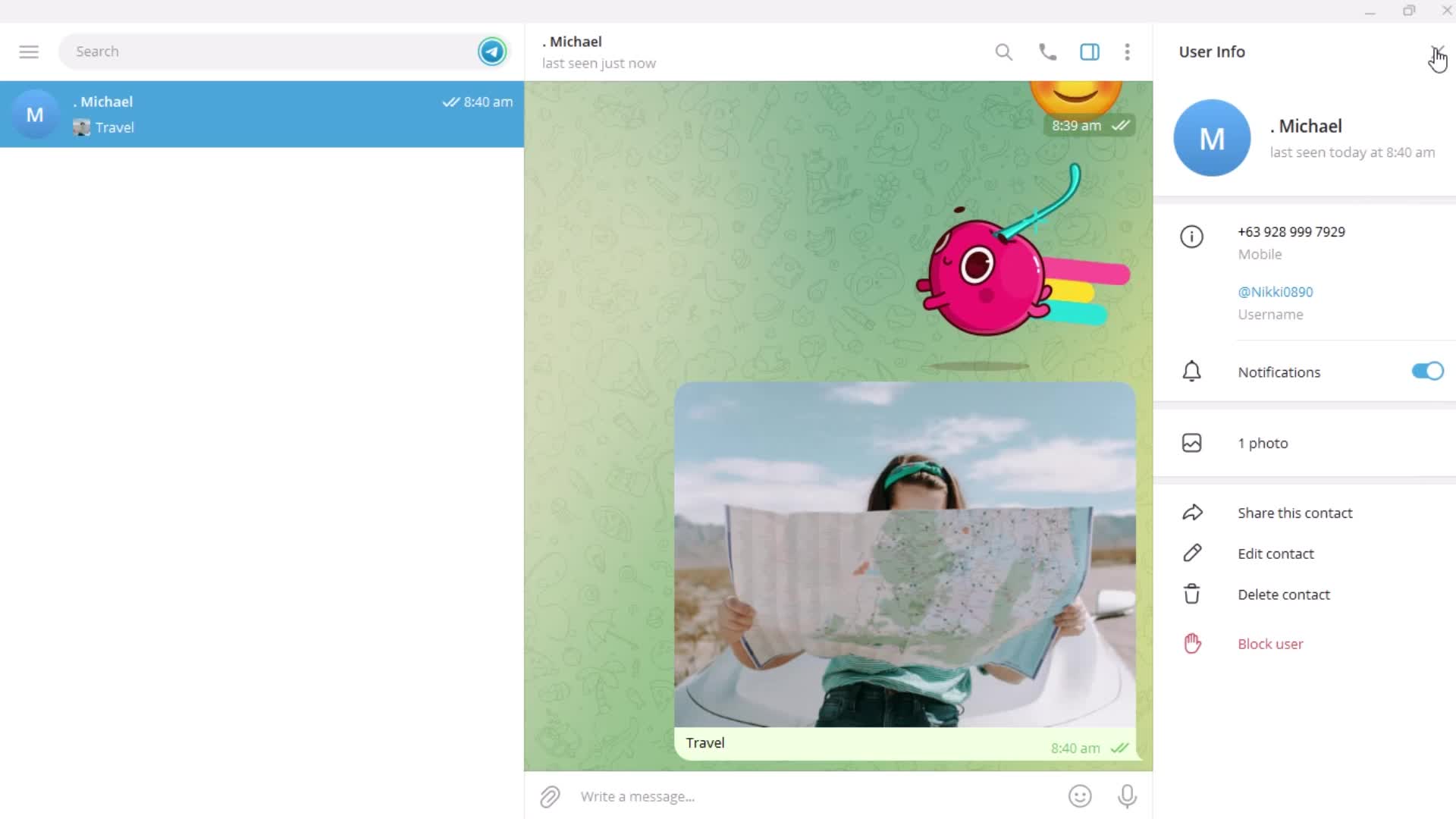
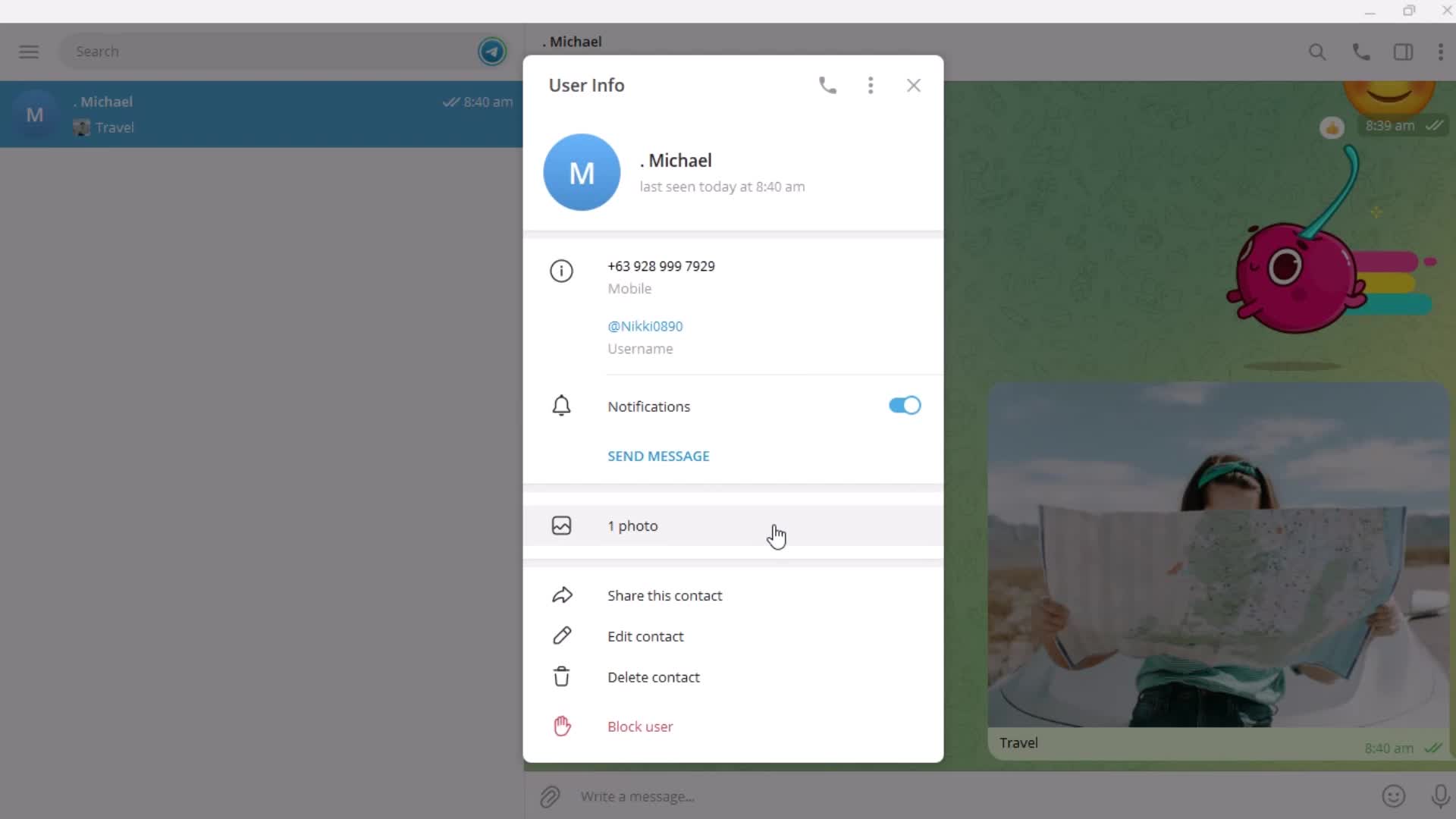
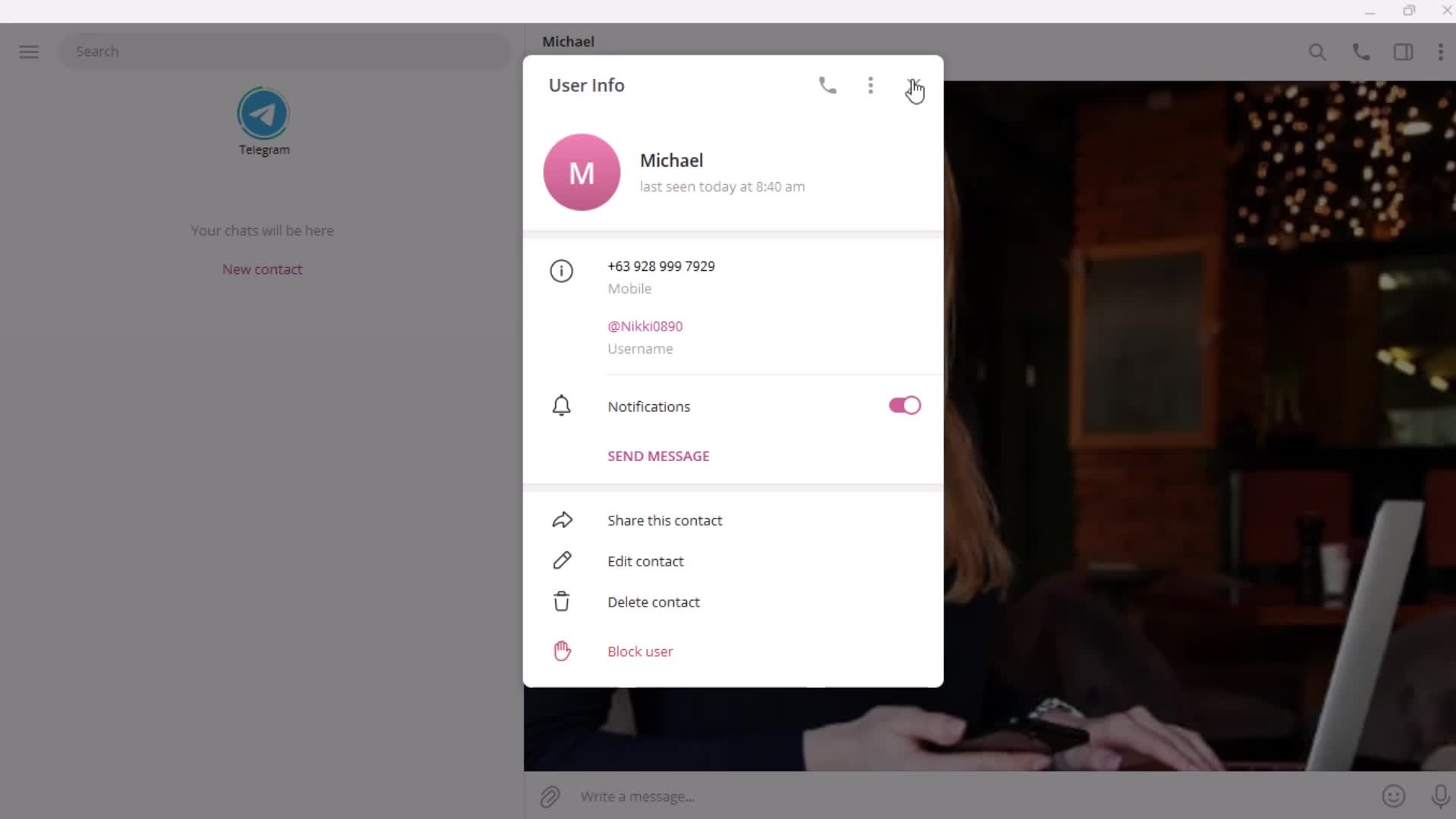
User detail
this is title
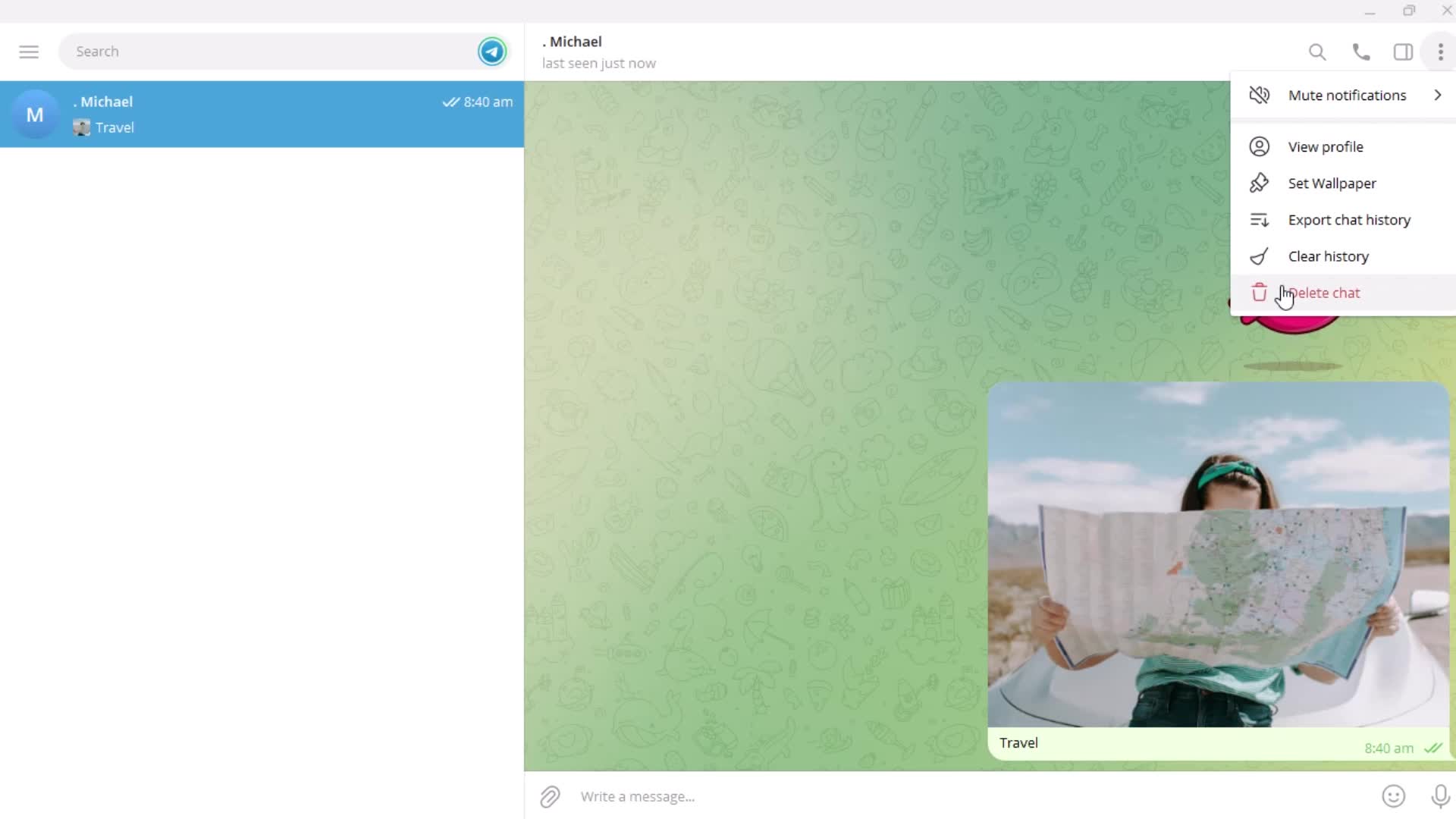
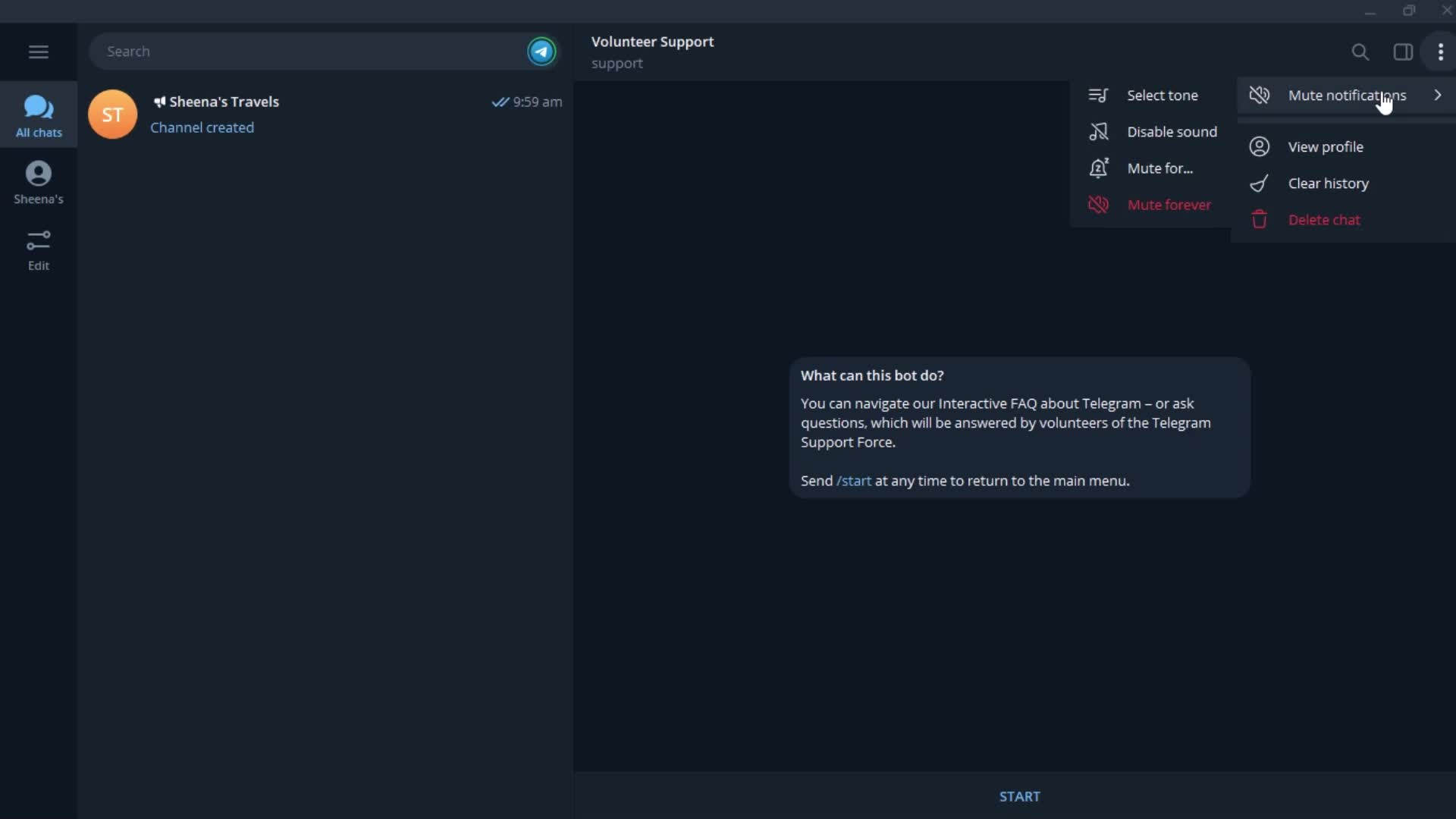
Action menu
this is title
this is title
this is title
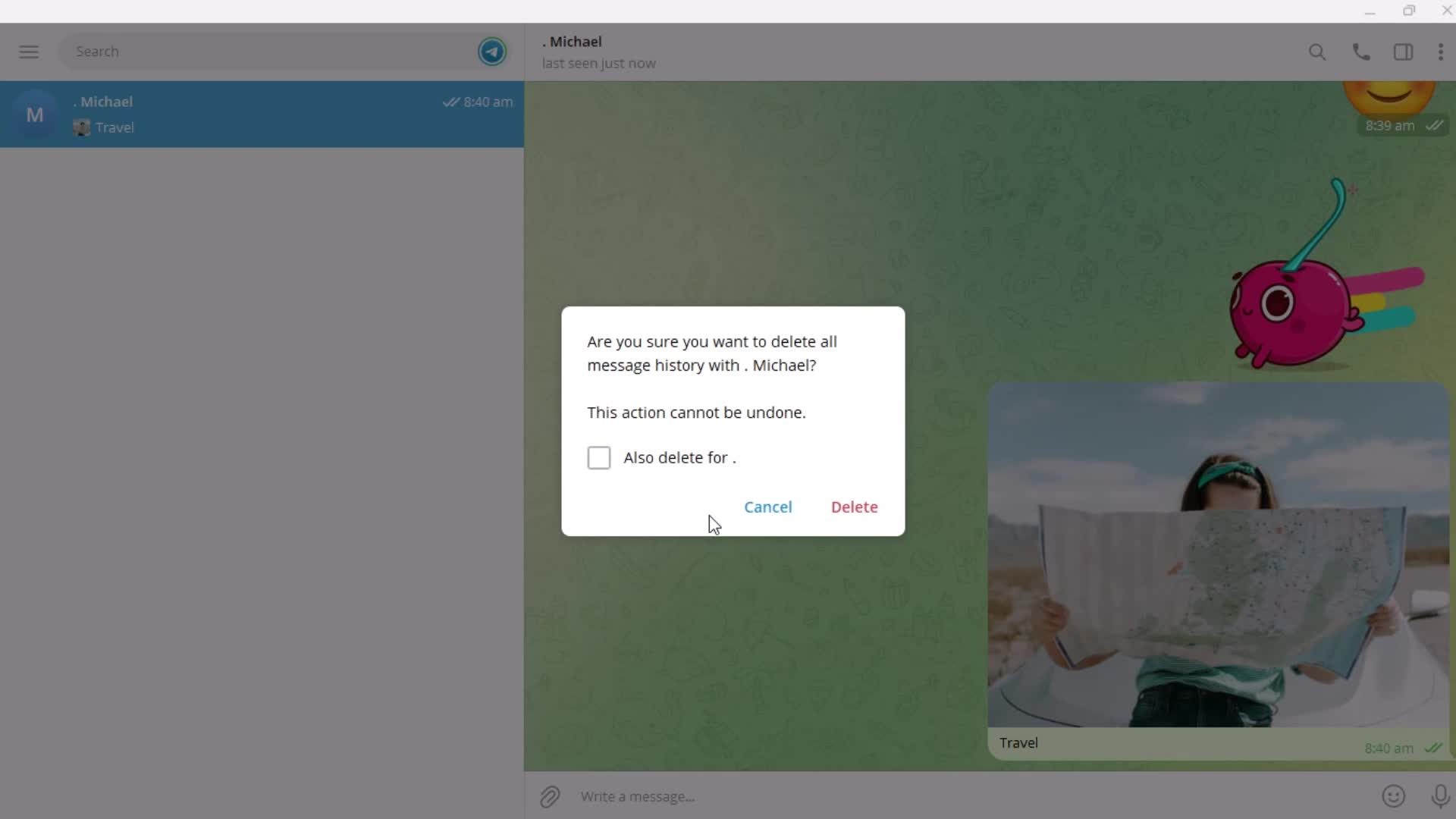
Confirm delete
this is title
this is title
Deleted
this is title
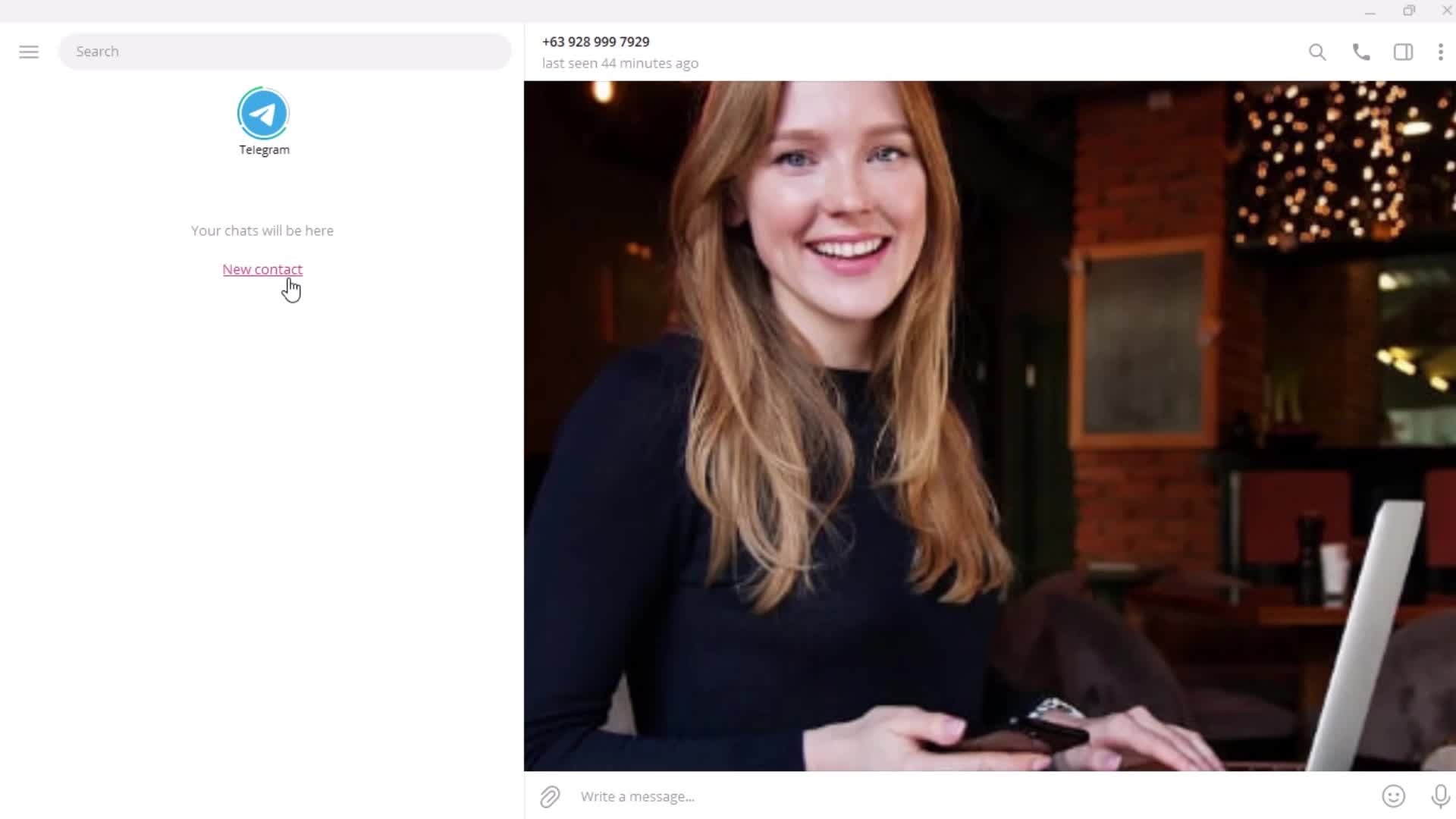
Add contact
this is title
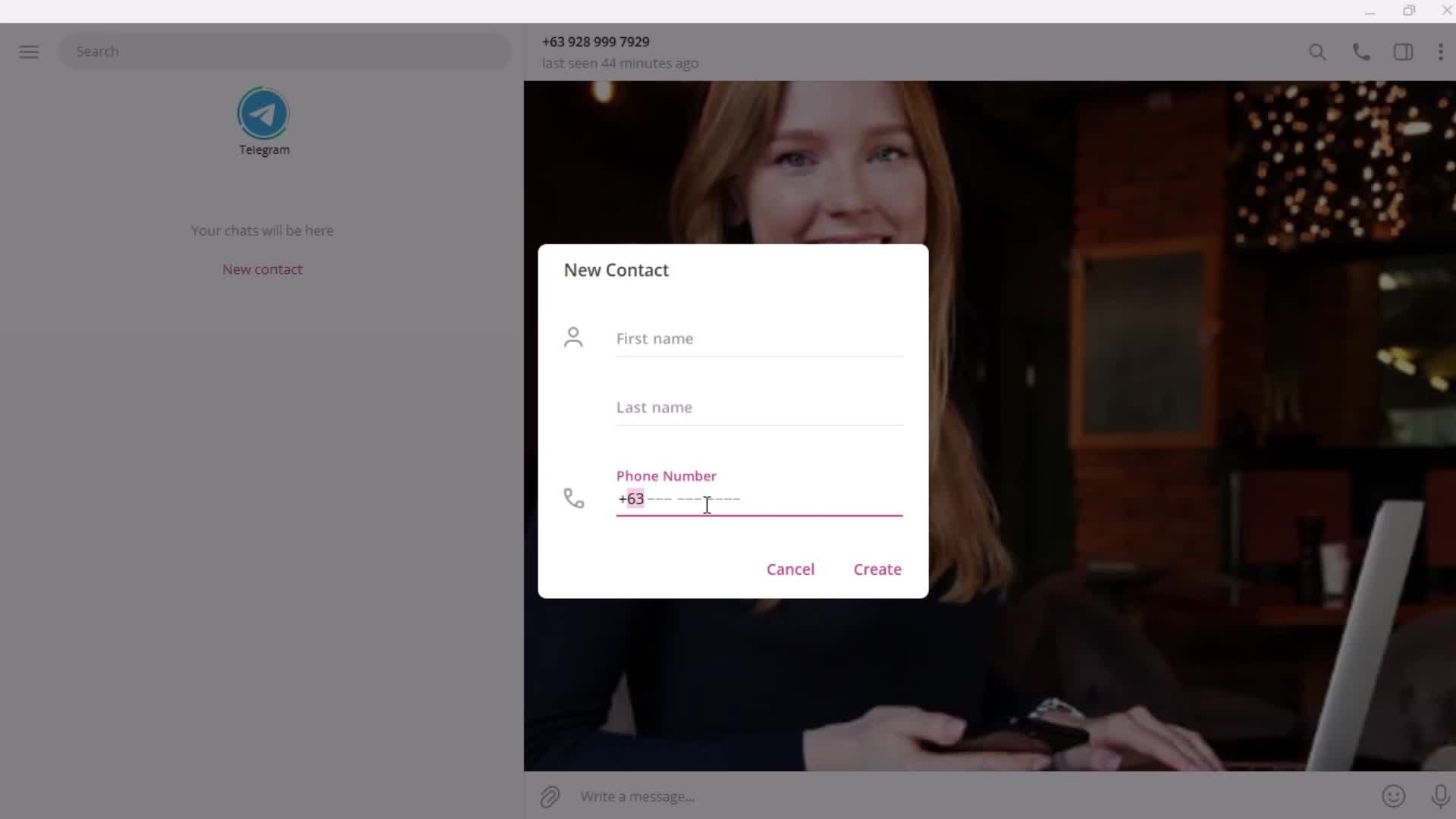
Enter phone number
this is title
Enter name
this is title
this is title
User detail
this is title
Profile menu
this is title
Search
this is title
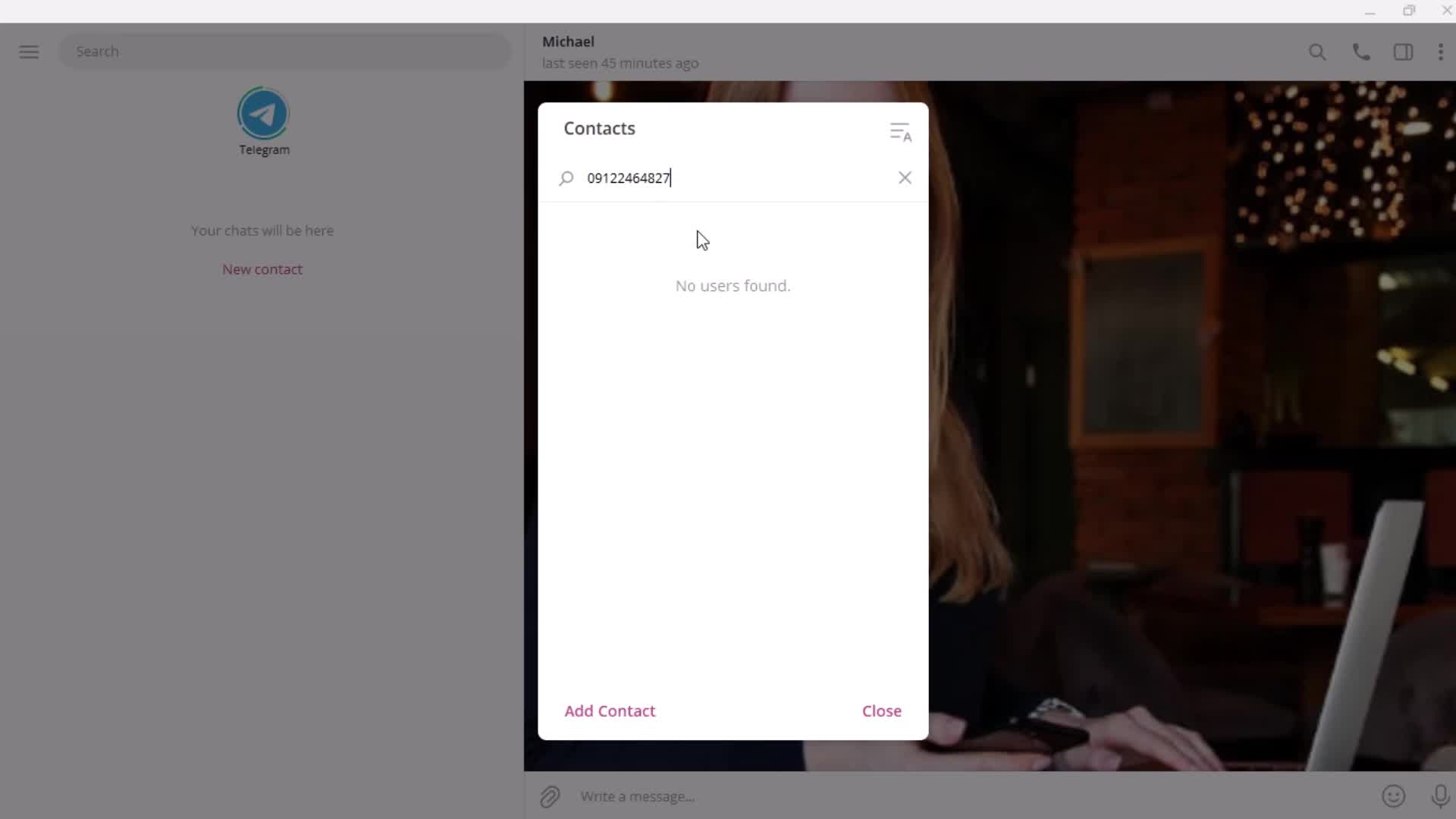
No search results
this is title
Search results
this is title
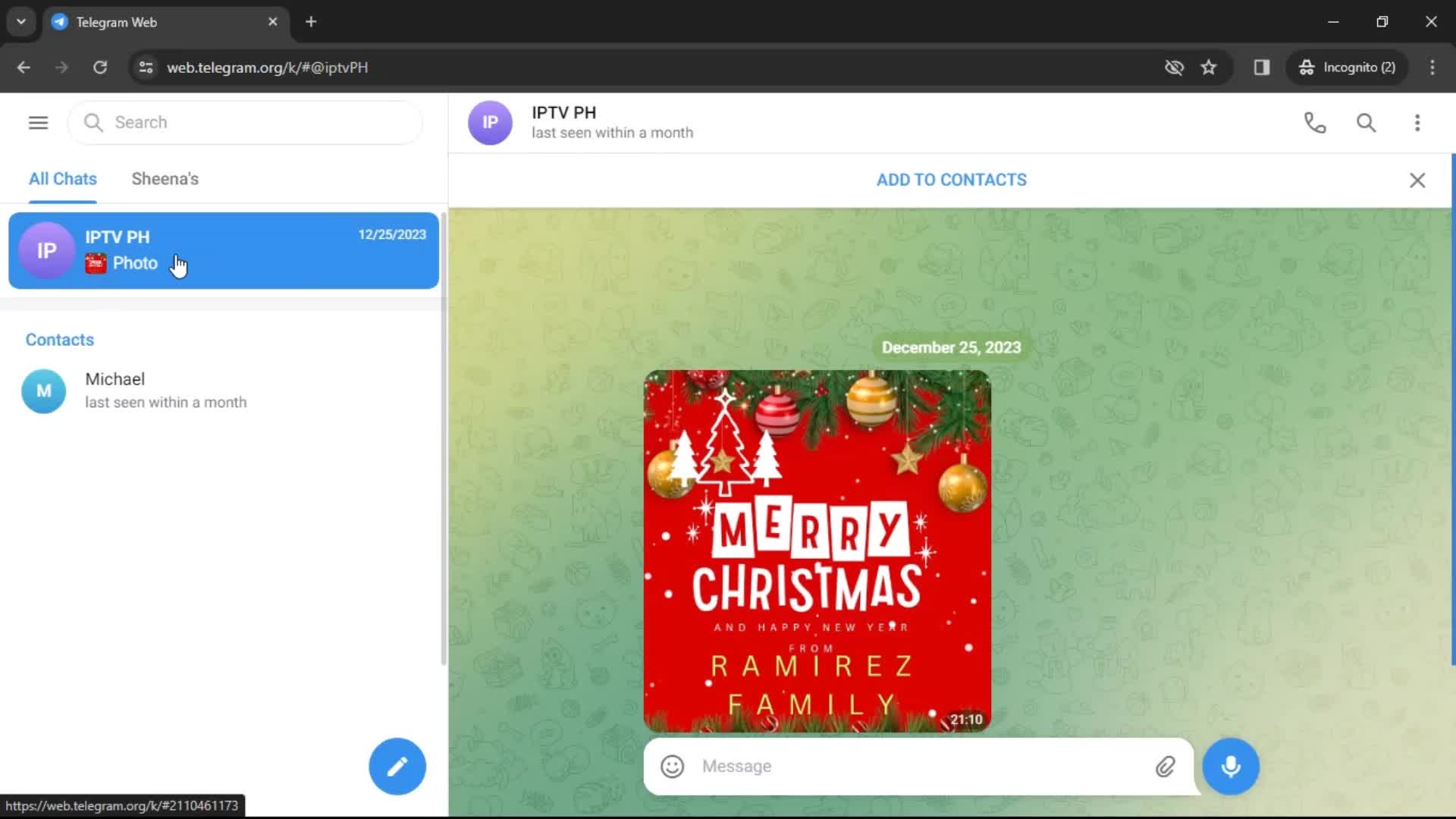
Chats
this is title
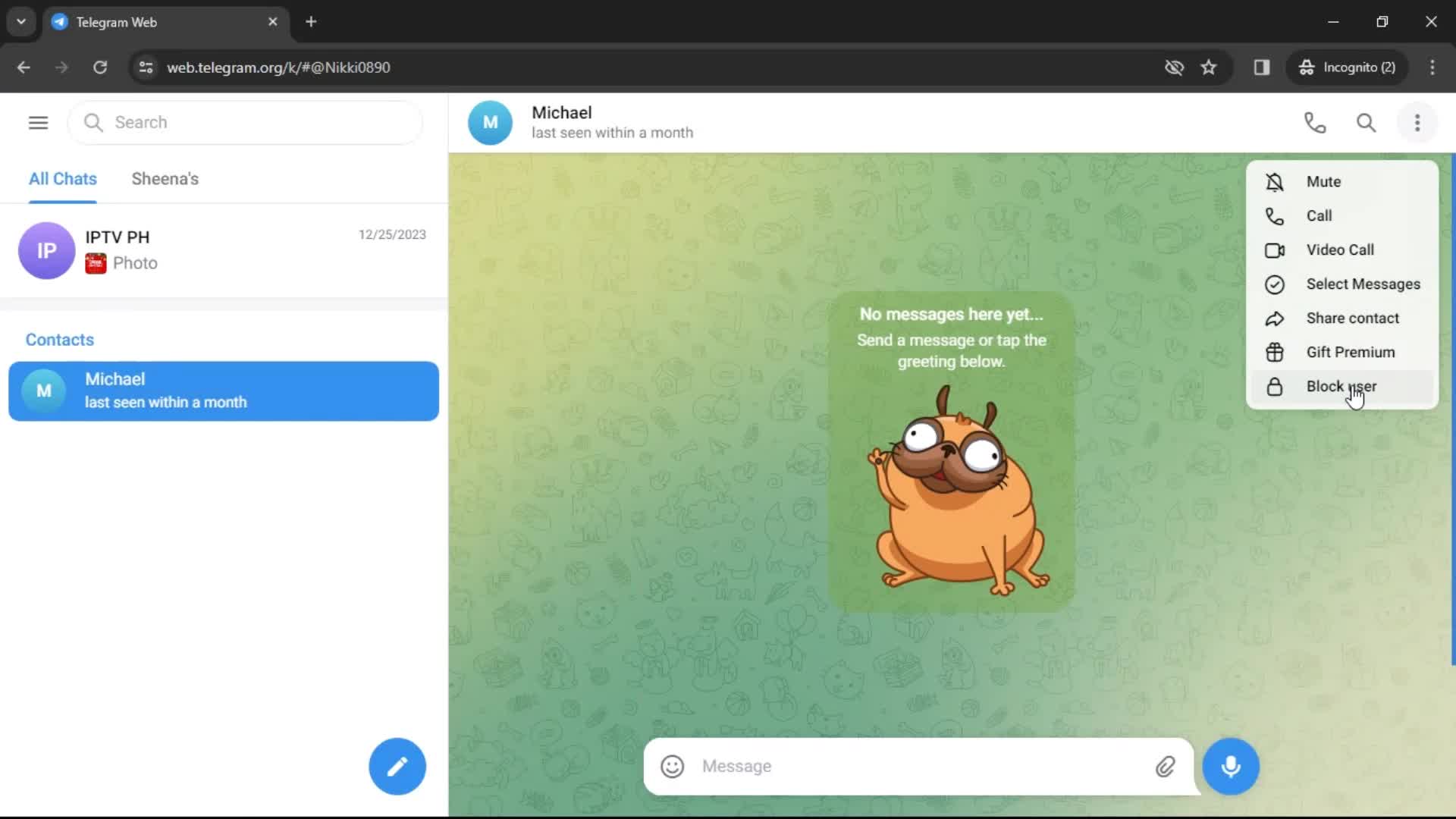
Action menu
this is title
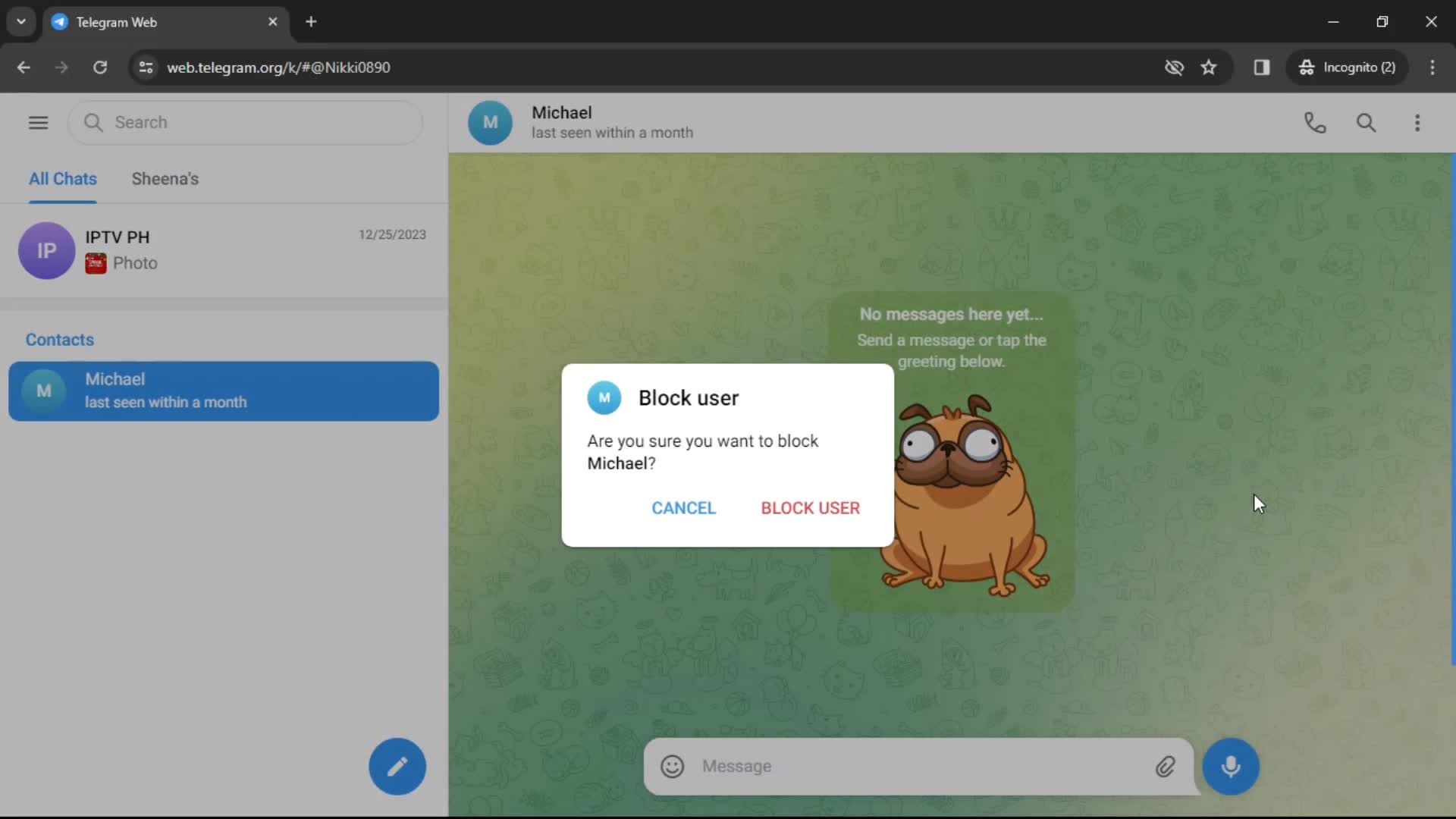
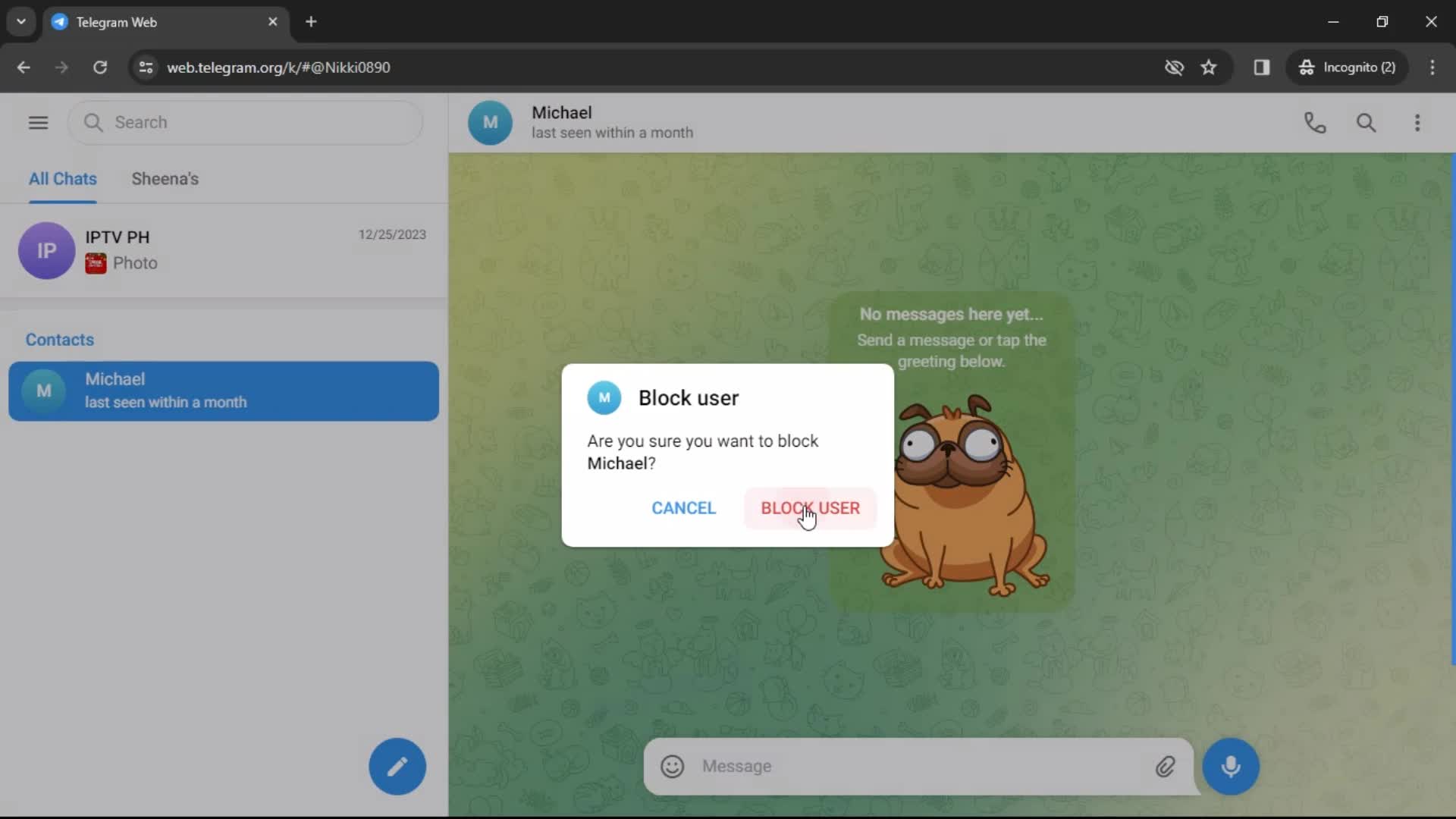
Block user
this is title
this is title
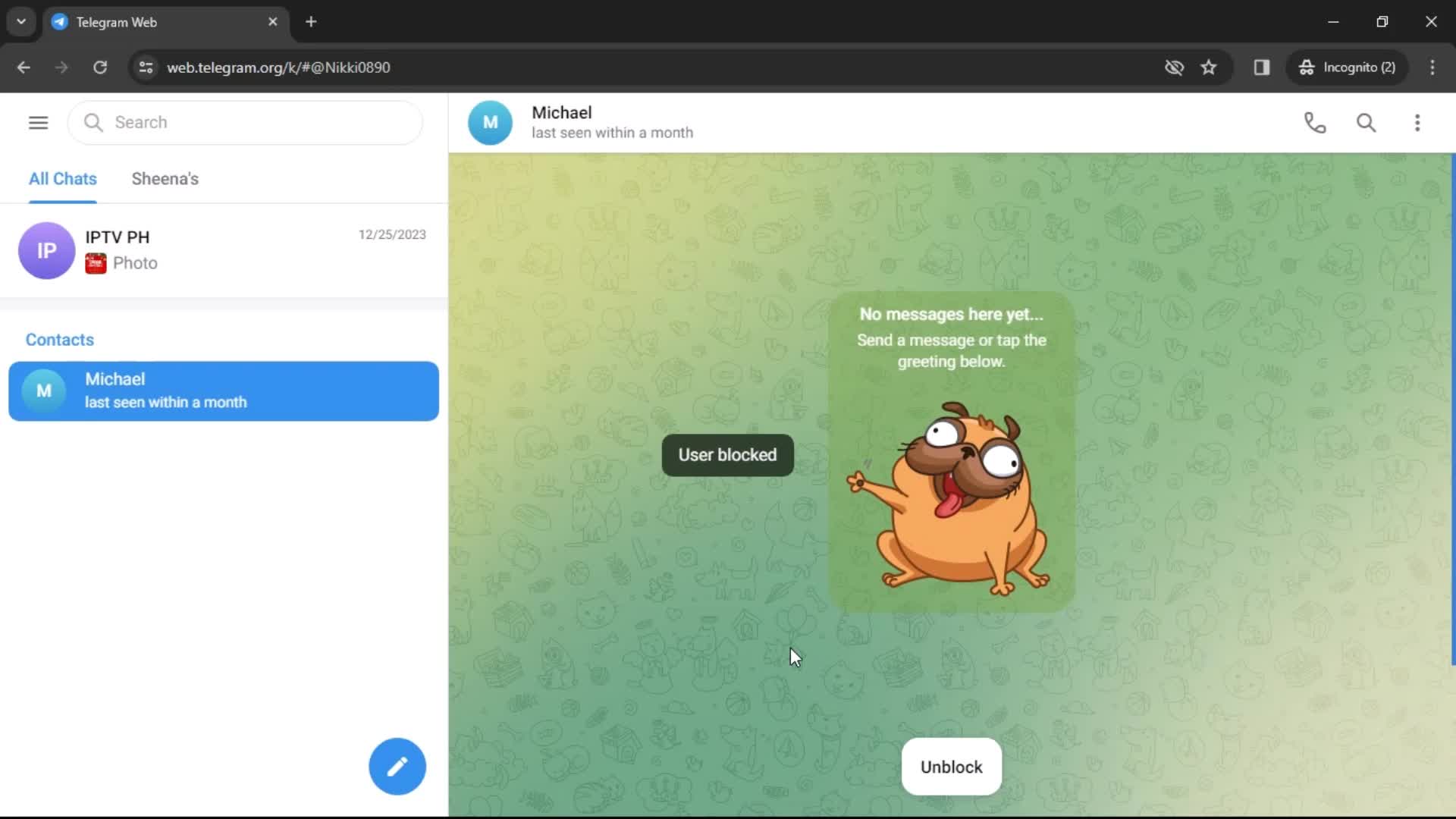
User blocked
this is title
Profile menu
this is title
Enter name
this is title
this is title
Options
this is title
this is title
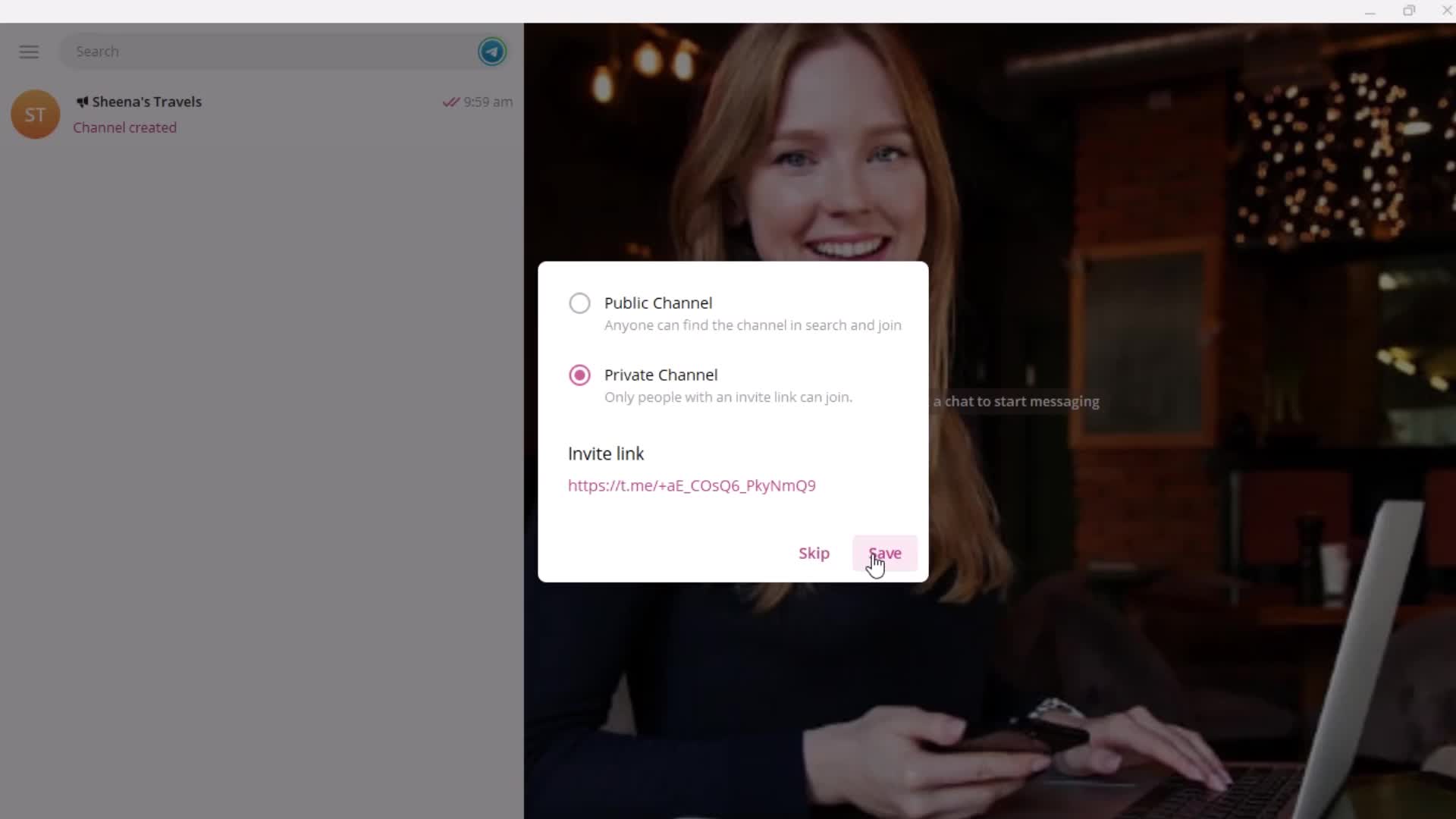
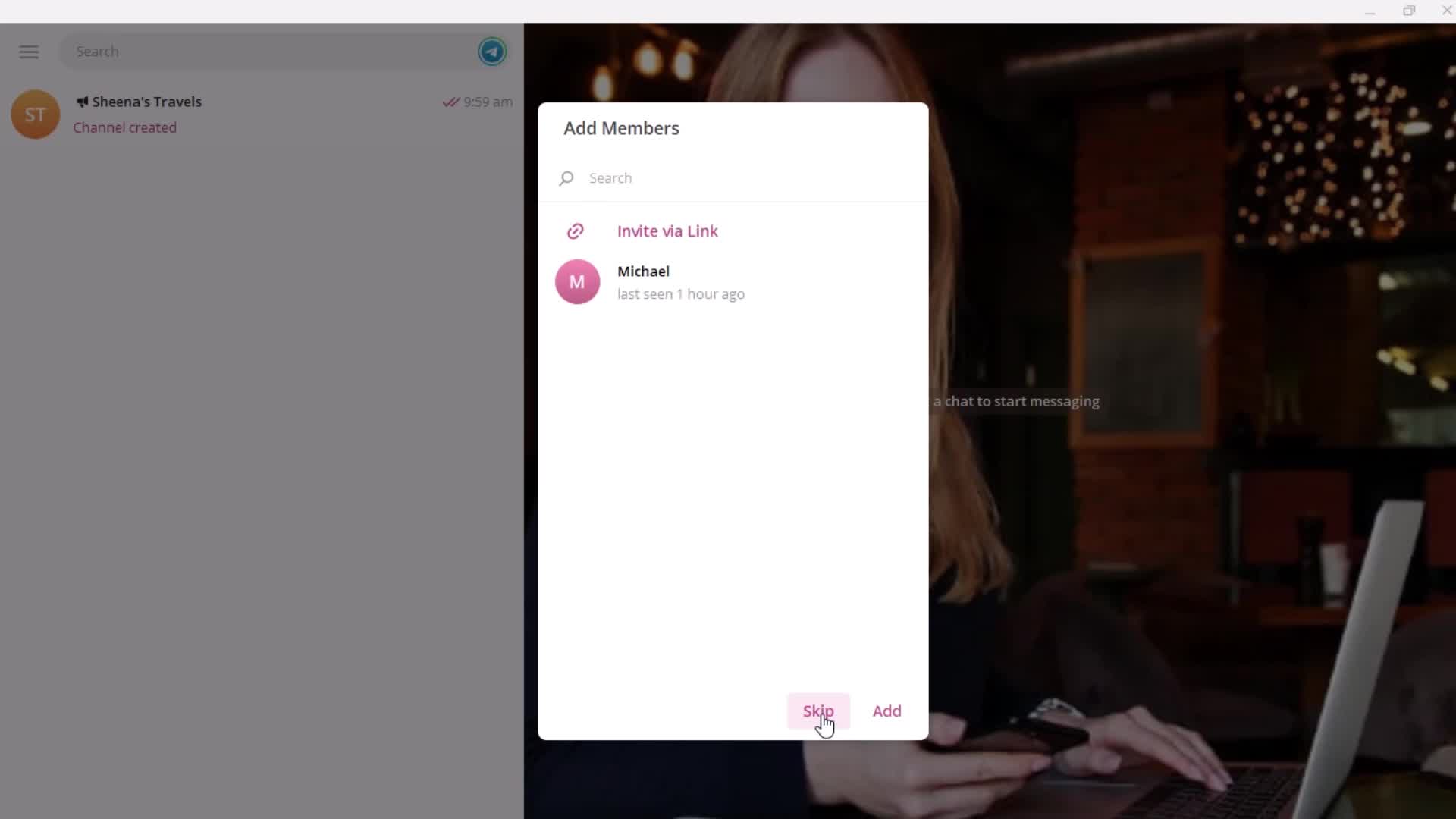
Add members
this is title
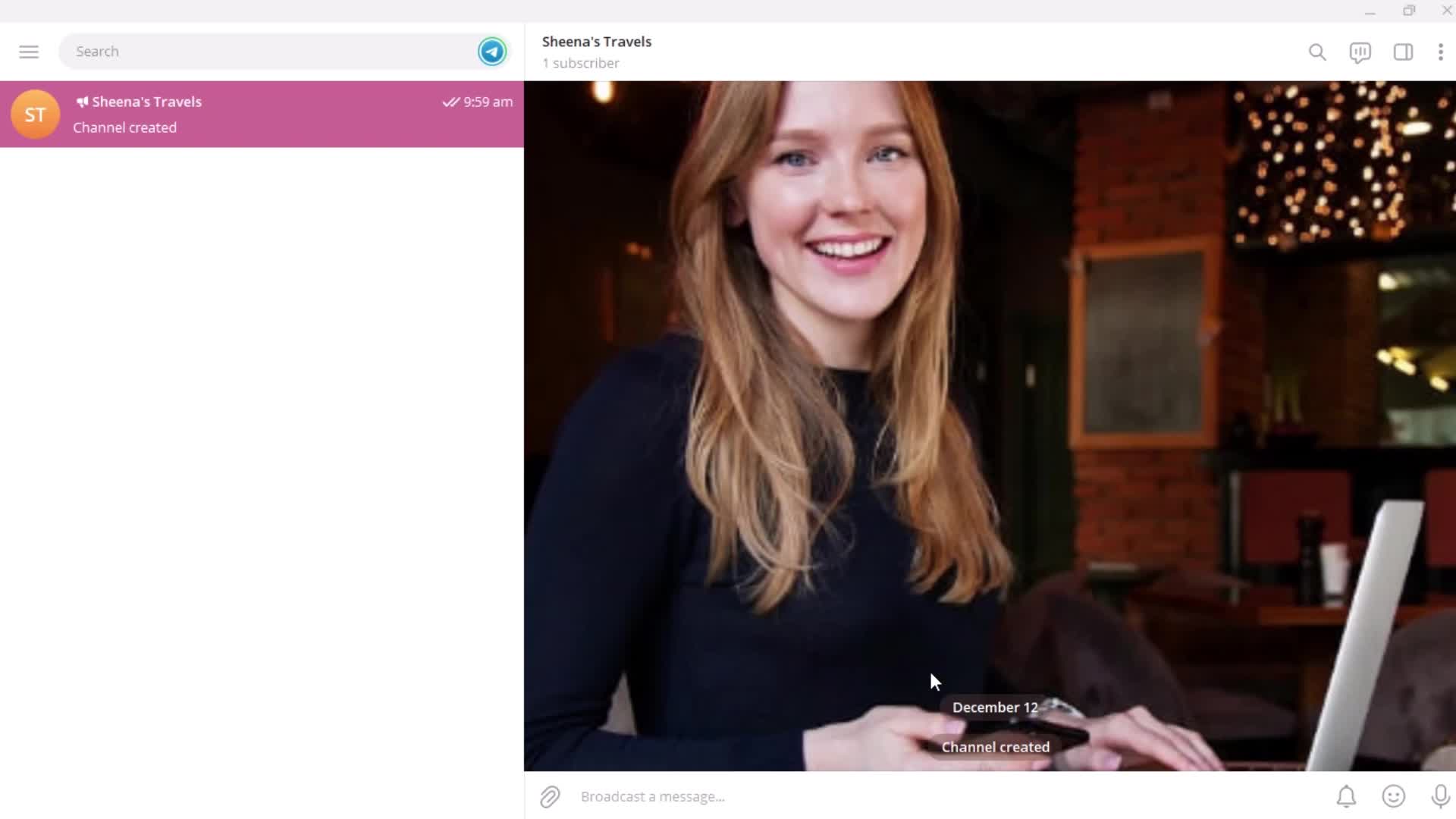
Created
this is title
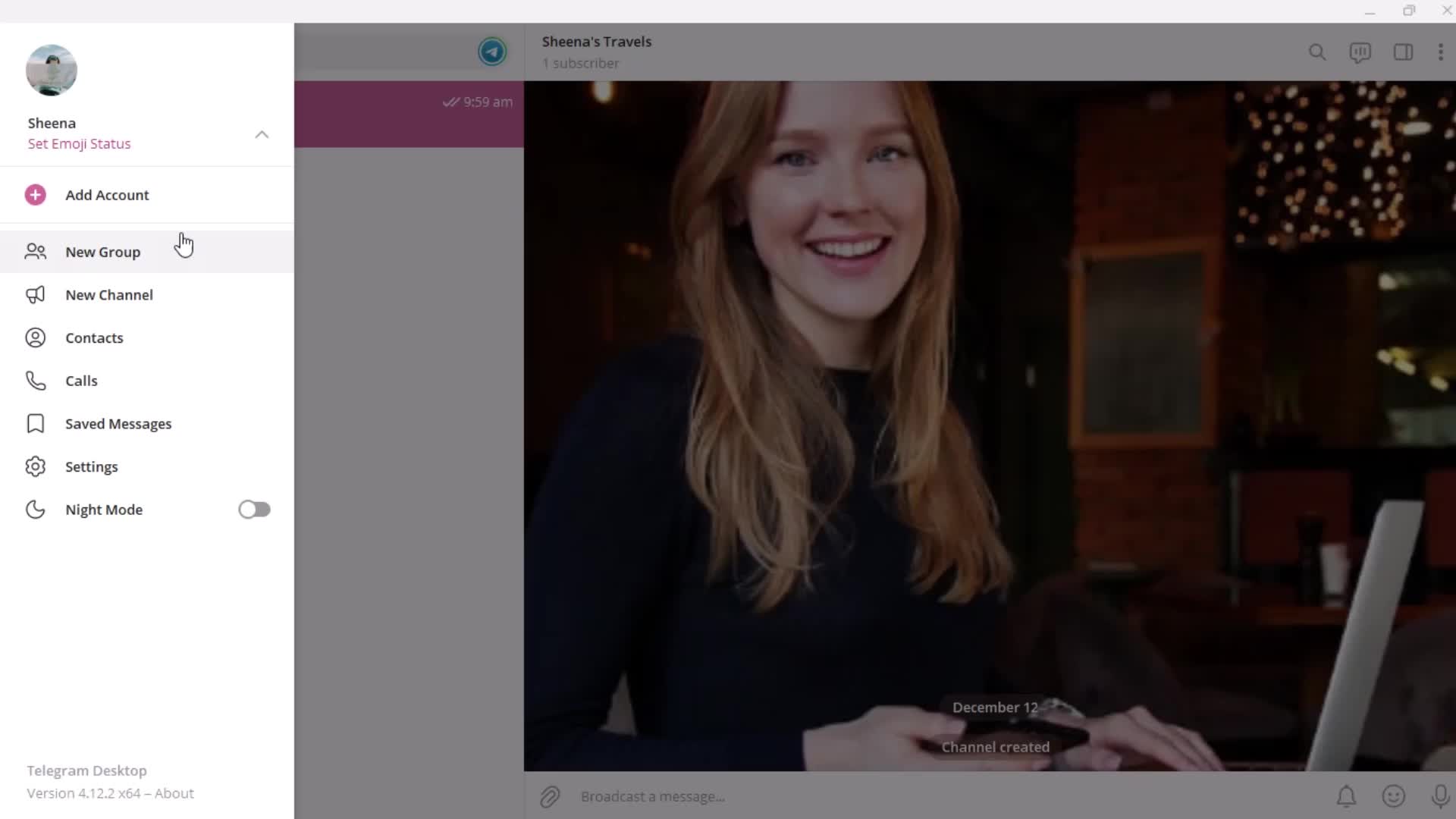
Profile menu
this is title
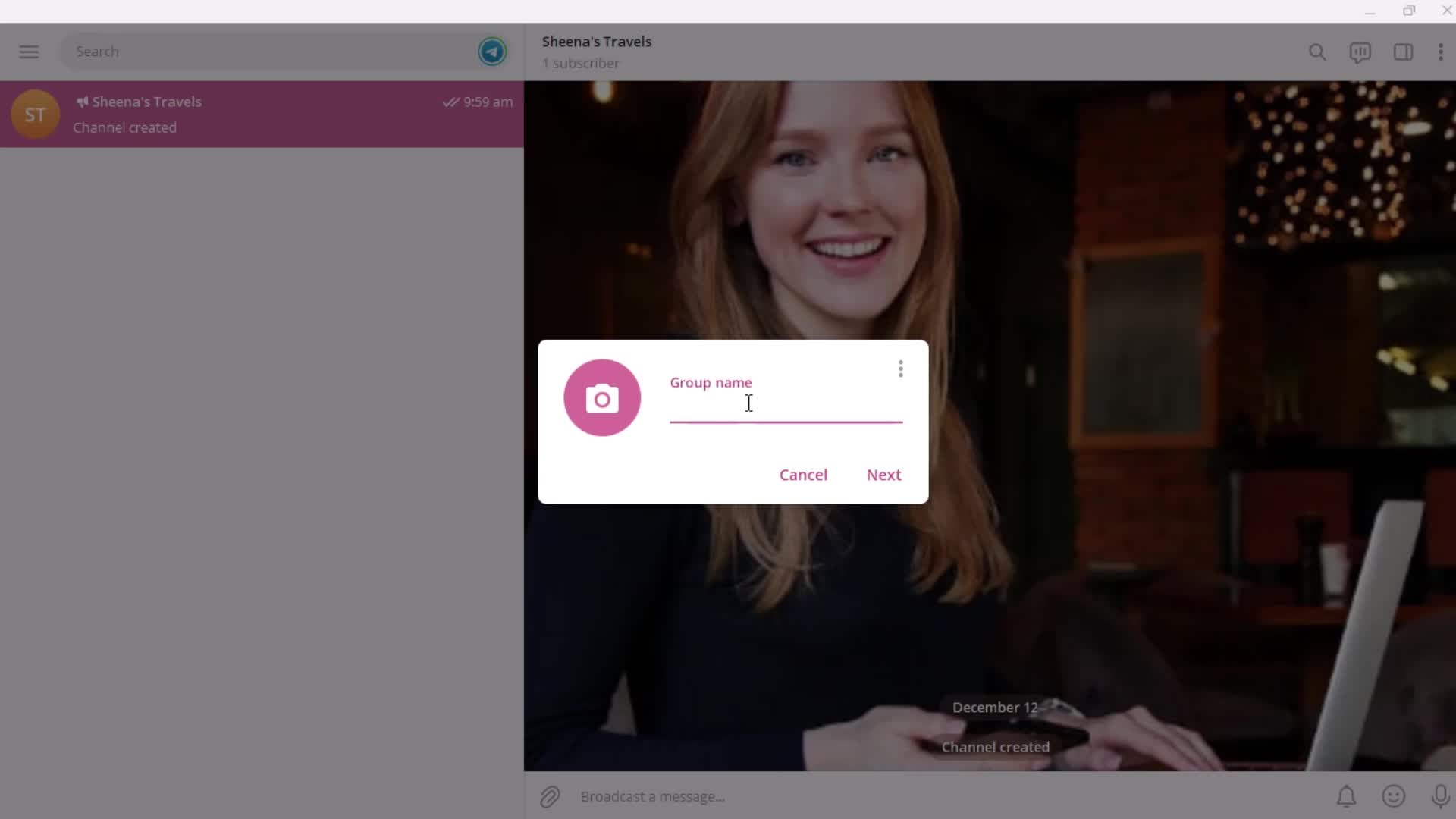
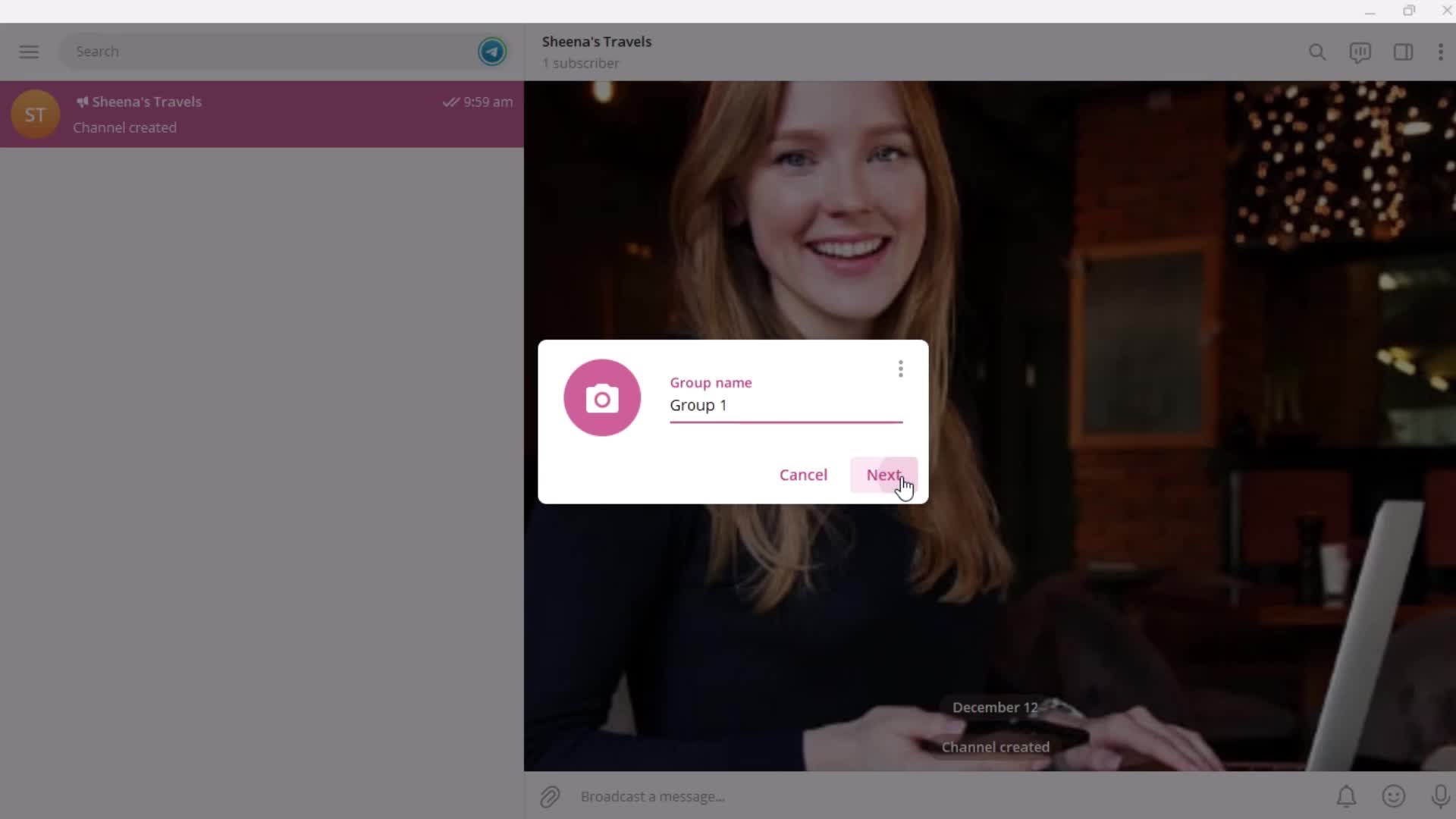
Enter name
this is title
this is title
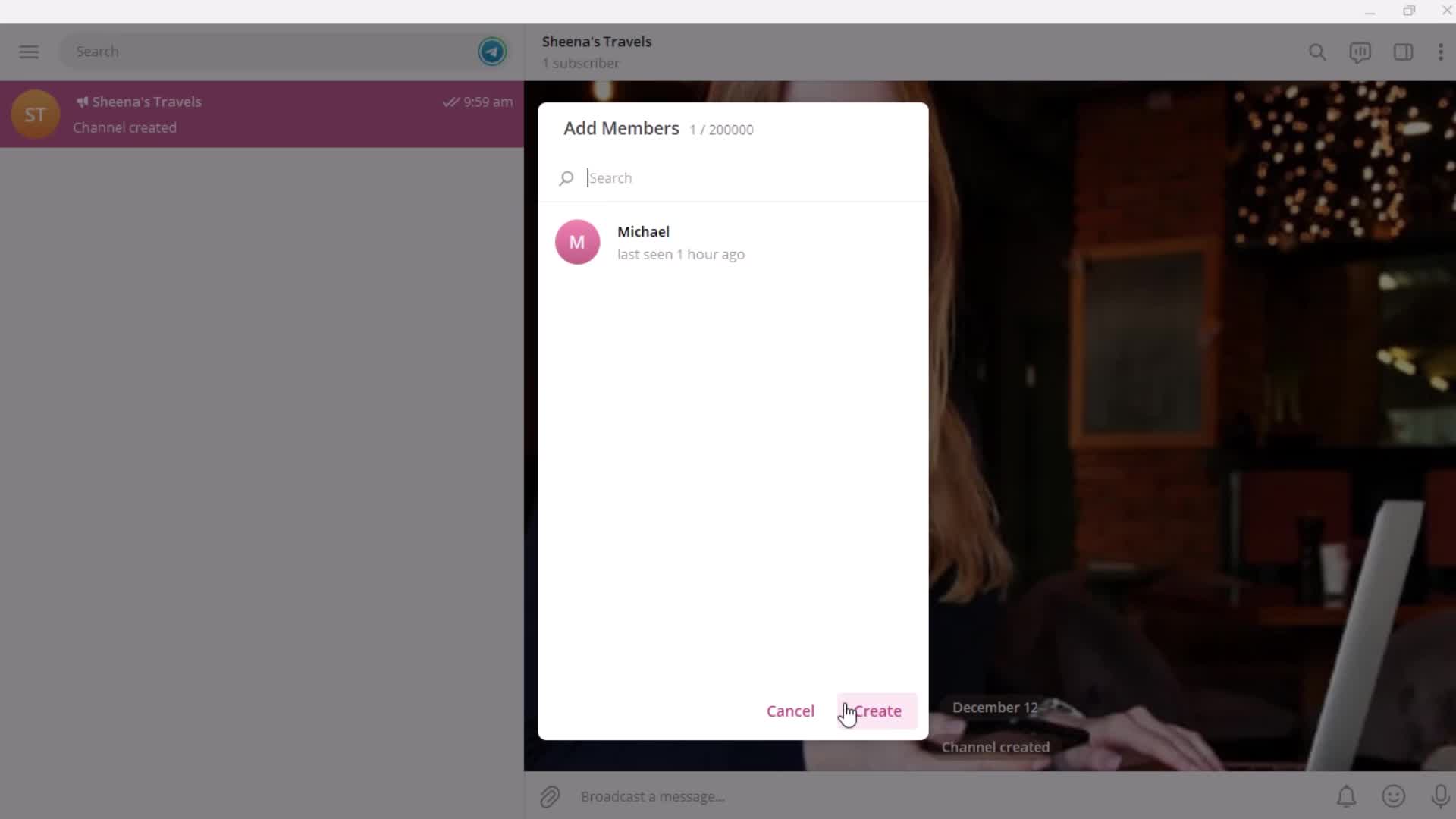
Add members
this is title
this is title
this is title
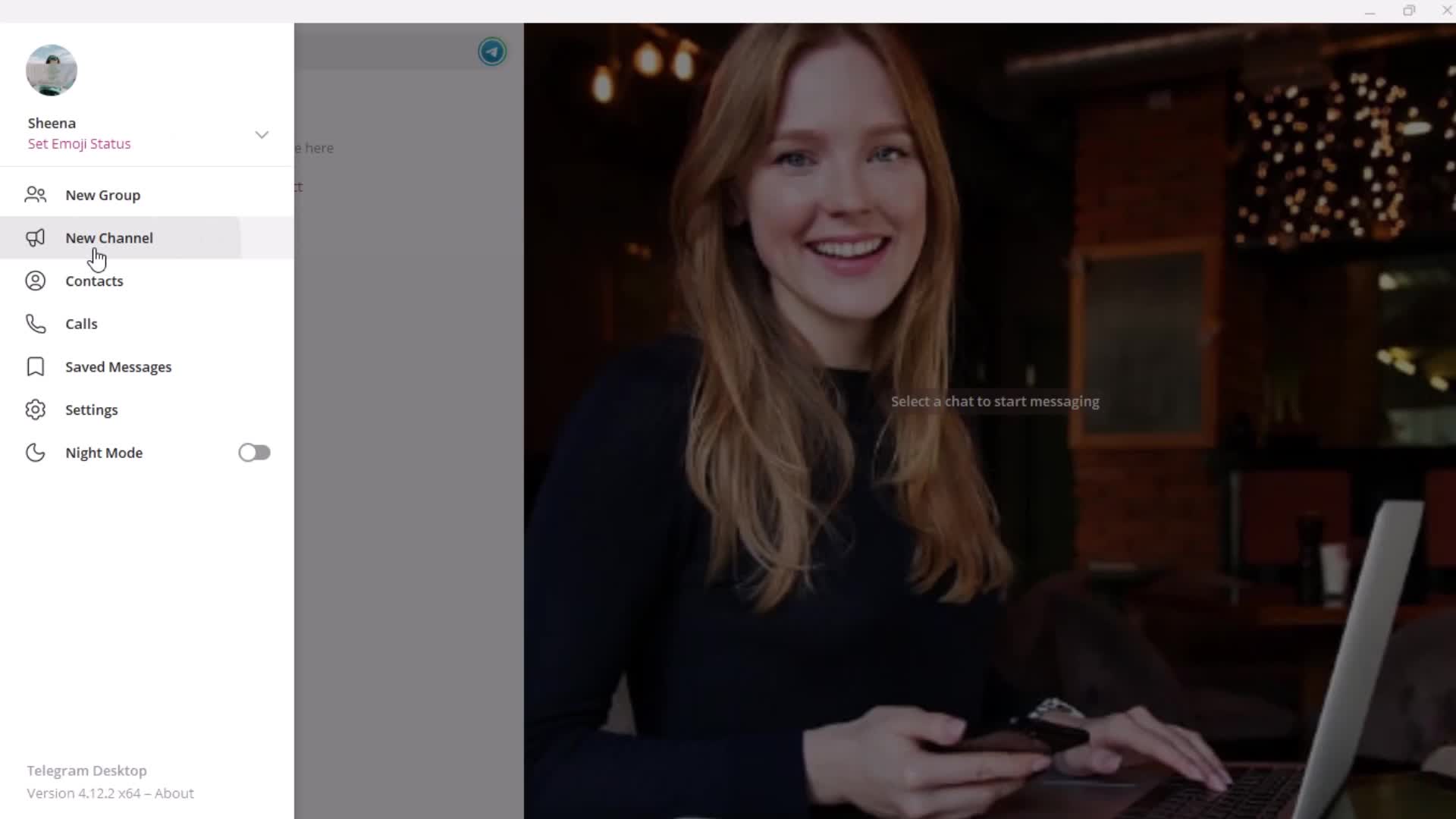
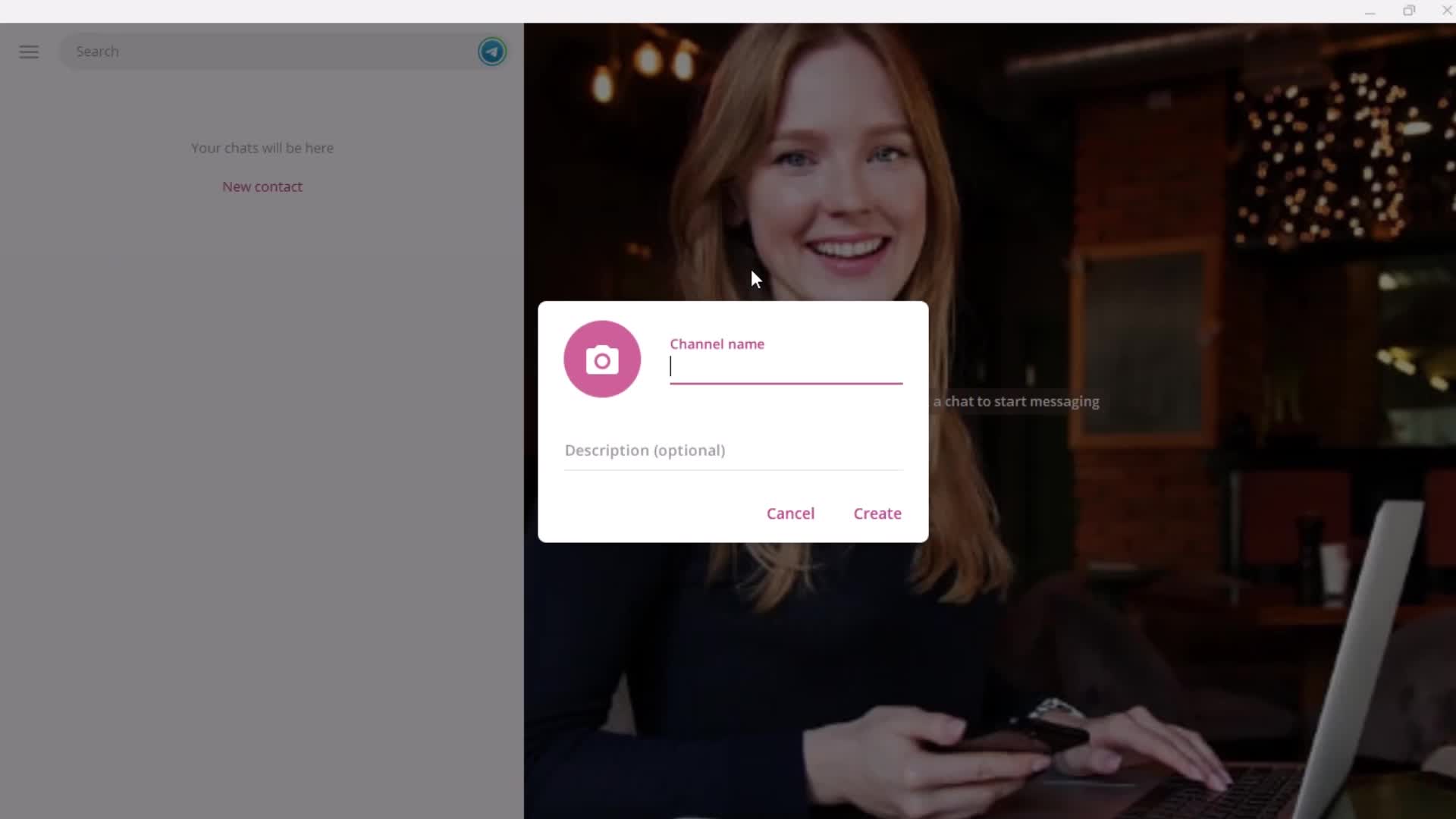
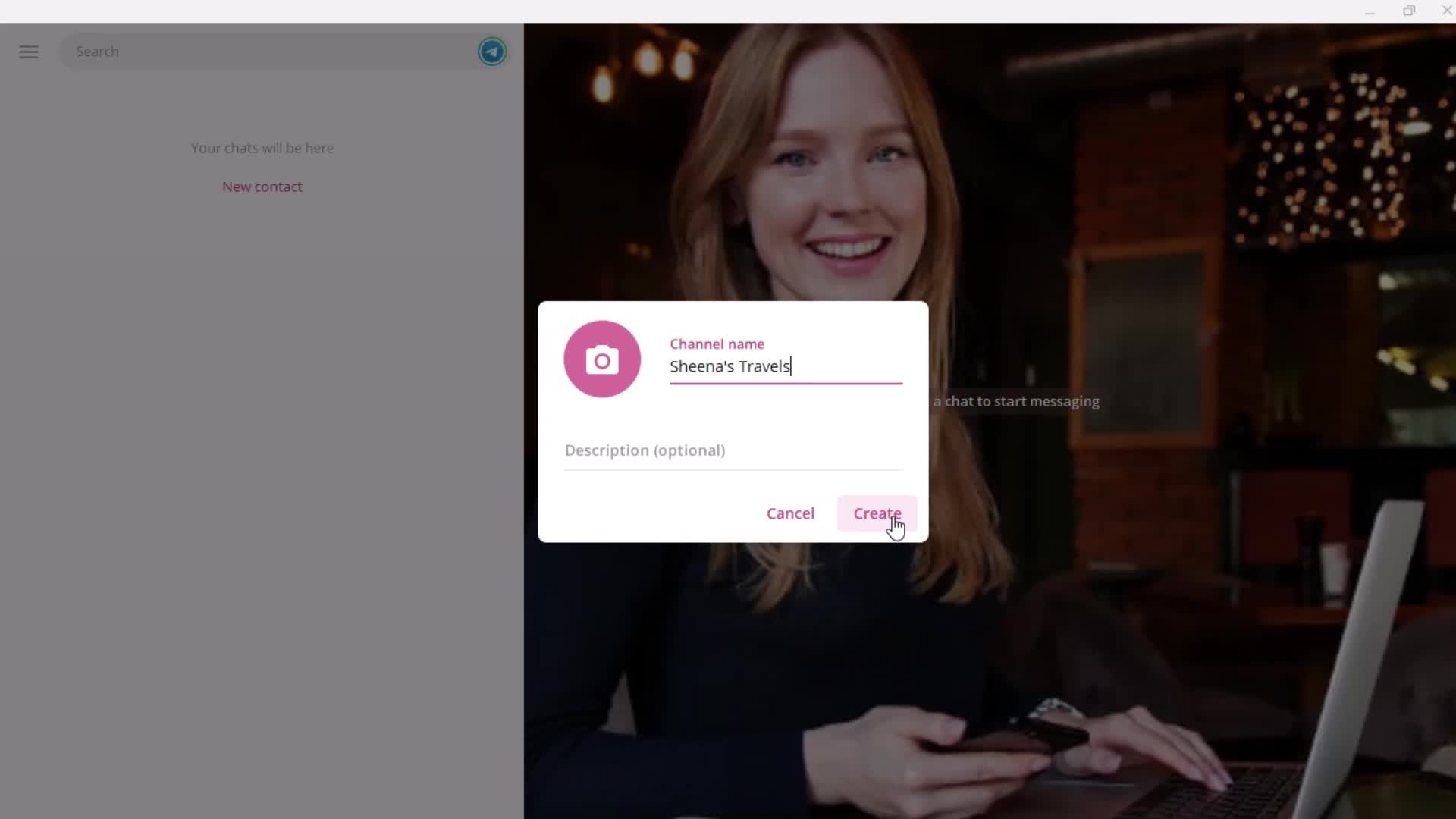
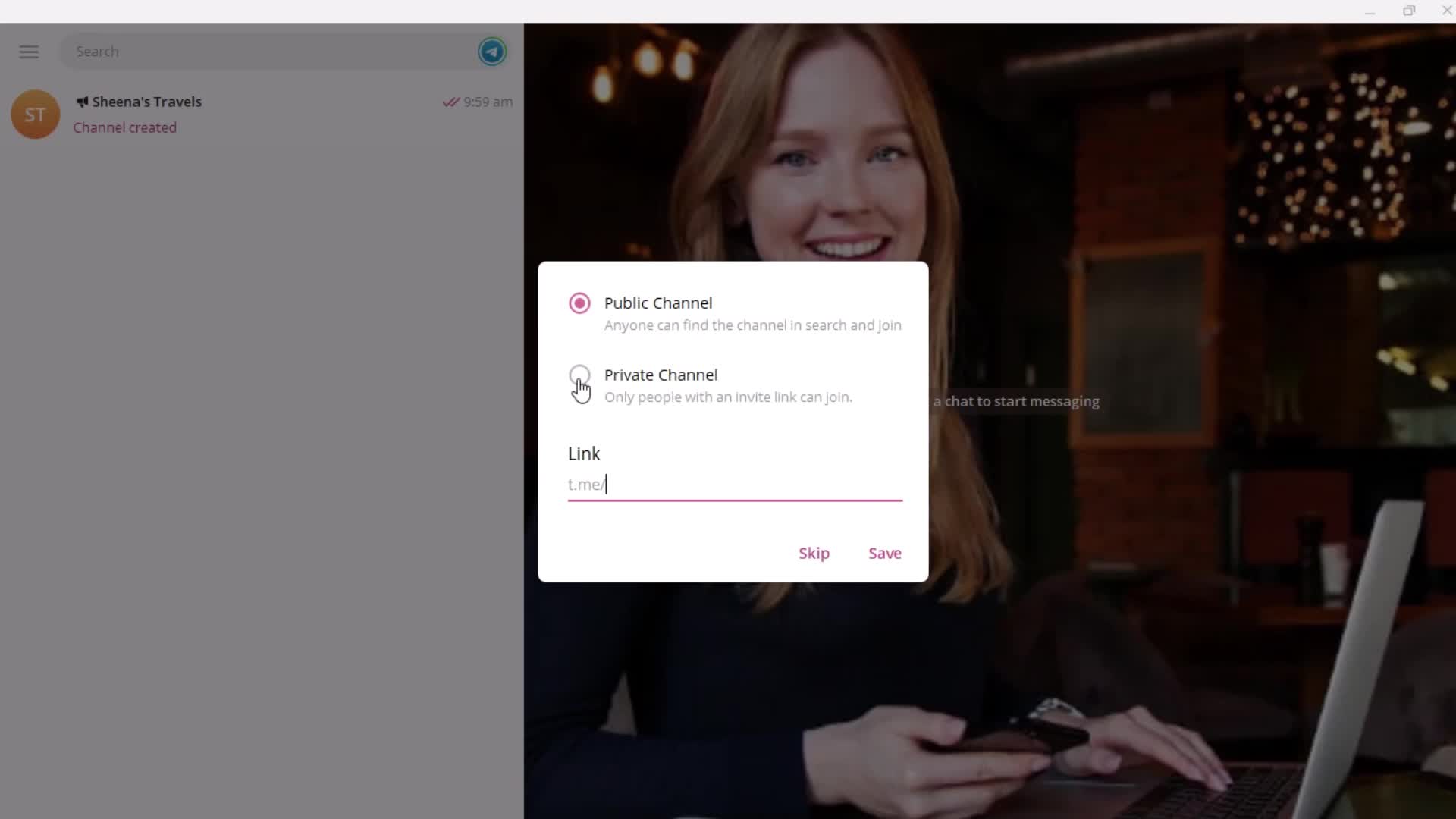
Create channel
this is title
Enter name
this is title
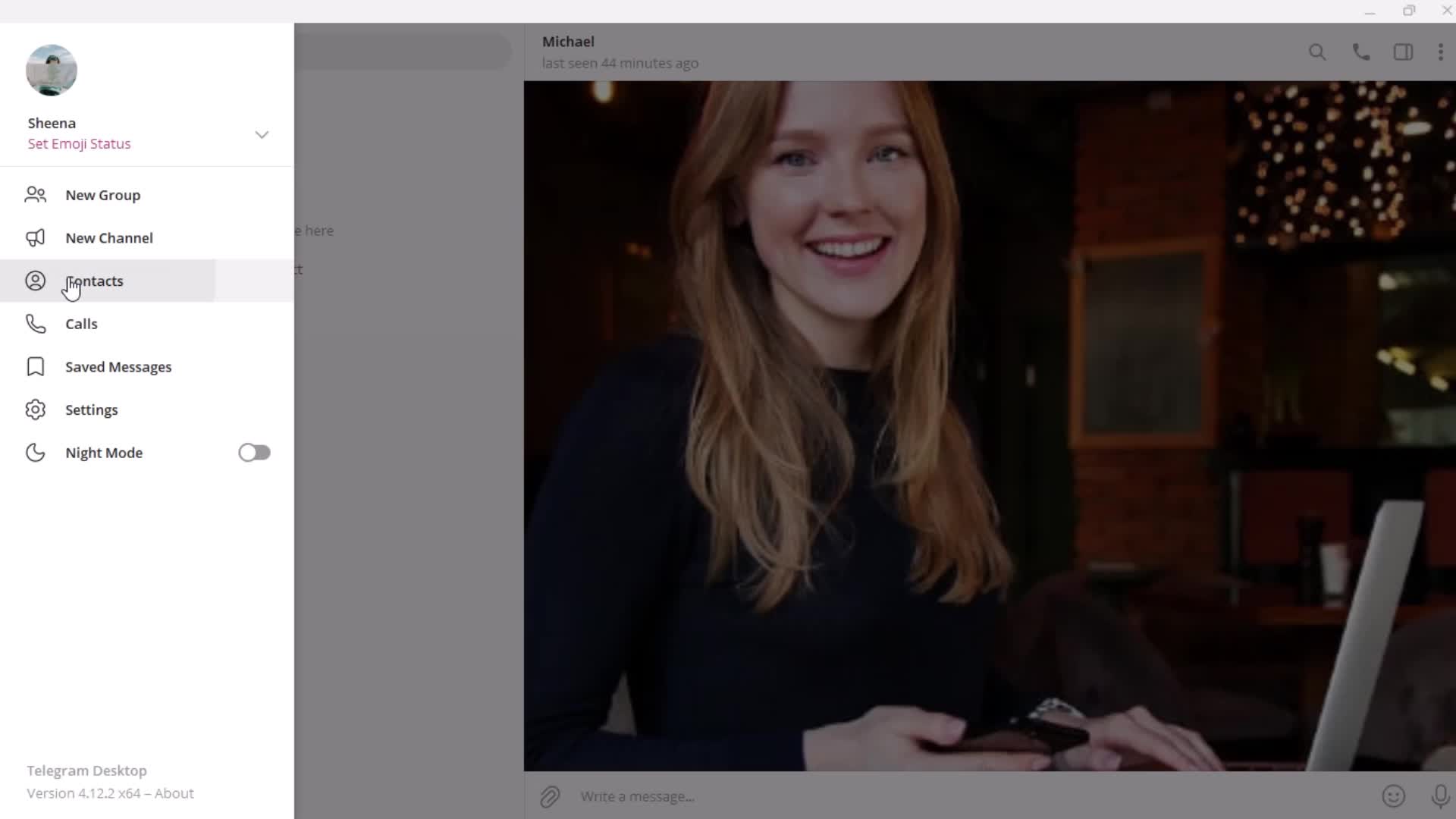
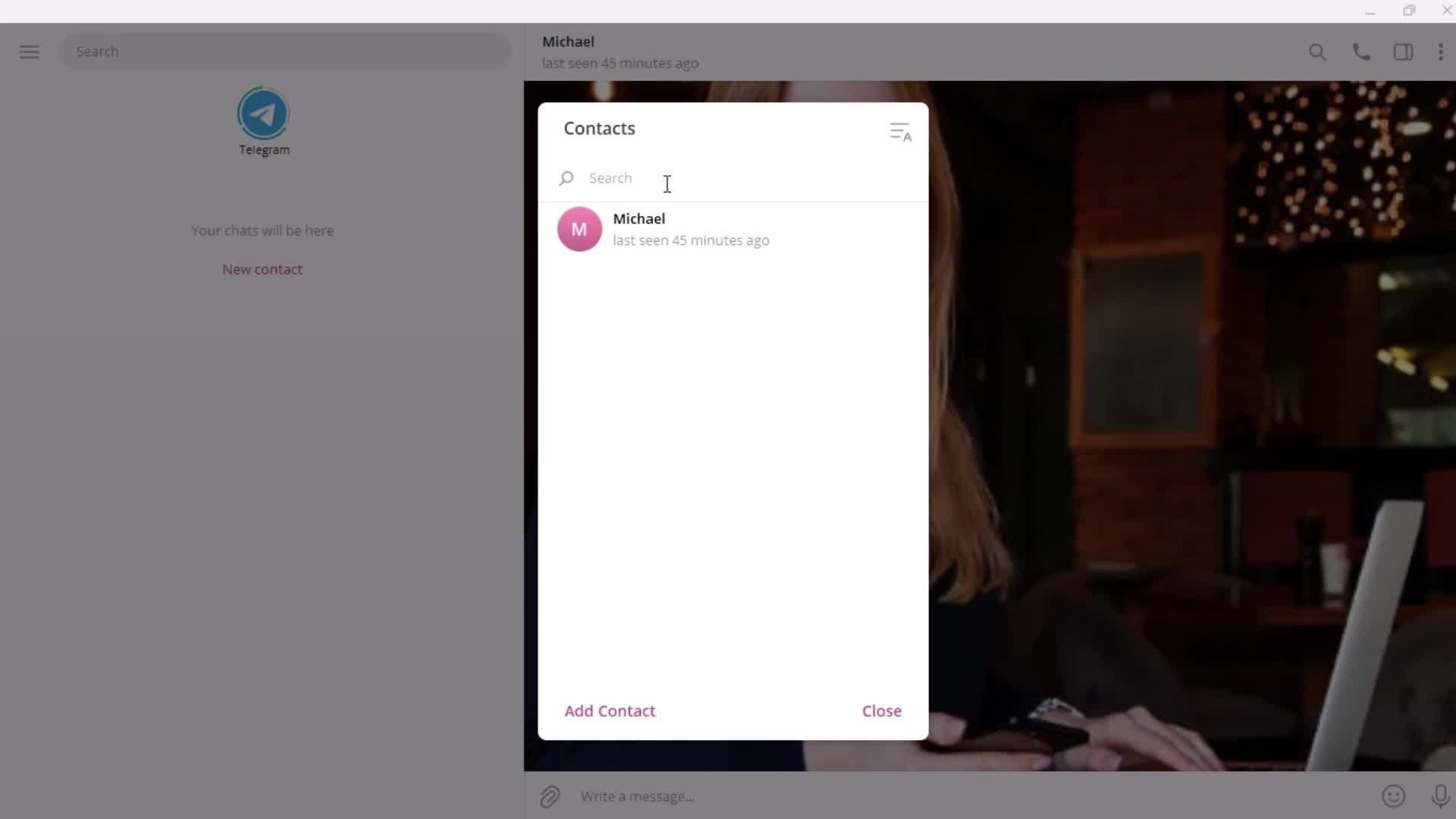
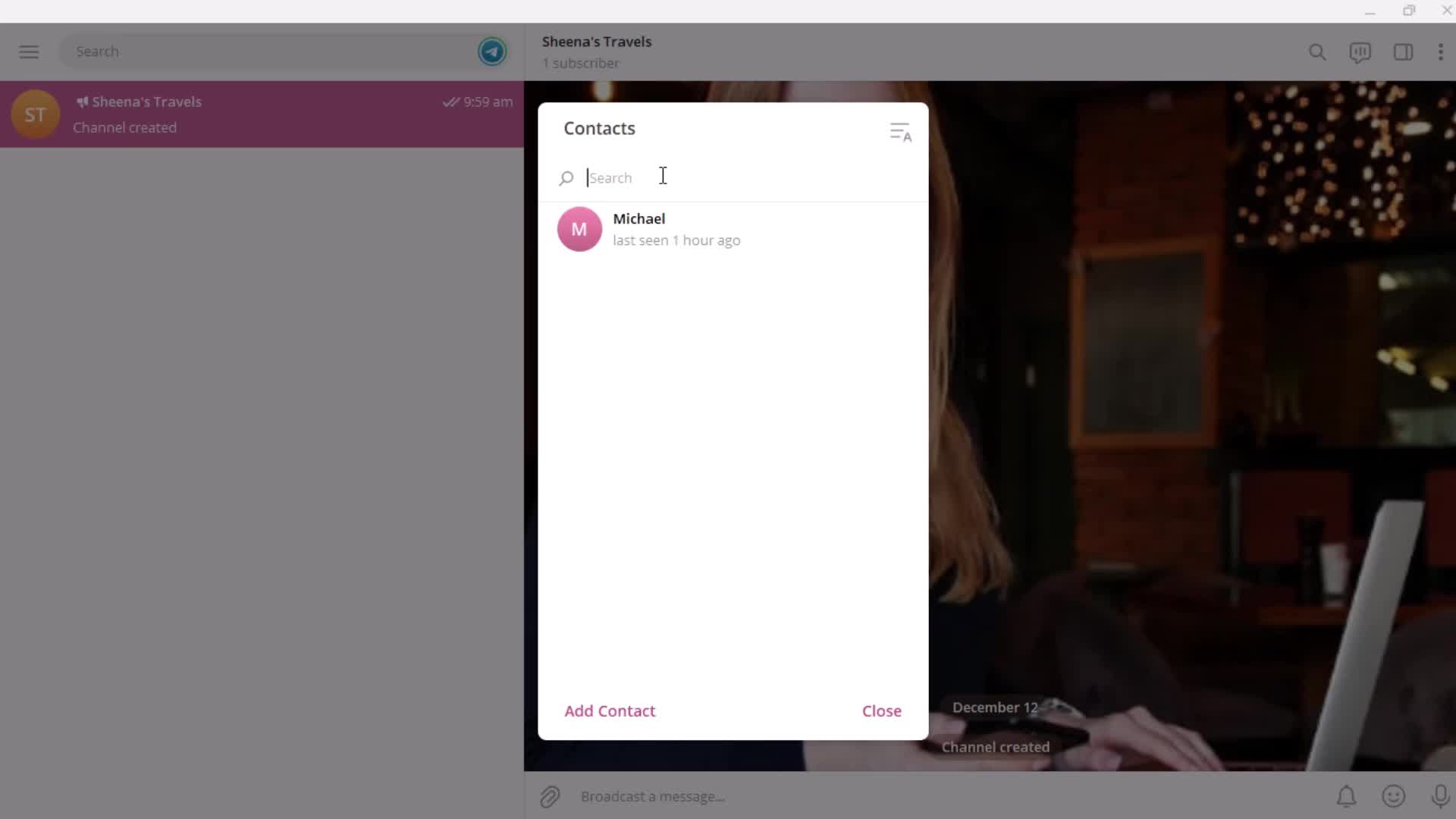
Contacts
this is title
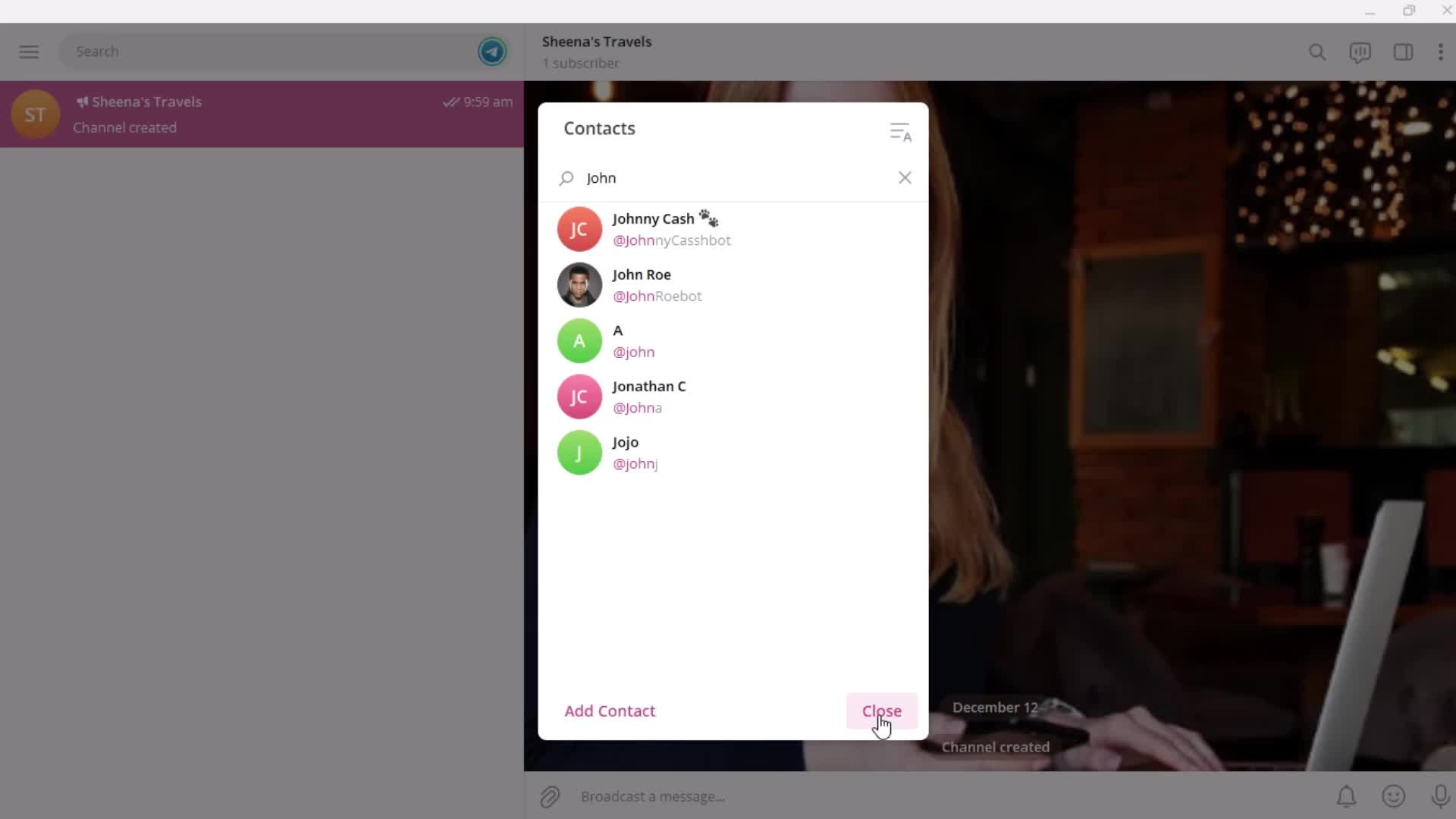
Search
this is title
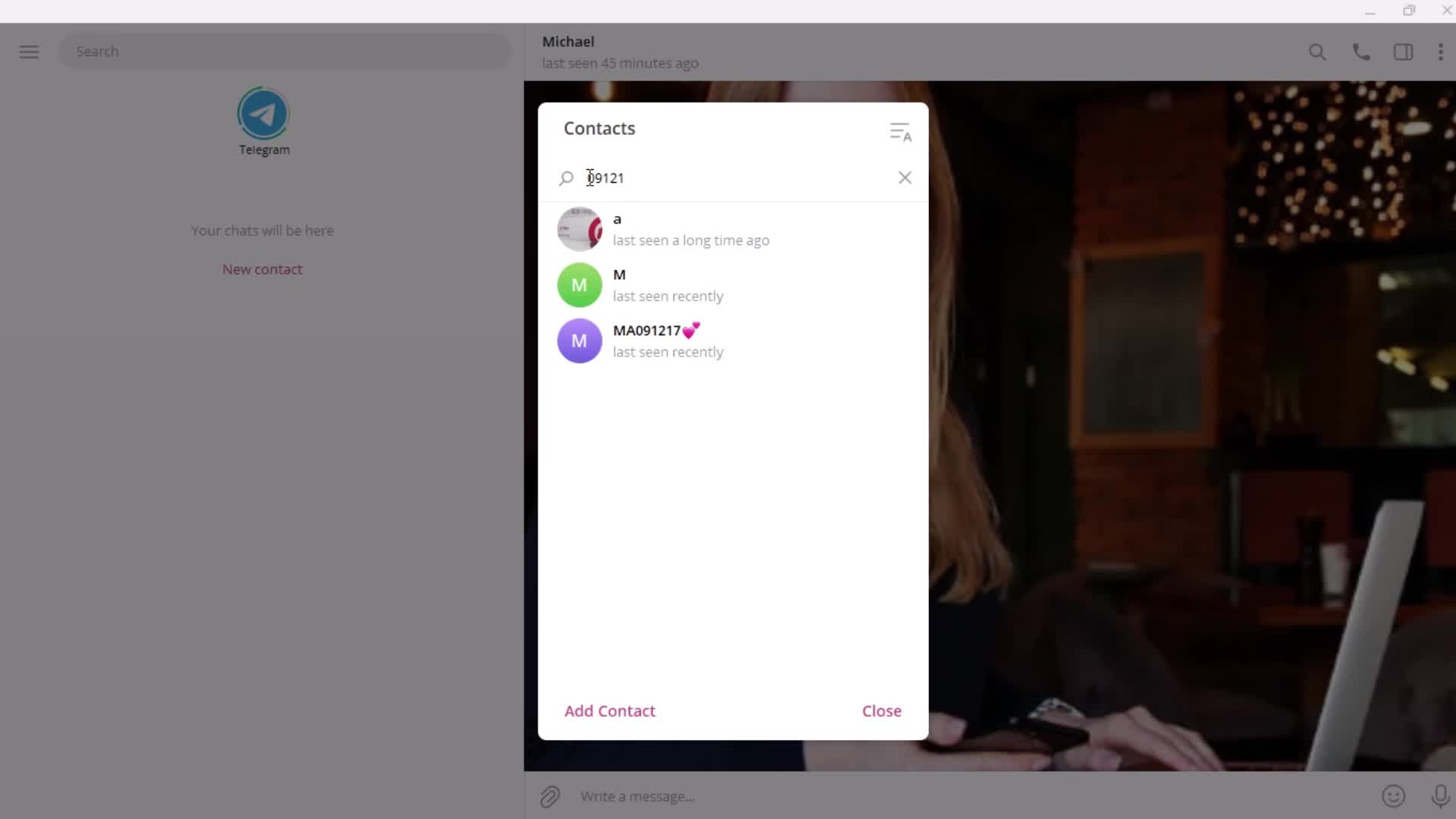
Search results
this is title
this is title
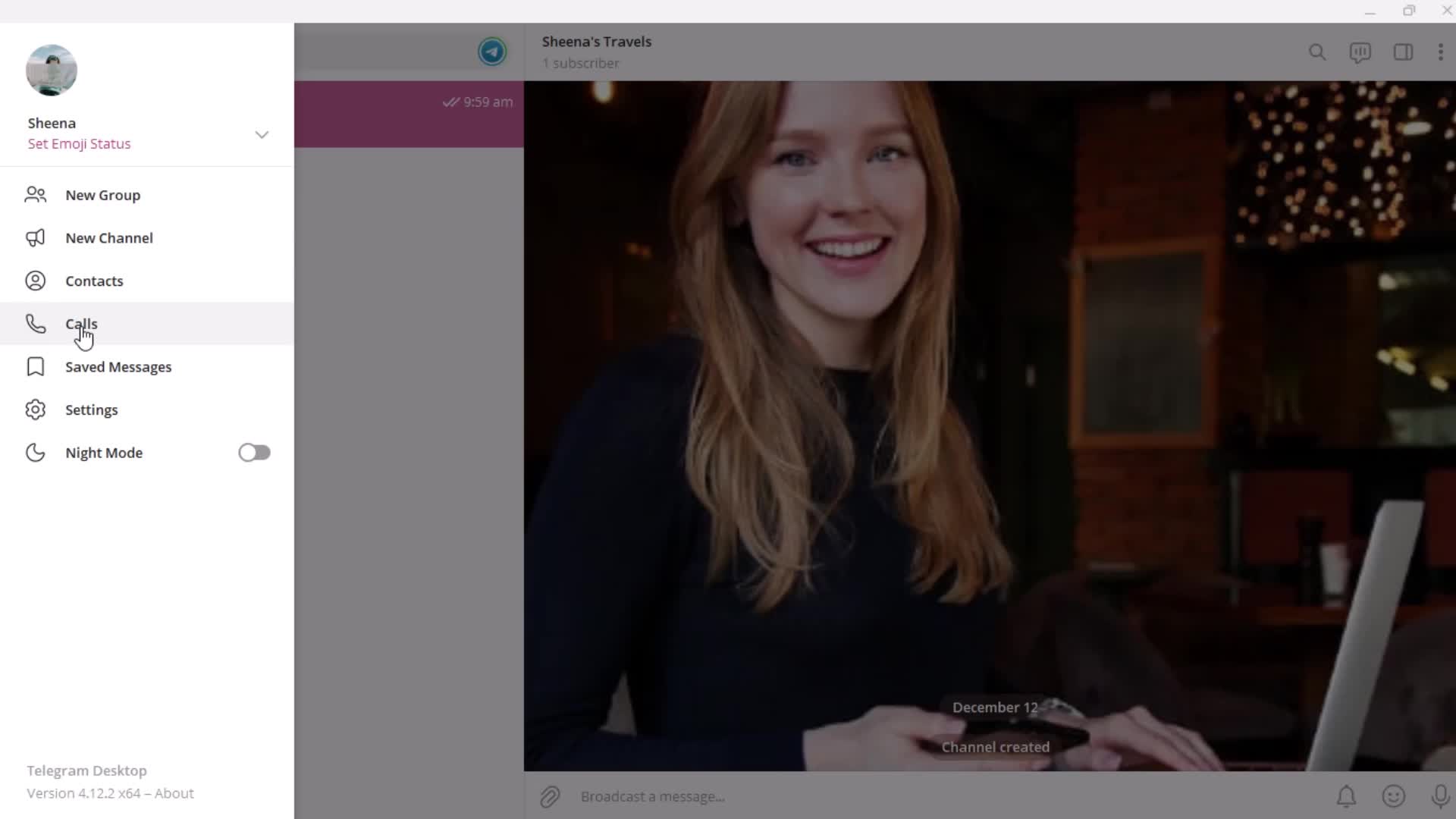
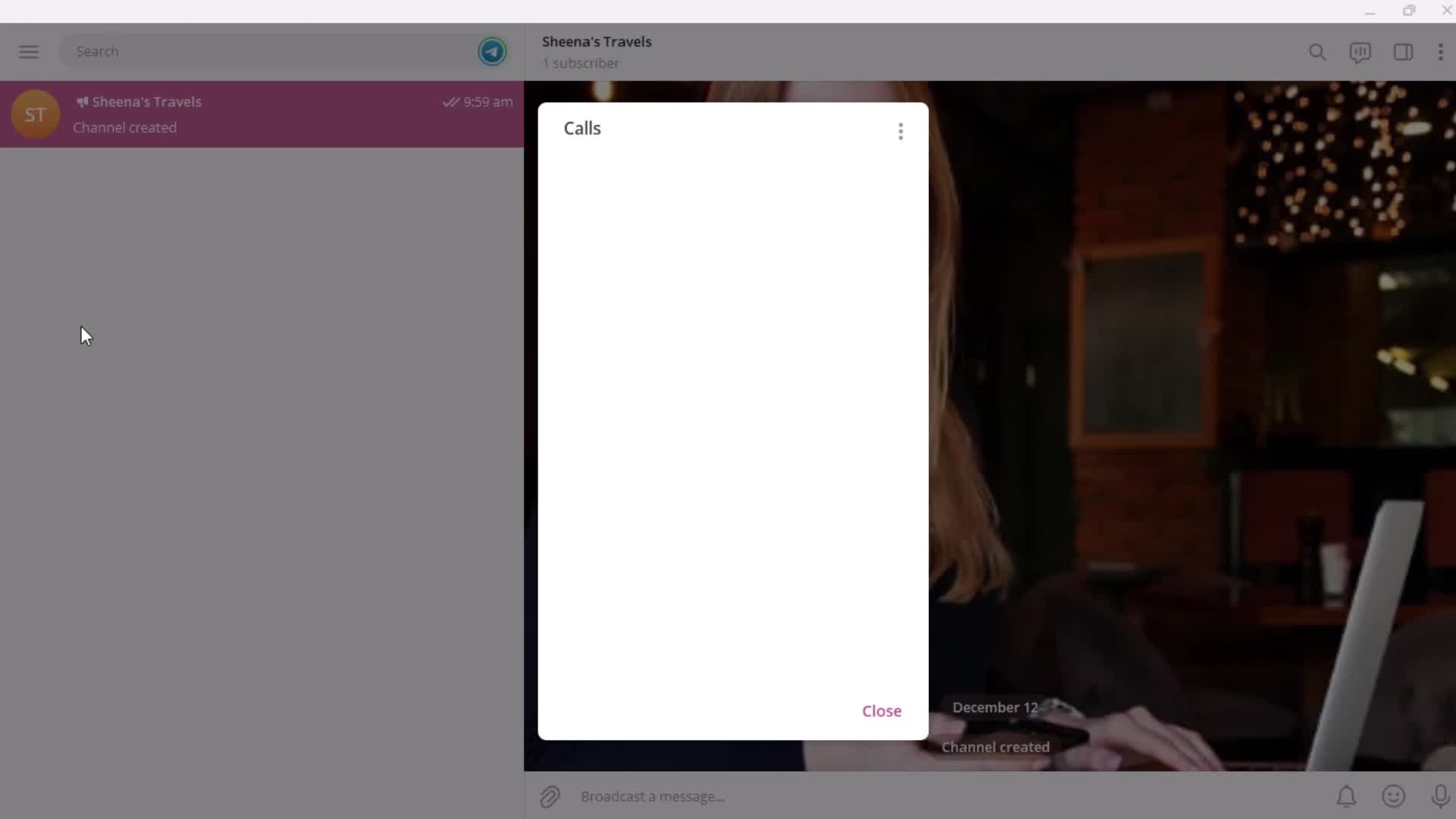
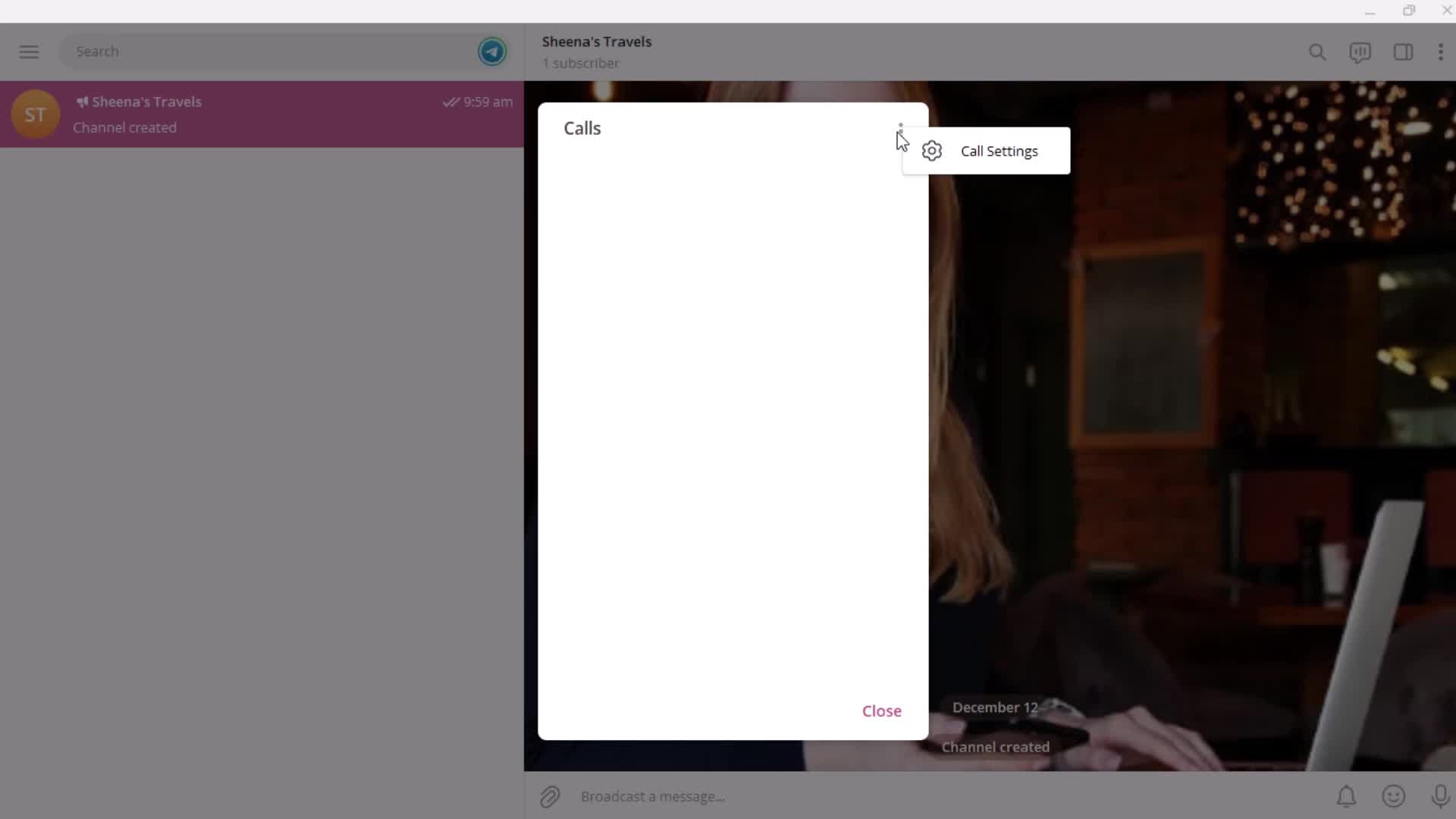
Calls
this is title
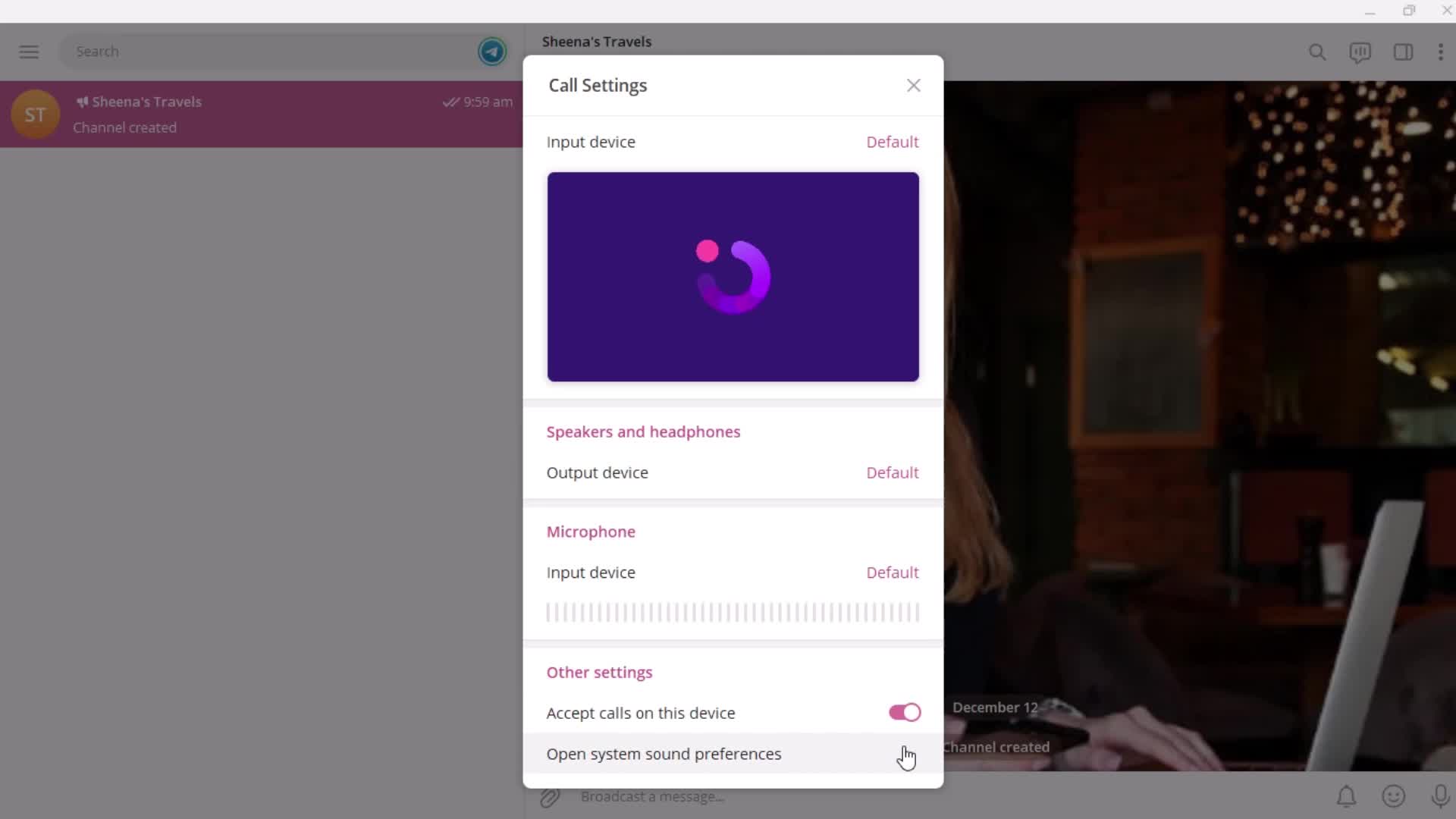
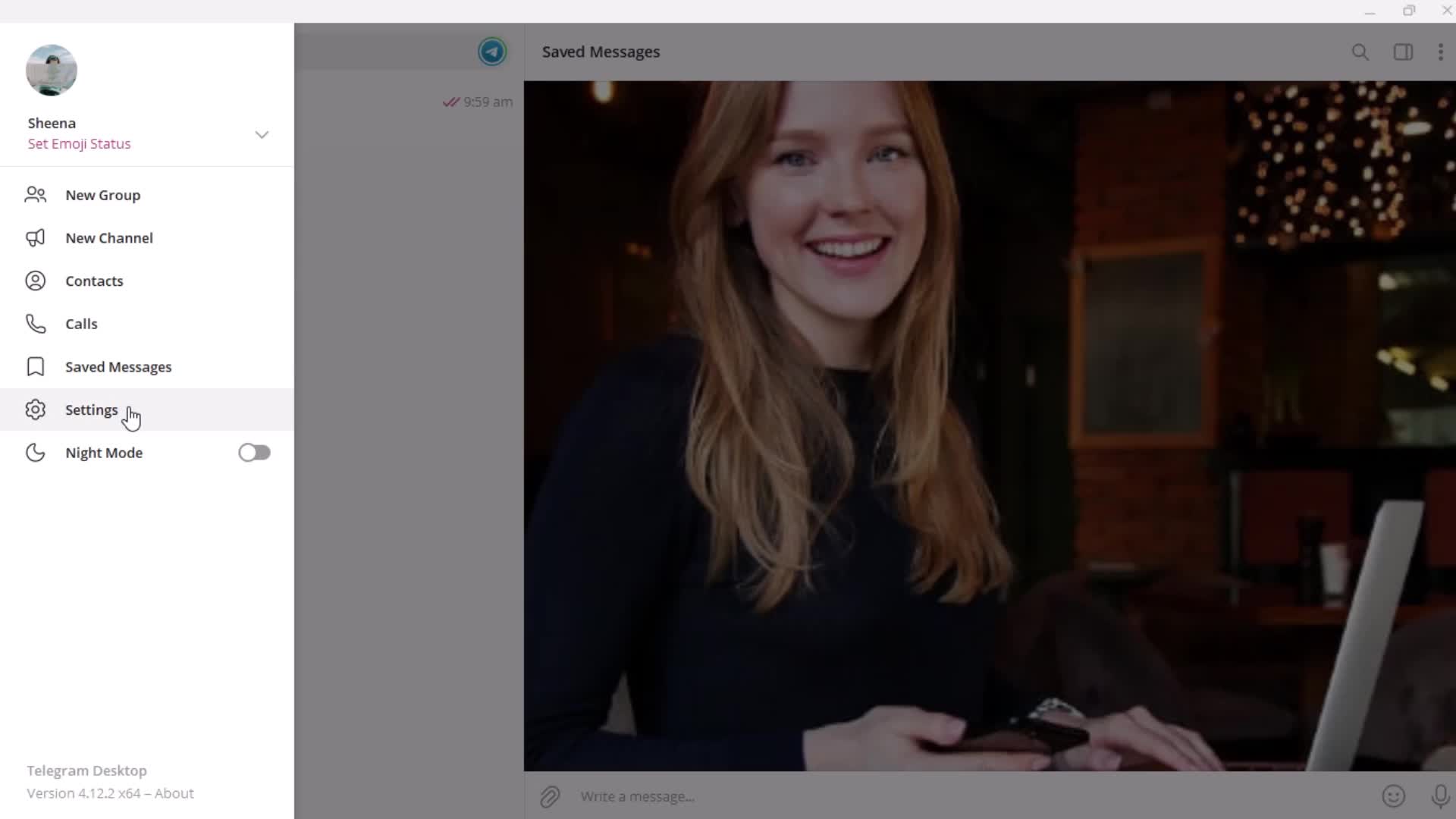
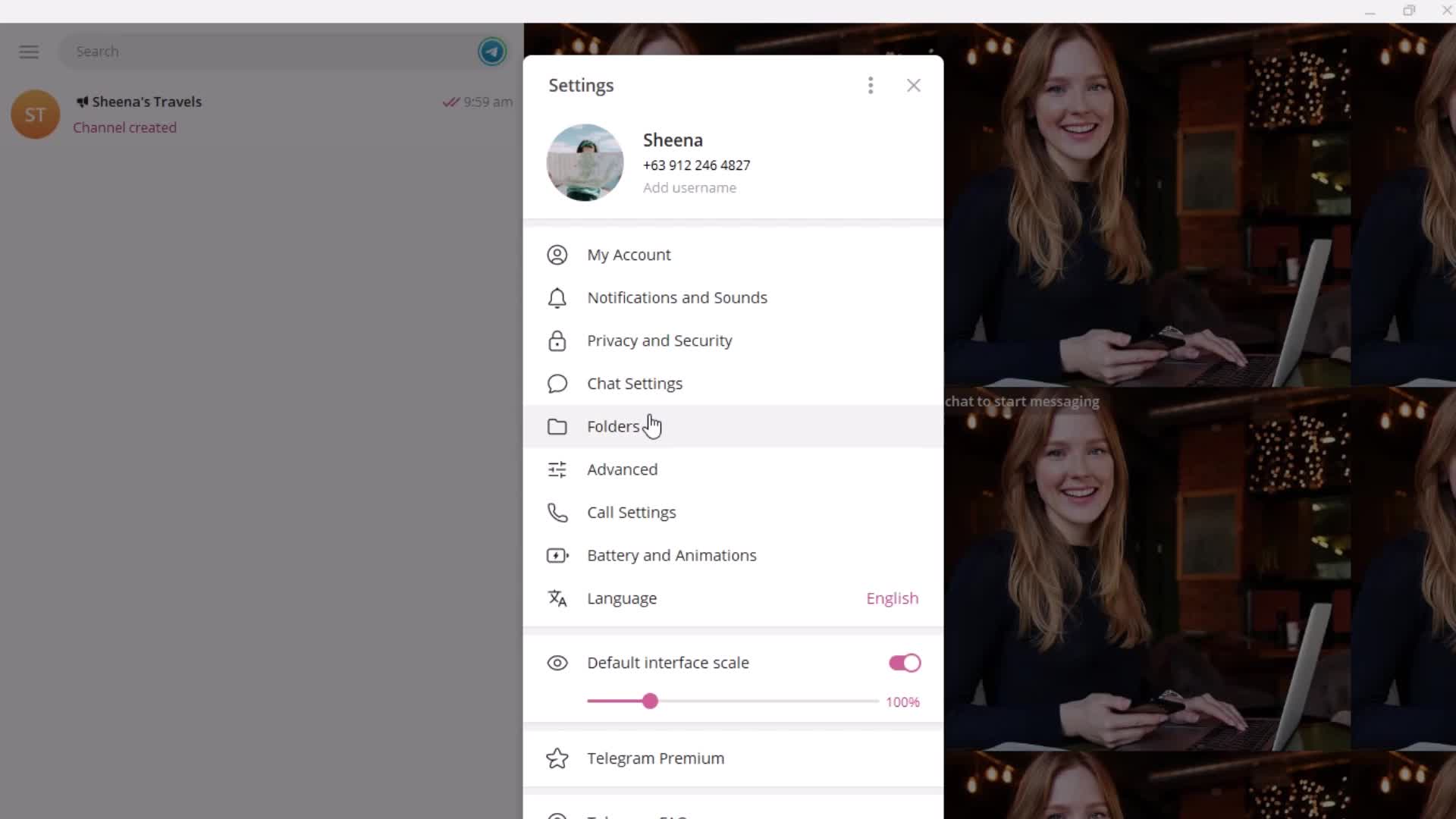
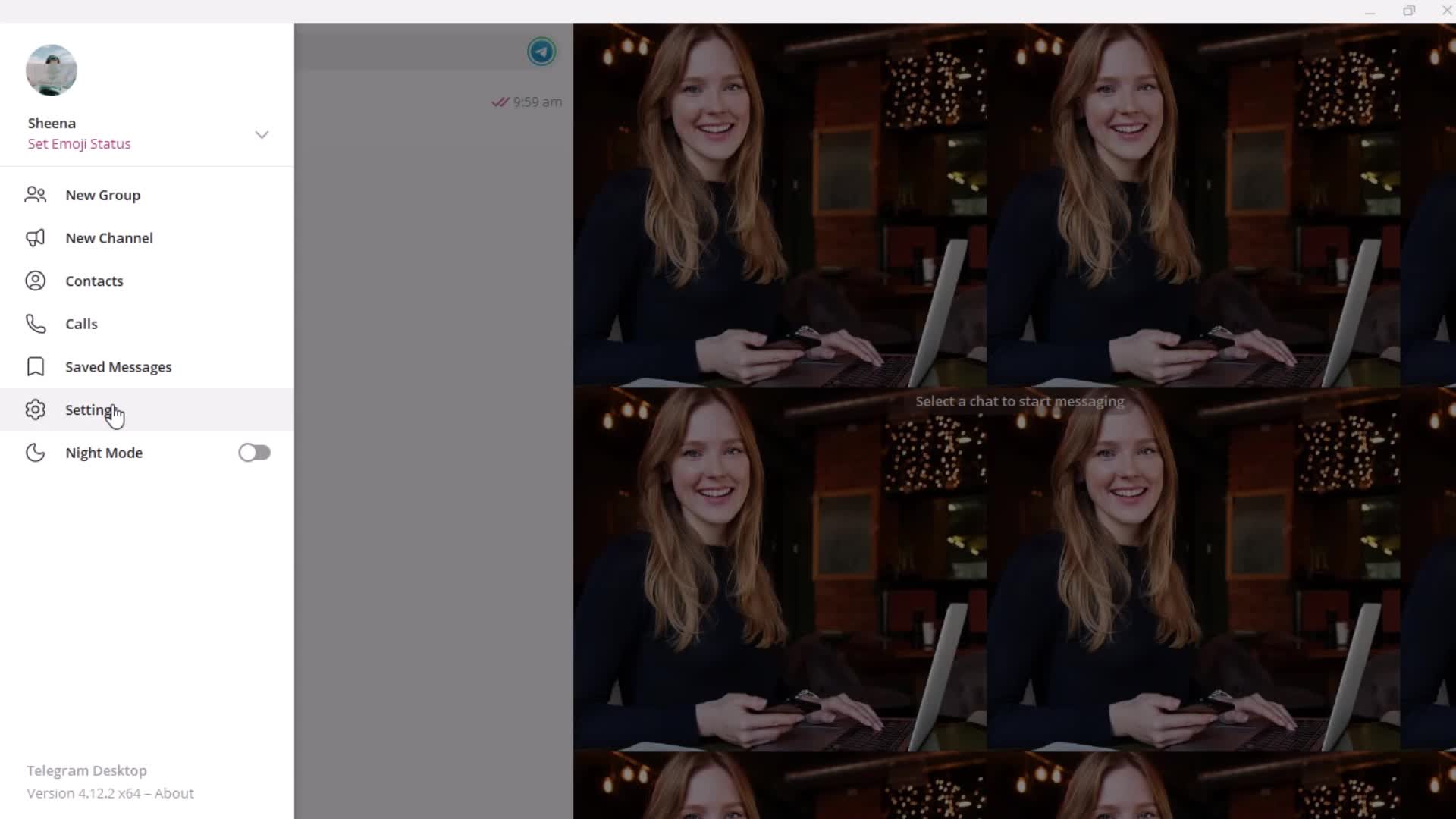
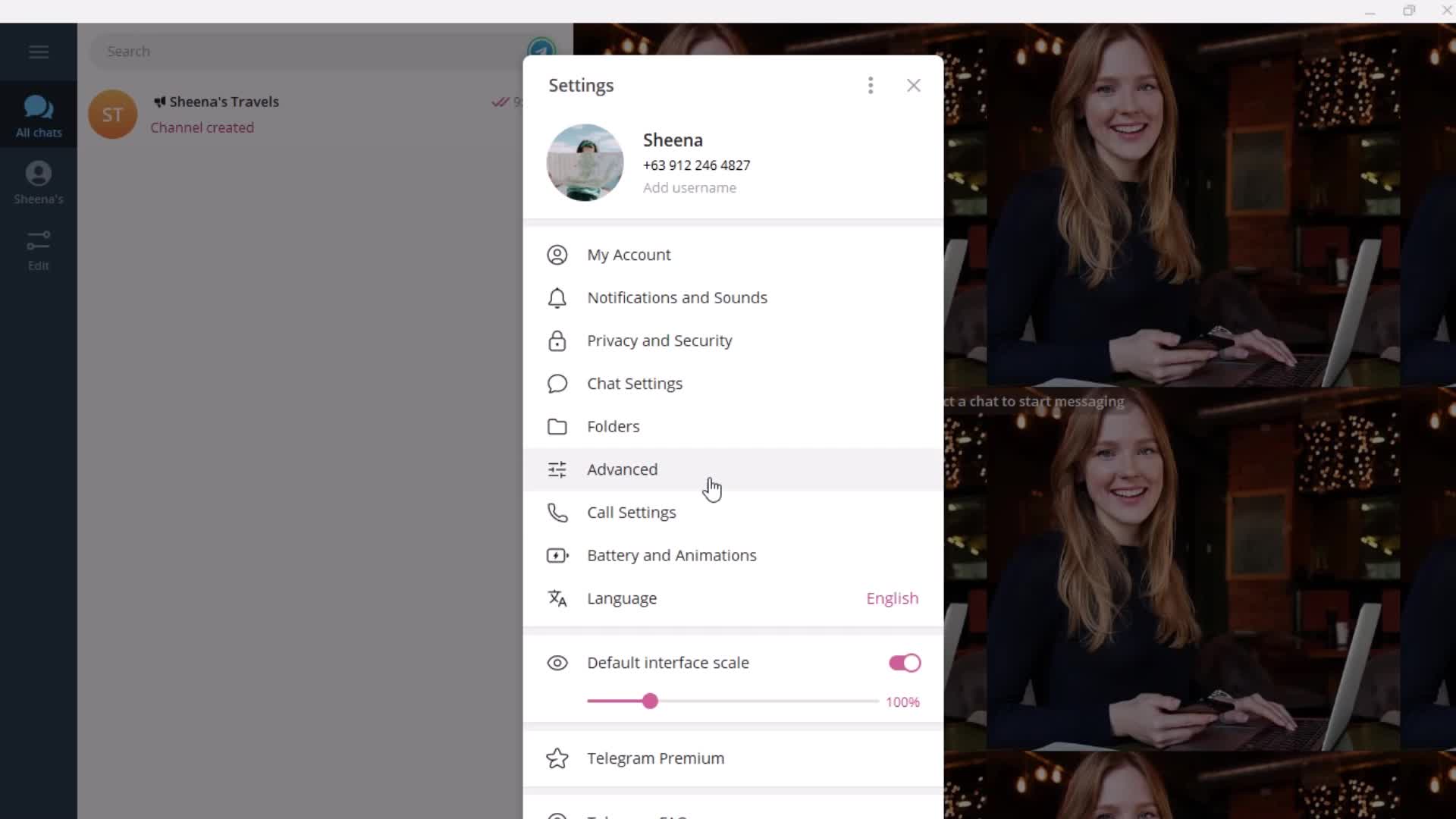
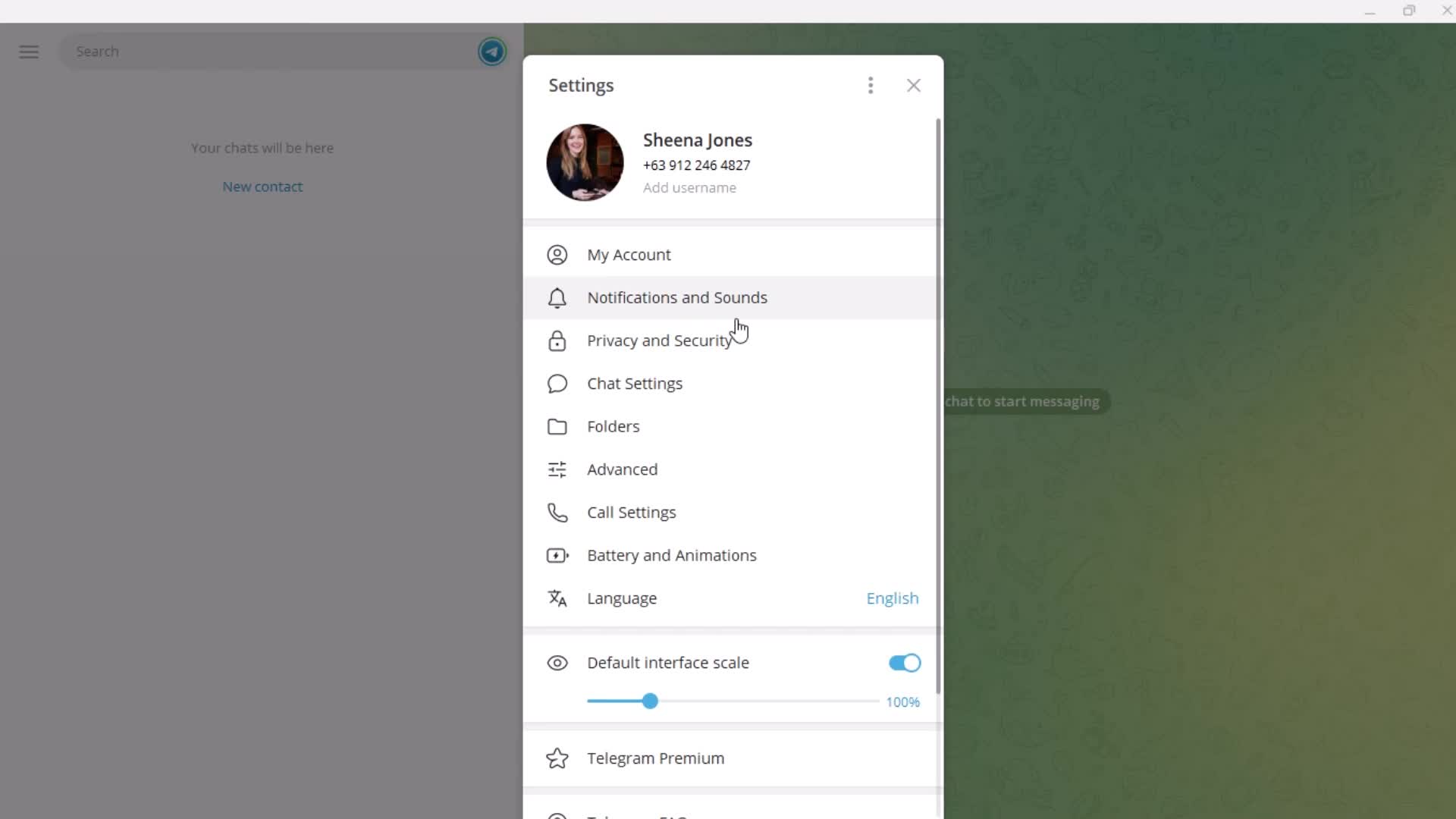
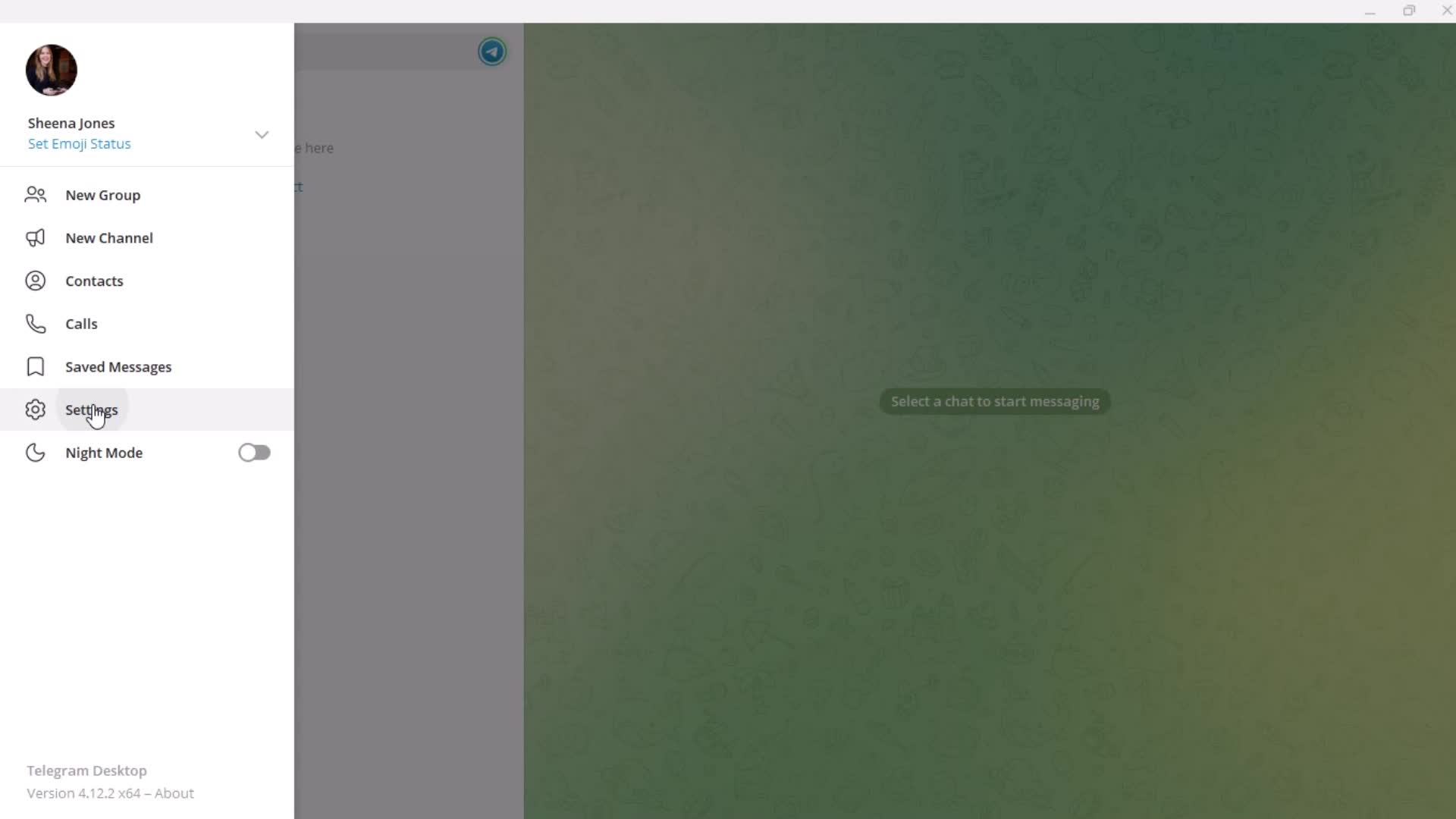
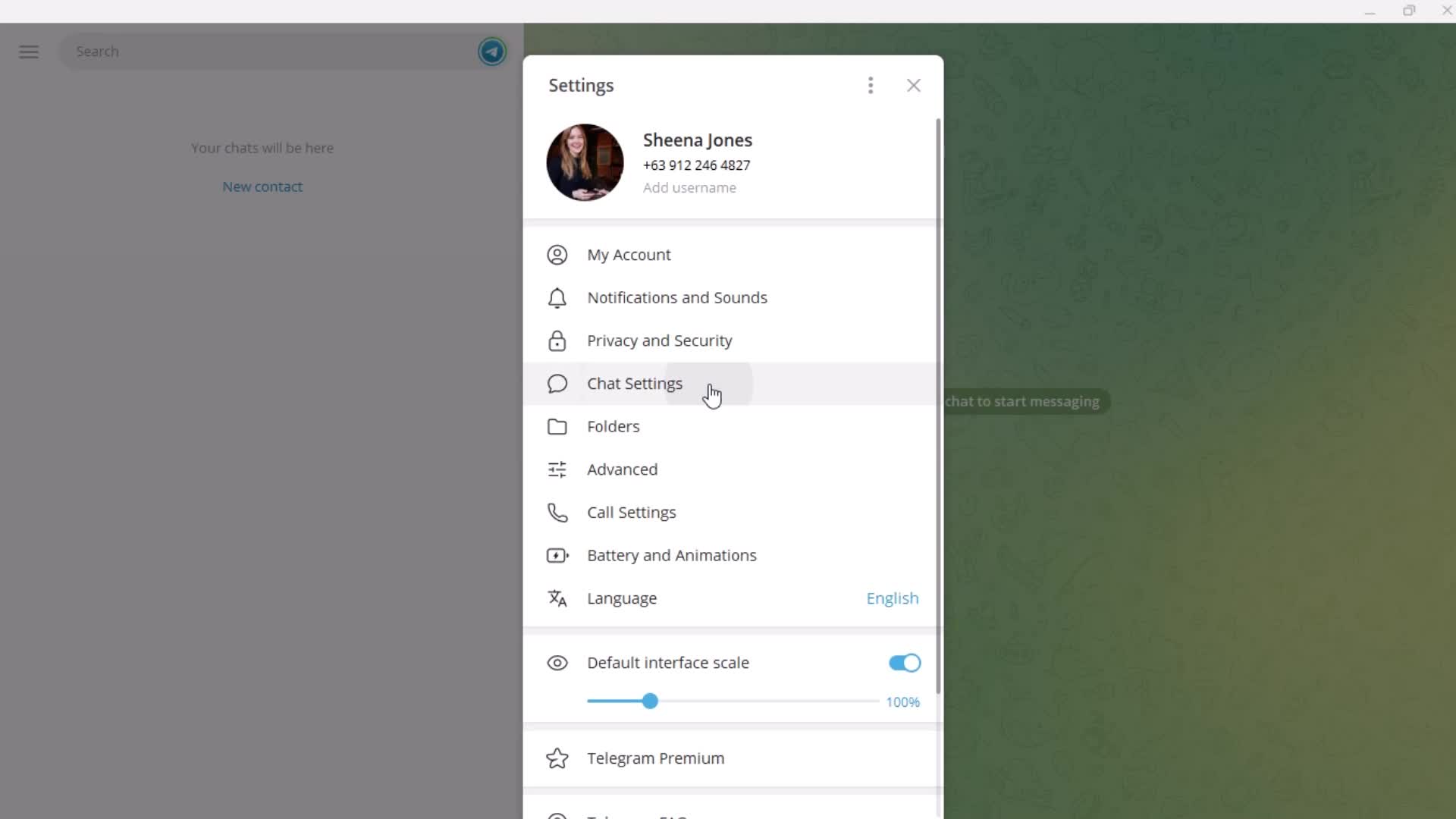
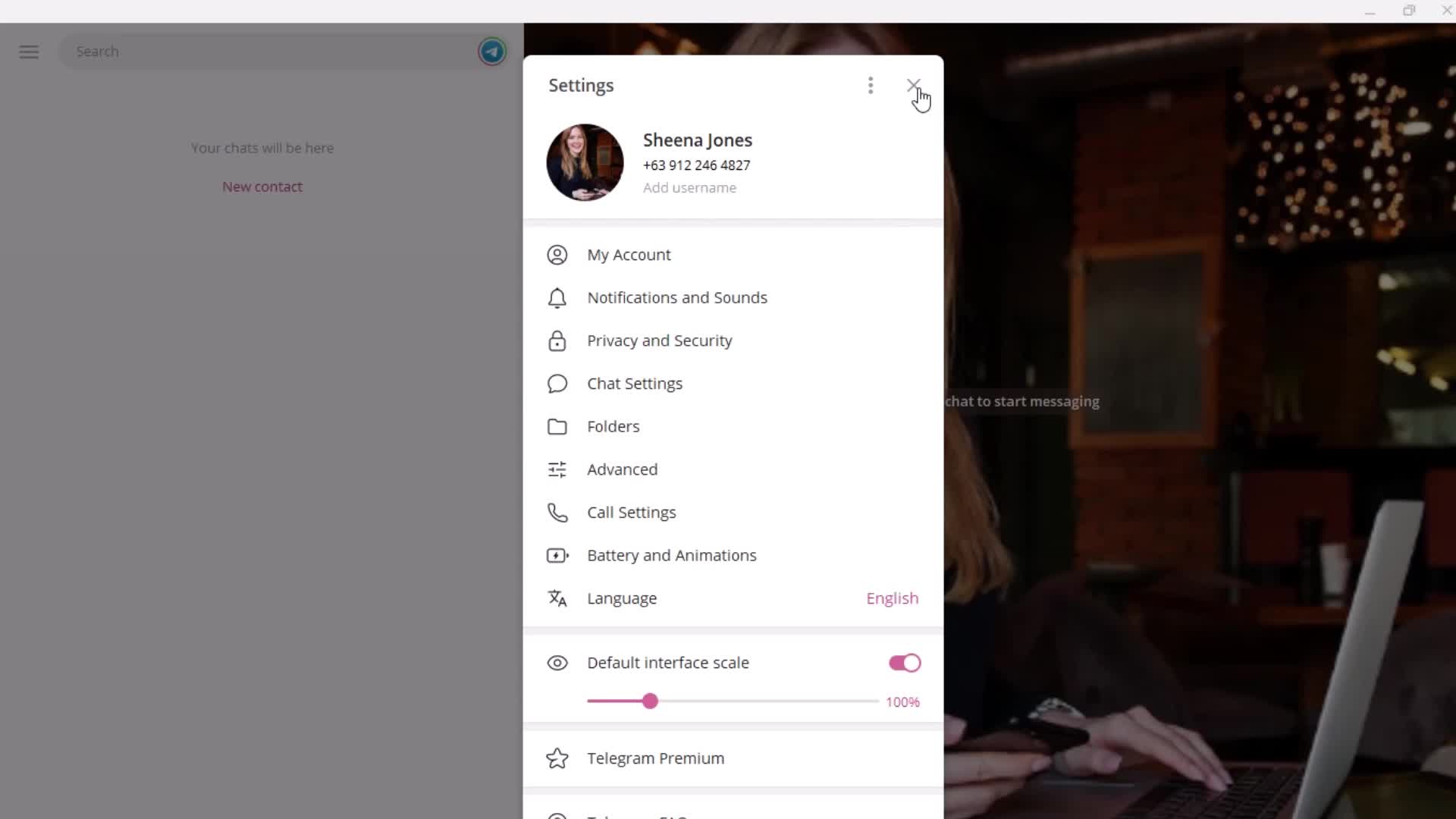
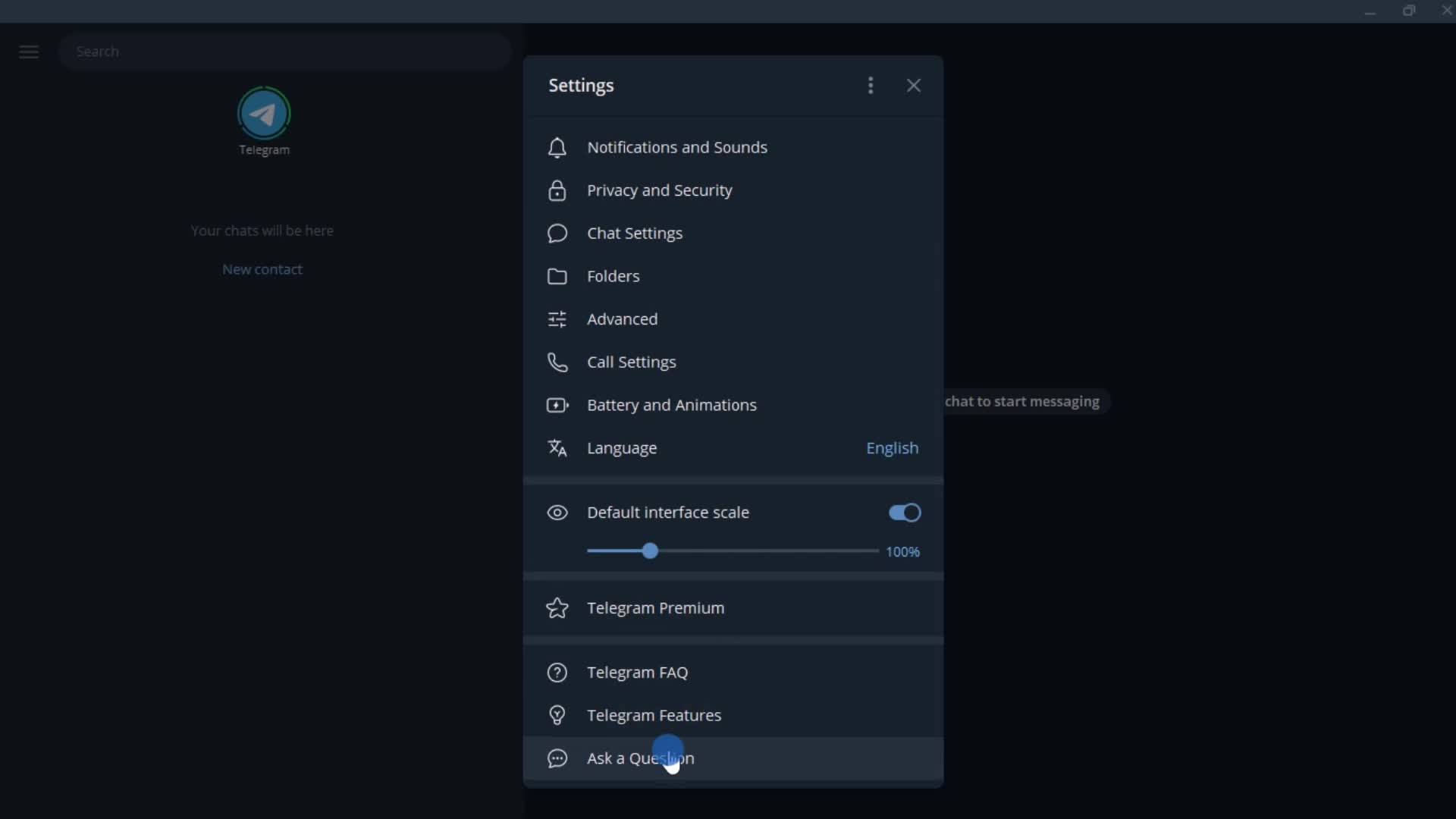
Settings
this is title
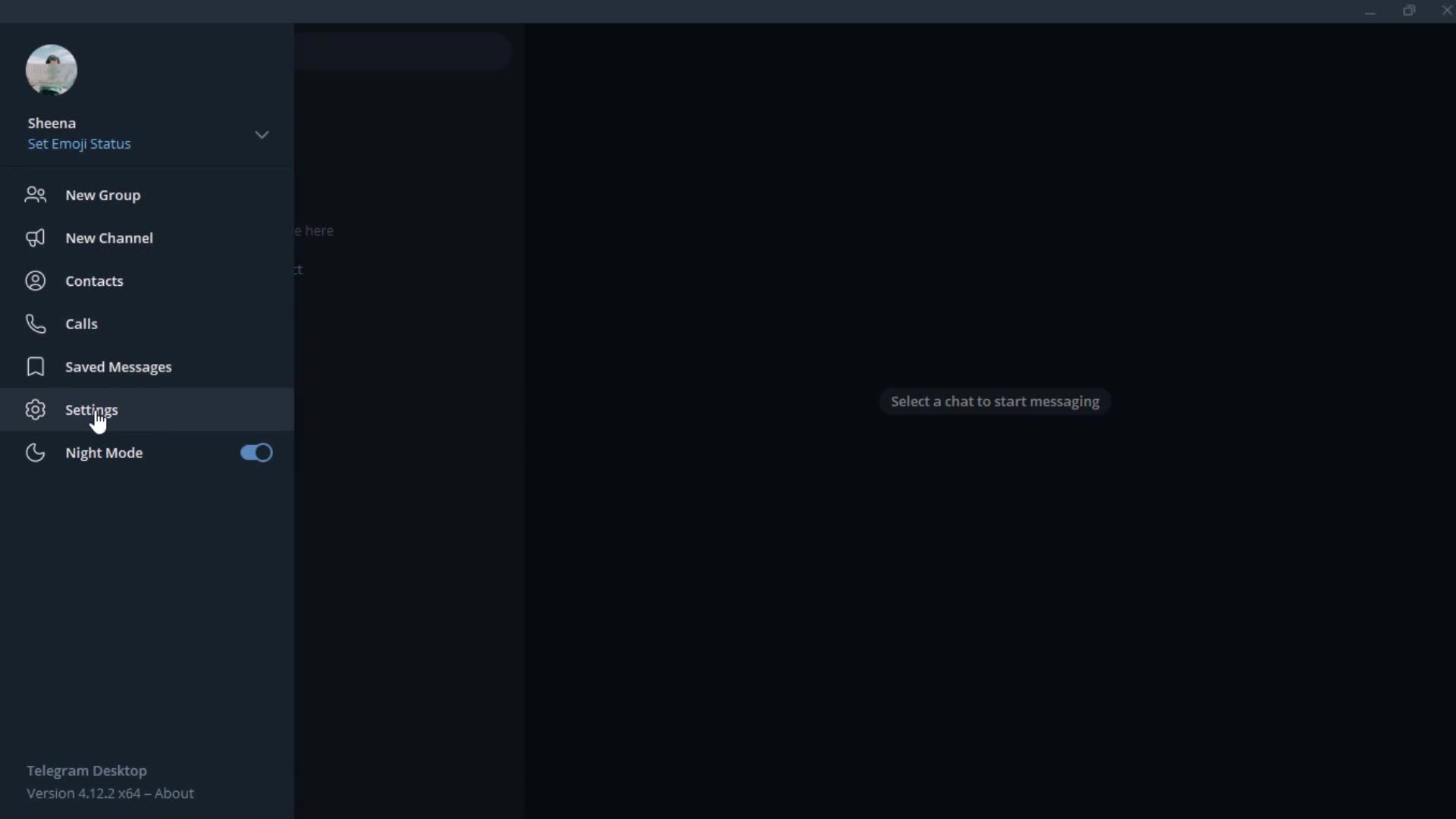
Settings menu
this is title
this is title
Messages
this is title
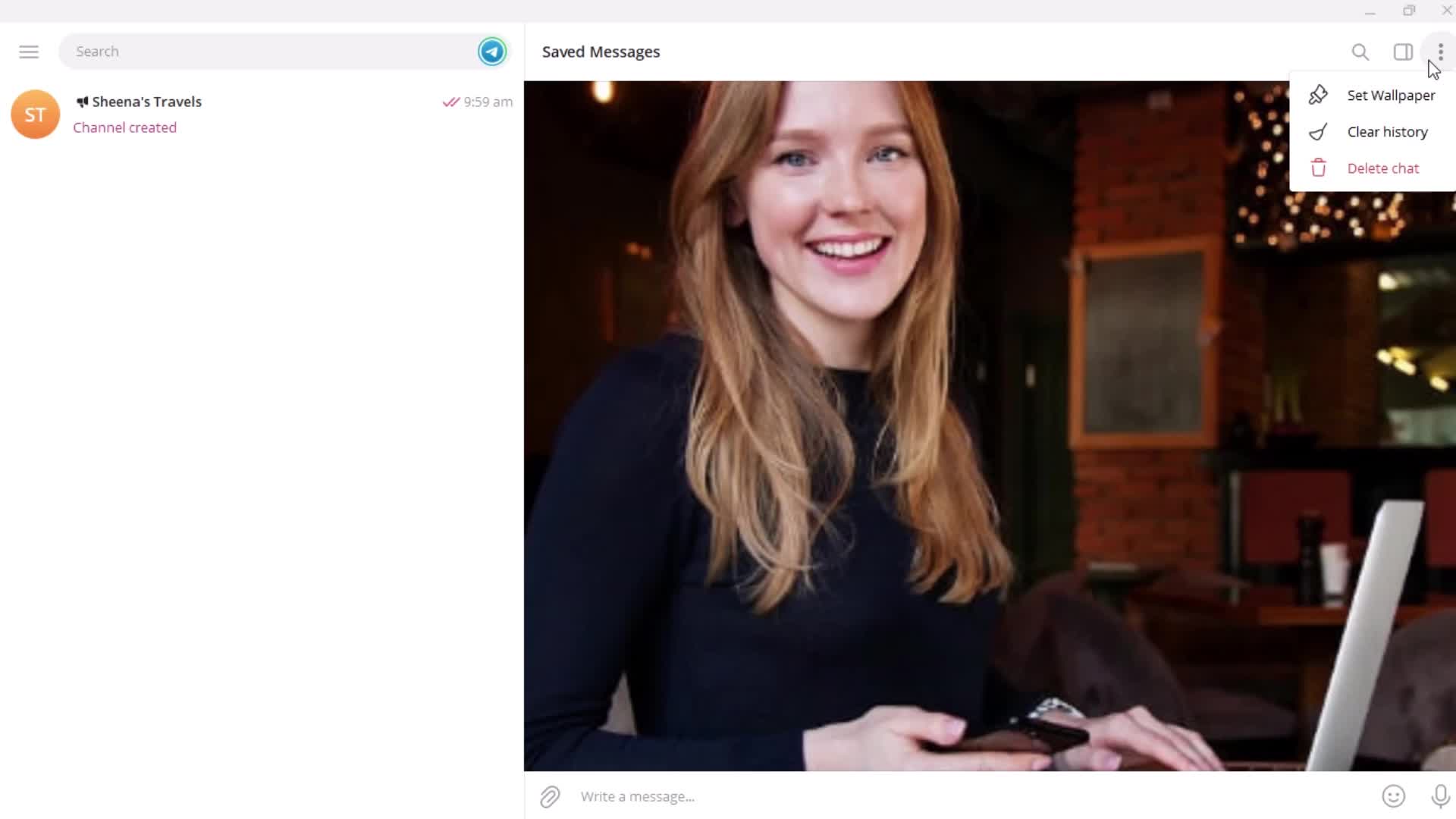
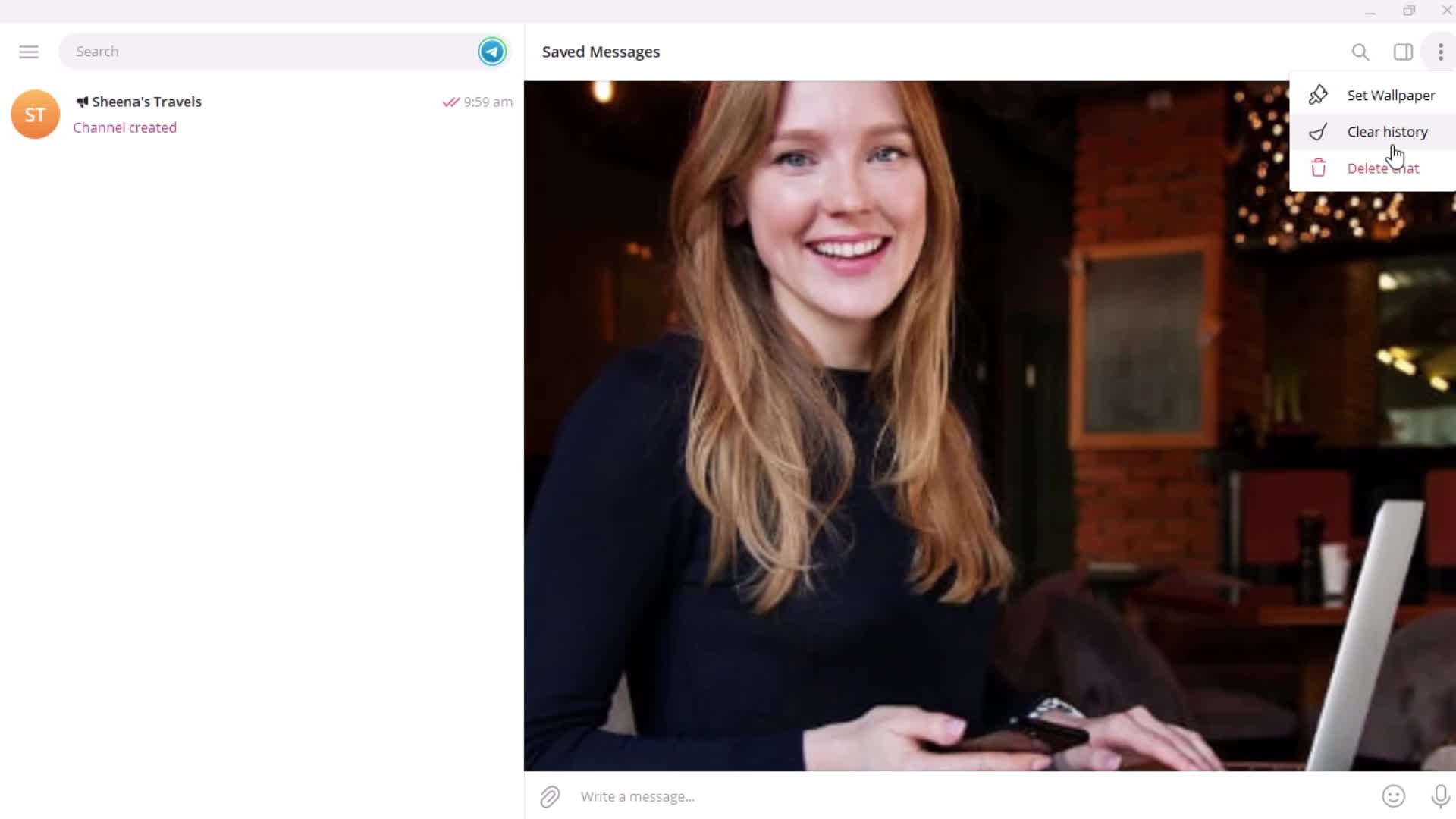
Action menu
this is title
History
this is title
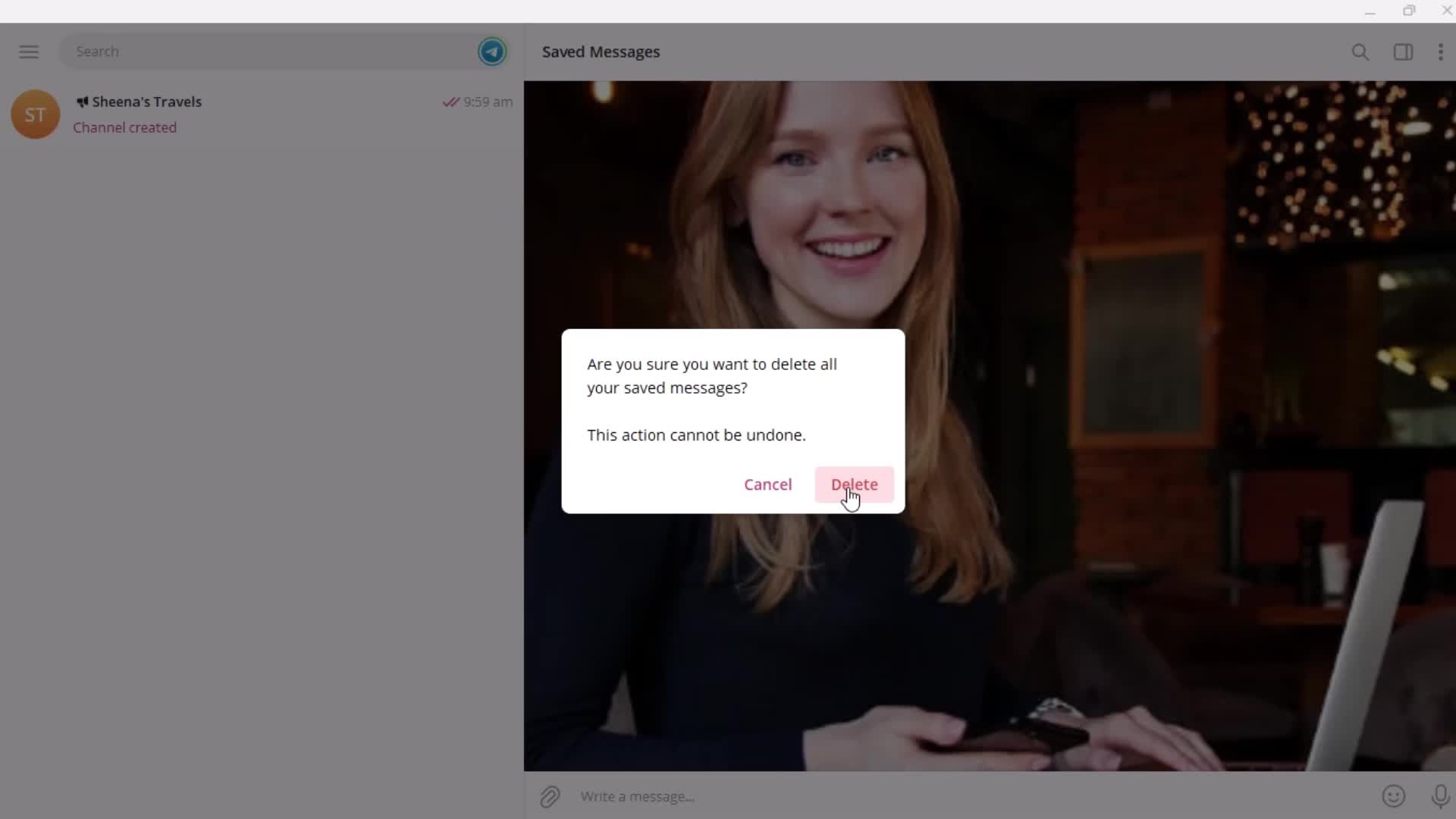
Confirm delete
this is title
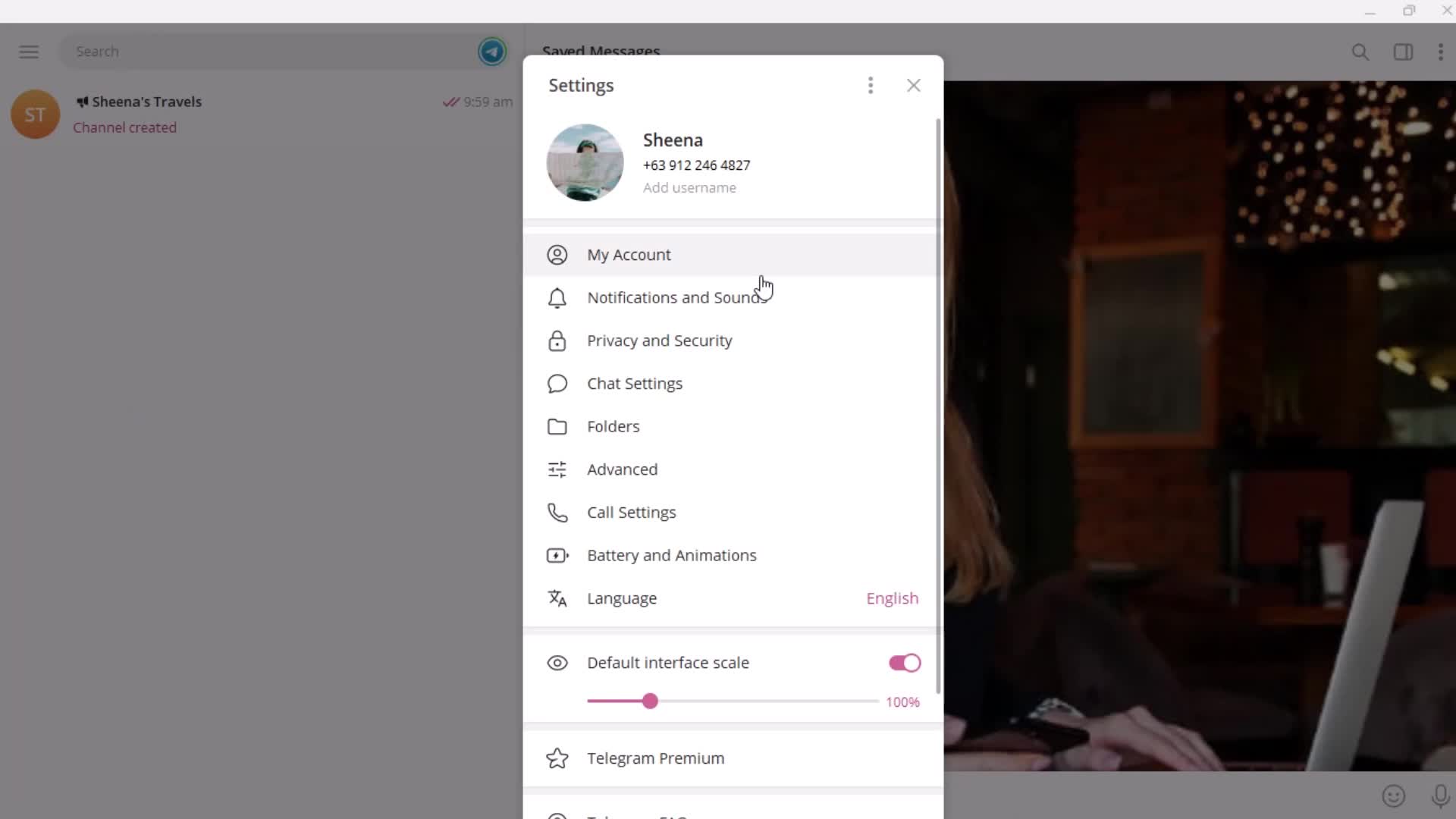
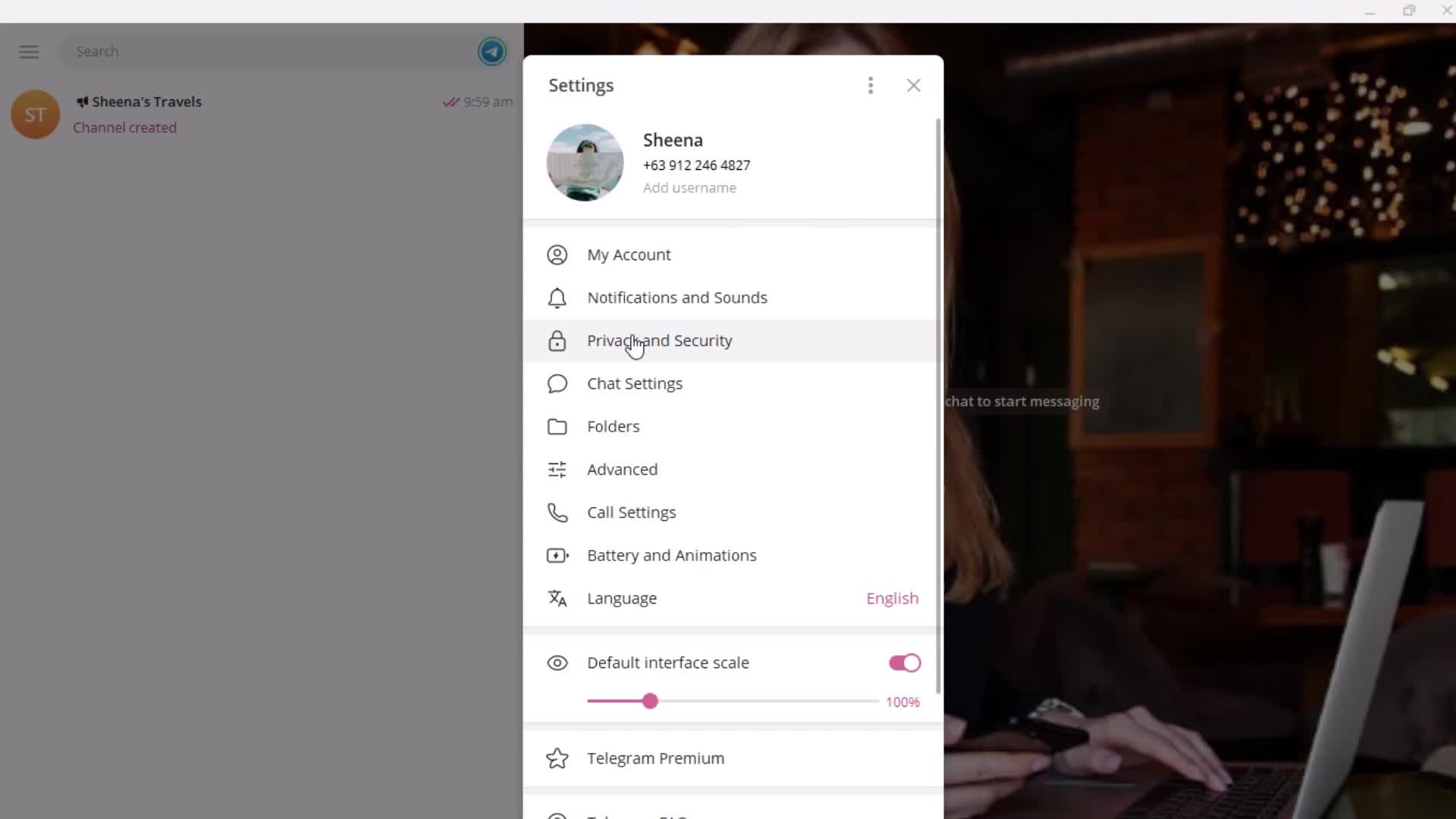
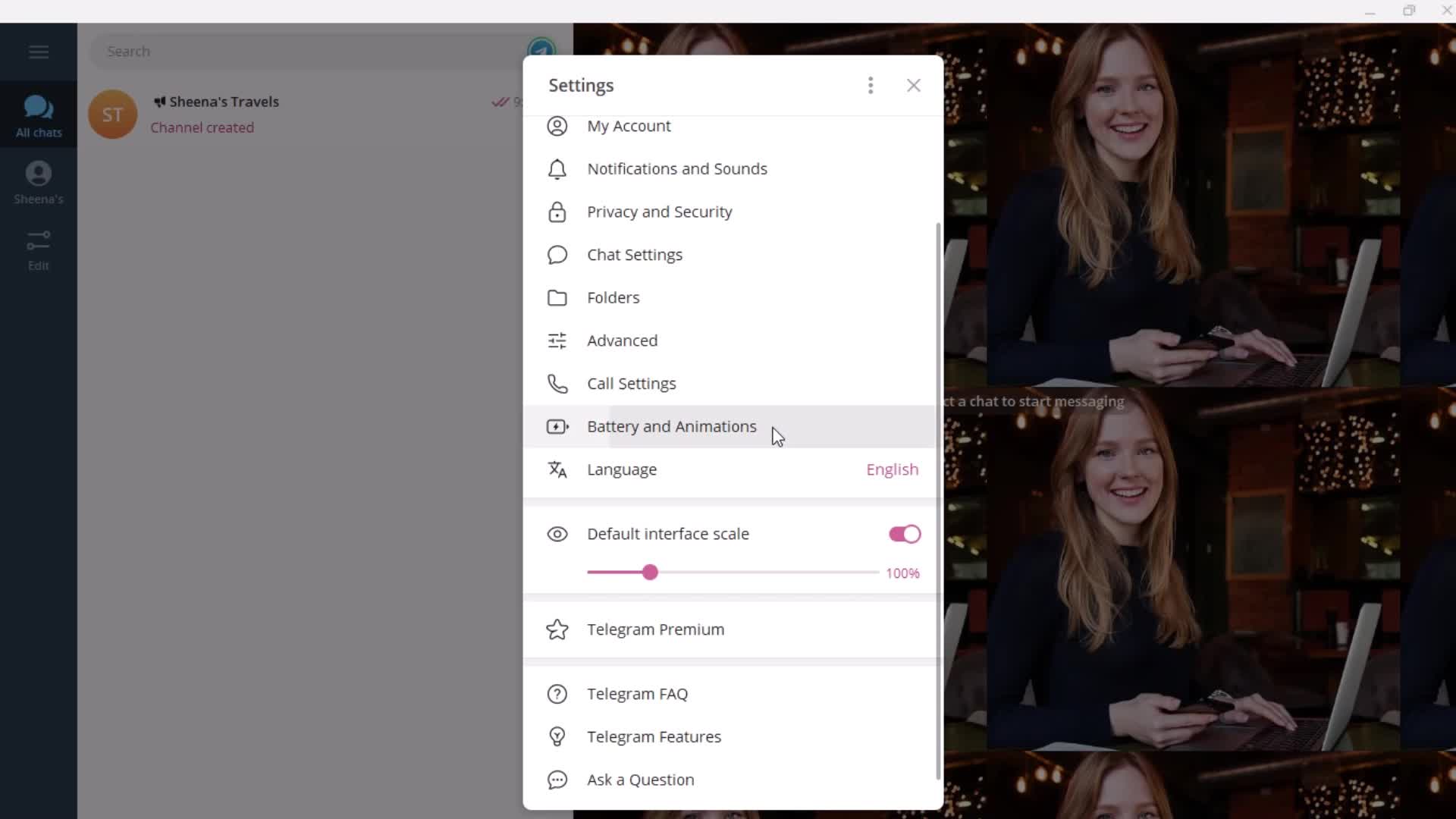
Settings
this is title
Settings menu
this is title
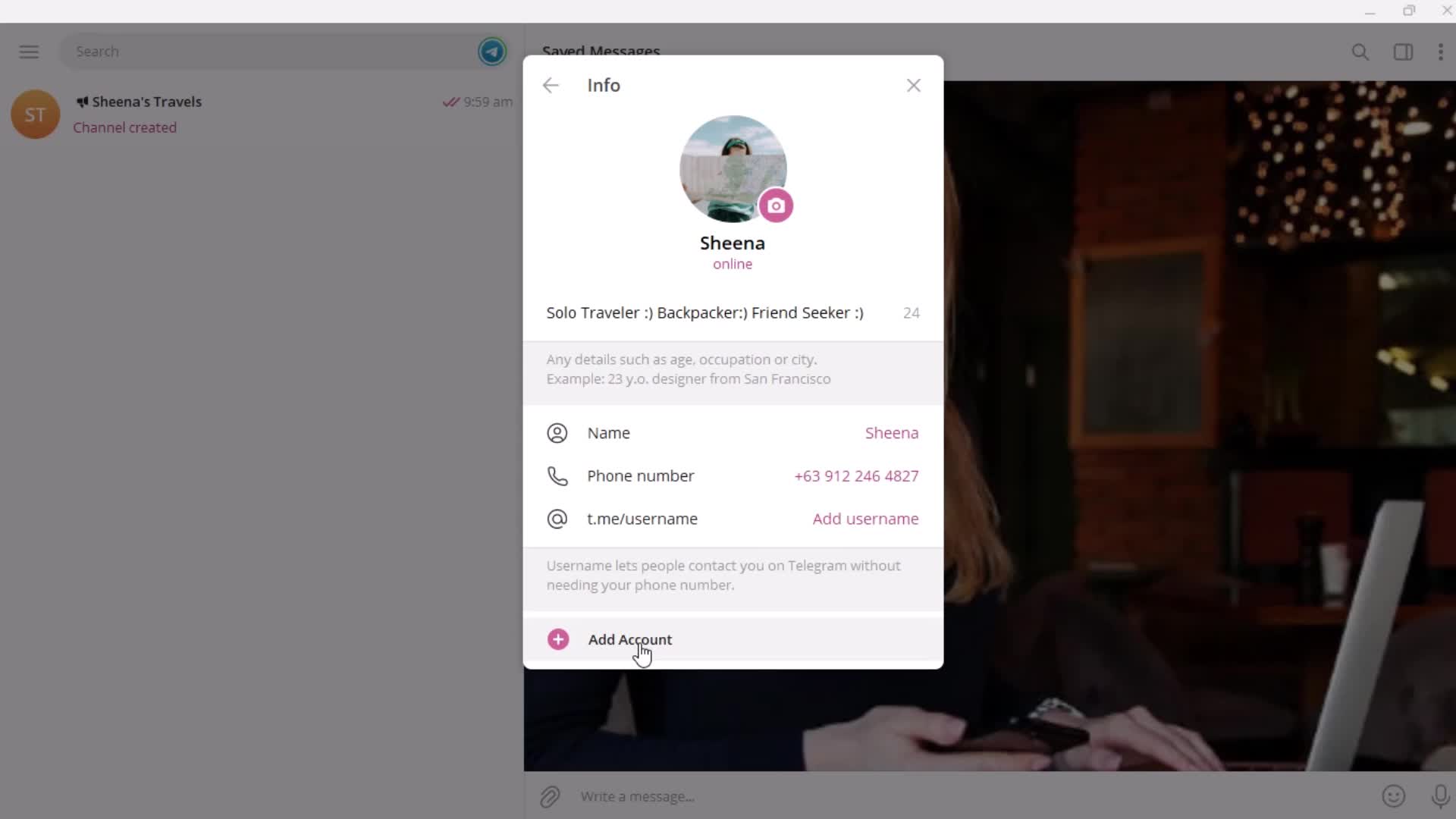
Add account
this is title
Add account
this is title
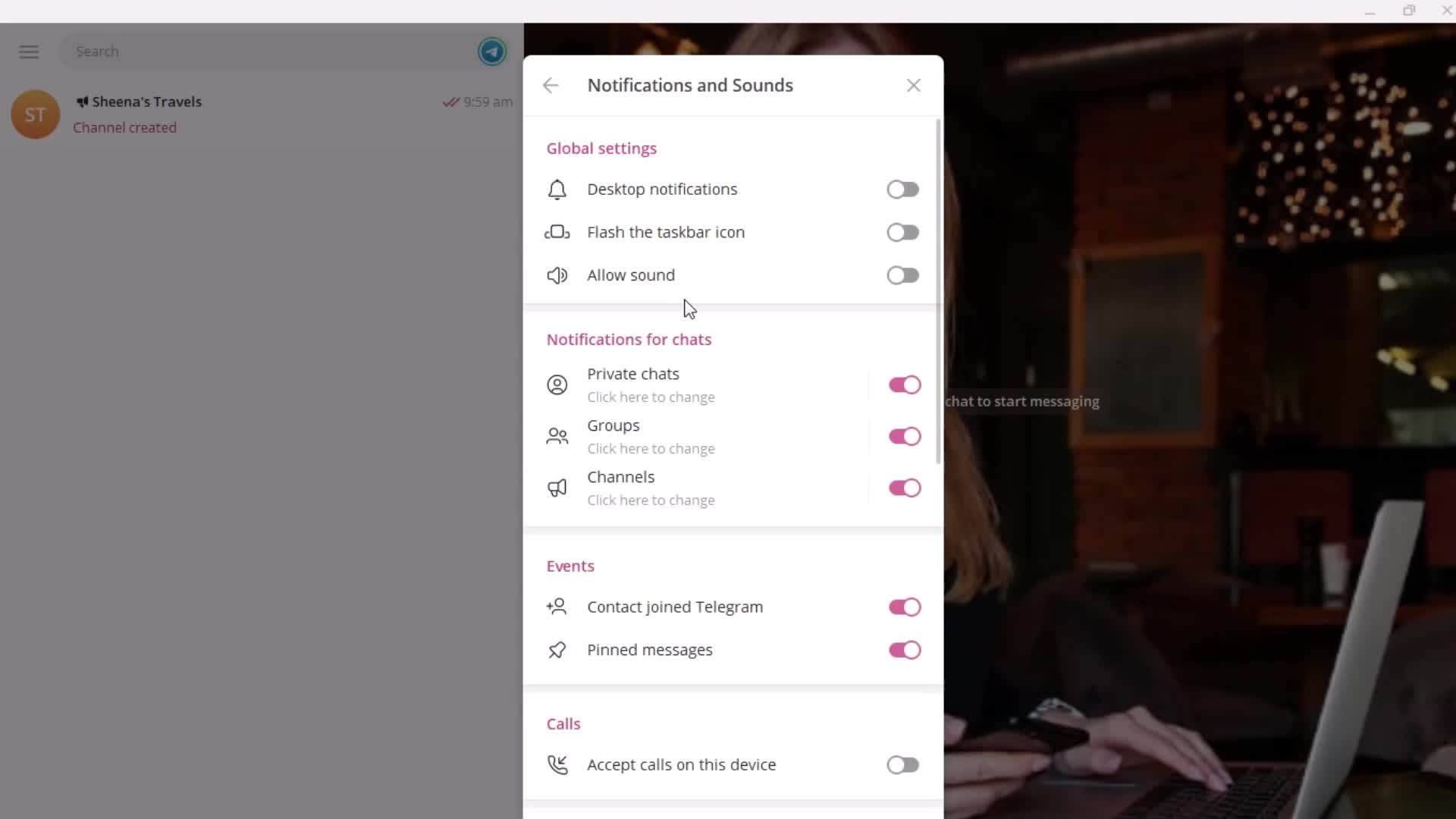
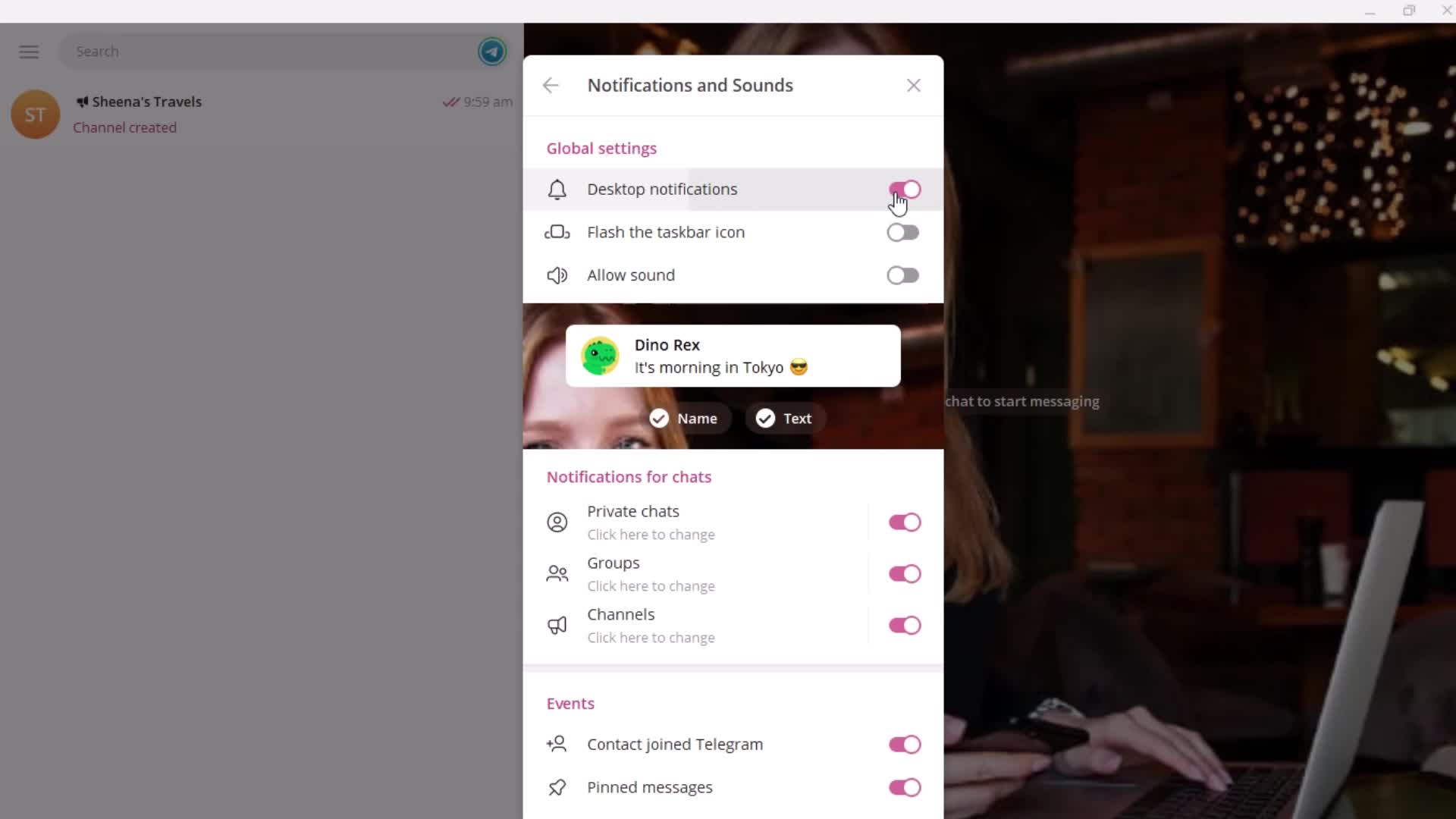
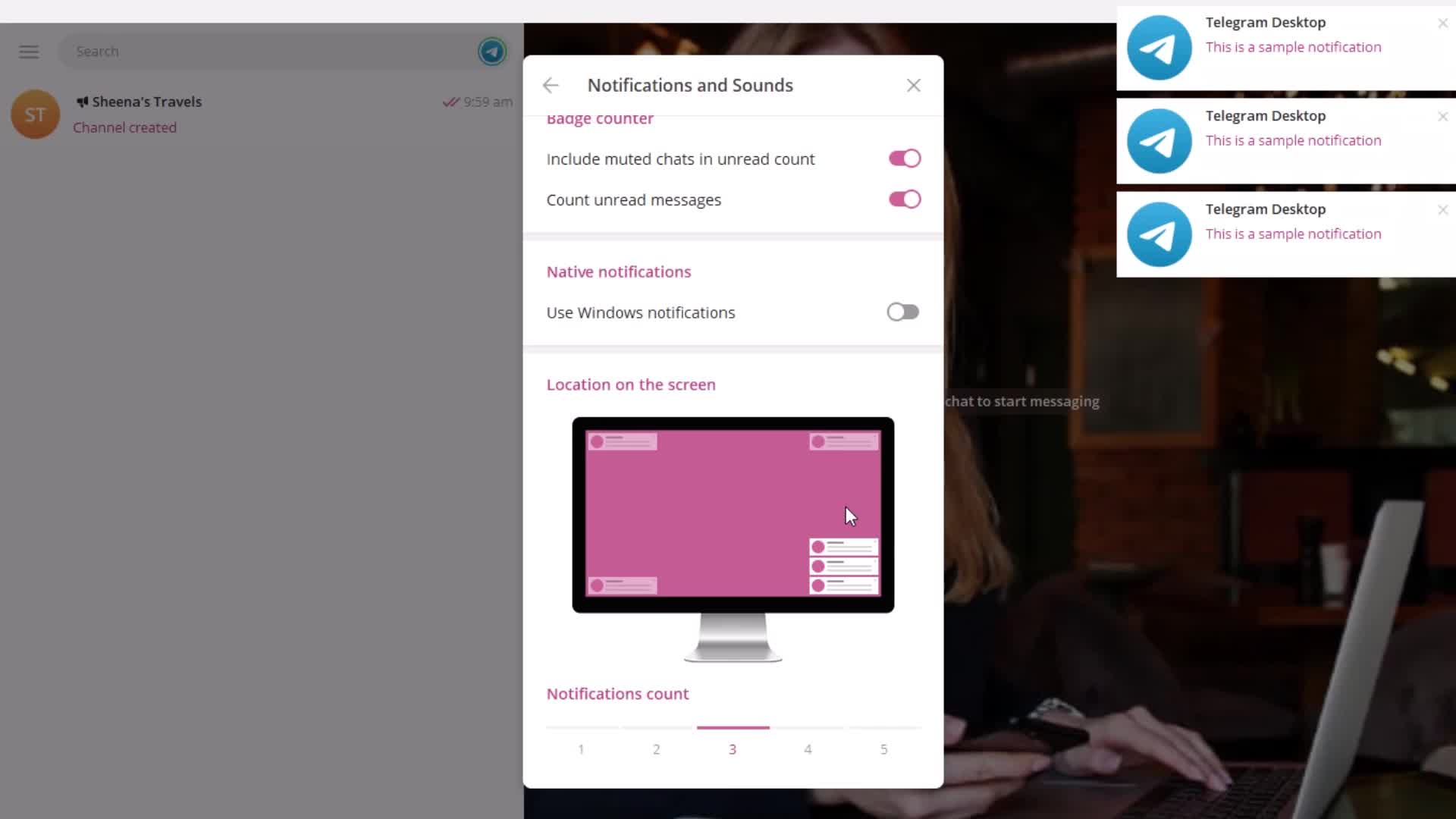
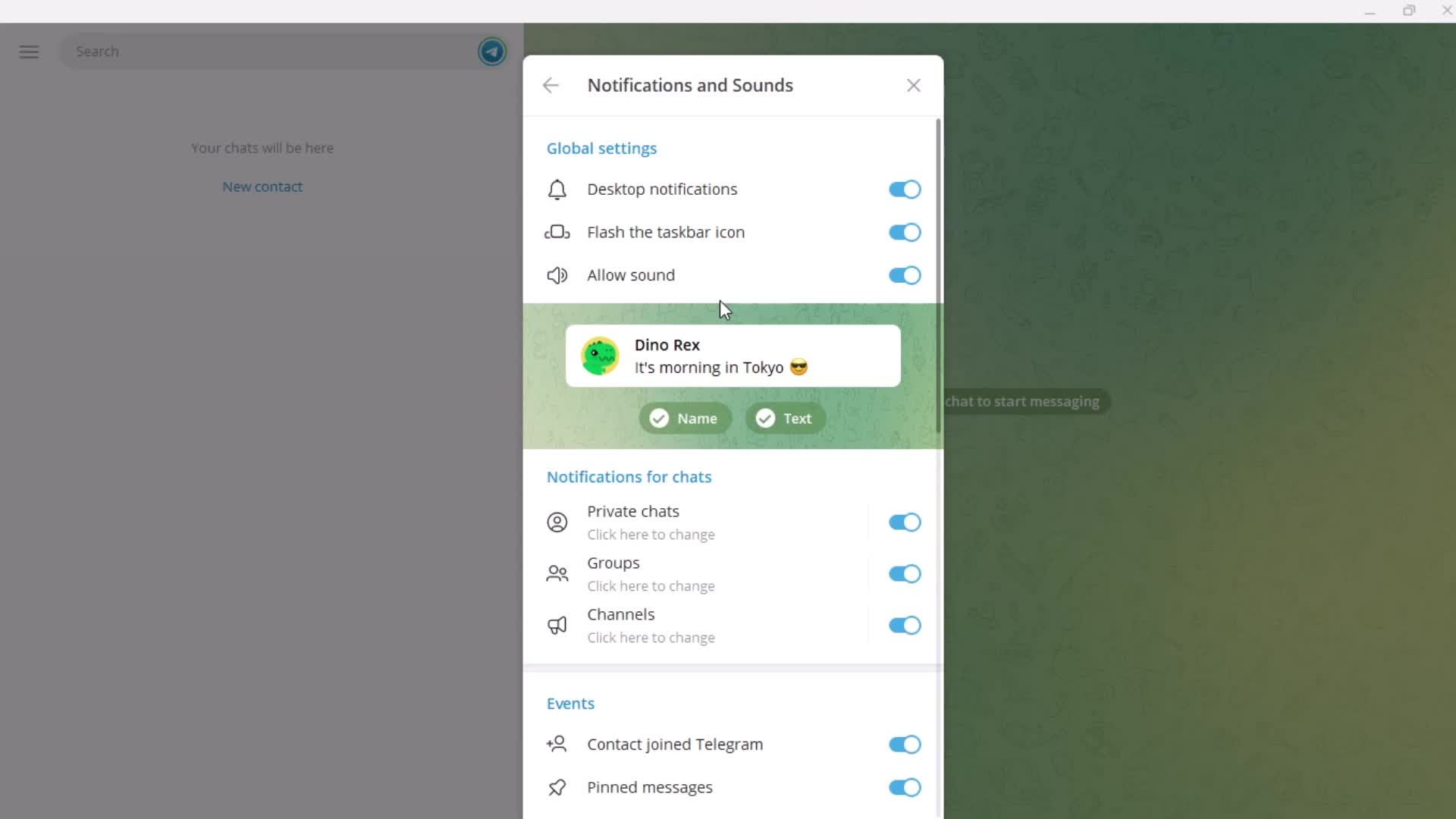
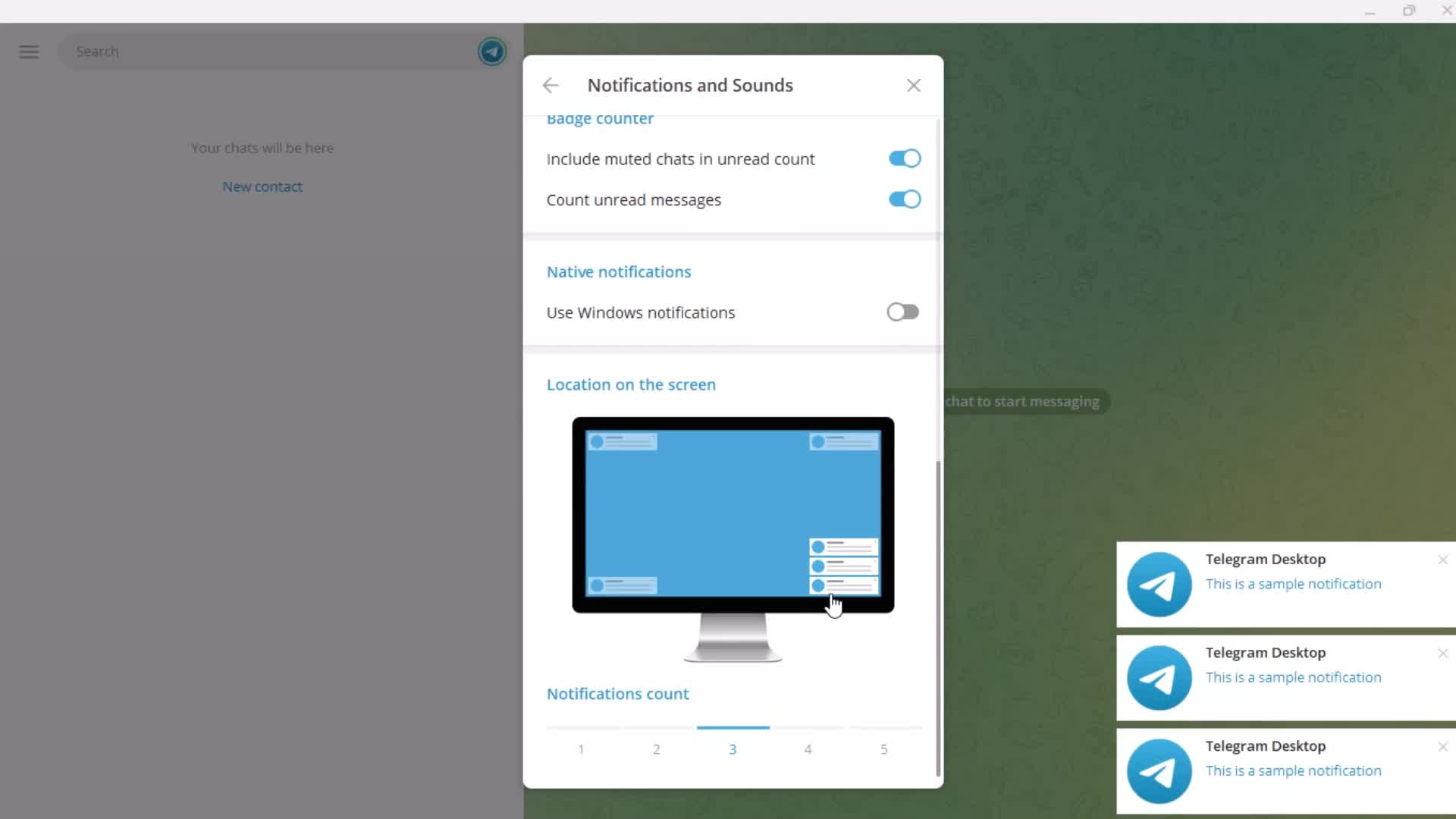
Notification settings
this is title
this is title
this is title
this is title
this is title
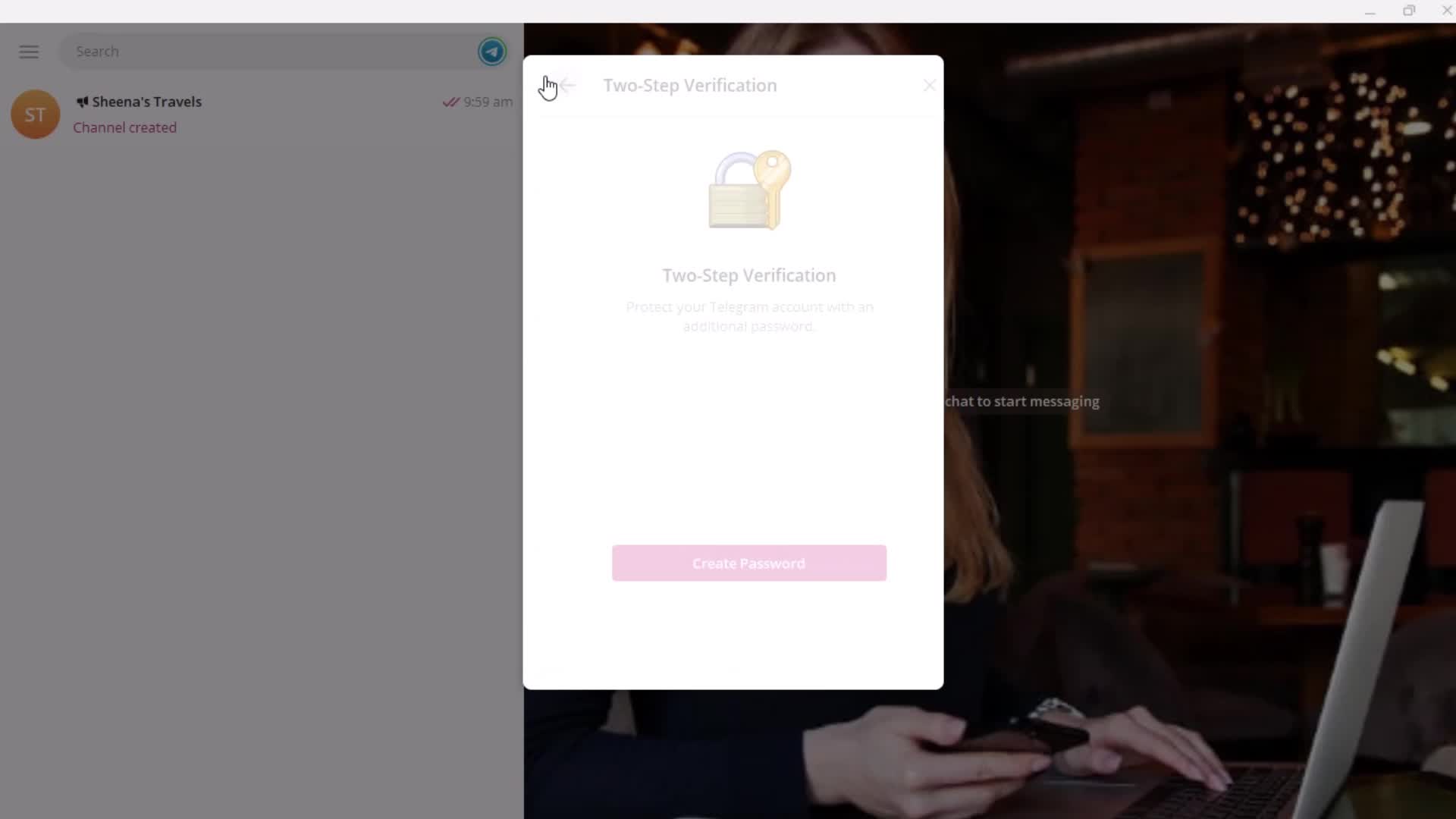
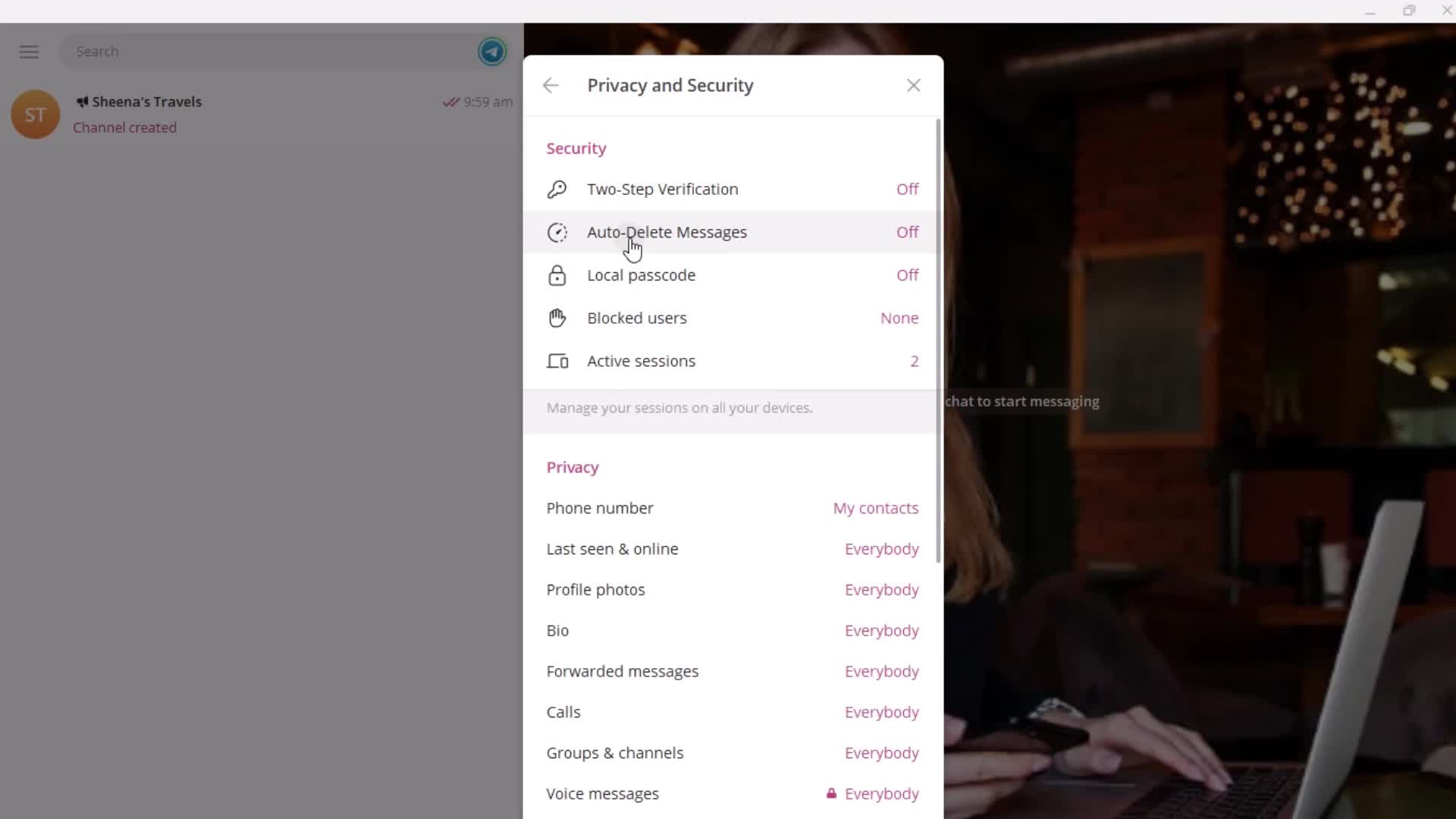
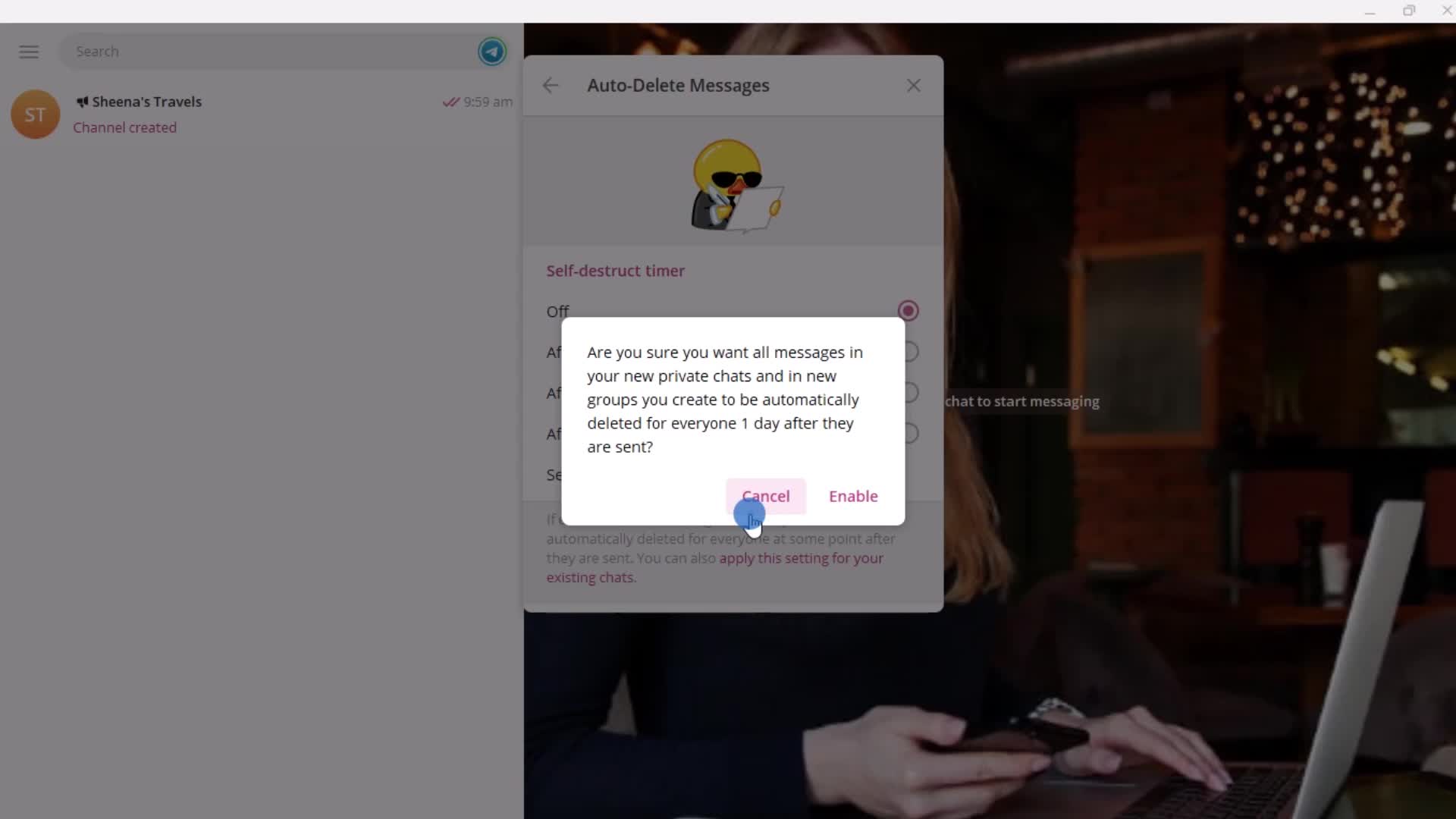
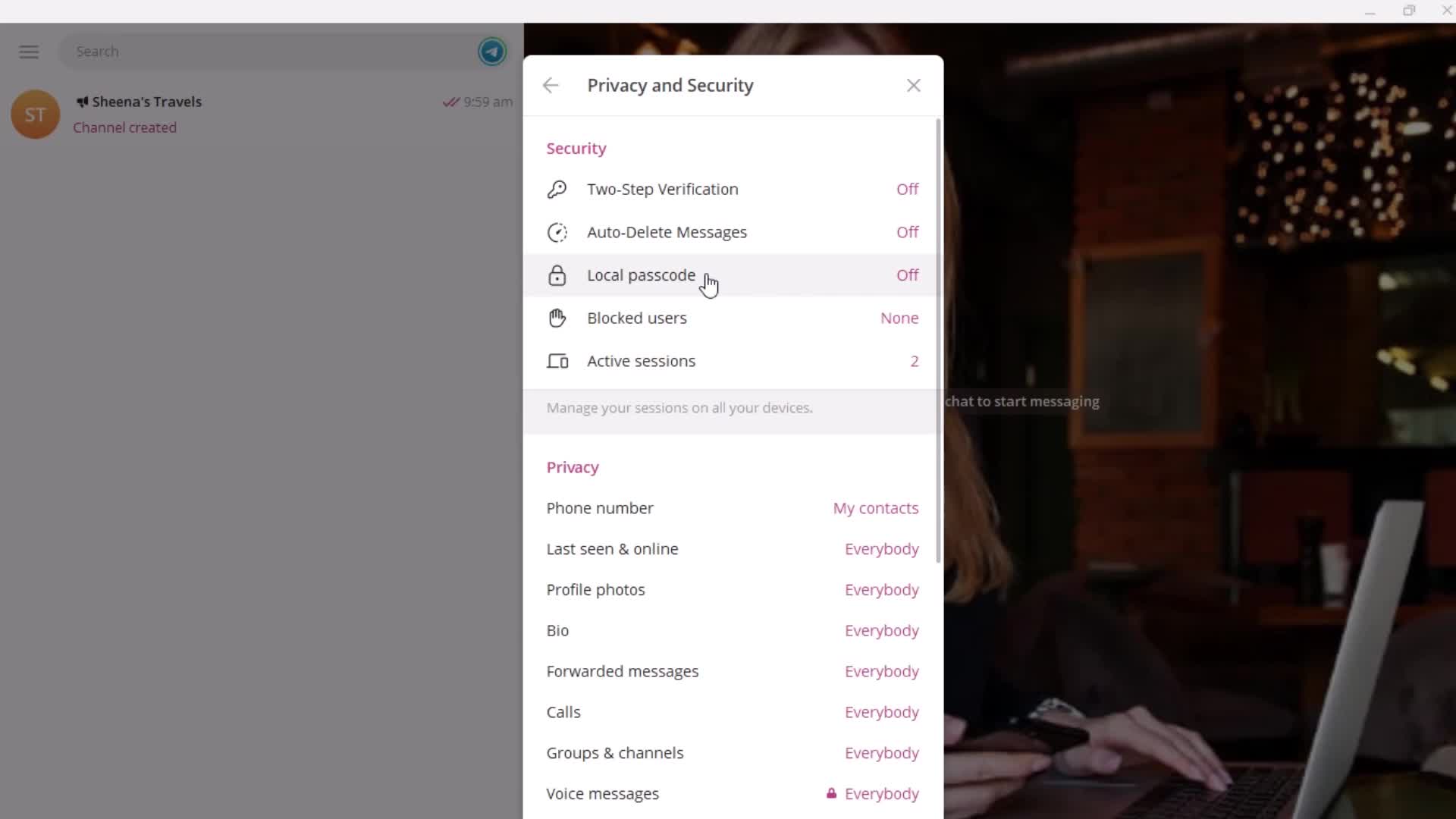
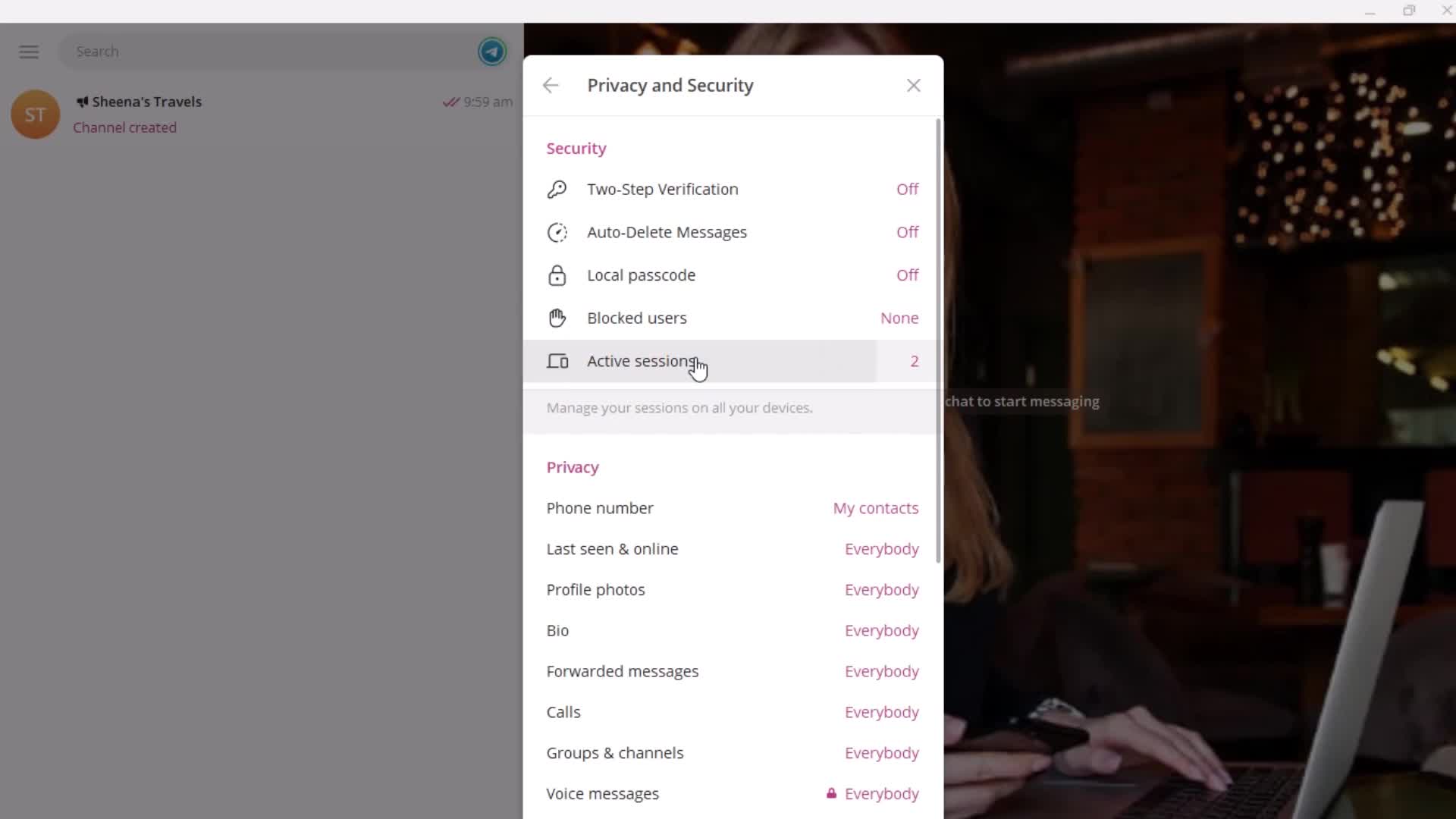
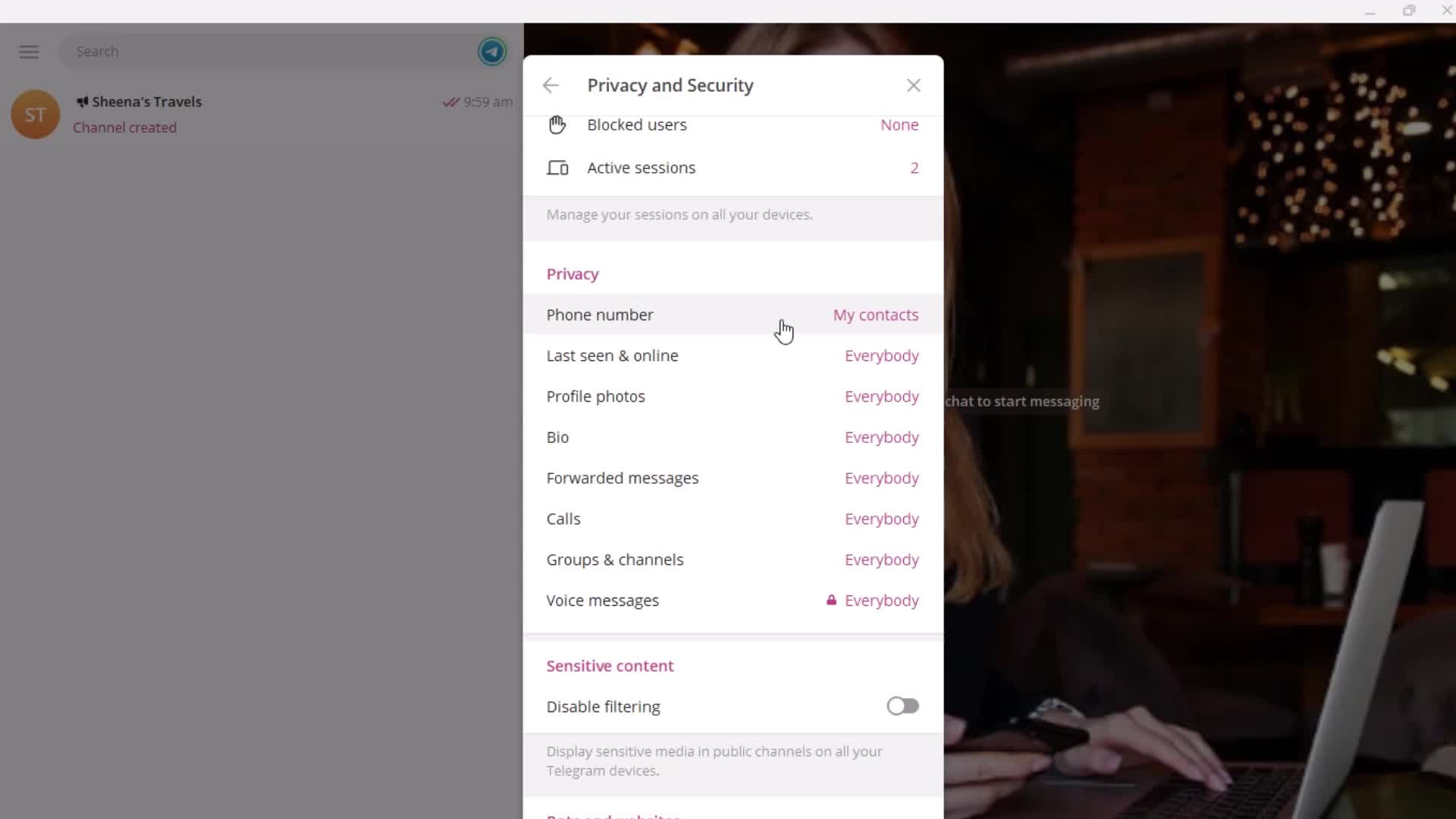
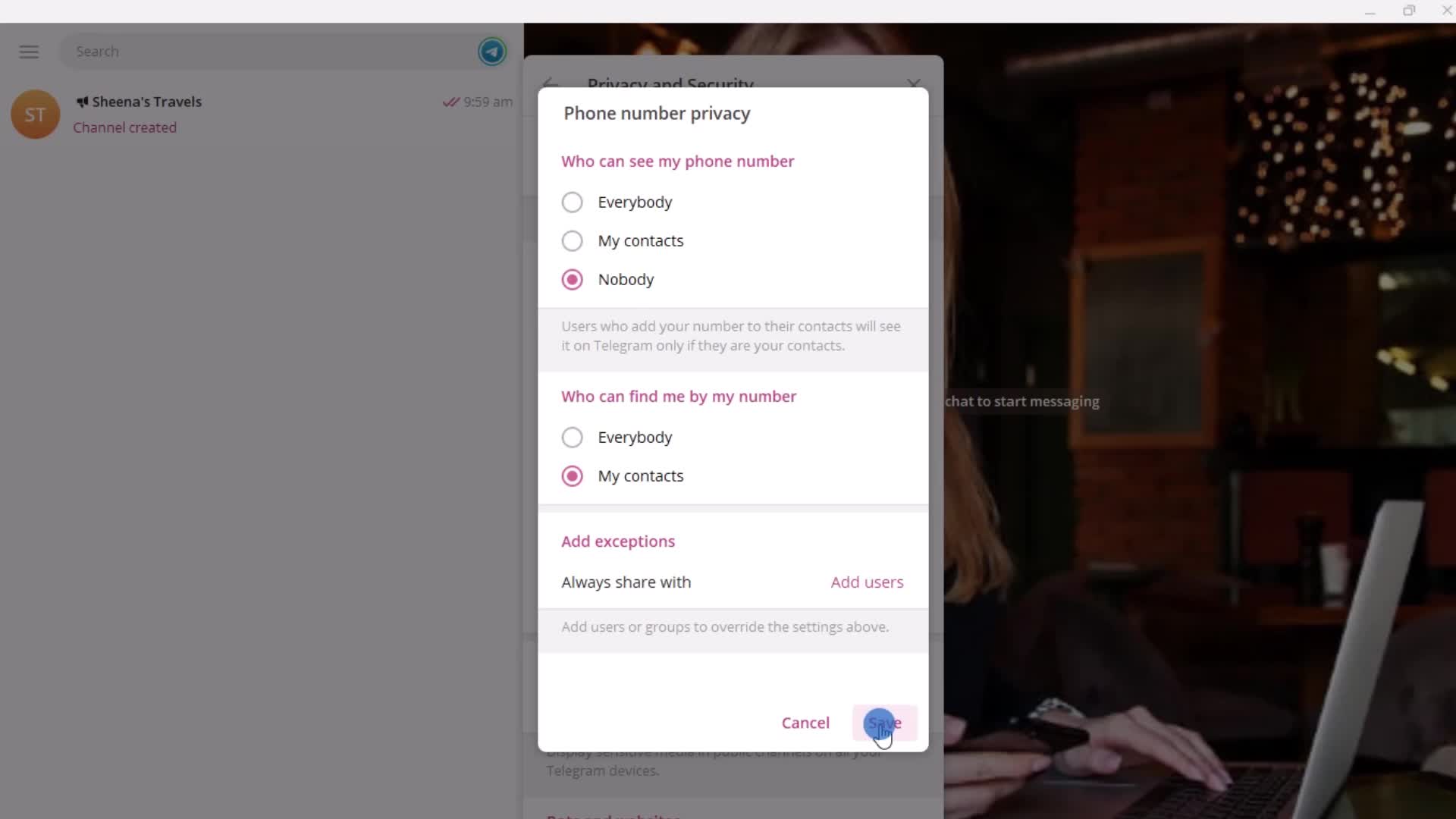
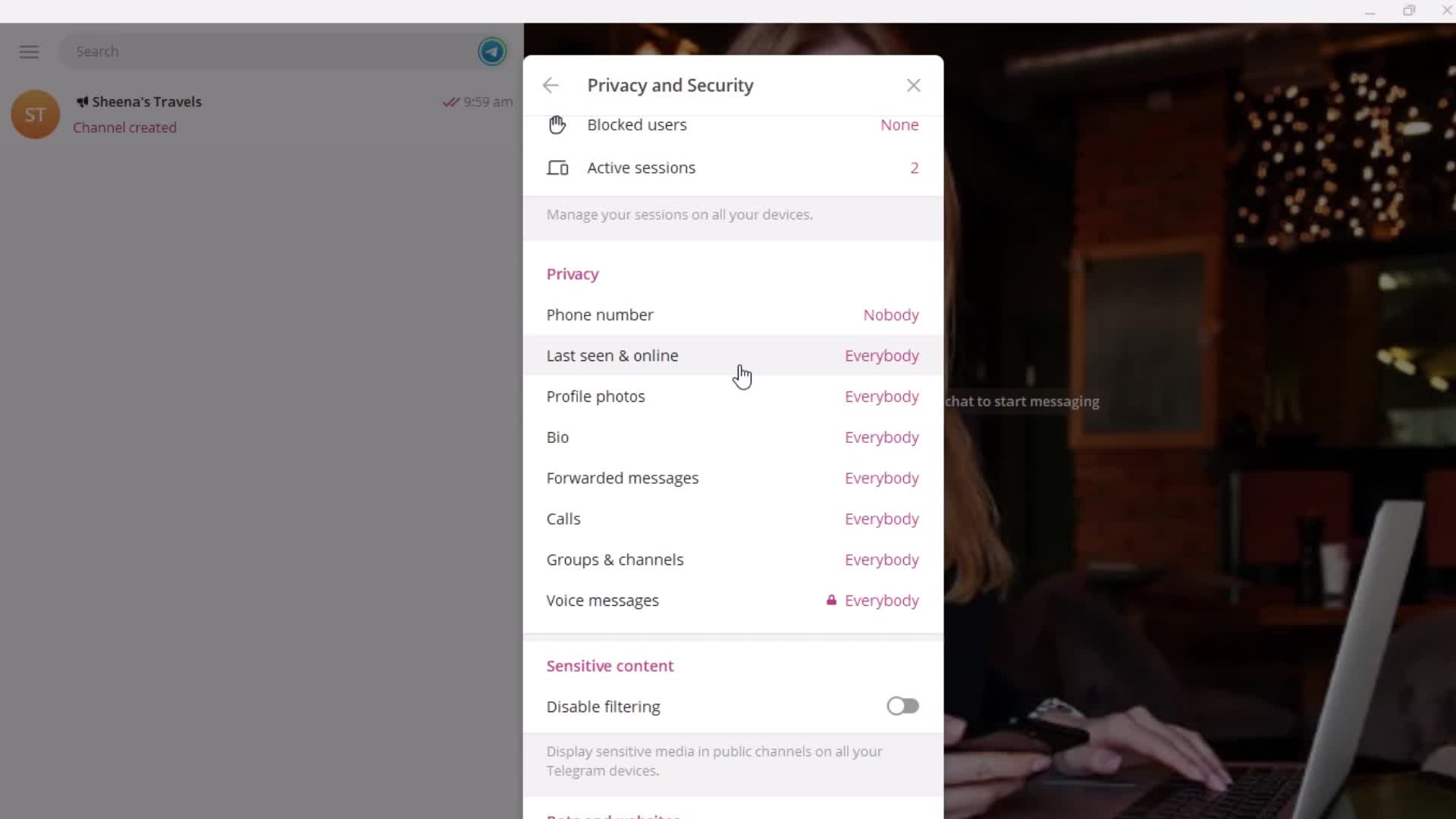
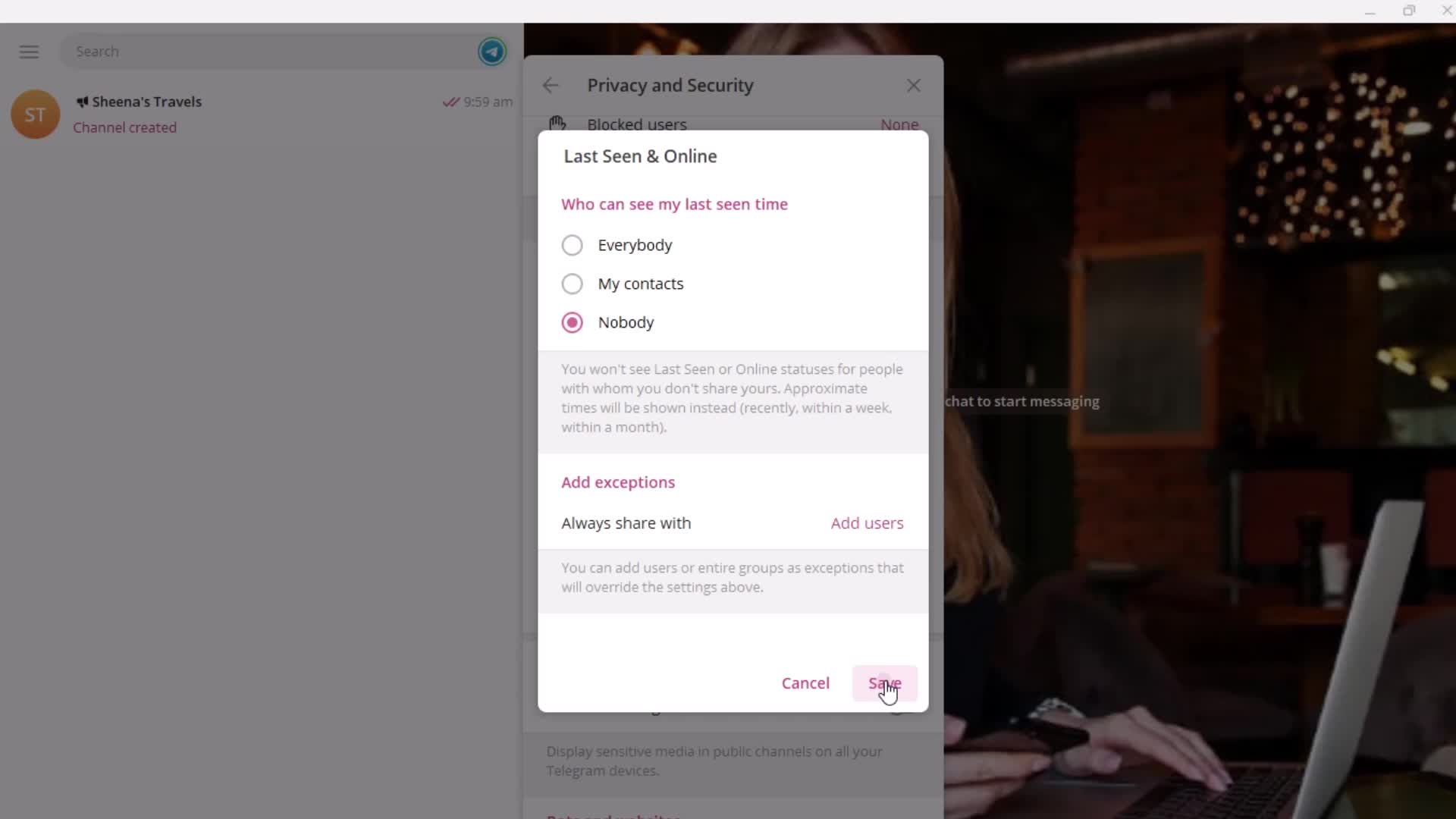
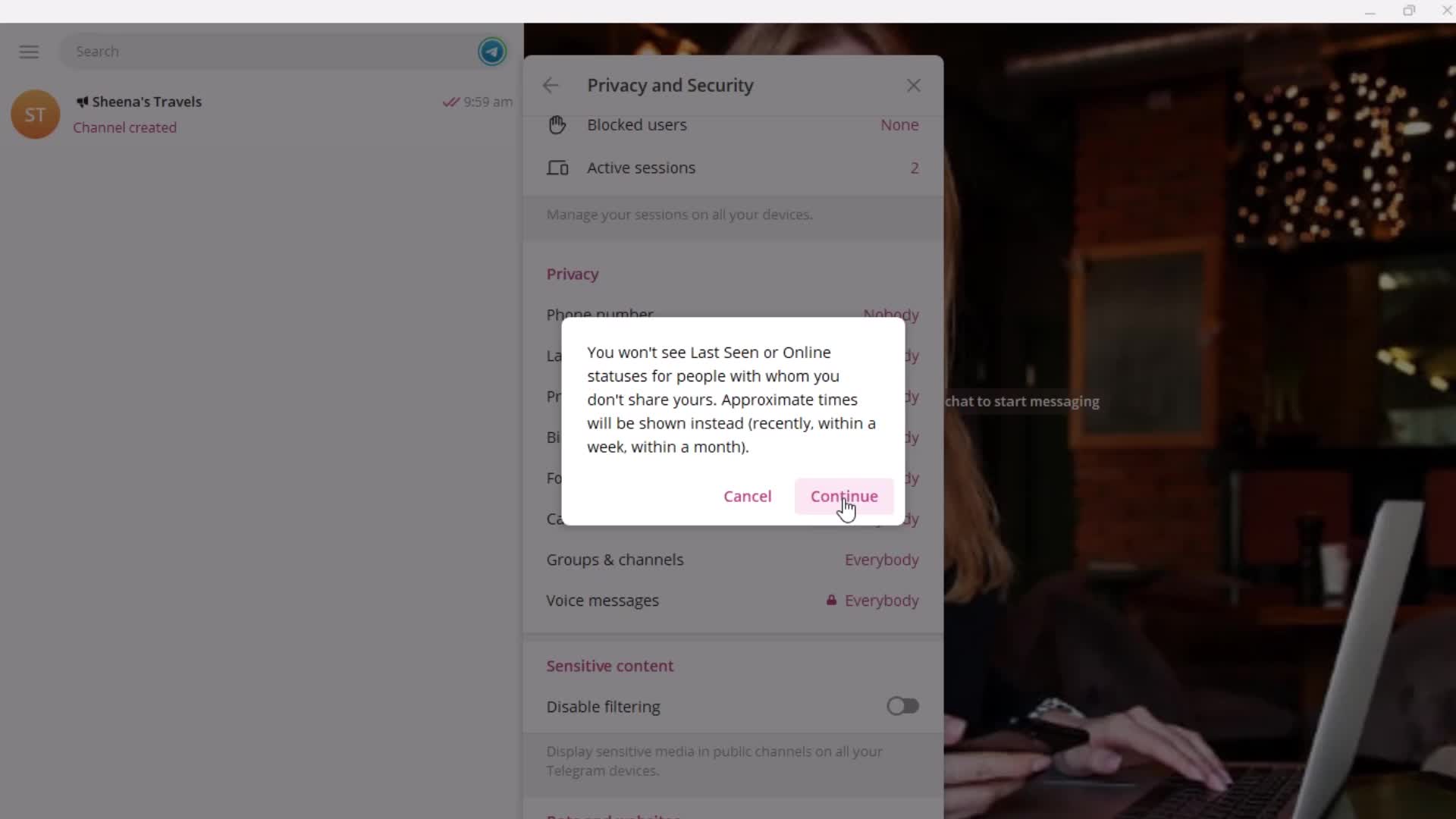
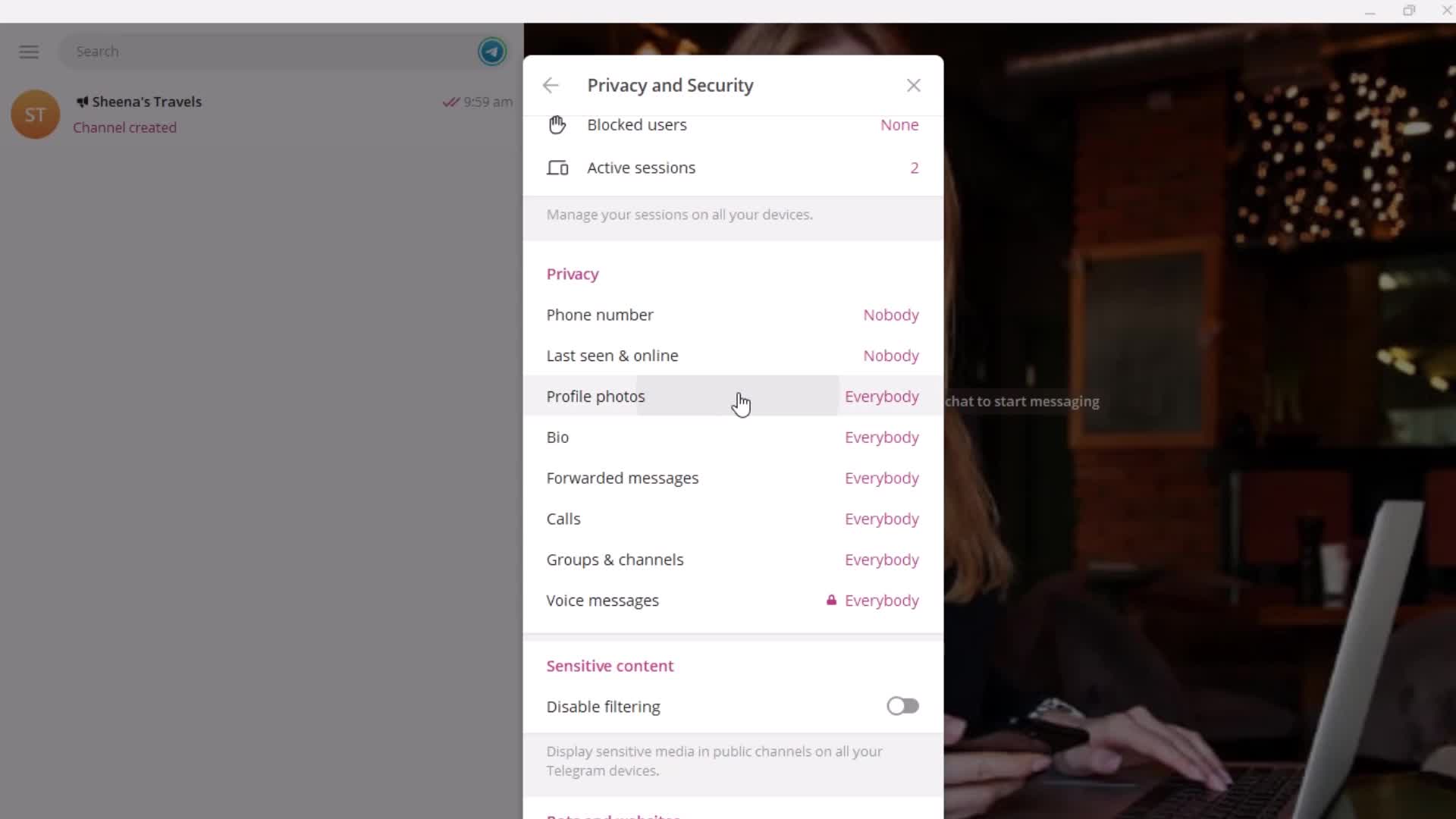
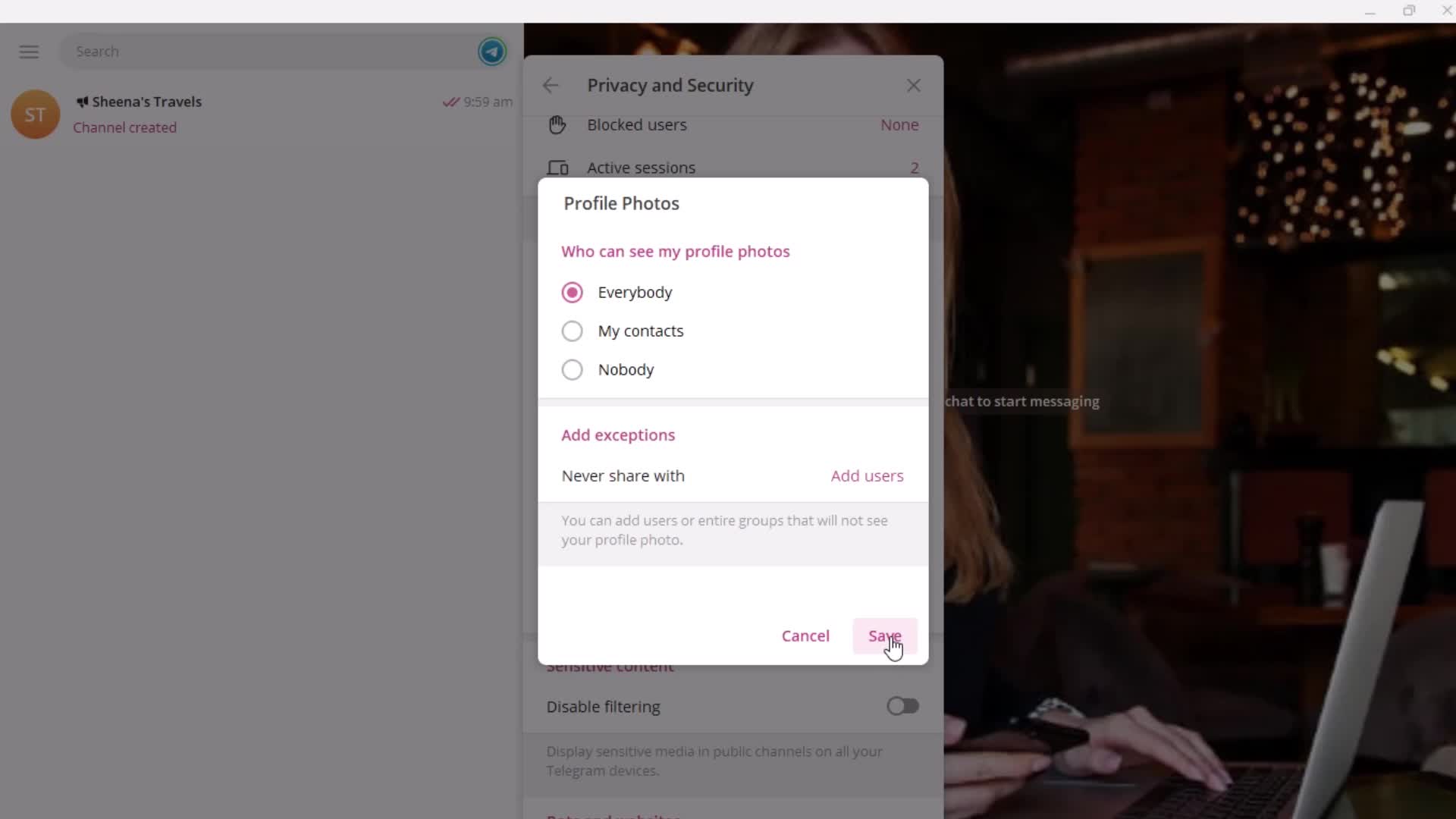
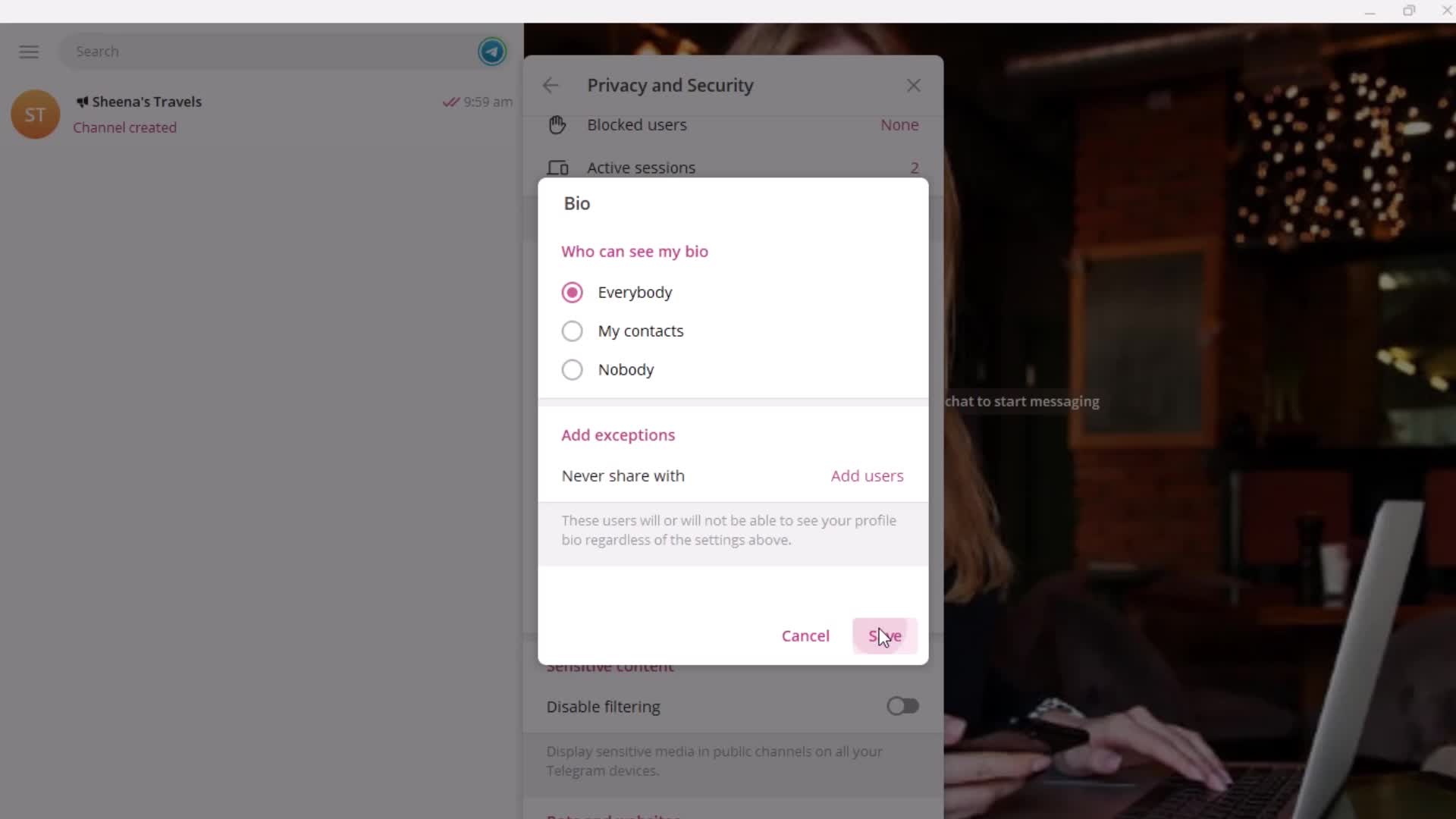
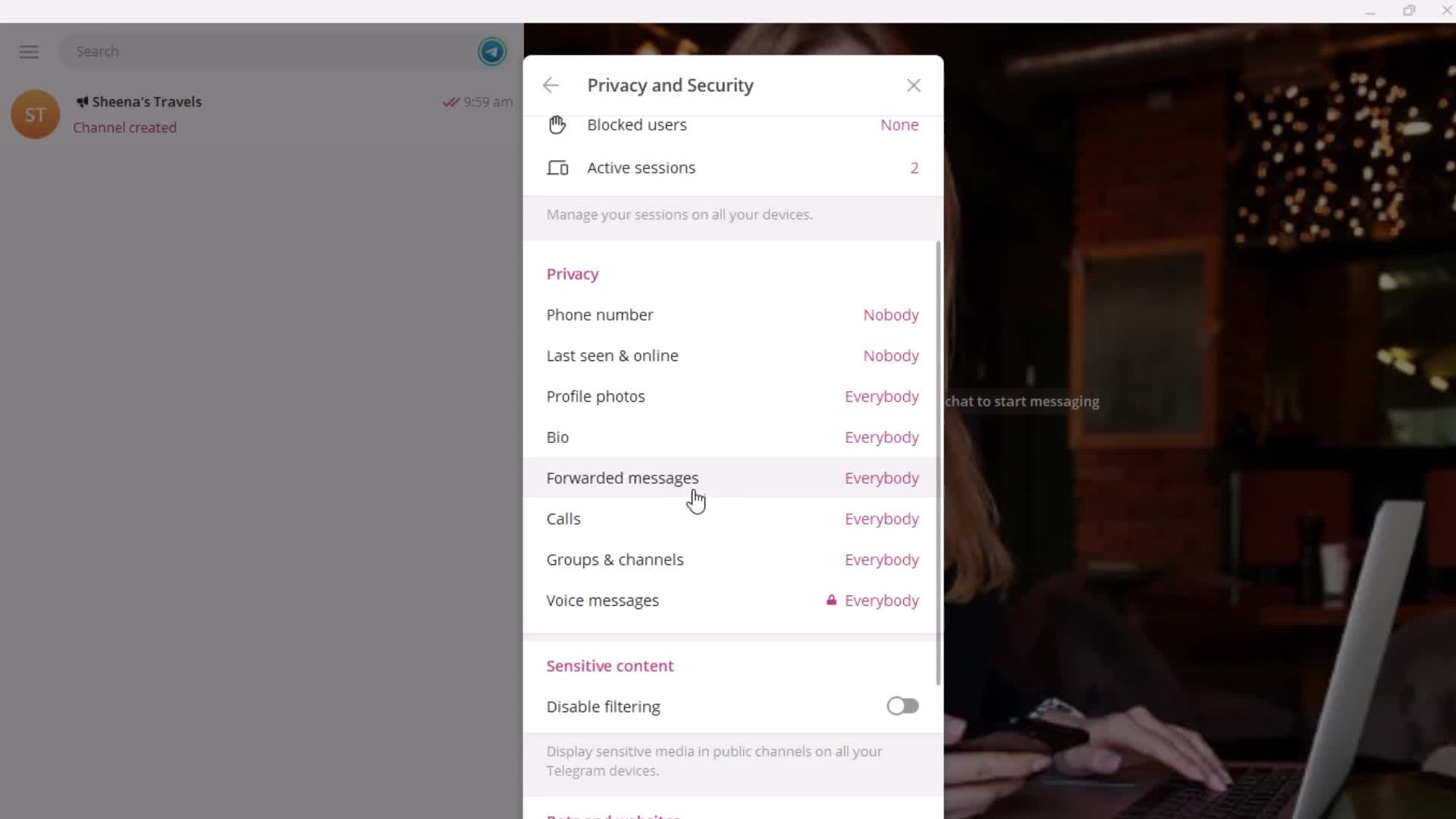
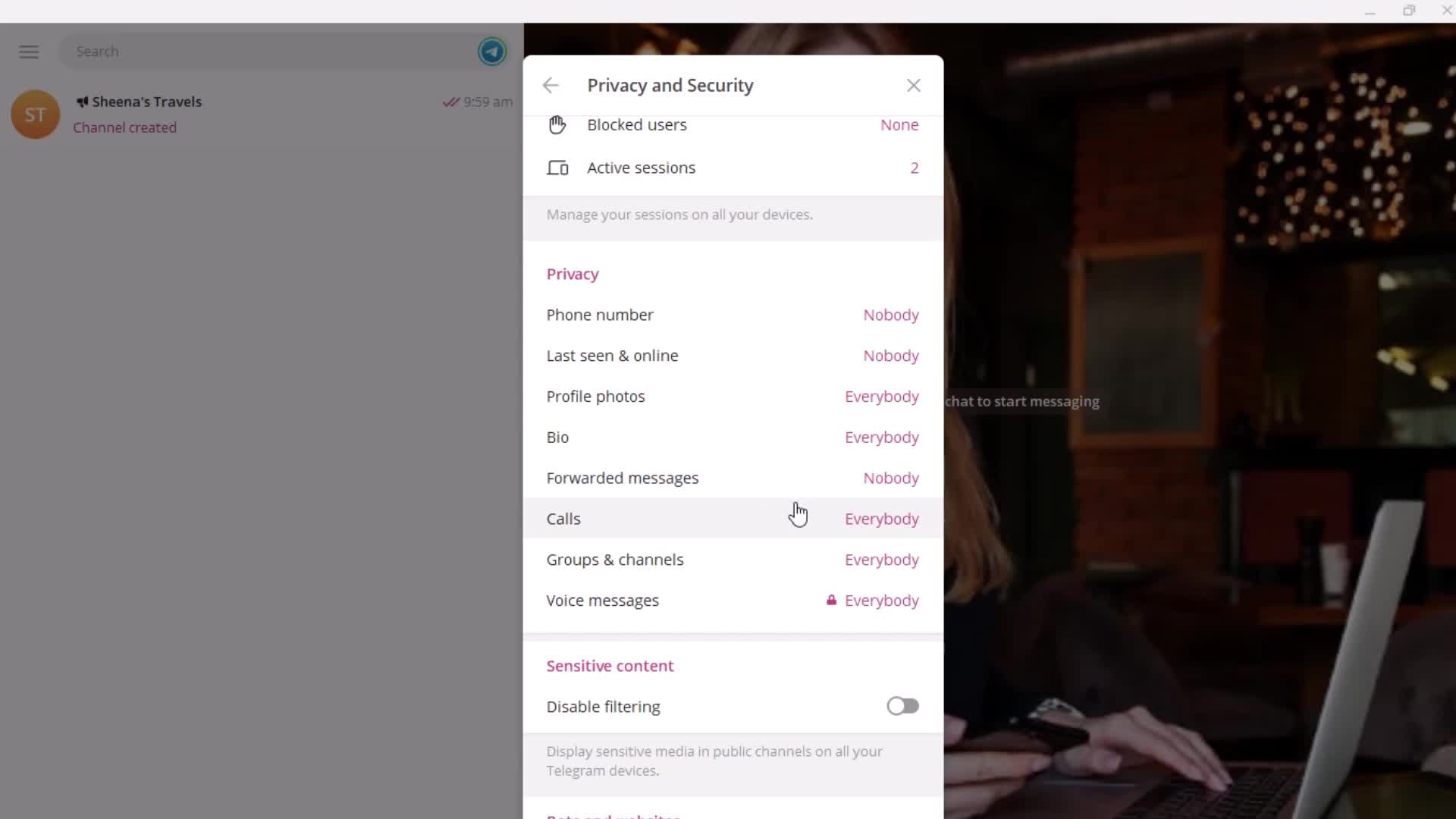
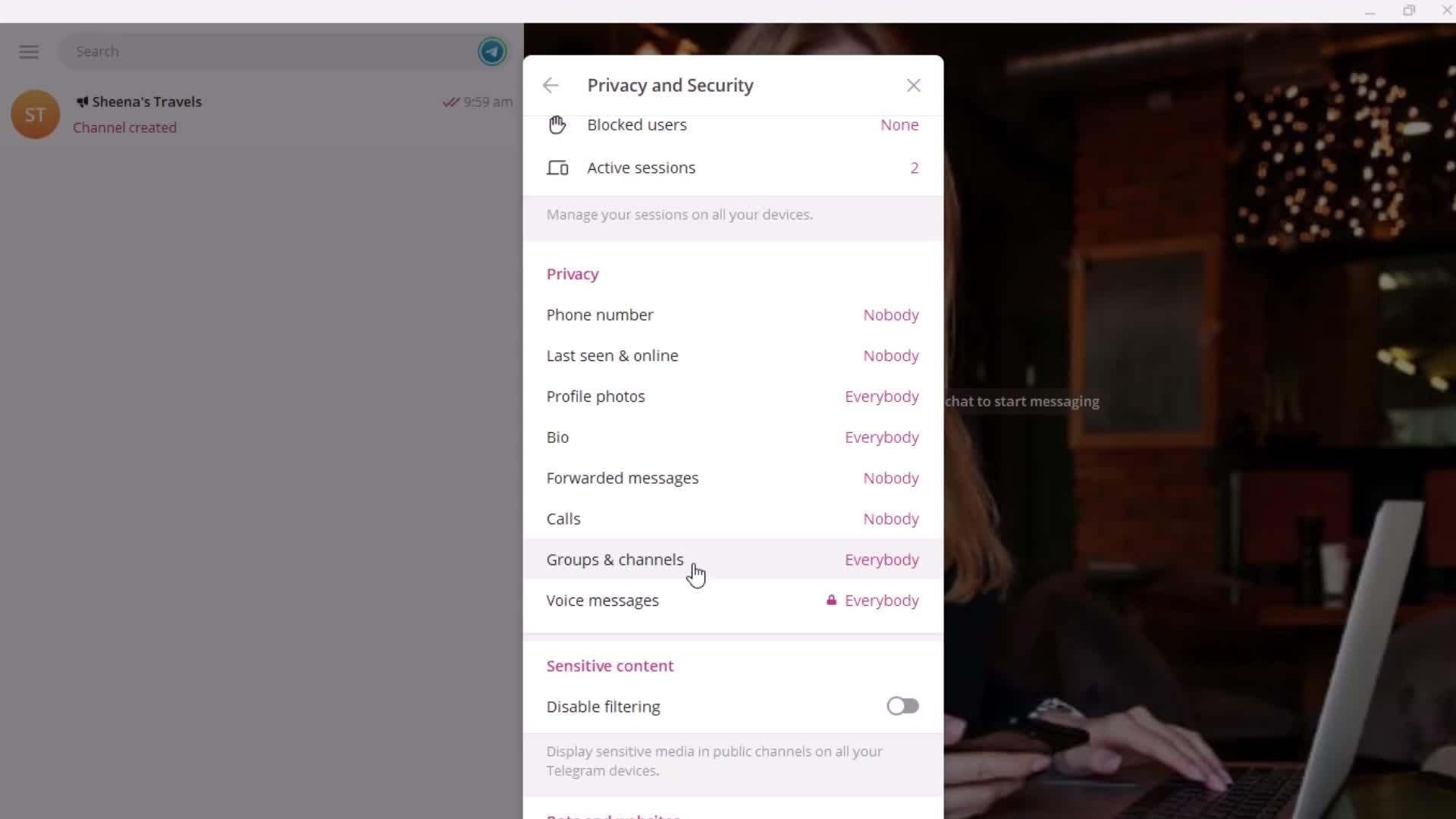
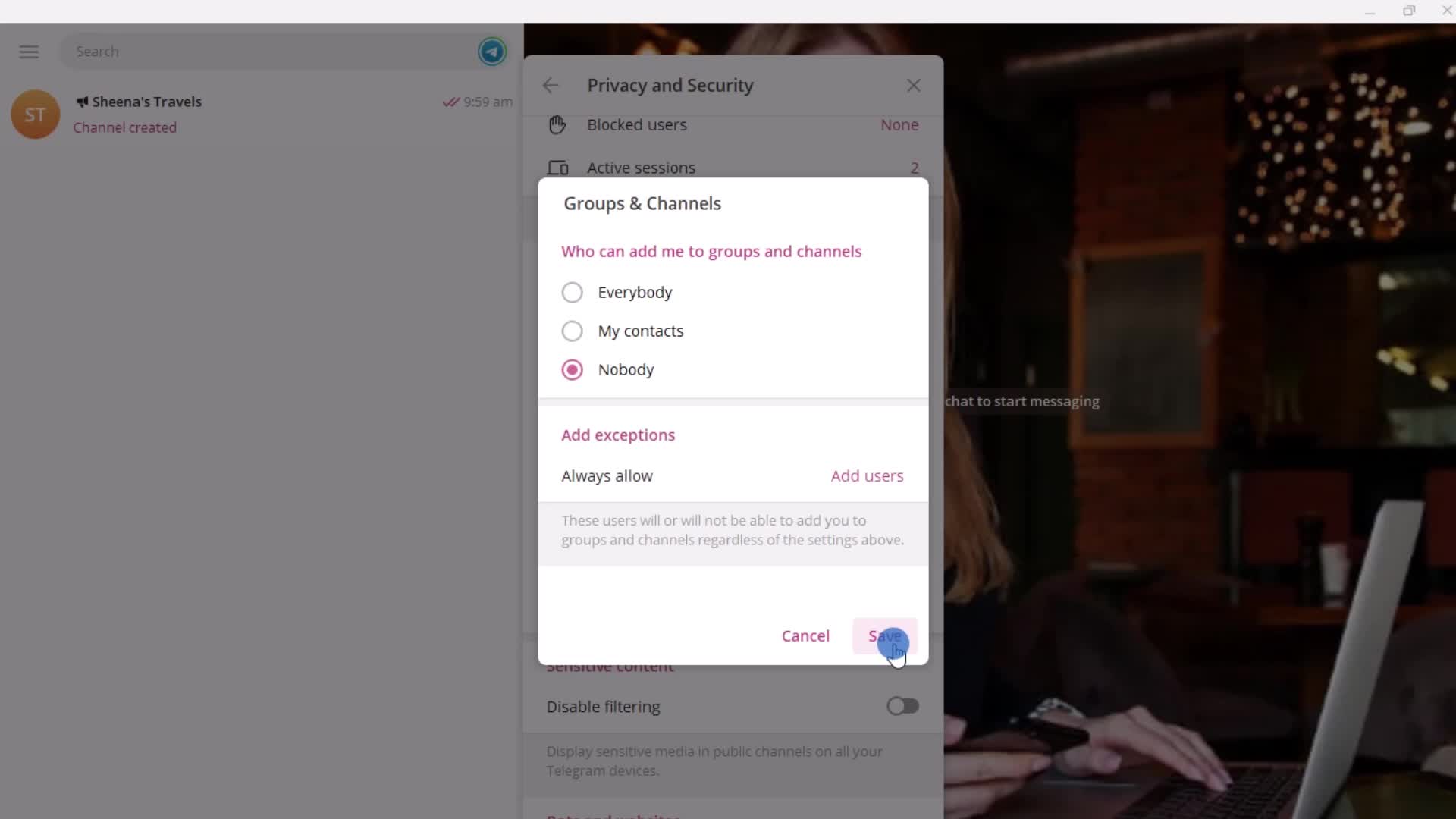
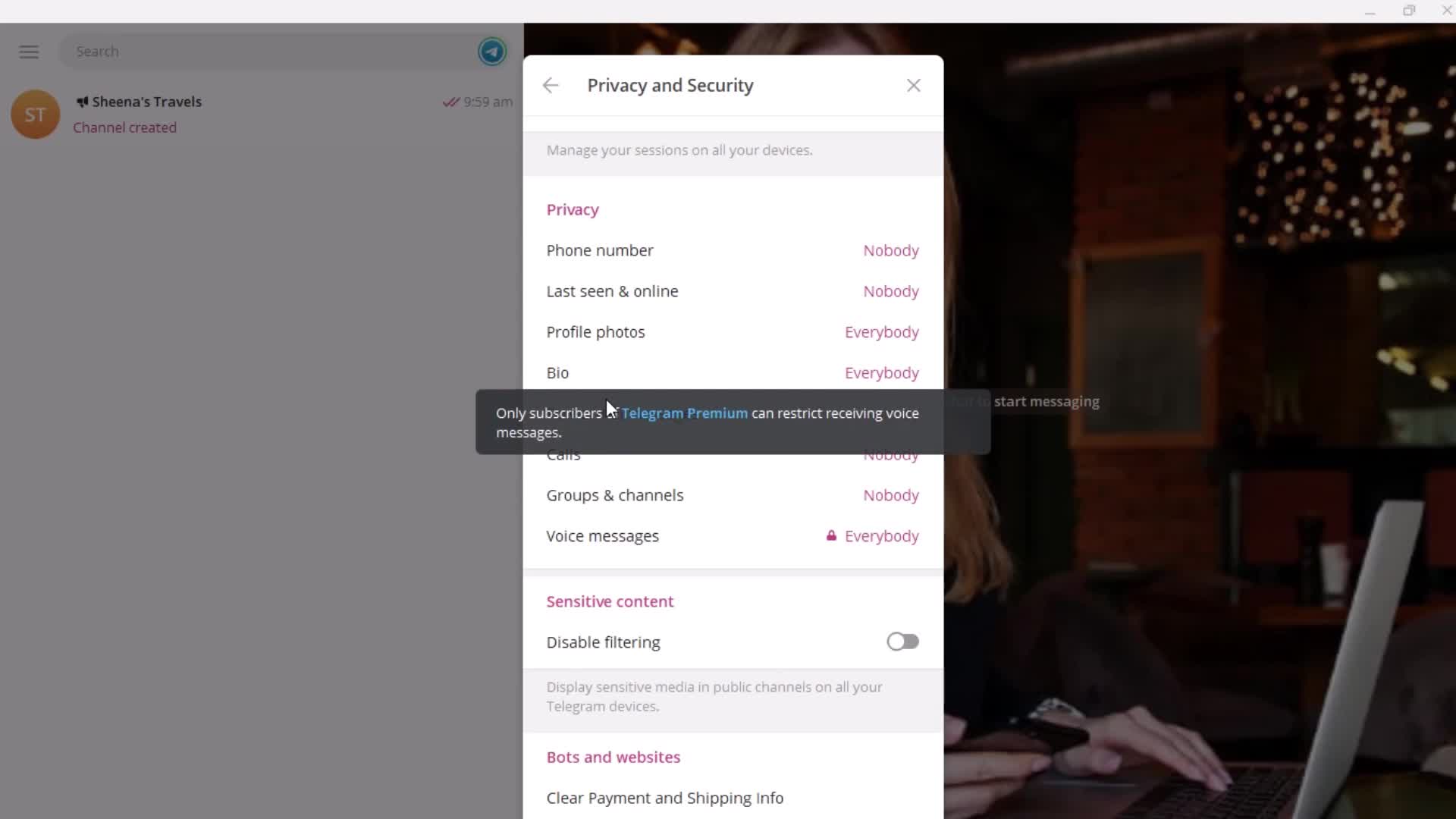
Security settings
this is title
this is title
Permissions
this is title
this is title
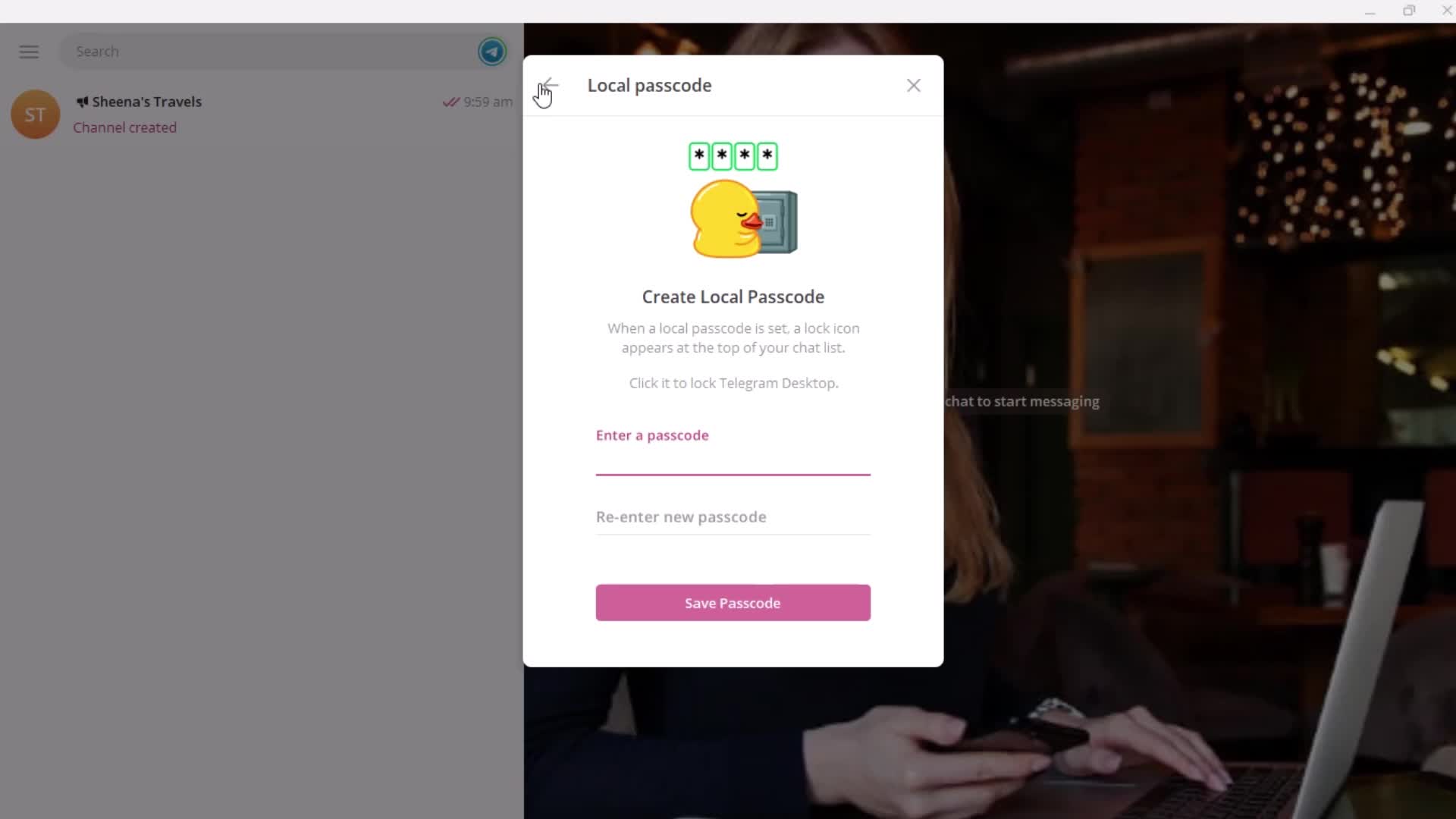
Passcode
this is title
this is title
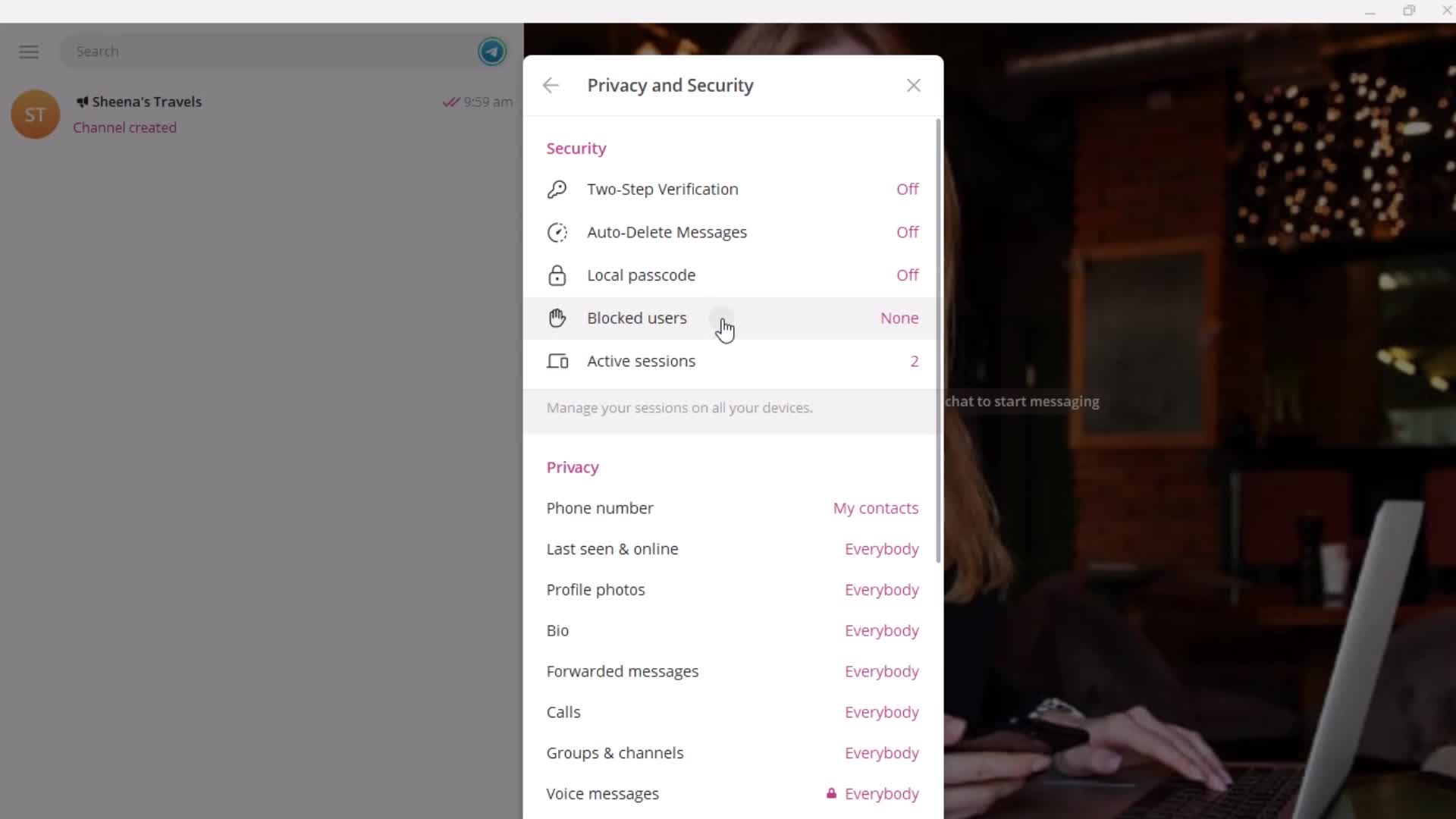
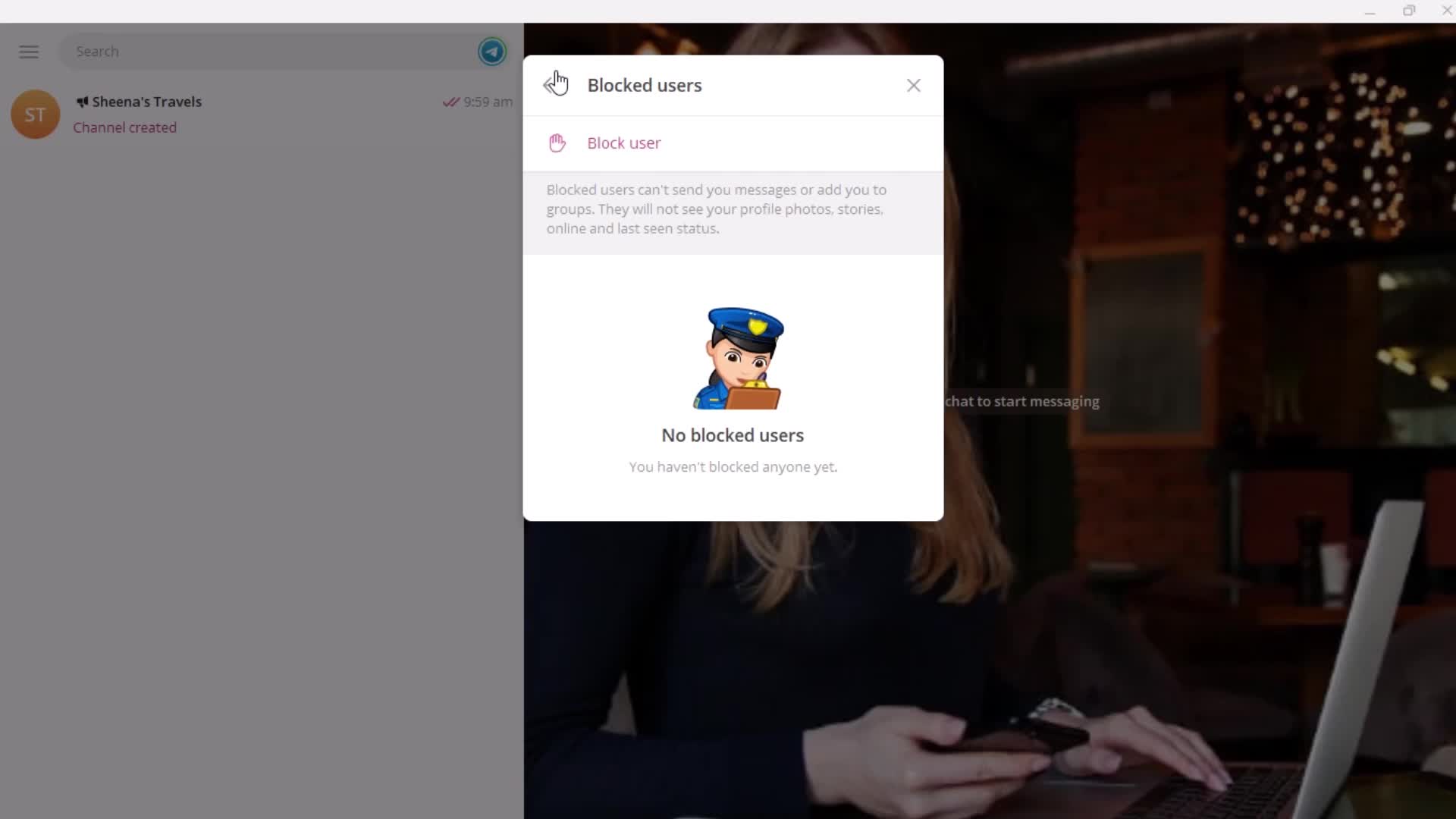
Blocked users
this is title
this is title
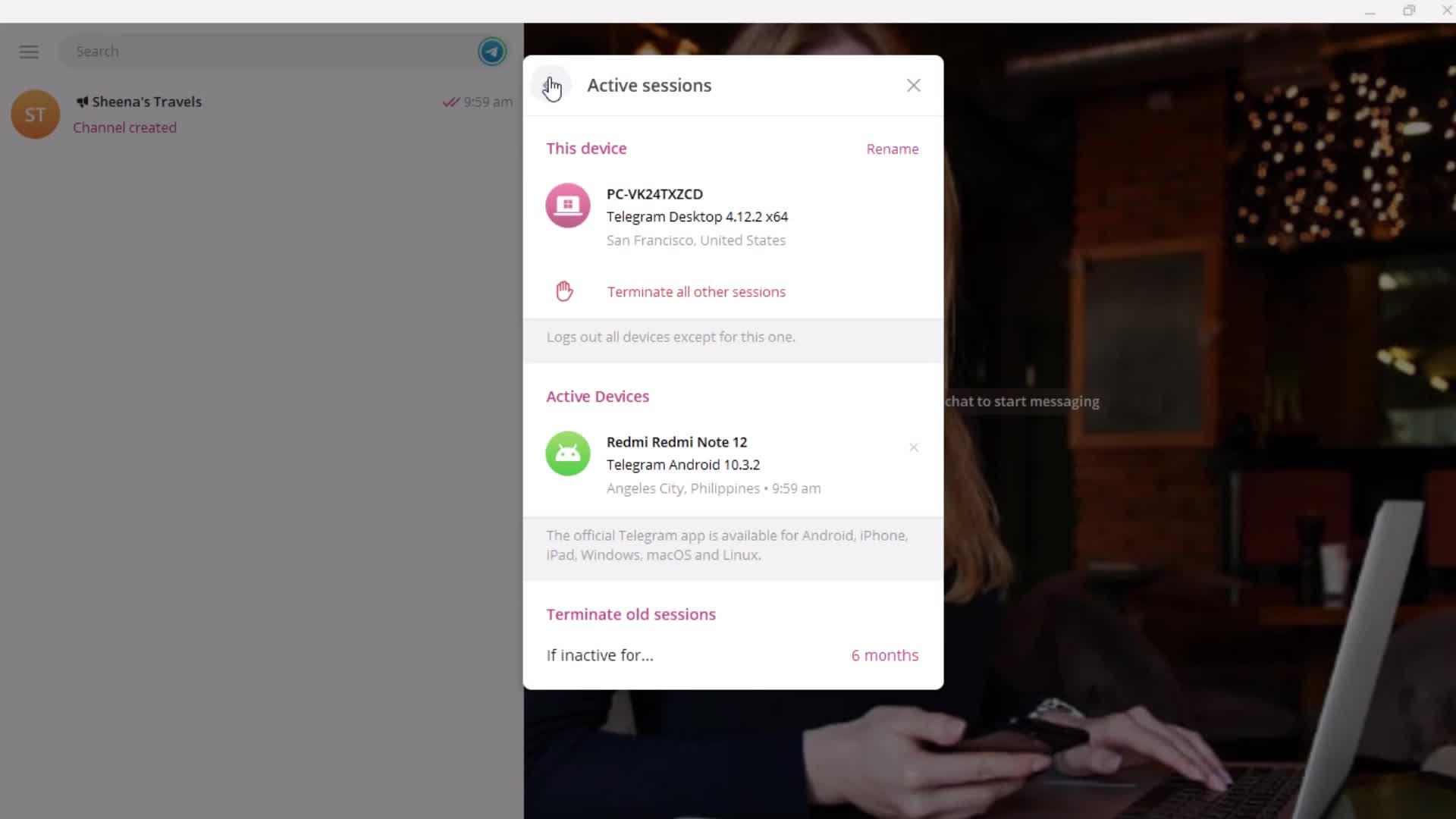
Sessions
this is title
Contacts
this is title
Allow search by email/phone
this is title
this is title
this is title
Account status
this is title
this is title
this is title
this is title
this is title
this is title
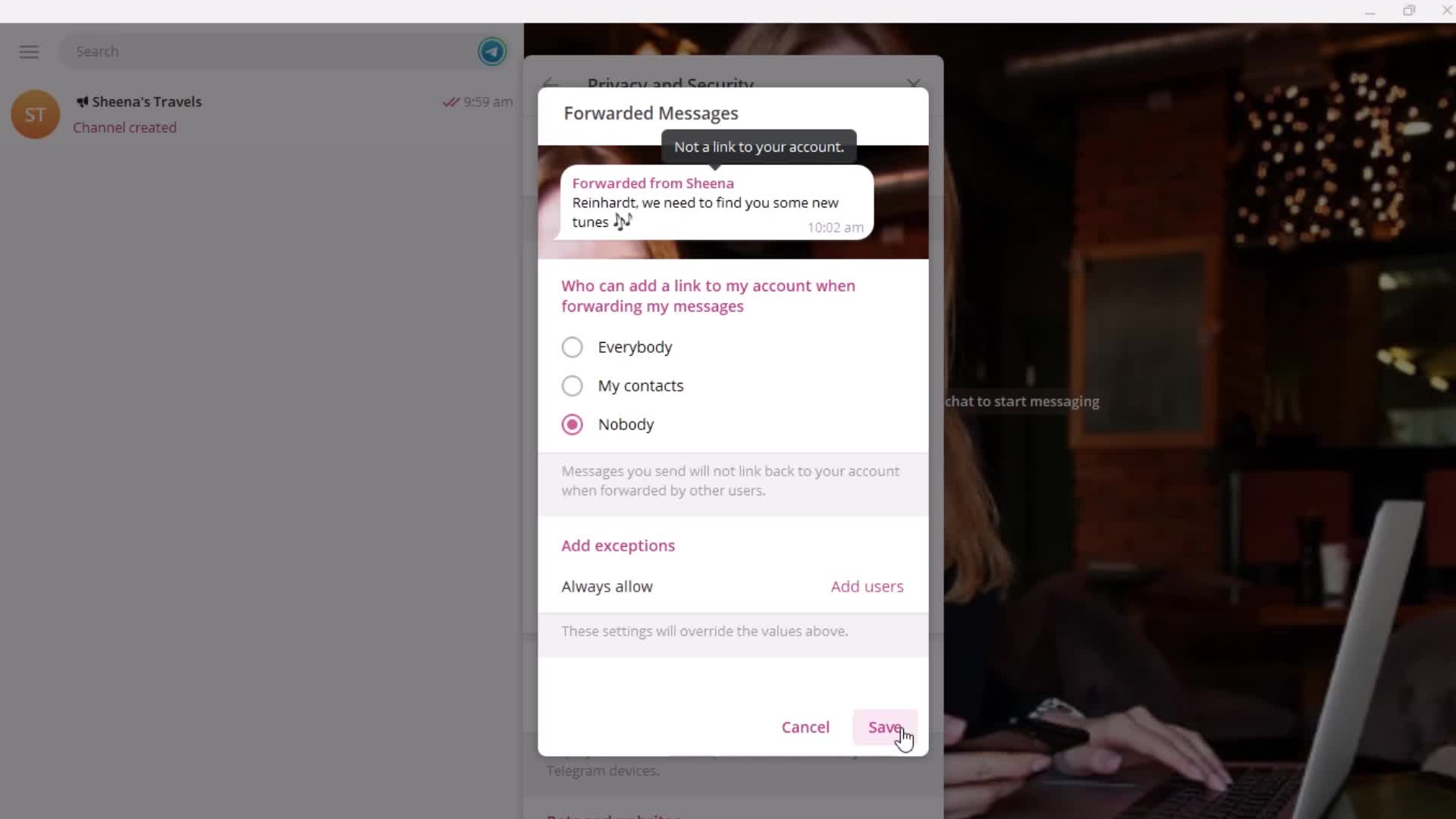
Forwarding
this is title
this is title
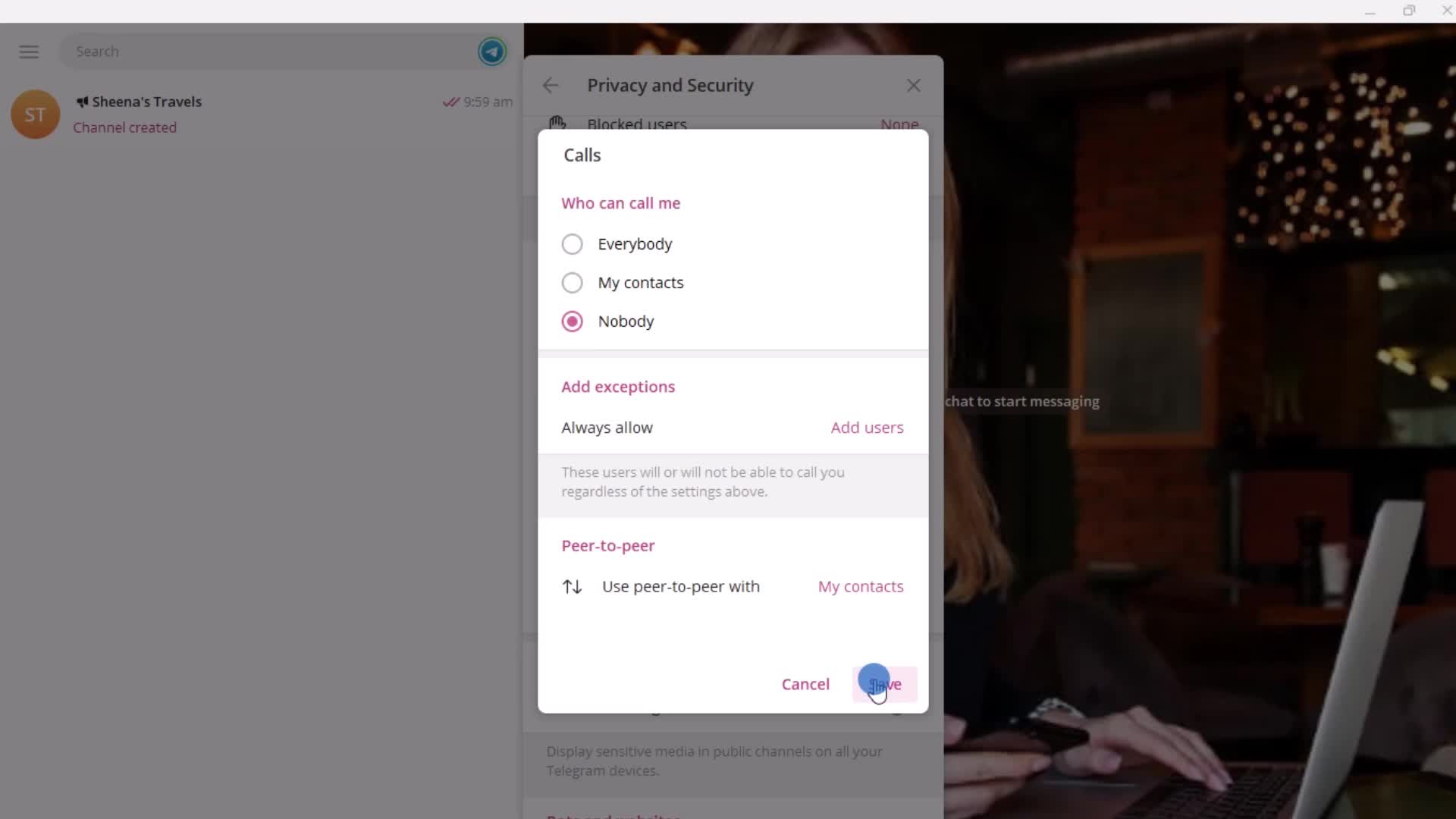
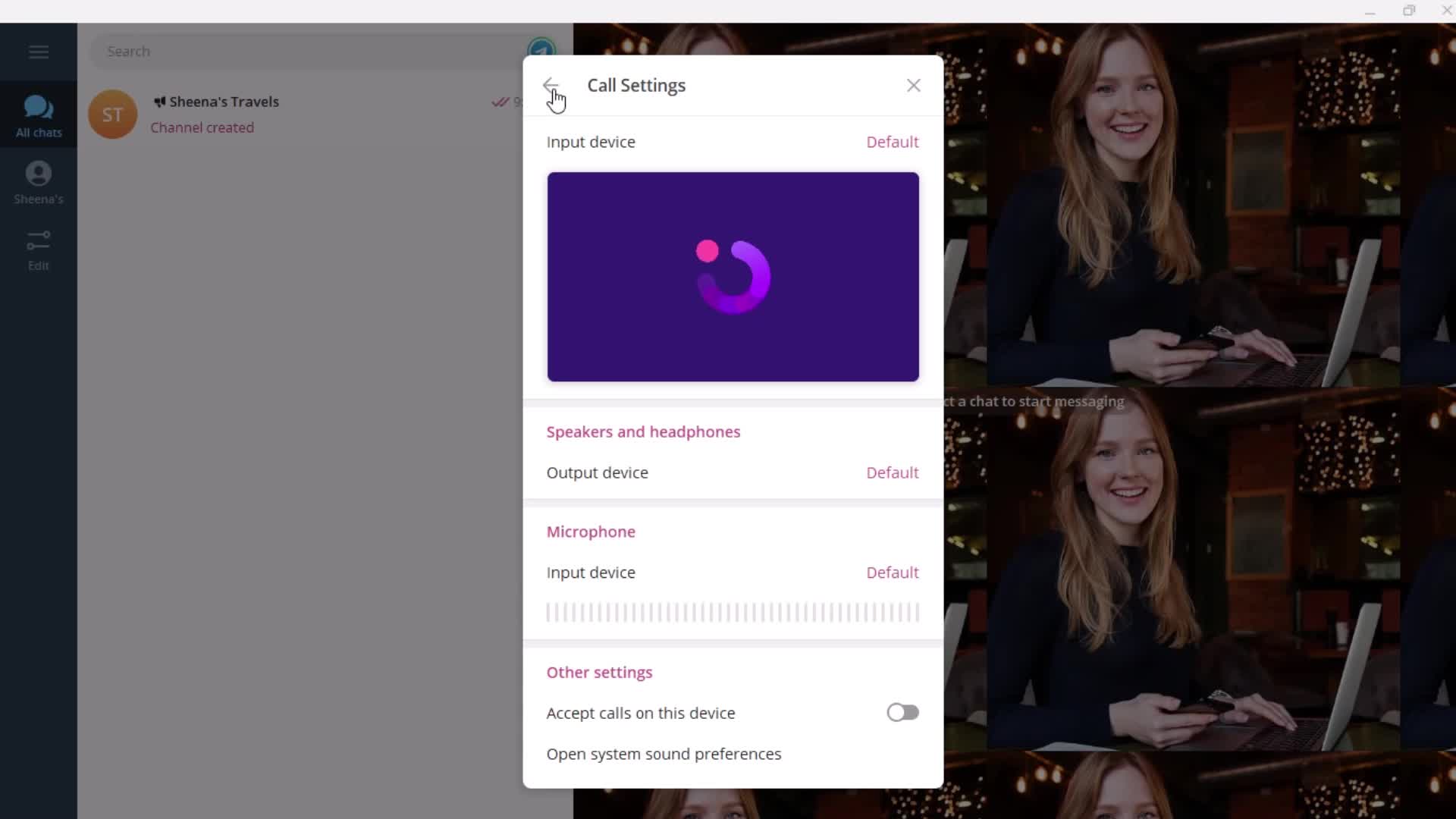
Calls
this is title
this is title
Channel settings
this is title
this is title
this is title
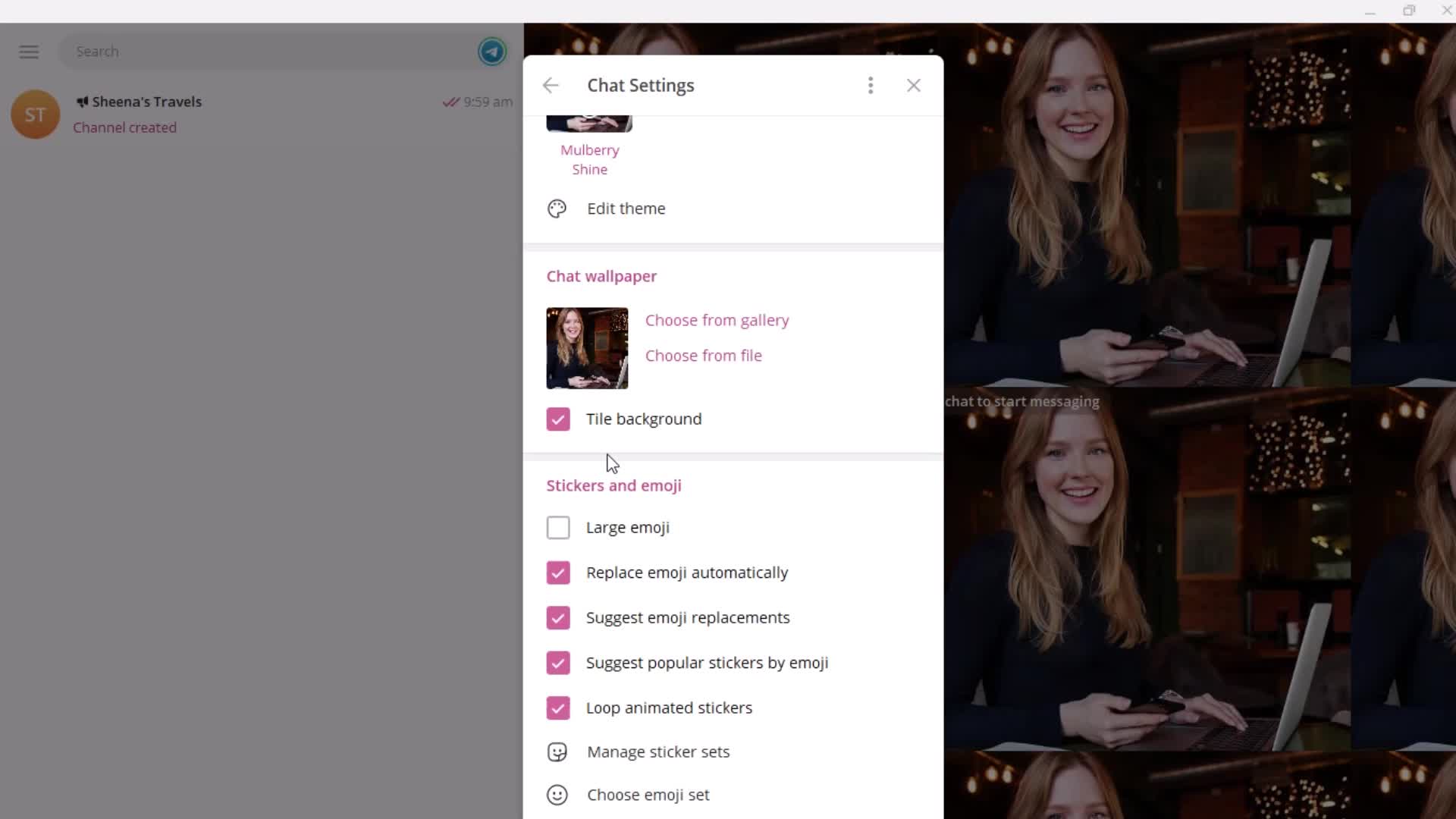
Chat settings
this is title
this is title
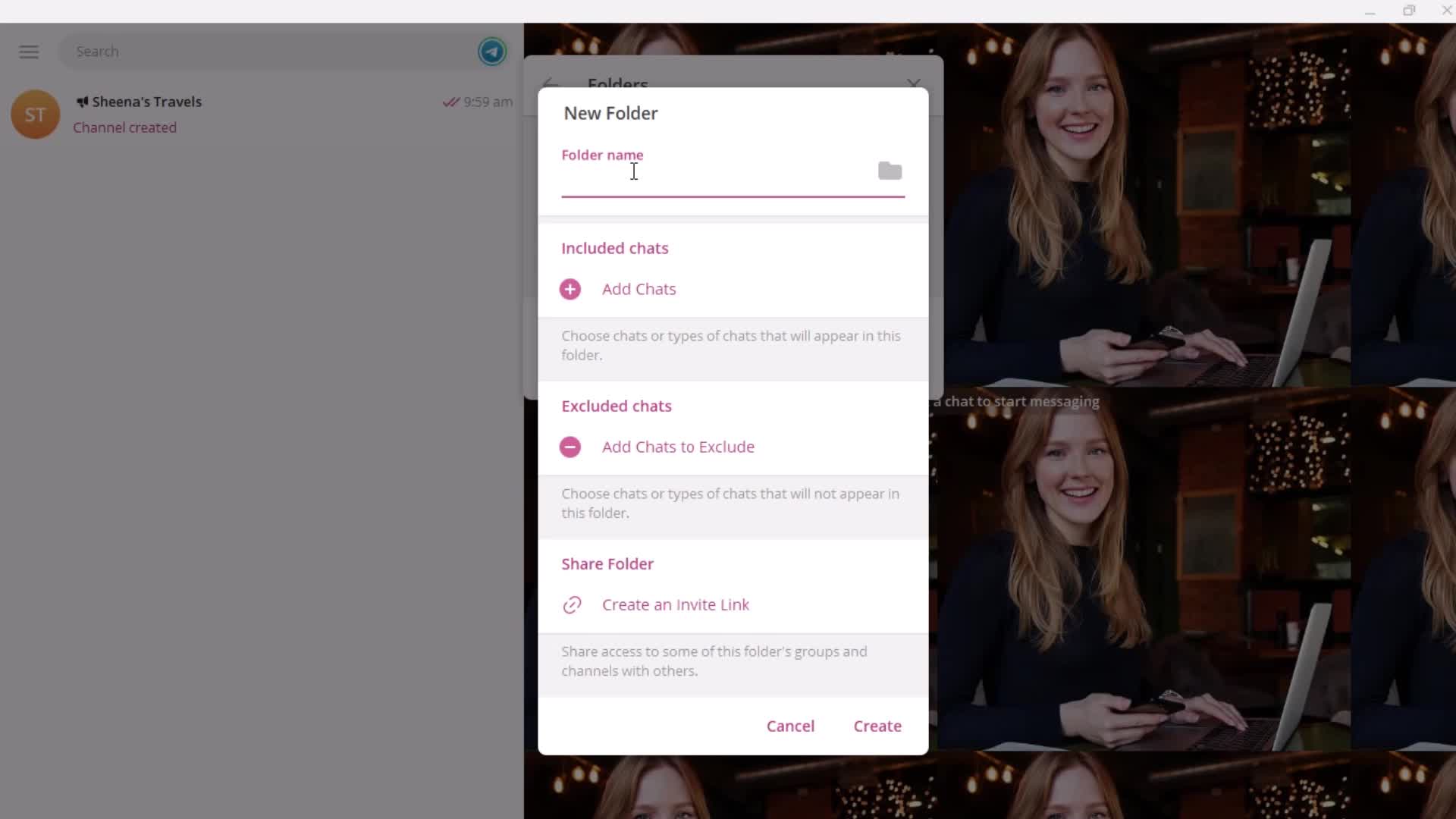
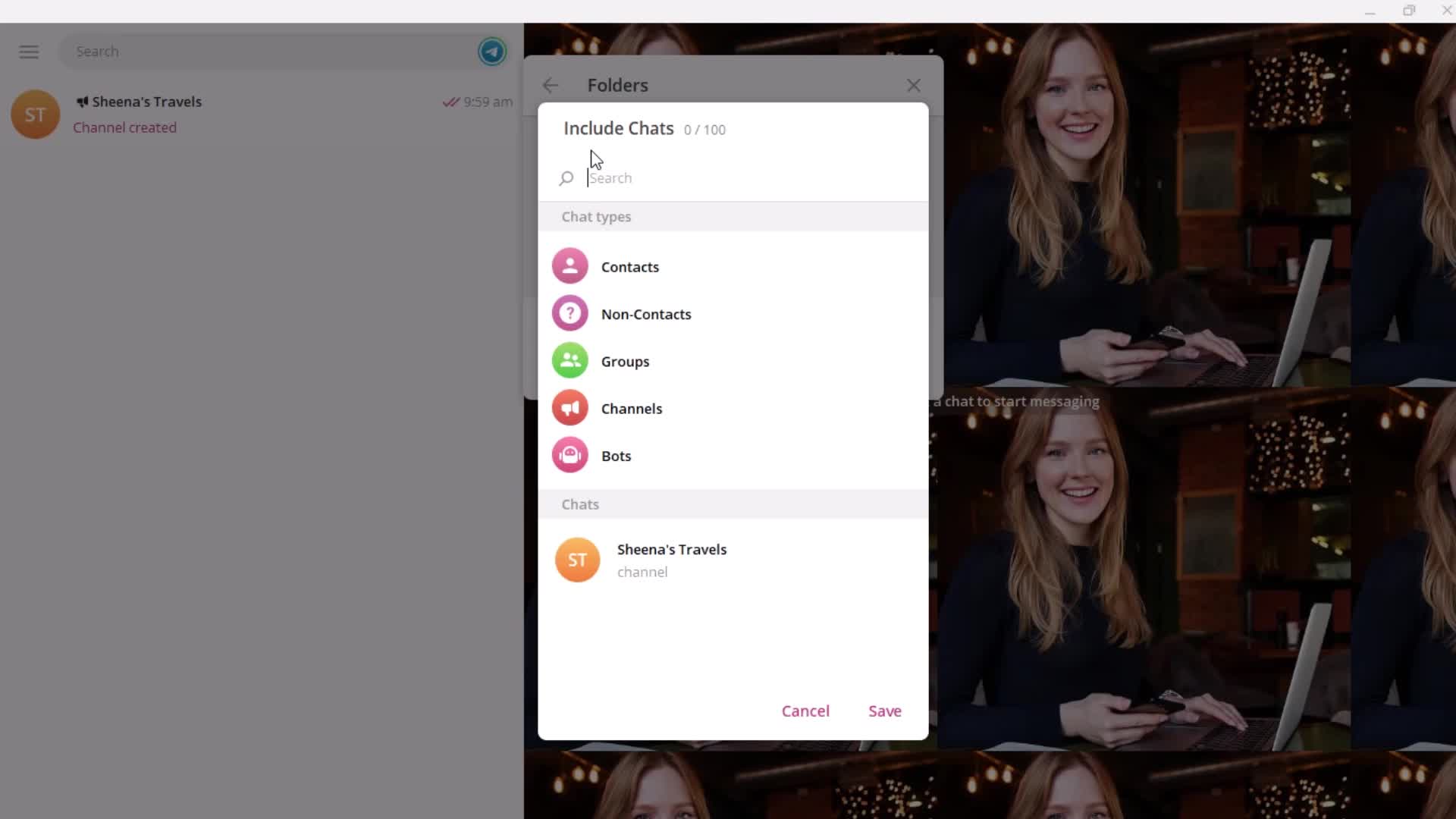
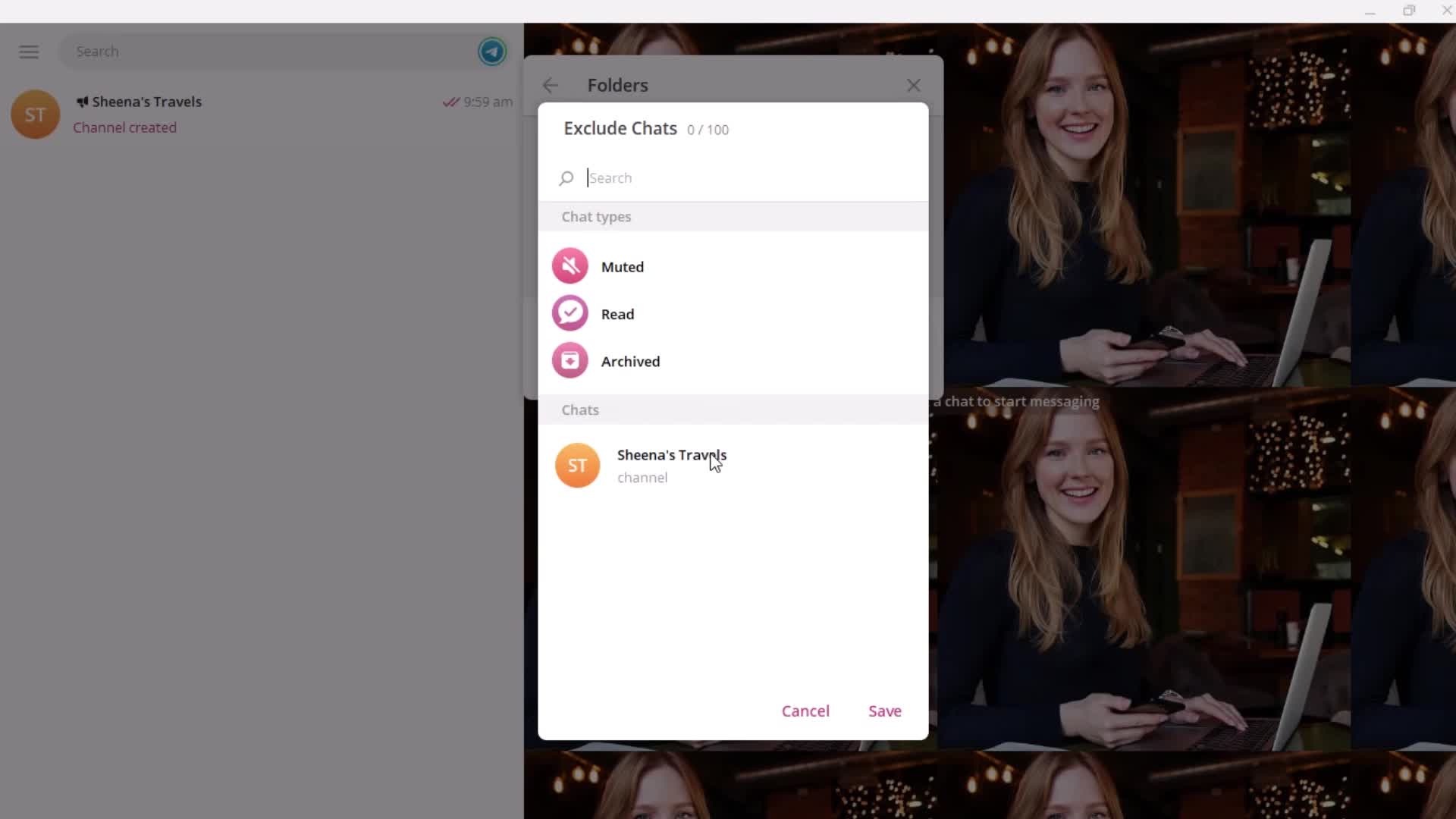
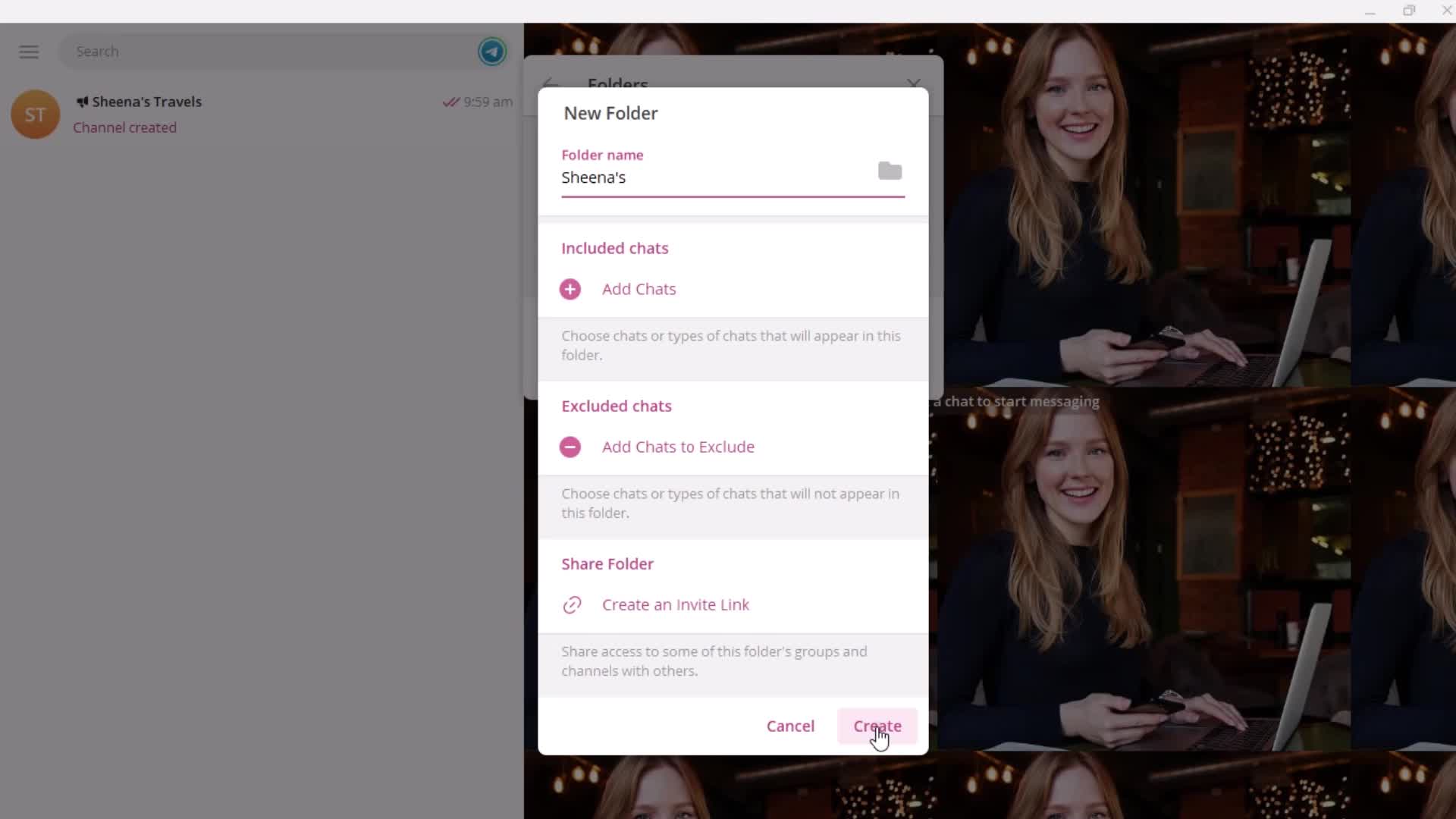
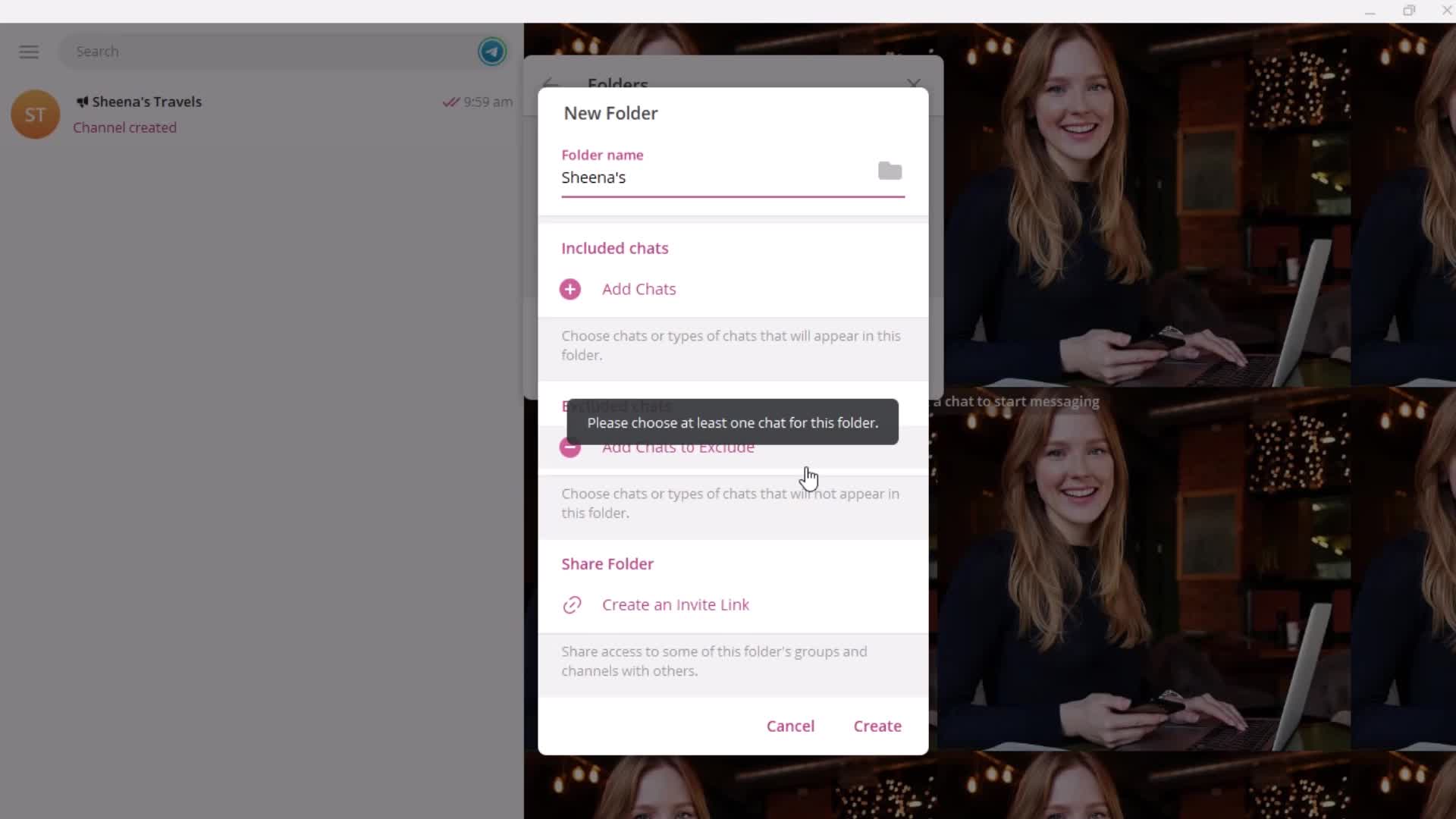
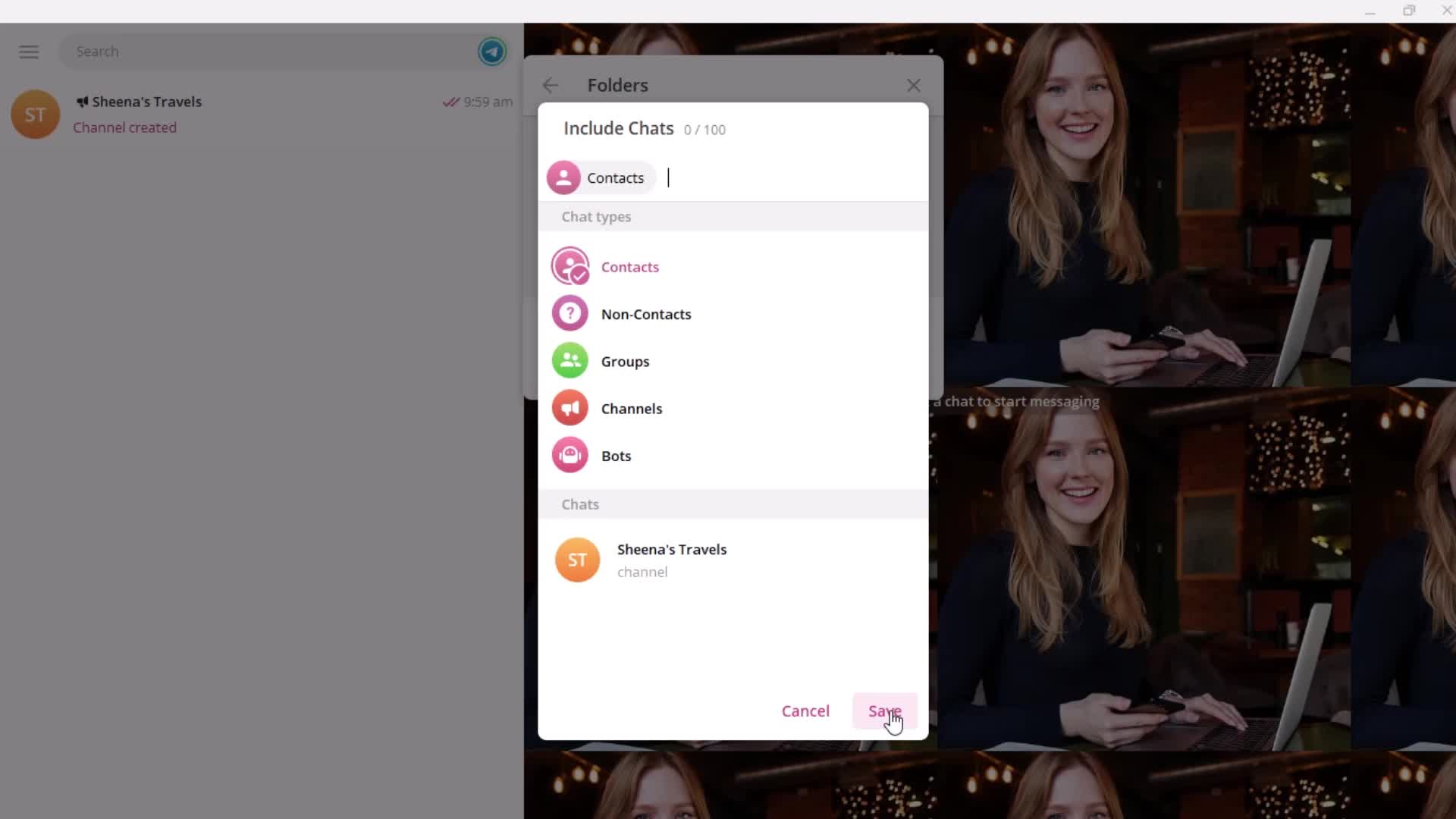
Create folder
this is title
Enter name
this is title
Search
this is title
this is title
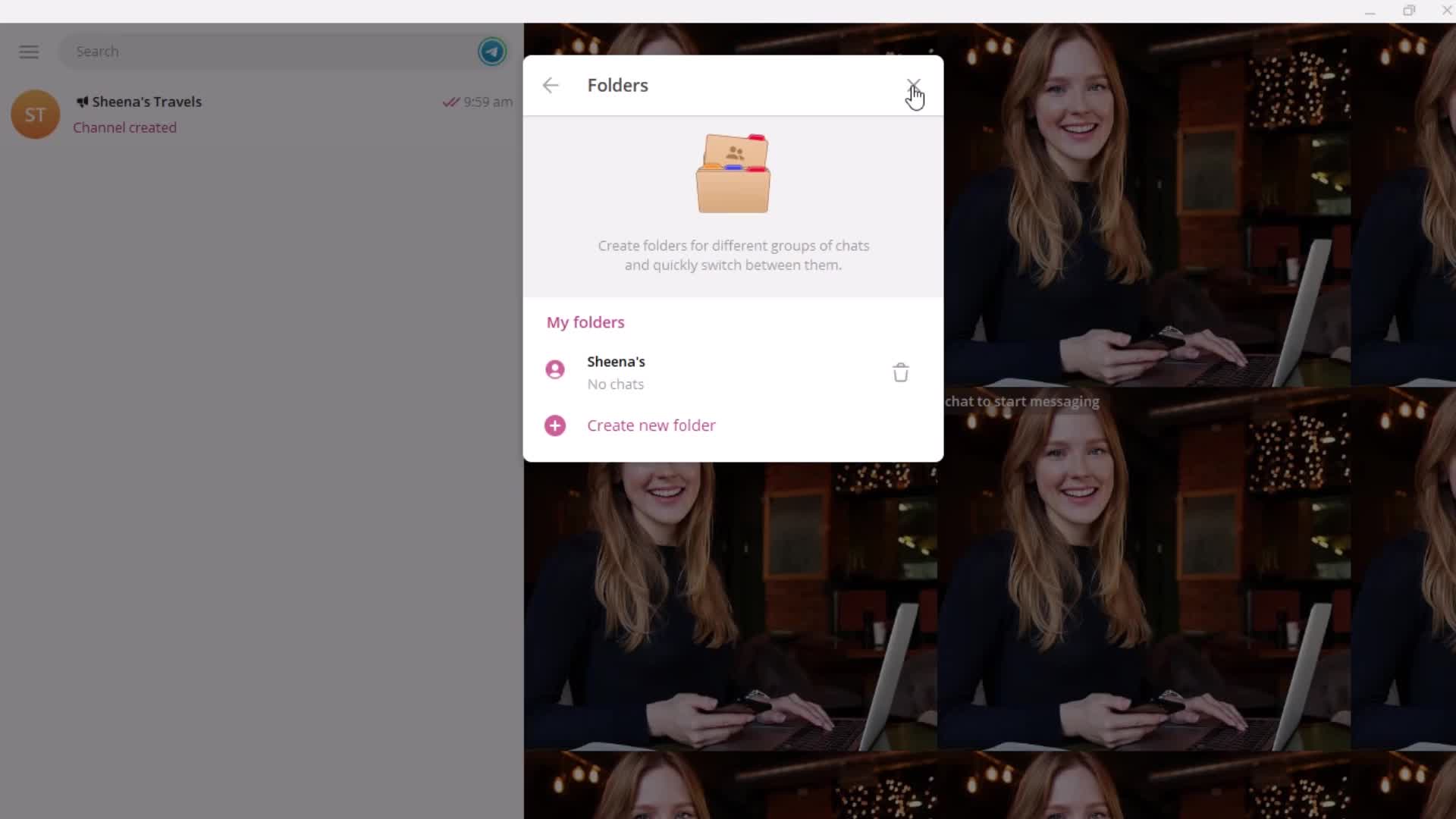
Created
this is title
this is title
this is title
this is title
Settings
this is title
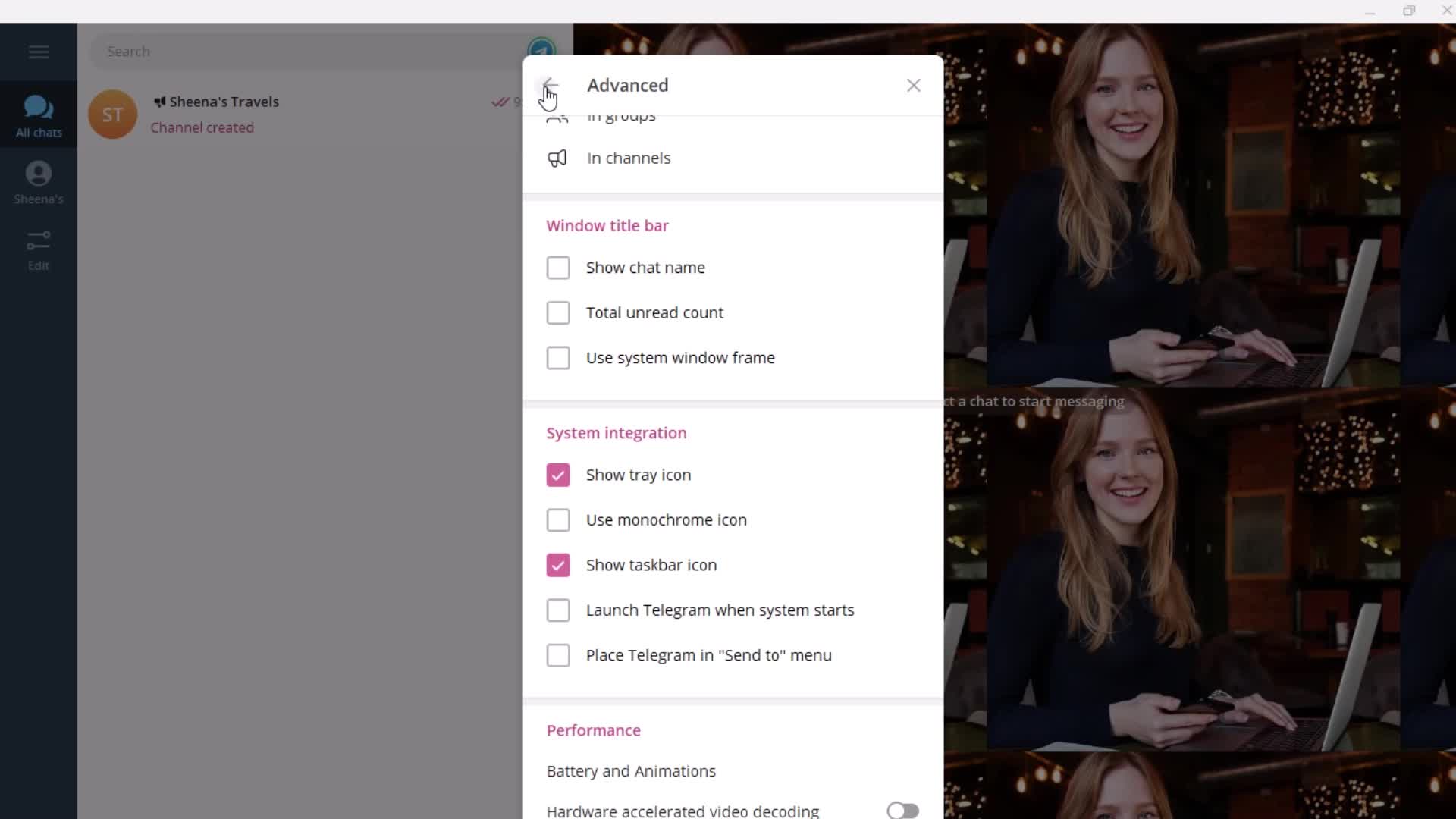
Advanced settings
this is title
this is title
this is title
this is title
this is title
this is title
this is title
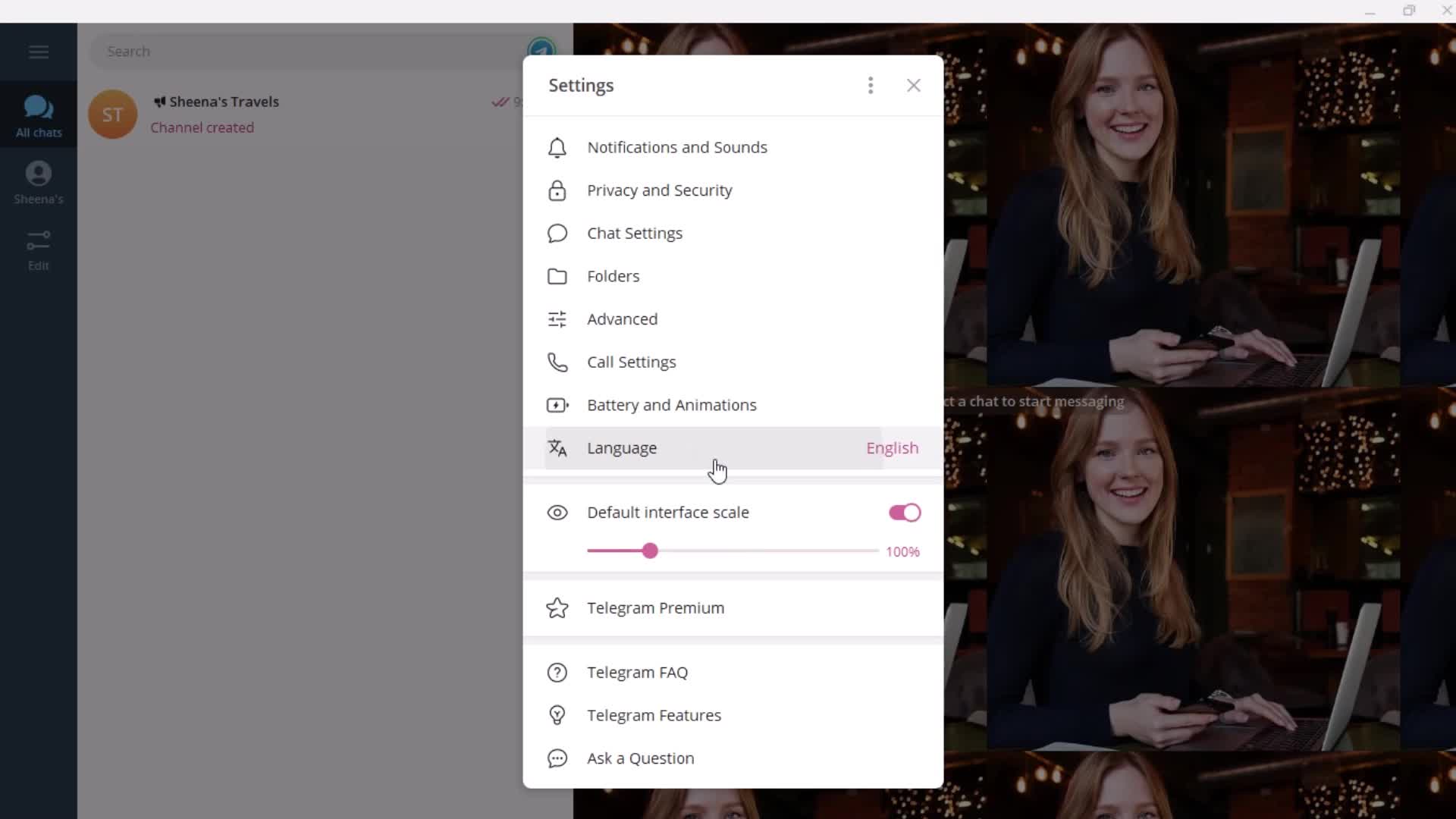
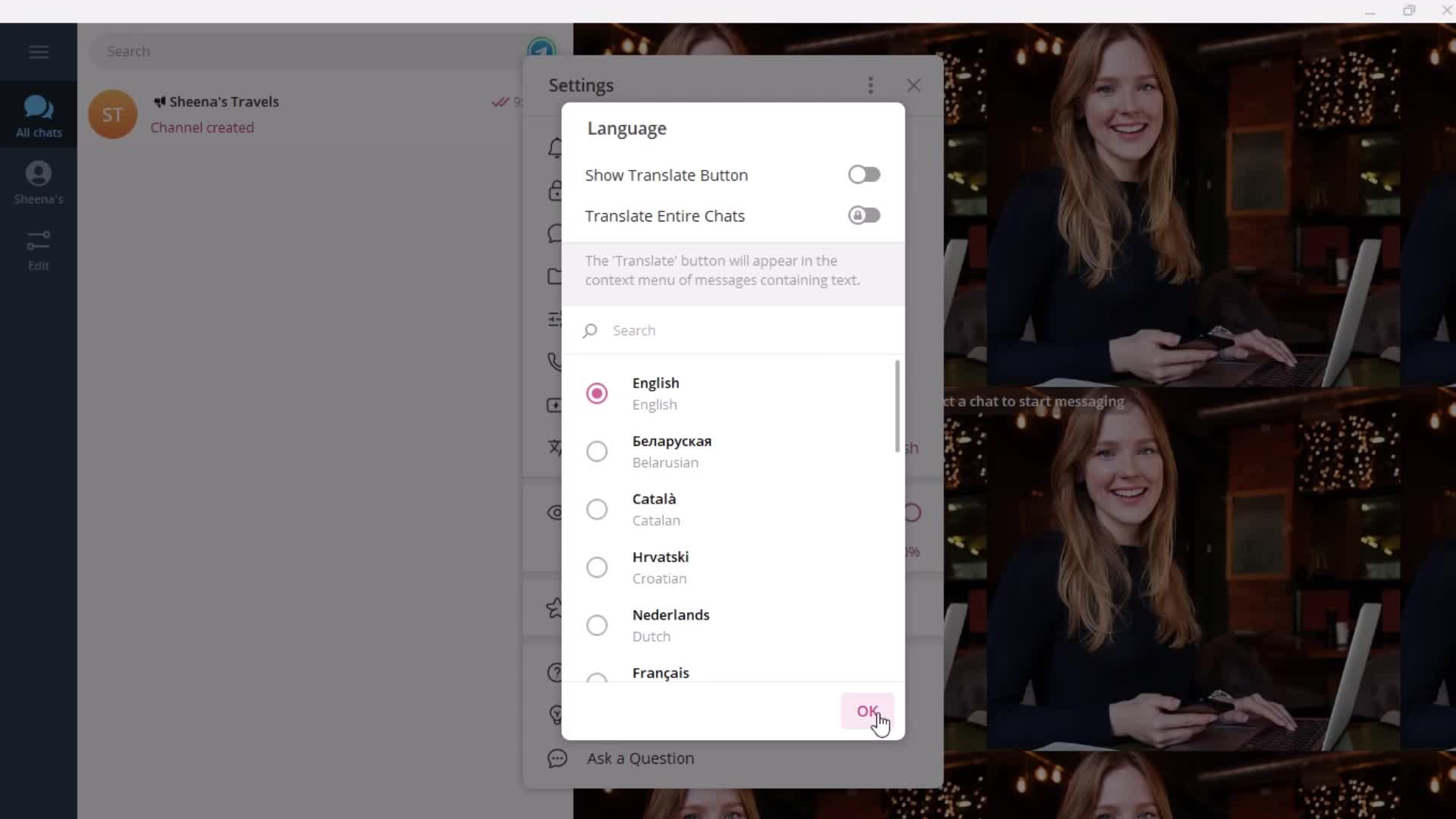
Languages
this is title
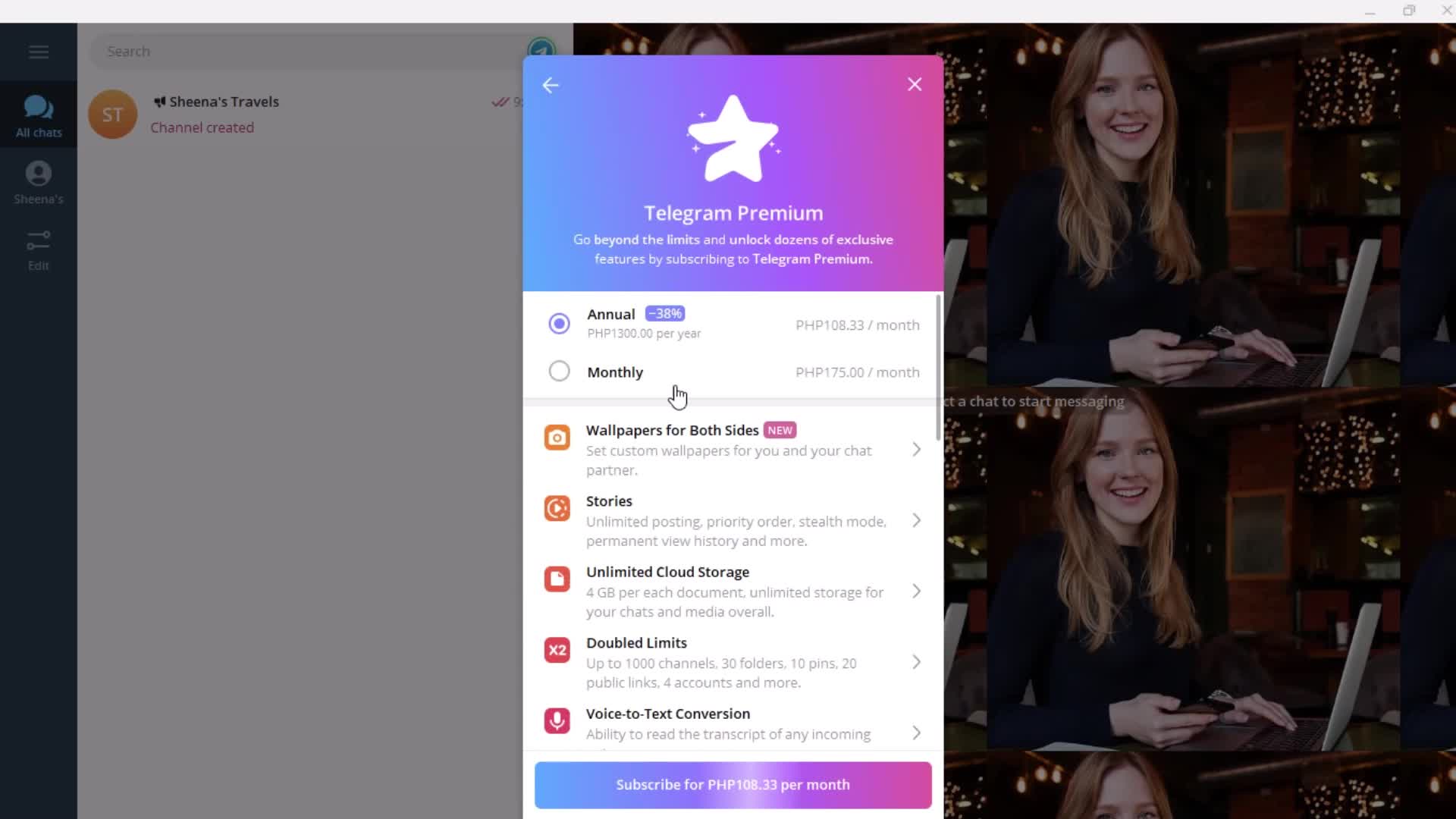
Premium plan details
this is title
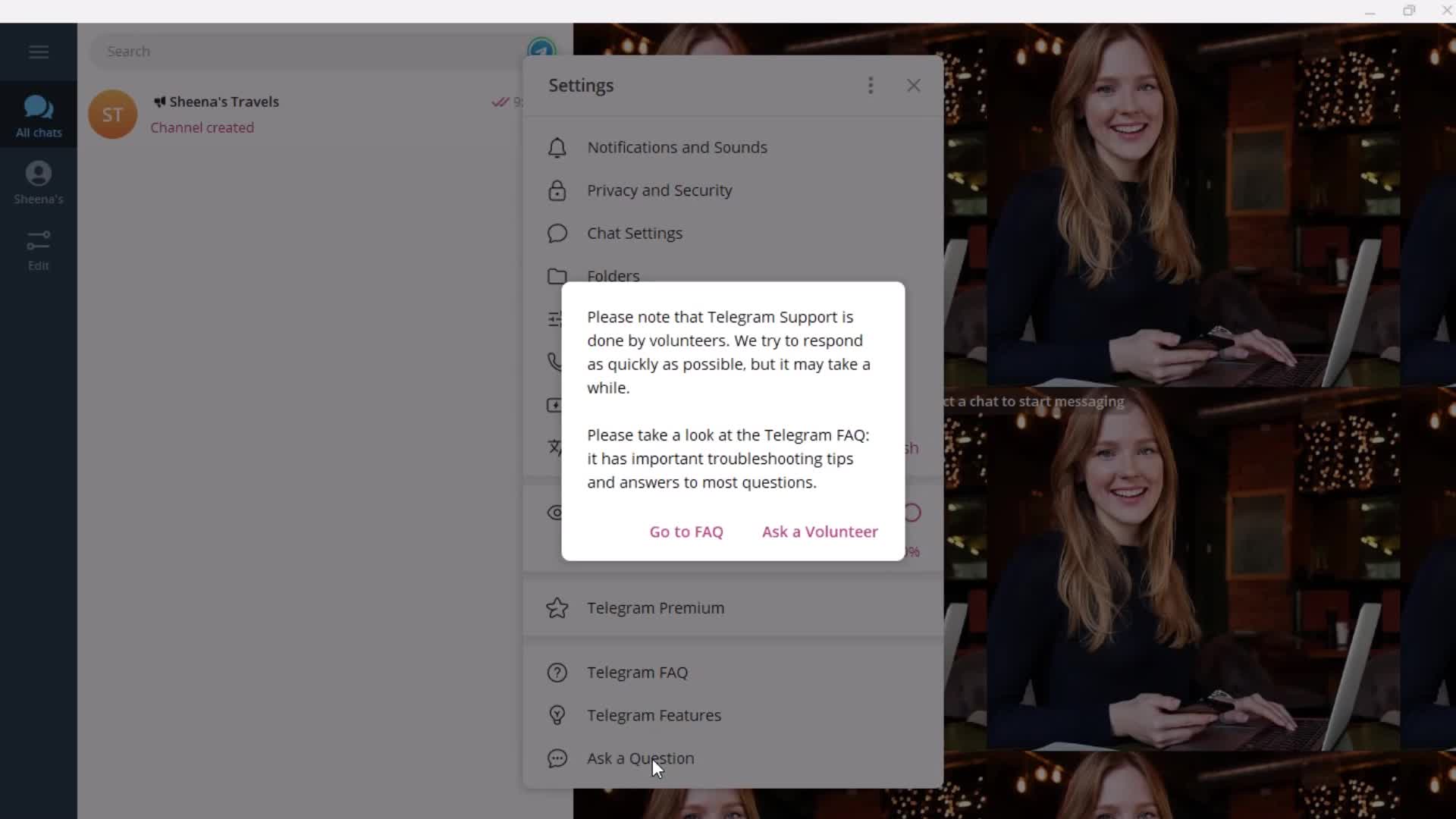
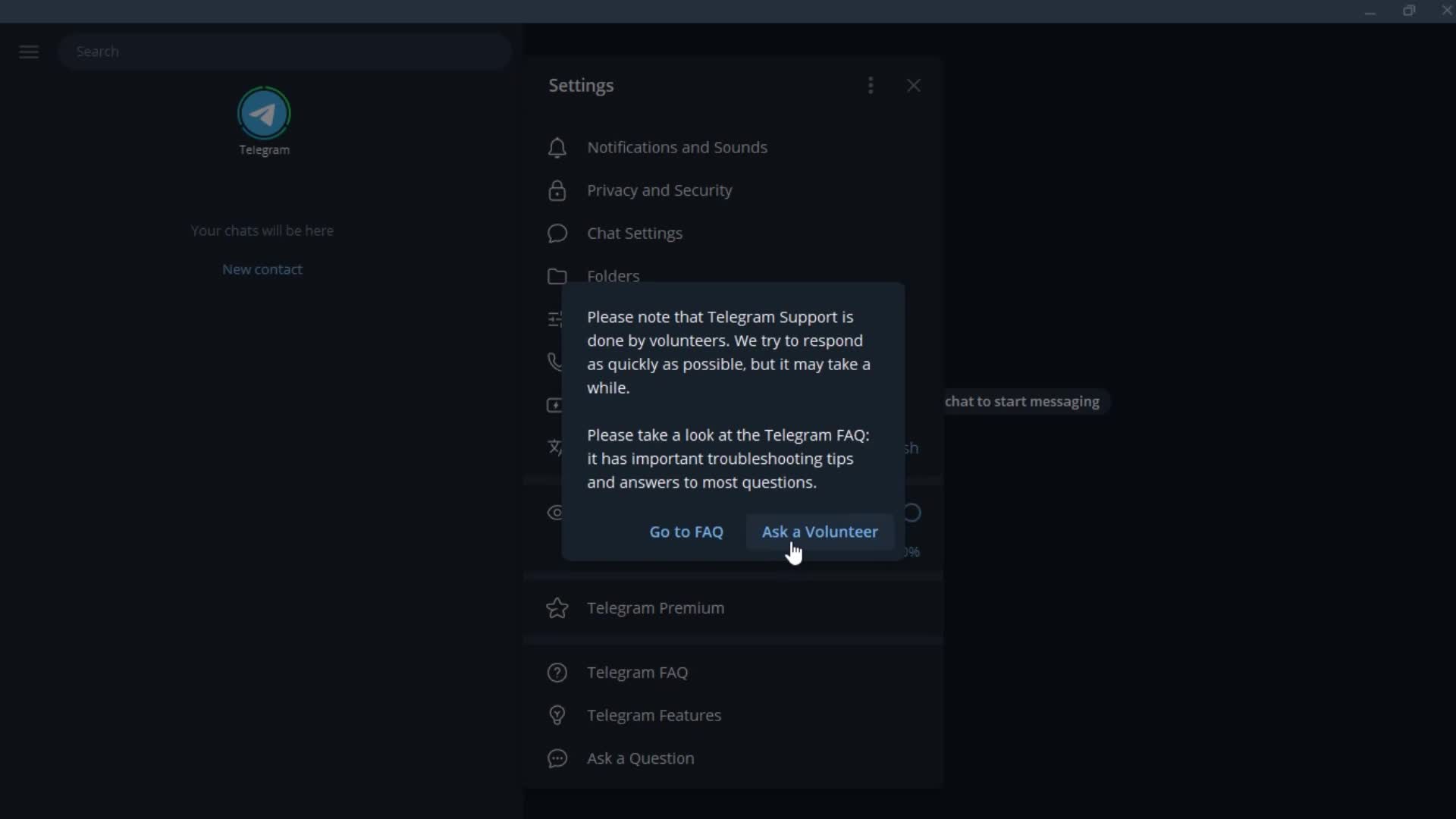
Contact support
this is title
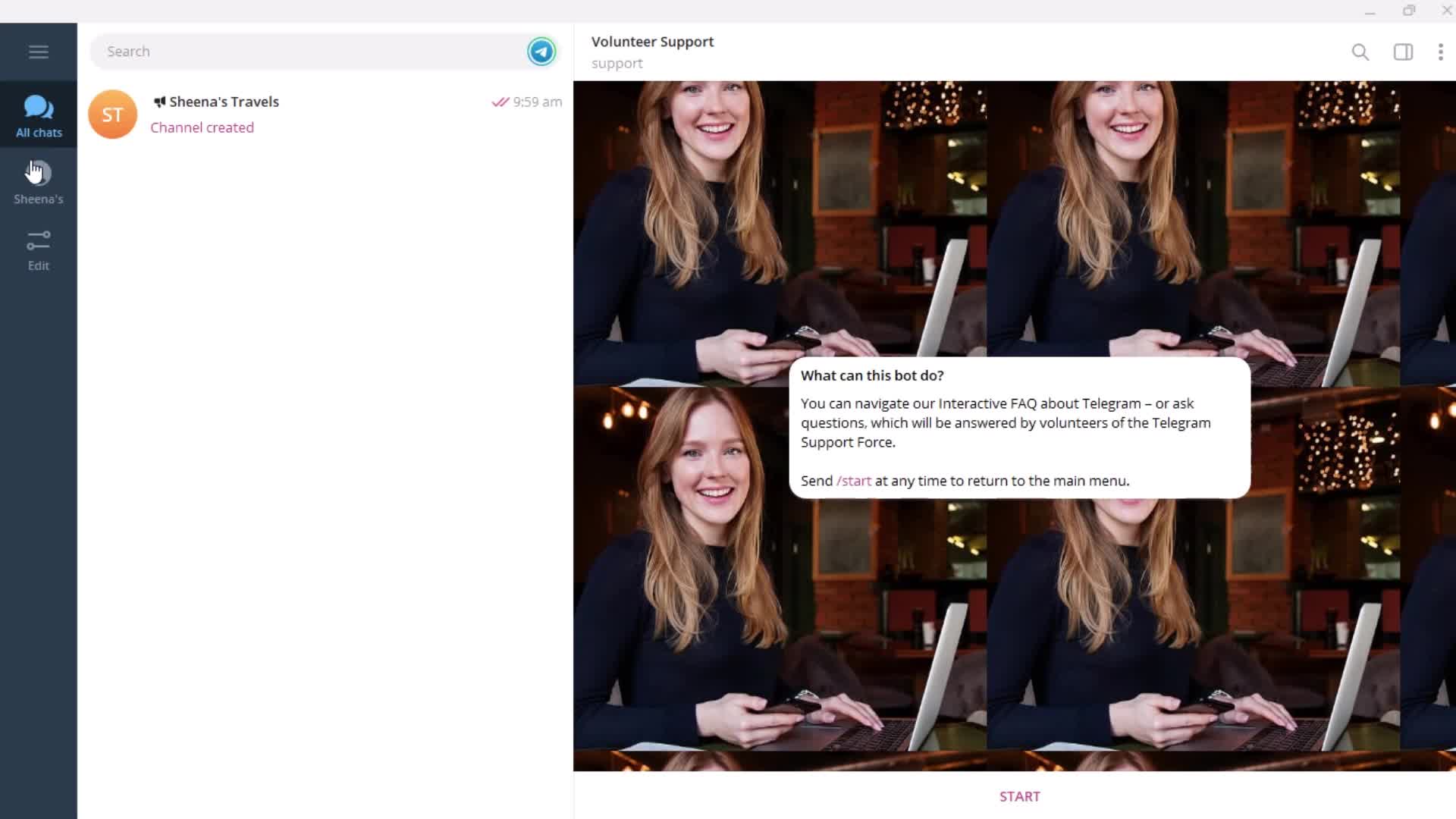
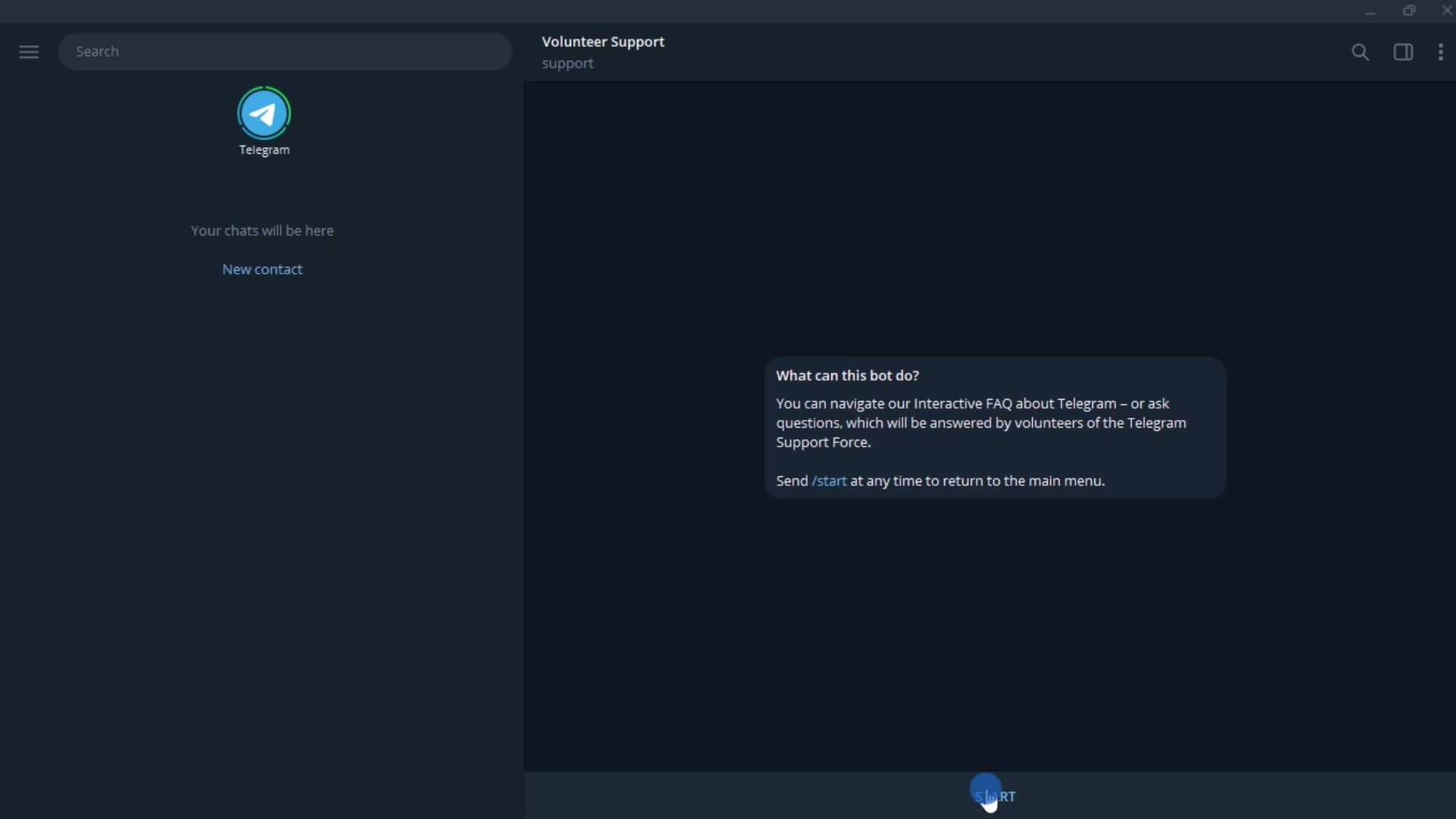
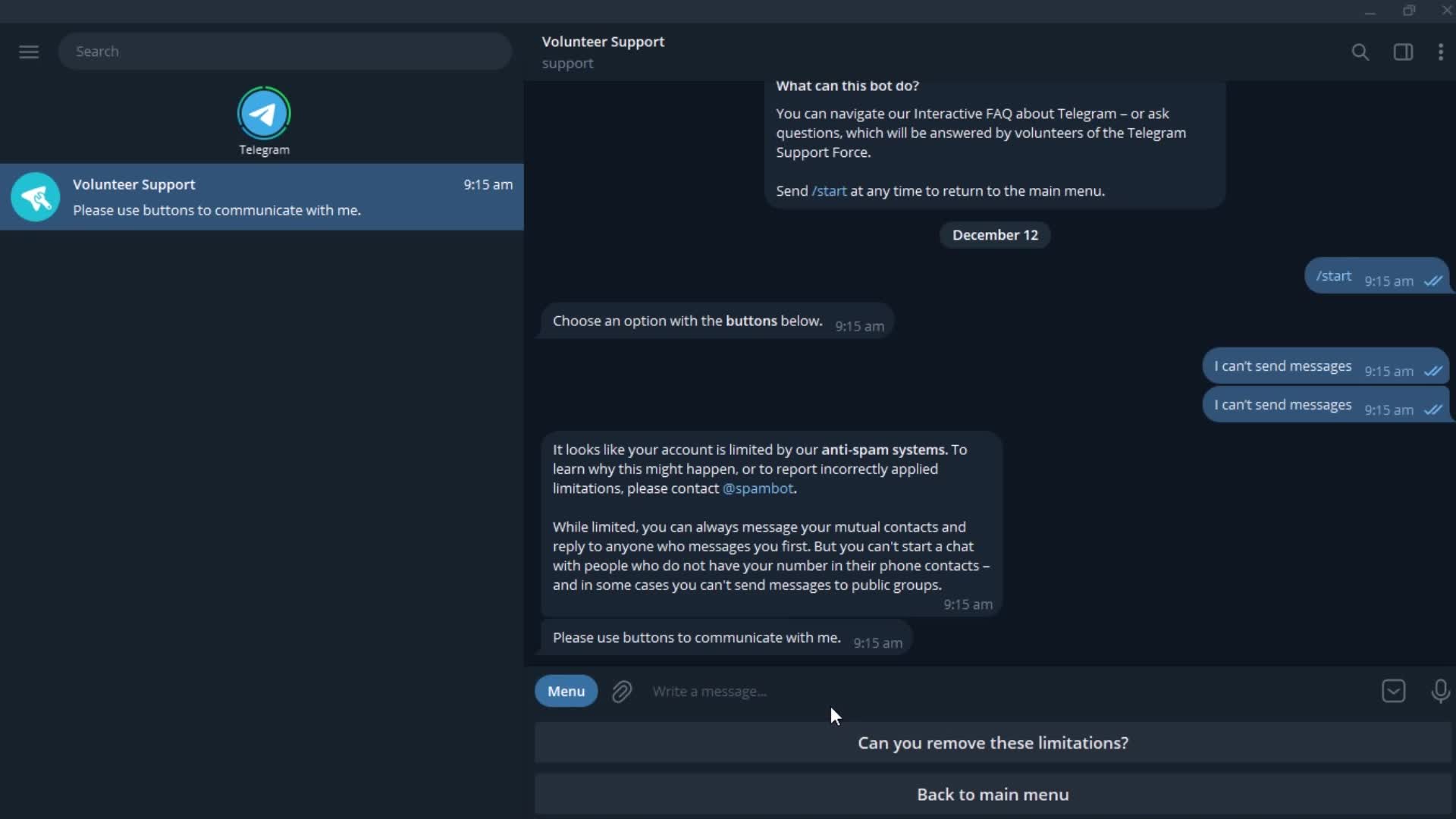
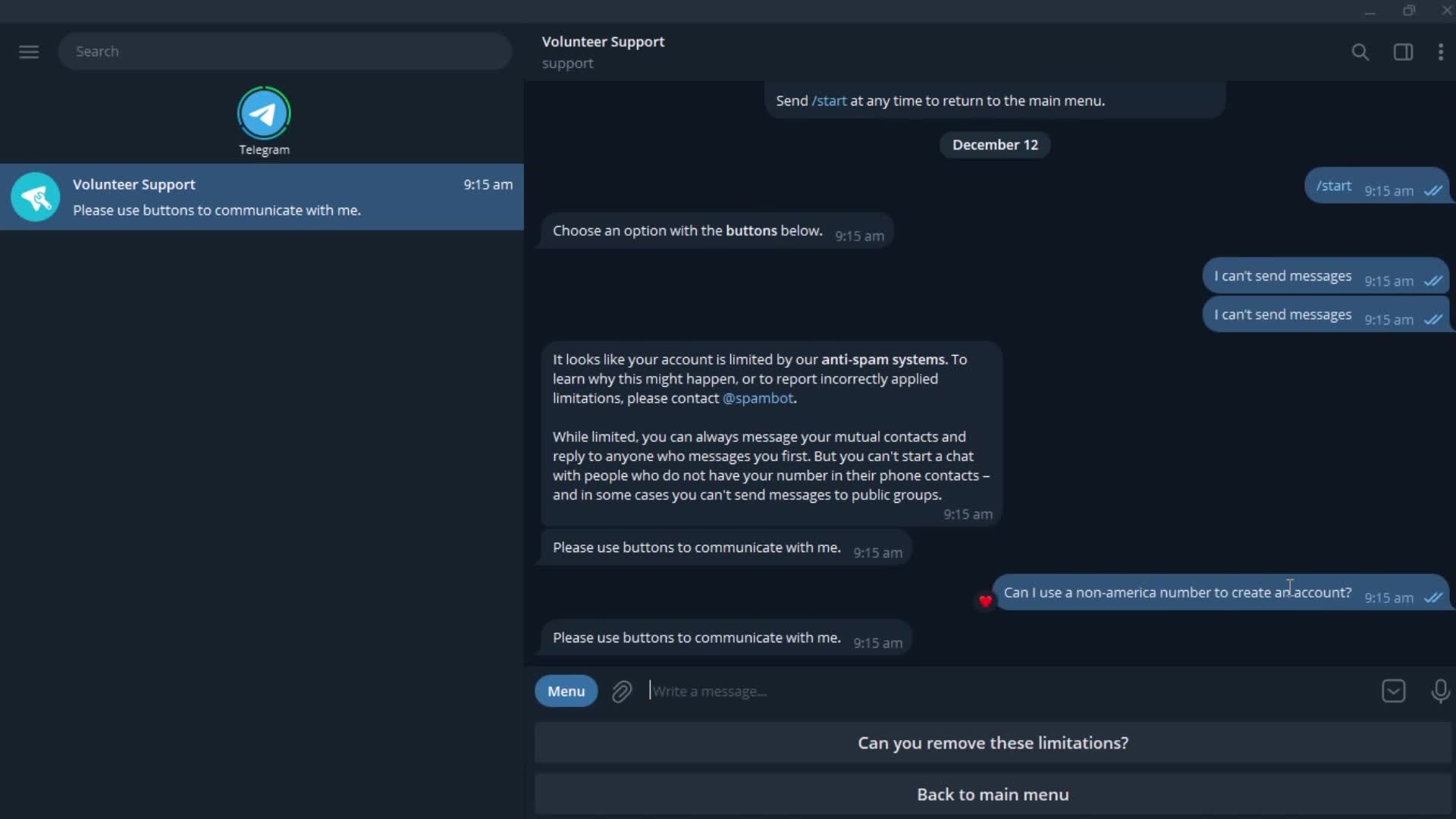
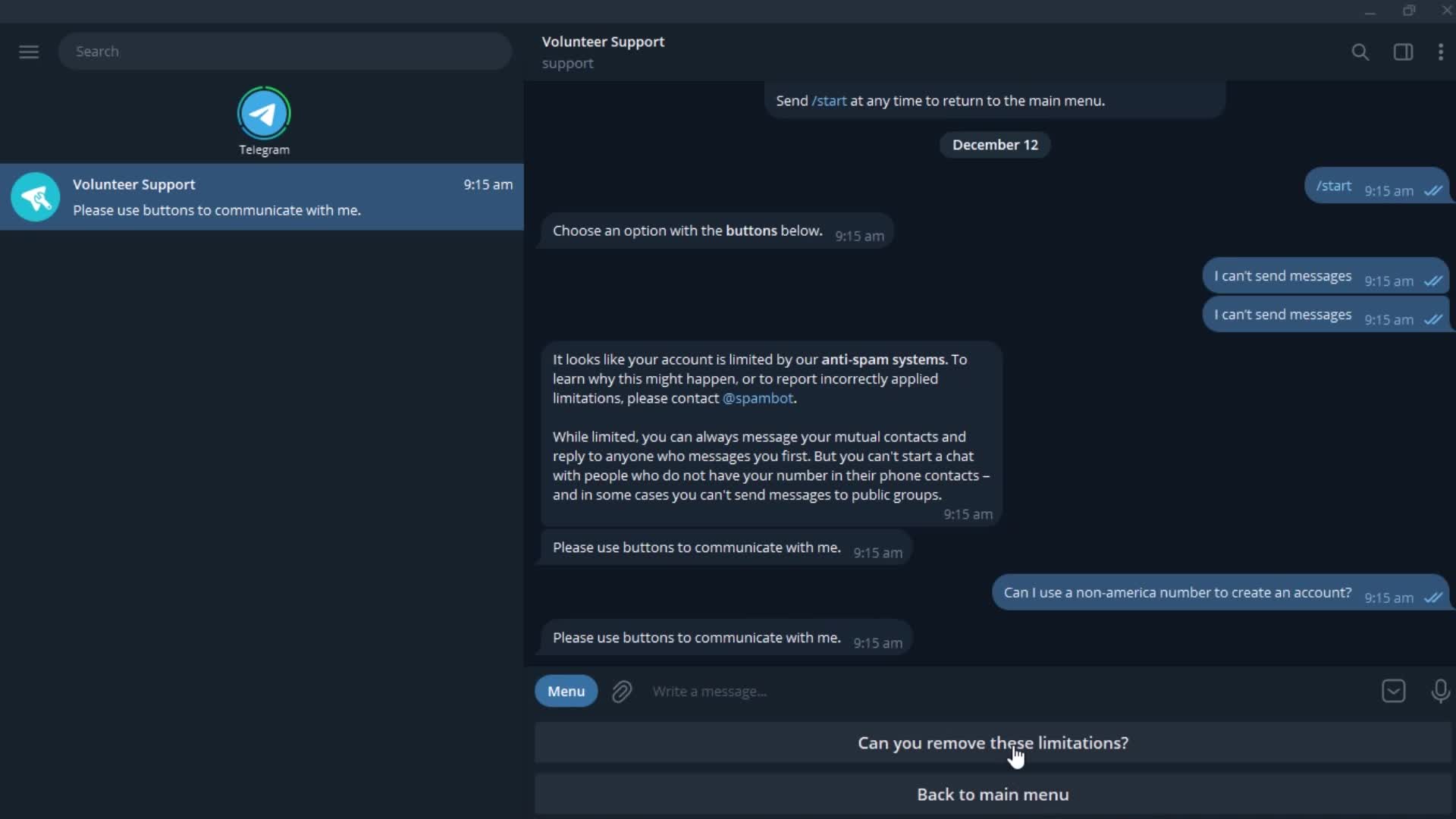
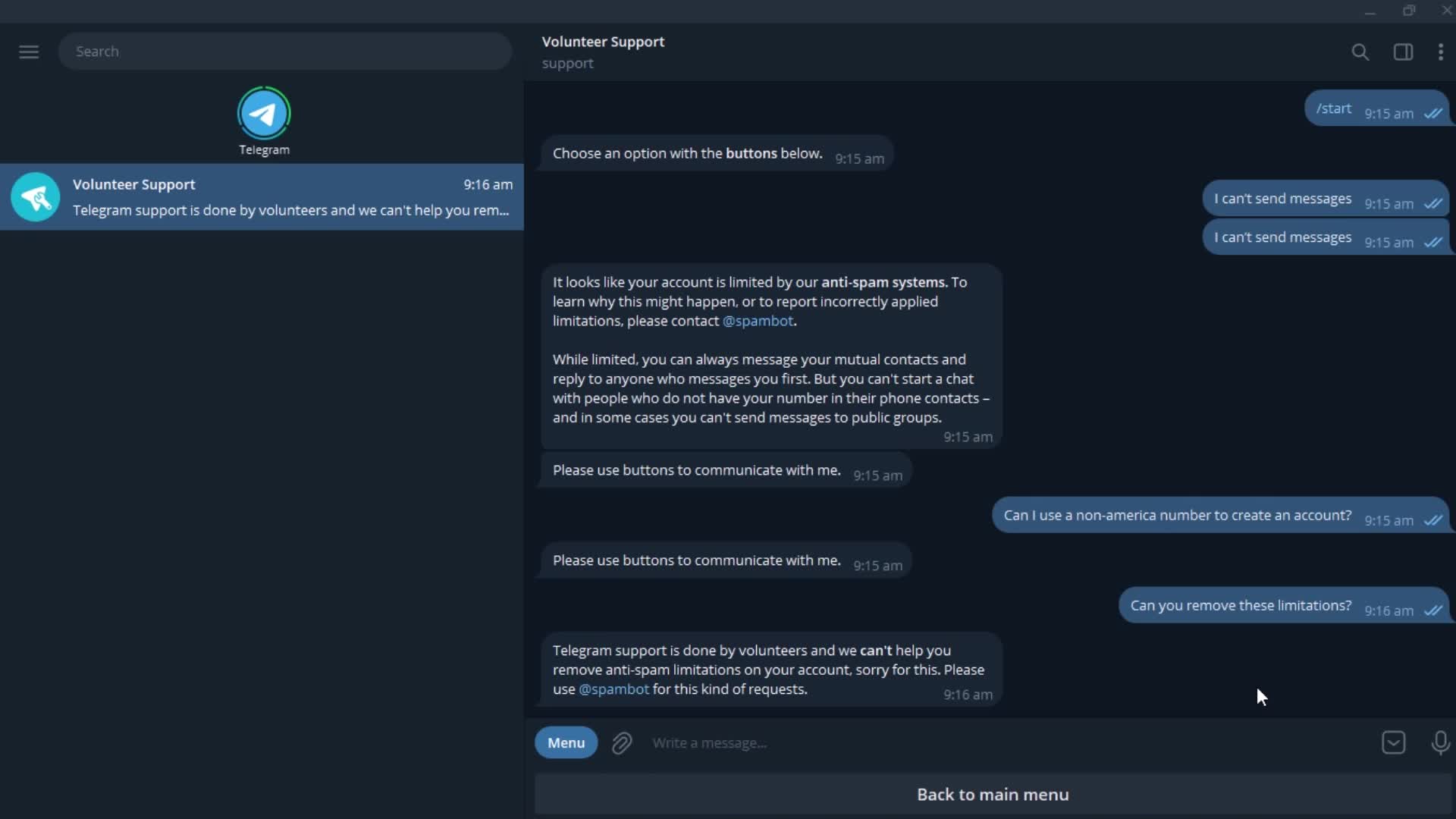
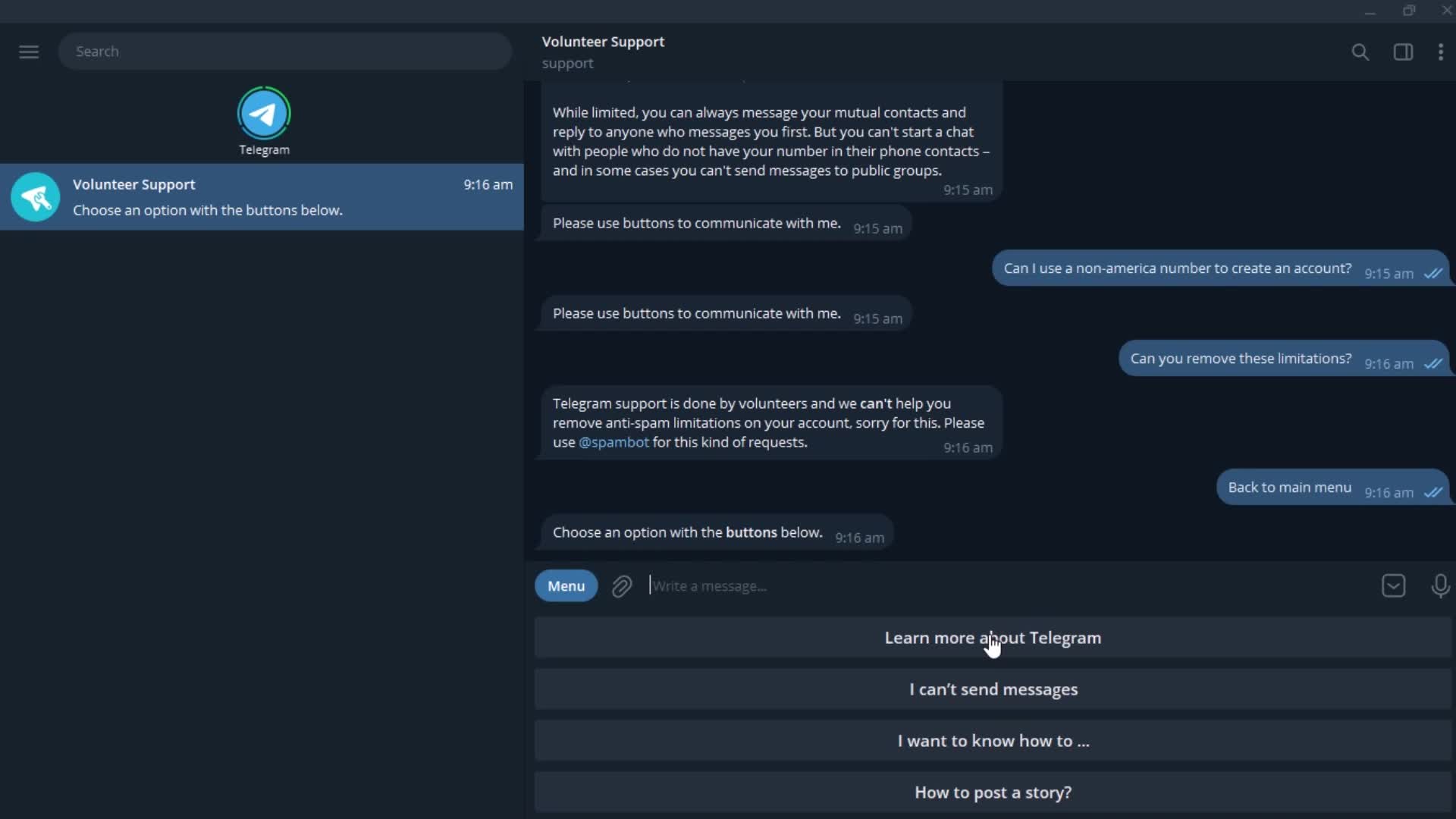
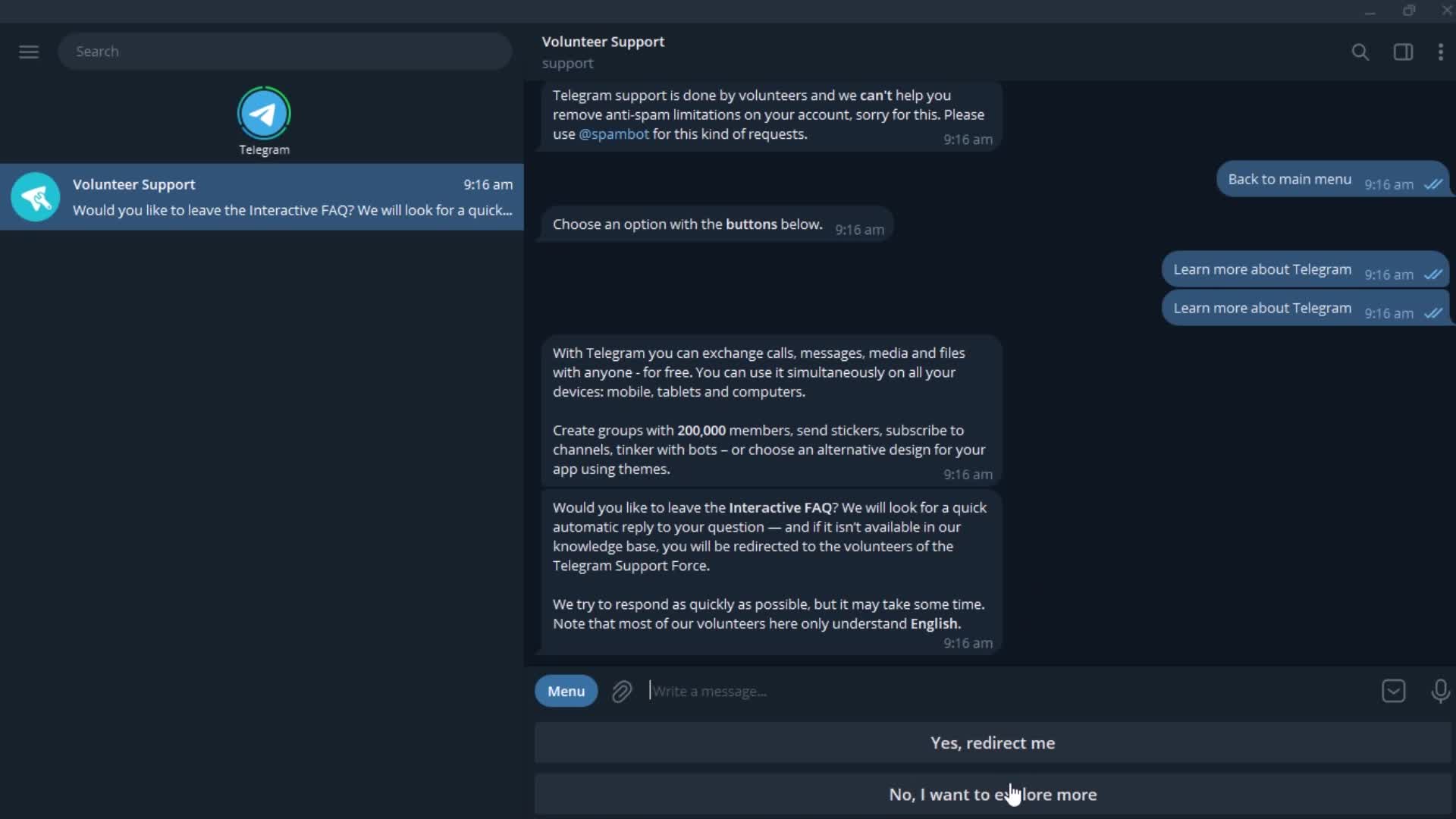
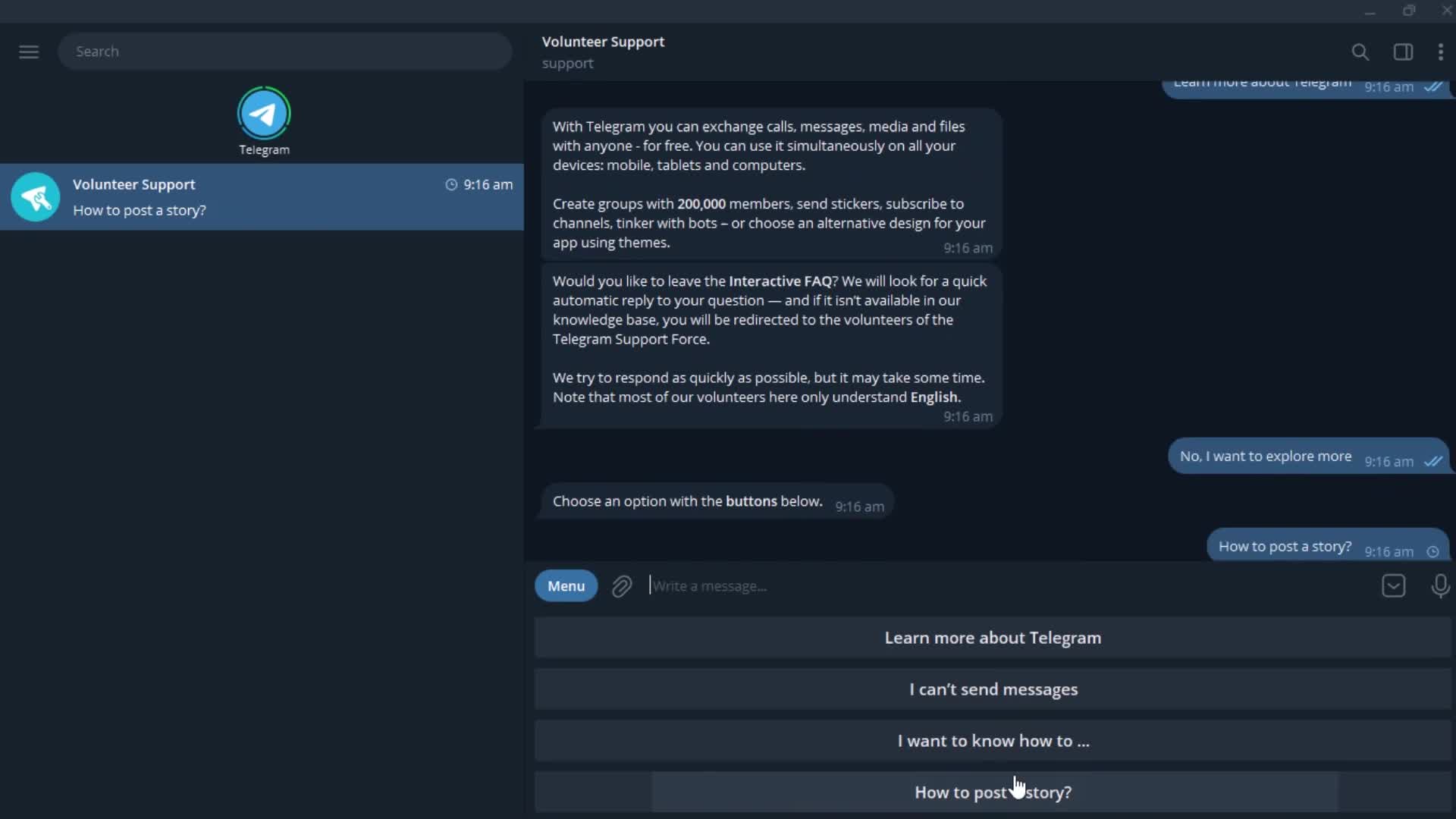
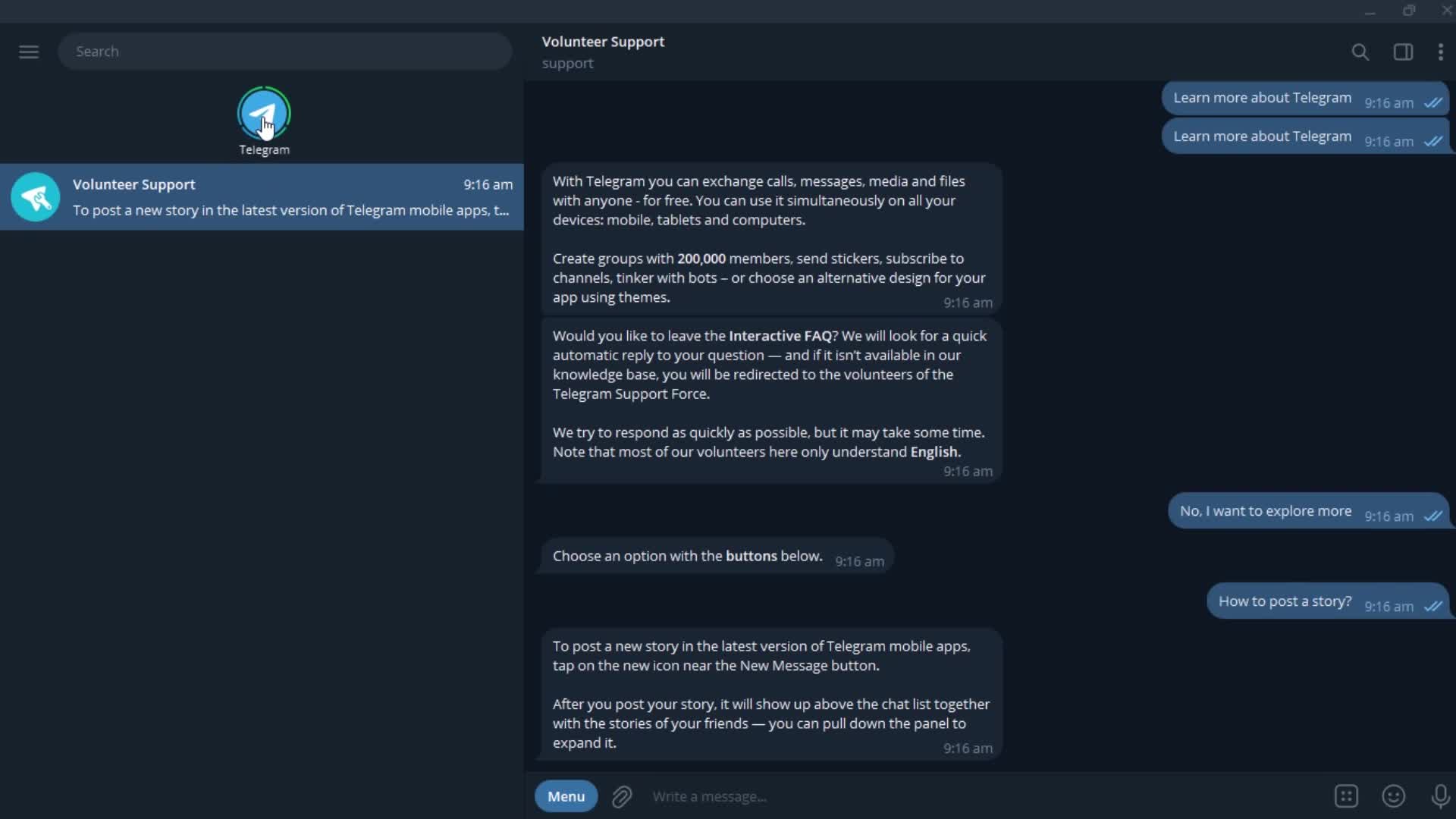
Chat bot
this is title
this is title
Action menu
this is title
this is title
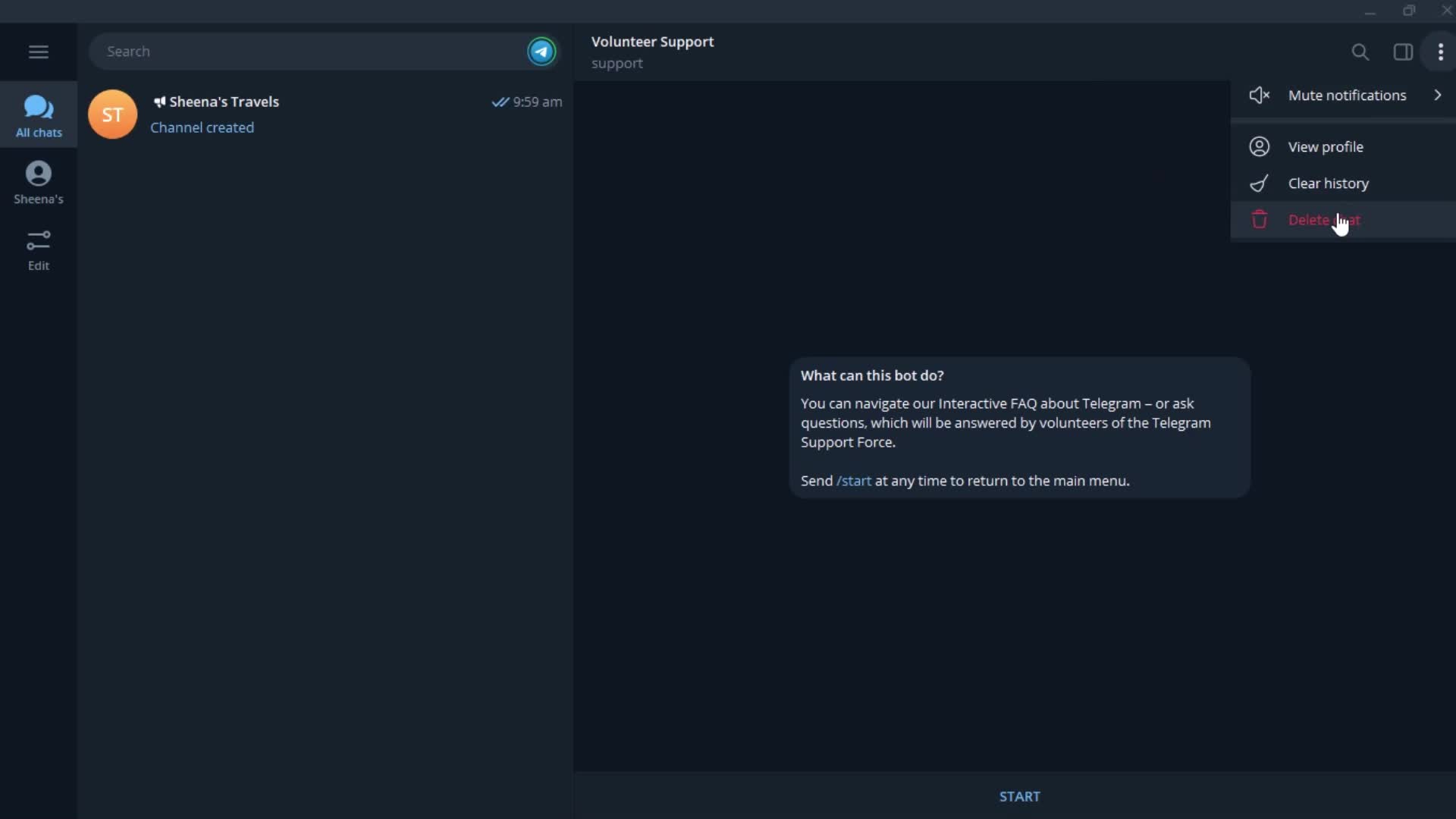
Action menu
this is title
Delete
this is title
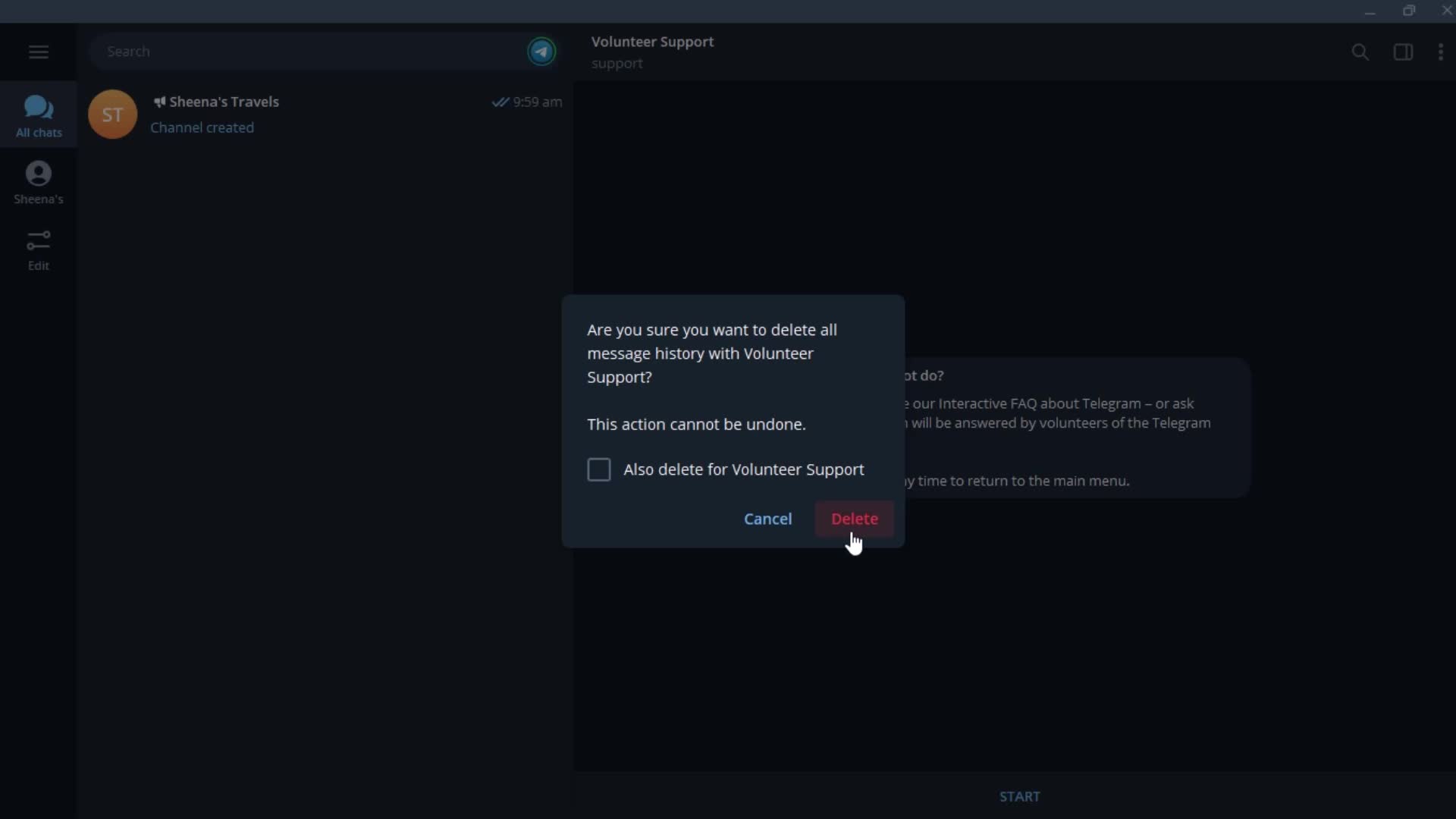
Confirm delete
this is title
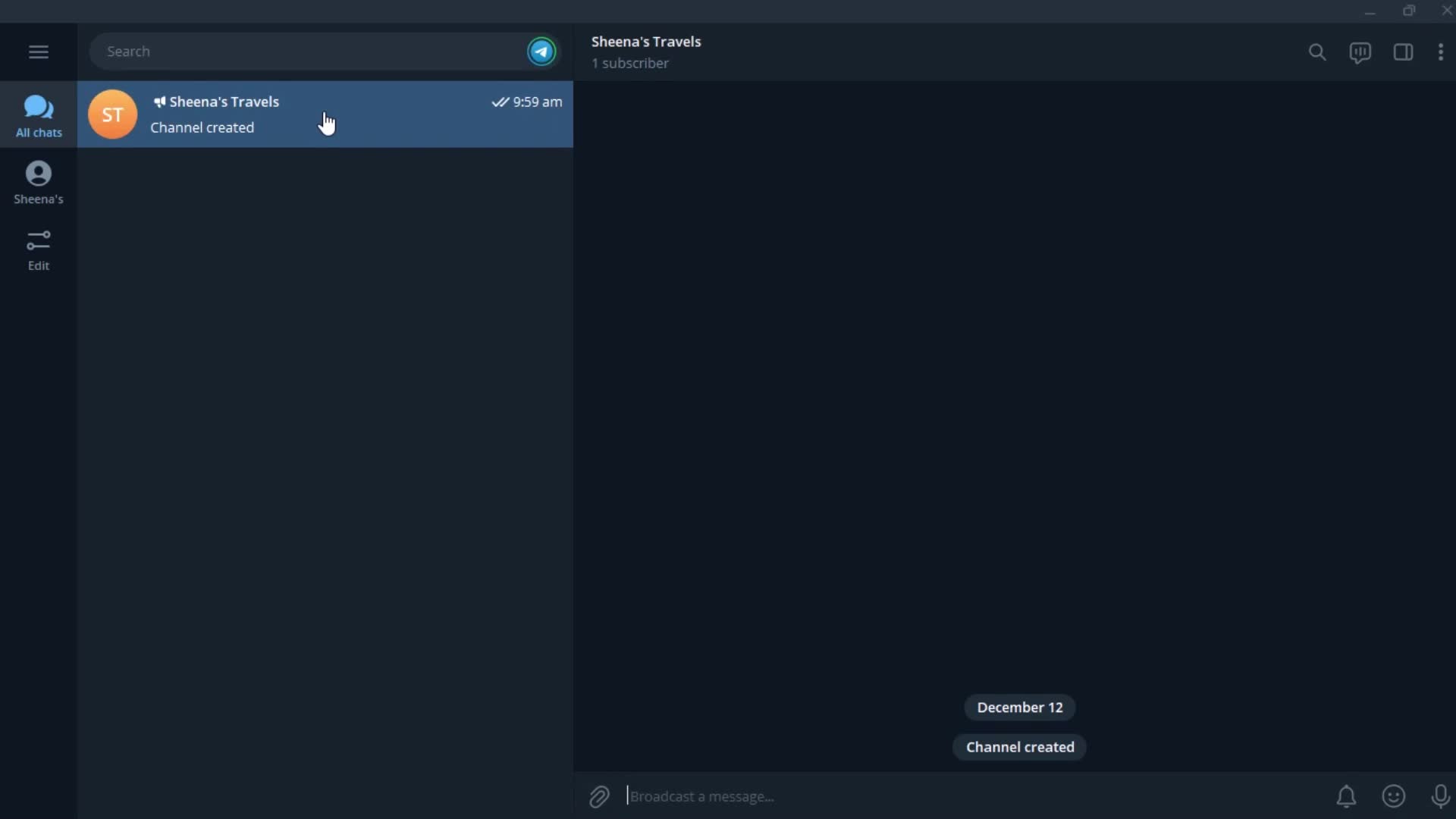
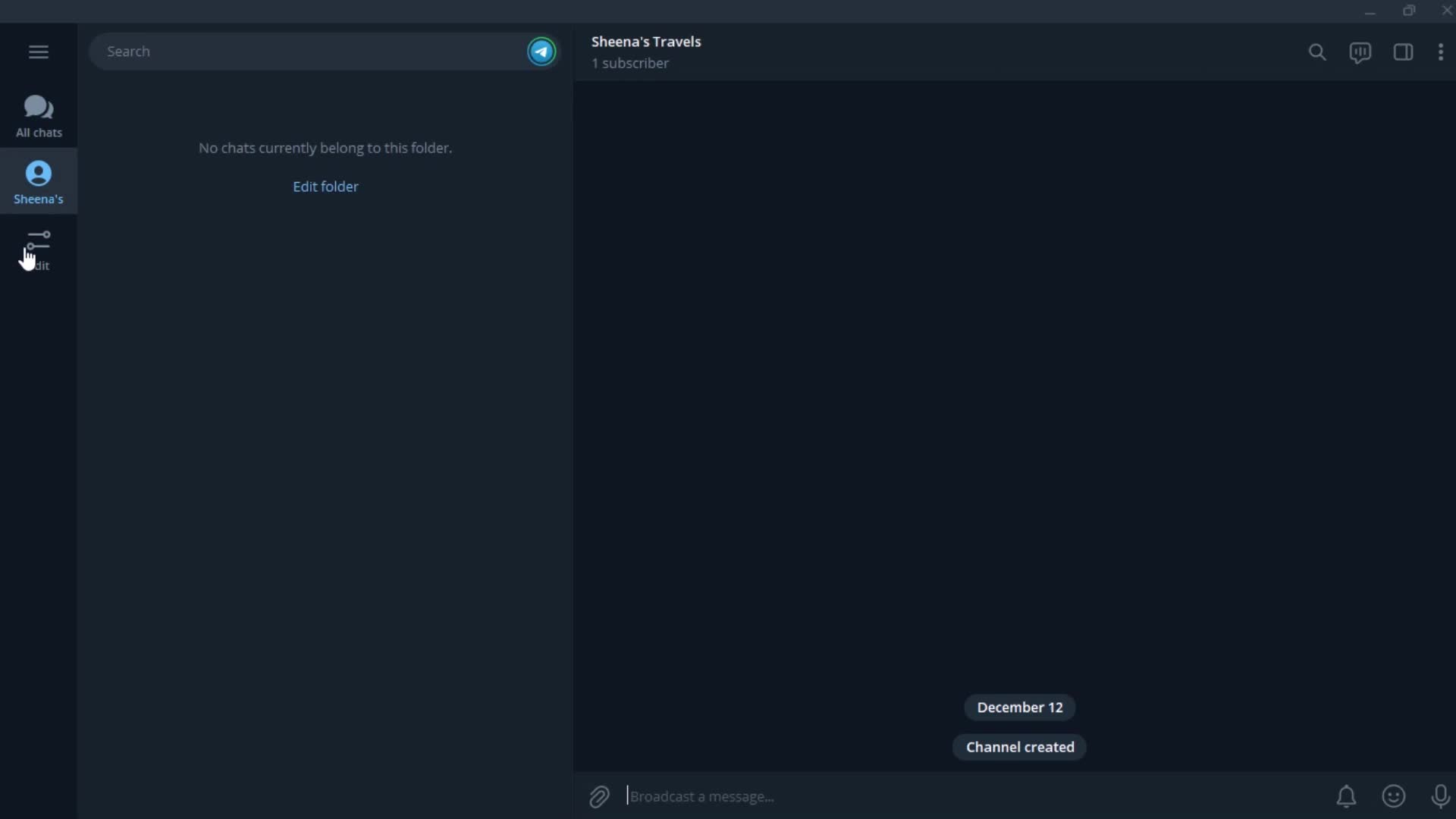
Channel
this is title
Folder
this is title
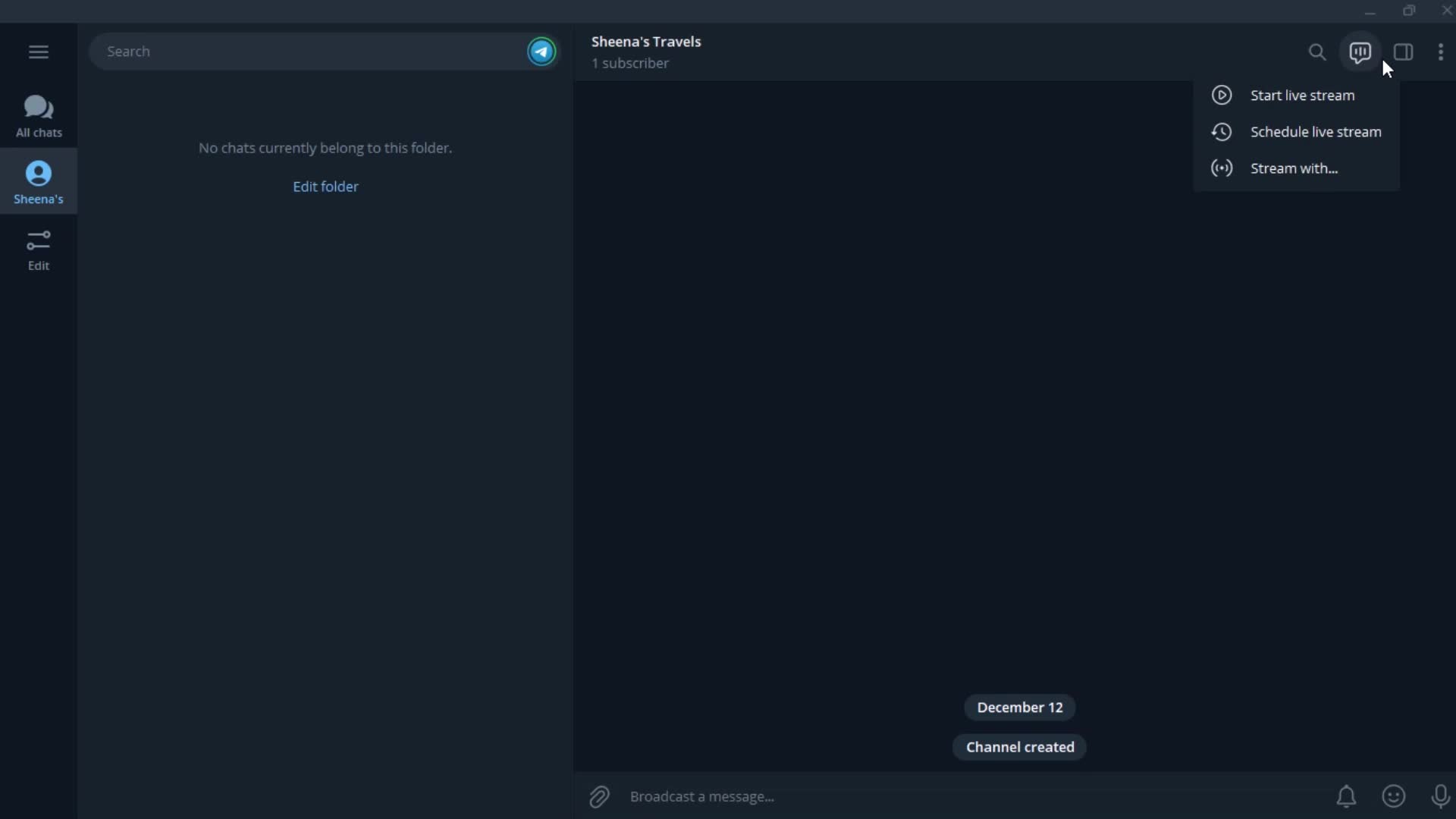
Action menu
this is title
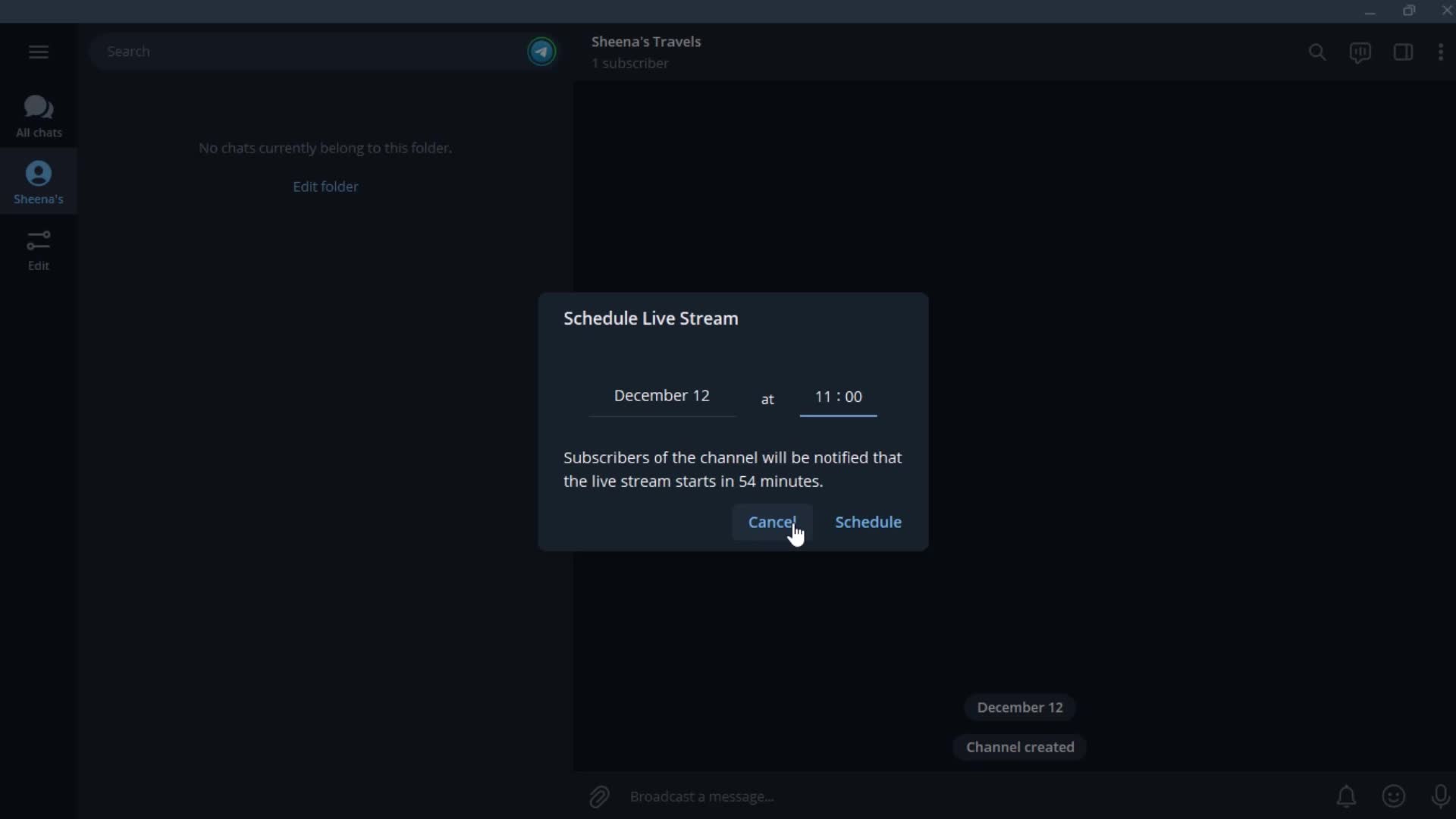
Set date
this is title
this is title
this is title
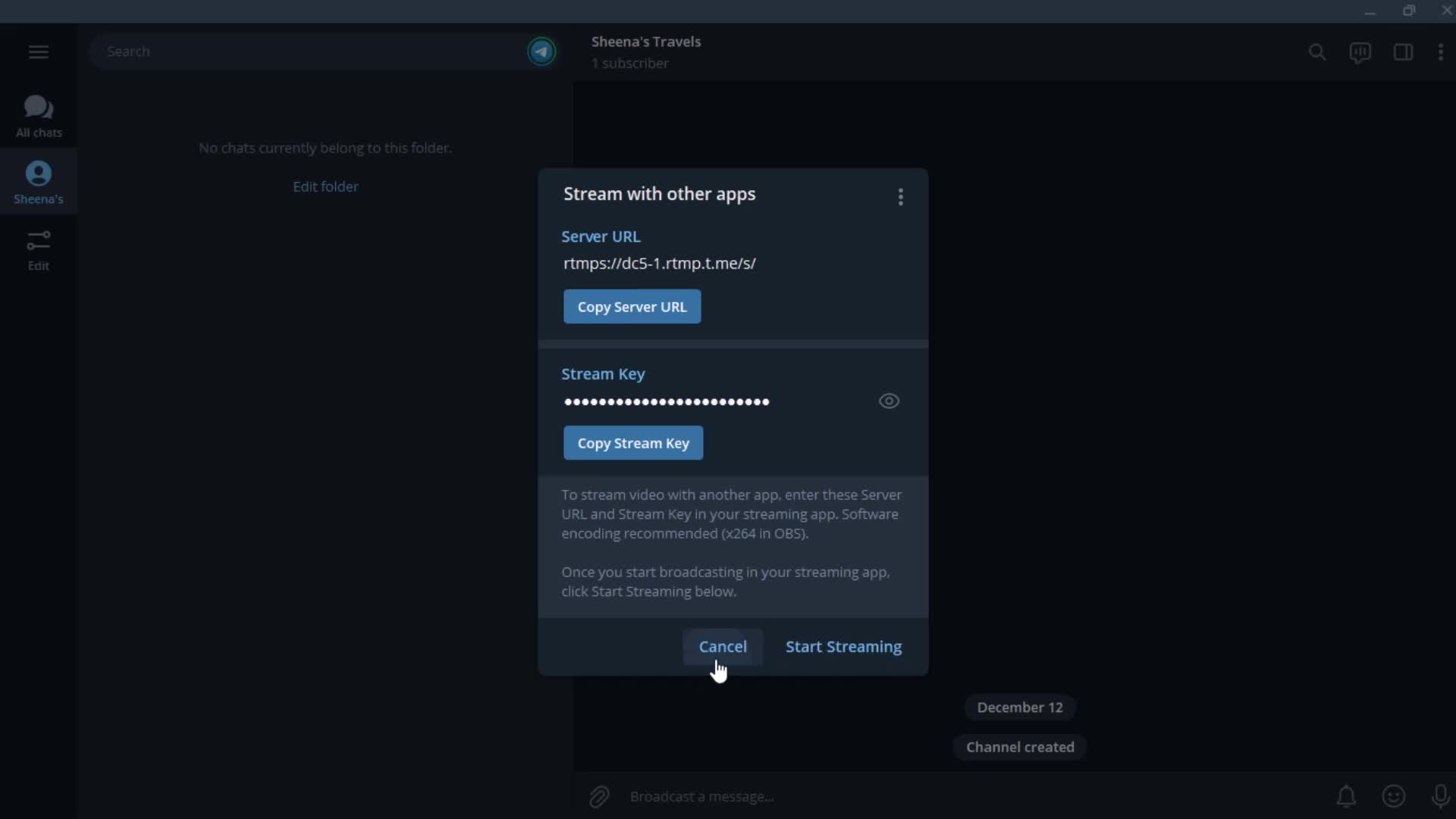
Channel details
this is title
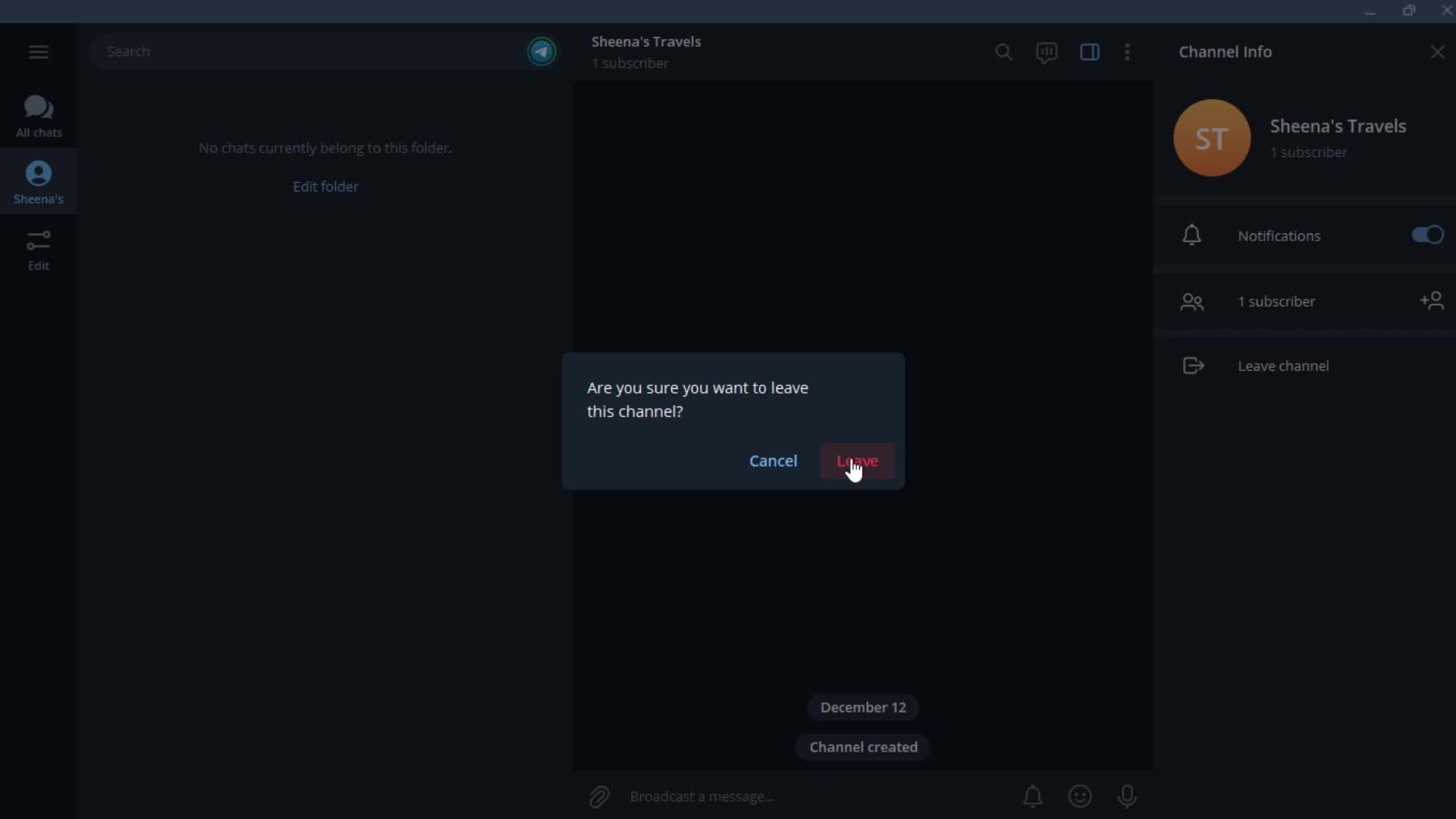
Confirm
this is title
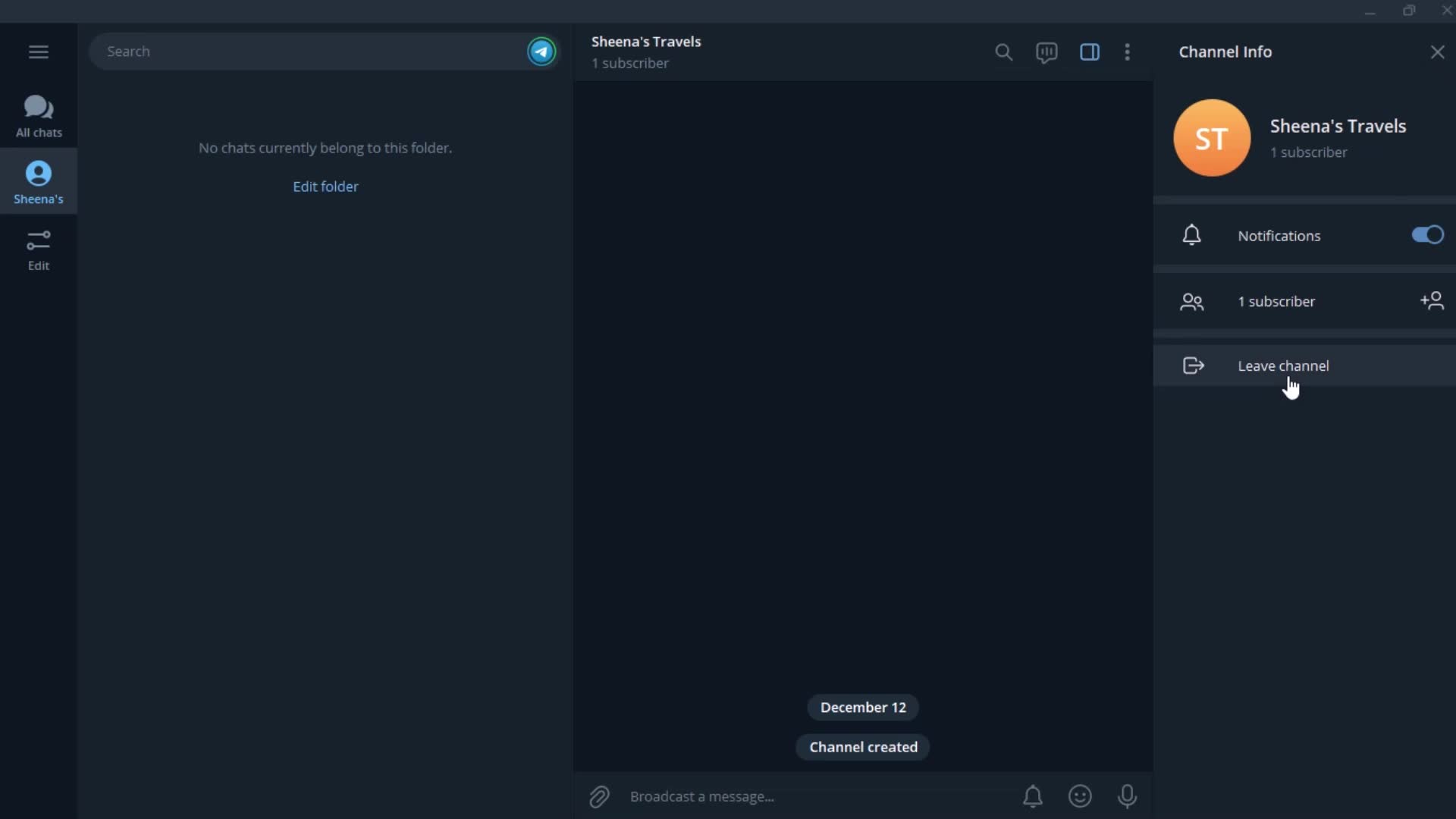
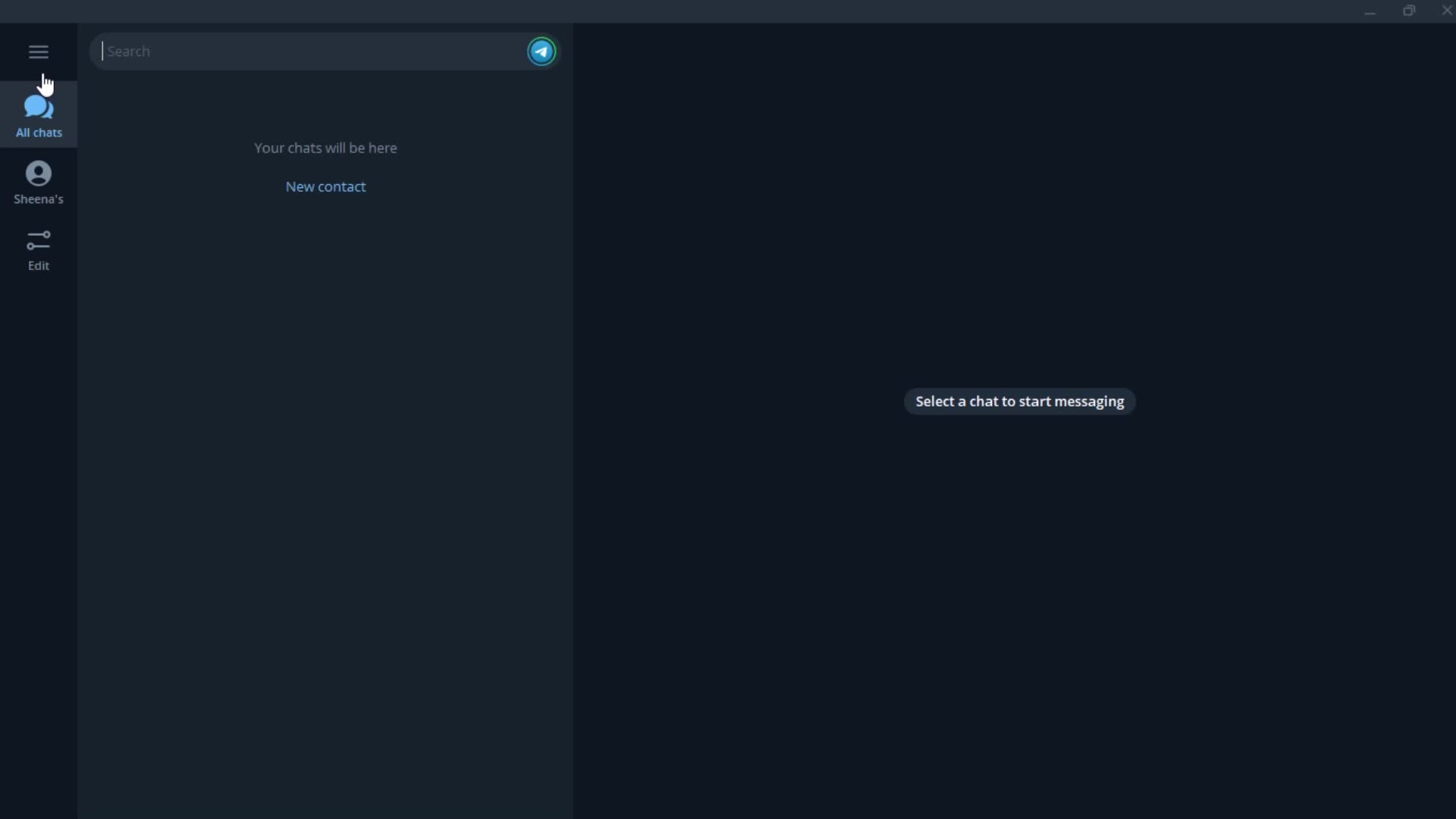
Chats
this is title
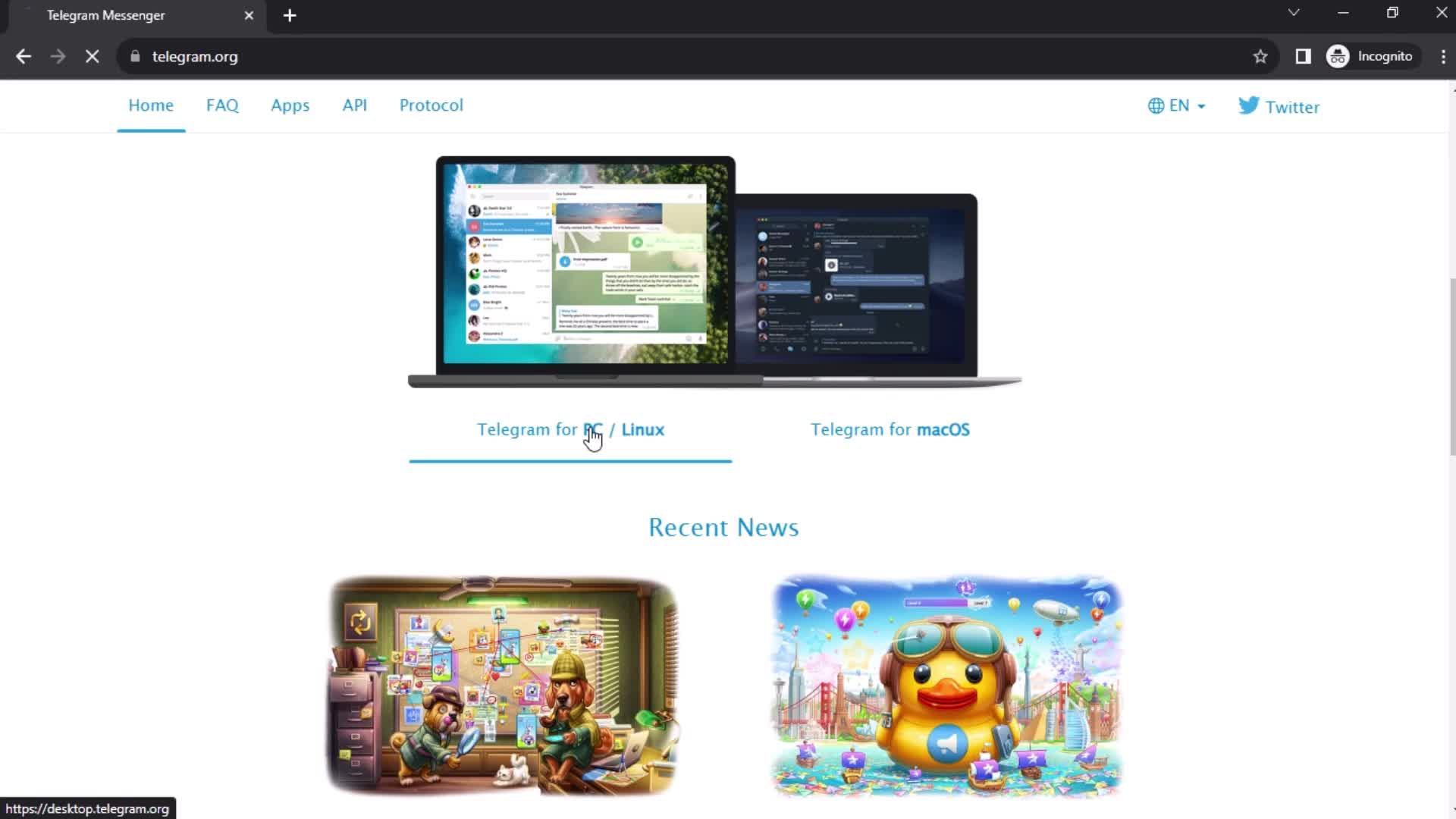
Homepage
this is title
this is title
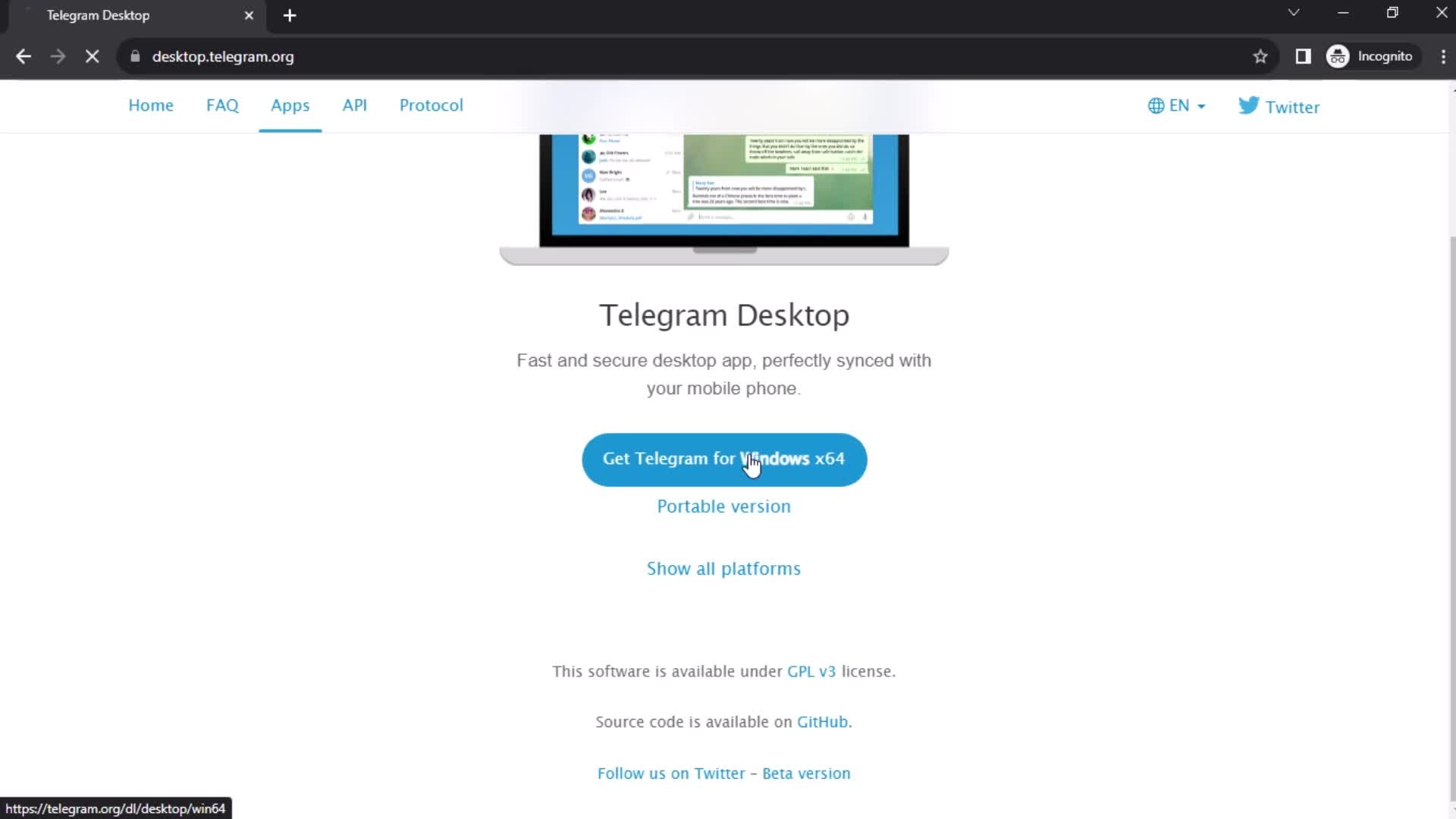
Download
this is title
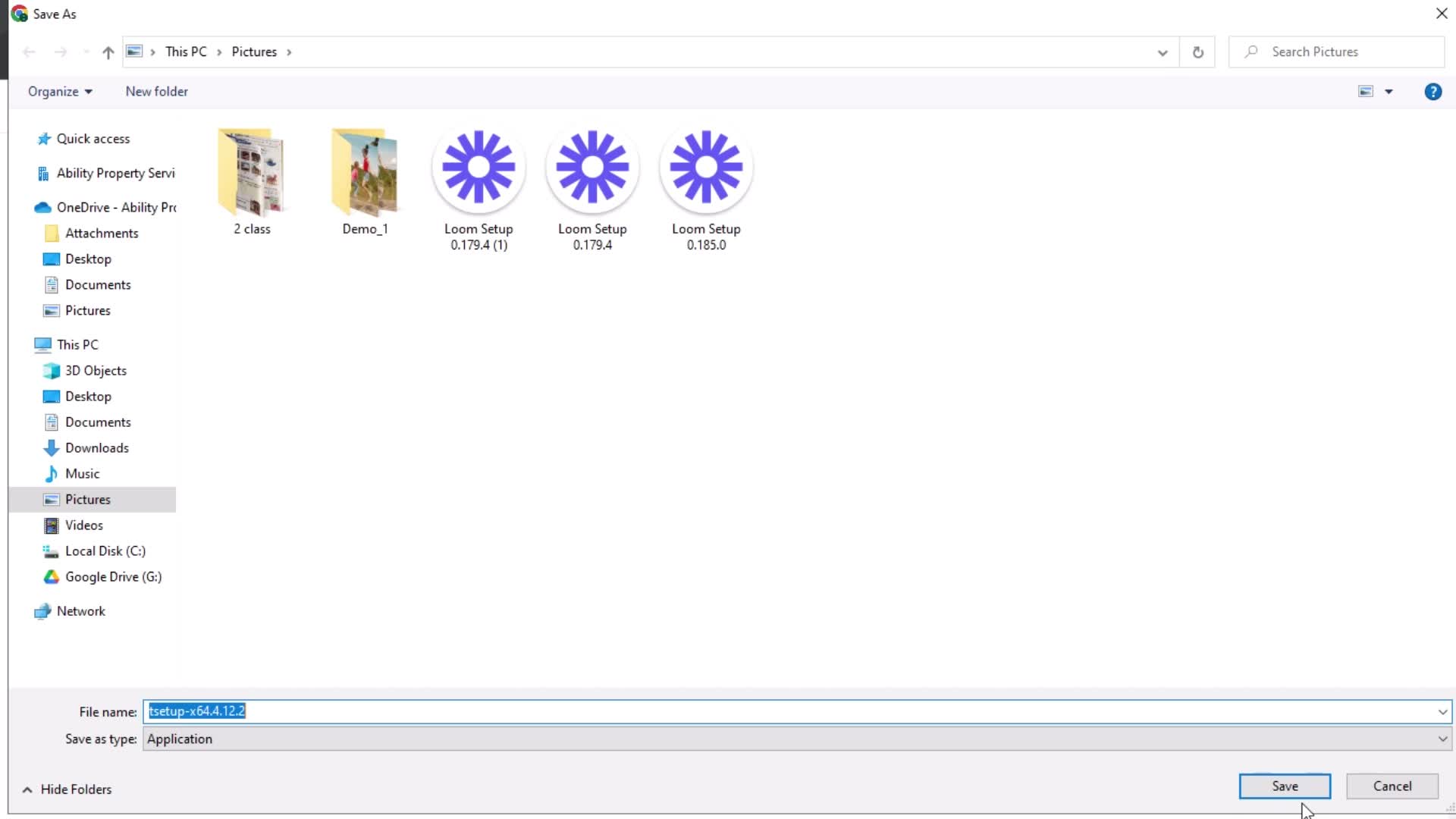
Save
this is title
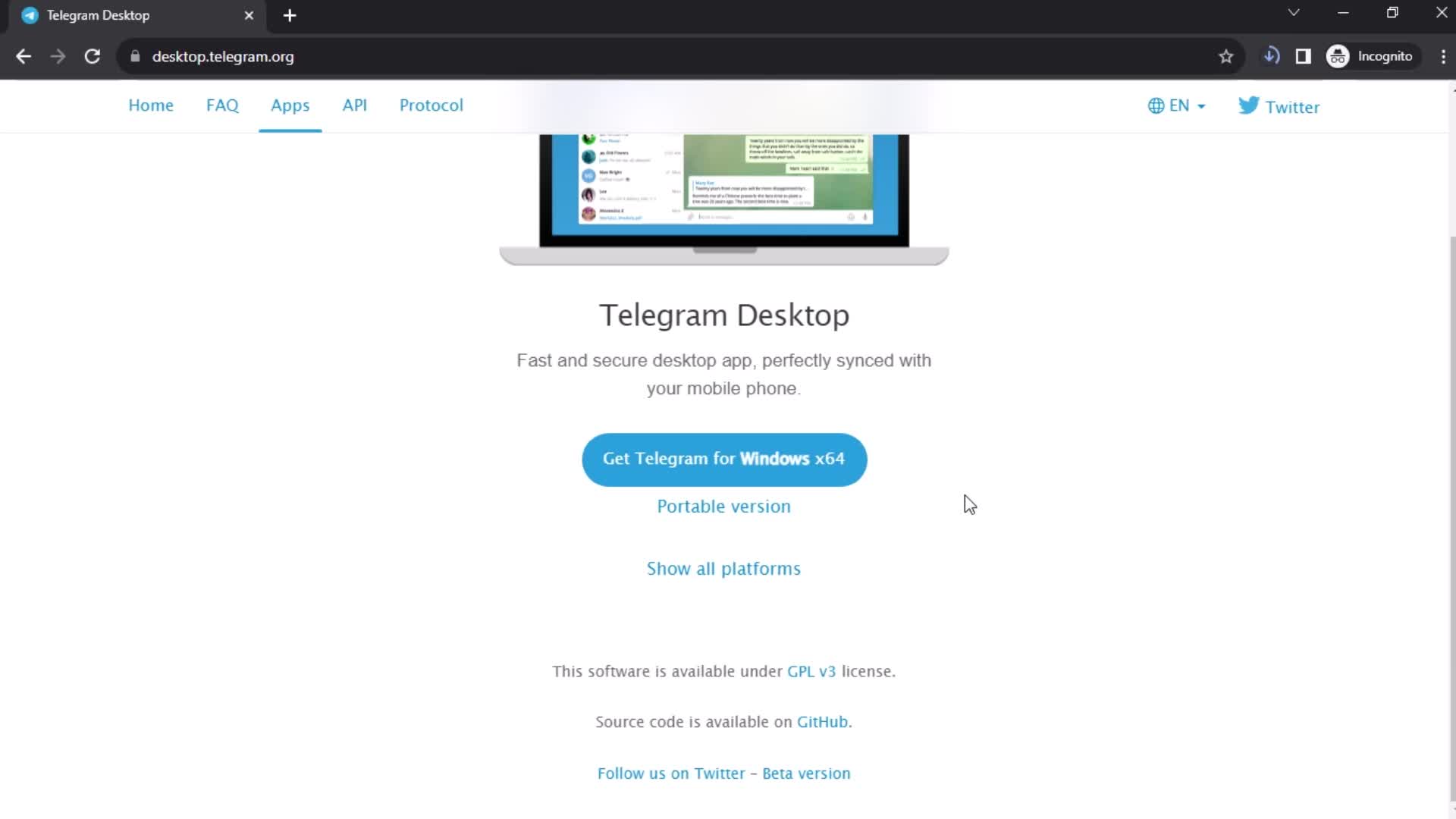
Downloading
this is title
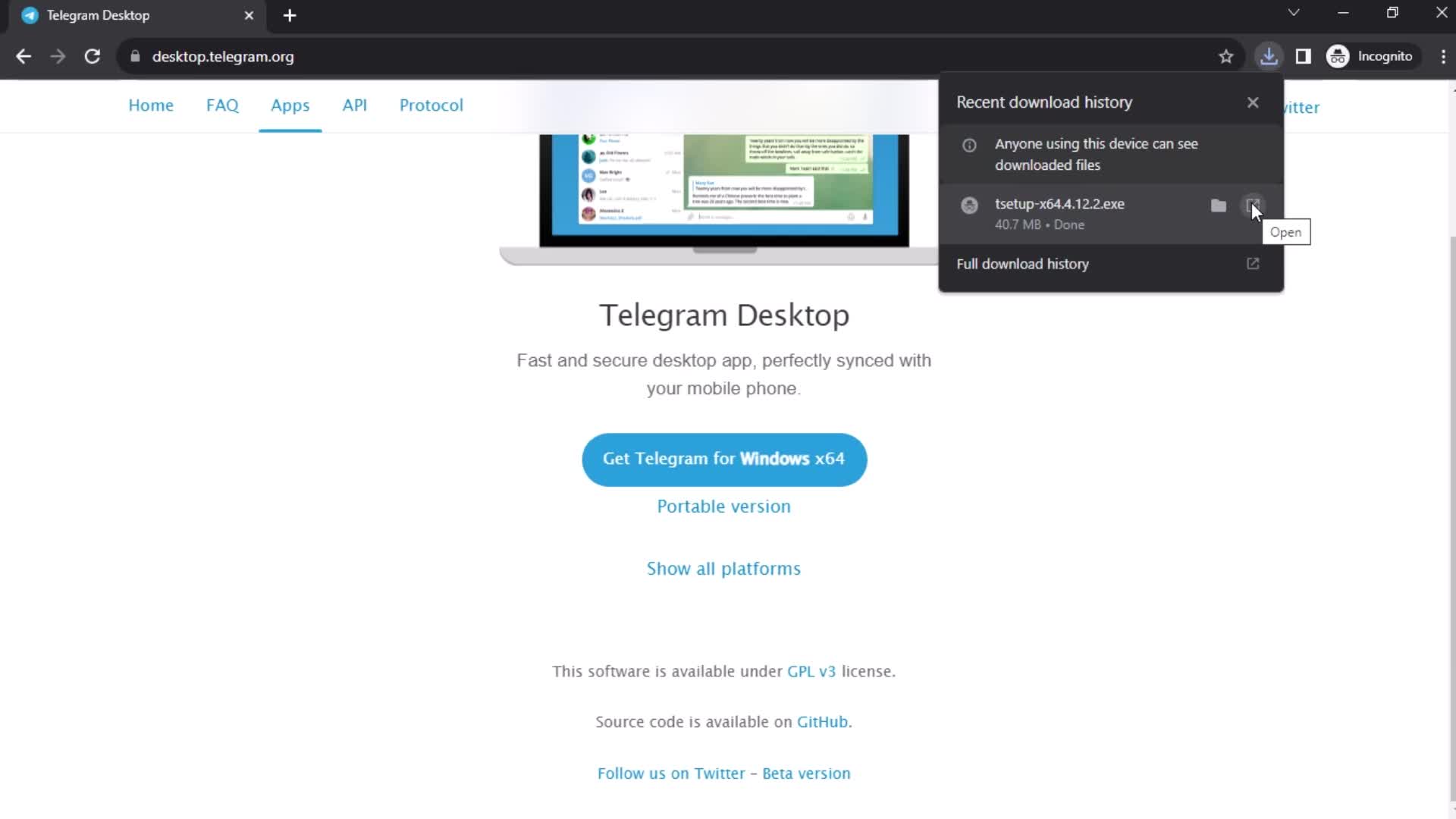
Open app
this is title
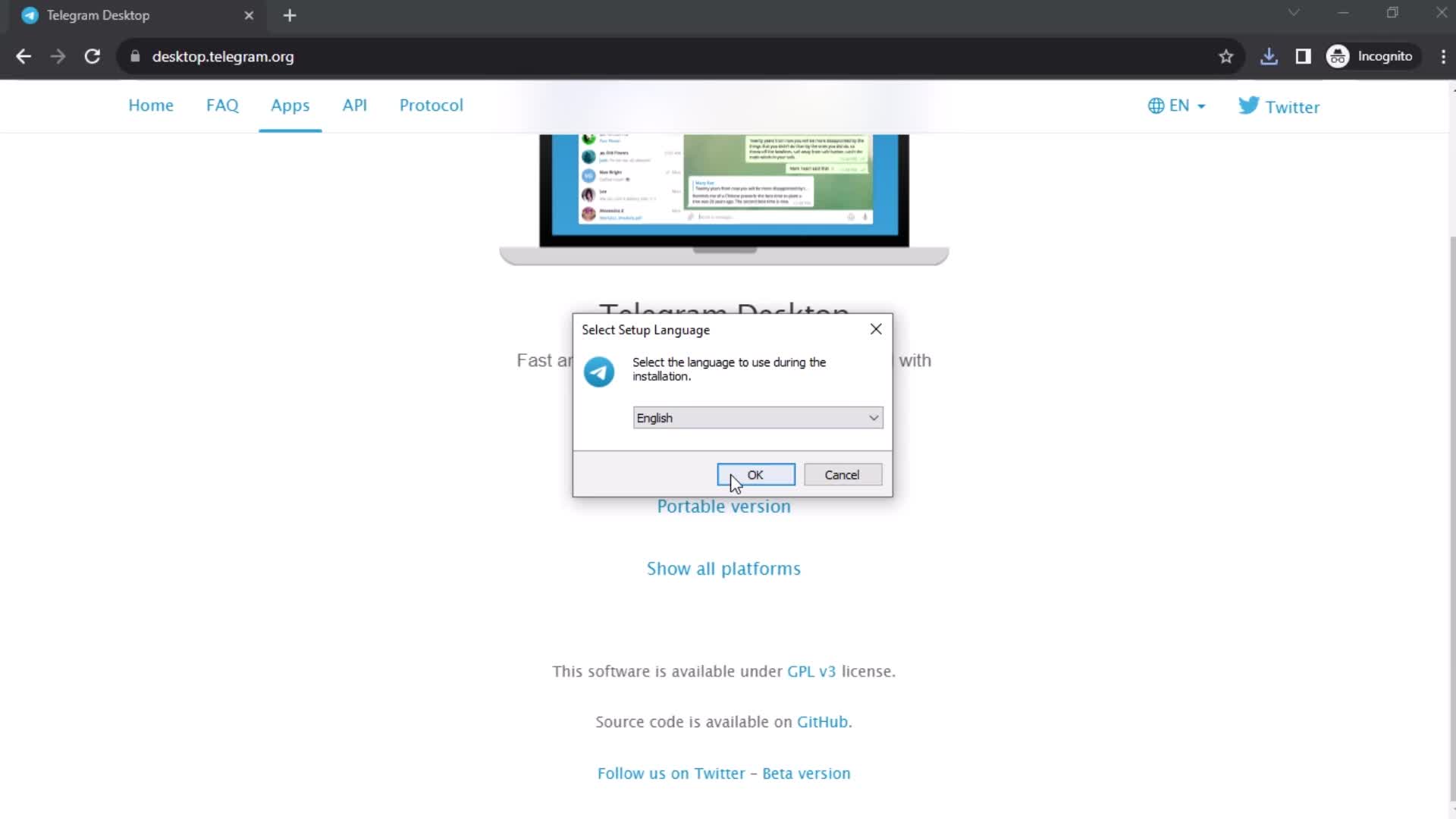
Languages
this is title
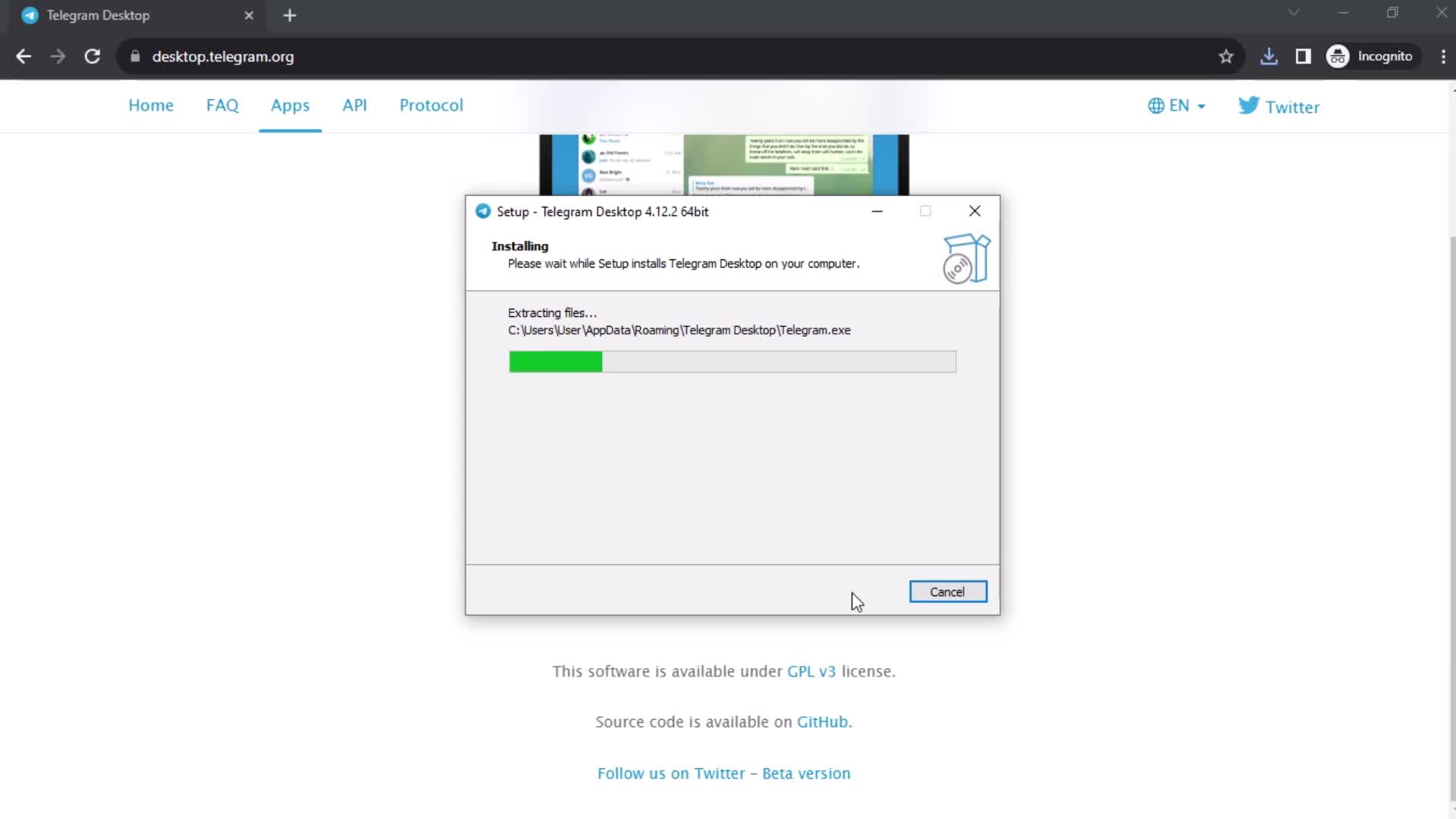
Installing
this is title
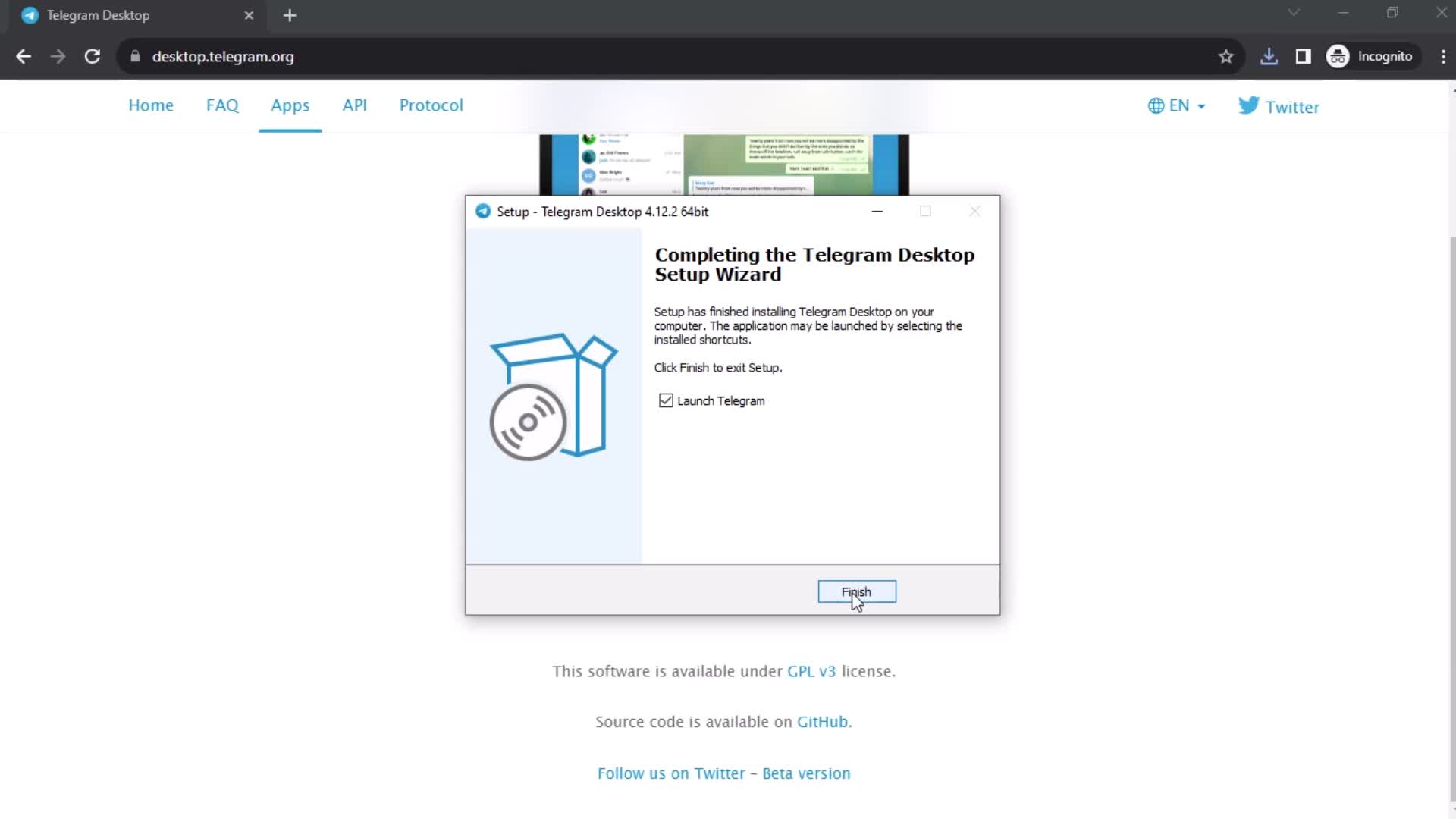
Finish set up
this is title
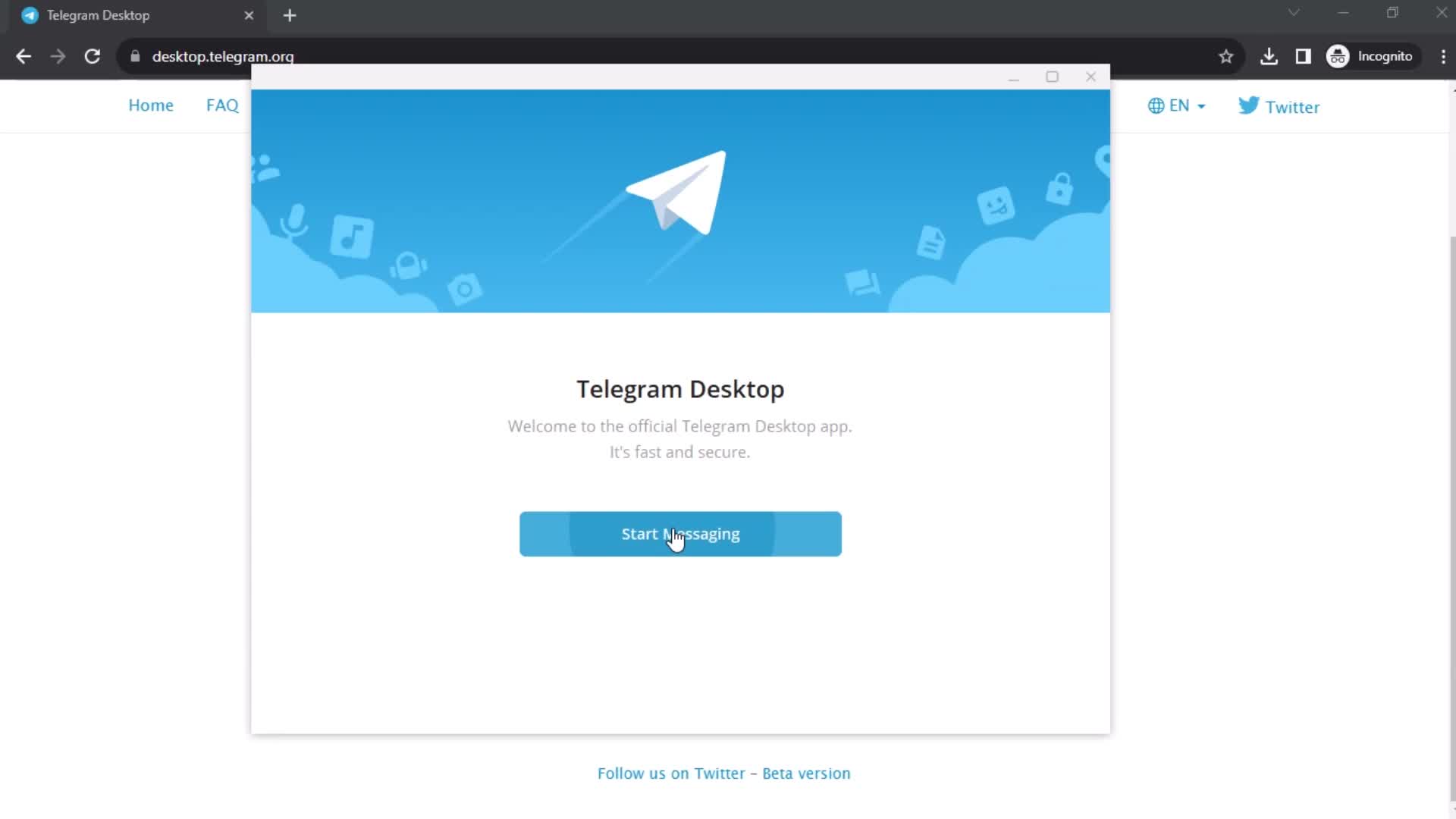
Get started
this is title
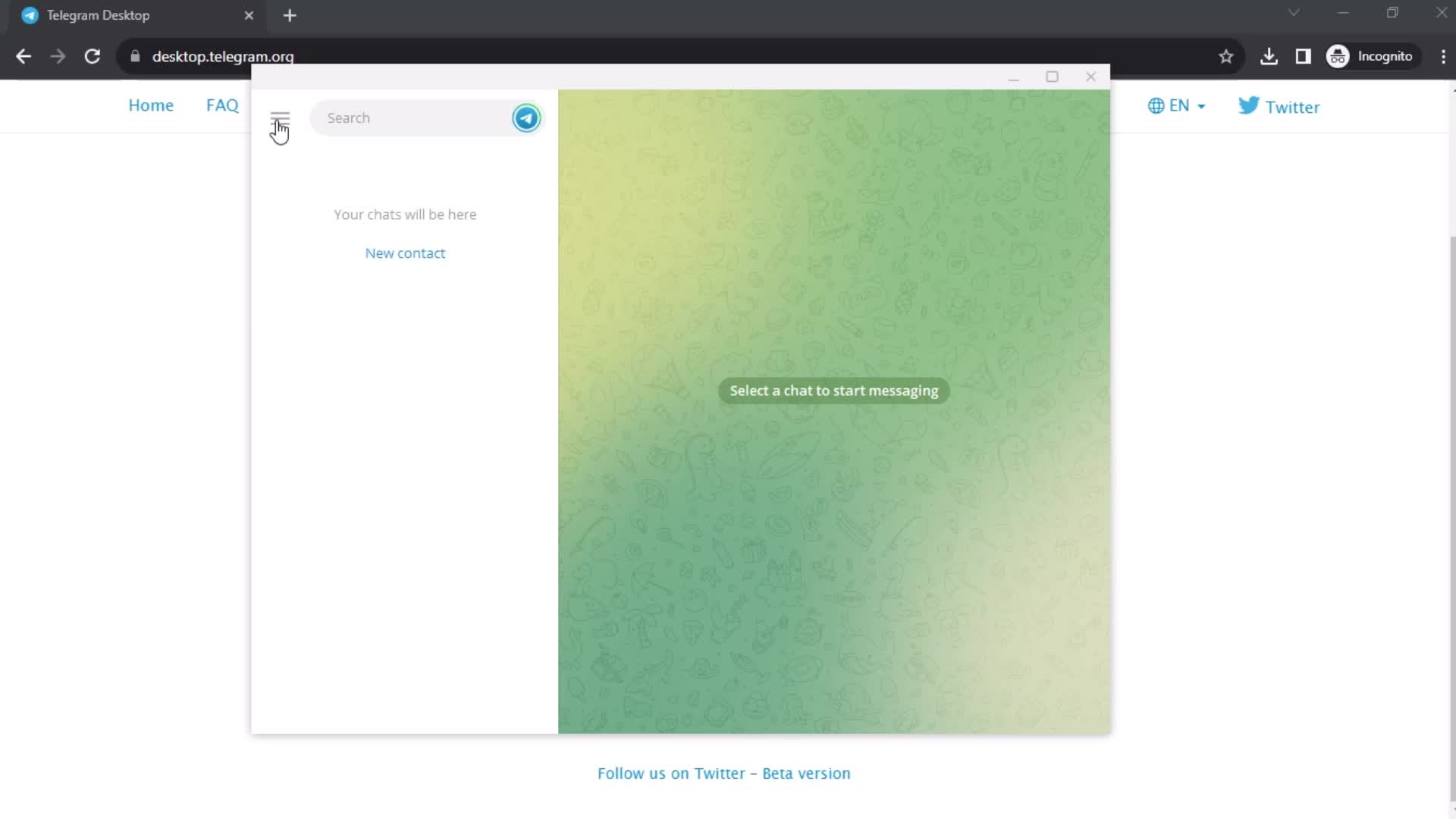
Login
this is title
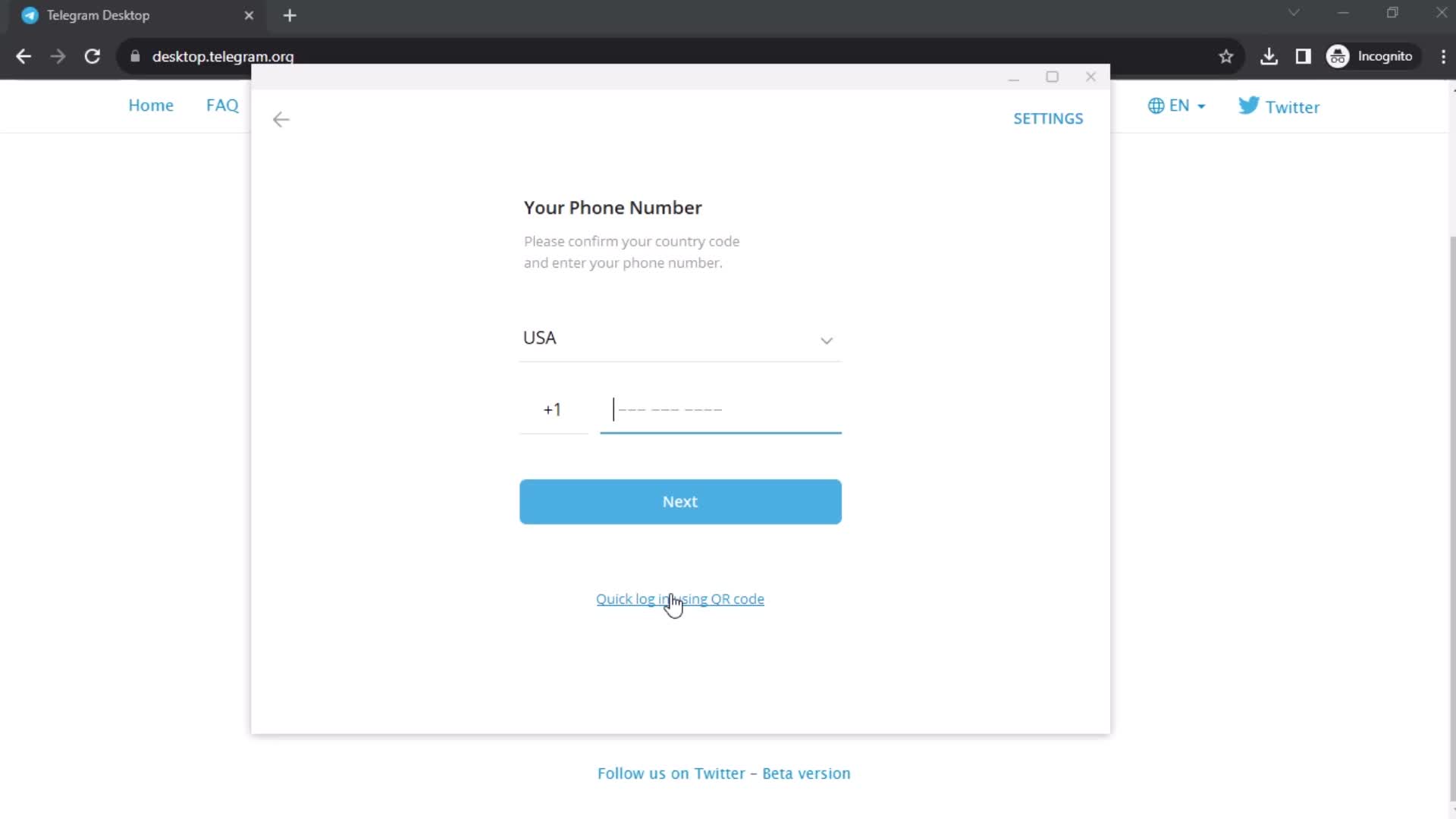
Enter phone number
this is title
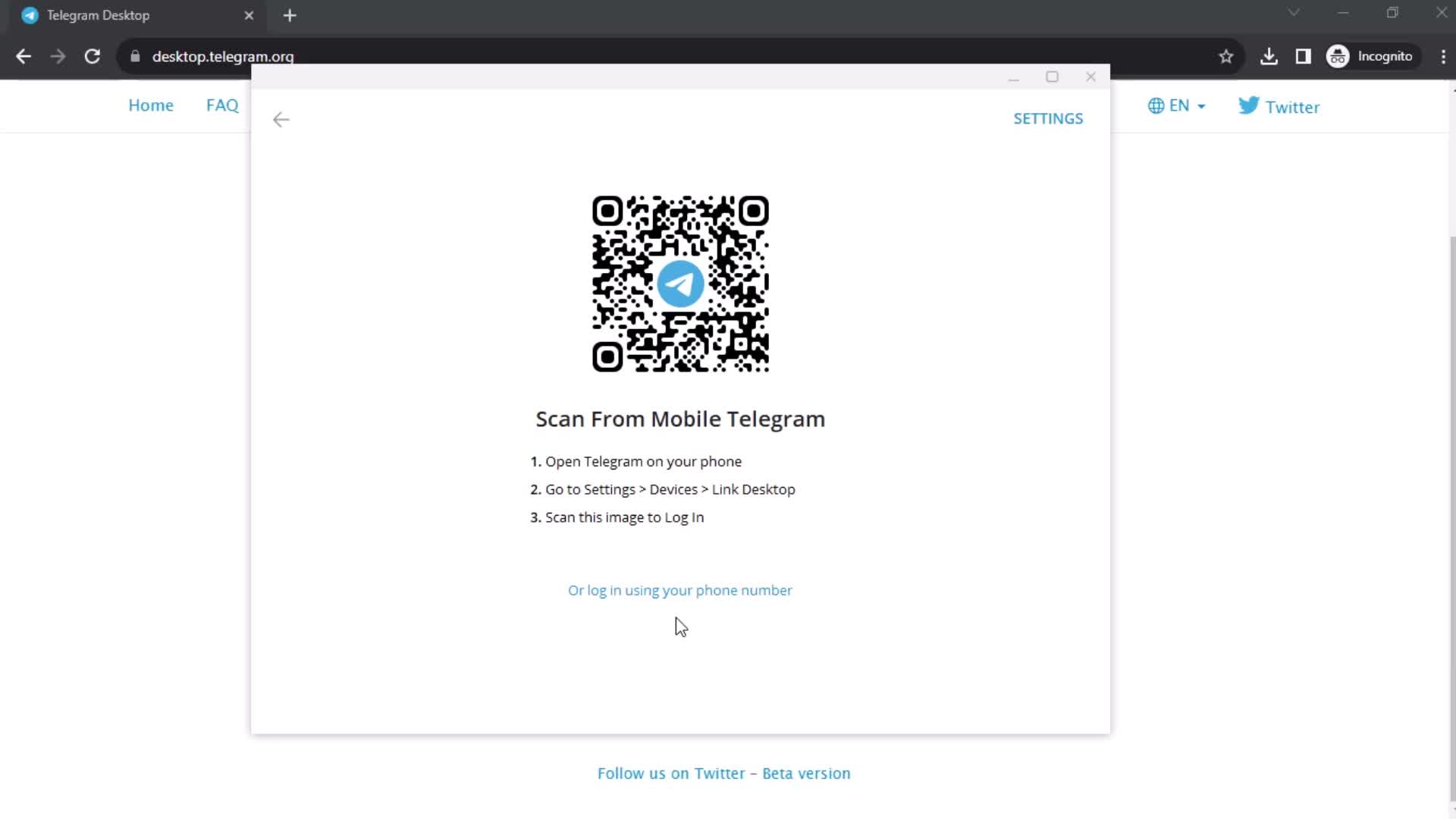
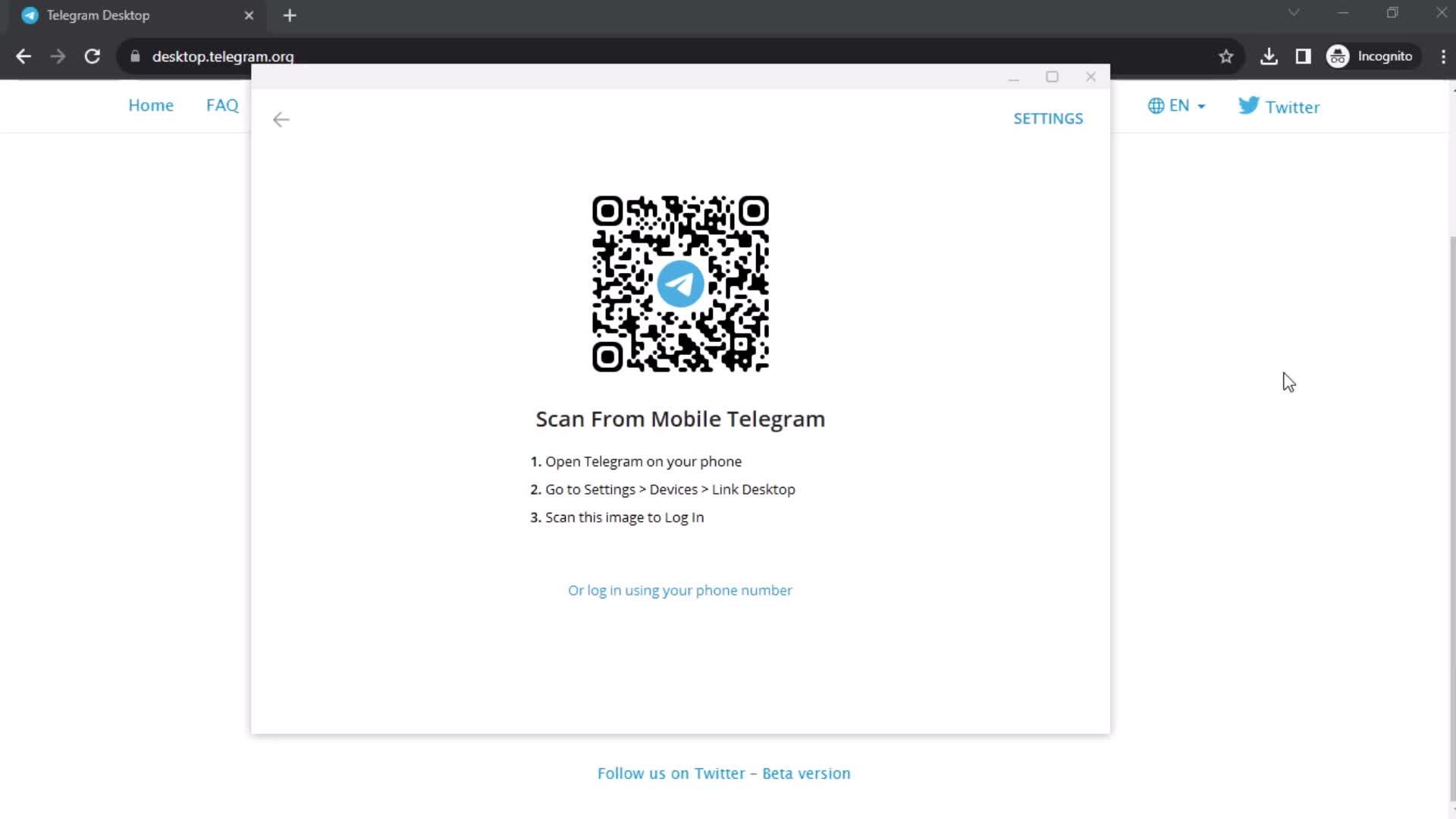
Scan QR code
this is title
this is title
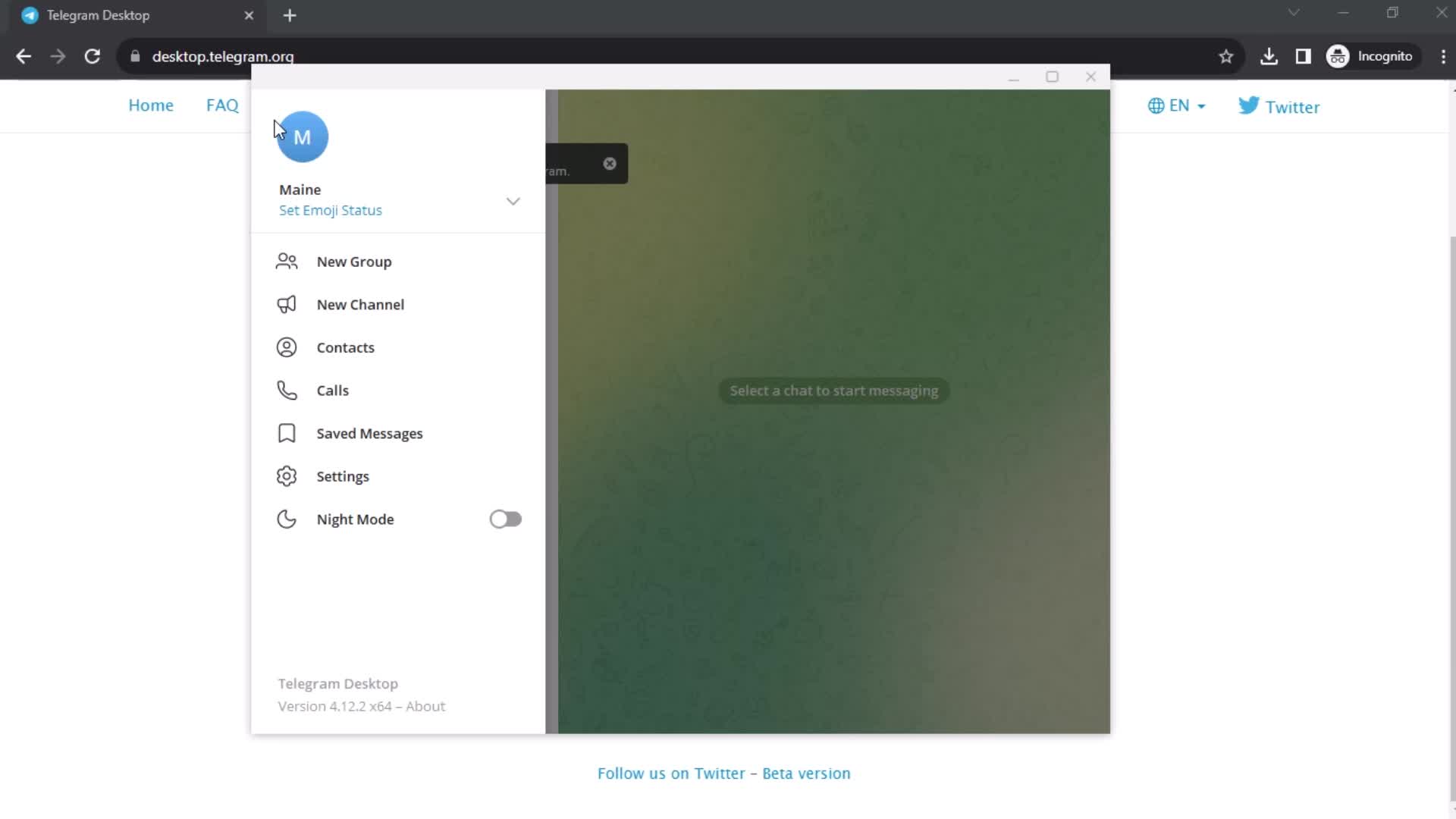
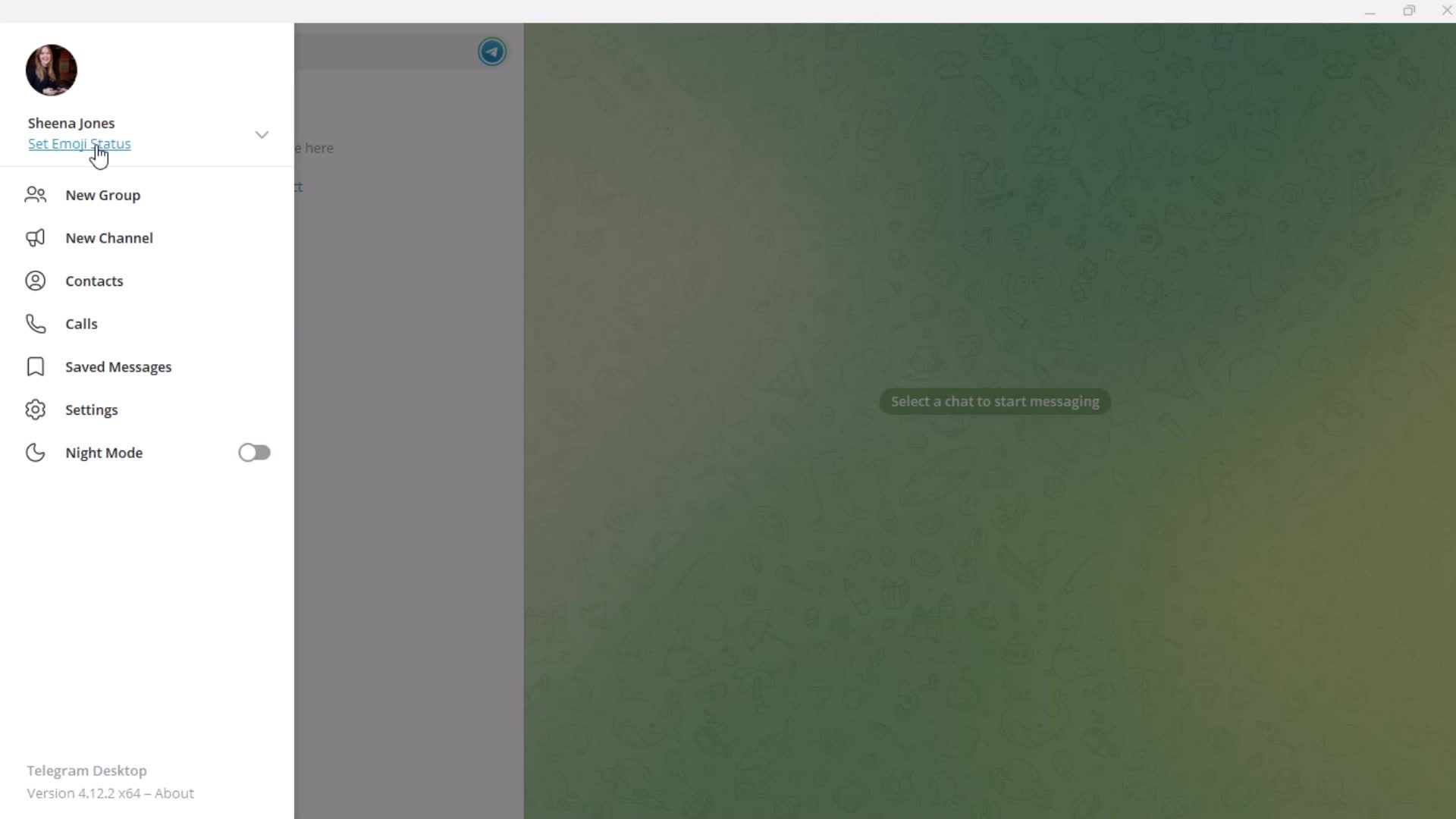
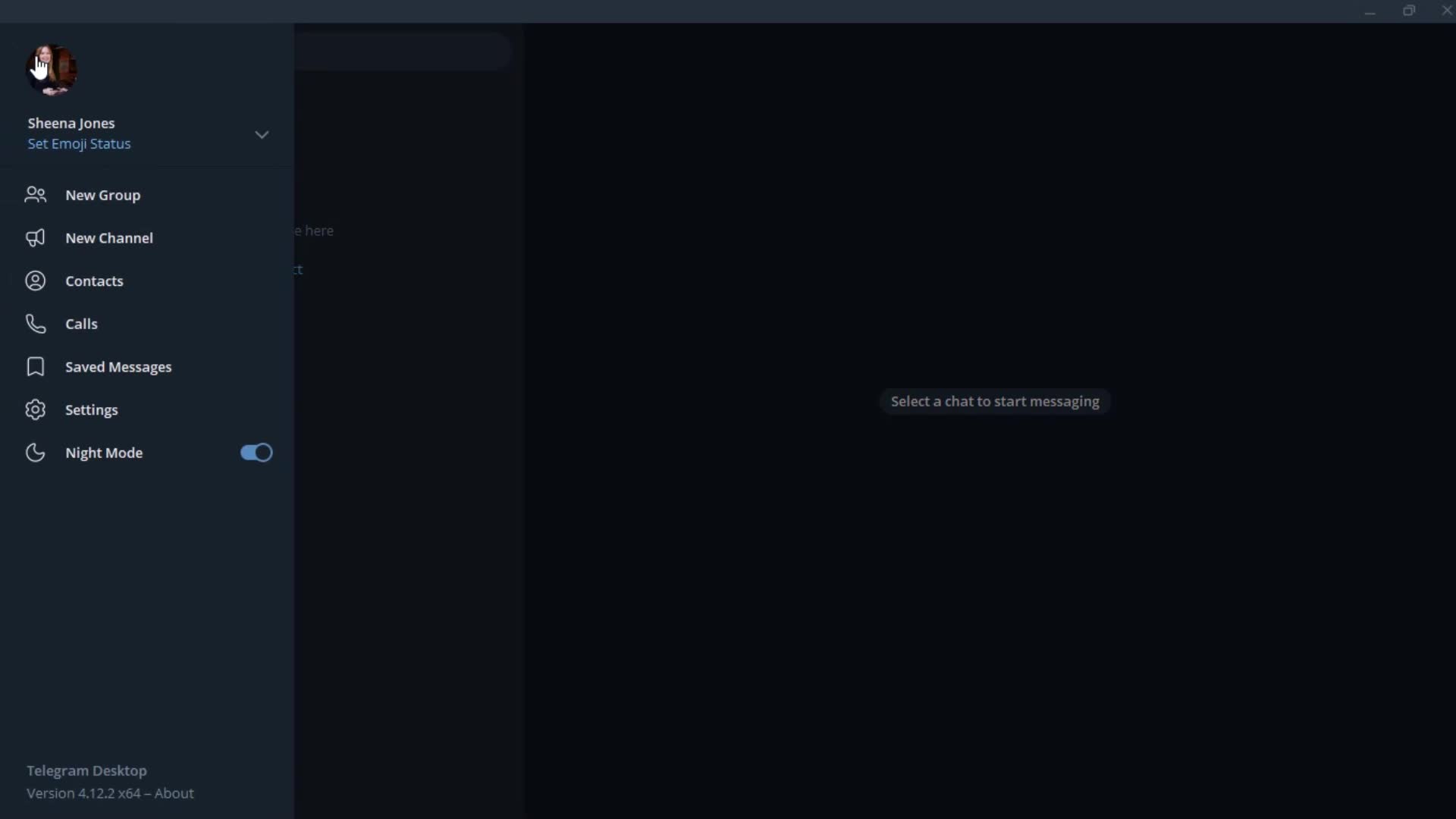
Profile menu
this is title
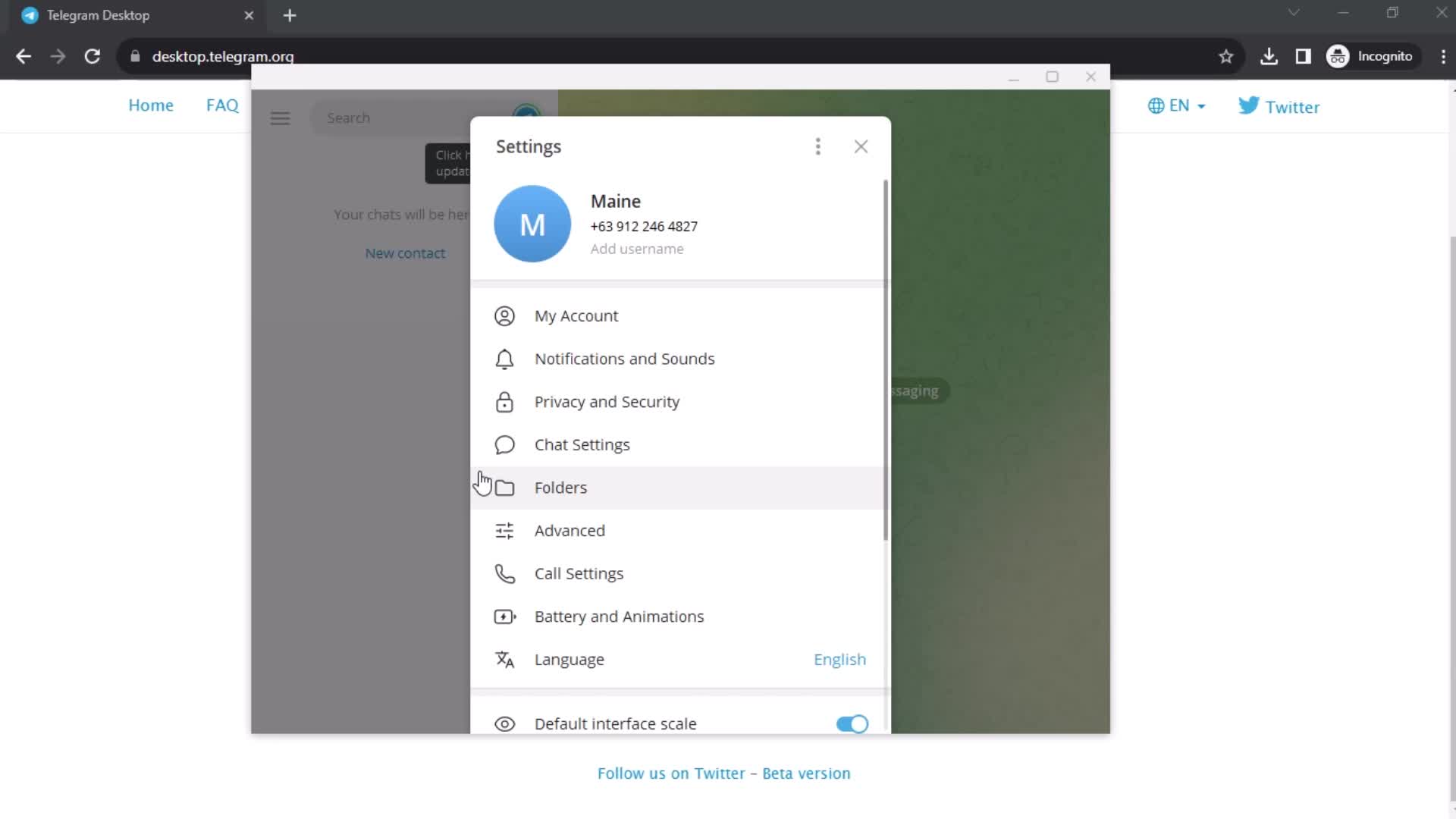
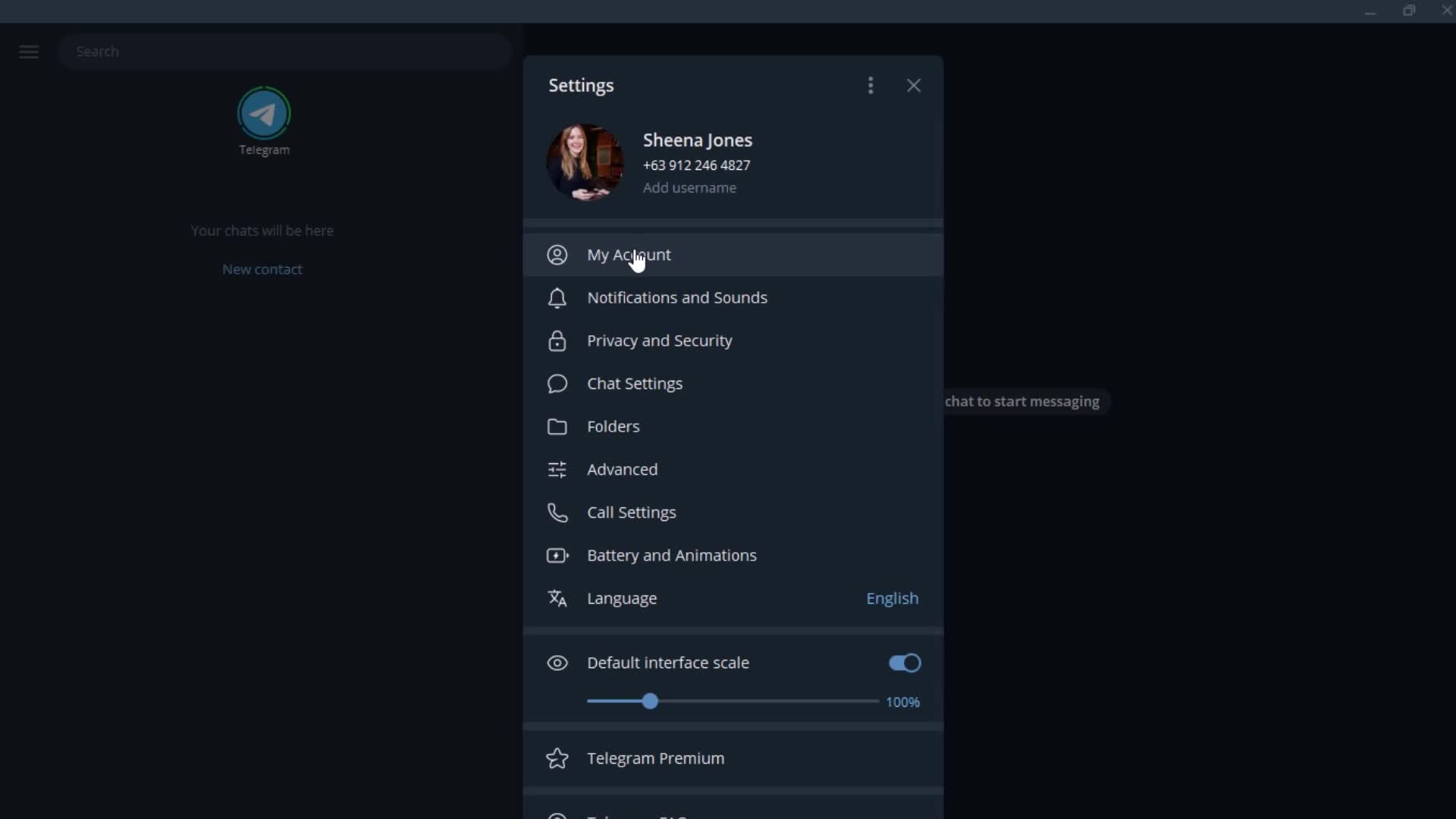
Settings
this is title
this is title
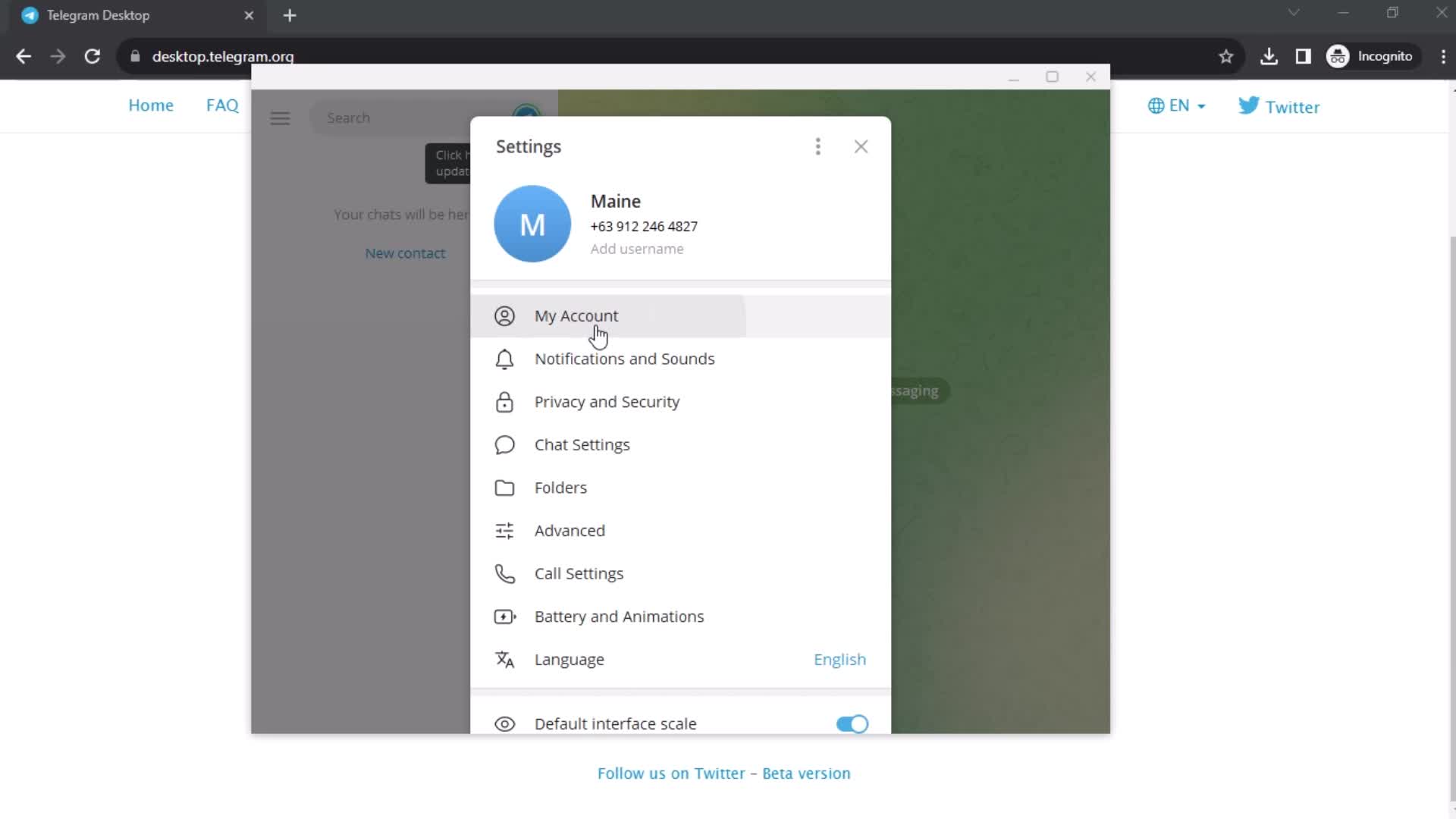
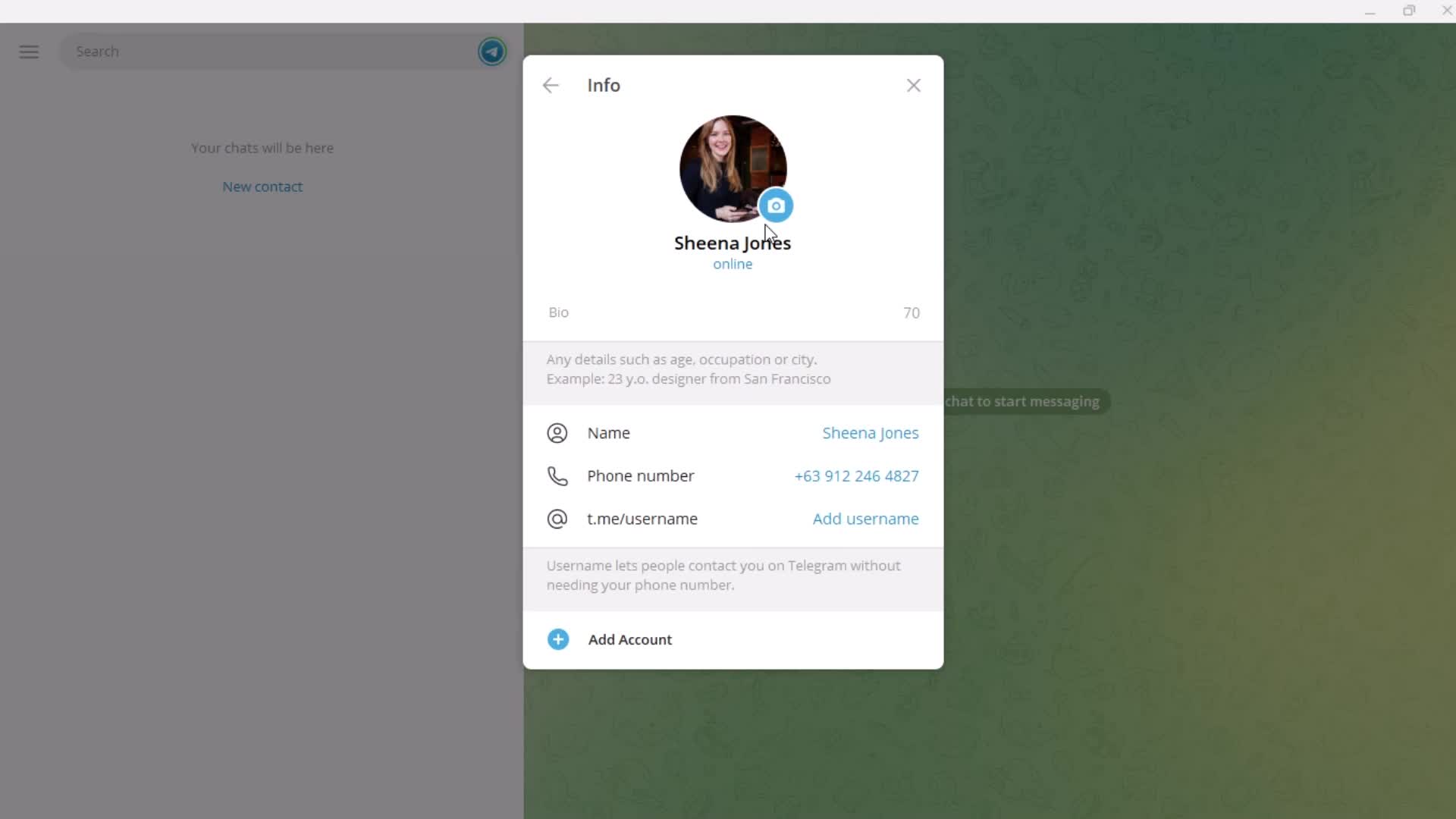
Account settings
this is title
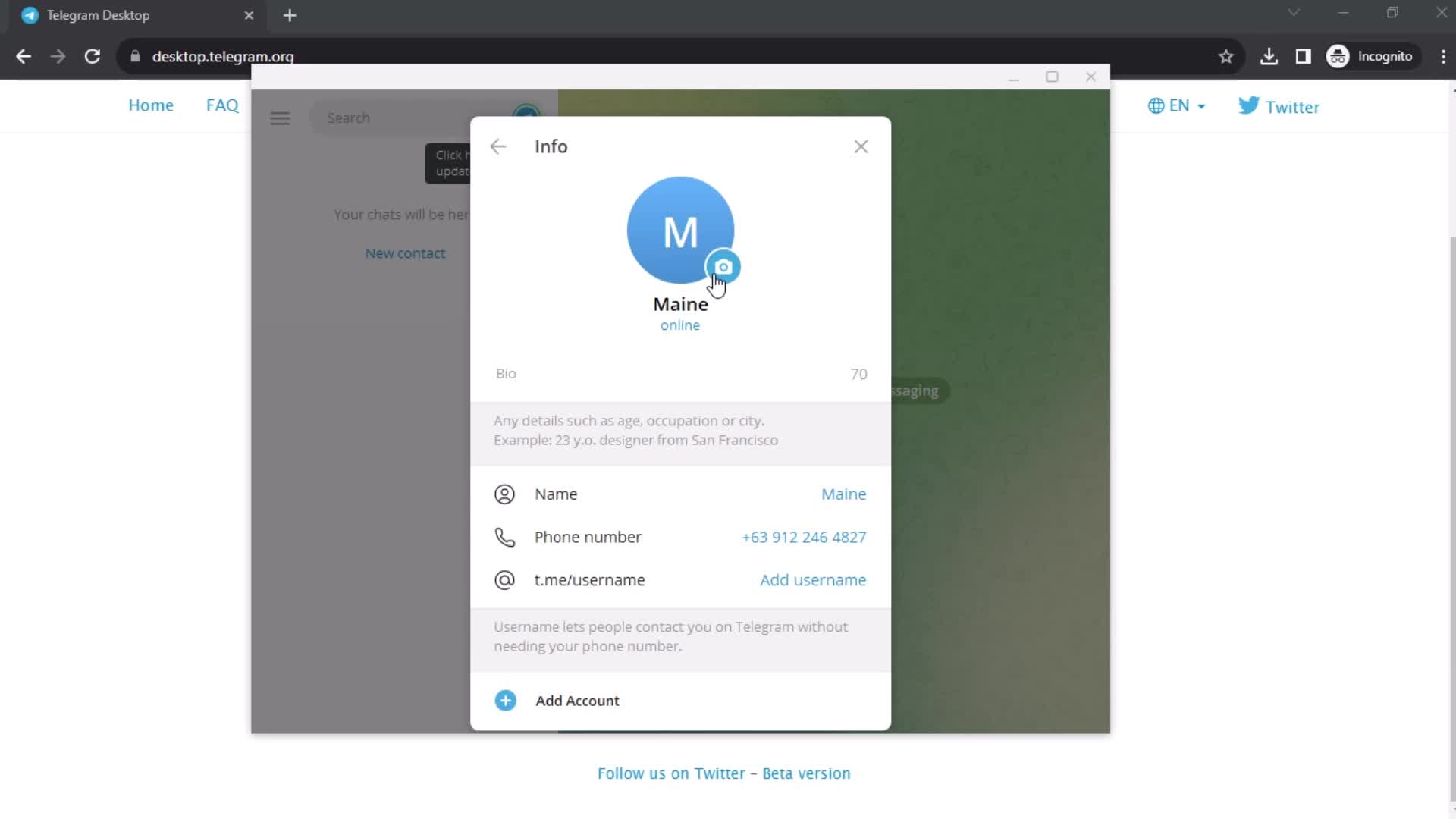
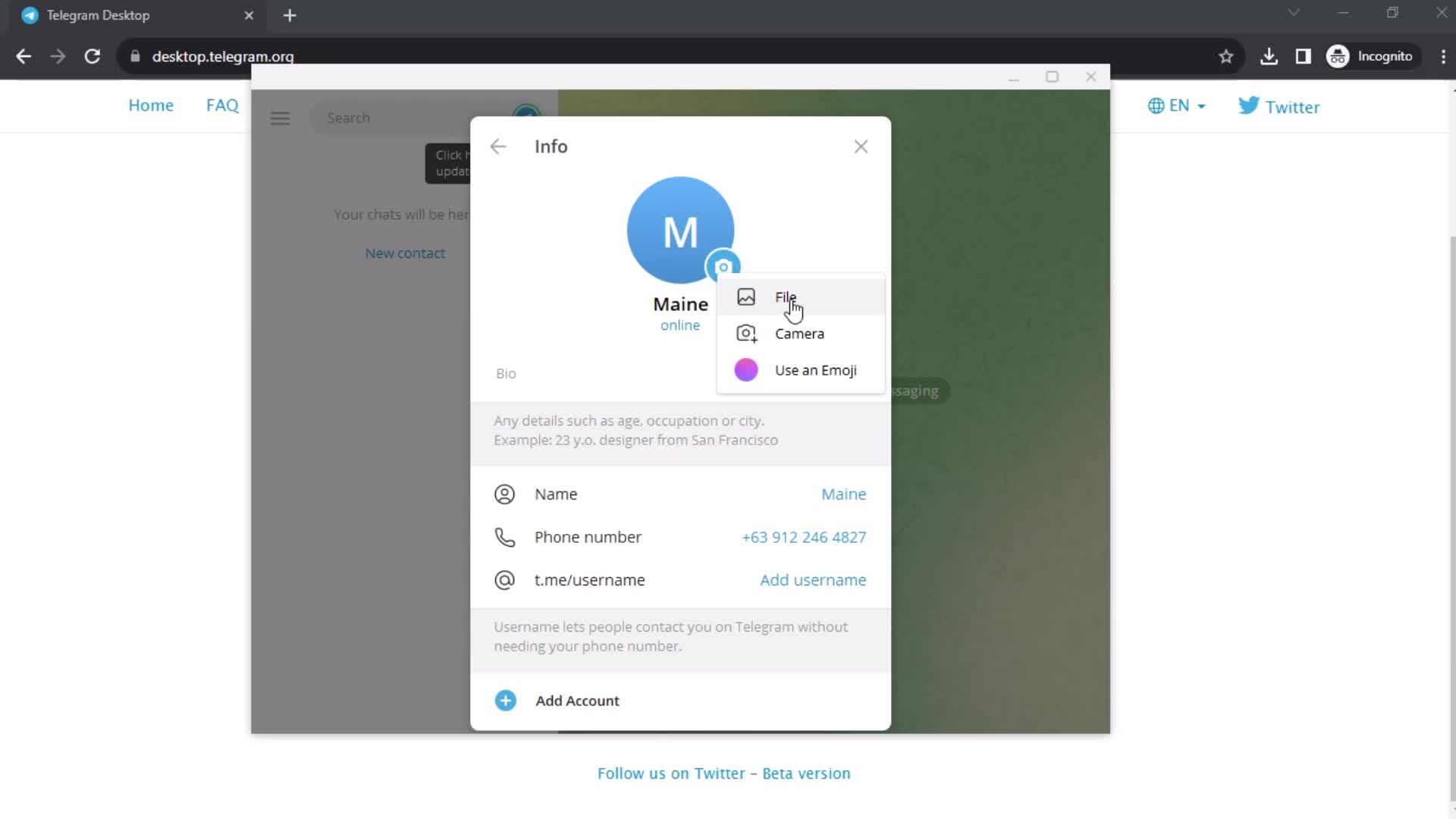
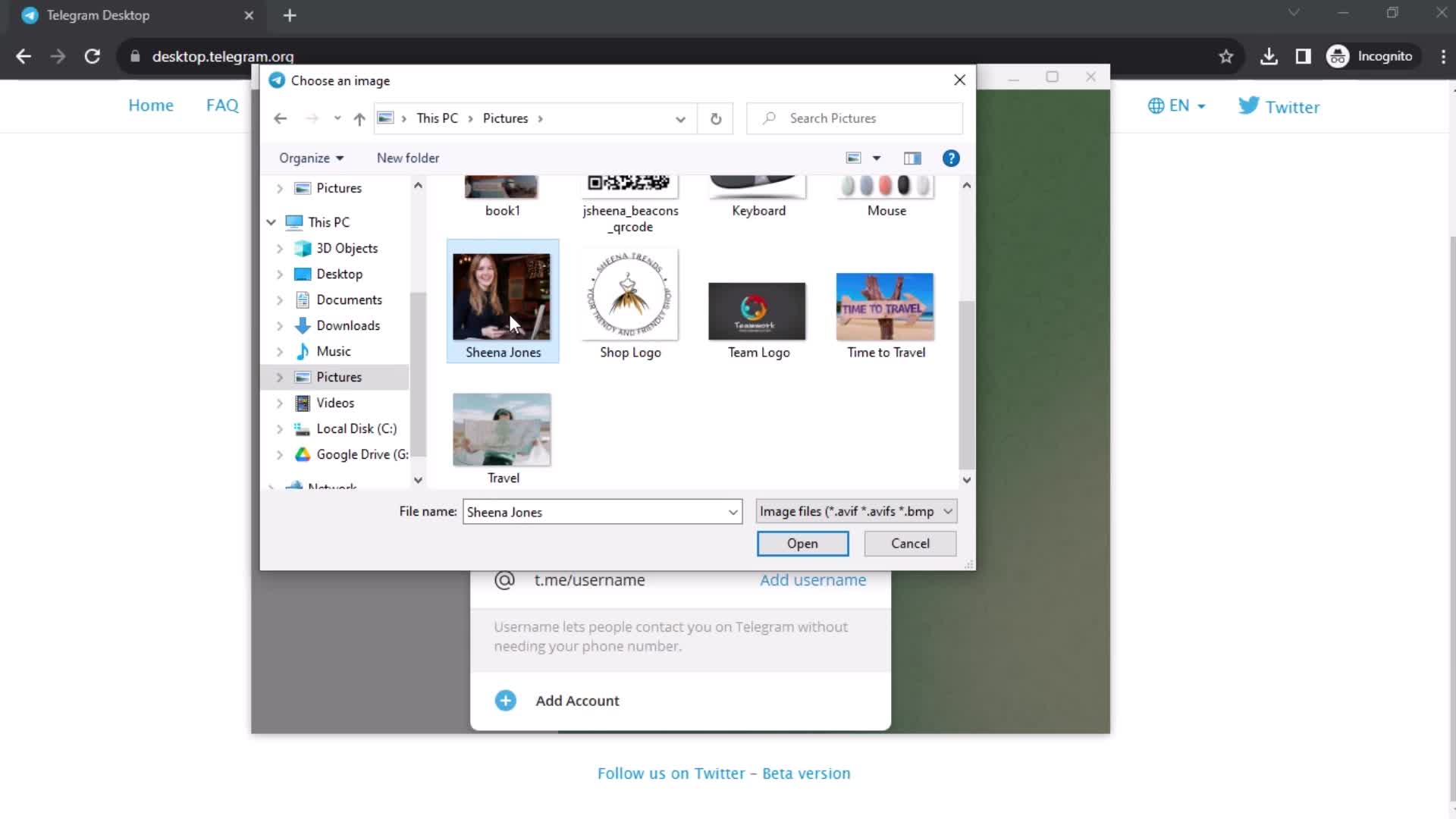
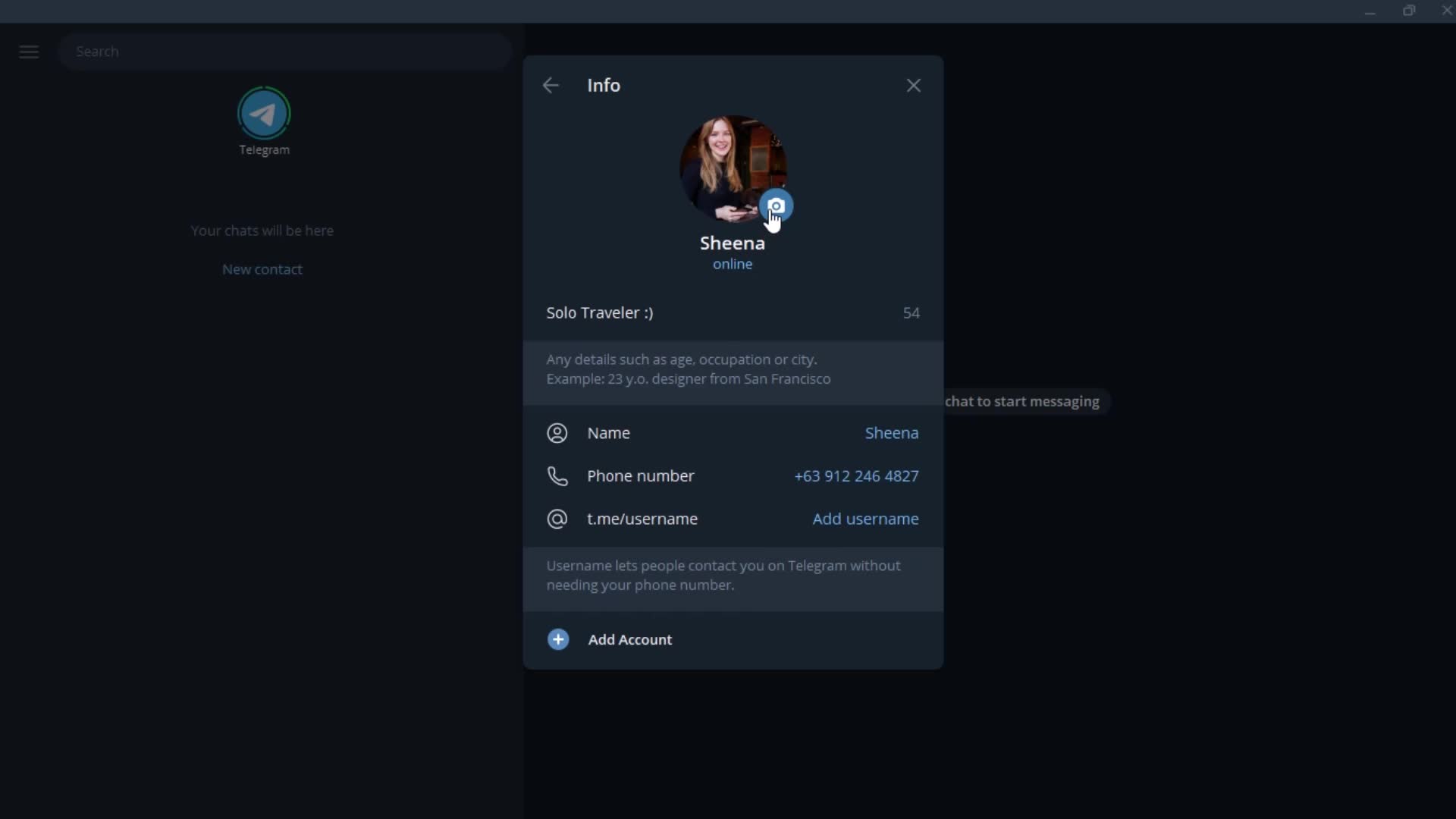
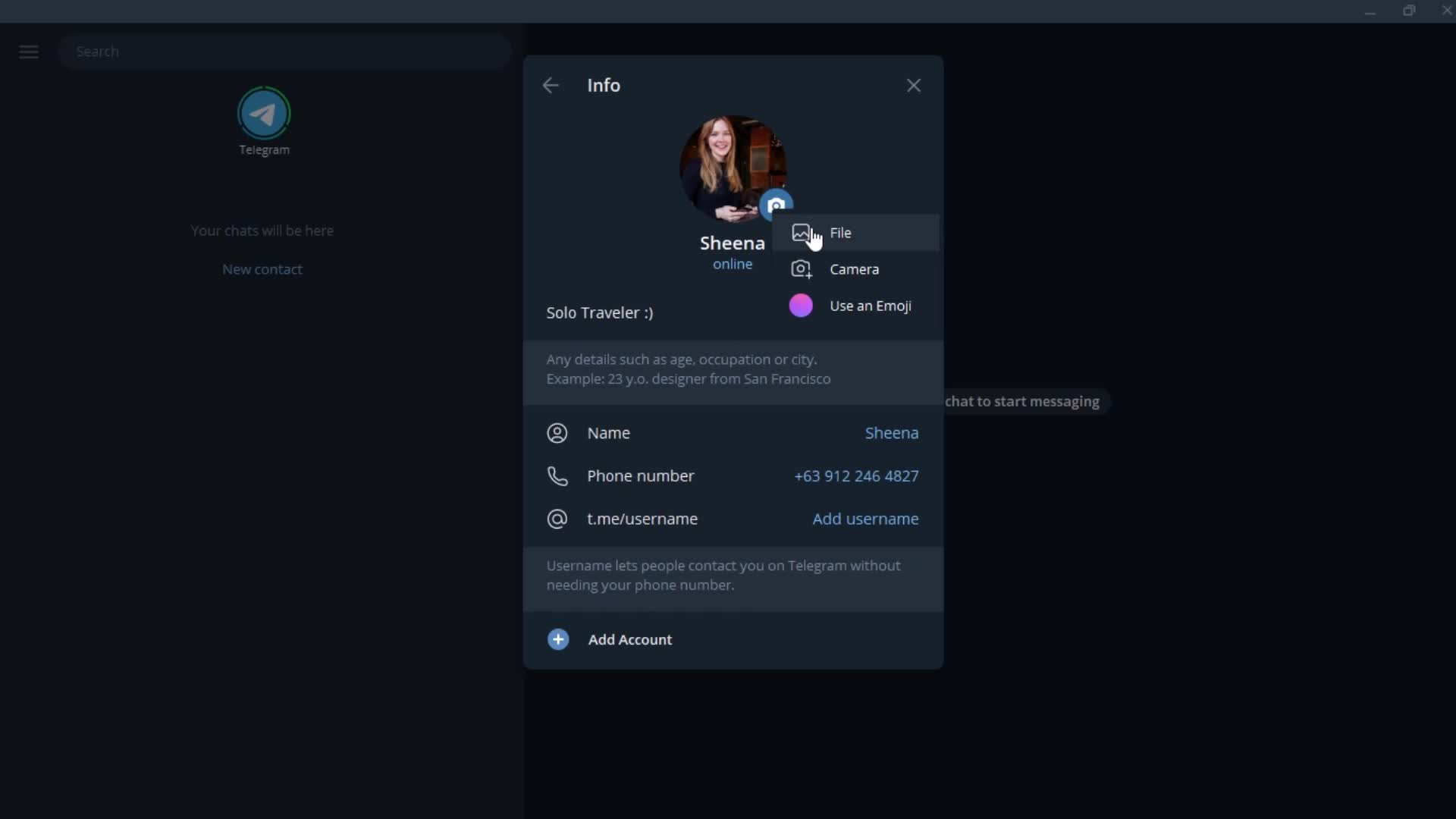
Upload profile picture
this is title
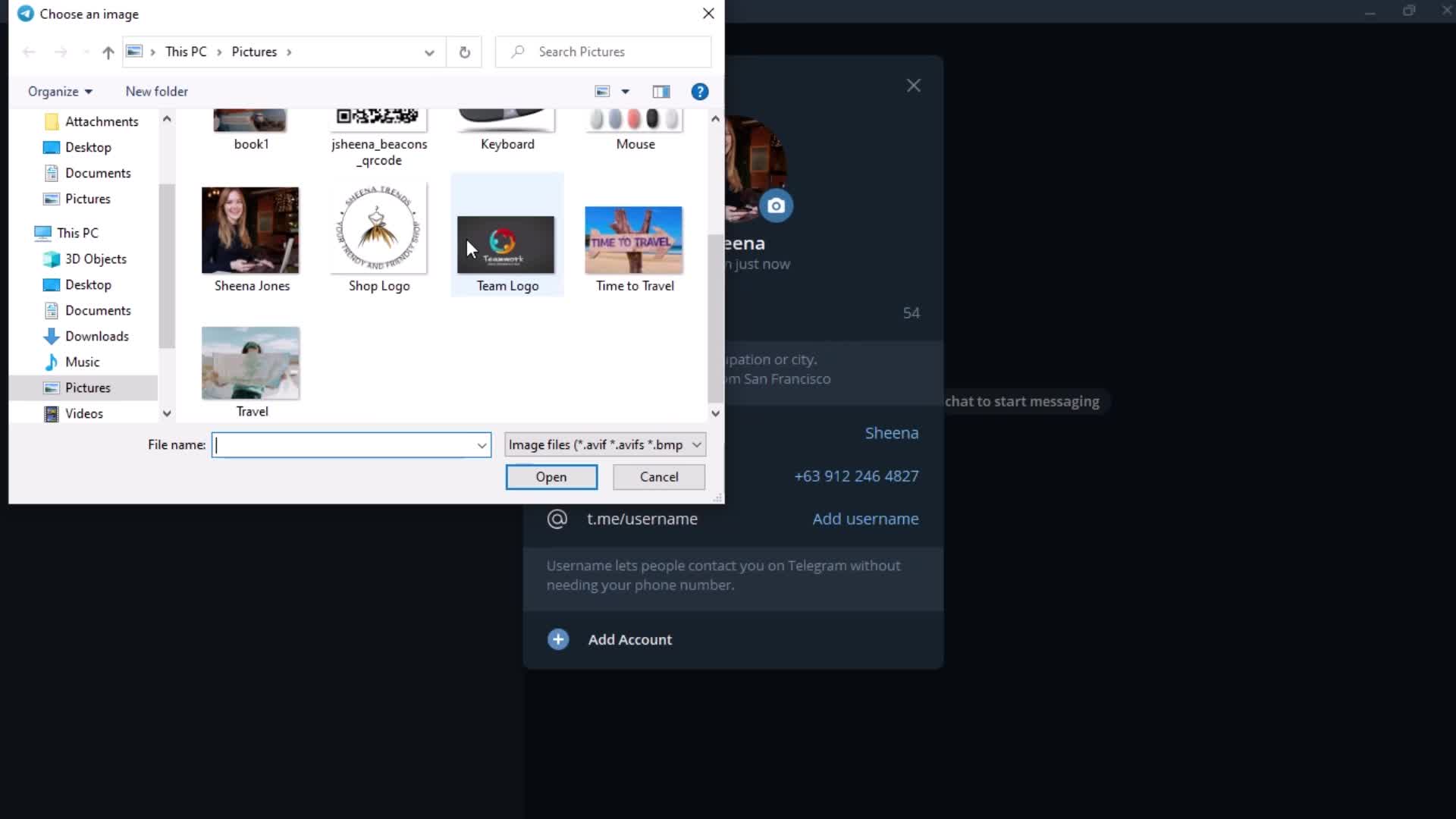
Select photo
this is title
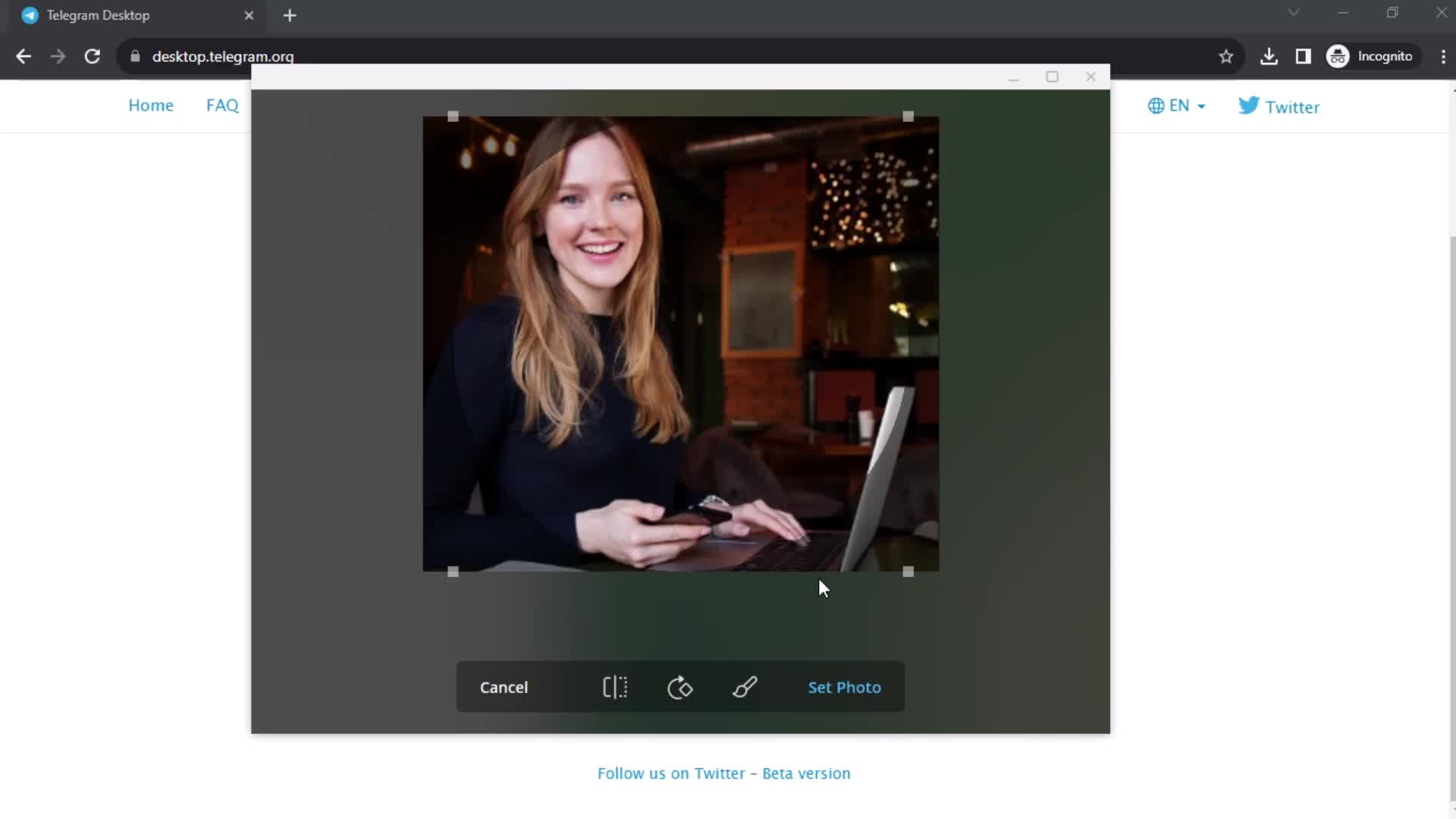
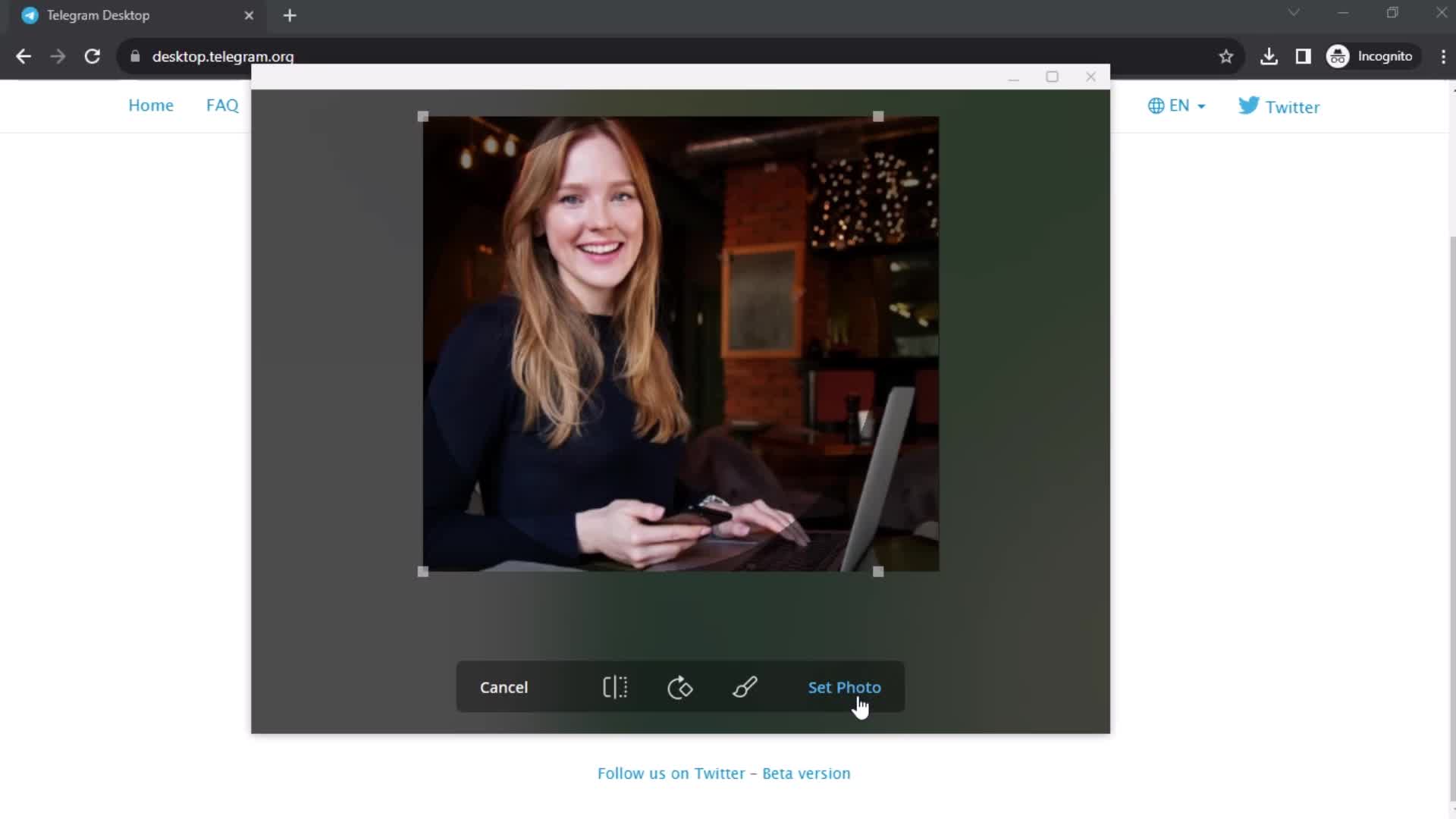
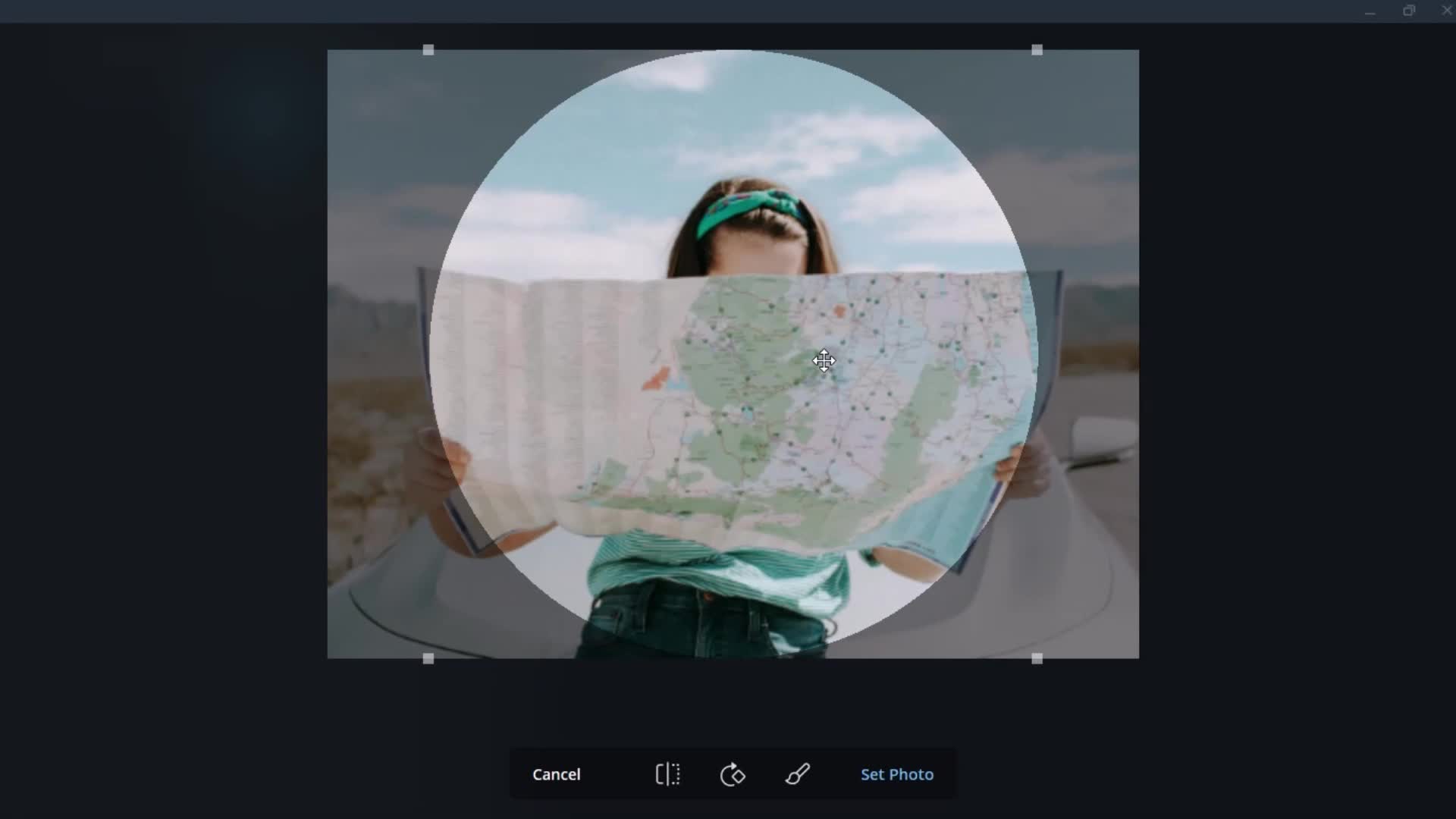
Editor
this is title
this is title
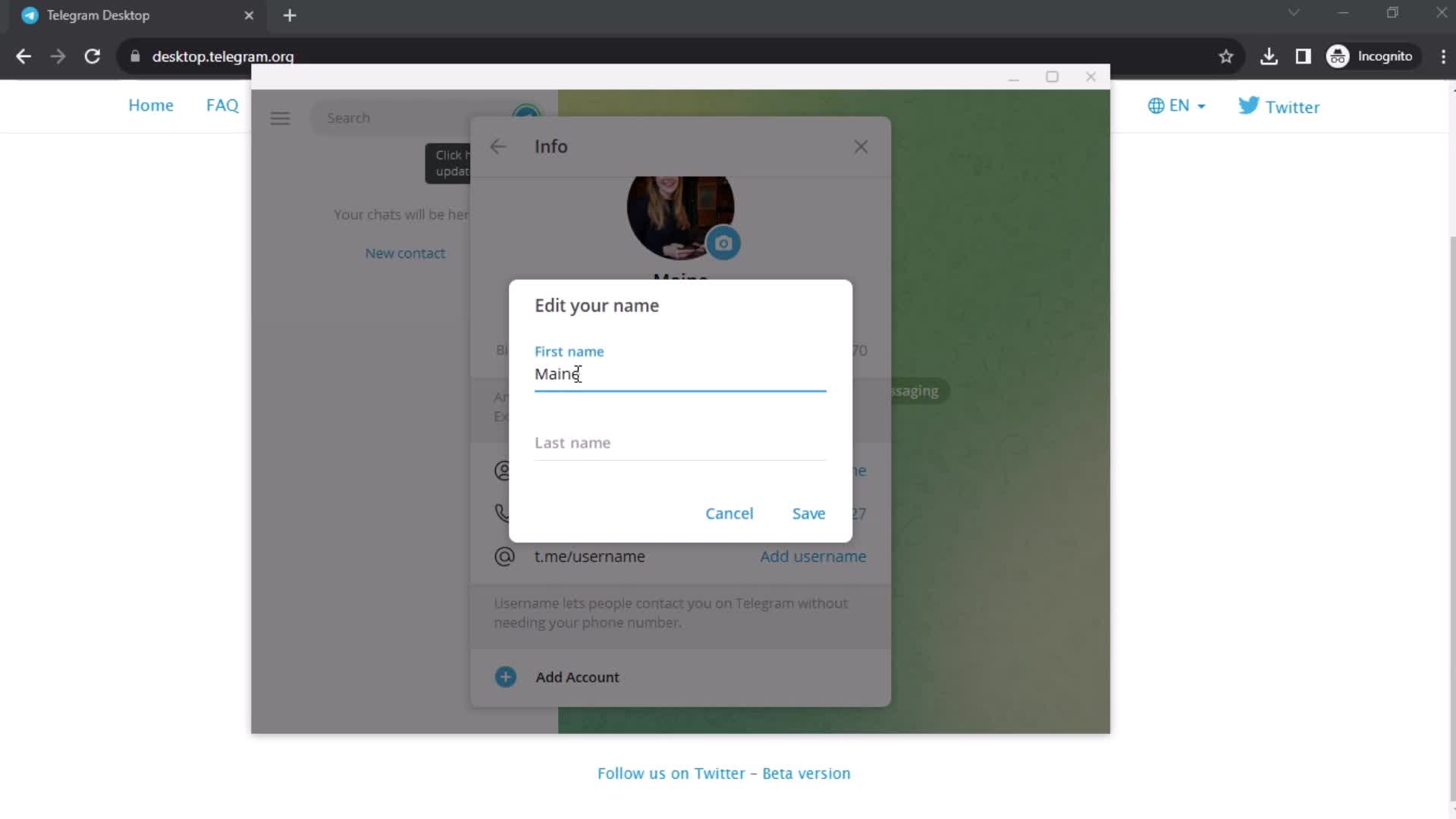
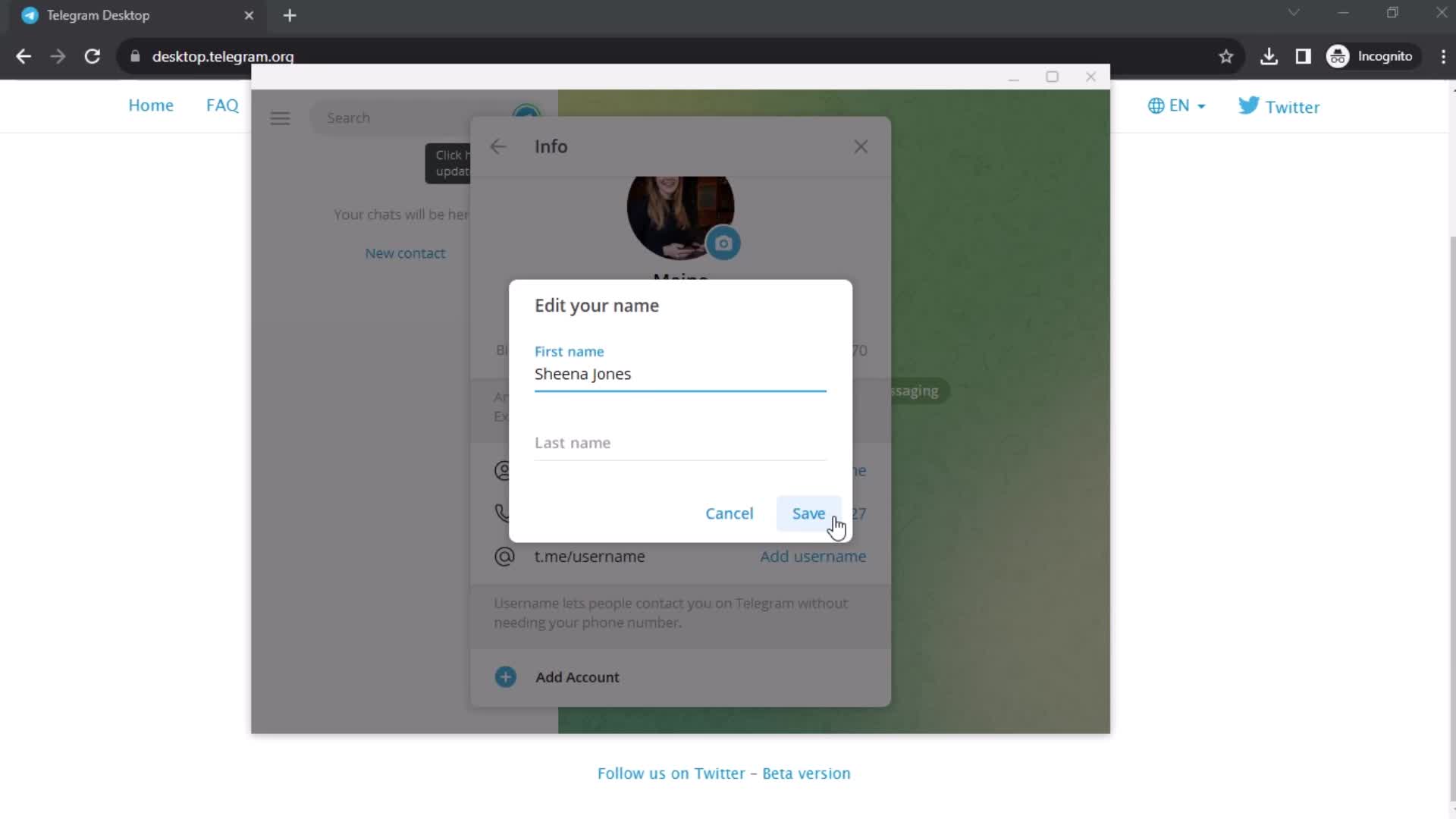
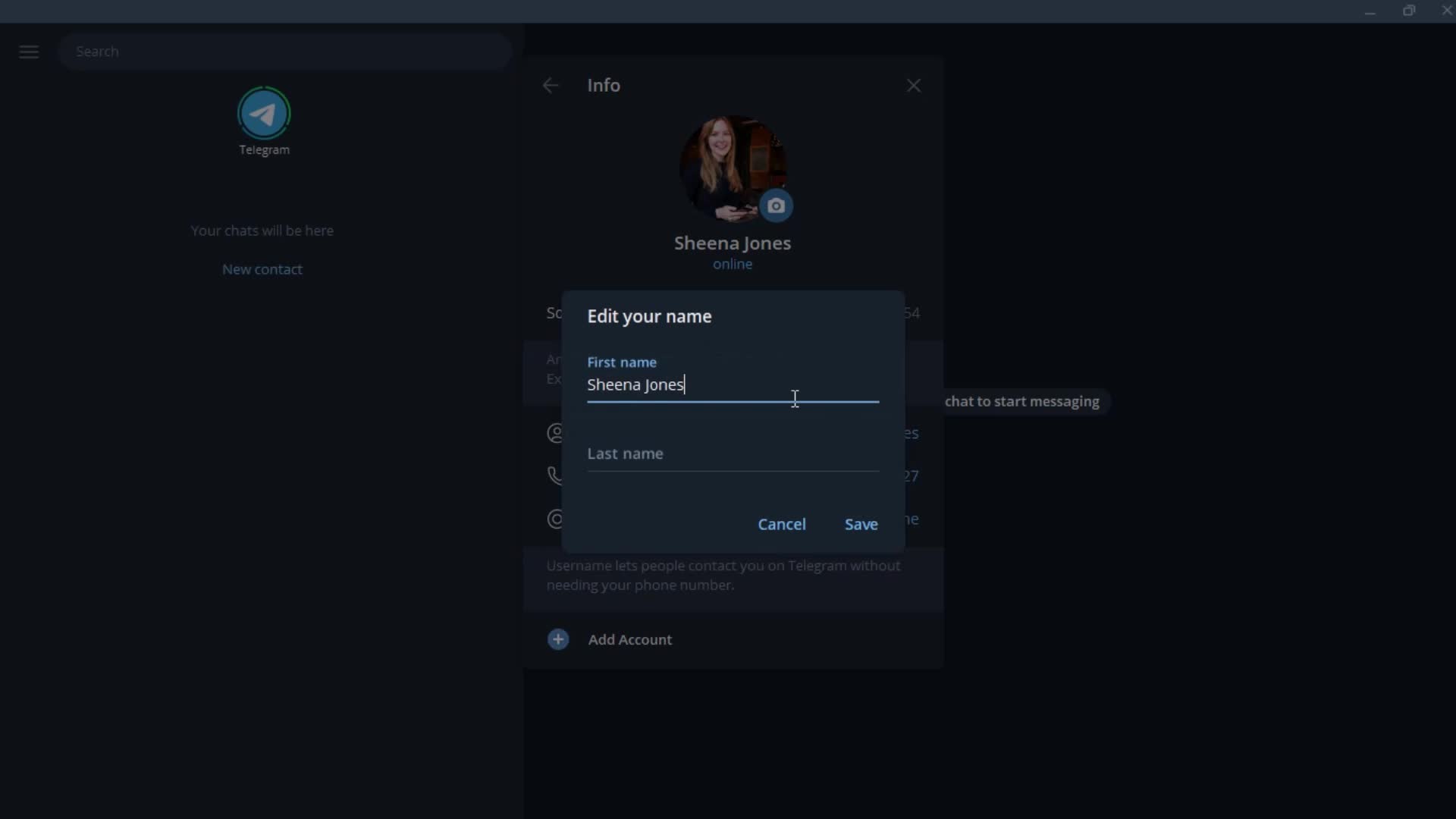
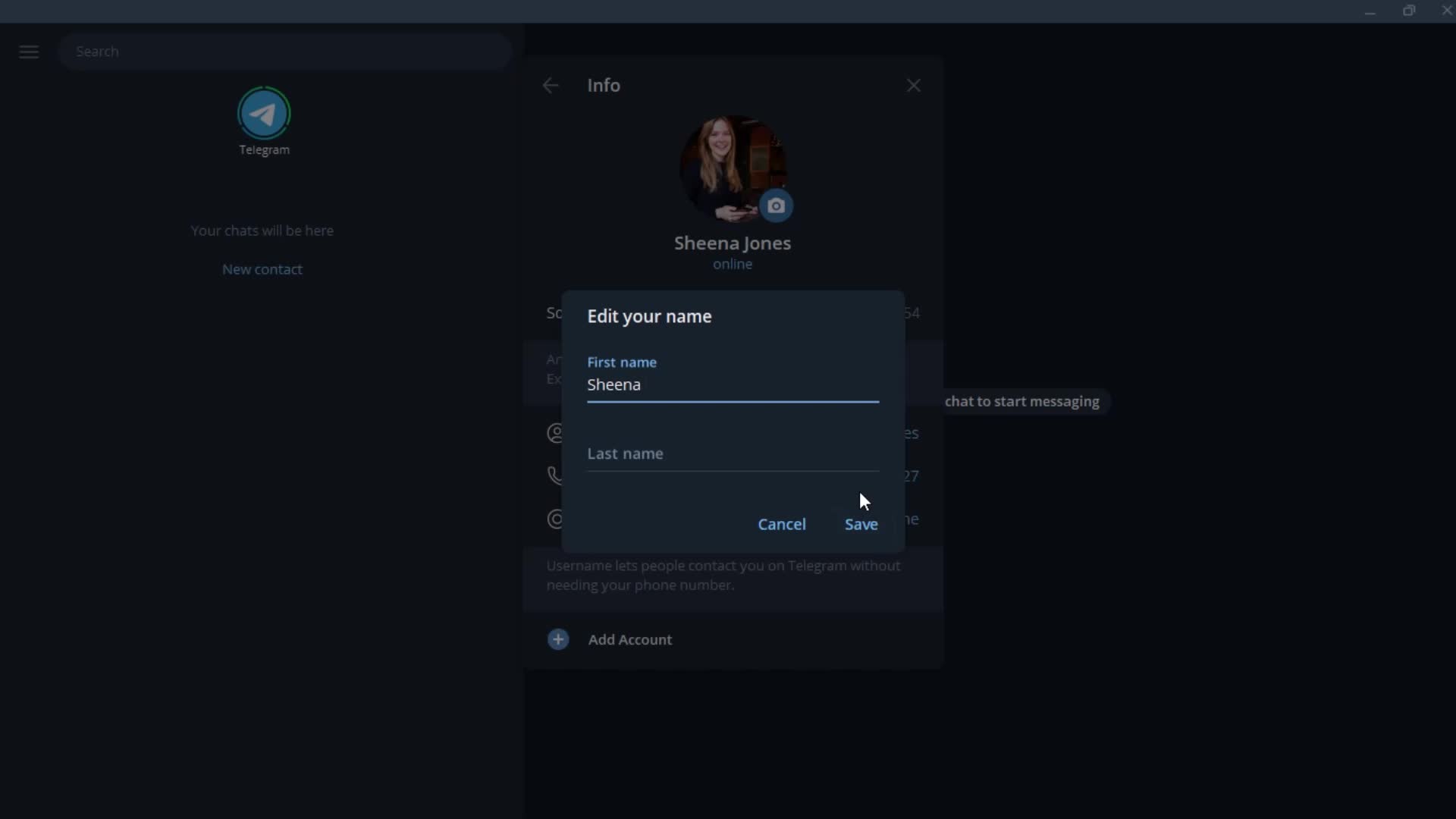
Edit name
this is title
this is title
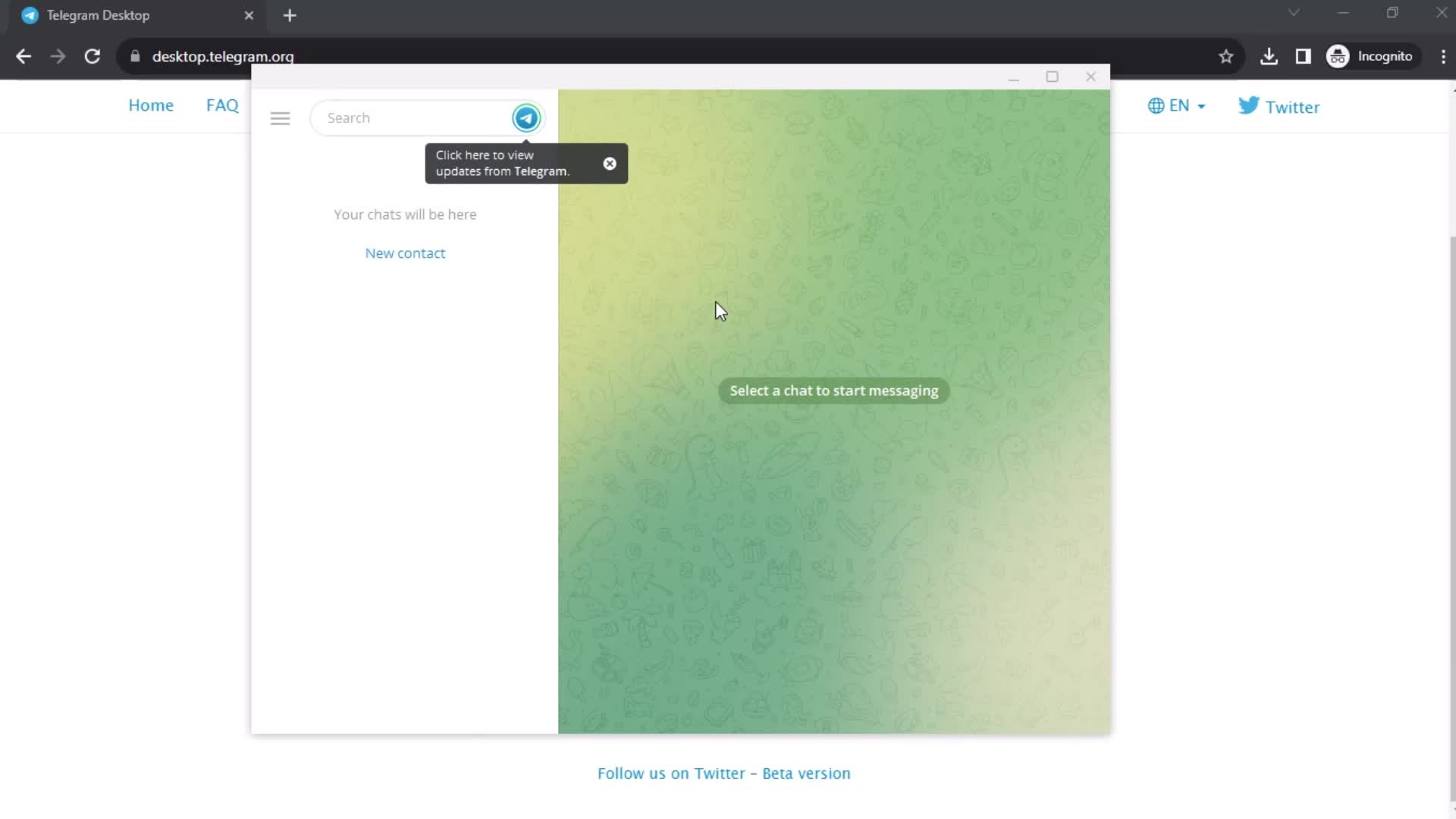
Messages
this is title
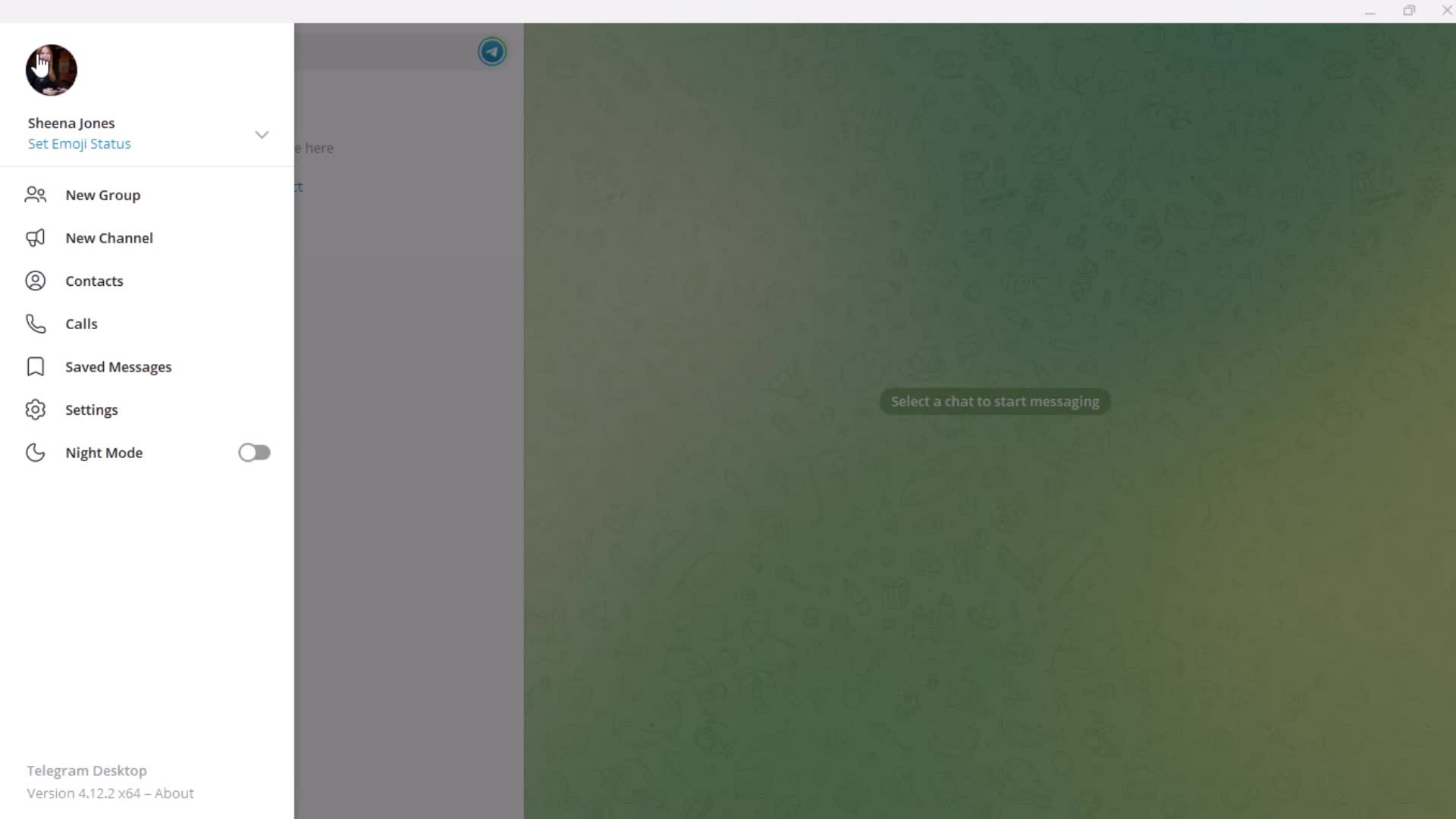
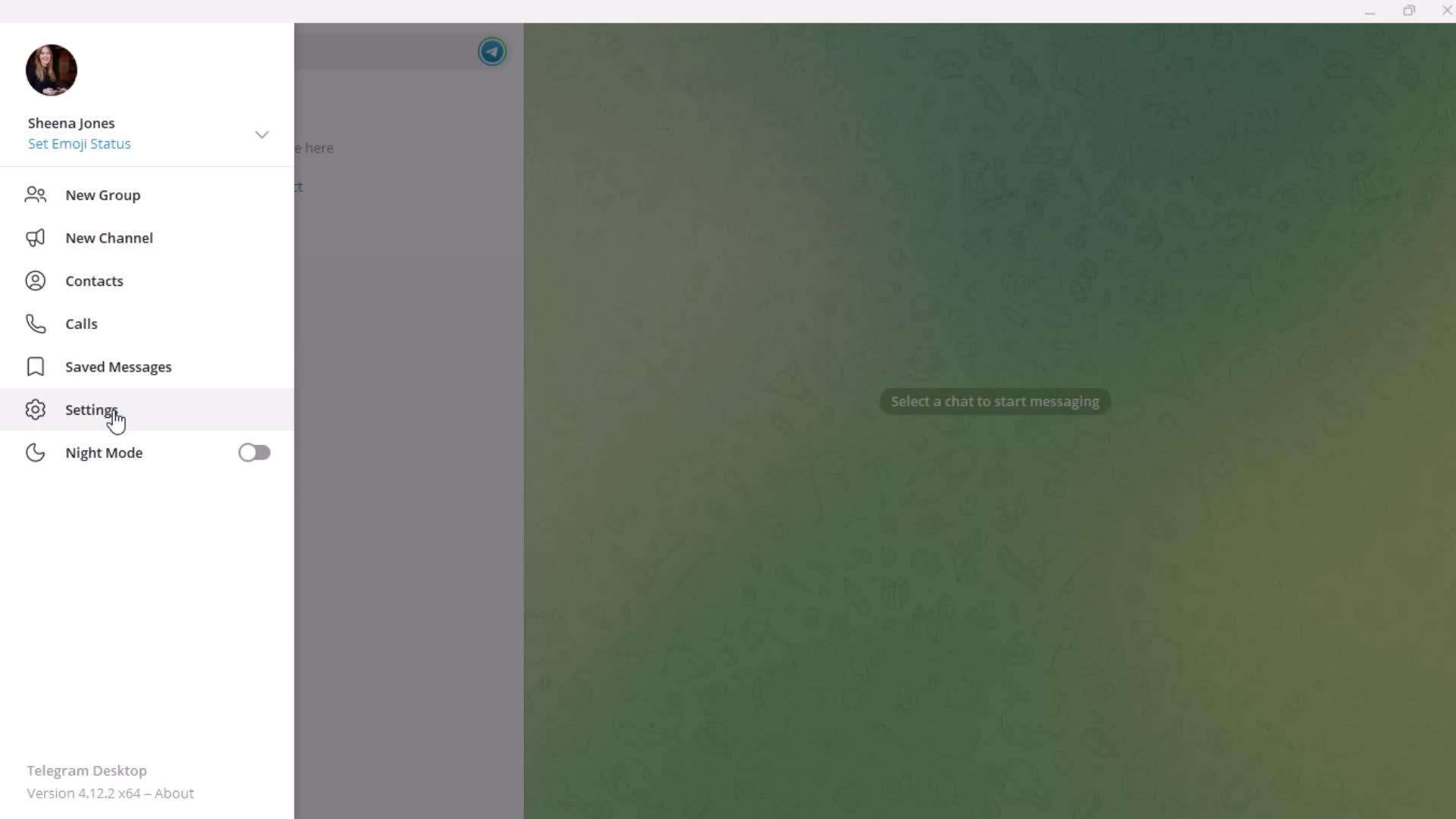
Profile menu
this is title
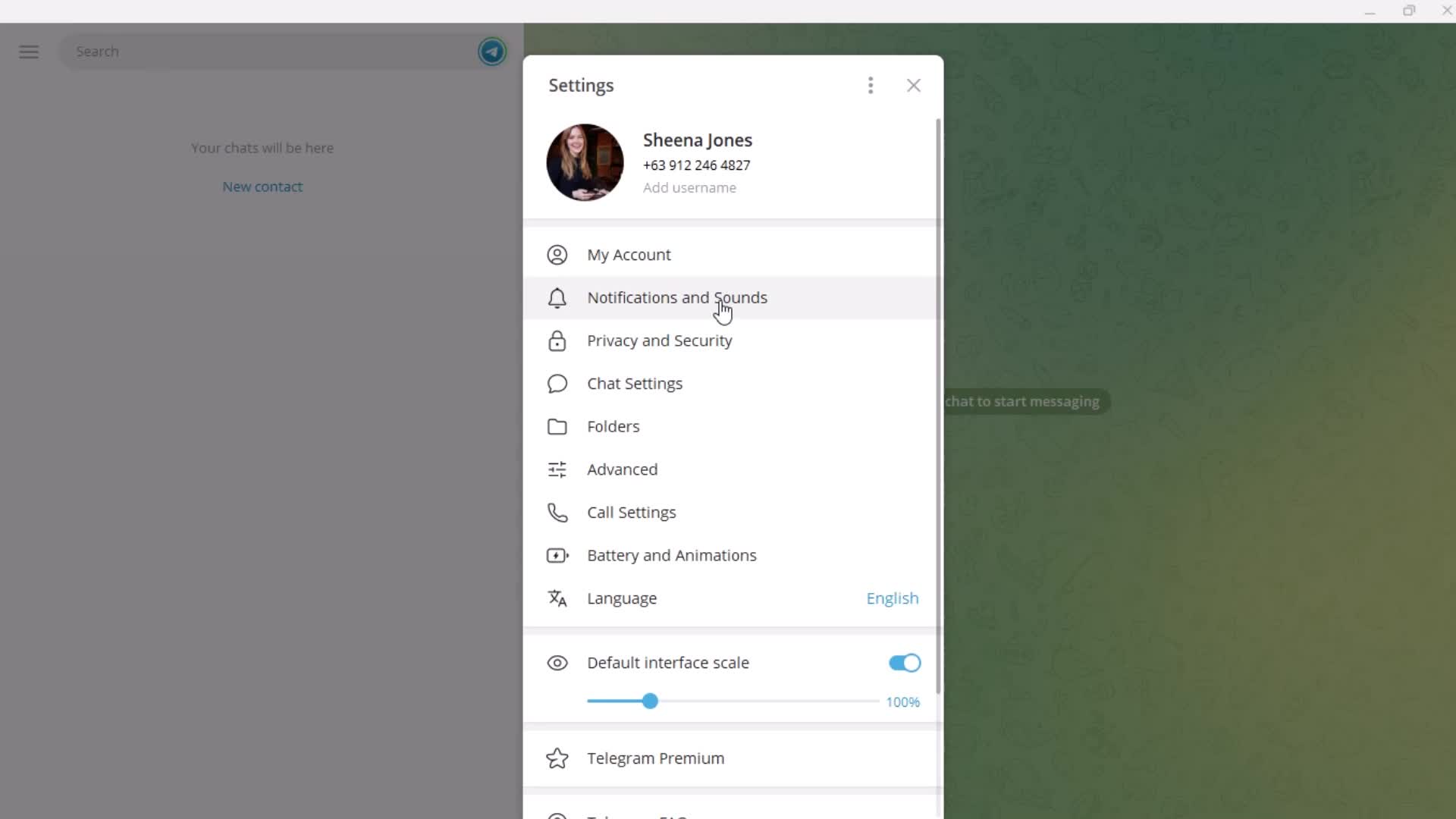
Settings
this is title
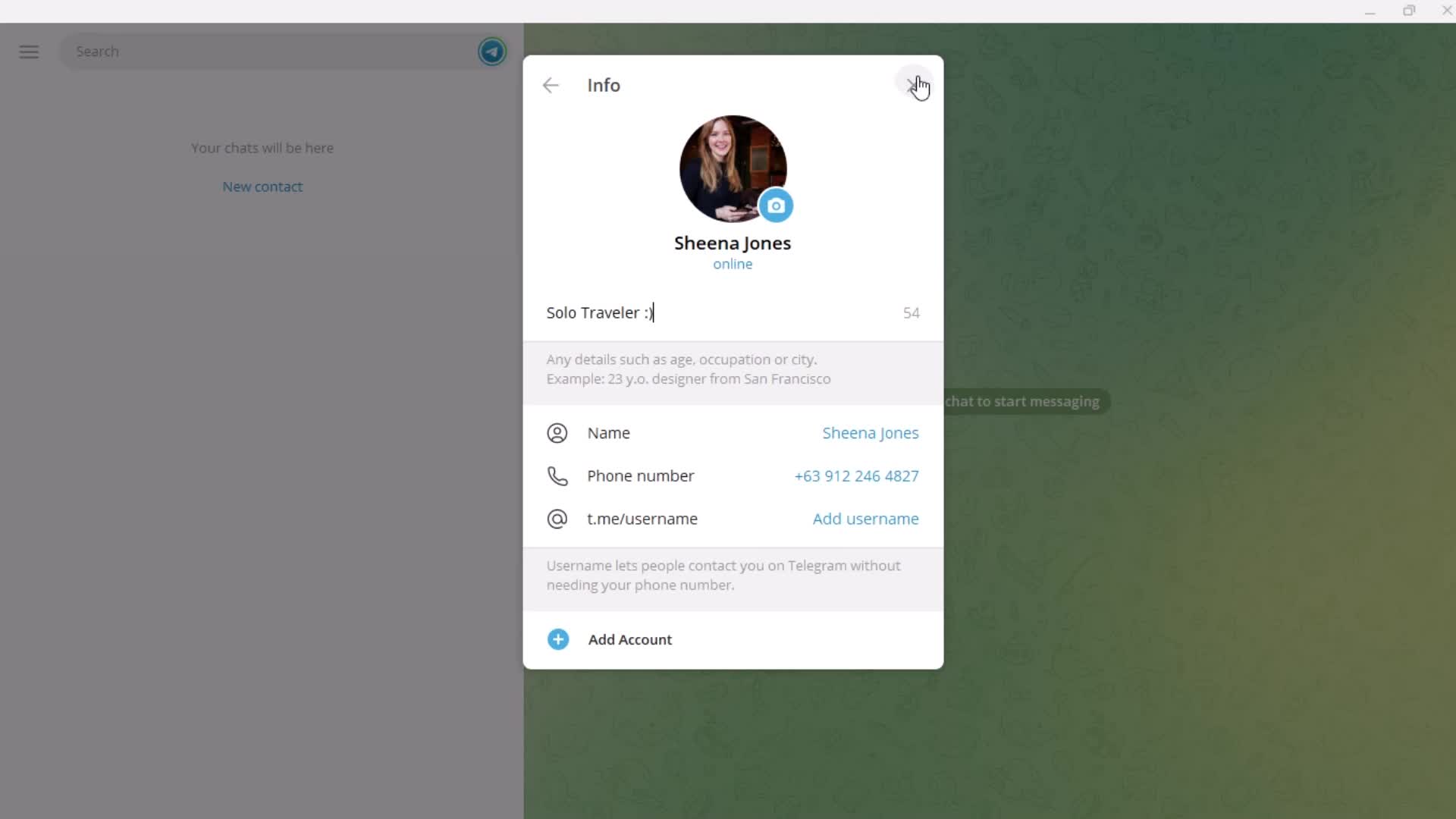
Account settings
this is title
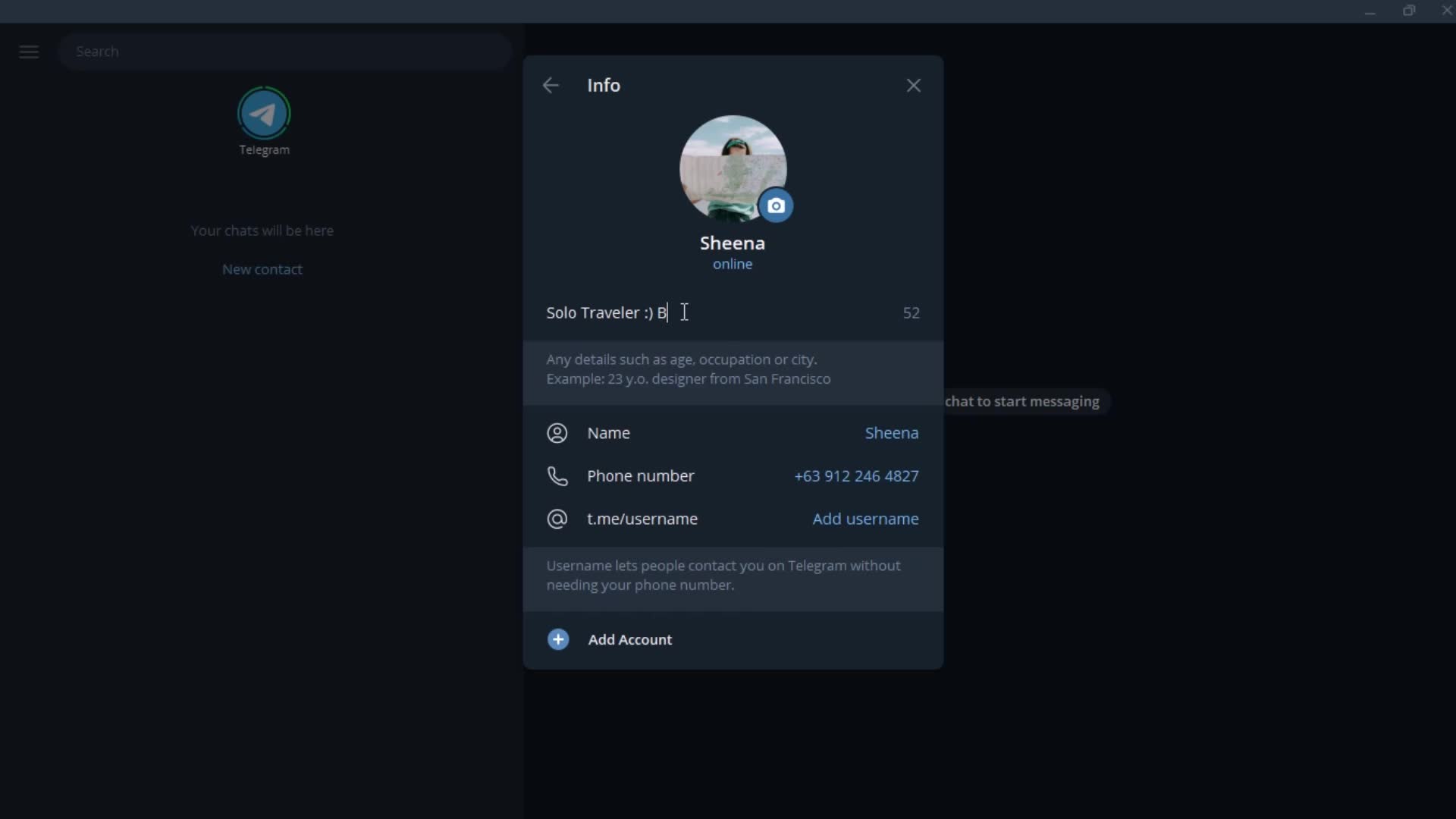
Add bio
this is title
this is title
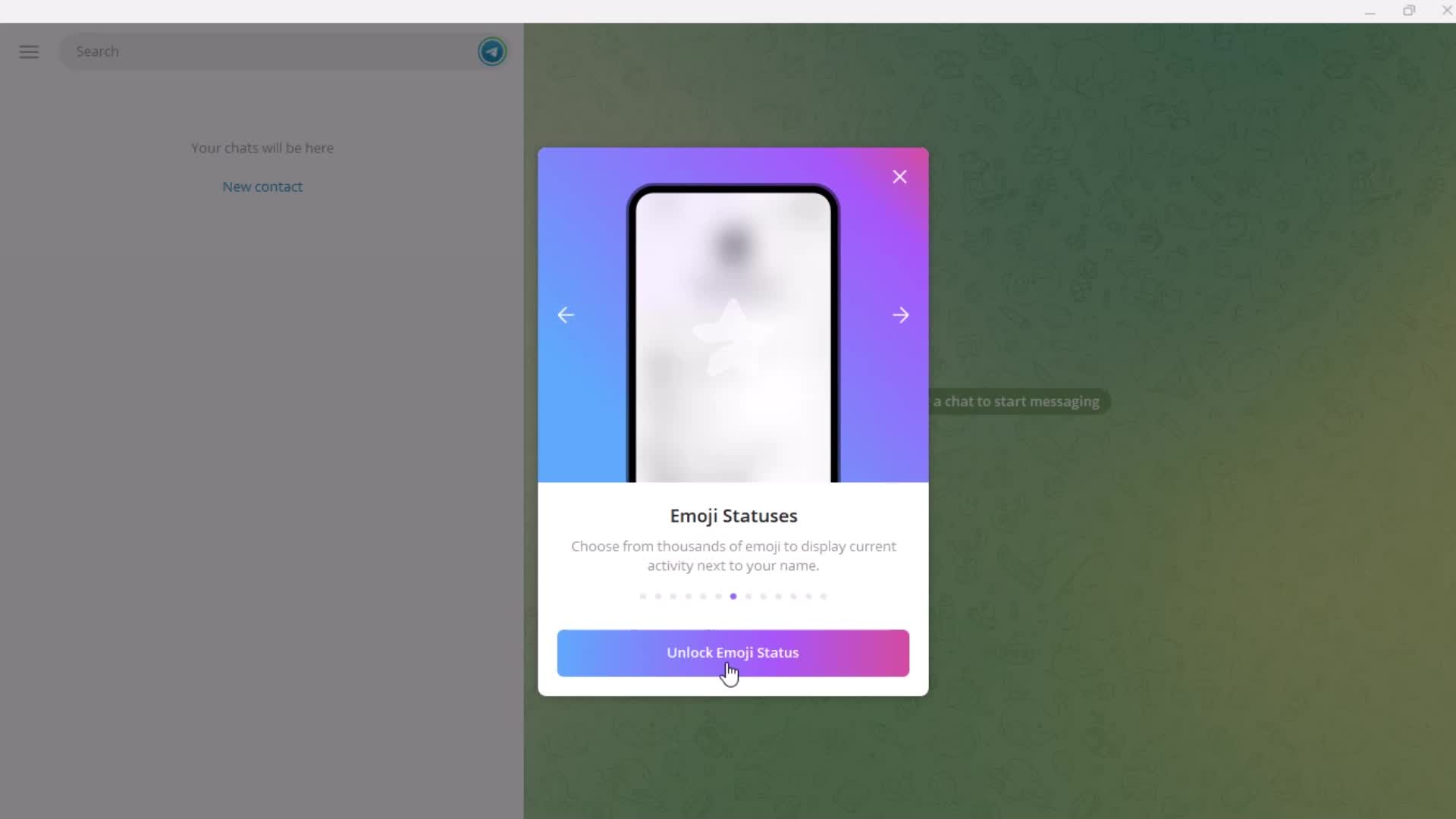
Set status
this is title
Guide
this is title
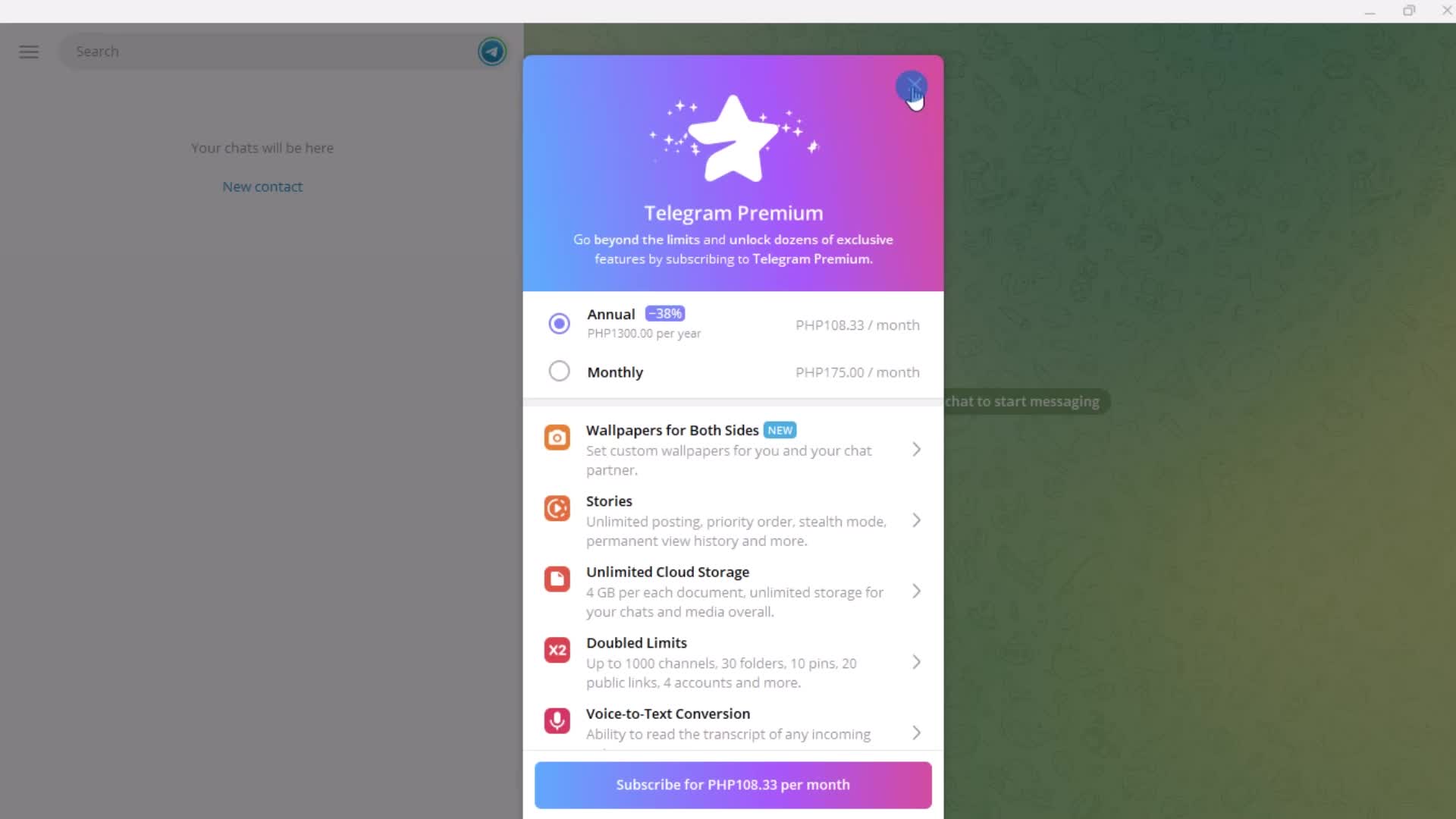
Premium plan details
this is title
this is title
this is title
Notification settings
this is title
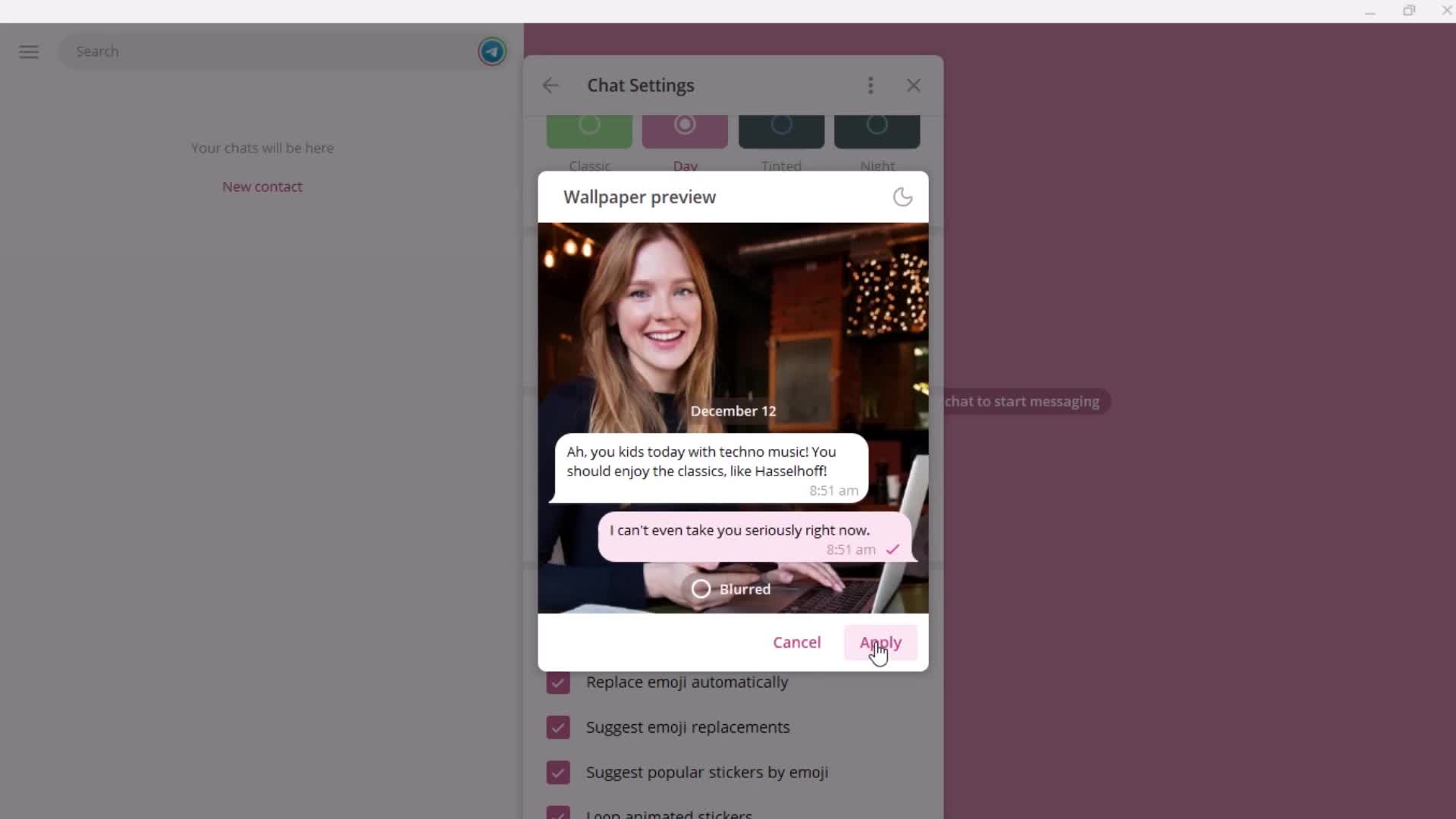
Preview
this is title
this is title
this is title
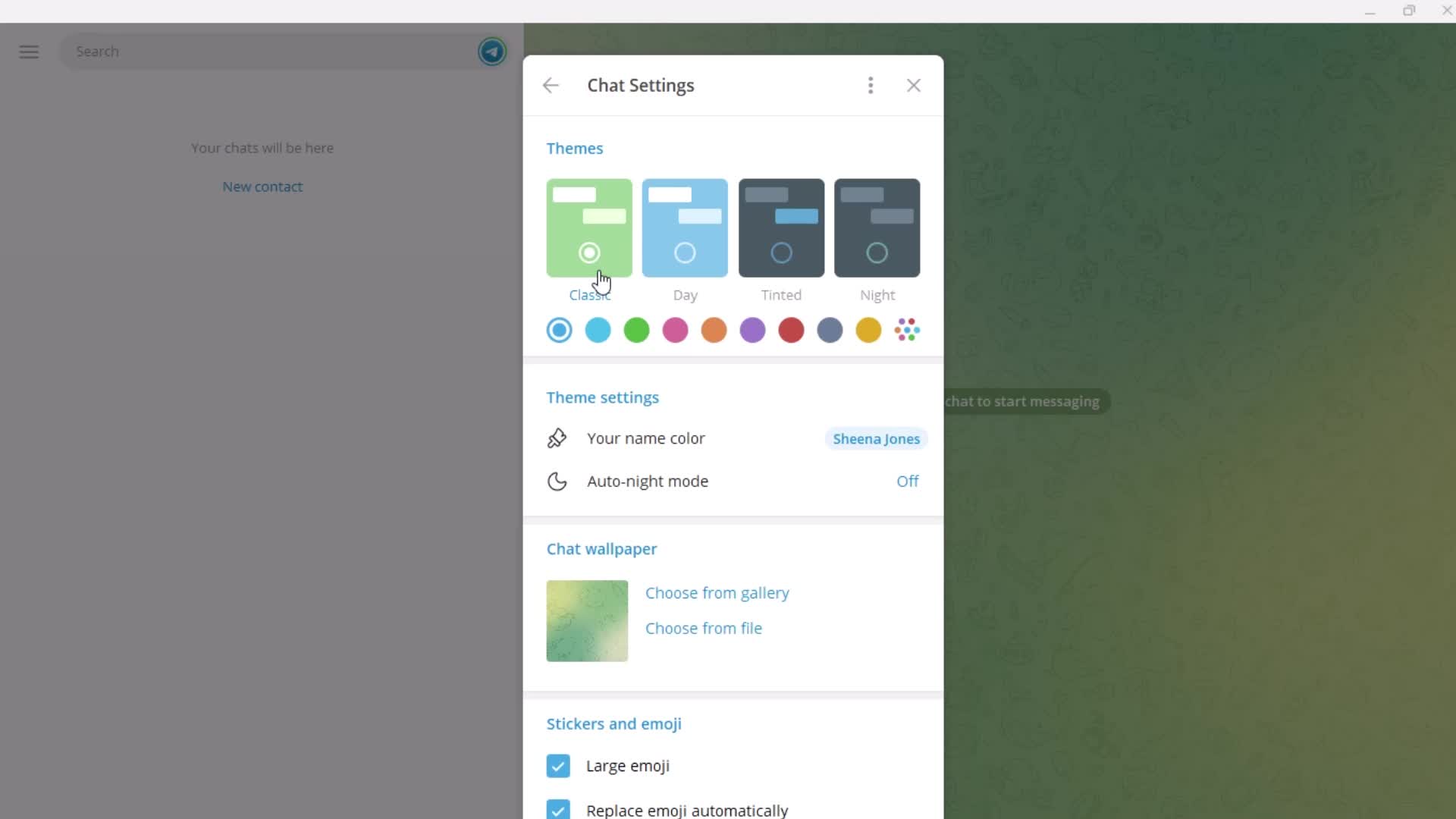
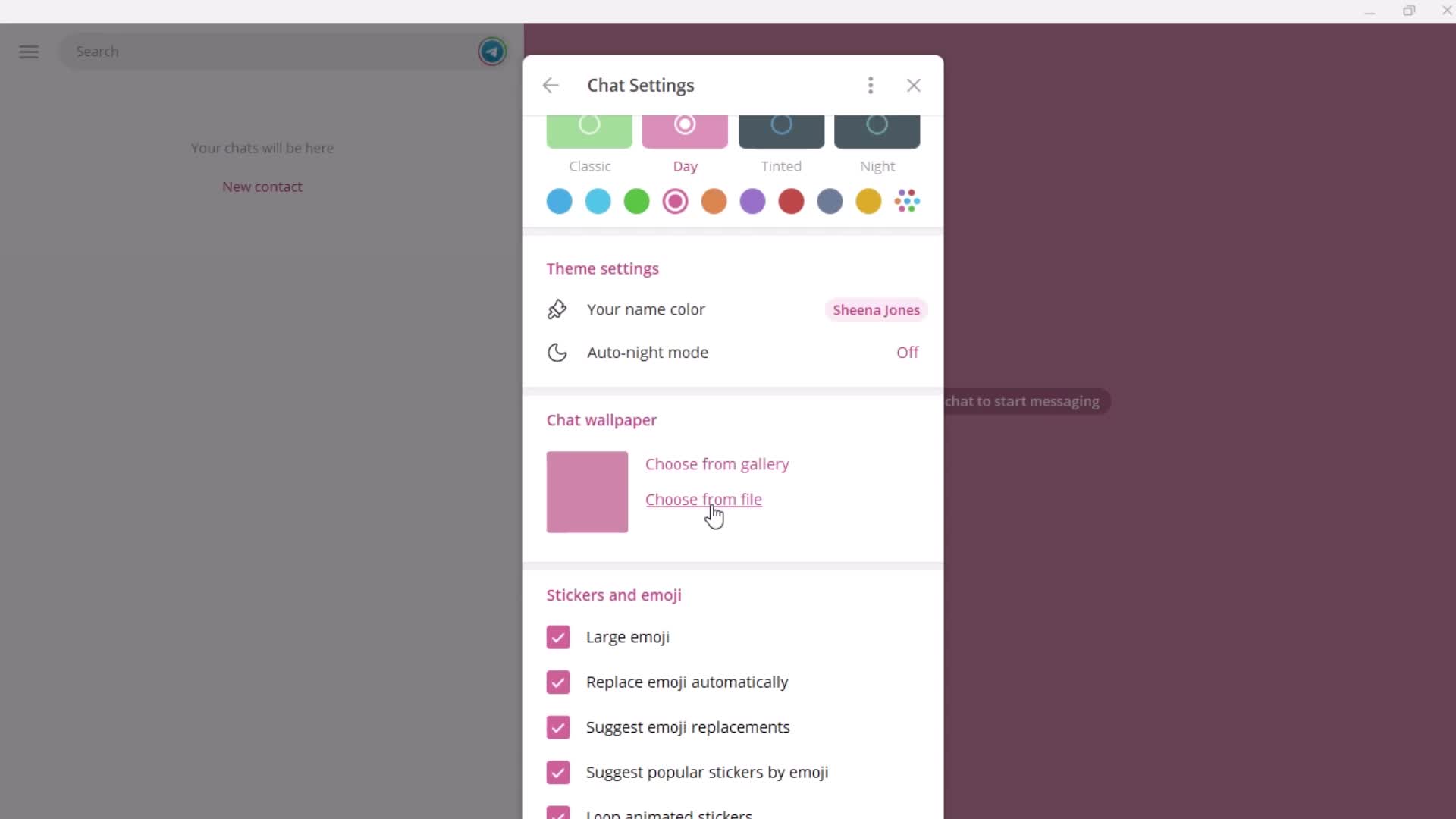
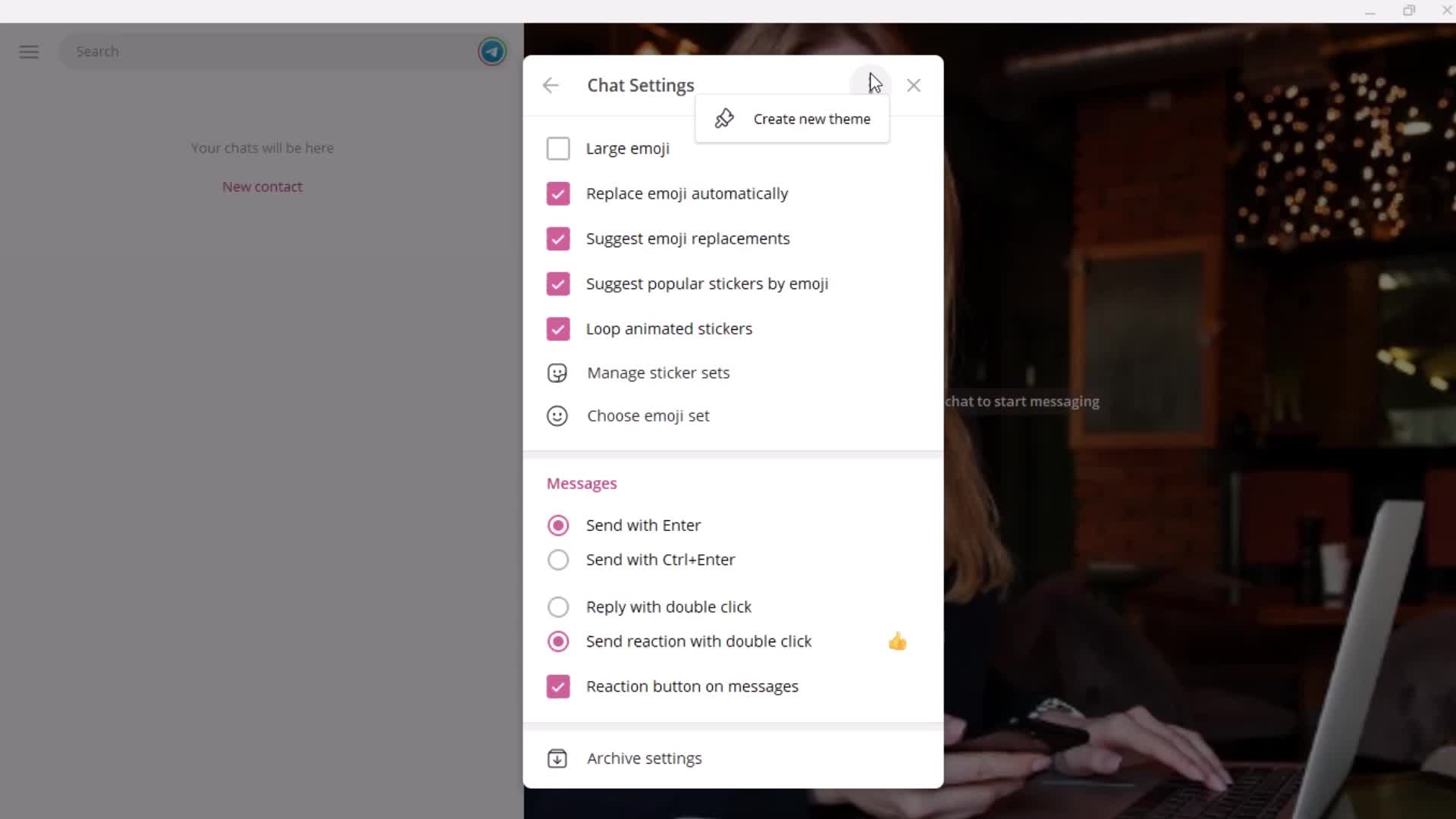
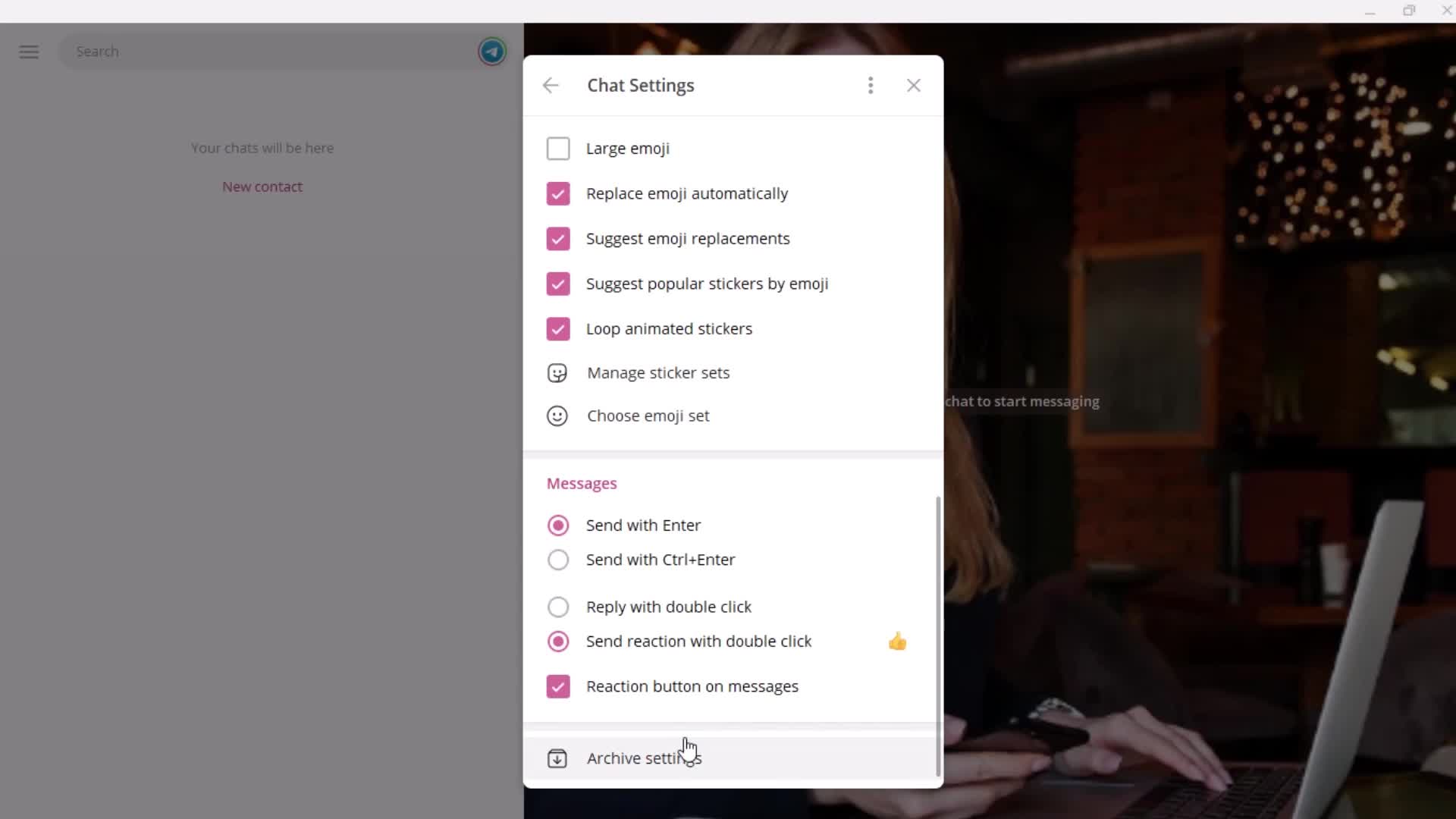
Chat settings
this is title
this is title
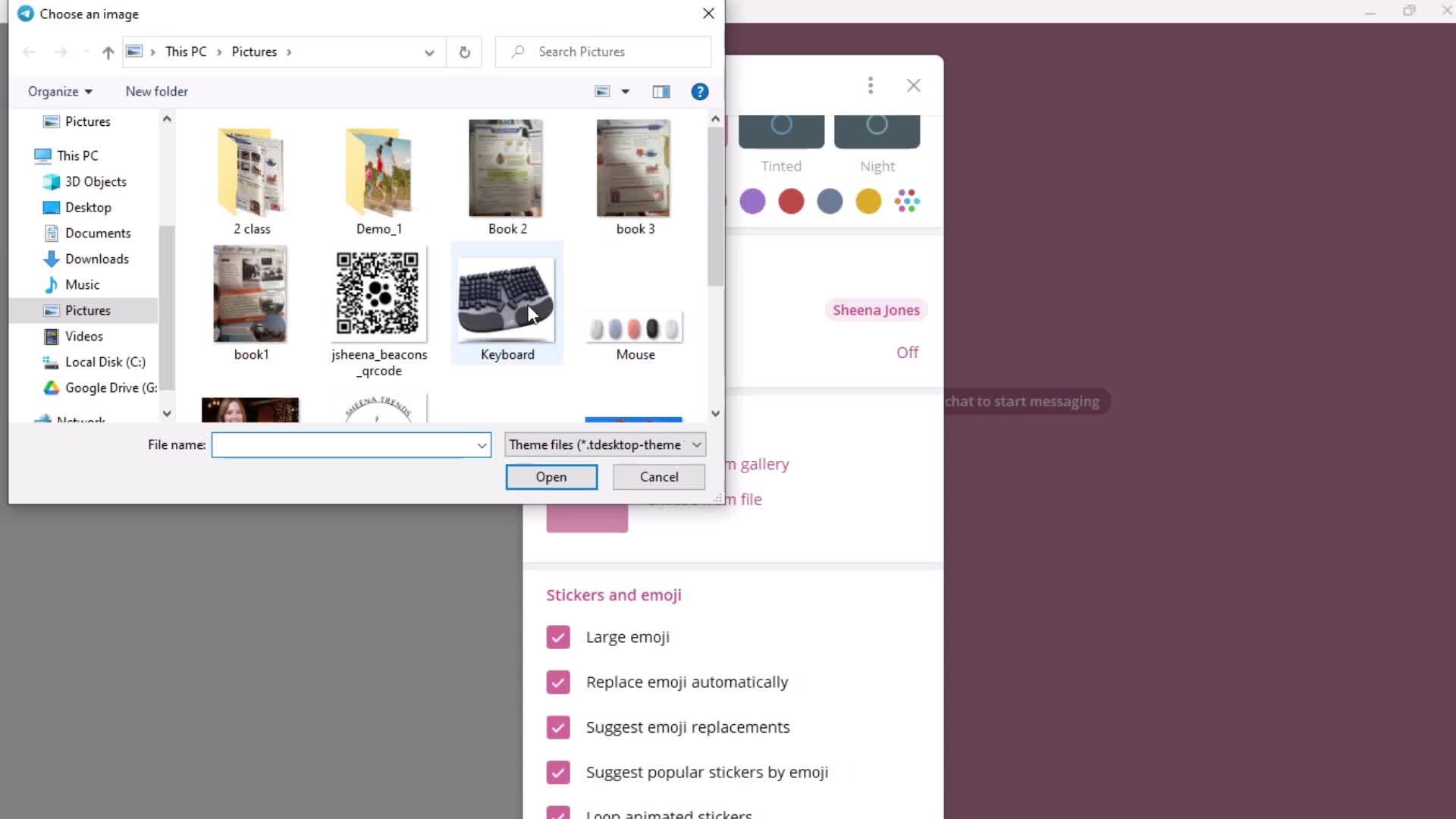
Select photo
this is title
this is title
Action menu
this is title
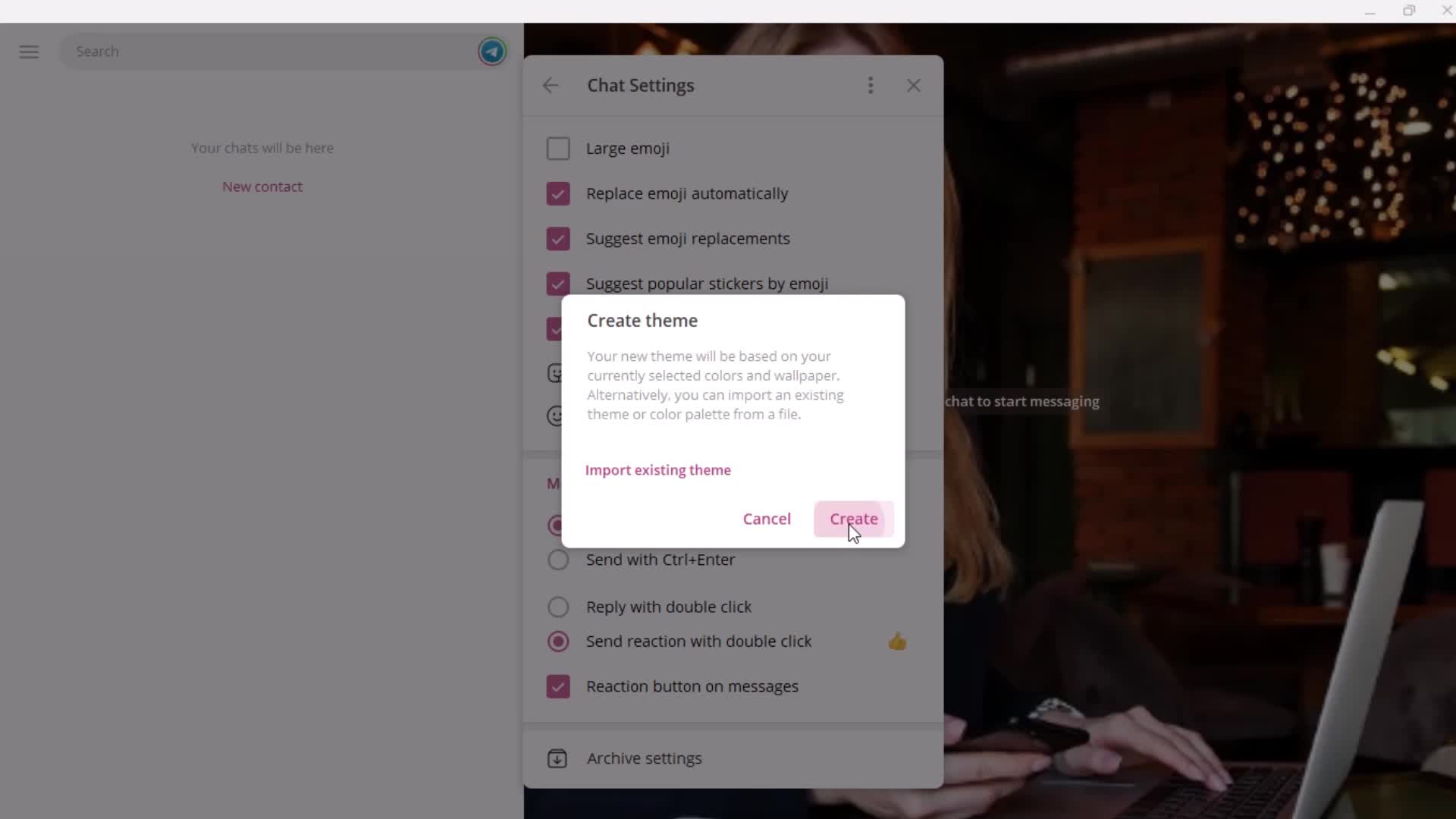
Create theme
this is title
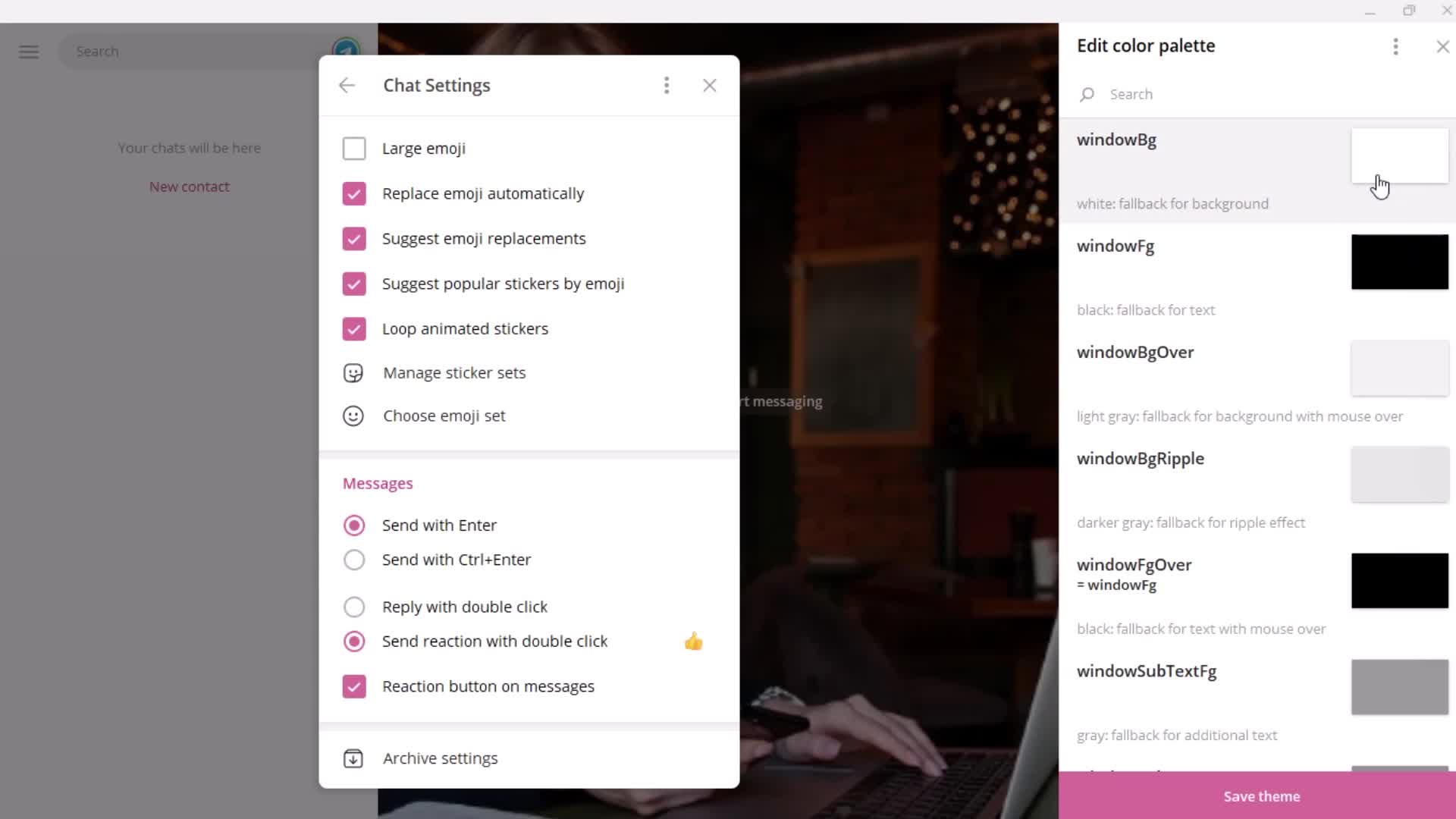
Editor
this is title
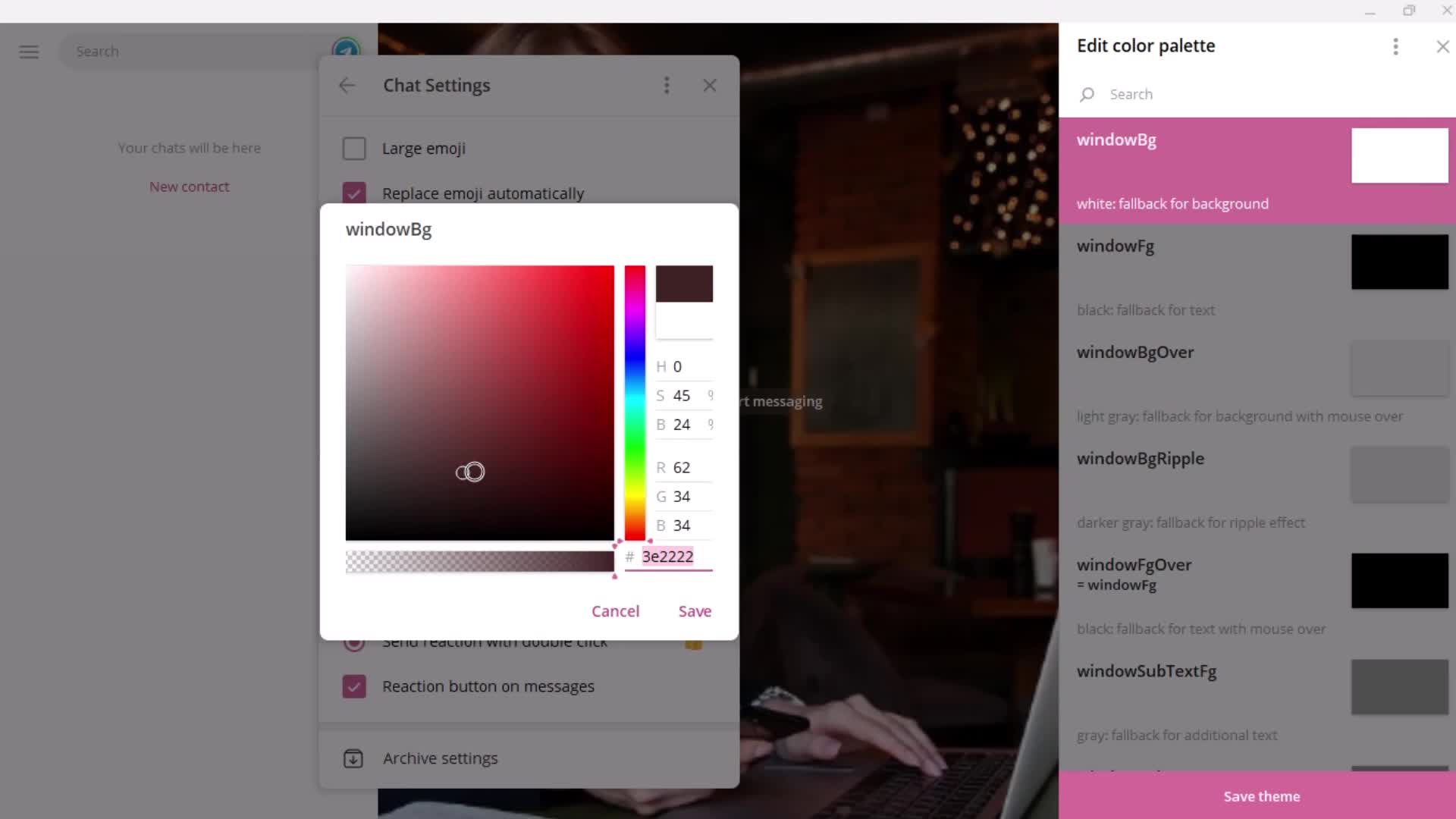
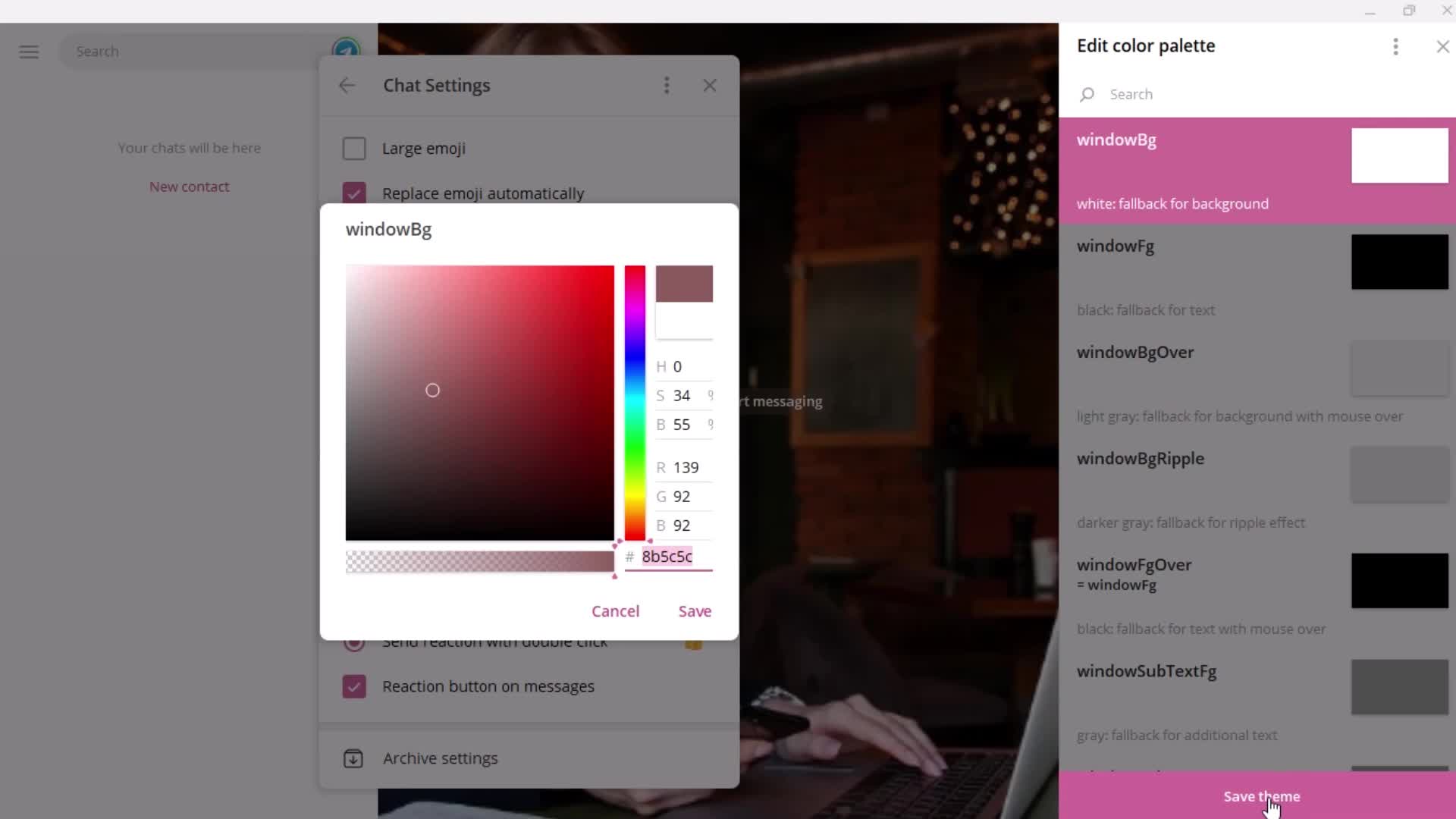
Set colors
this is title
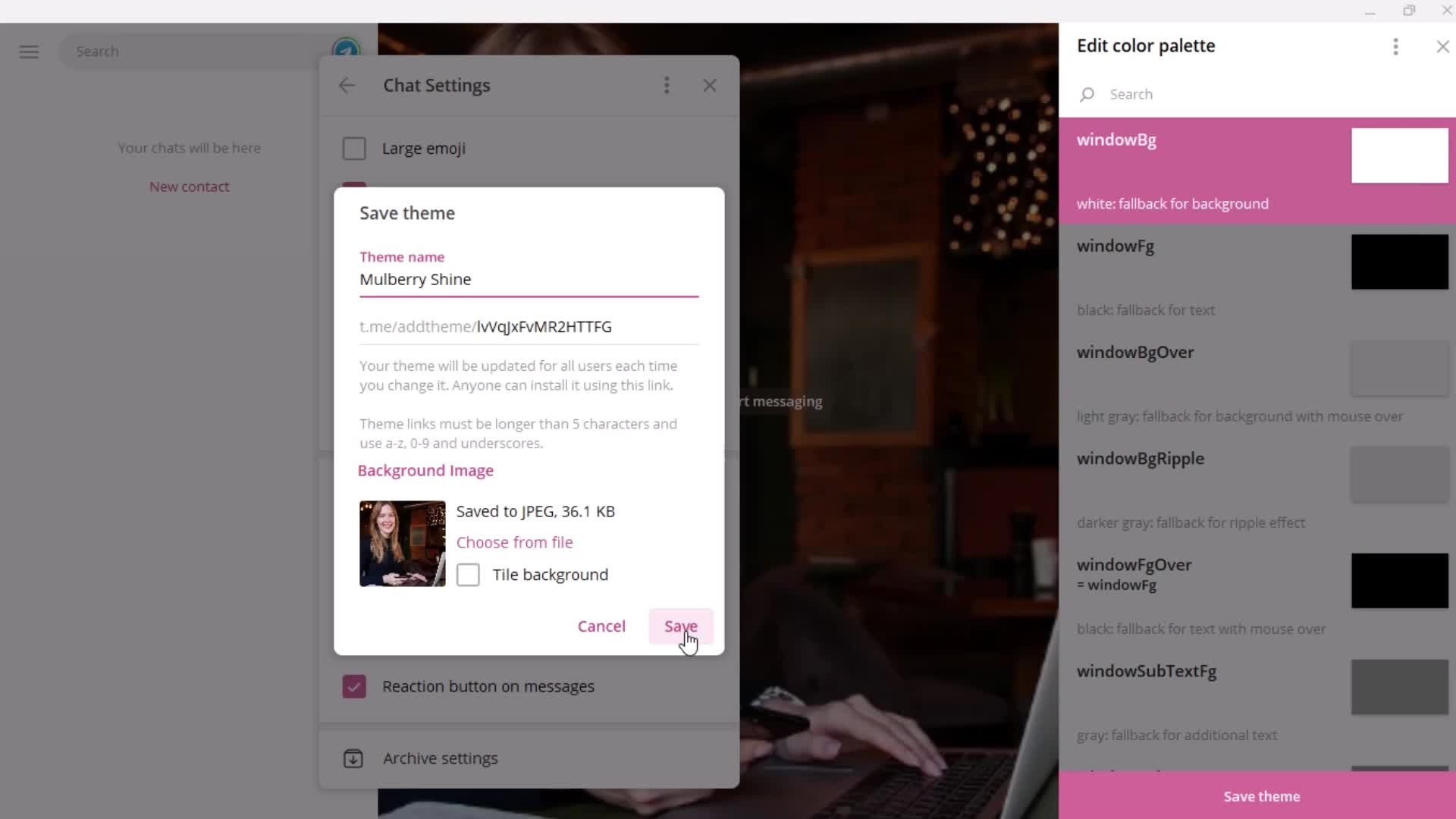
Save
this is title
this is title
this is title
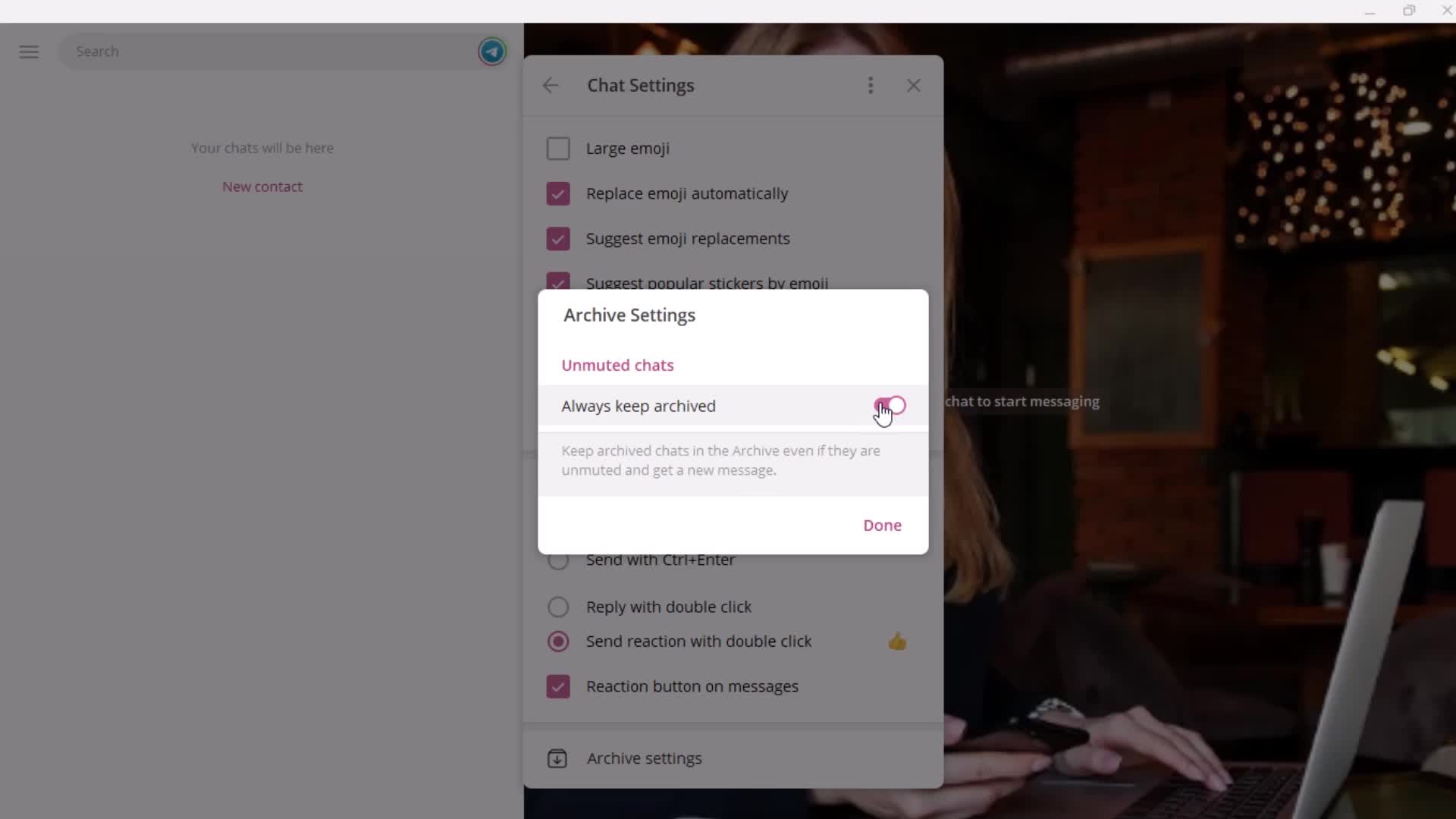
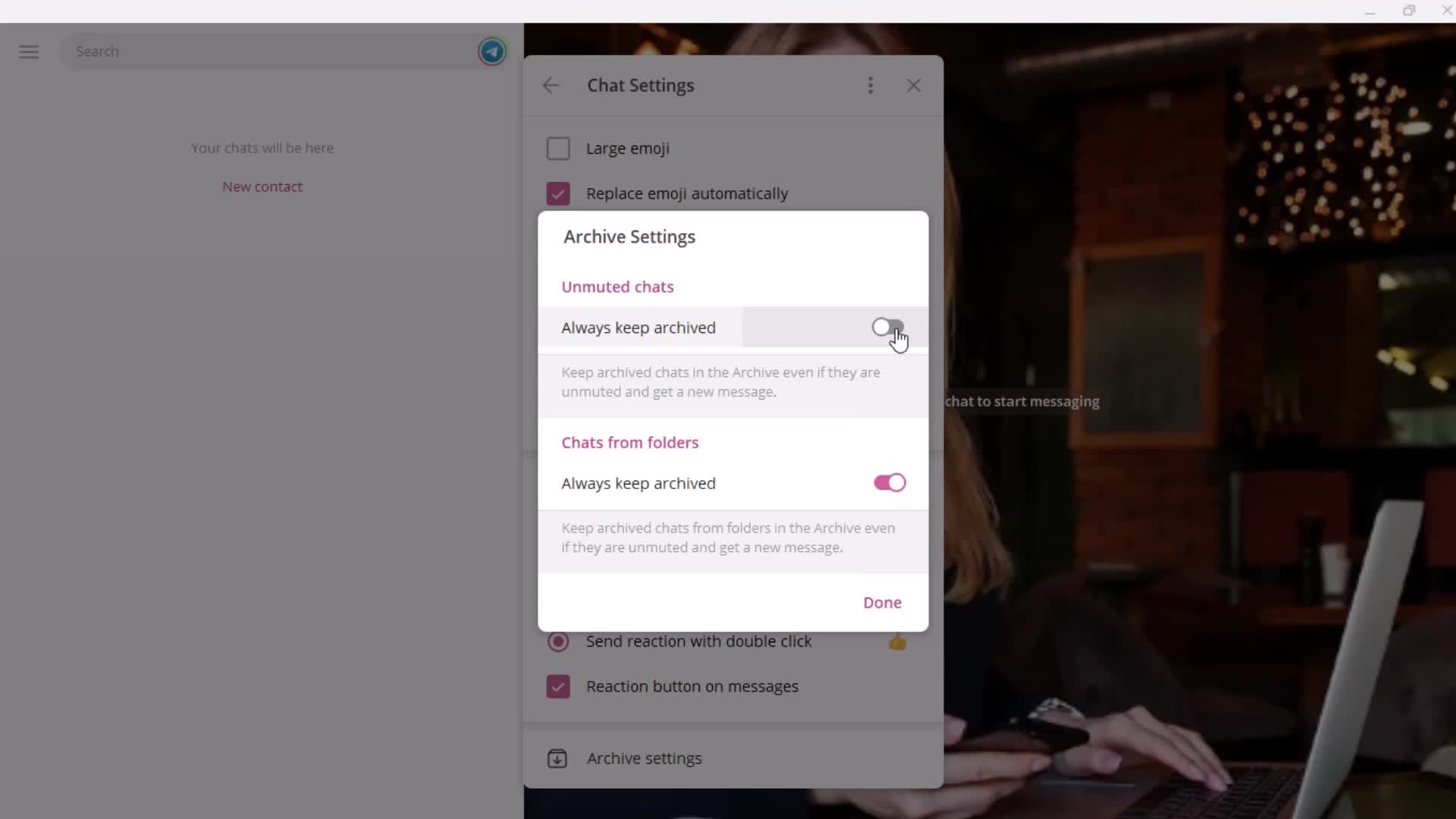
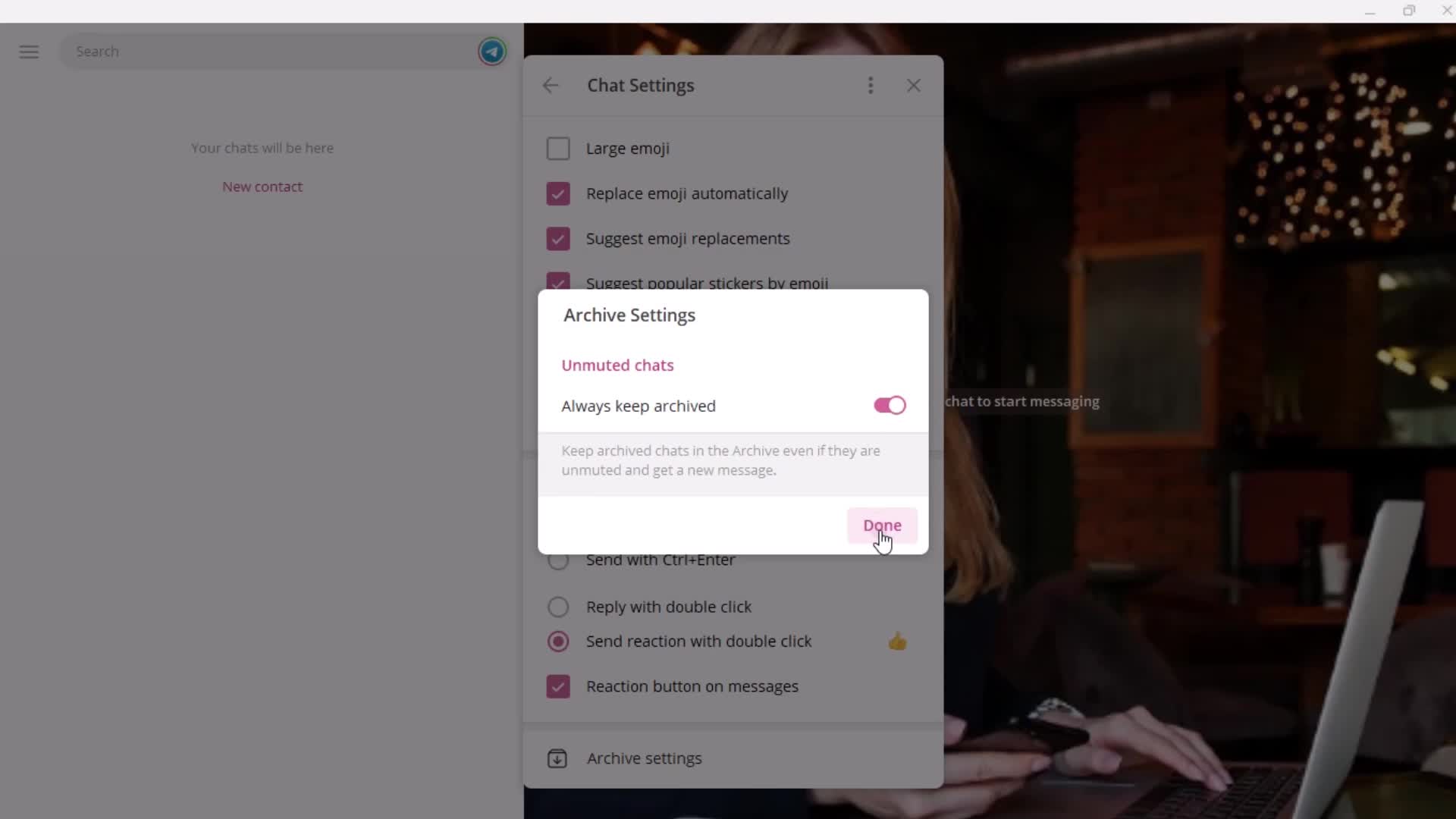
Archive
this is title
this is title
this is title
this is title
this is title
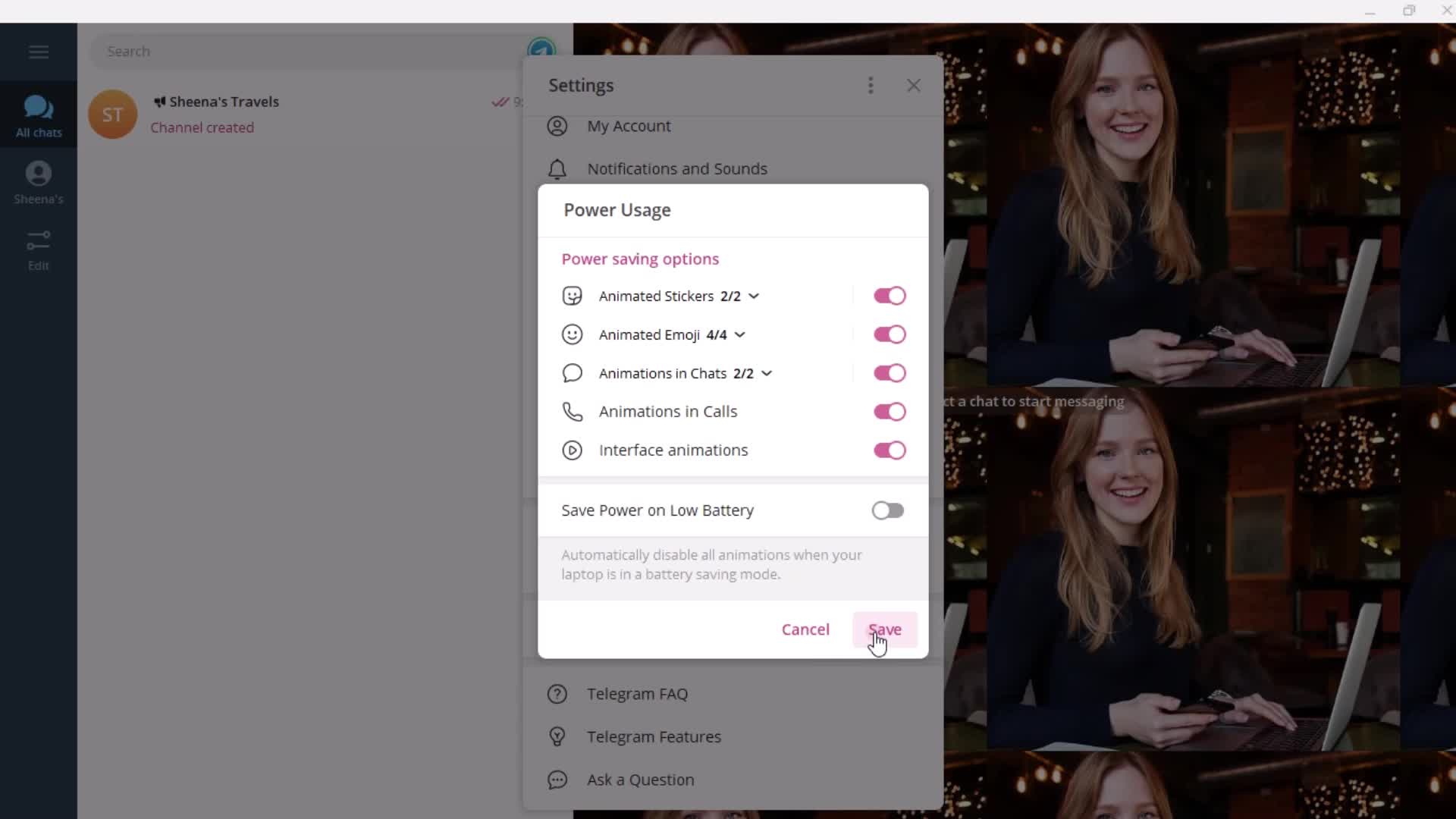
Usage
this is title
this is title
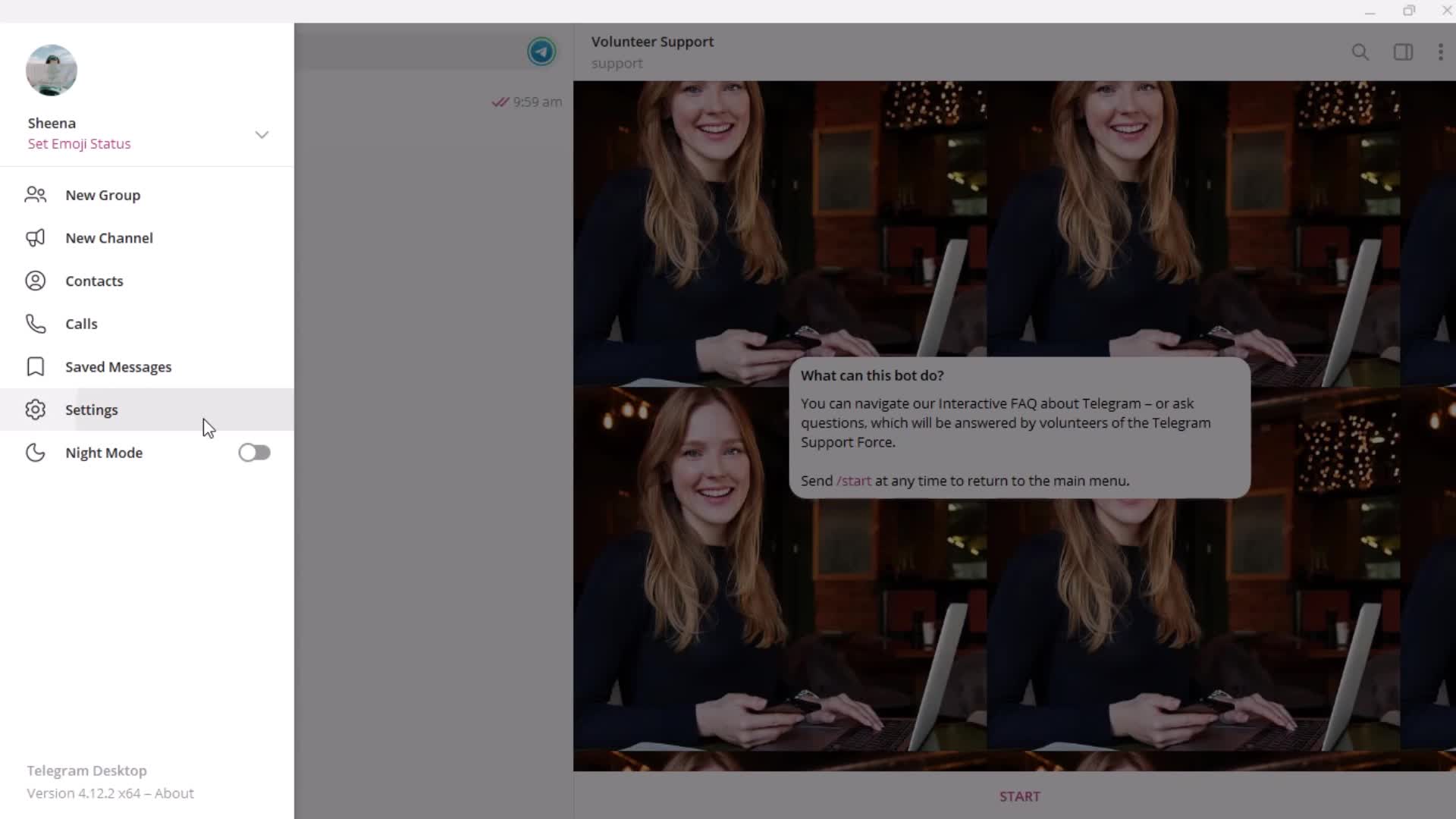
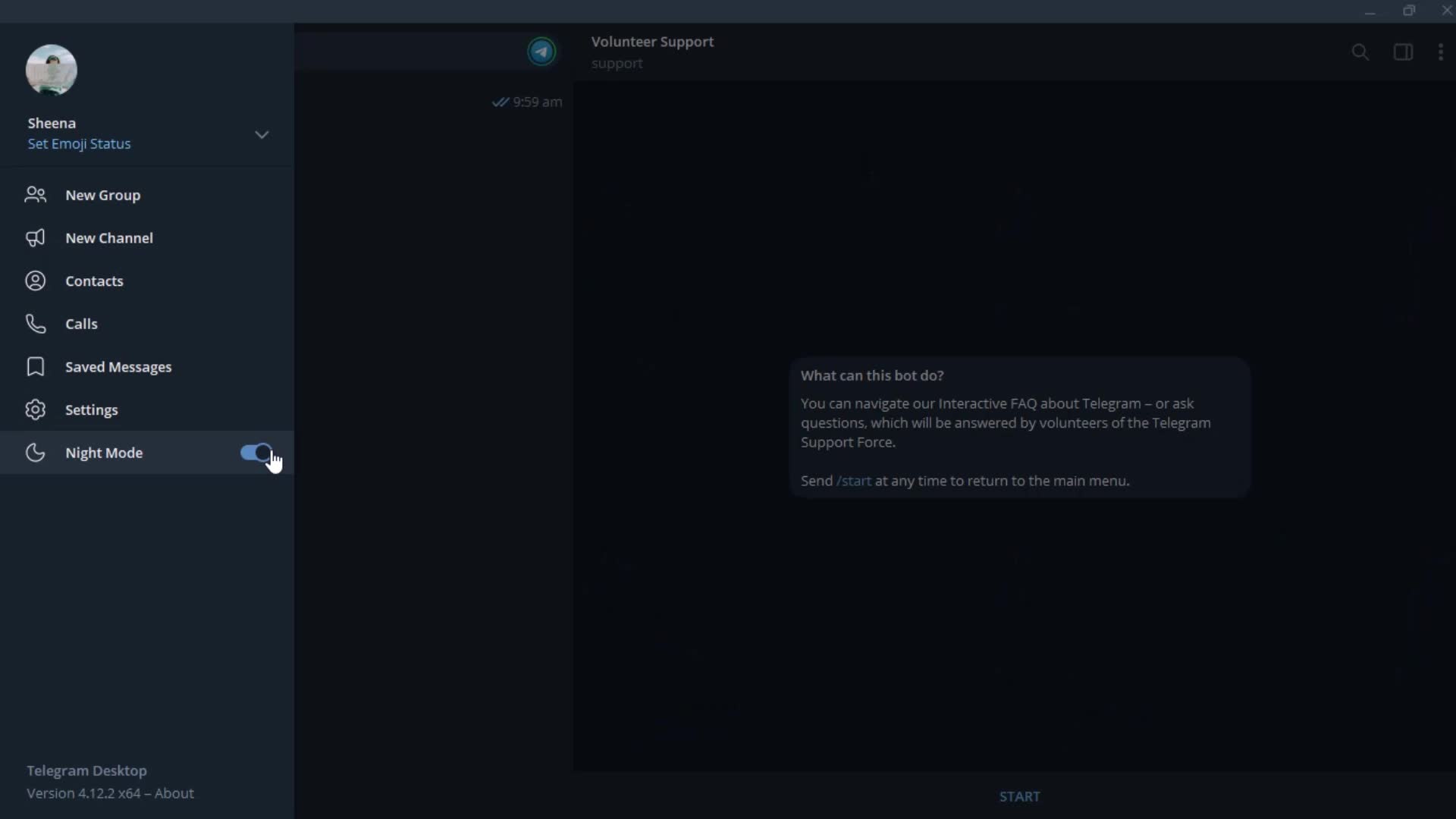
Dark mode
this is title
Home
this is title
Profile menu
this is title
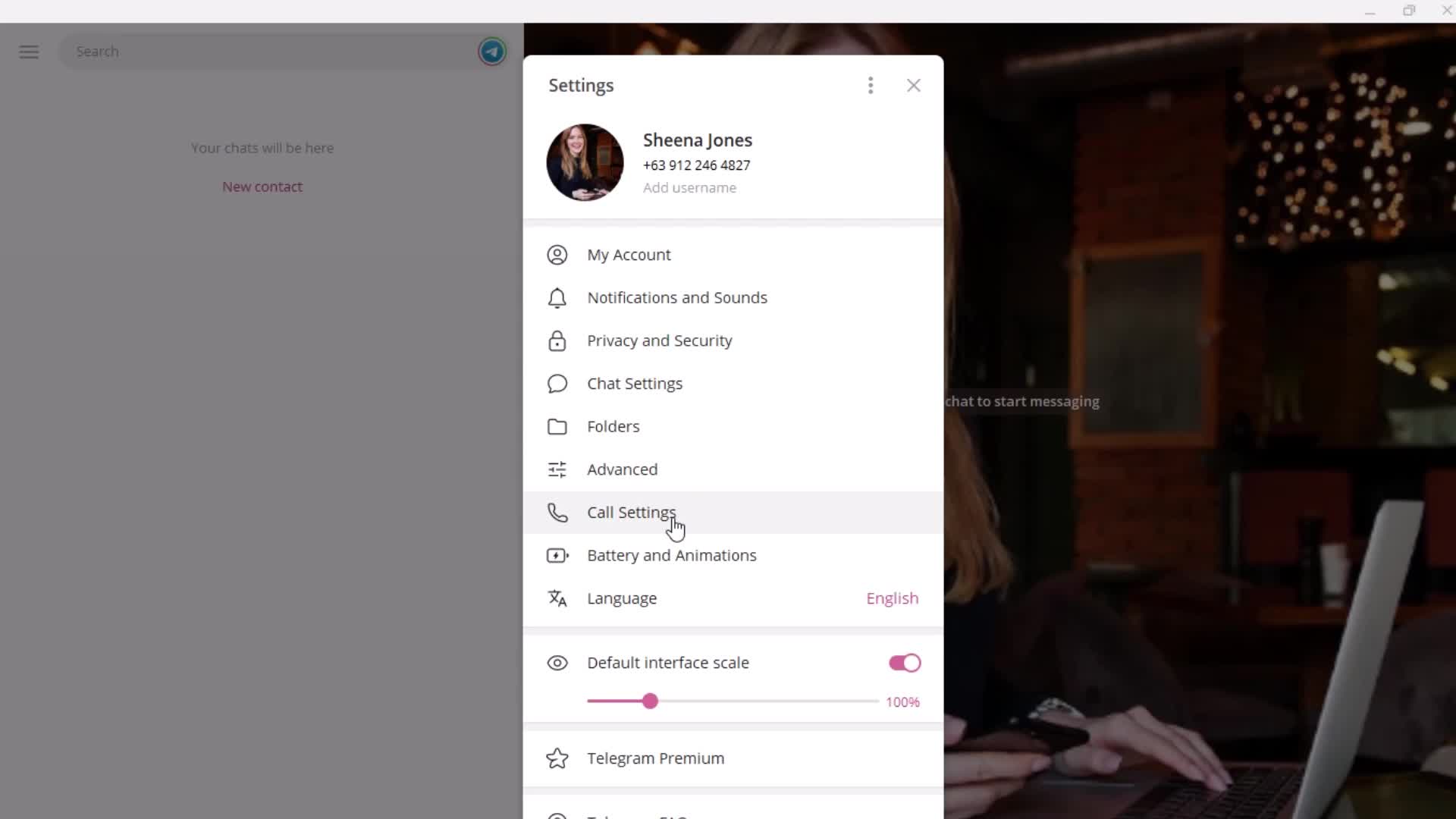
Settings
this is title
this is title
Chat bot
this is title
this is title
Auto-reply
this is title
Send a message
this is title
this is title
this is title
this is title
Help center category
this is title
this is title
Options
this is title
this is title
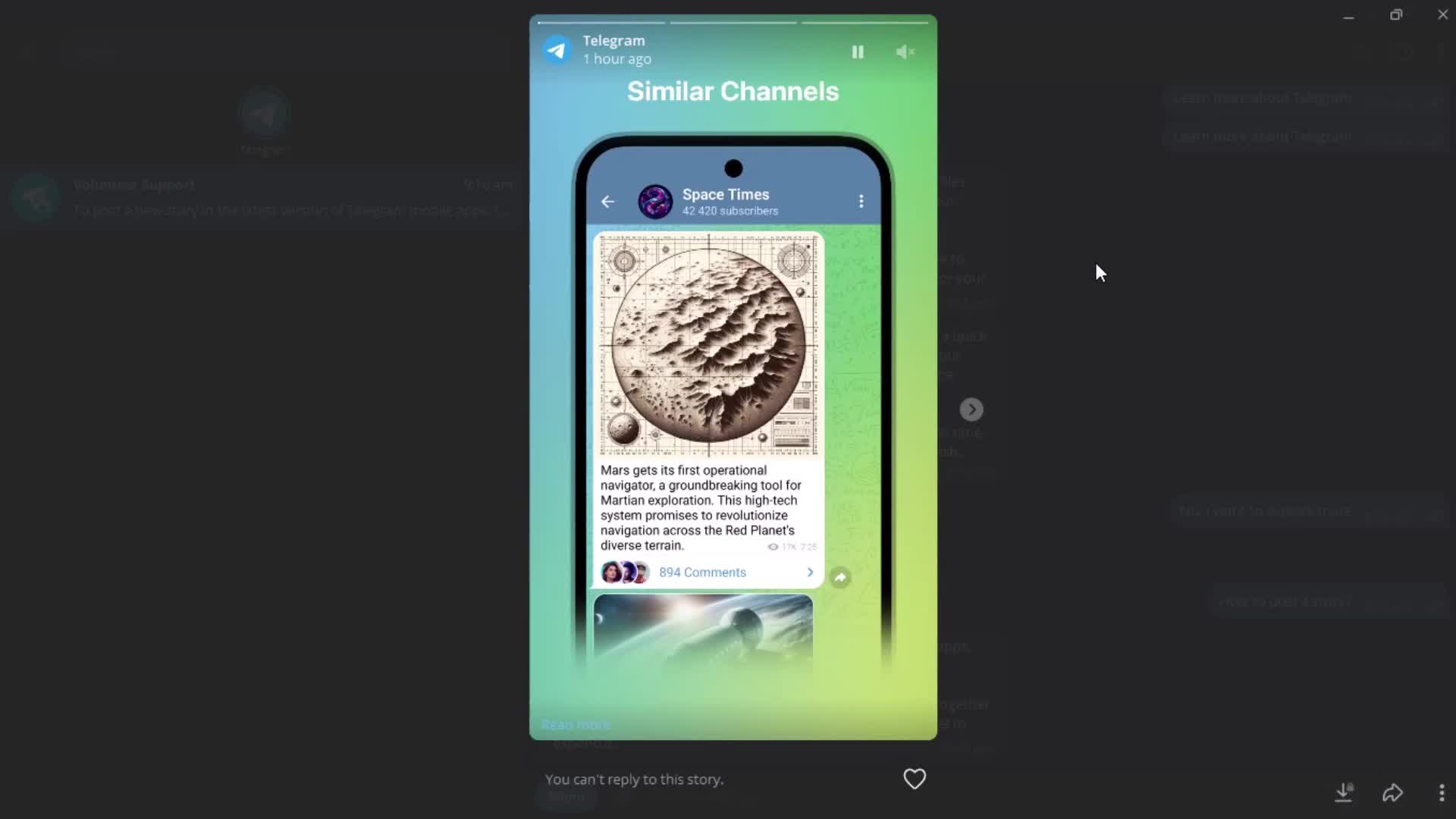
Stories
this is title
Profile menu
this is title
Account settings
this is title
Edit name
this is title
this is title
Upload profile picture
this is title
Options
this is title
Select photo
this is title
Editor
this is title
Add bio
this is title