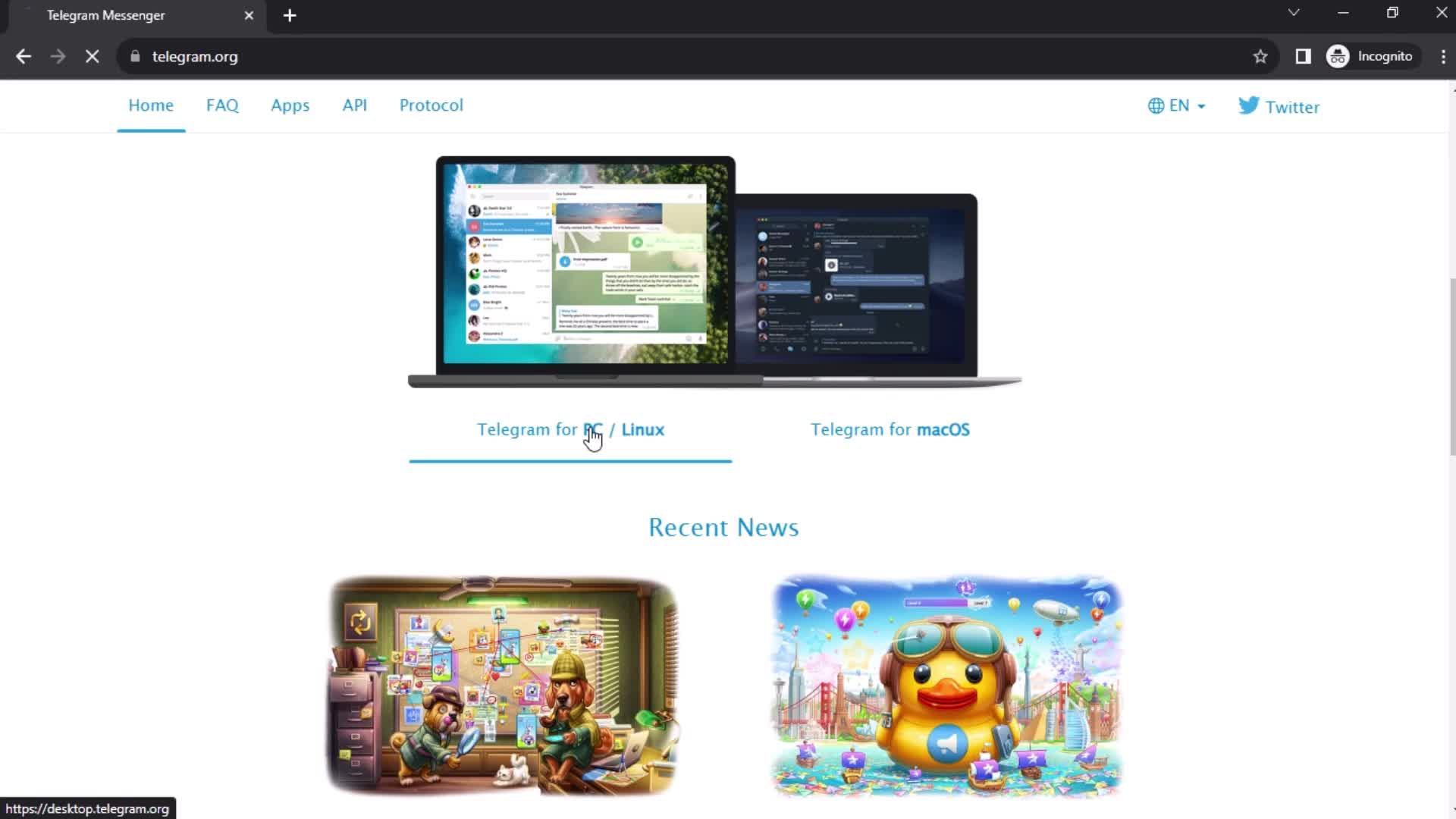
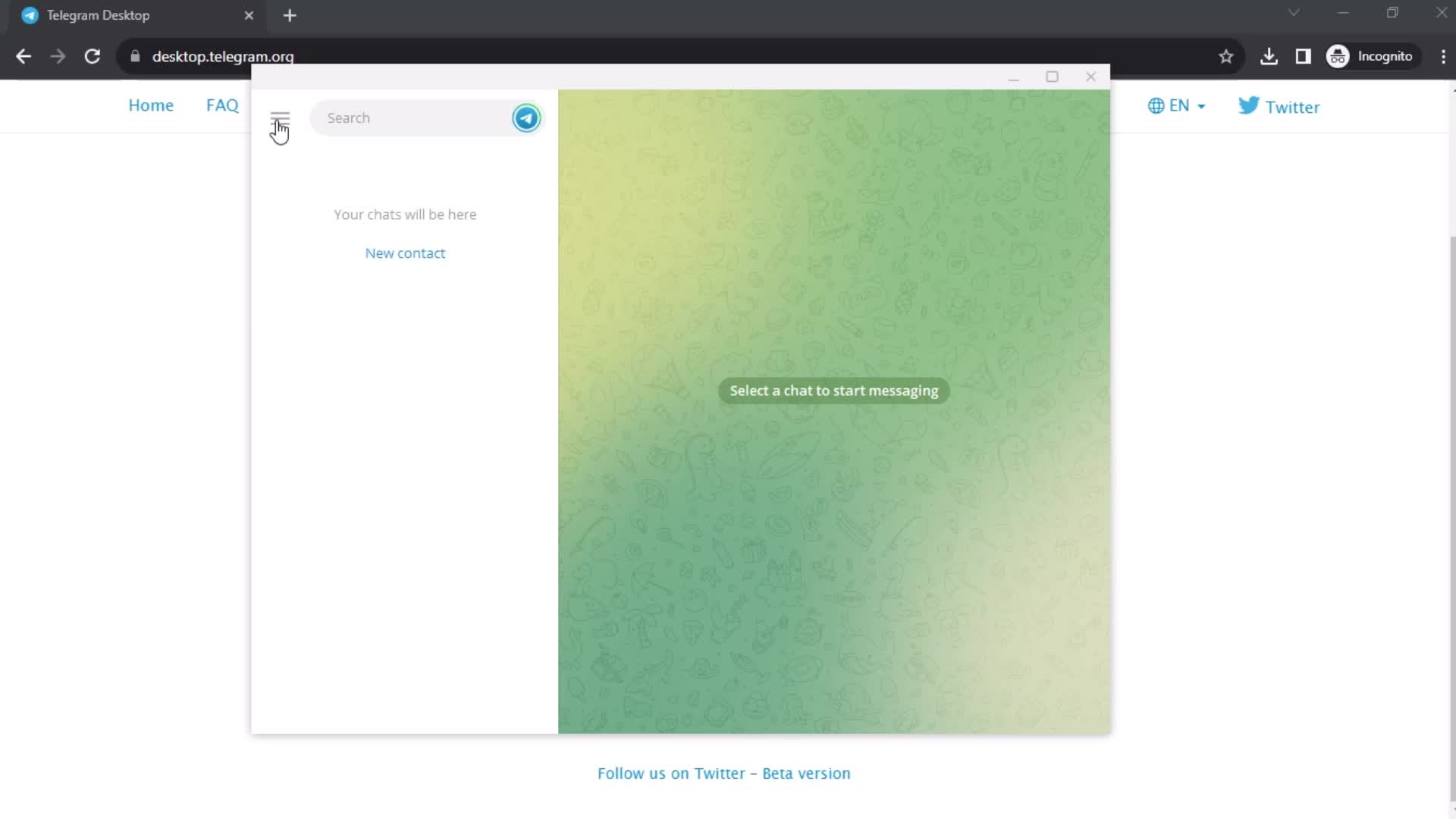
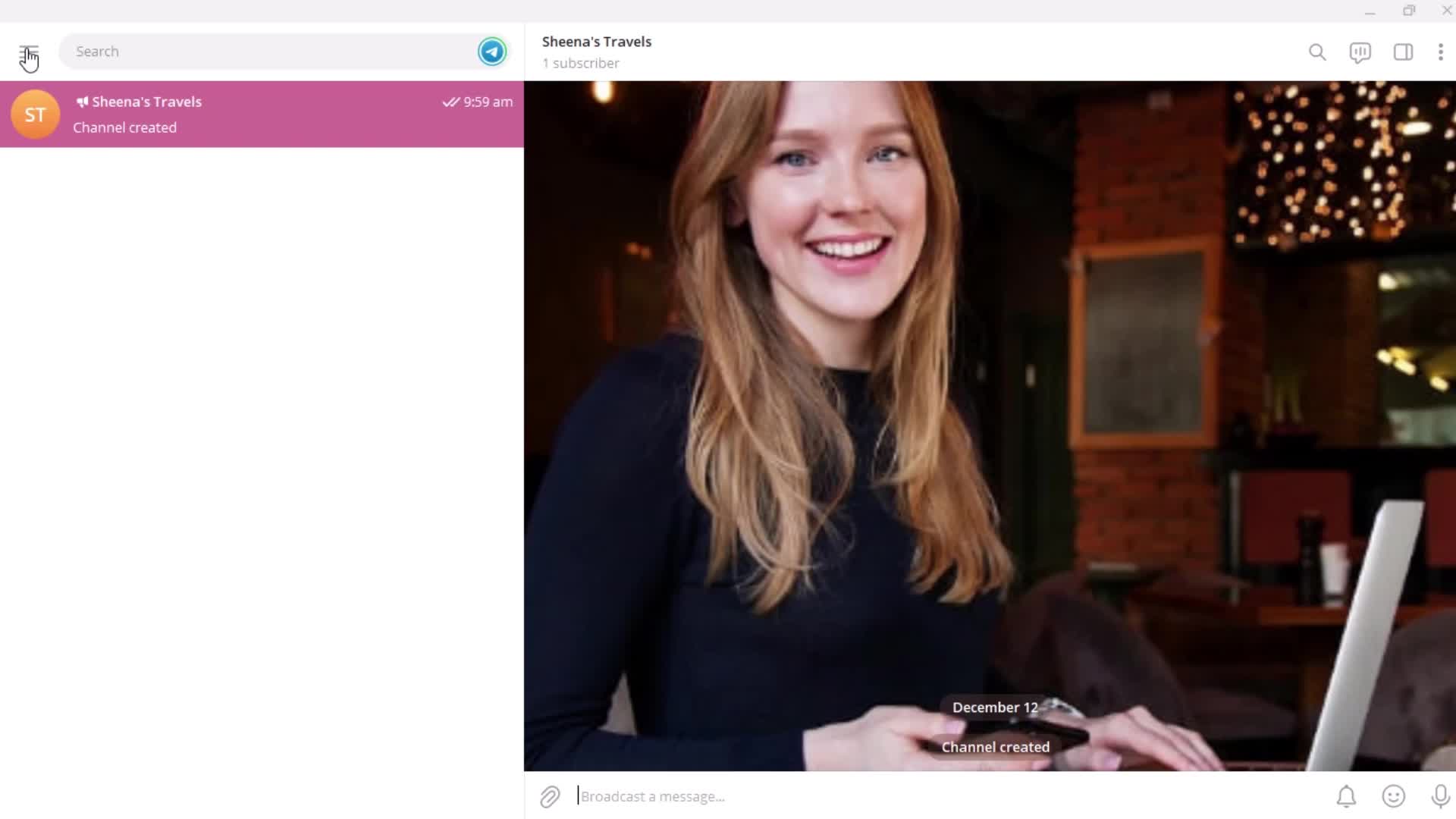
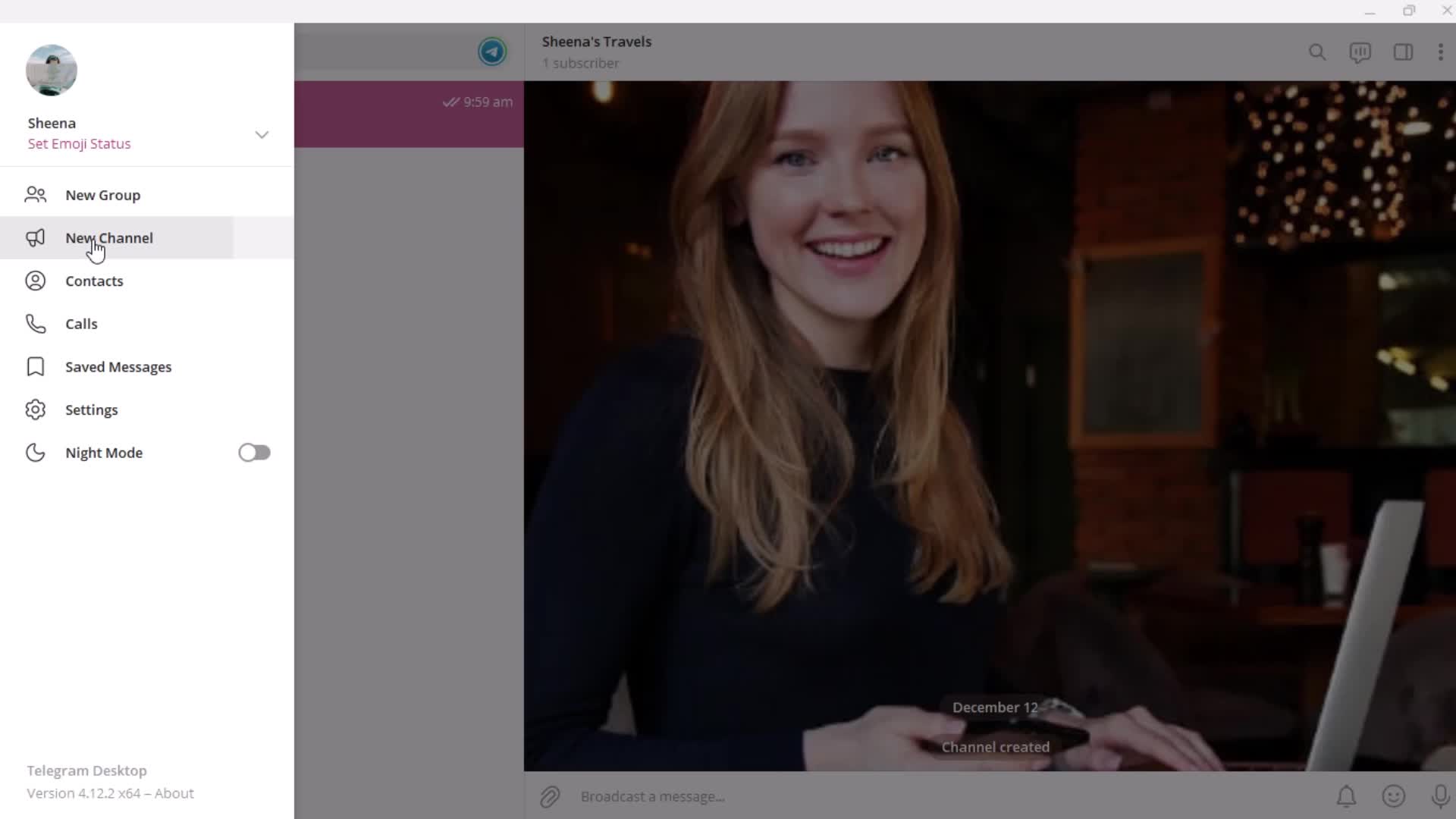
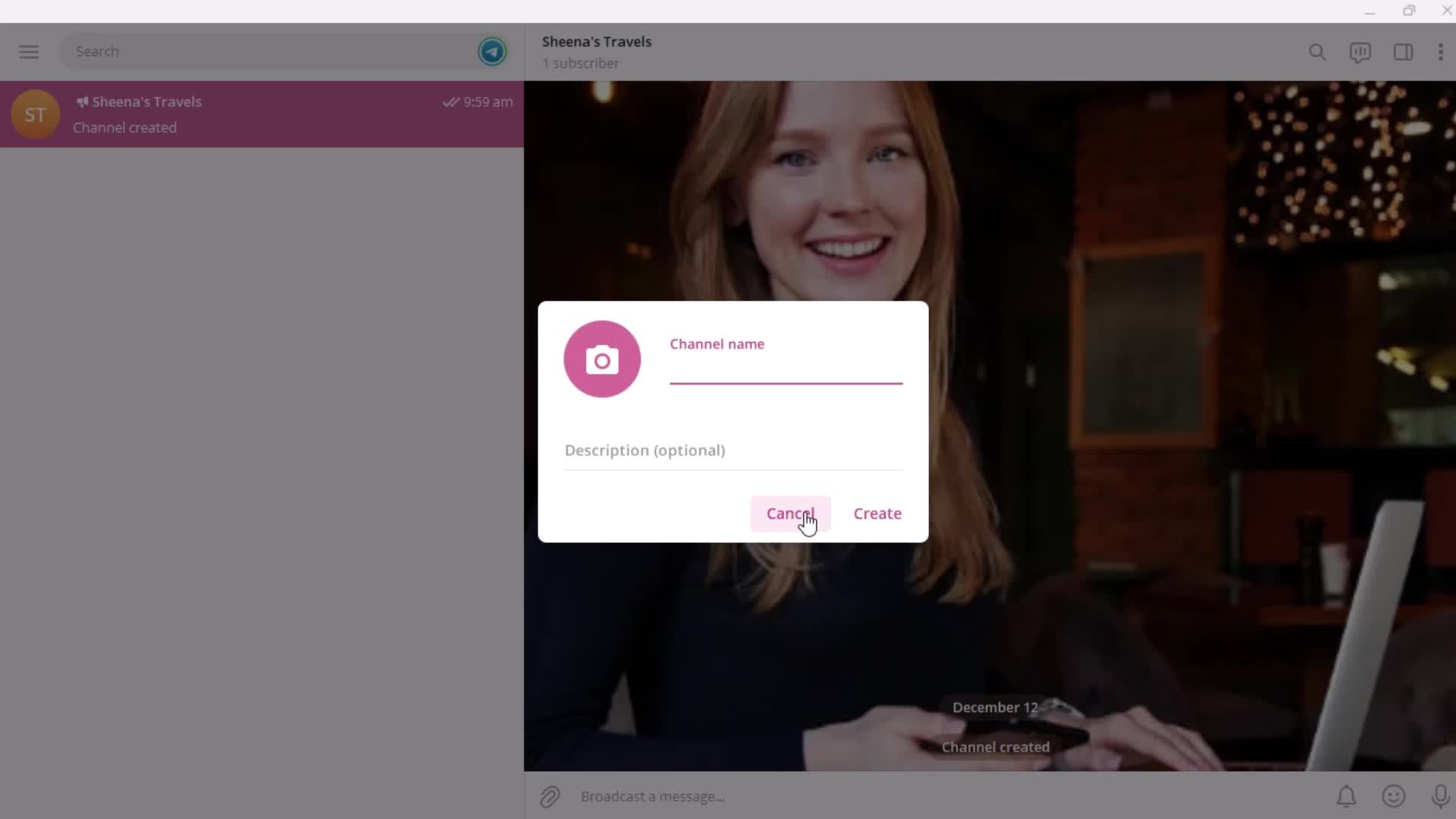
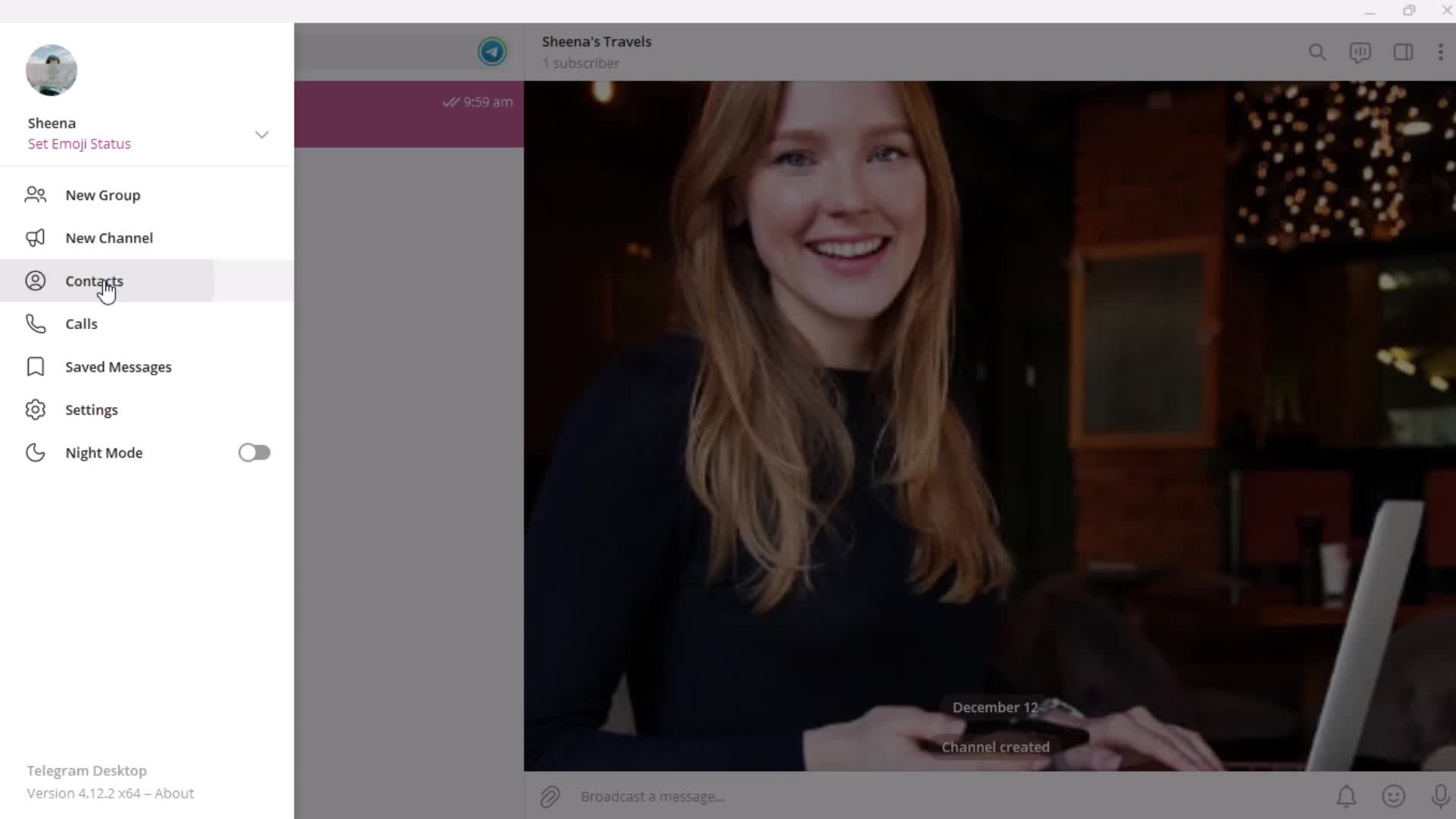
Homepage
this is title
this is title
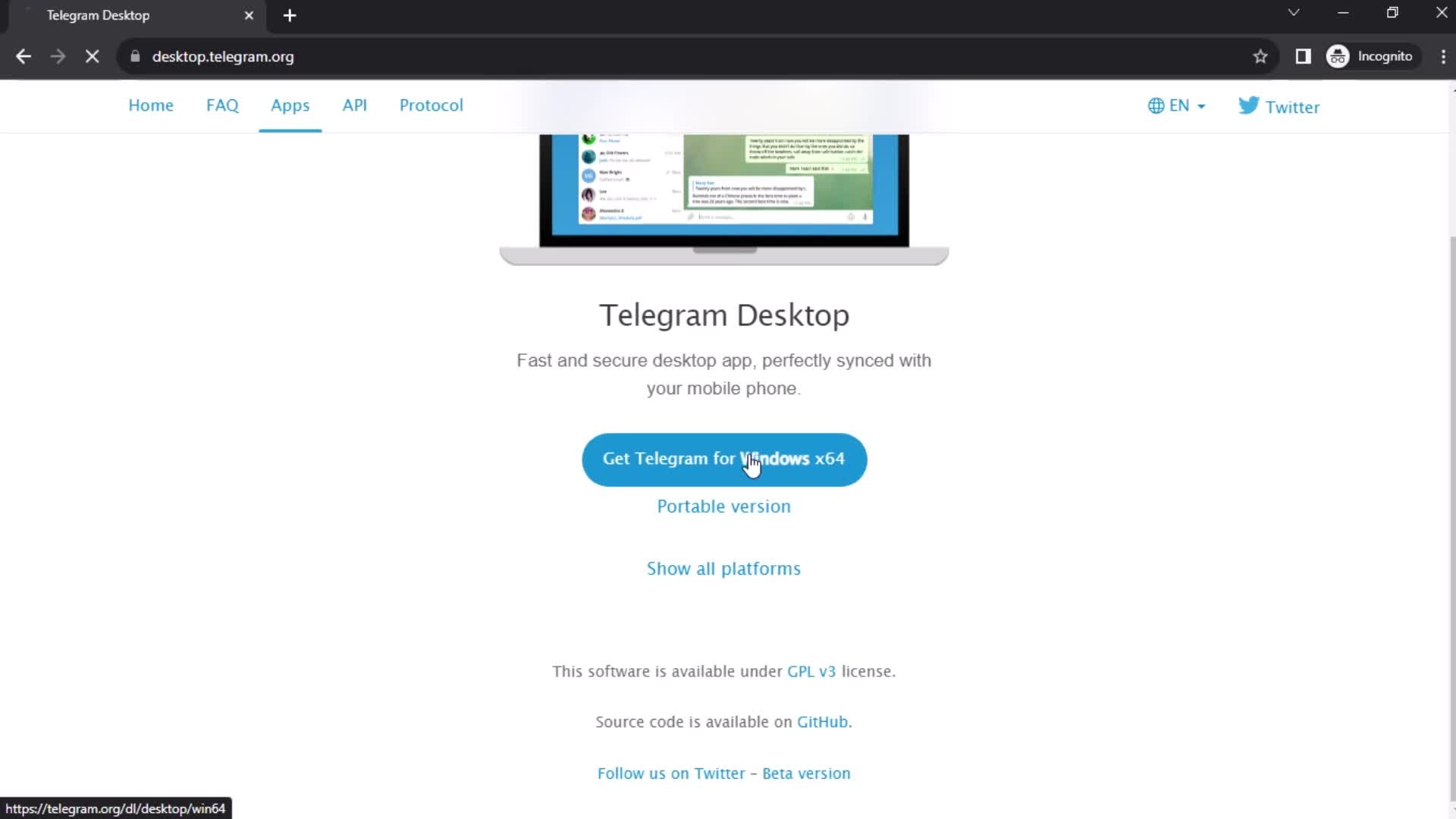
Download
this is title
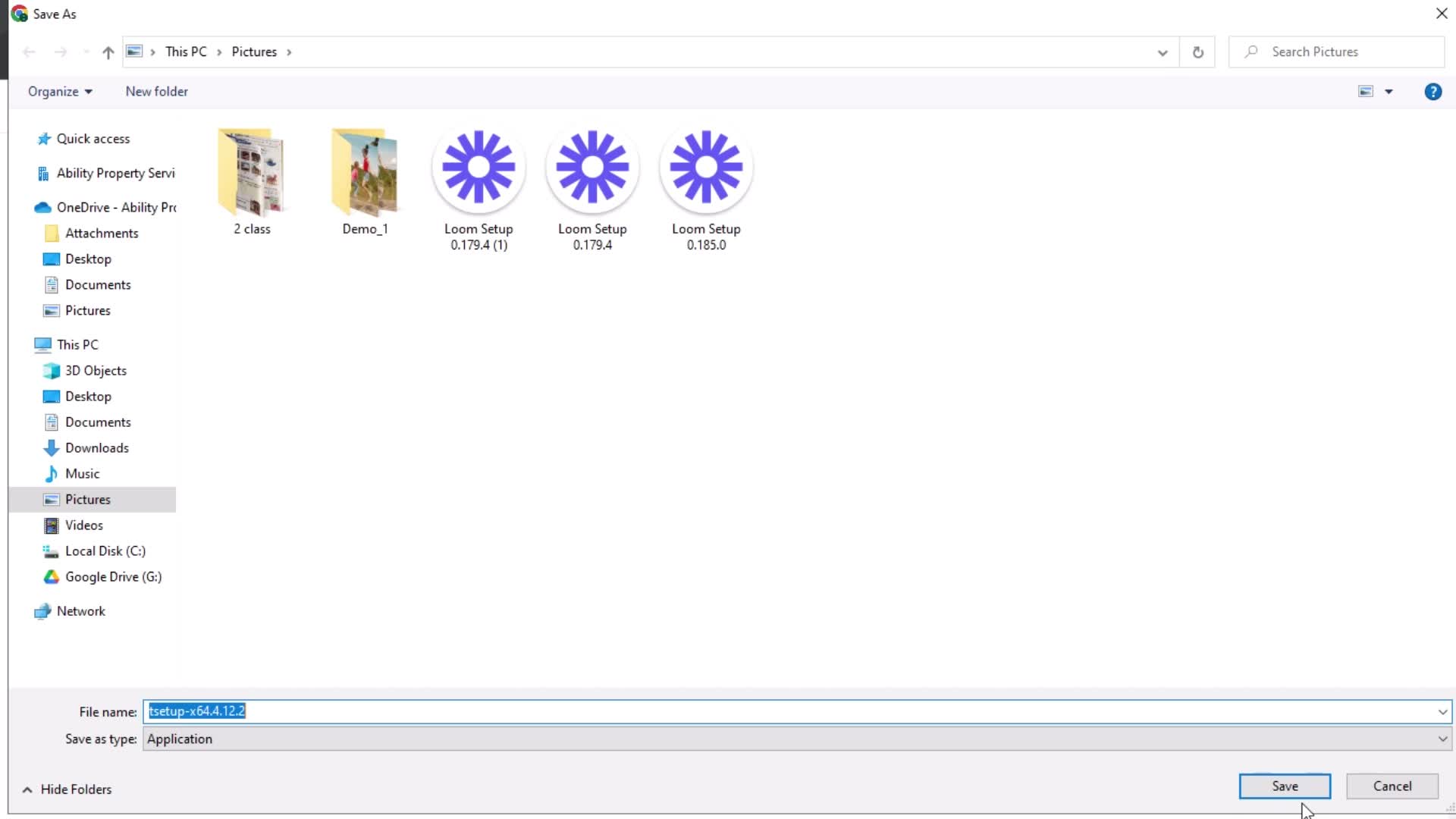
Save
this is title
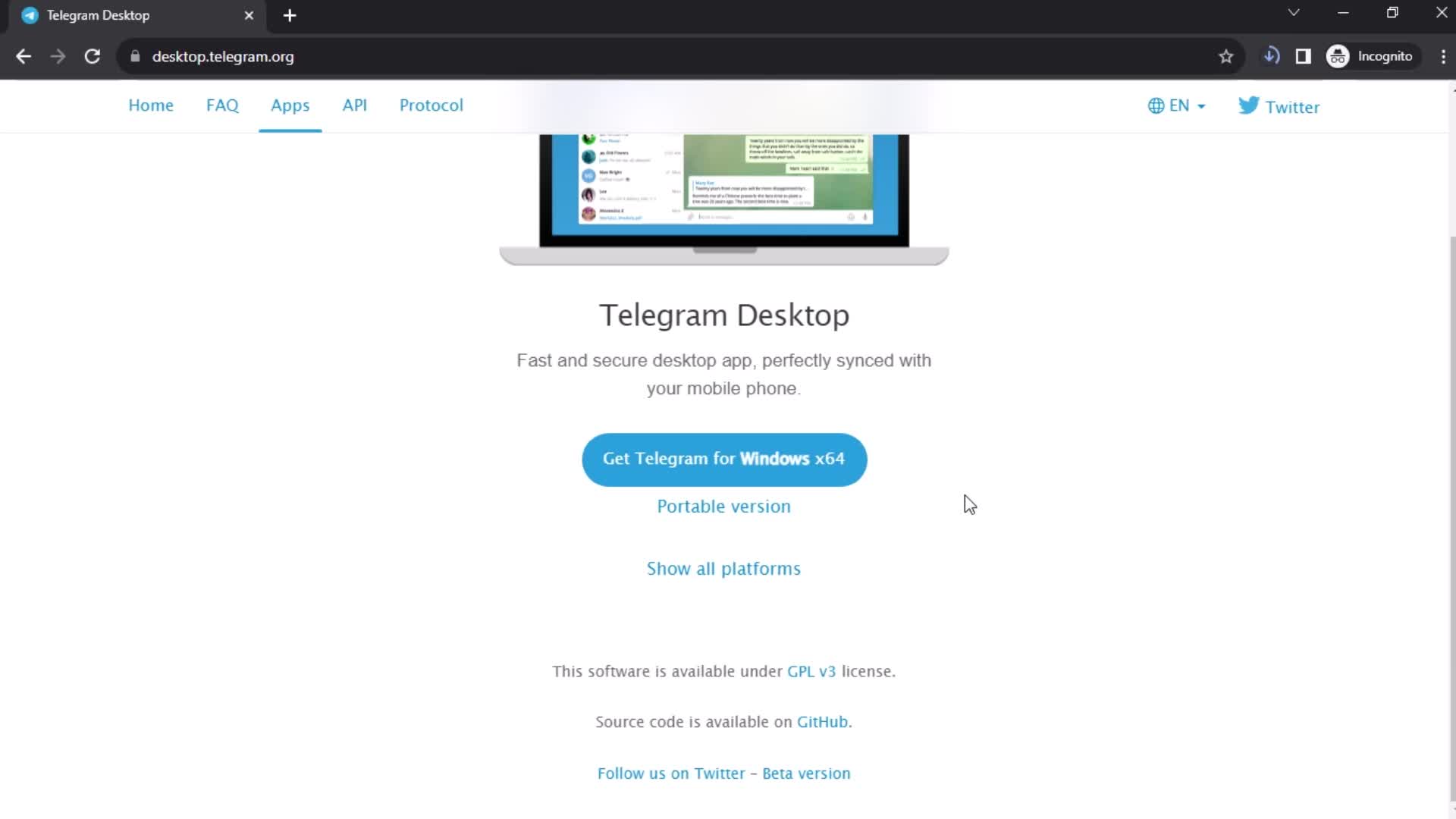
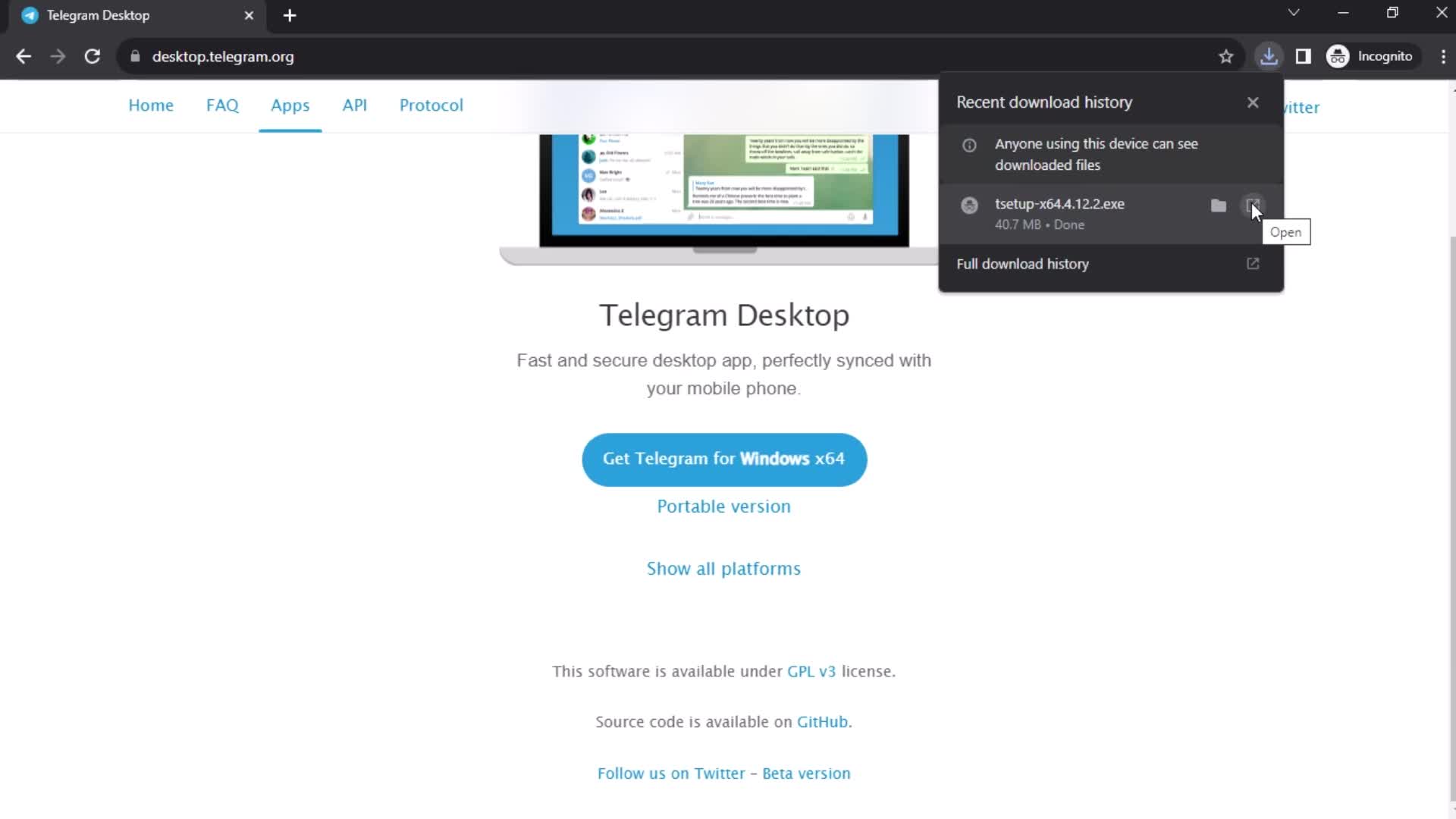
Downloading
this is title
Open app
this is title
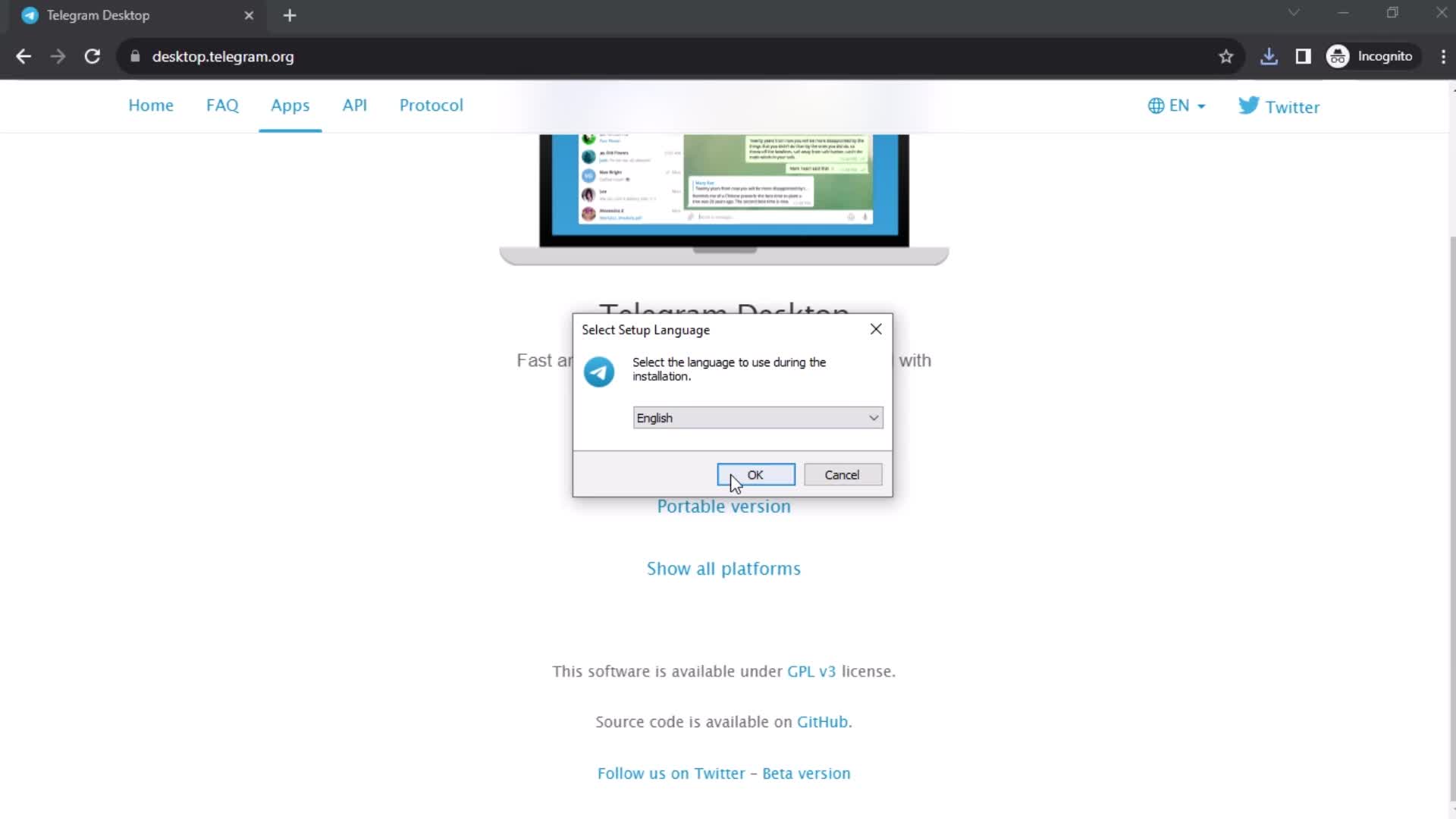
Languages
this is title
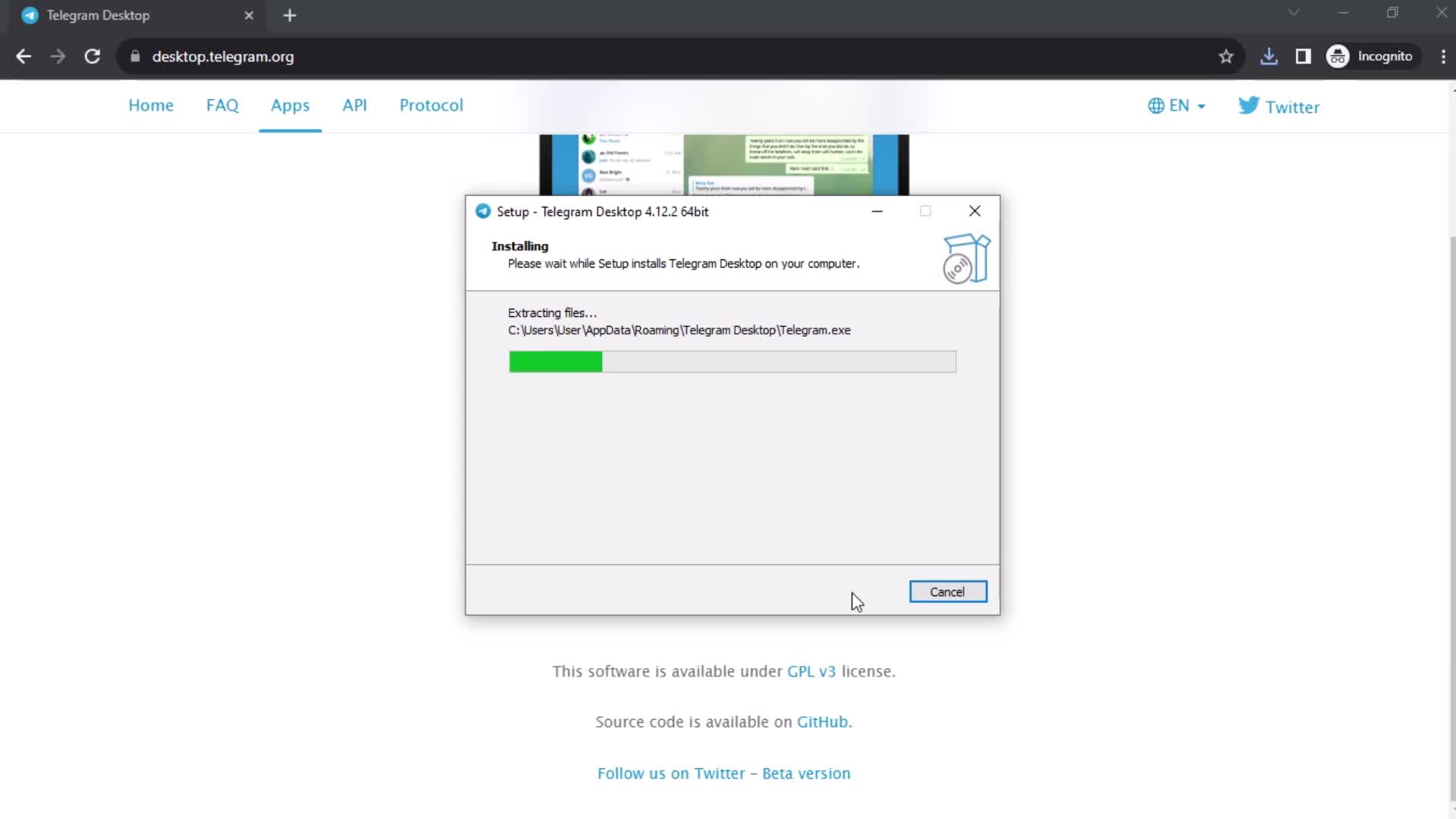
Installing
this is title
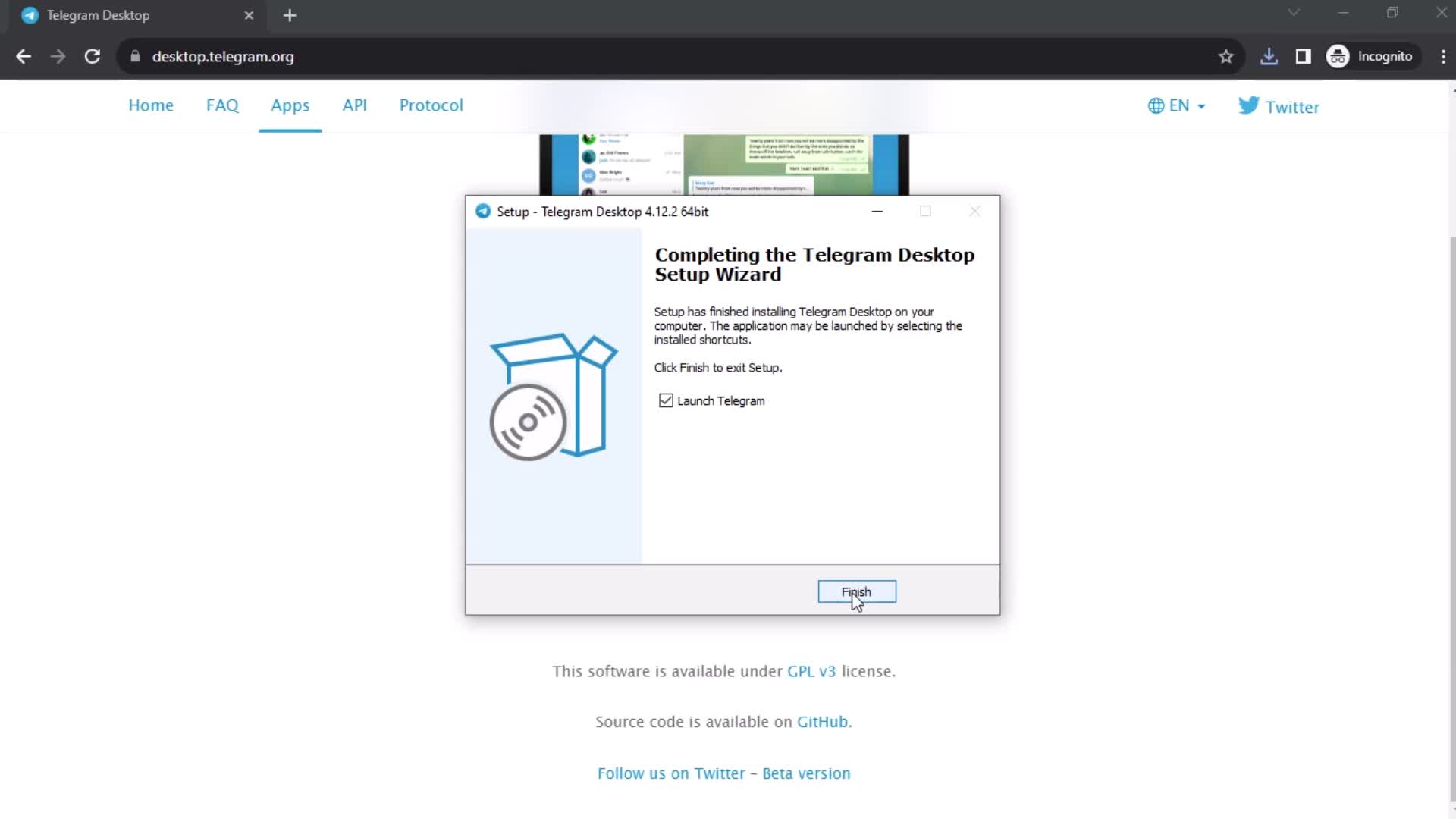
Finish set up
this is title
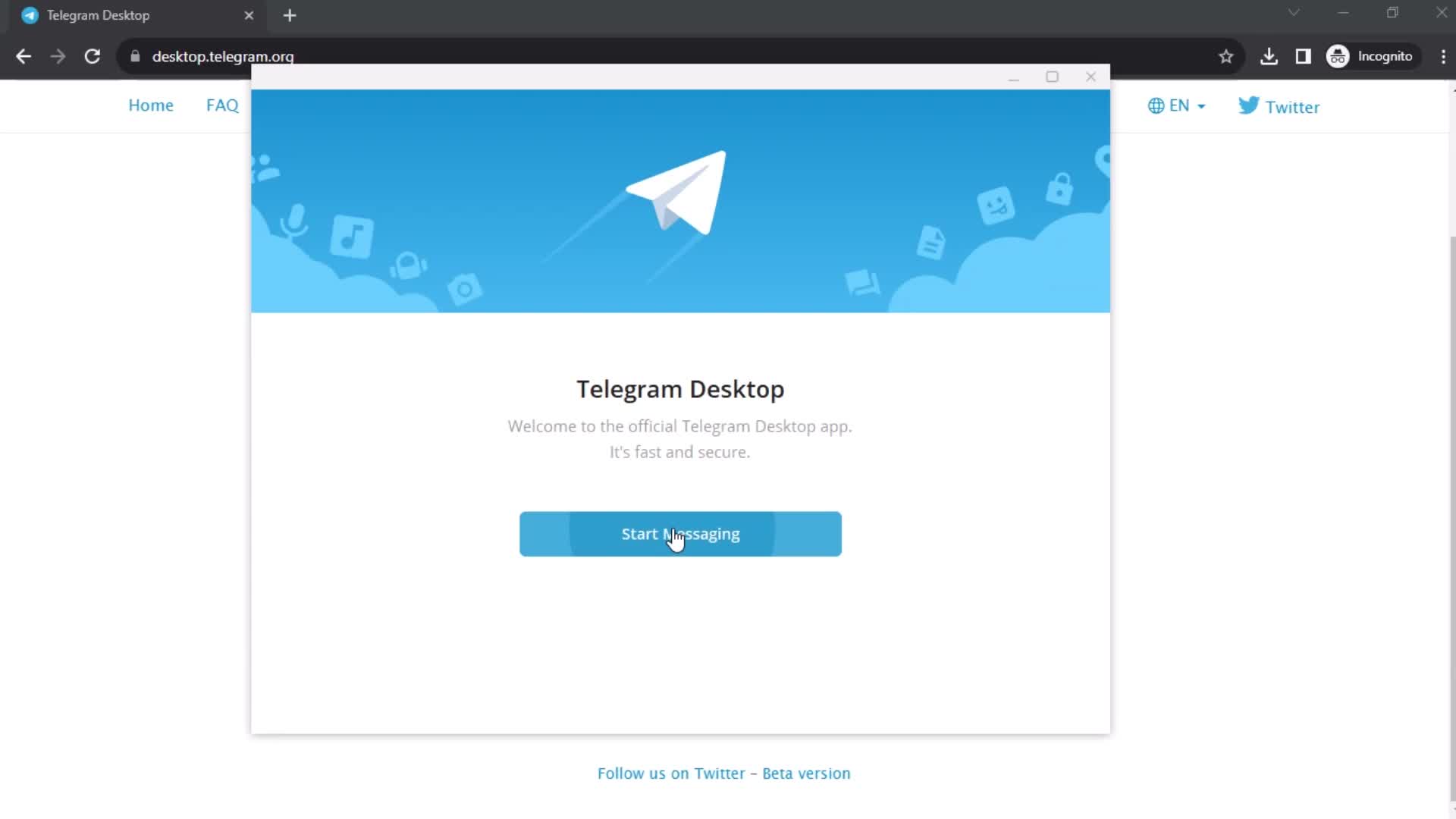
Get started
this is title
Login
this is title
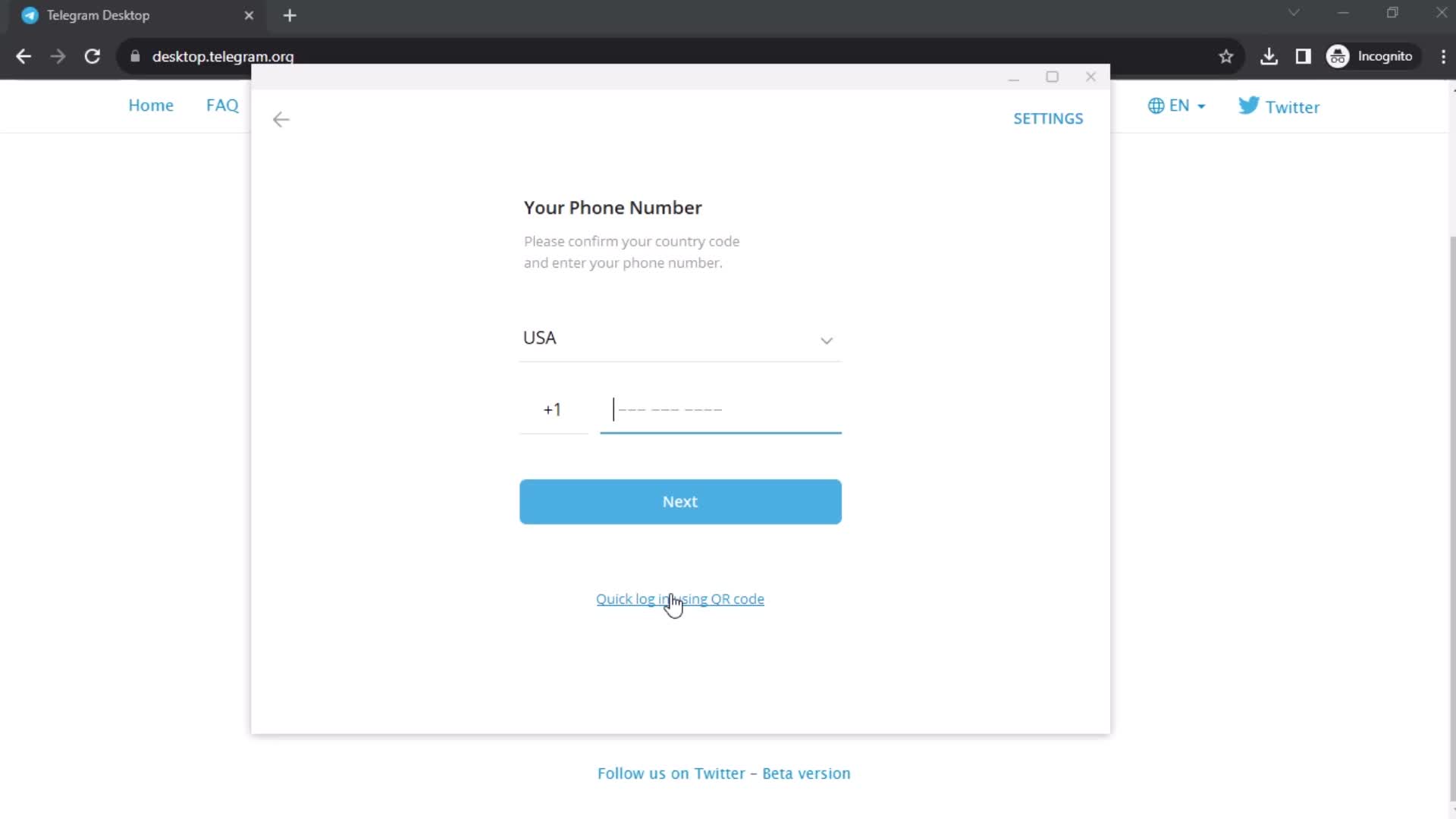
Enter phone number
this is title
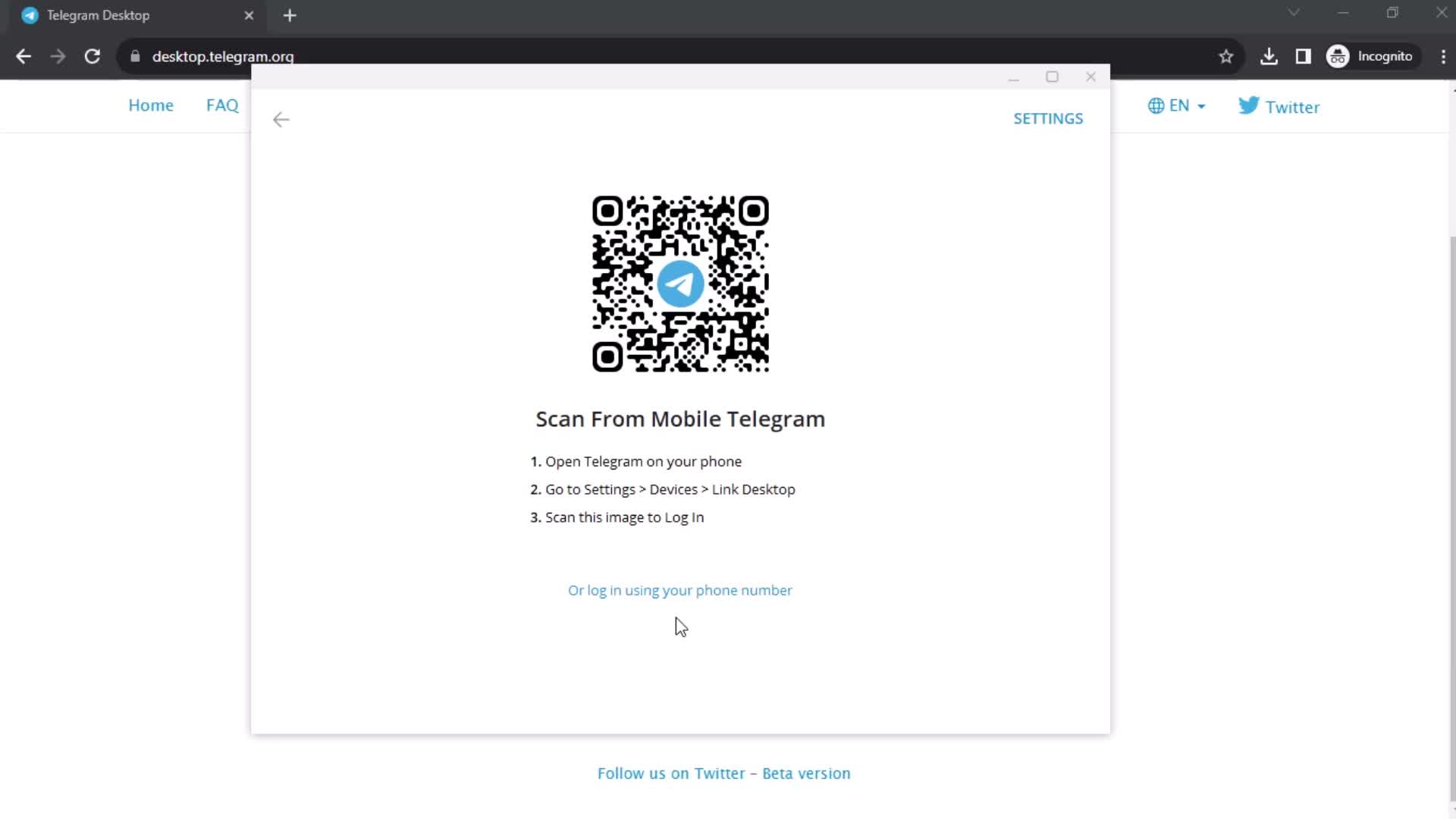
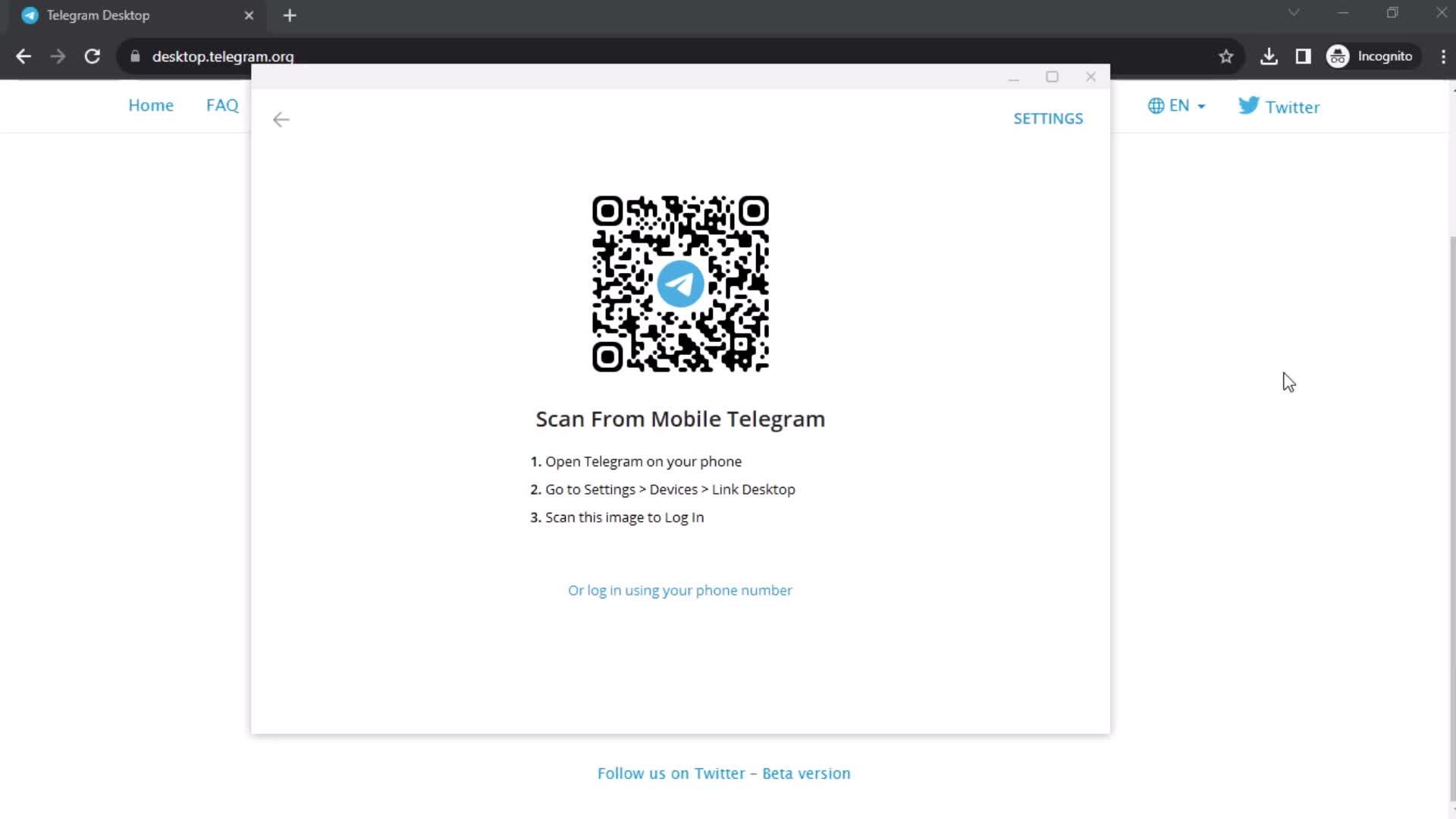
Scan QR code
this is title
this is title
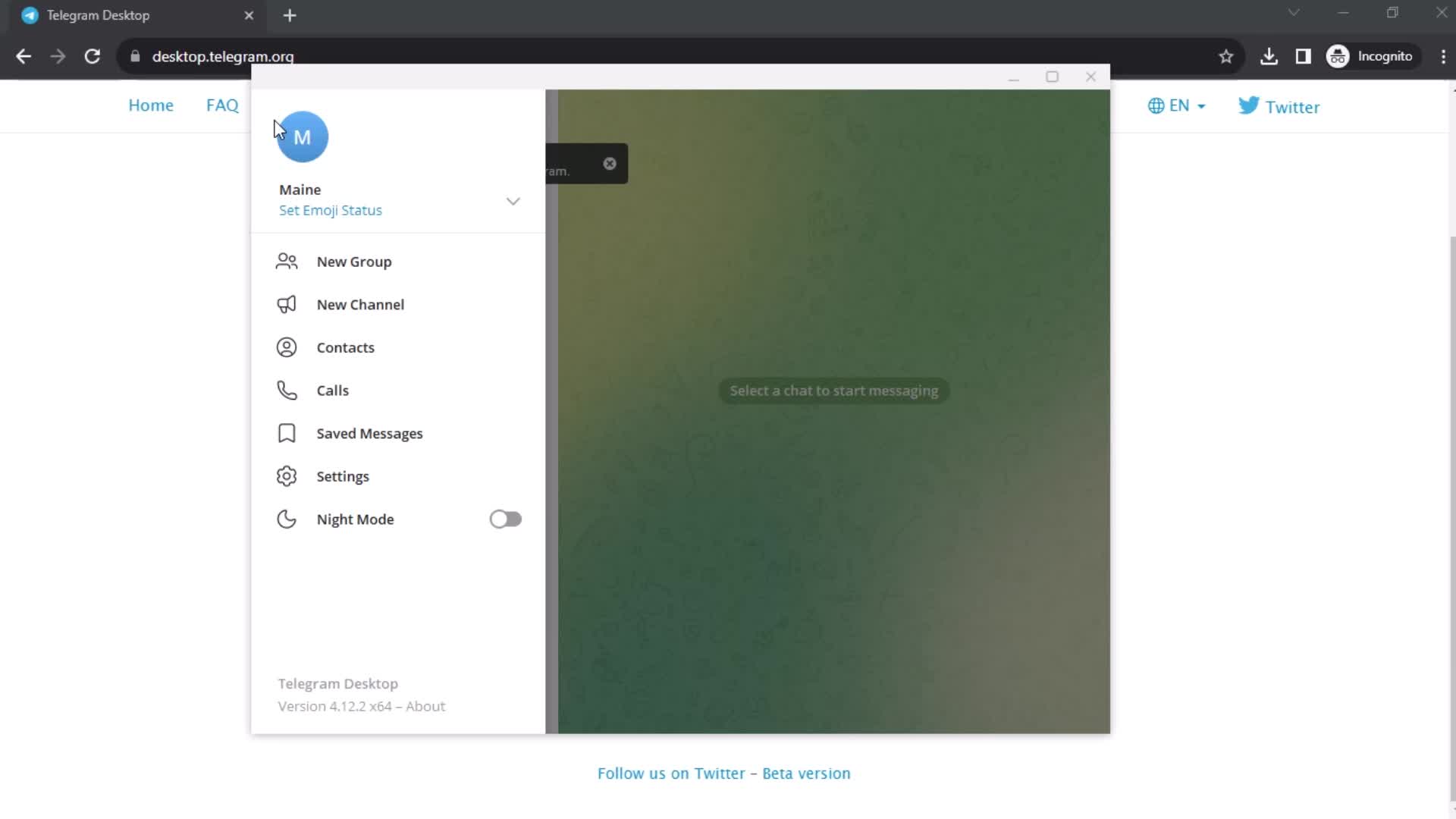
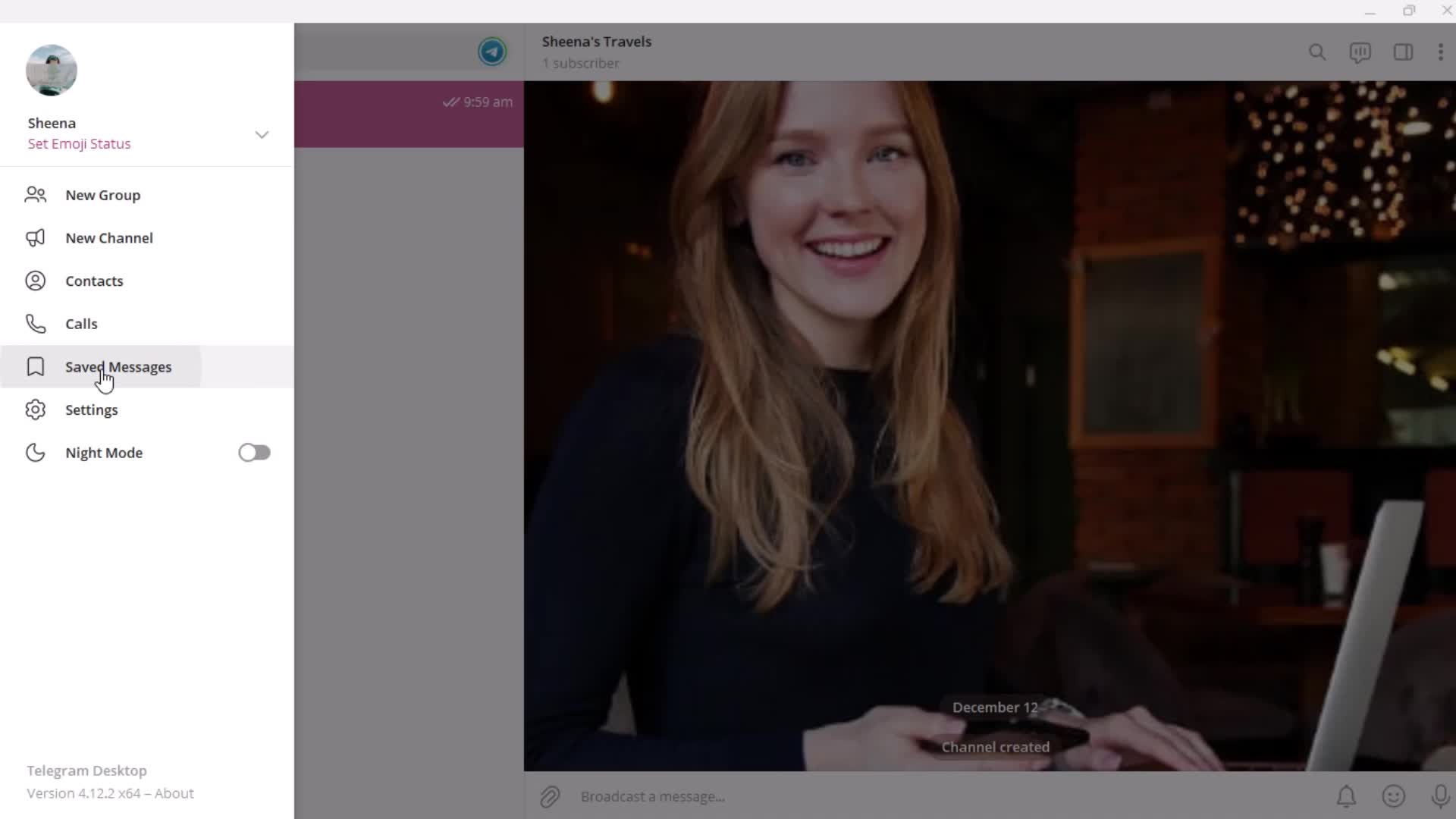
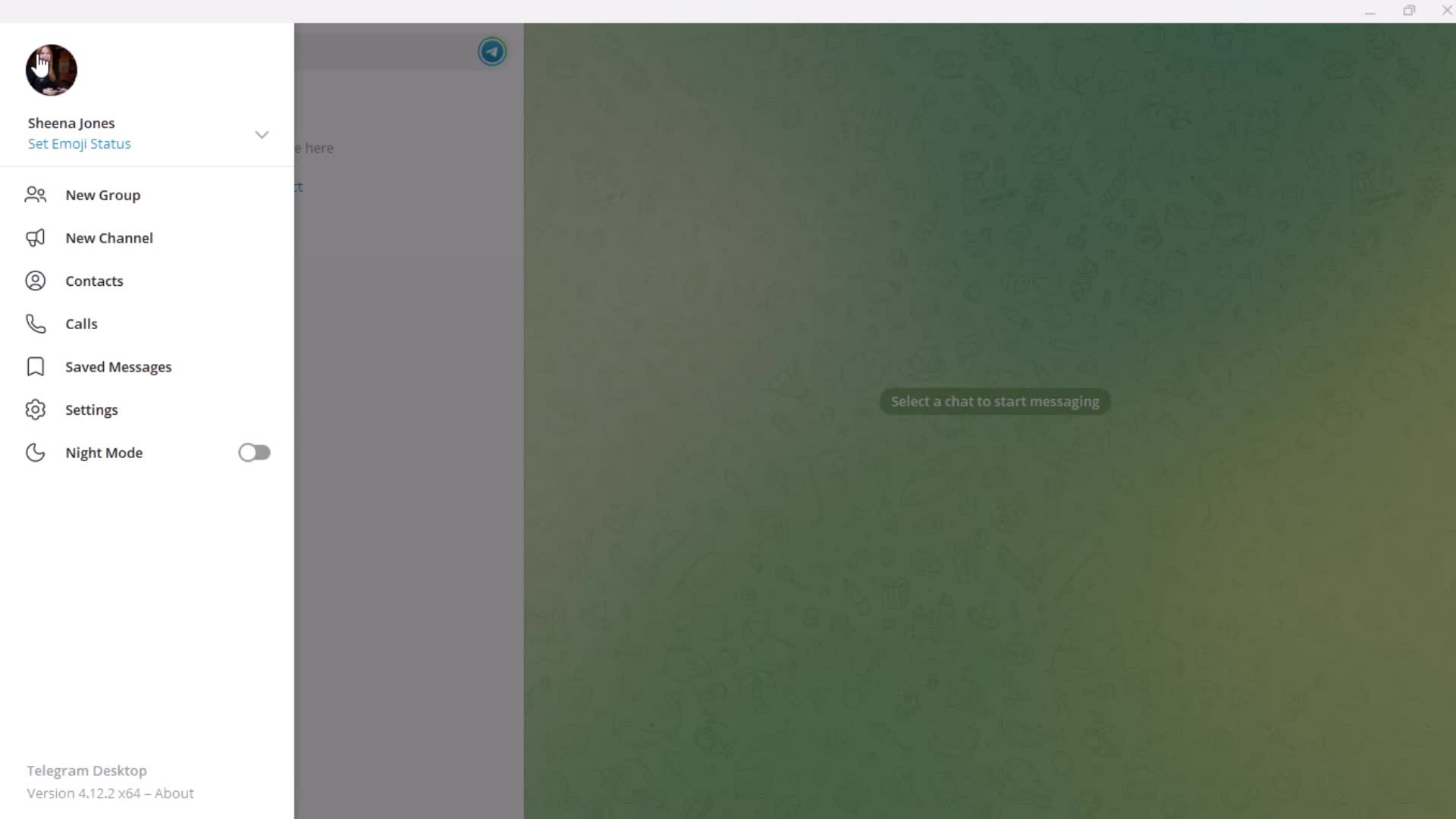
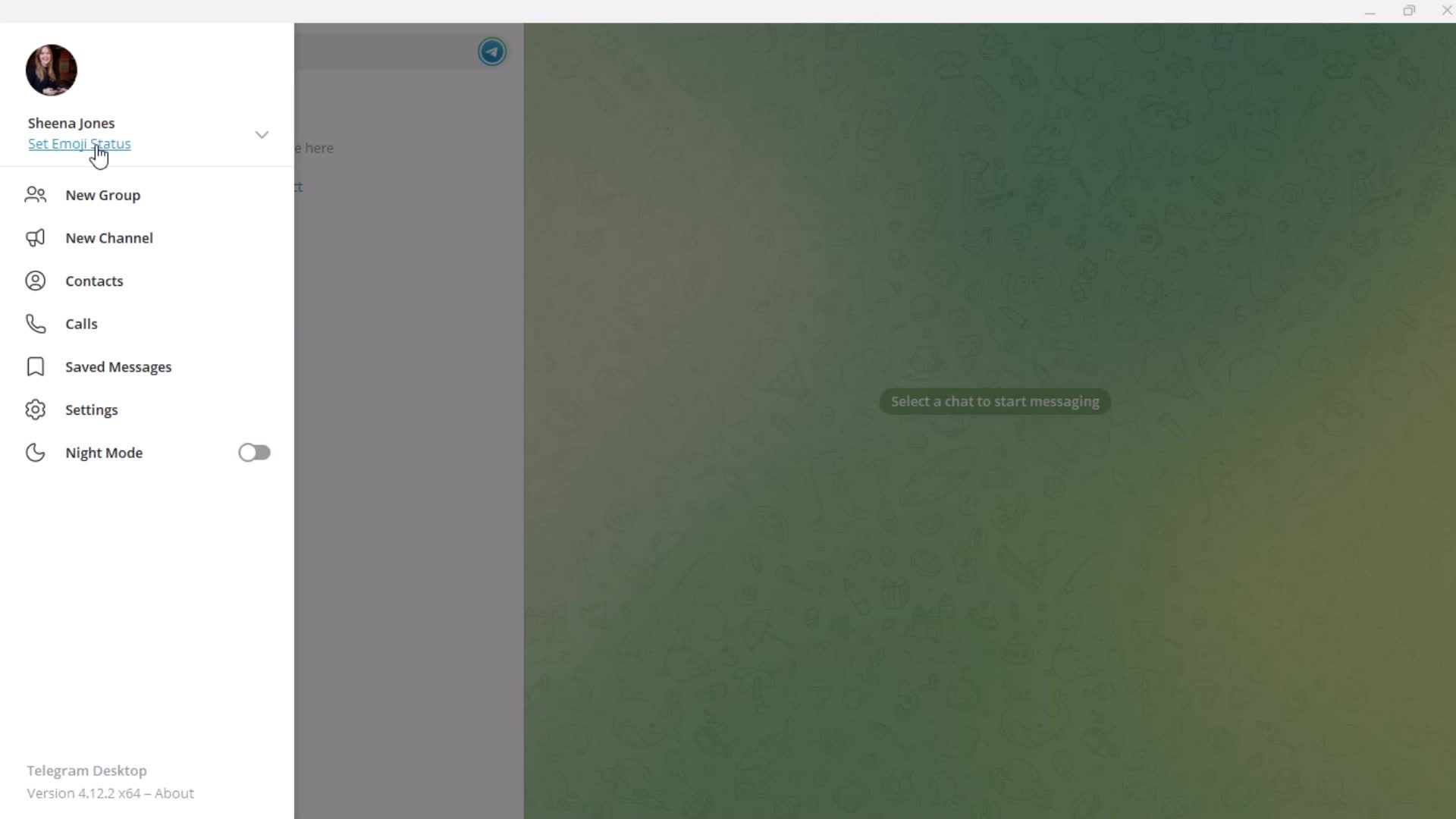
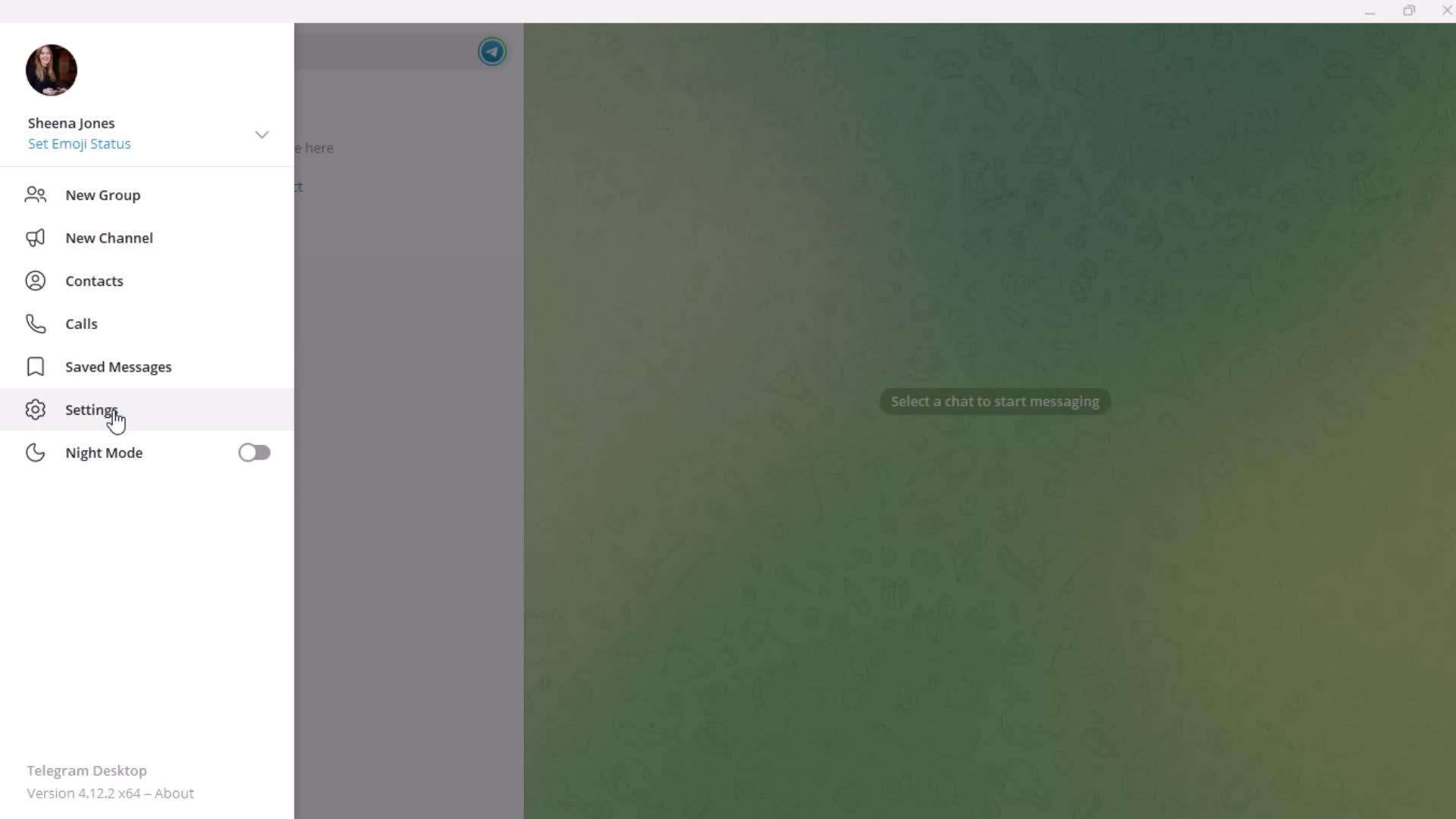
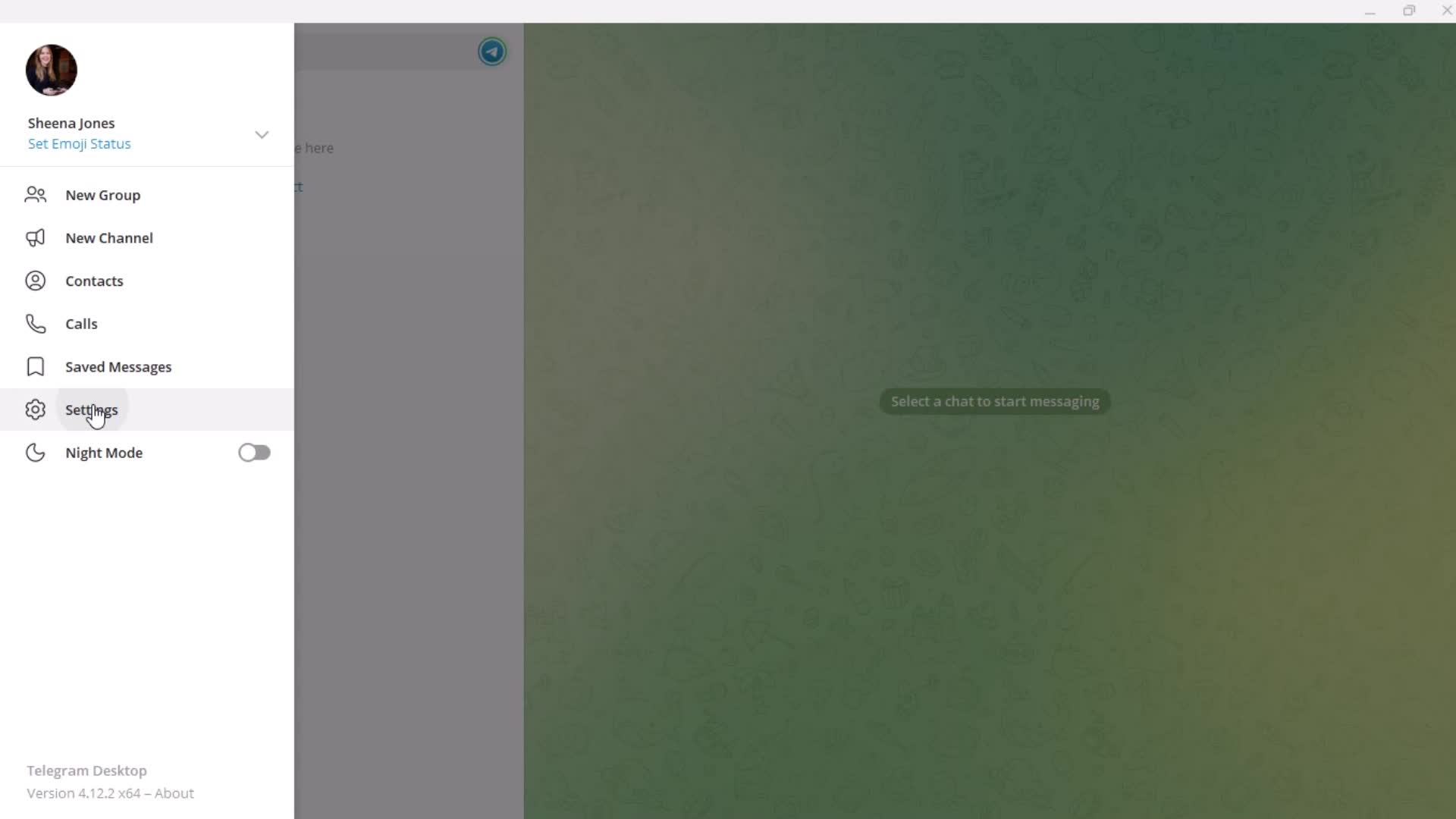
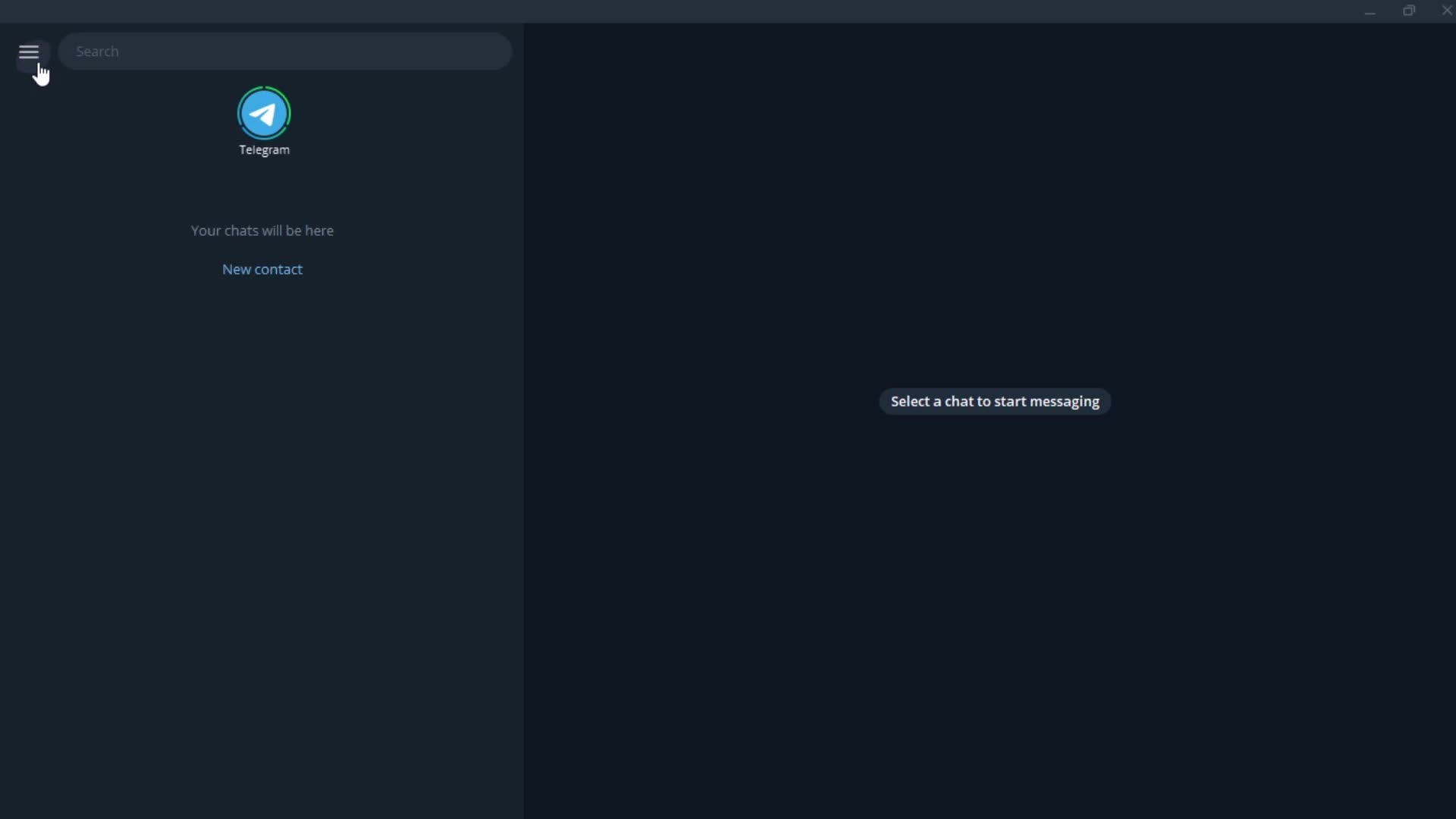
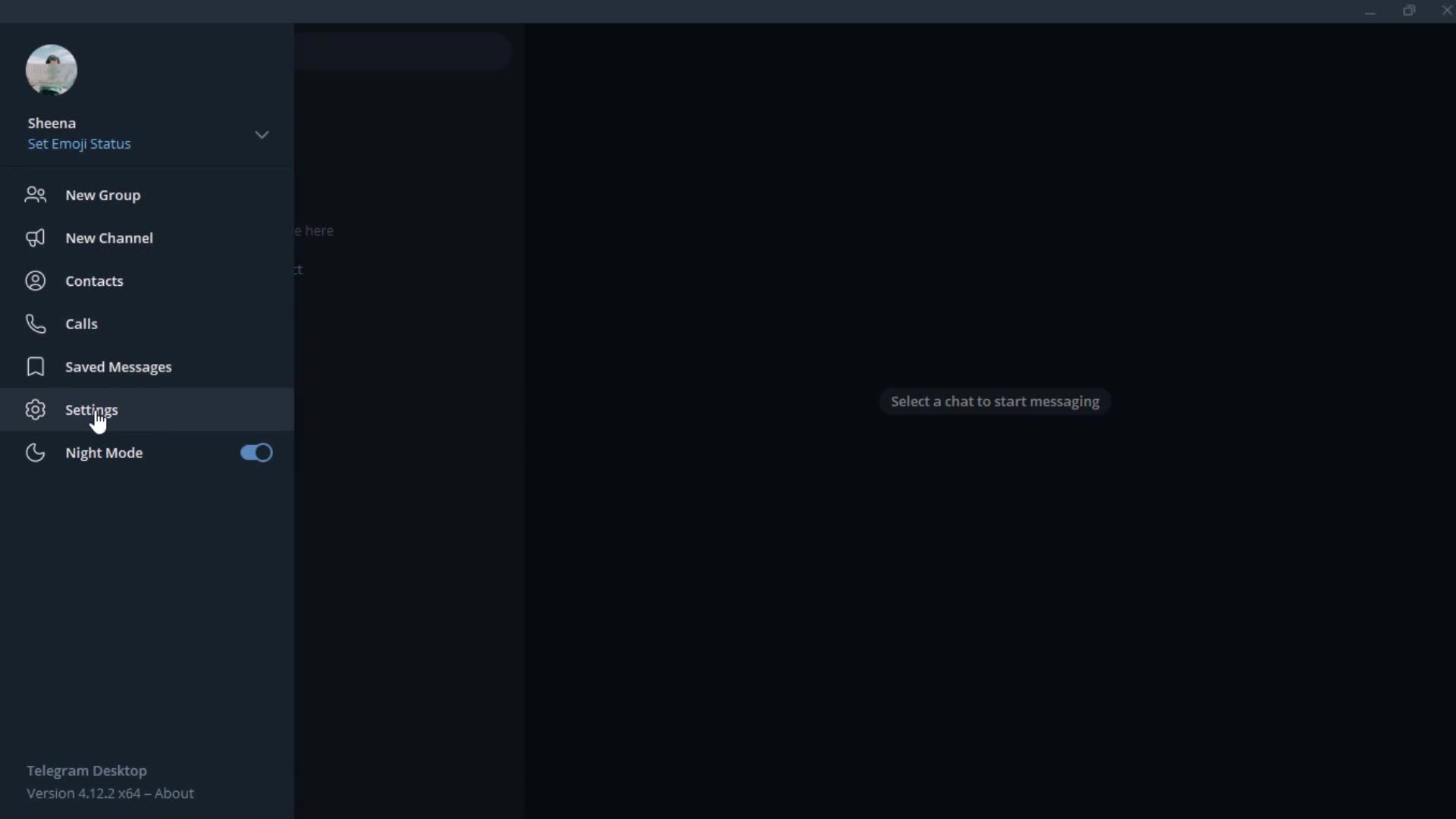
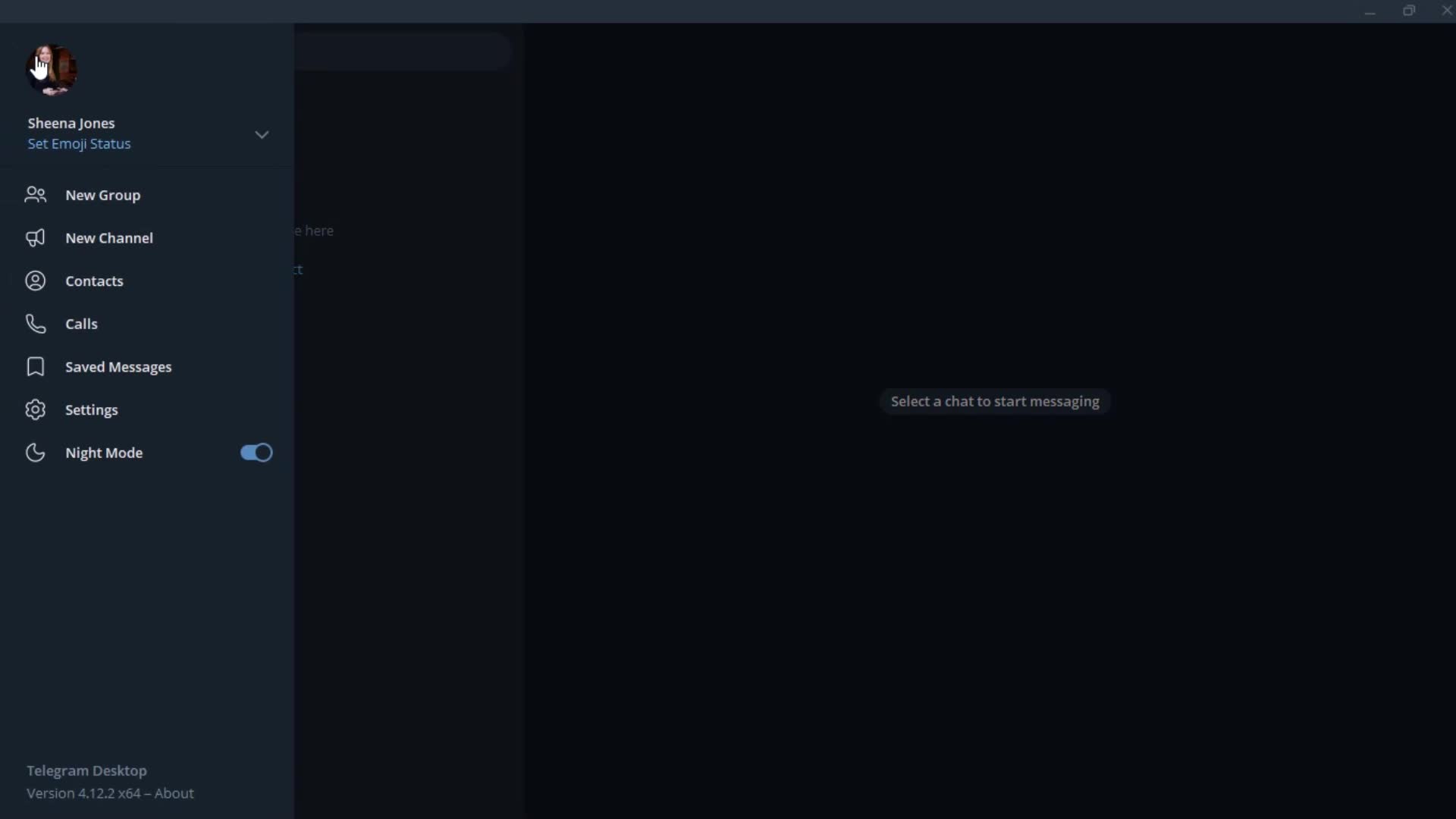
Profile menu
this is title
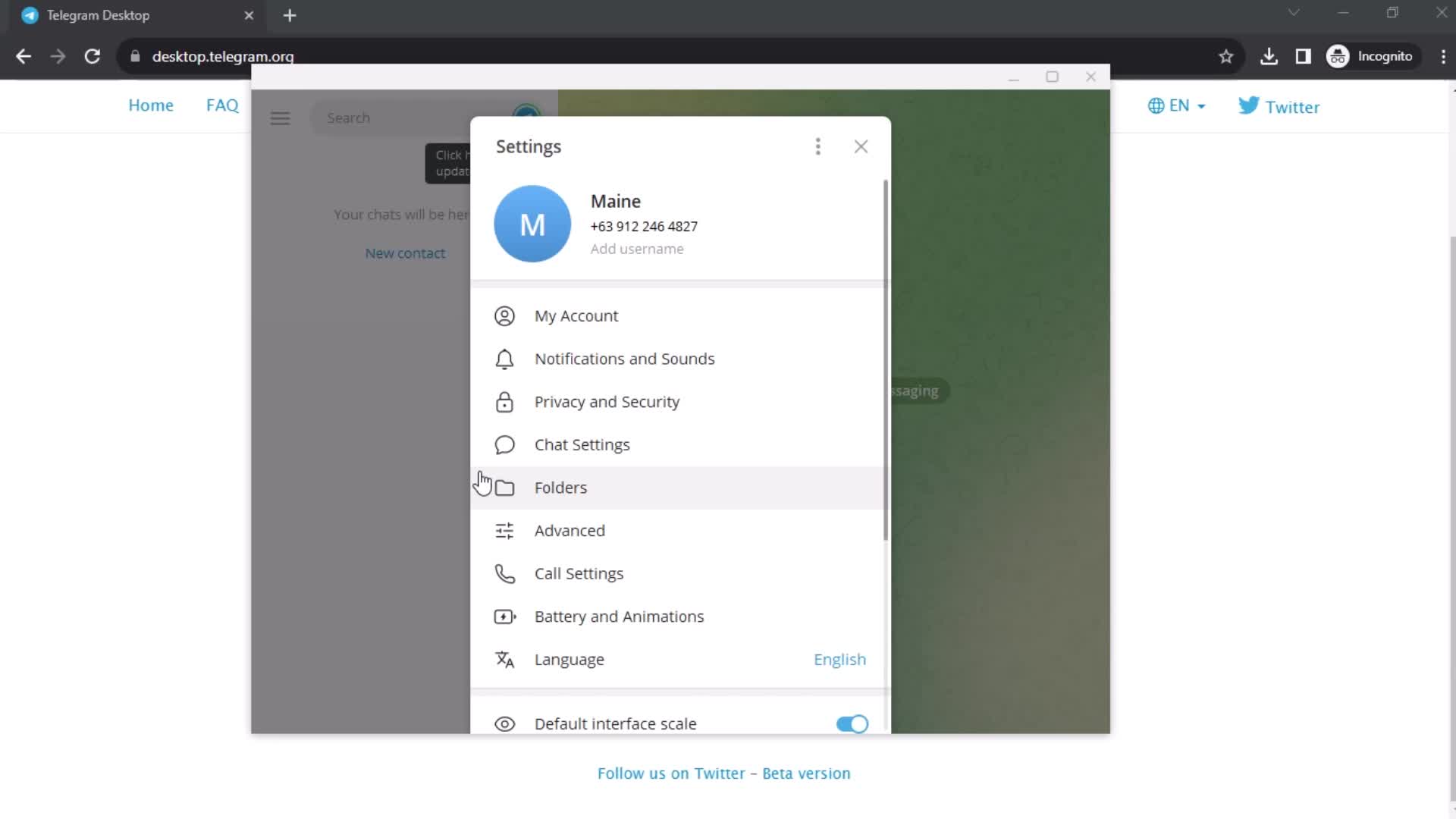
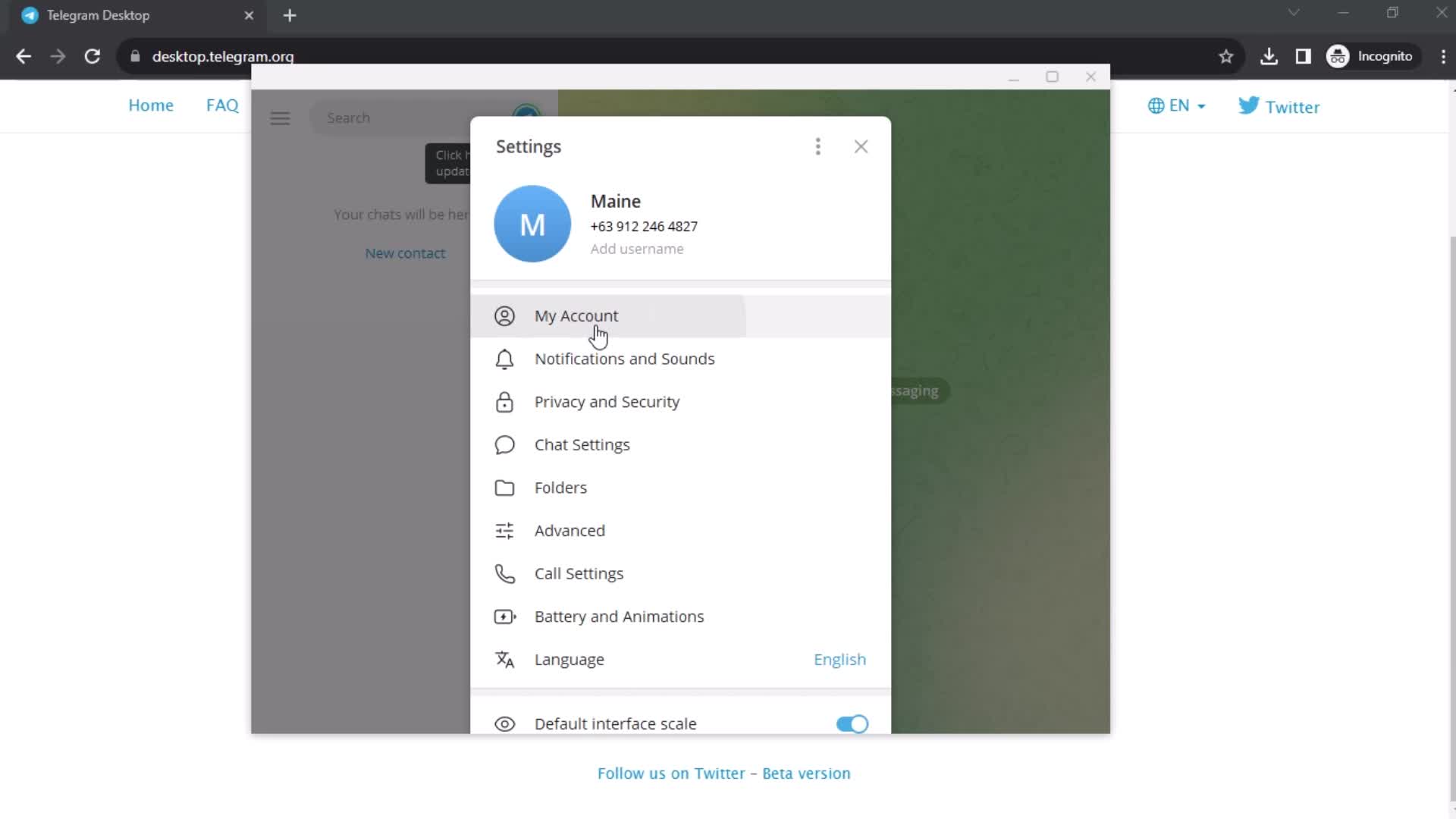
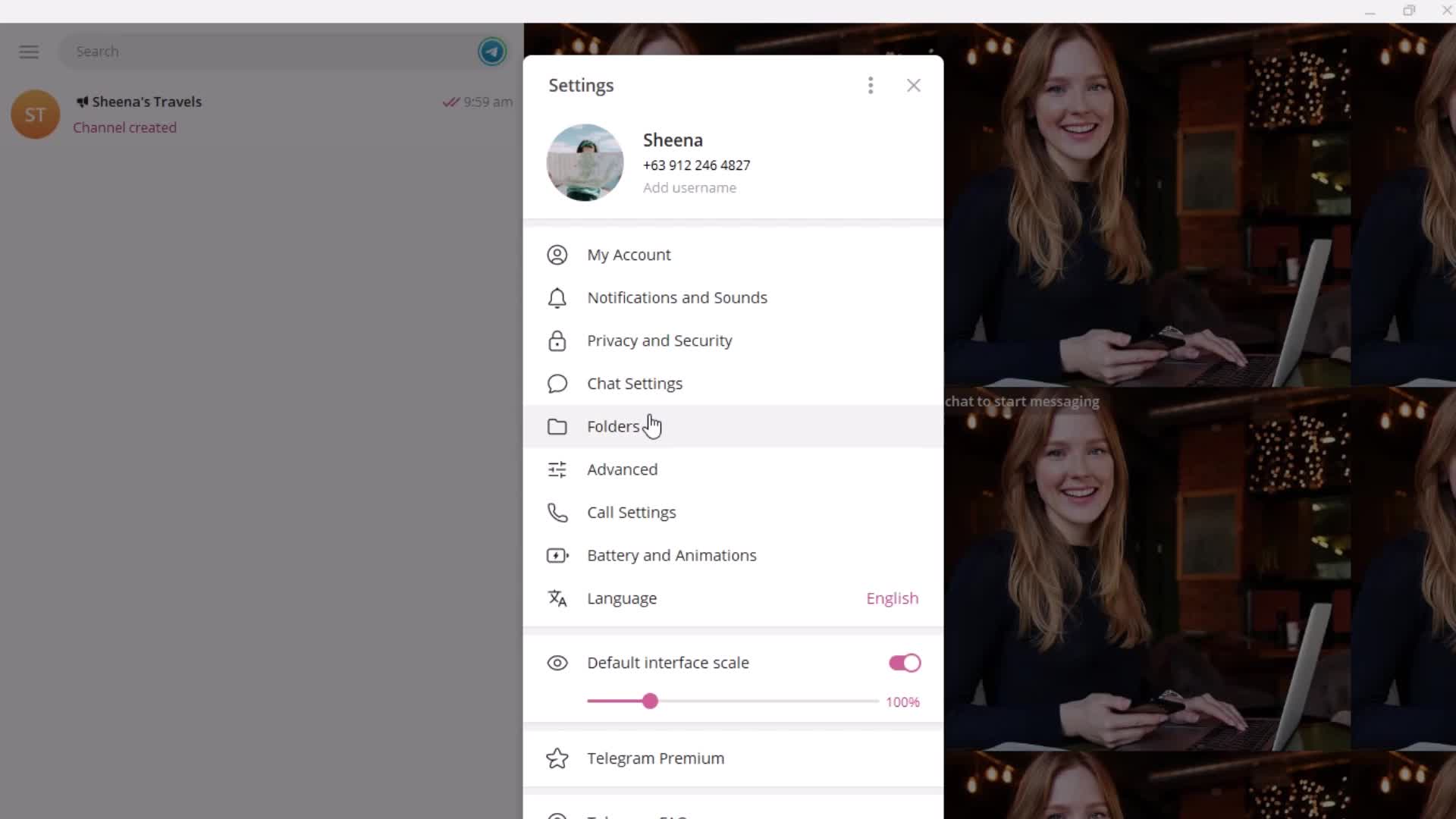
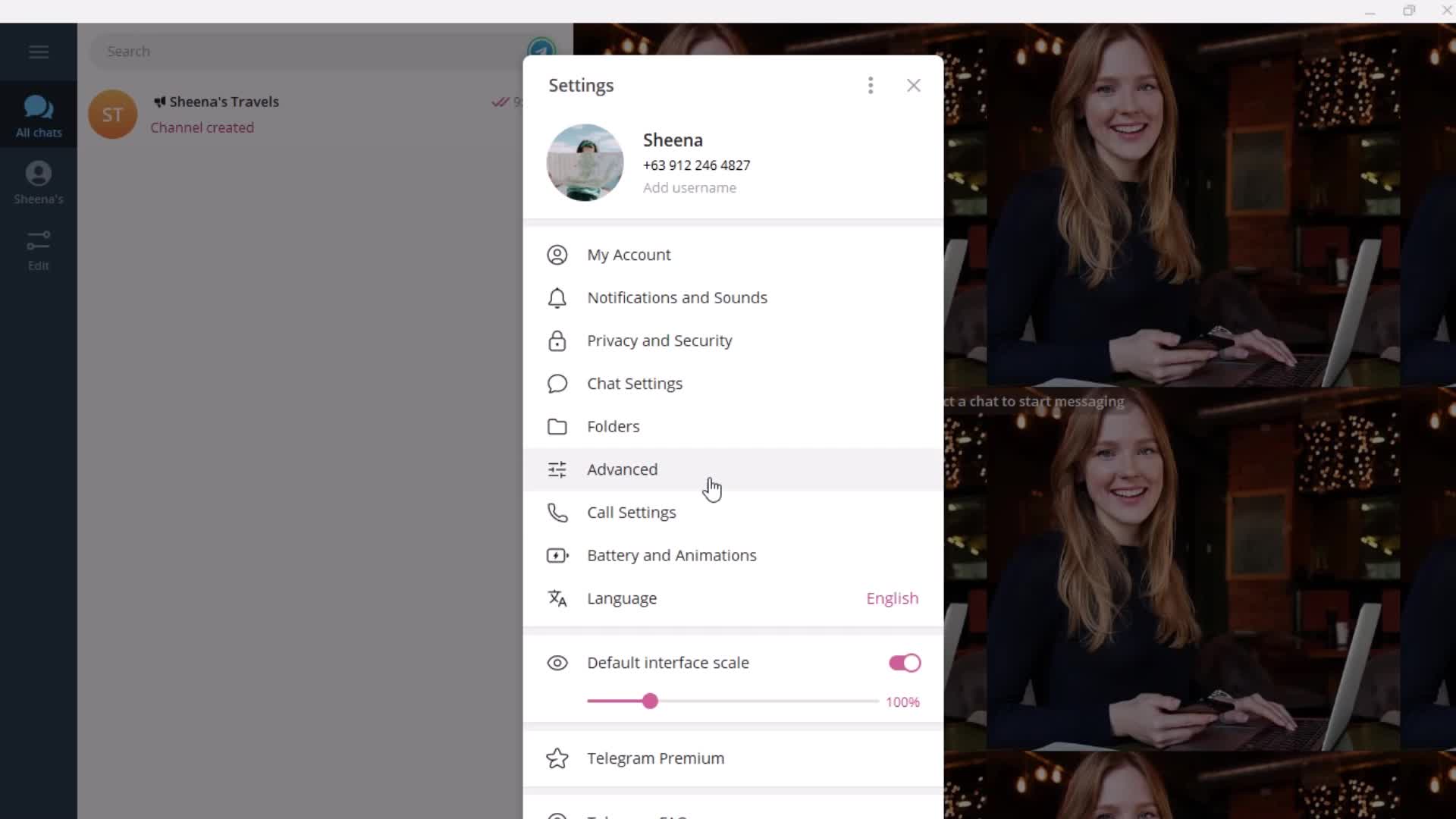
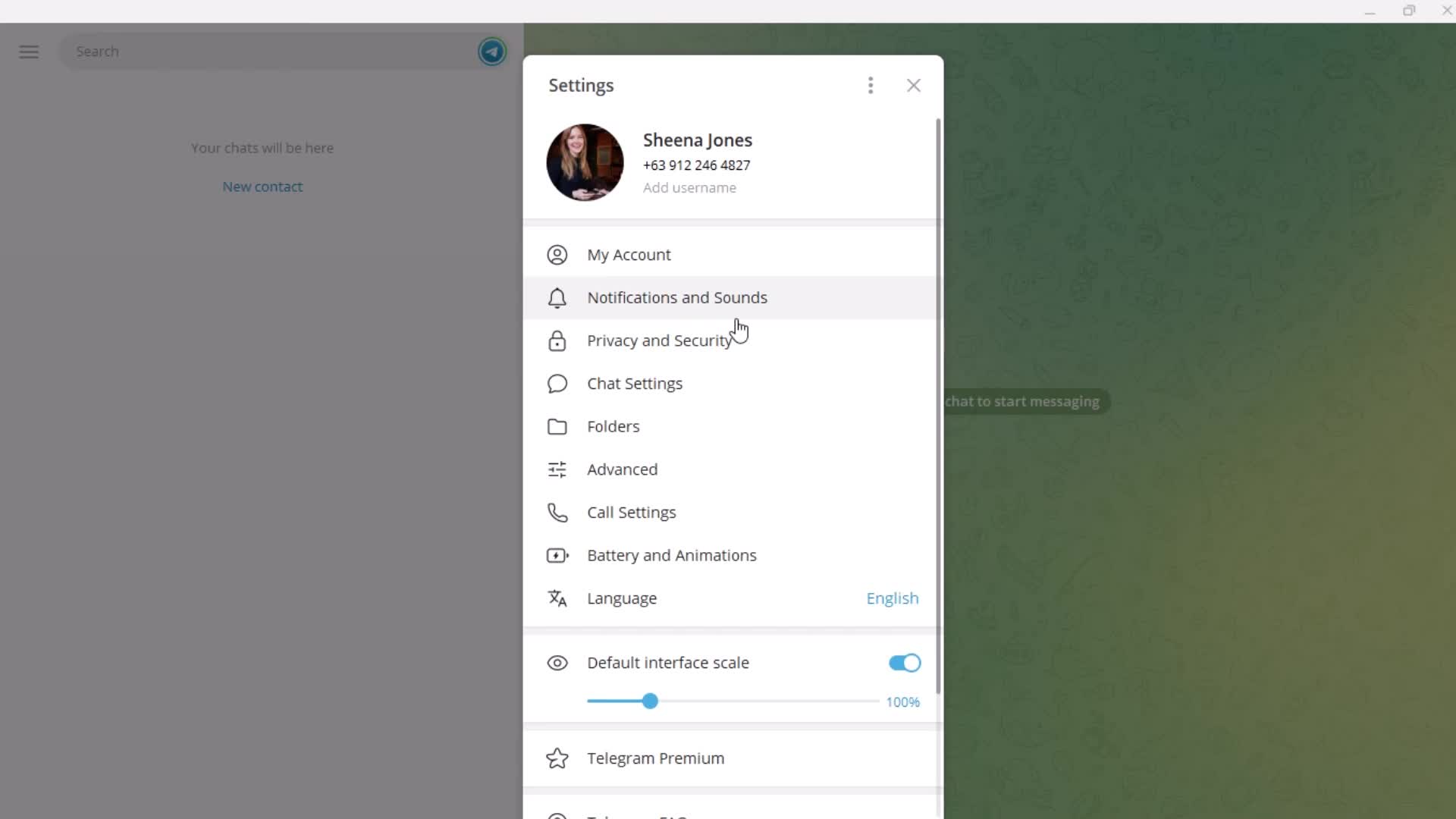
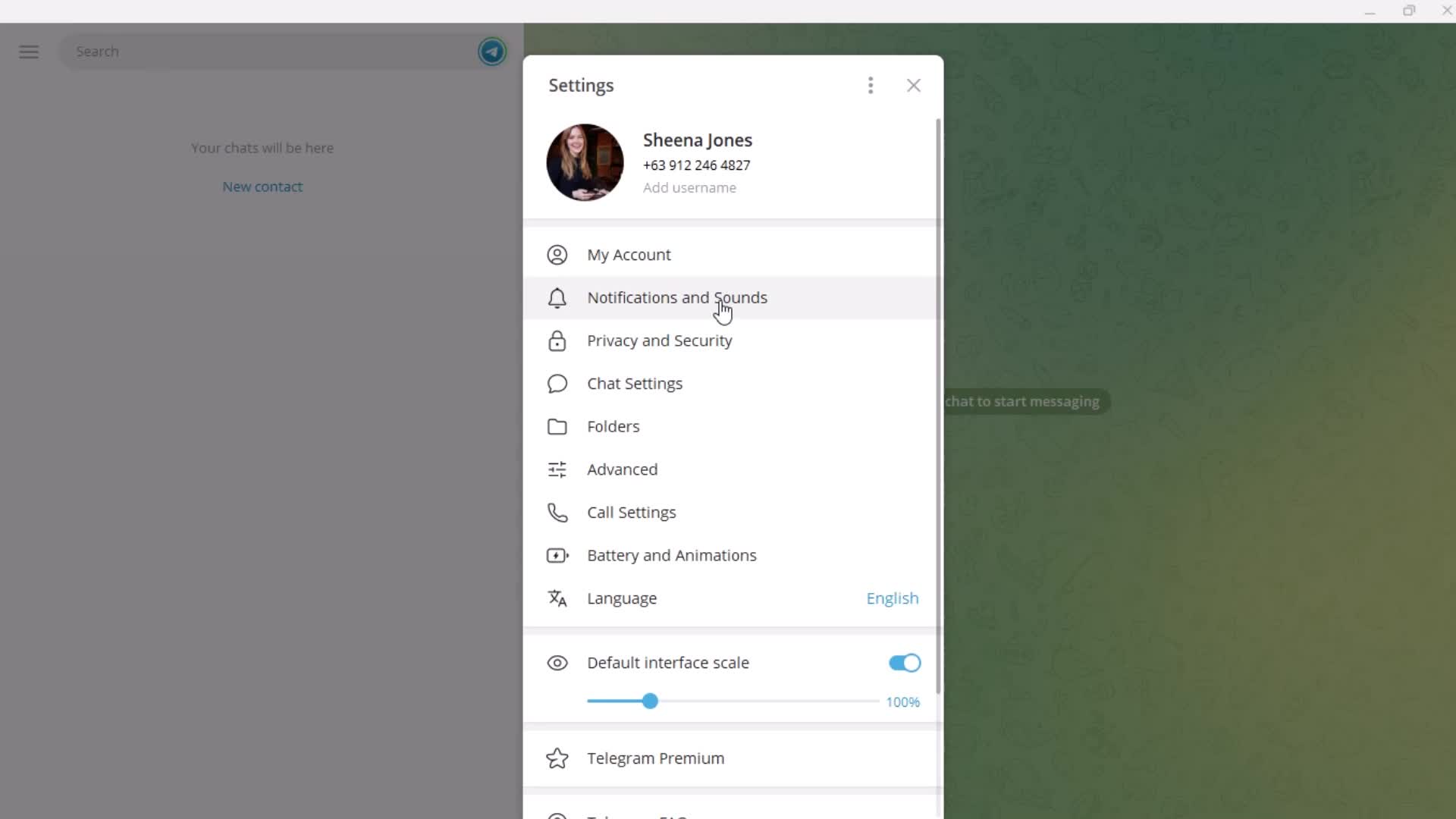
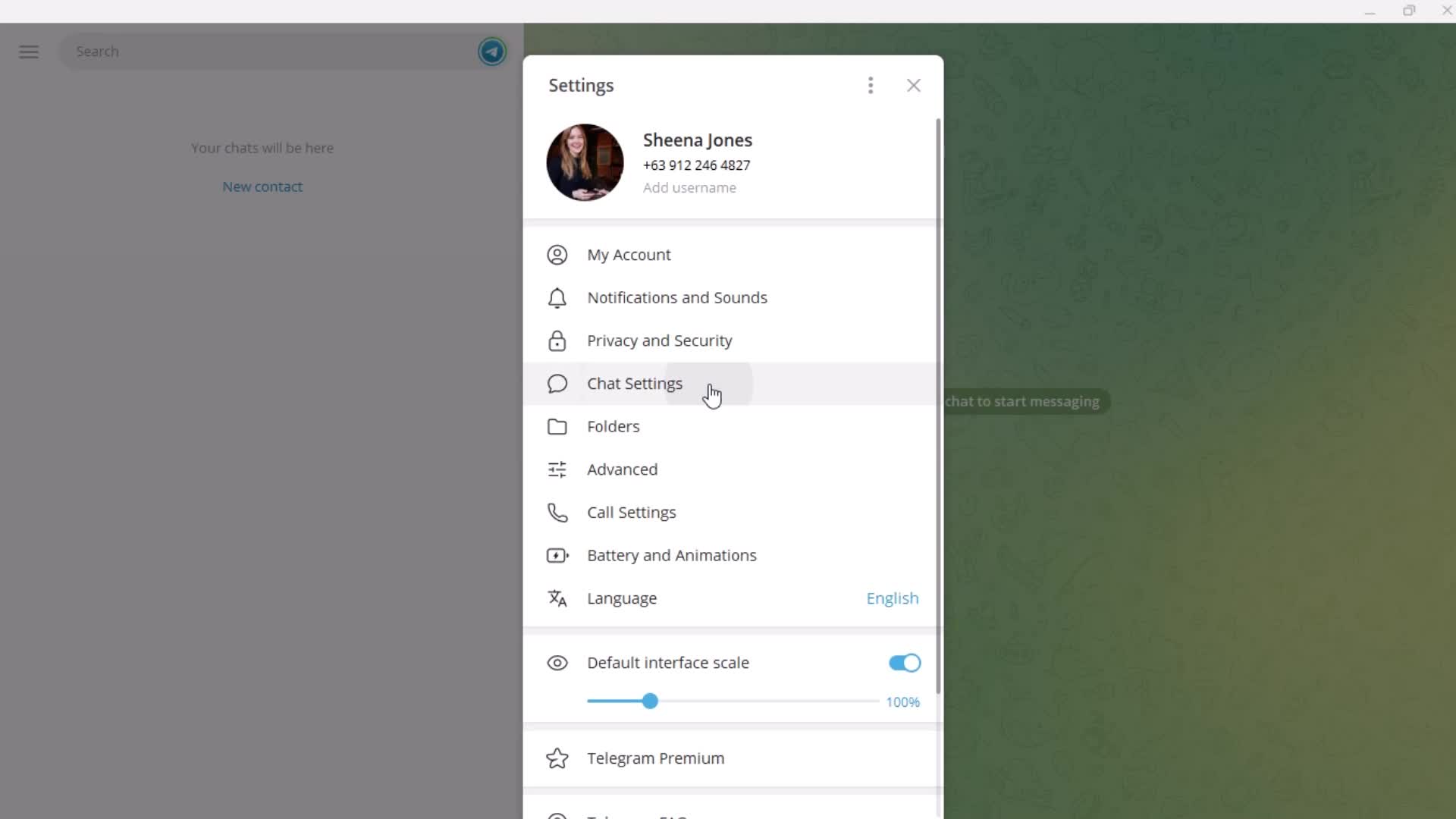
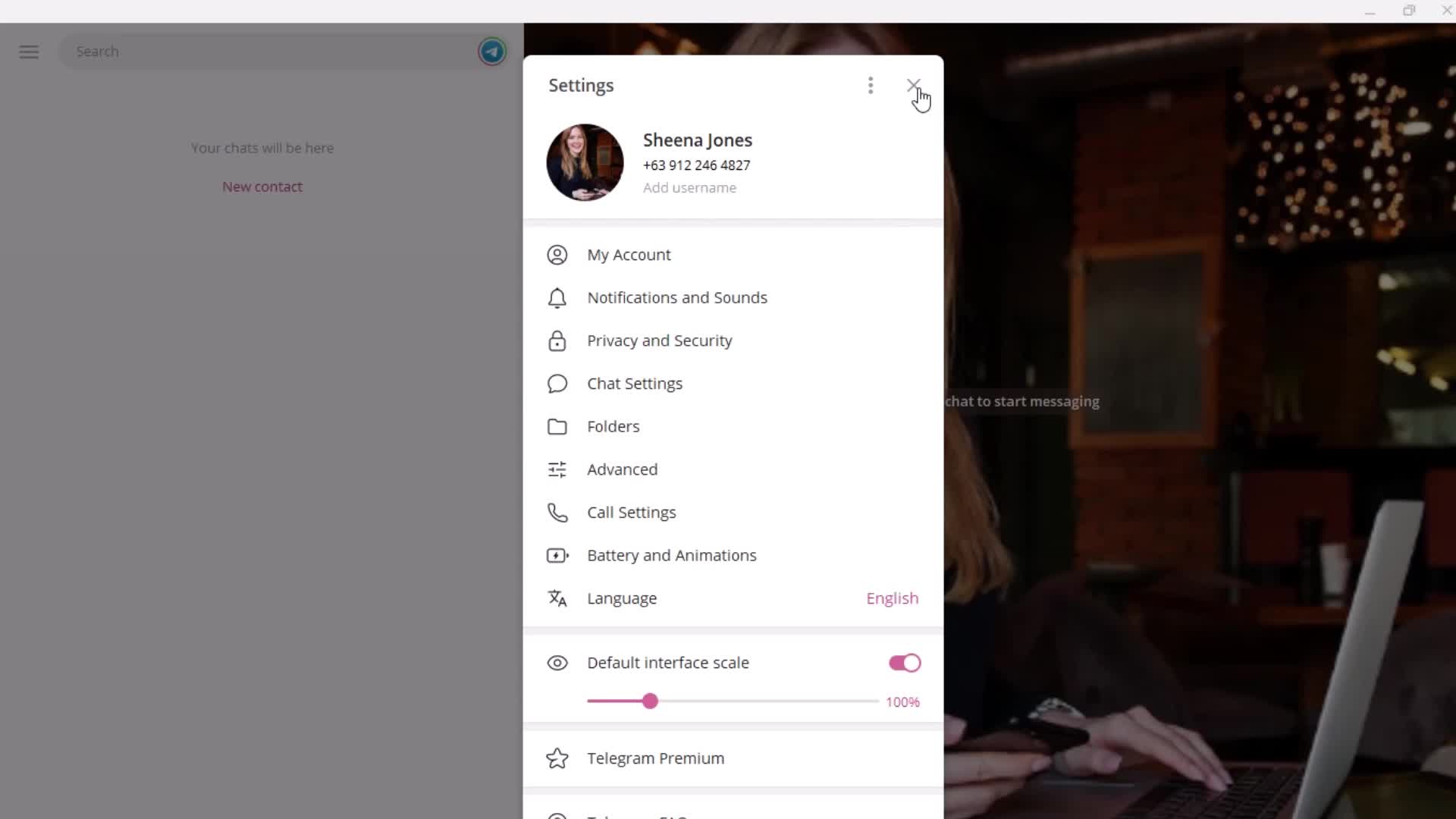
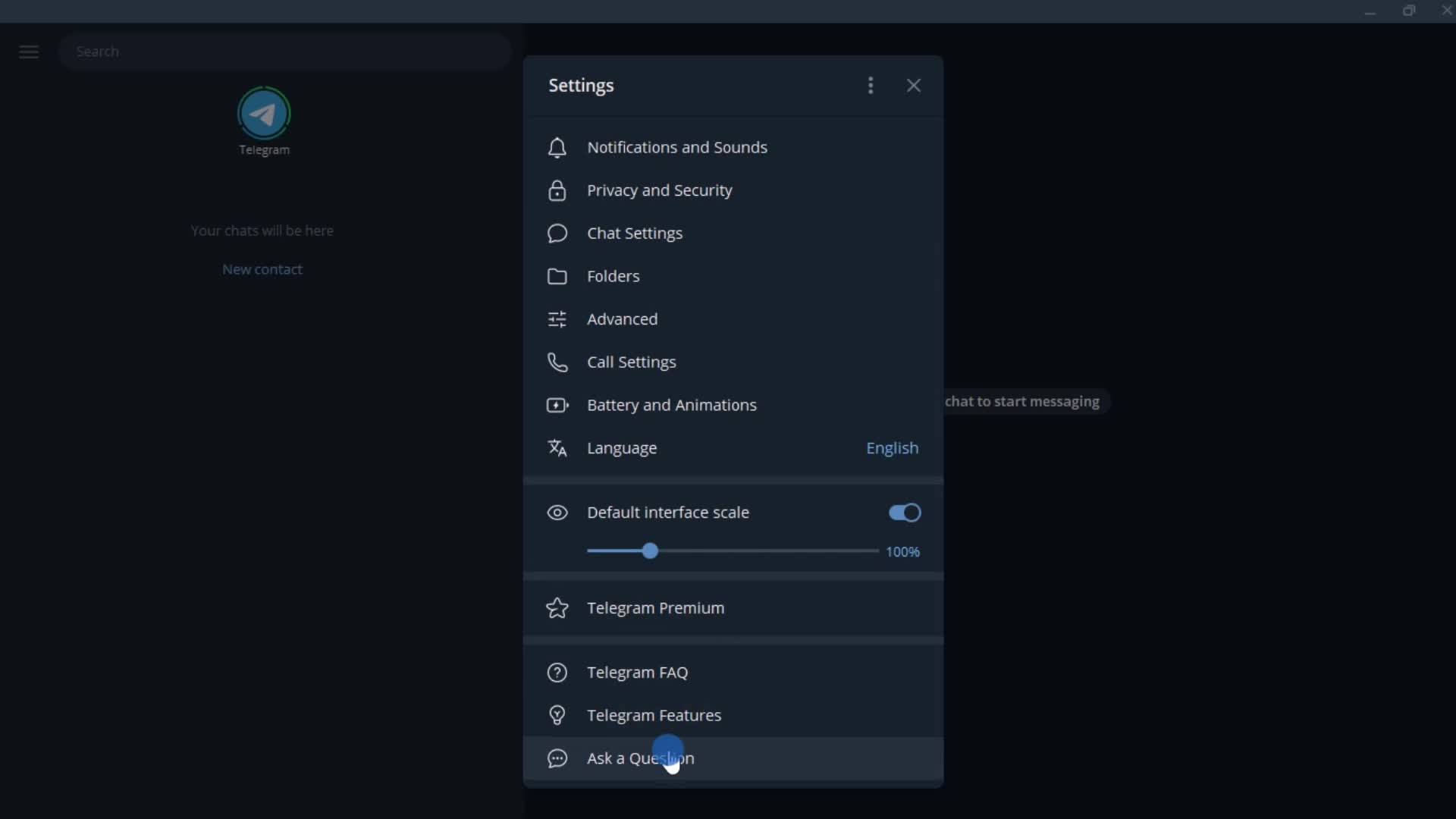
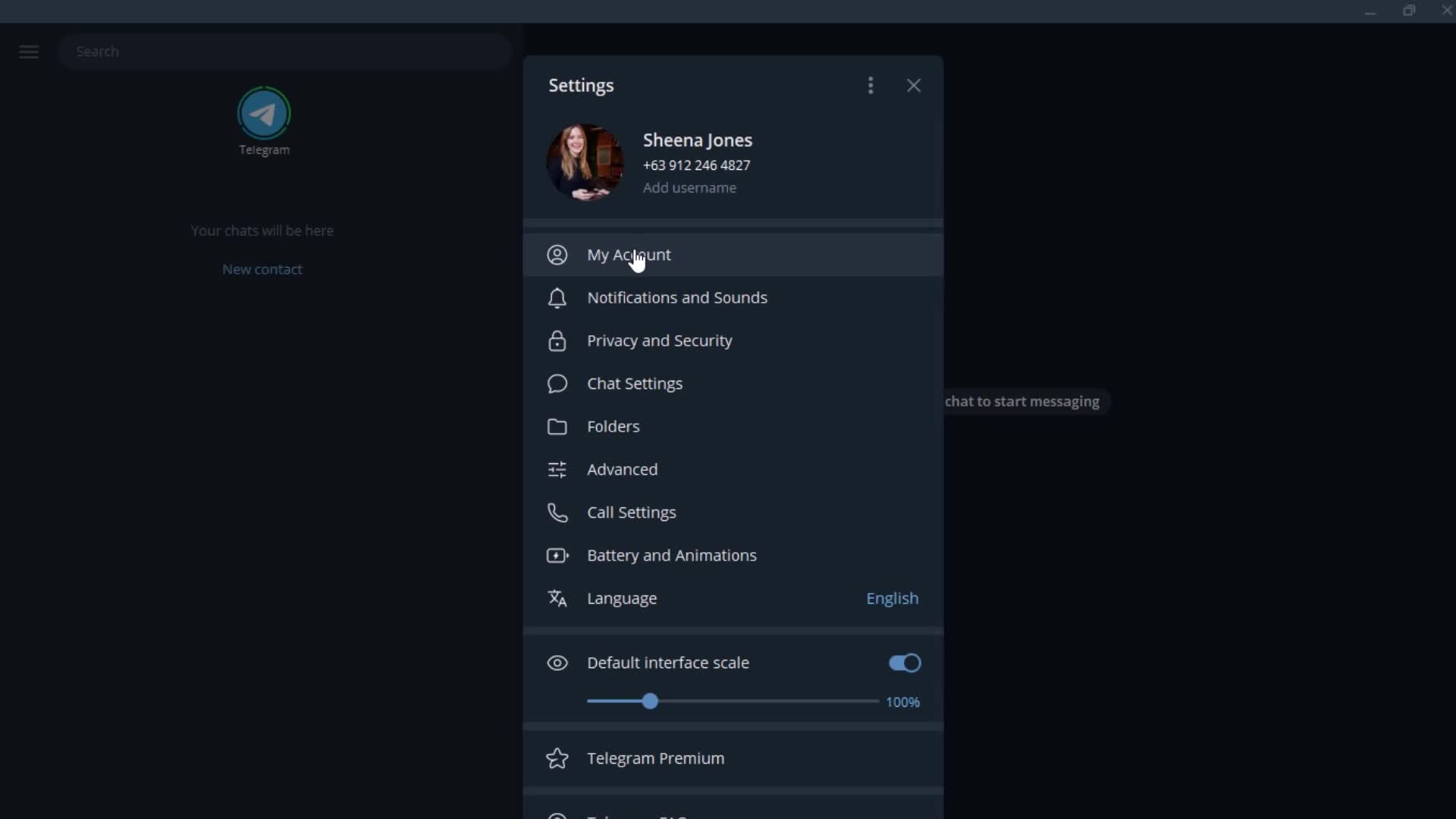
Settings
this is title
this is title
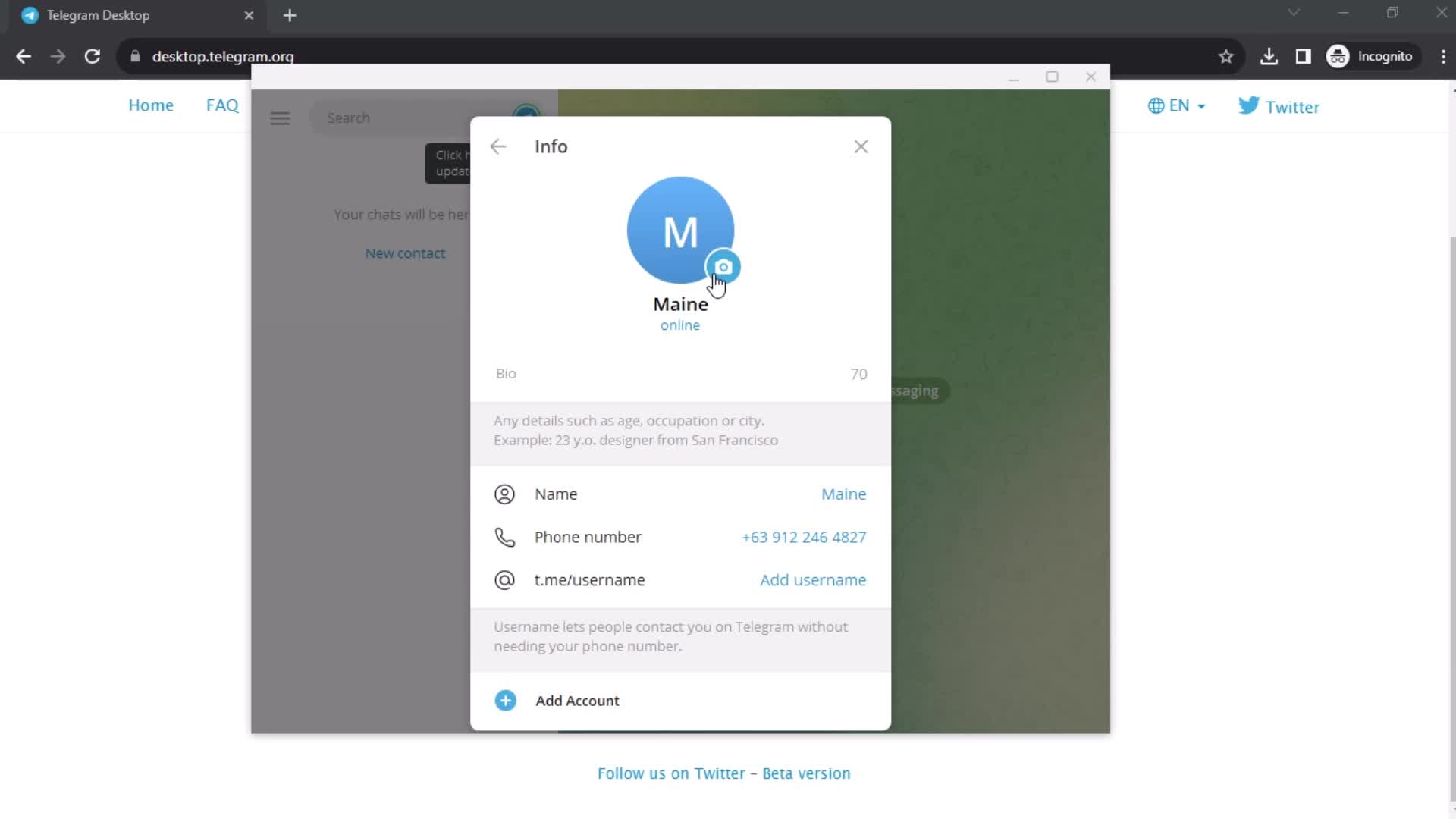
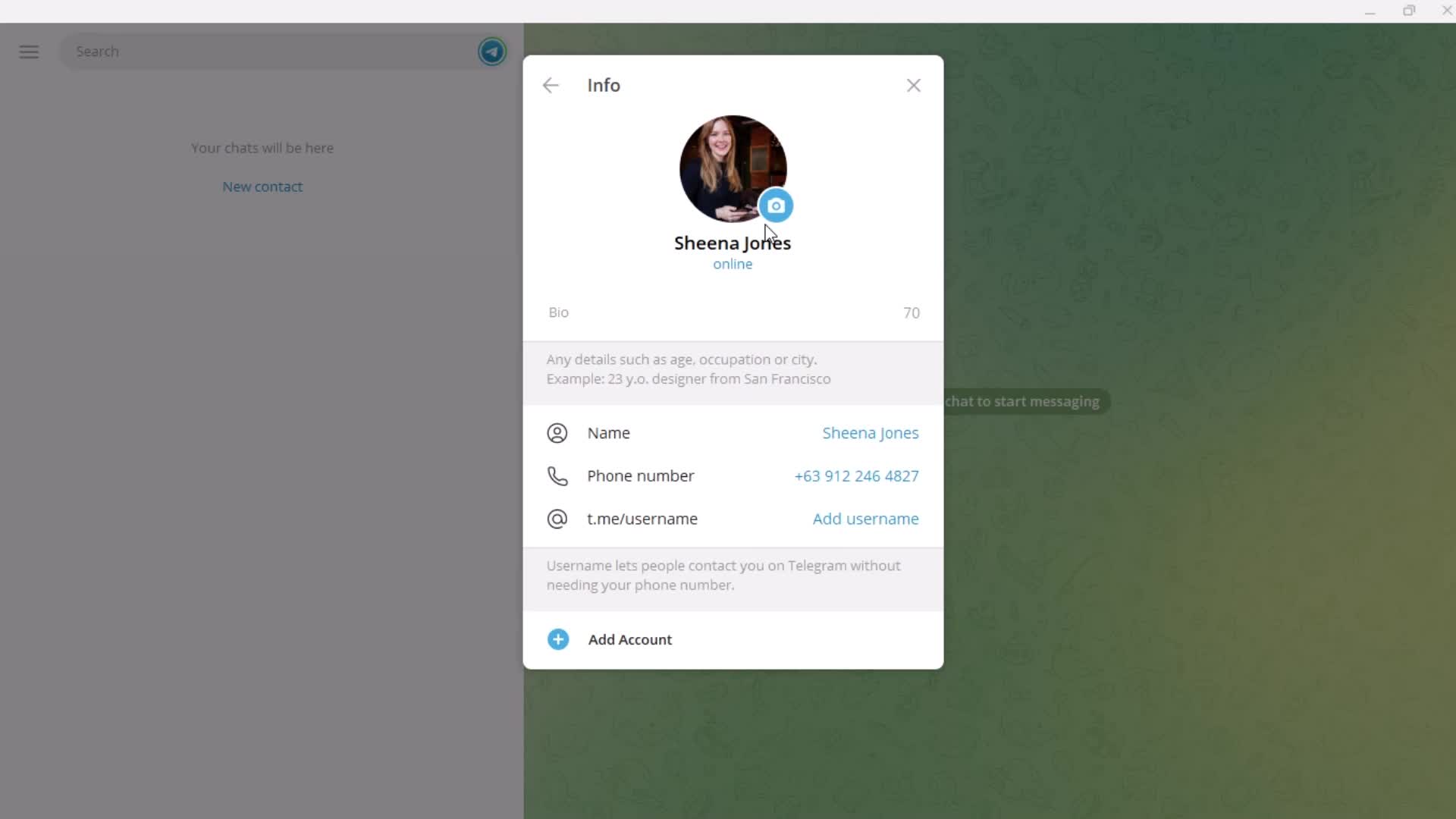
Account settings
this is title
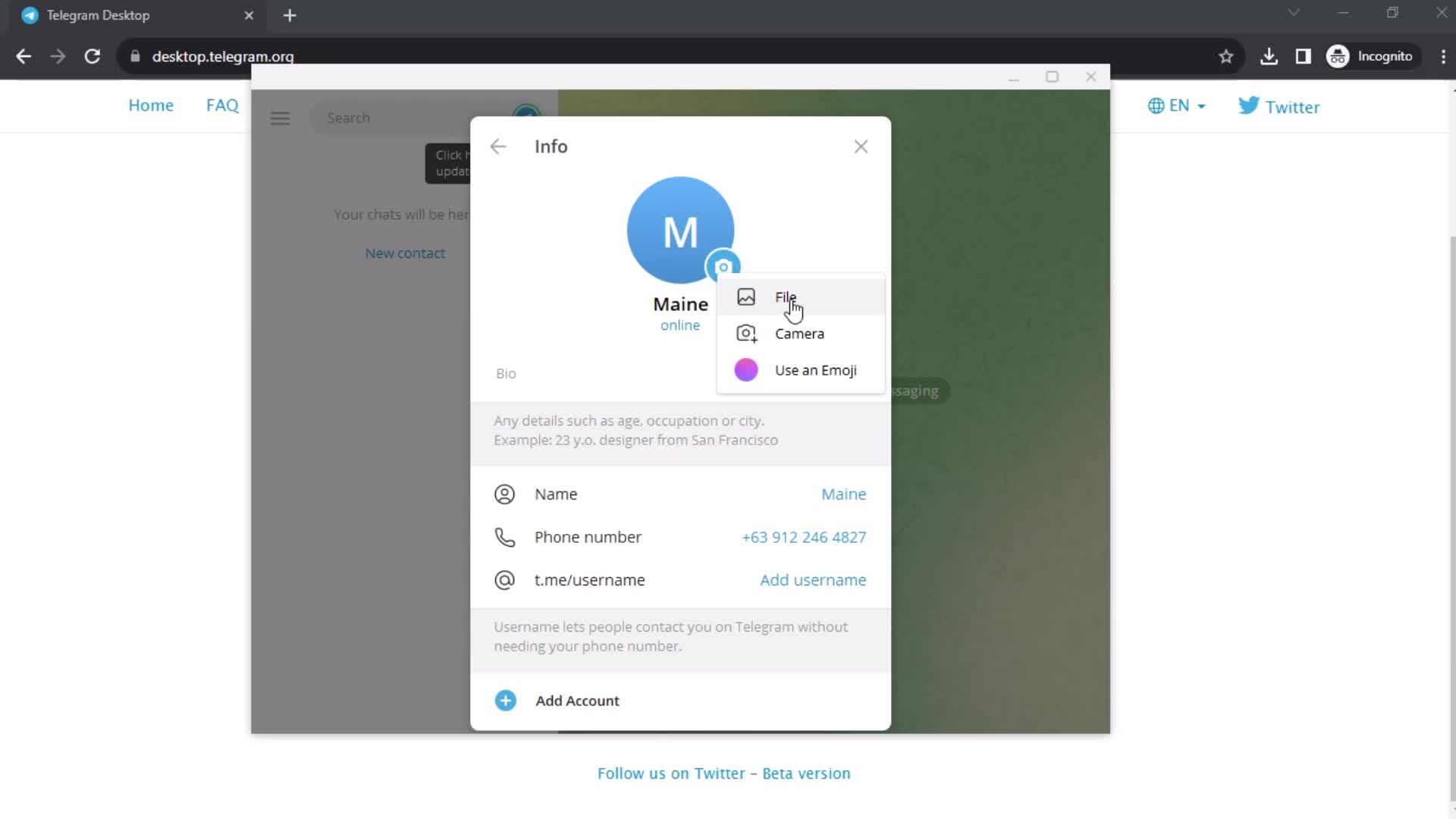
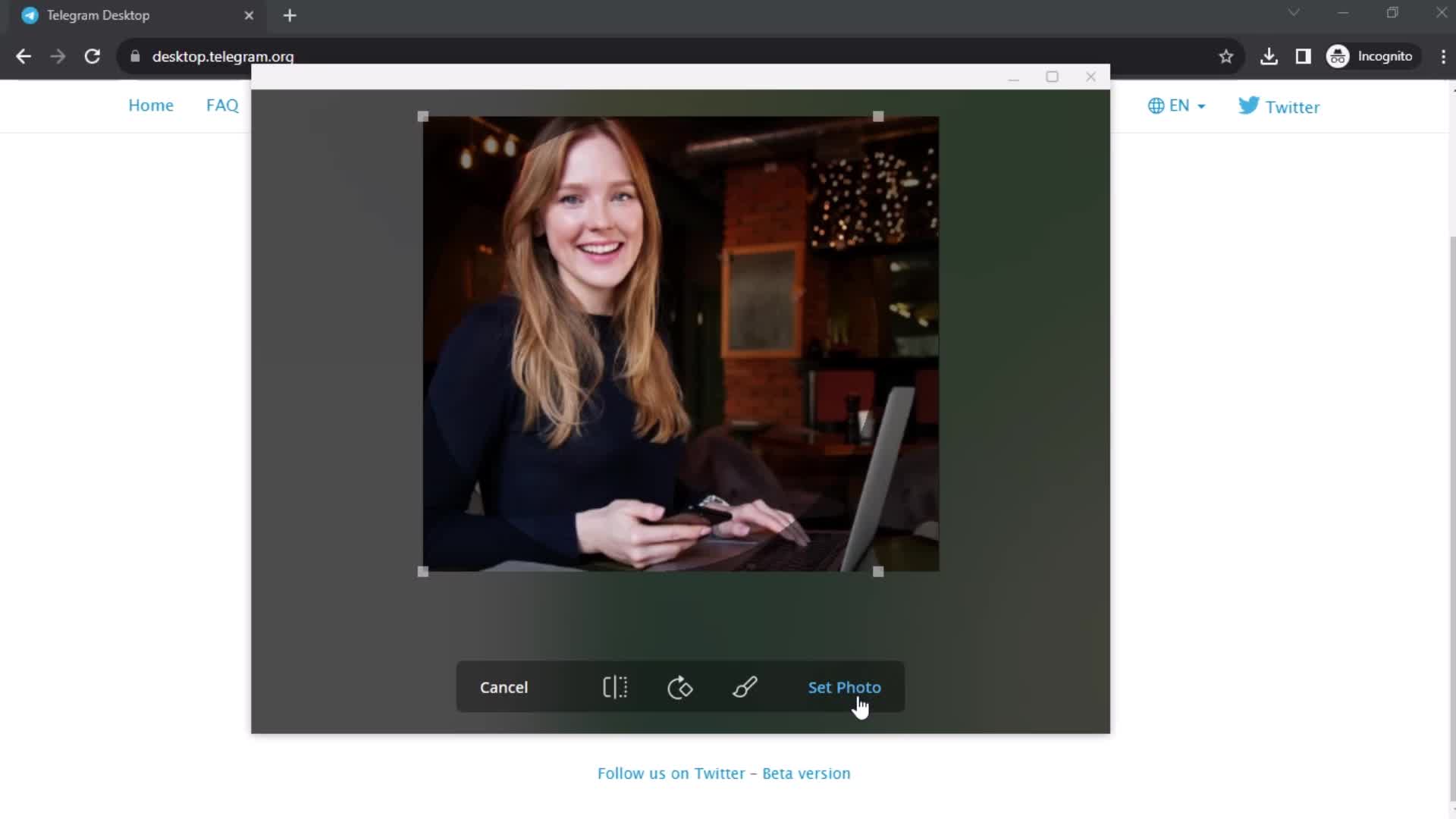
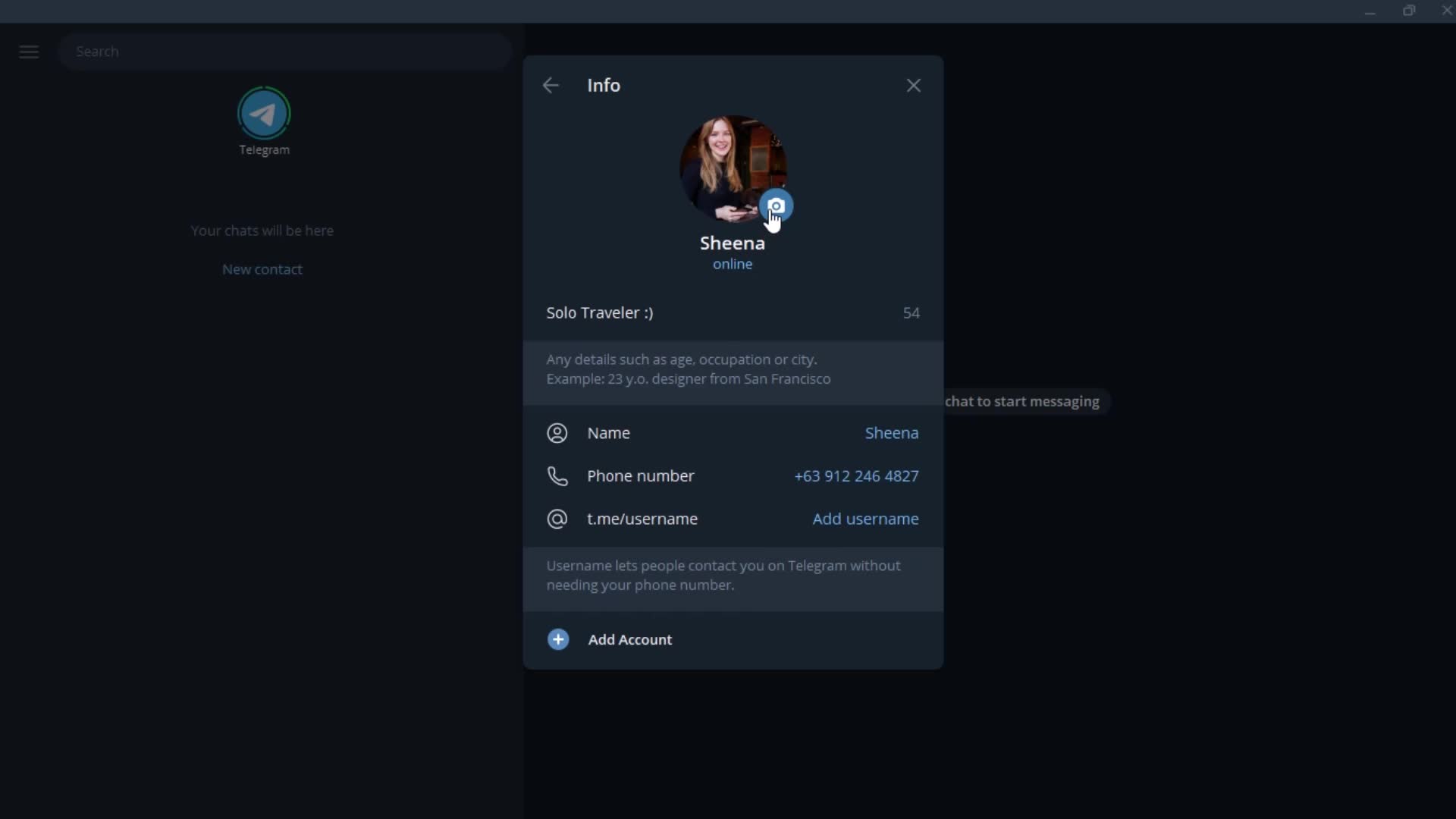
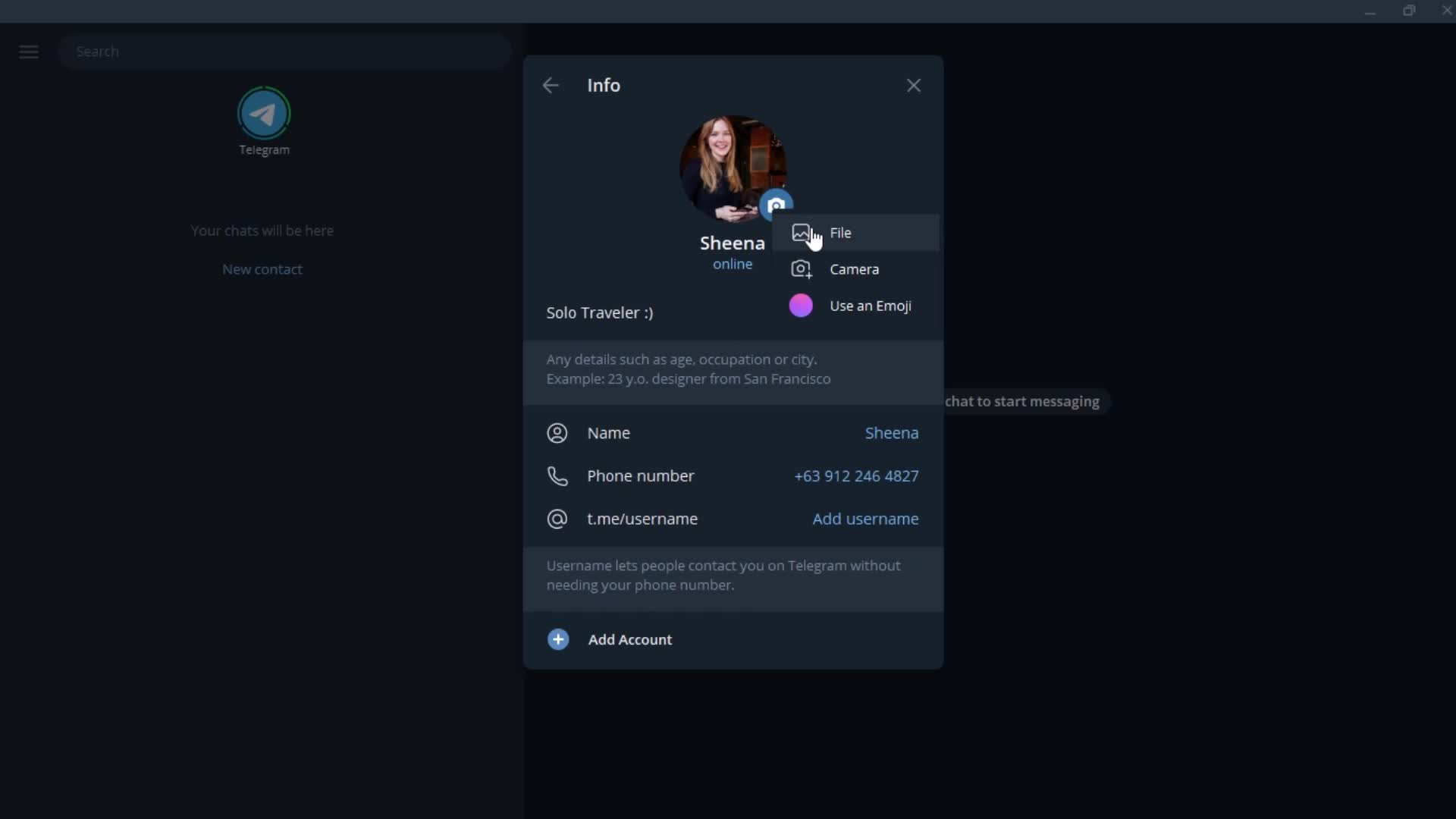
Upload profile picture
this is title
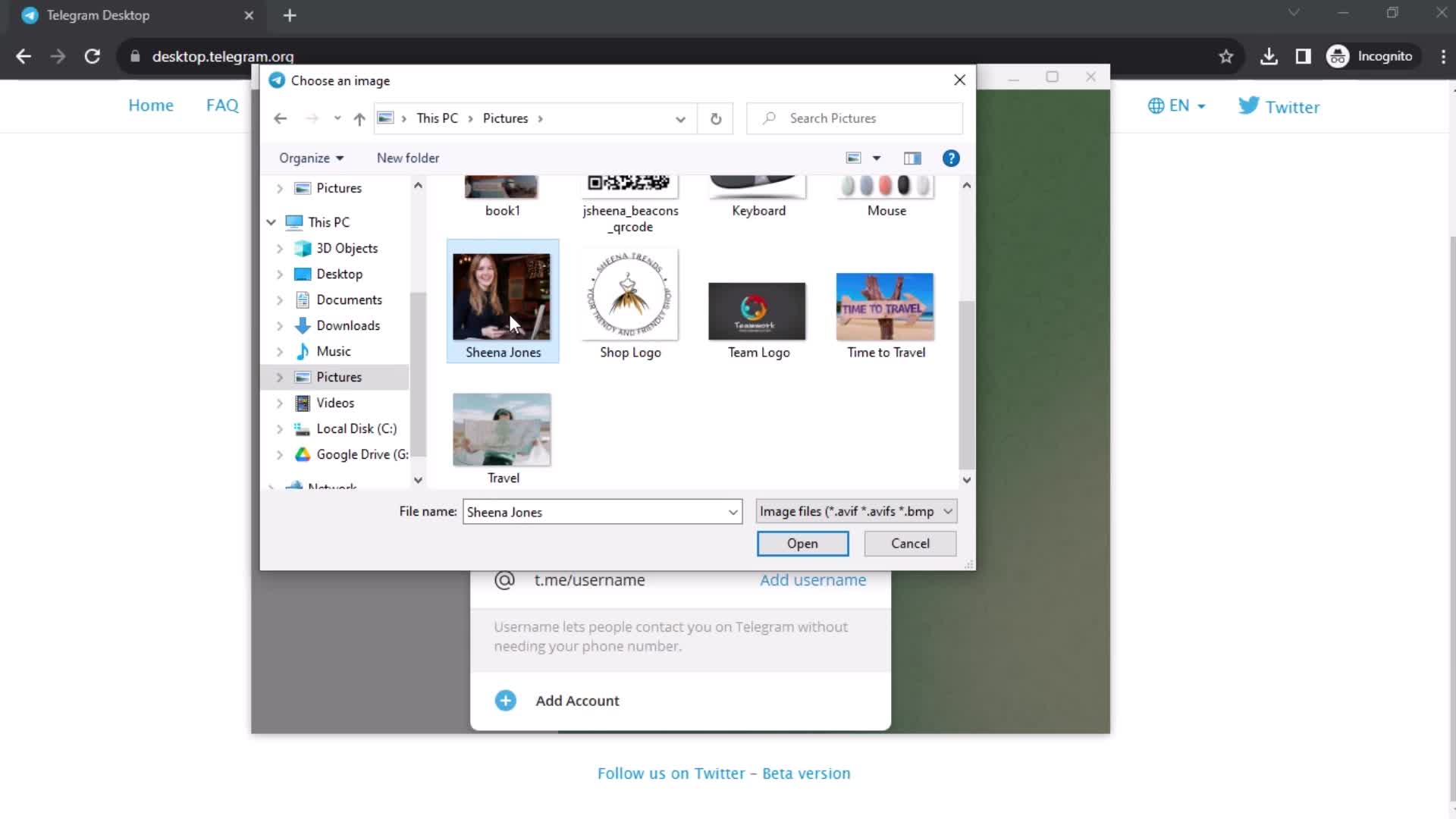
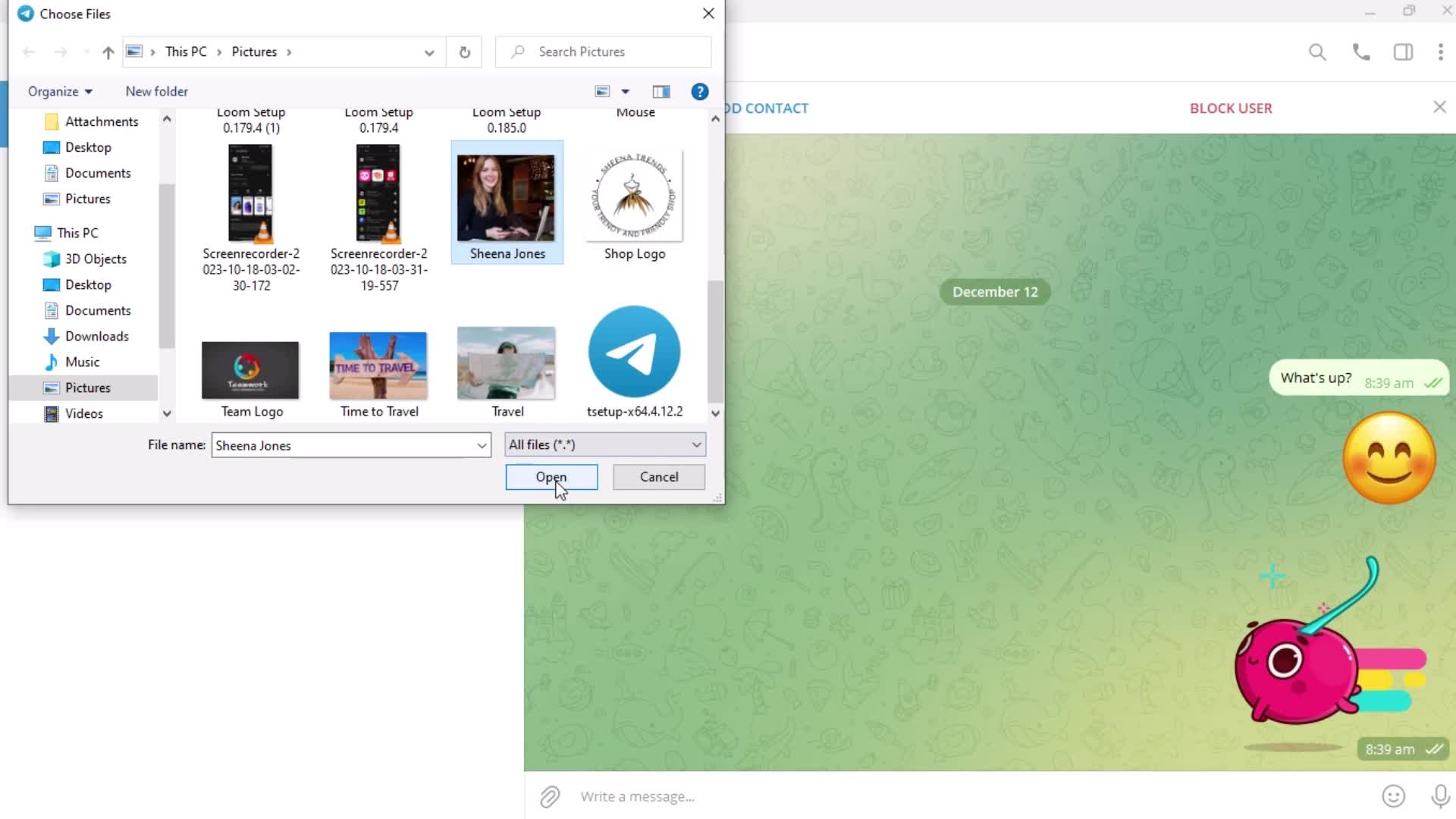
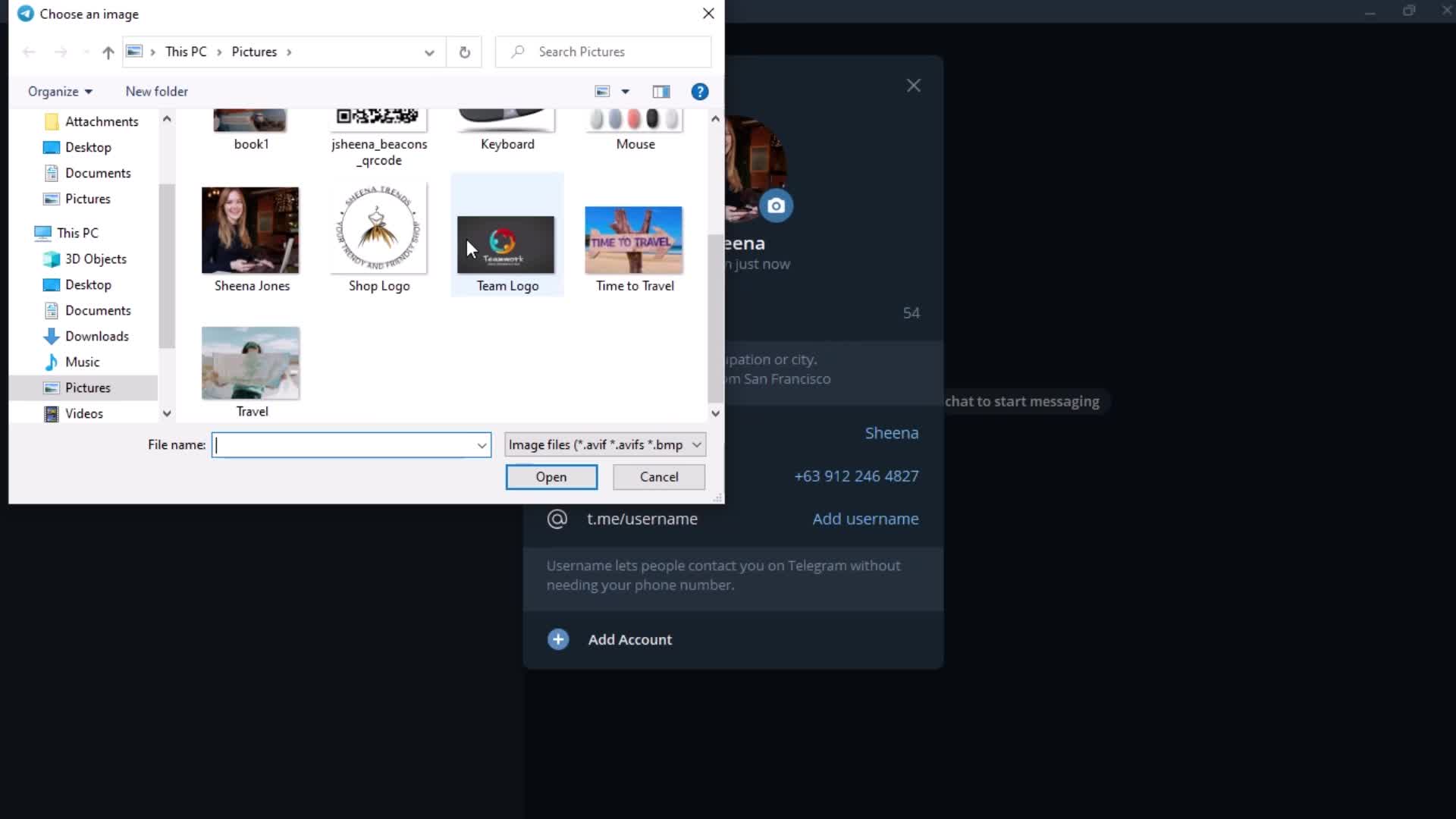
Select photo
this is title
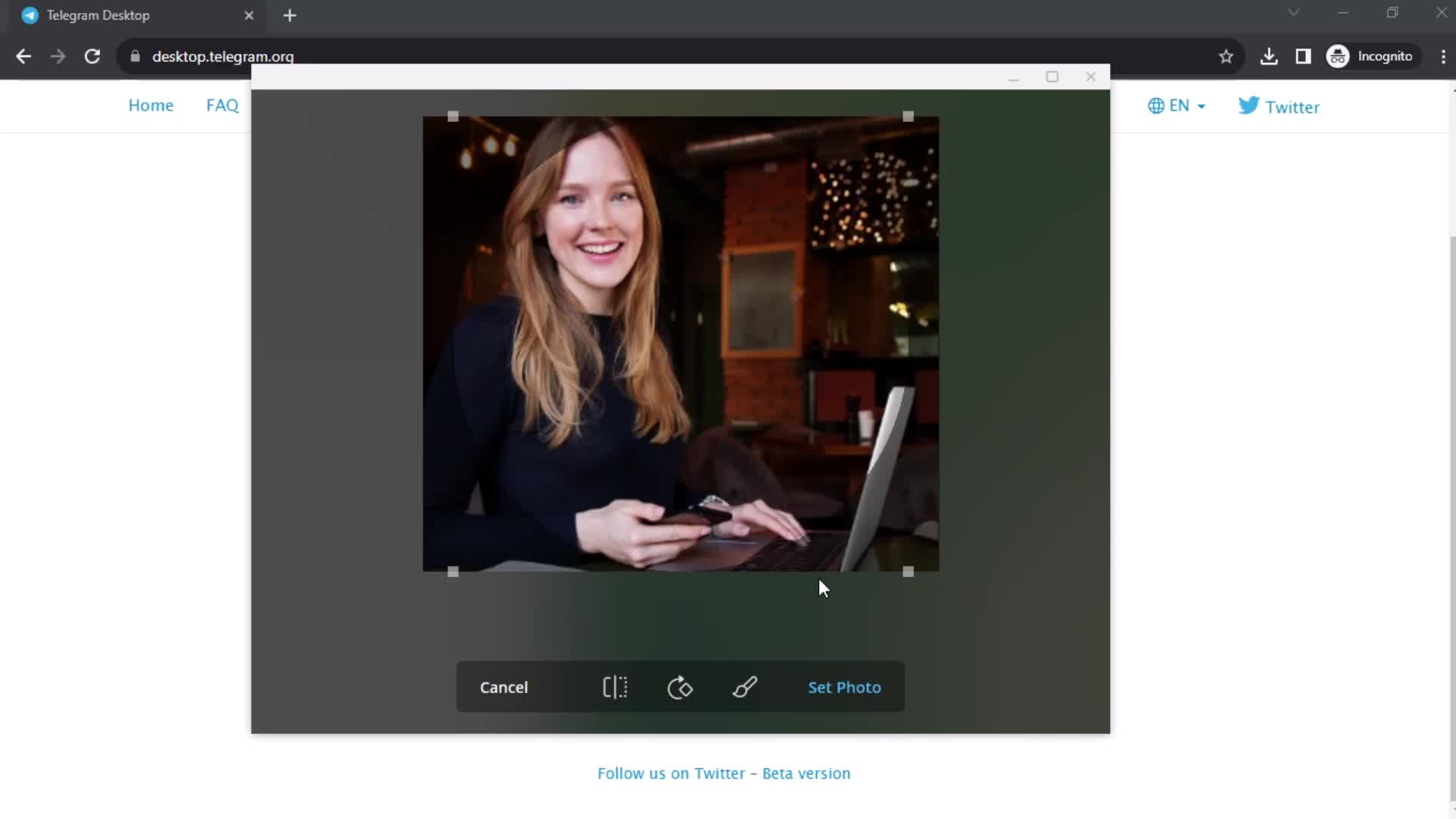
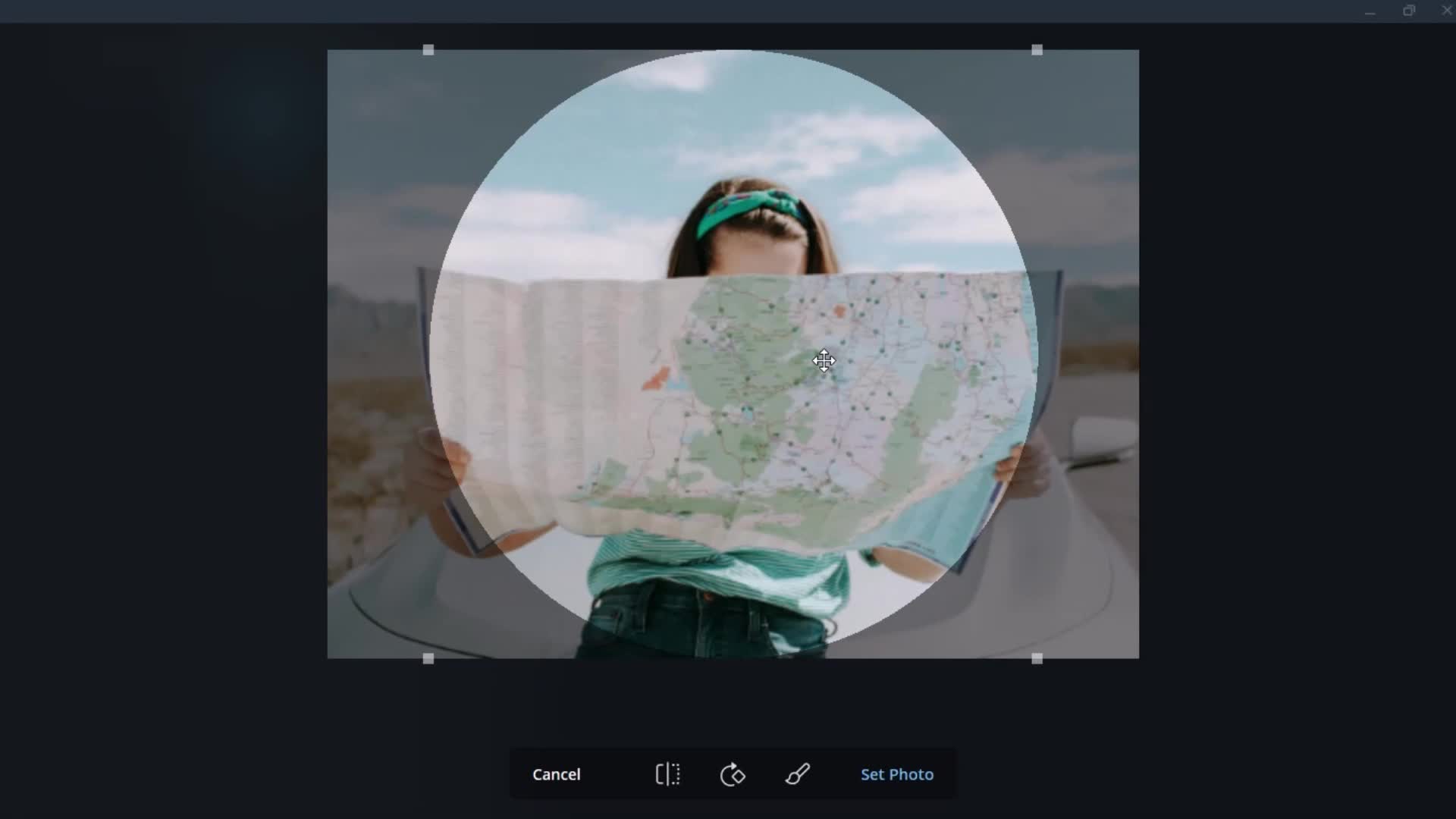
Editor
this is title
this is title
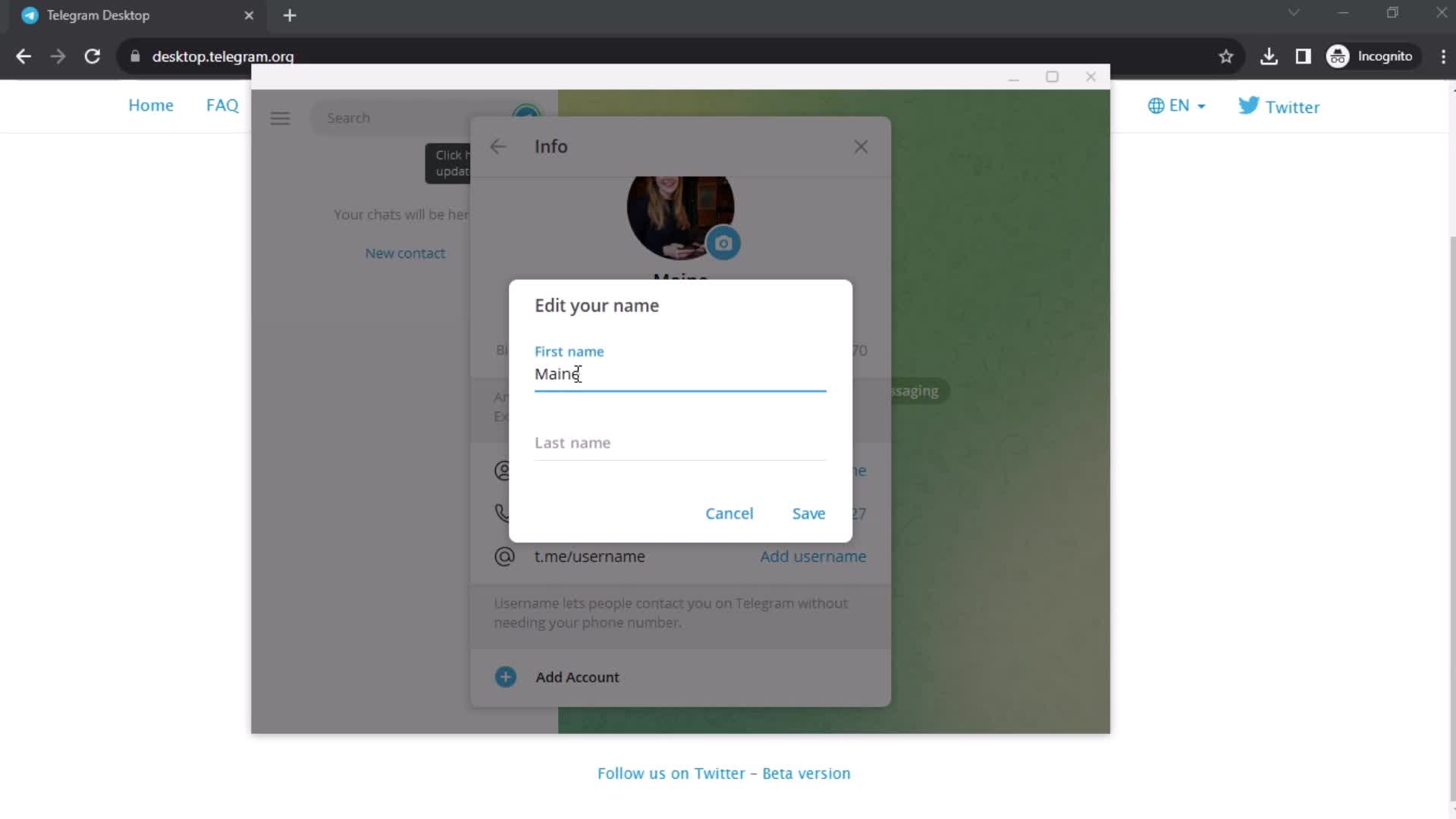
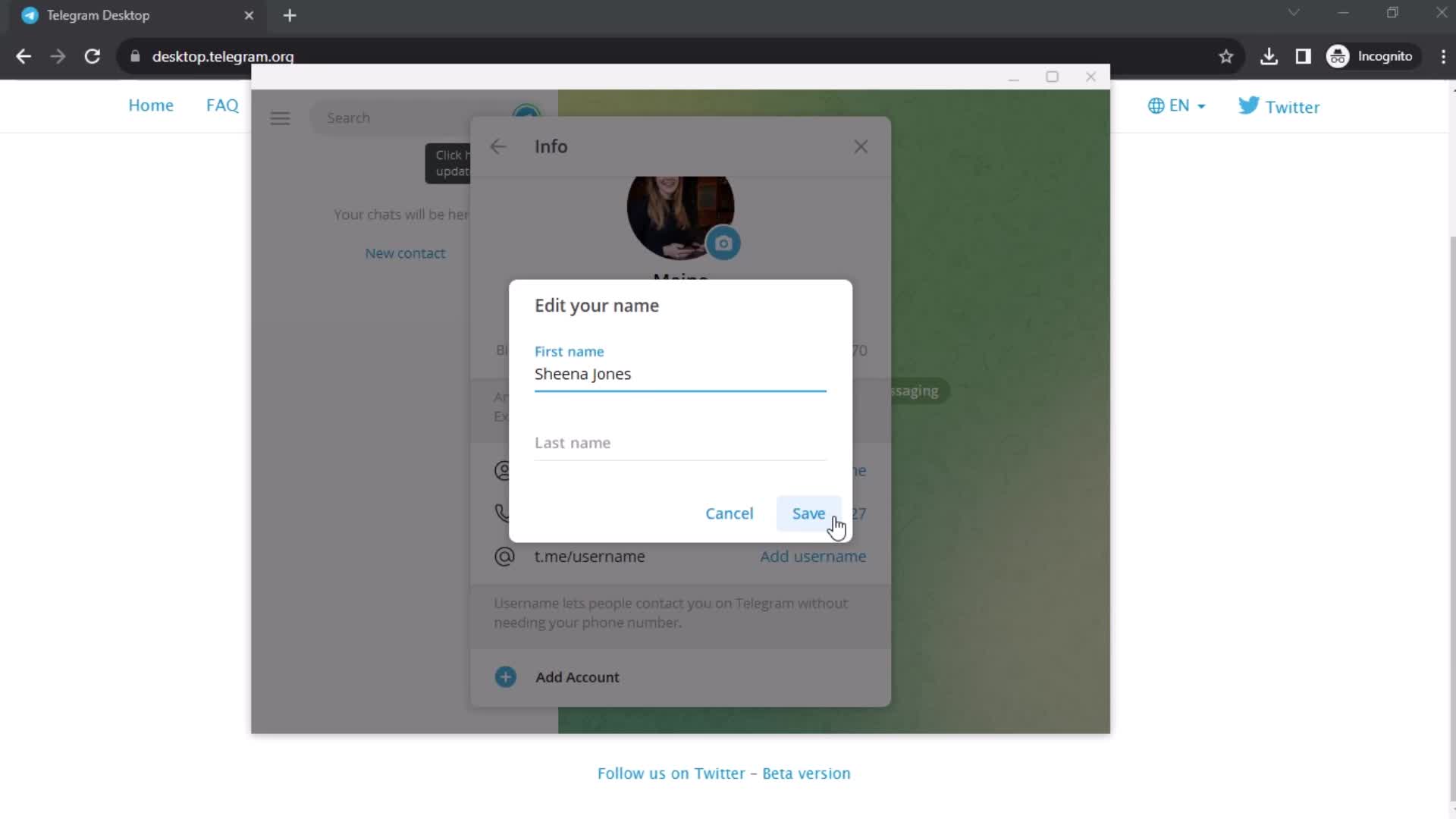
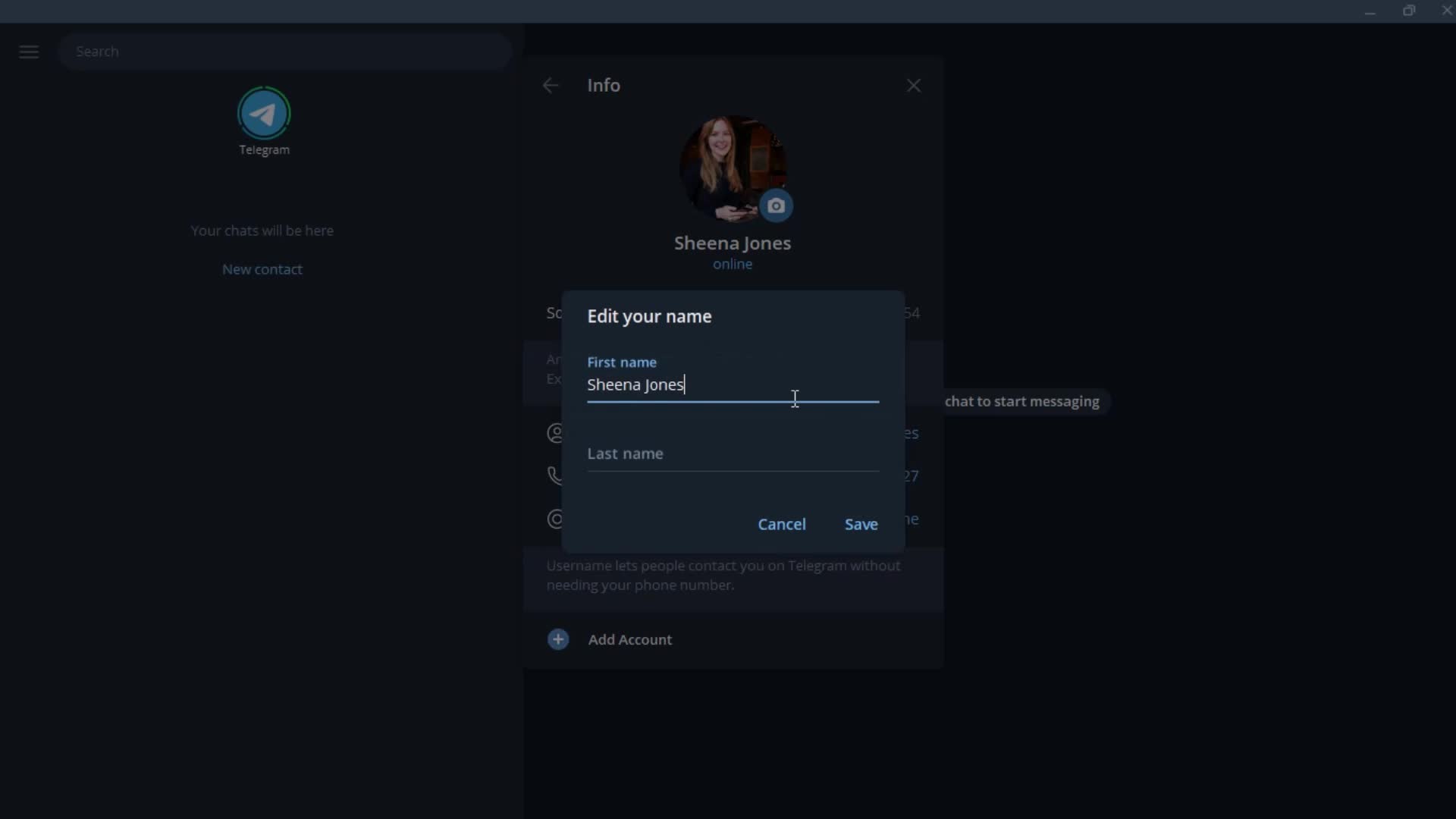
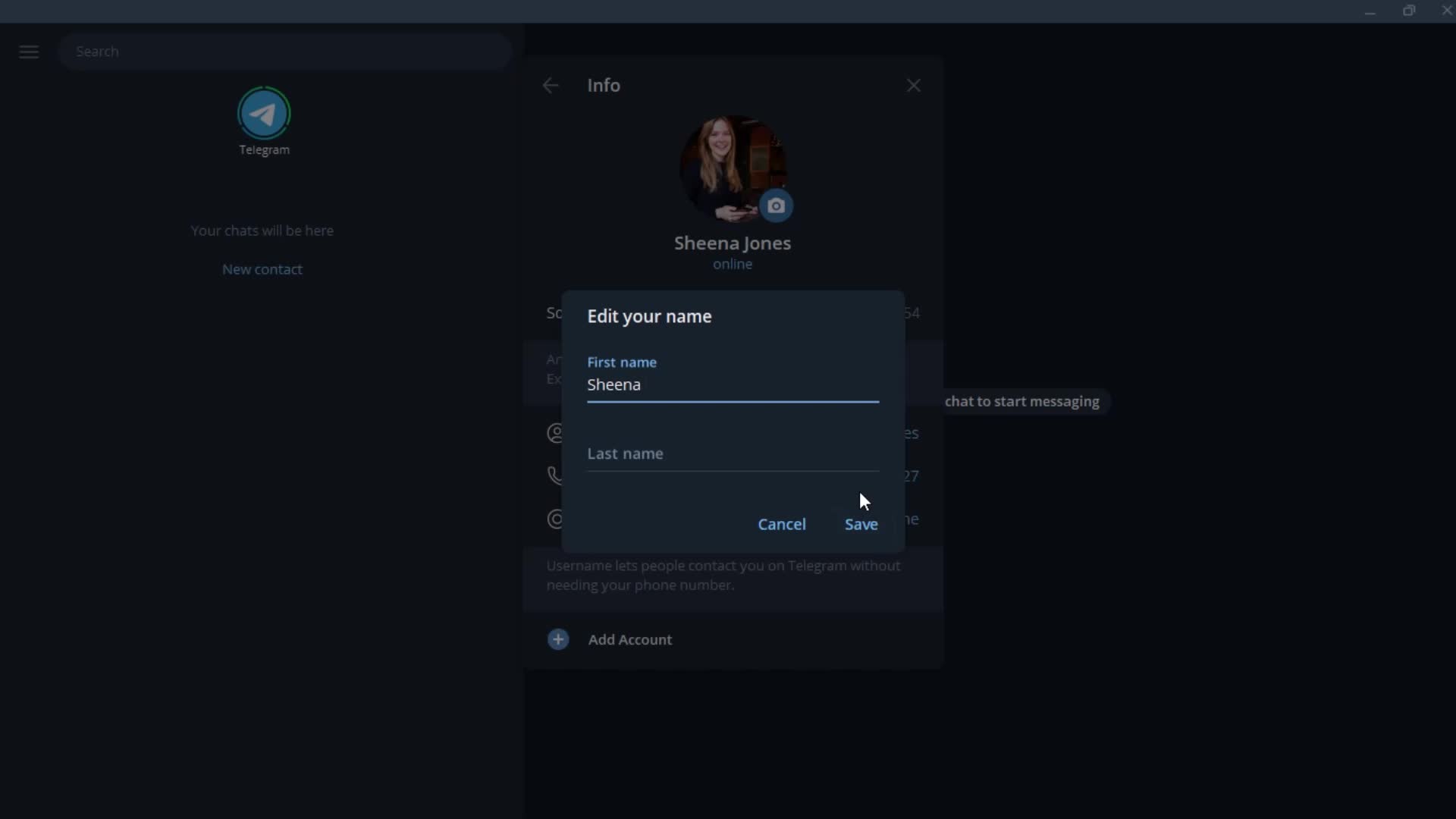
Edit name
this is title
this is title
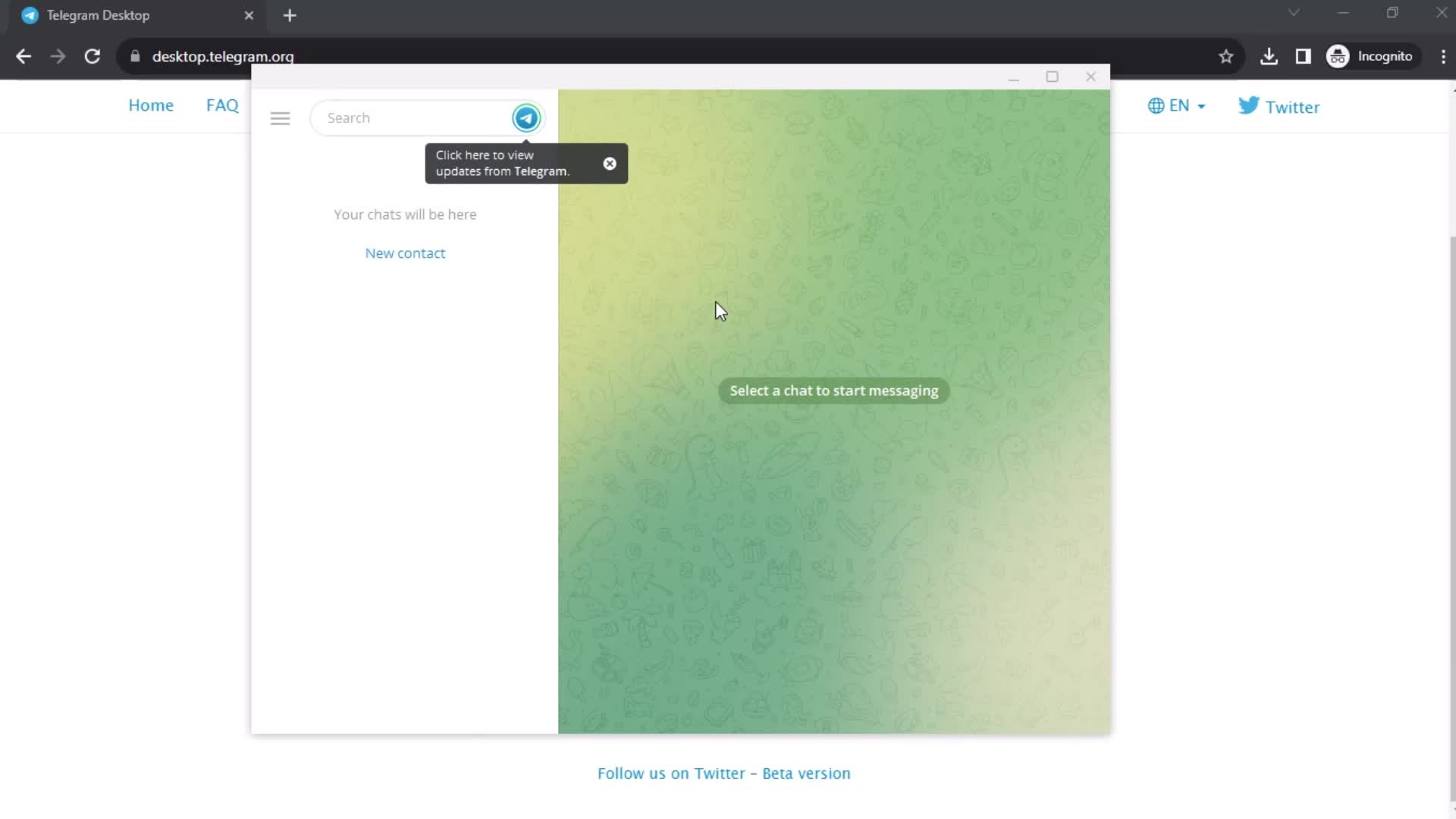
Messages
this is title
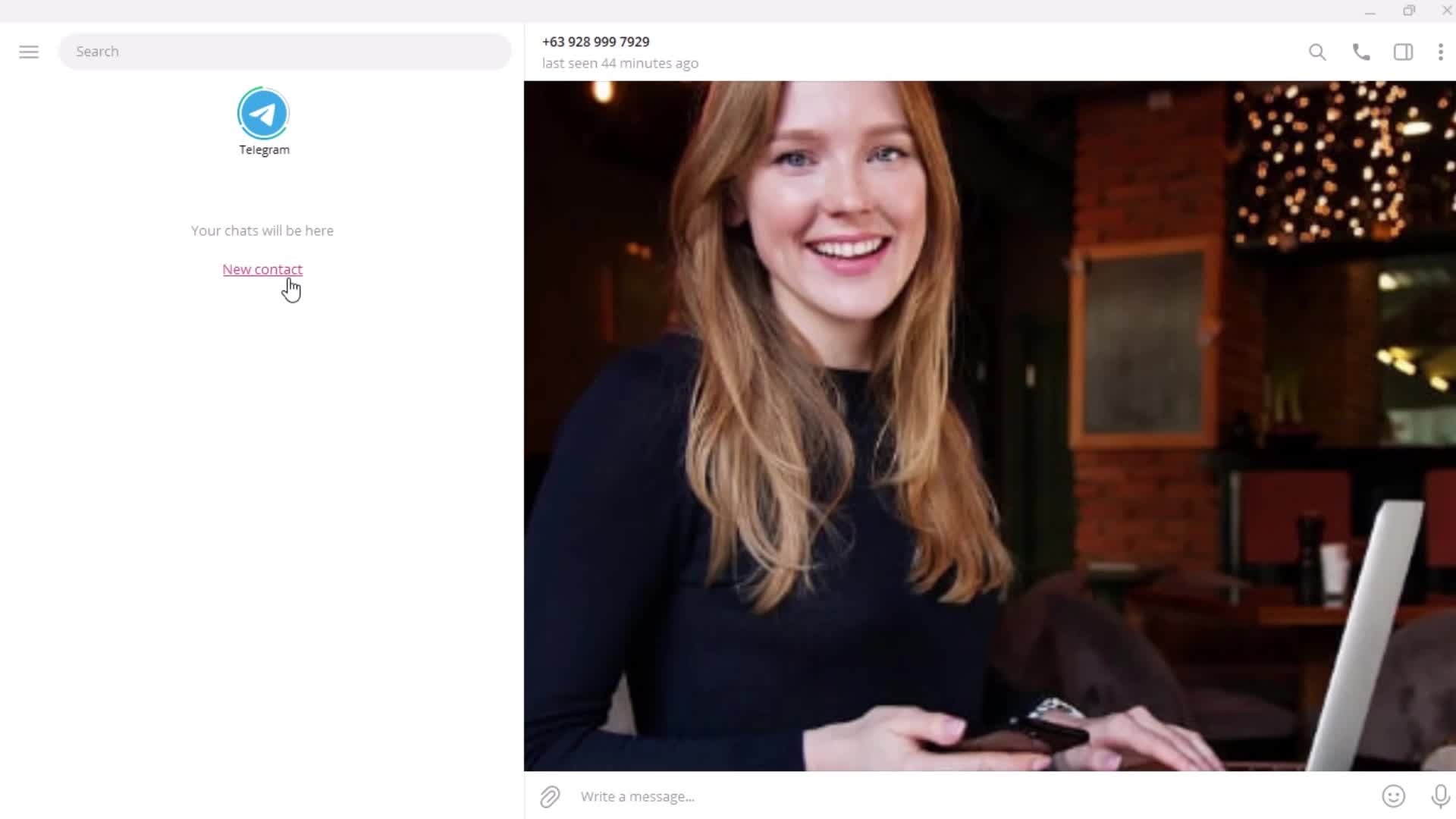
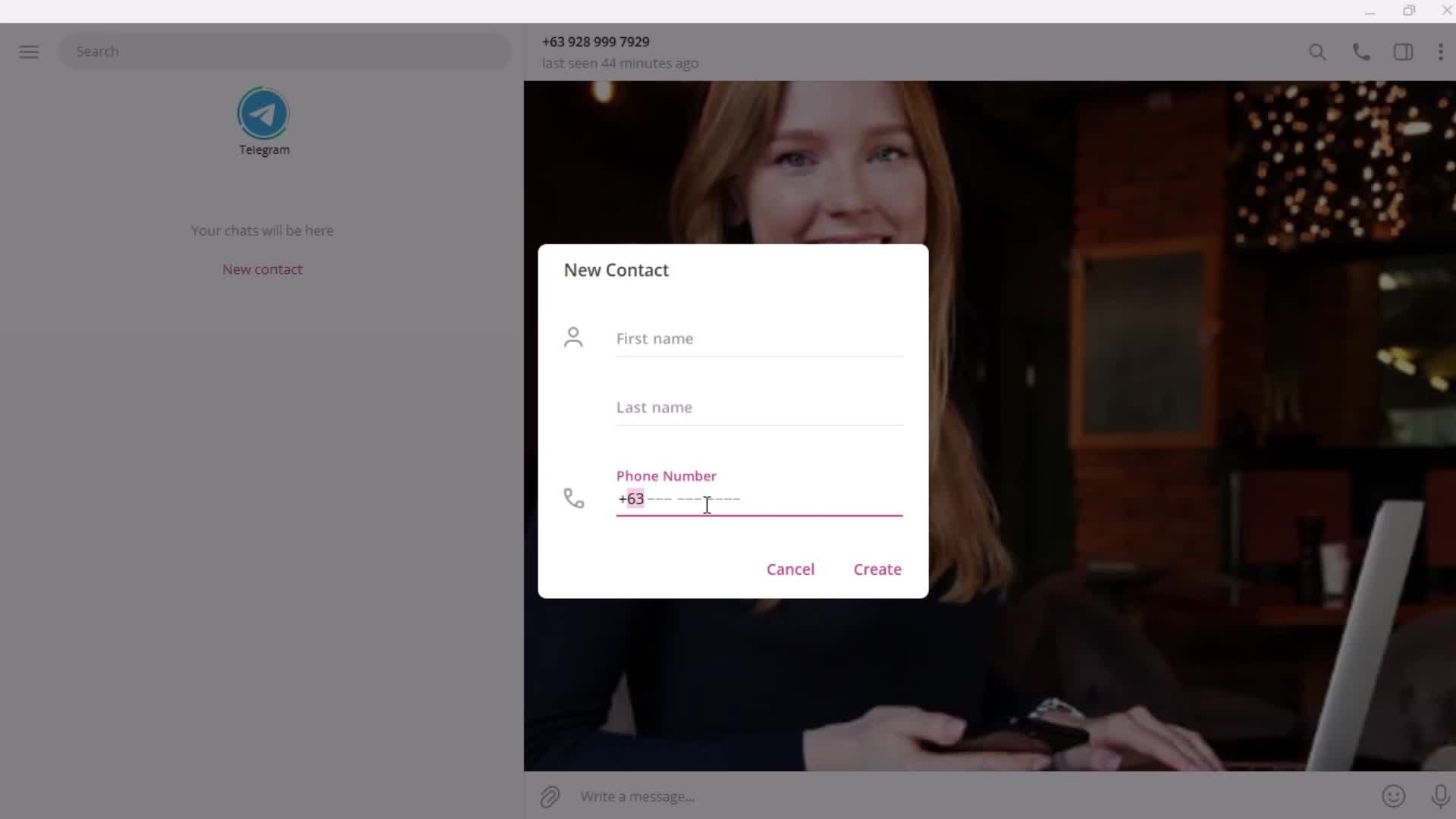
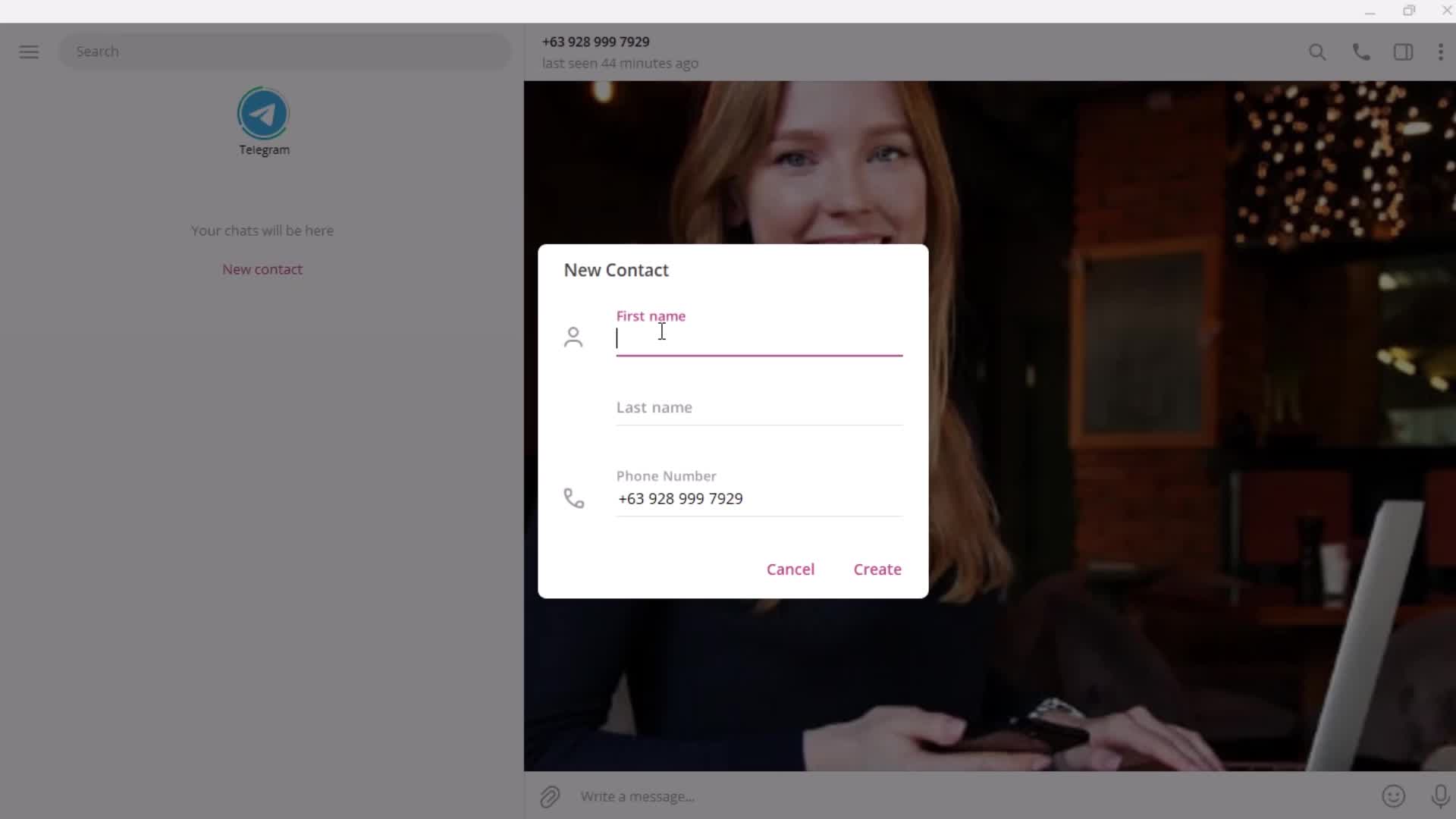
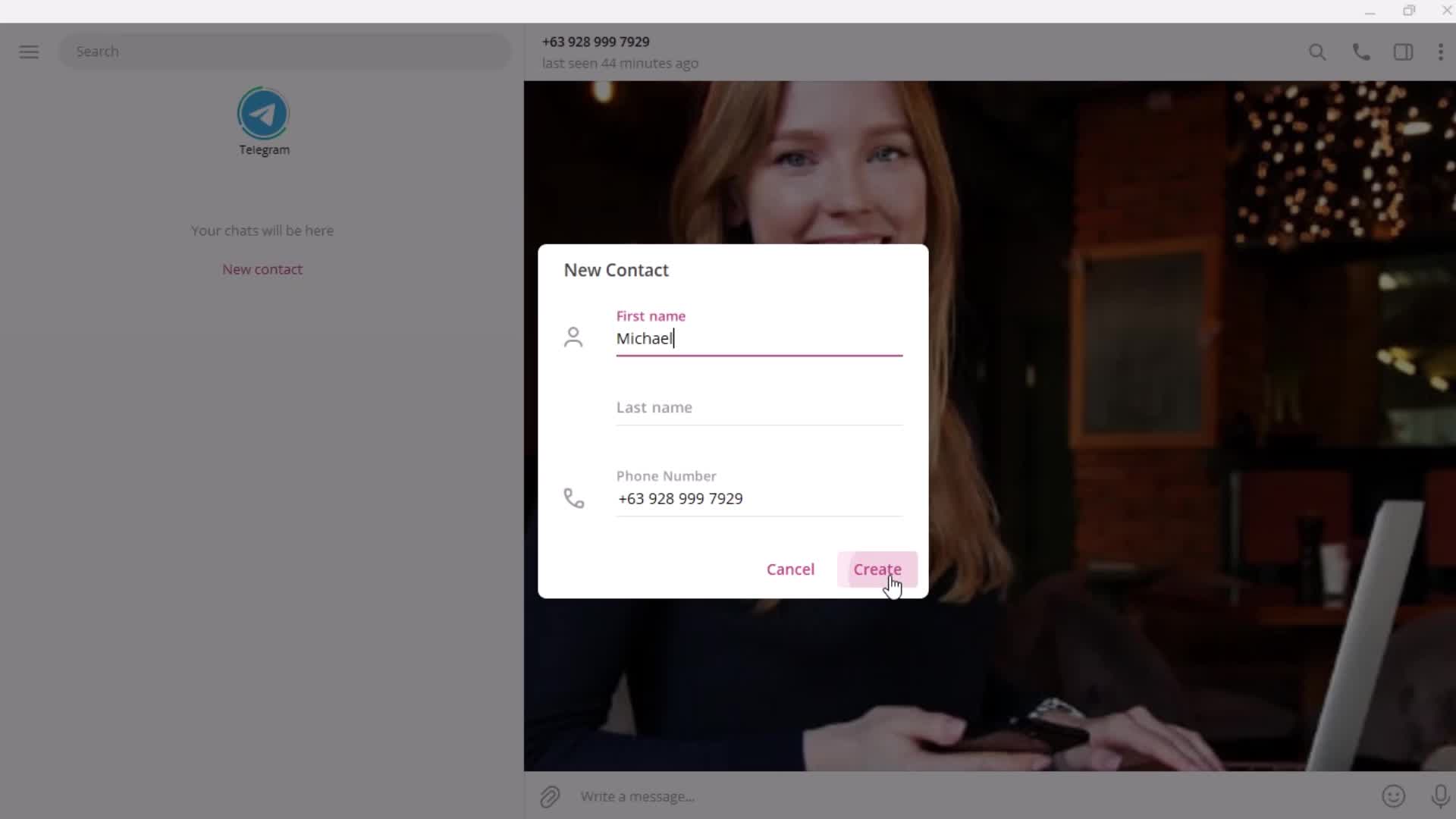
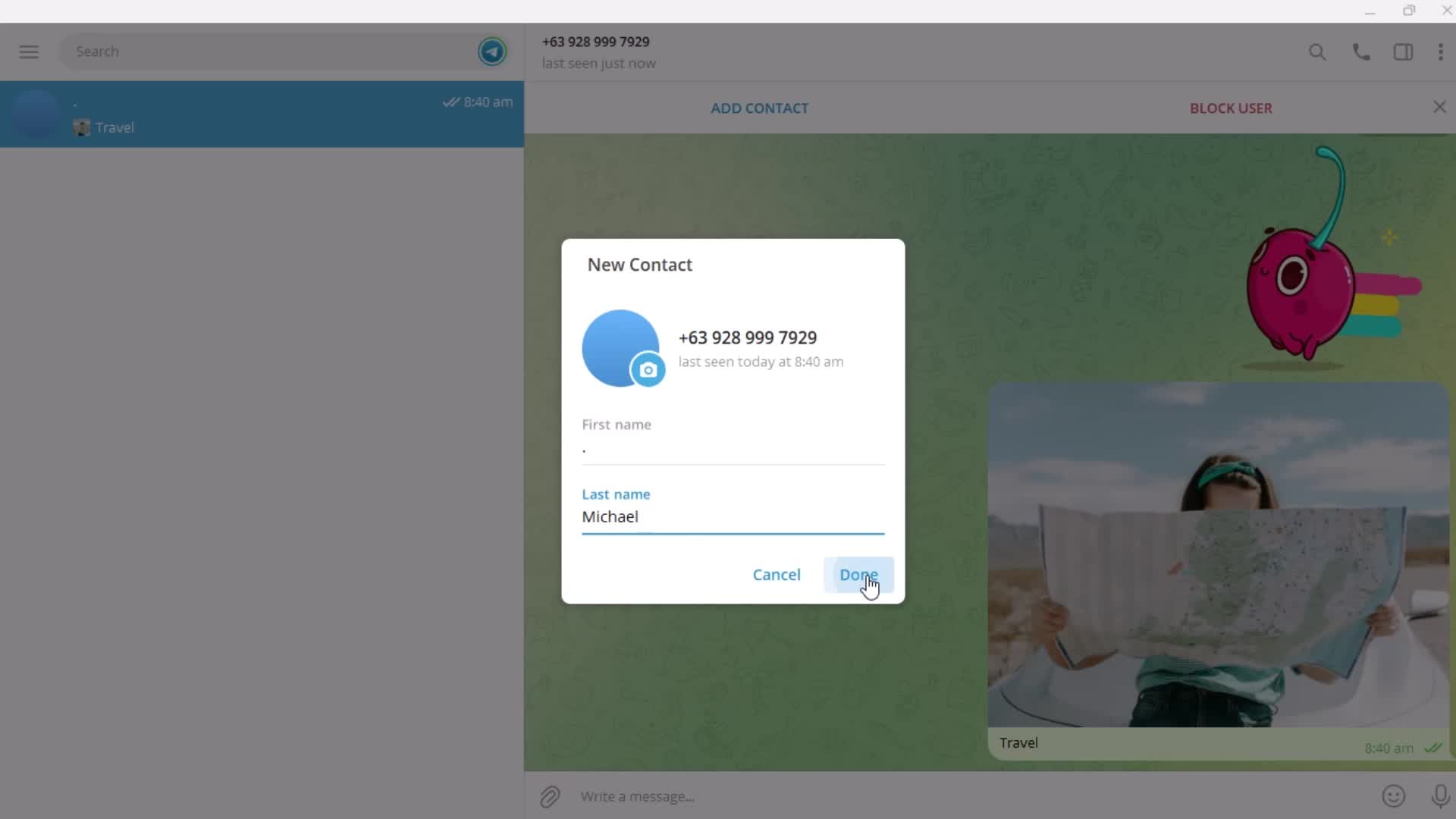
Add contact
this is title
Enter phone number
this is title
Enter name
this is title
this is title
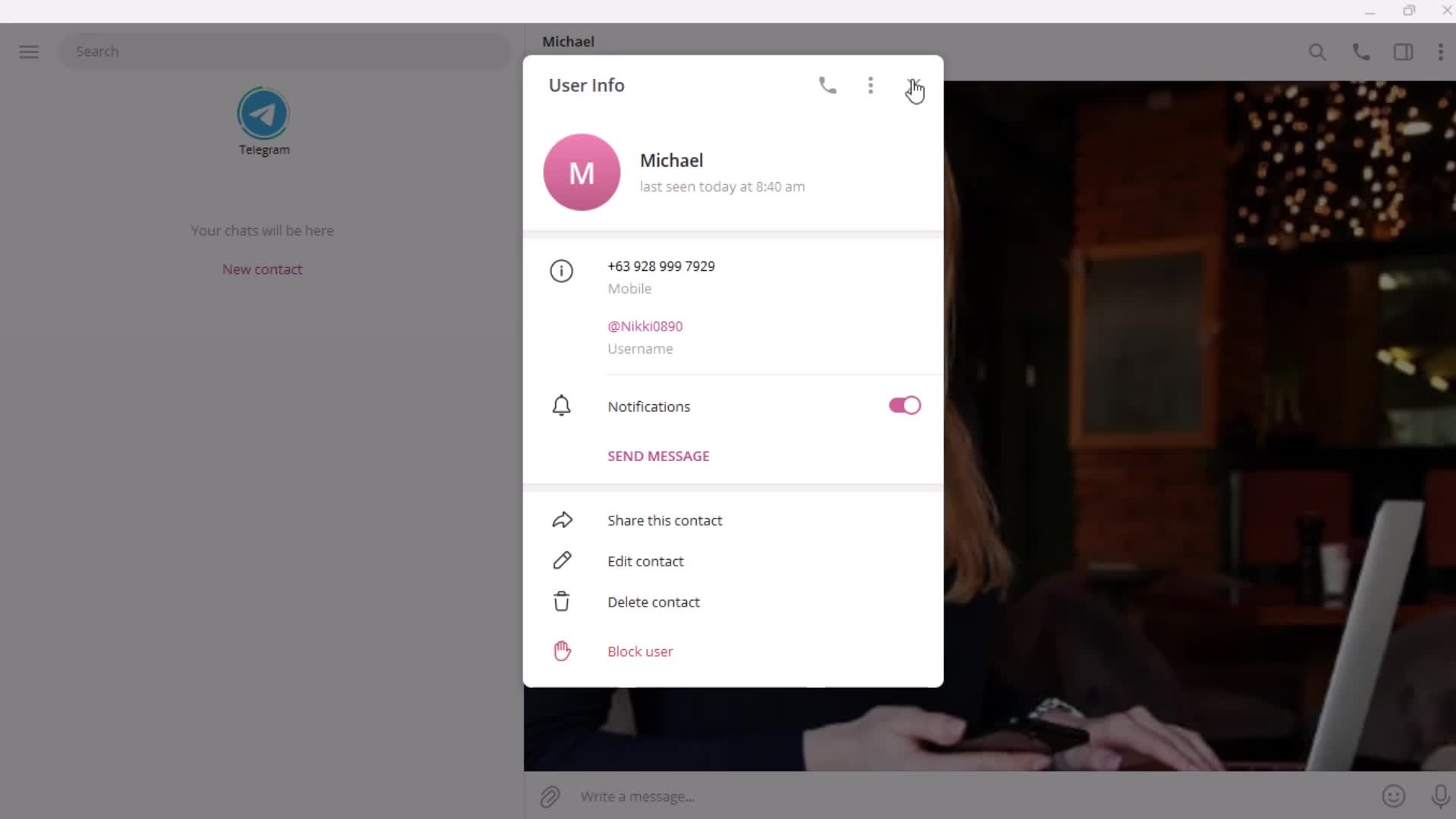
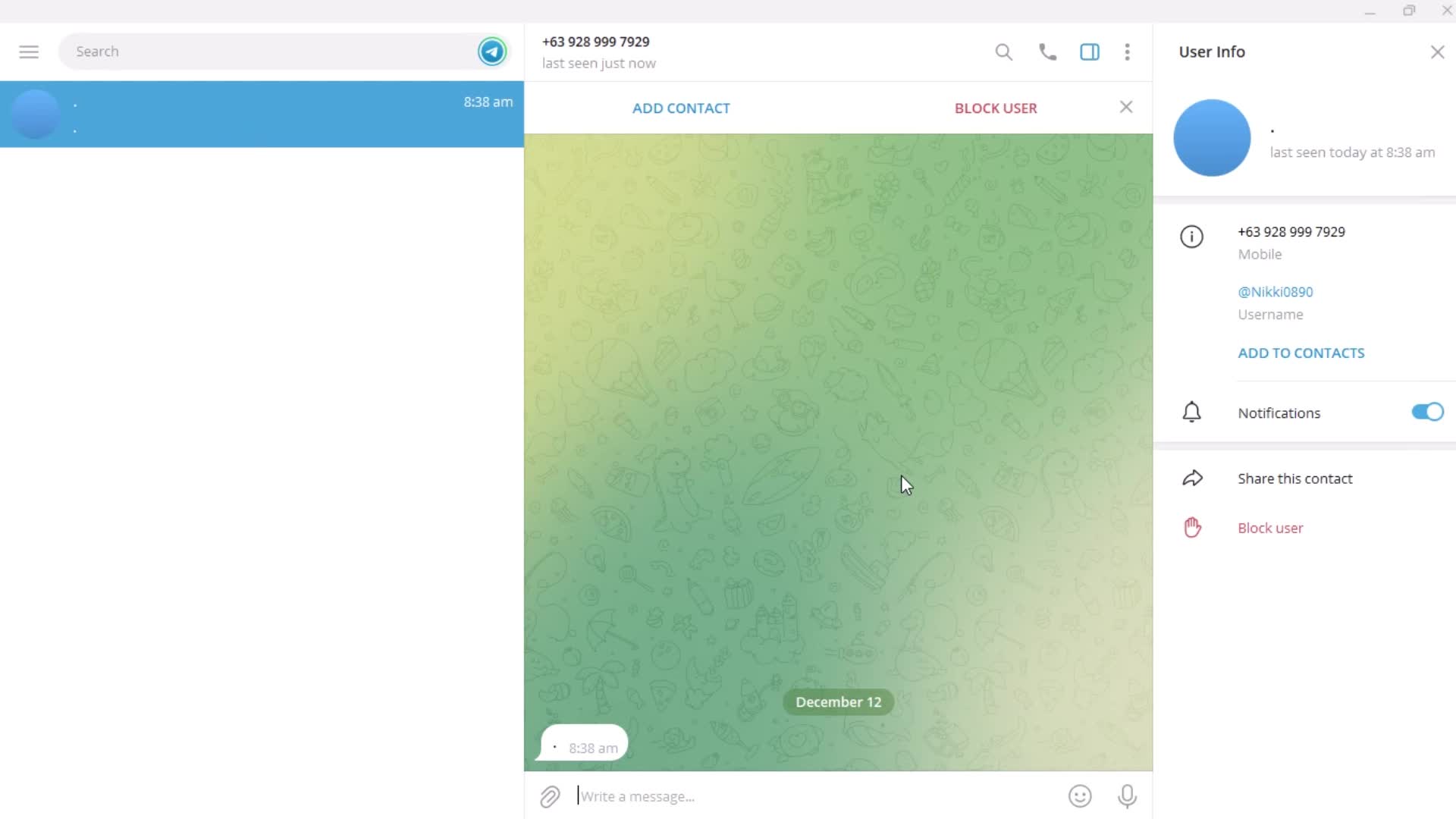
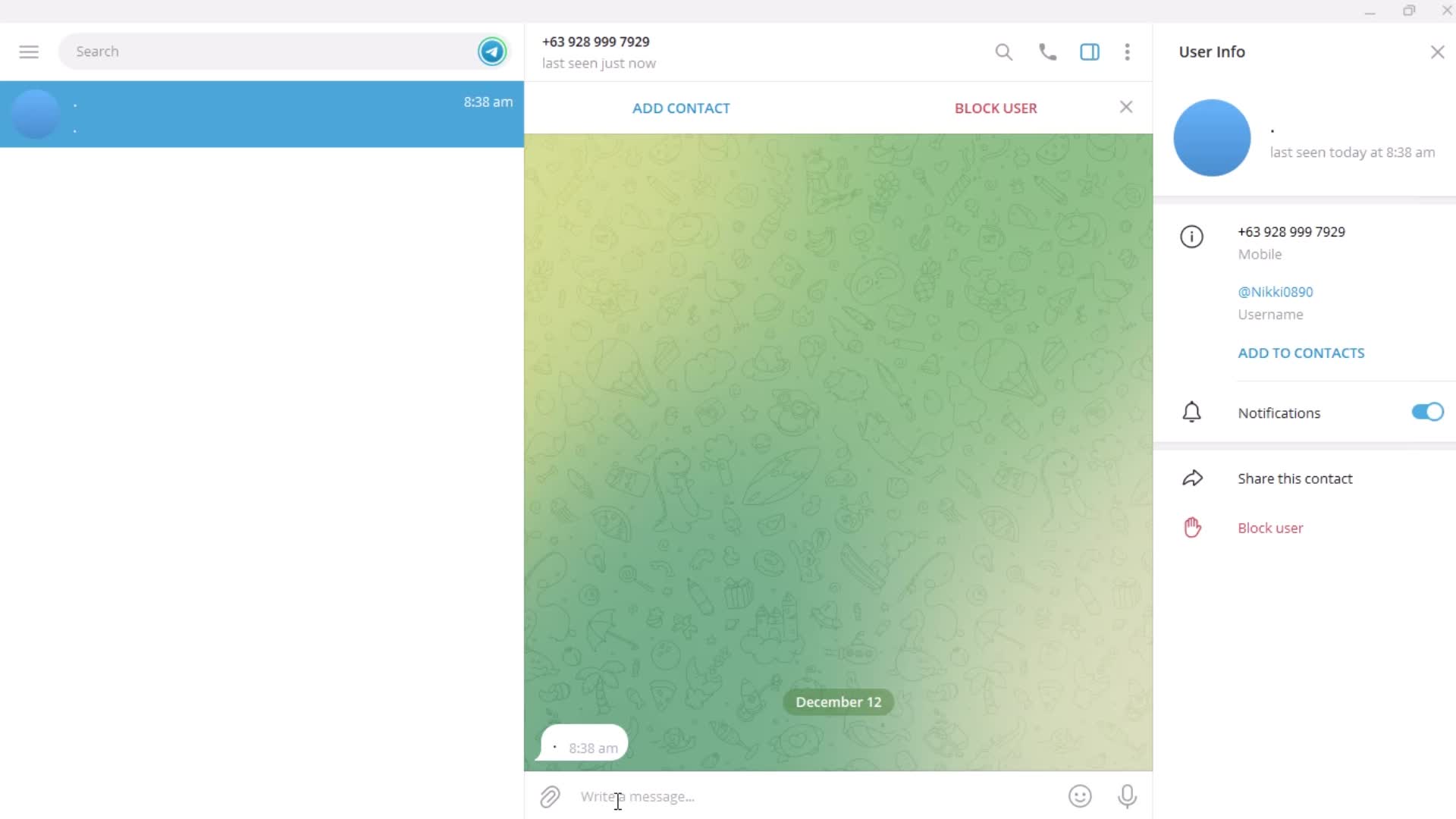
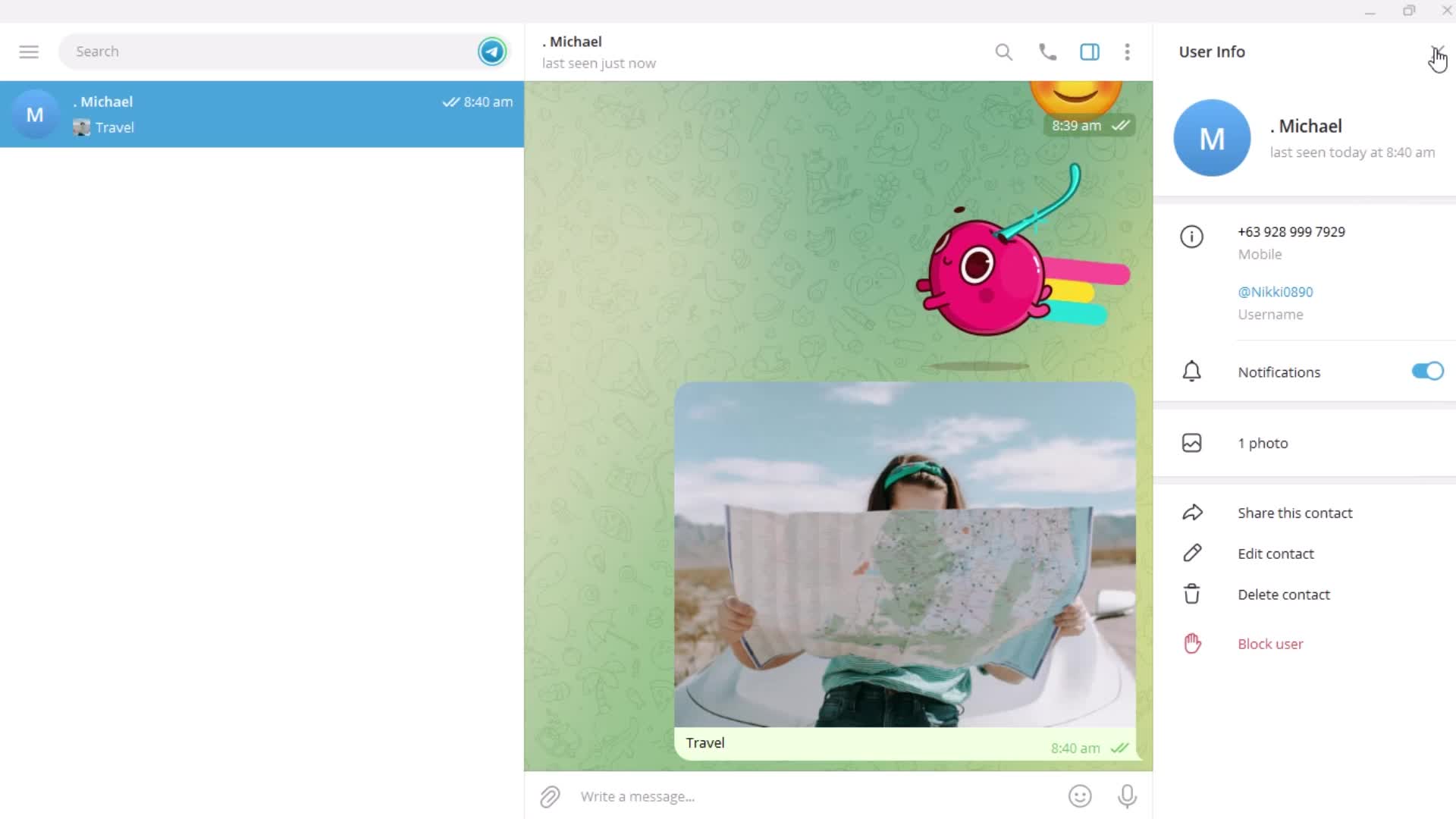
User detail
this is title
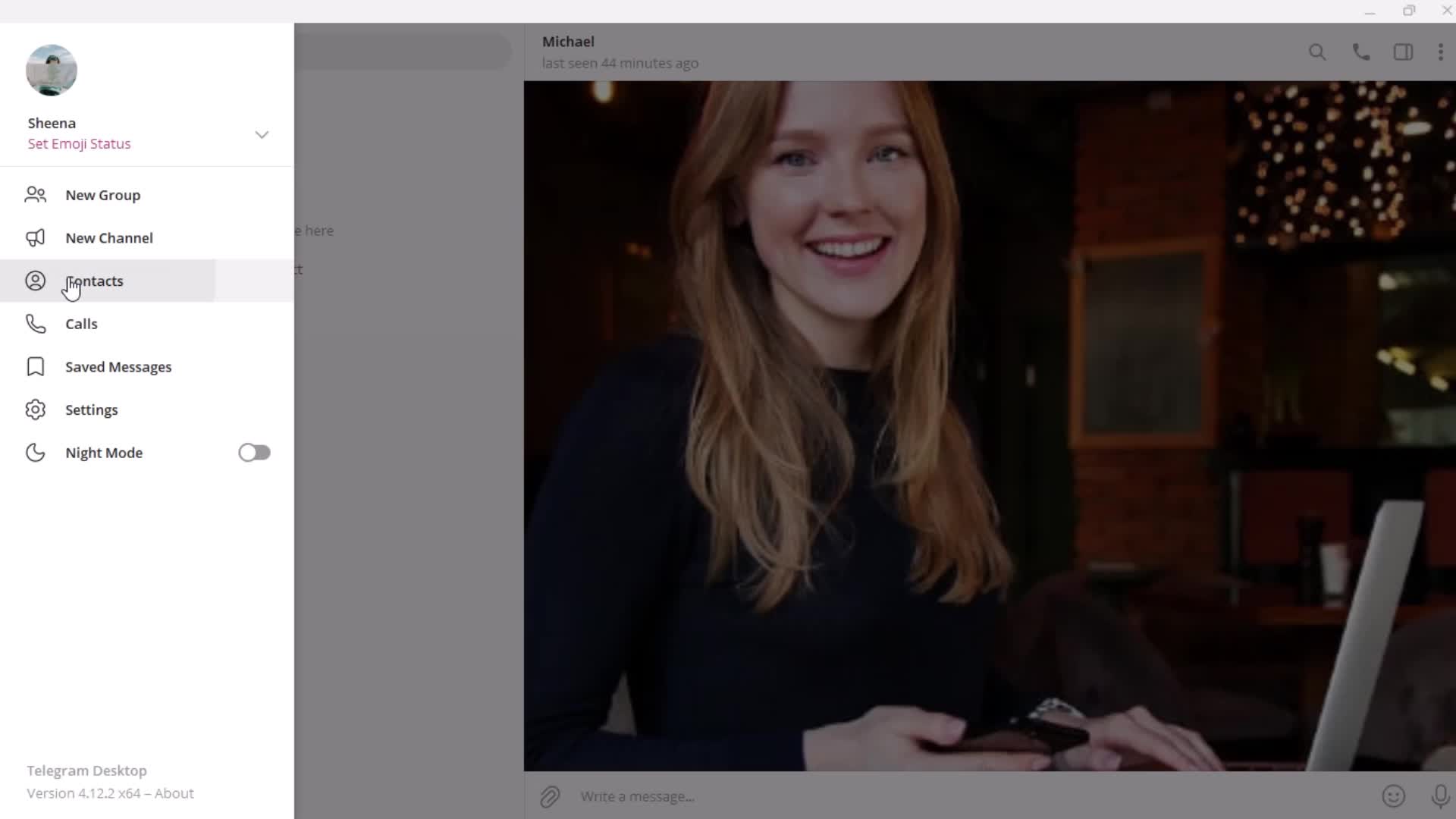
Profile menu
this is title
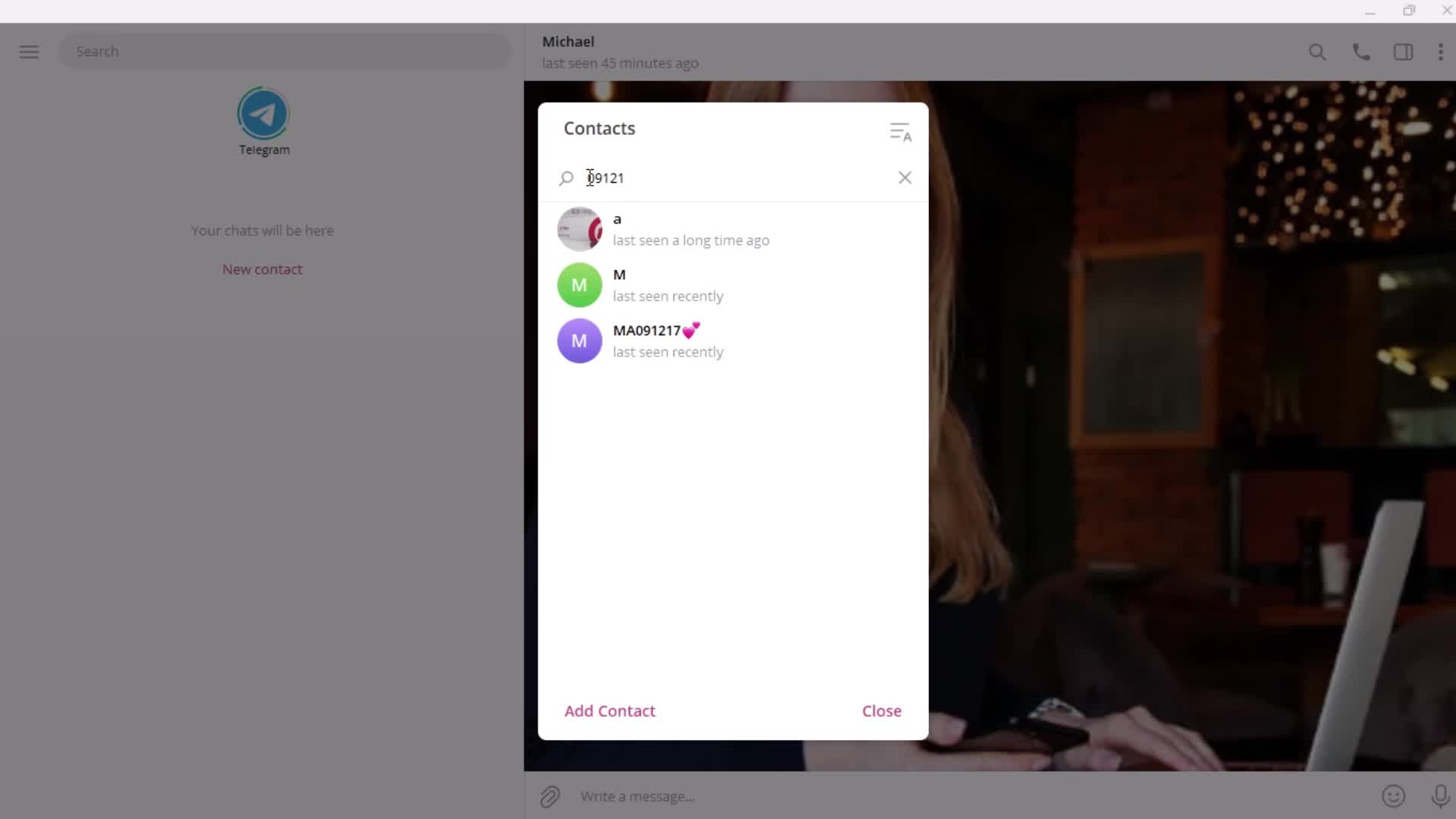
Search
this is title
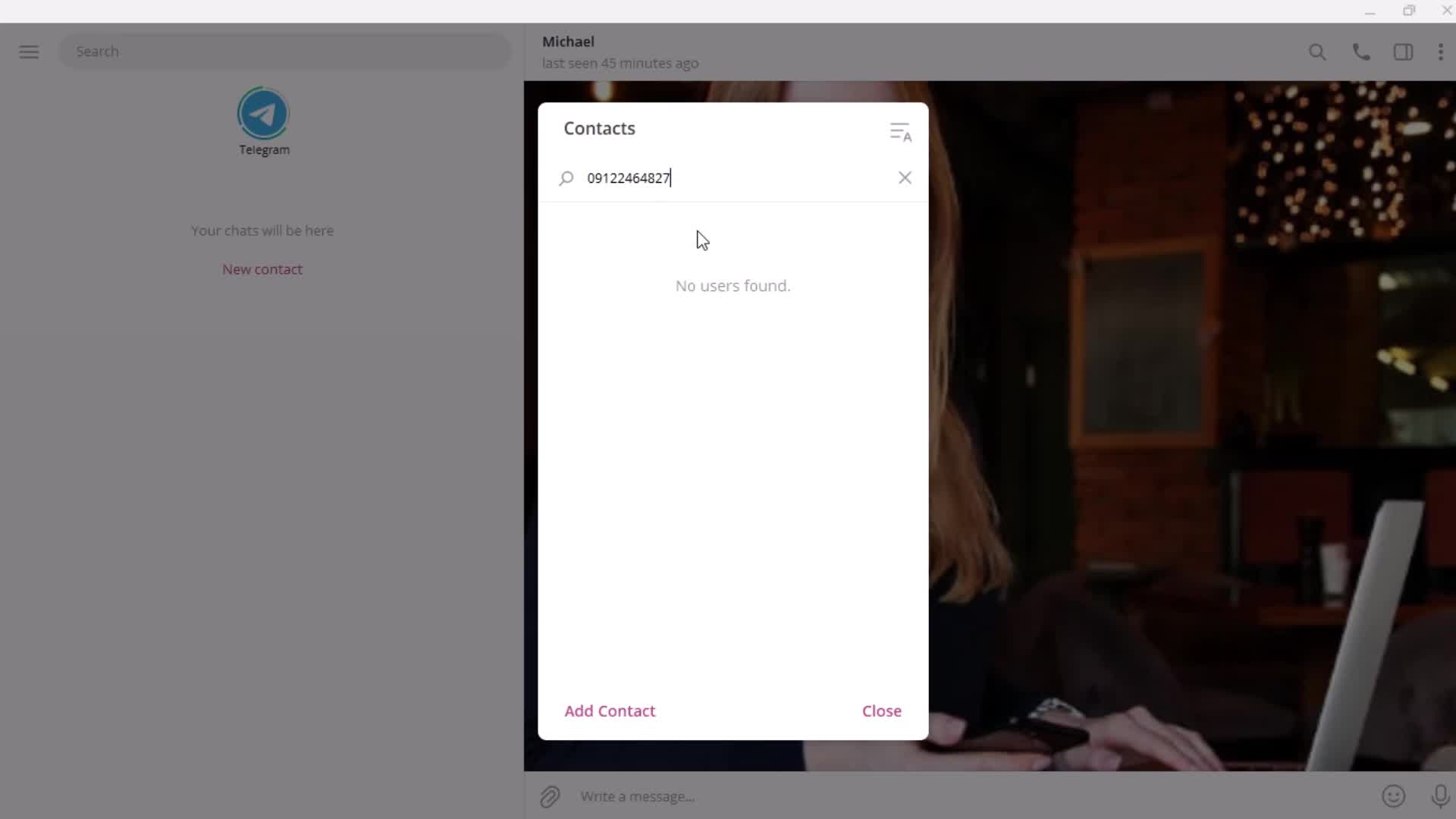
No search results
this is title
Search results
this is title
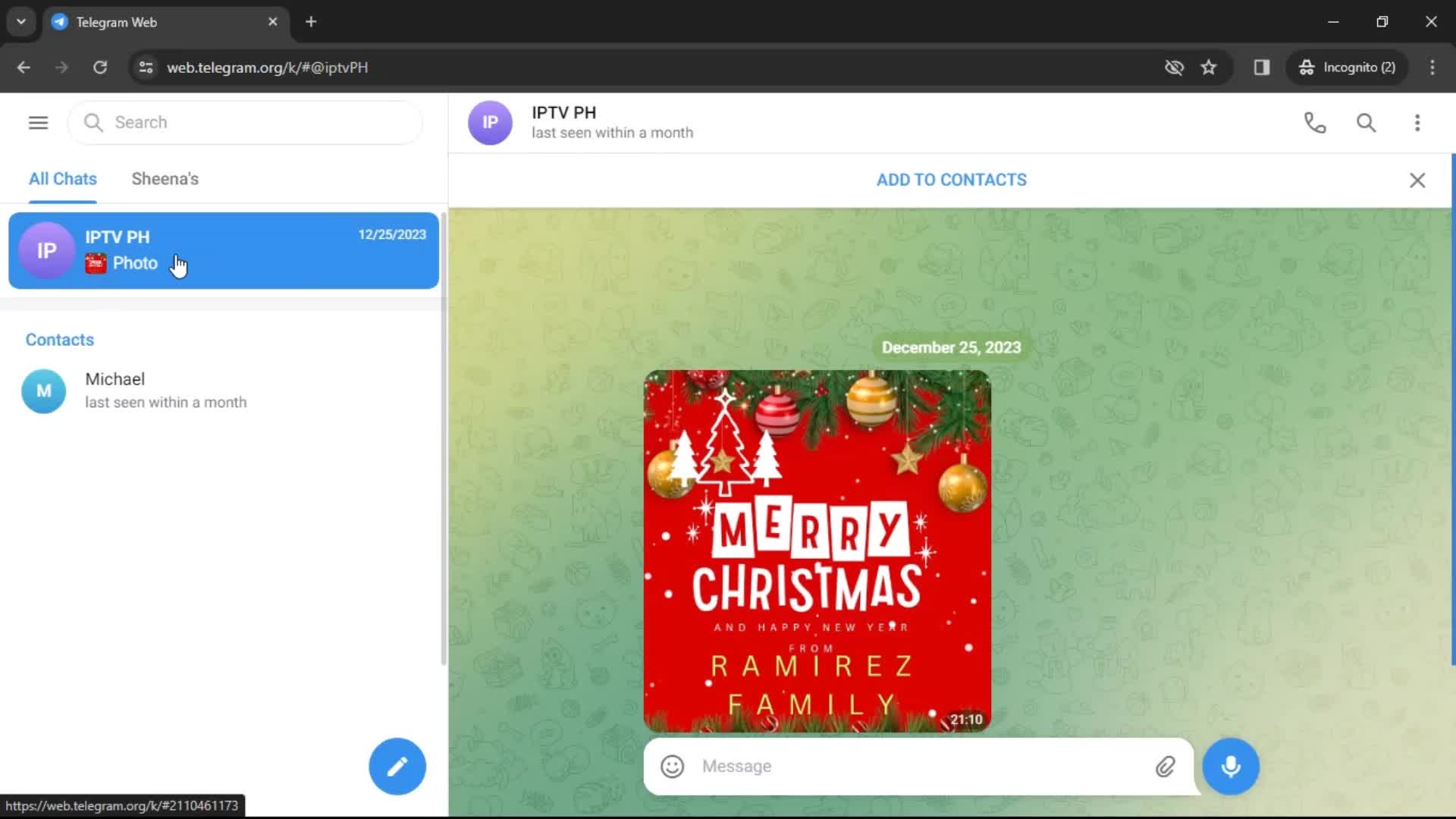
Chats
this is title
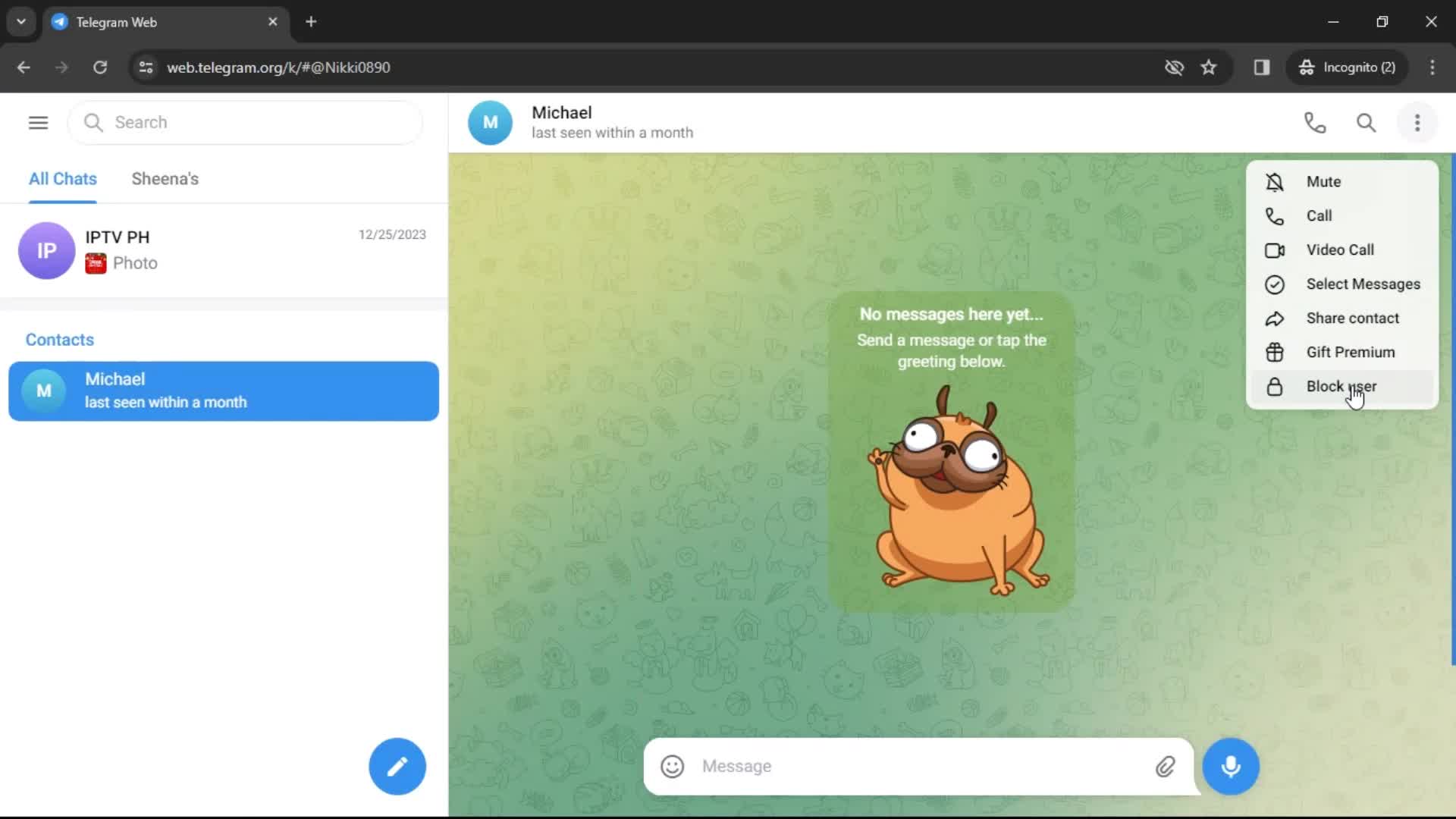
Action menu
this is title
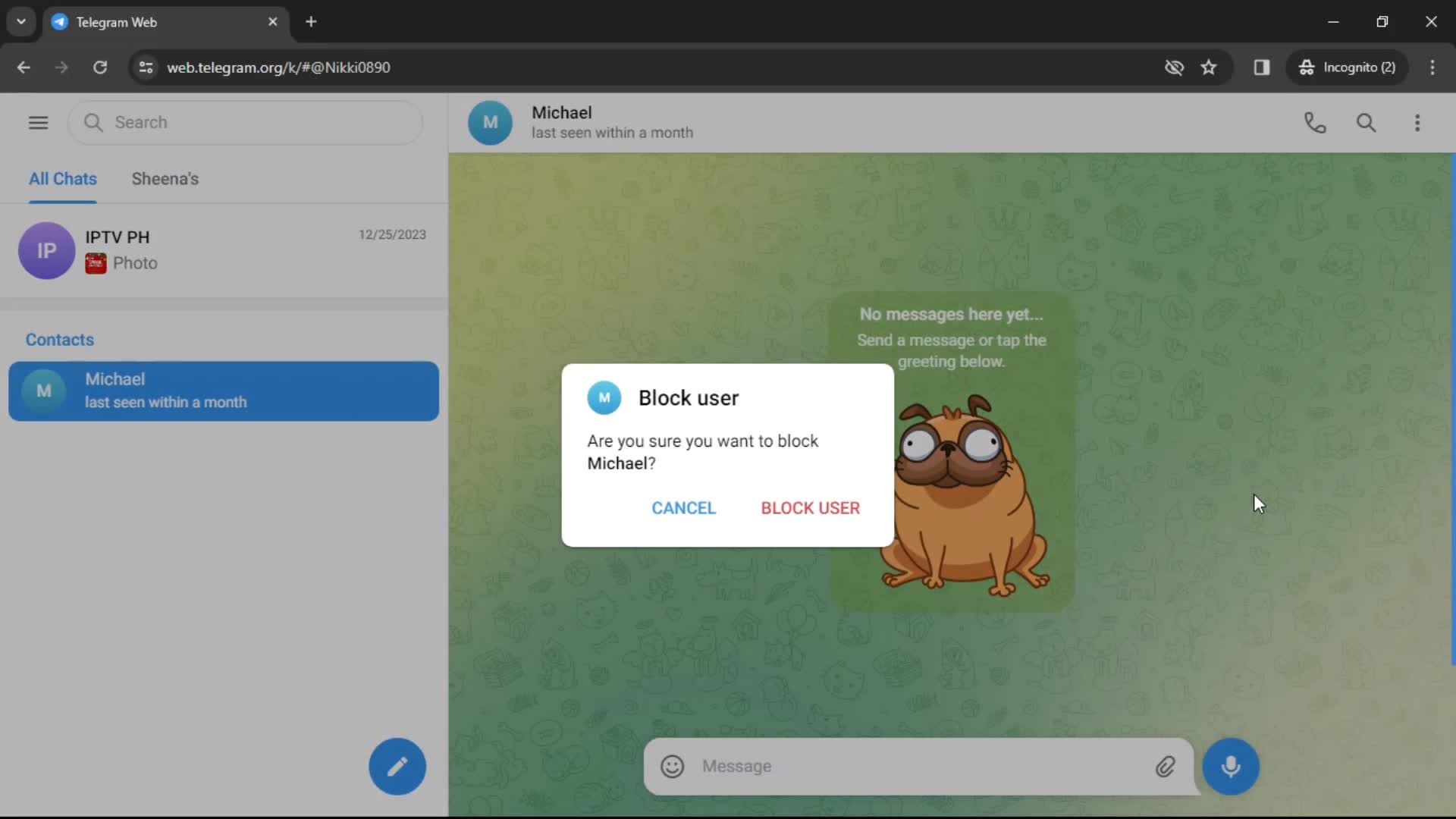
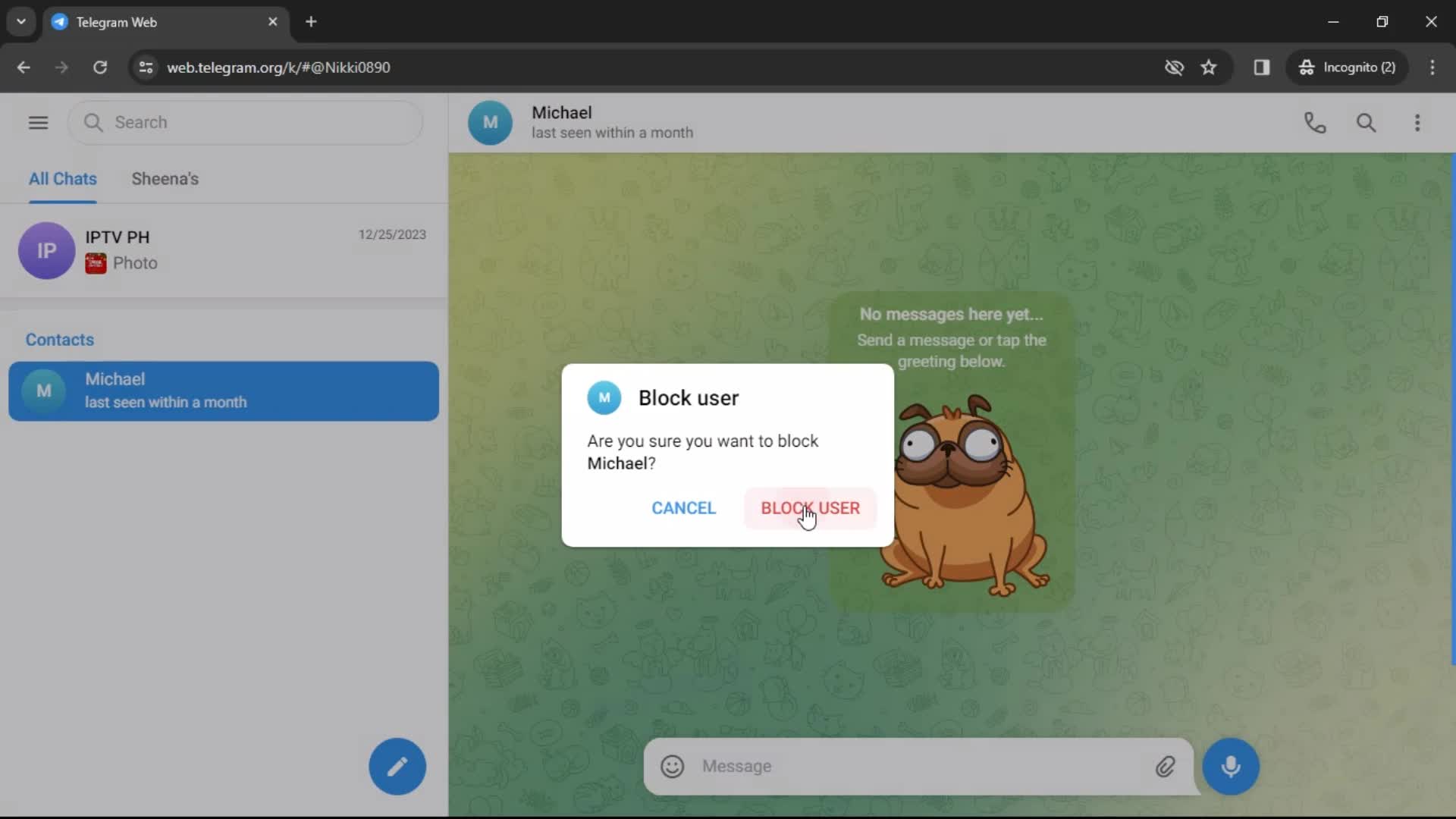
Block user
this is title
this is title
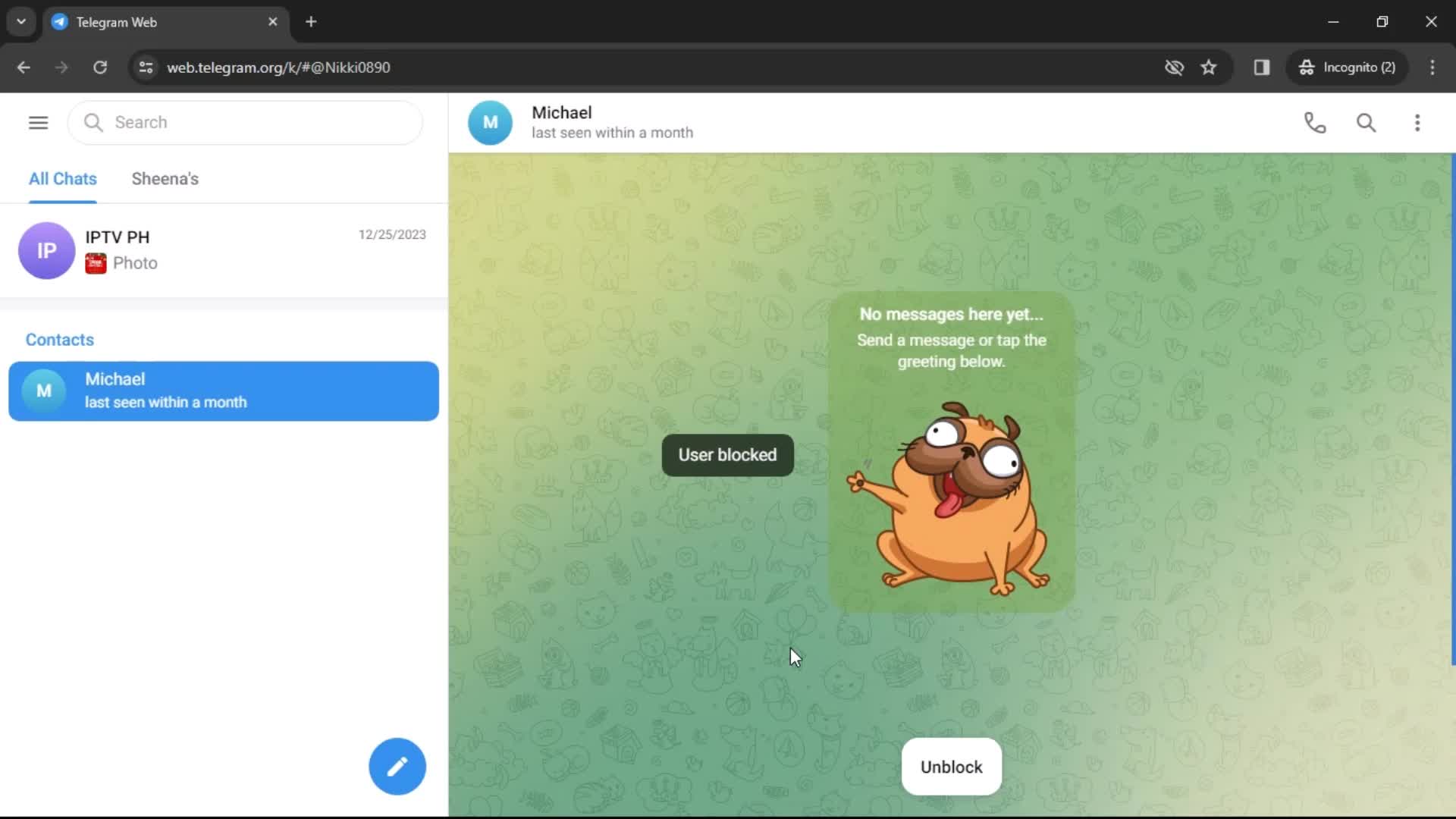
User blocked
this is title
Home
this is title
Send a message
this is title
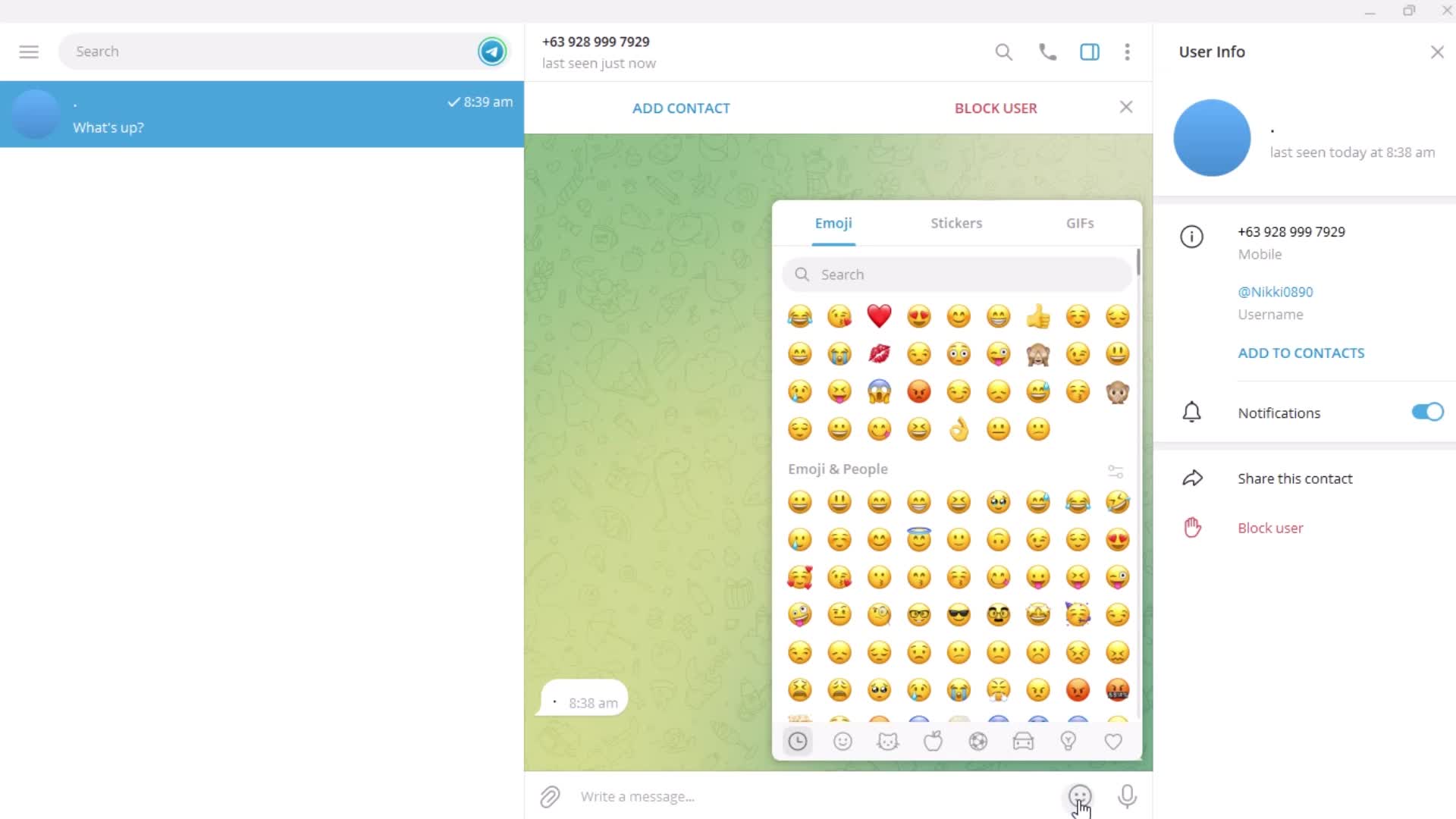
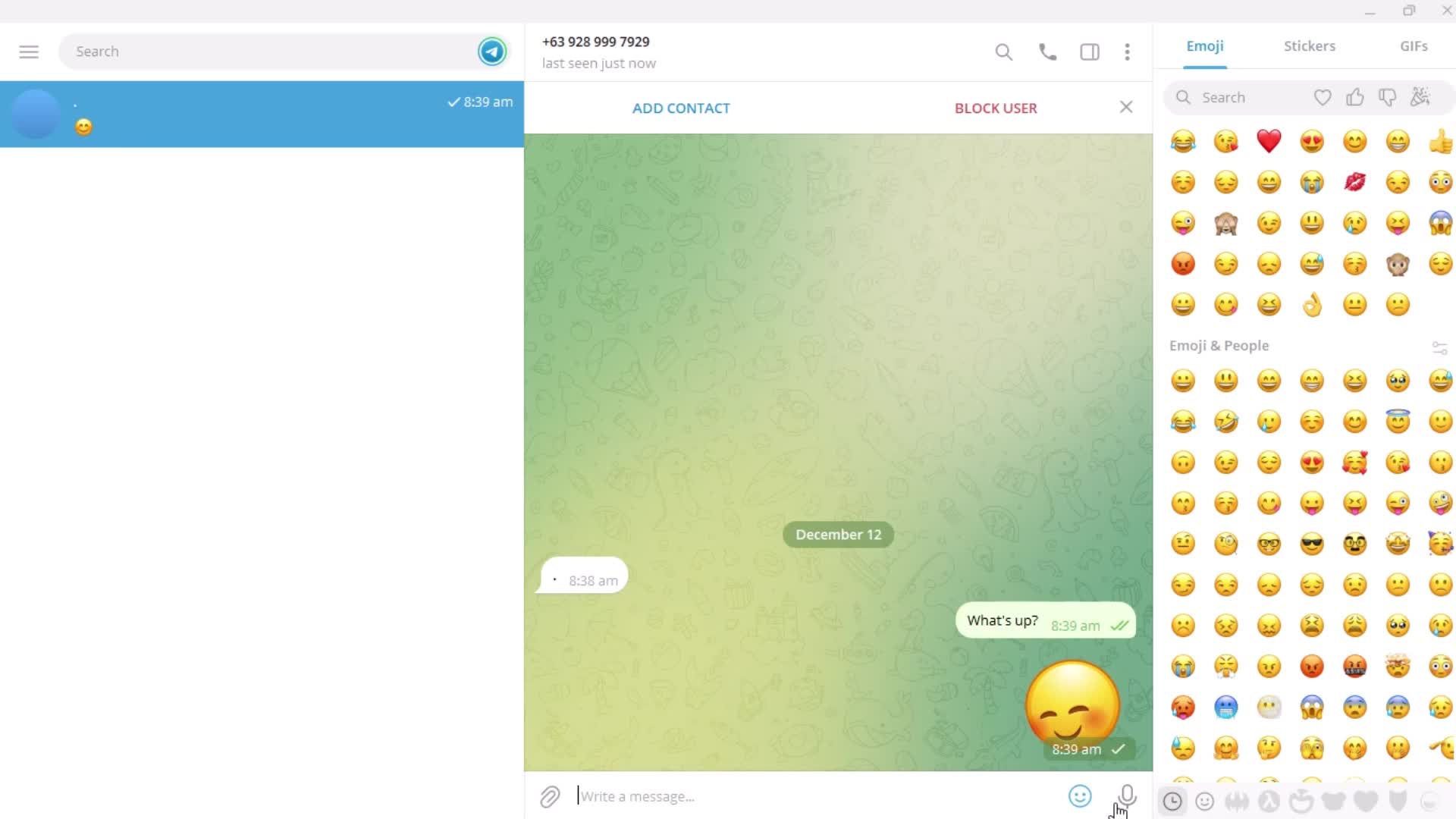
Emoji picker
this is title
this is title
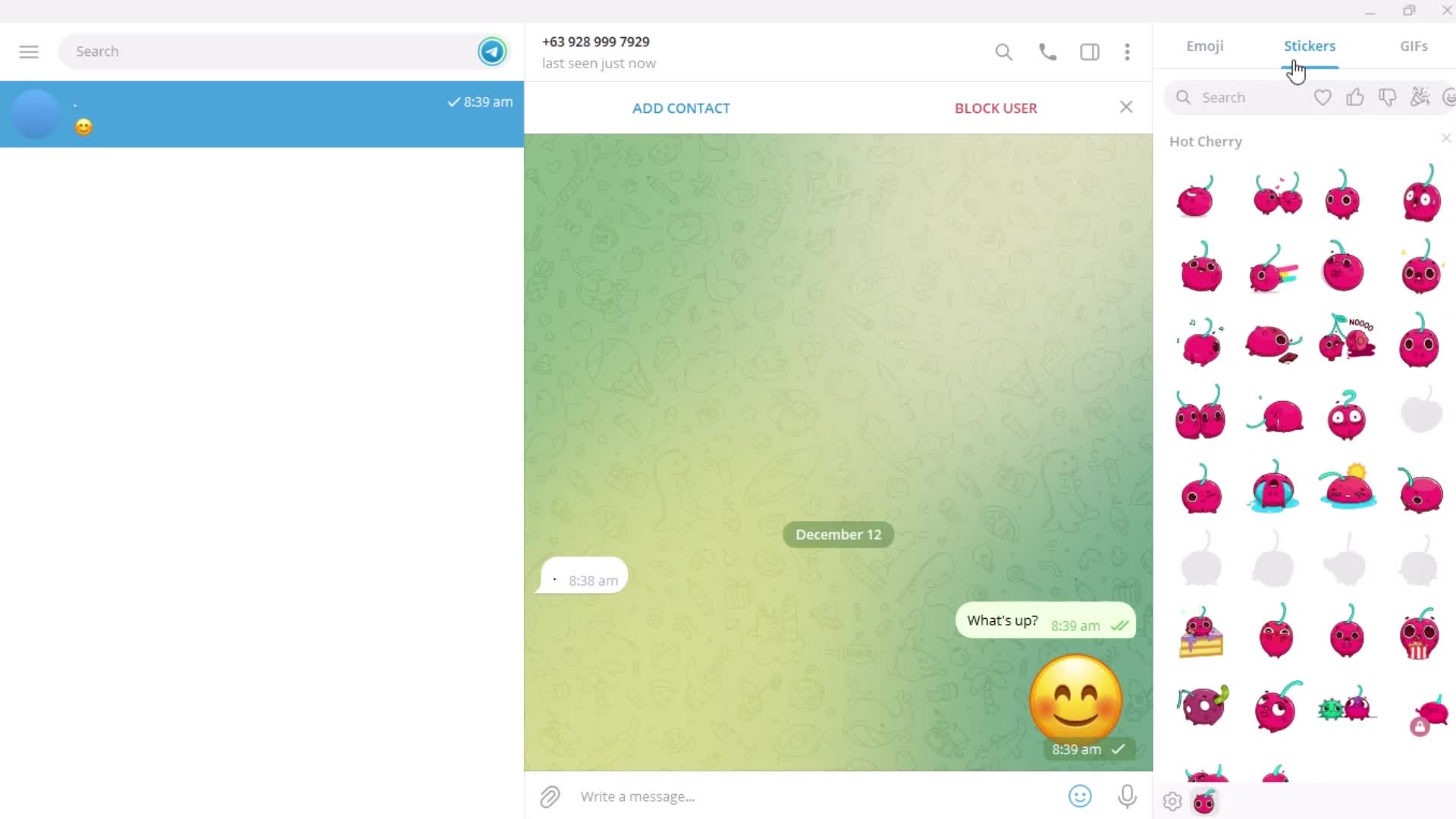
Stickers
this is title
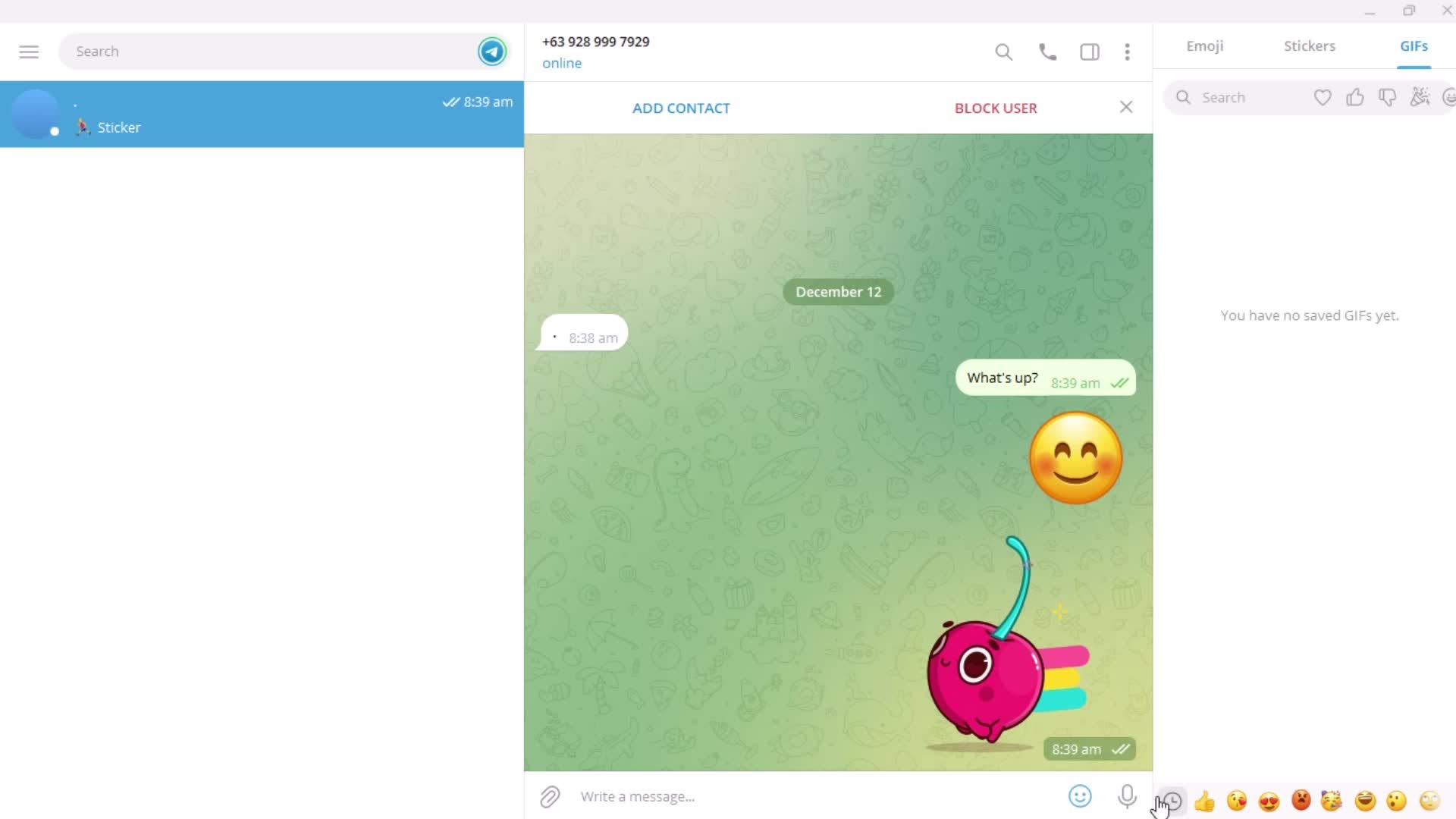
GIFs
this is title
Voice message
this is title
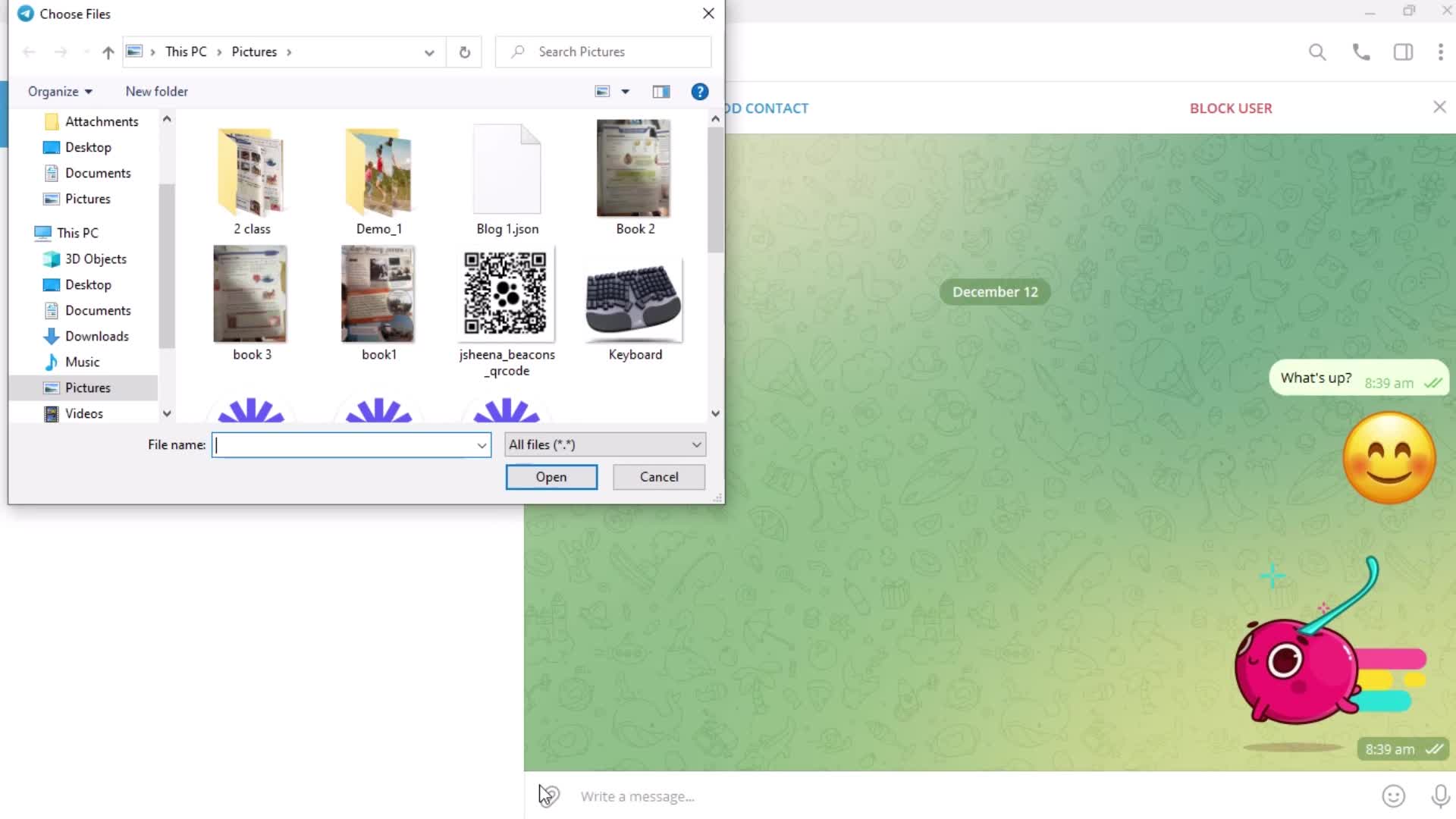
Add attachment
this is title
this is title
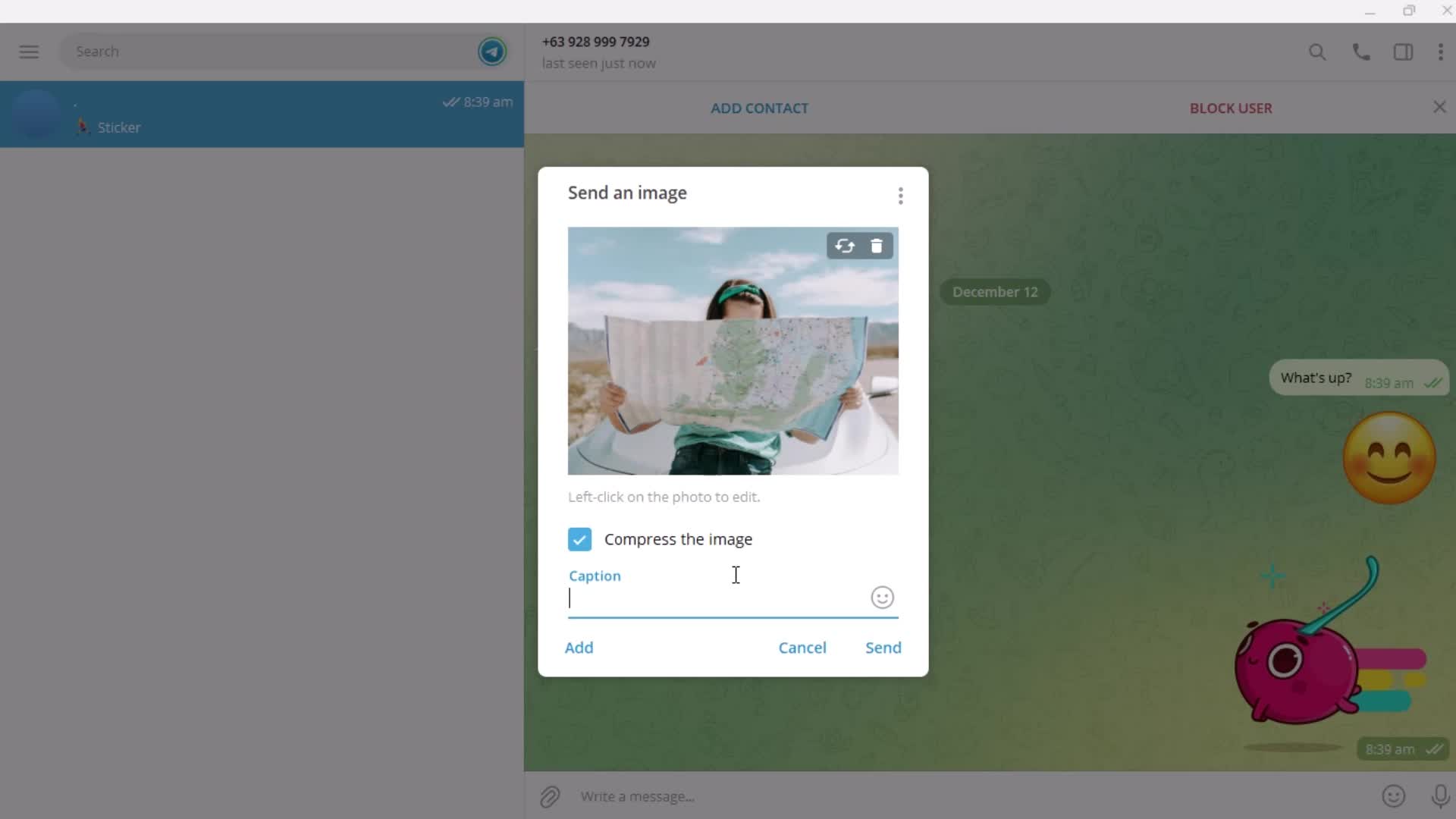
Add caption
this is title
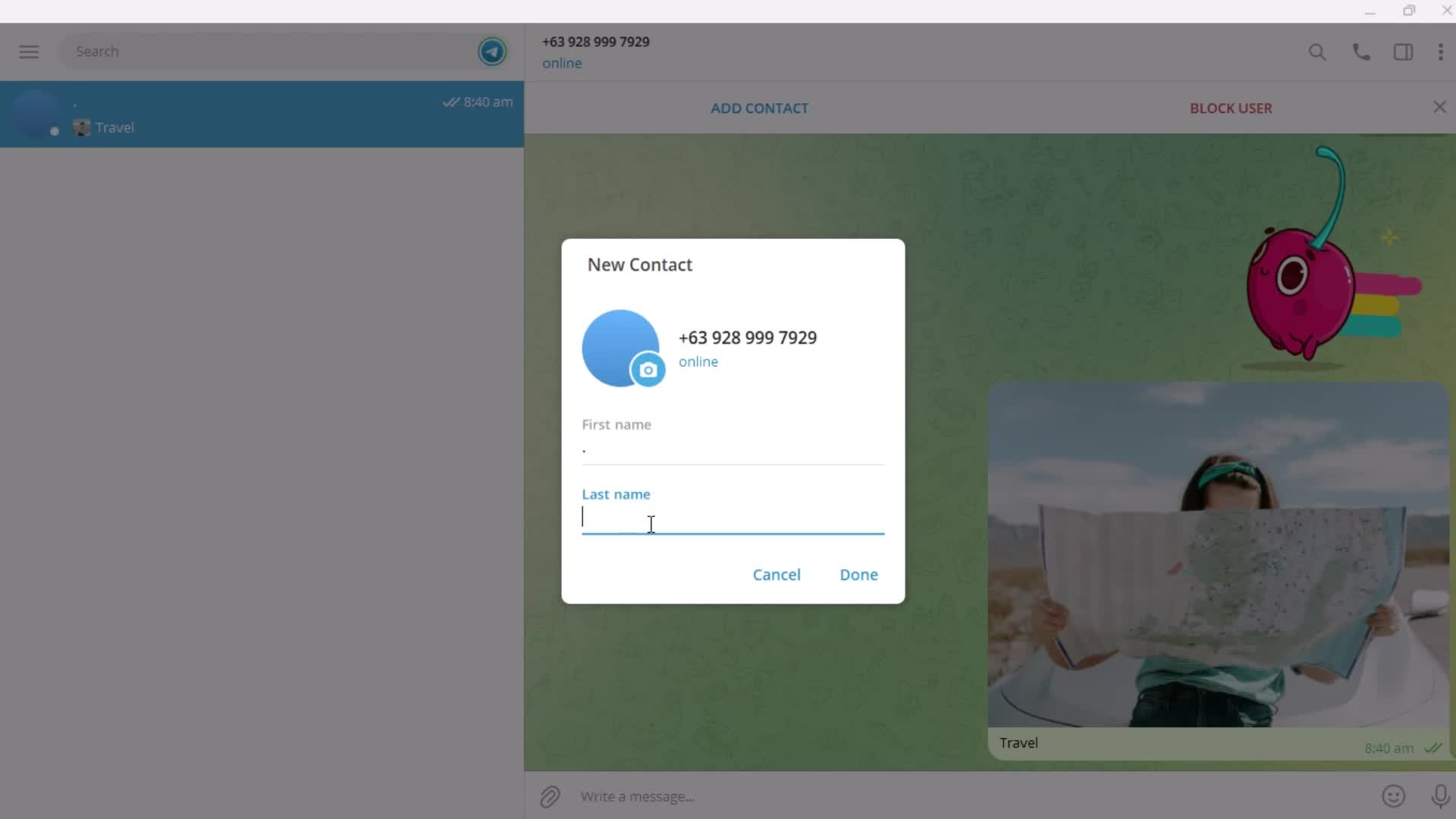
Add contact
this is title
Enter name
this is title
this is title
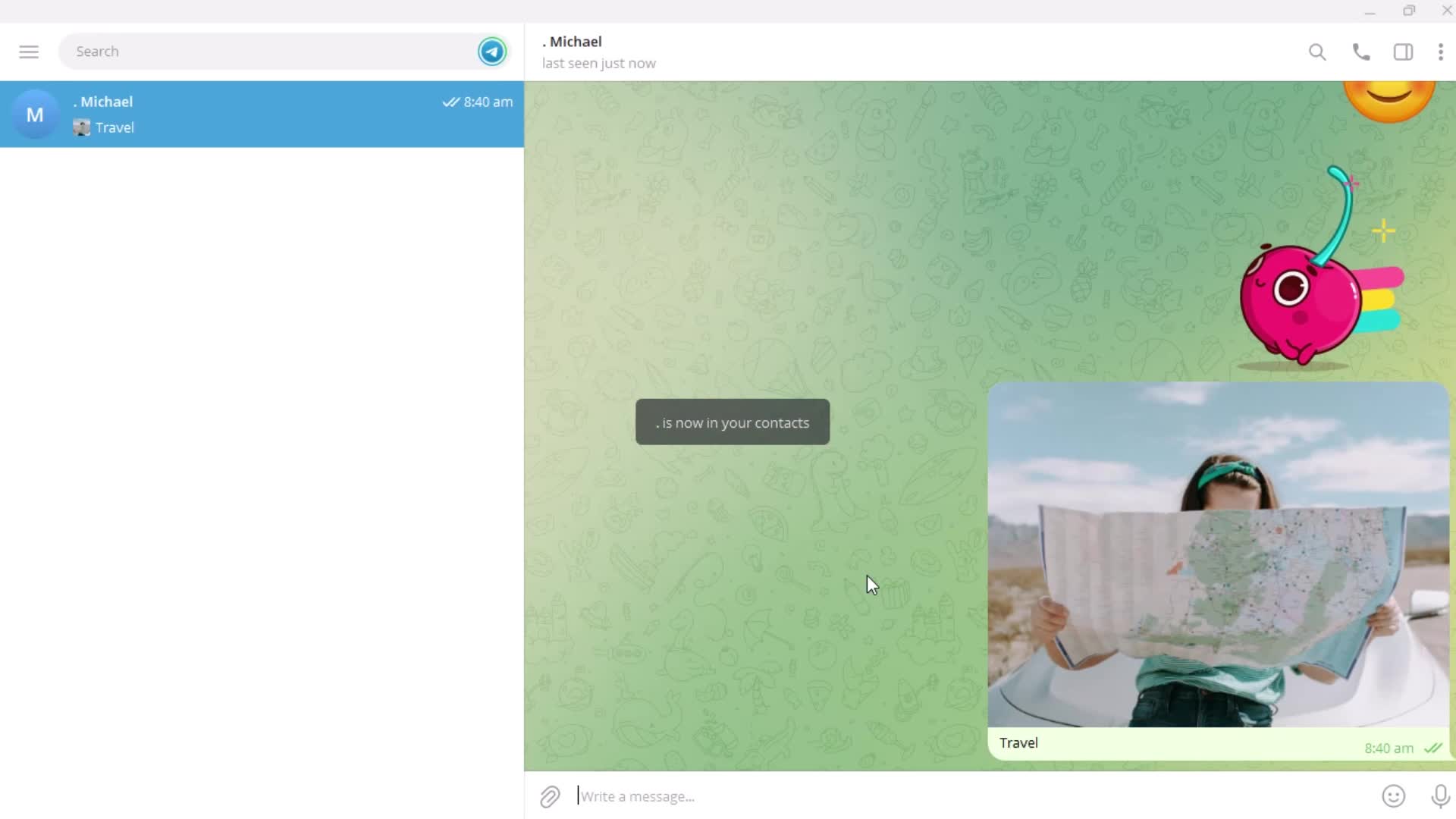
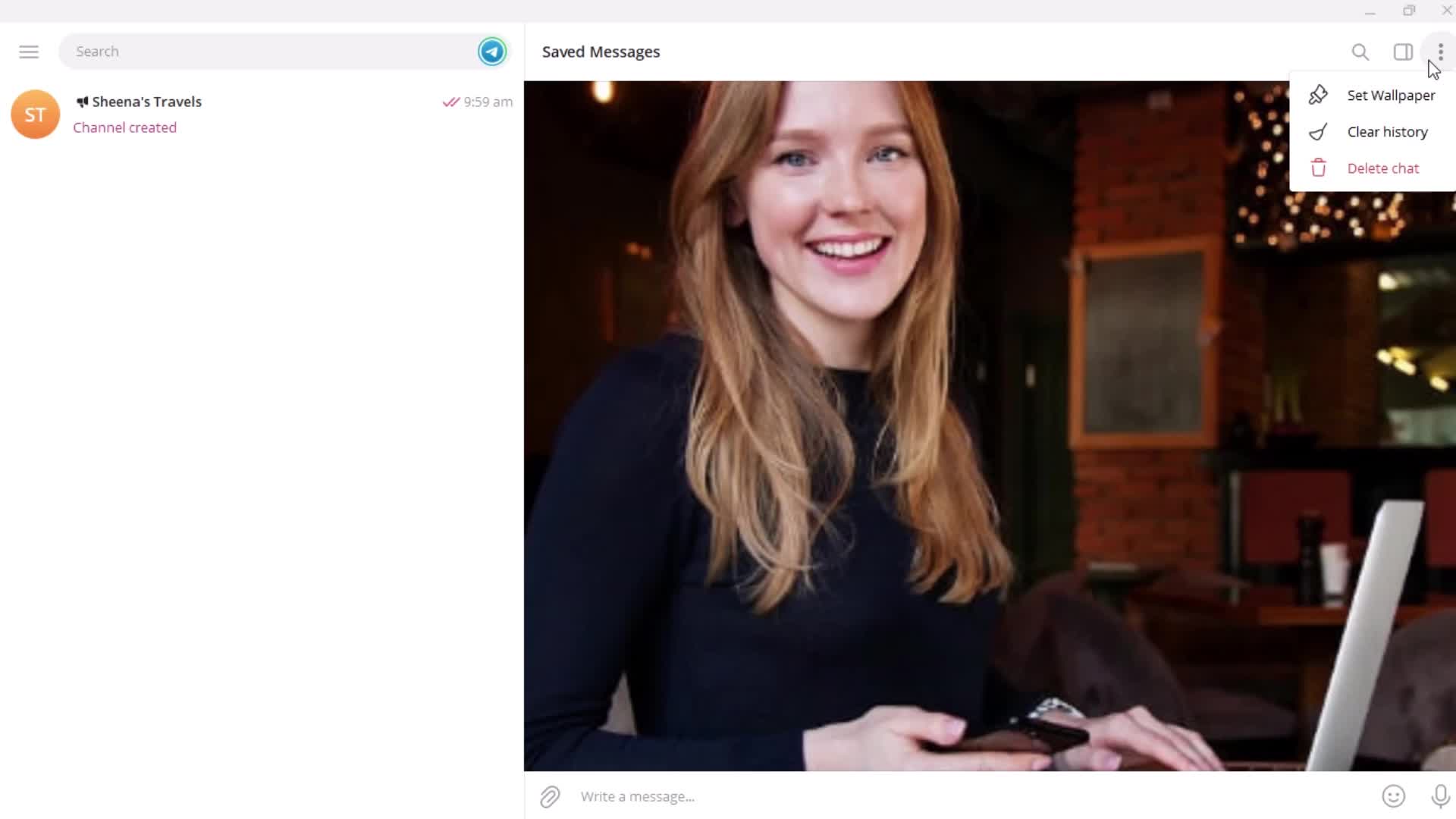
Saved
this is title
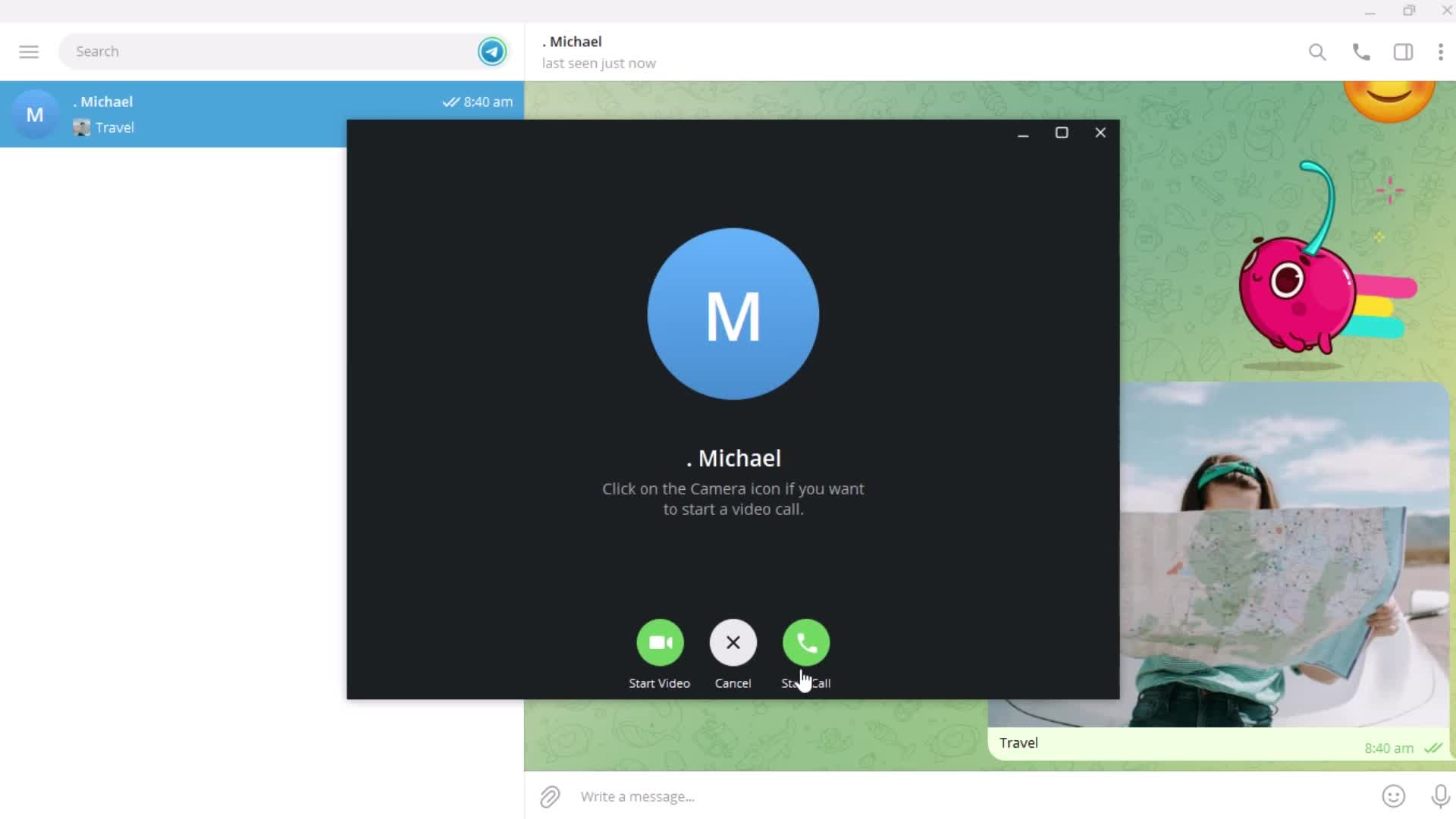
Call
this is title
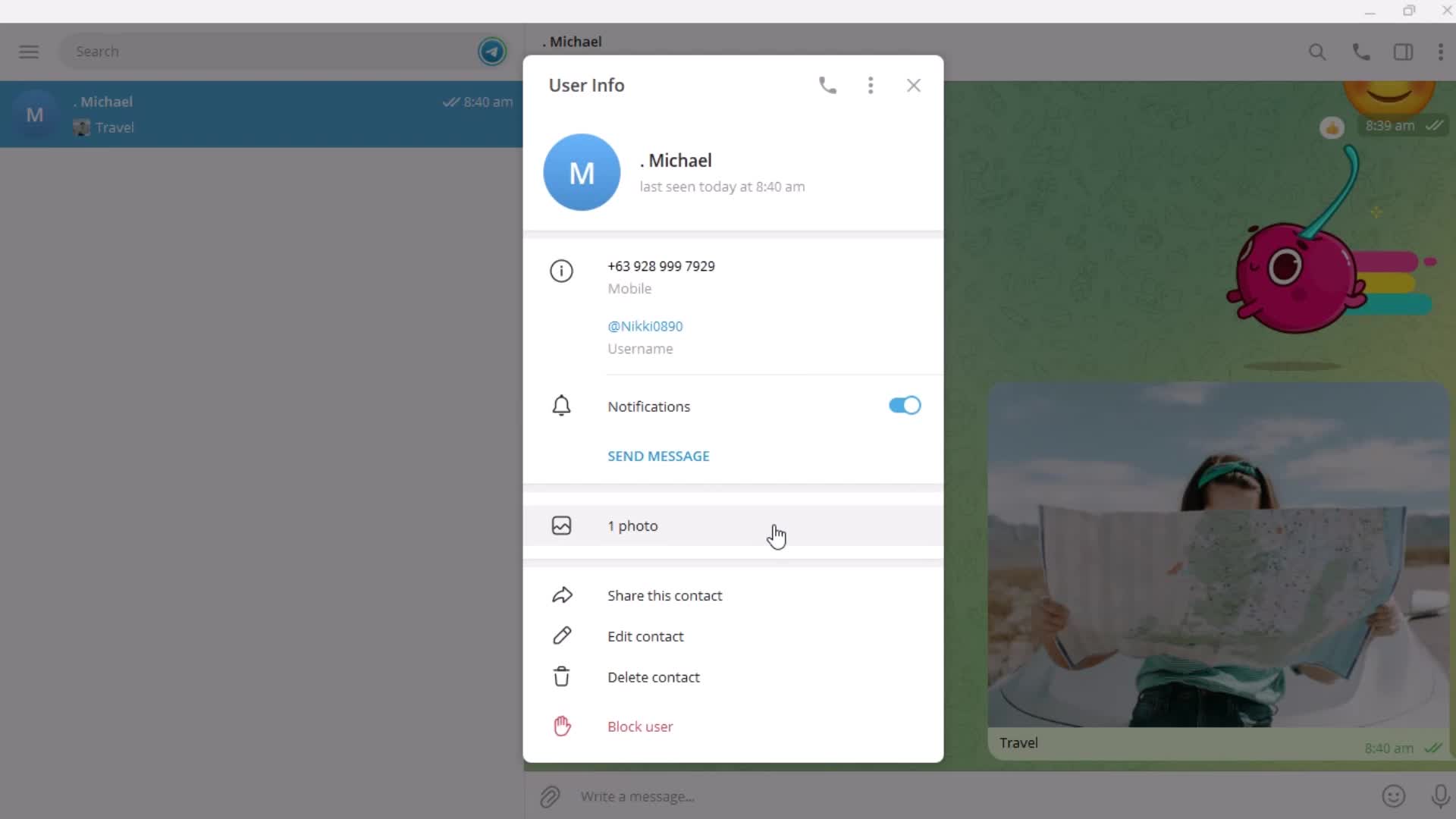
User detail
this is title
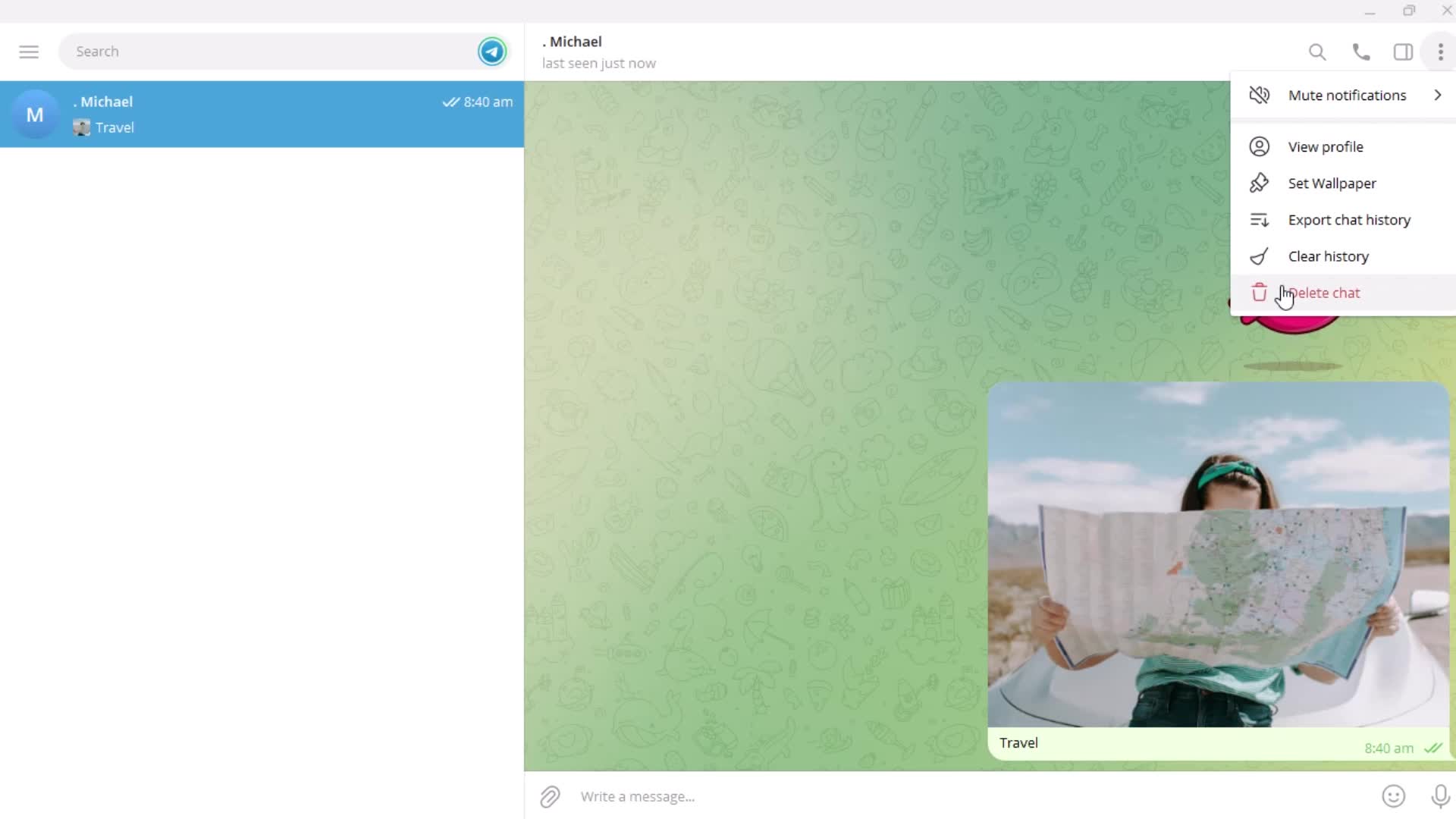
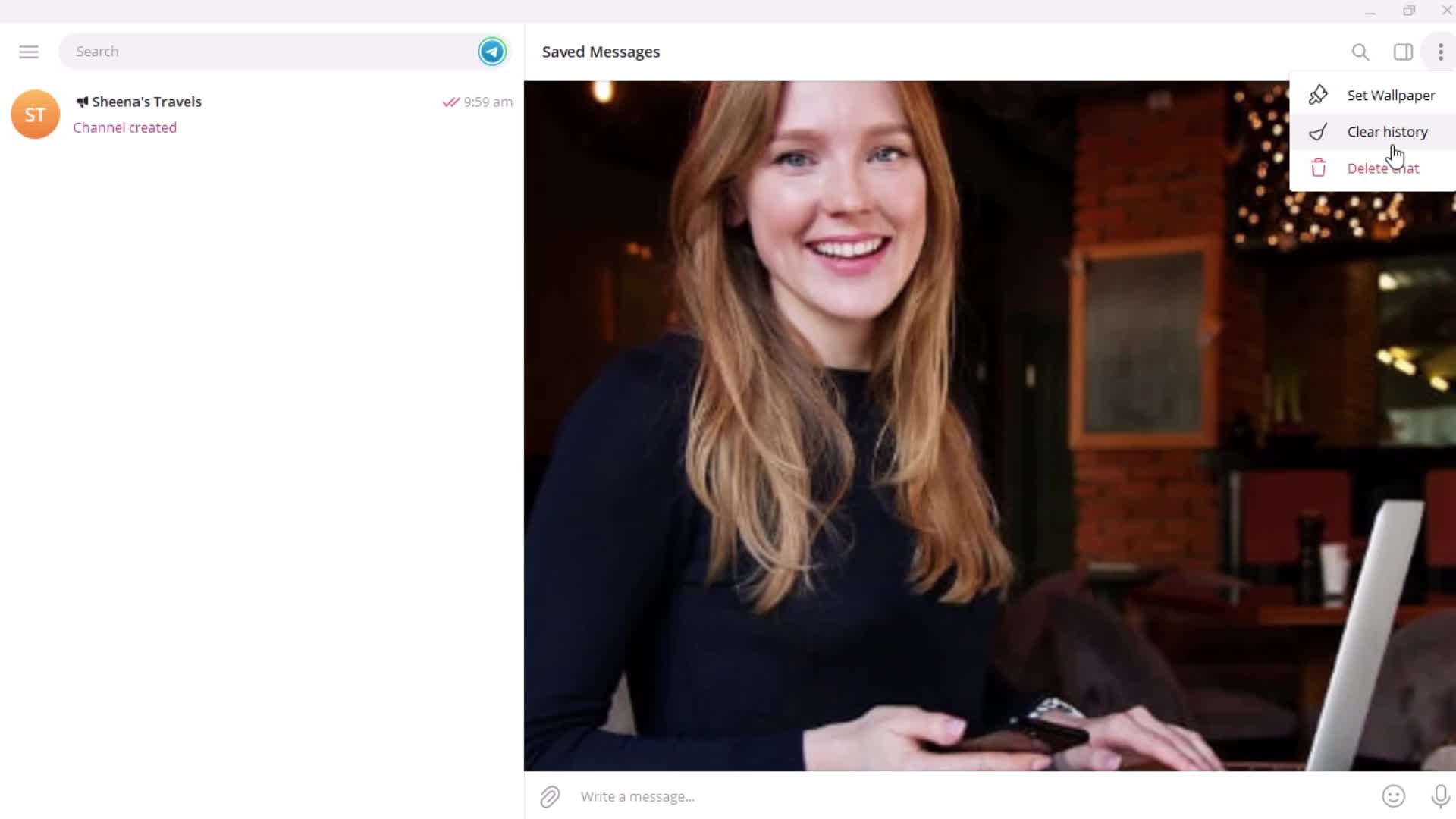
Action menu
this is title
this is title
this is title
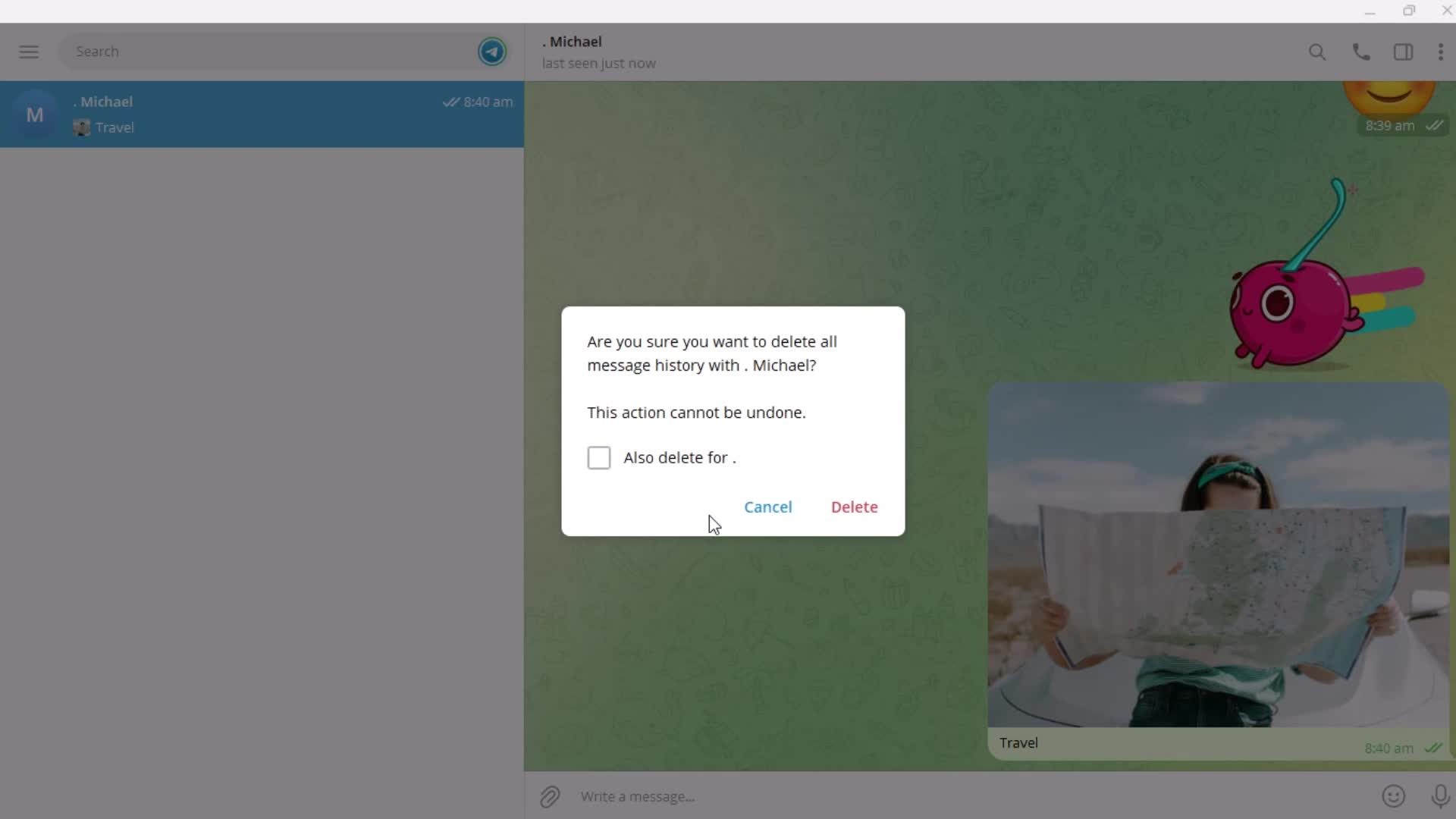
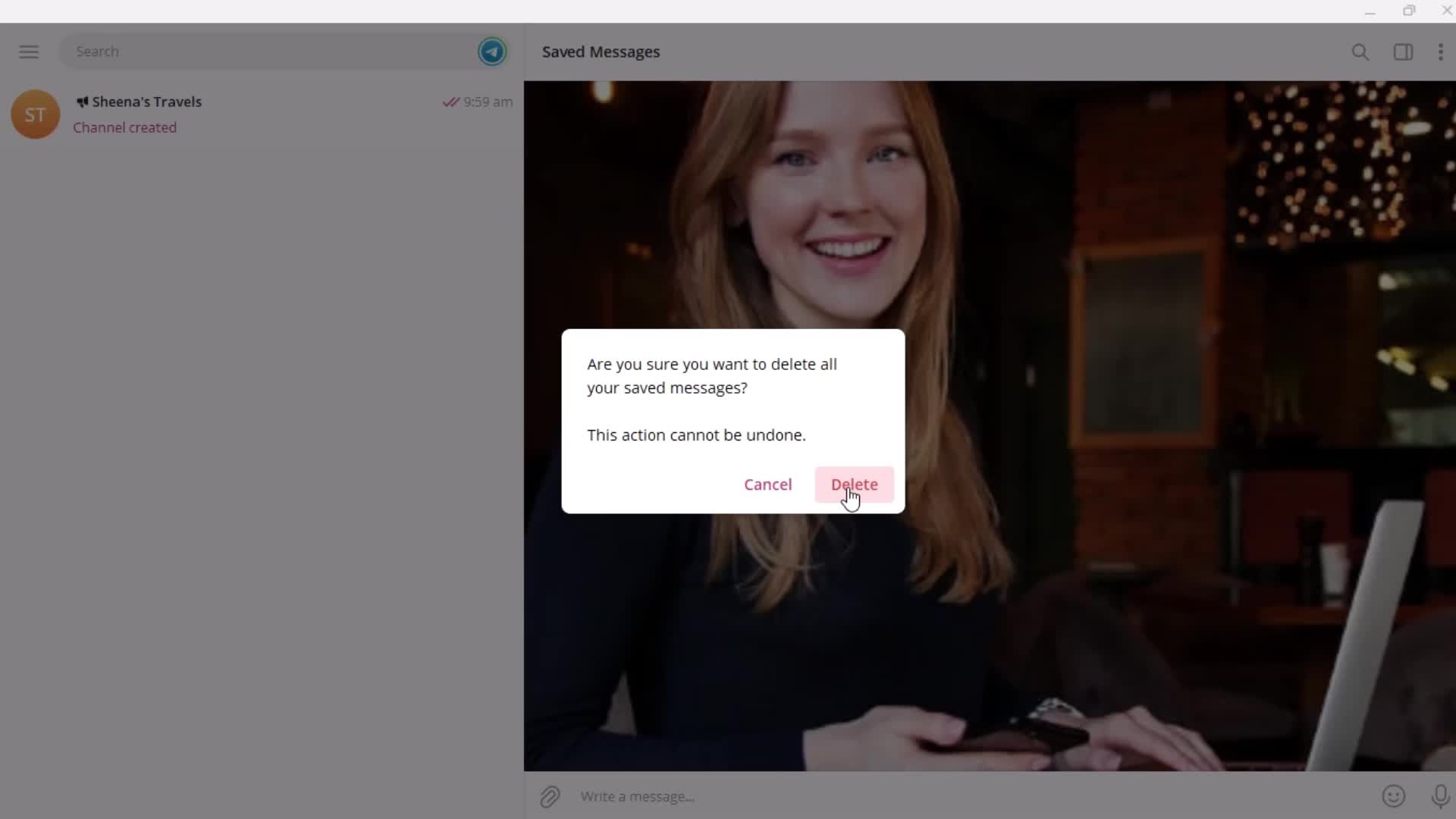
Confirm delete
this is title
this is title
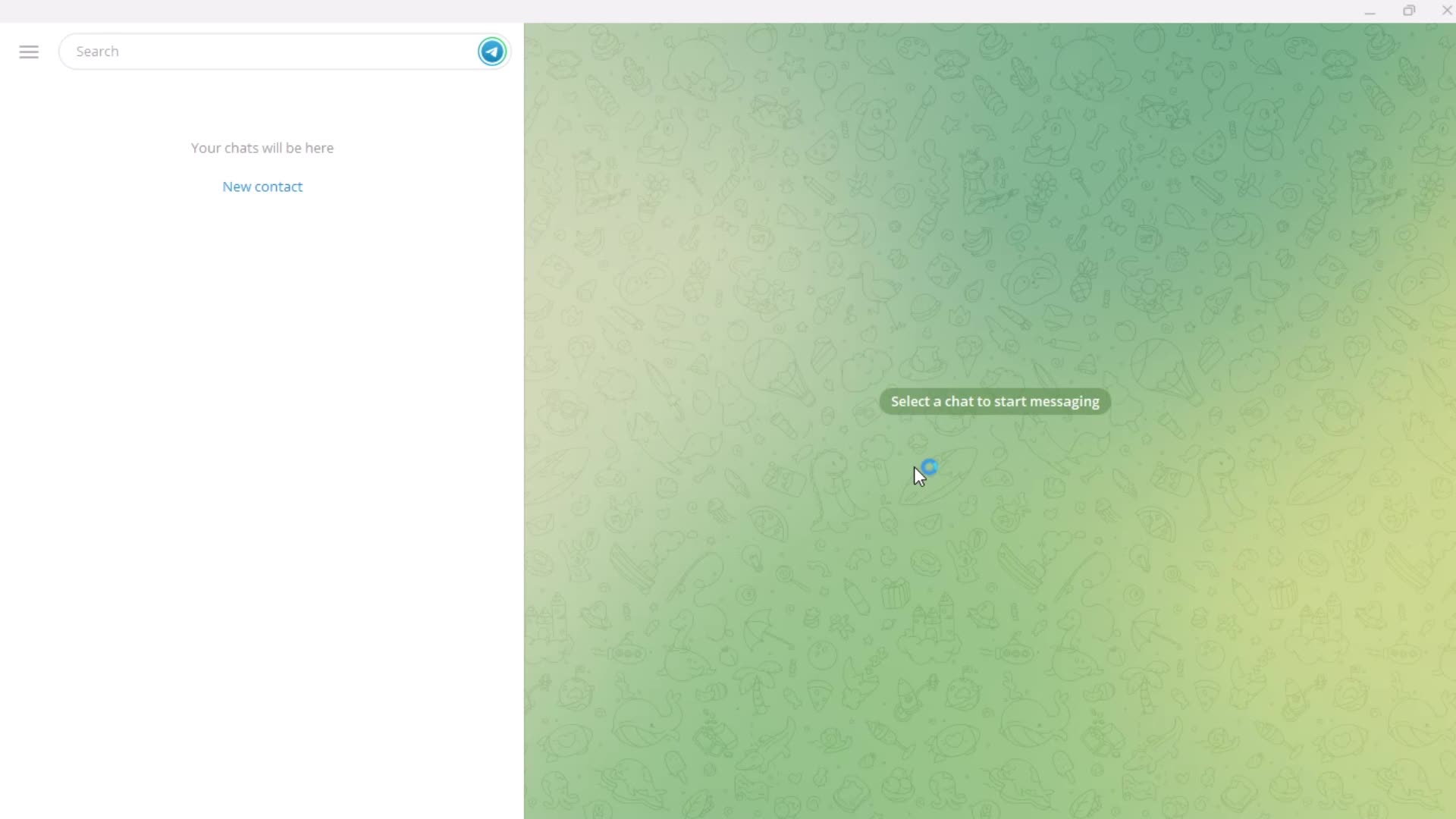
Deleted
this is title
Profile menu
this is title
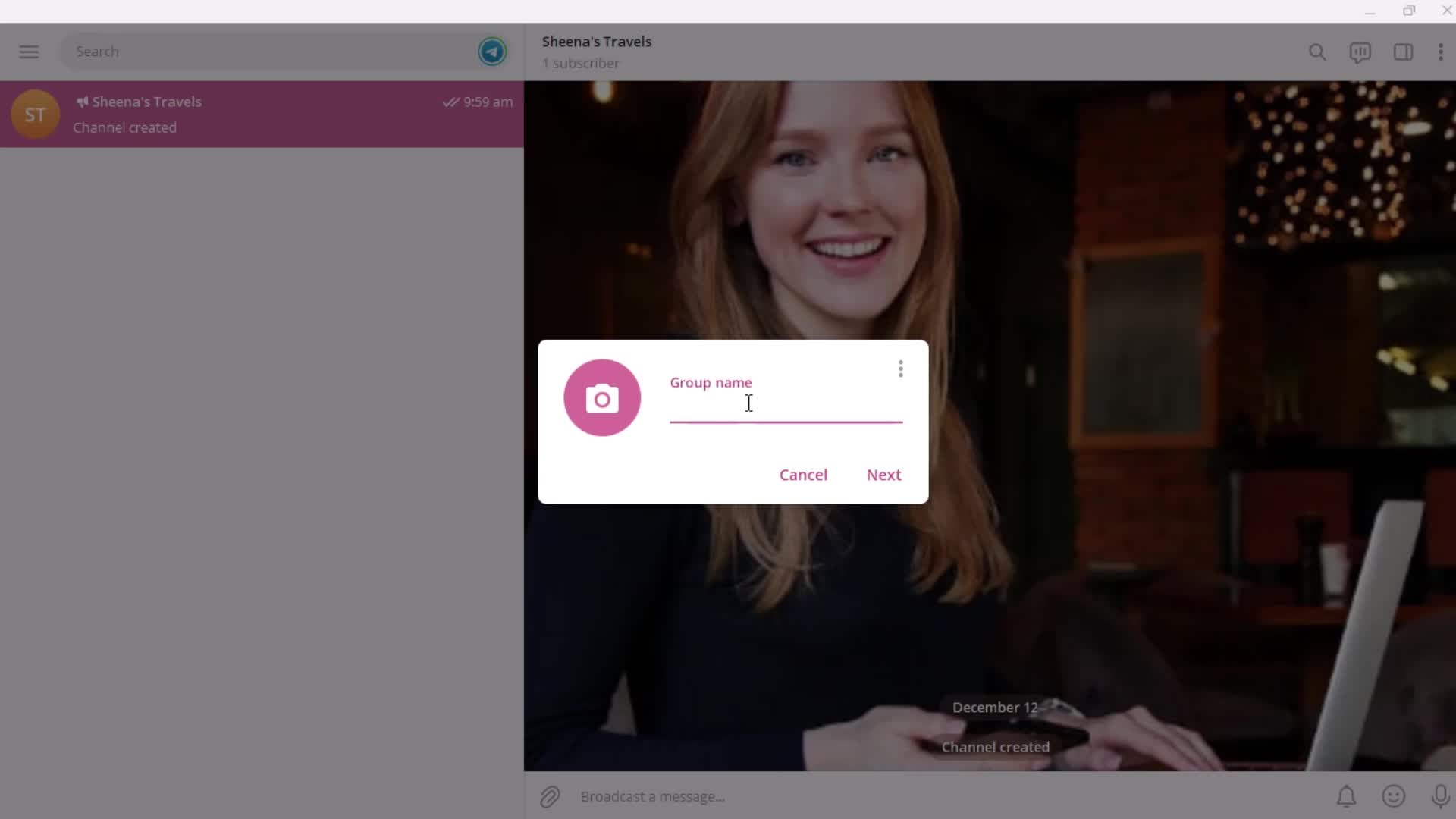
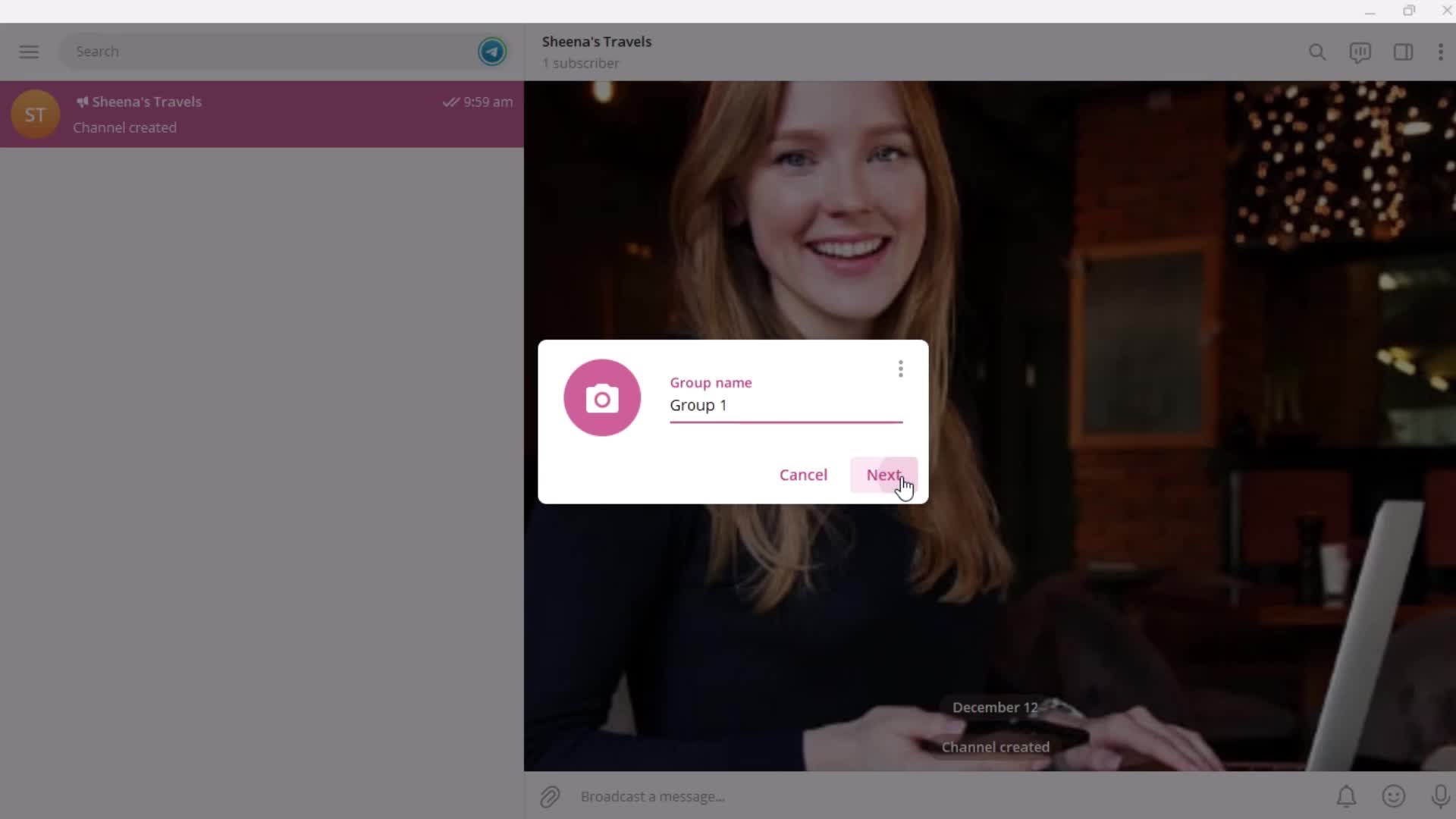
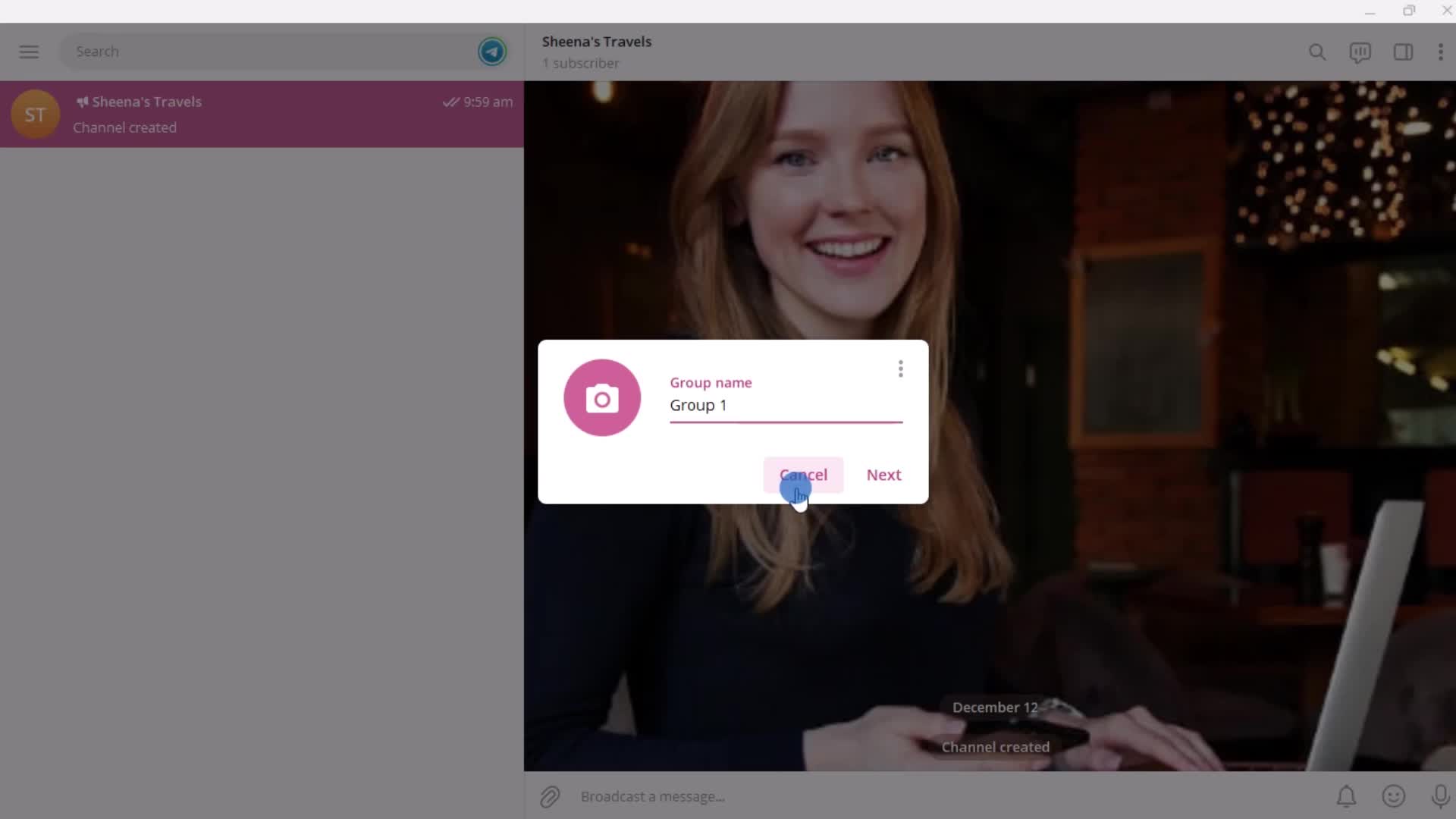
Enter name
this is title
this is title
Options
this is title
this is title
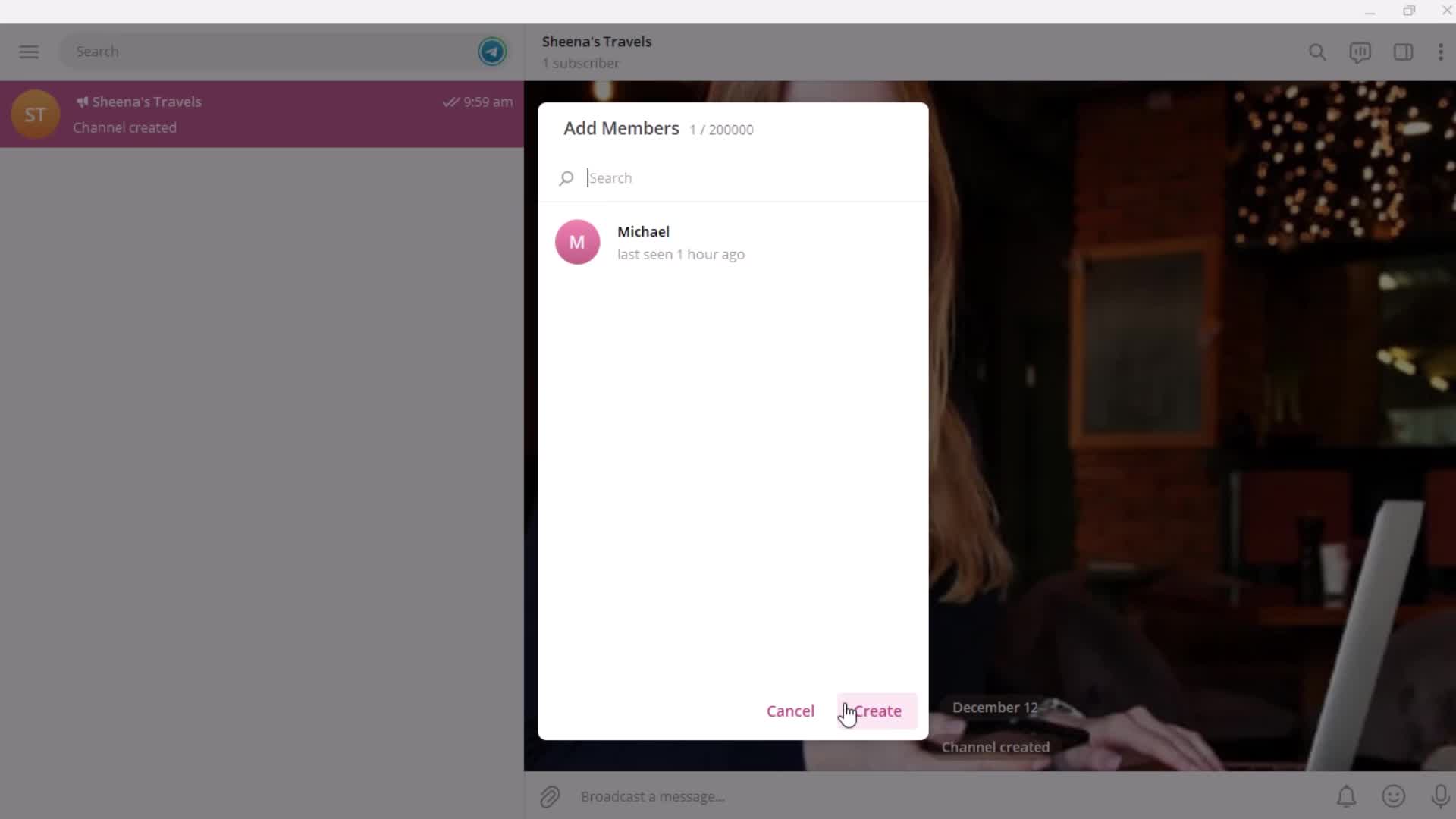
Add members
this is title
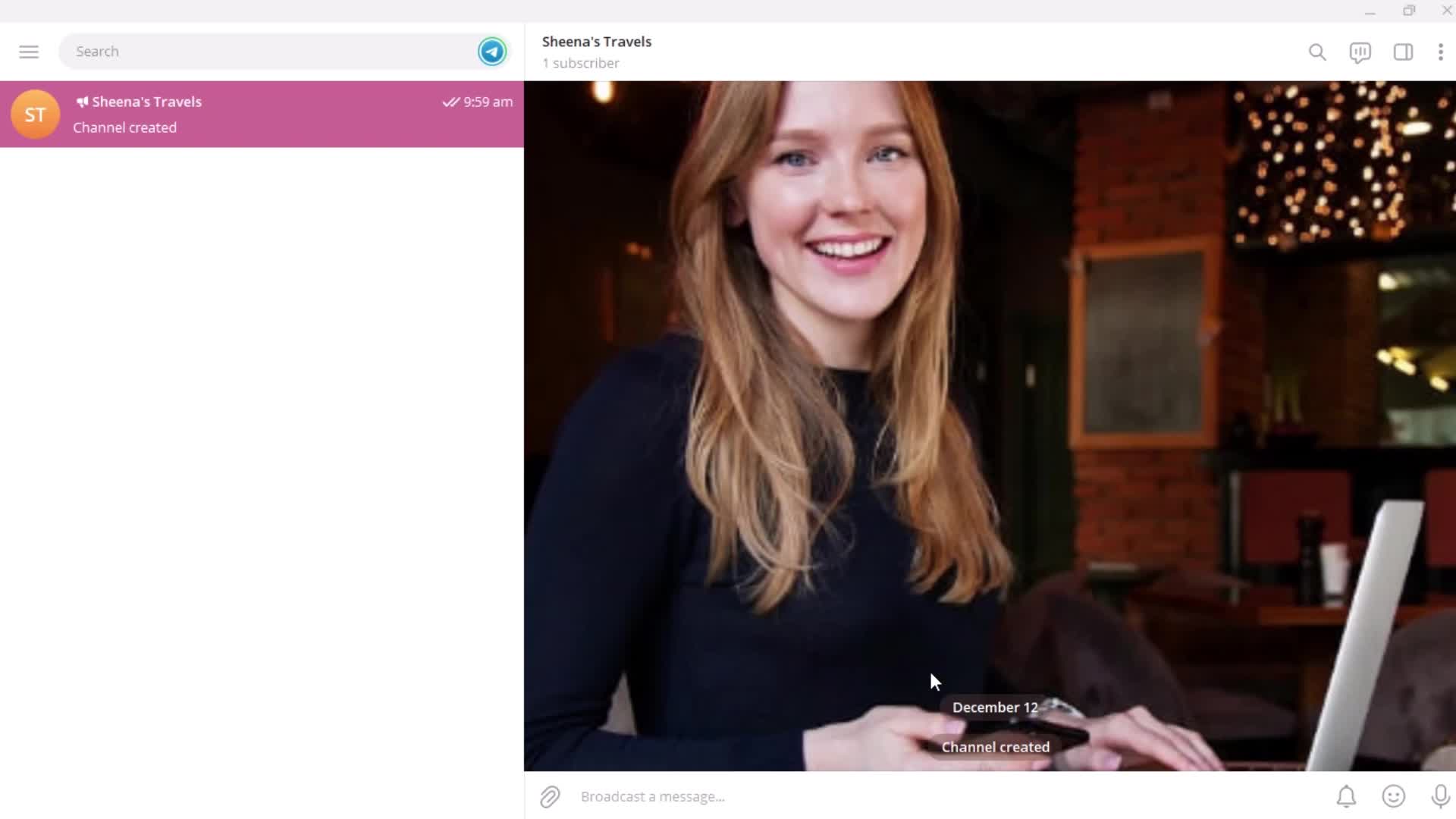
Created
this is title
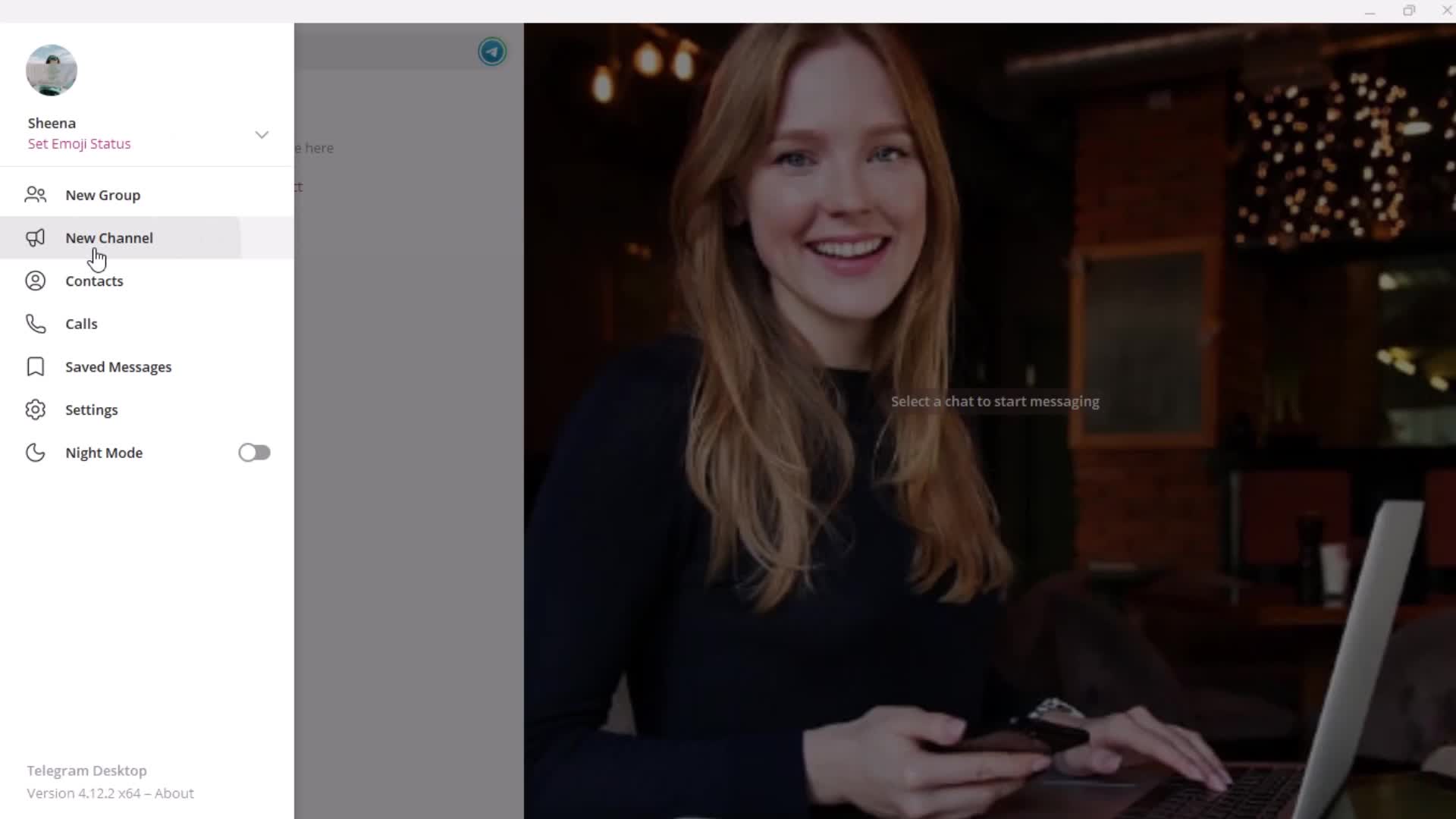
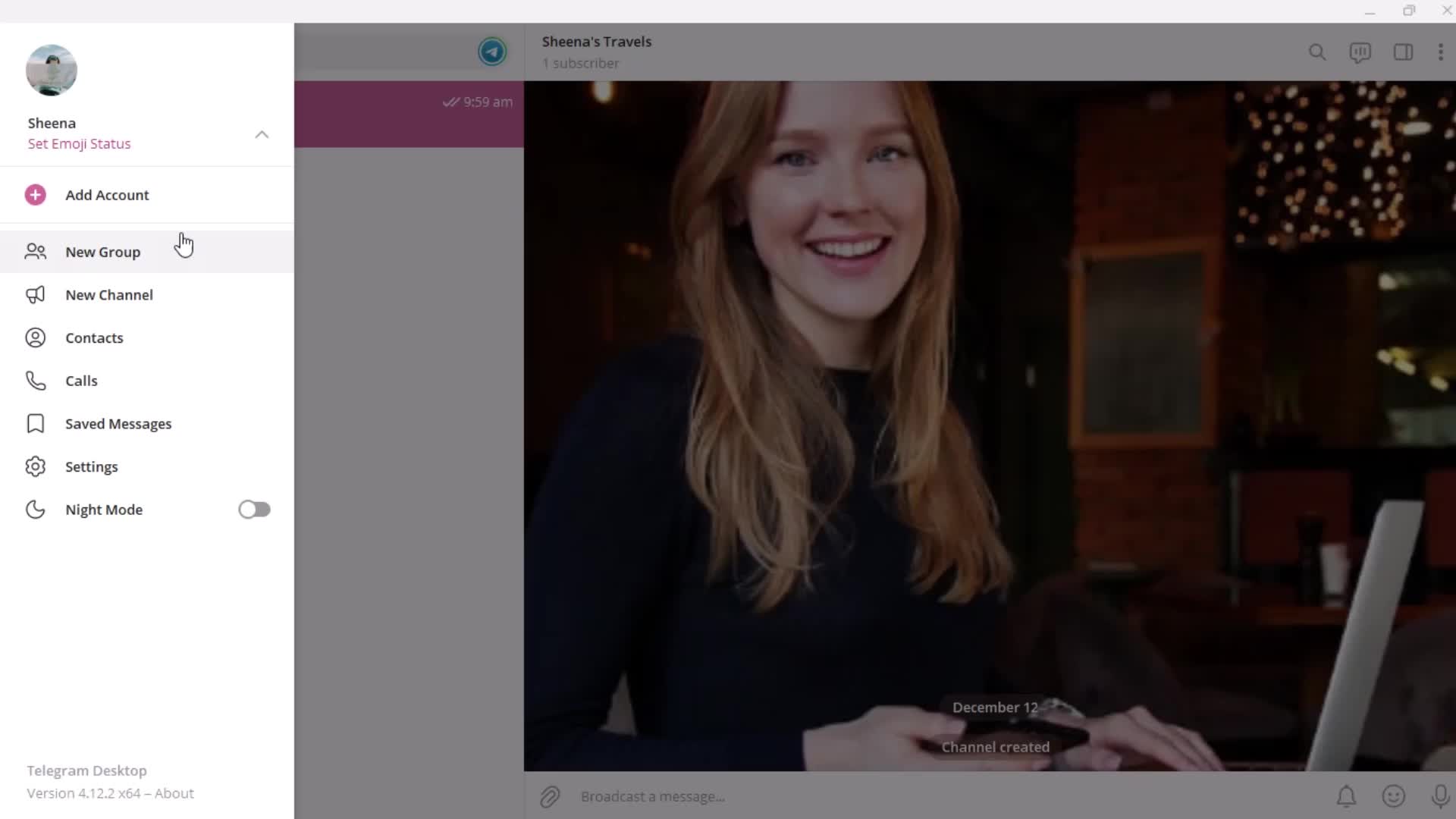
Profile menu
this is title
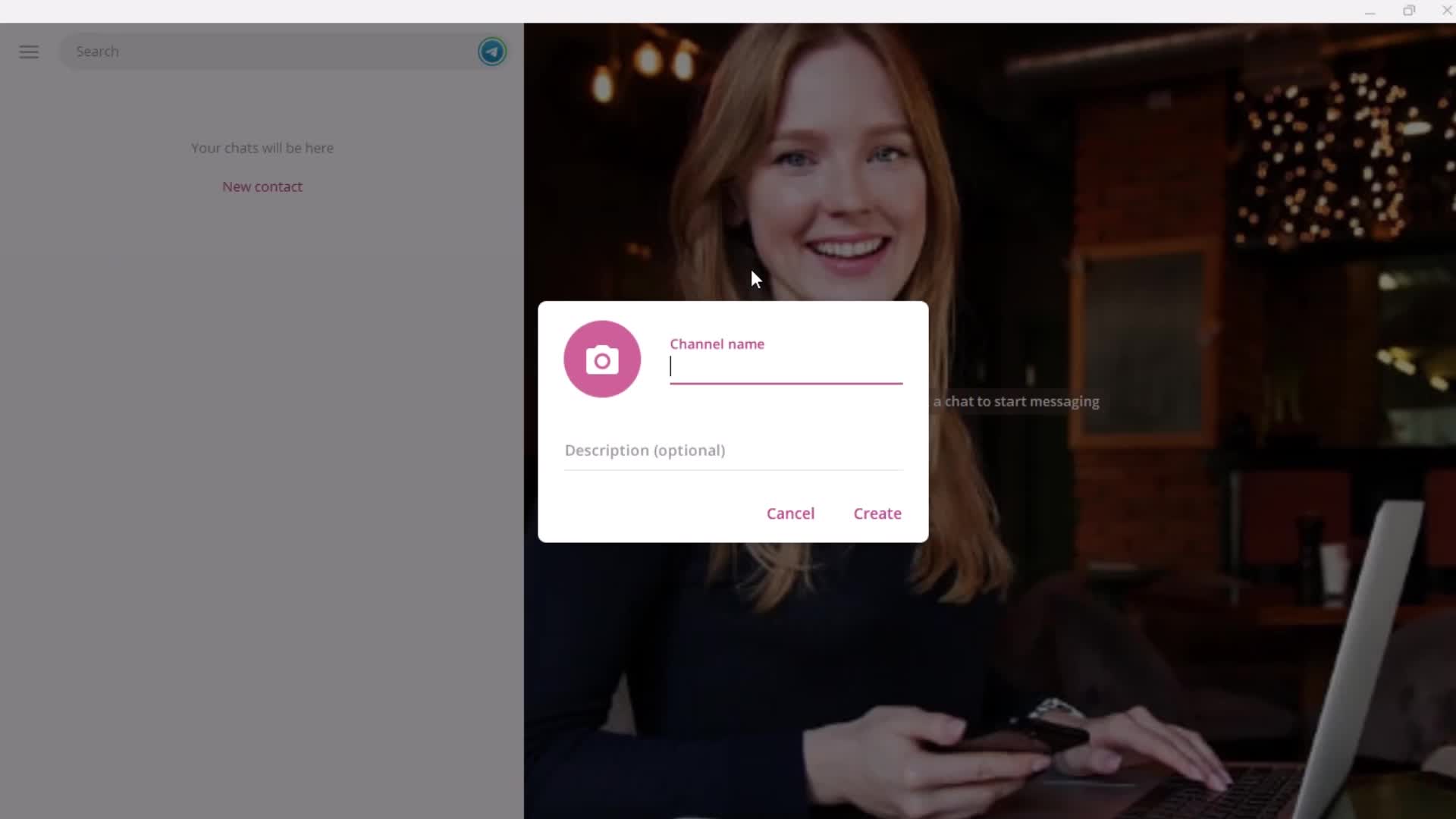
Enter name
this is title
this is title
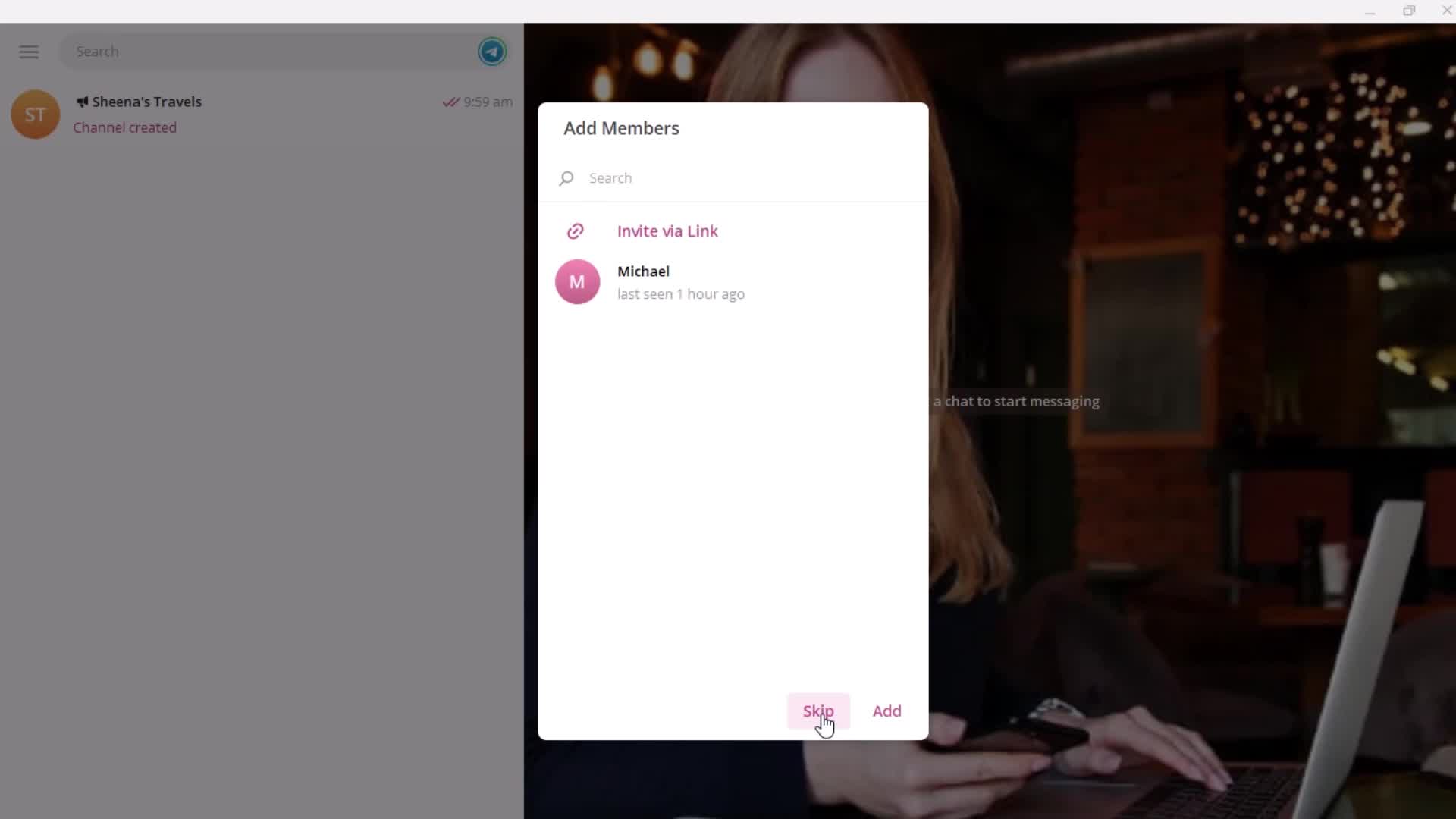
Add members
this is title
this is title
this is title
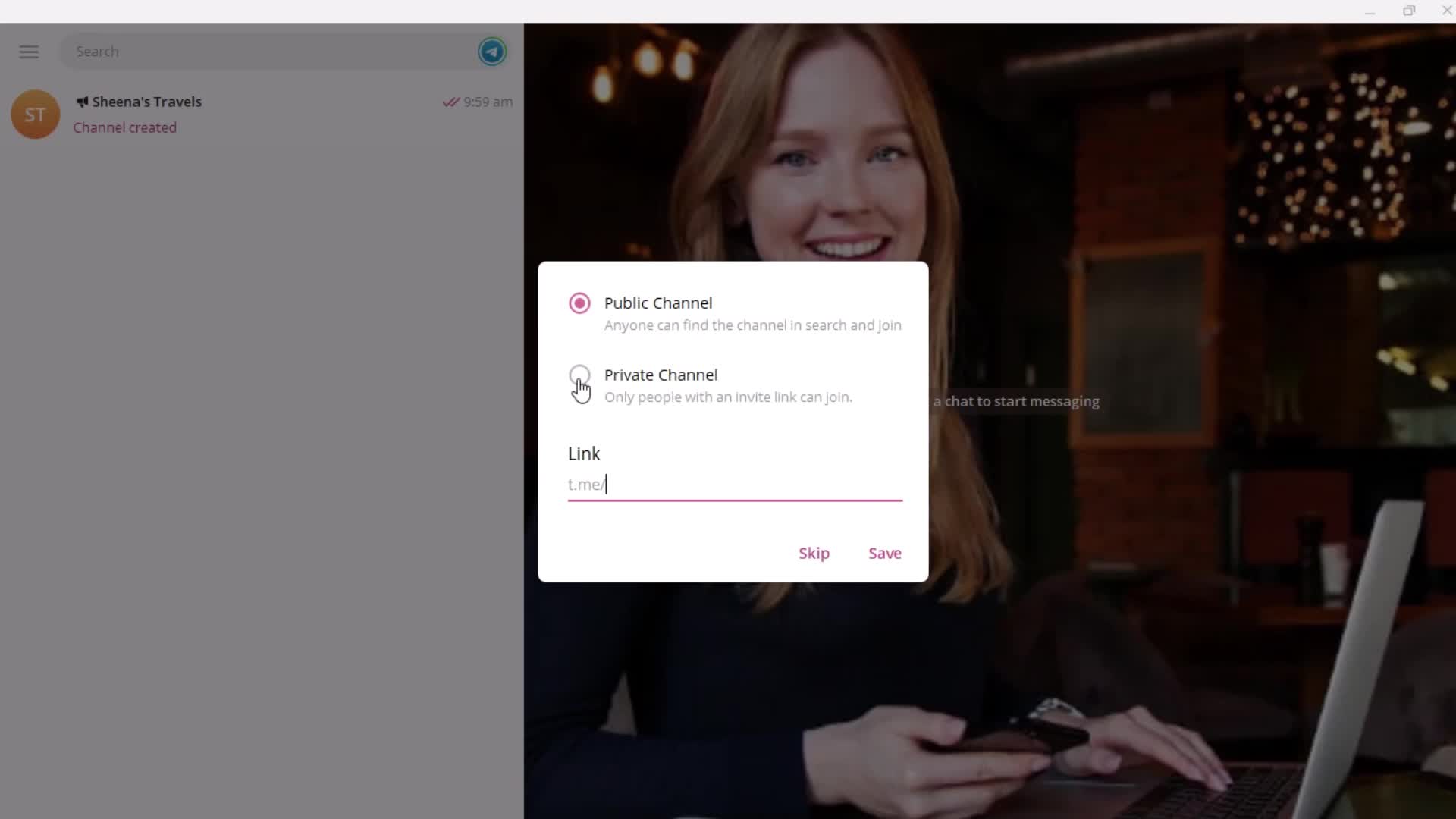
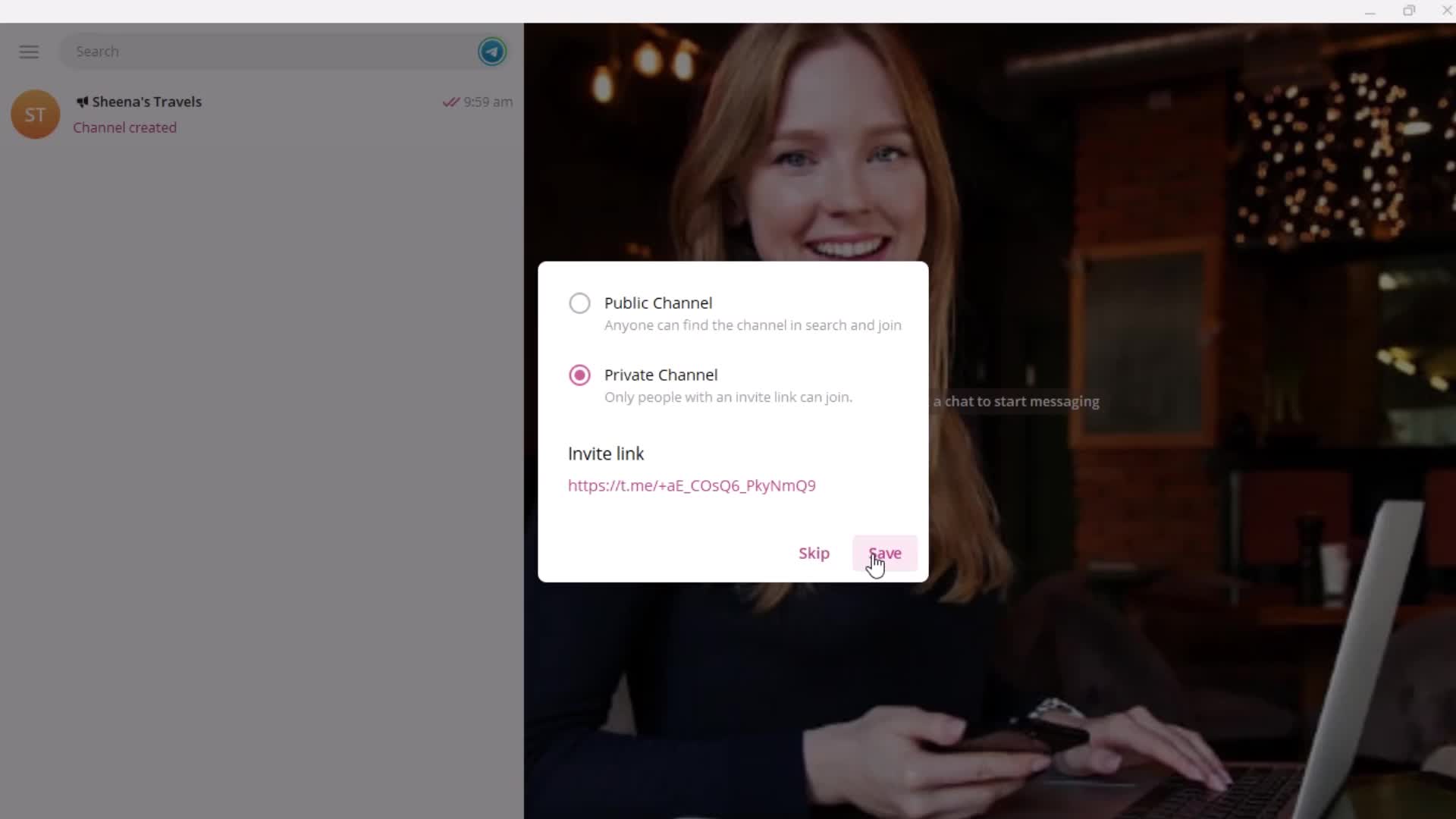
Create channel
this is title
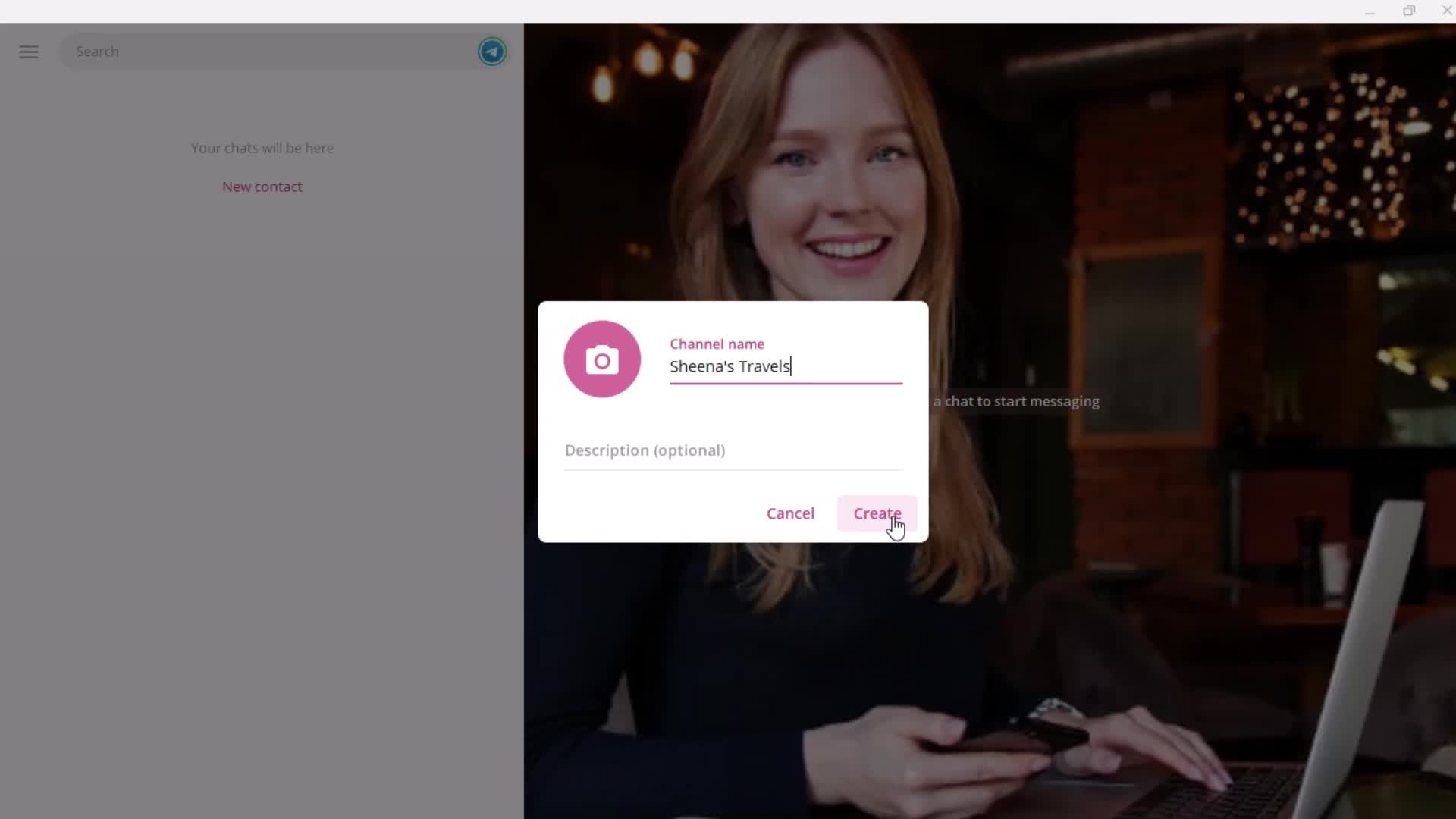
Enter name
this is title
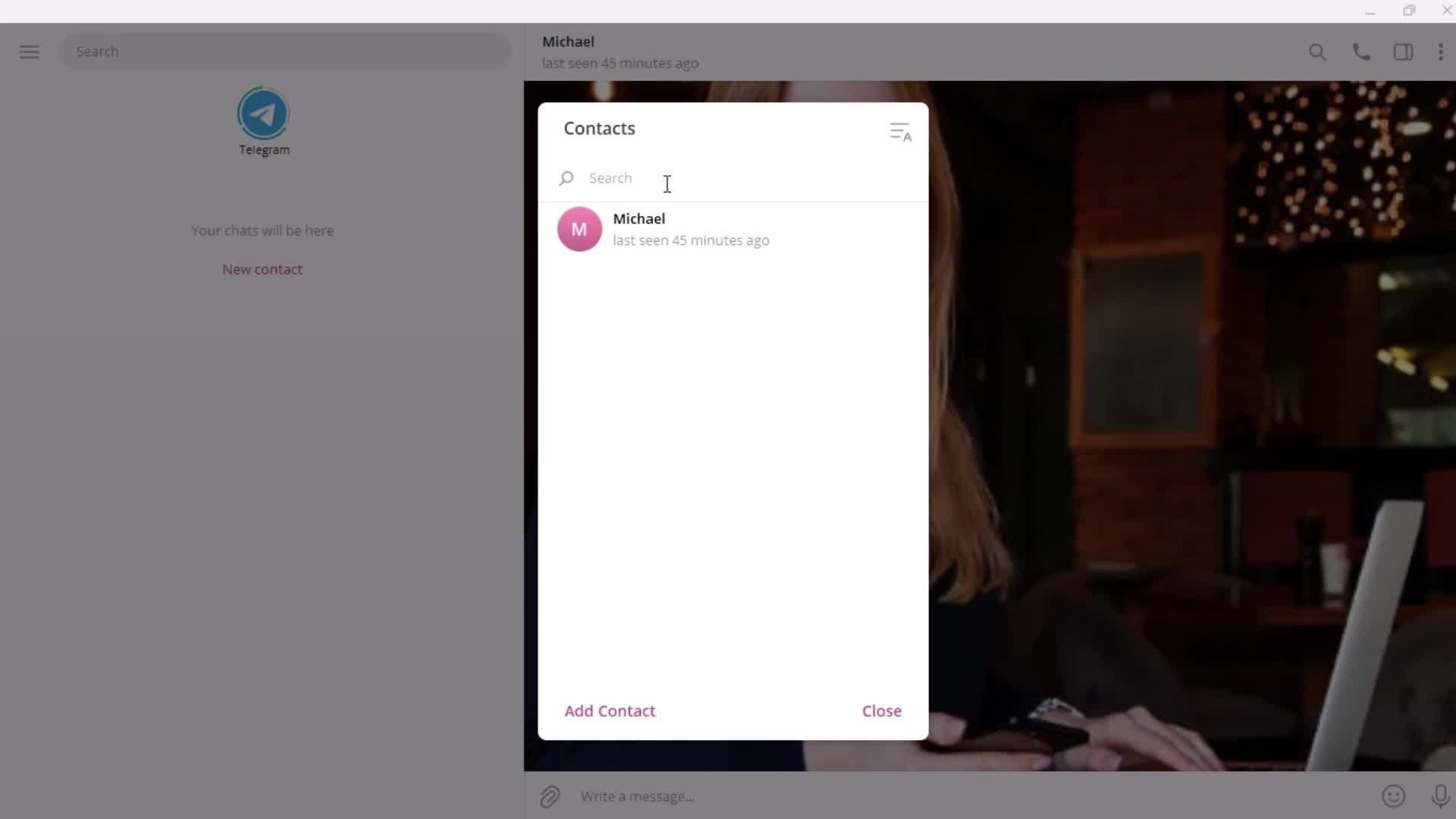
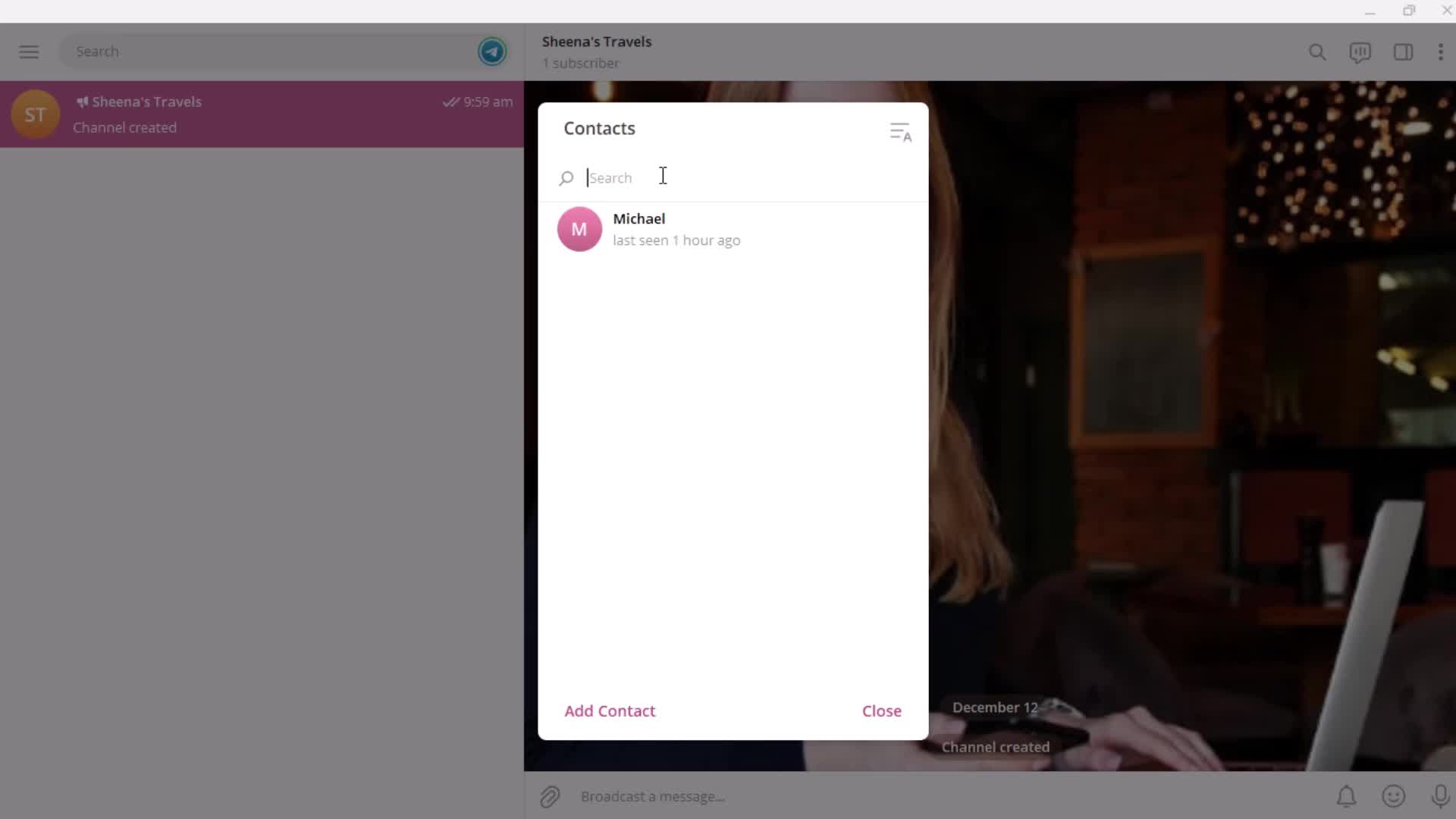
Contacts
this is title
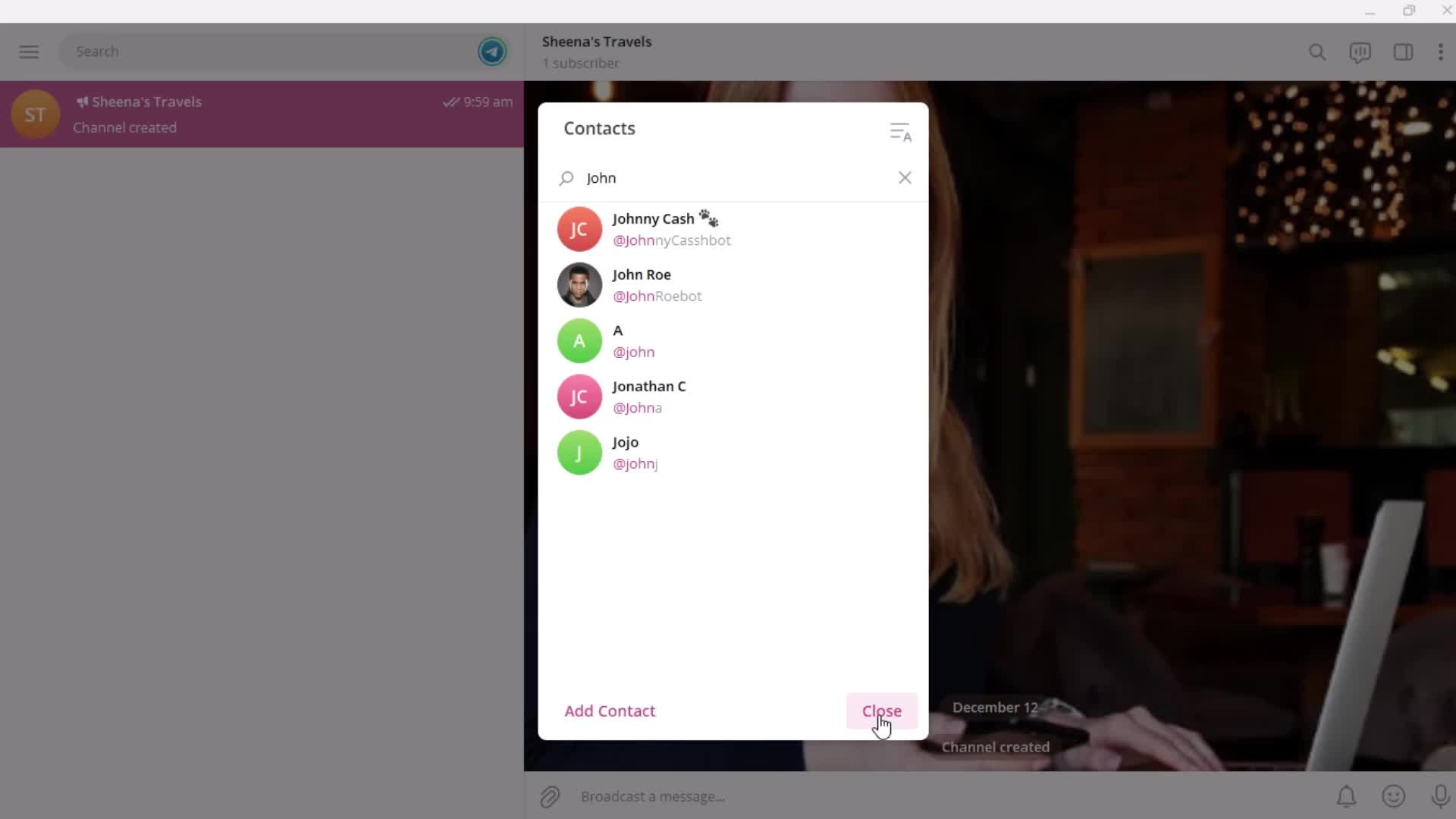
Search
this is title
Search results
this is title
this is title
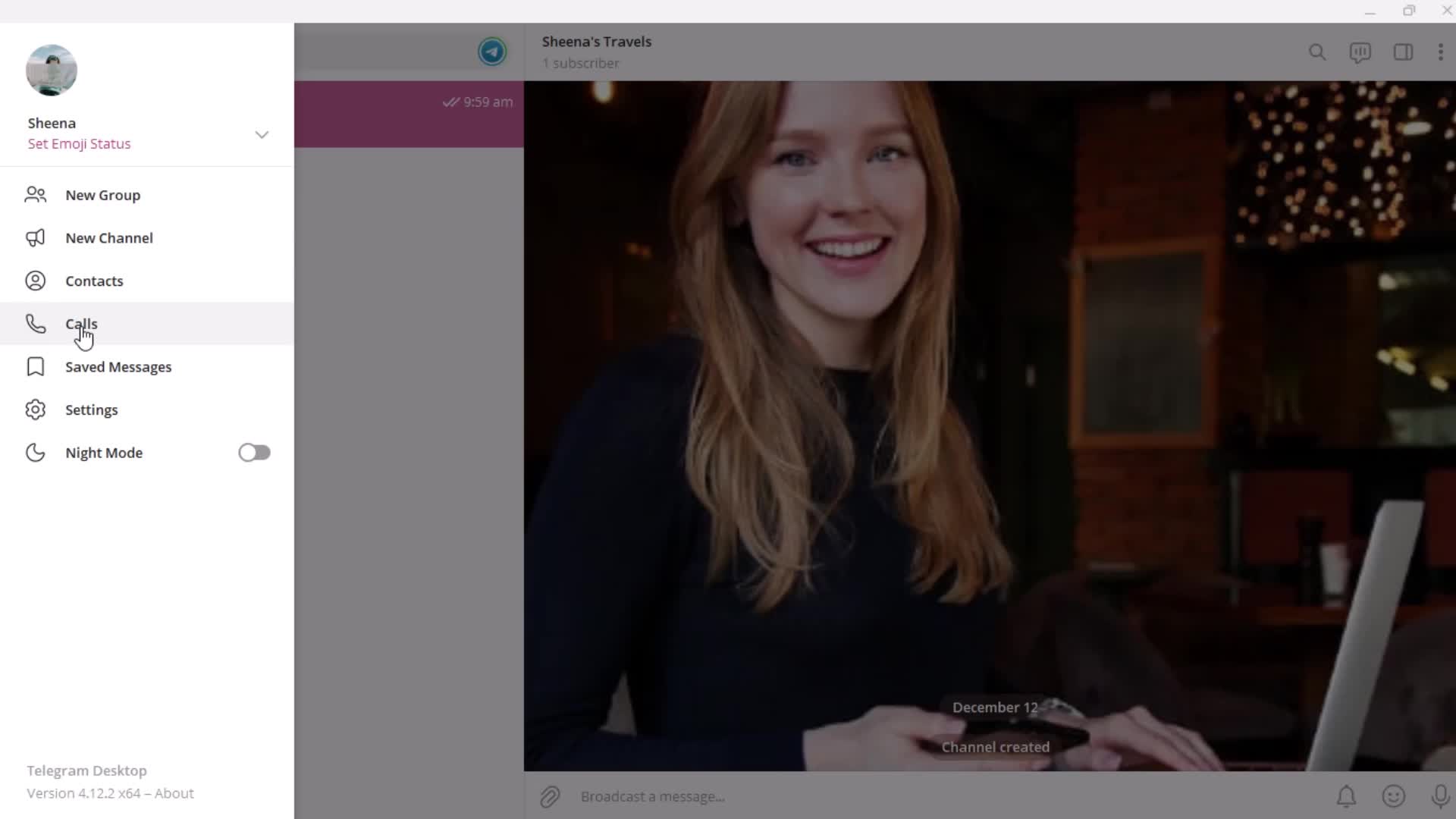
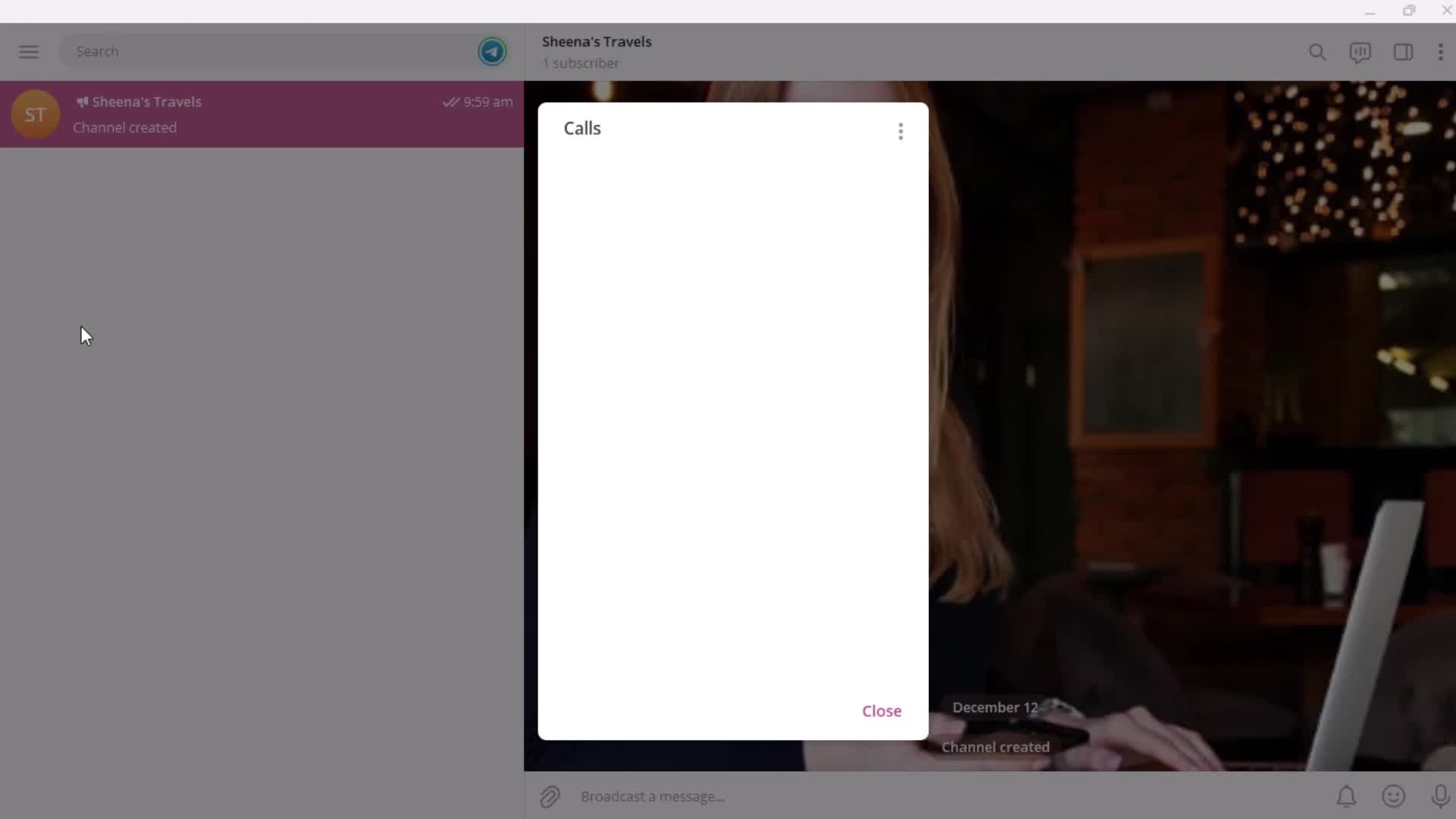
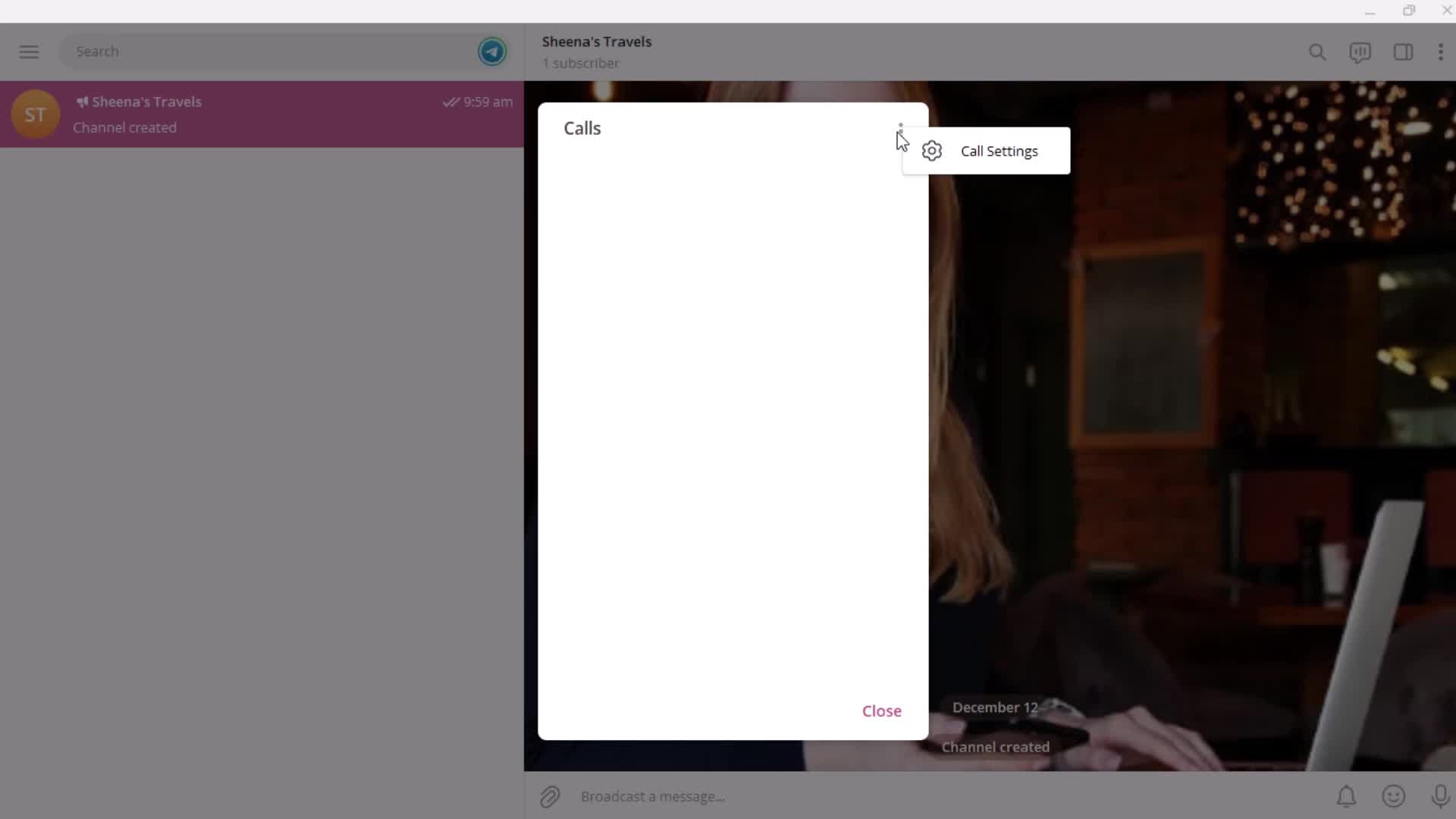
Calls
this is title
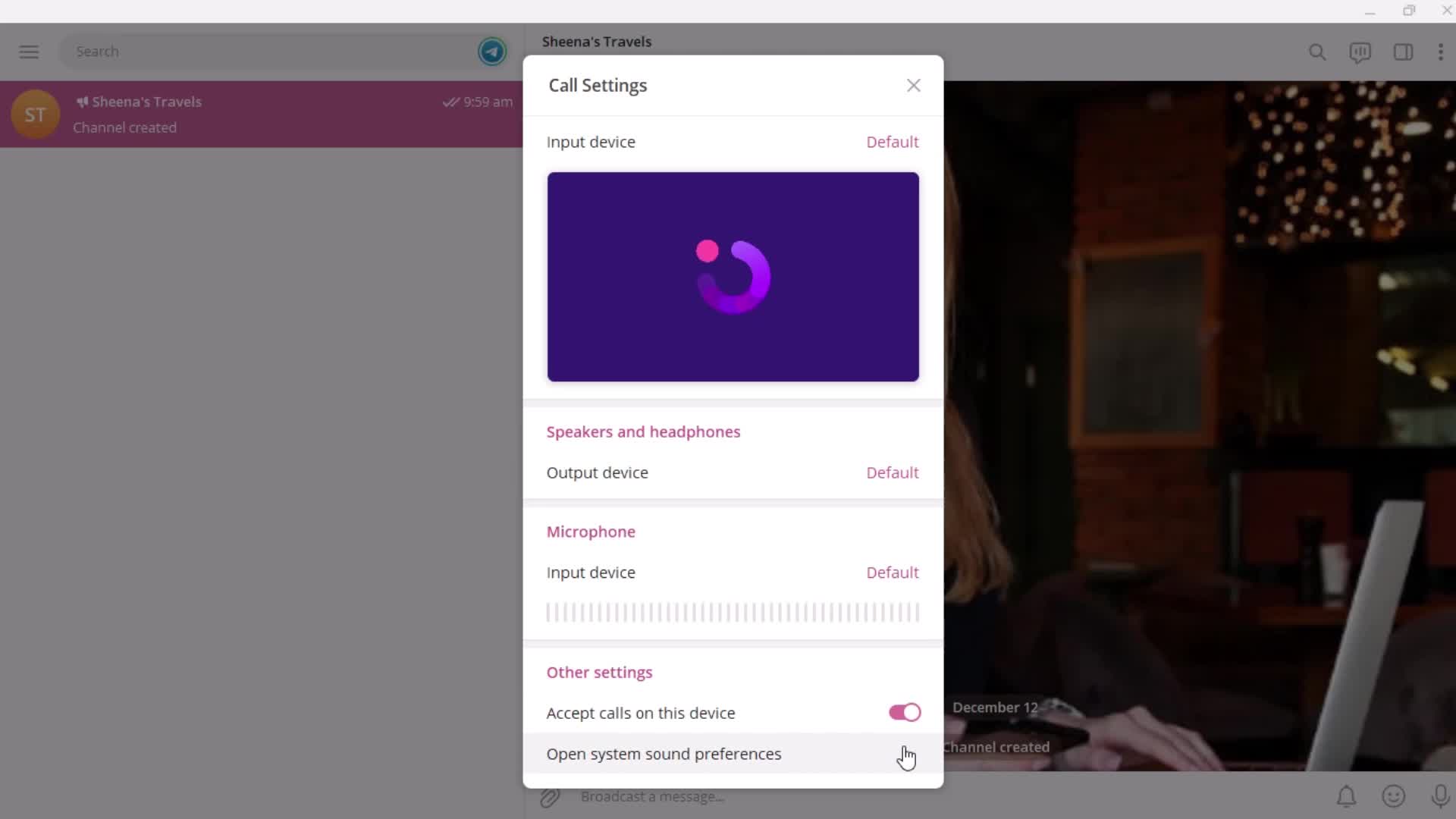
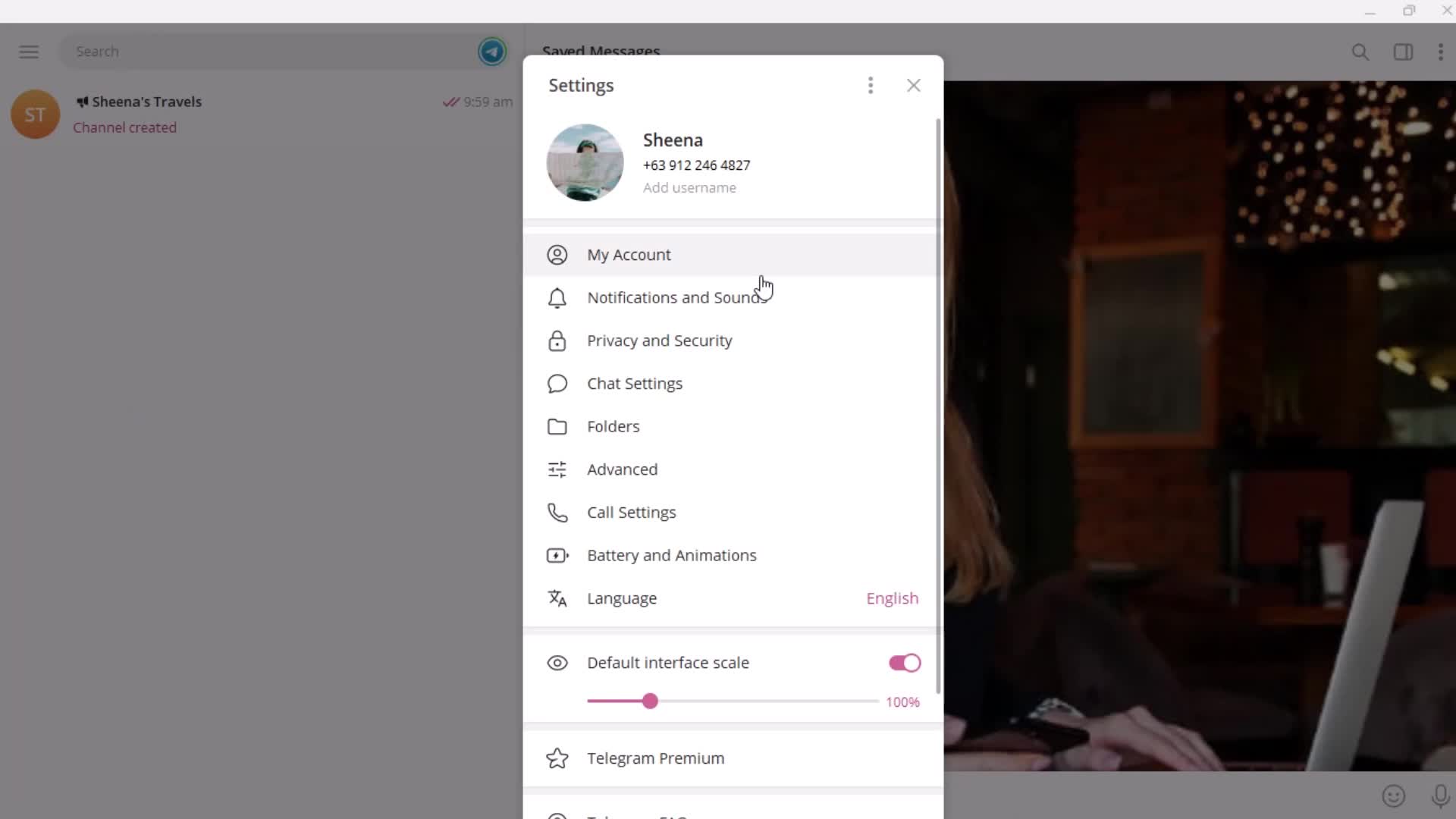
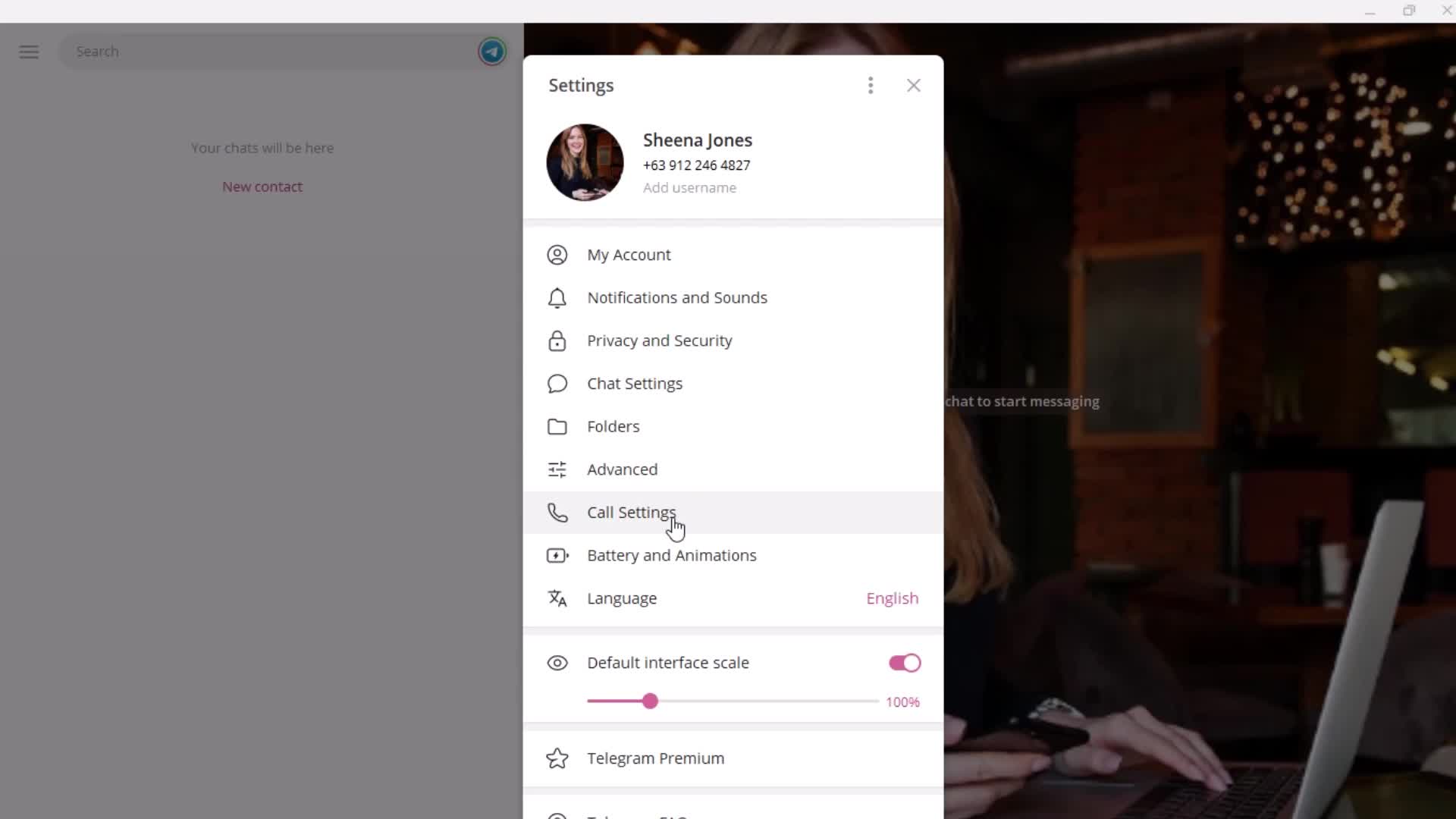
Settings
this is title
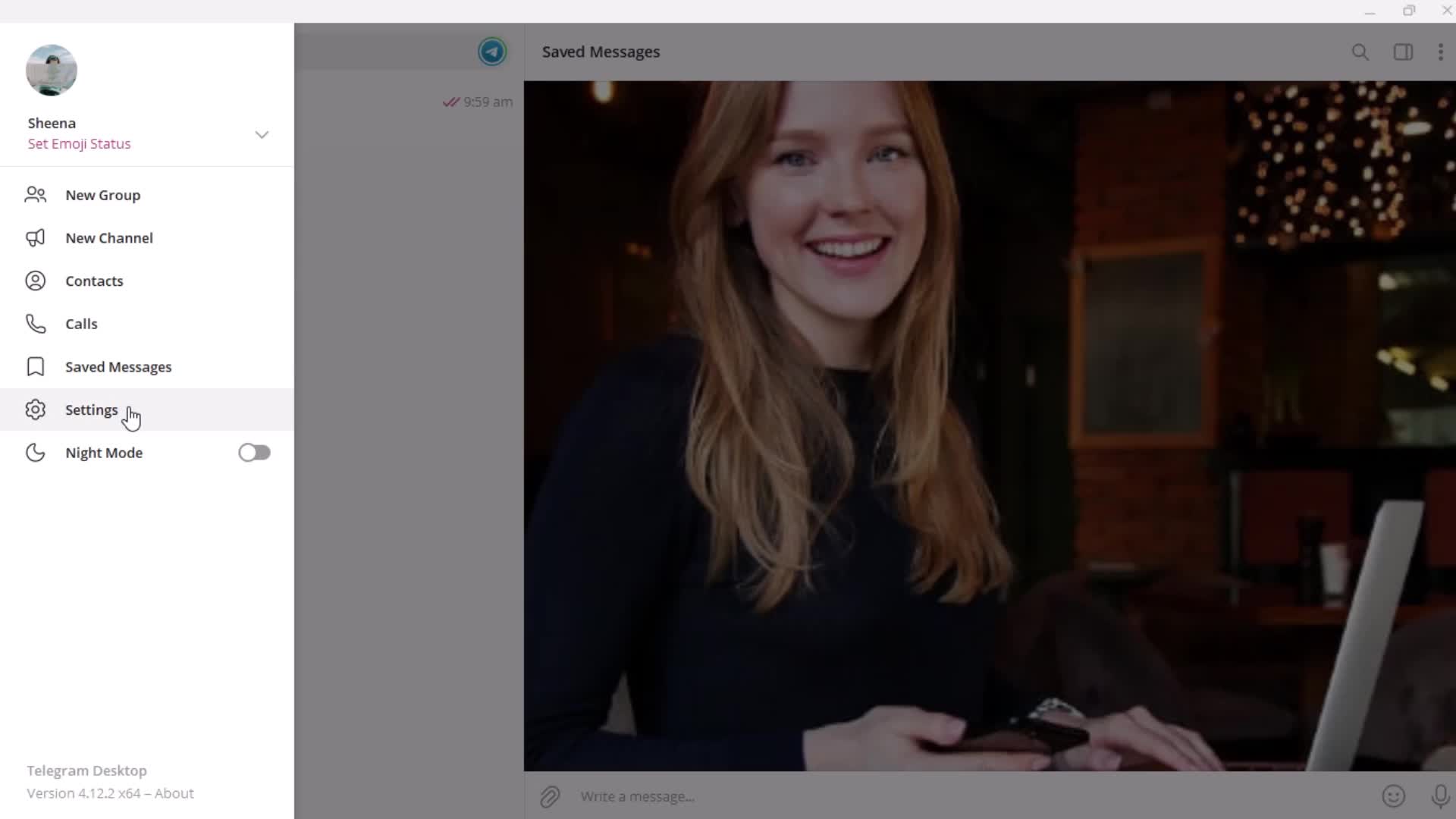
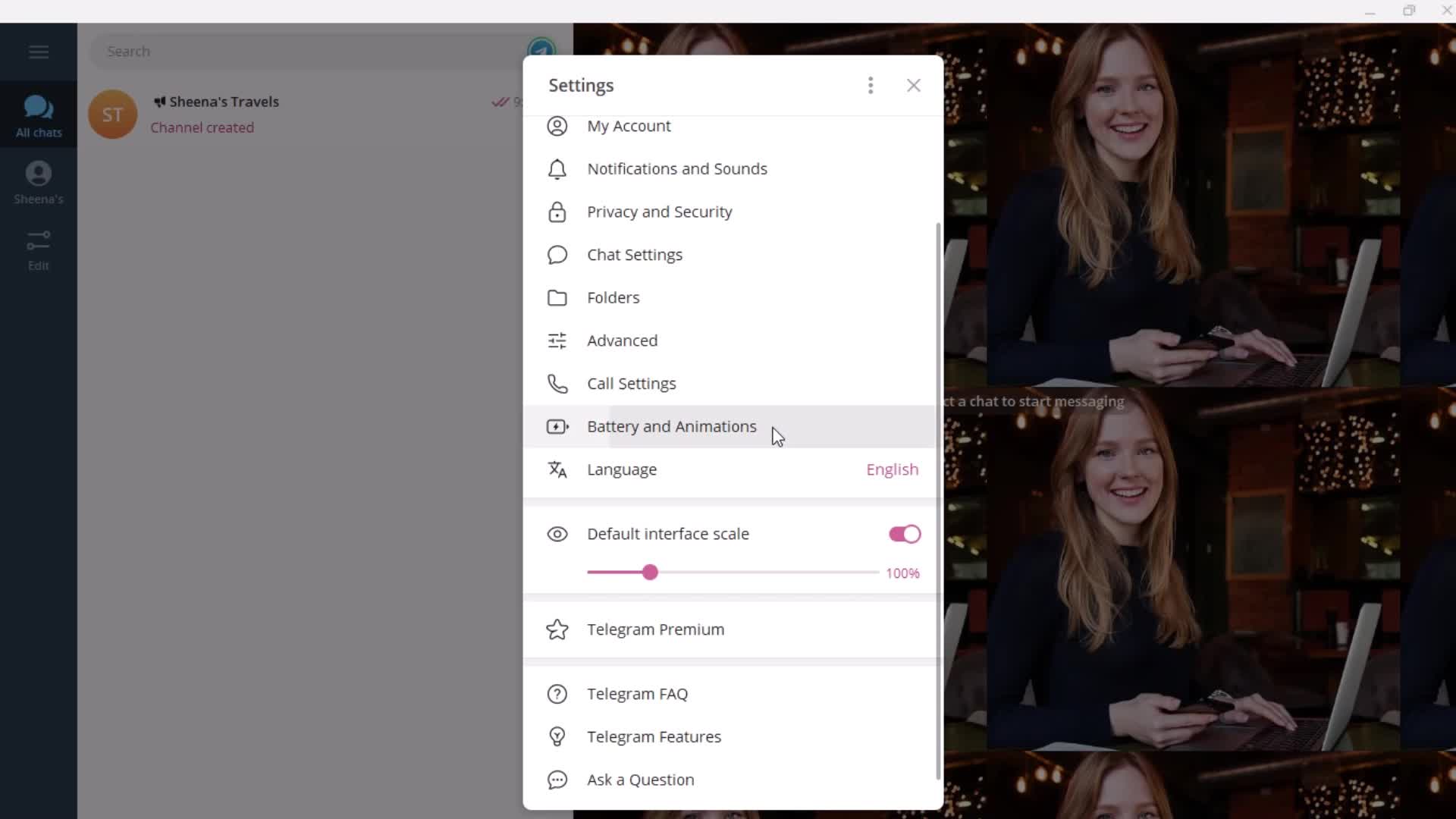
Settings menu
this is title
this is title
Messages
this is title
Action menu
this is title
History
this is title
Confirm delete
this is title
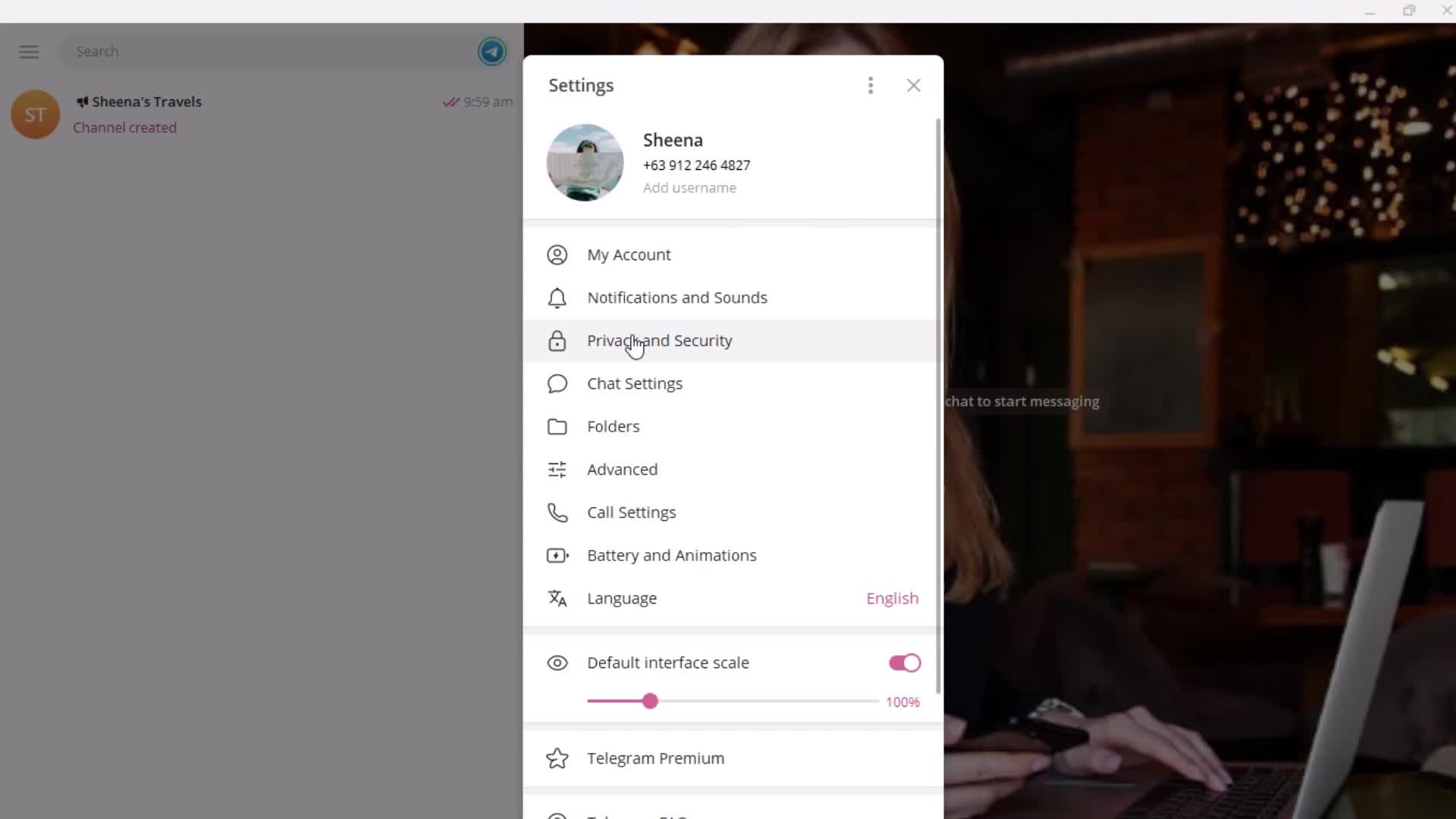
Settings
this is title
Settings menu
this is title
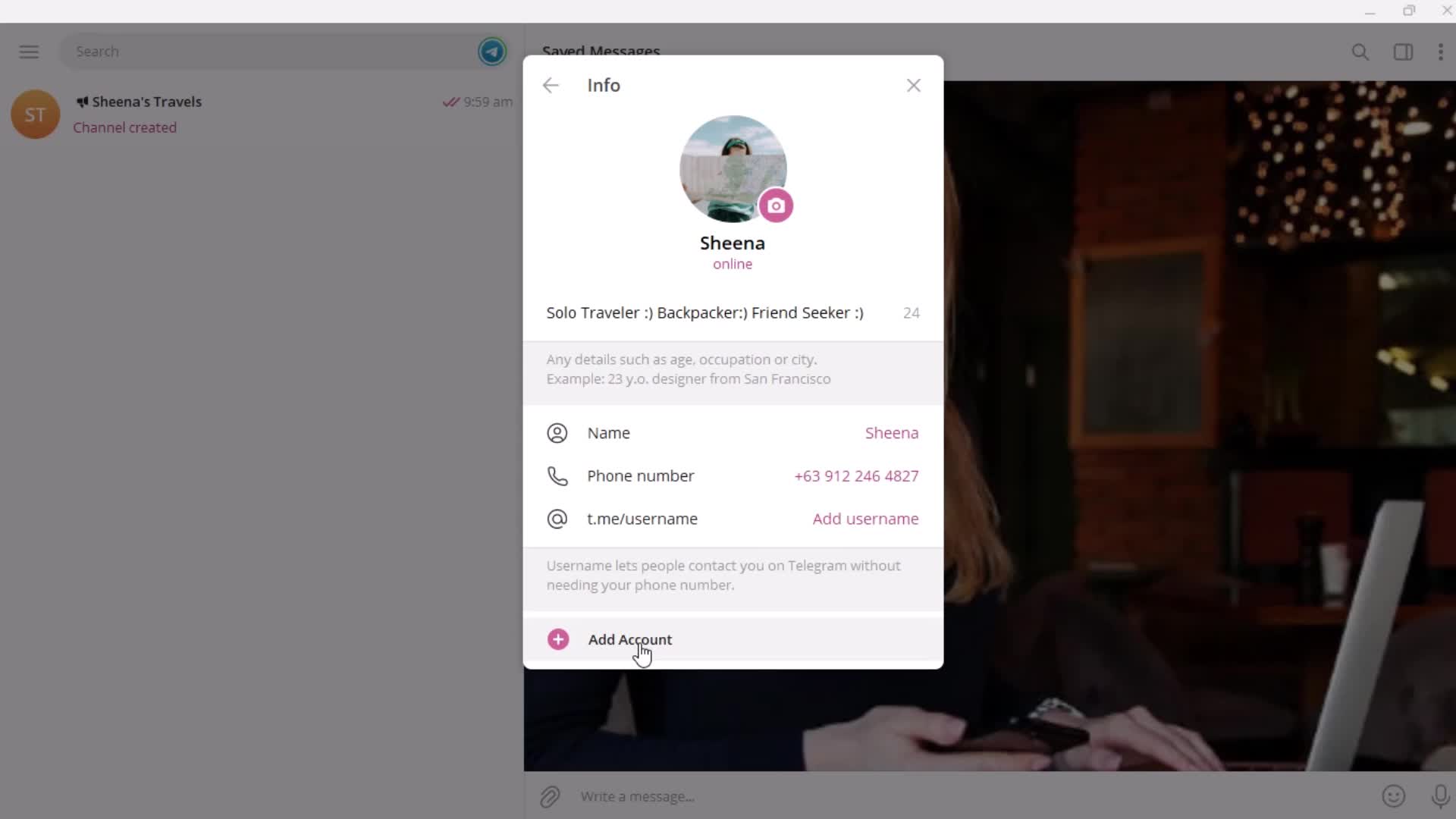
Add account
this is title
Add account
this is title
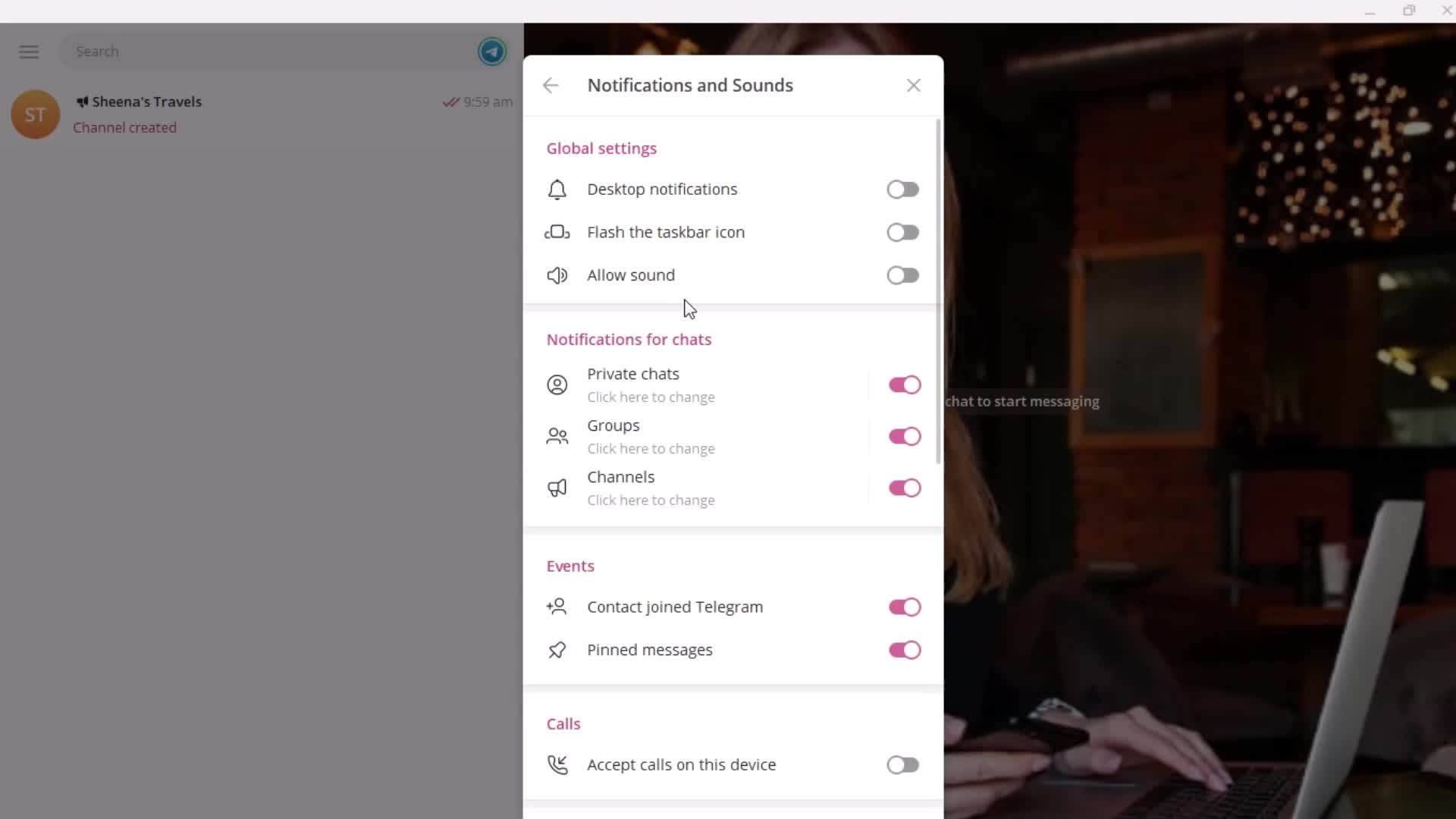
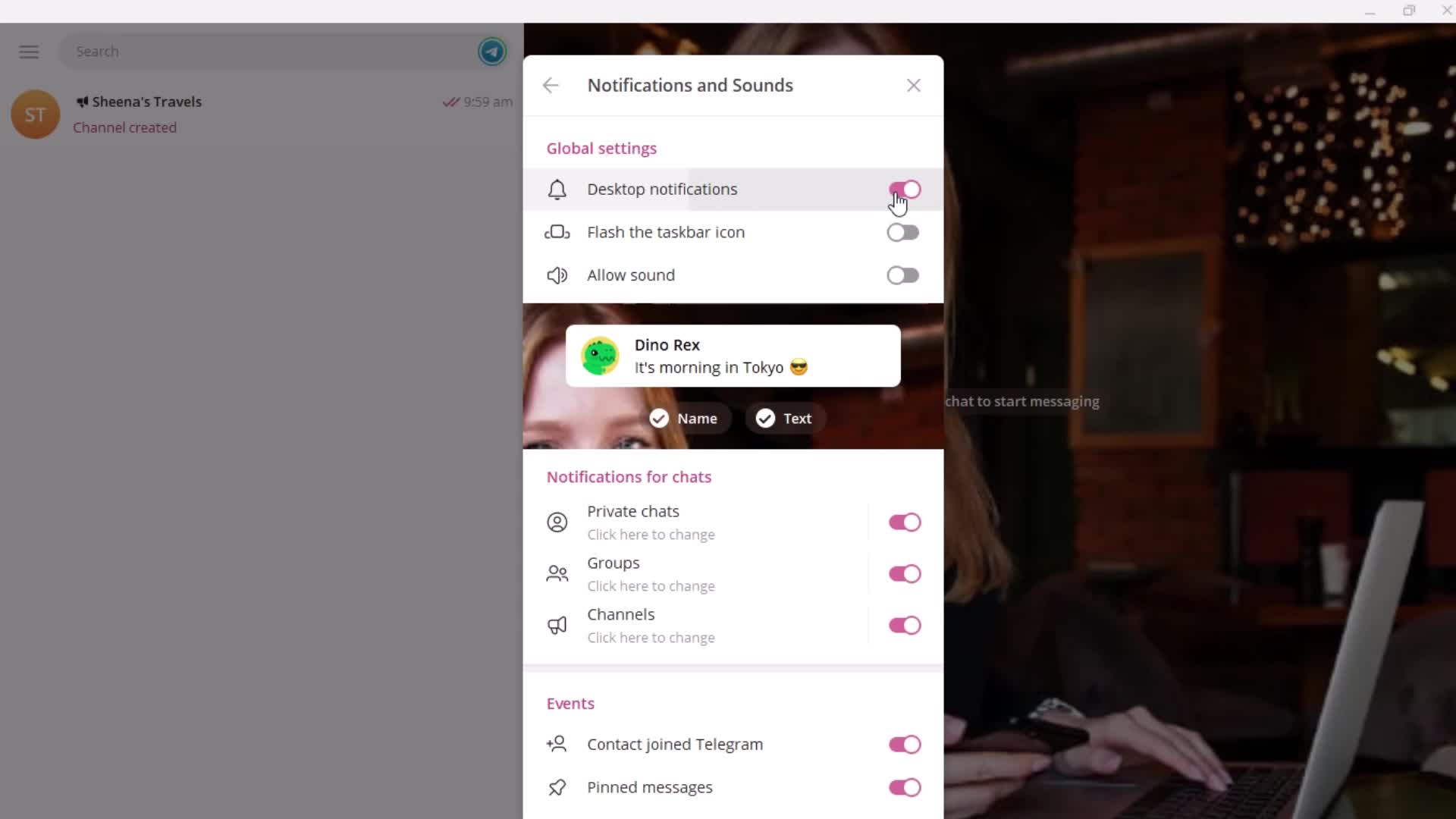
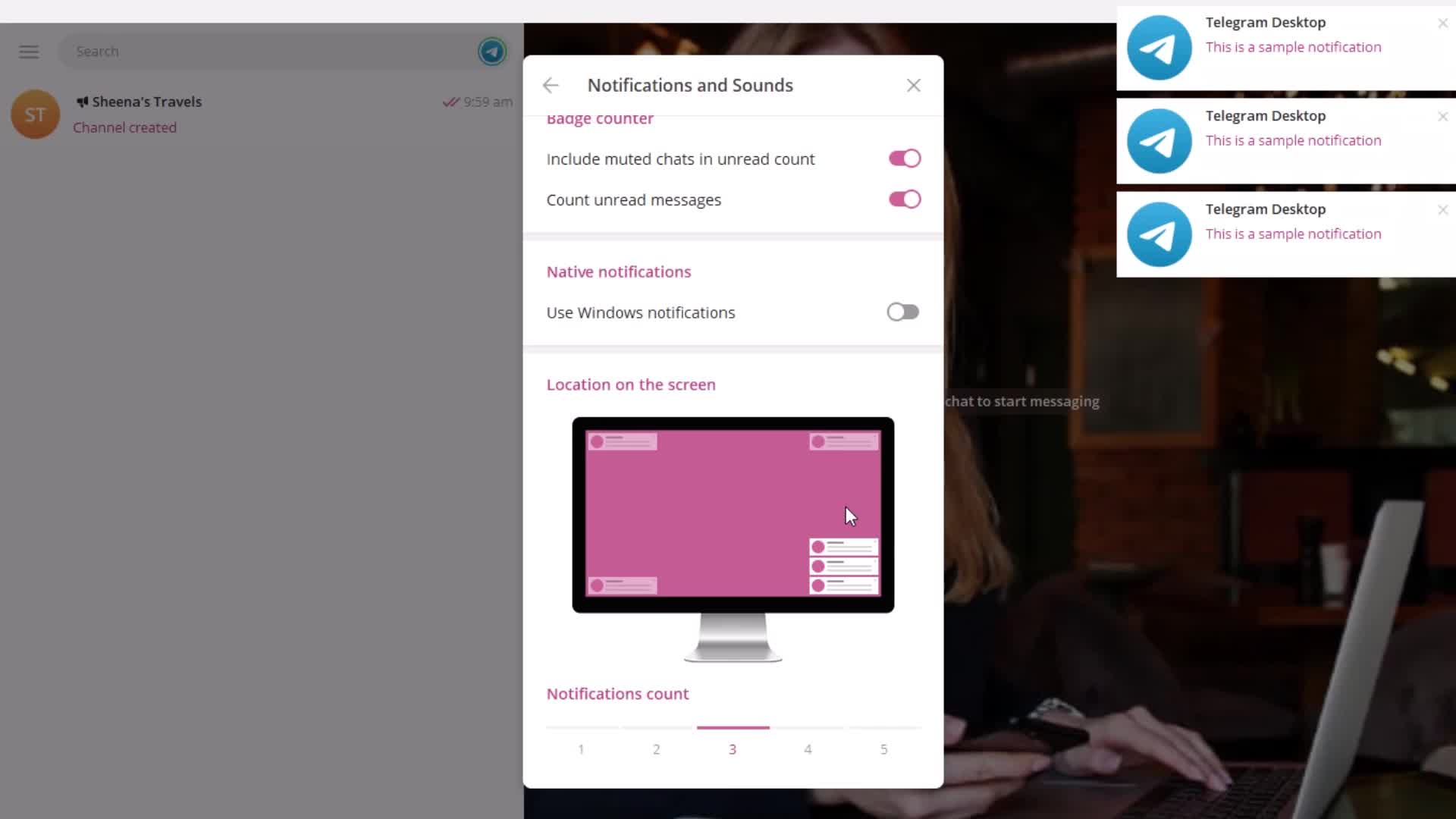
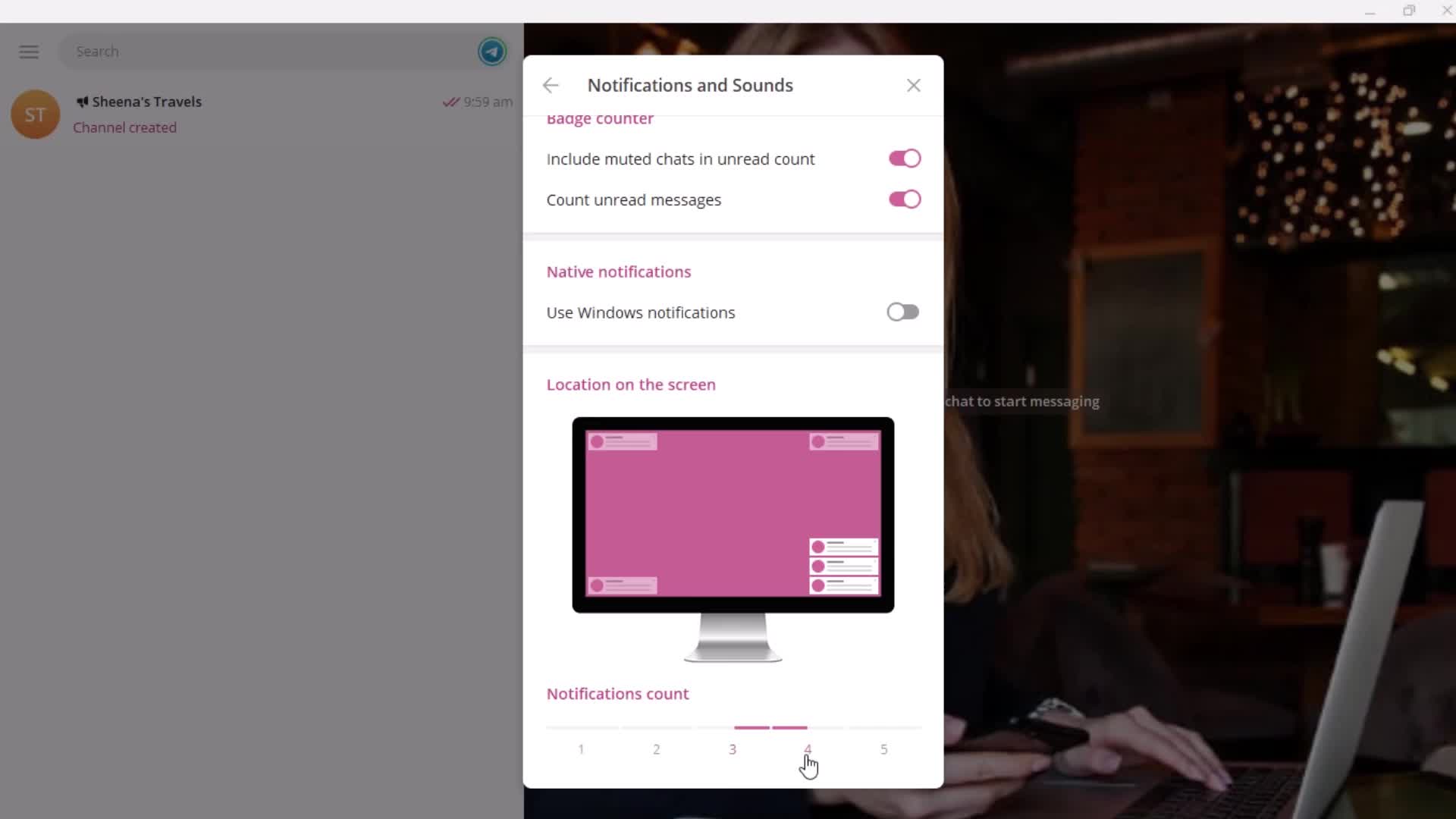
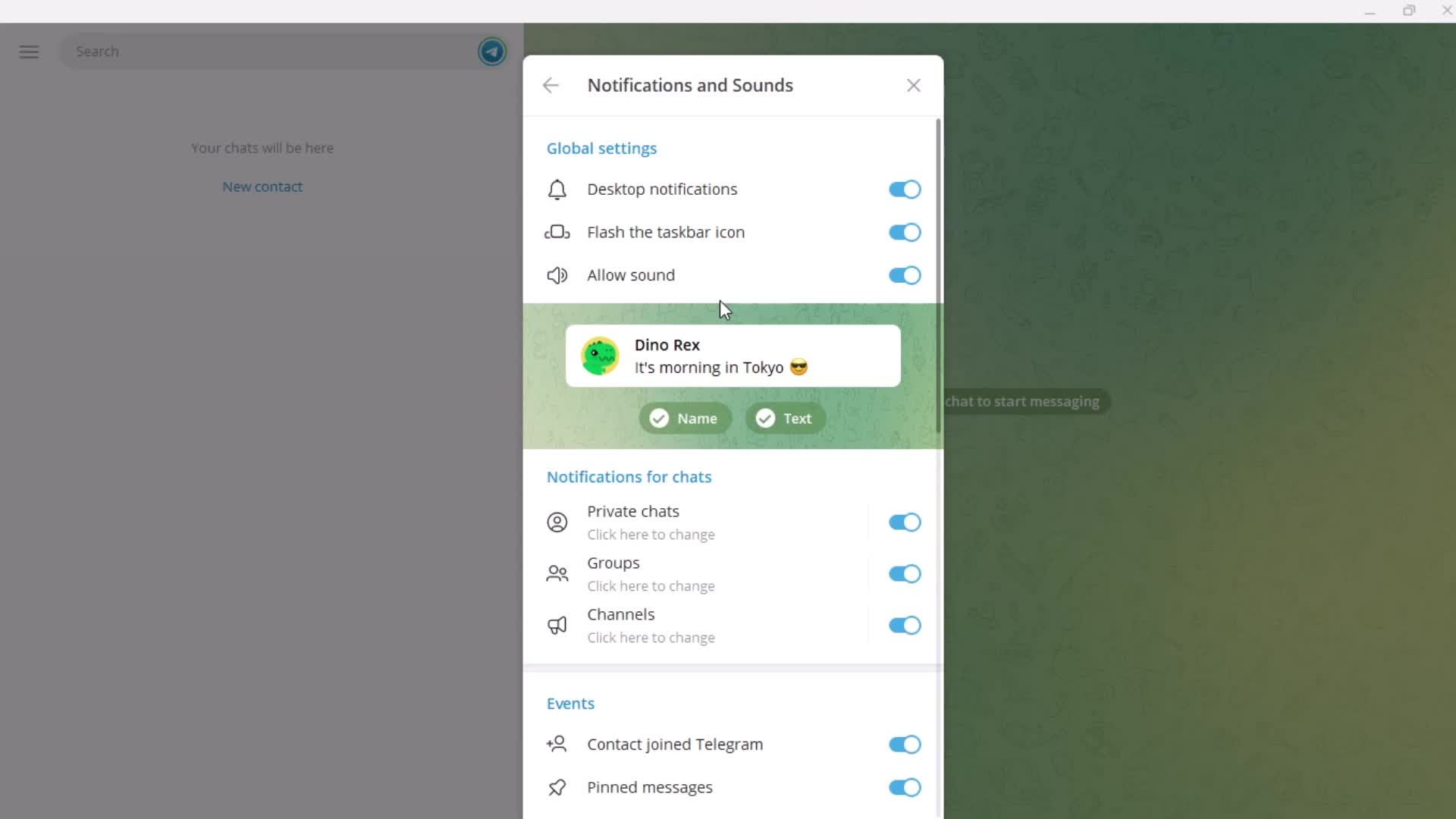
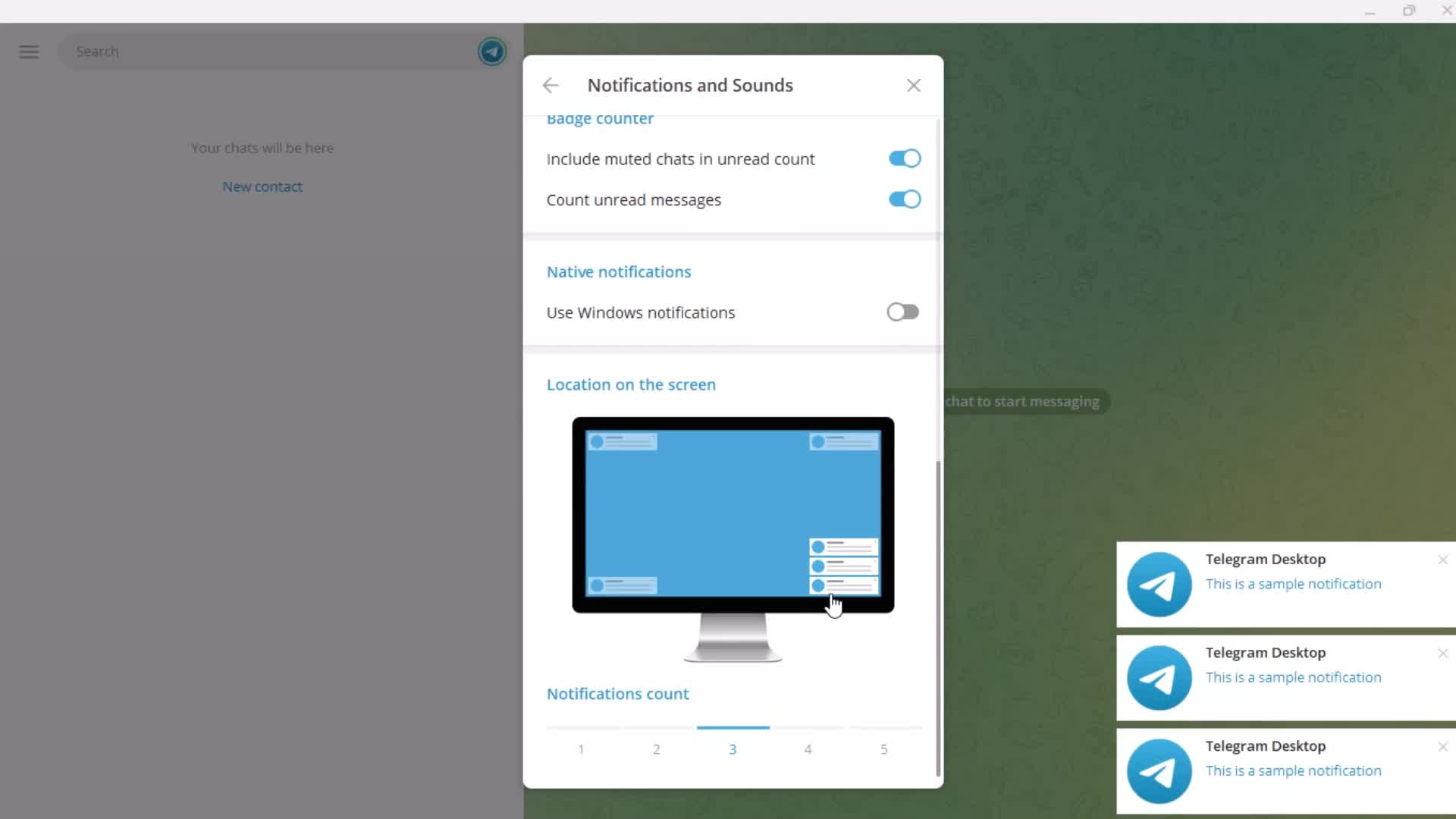
Notification settings
this is title
this is title
this is title
this is title
this is title
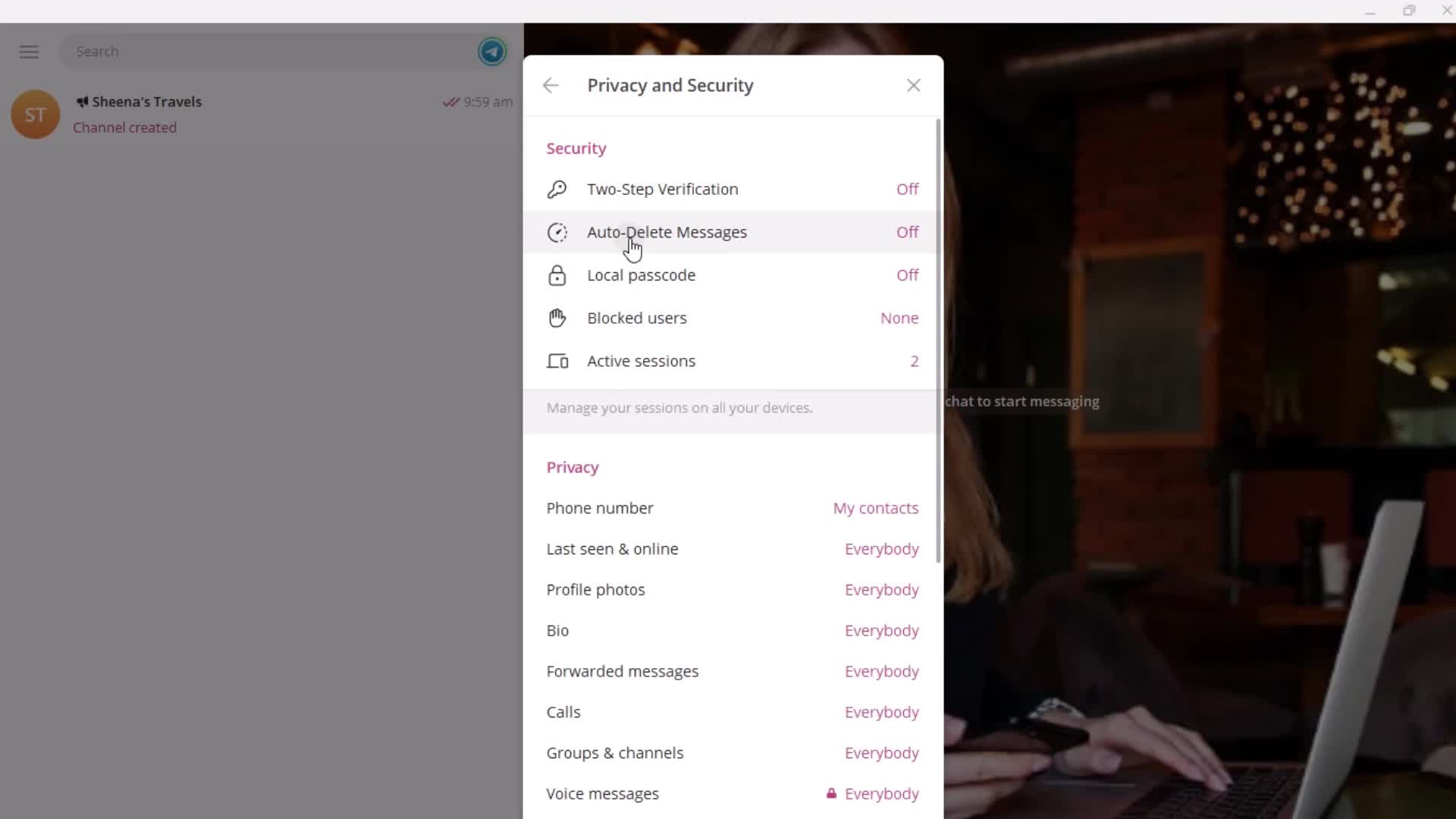
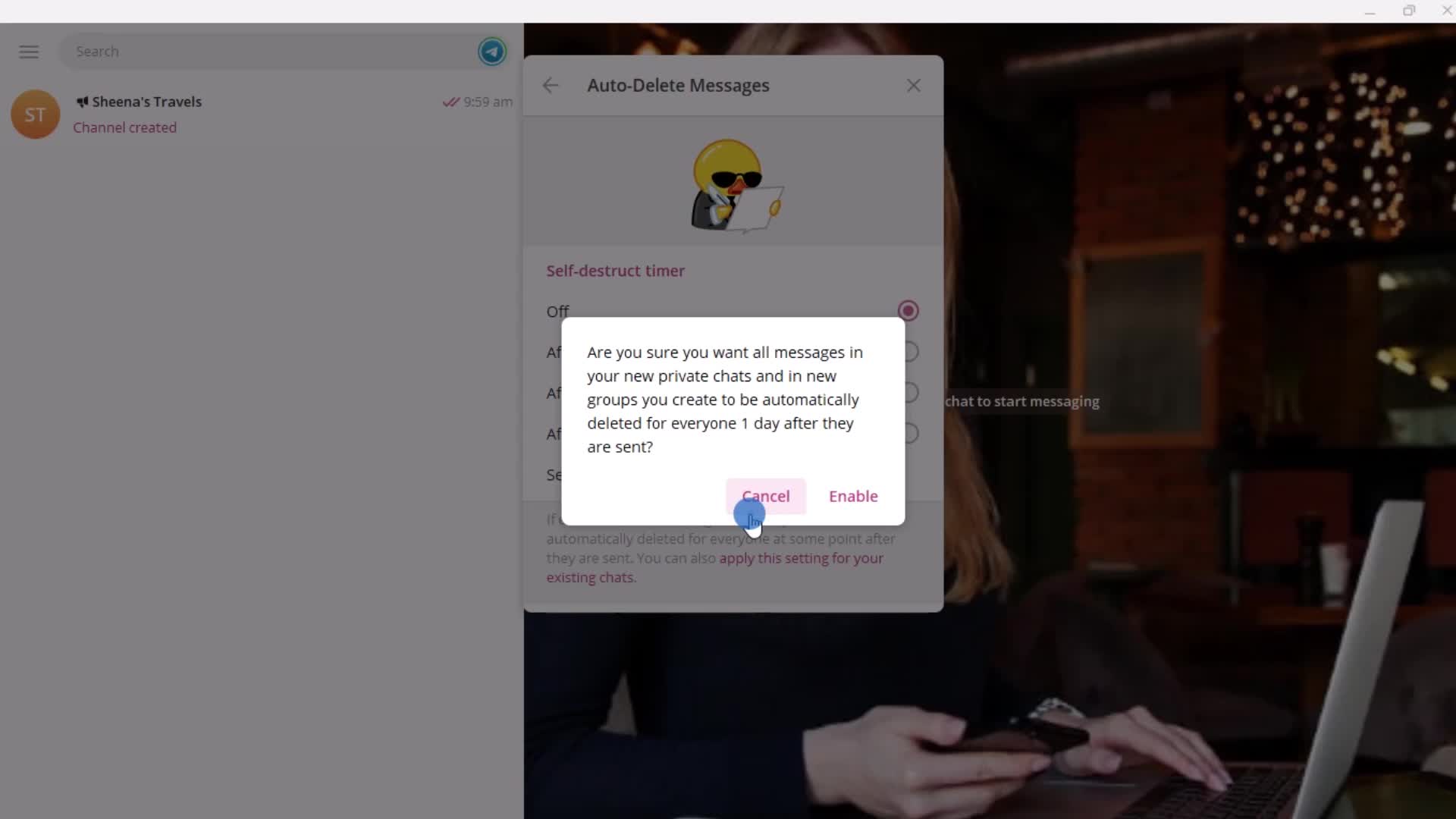
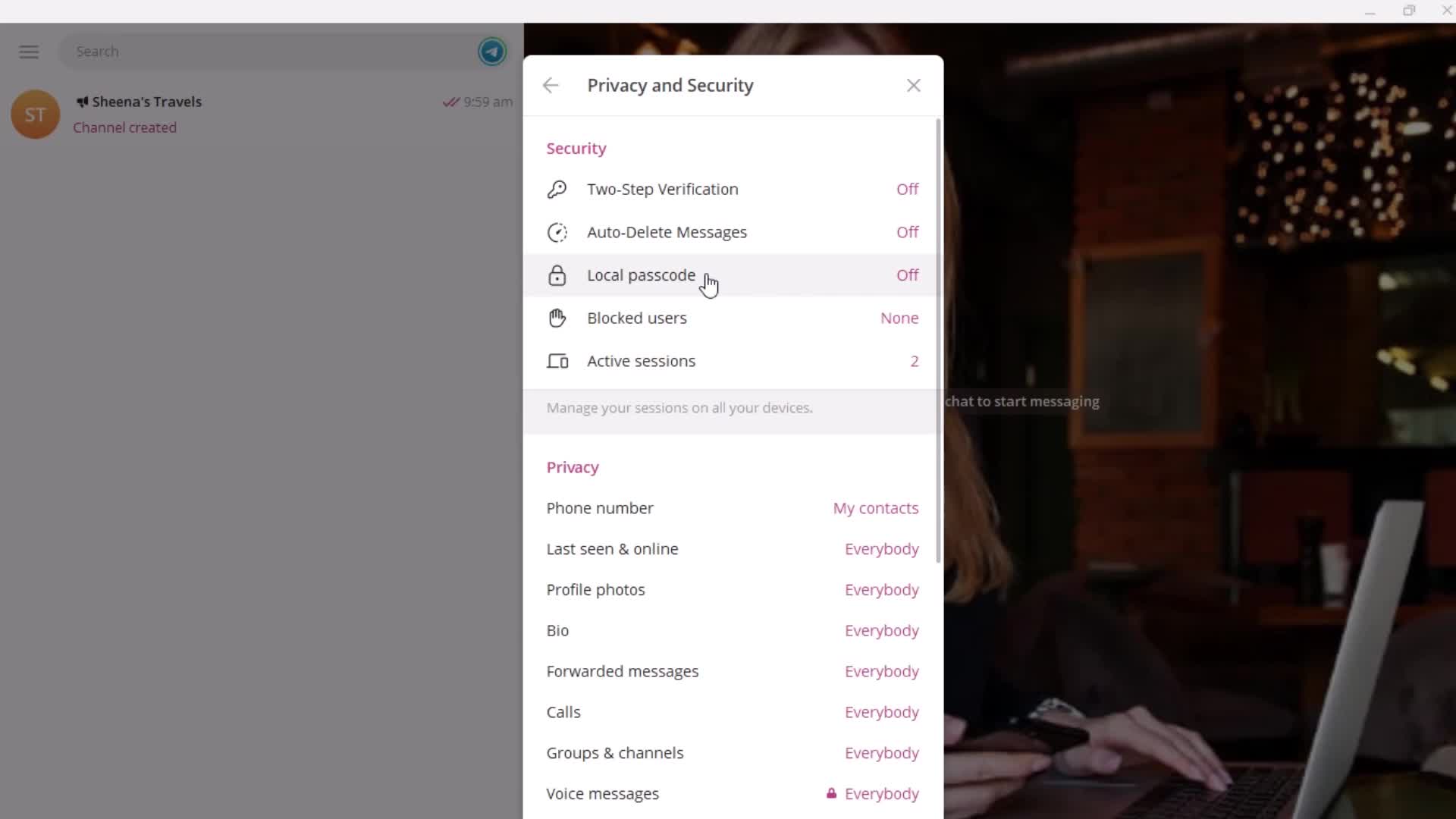
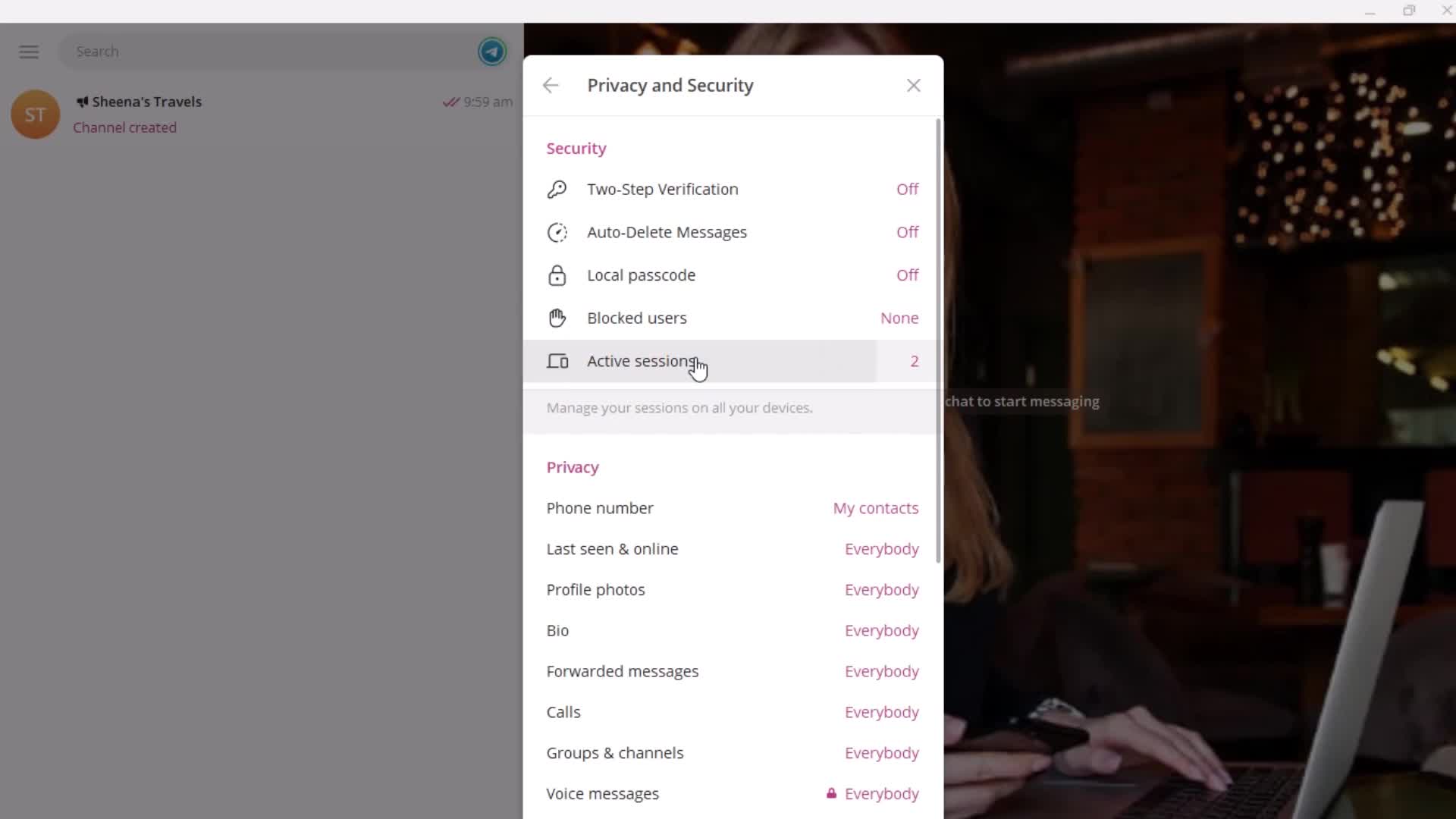
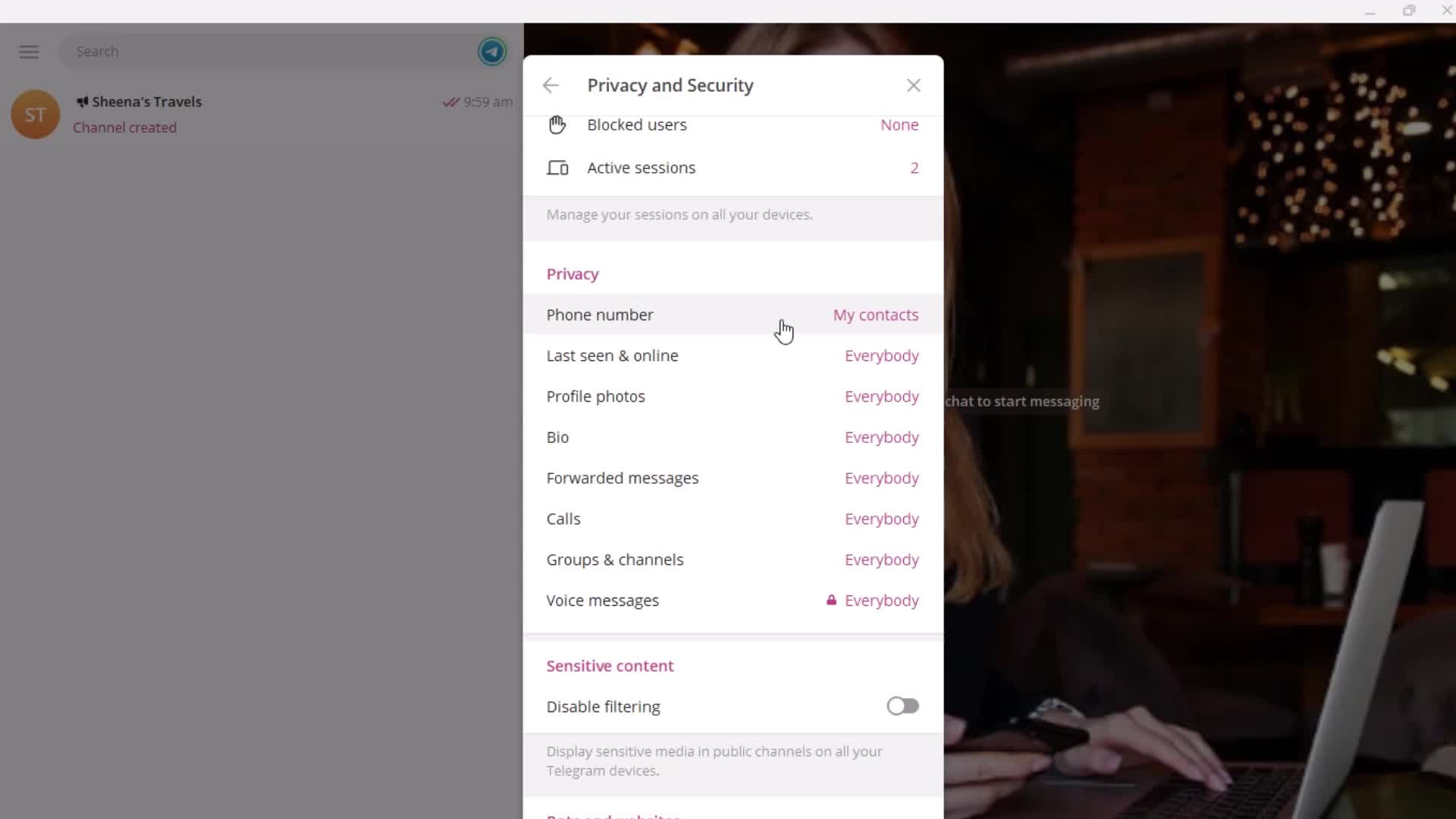
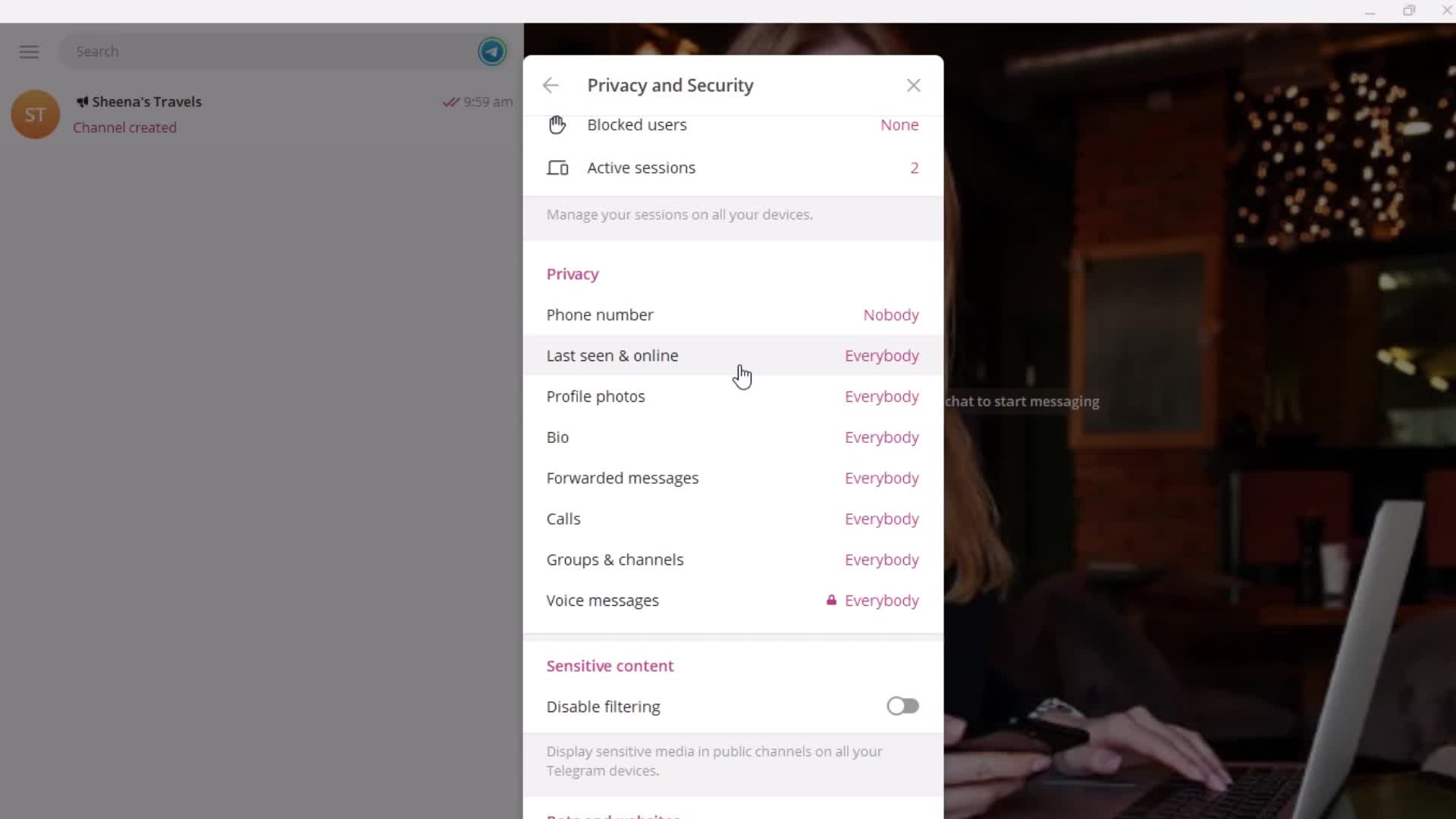
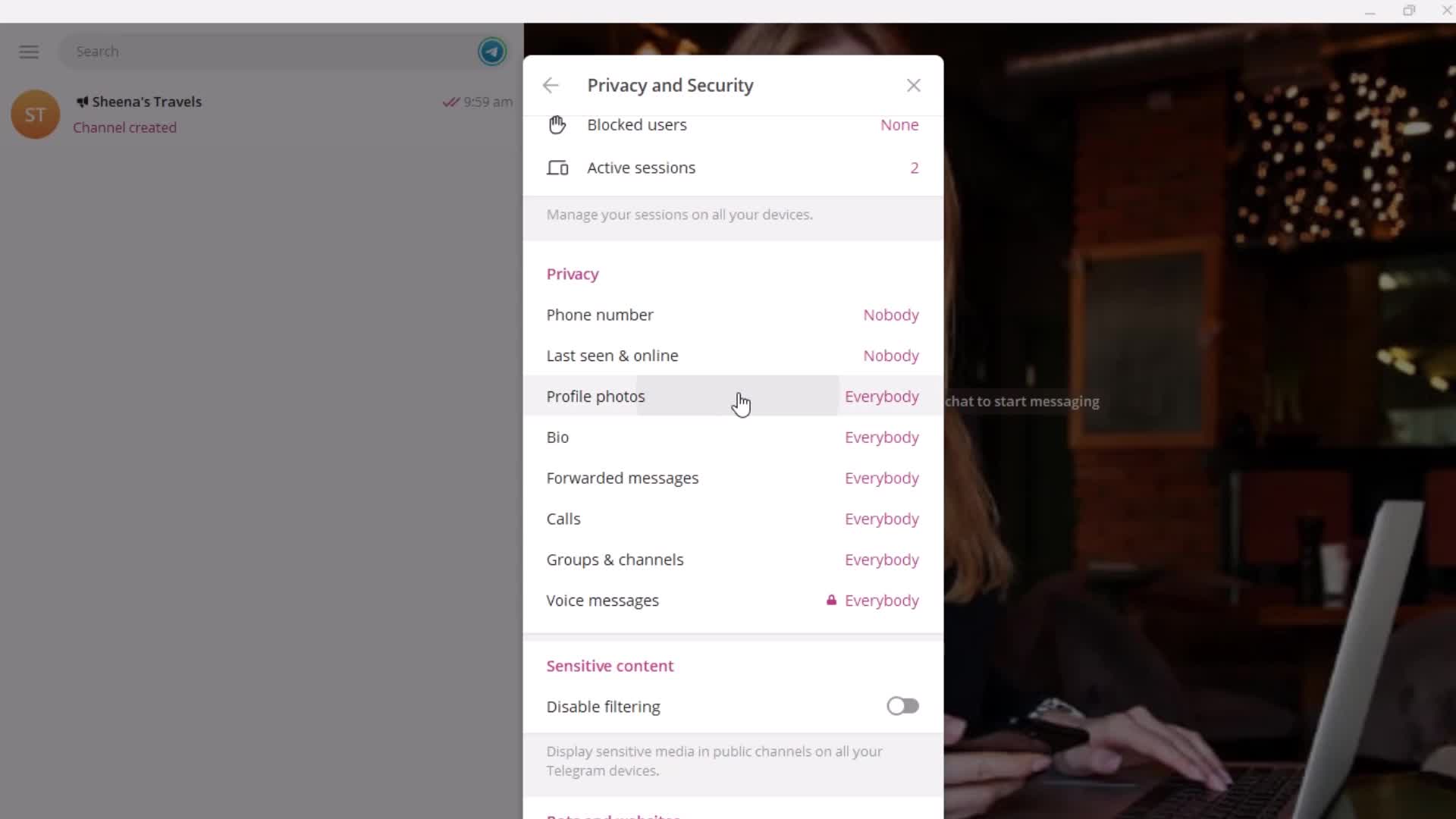
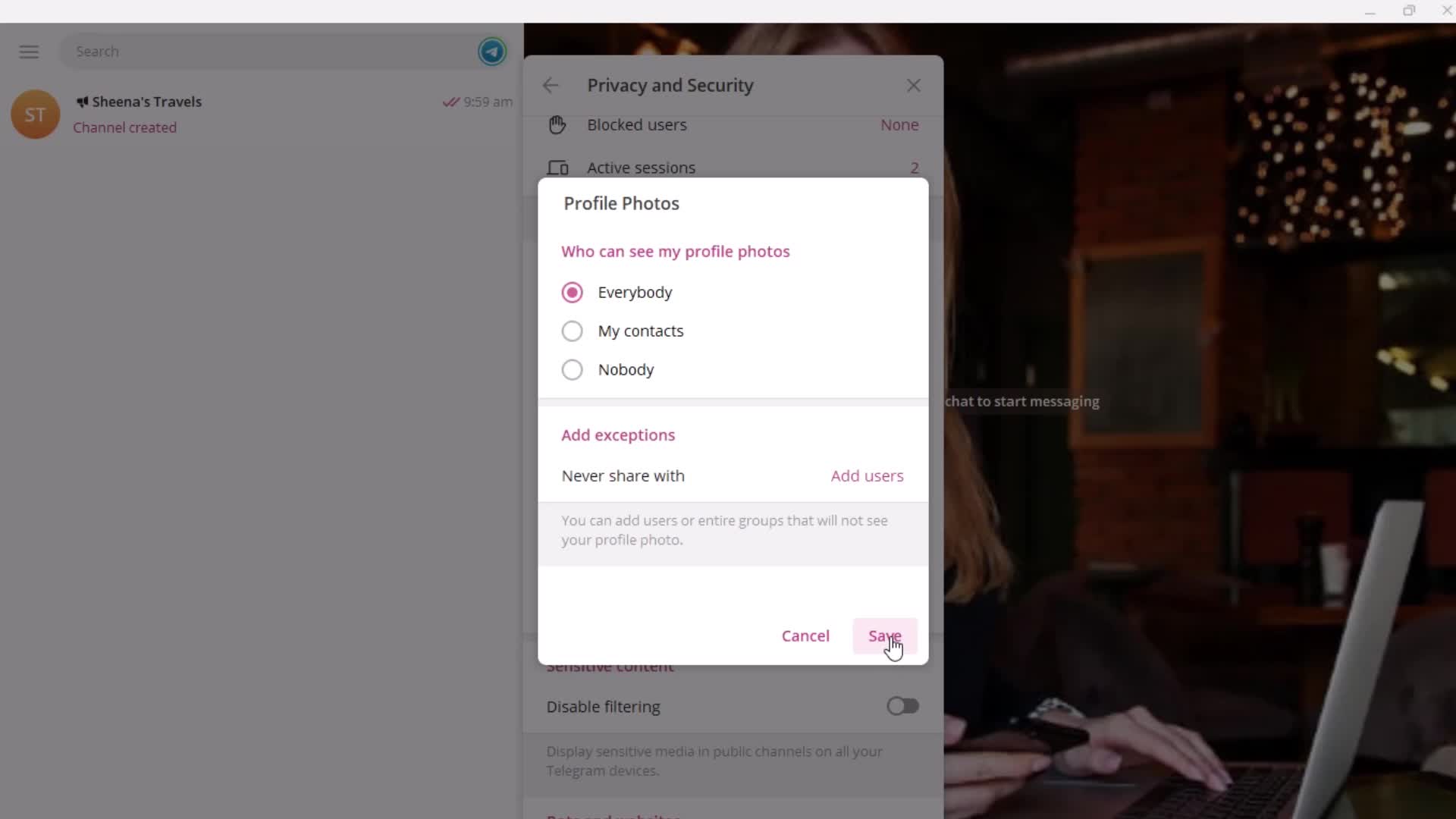
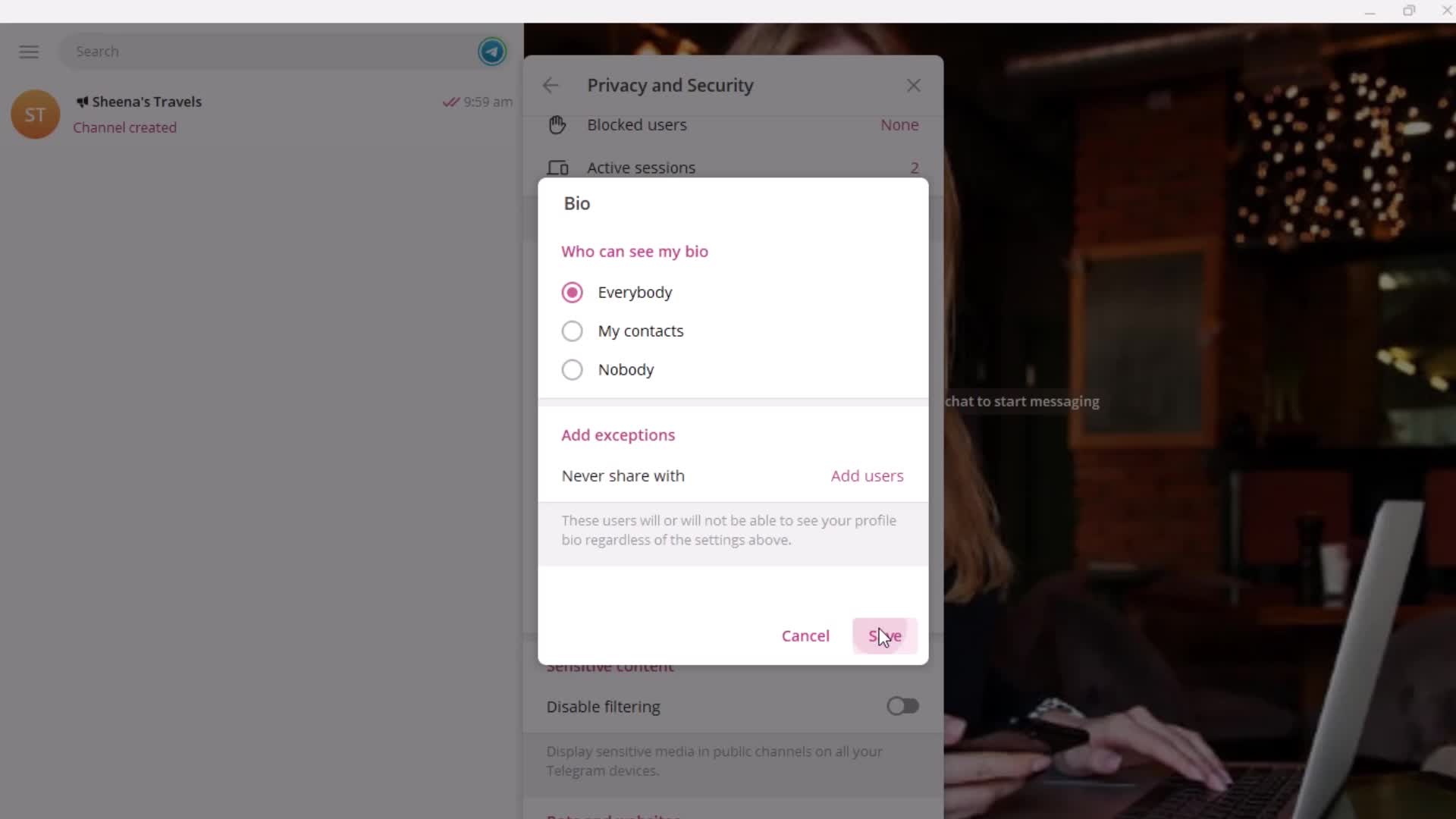
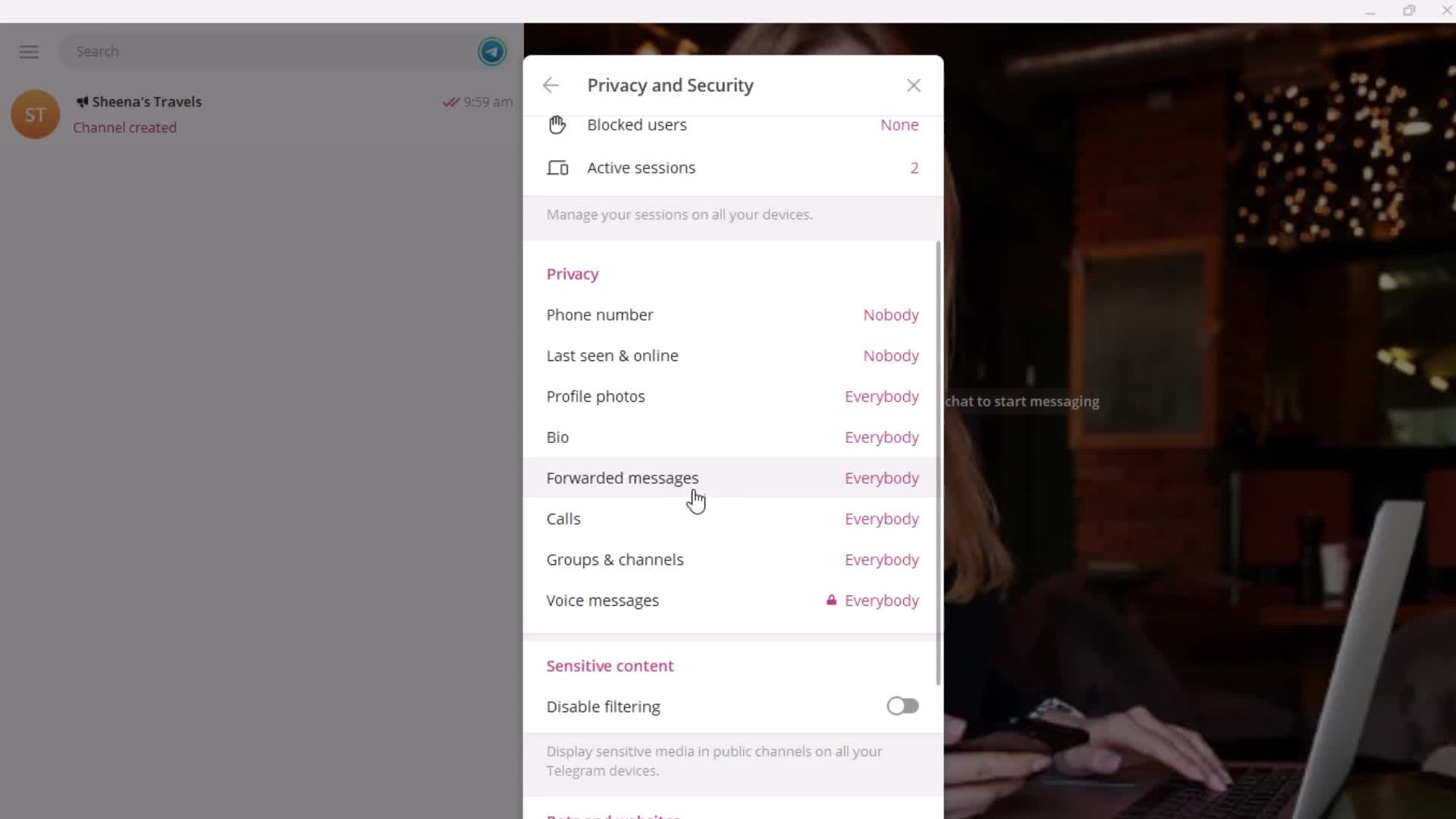
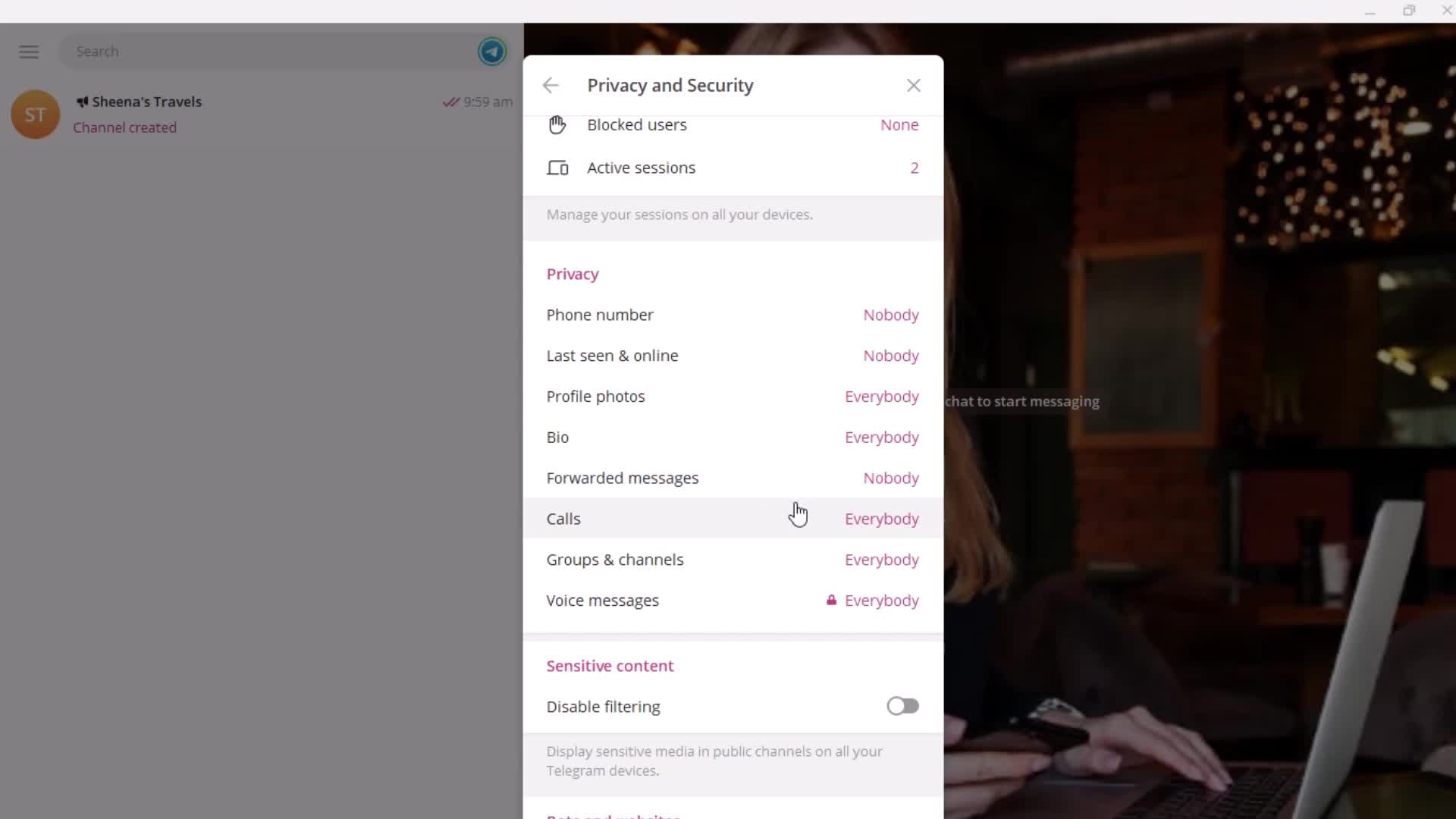
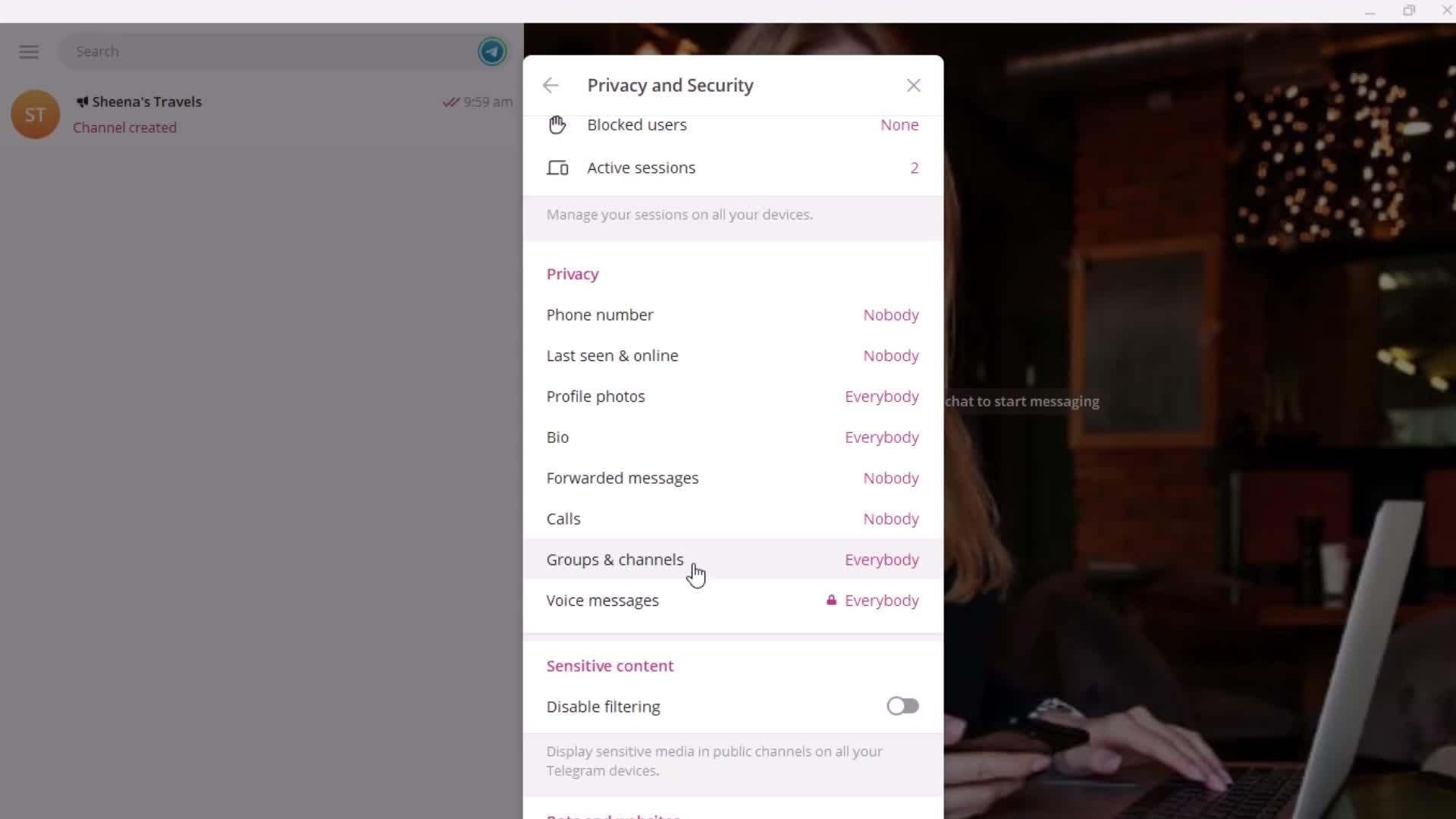
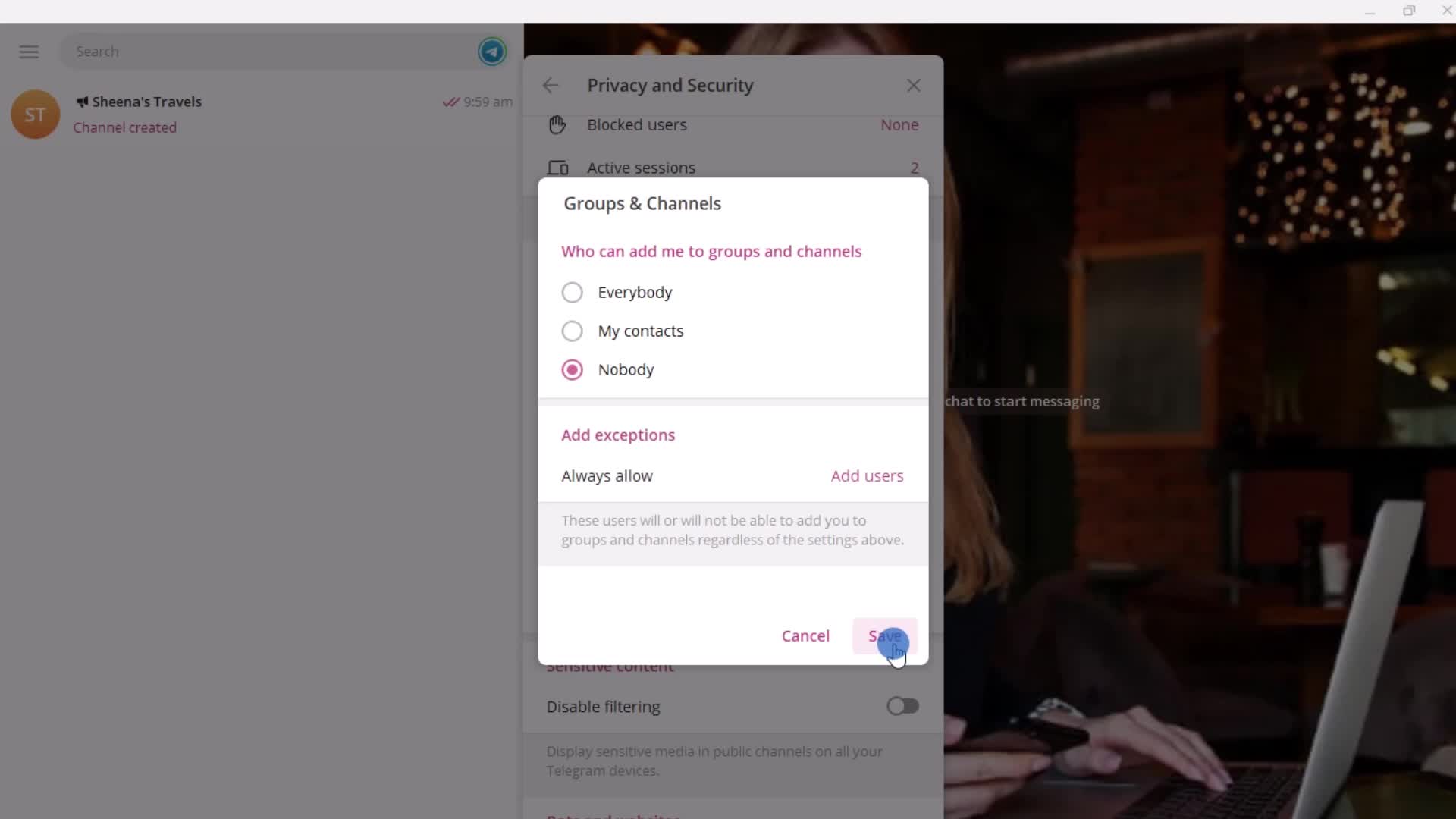
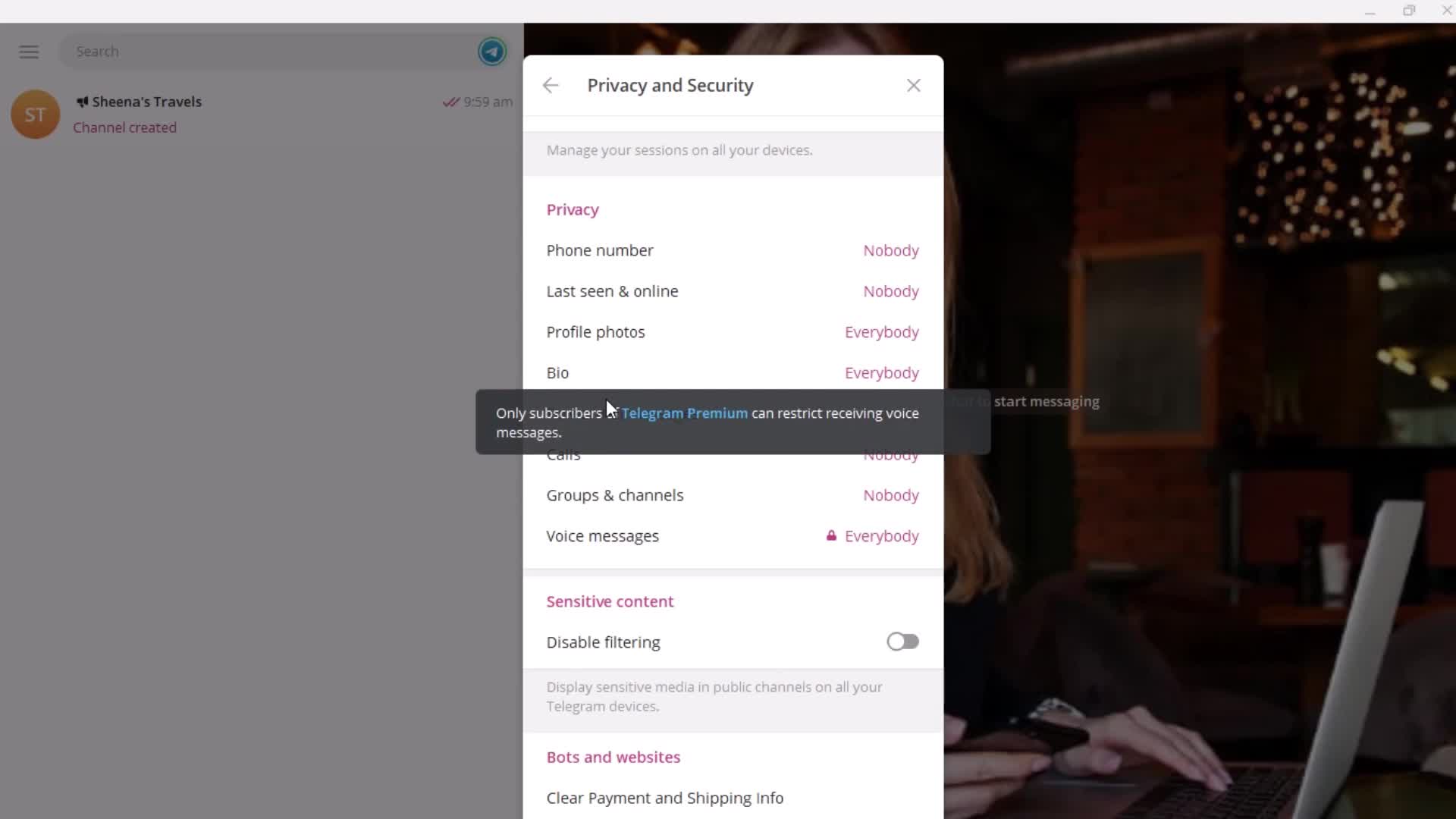
Security settings
this is title
this is title
Permissions
this is title
this is title
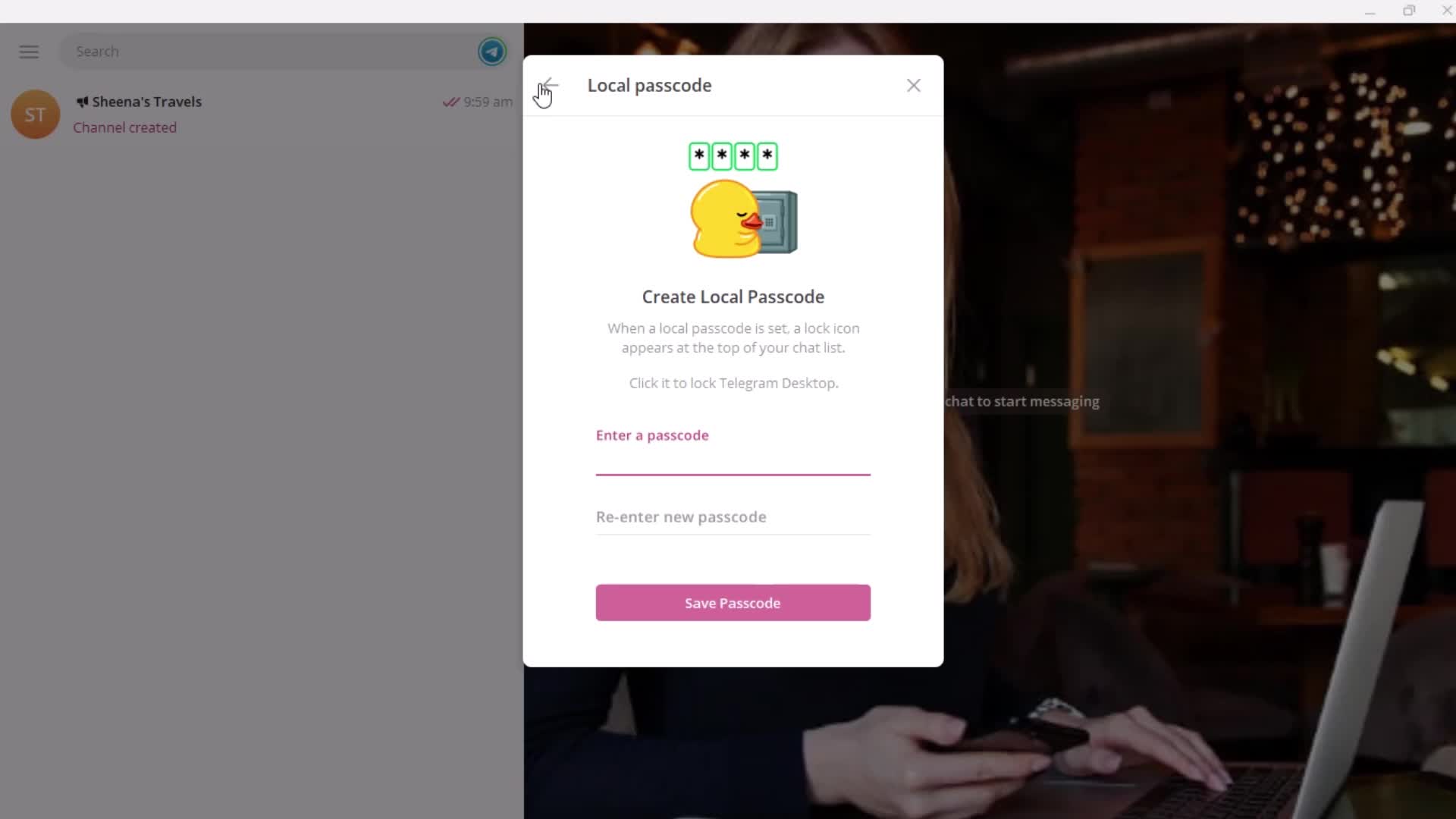
Passcode
this is title
this is title
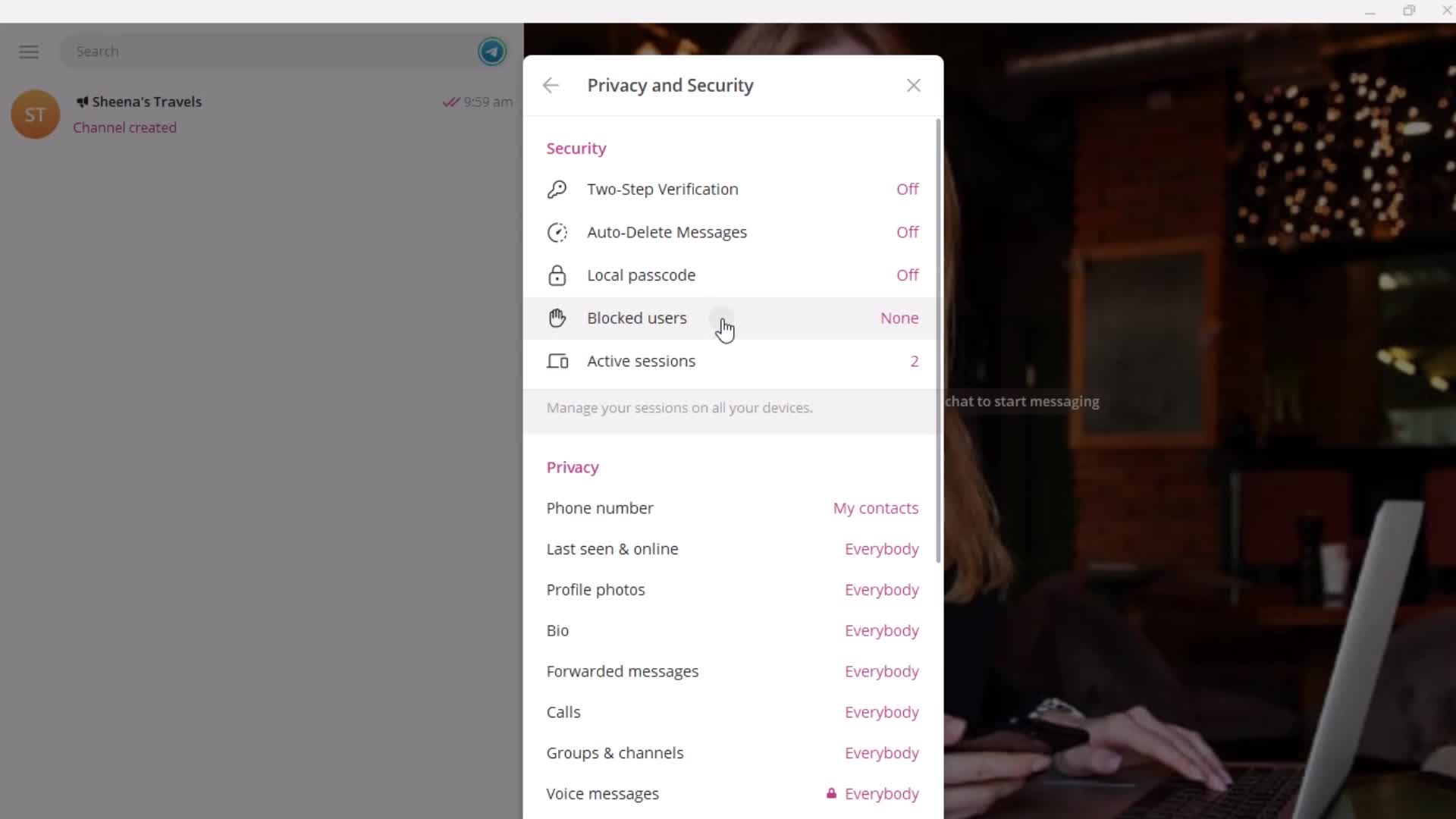
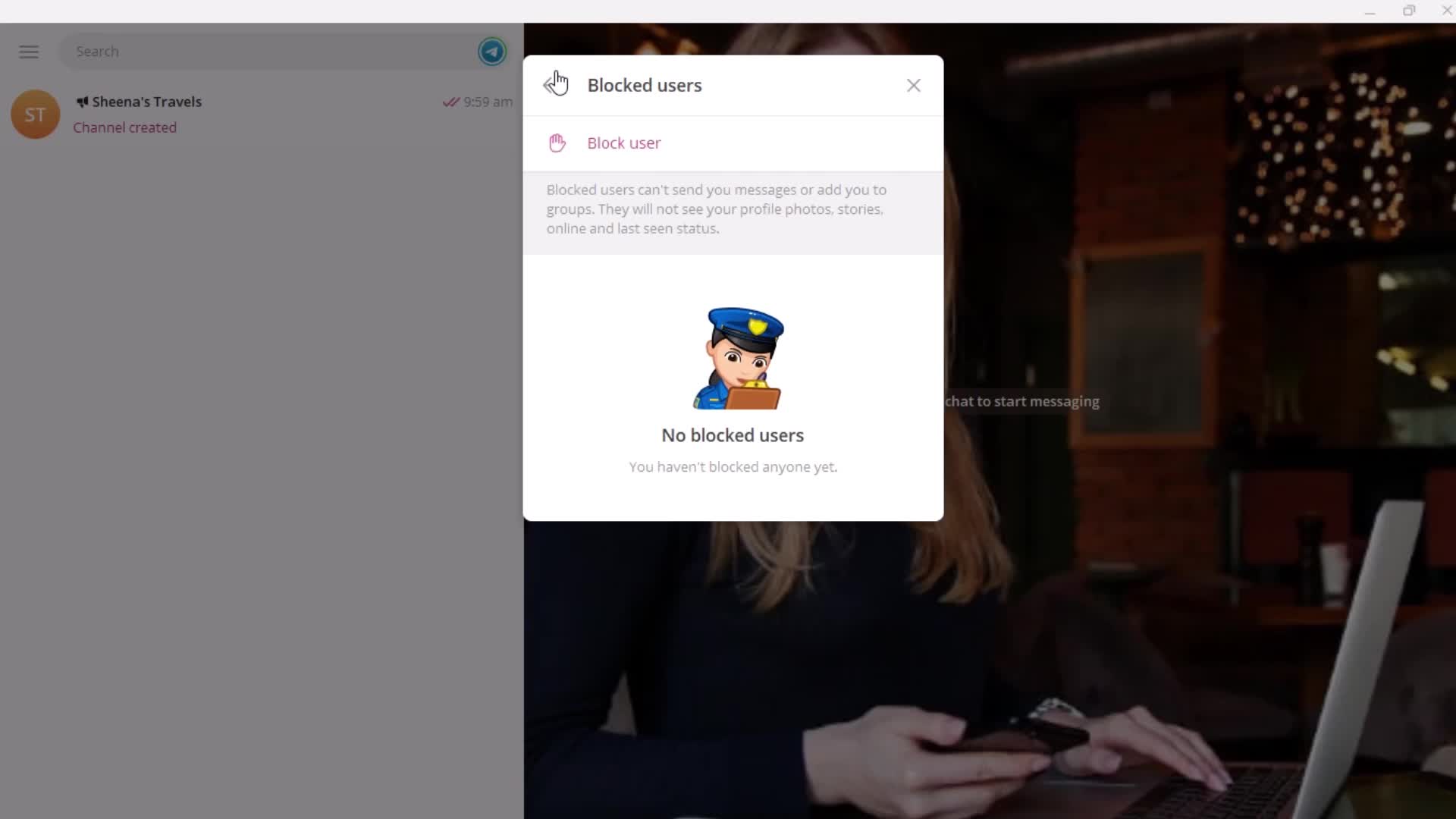
Blocked users
this is title
this is title
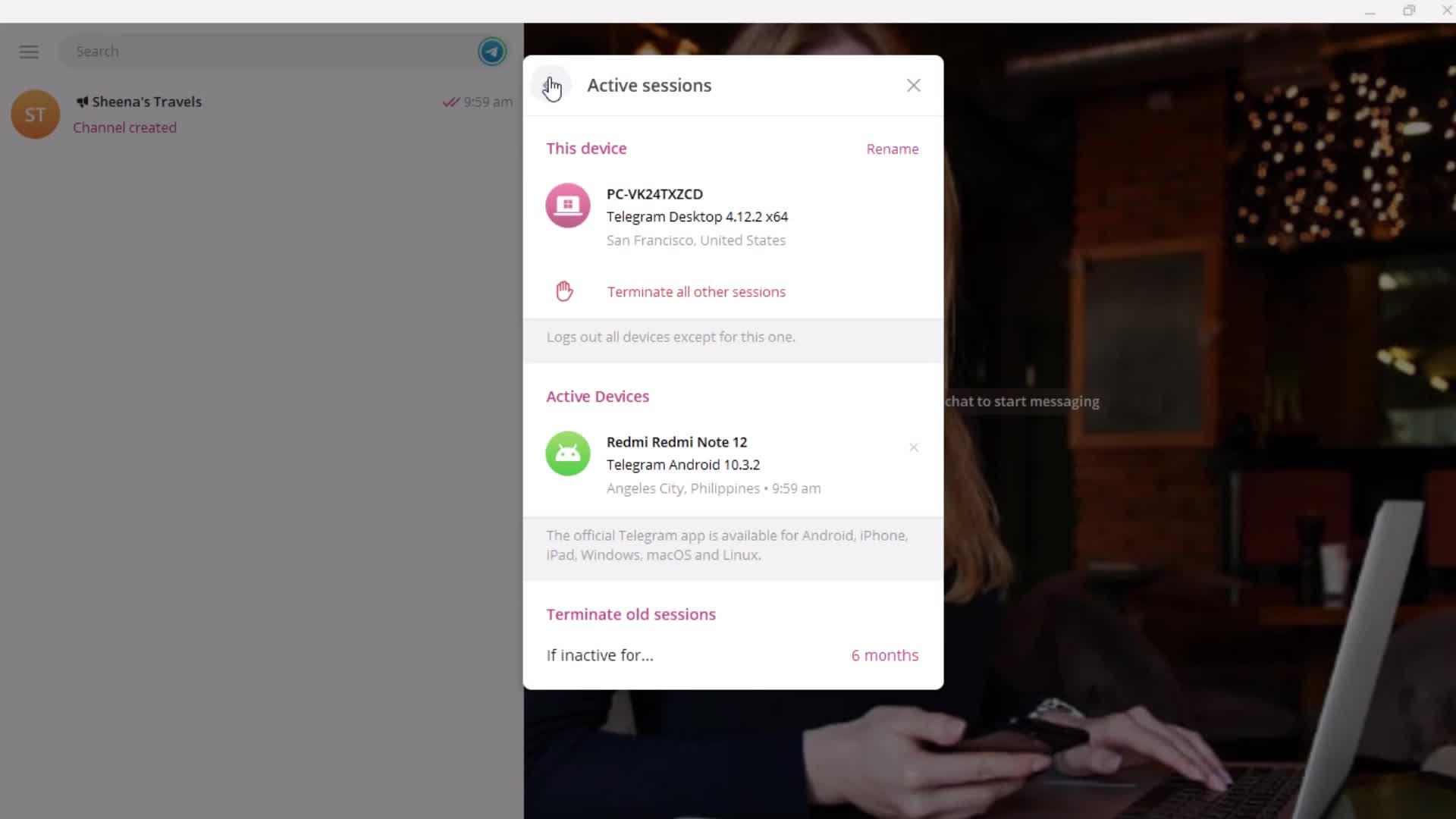
Sessions
this is title
Contacts
this is title
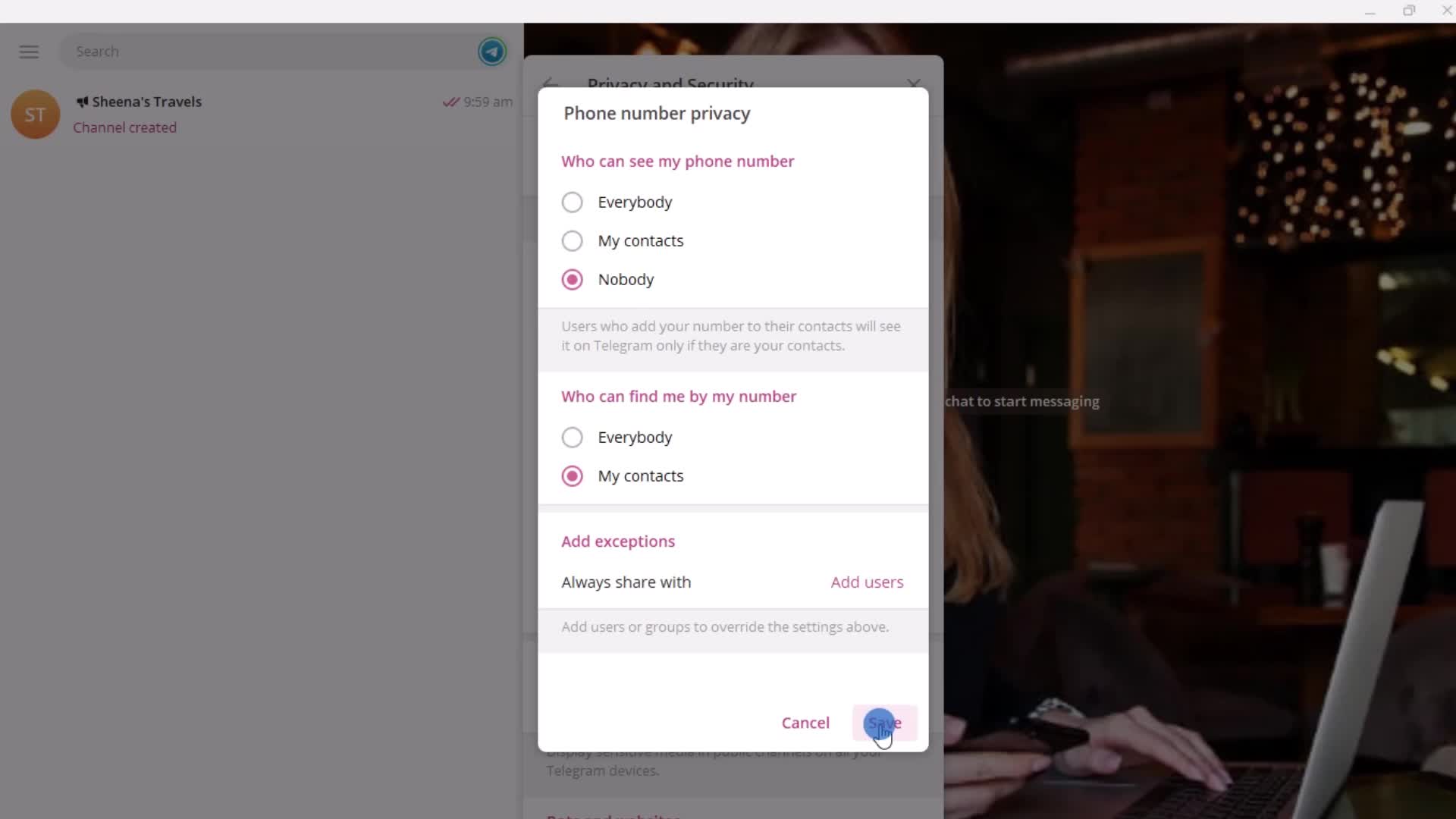
Allow search by email/phone
this is title
this is title
this is title
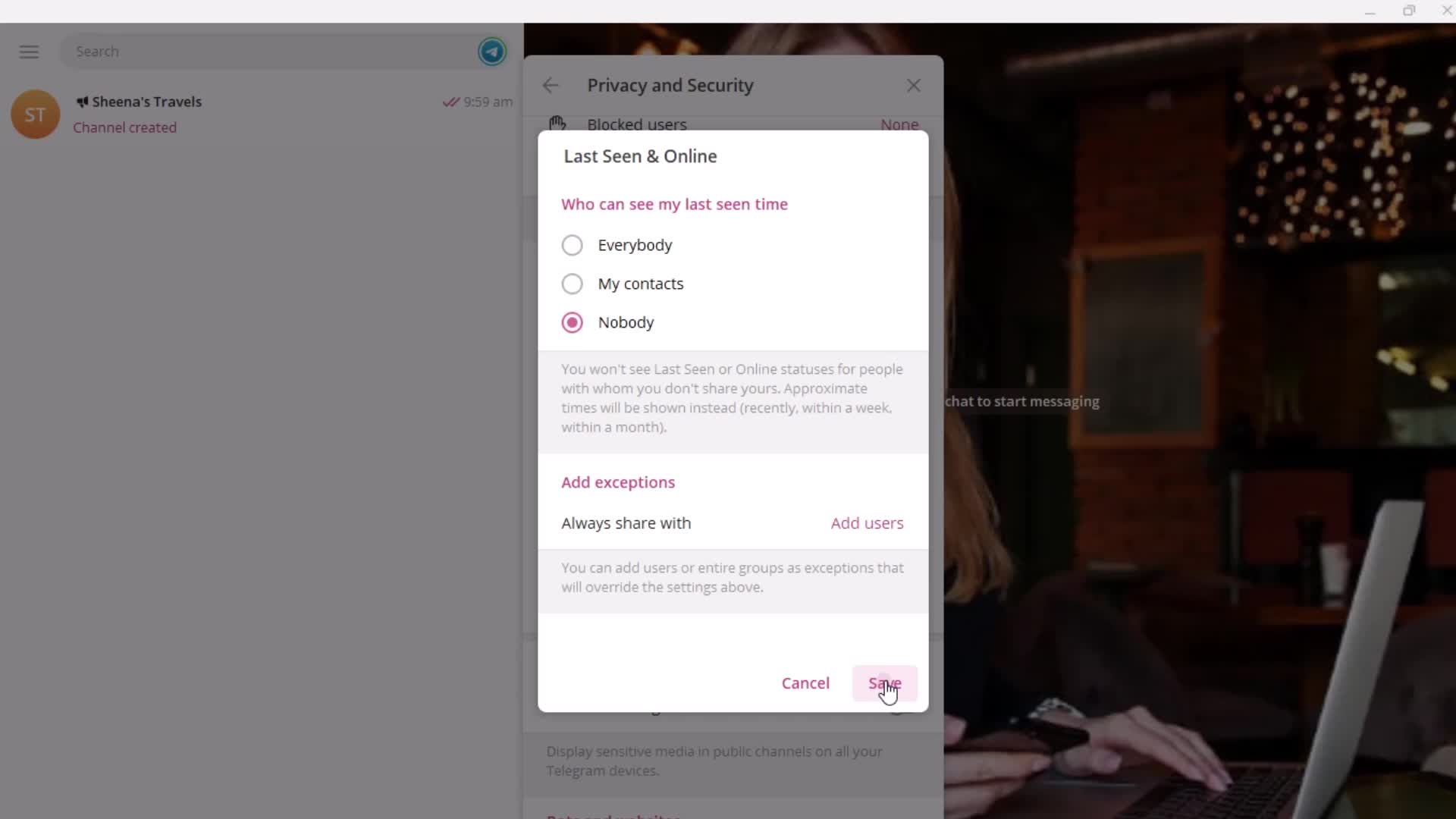
Account status
this is title
this is title
this is title
this is title
this is title
this is title
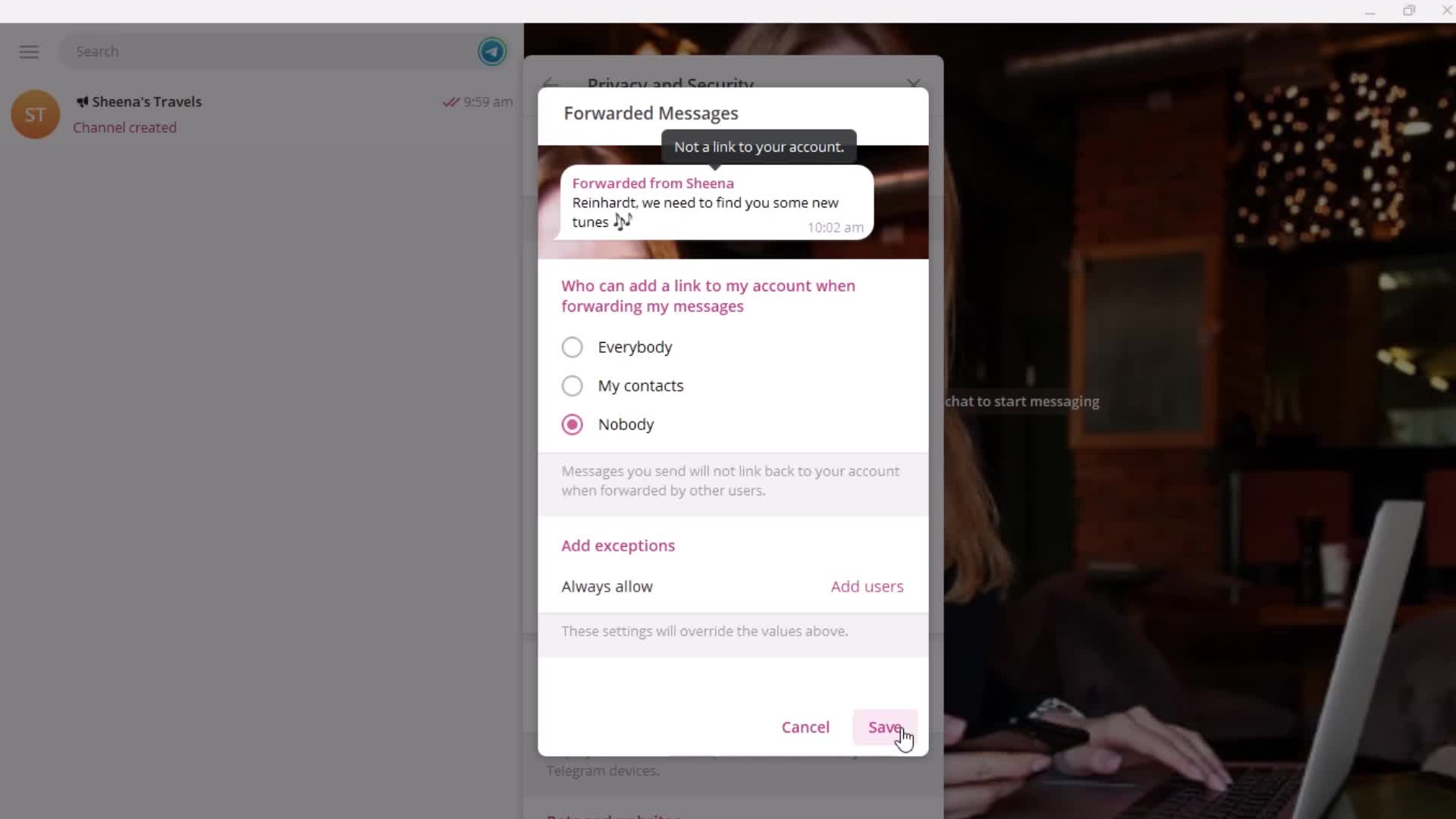
Forwarding
this is title
this is title
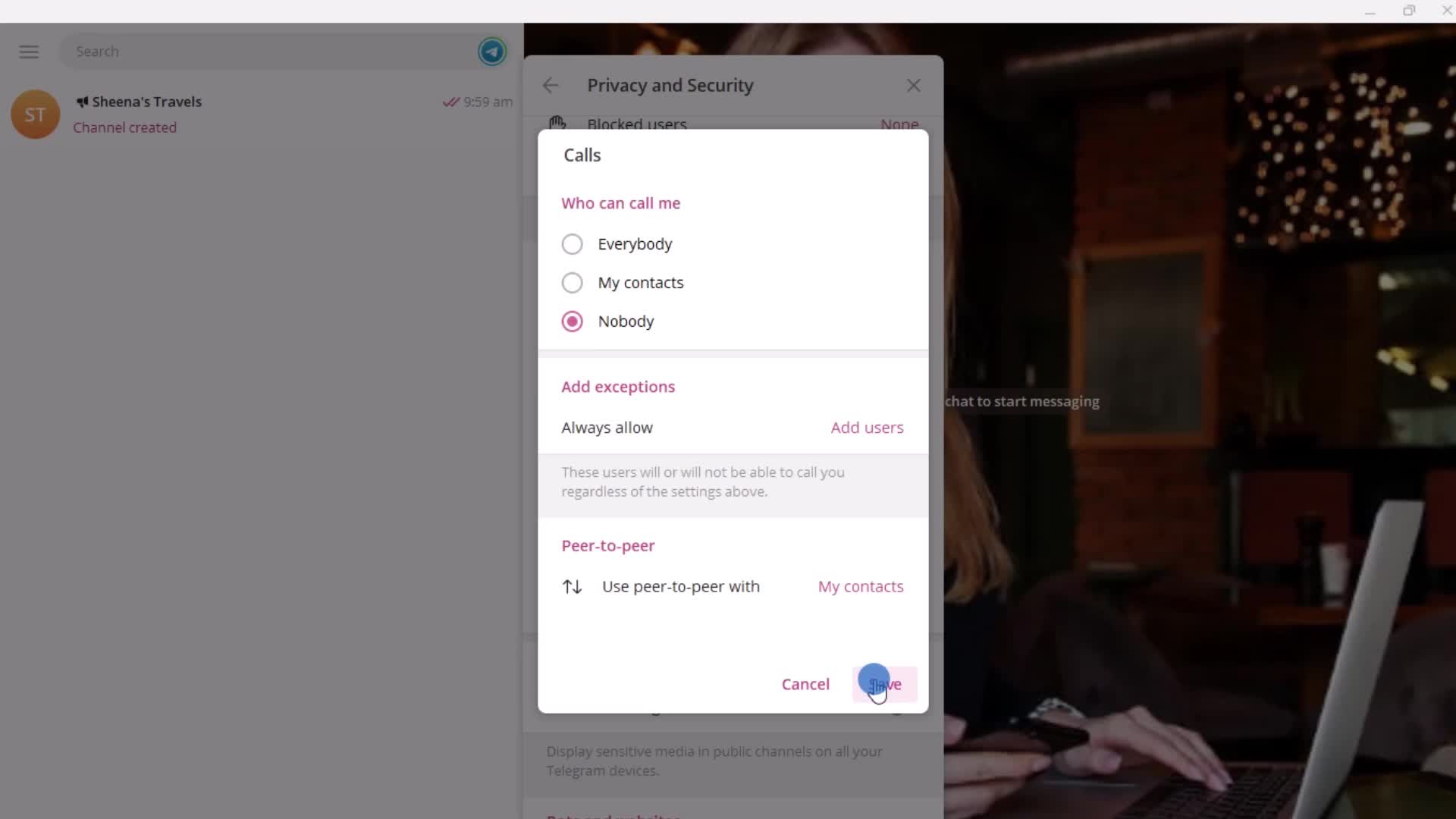
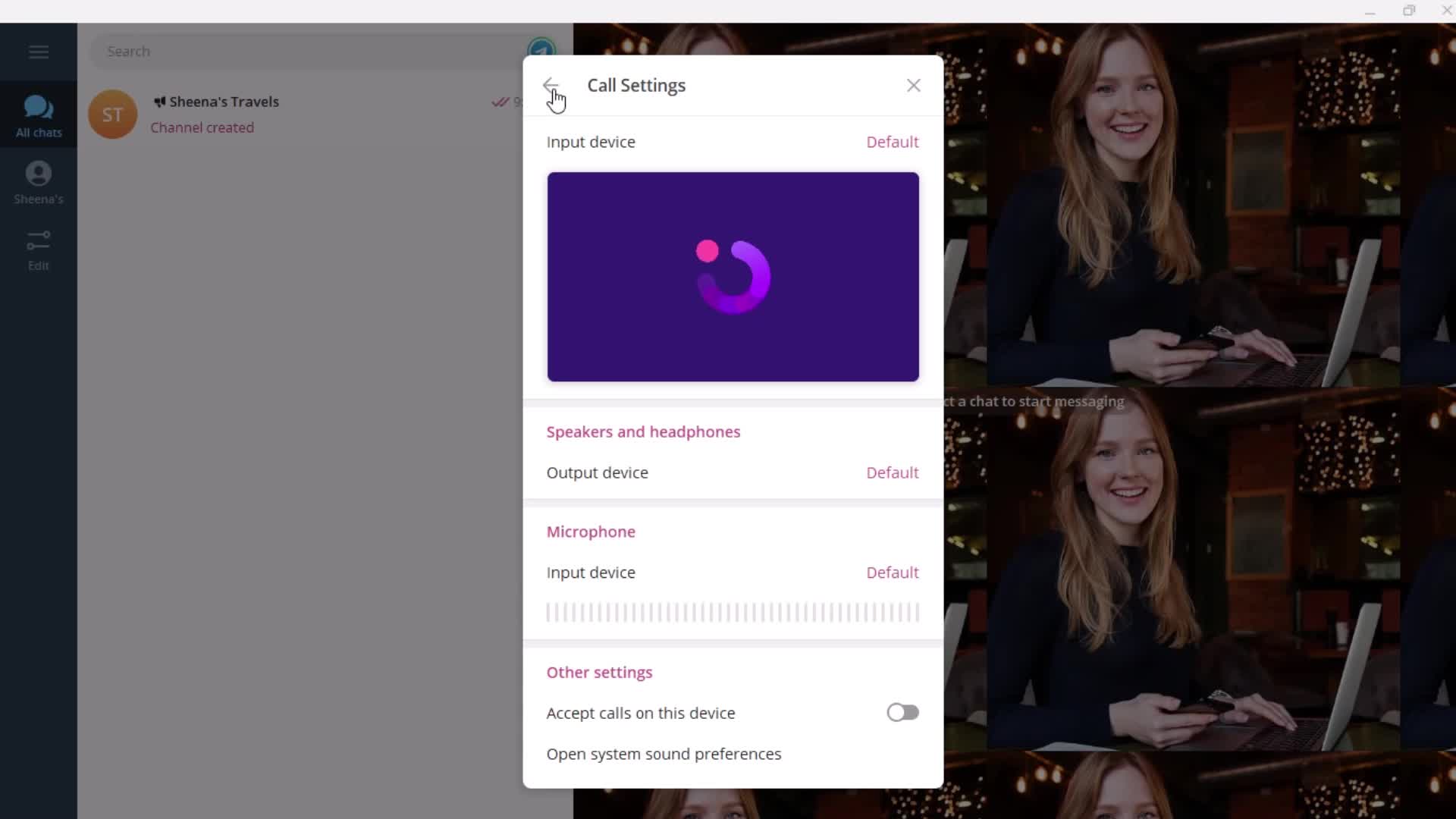
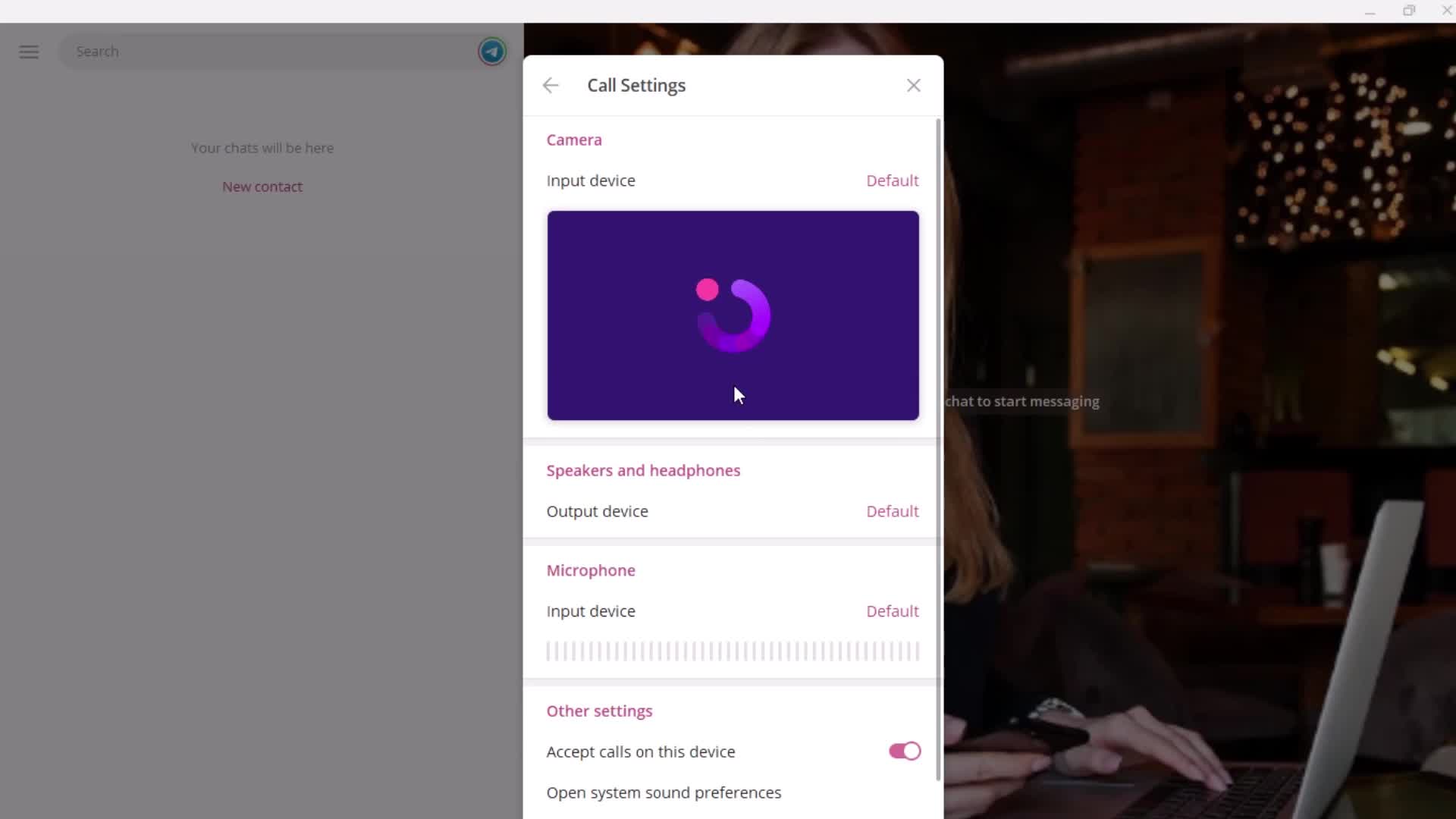
Calls
this is title
this is title
Channel settings
this is title
this is title
this is title
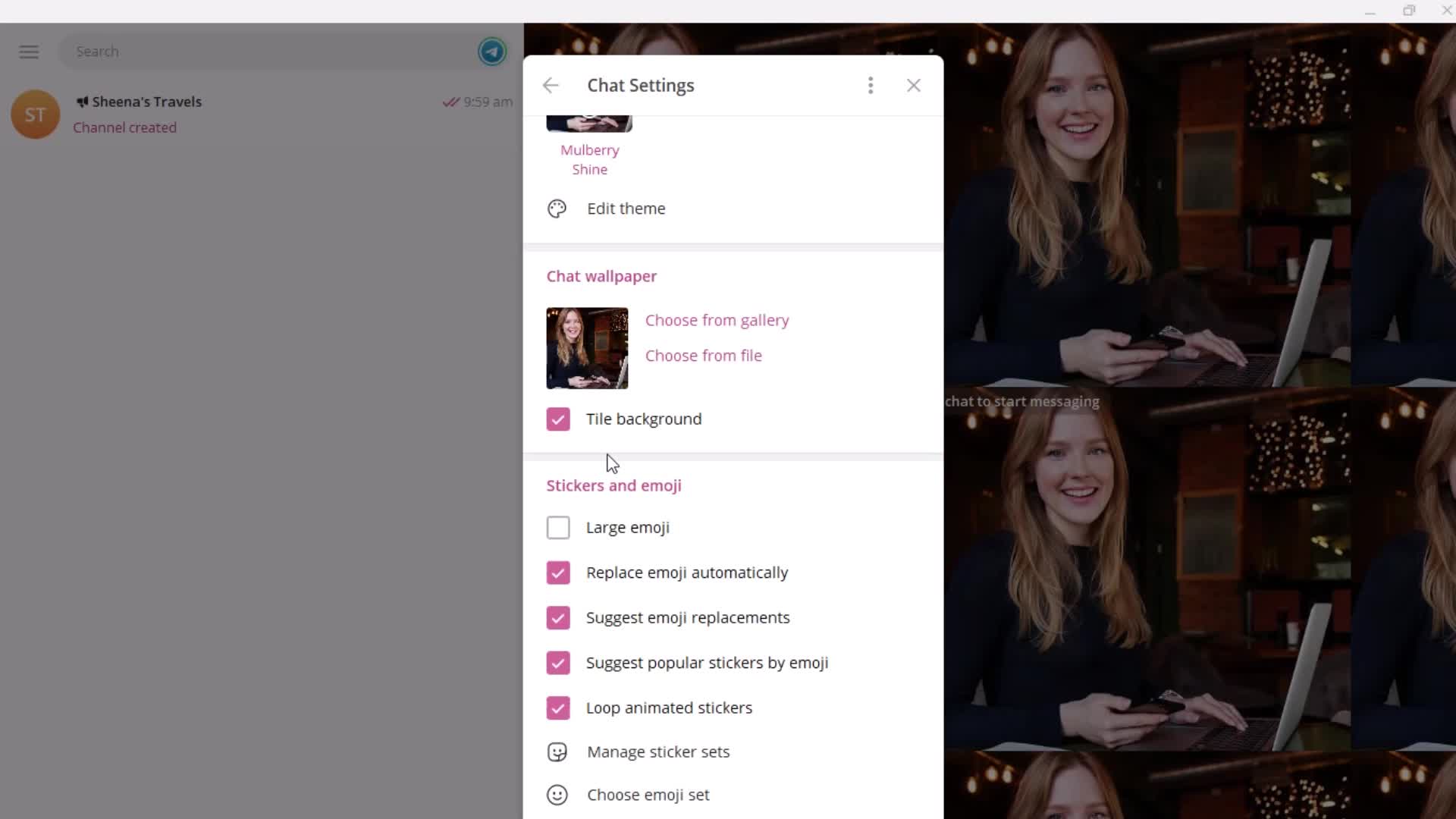
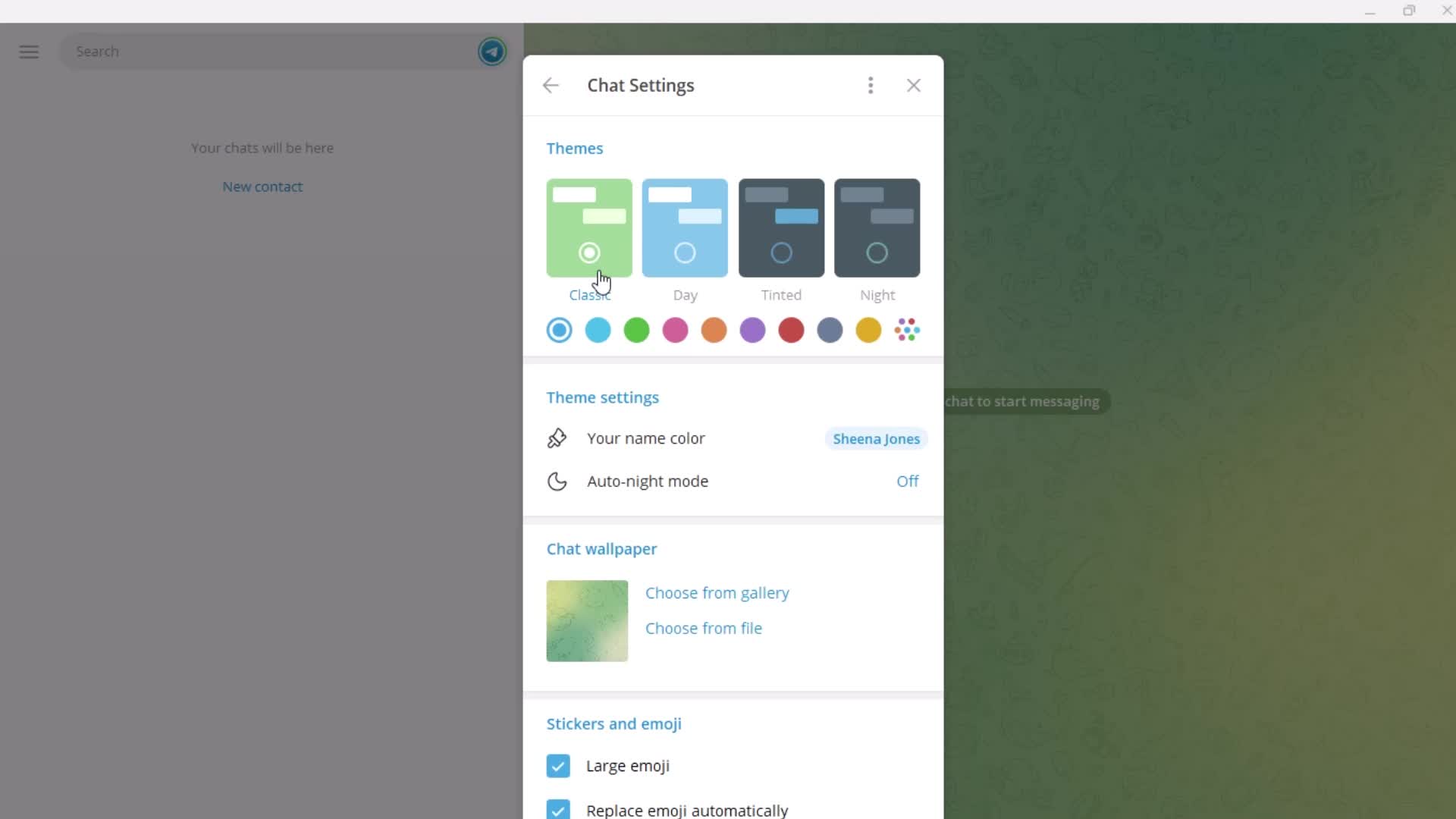
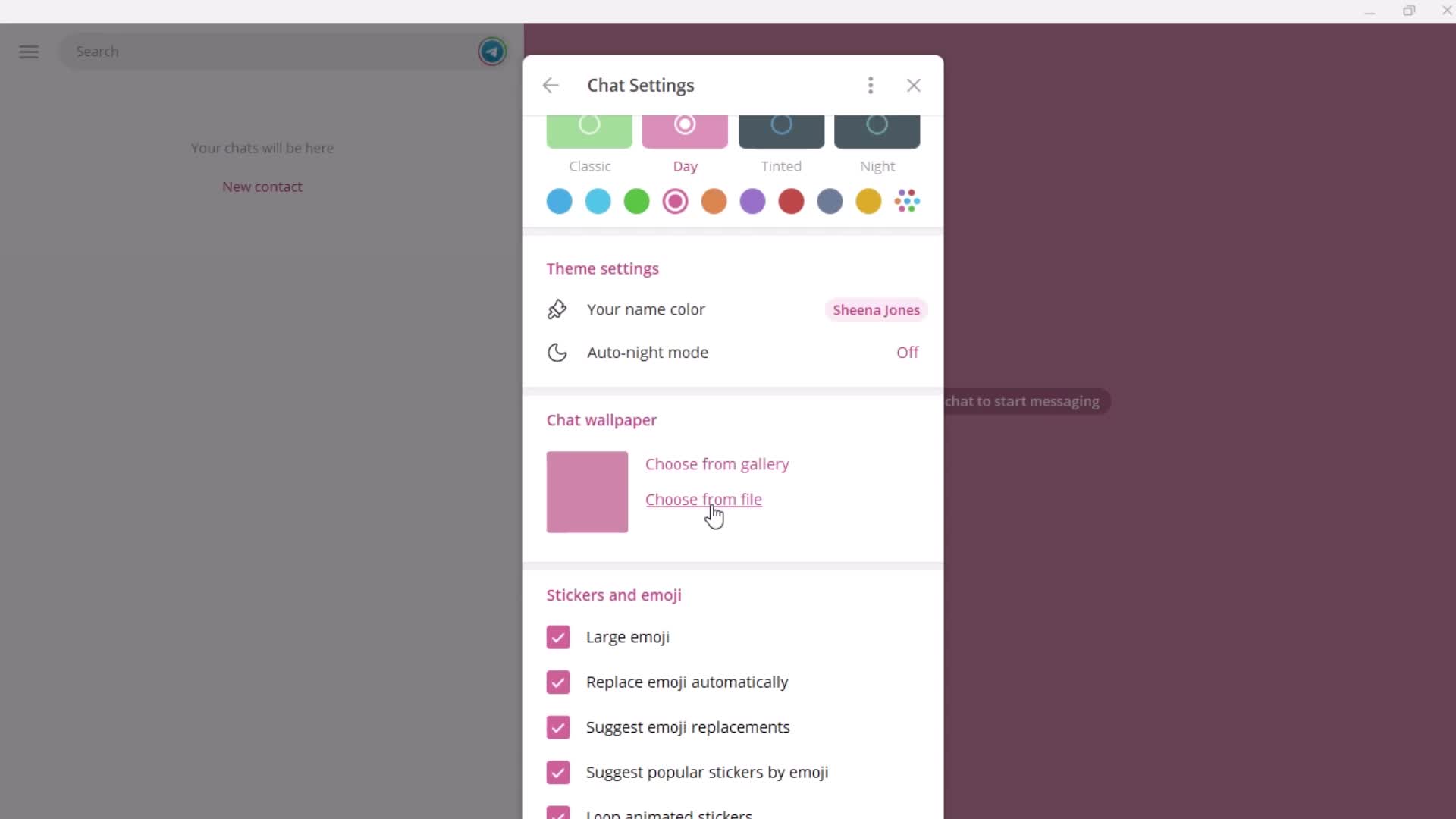
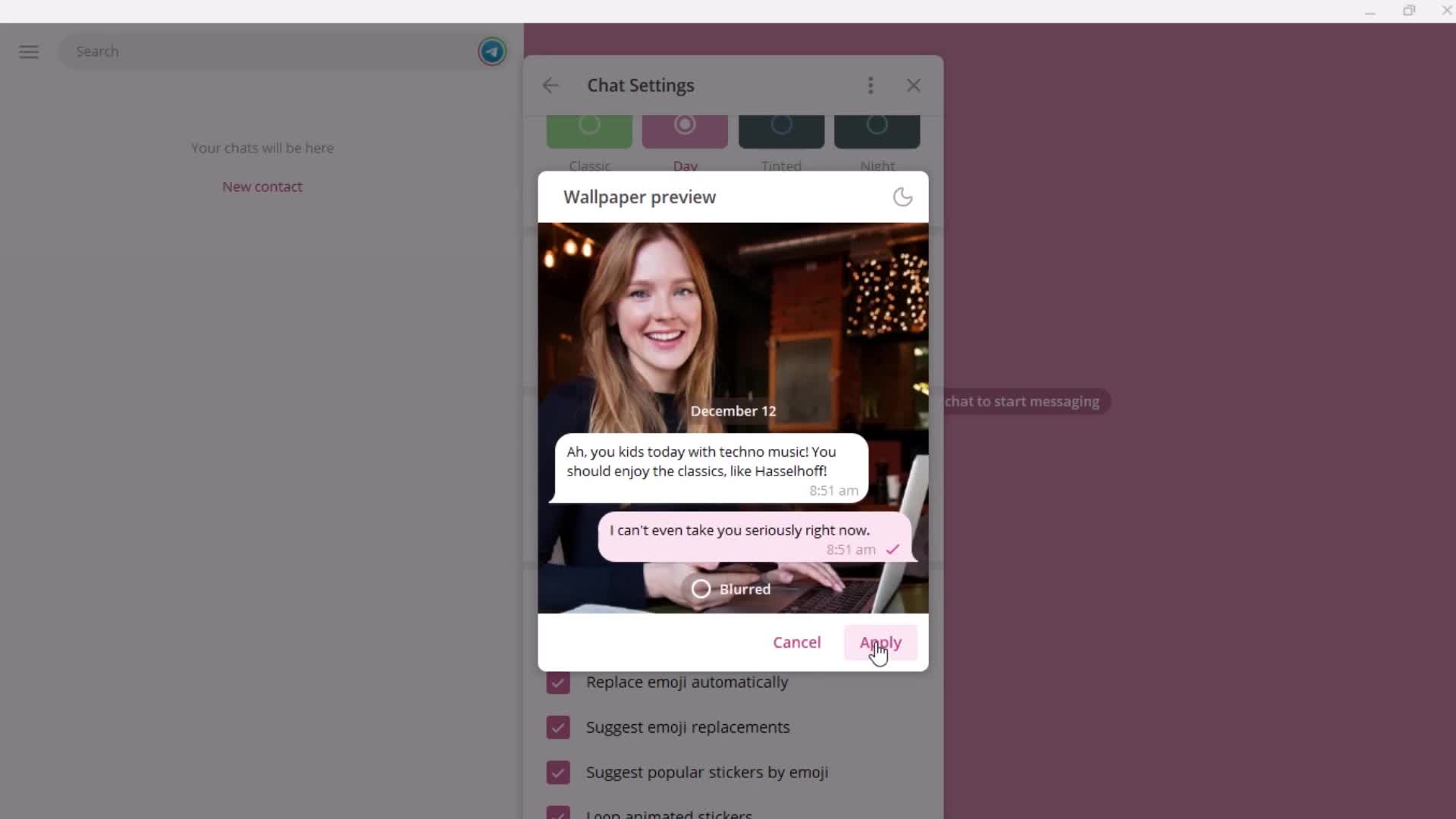
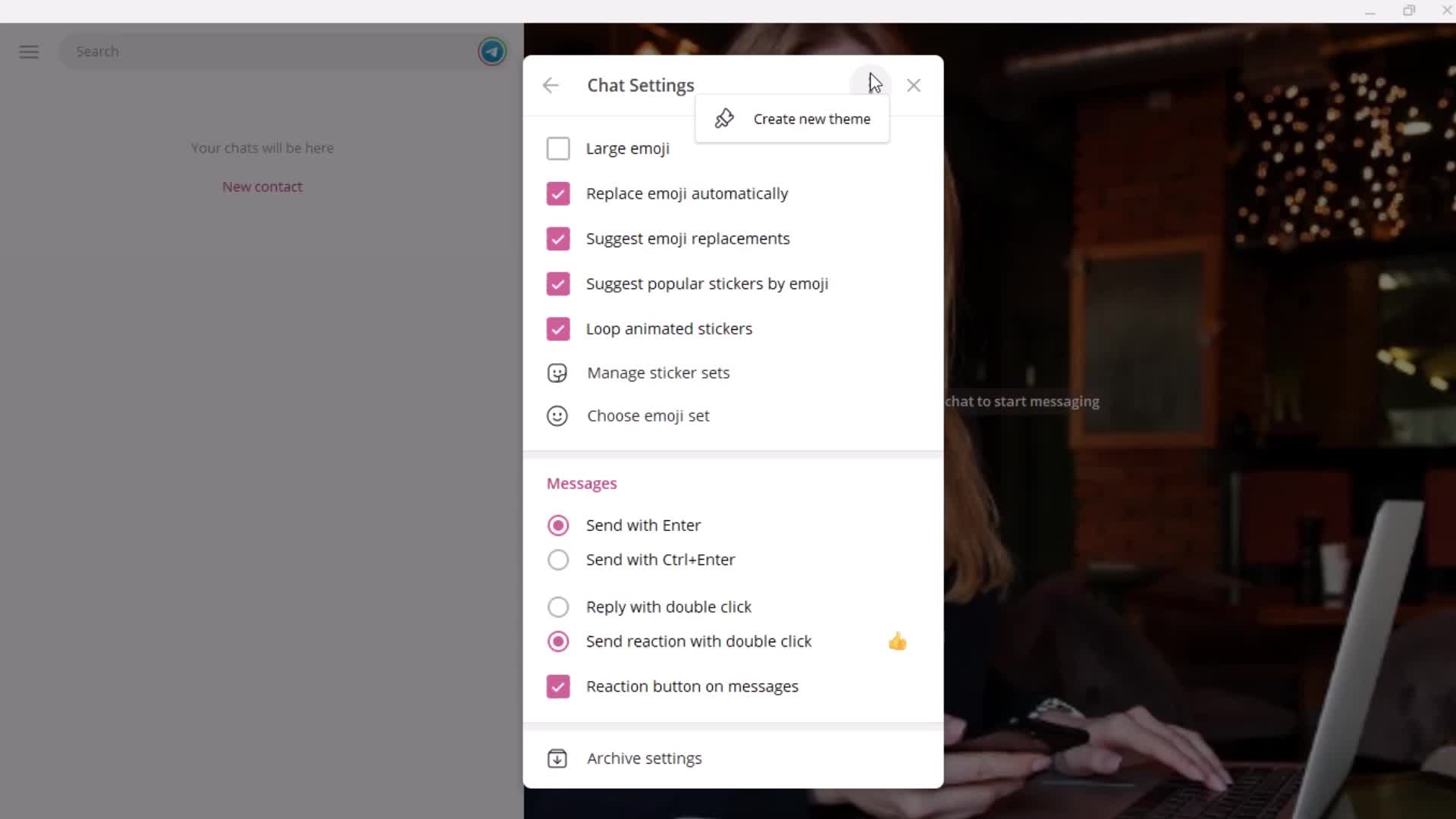
Chat settings
this is title
this is title
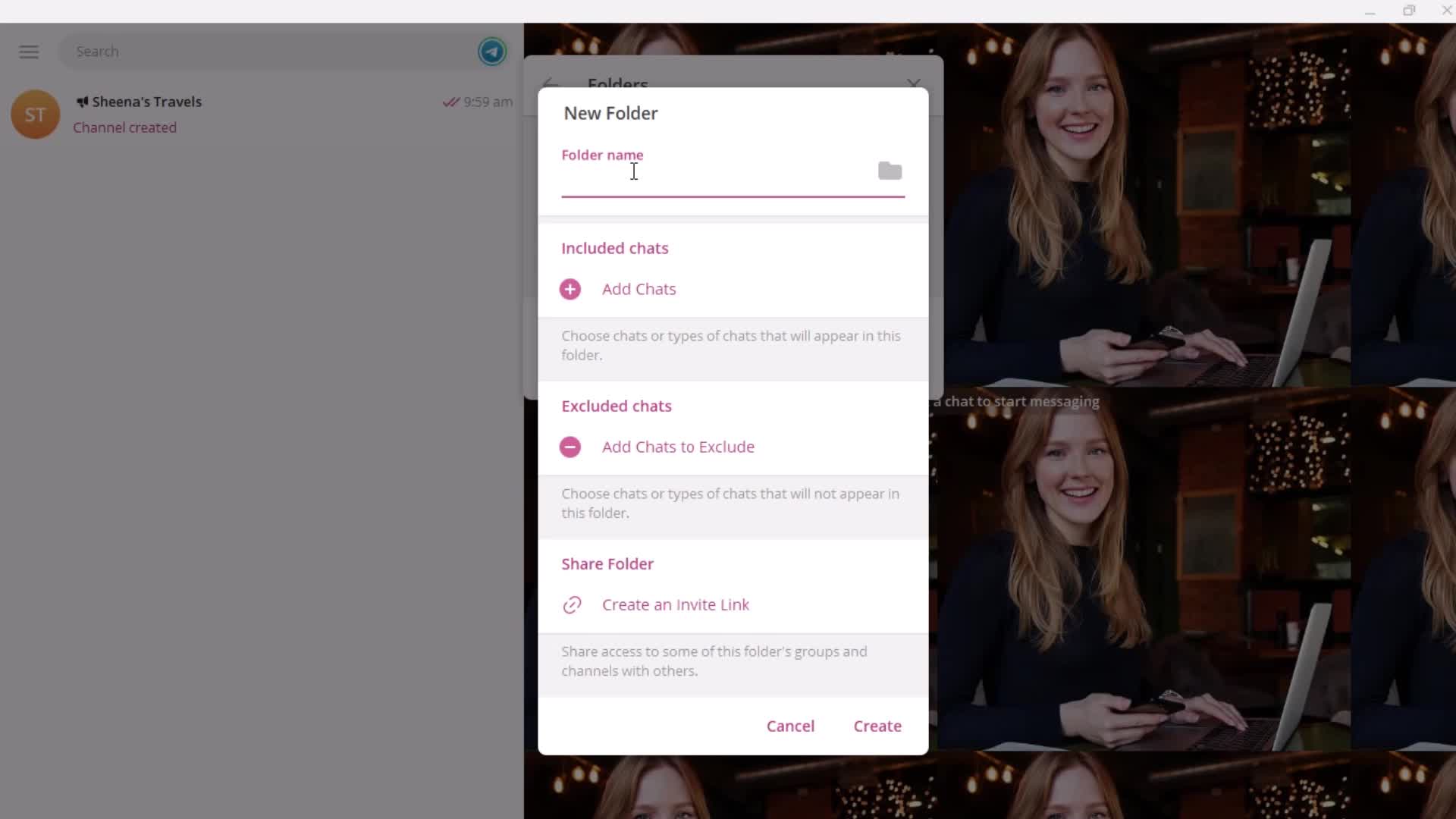
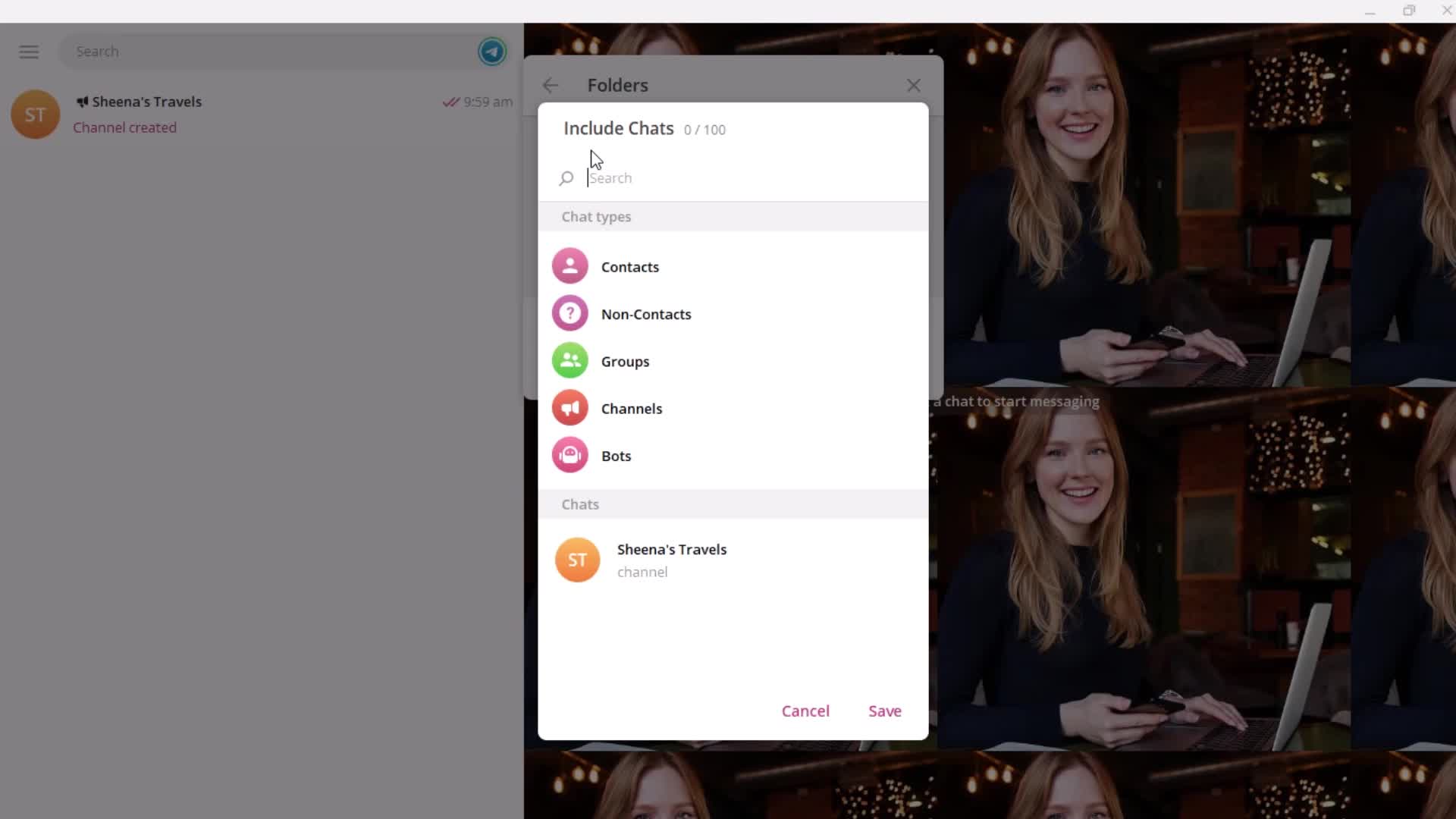
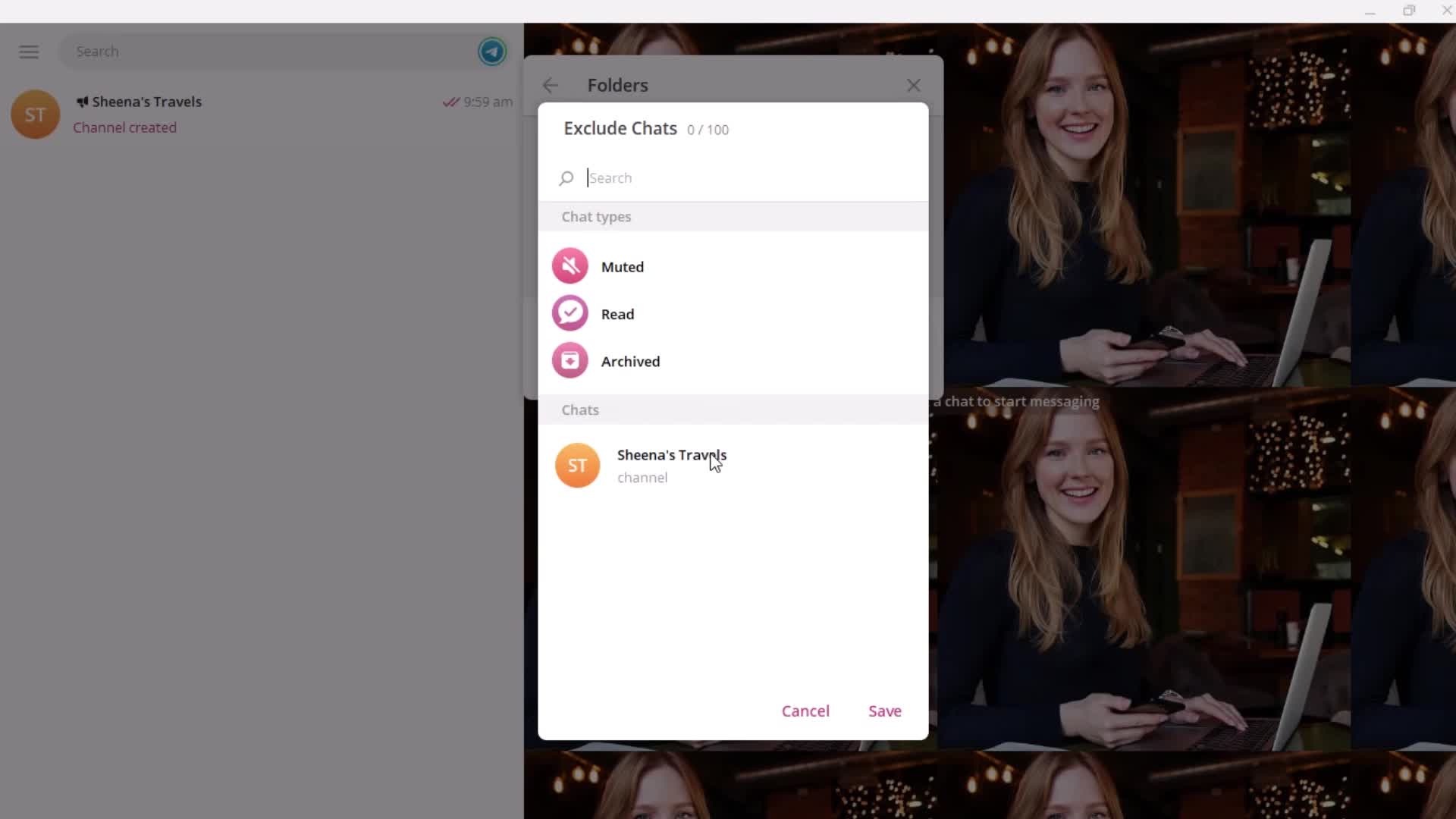
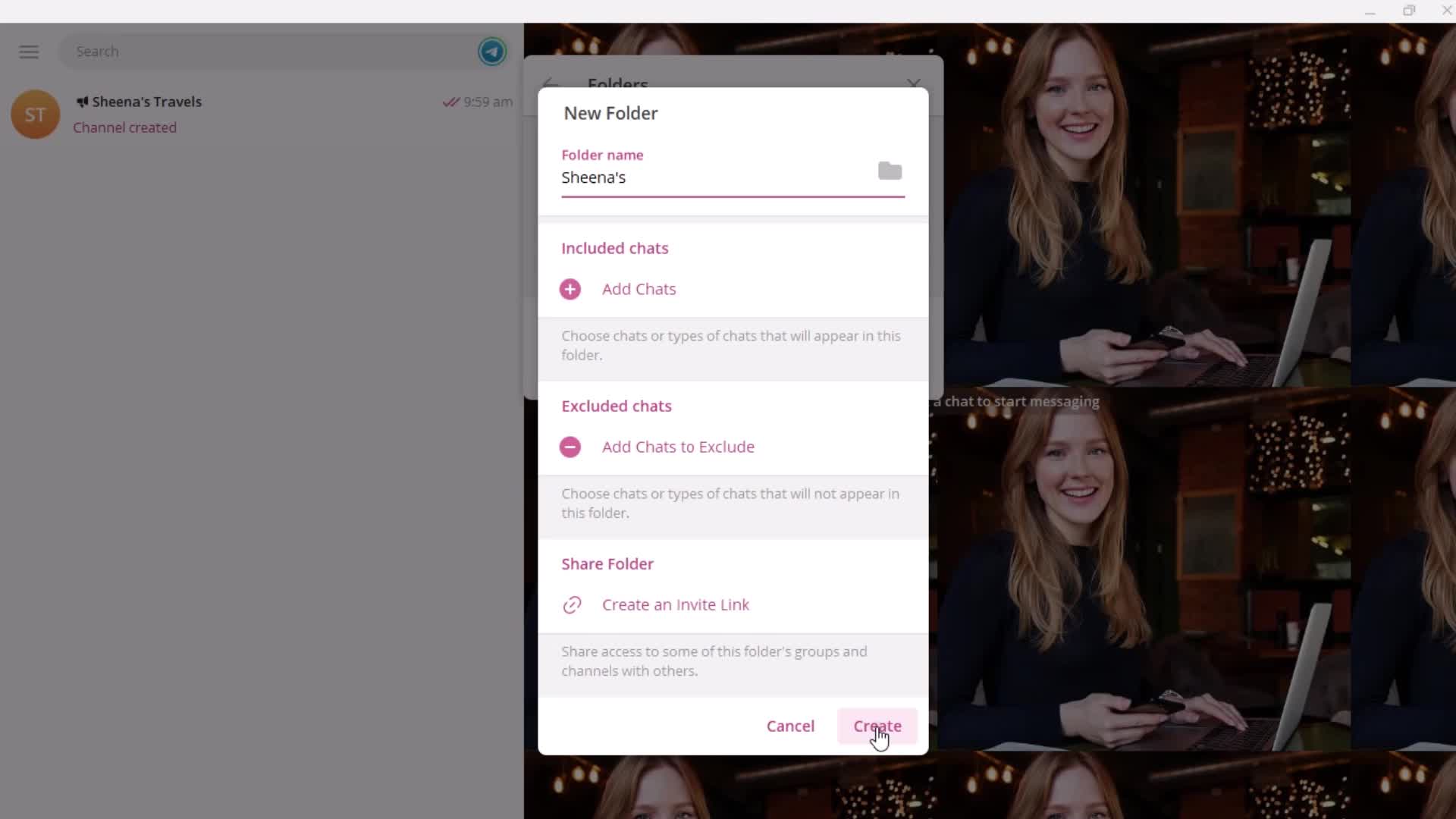
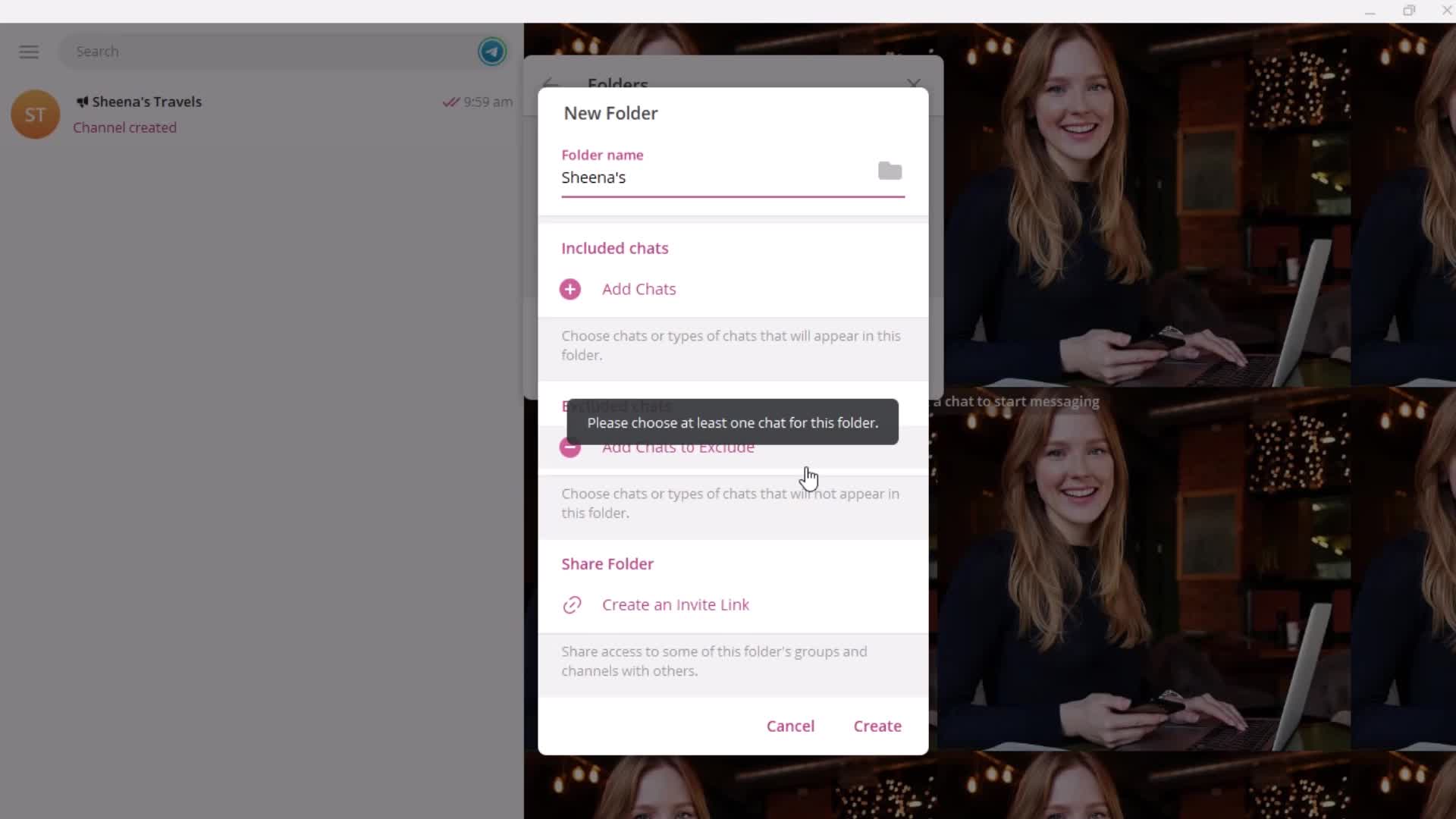
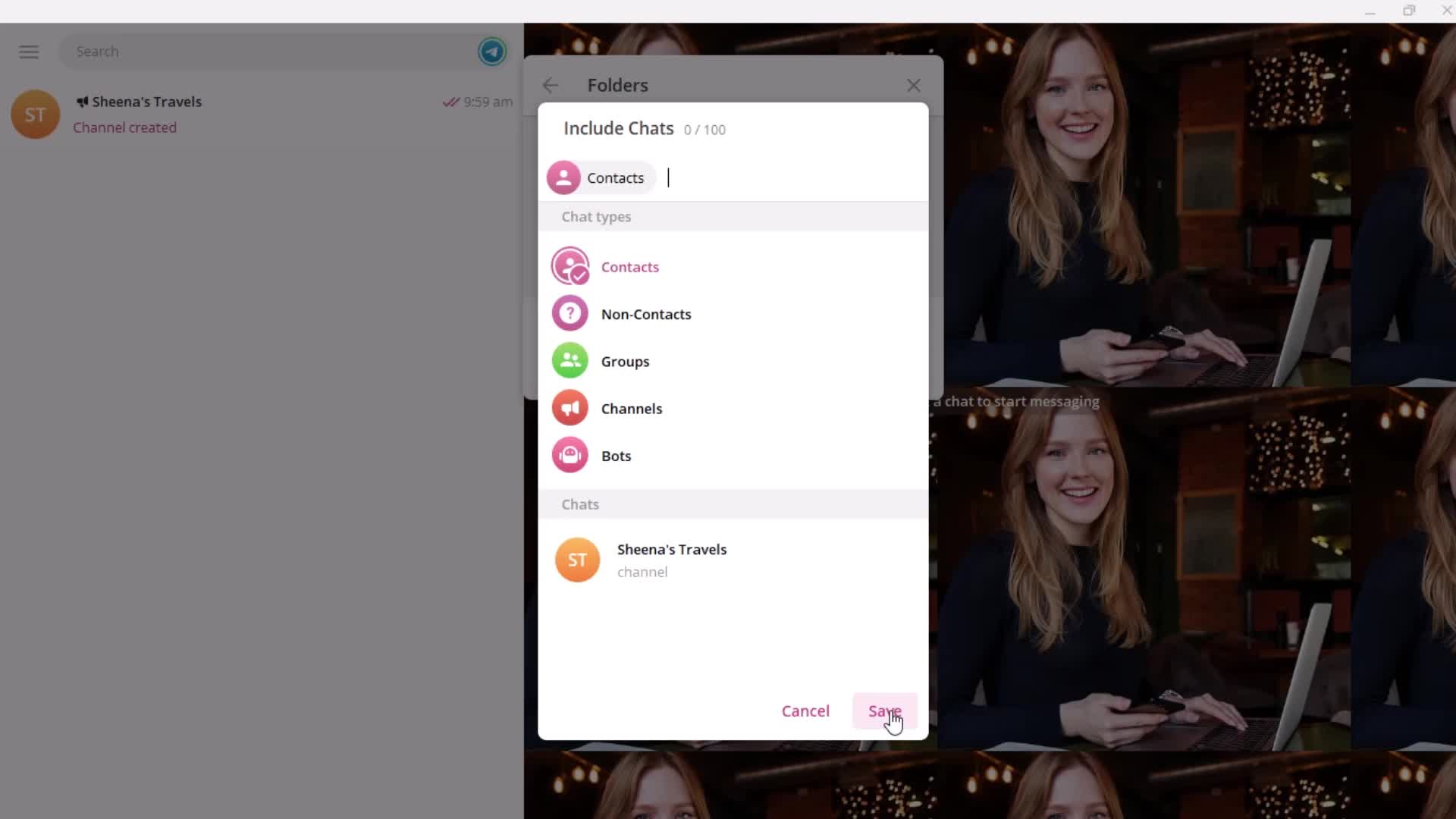
Create folder
this is title
Enter name
this is title
Search
this is title
this is title
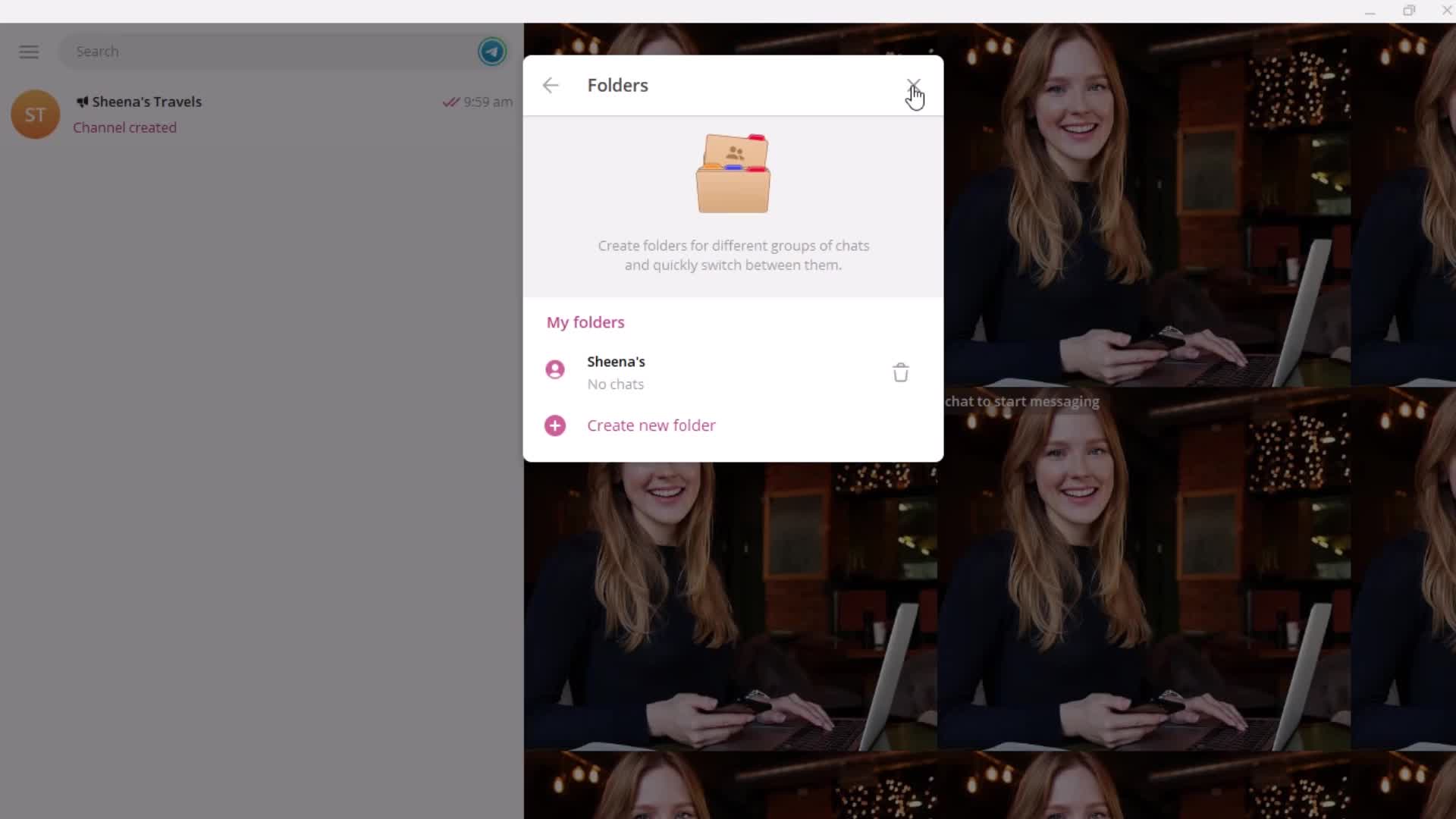
Created
this is title
this is title
this is title
this is title
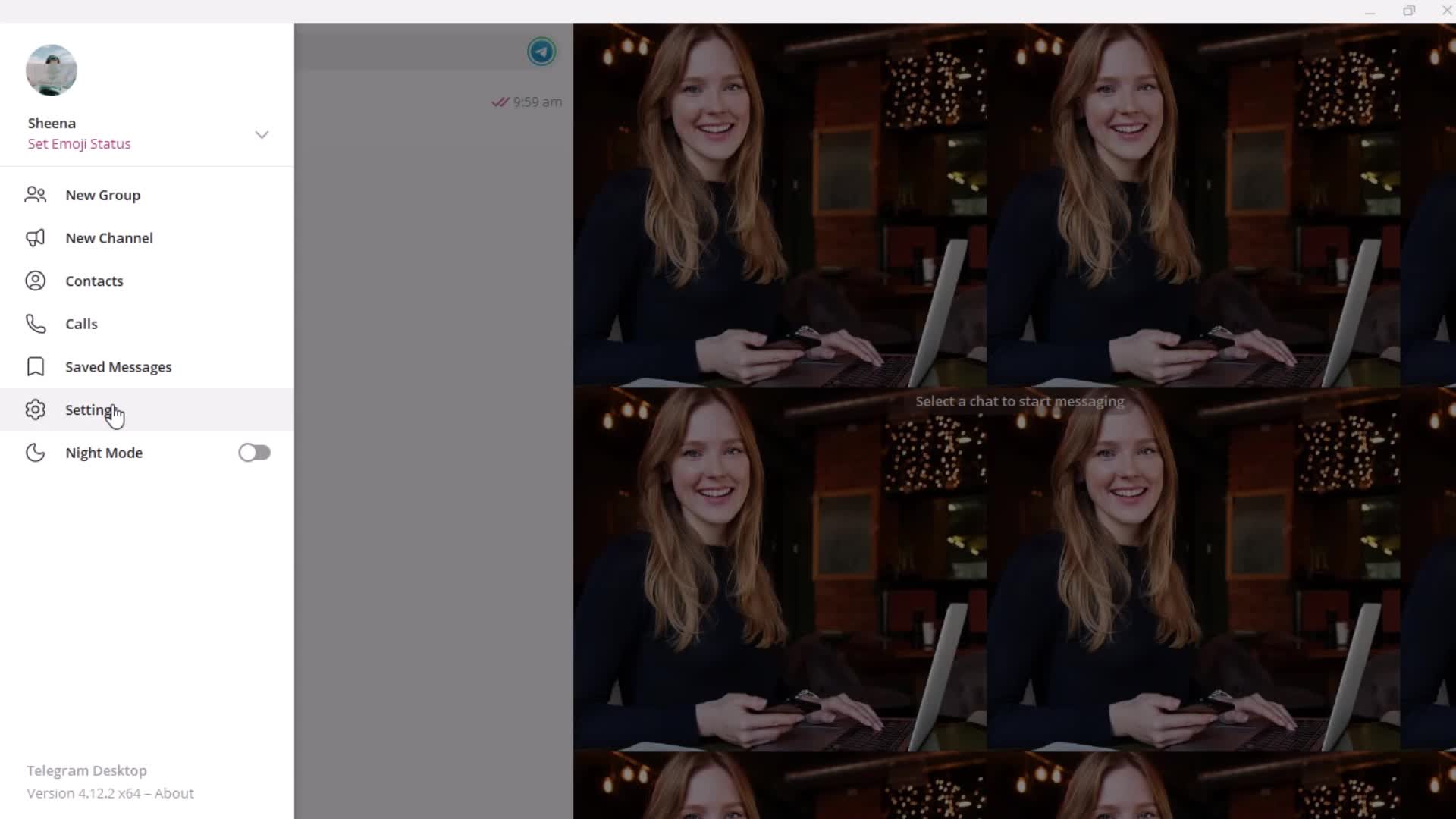
Settings
this is title
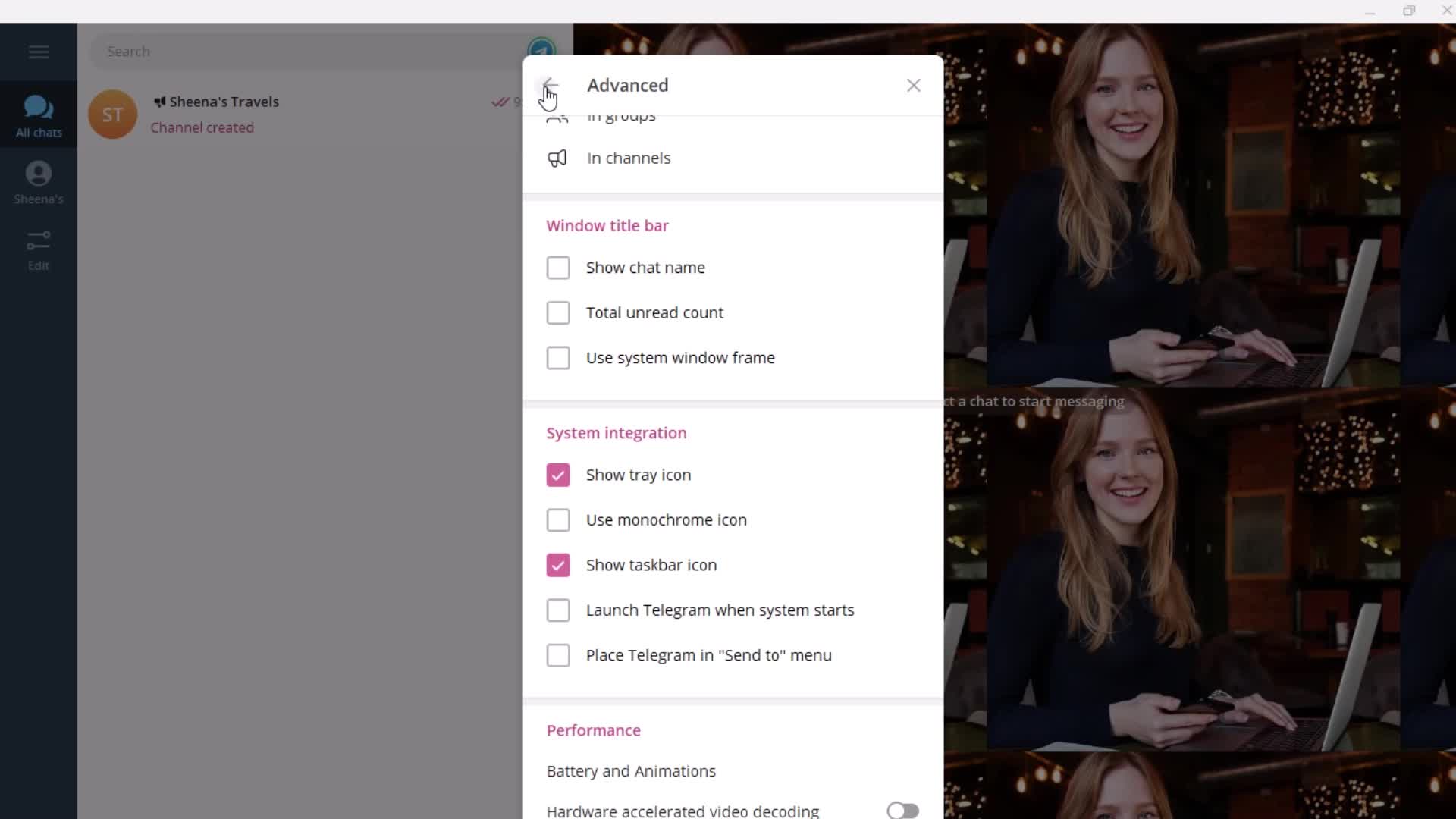
Advanced settings
this is title
this is title
this is title
this is title
this is title
this is title
this is title
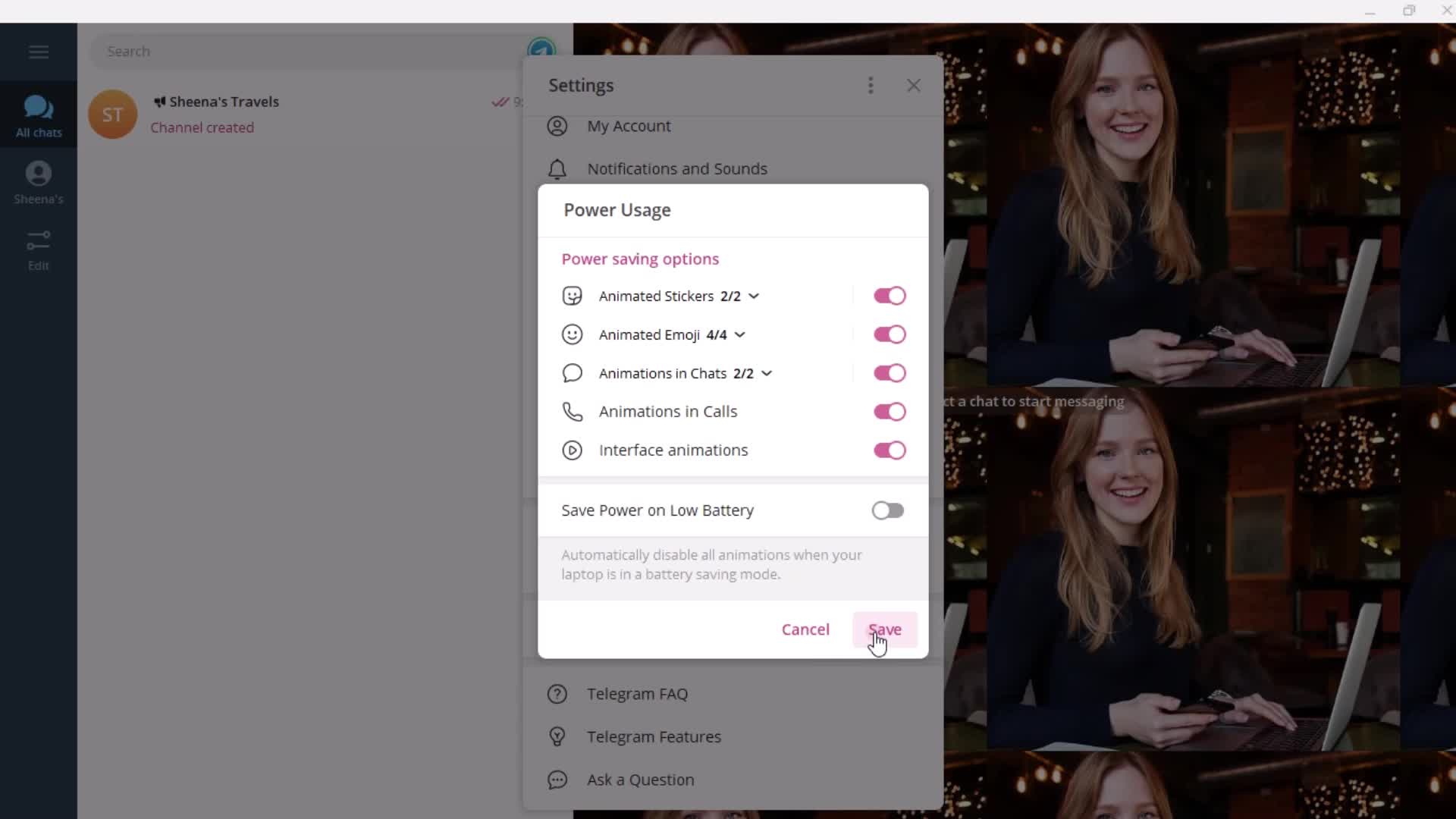
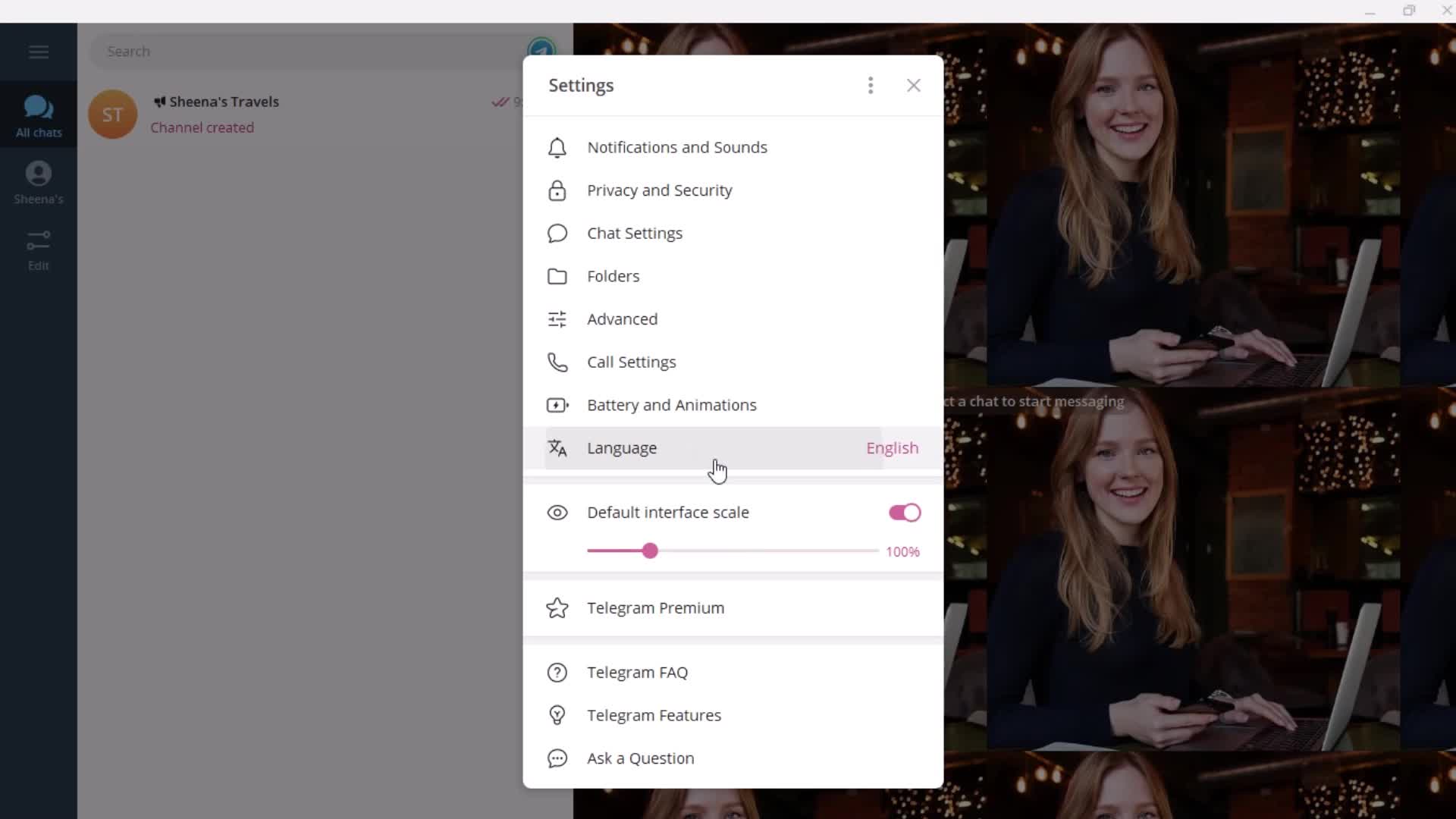
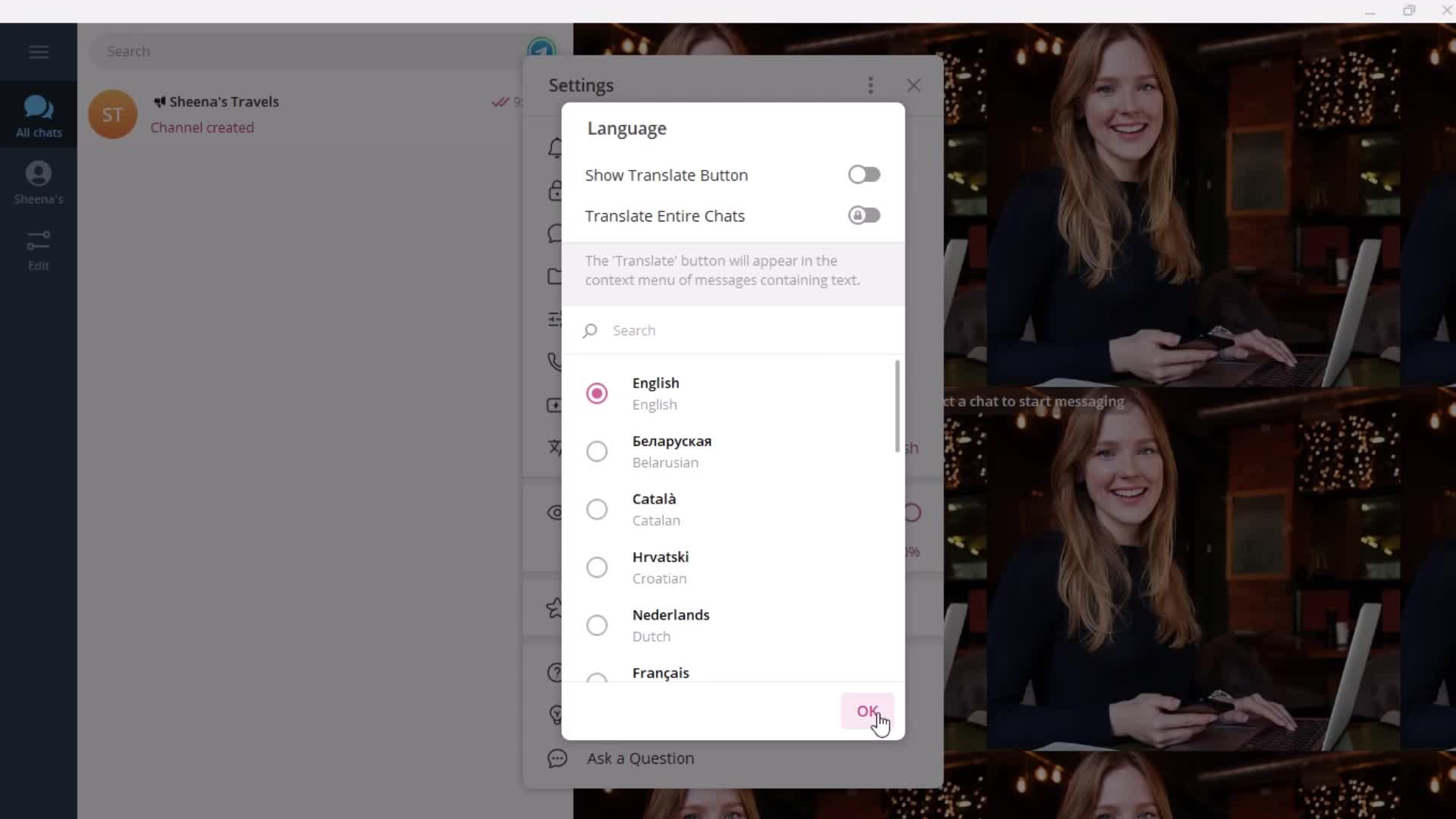
Languages
this is title
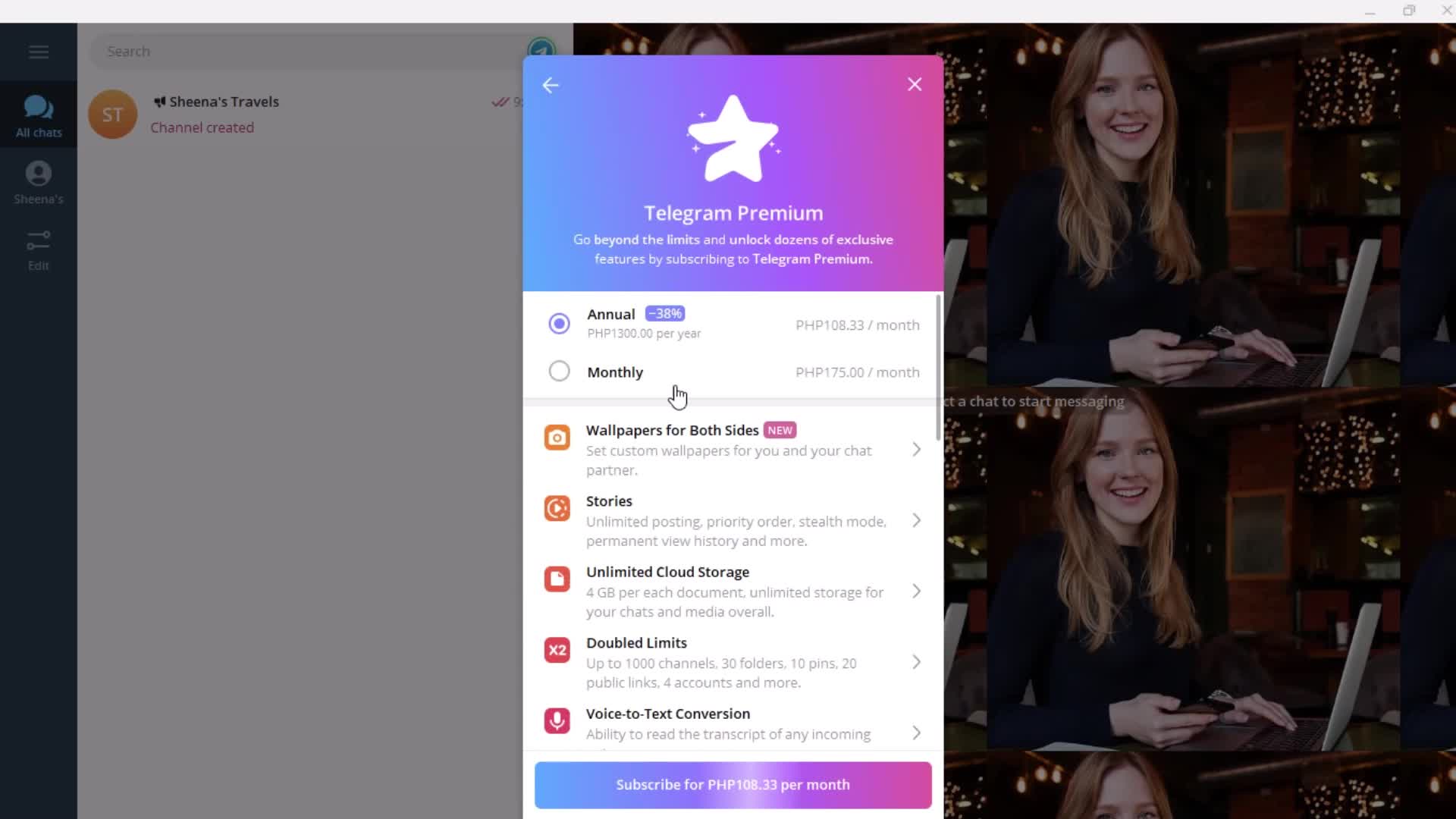
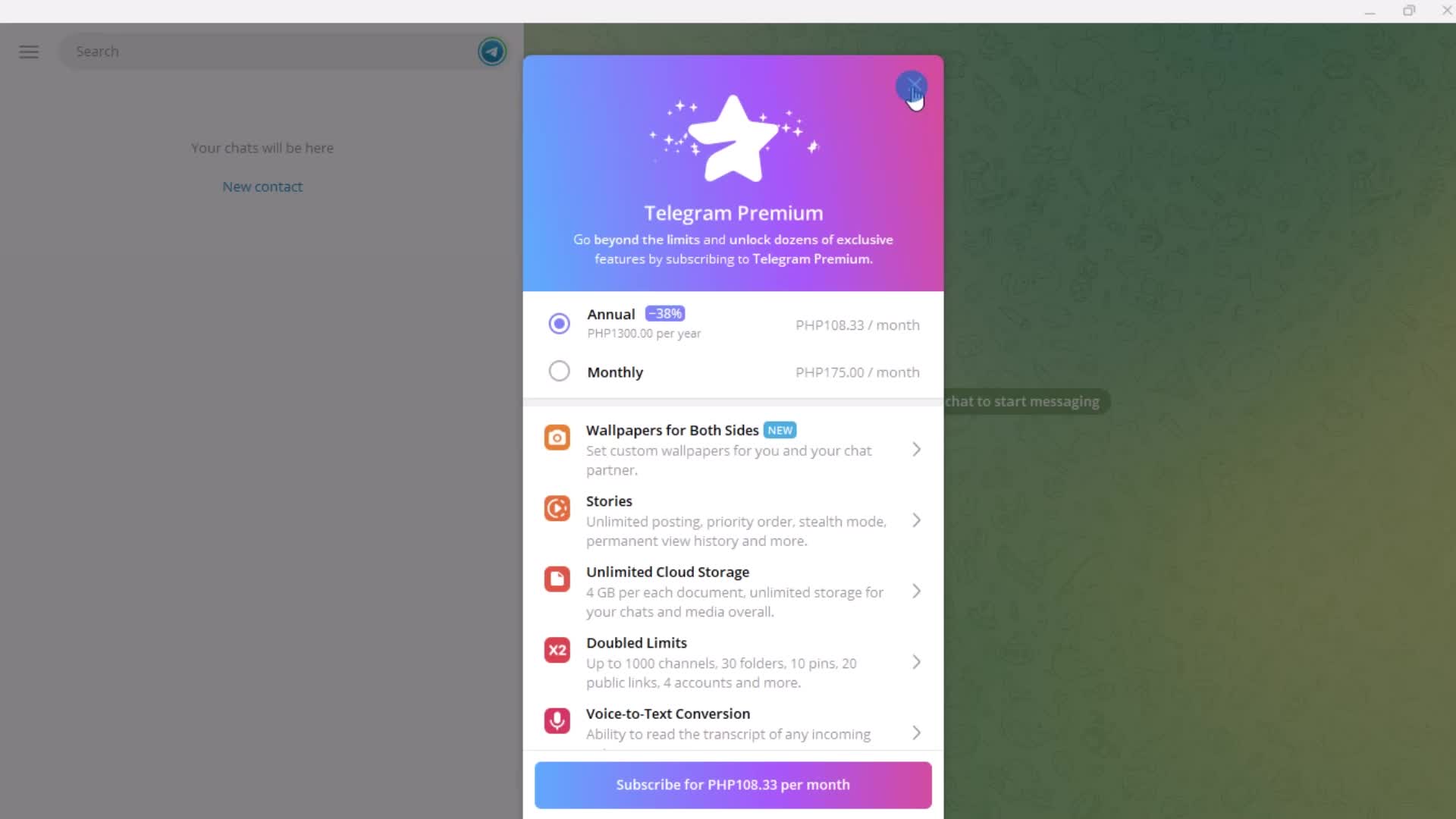
Premium plan details
this is title
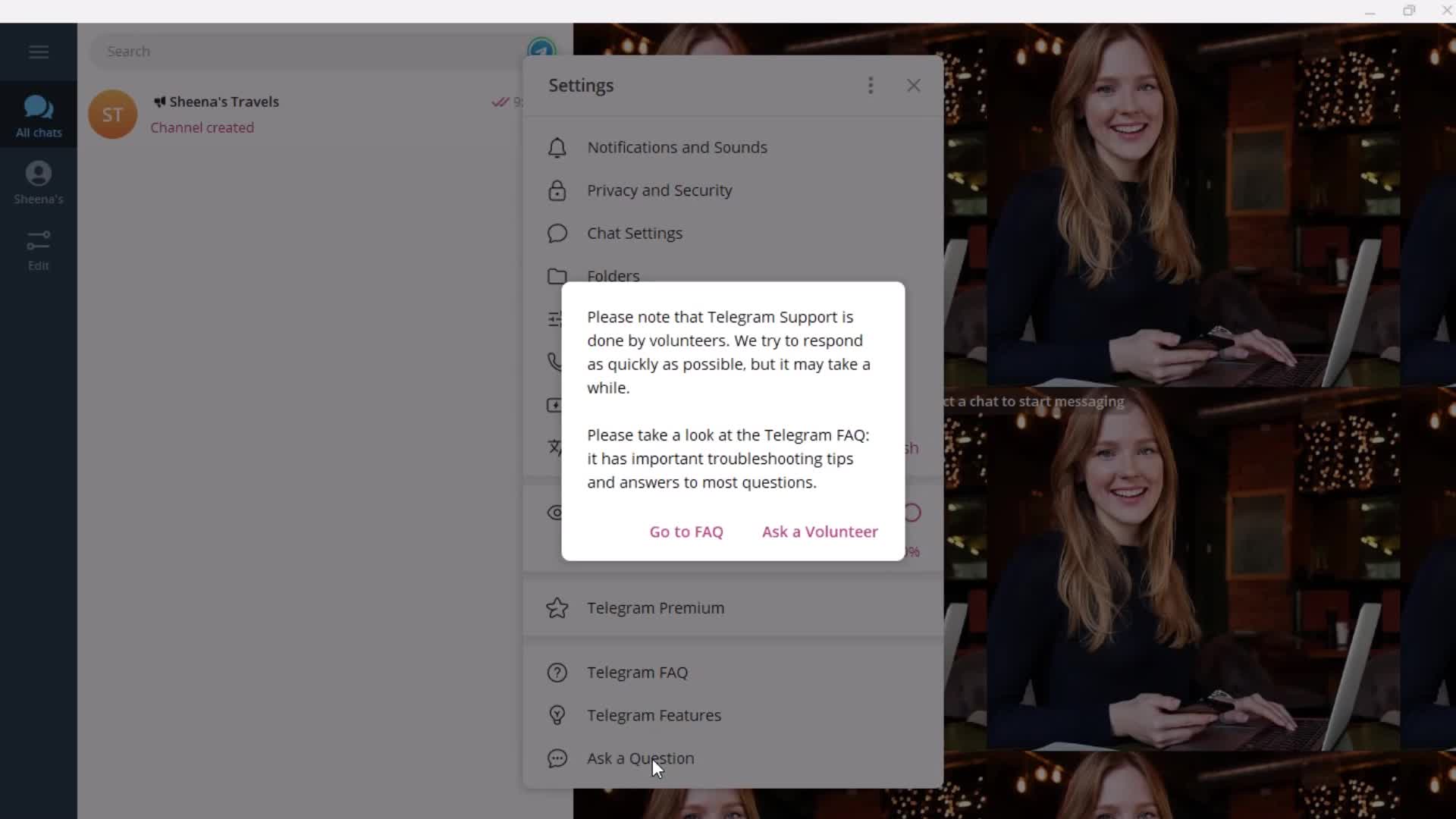
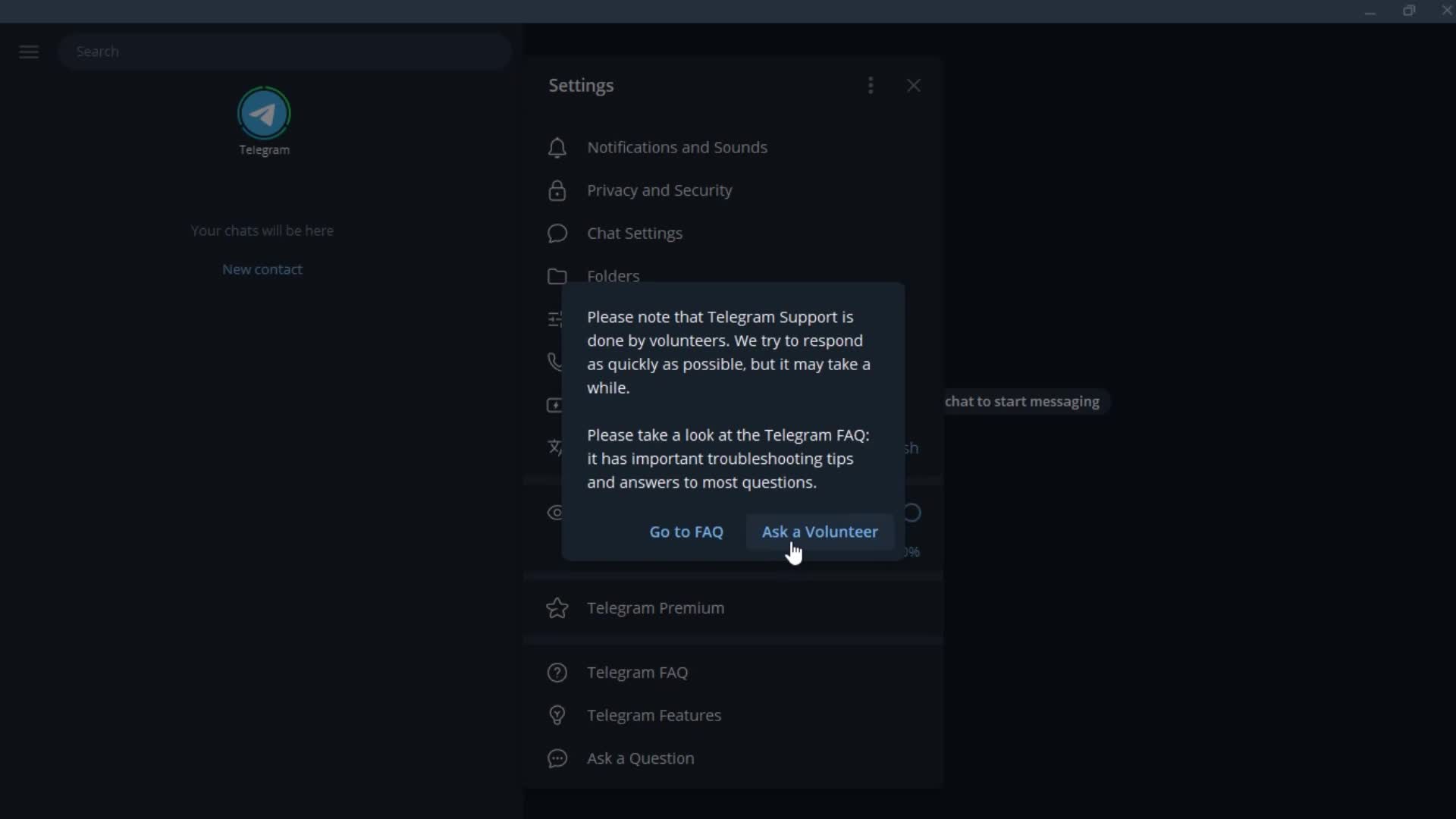
Contact support
this is title
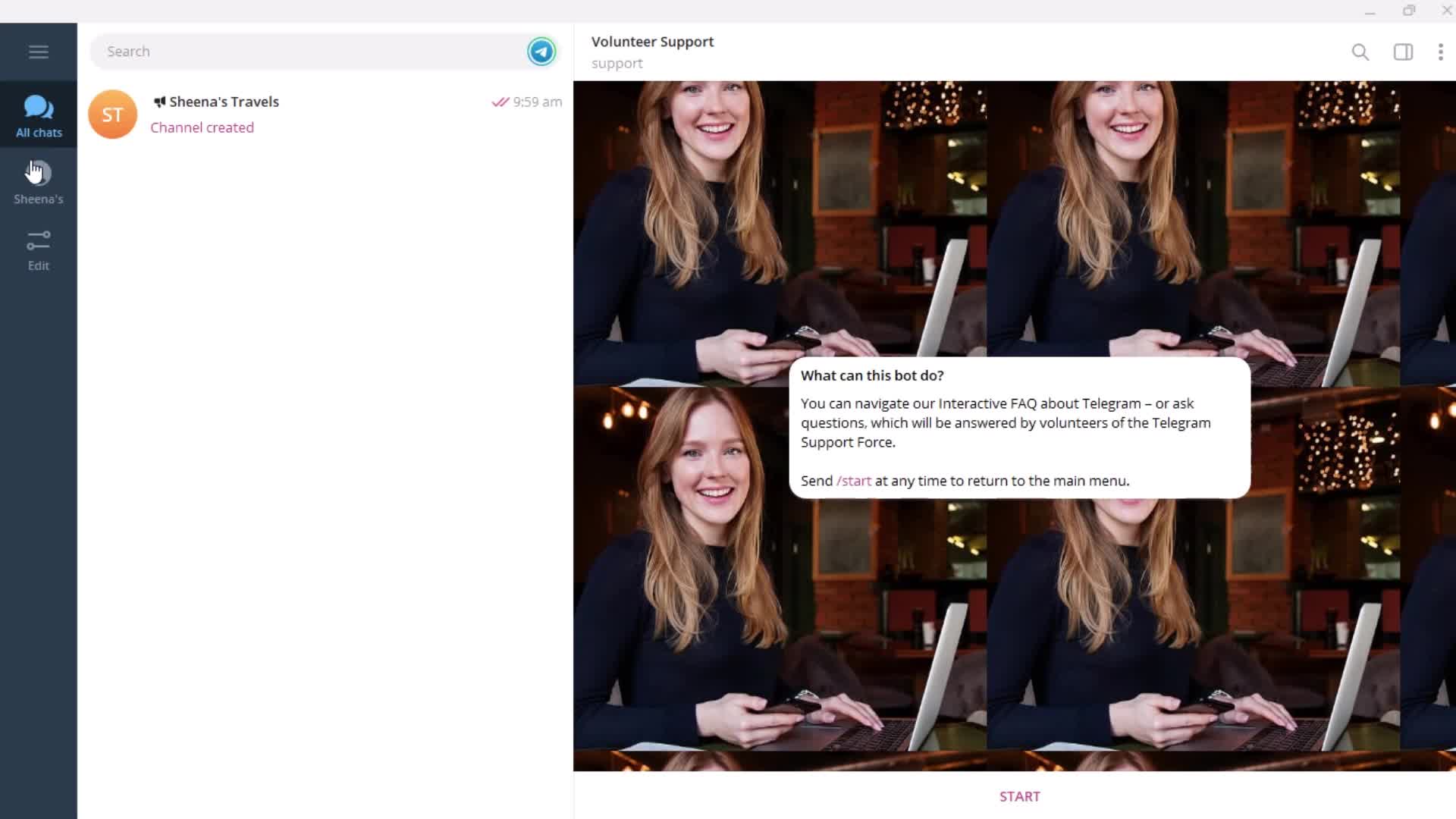
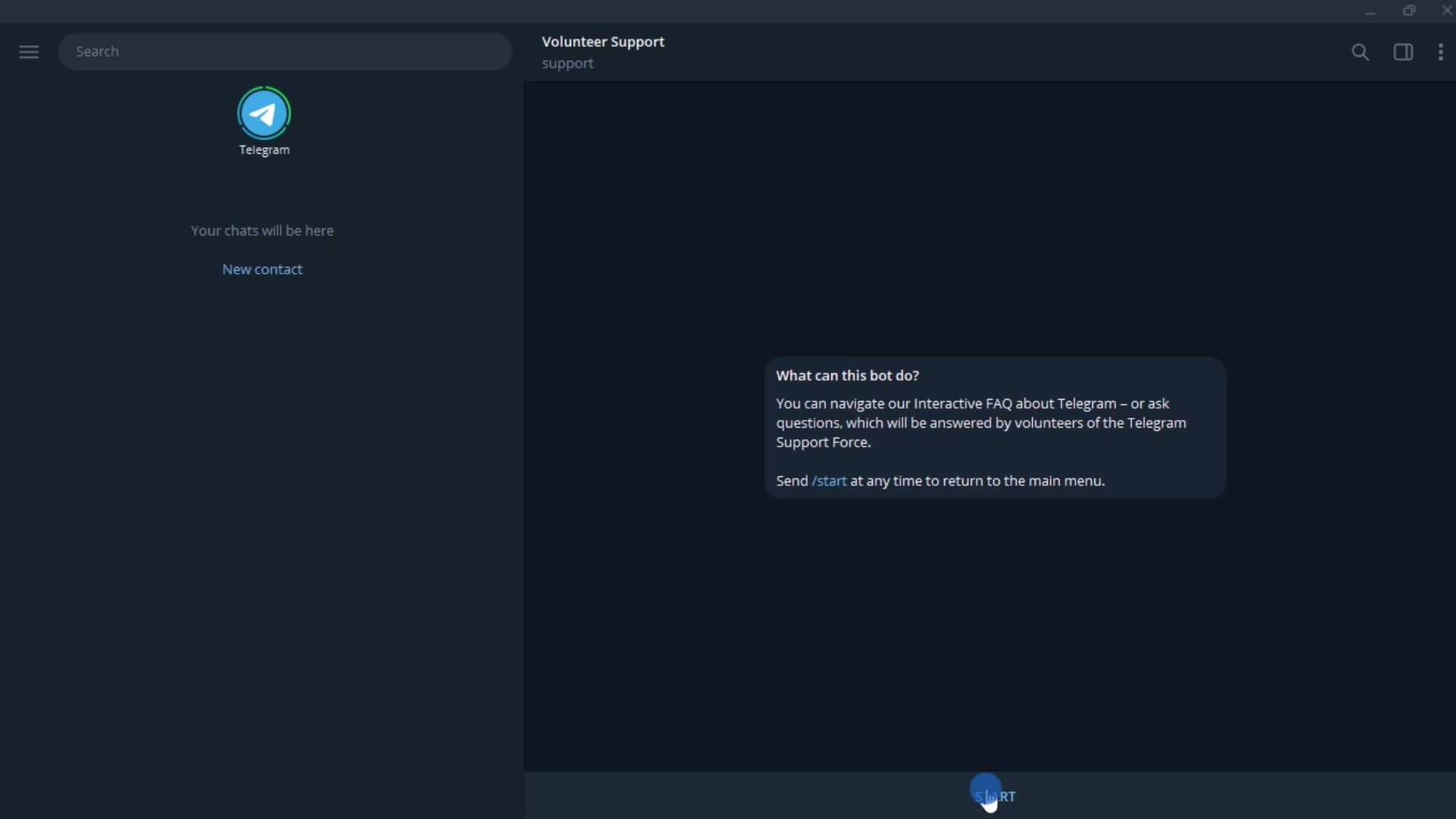
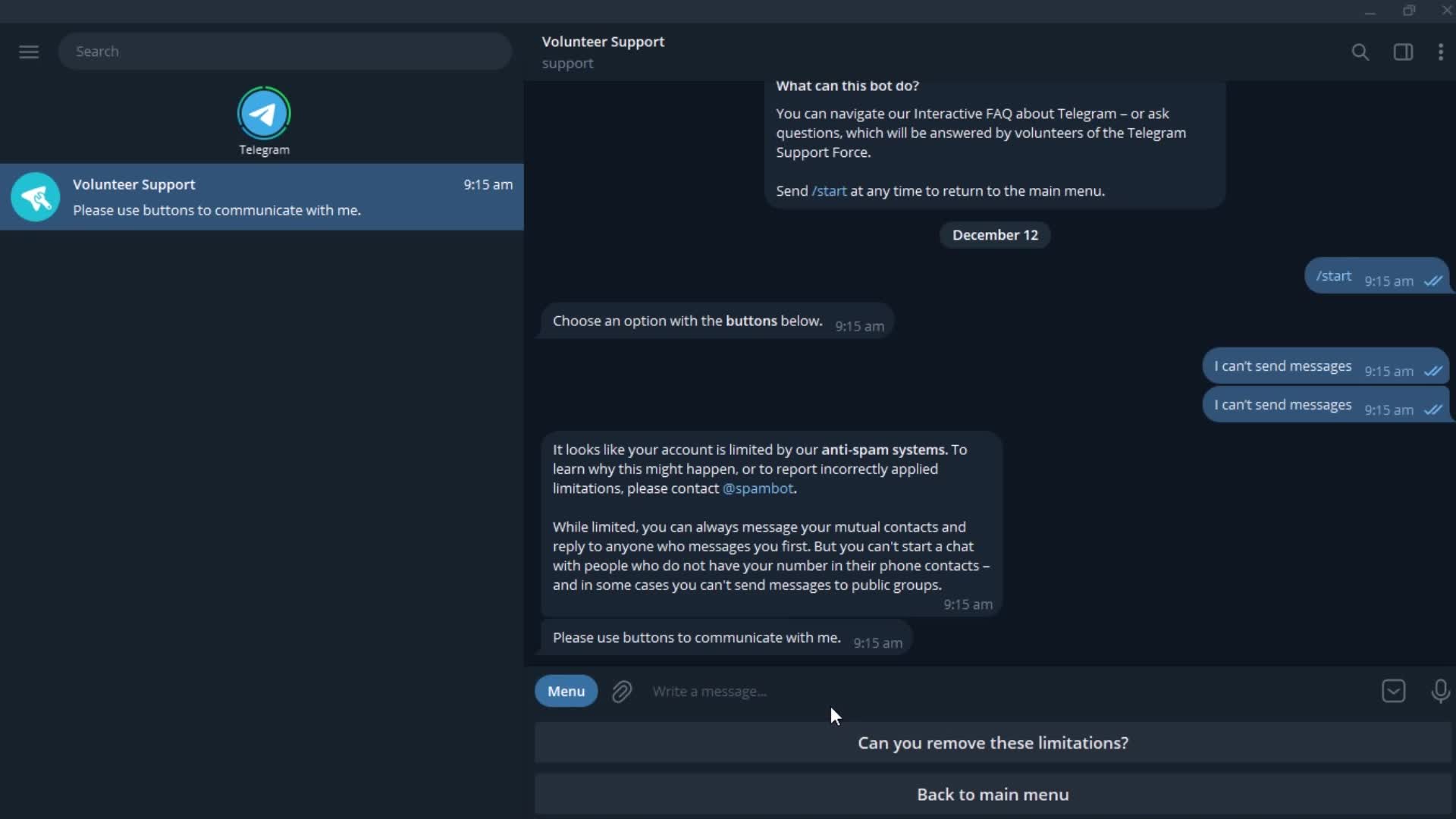
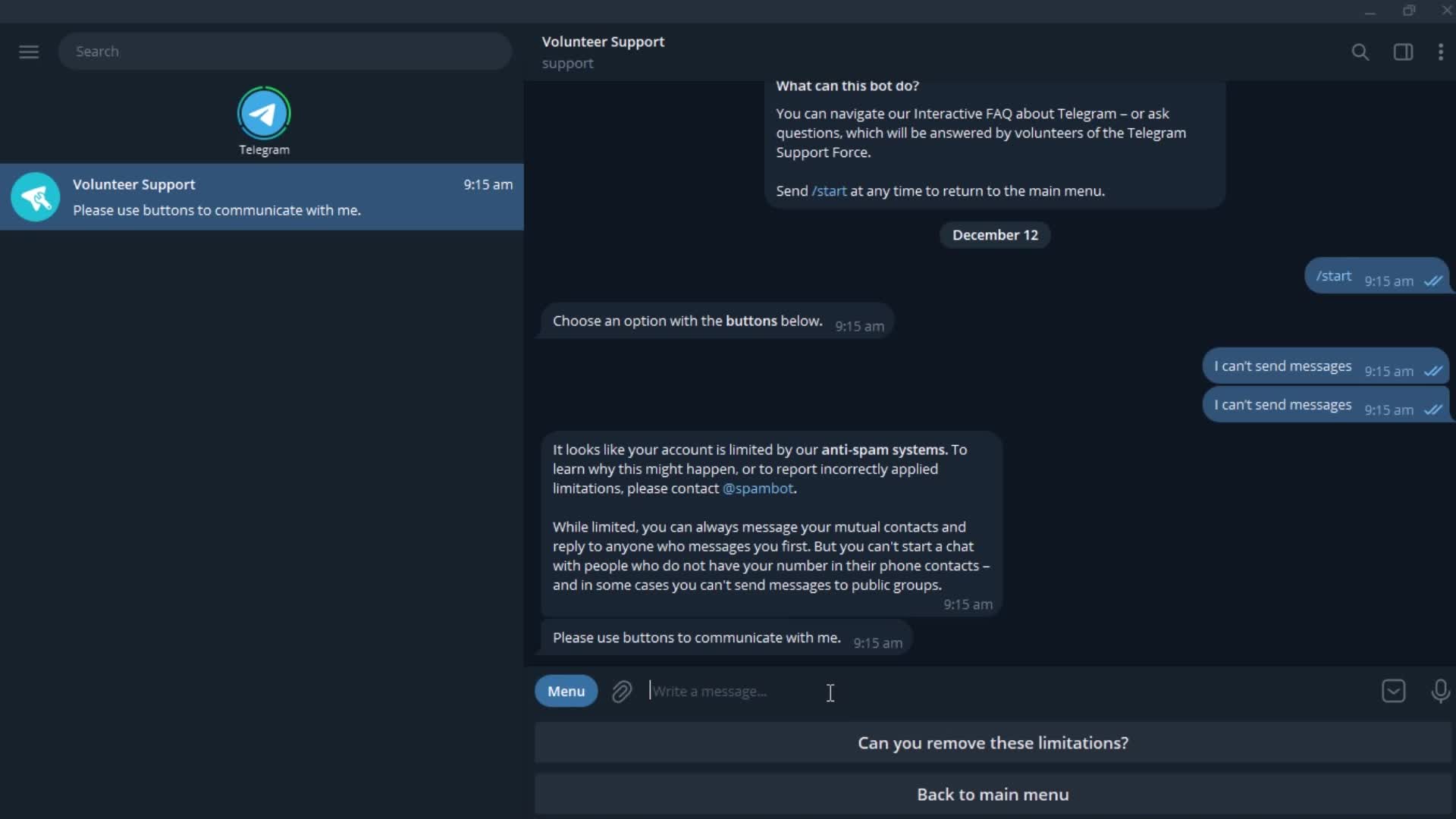
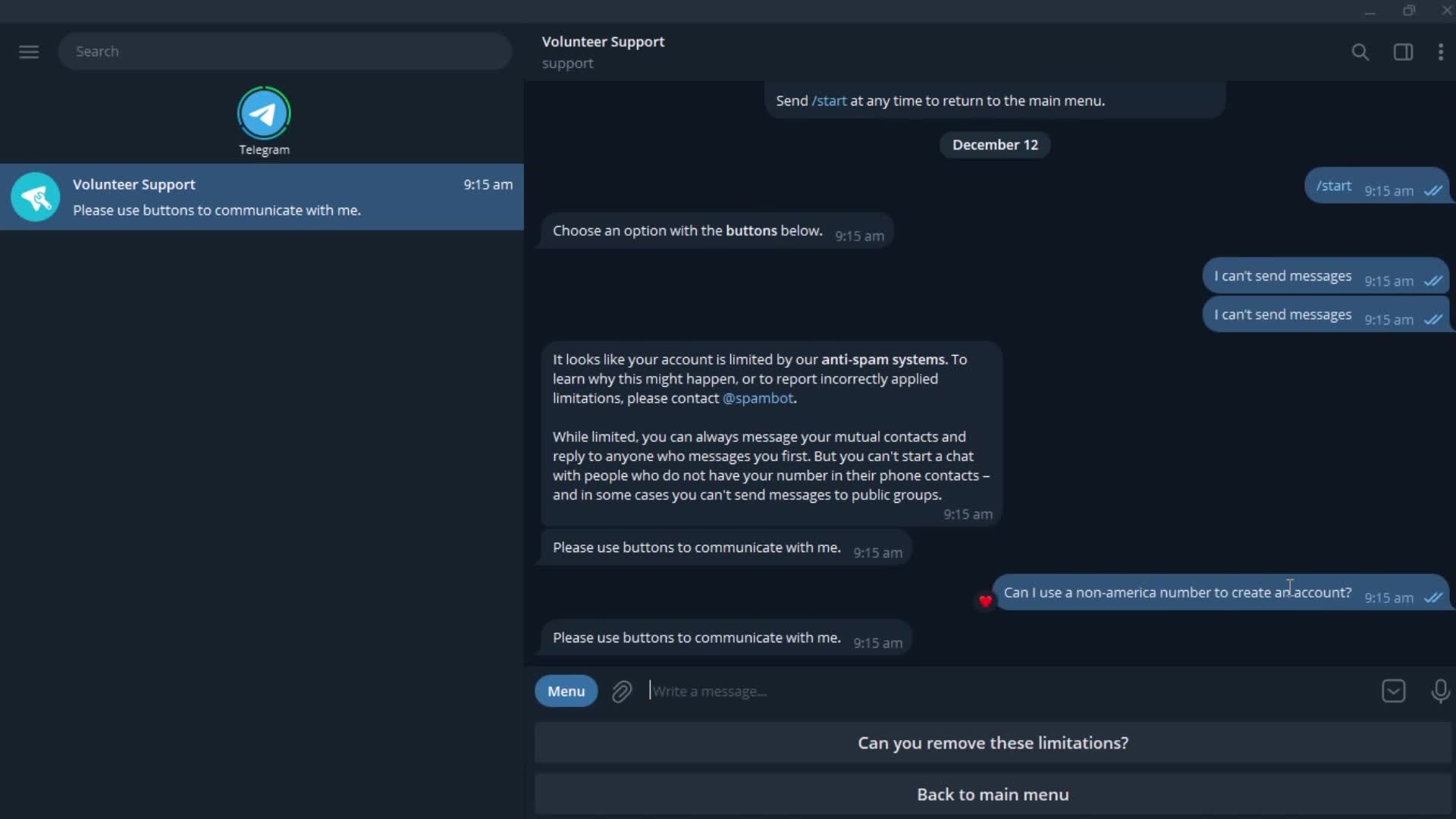
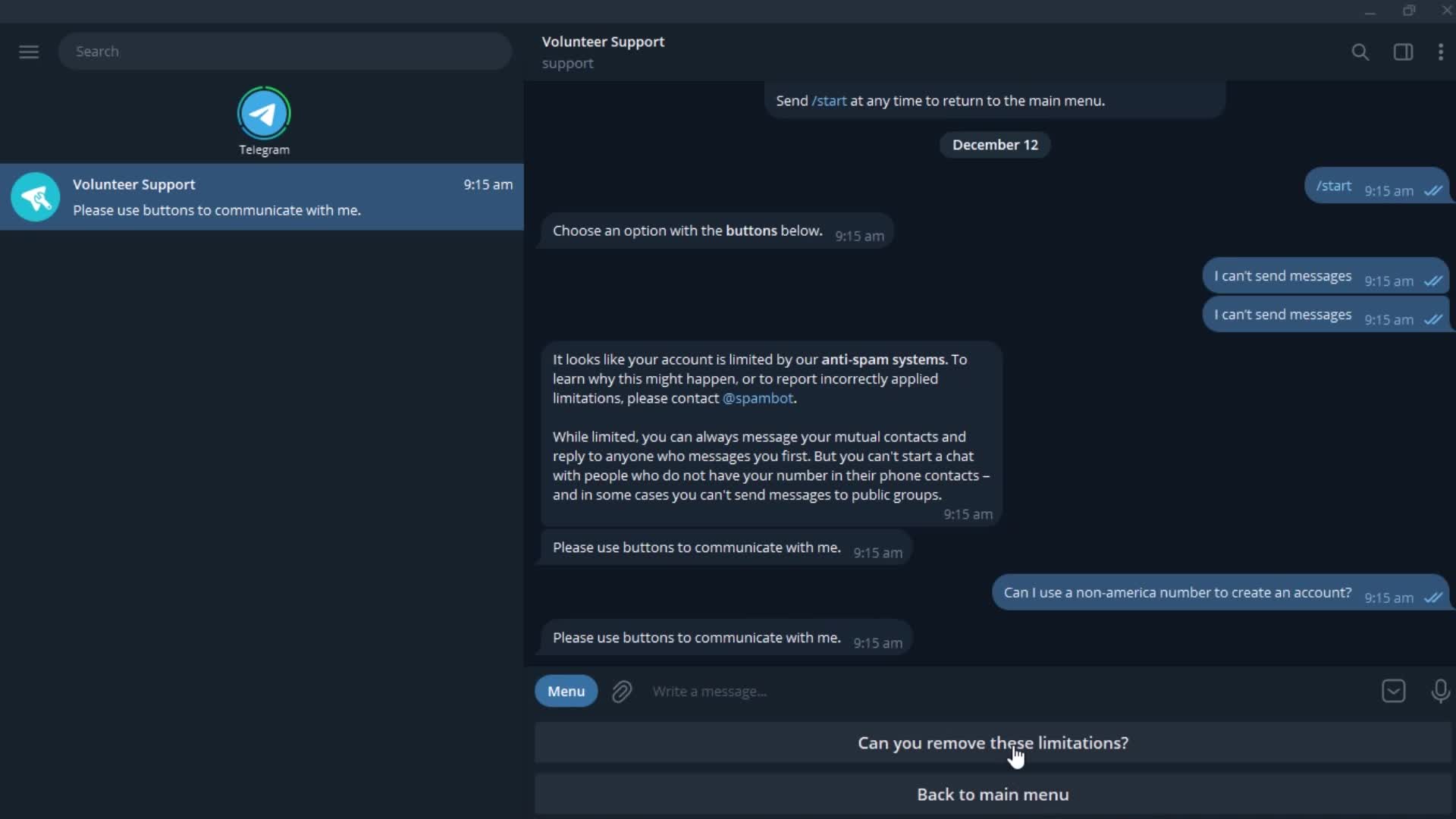
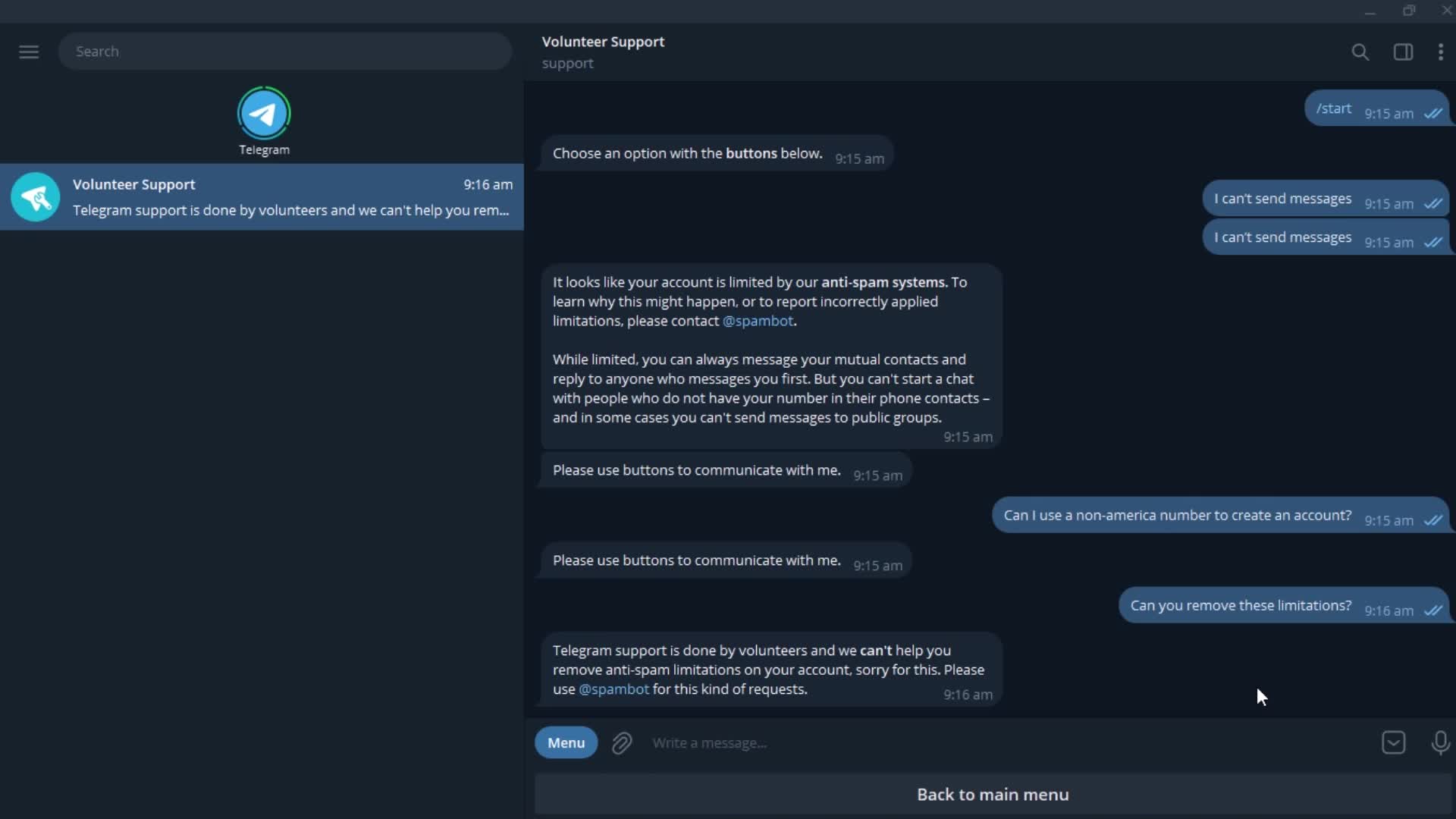
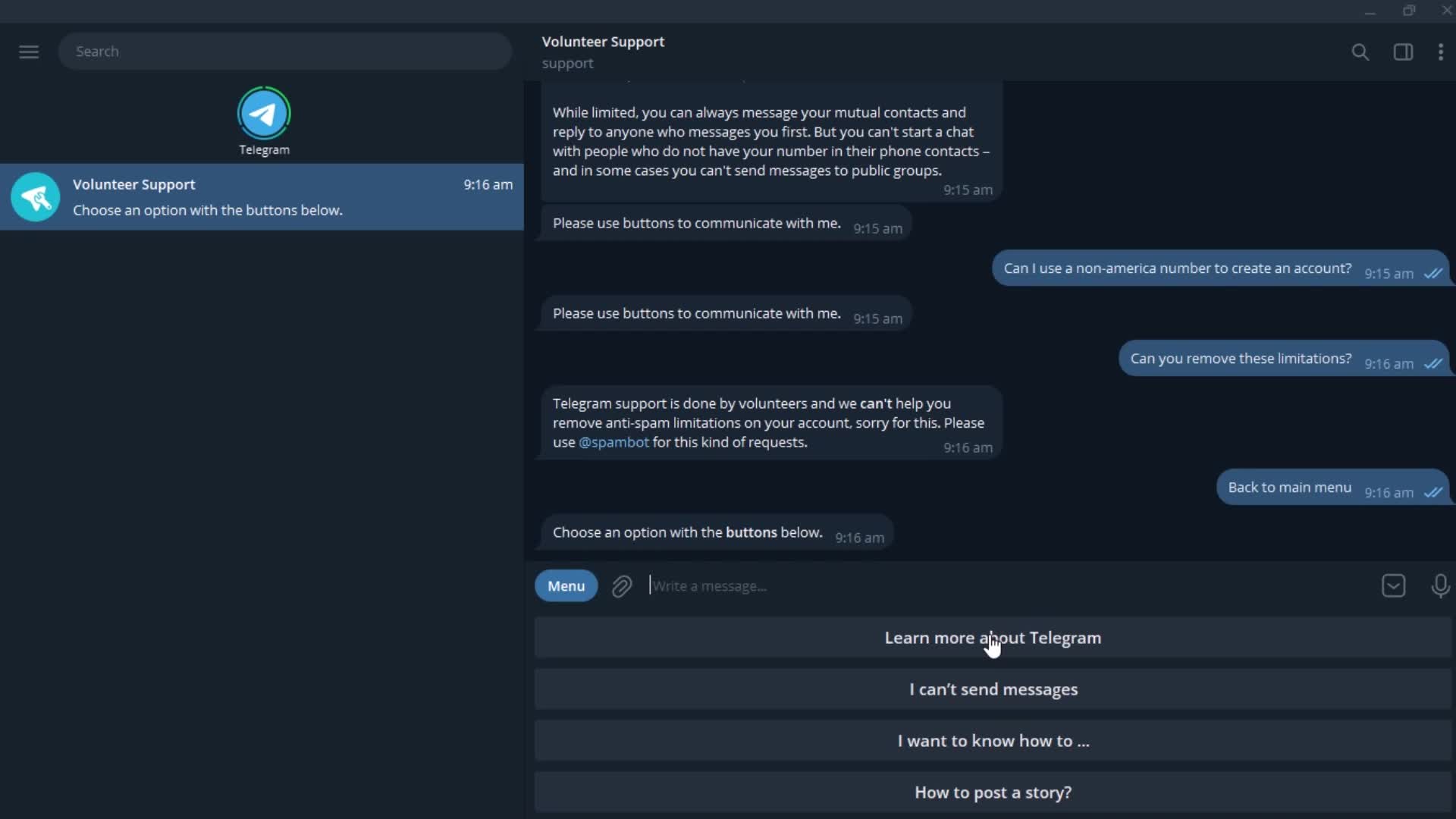
Chat bot
this is title
this is title
Action menu
this is title
this is title
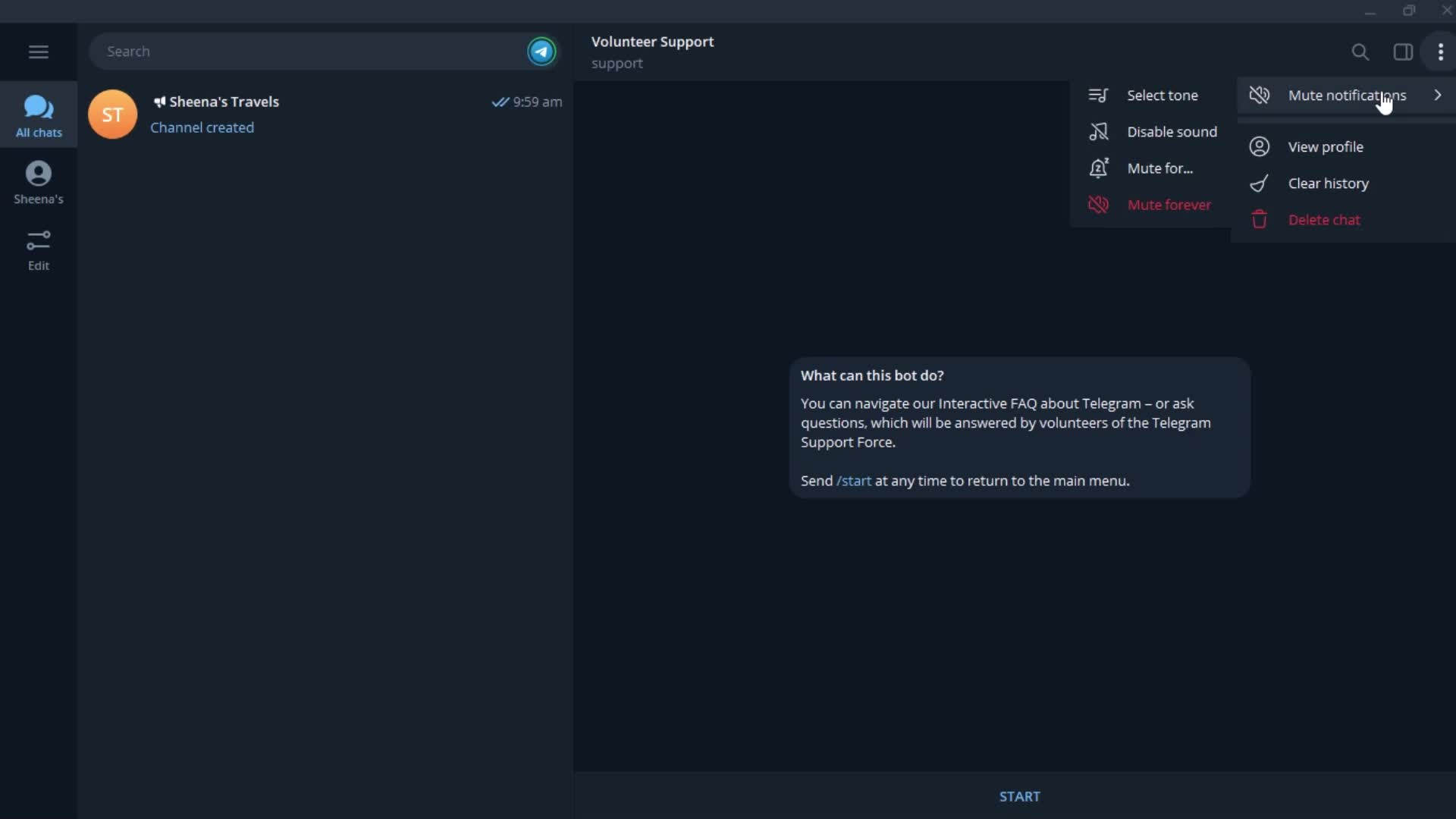
Action menu
this is title
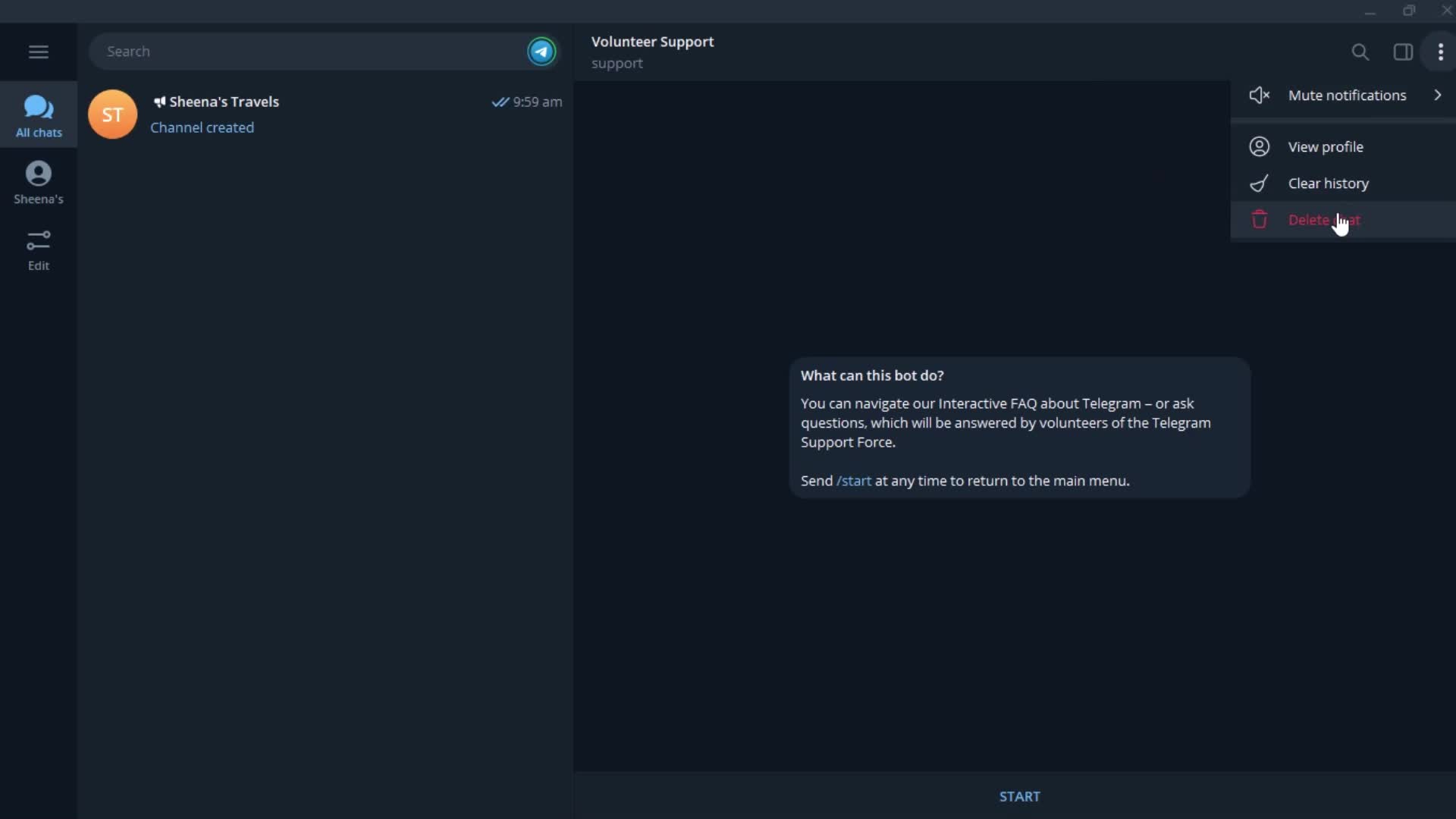
Delete
this is title
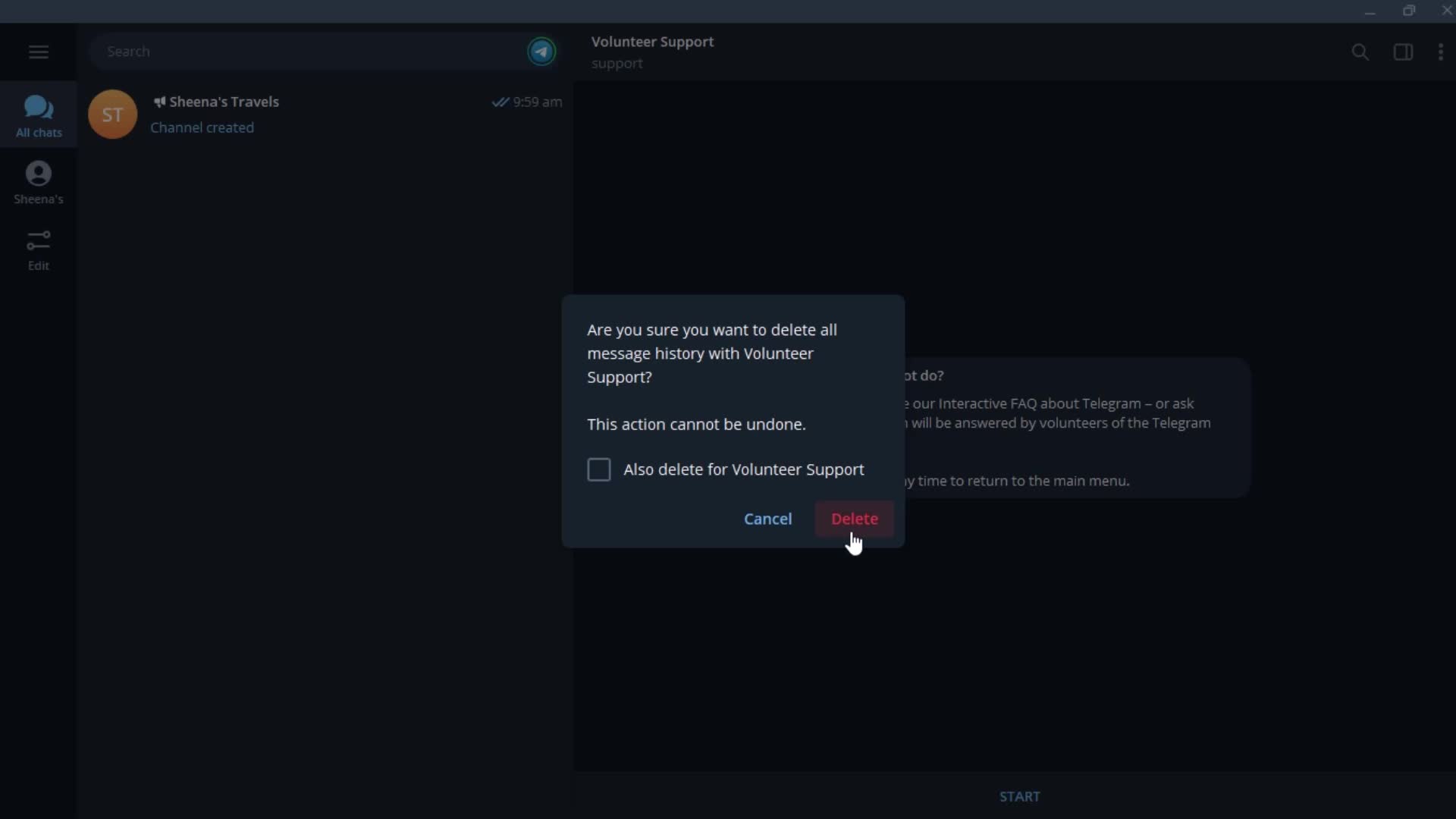
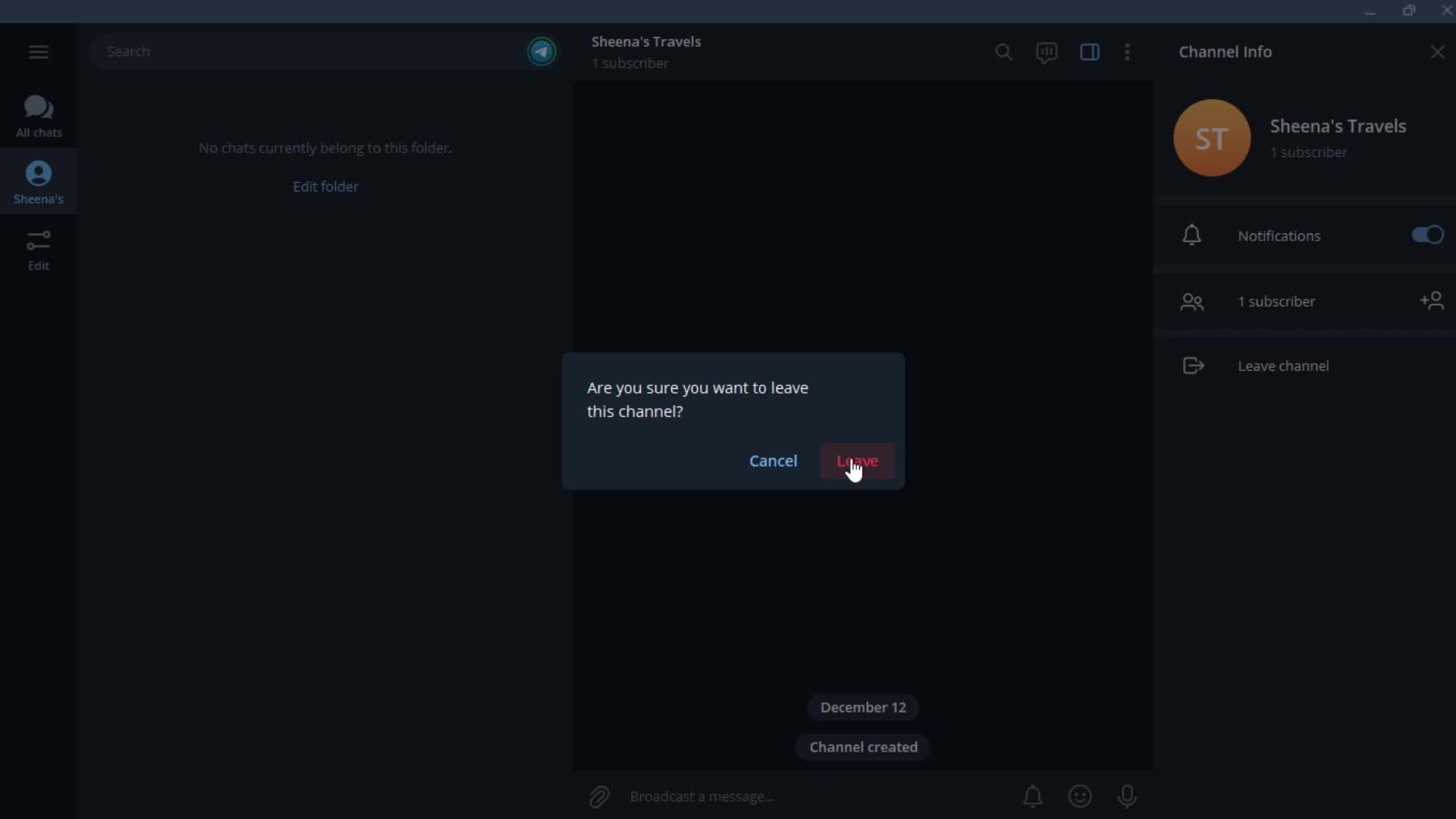
Confirm delete
this is title
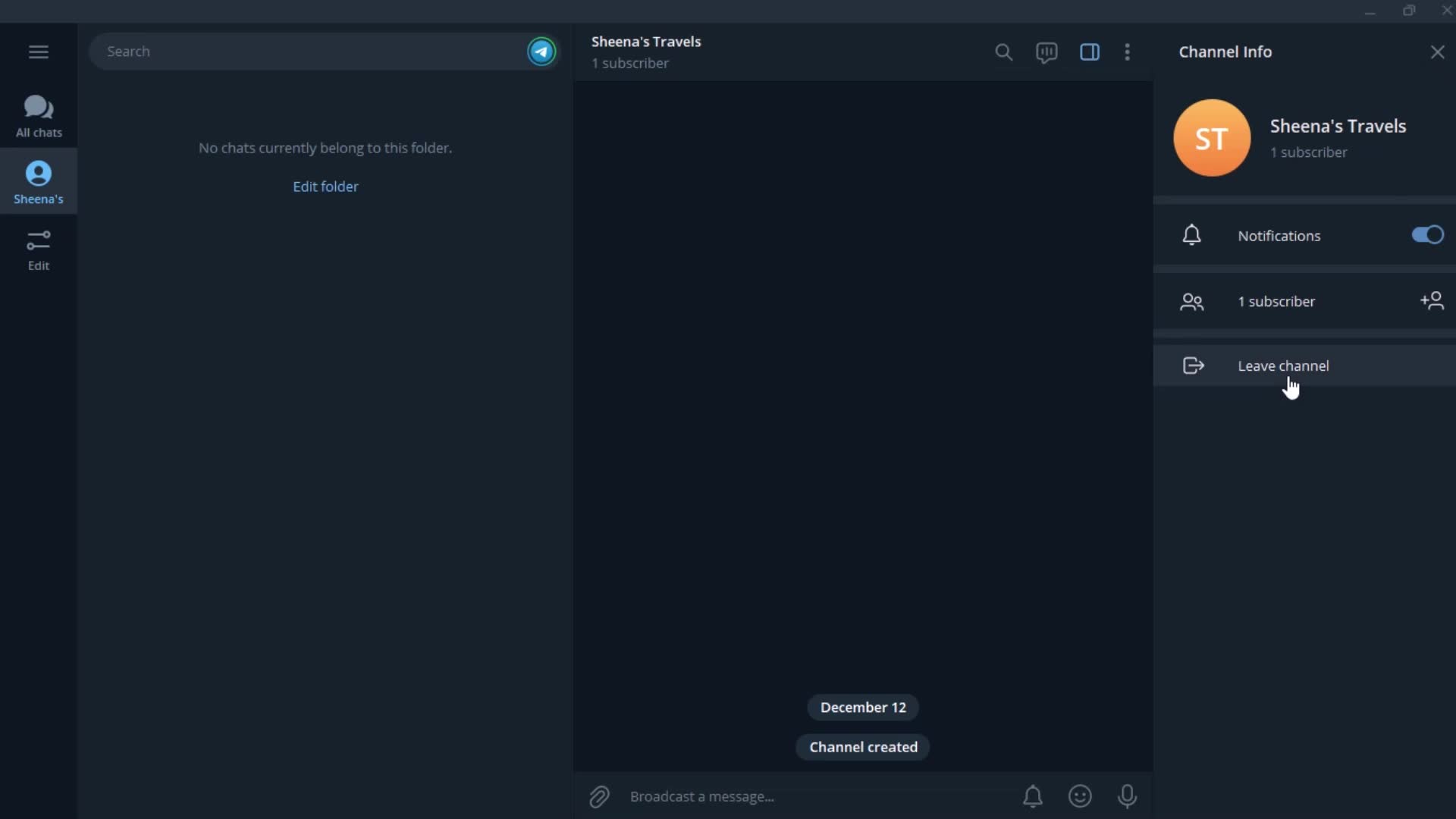
Channel
this is title
Folder
this is title
Action menu
this is title
Set date
this is title
this is title
this is title
Channel details
this is title
Confirm
this is title
Chats
this is title
Profile menu
this is title
Settings
this is title
Account settings
this is title
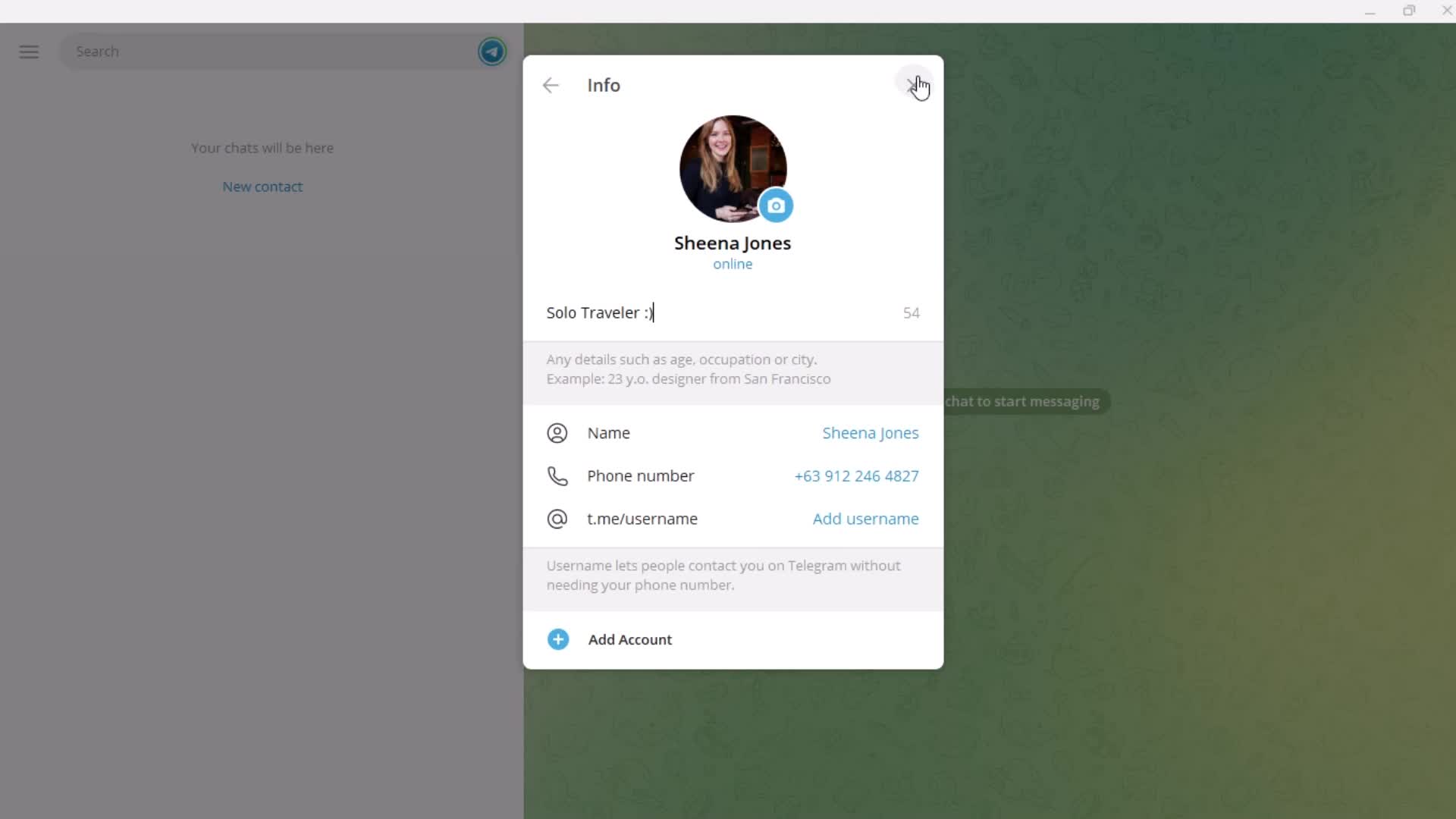
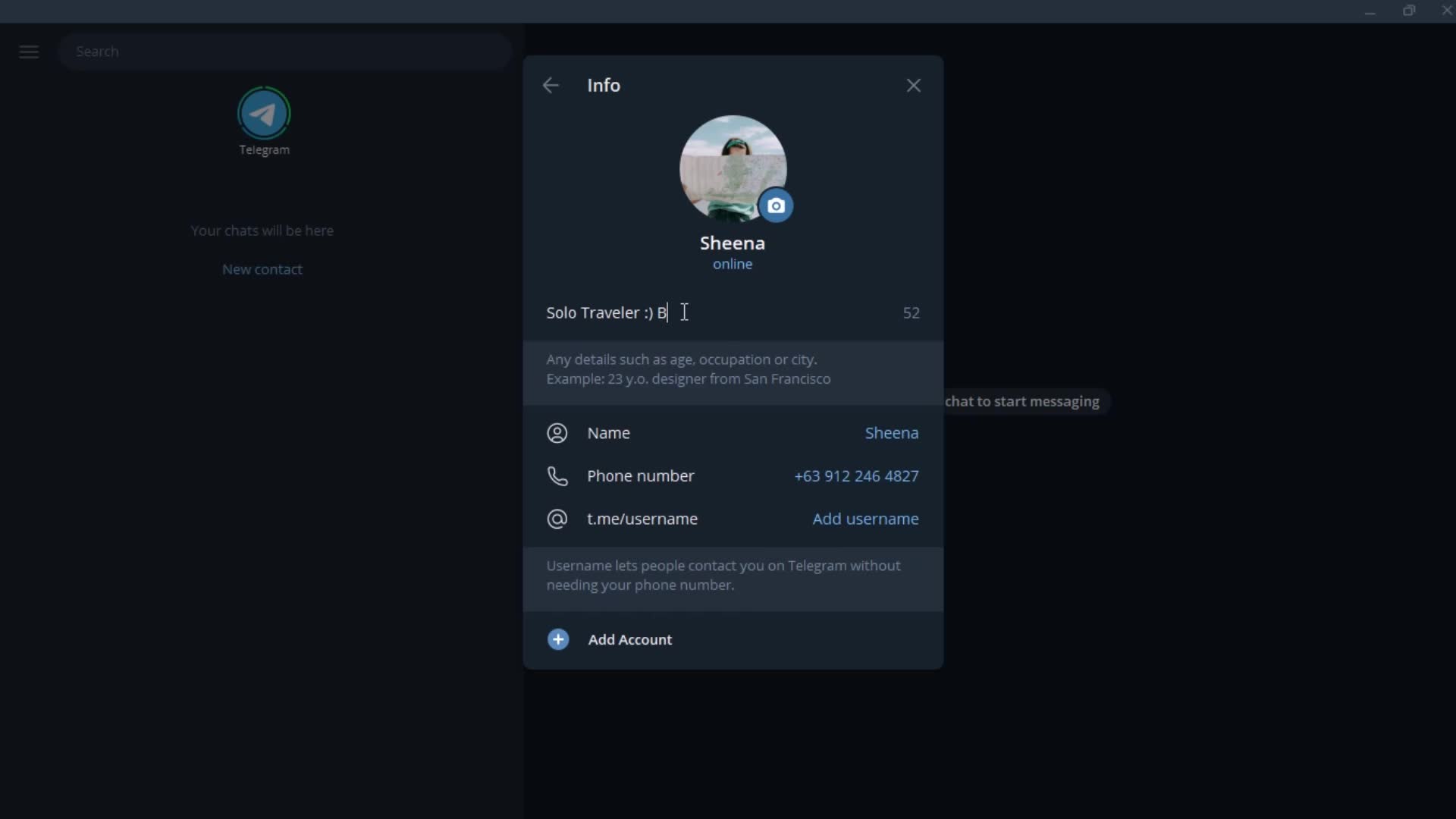
Add bio
this is title
this is title
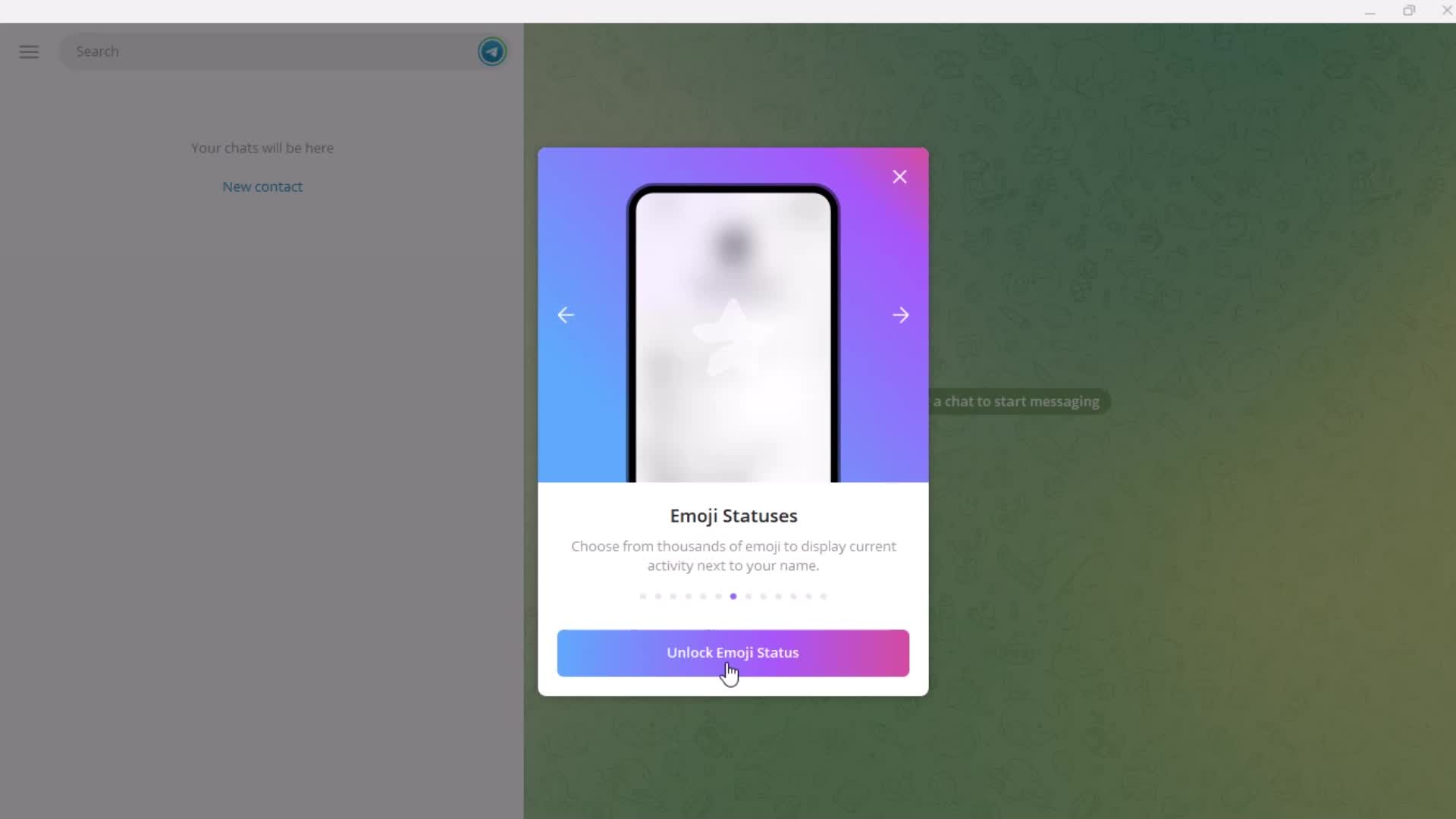
Set status
this is title
Guide
this is title
Premium plan details
this is title
this is title
this is title
Notification settings
this is title
Preview
this is title
this is title
this is title
Chat settings
this is title
this is title
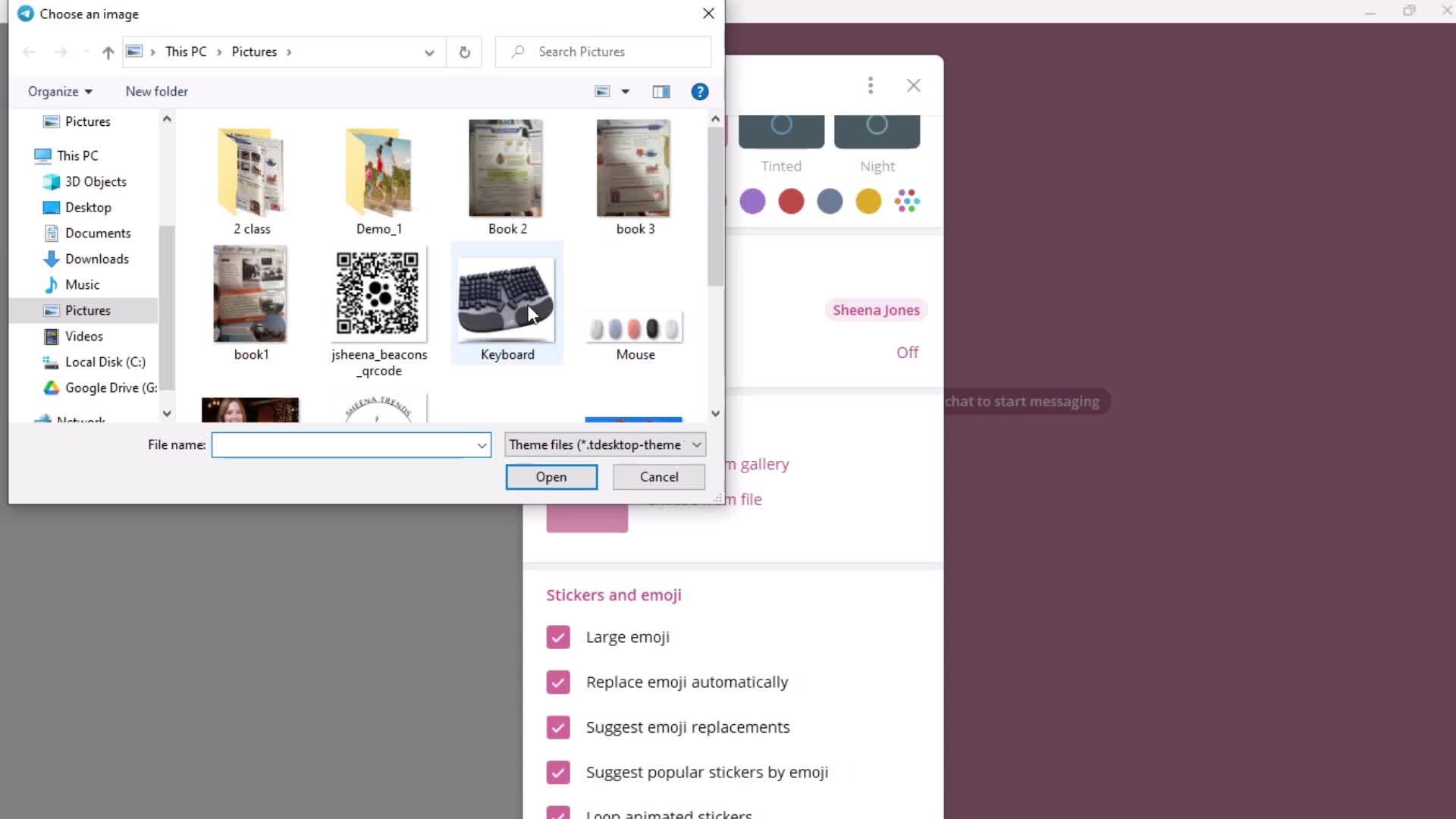
Select photo
this is title
this is title
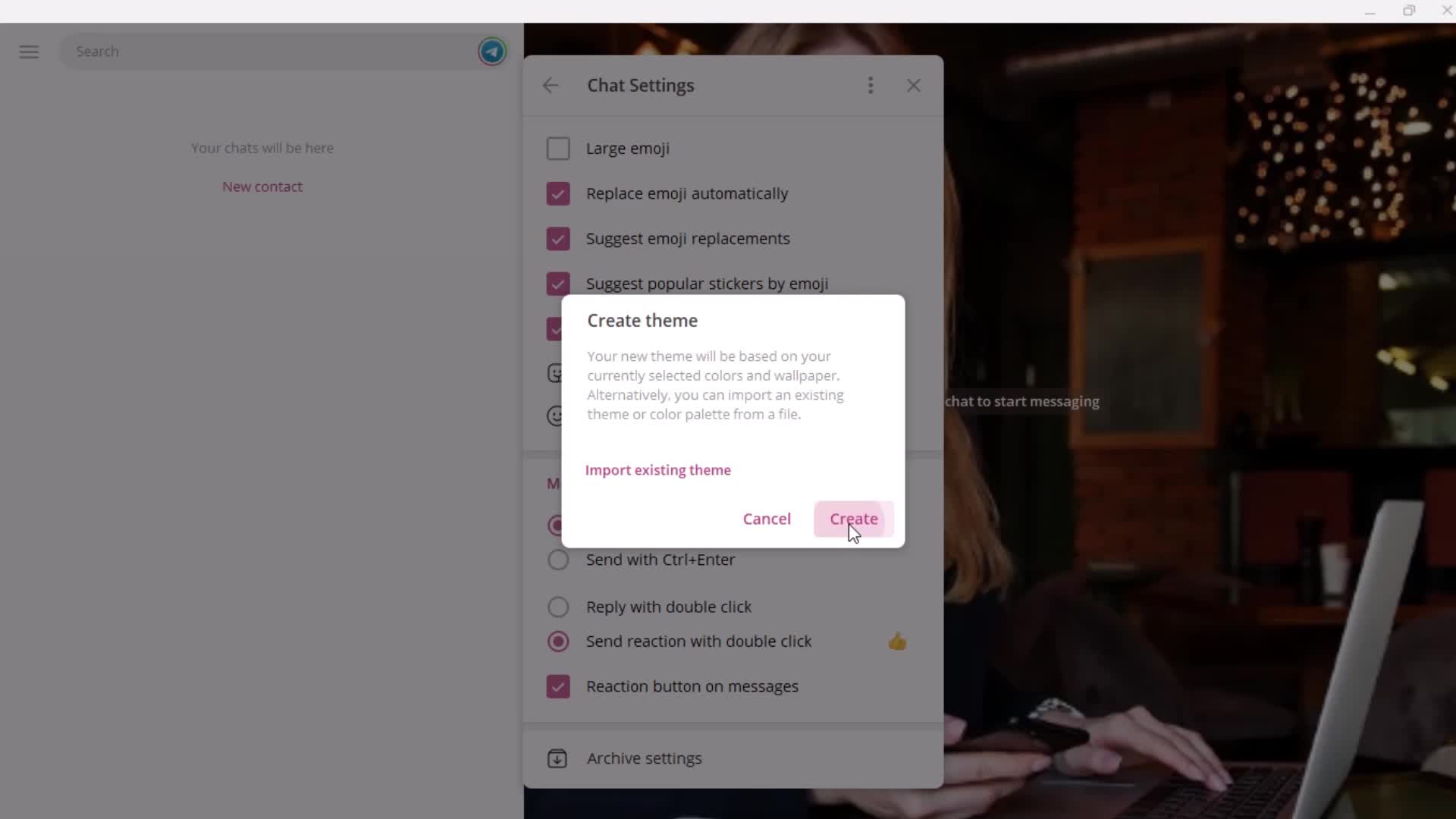
Action menu
this is title
Create theme
this is title
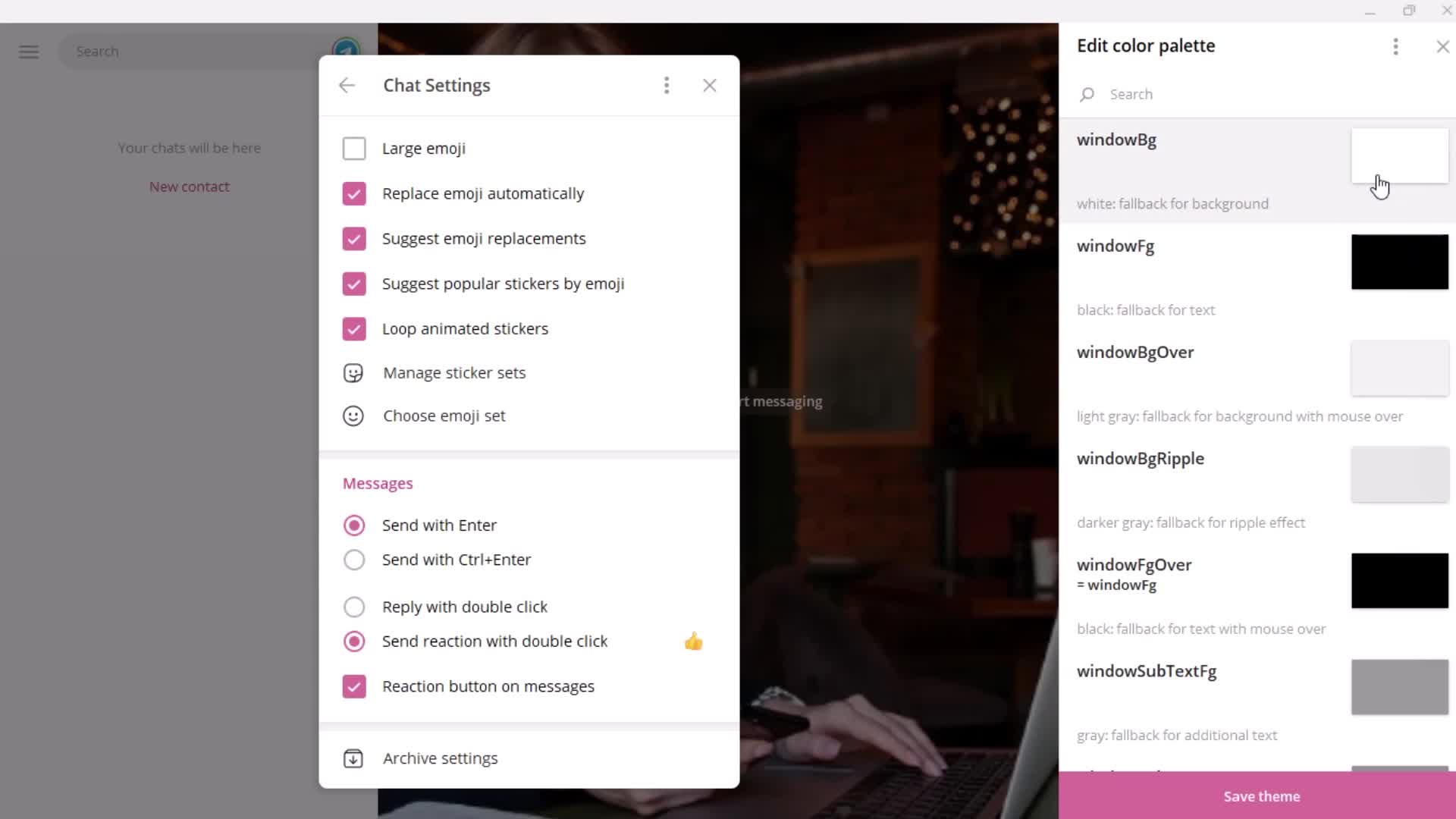
Editor
this is title
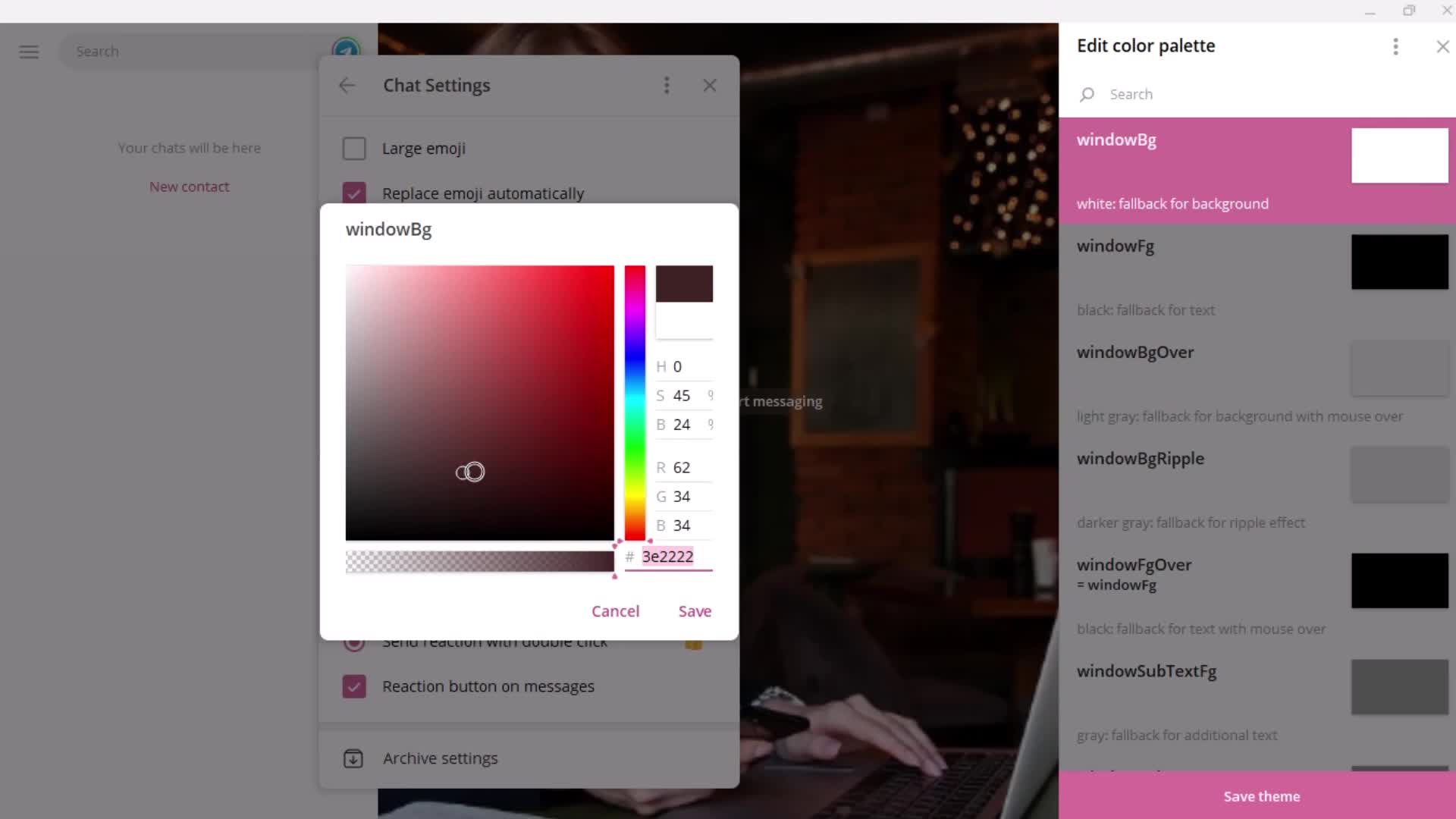
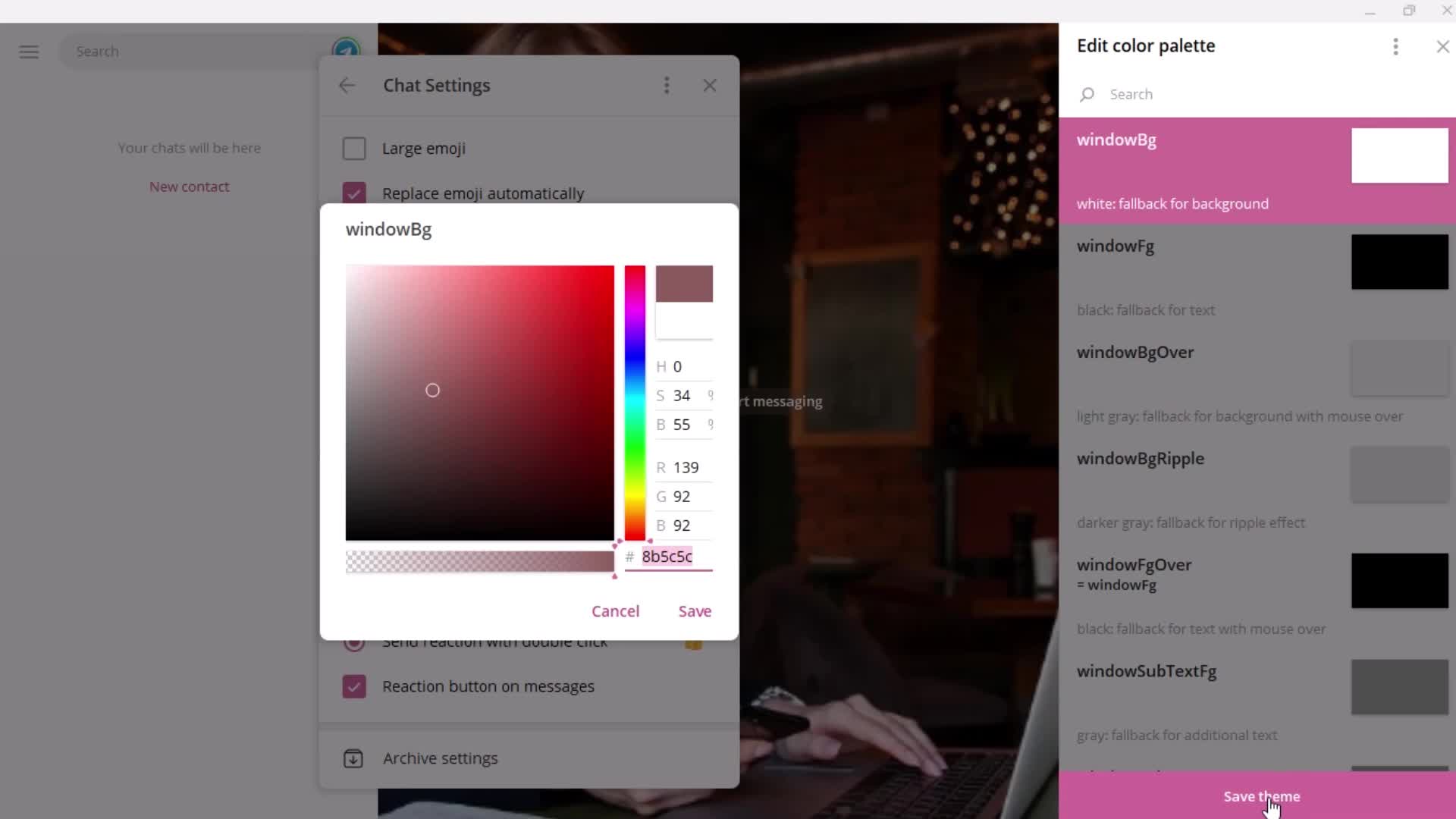
Set colors
this is title
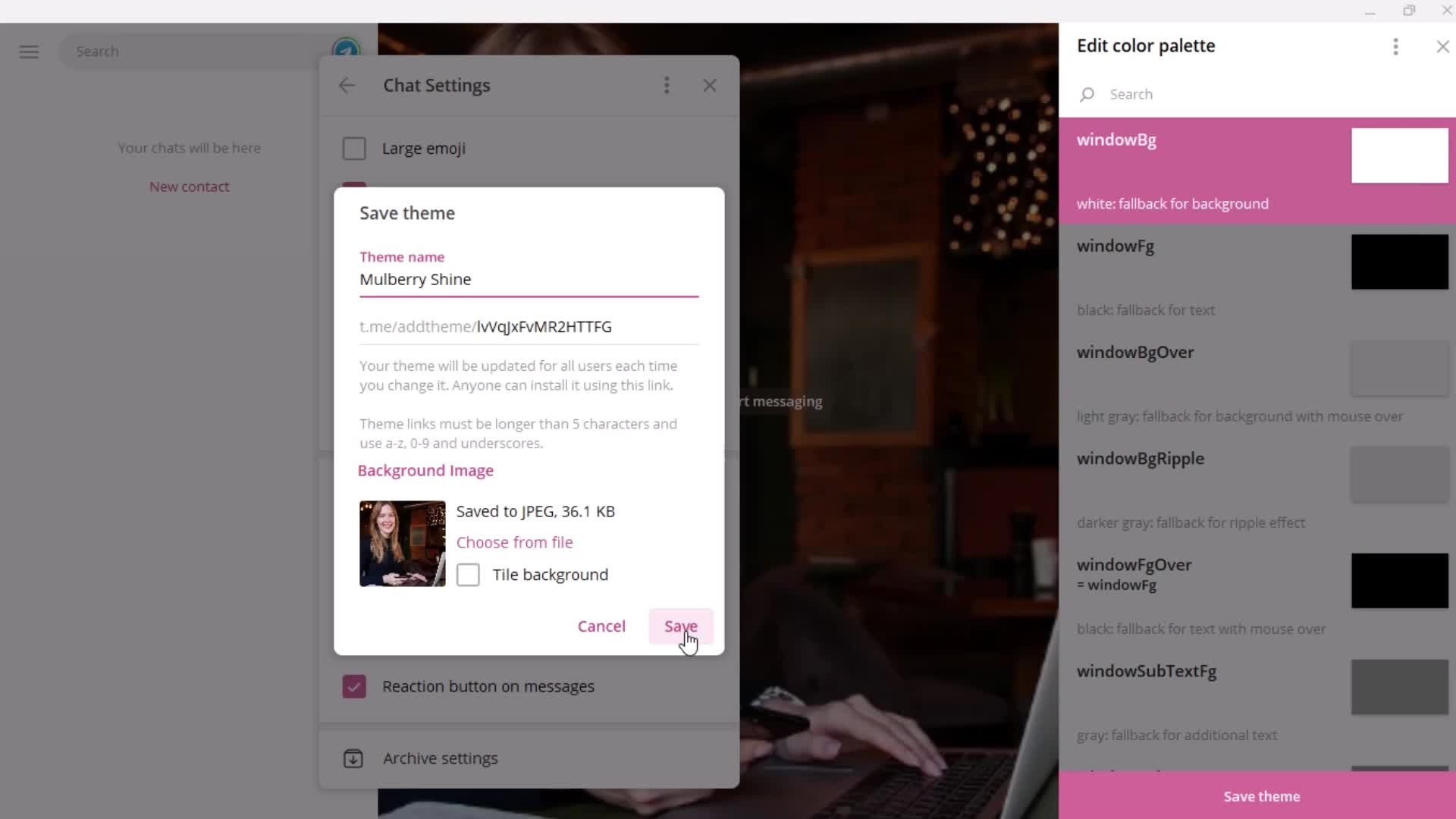
Save
this is title
this is title
this is title
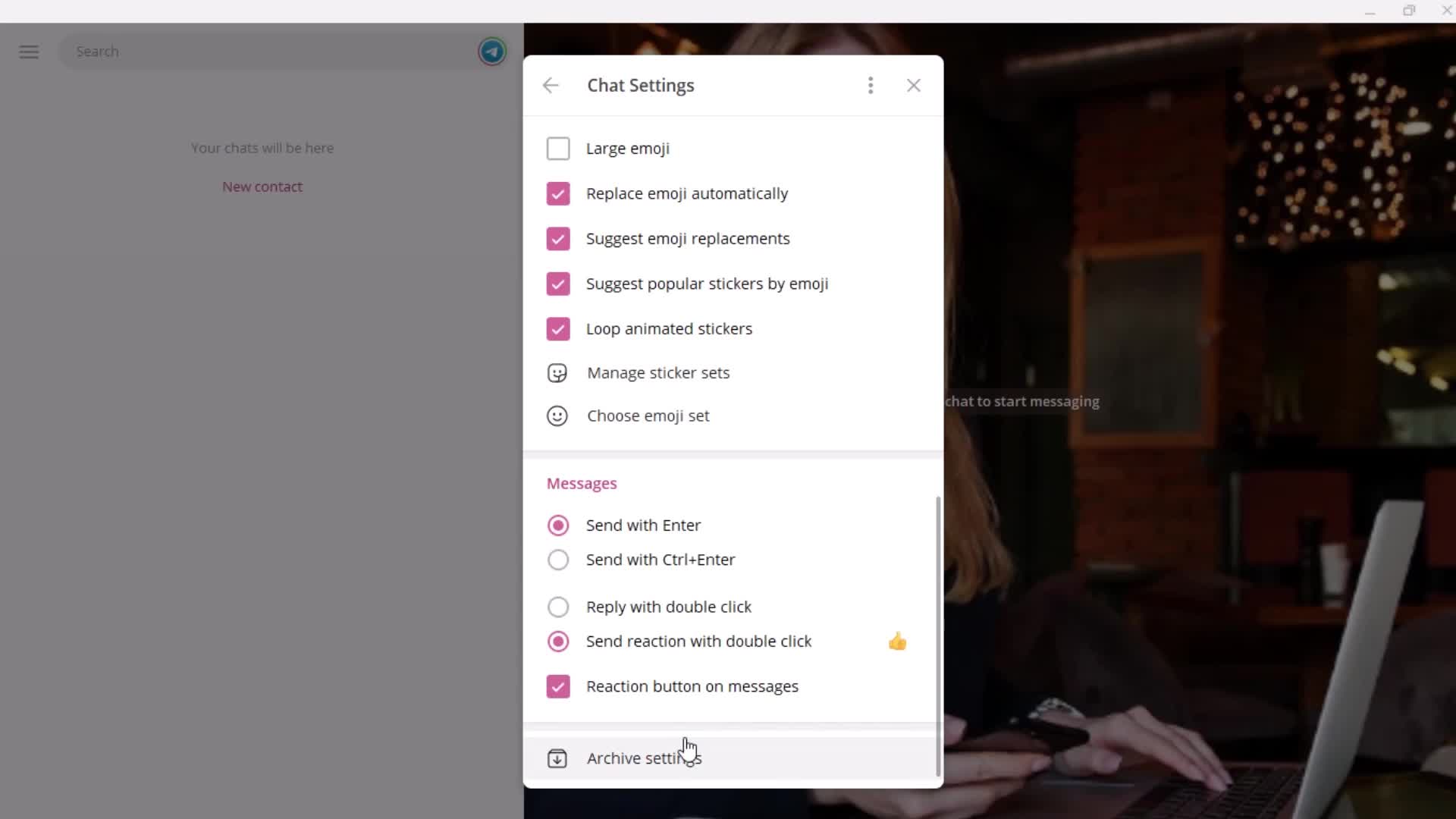
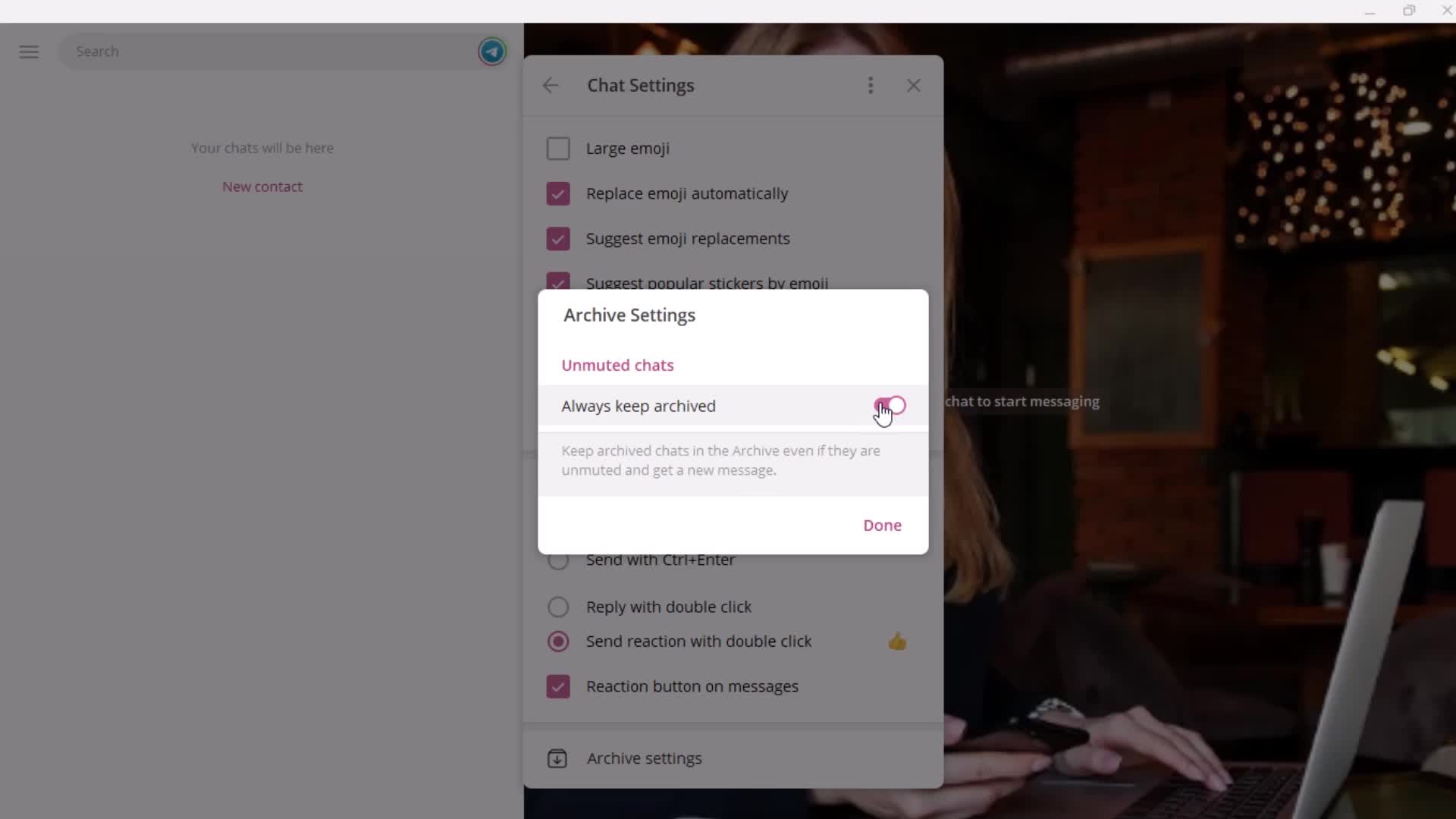
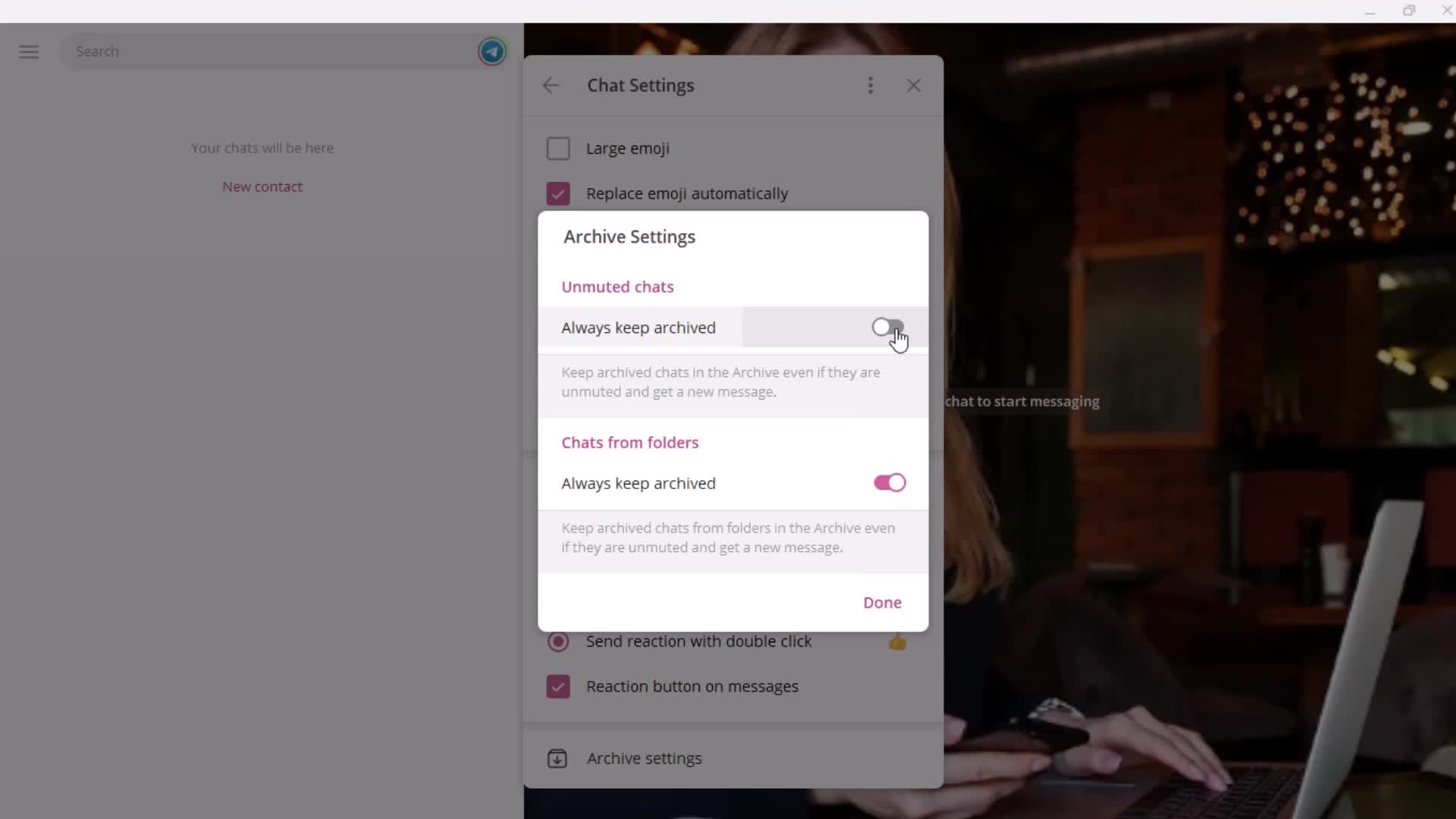
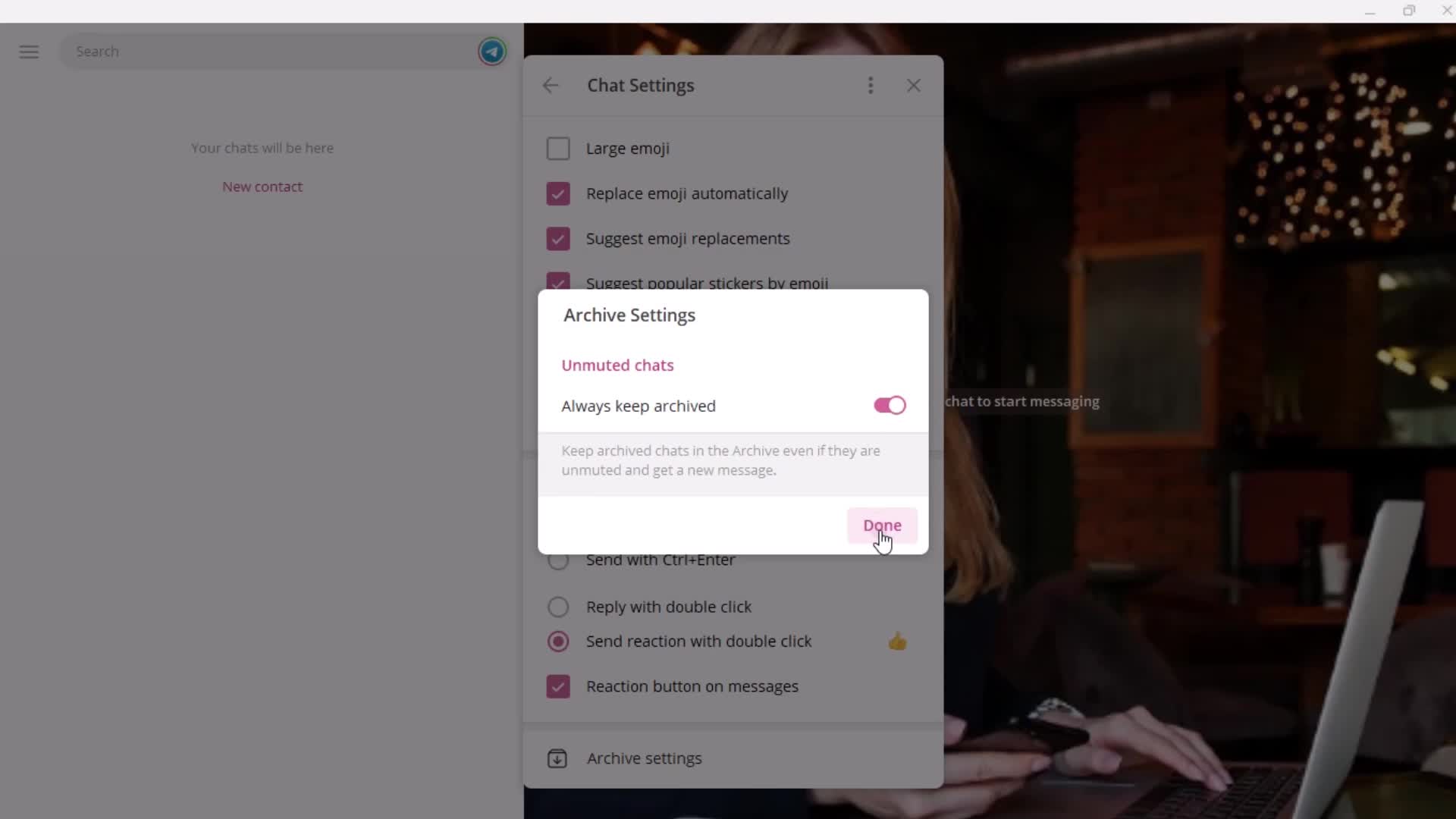
Archive
this is title
this is title
this is title
this is title
this is title
Usage
this is title
this is title
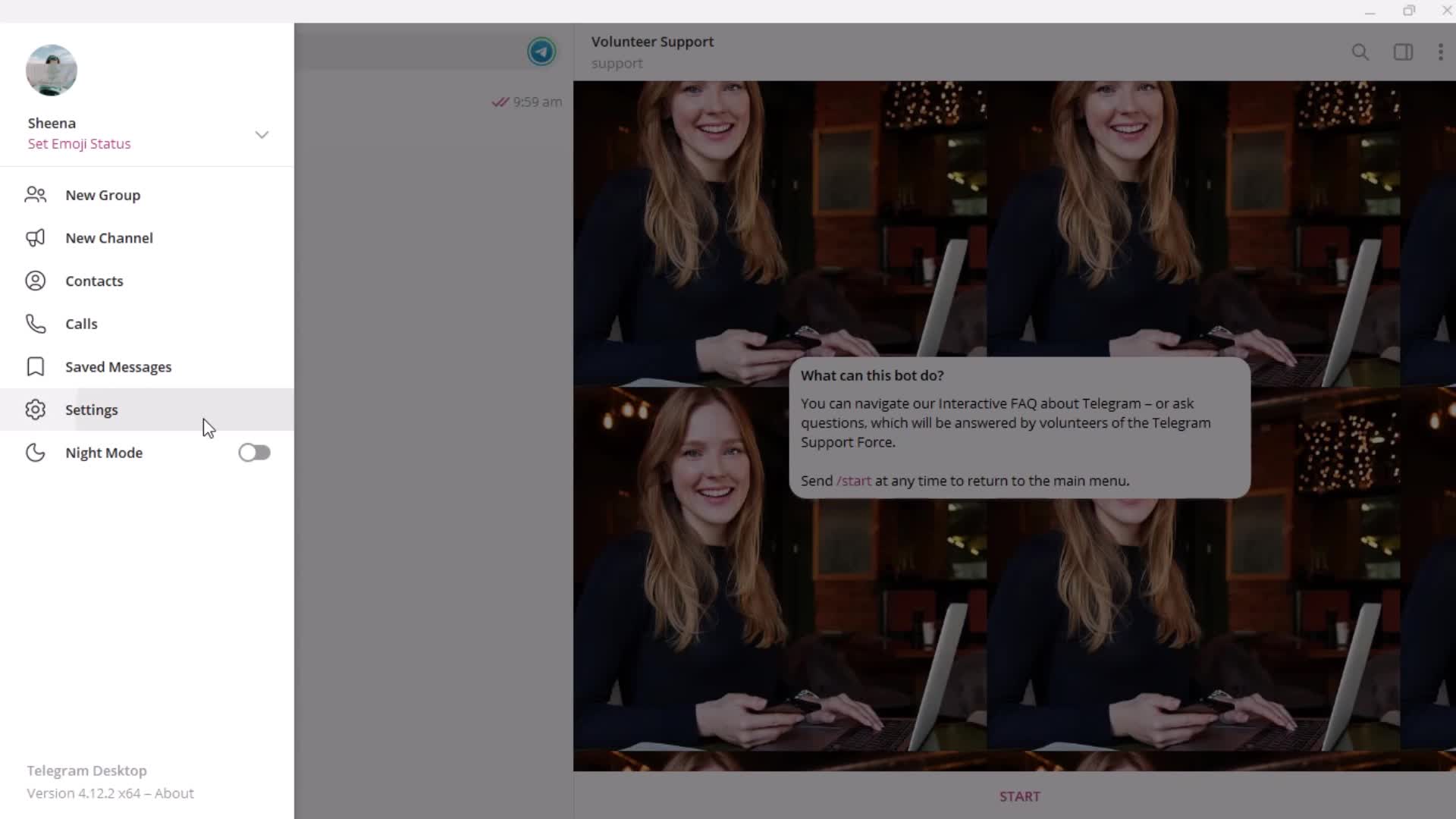
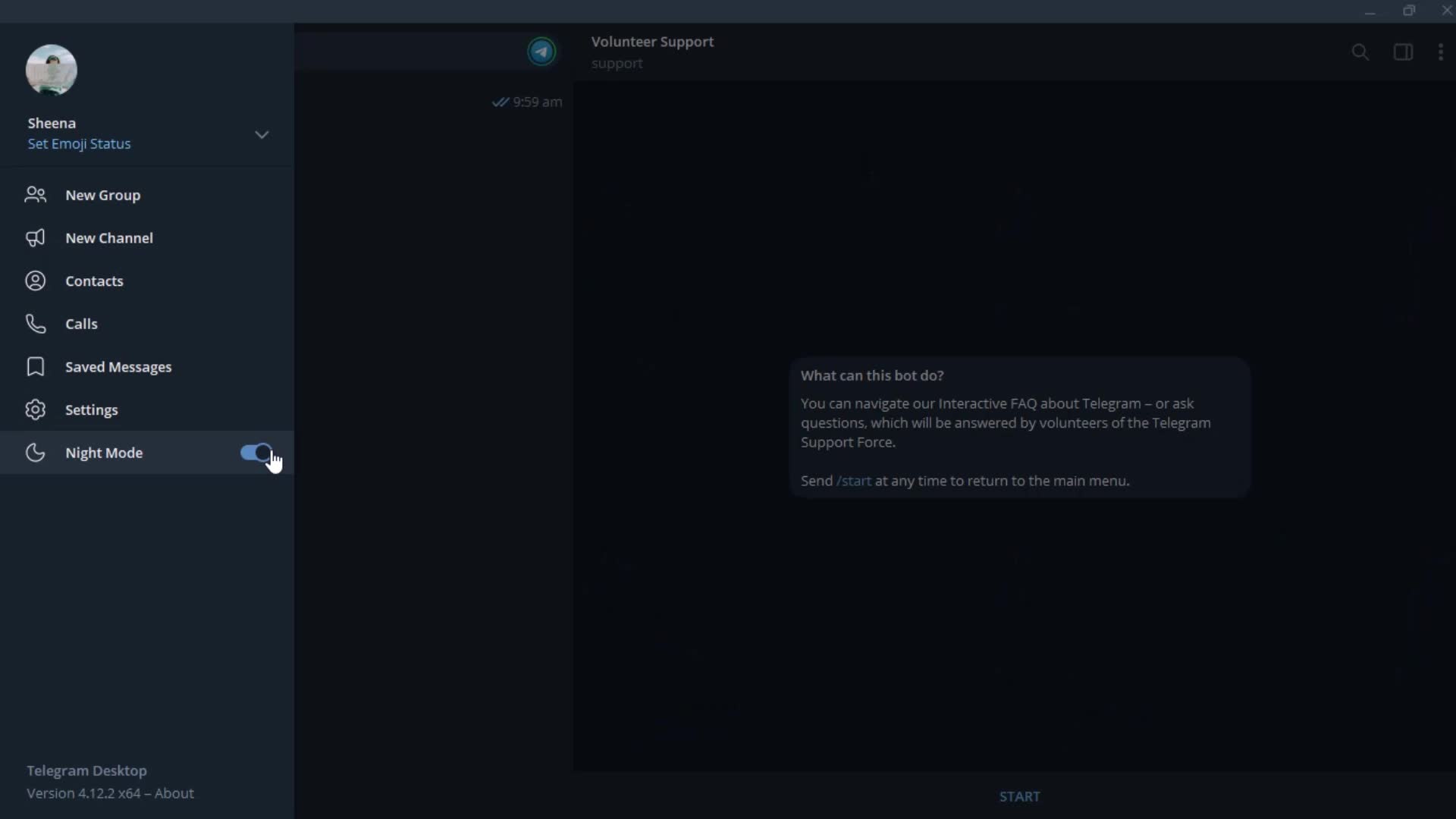
Dark mode
this is title
Home
this is title
Profile menu
this is title
Settings
this is title
this is title
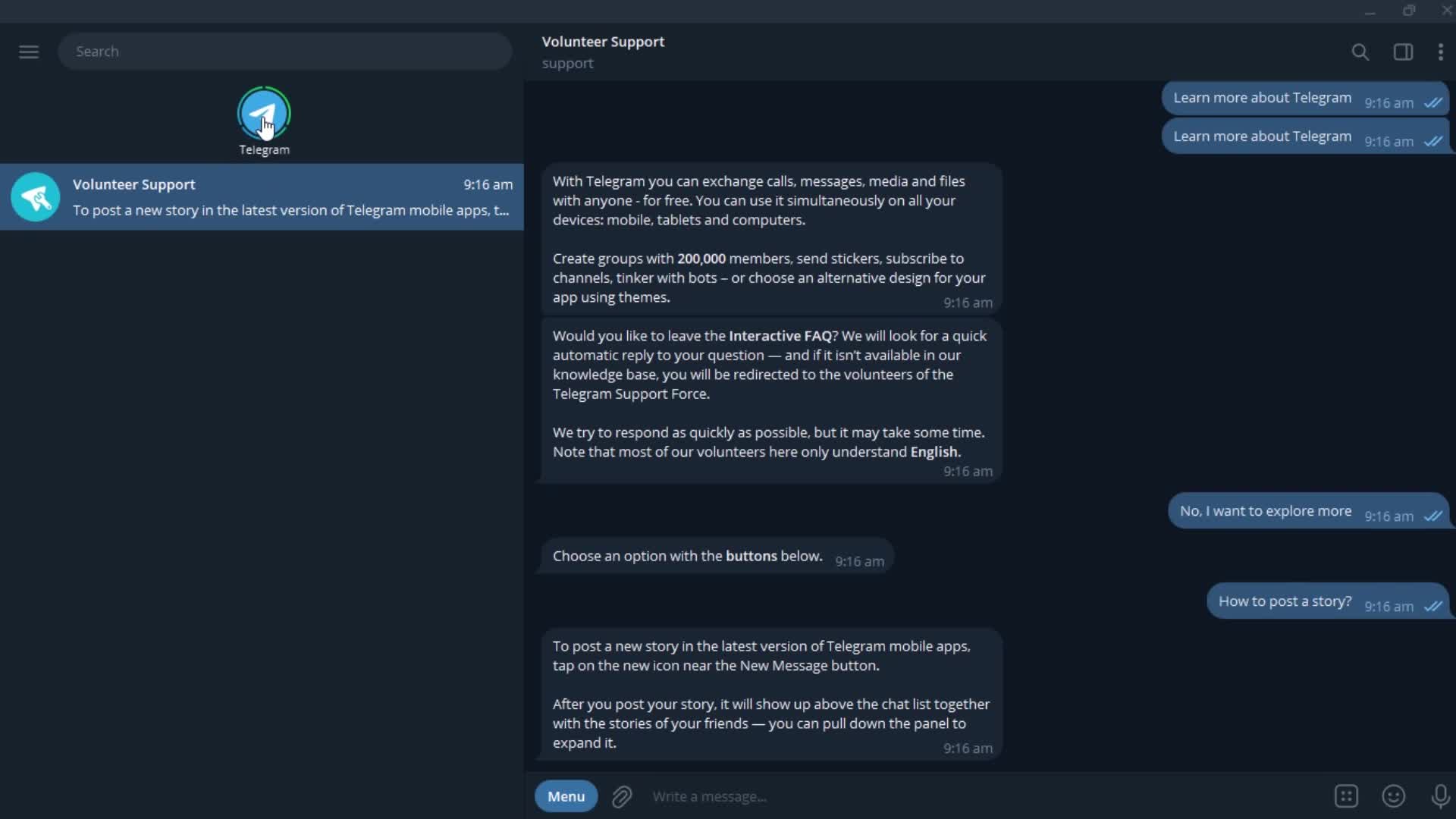
Chat bot
this is title
this is title
Auto-reply
this is title
Send a message
this is title
this is title
this is title
this is title
Help center category
this is title
this is title
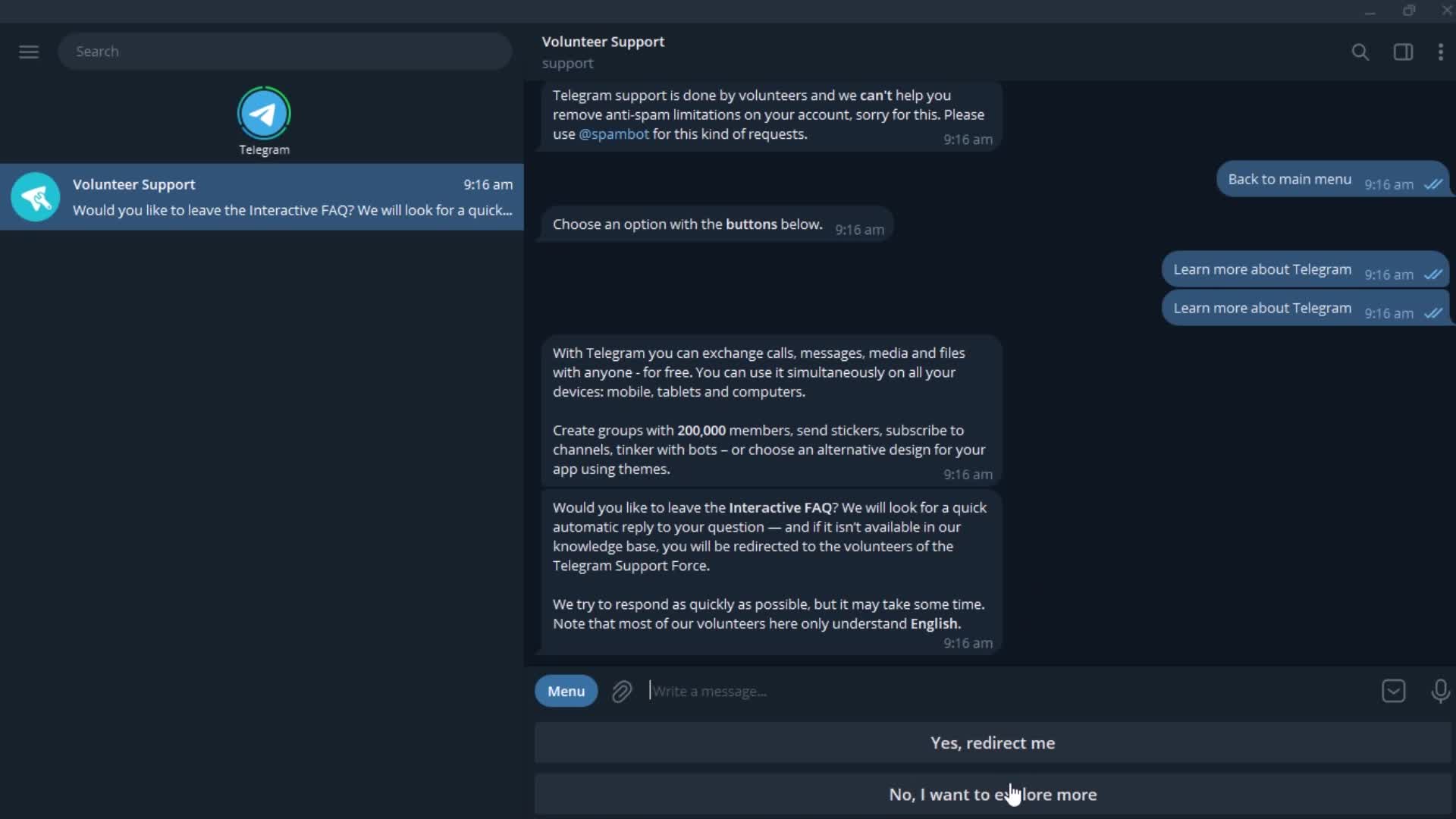
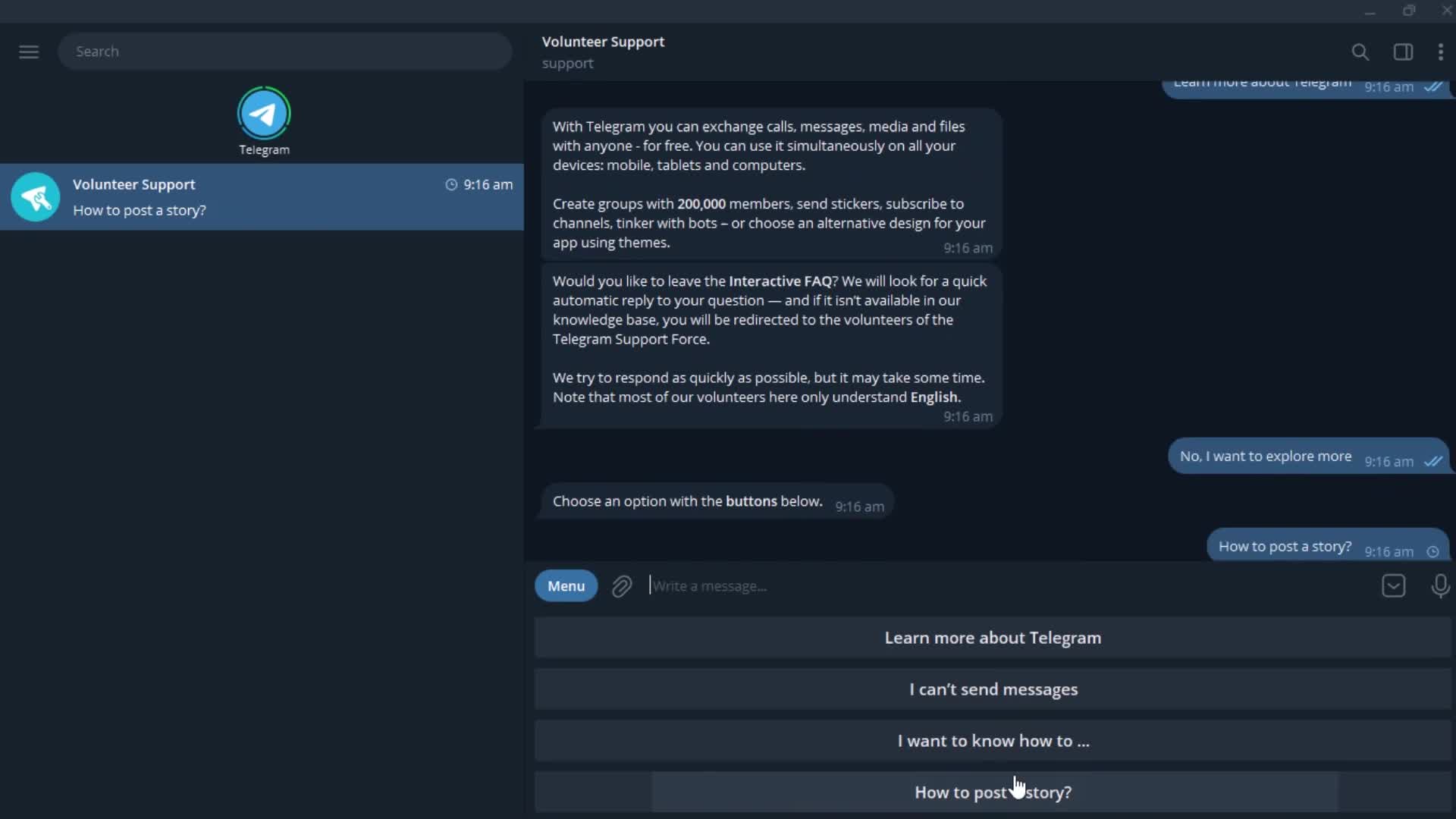
Options
this is title
this is title
Stories
this is title
Profile menu
this is title
Account settings
this is title
Edit name
this is title
this is title
Upload profile picture
this is title
Options
this is title
Select photo
this is title
Editor
this is title
Add bio
this is title