Web CSV import in HubSpot CRM

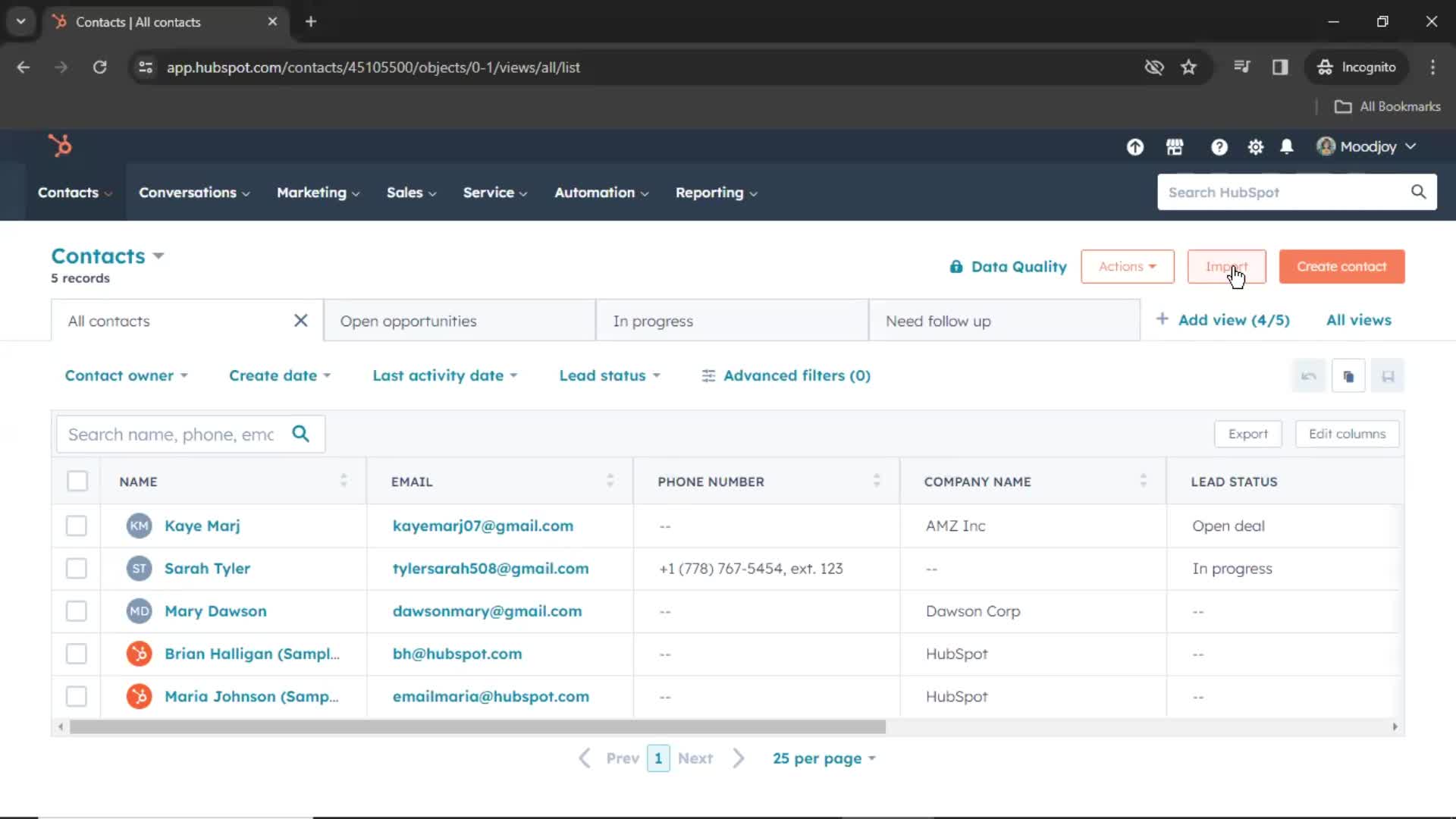
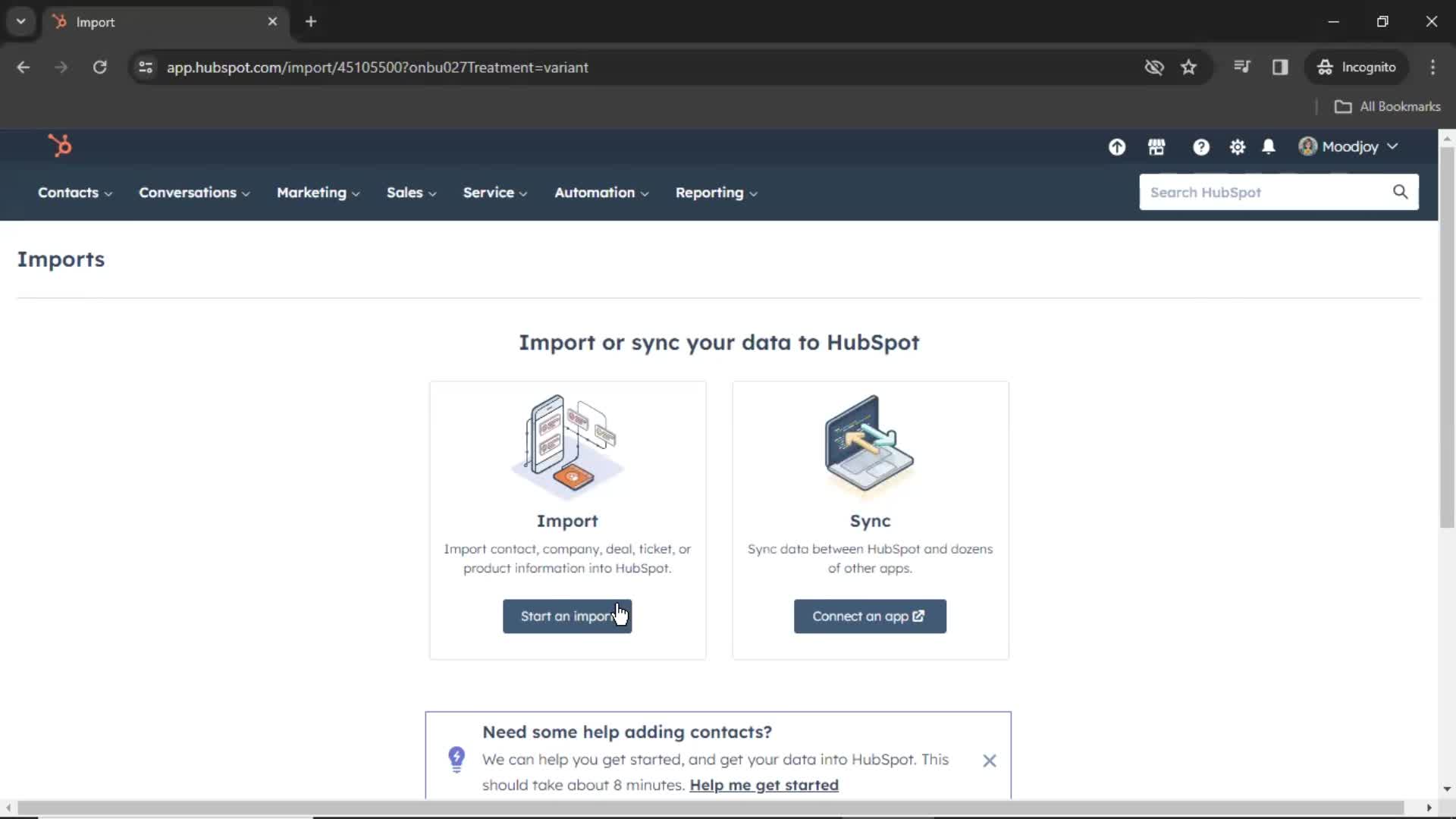
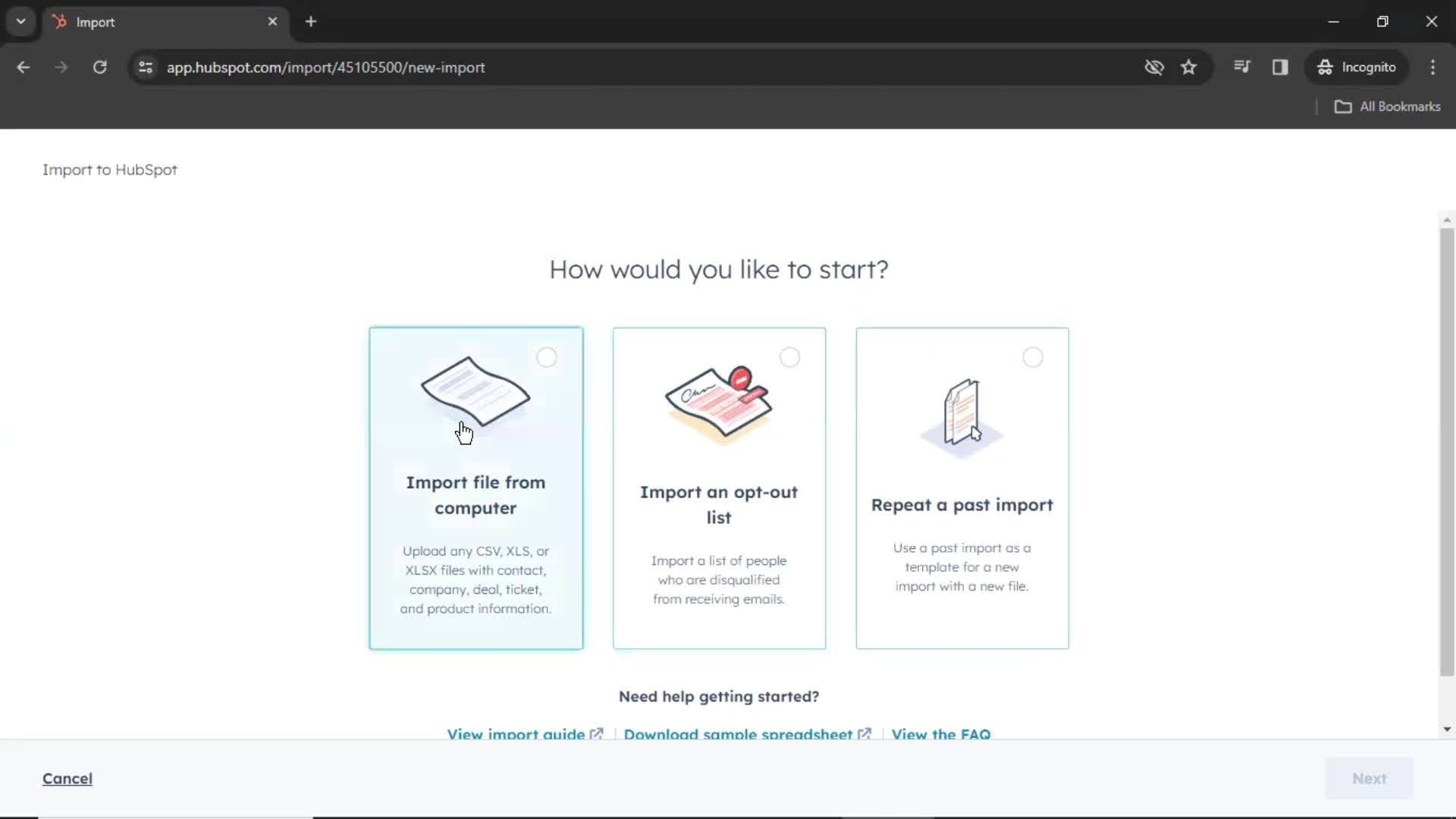
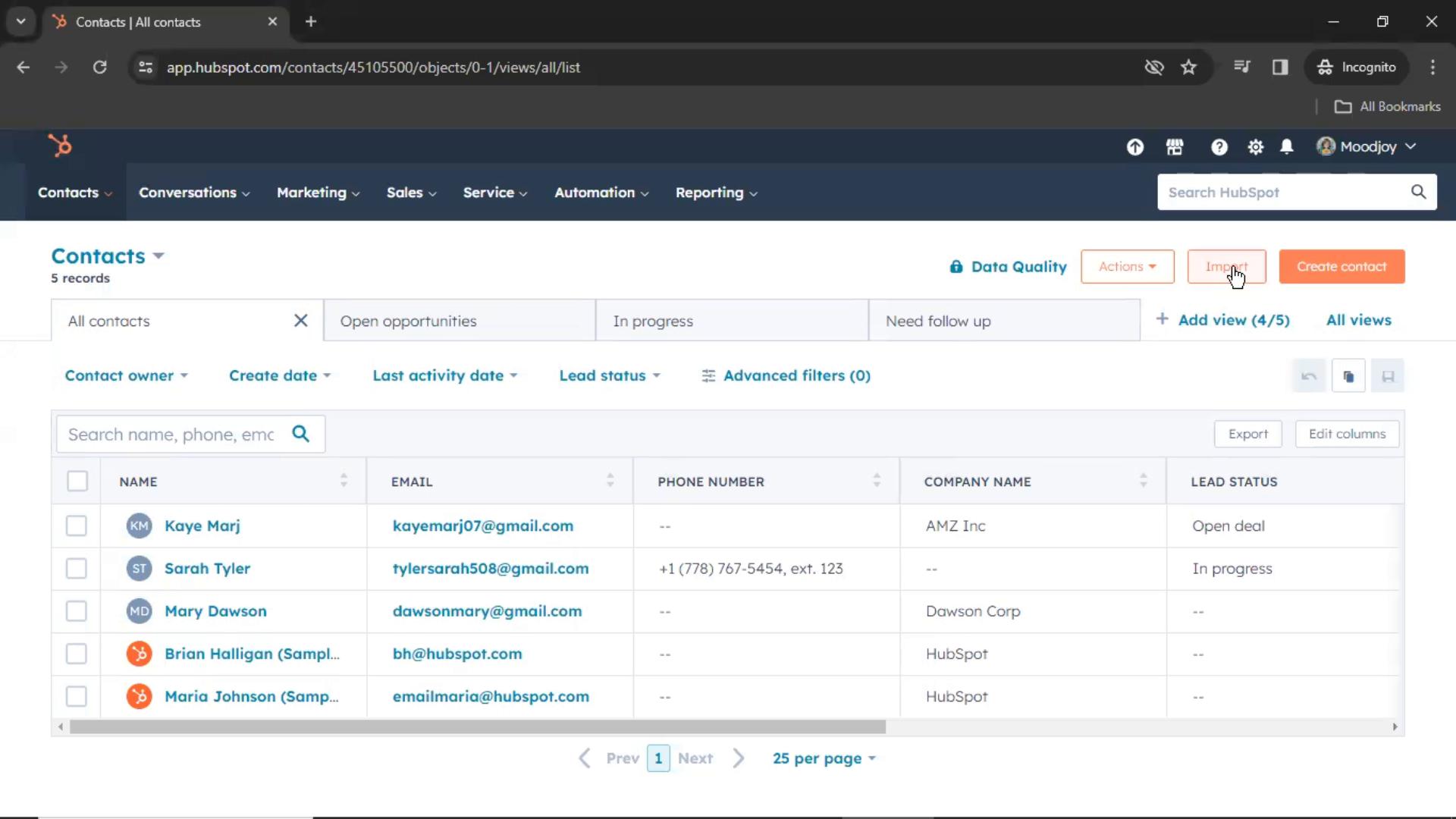
Watch a recorded CSV import flow inside HubSpot CRM on desktop web. Every screen and interaction is captured step by step — see exactly how HubSpot CRM designs the CSV import experience for web users.

HubSpot CRM is a user-friendly platform designed to streamline customer relationship management for businesses of all sizes. It offers tools for tracking and managing leads, automating workflows, and analyzing sales performance, all within a single interface. With its seamless integrations and robust reporting capabilities, HubSpot CRM helps teams optimize customer interactions and drive growth.

  • Web
Video preview
In this video
  • Contacts
  • Import
  • Select import source
  • Continue
  • Select files
  • Continue
  • Select options
  • Continue
  • Select options
  • Continue
  • Upload file
  • Continue
  • Map columns
  • Continue
  • Enter name
  • Finish importing
  • Import in progress
  • Import complete
CSV import 19 Screens
CSV import screenshot
Contacts
CSV import screenshot
Import
CSV import screenshot
Select import source
CSV import screenshot

Sign up to unlock this user flow

Try 3 Days
Continue
CSV import screenshot

Sign up to unlock this user flow

Try 3 Days
Select files
CSV import screenshot

Sign up to unlock this user flow

Try 3 Days
Continue
CSV import screenshot

Sign up to unlock this user flow

Try 3 Days
Select options
CSV import screenshot

Sign up to unlock this user flow

Try 3 Days
Continue
CSV import screenshot

Sign up to unlock this user flow

Try 3 Days
Select options
CSV import screenshot

Sign up to unlock this user flow

Try 3 Days
Continue
CSV import screenshot

Sign up to unlock this user flow

Try 3 Days
Upload file
CSV import screenshot

Sign up to unlock this user flow

Try 3 Days
Continue
CSV import screenshot

Sign up to unlock this user flow

Try 3 Days
Map columns
CSV import screenshot

Sign up to unlock this user flow

Try 3 Days
Continue
CSV import screenshot

Sign up to unlock this user flow

Try 3 Days
Enter name
CSV import screenshot

Sign up to unlock this user flow

Try 3 Days
Finish importing
CSV import screenshot

Sign up to unlock this user flow

Try 3 Days
Import in progress
CSV import screenshot

Sign up to unlock this user flow

Try 3 Days
CSV import screenshot

Sign up to unlock this user flow

Try 3 Days
Import complete
Unlock 23 hidden flows

Log In or Sign Up to See All
HubSpot CRM Flows

  • Contacts
  • Import
  • Select import source
  • Continue
  • Select files
  • Continue
  • Select options
  • Continue
  • Select options
  • Continue
  • Upload file
  • Continue
  • Map columns
  • Continue
  • Enter name
  • Finish importing
  • Import in progress
  • Import complete

Other Business apps you might like

Eventbrite screenshot
Intercom screenshot
Mailchimp screenshot

HubSpot CRM CSV import Flow on Web — Full Sequence

This recording documents the CSV import flow inside HubSpot CRM's web experience, captured from the live desktop product. Rather than showing summarized highlights, it preserves the full flow — every screen, hover state, transition, and UX decision — so you can study the real experience, not a press-ready version.

Web-Specific CSV import Design Considerations

CSV import on the web comes with different constraints than mobile: larger screens, multi-column layouts, keyboard shortcuts, and richer interaction possibilities. HubSpot CRM's approach to CSV import on web reflects those realities, and seeing it in full makes it easy to understand the design decisions behind the flow.

A Reference for CSV import Research on the Web

For growth teams, designers, and PMs researching CSV import patterns on the web, this recording provides a direct reference to a production implementation. For teams benchmarking against HubSpot CRM specifically, it's a detailed look at how the brand handles this moment of the experience.

Frequently Asked Questions

What does the HubSpot CRM CSV import flow cover?

The recording captures the full CSV import sequence inside HubSpot CRM on desktop web — every step, every transition, and every significant design decision from start to finish.

How does HubSpot CRM's web CSV import differ from its mobile versions?

Web CSV import flows typically use more screen real estate, richer hover interactions, and keyboard-friendly patterns that don't work on mobile. If HubSpot CRM also has iOS or Android entries, you can cross-reference to see the platform differences.

Can I see CSV import flows from other web products?

Yes. The web CSV import flows category gathers the same flow type from many different web products, so you can compare HubSpot CRM's approach against competitors and alternatives.

How up to date is the HubSpot CRM CSV import recording?

Recordings are refreshed when HubSpot CRM ships notable redesigns, so the CSV import flow reflects the current web experience.