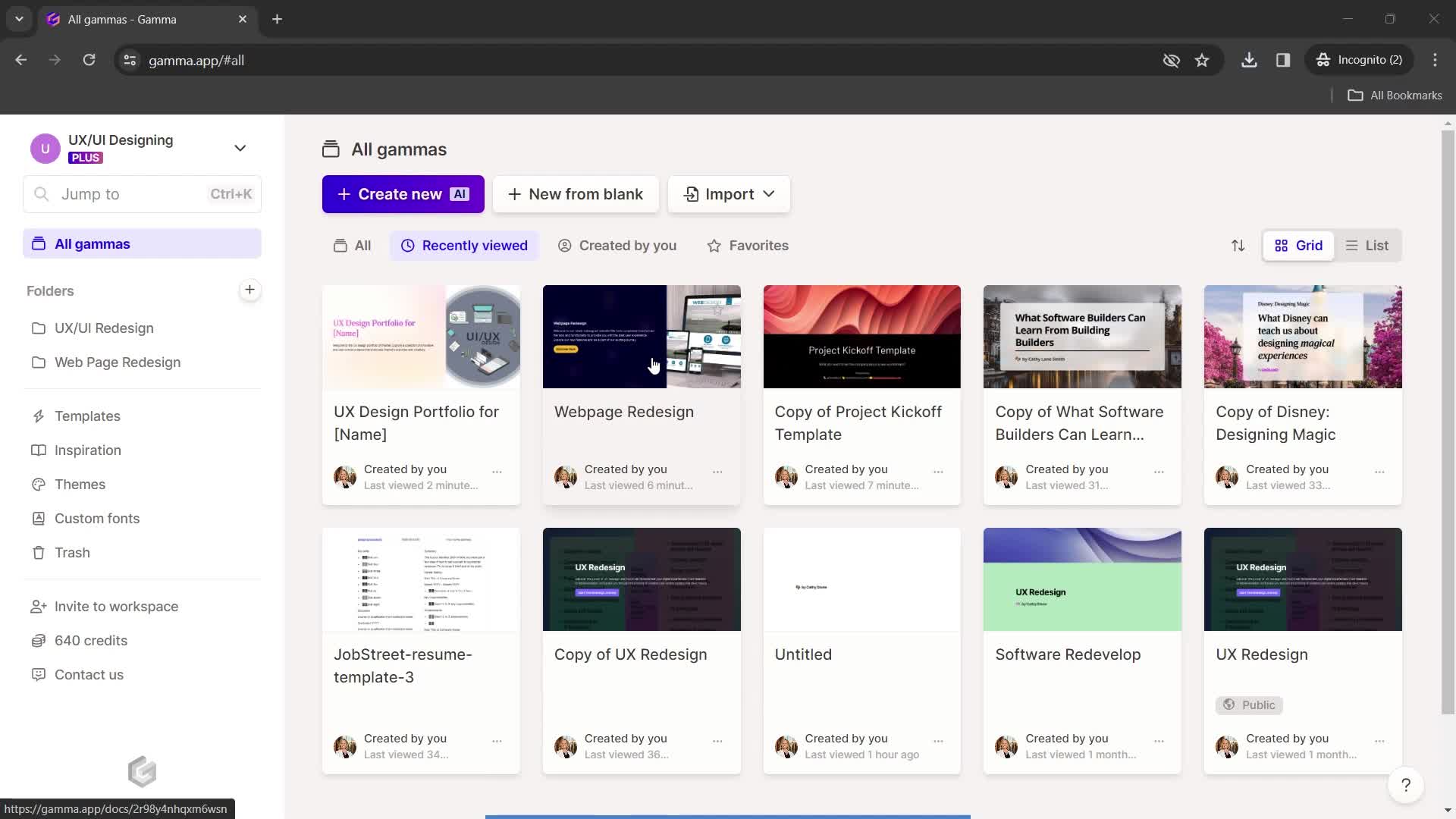
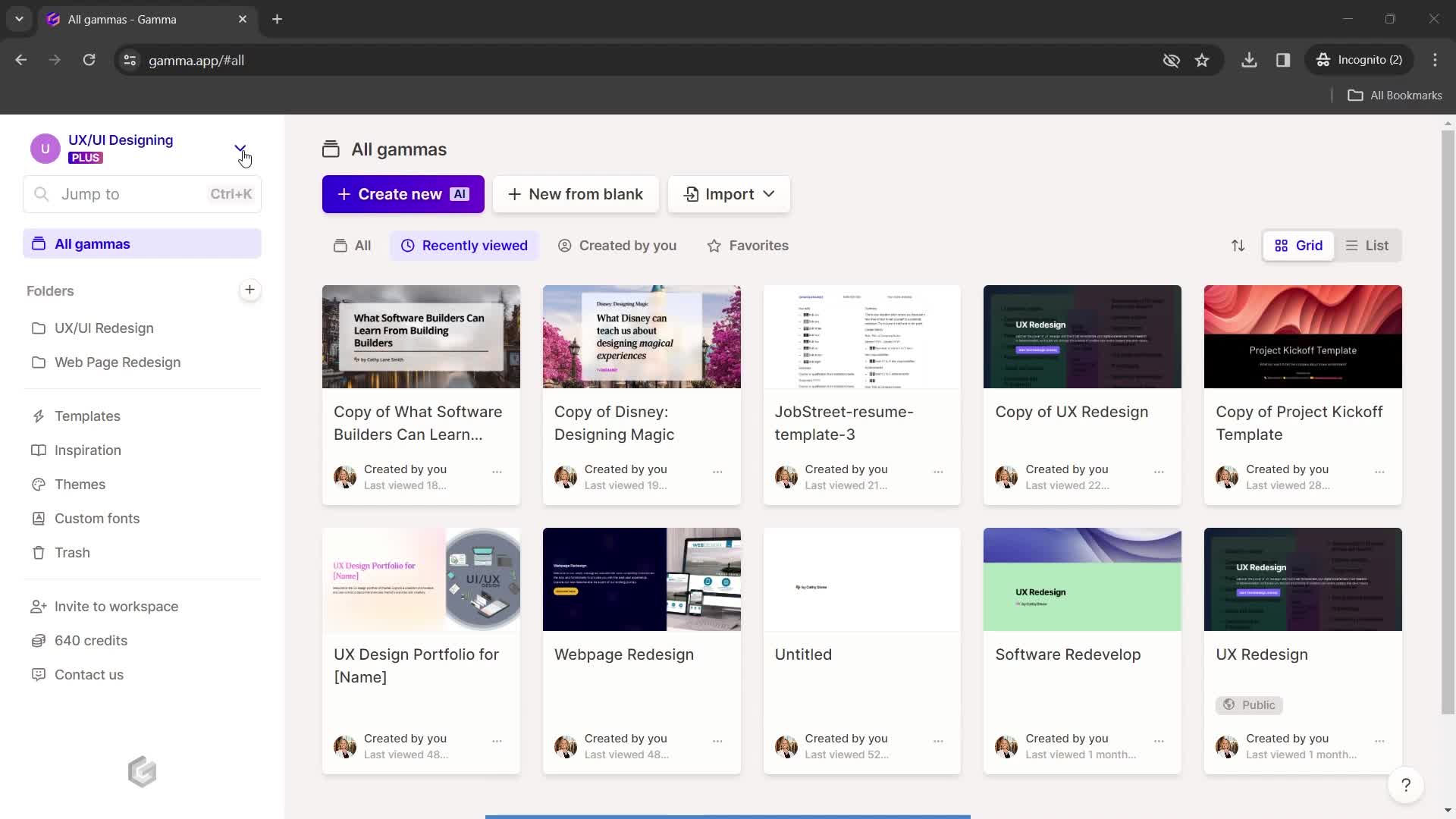
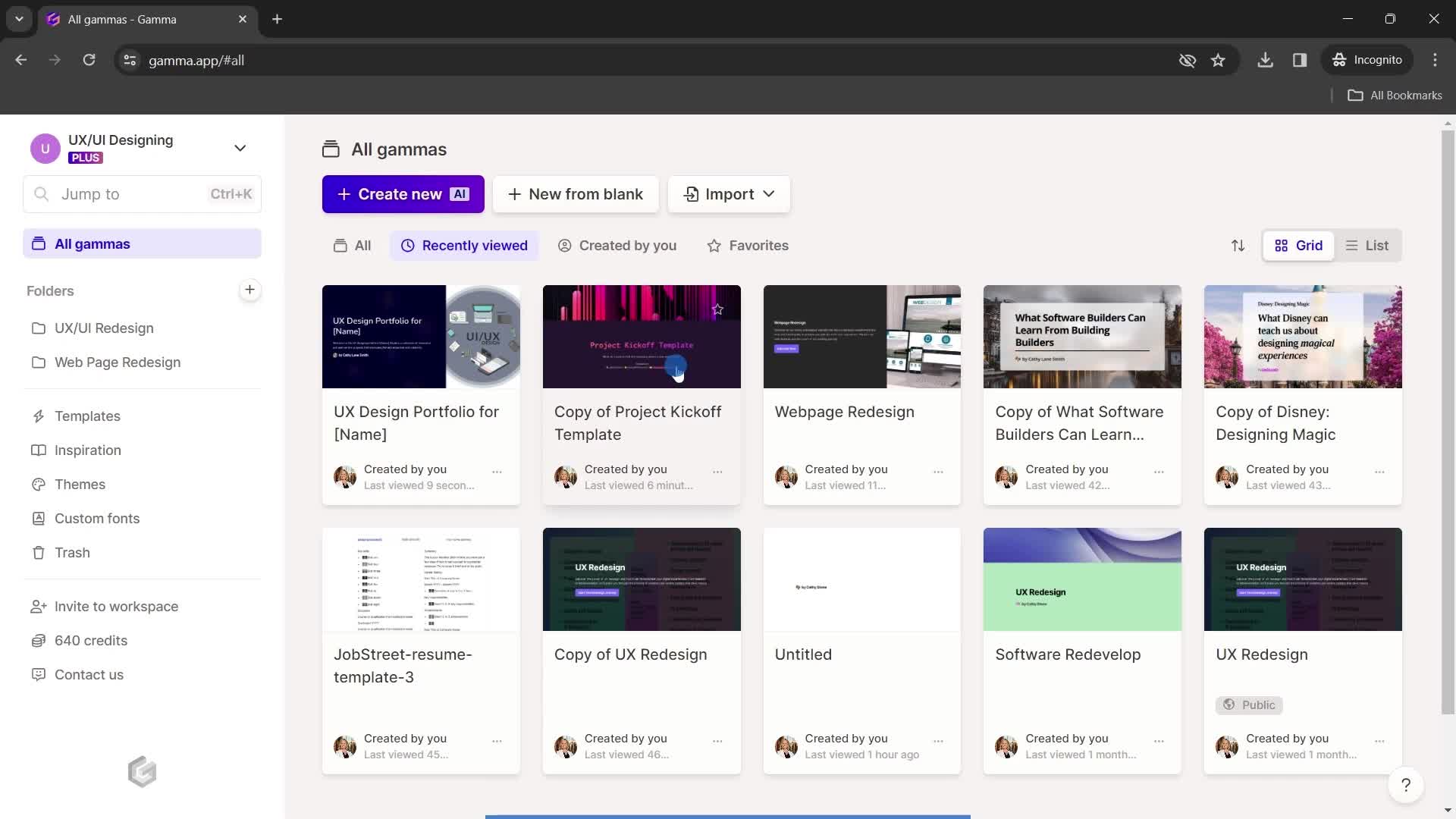
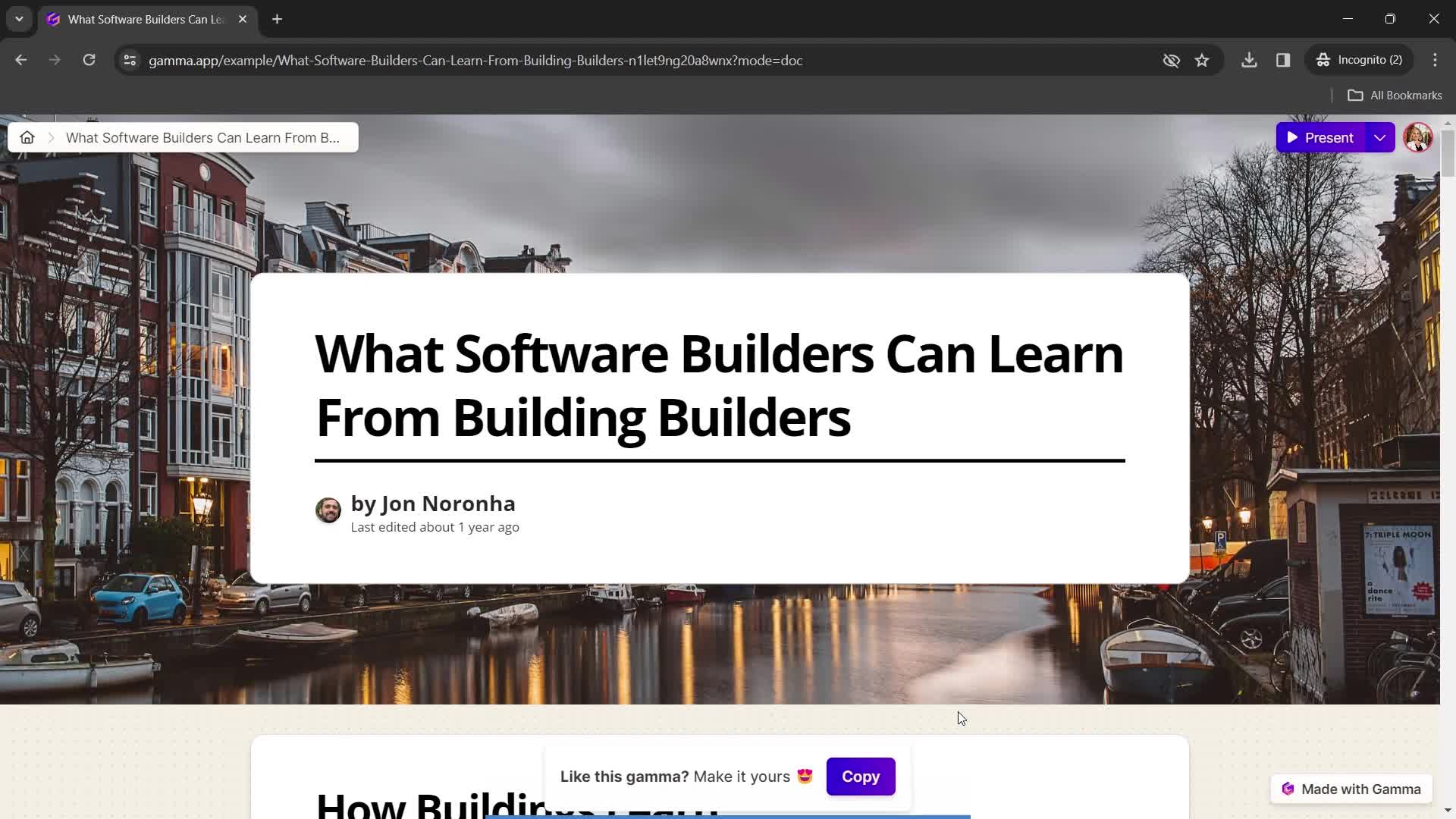
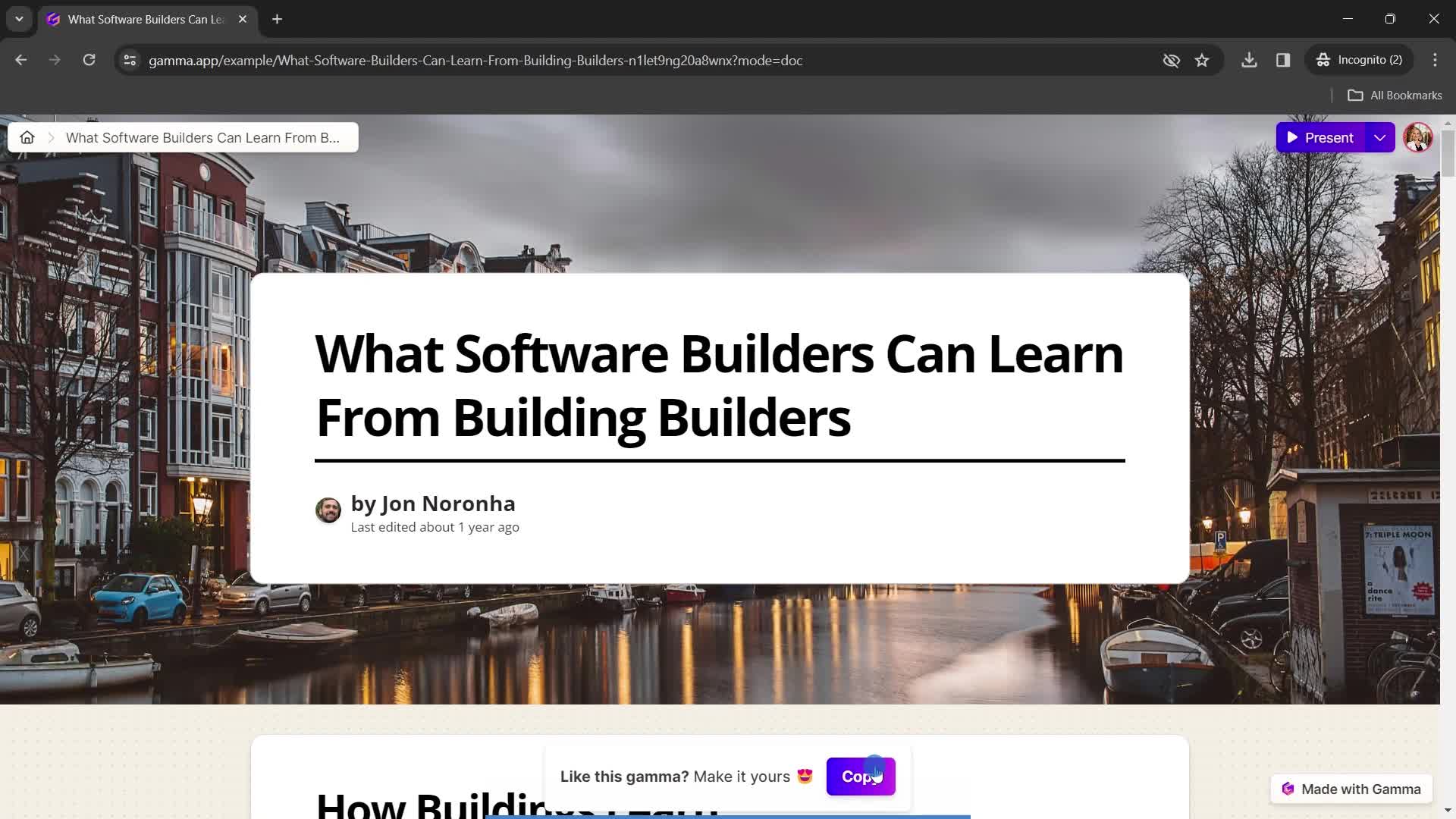
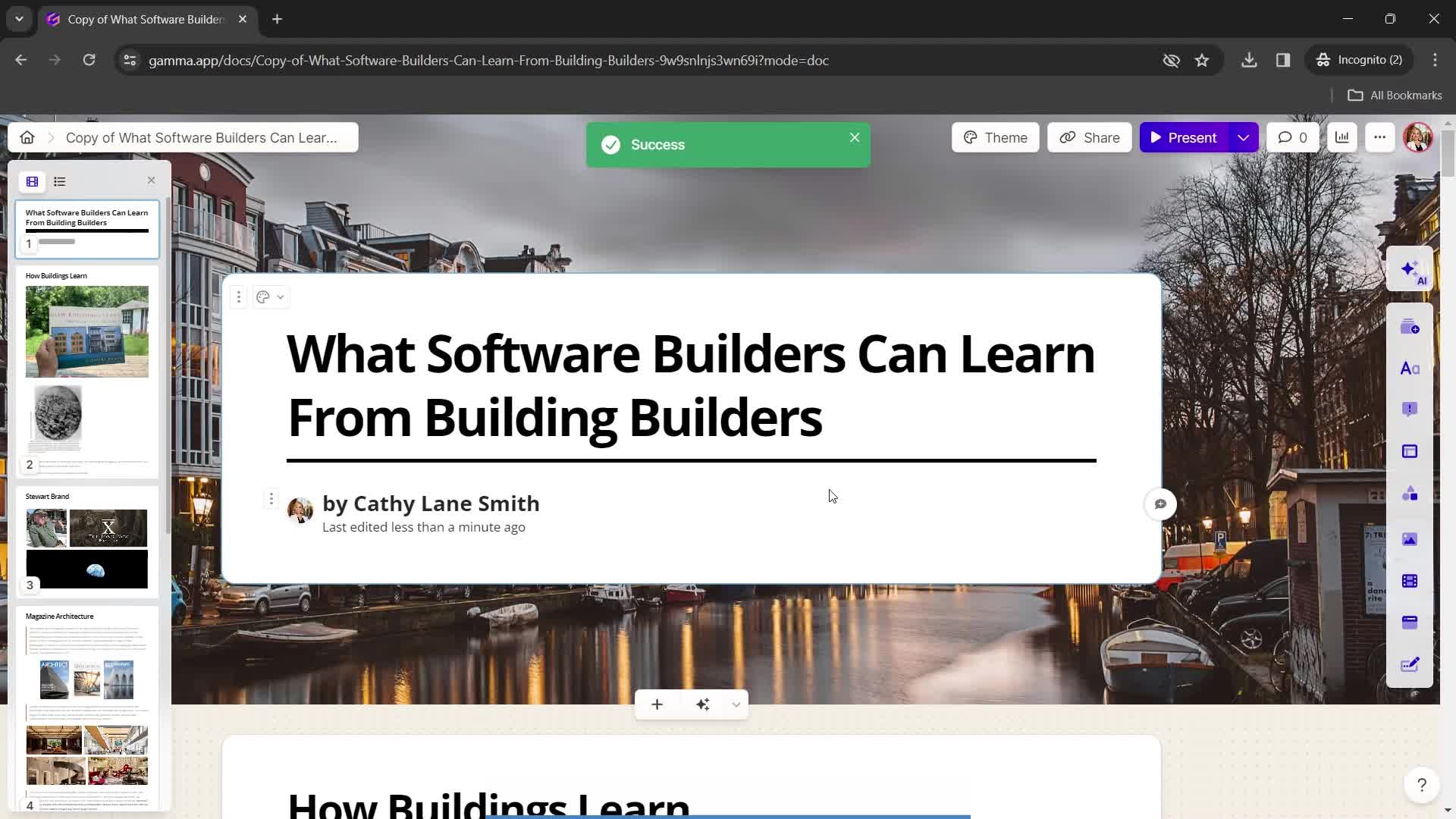
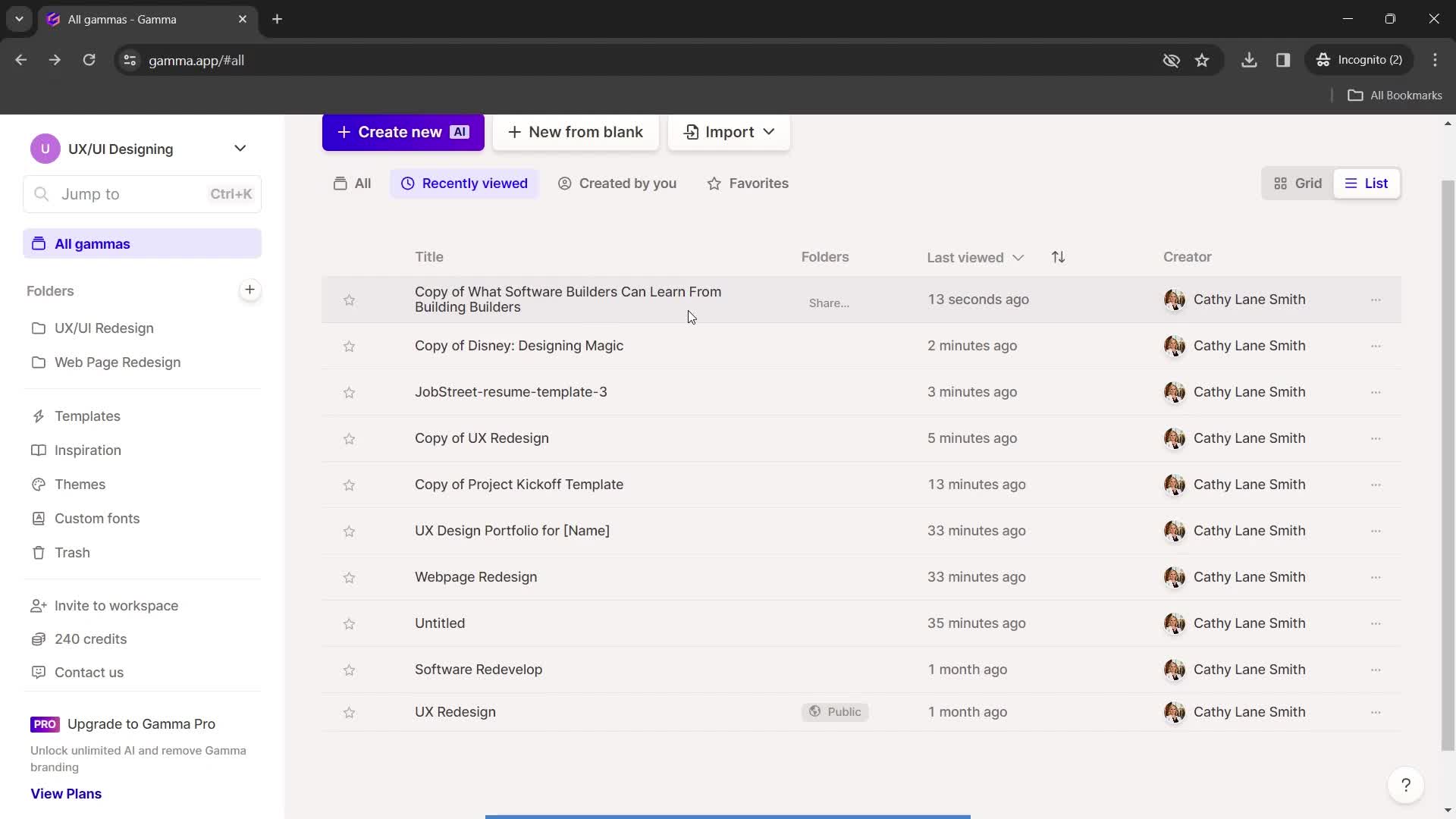
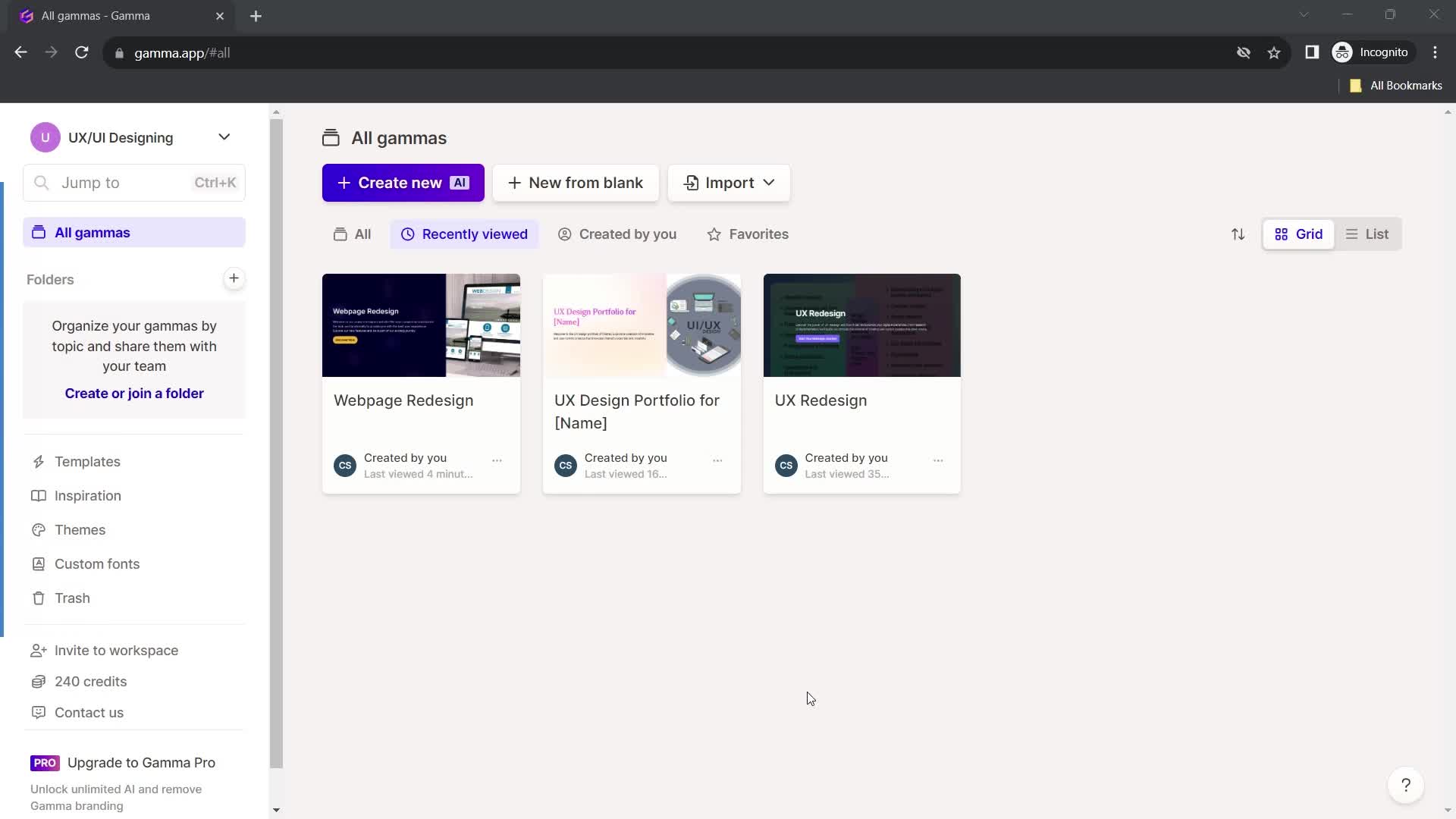
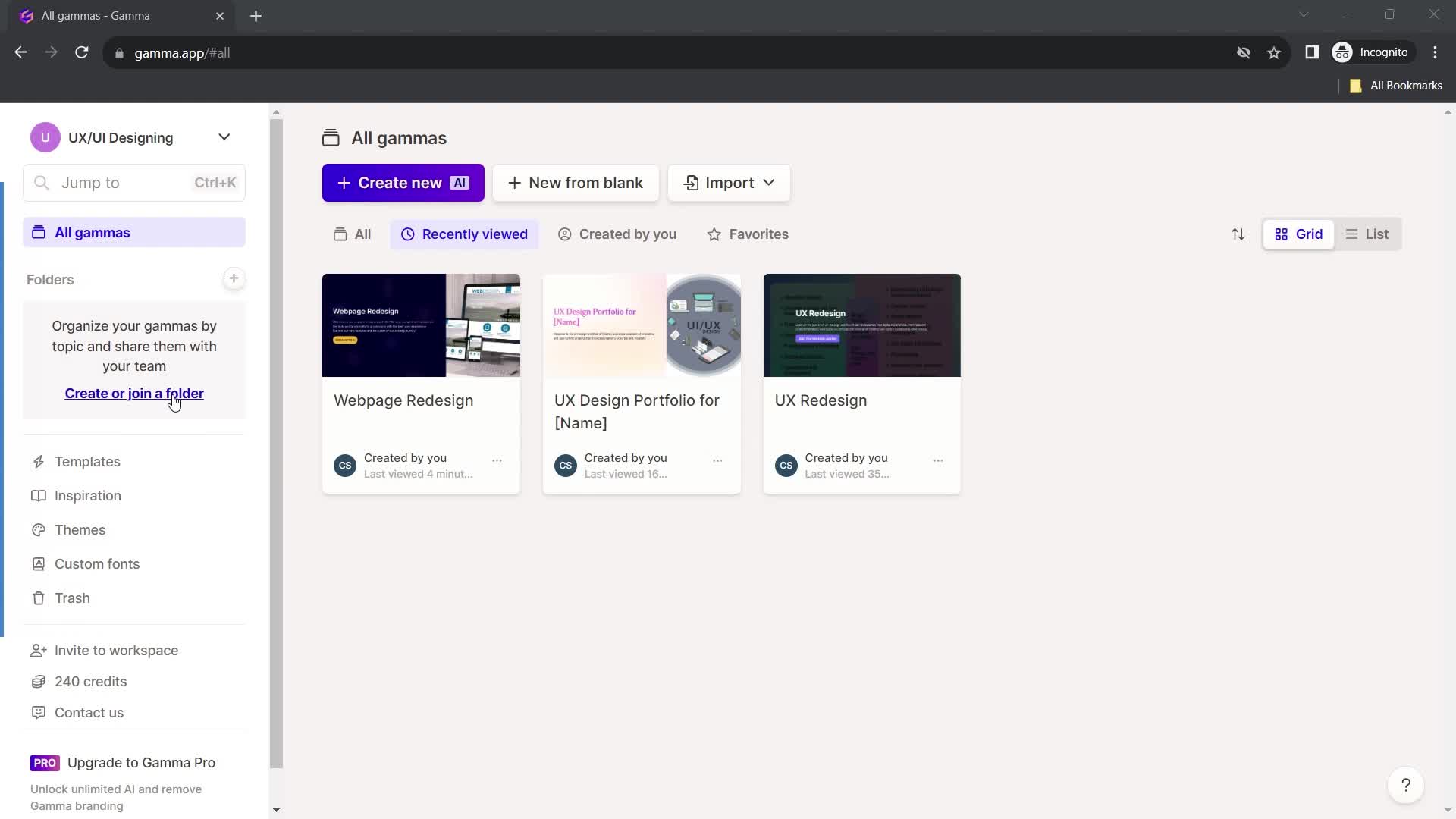
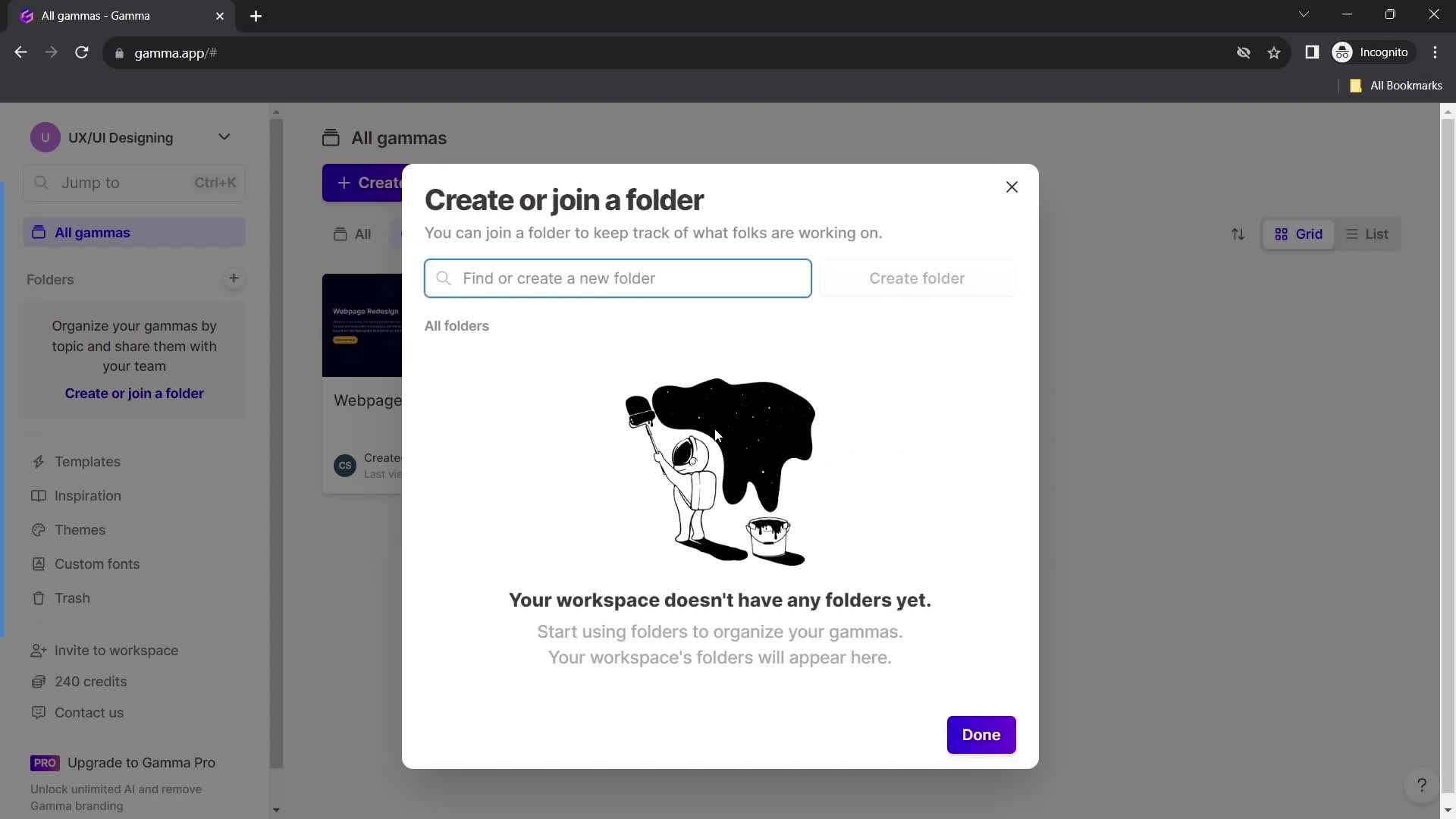
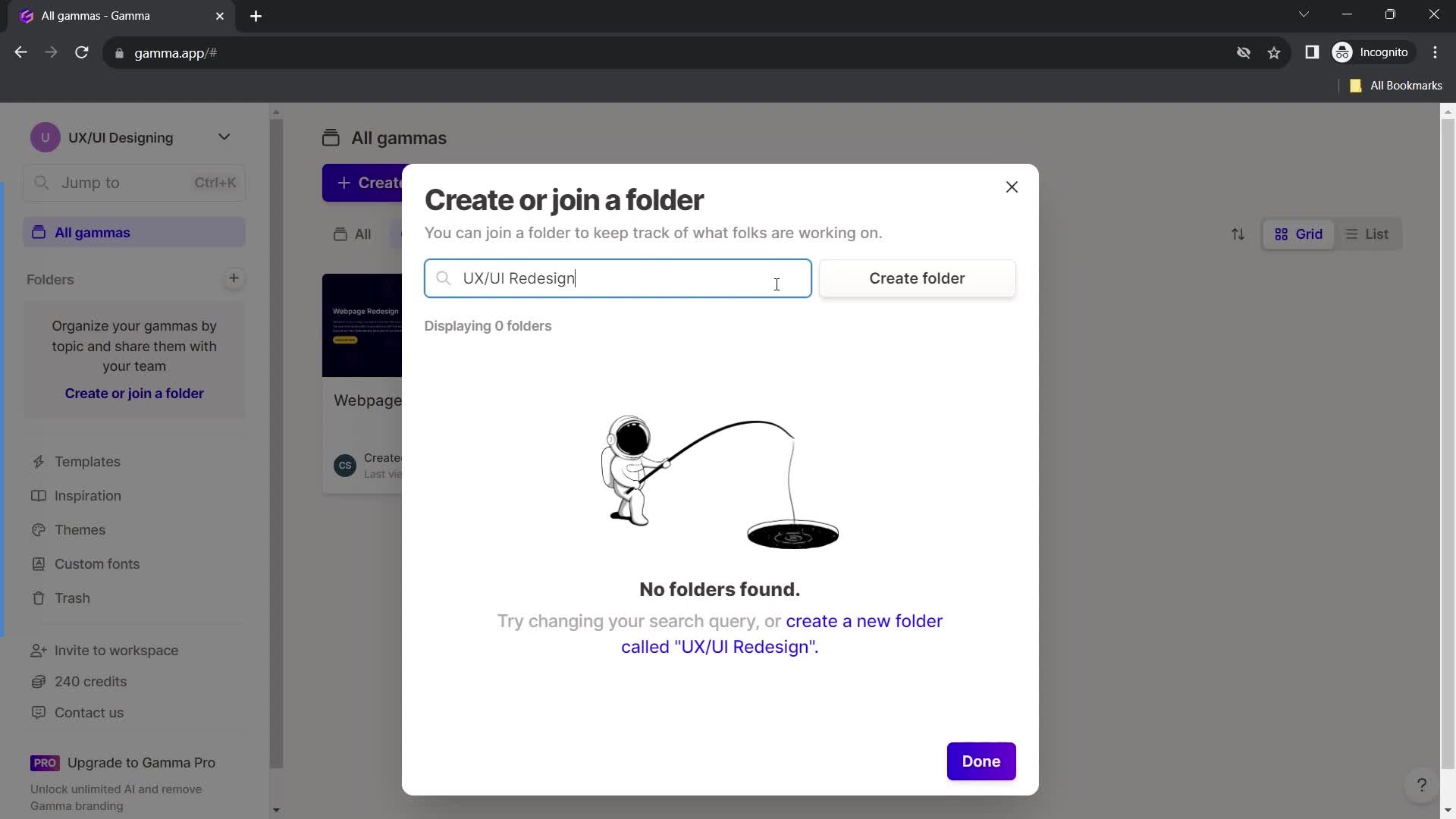
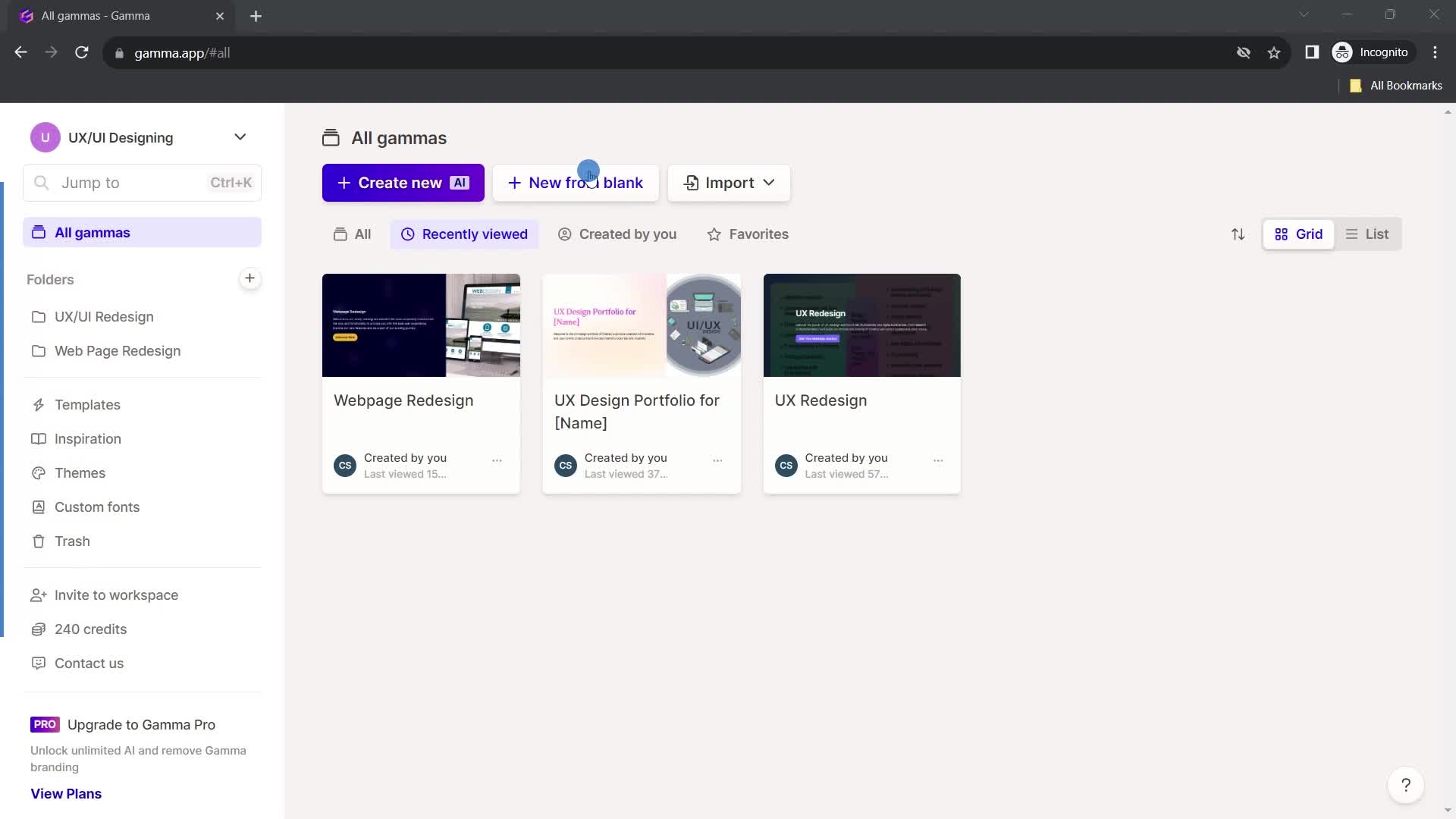
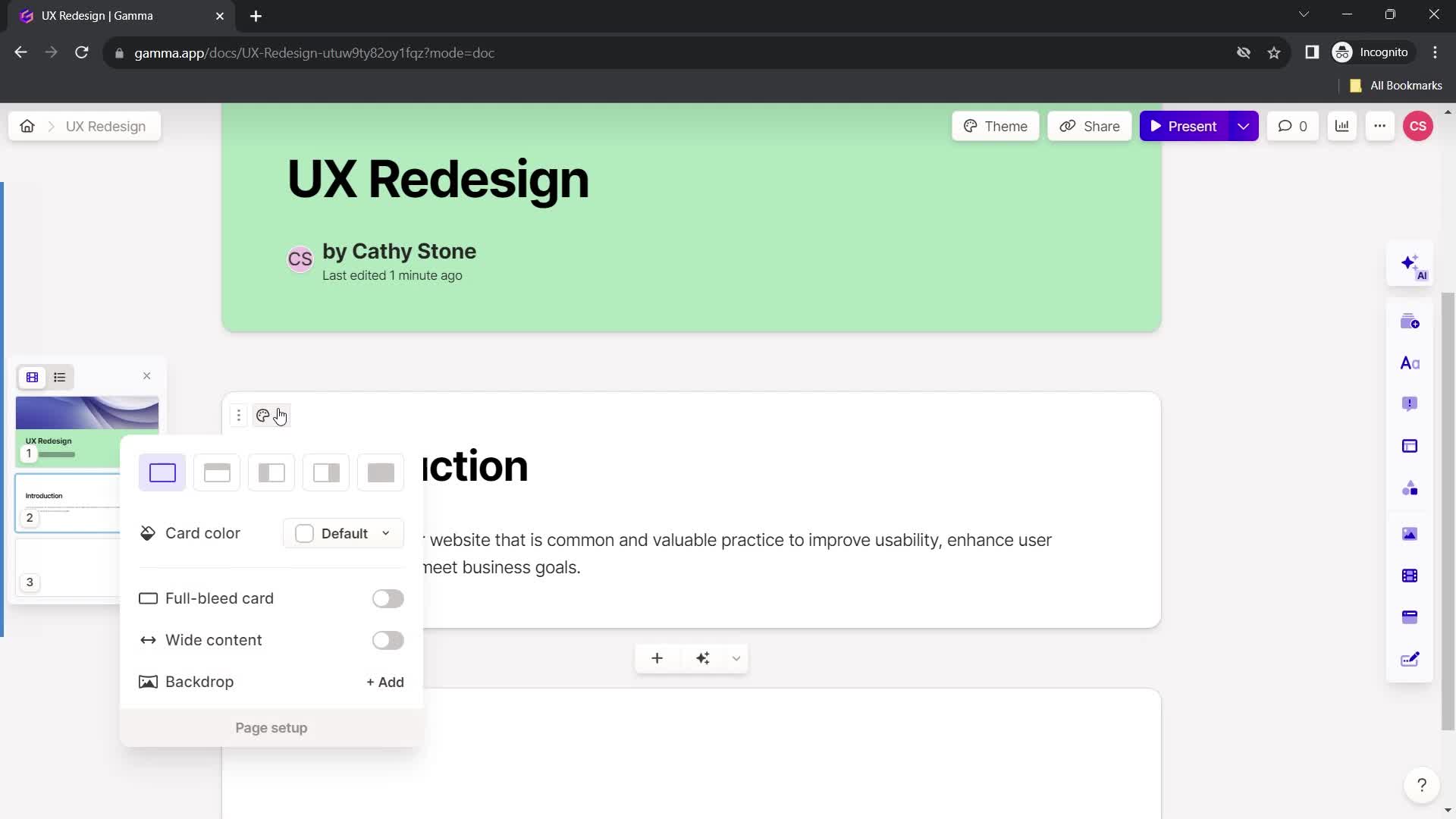
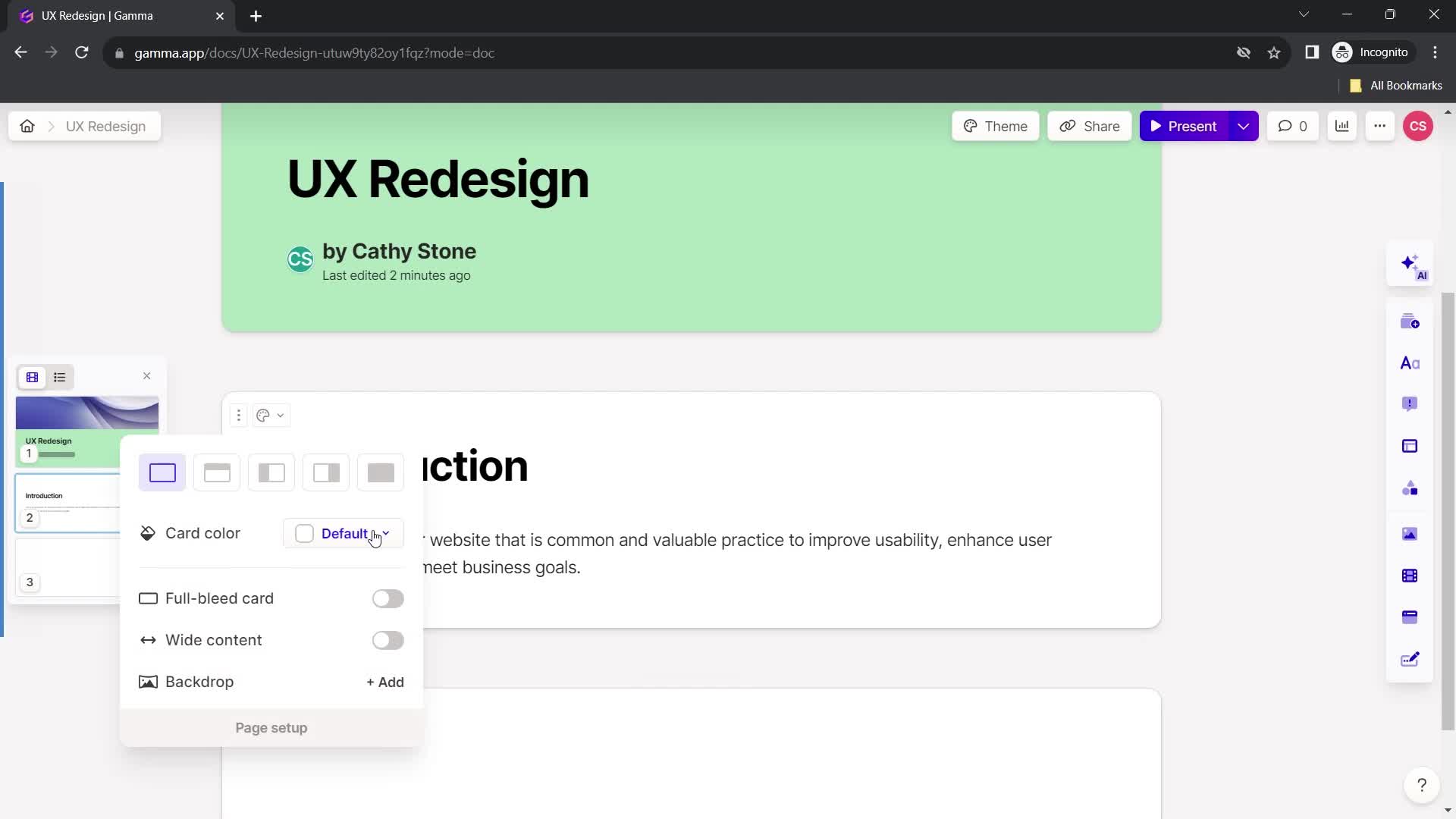
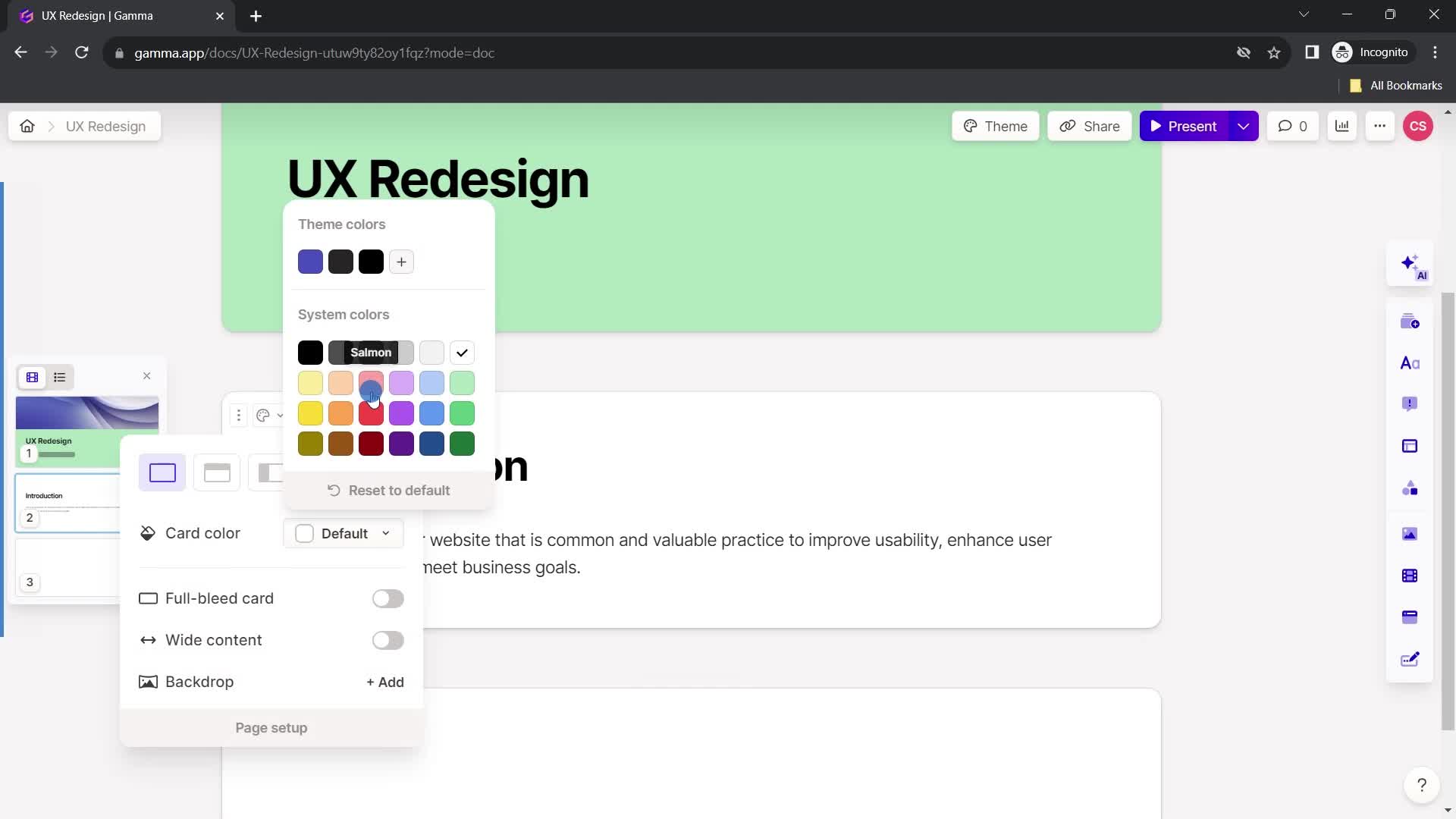
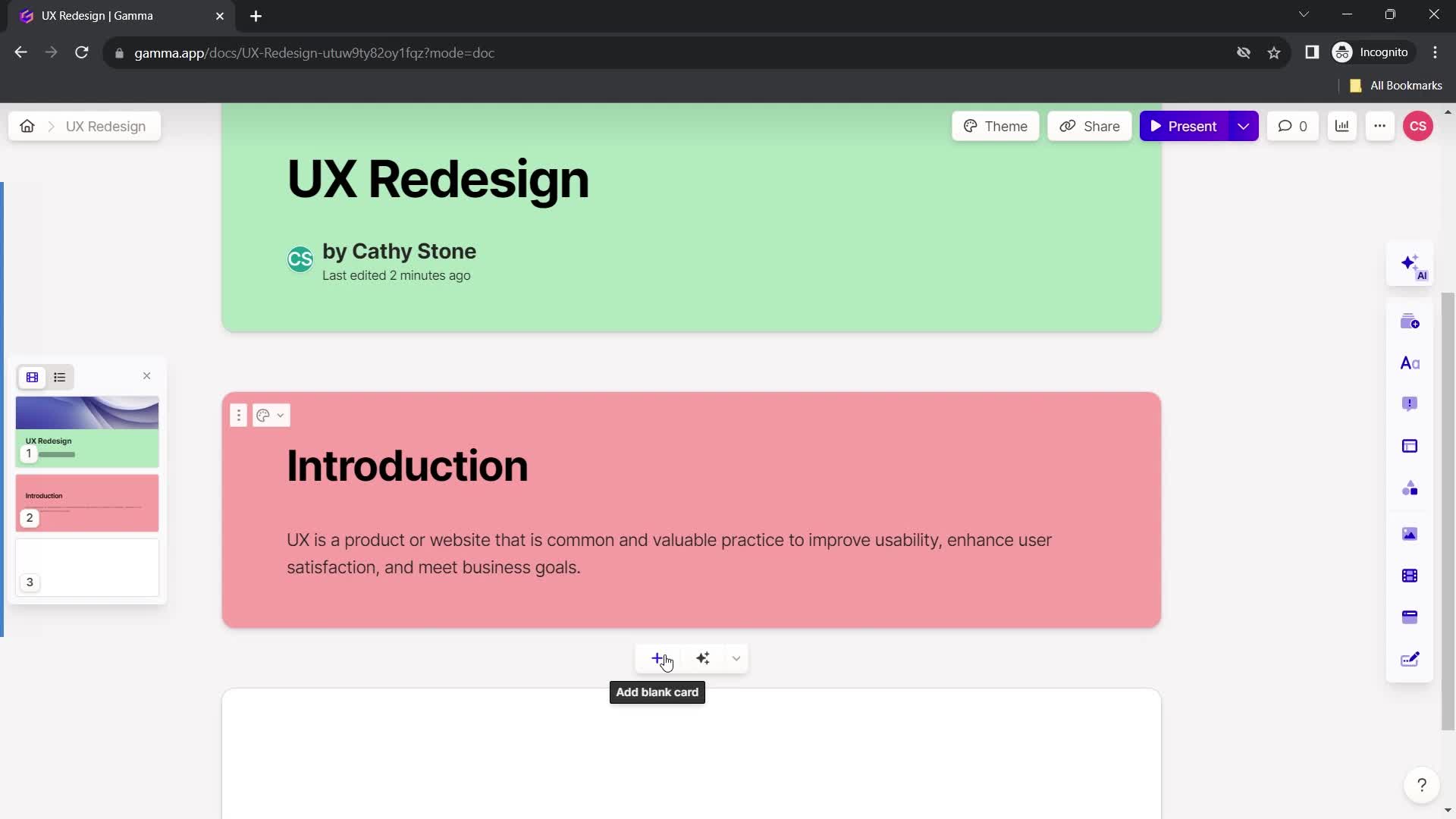
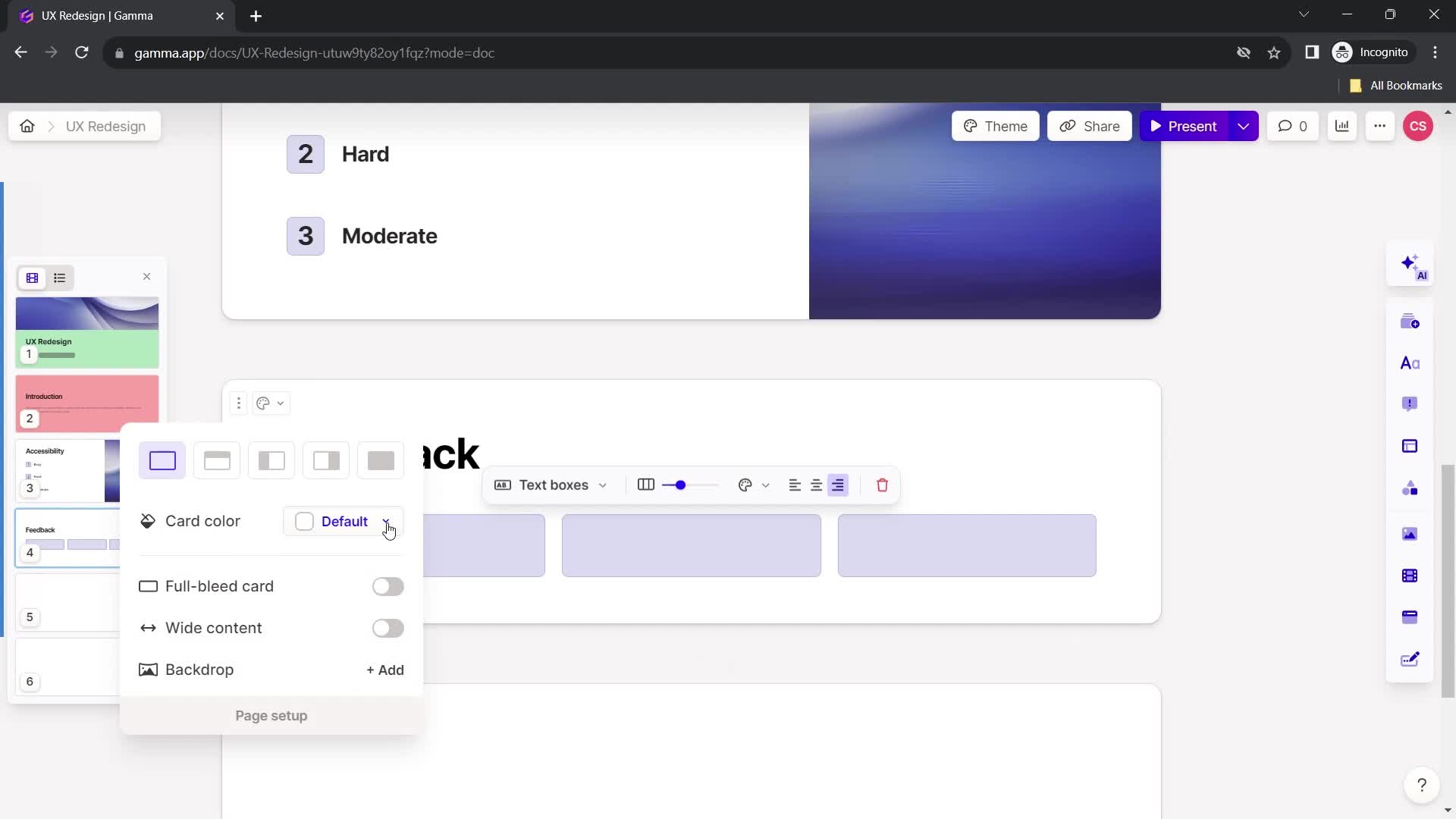
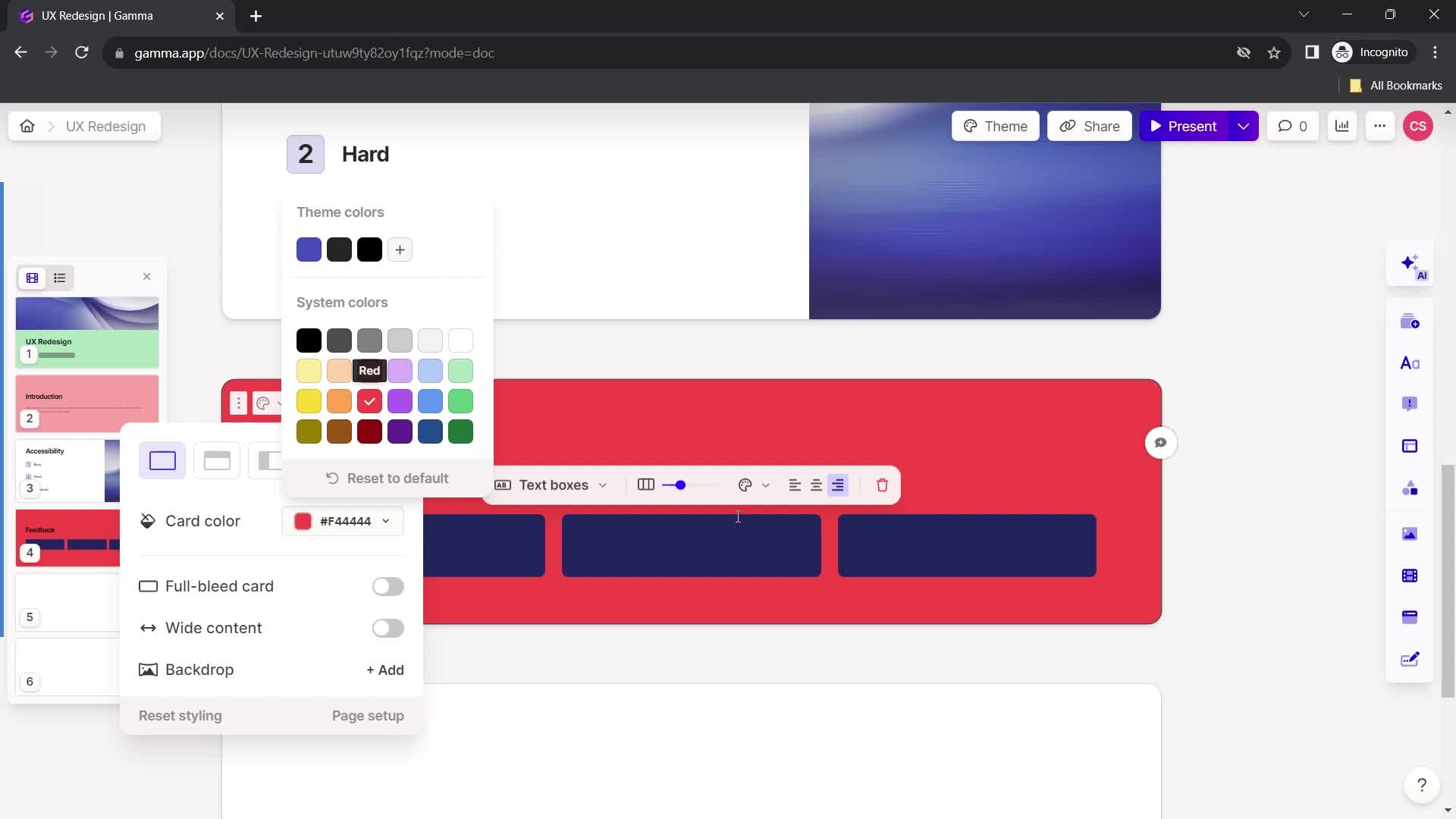
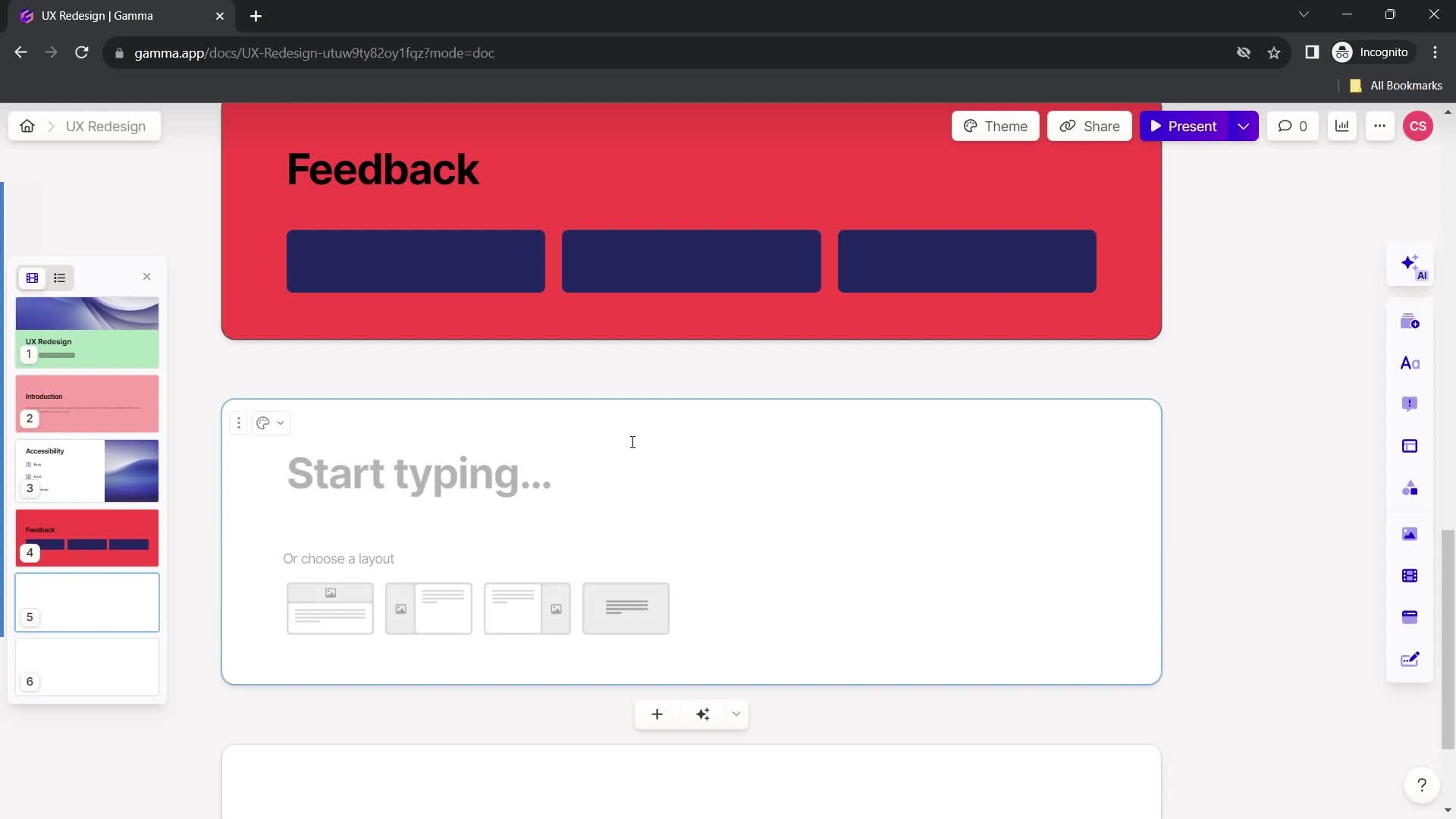
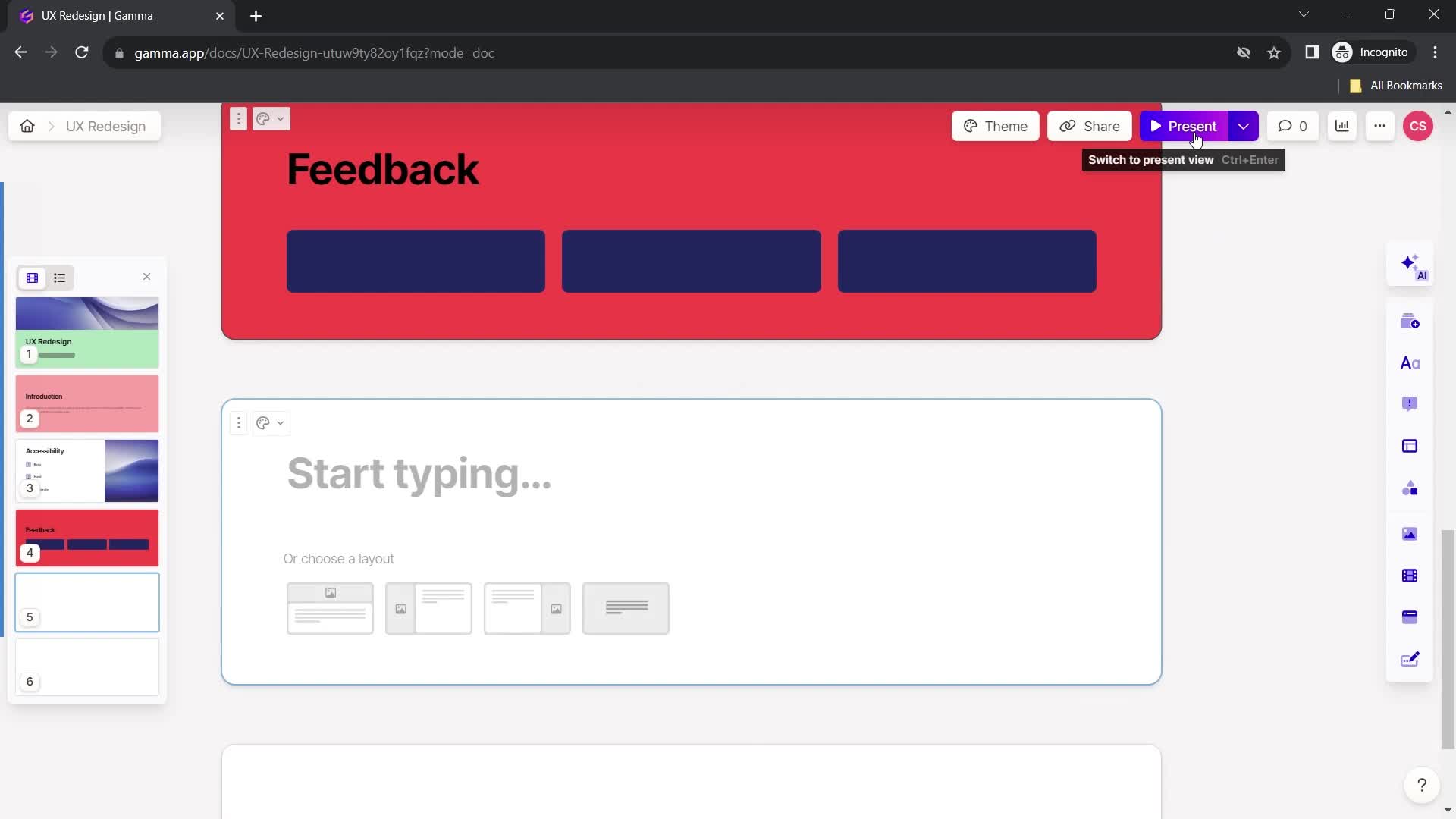
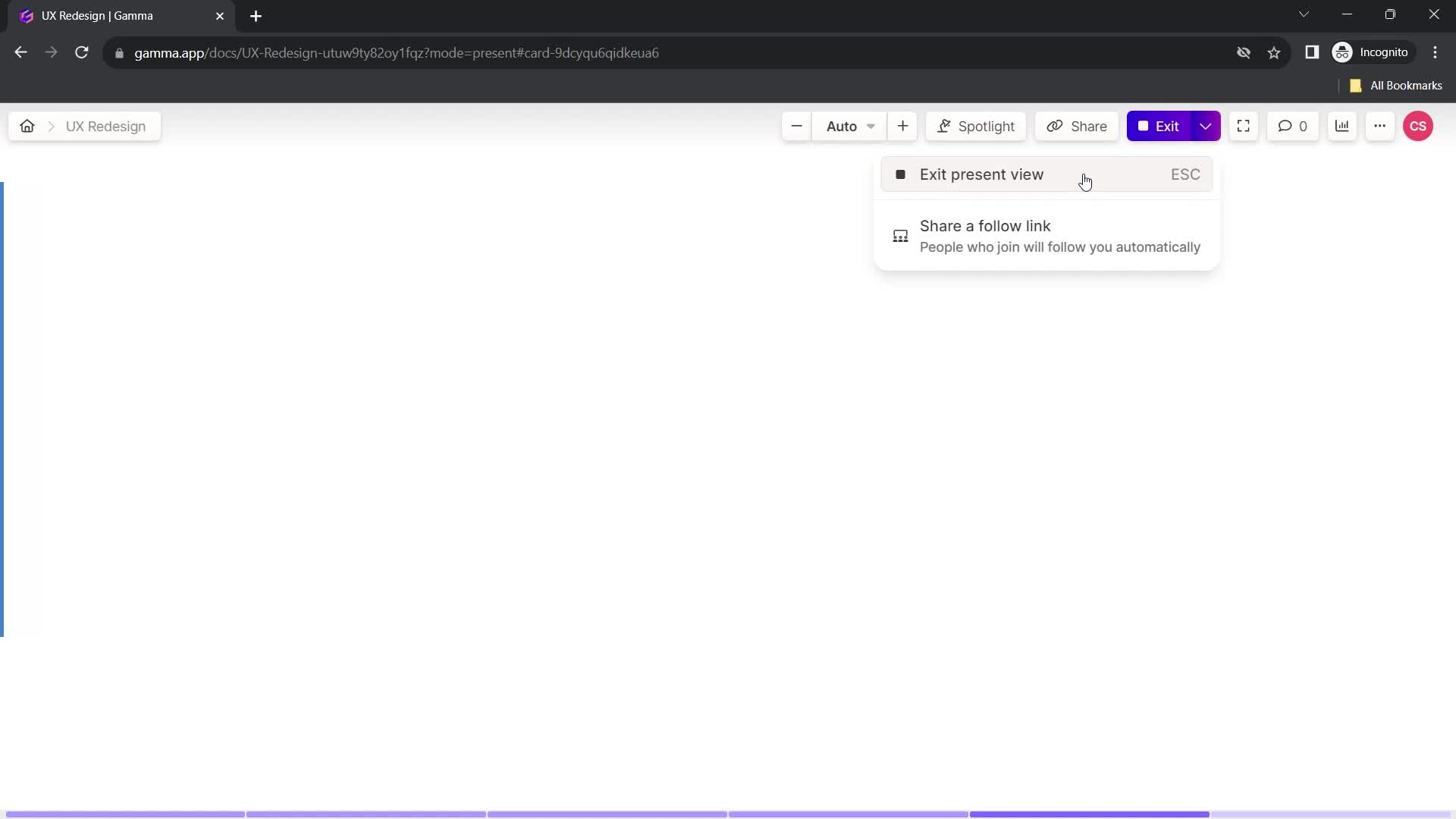
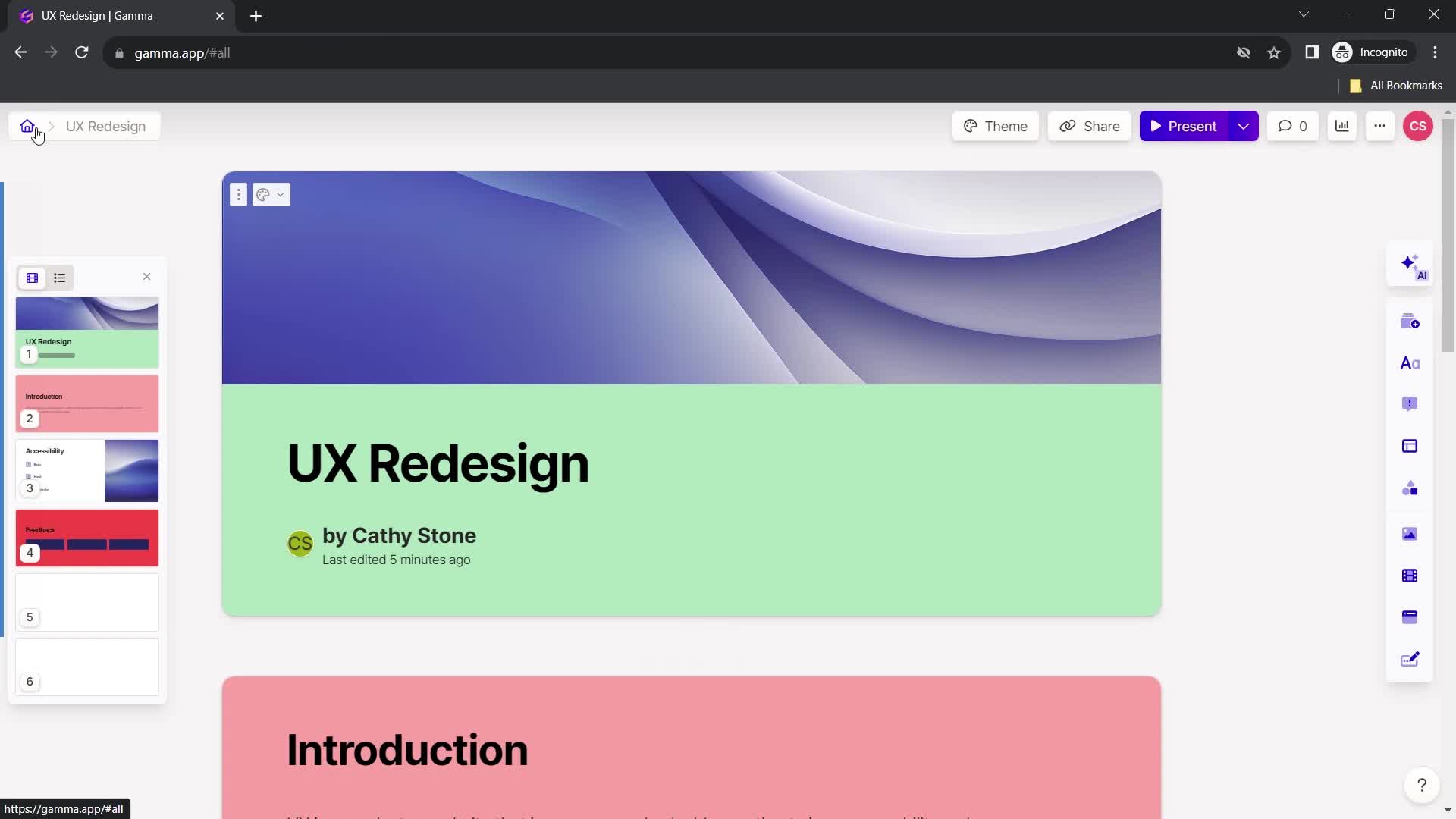
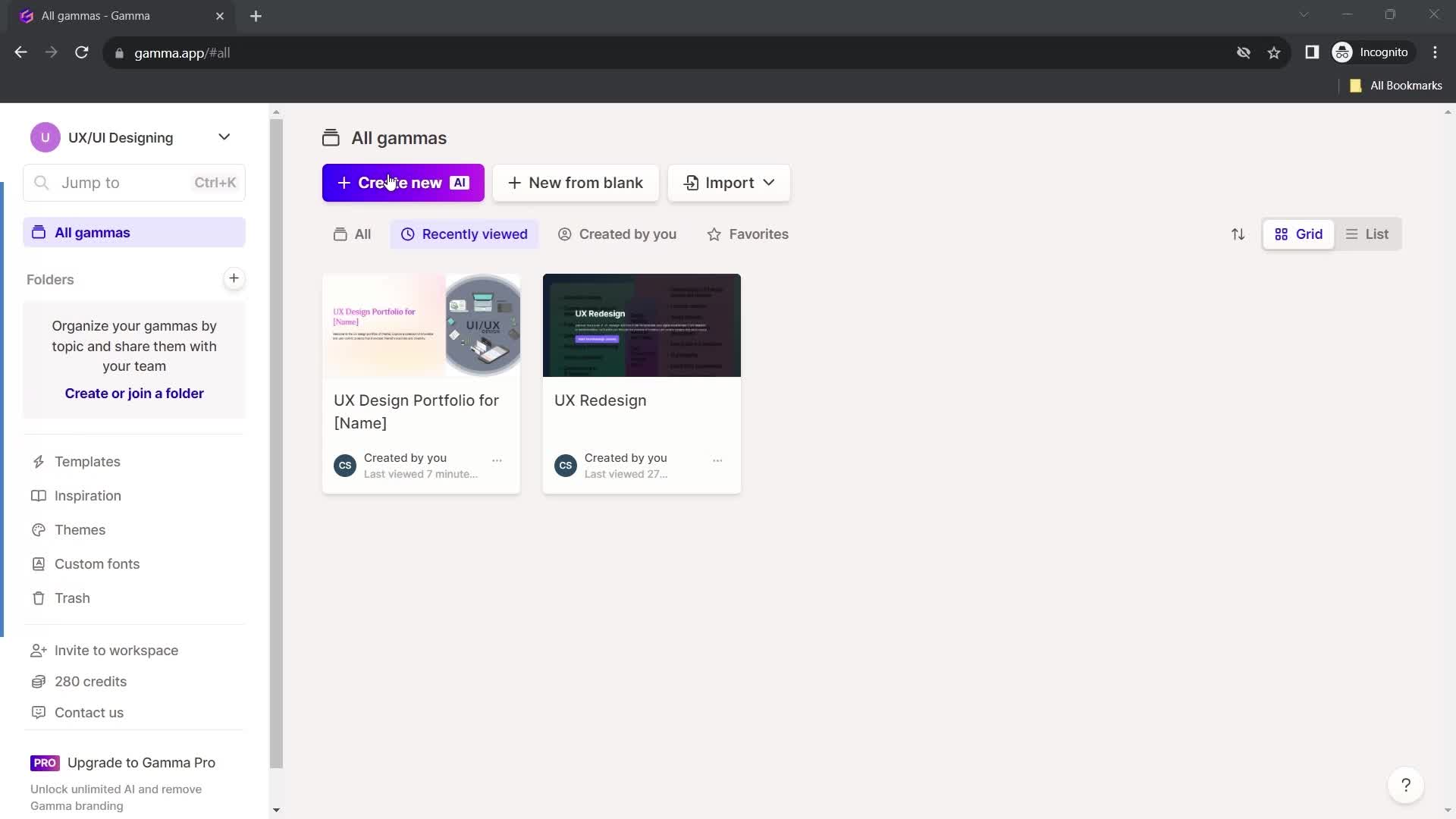
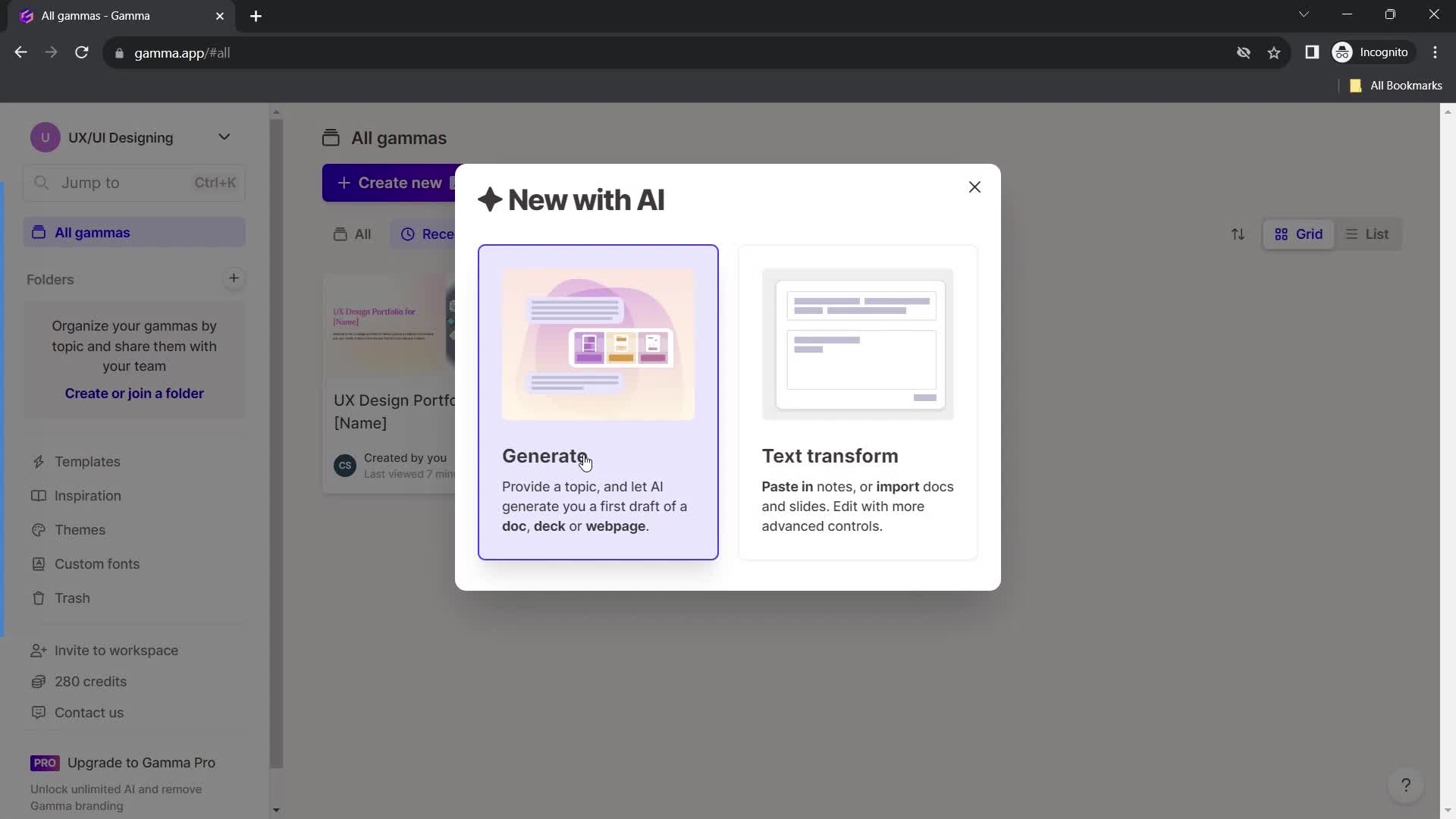
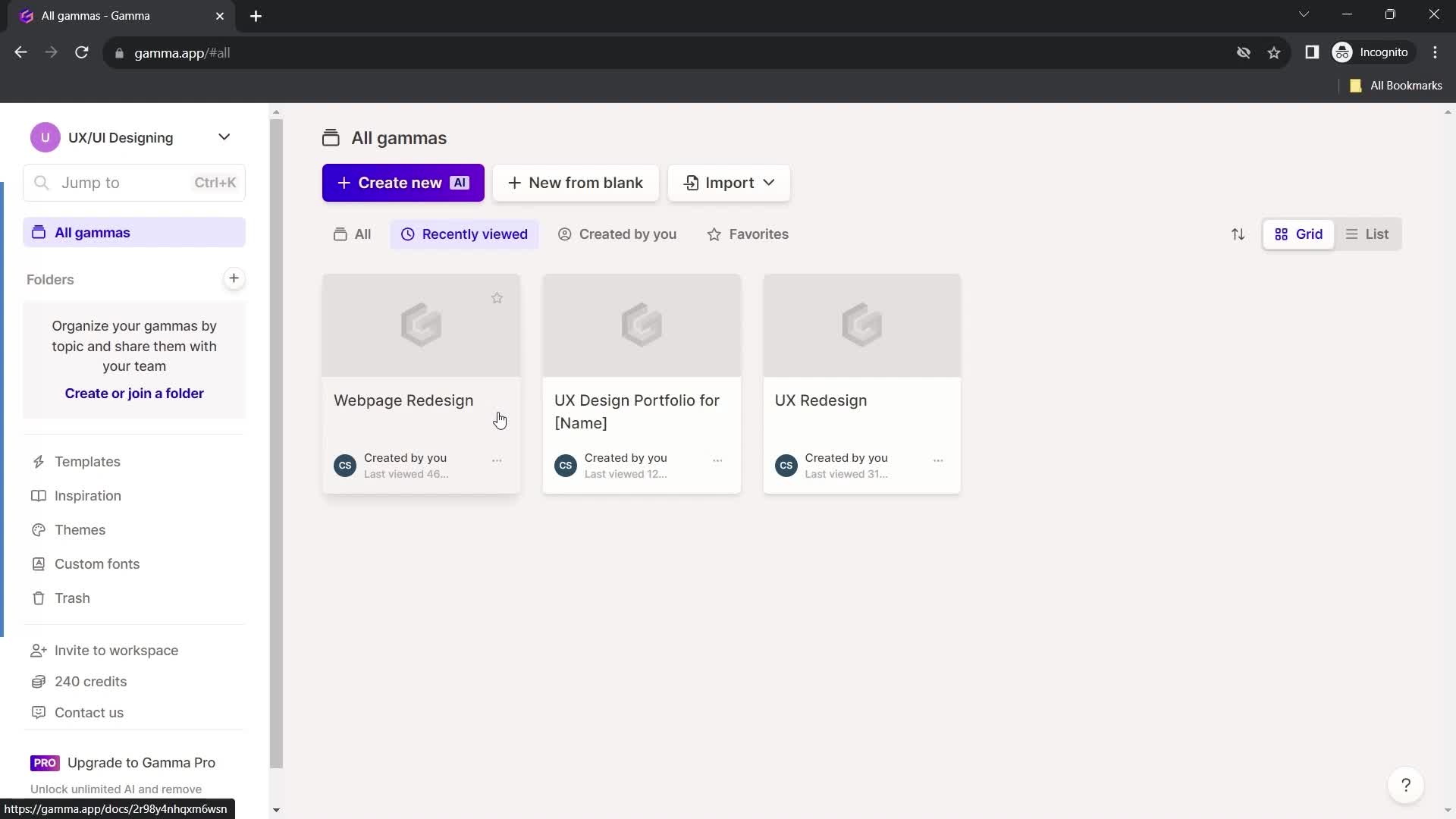
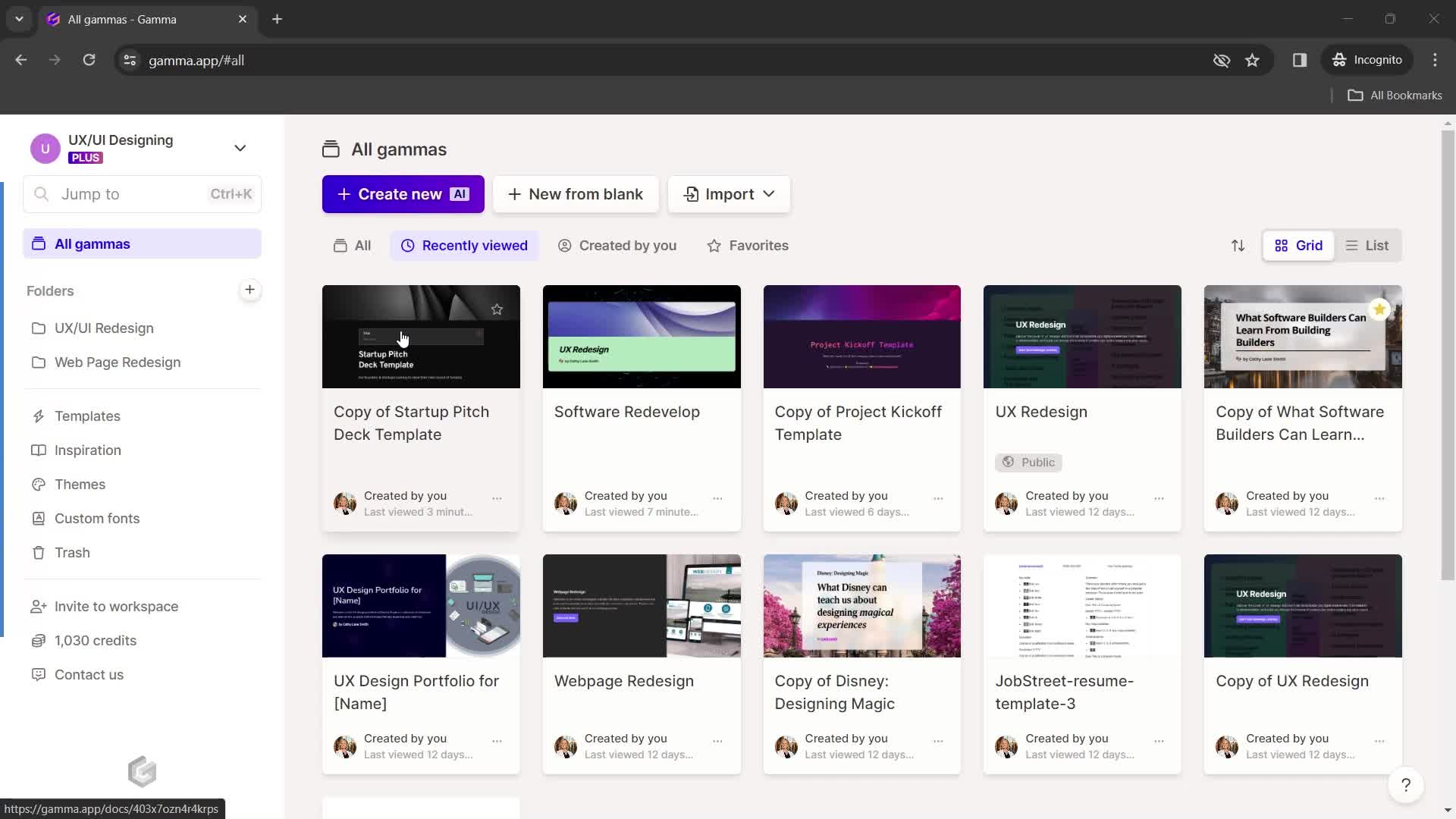
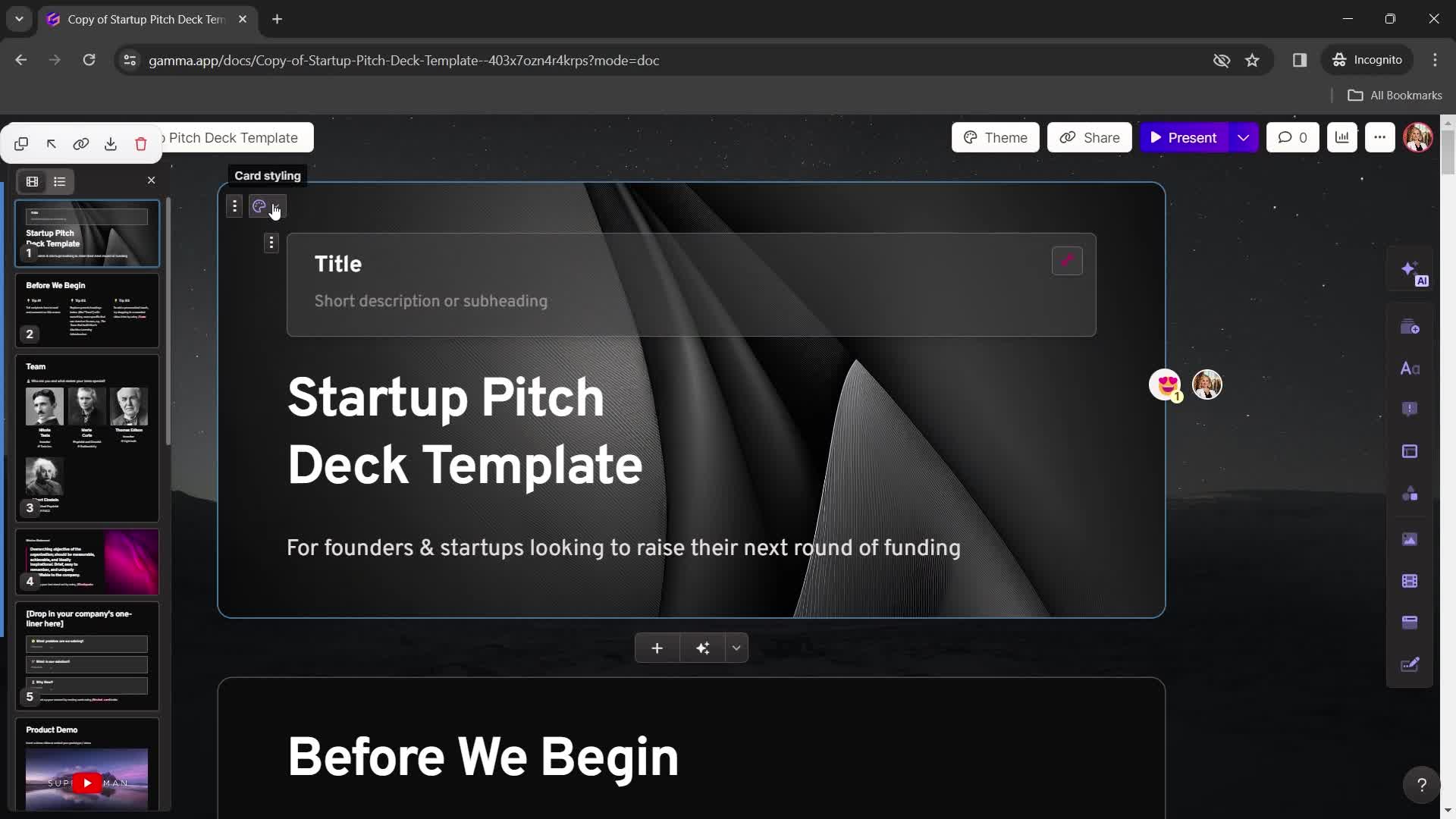
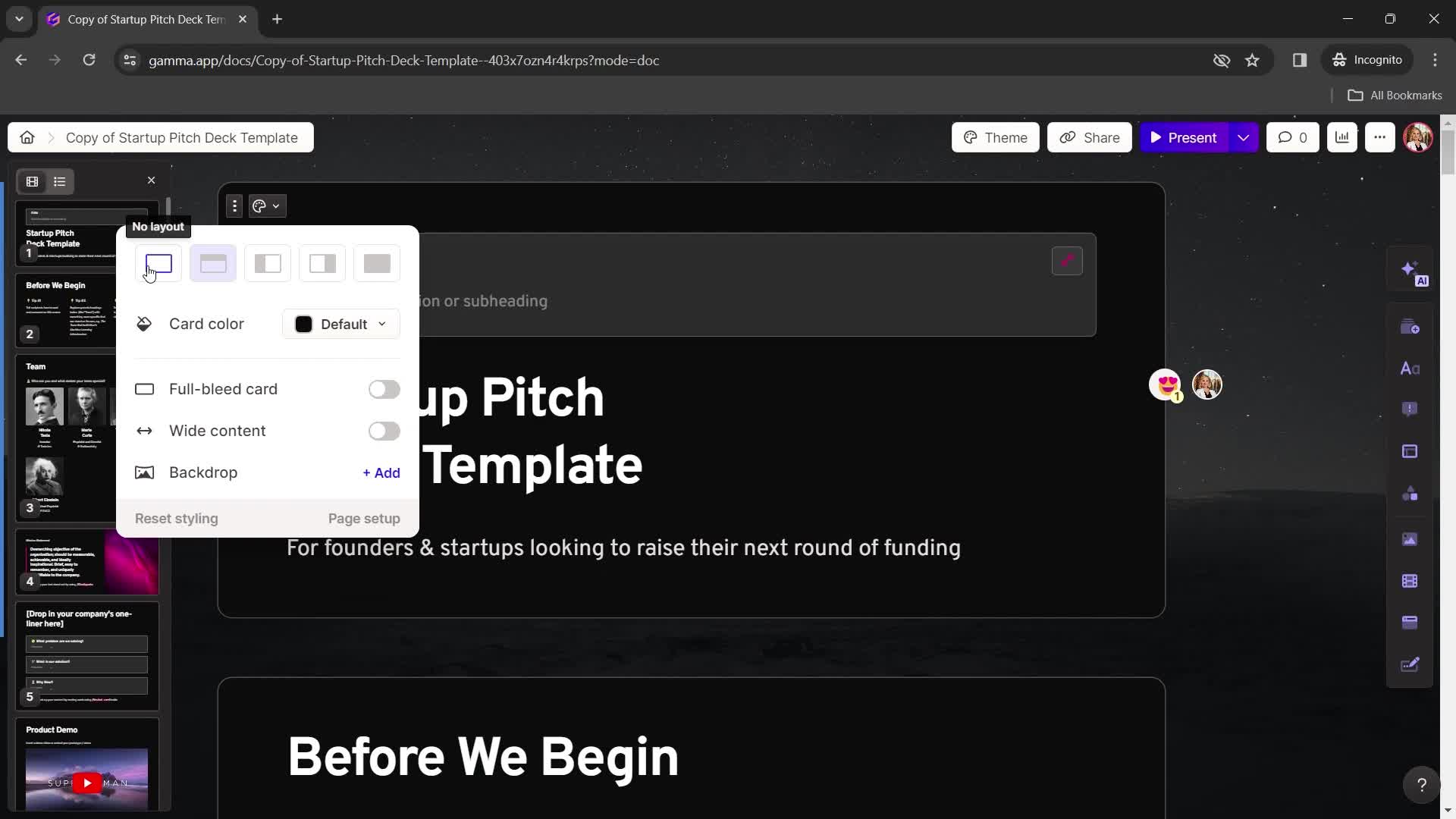
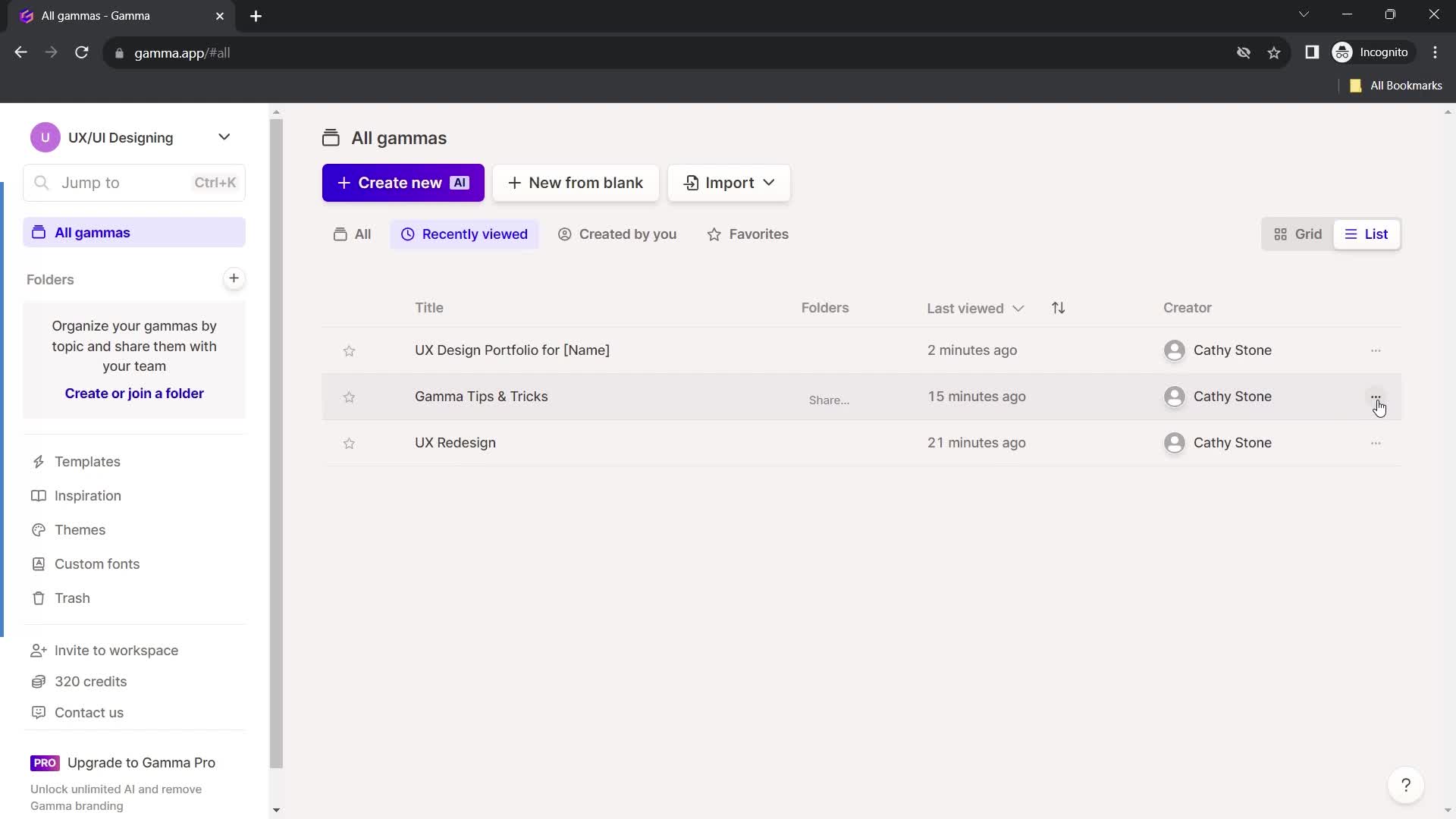
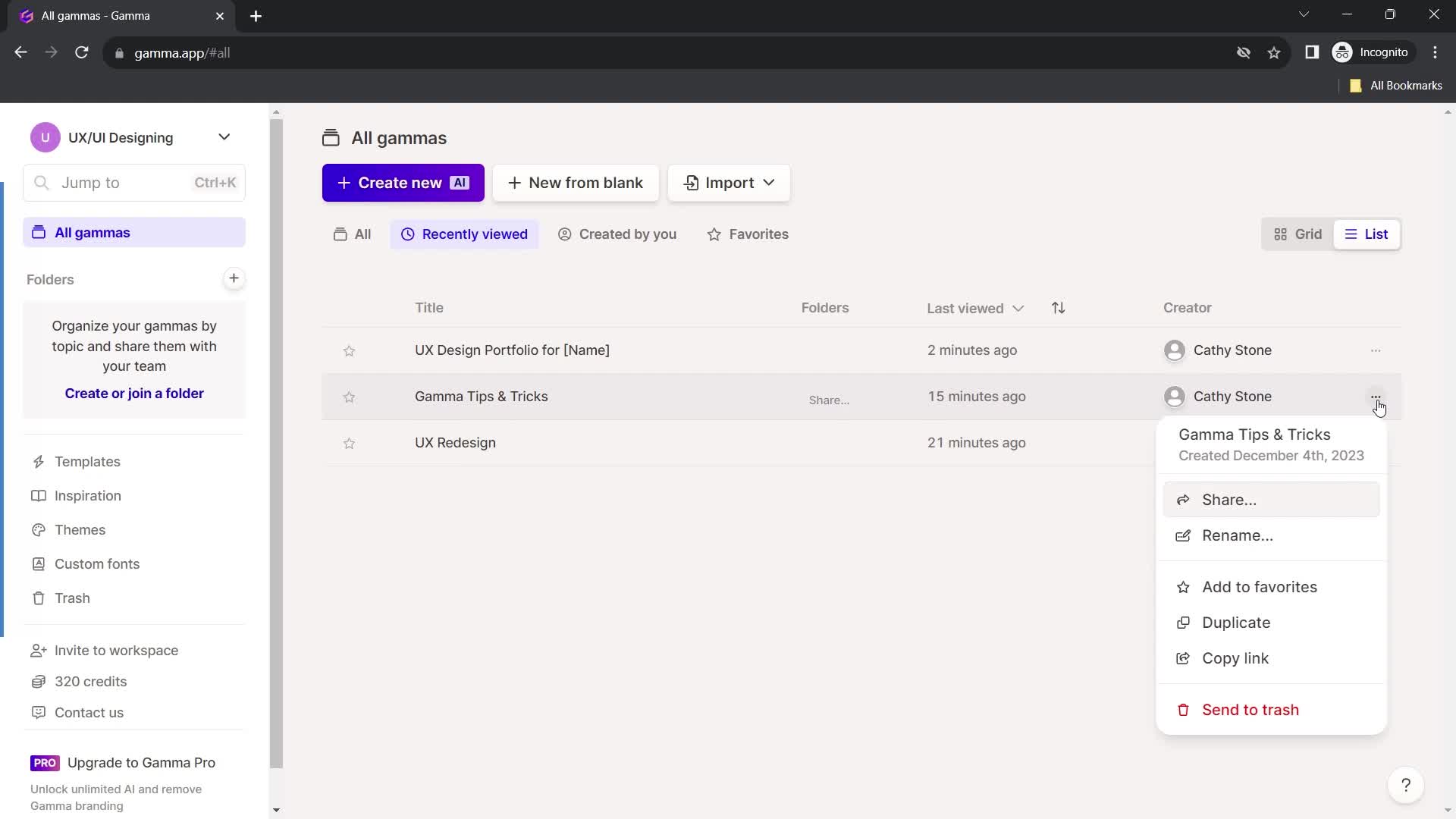
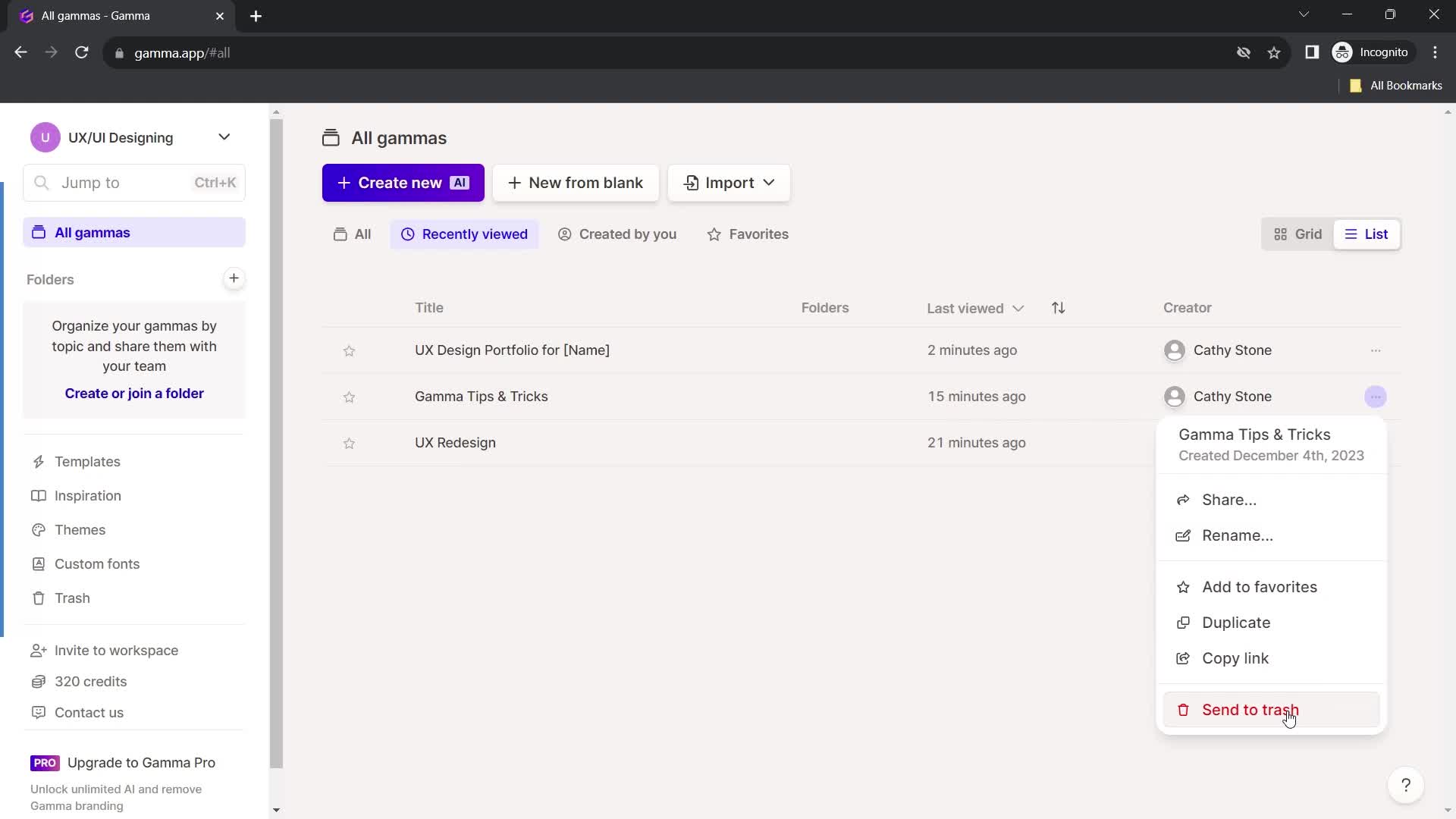
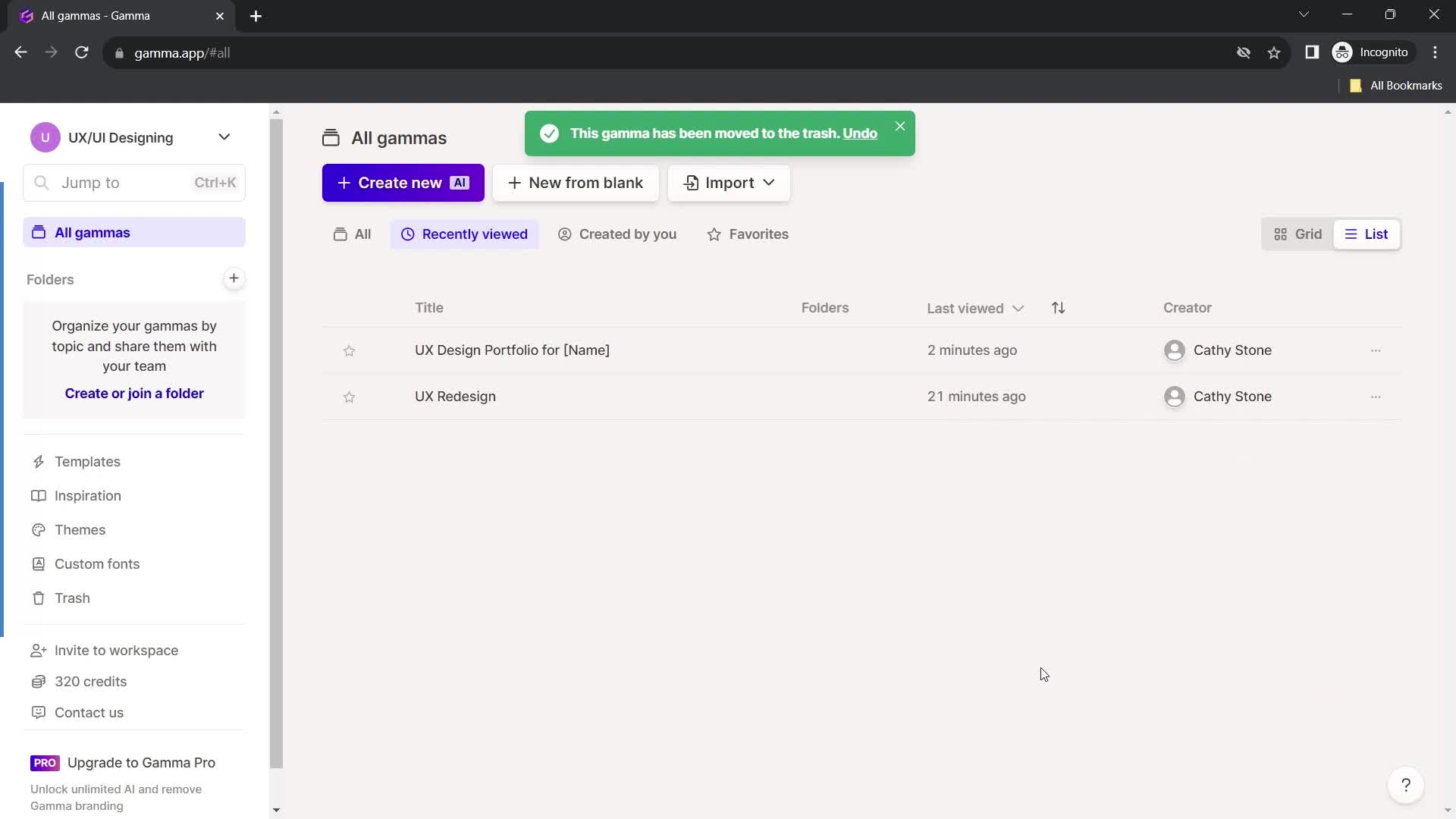
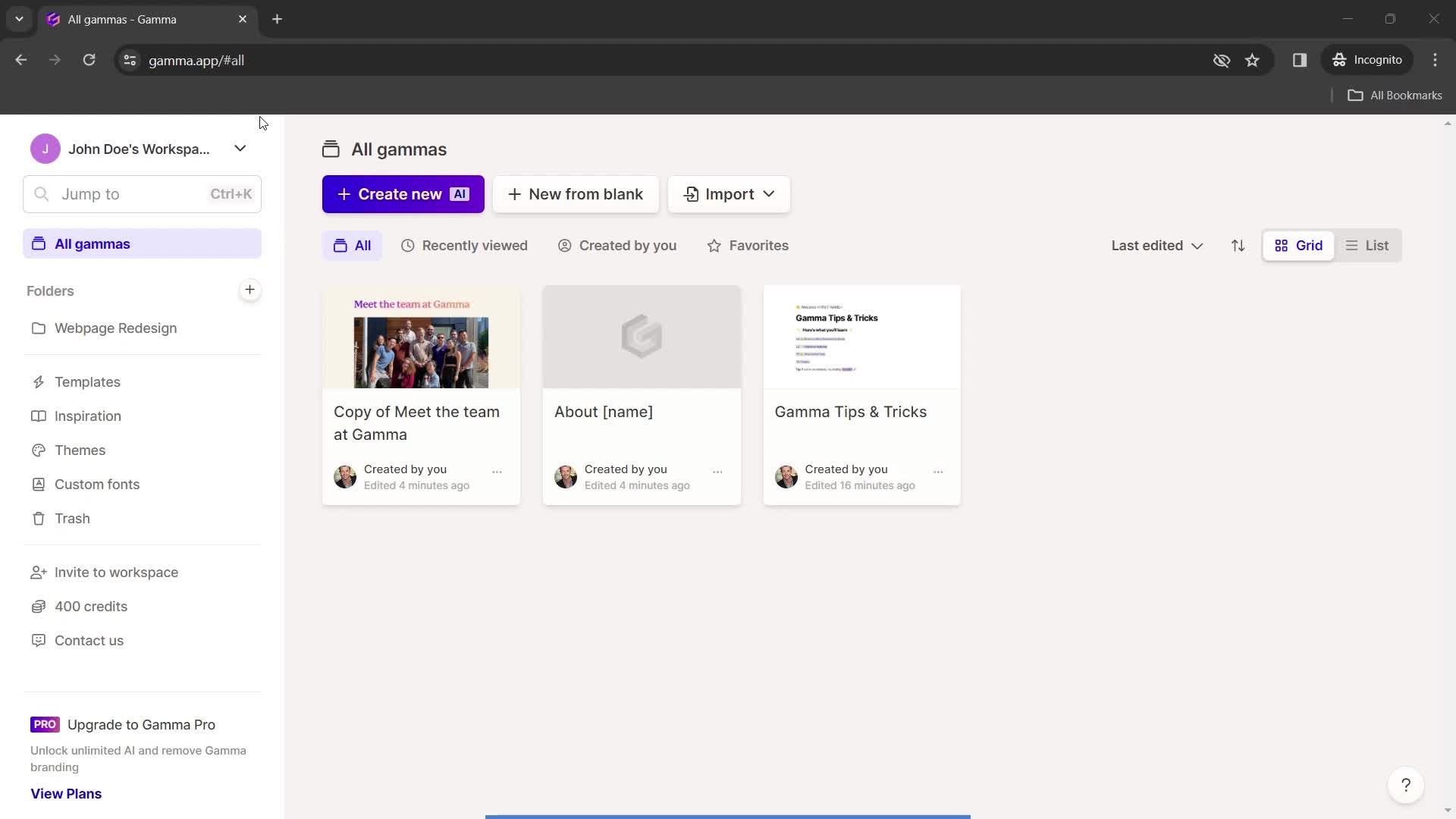
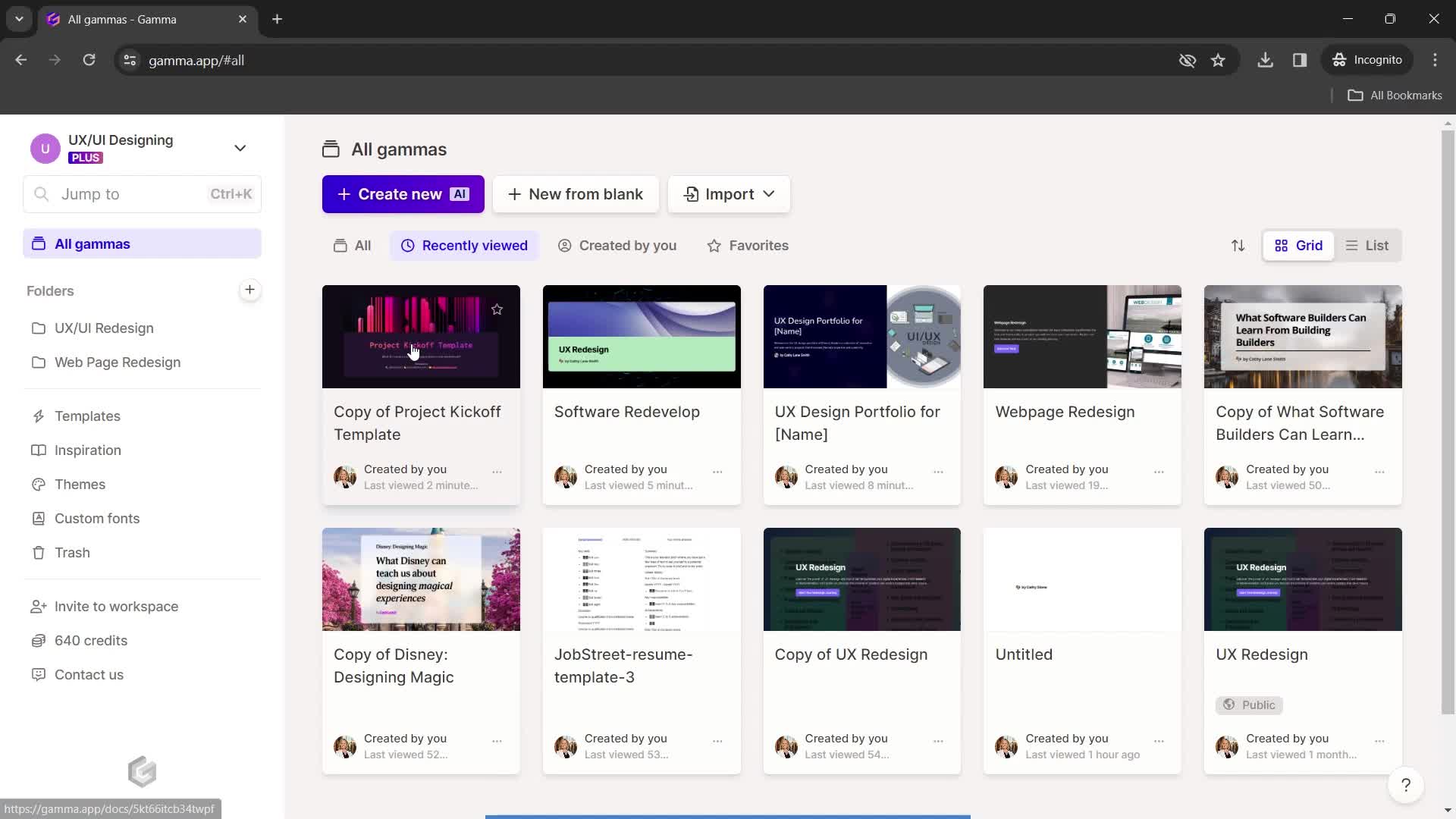
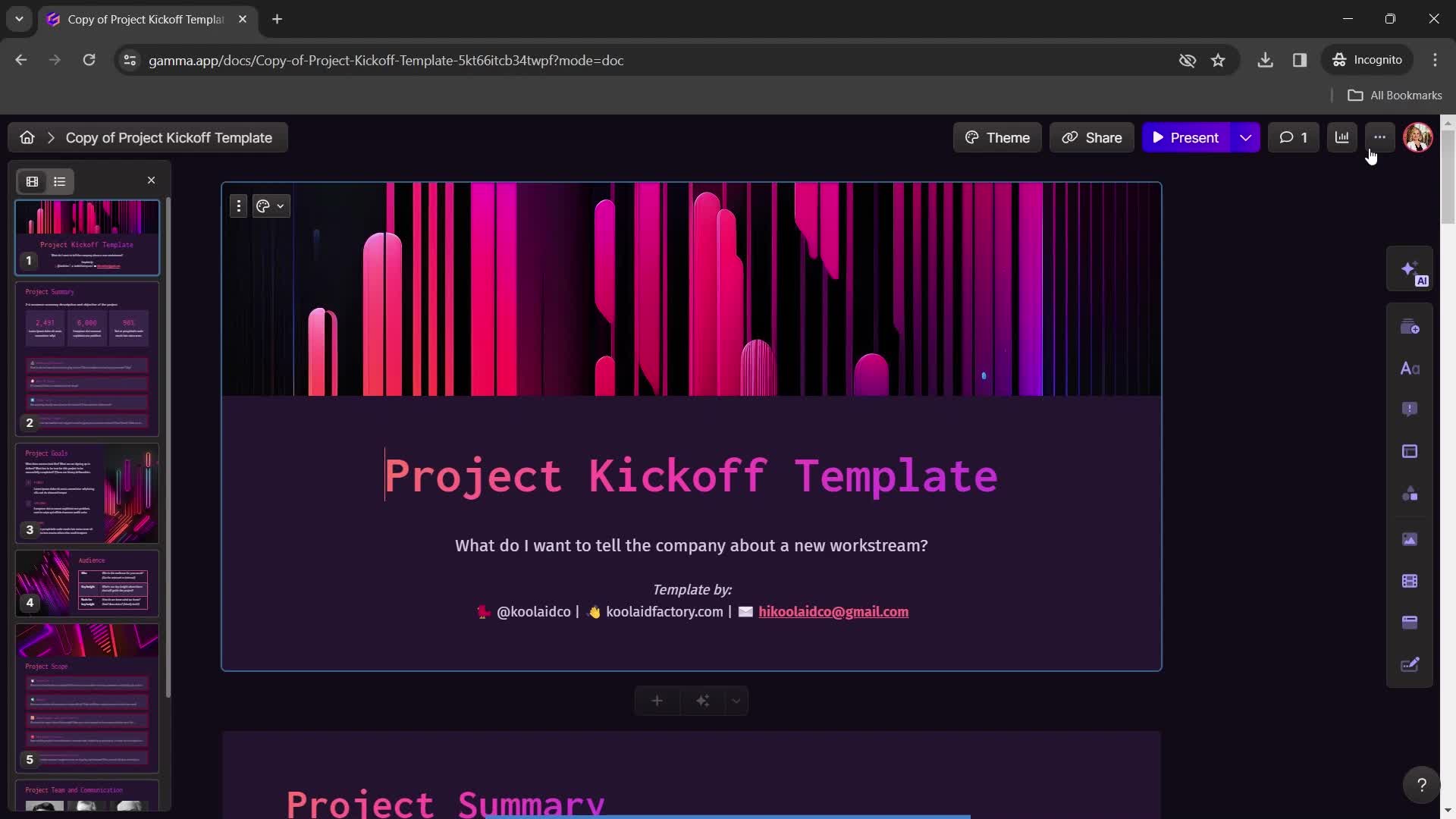
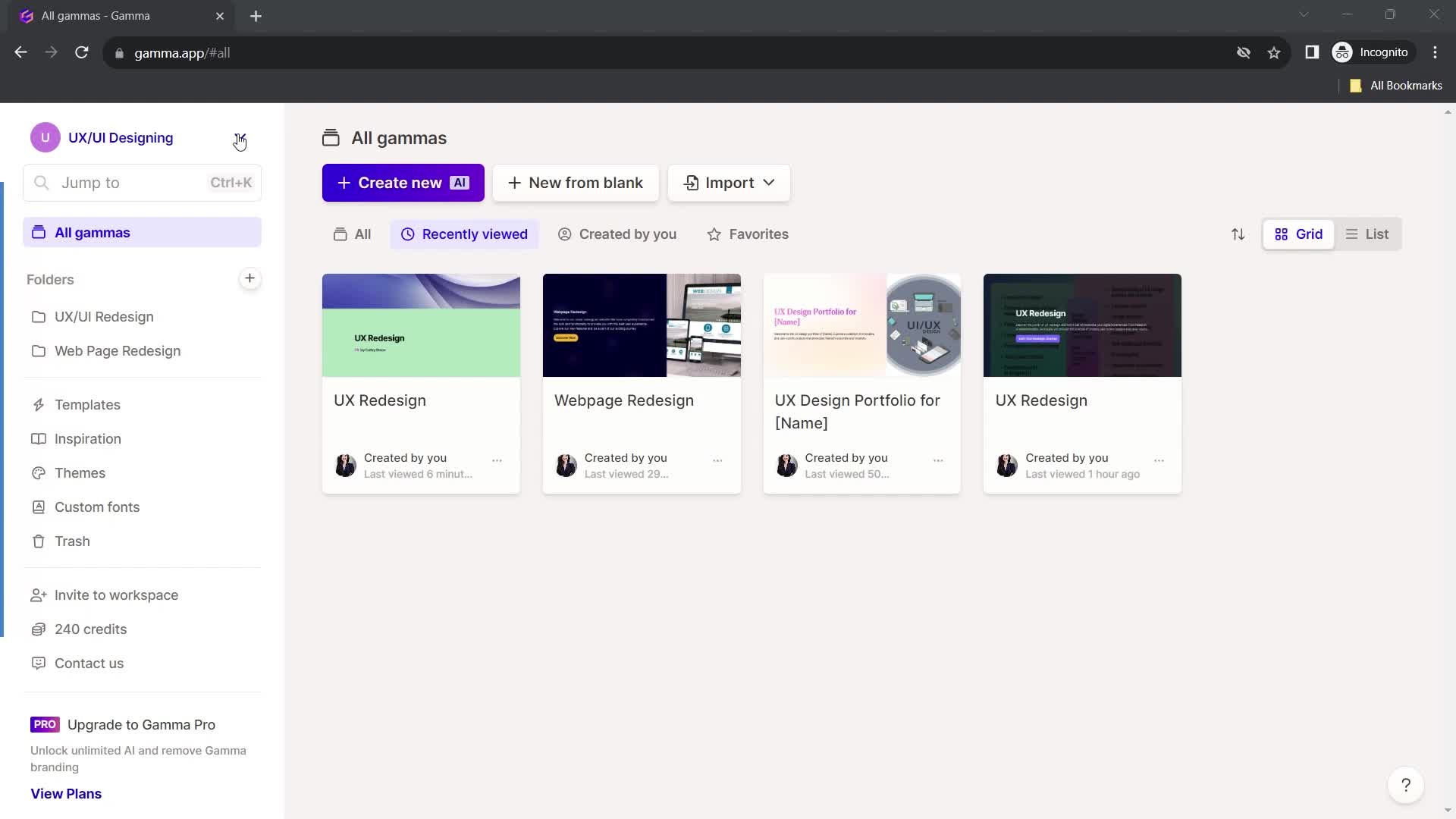
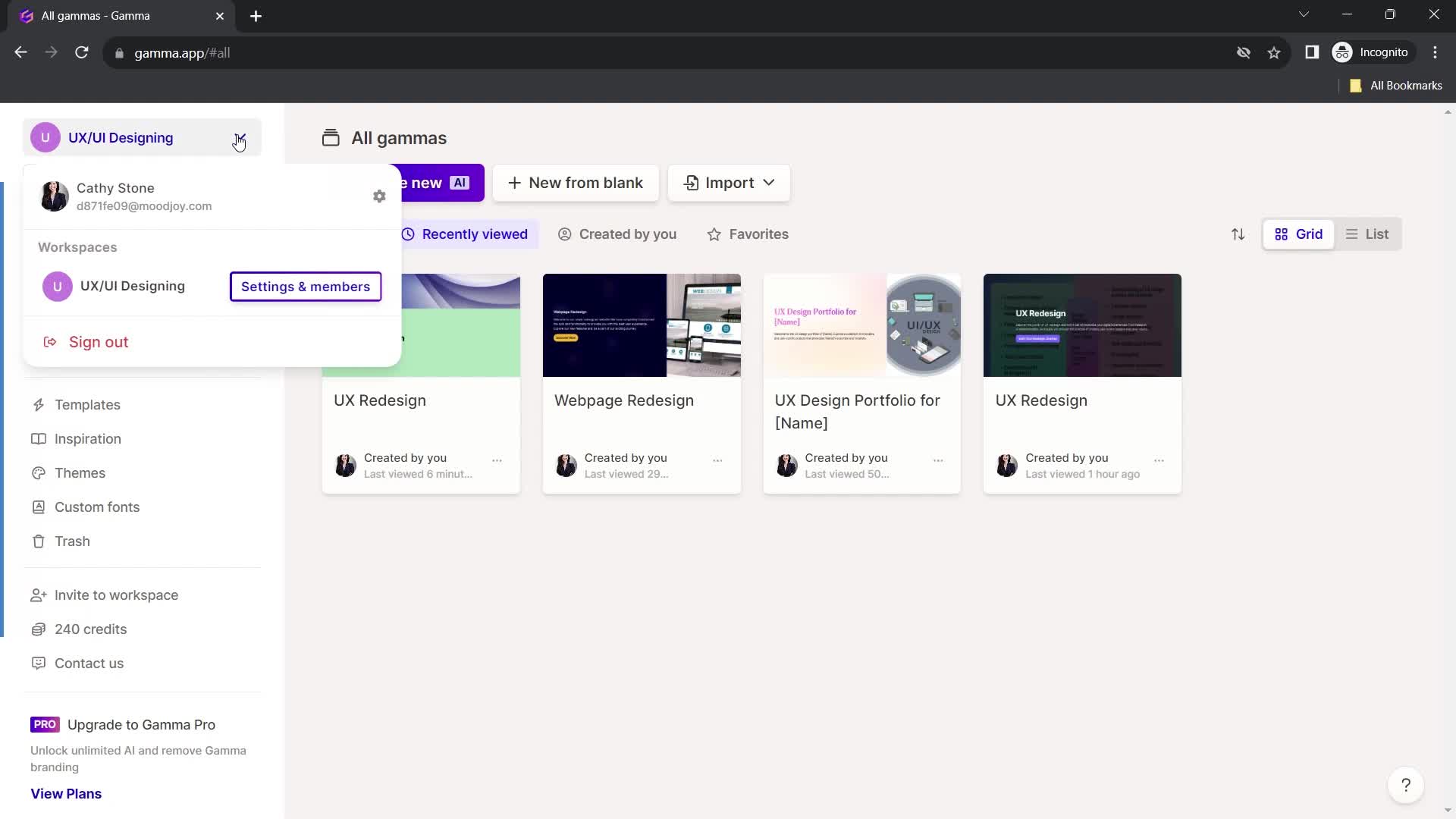
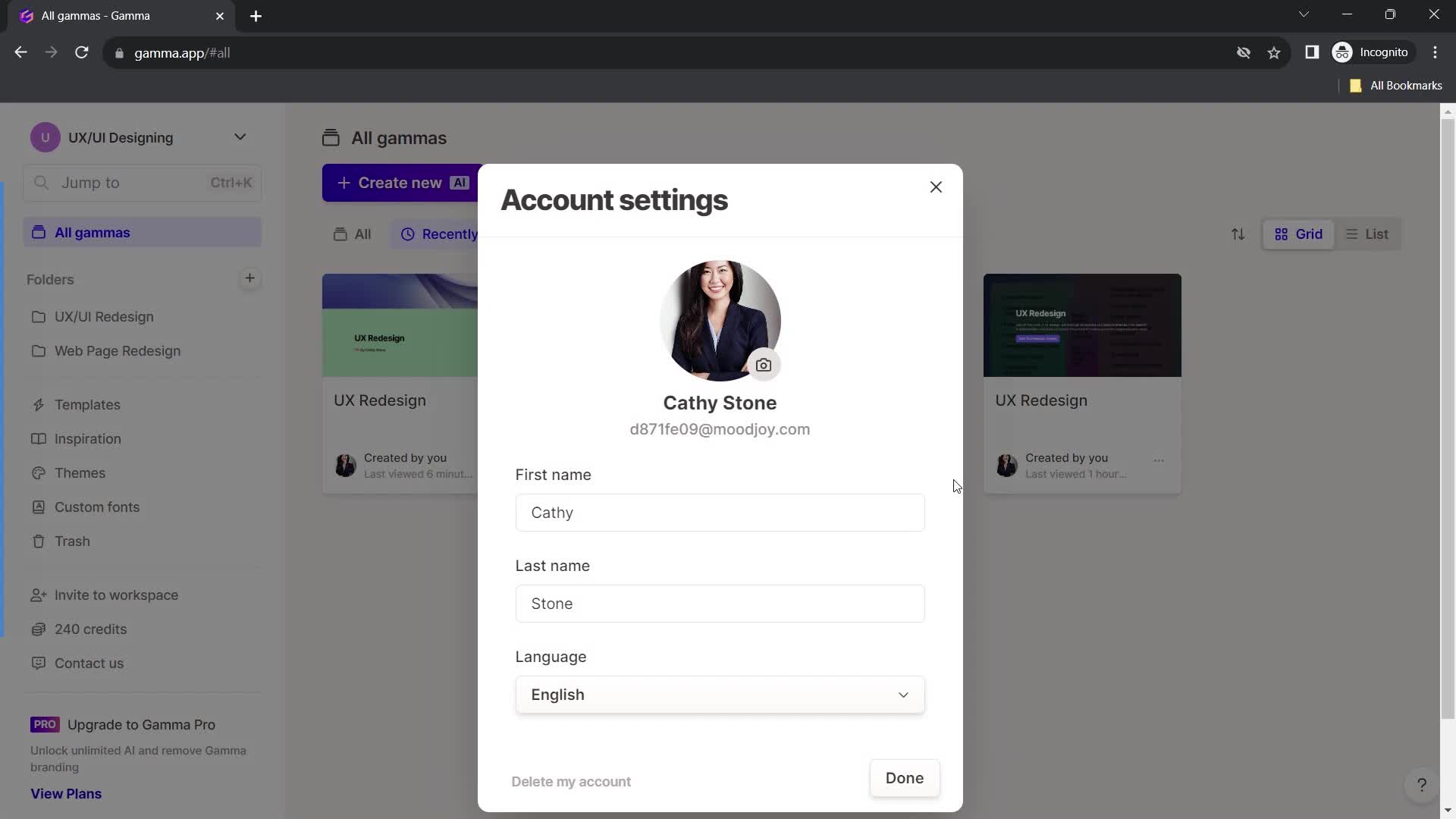
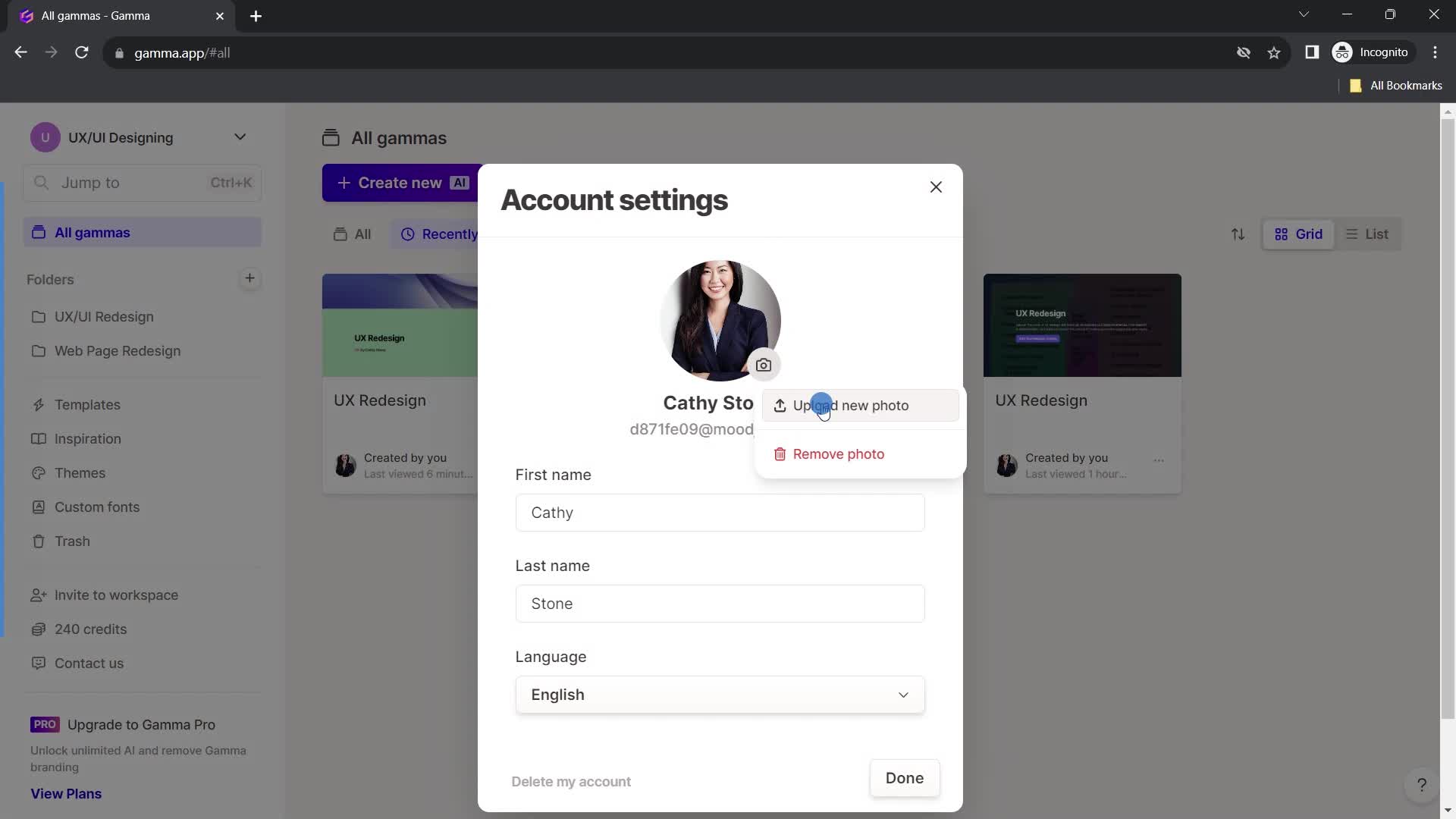
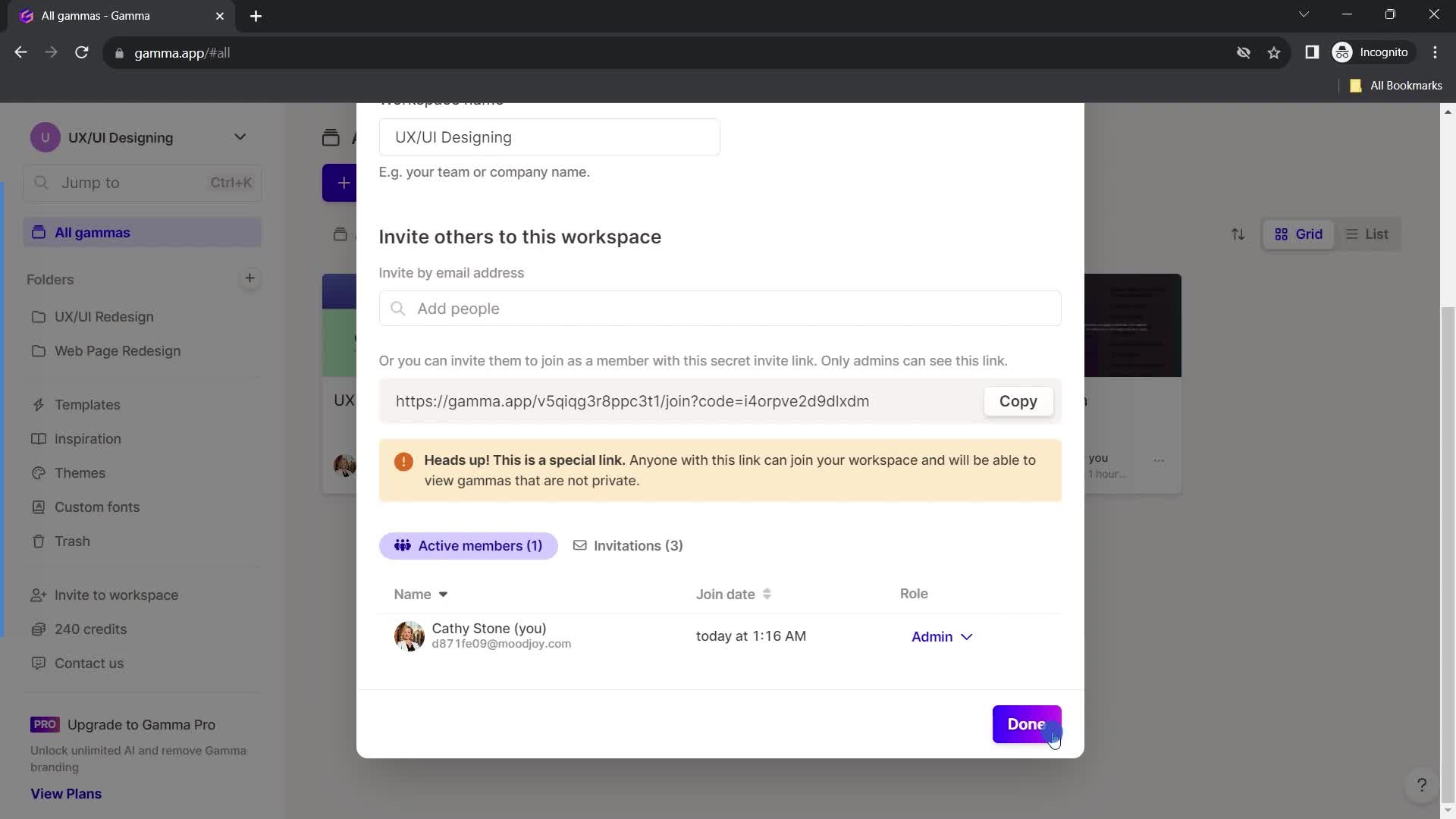
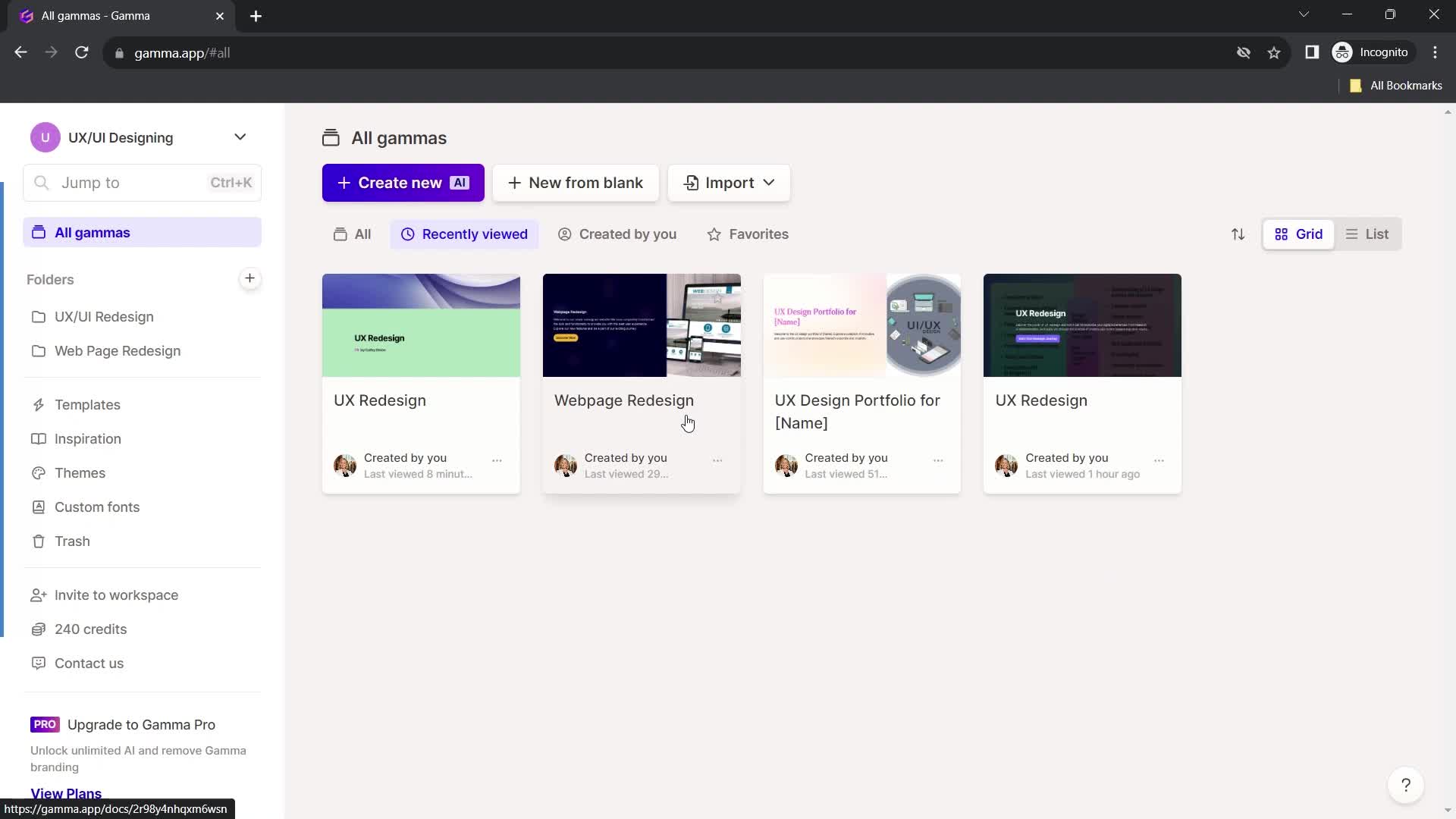
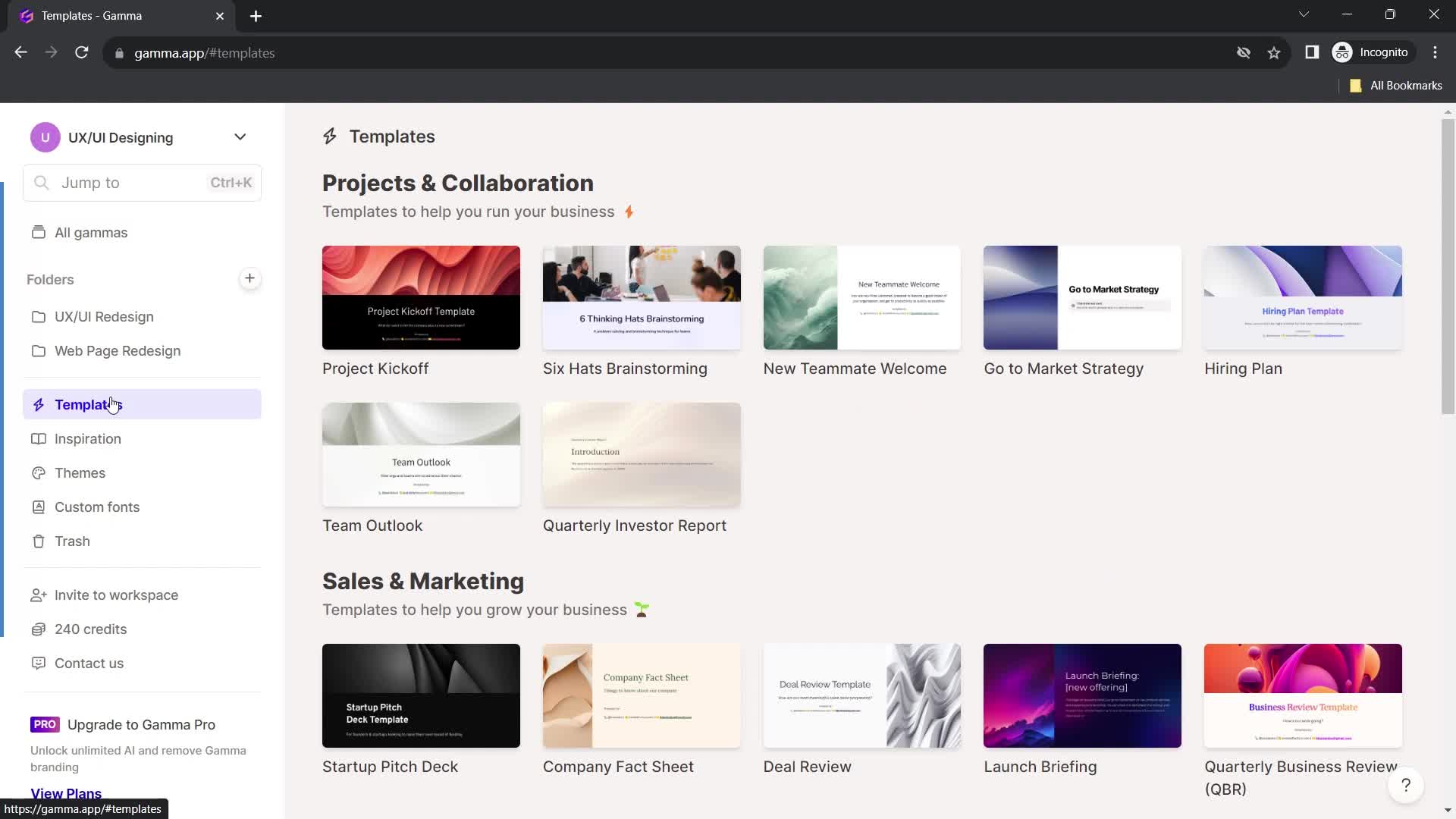
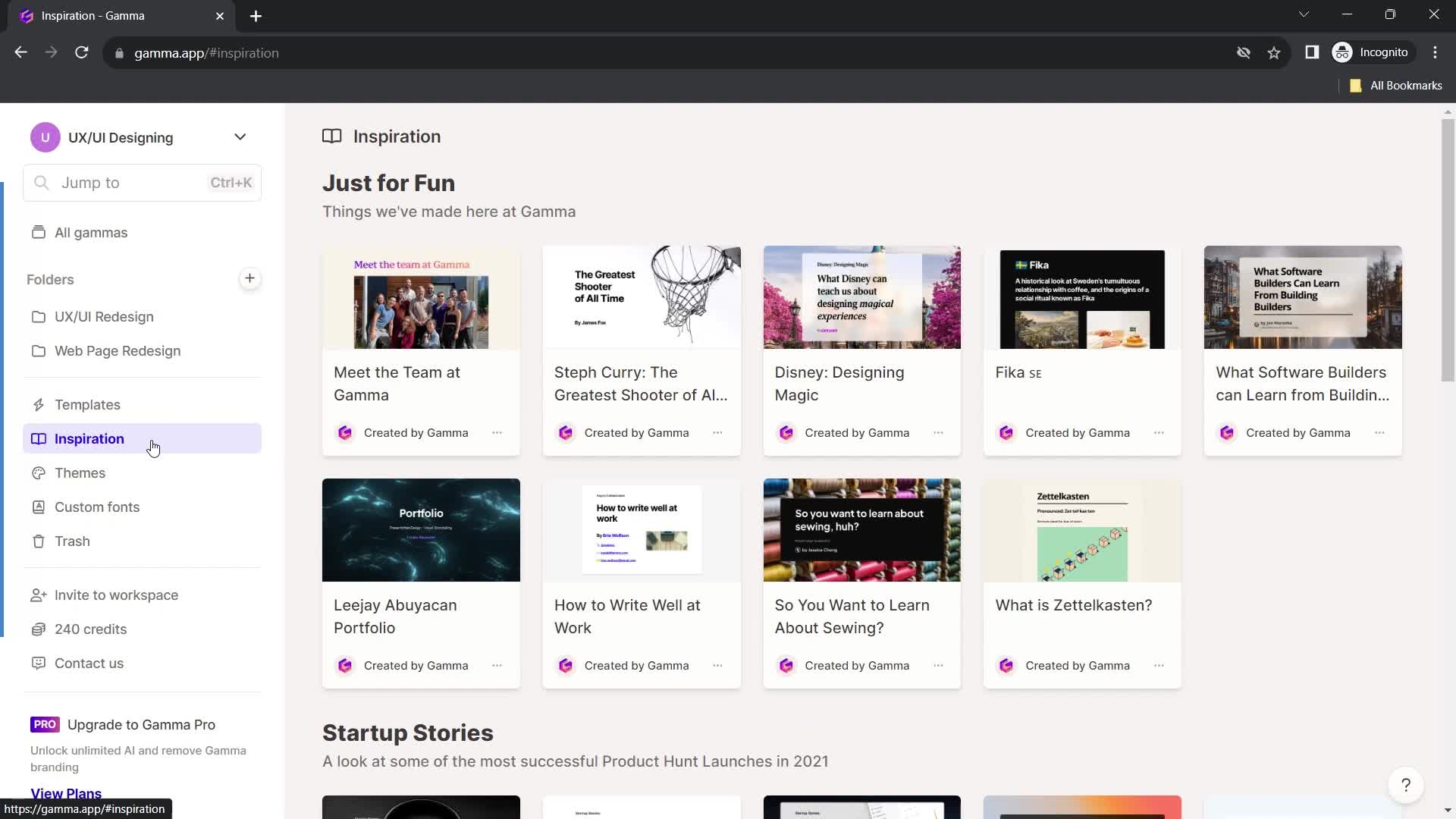
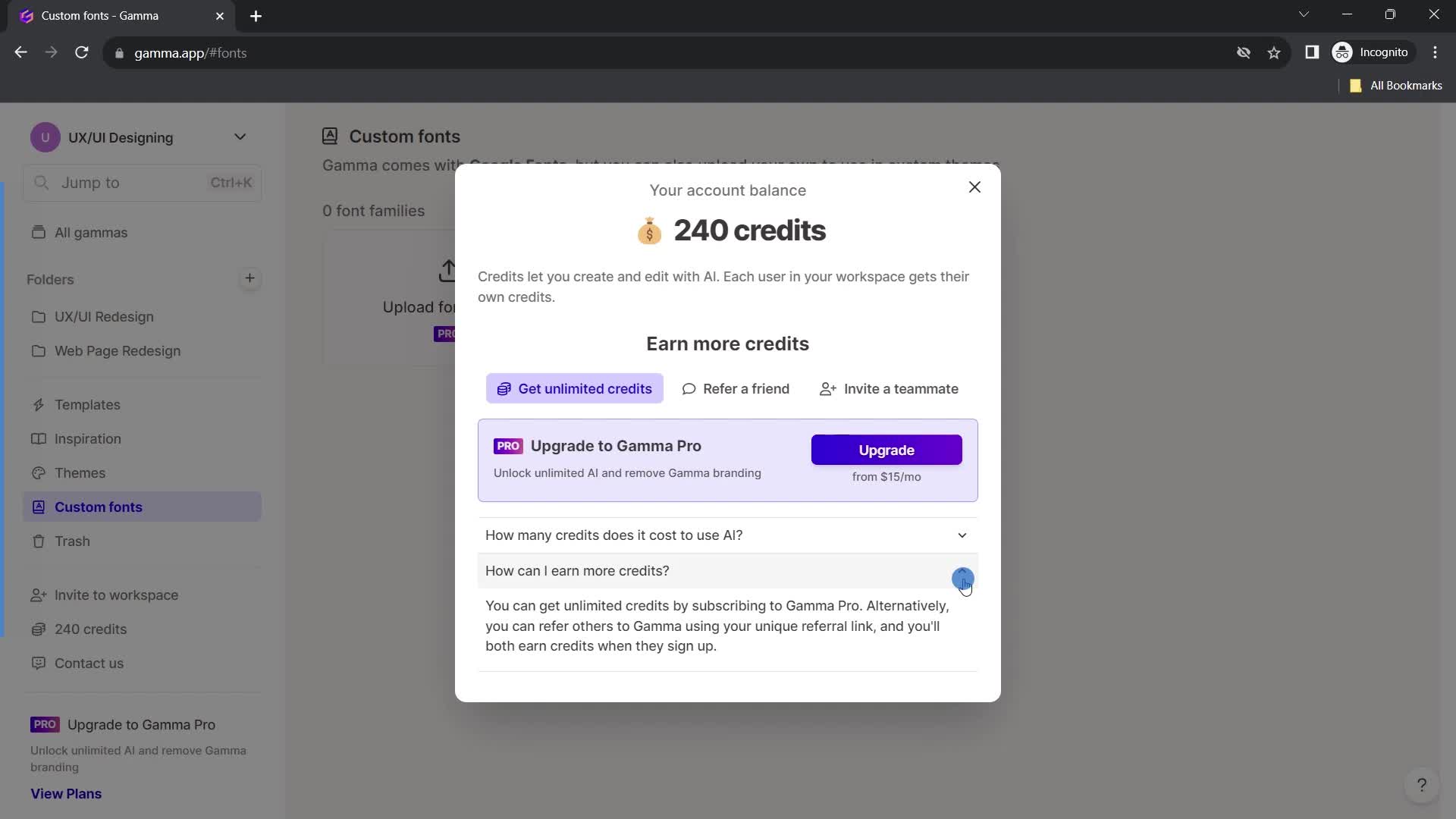
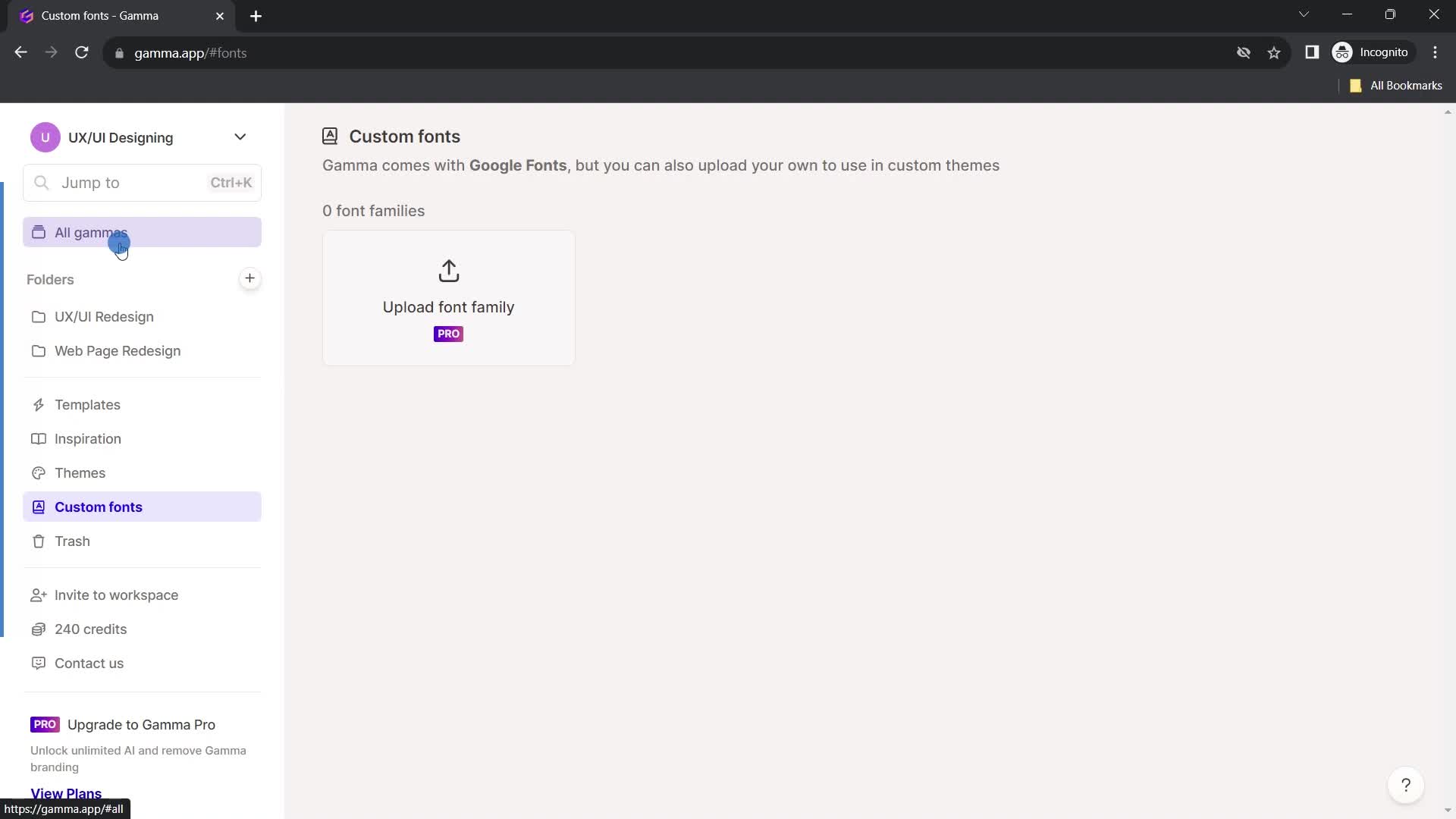
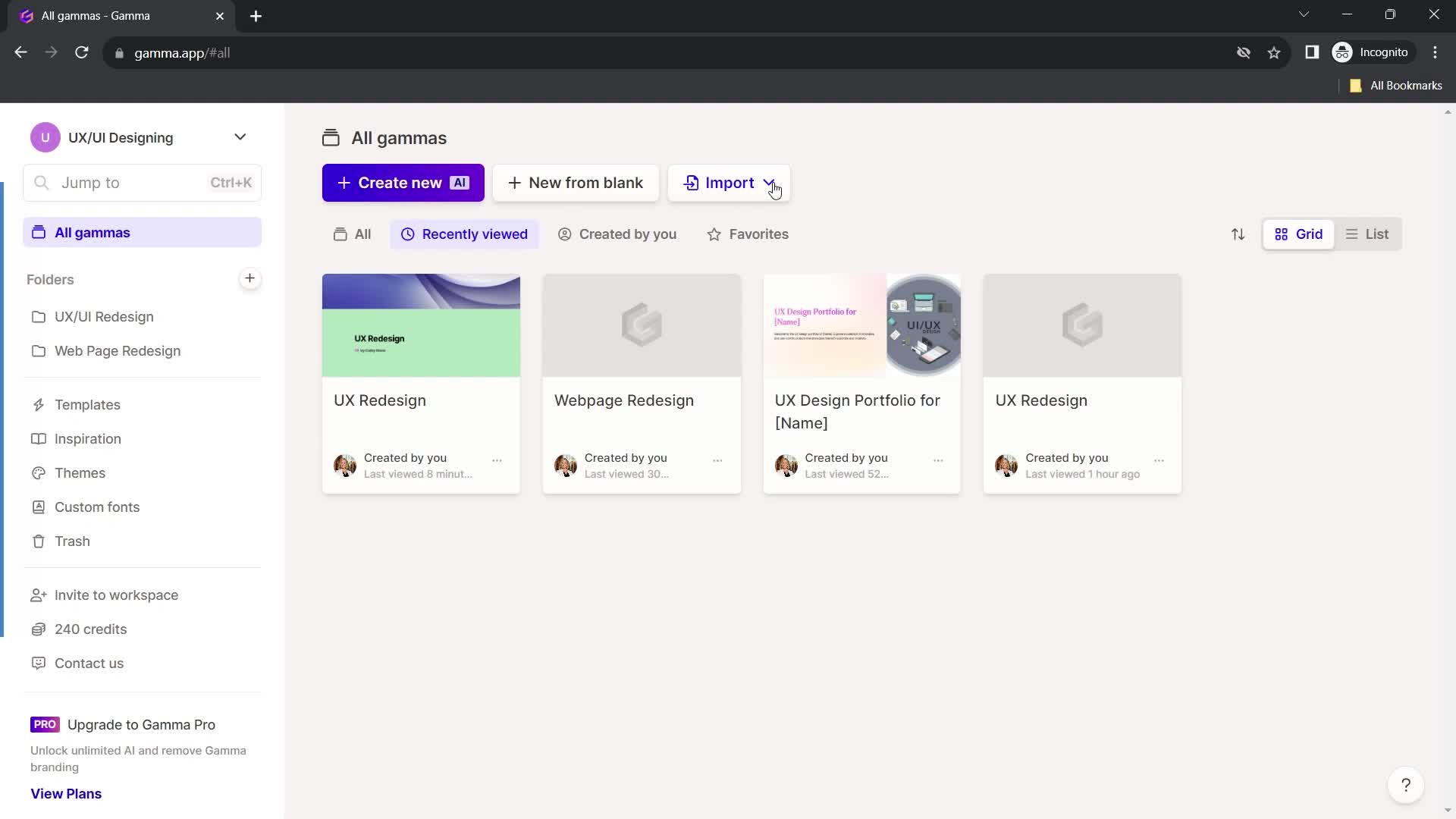
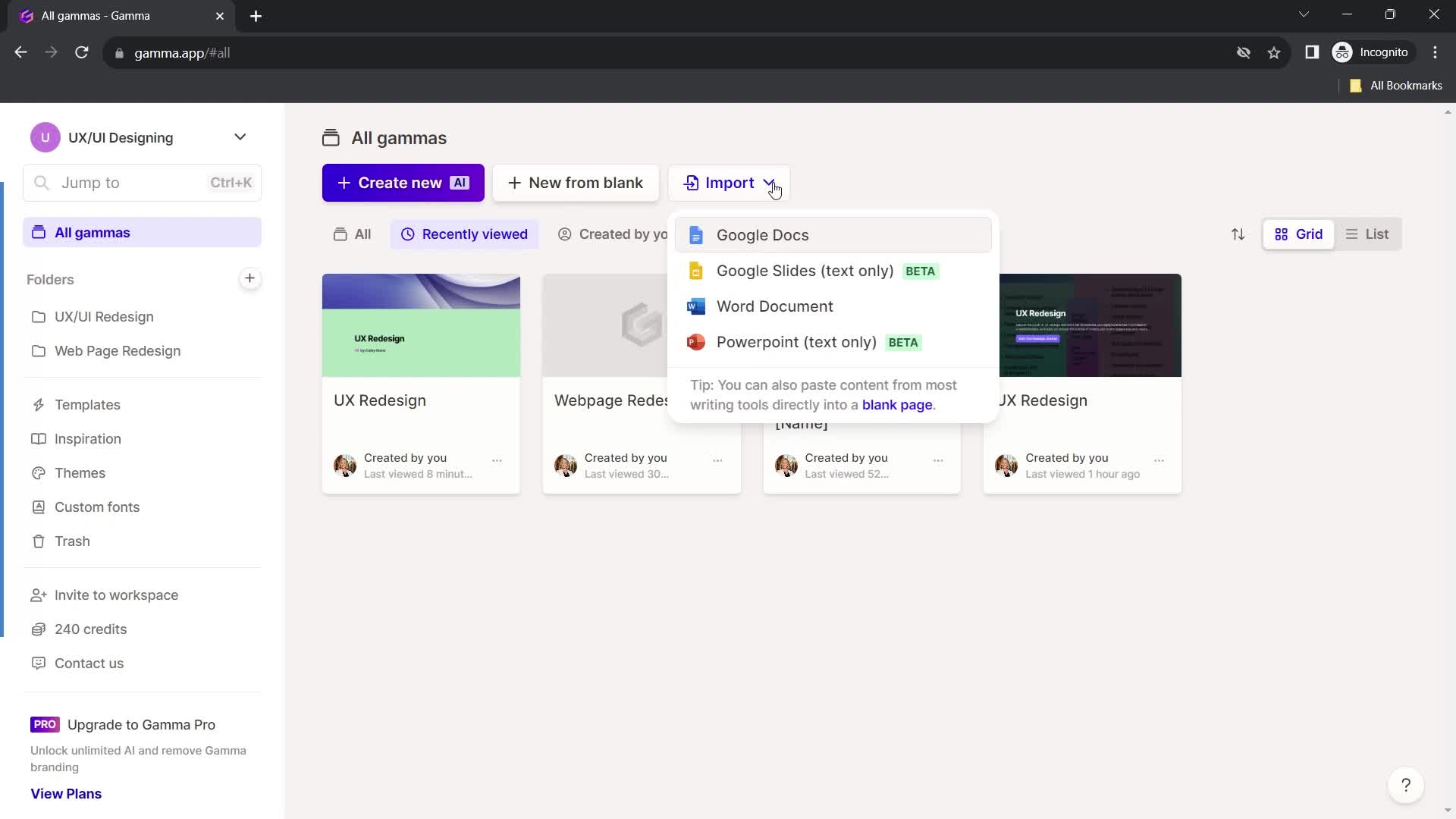
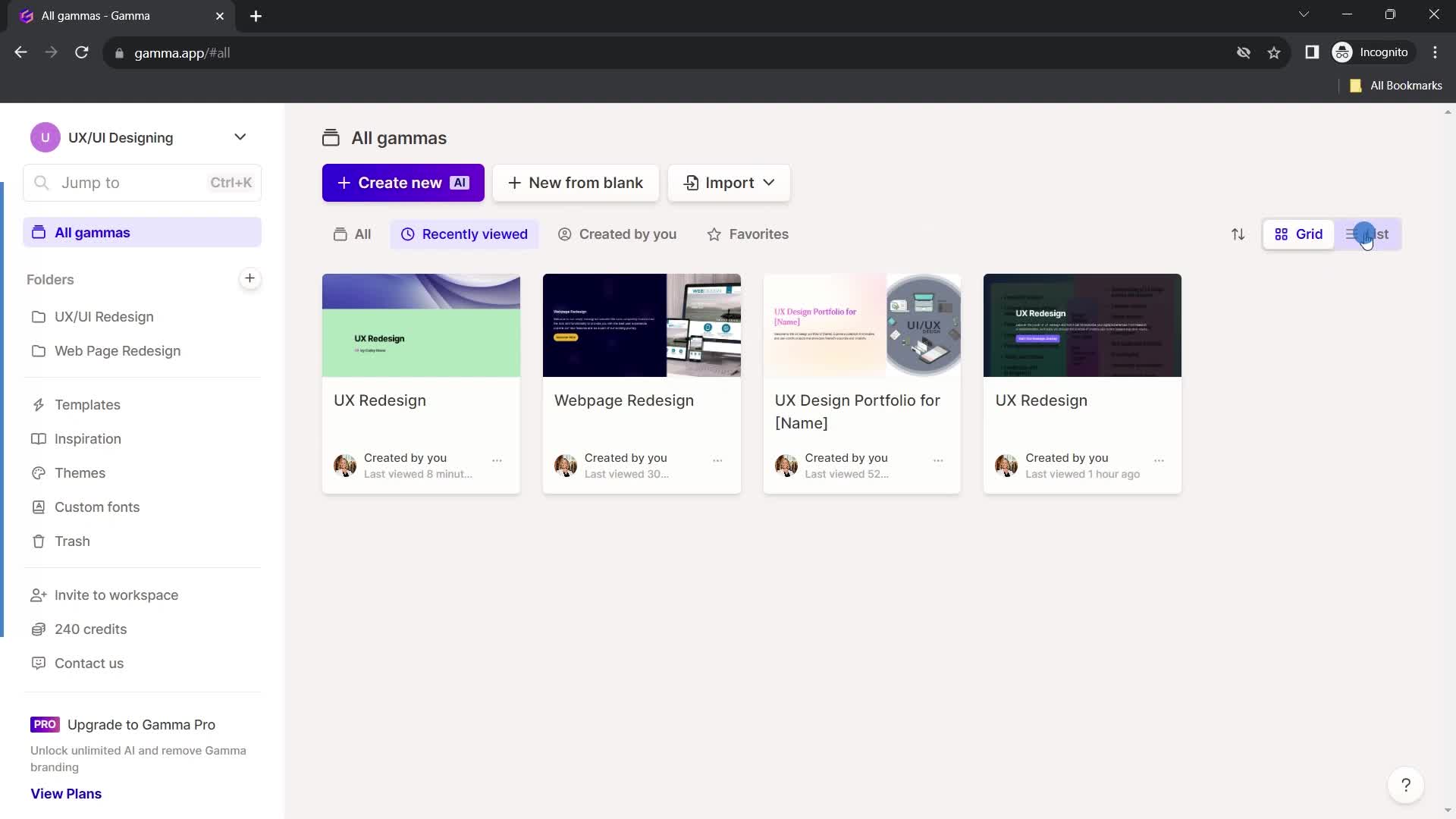
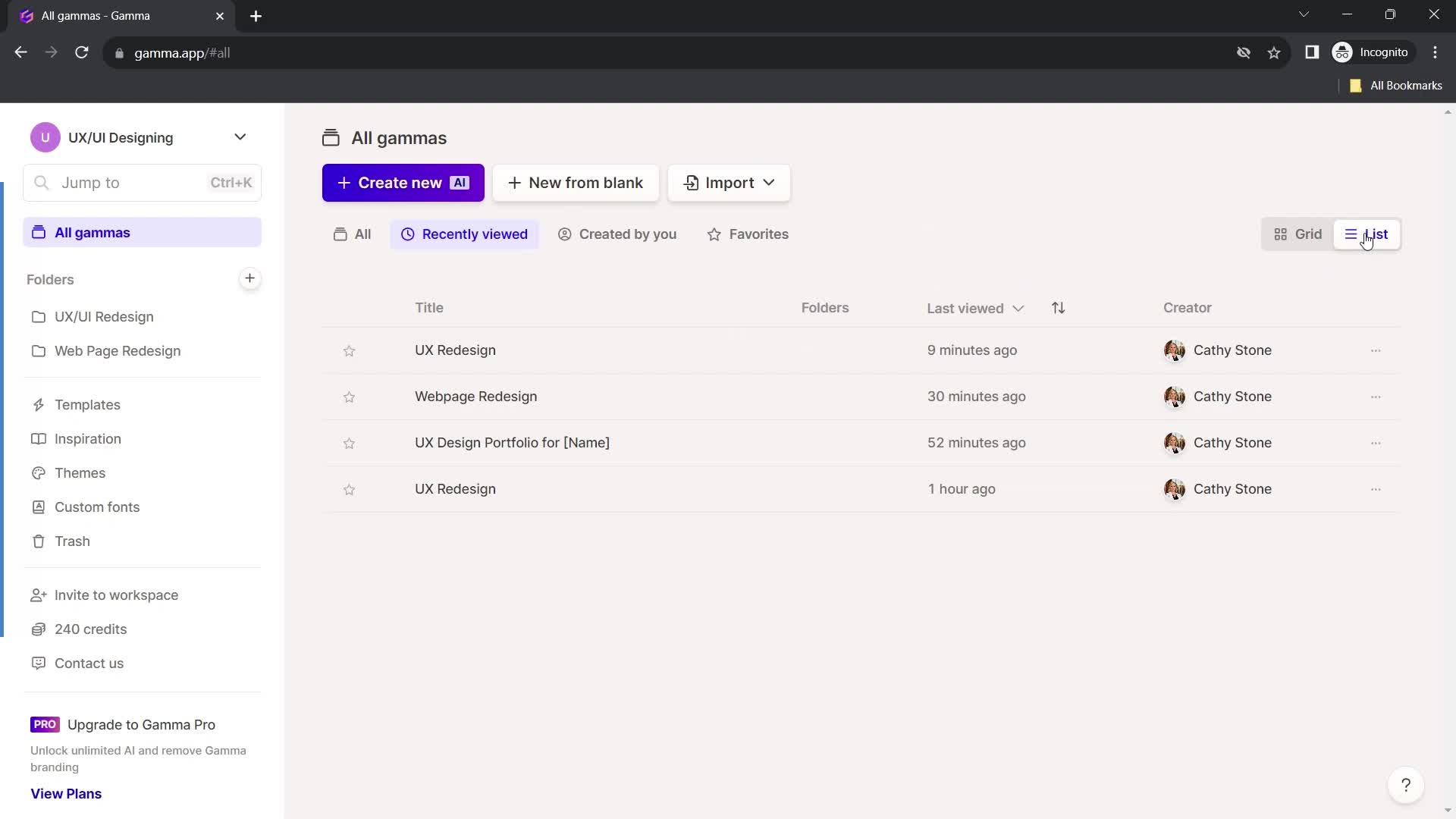
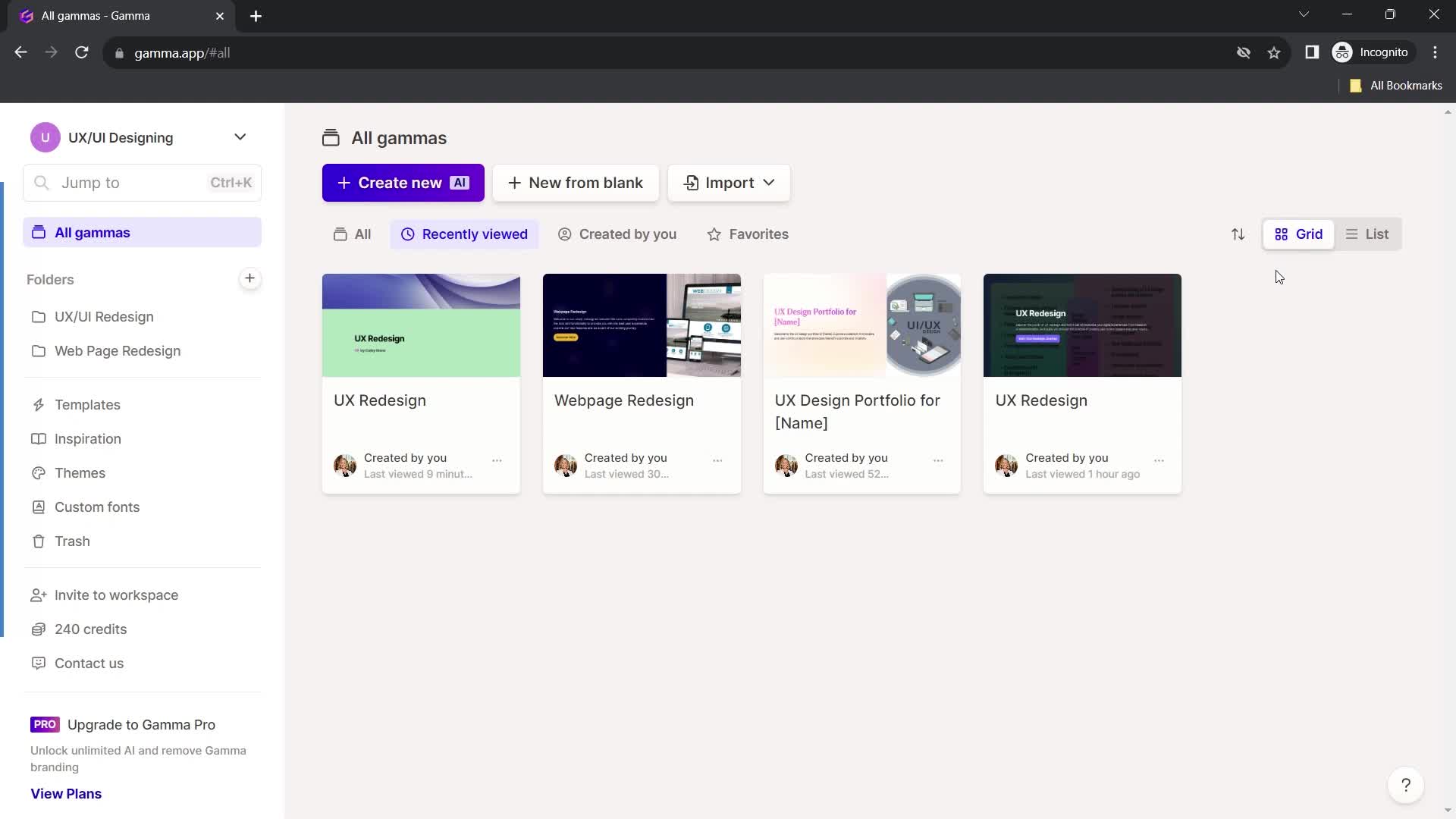
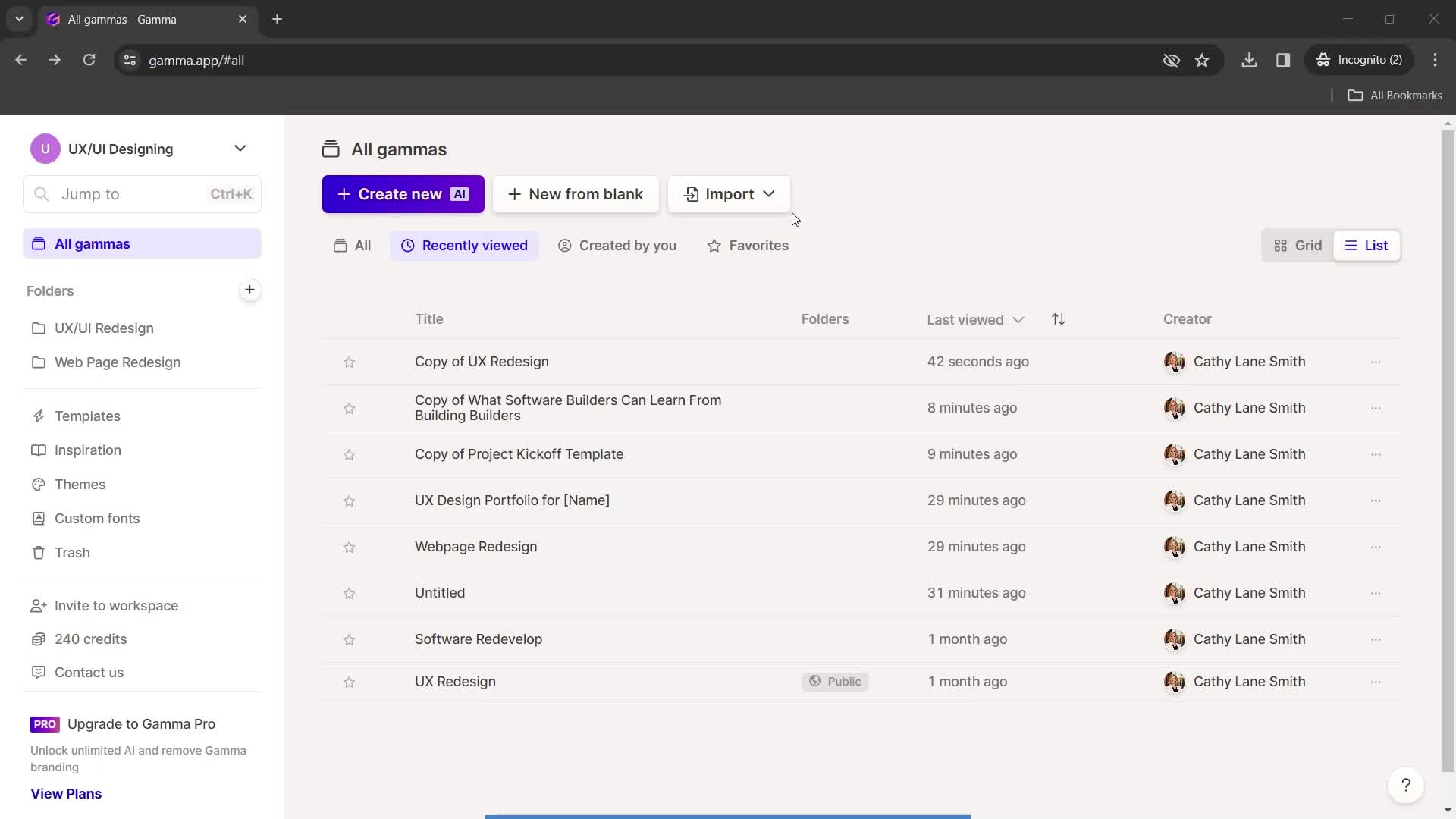
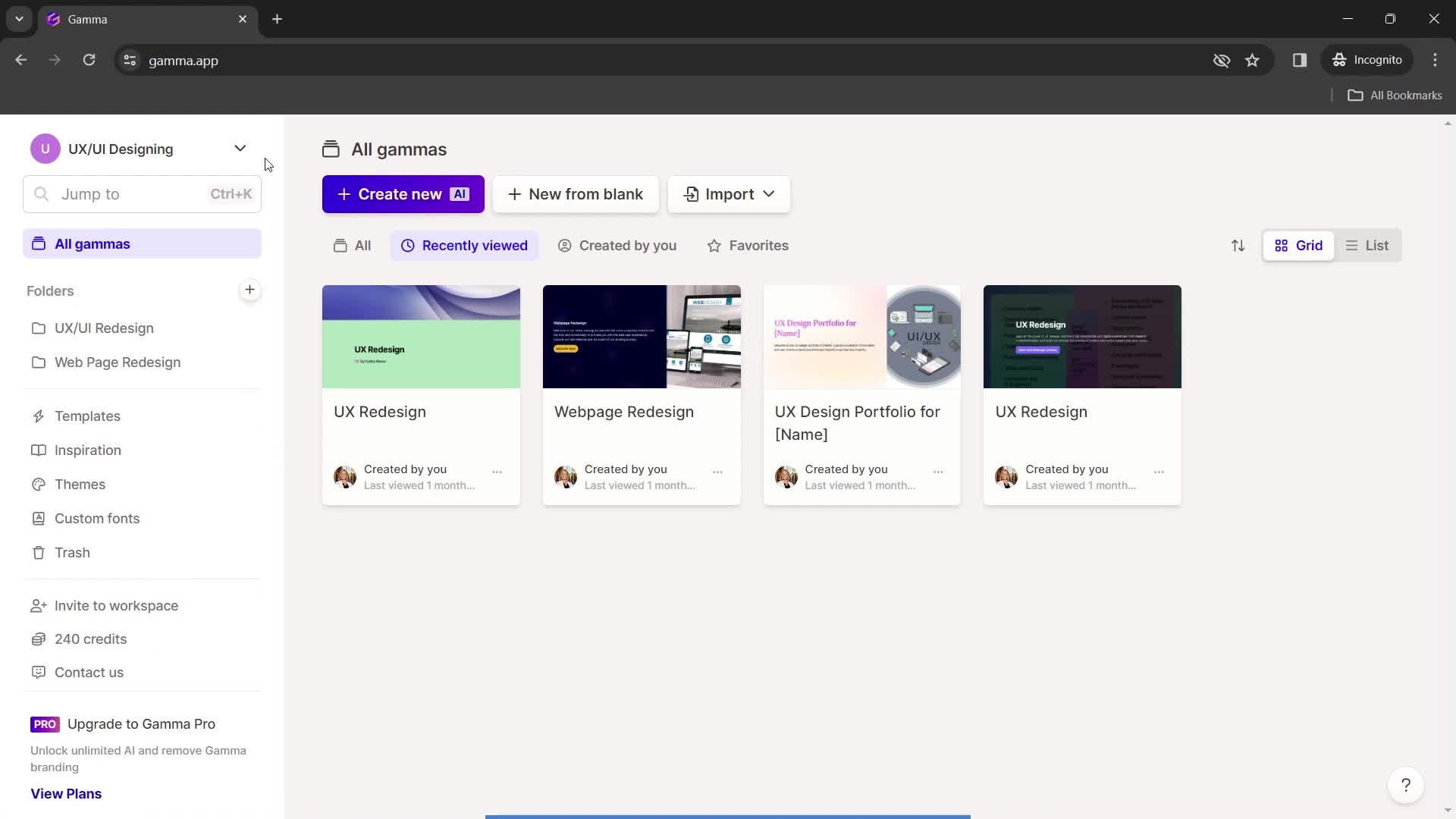
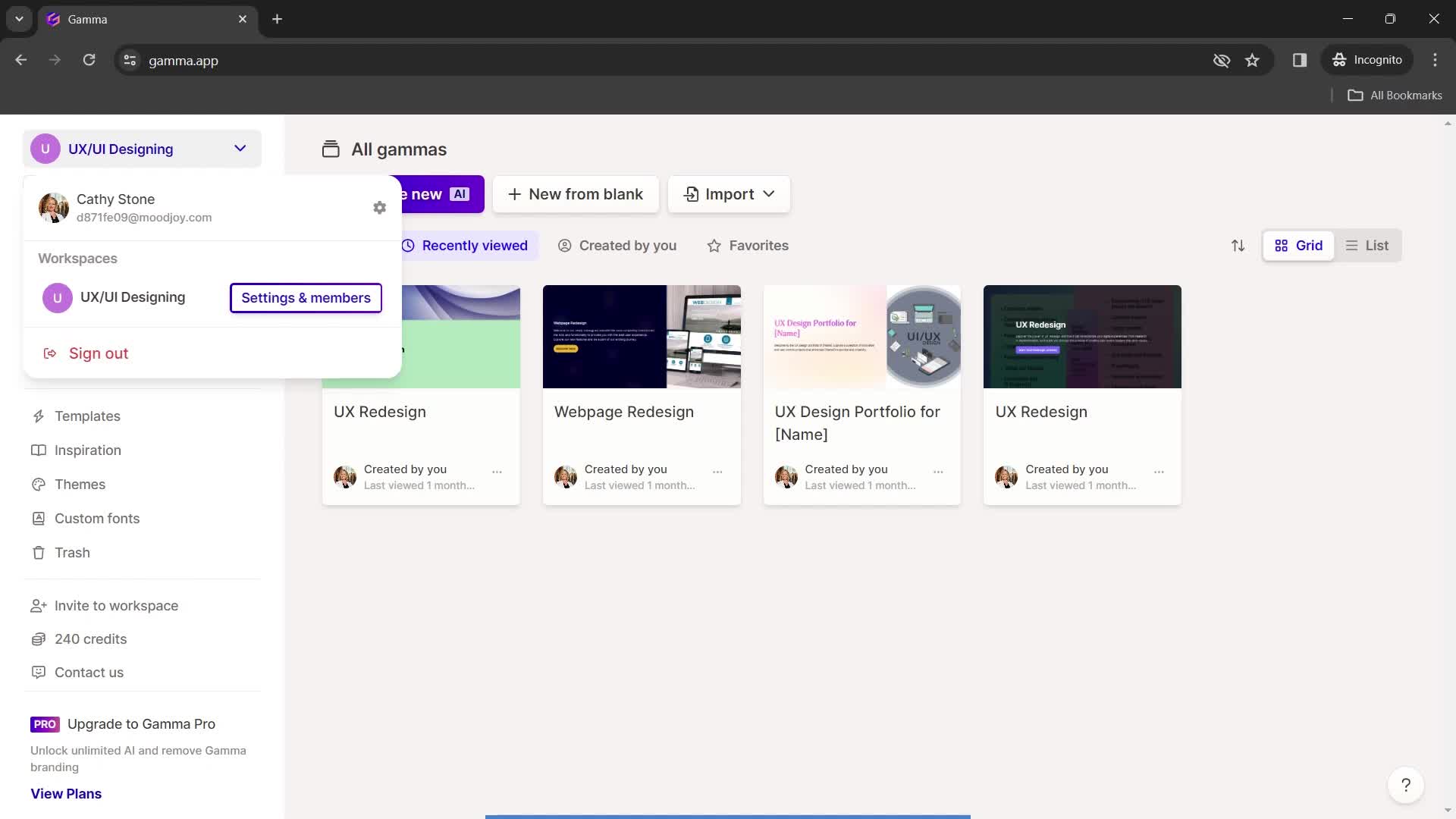
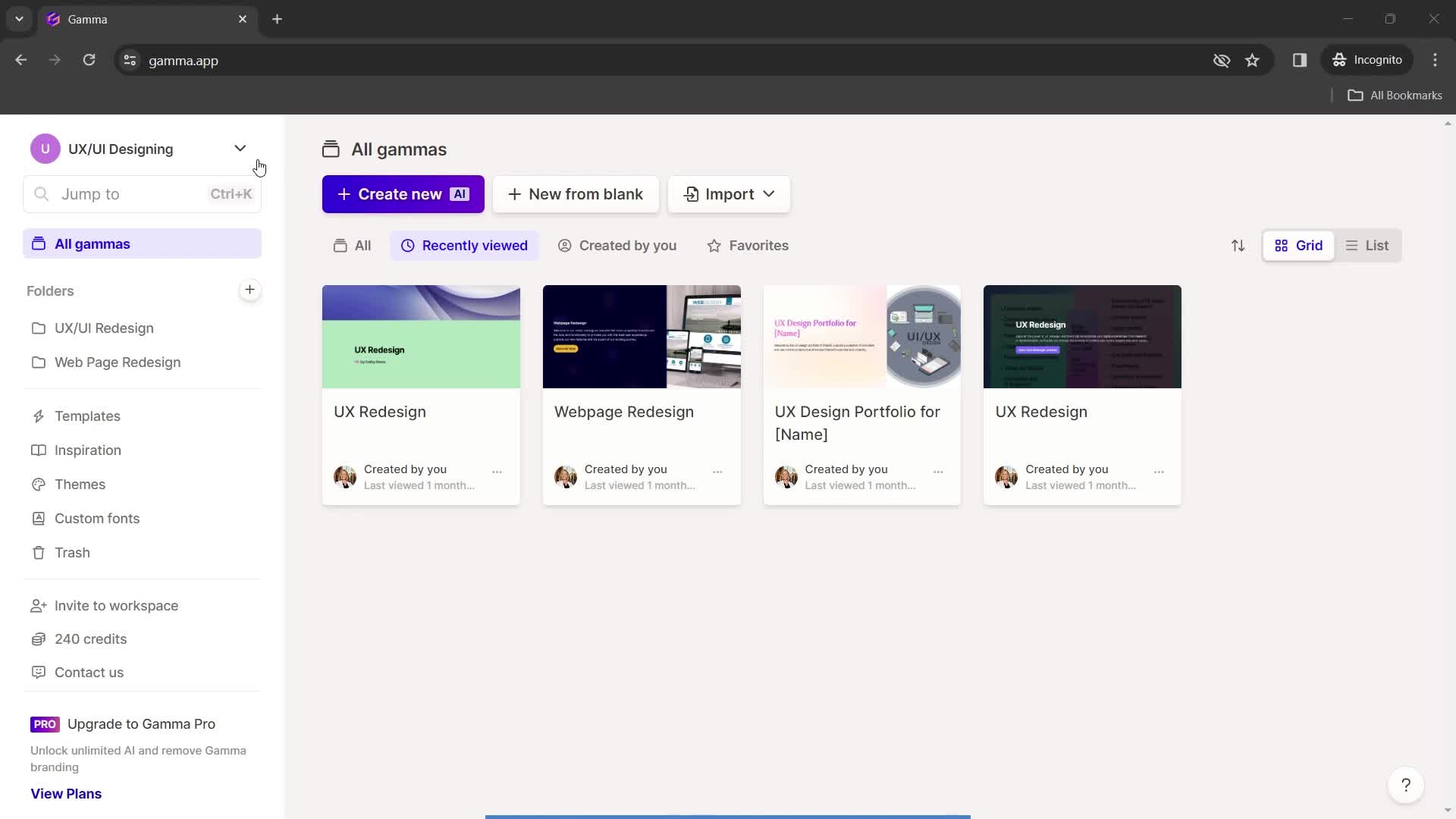
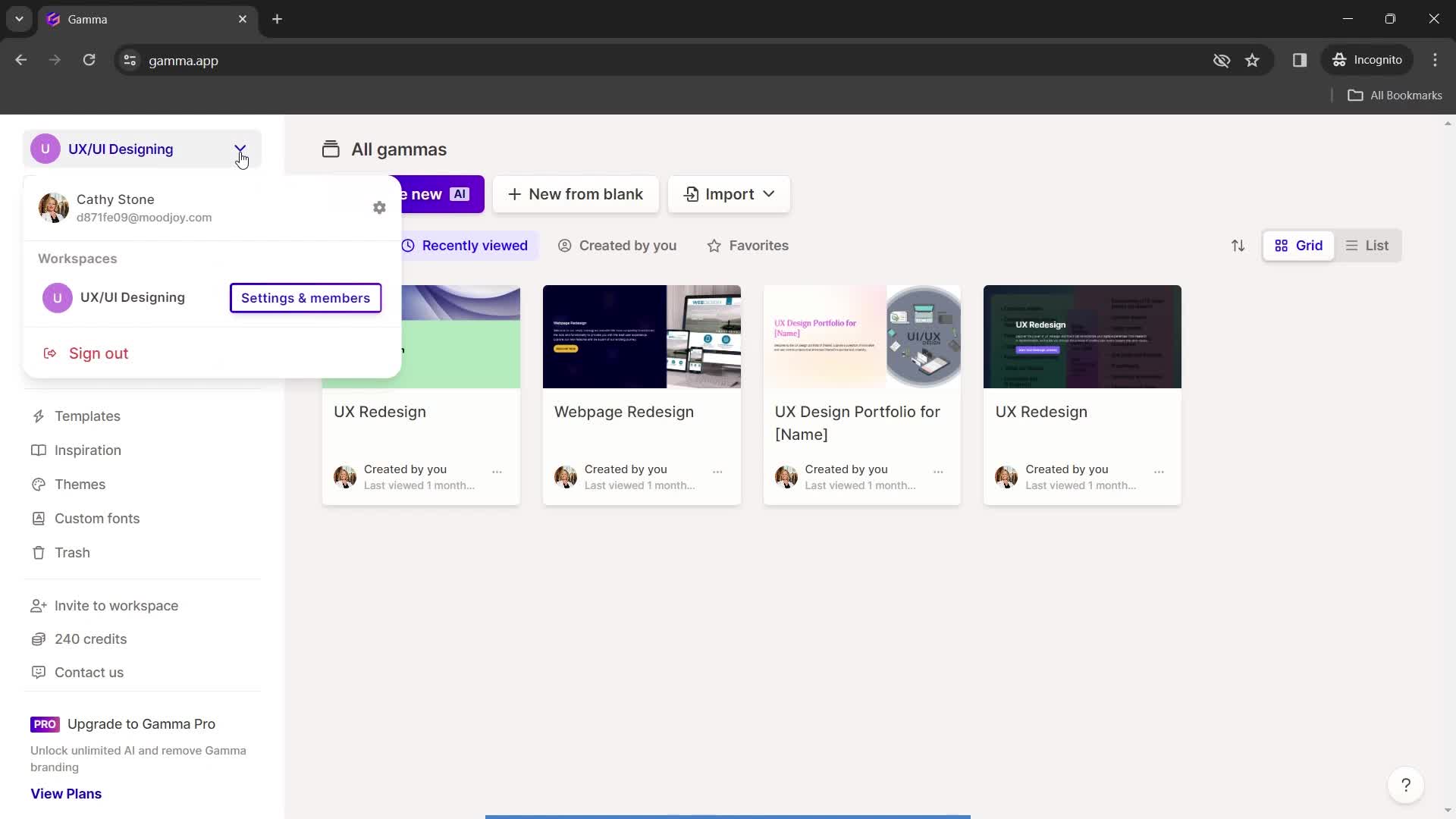
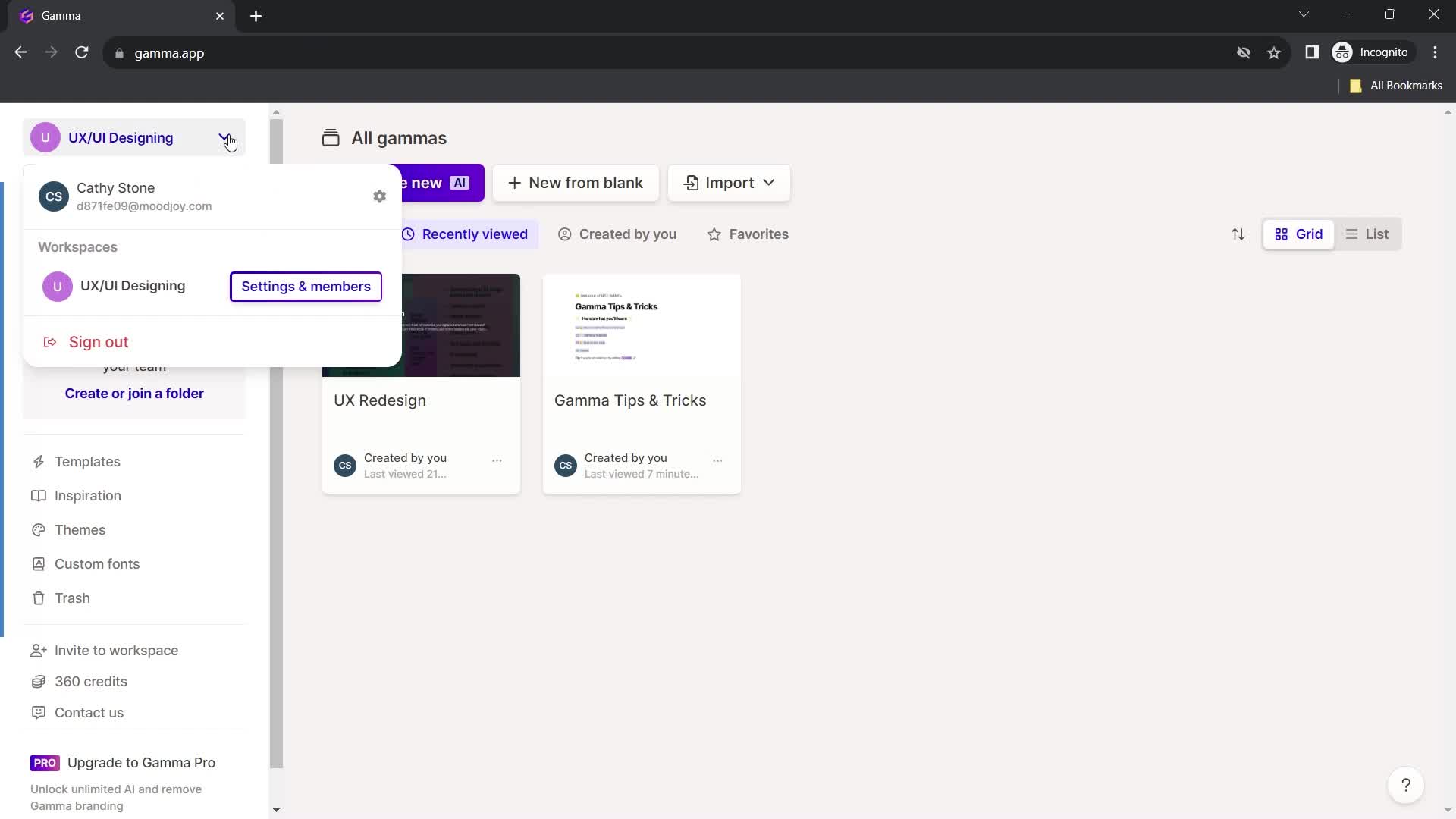
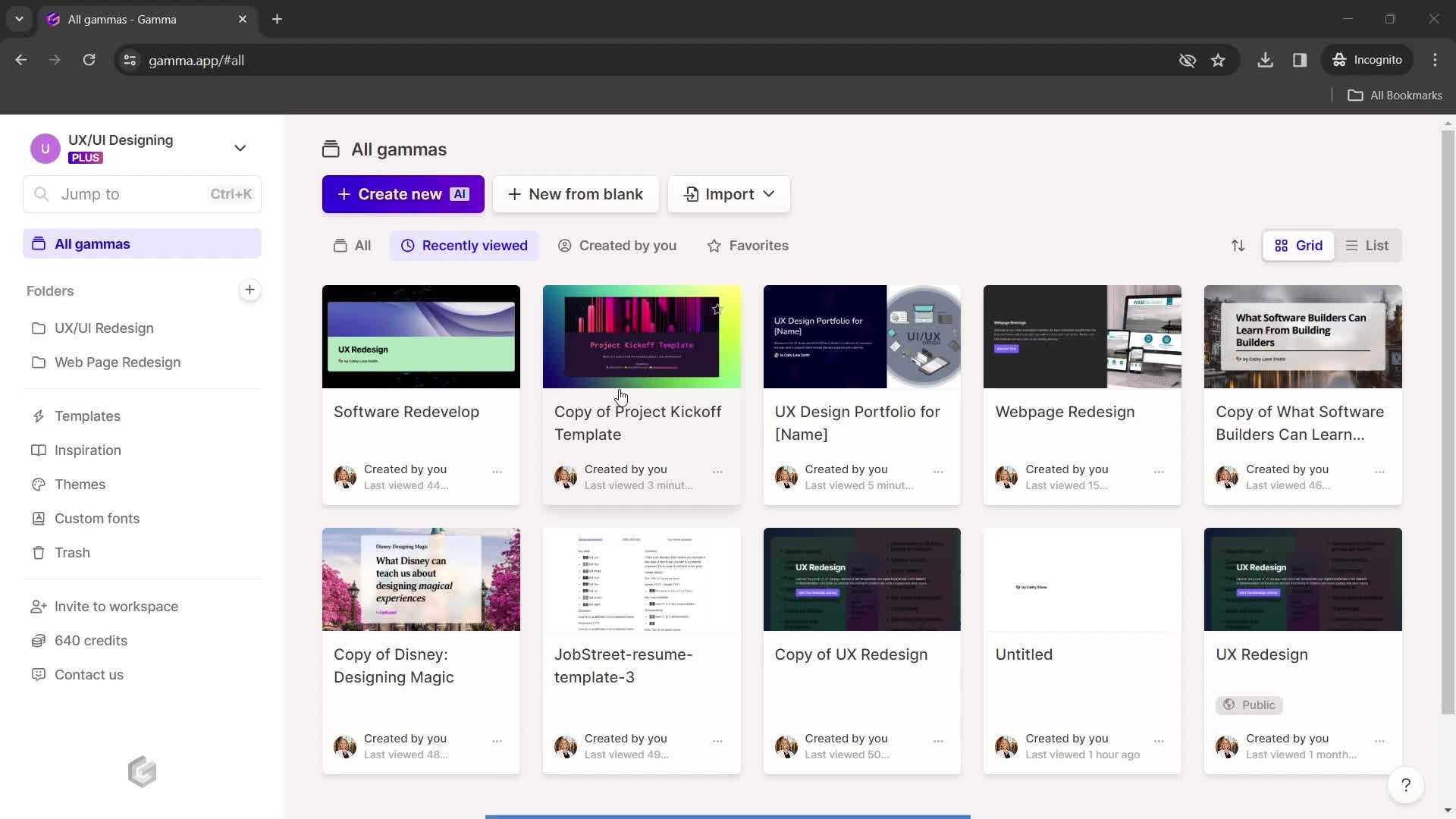
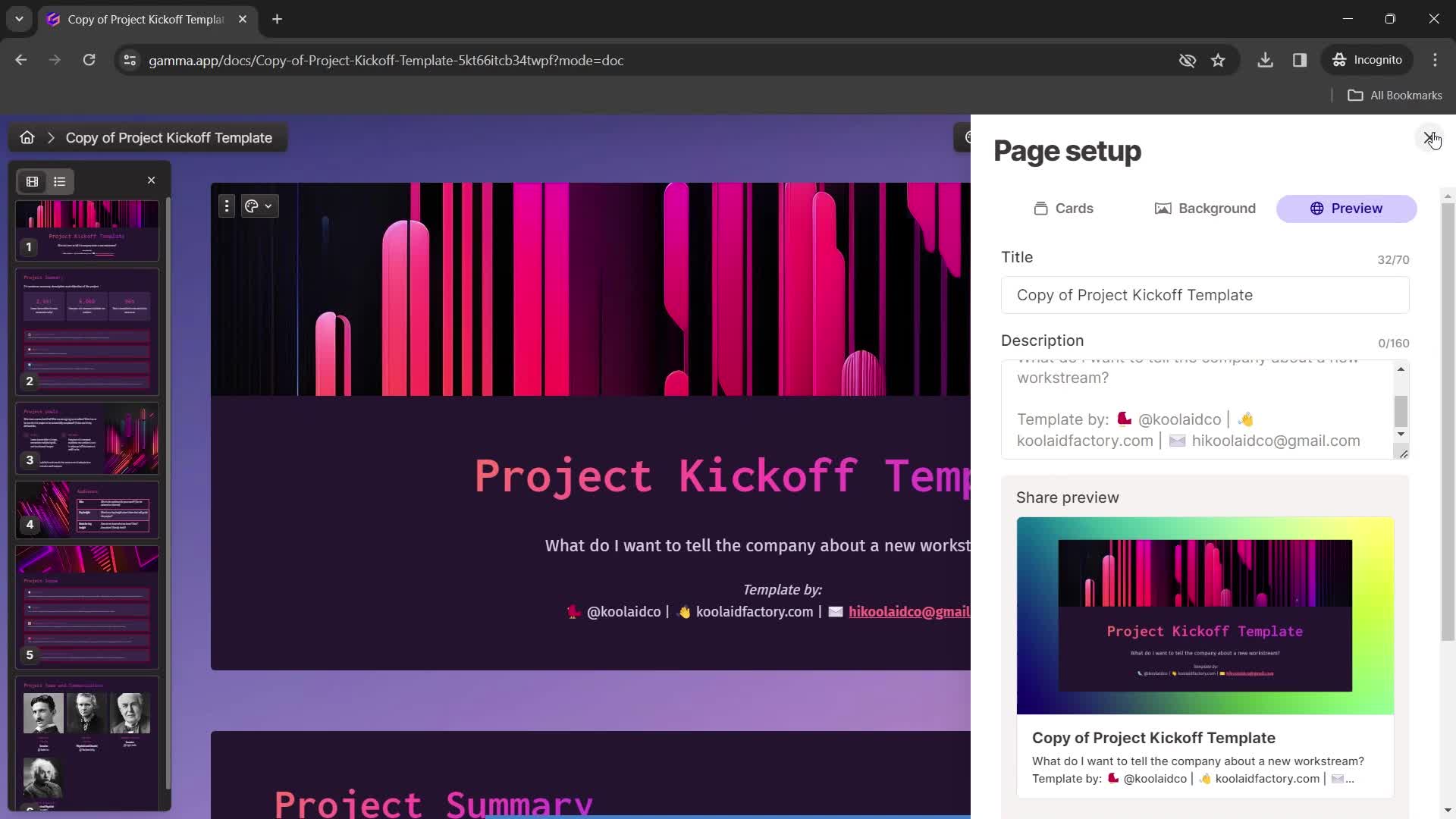
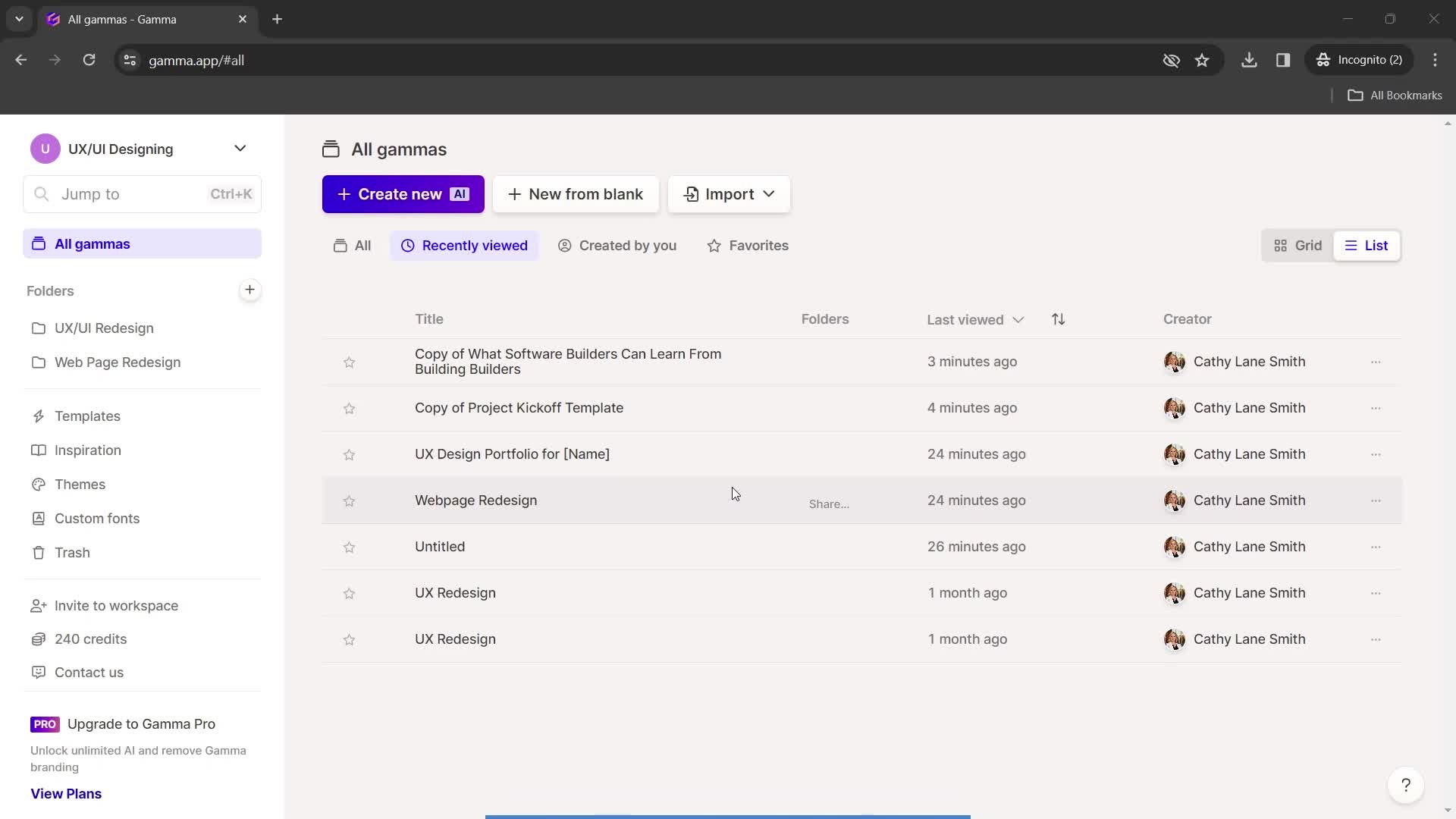
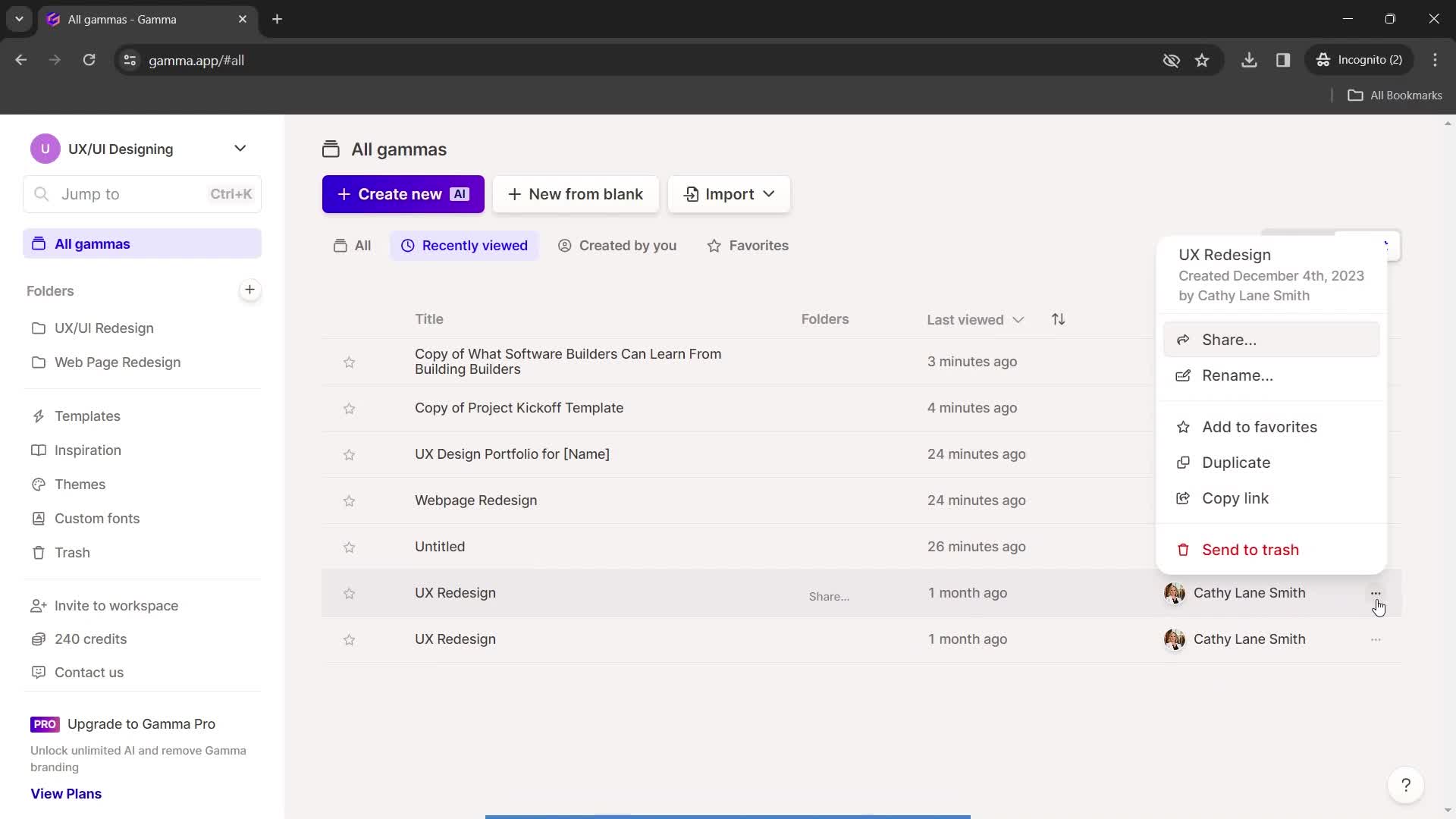
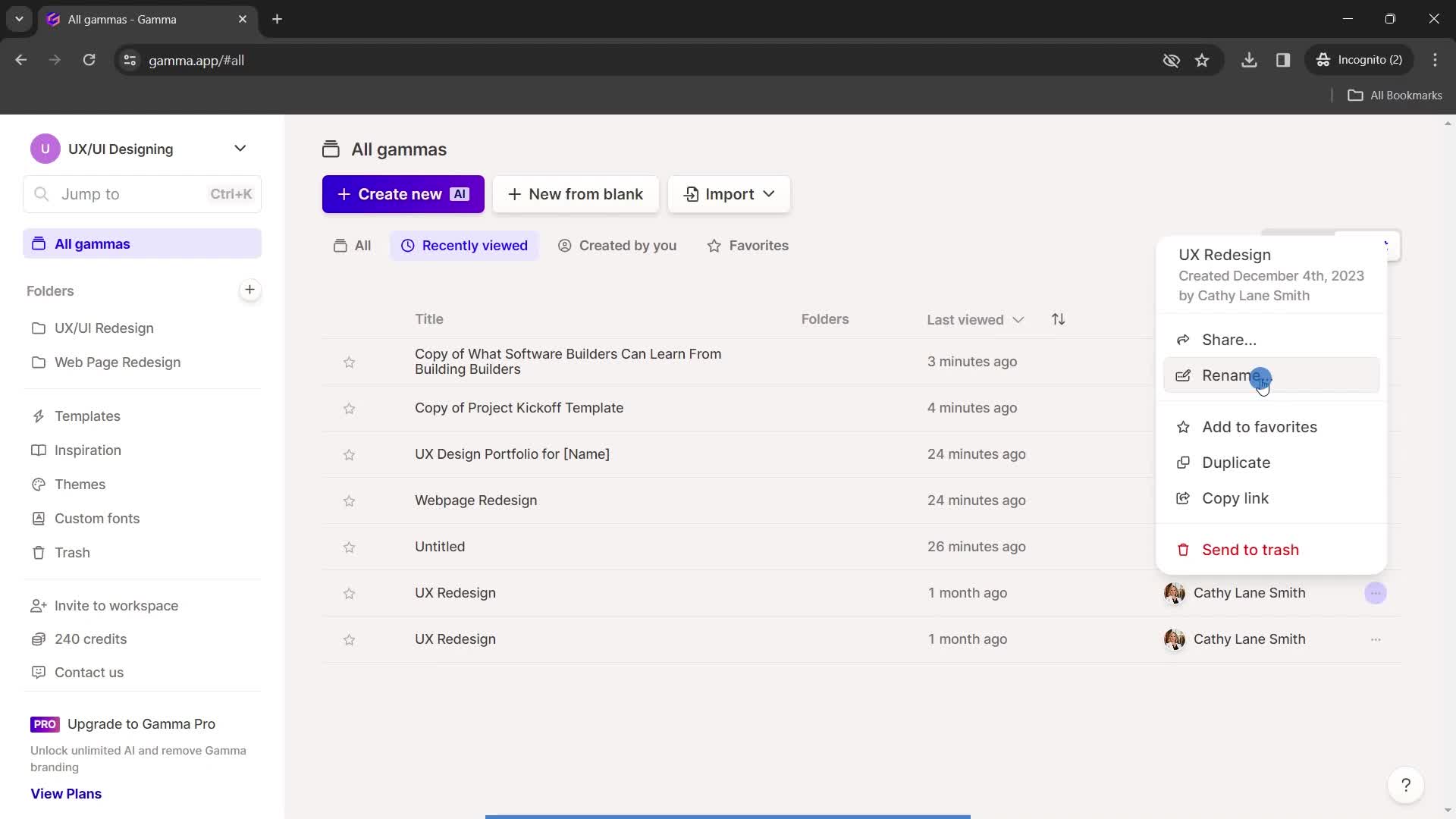
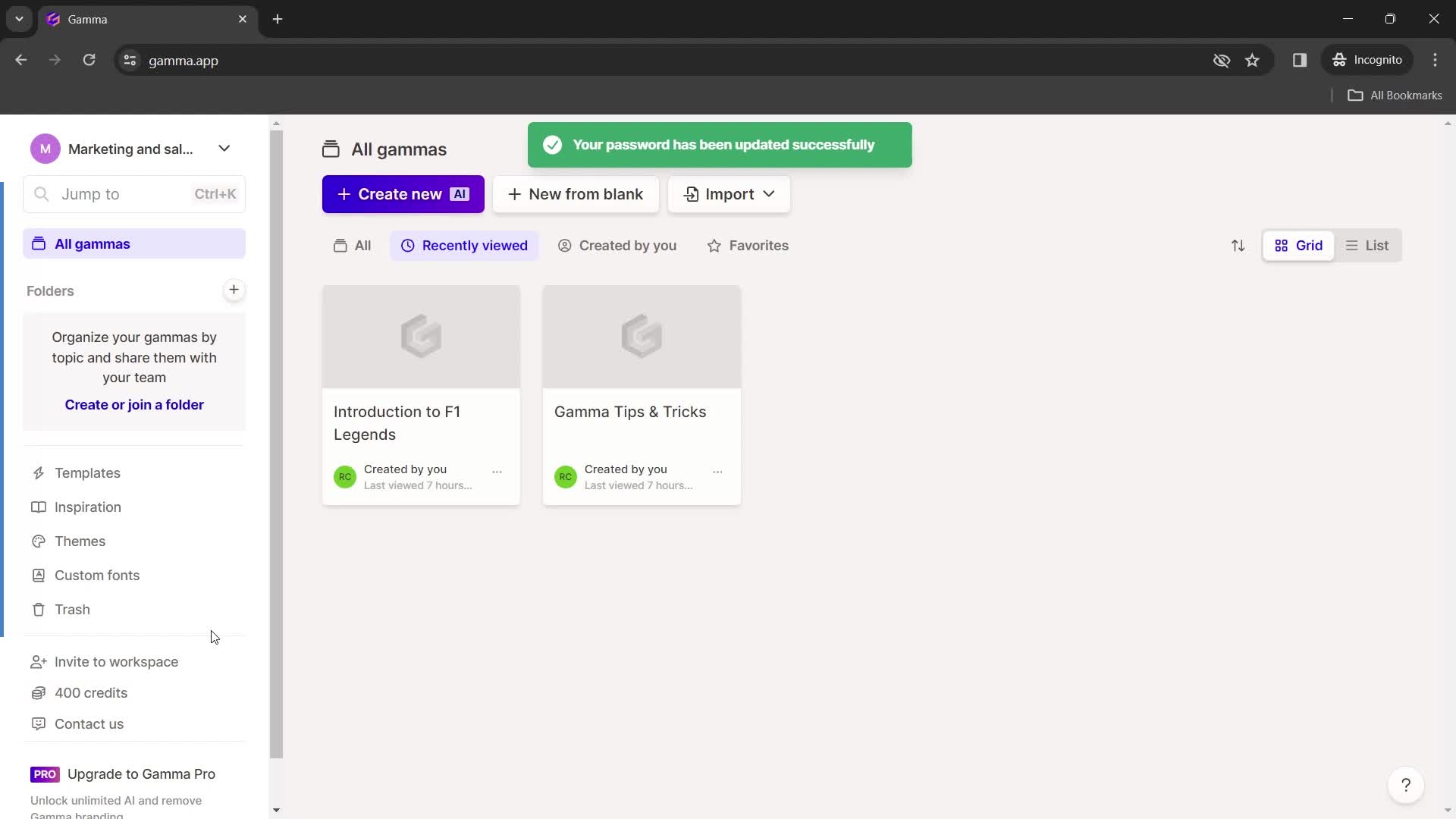
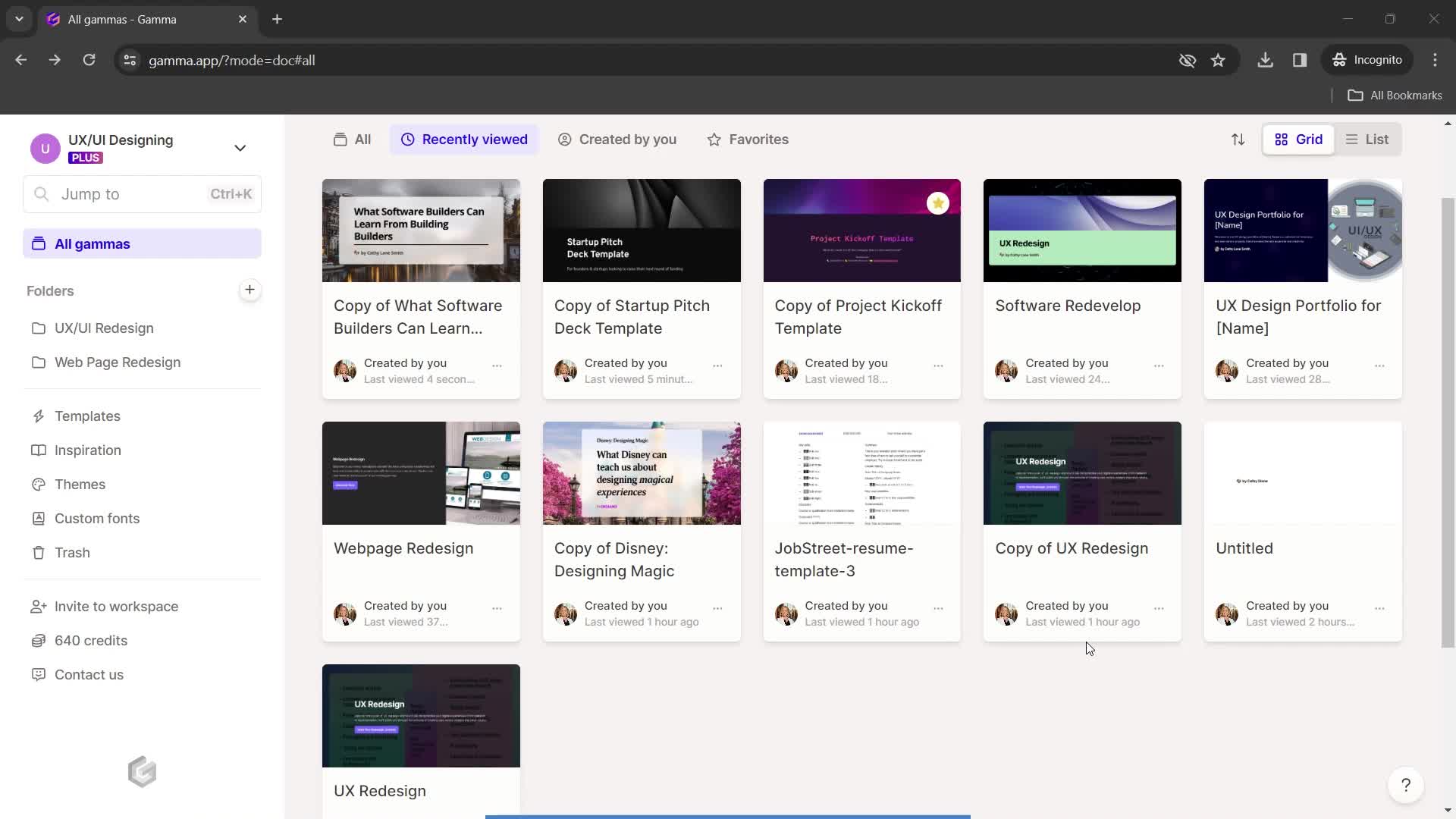
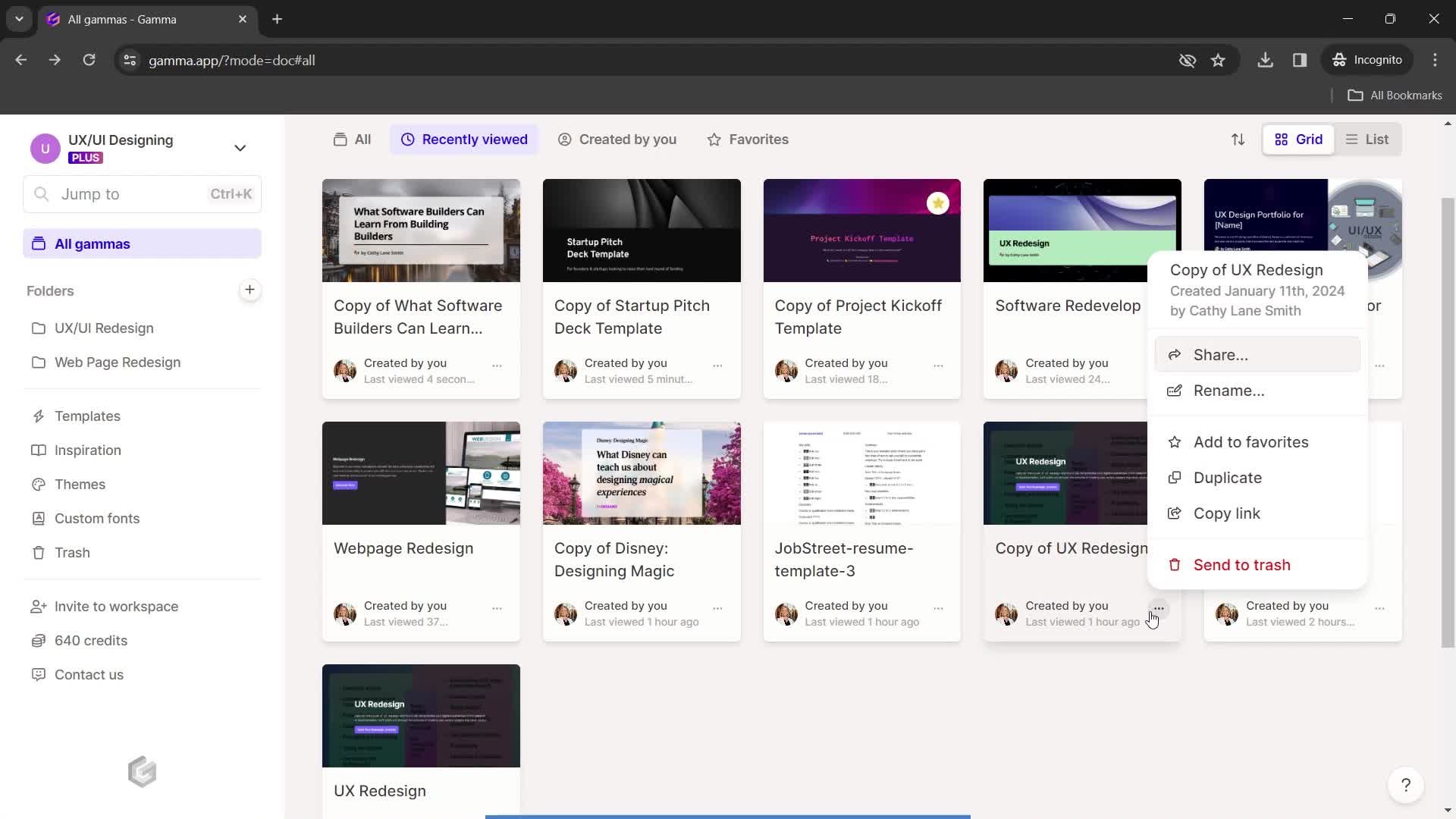
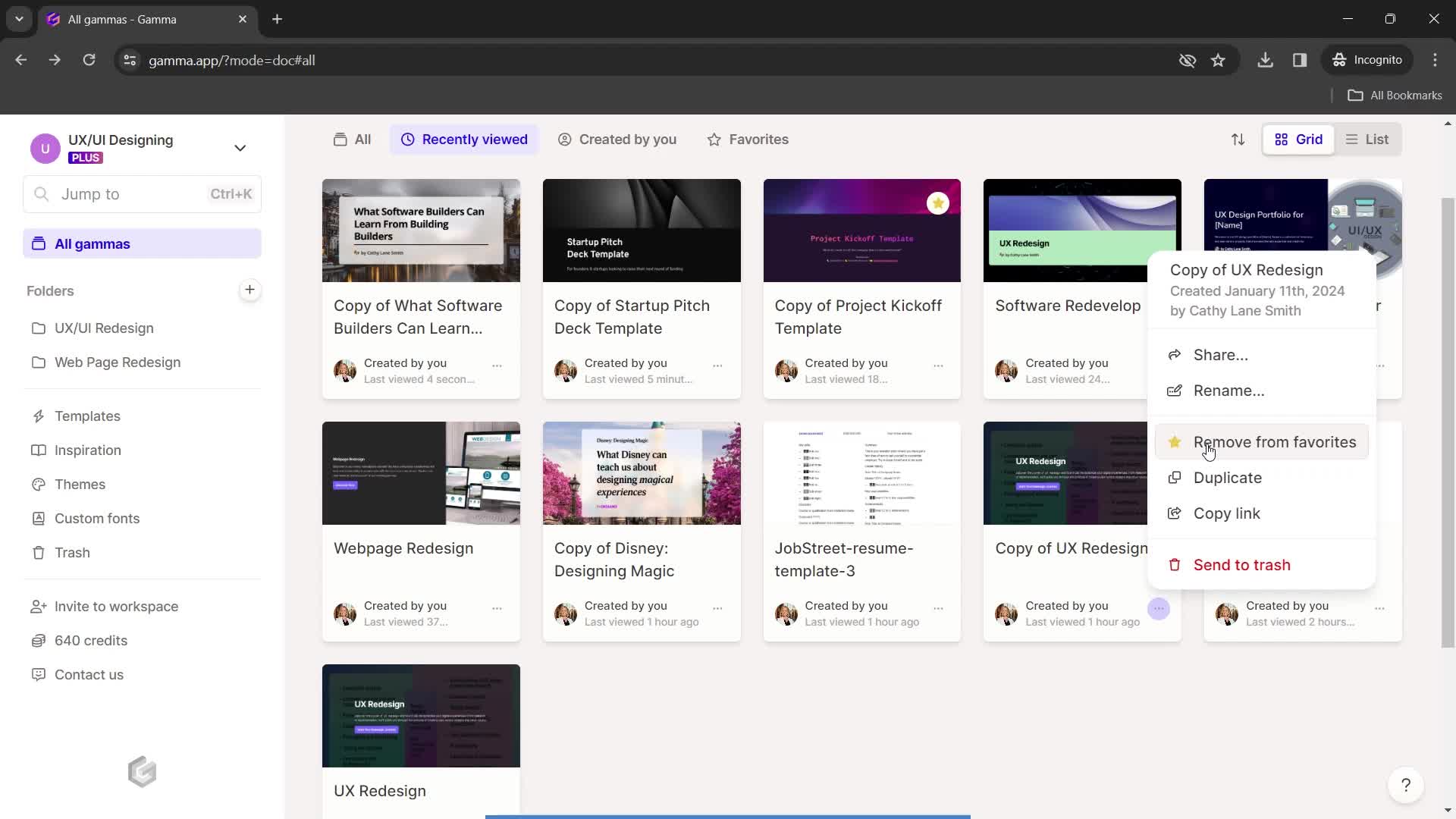
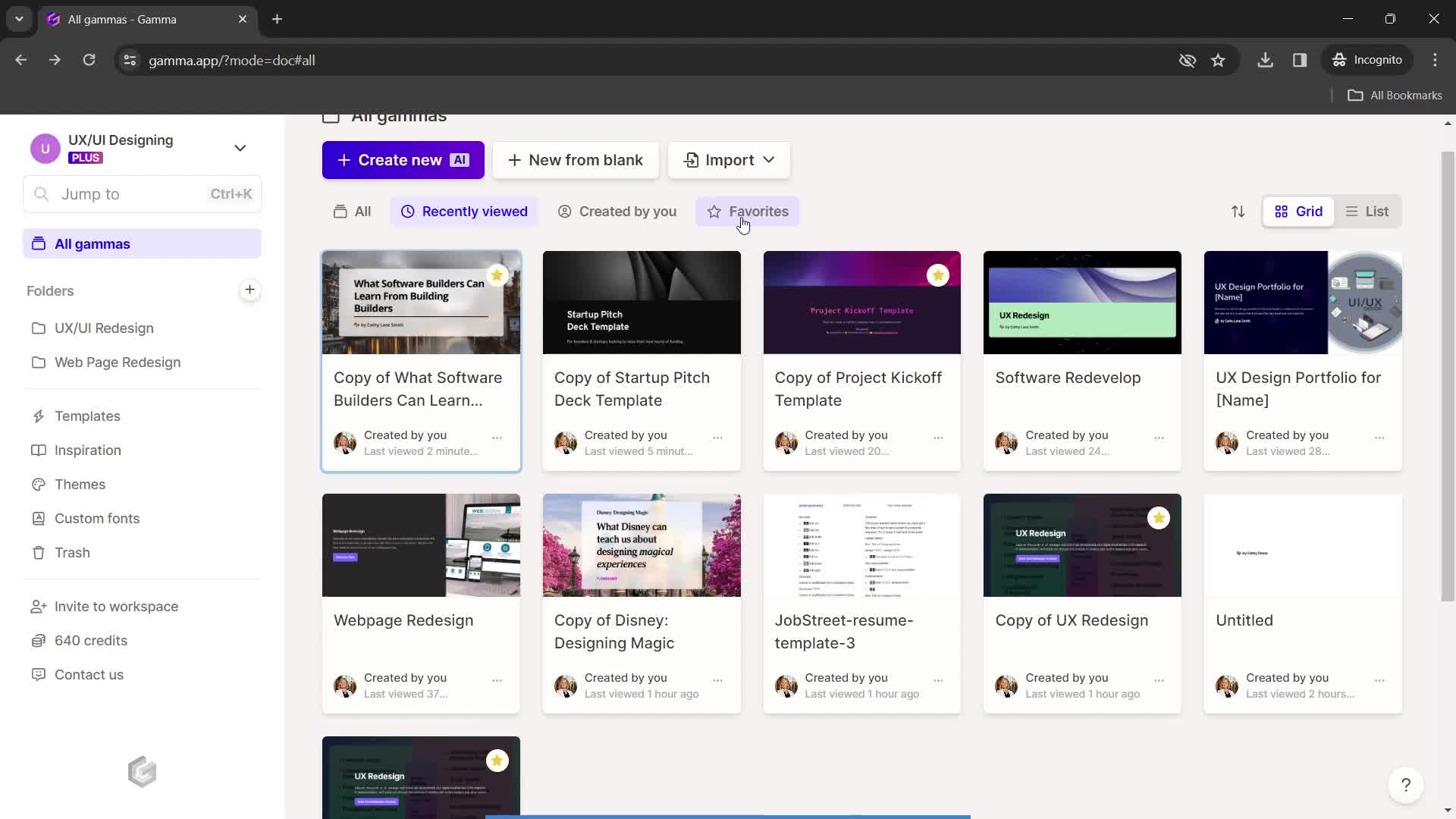
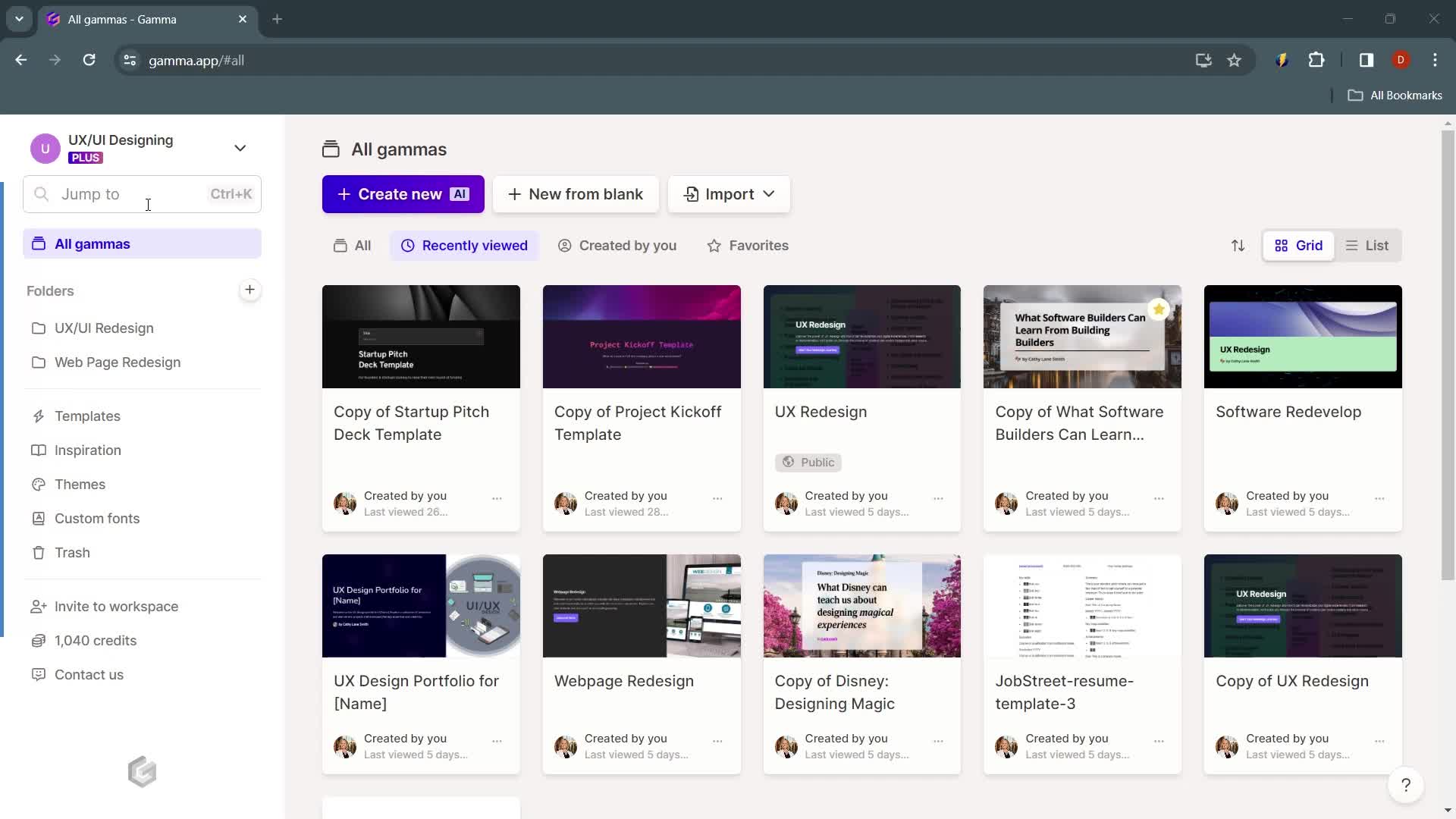
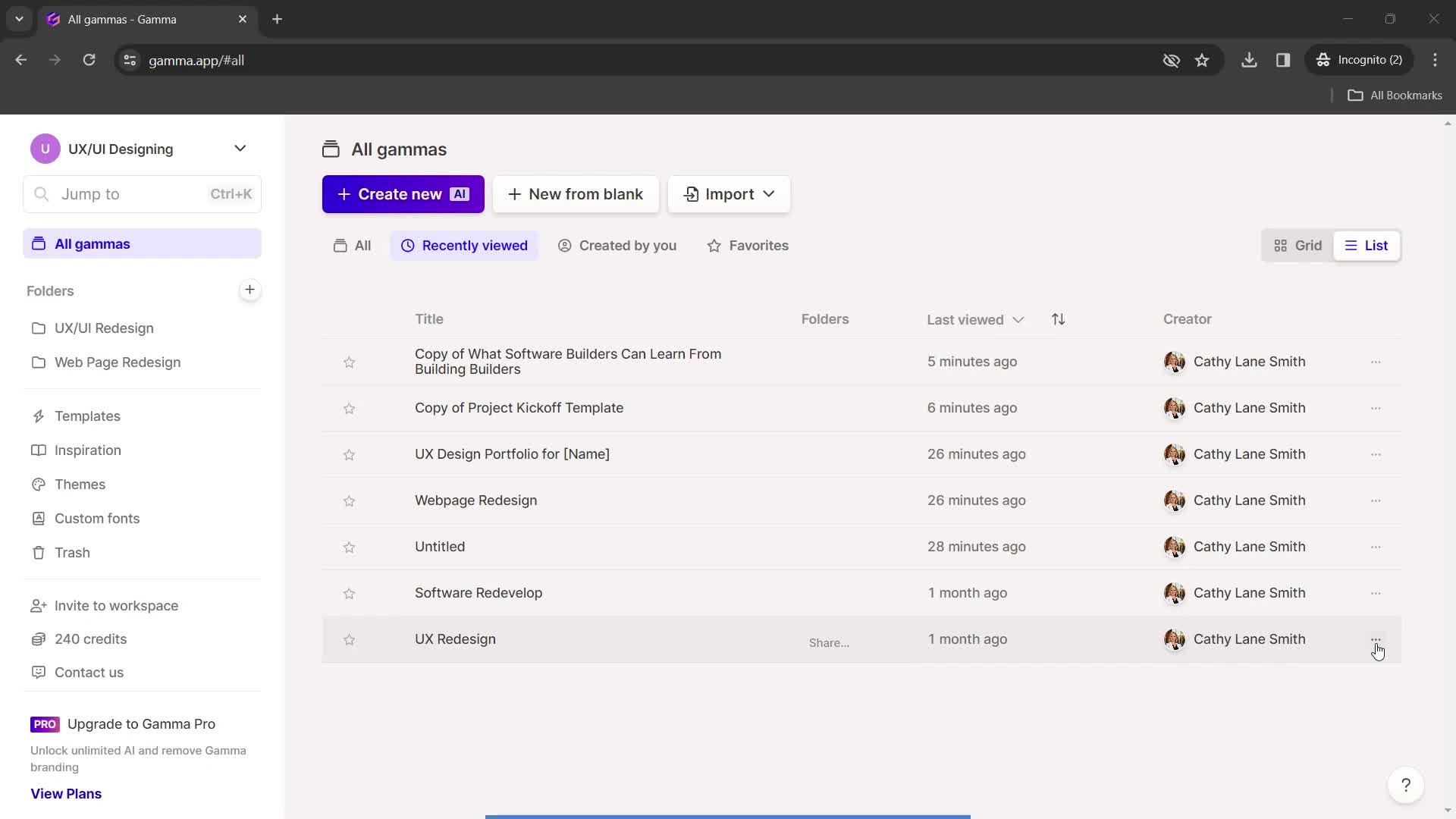
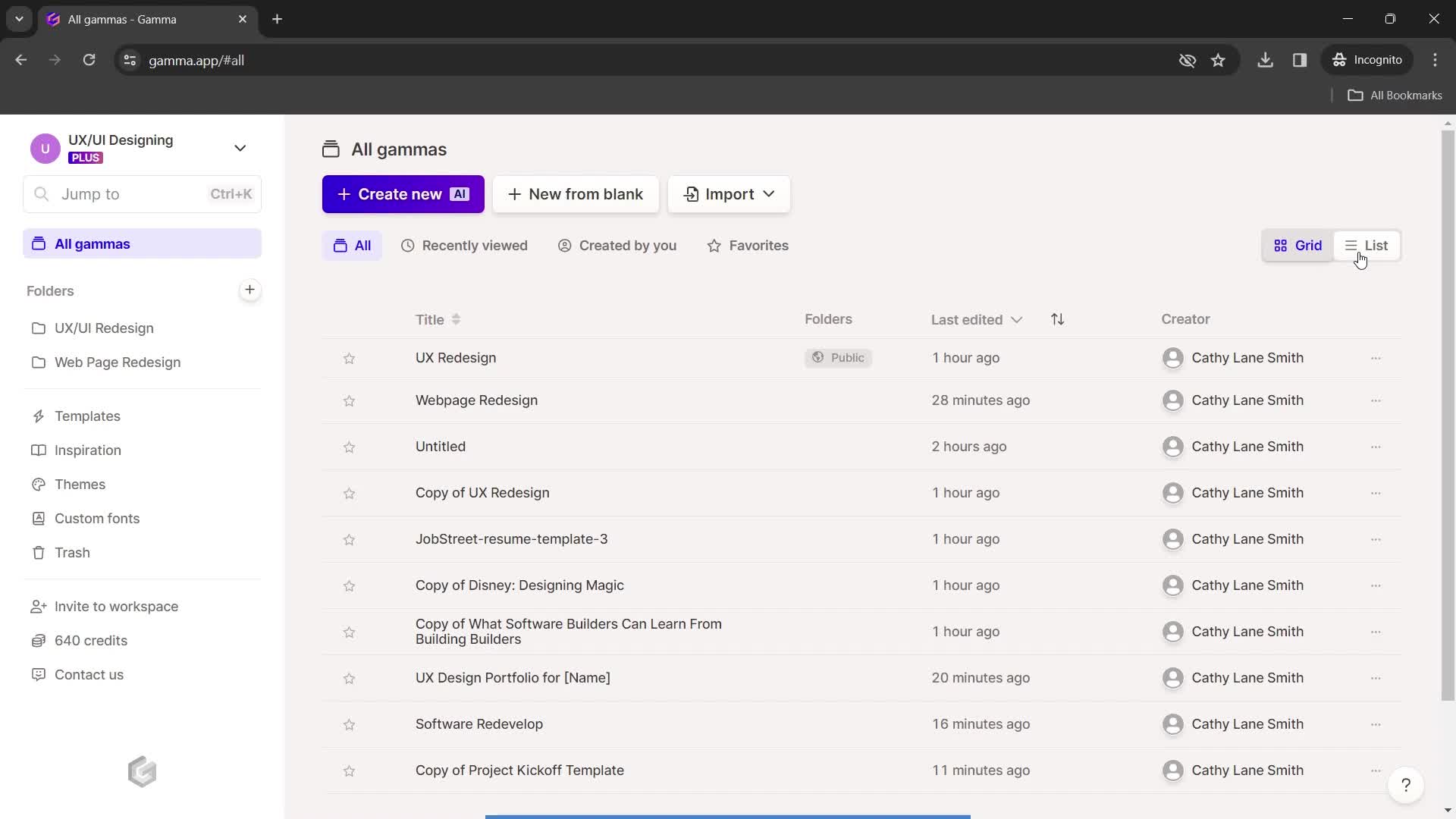
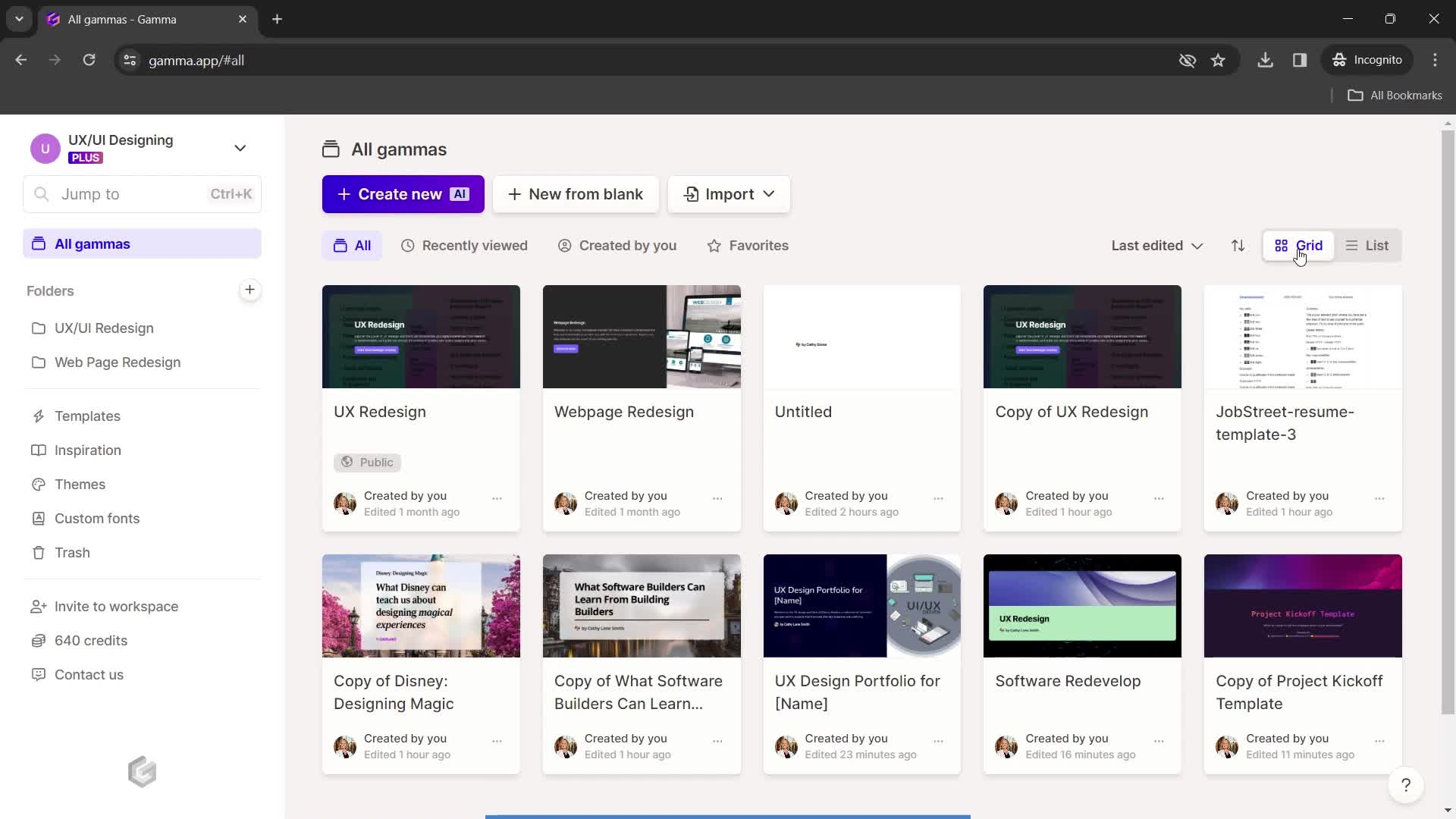
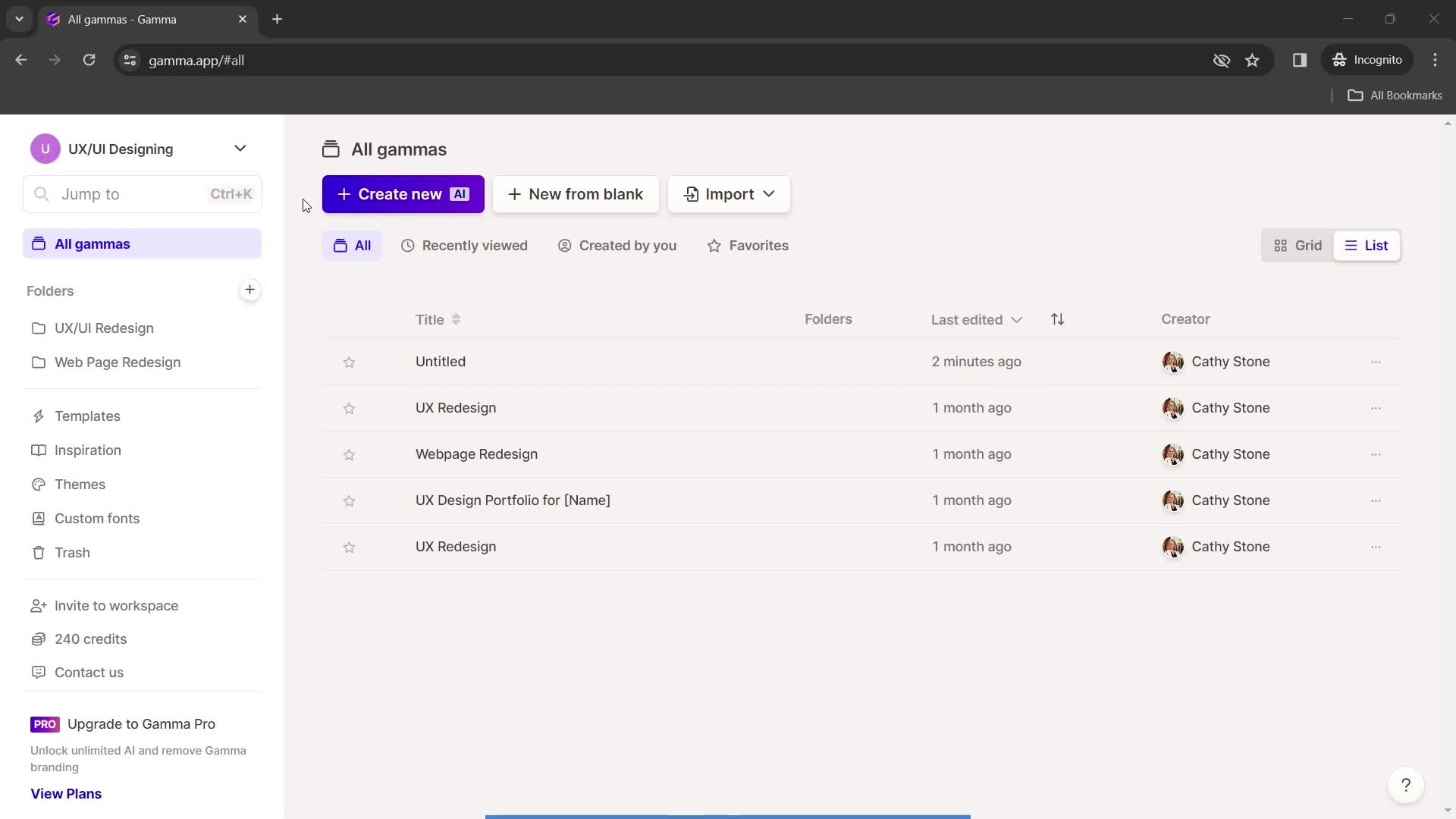
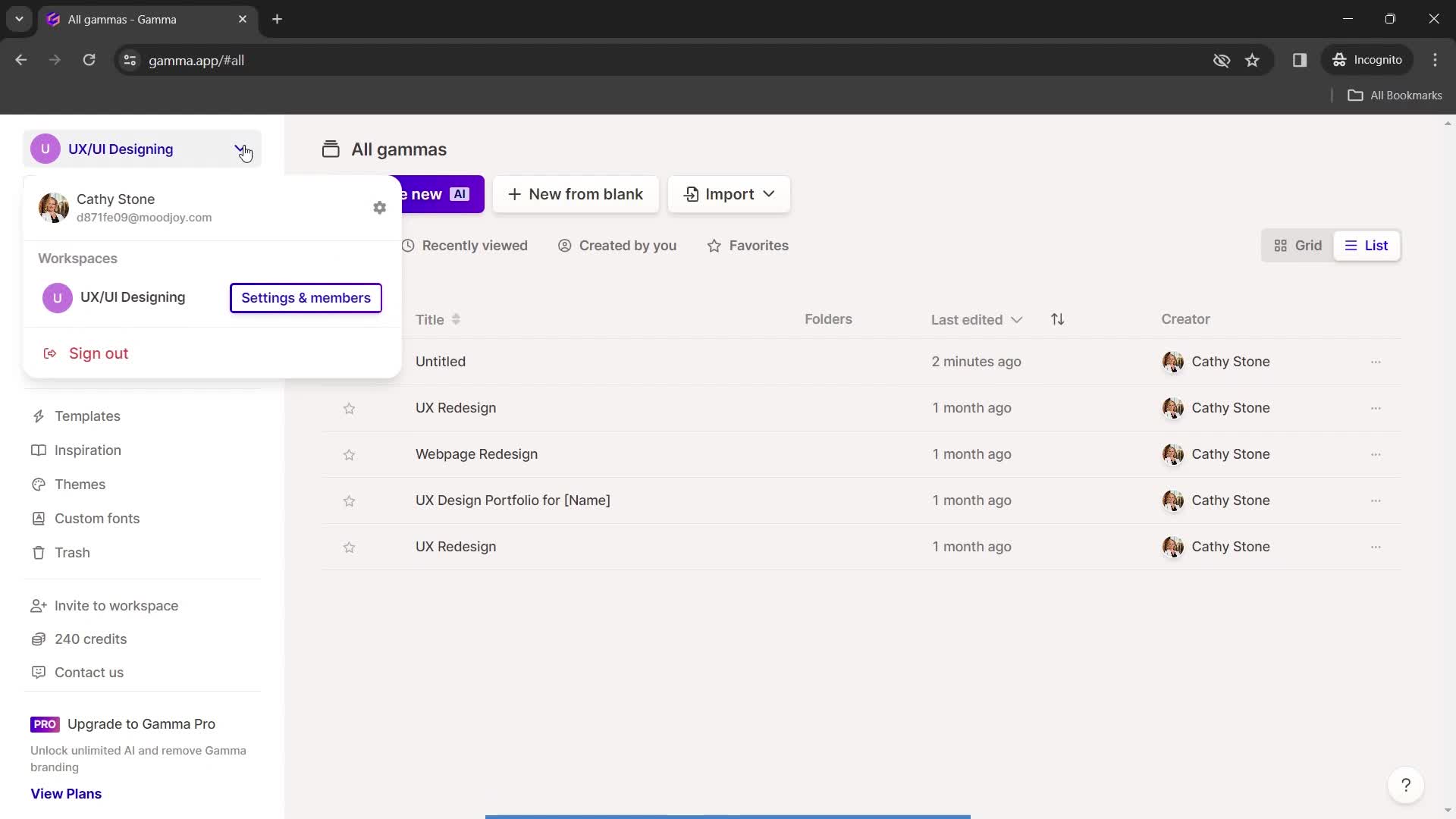
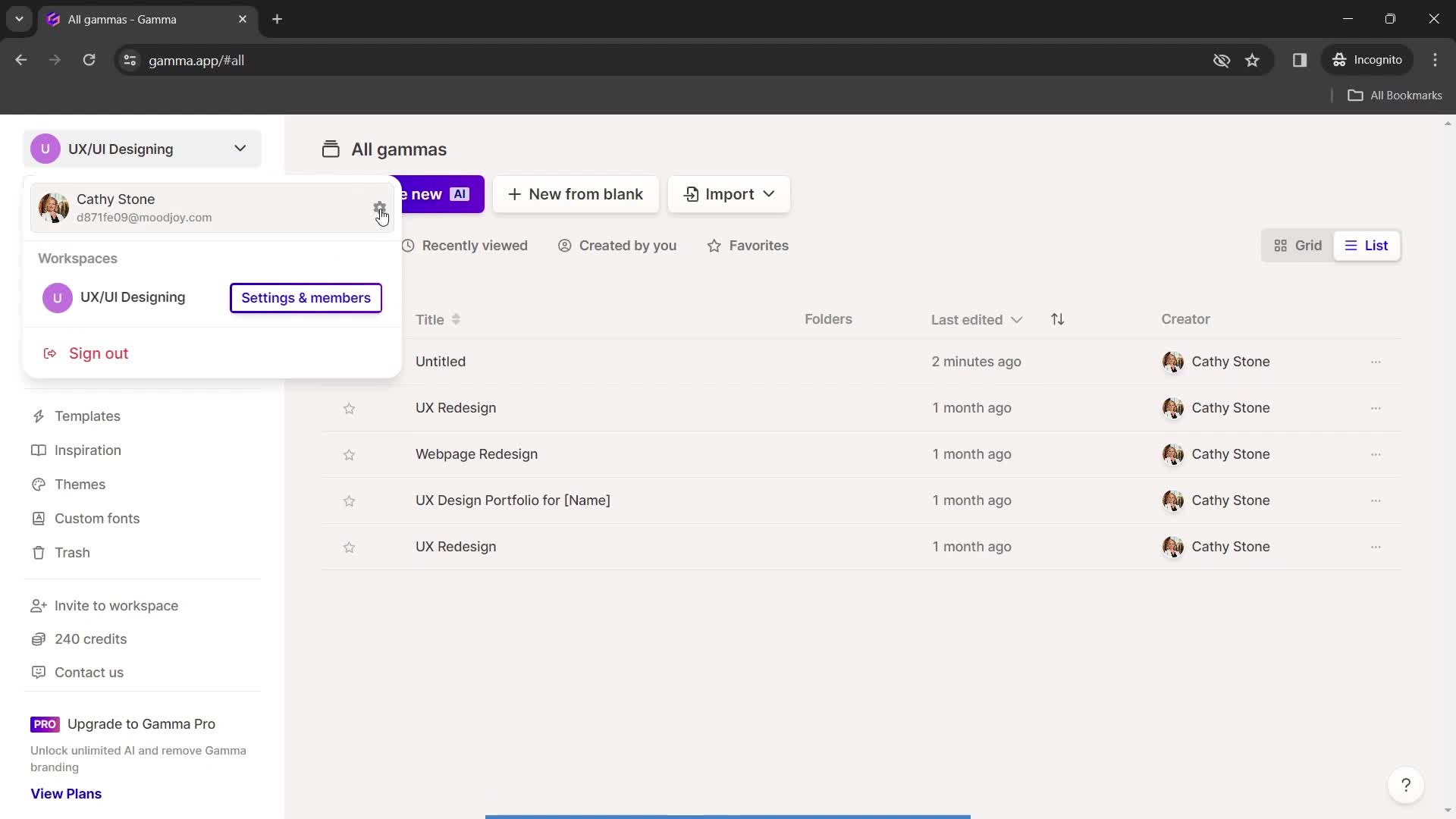
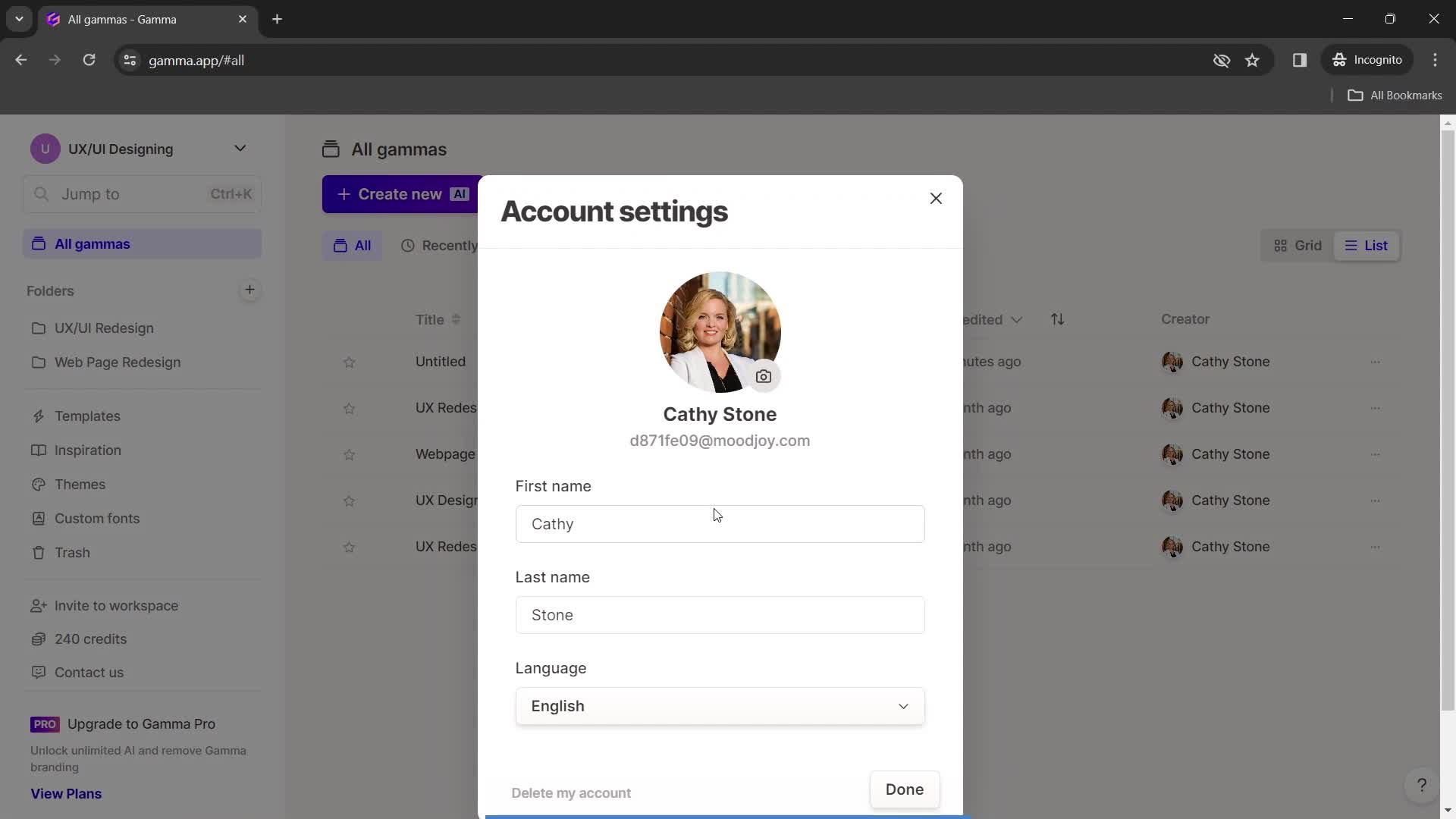
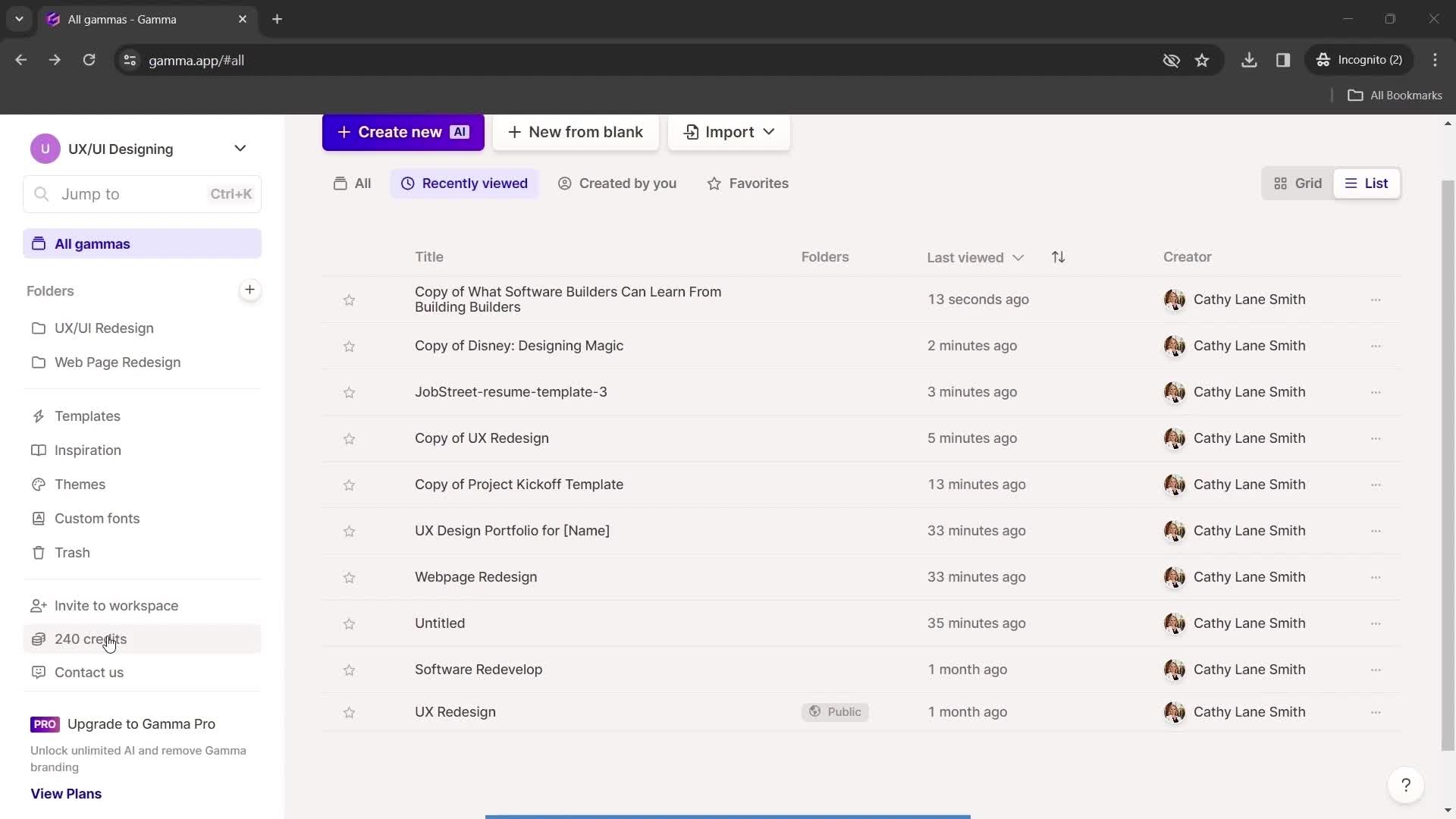
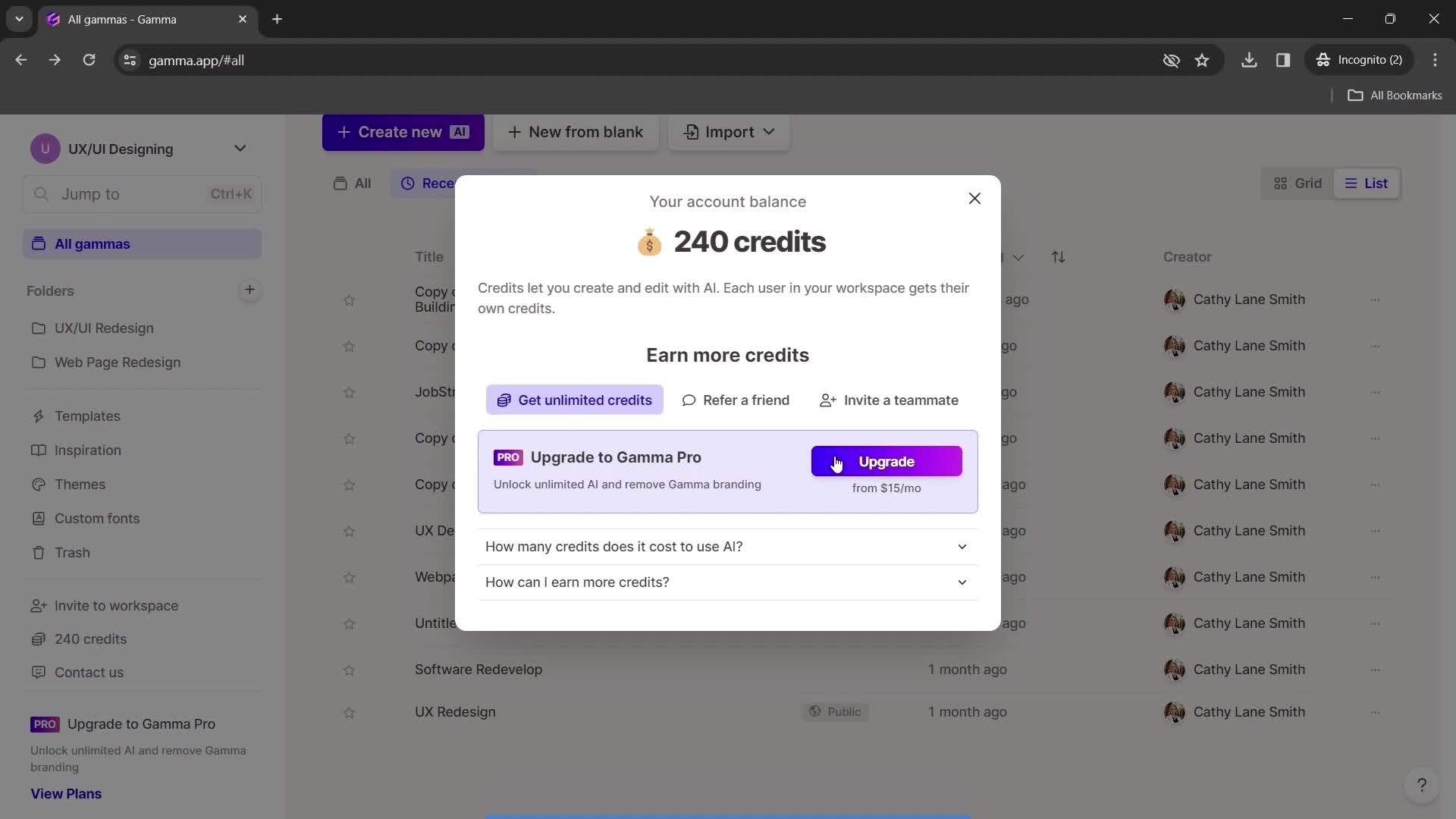
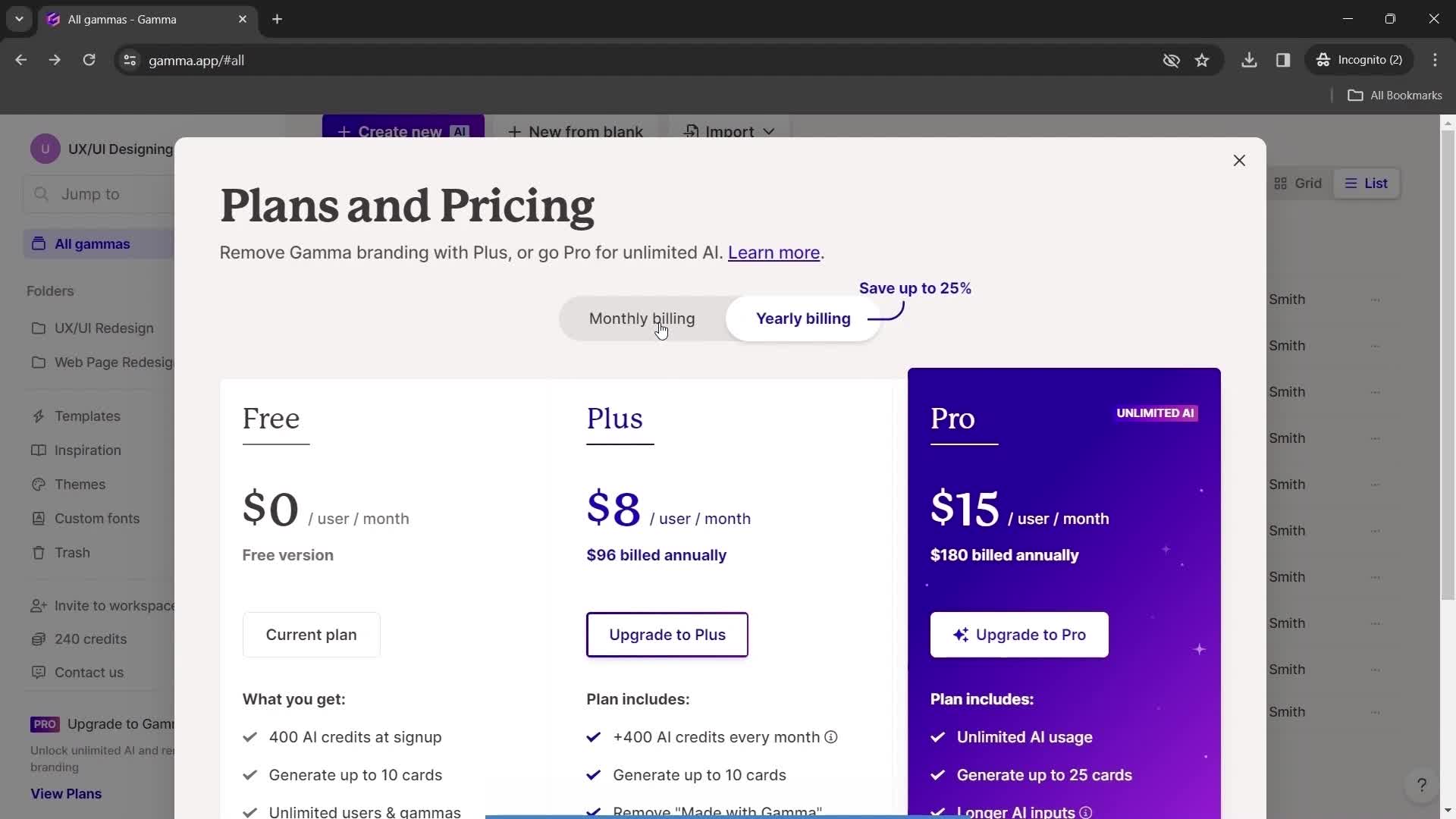
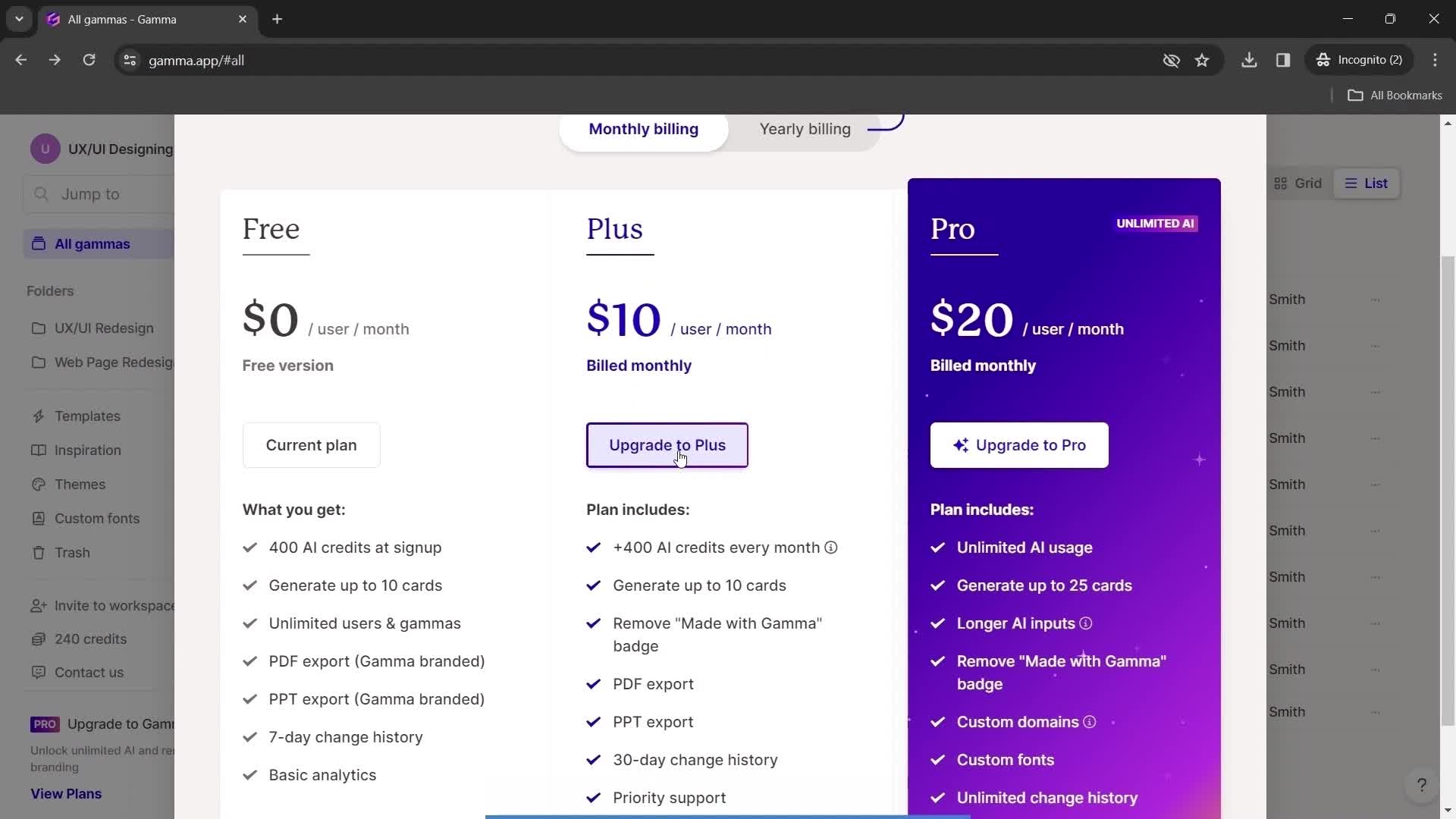
Home
this is title
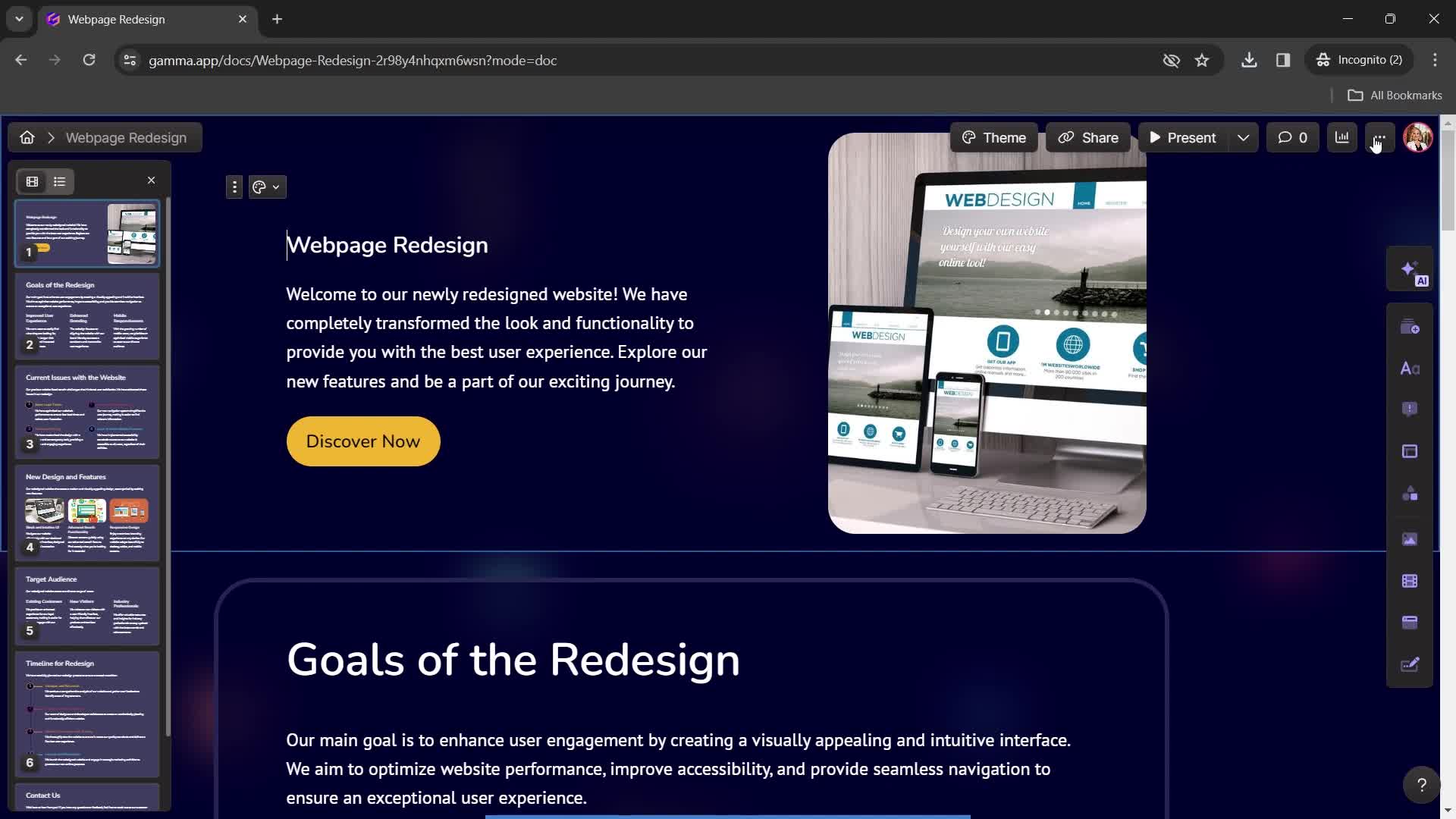
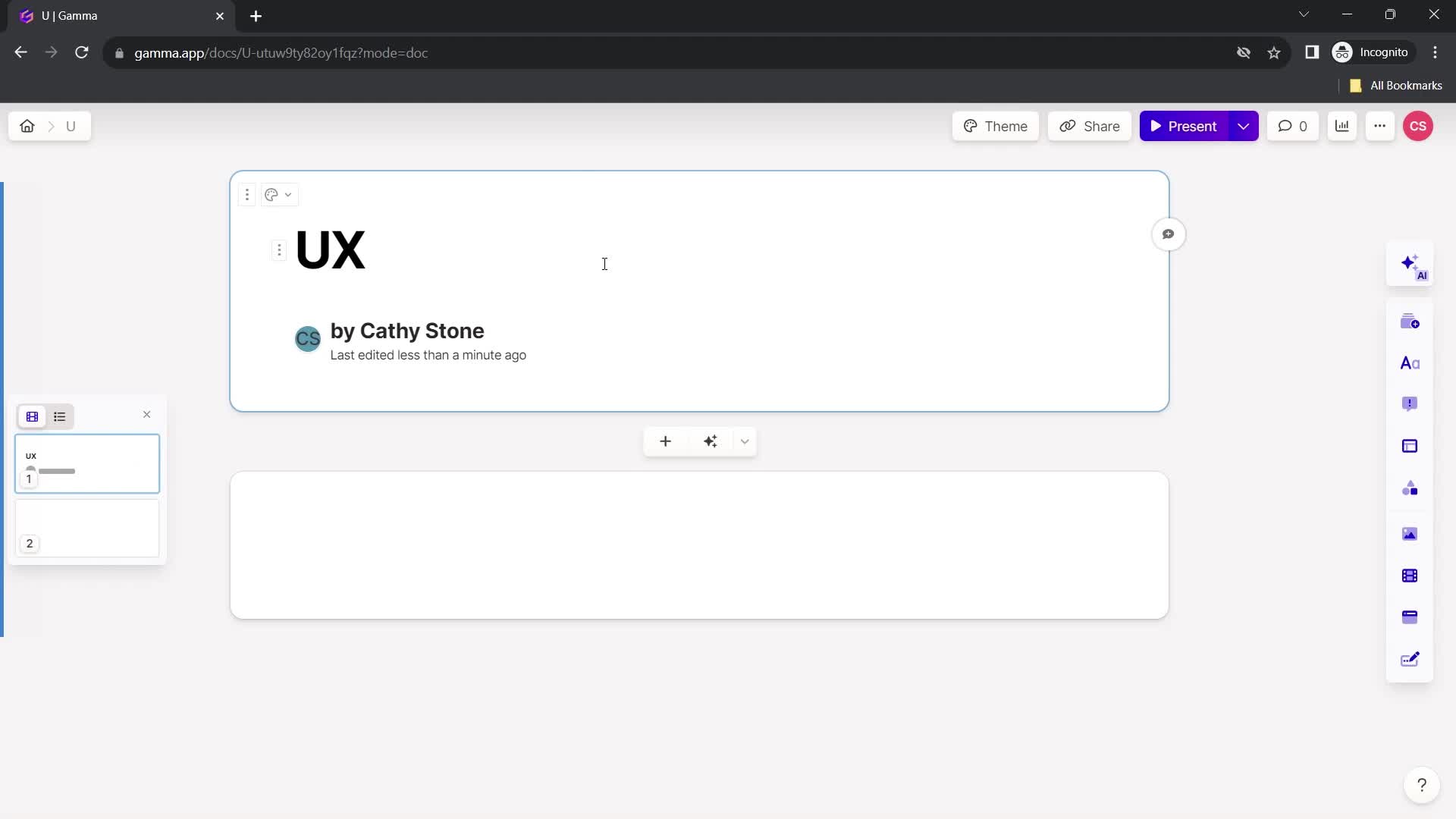
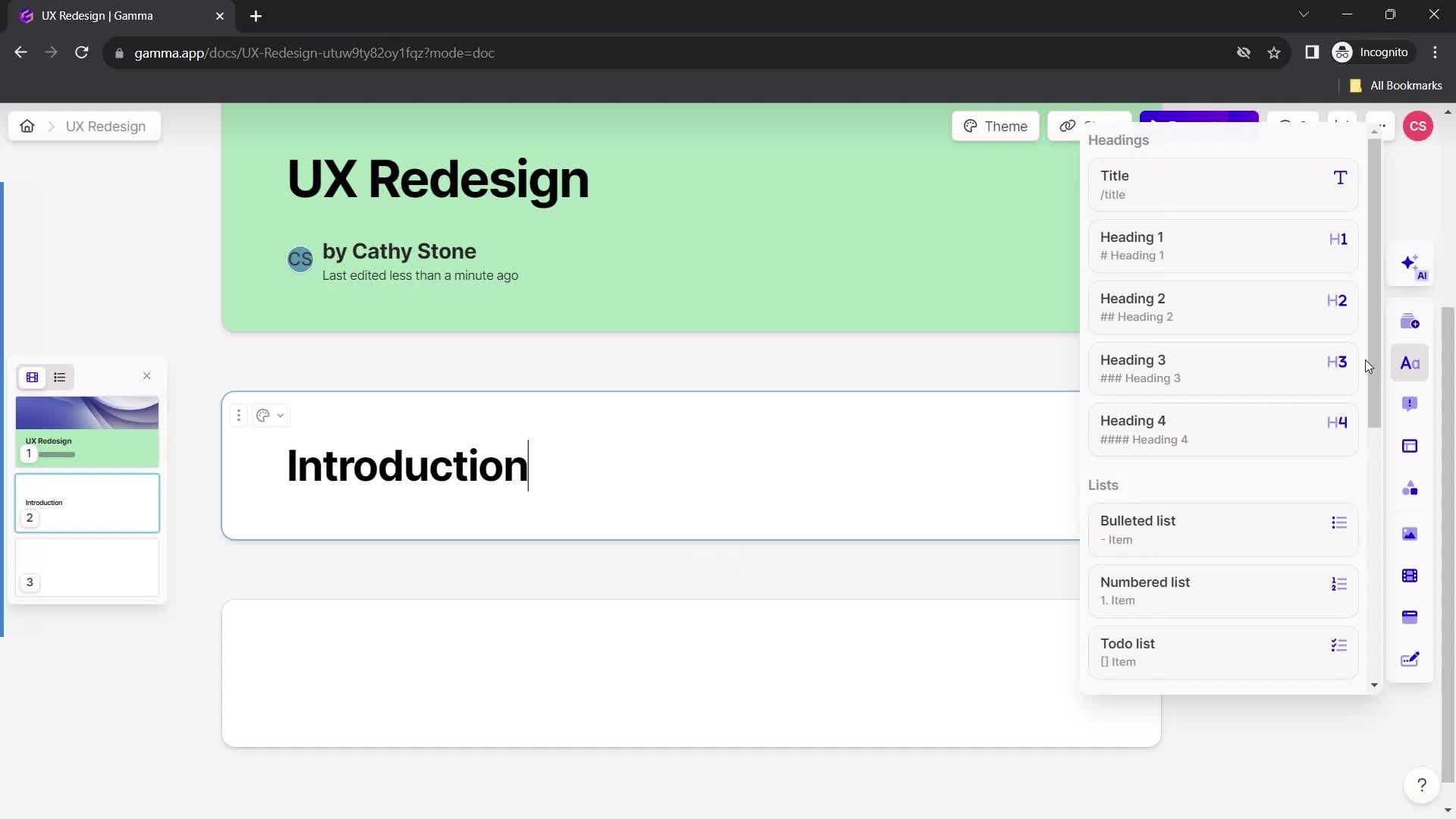
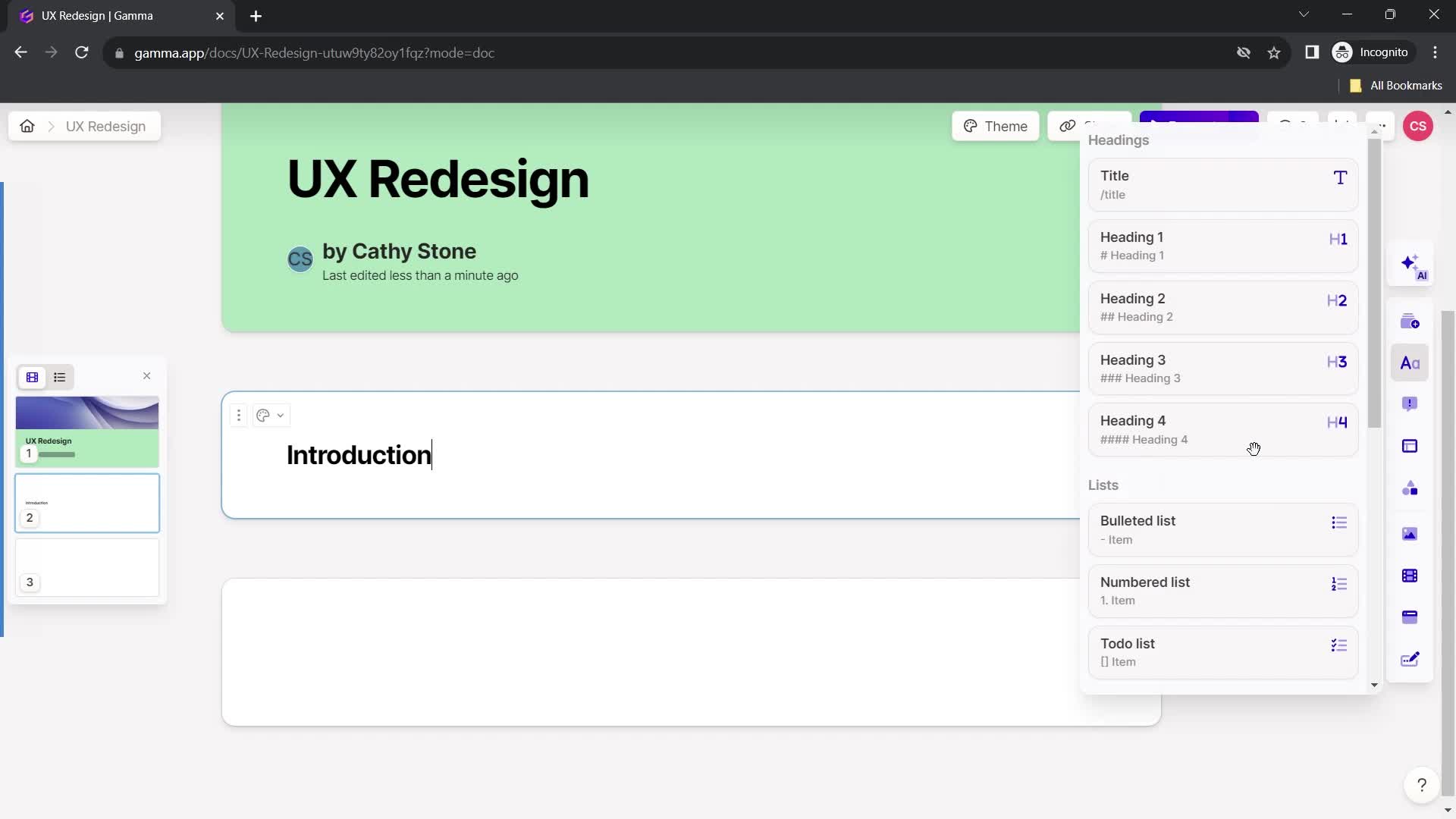
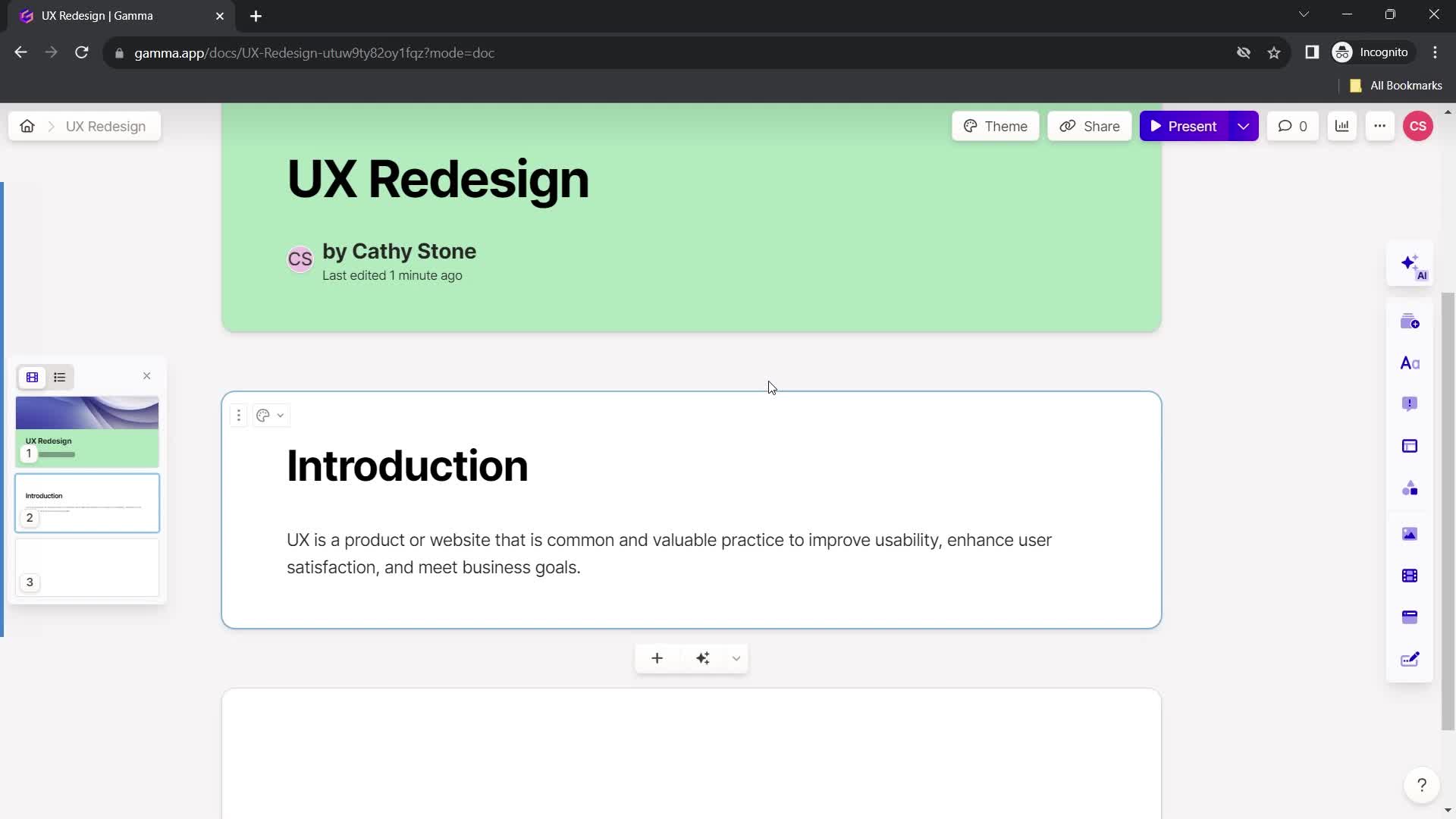
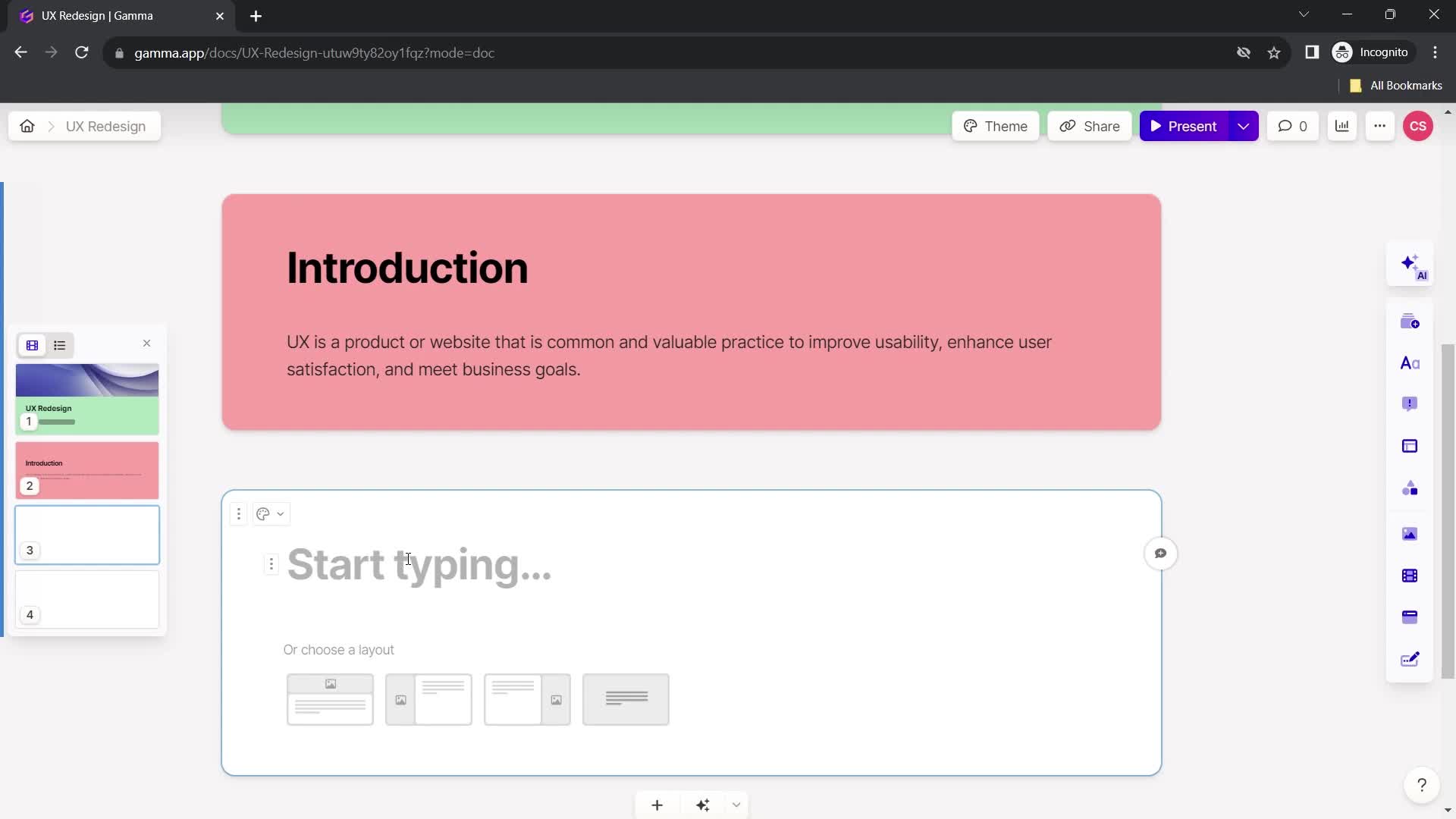
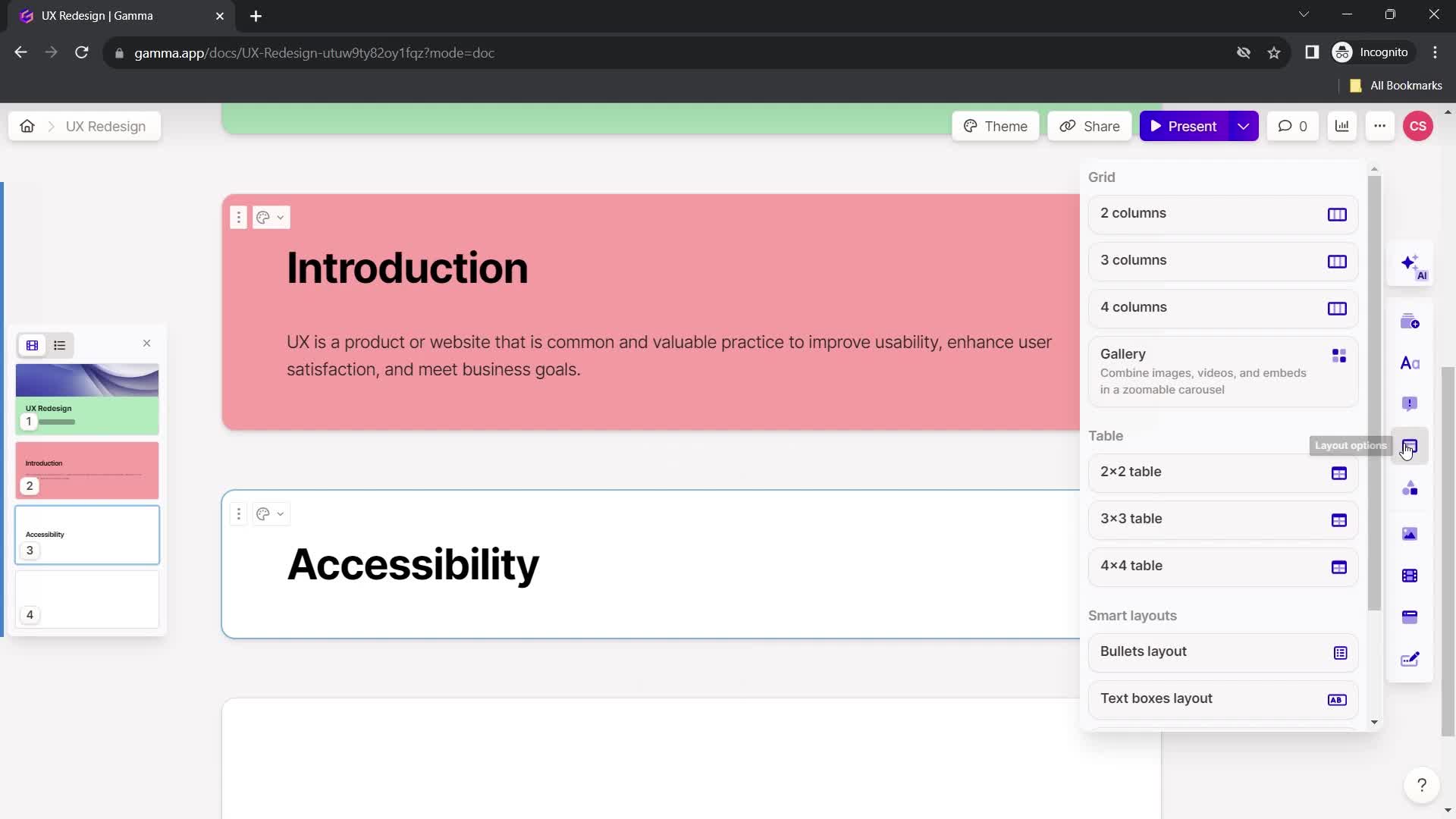
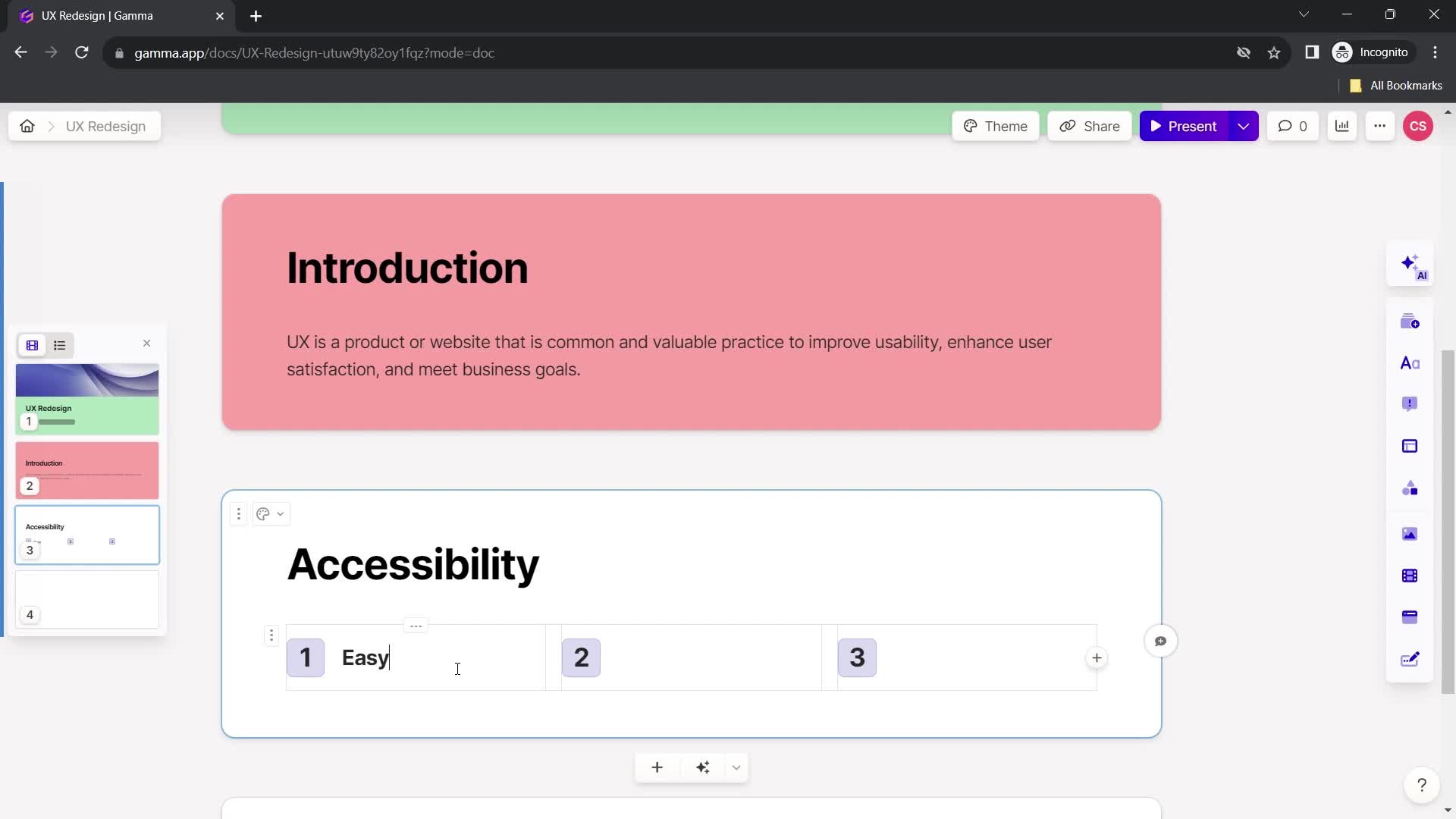
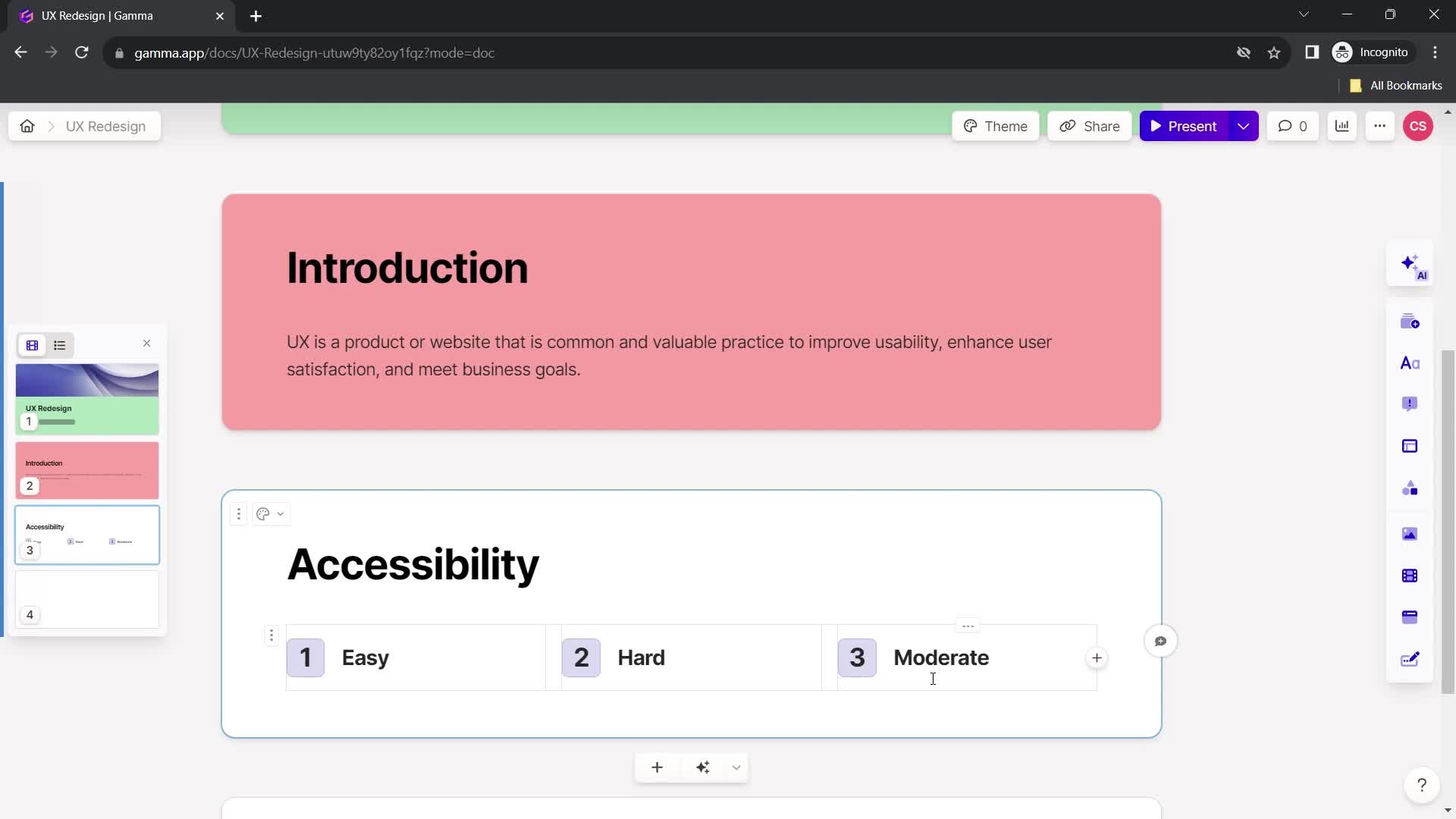
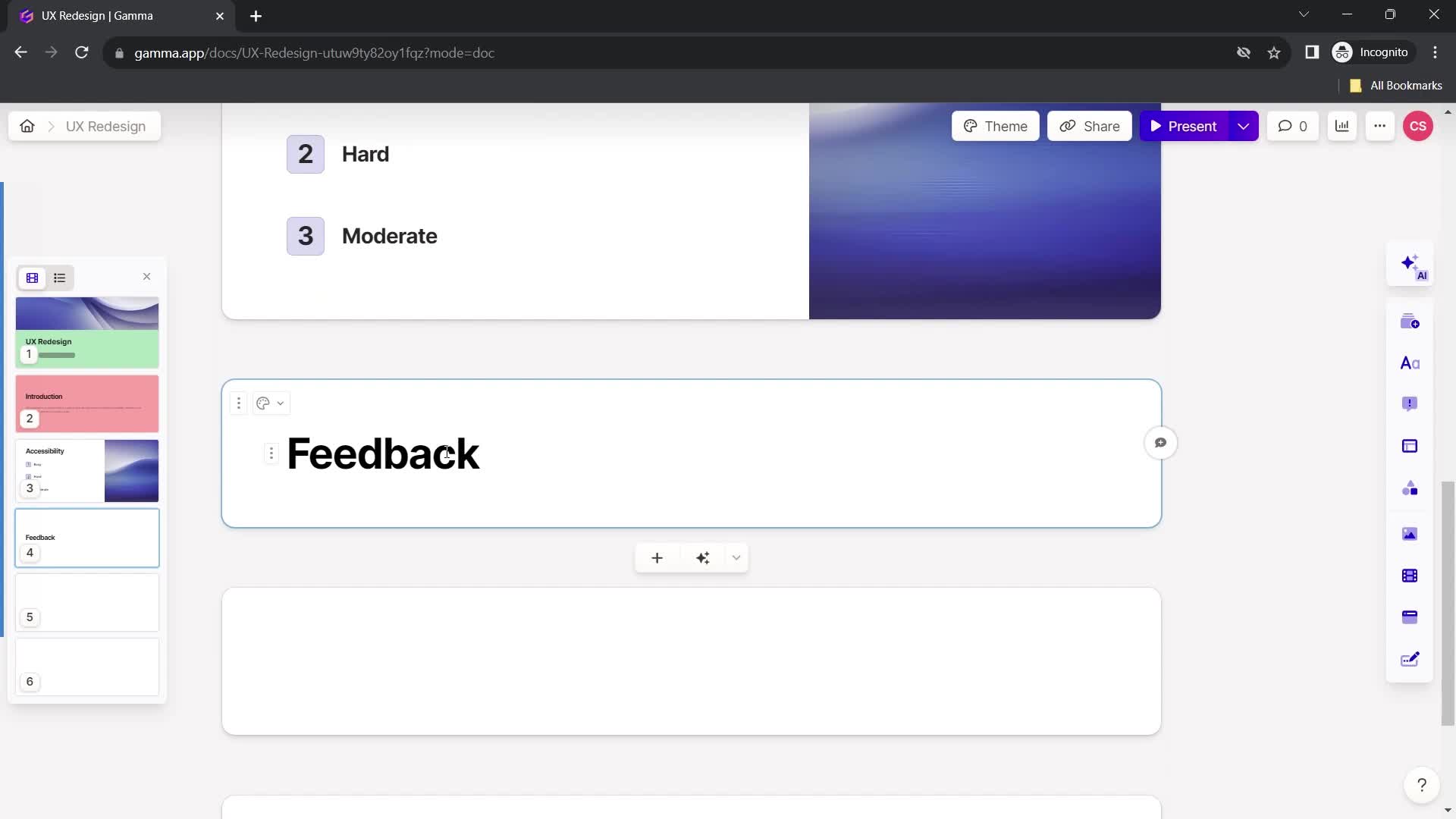
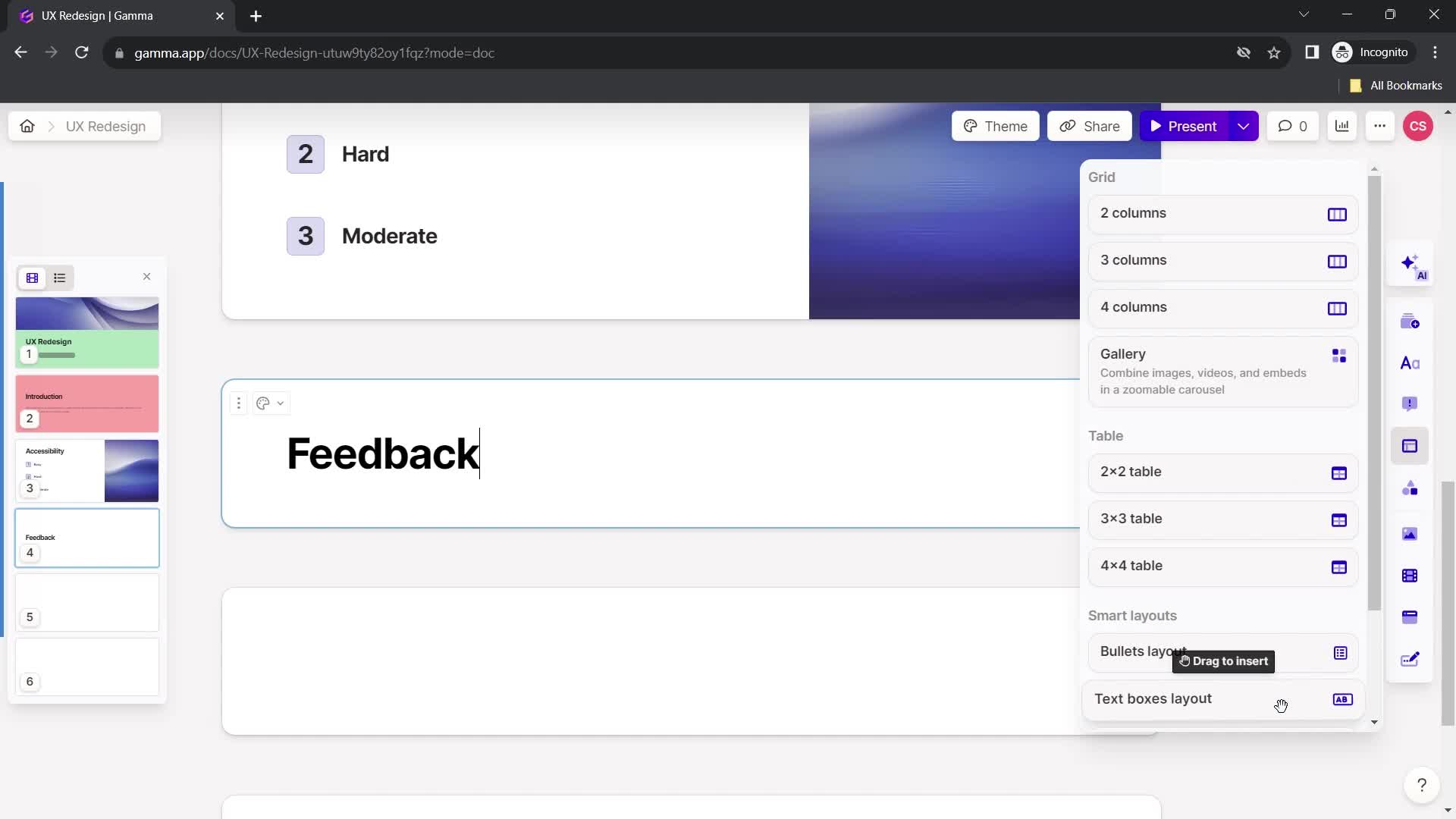
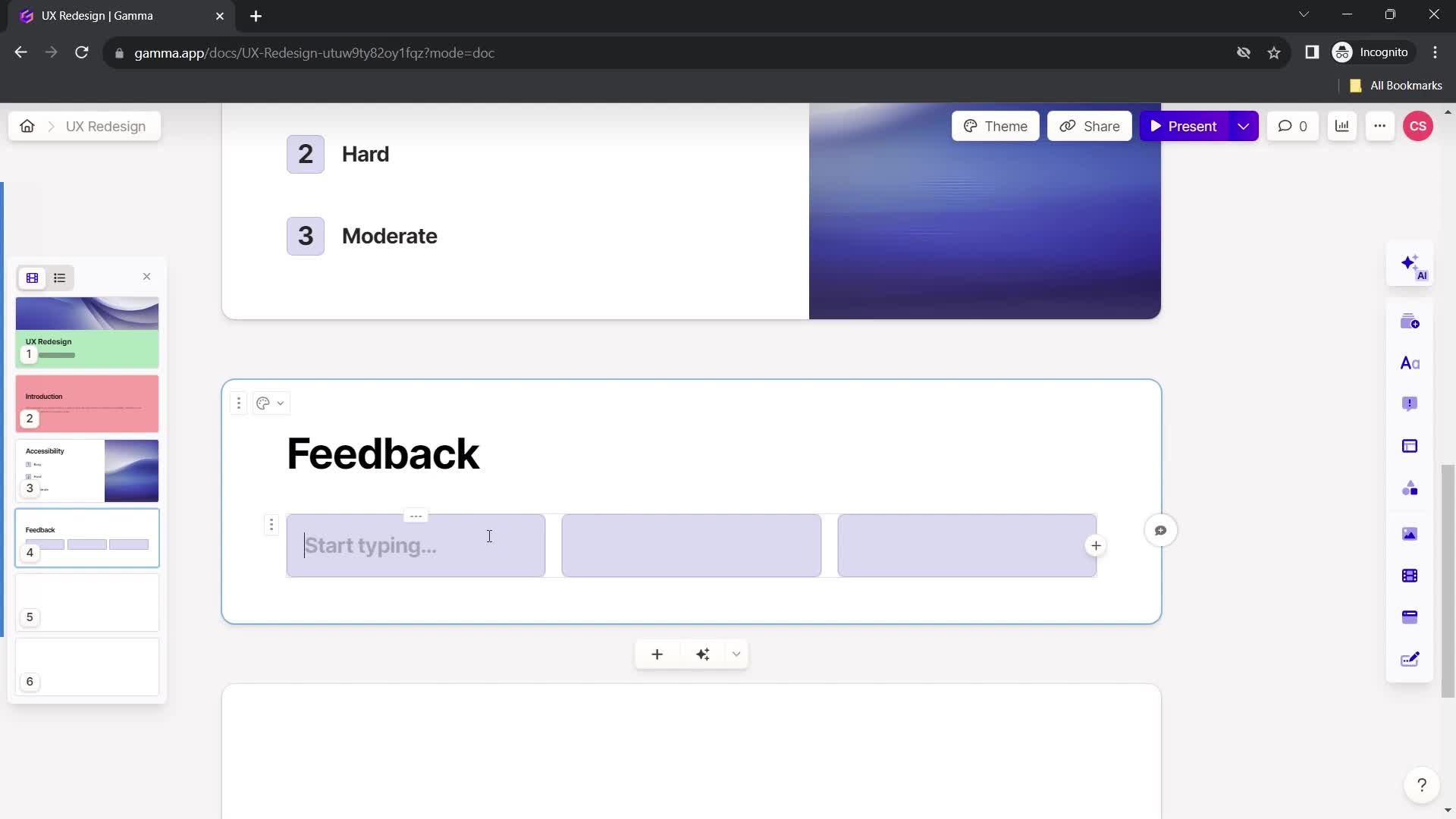
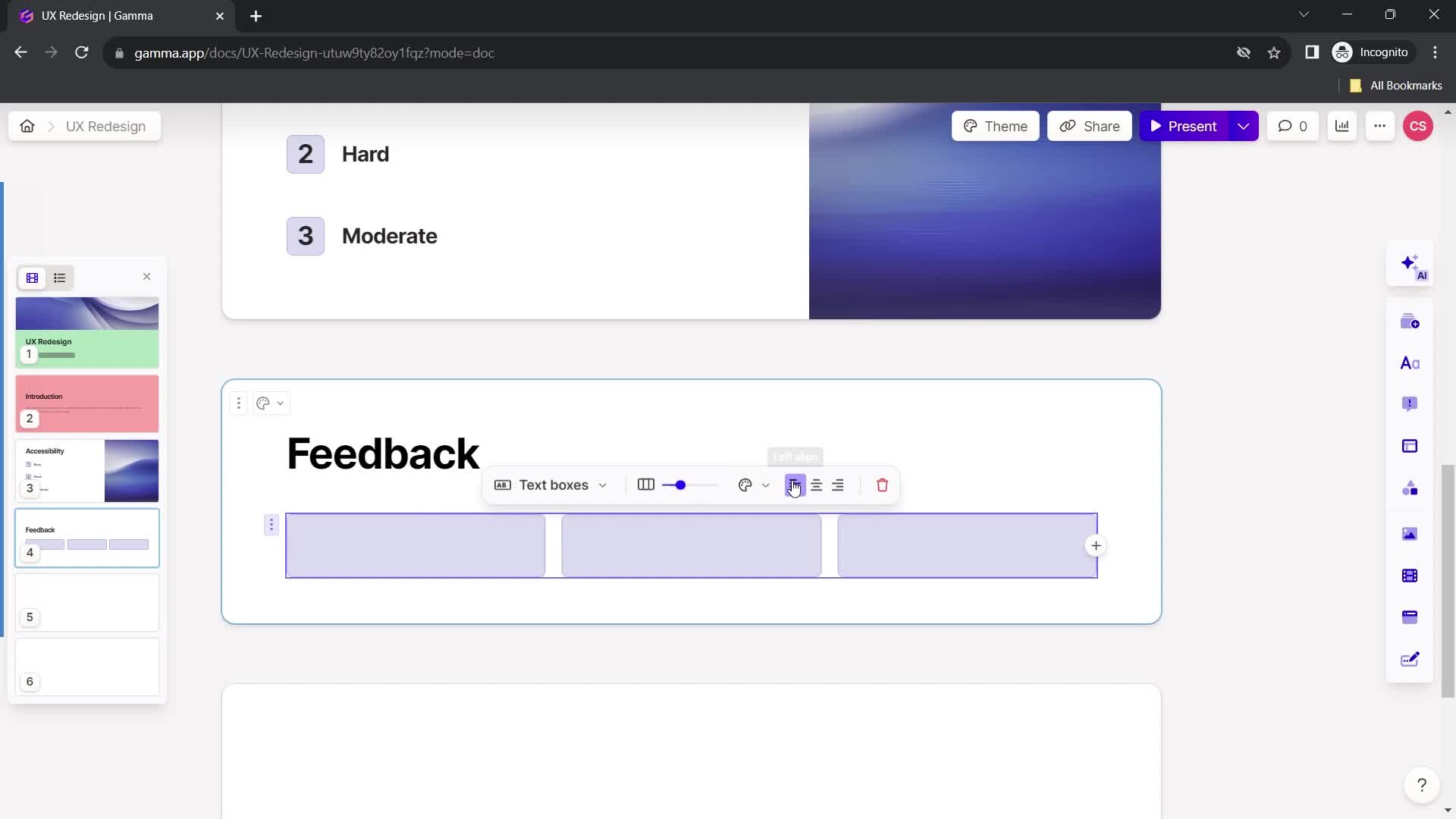
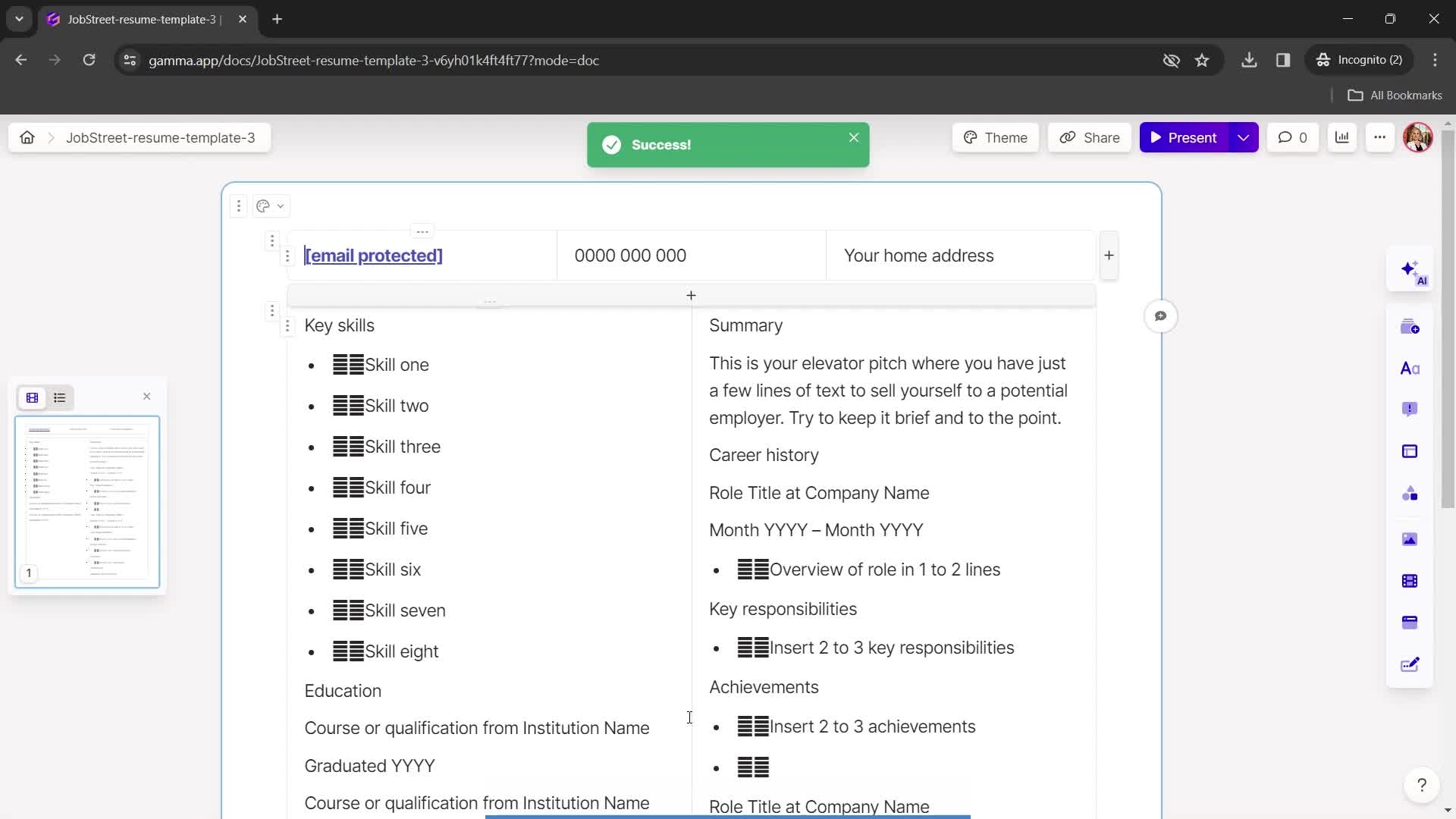
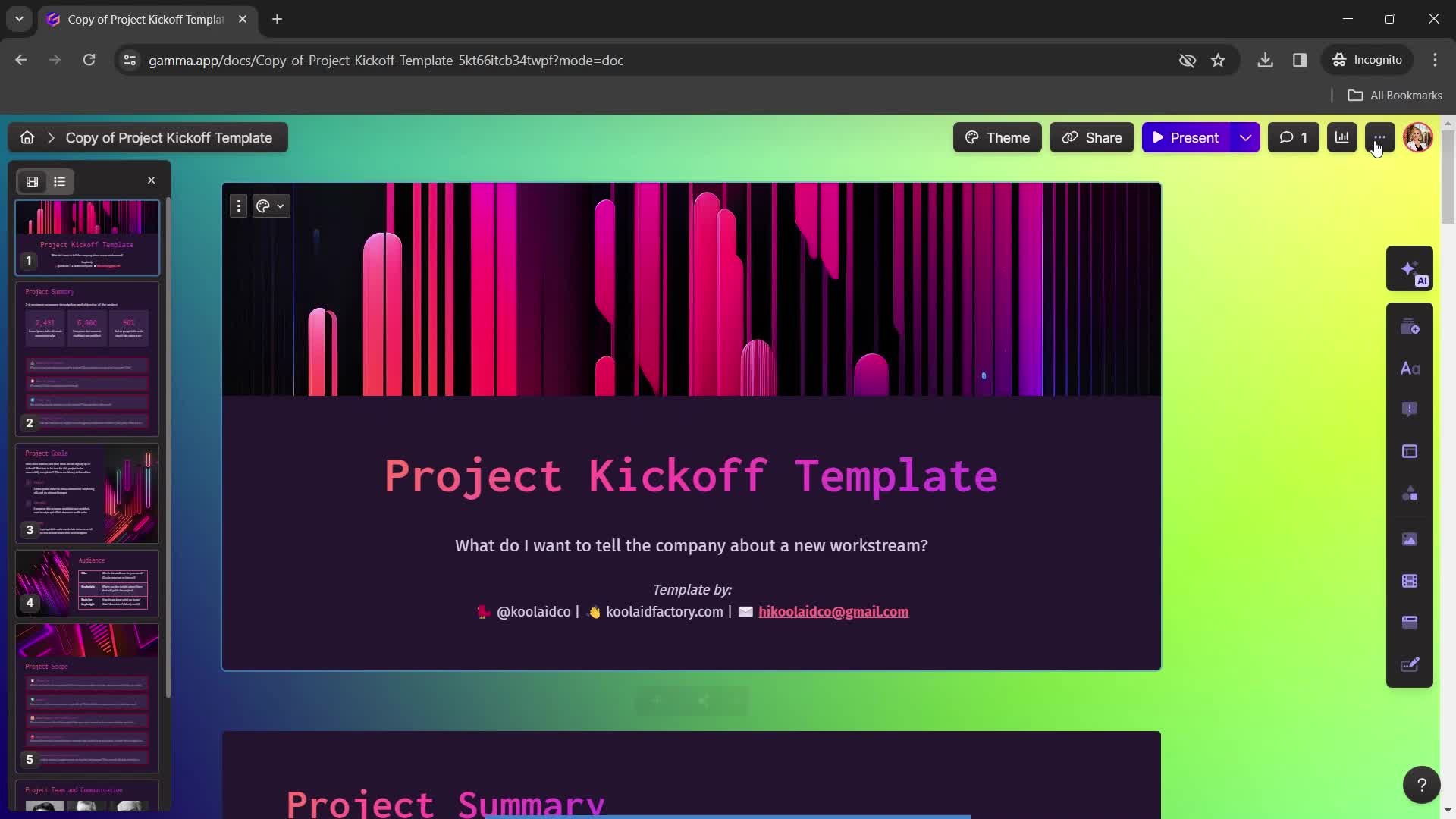
Presentation editor
this is title
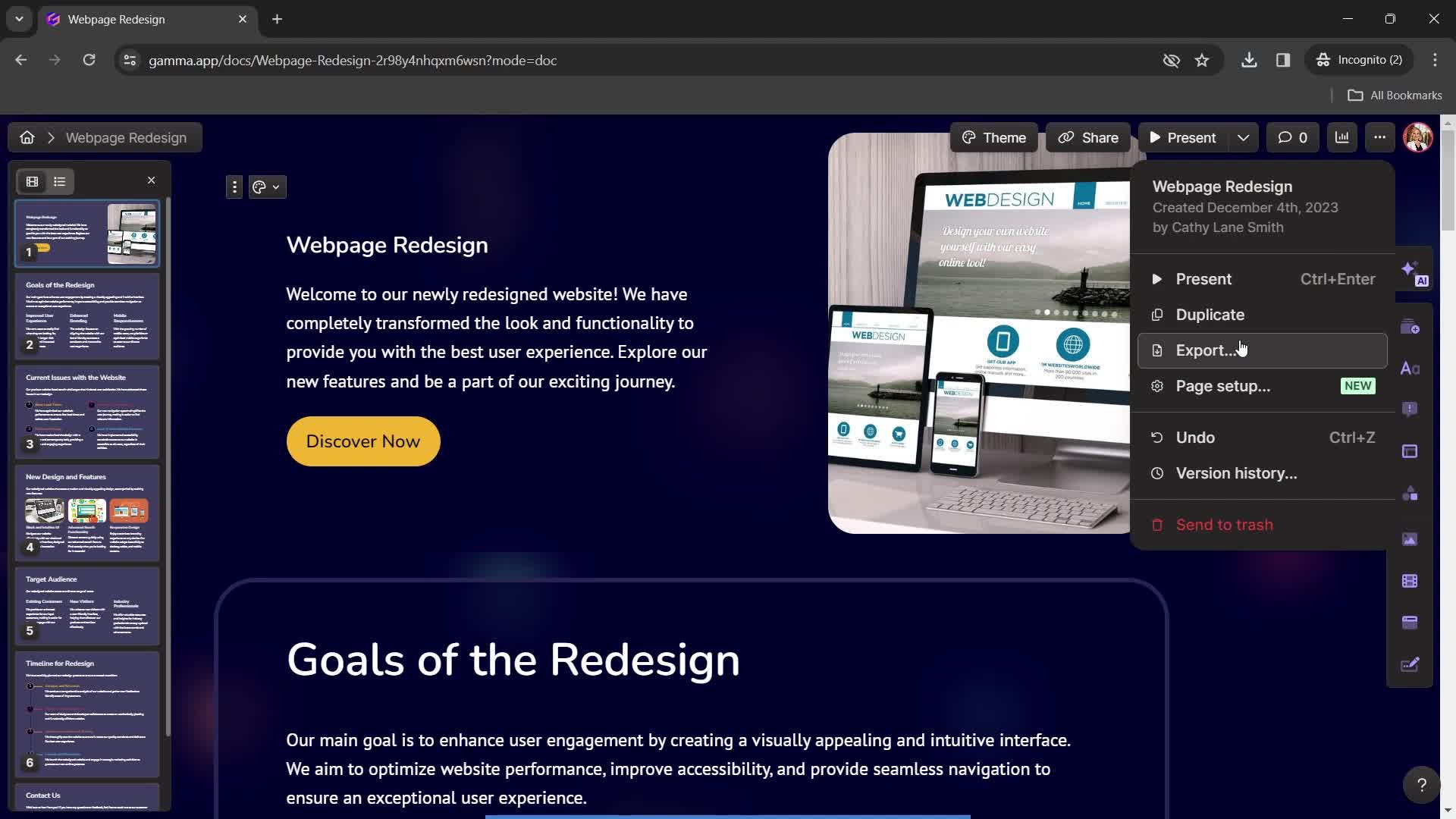
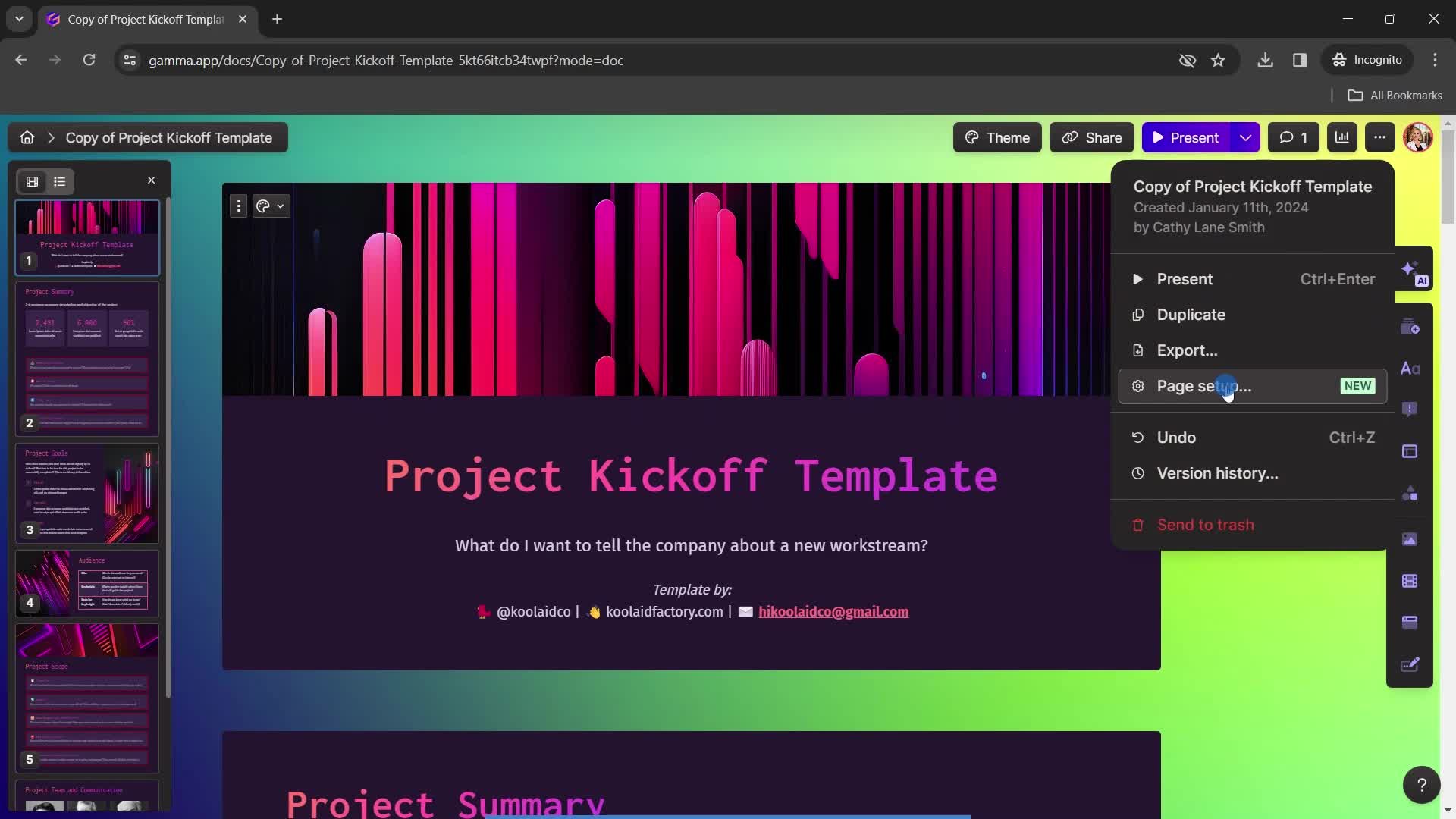
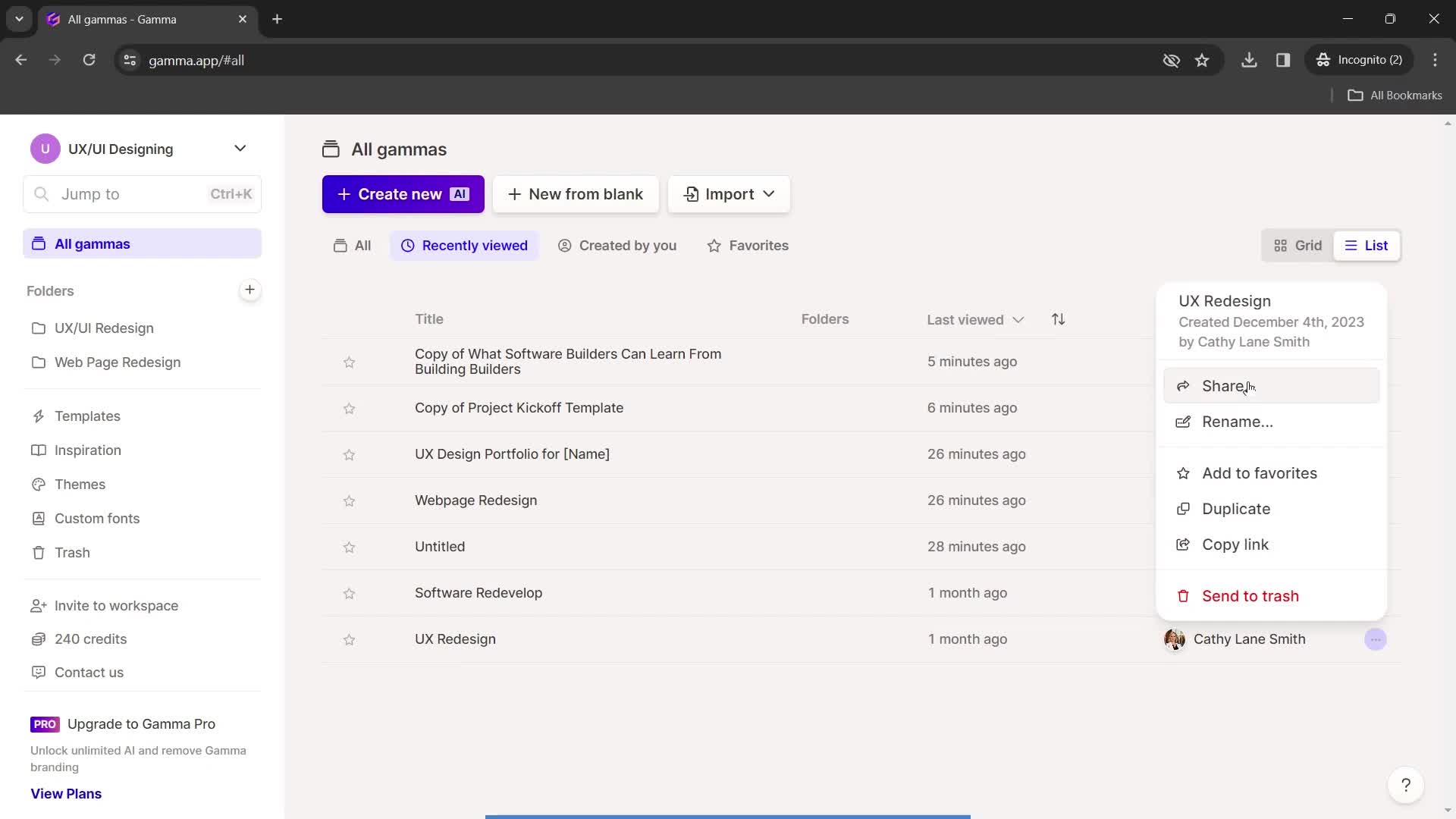
Action menu
this is title
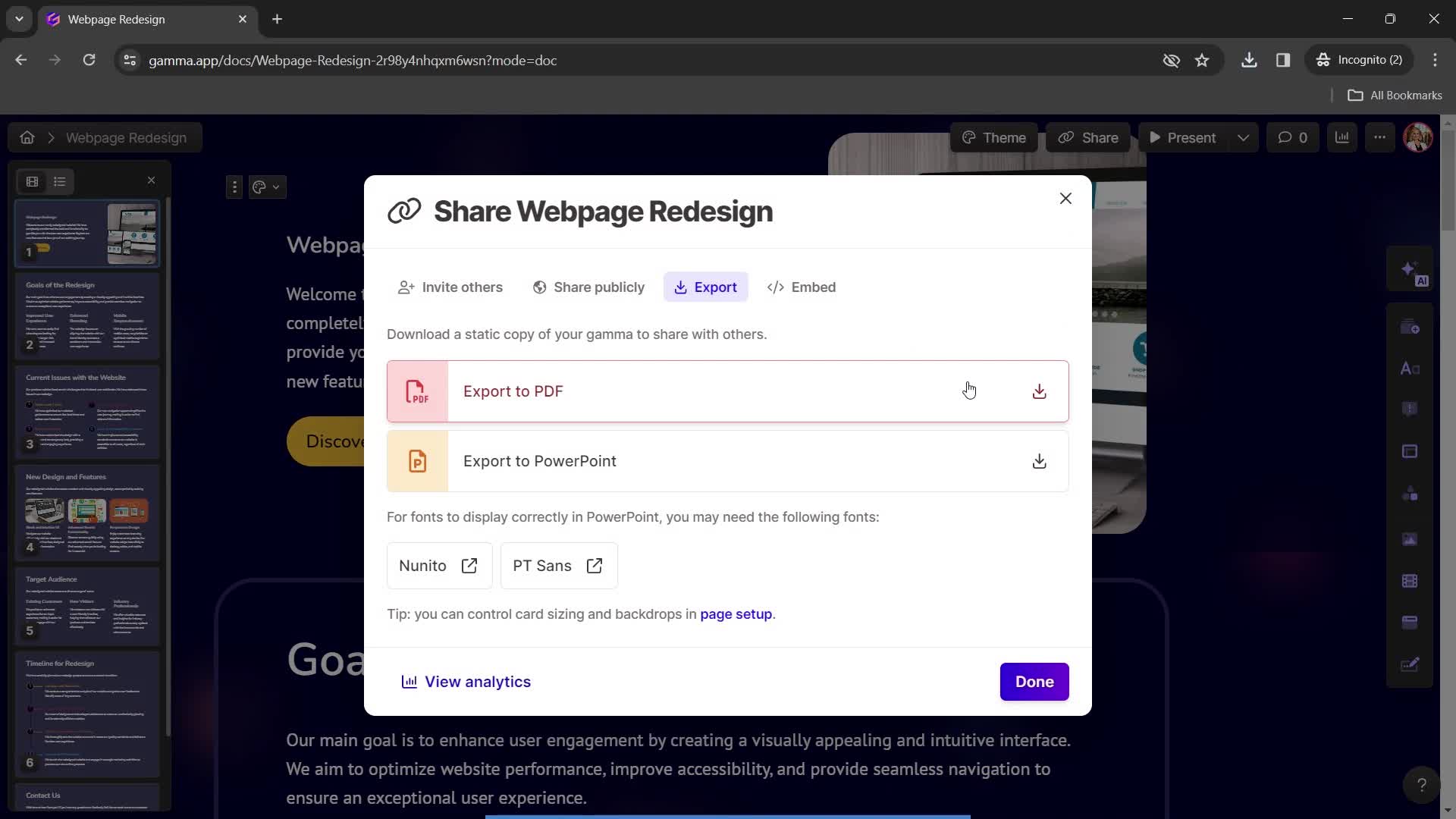
Export
this is title
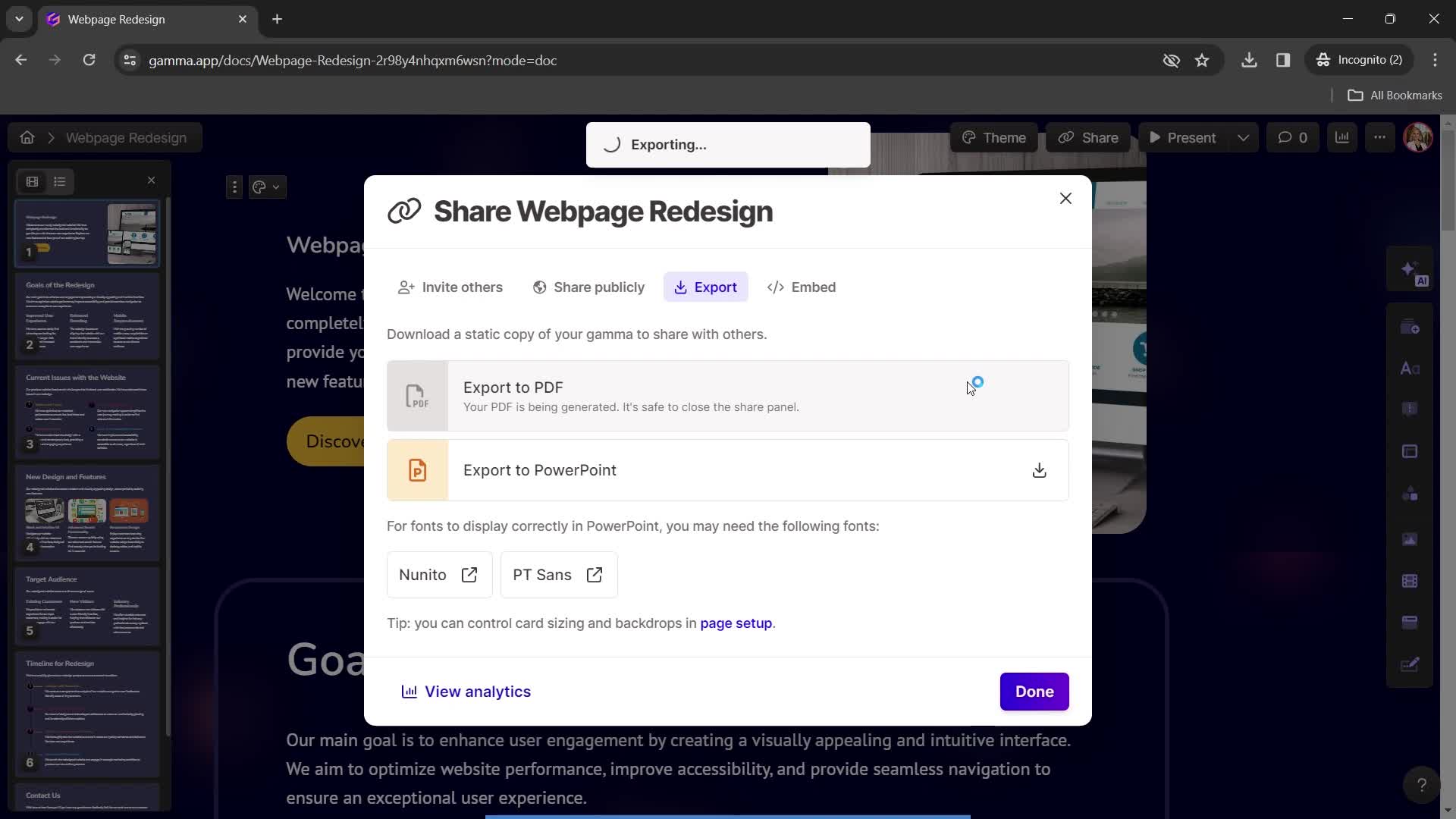
Exporting
this is title
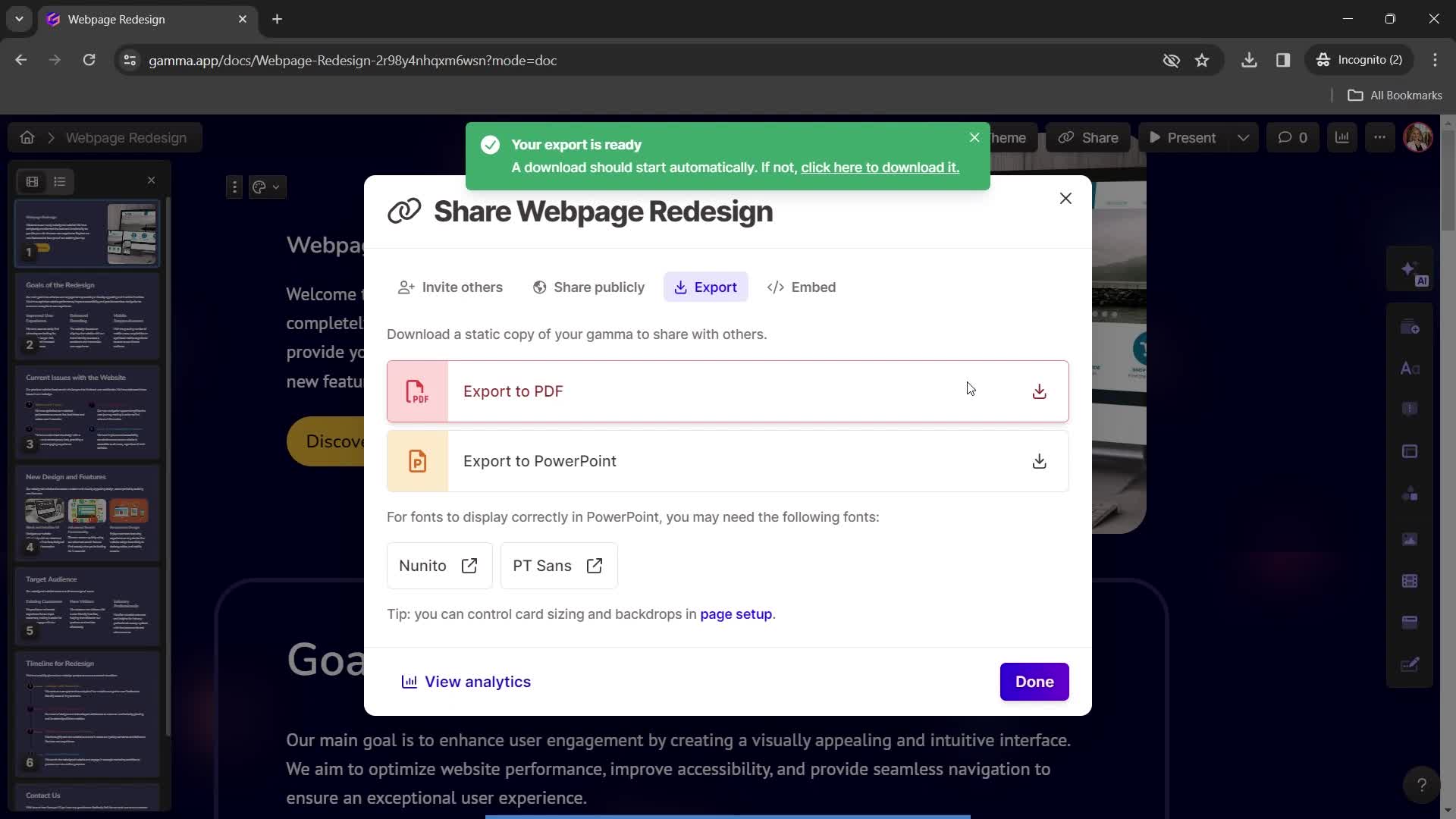
Export complete
this is title
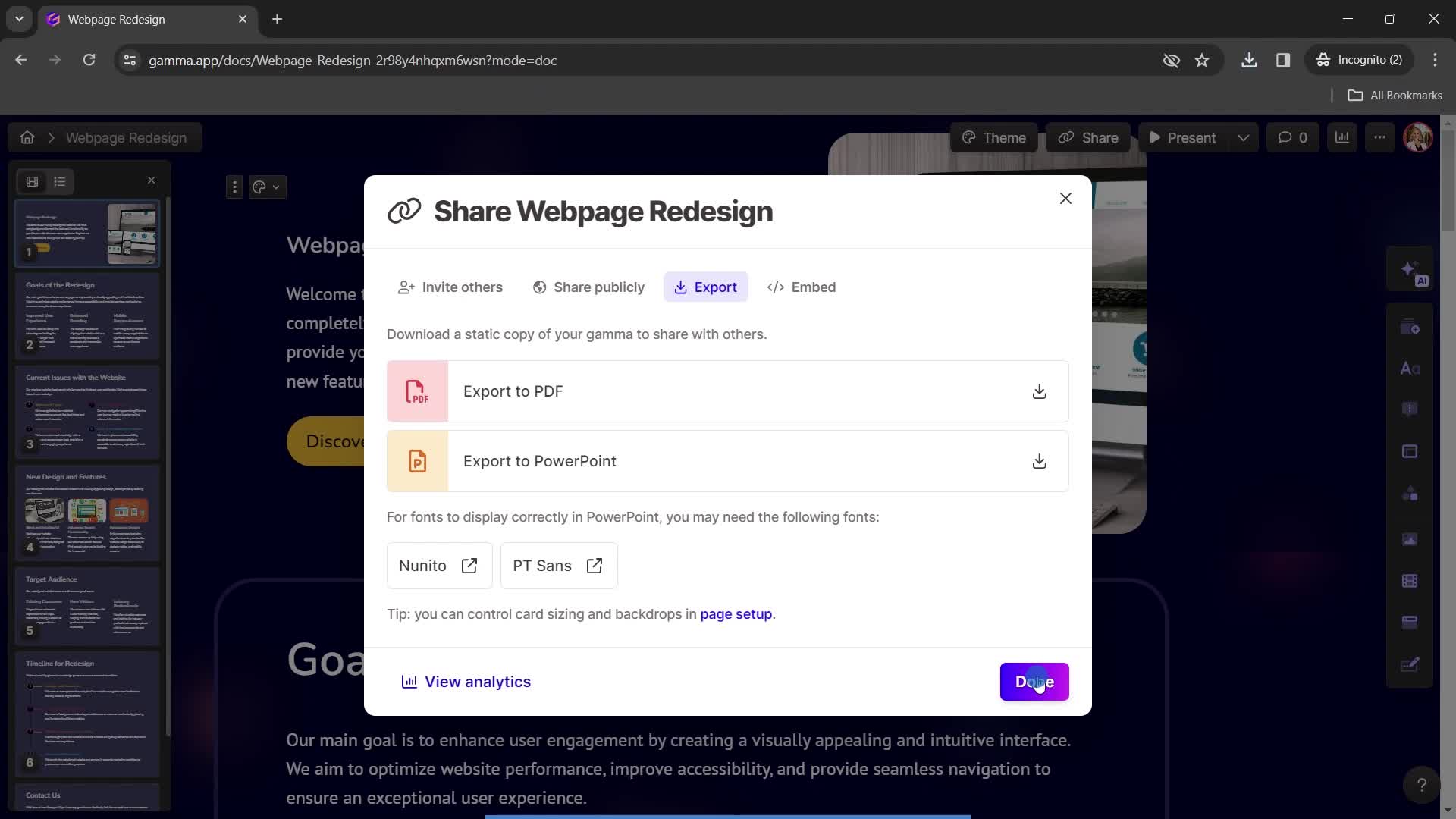
Continue
this is title
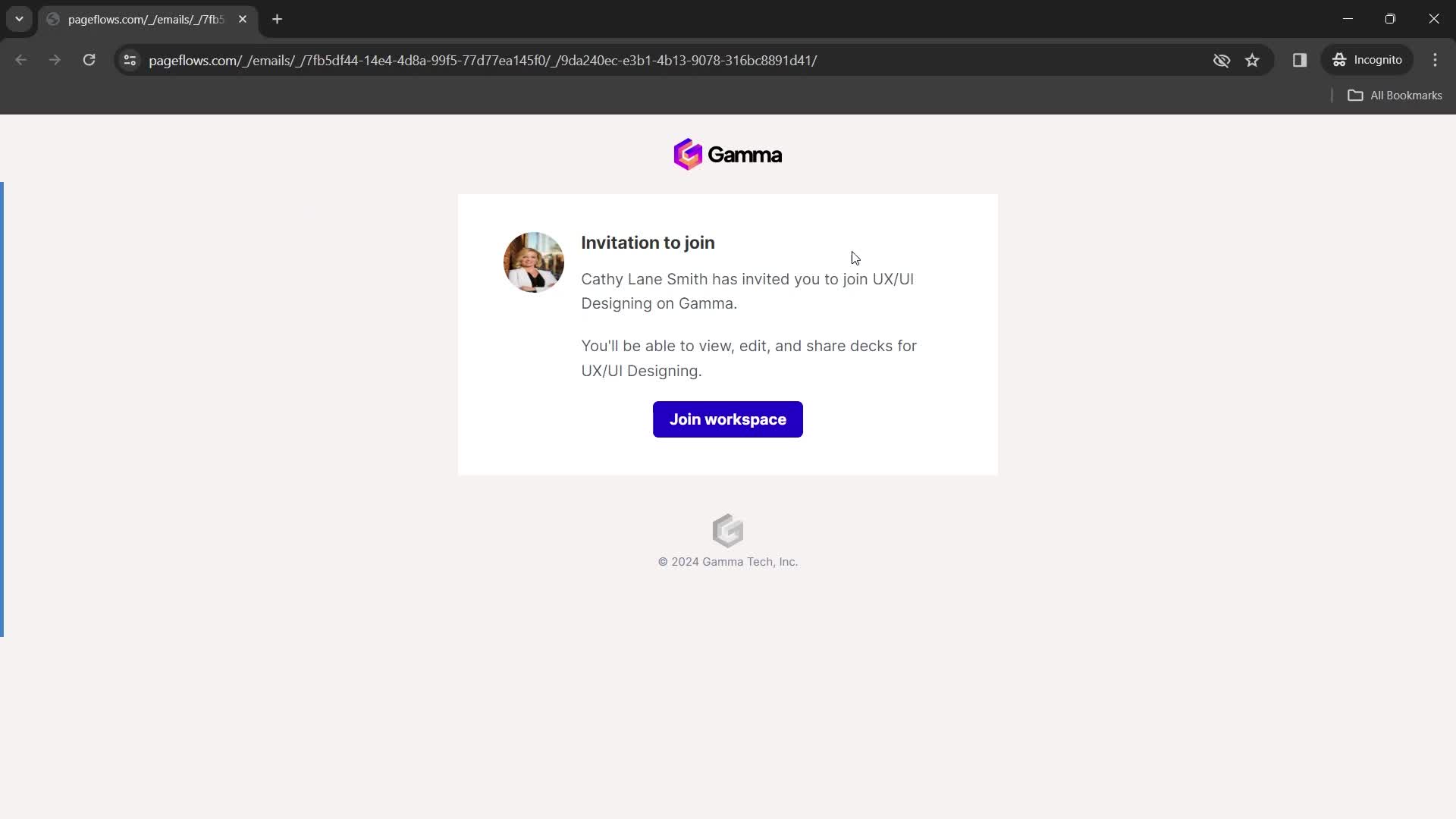
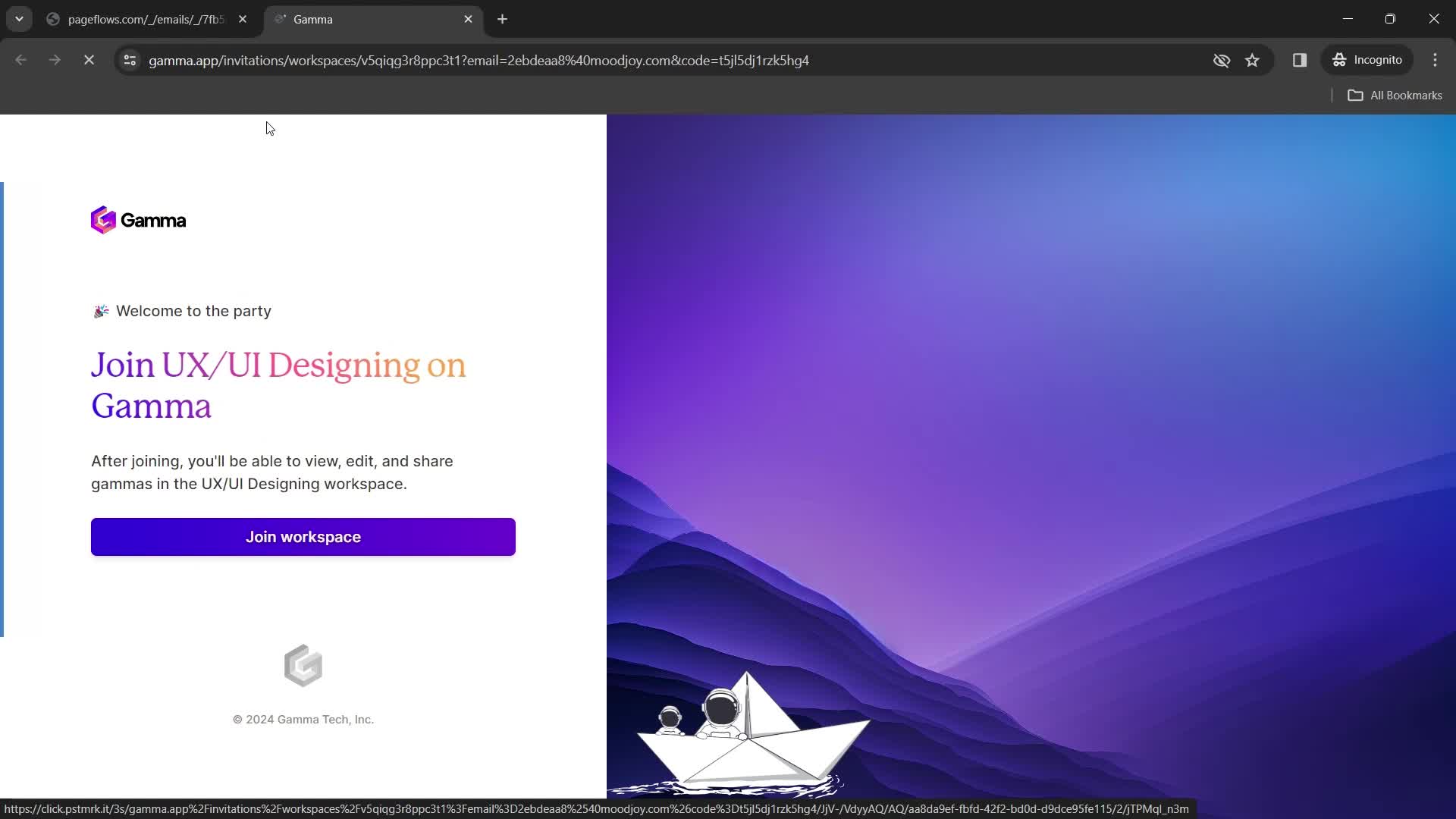
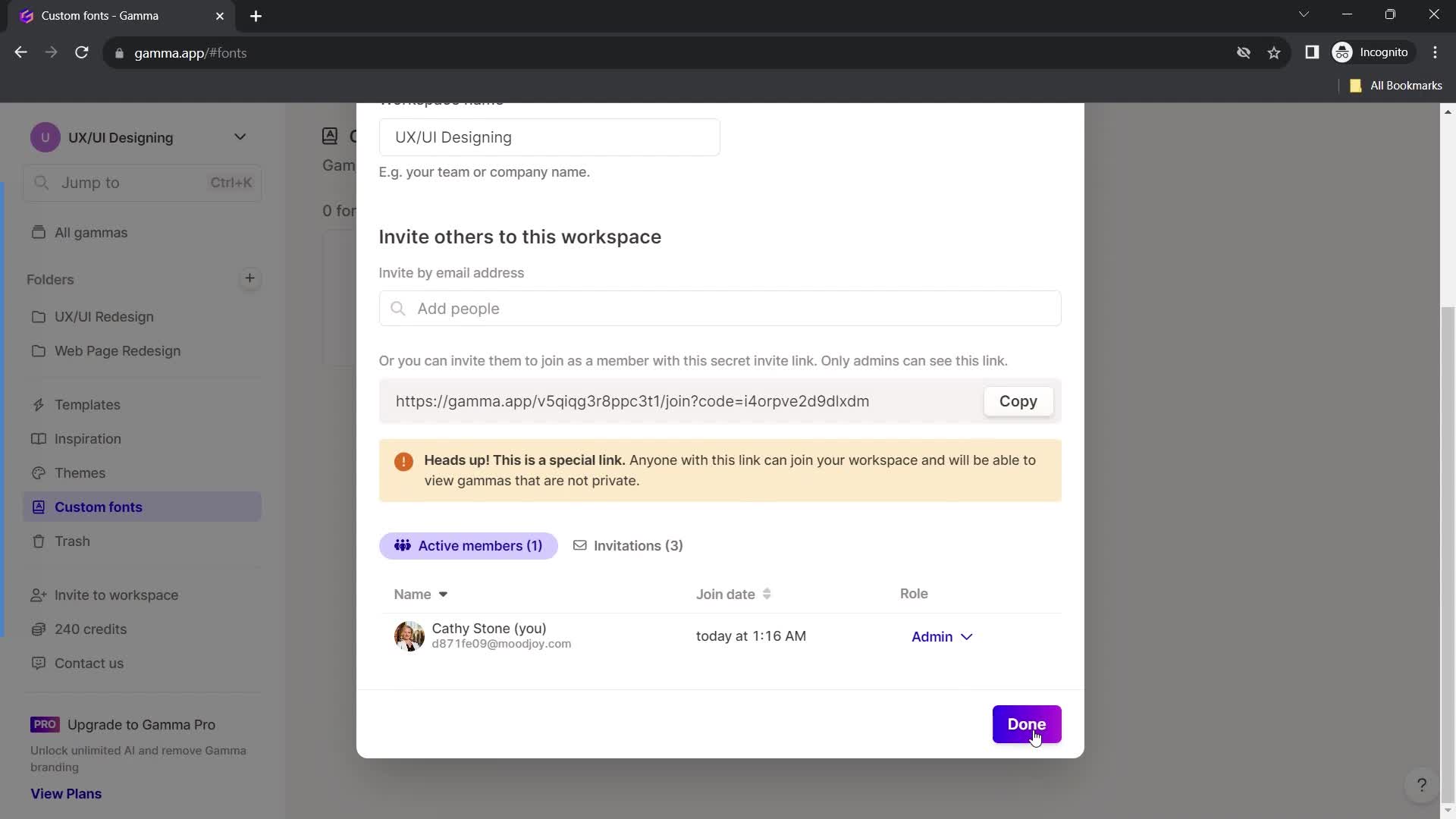
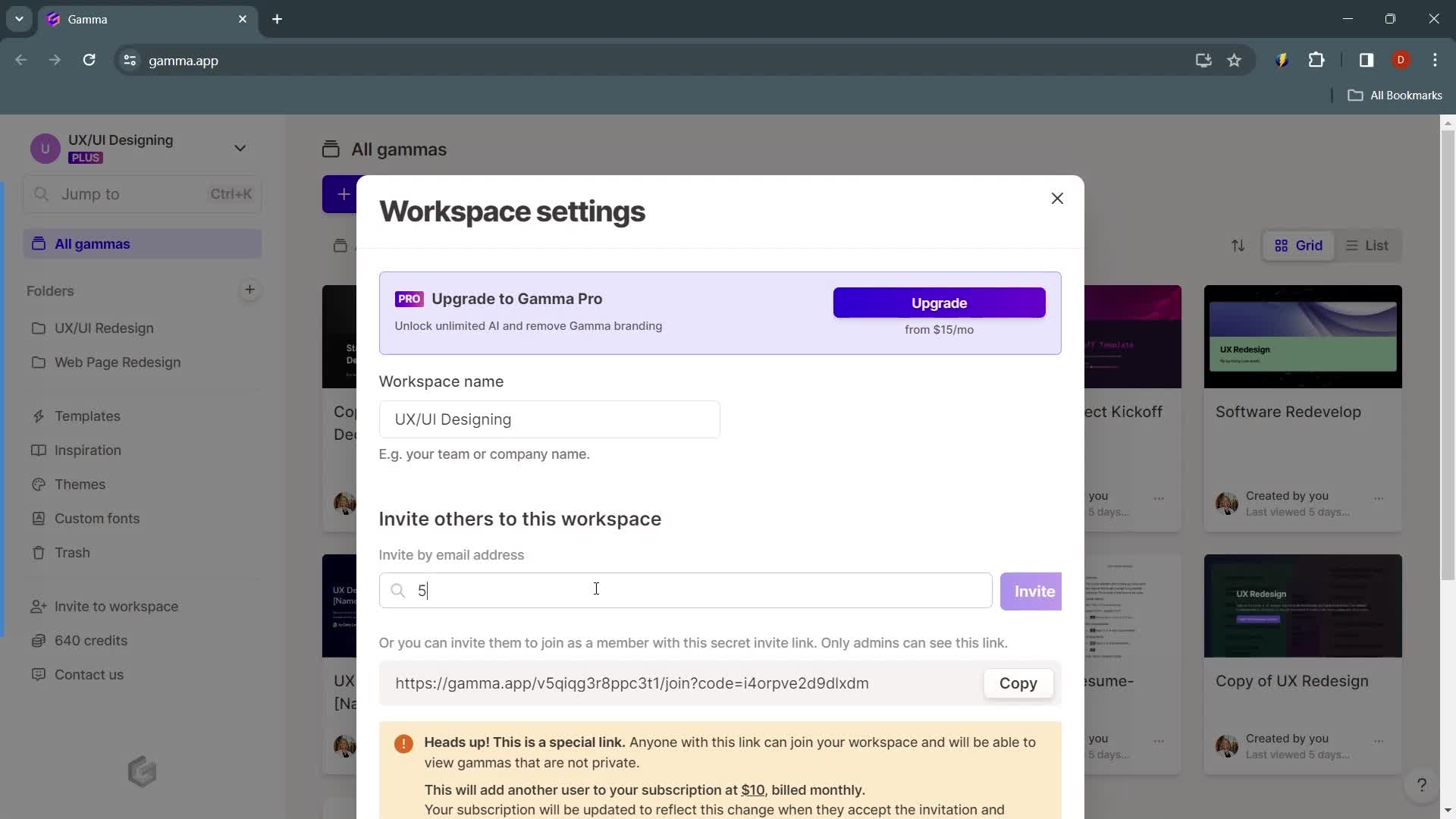
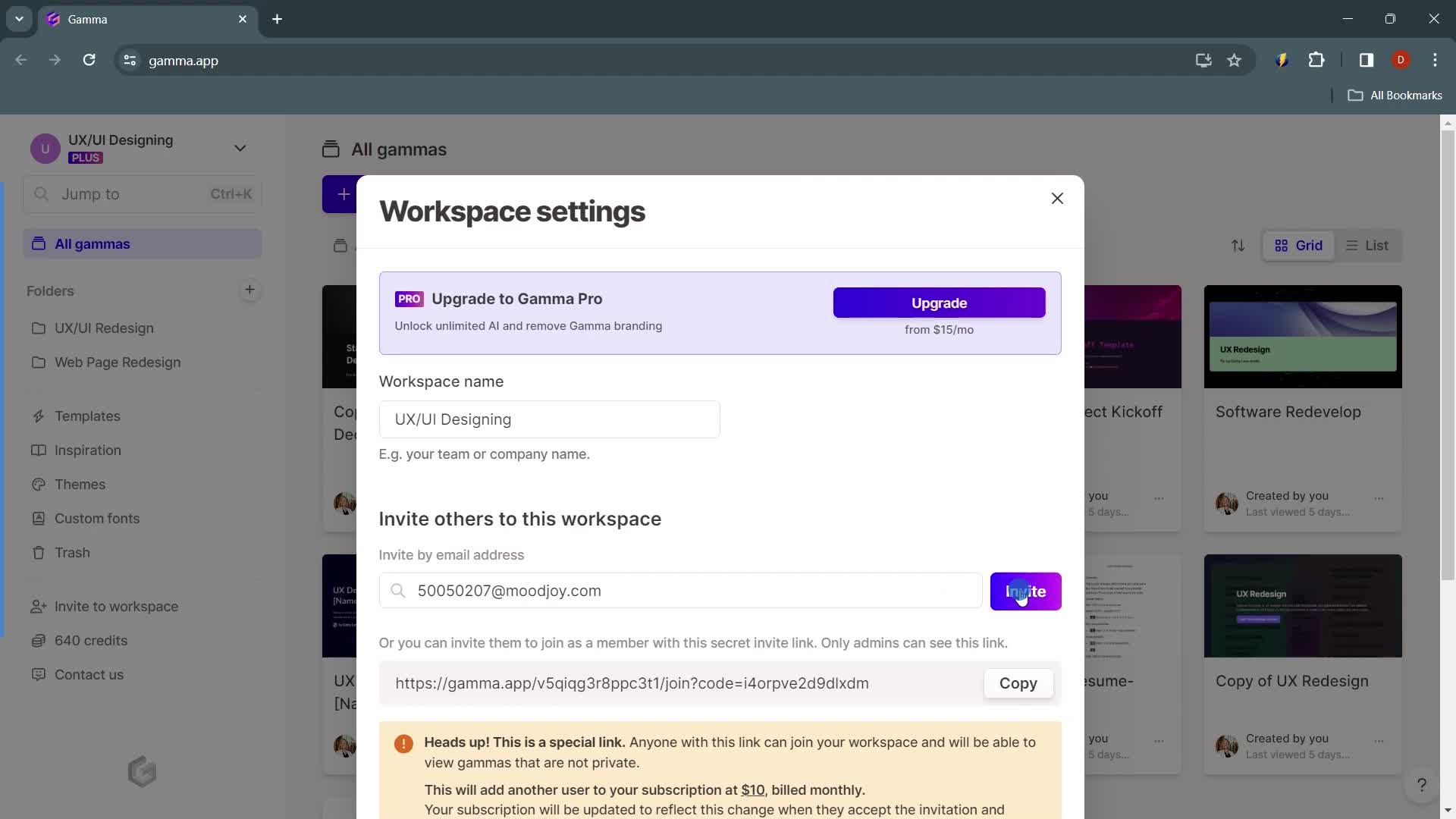
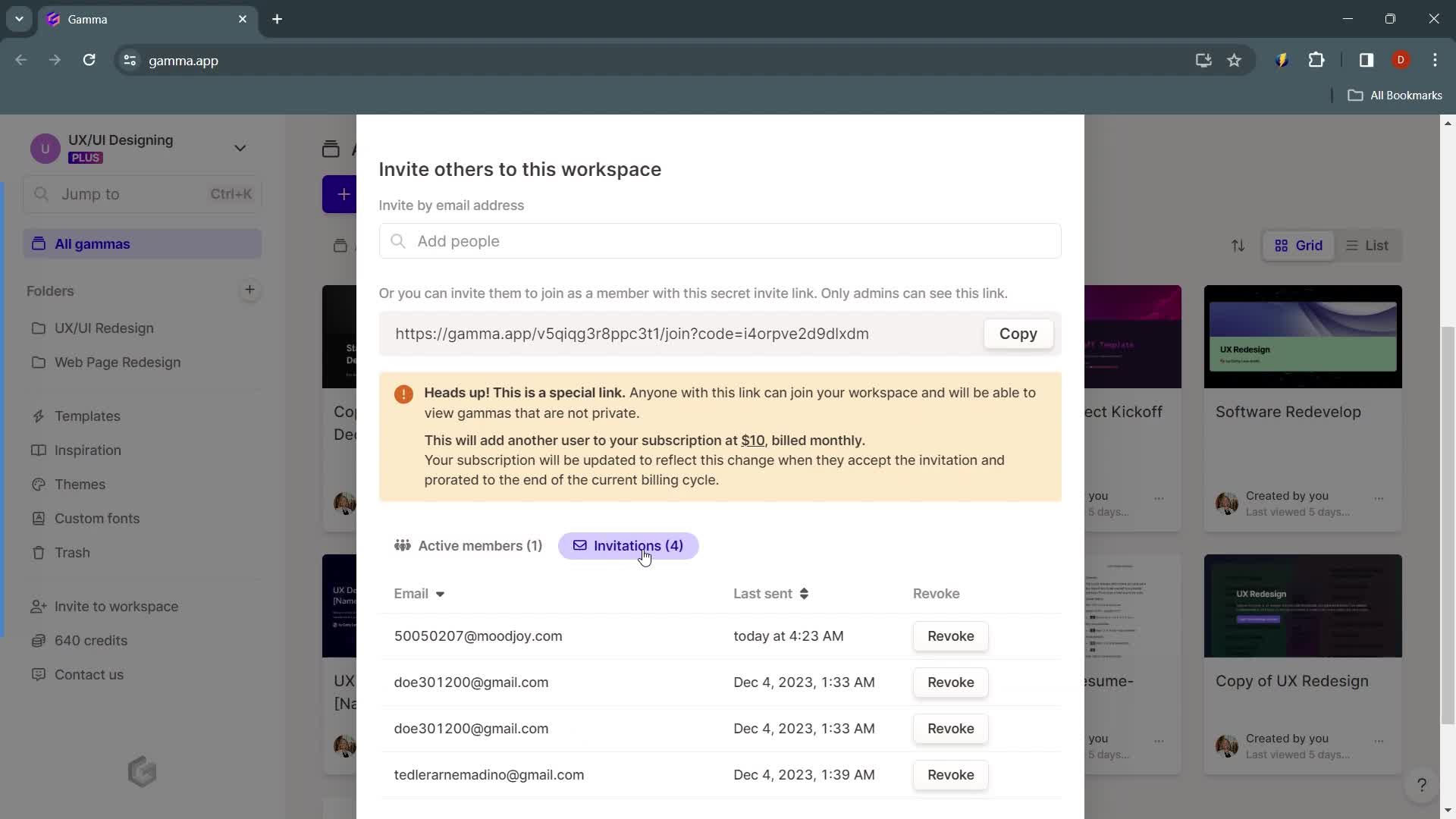
Invite email
this is title
Join team
this is title
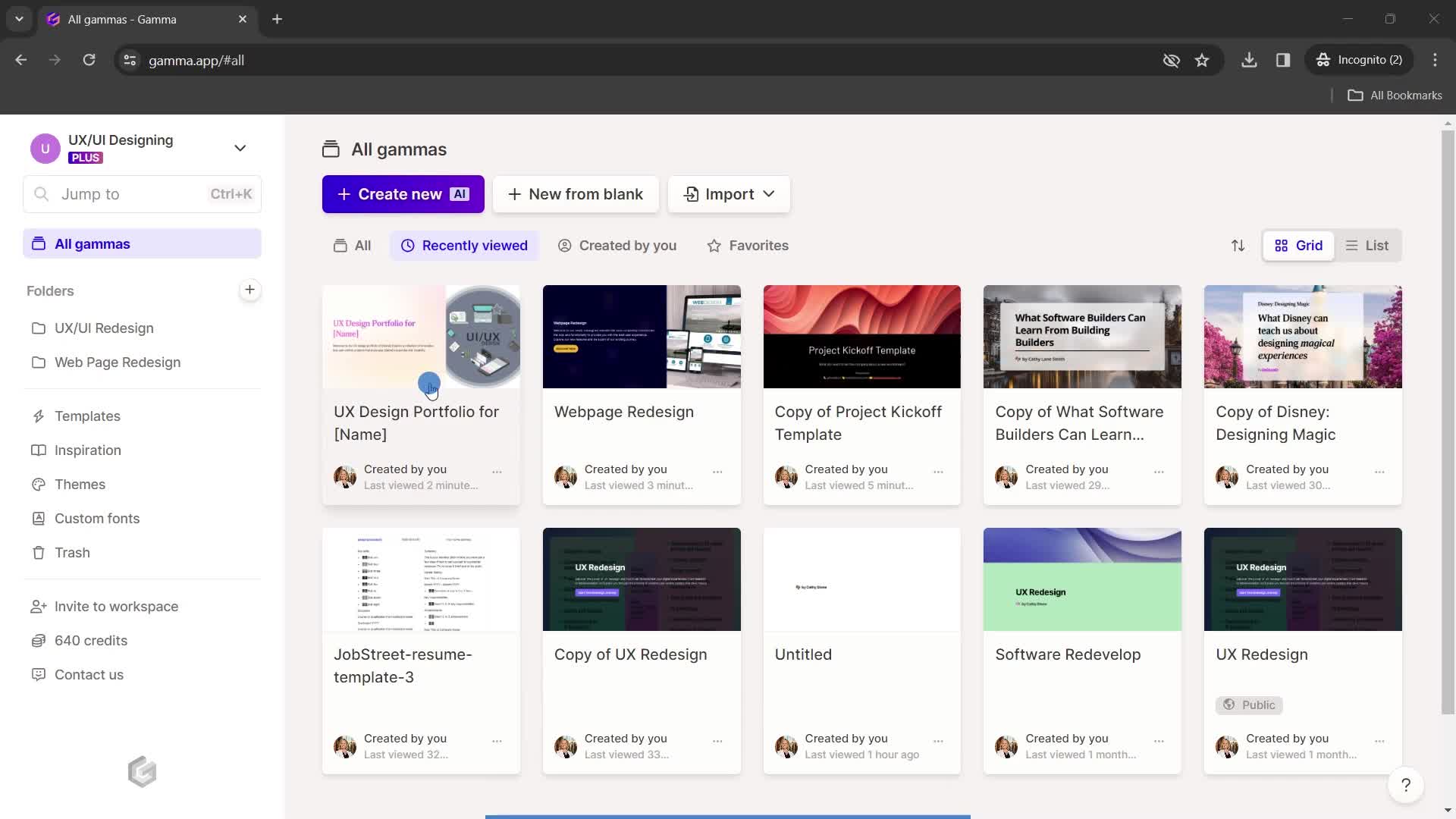
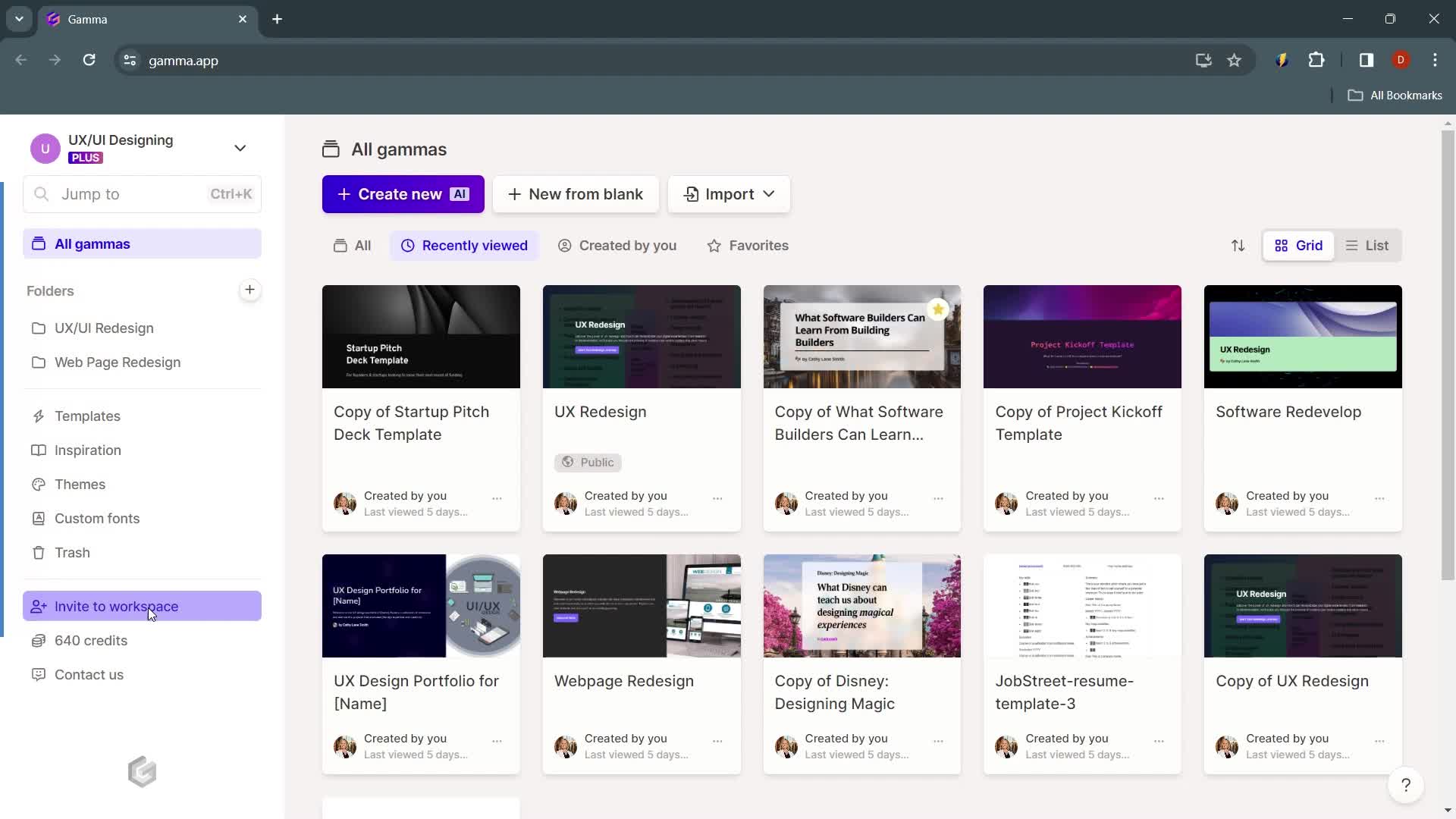
Home
this is title
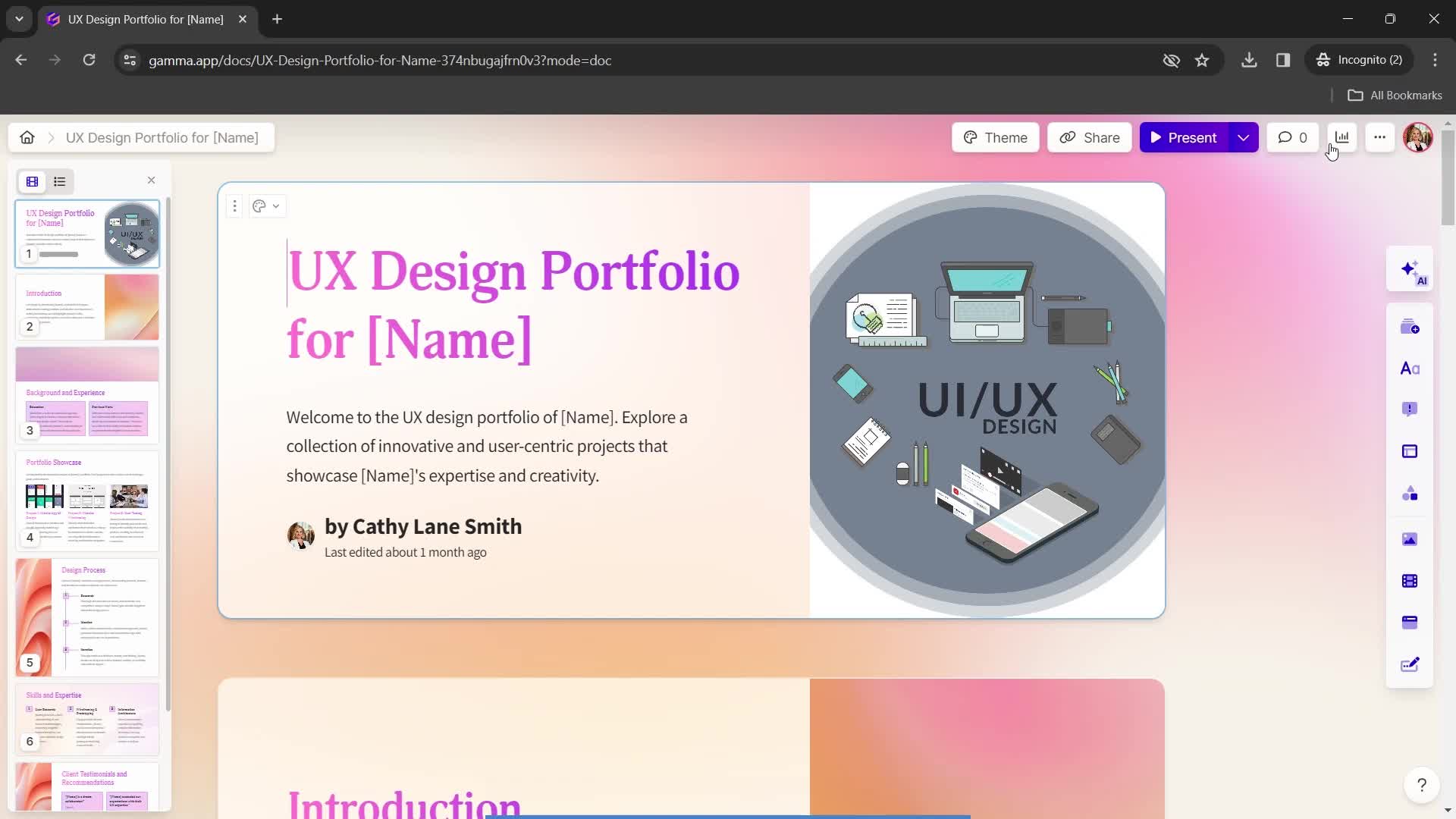
Presentation editor
this is title
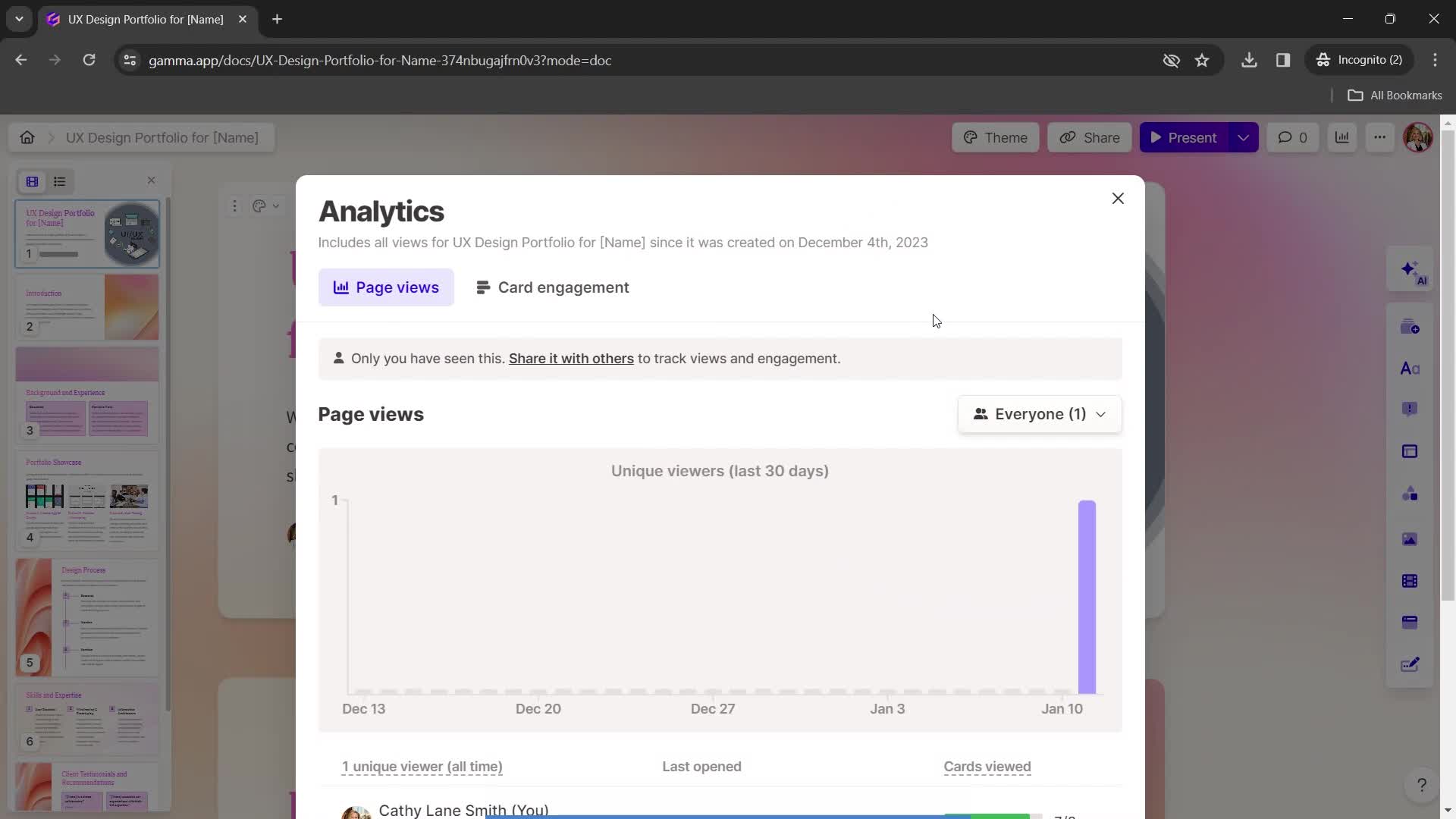
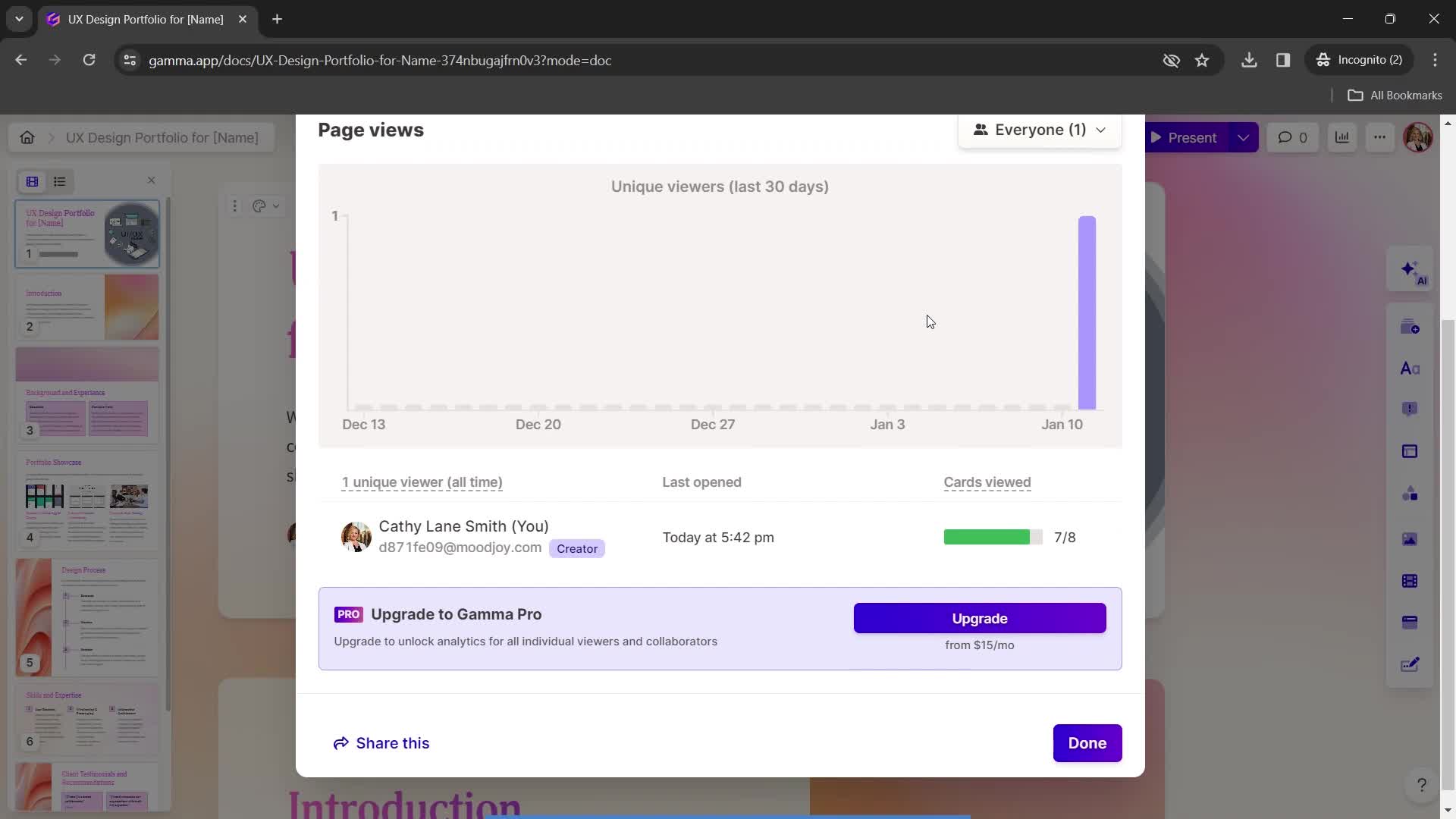
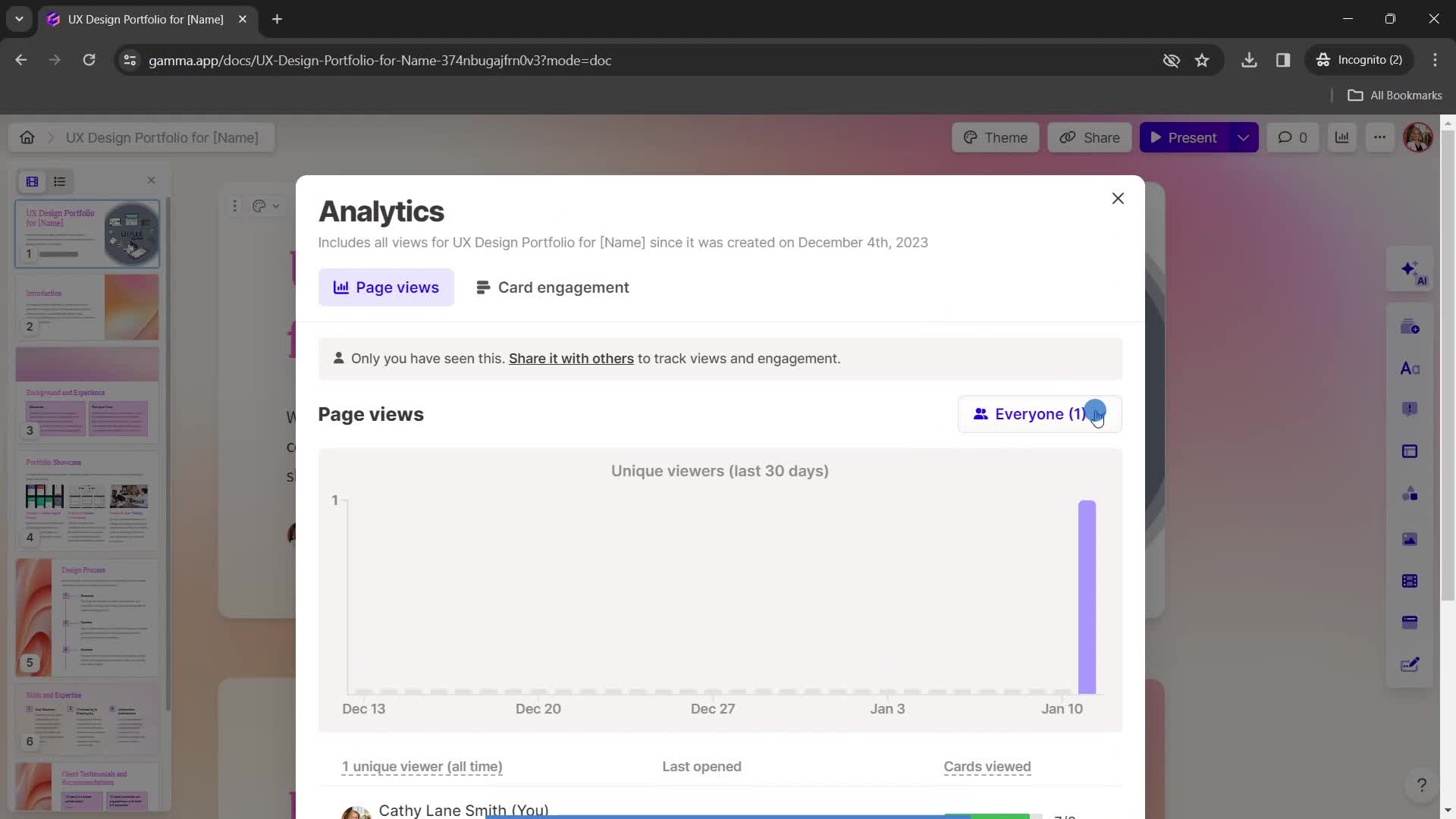
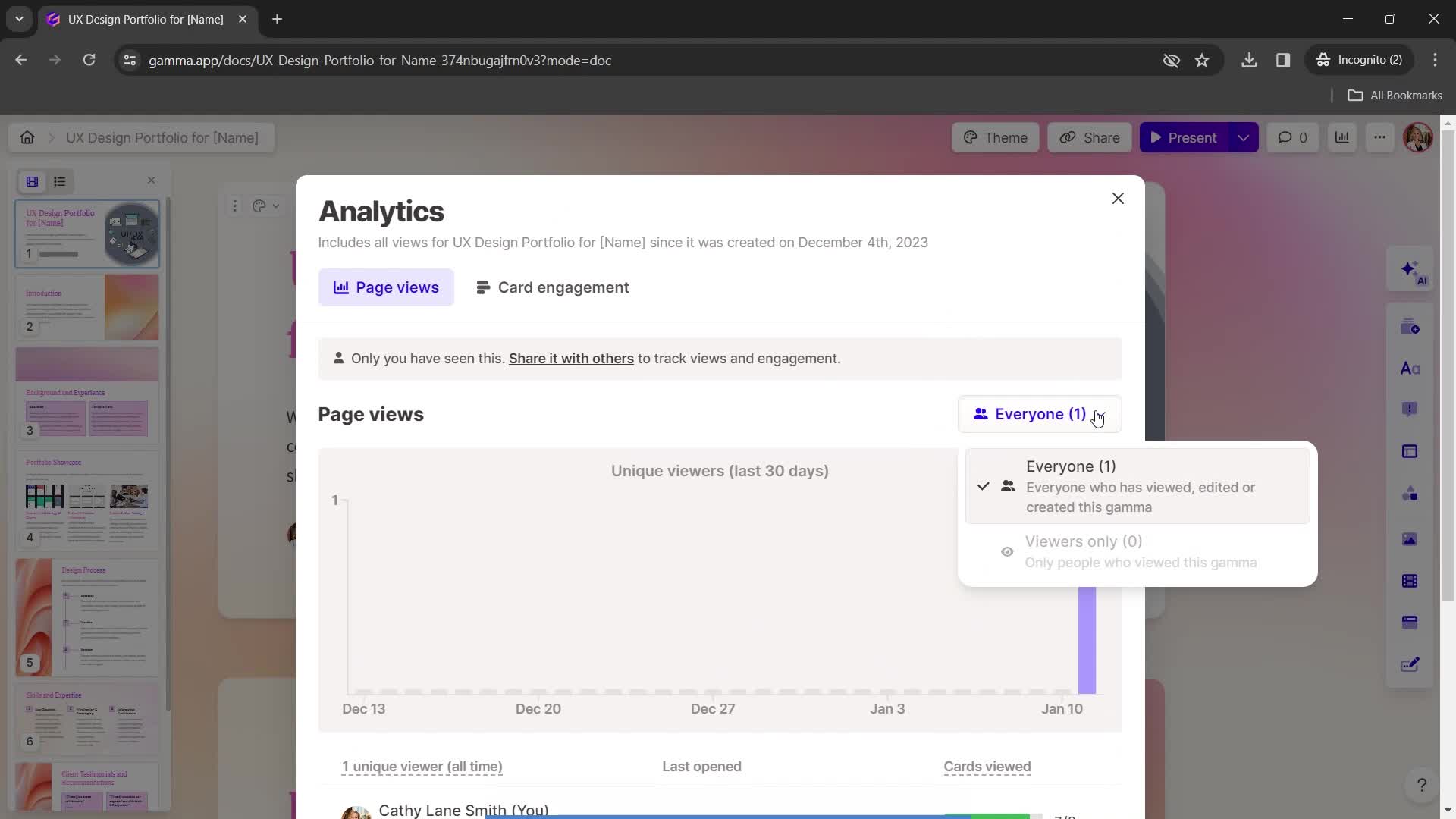
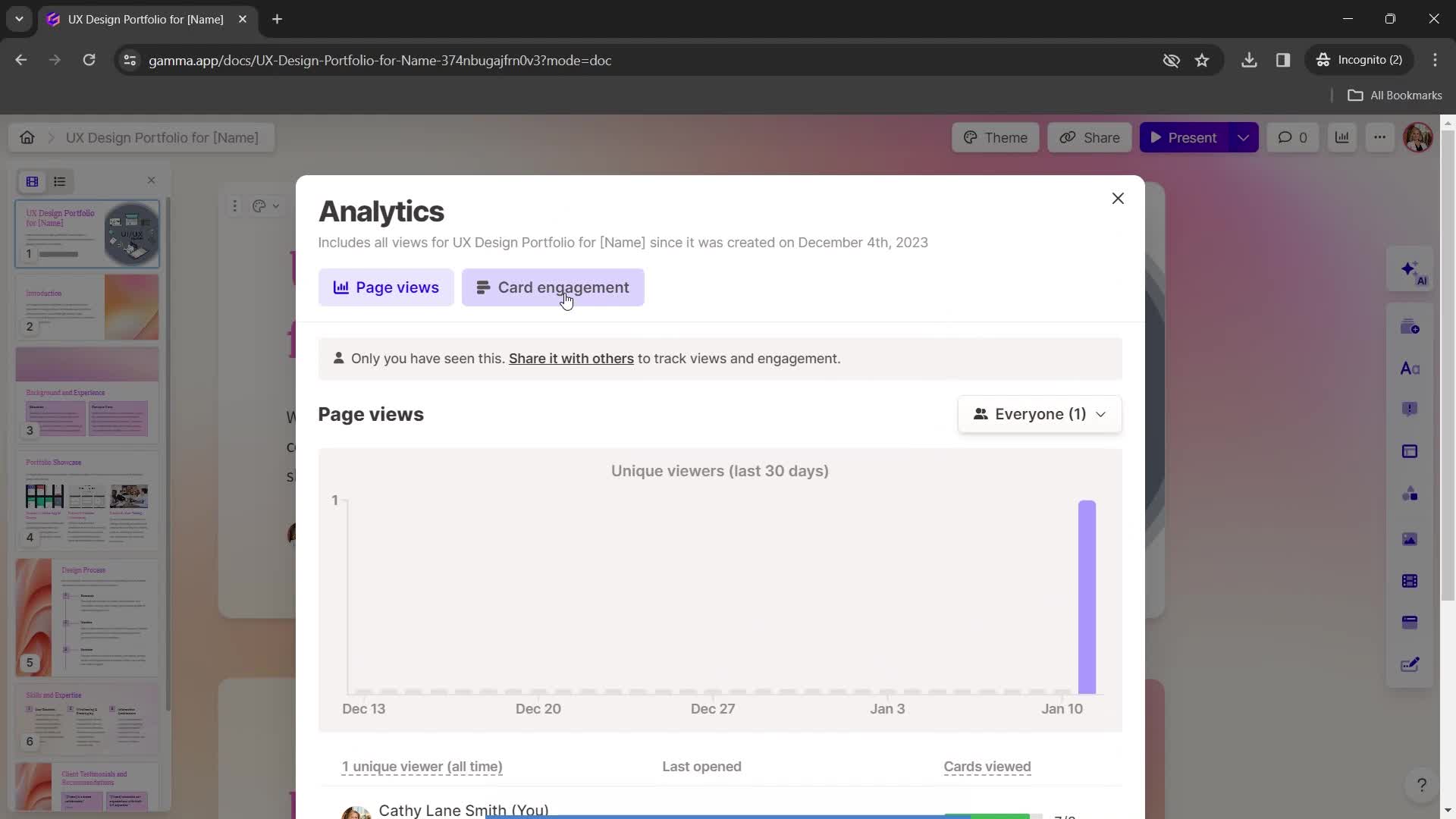
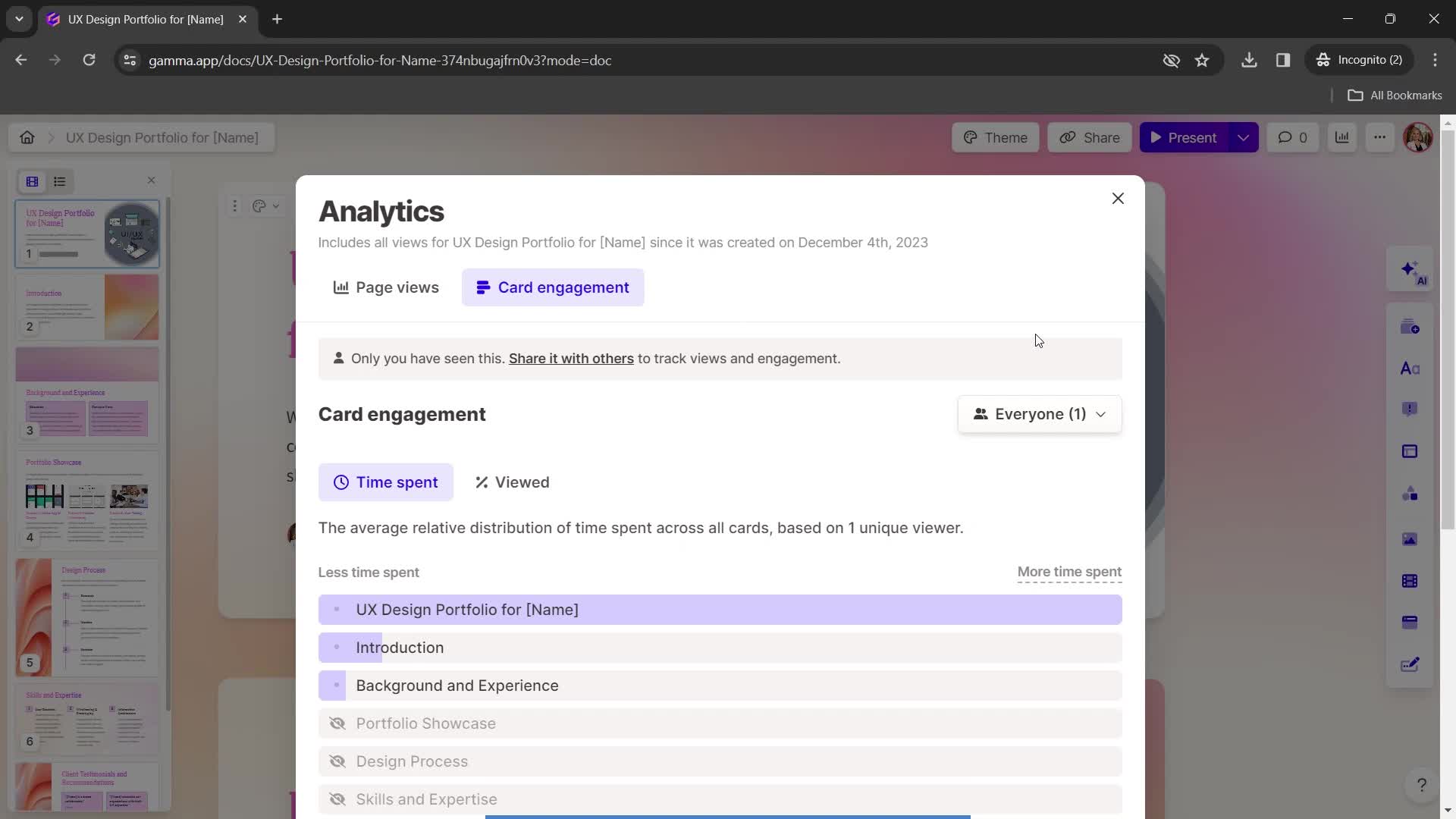
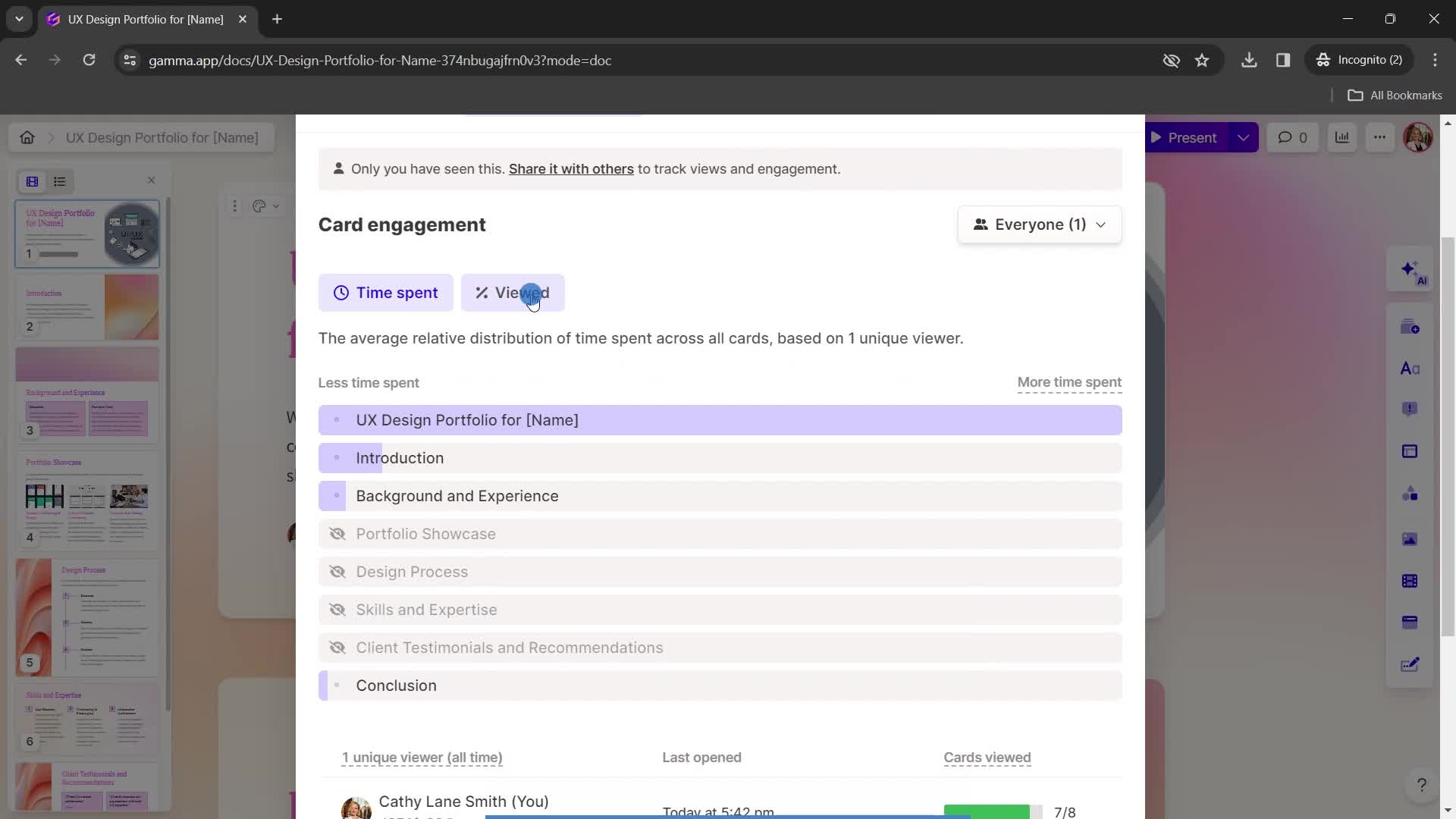
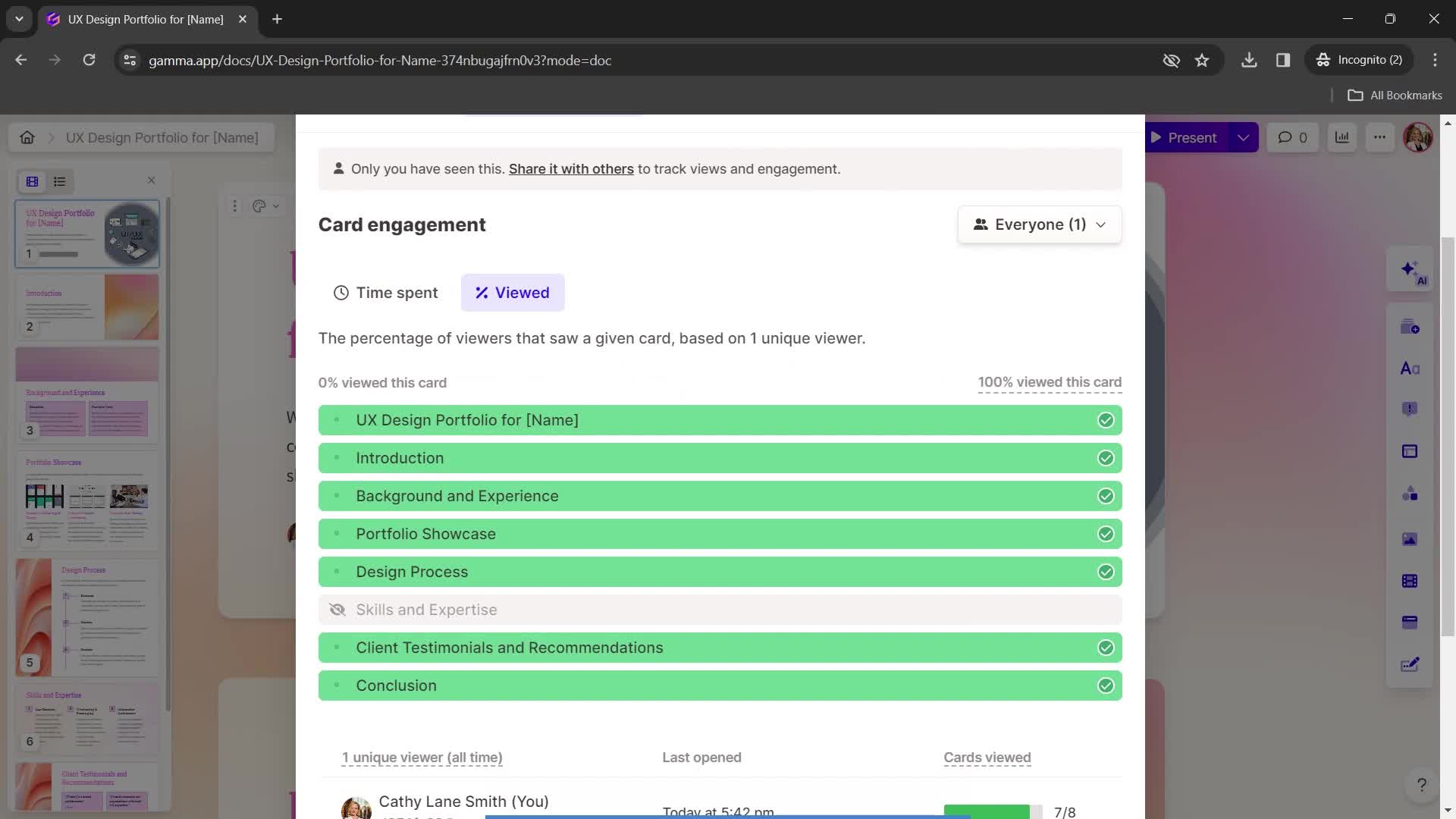
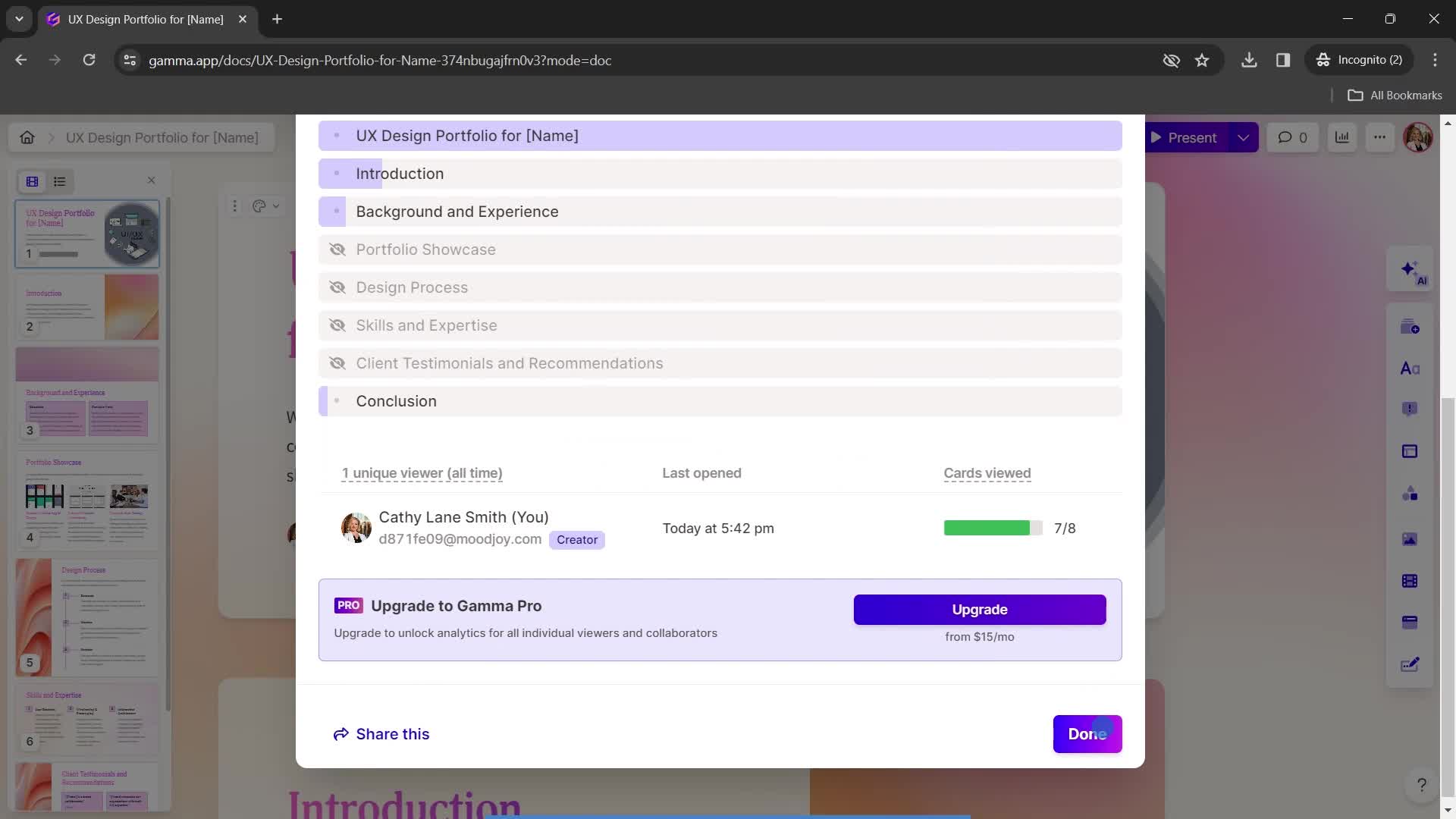
Analytics
this is title
this is title
this is title
Set preferences
this is title
this is title
Engagement
this is title
this is title
Recently viewed
this is title
Continue
this is title
Home
this is title
Account menu
this is title
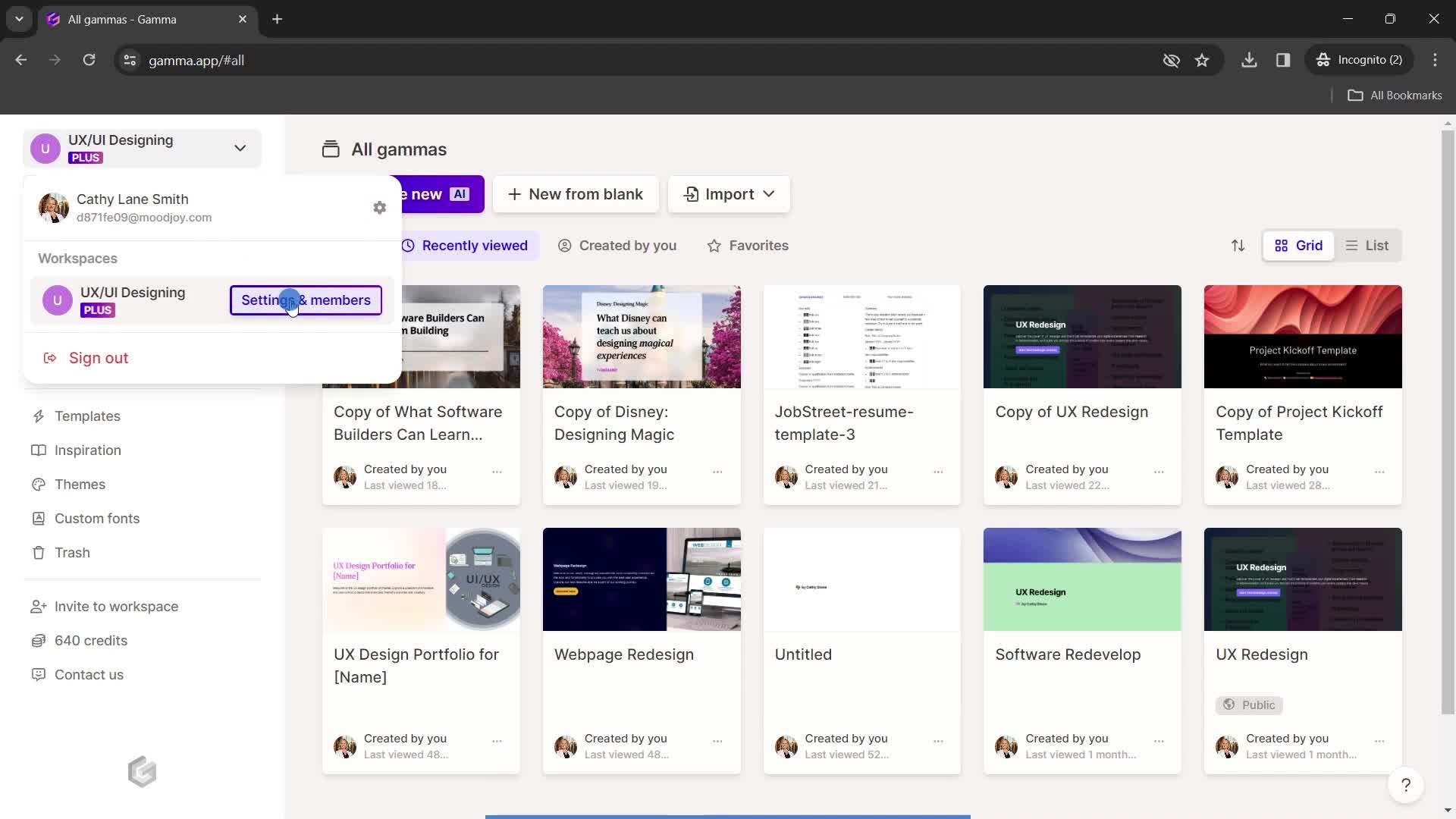
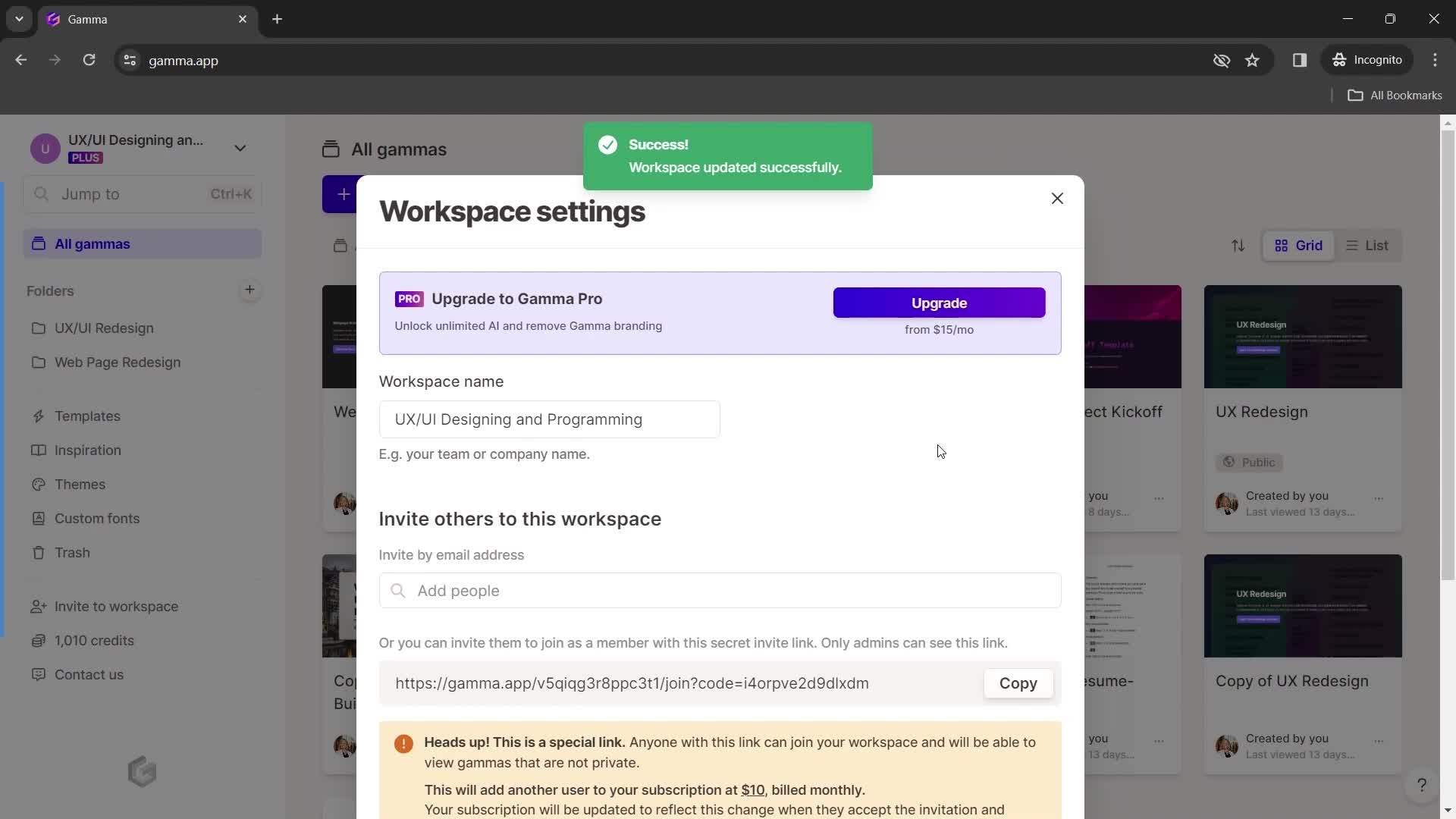
Workspace settings
this is title
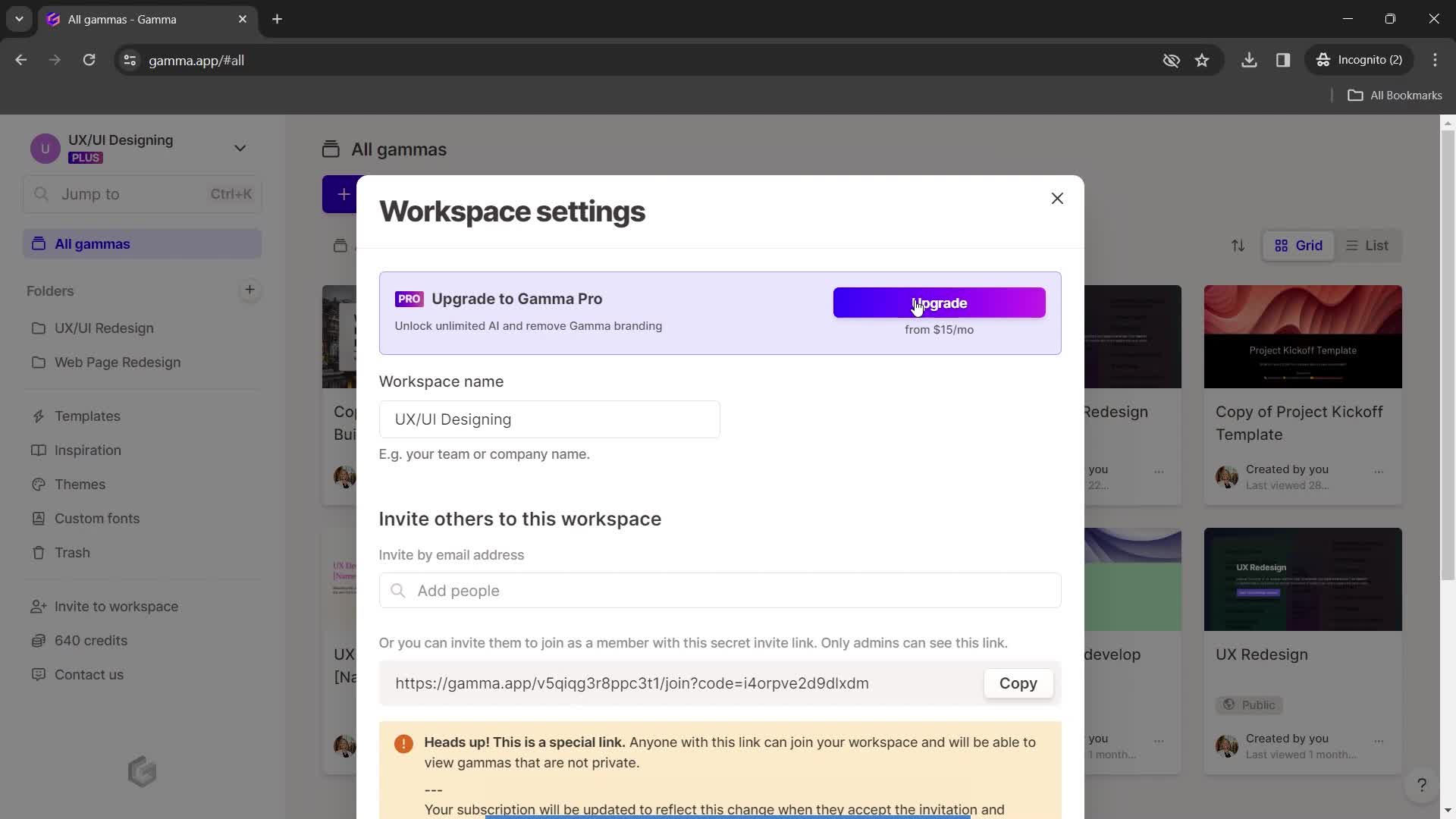
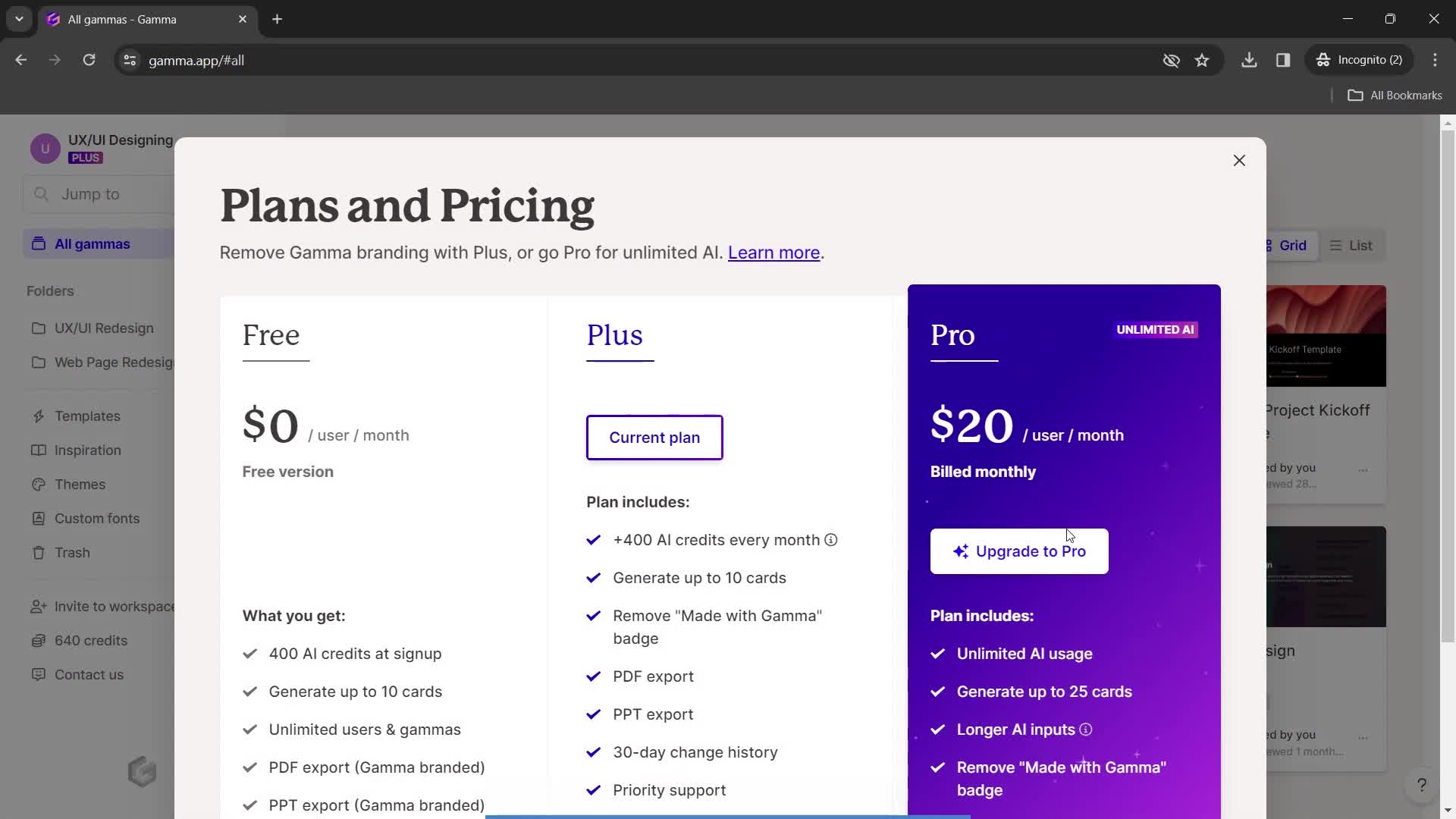
Pricing & plans
this is title
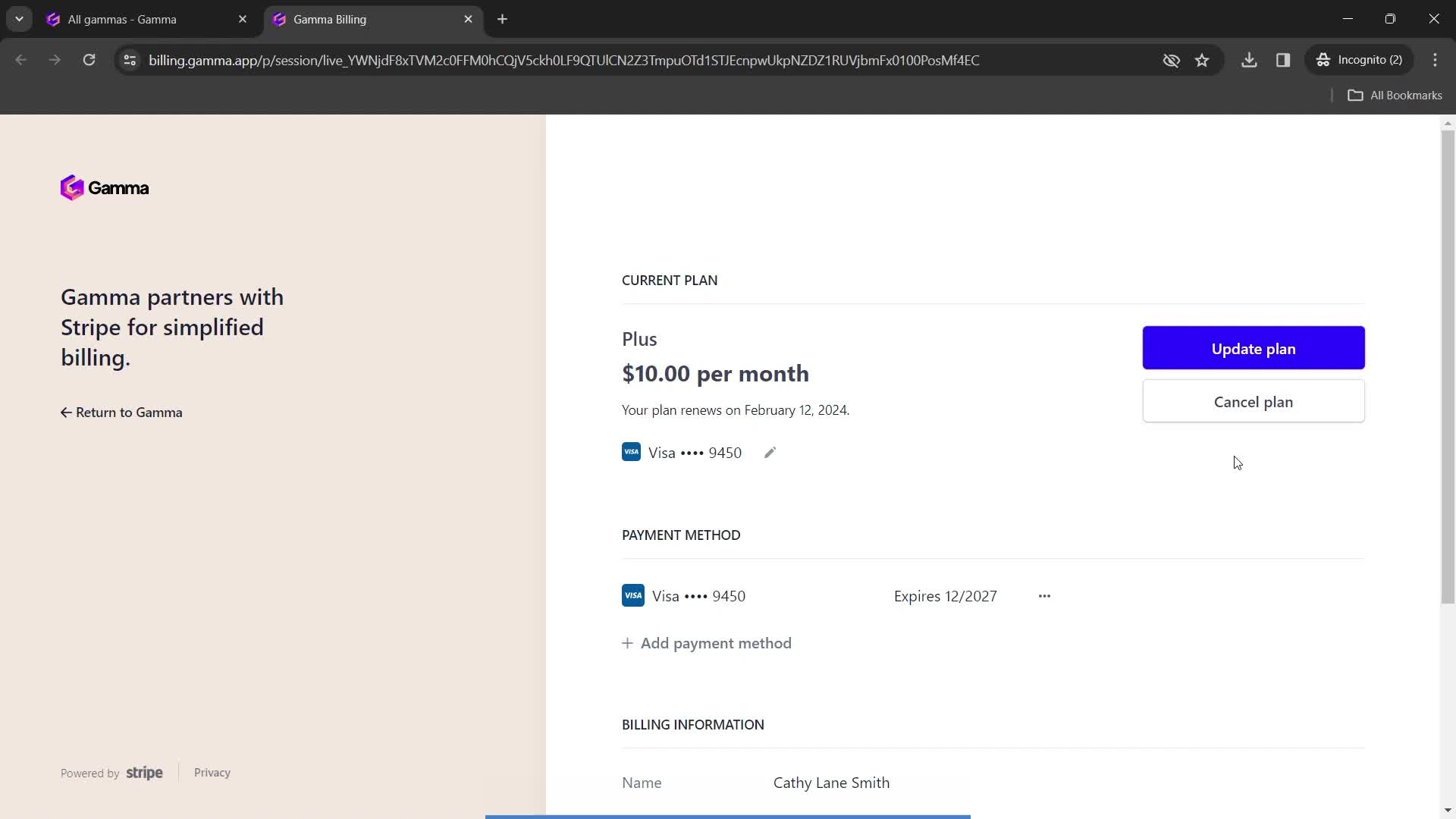
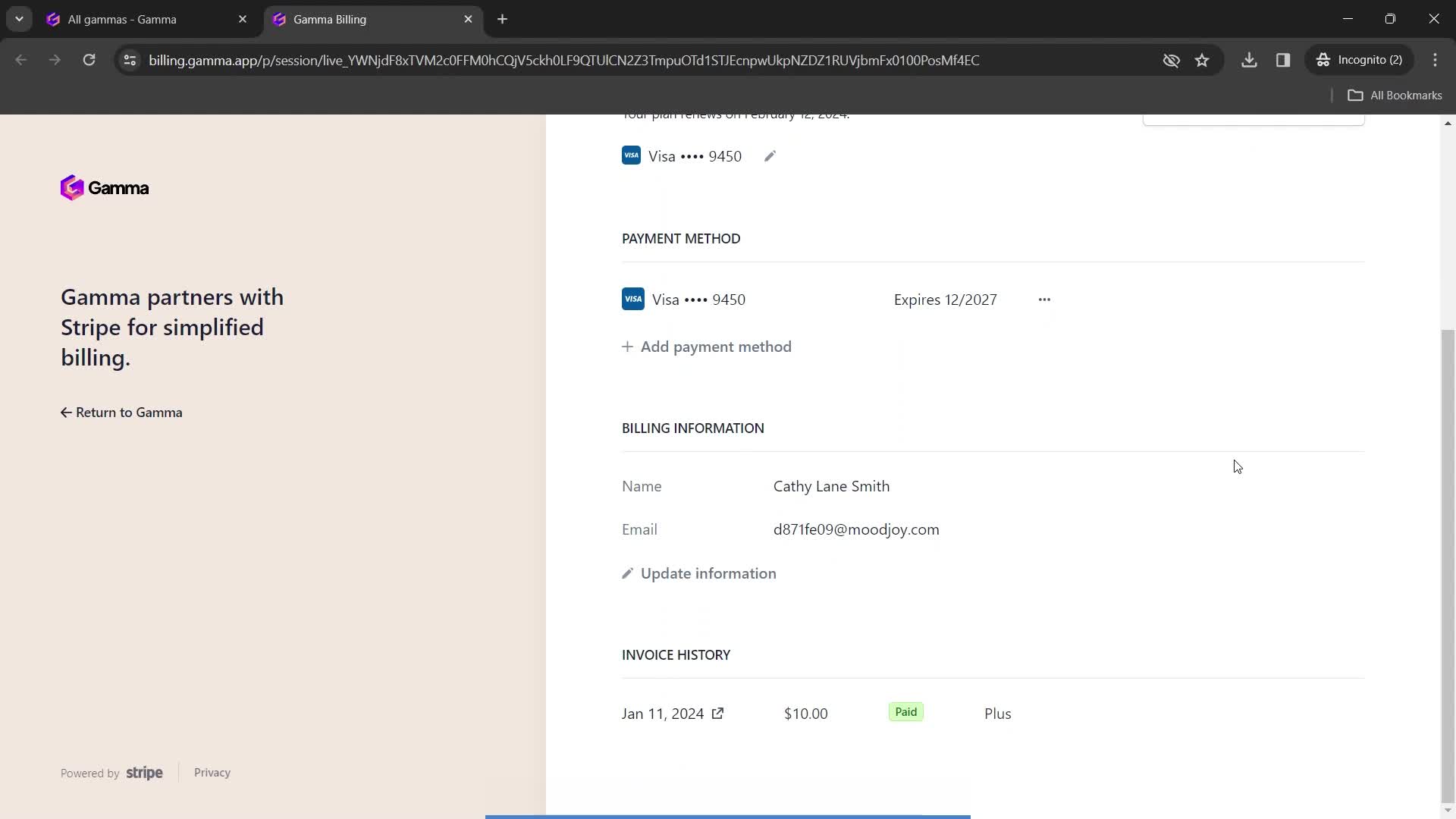
Subscription details
this is title
this is title
this is title
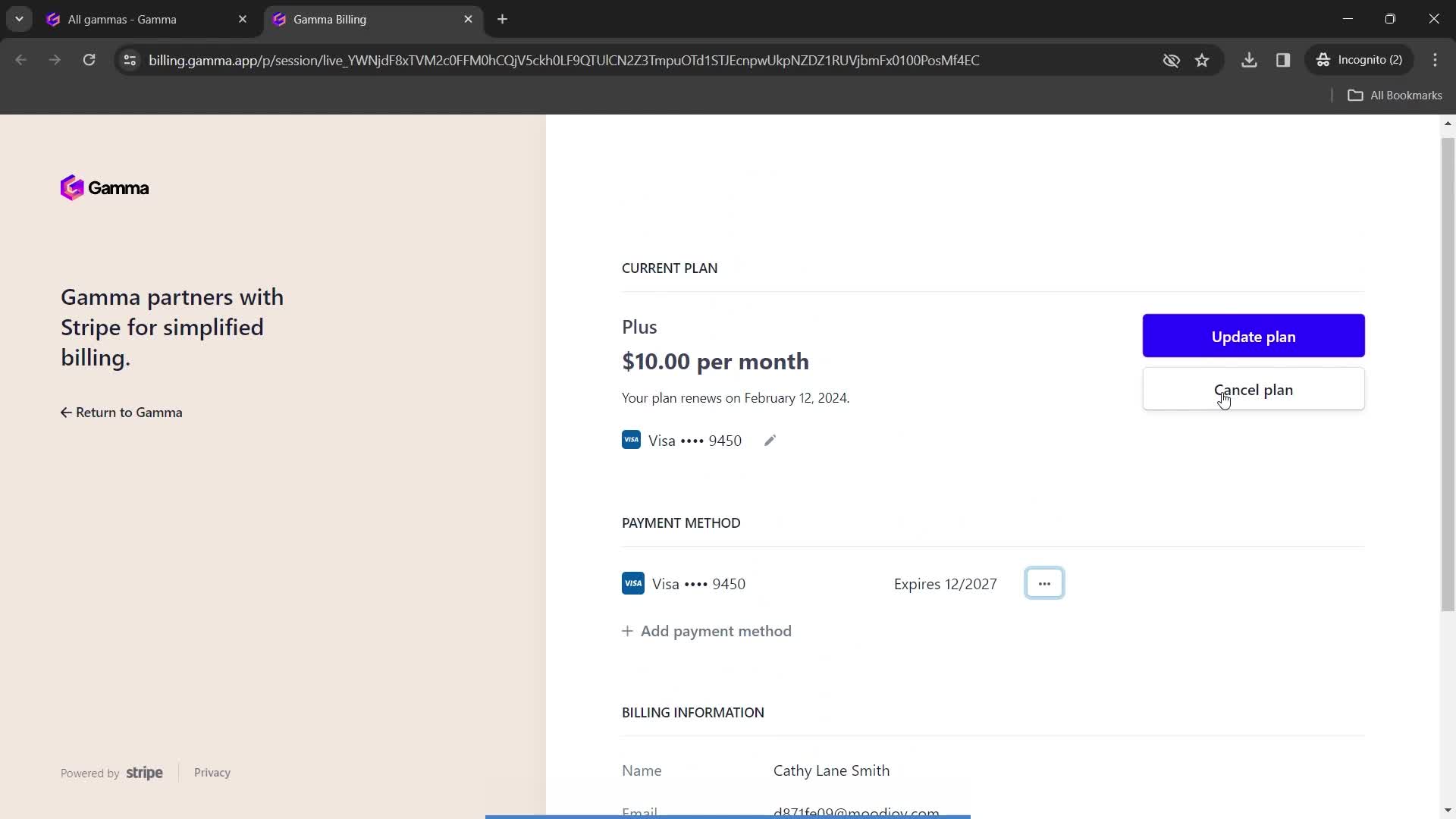
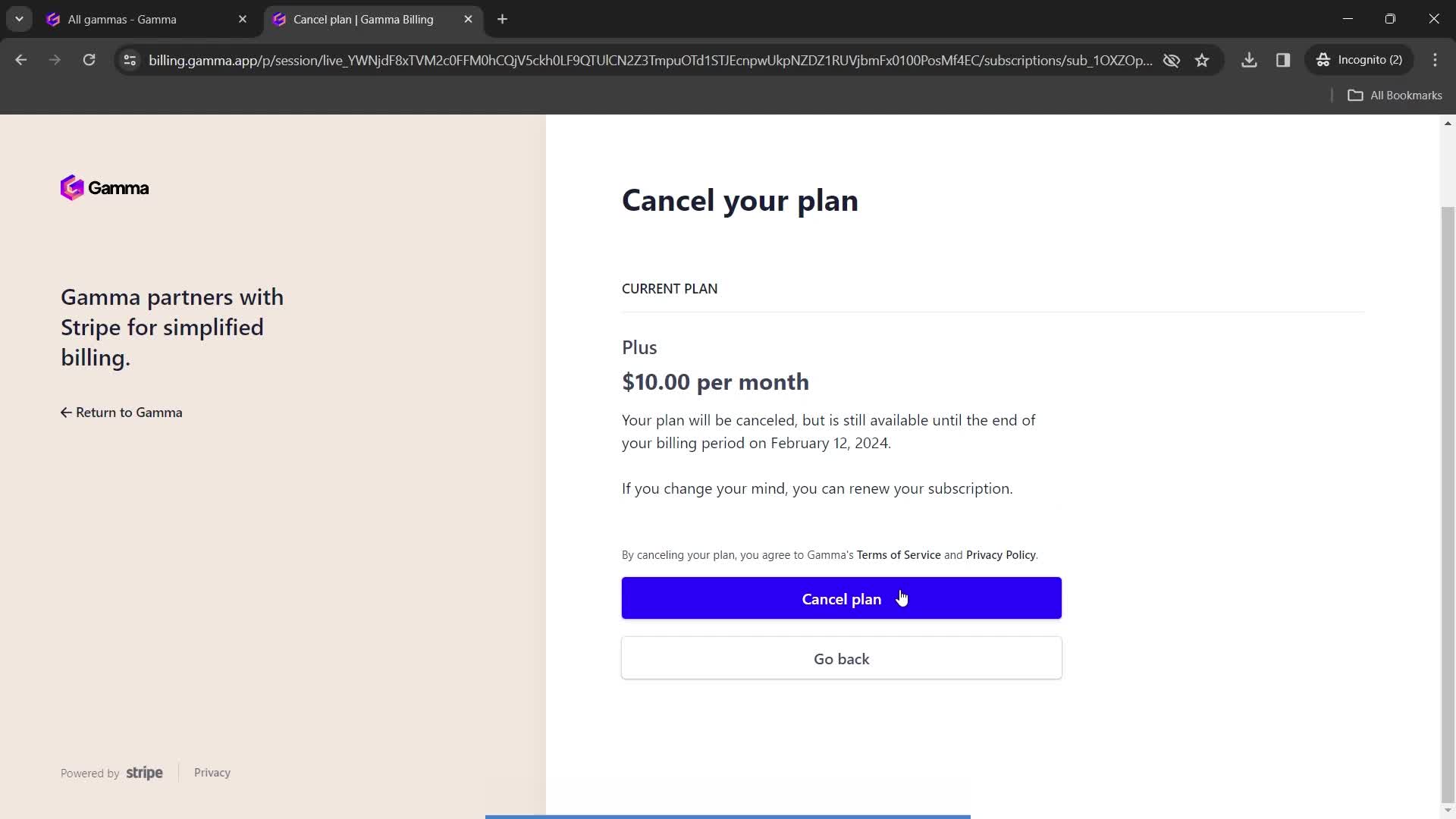
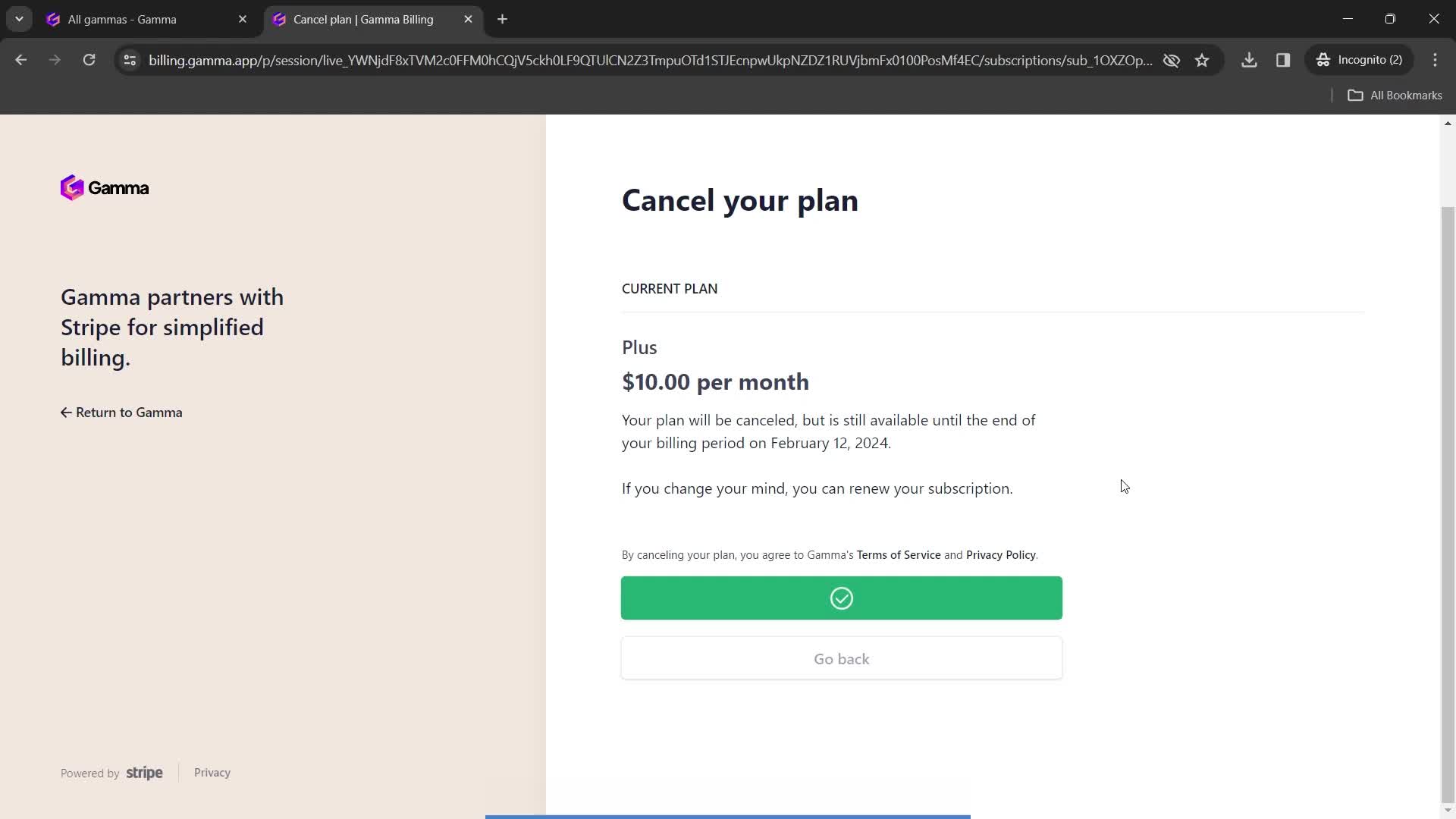
Cancel plan
this is title
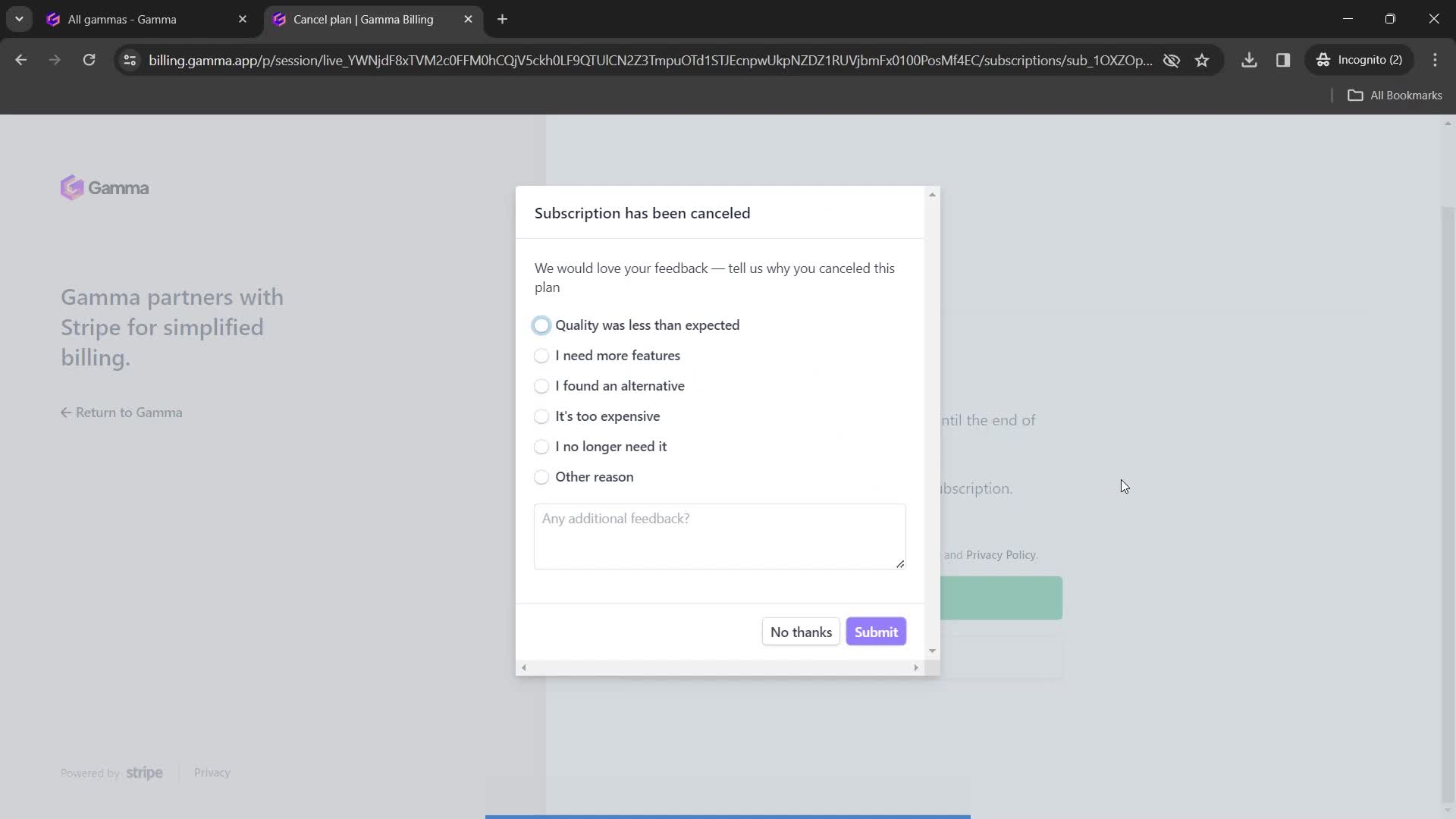
Subscription cancelled
this is title
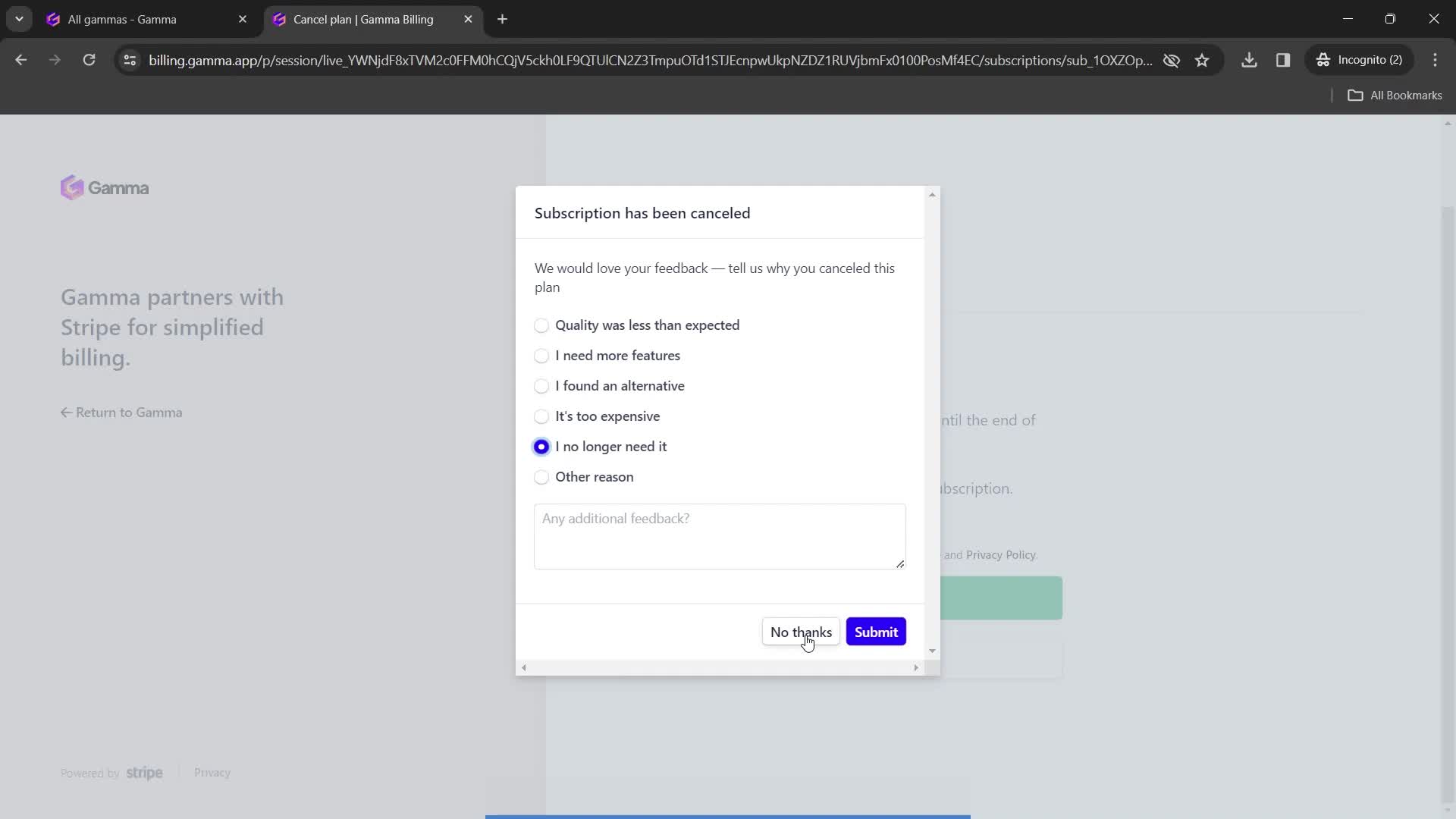
Submit feedback
this is title
Continue
this is title
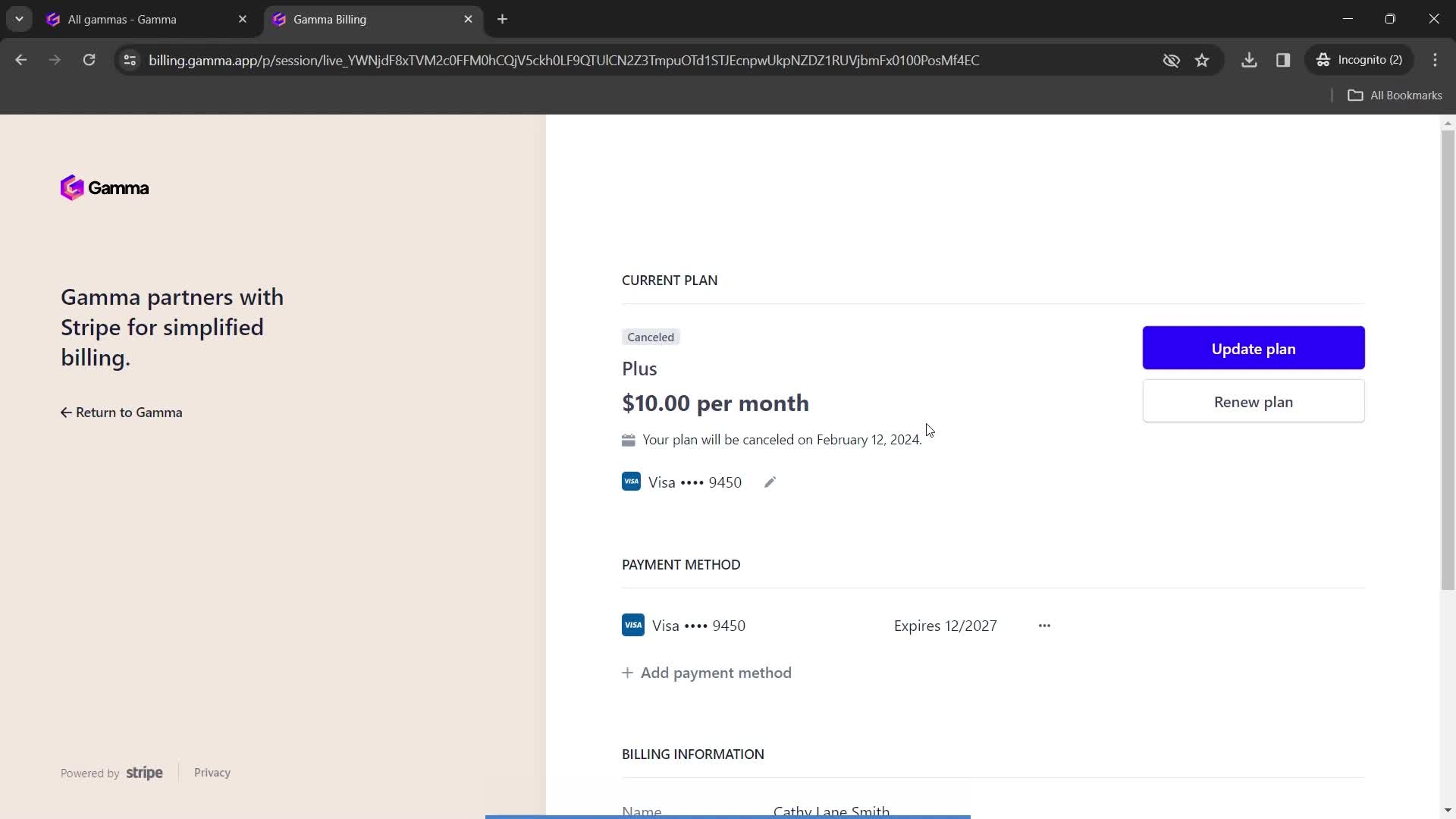
Subscription details
this is title
Home
this is title
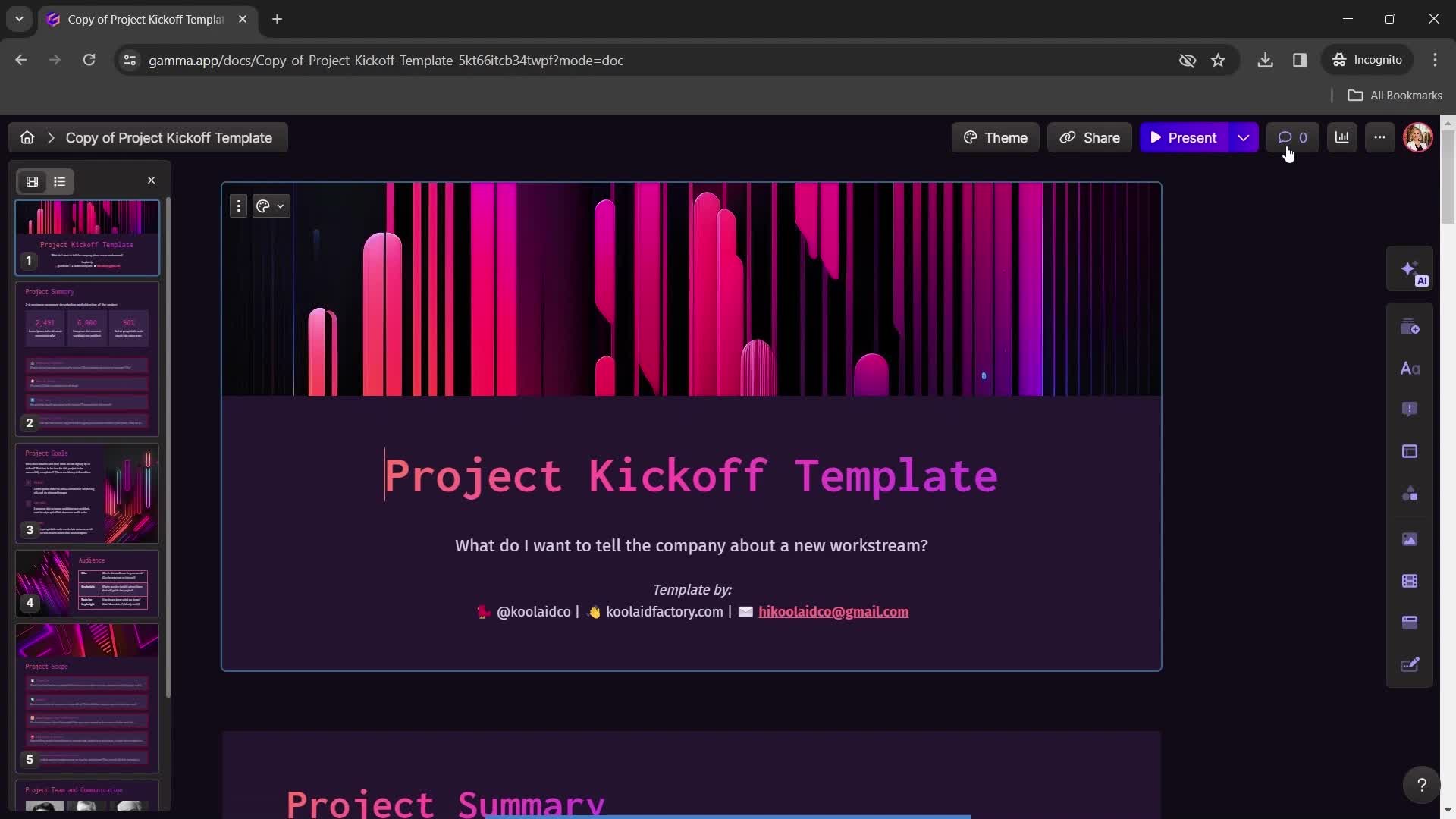
Presentation editor
this is title
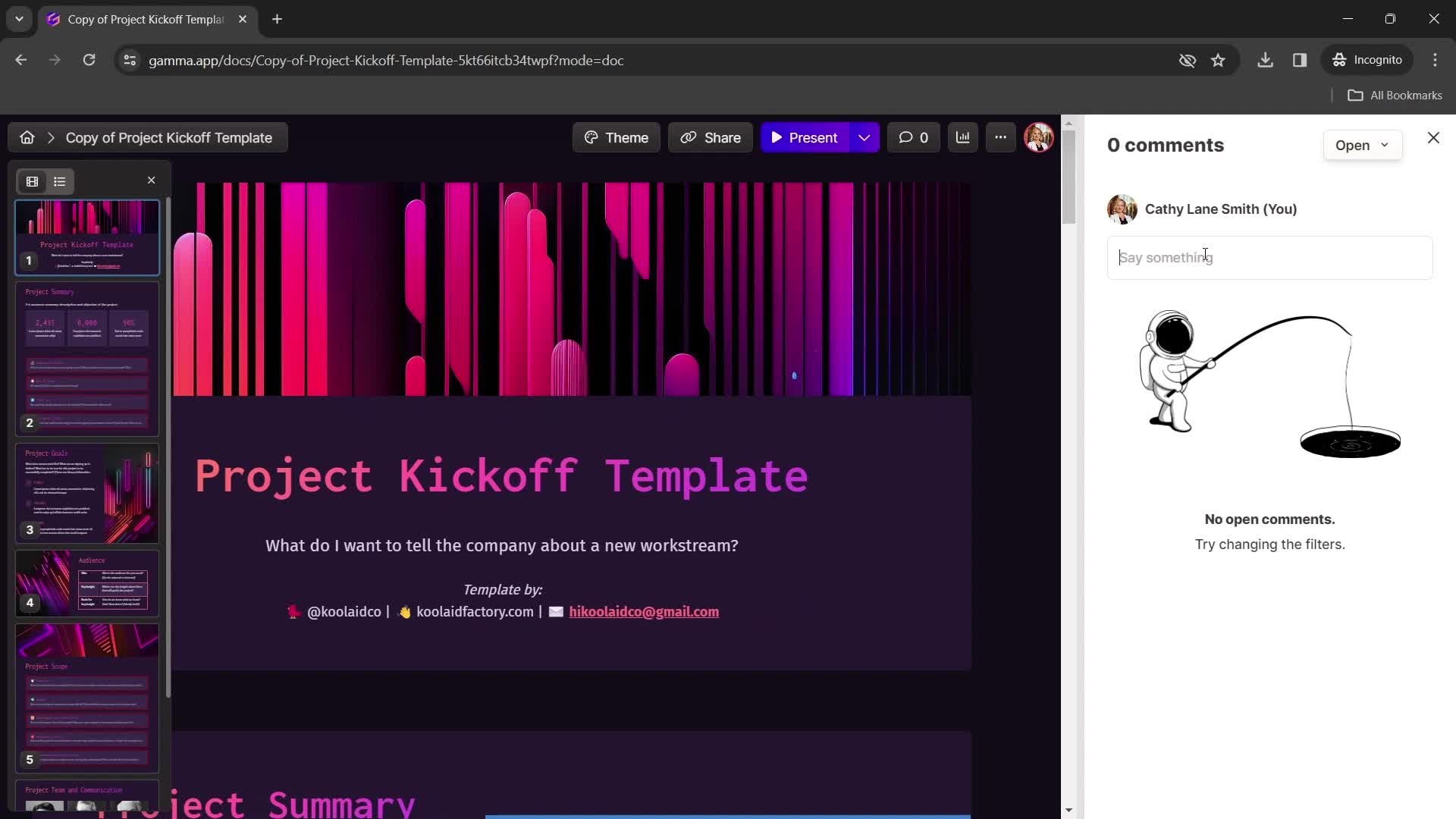
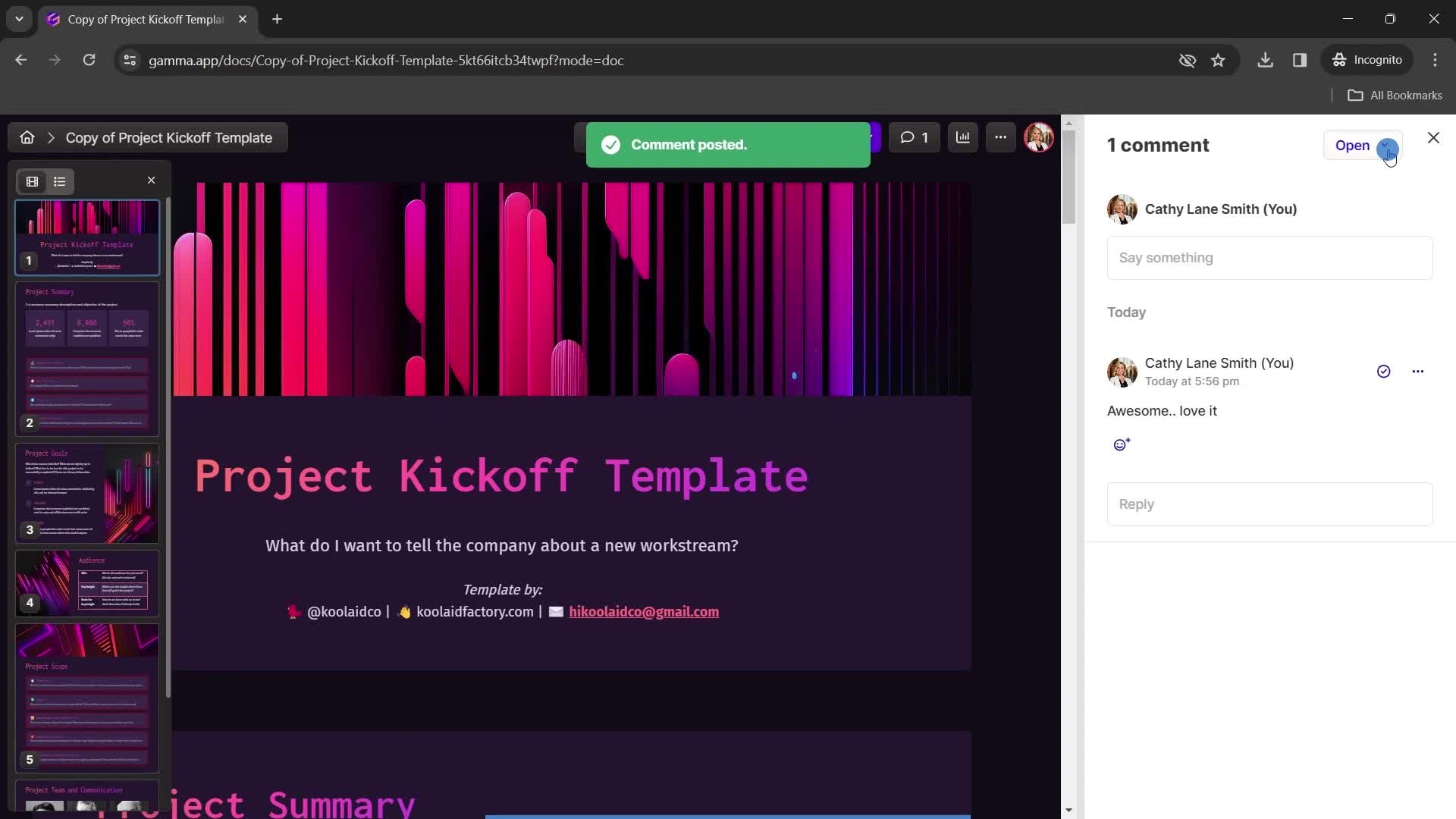
Add comment
this is title
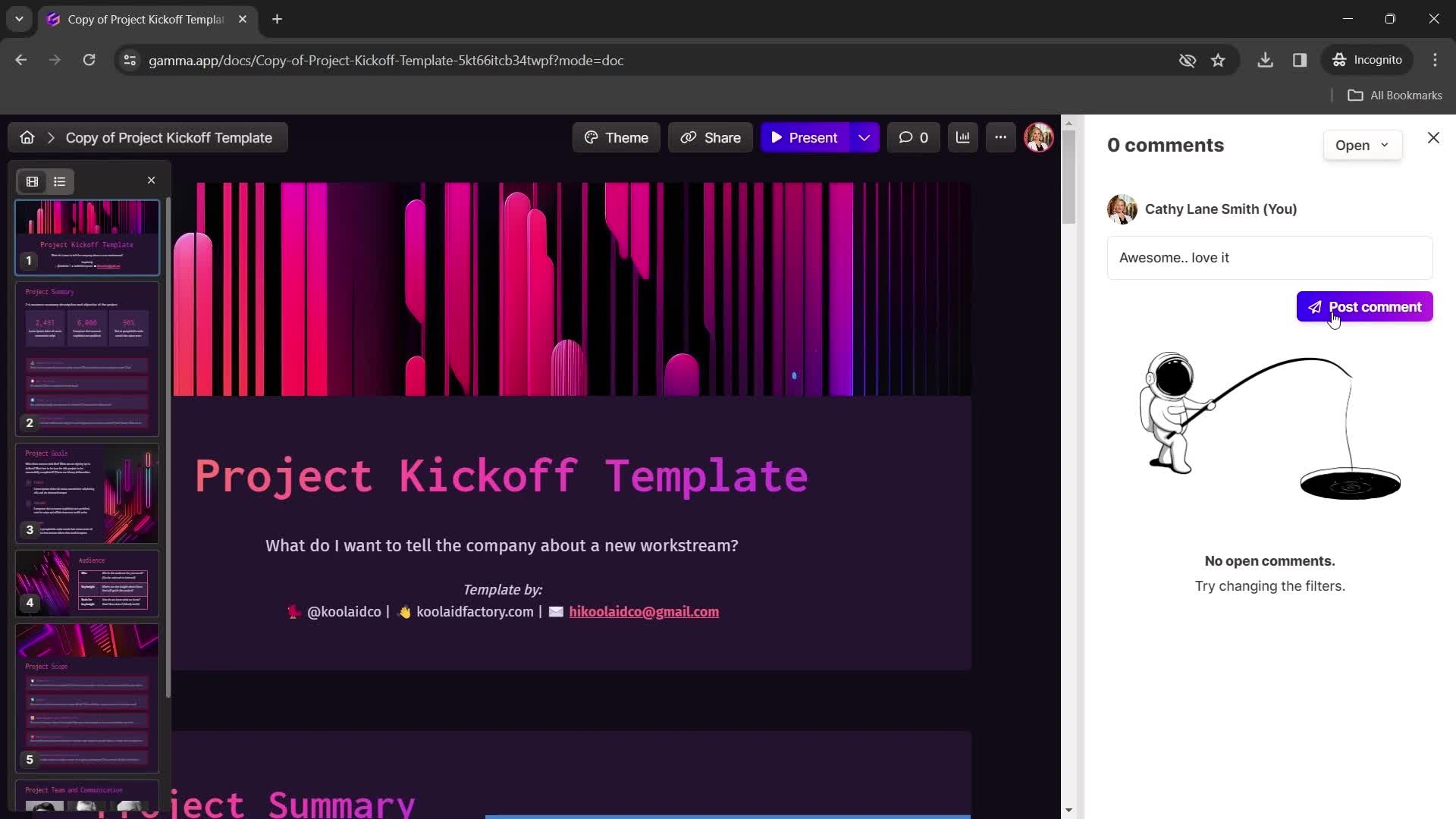
Post
this is title
this is title
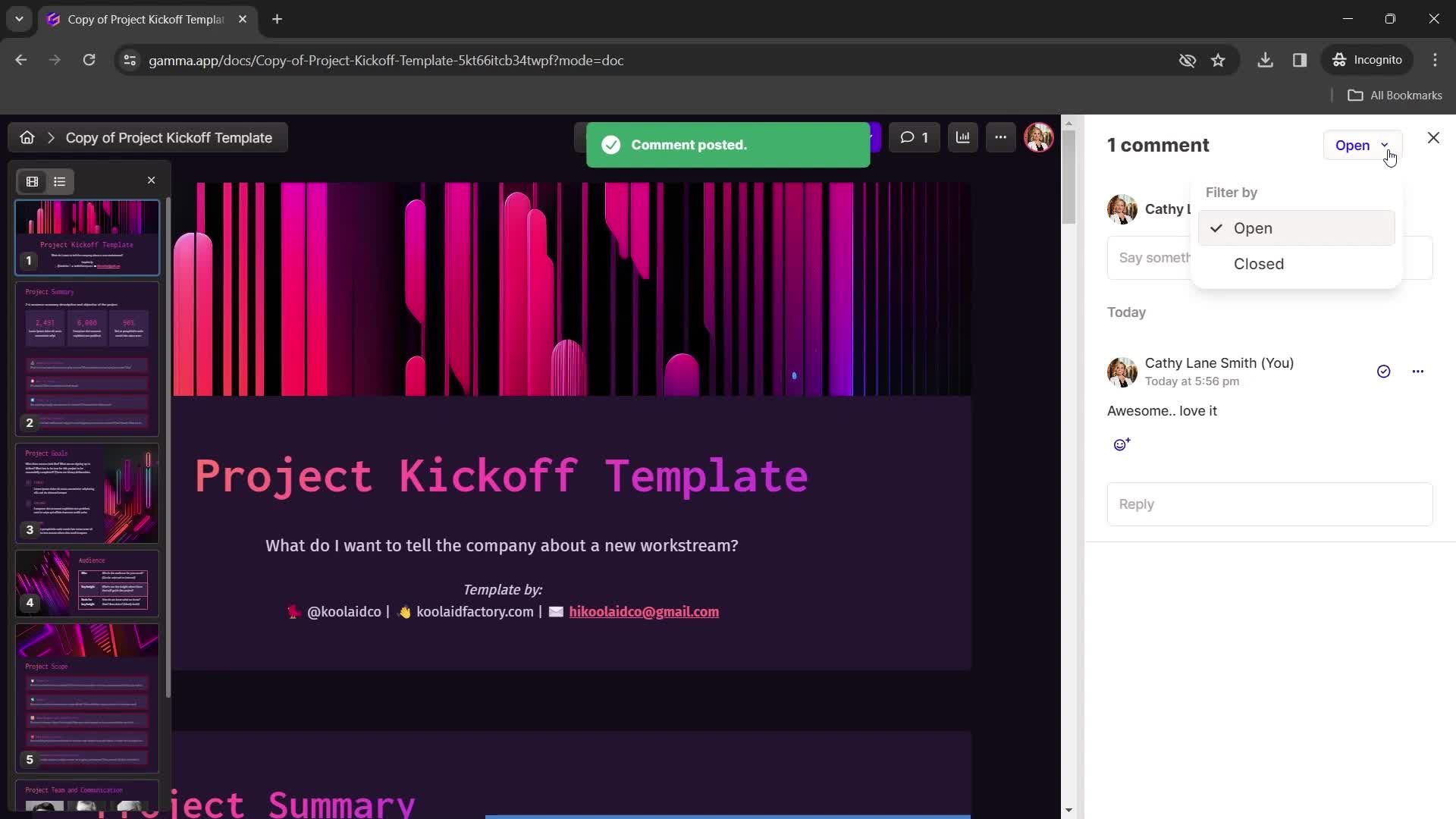
Filters
this is title
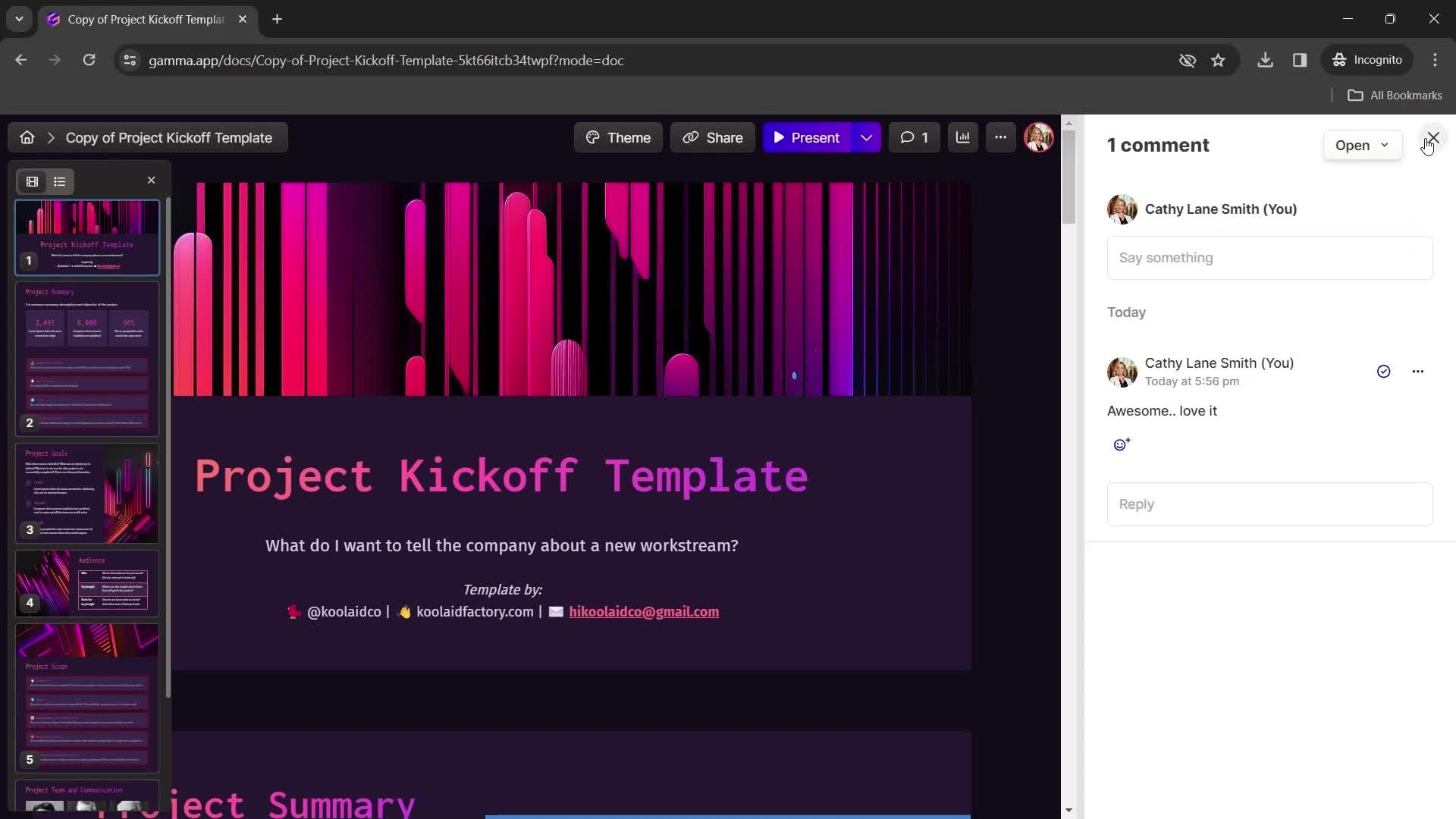
Comments
this is title
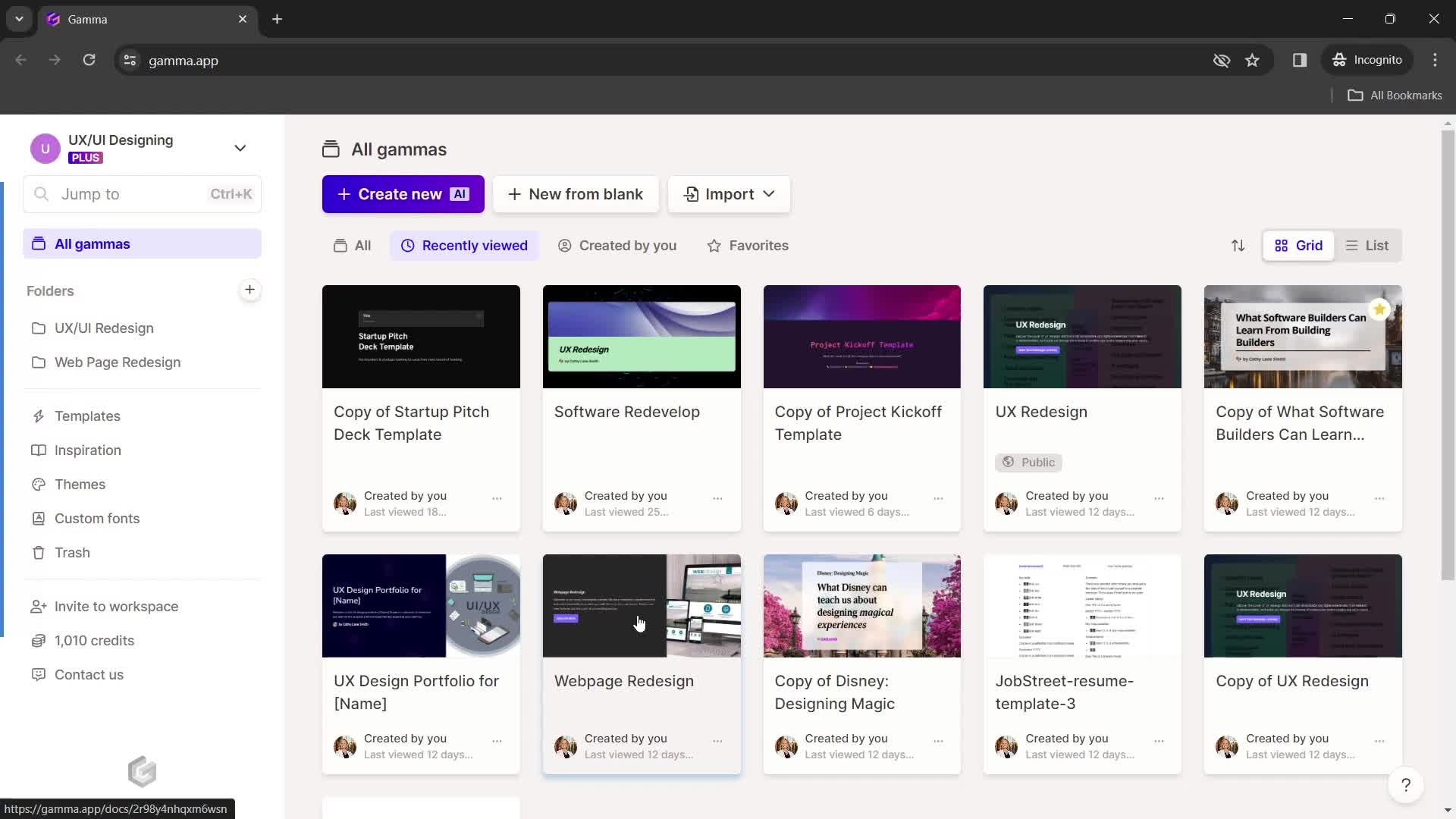
Home
this is title
Presentation editor
this is title
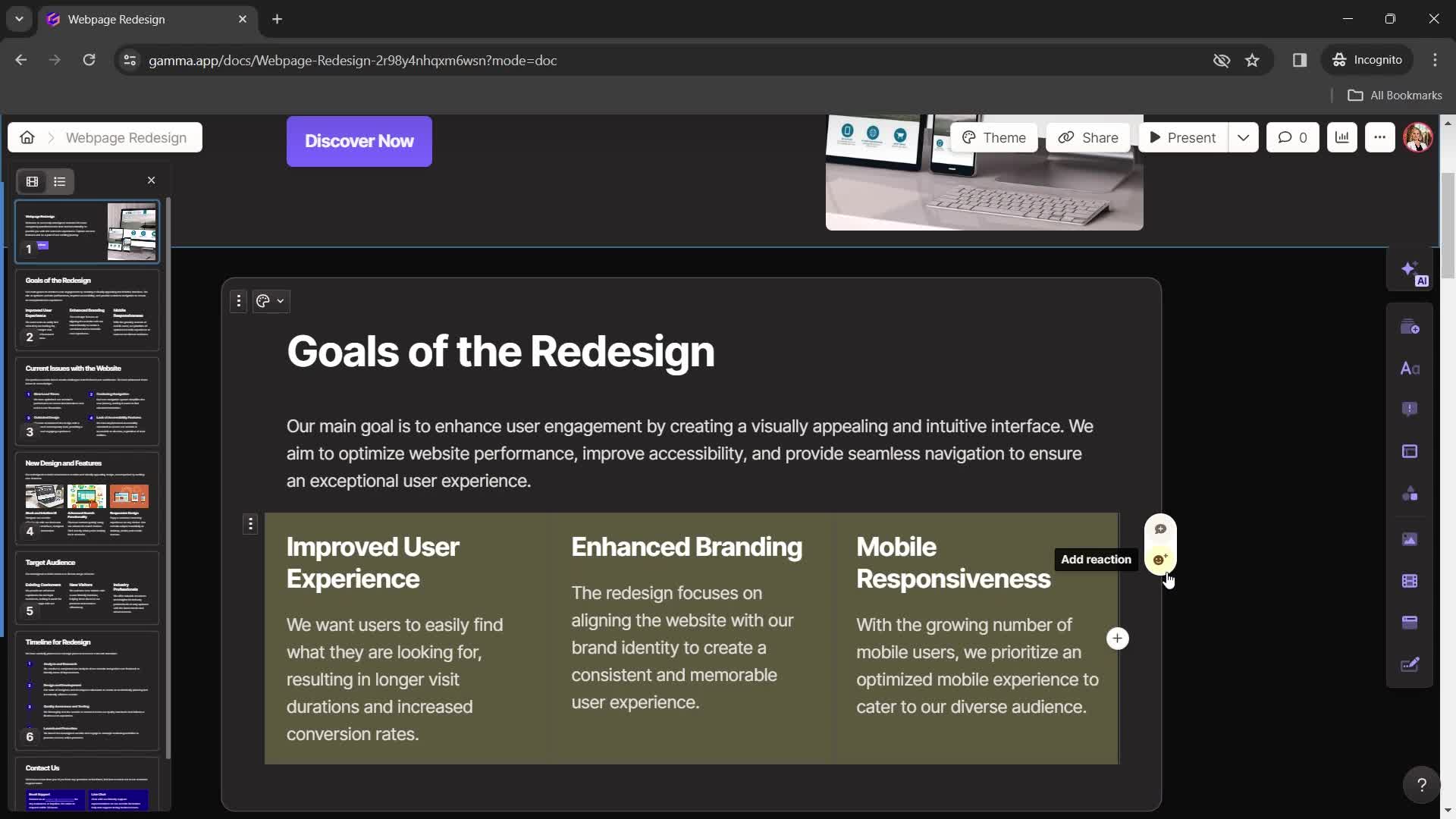
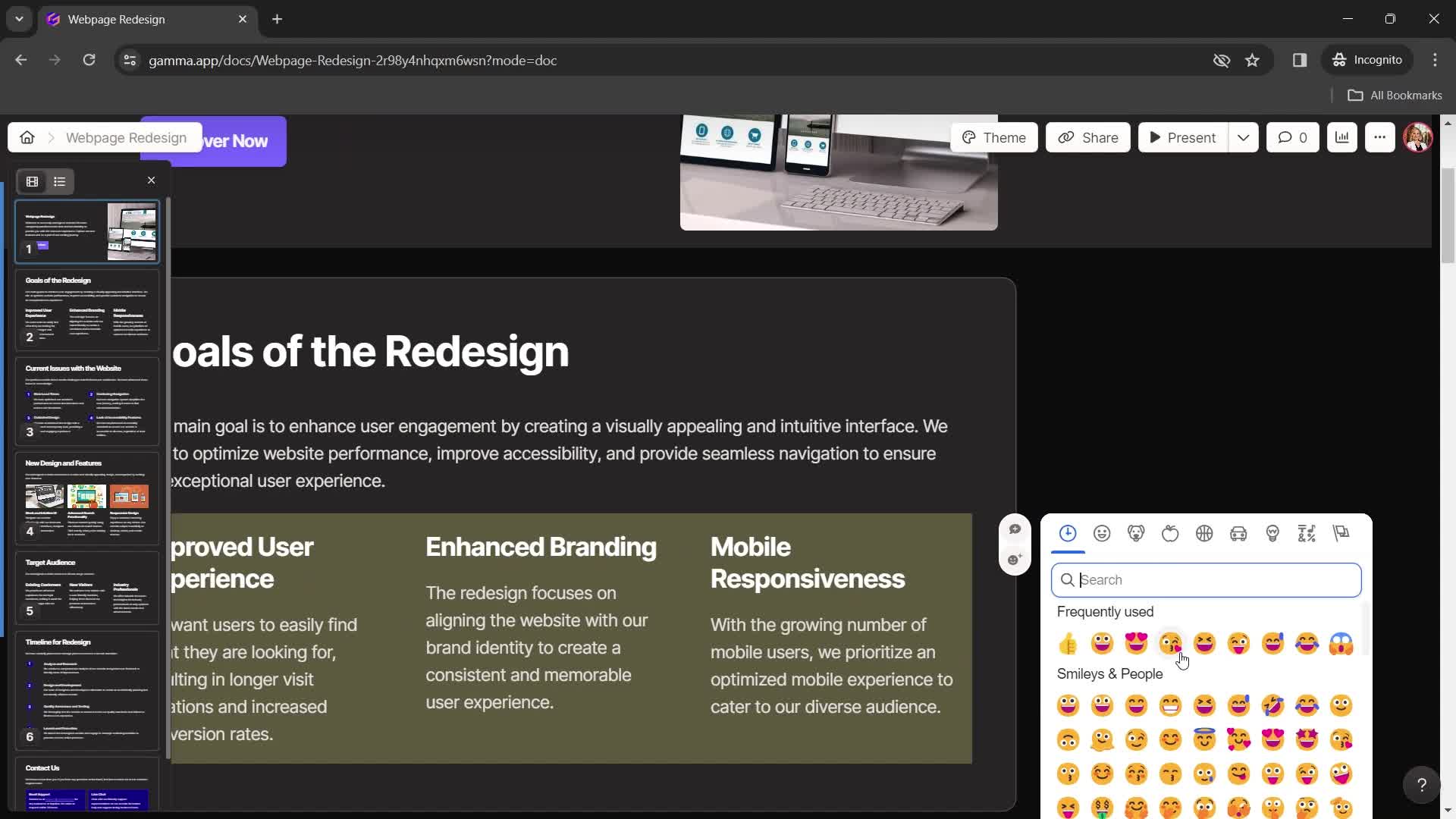
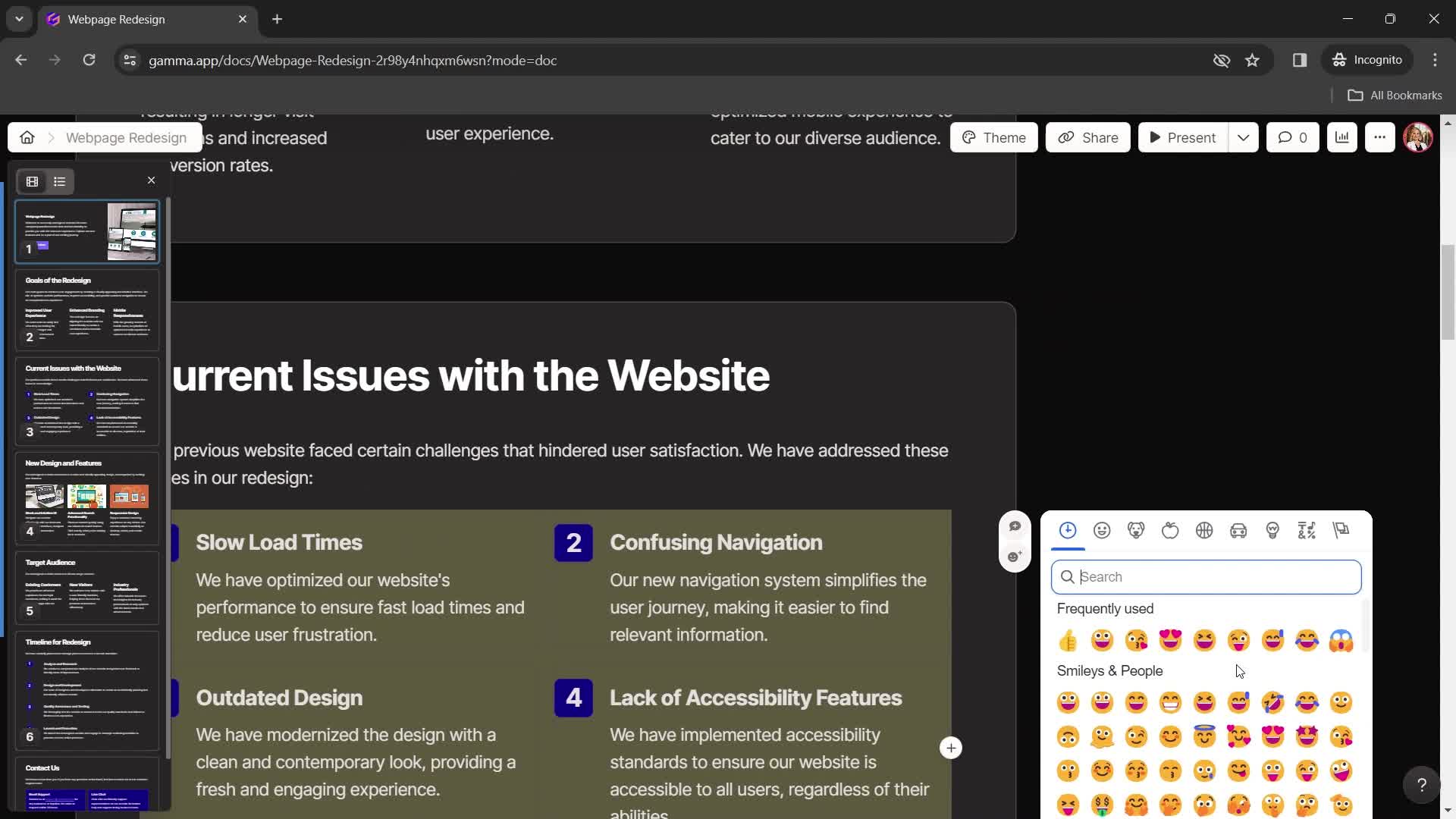
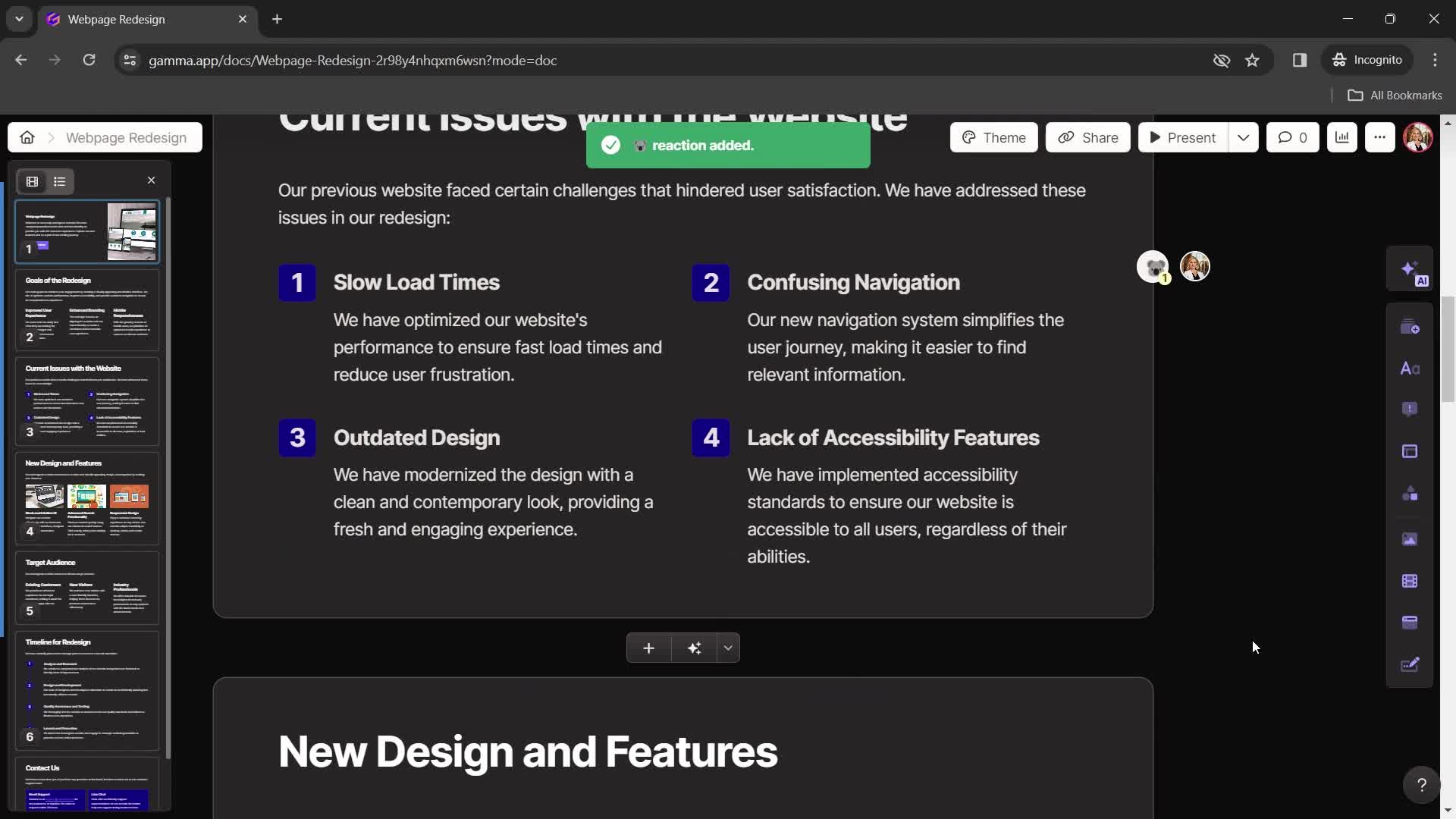
Emoji picker
this is title
Presentation editor
this is title
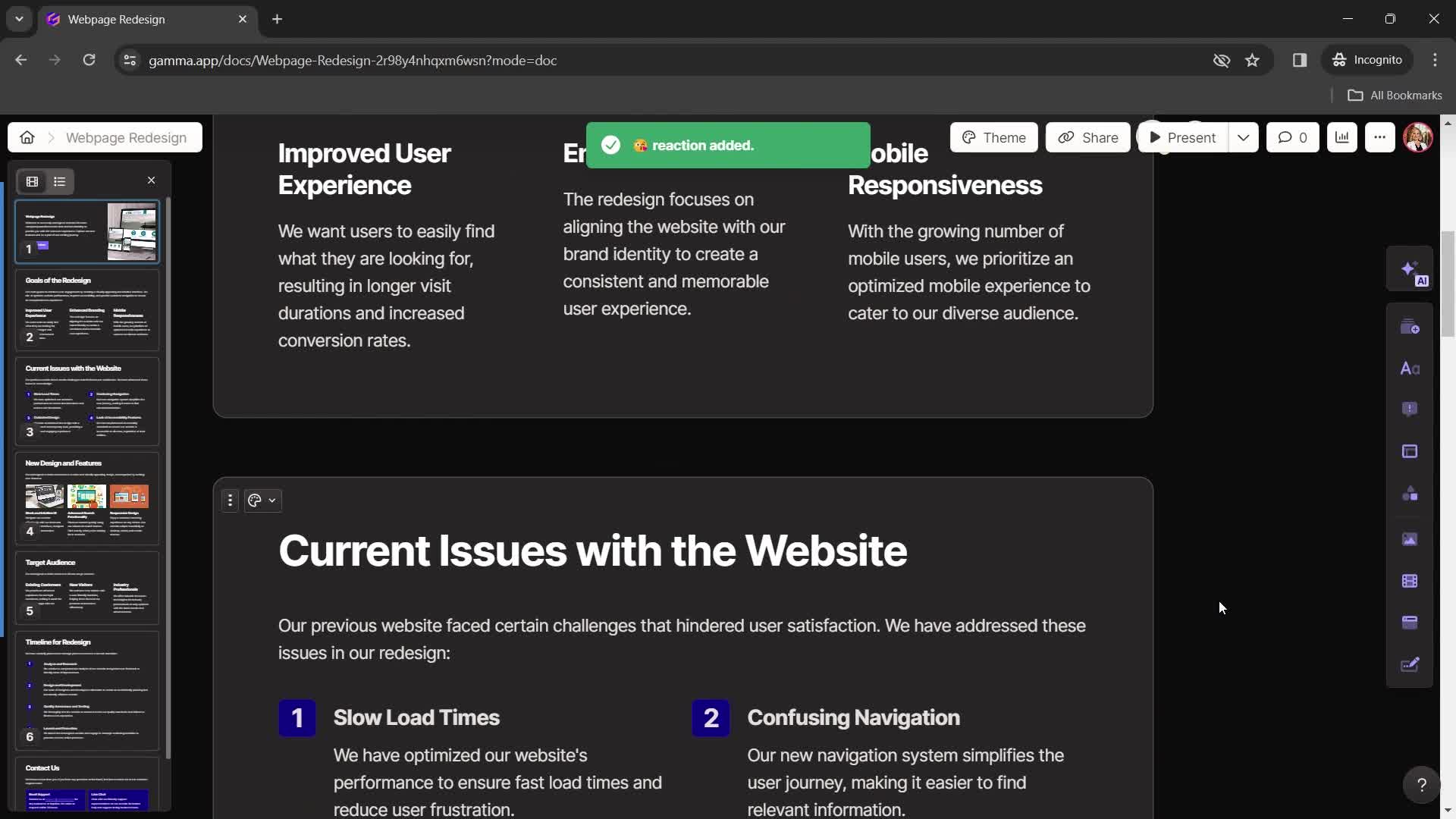
Emoji reaction
this is title
Presentation editor
this is title
Dashboard
this is title
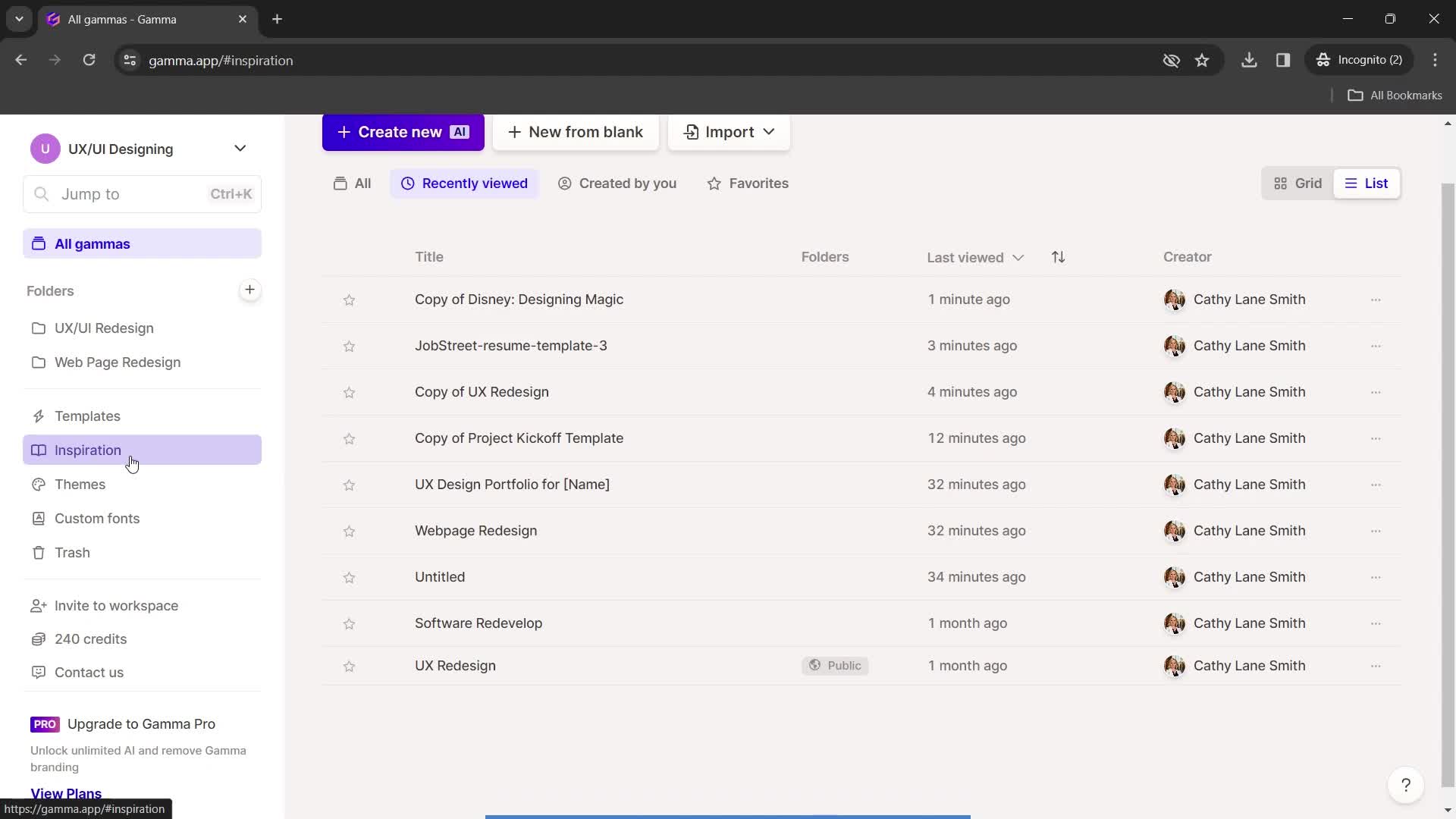
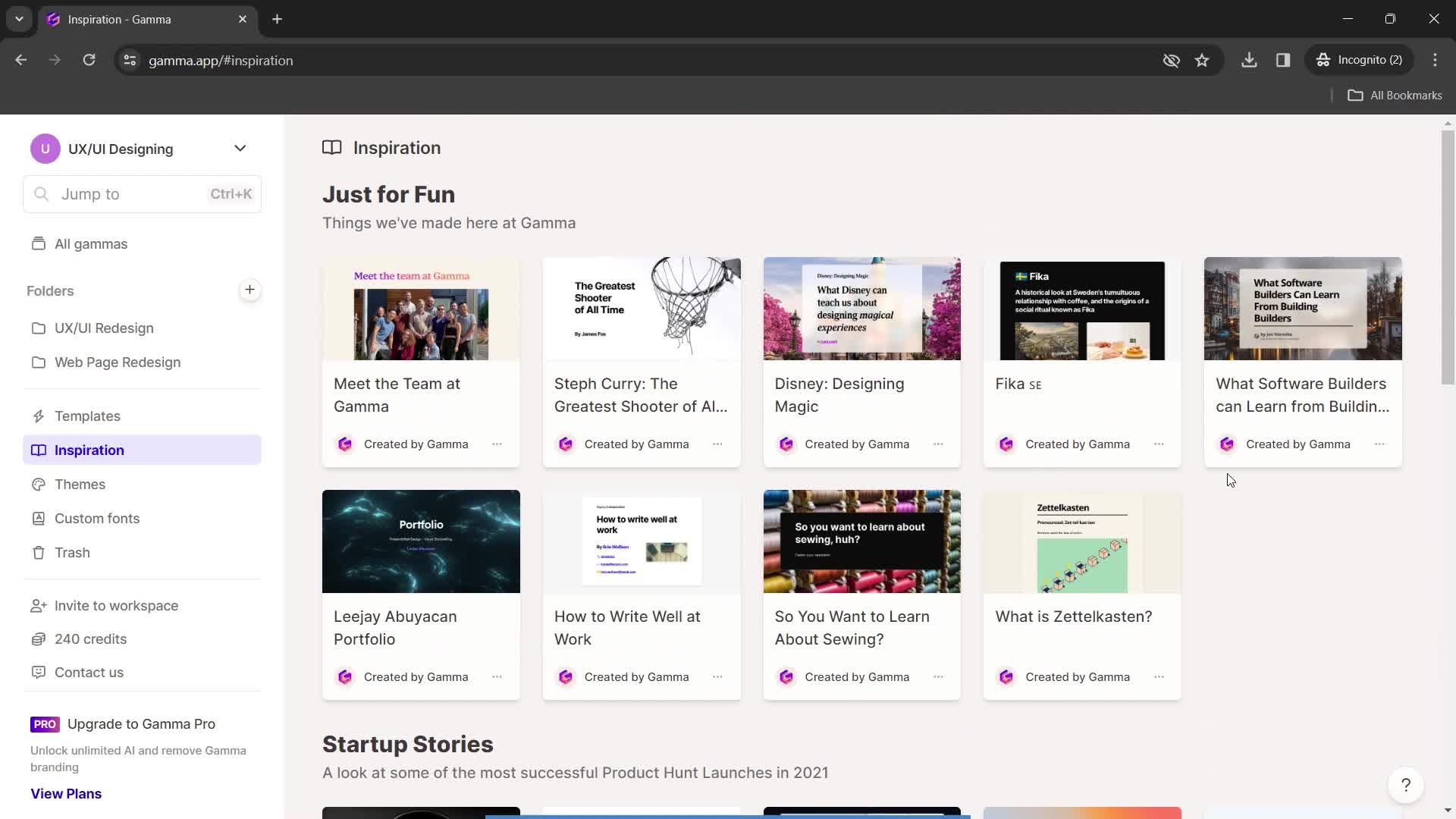
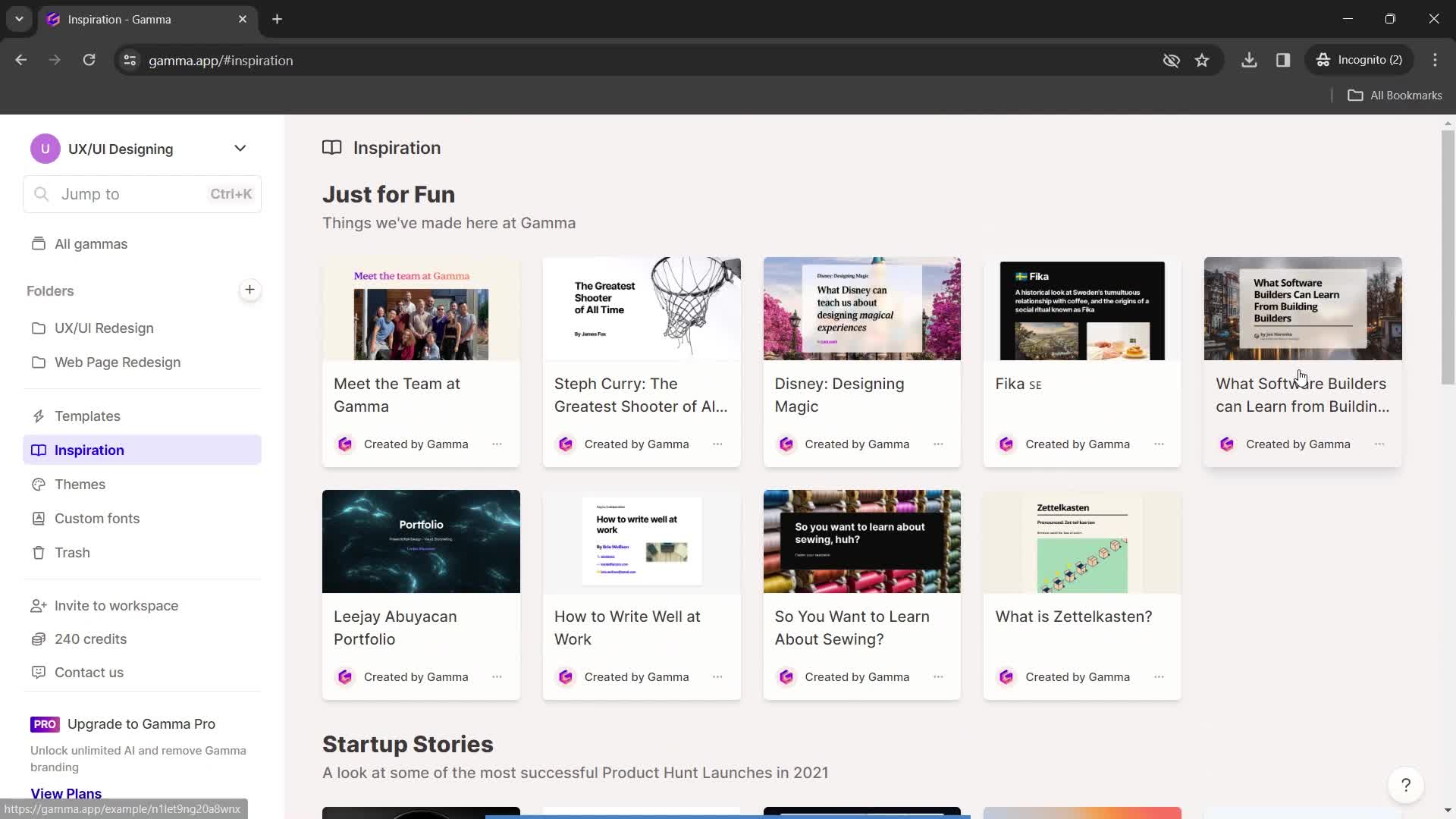
Inspirations
this is title
this is title
Presentation
this is title
Save a copy
this is title
Presentation editor
this is title
Dashboard
this is title
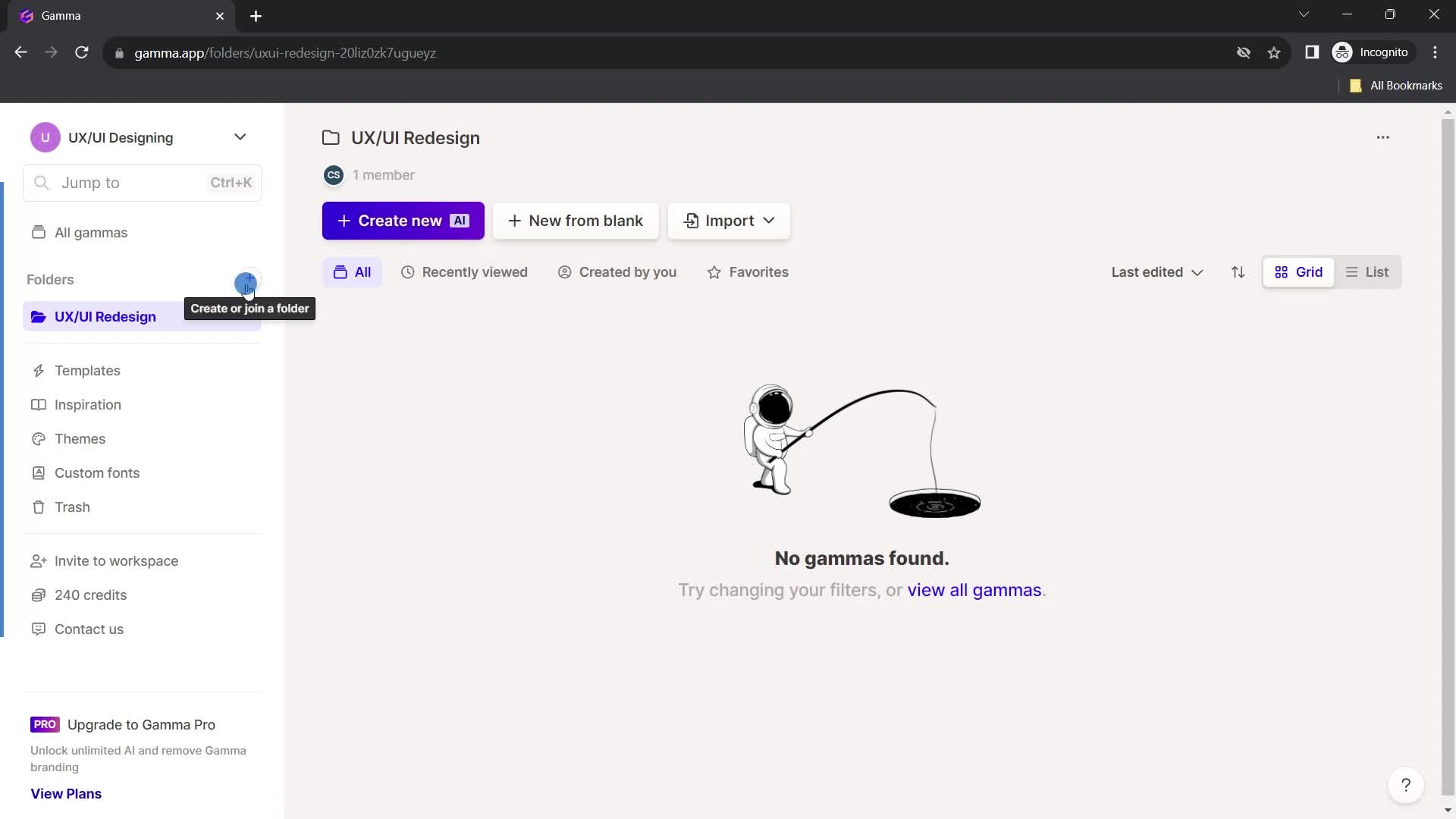
Dashboard
this is title
this is title
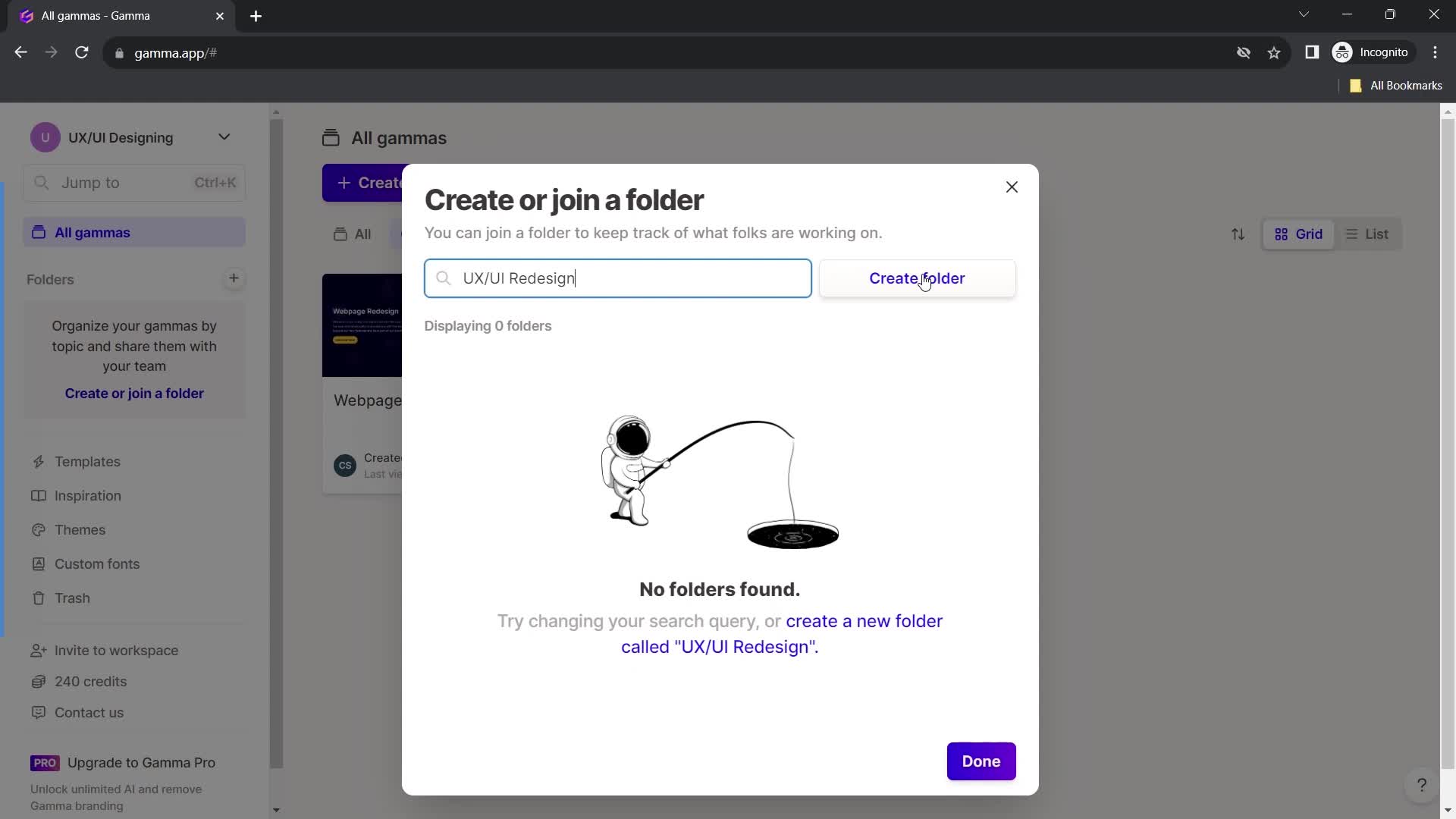
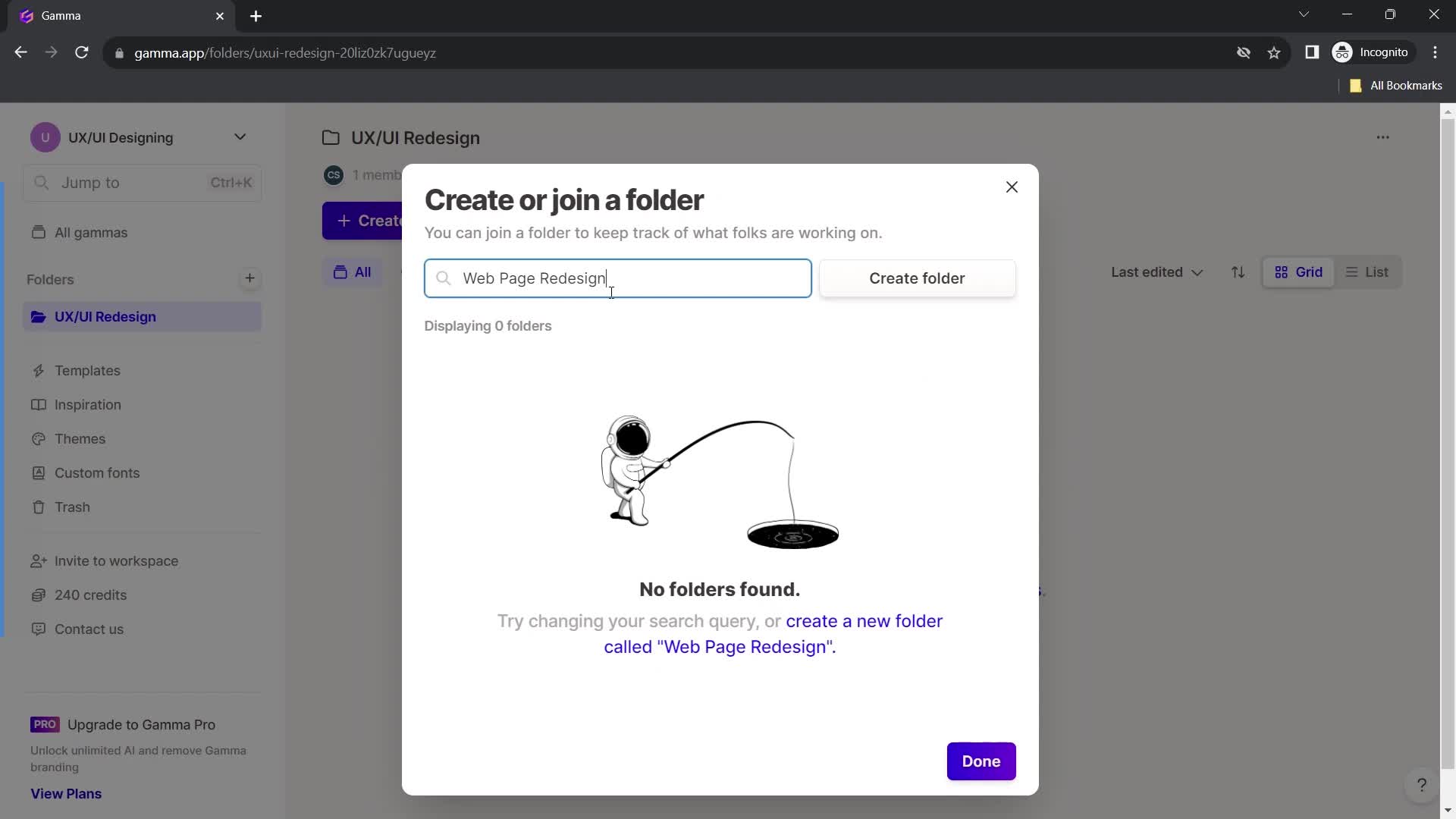
Enter folder name
this is title
this is title
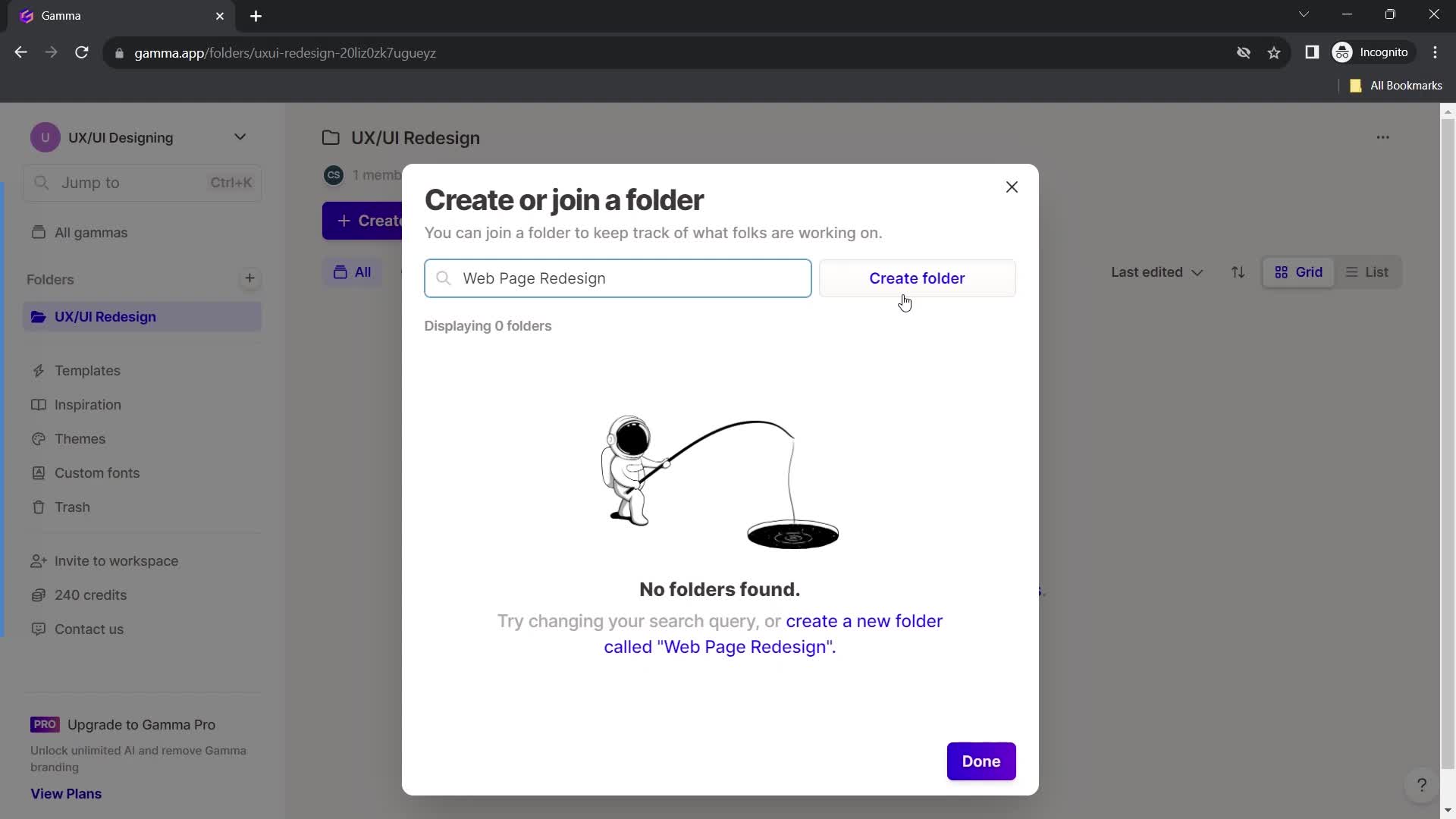
Create folder
this is title
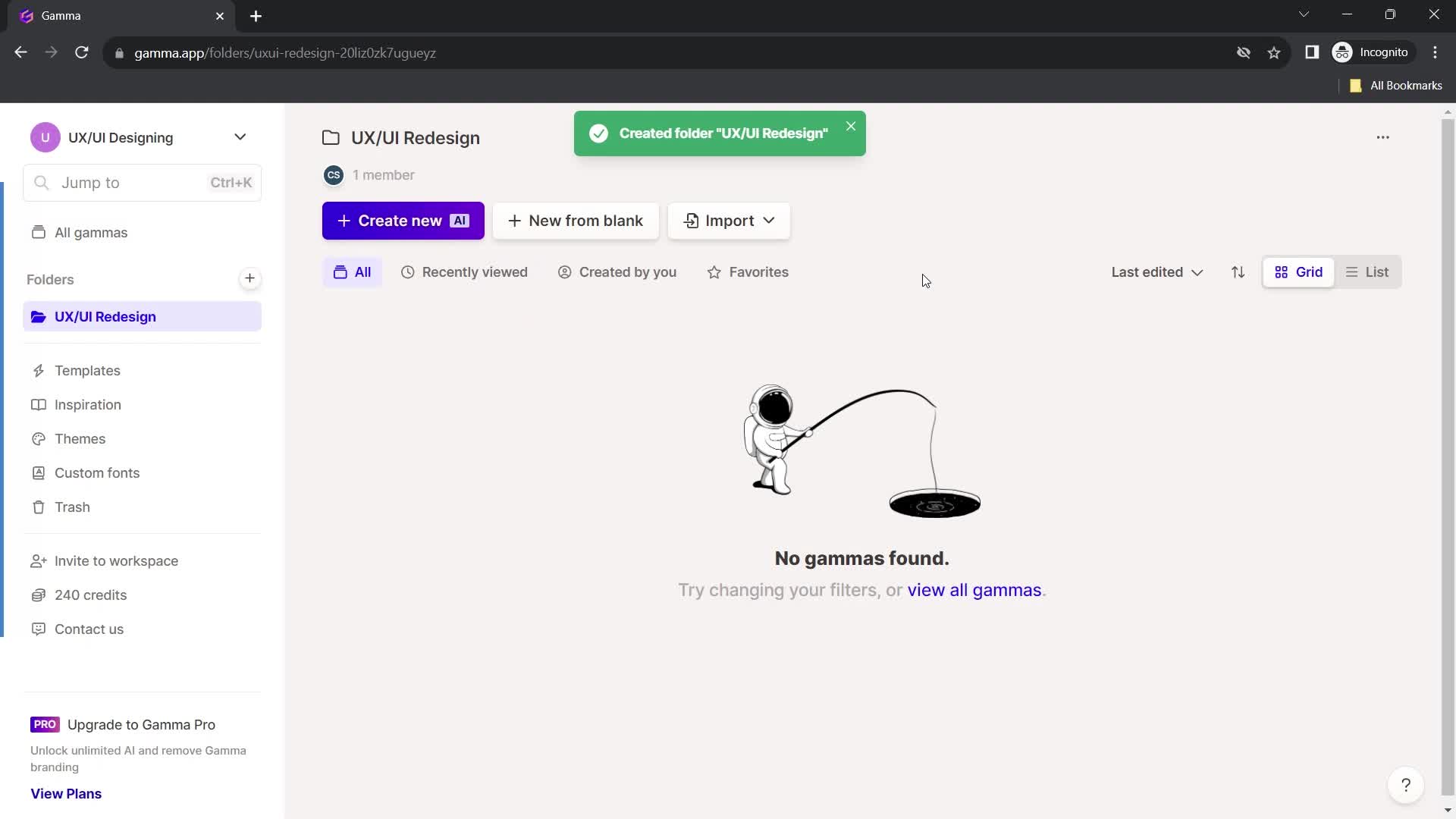
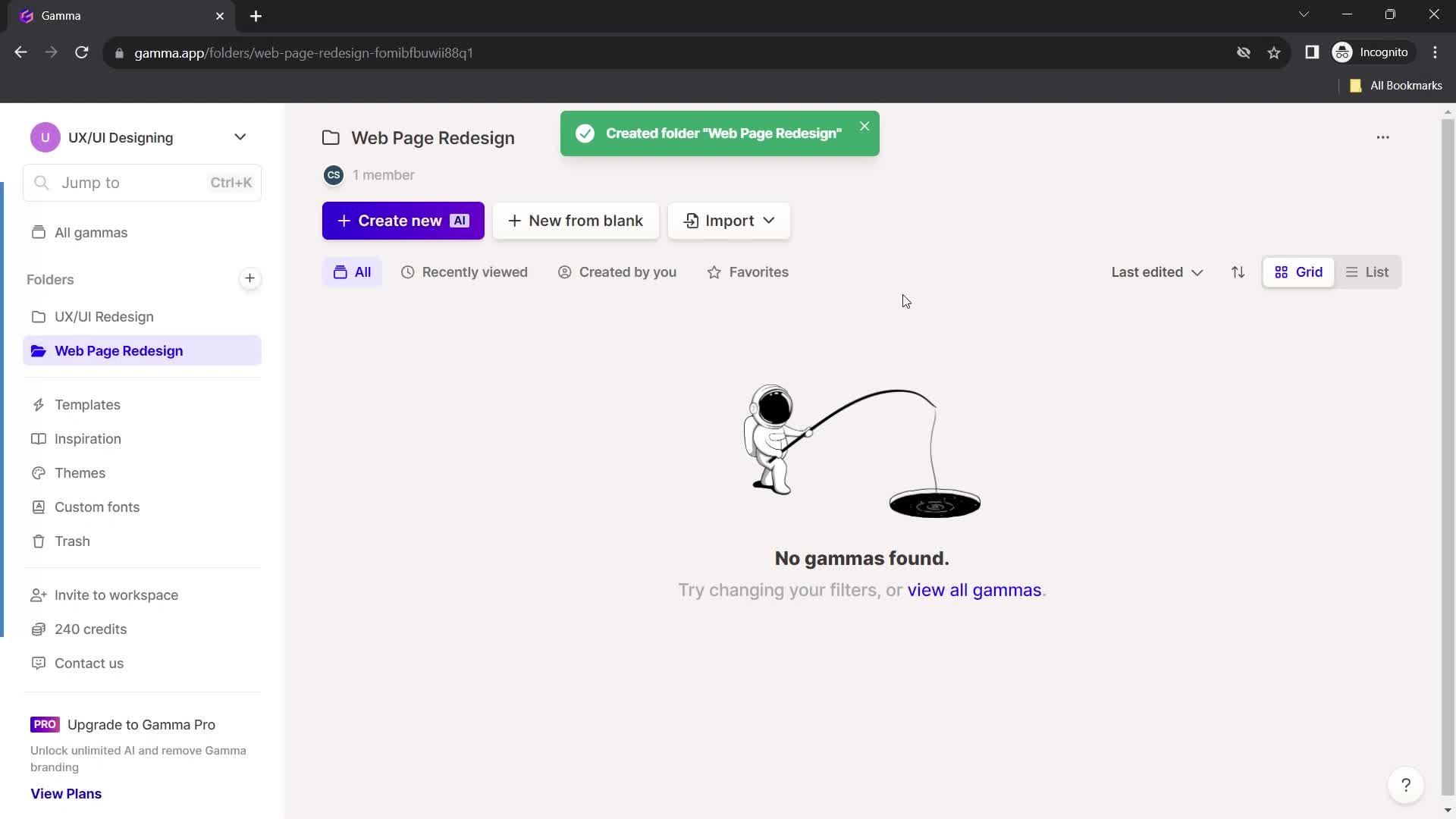
Folder created
this is title
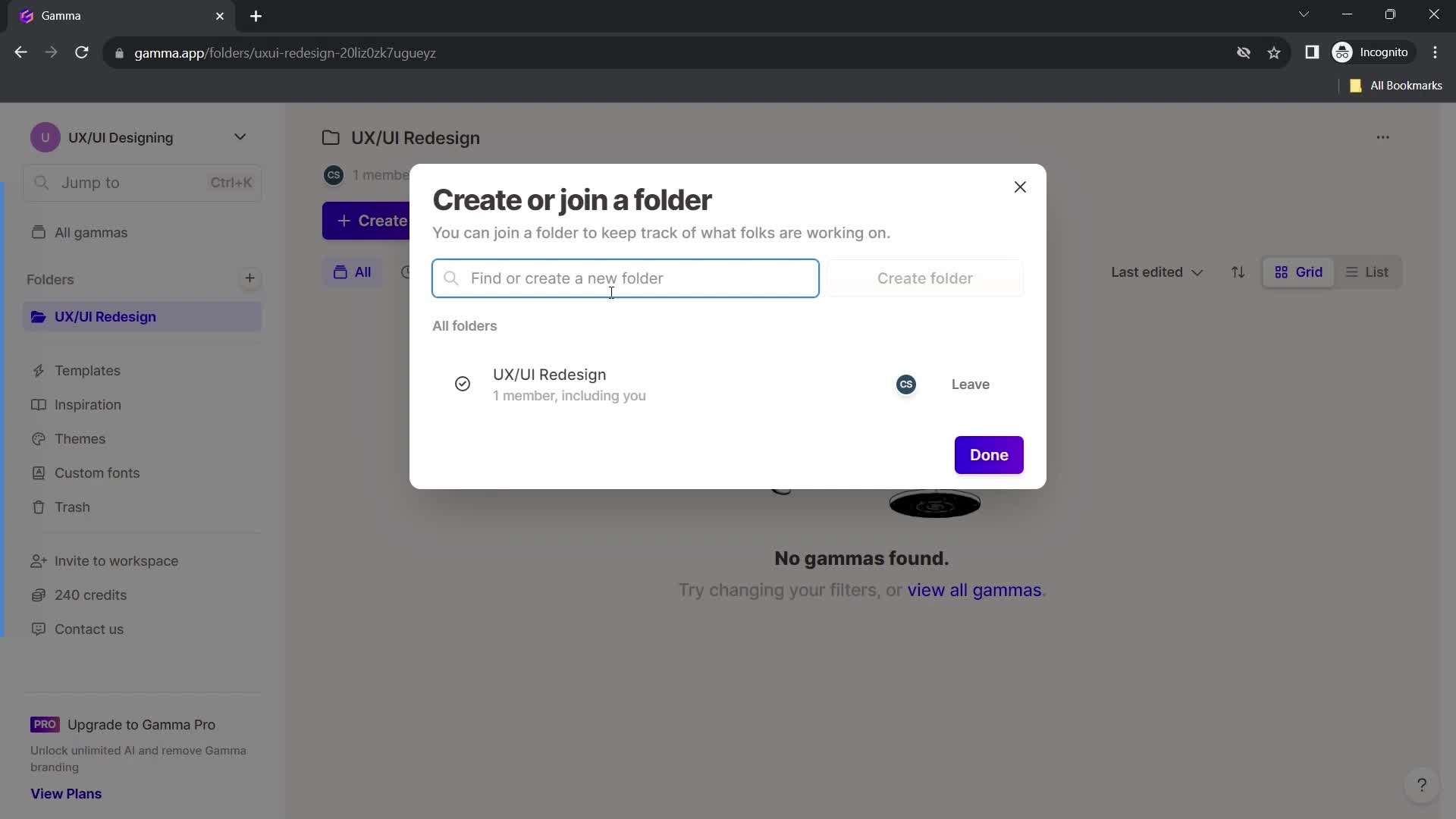
Create folder
this is title
Enter folder name
this is title
this is title
Continue
this is title
Folder created
this is title
Home
this is title
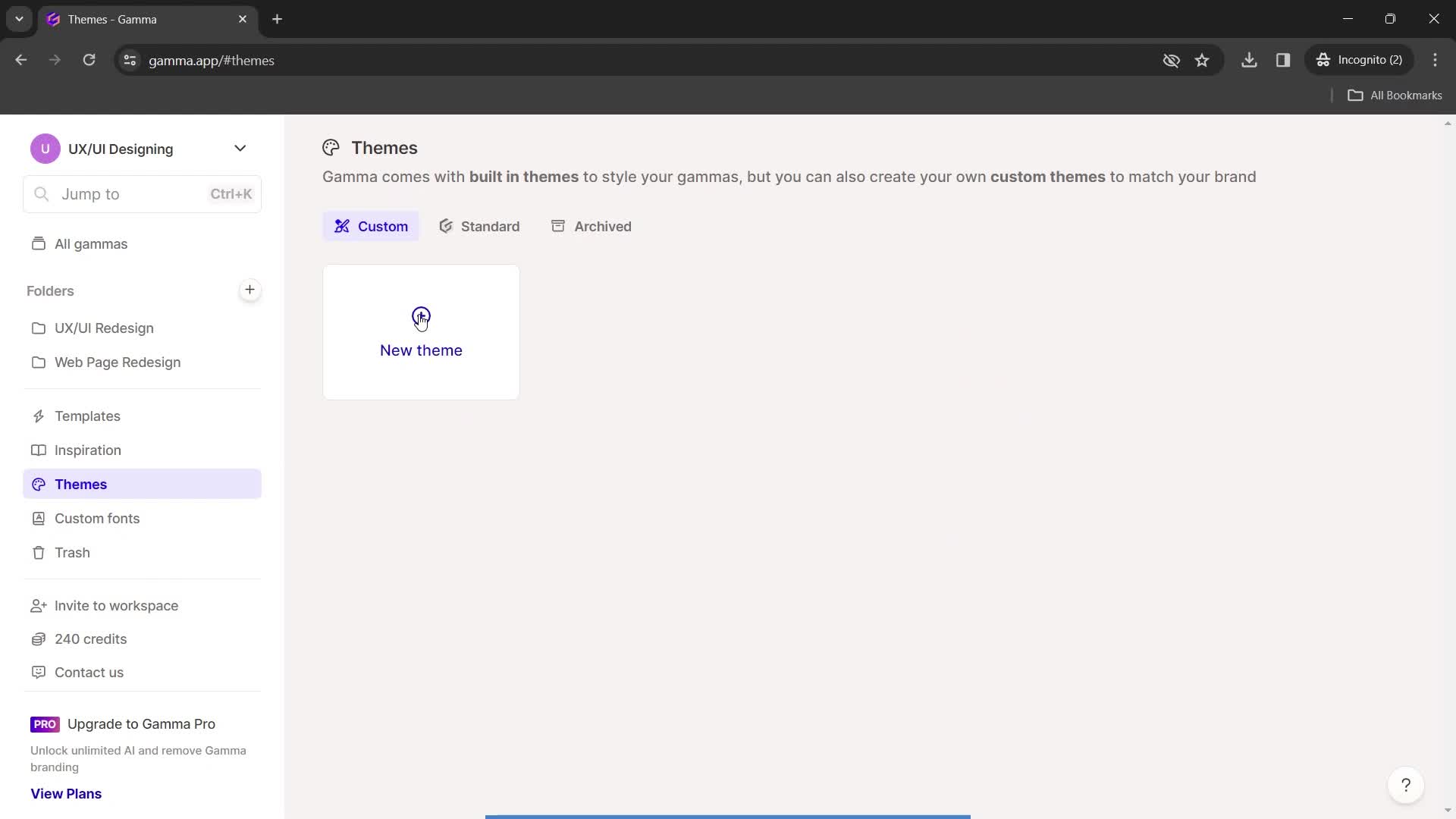
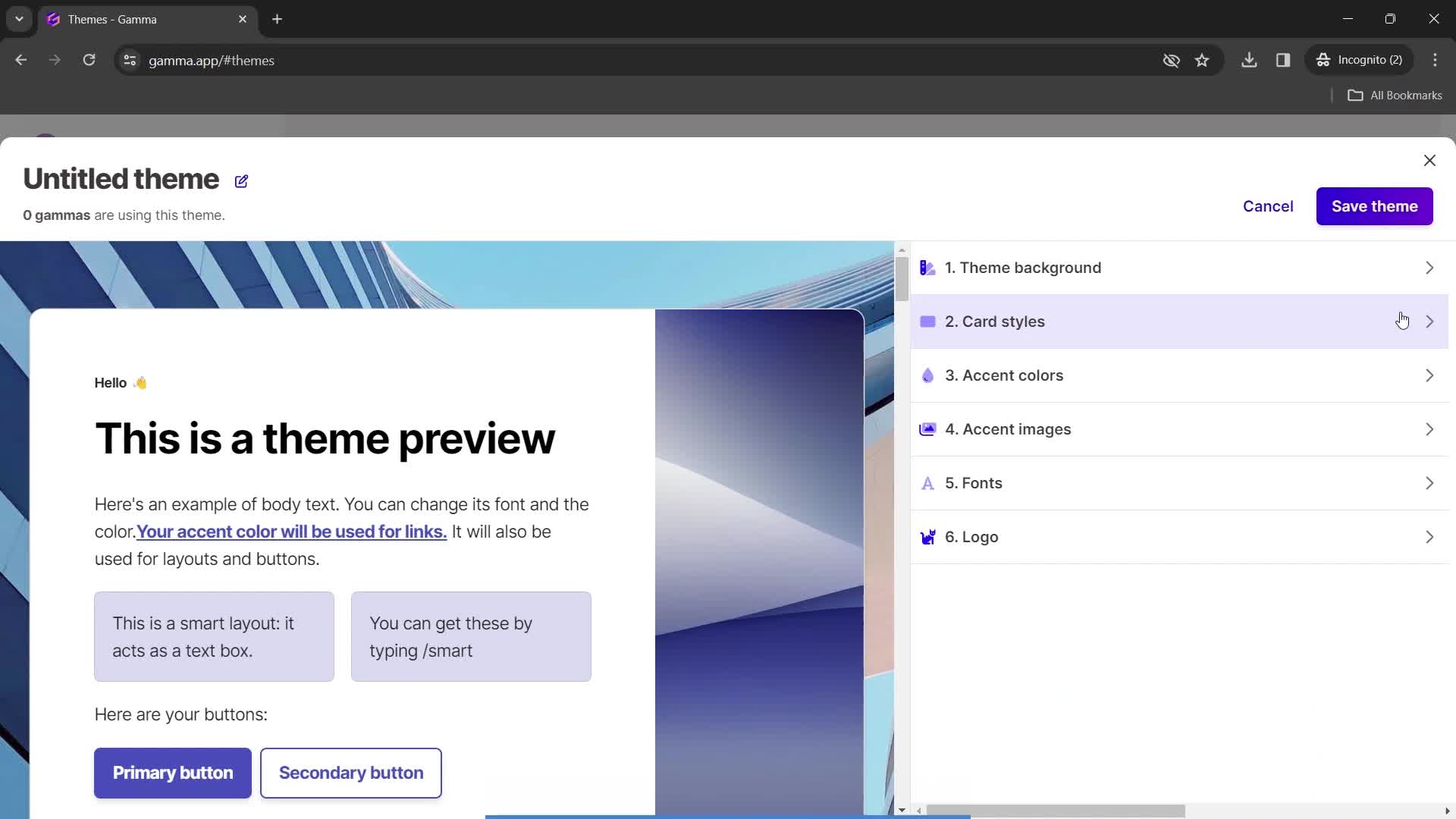
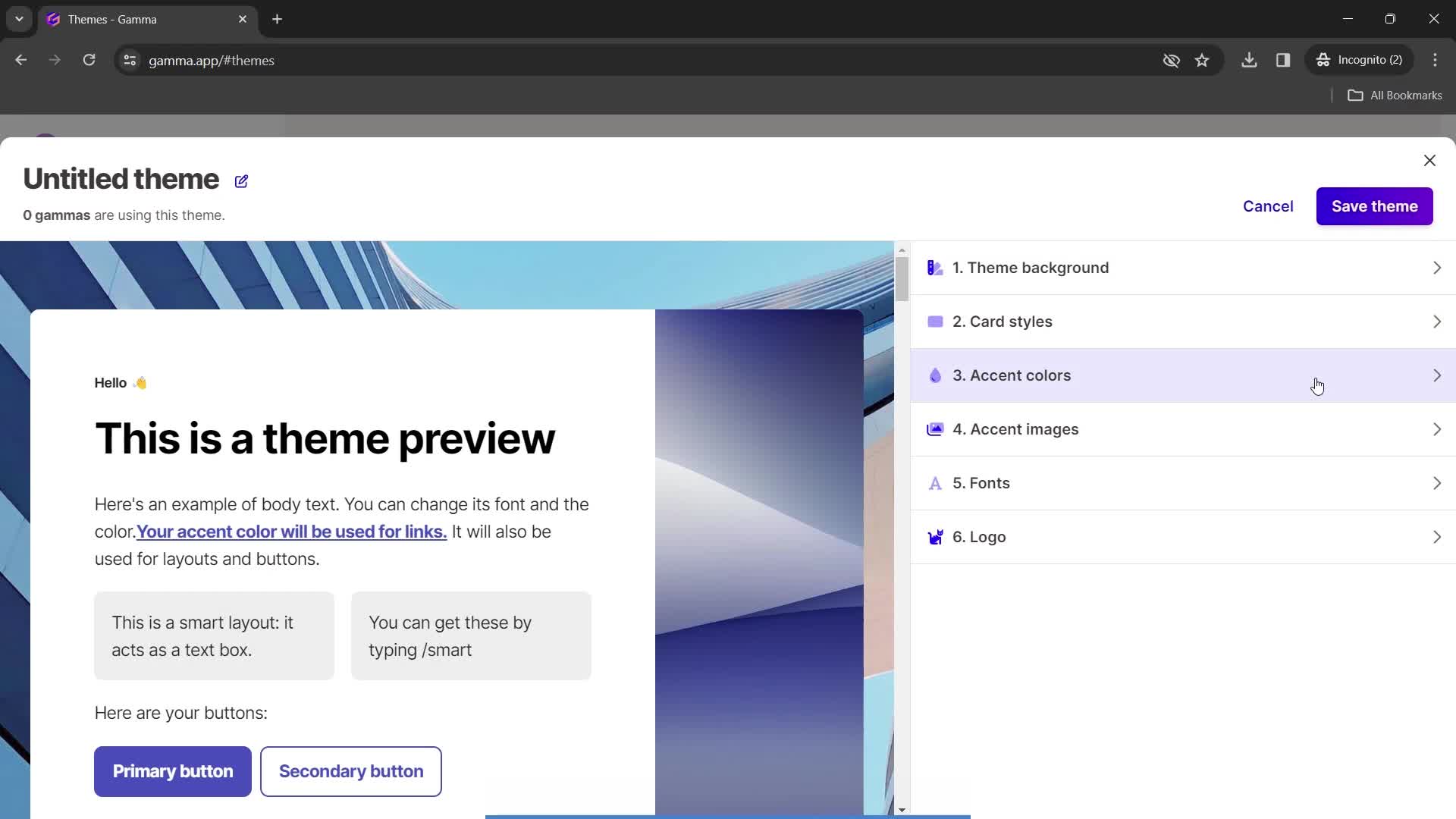
Create theme
this is title
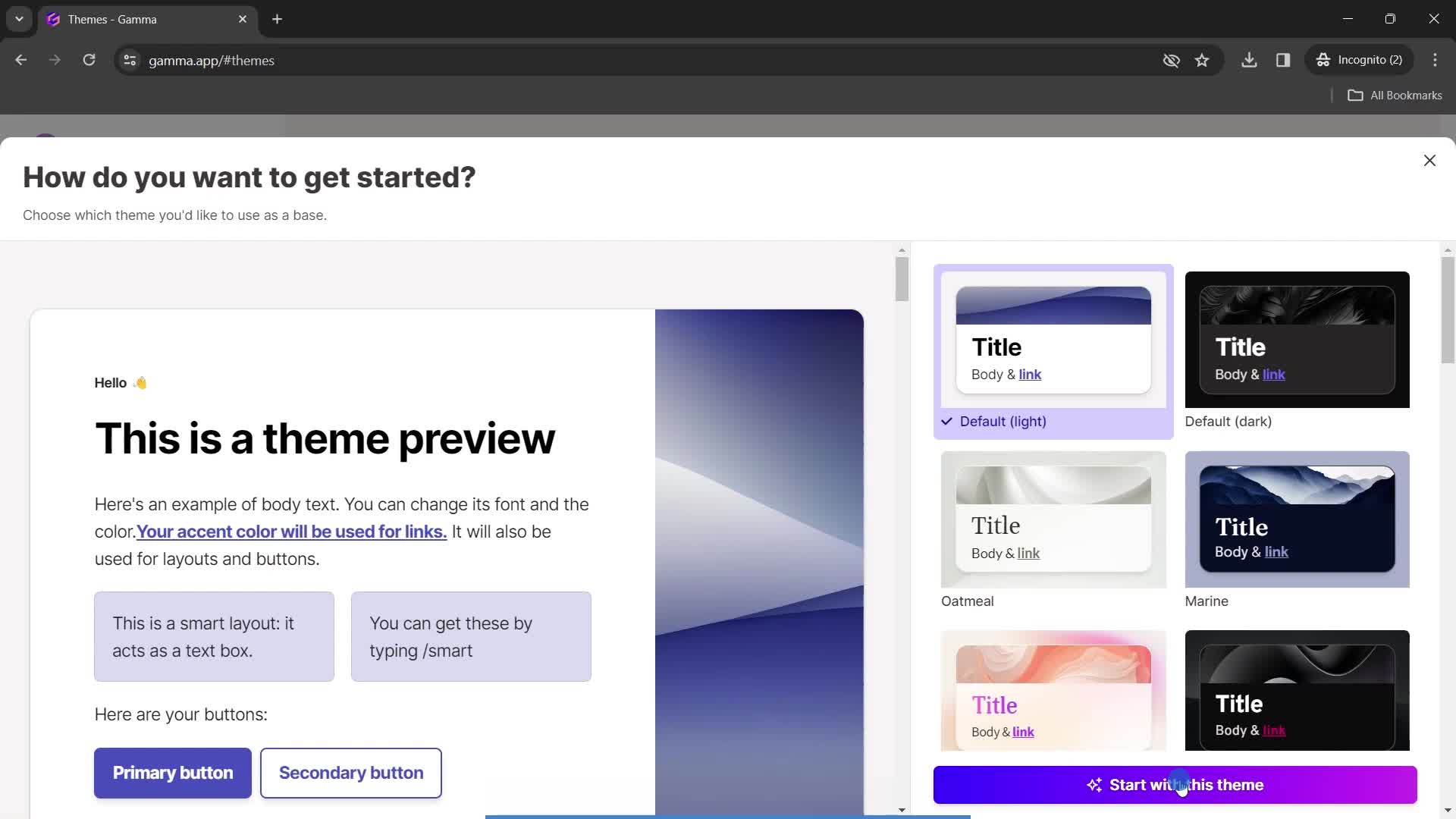
Select theme
this is title
this is title
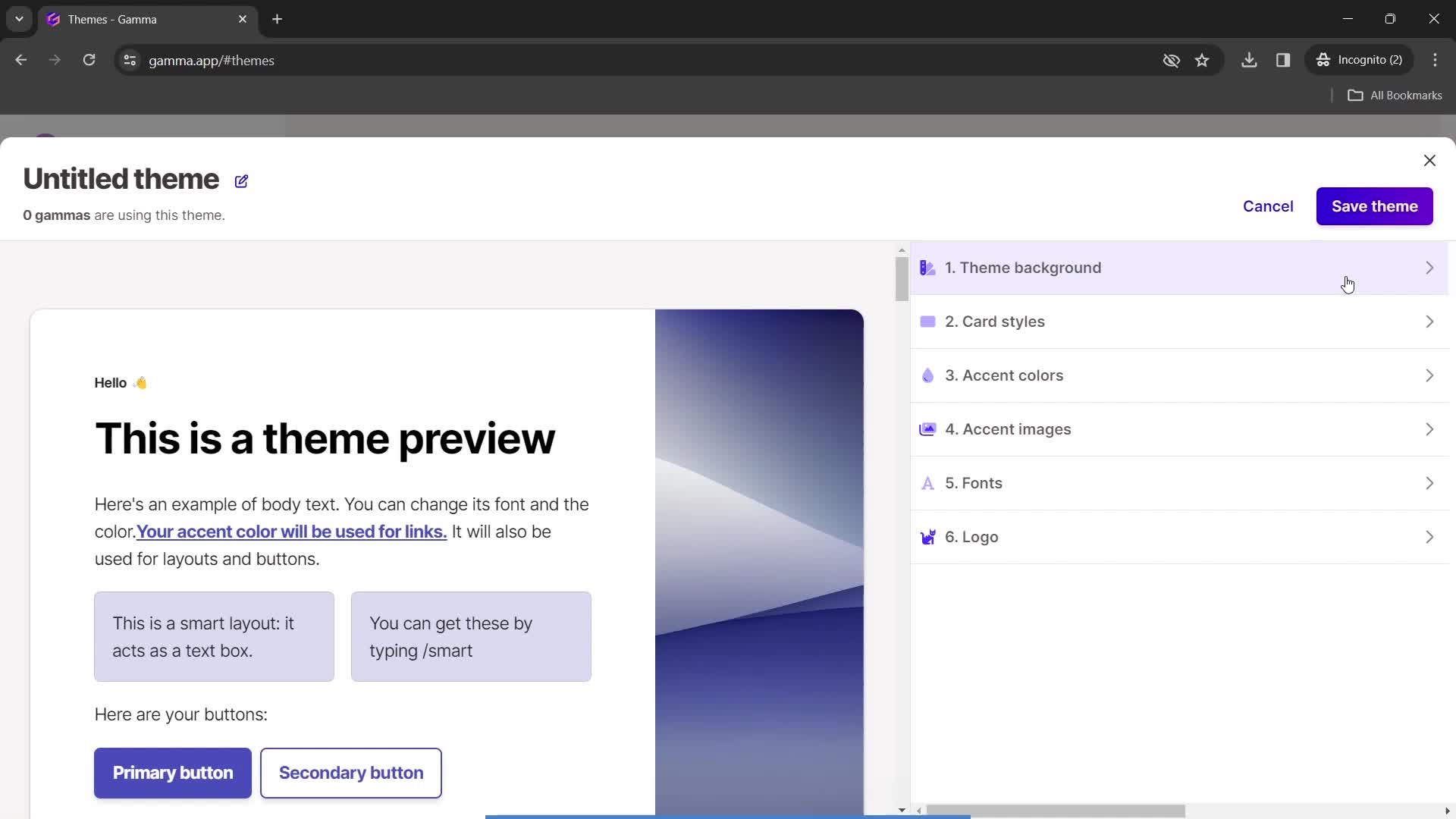
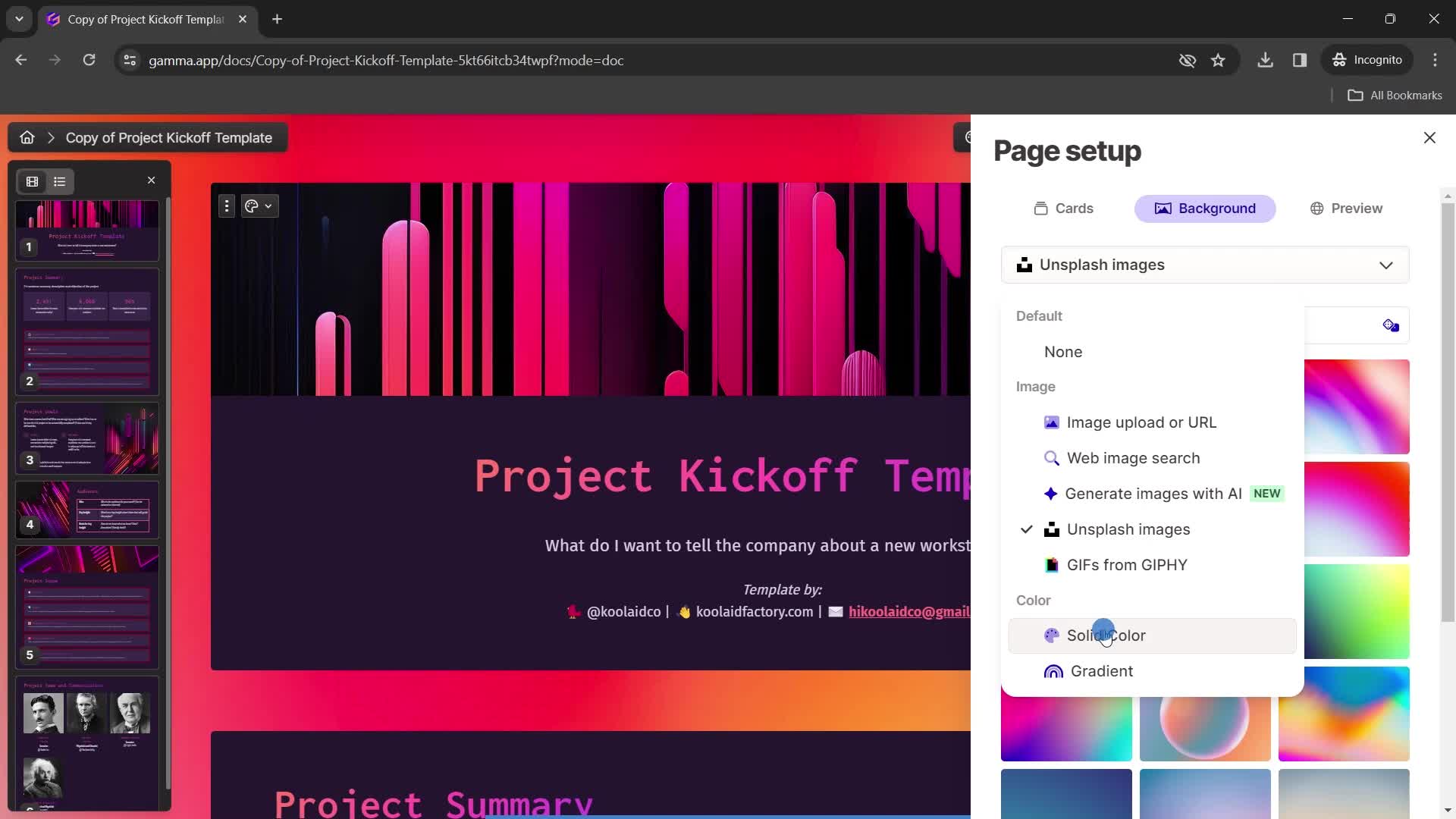
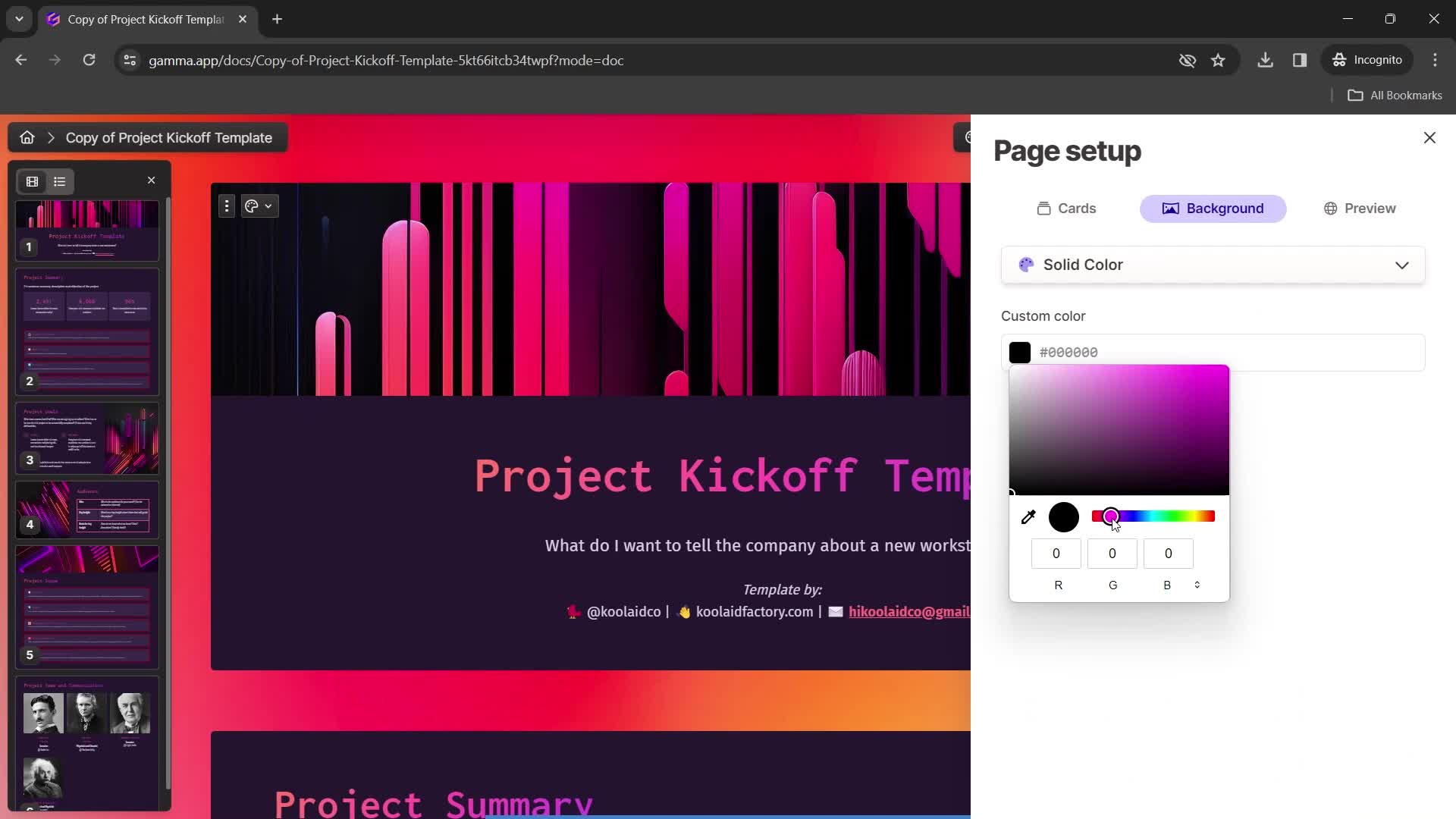
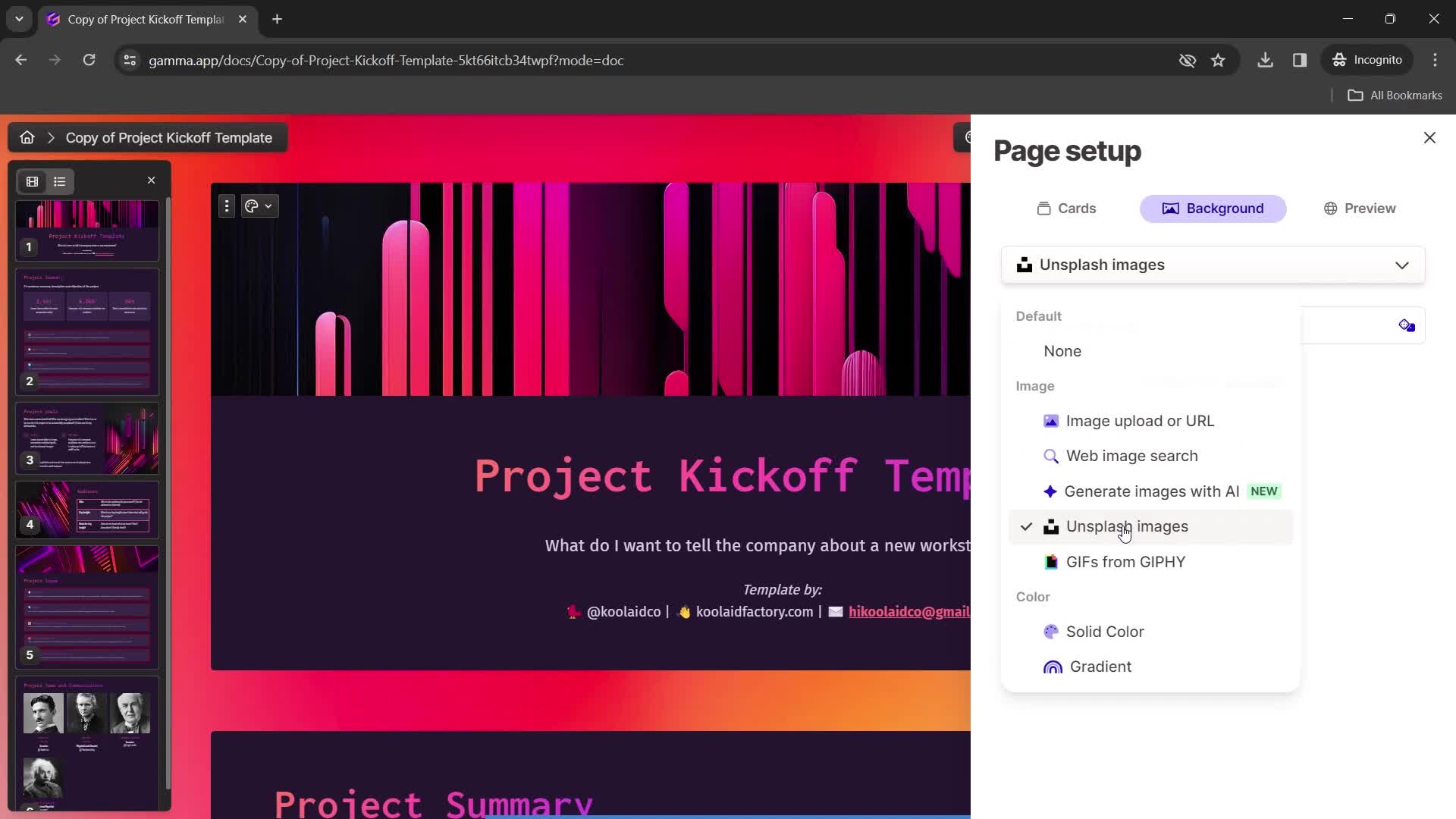
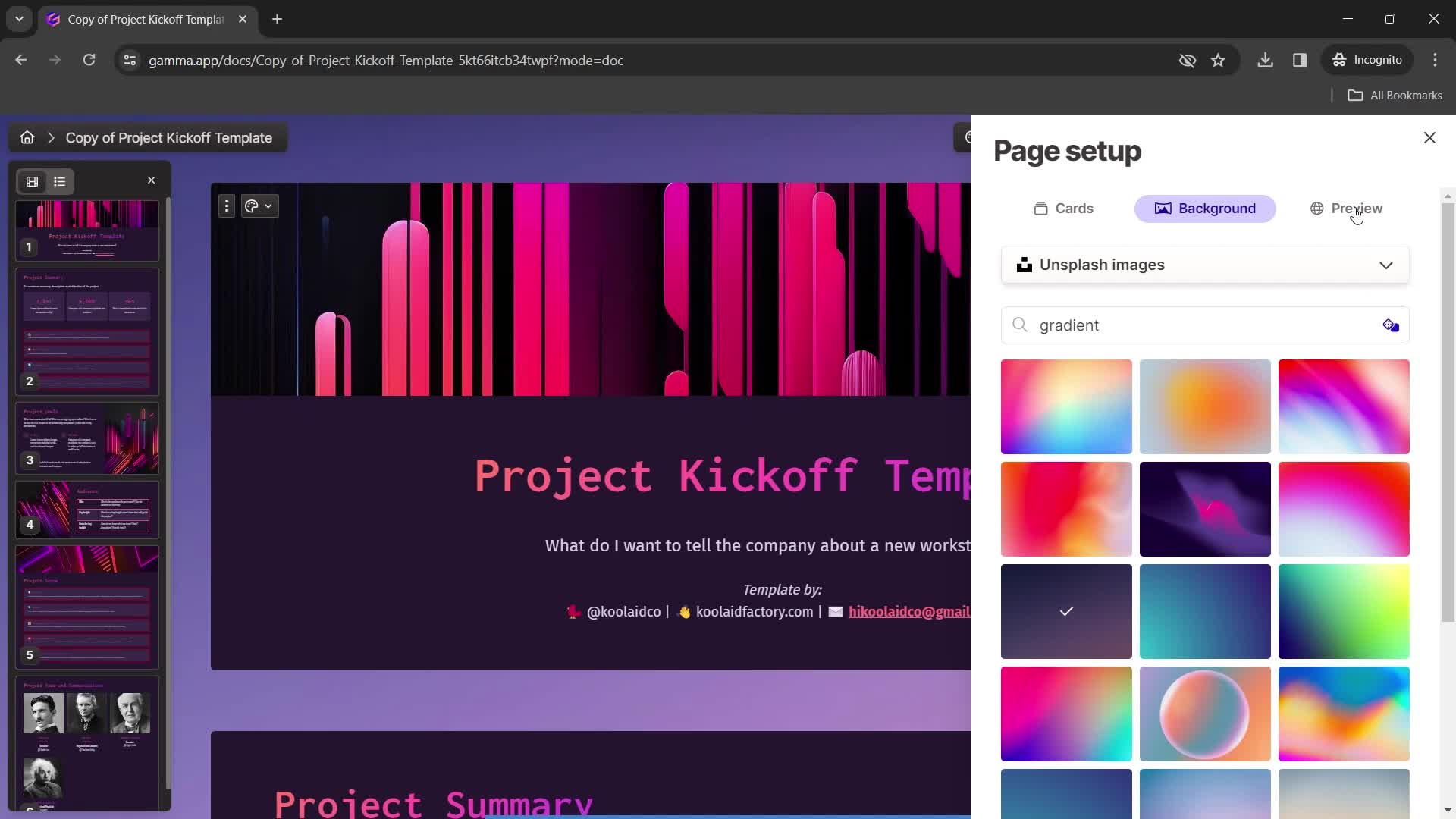
Set background
this is title
this is title
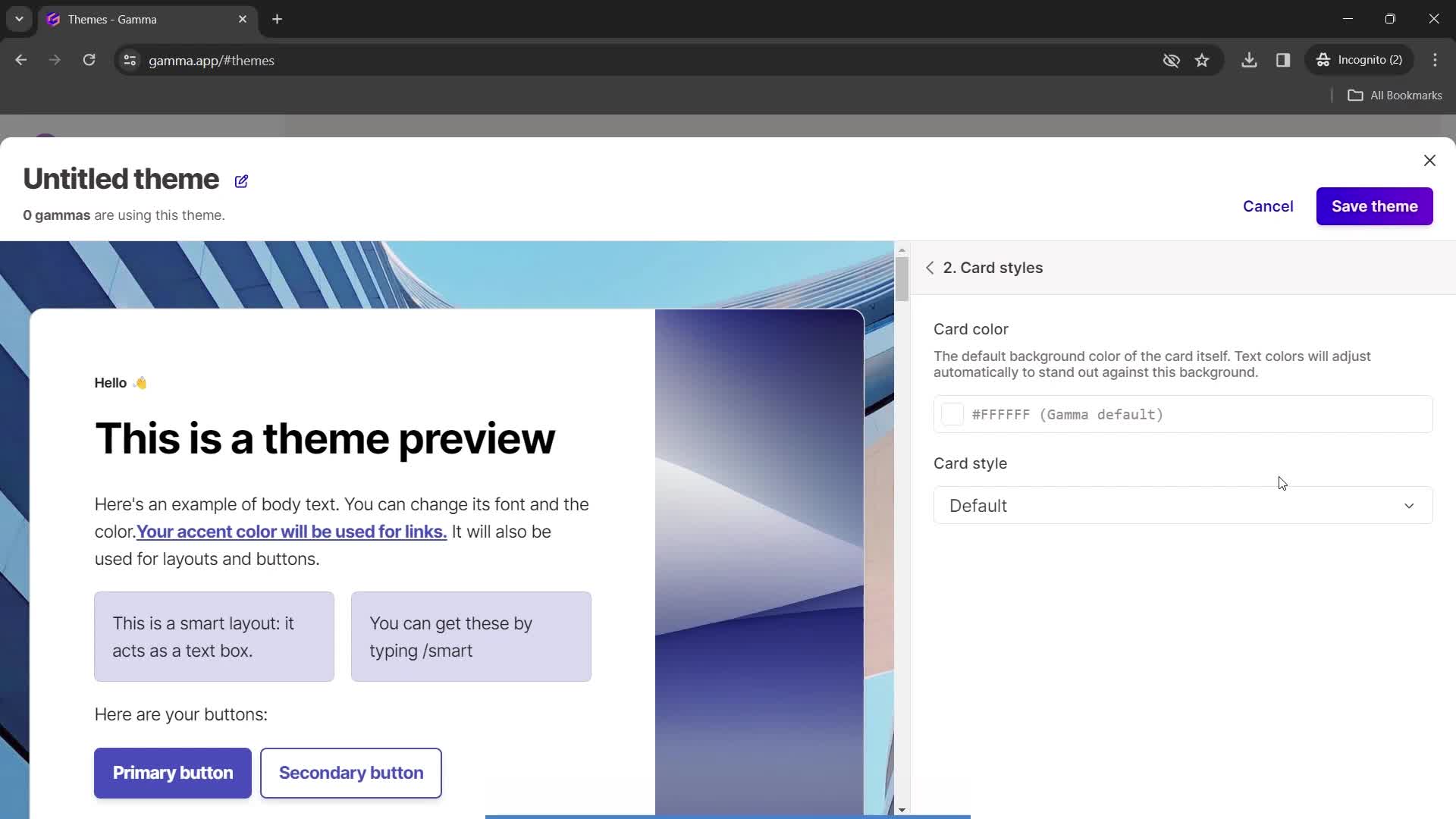
Styles
this is title
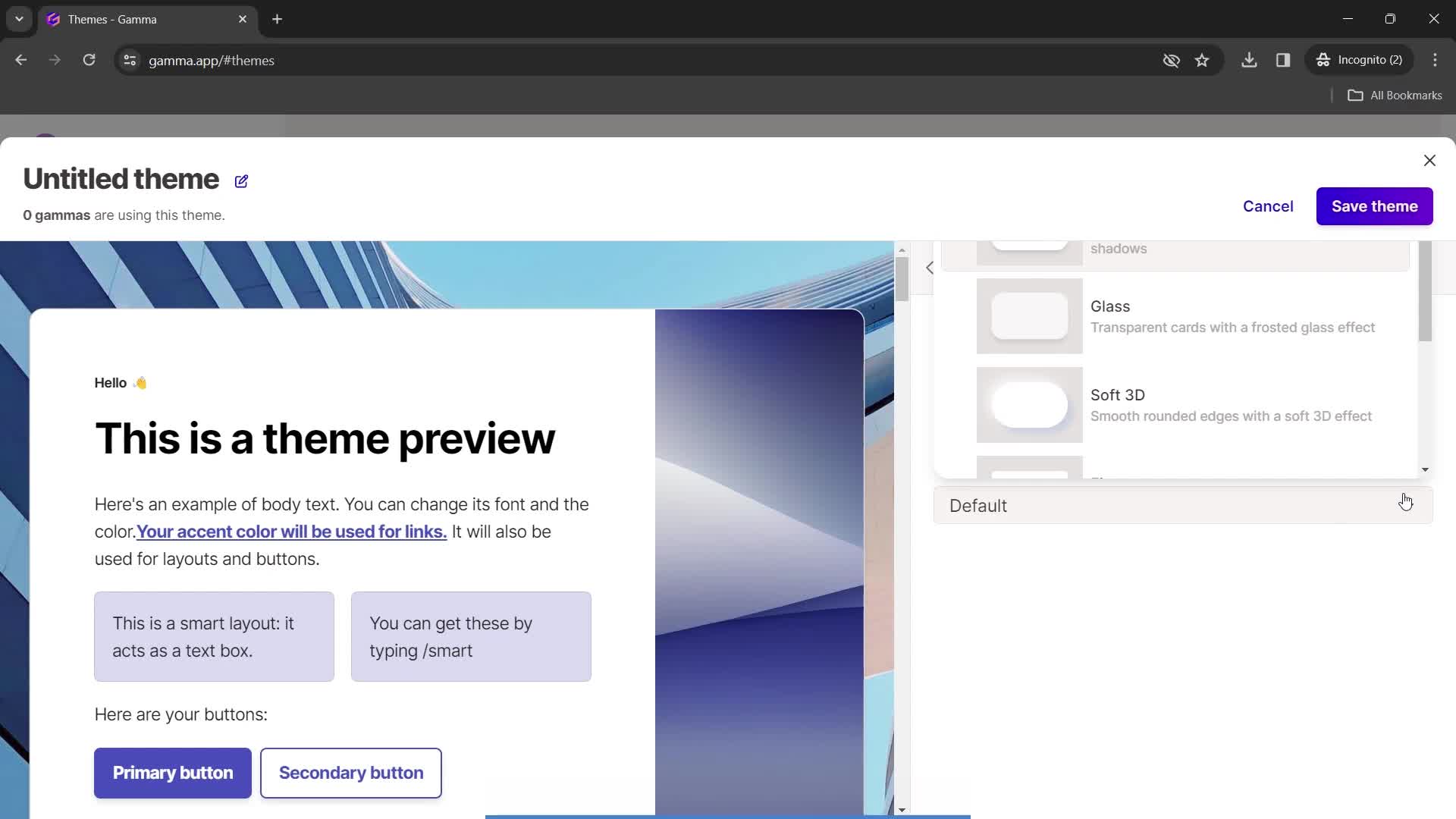
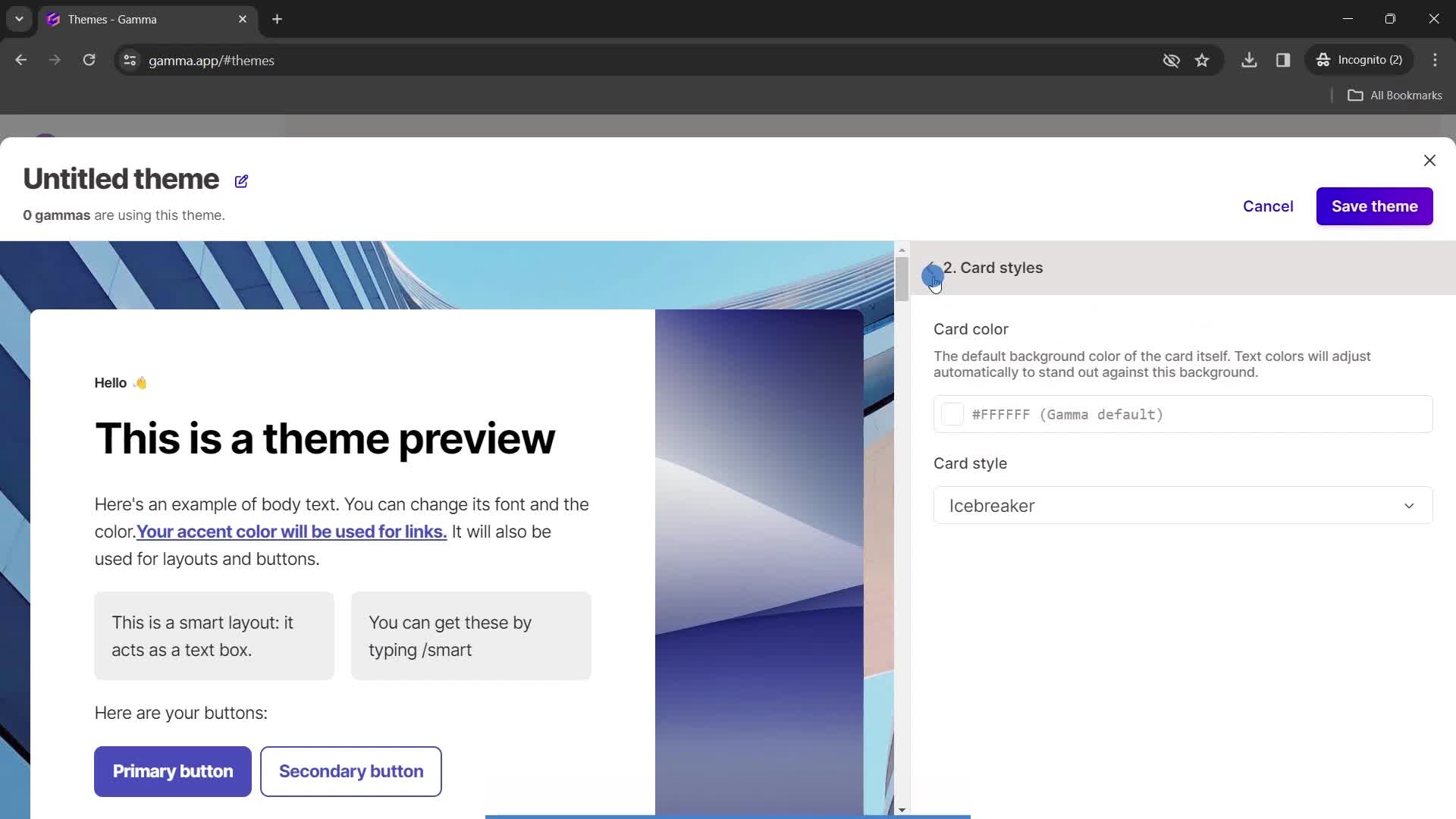
Choose style
this is title
this is title
this is title
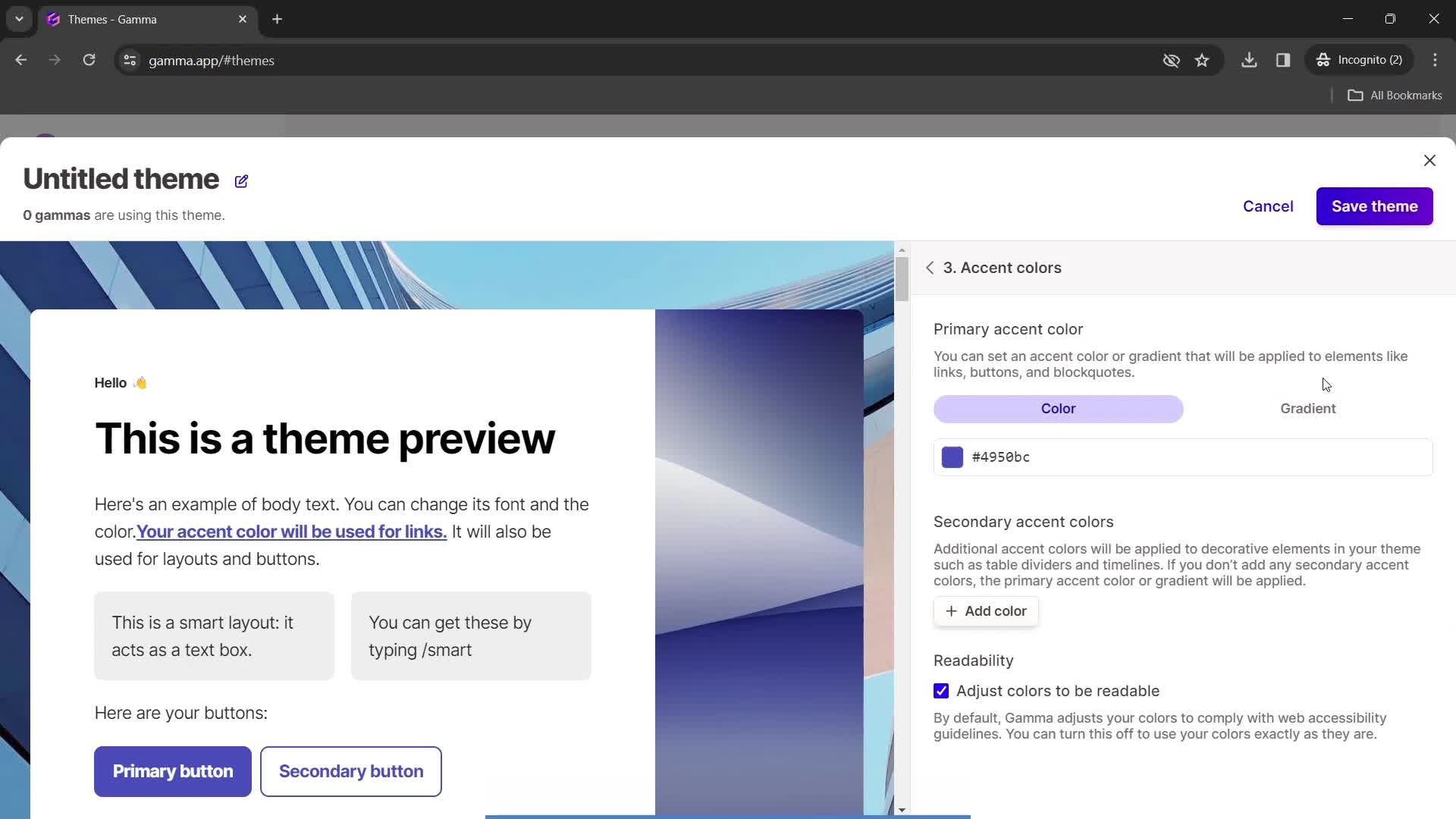
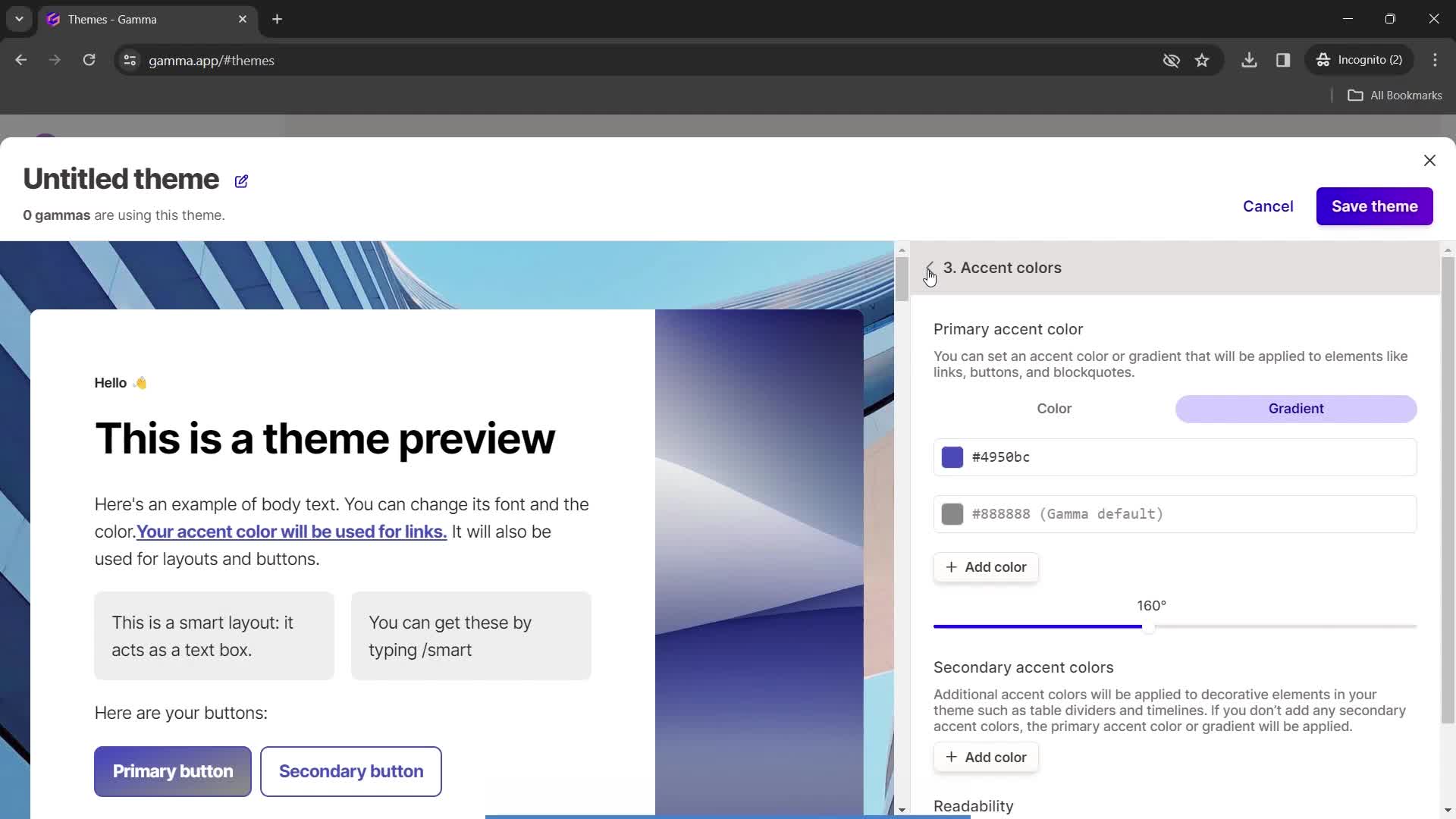
Set colors
this is title
this is title
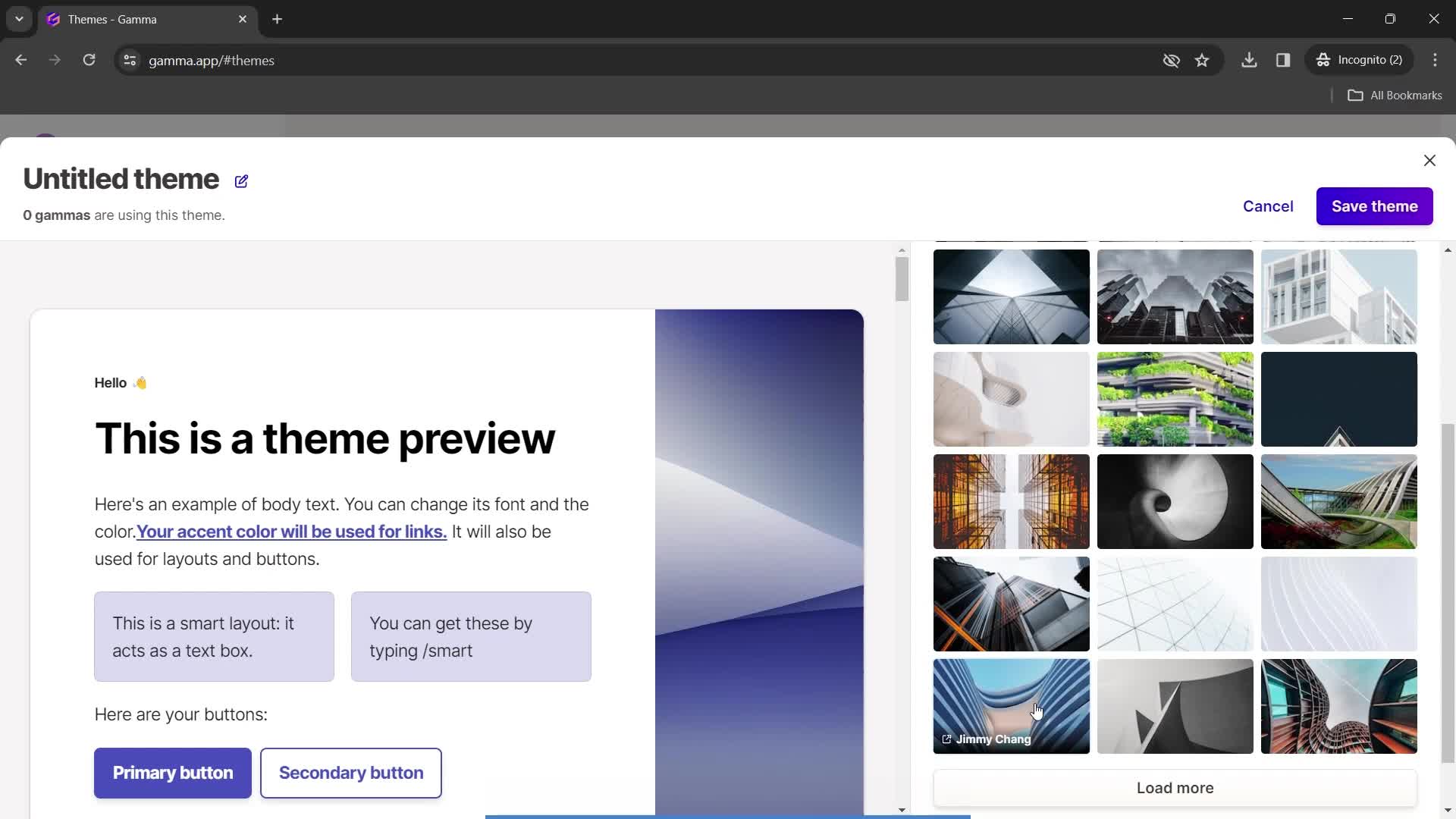
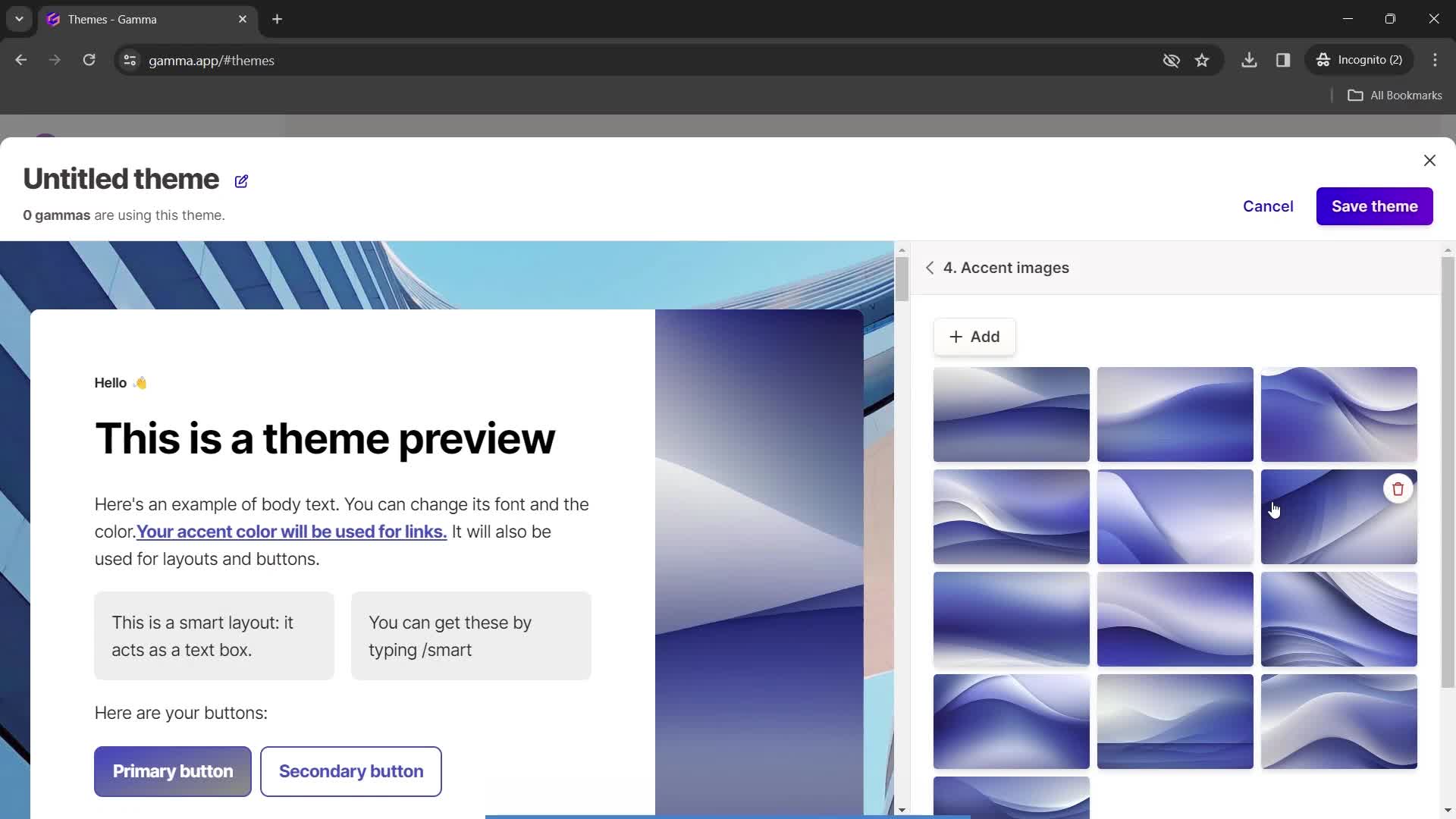
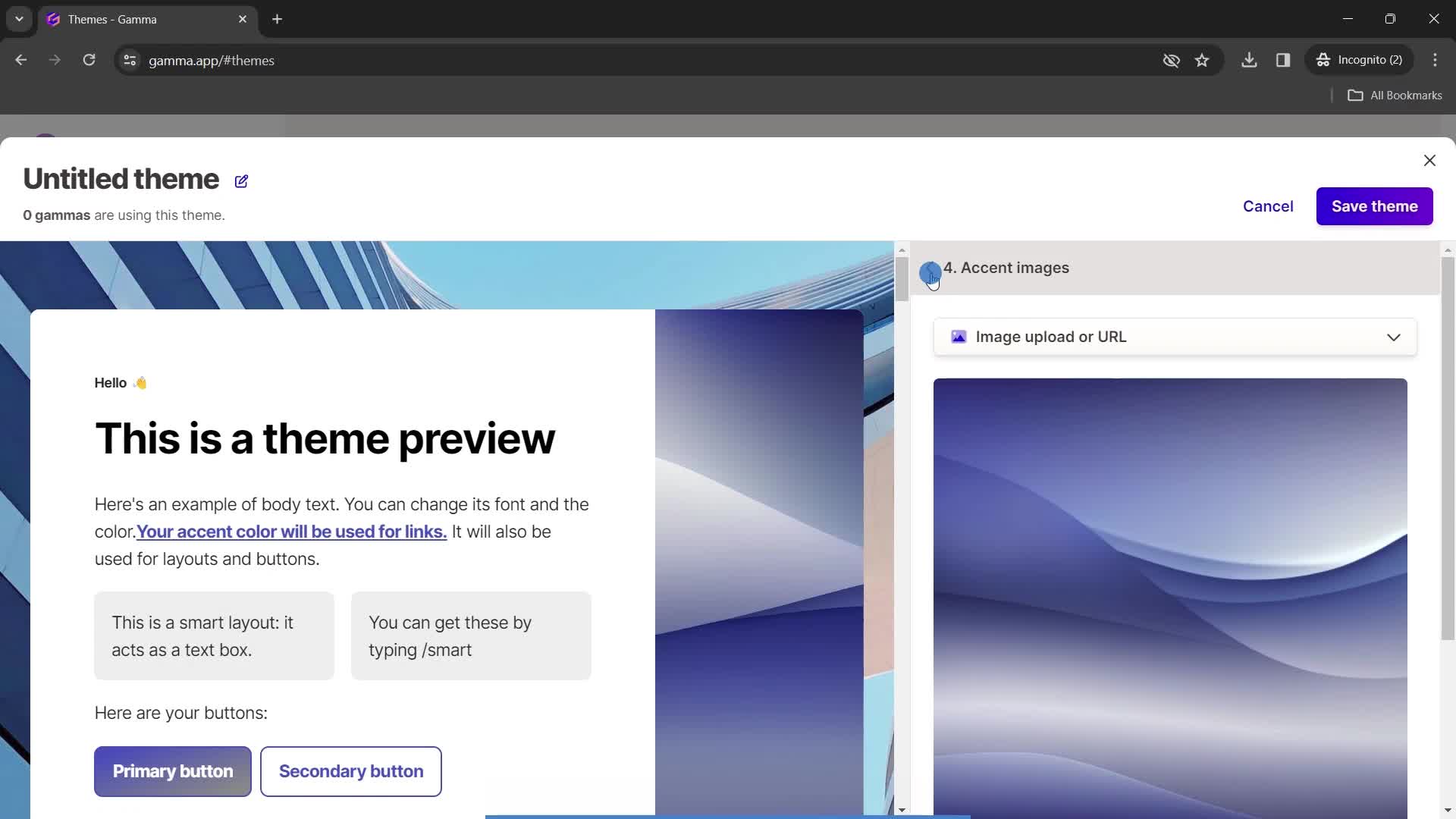
Select image
this is title
this is title
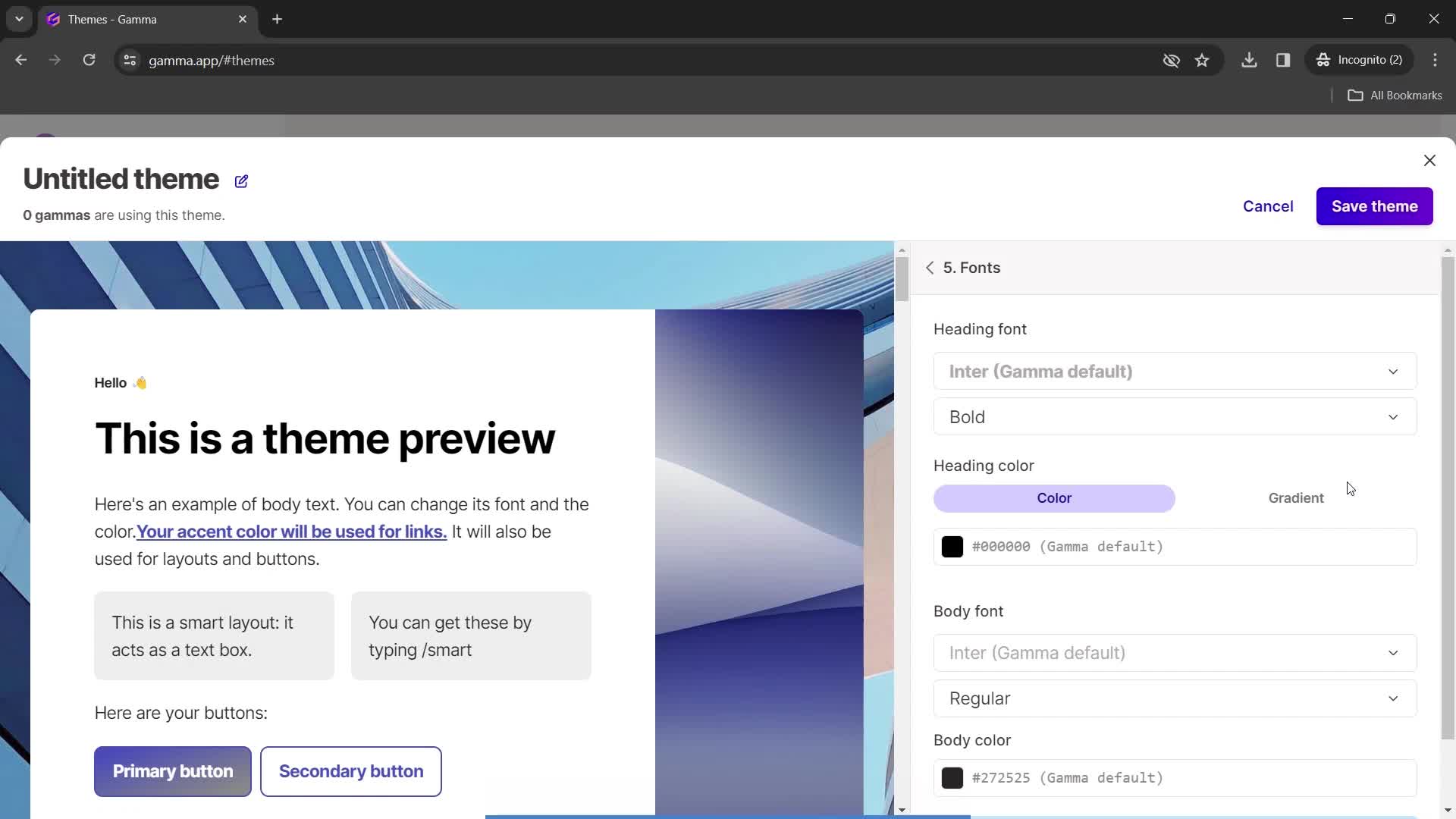
Fonts
this is title
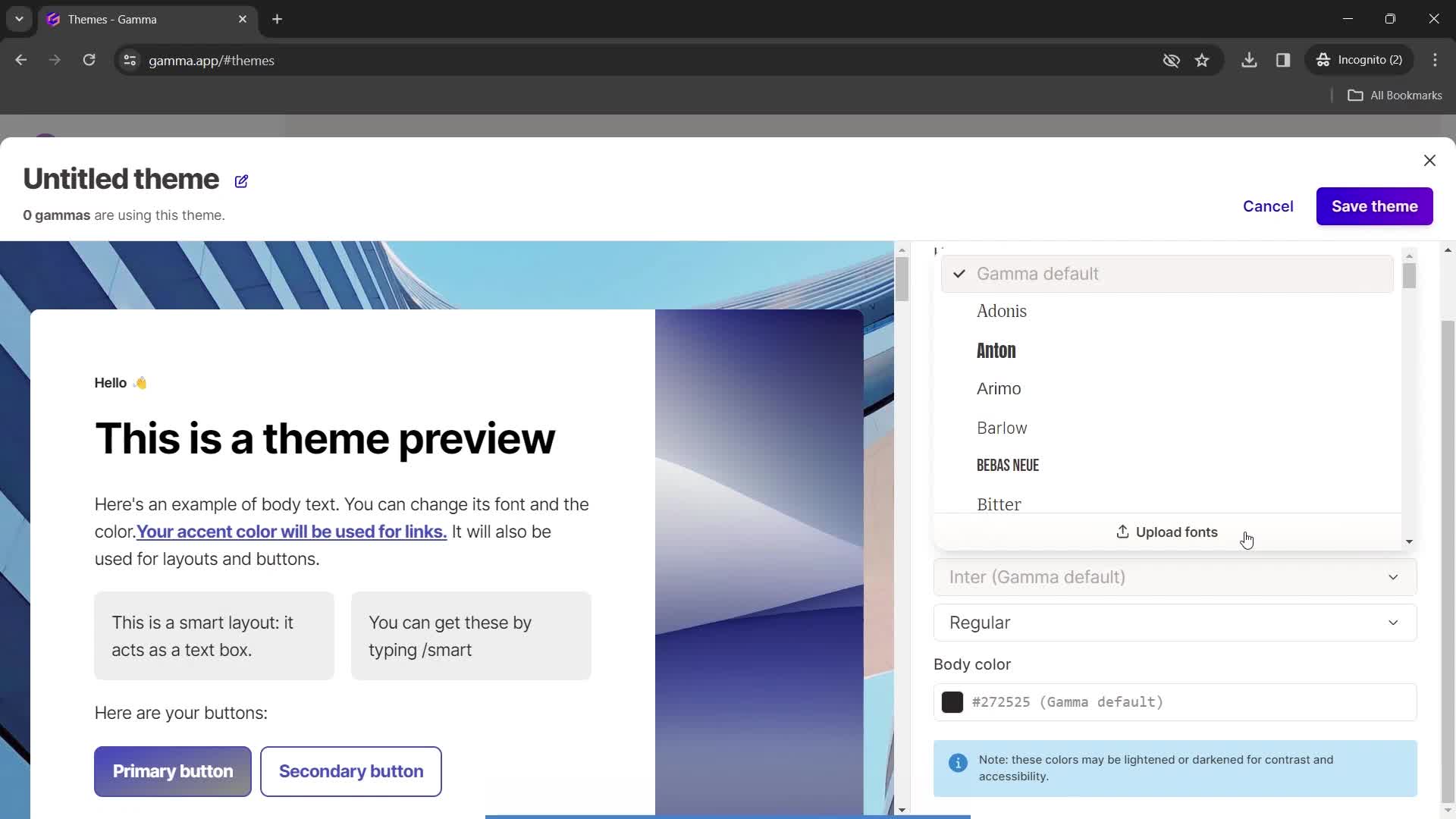
Select font
this is title
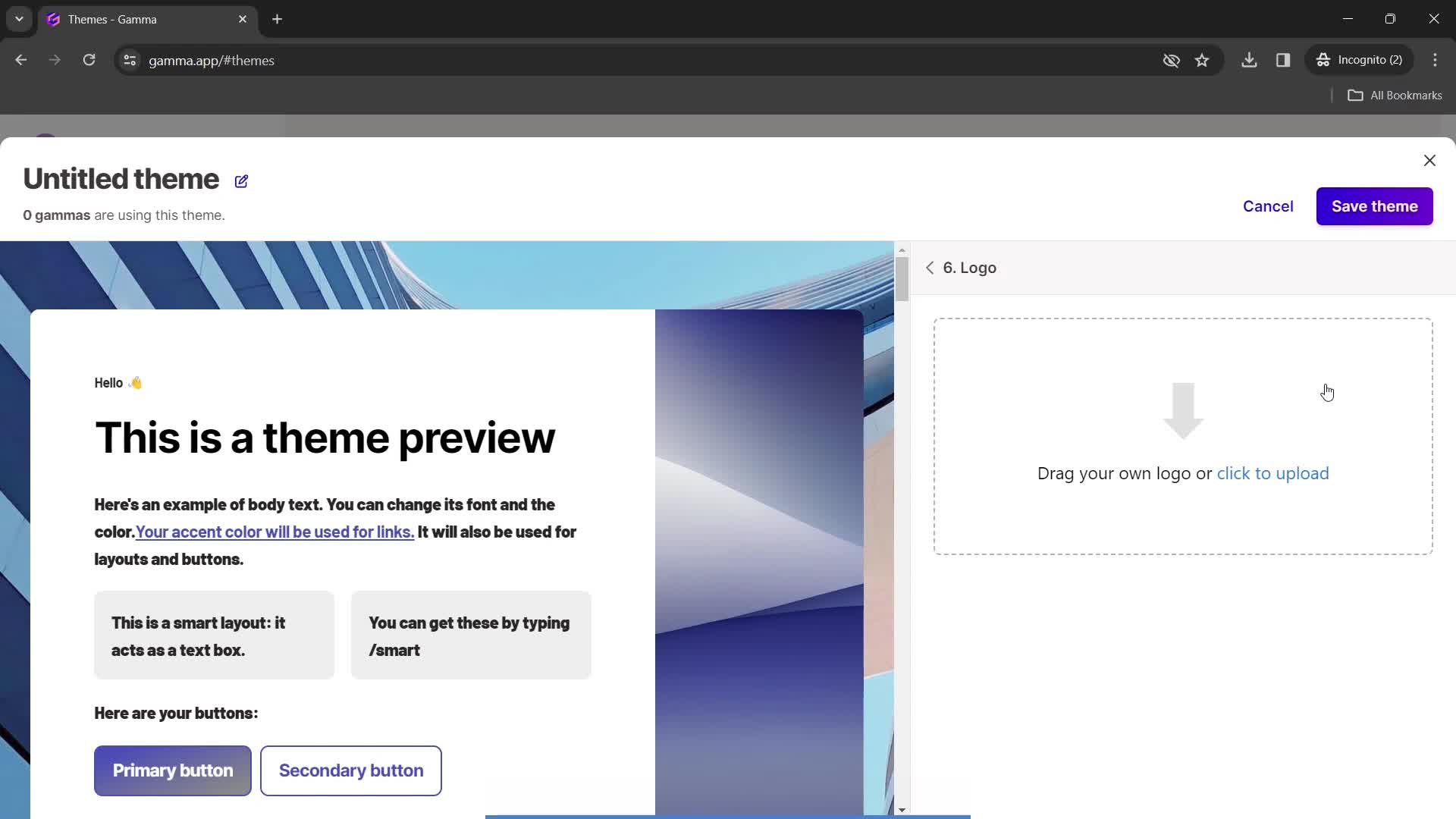
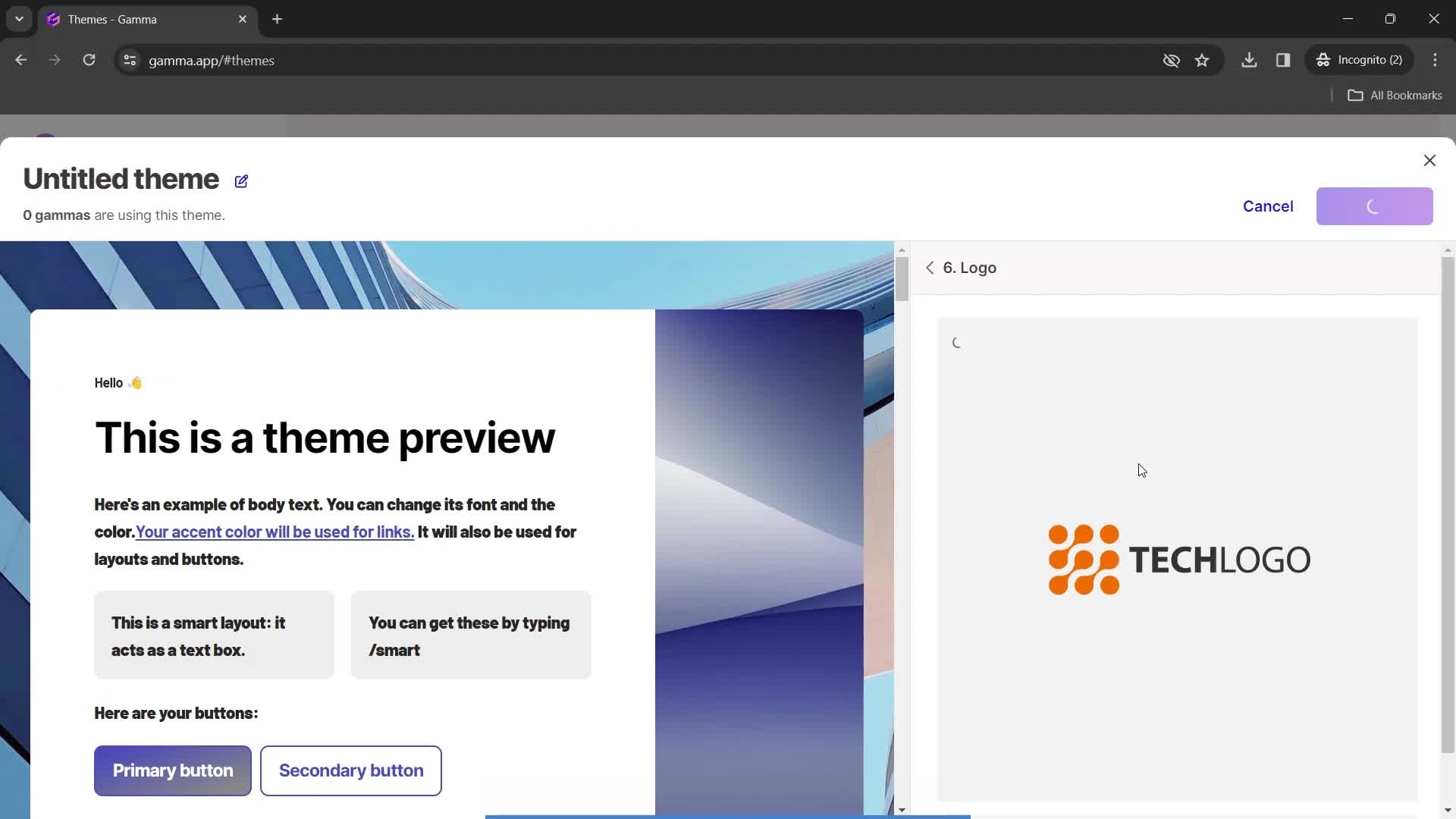
Upload logo
this is title
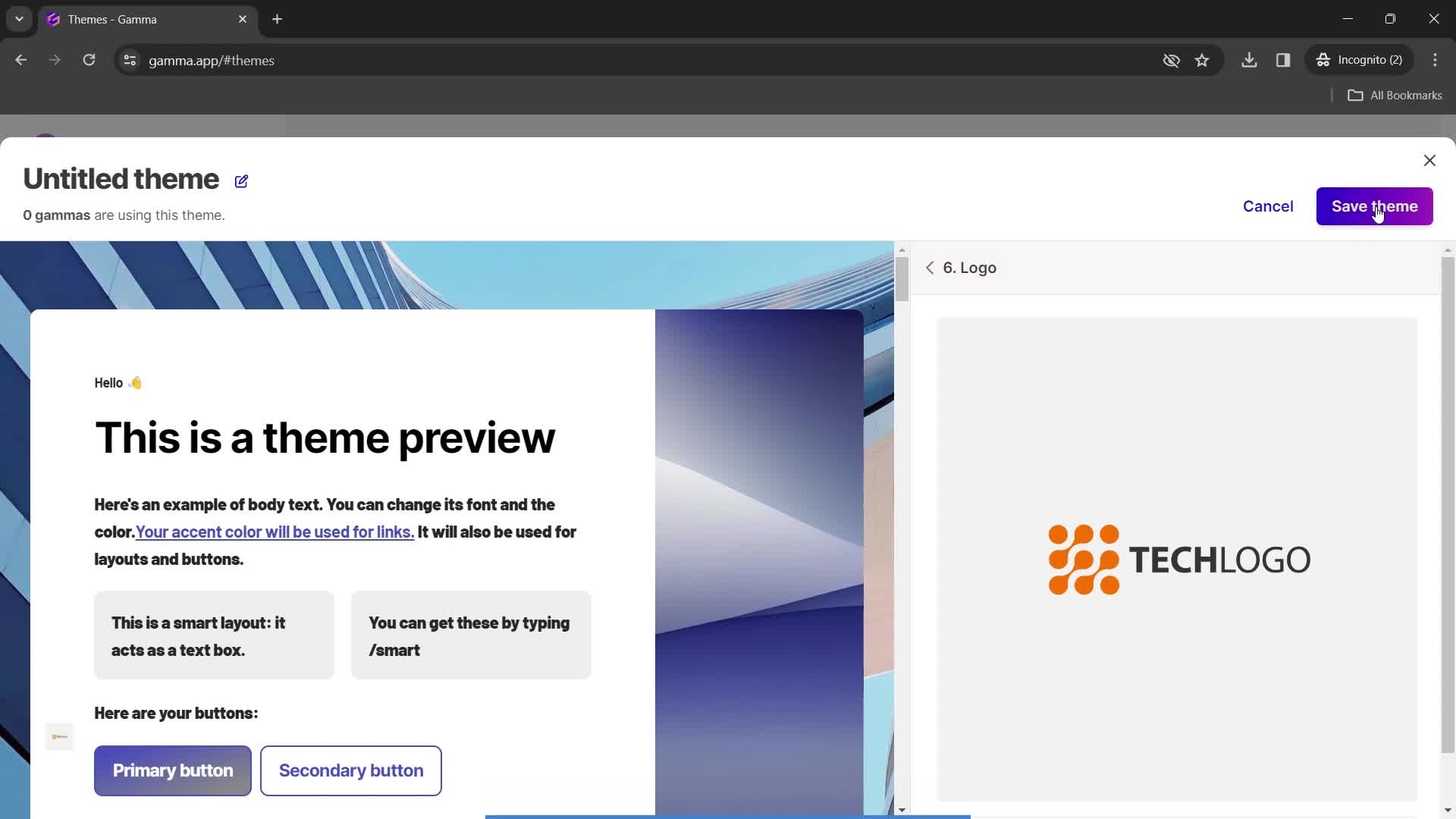
Image uploaded
this is title
Save
this is title
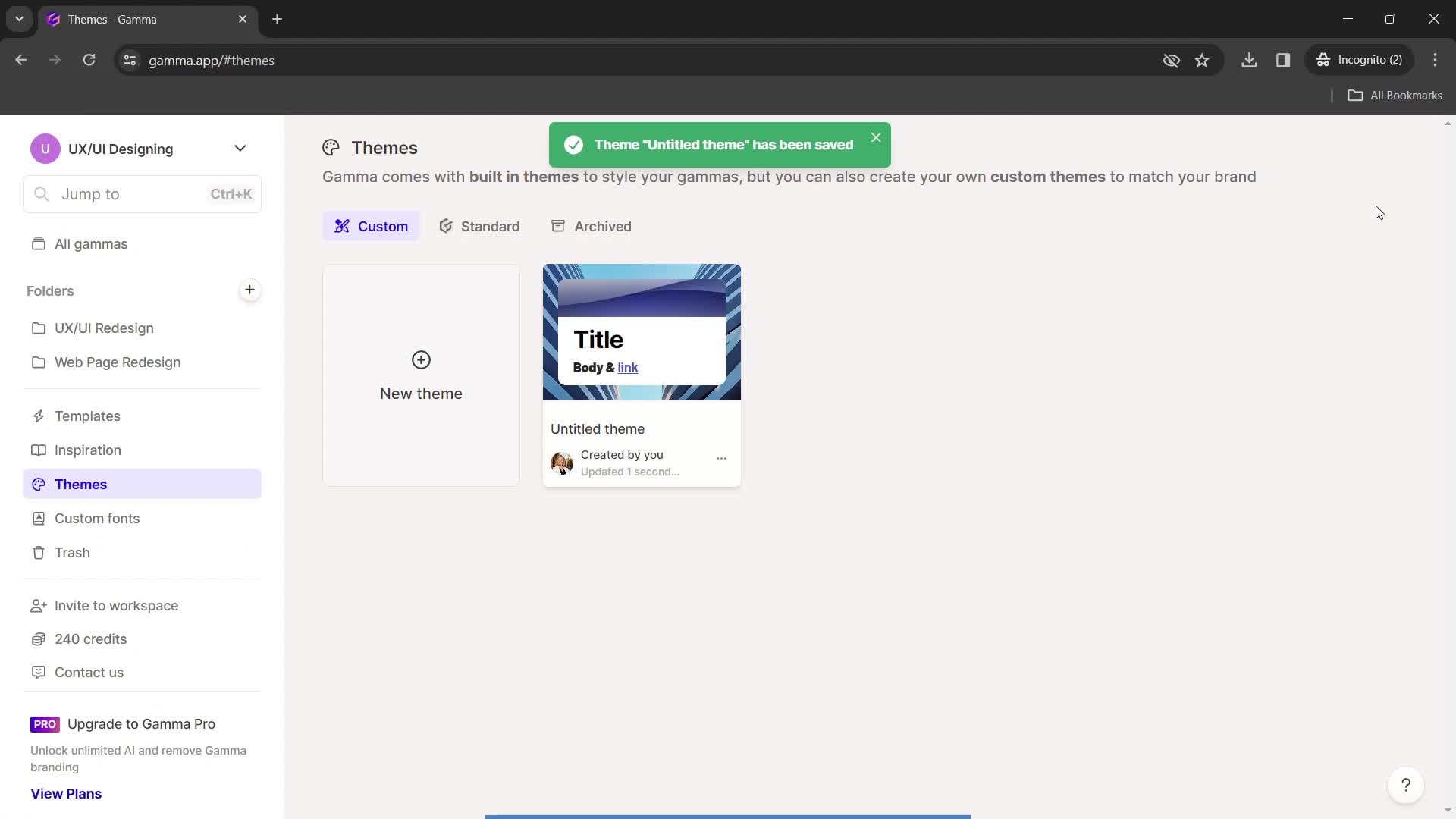
Saved
this is title
Home
this is title
Presentation editor
this is title
Action menu
this is title
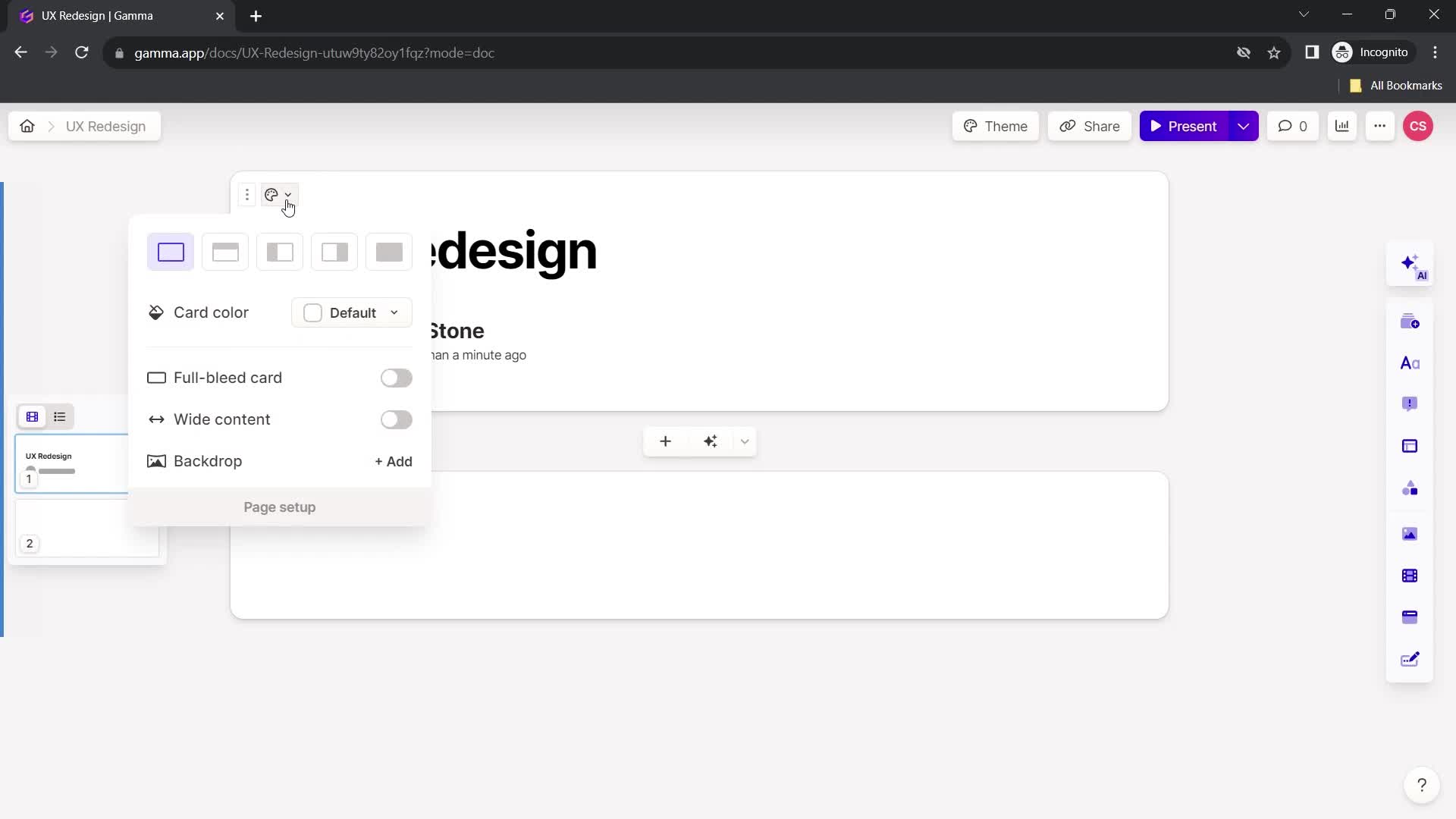
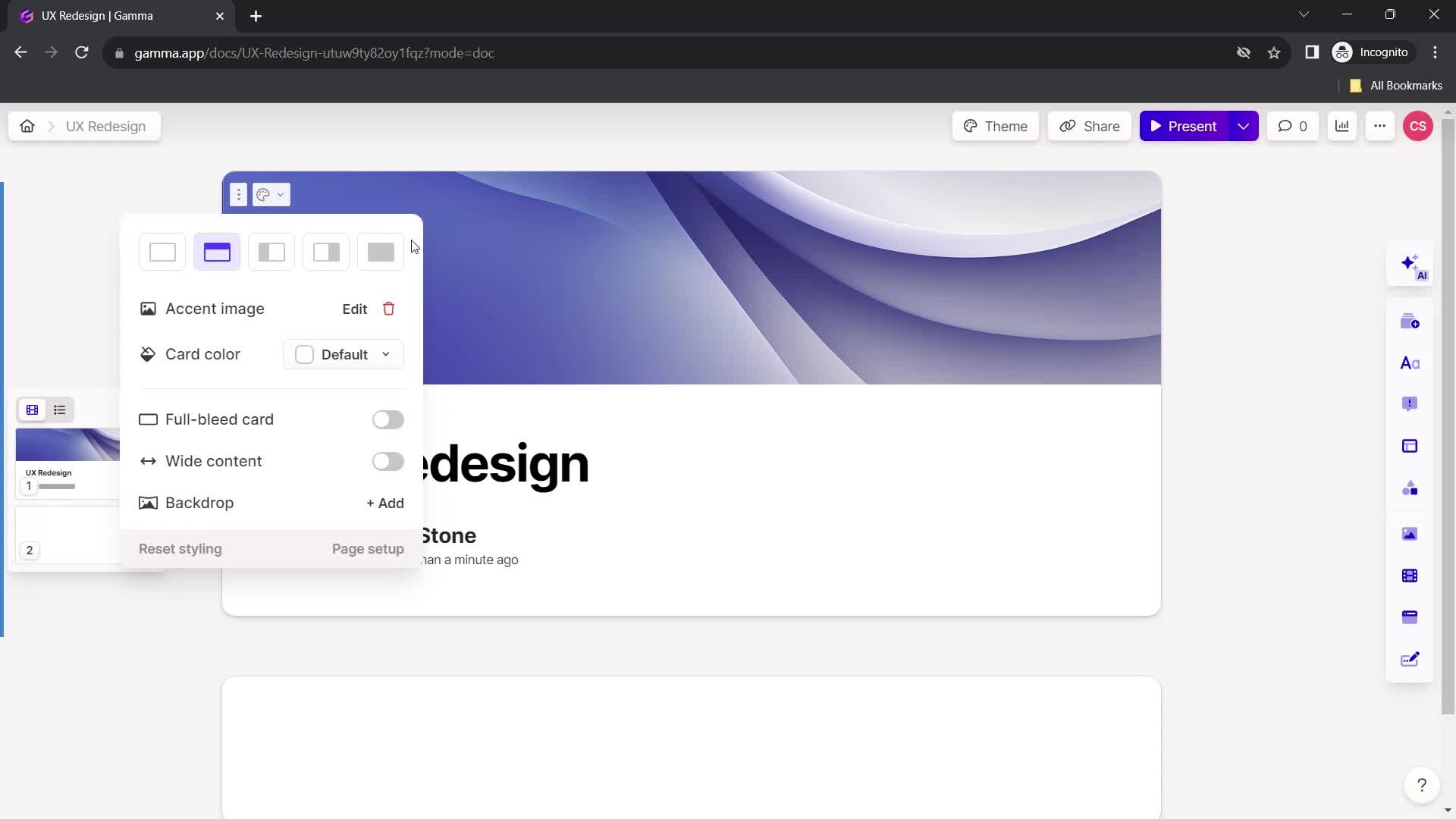
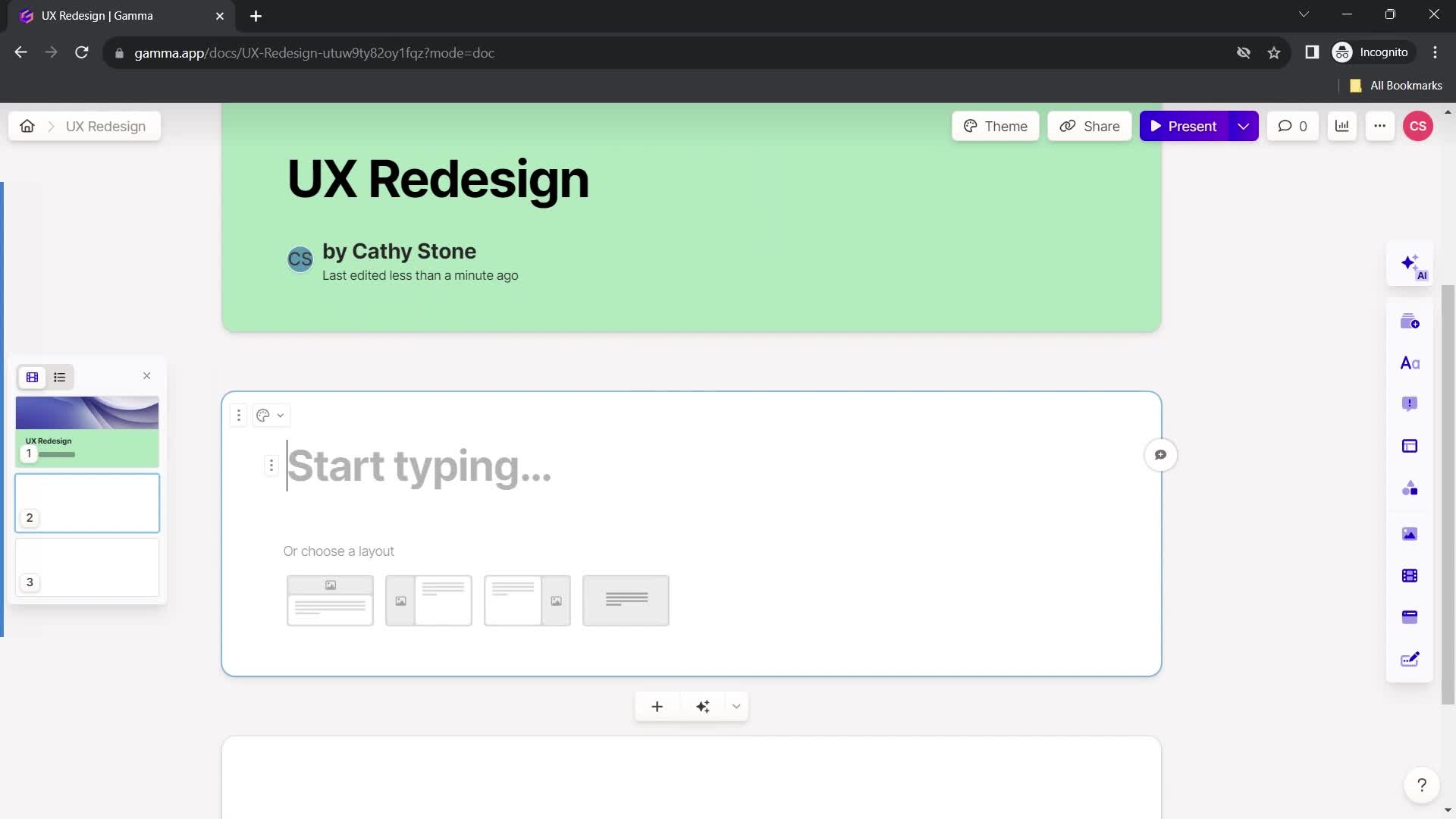
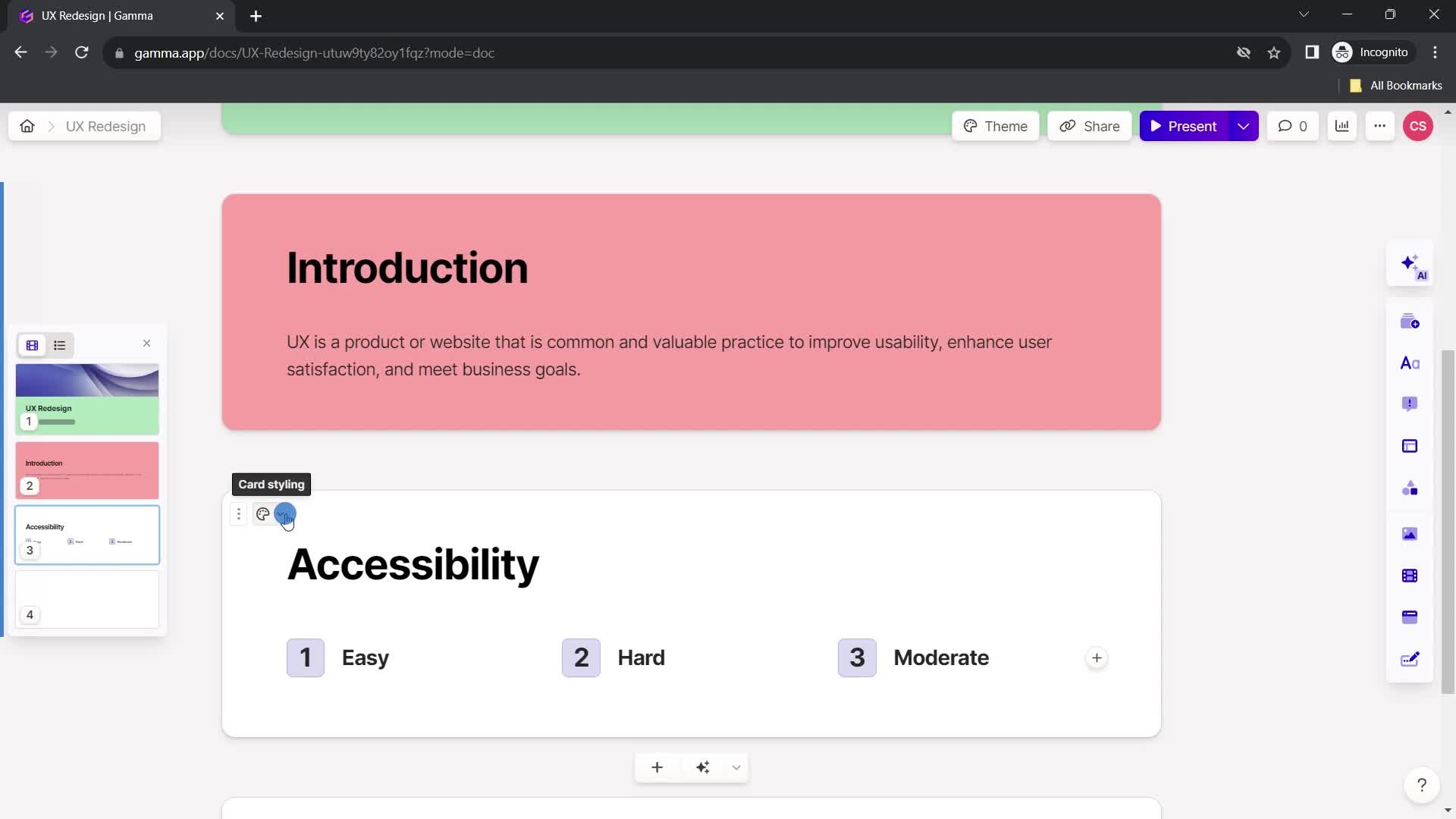
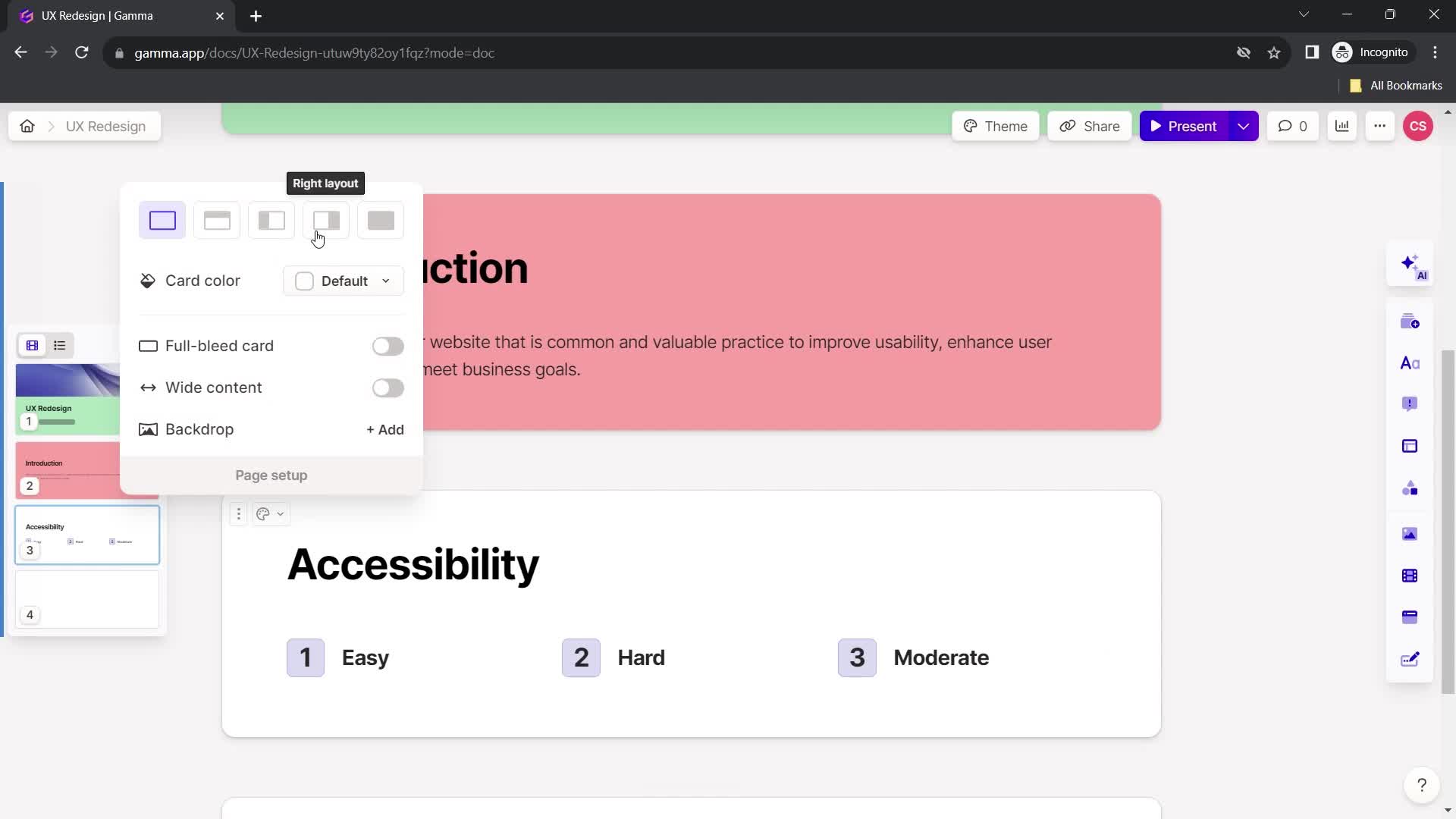
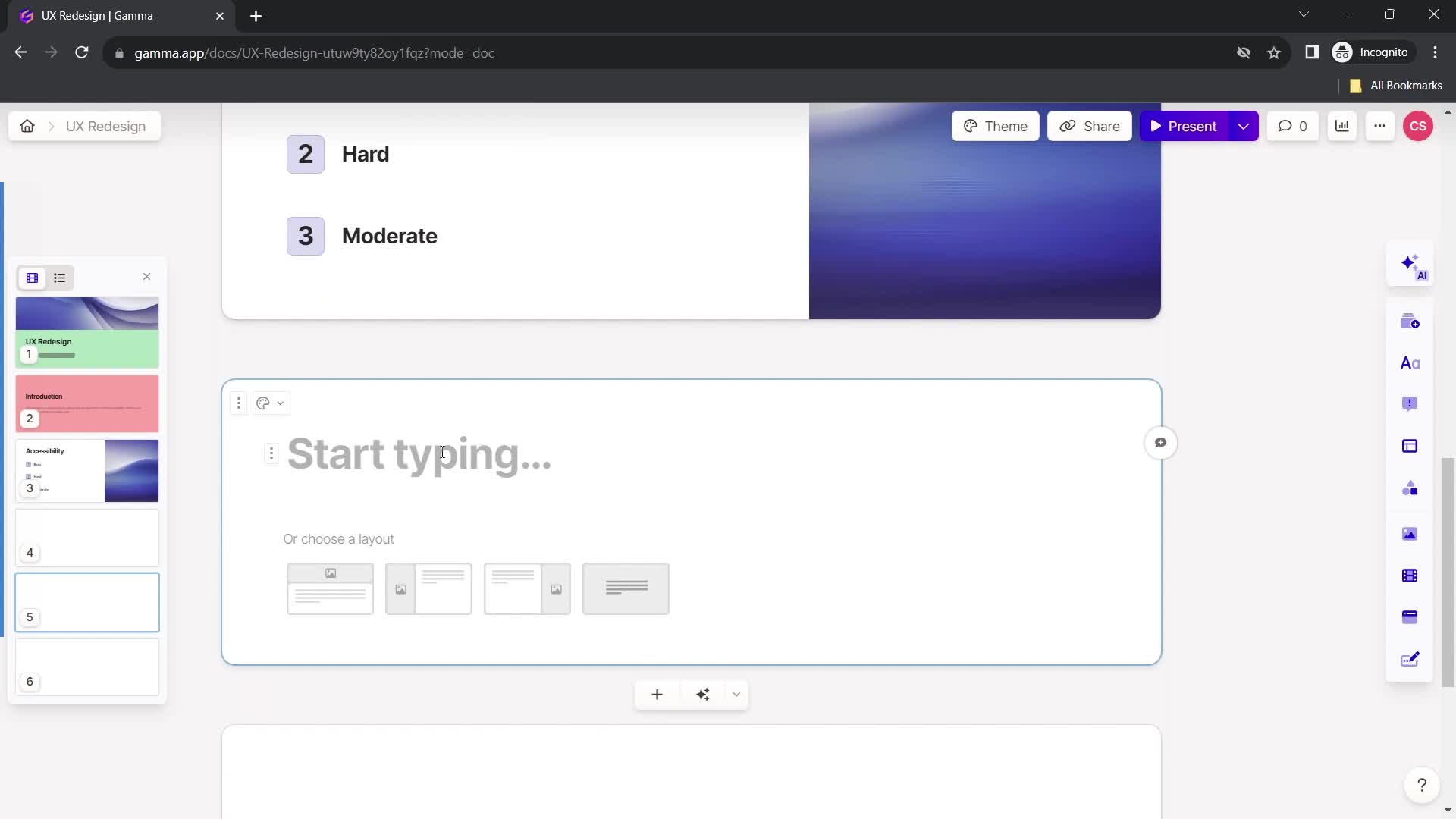
Select layout
this is title
this is title
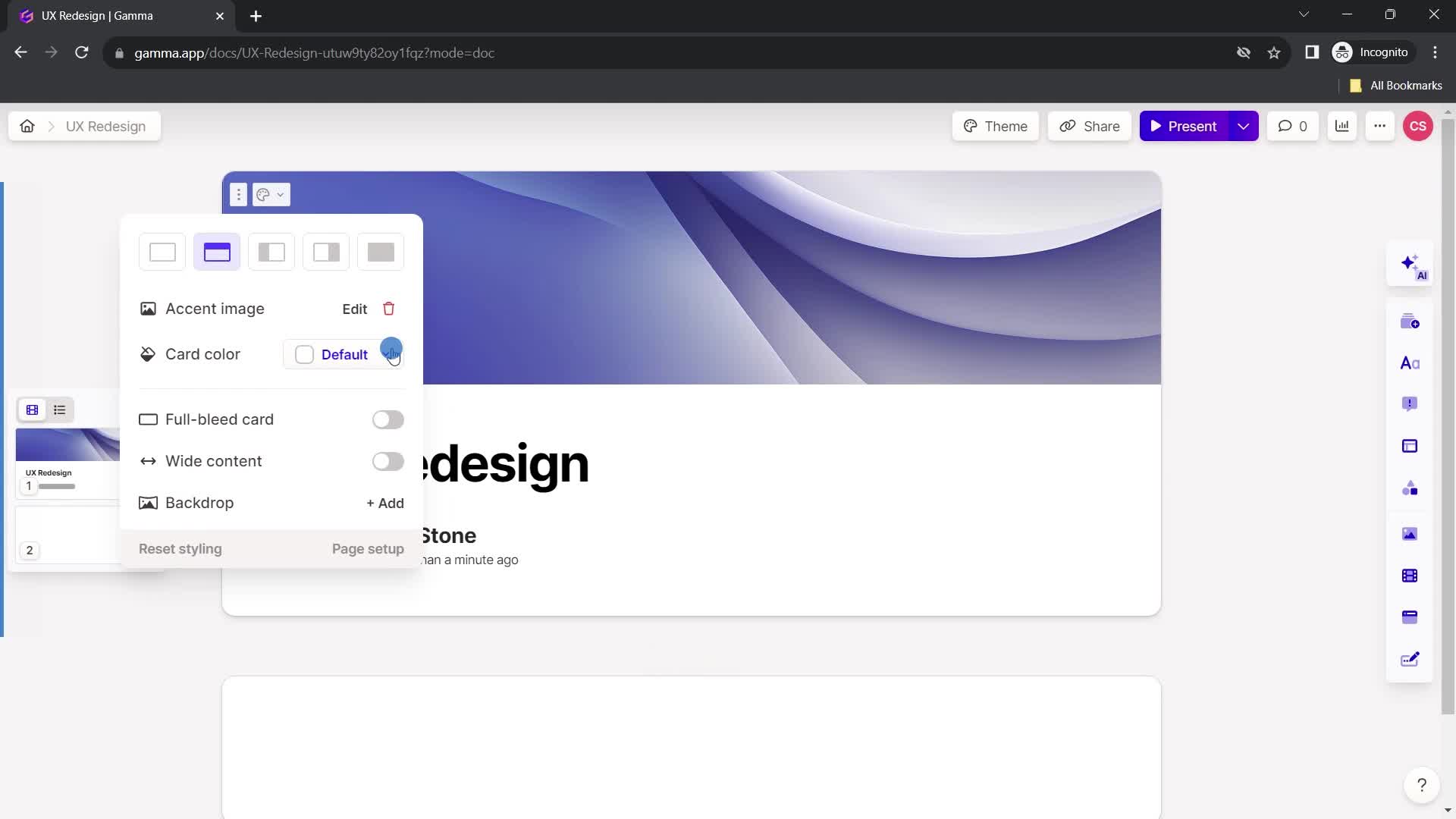
Select color
this is title
Presentation editor
this is title
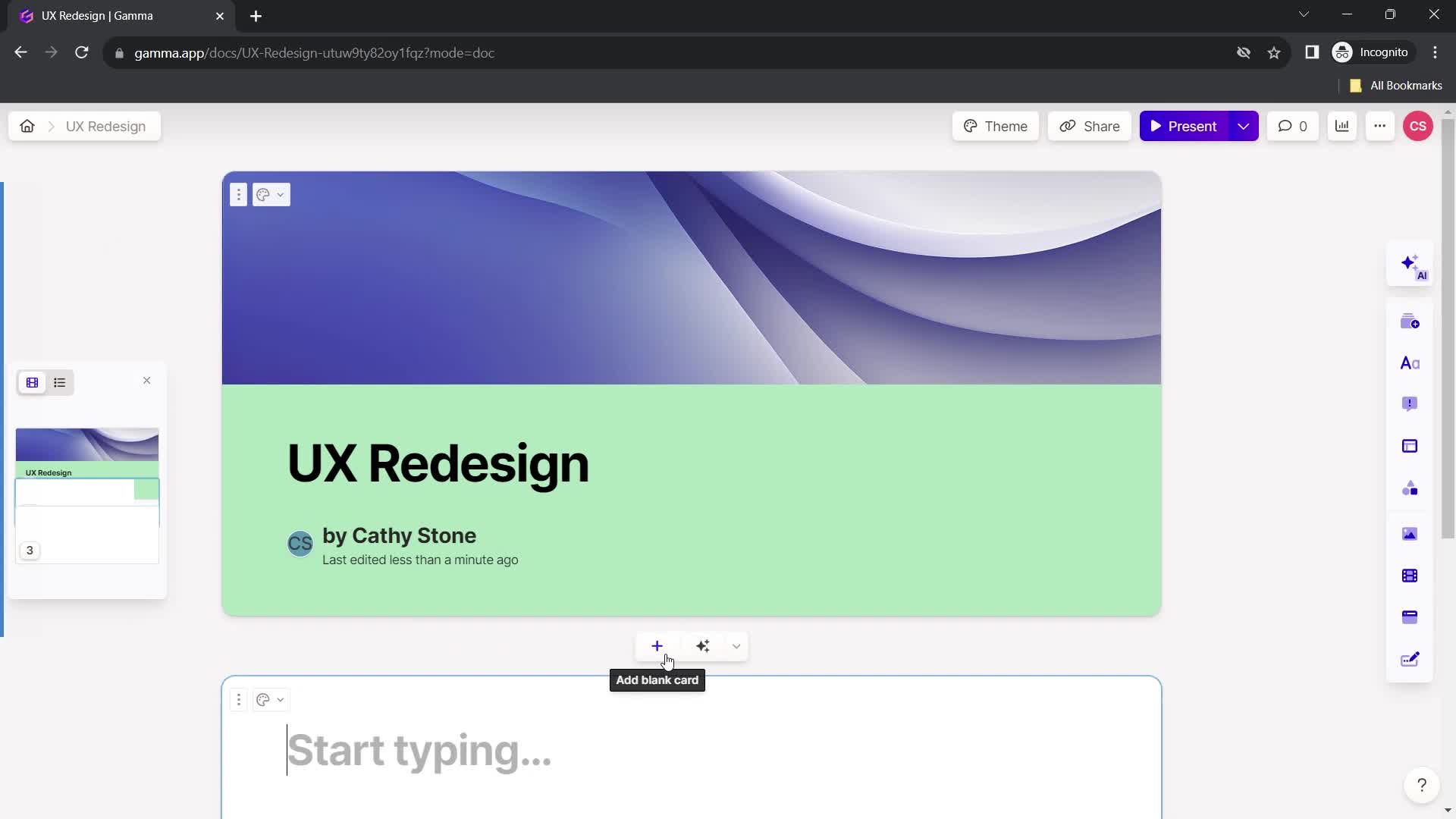
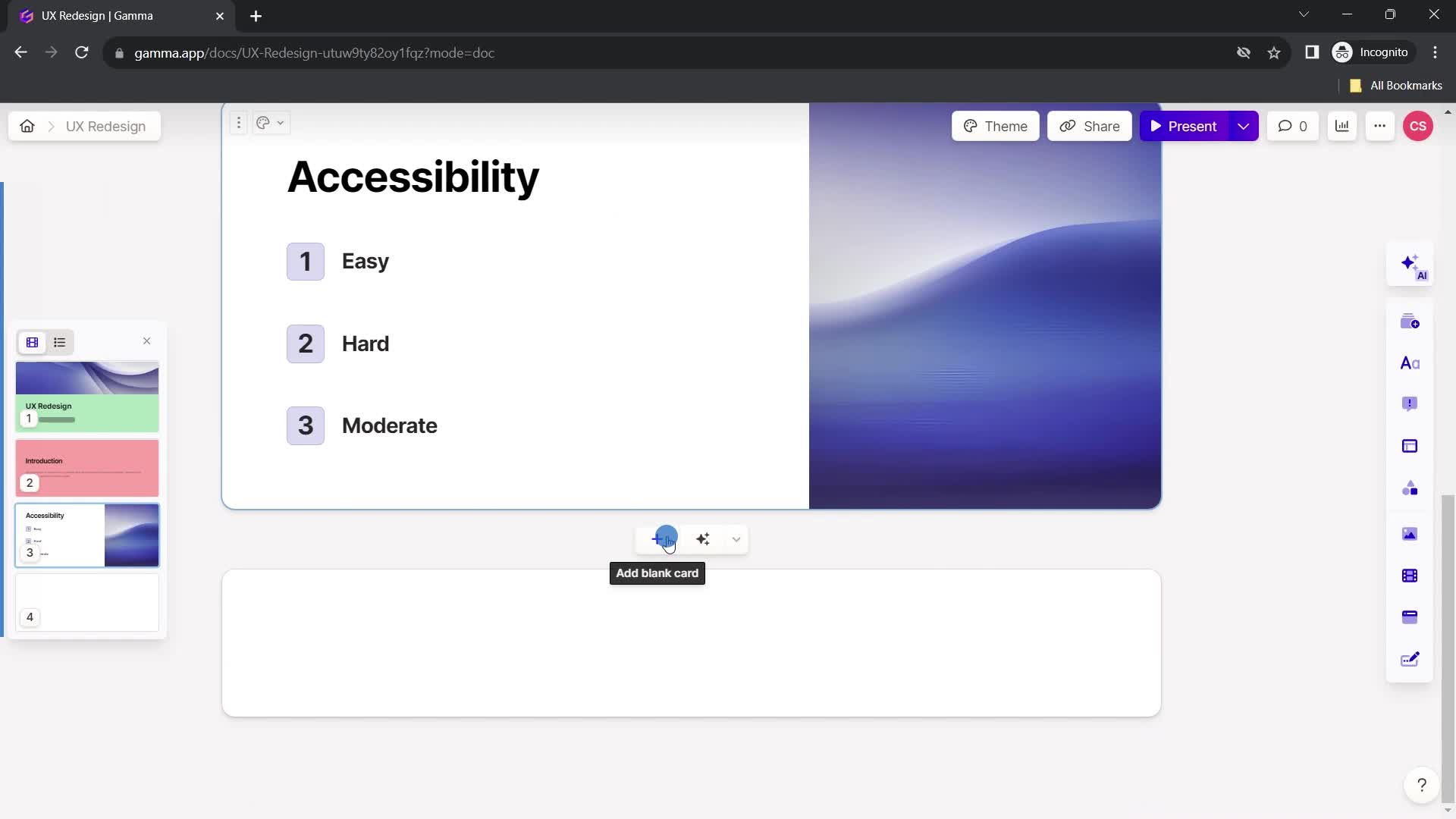
Add card
this is title
Add title
this is title
Format text
this is title
Add headline
this is title
Add text
this is title
this is title
Action menu
this is title
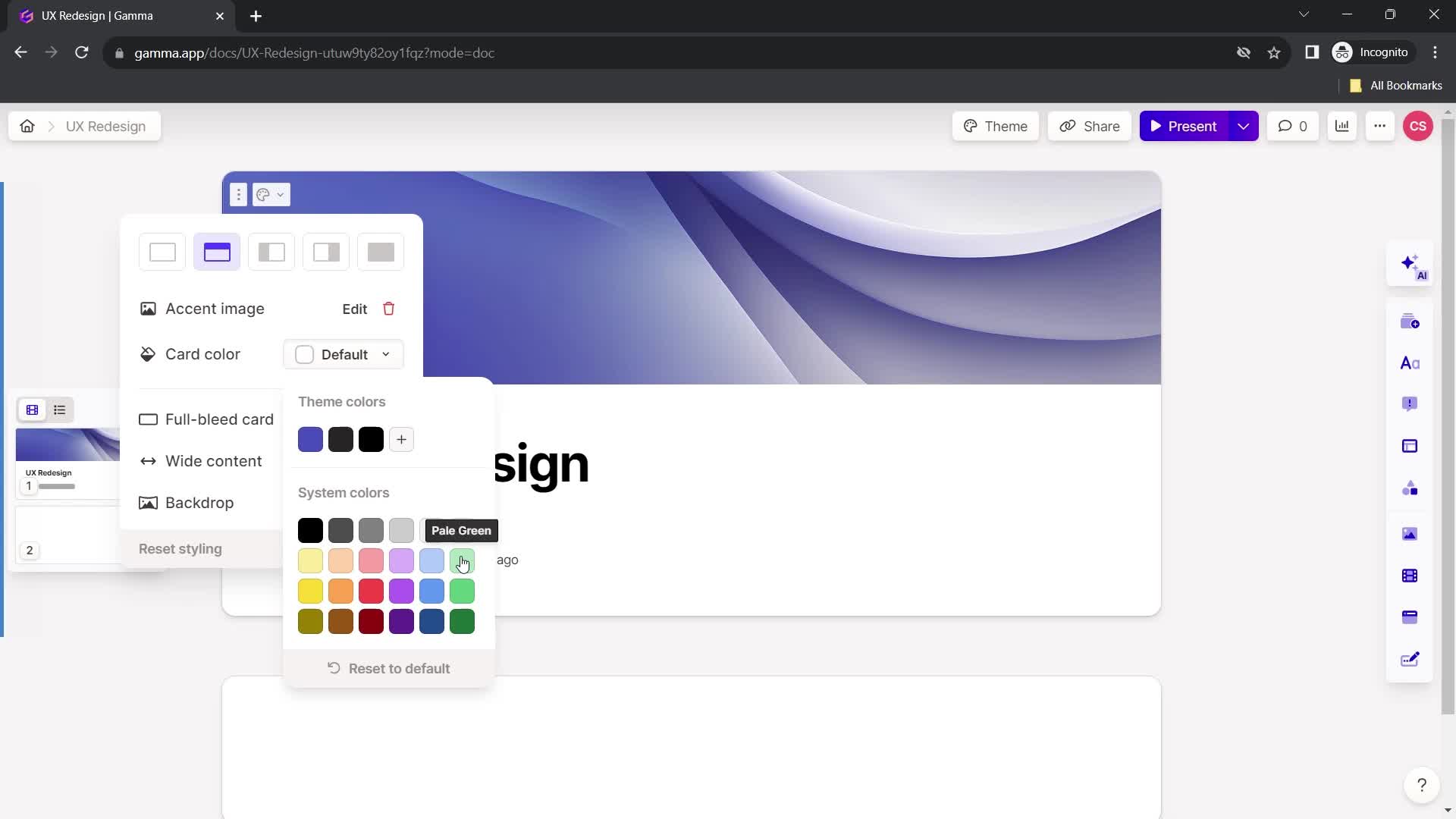
Add color
this is title
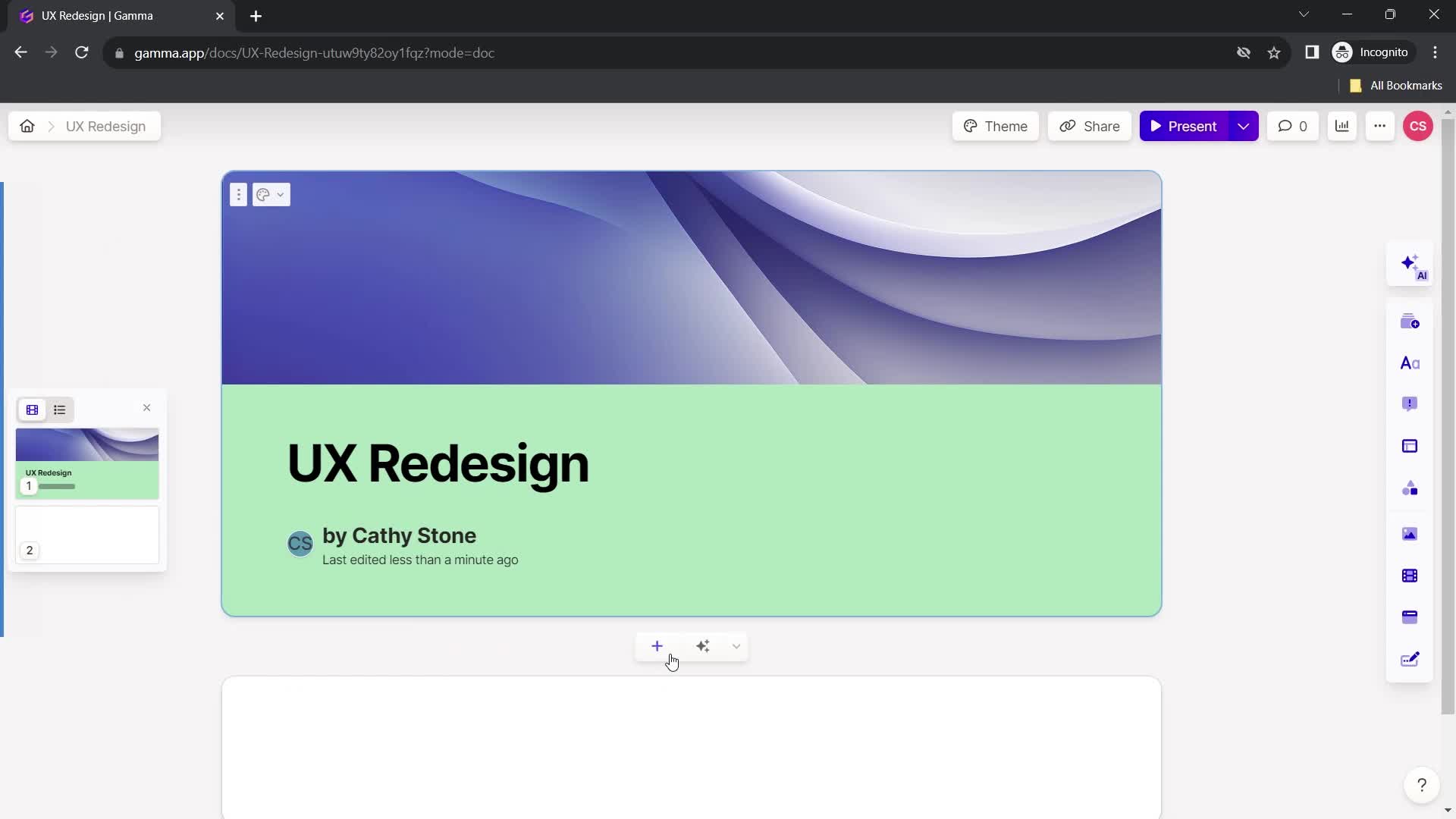
Select color
this is title
New board
this is title
Add title
this is title
Select layout
this is title
Add text
this is title
this is title
this is title
Select layout
this is title
Add slides
this is title
Add title
this is title
this is title
Select layout
this is title
Add text
this is title
this is title
Add color
this is title
Select color
this is title
New board
this is title
this is title
Confirm exit
this is title
Presentation editor
this is title
Home
this is title
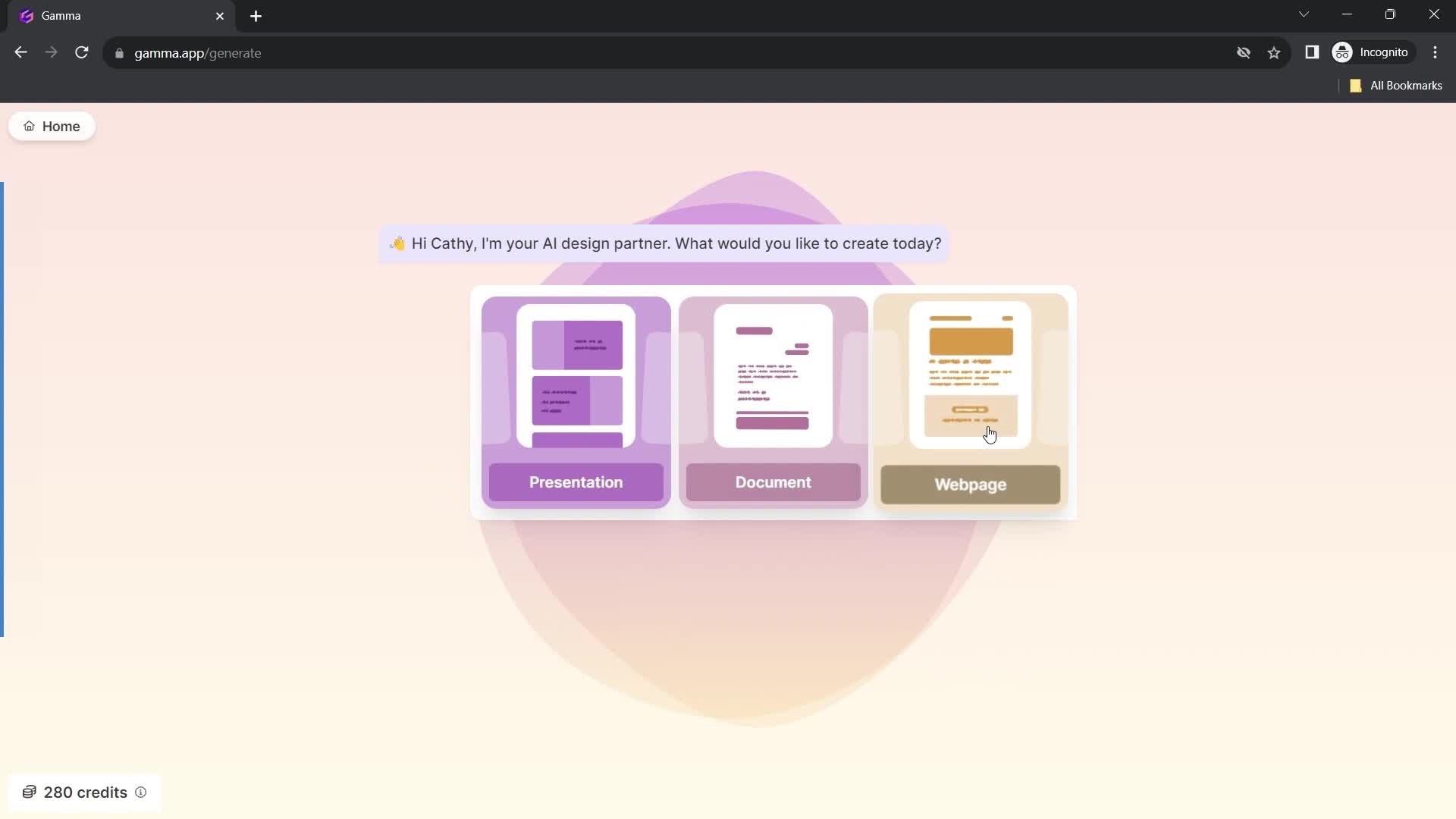
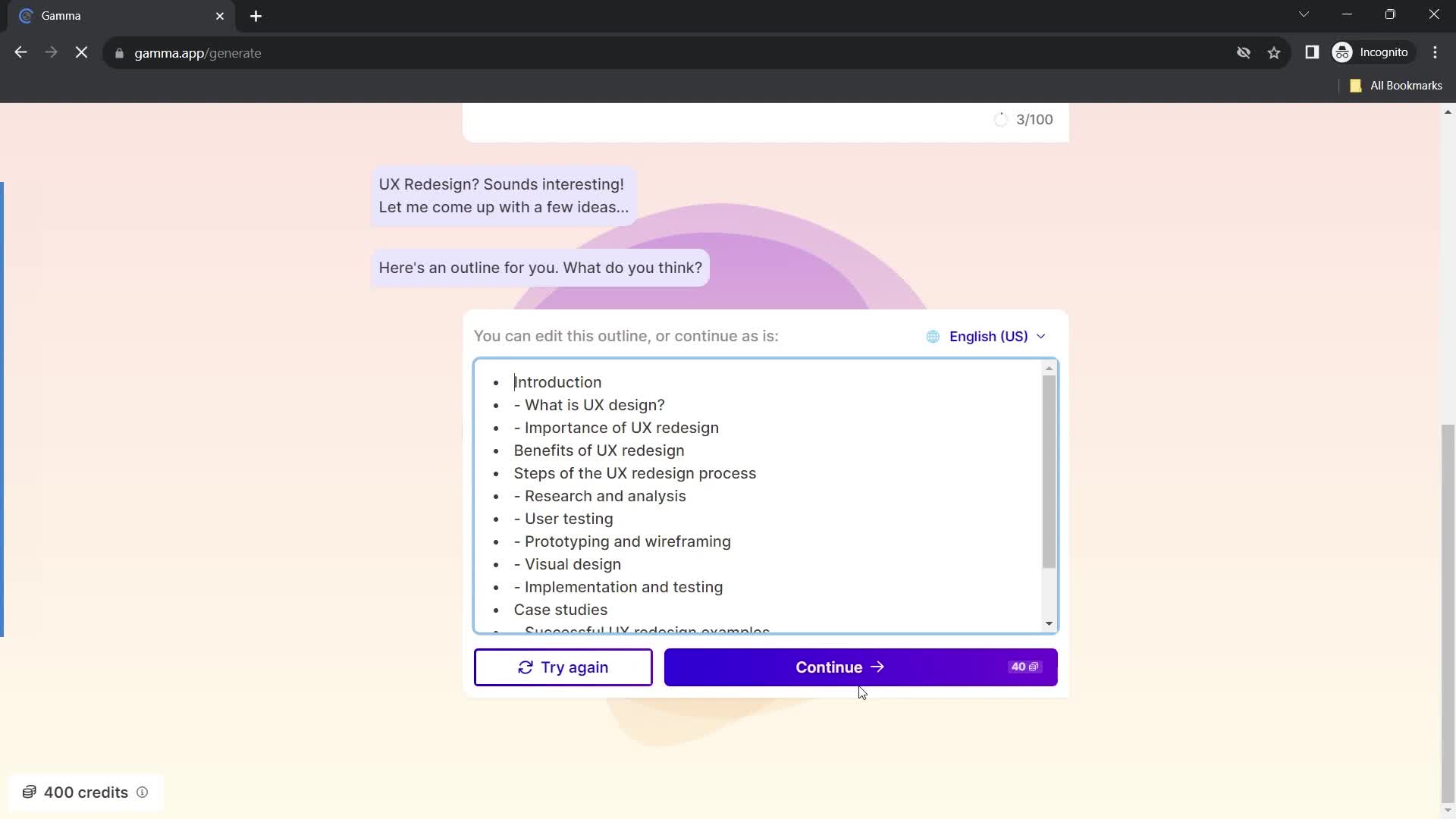
Create new
this is title
Select type
this is title
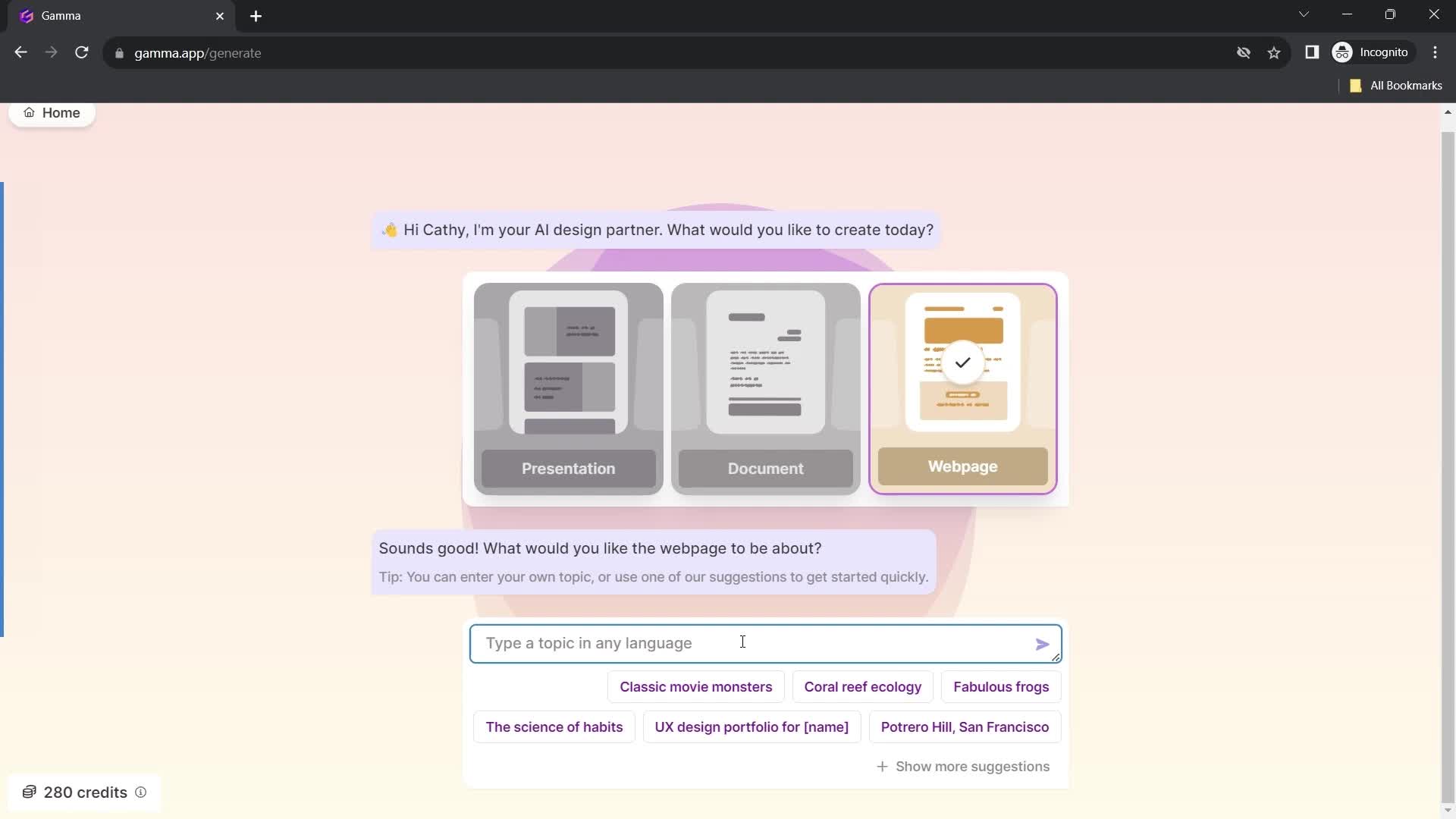
Set topic
this is title
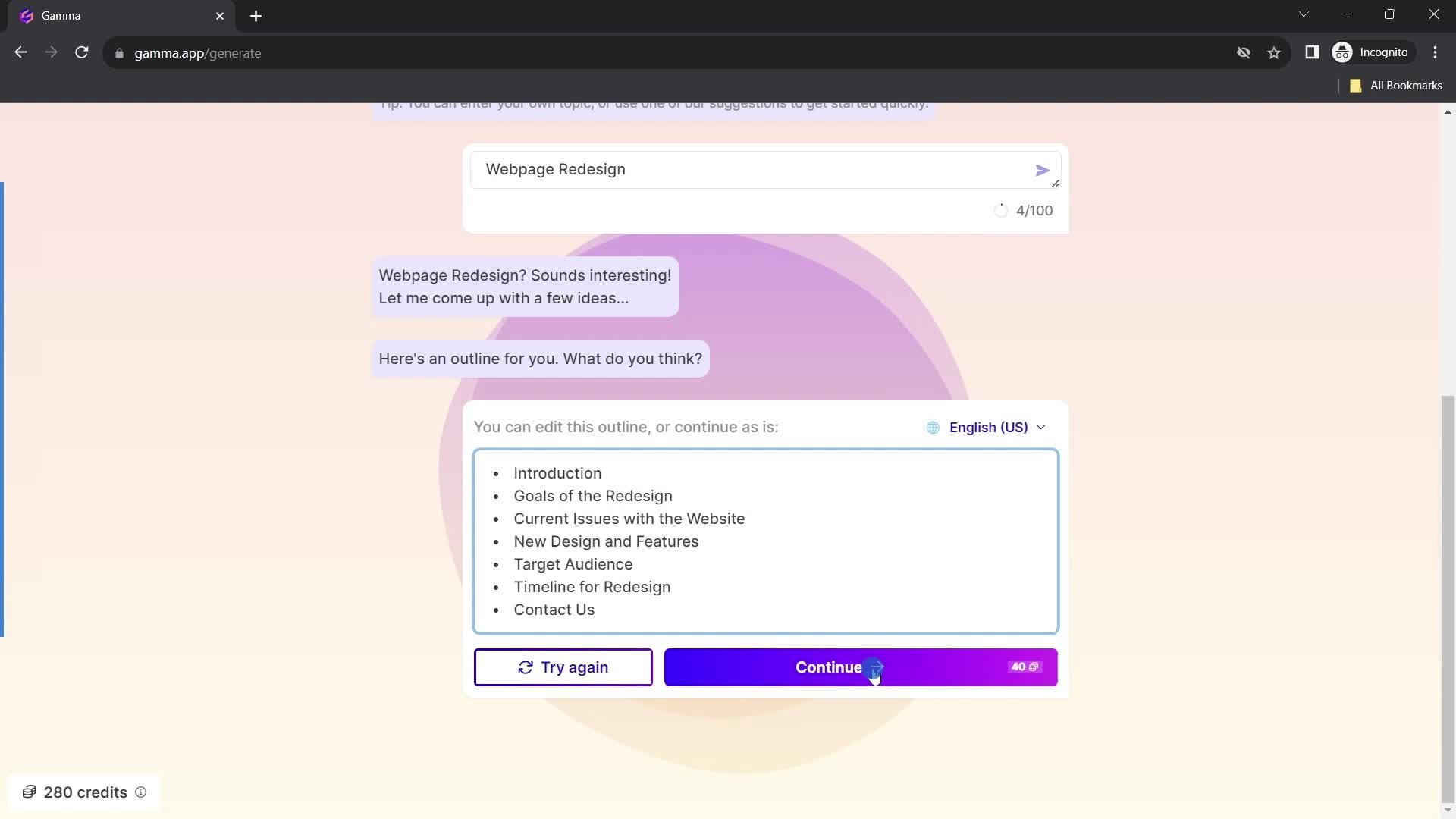
Continue
this is title
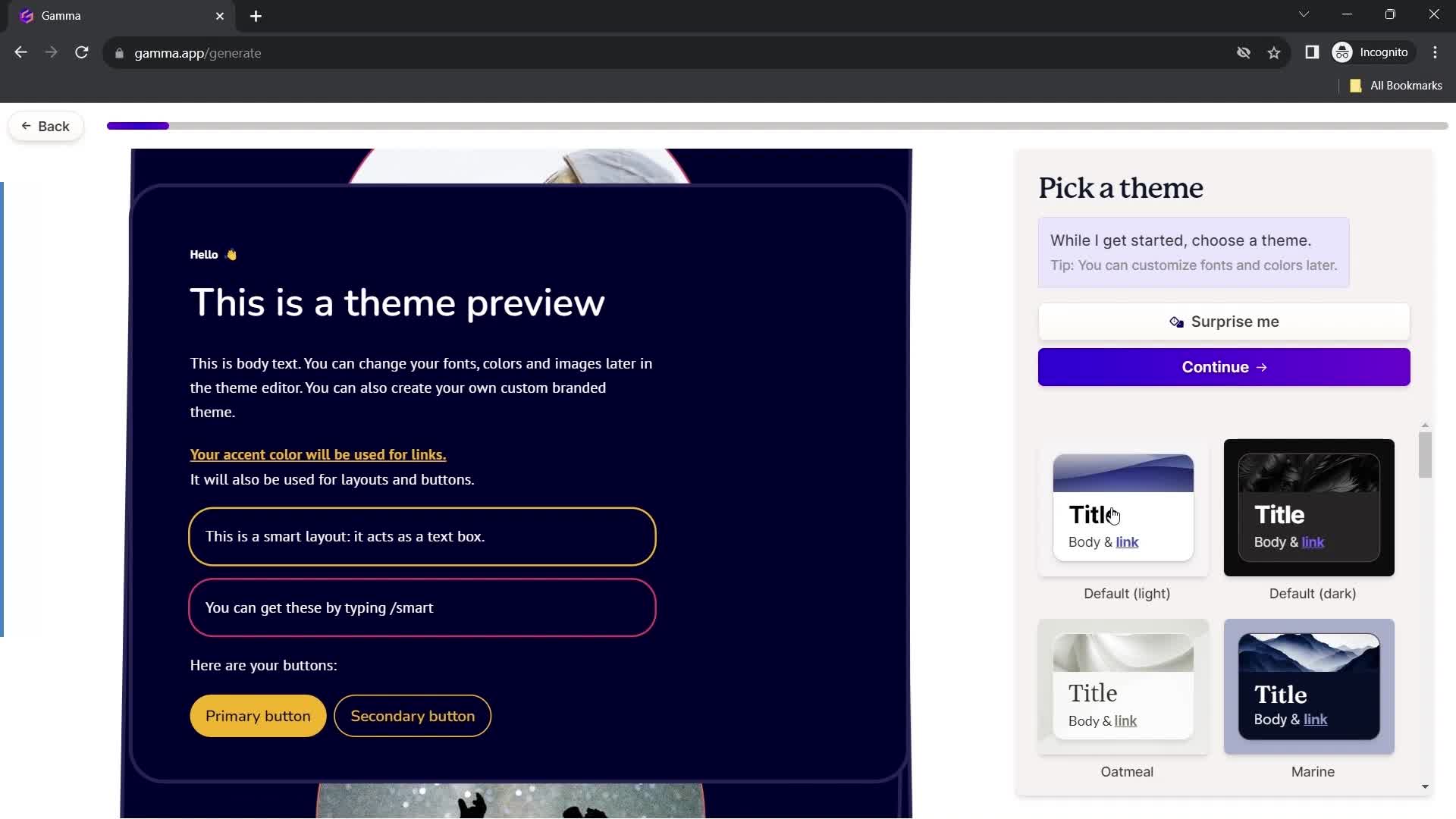
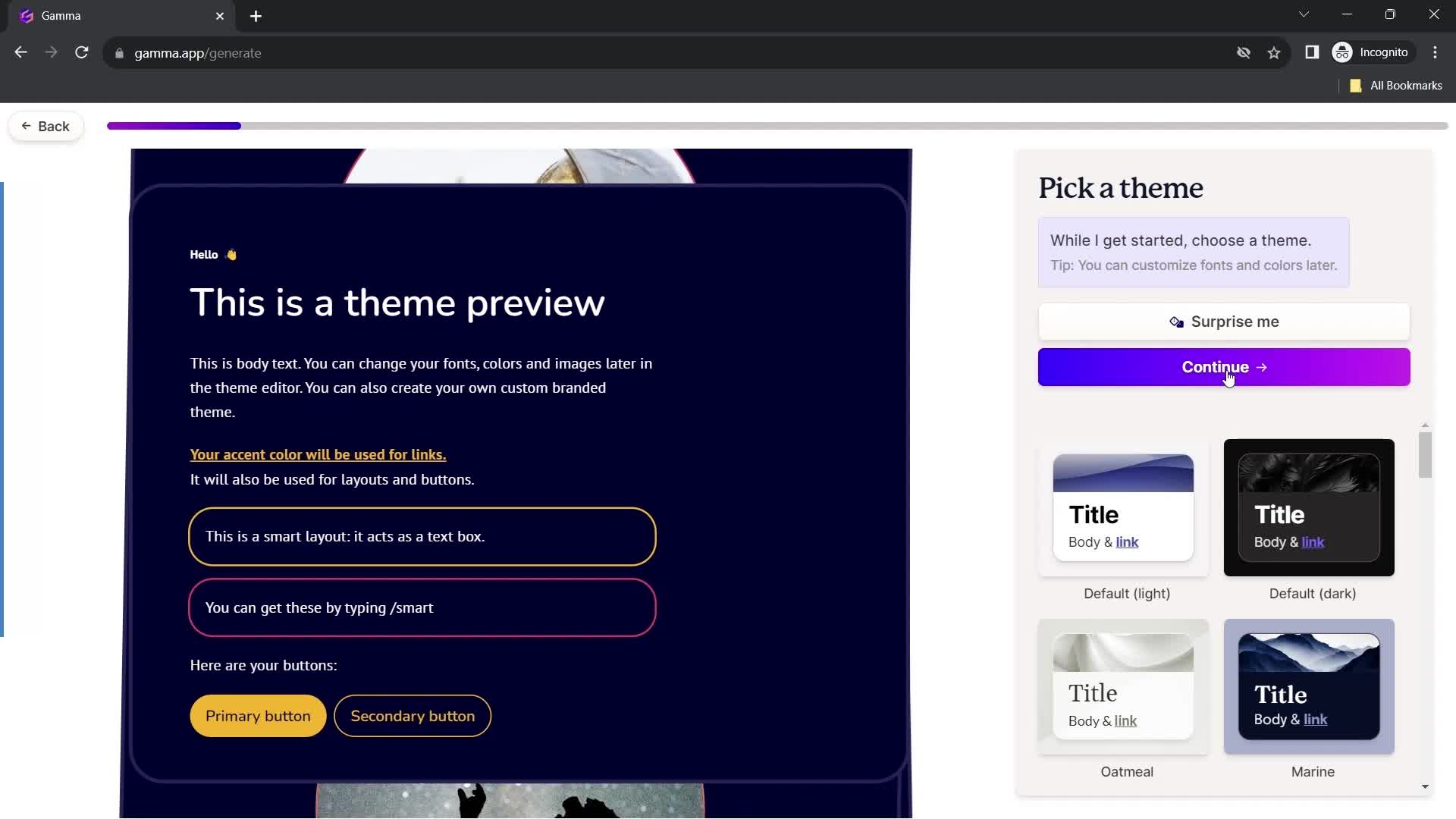
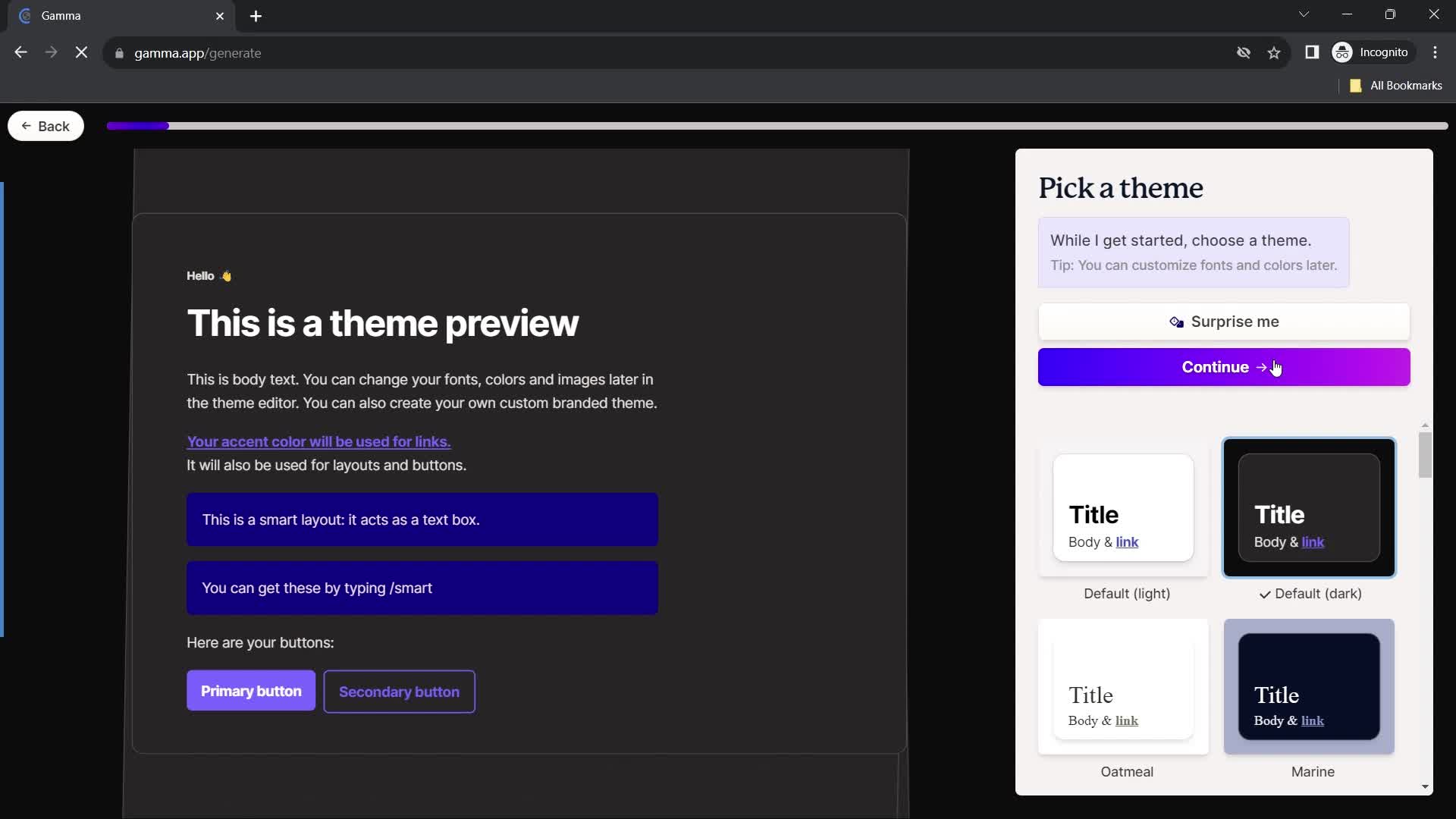
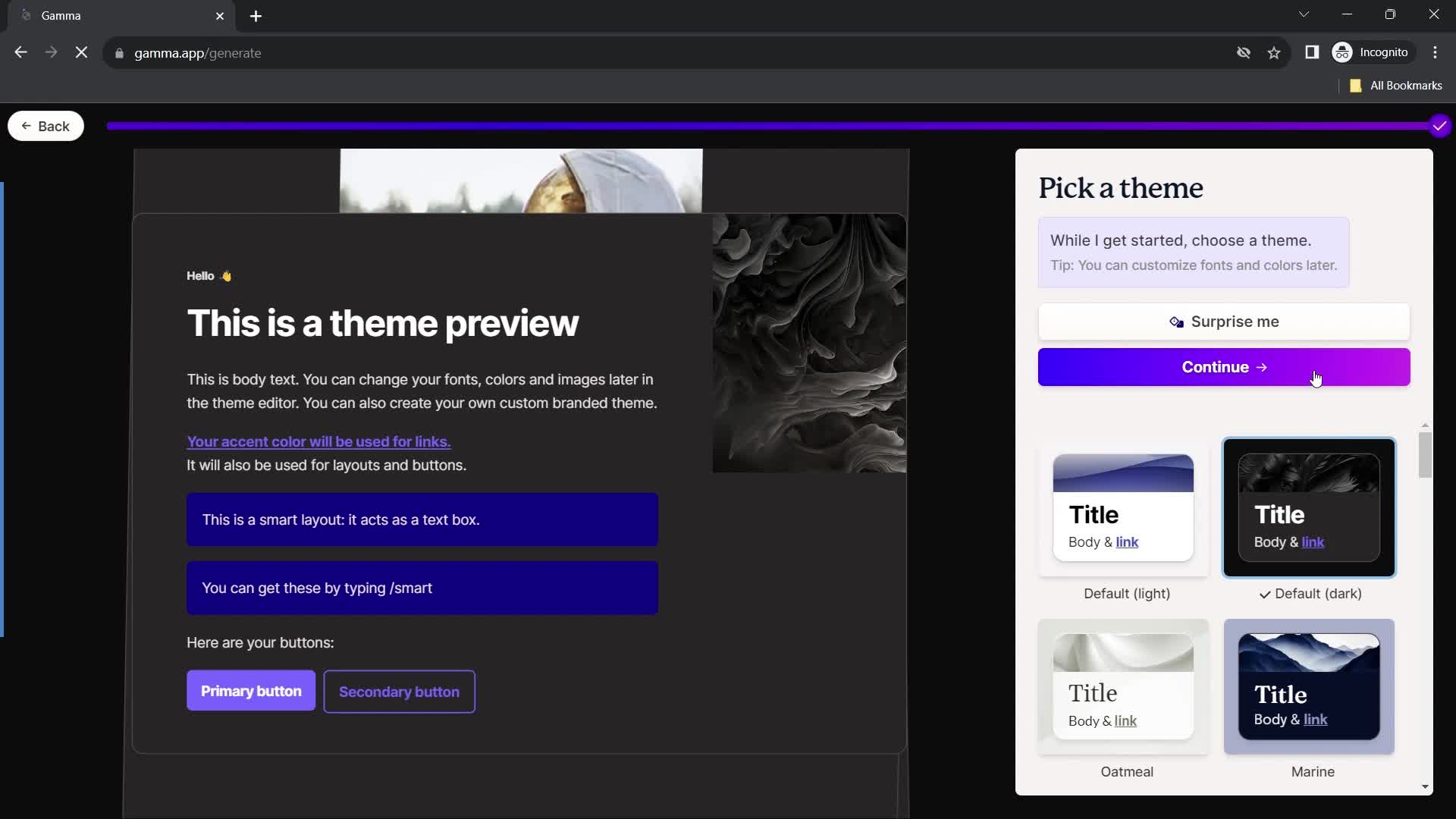
Select theme
this is title
Continue
this is title
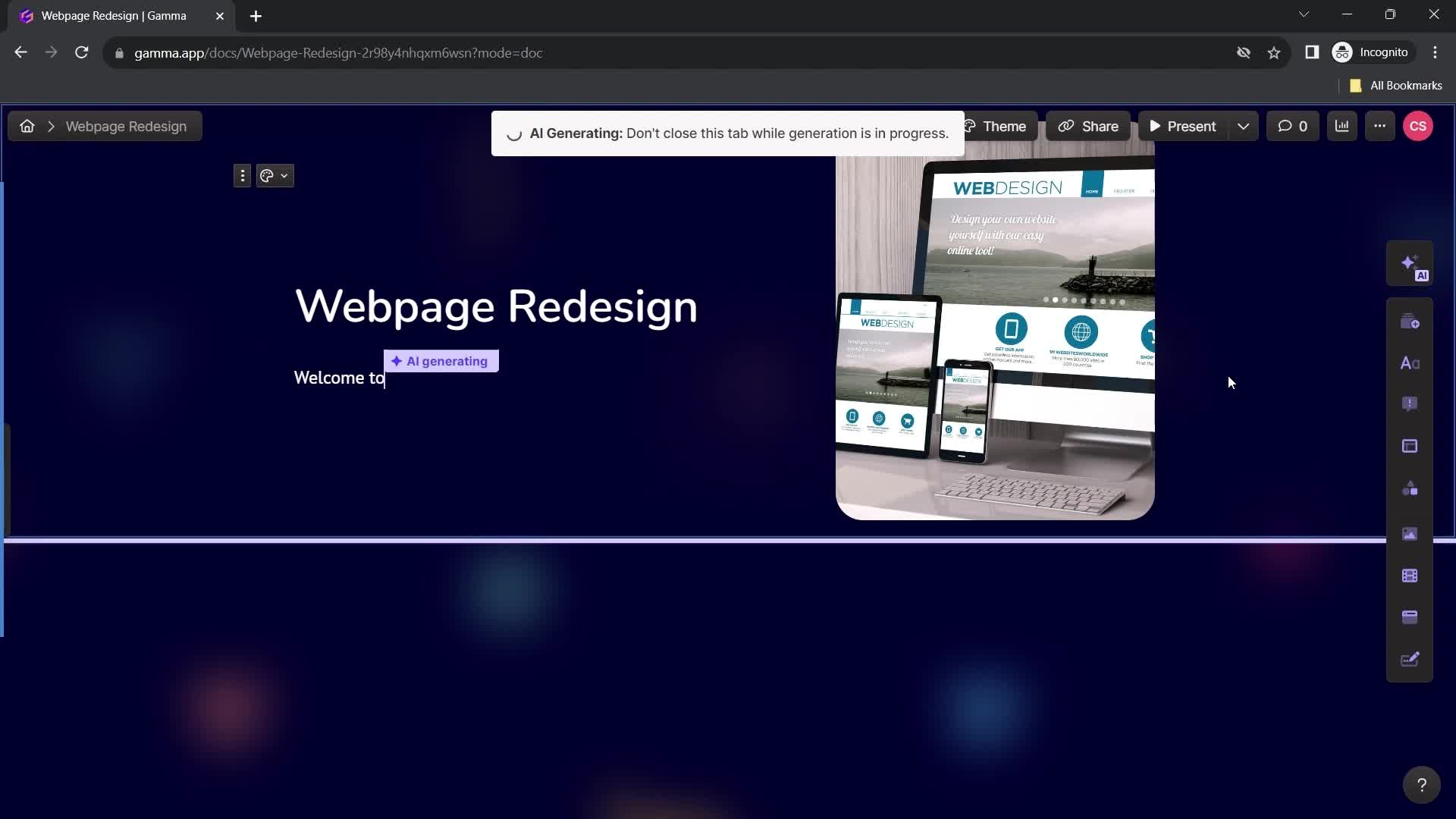
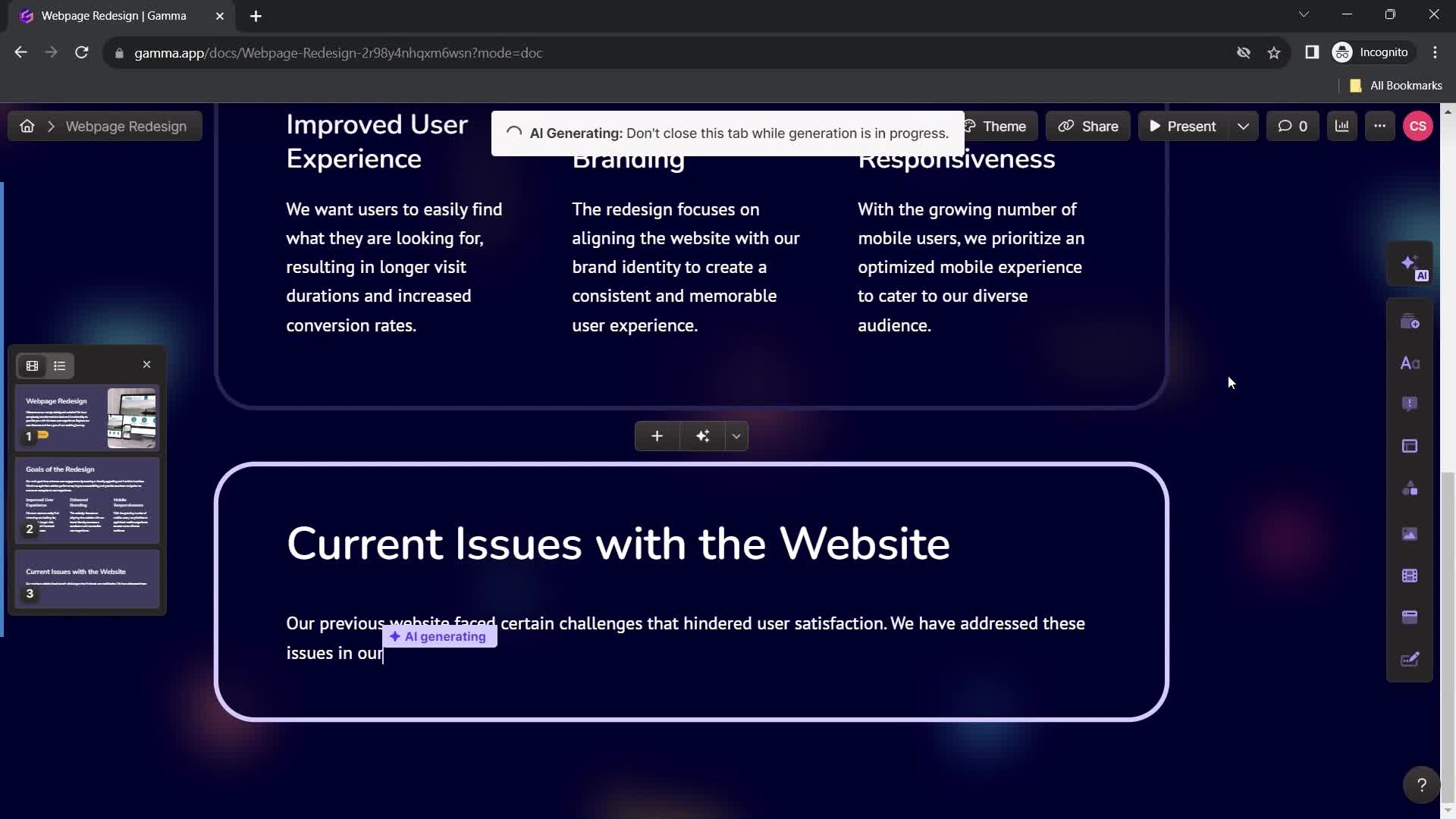
AI Generator
this is title
this is title
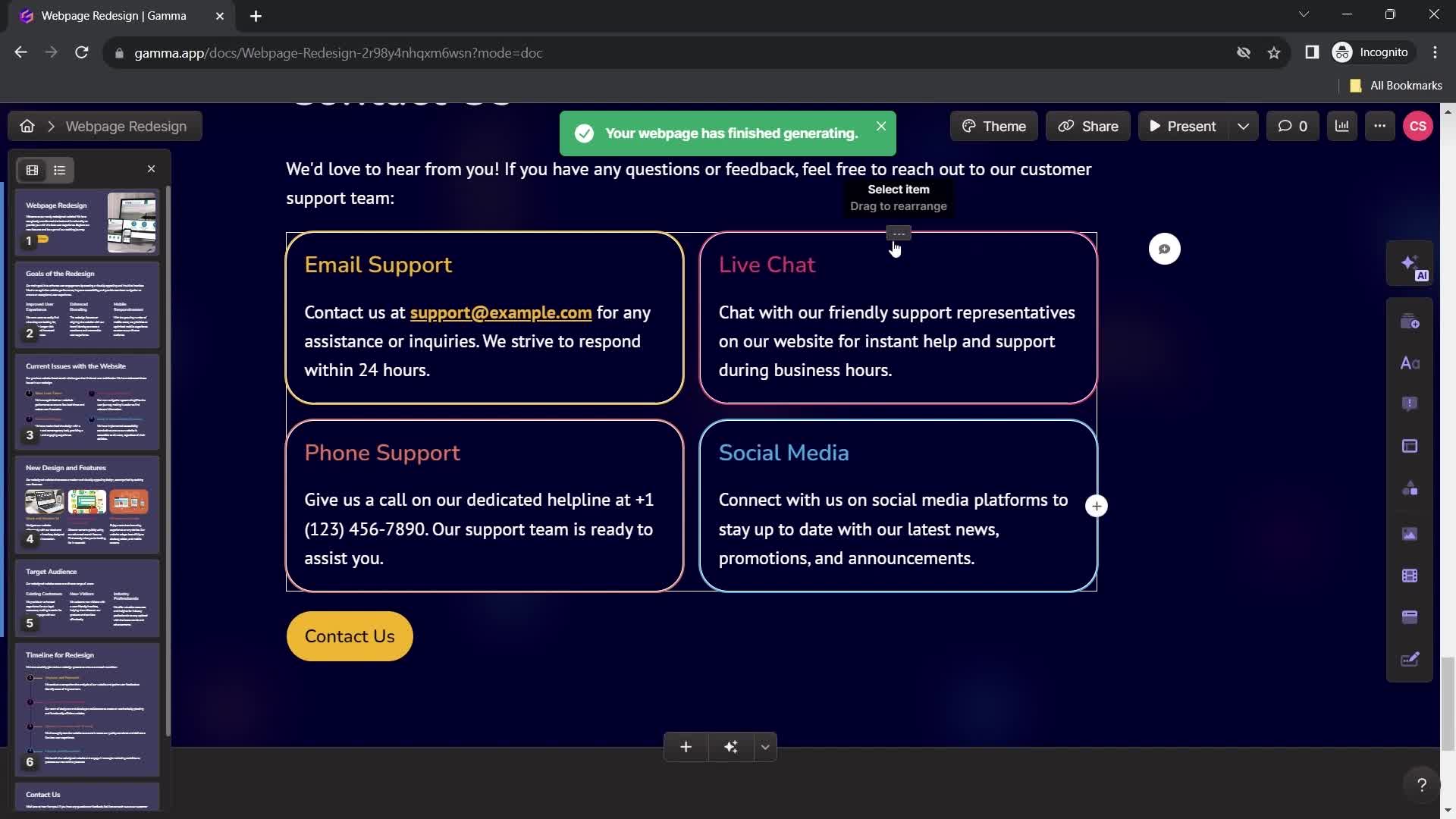
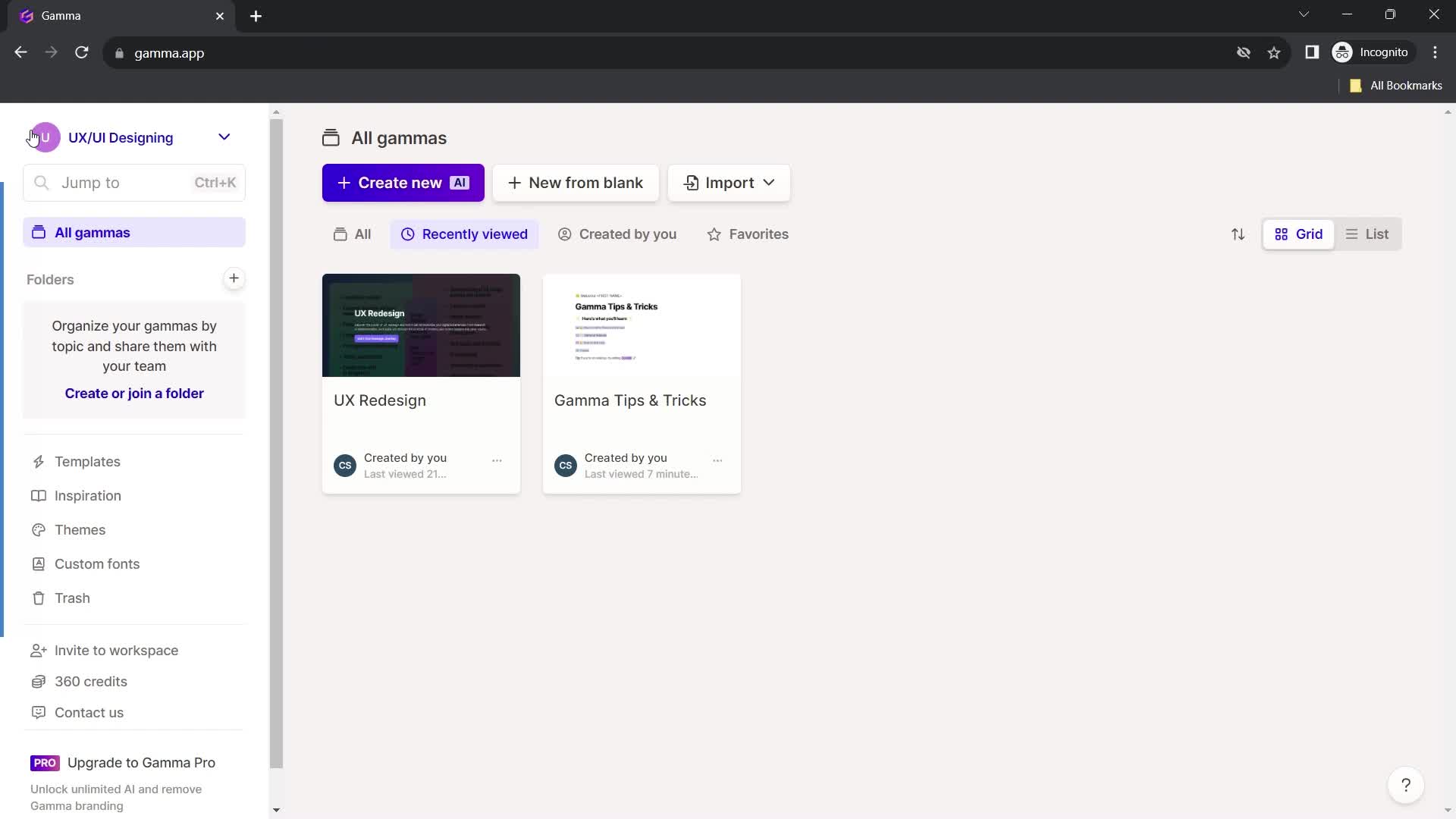
Website created
this is title
Home
this is title
Home
this is title
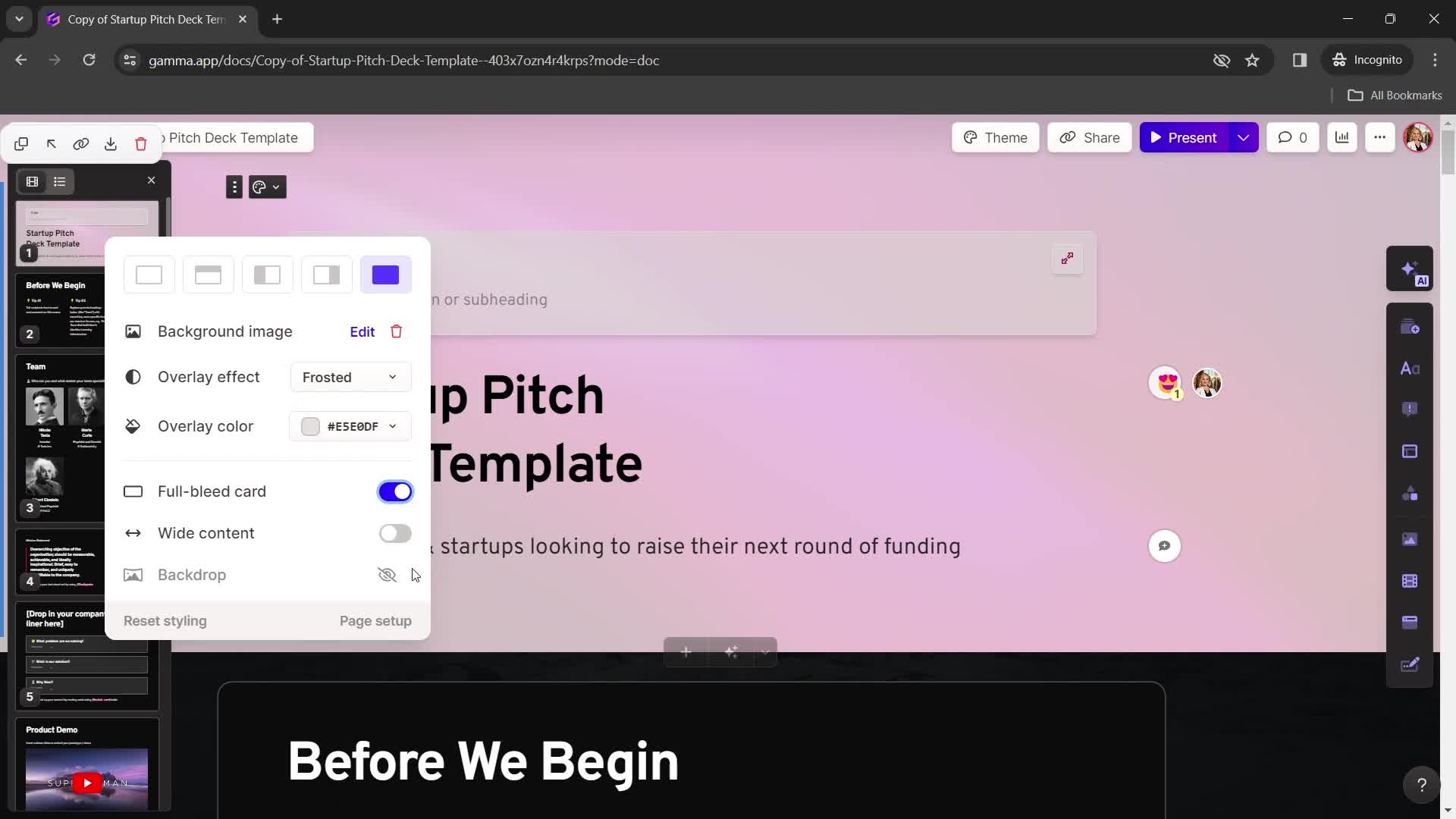
Presentation editor
this is title
Select layout
this is title
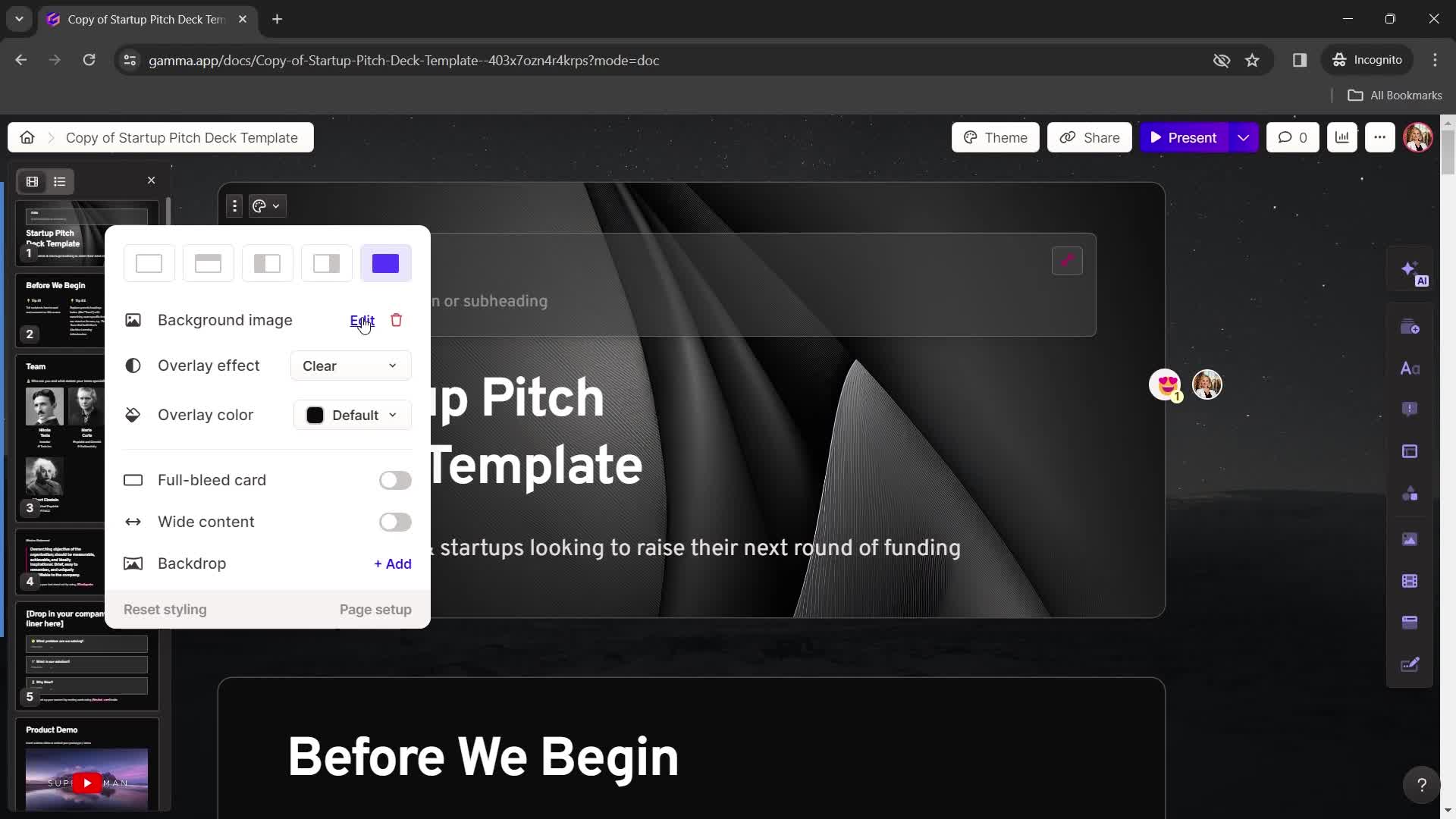
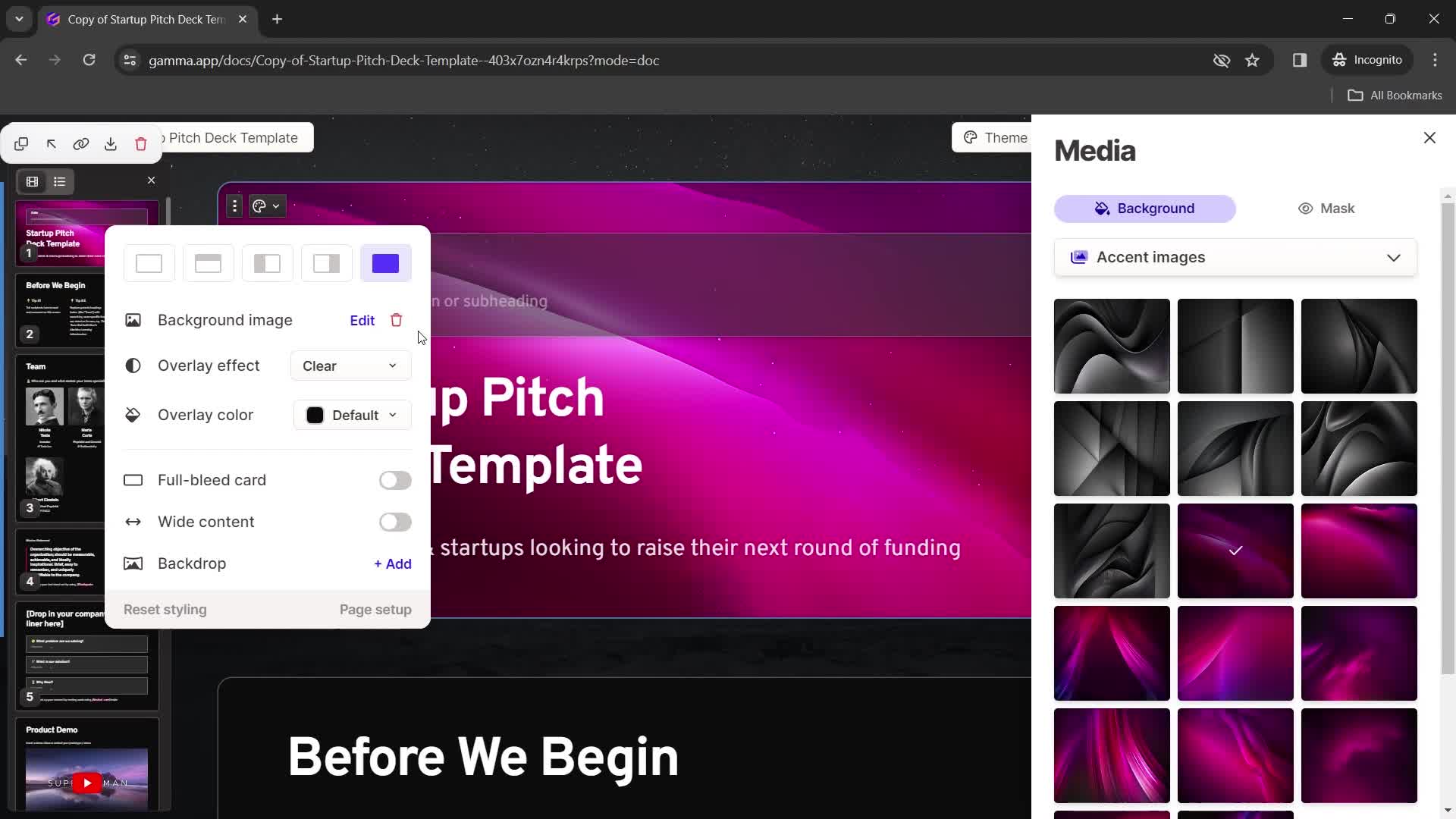
Edit image
this is title
Choose background color
this is title
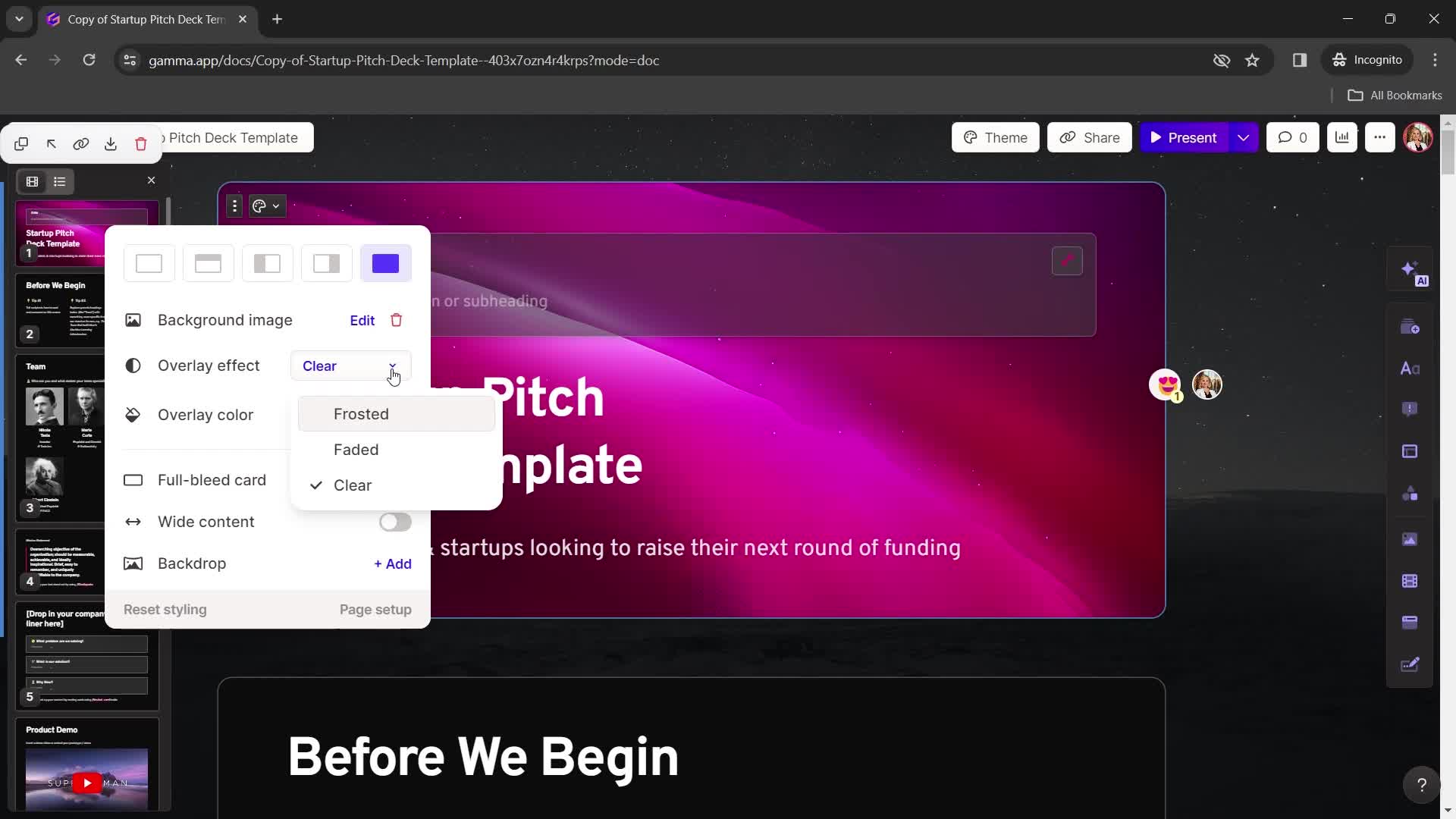
Add effect
this is title
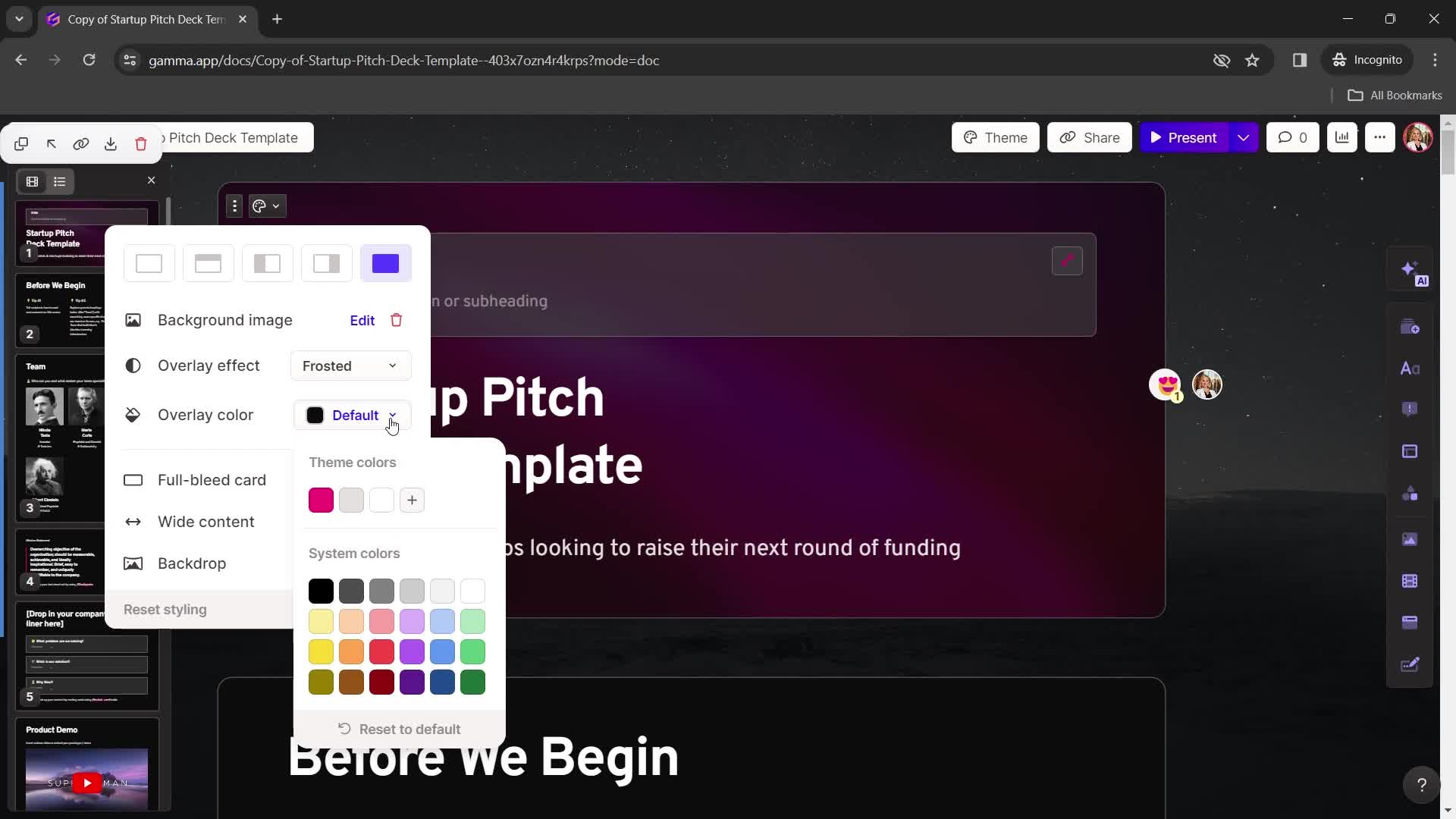
Add color
this is title
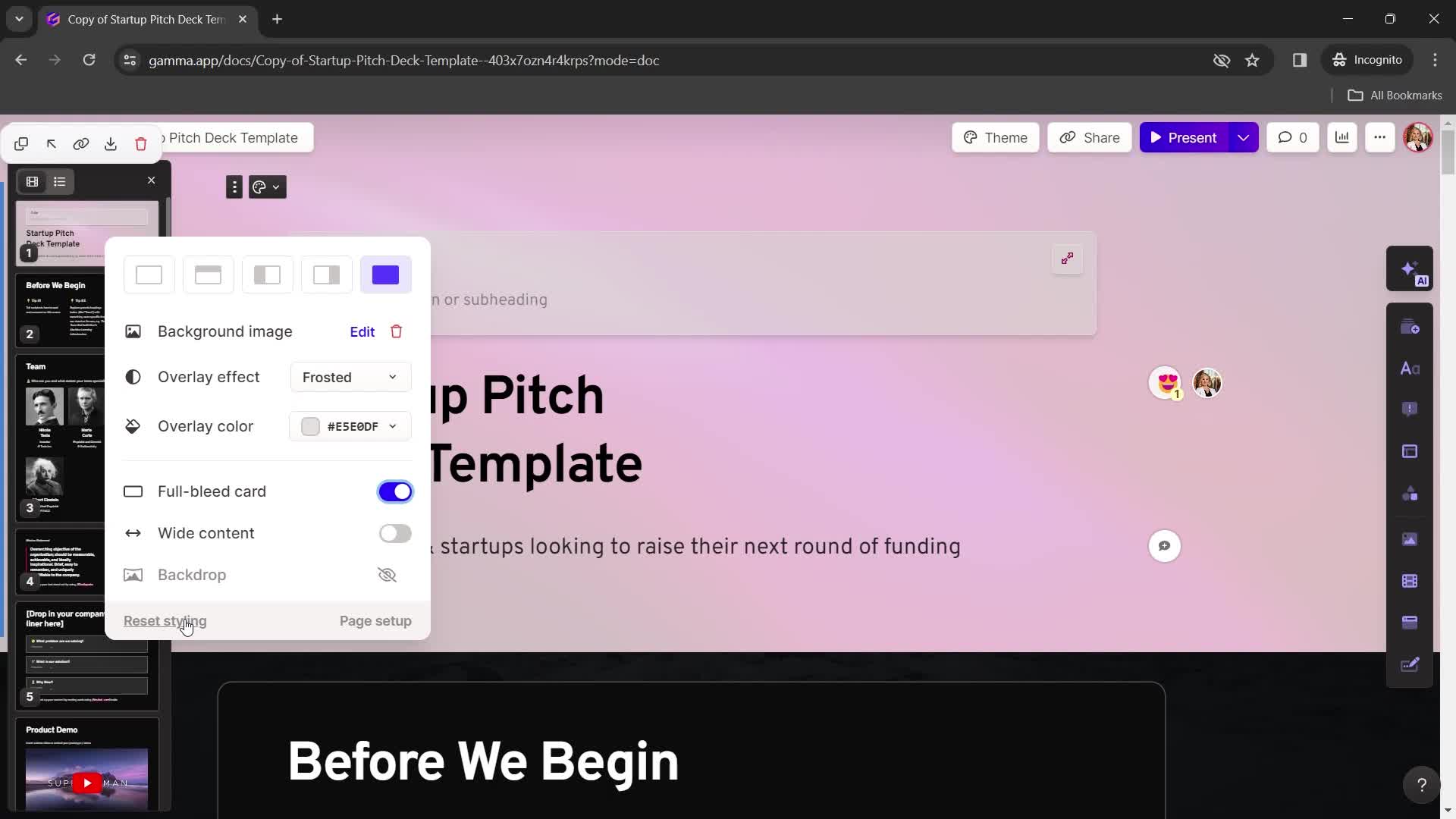
this is title
Reset
this is title
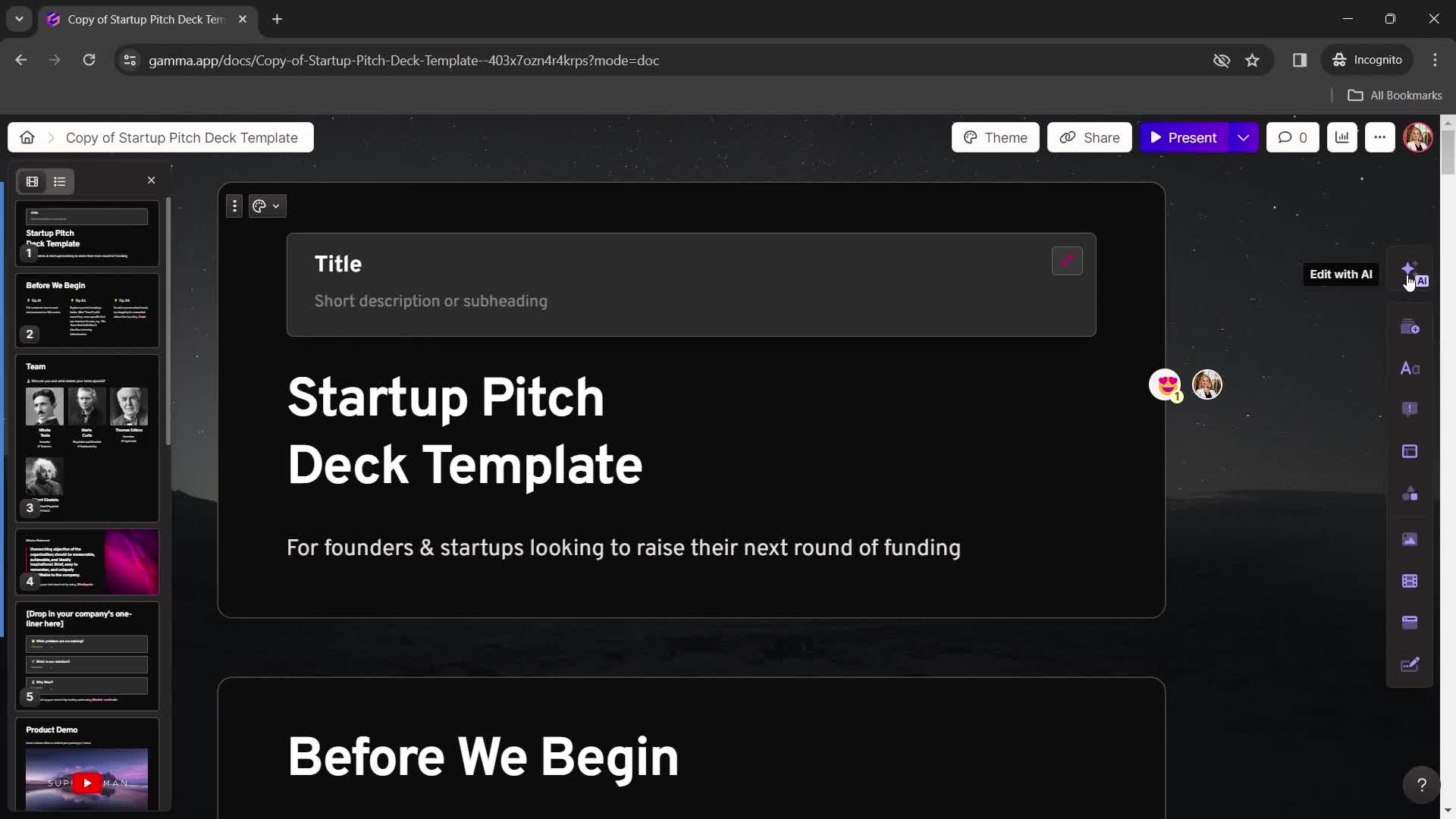
Presentation editor
this is title
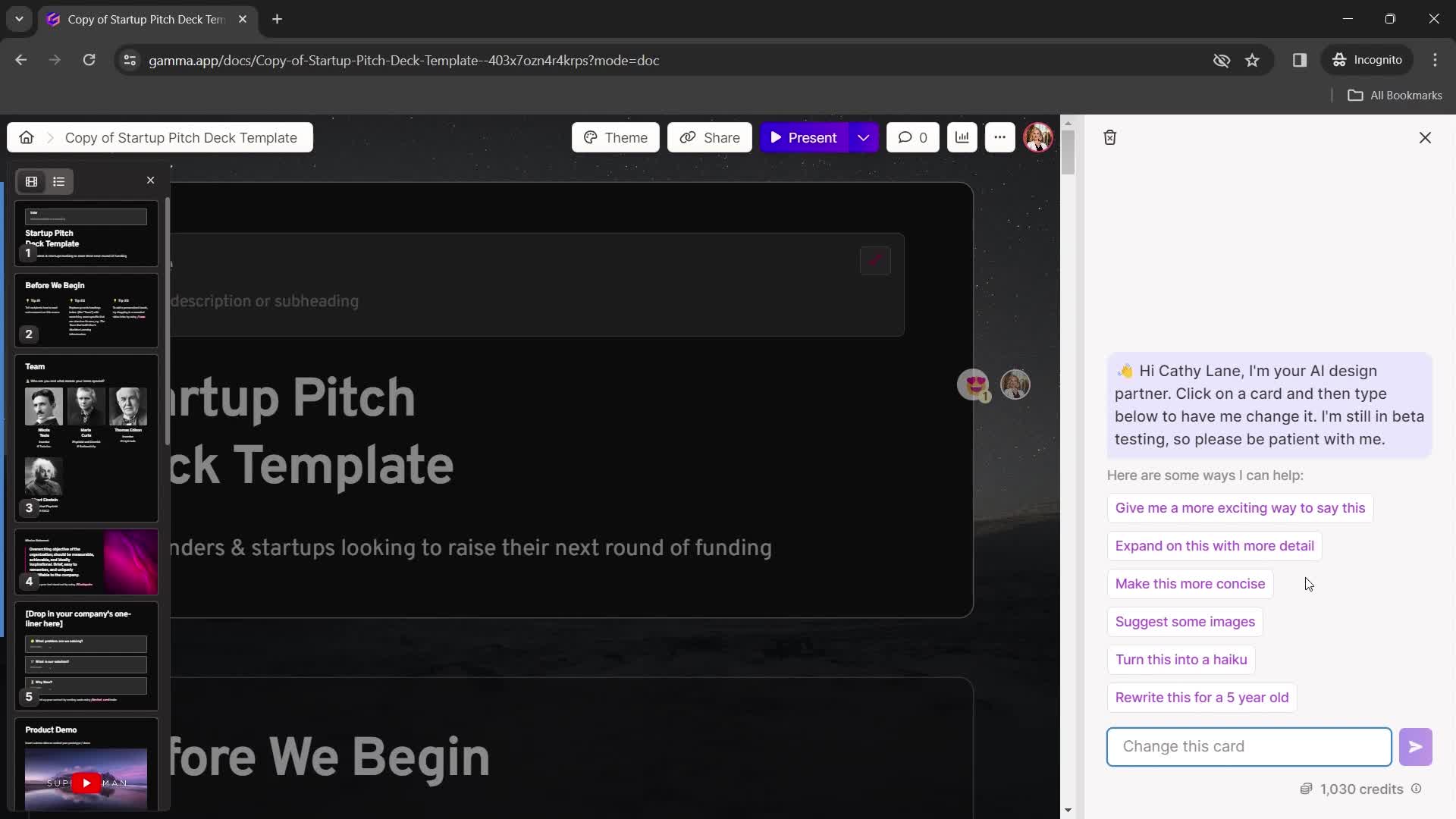
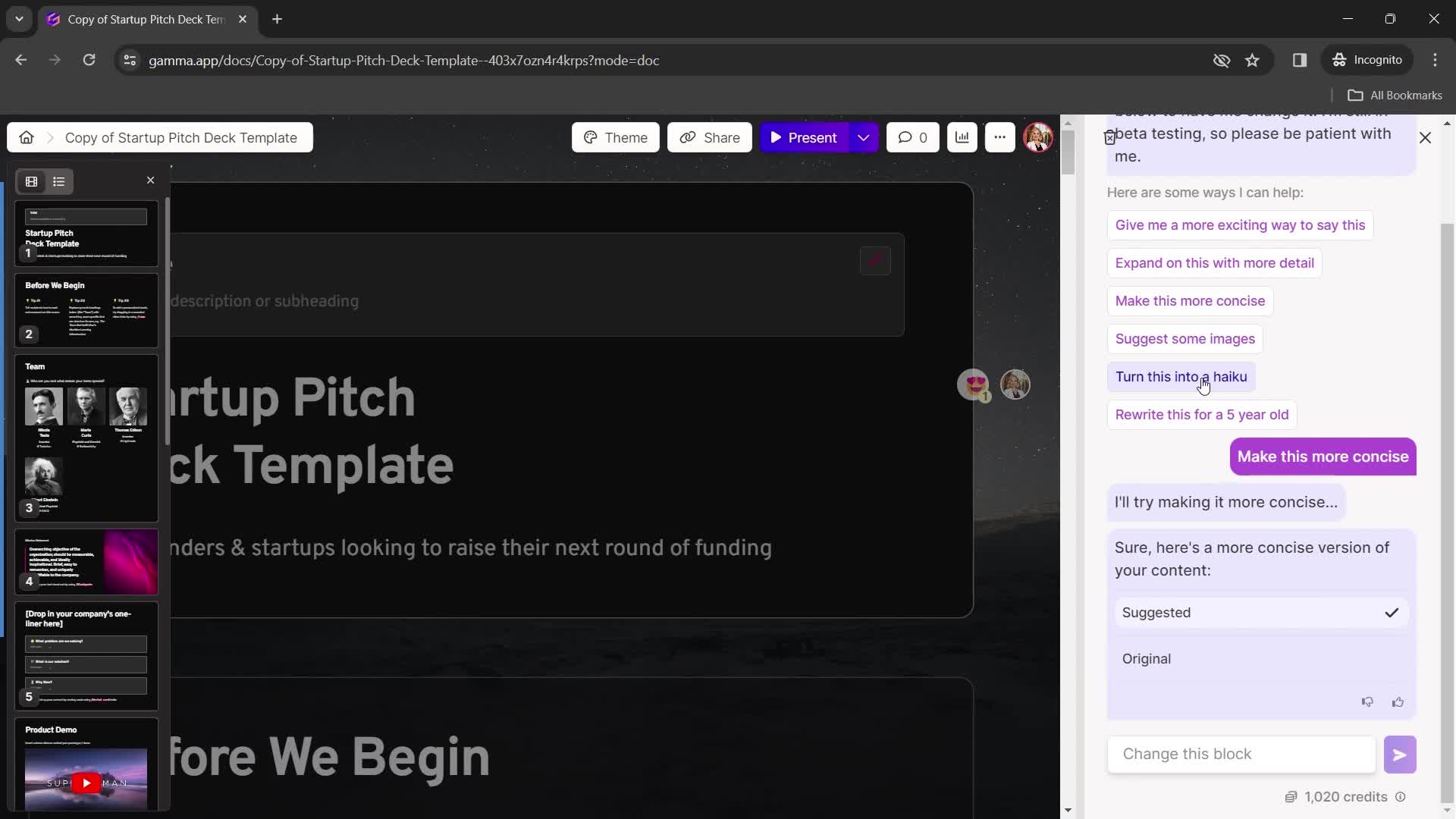
Chat bot
this is title
Chat thread
this is title
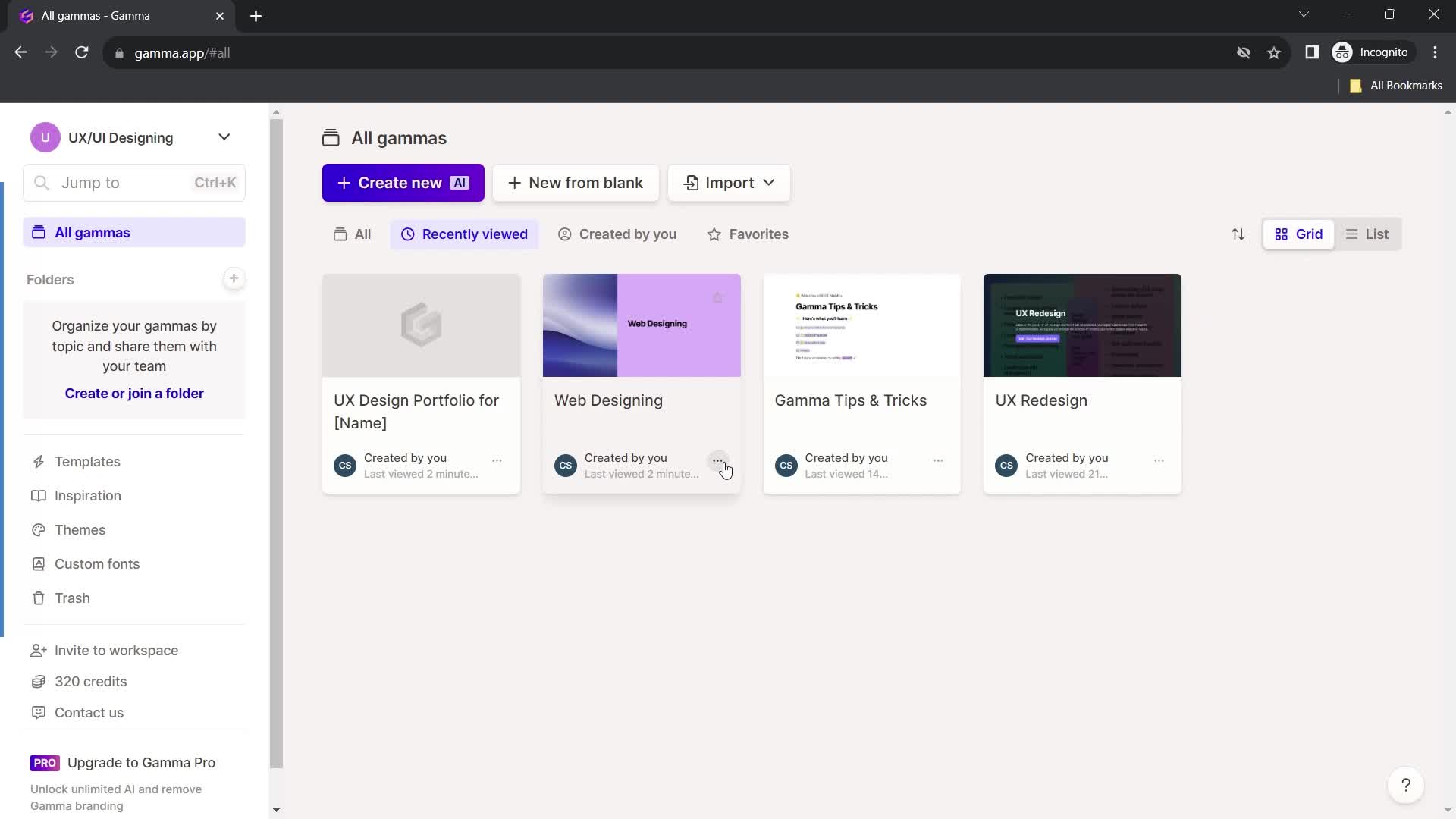
Home
this is title
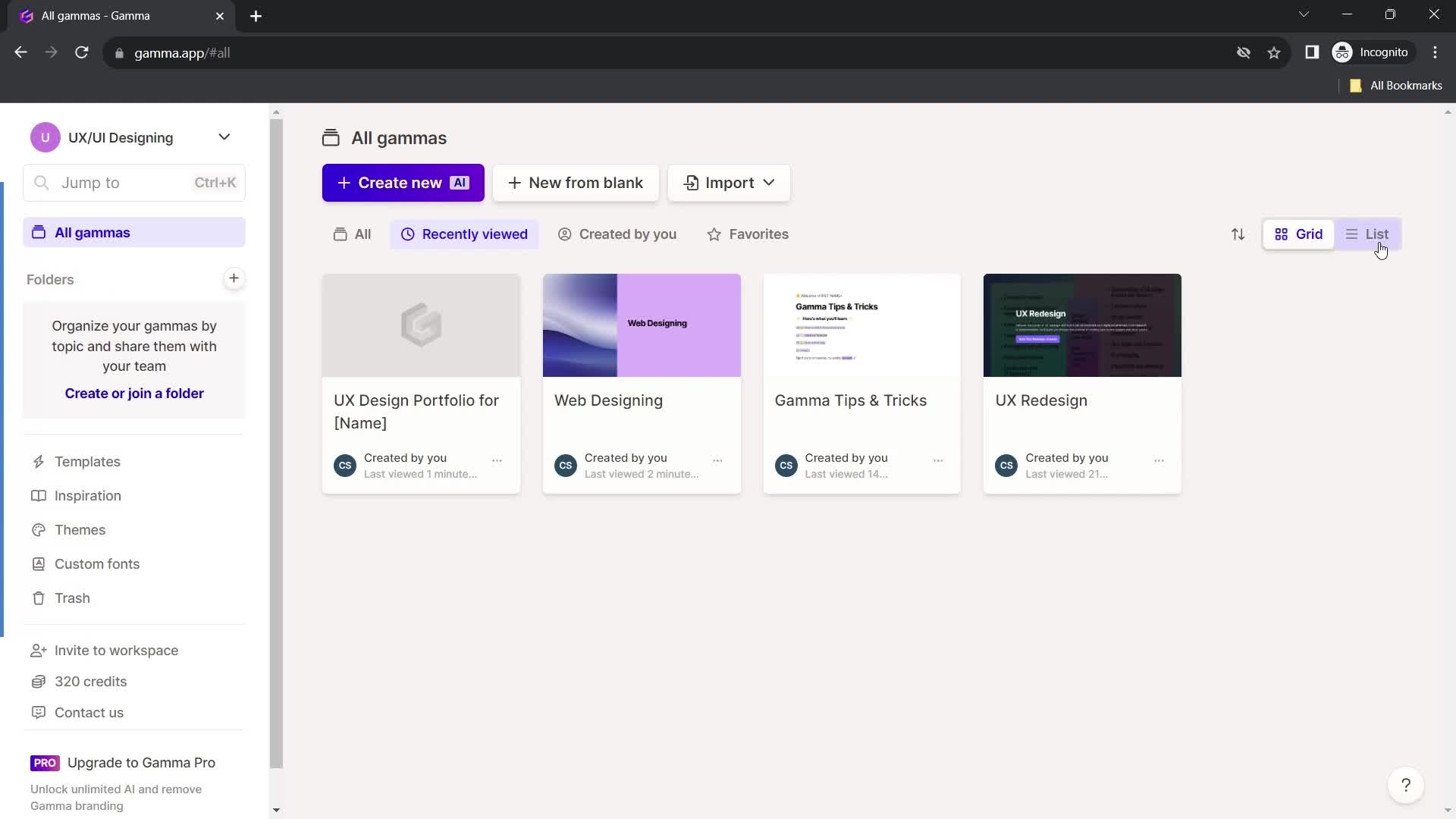
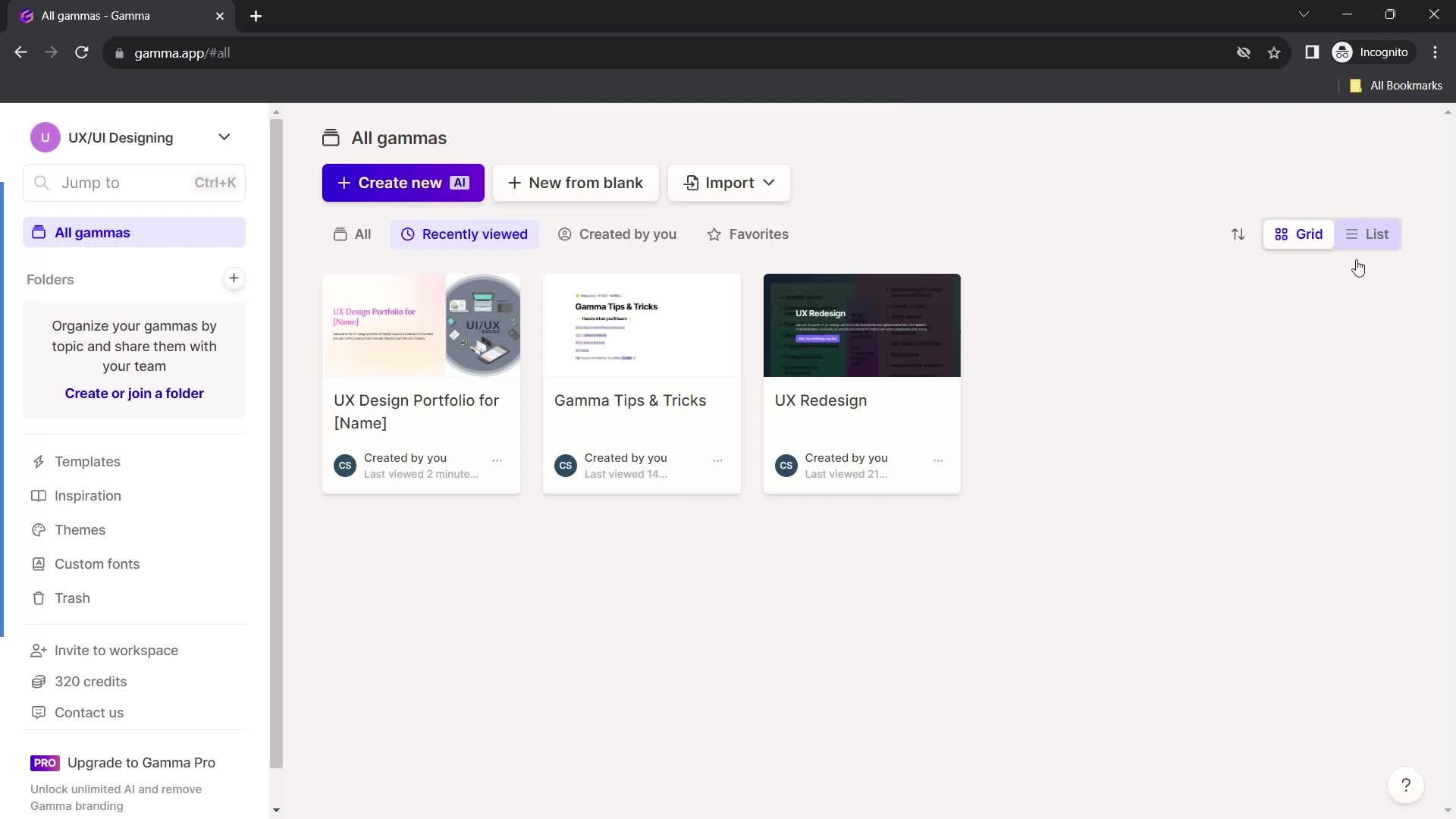
List view
this is title
this is title
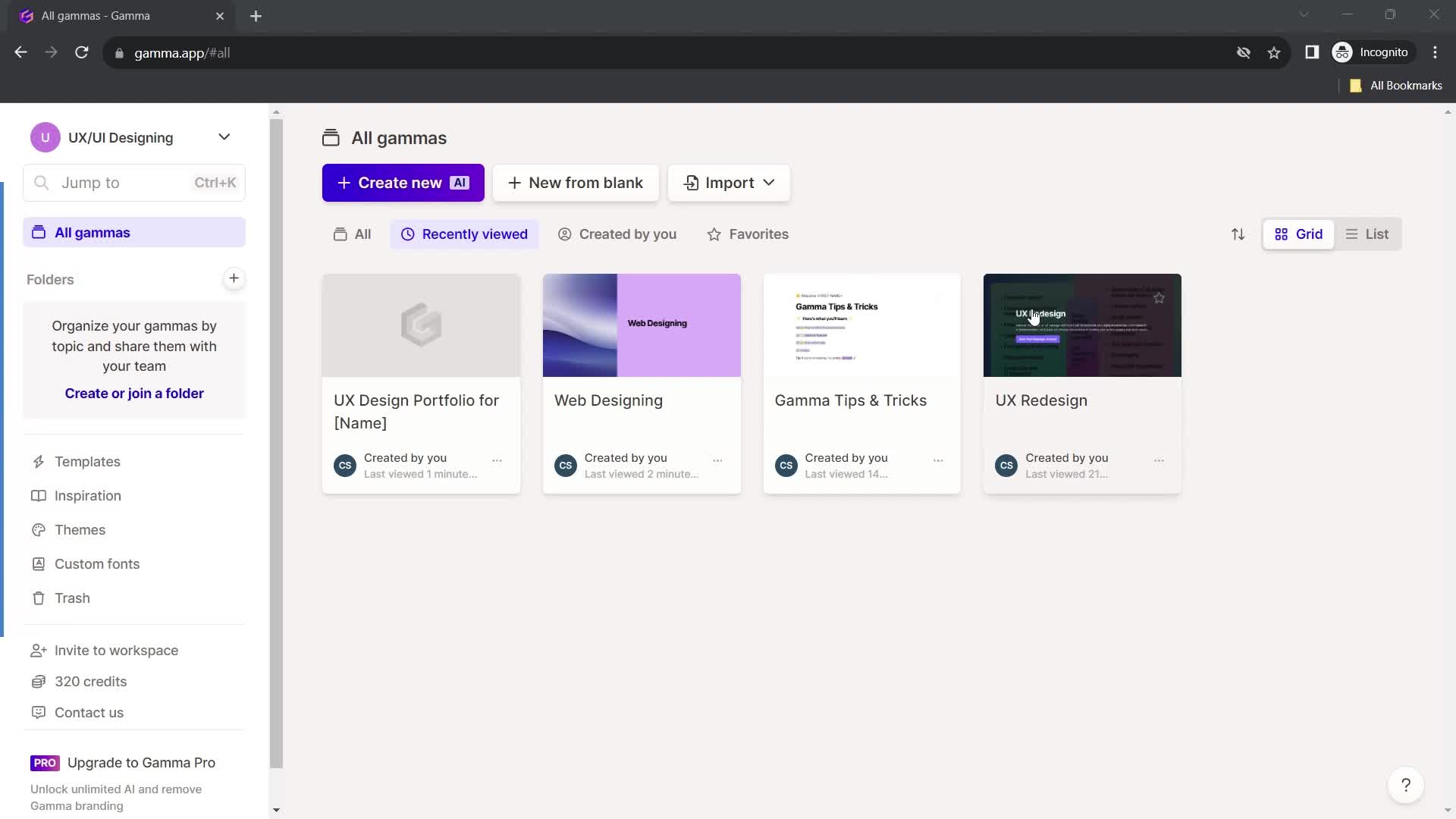
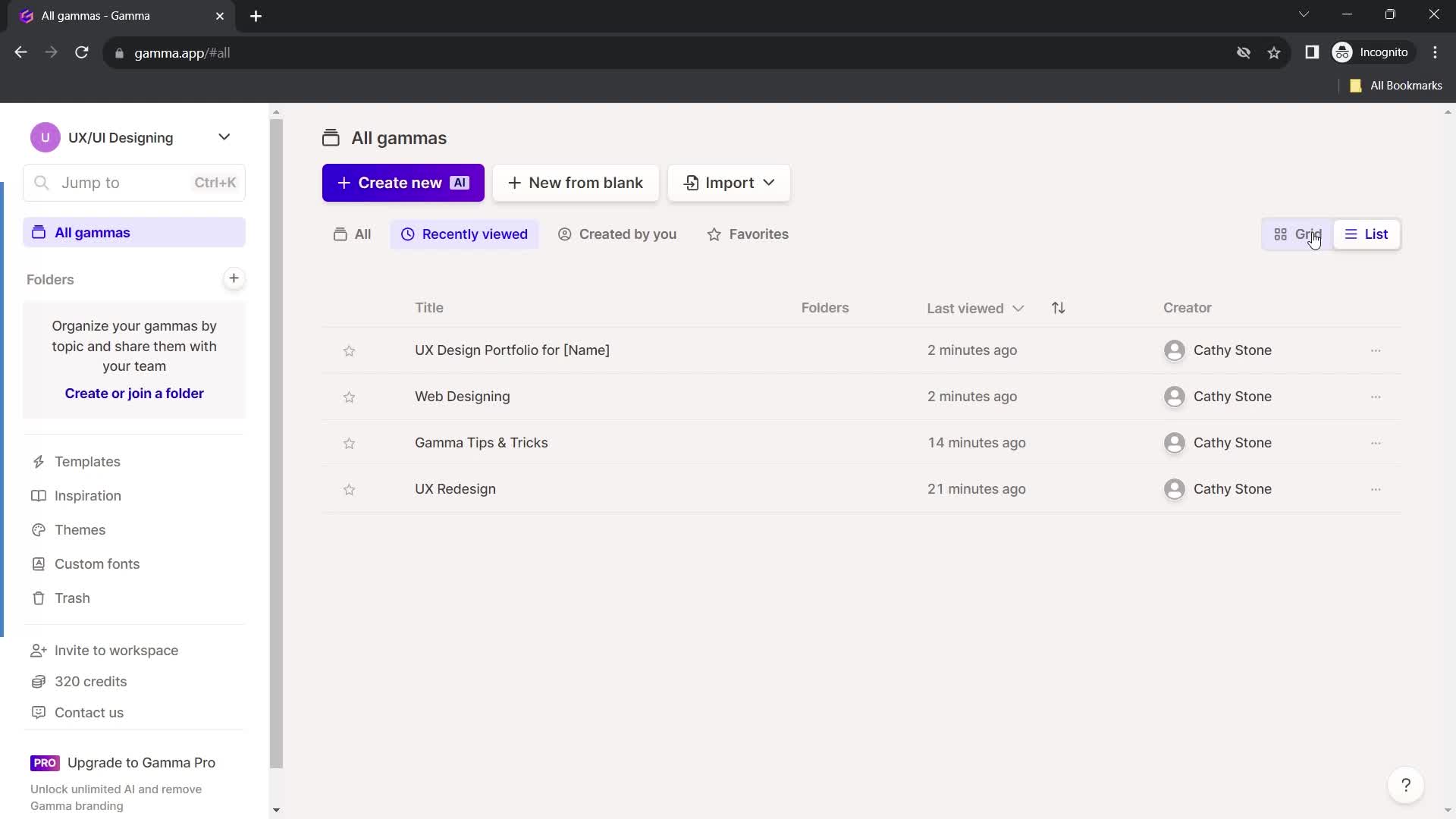
Grid view
this is title
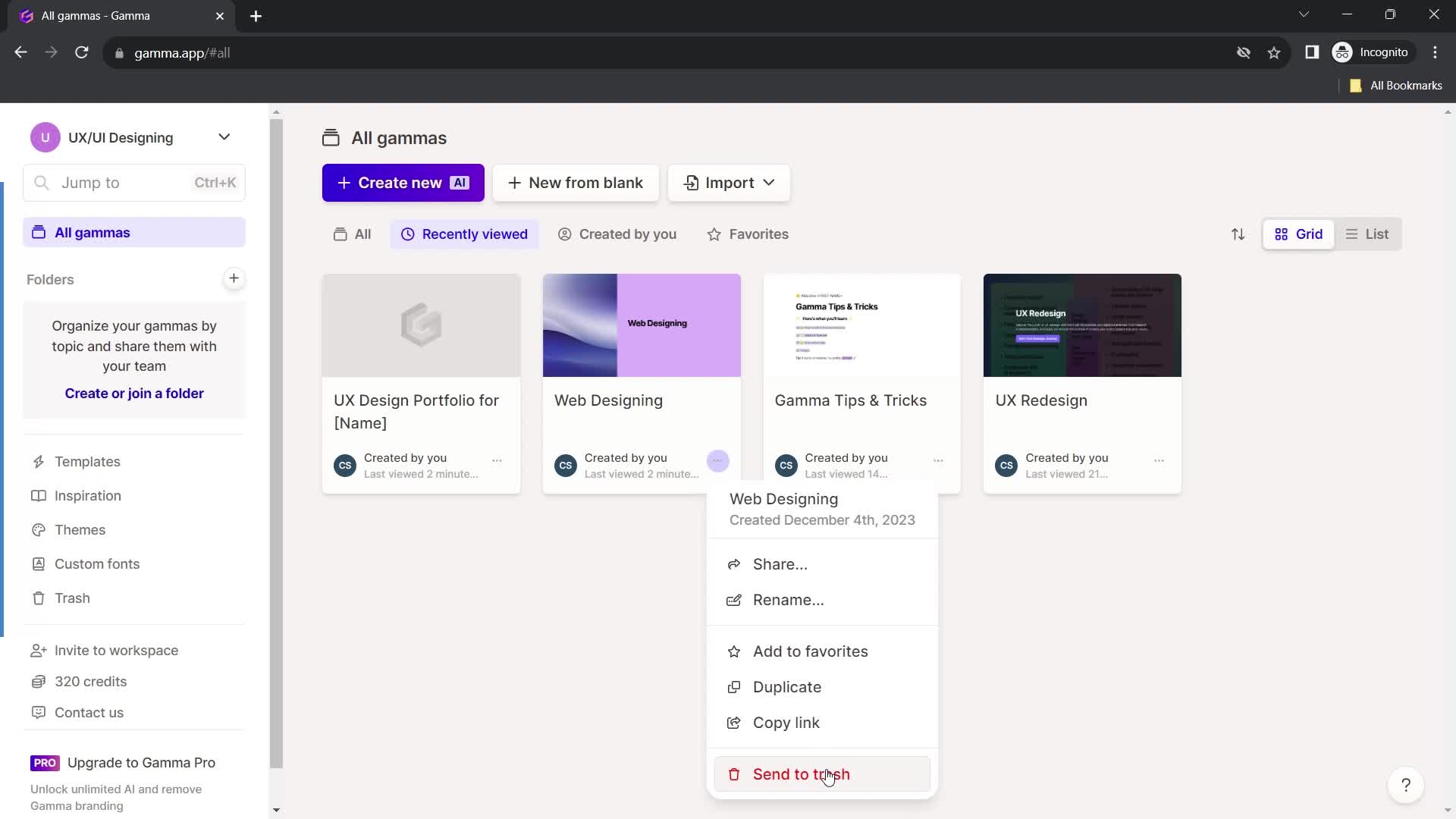
Action menu
this is title
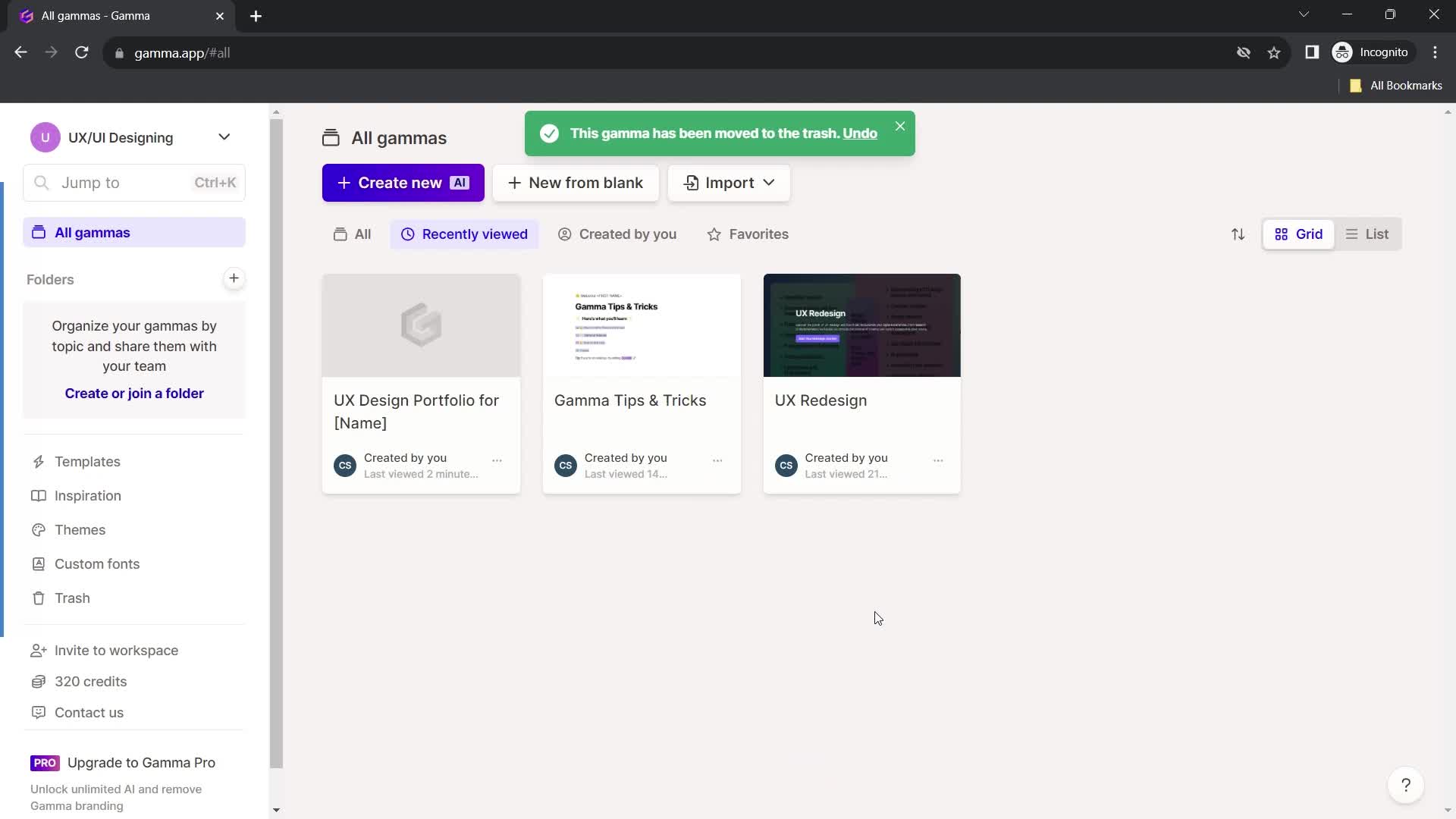
Deleted
this is title
this is title
List view
this is title
Action menu
this is title
Delete
this is title
Deleted
this is title
Dashboard
this is title
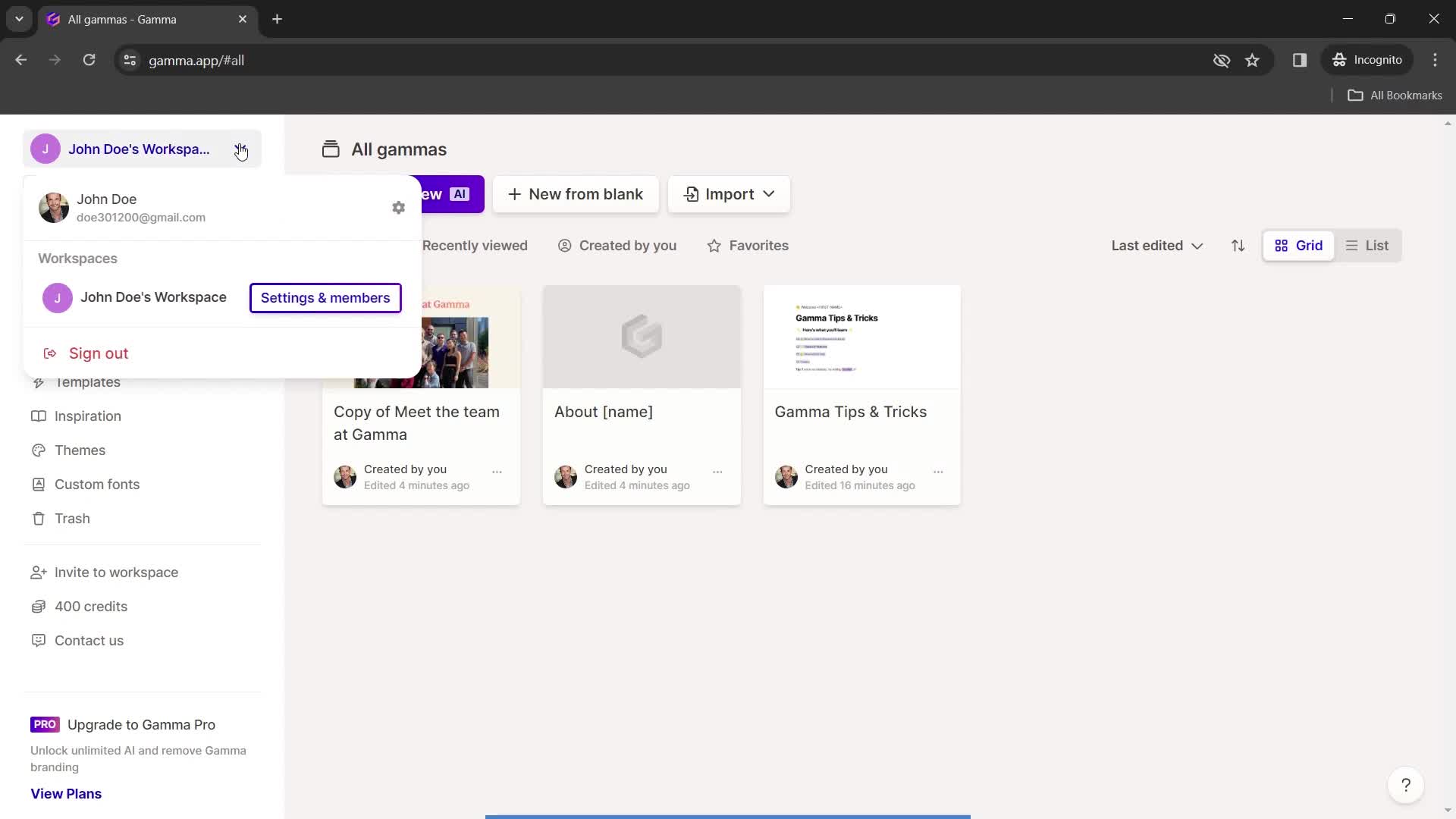
Account menu
this is title
this is title
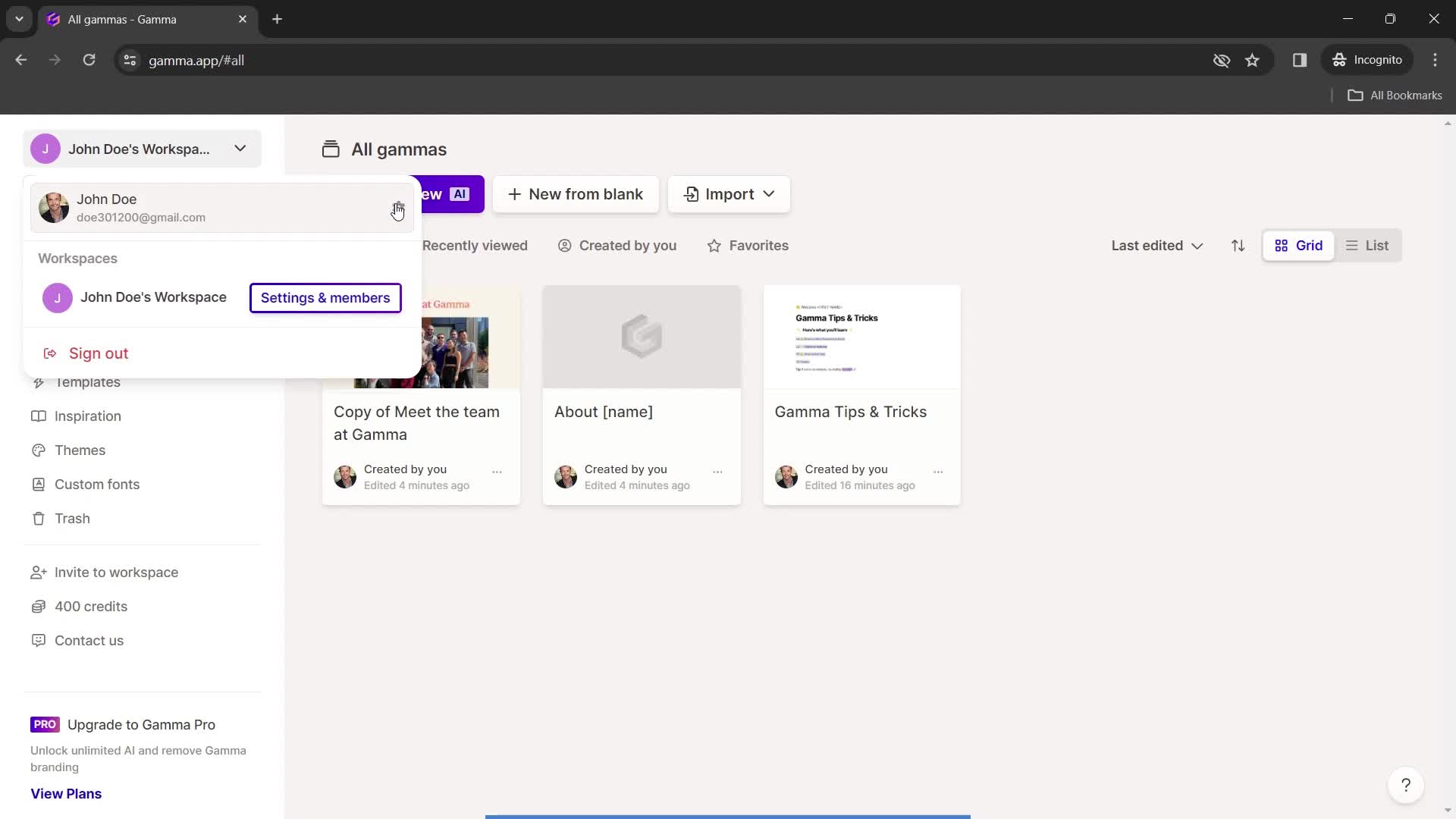
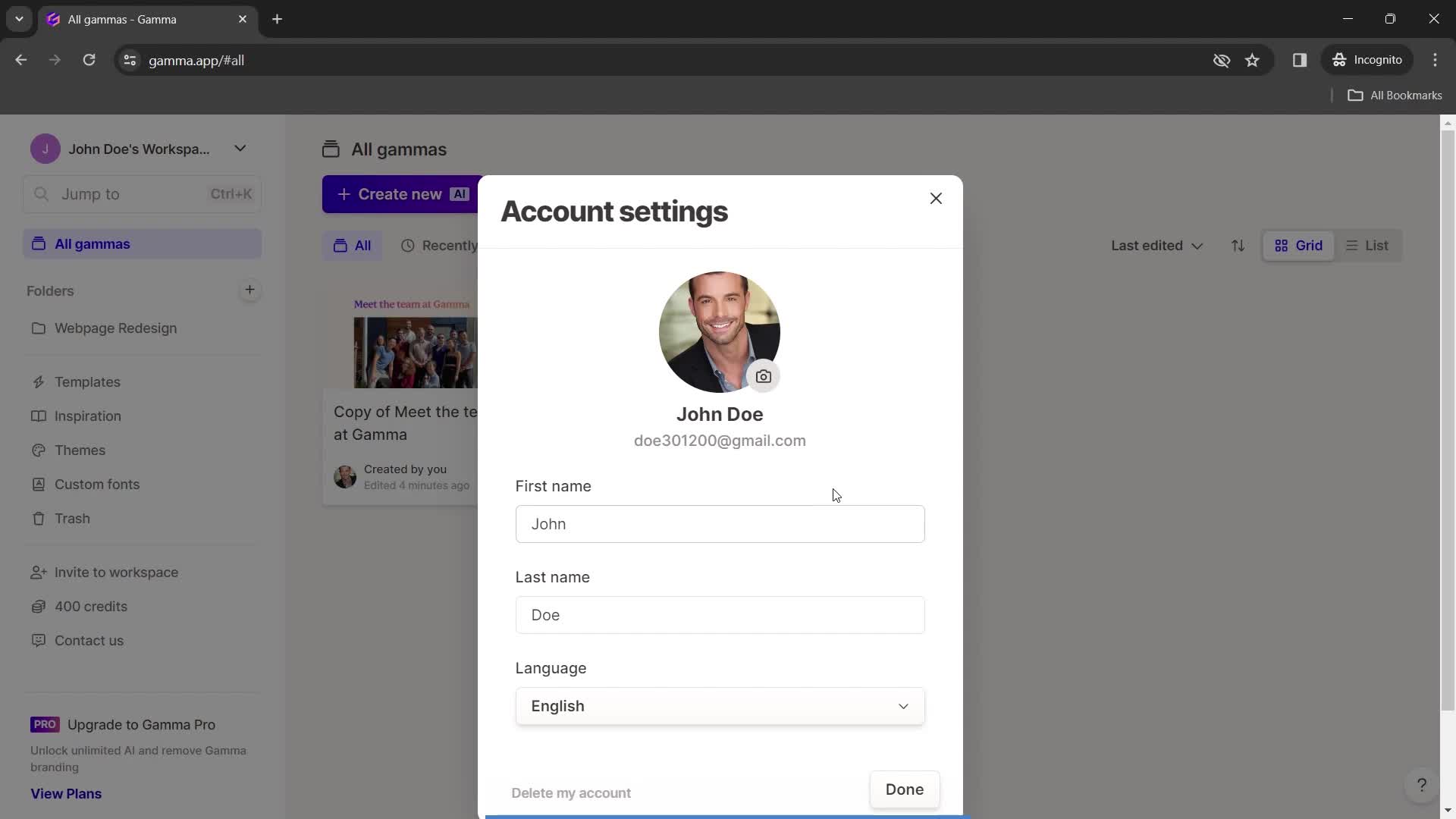
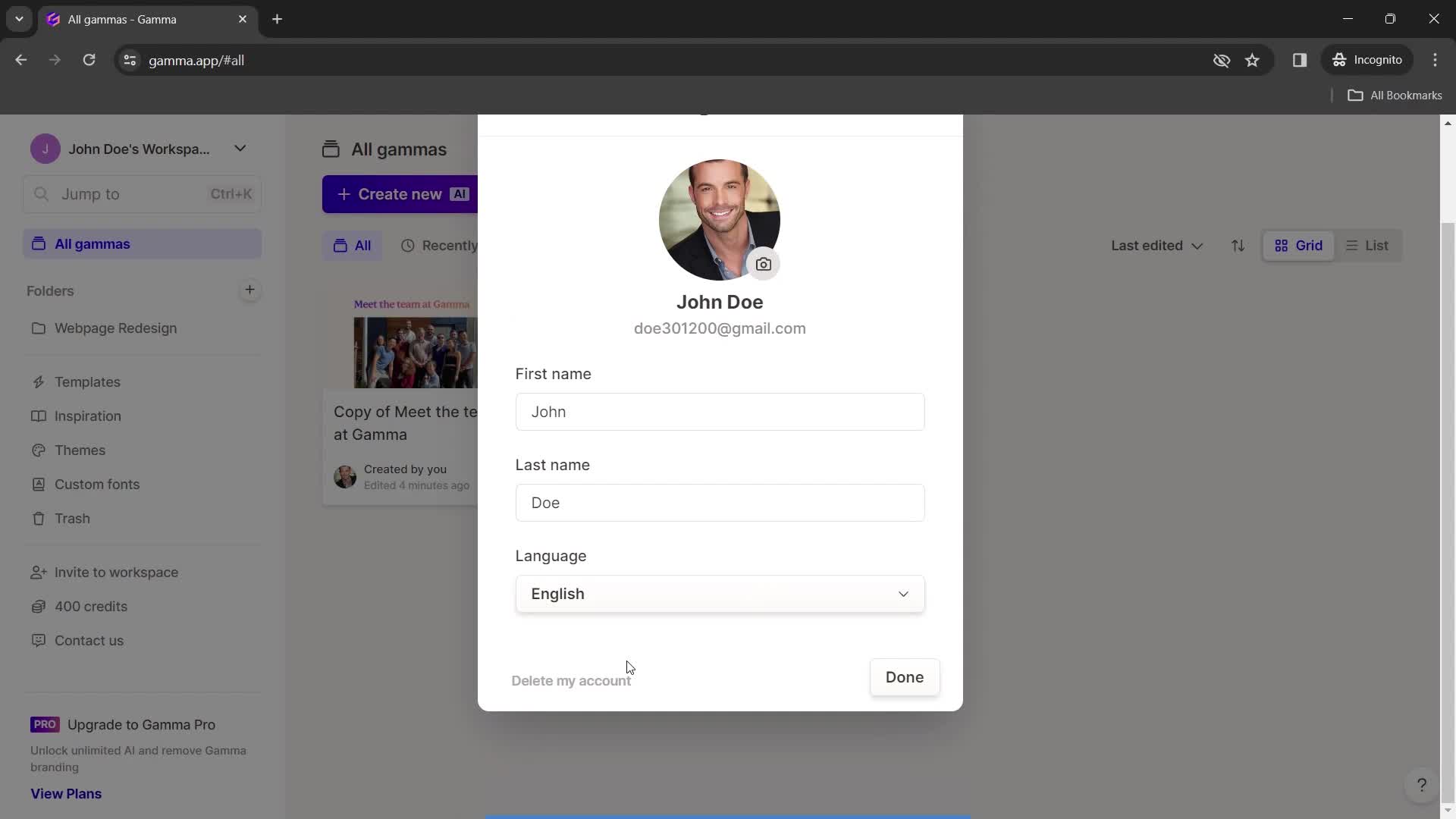
Account settings
this is title
this is title
this is title
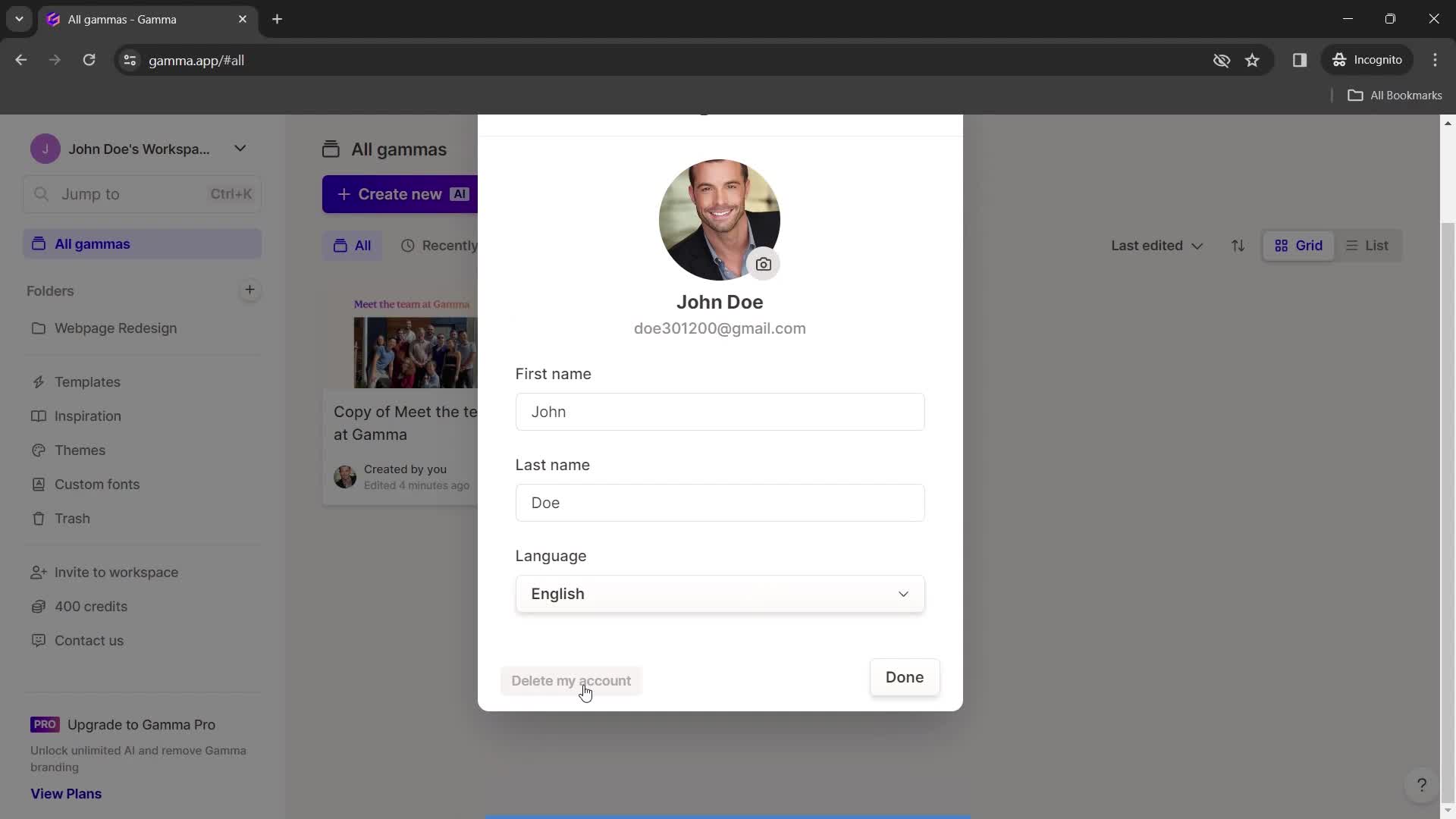
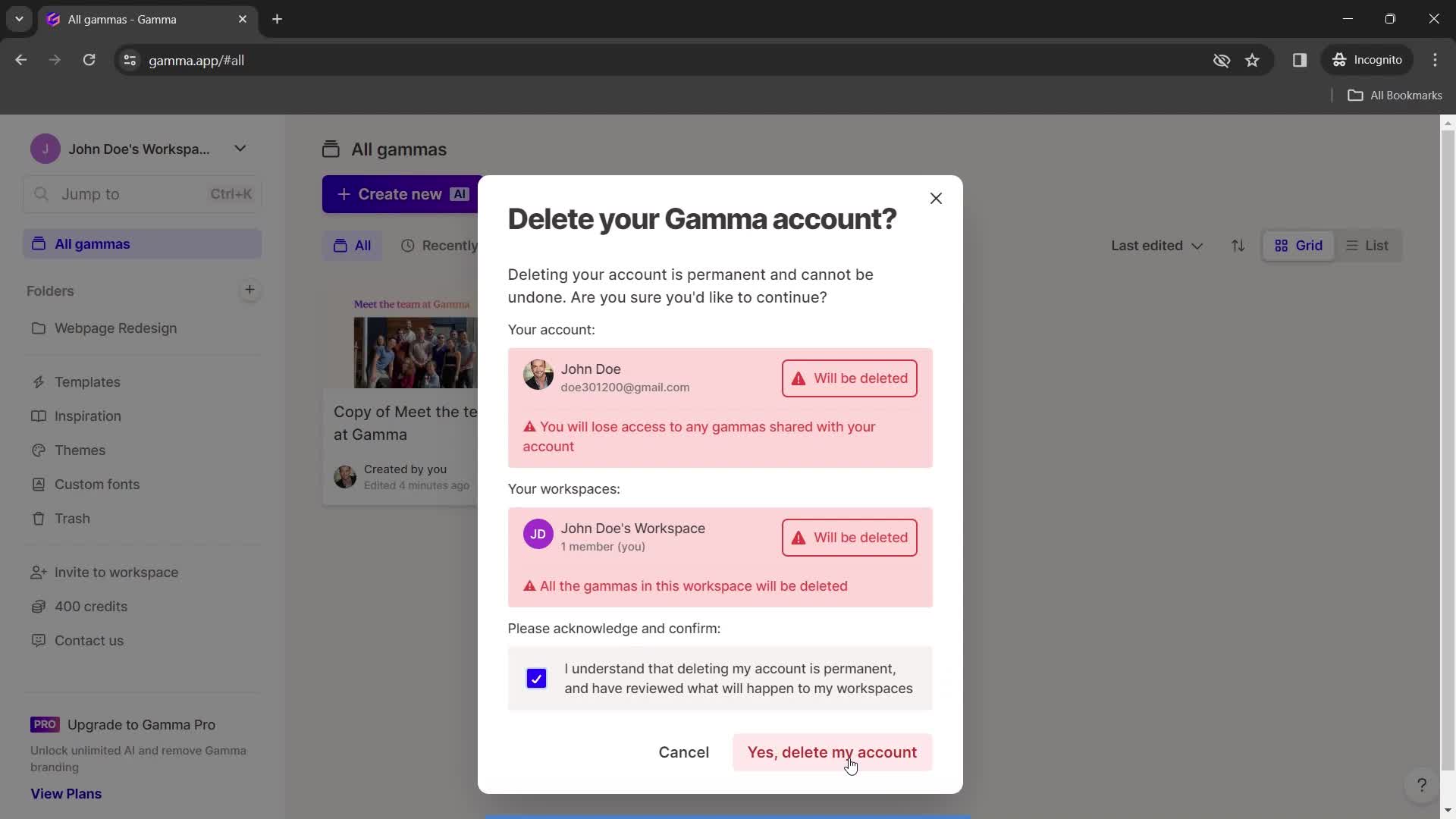
Delete account
this is title
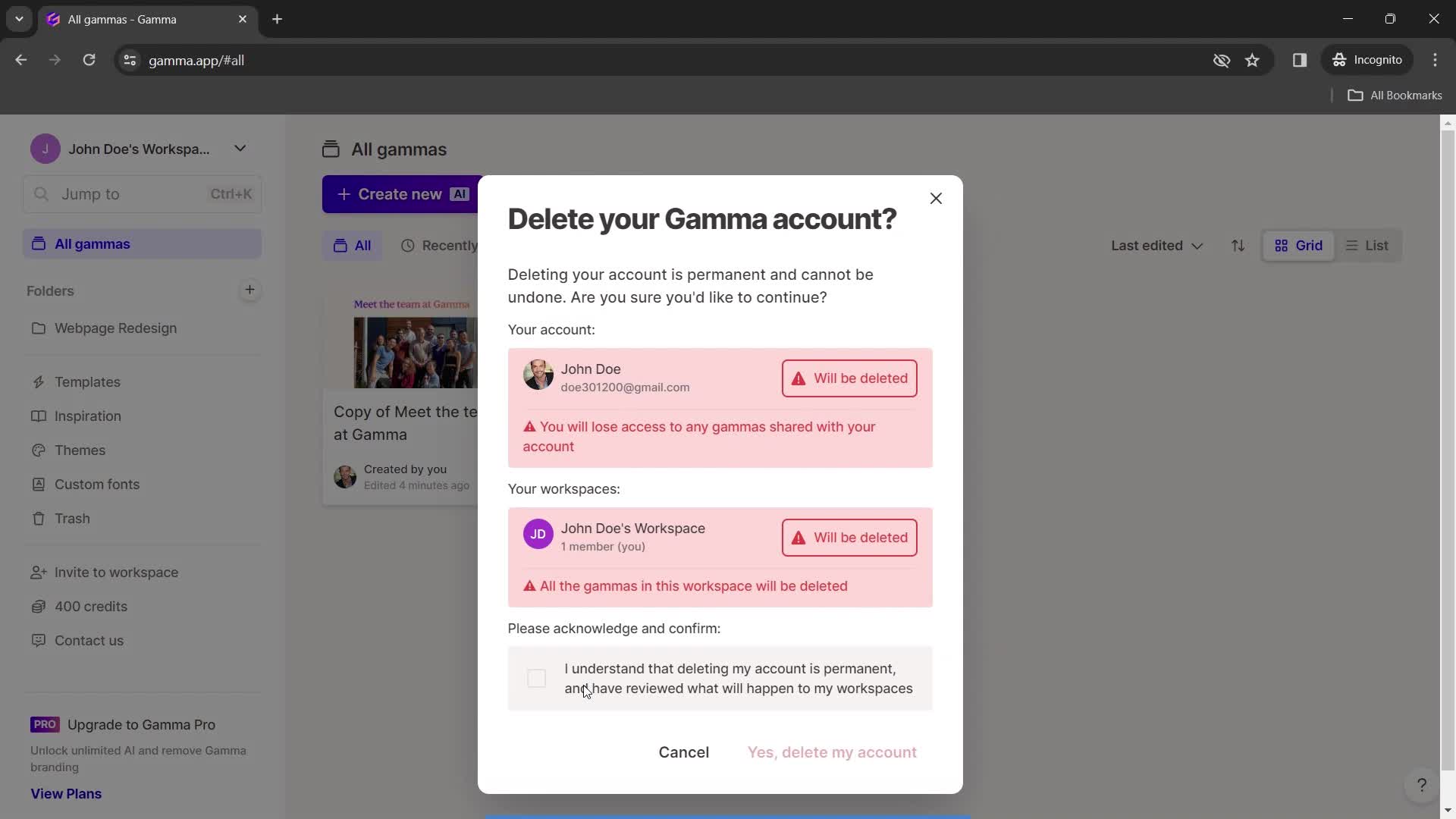
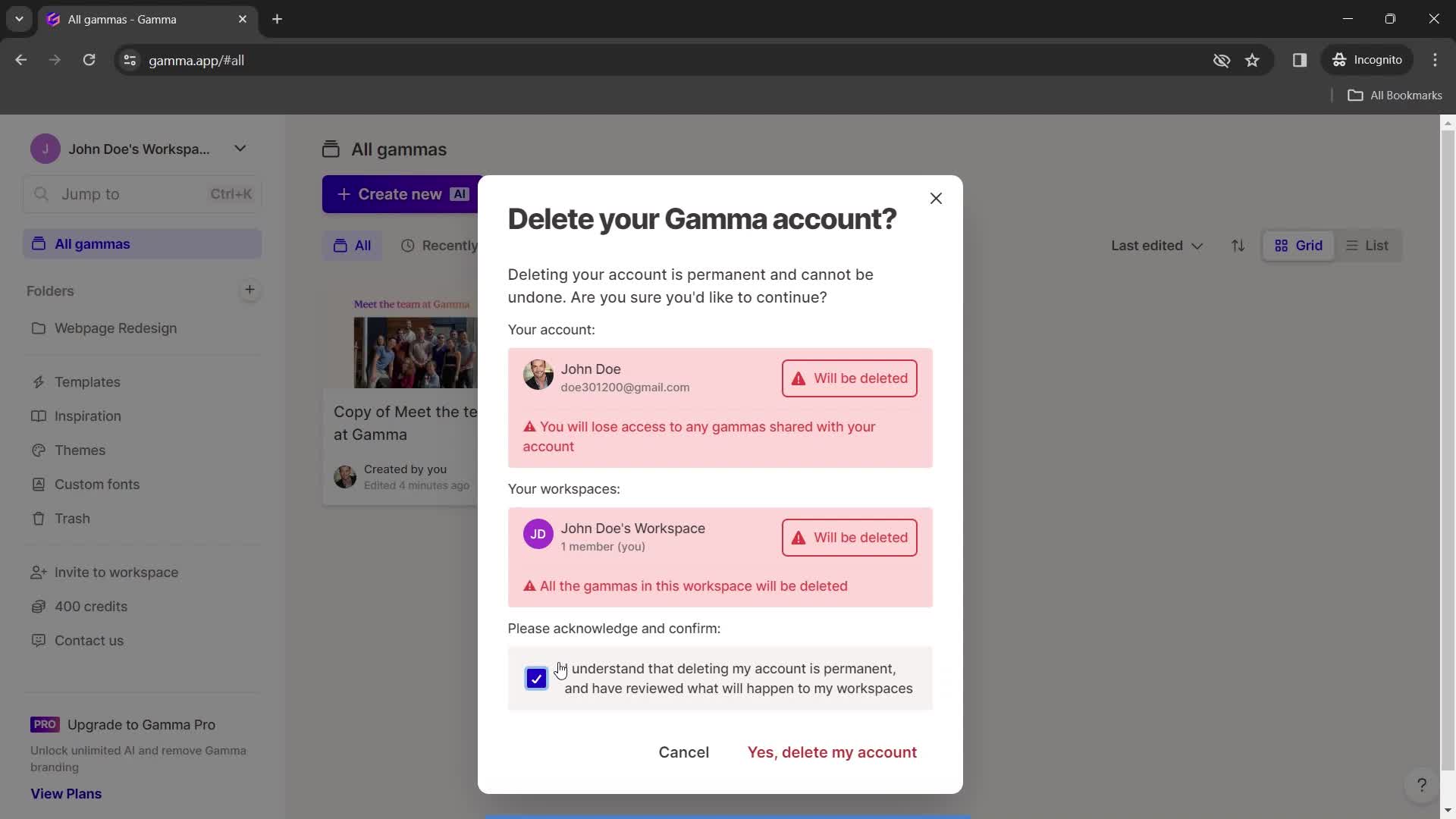
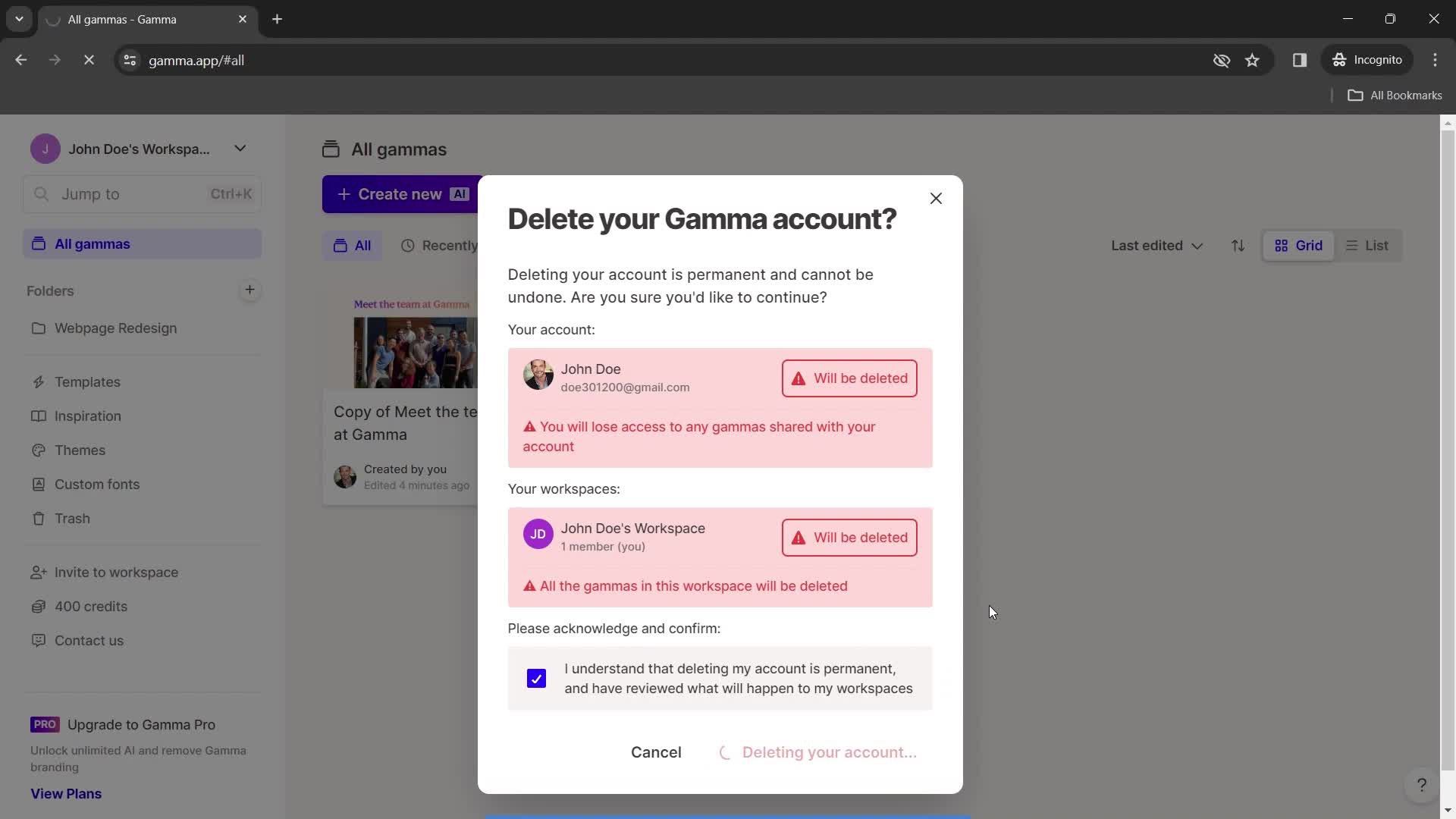
Confirm delete
this is title
this is title
this is title
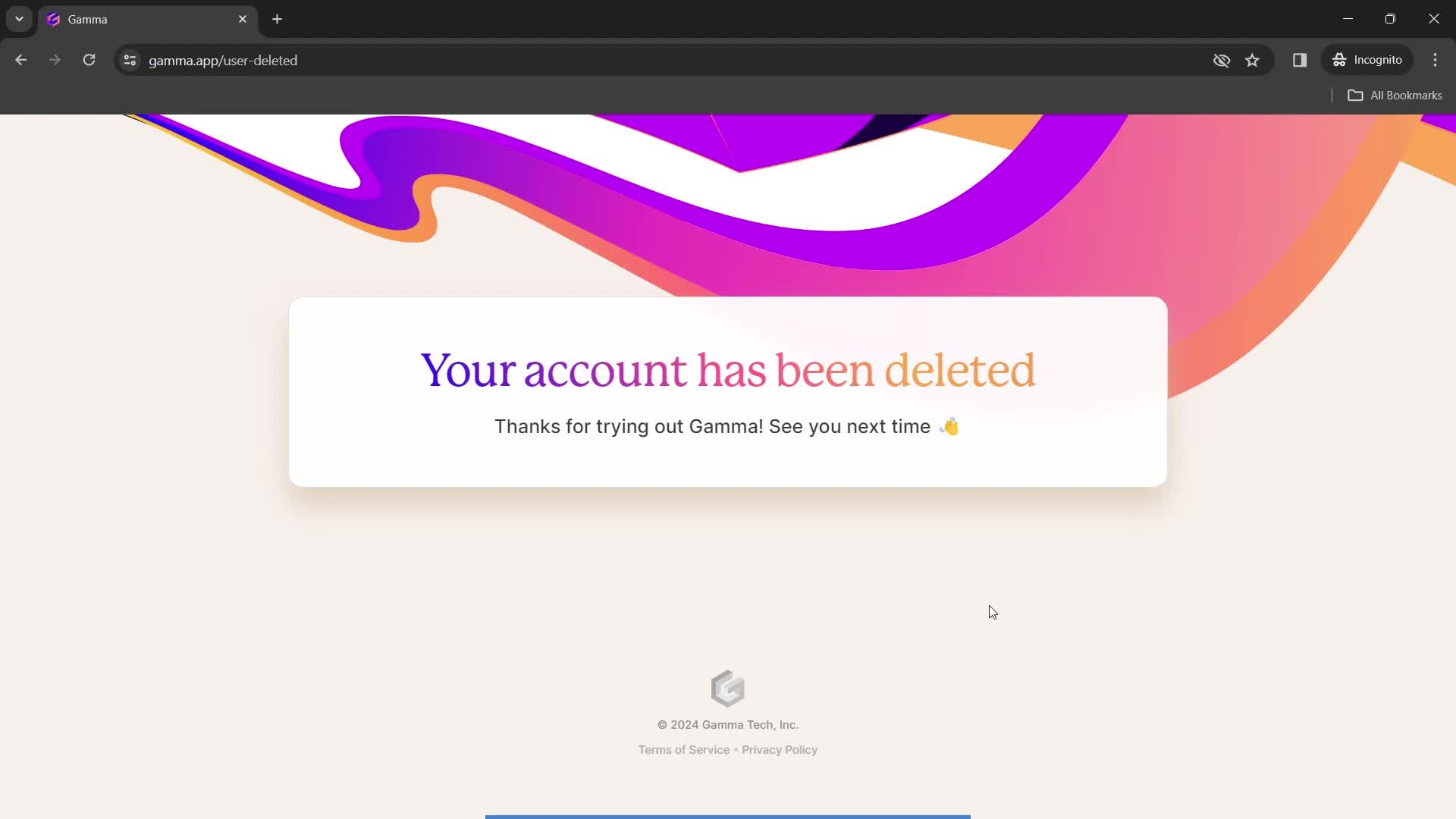
Account deleted
this is title
Home
this is title
Presentation editor
this is title
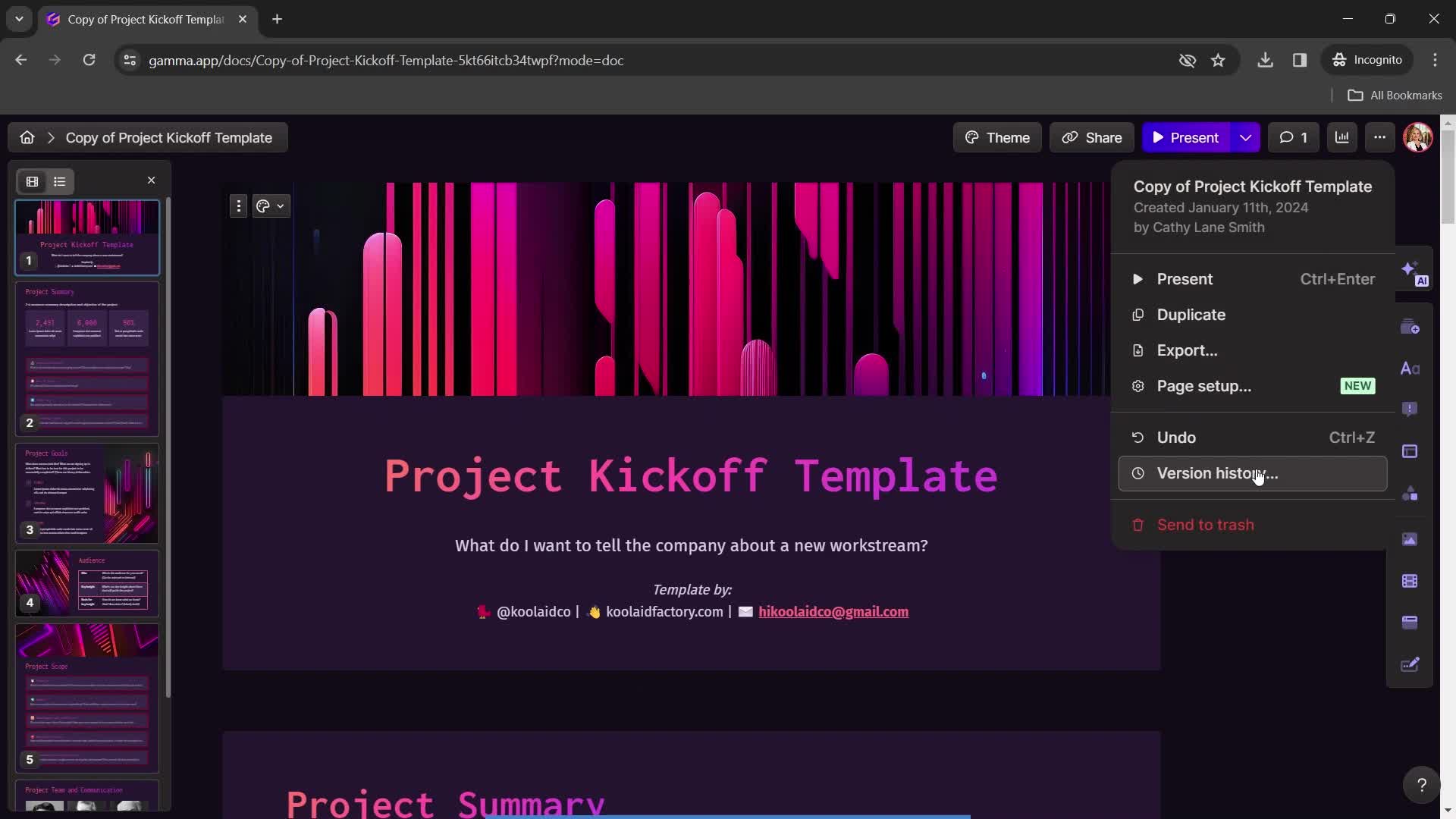
Action menu
this is title
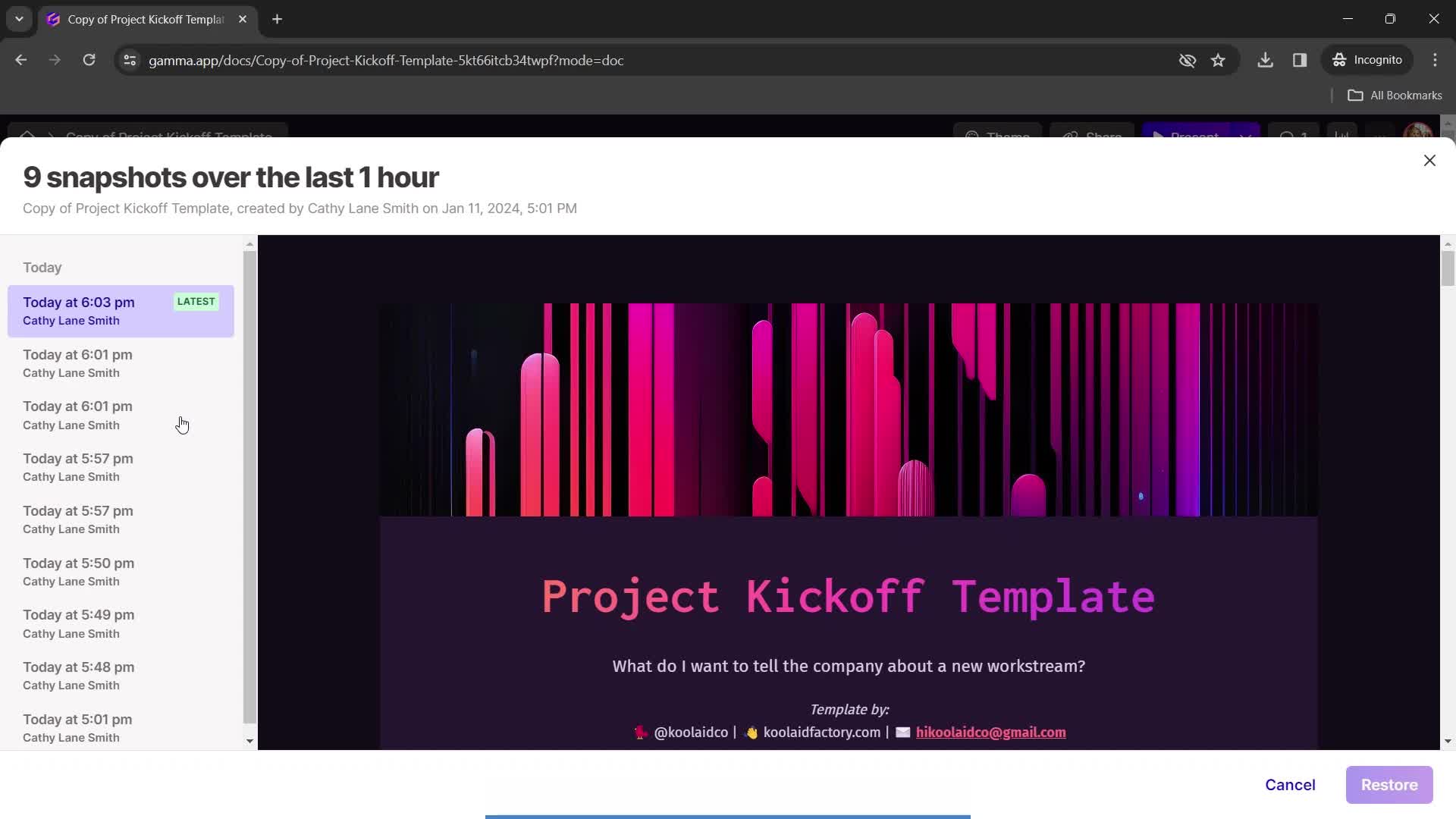
Version history
this is title
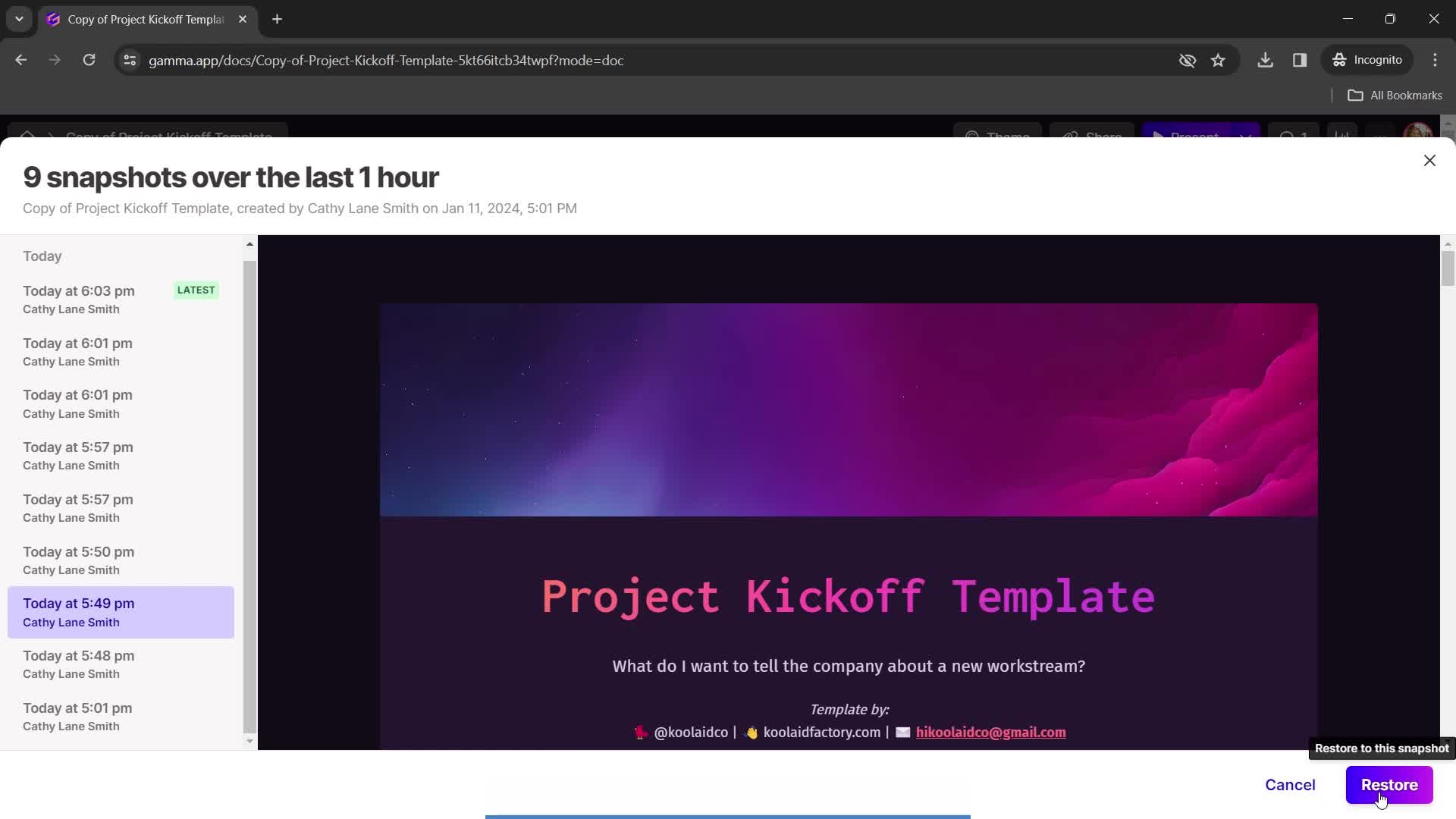
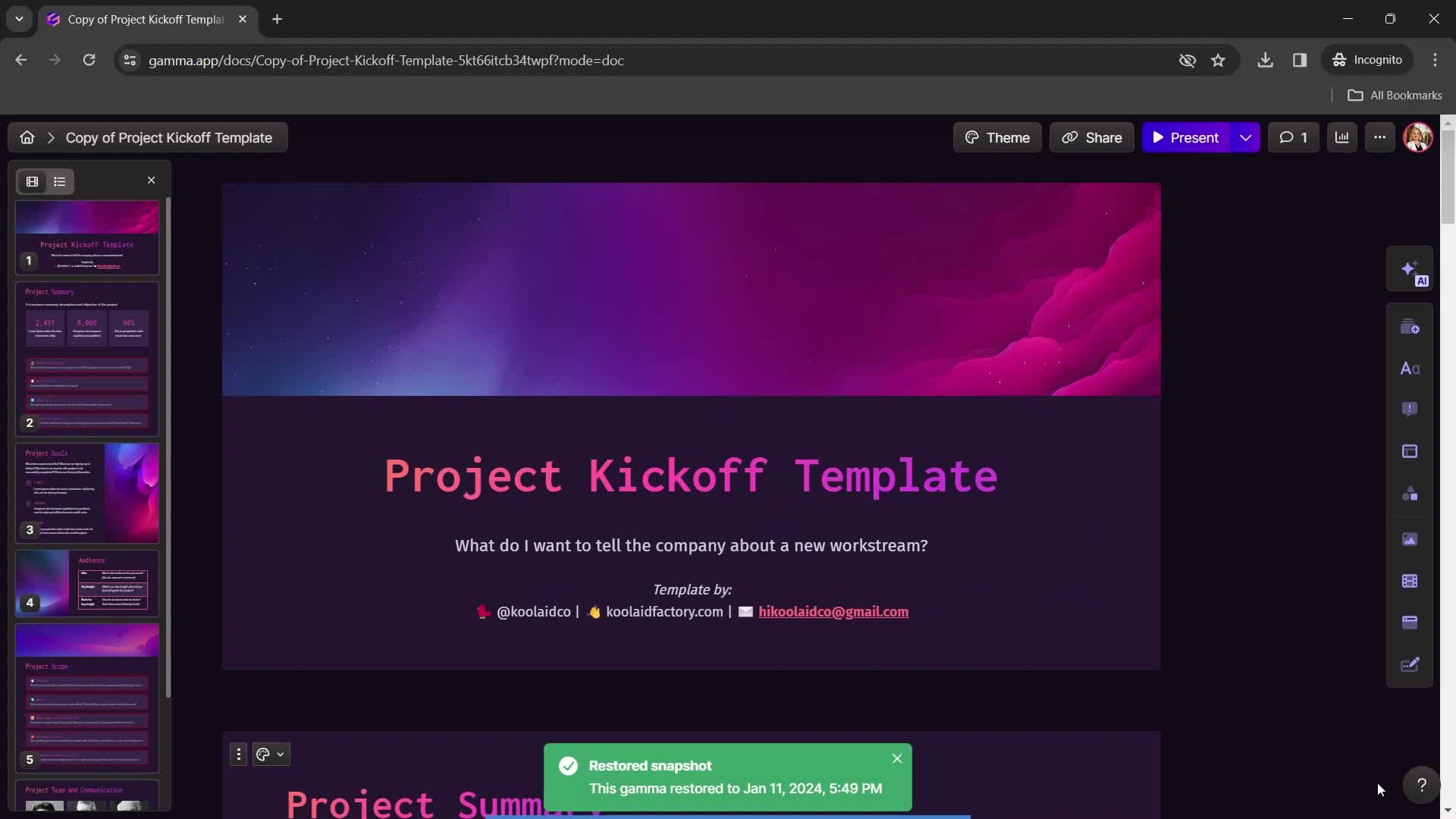
Restore snapshot
this is title
Restored
this is title
Home
this is title
Duplicate
this is title
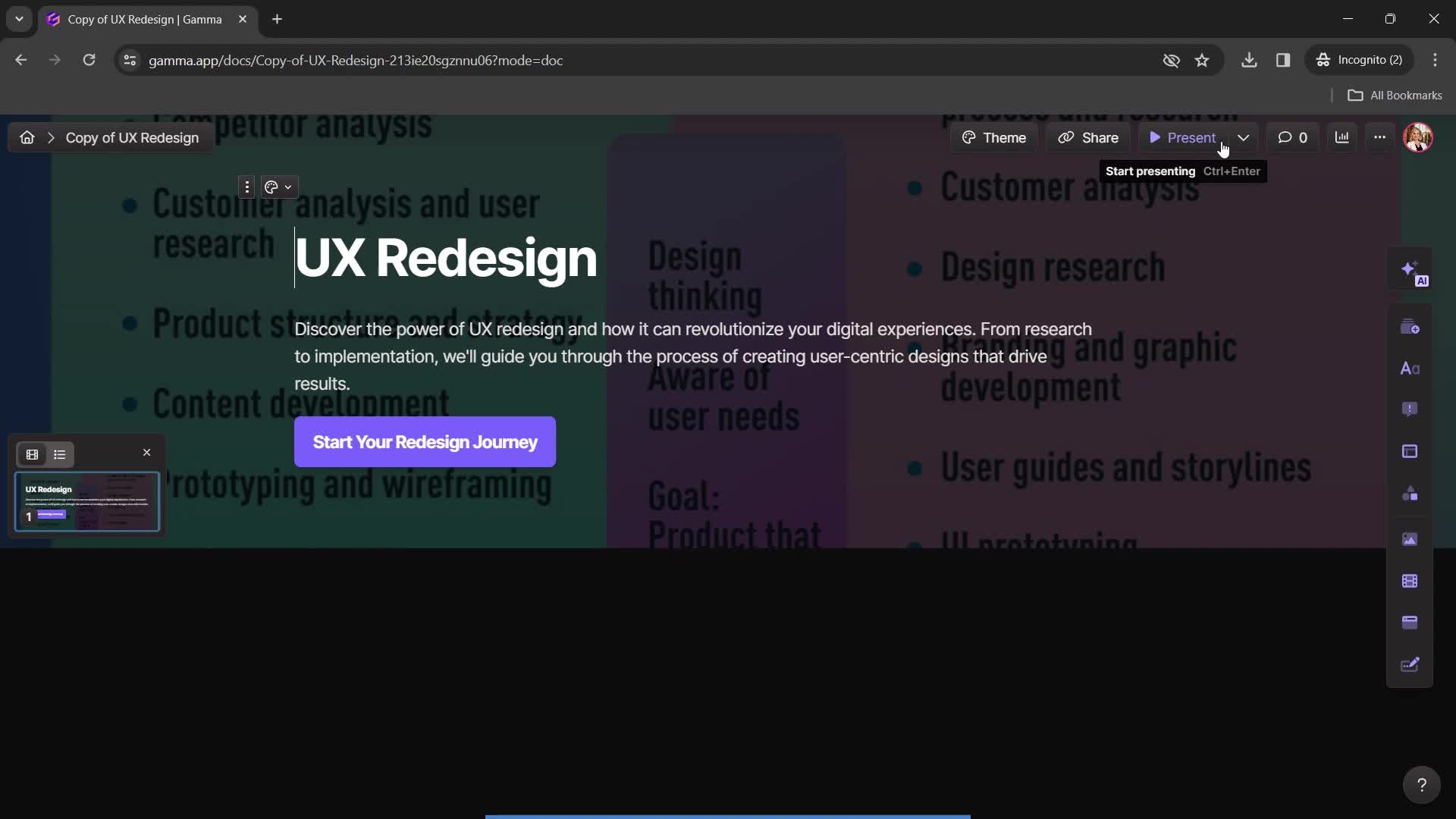
Duplicate created
this is title
Presentation editor
this is title
Home
this is title
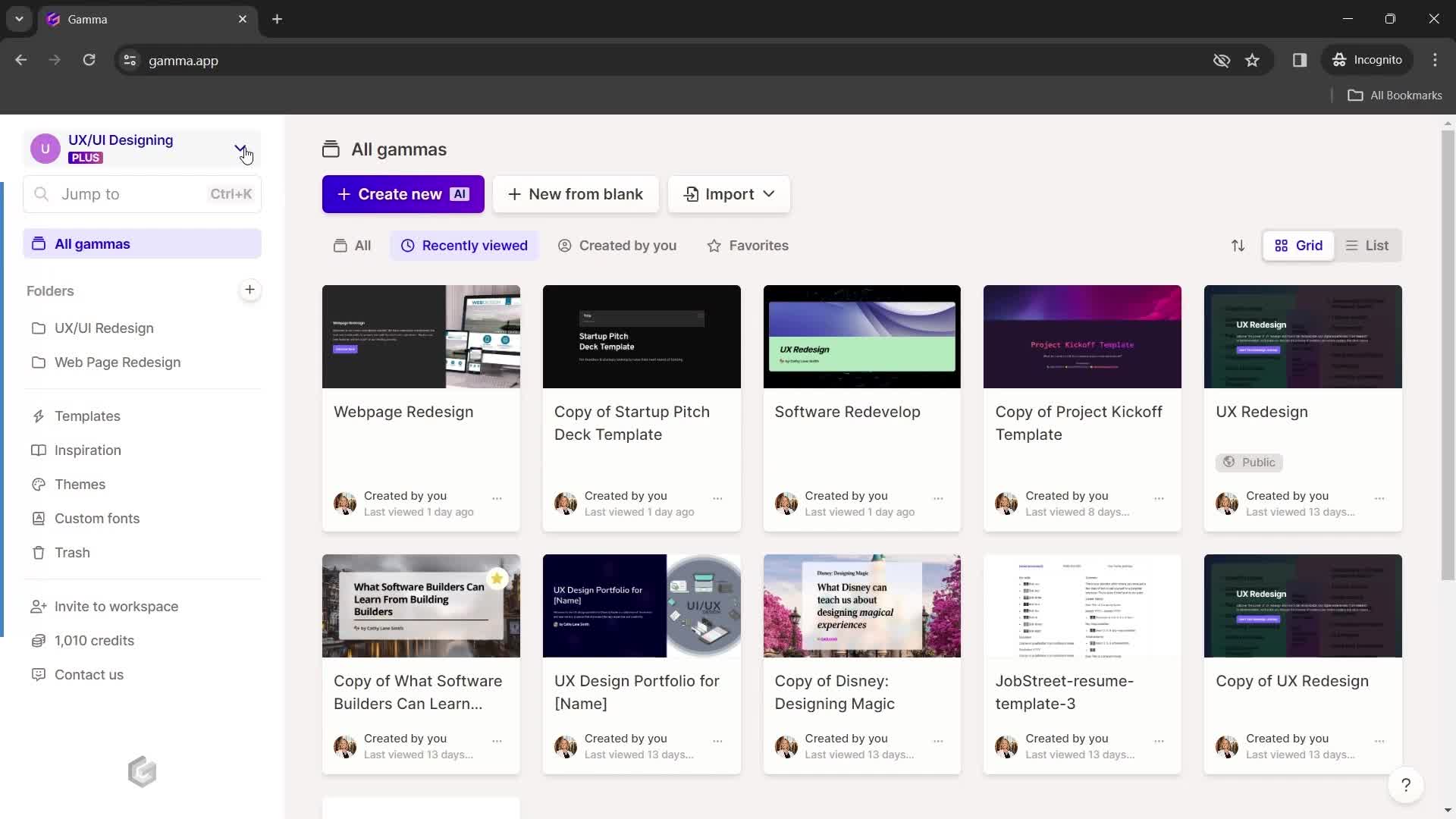
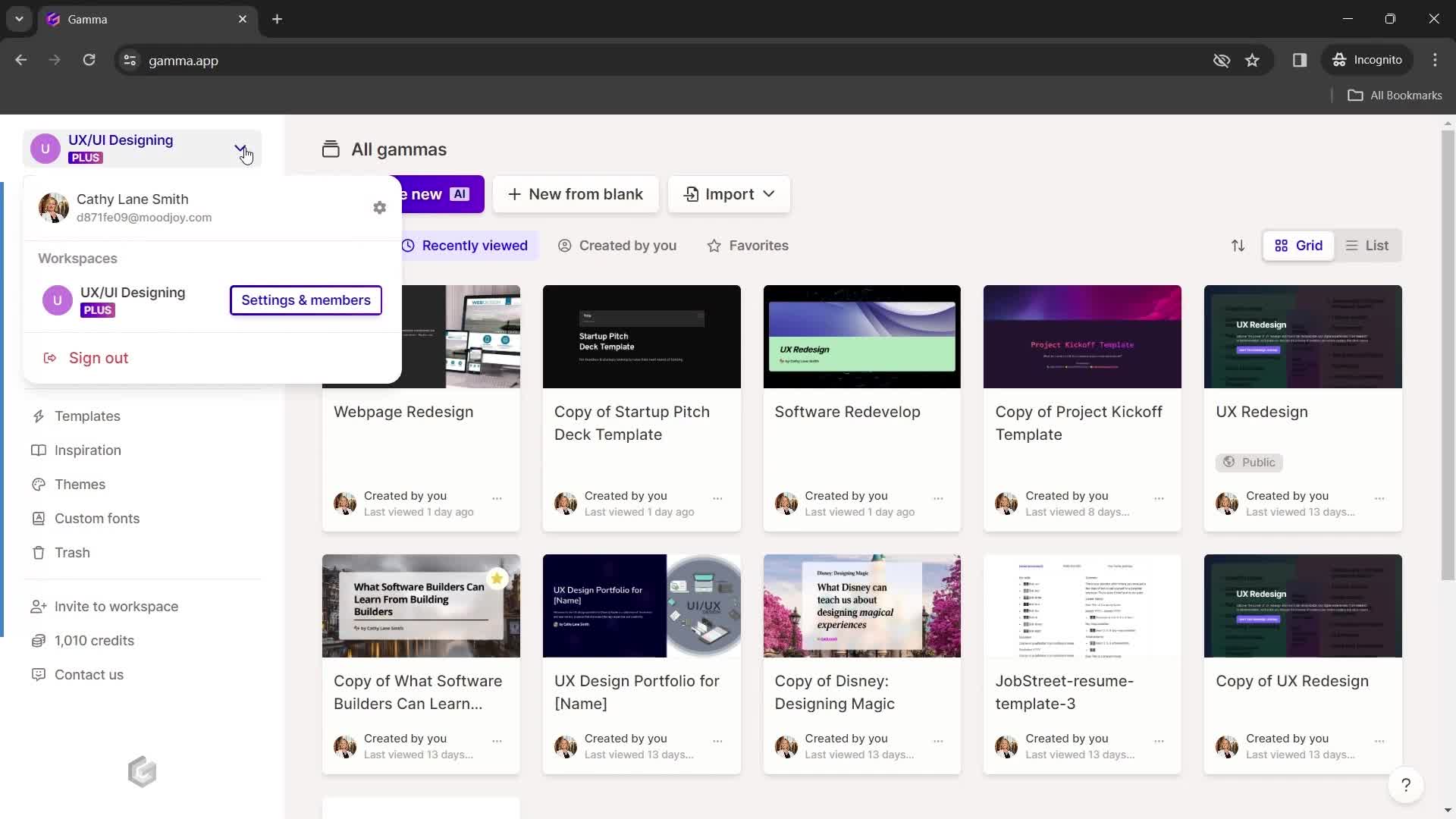
Account menu
this is title
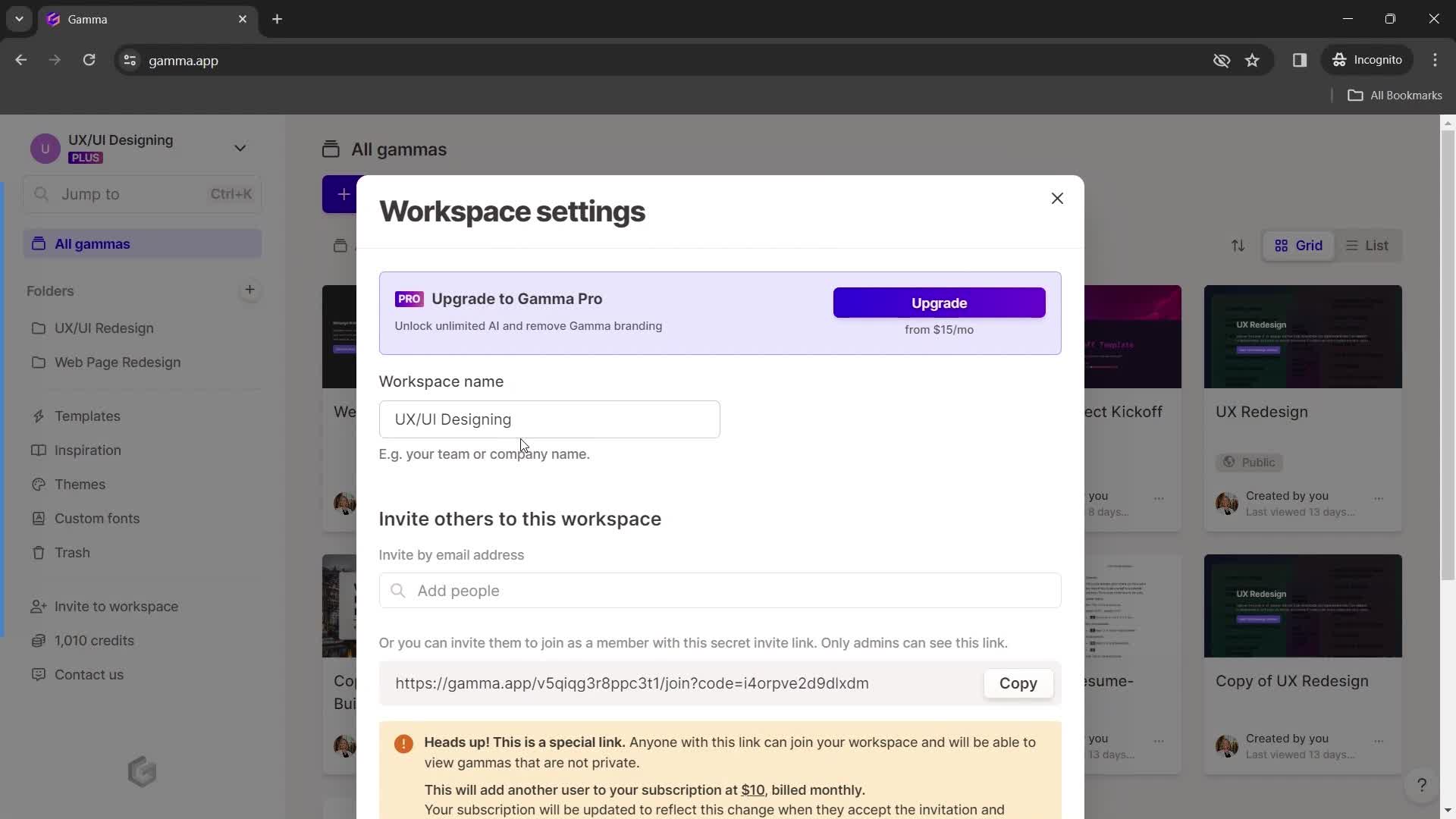
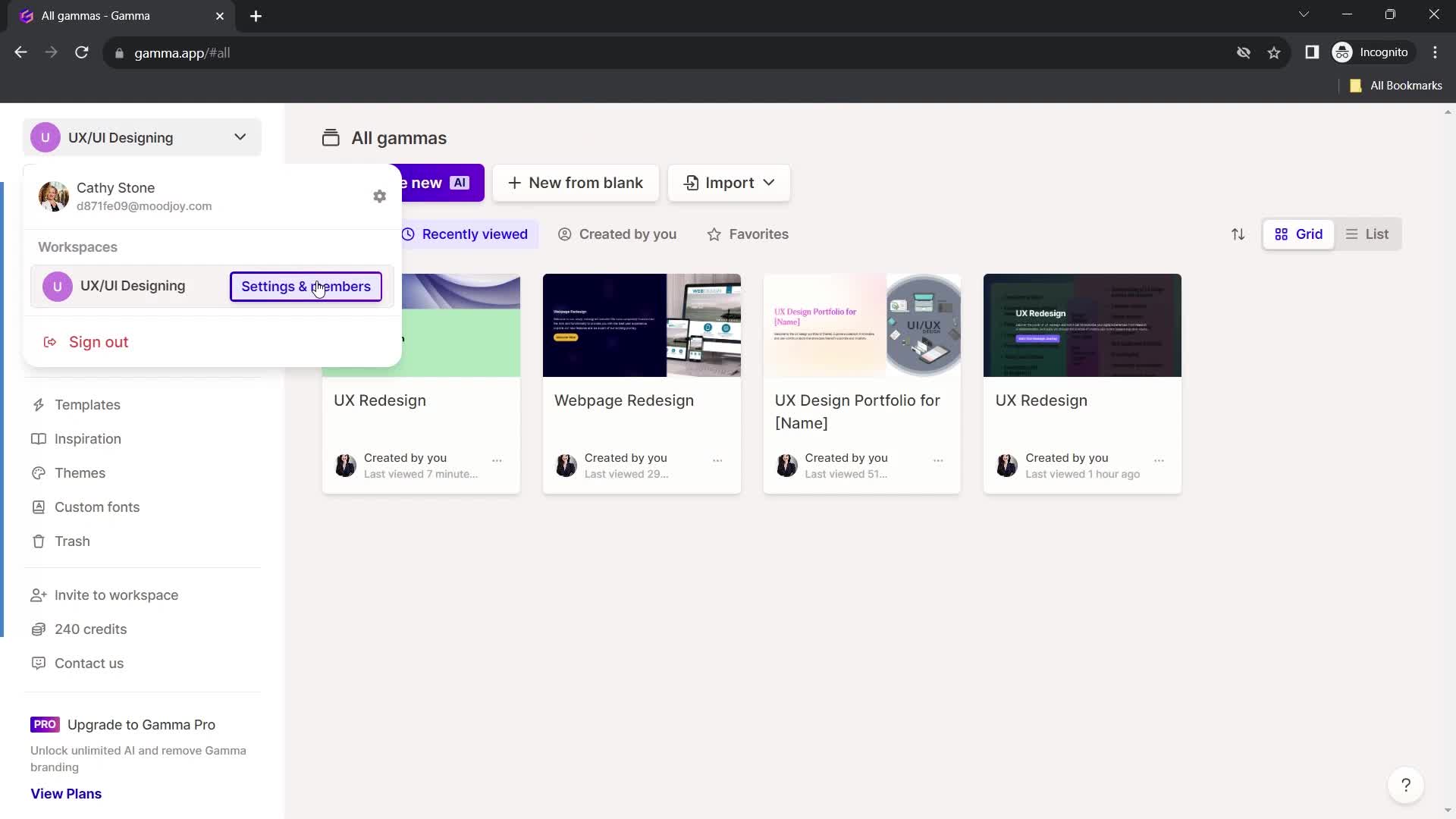
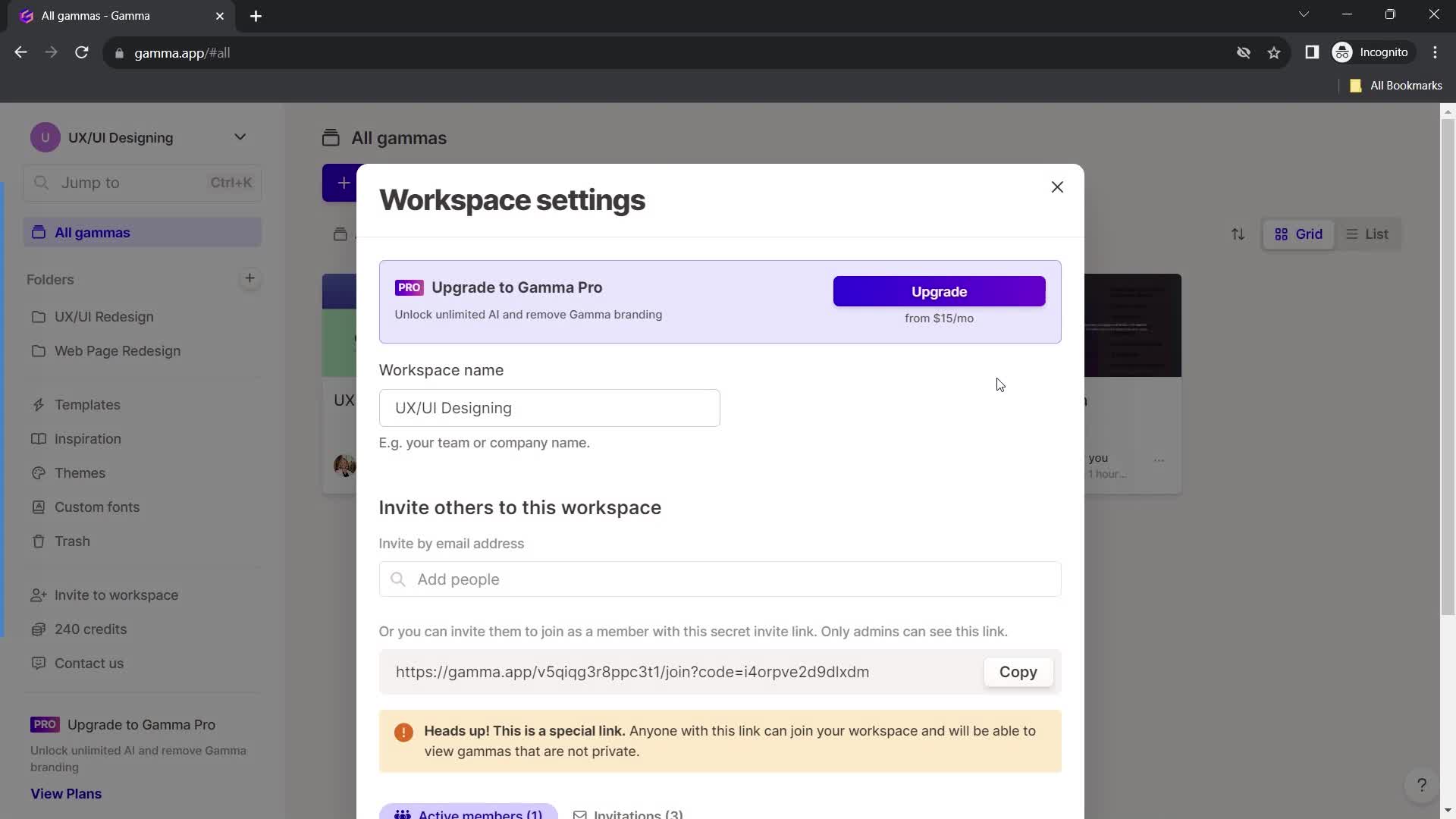
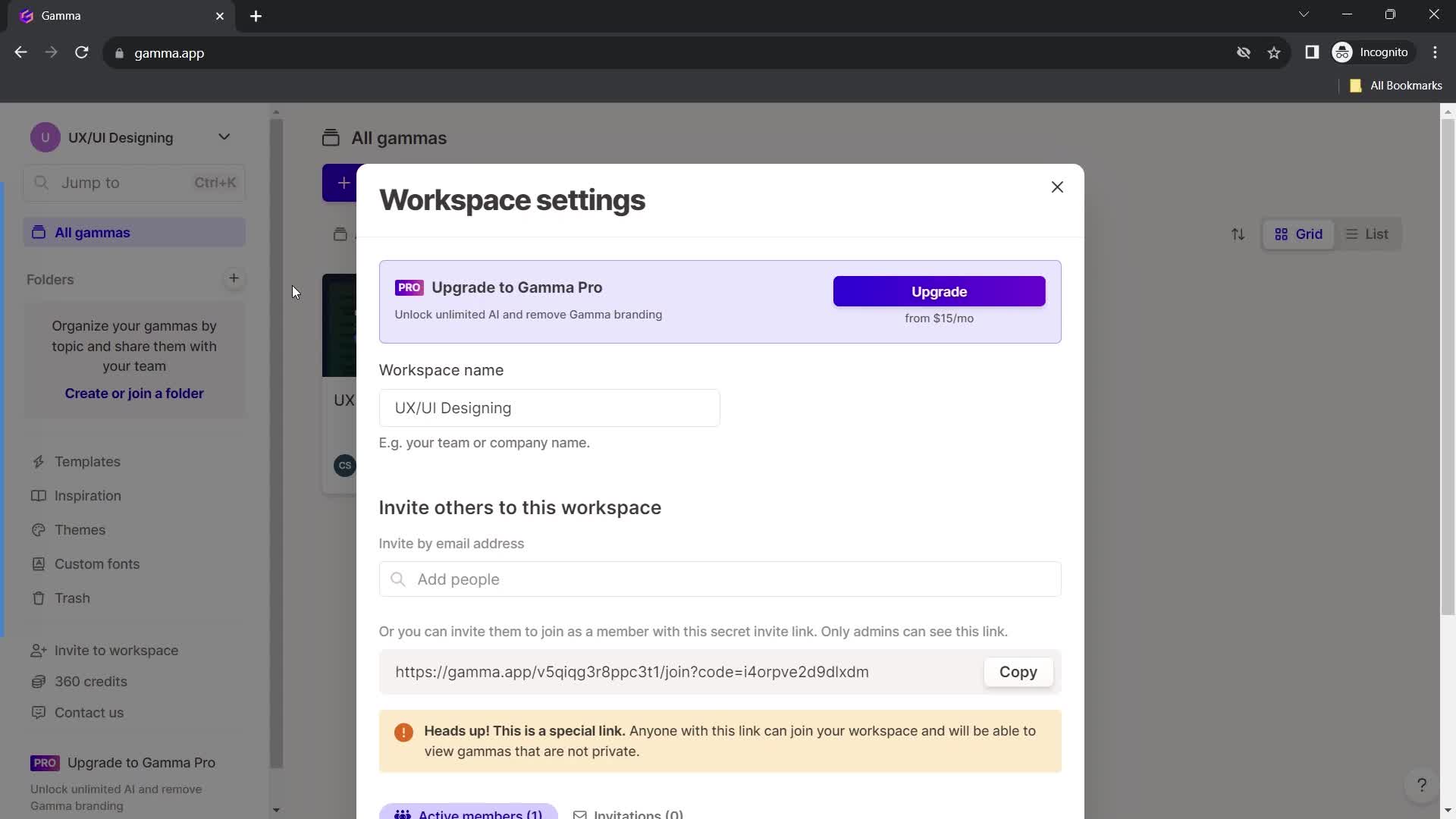
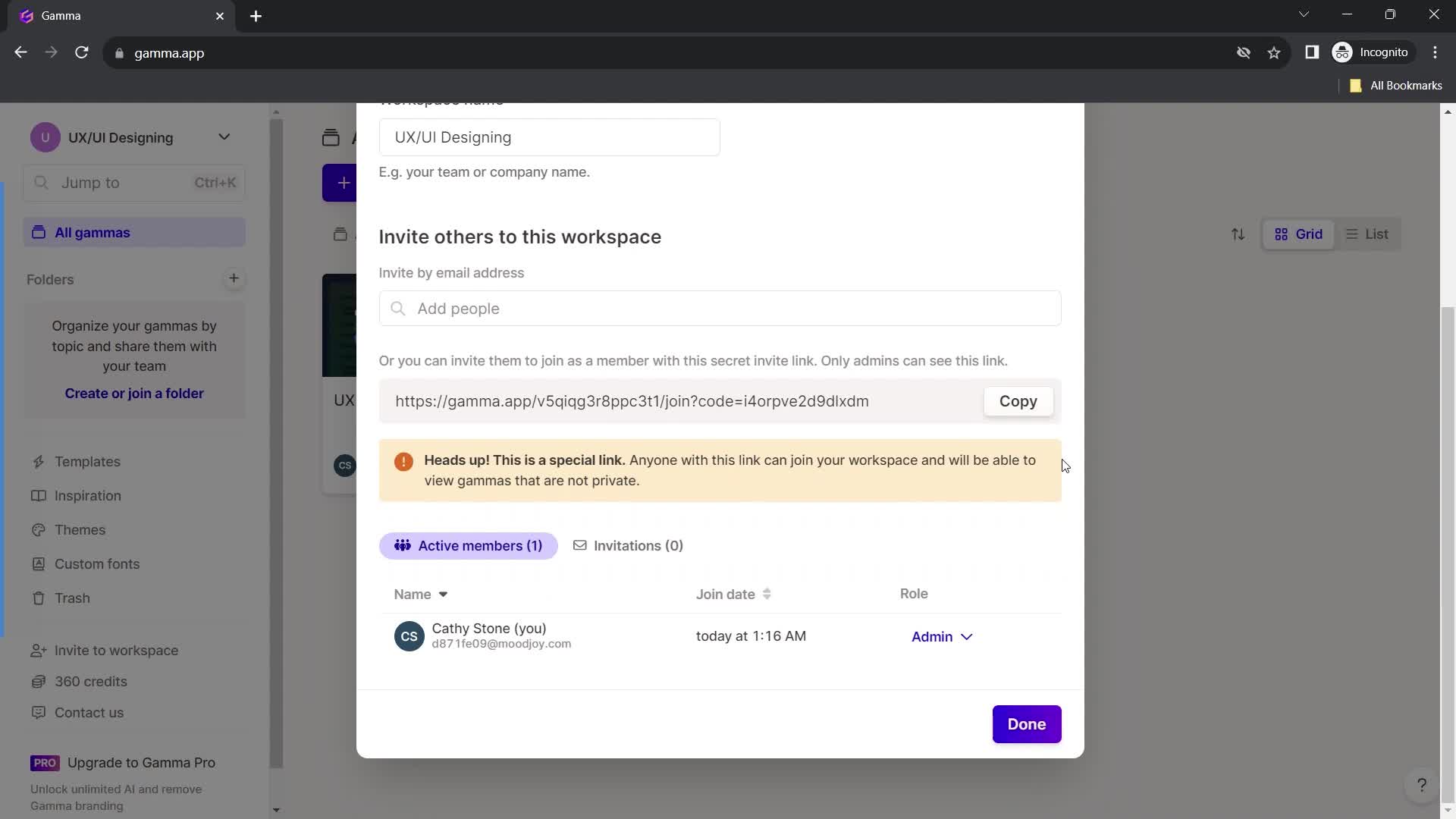
Workspace settings
this is title
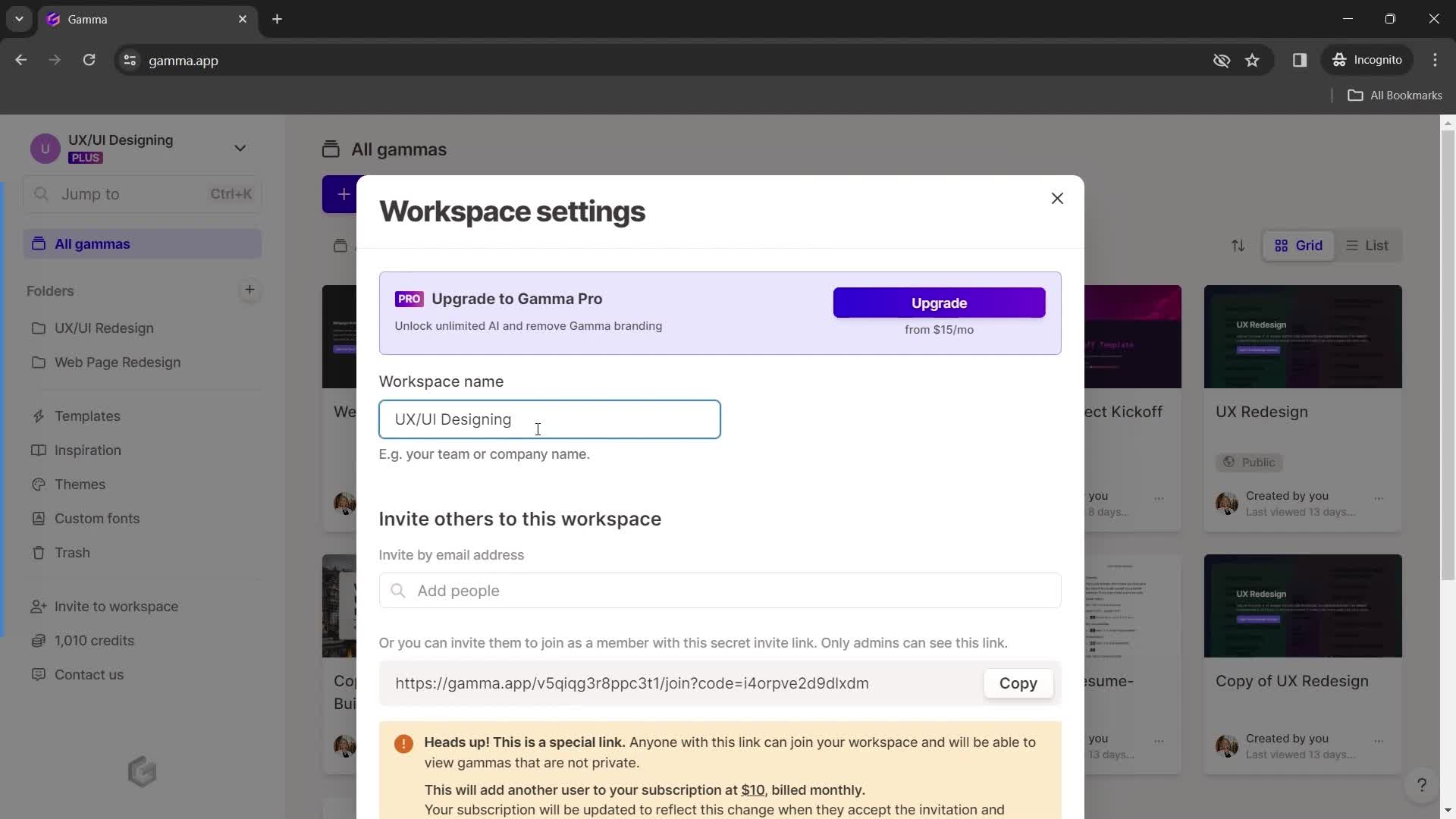
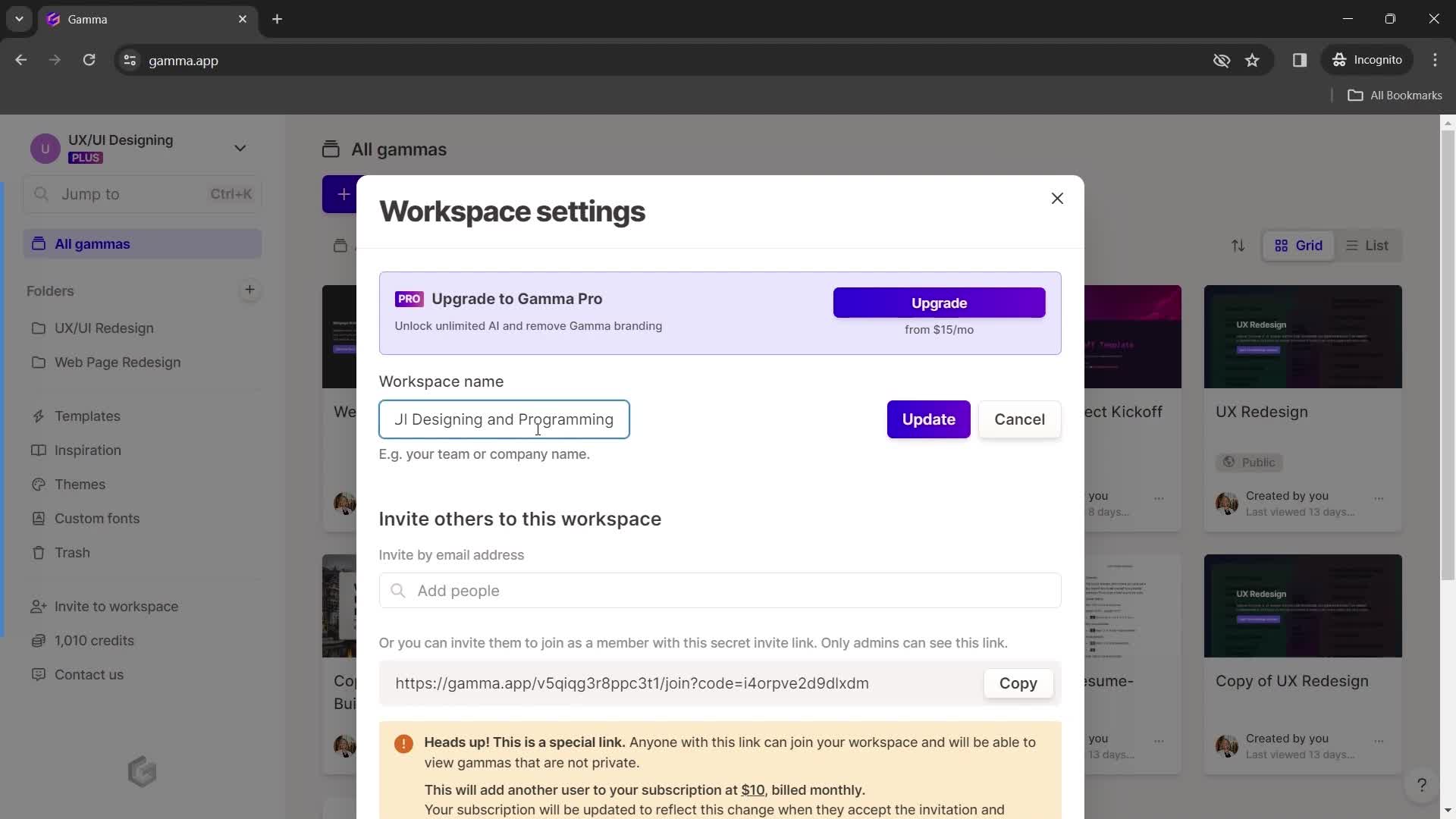
Edit workspace name
this is title
this is title
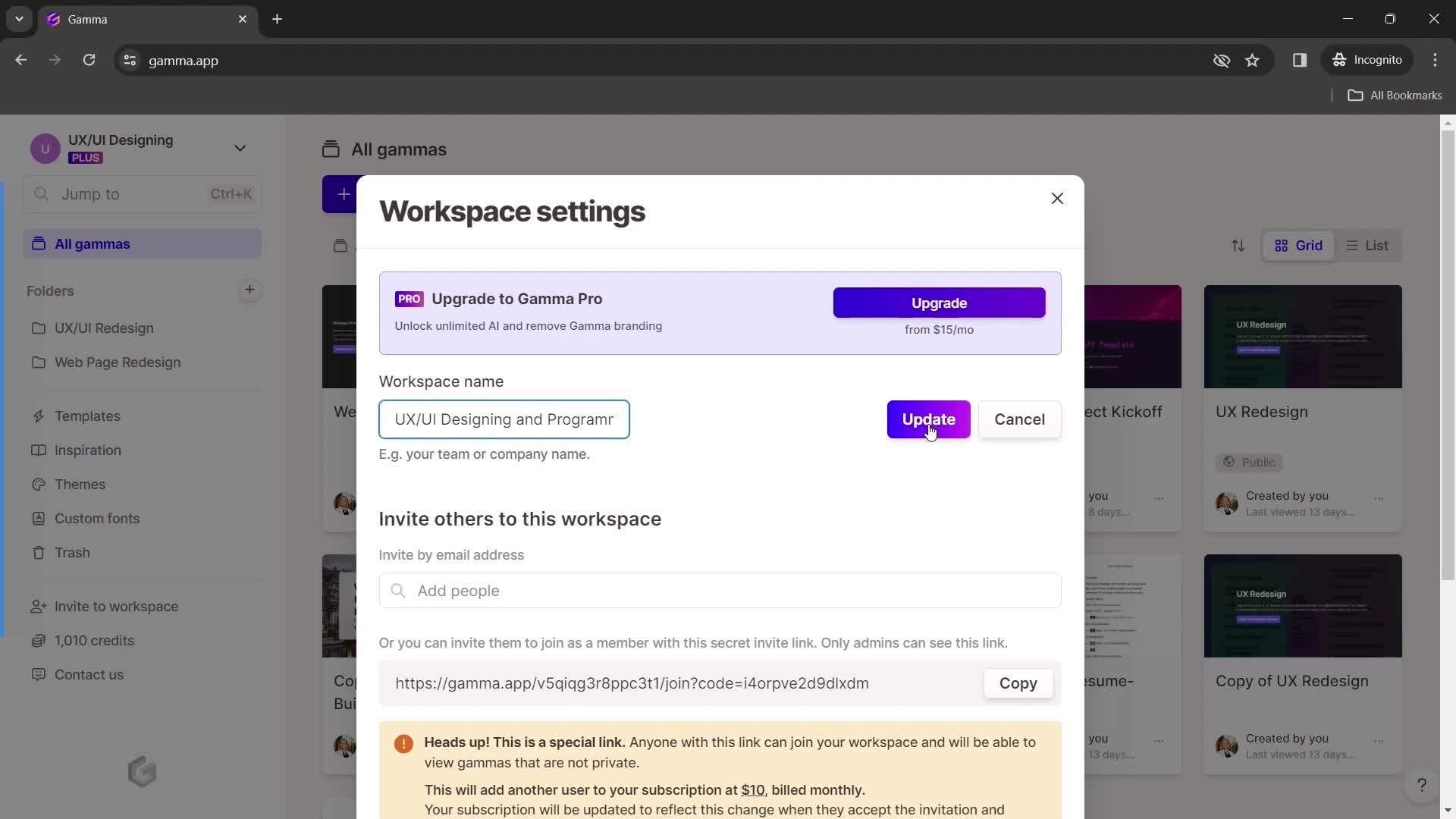
Update
this is title
Workspace updated
this is title
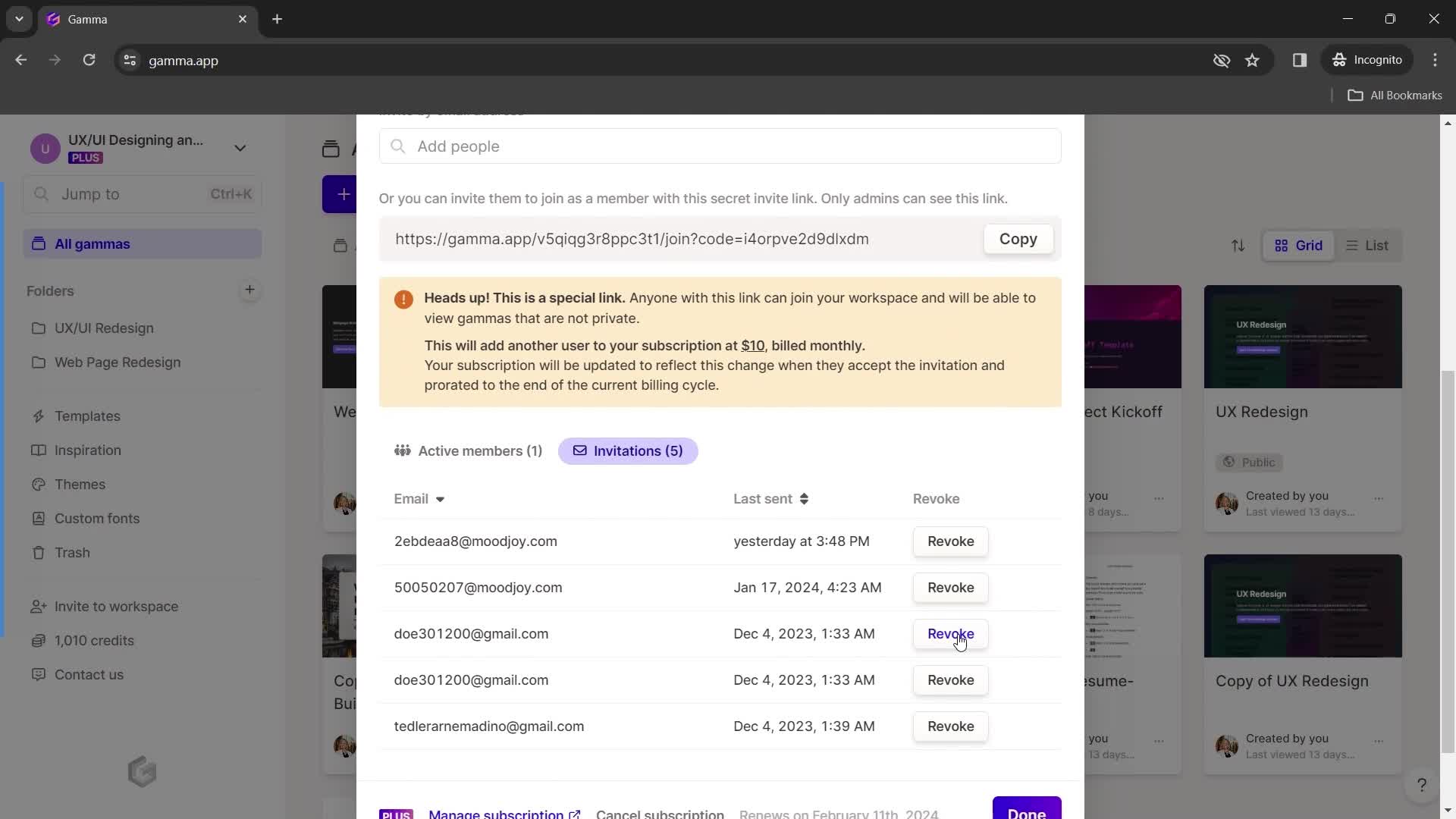
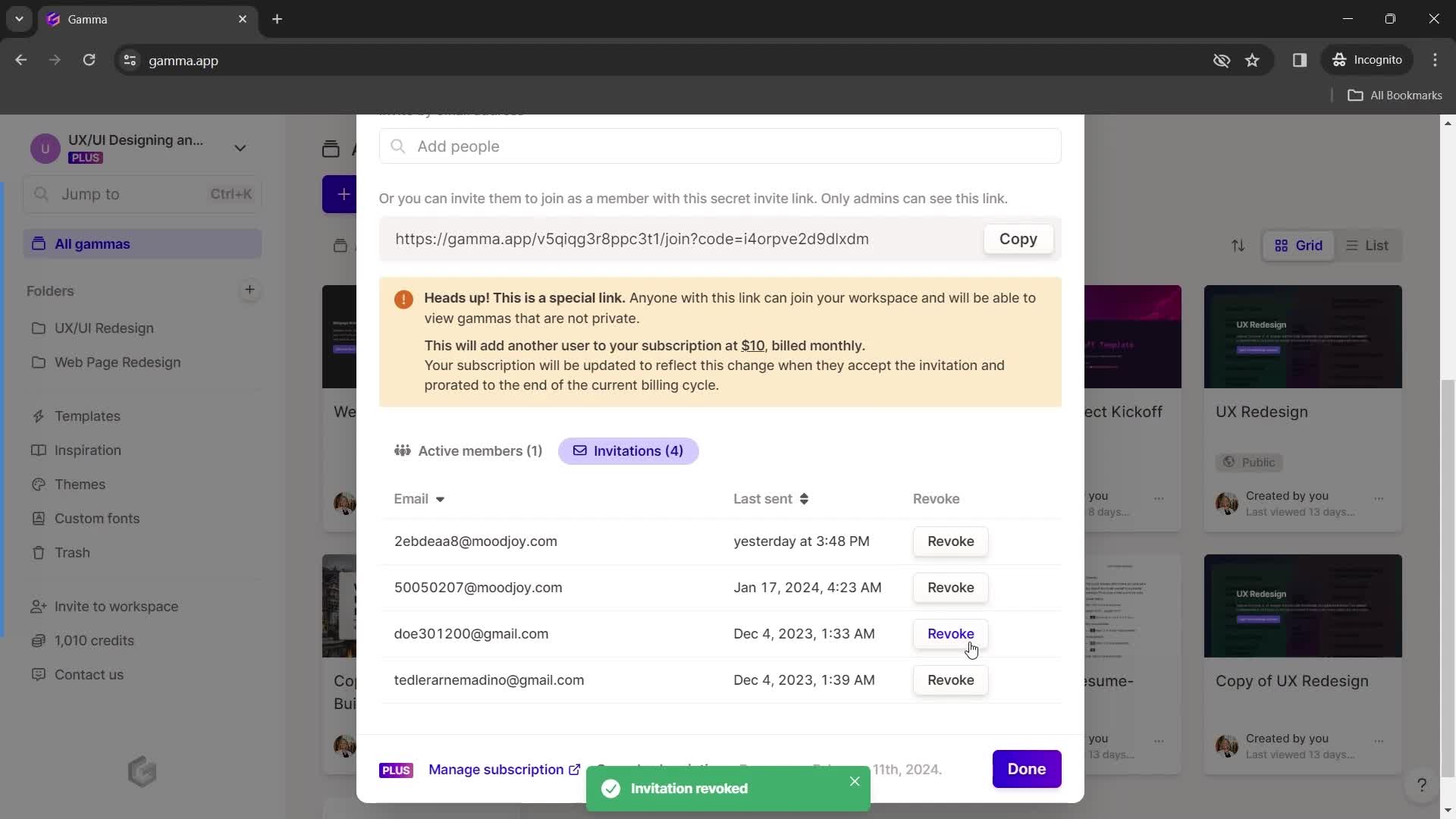
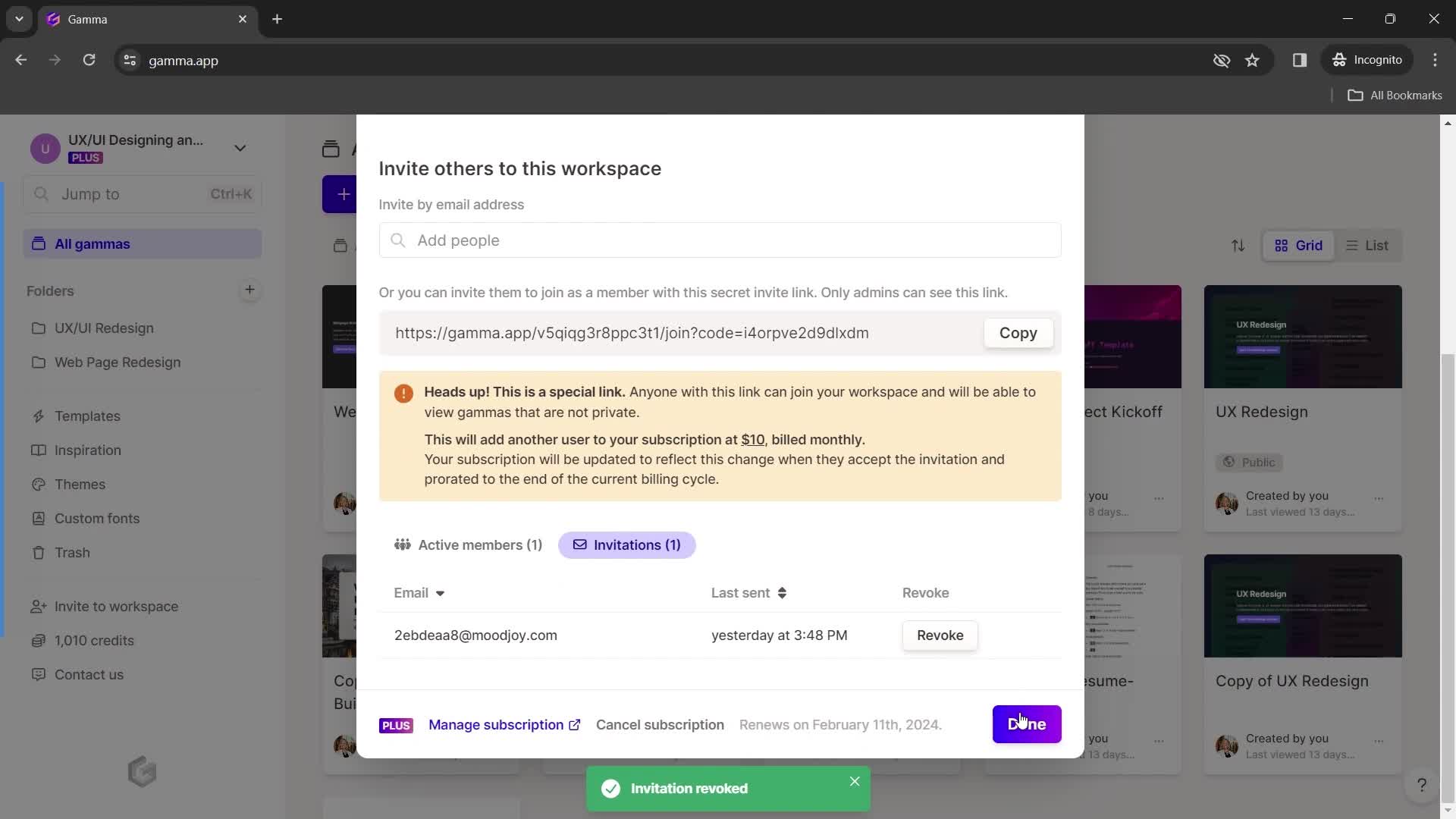
Invitations
this is title
Delete
this is title
Continue
this is title
Home
this is title
Account menu
this is title
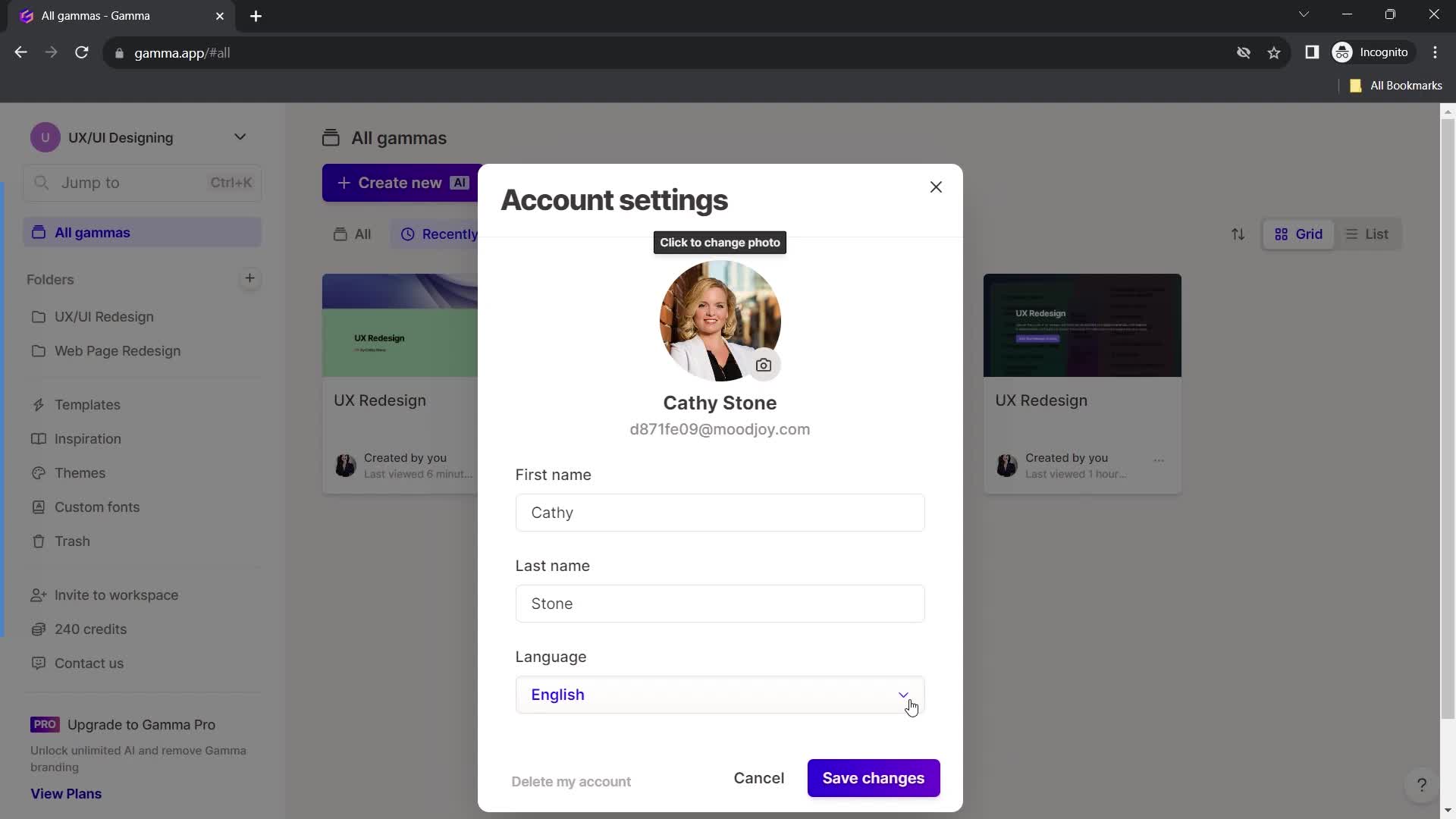
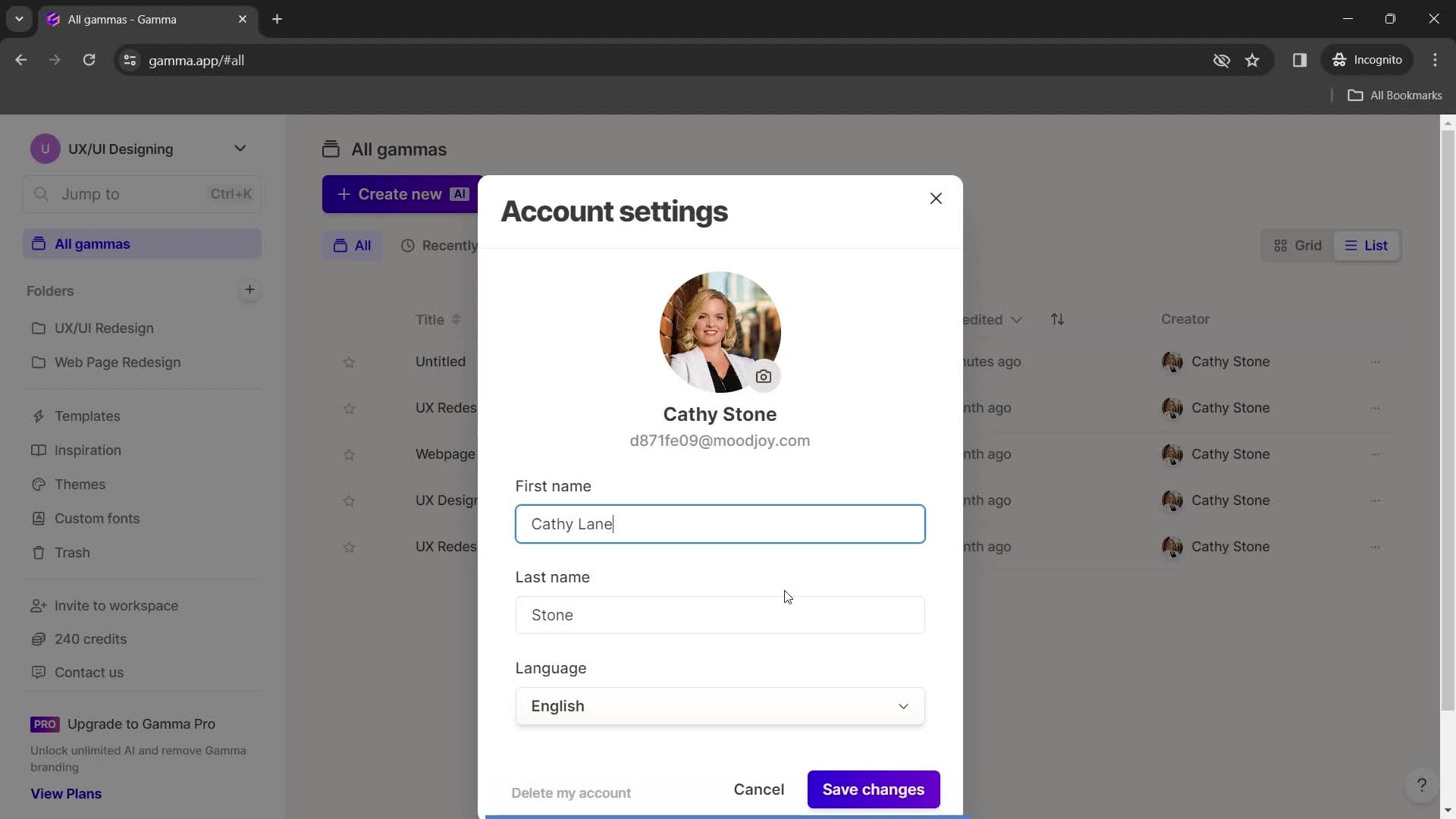
Account settings
this is title
Update profile photo
this is title
Profile photo added
this is title
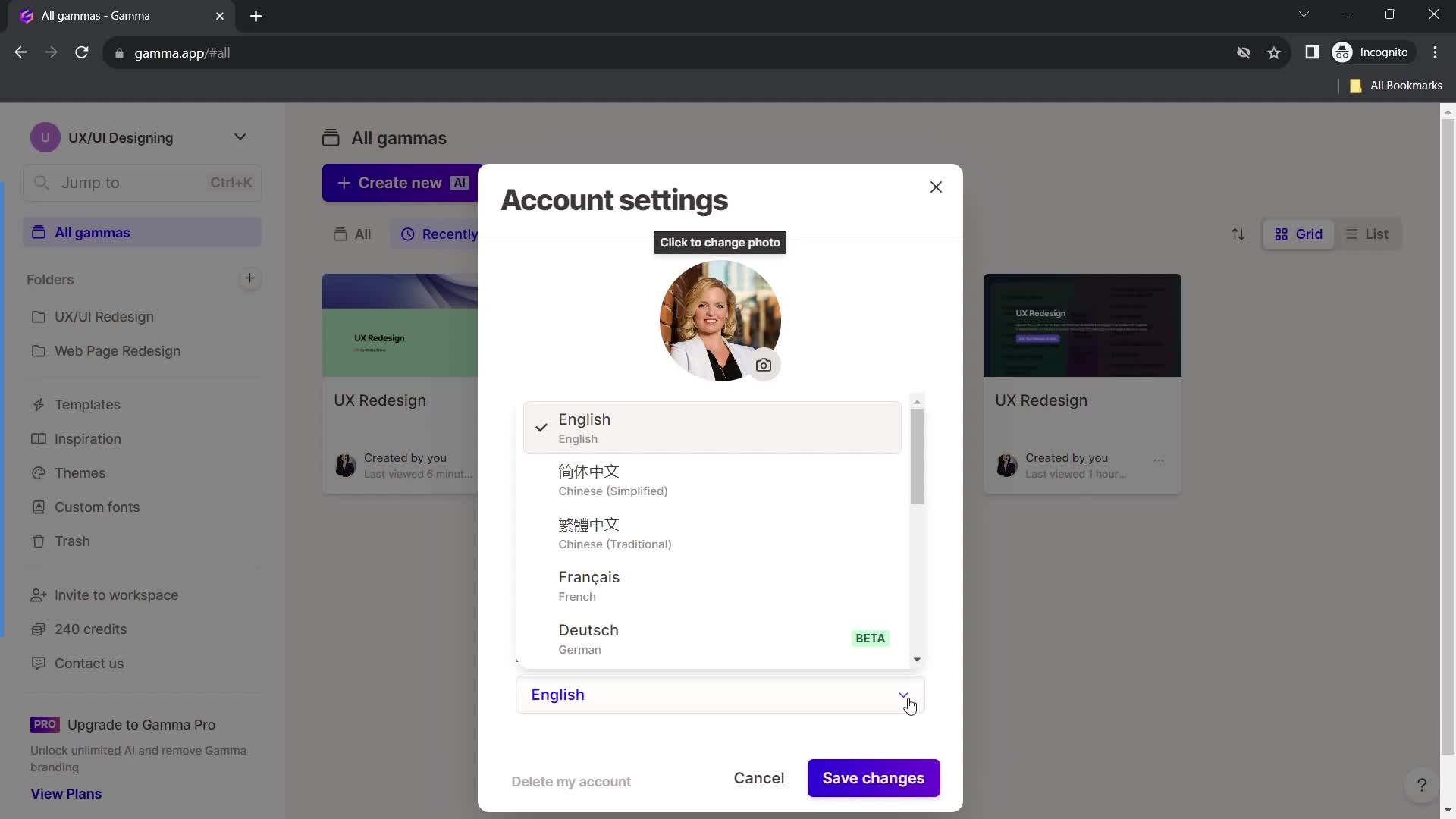
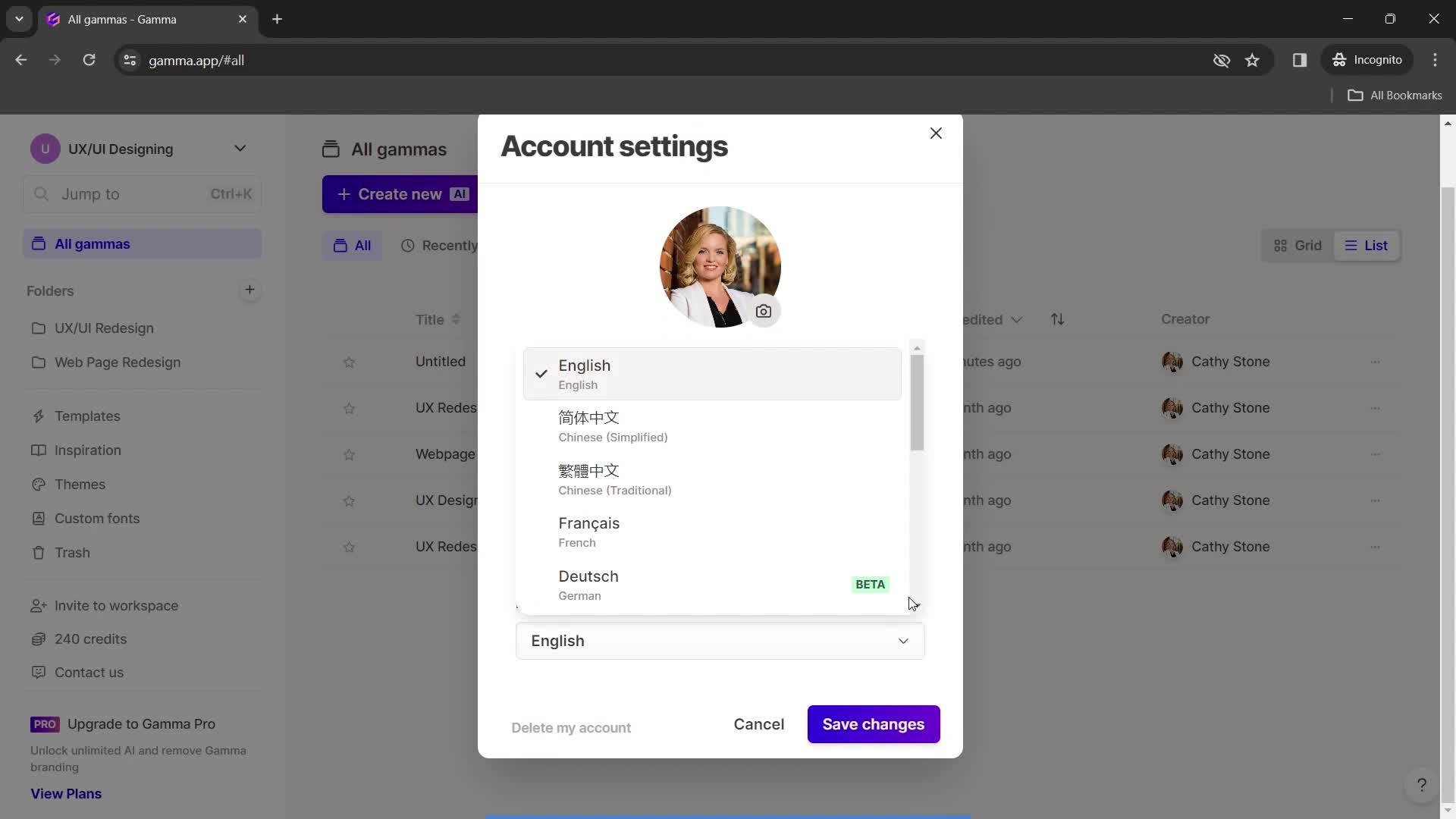
Select language
this is title
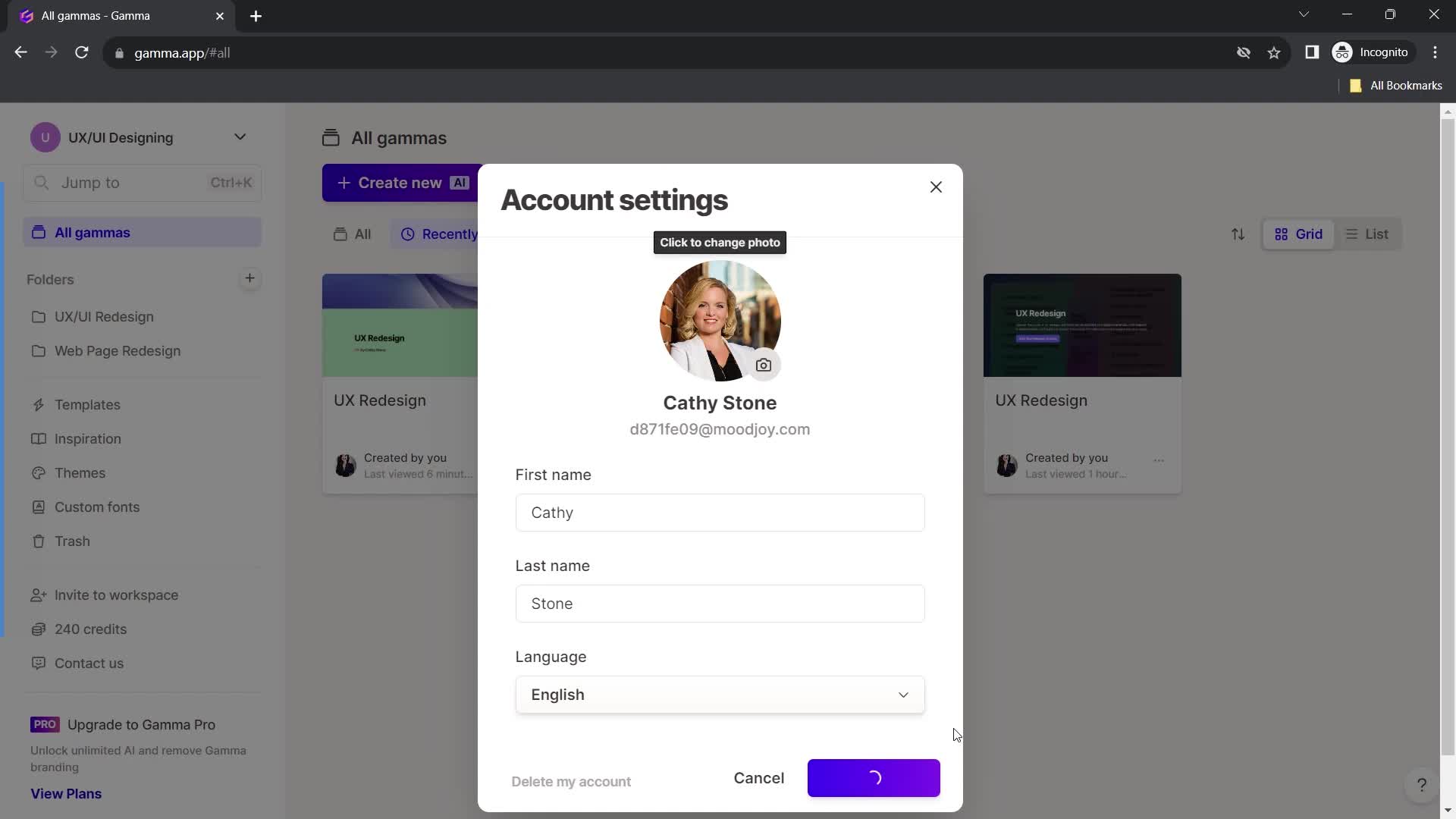
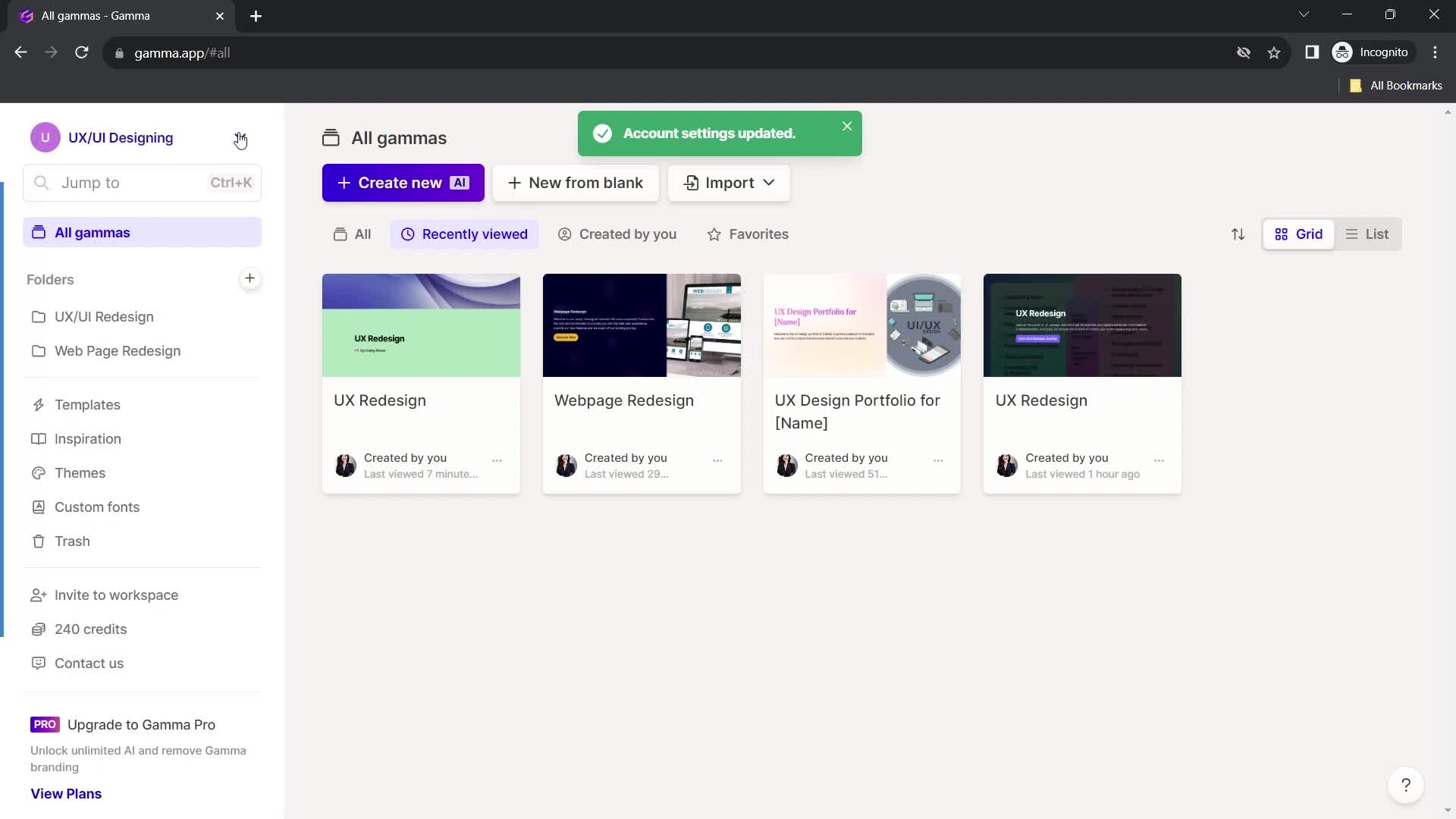
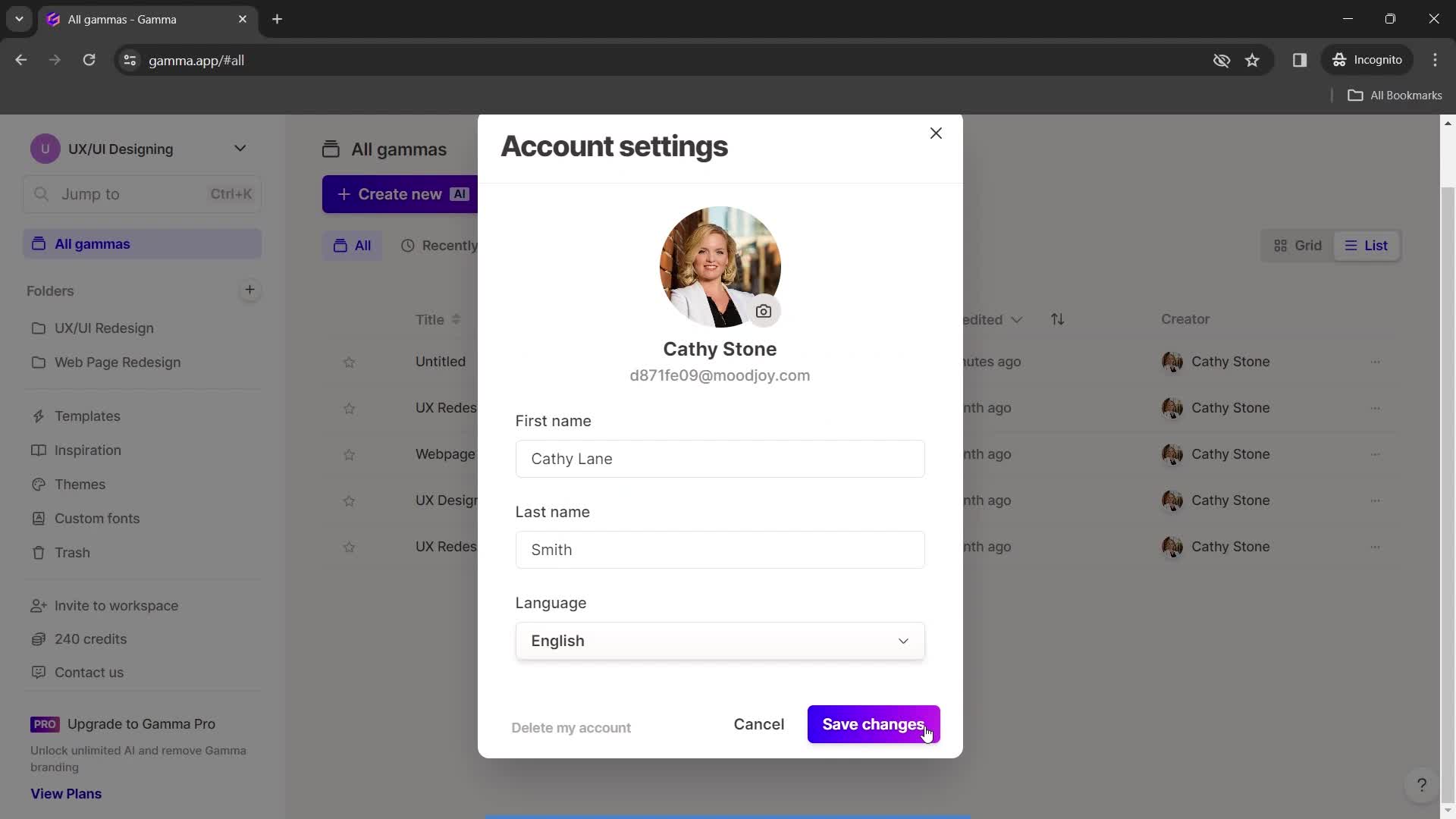
Save changes
this is title
Home
this is title
Account menu
this is title
Workspace settings
this is title
this is title
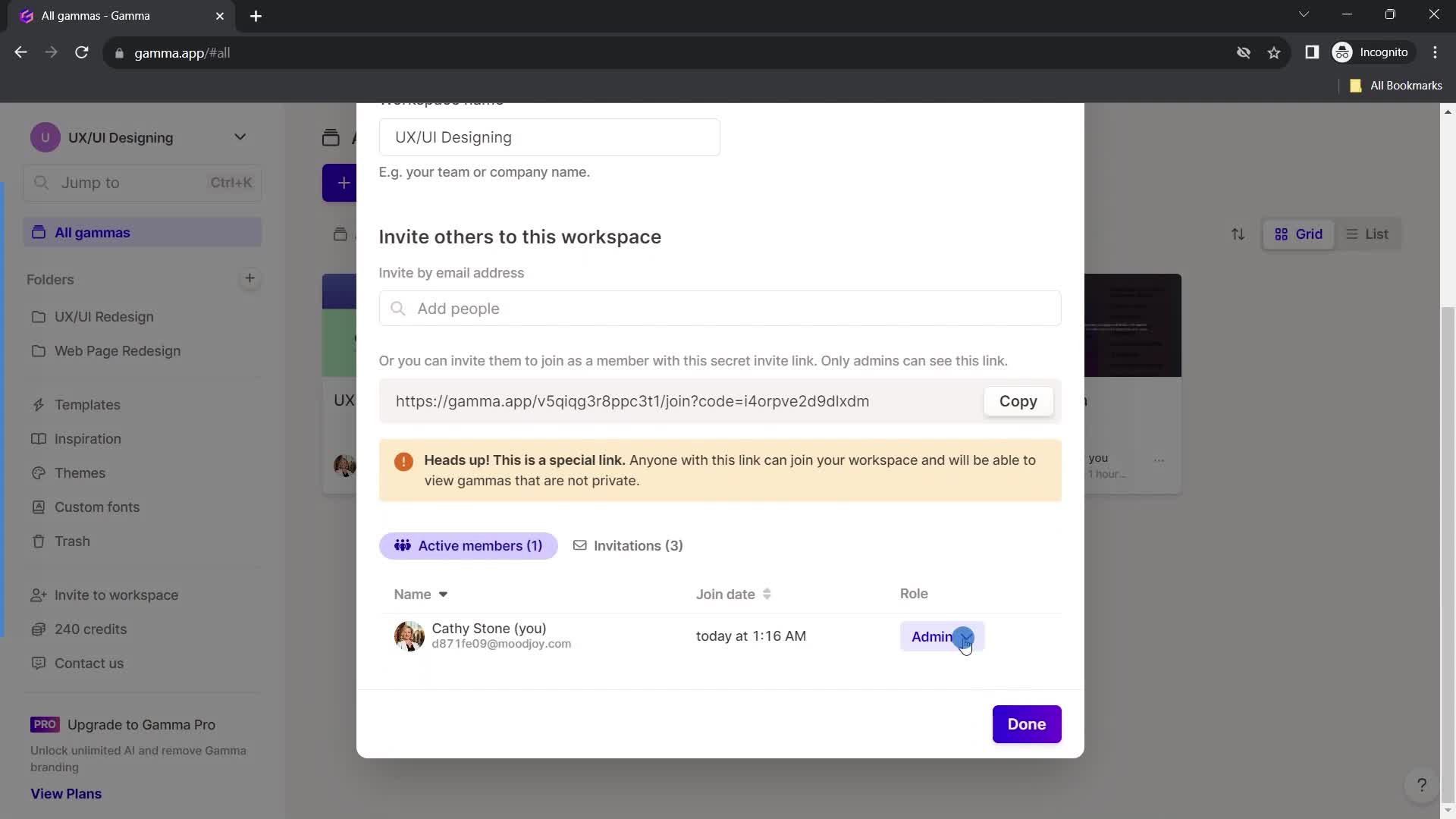
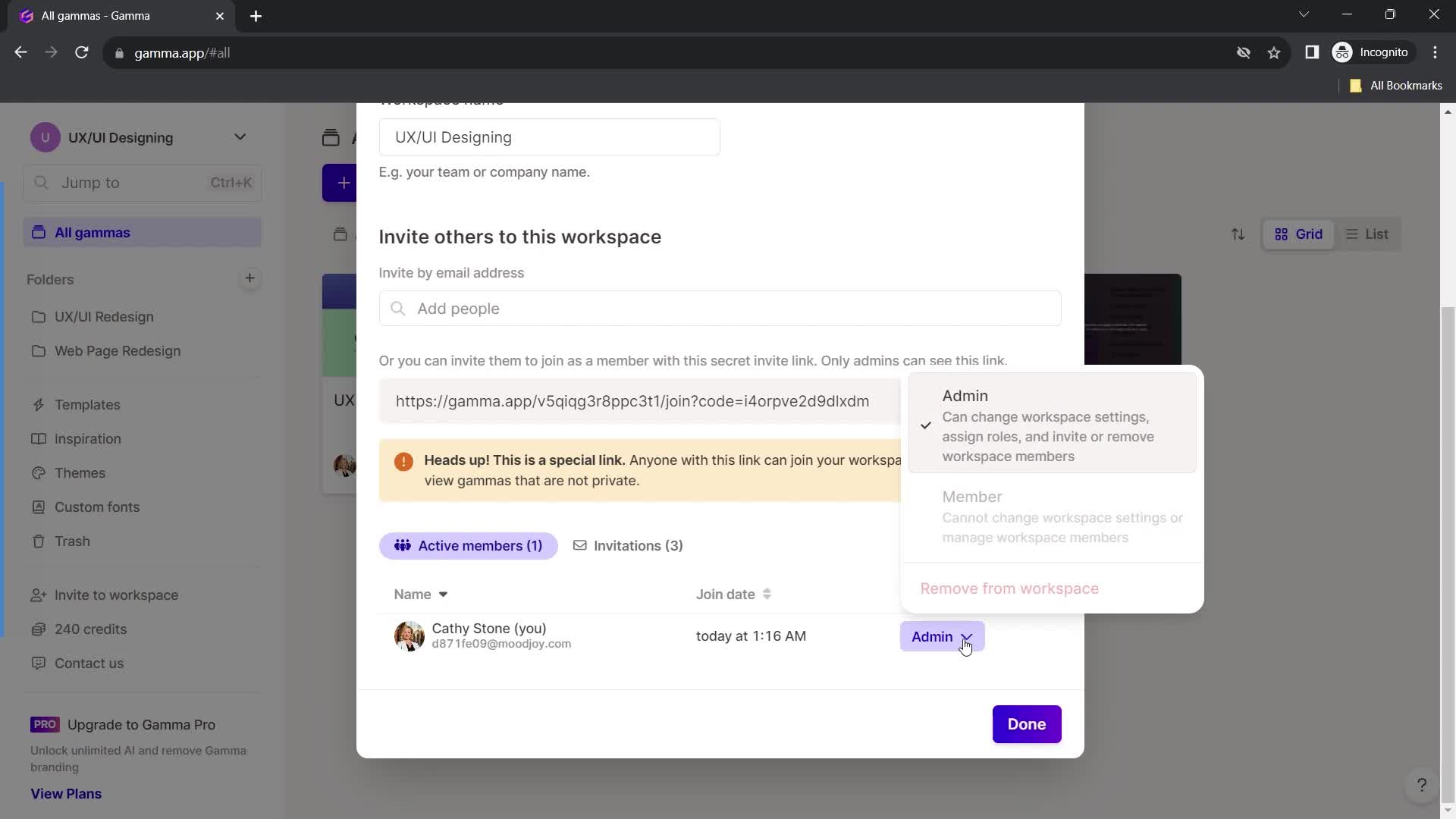
Edit role
this is title
Continue
this is title
Home
this is title
Templates
this is title
Inspirations
this is title
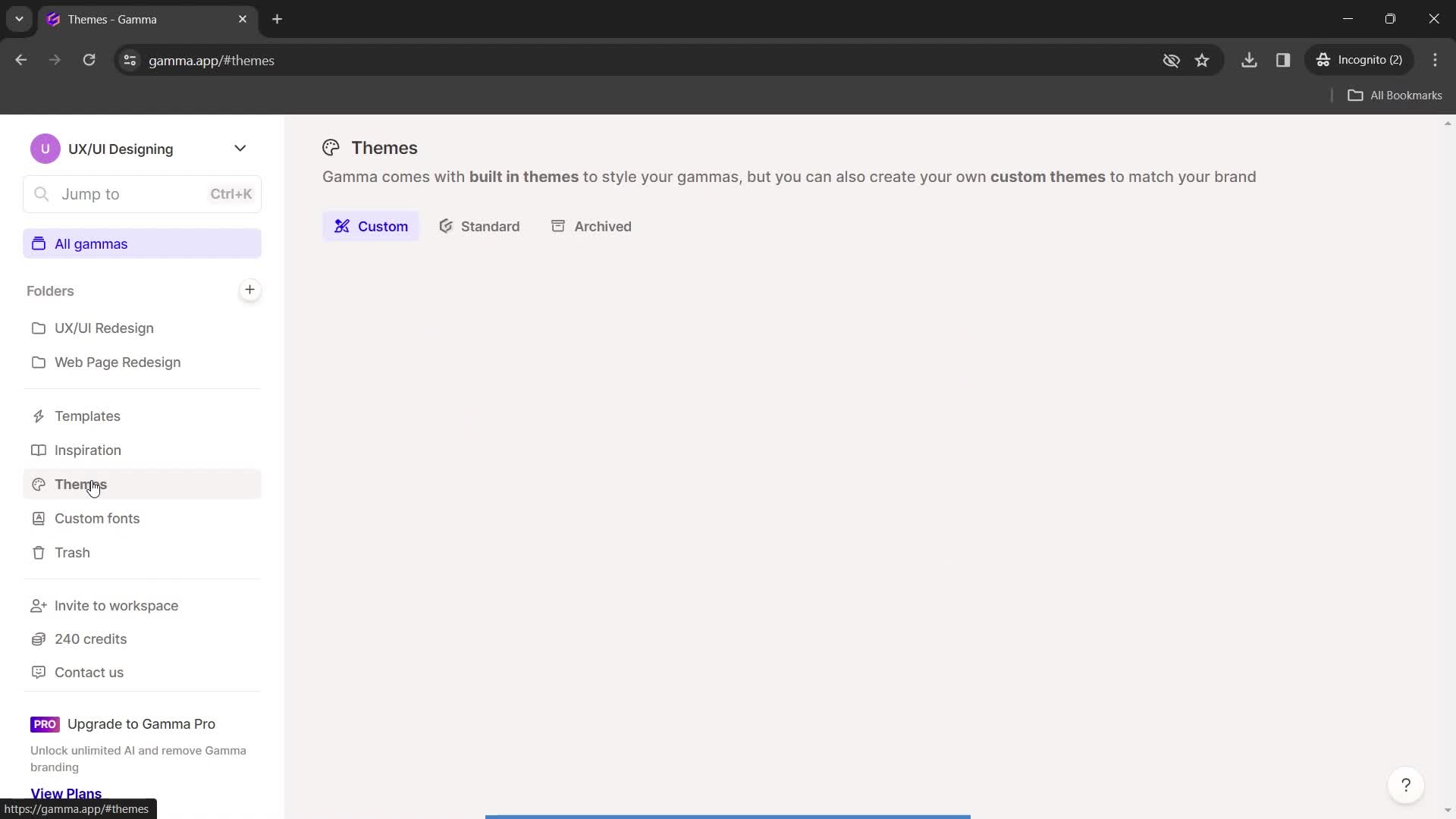
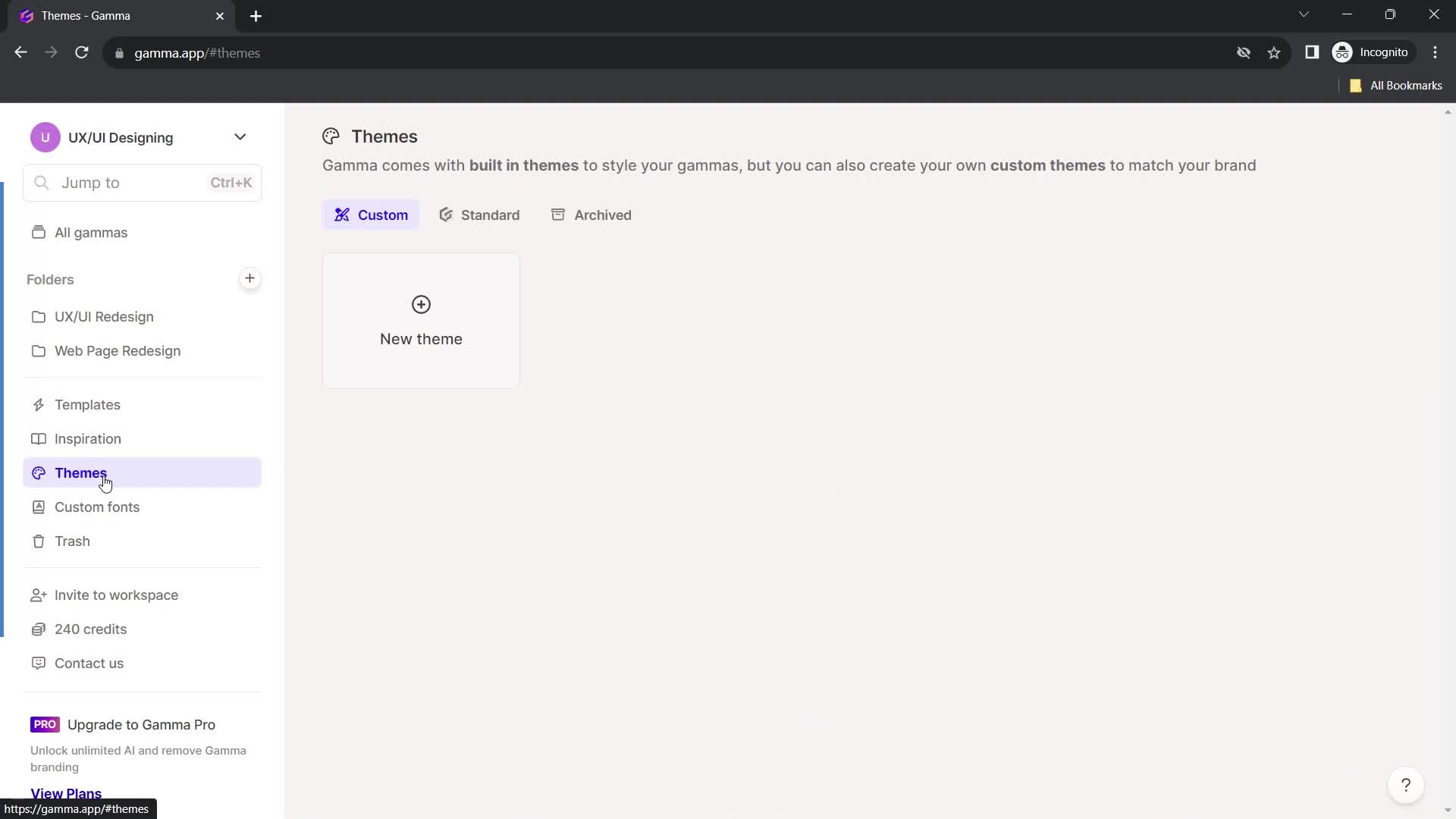
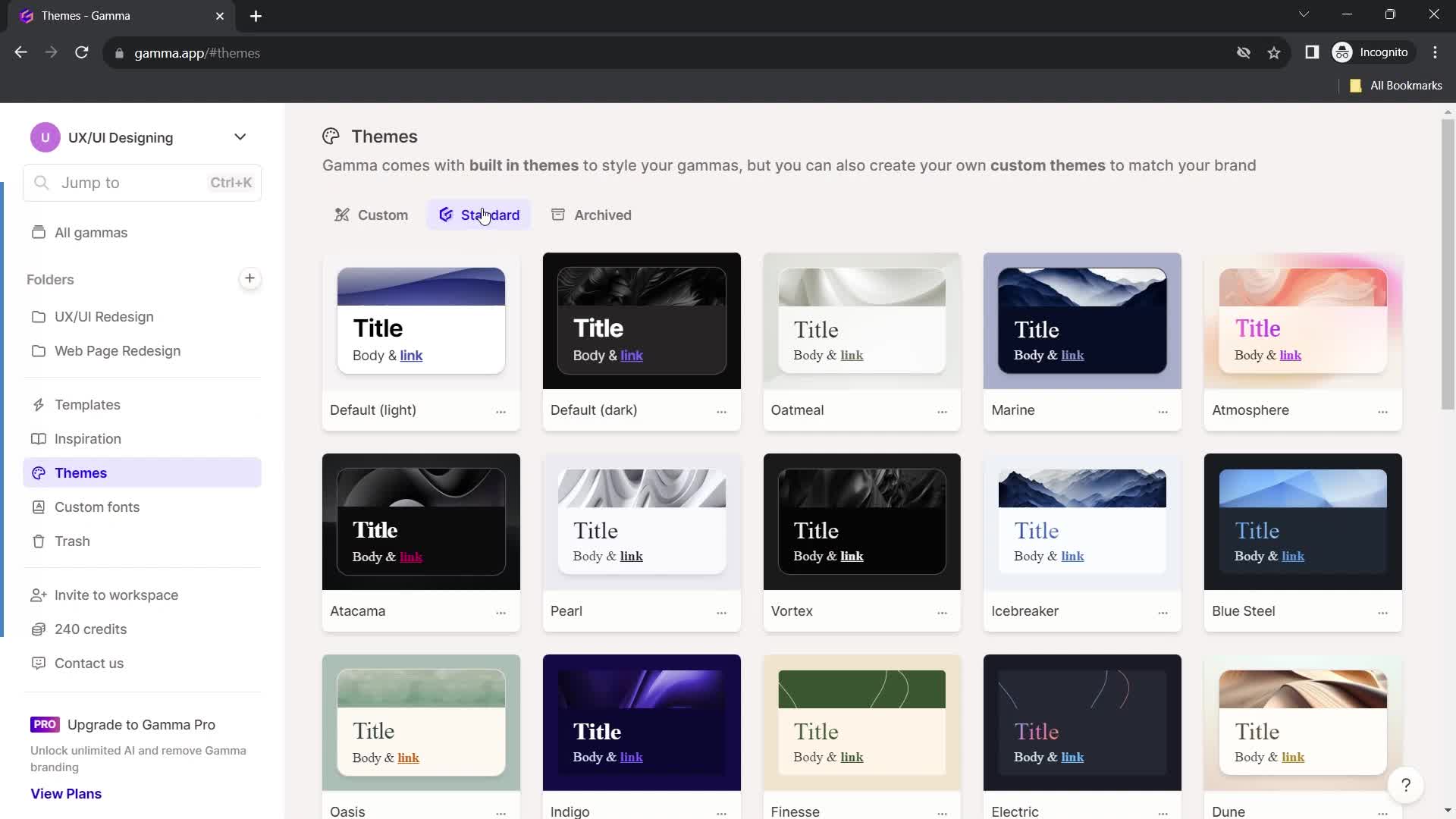
Themes
this is title
Select theme
this is title
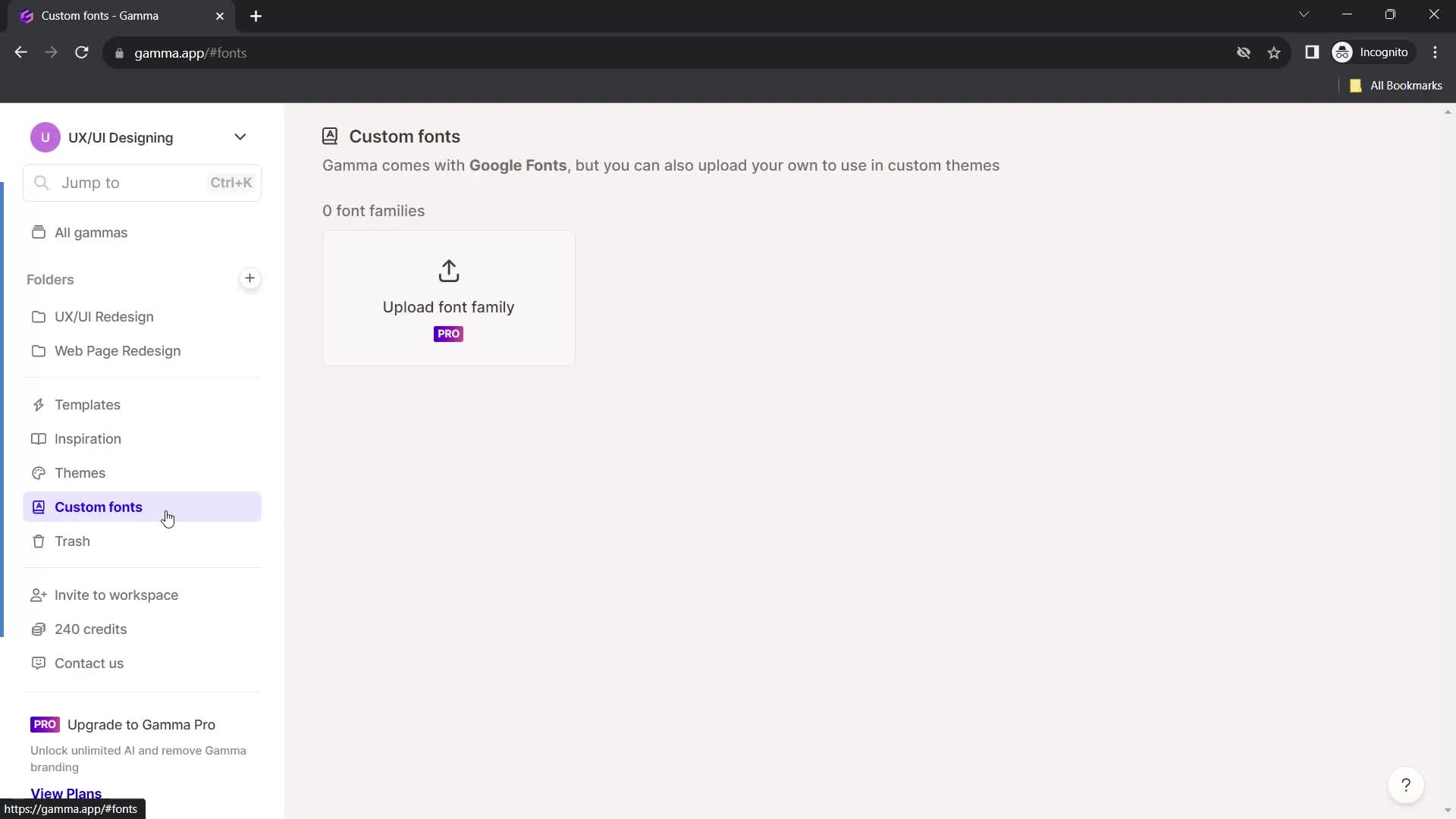
Fonts
this is title
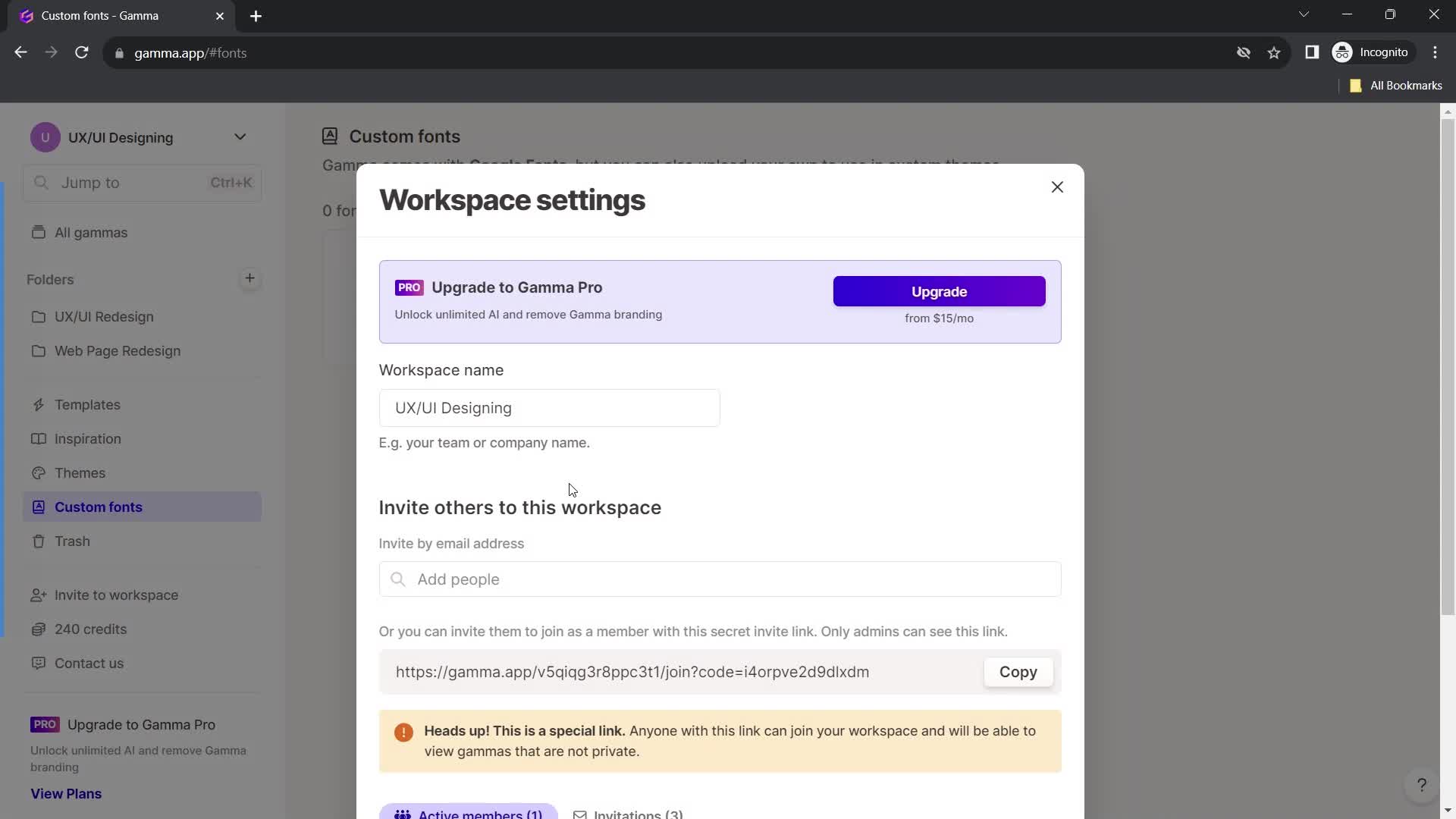
Workspace settings
this is title
this is title
this is title
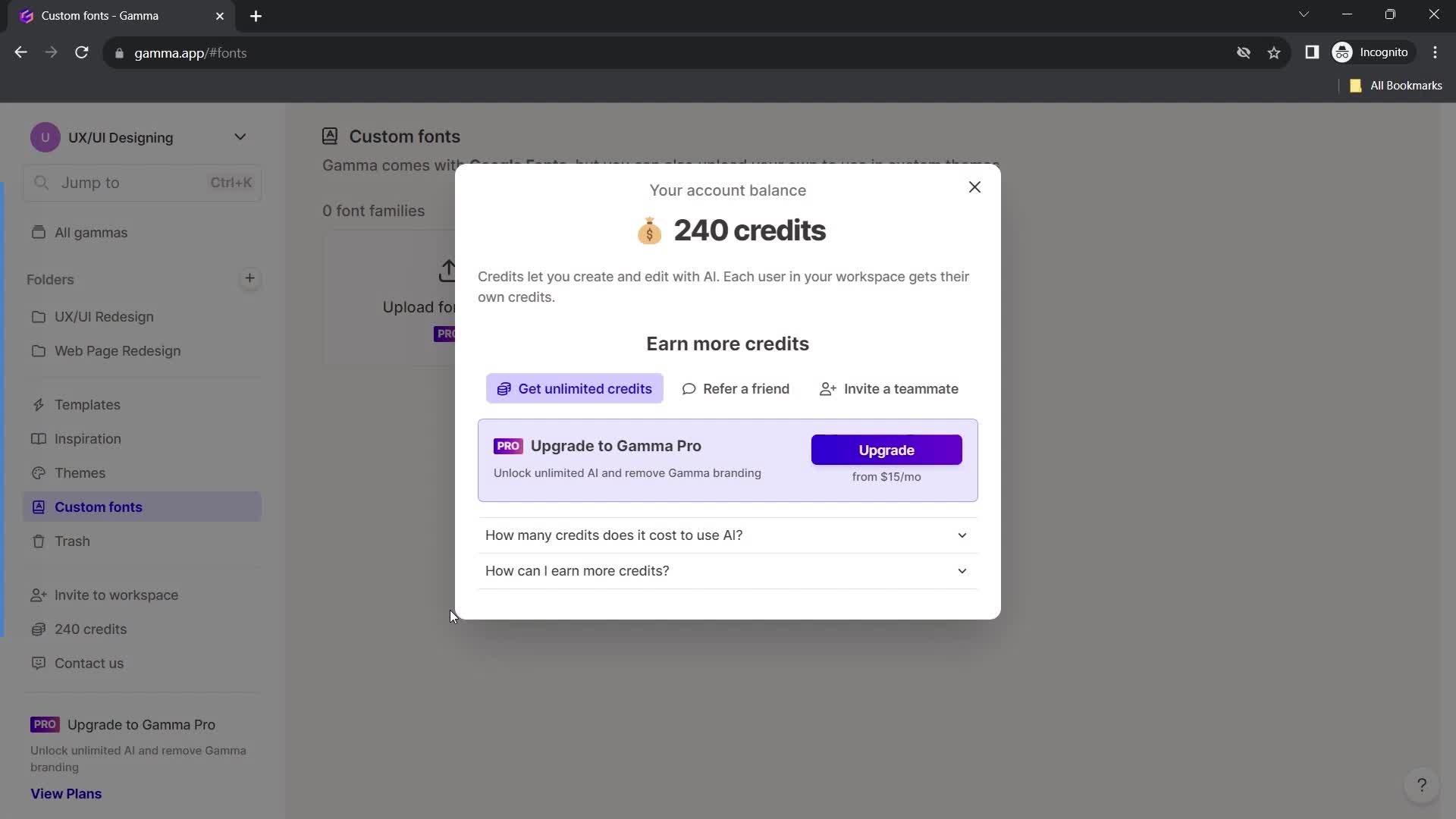
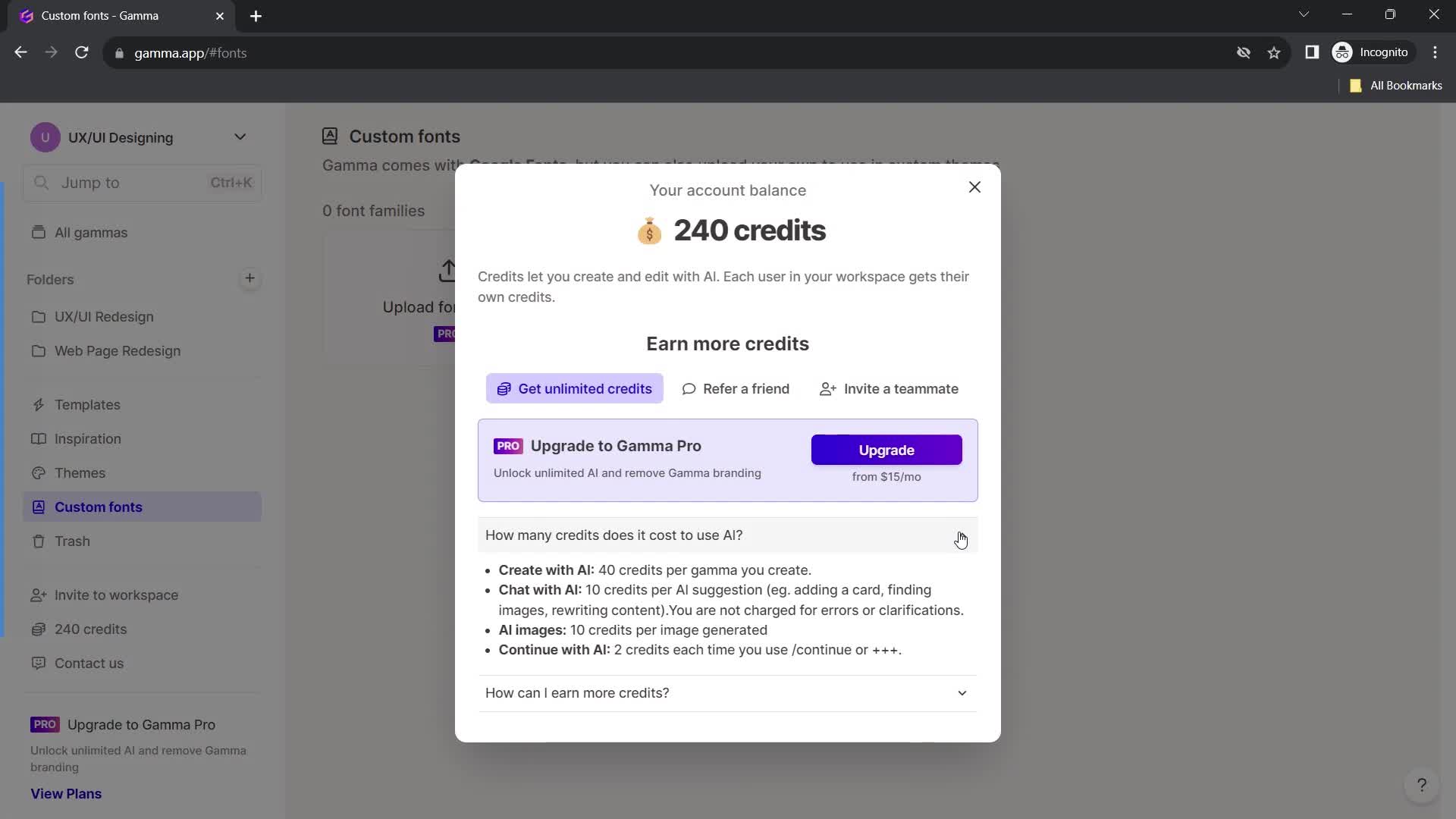
Credits
this is title
this is title
this is title
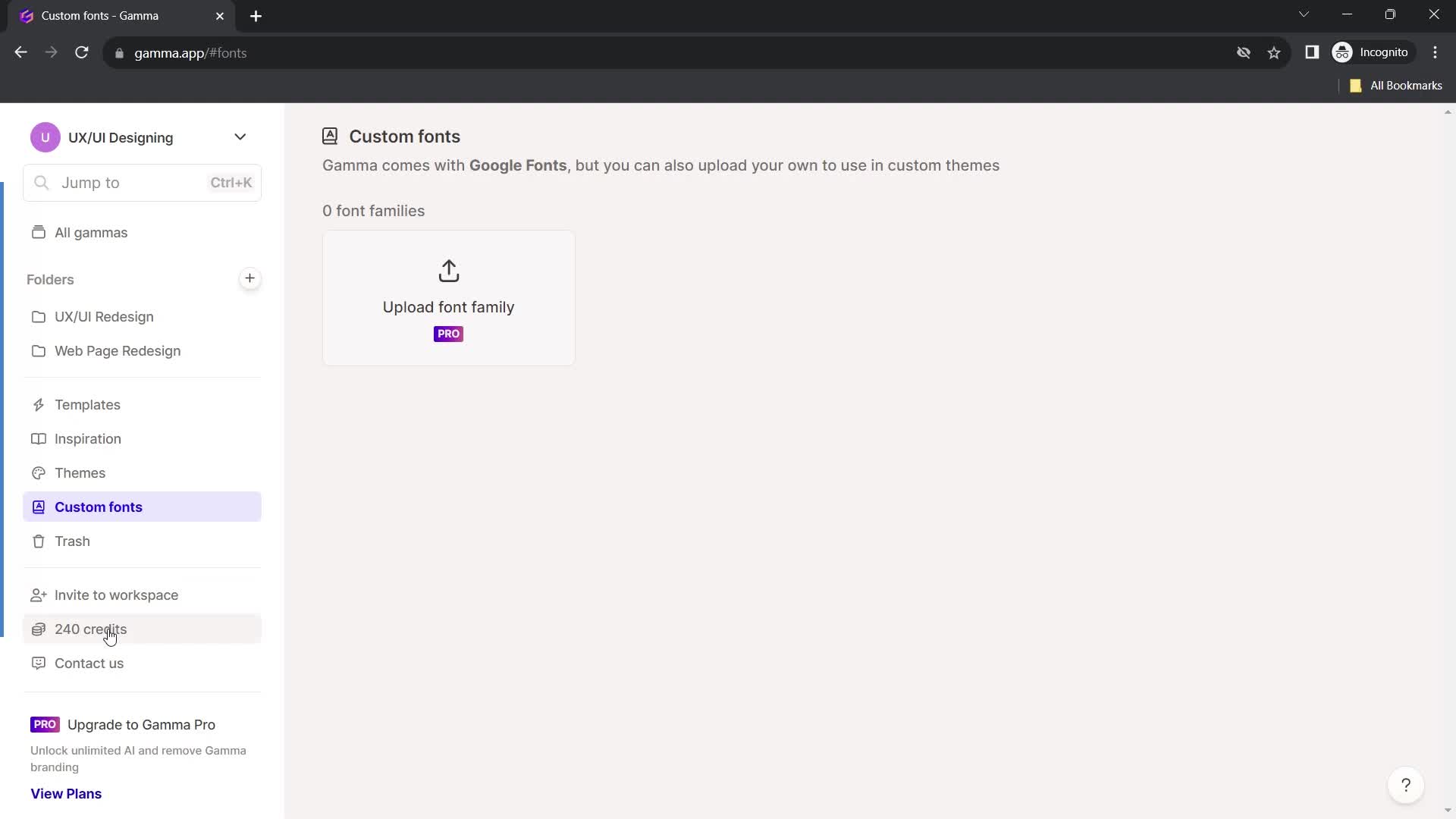
Fonts
this is title
Home
this is title
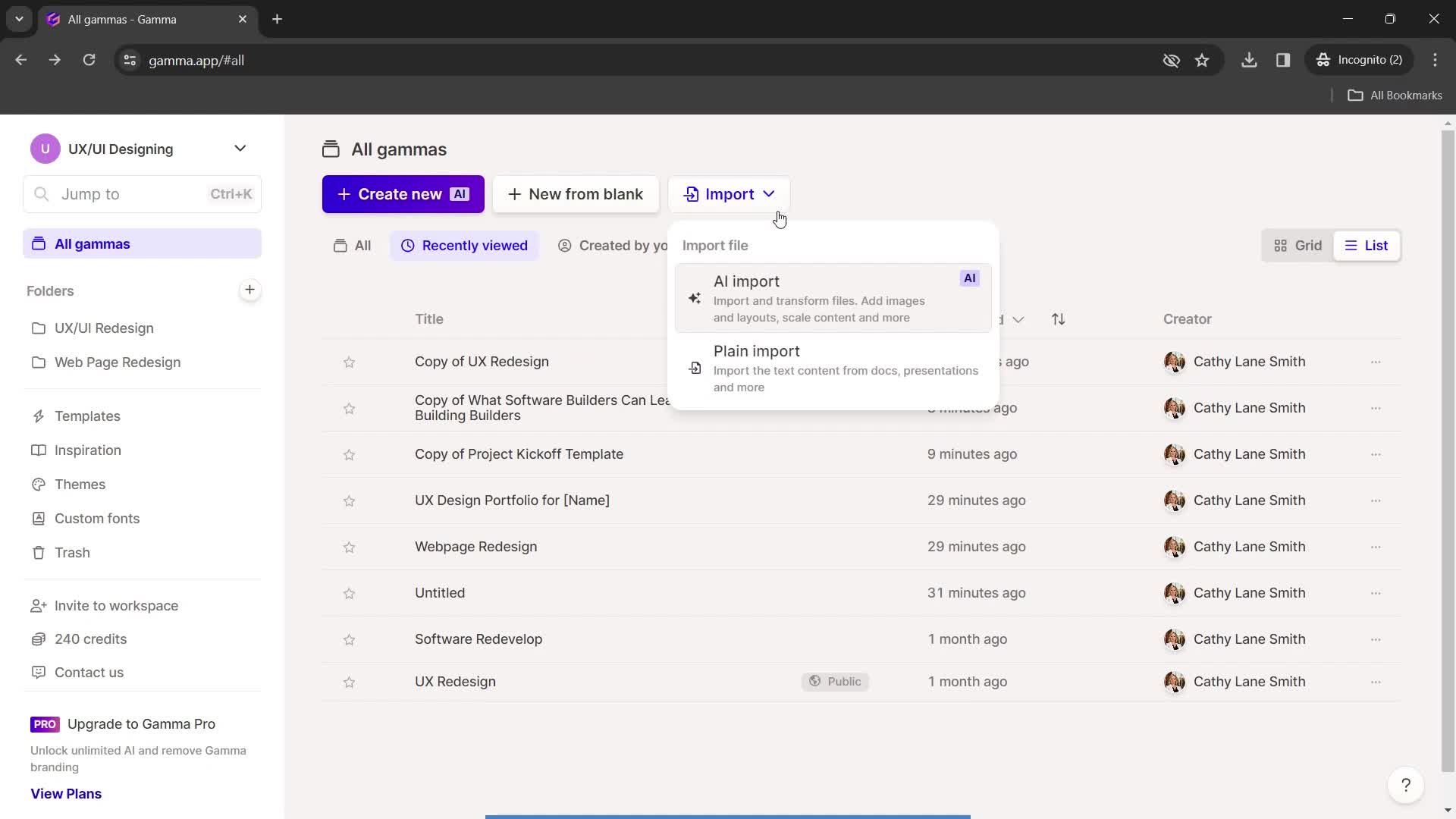
Import
this is title
Home
this is title
List view
this is title
Grid view
this is title
Dashboard
this is title
Import
this is title
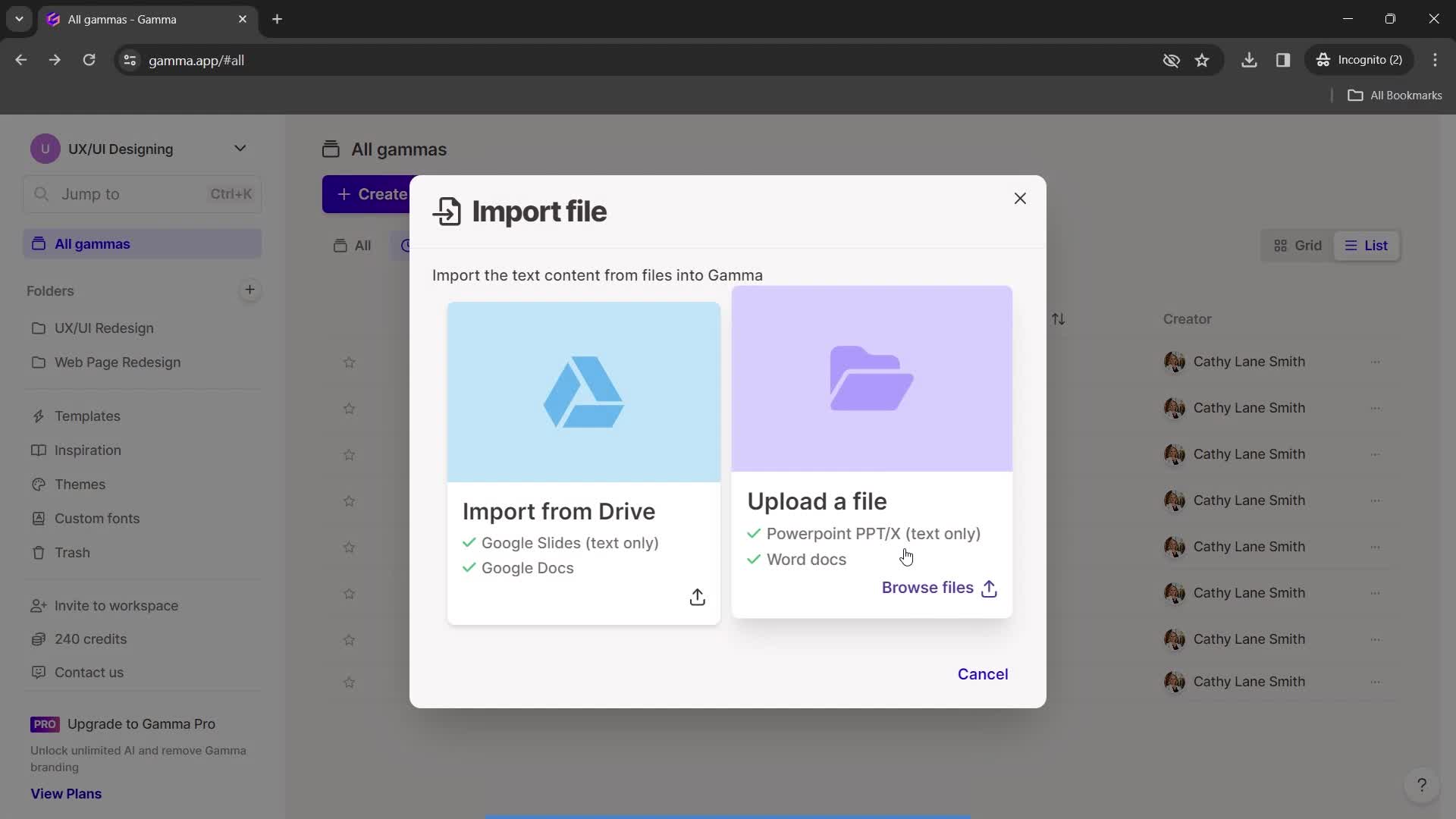
Upload file
this is title
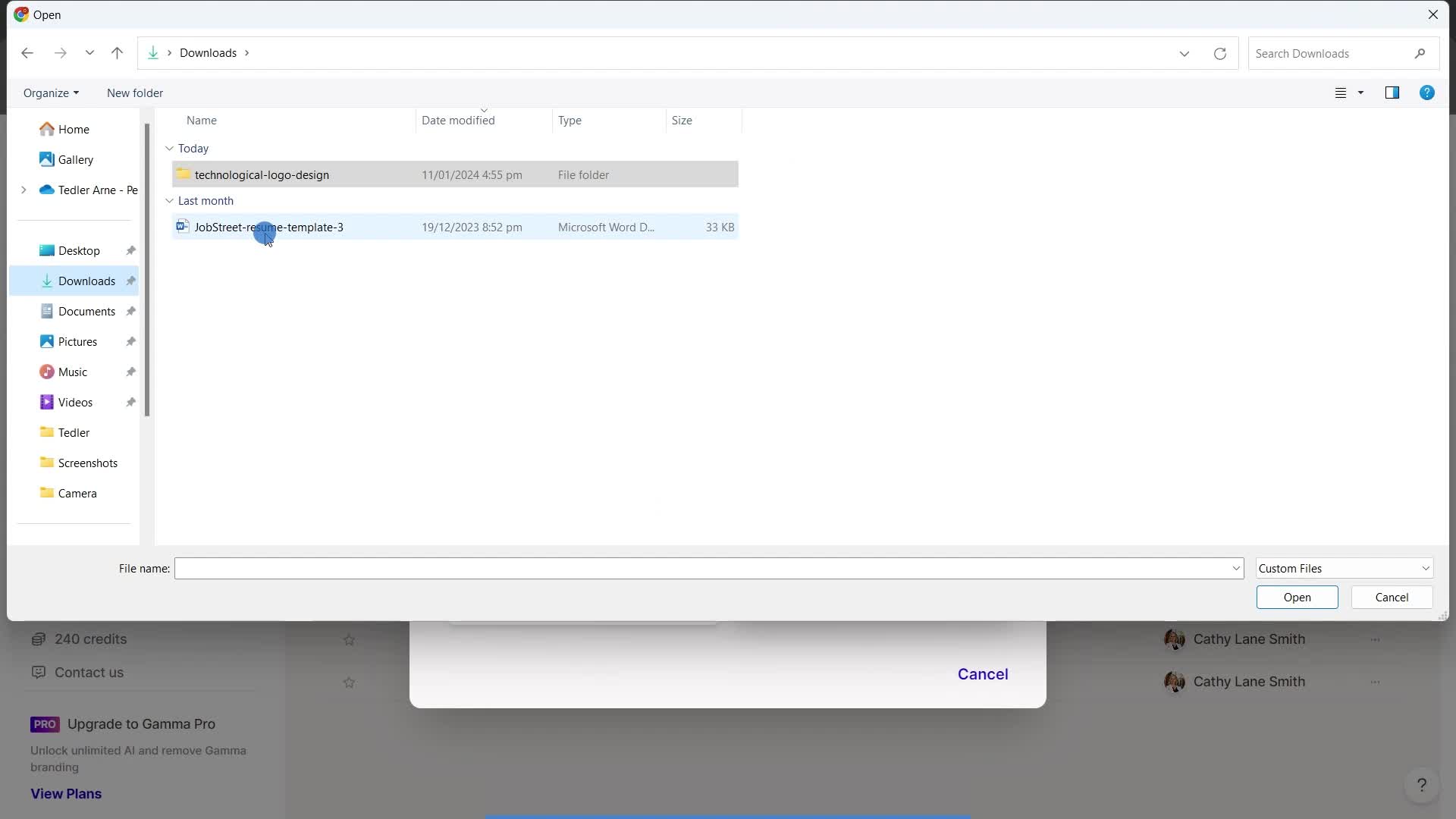
Select file
this is title
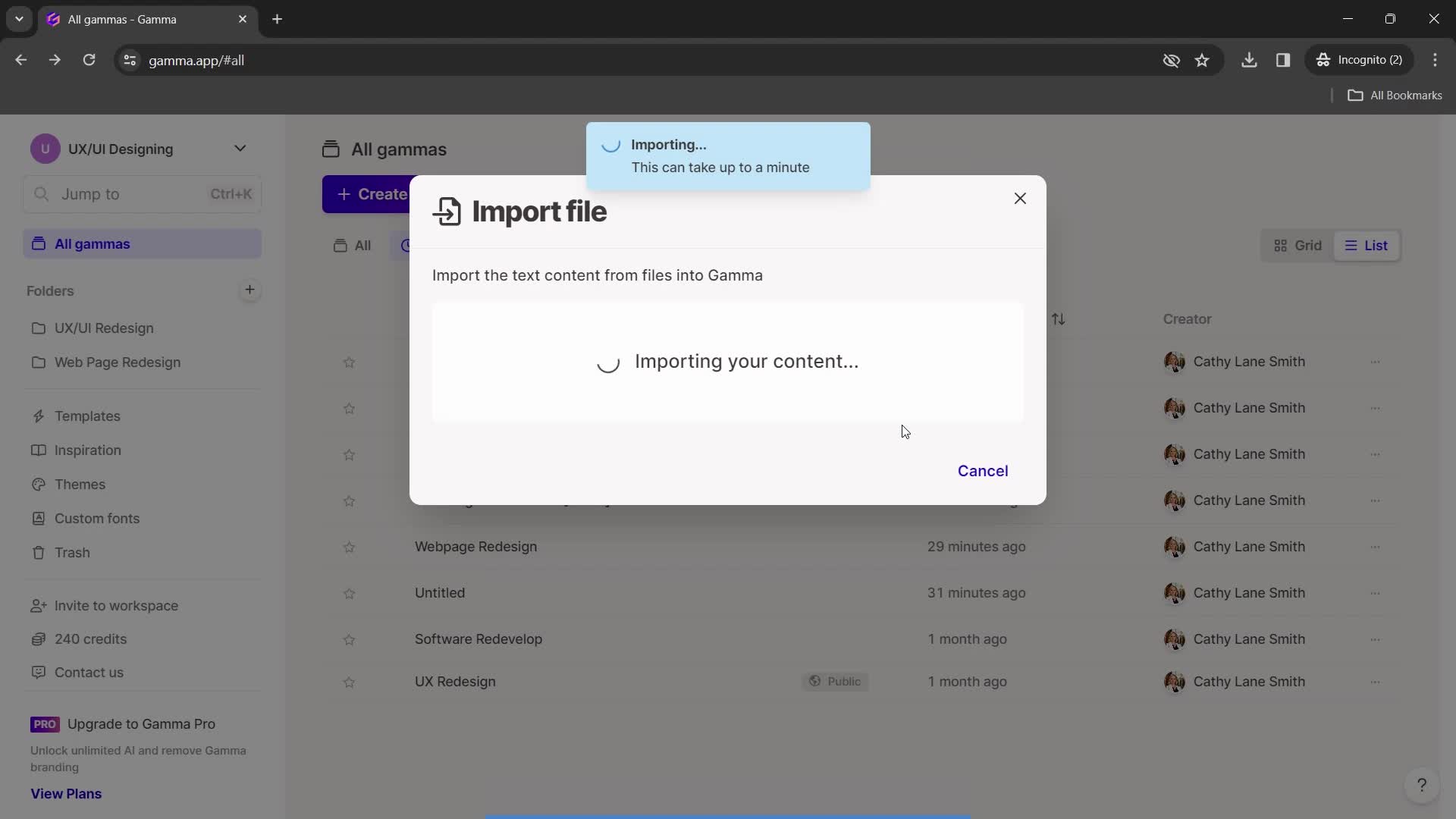
Import in progress
this is title
Import complete
this is title
Home
this is title
Enter email
this is title
Send invite
this is title
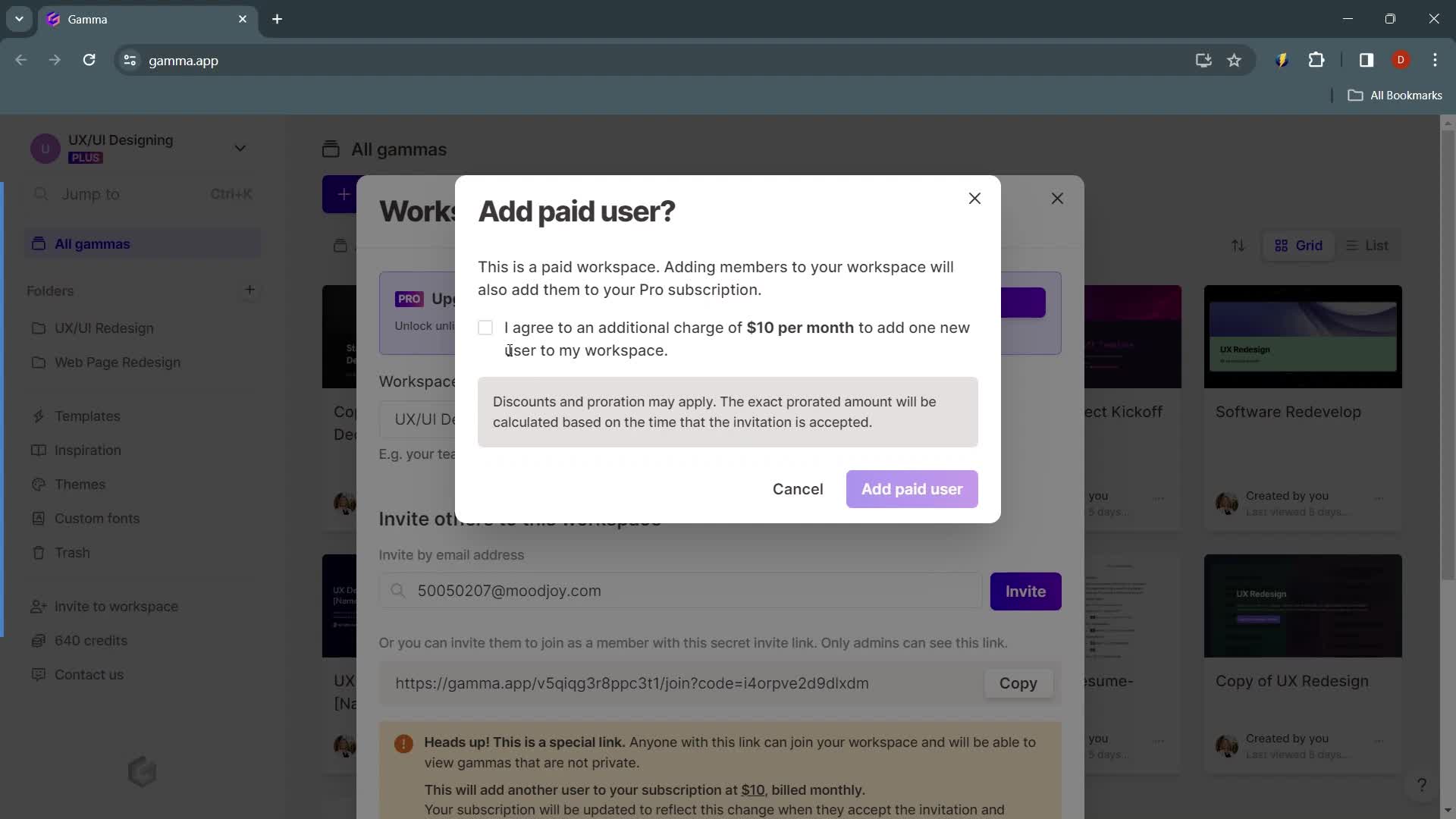
Agree to terms
this is title
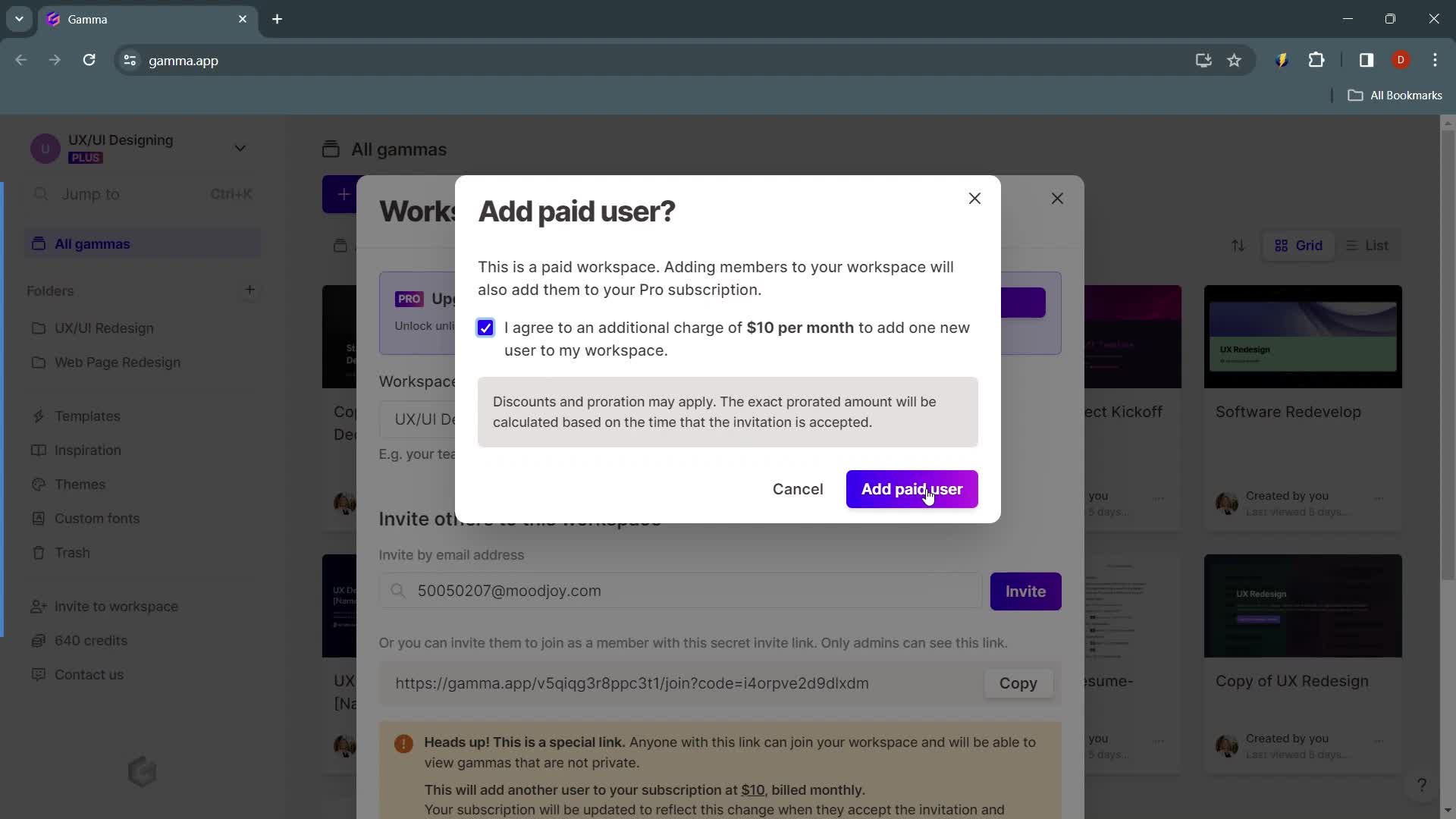
Continue
this is title
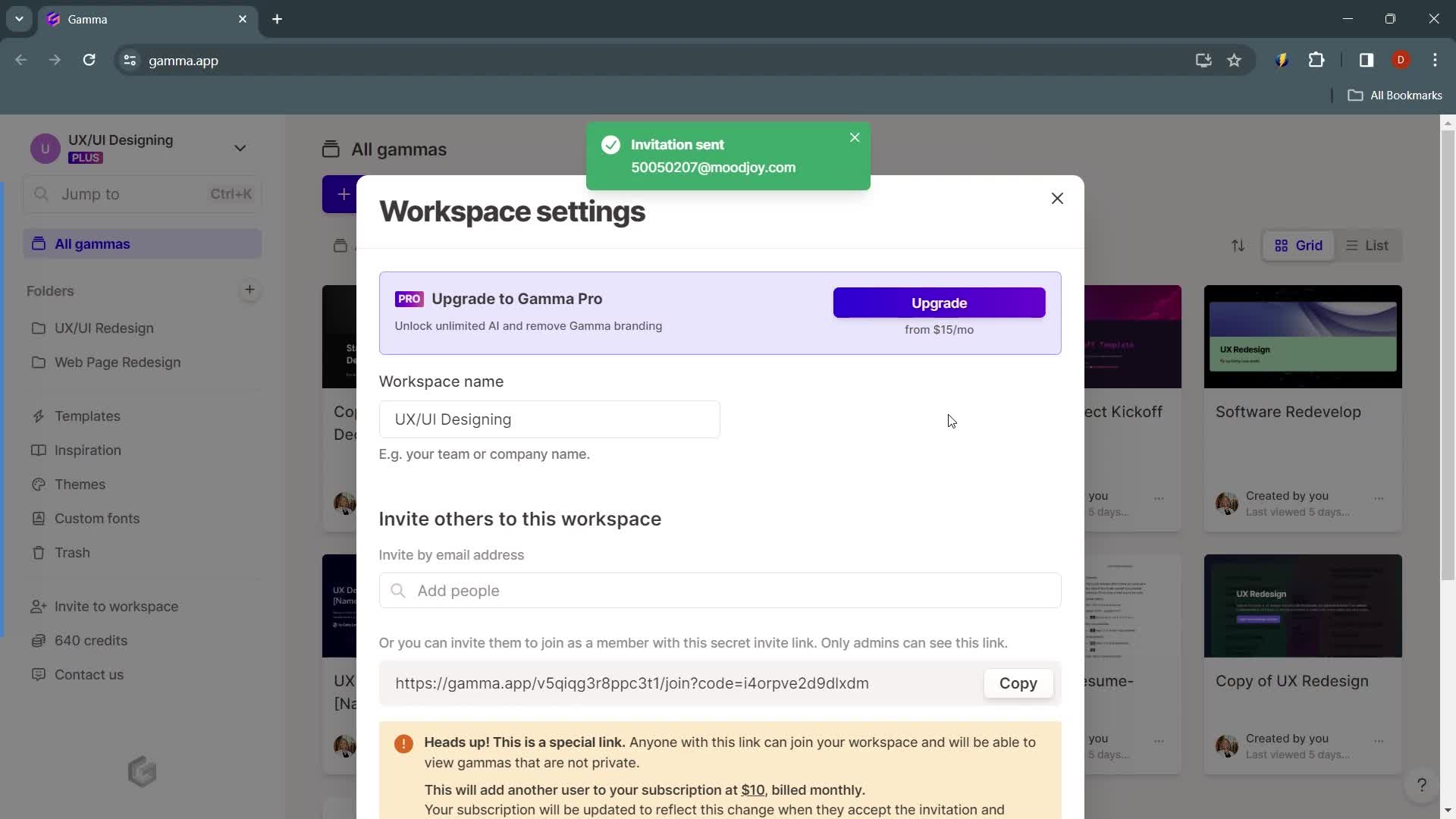
Invite sent
this is title
Workspace settings
this is title
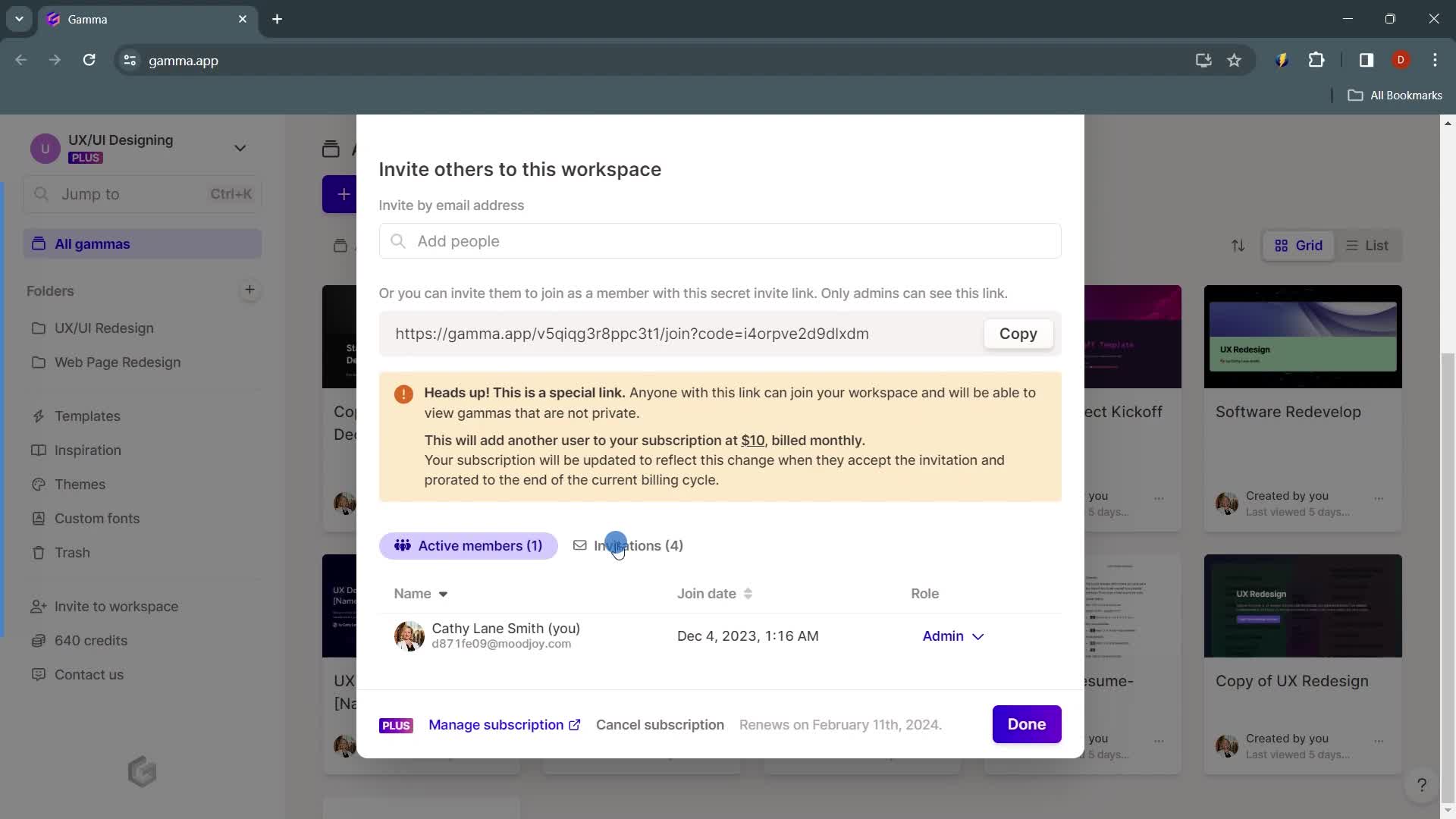
Invites
this is title
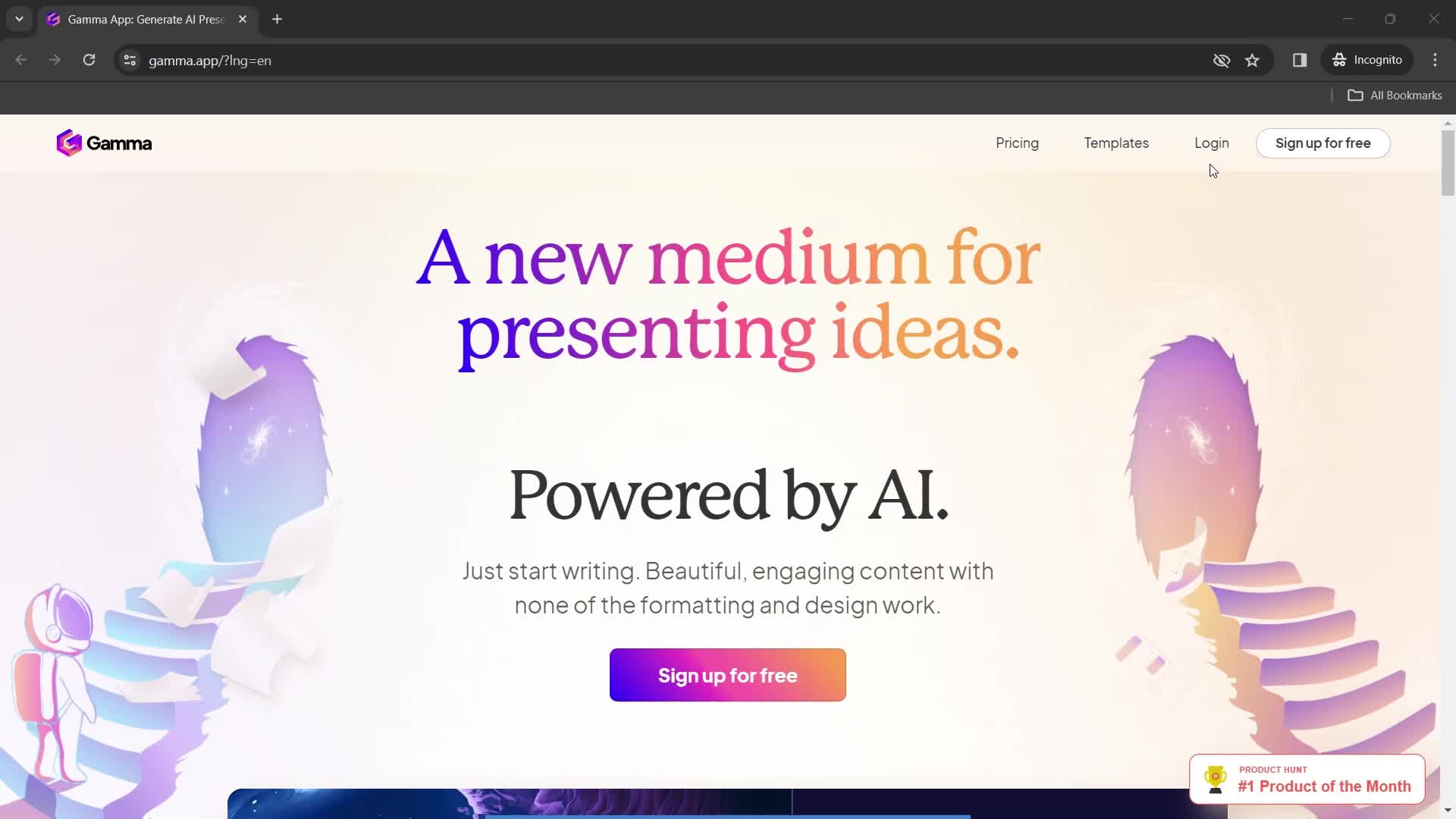
Homepage
this is title
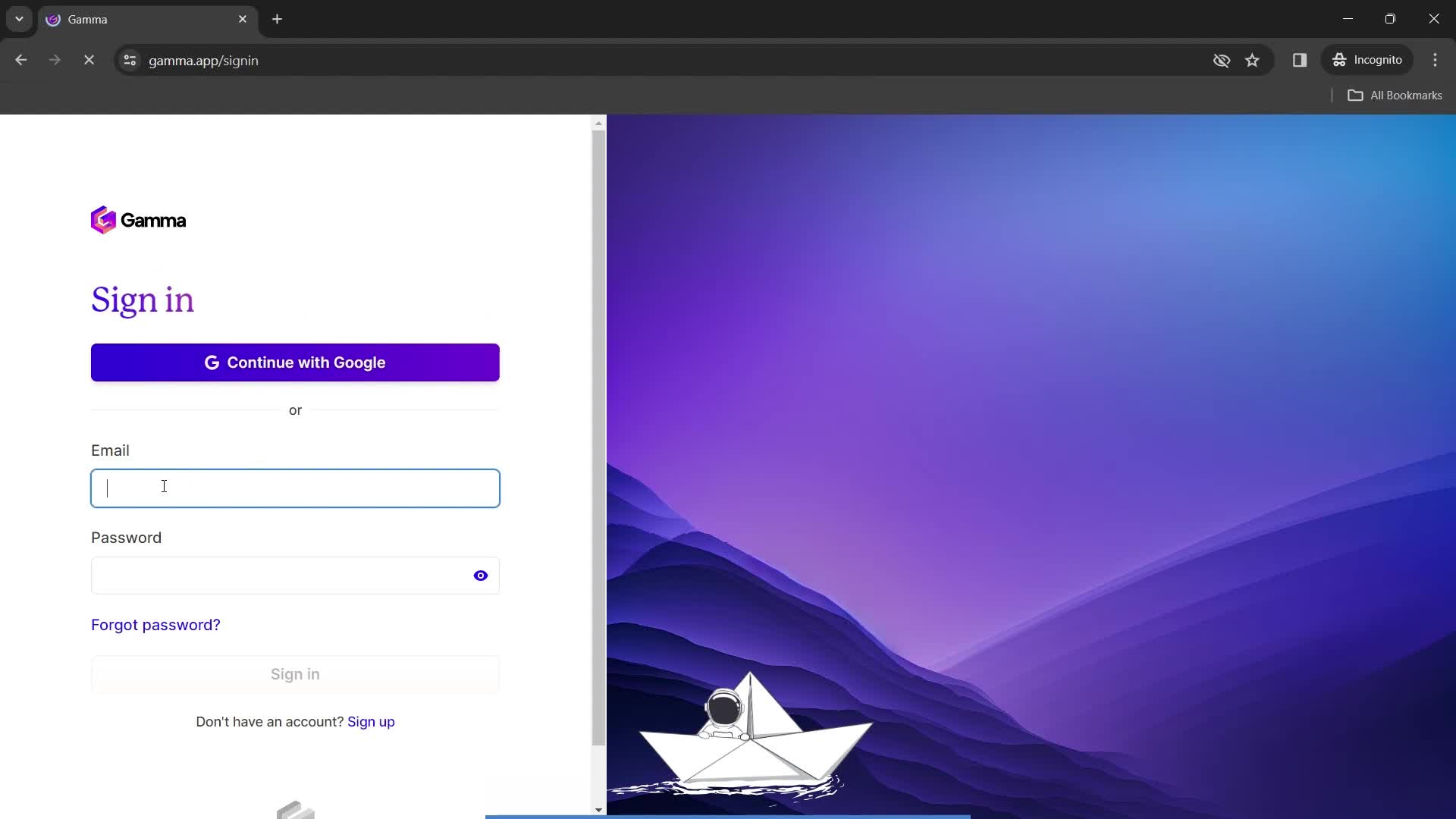
Enter email
this is title
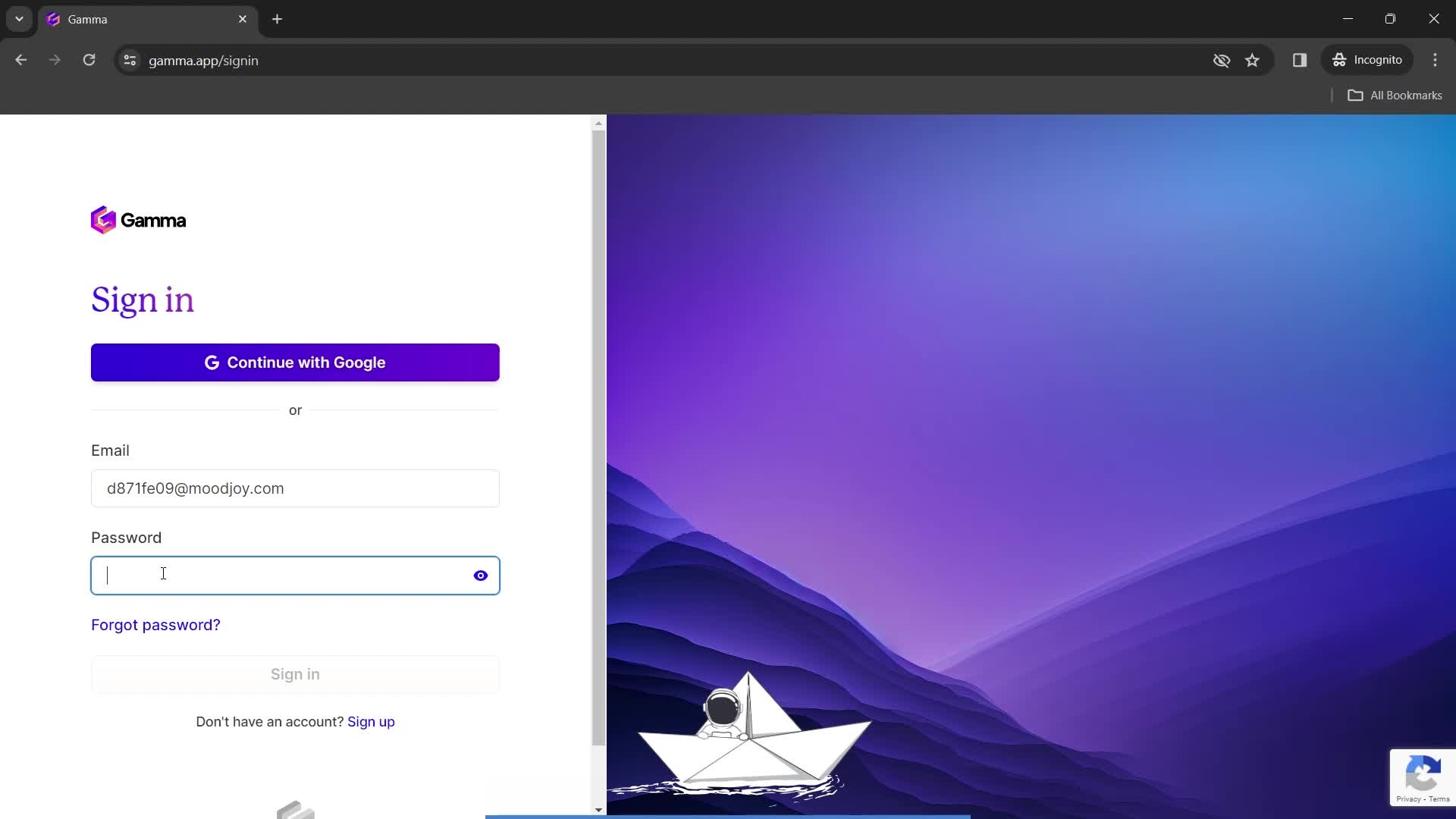
Enter password
this is title
this is title
Dashboard
this is title
Account menu
this is title
Dashboard
this is title
Account menu
this is title
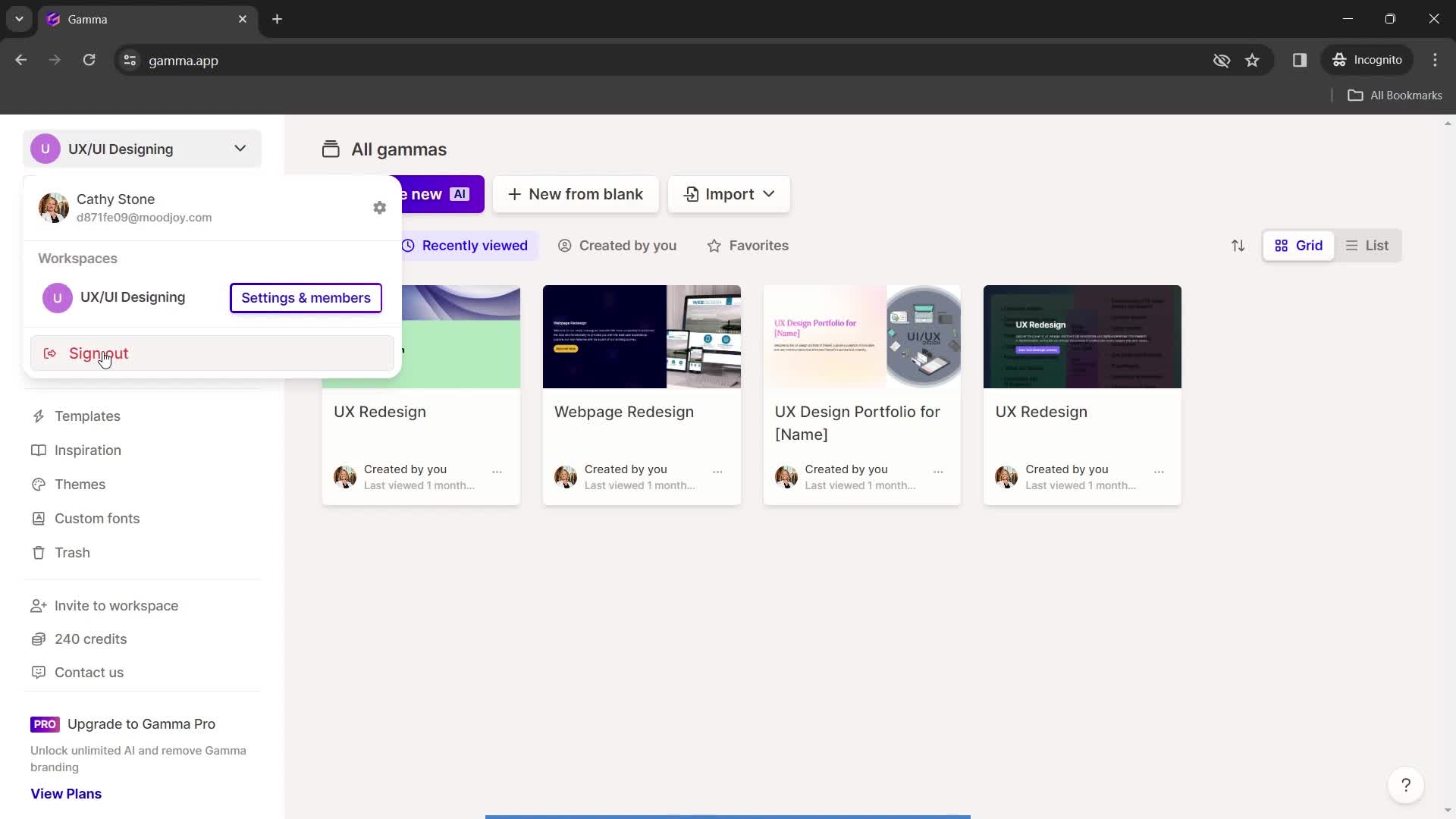
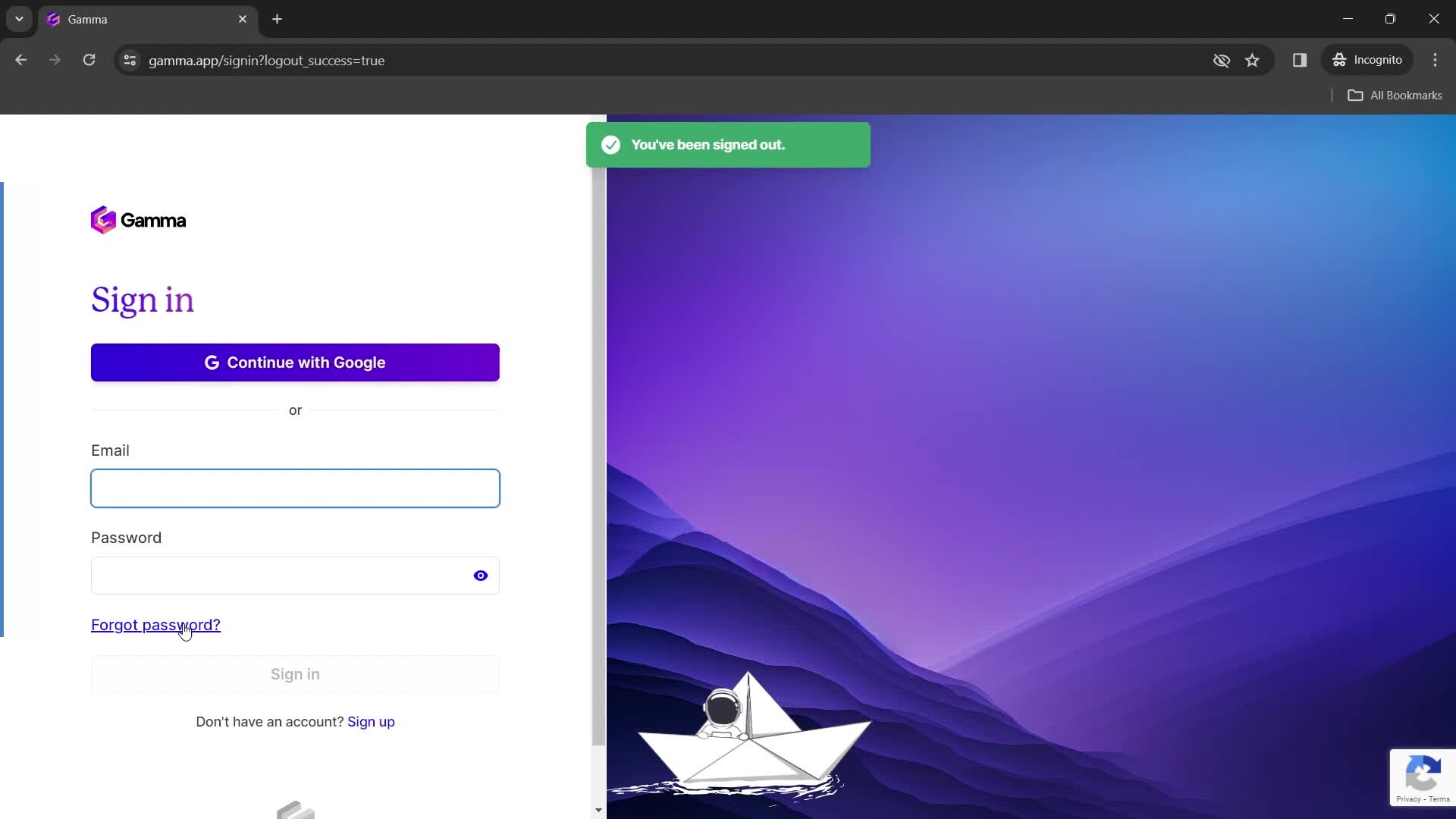
Sign out
this is title
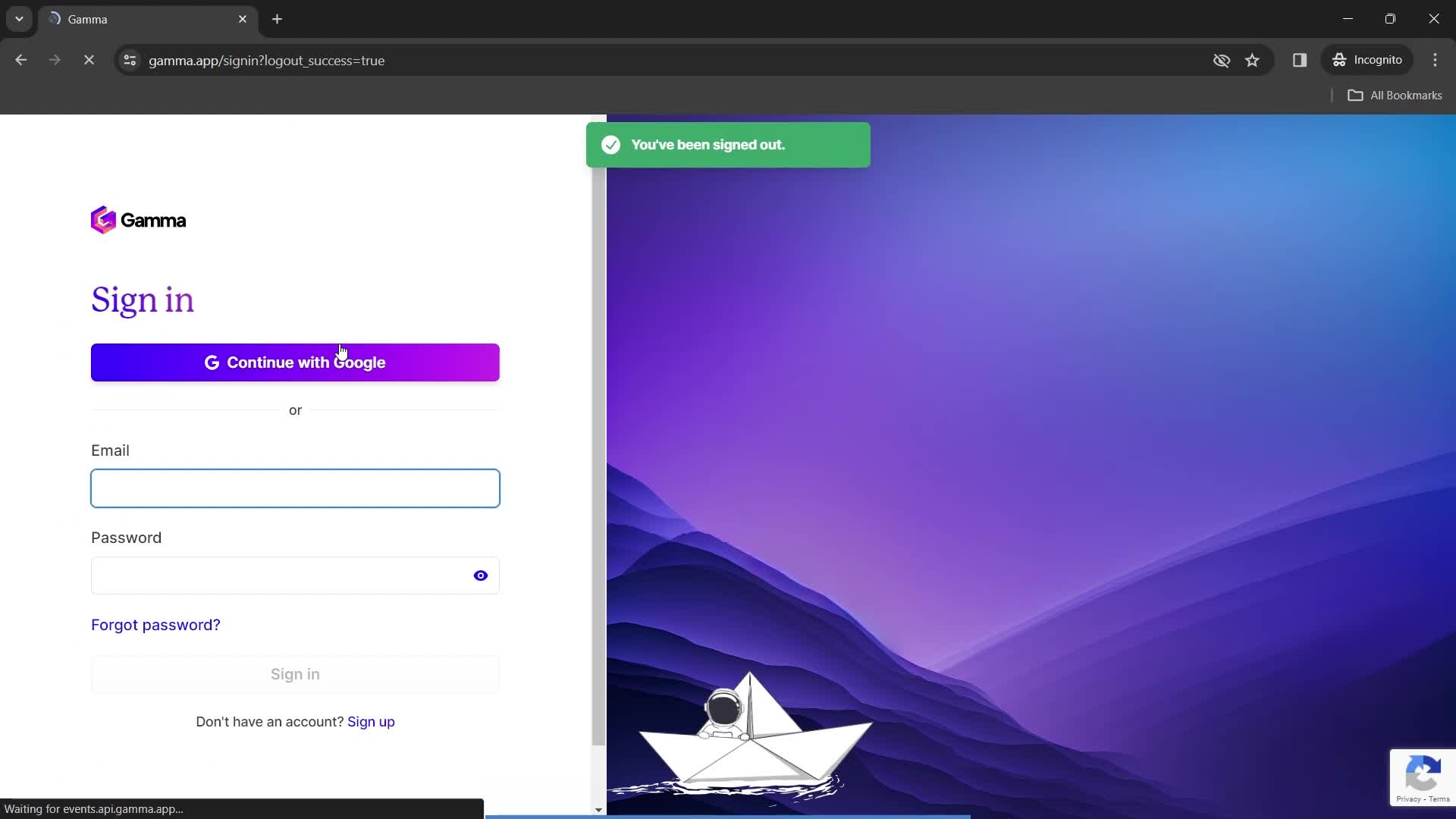
Sign in
this is title
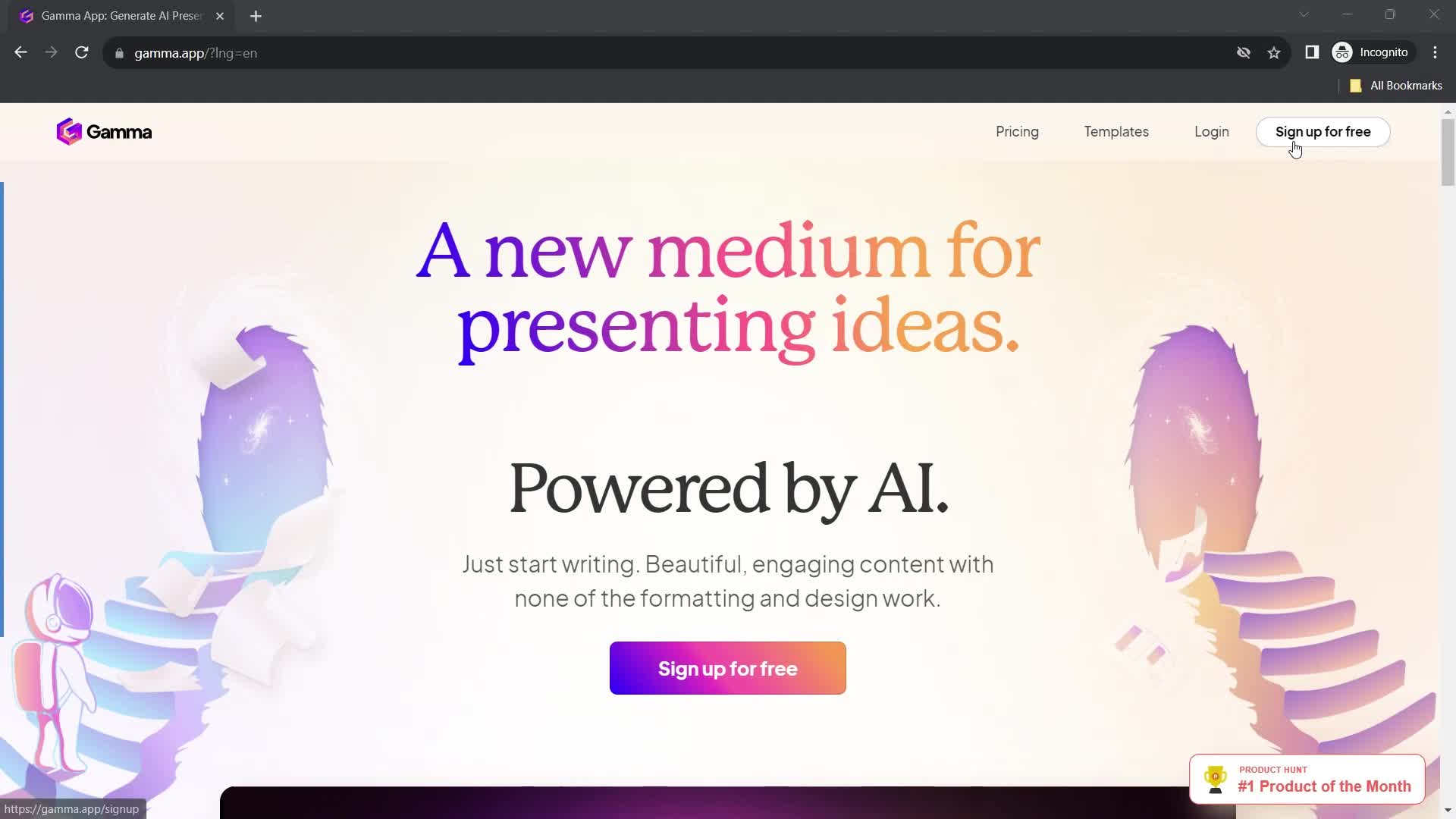
Homepage
this is title
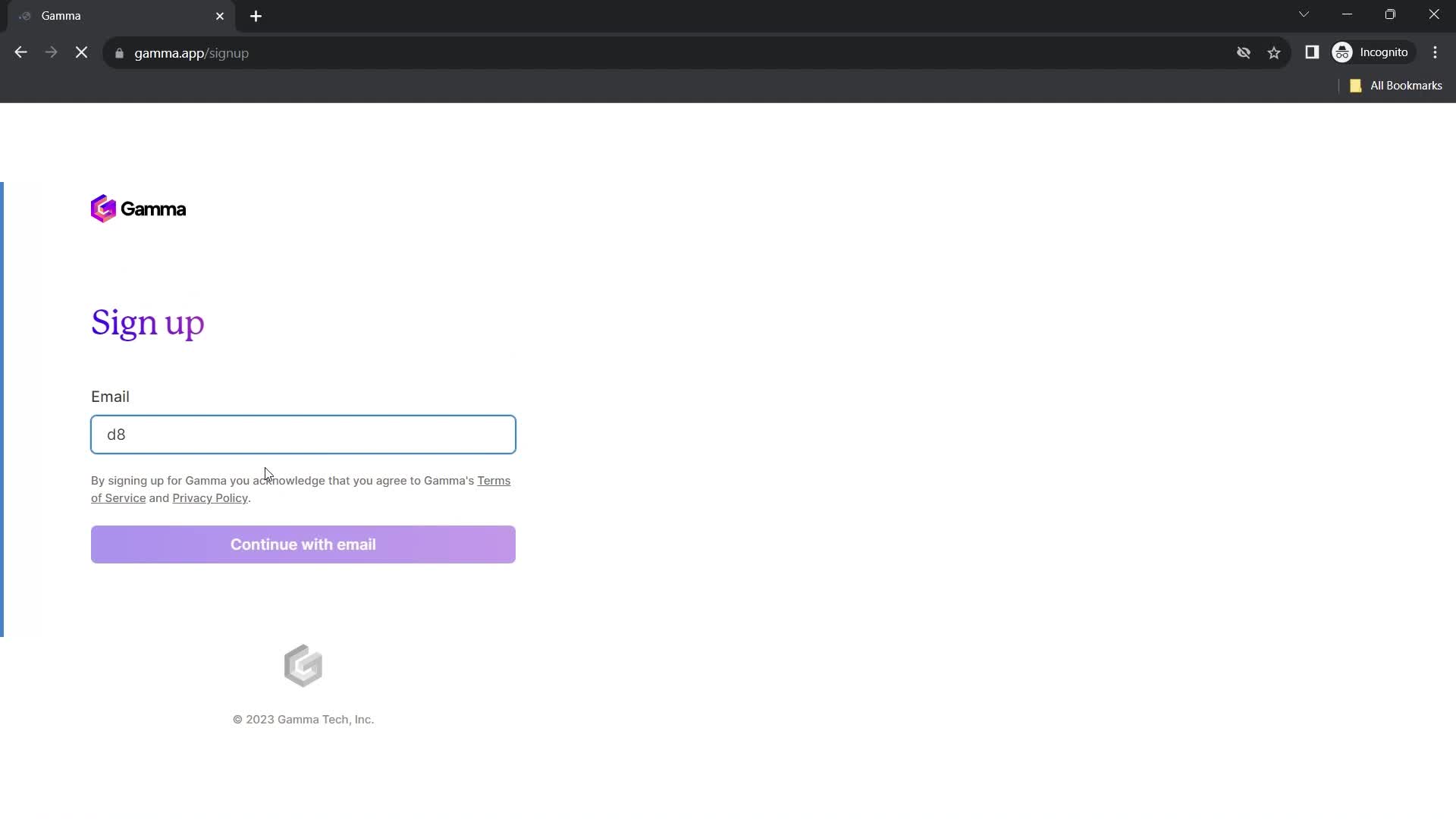
Enter email
this is title
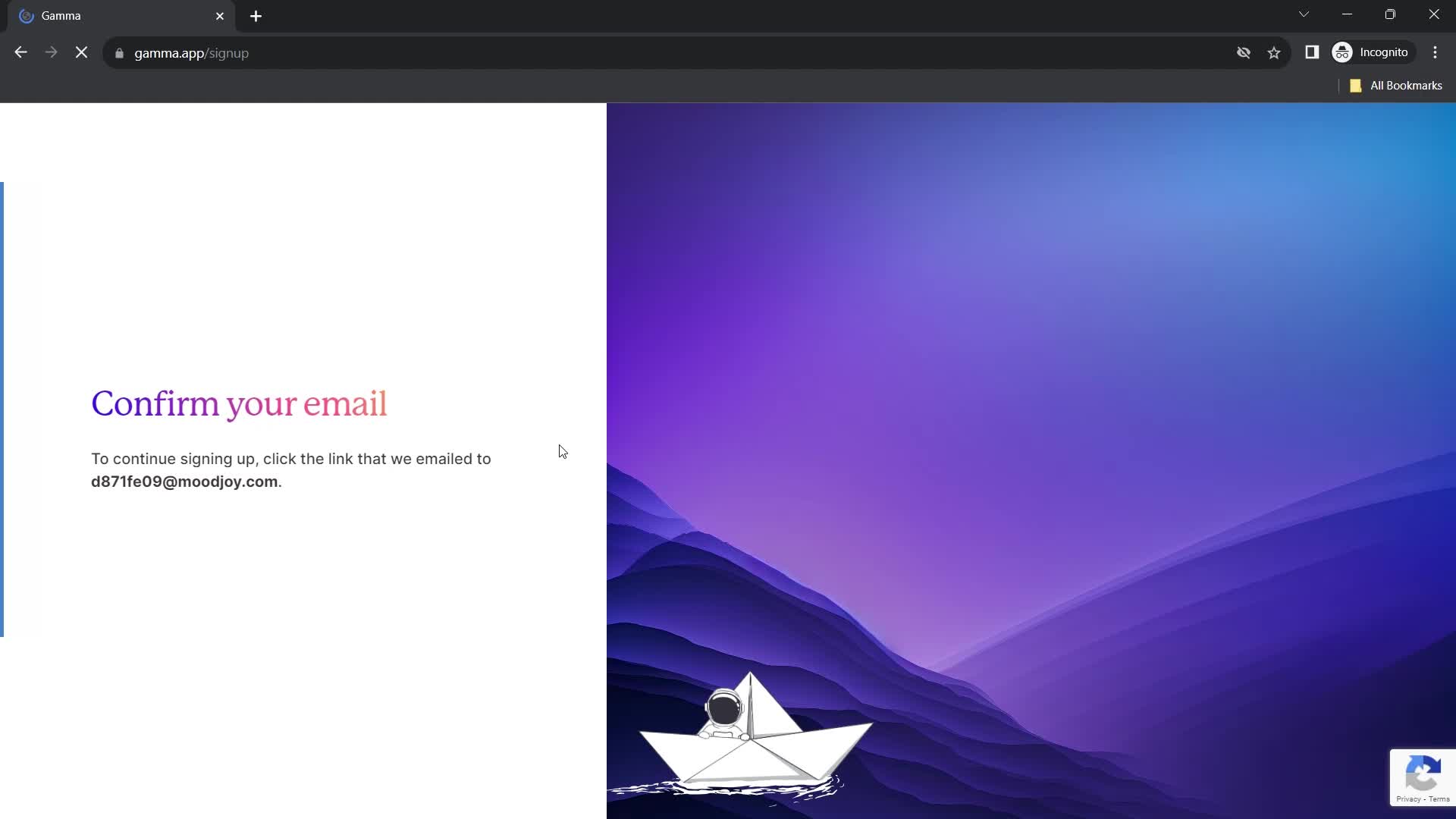
Confirm email
this is title
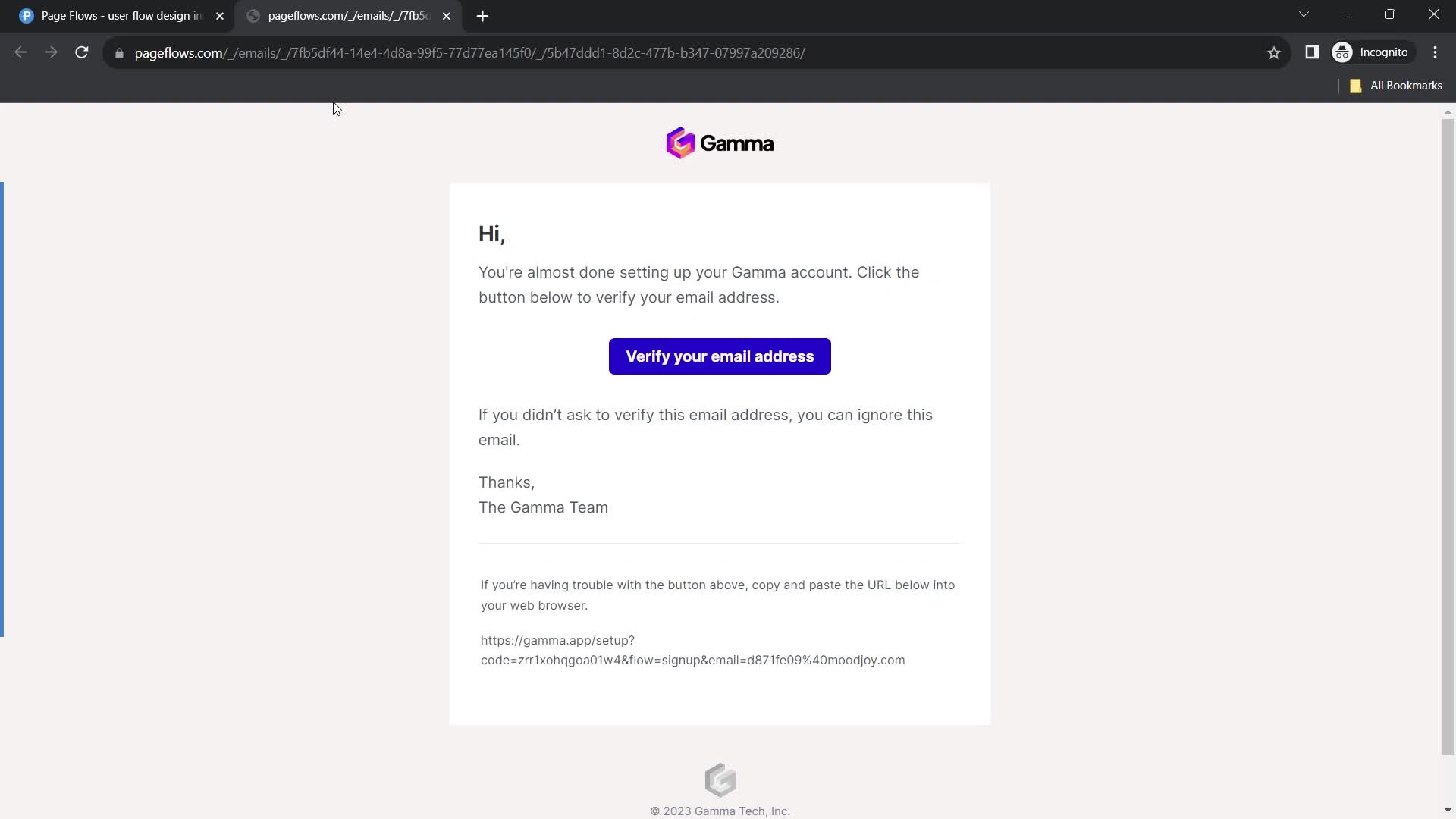
Verify email
this is title
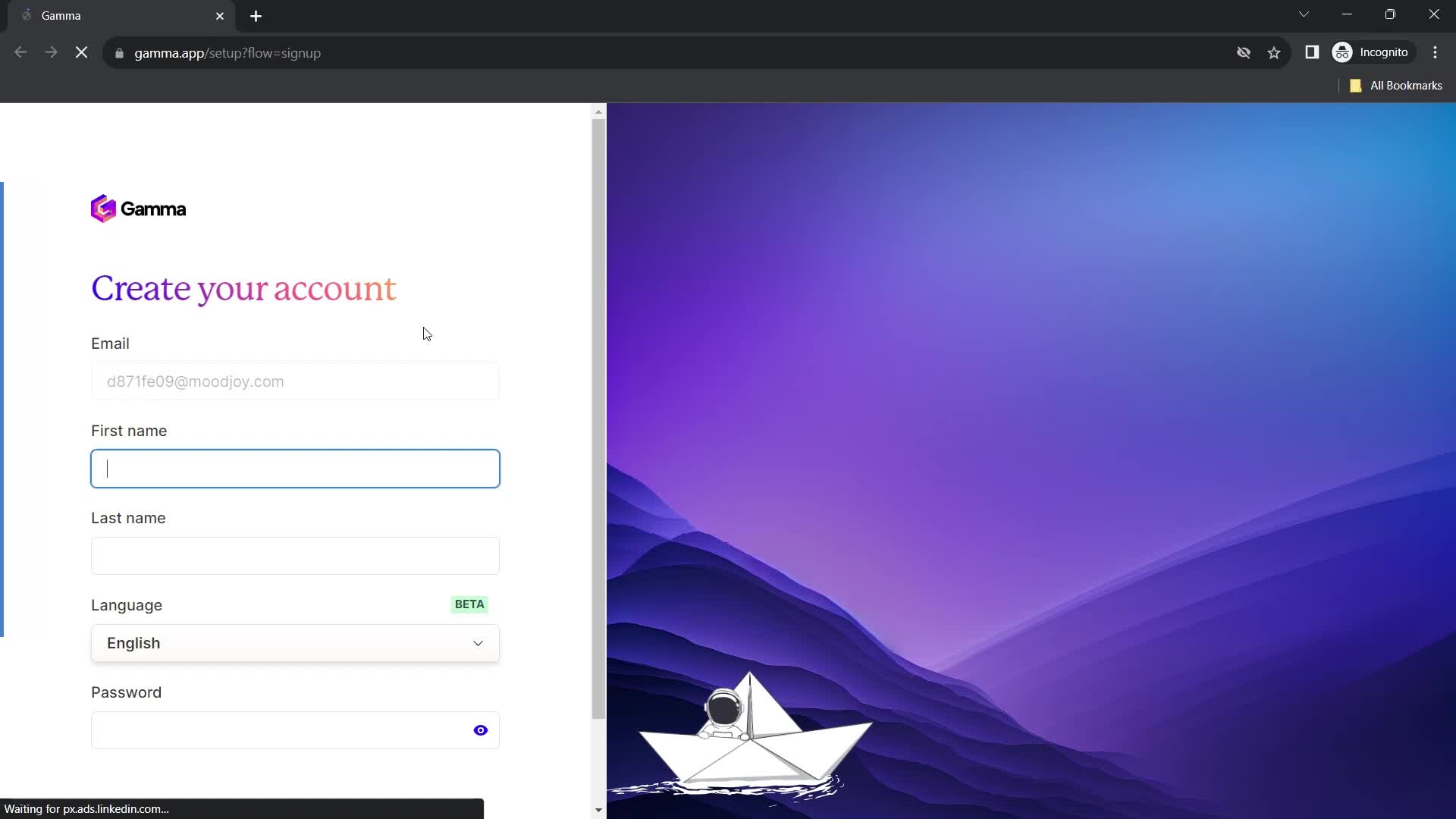
Create account
this is title
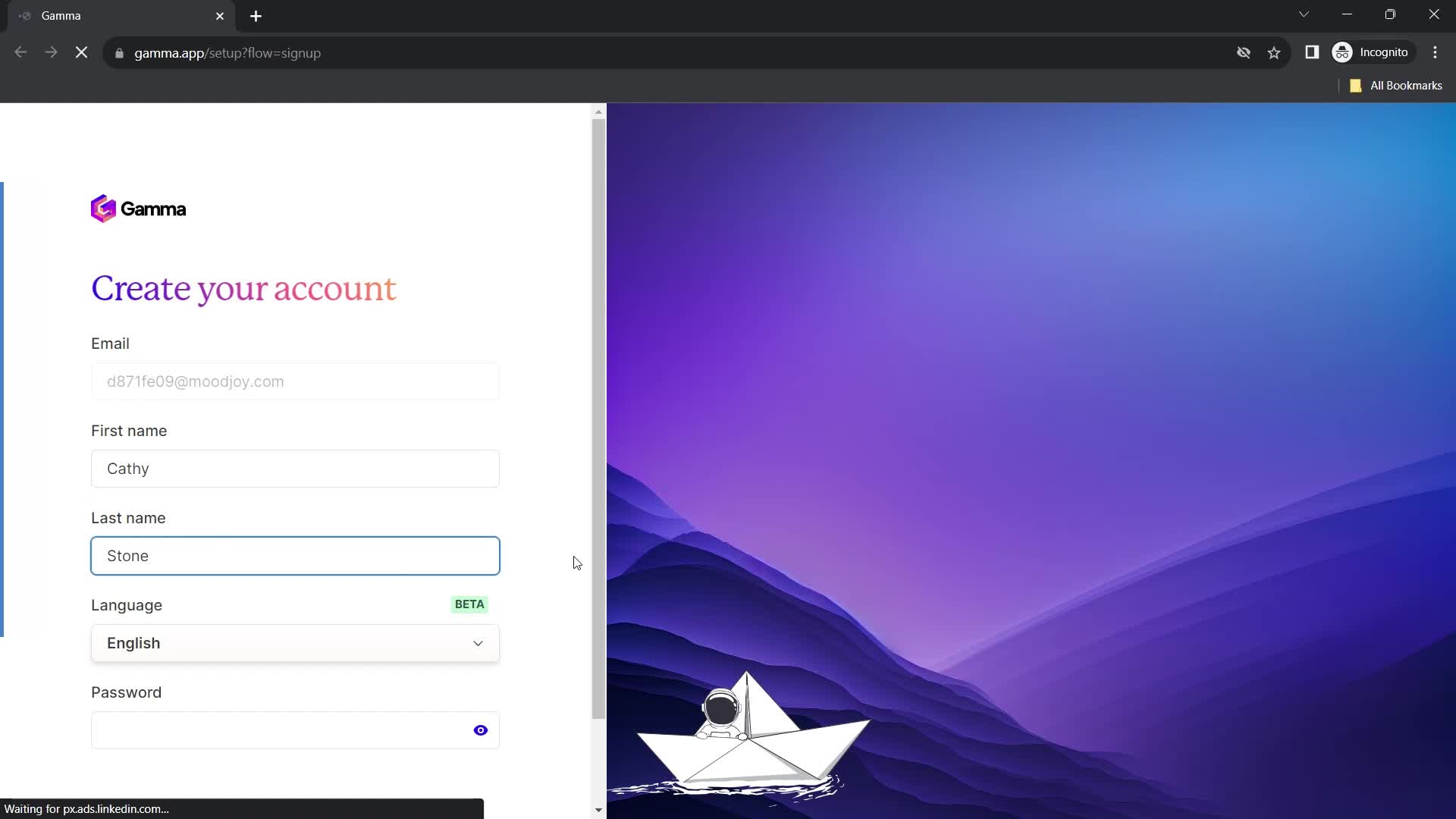
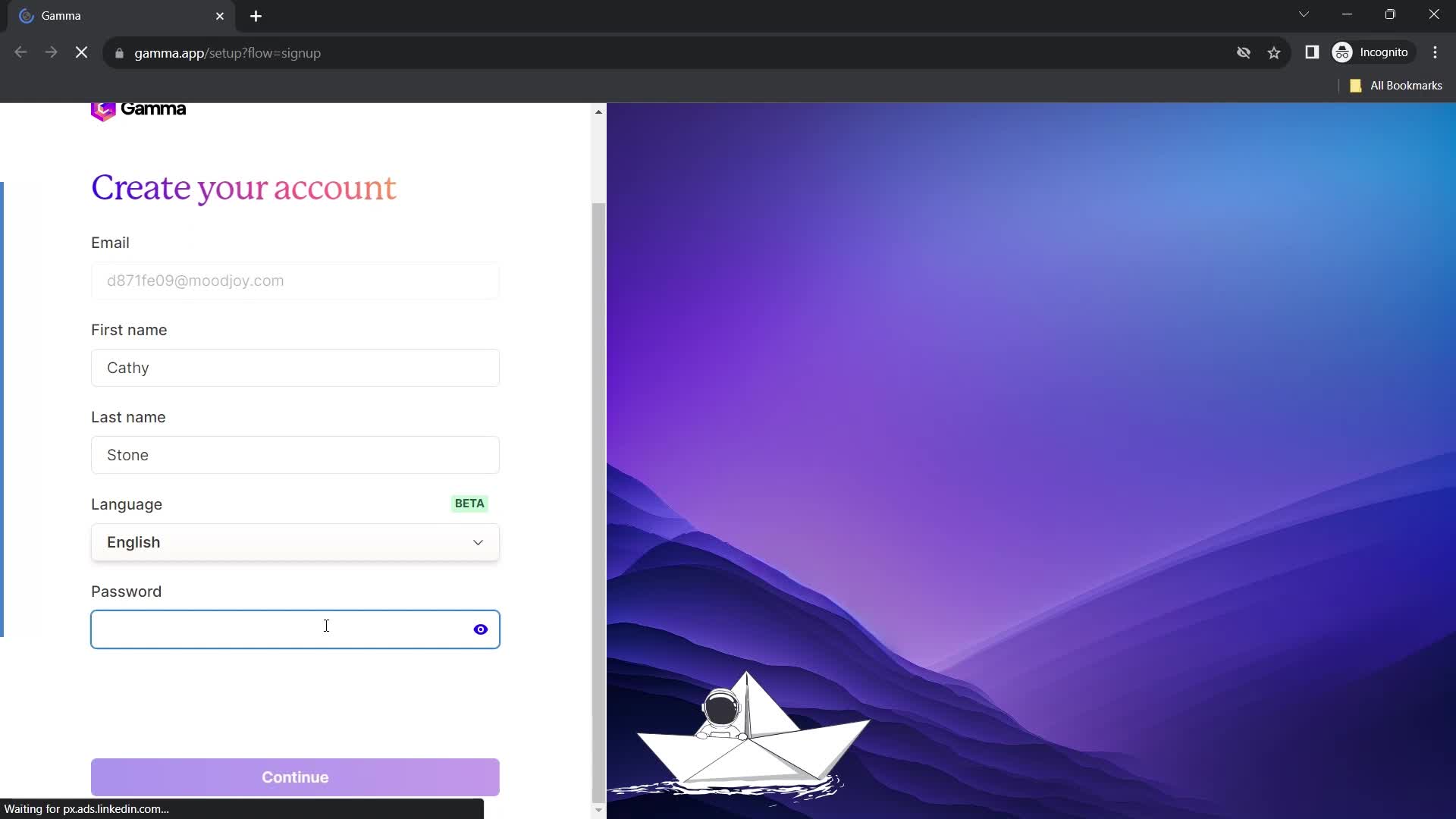
Enter name
this is title
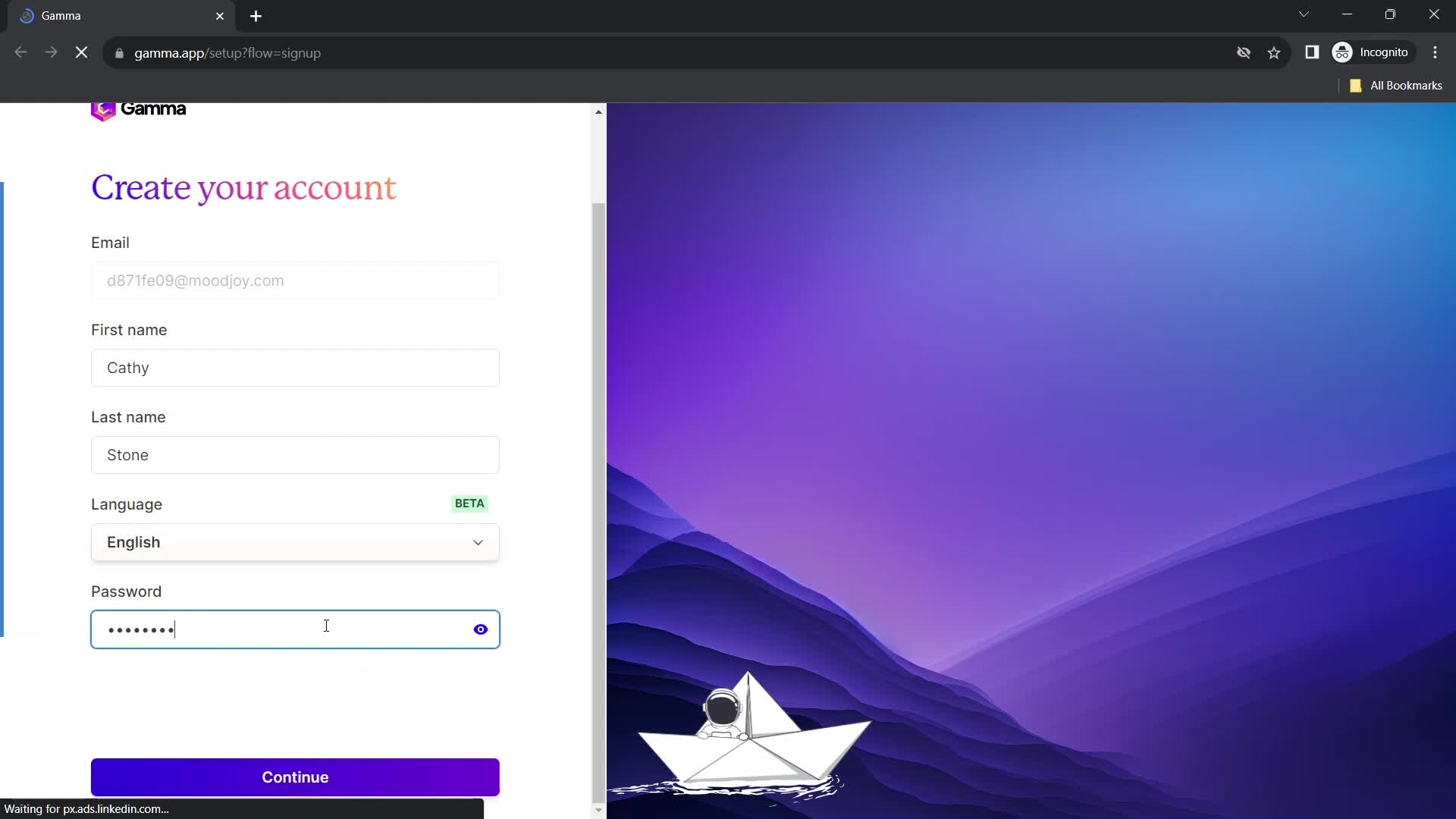
Set password
this is title
Continue
this is title
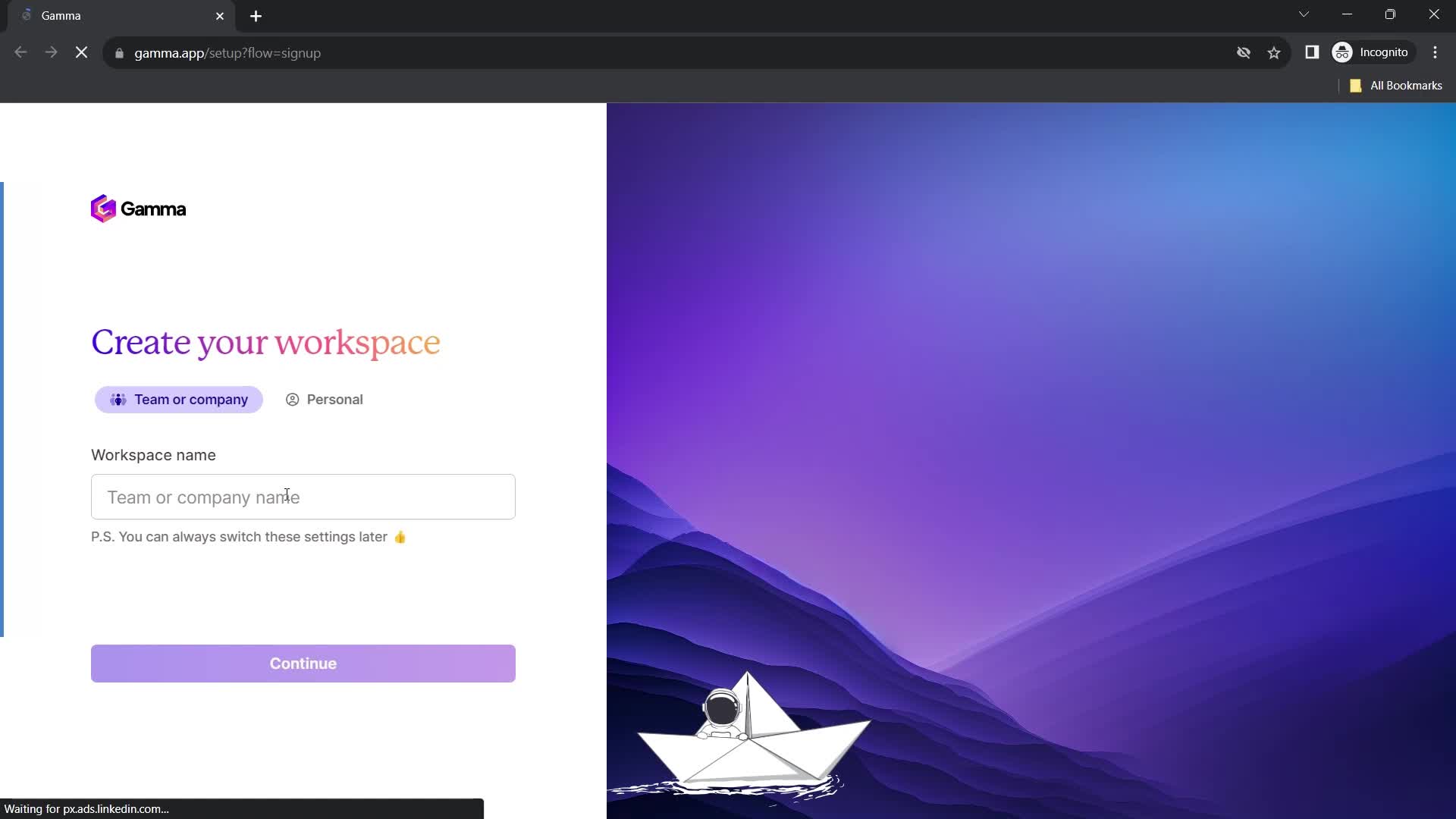
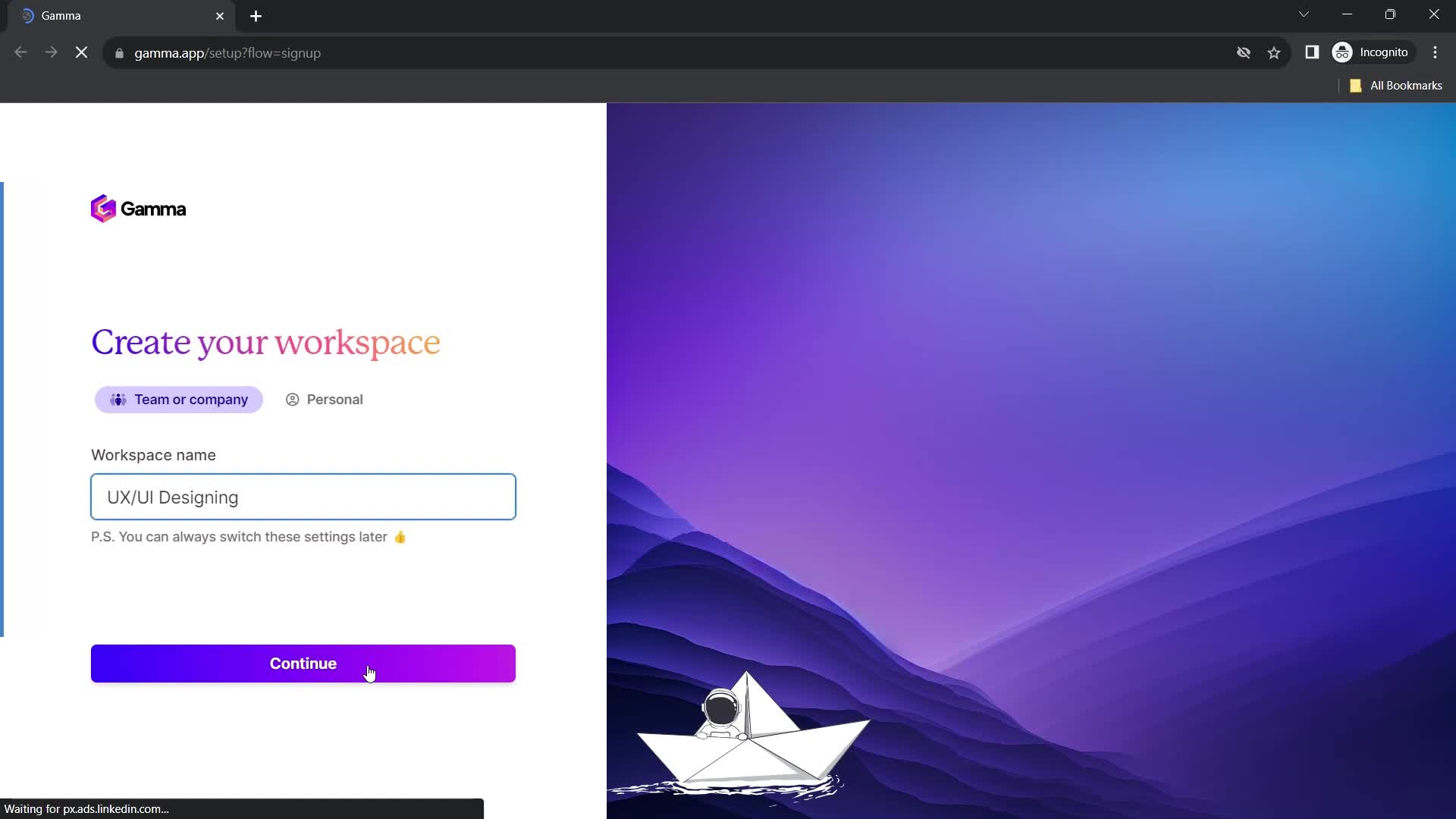
Set workspace name
this is title
Continue
this is title
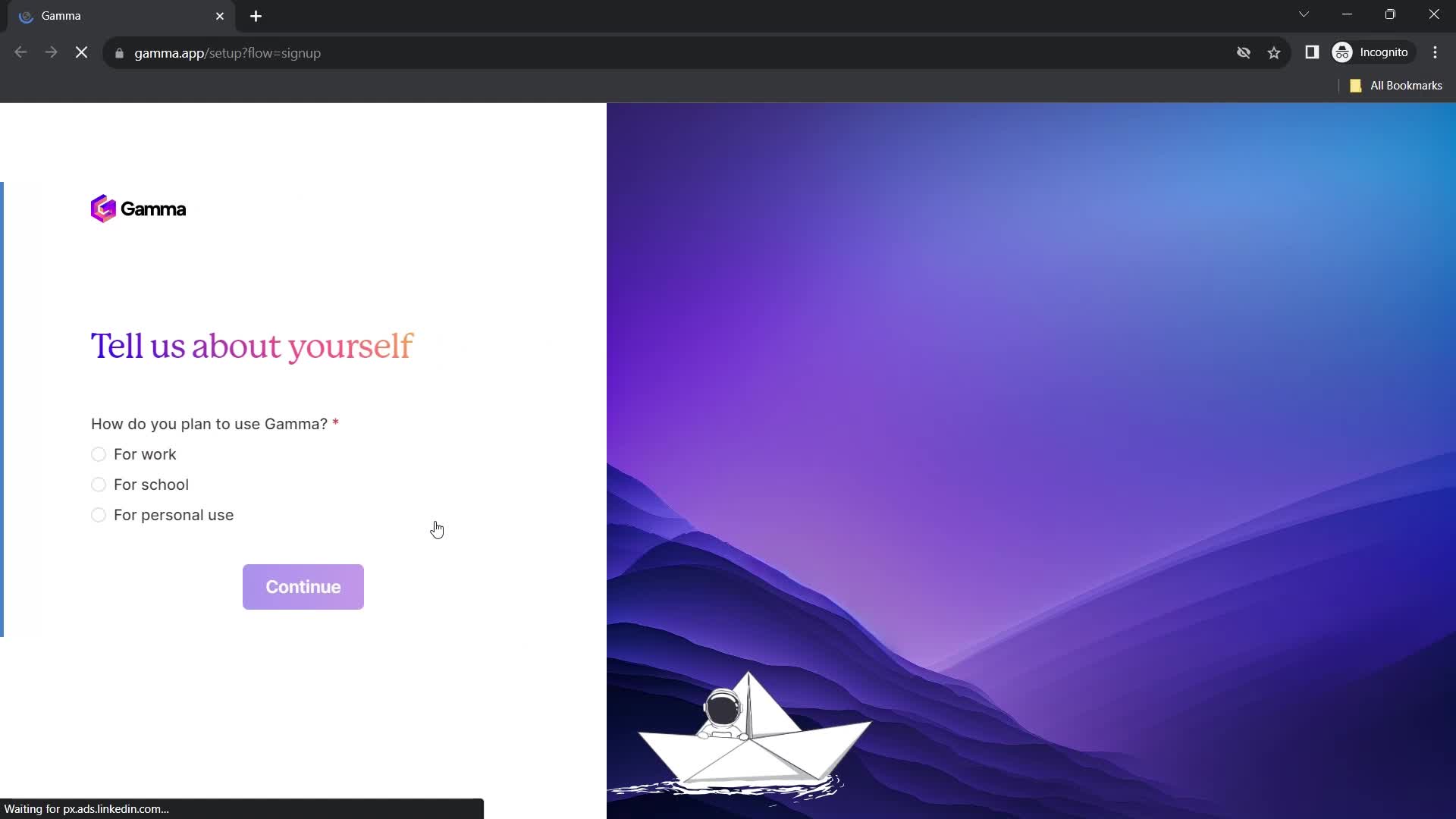
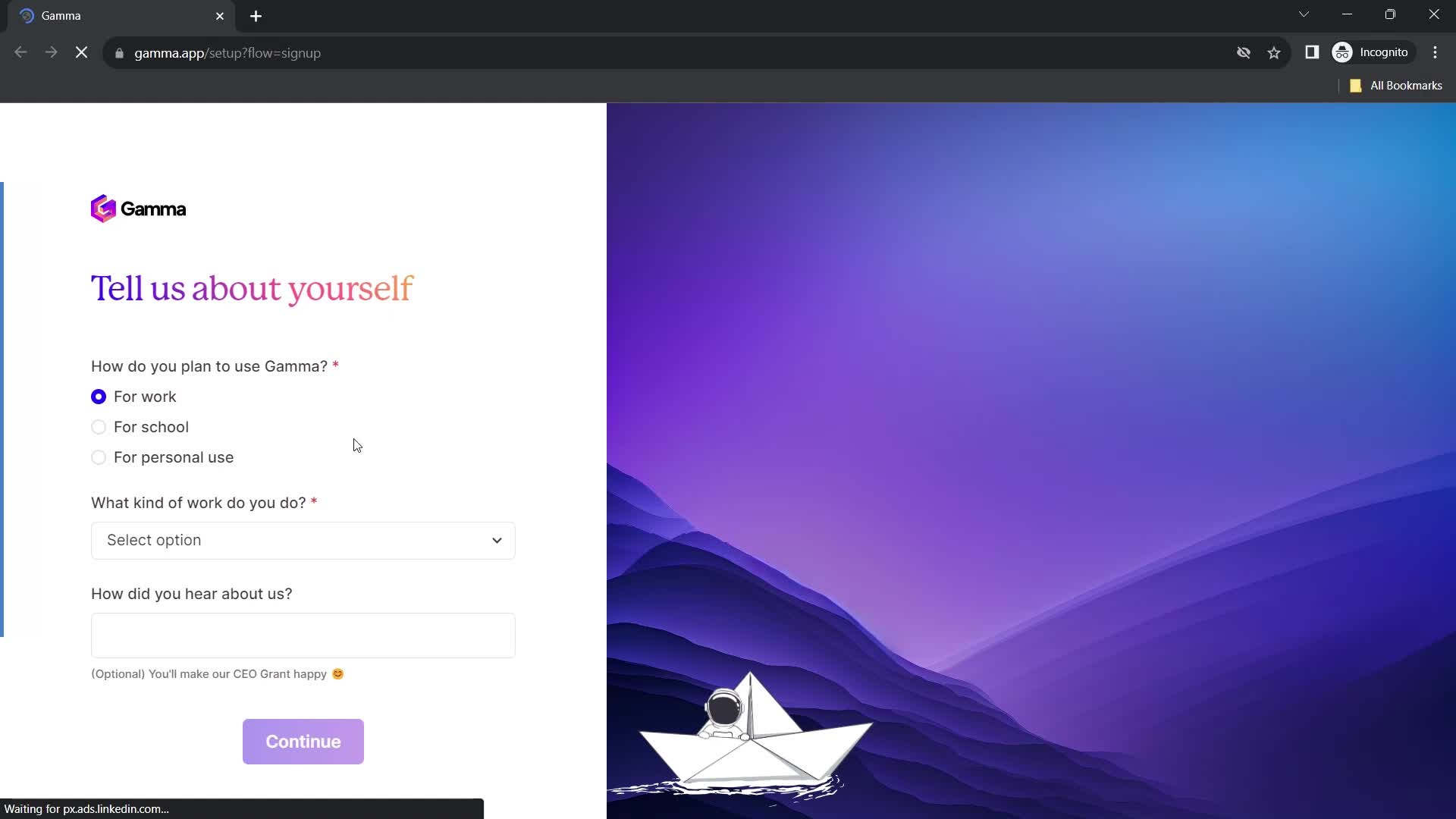
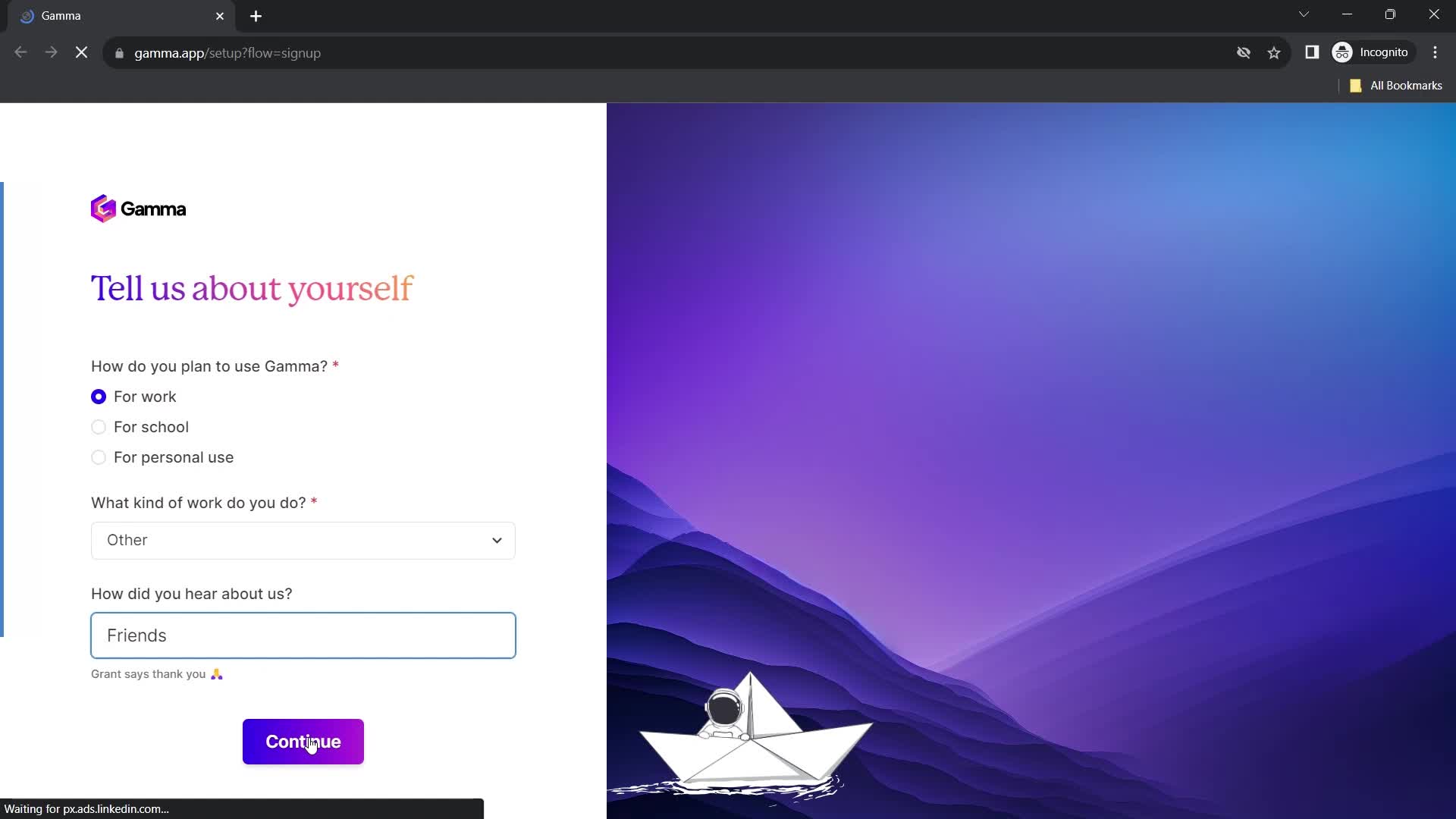
Tell us about yourself
this is title
this is title
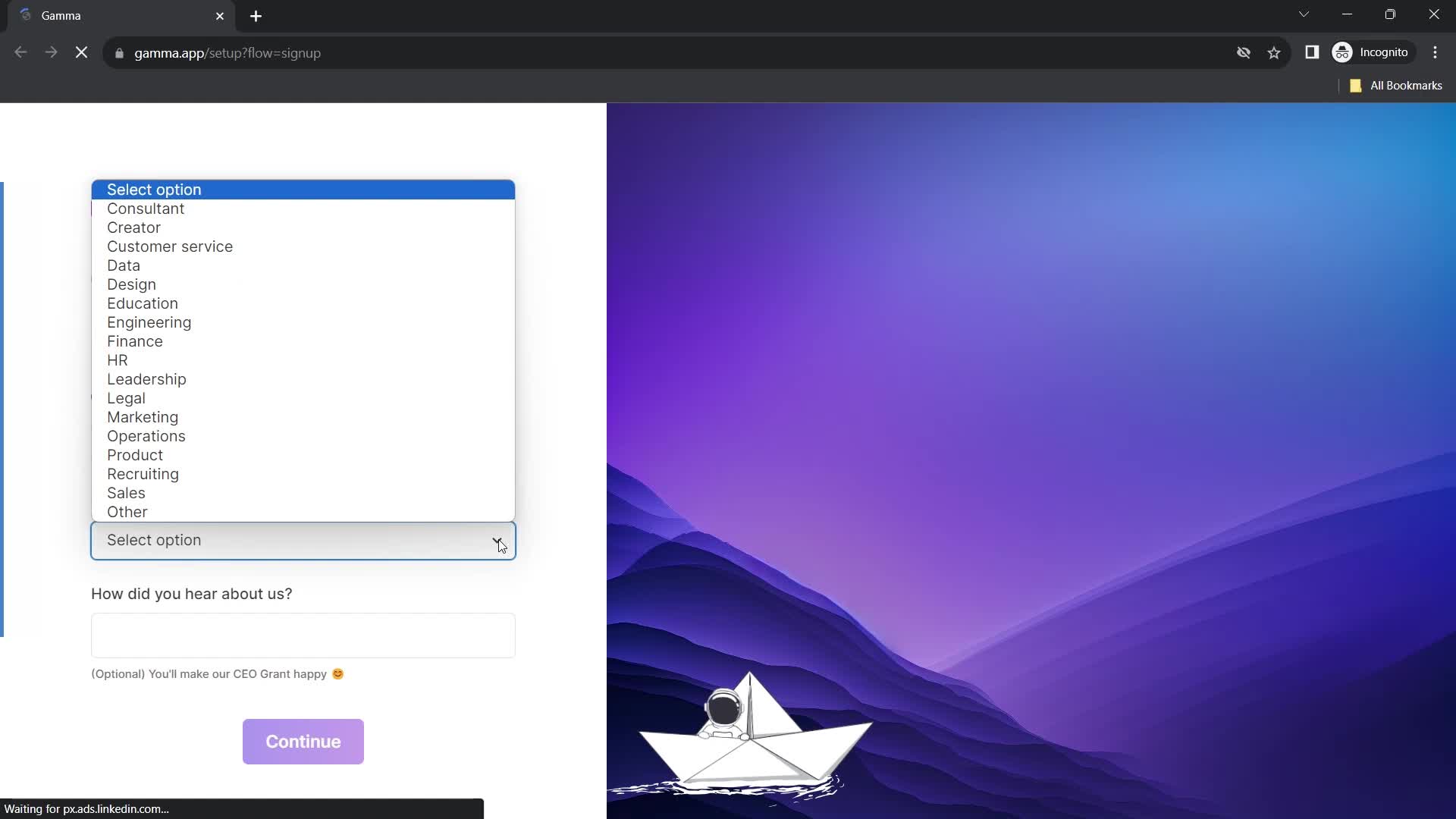
Select options
this is title
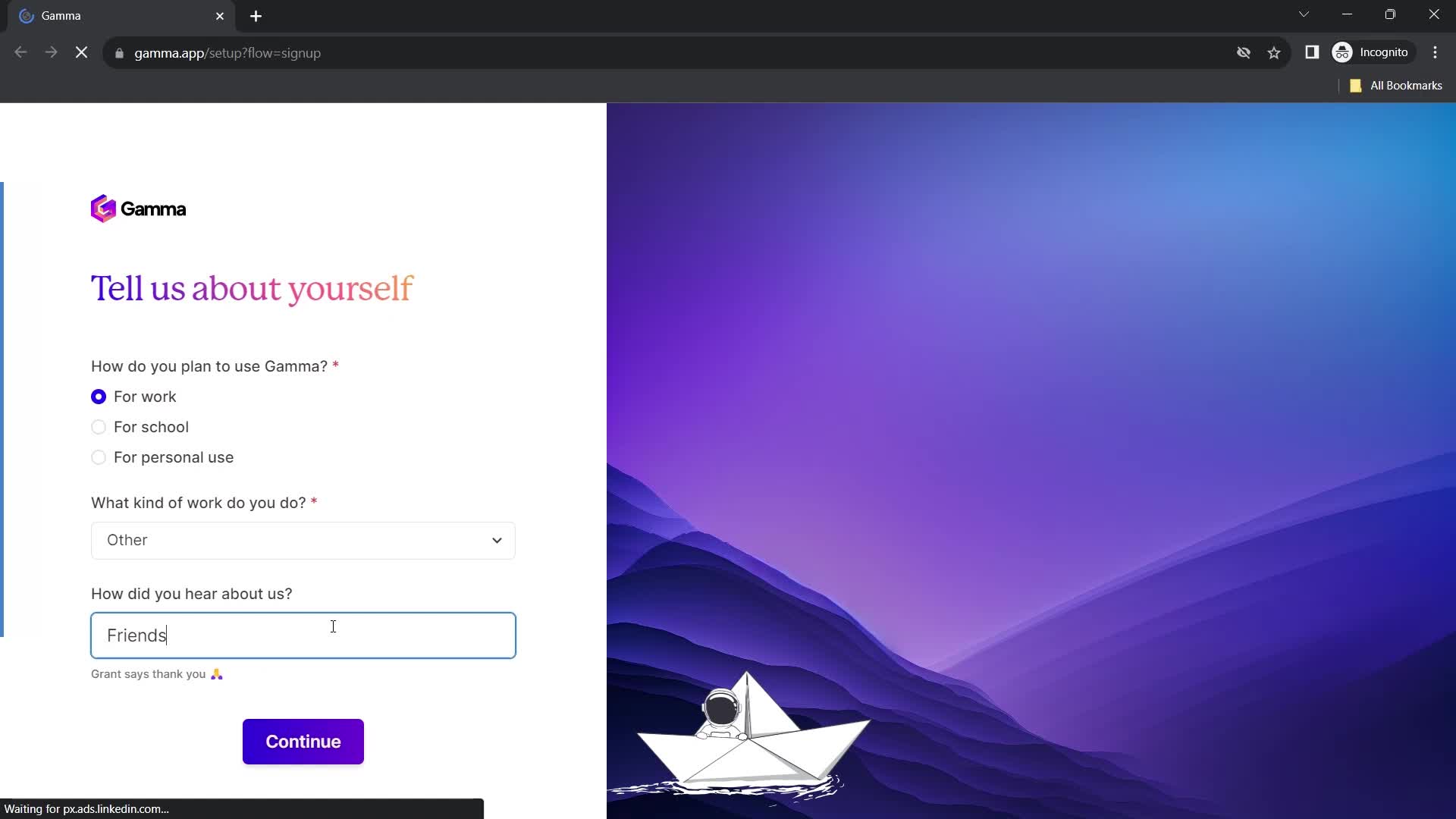
How did you hear about us?
this is title
Continue
this is title
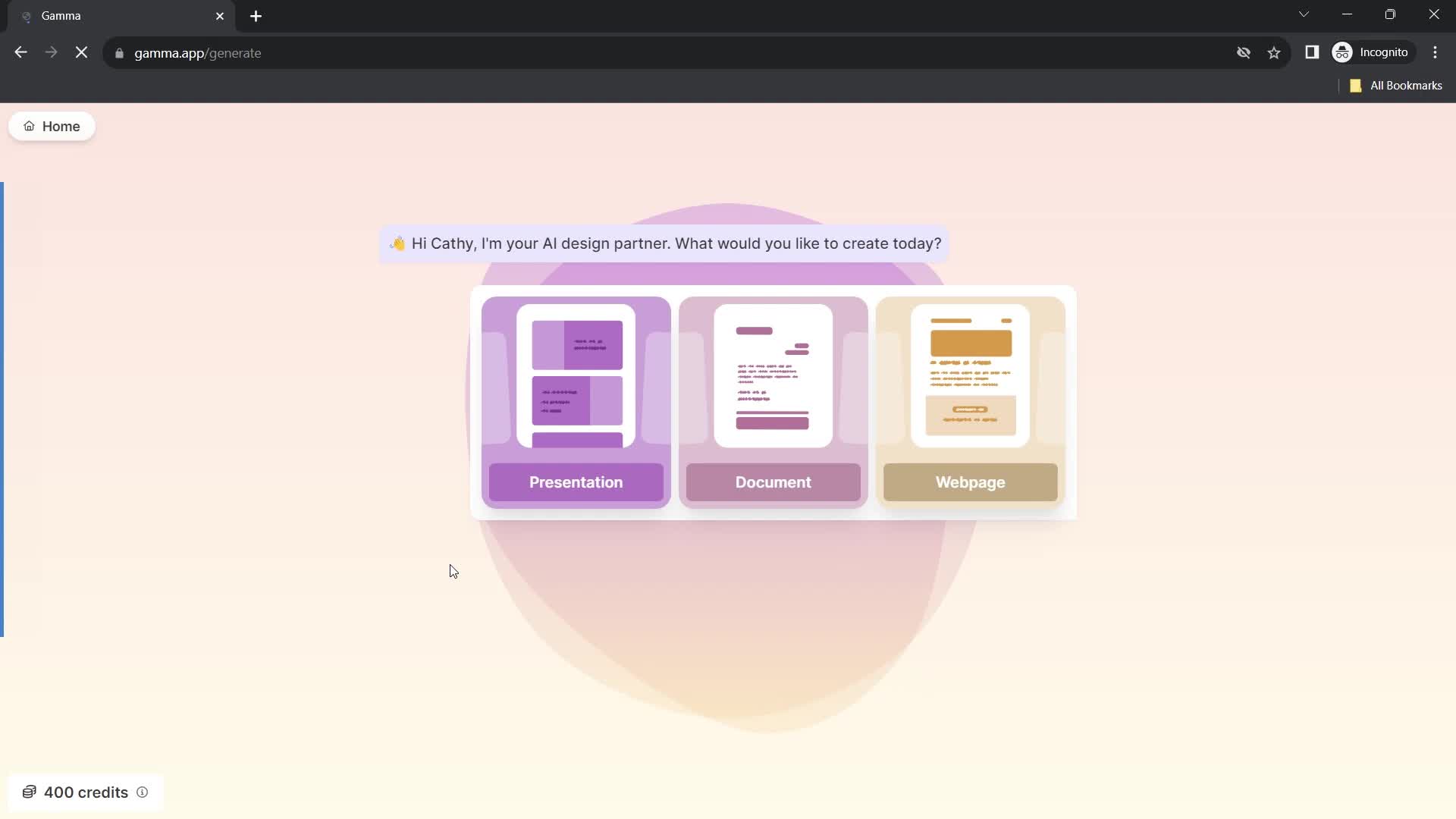
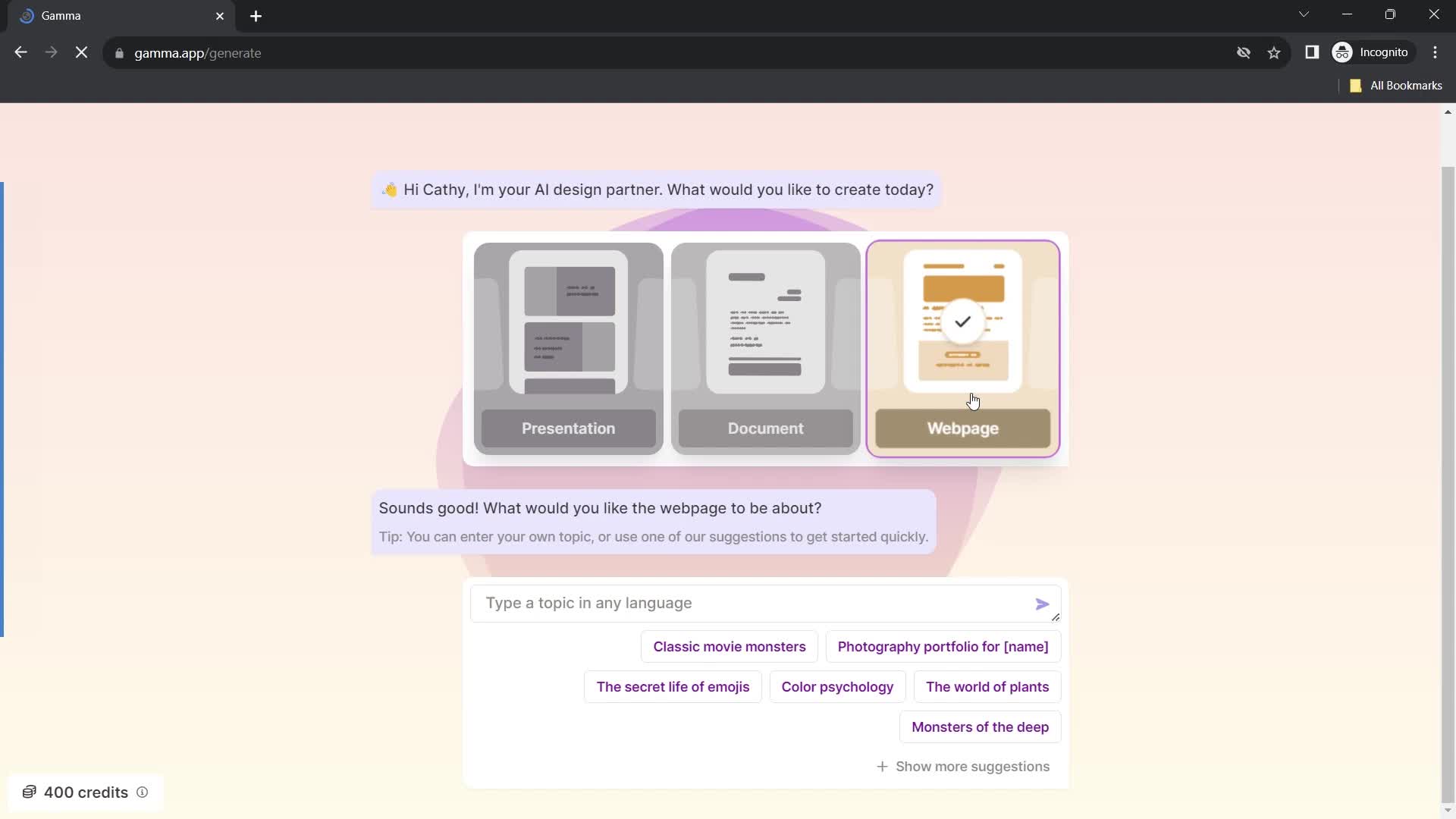
Select type
this is title
this is title
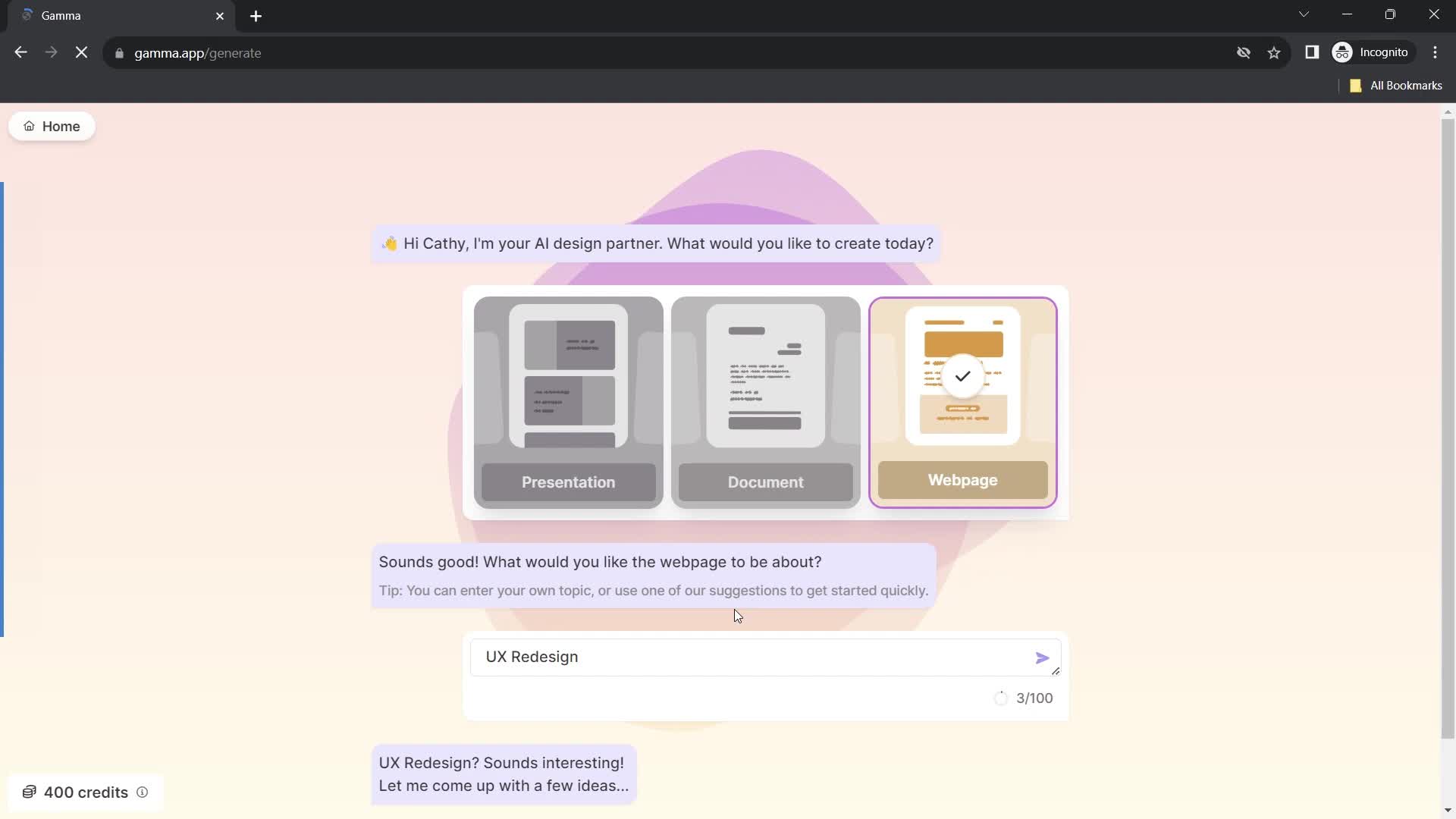
Set topic
this is title
Continue
this is title
Select theme
this is title
Continue
this is title
Home
this is title
Account menu
this is title
Workspace settings
this is title
this is title
Continue
this is title
Home
this is title
Presentation editor
this is title
Action menu
this is title
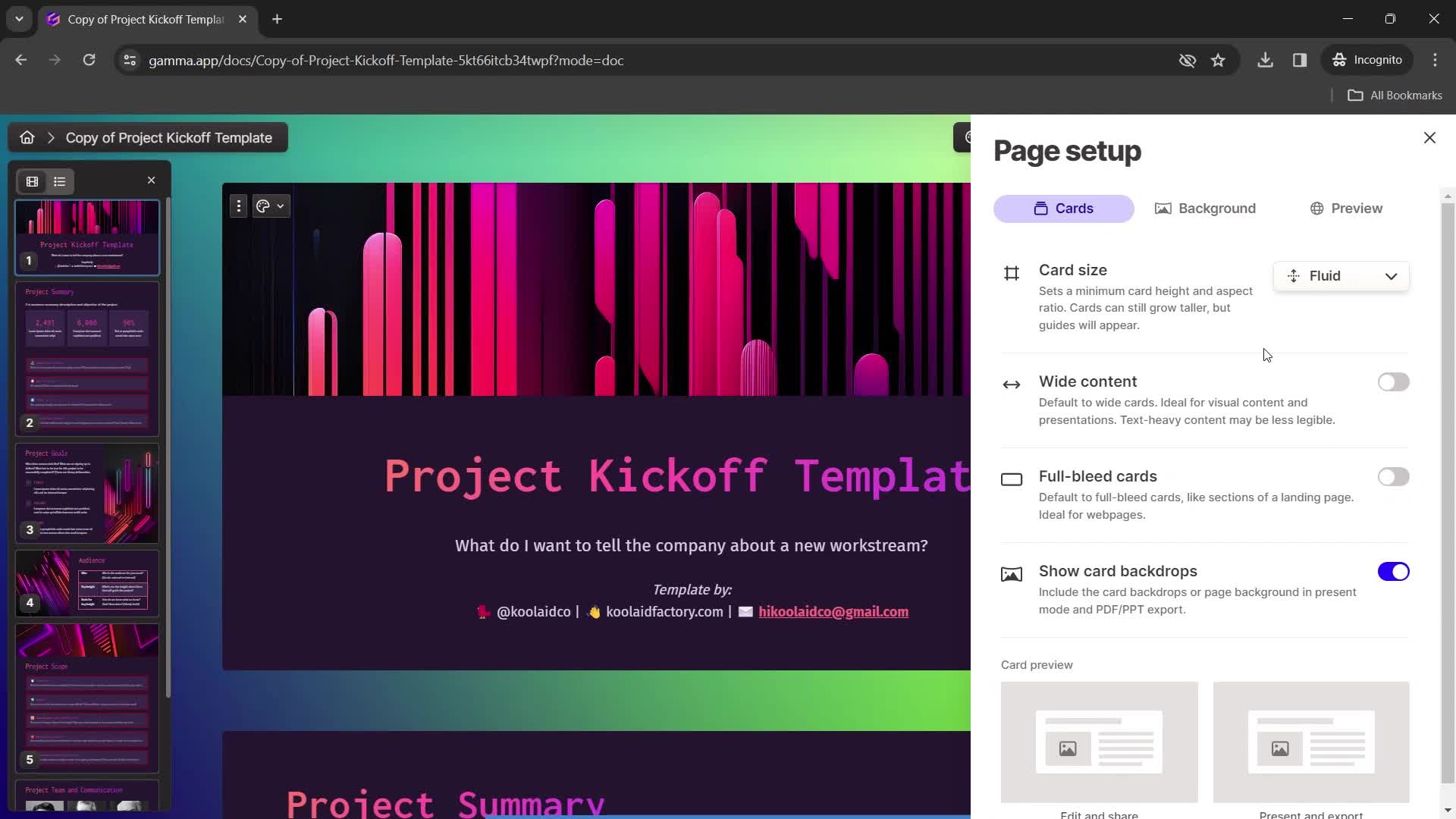
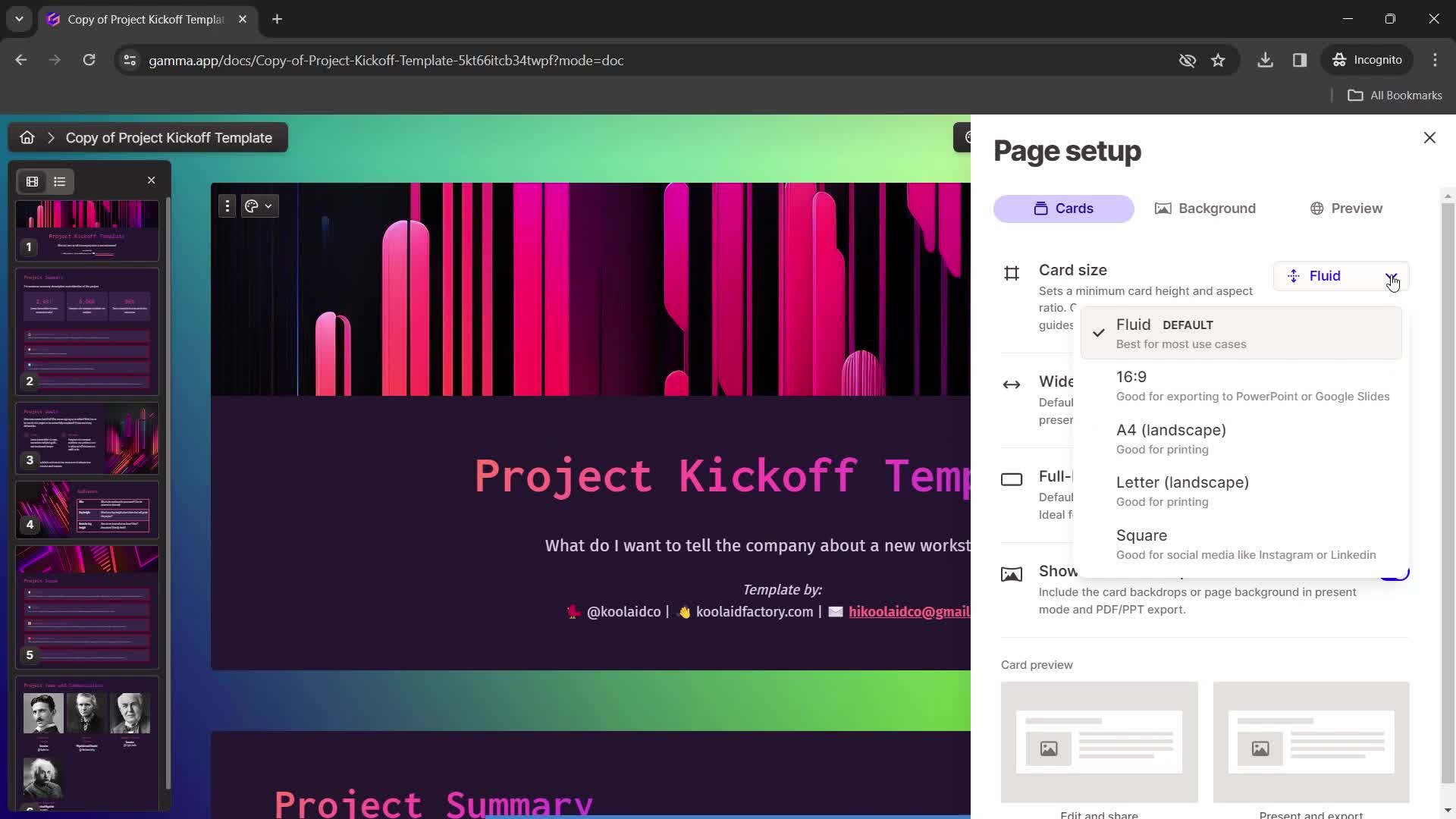
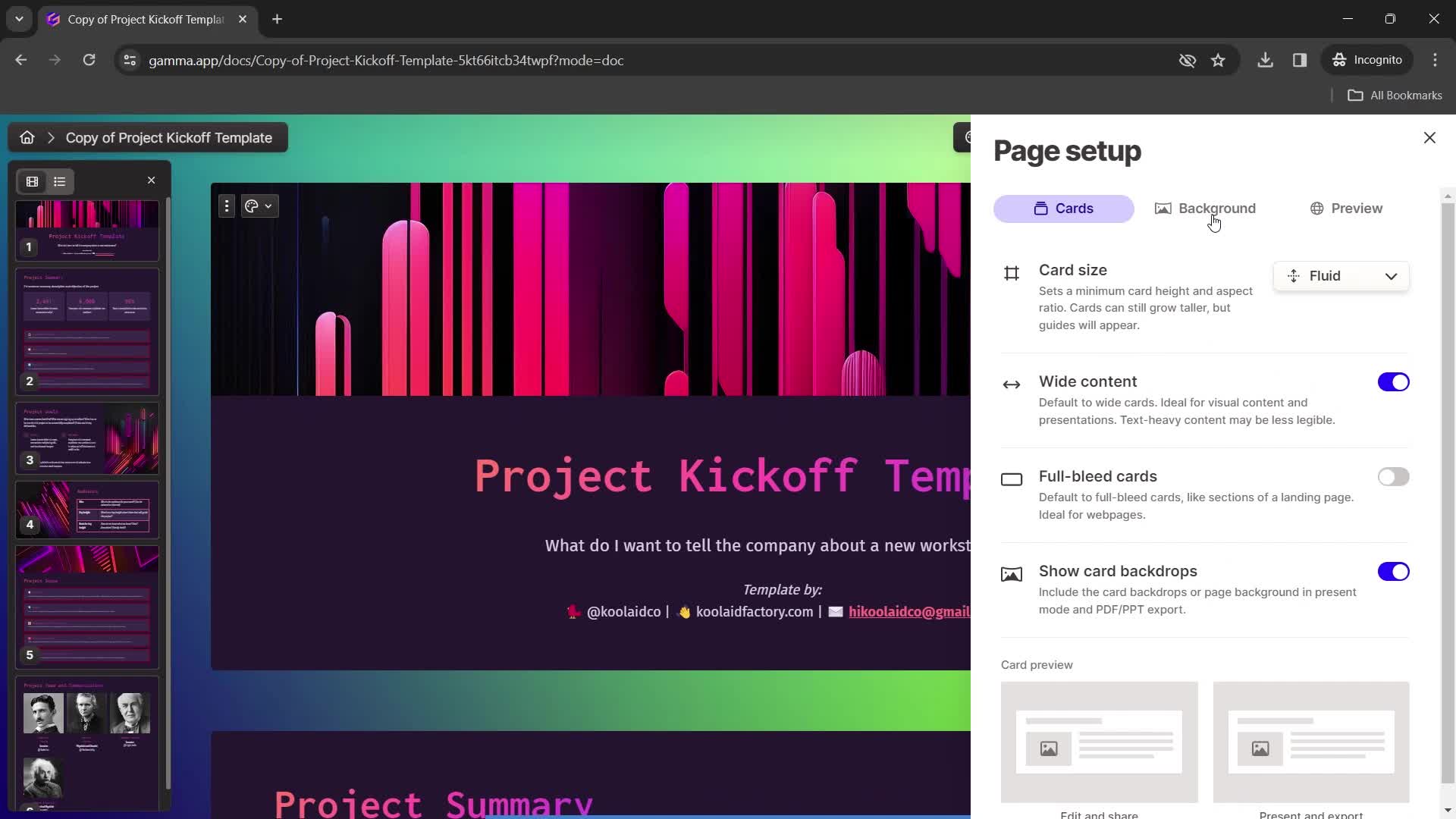
Page settings
this is title
Set aspect ratio
this is title
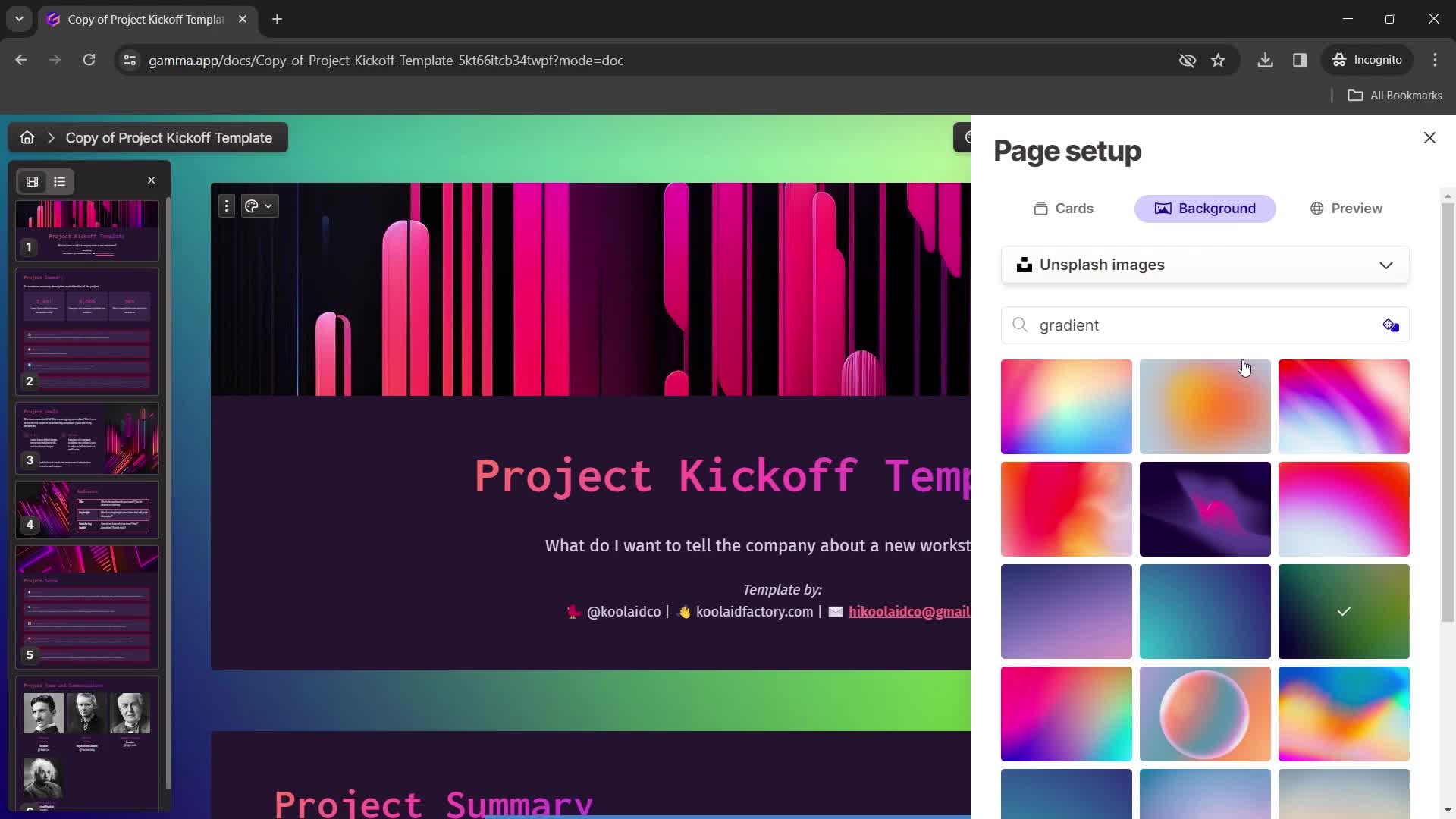
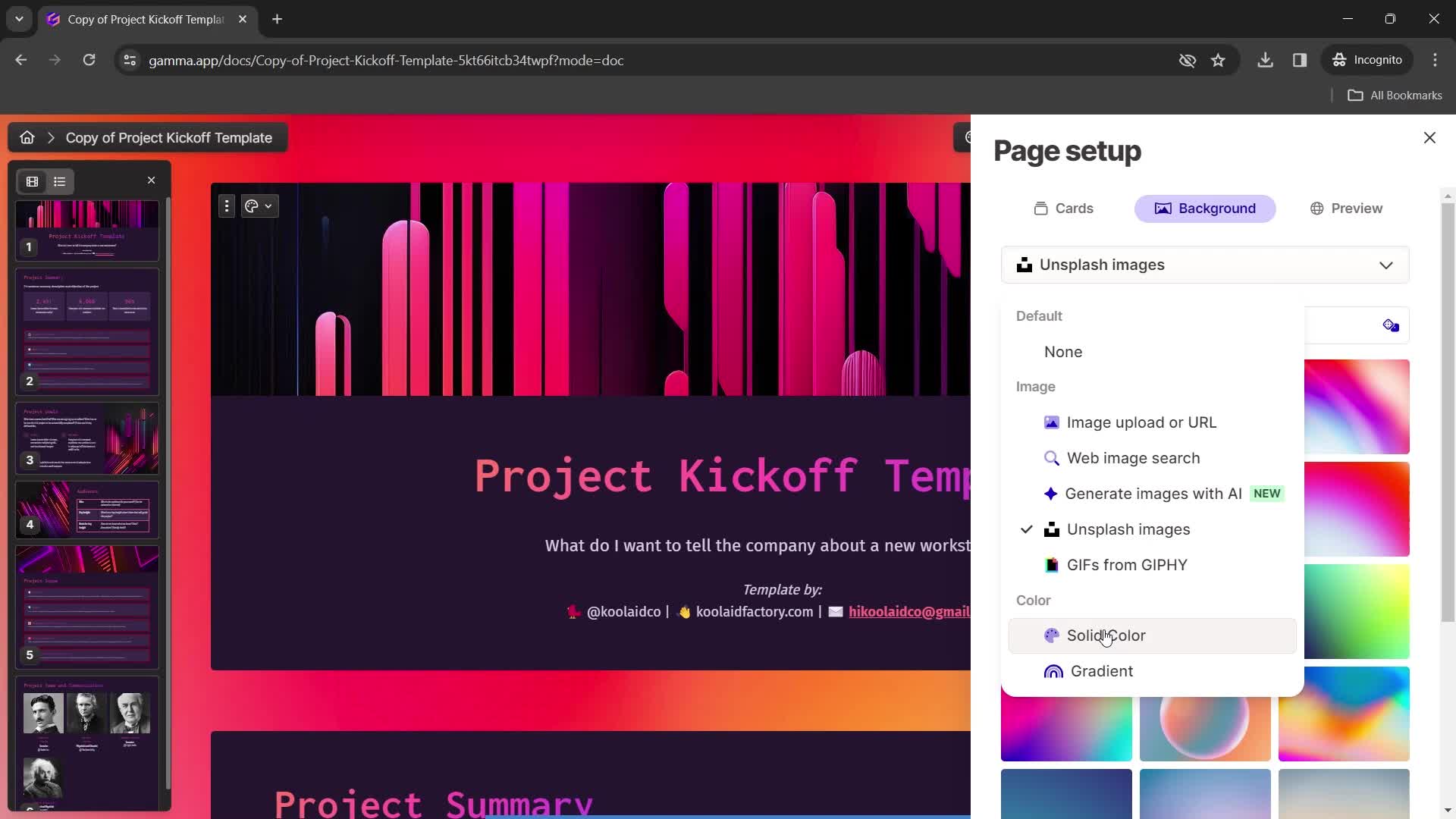
Page settings
this is title
Choose background color
this is title
Action menu
this is title
this is title
Set colors
this is title
Action menu
this is title
this is title
Preview
this is title
Dashboard
this is title
Action menu
this is title
this is title
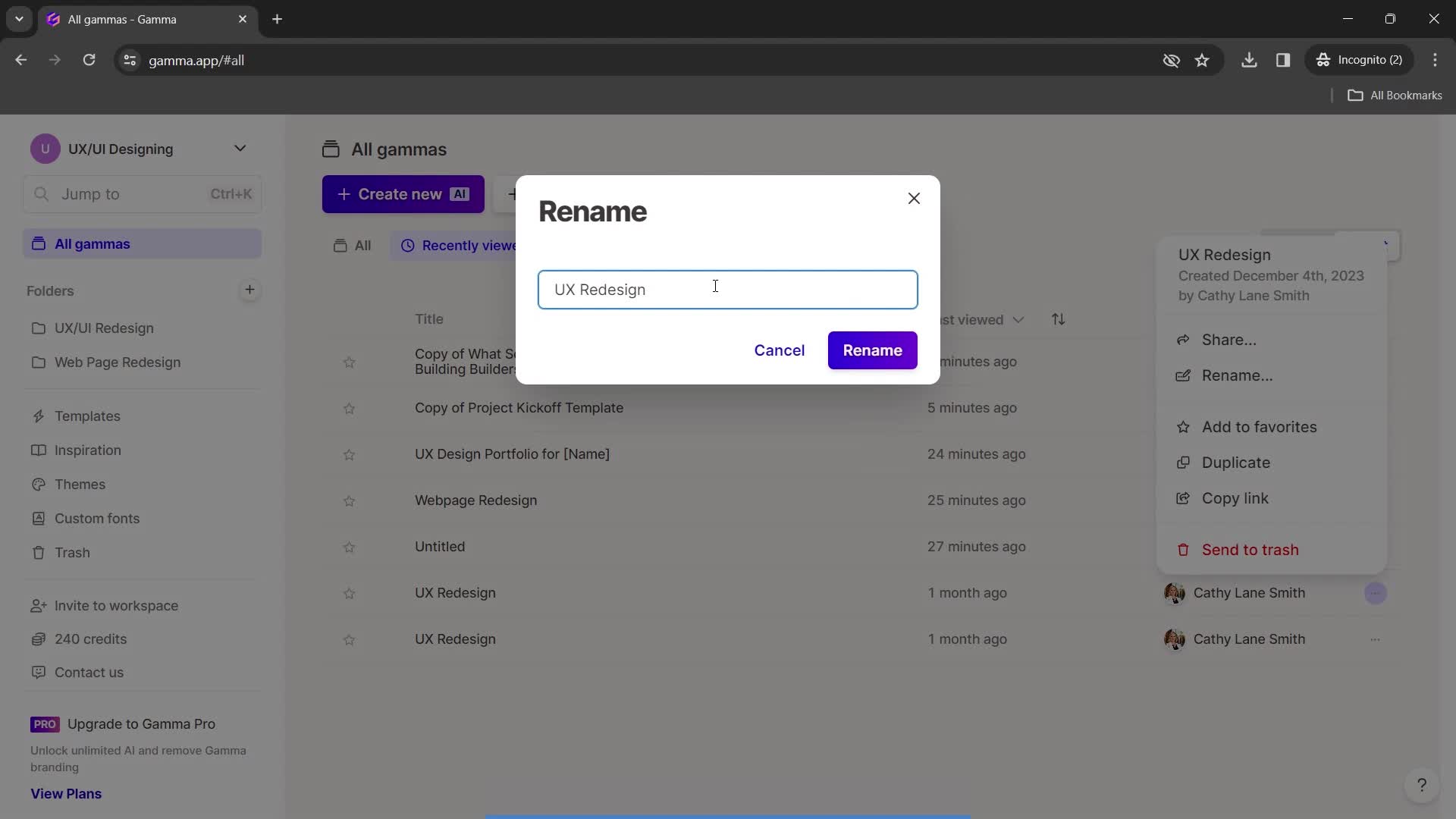
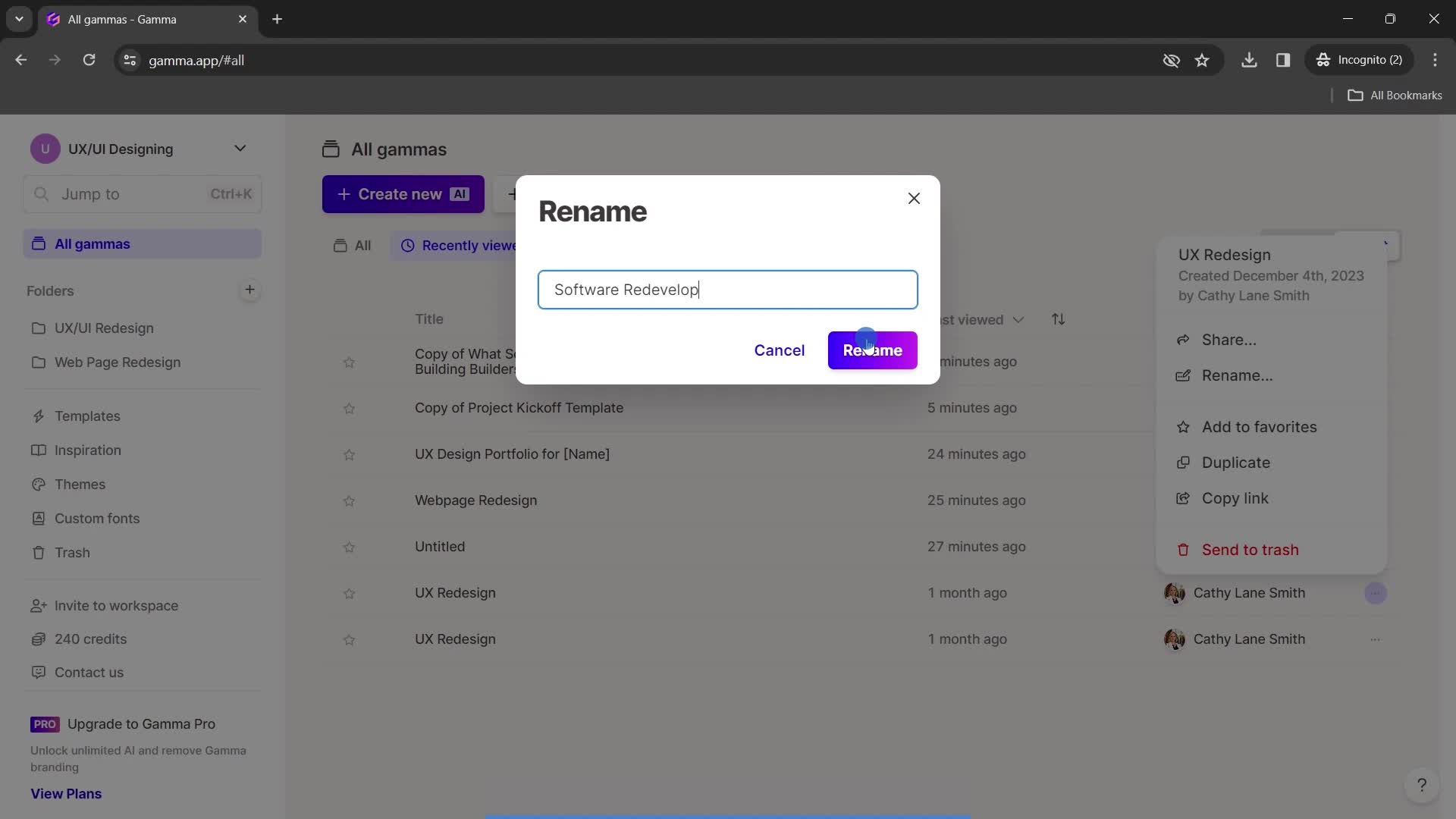
Rename
this is title
Continue
this is title
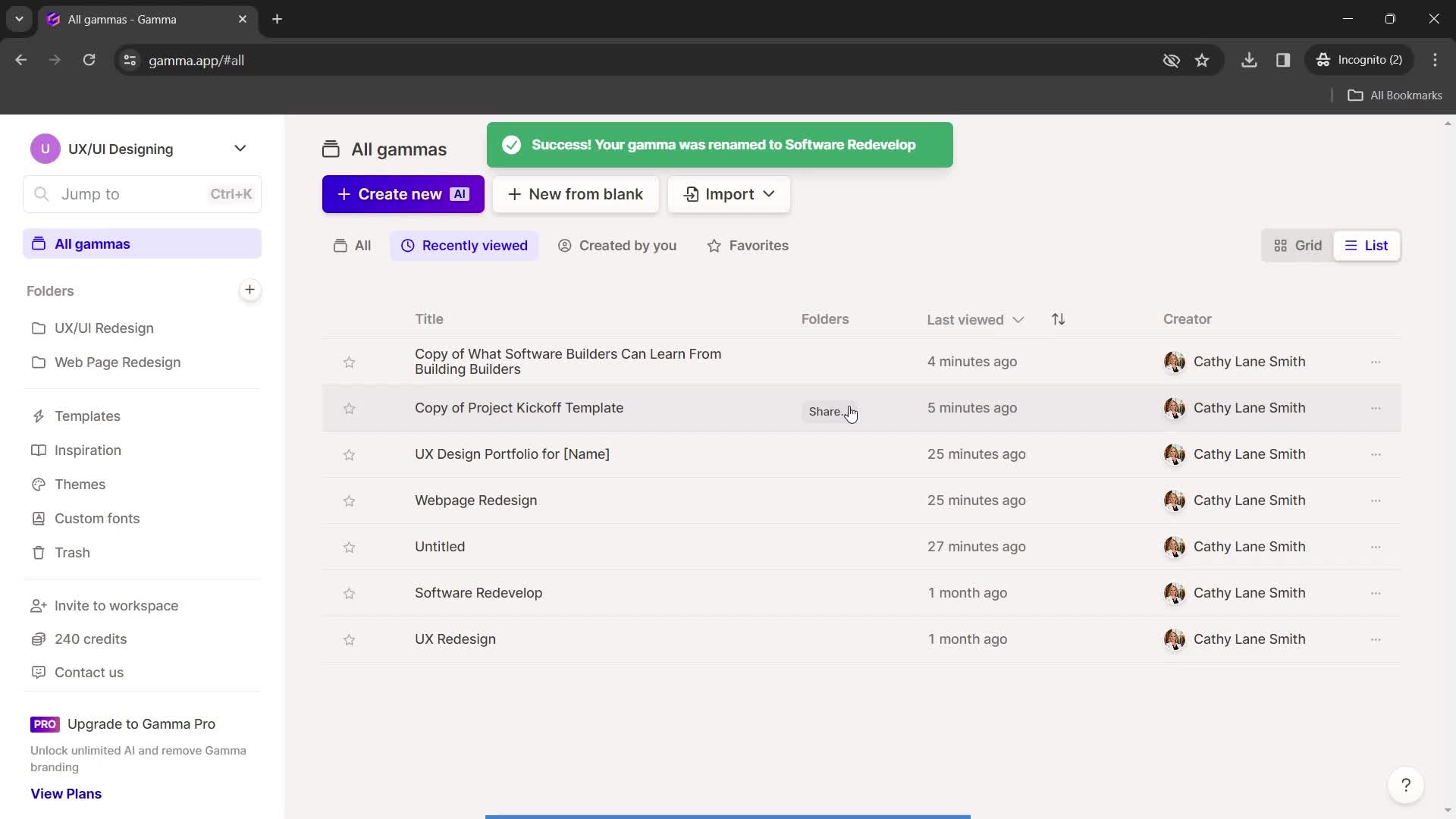
Changes saved
this is title
Sign in
this is title
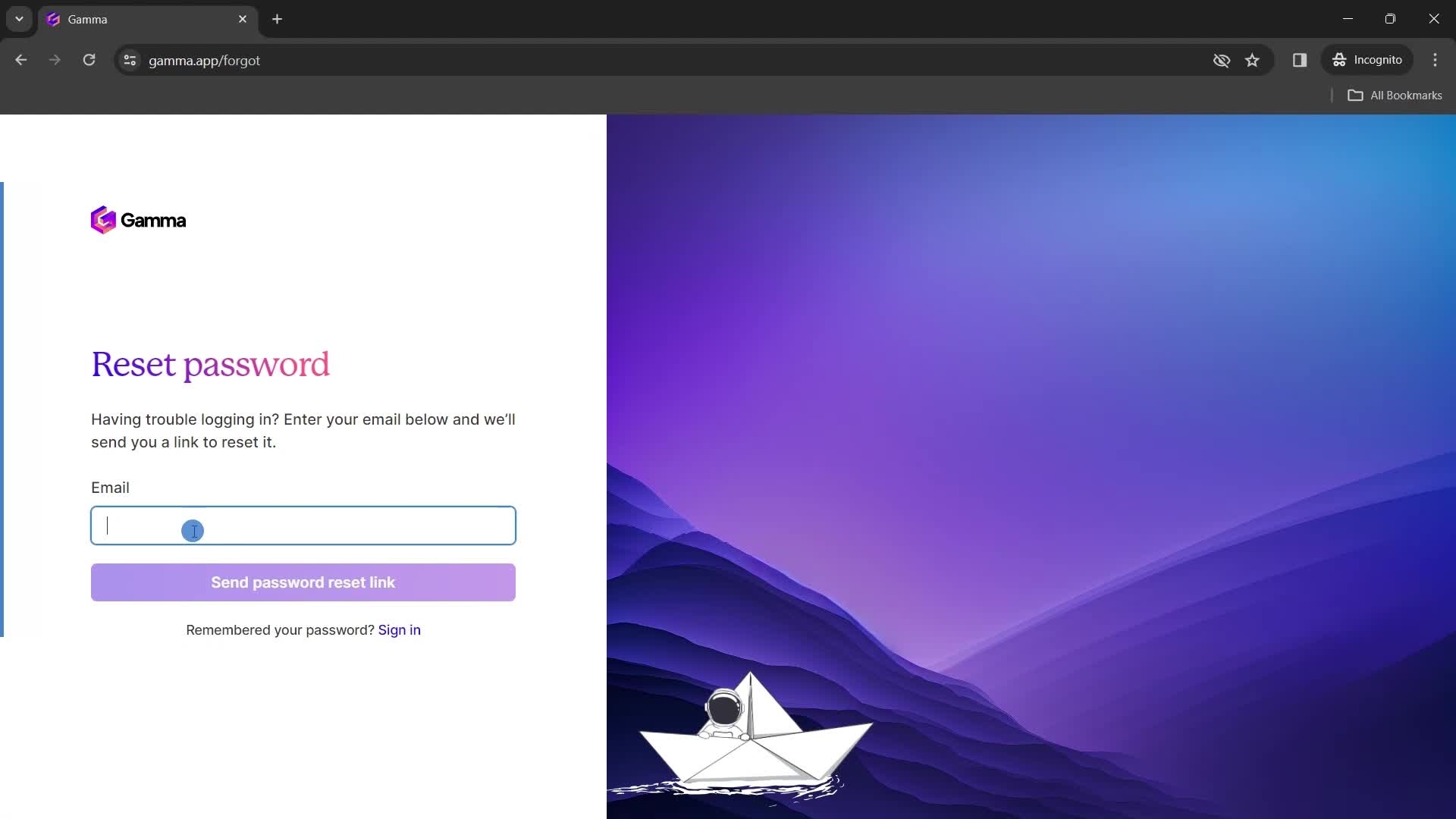
Reset password
this is title
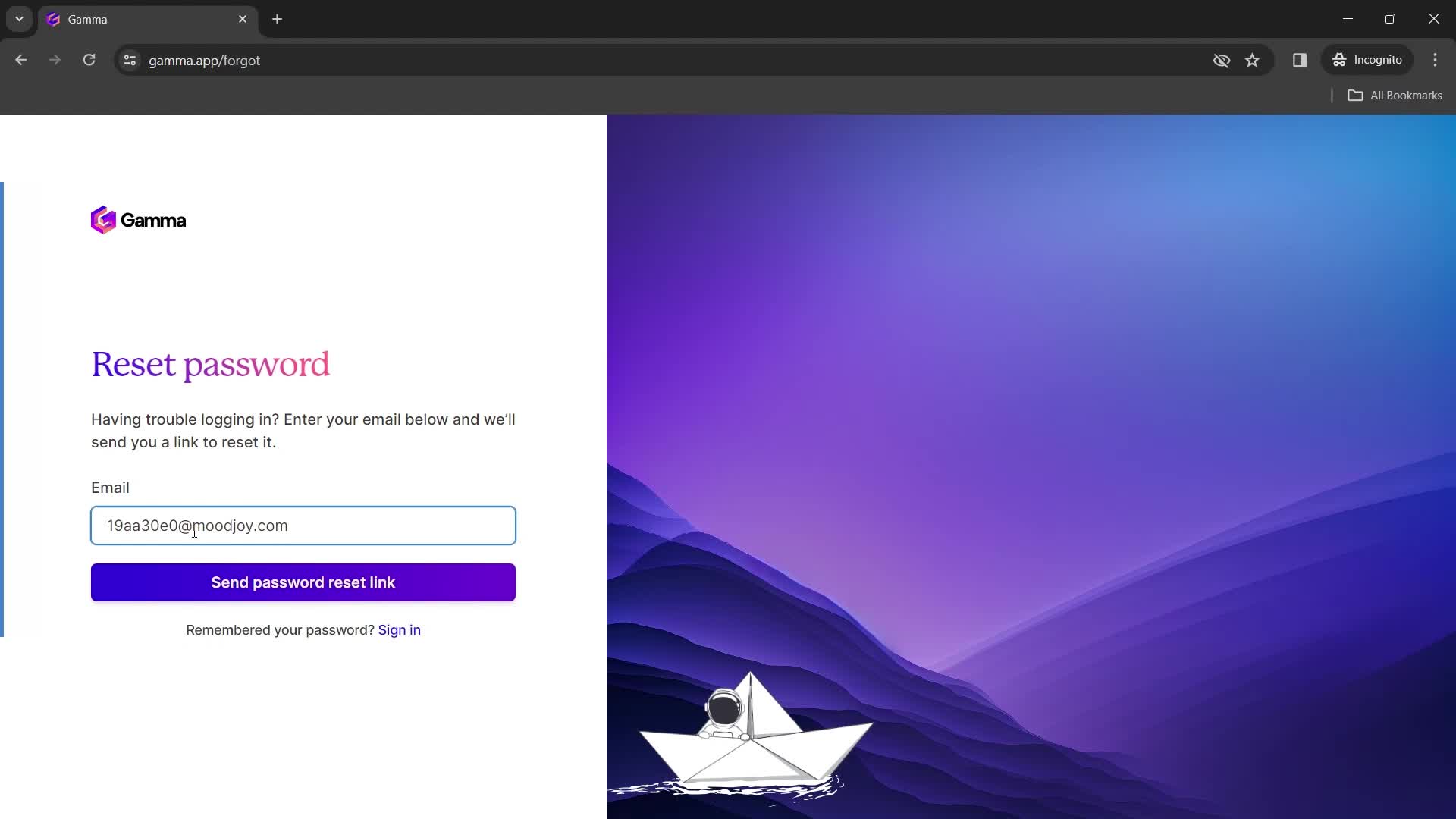
Enter email
this is title
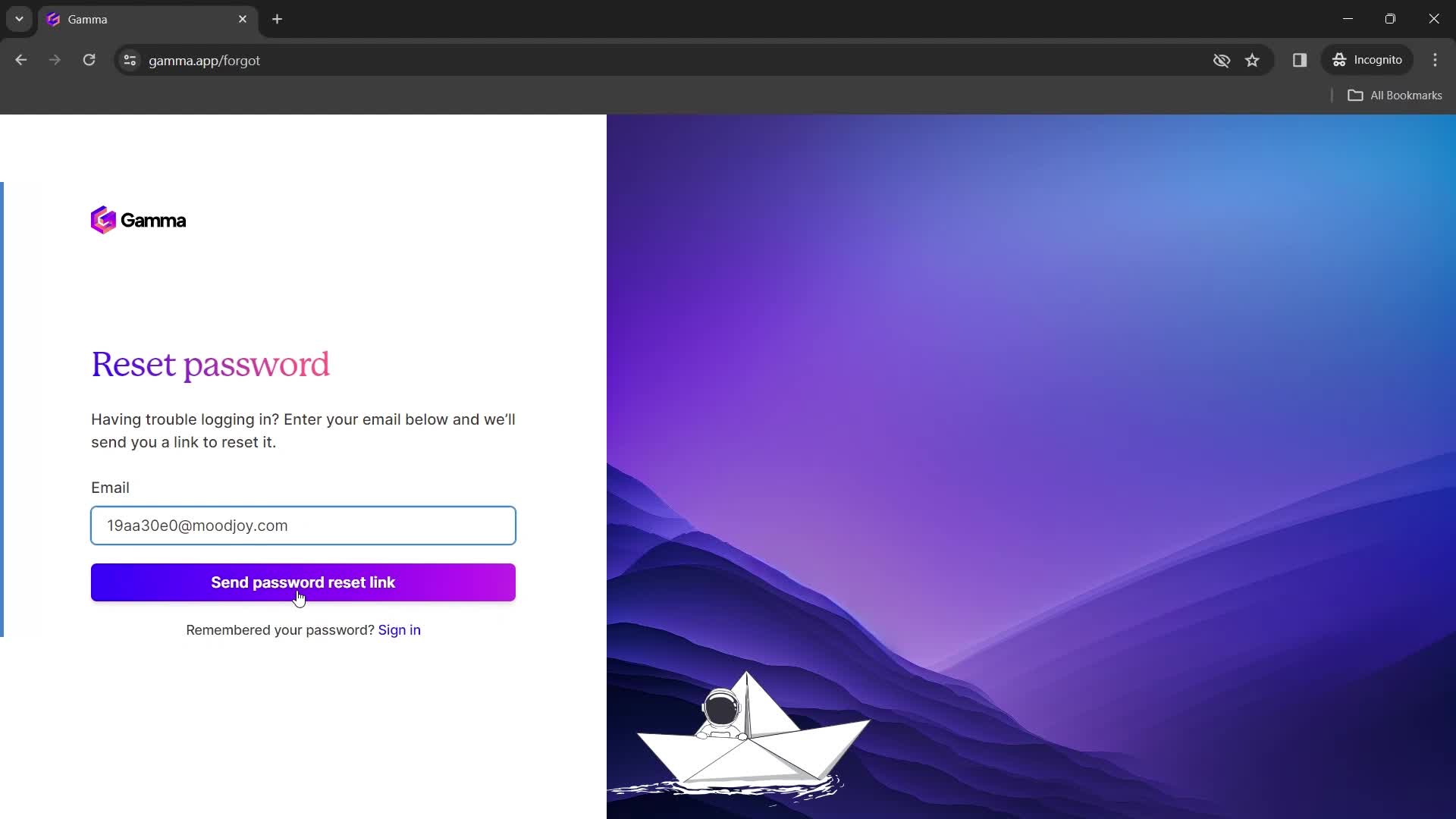
Continue
this is title
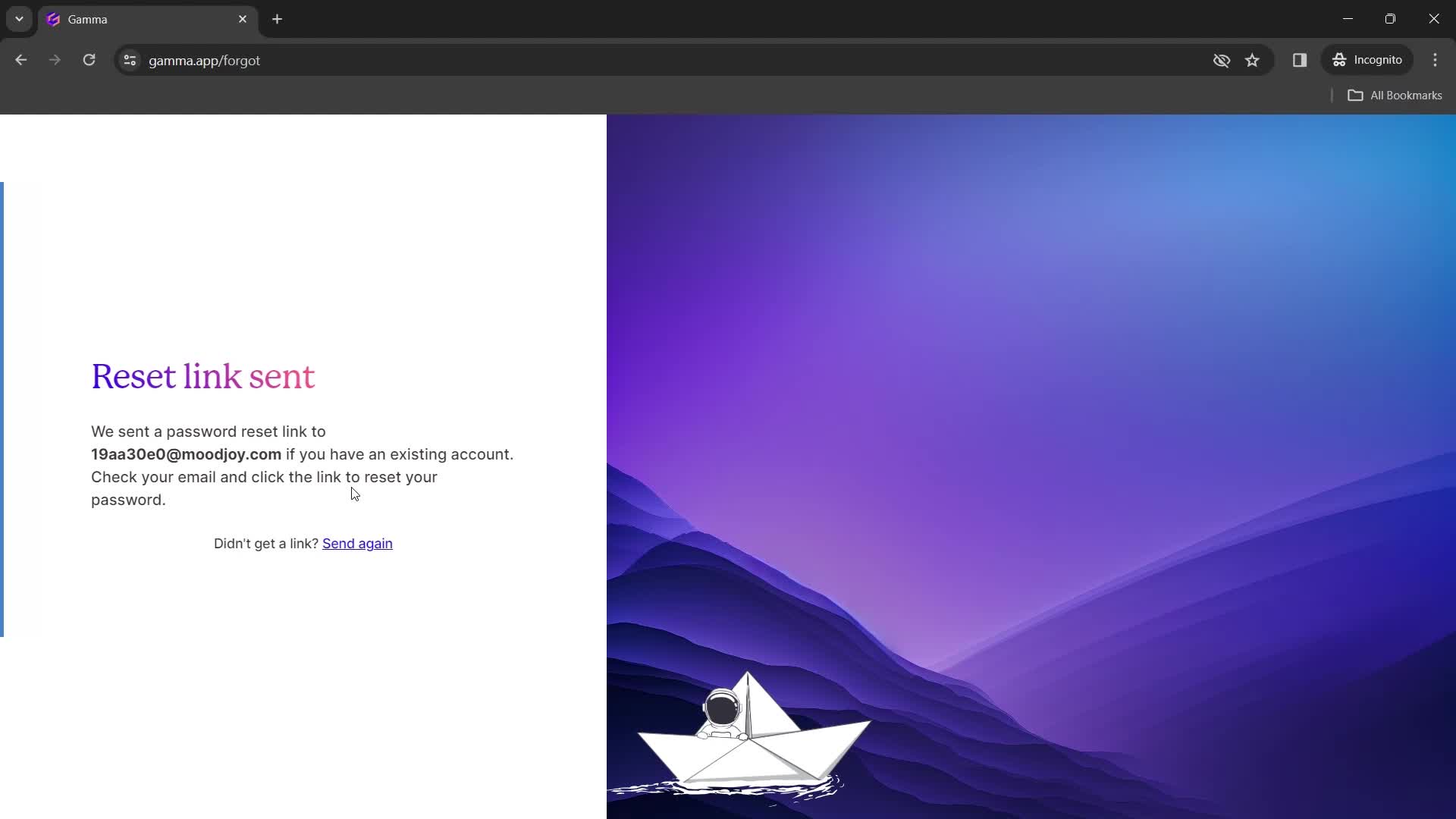
Email sent
this is title
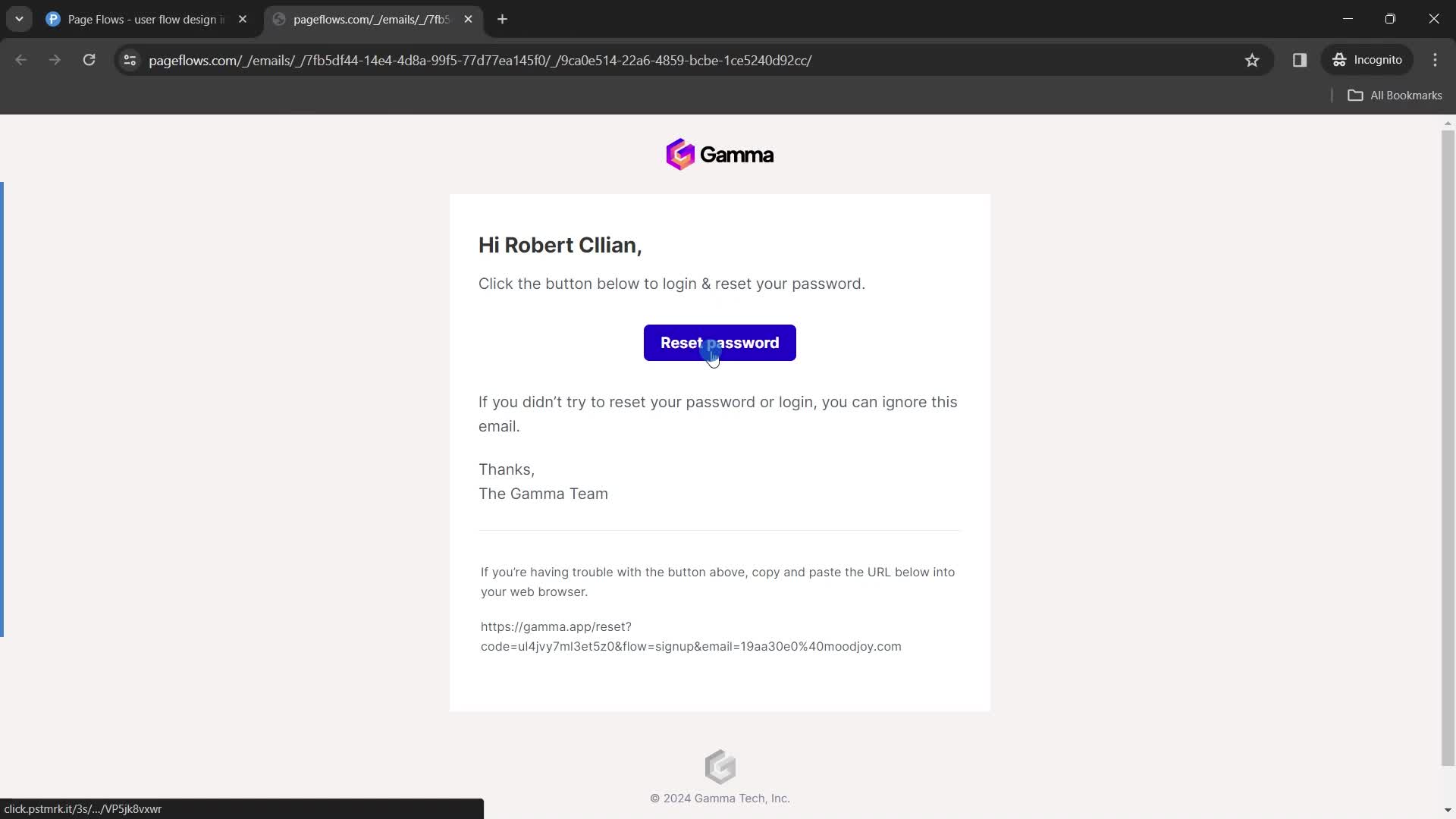
Password reset email
this is title
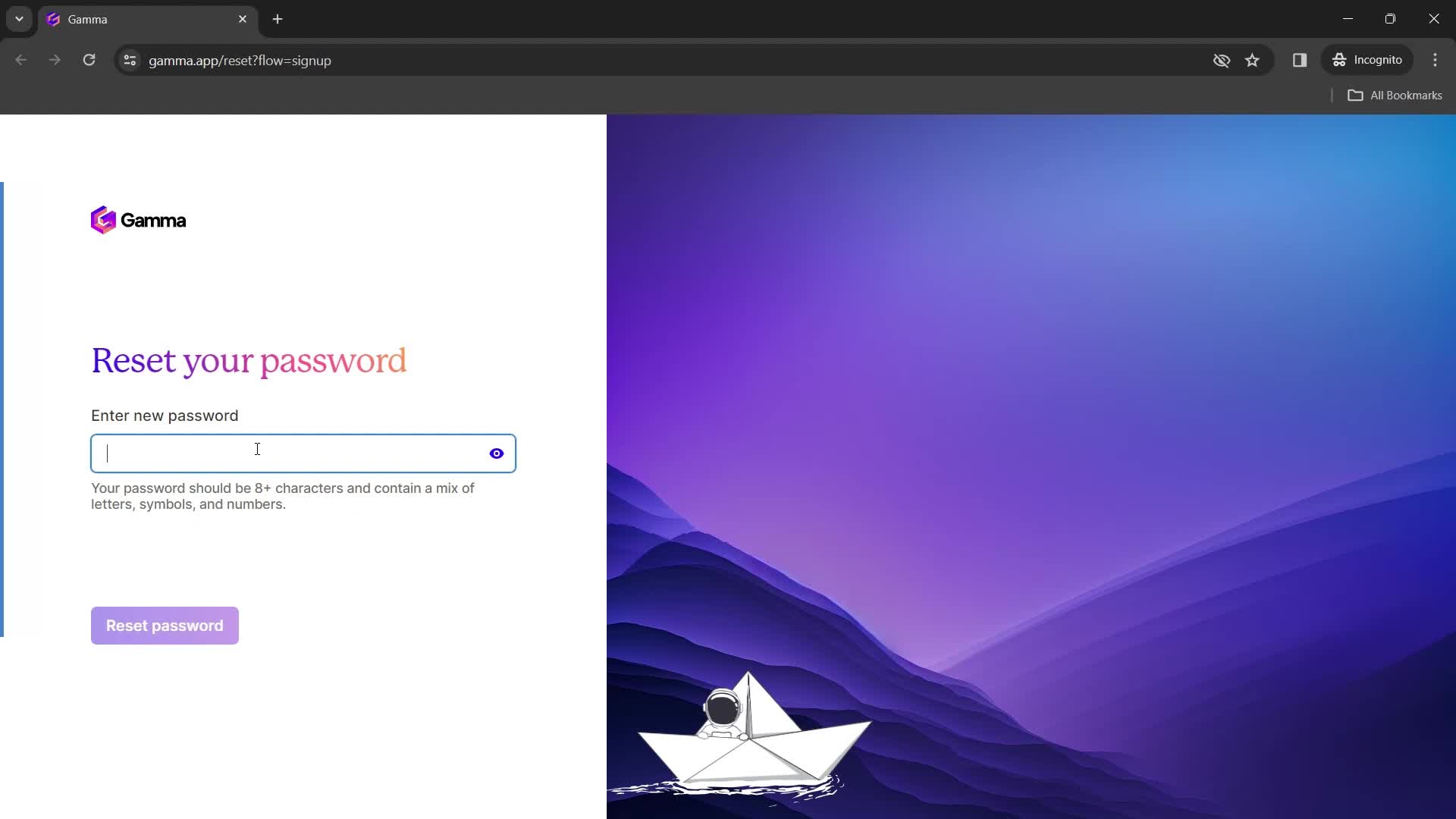
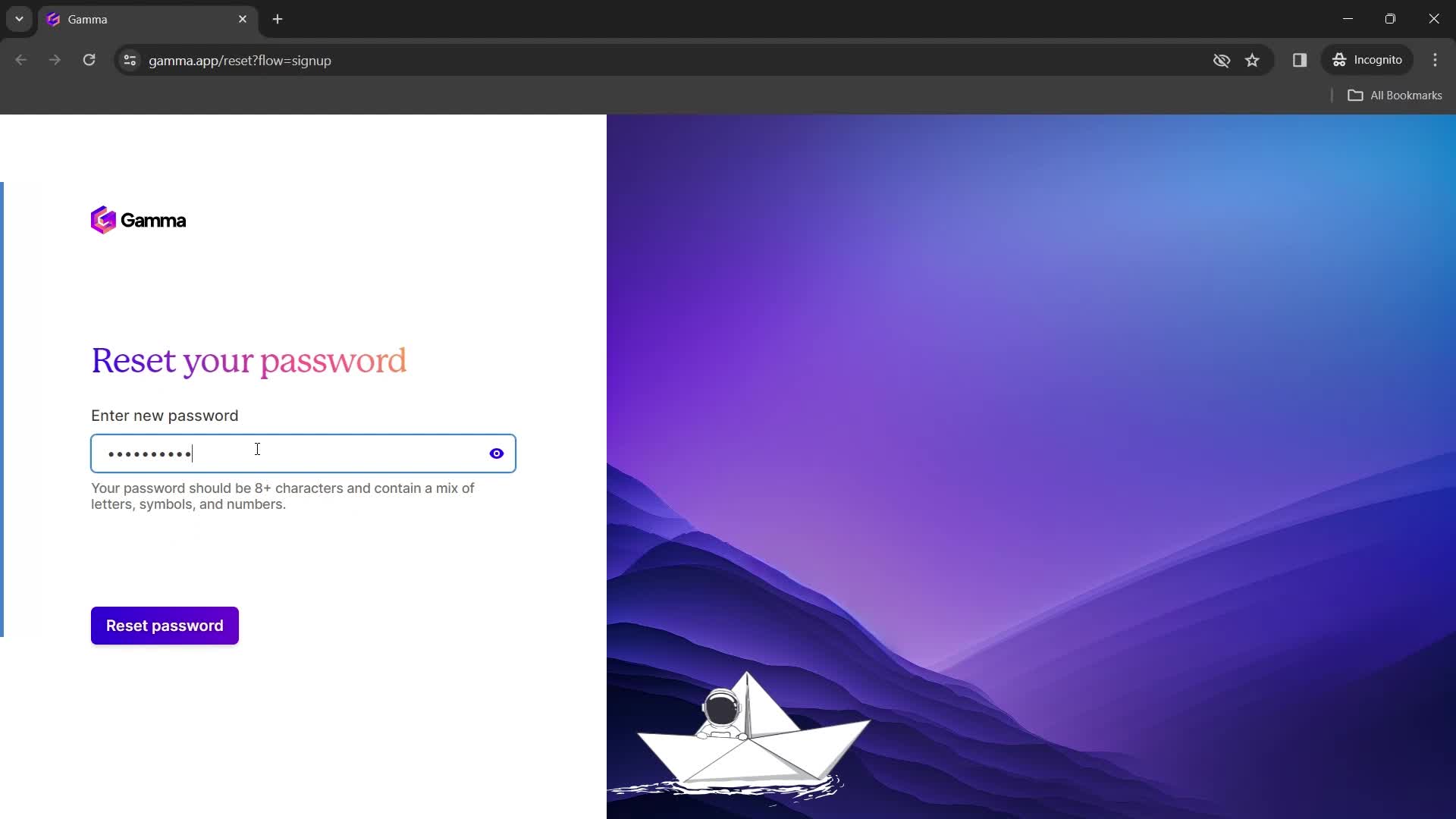
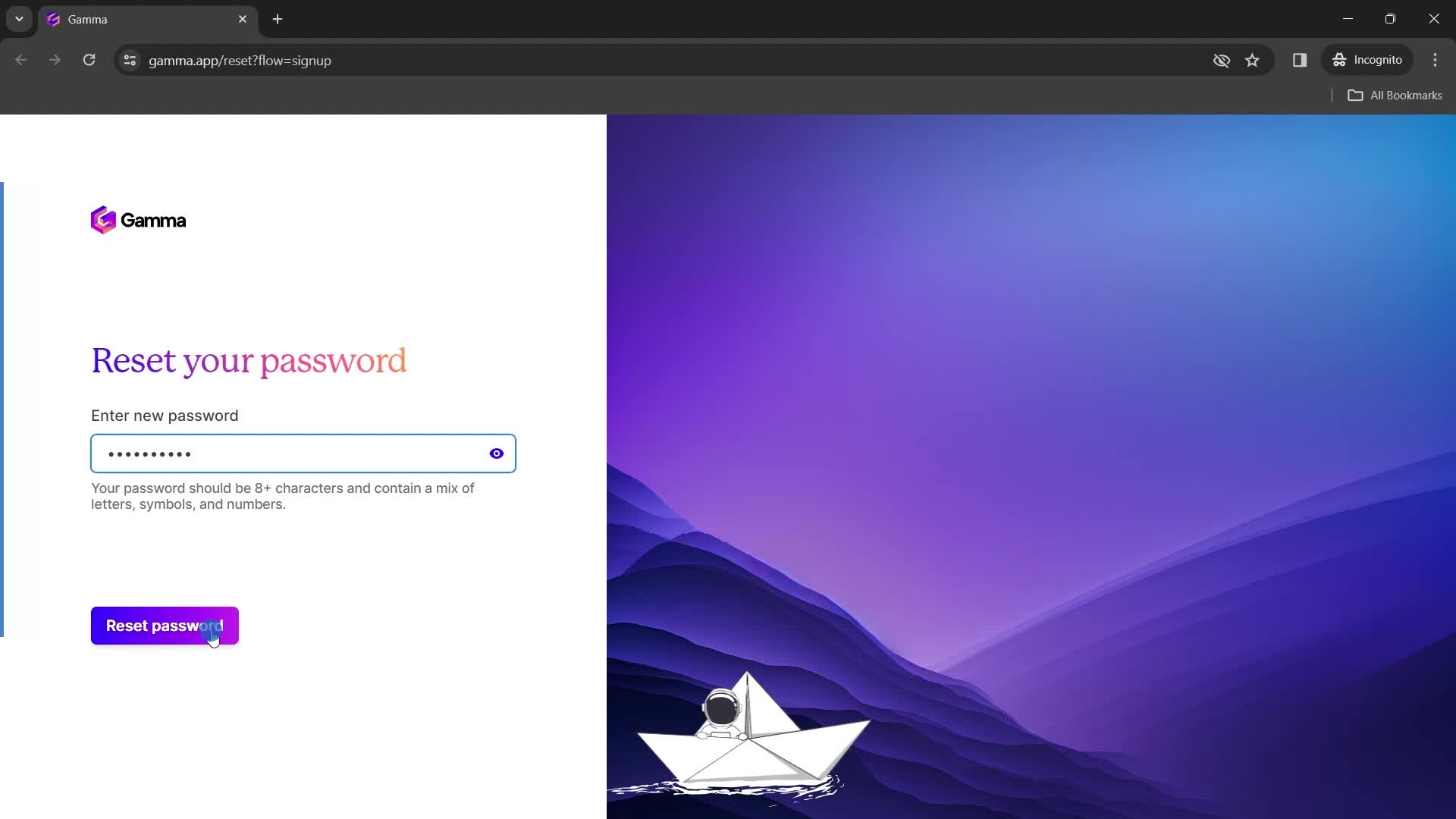
Set new password
this is title
this is title
Continue
this is title
Home
this is title
Dashboard
this is title
Action menu
this is title
Added to favorites
this is title
this is title
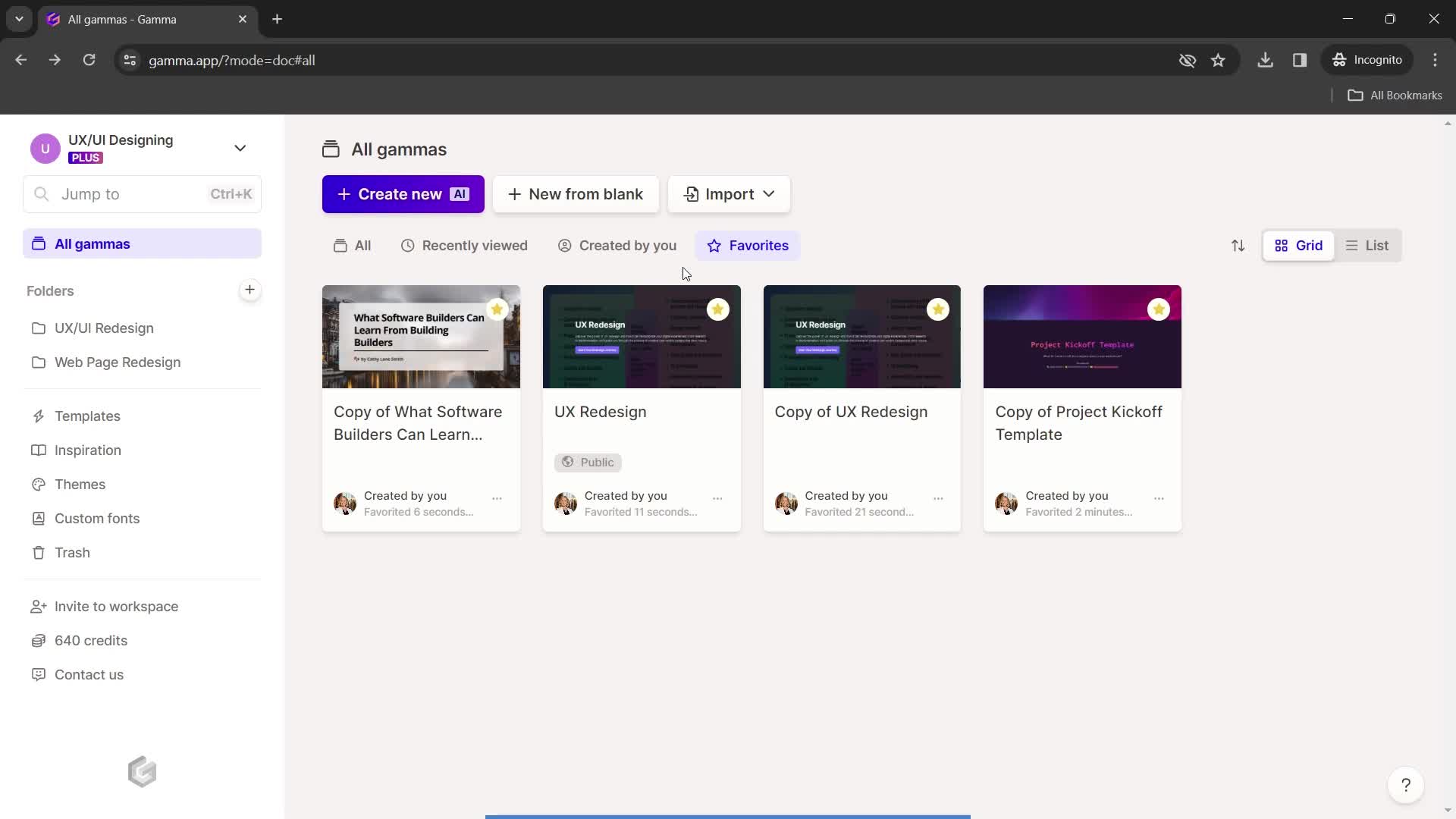
Favorites
this is title
Dashboard
this is title
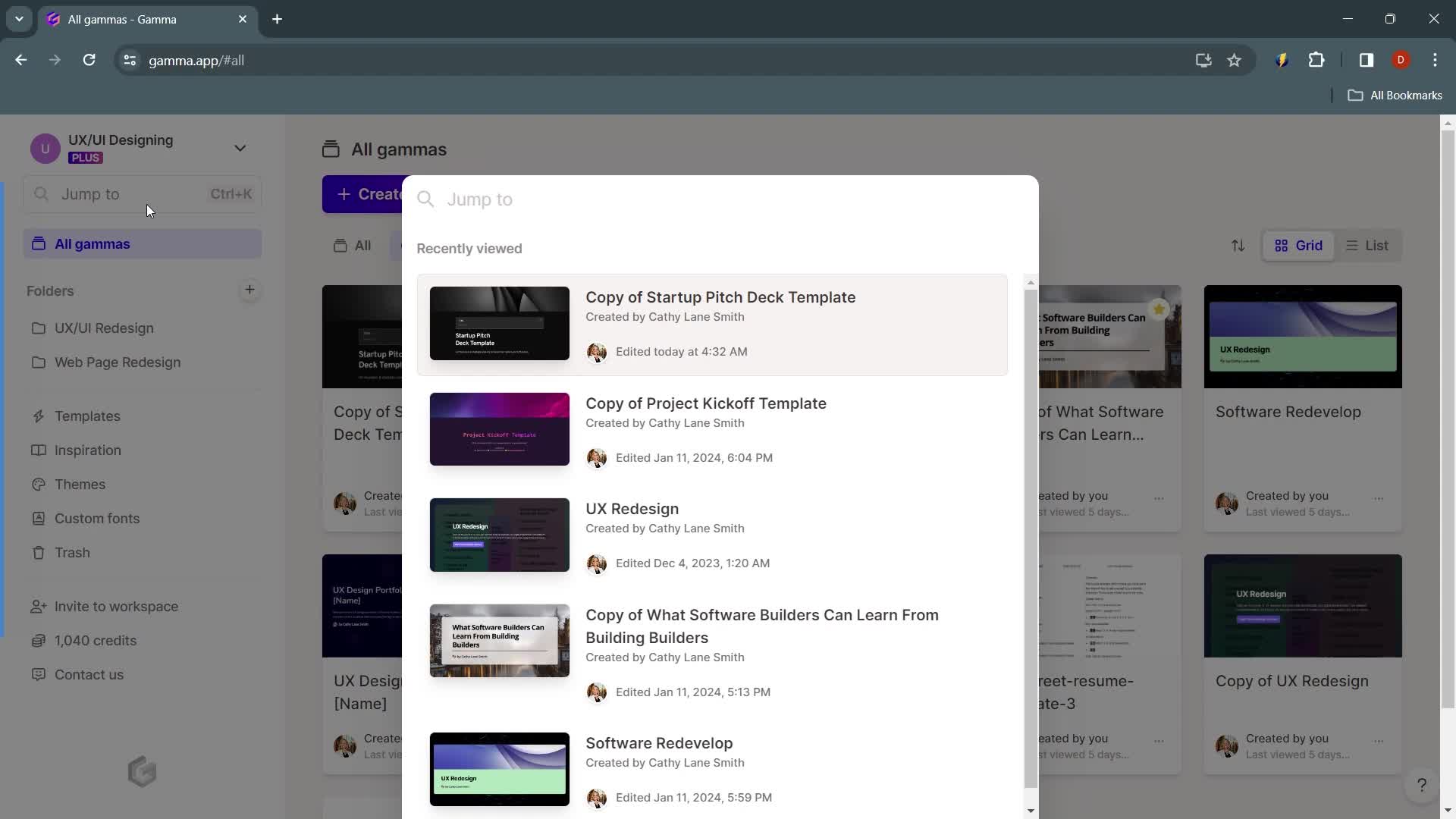
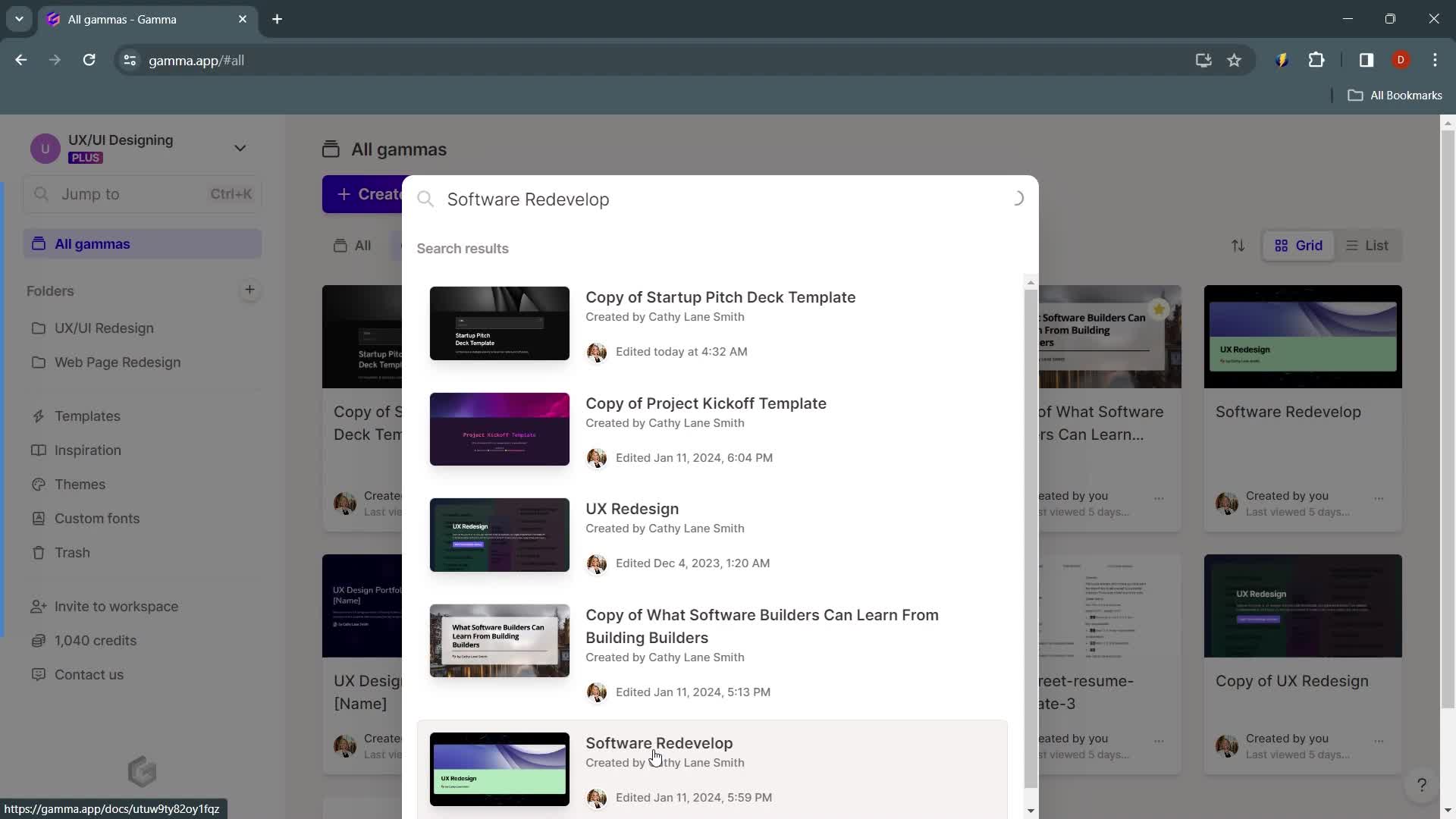
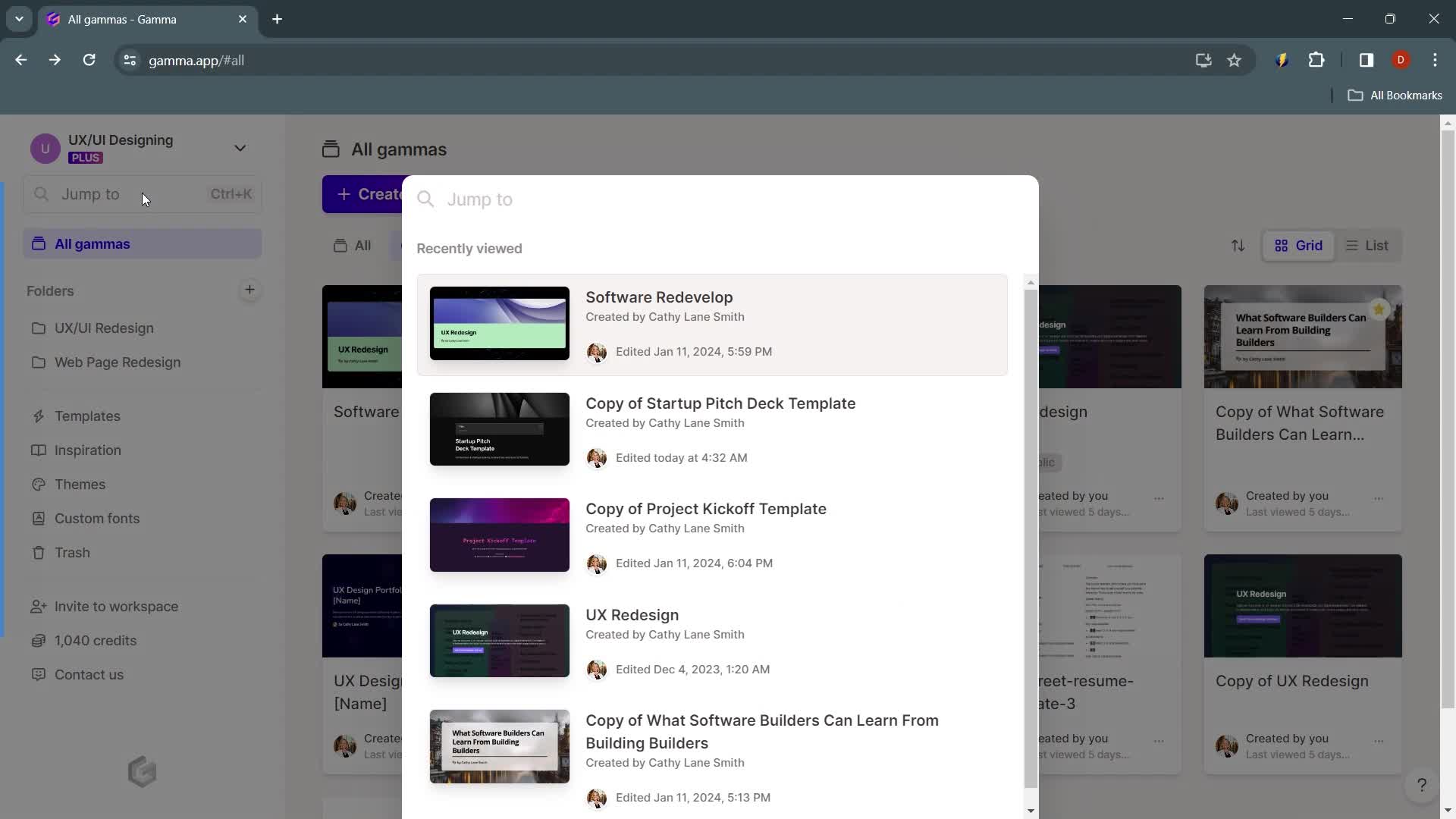
Search
this is title
Search results
this is title
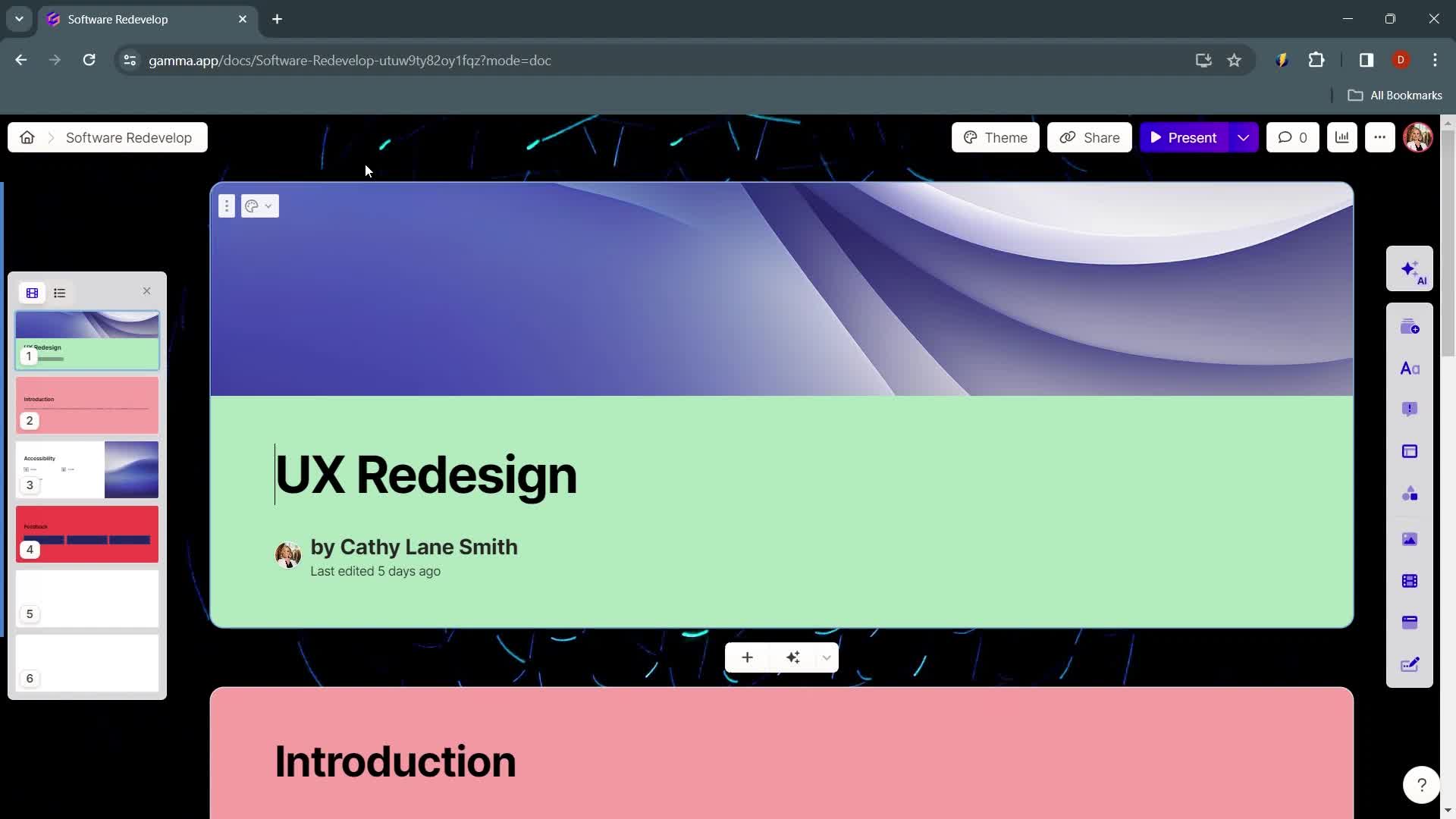
Presentation editor
this is title
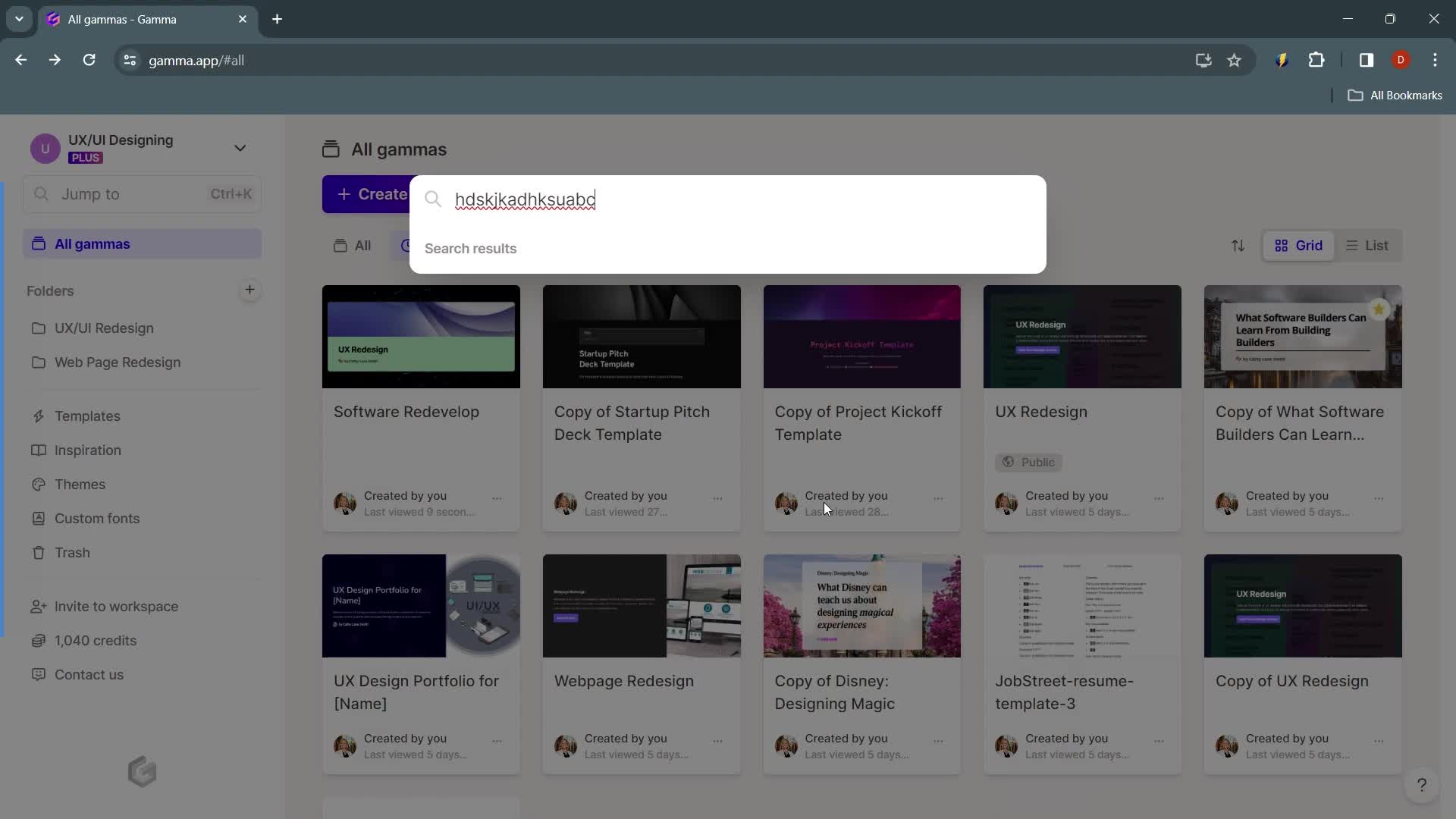
Search
this is title
No search results
this is title
Home
this is title
Action menu
this is title
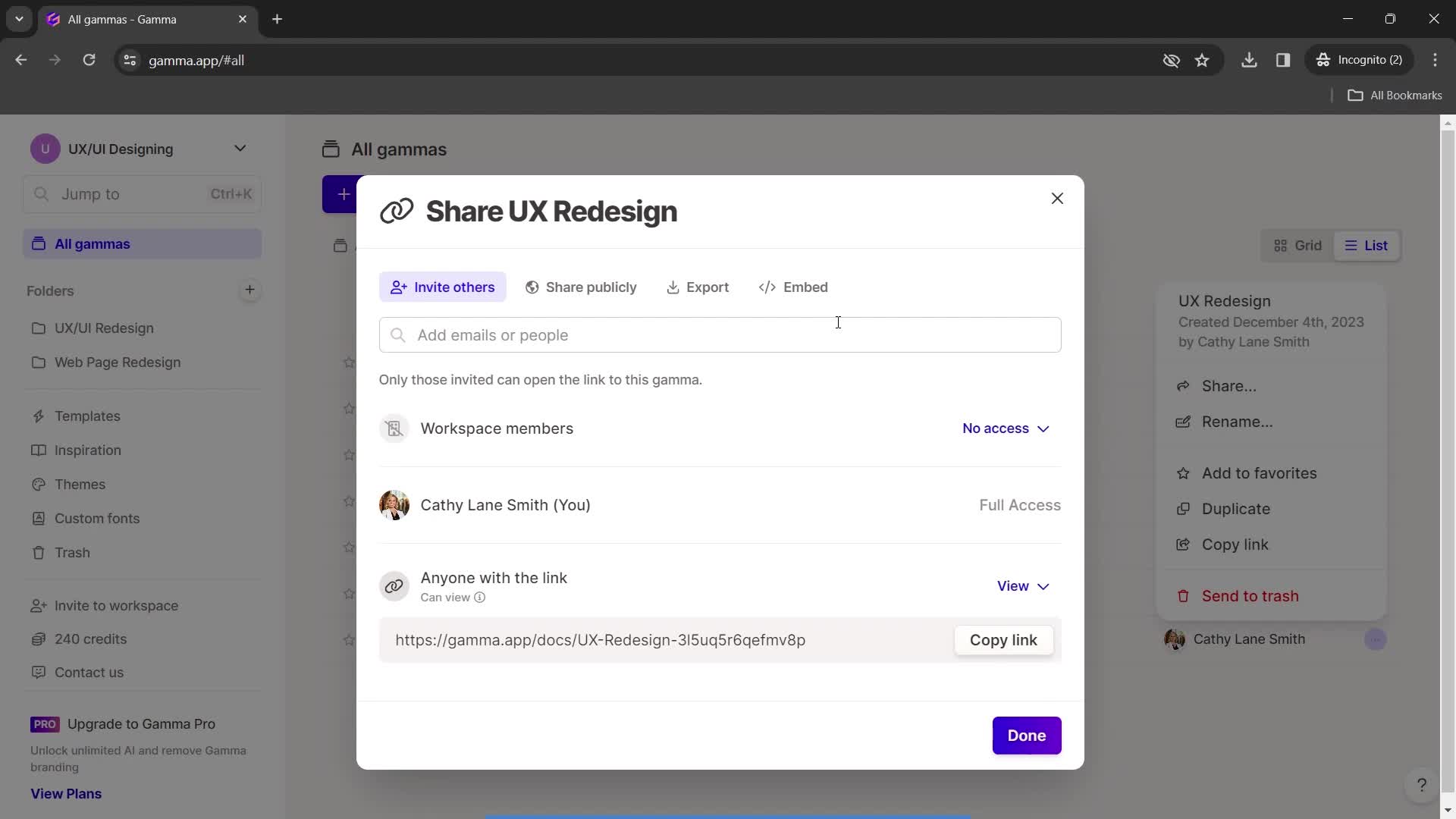
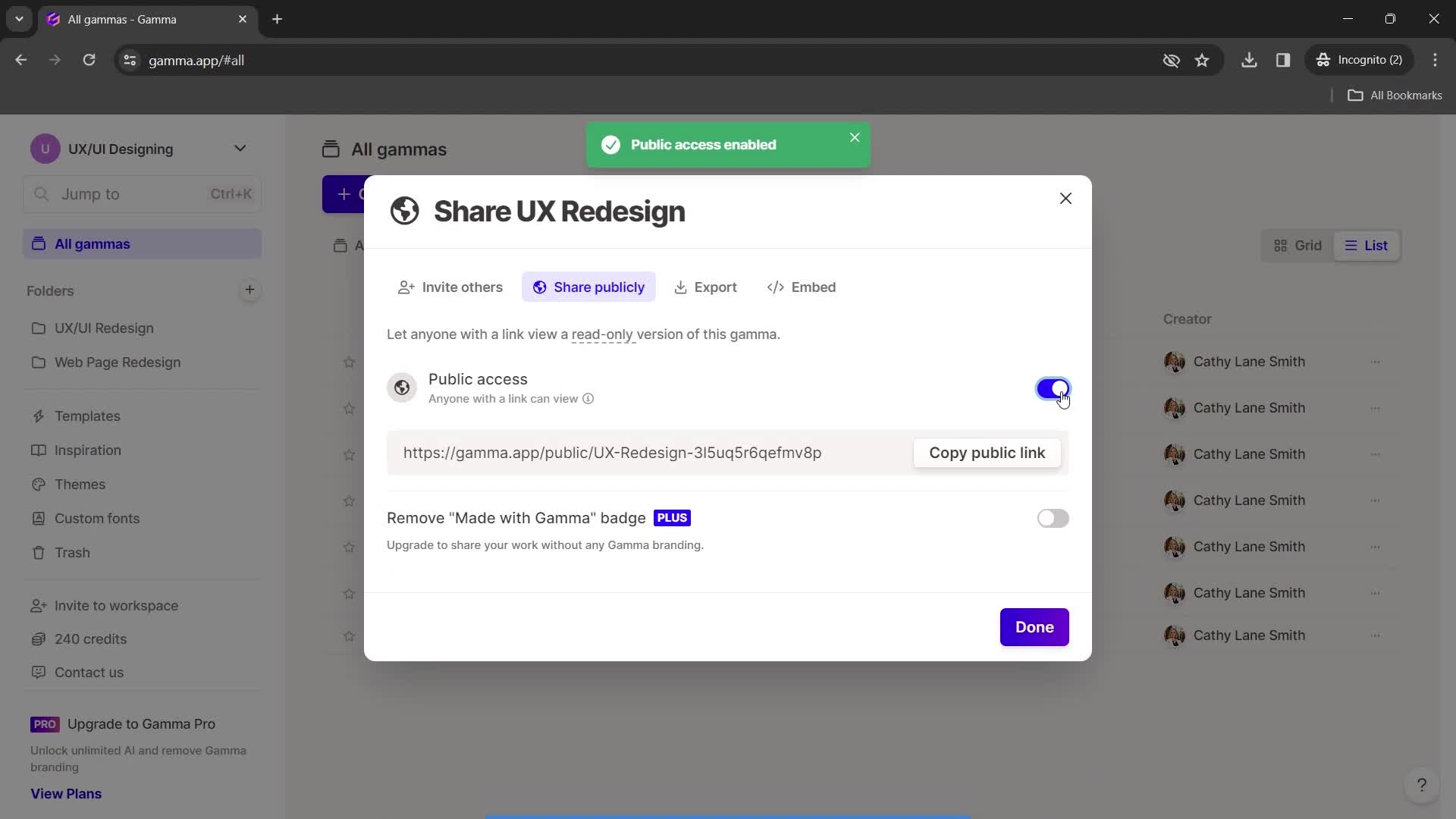
Share
this is title
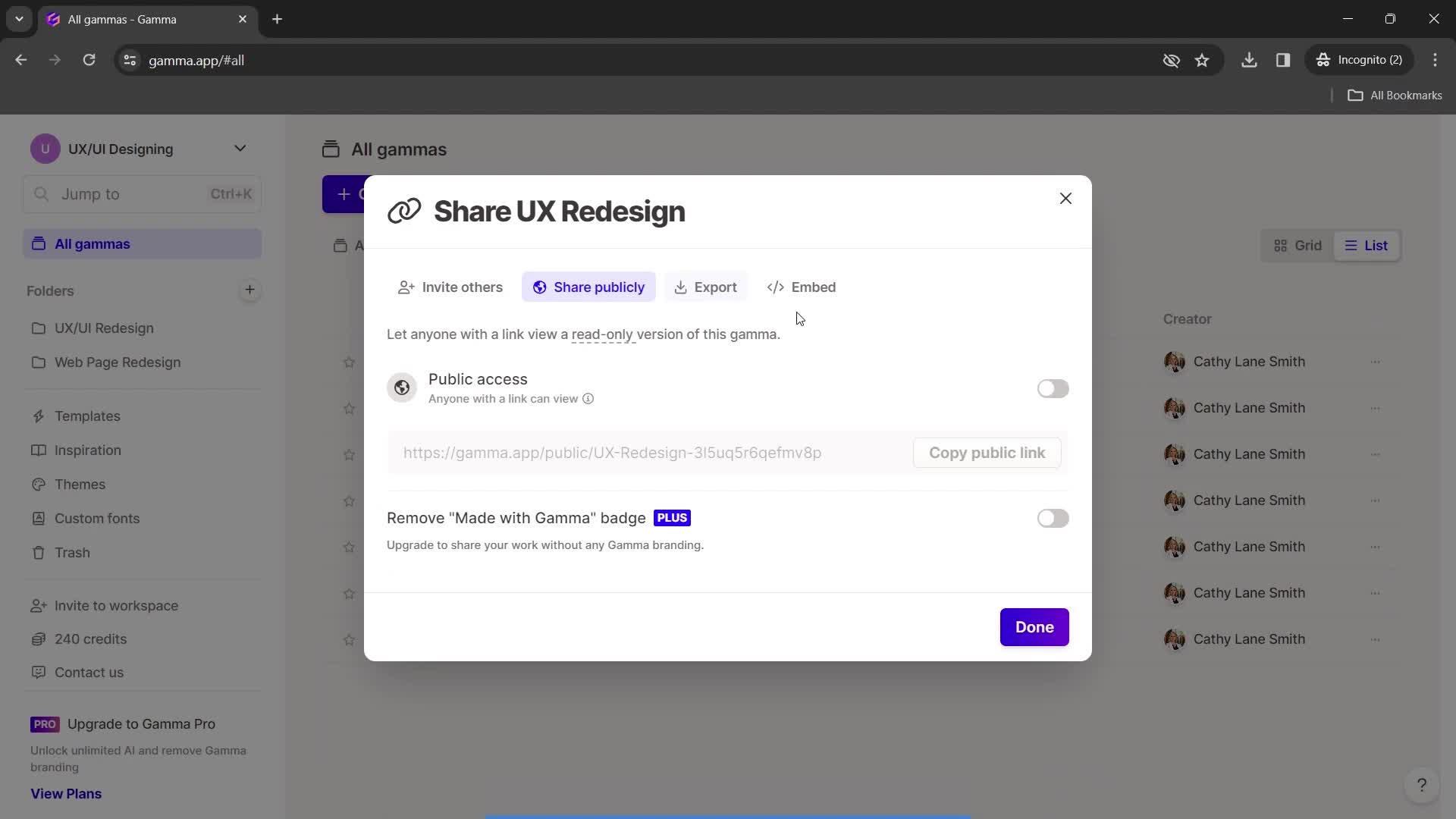
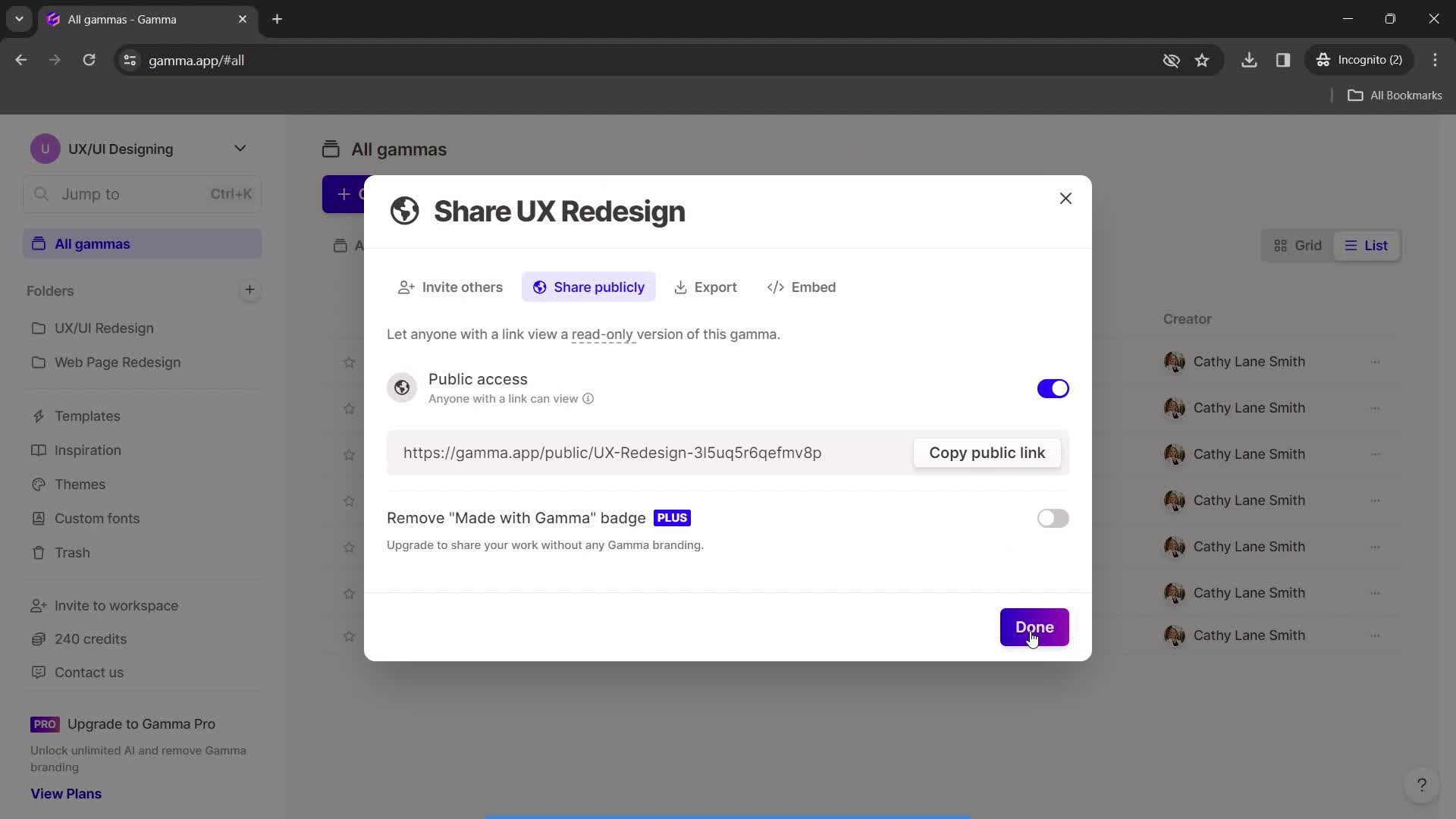
Share settings
this is title
this is title
Continue
this is title
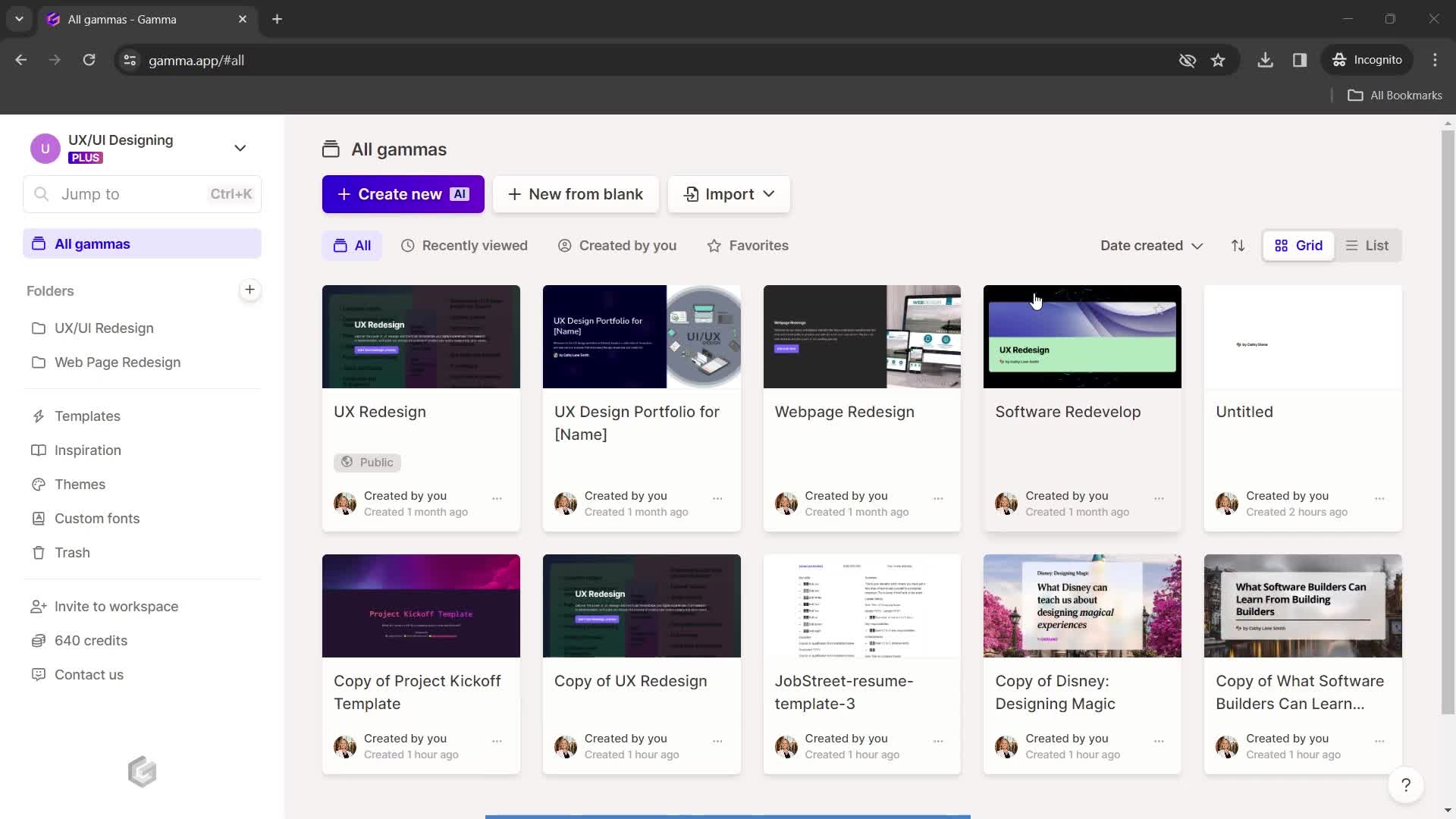
Dashboard
this is title
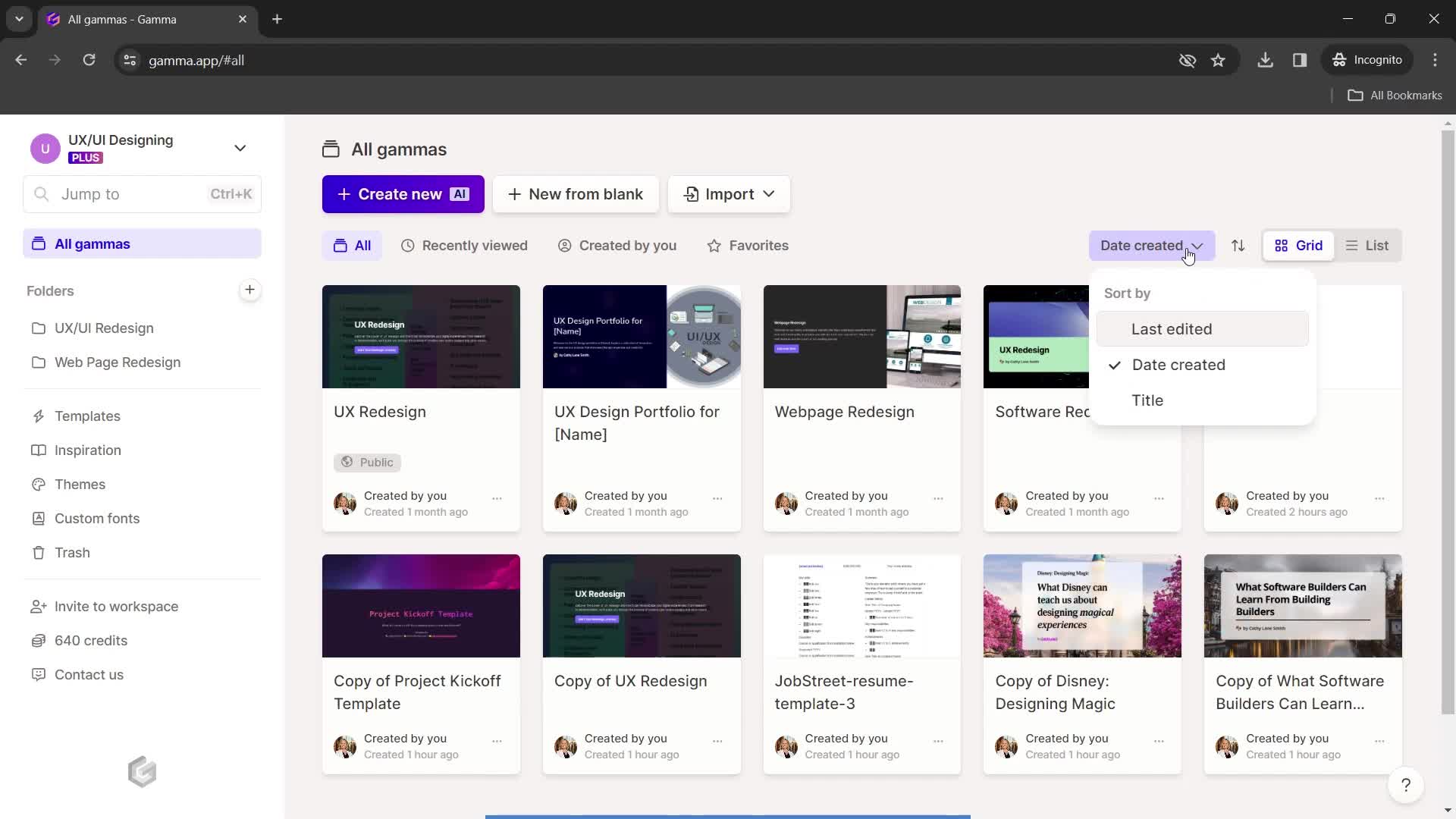
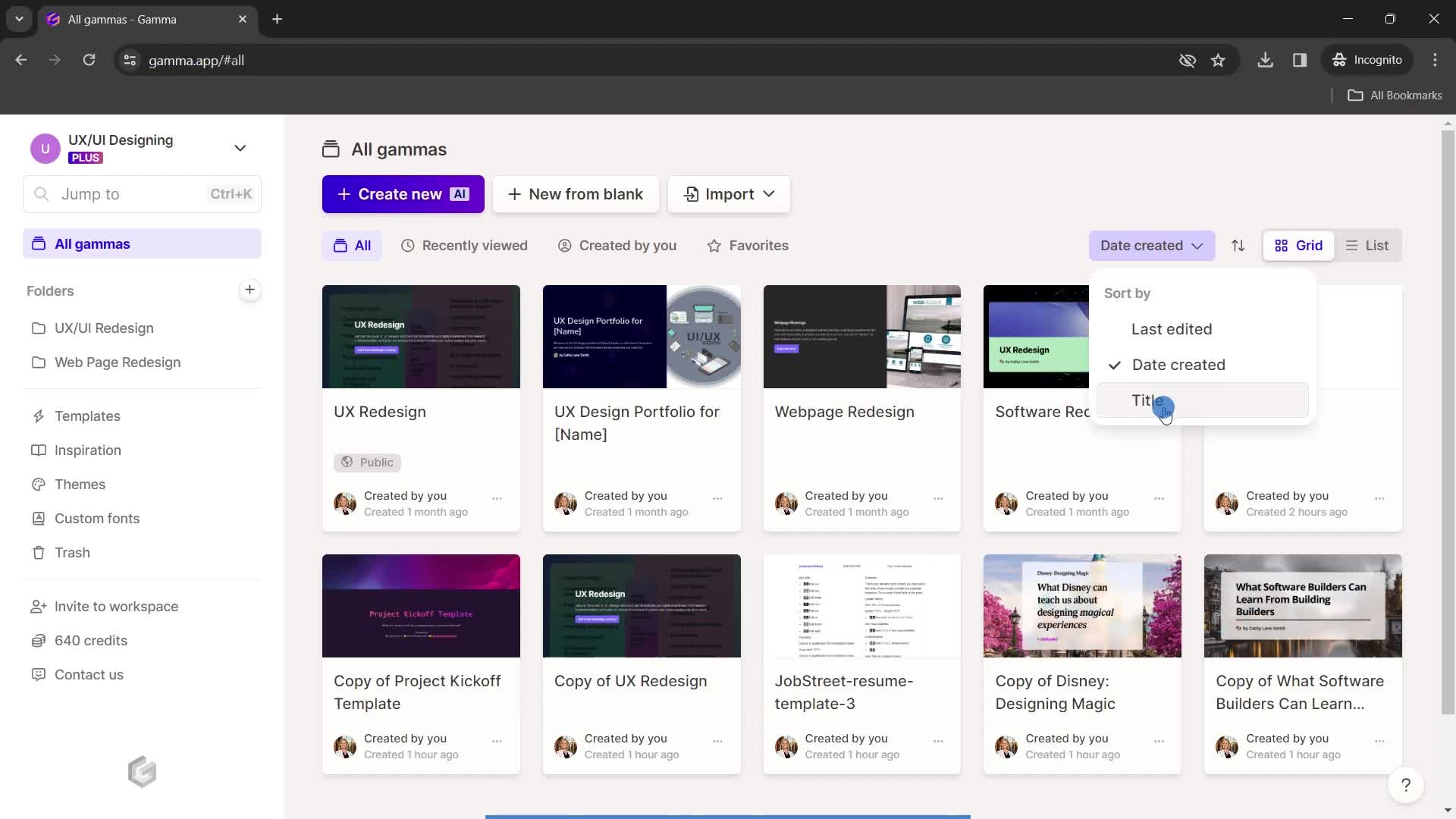
Sort
this is title
this is title
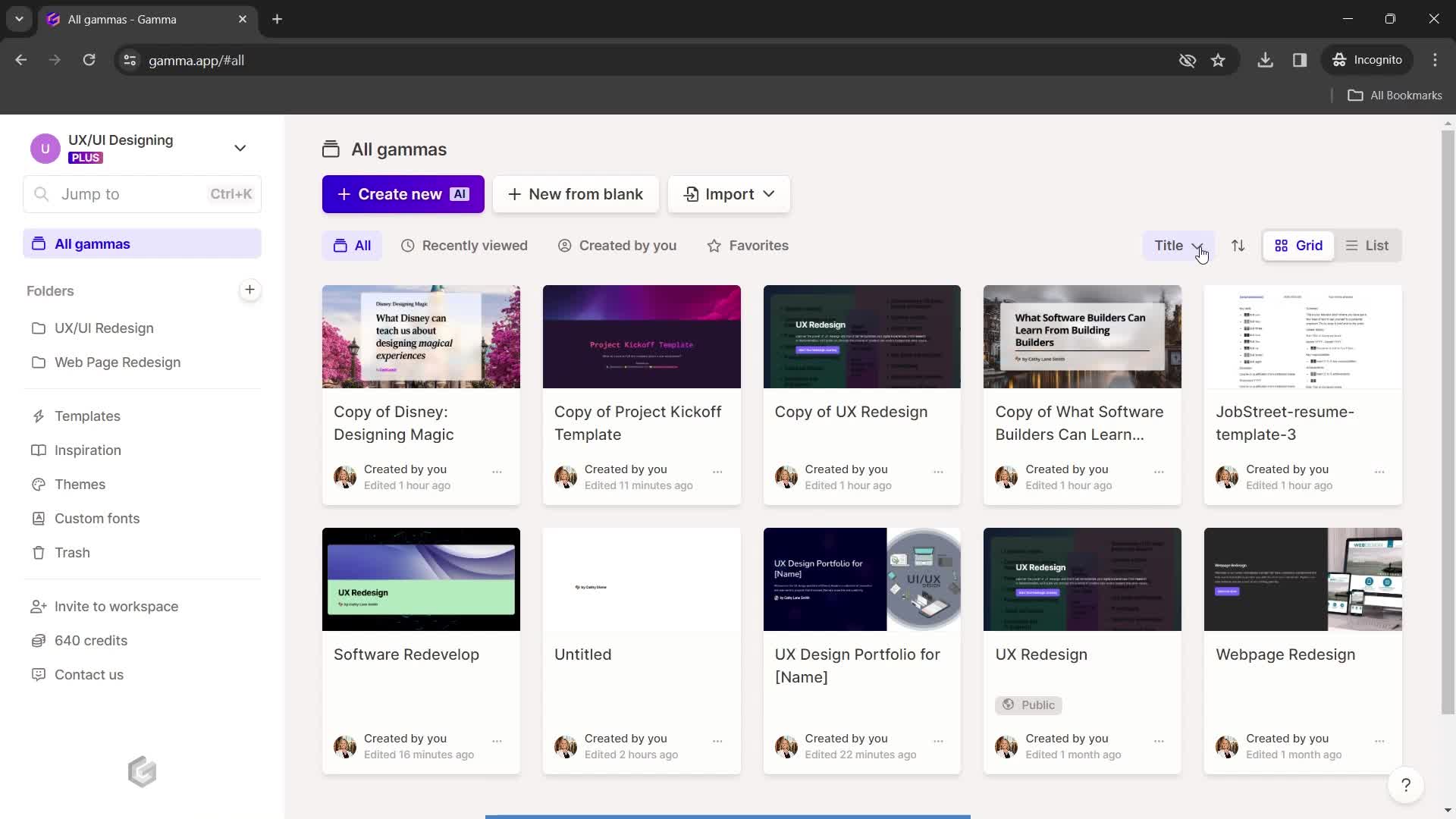
Filtered results
this is title
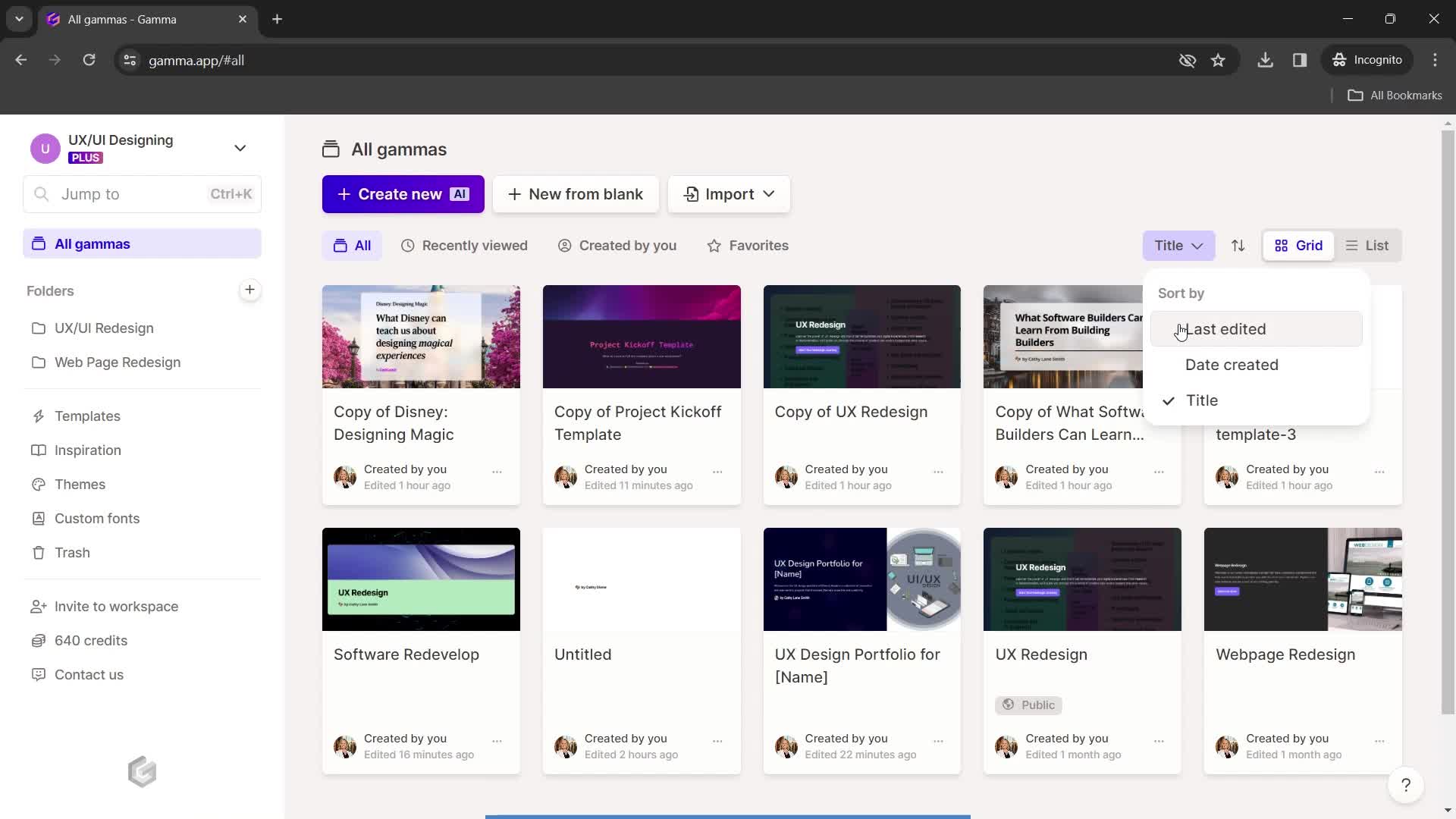
Sort
this is title
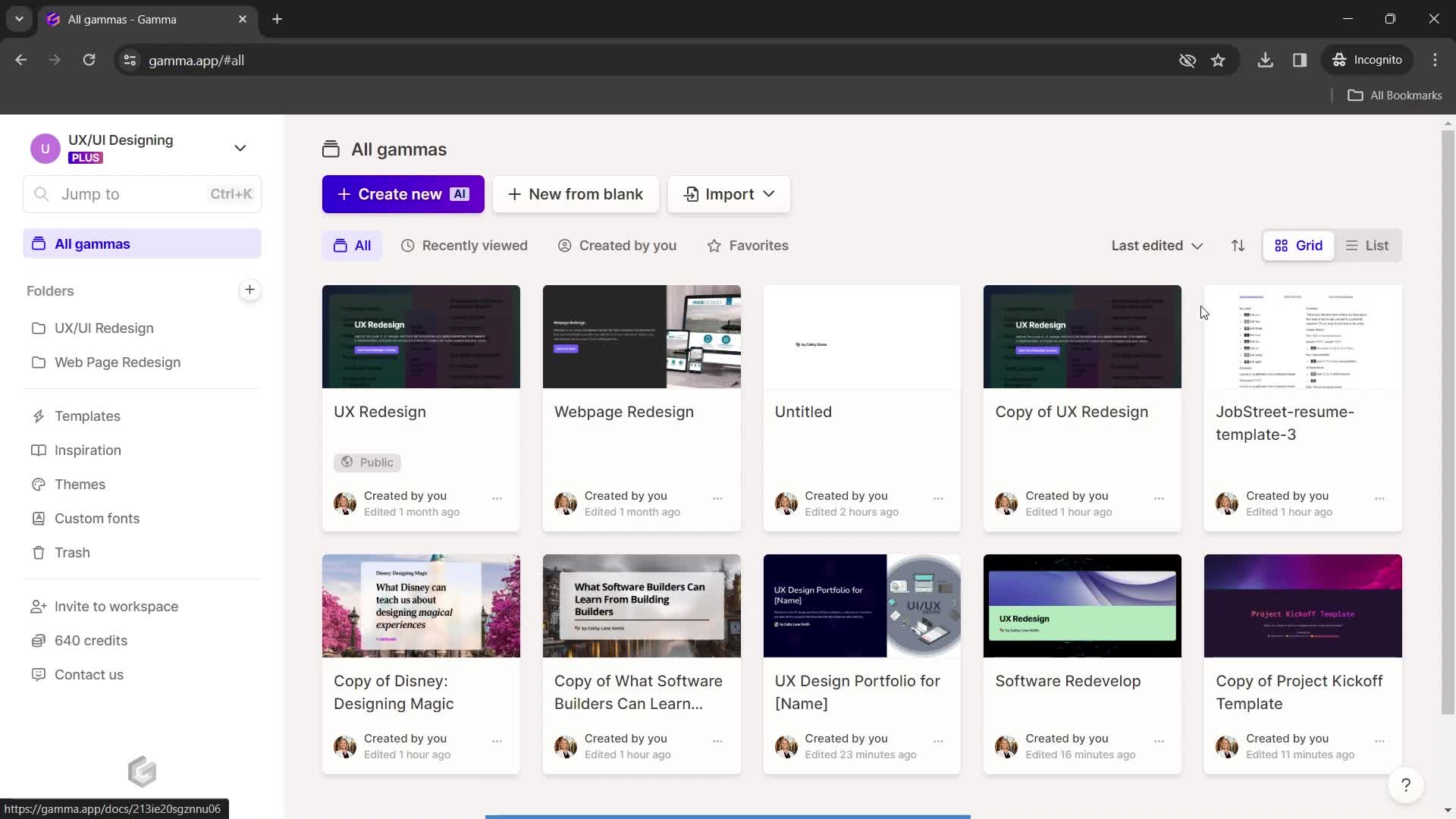
Filtered results
this is title
List view
this is title
Grid view
this is title
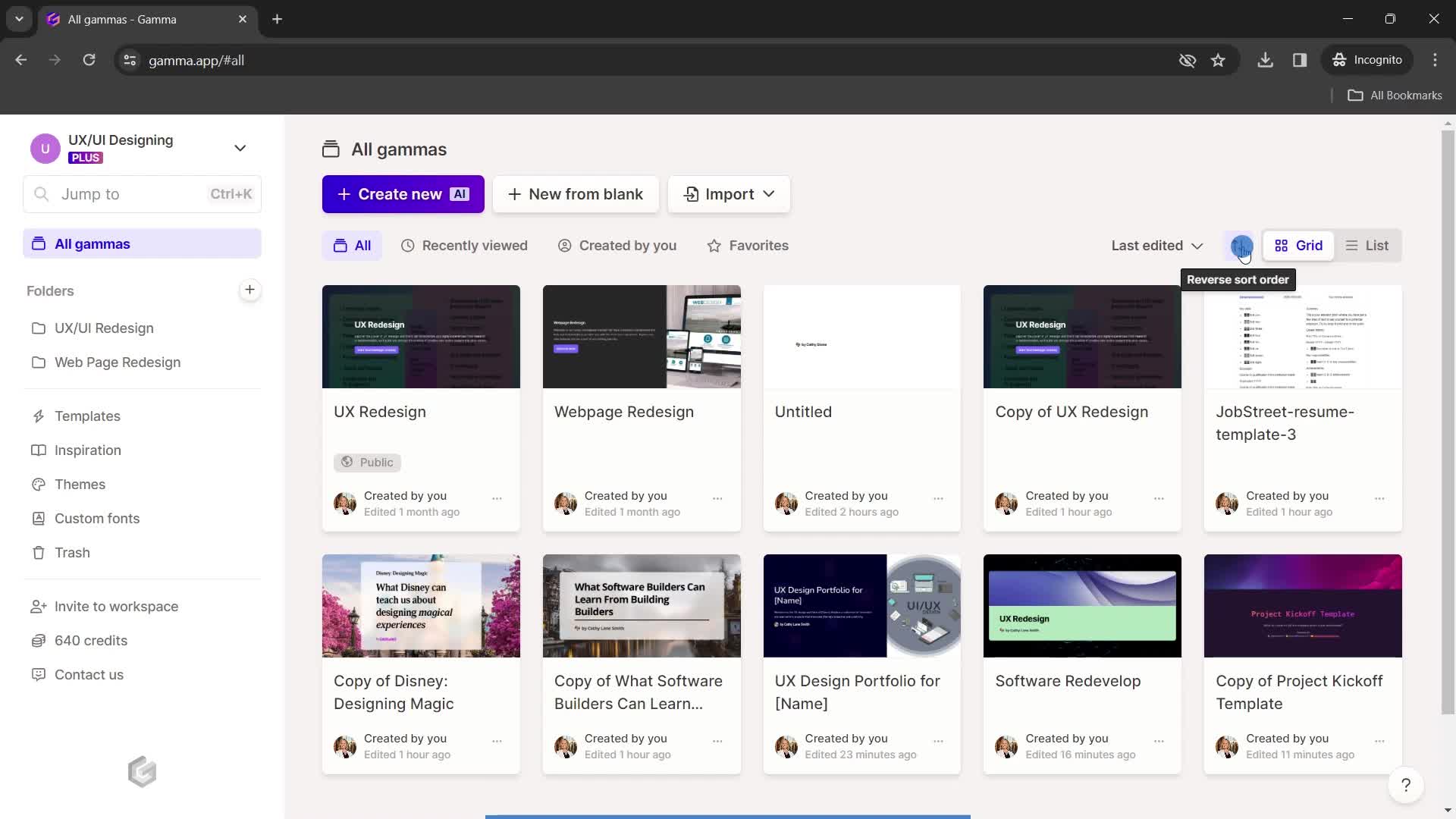
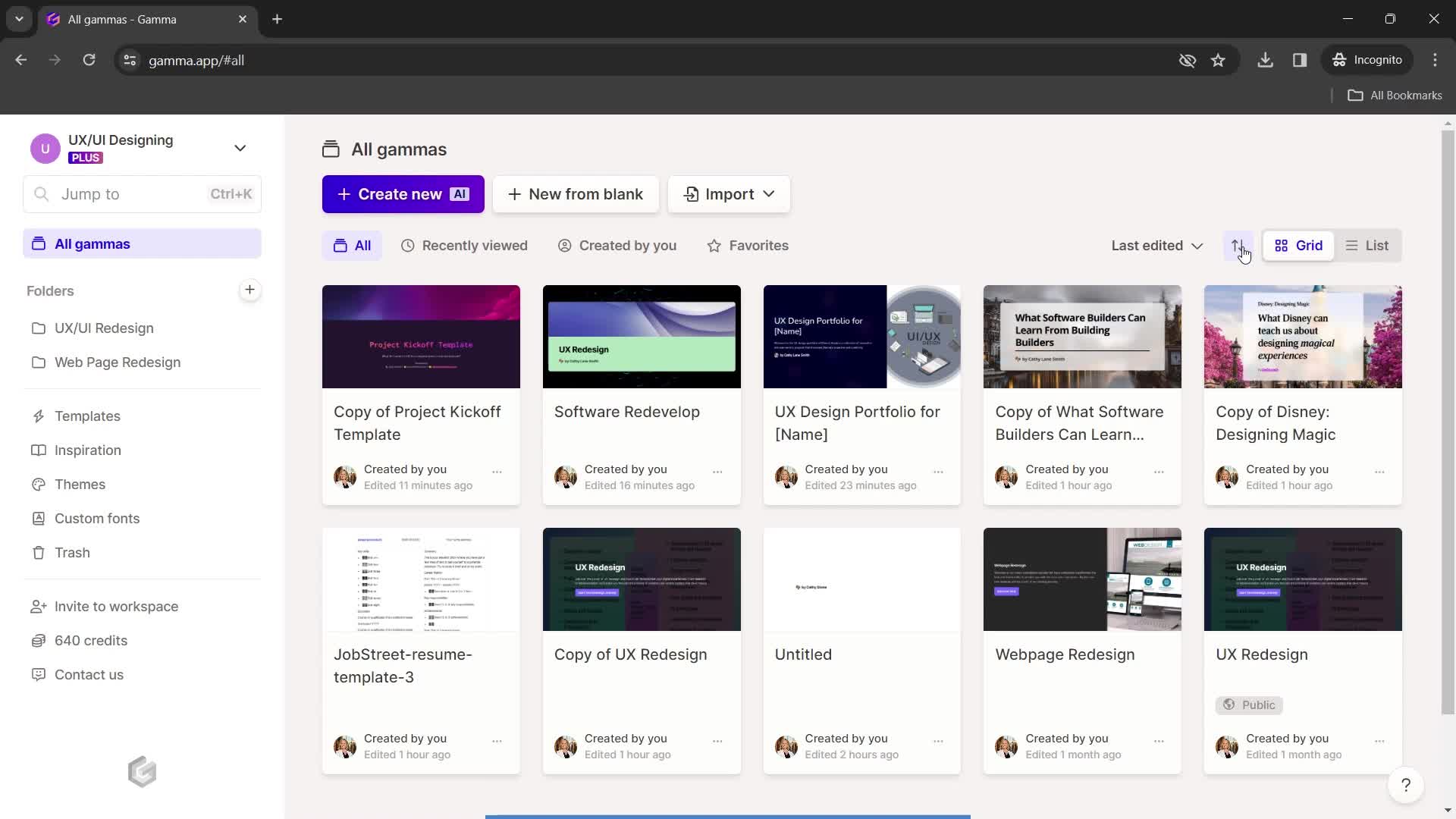
Sort order
this is title
Filtered results
this is title
Dashboard
this is title
Account menu
this is title
this is title
Account settings
this is title
Edit profile
this is title
Select language
this is title
Save changes
this is title
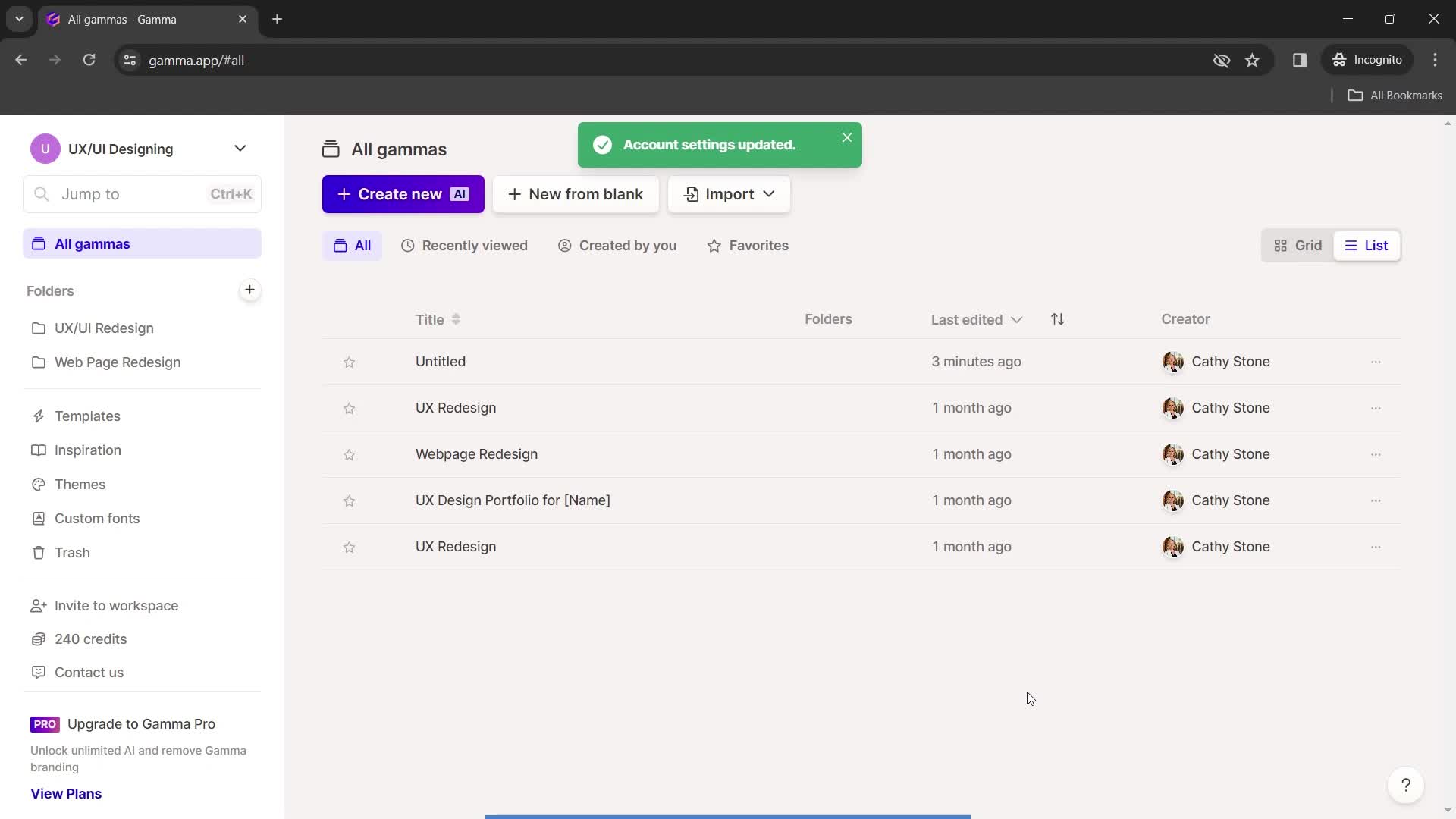
Changes saved
this is title
Home
this is title
Credits
this is title
Pricing & plans
this is title
Upgrade plan
this is title
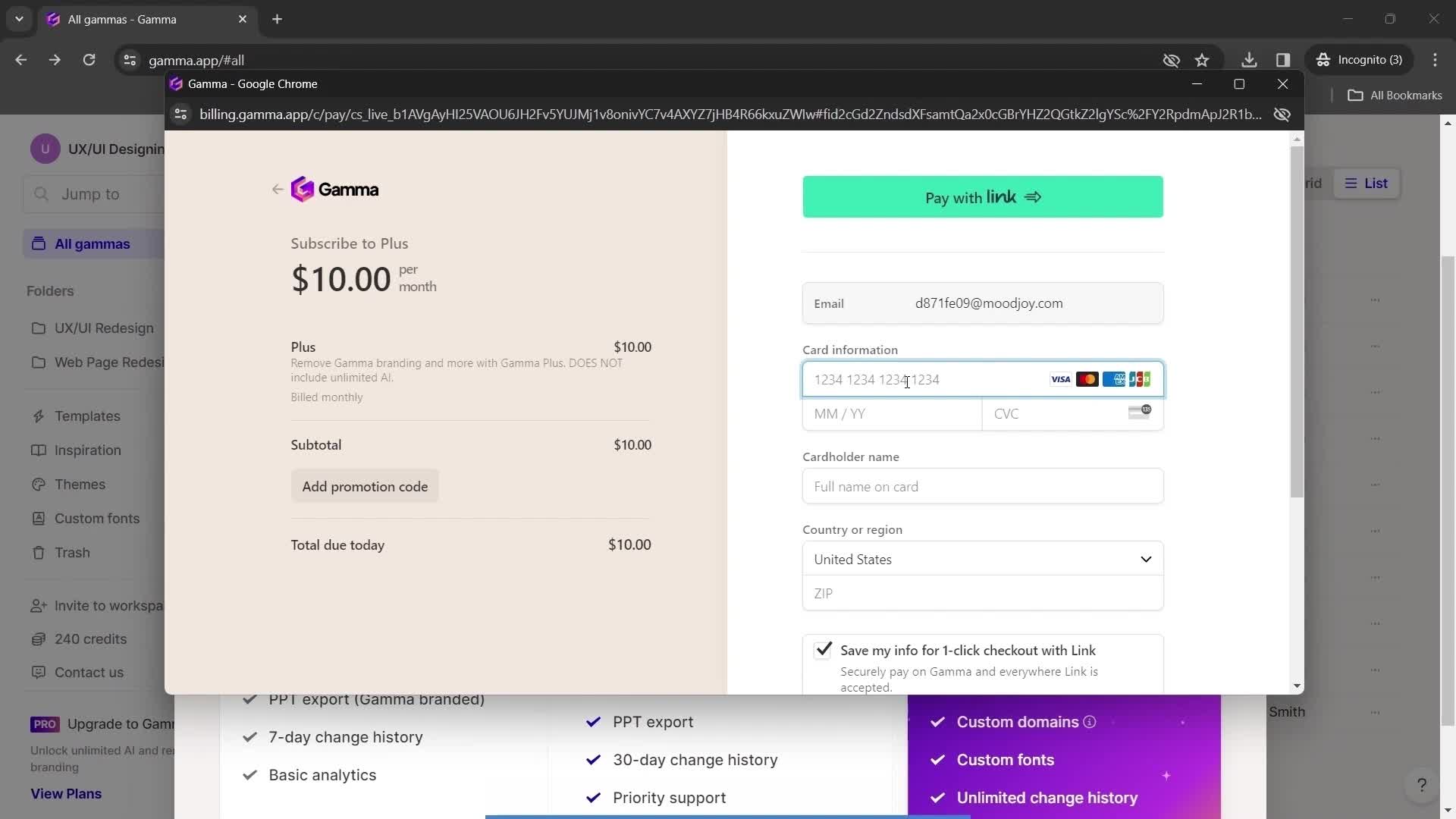
Add payment details
this is title
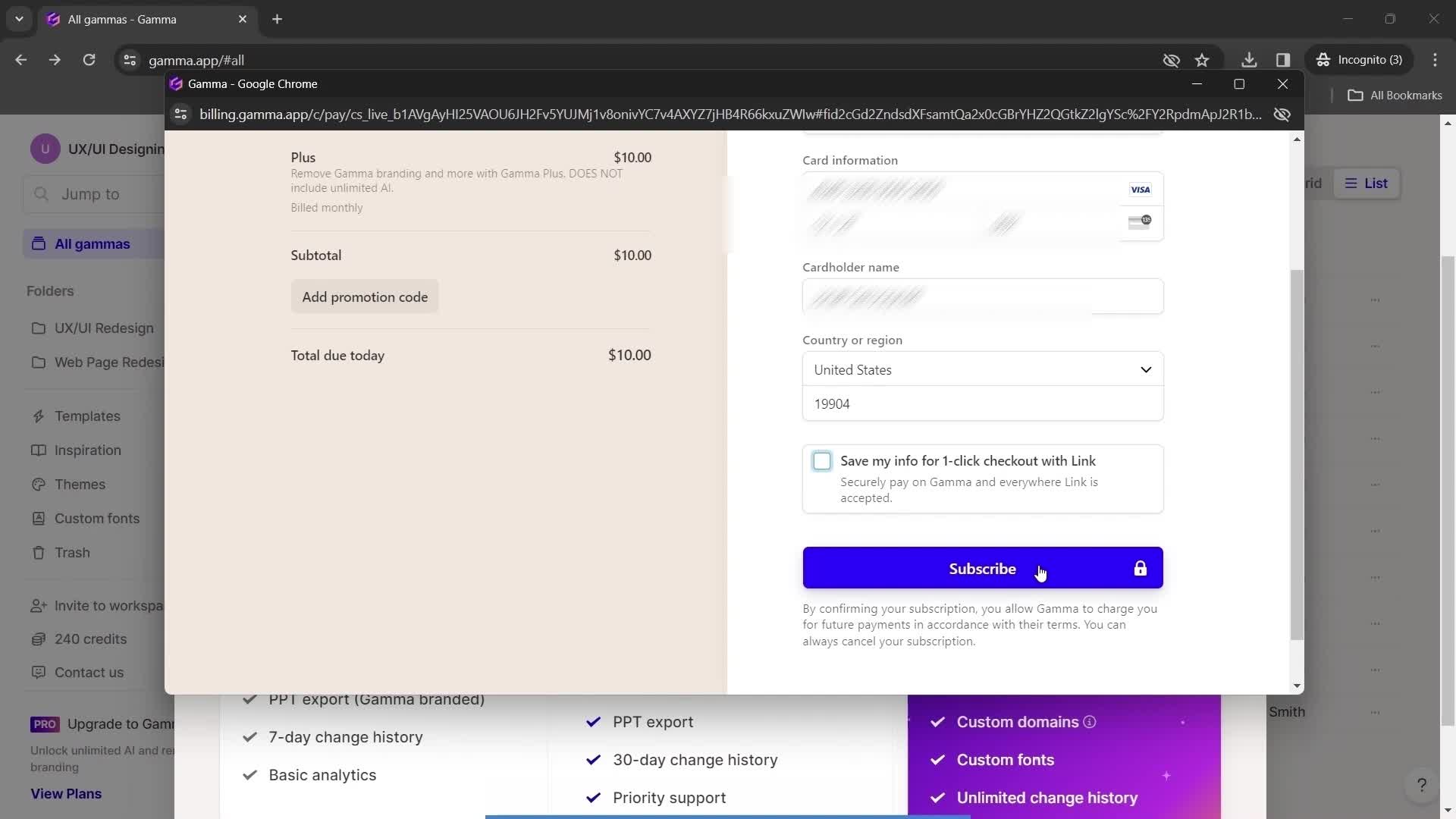
Subscribe
this is title
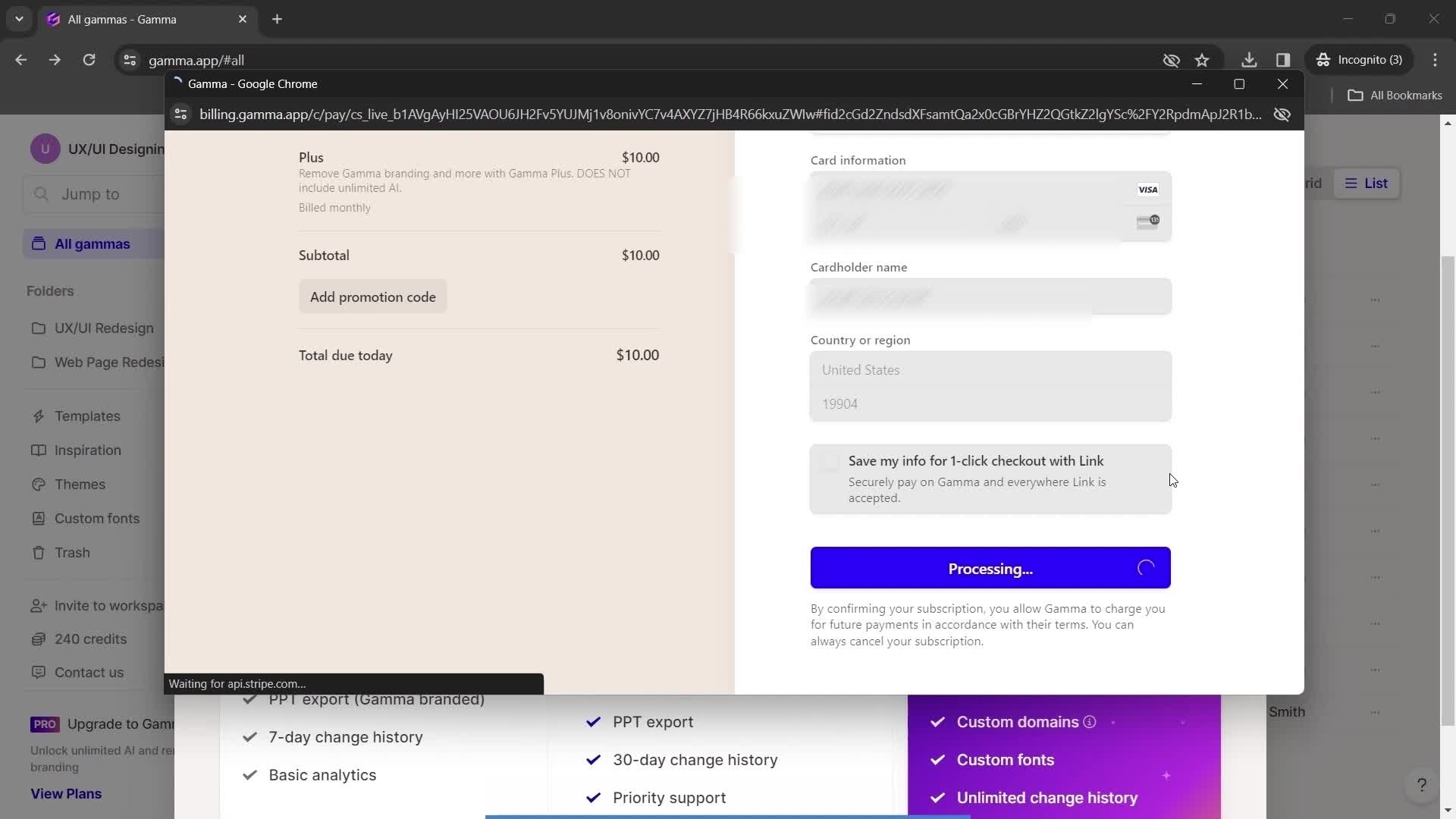
Processing
this is title
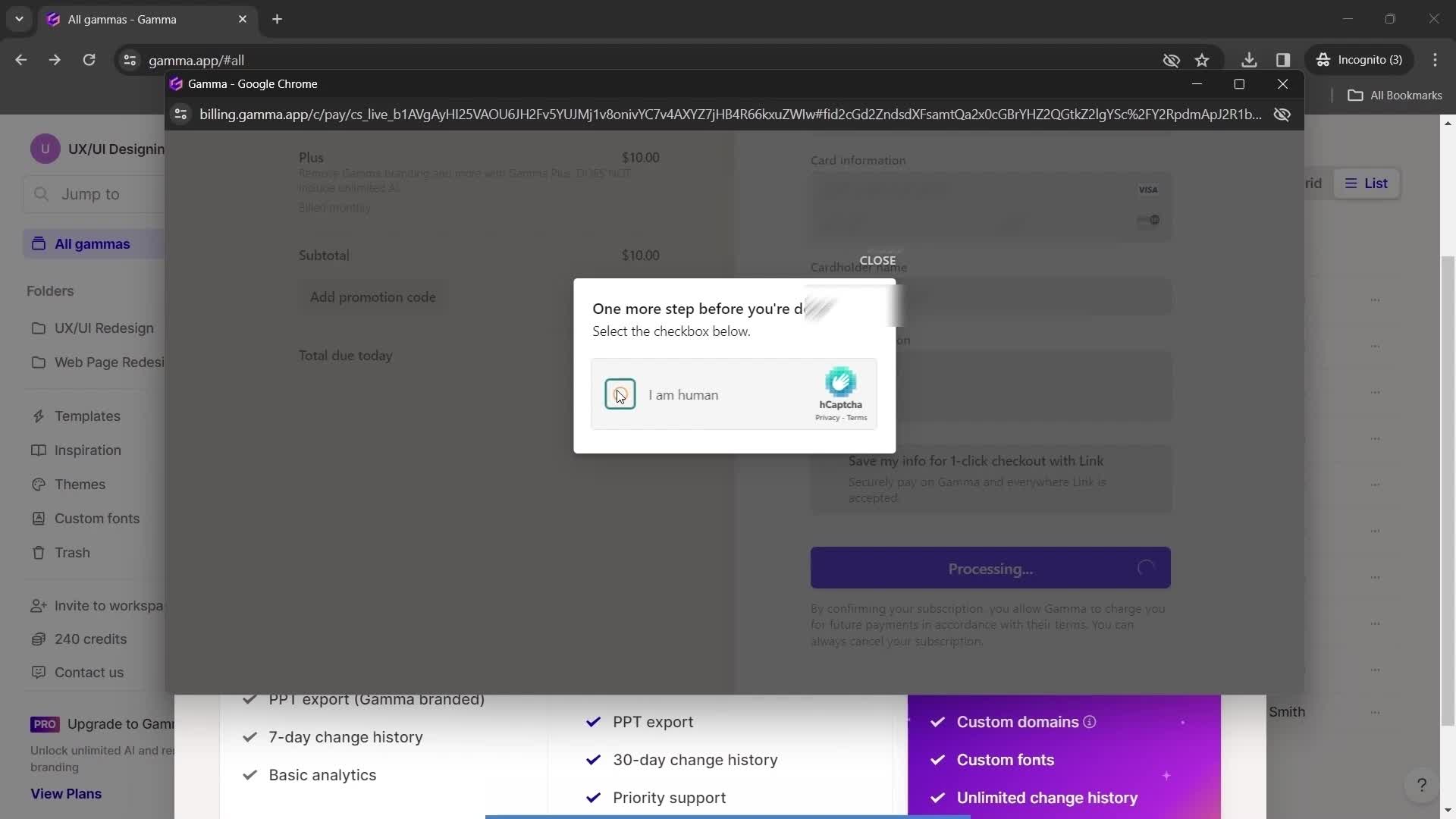
Confirm you're human
this is title
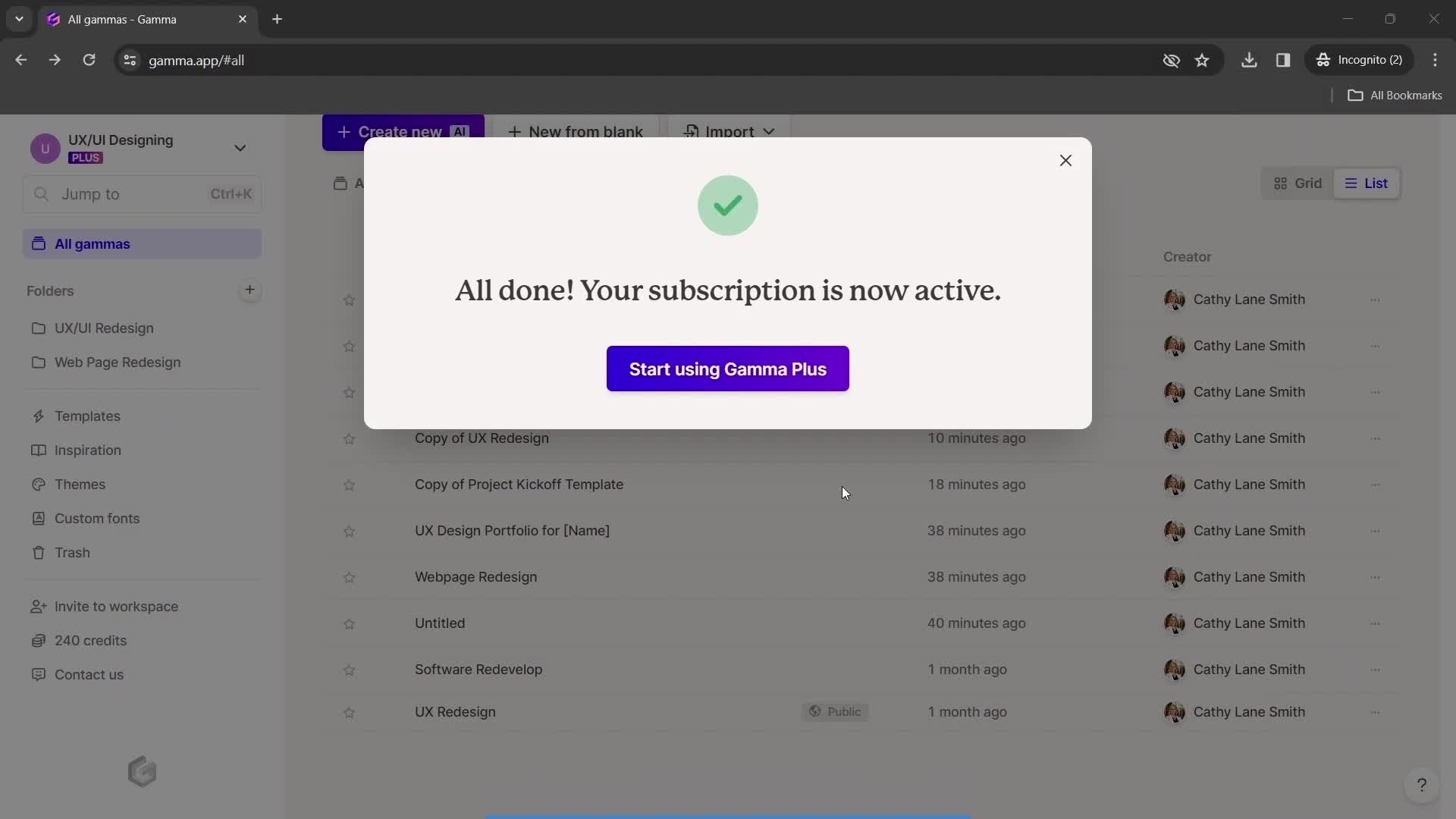
Subscription successful
this is title