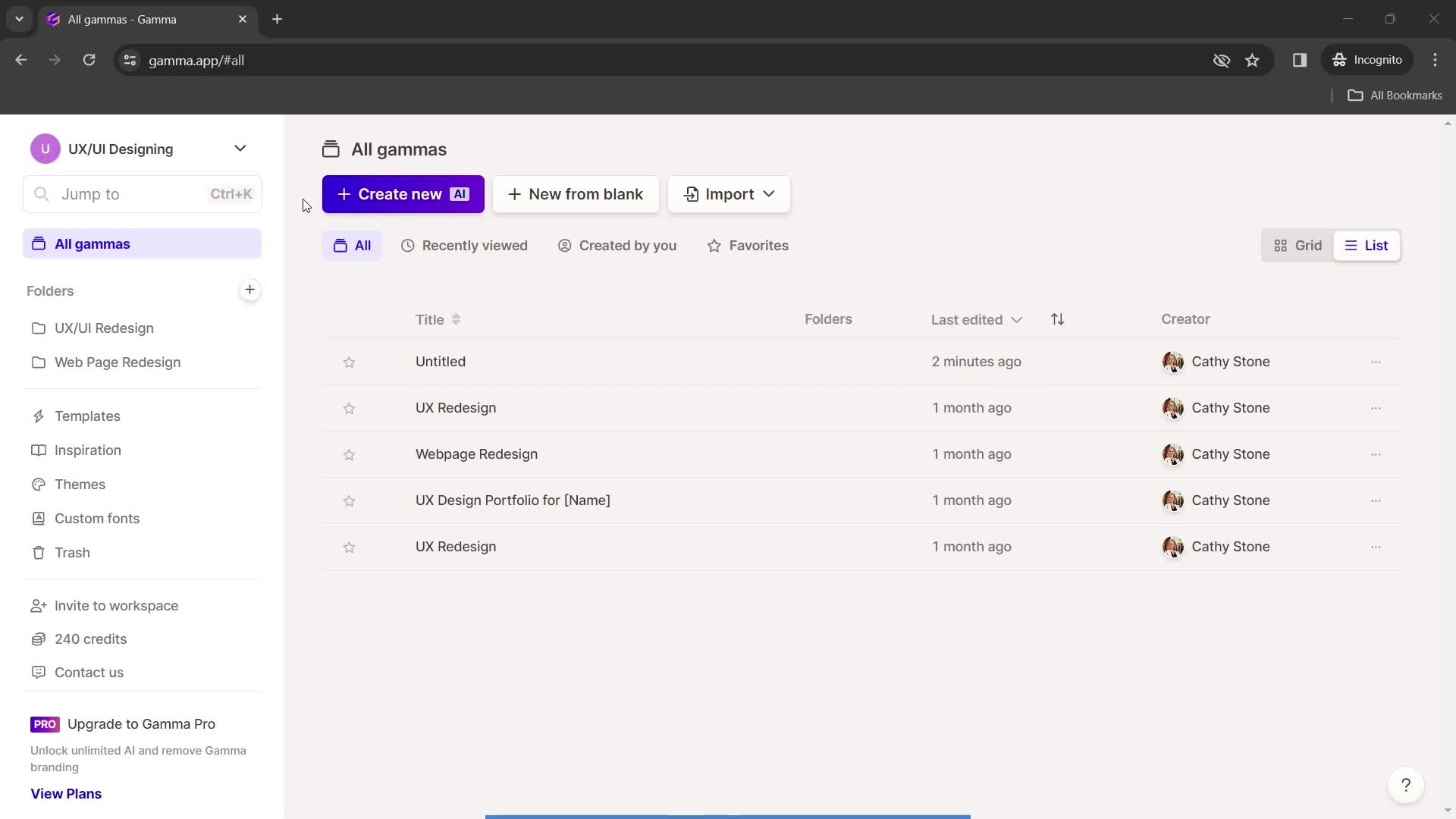
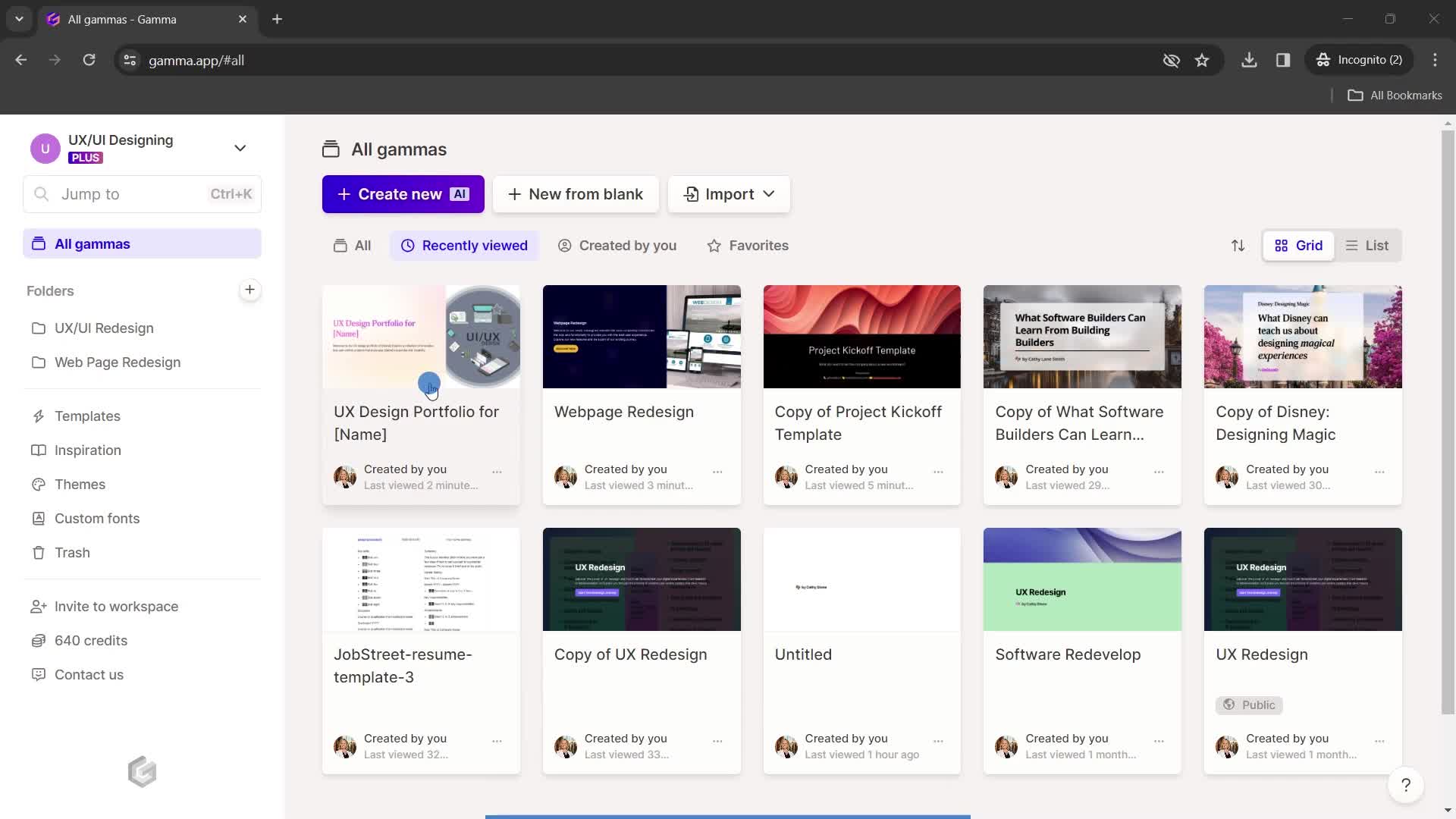
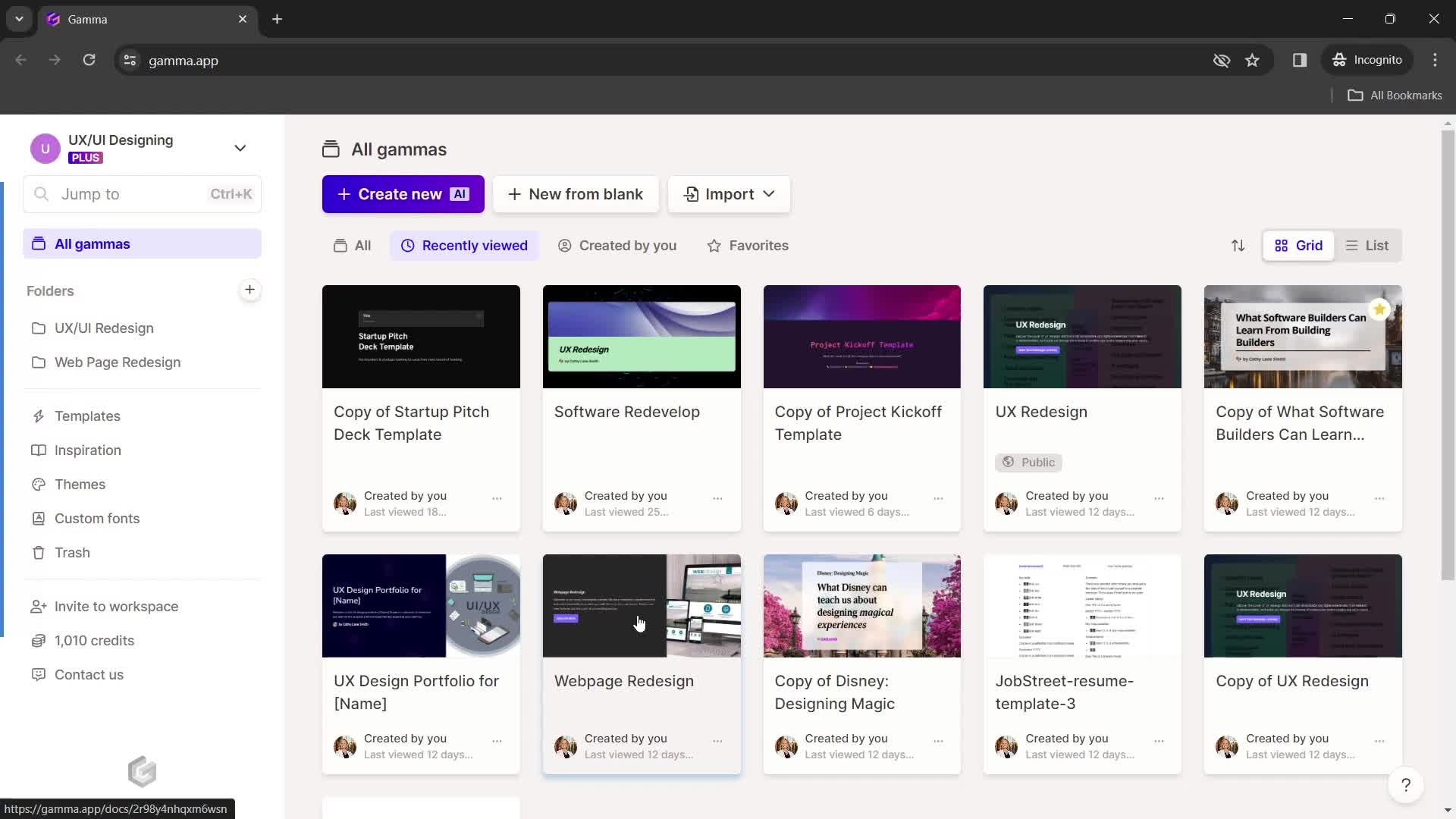
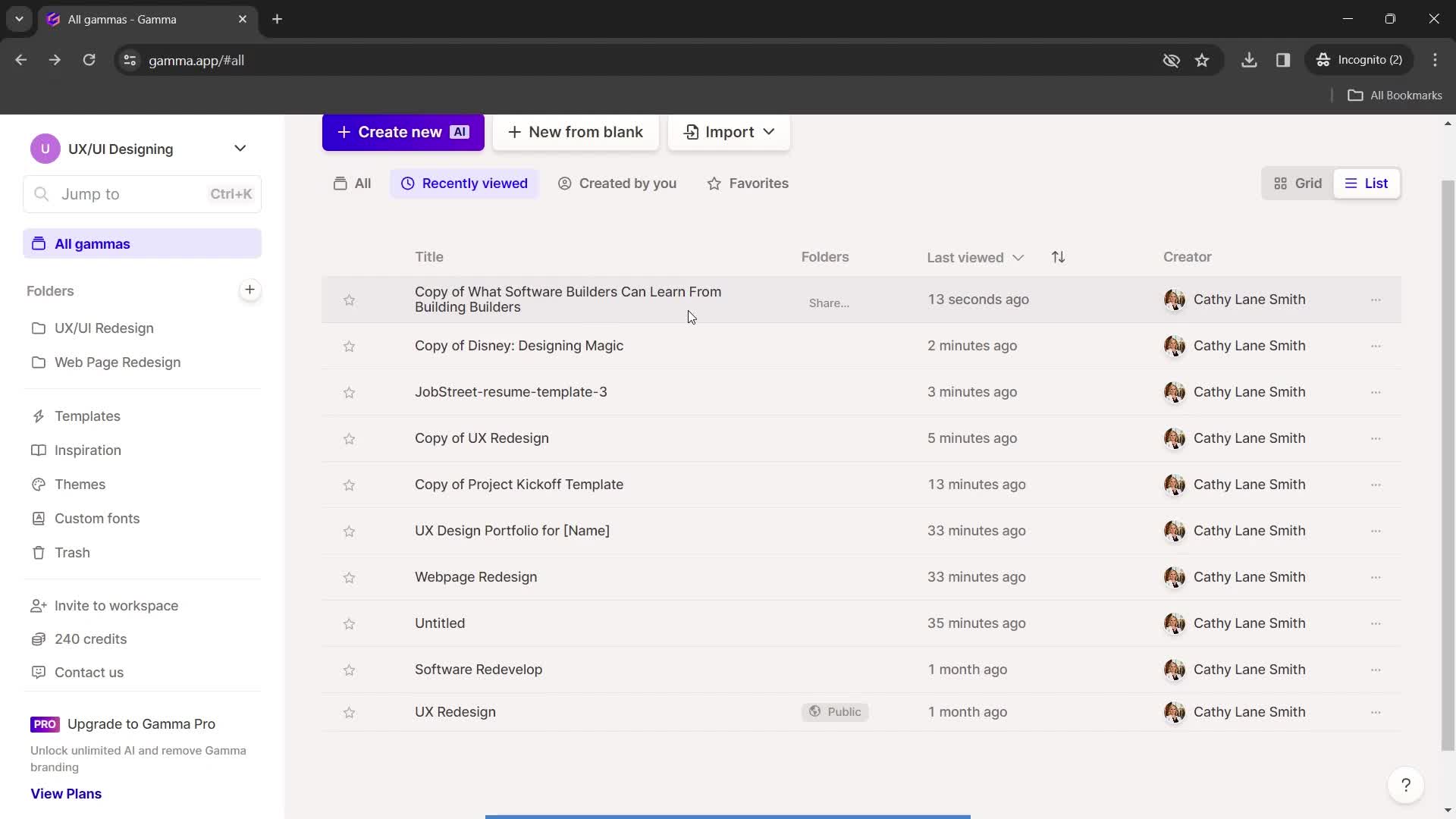
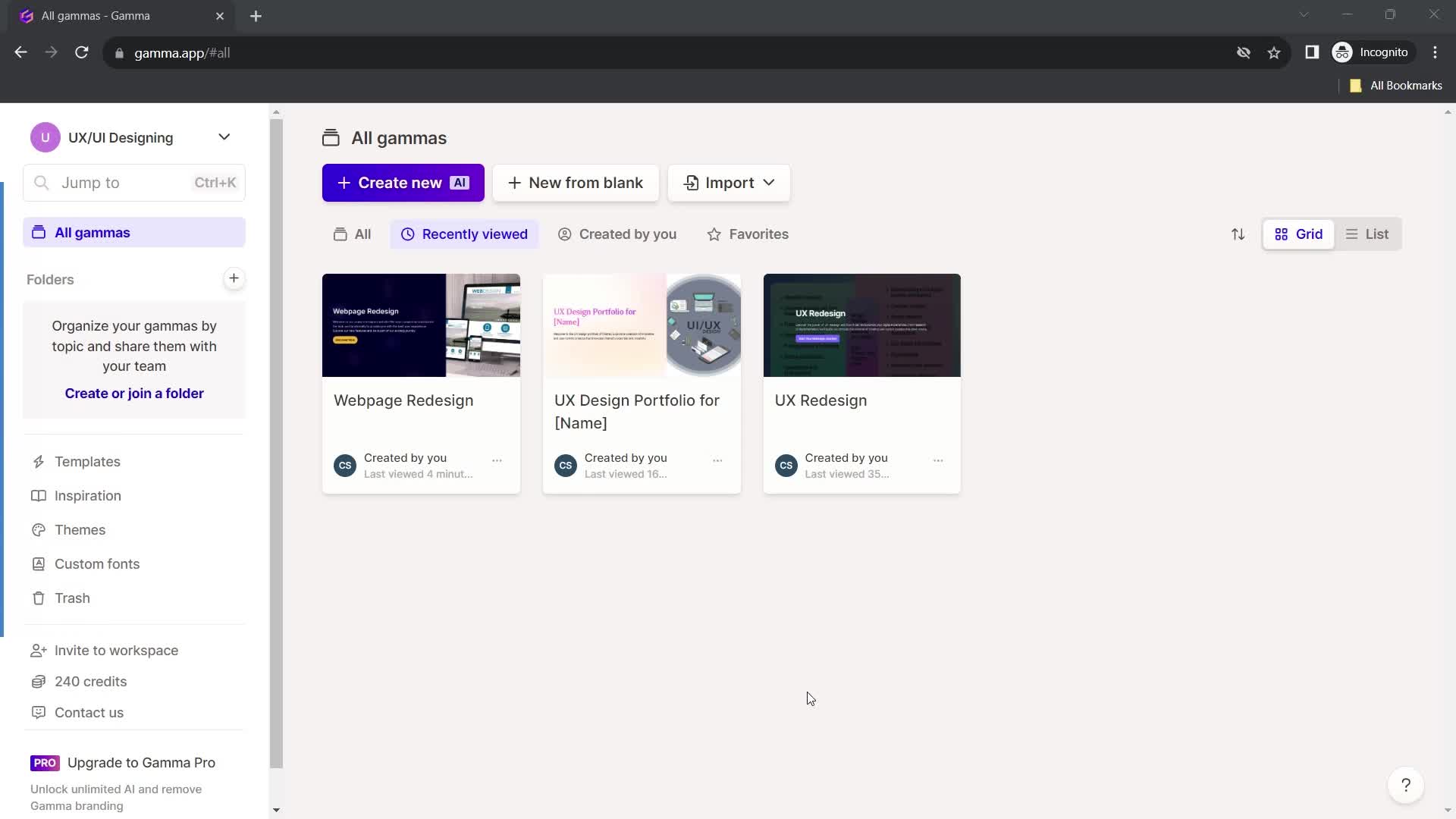
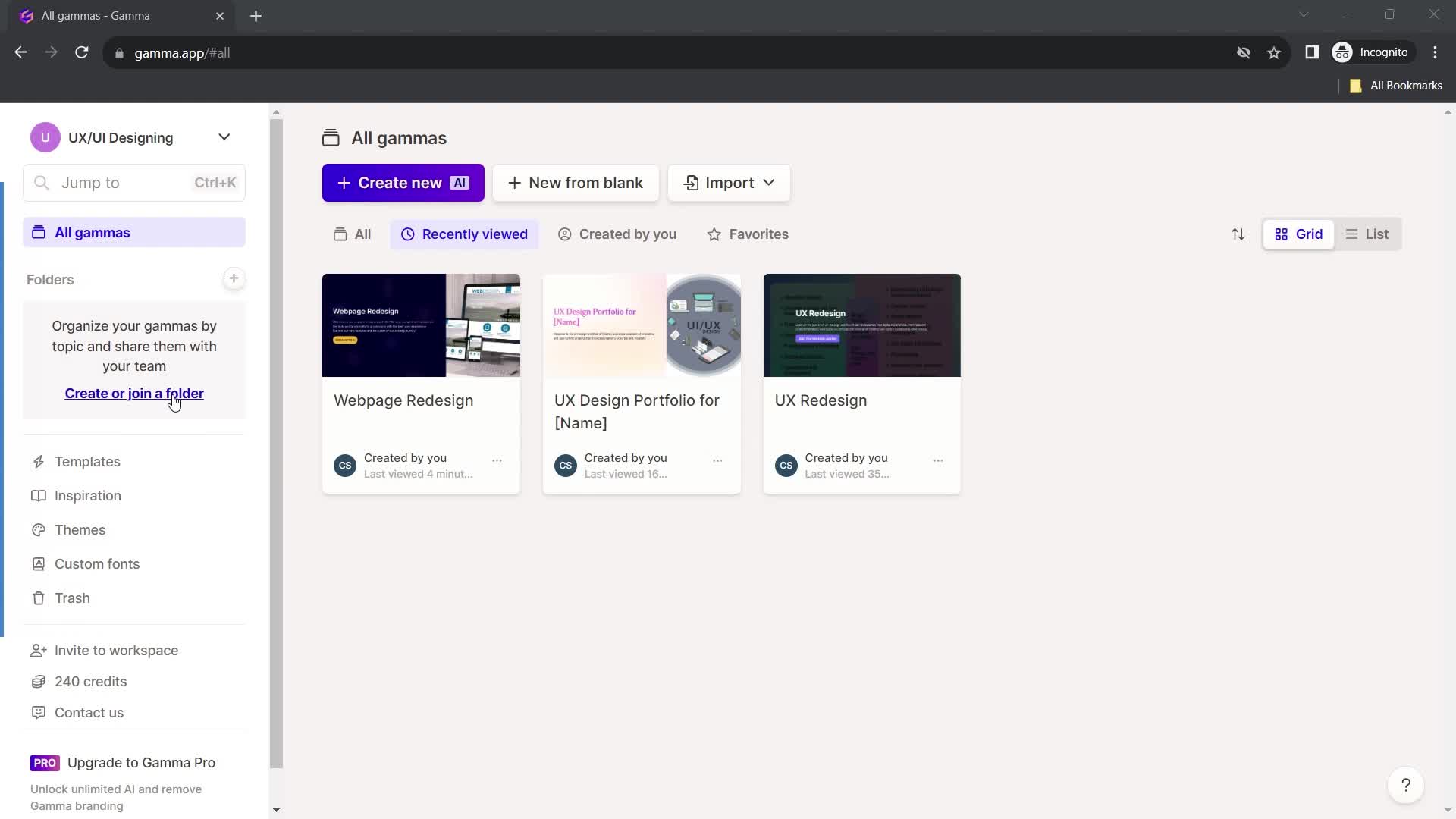
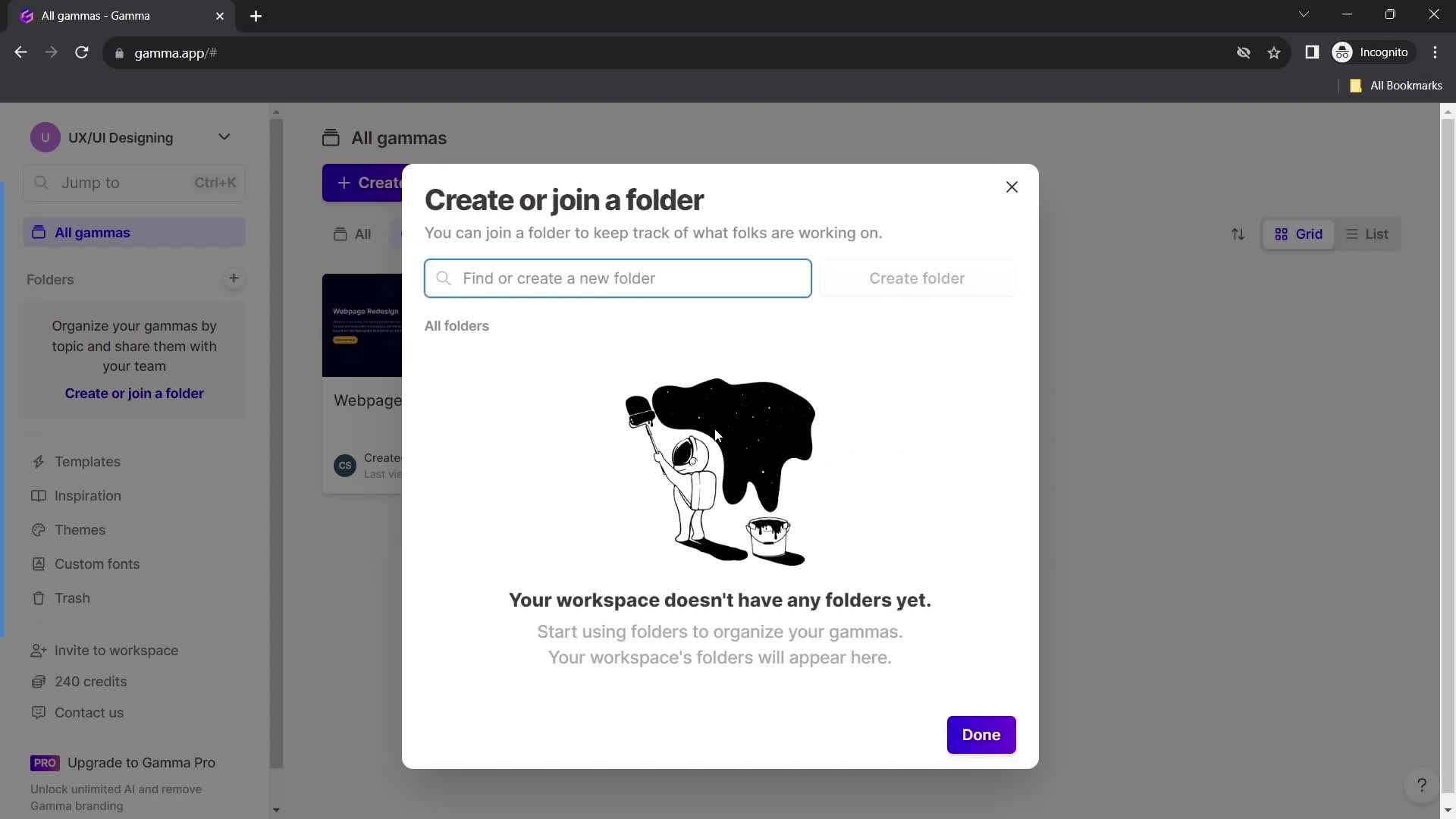
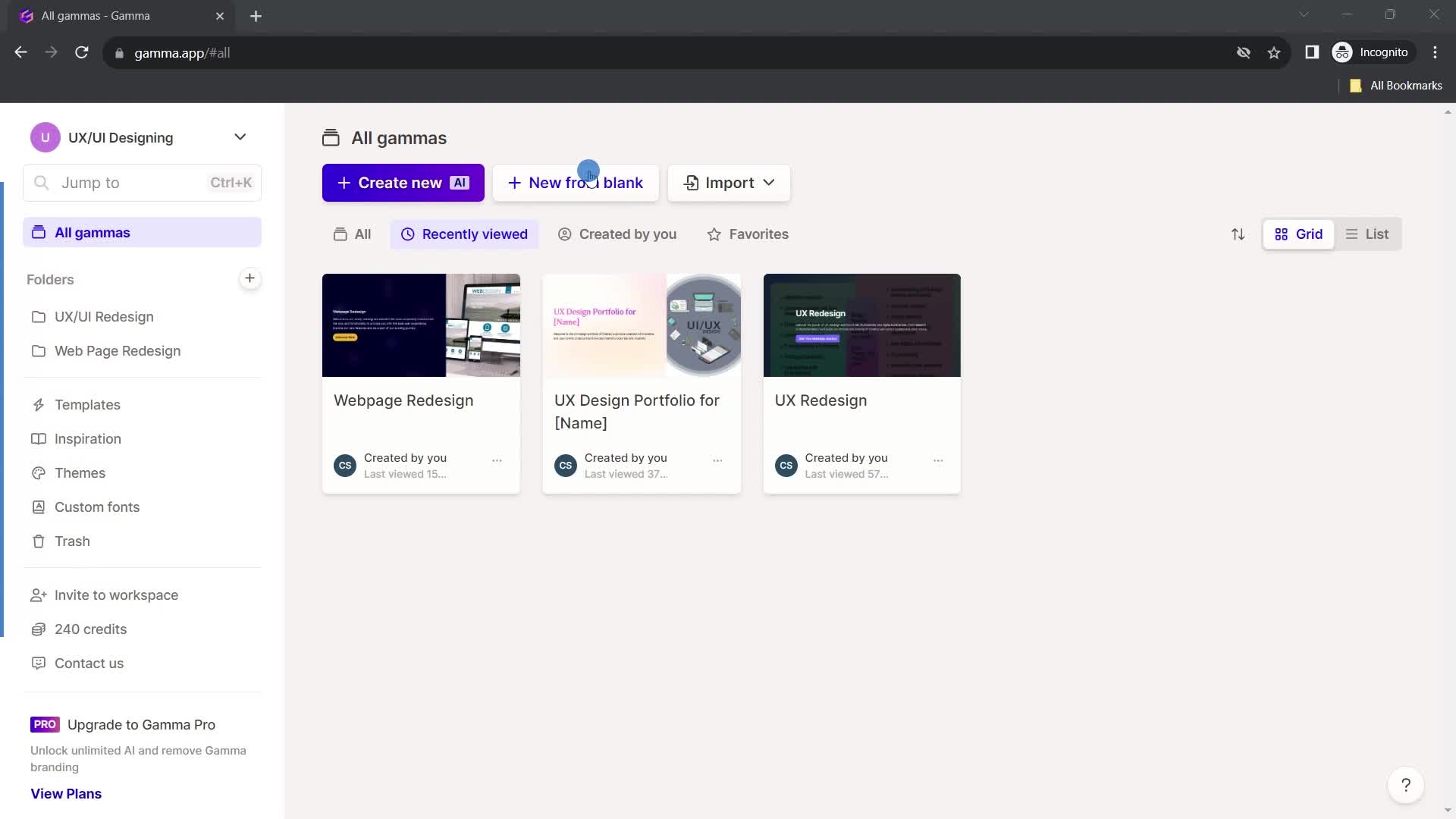
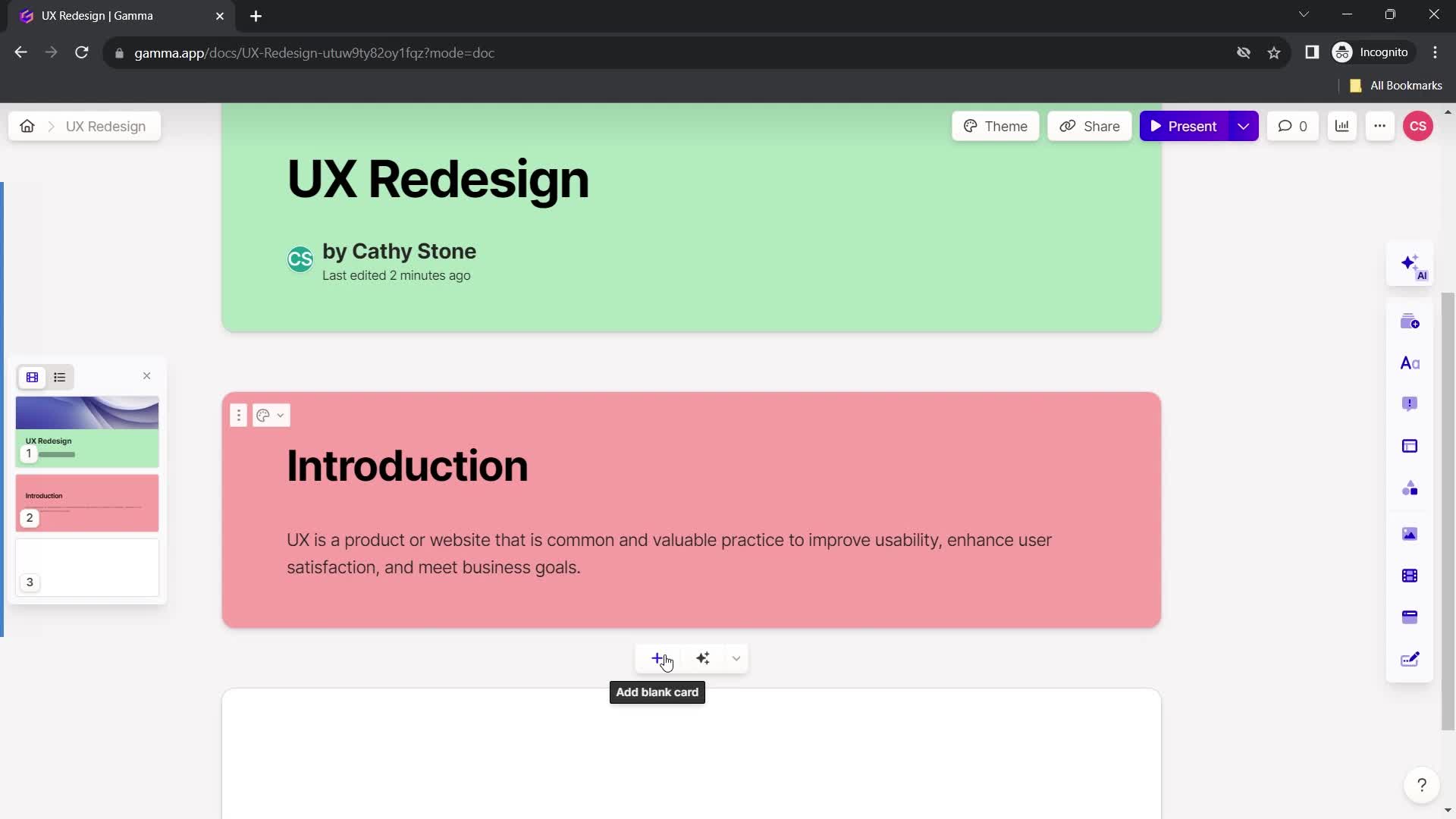
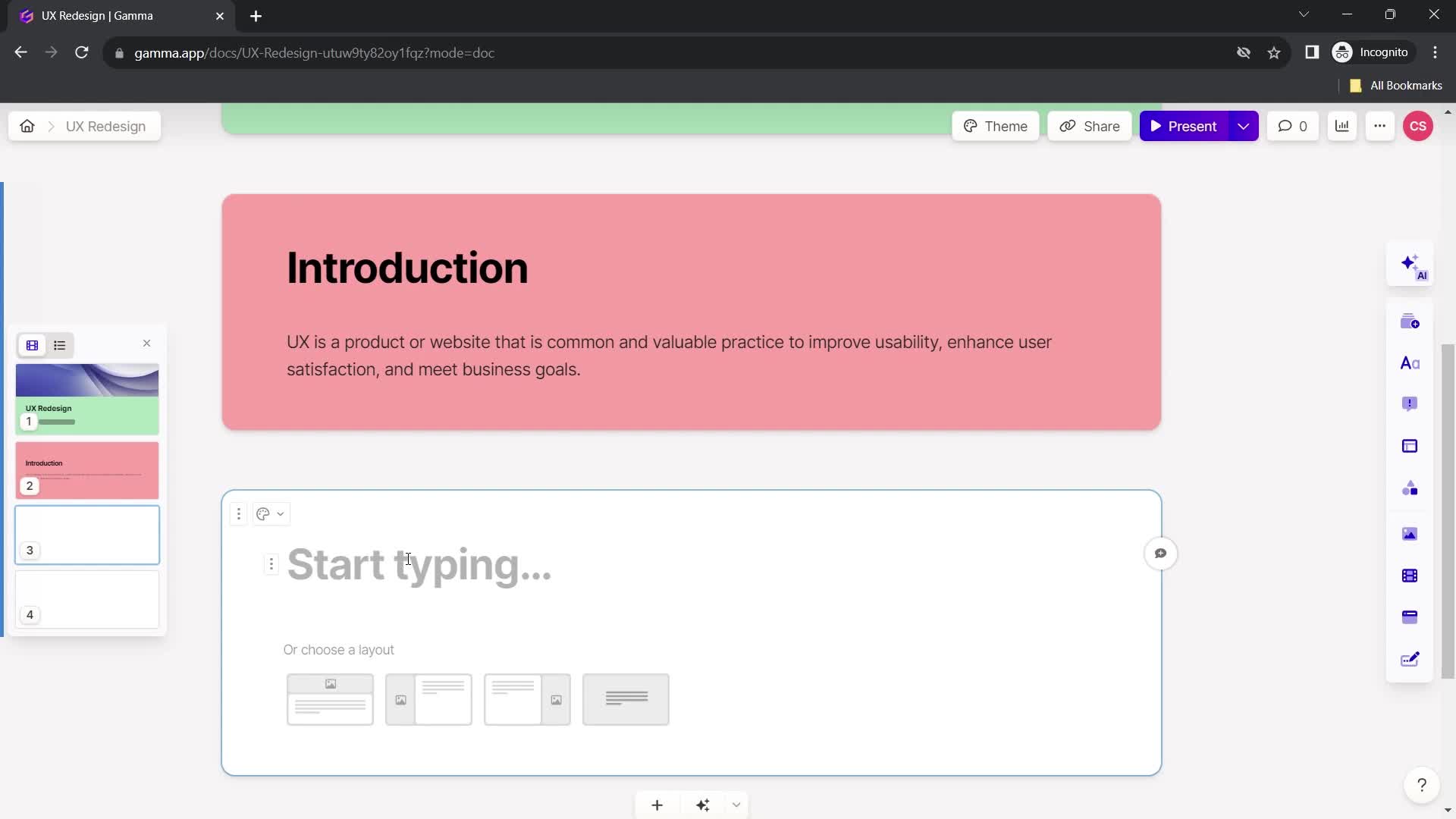
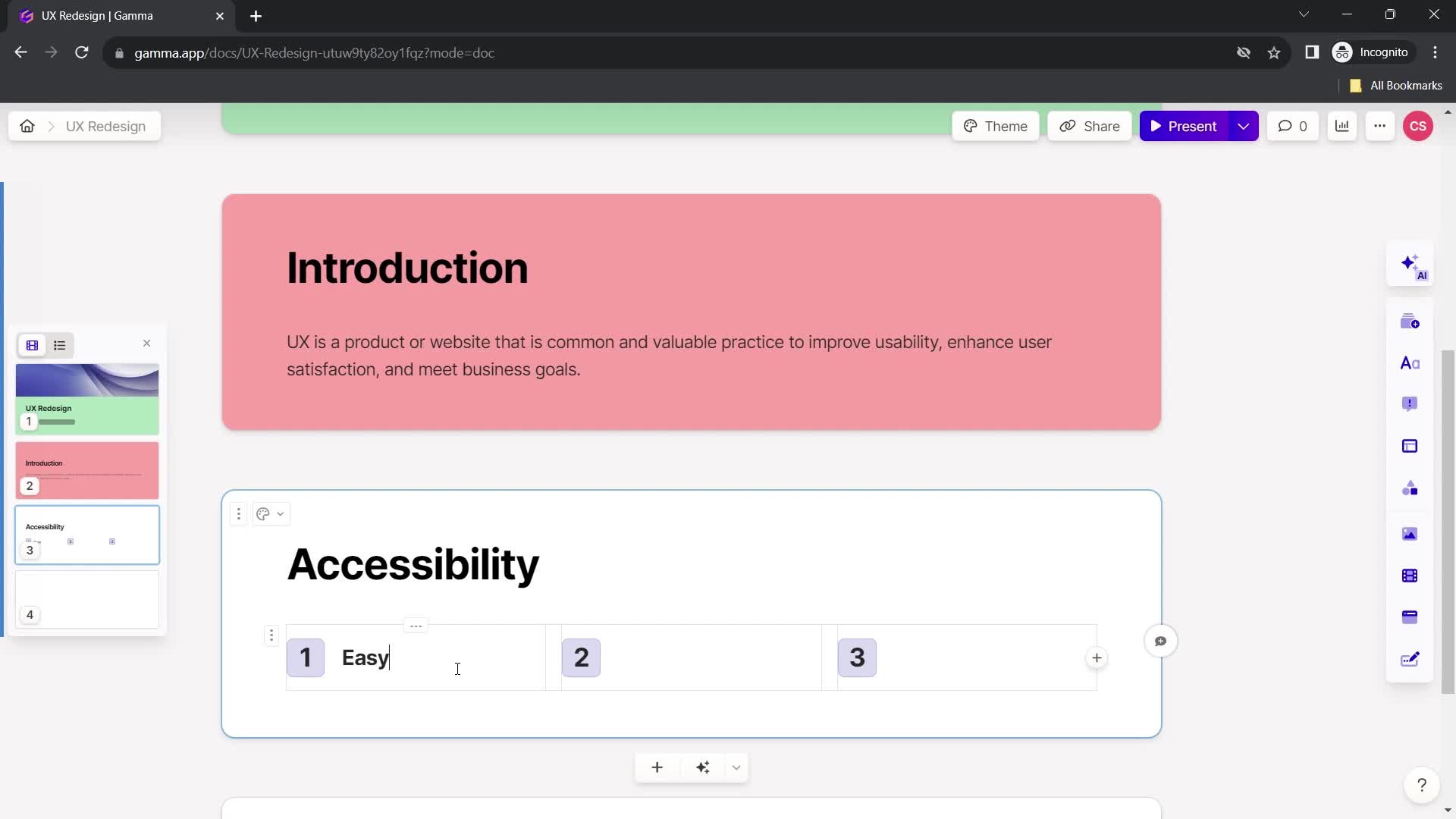
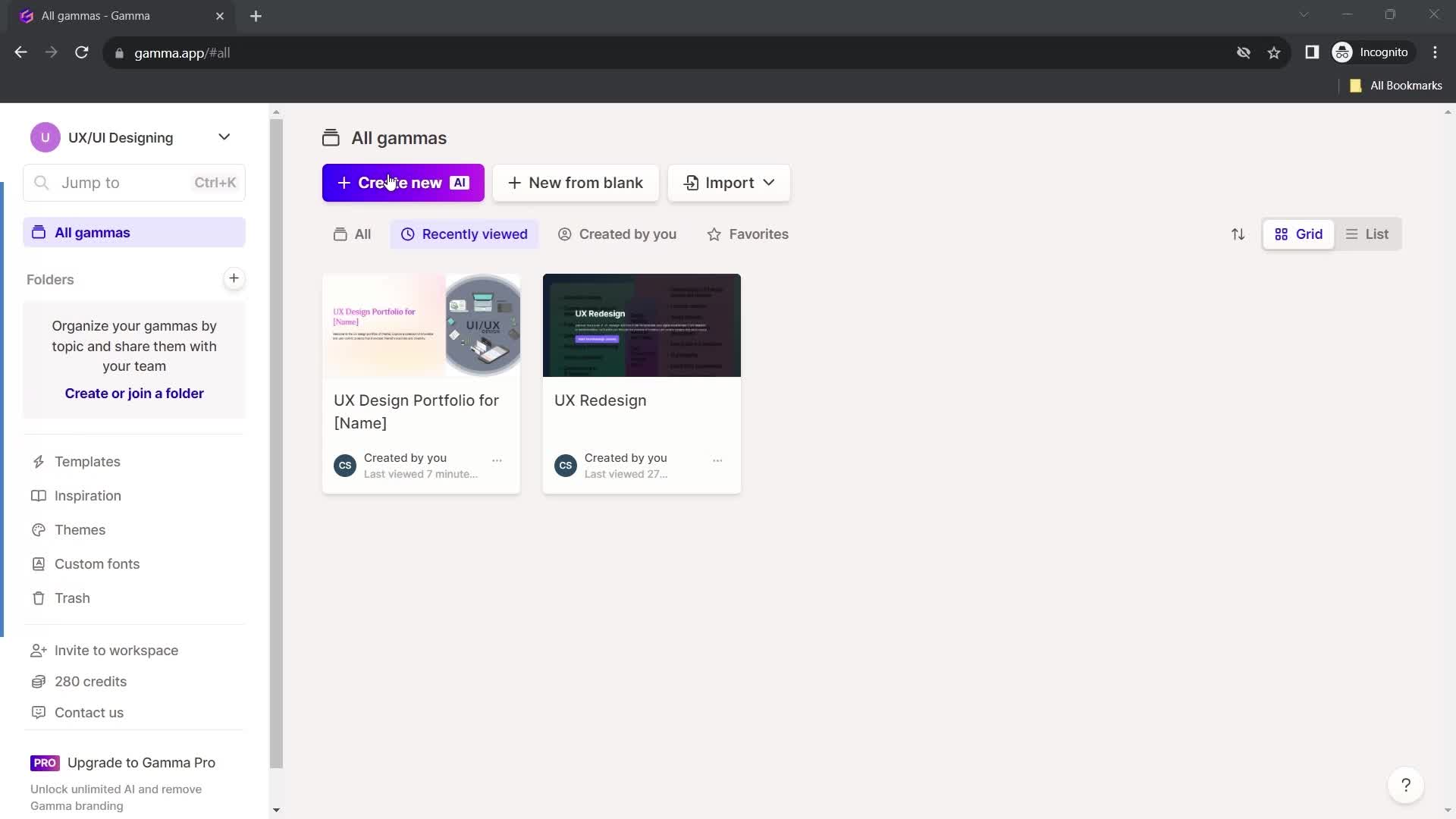
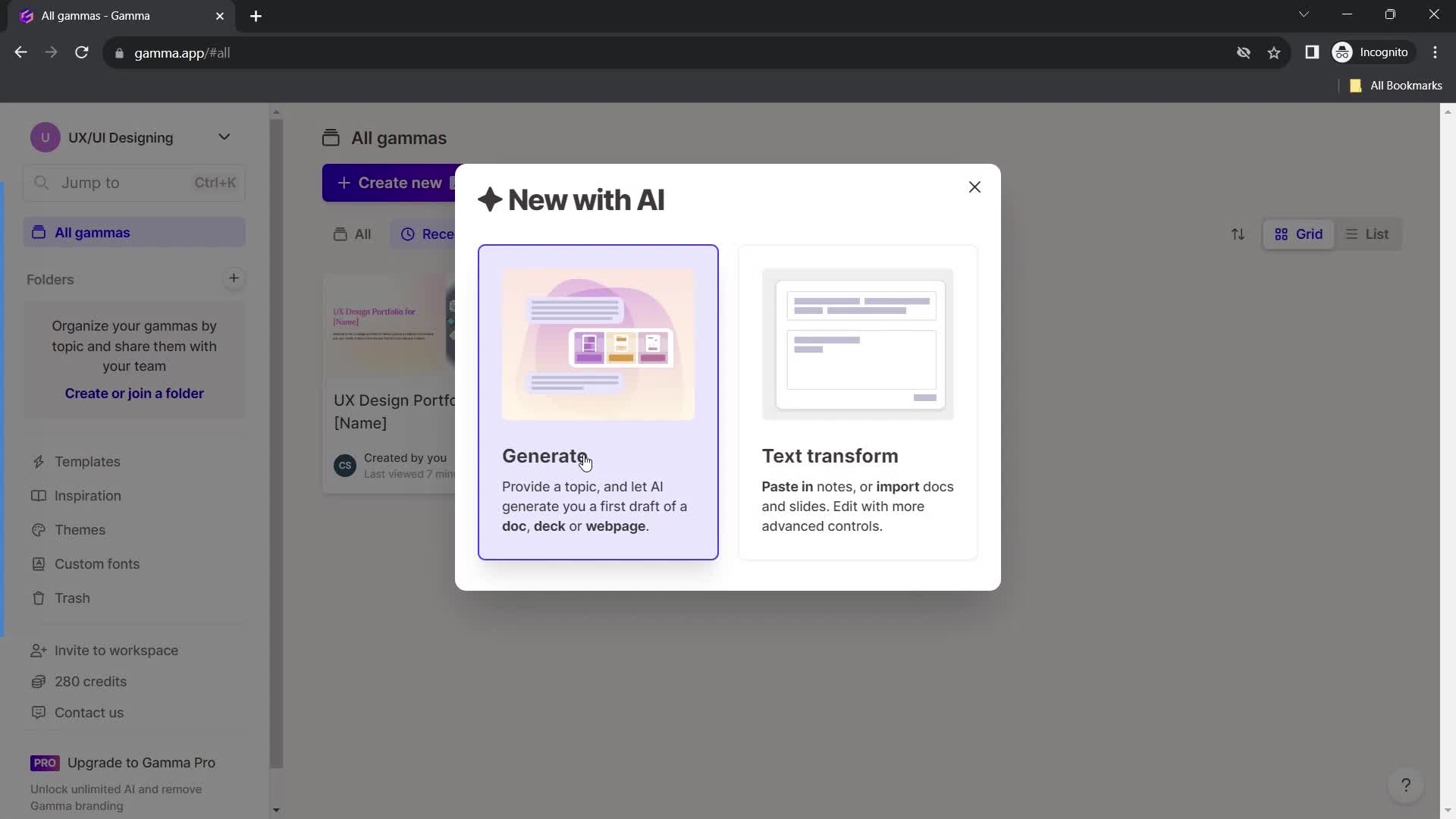
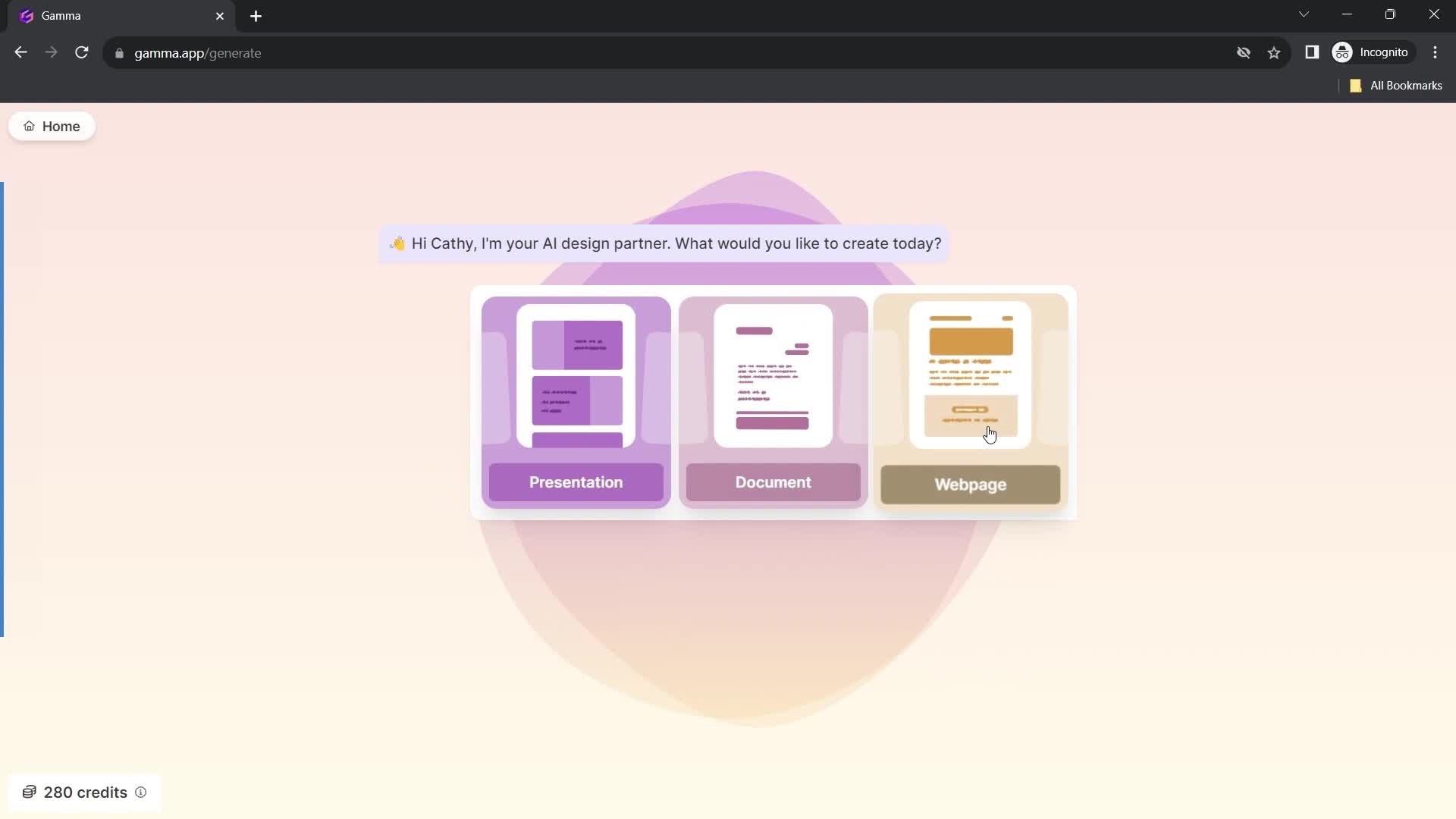
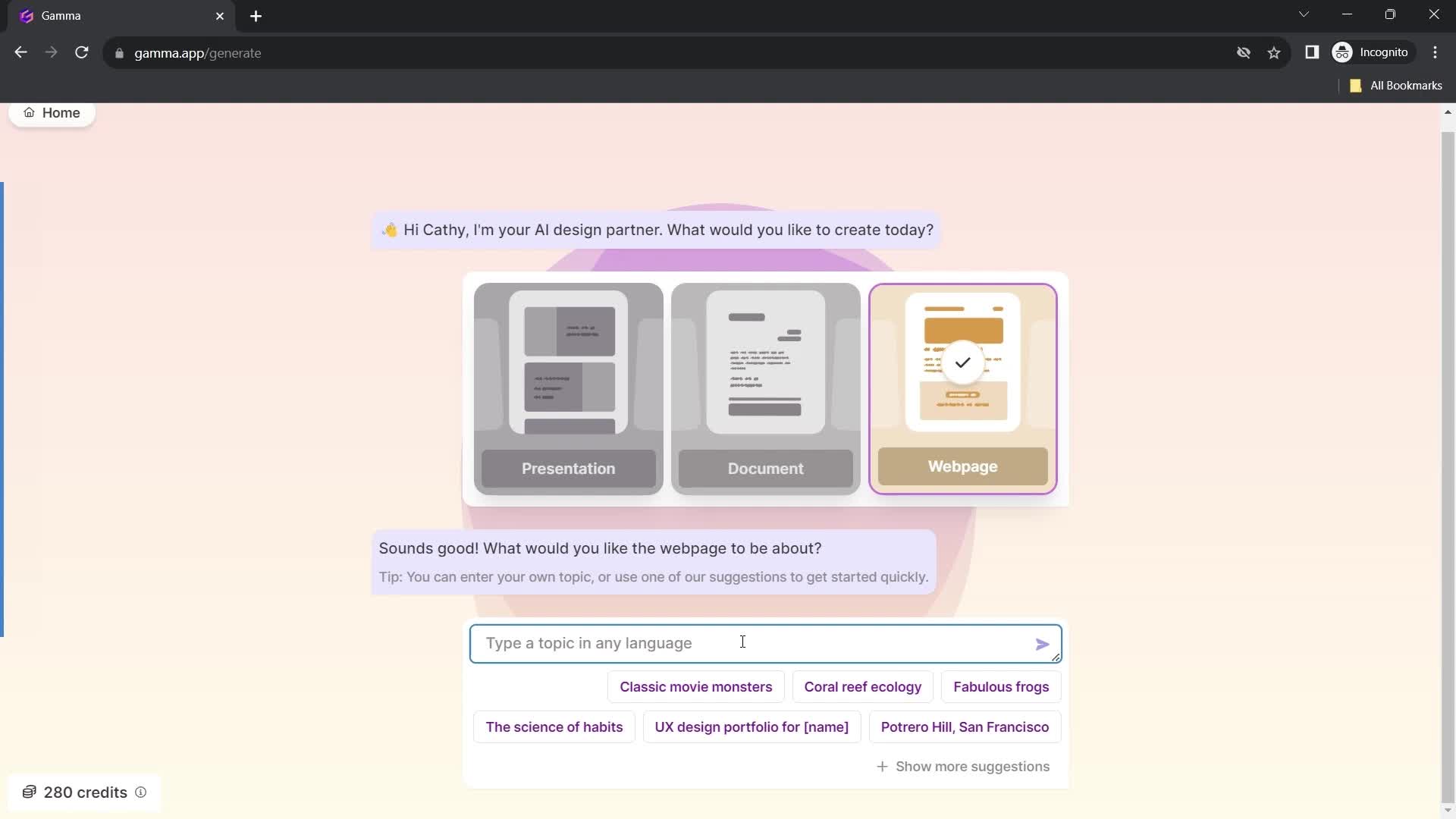
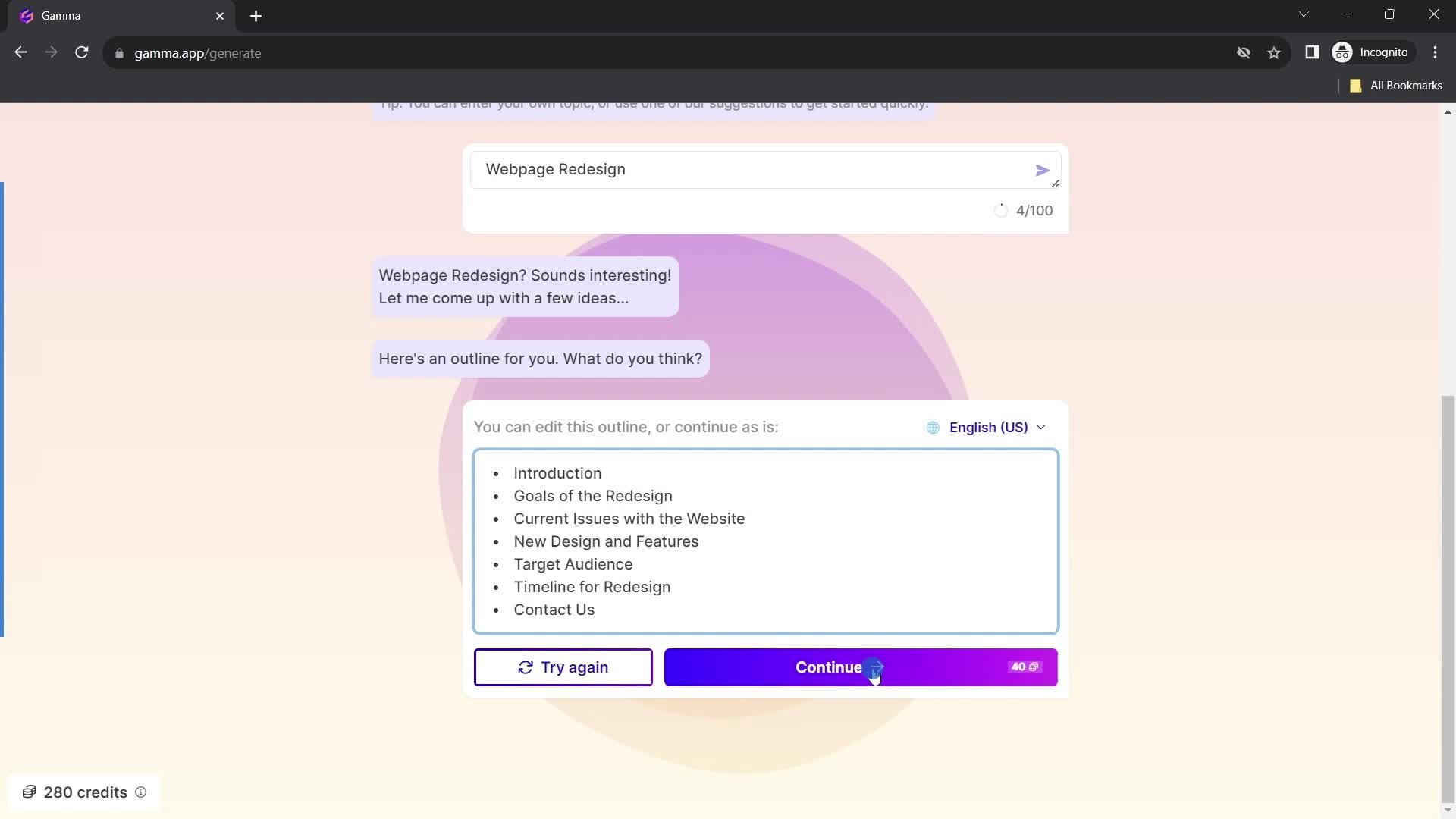
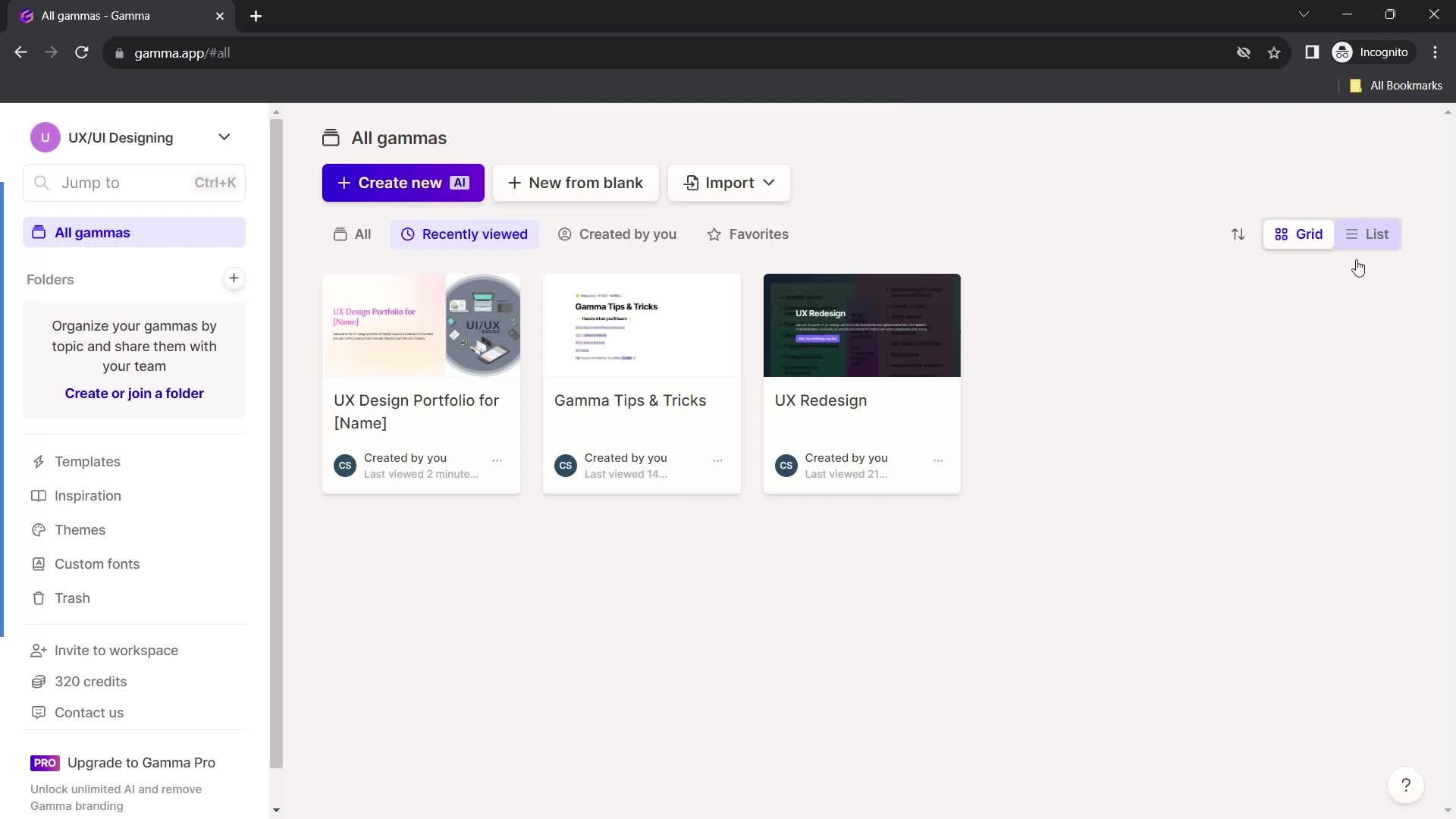
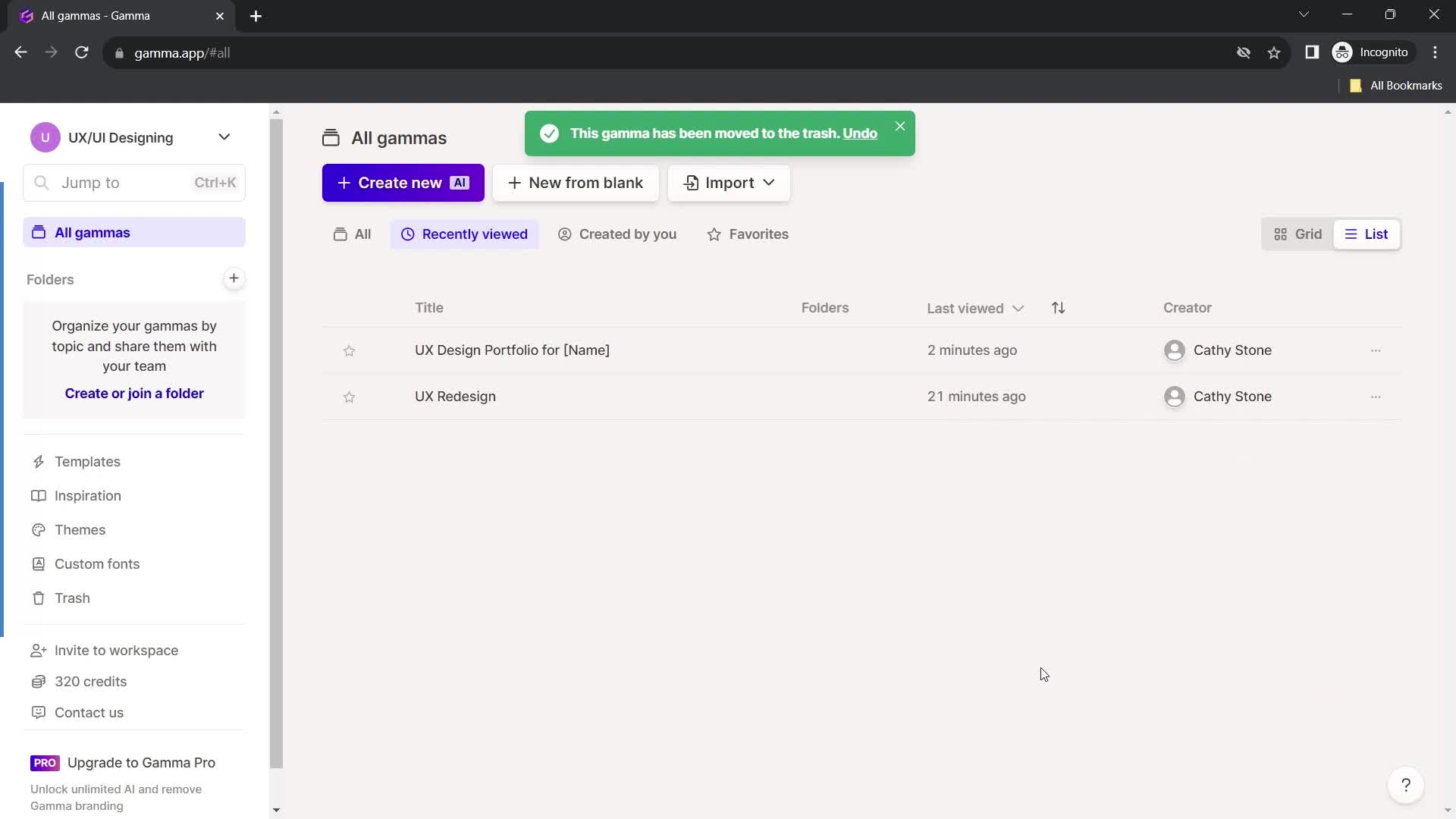
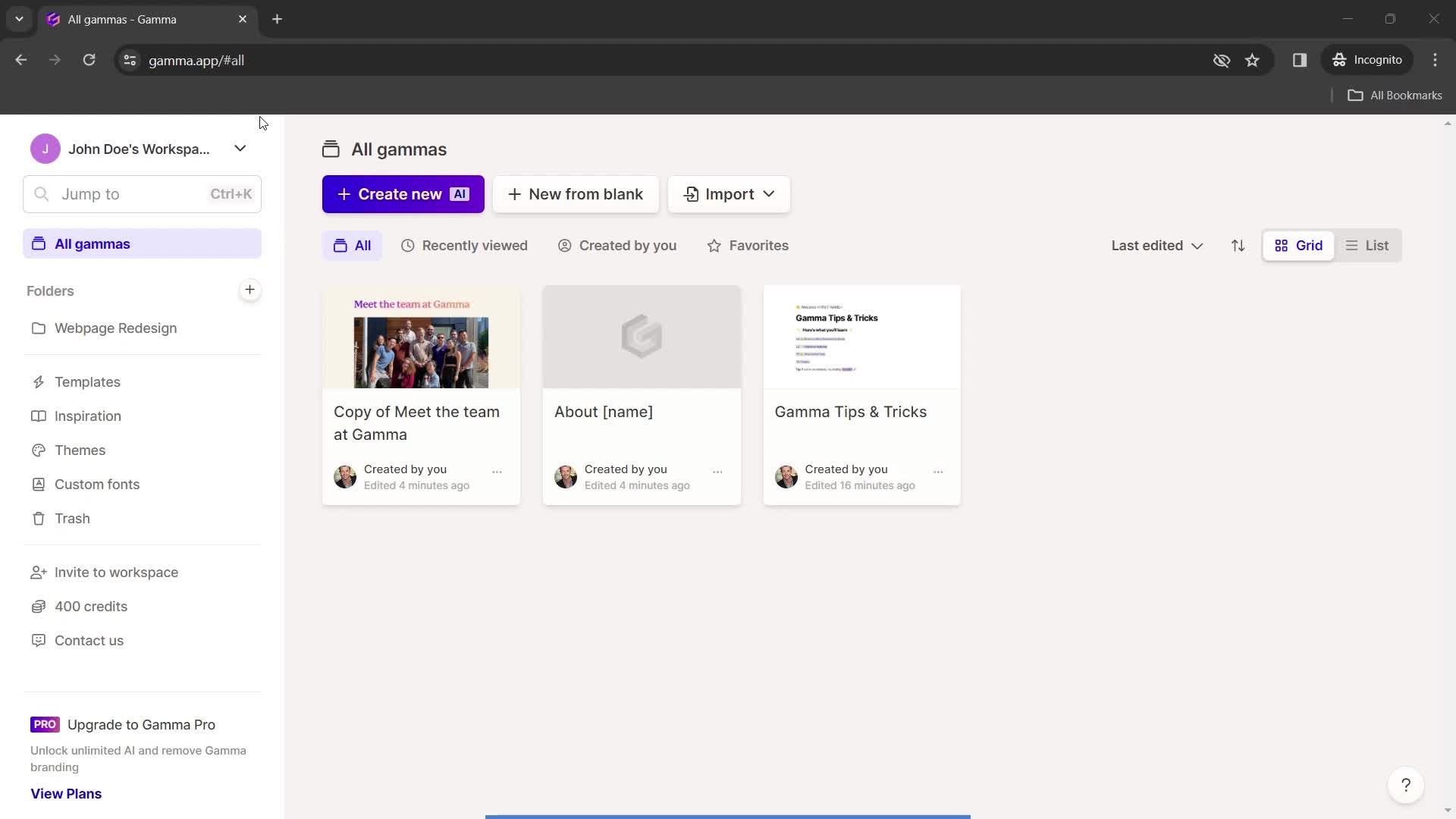
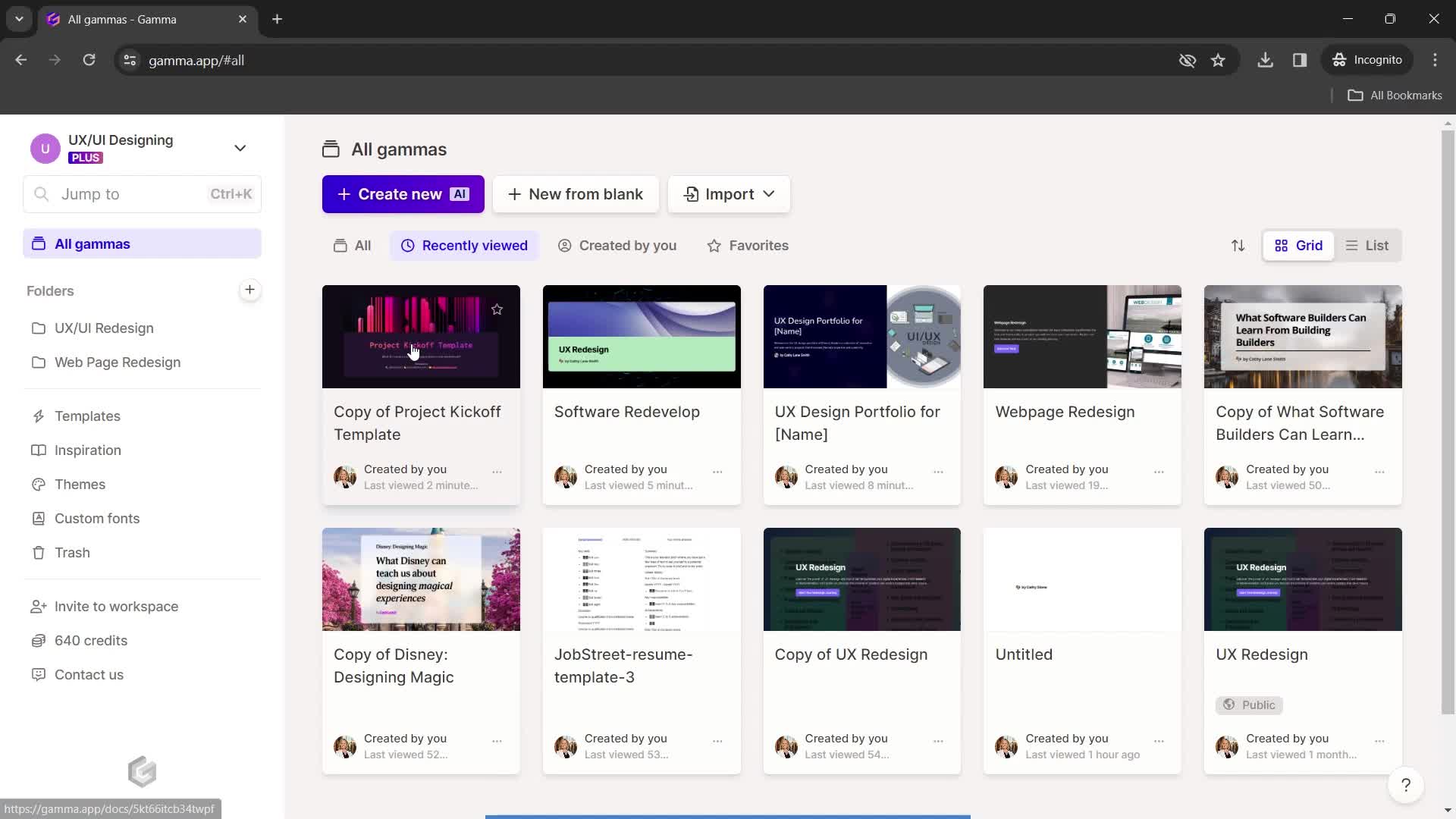
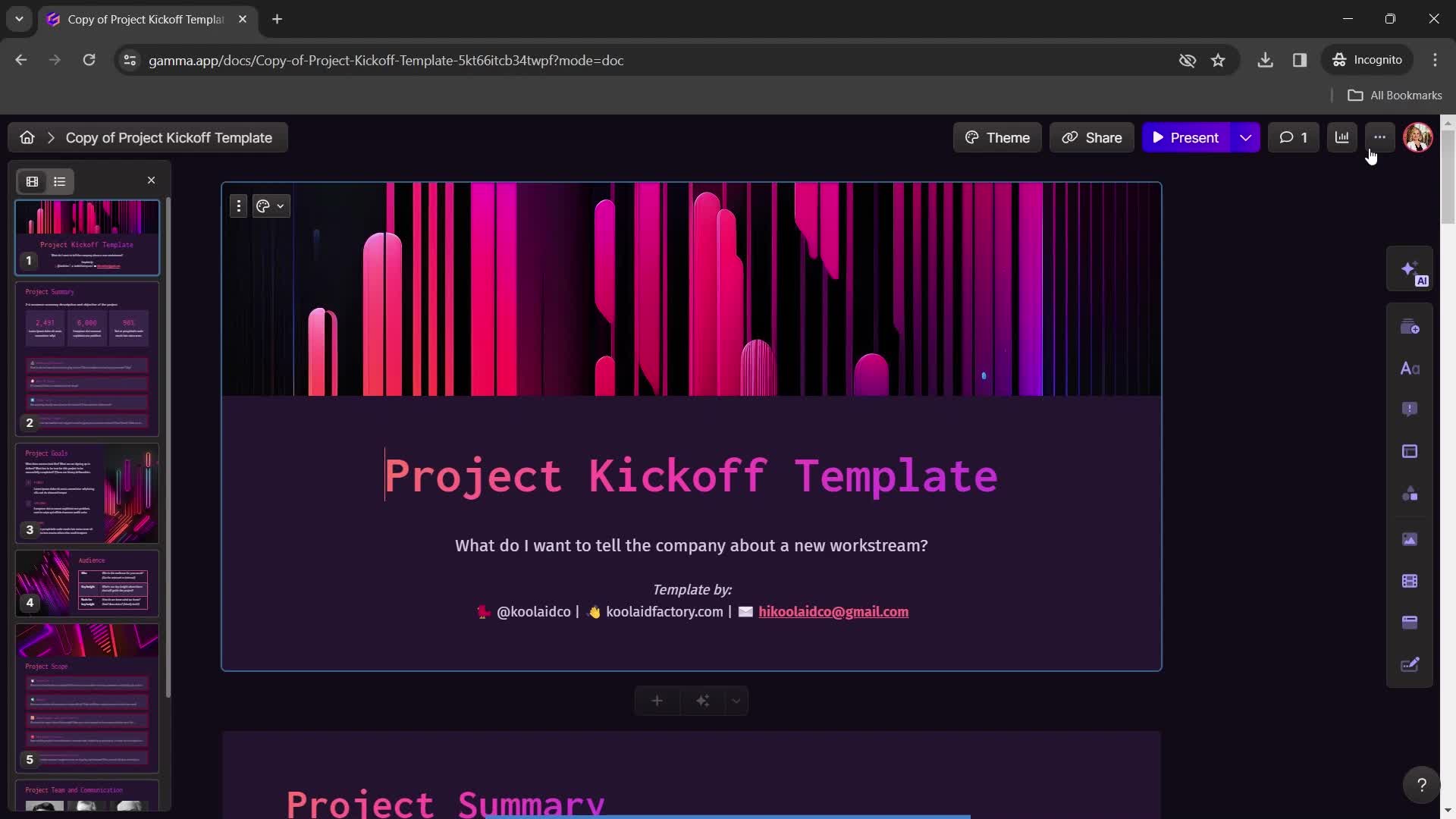
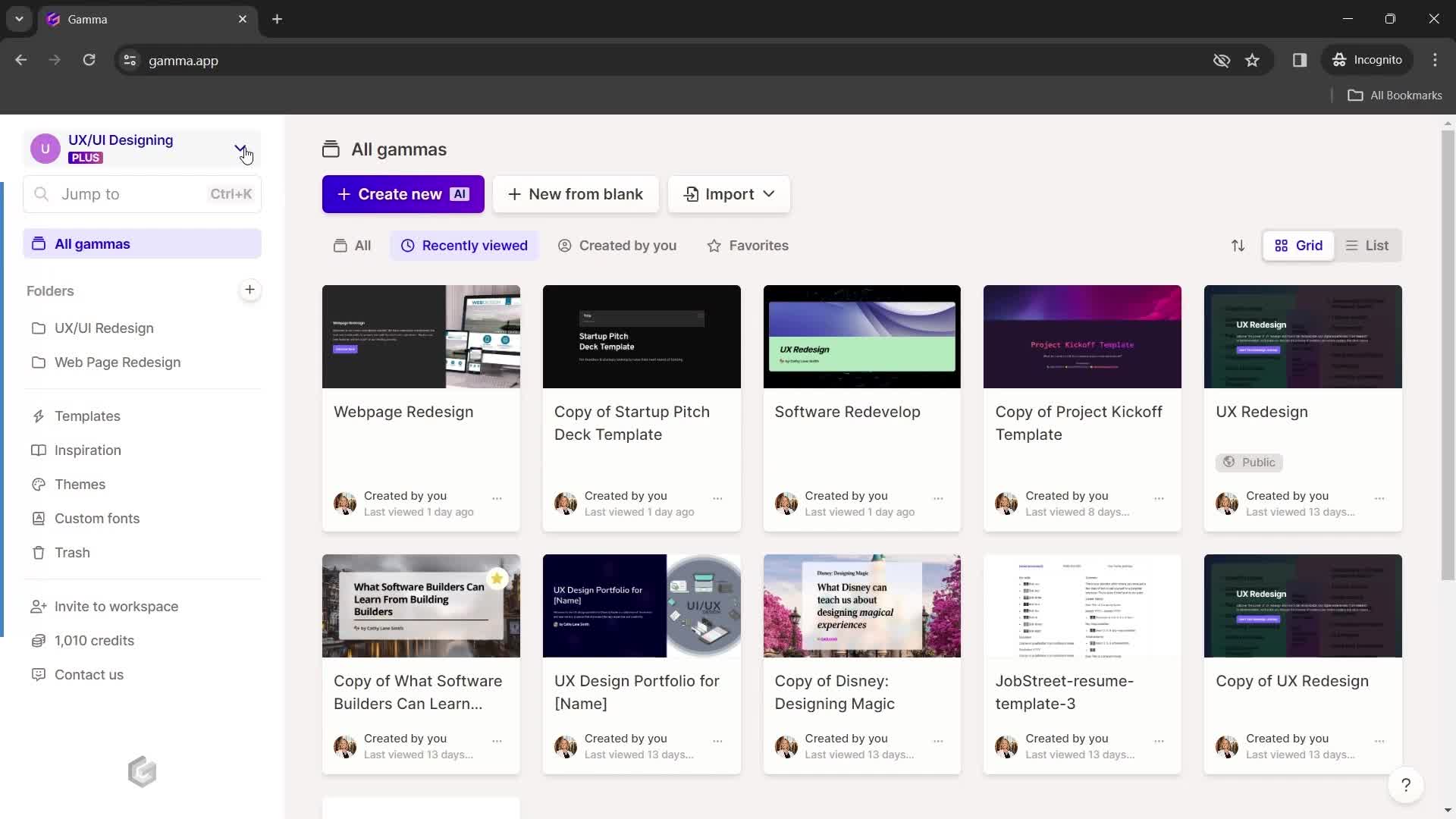
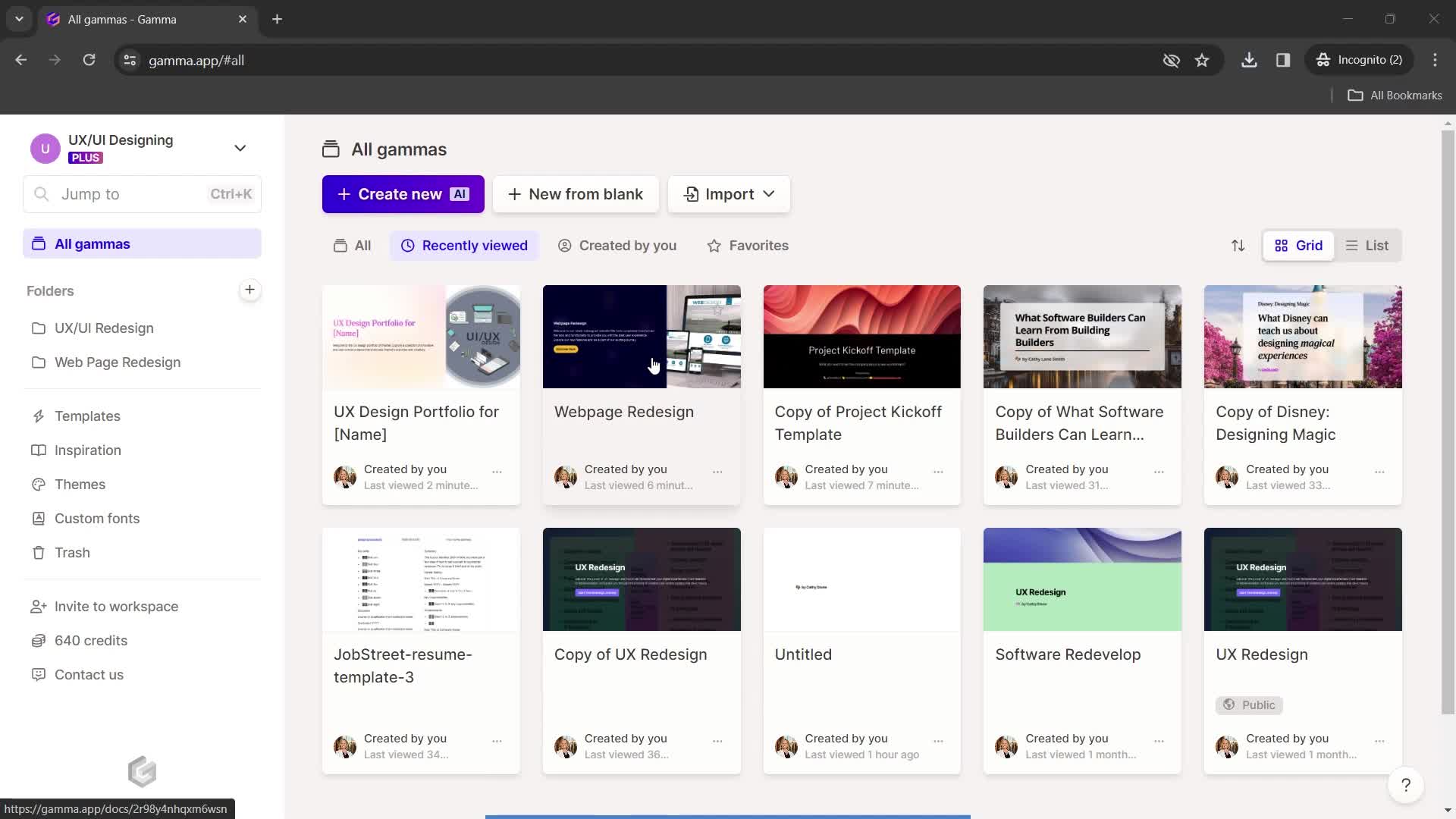
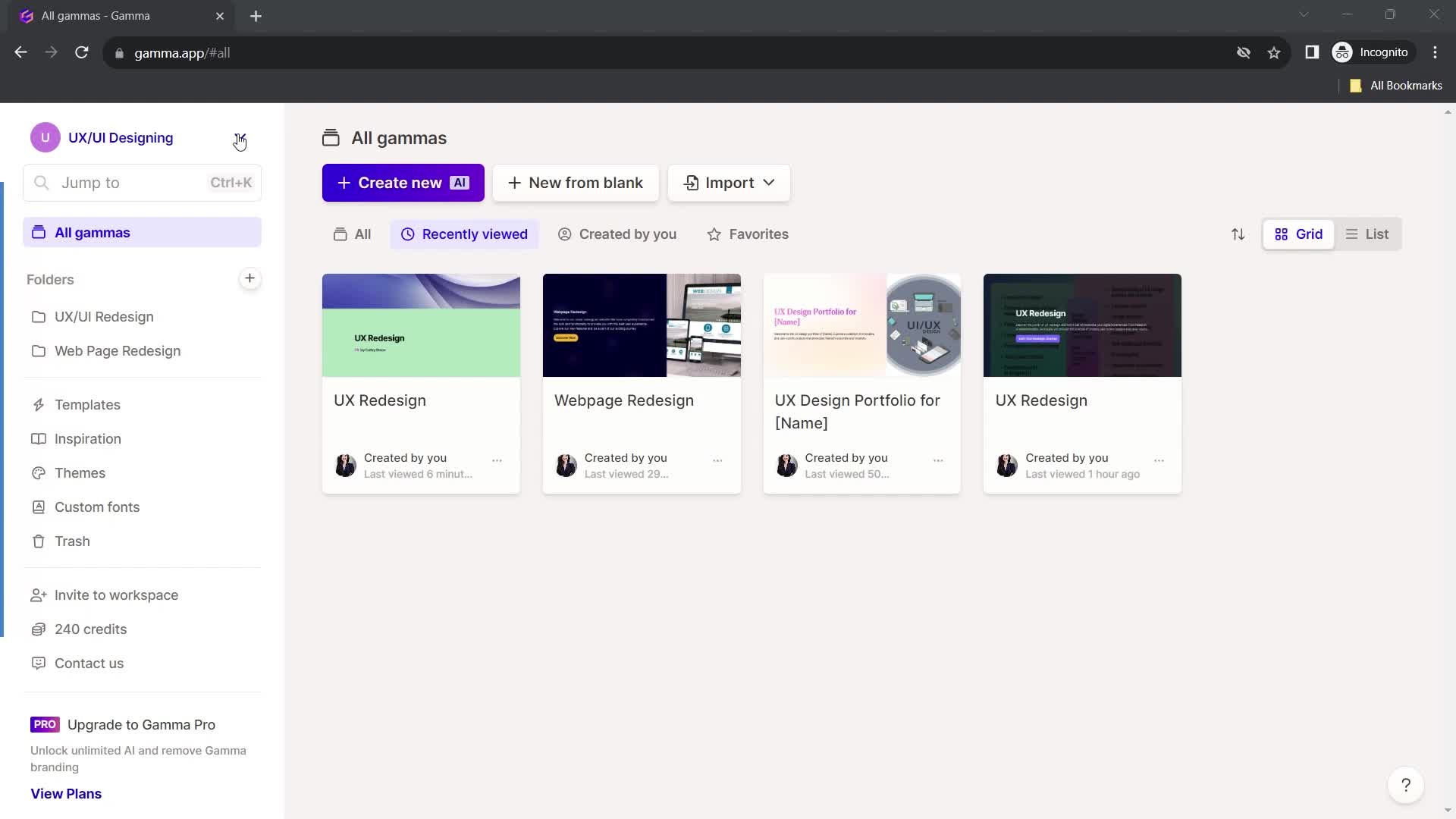
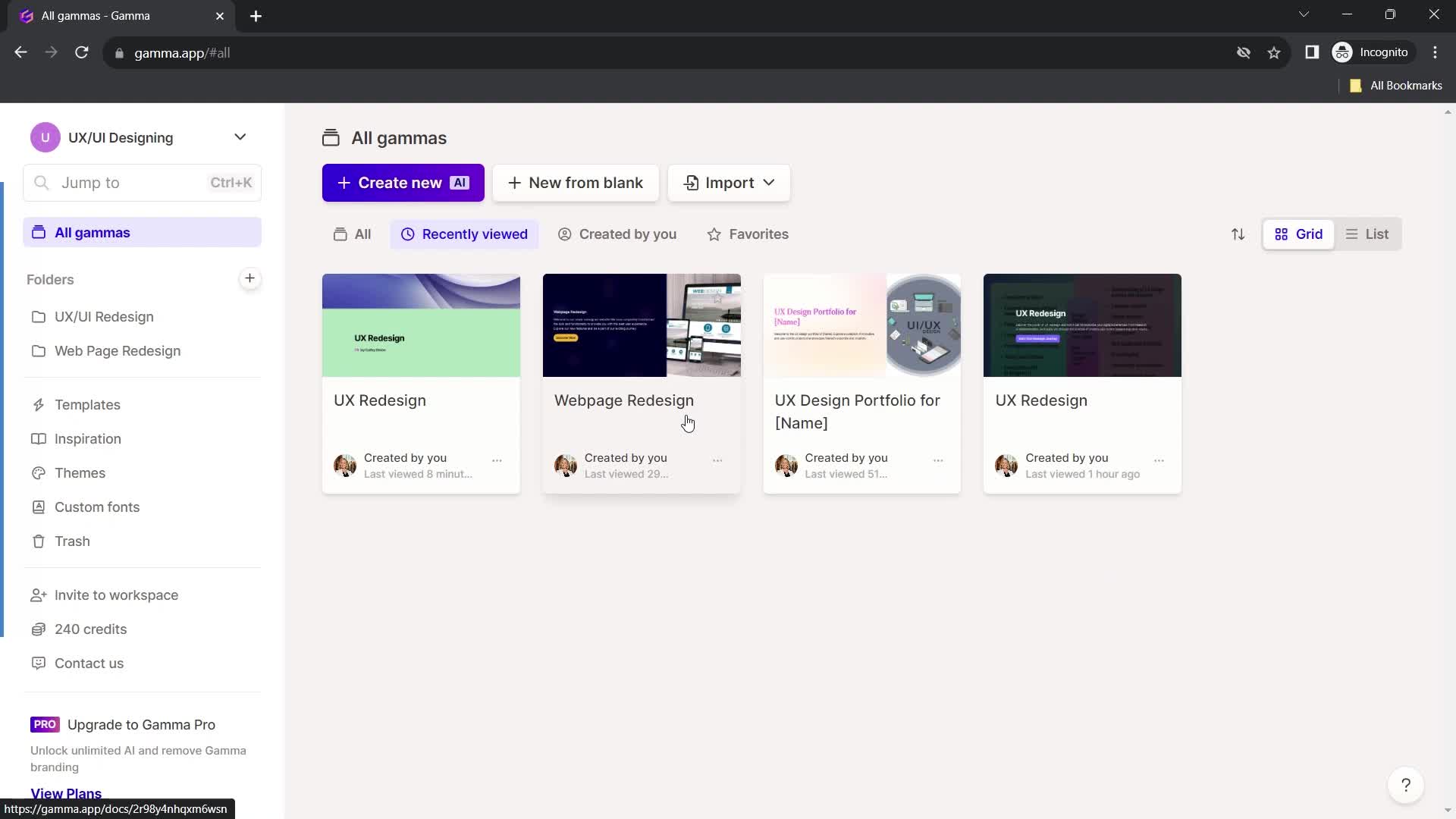
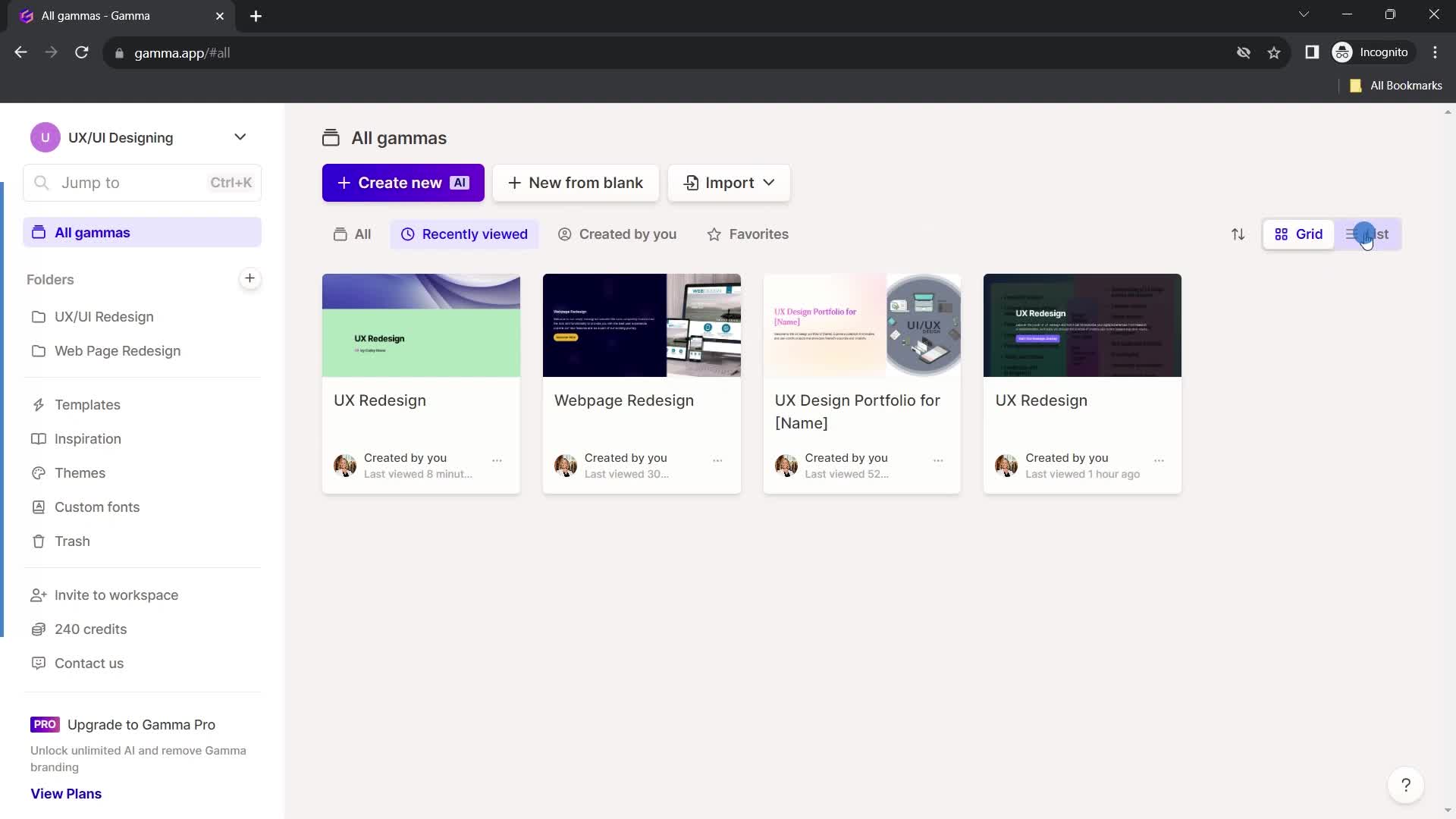
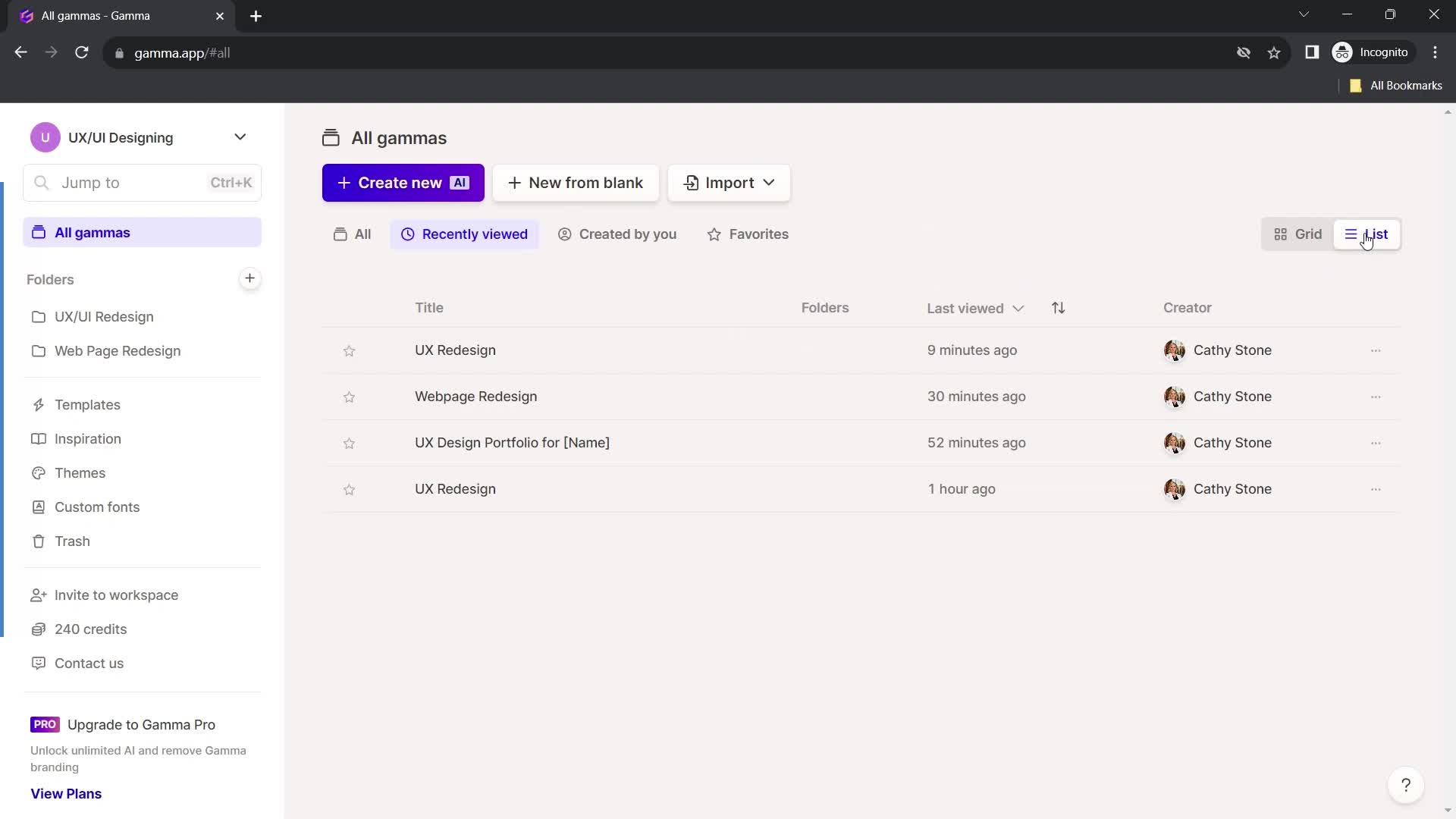
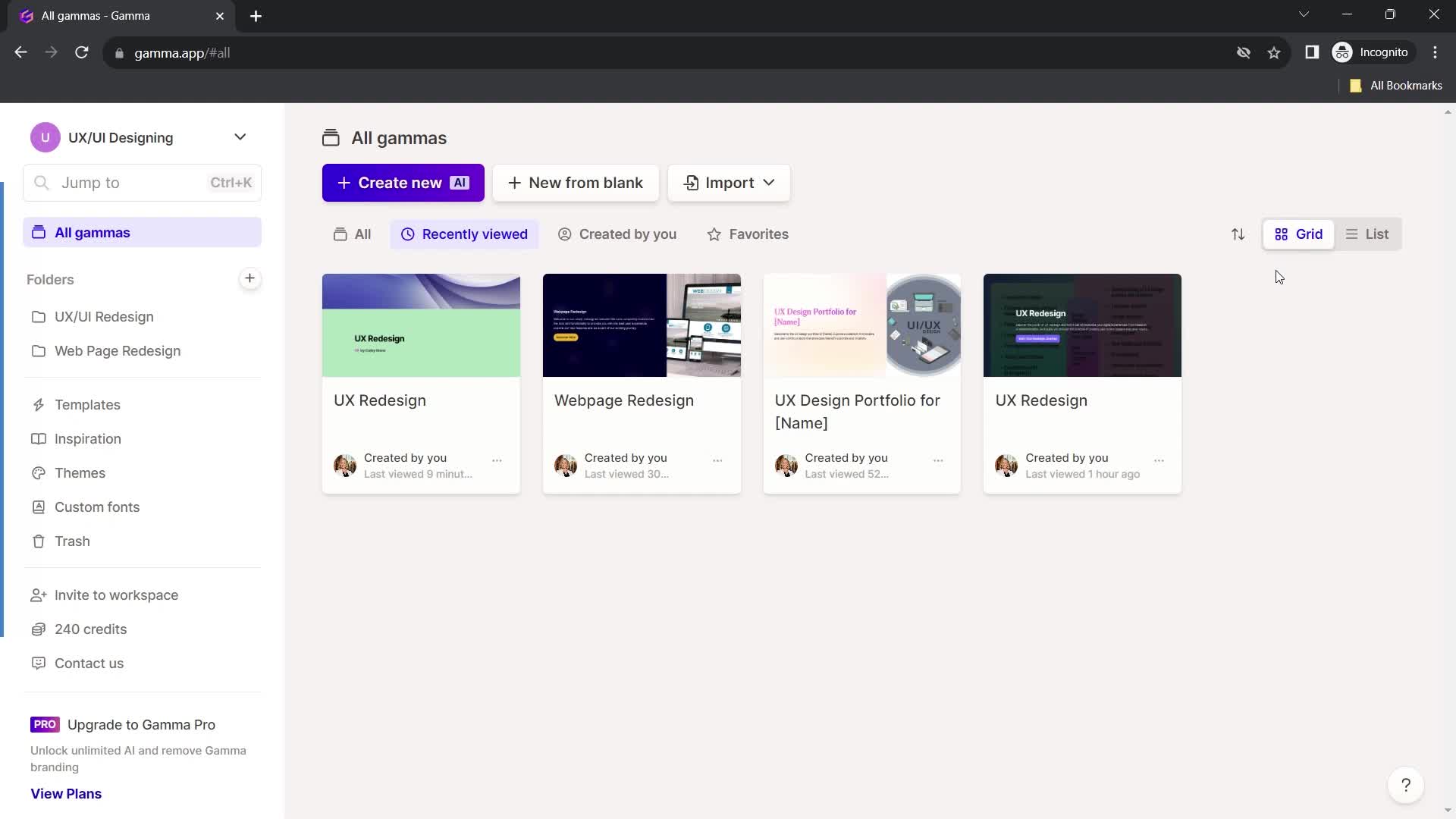
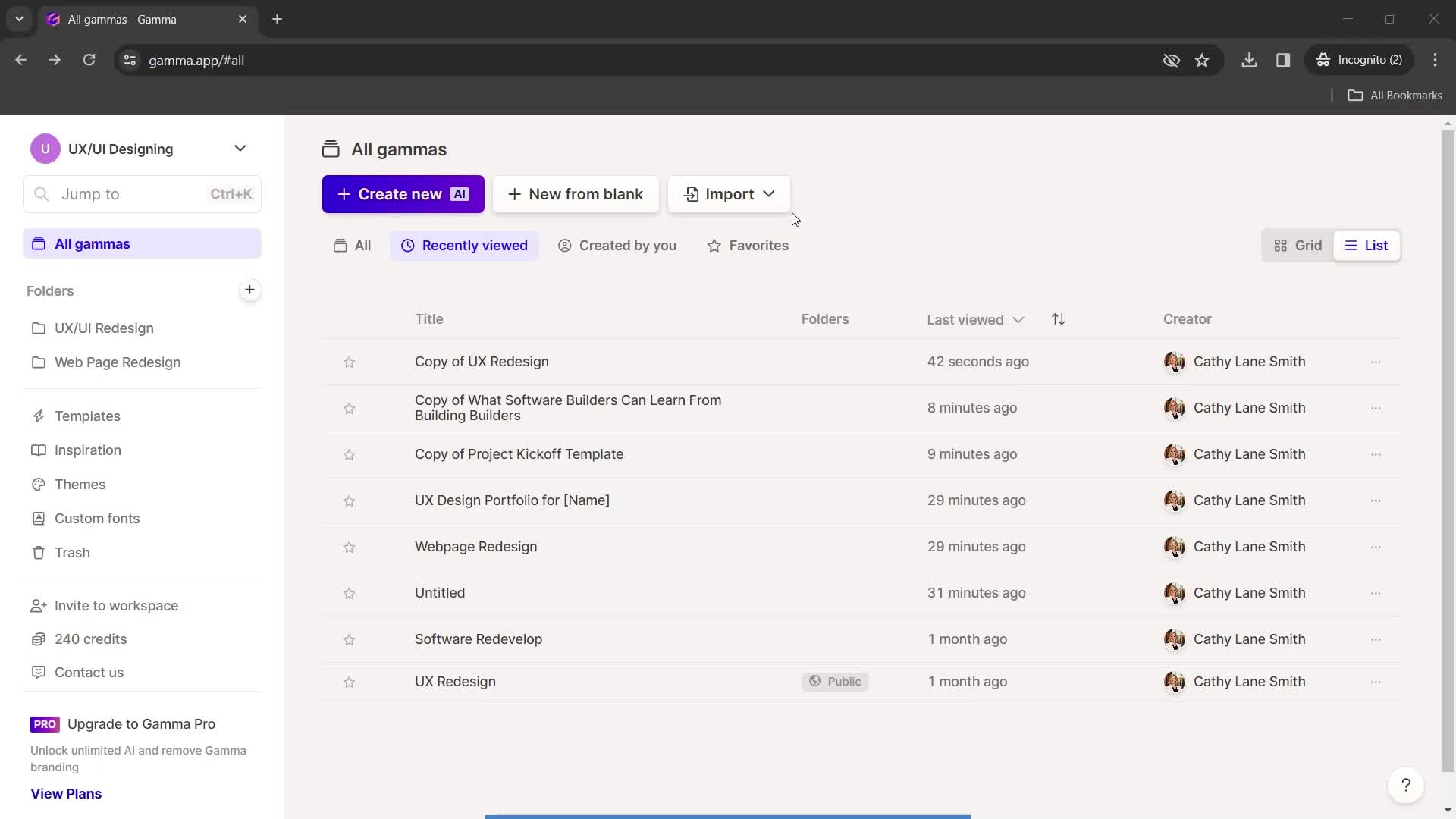
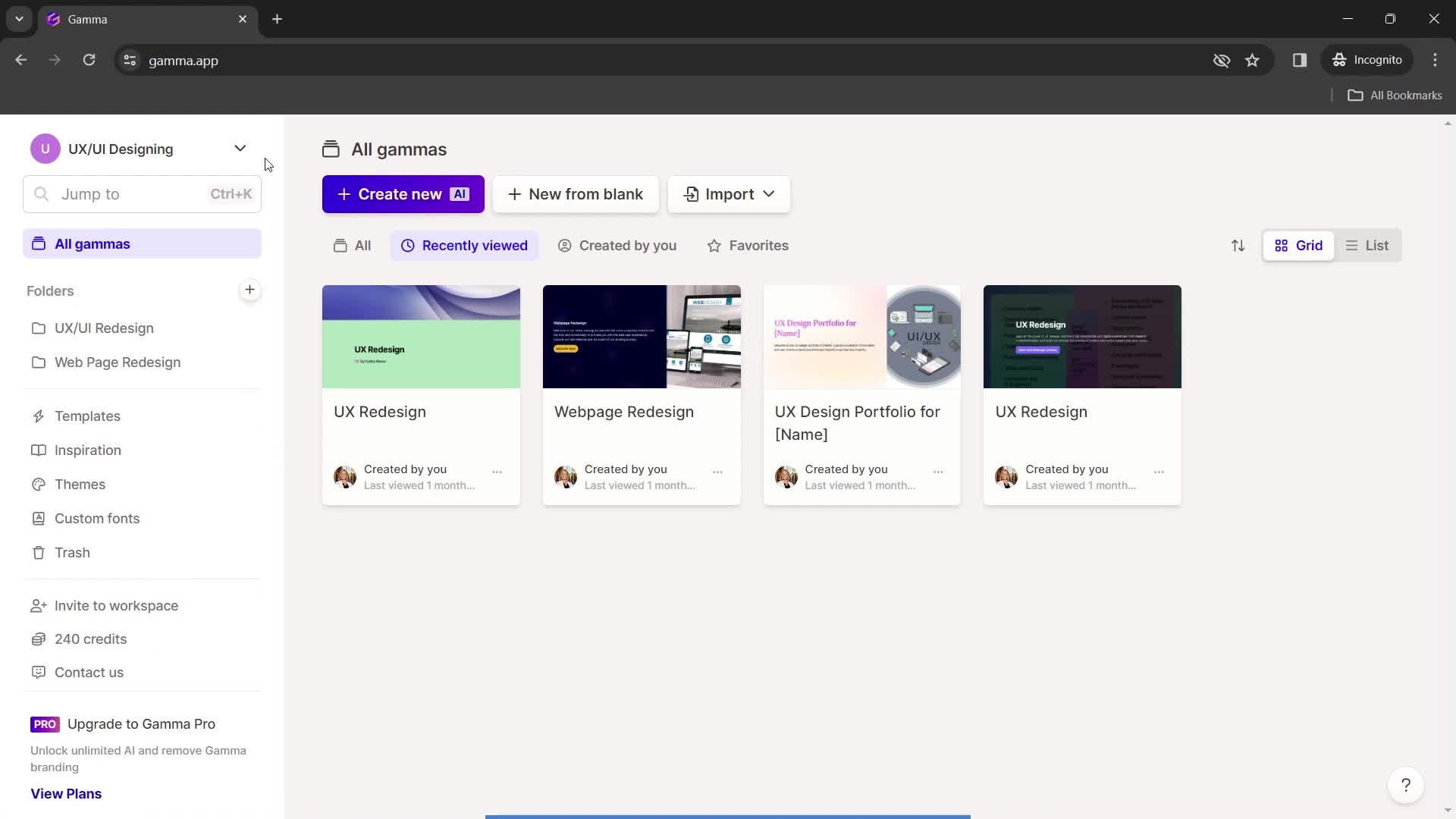
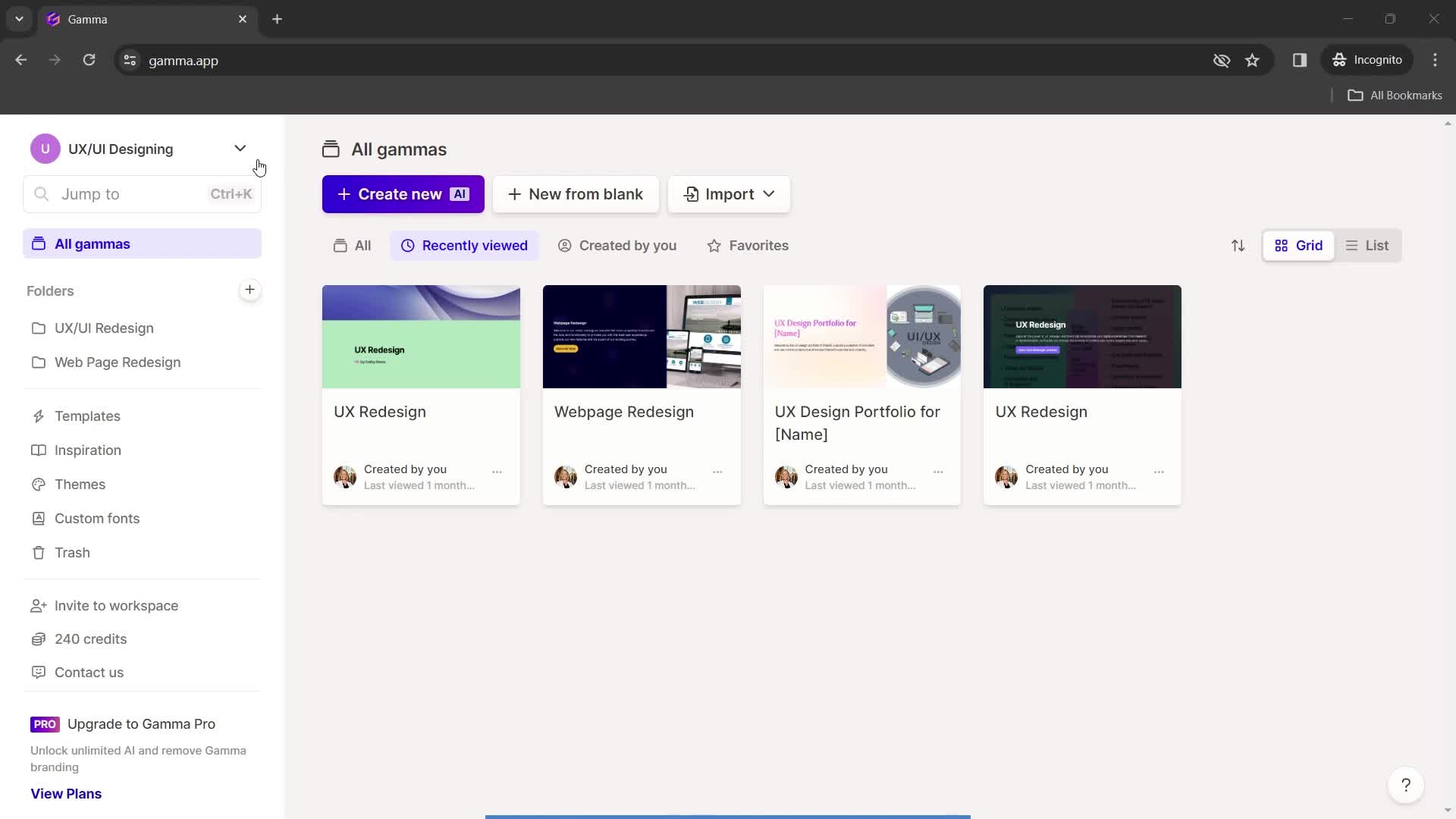
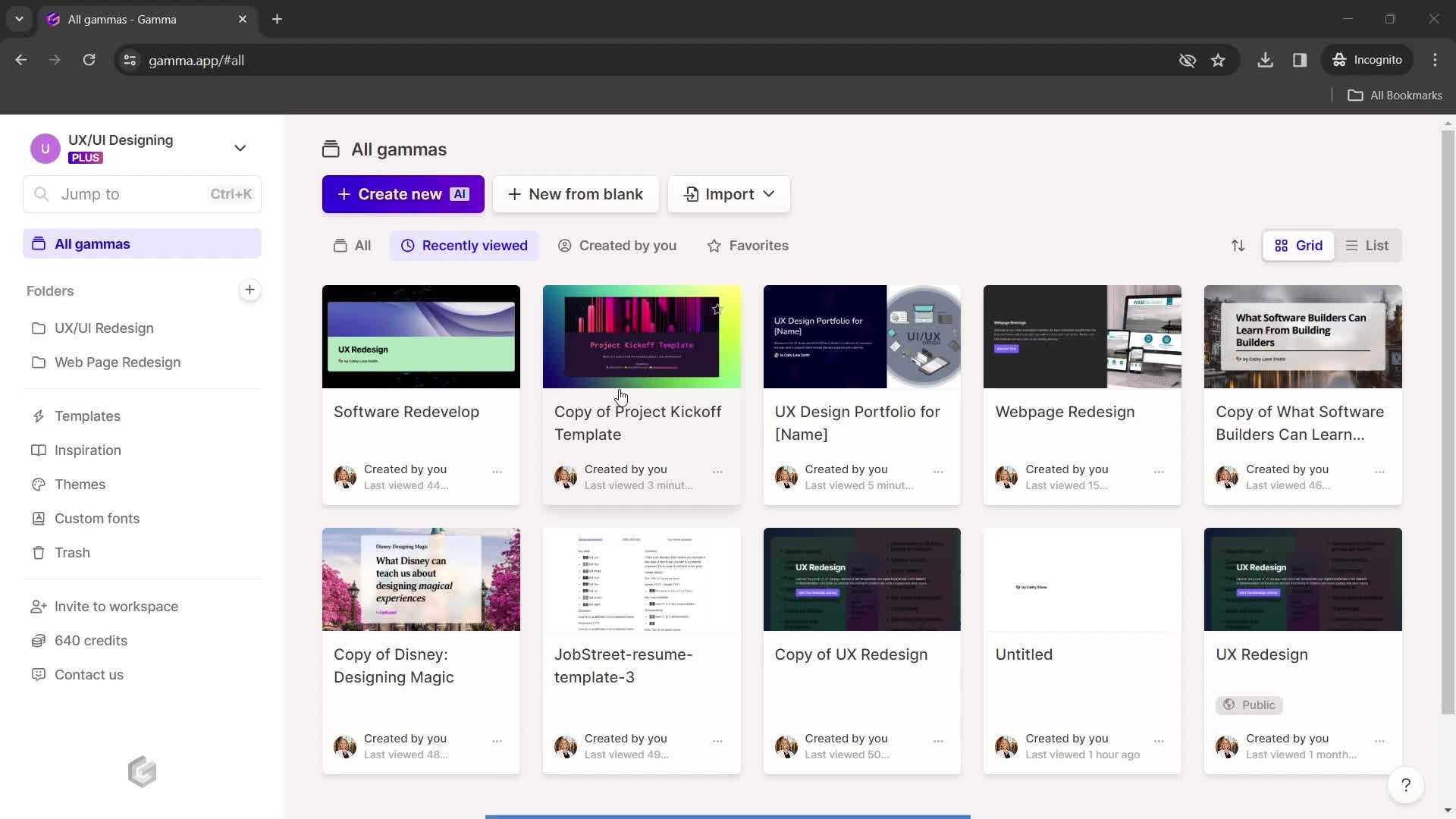
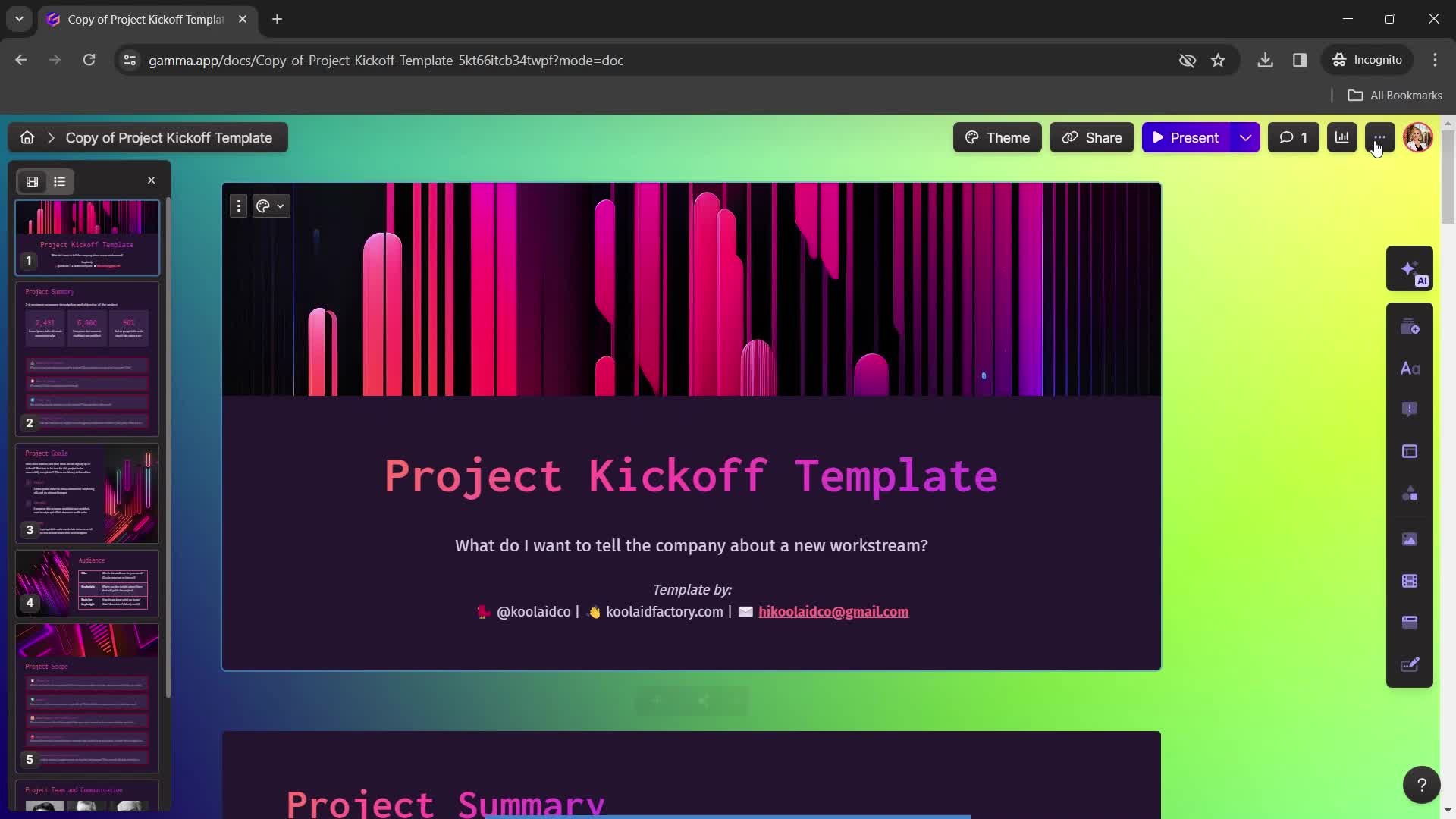
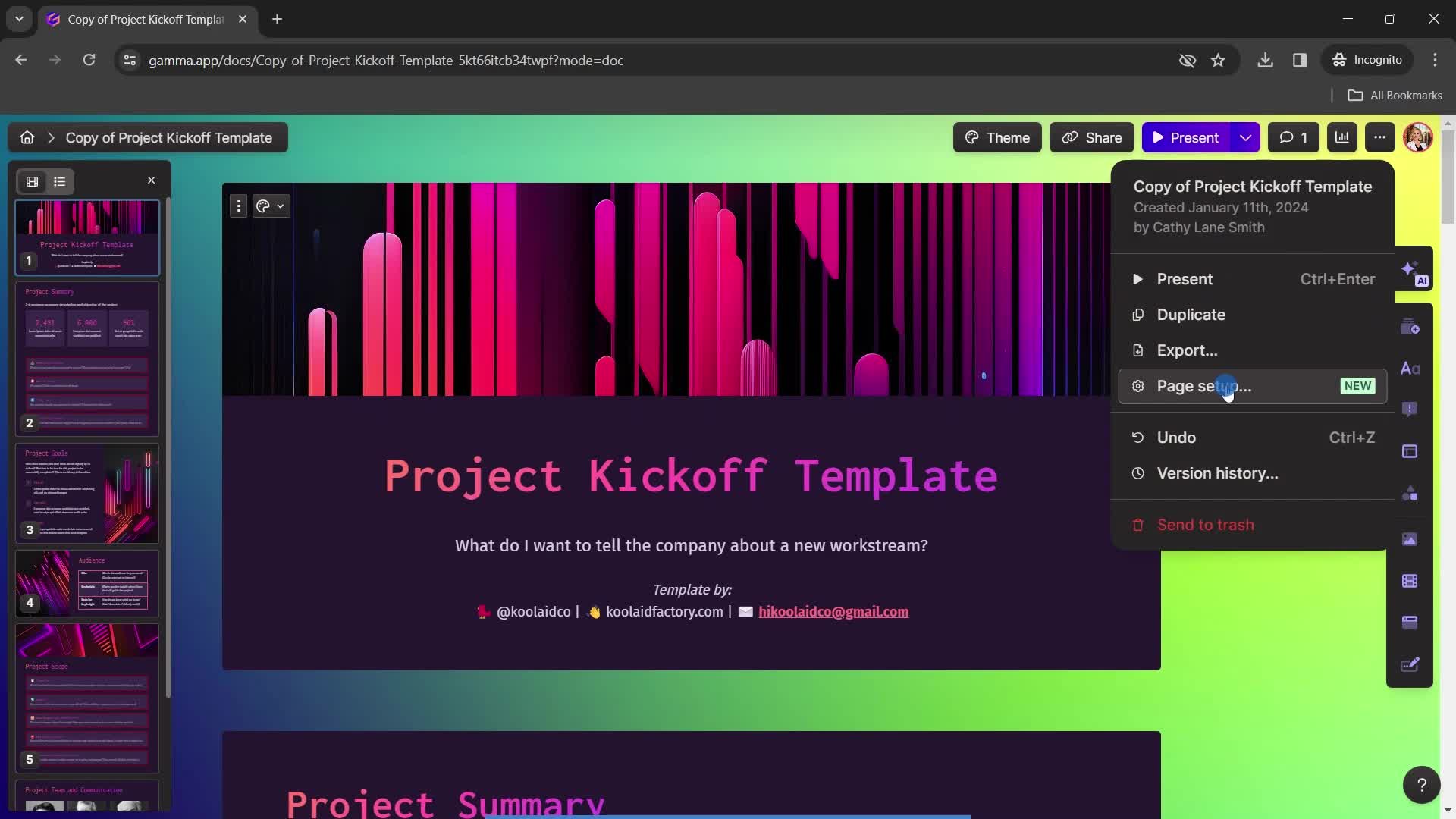
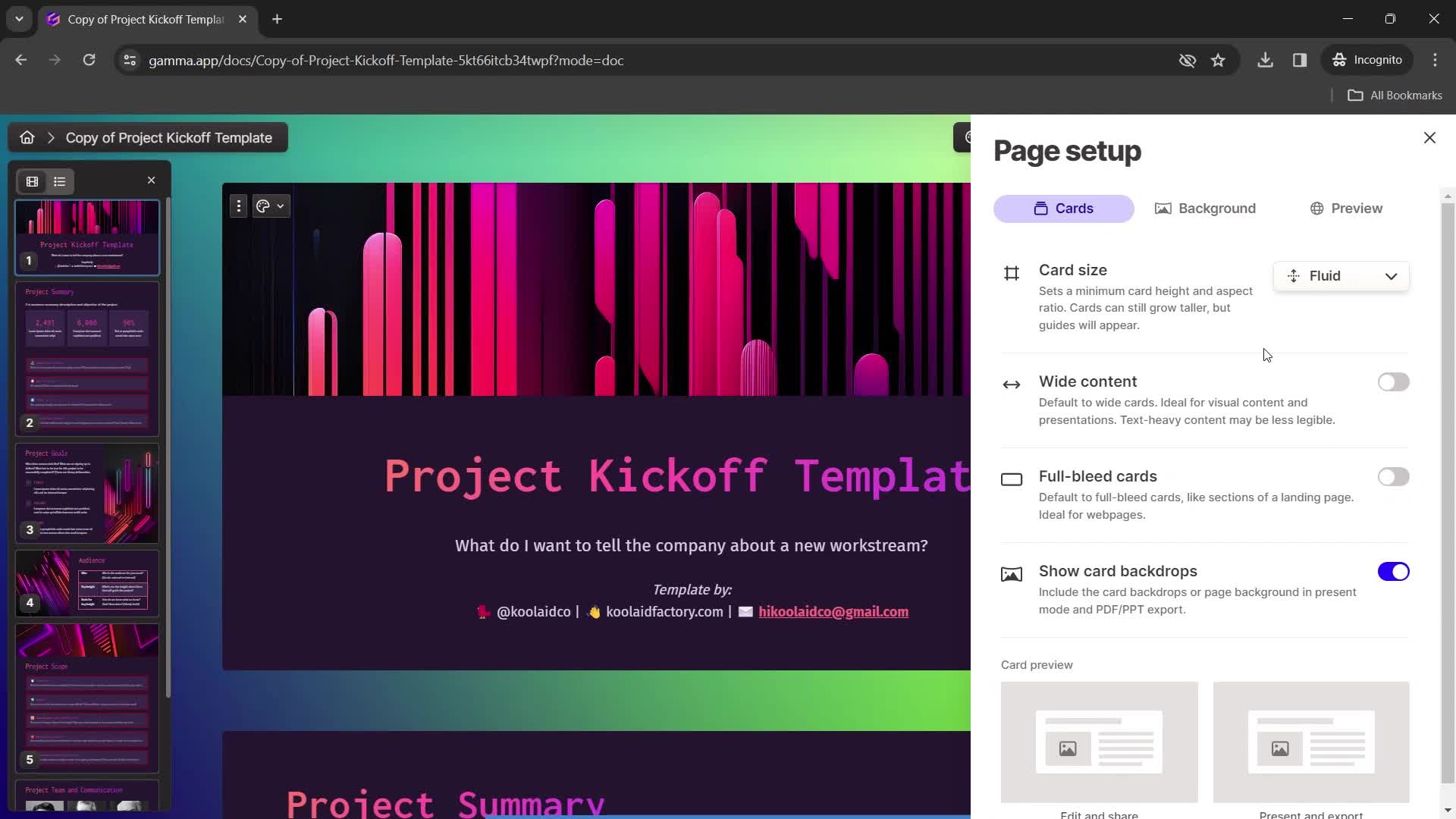
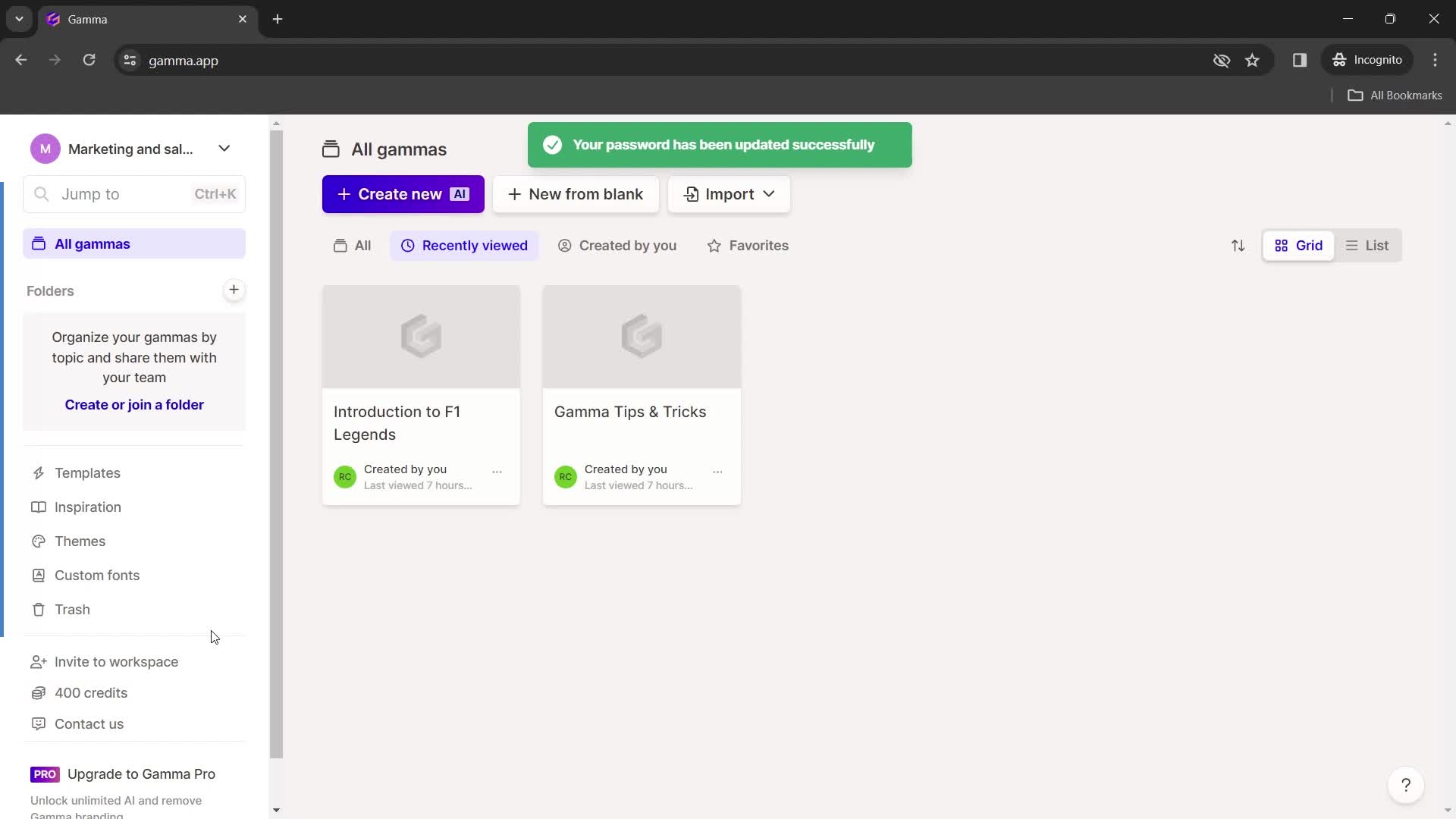
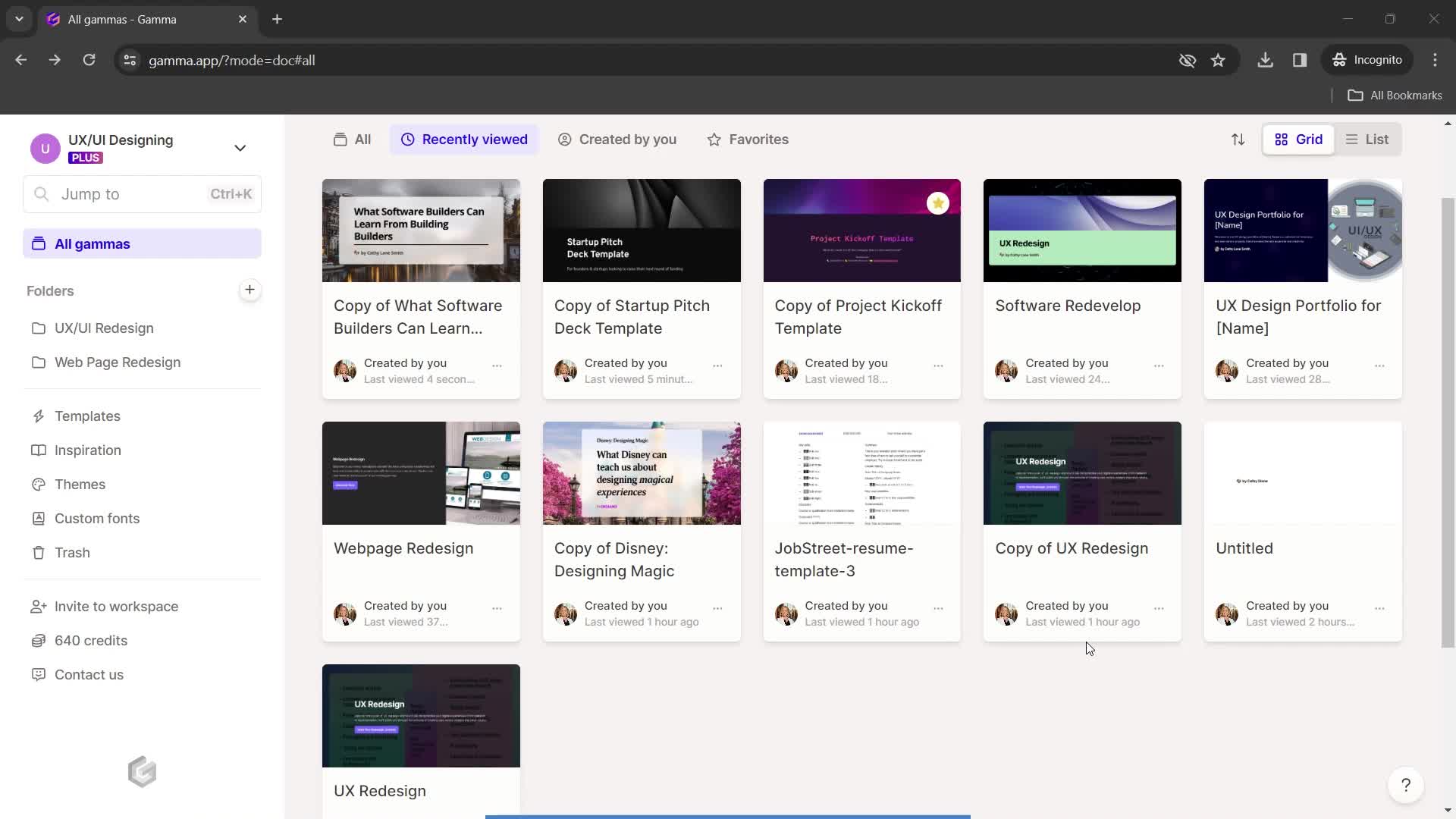
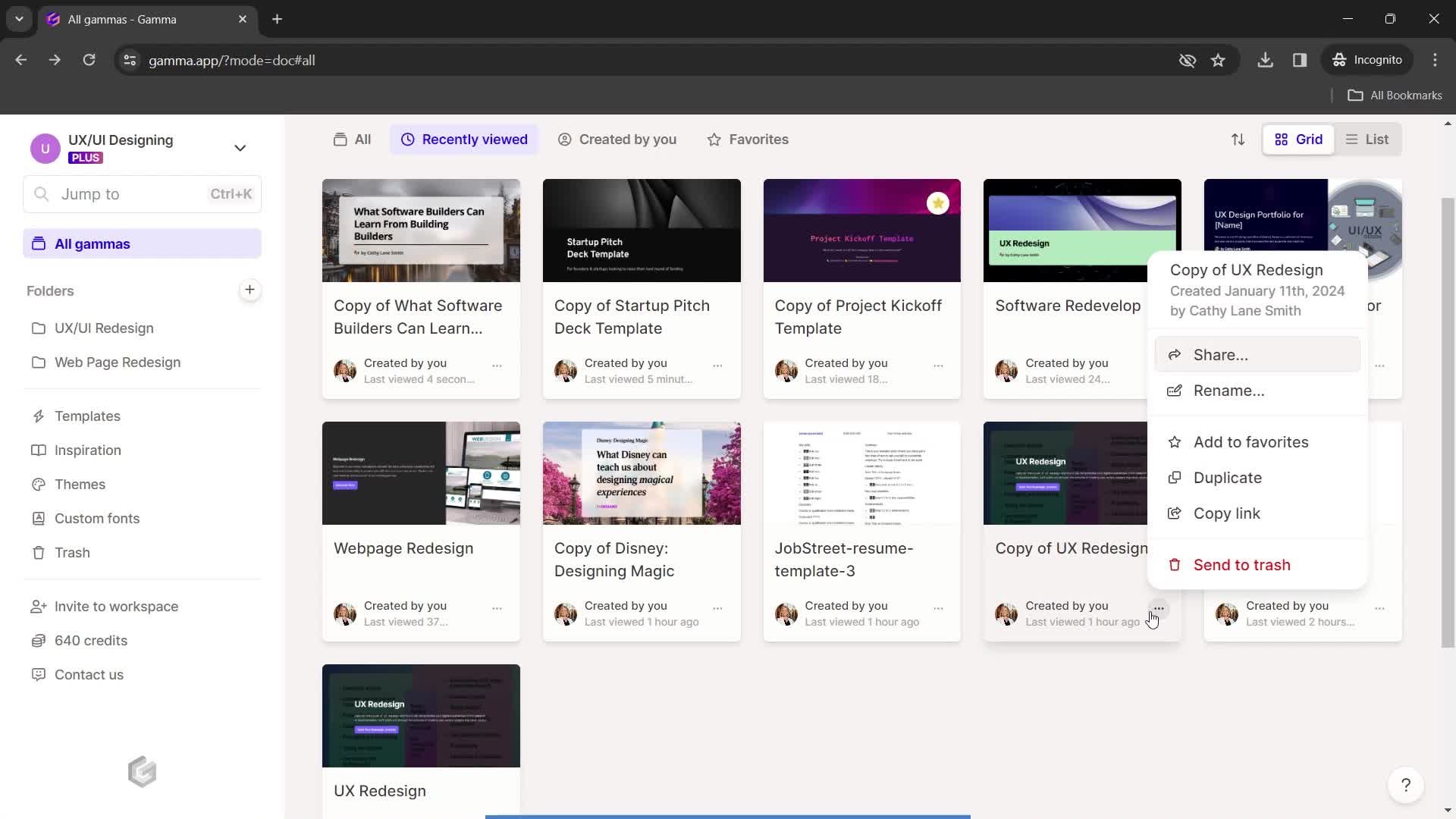
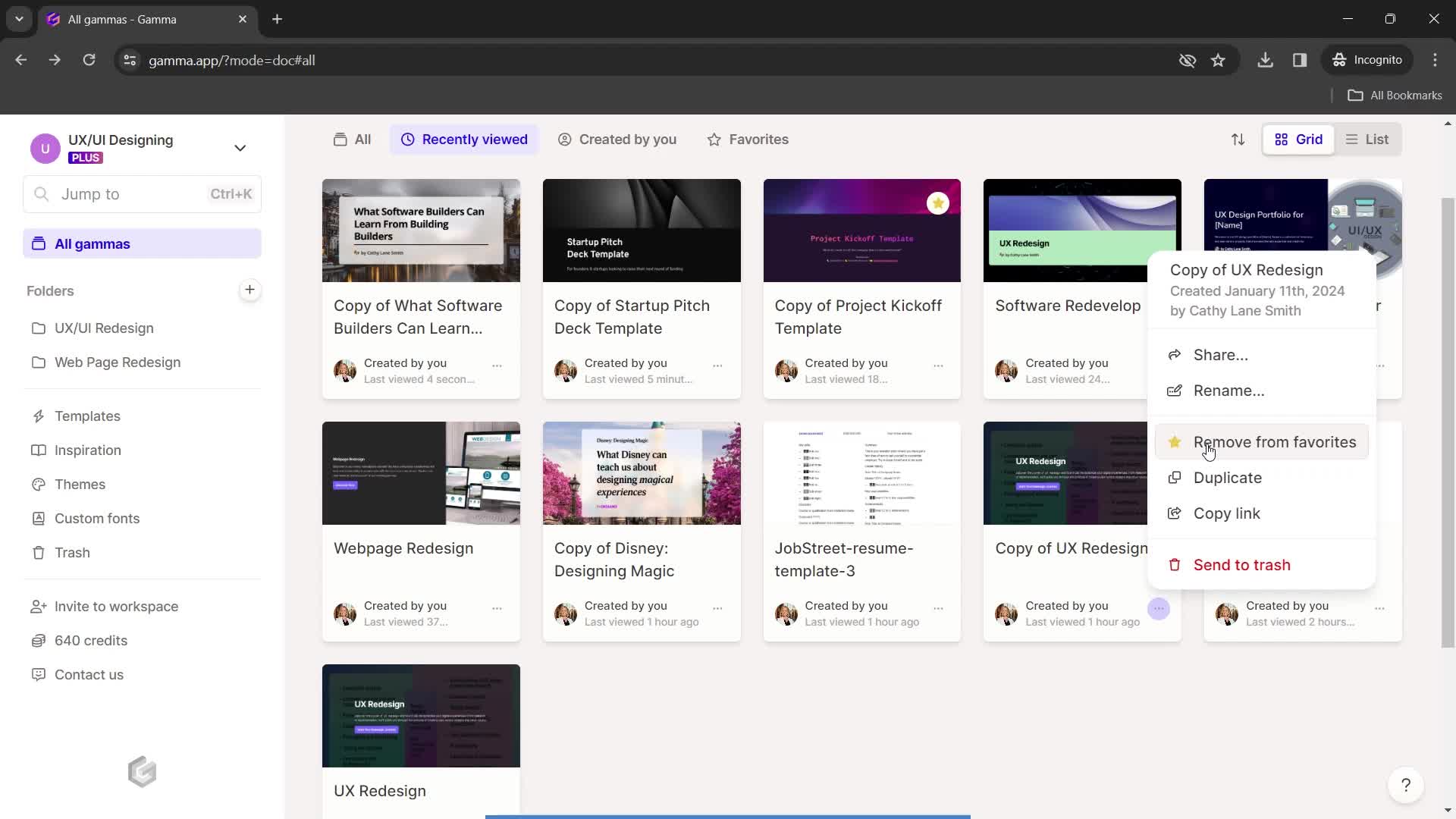
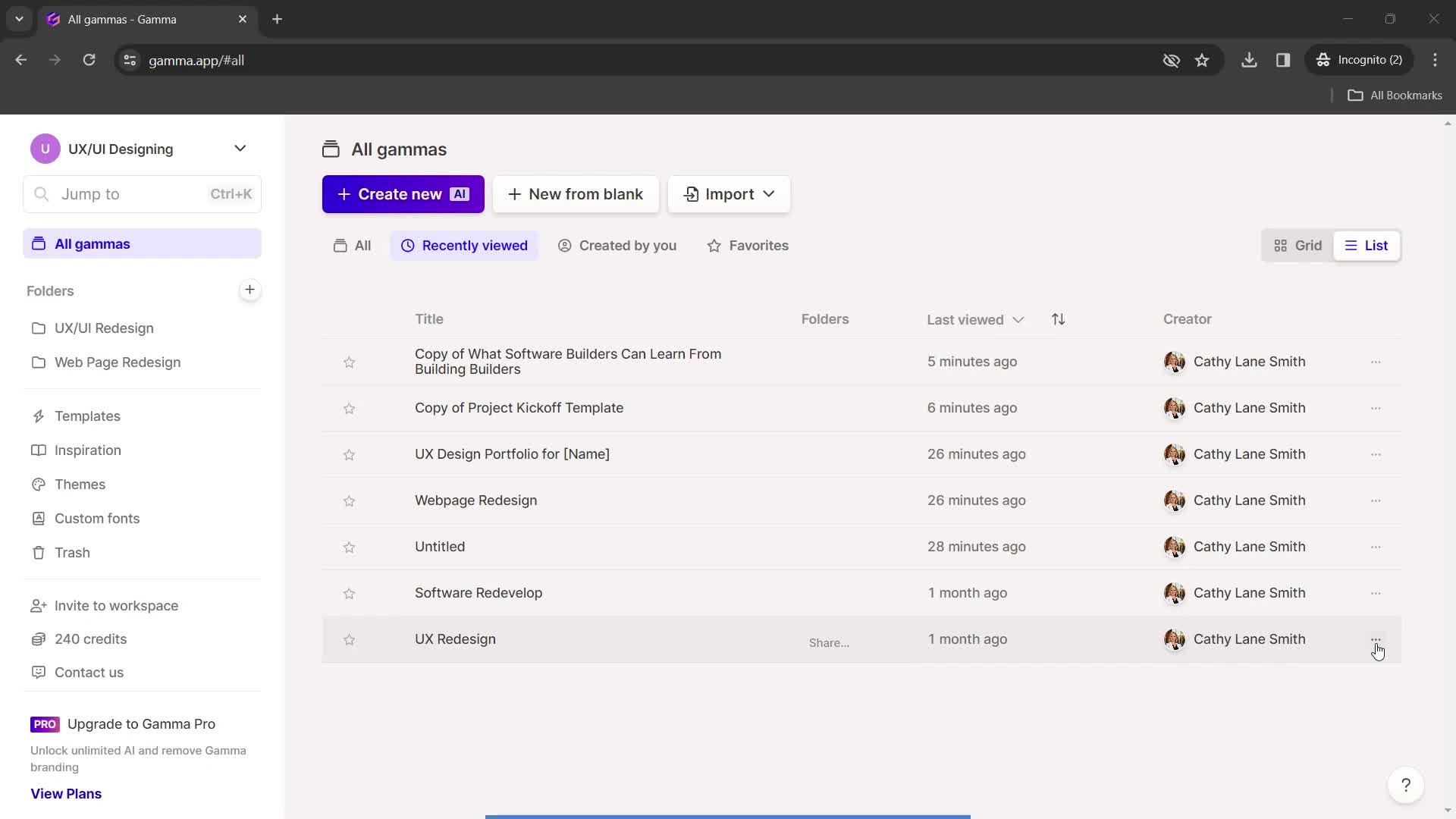
Dashboard
this is title
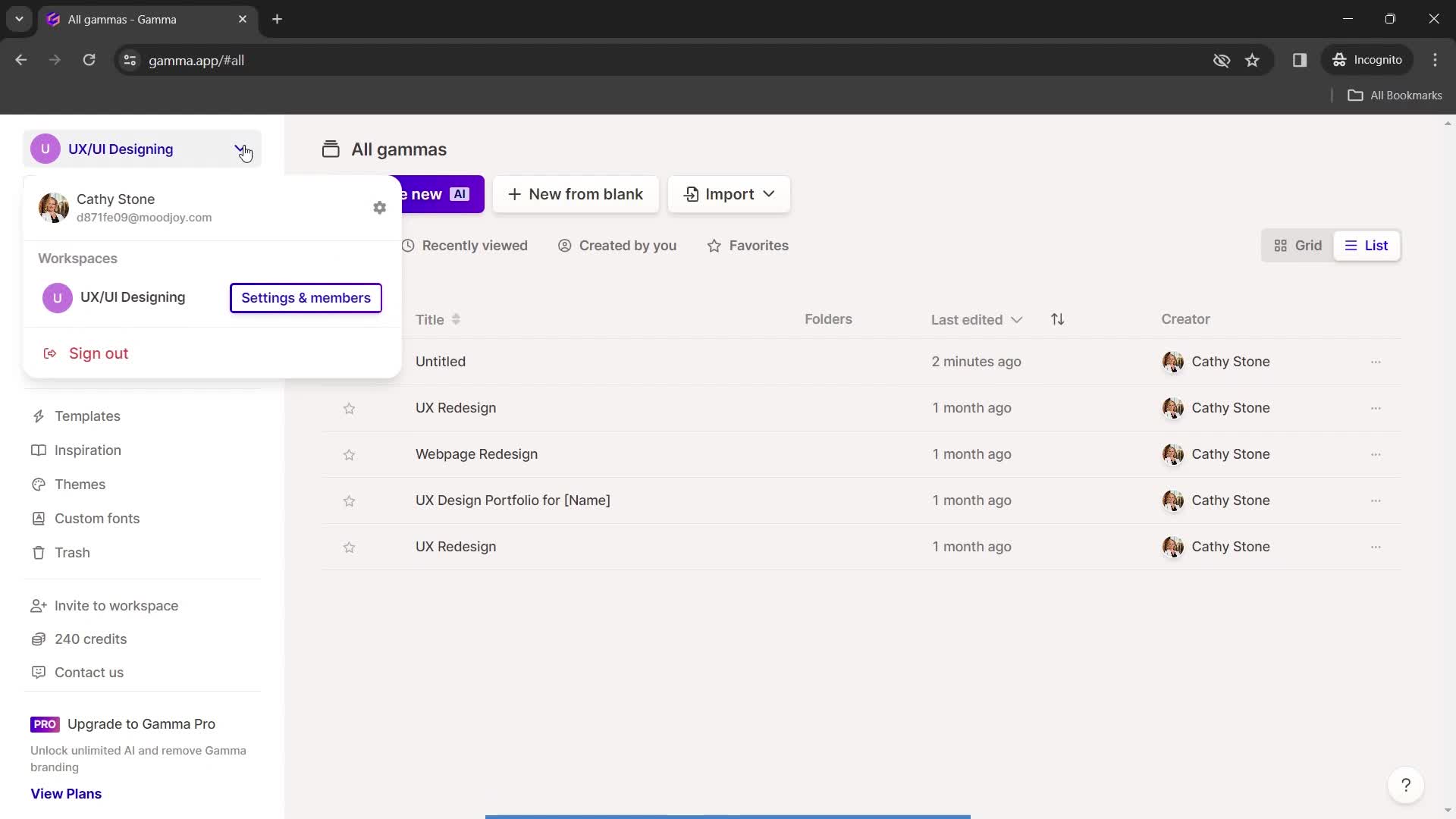
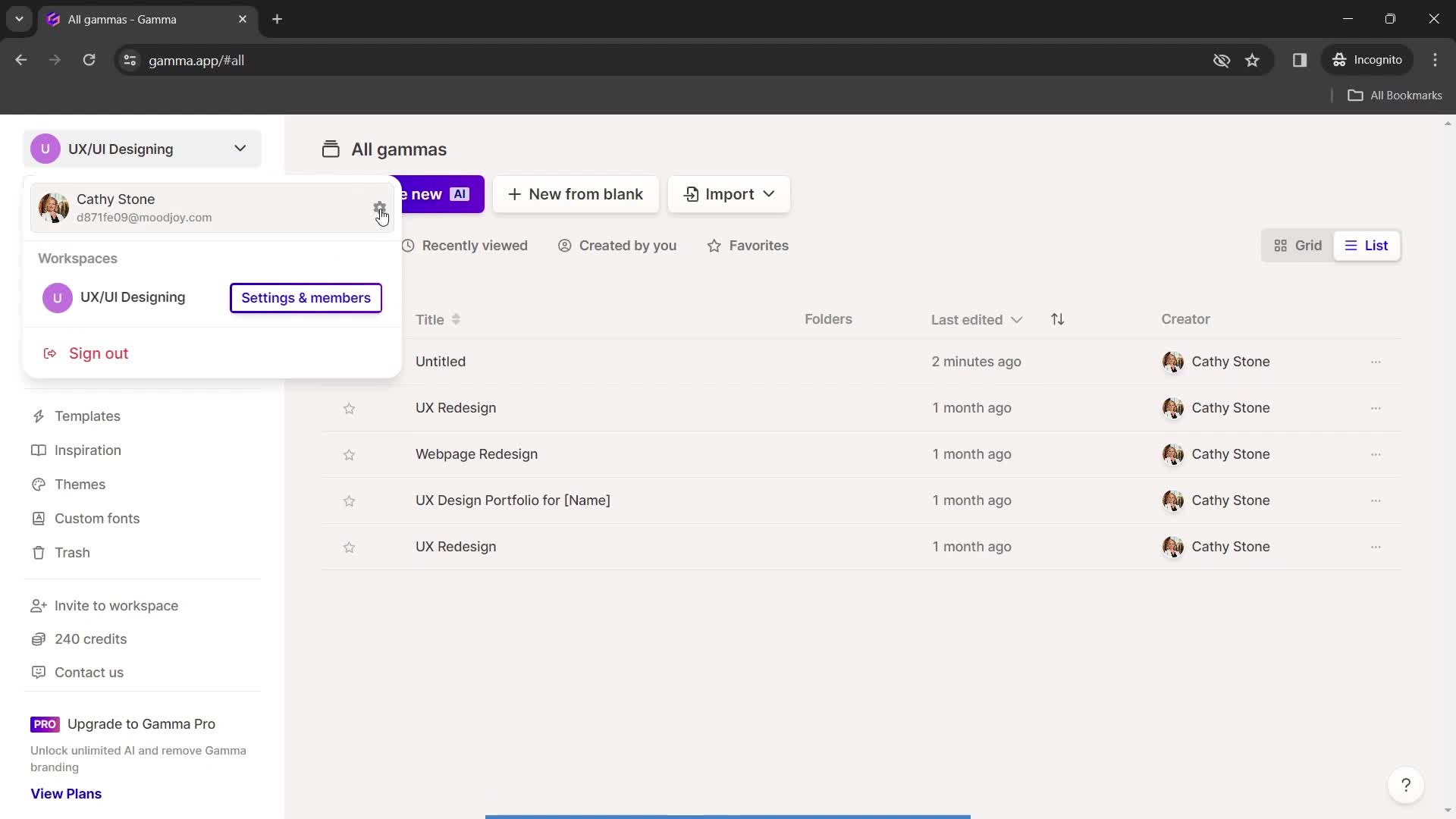
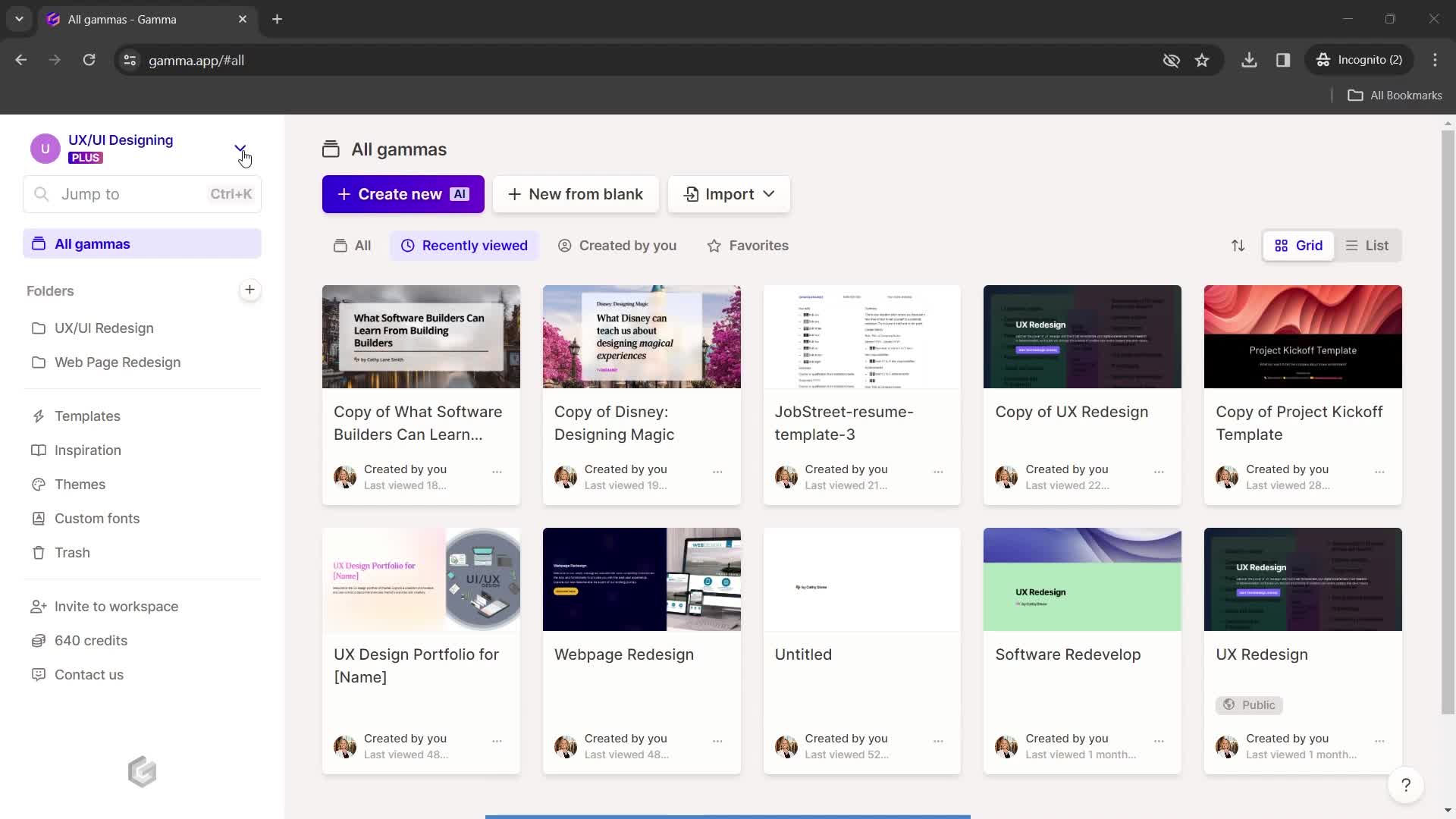
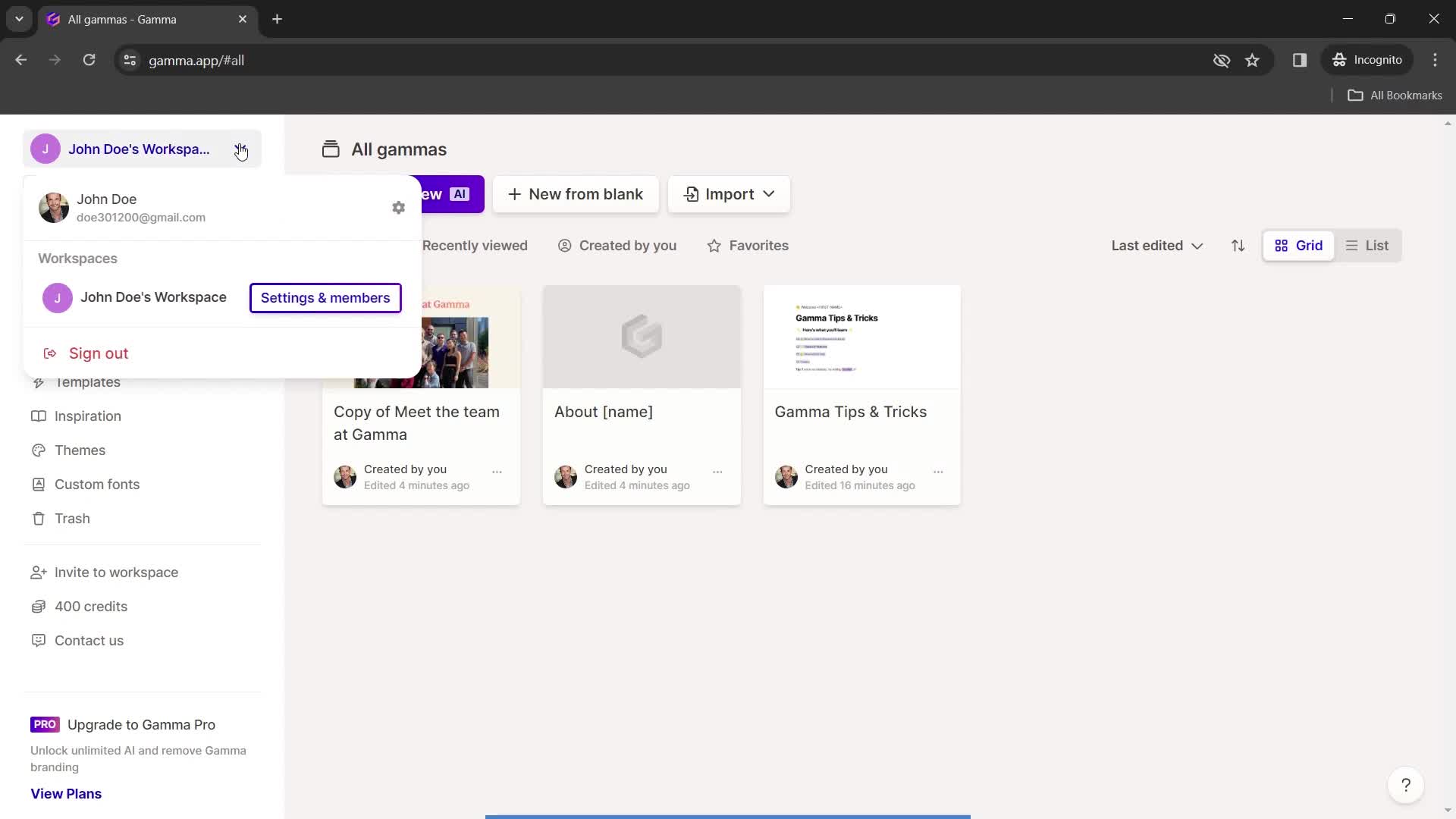
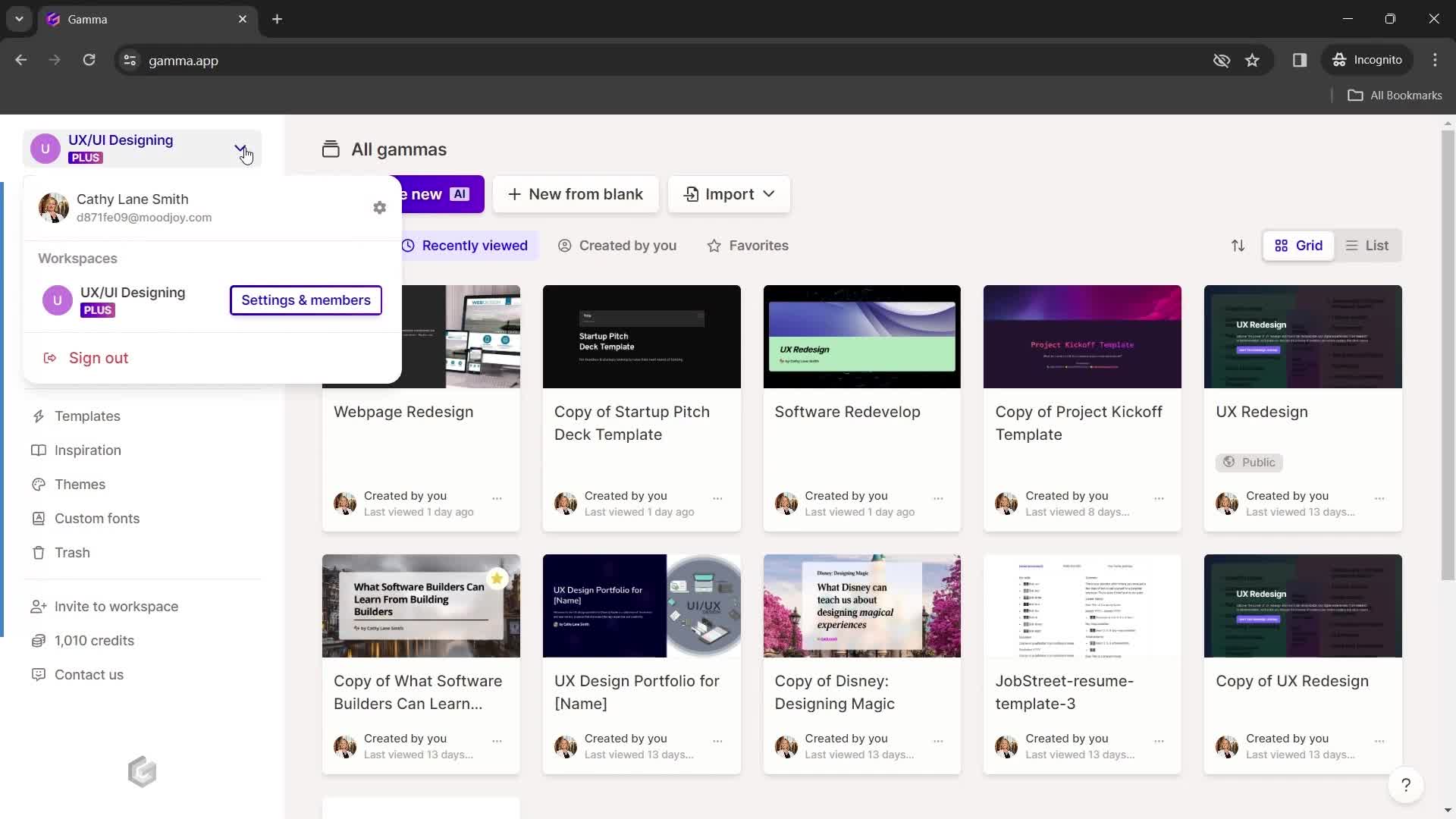
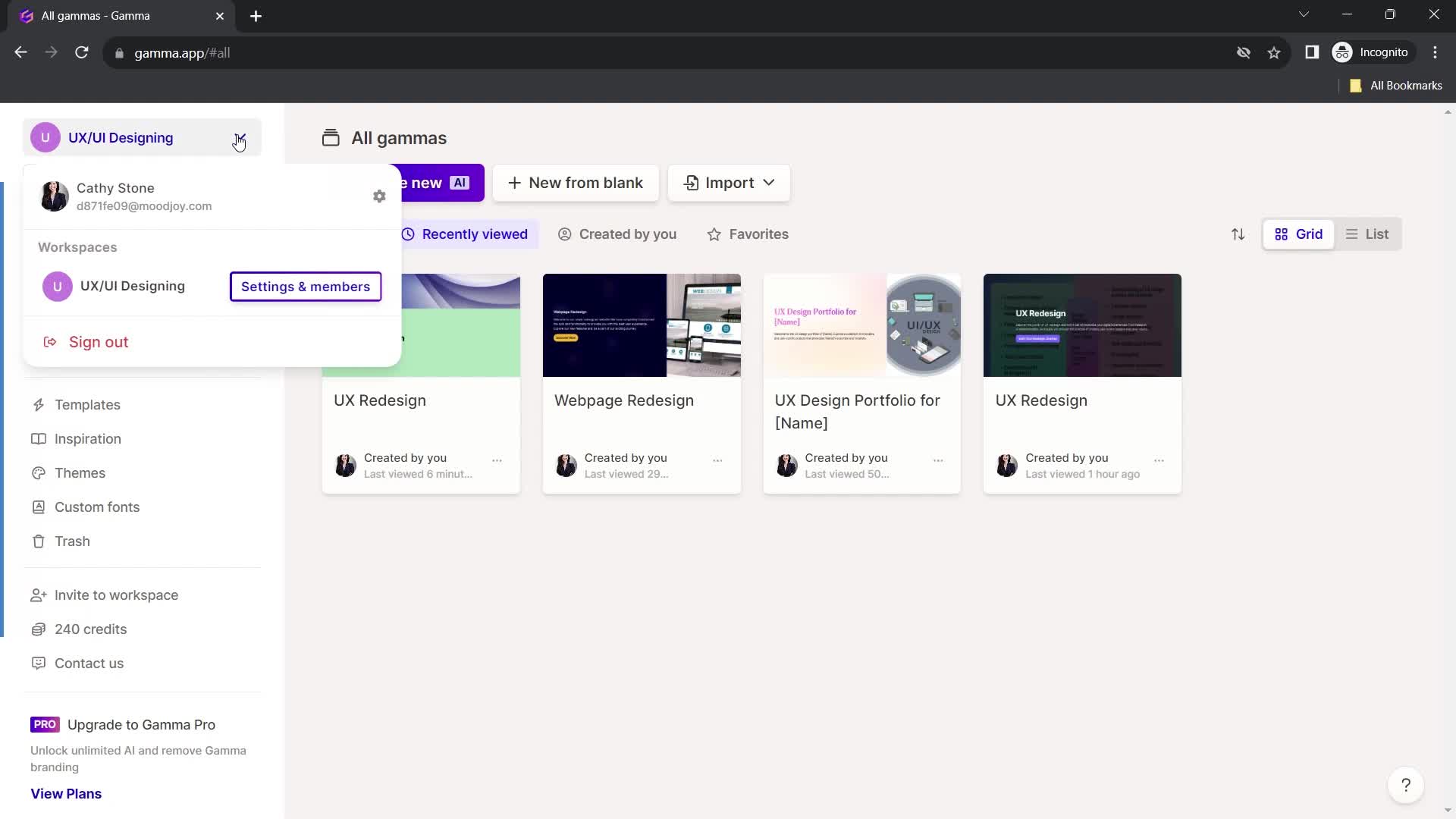
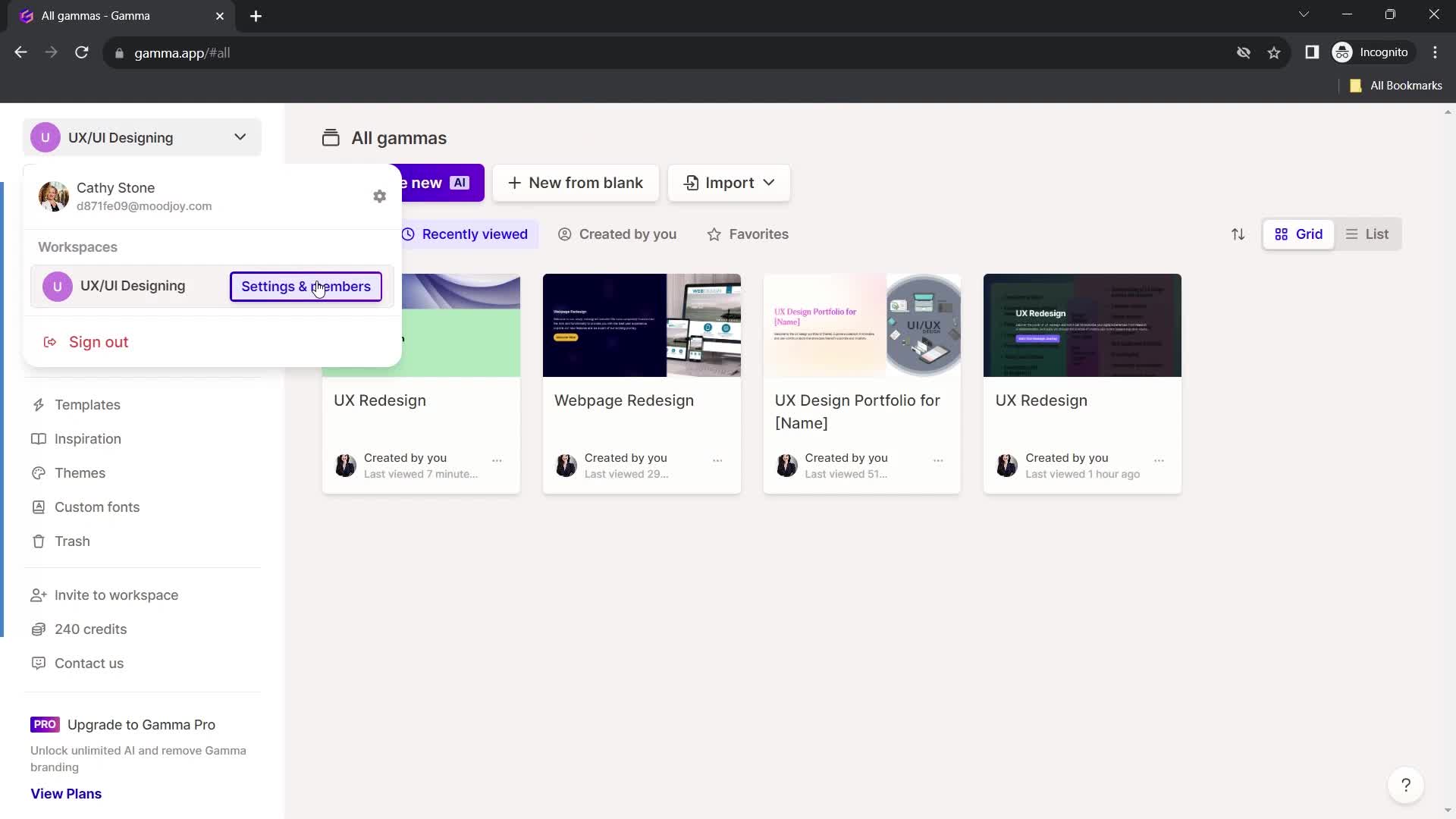
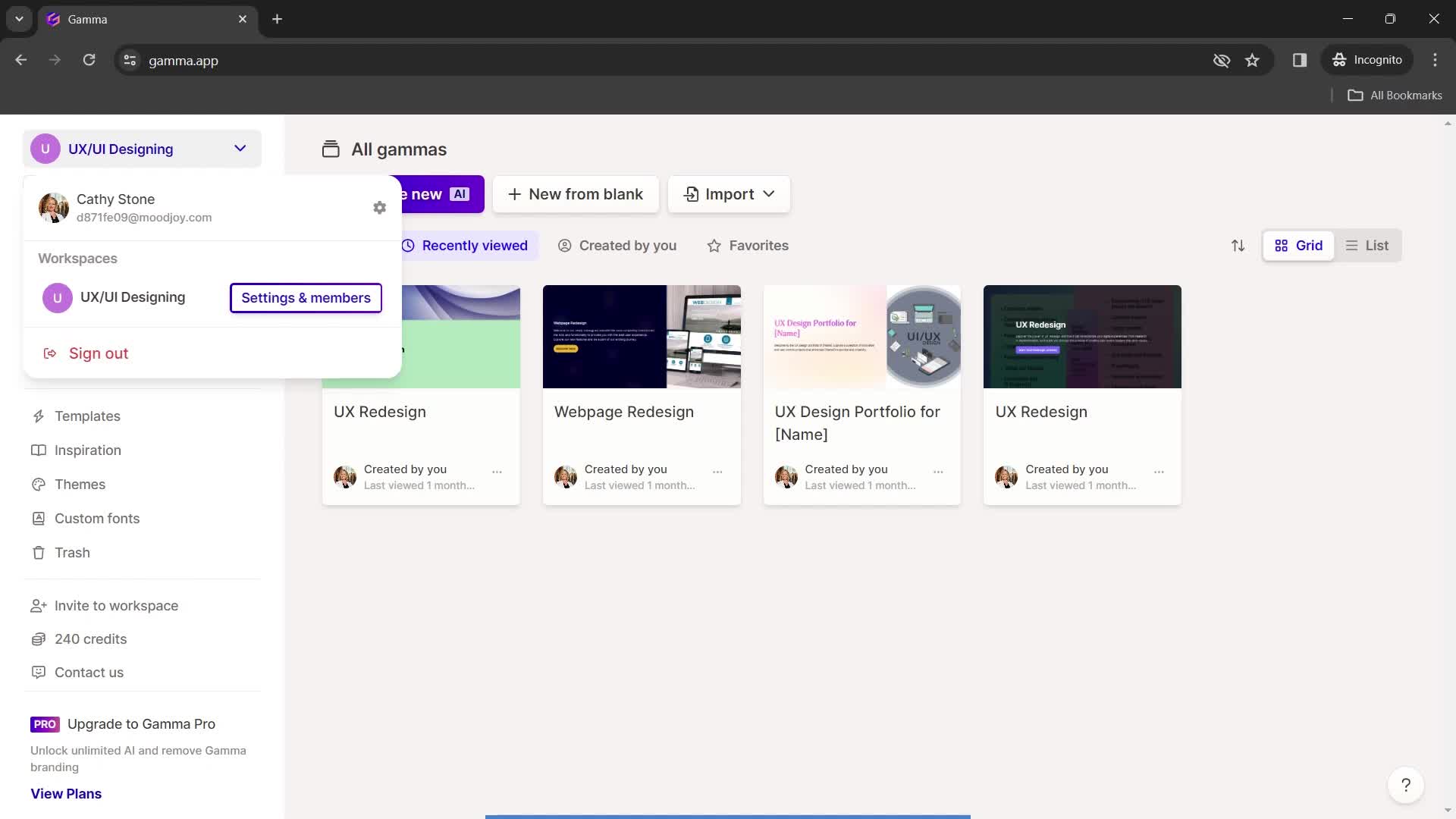
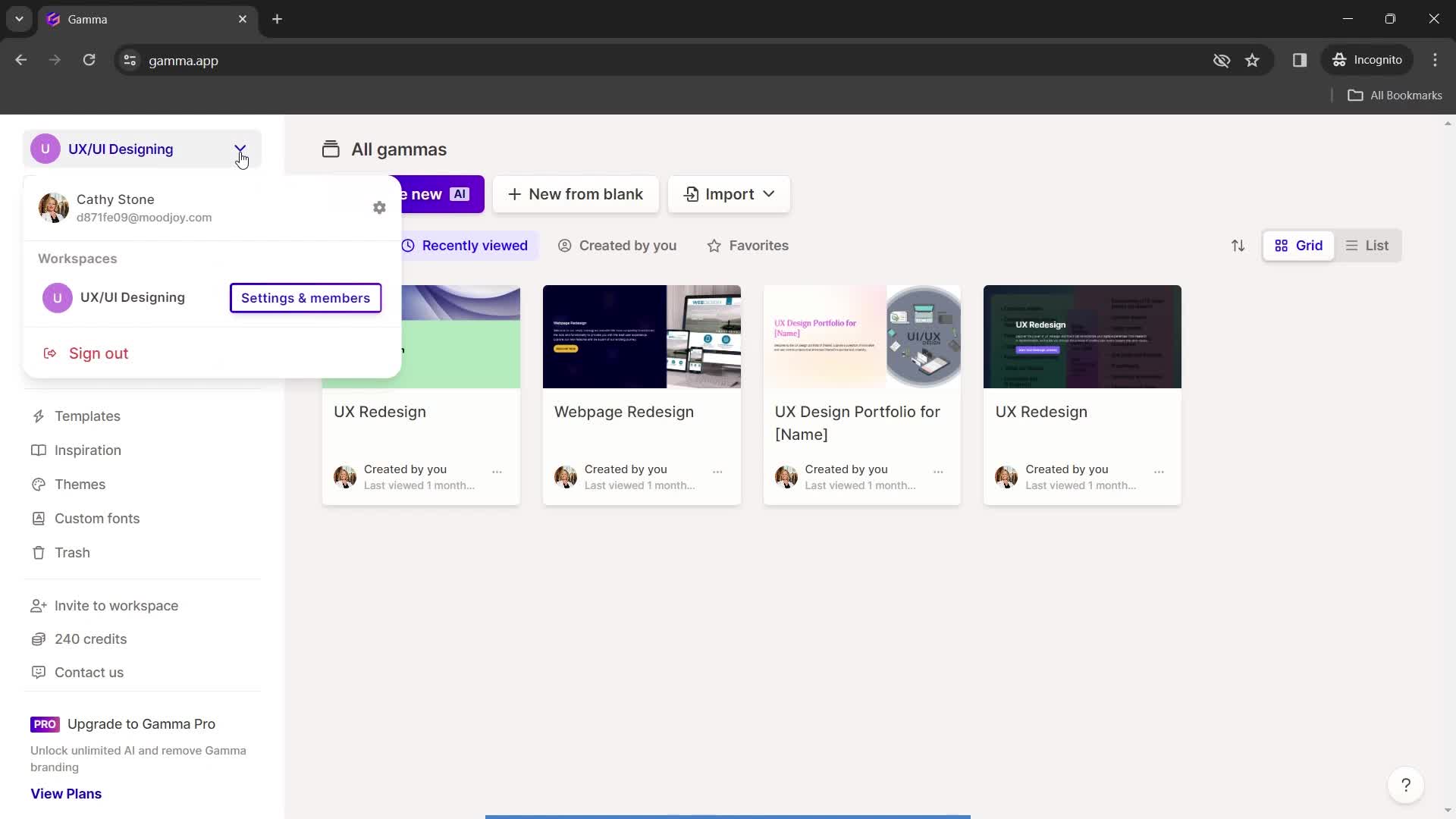
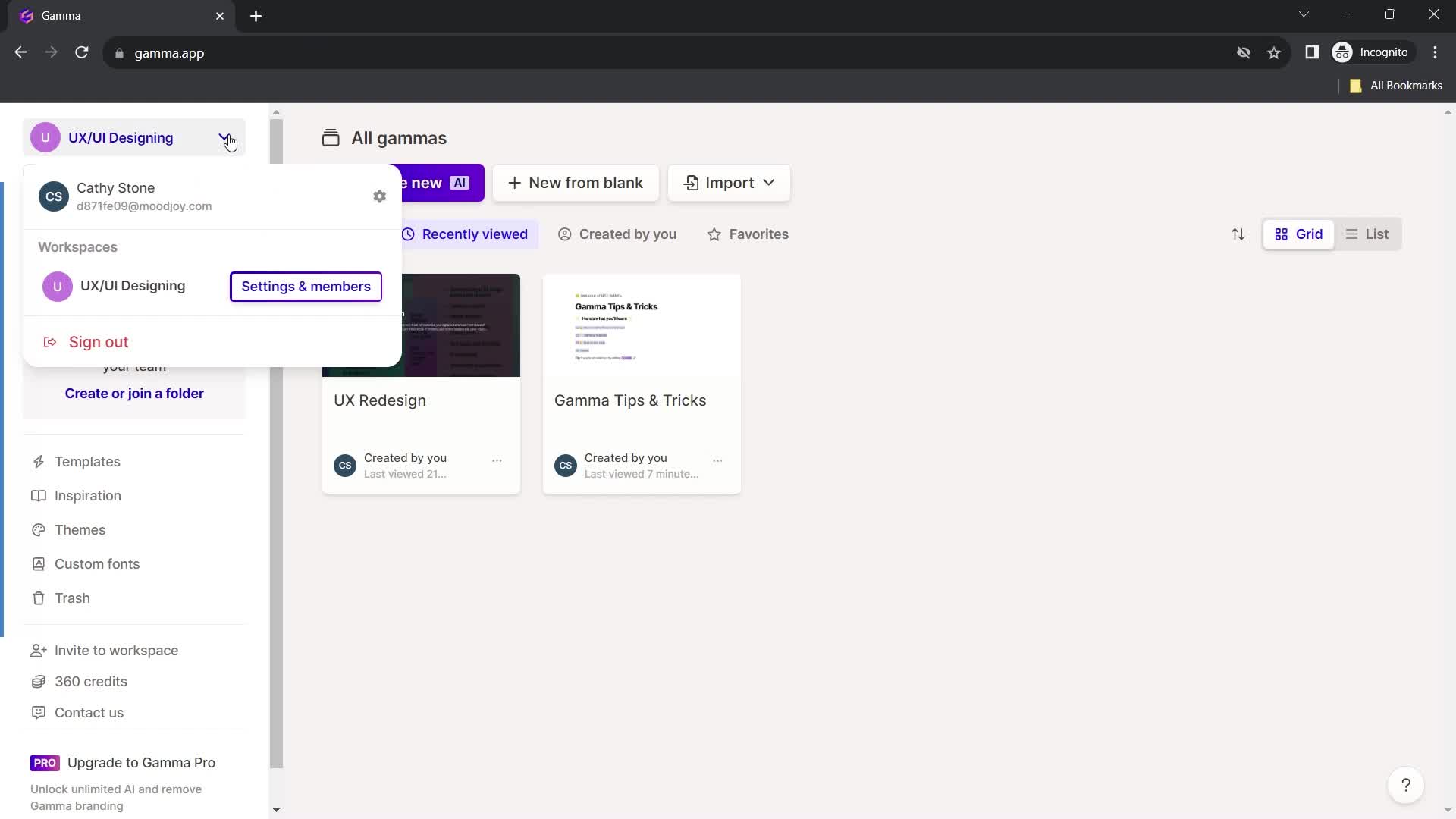
Account menu
this is title
this is title
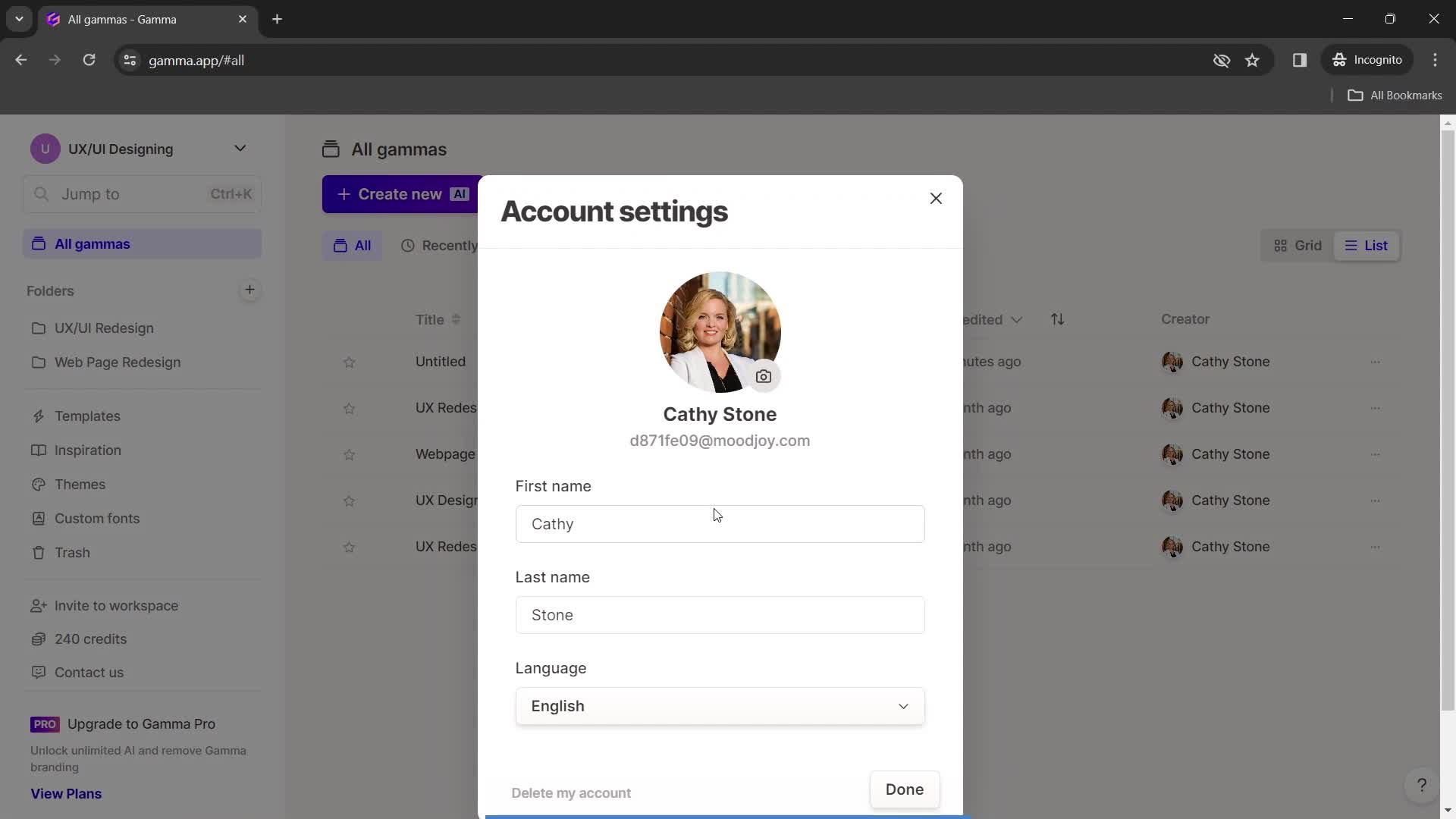
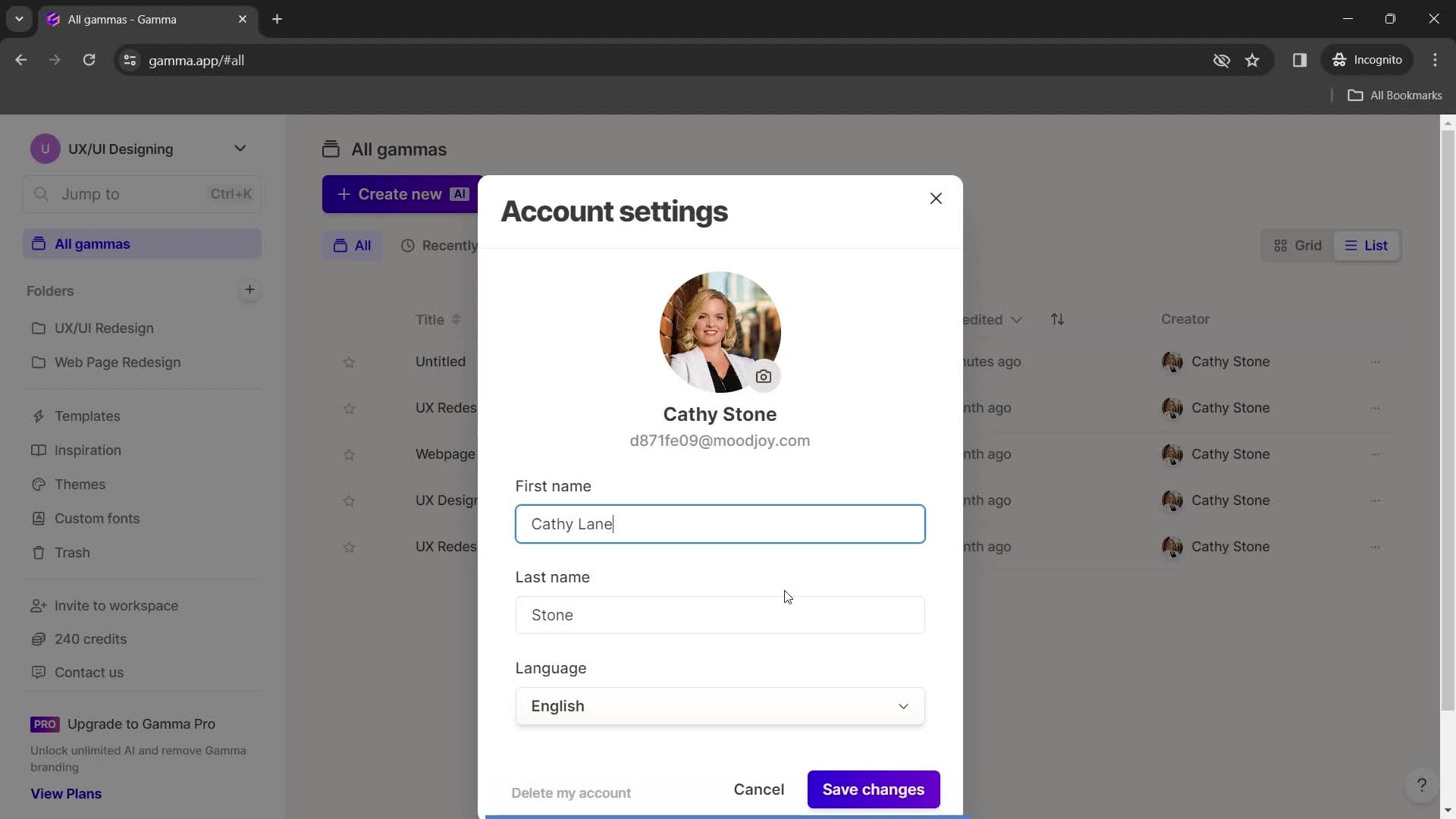
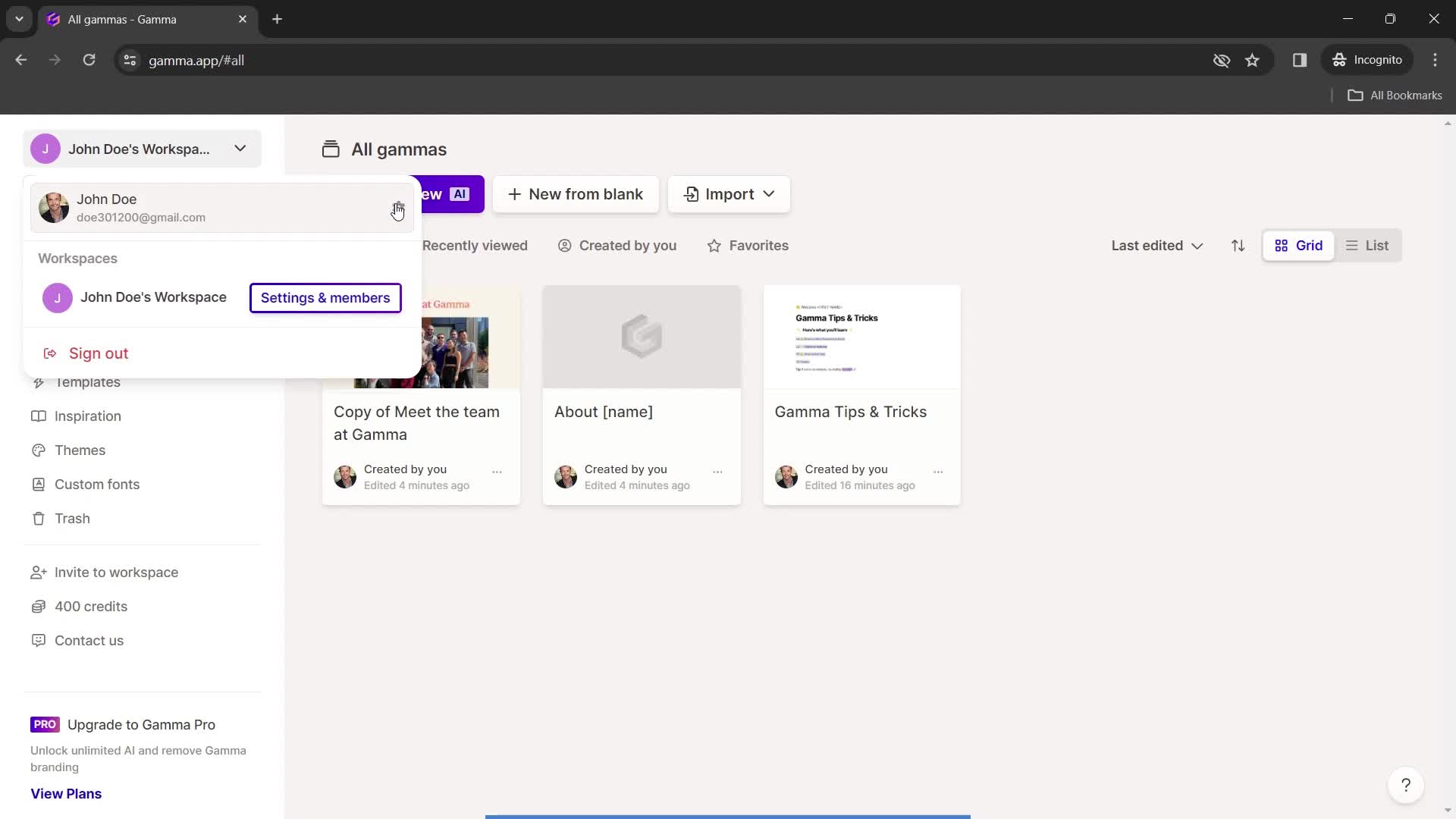
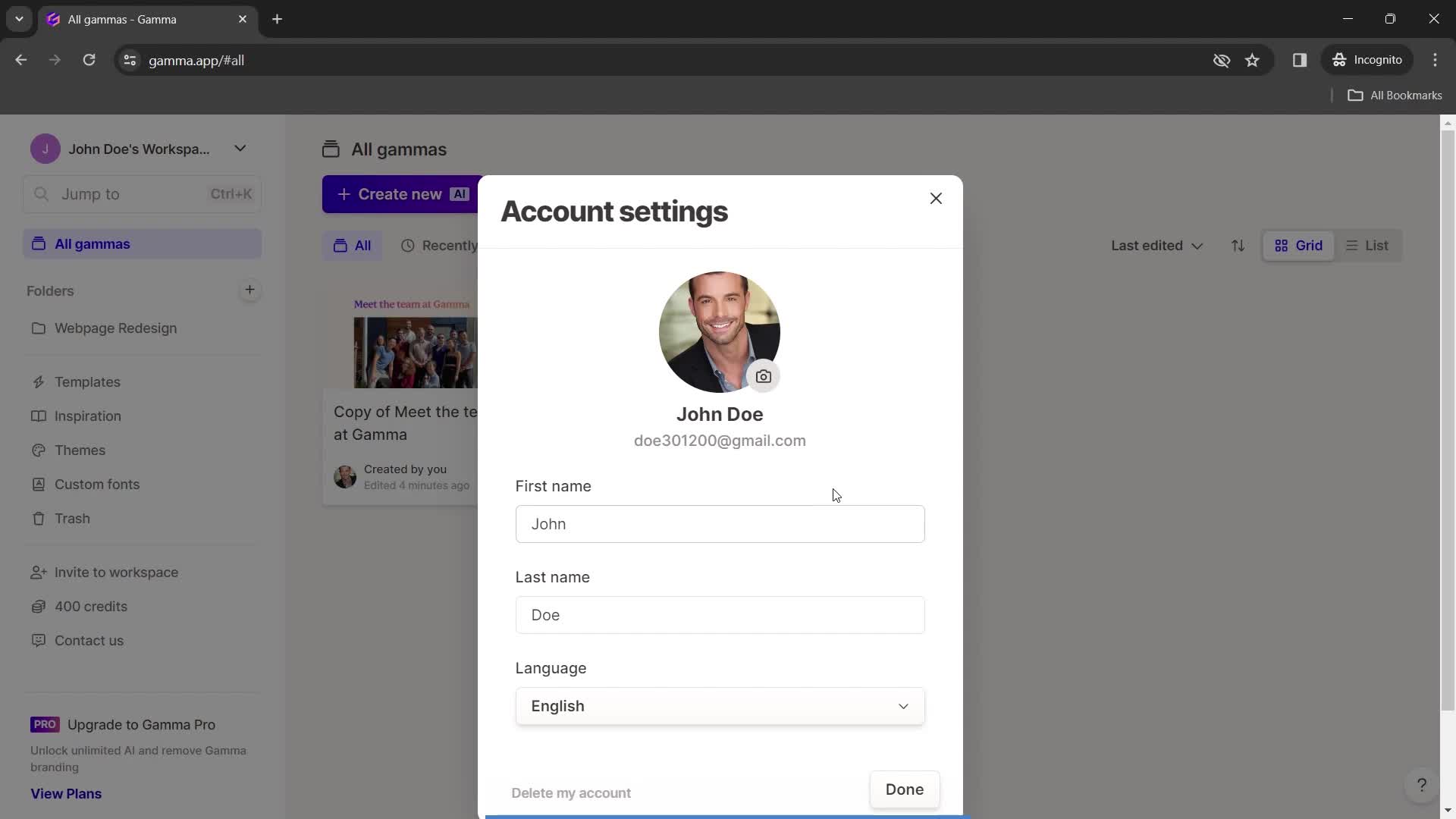
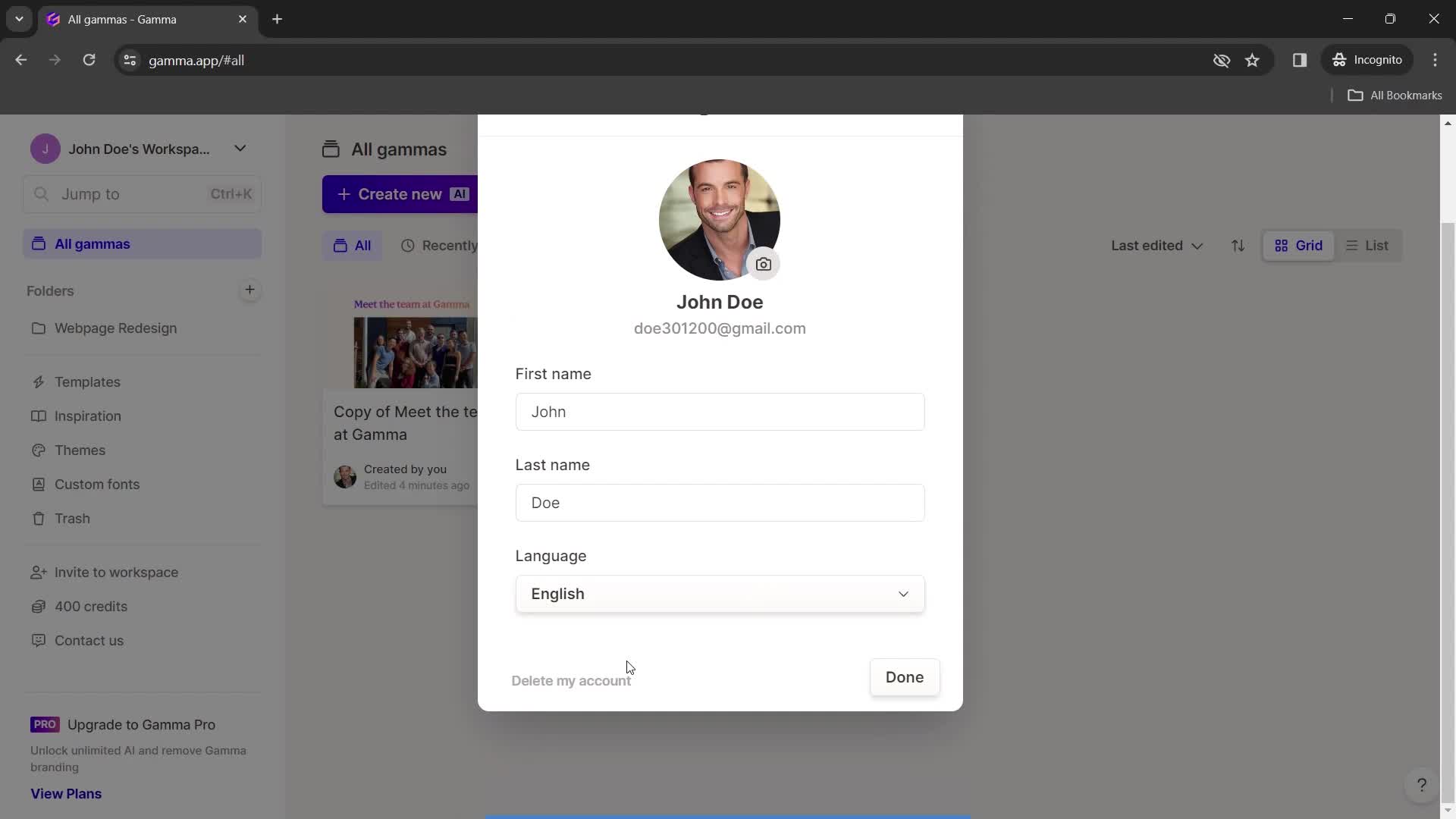
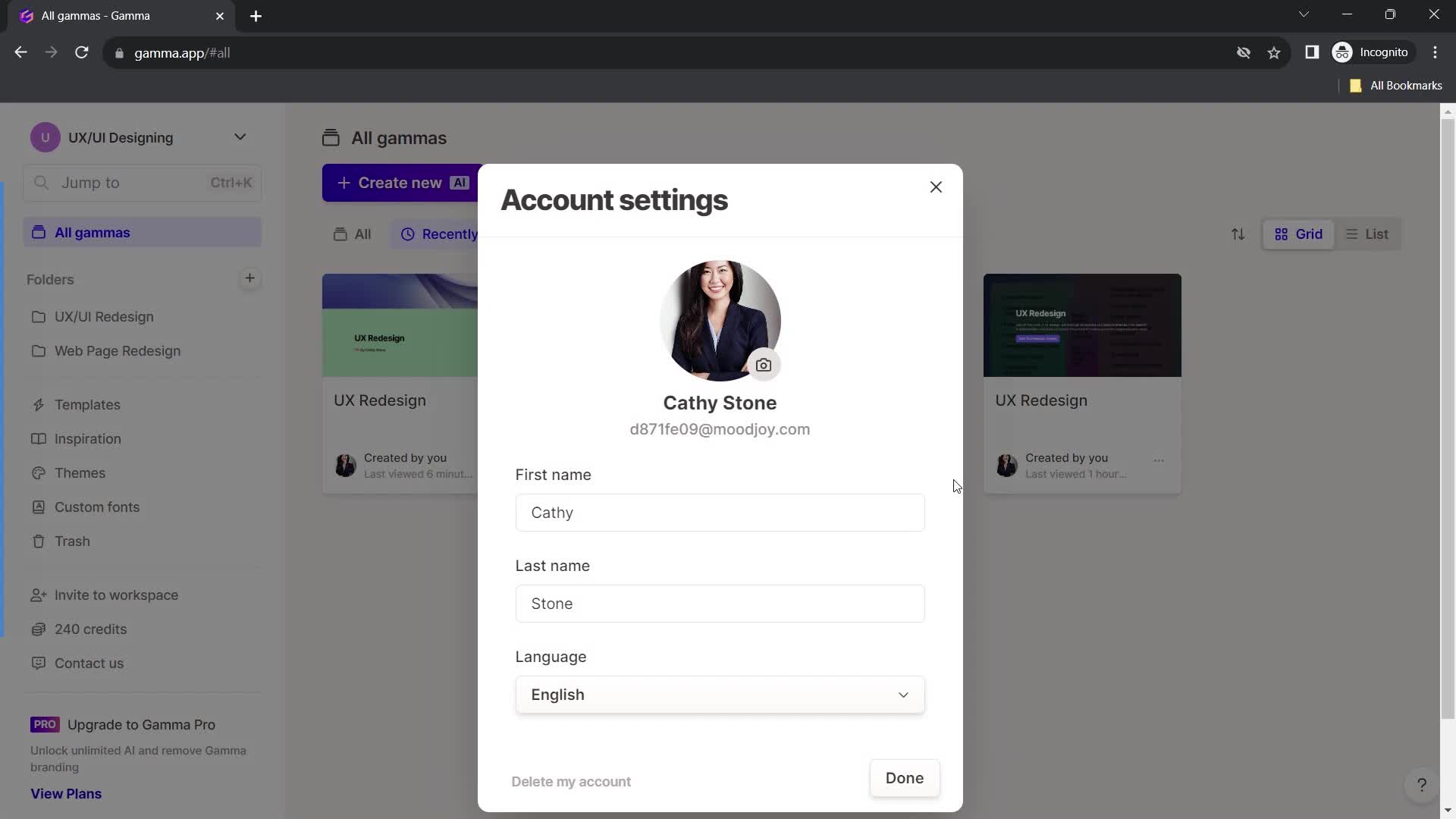
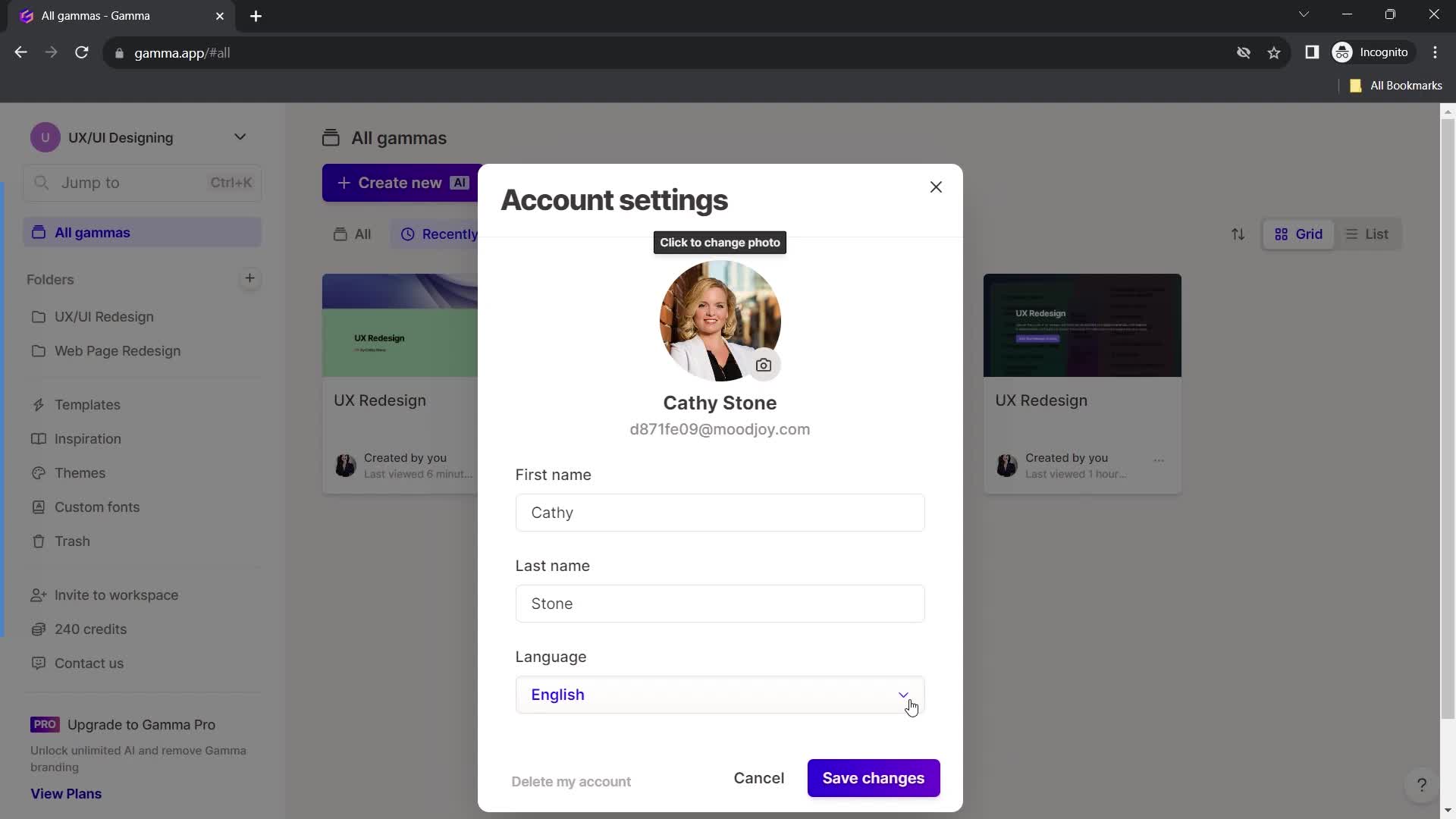
Account settings
this is title
Edit profile
this is title
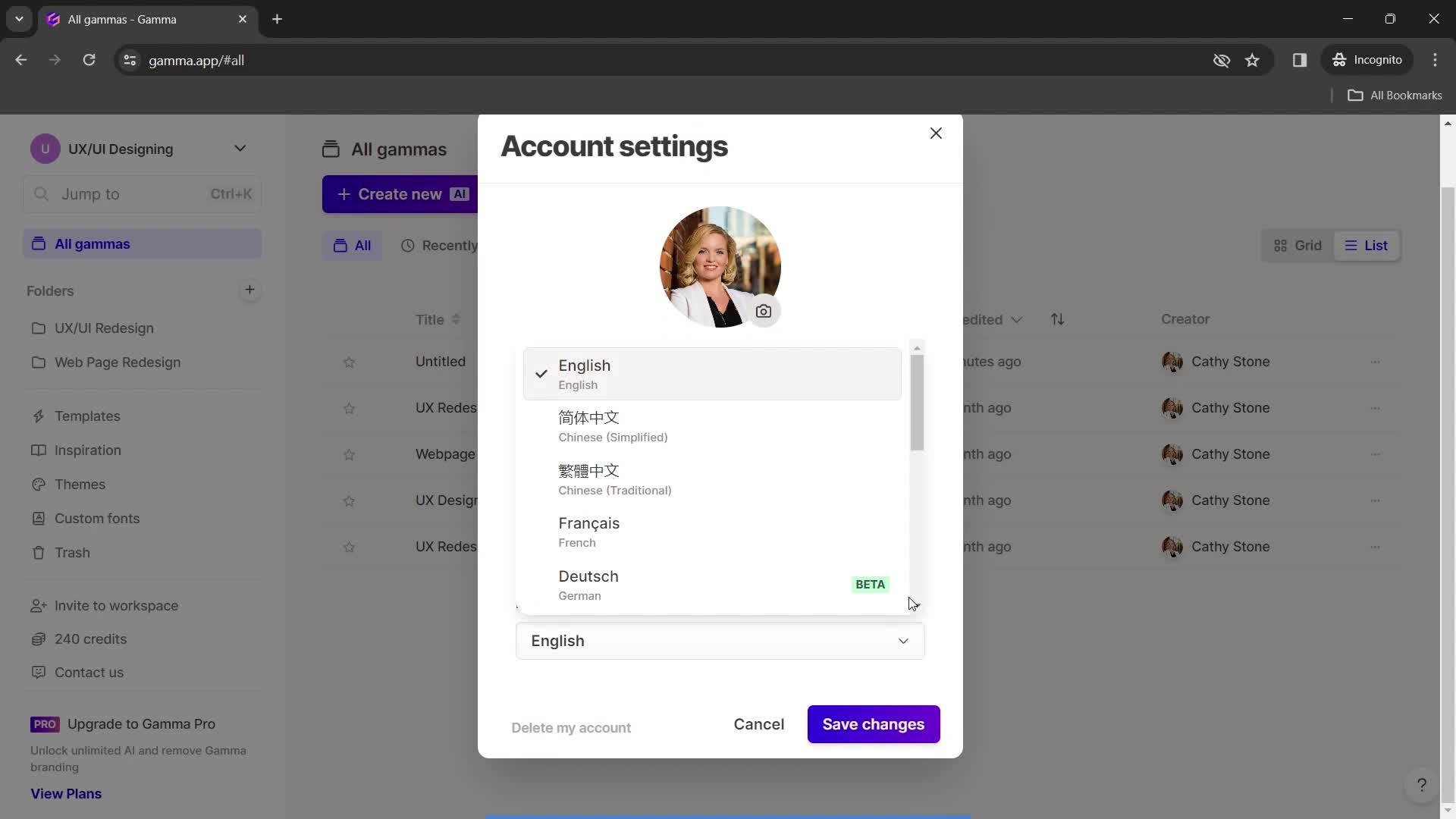
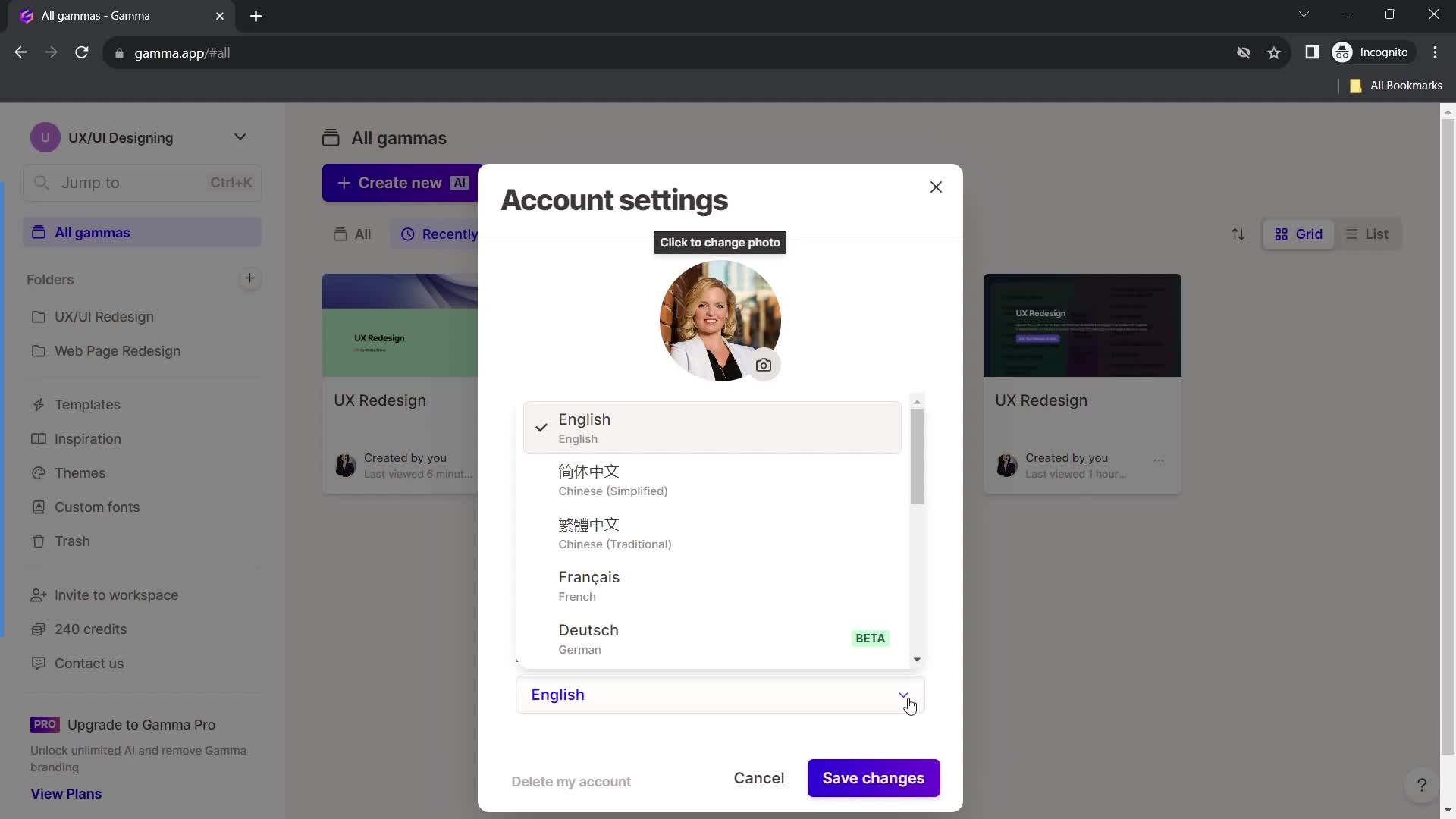
Select language
this is title
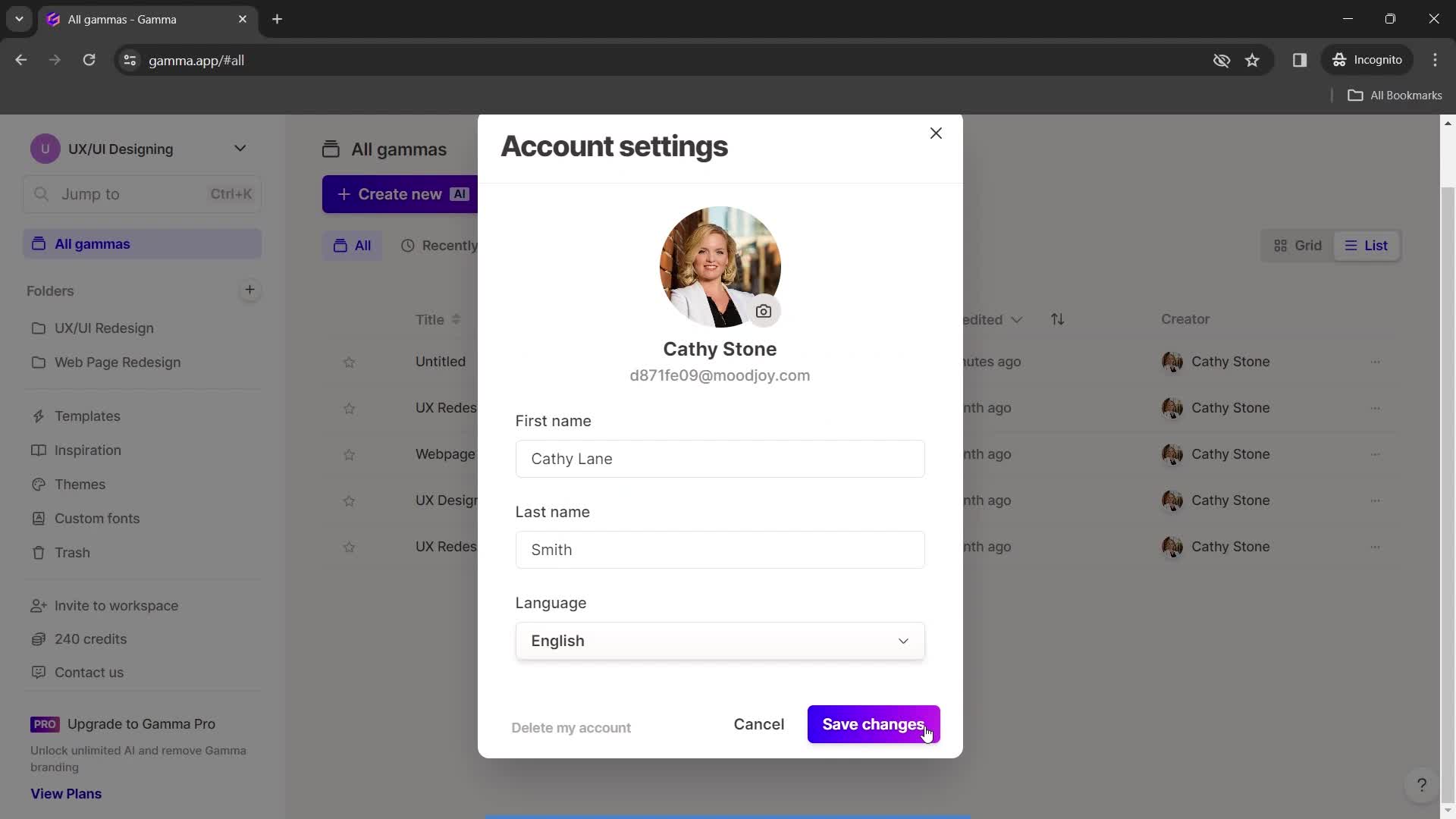
Save changes
this is title
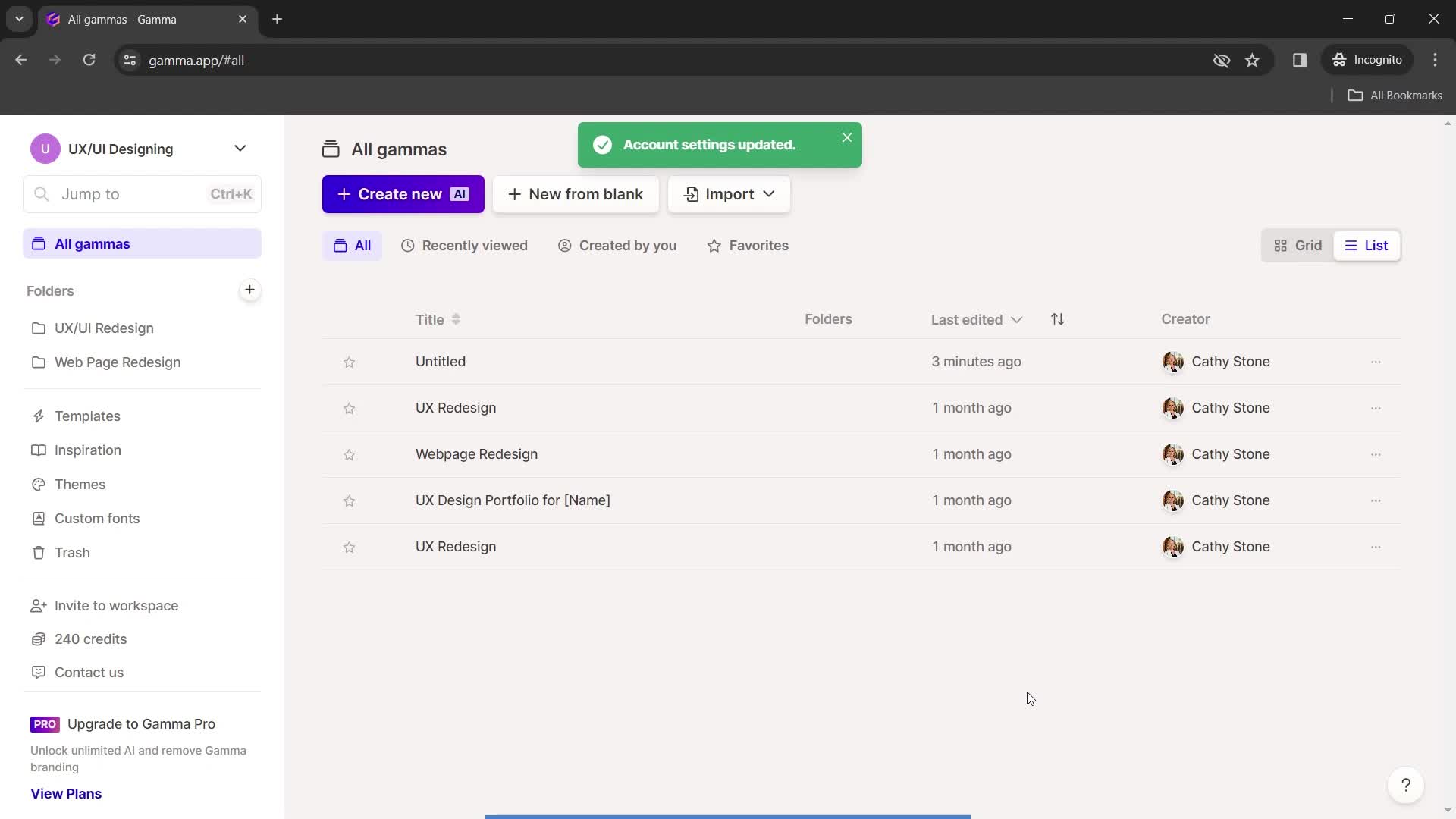
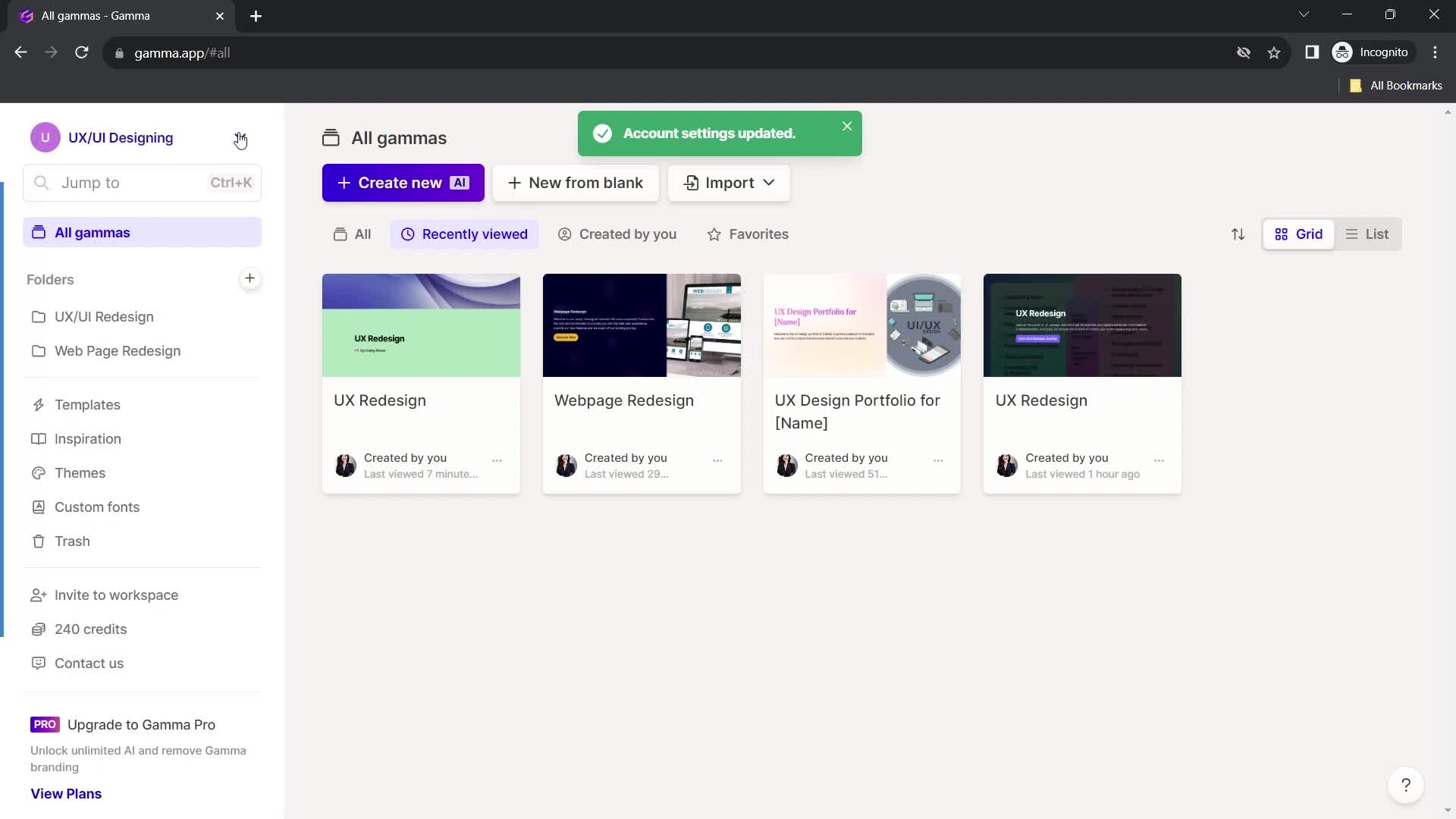
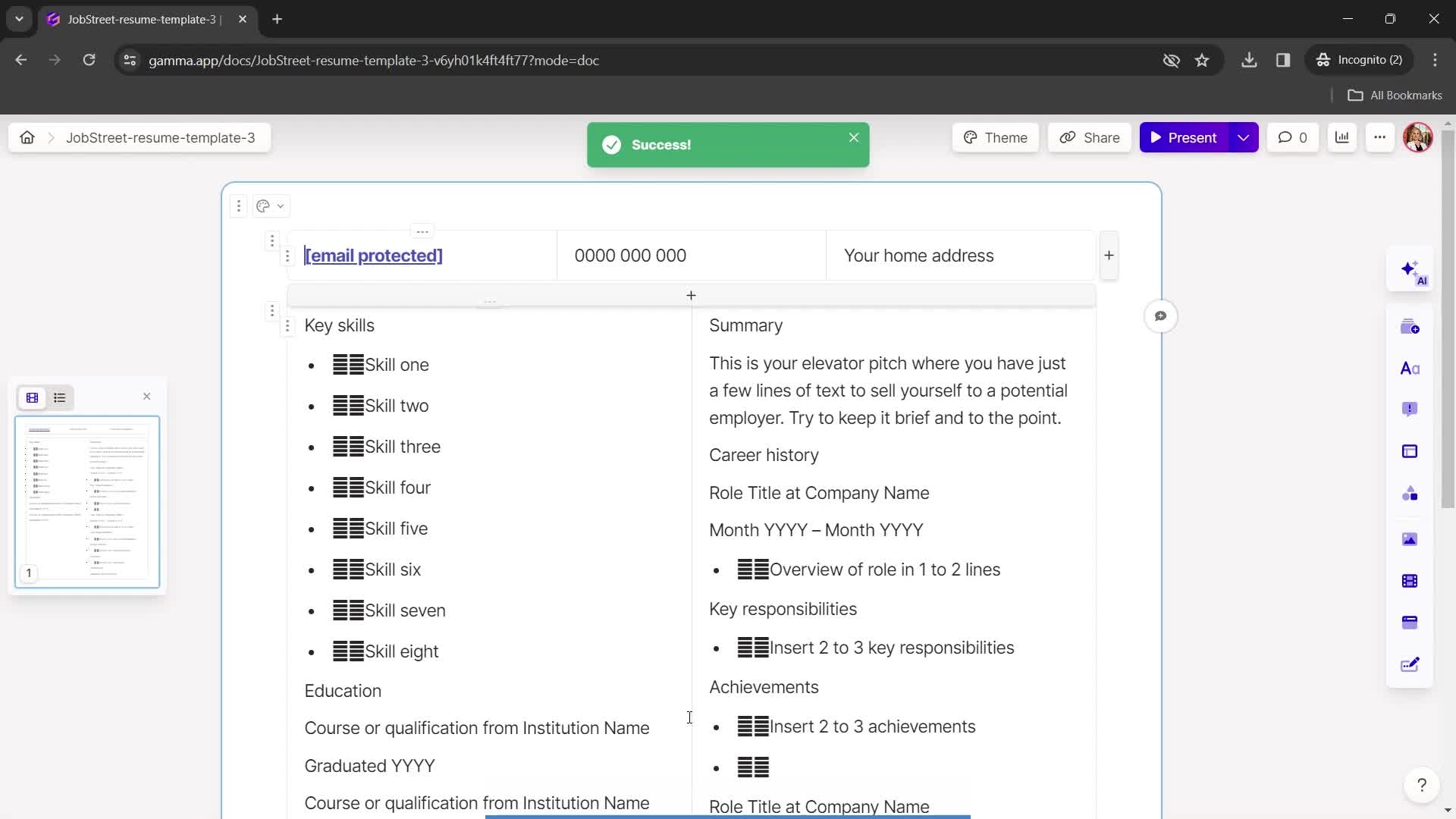
Changes saved
this is title
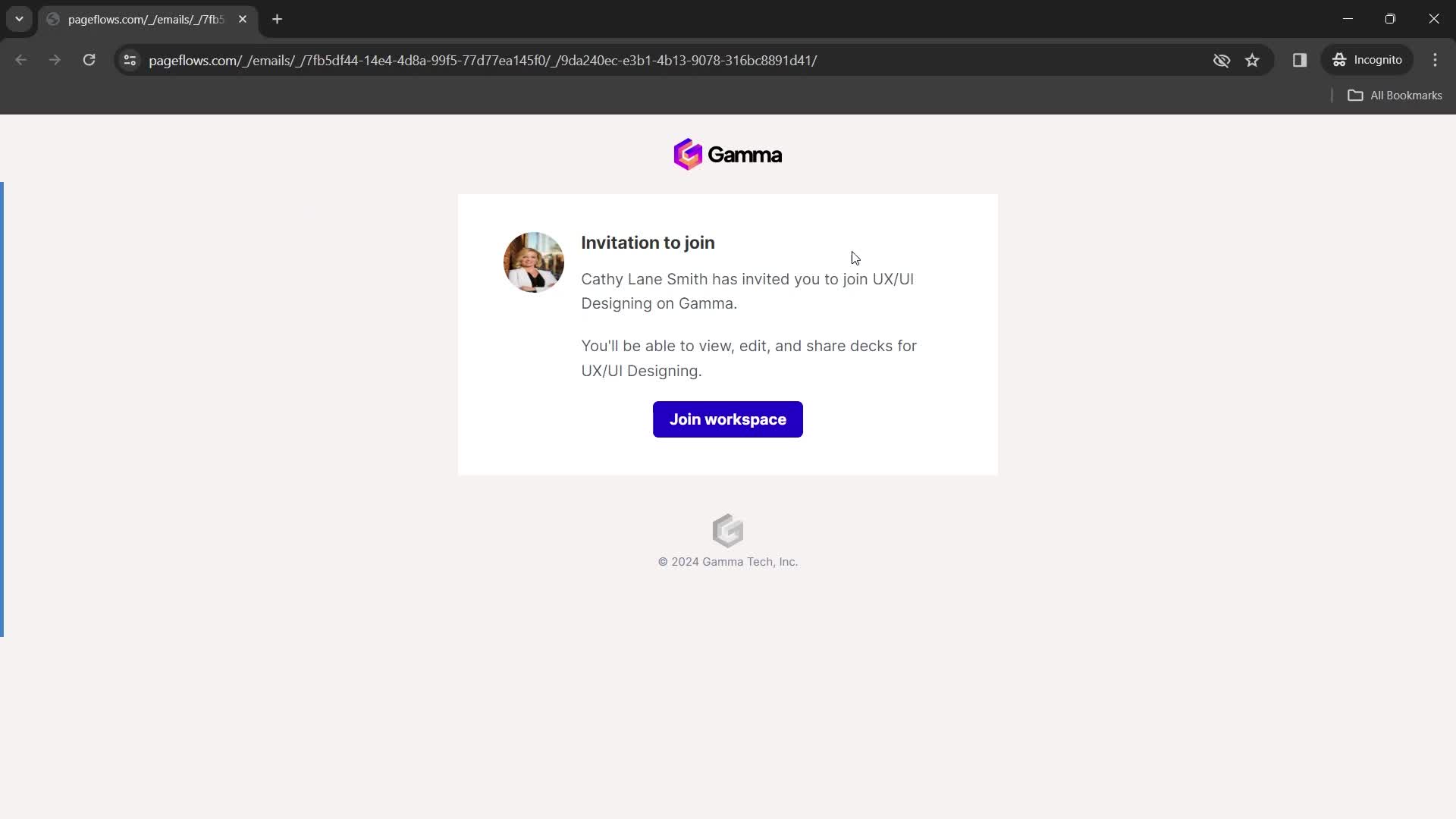
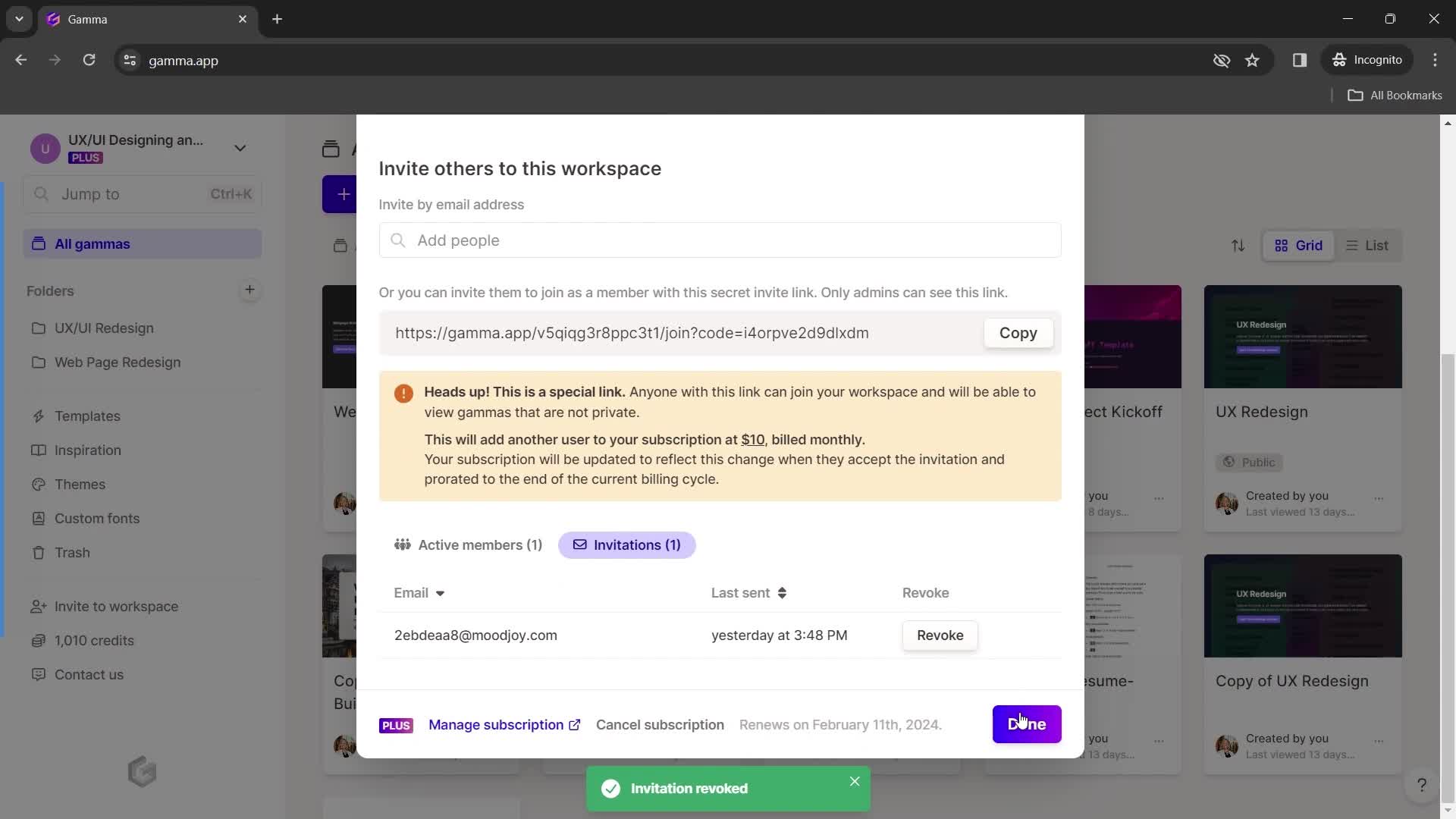
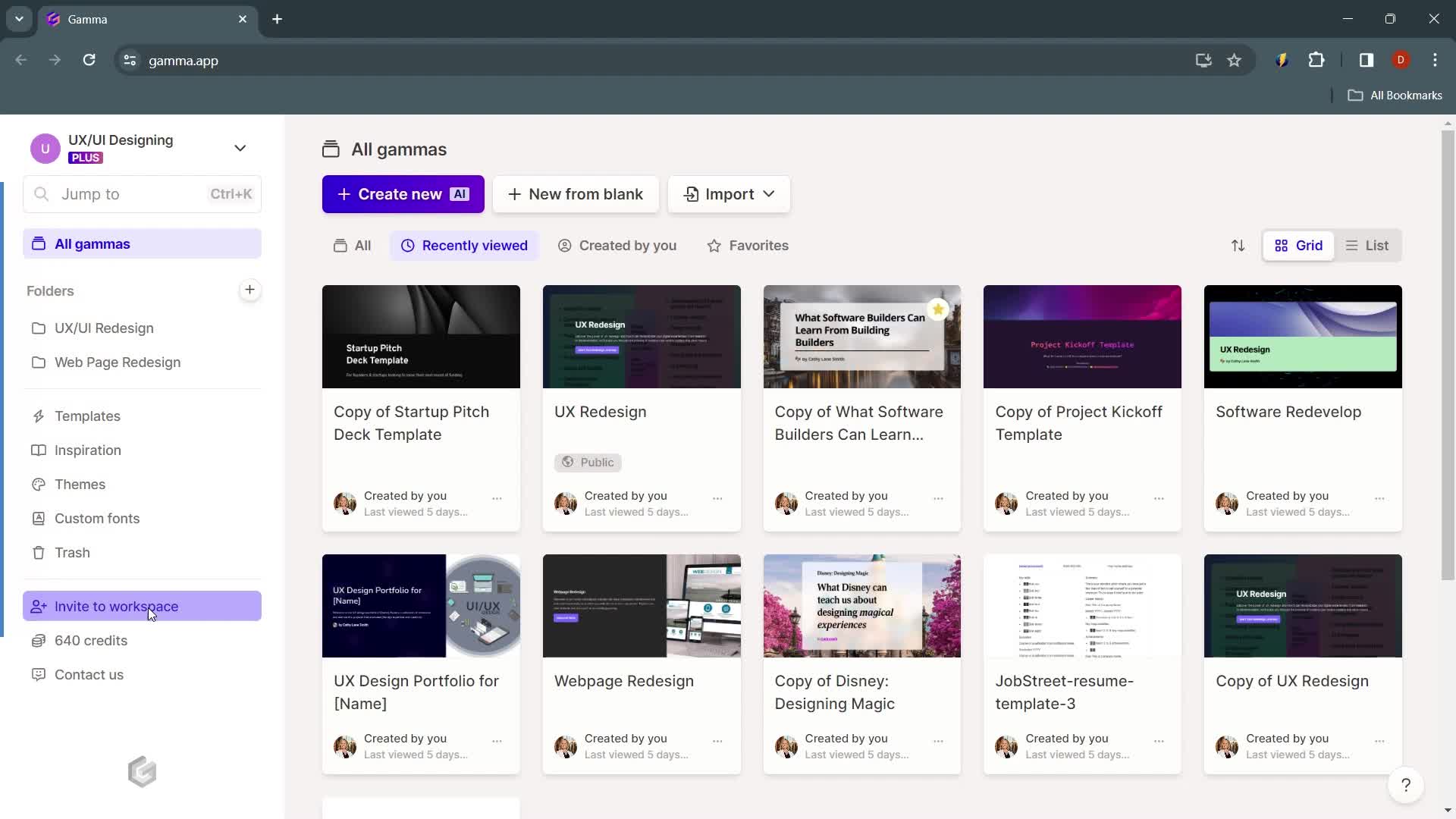
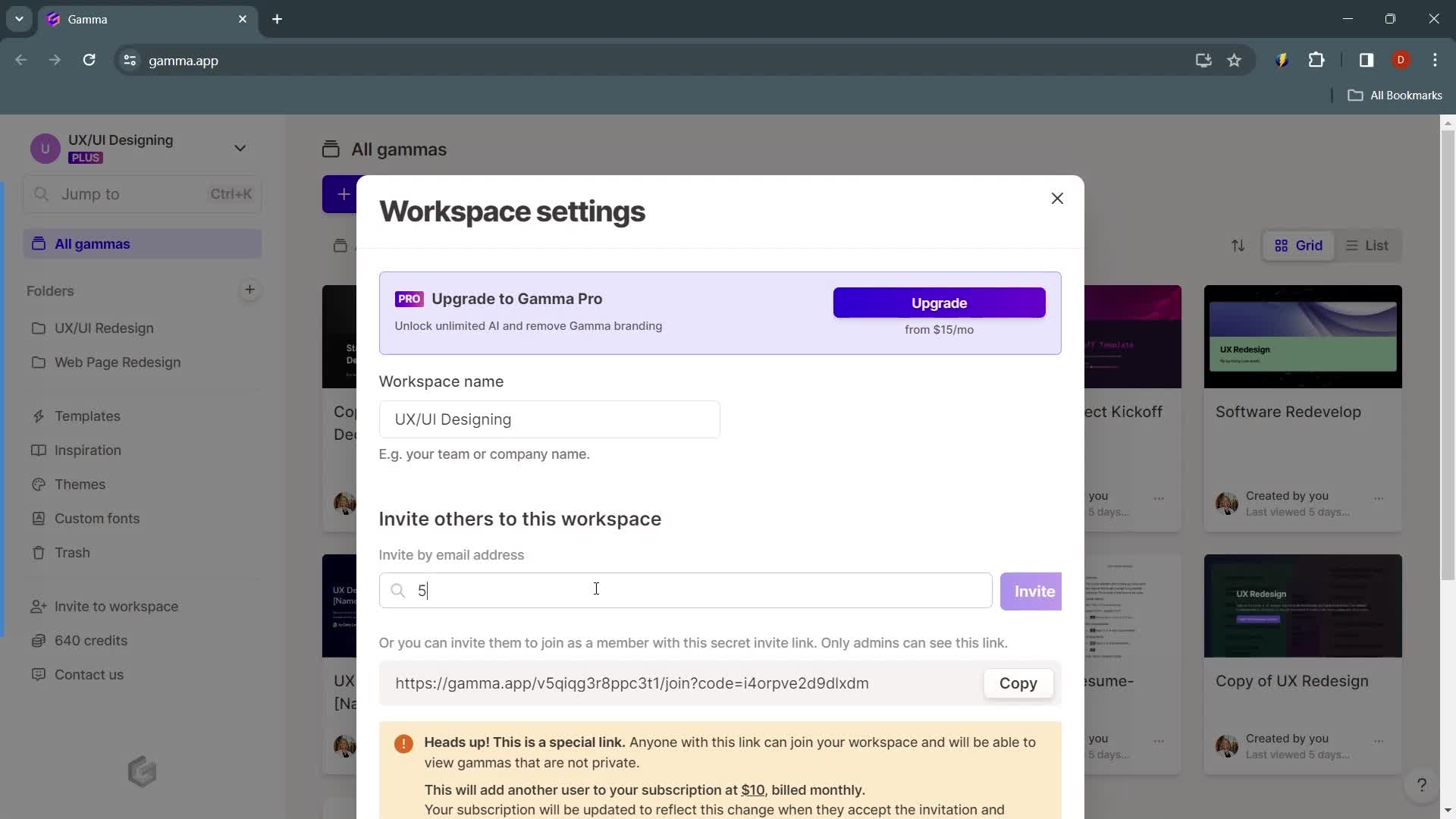
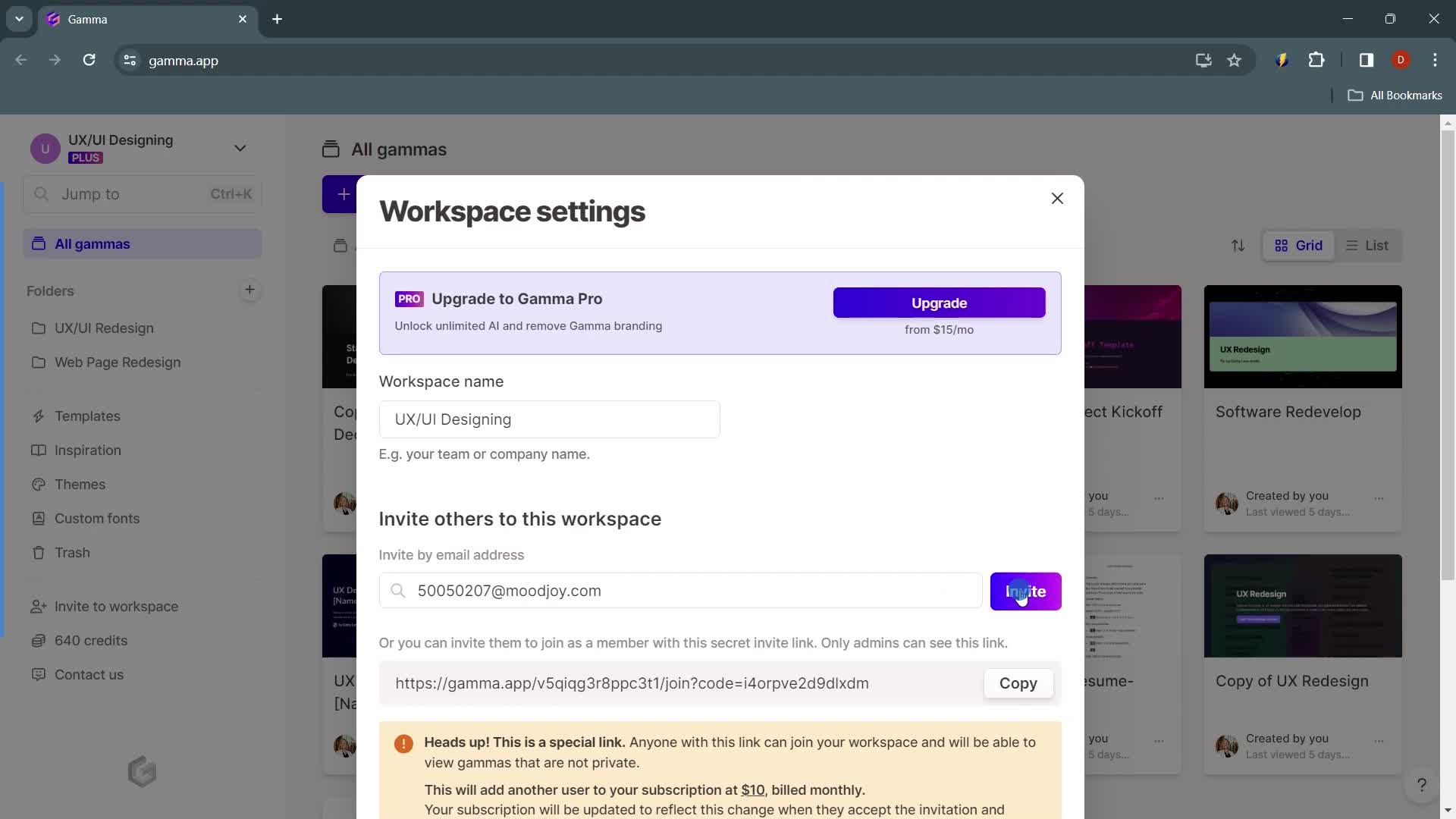
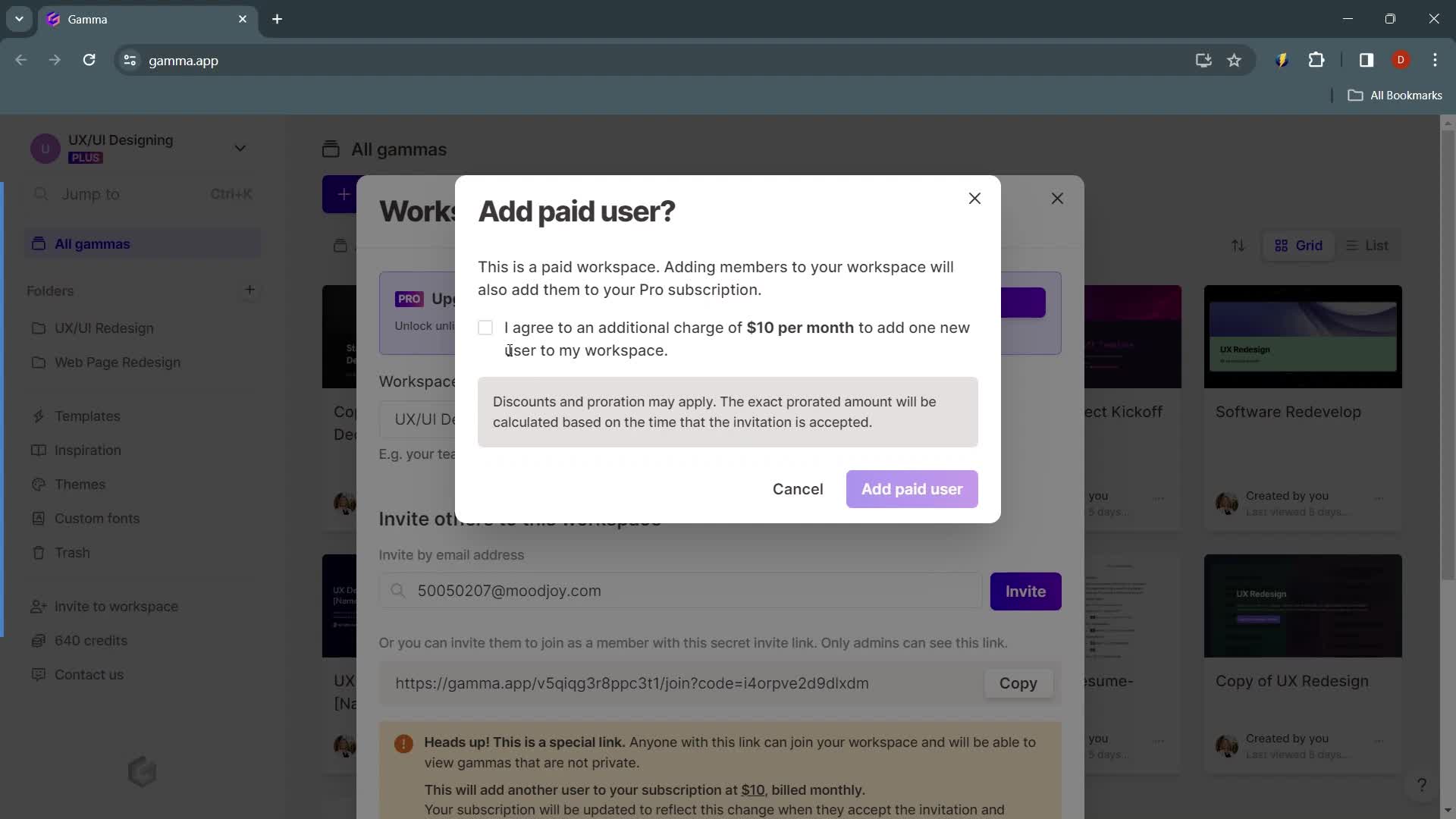
Invite email
this is title
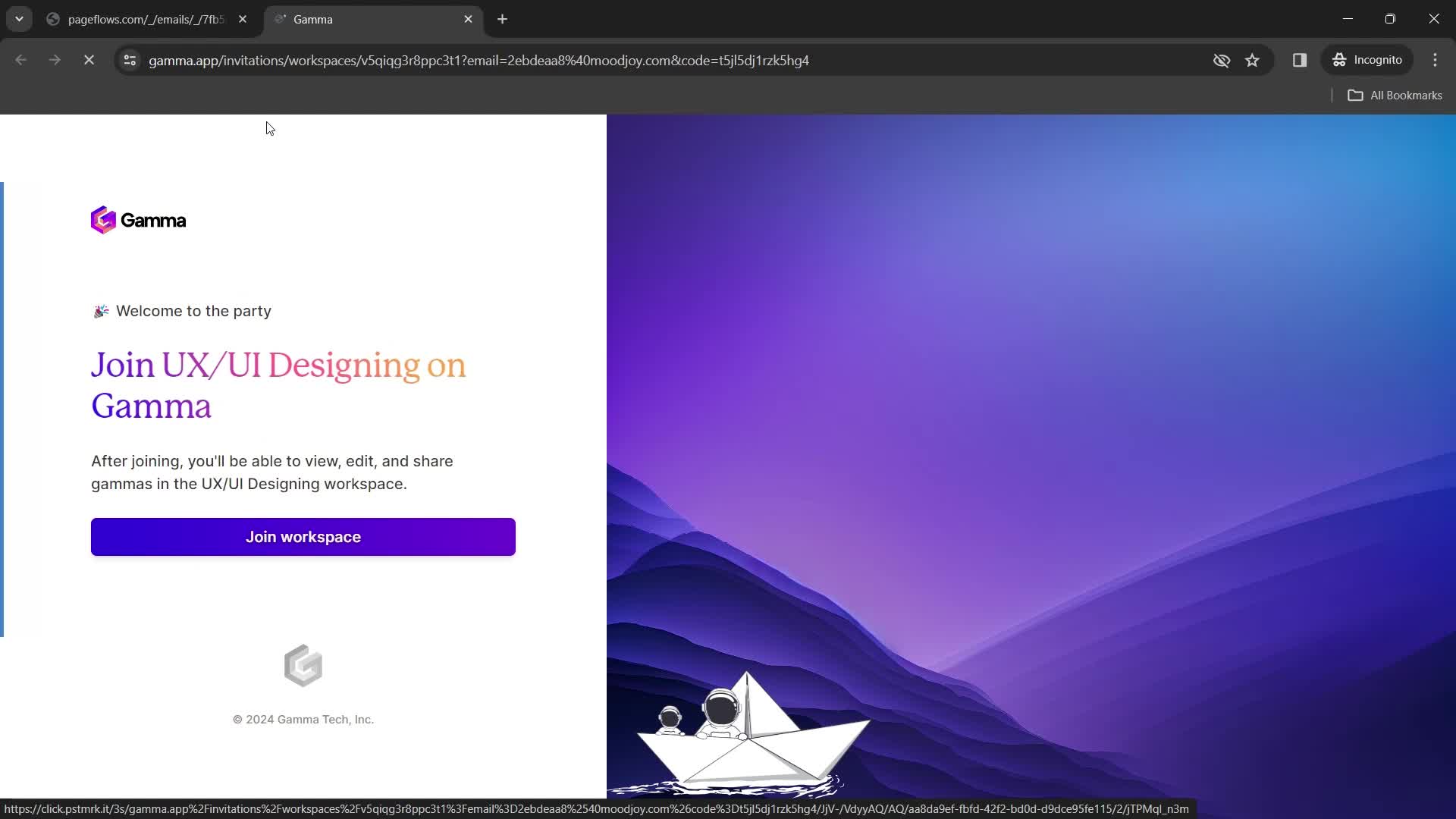
Join team
this is title
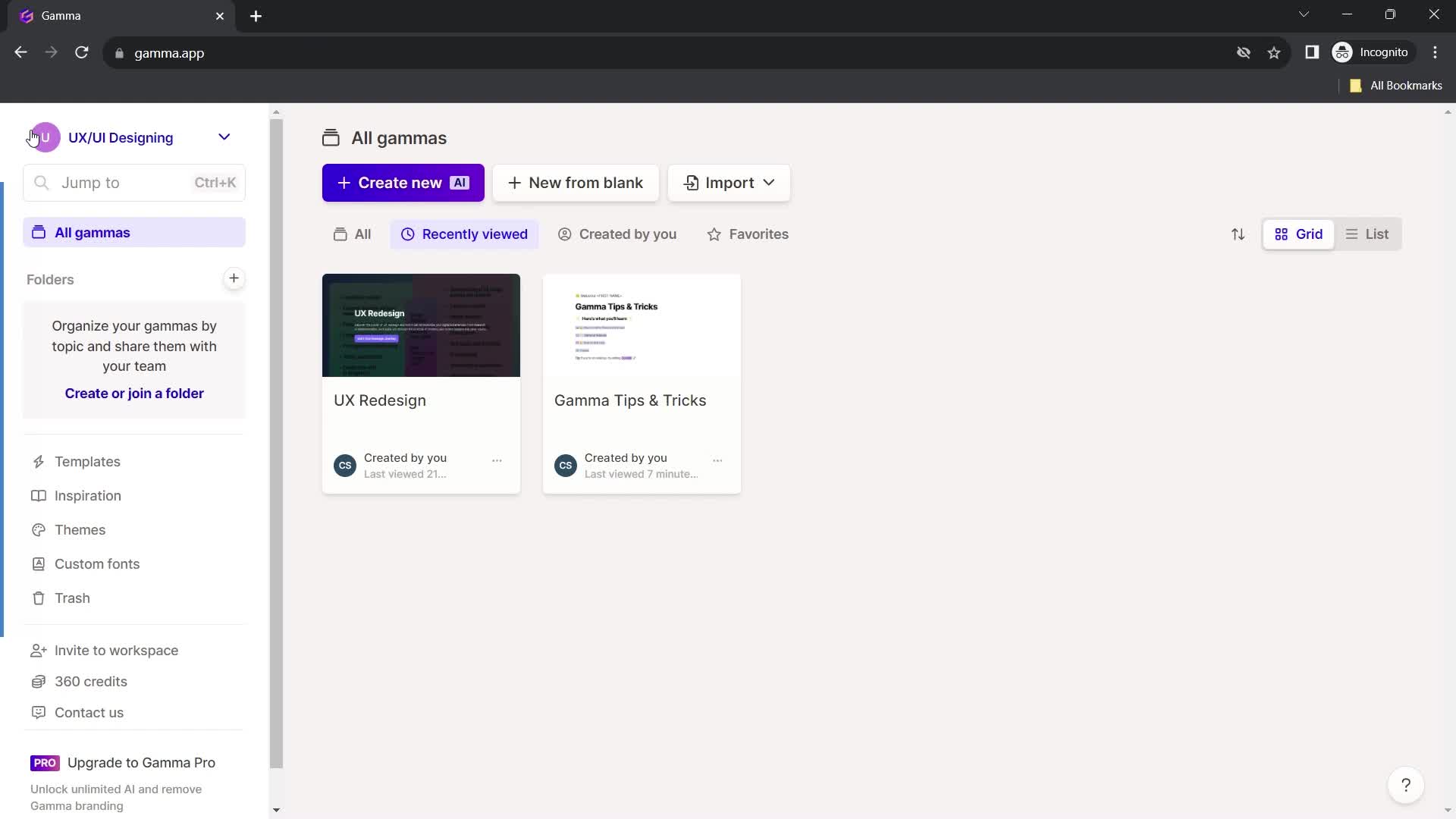
Home
this is title
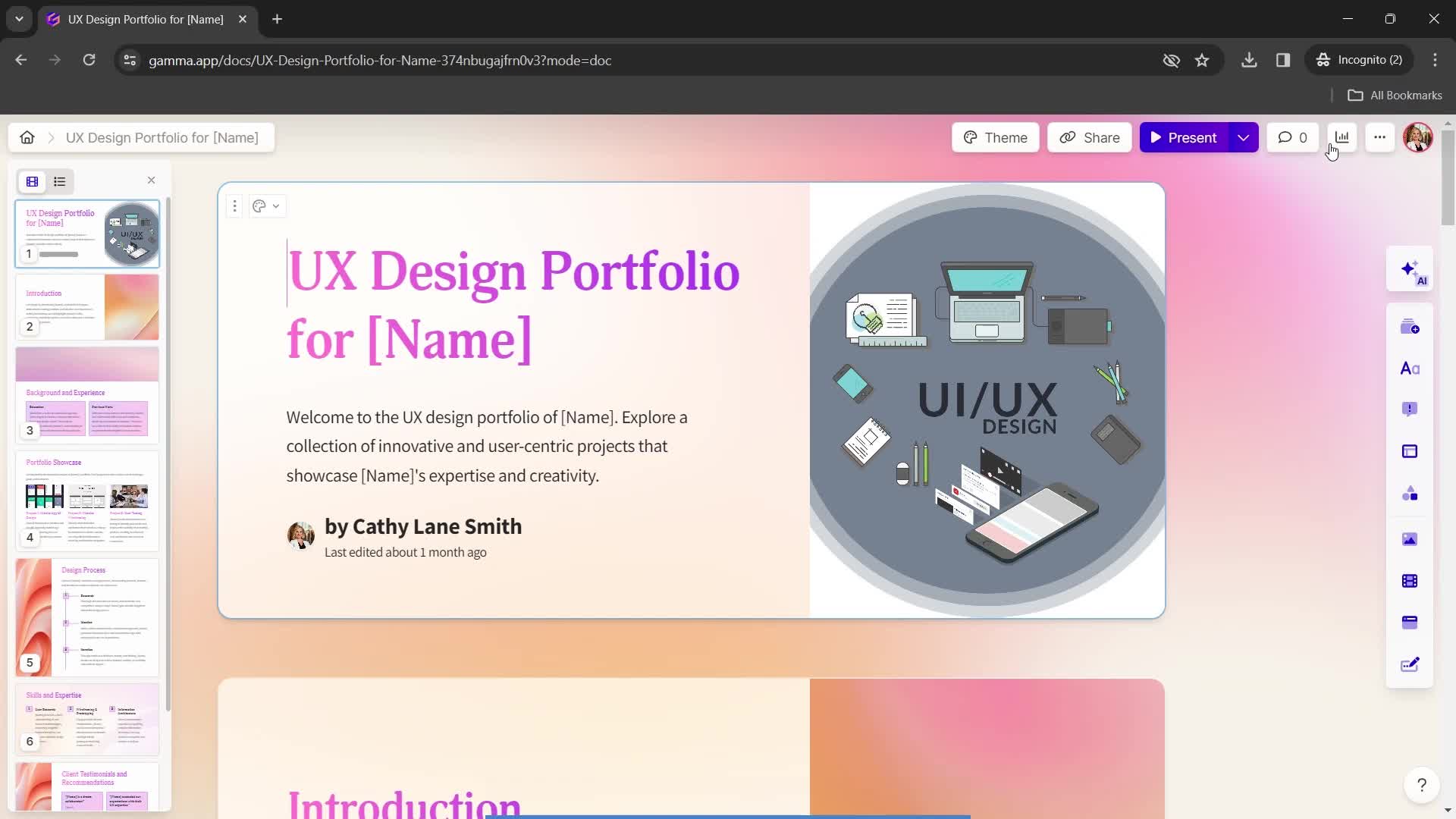
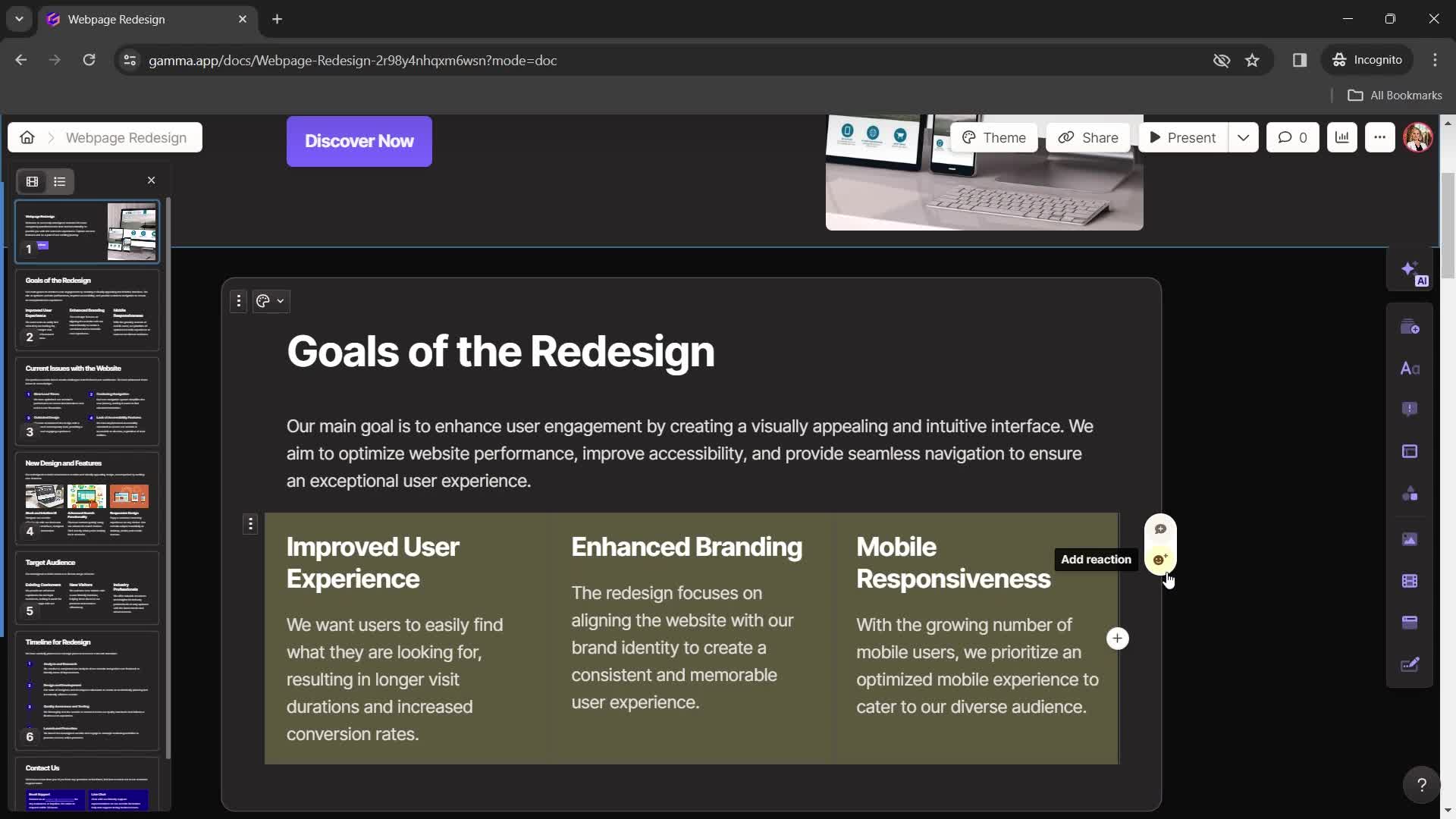
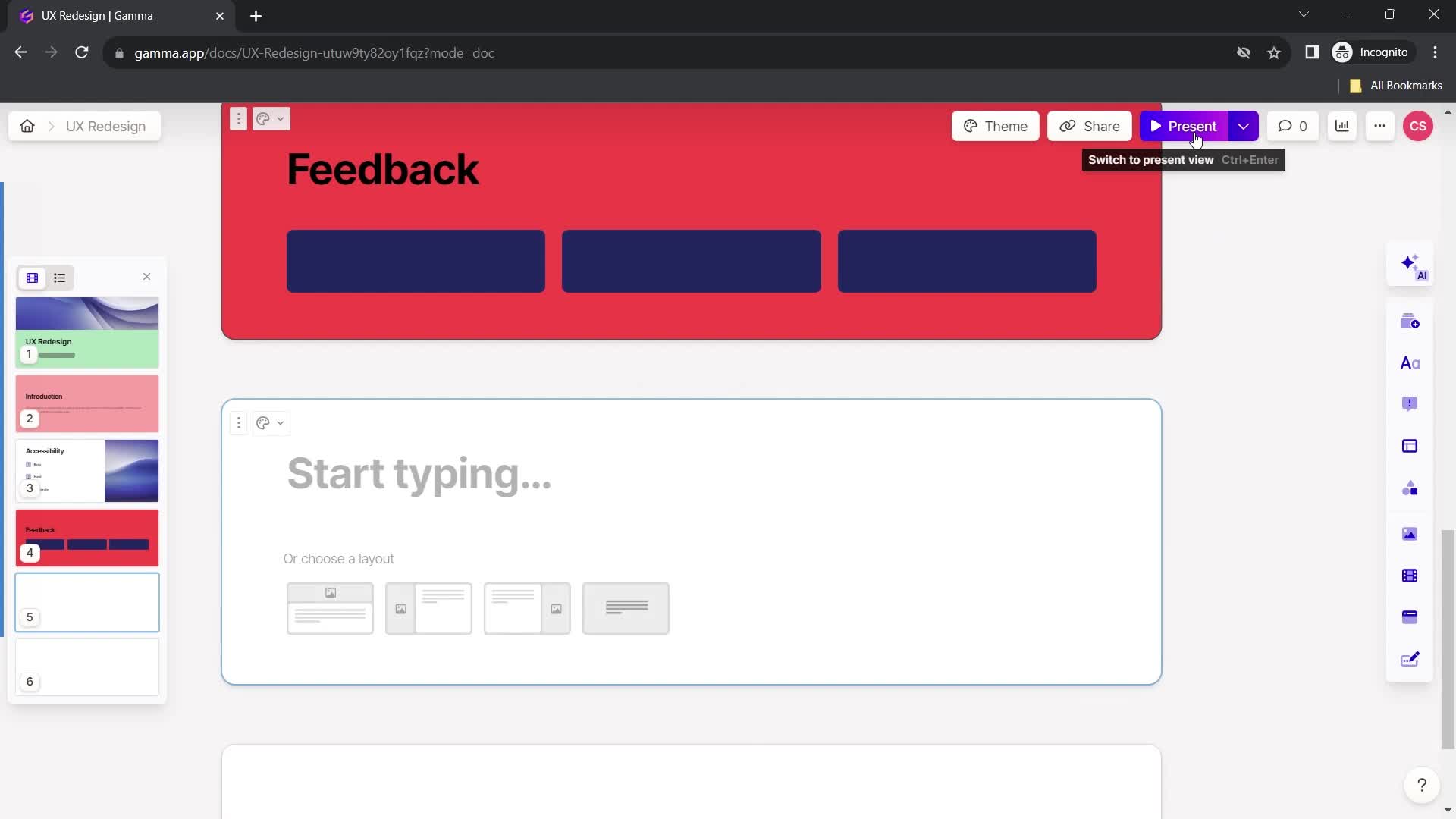
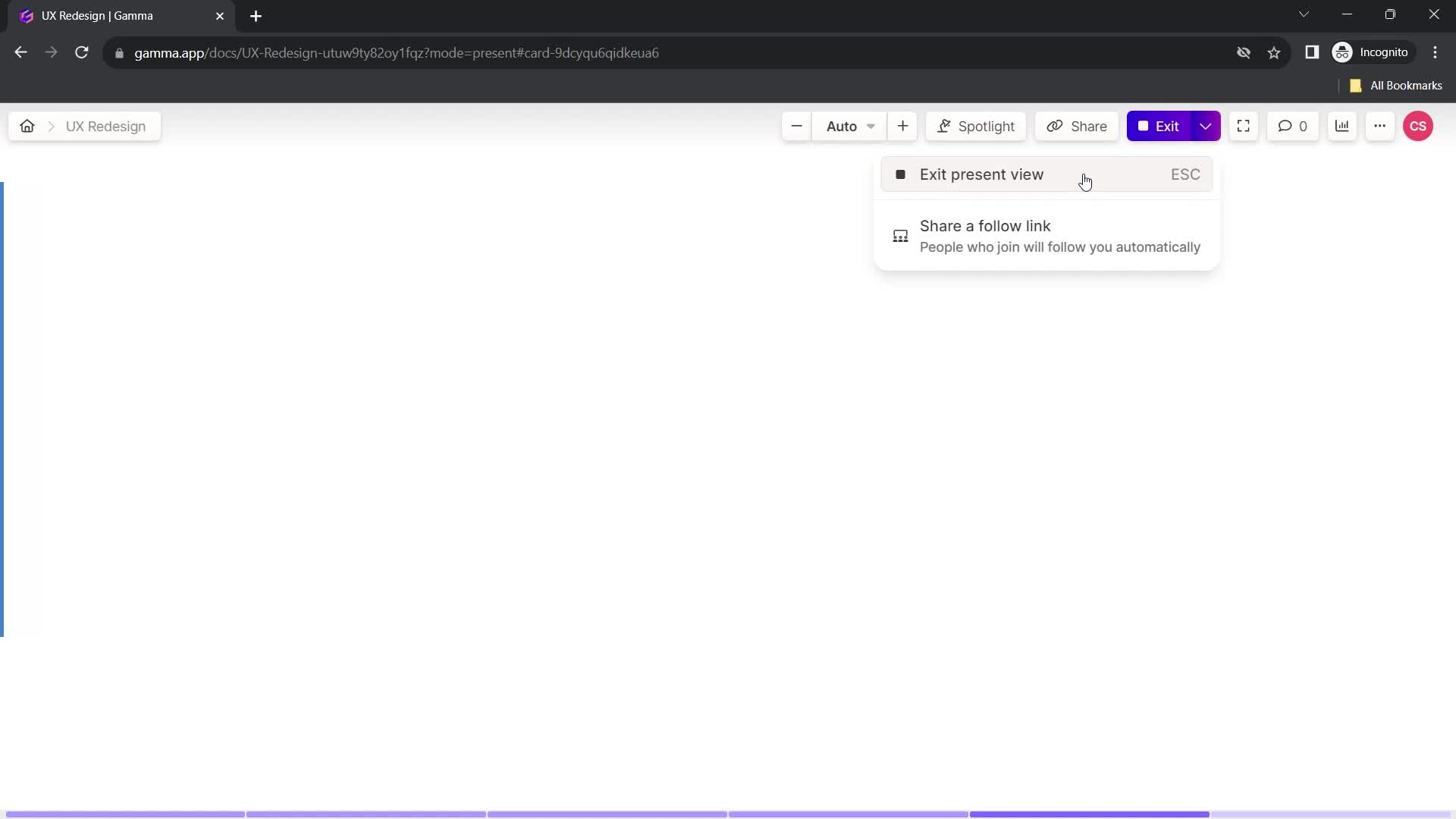
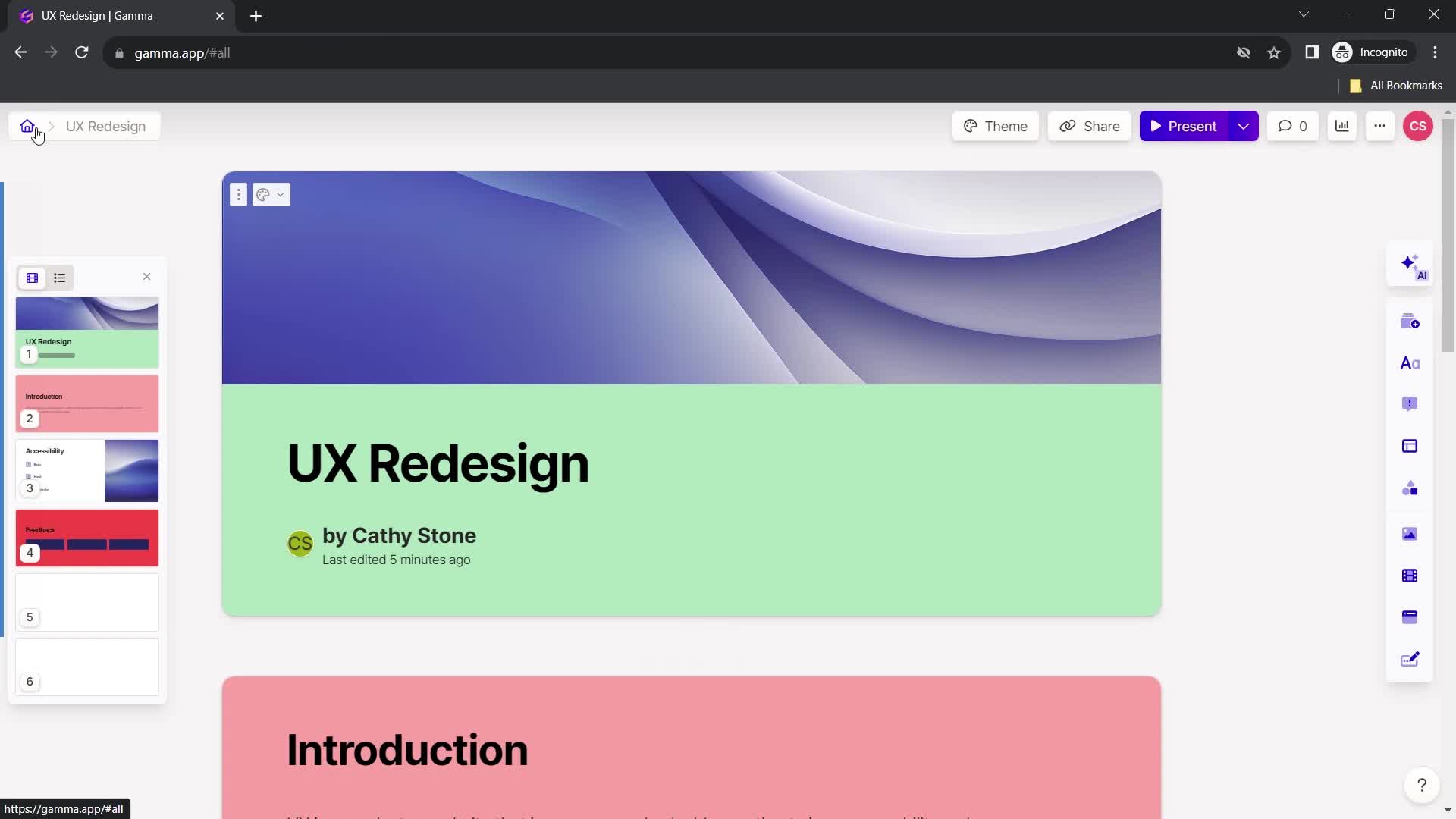
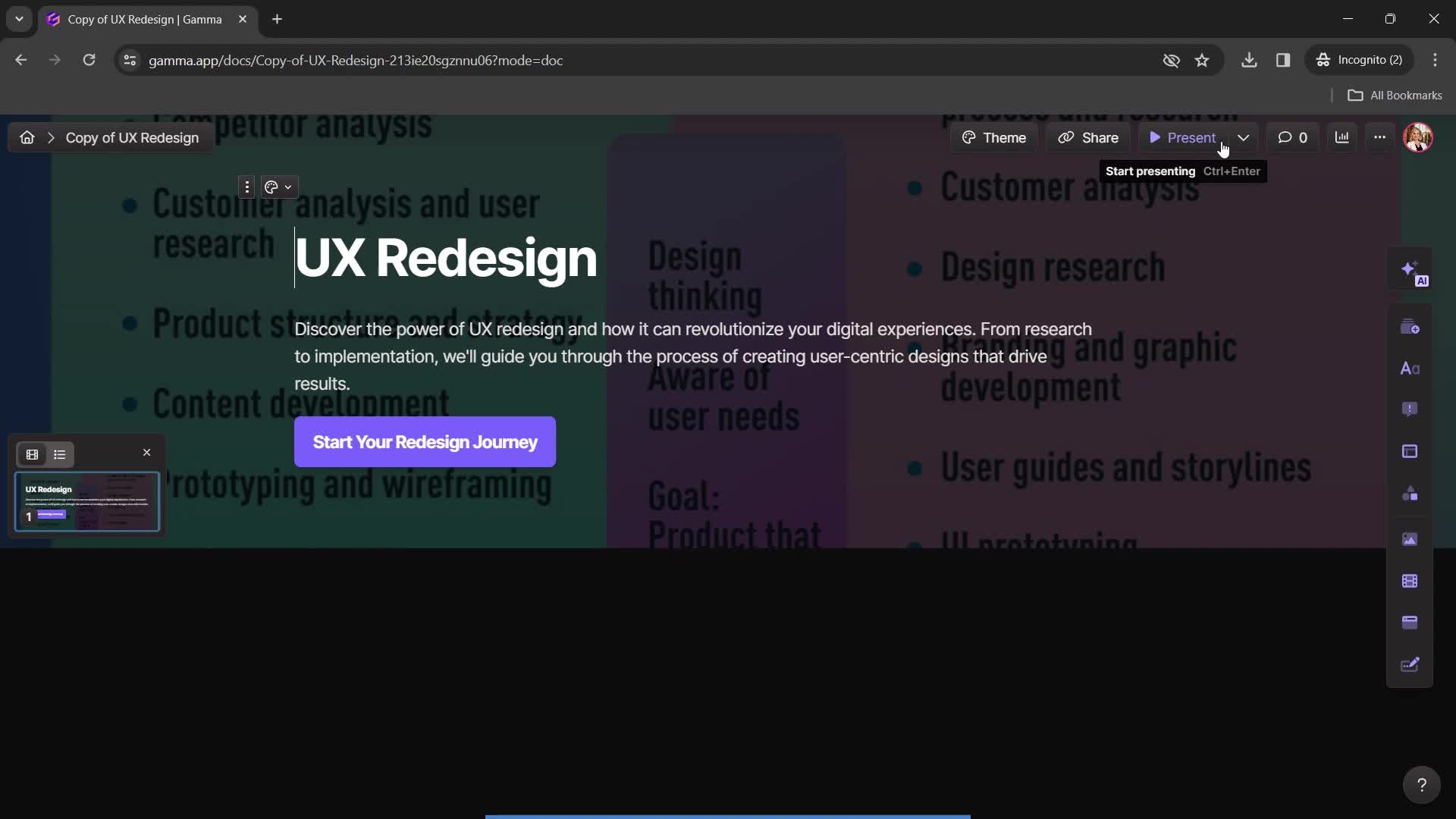
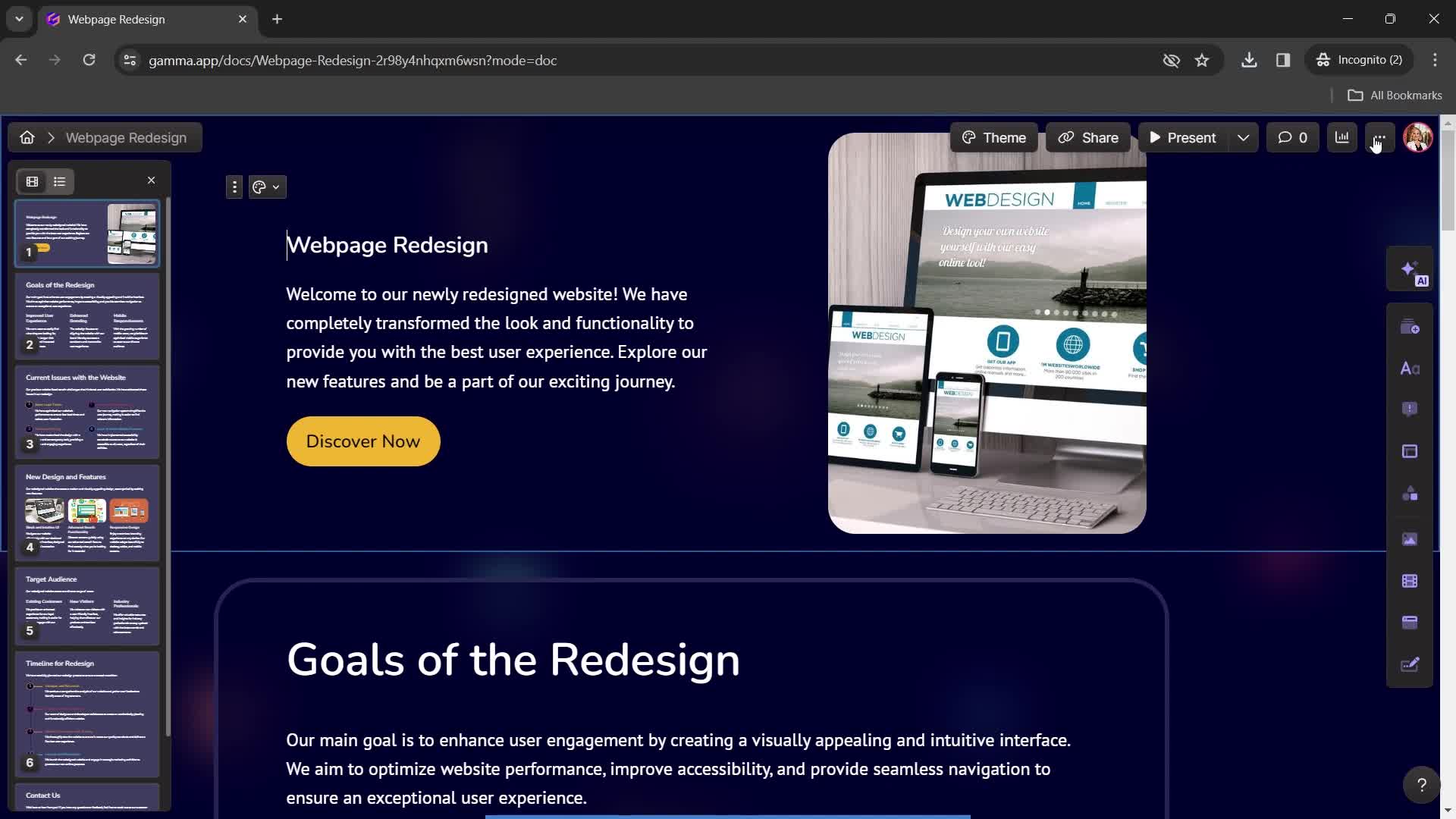
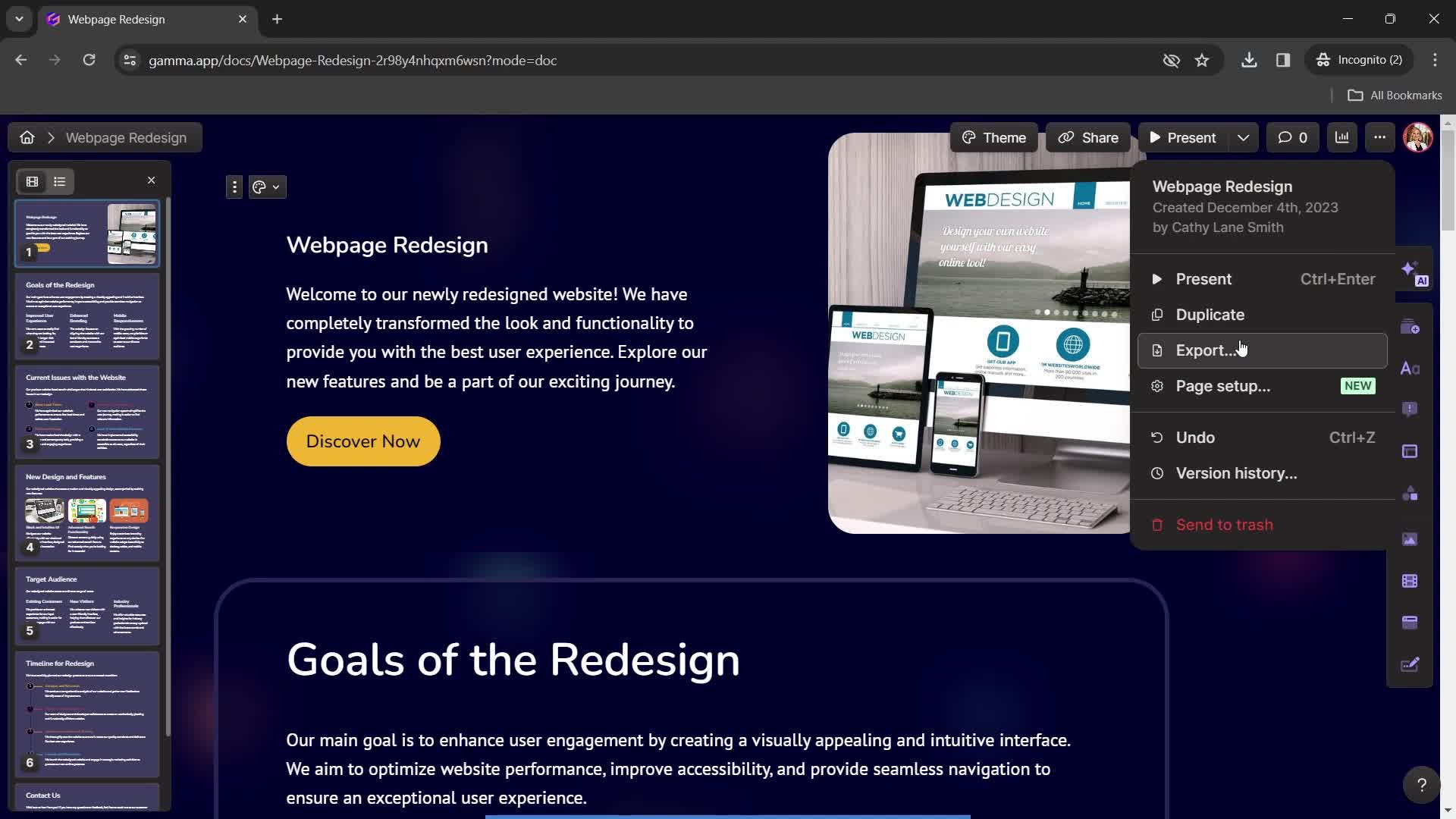
Presentation editor
this is title
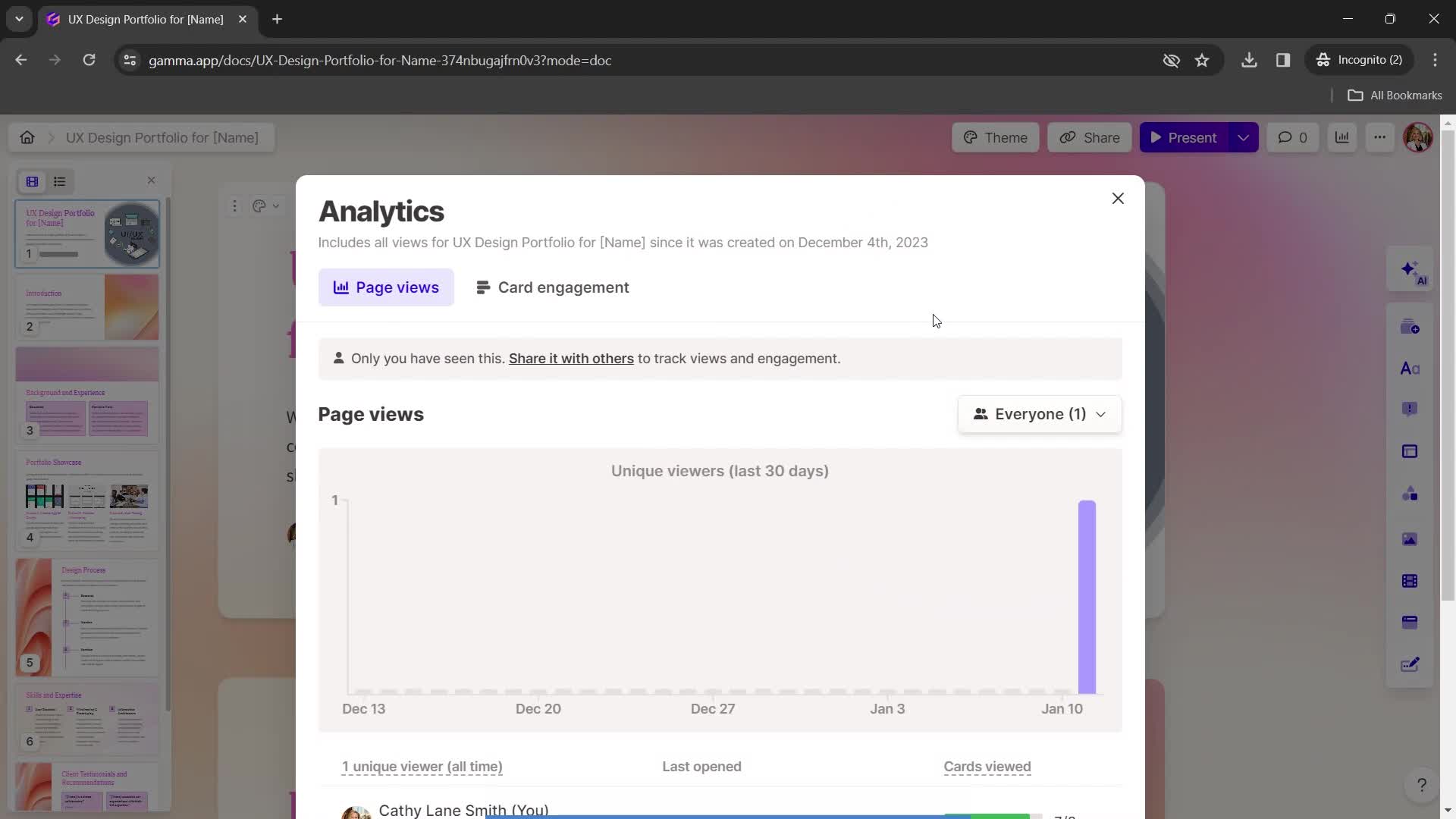
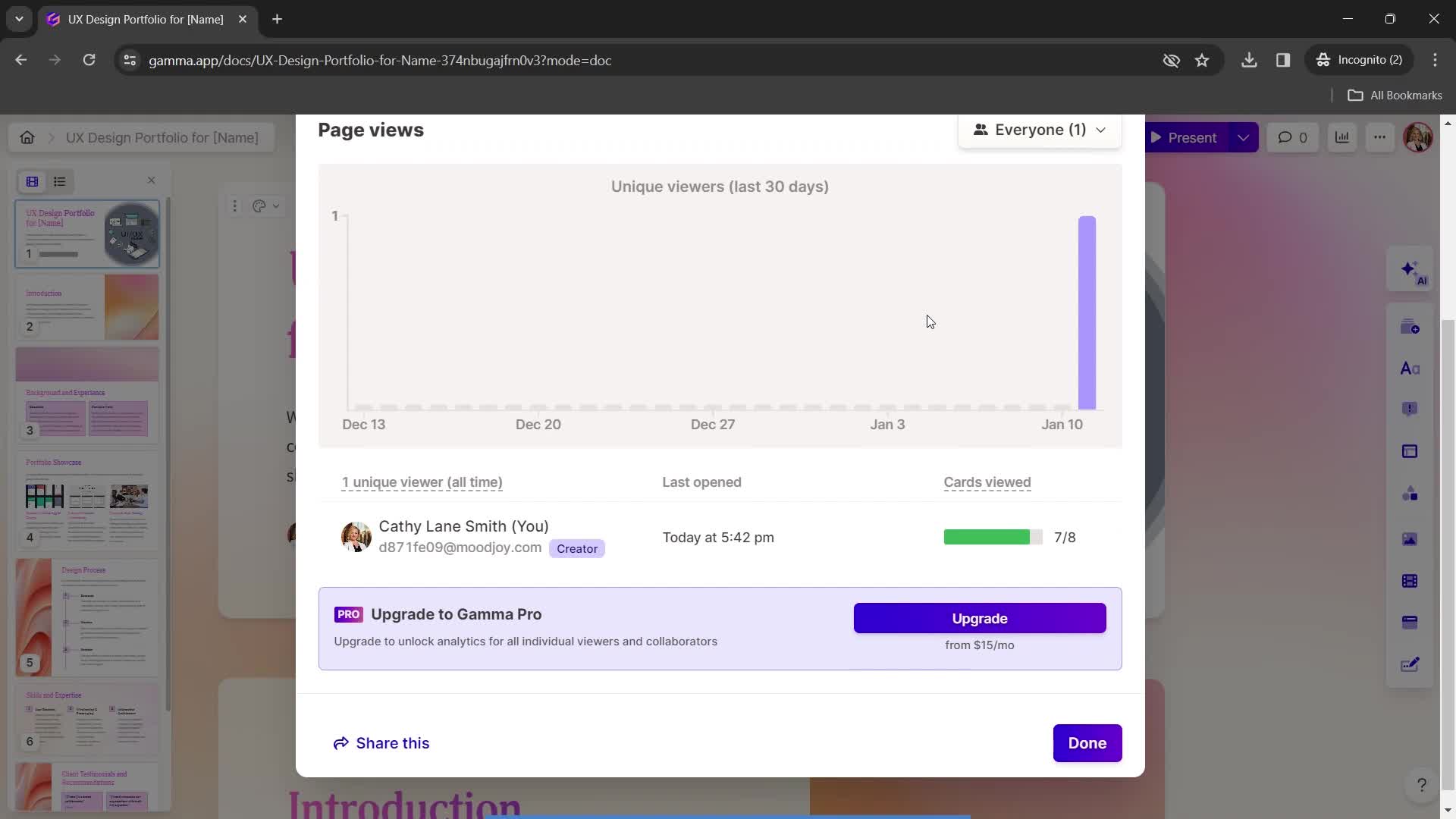
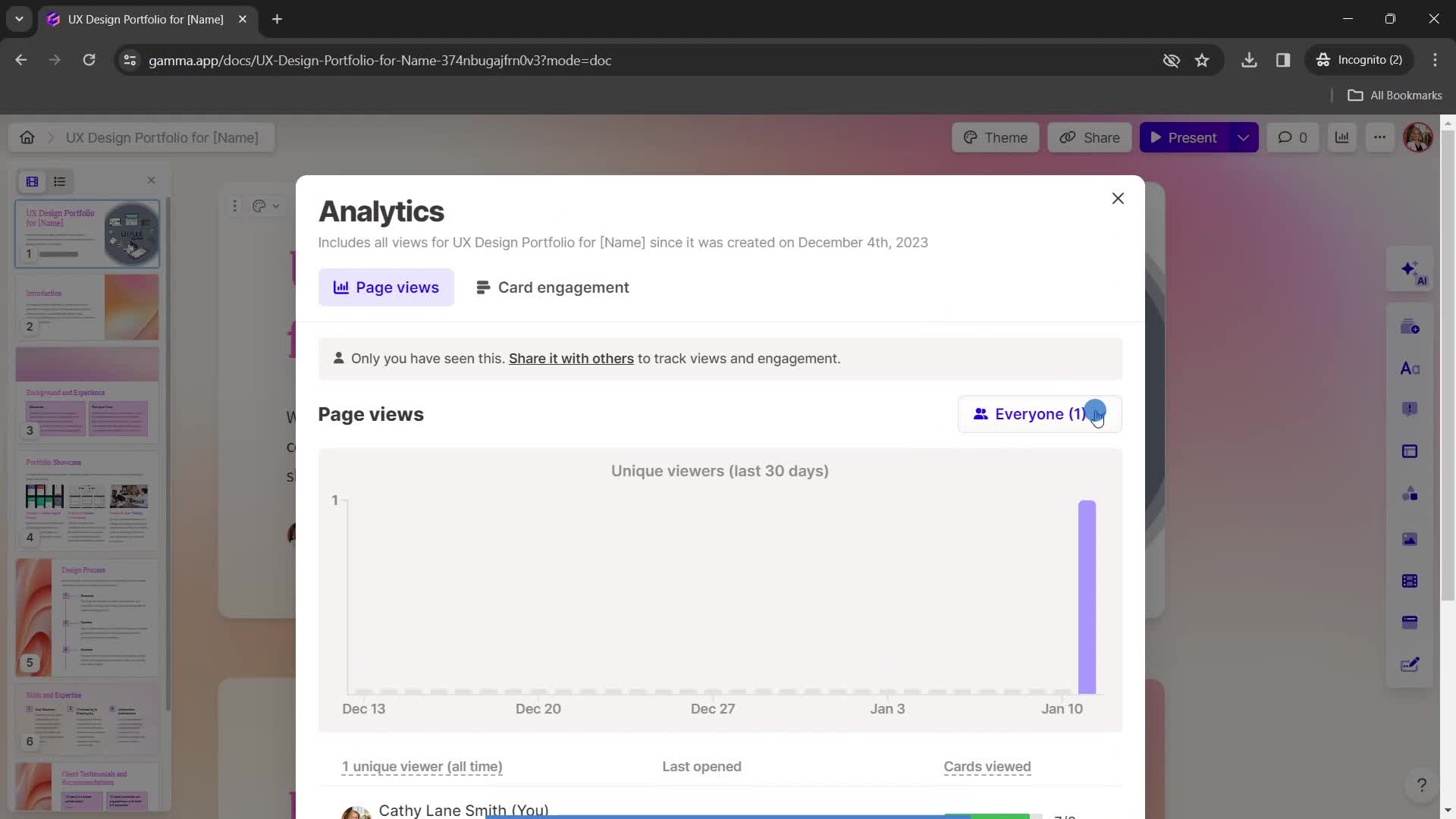
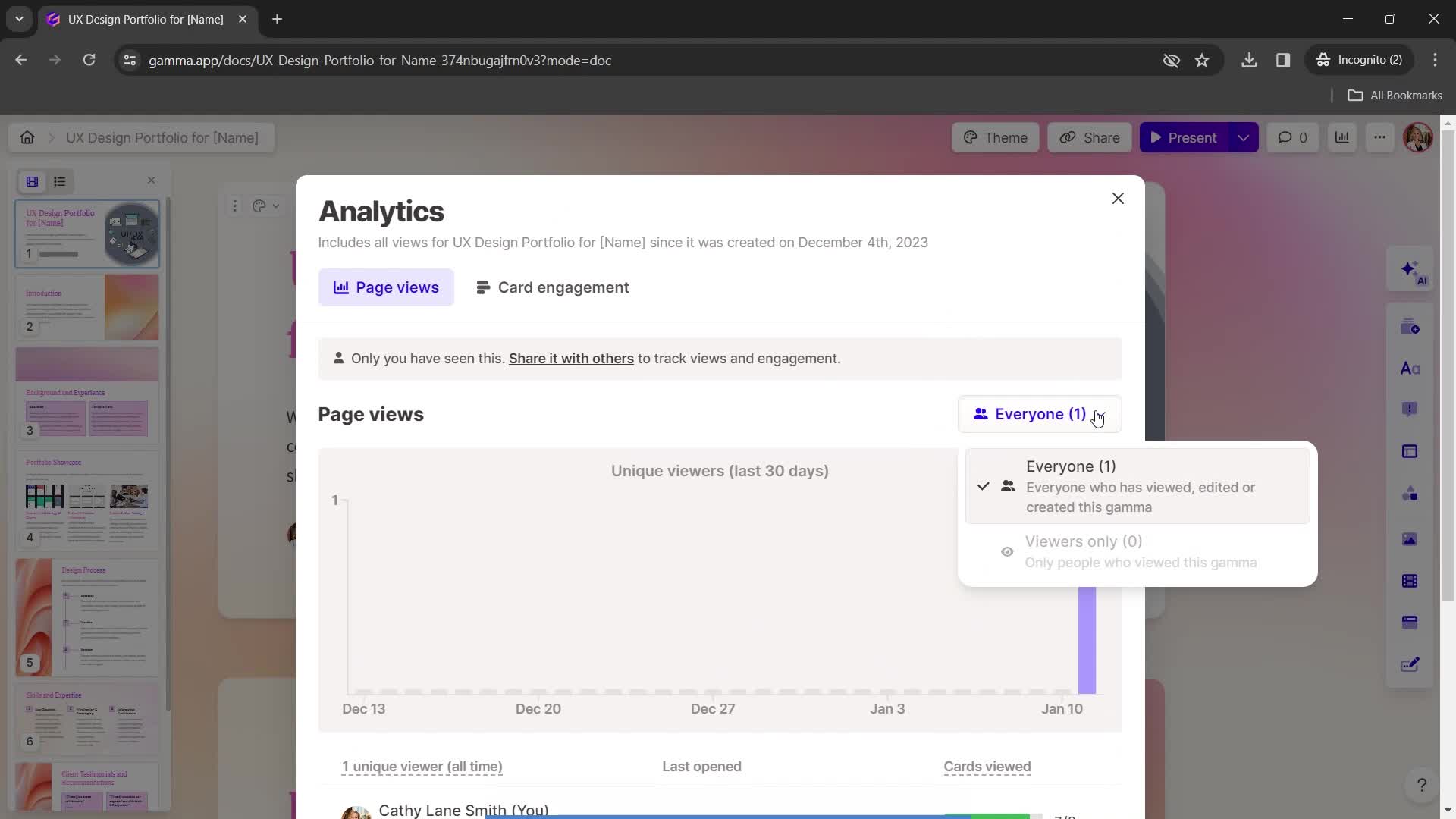
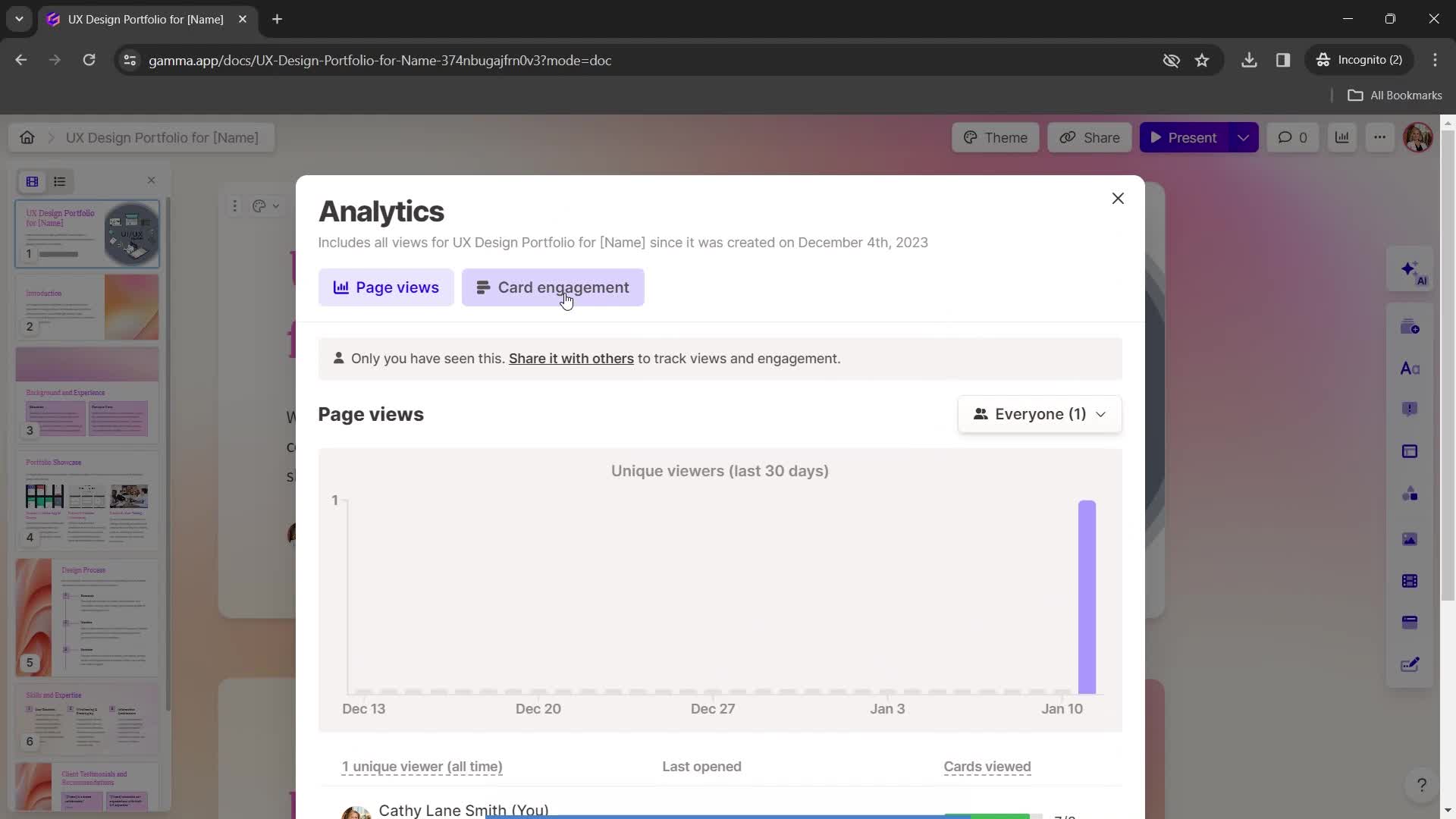
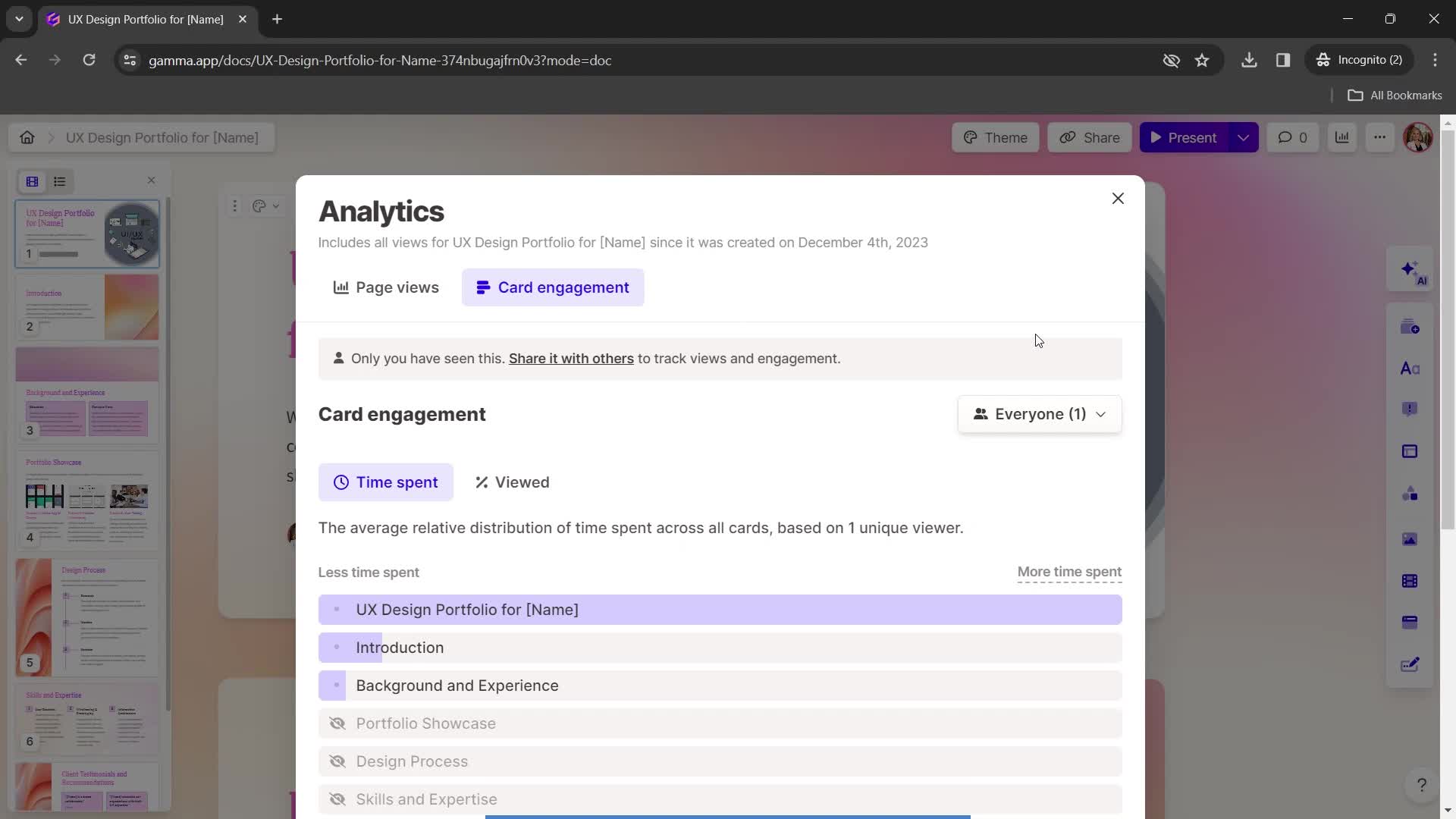
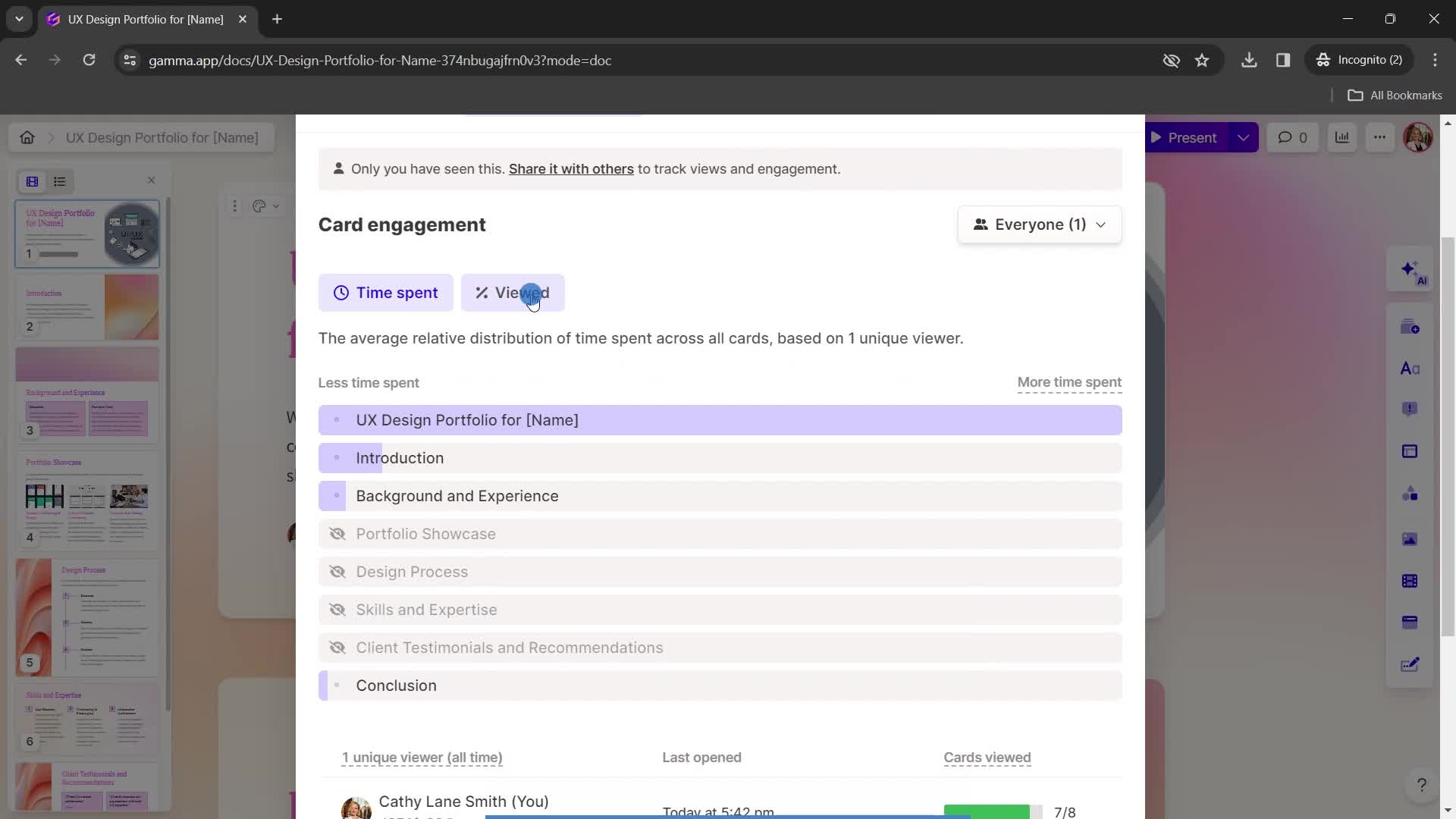
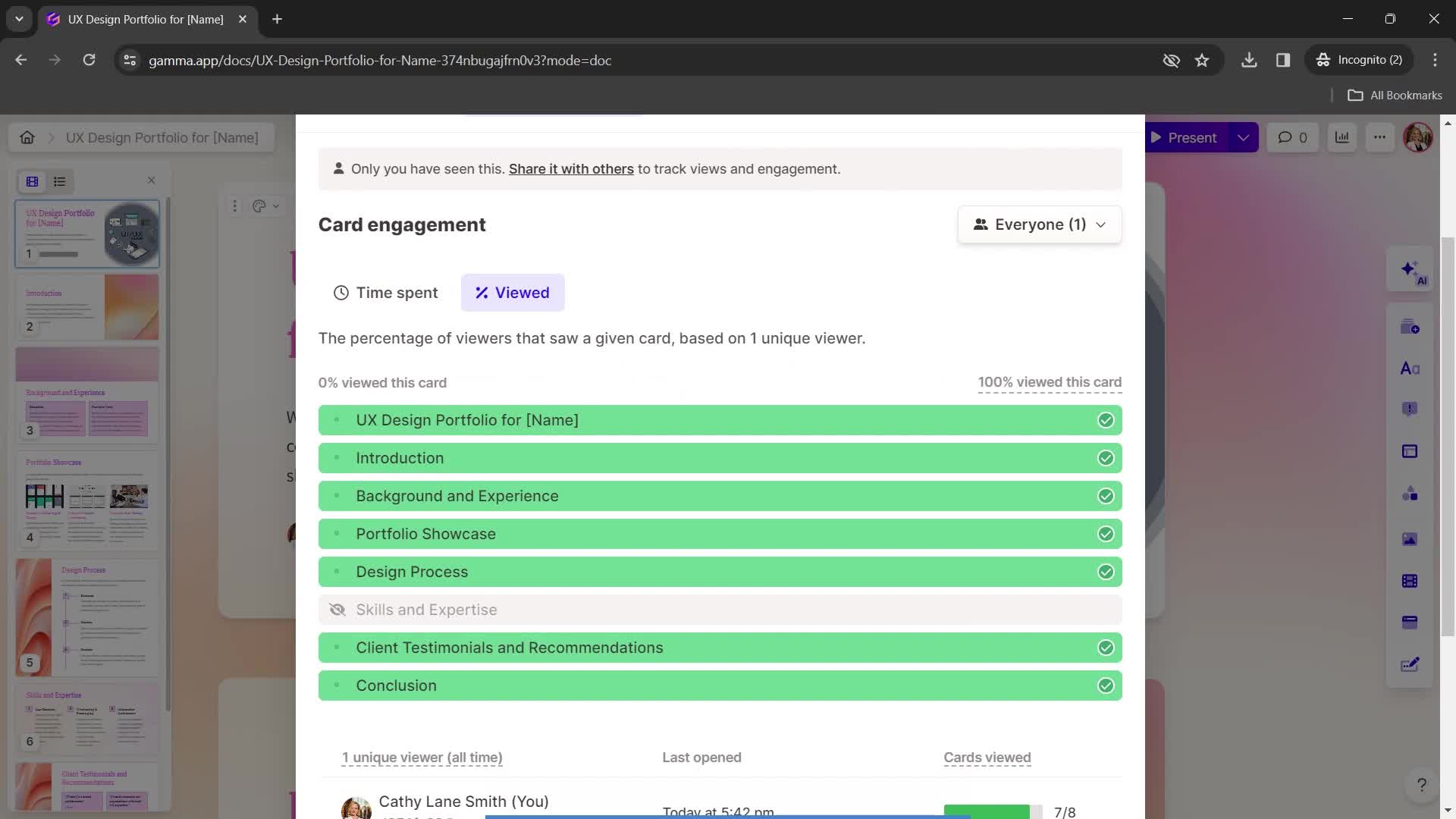
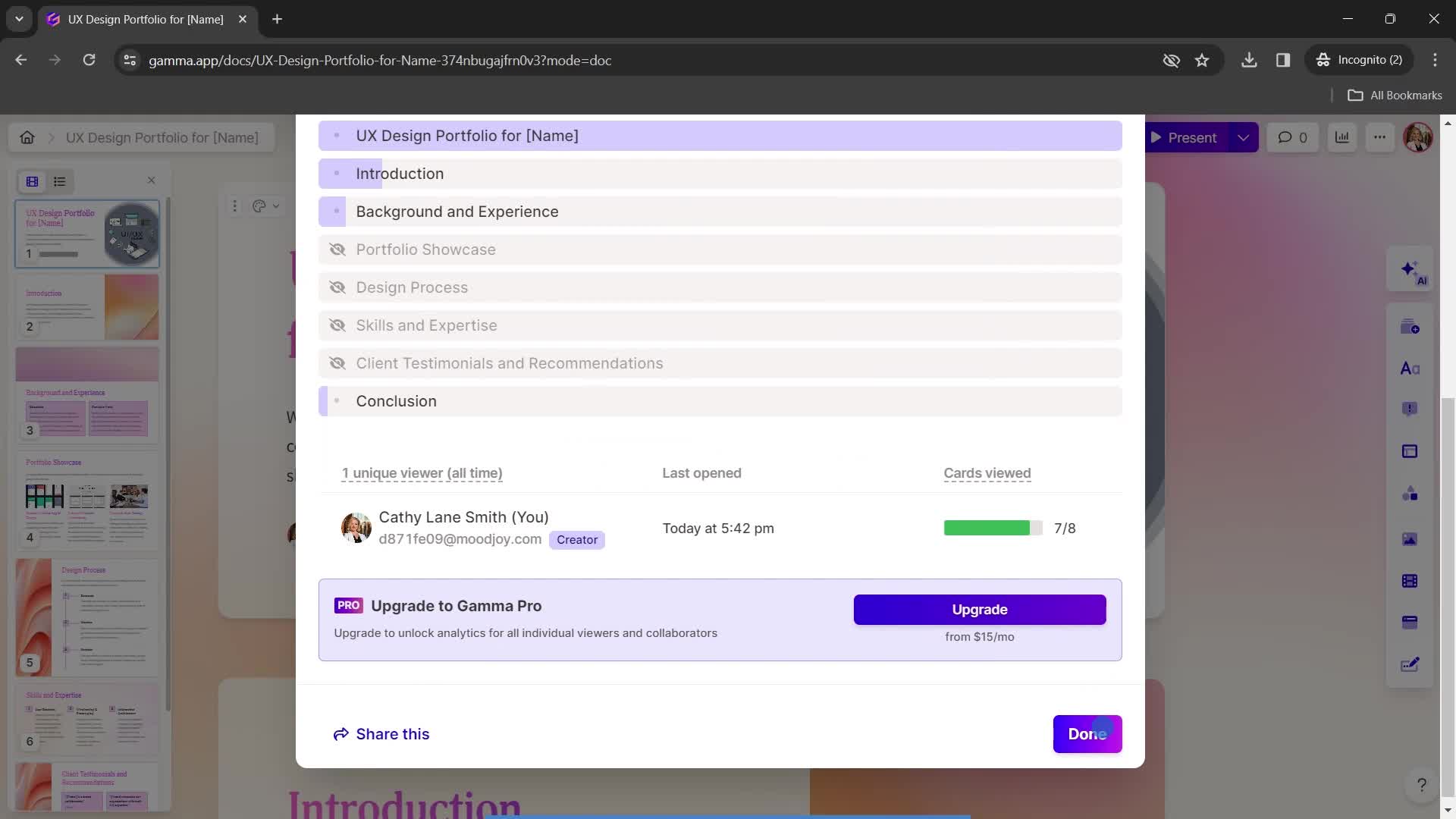
Analytics
this is title
this is title
this is title
Set preferences
this is title
this is title
Engagement
this is title
this is title
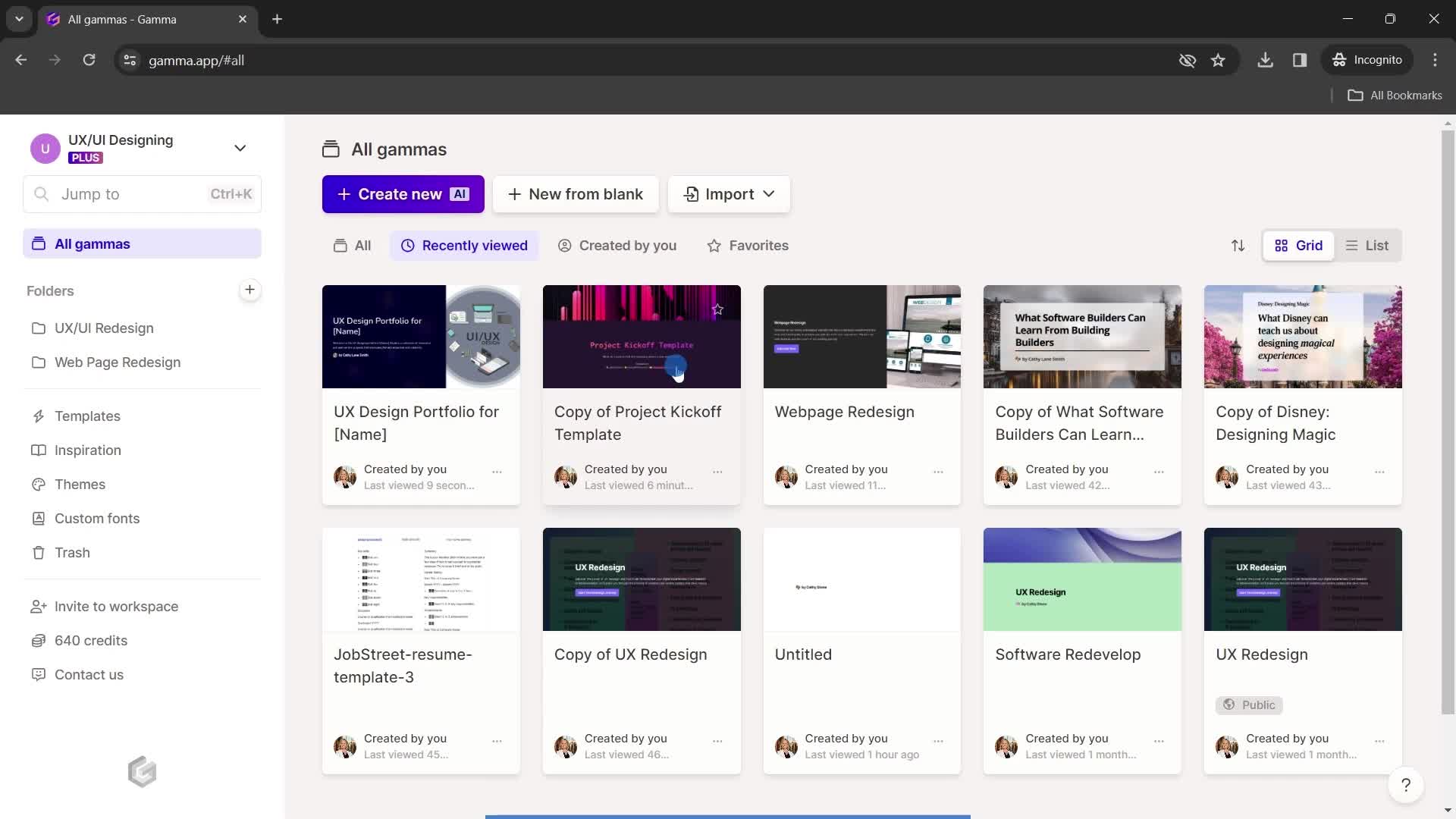
Recently viewed
this is title
Continue
this is title
Home
this is title
Account menu
this is title
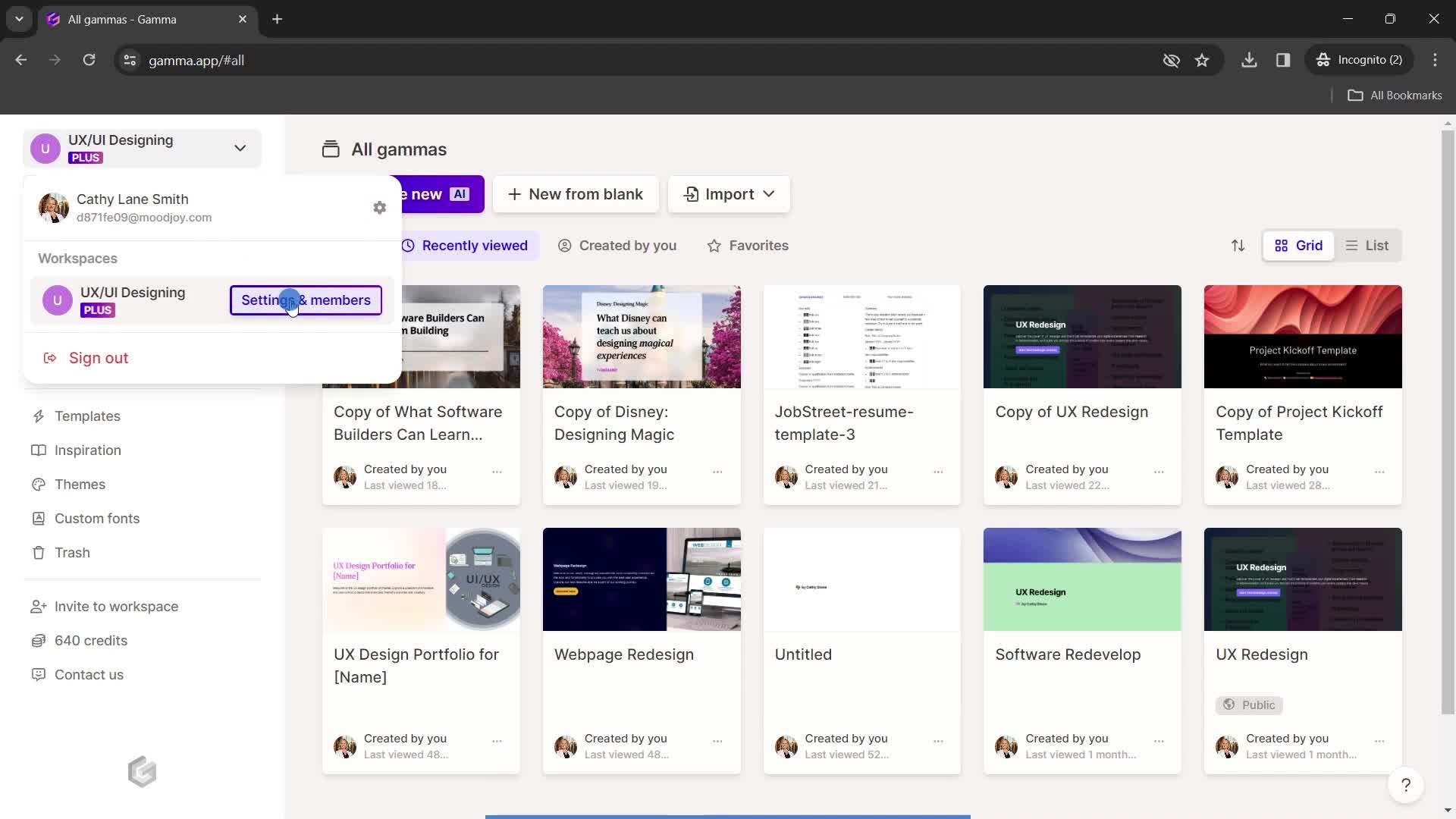
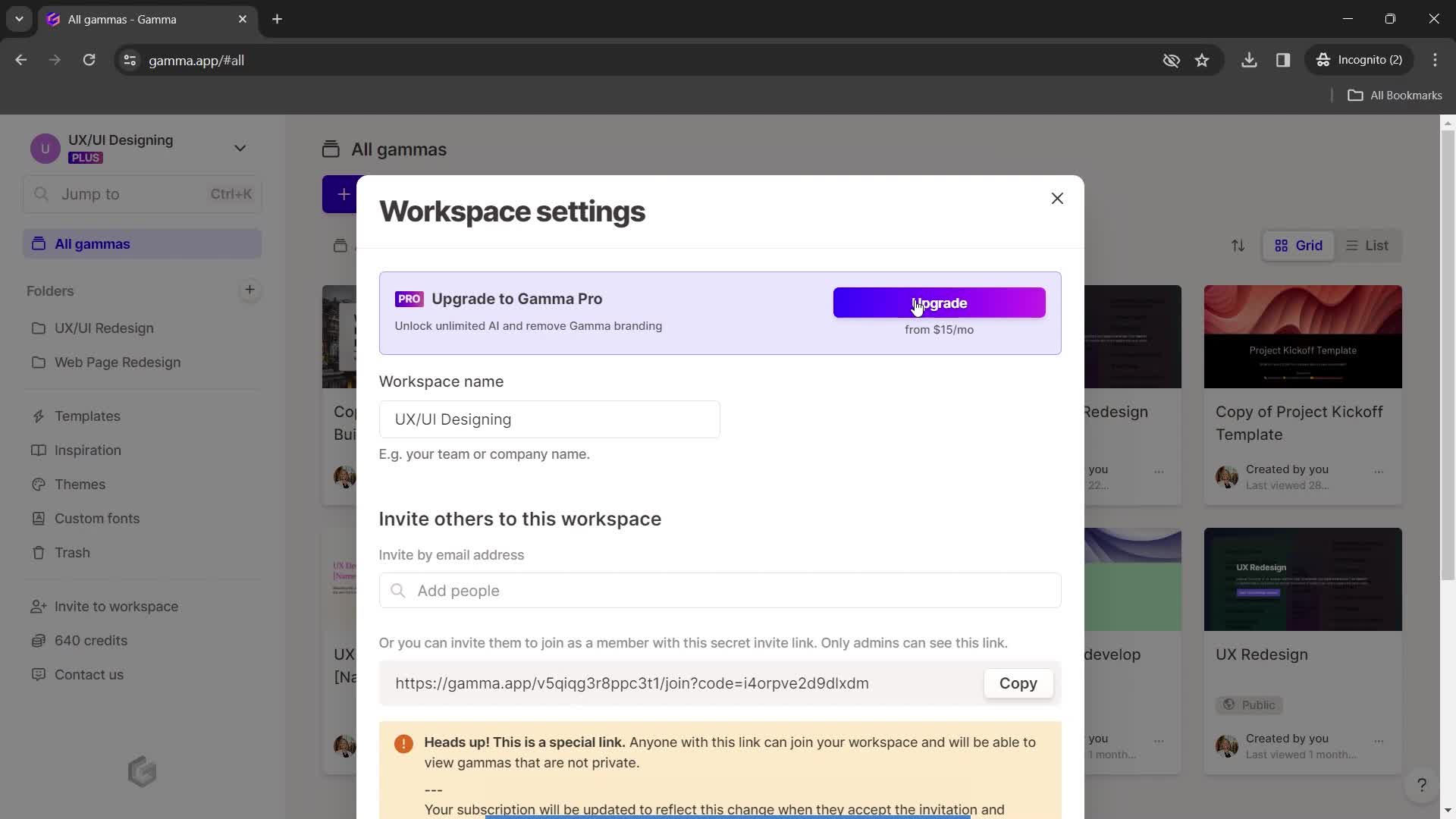
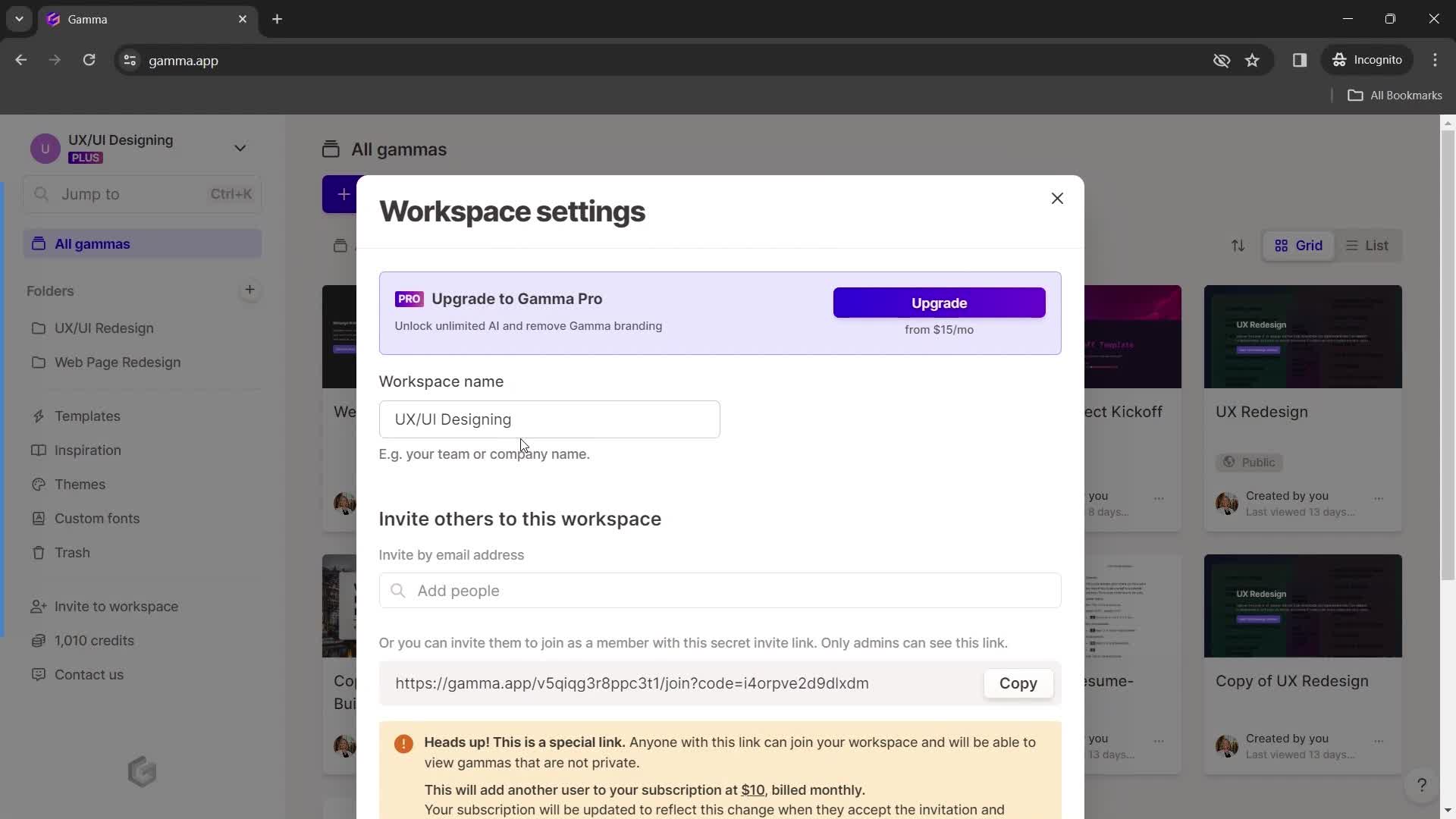
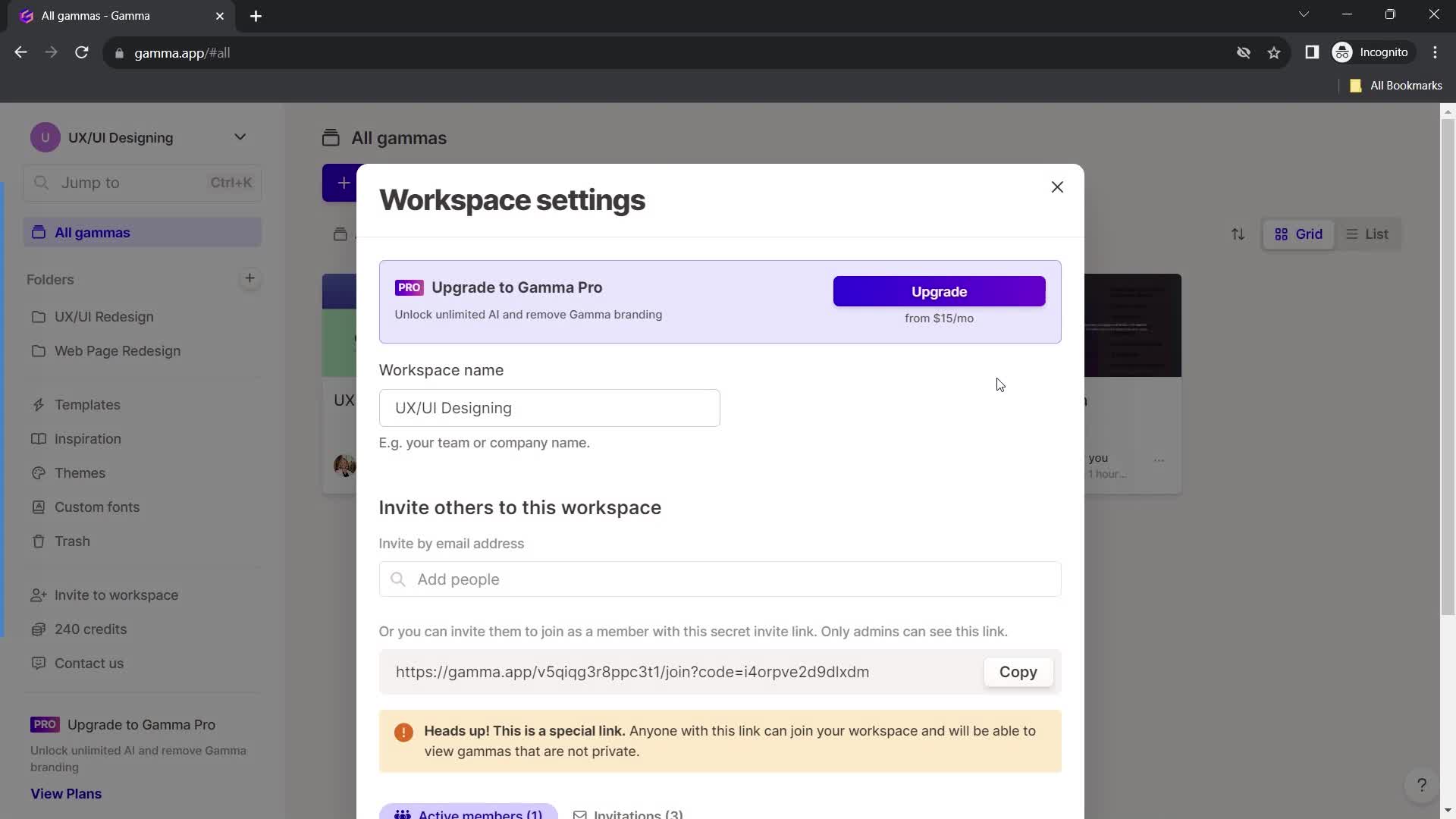
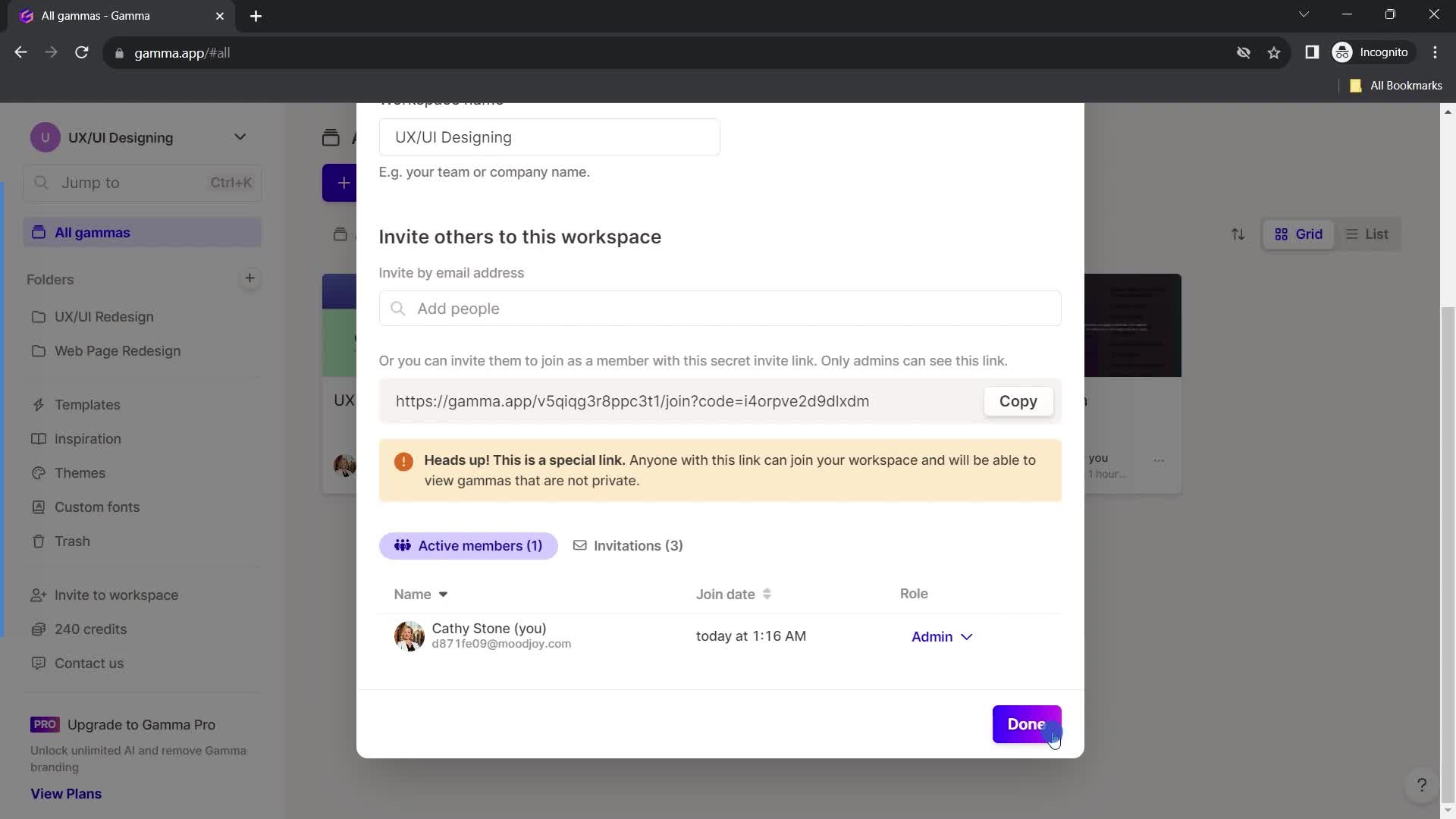
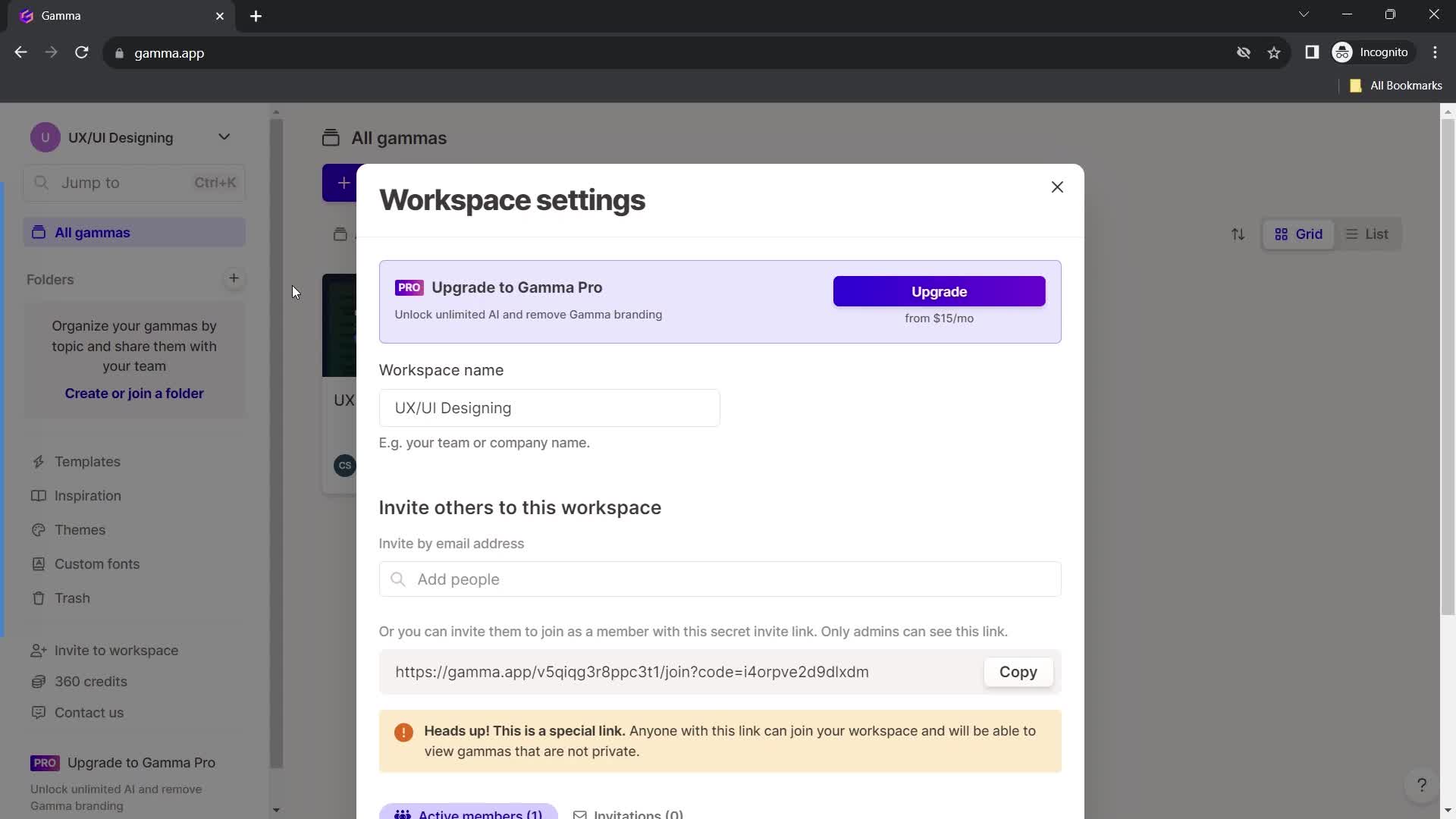
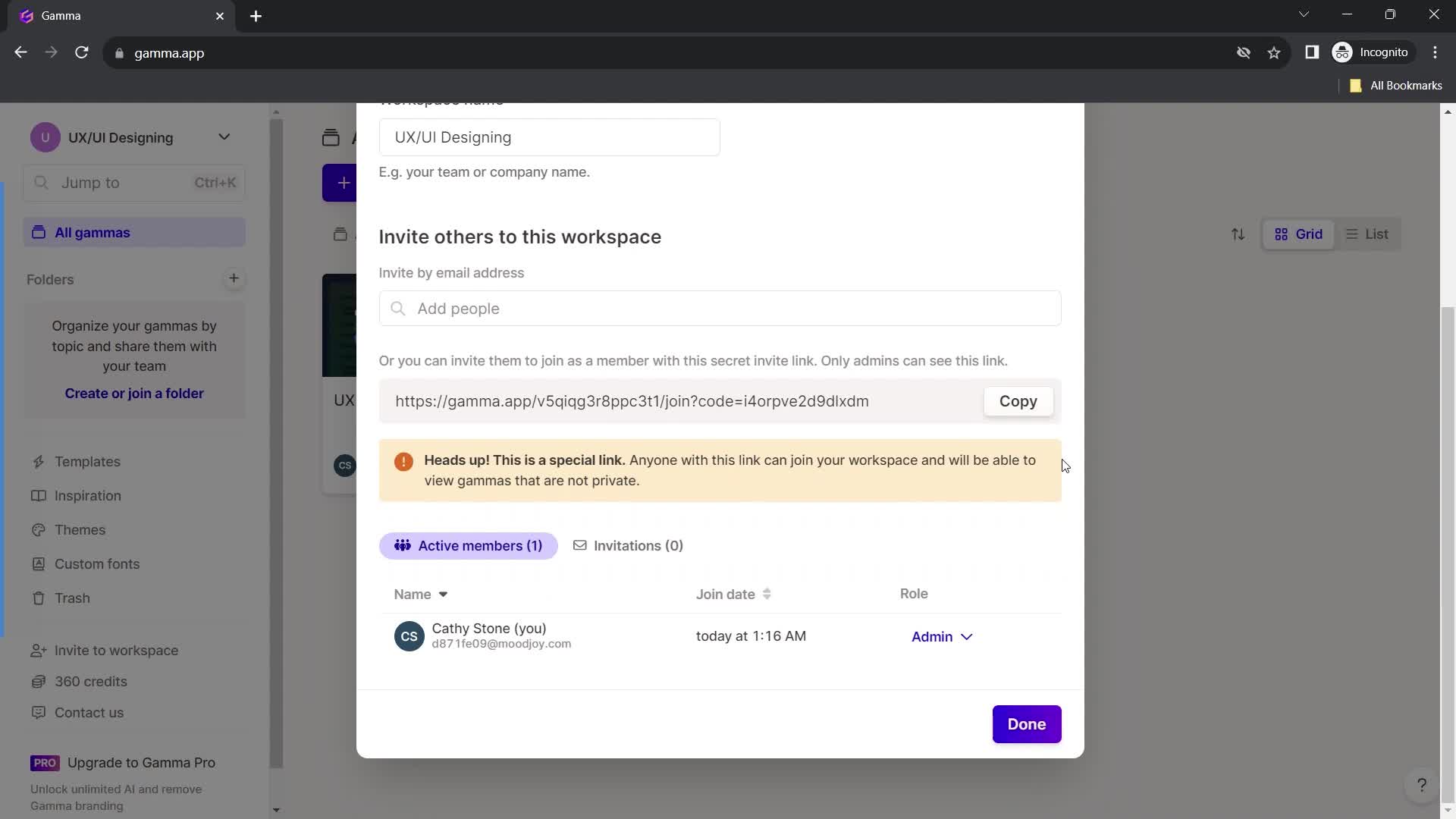
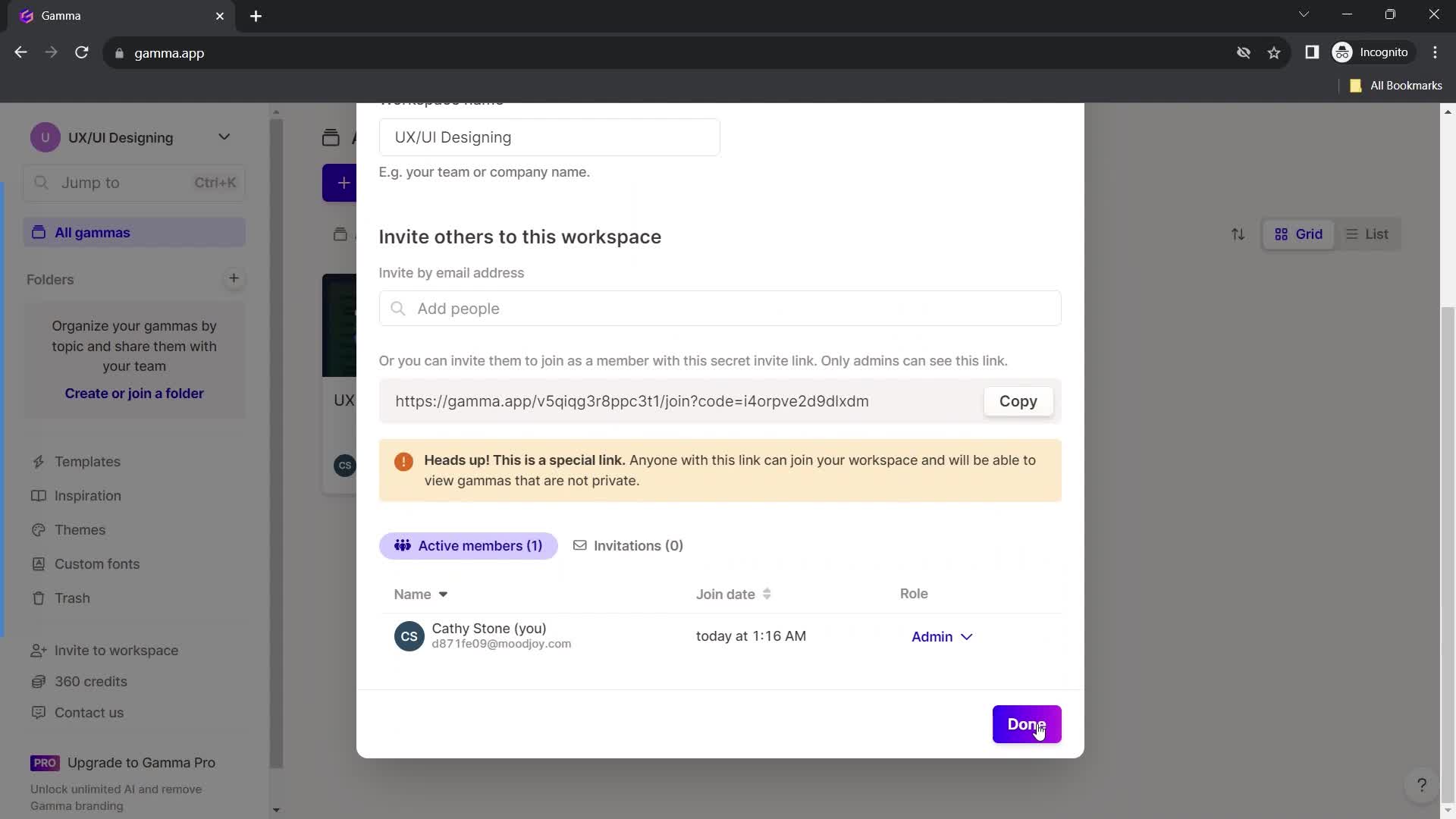
Workspace settings
this is title
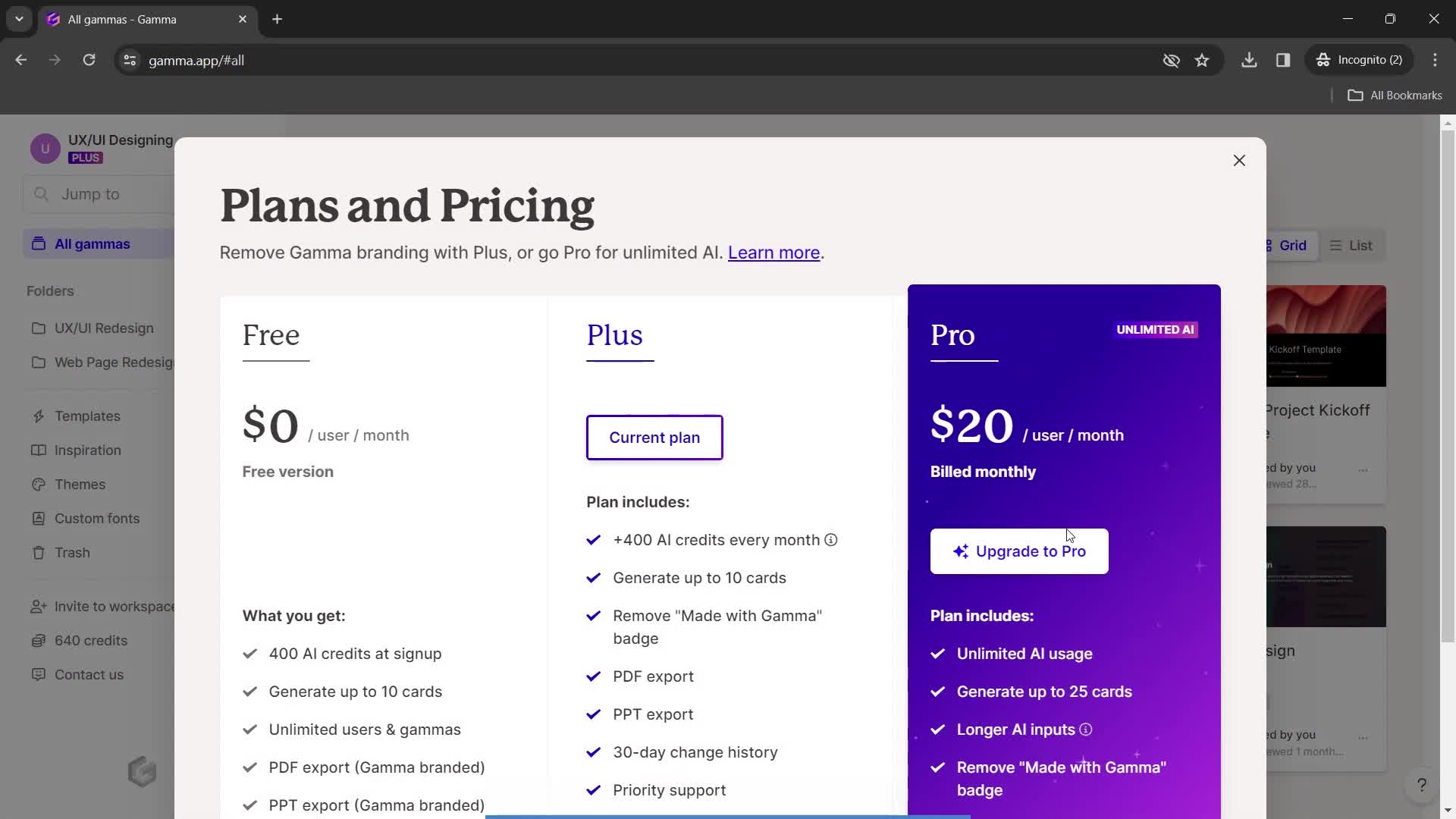
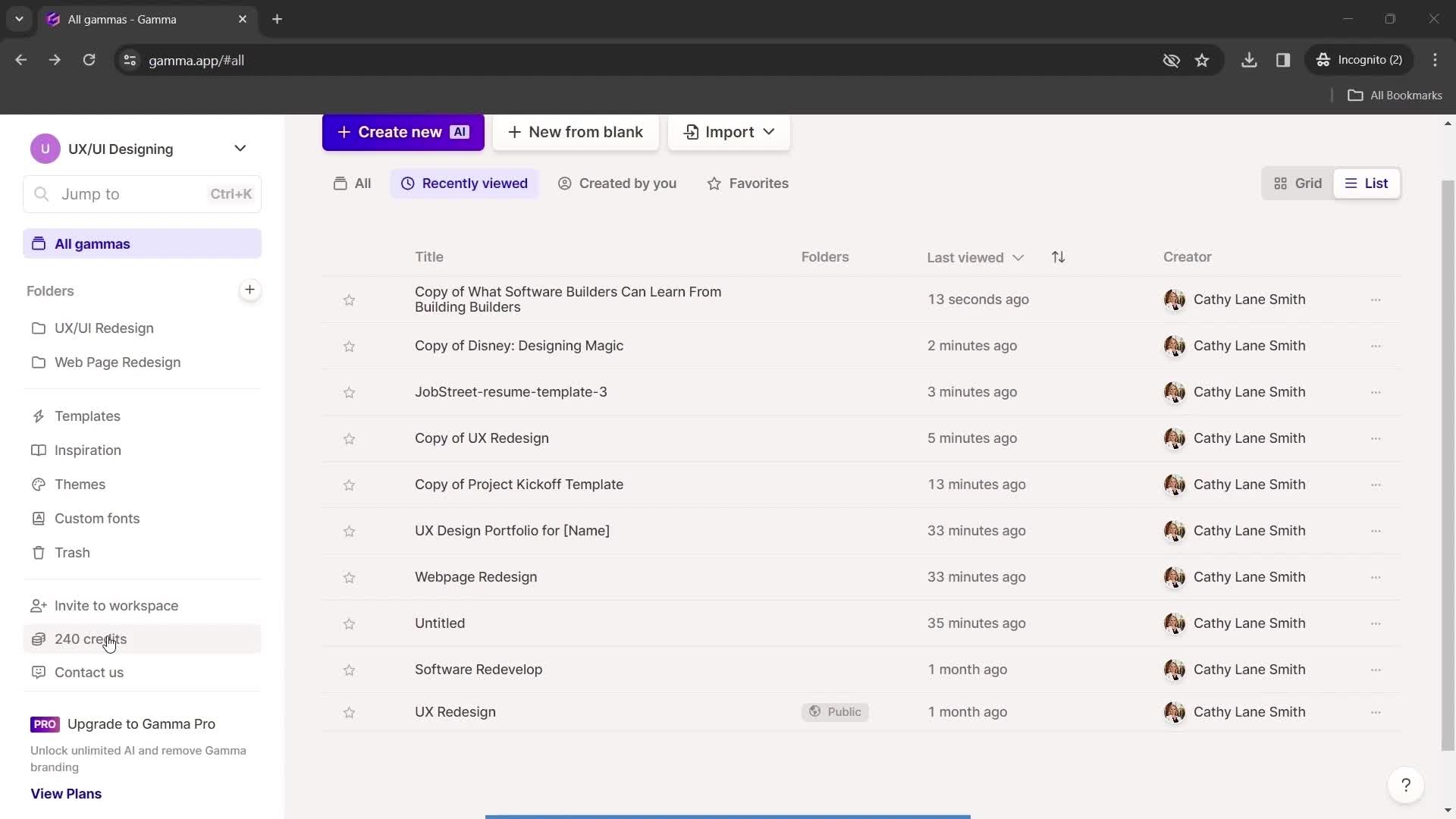
Pricing & plans
this is title
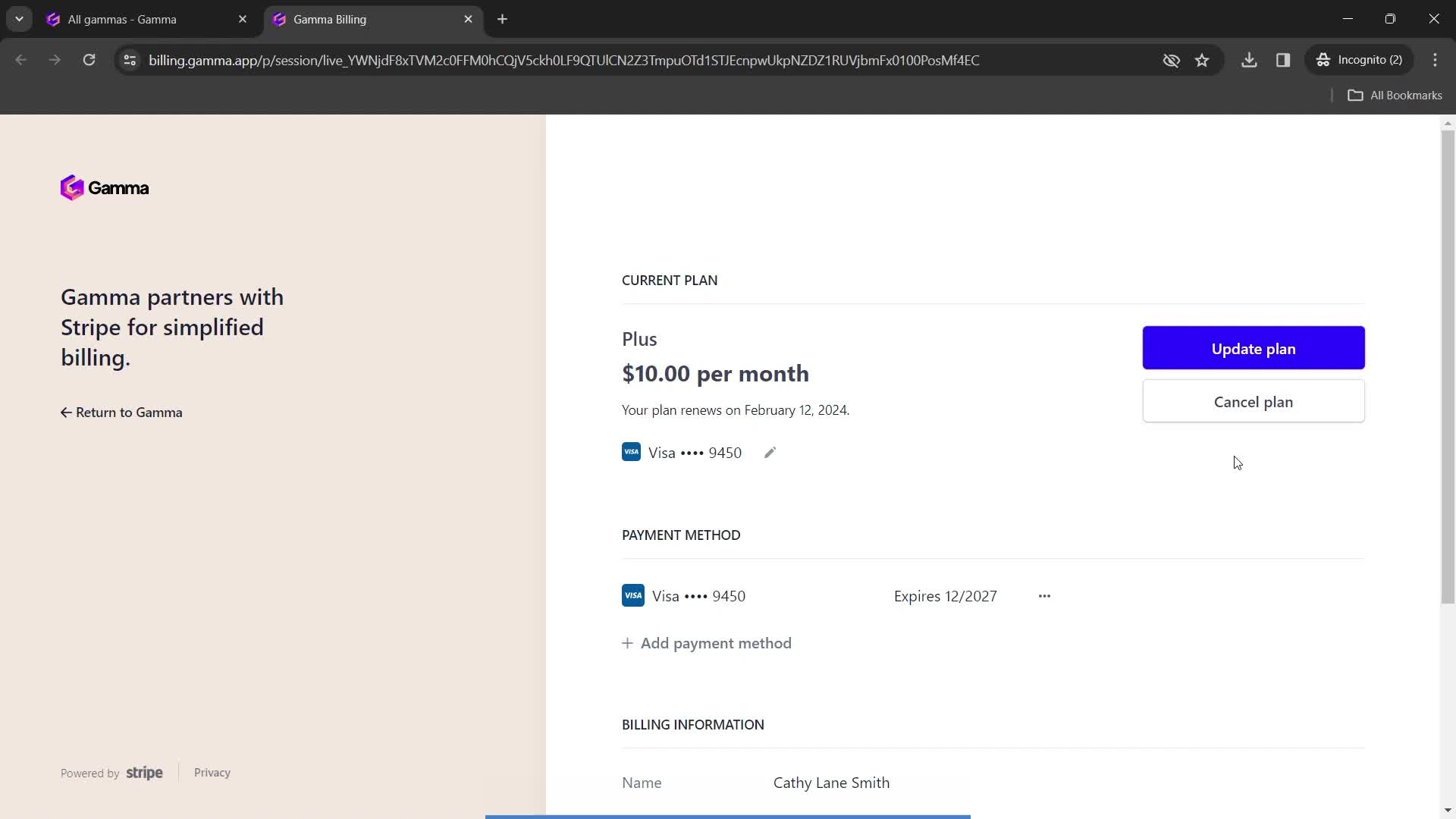
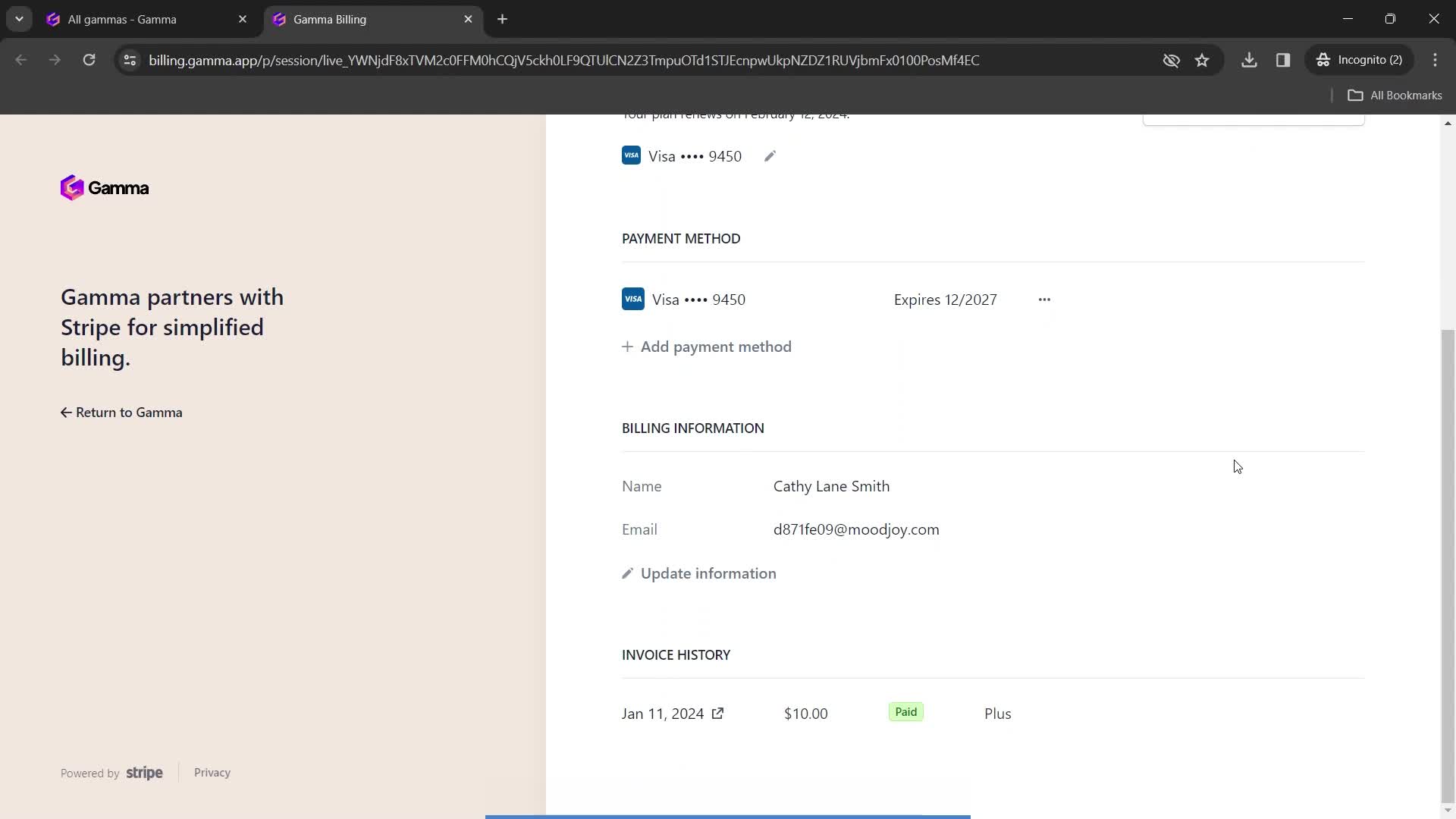
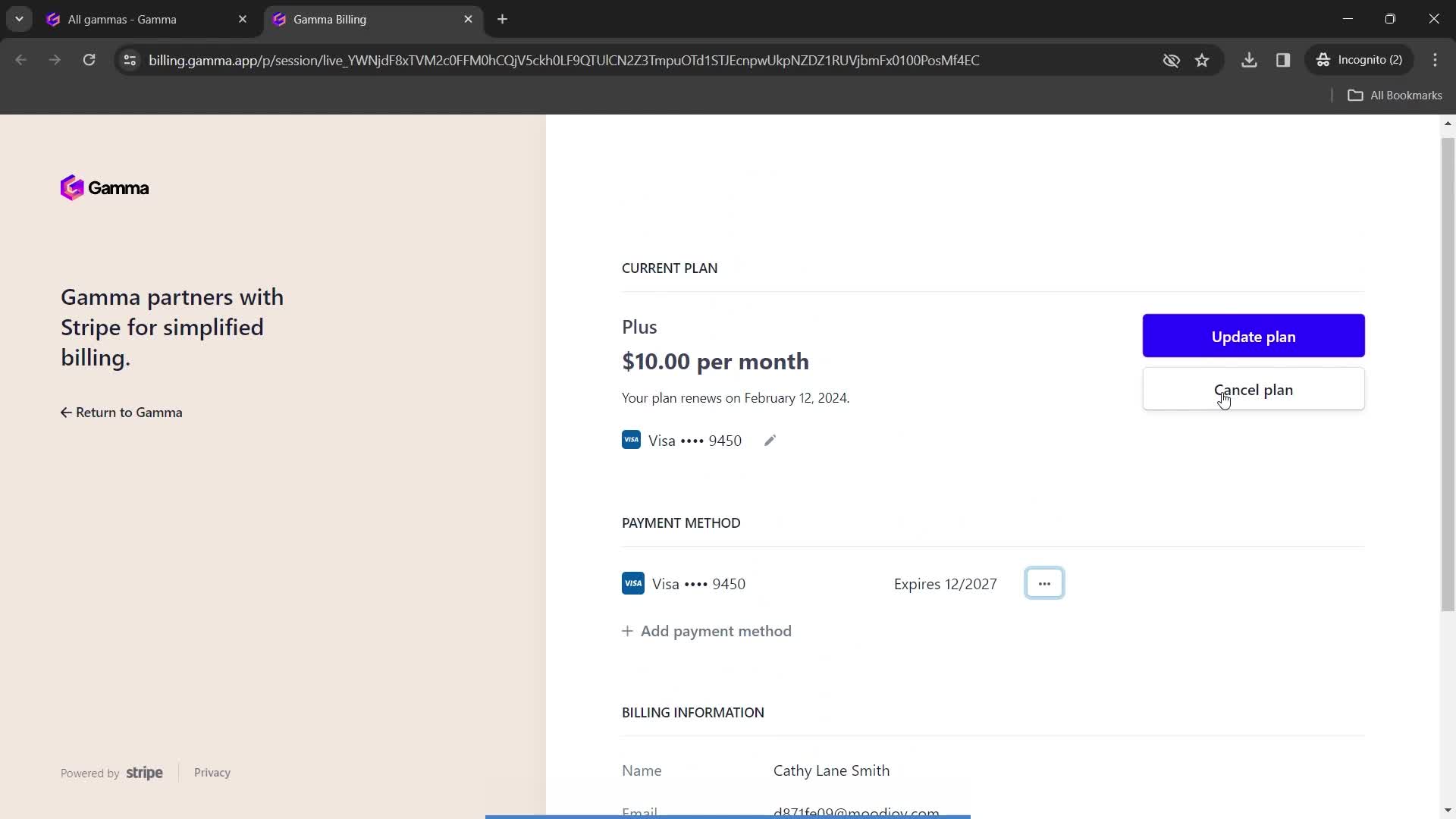
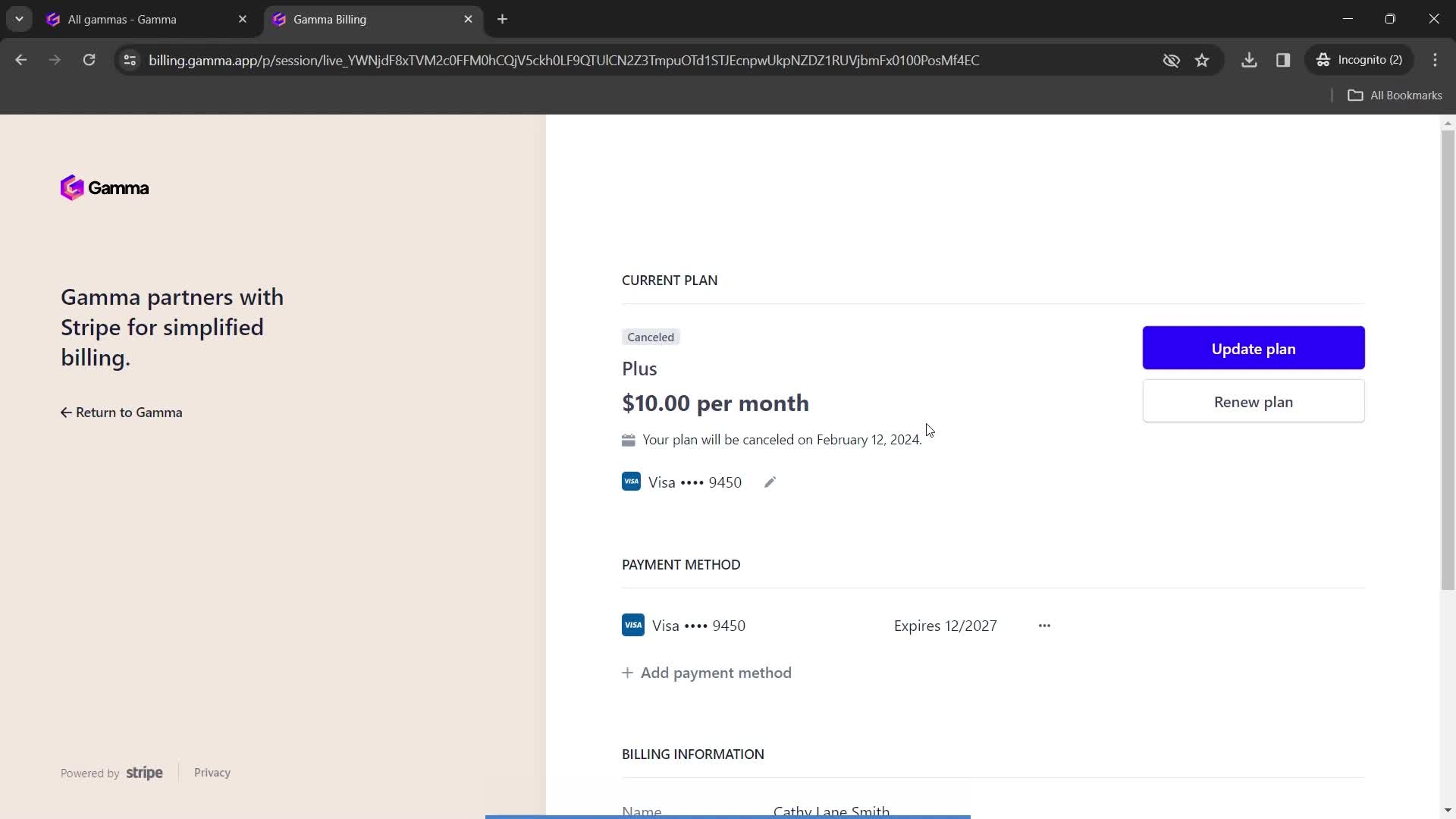
Subscription details
this is title
this is title
this is title
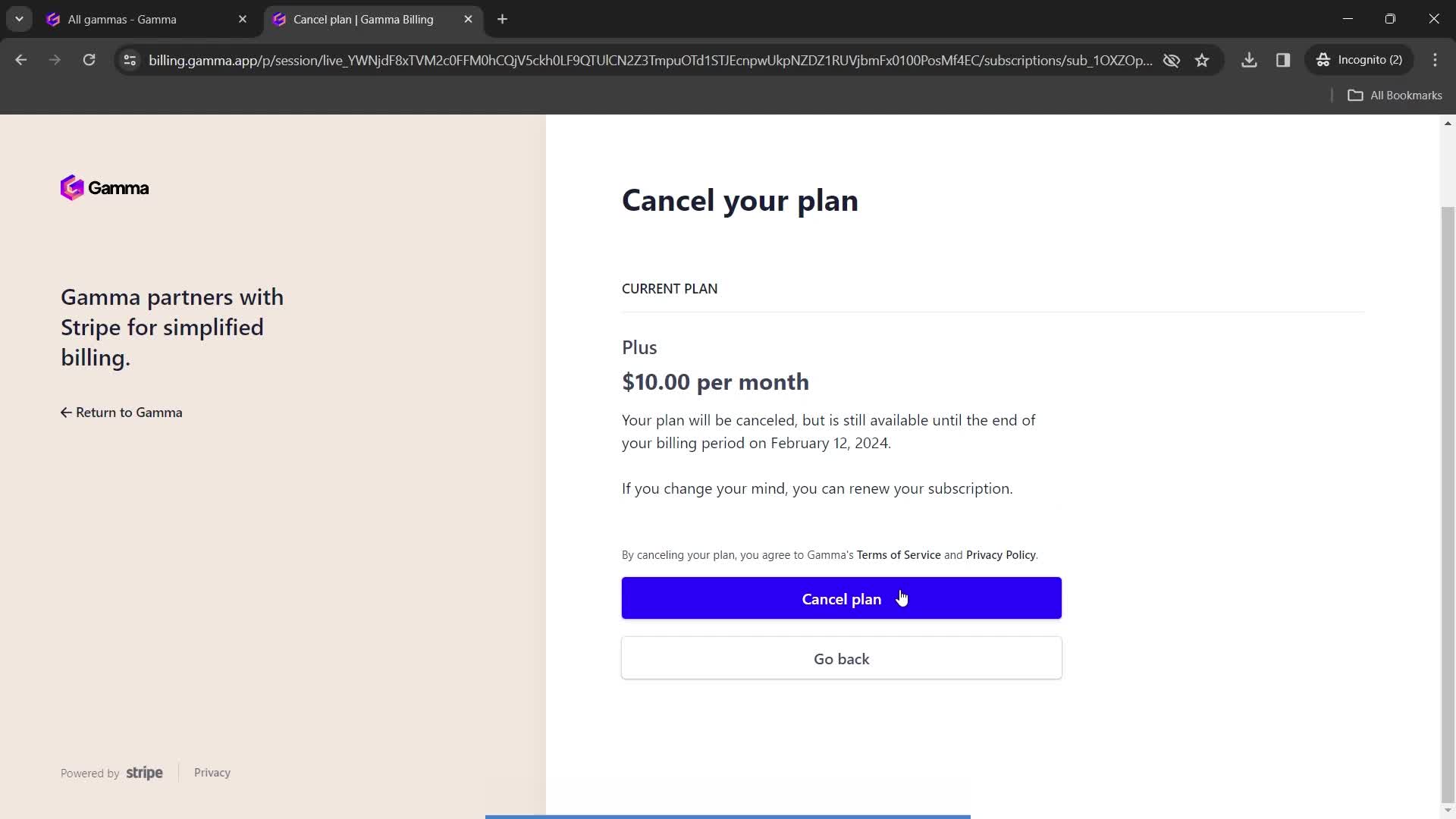
Cancel plan
this is title
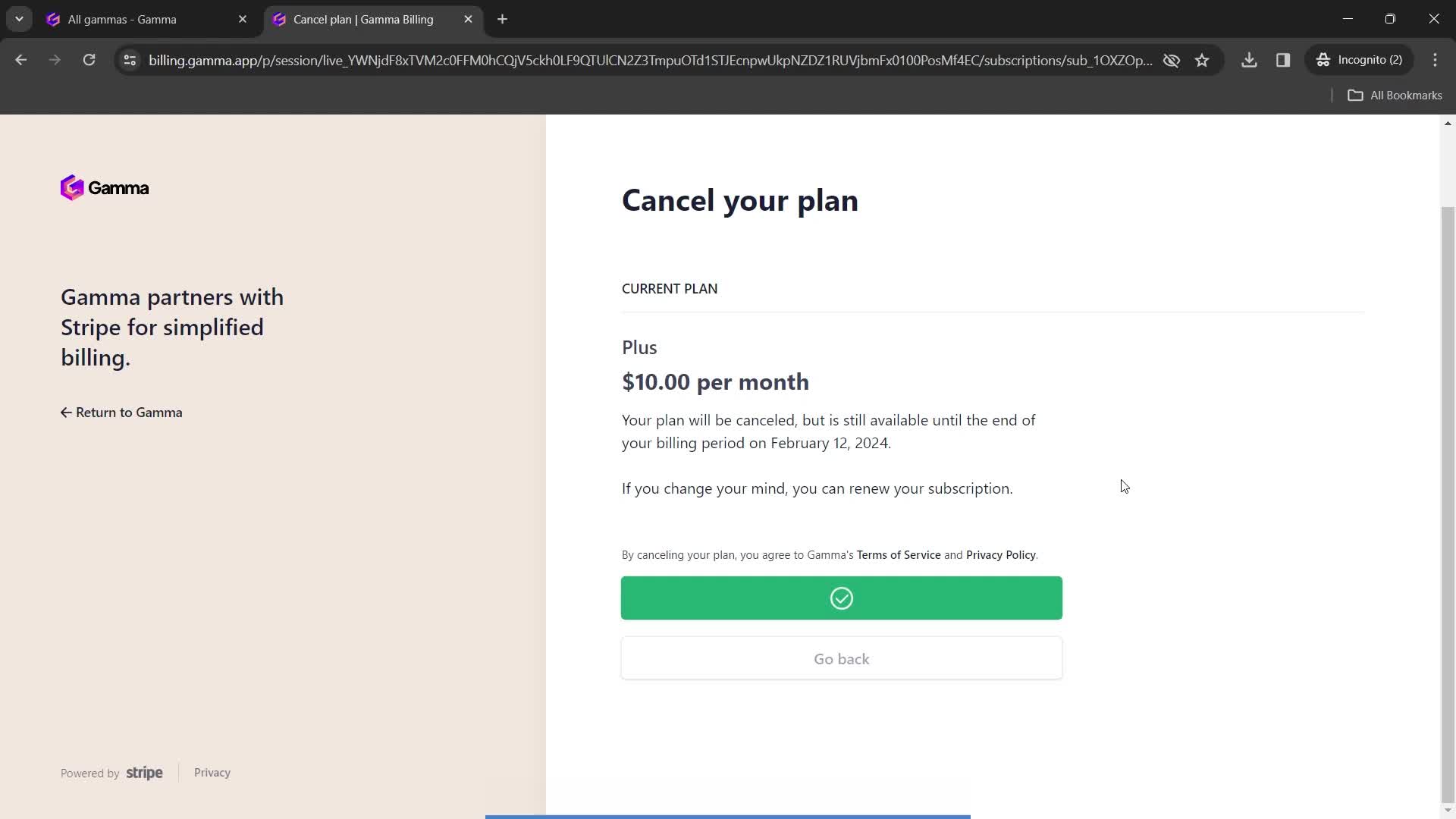
Subscription cancelled
this is title
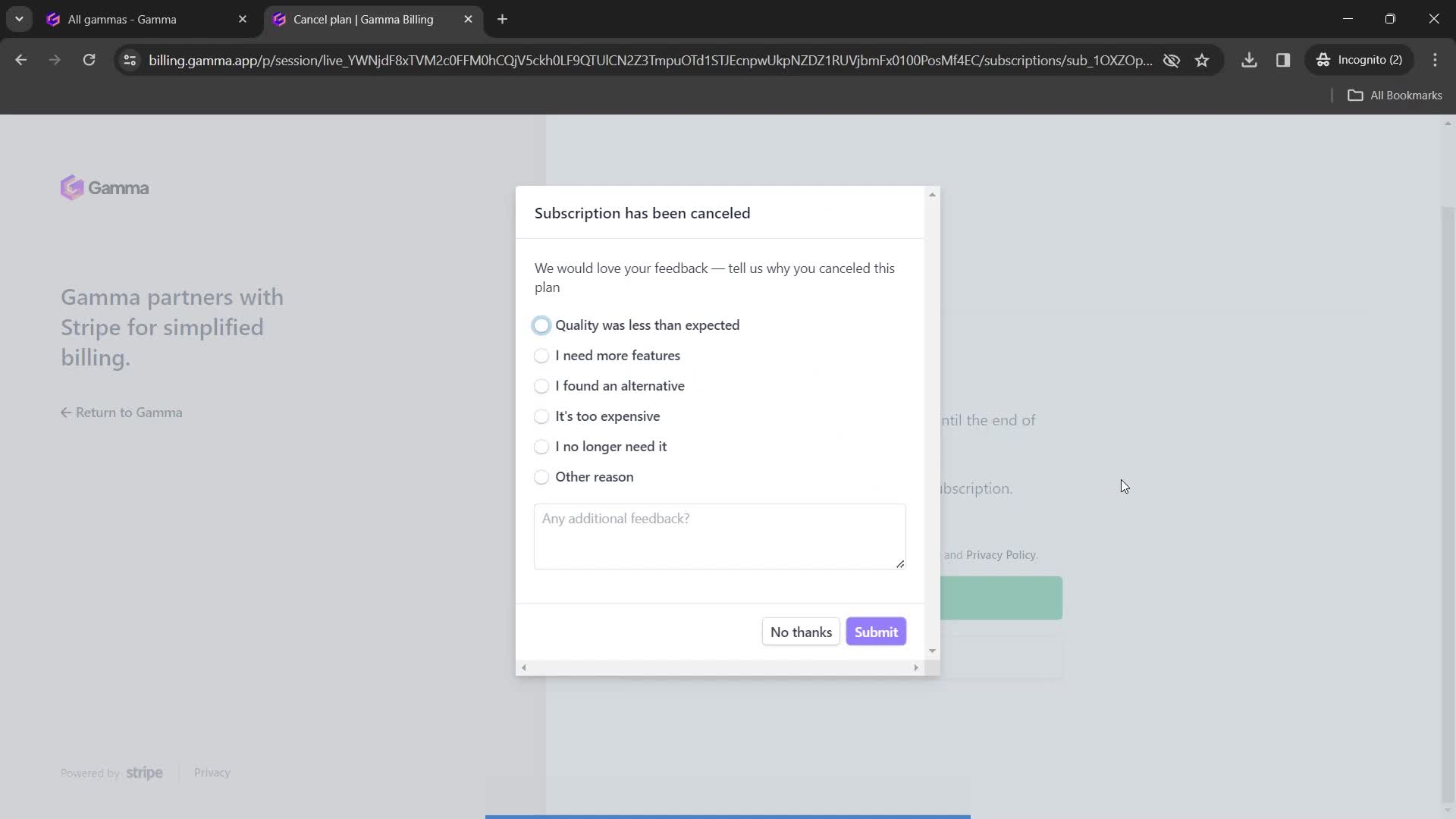
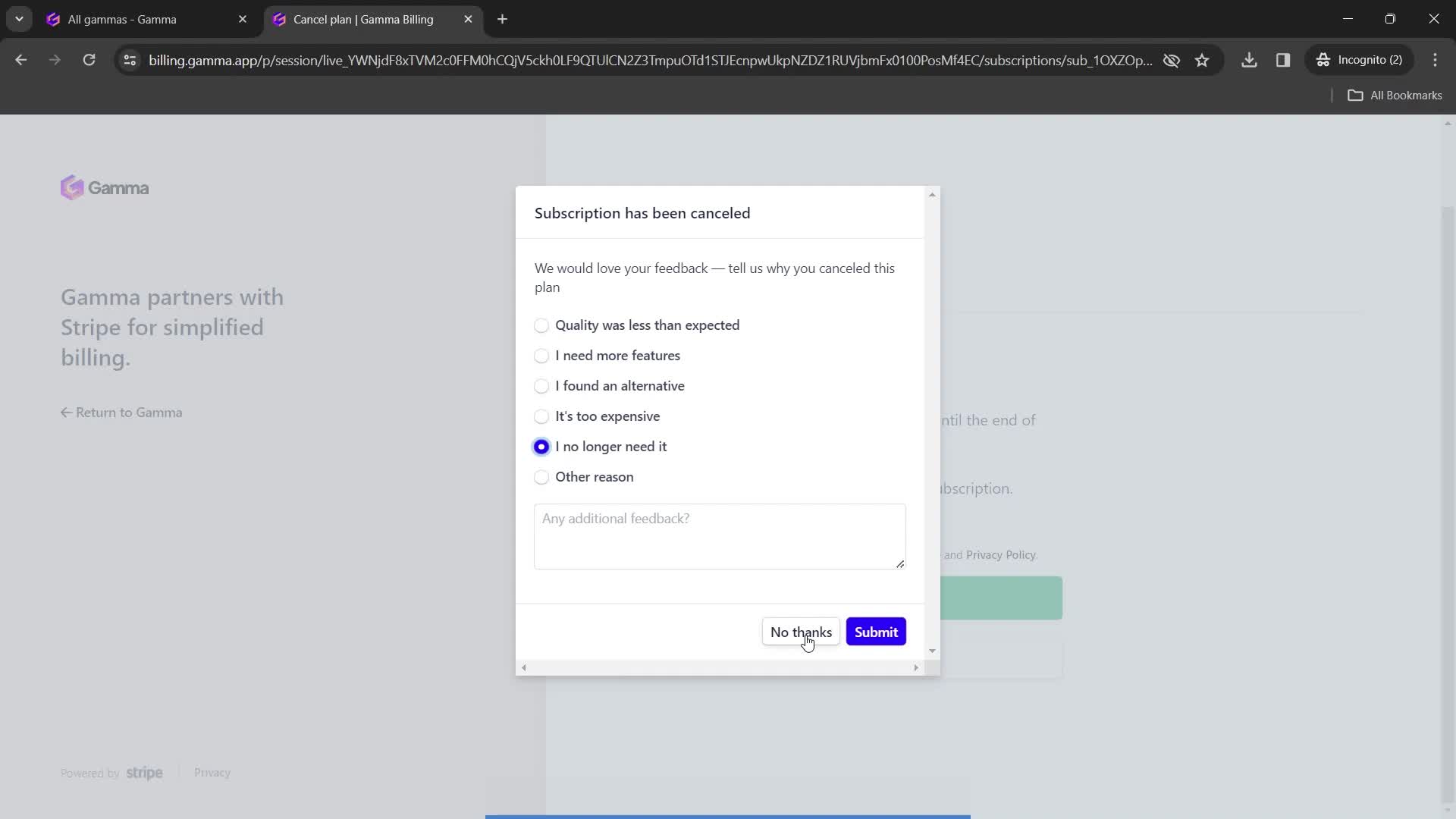
Submit feedback
this is title
Continue
this is title
Subscription details
this is title
Home
this is title
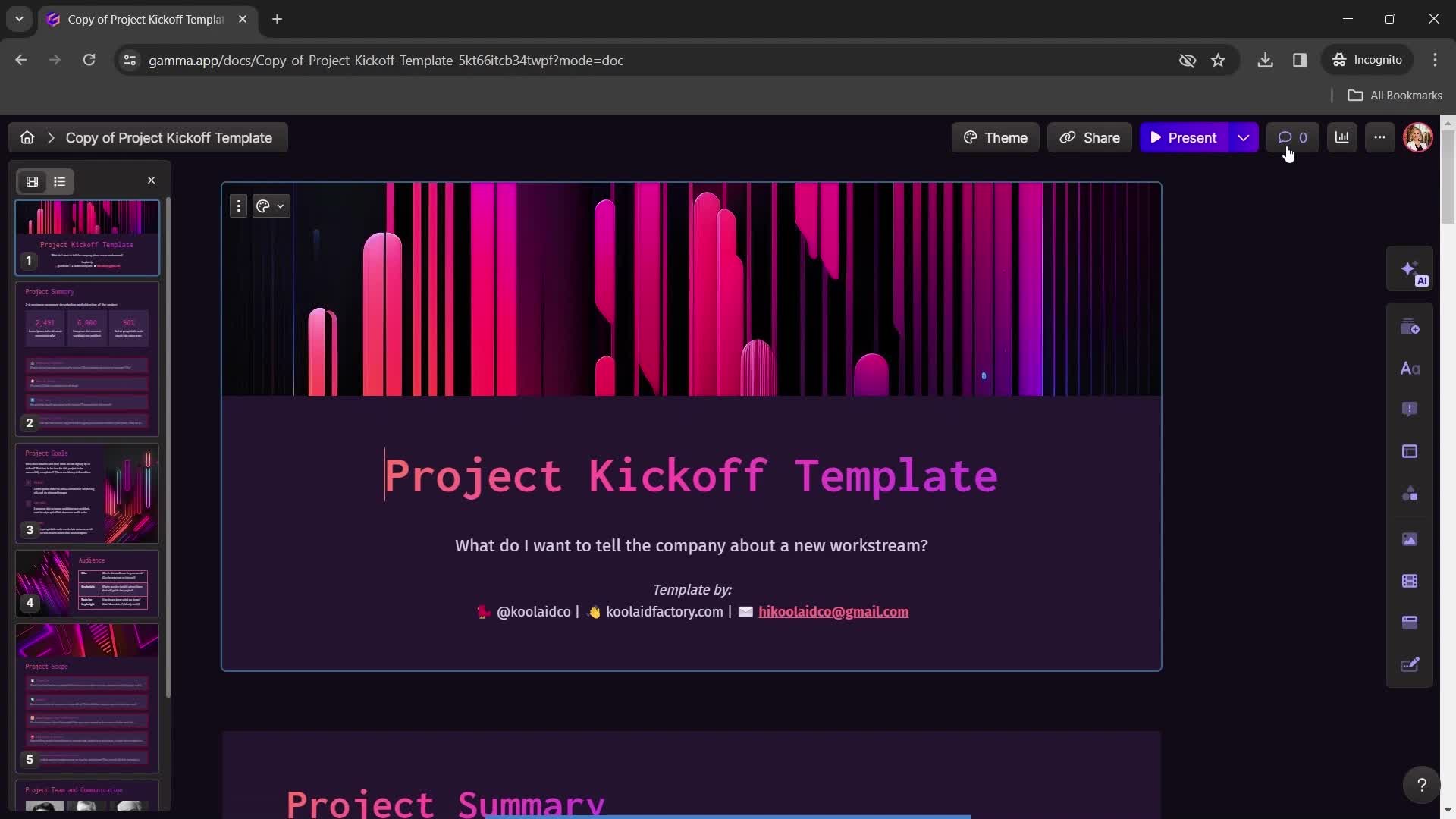
Presentation editor
this is title
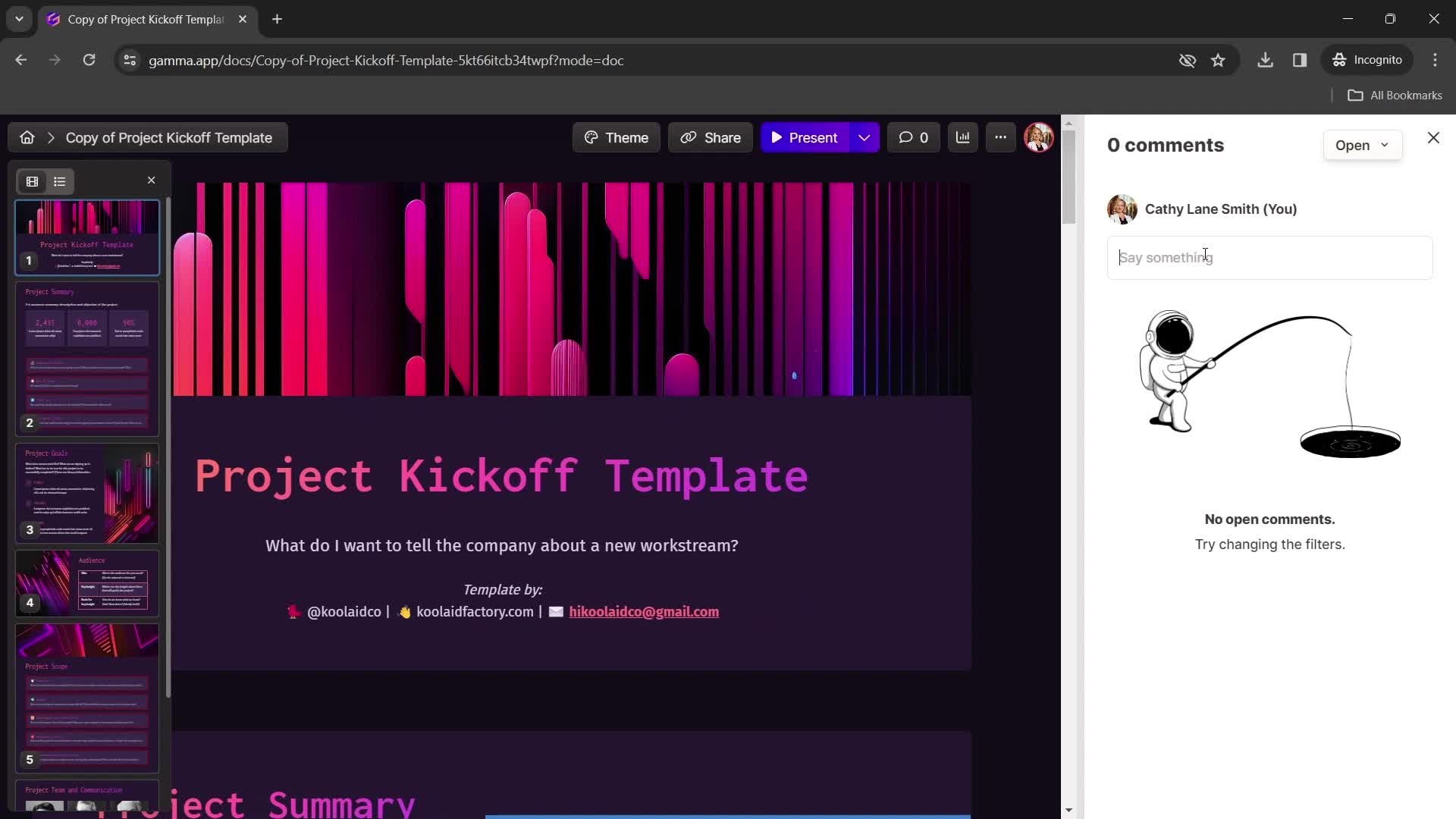
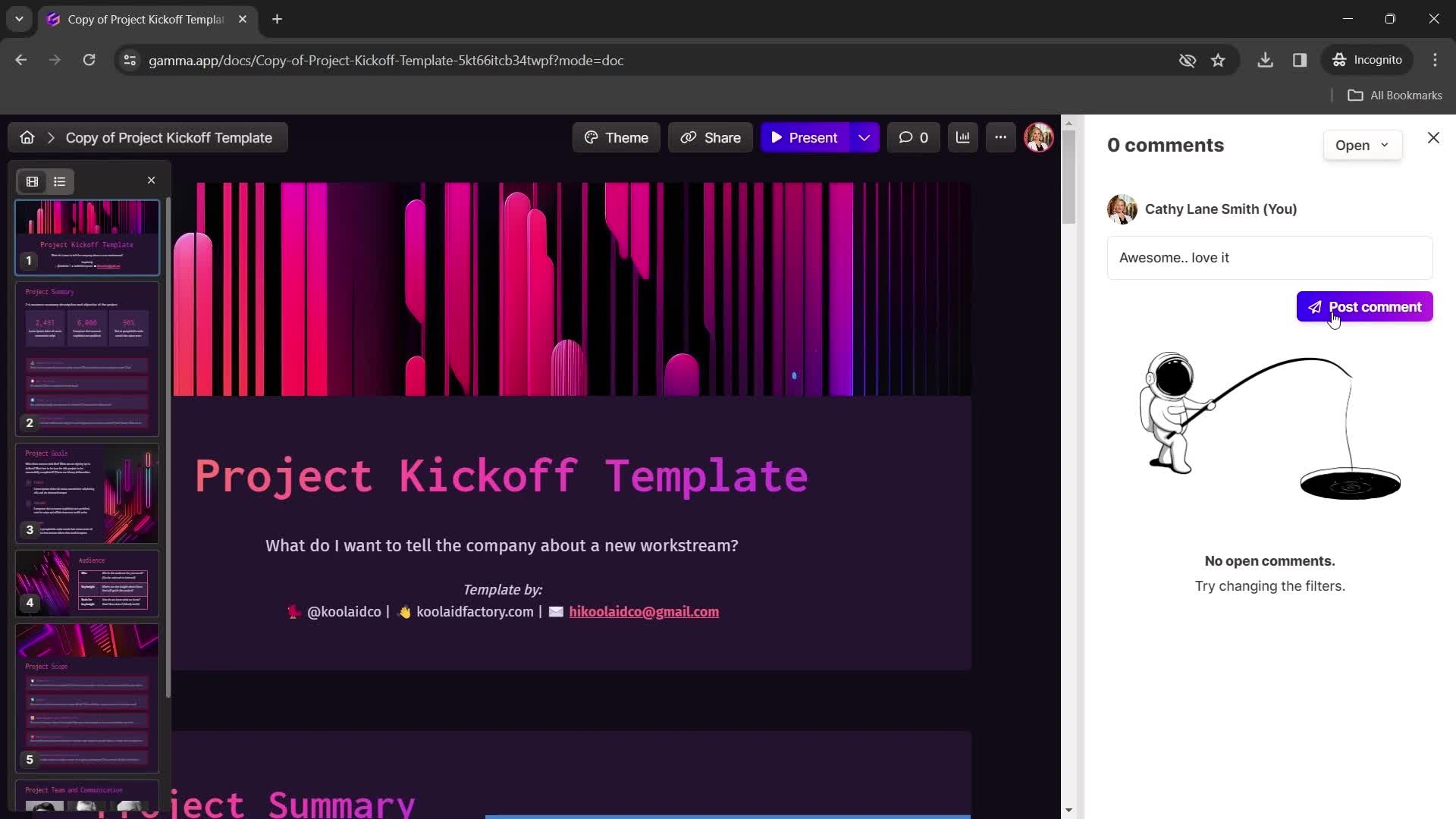
Add comment
this is title
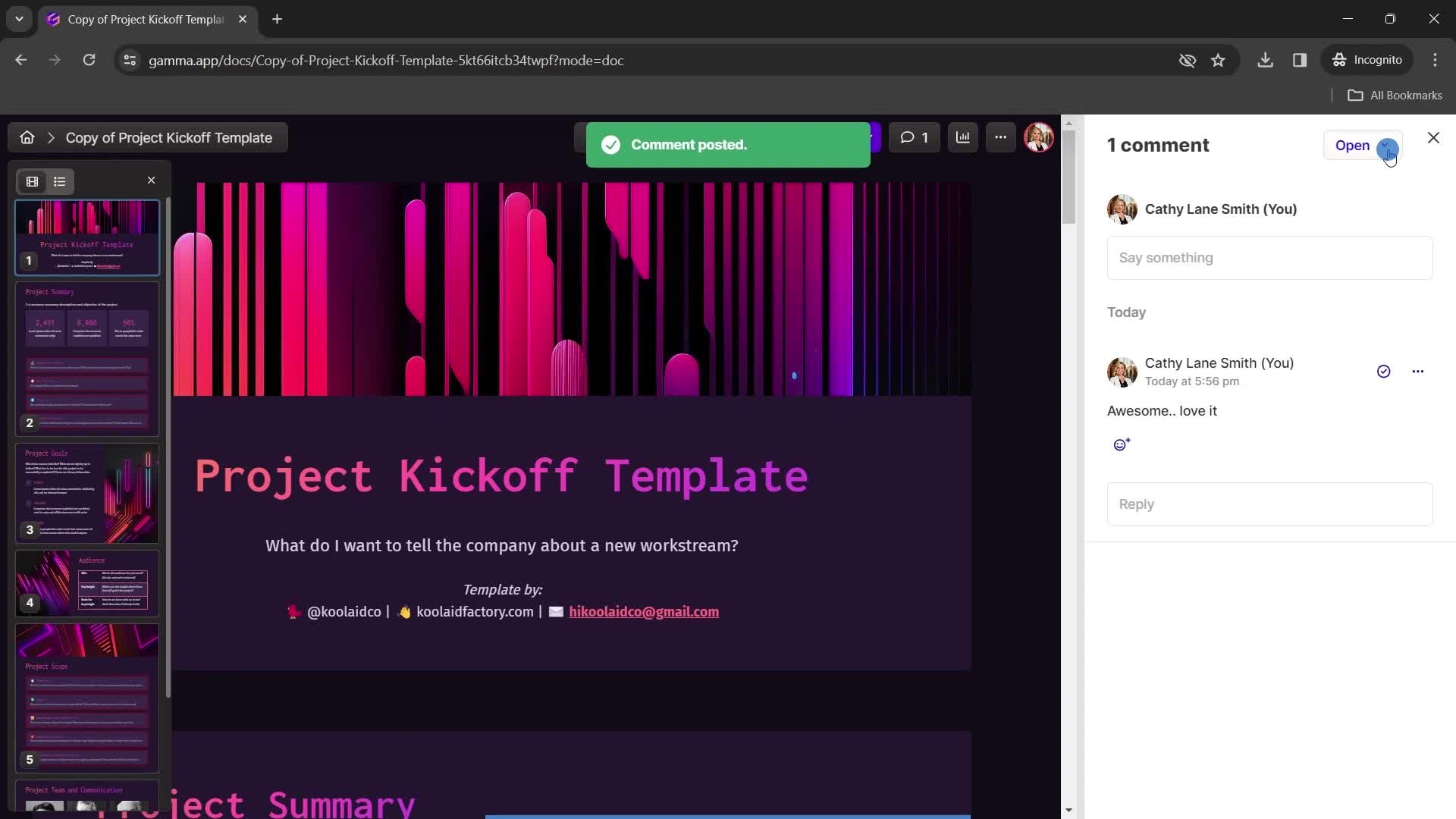
Post
this is title
this is title
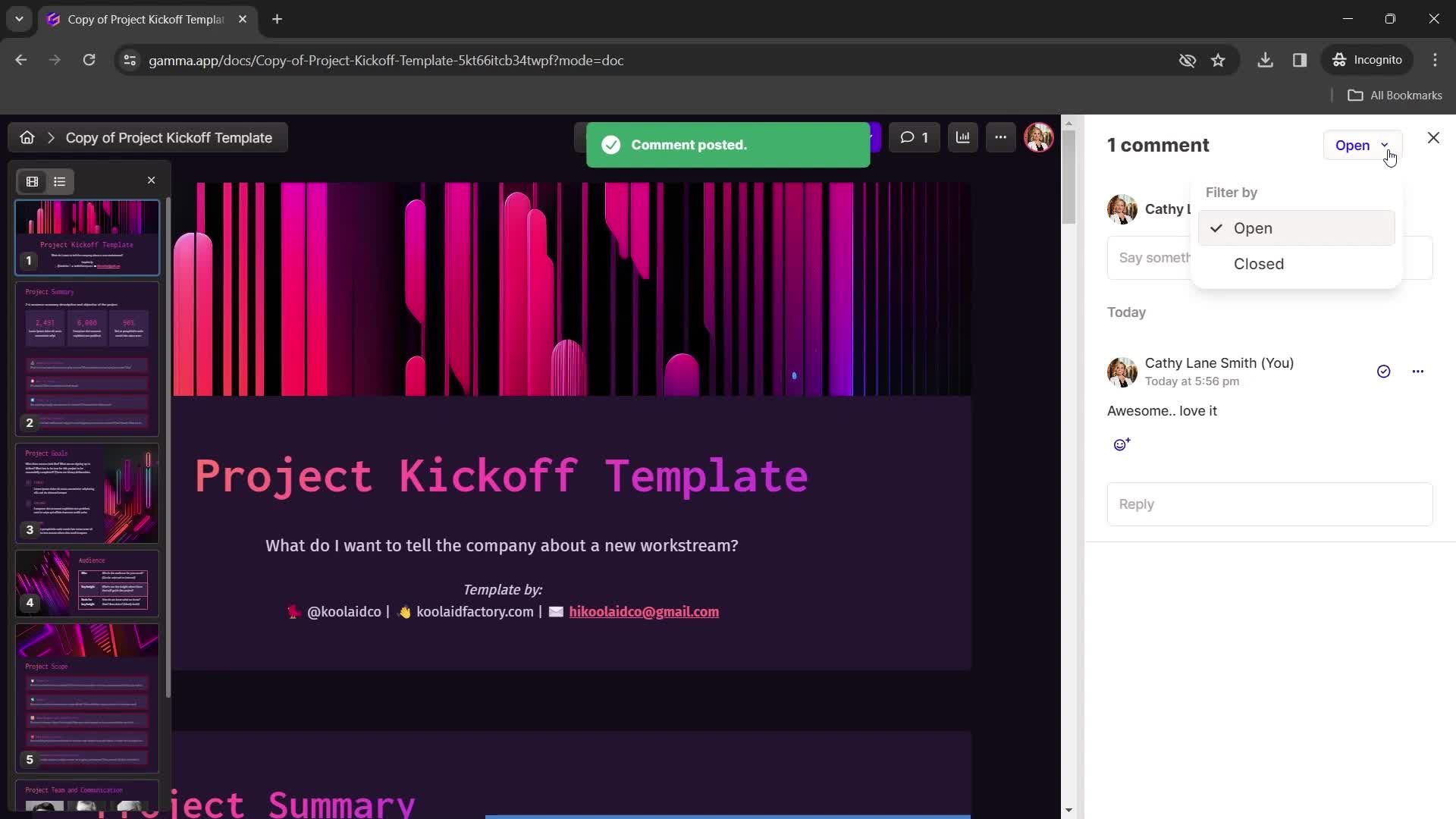
Filters
this is title
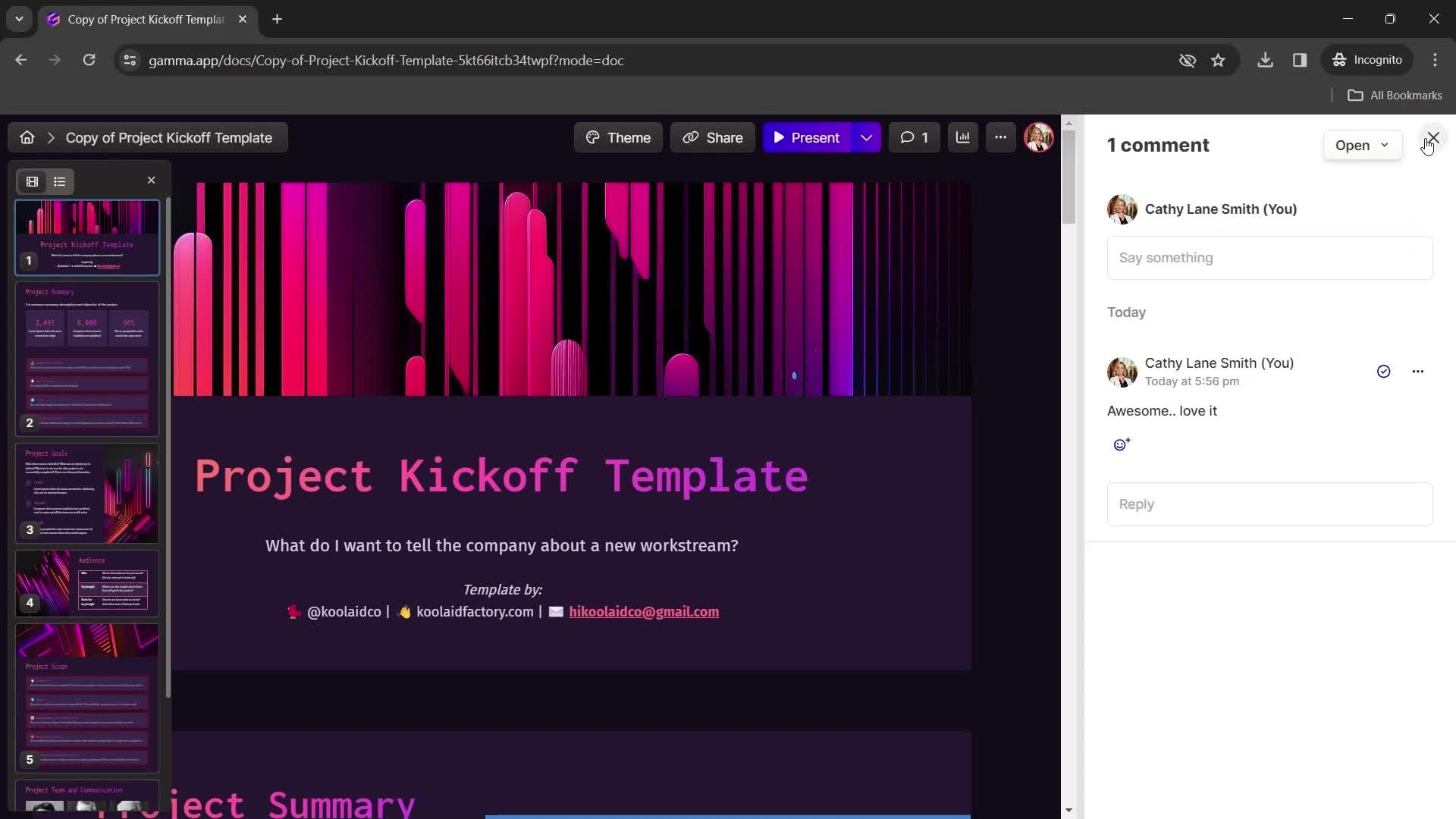
Comments
this is title
Home
this is title
Presentation editor
this is title
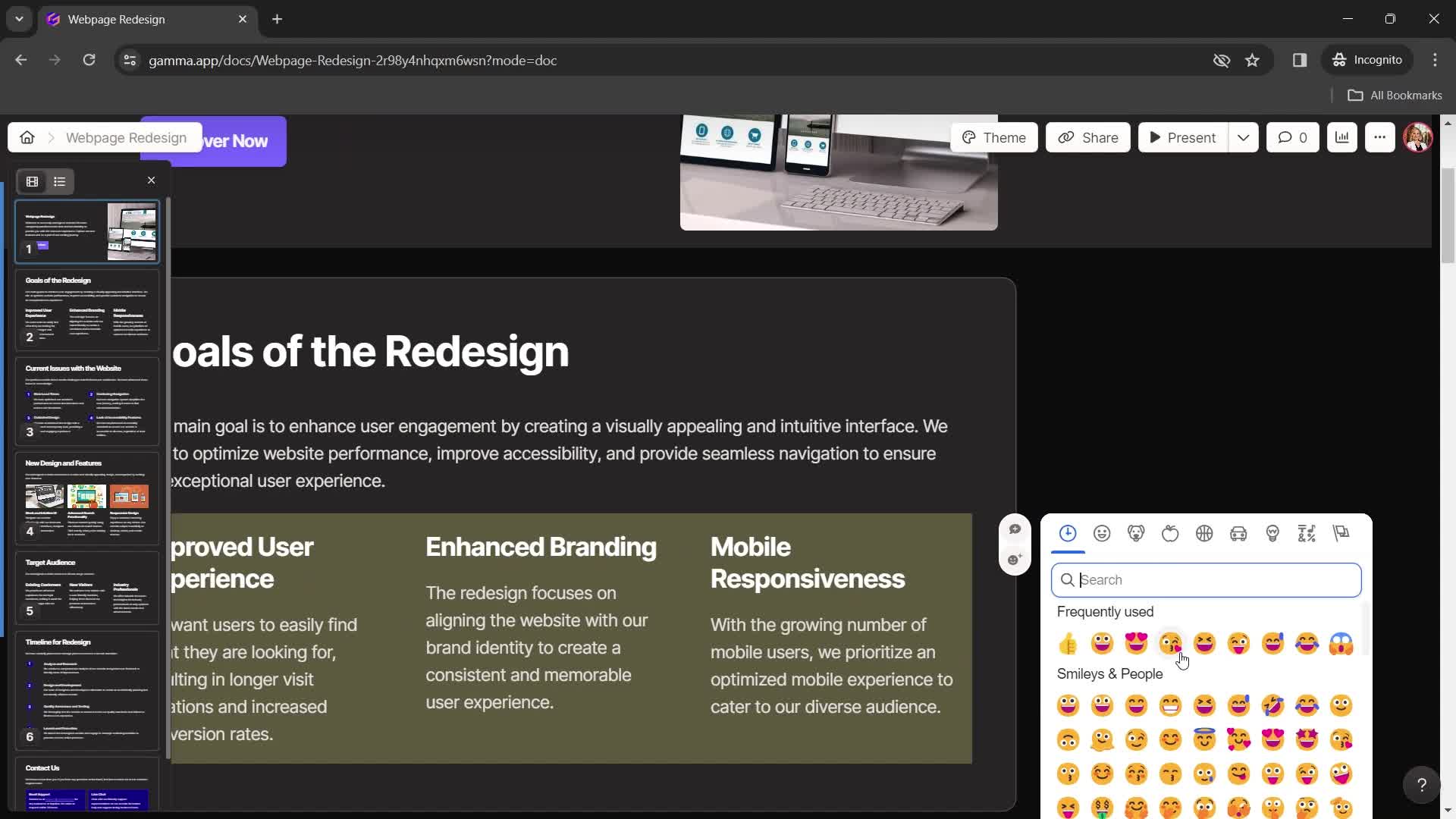
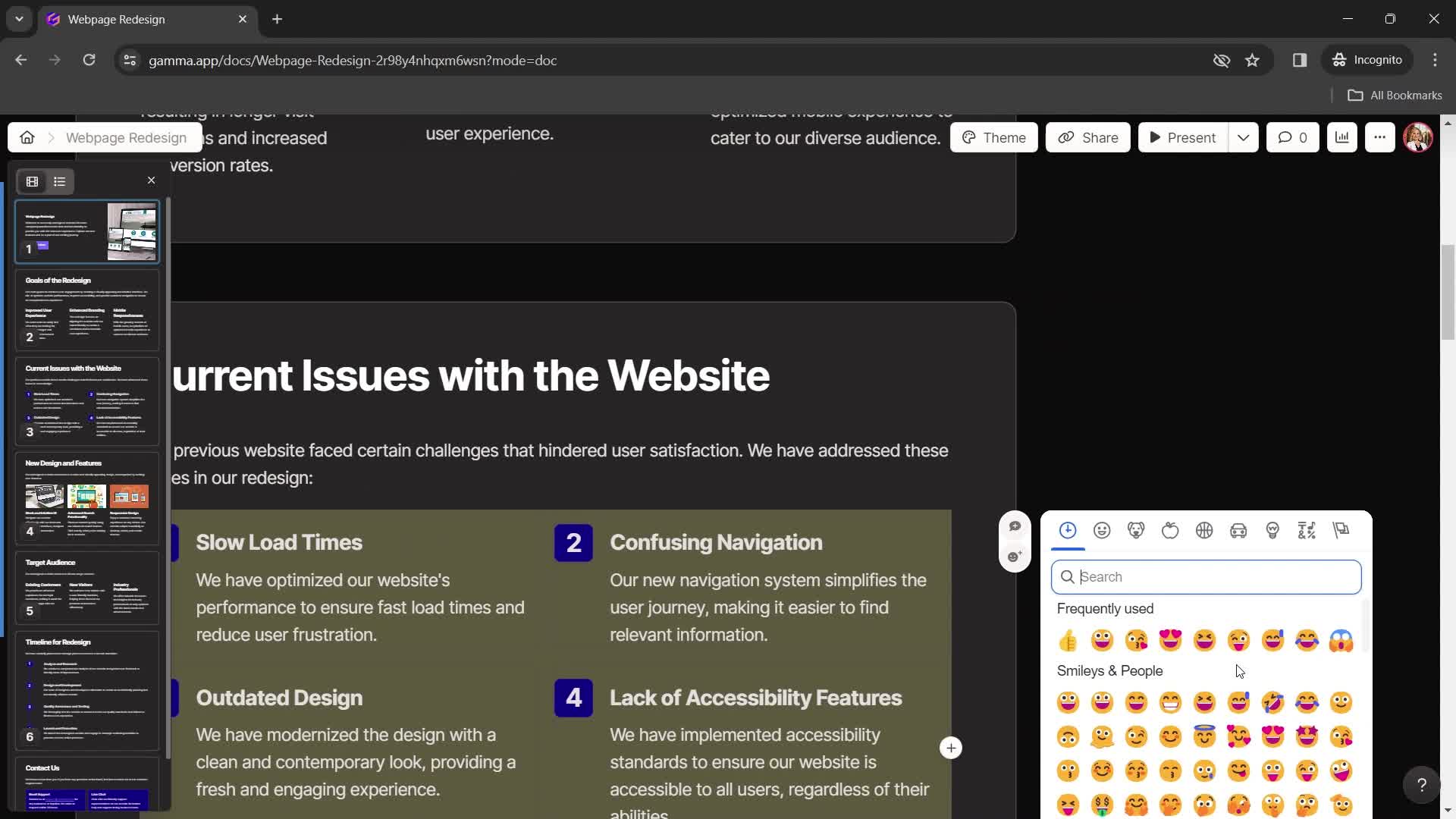
Emoji picker
this is title
Presentation editor
this is title
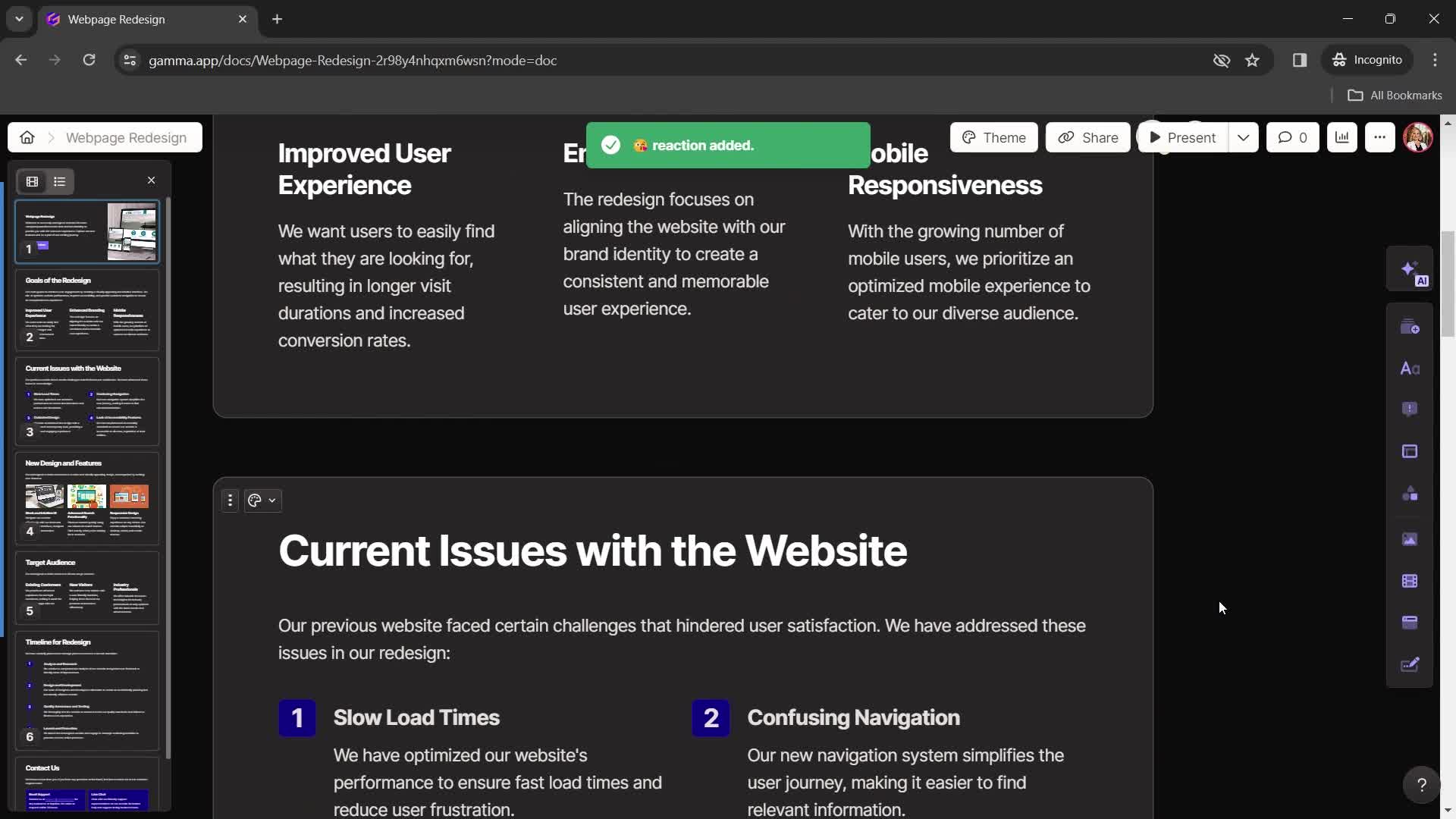
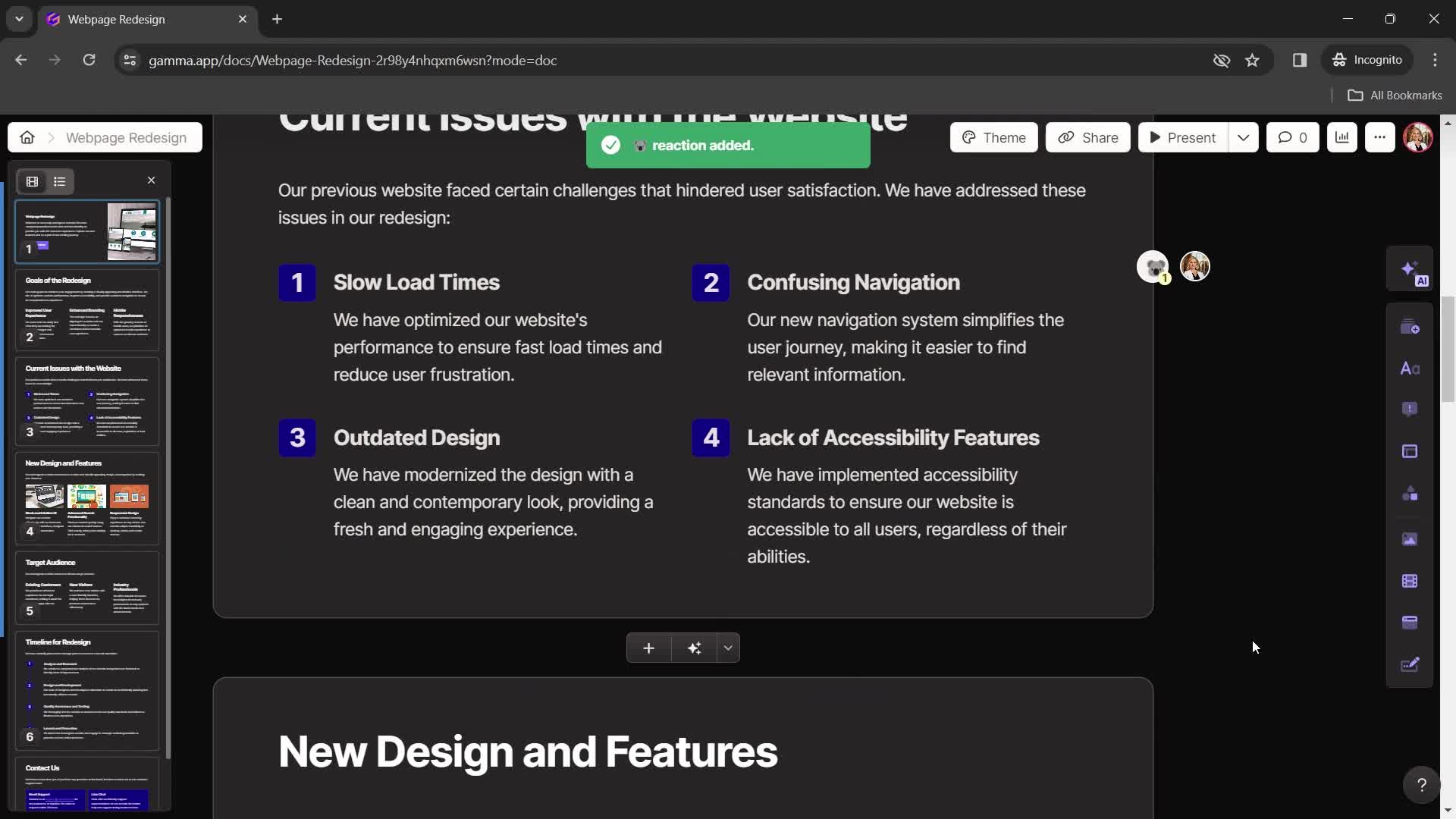
Emoji reaction
this is title
Presentation editor
this is title
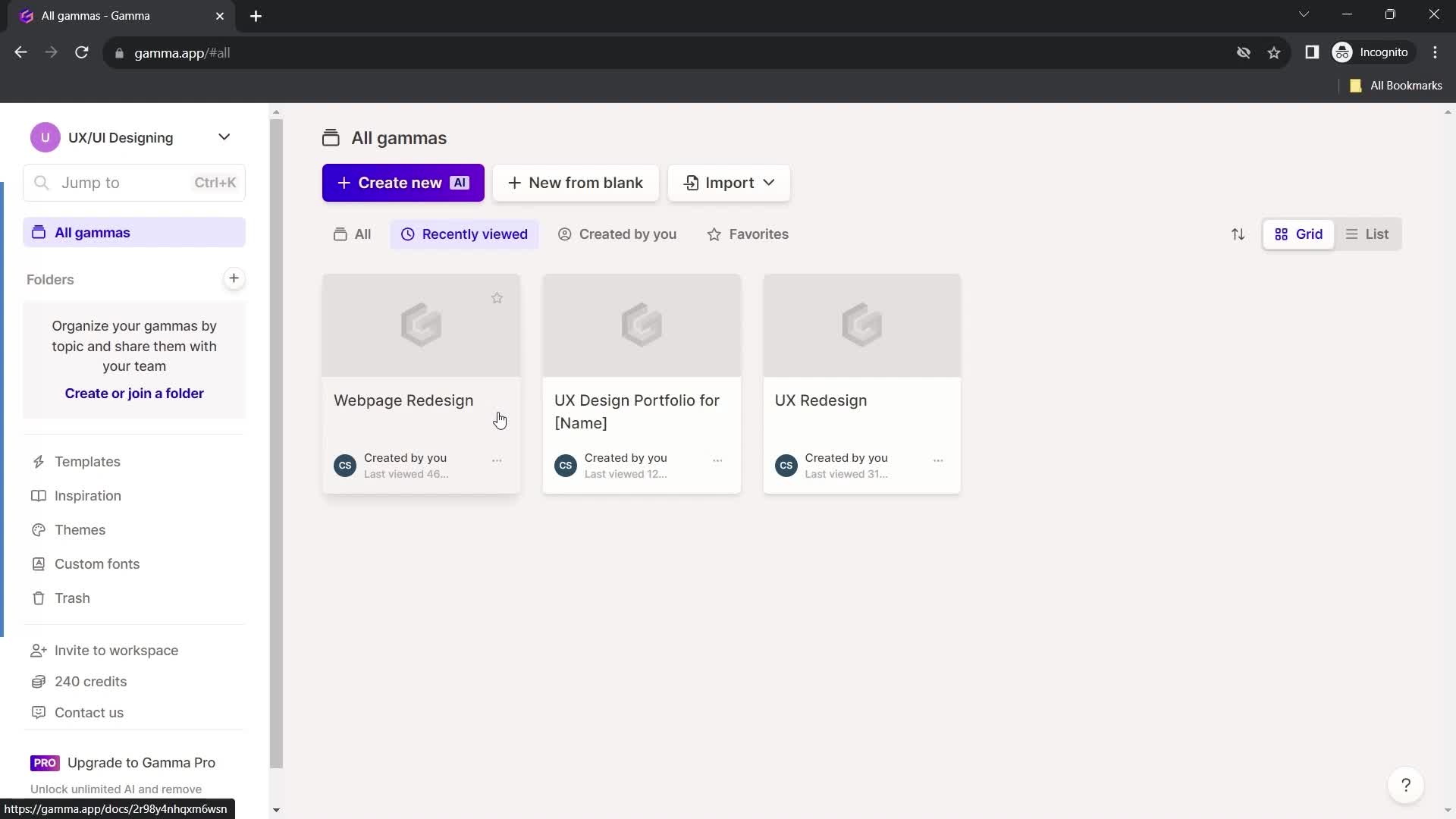
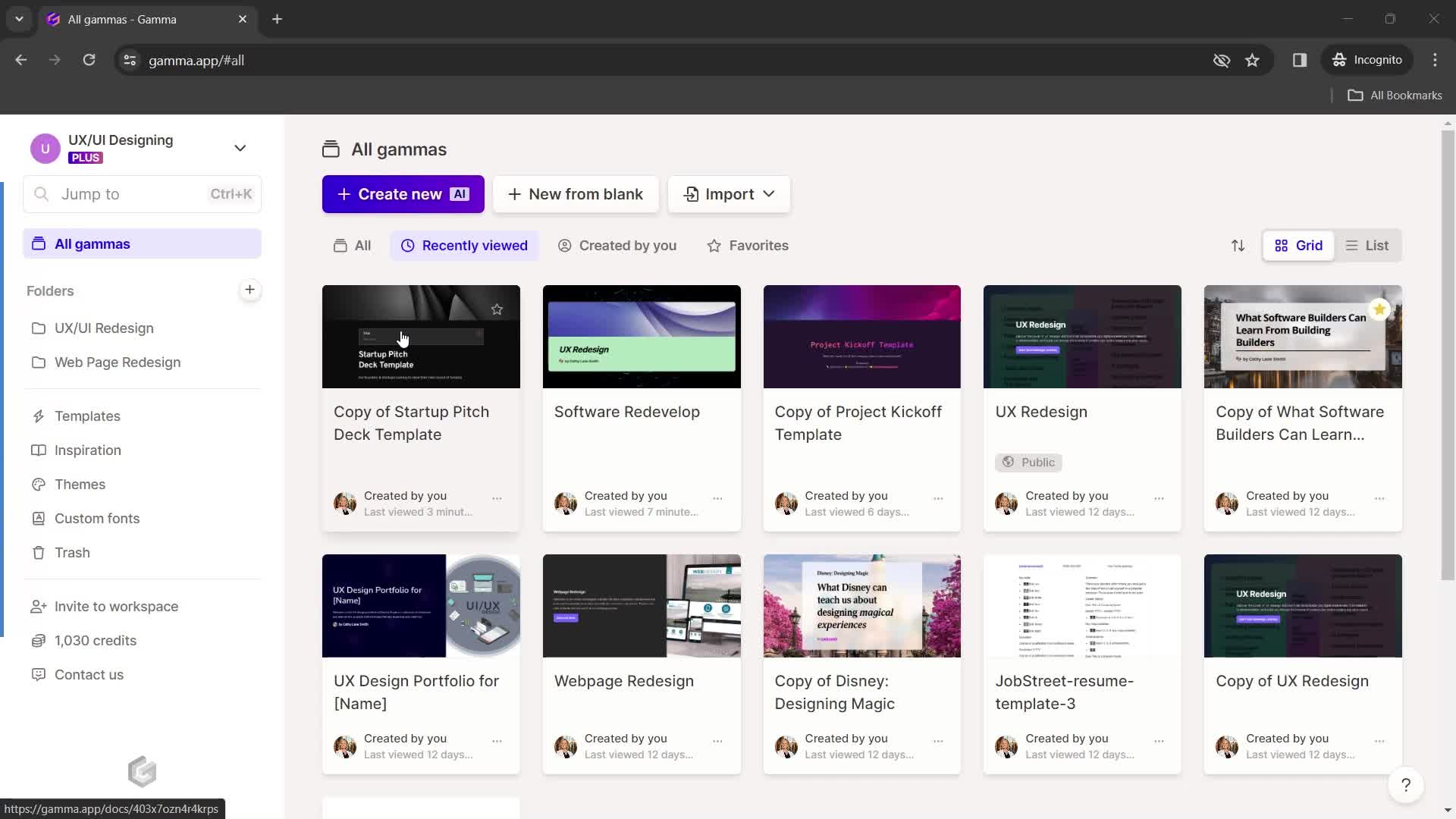
Dashboard
this is title
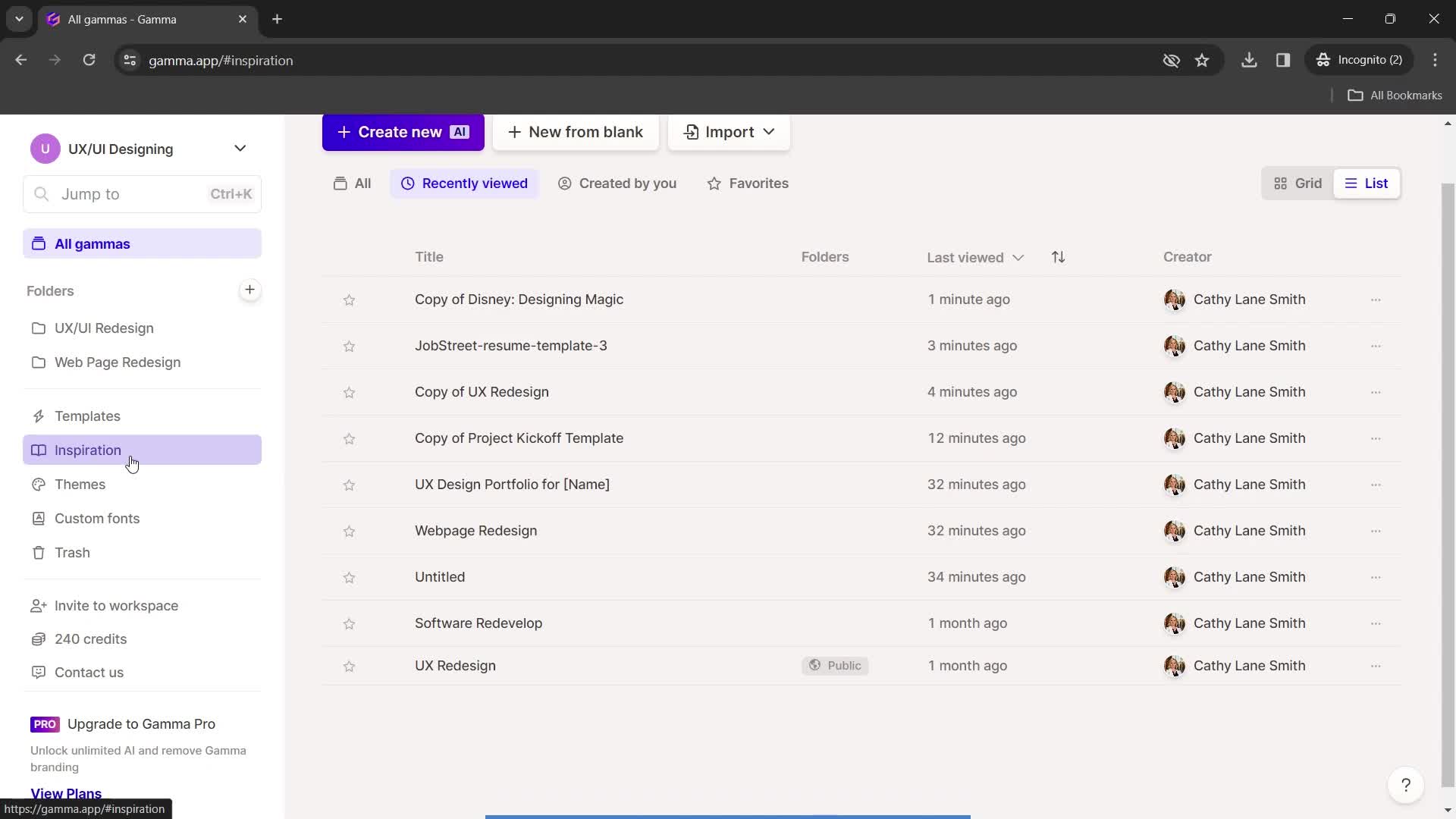
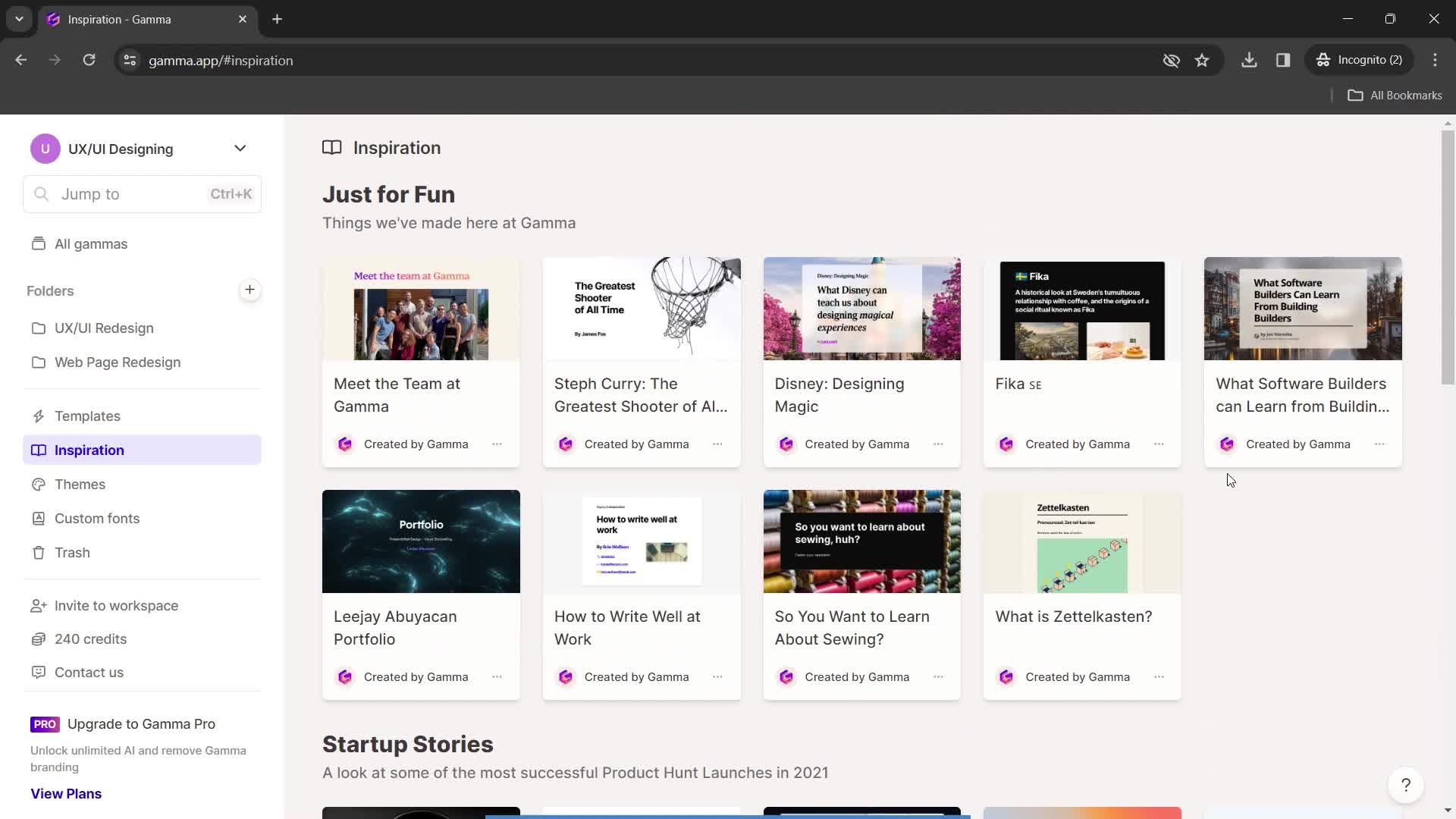
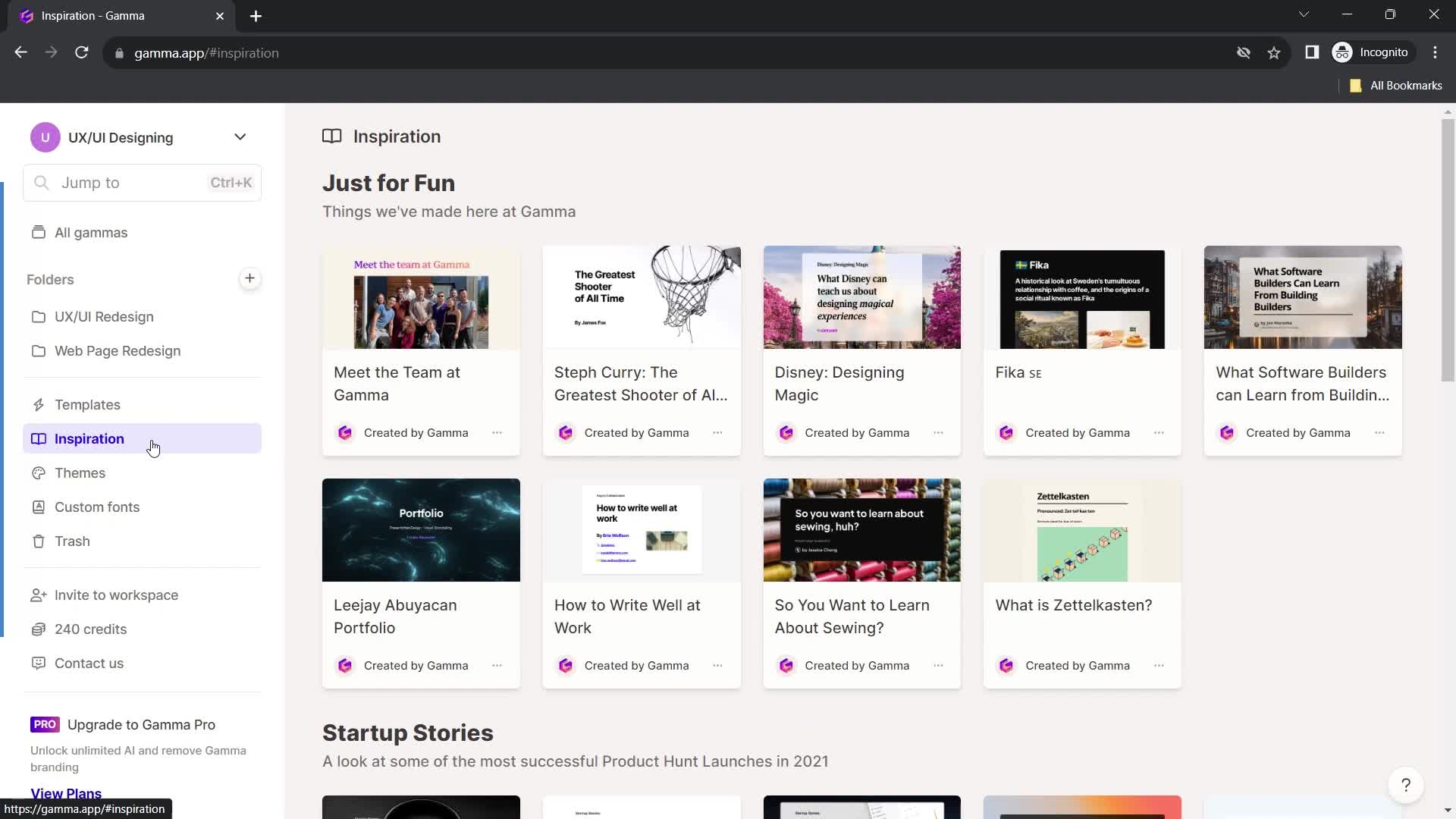
Inspirations
this is title
this is title
Presentation
this is title
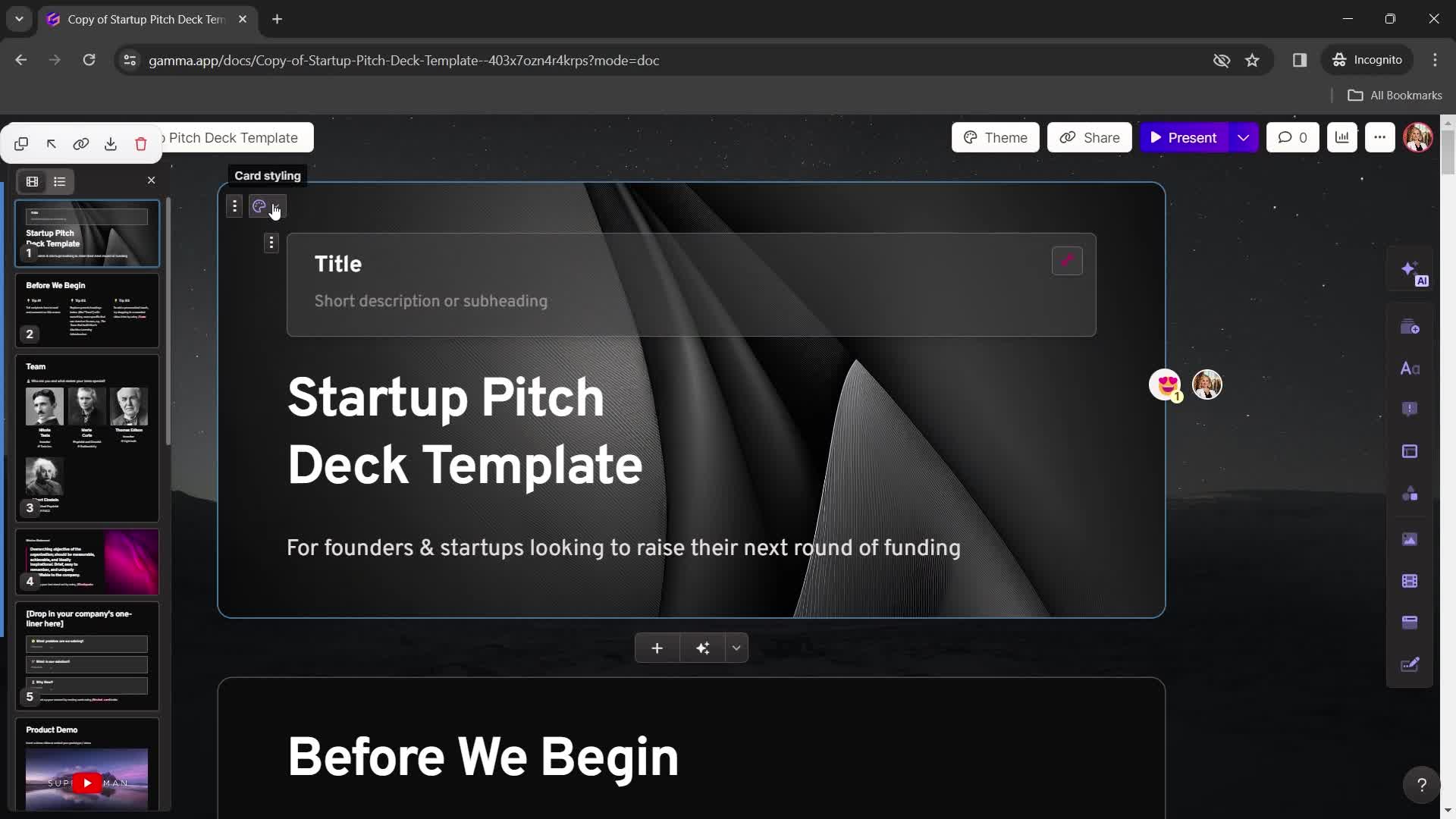
Save a copy
this is title
Presentation editor
this is title
Dashboard
this is title
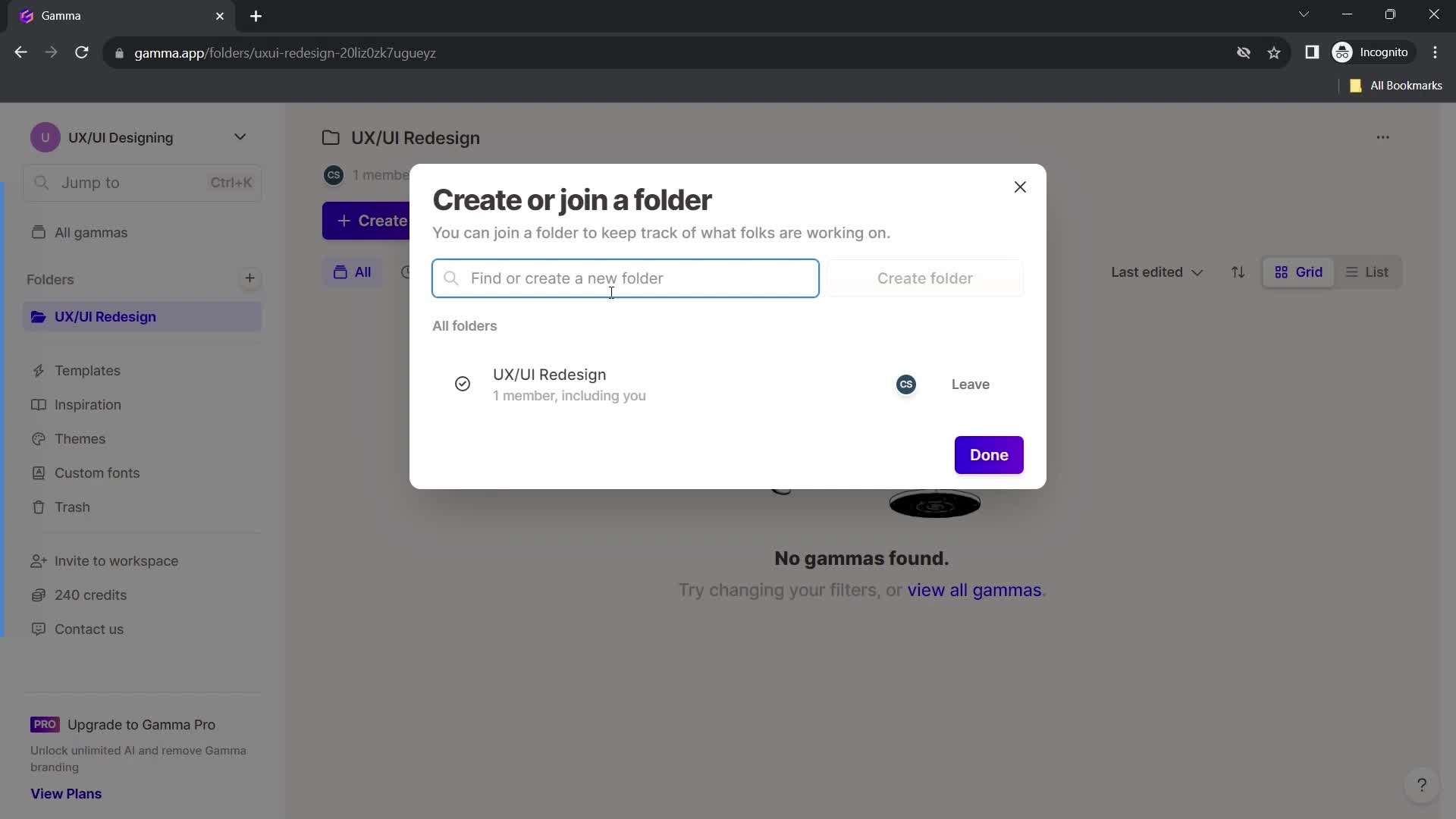
Dashboard
this is title
this is title
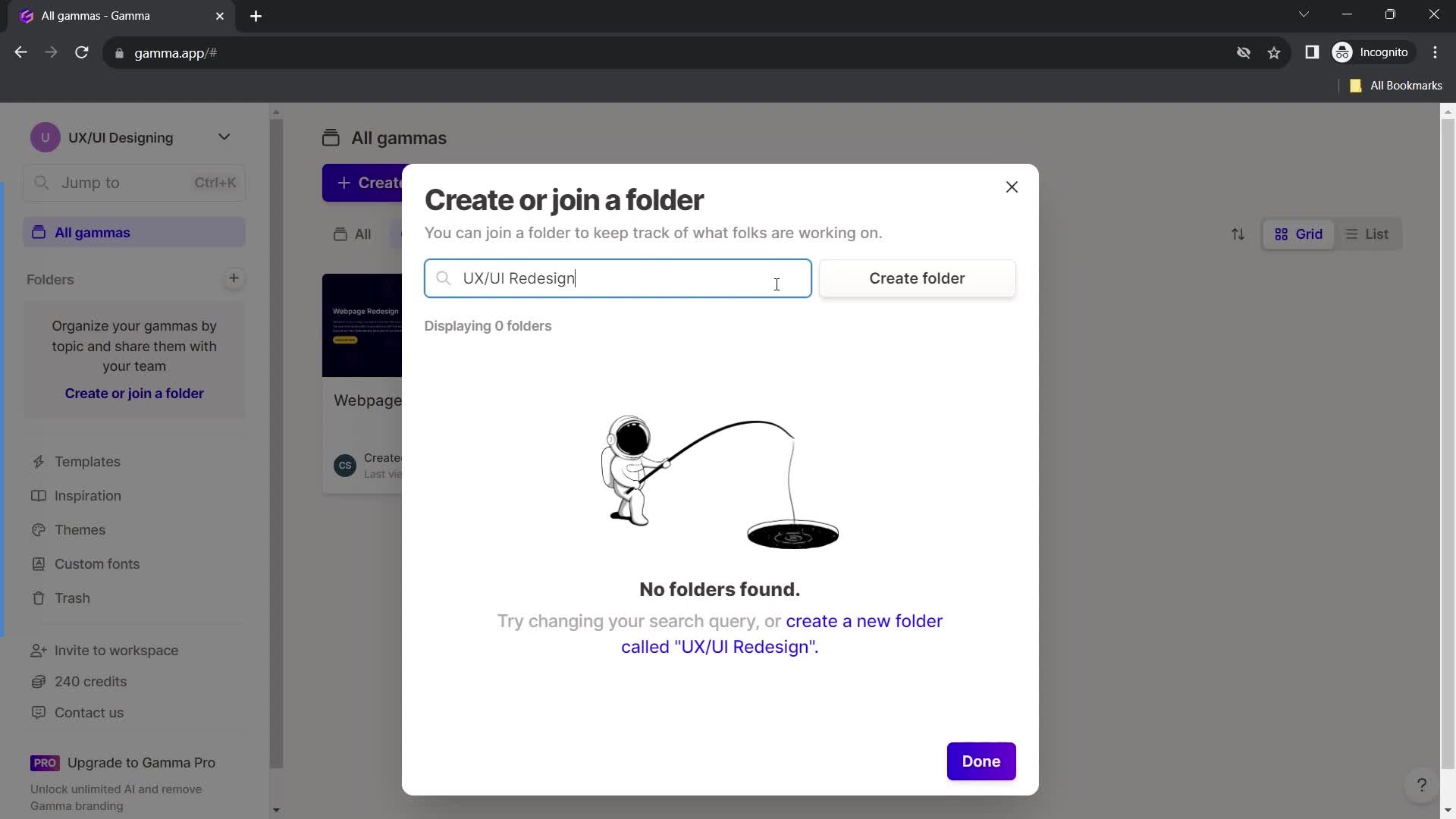
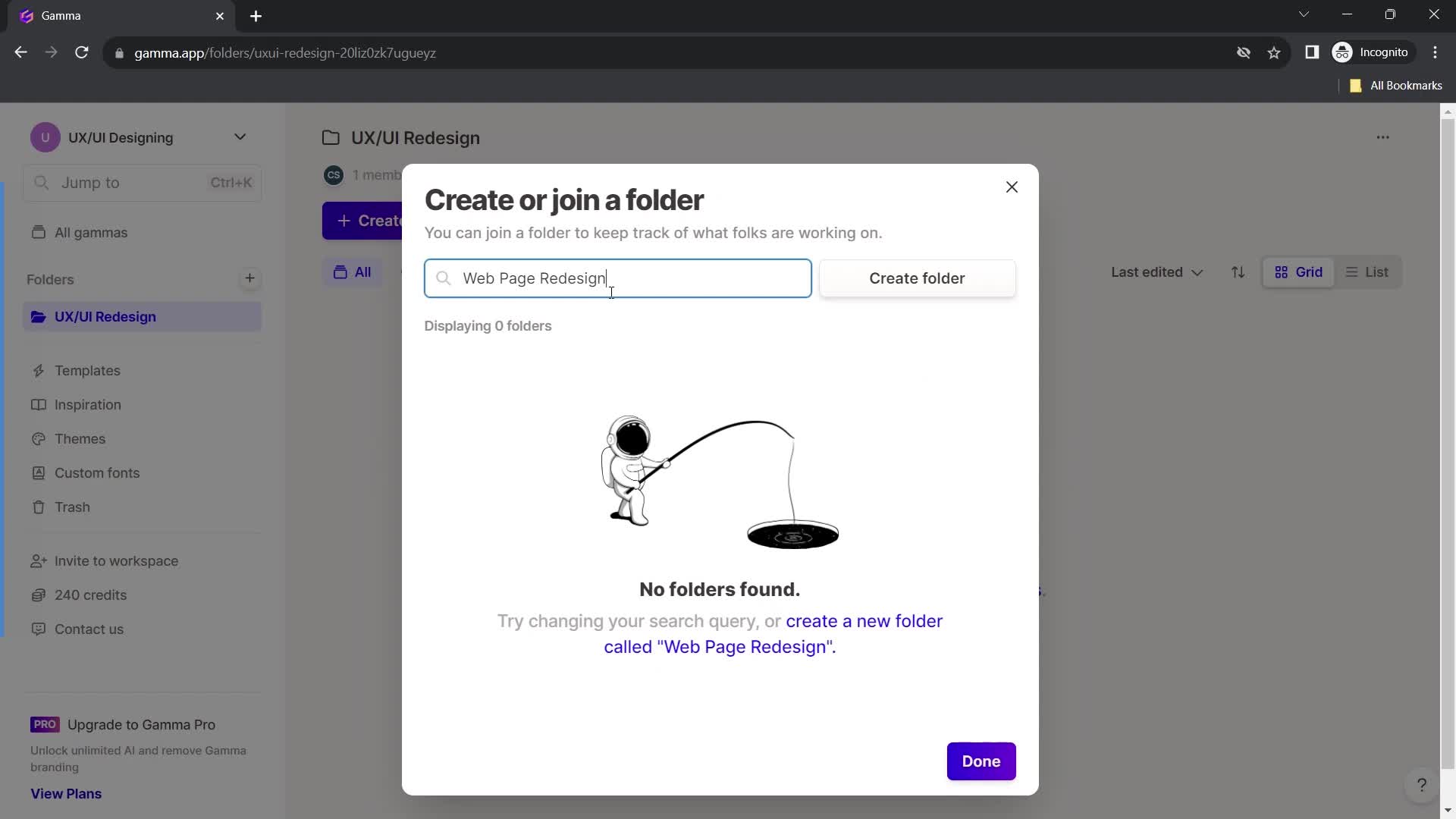
Enter folder name
this is title
this is title
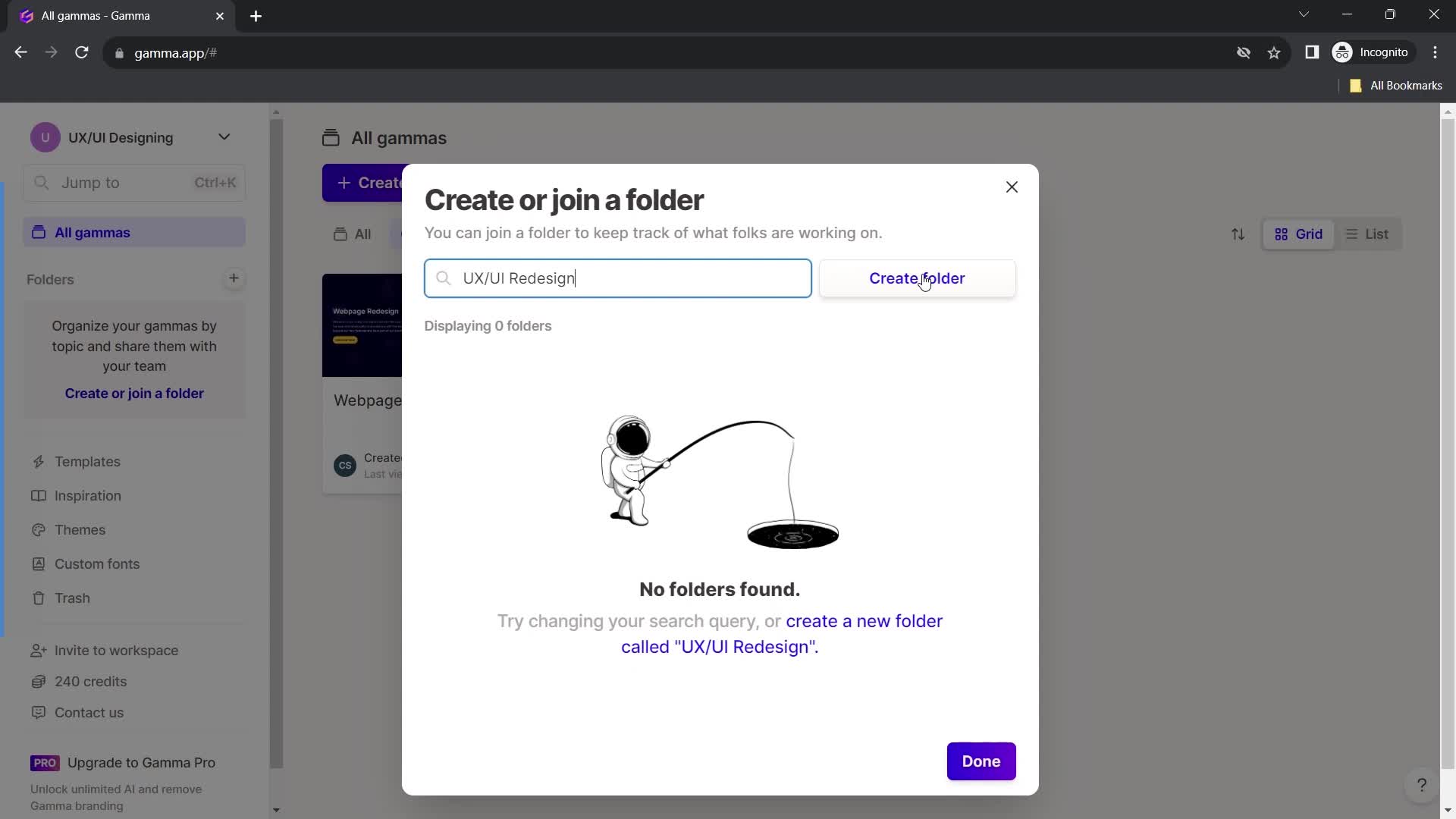
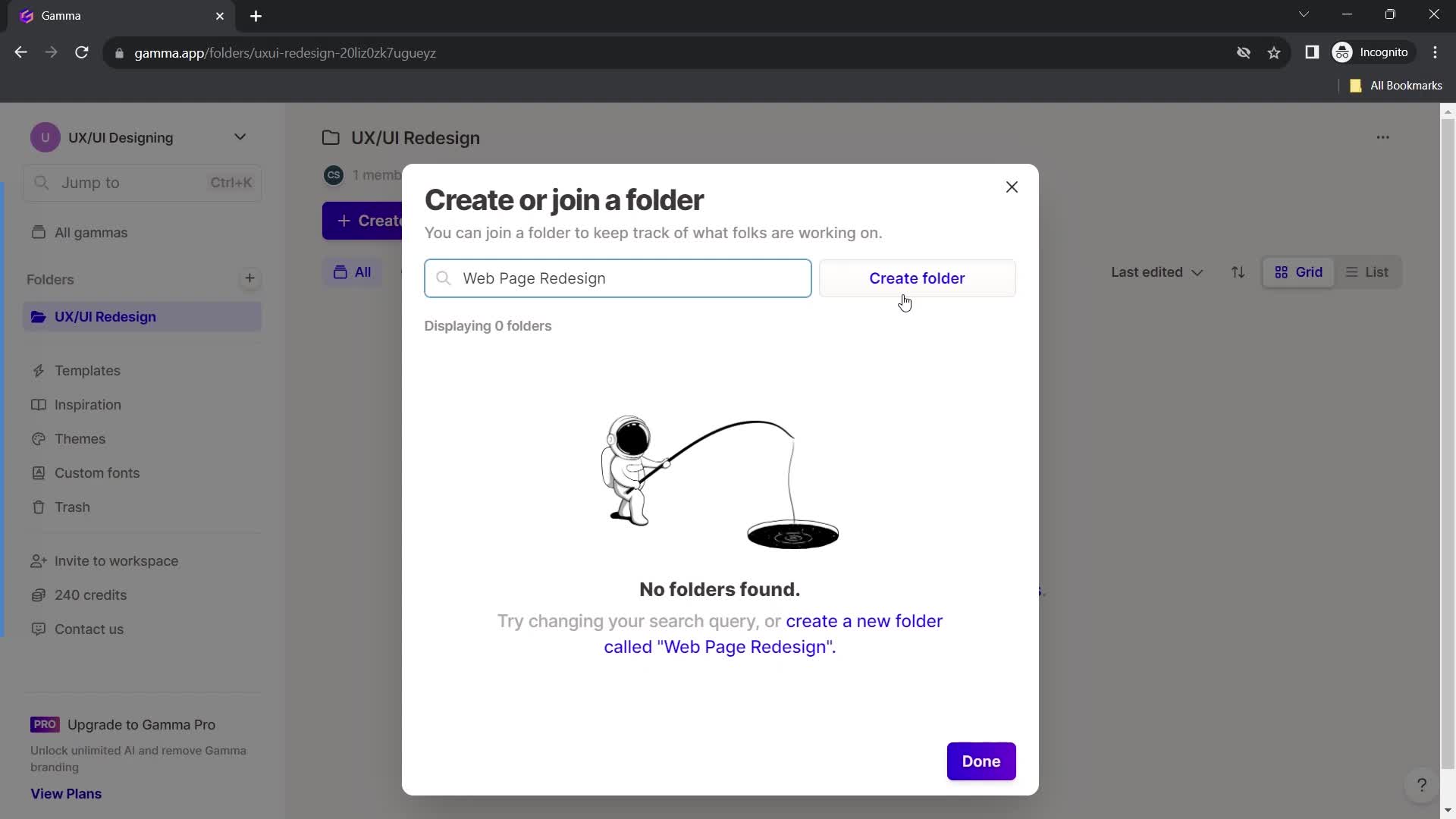
Create folder
this is title
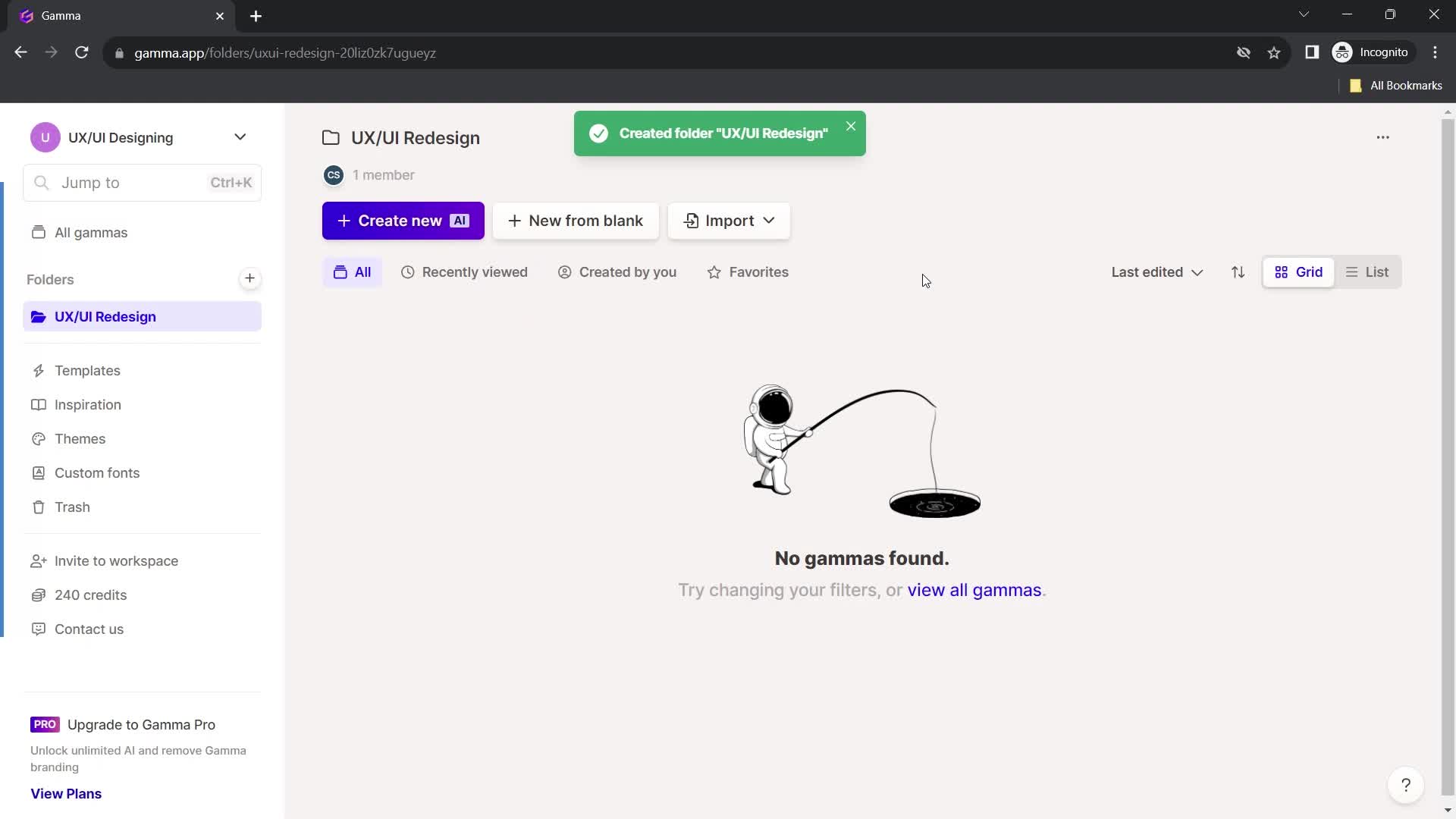
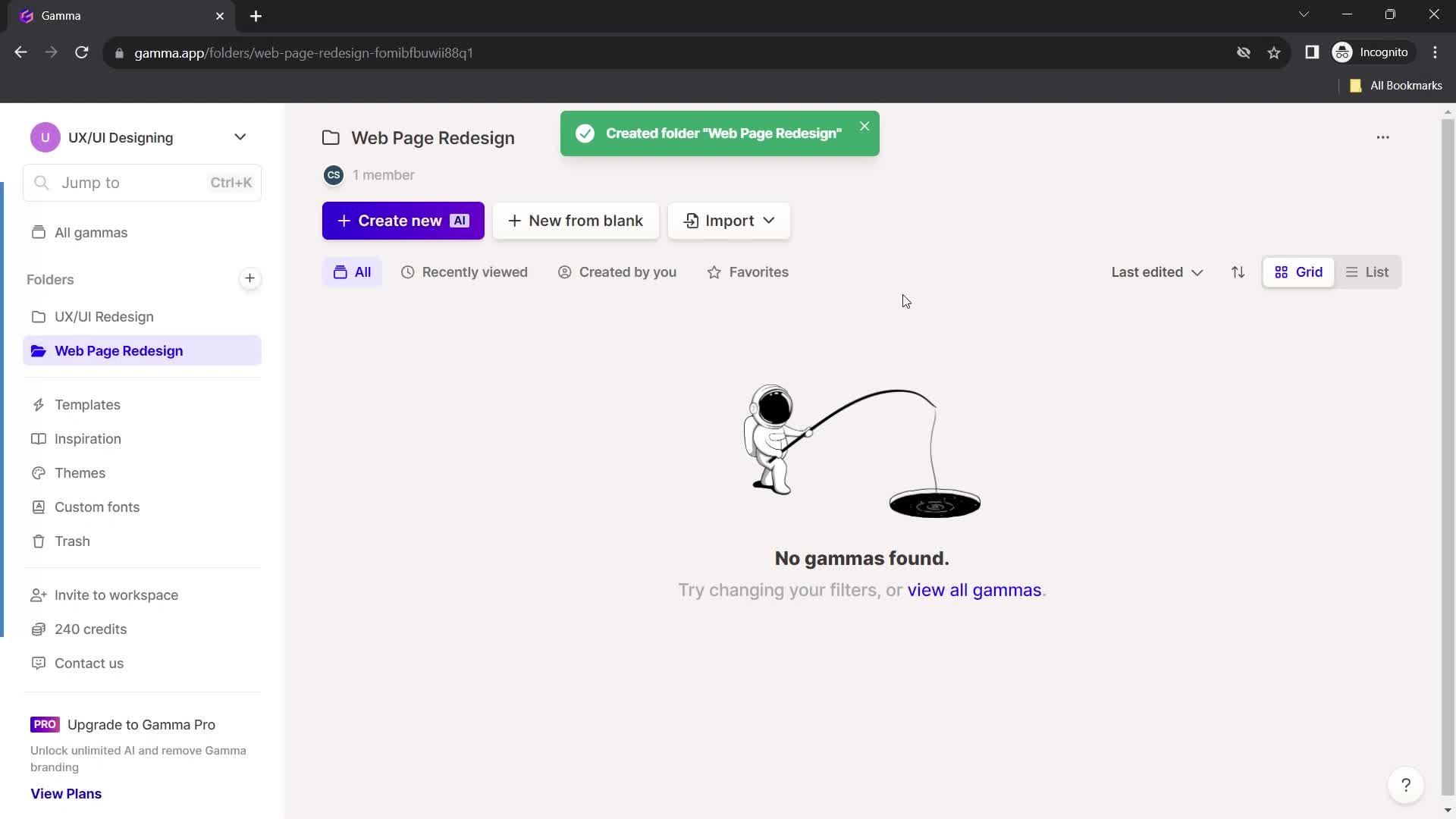
Folder created
this is title
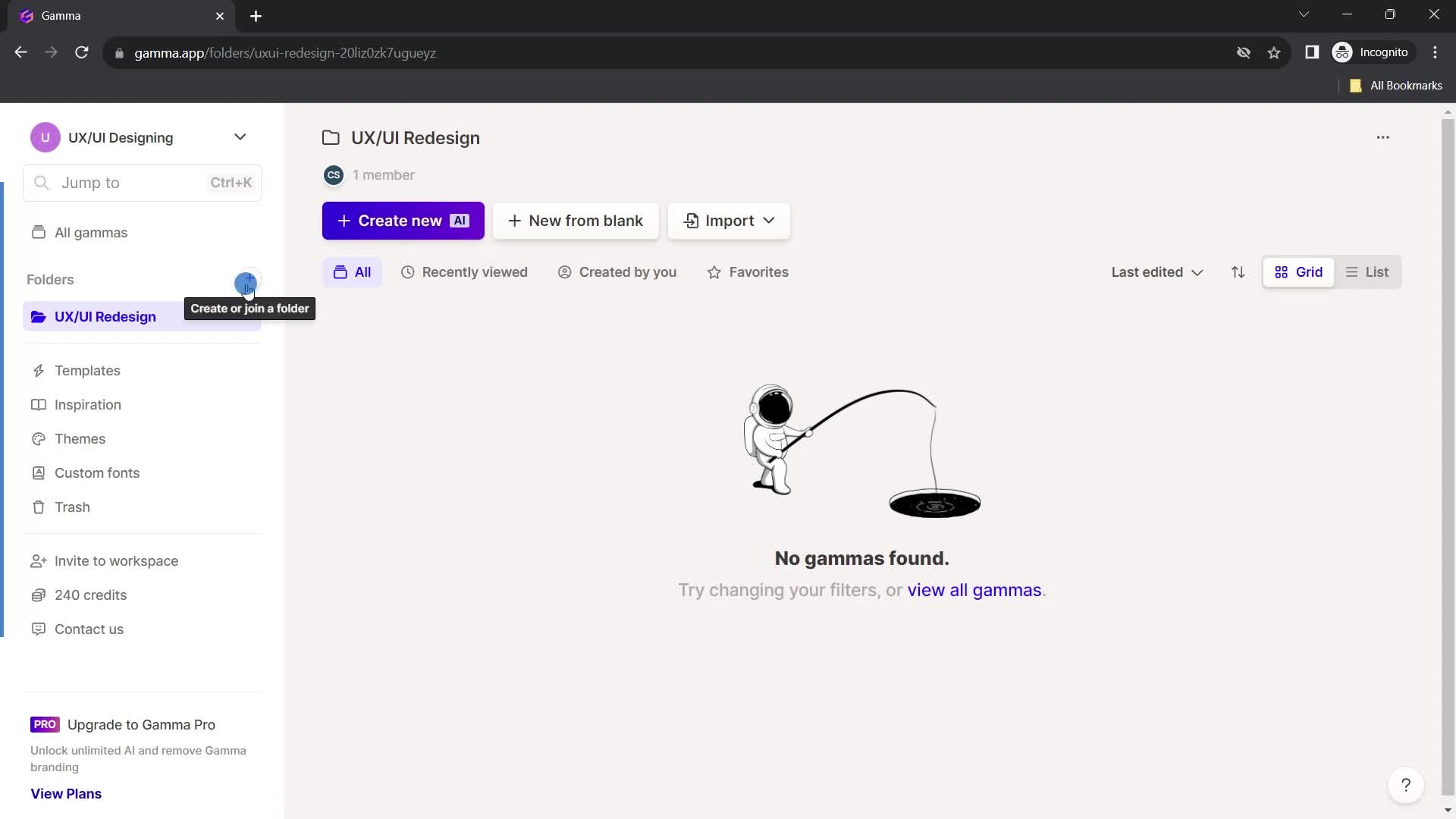
Create folder
this is title
Enter folder name
this is title
this is title
Continue
this is title
Folder created
this is title
Home
this is title
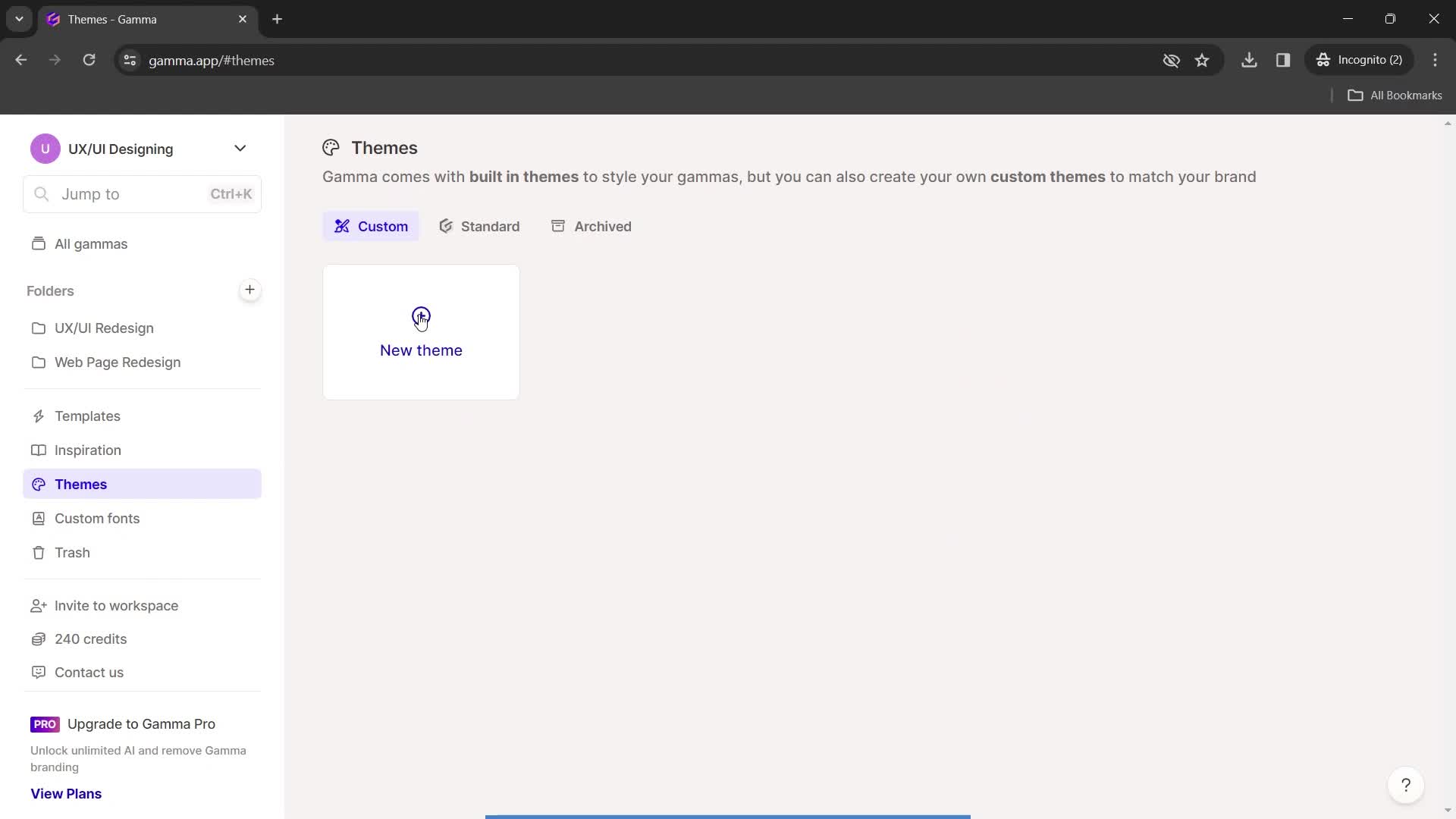
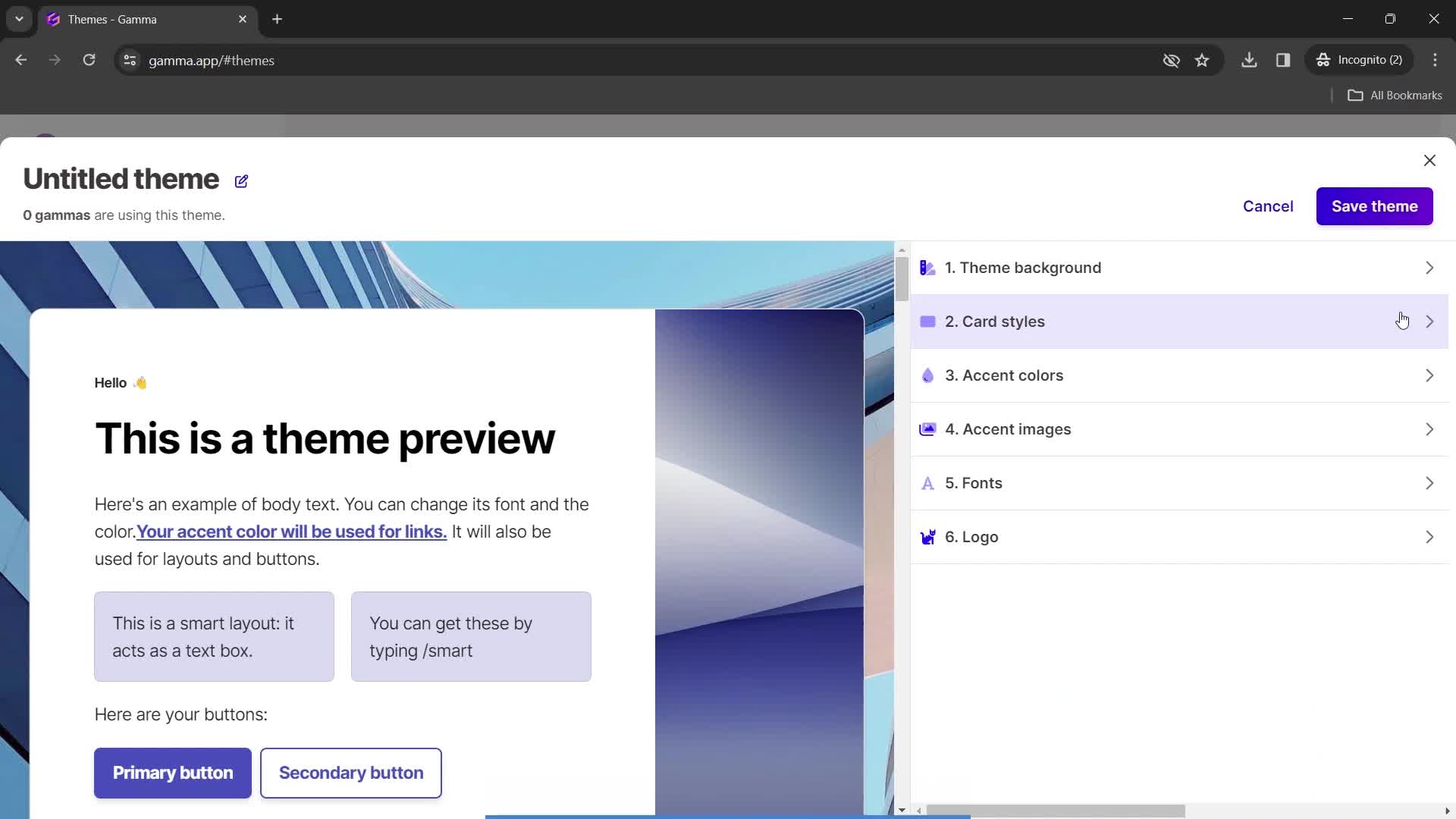
Create theme
this is title
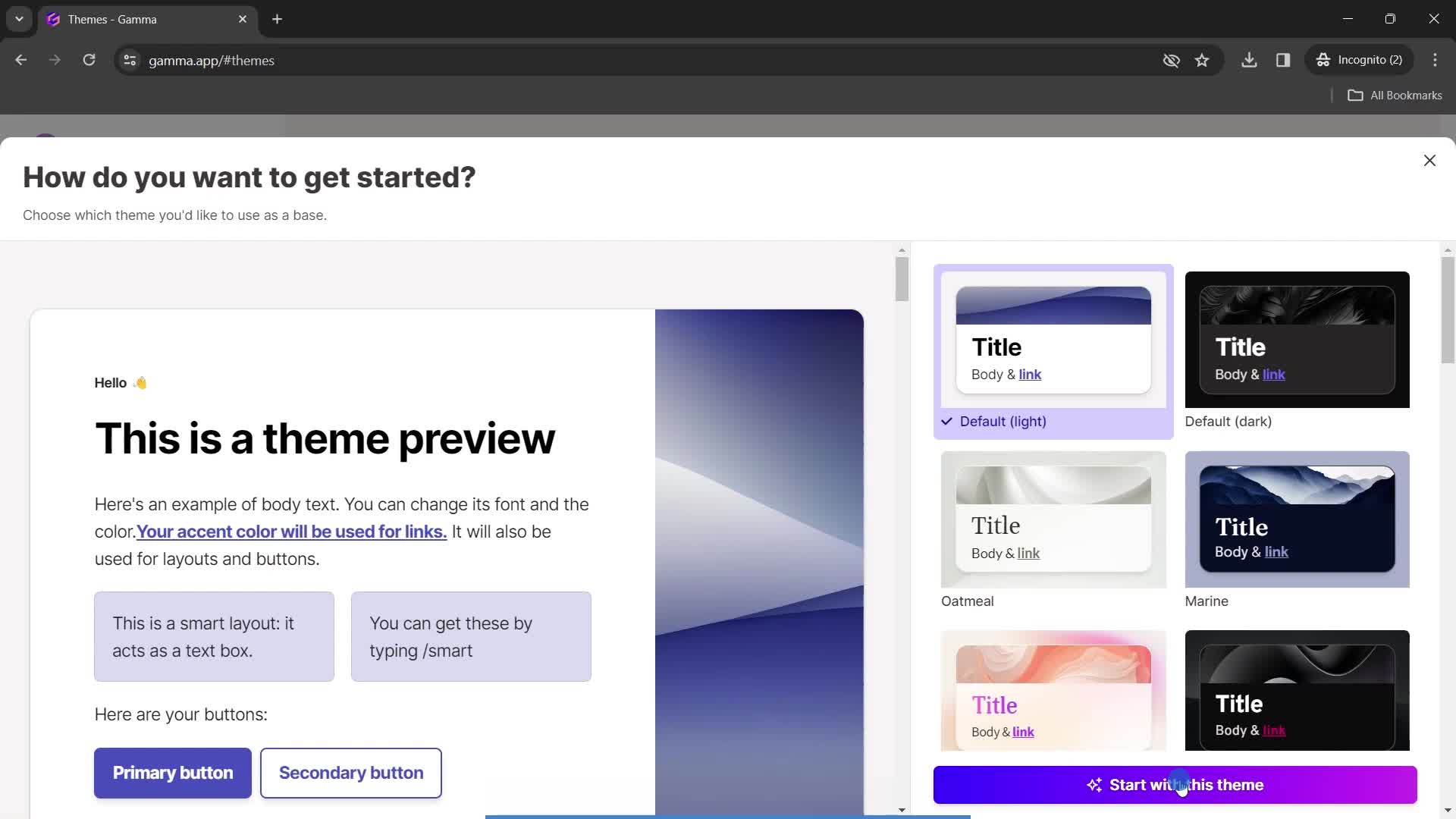
Select theme
this is title
this is title
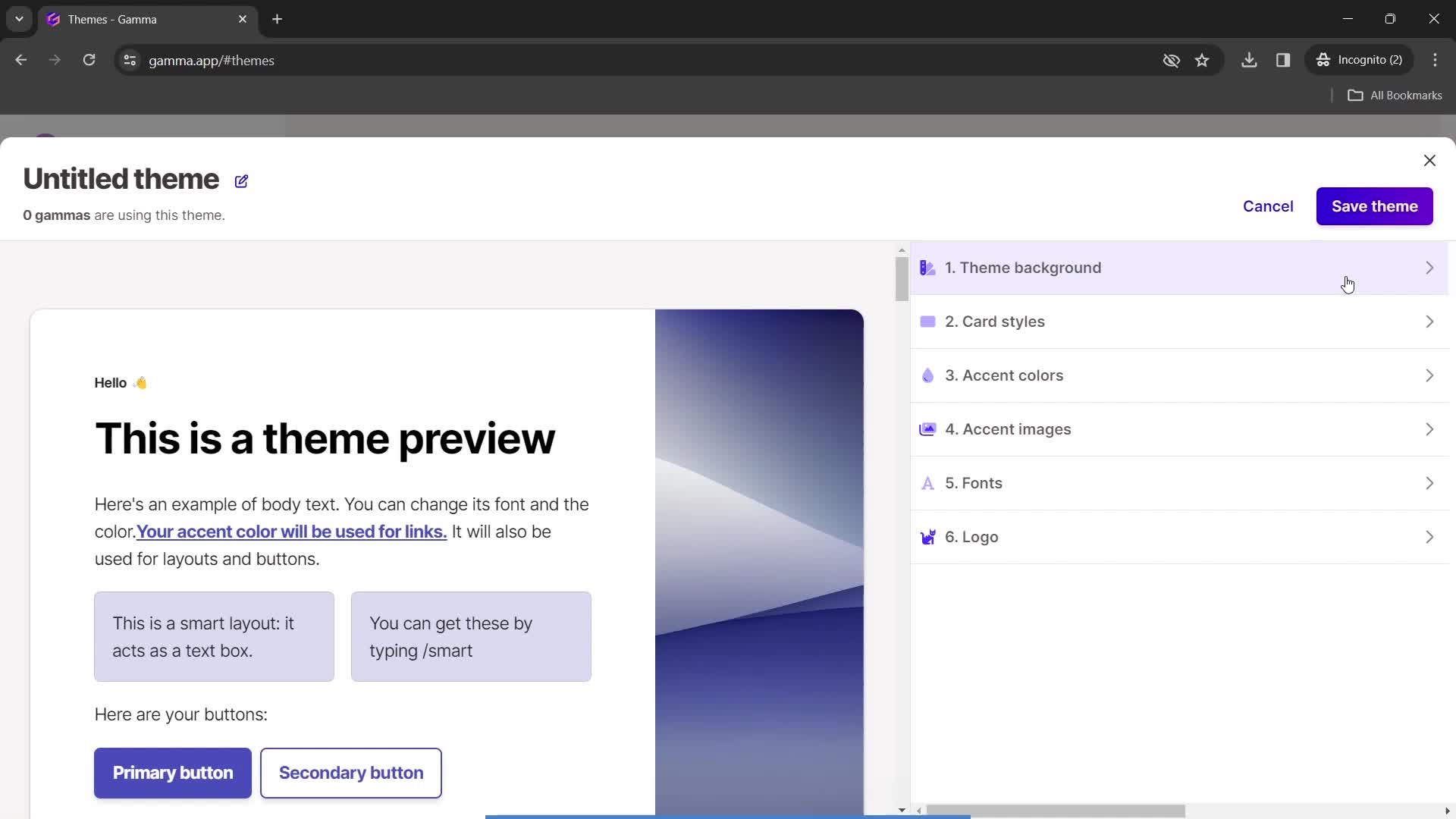
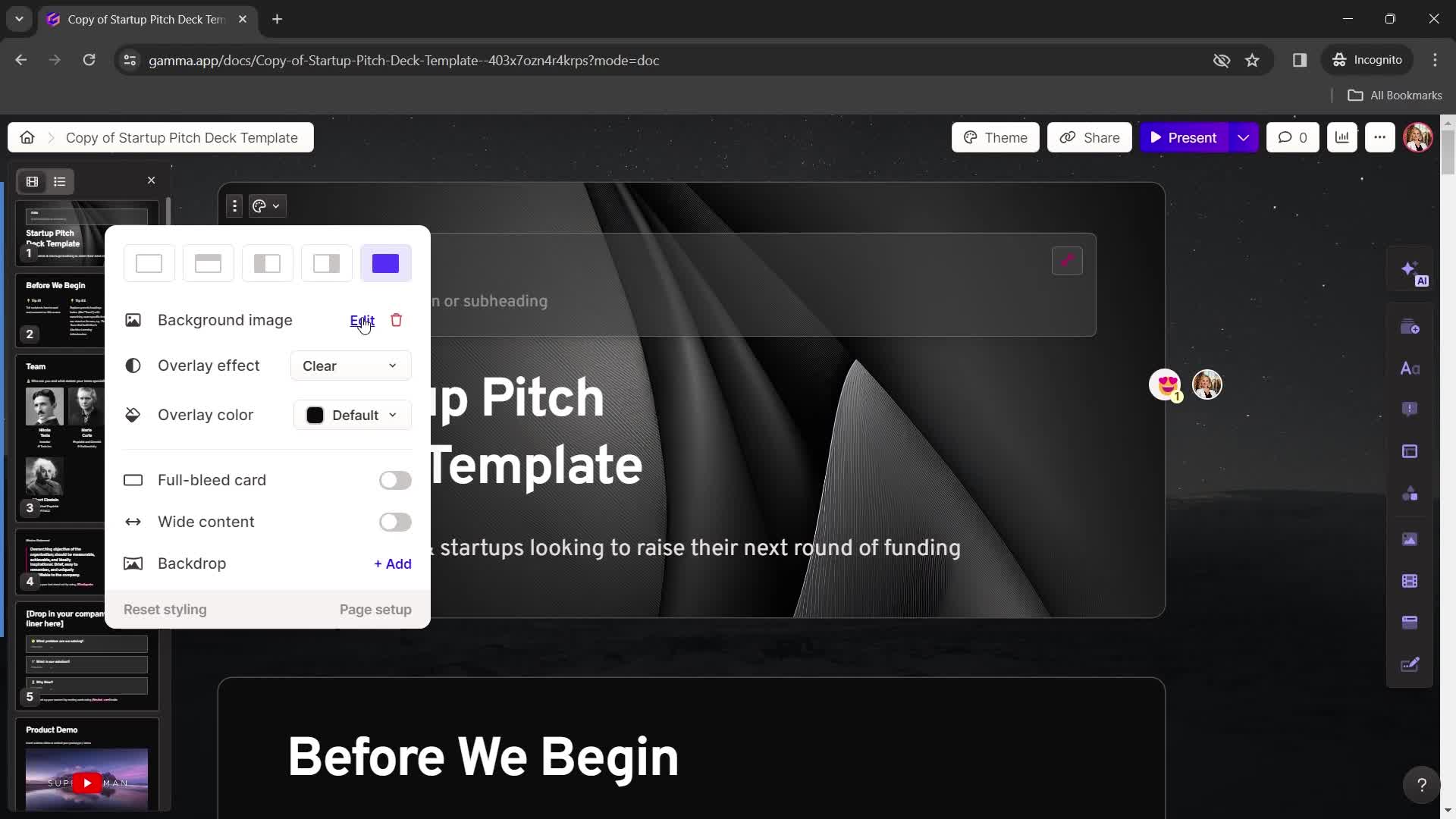
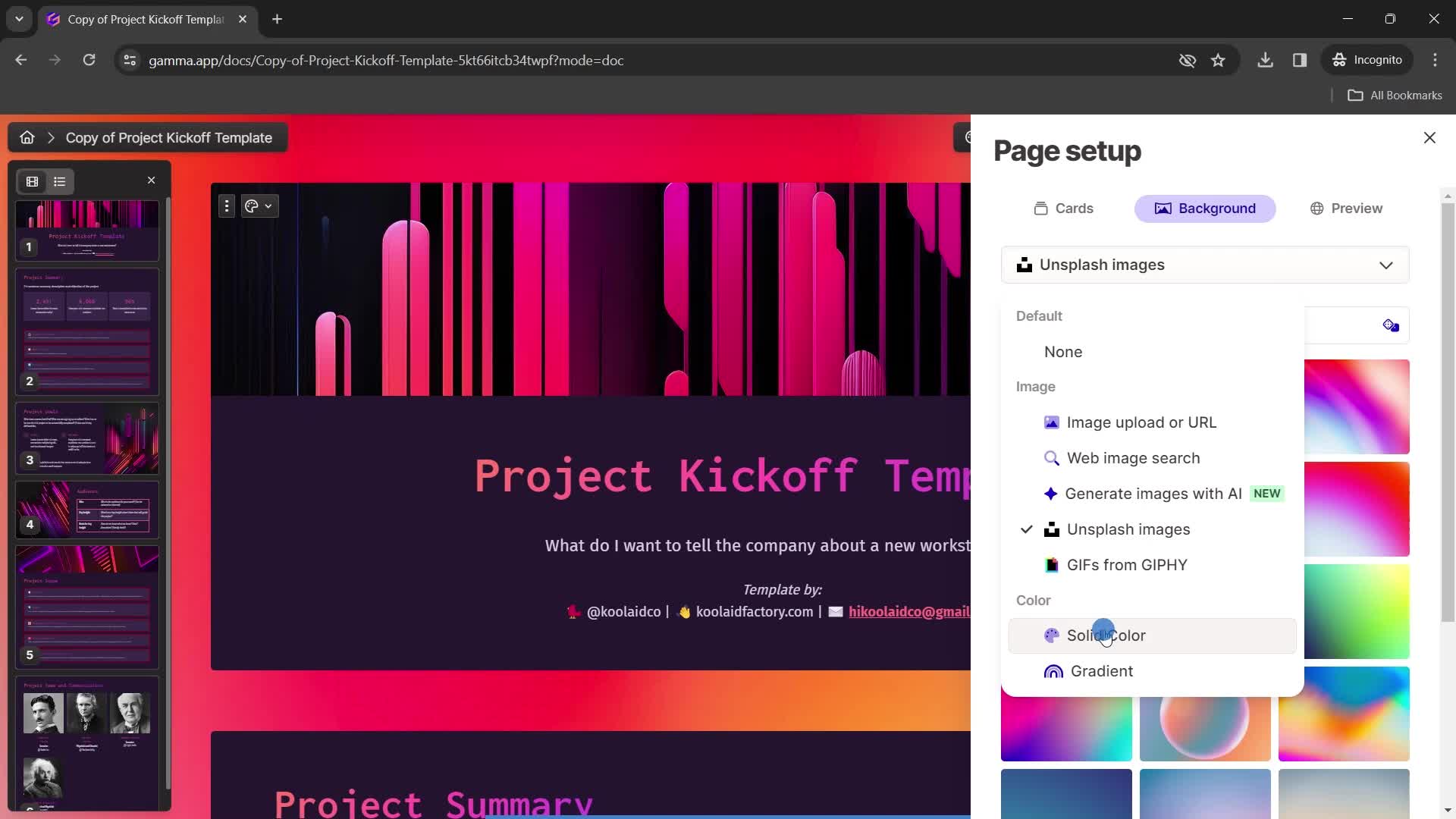
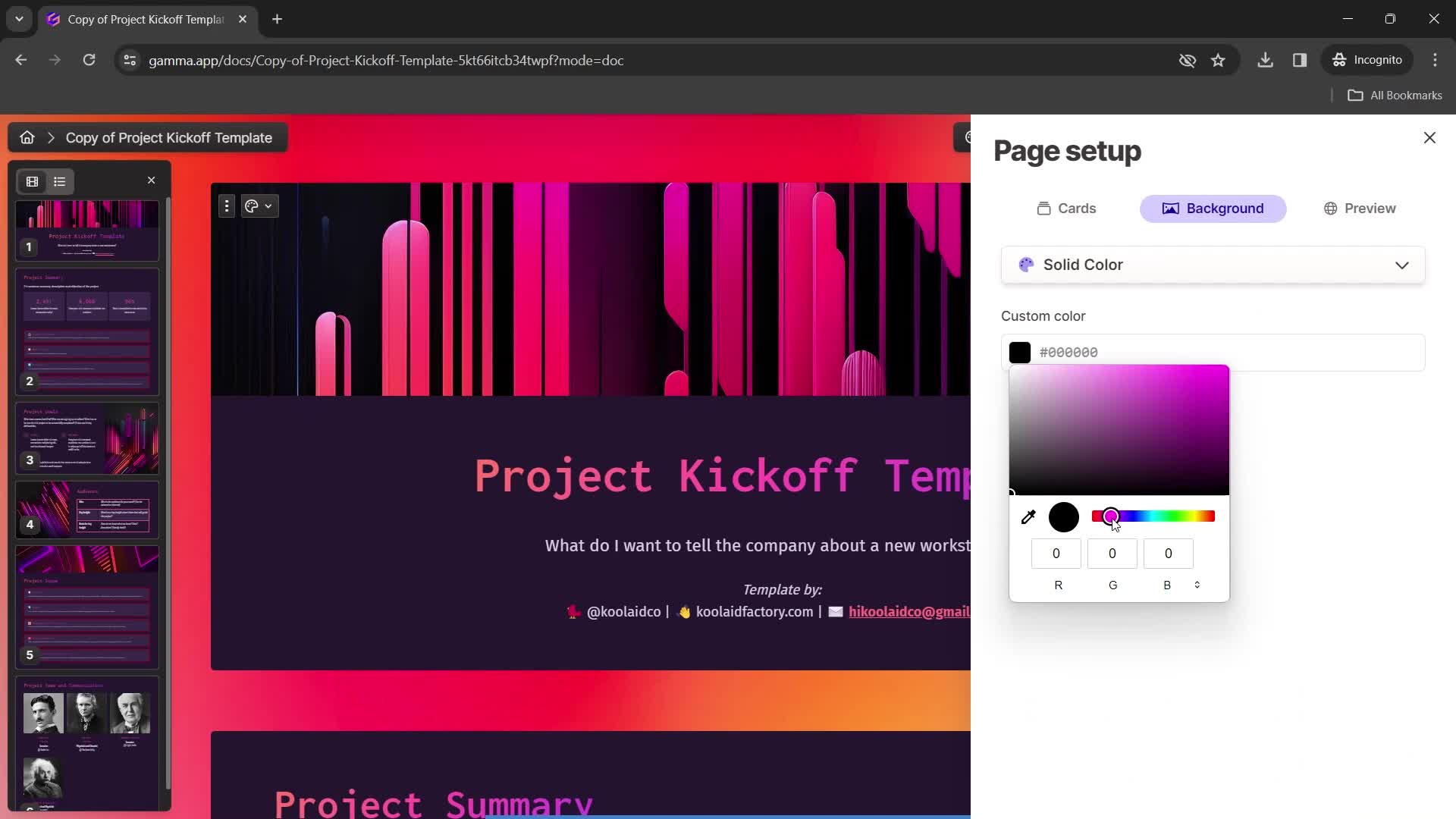
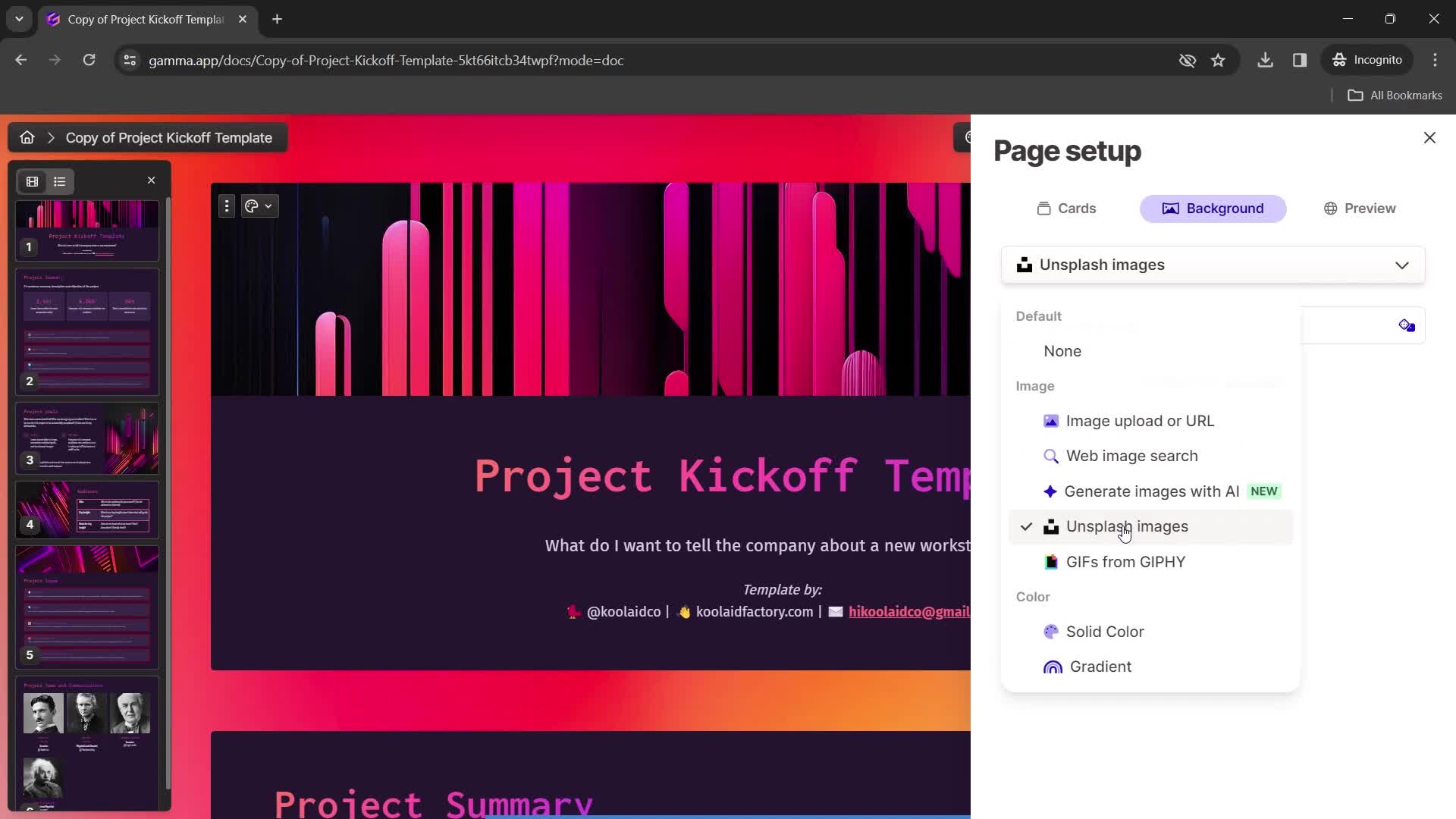
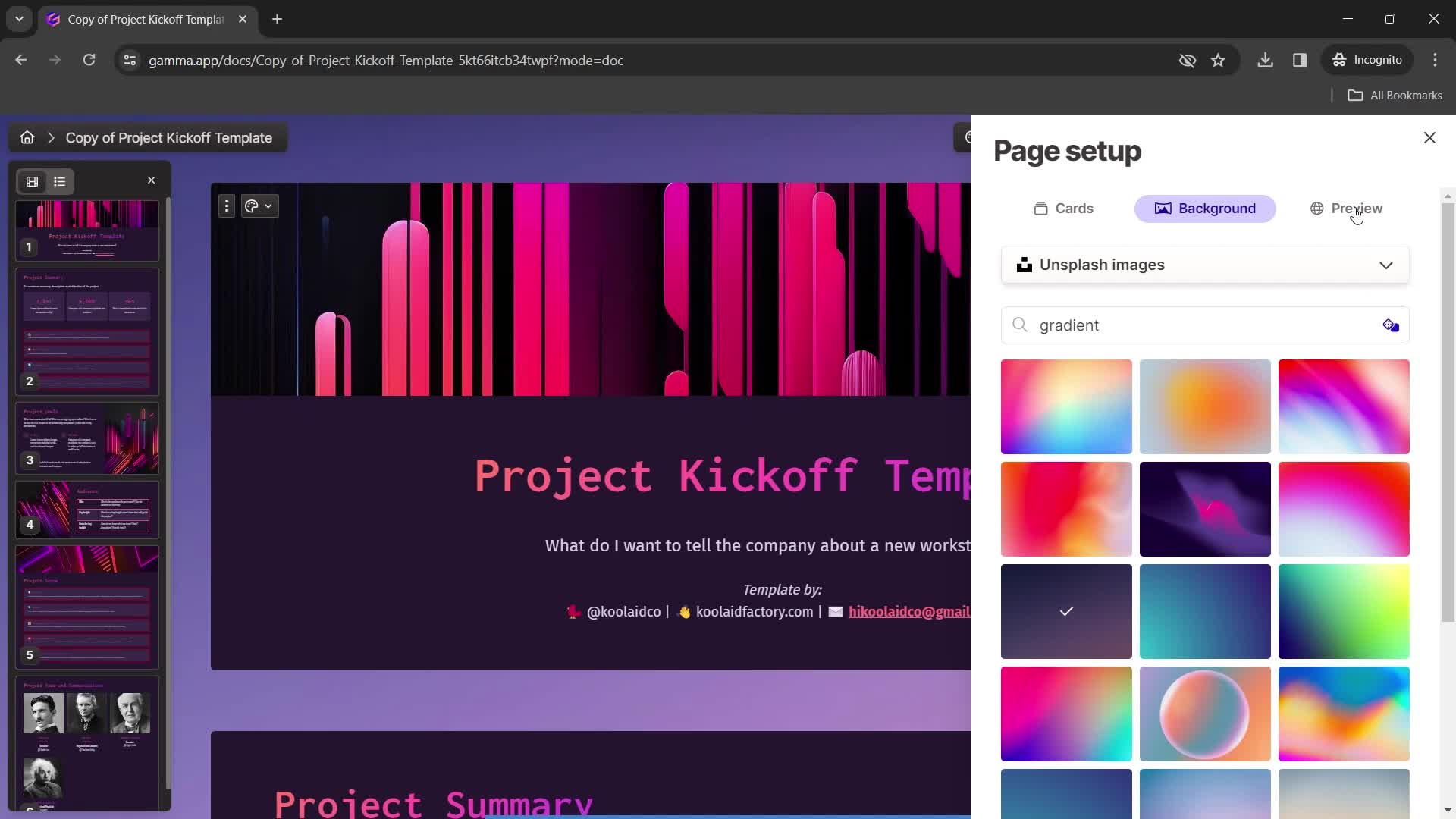
Set background
this is title
this is title
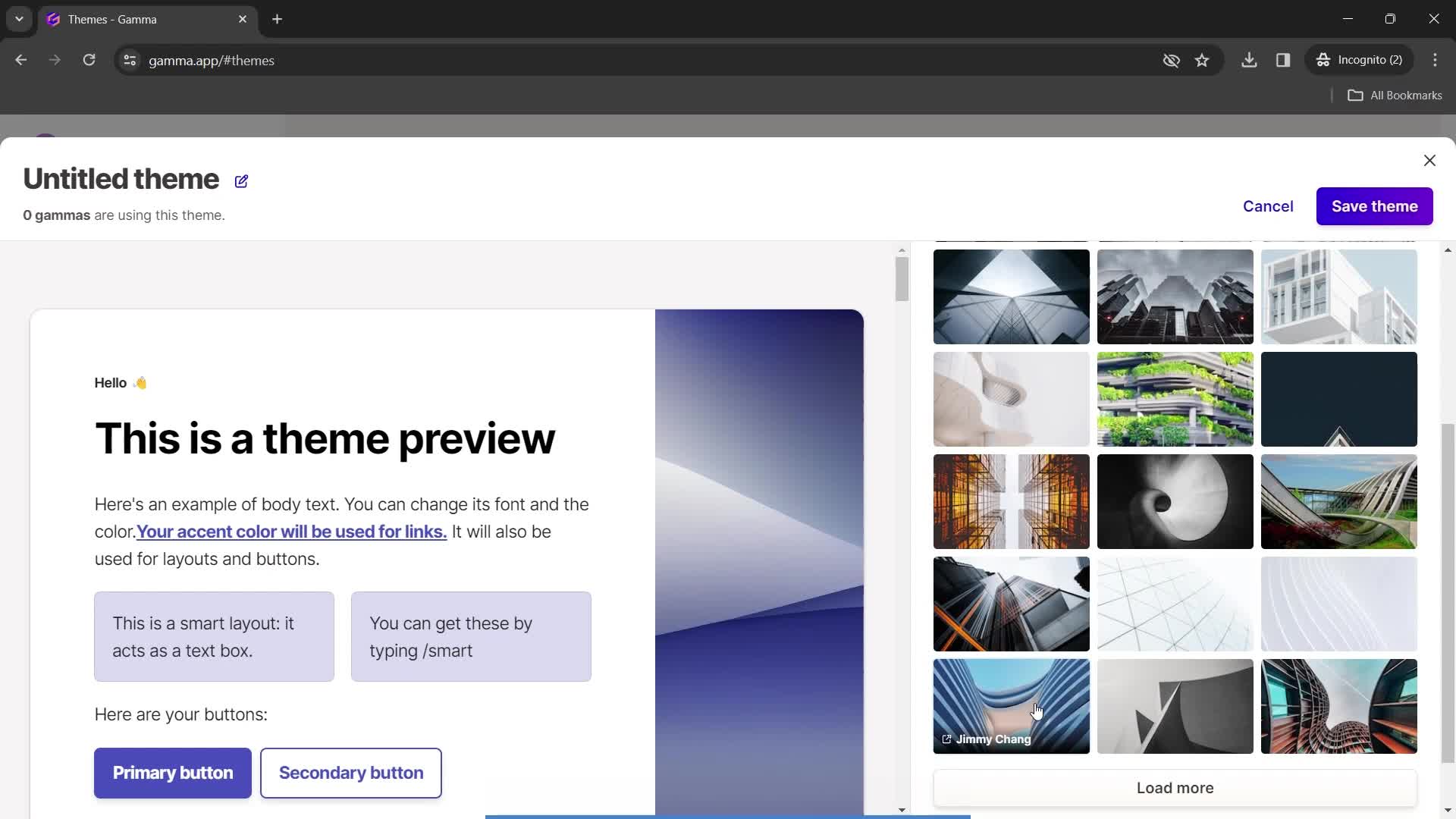
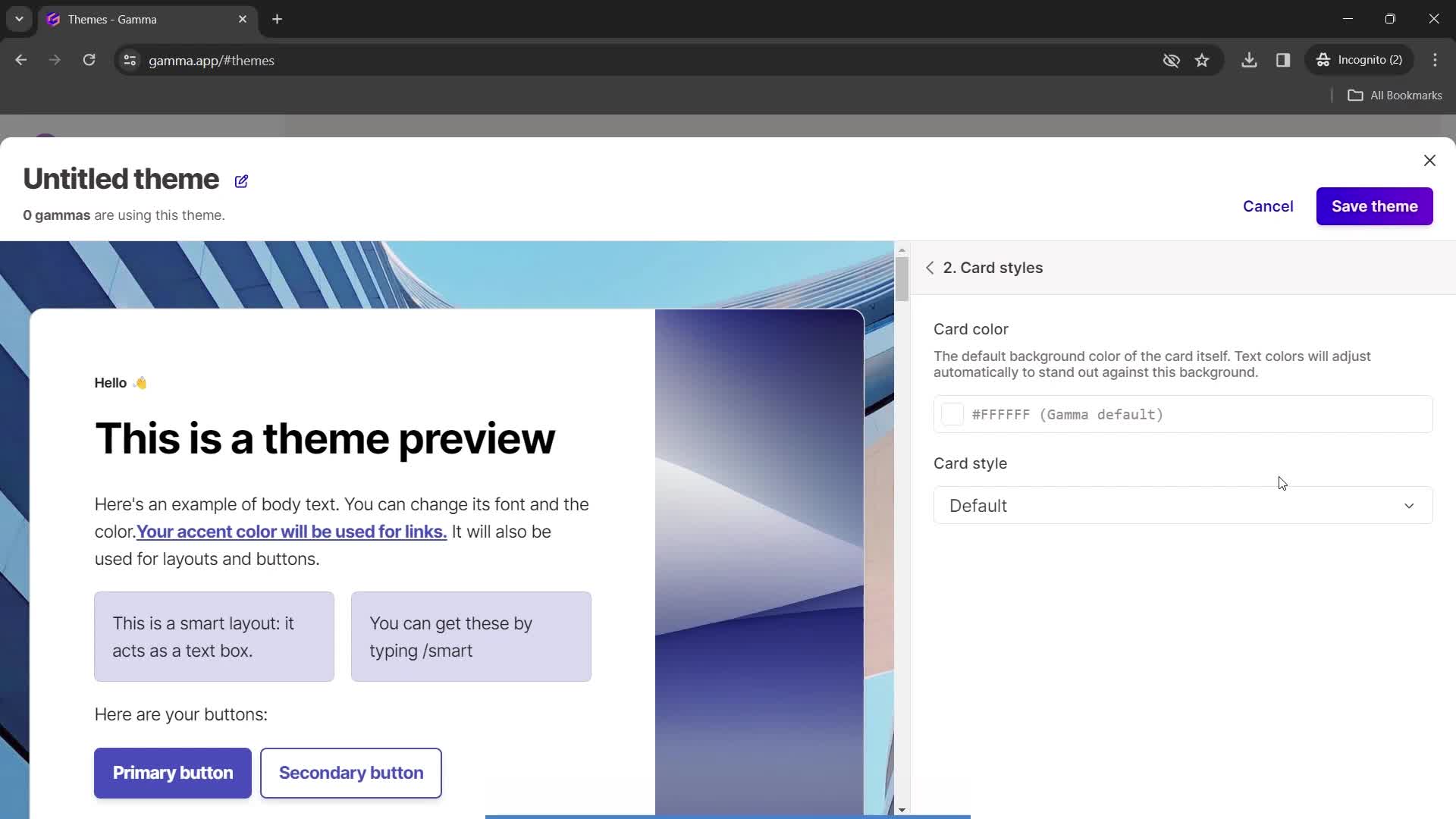
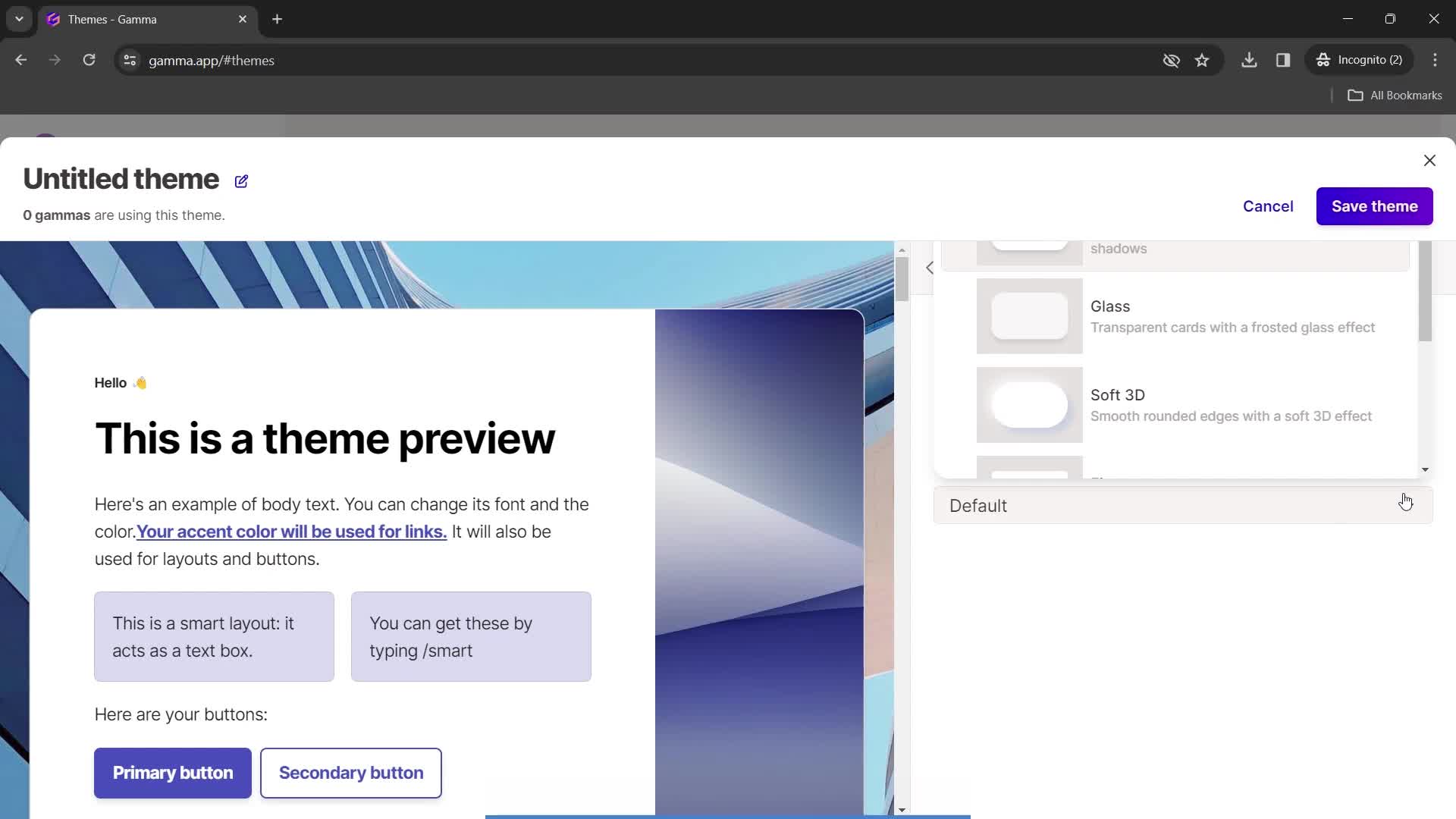
Styles
this is title
Choose style
this is title
this is title
this is title
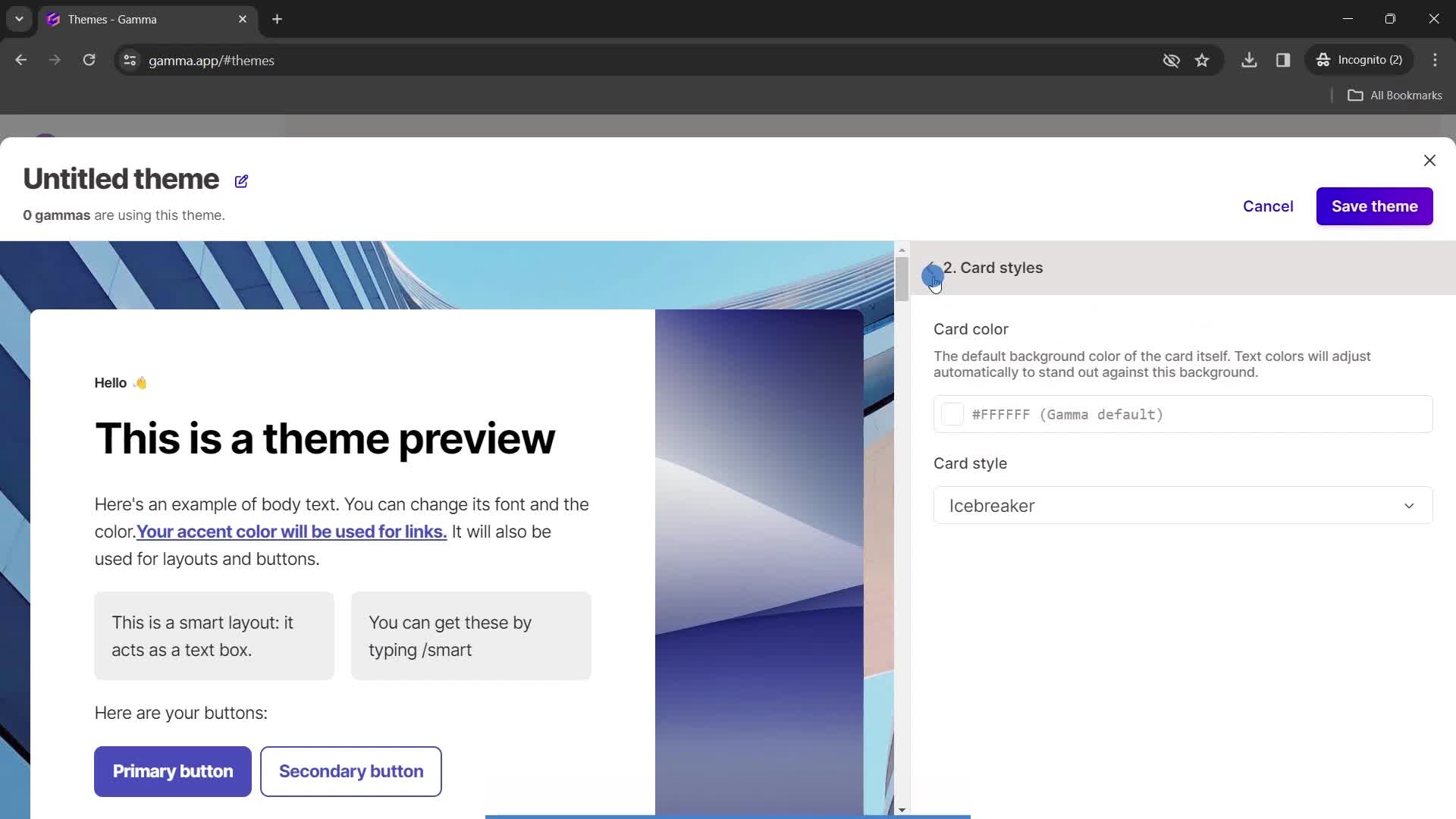
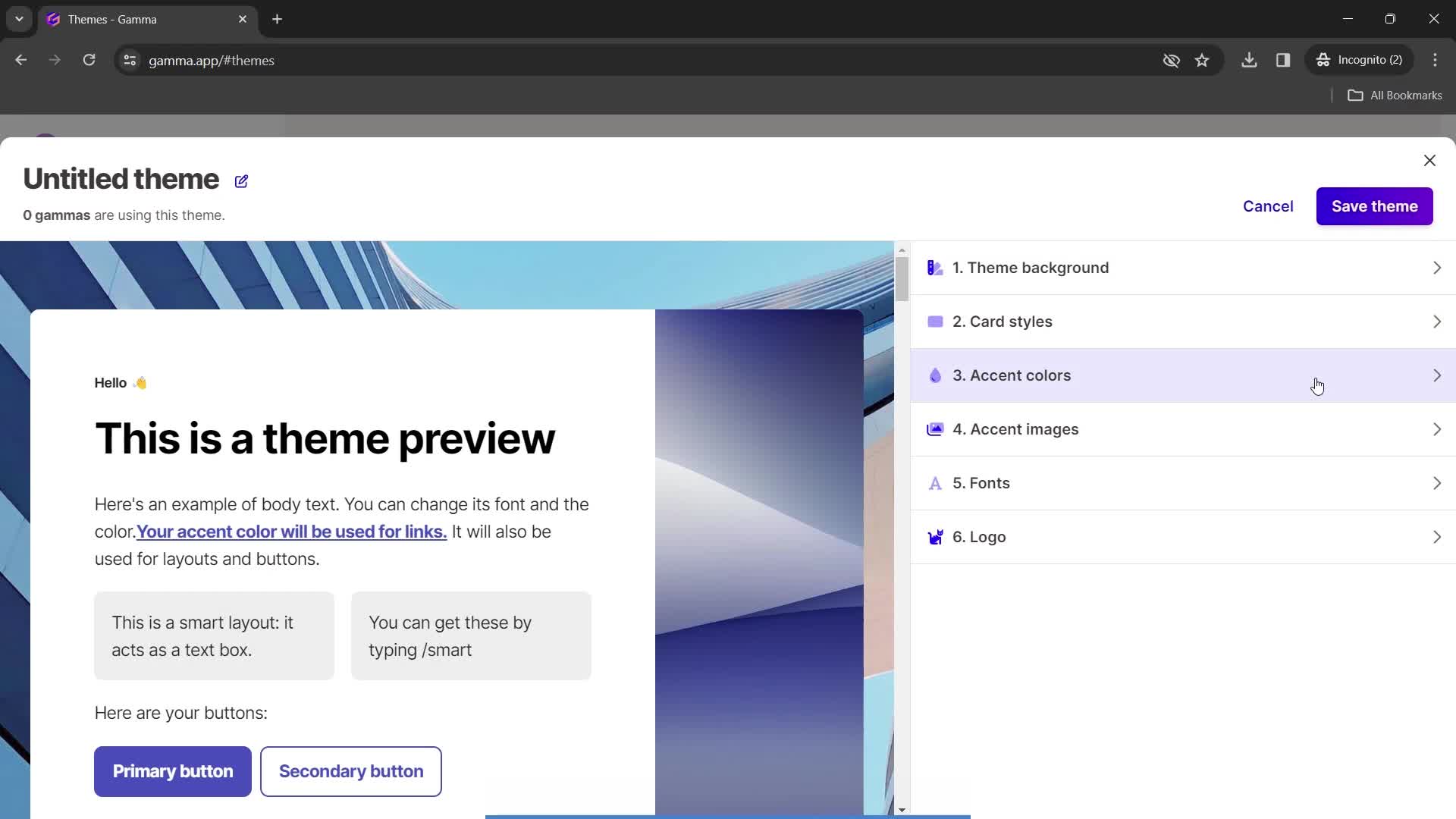
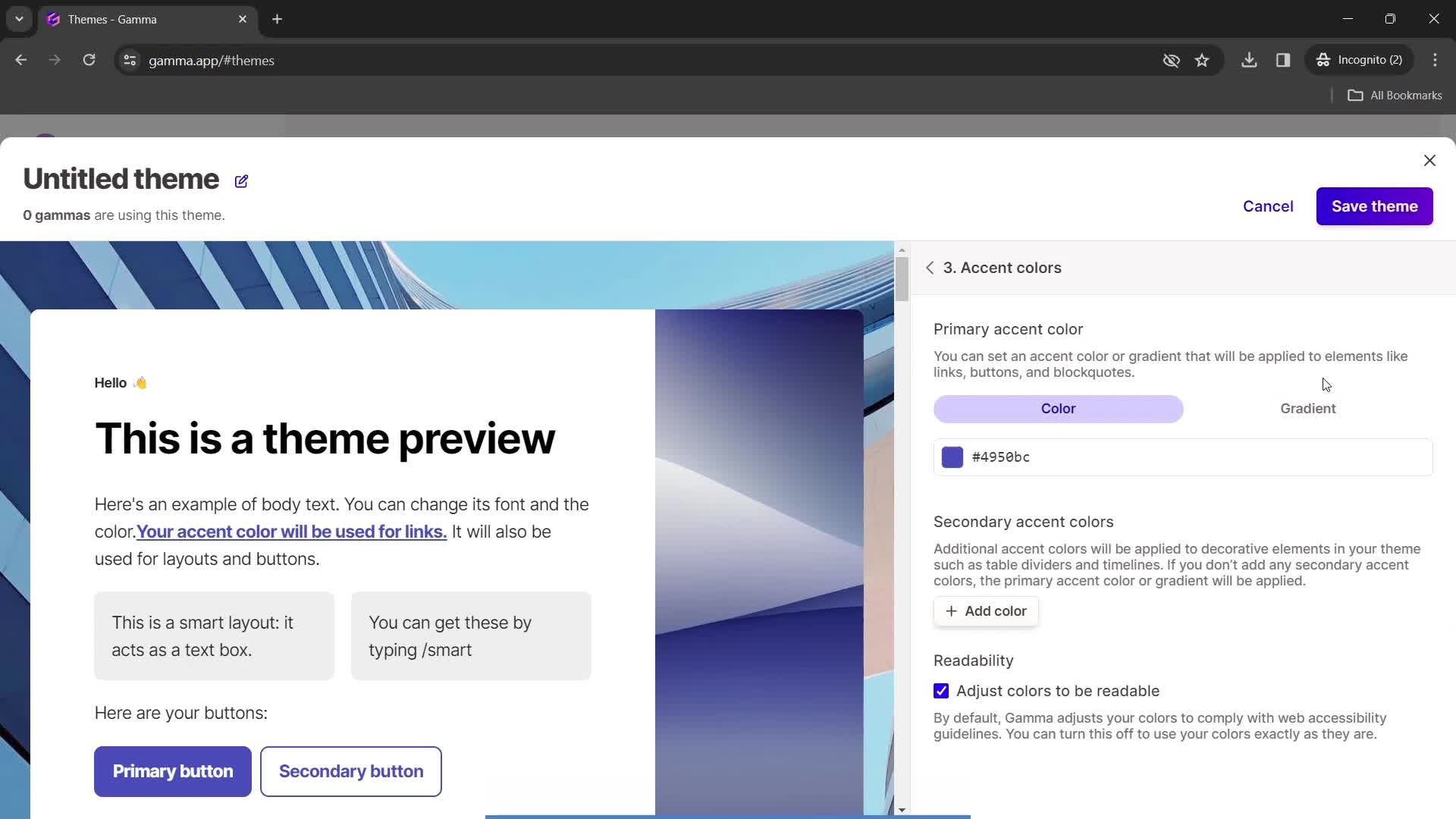
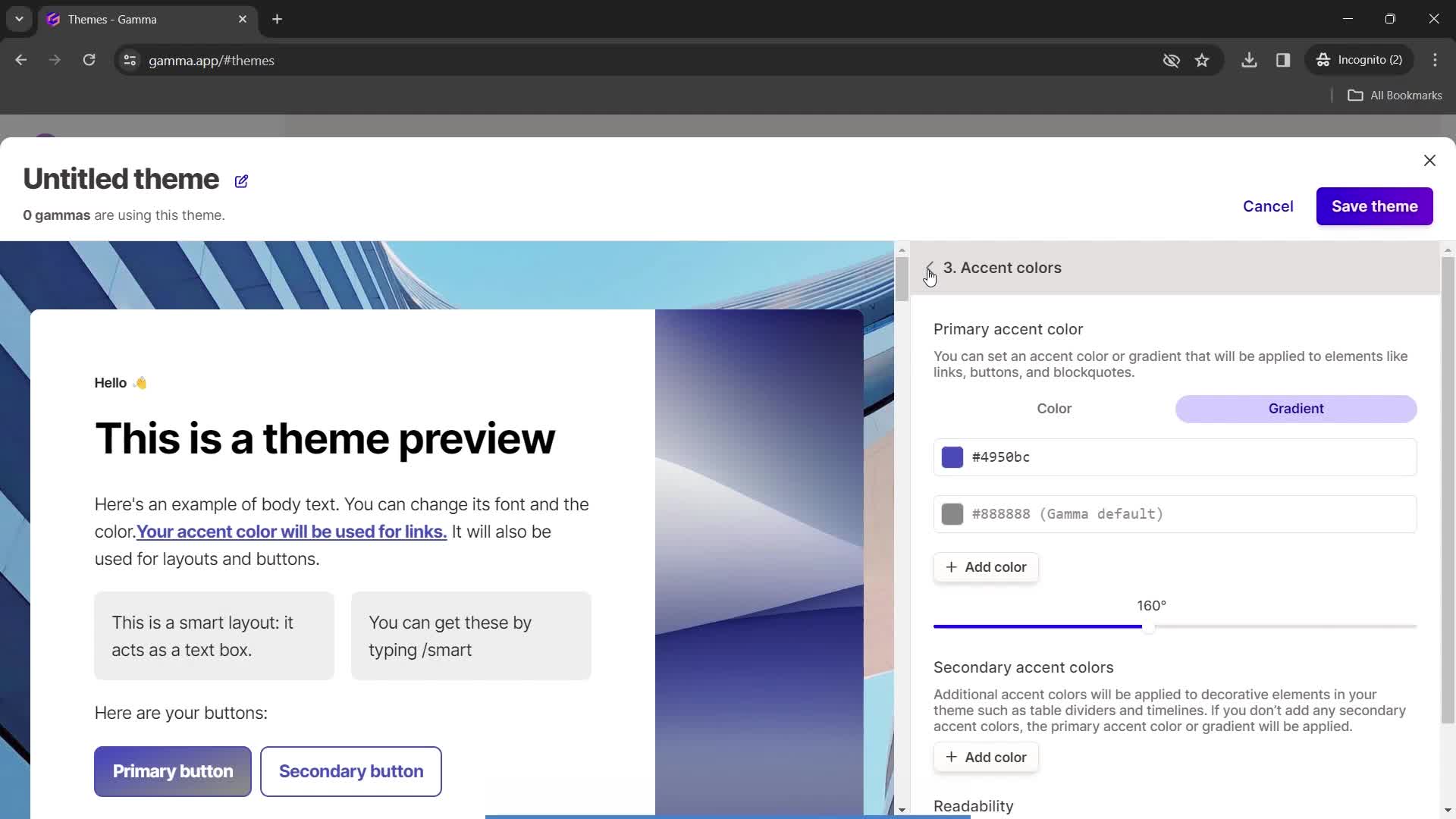
Set colors
this is title
this is title
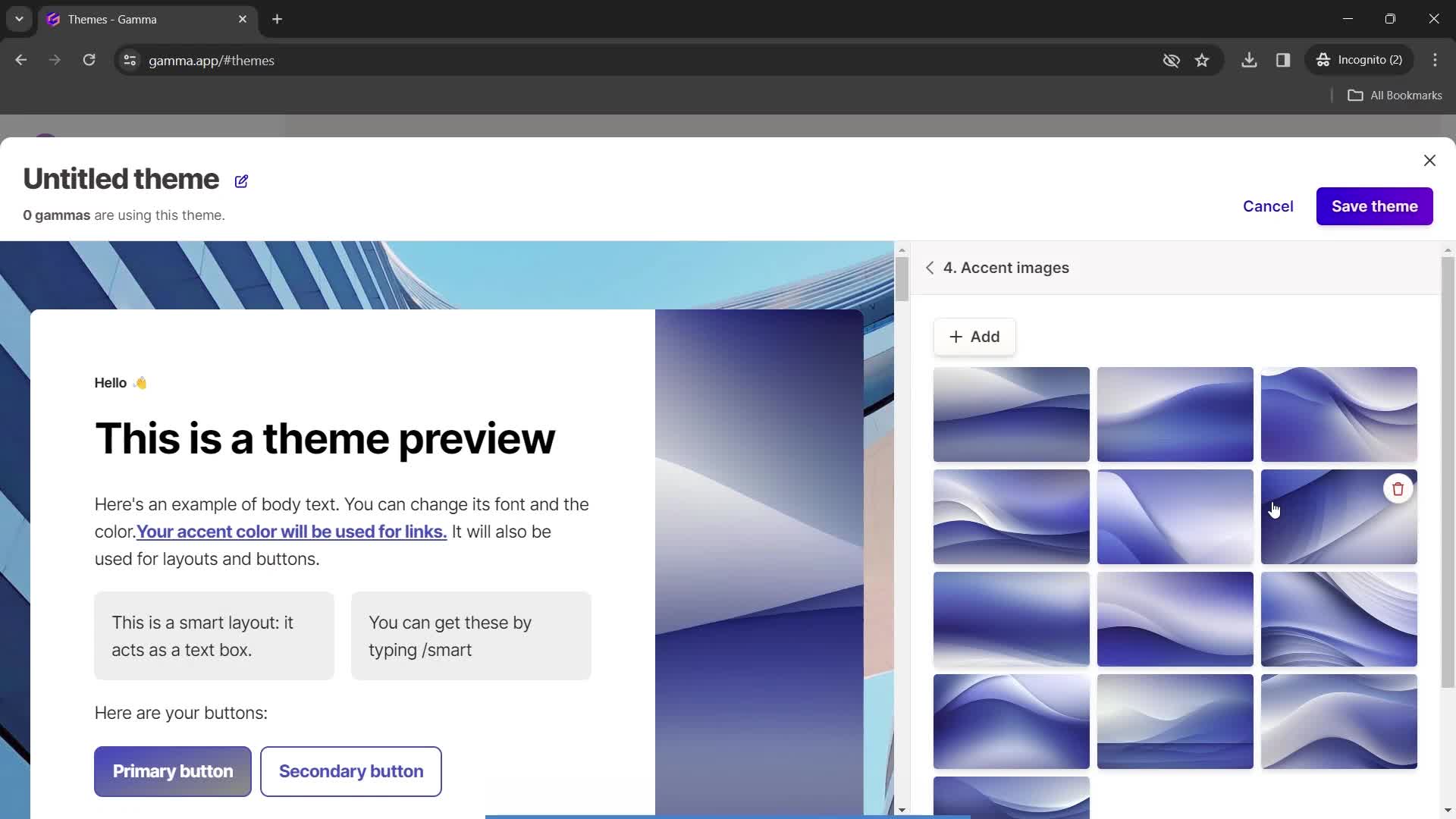
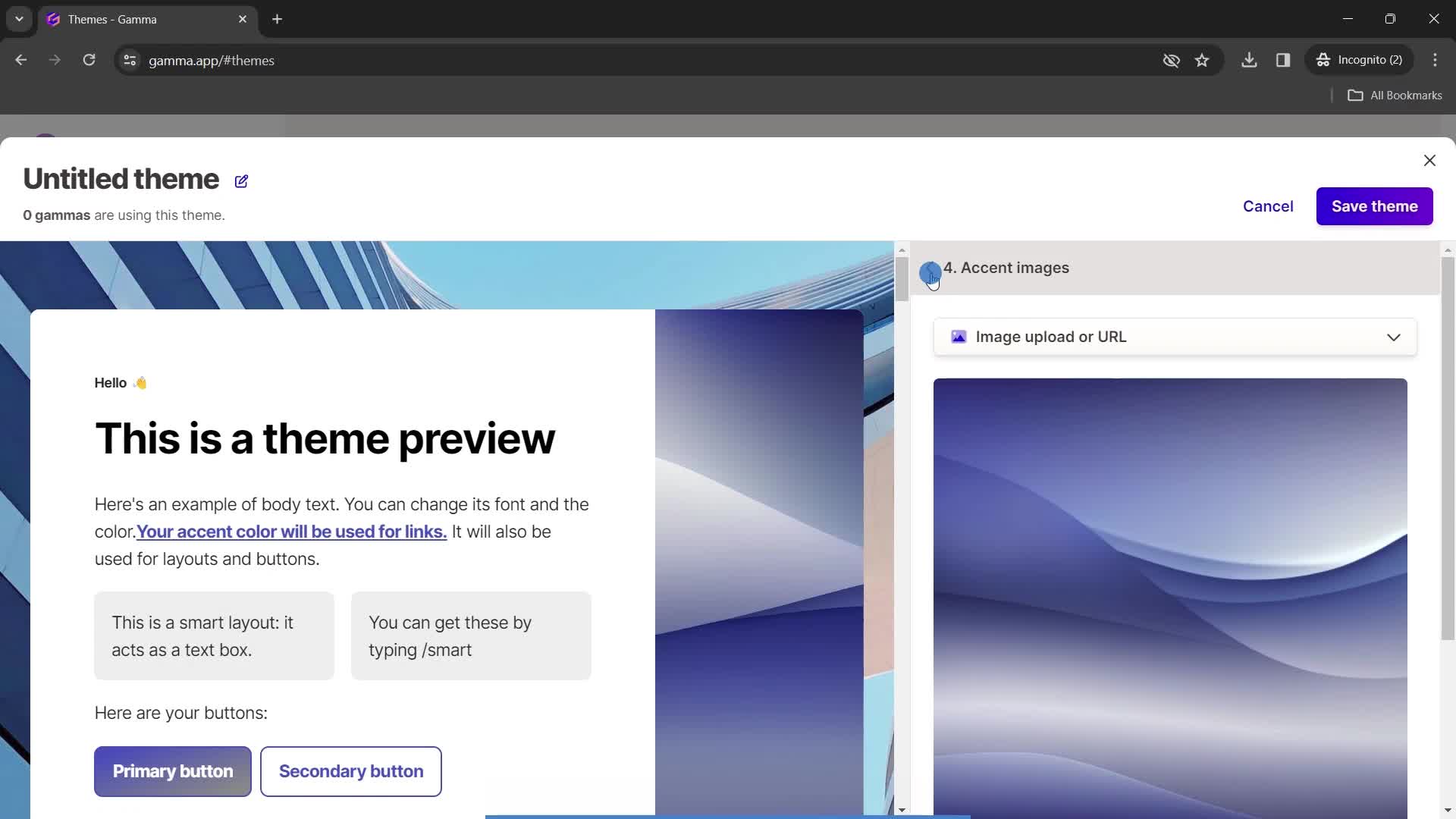
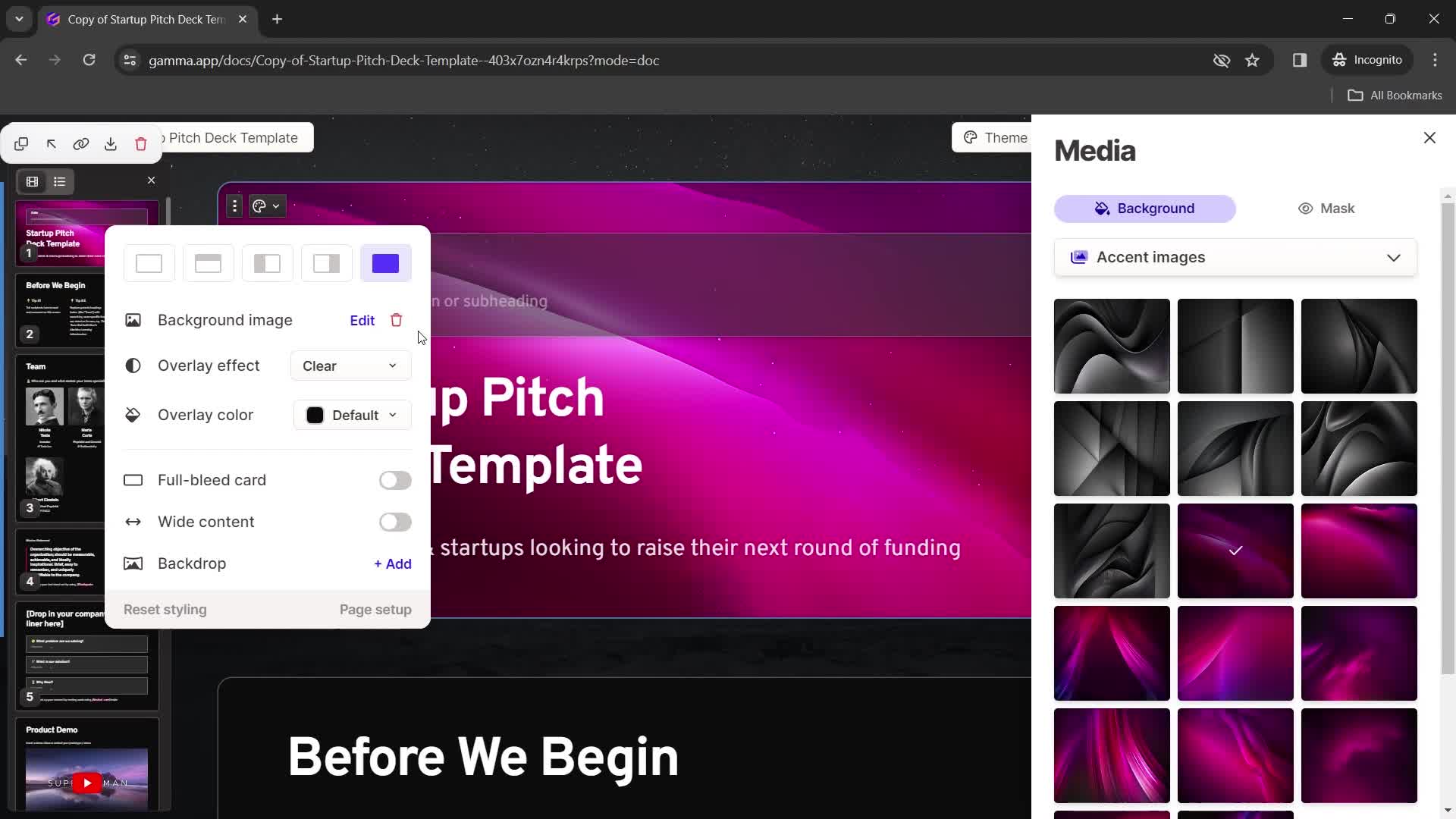
Select image
this is title
this is title
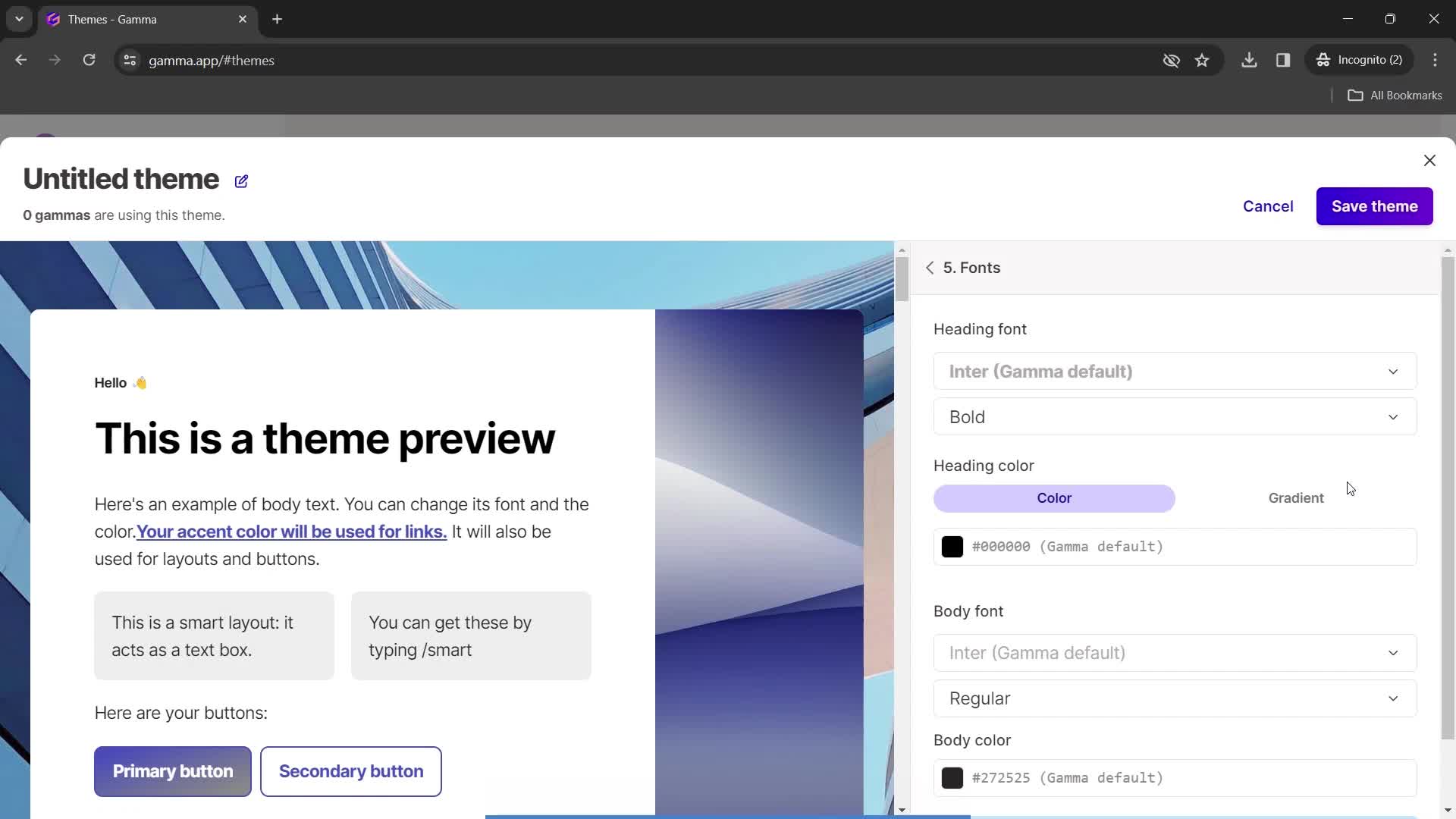
Fonts
this is title
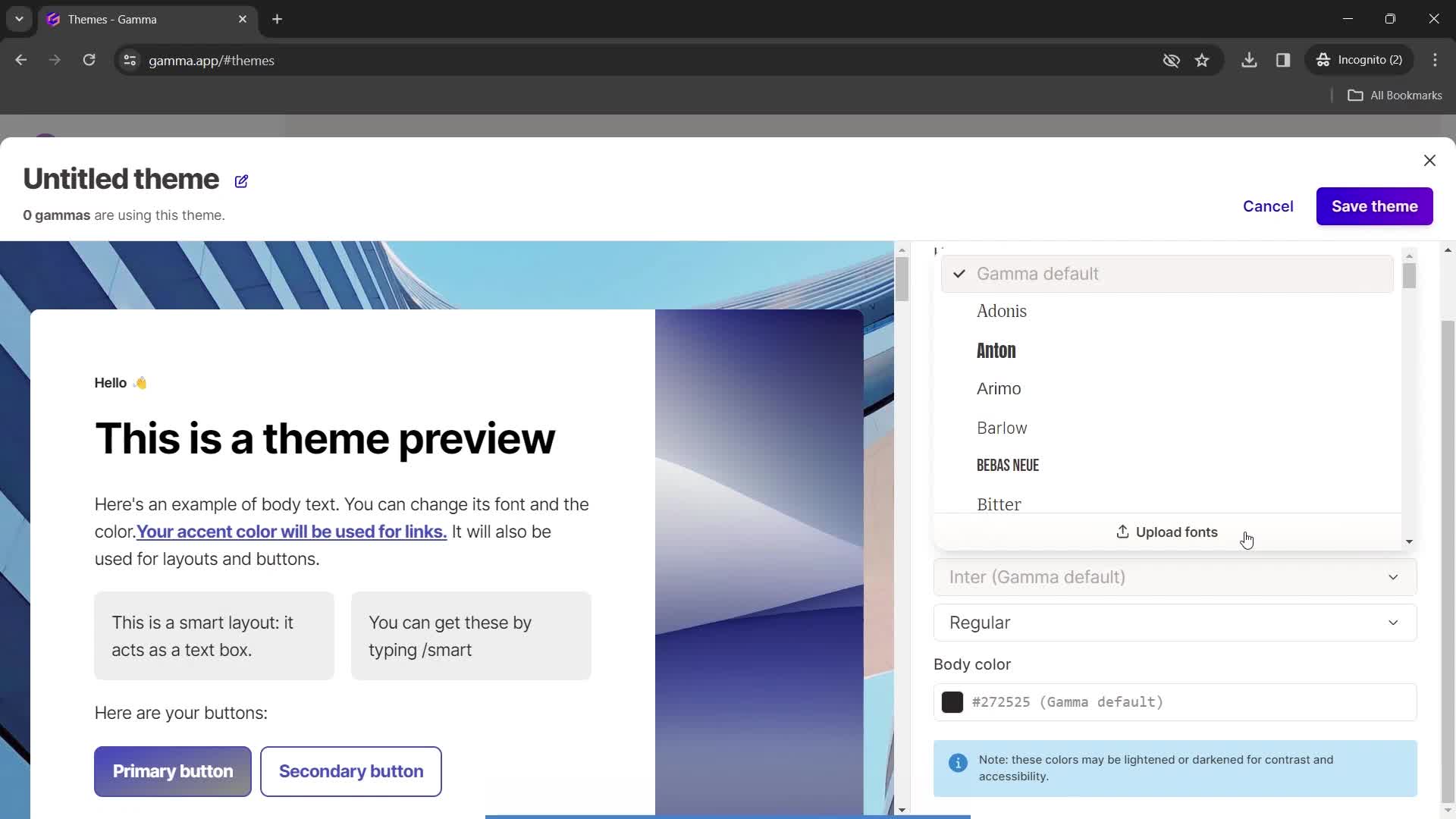
Select font
this is title
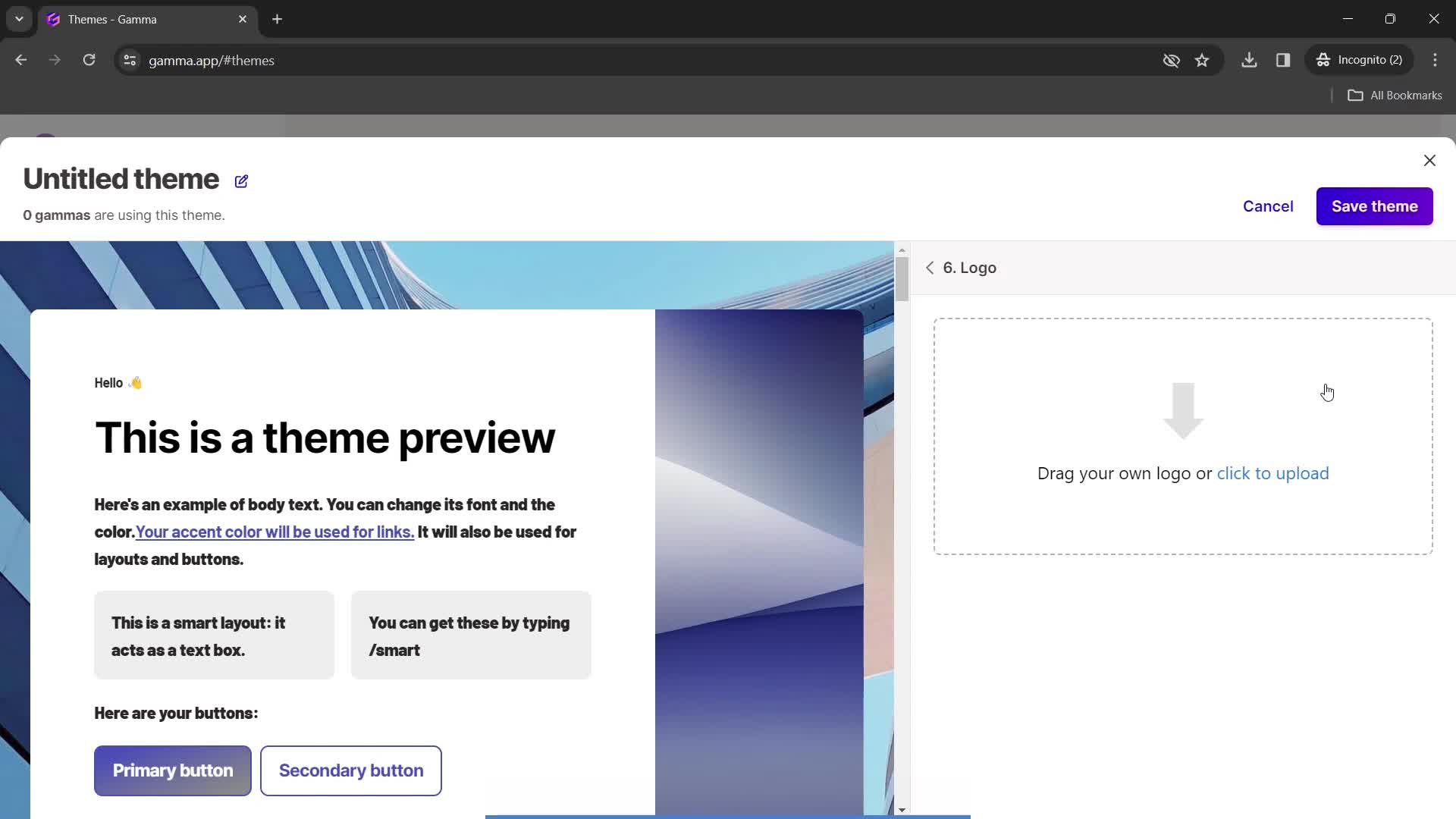
Upload logo
this is title
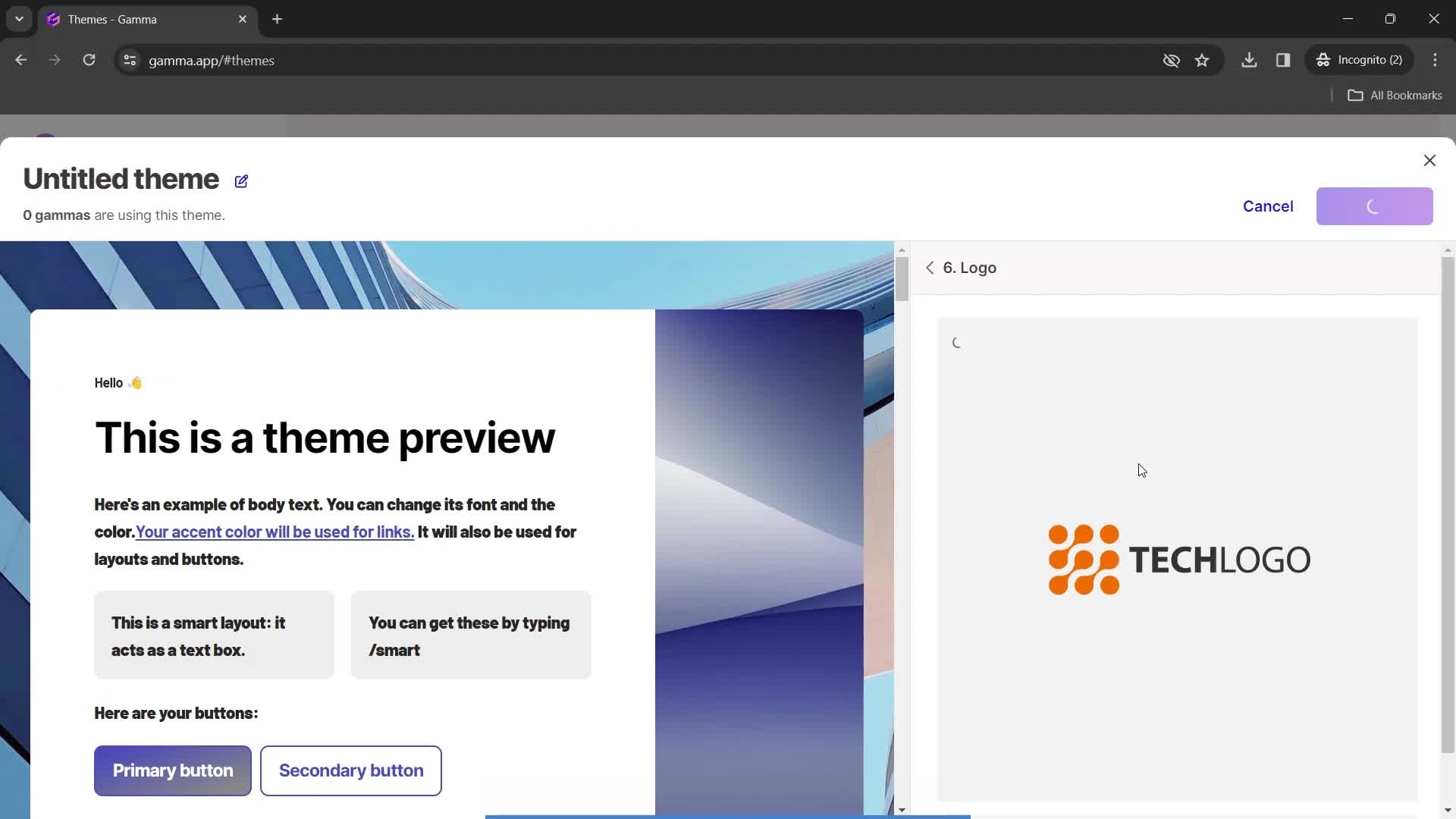
Image uploaded
this is title
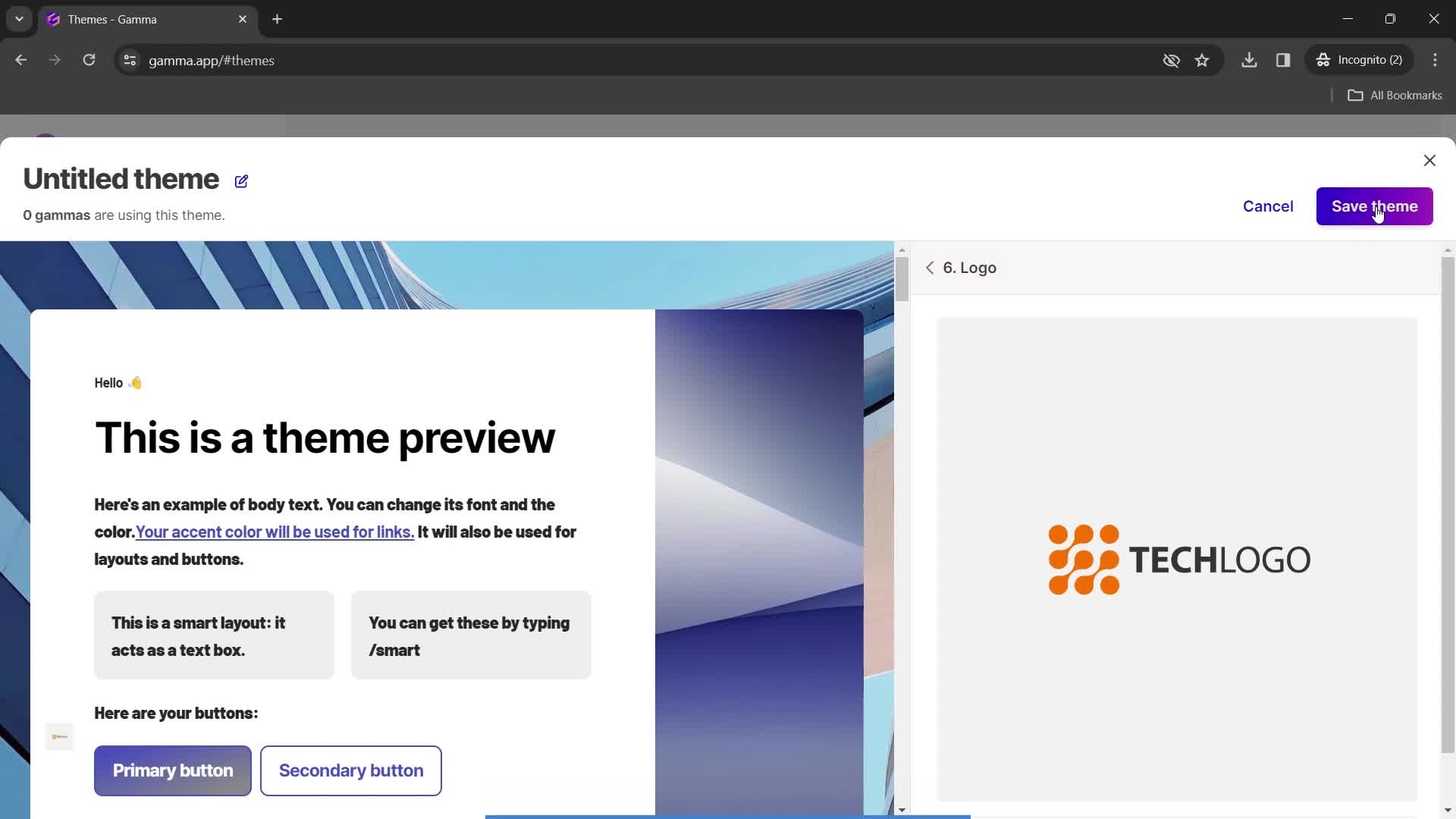
Save
this is title
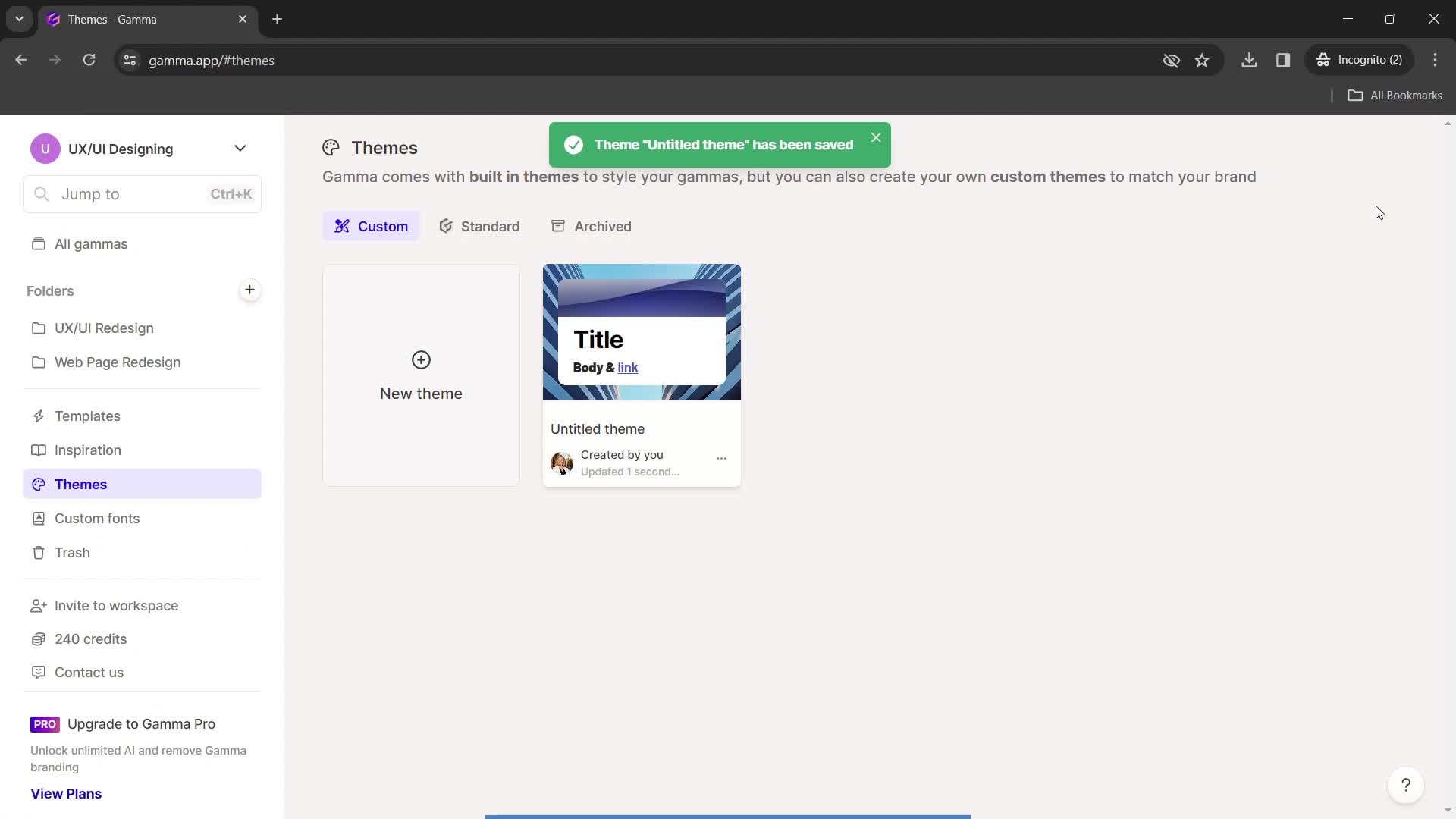
Saved
this is title
Home
this is title
Presentation editor
this is title
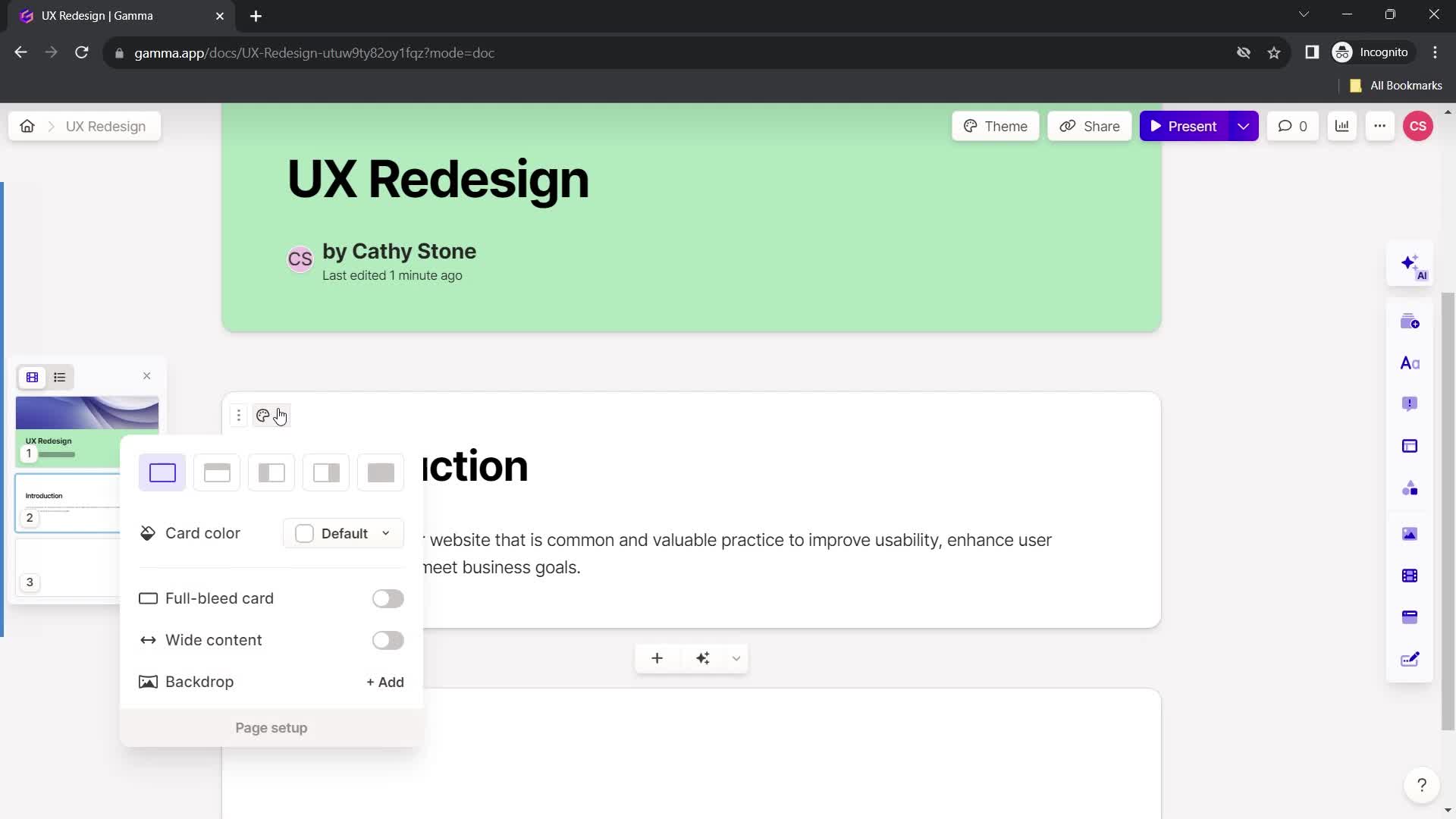
Action menu
this is title
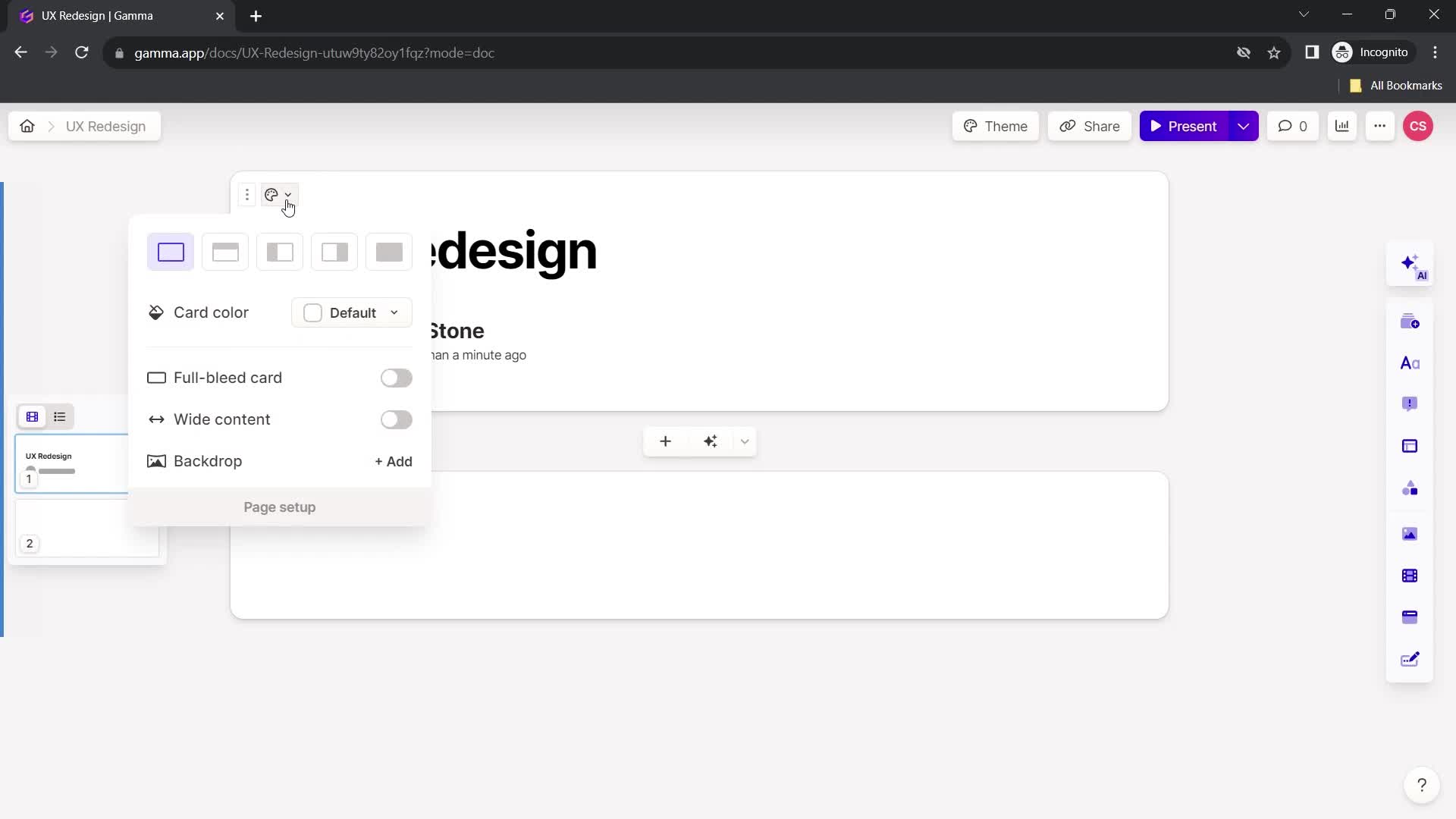
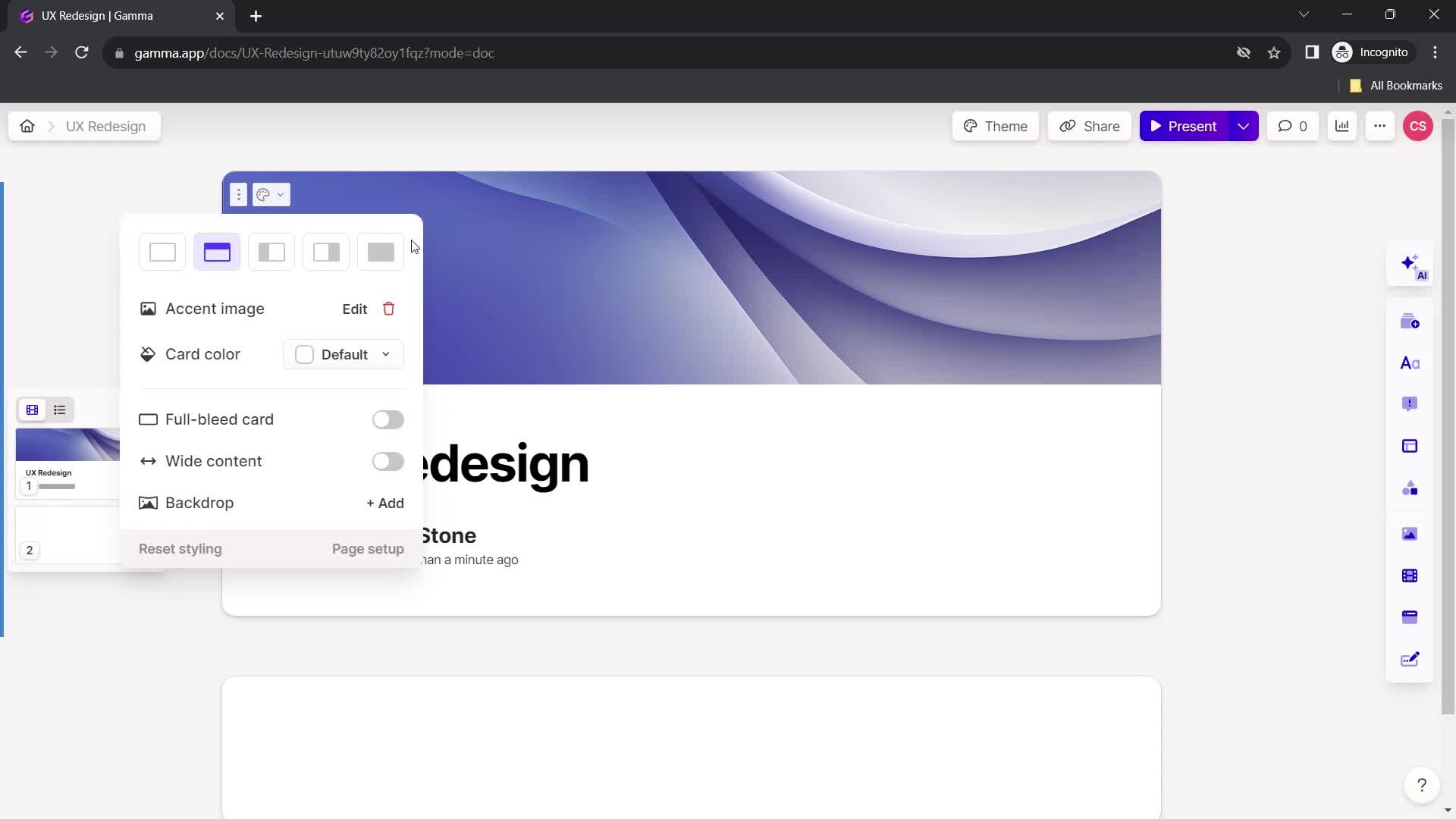
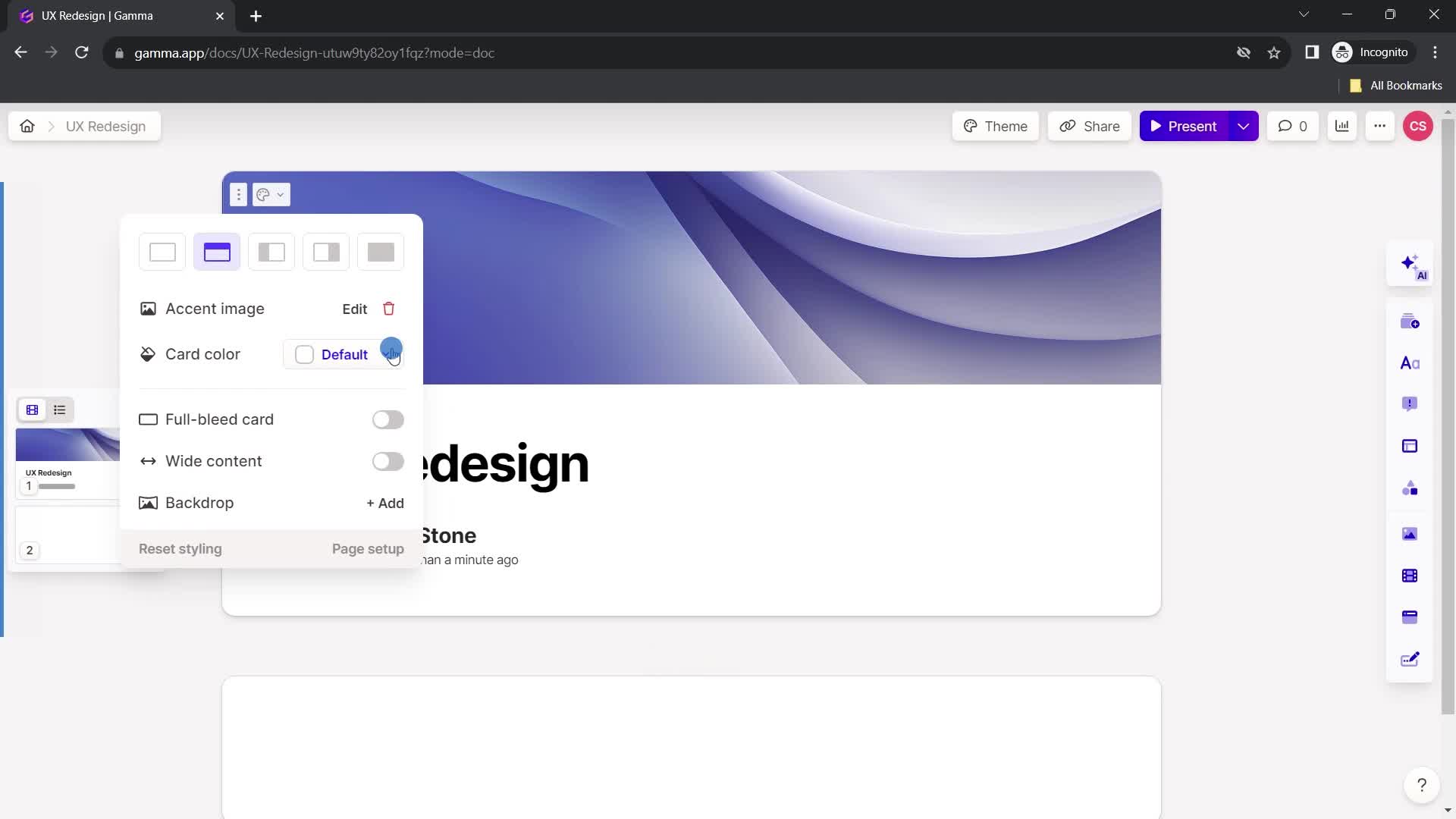
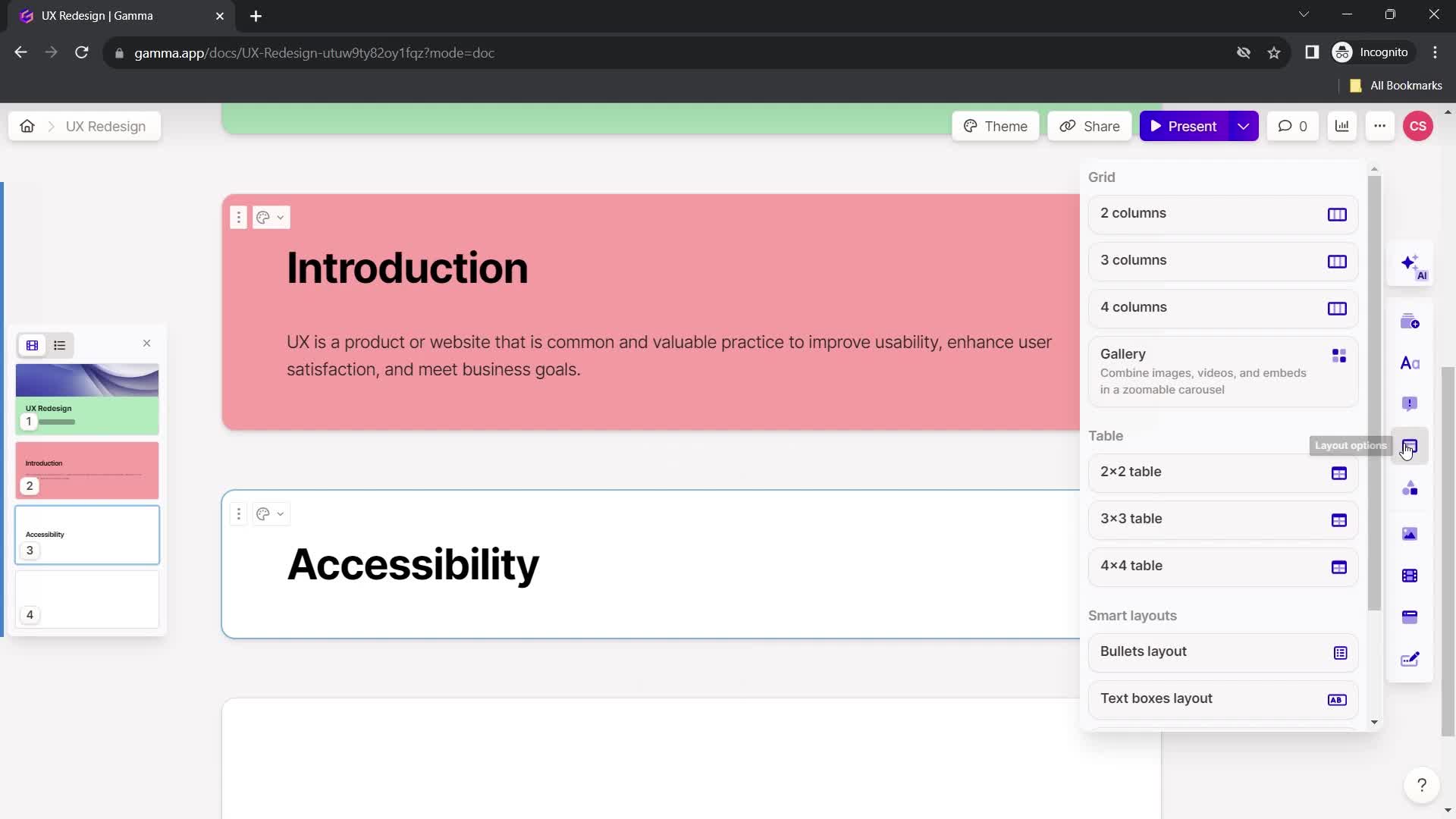
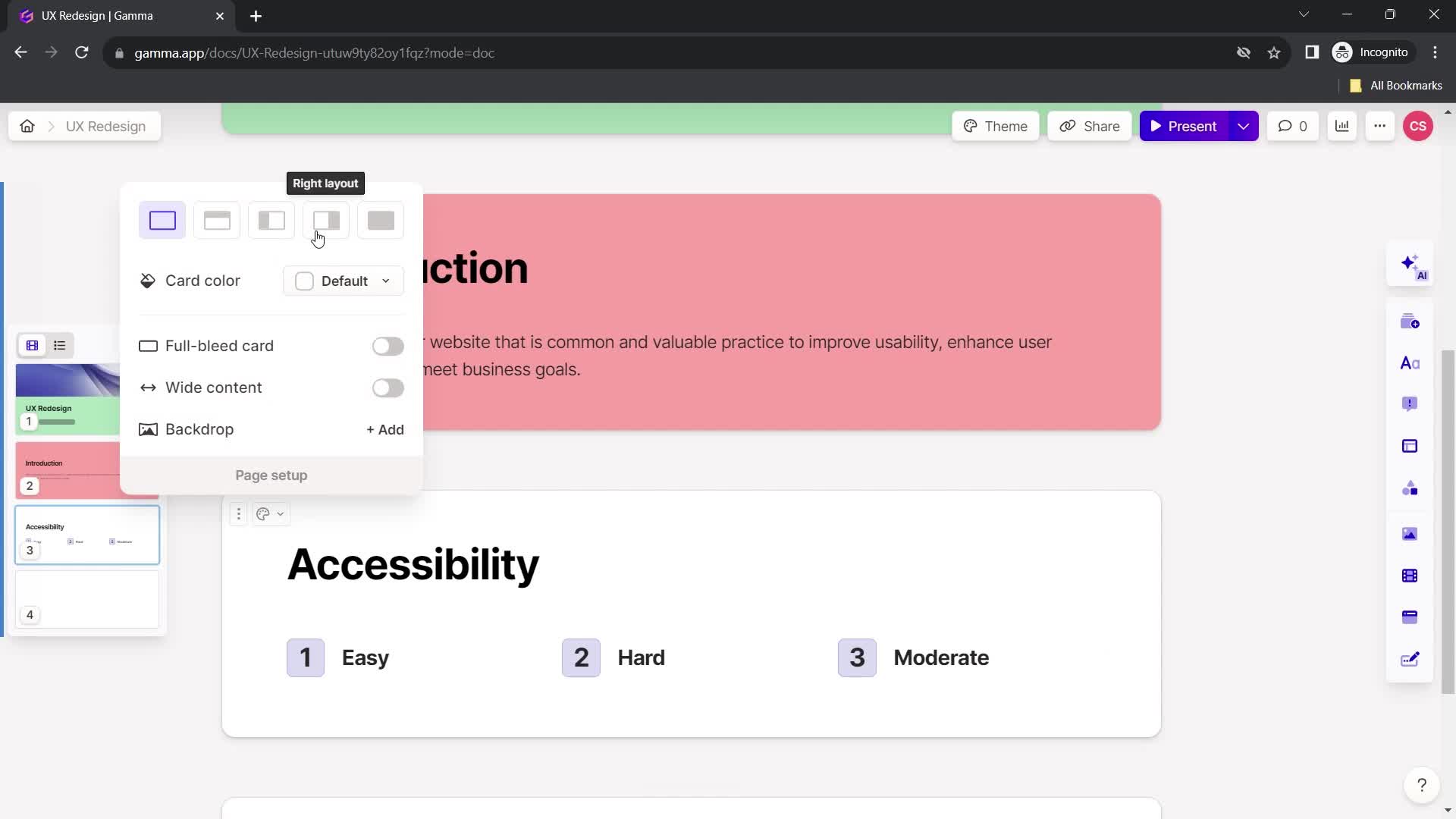
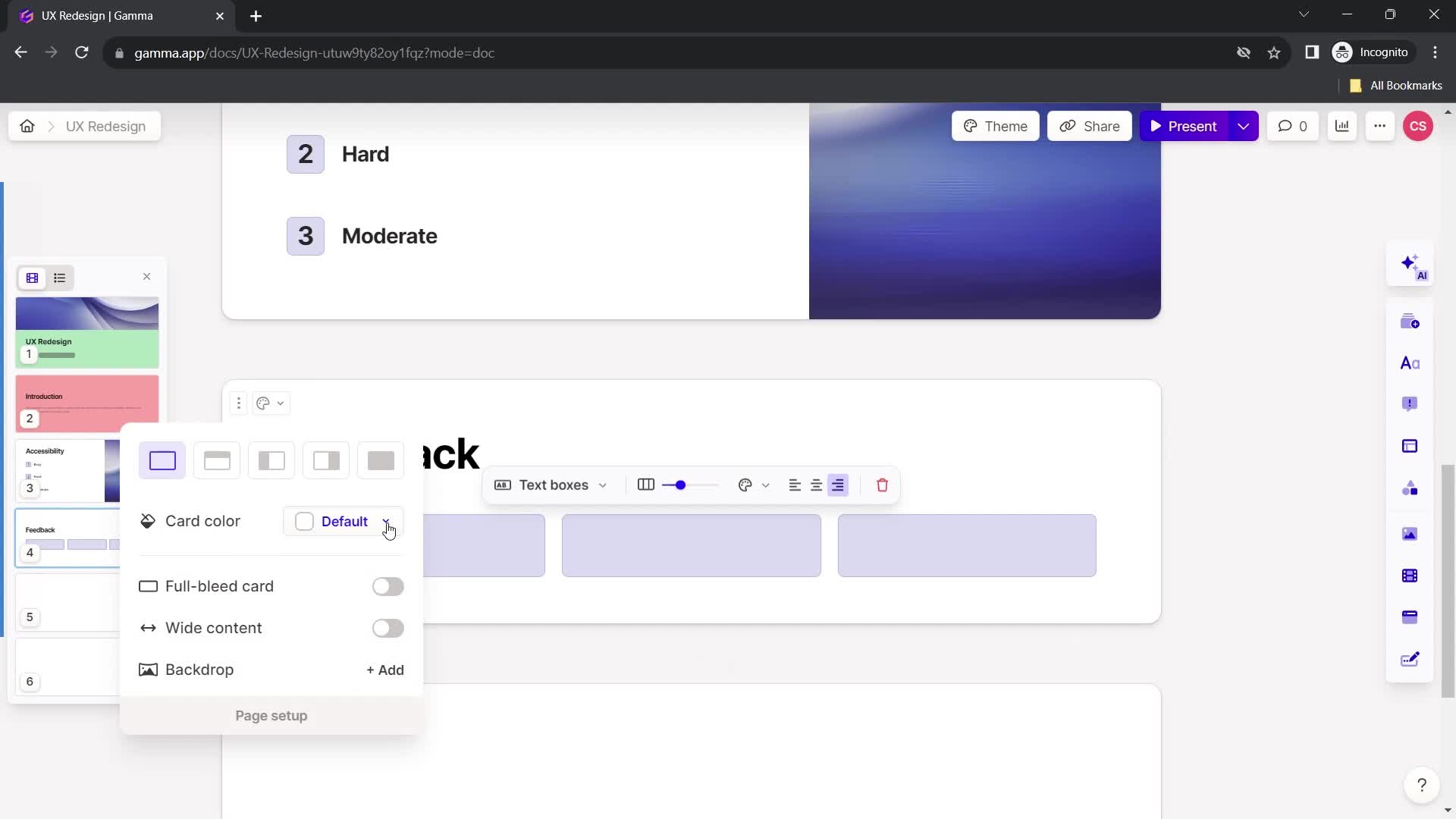
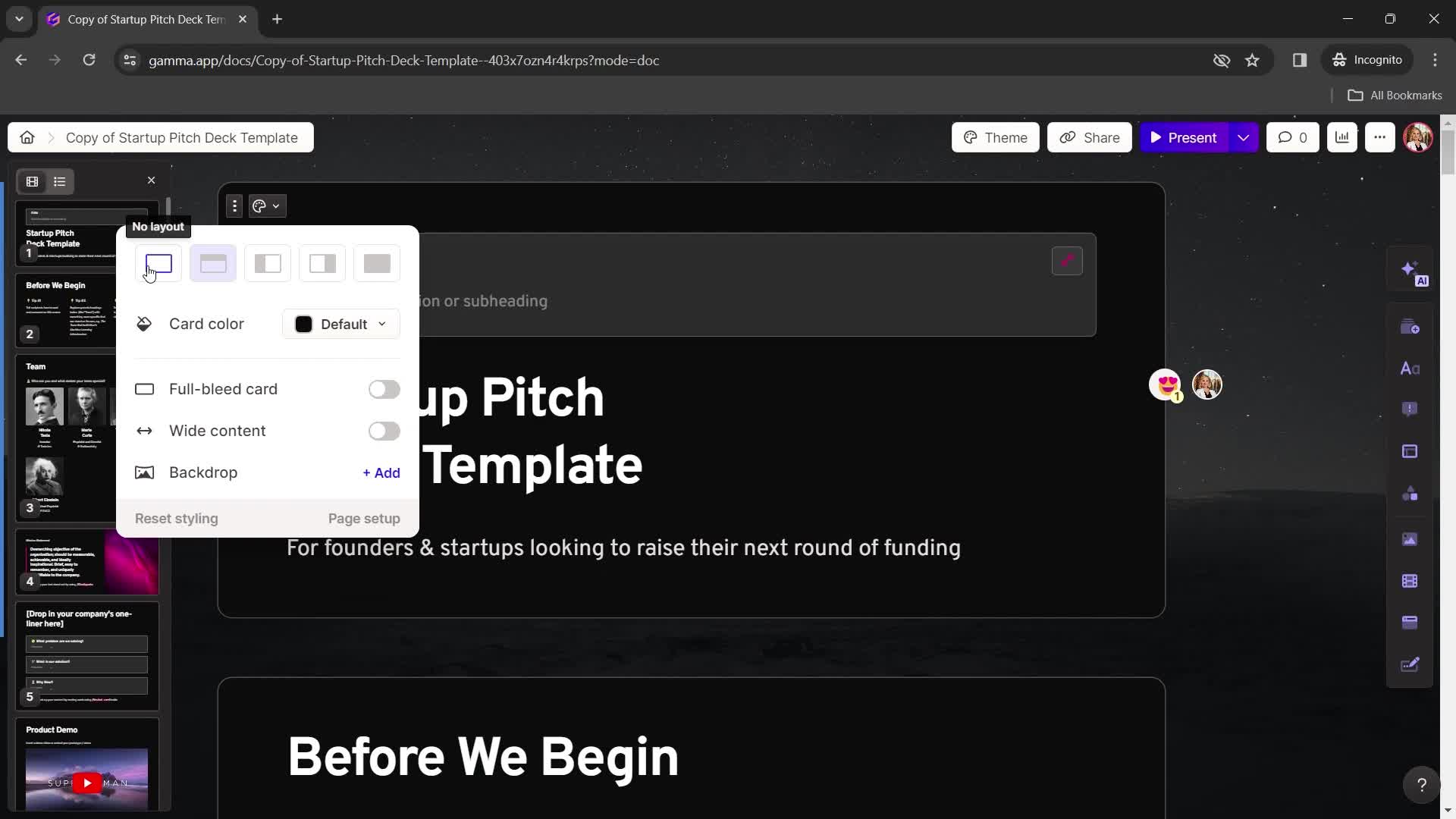
Select layout
this is title
this is title
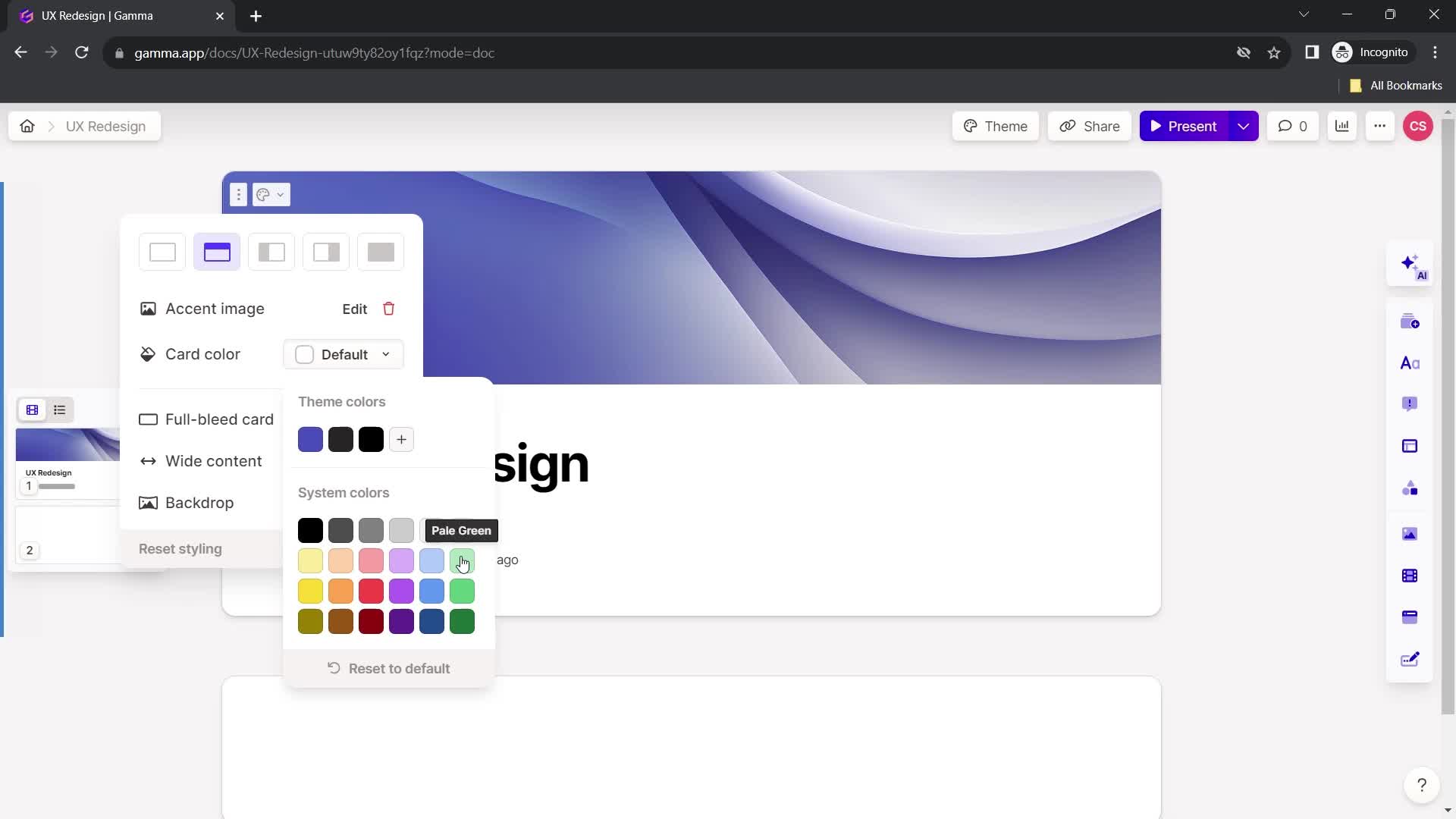
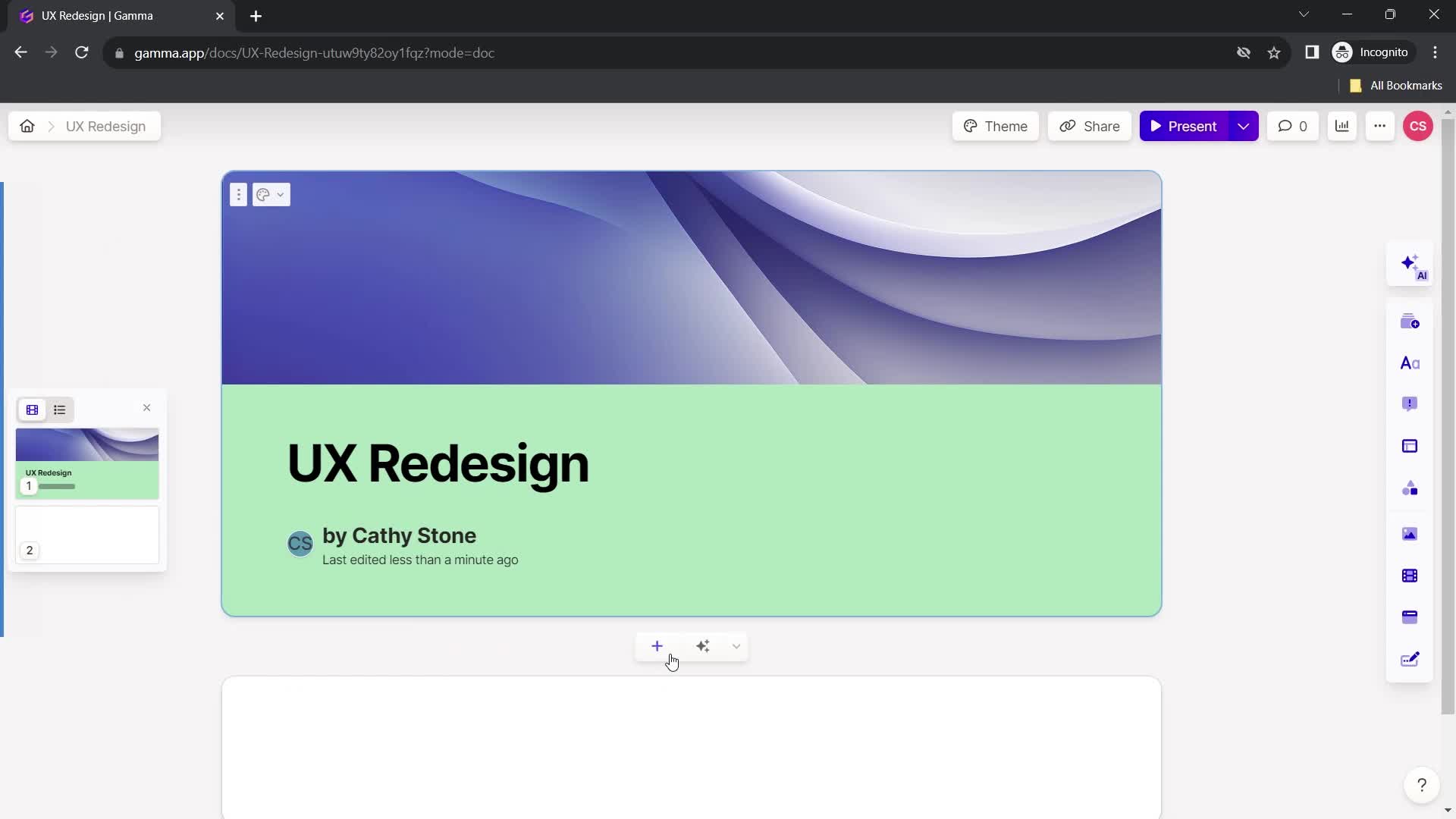
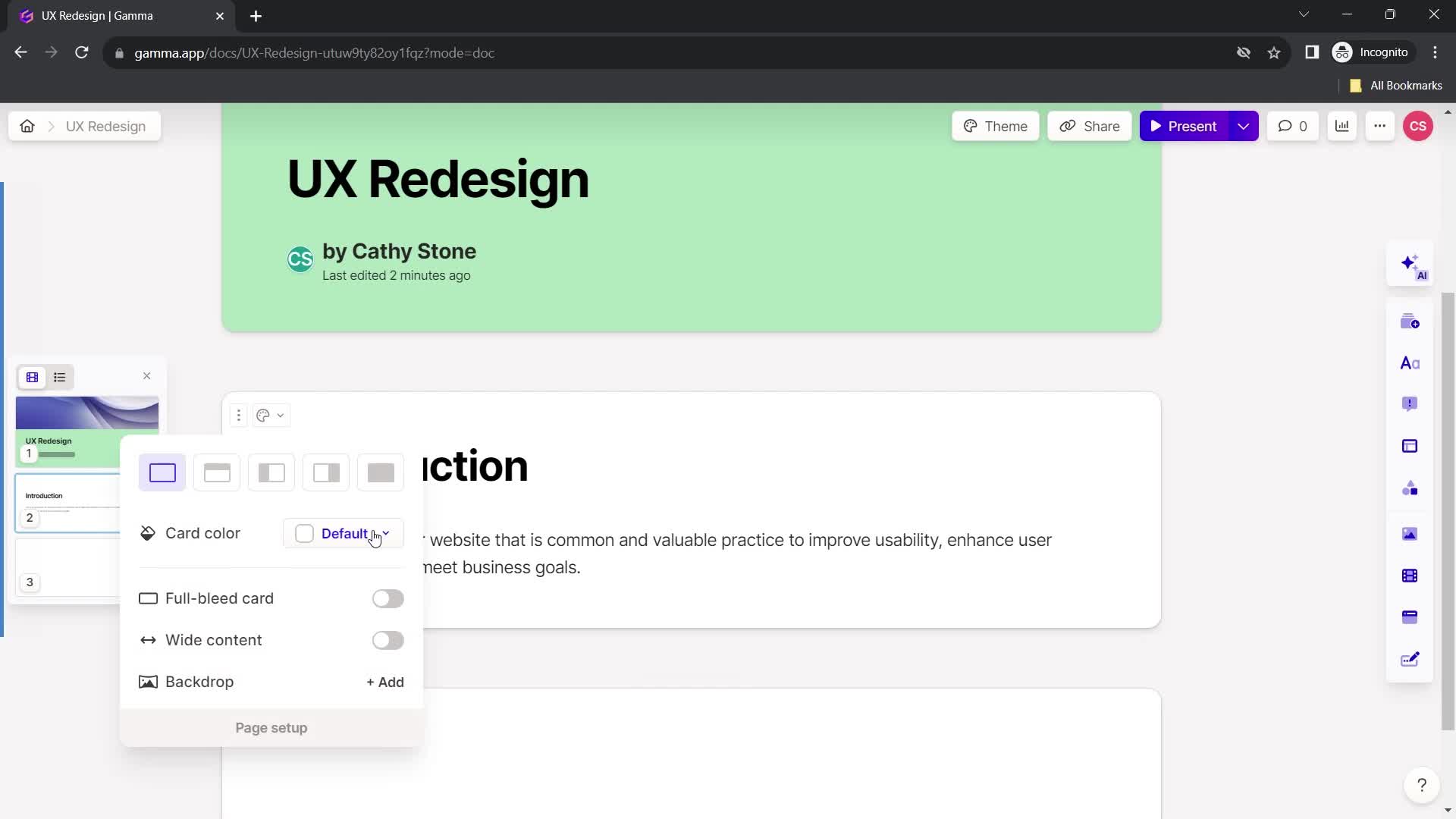
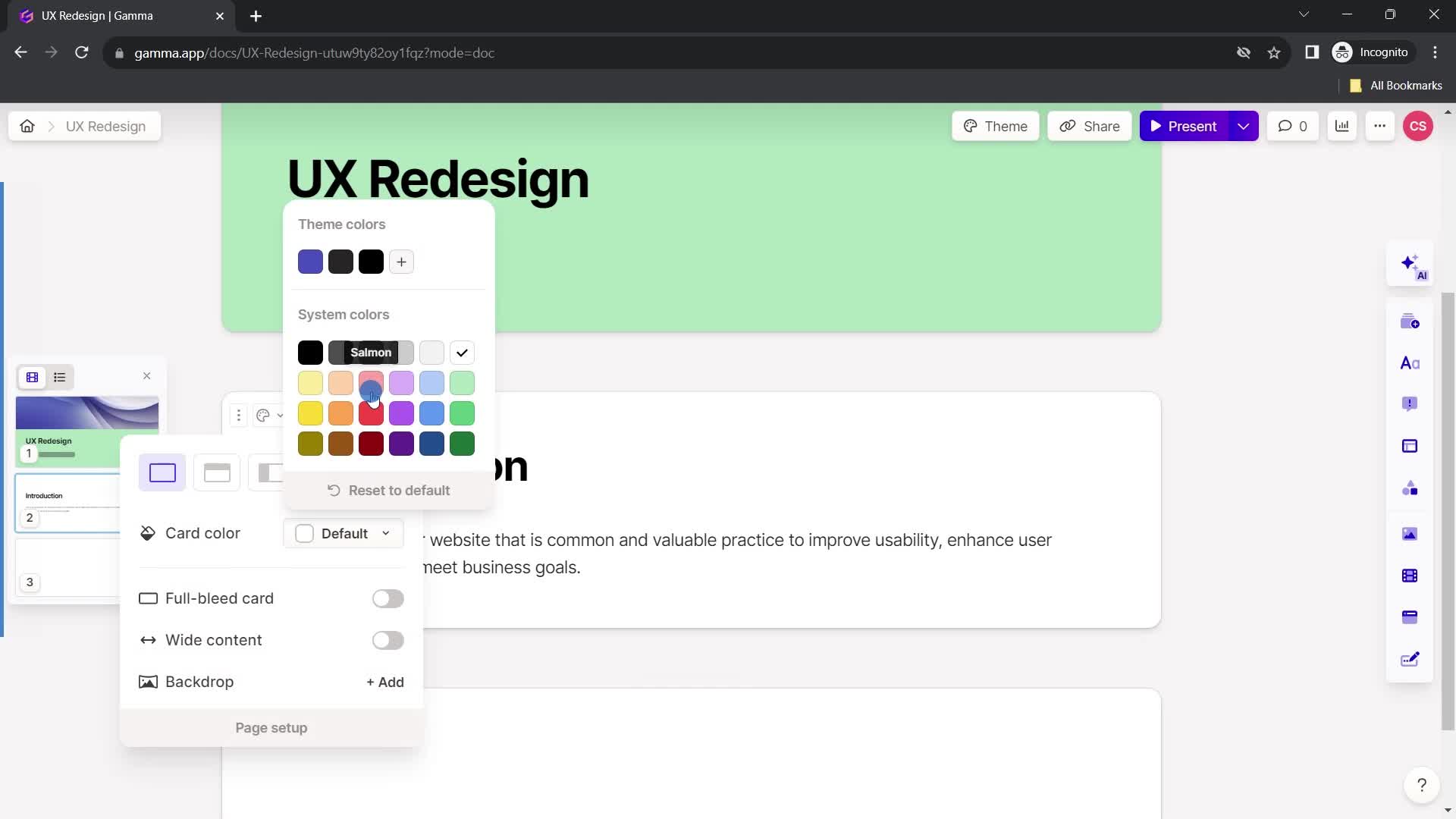
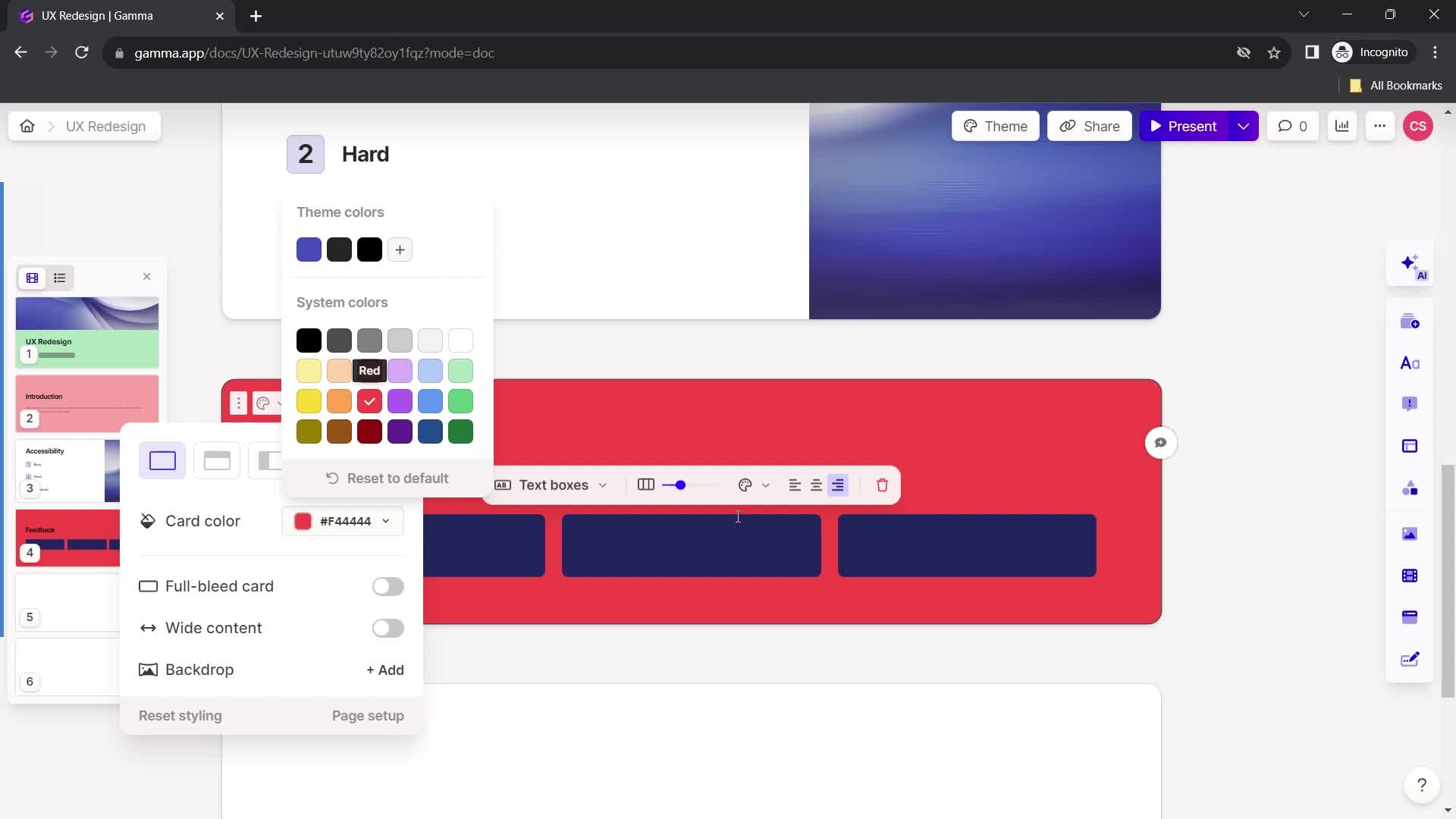
Select color
this is title
Presentation editor
this is title
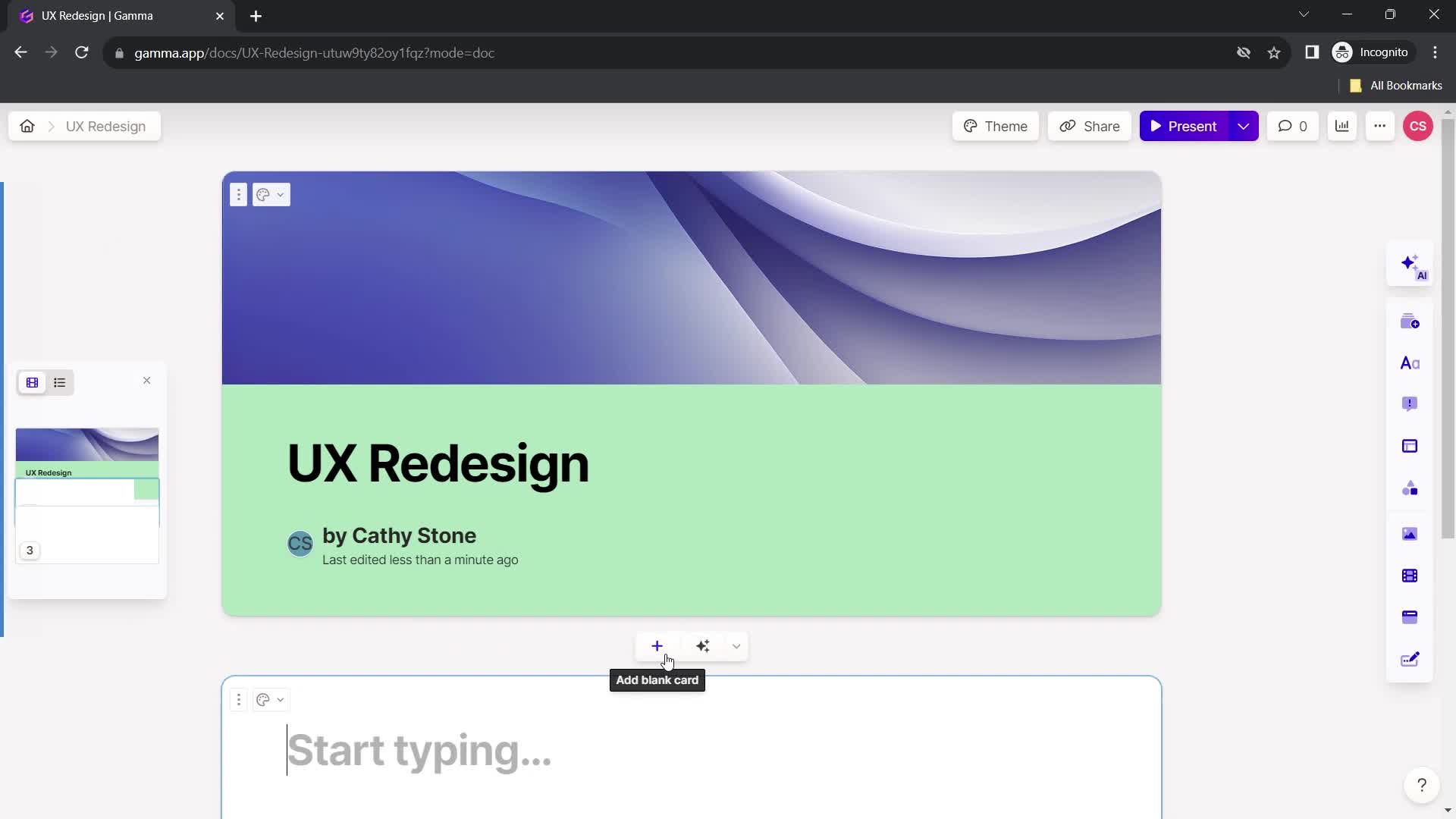
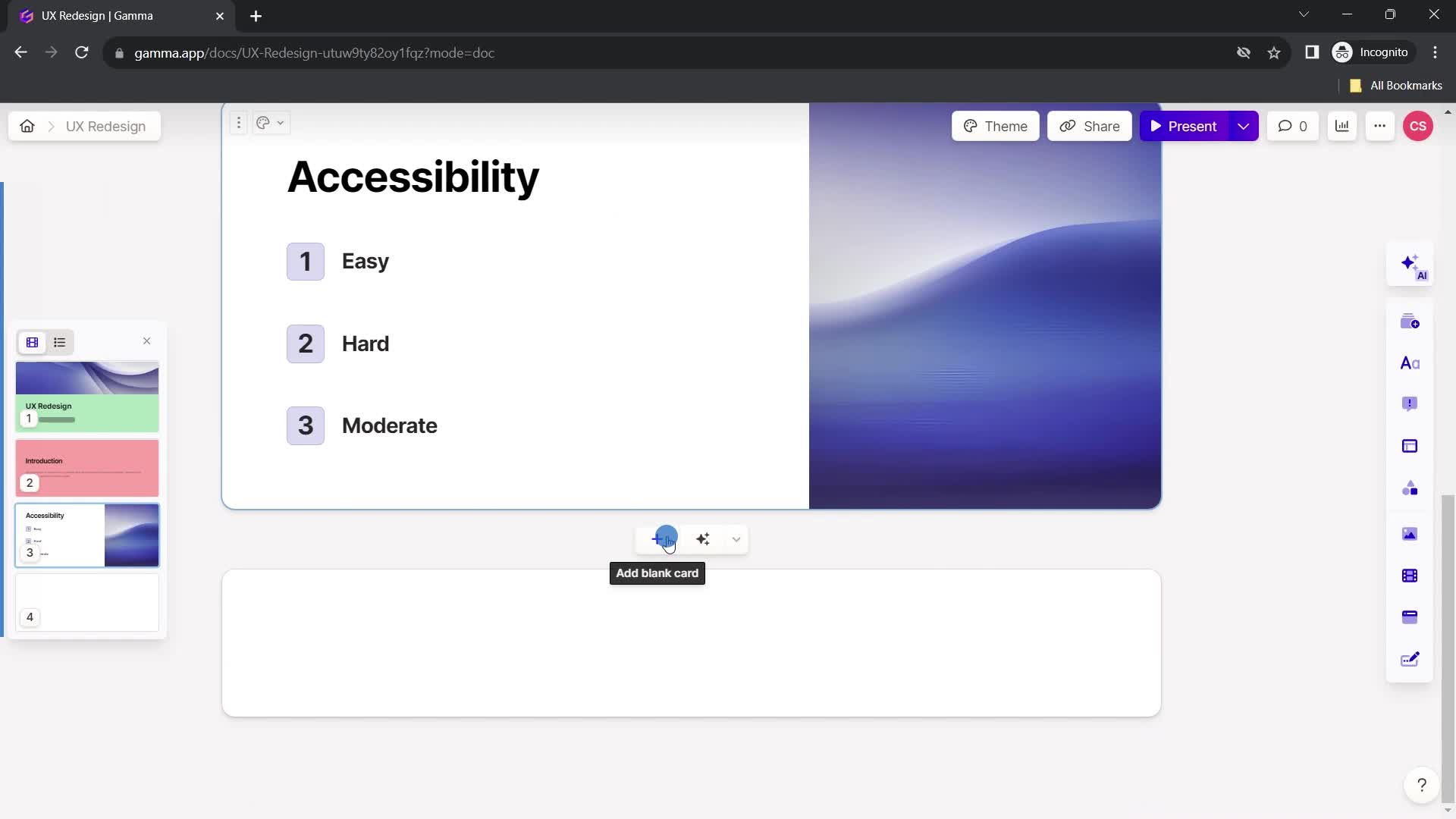
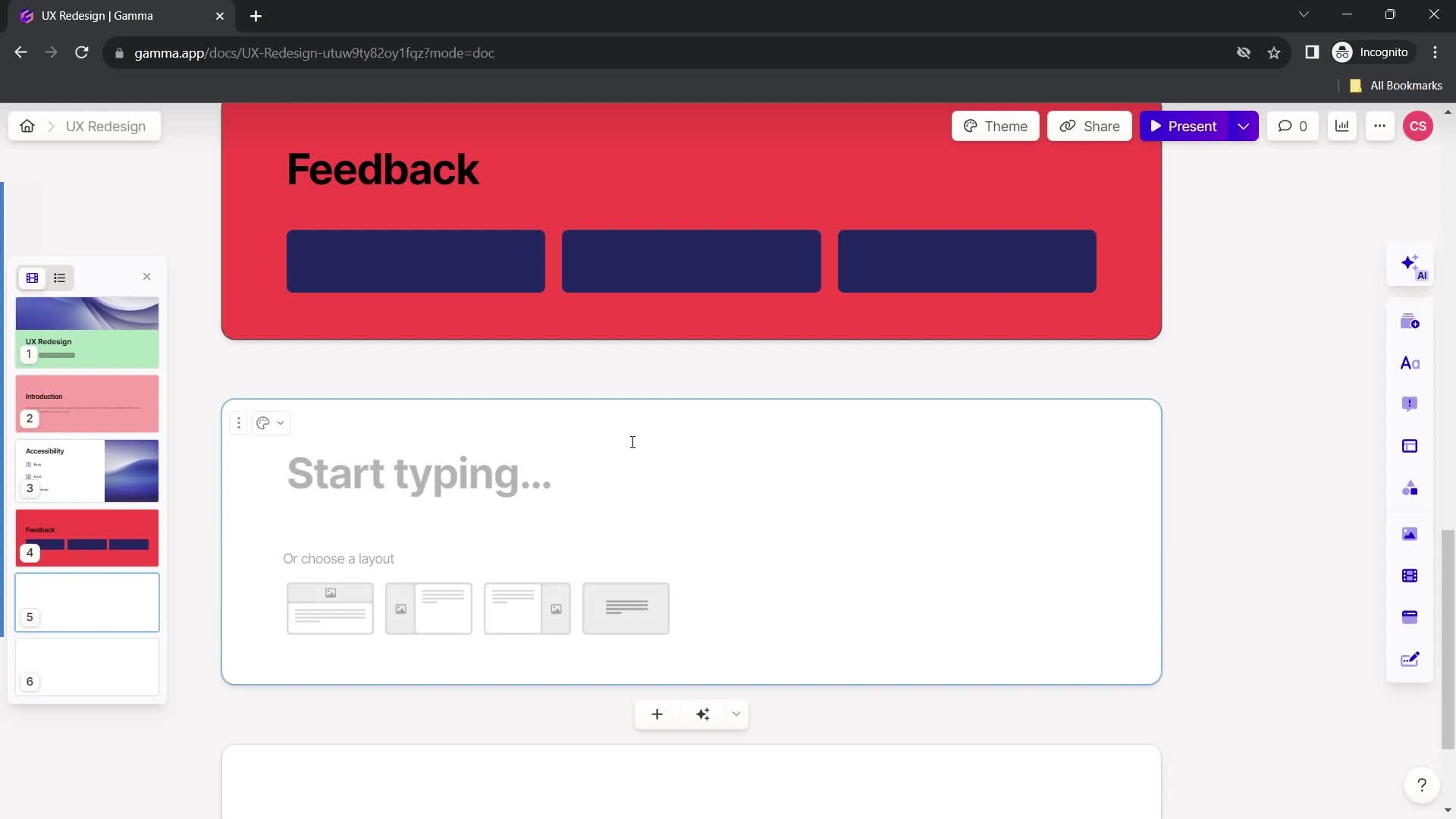
Add card
this is title
Add title
this is title
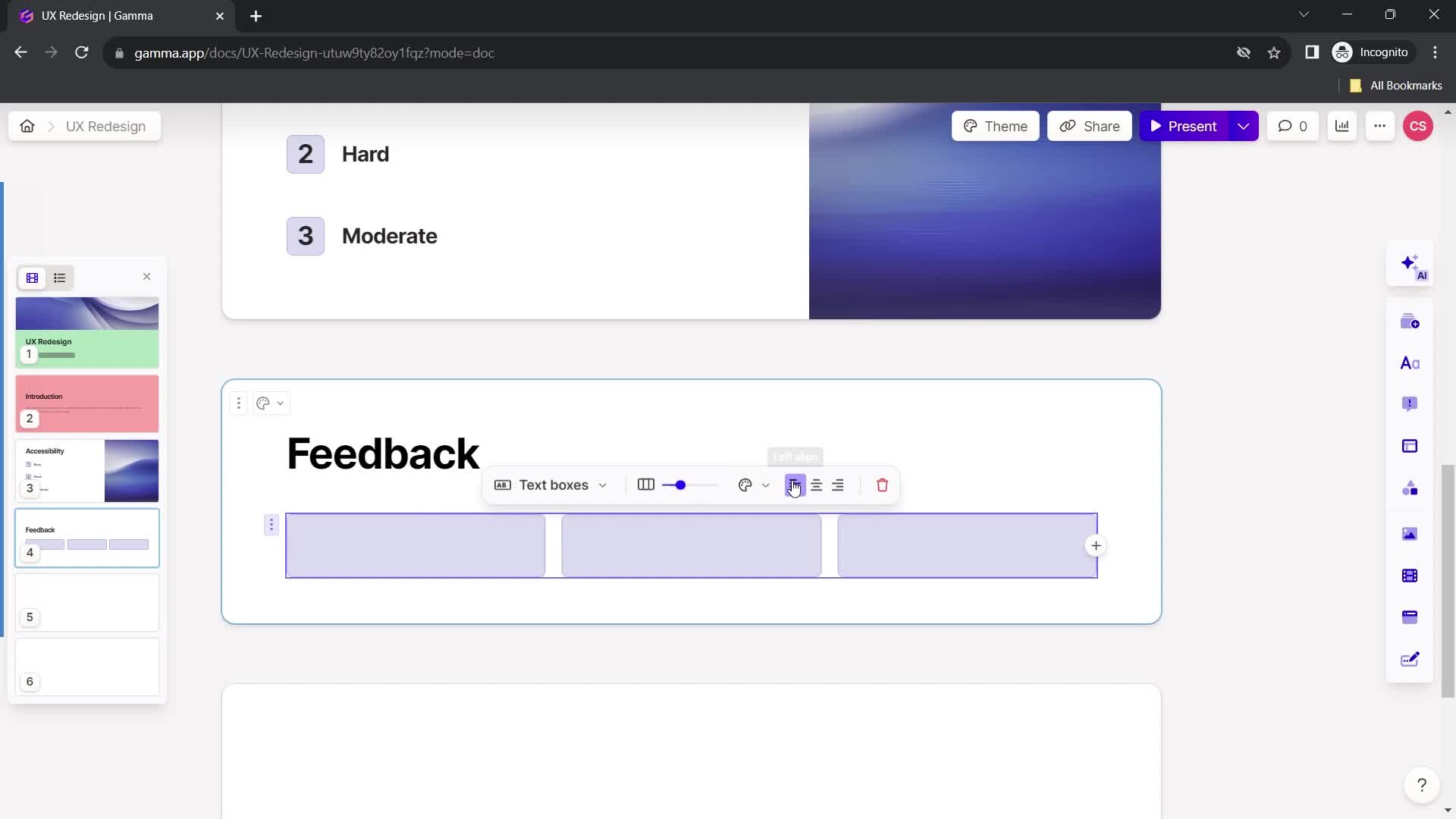
Format text
this is title
Add headline
this is title
Add text
this is title
this is title
Action menu
this is title
Add color
this is title
Select color
this is title
New board
this is title
Add title
this is title
Select layout
this is title
Add text
this is title
this is title
this is title
Select layout
this is title
Add slides
this is title
Add title
this is title
this is title
Select layout
this is title
Add text
this is title
this is title
Add color
this is title
Select color
this is title
New board
this is title
this is title
Confirm exit
this is title
Presentation editor
this is title
Home
this is title
Create new
this is title
Select type
this is title
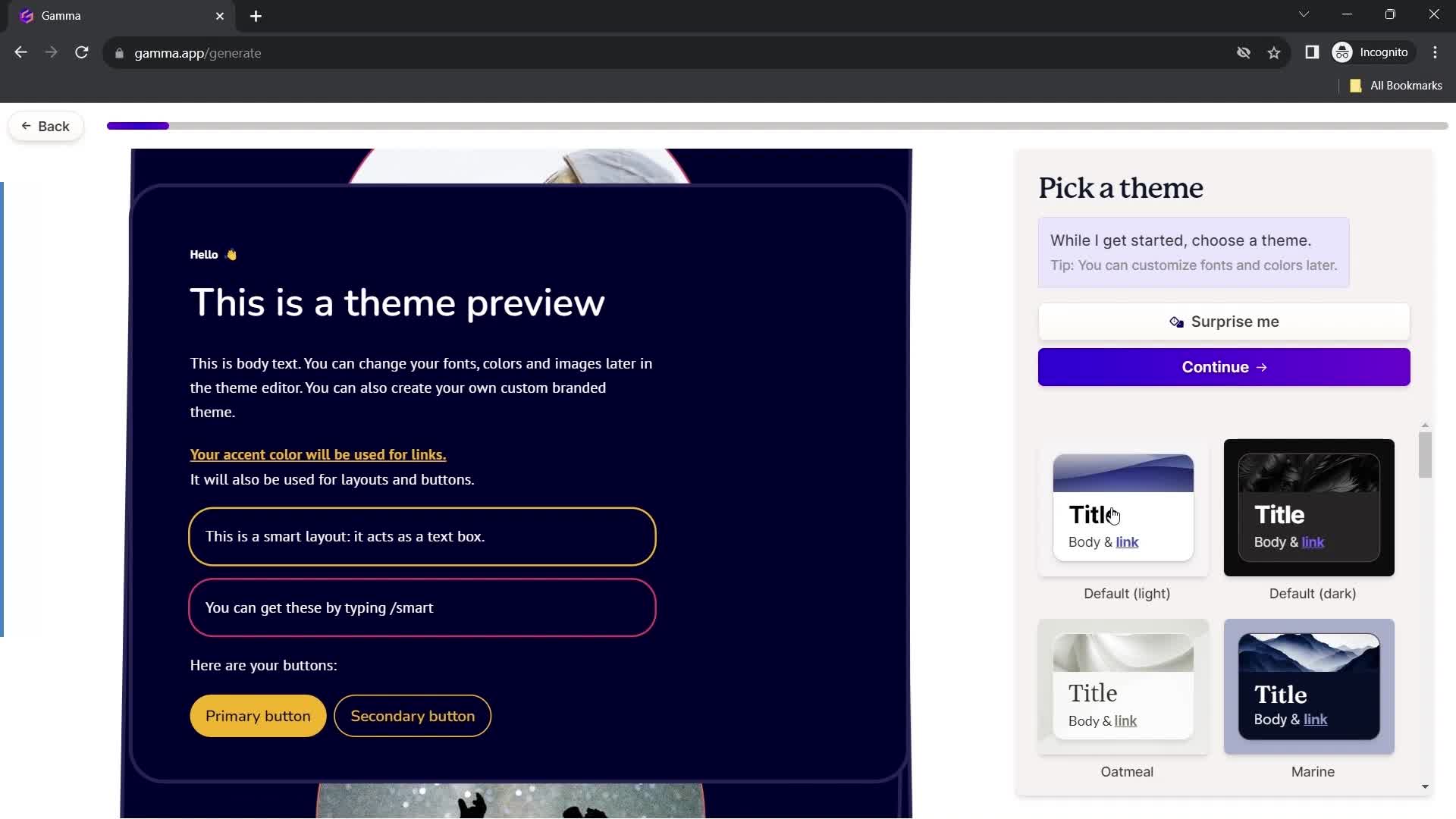
Set topic
this is title
Continue
this is title
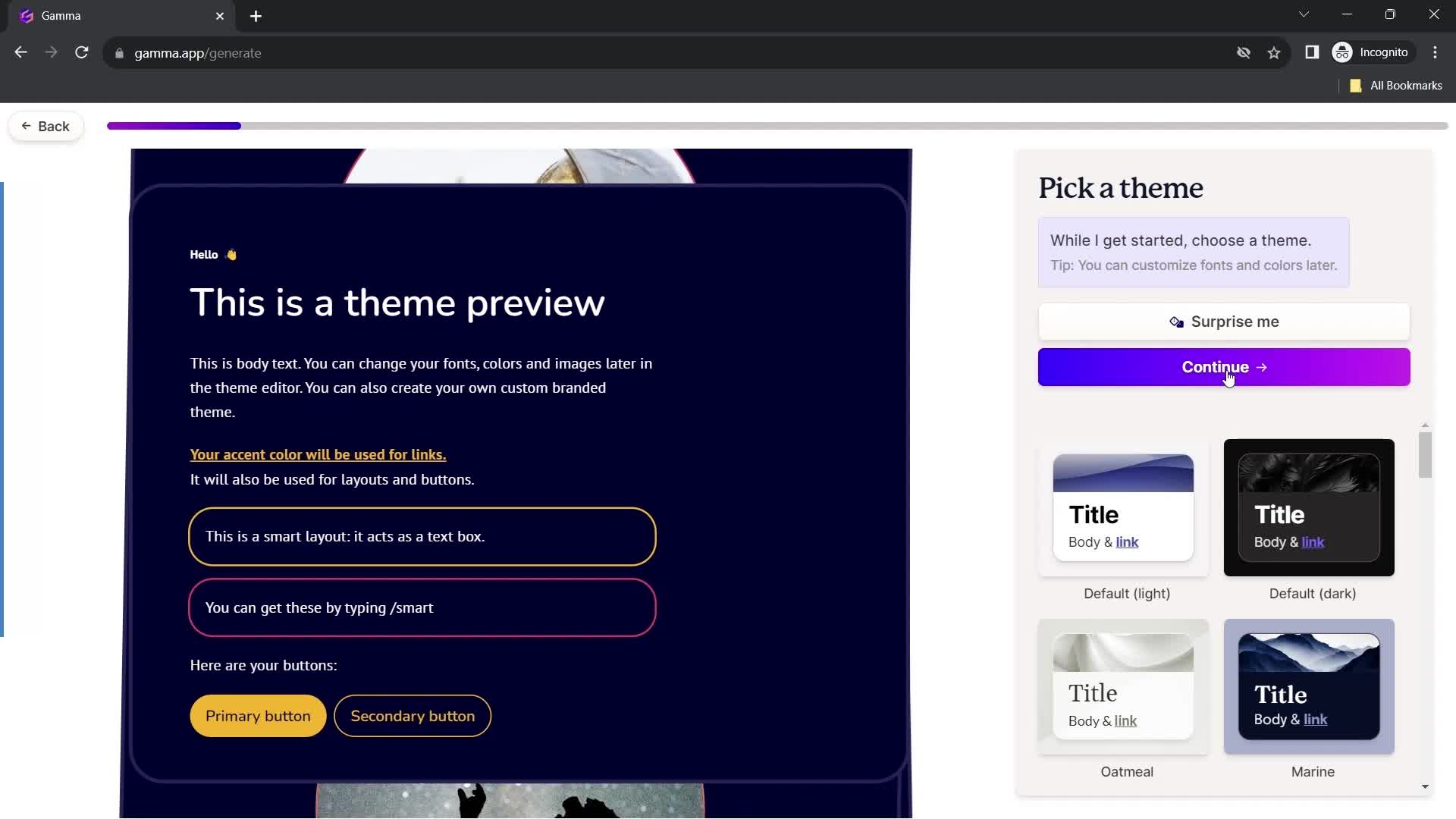
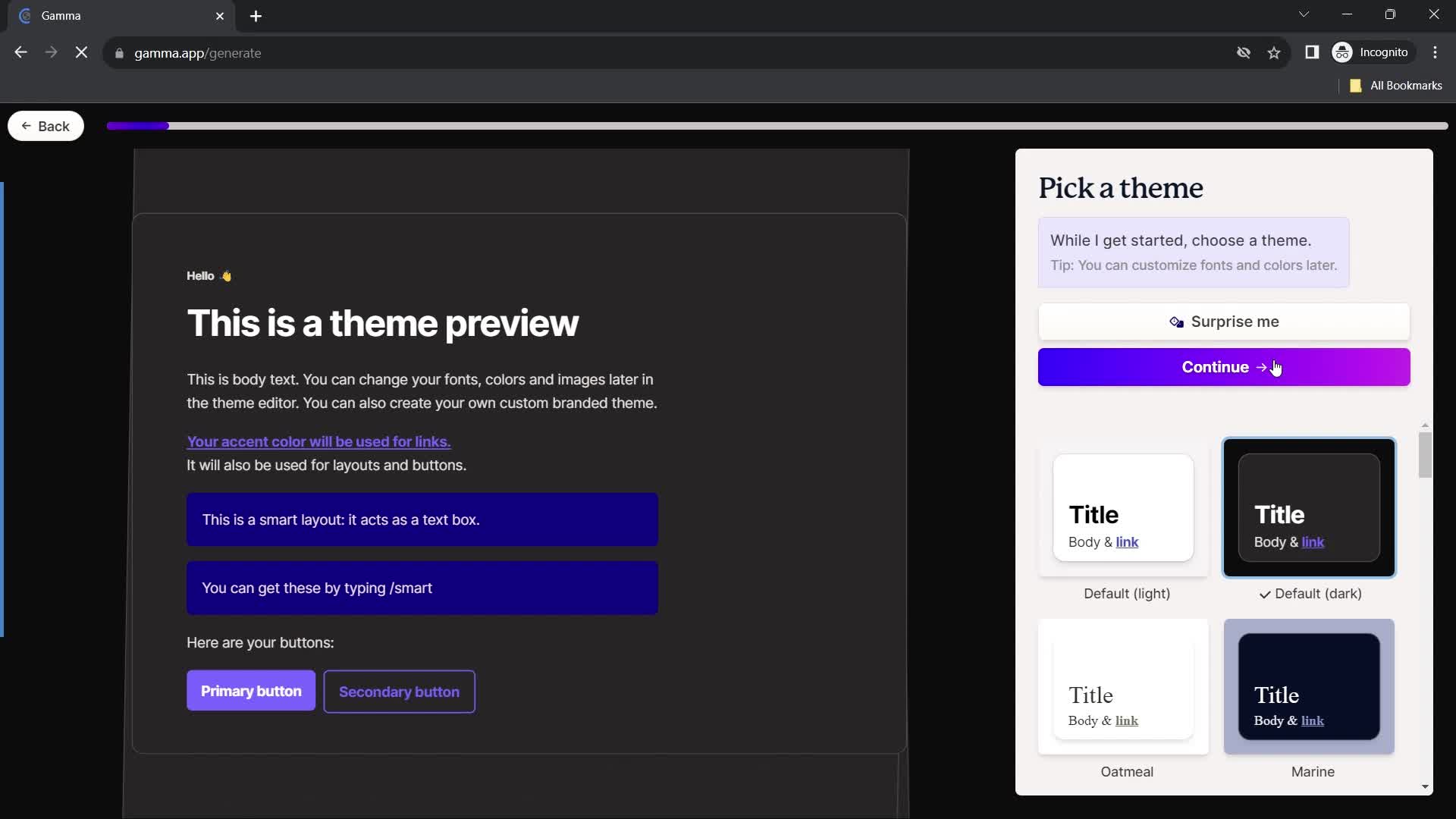
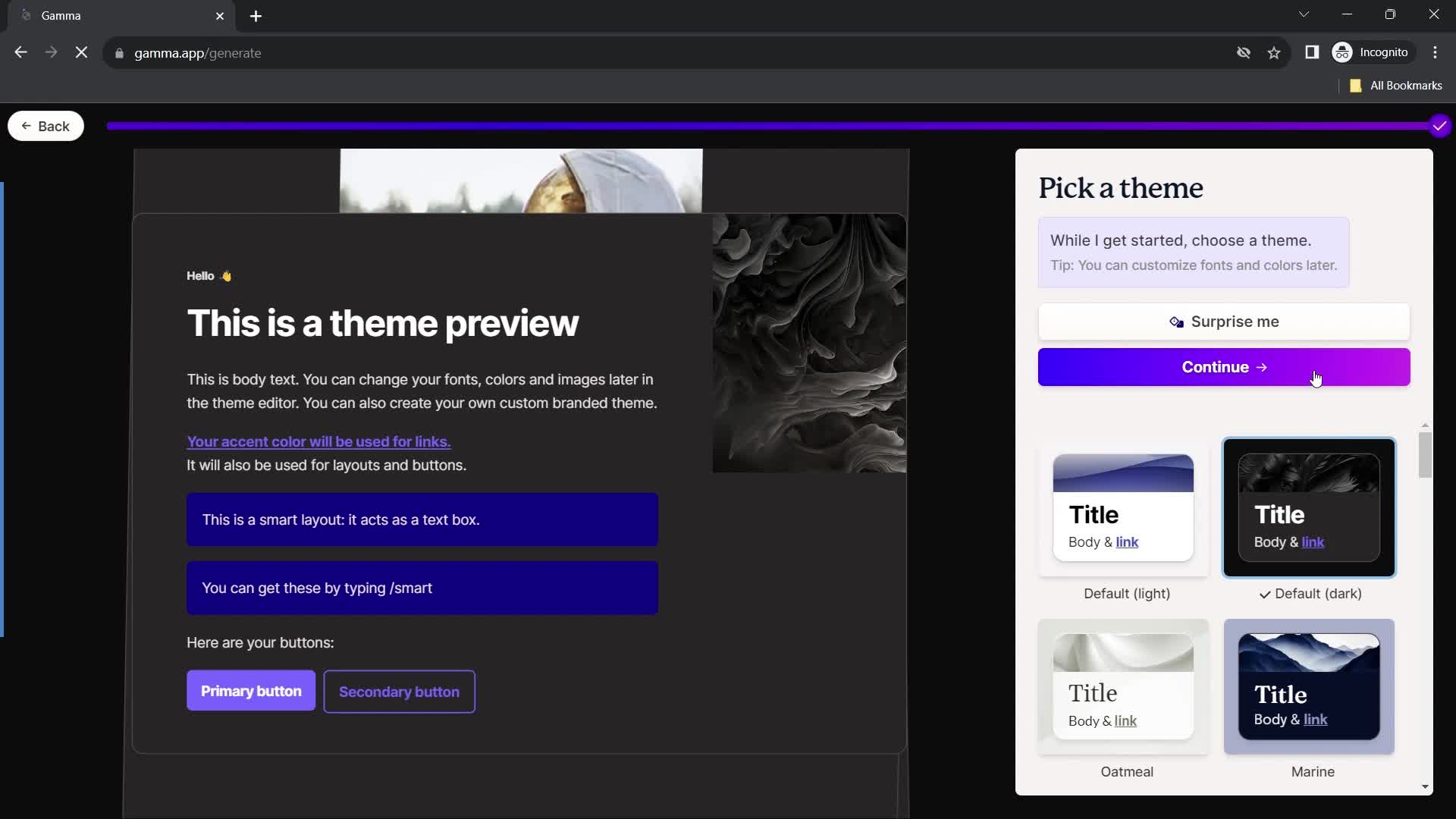
Select theme
this is title
Continue
this is title
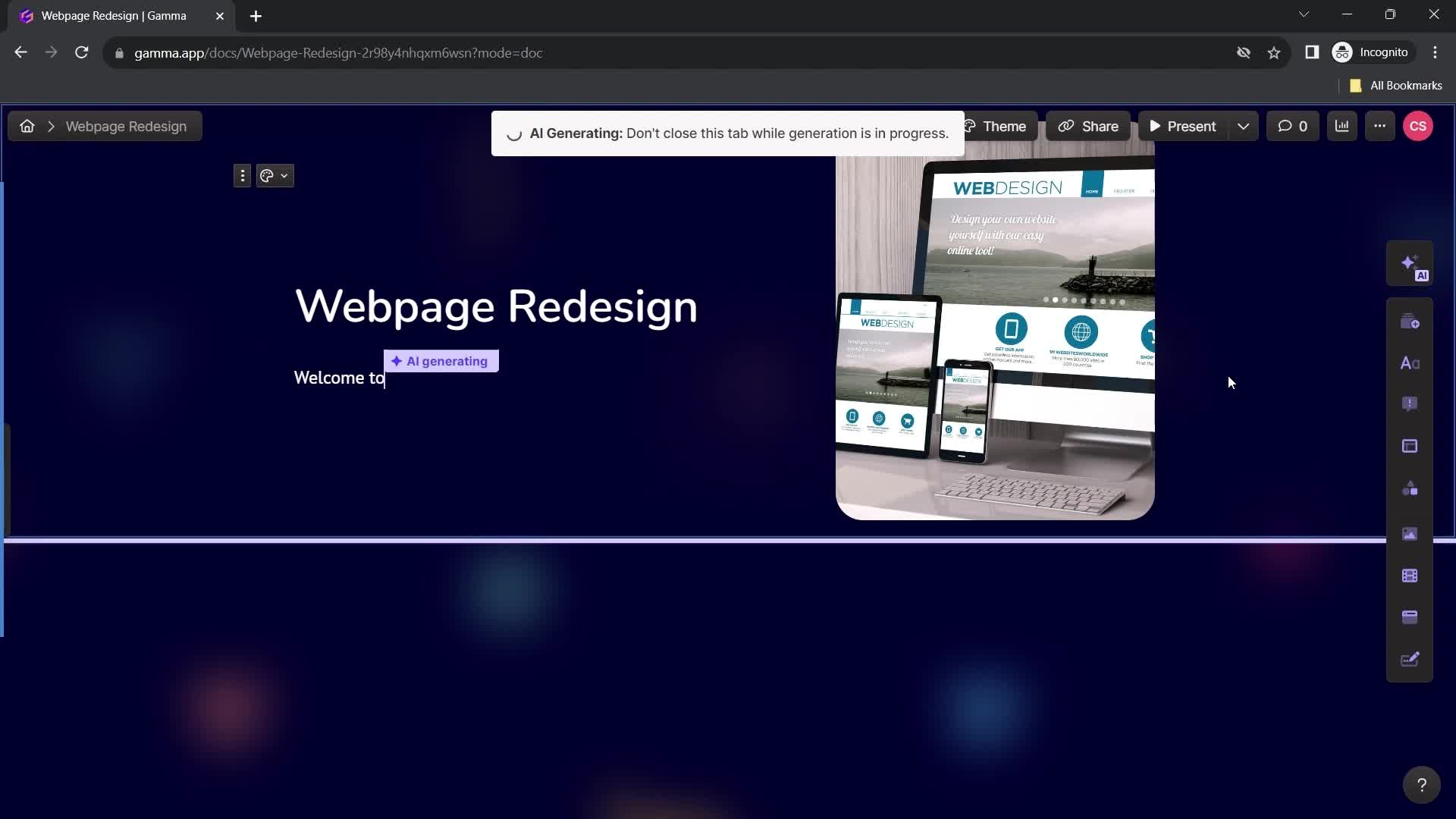
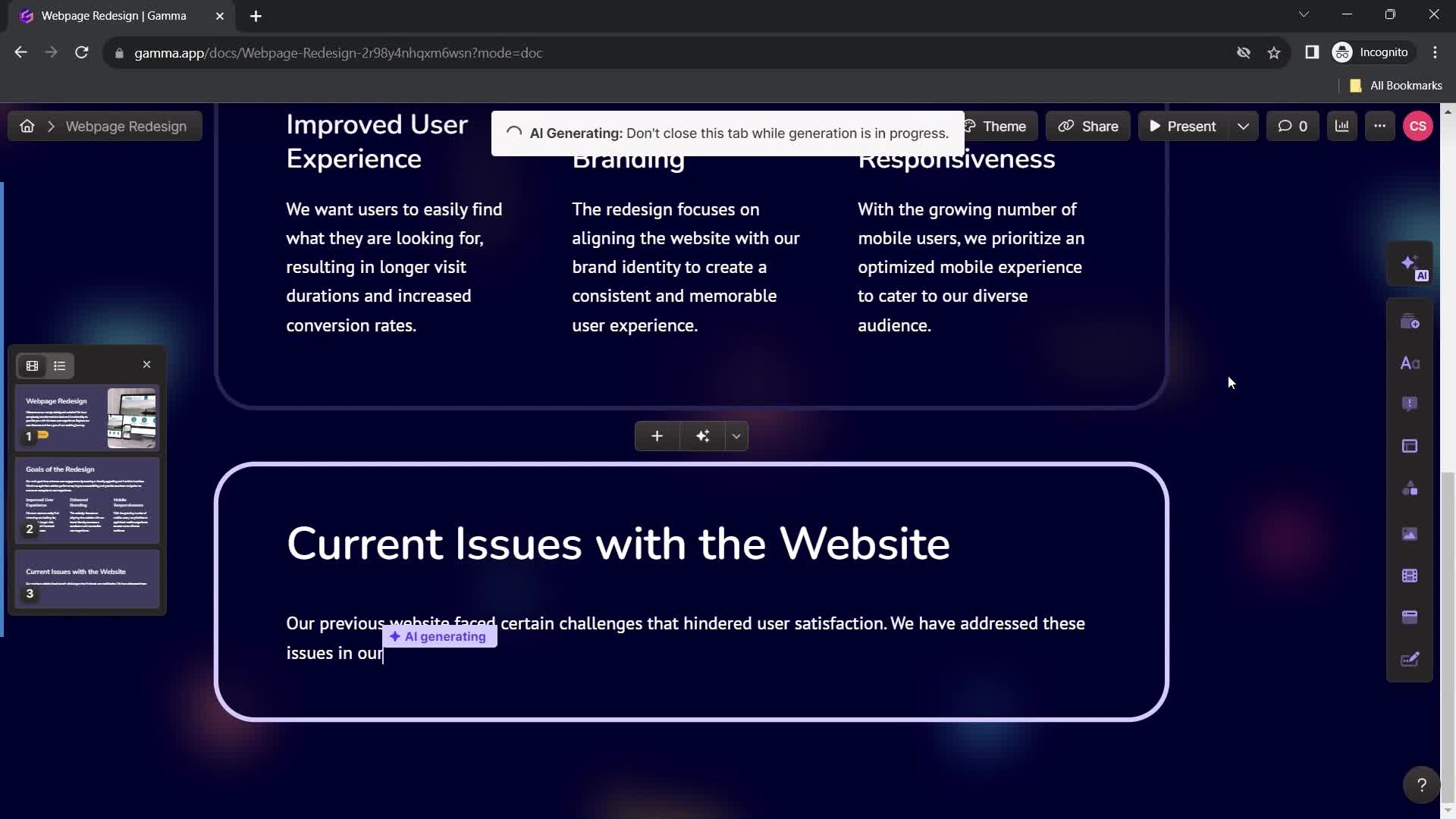
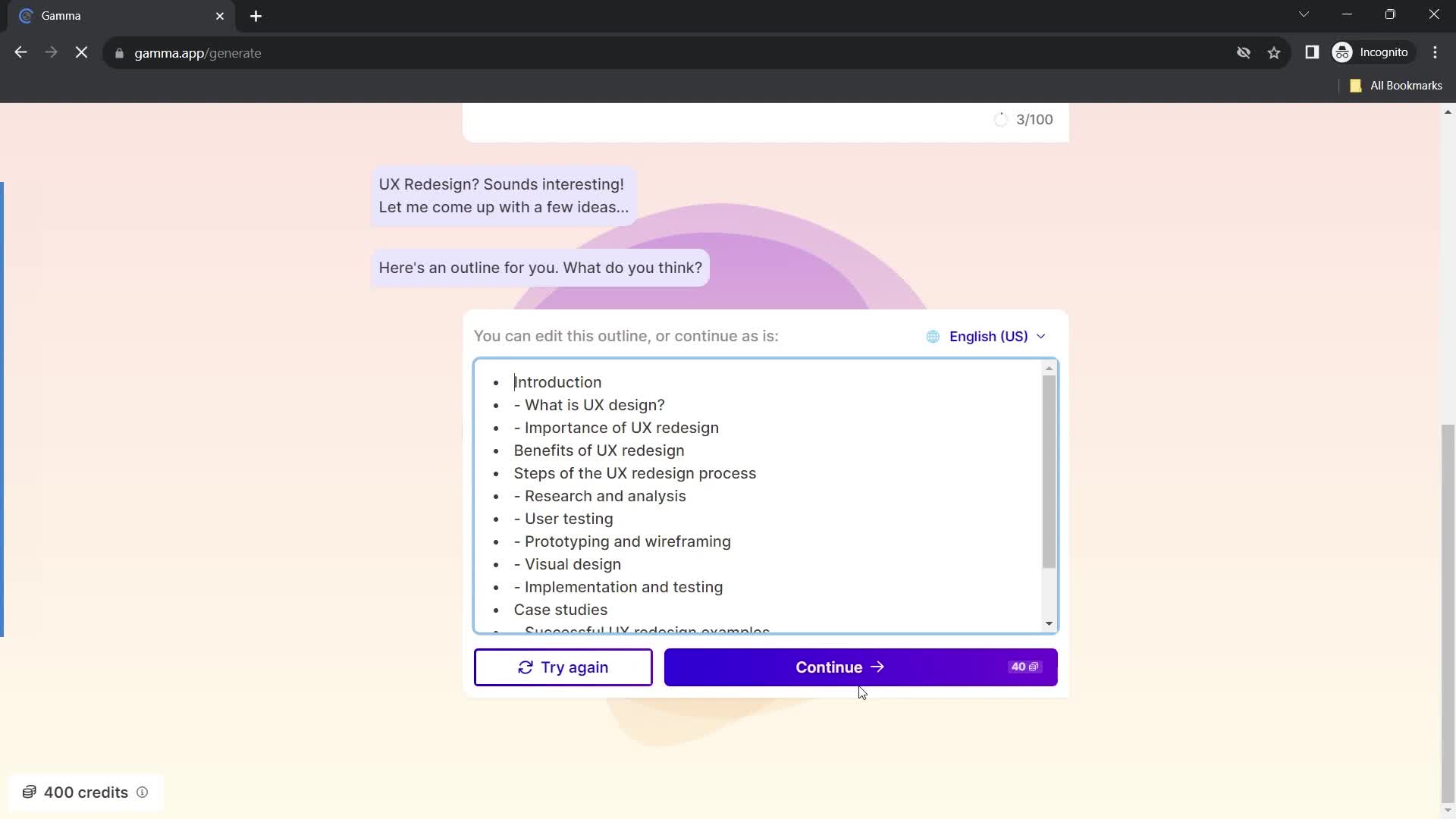
AI Generator
this is title
this is title
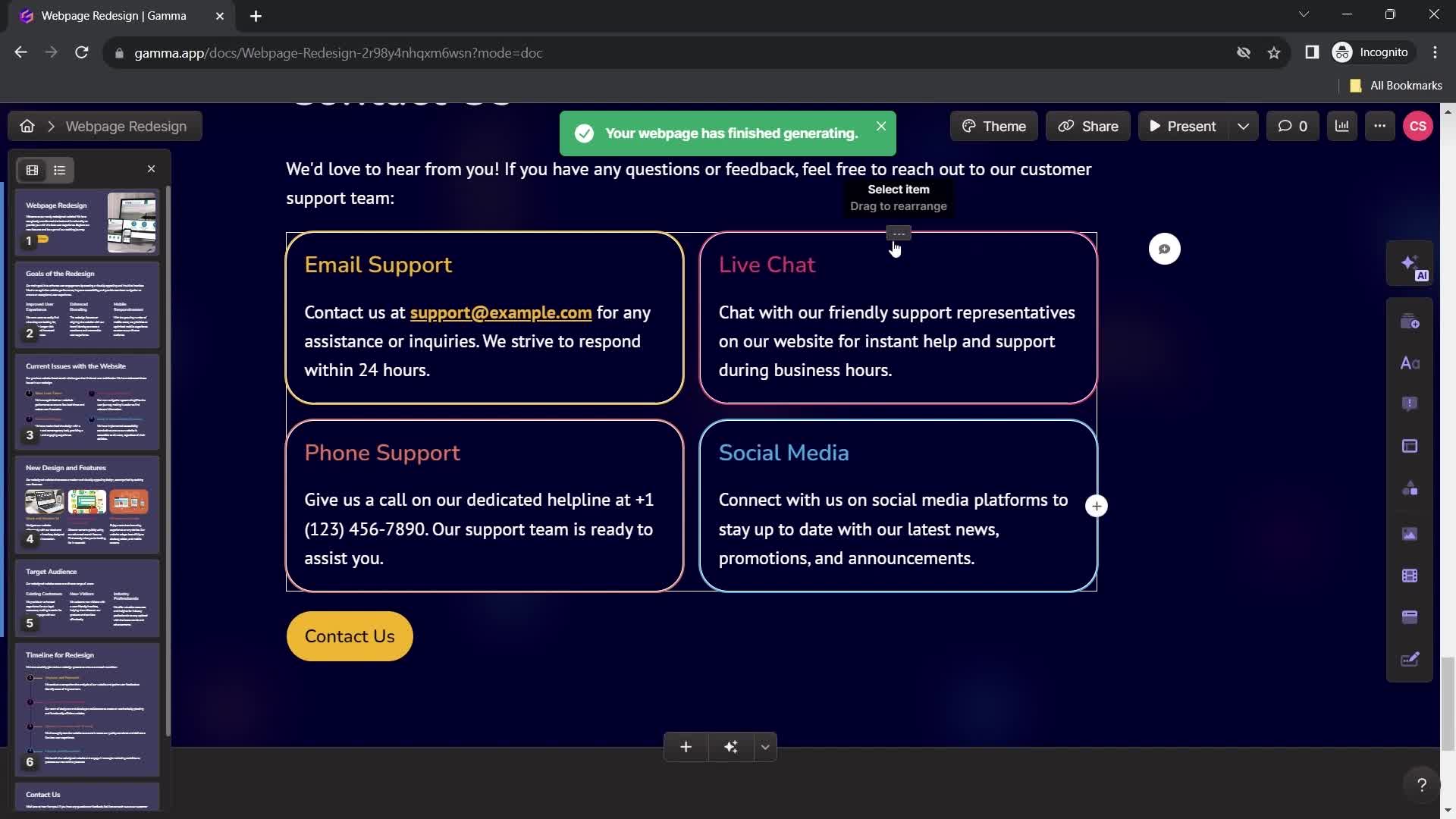
Website created
this is title
Home
this is title
Home
this is title
Presentation editor
this is title
Select layout
this is title
Edit image
this is title
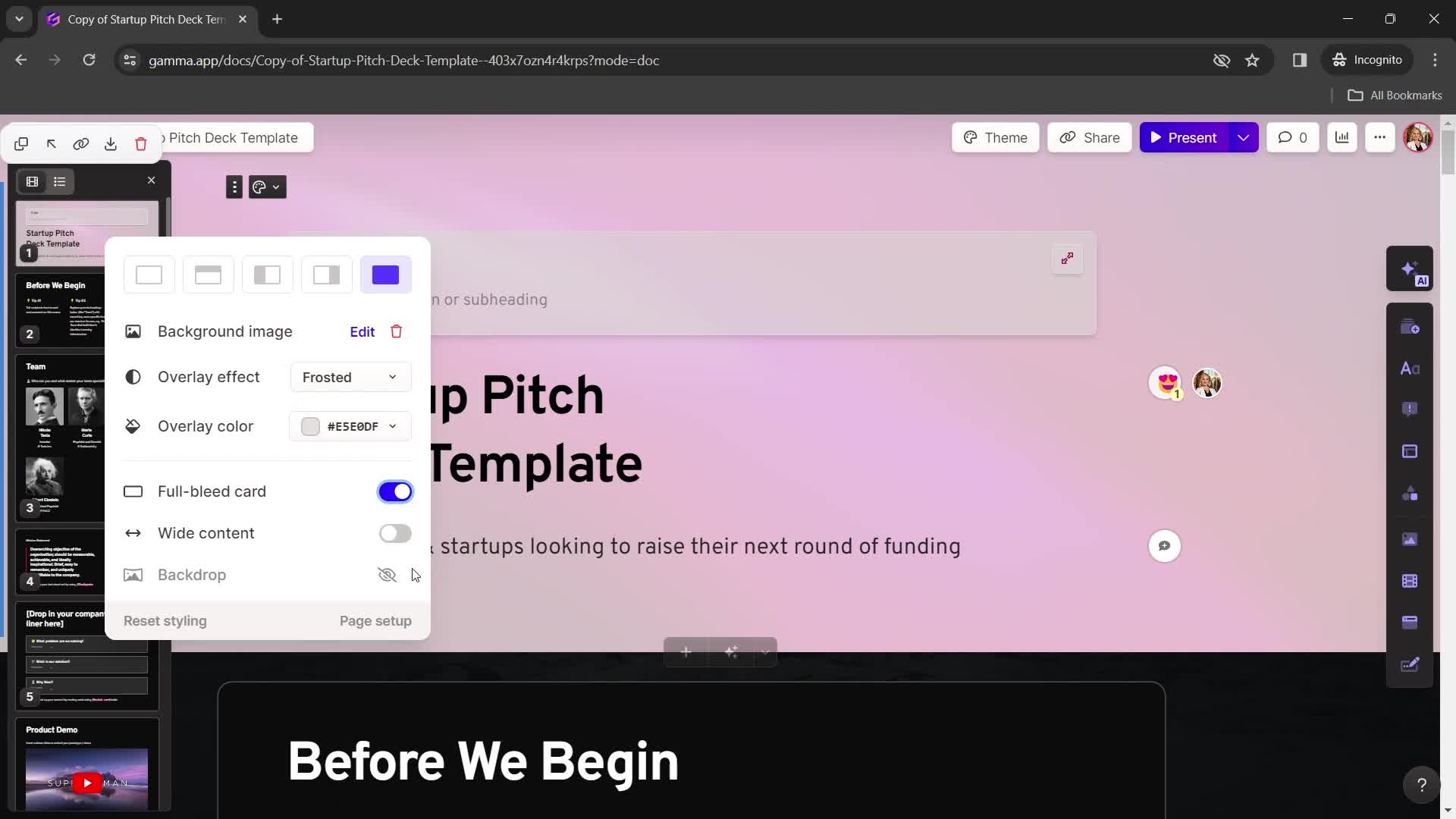
Choose background color
this is title
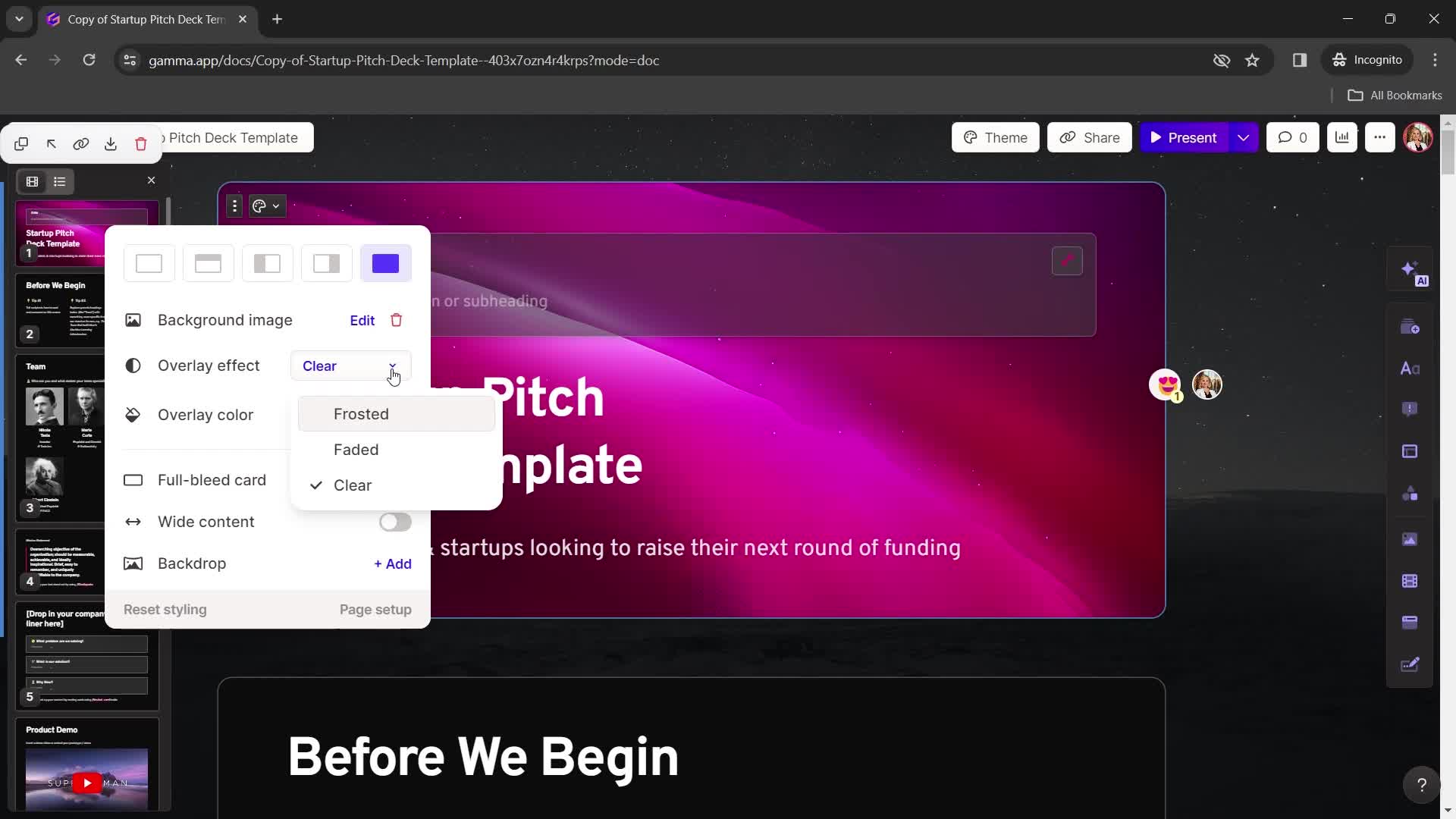
Add effect
this is title
Add color
this is title
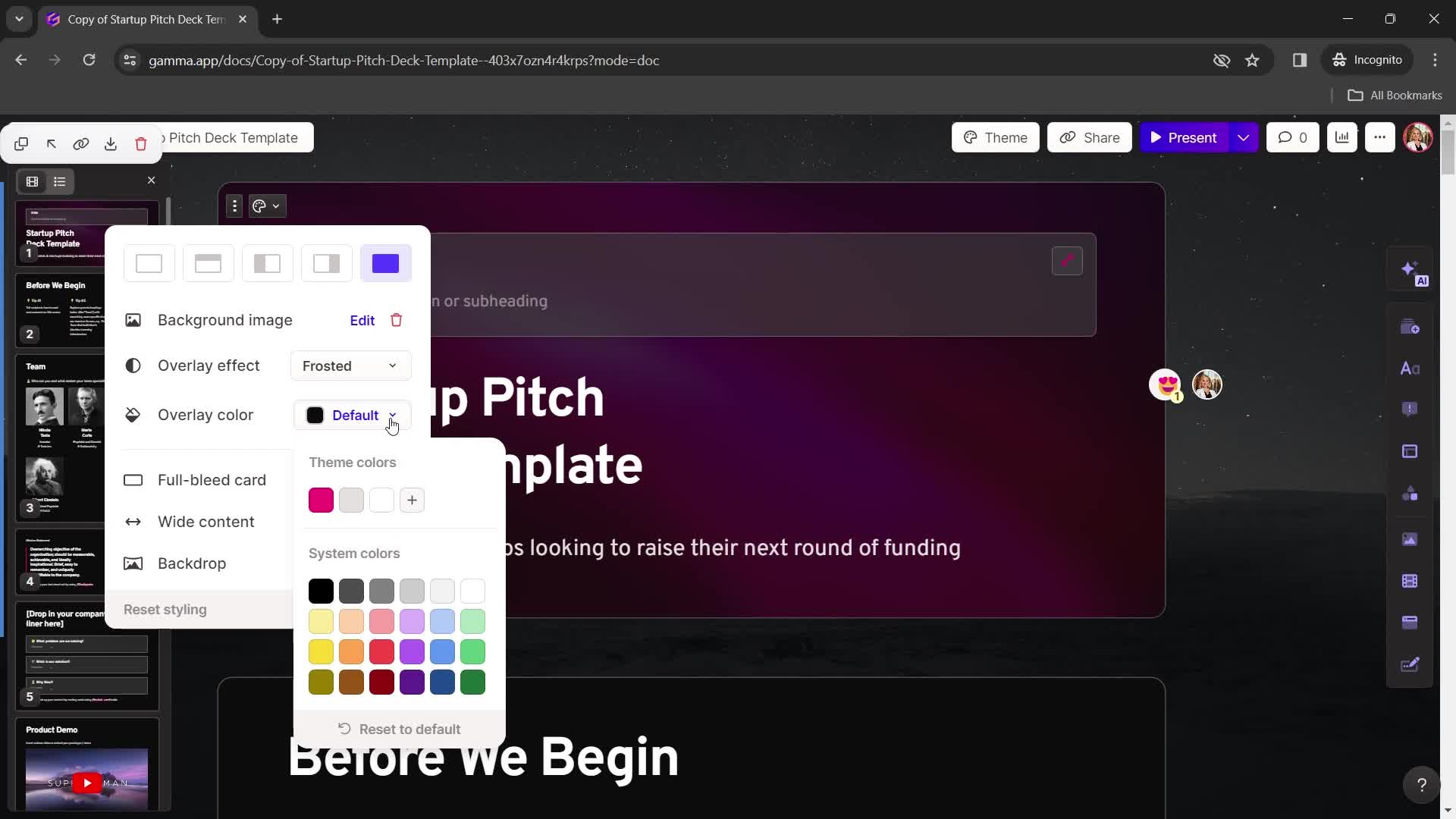
this is title
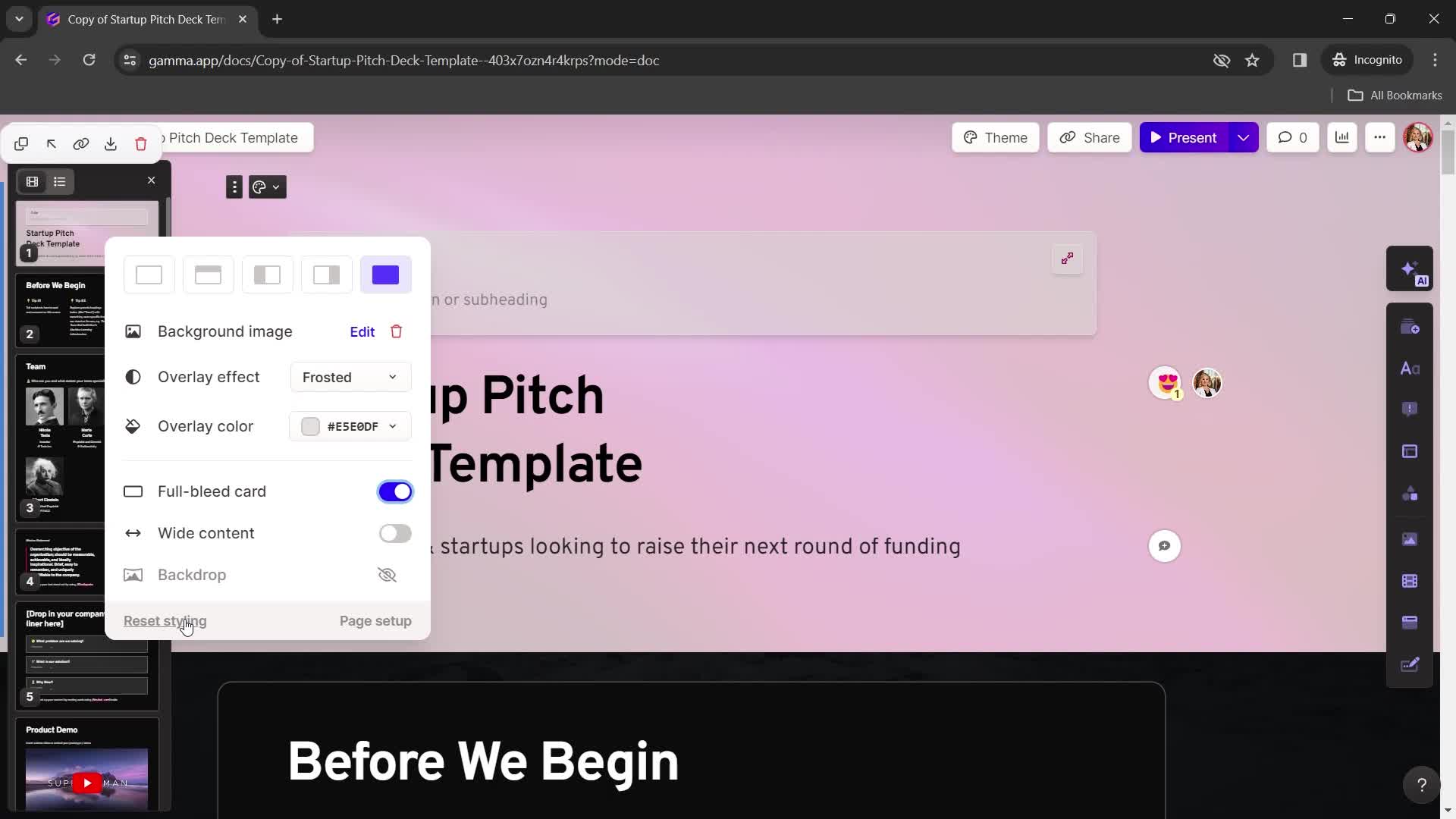
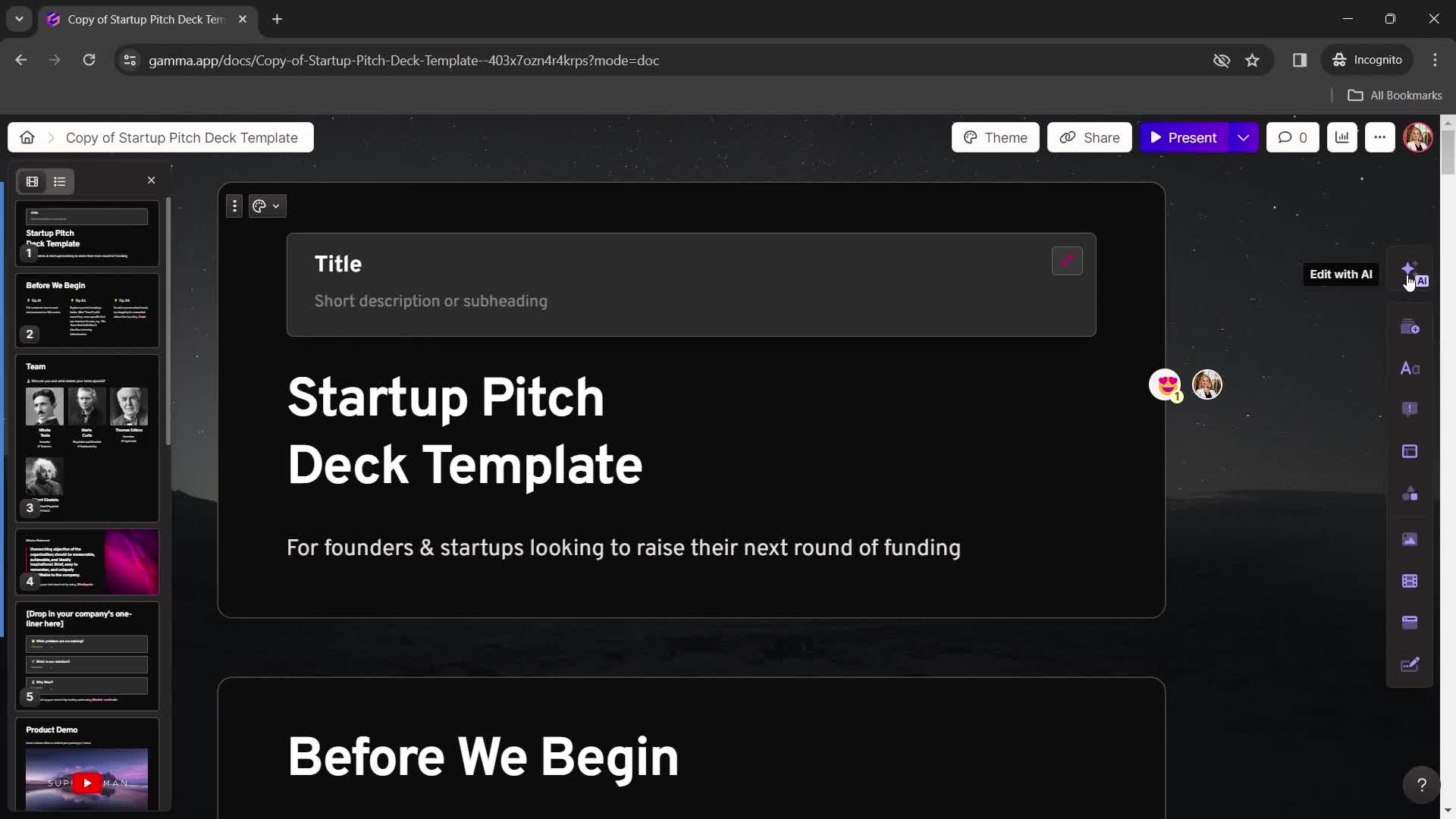
Reset
this is title
Presentation editor
this is title
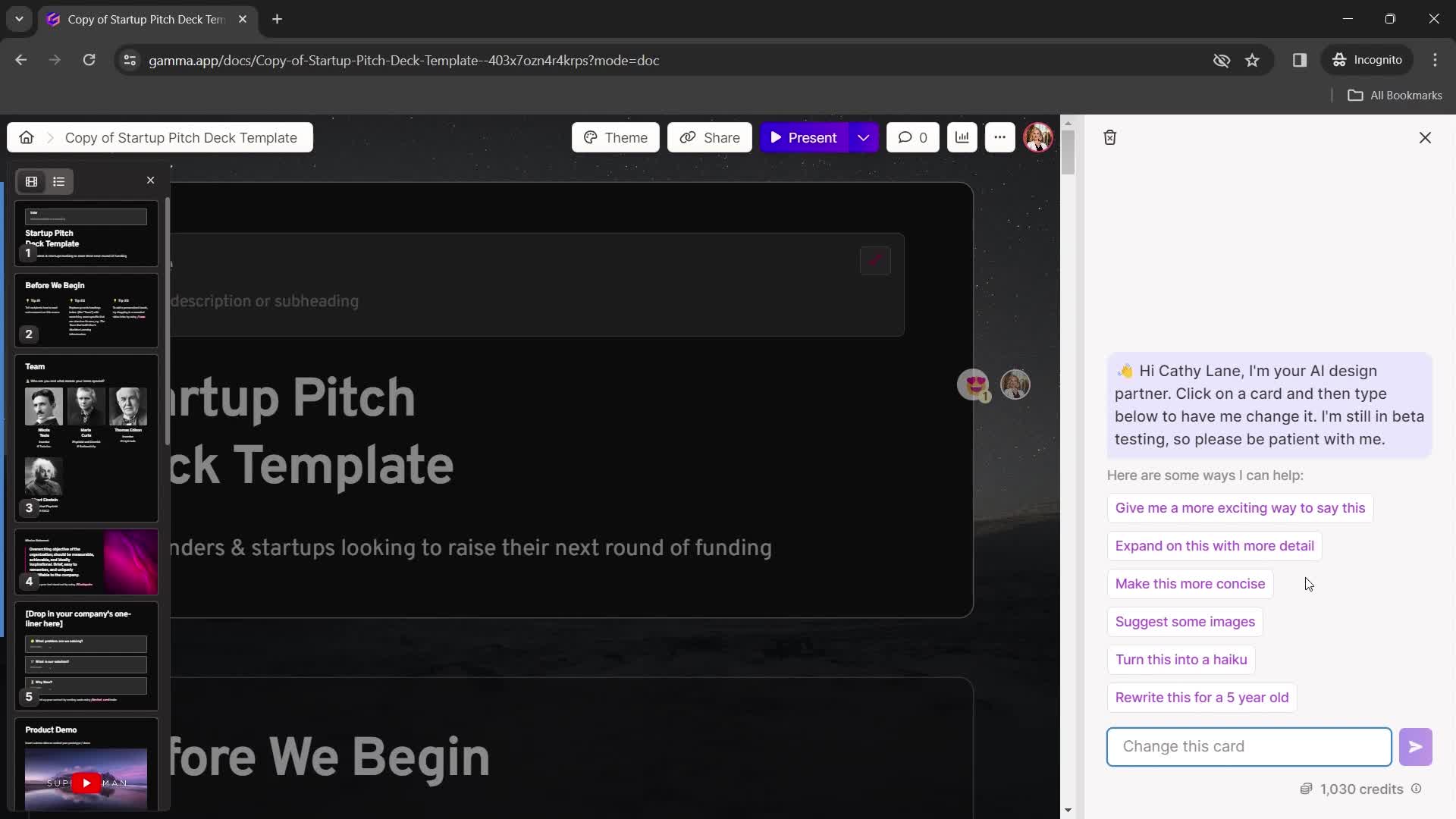
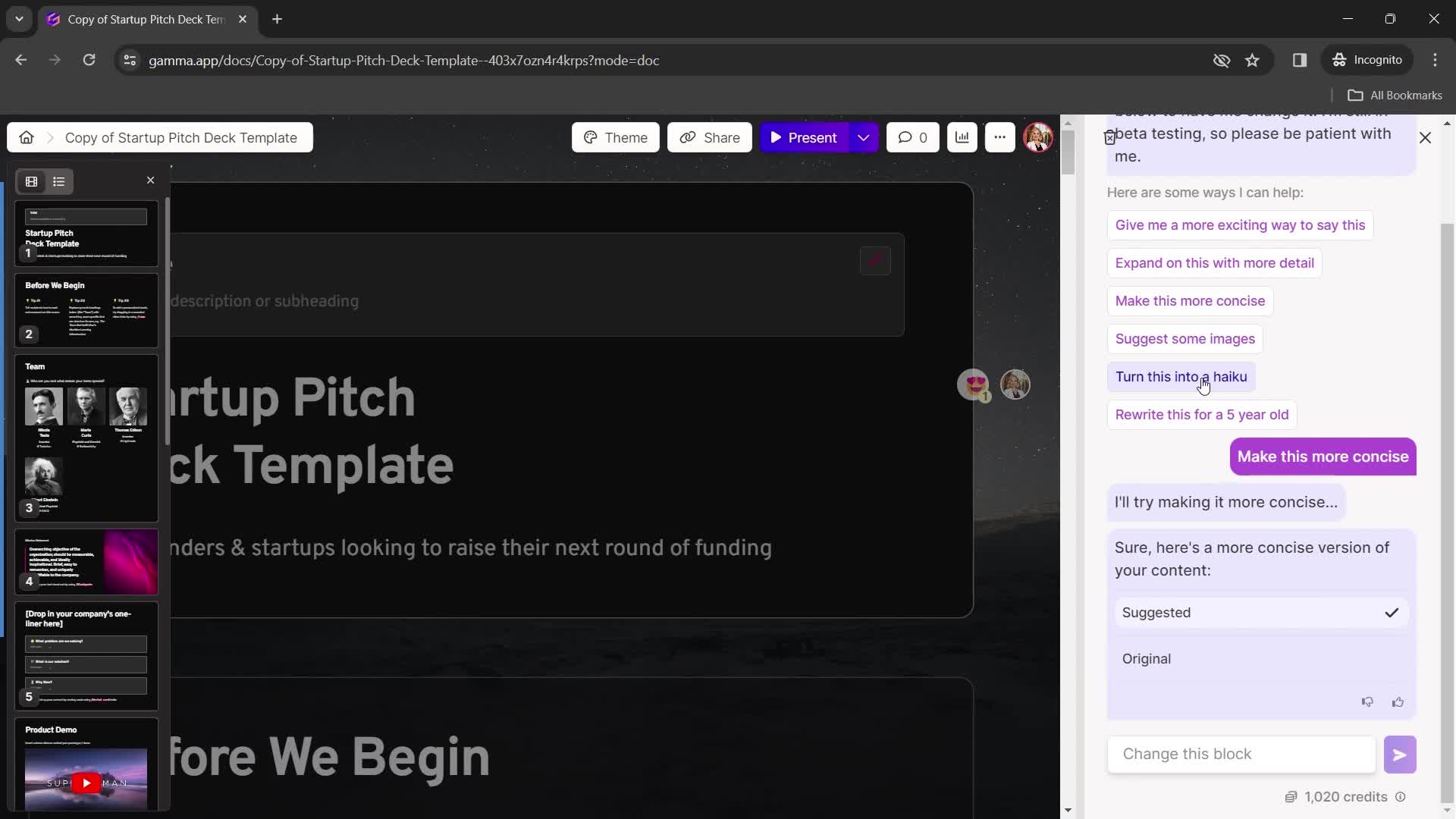
Chat bot
this is title
Chat thread
this is title
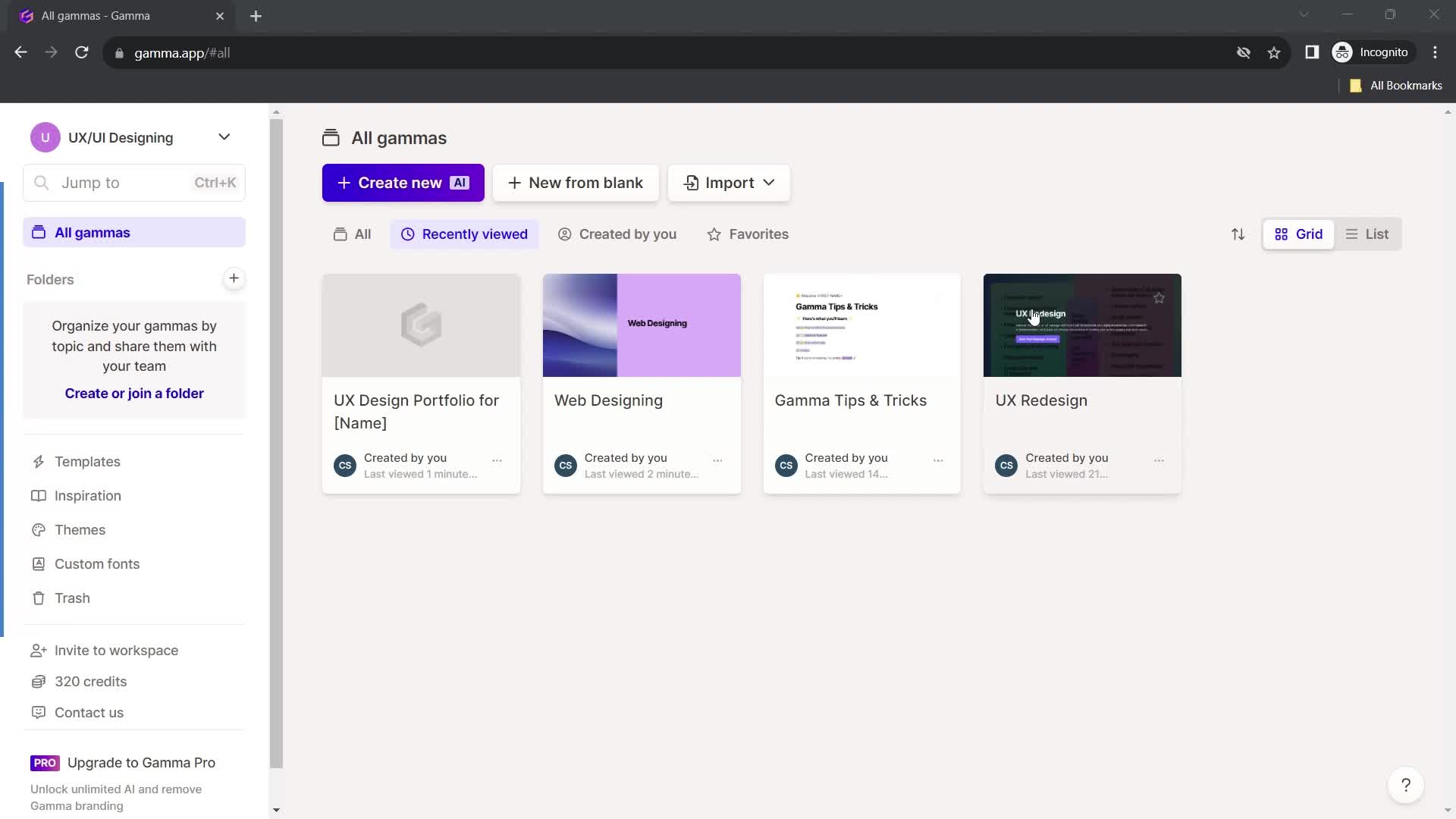
Home
this is title
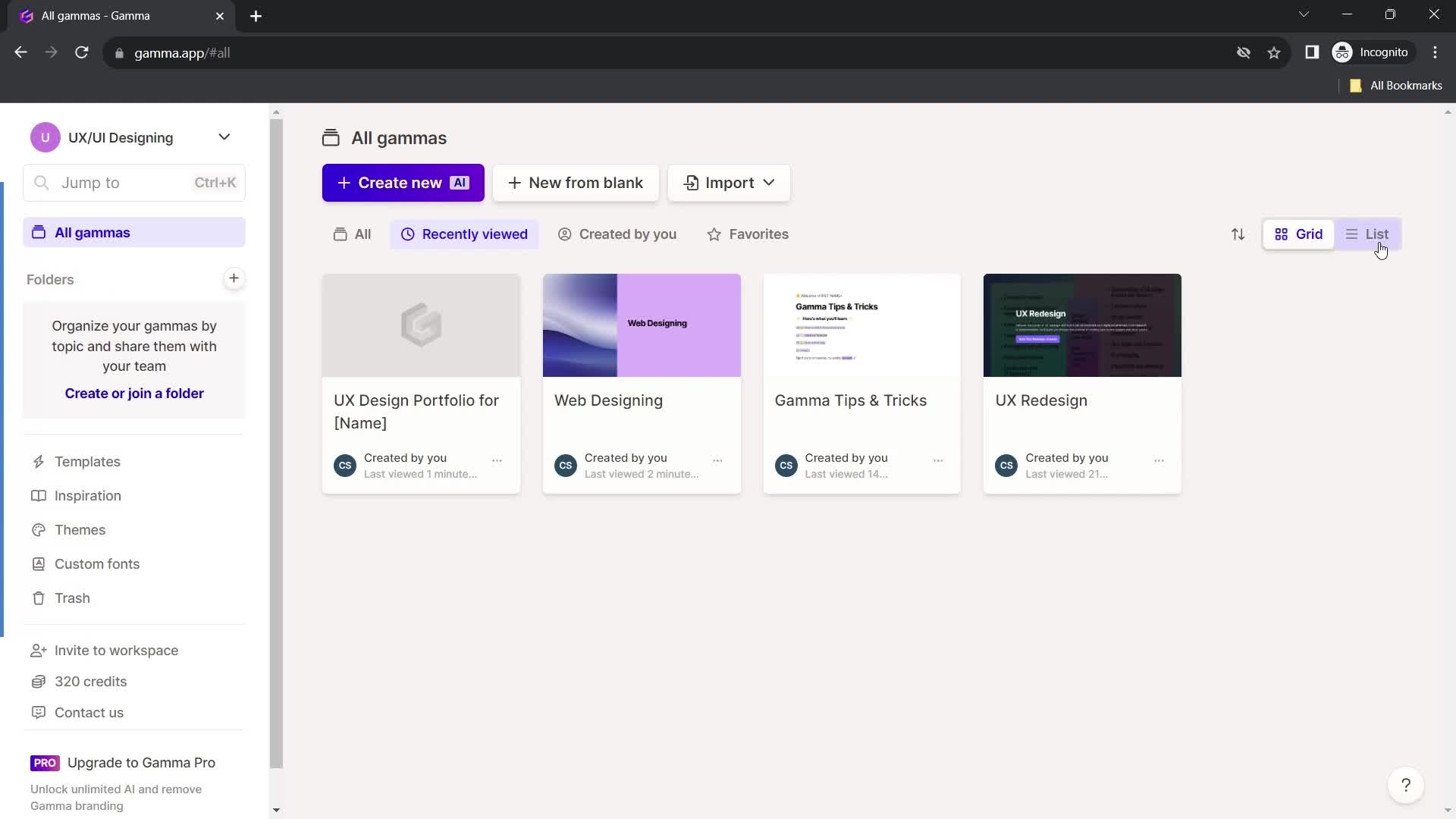
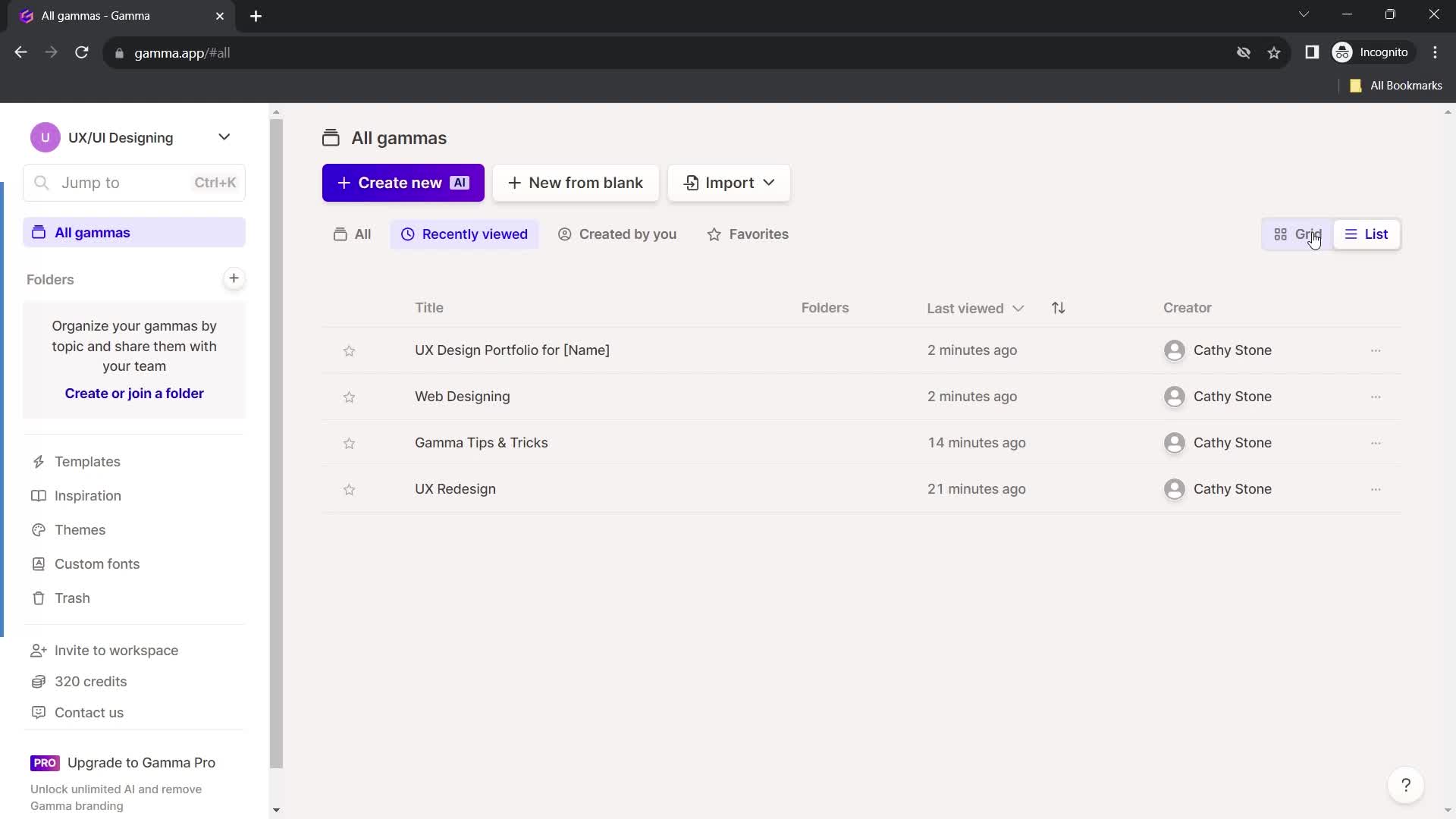
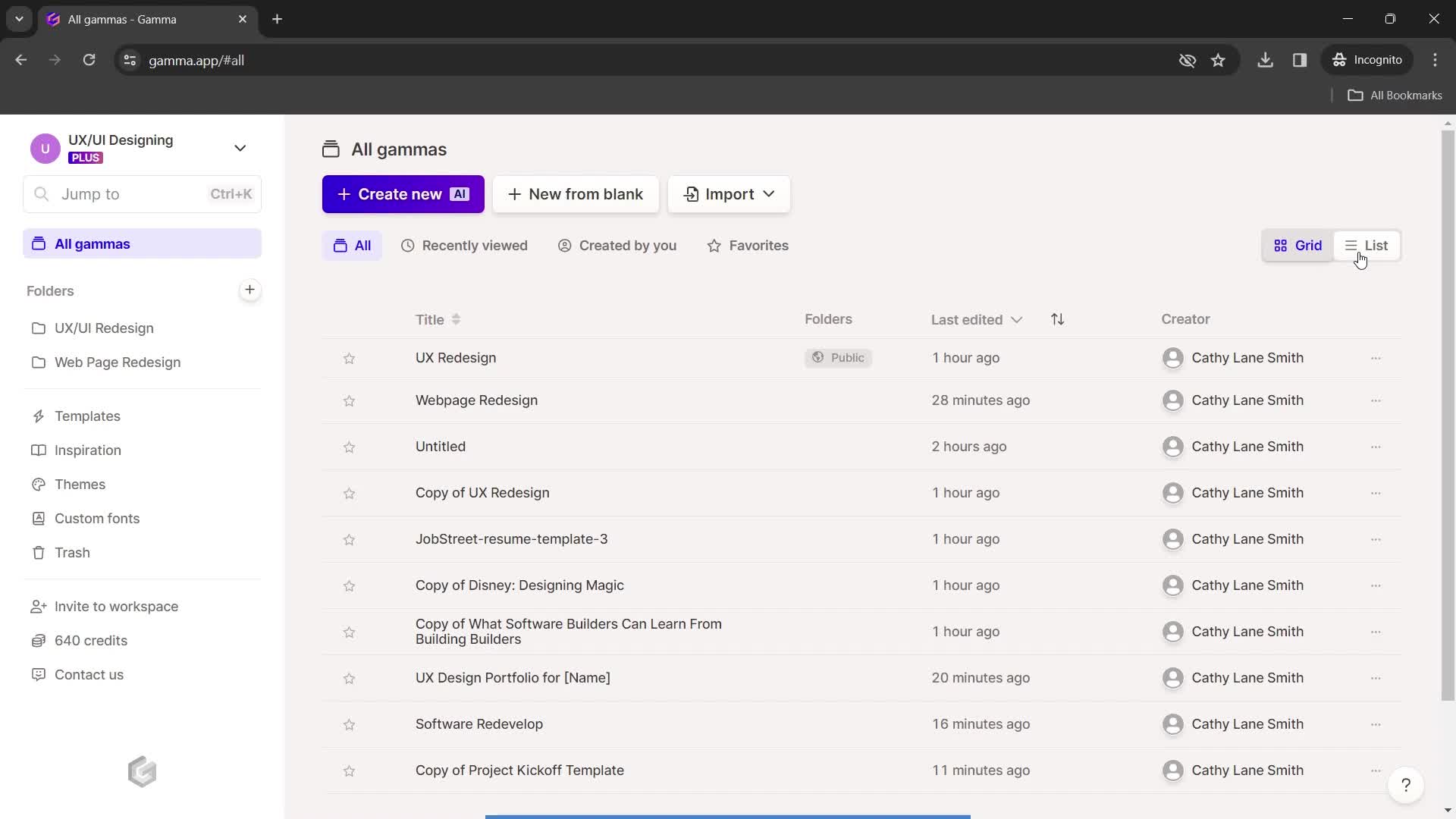
List view
this is title
this is title
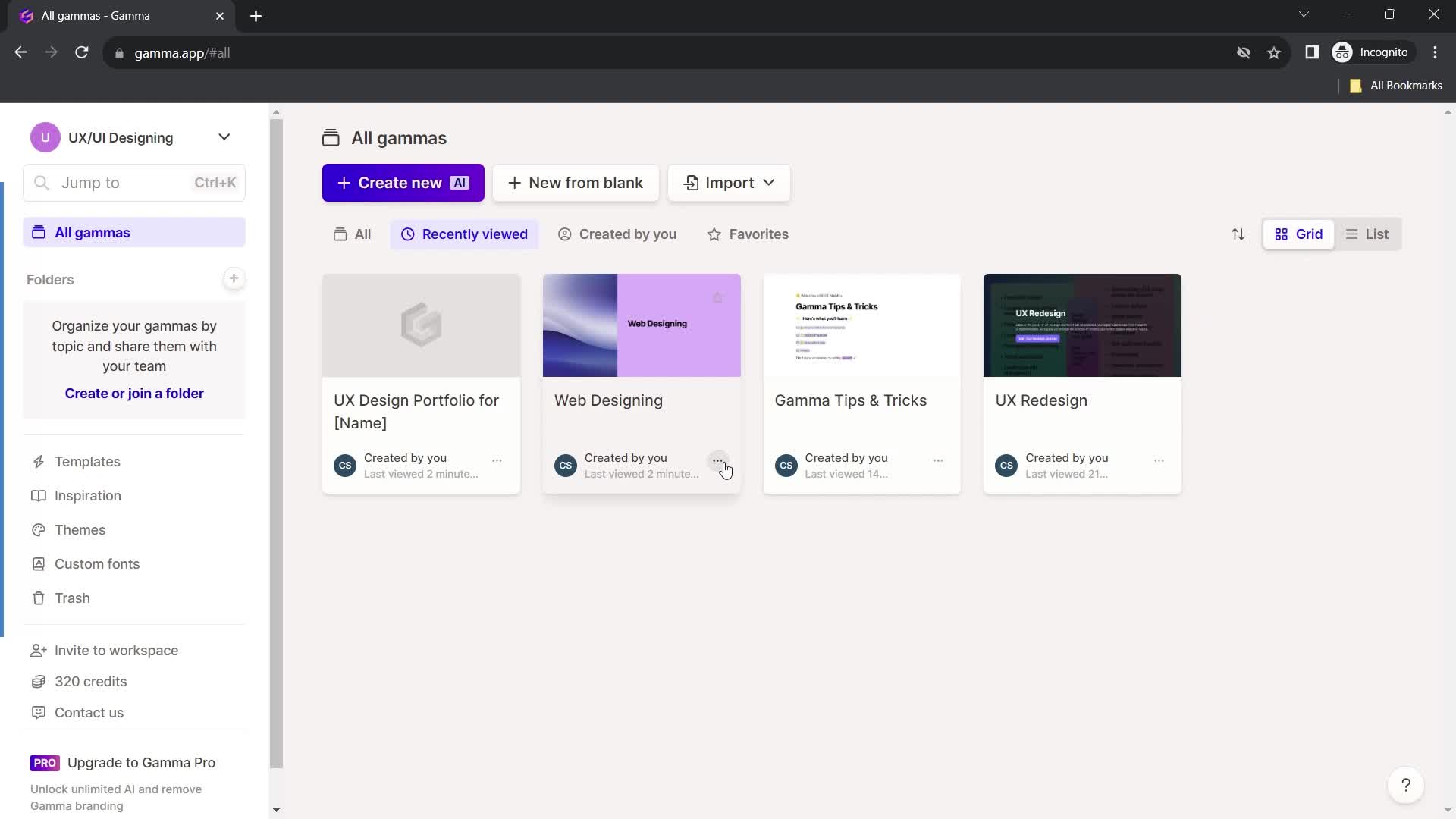
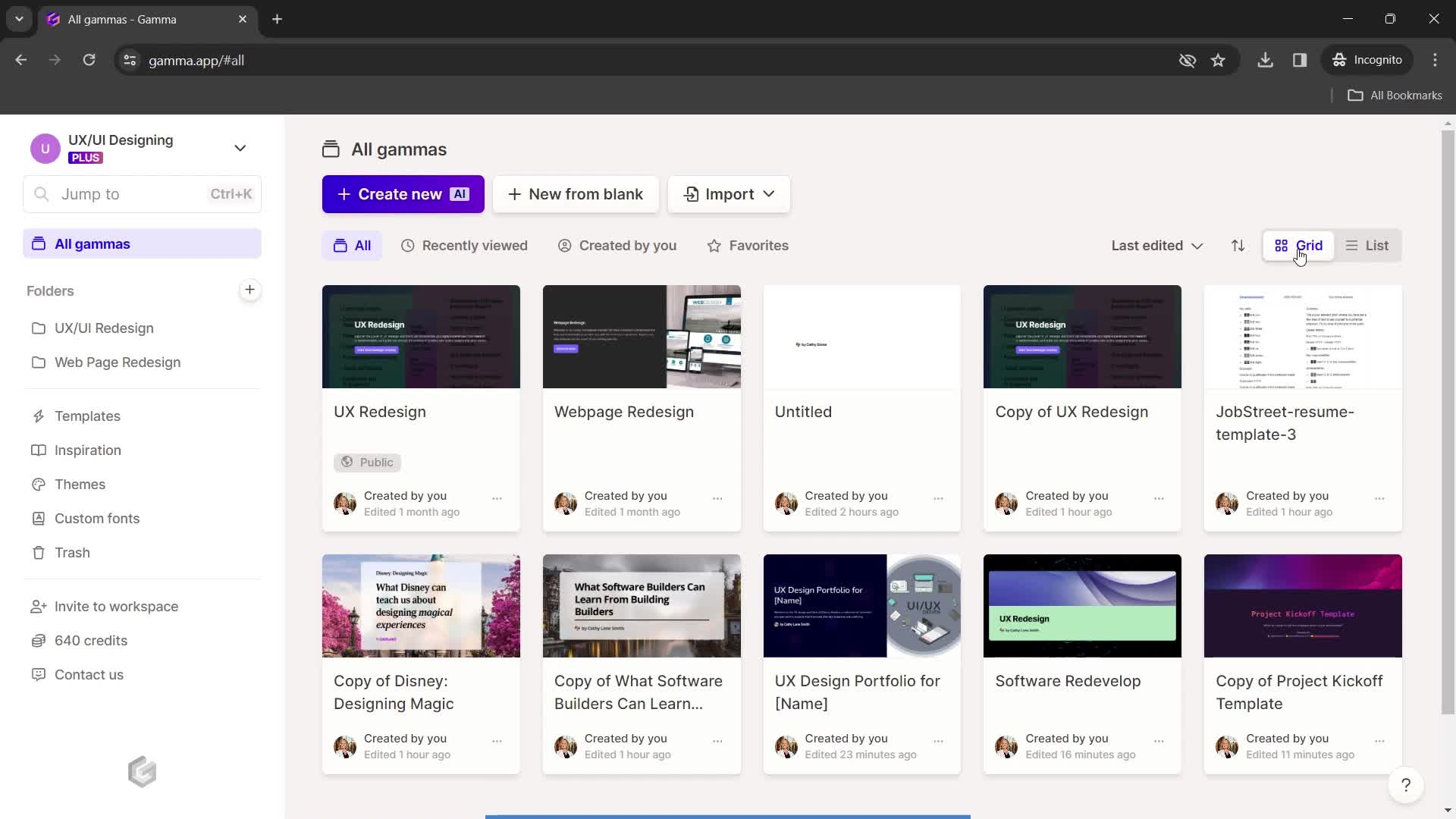
Grid view
this is title
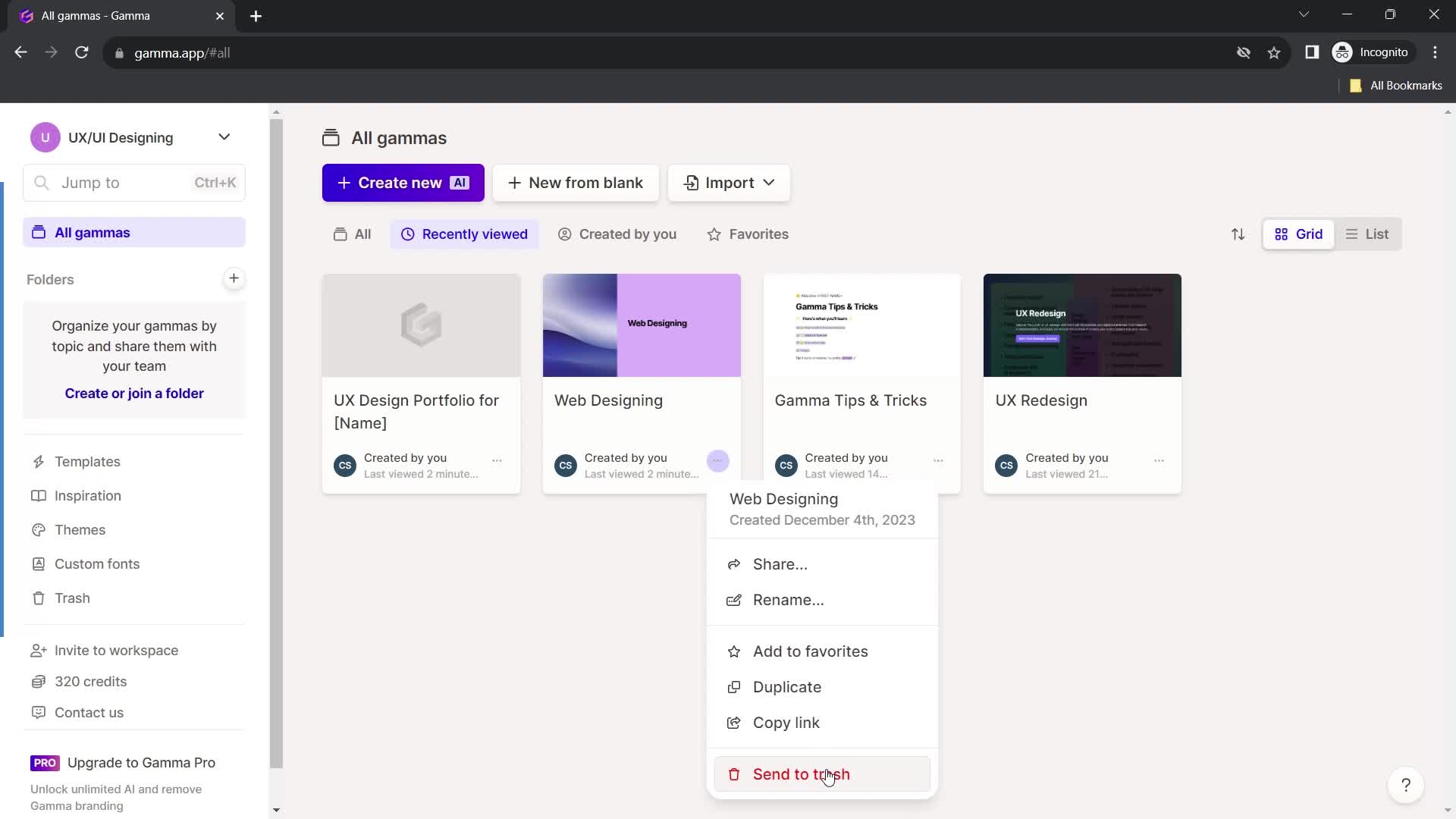
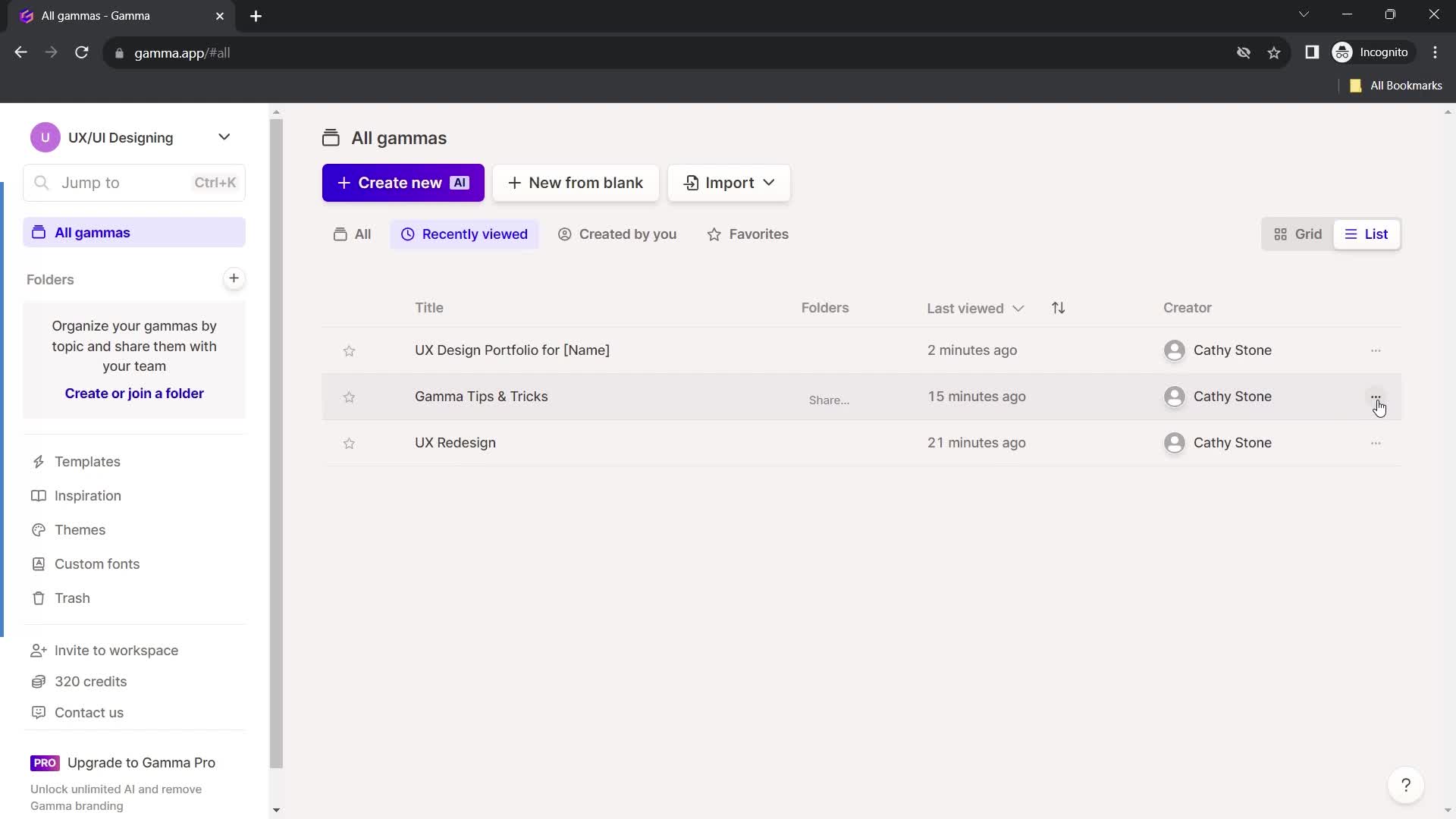
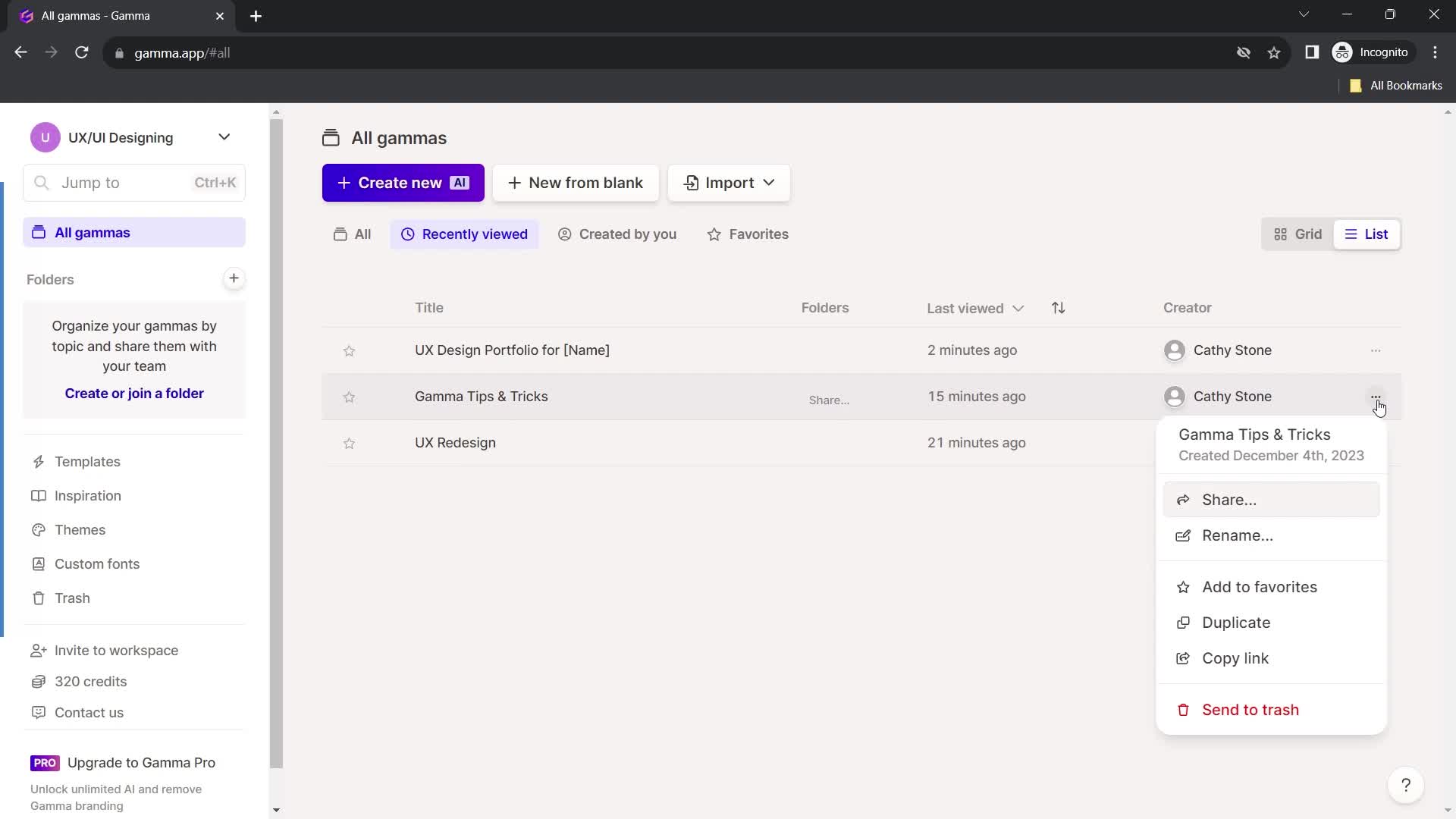
Action menu
this is title
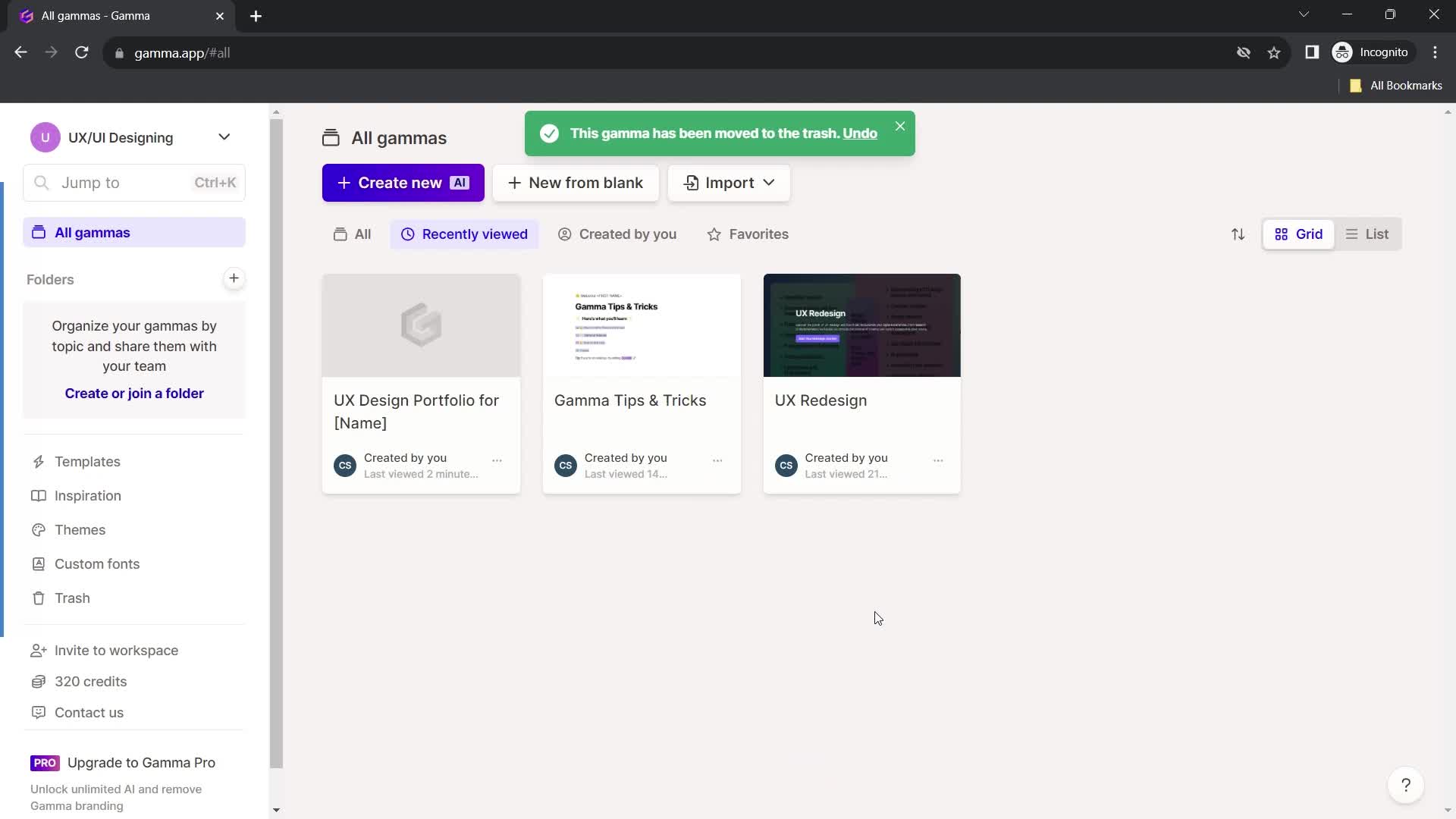
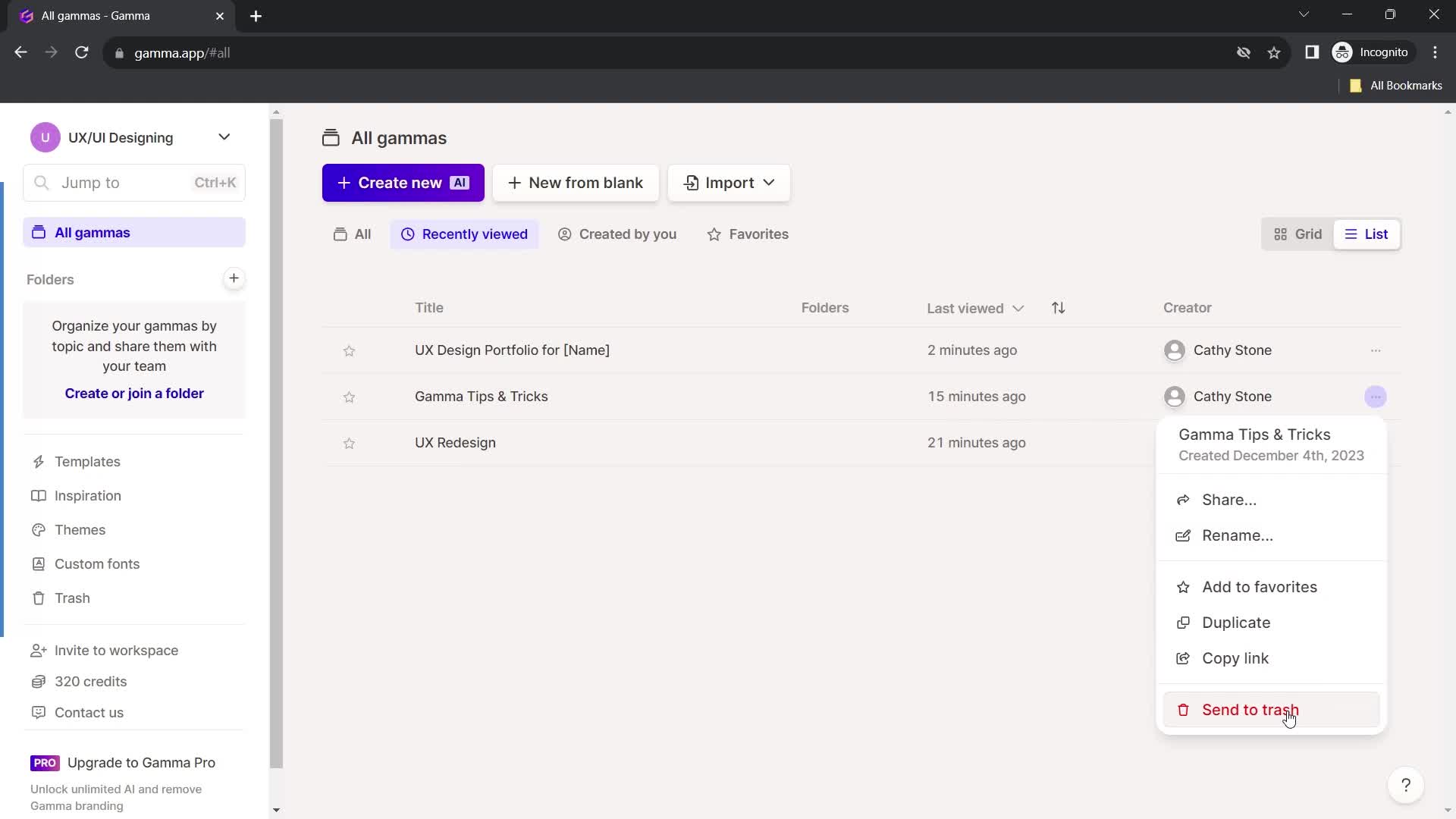
Deleted
this is title
this is title
List view
this is title
Action menu
this is title
Delete
this is title
Deleted
this is title
Dashboard
this is title
Account menu
this is title
this is title
Account settings
this is title
this is title
this is title
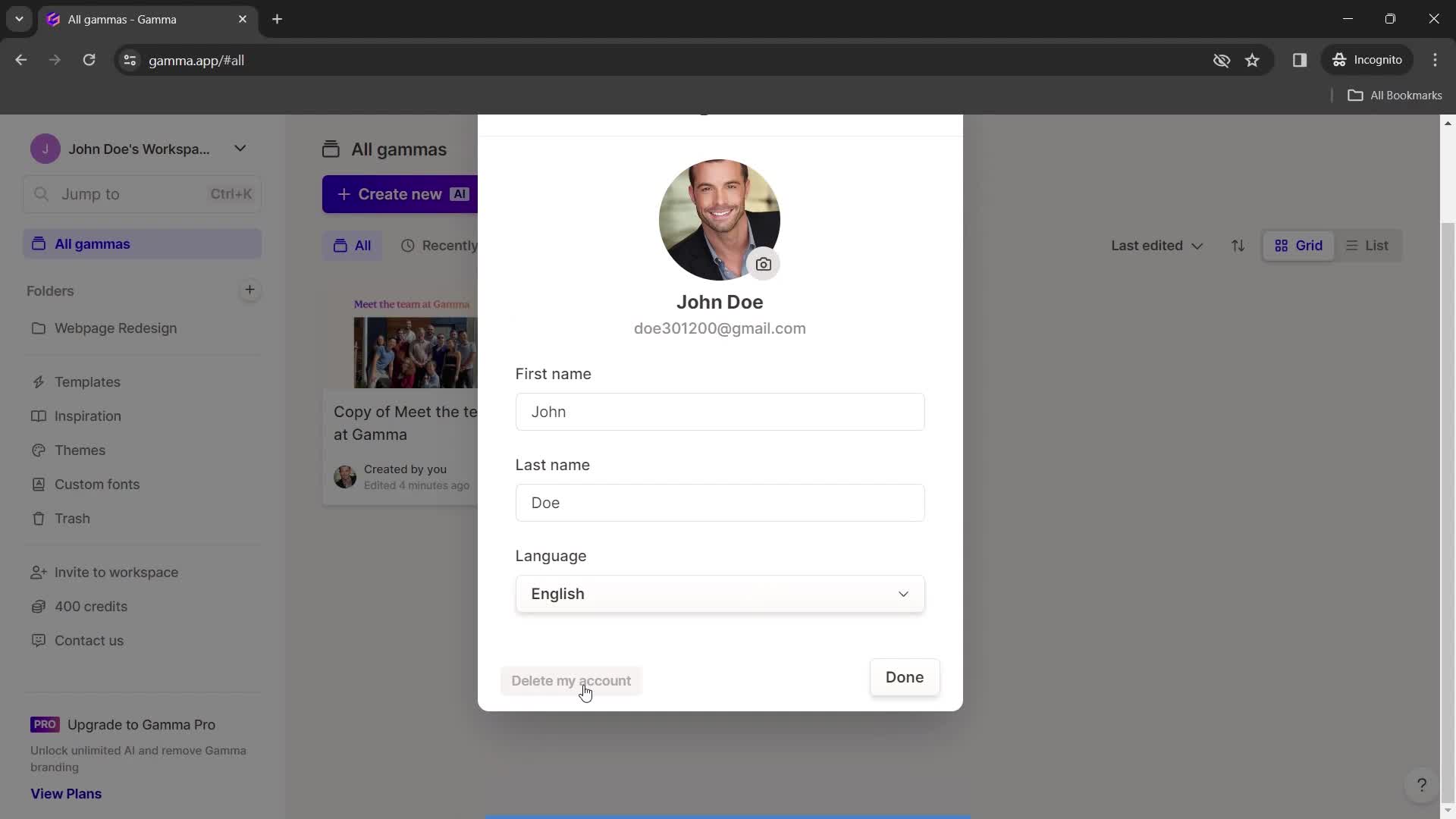
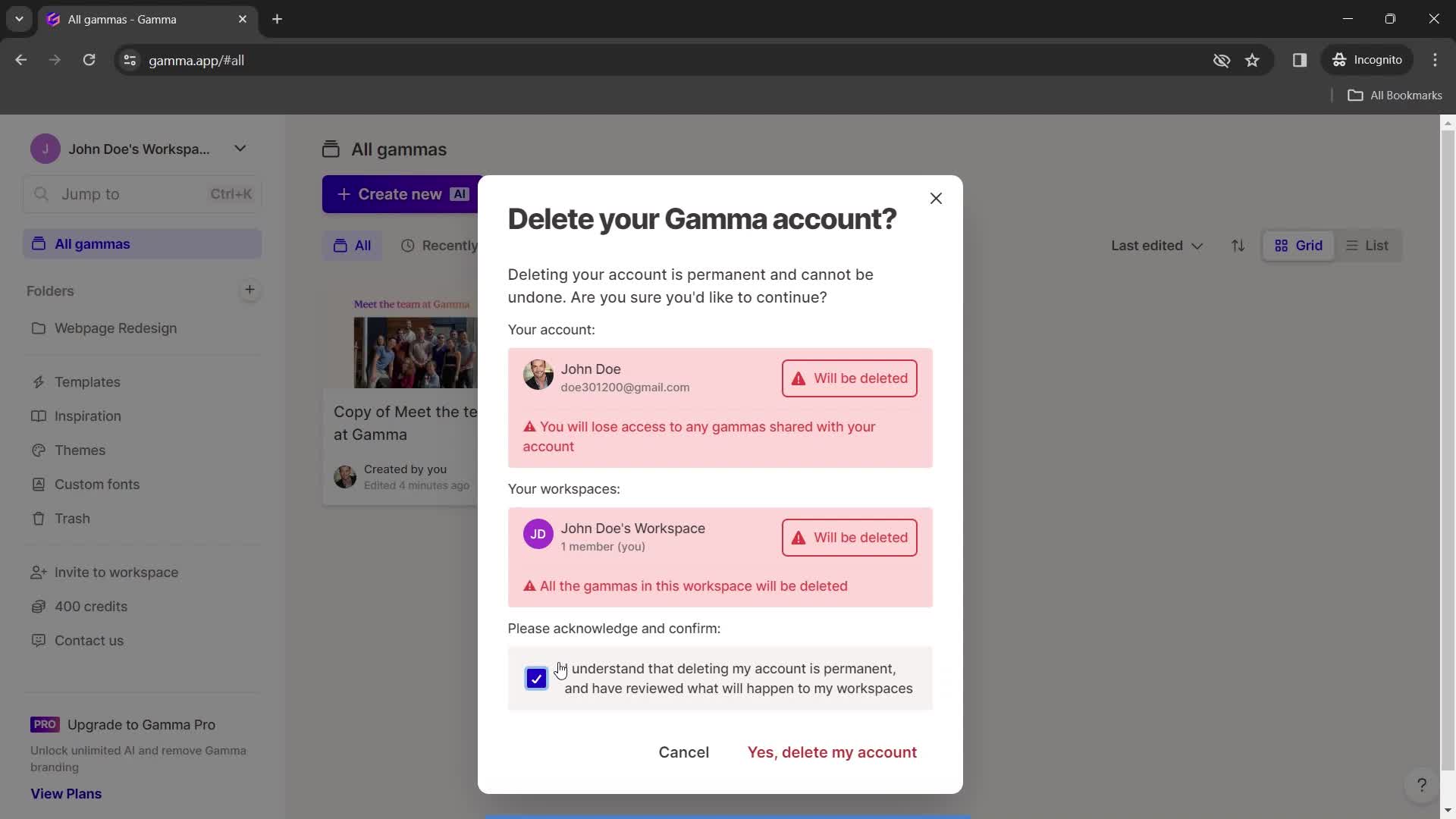
Delete account
this is title
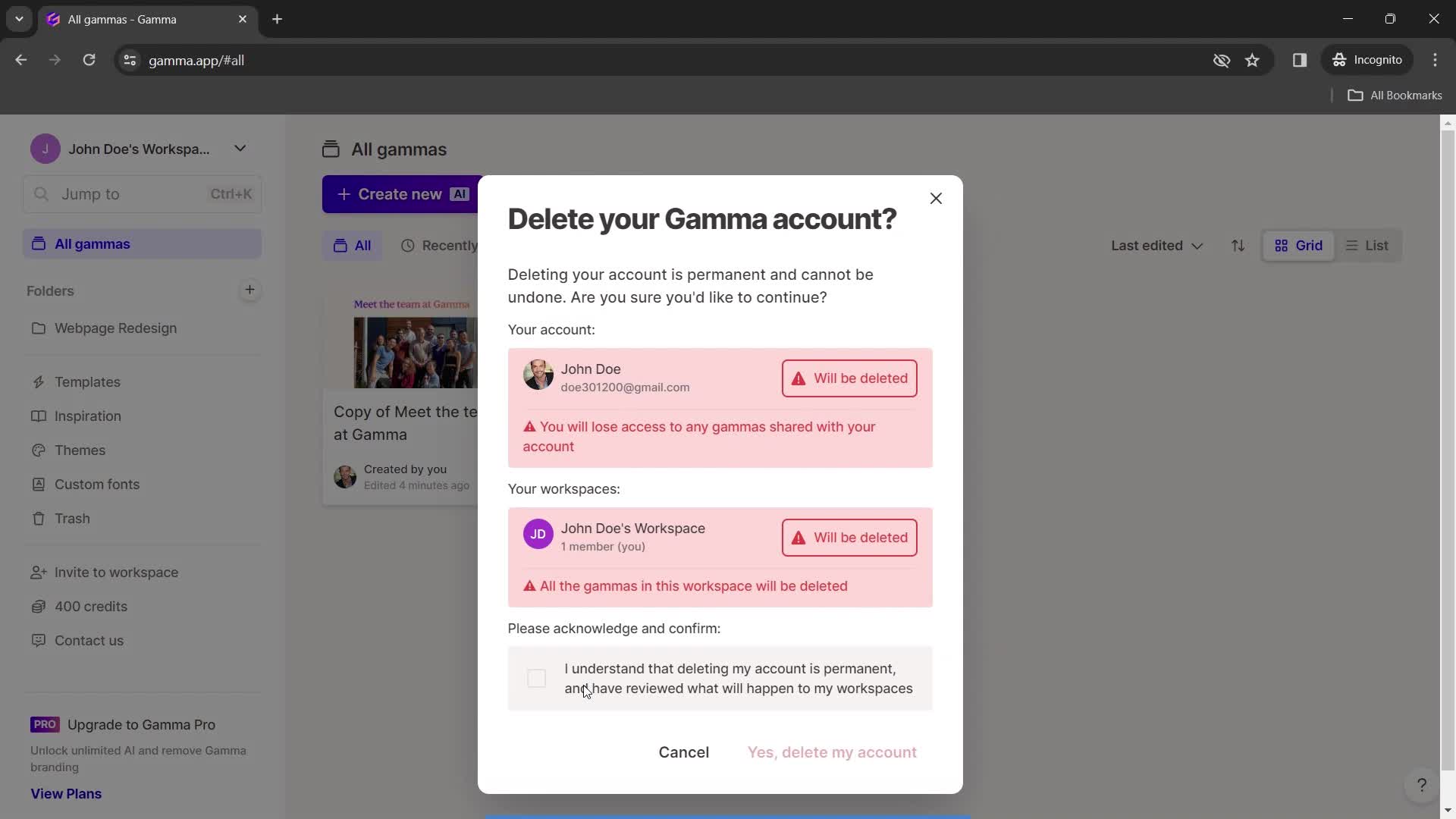
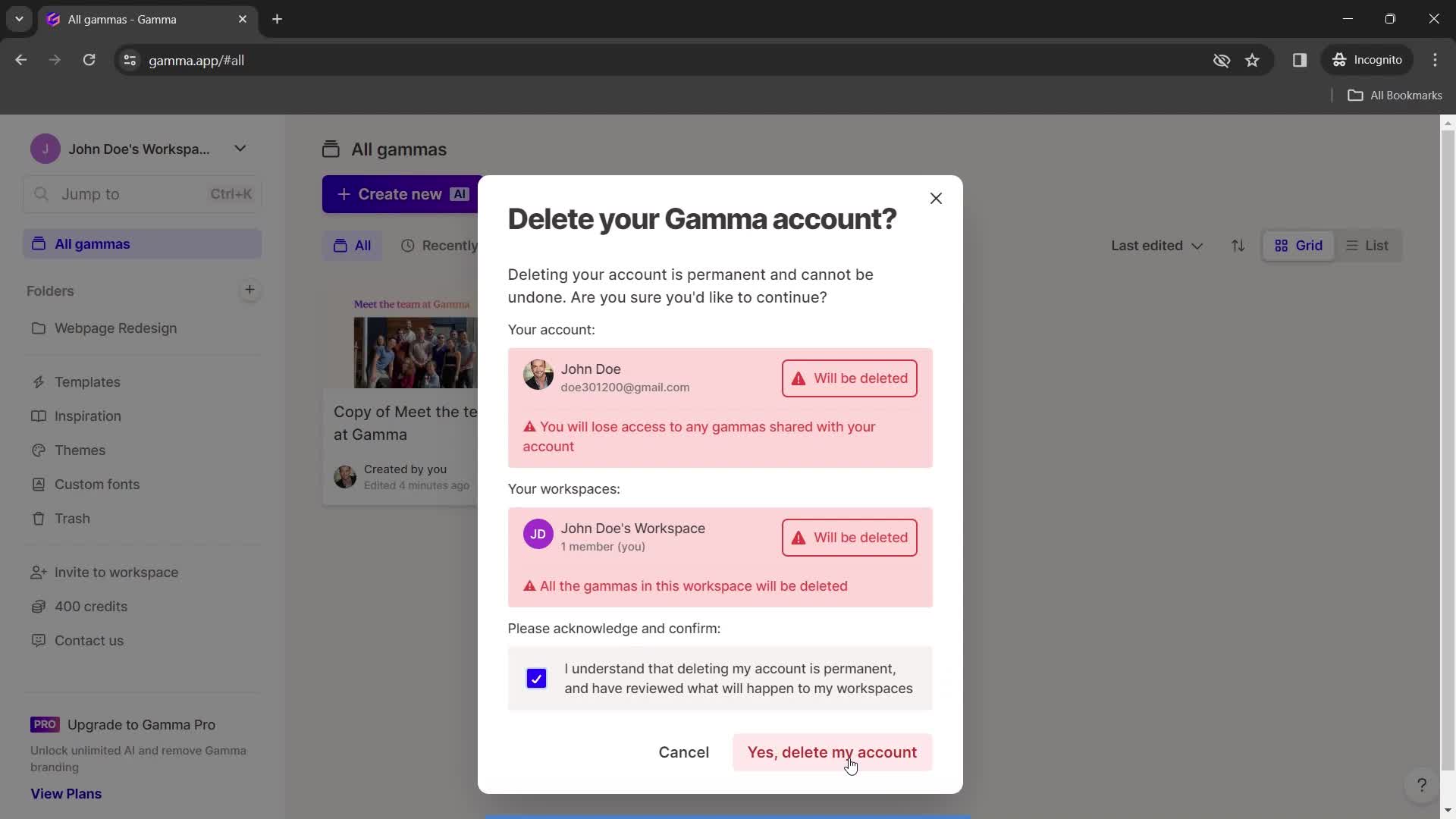
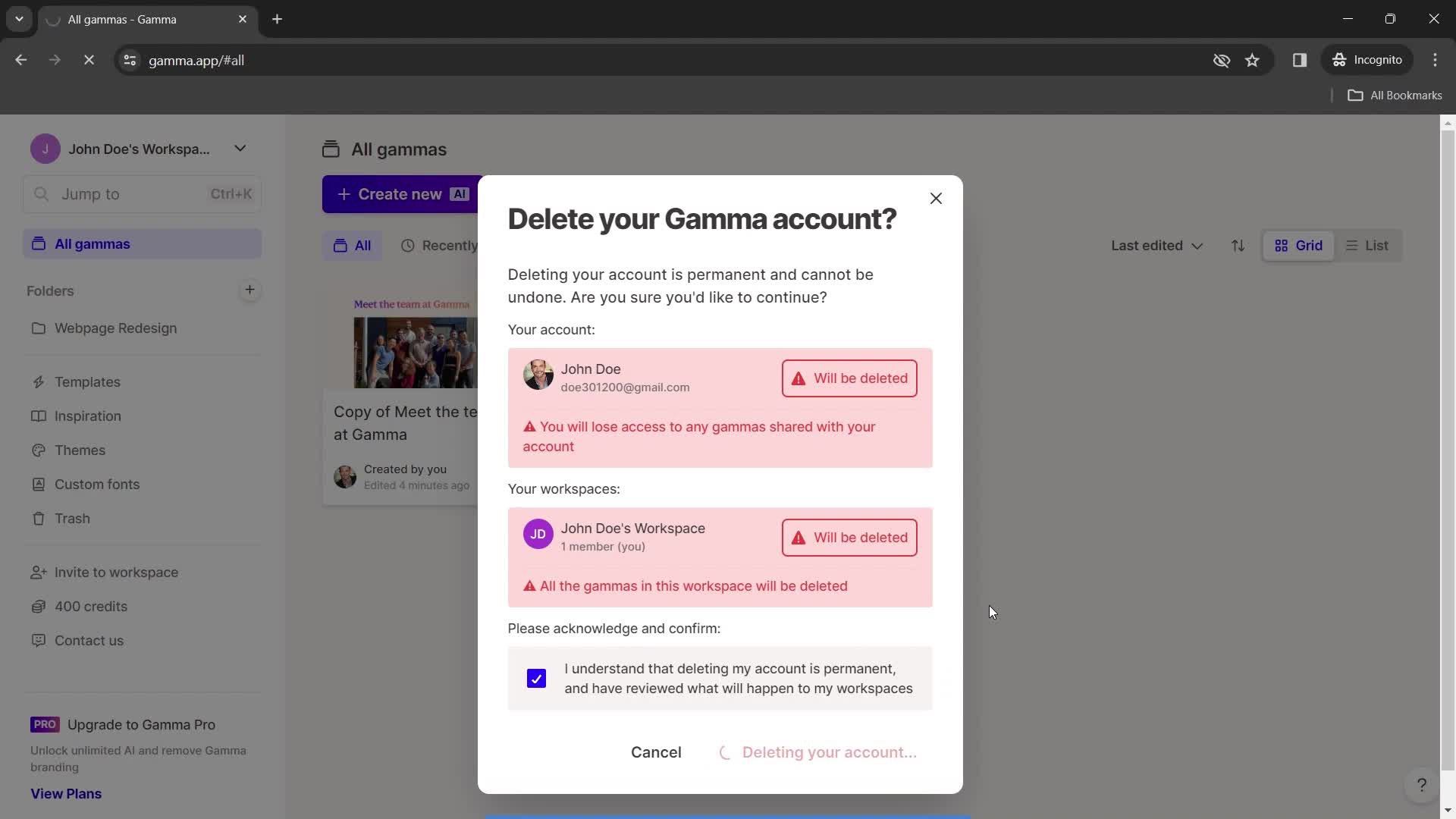
Confirm delete
this is title
this is title
this is title
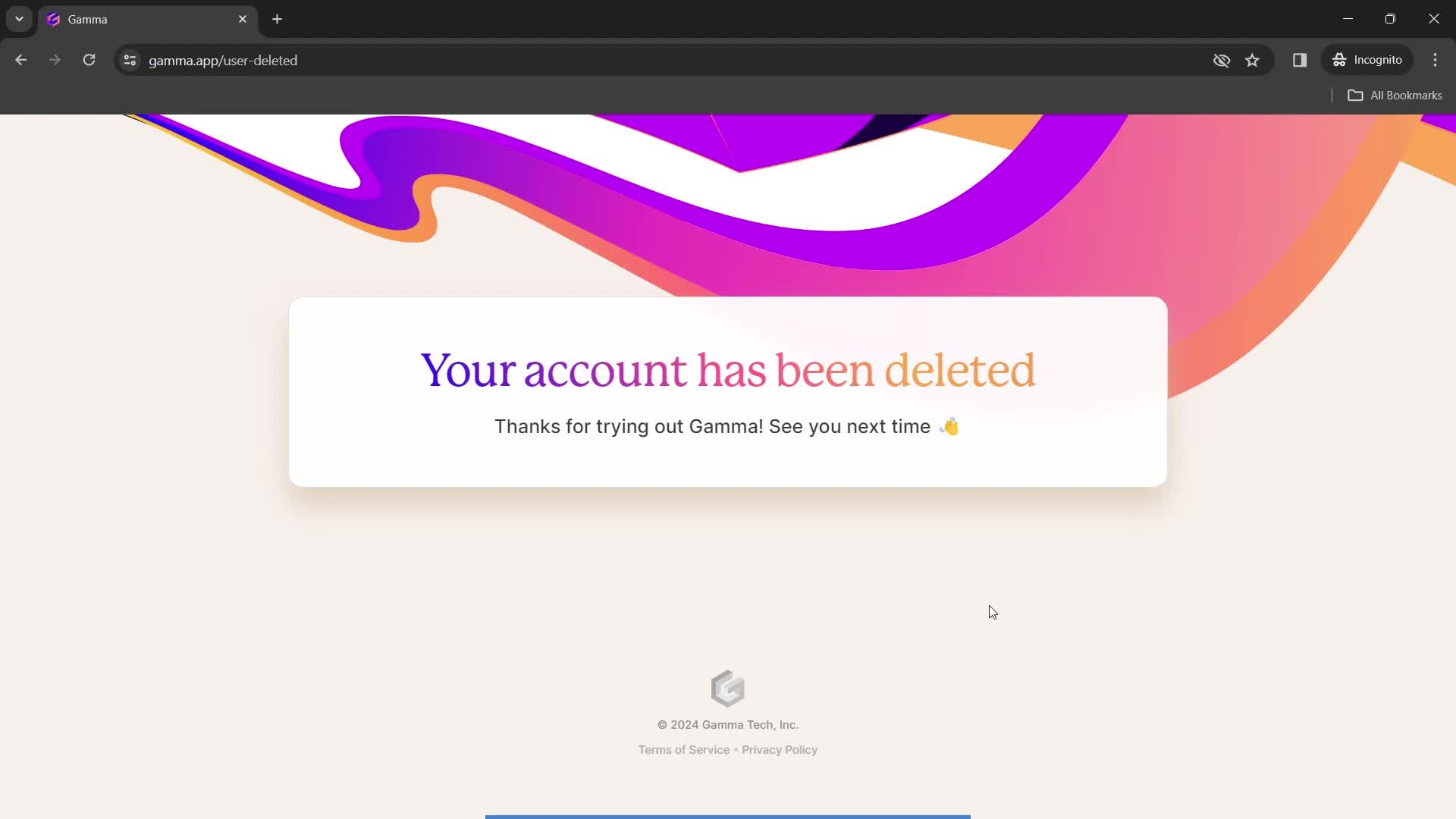
Account deleted
this is title
Home
this is title
Presentation editor
this is title
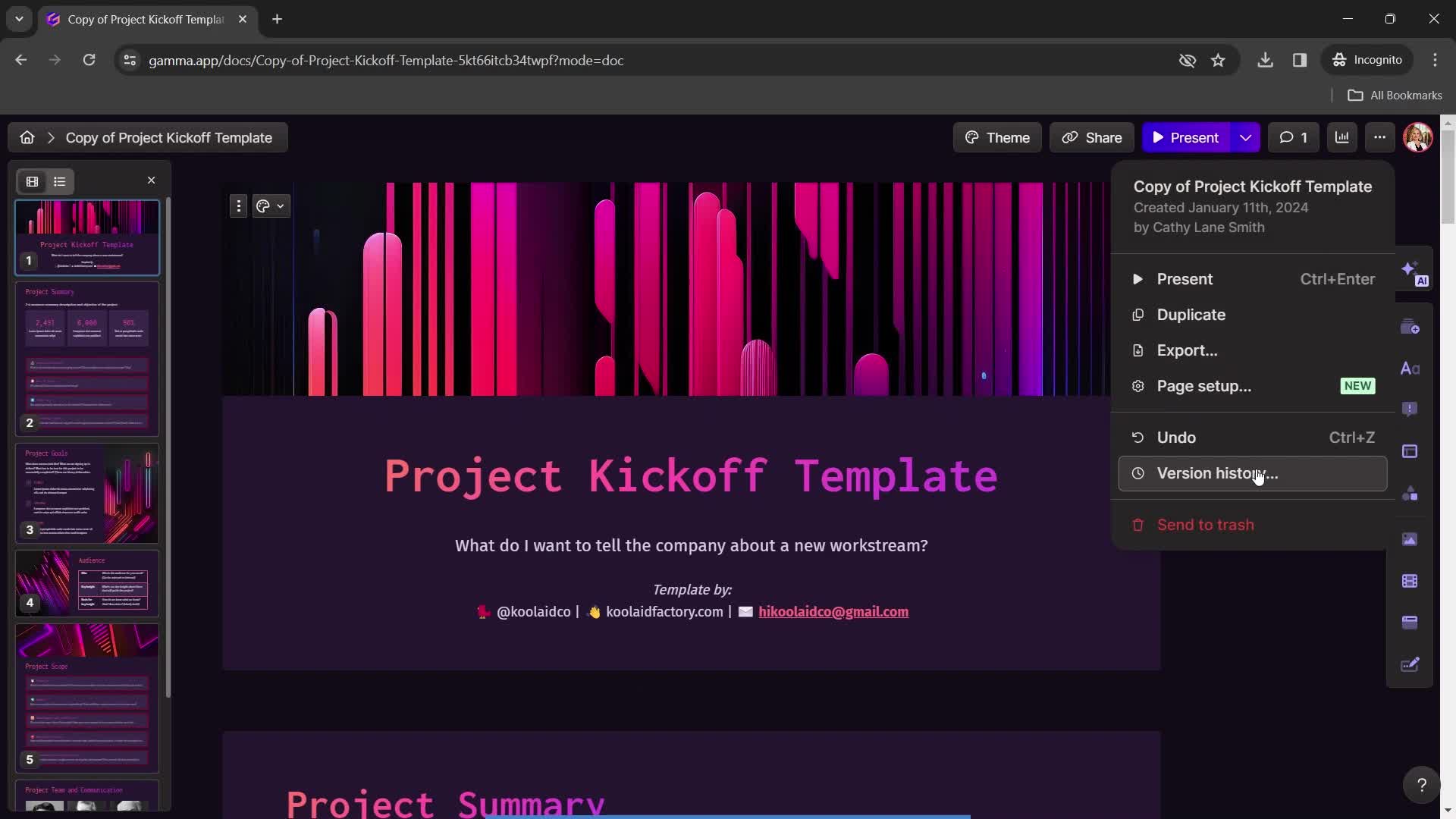
Action menu
this is title
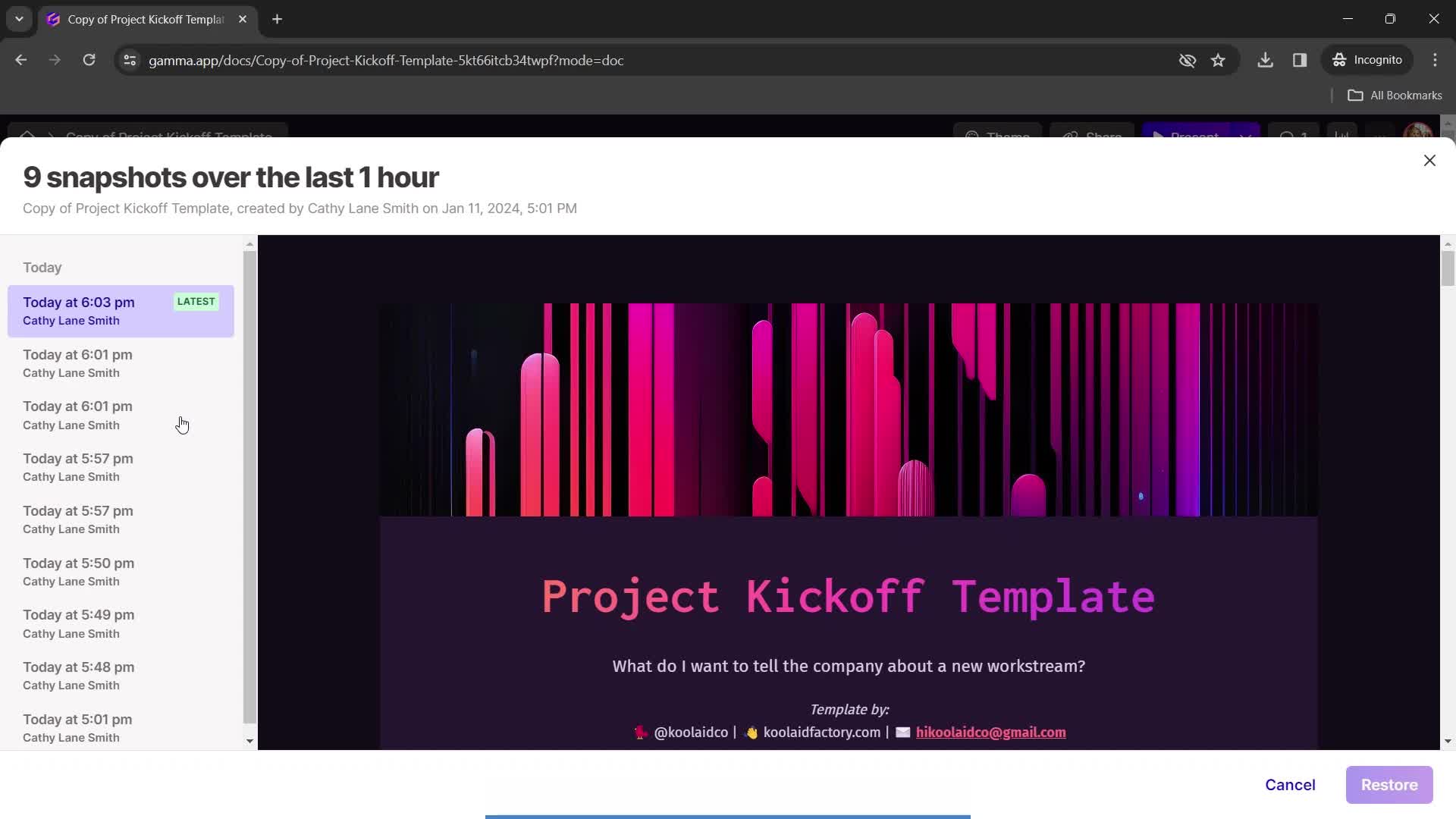
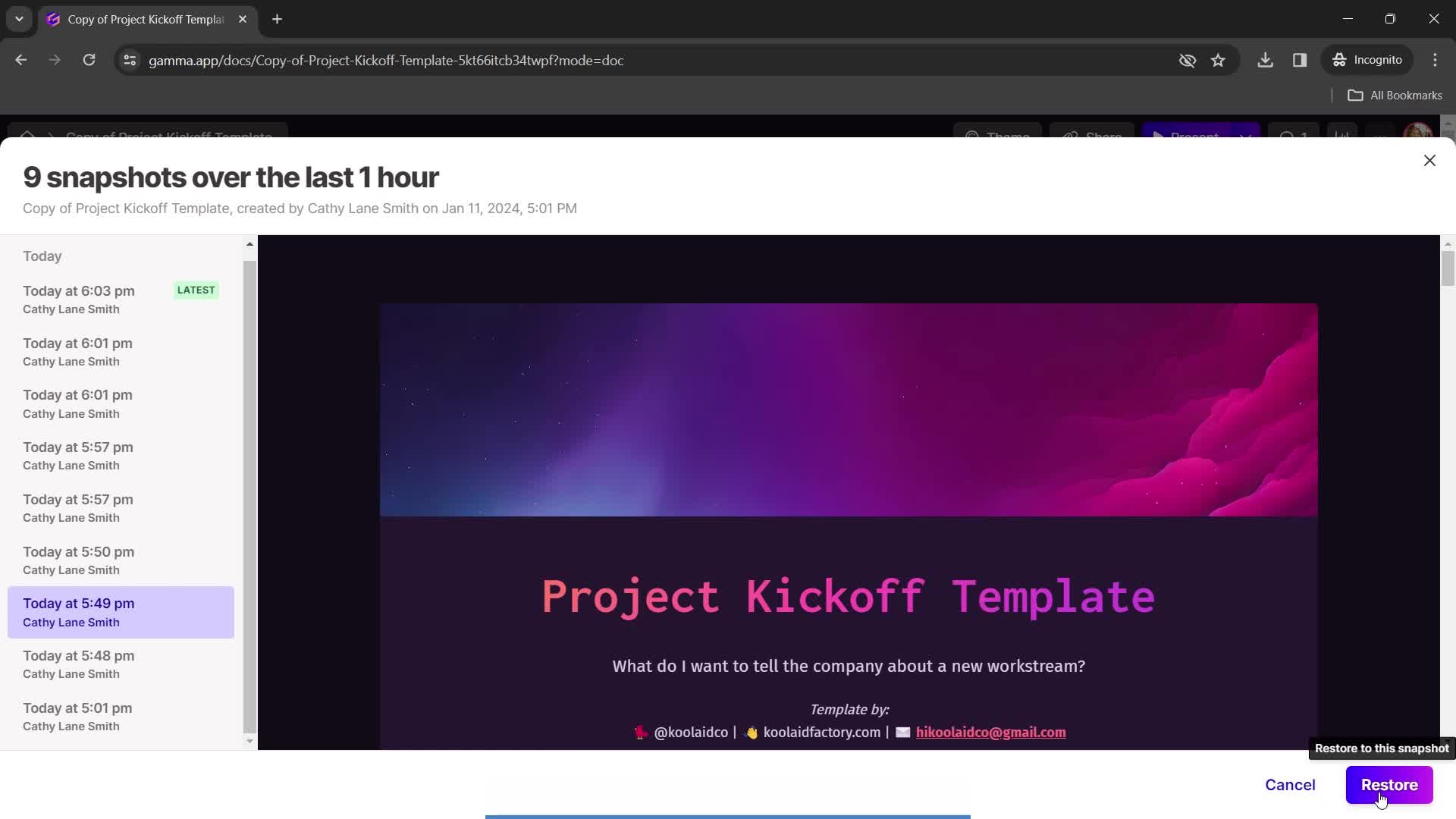
Version history
this is title
Restore snapshot
this is title
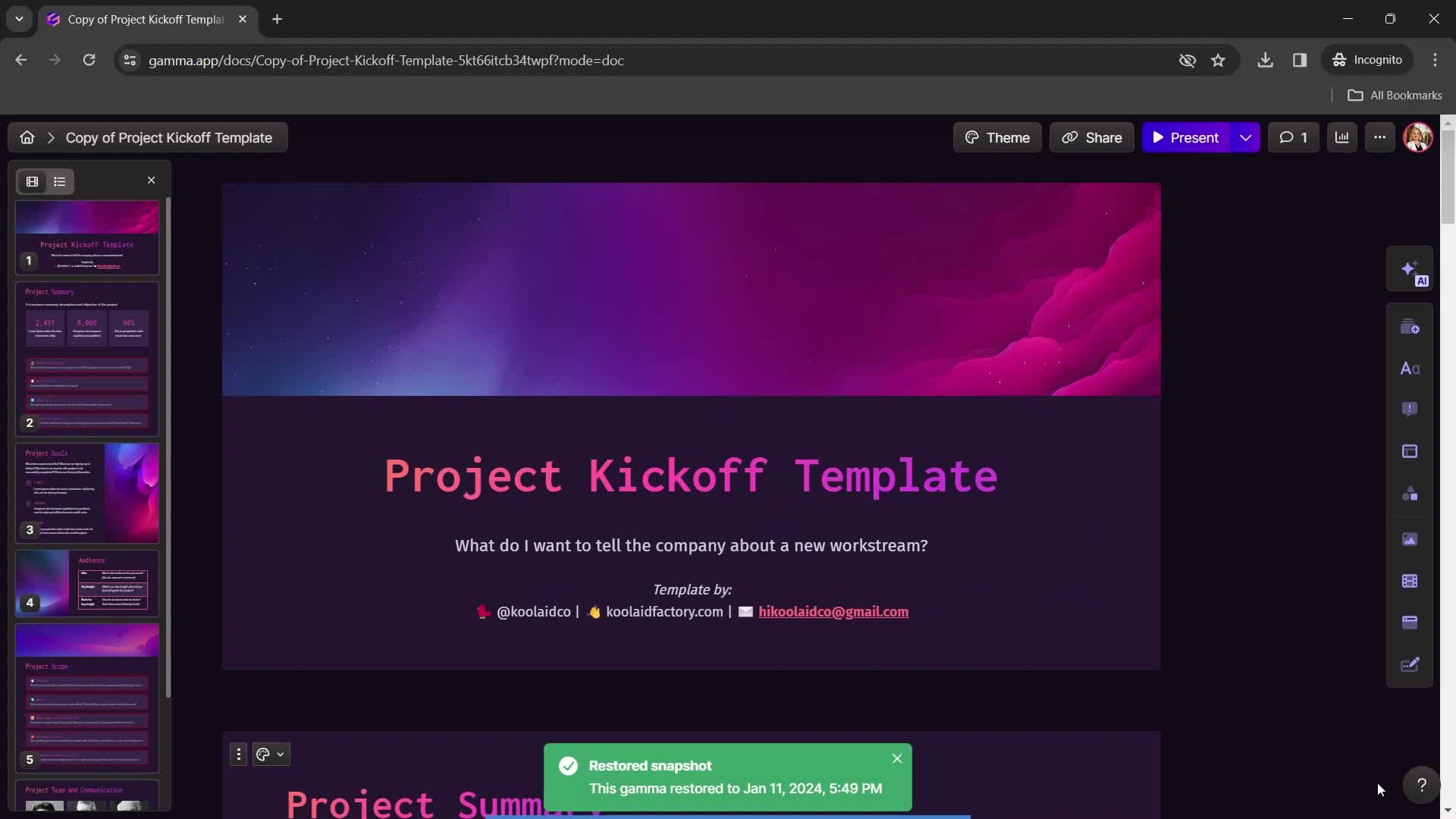
Restored
this is title
Home
this is title
Duplicate
this is title
Duplicate created
this is title
Presentation editor
this is title
Home
this is title
Account menu
this is title
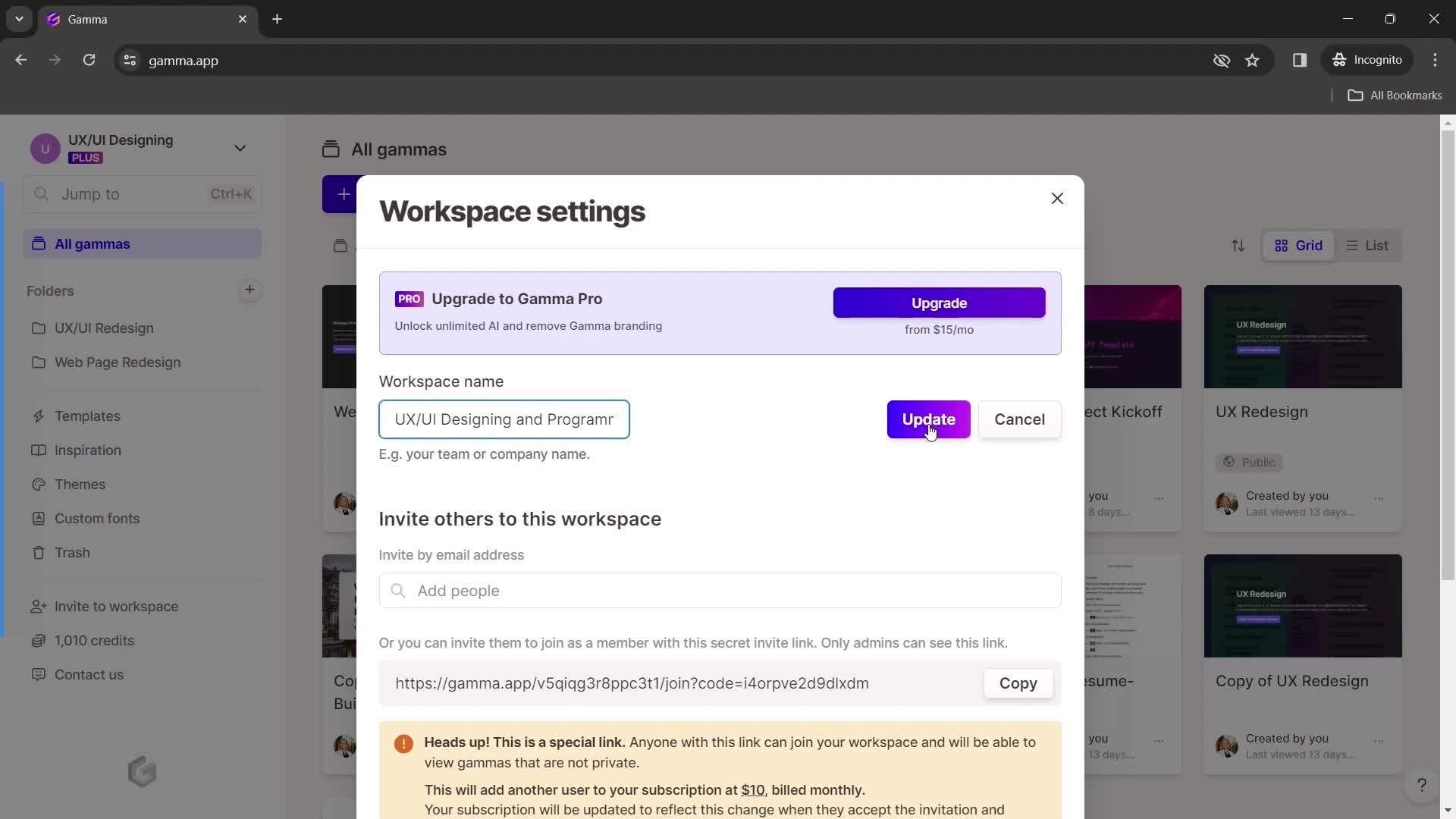
Workspace settings
this is title
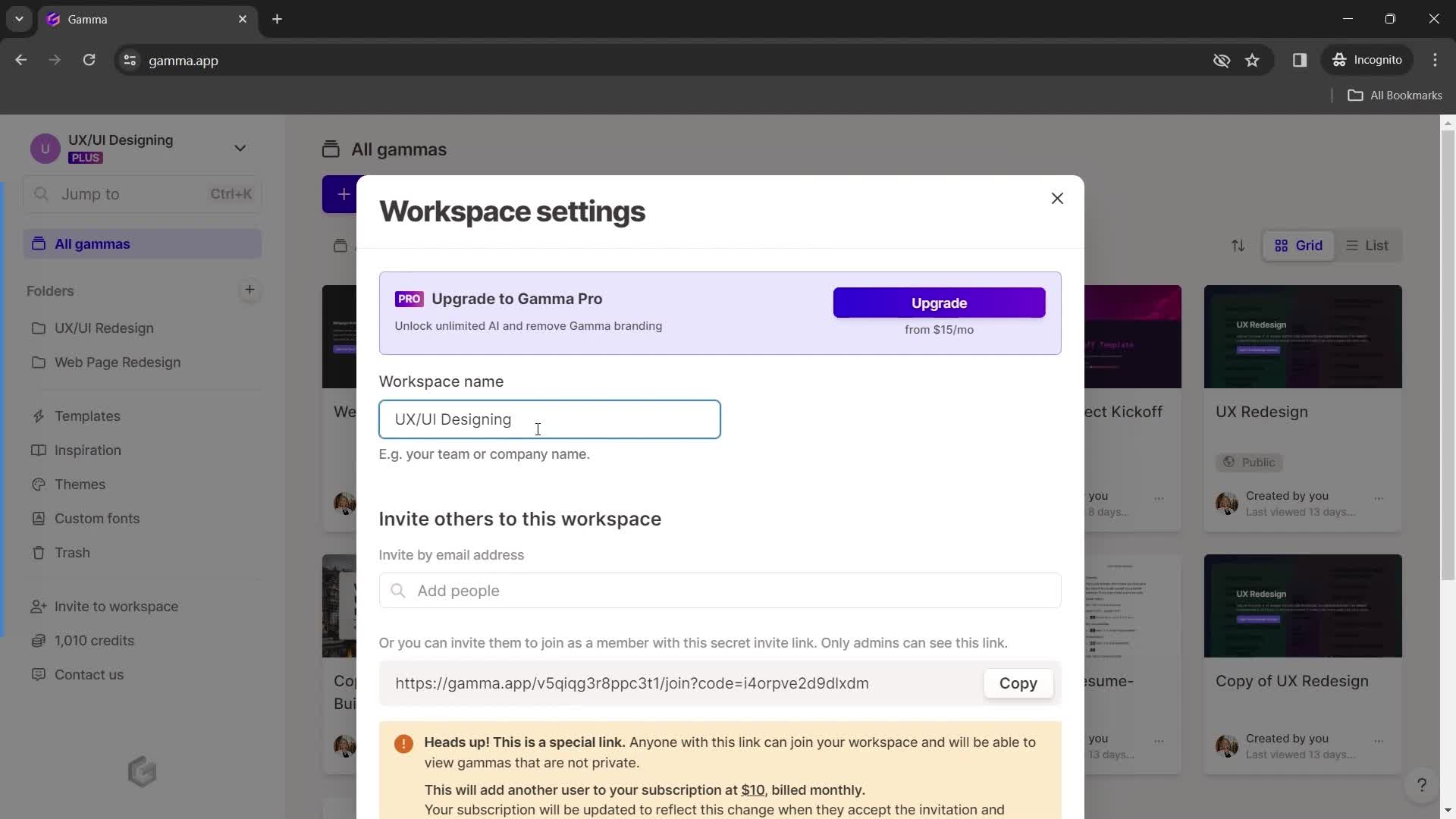
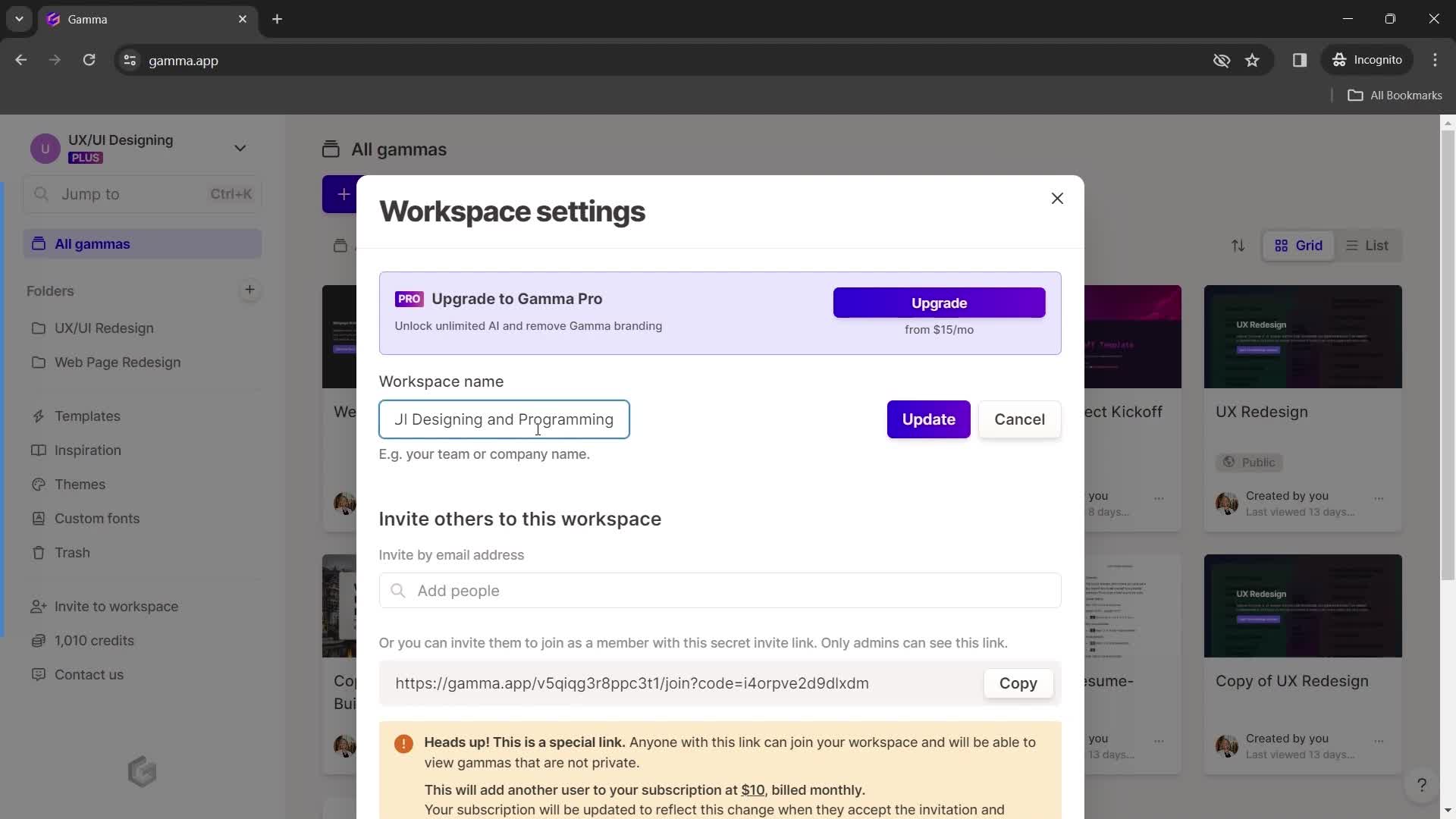
Edit workspace name
this is title
this is title
Update
this is title
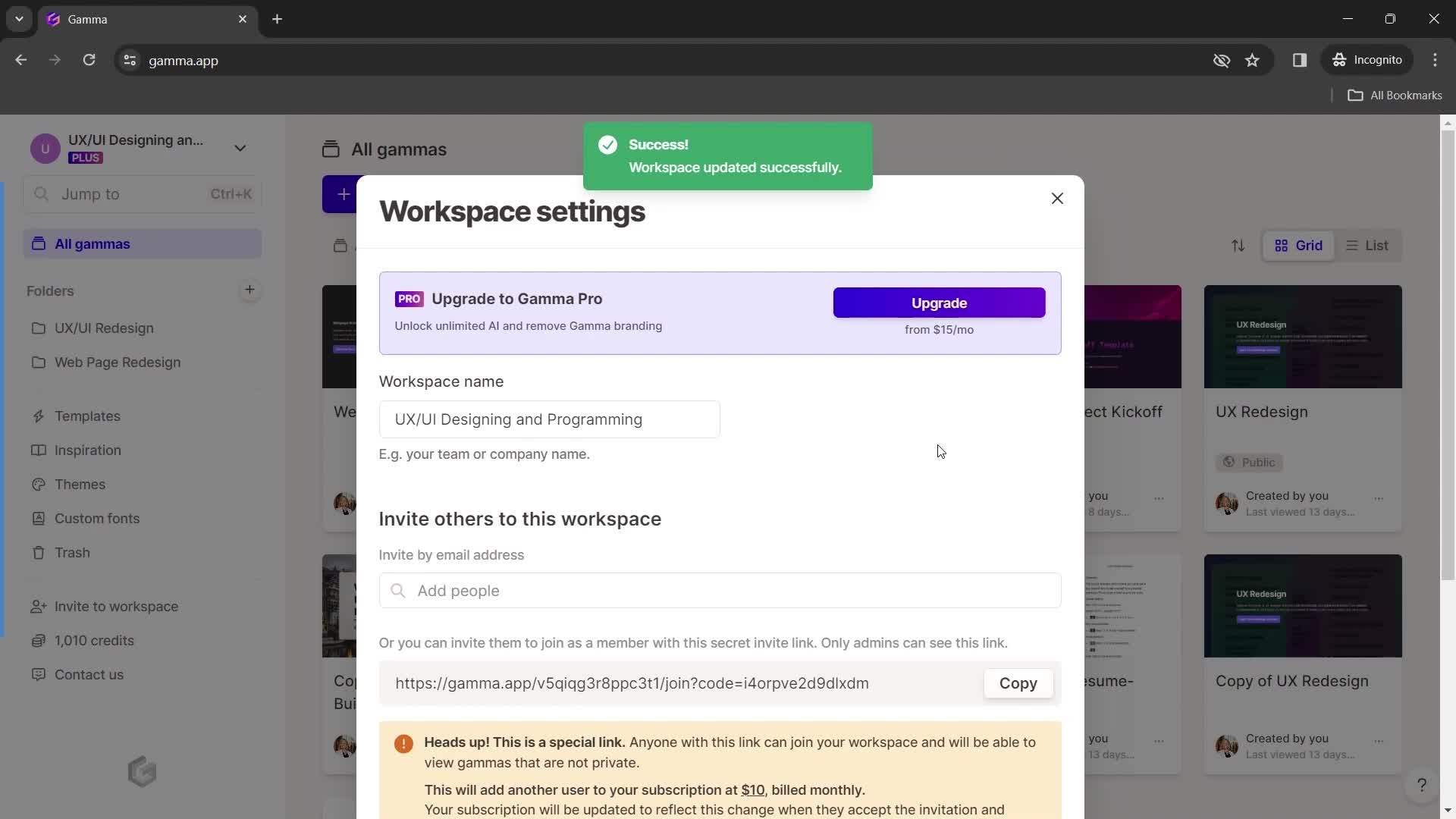
Workspace updated
this is title
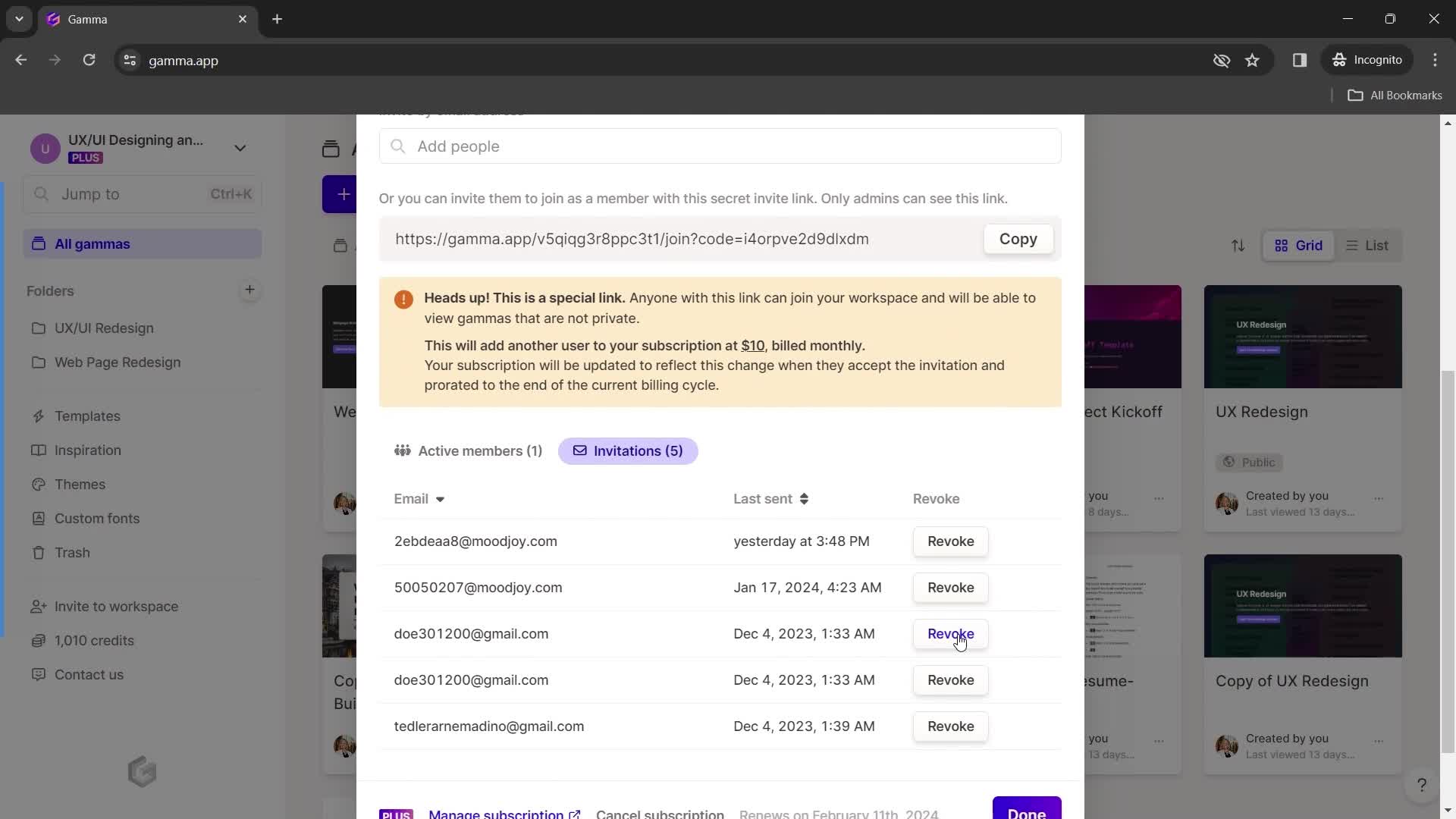
Invitations
this is title
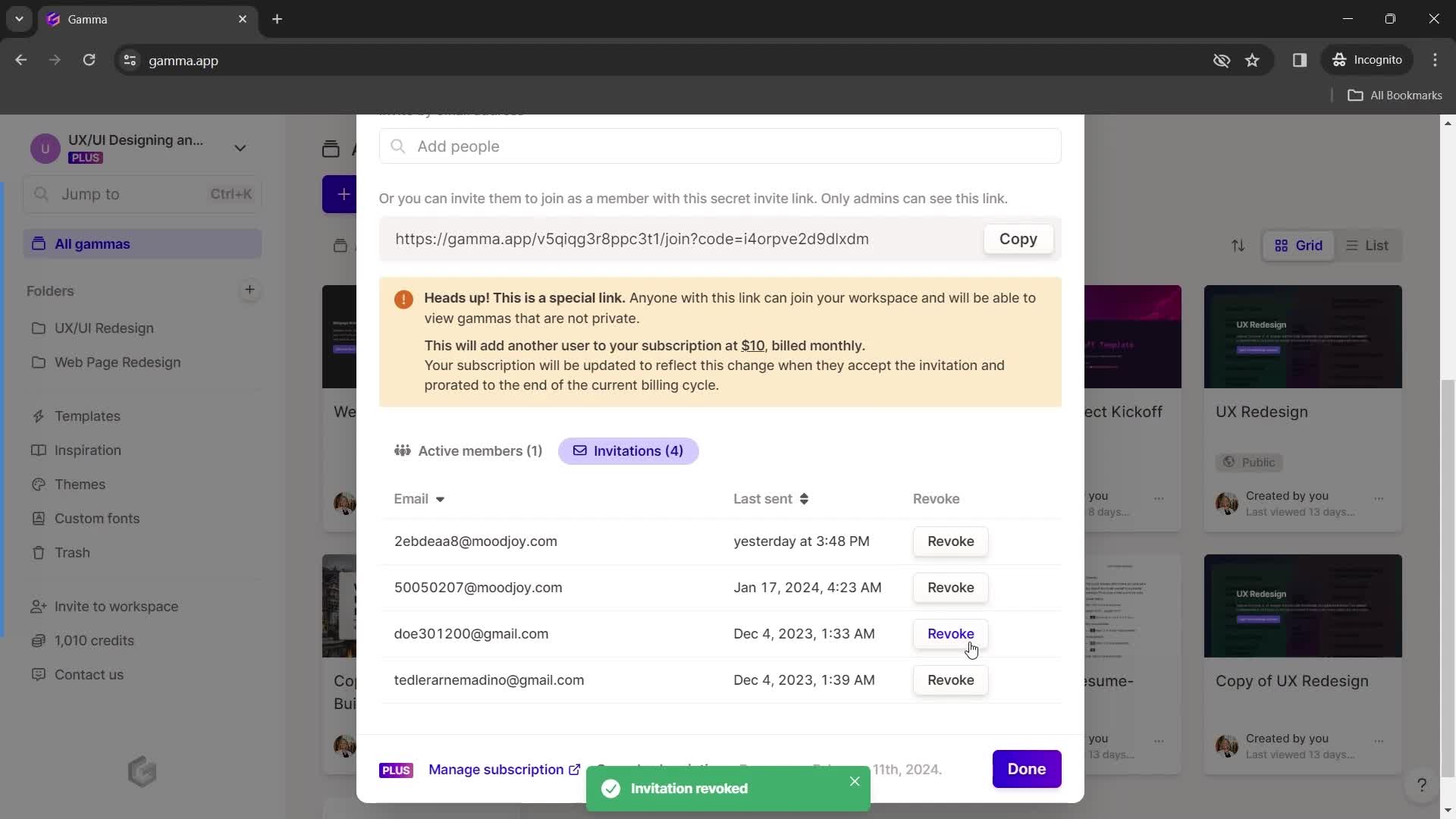
Delete
this is title
Continue
this is title
Home
this is title
Presentation editor
this is title
Action menu
this is title
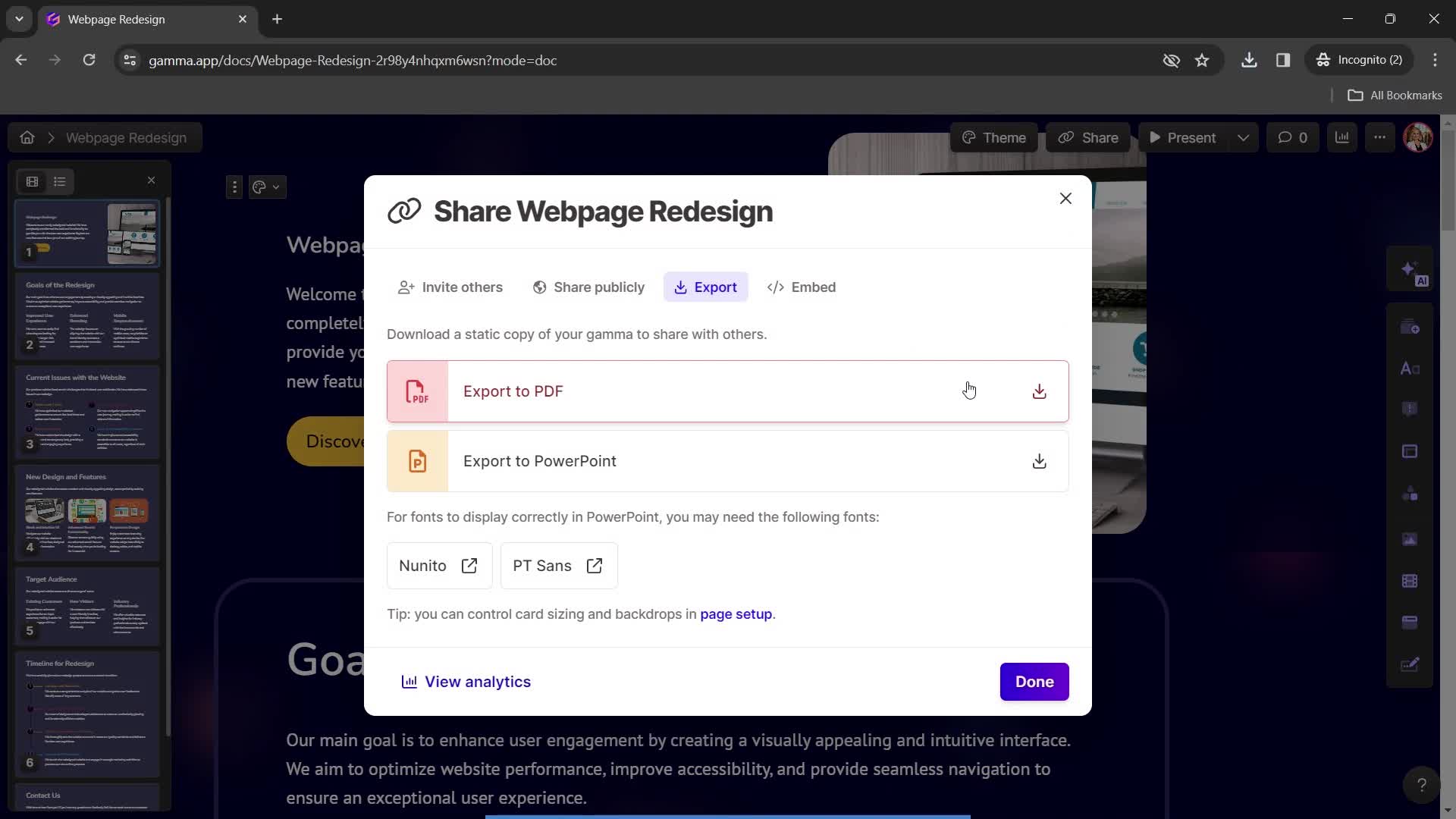
Export
this is title
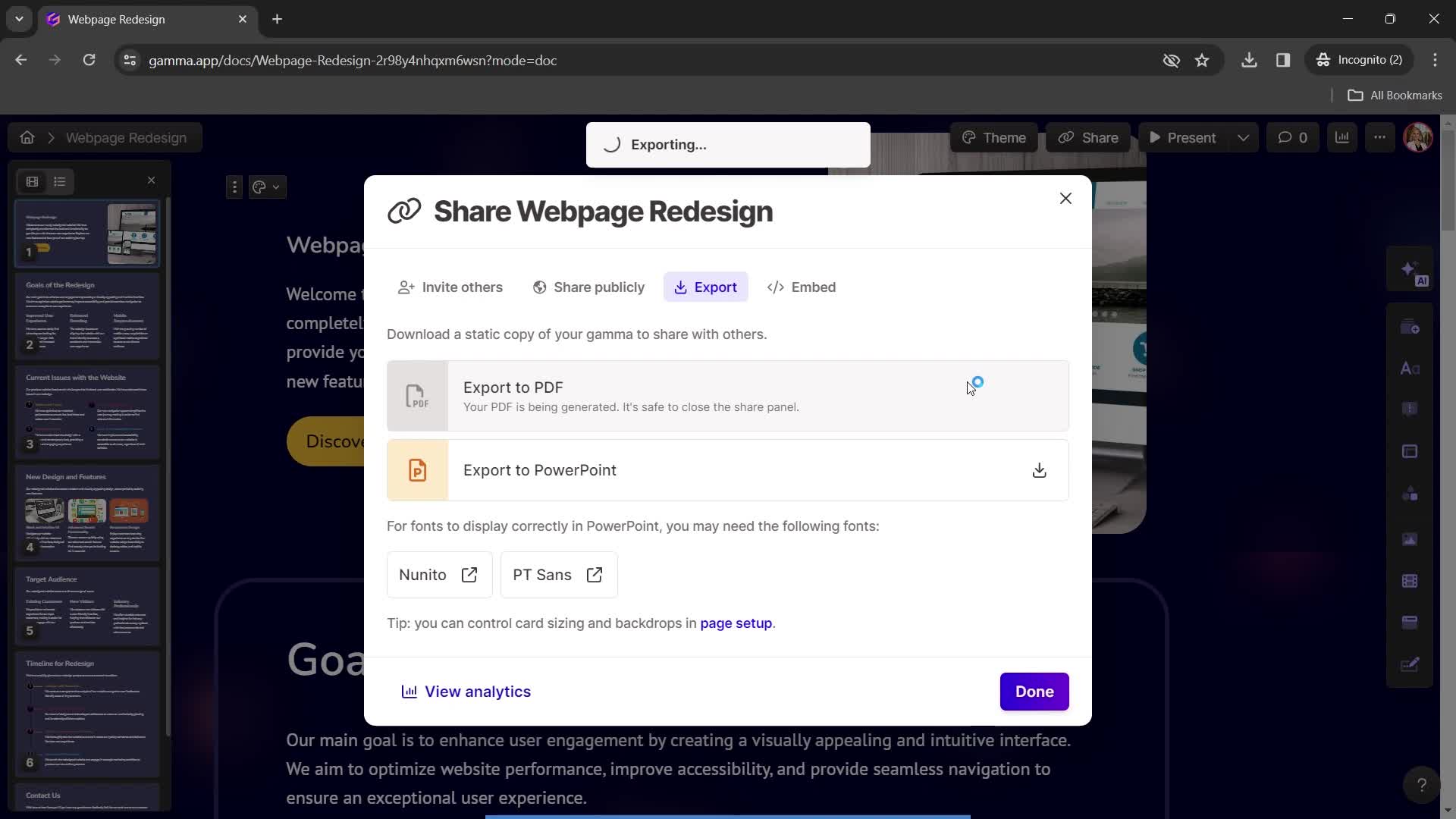
Exporting
this is title
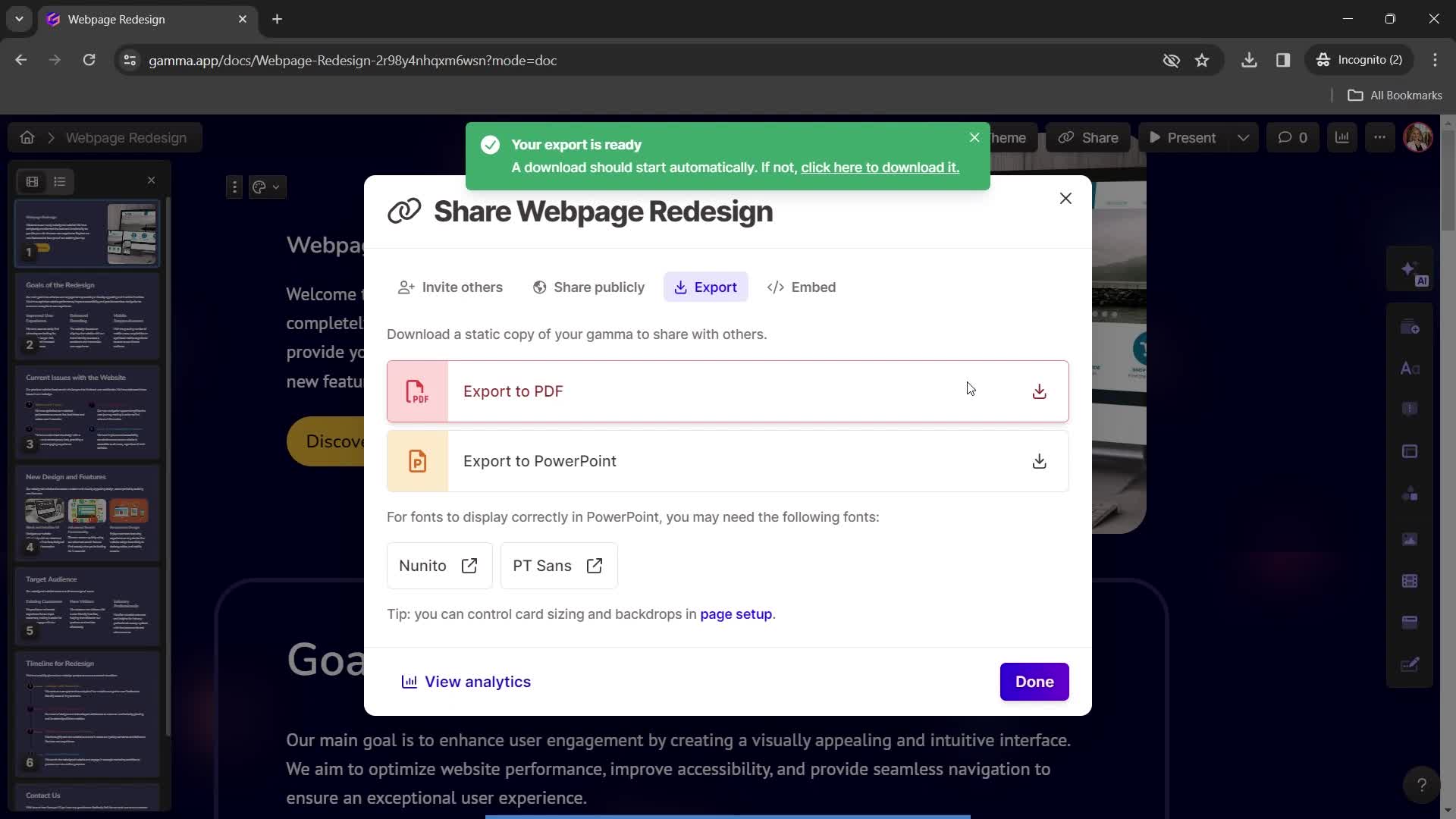
Export complete
this is title
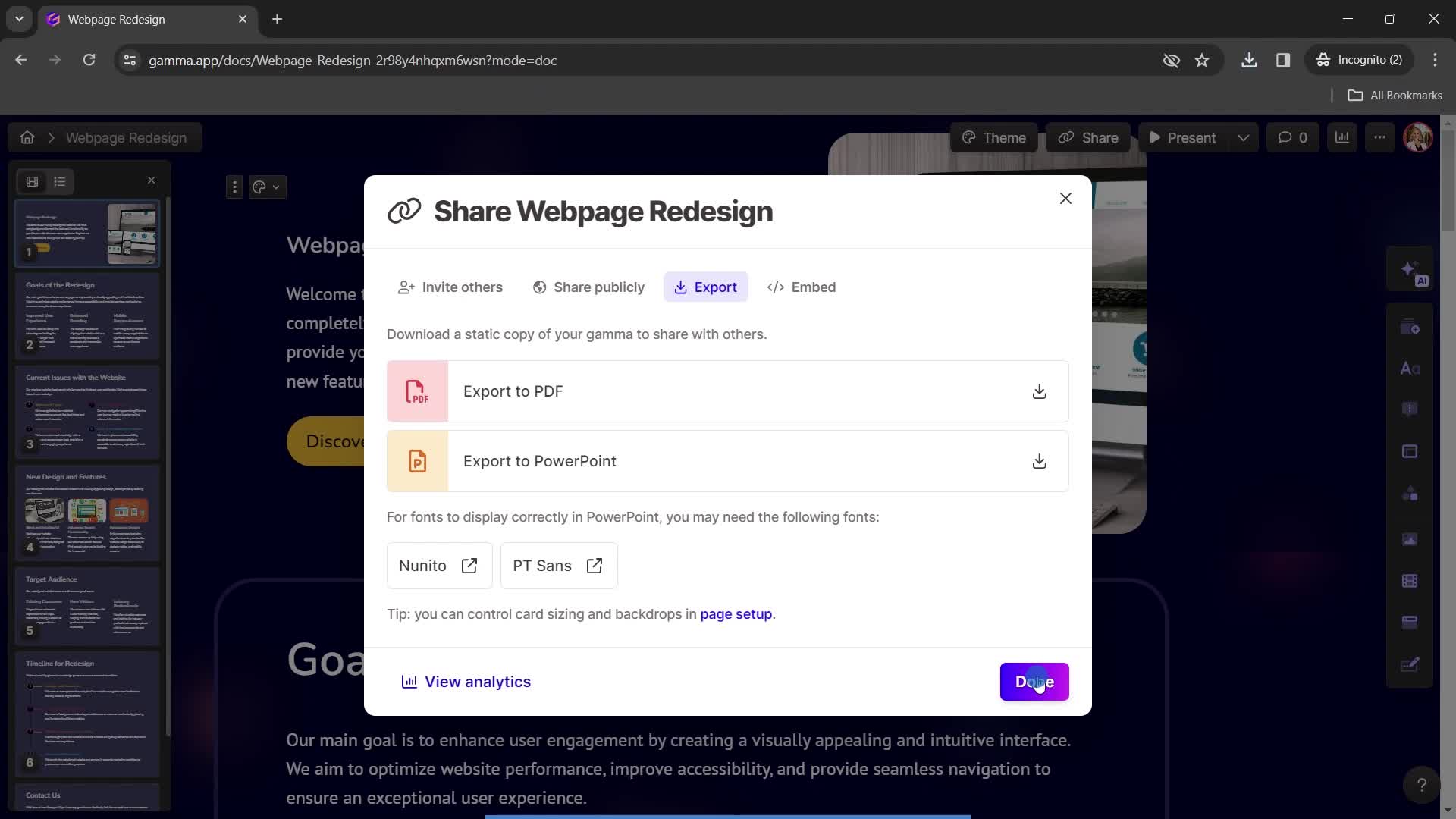
Continue
this is title
Home
this is title
Account menu
this is title
Account settings
this is title
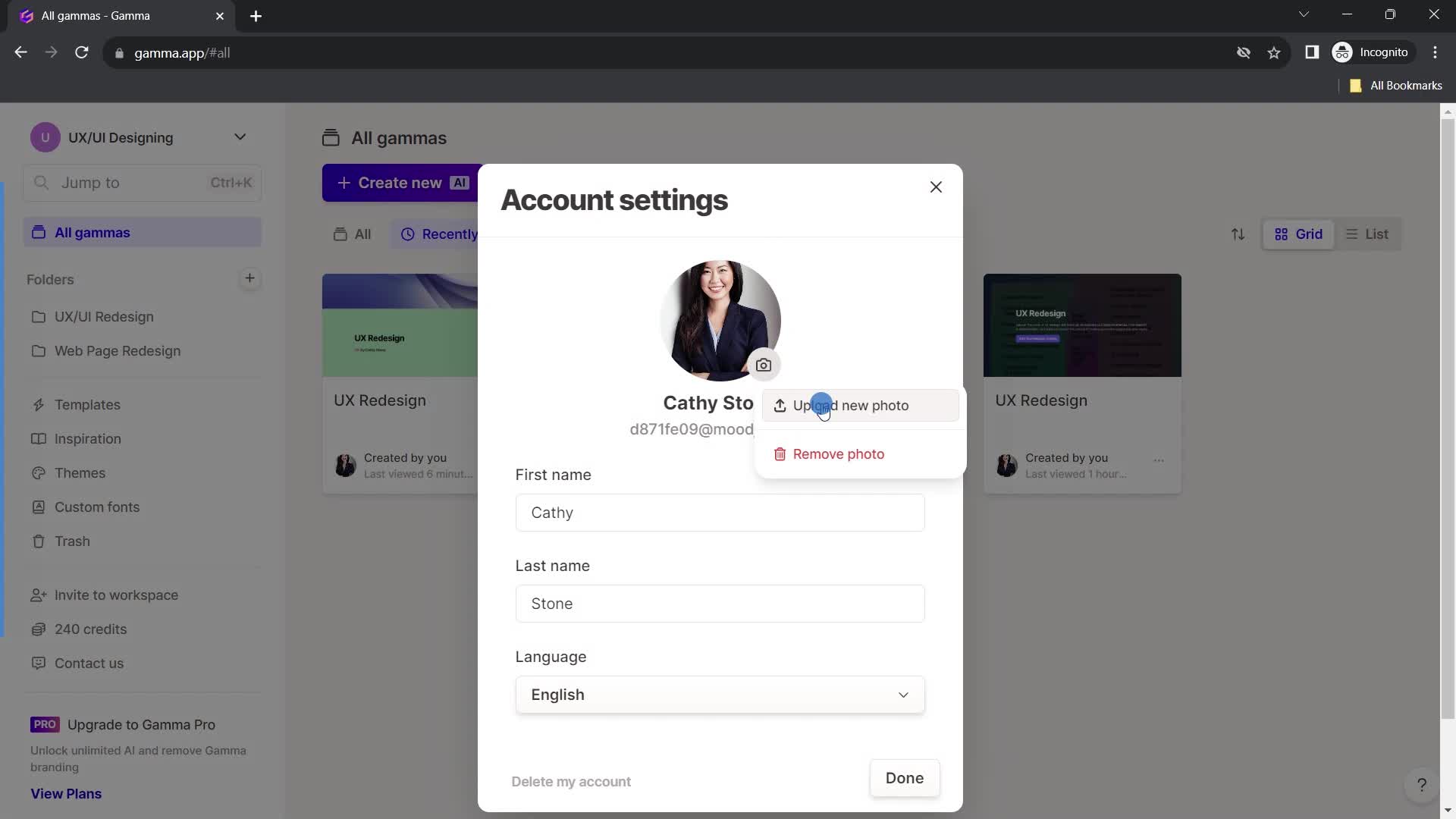
Update profile photo
this is title
Profile photo added
this is title
Select language
this is title
Save changes
this is title
Home
this is title
Account menu
this is title
Workspace settings
this is title
this is title
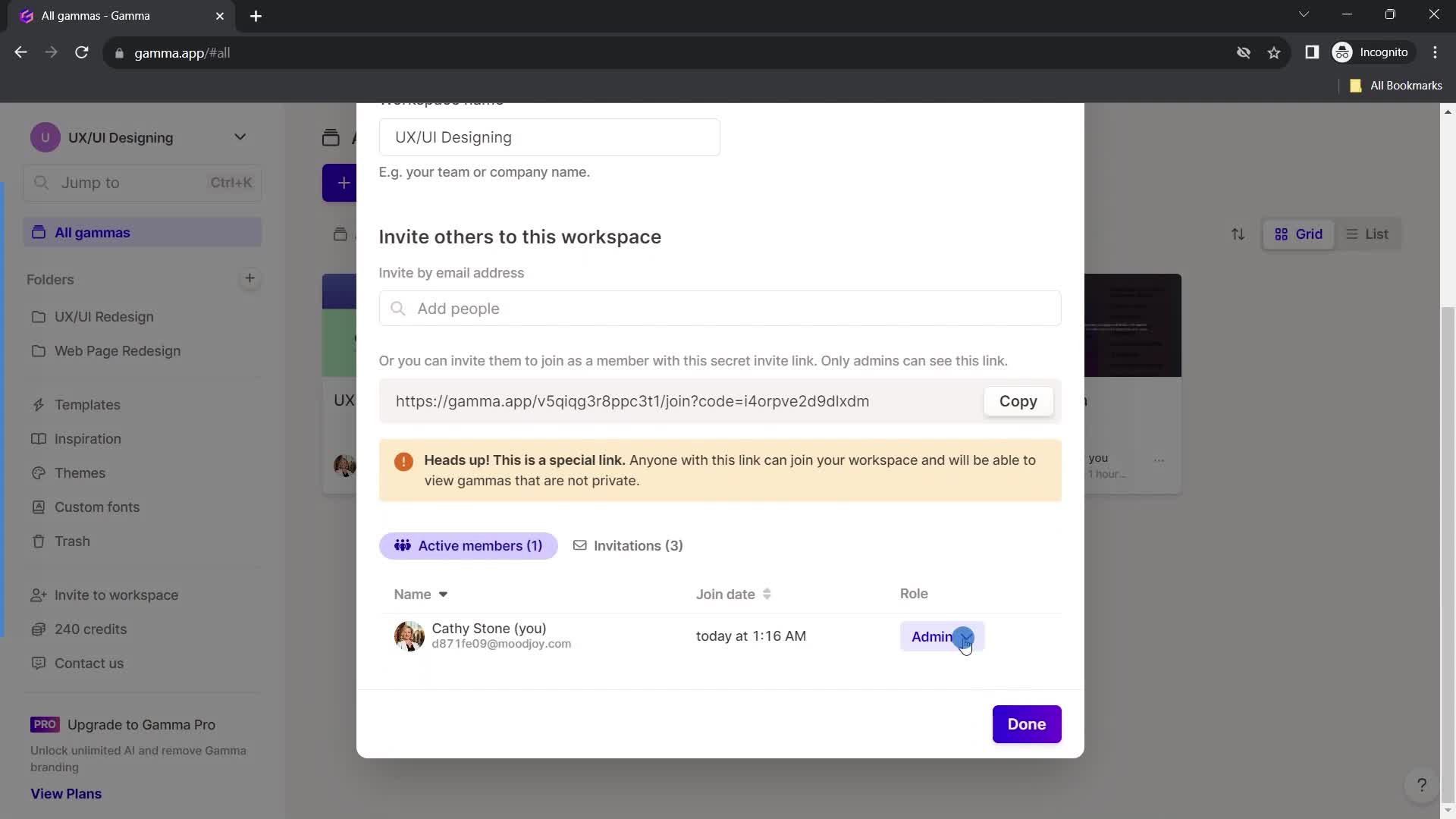
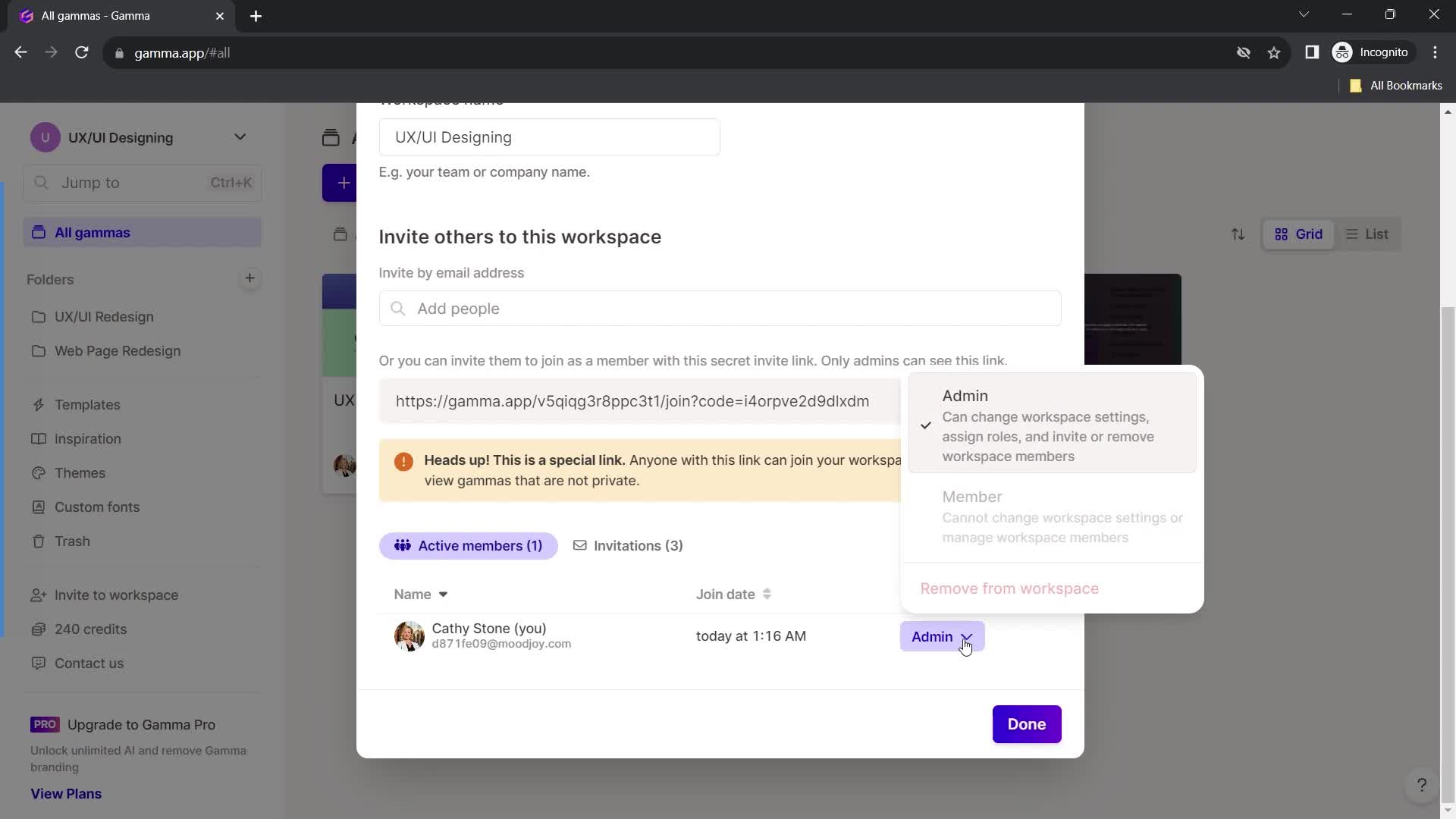
Edit role
this is title
Continue
this is title
Home
this is title
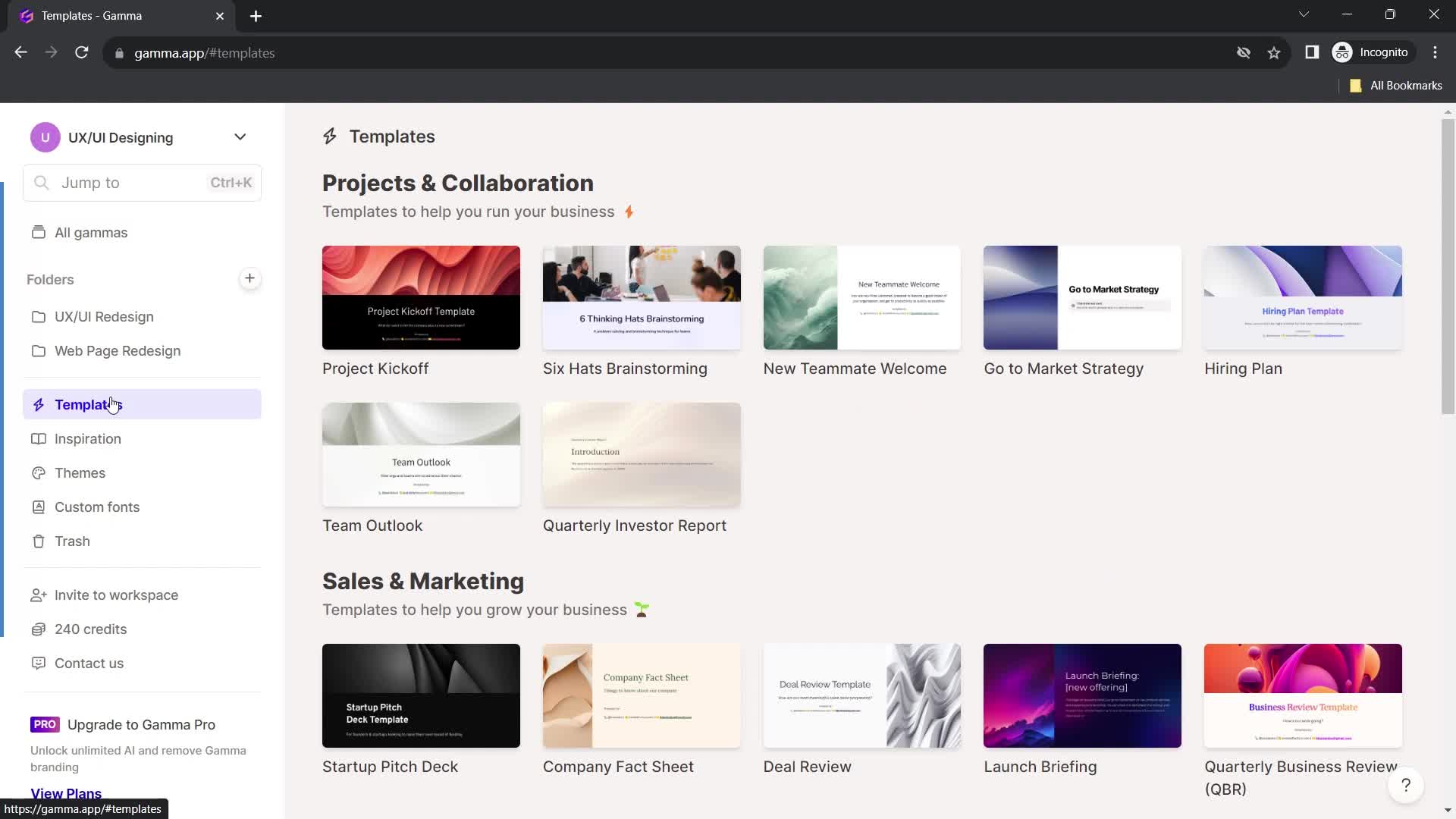
Templates
this is title
Inspirations
this is title
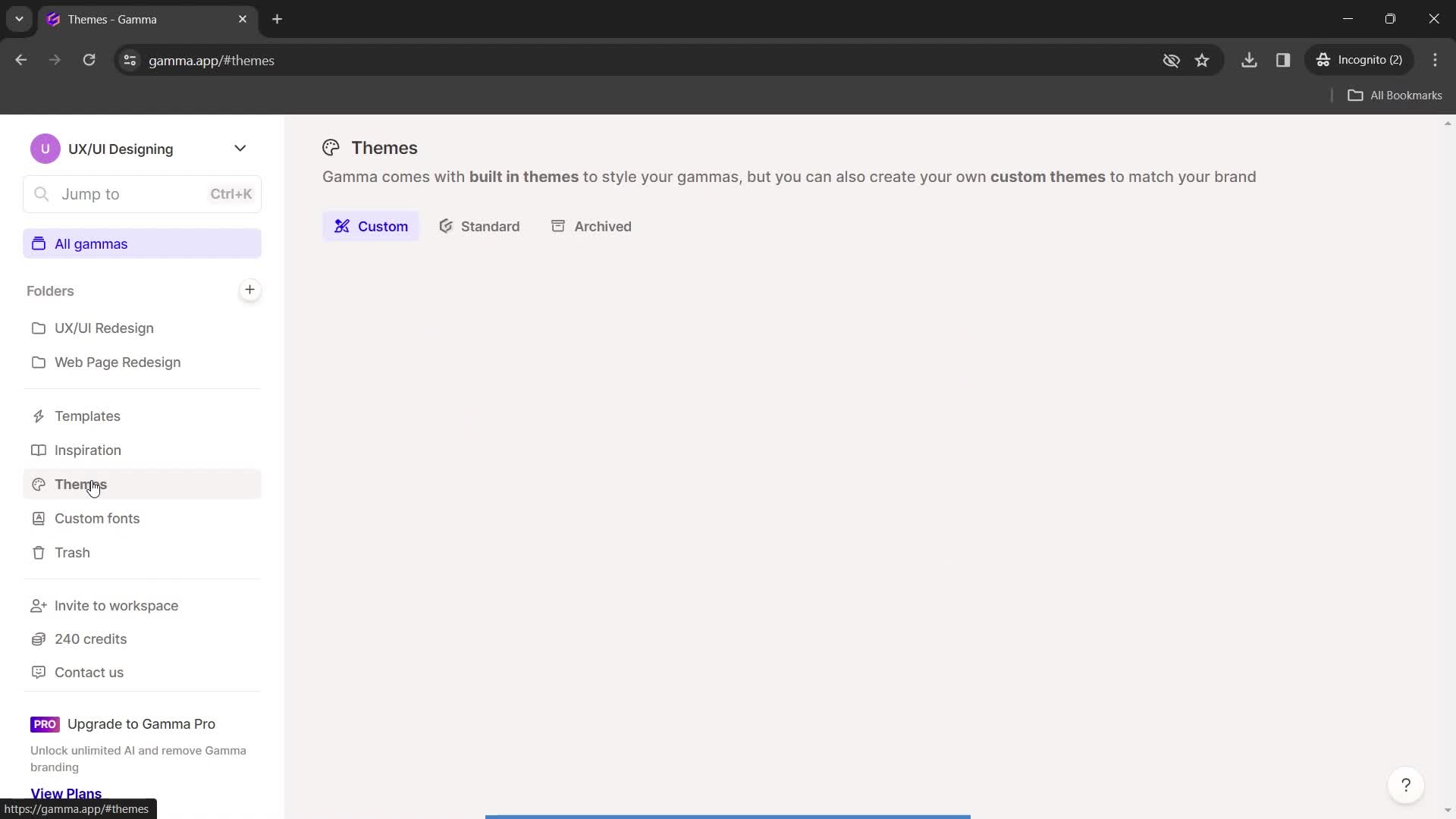
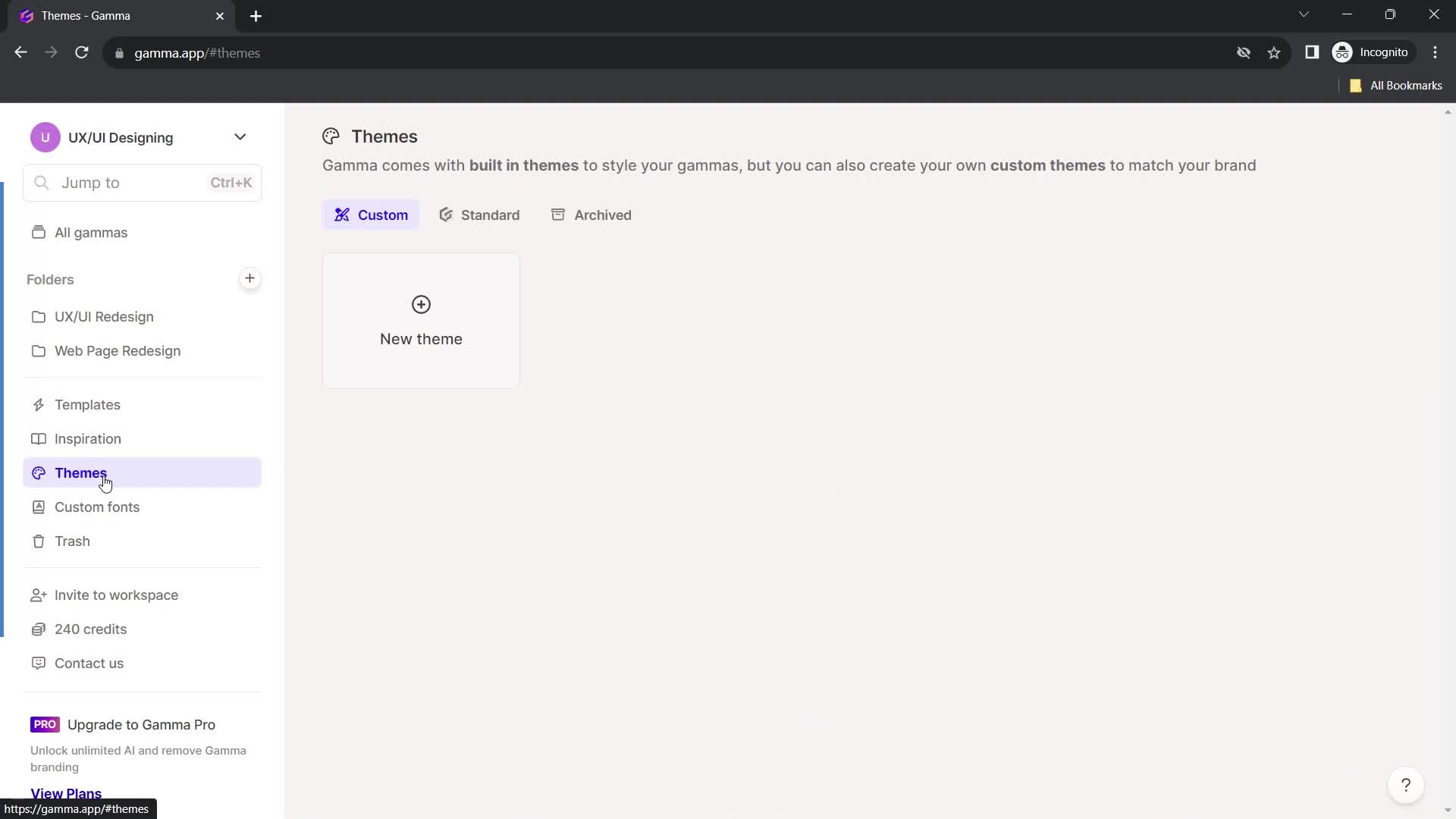
Themes
this is title
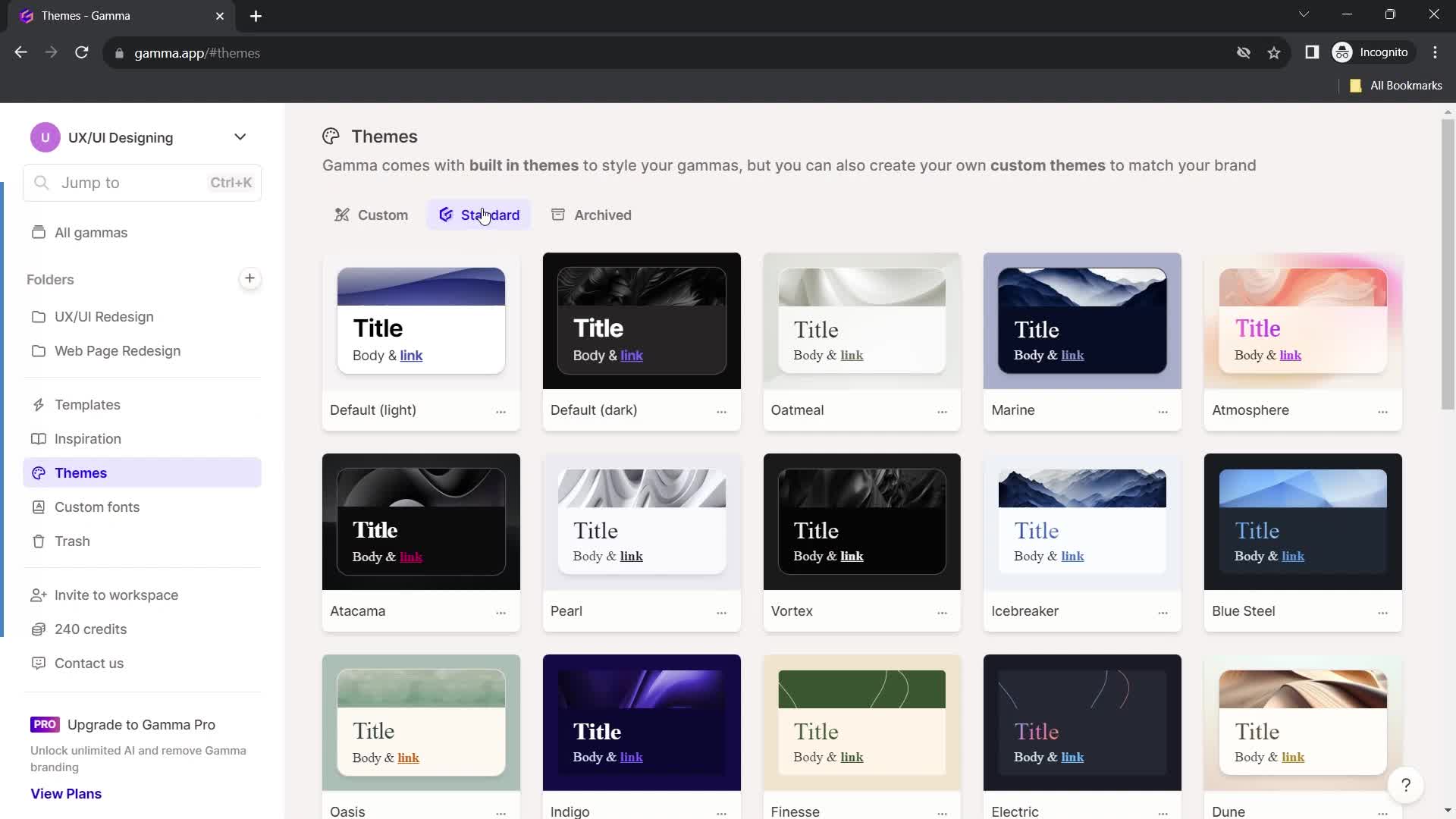
Select theme
this is title
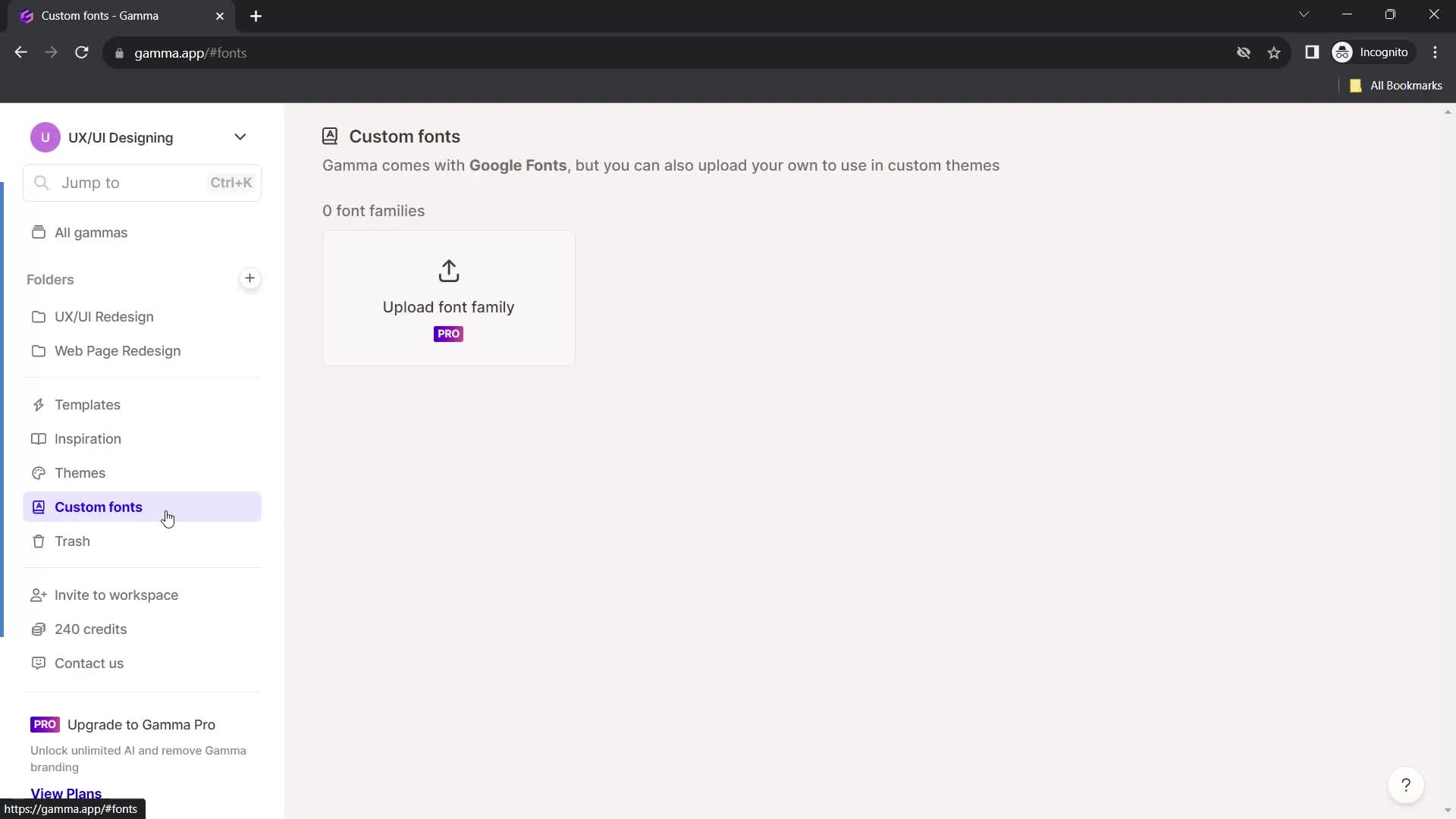
Fonts
this is title
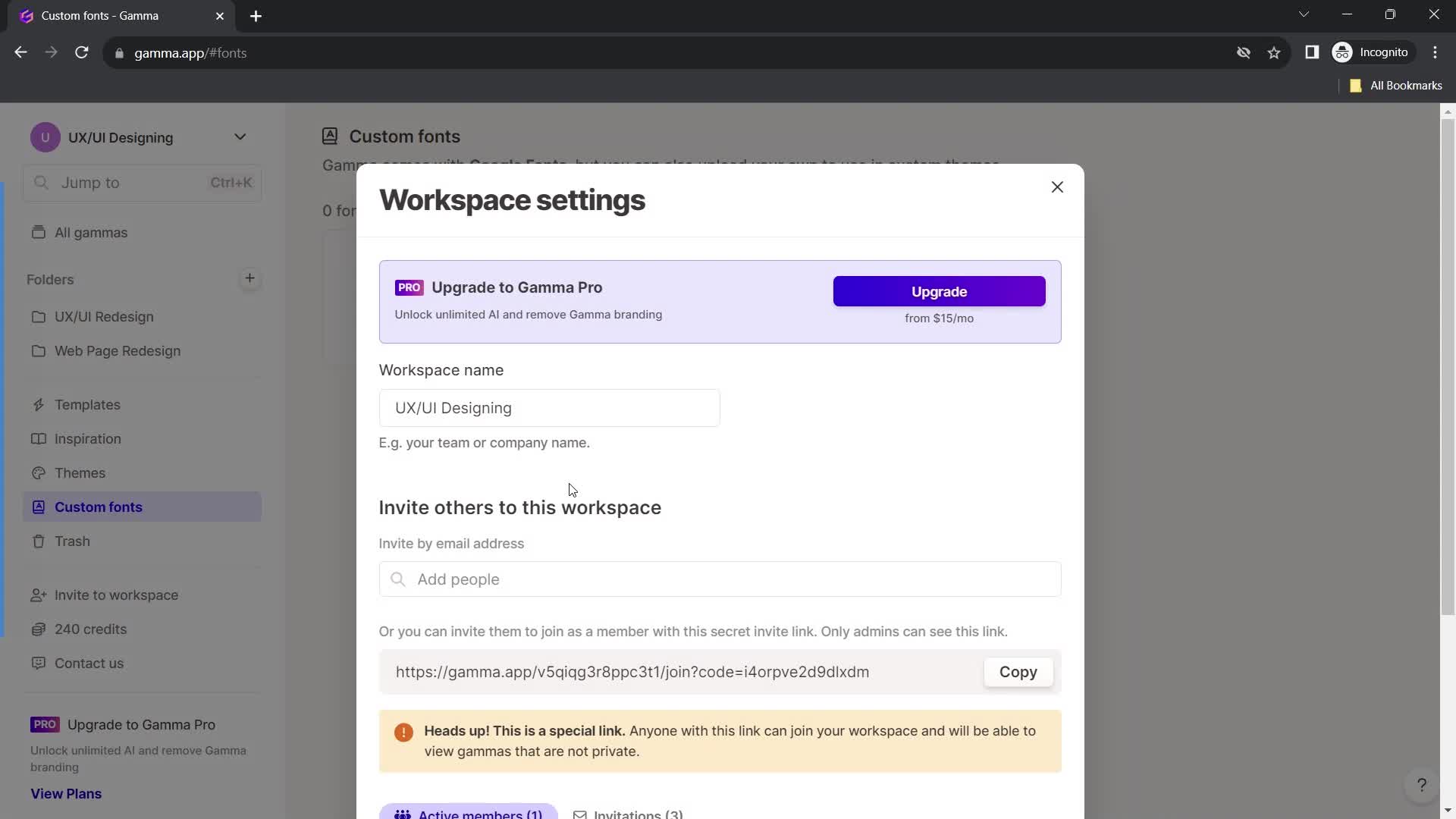
Workspace settings
this is title
this is title
this is title
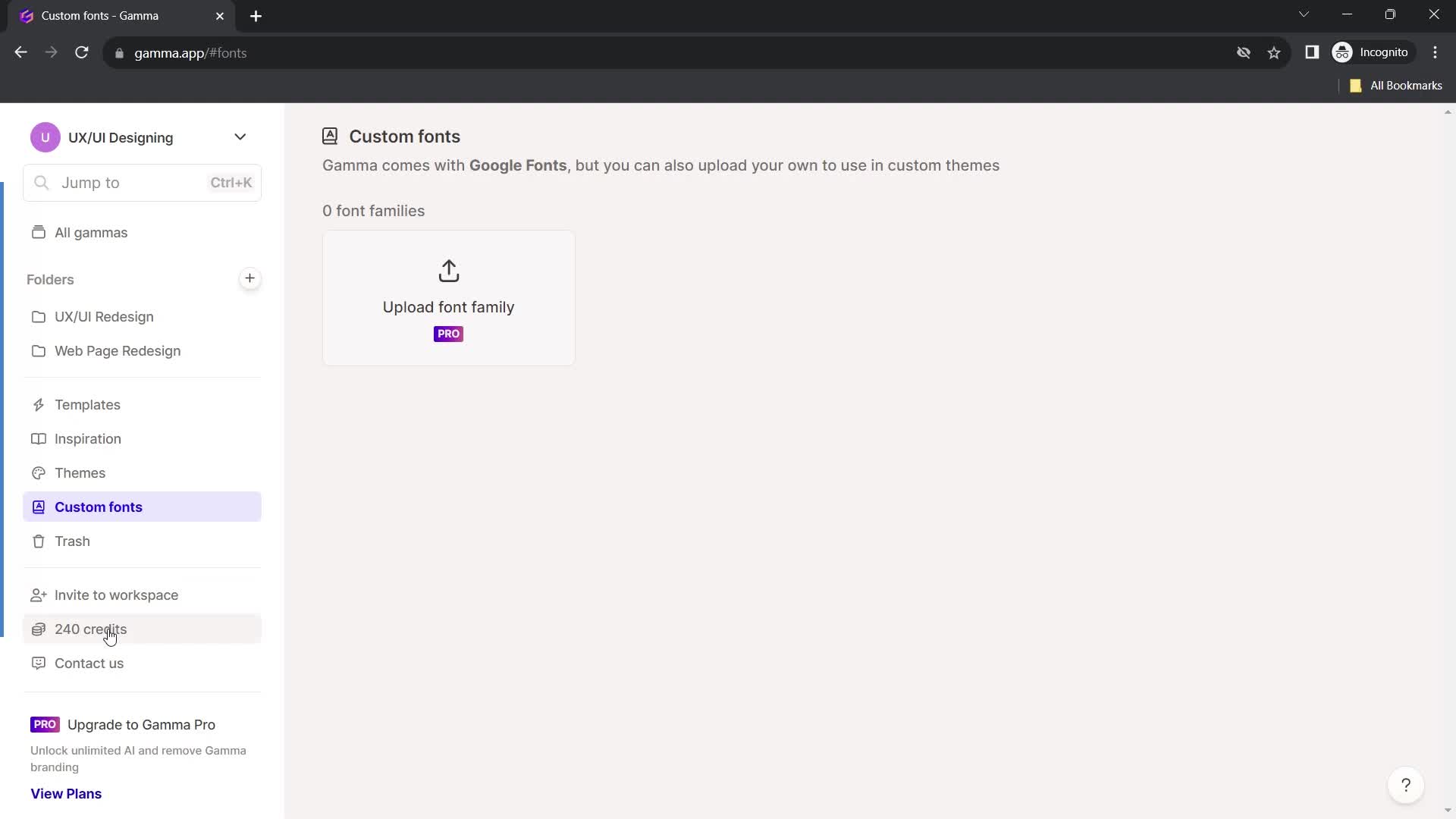
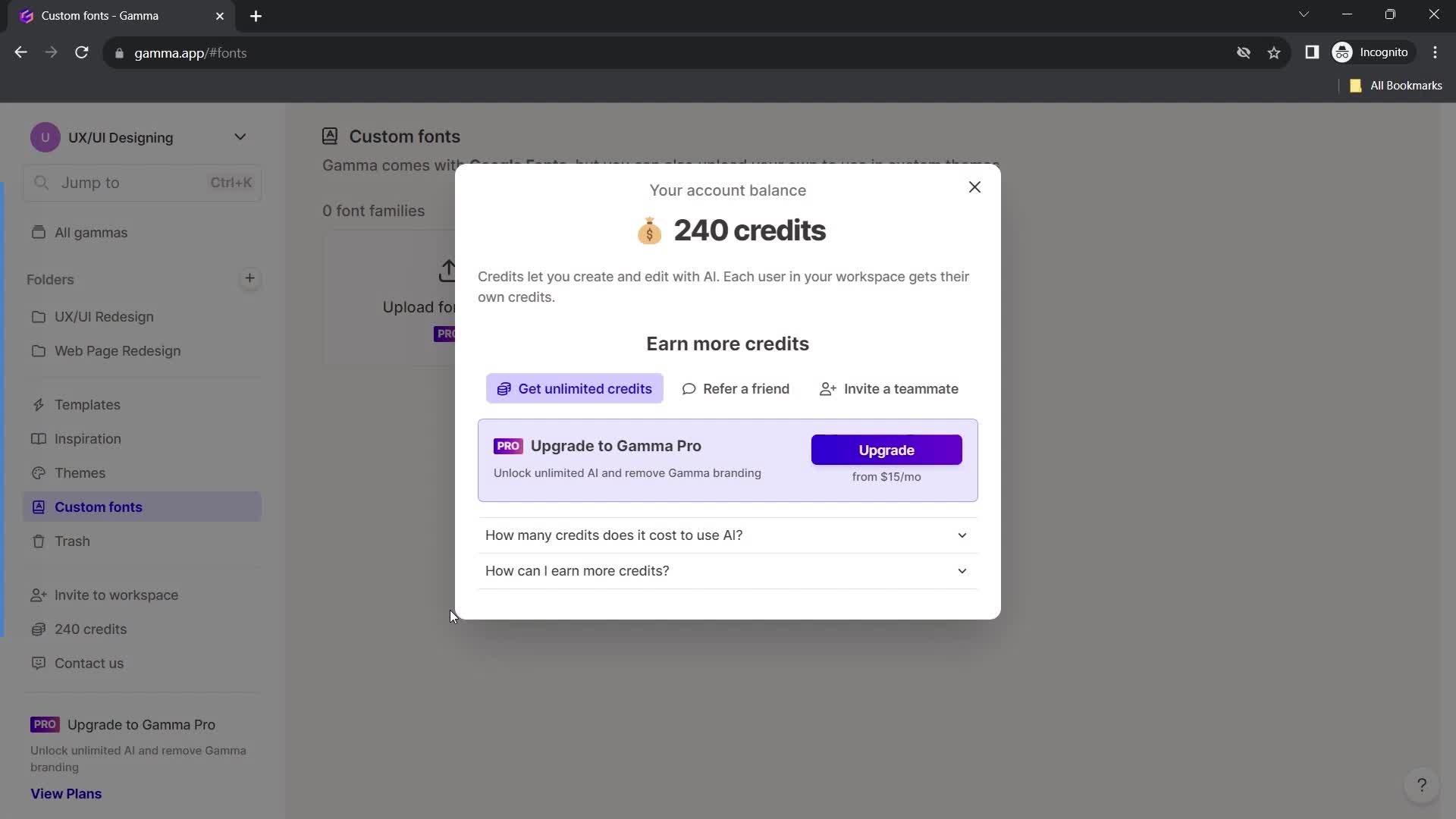
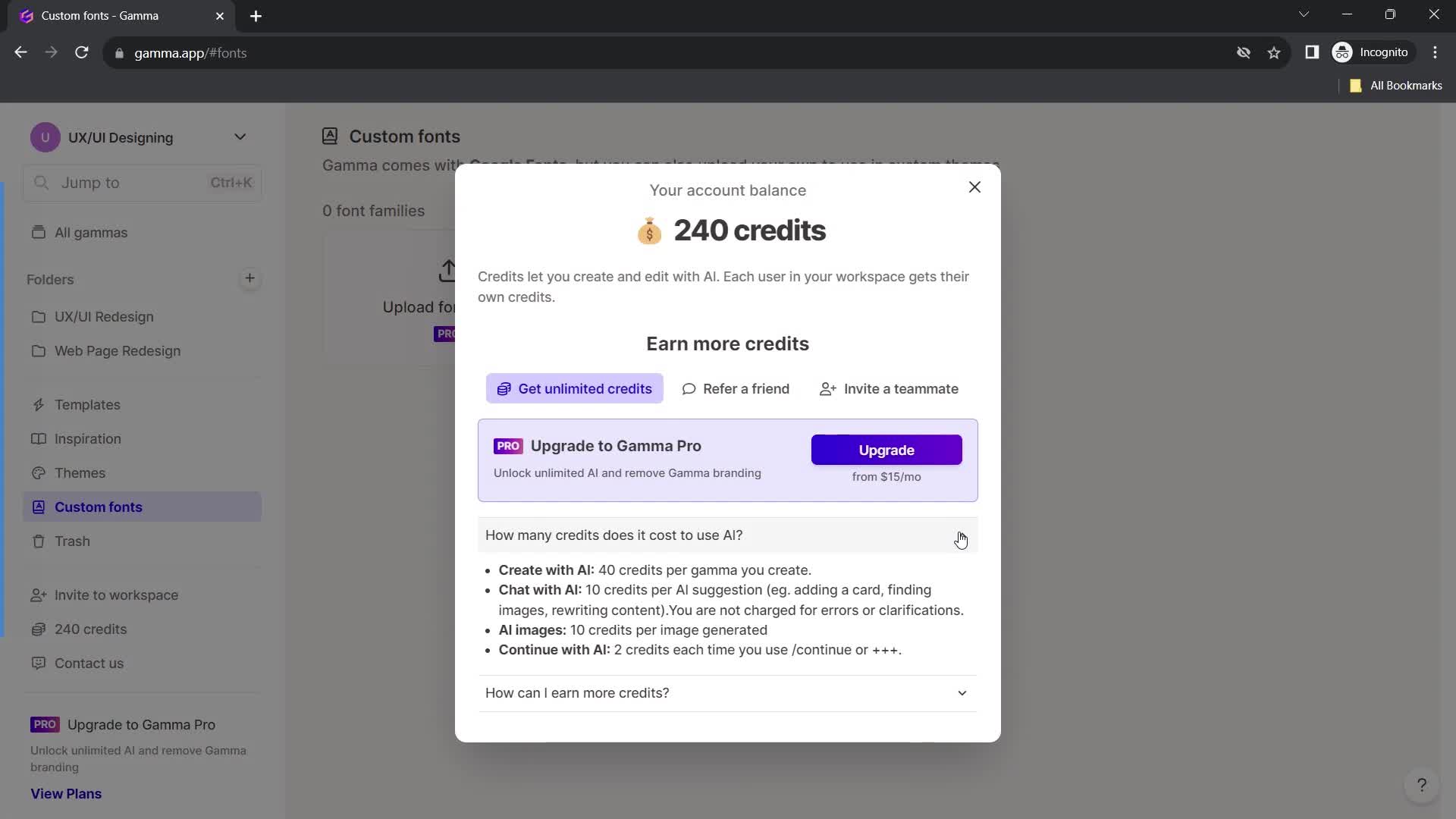
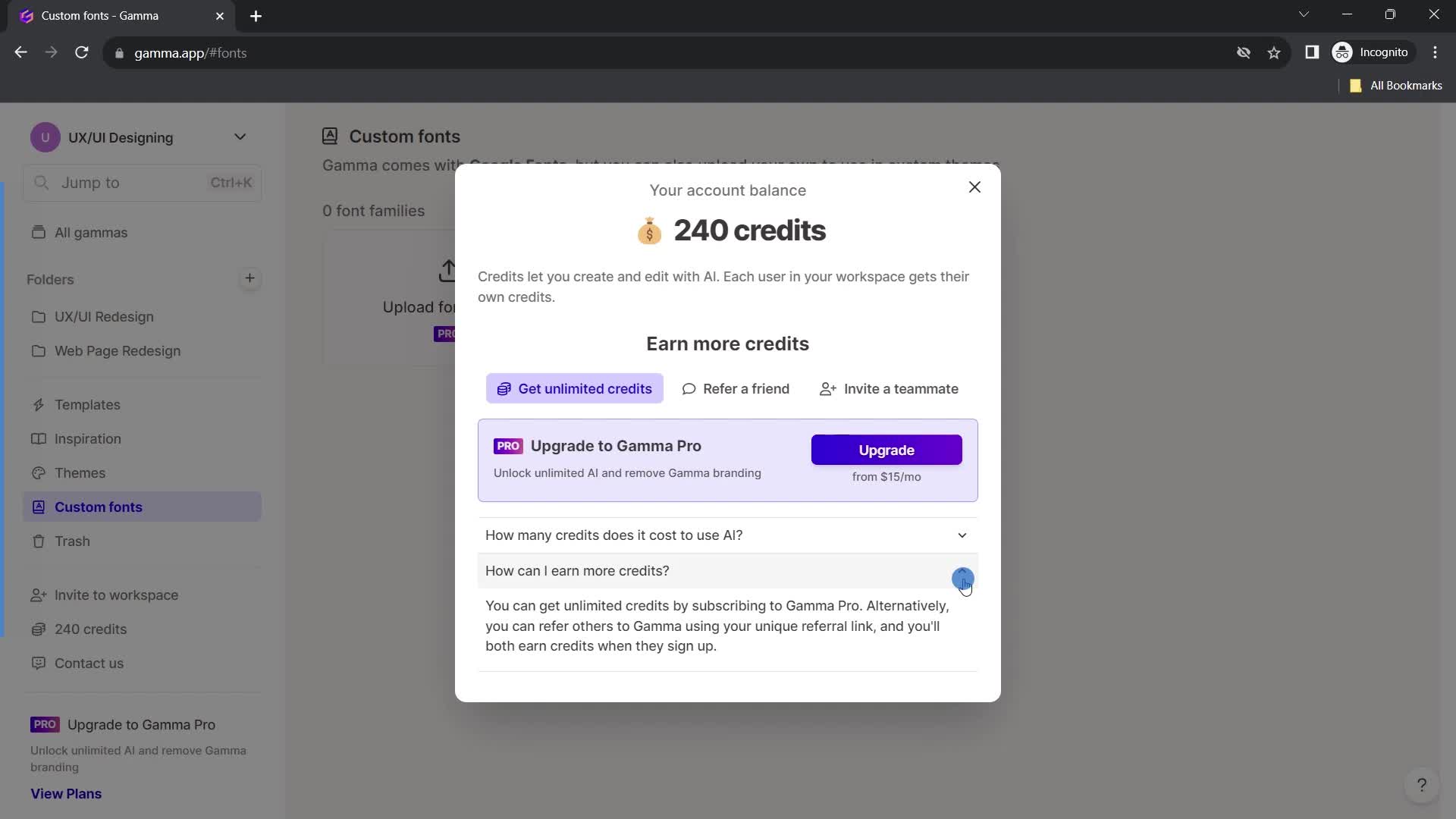
Credits
this is title
this is title
this is title
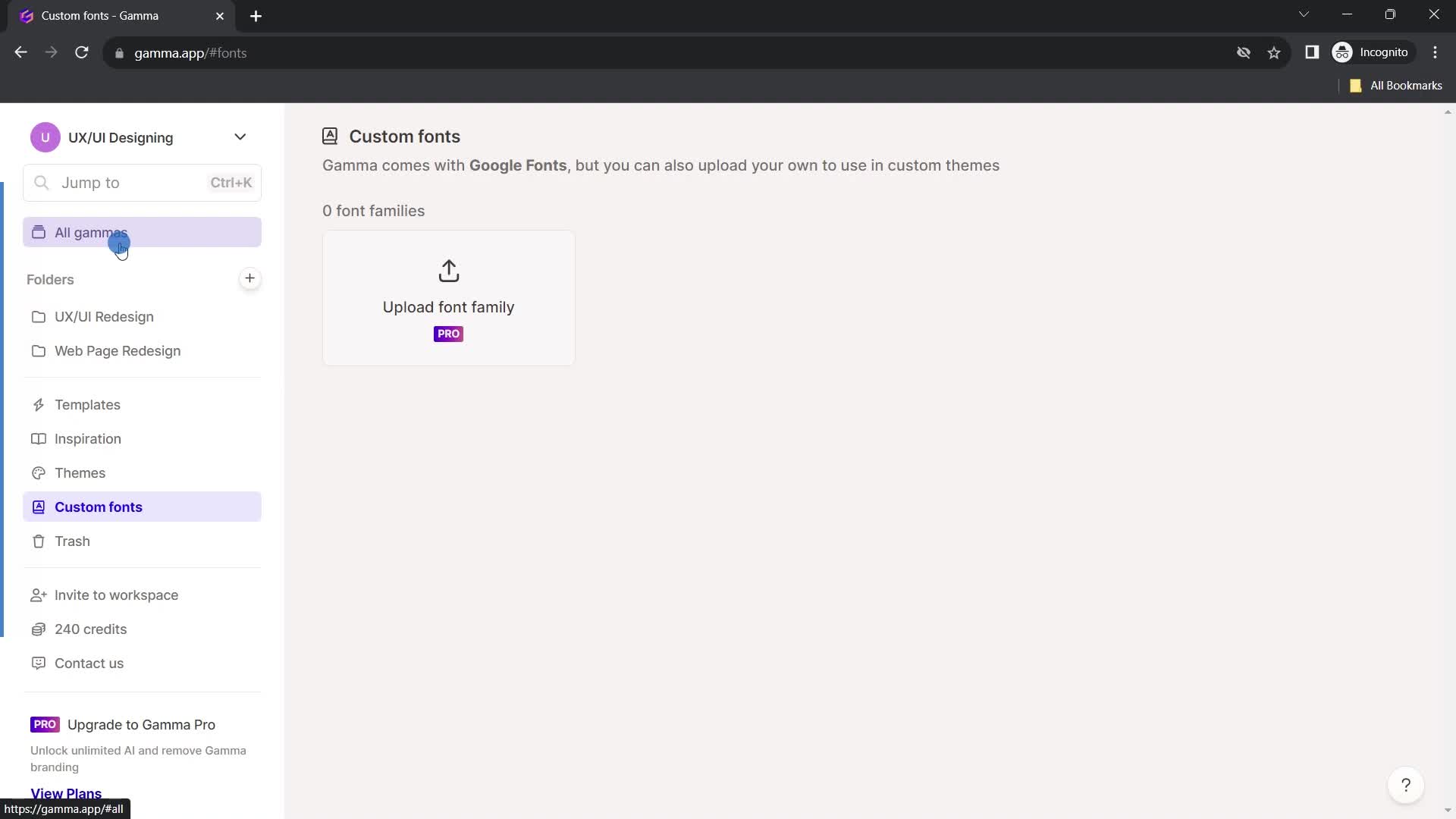
Fonts
this is title
Home
this is title
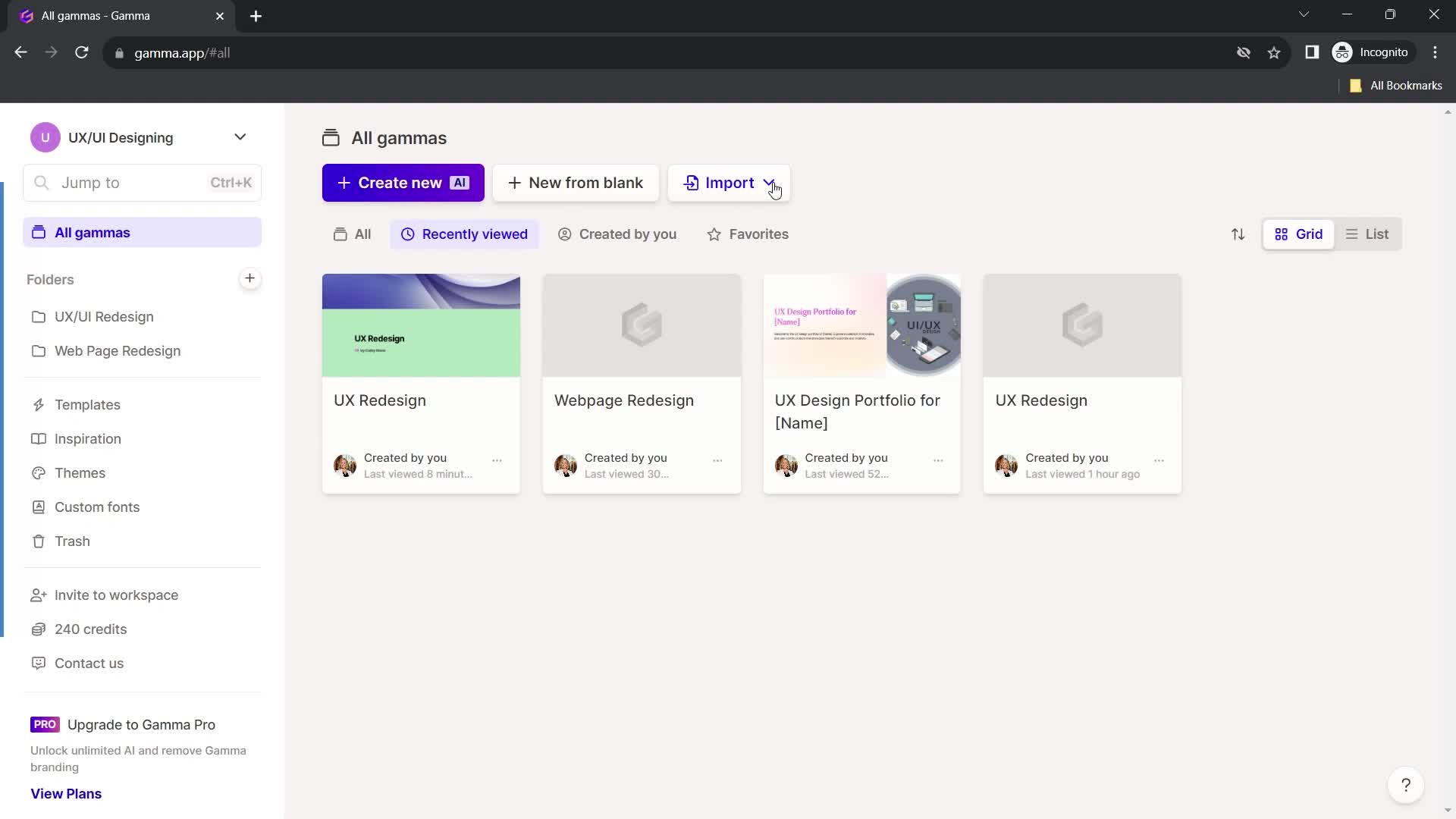
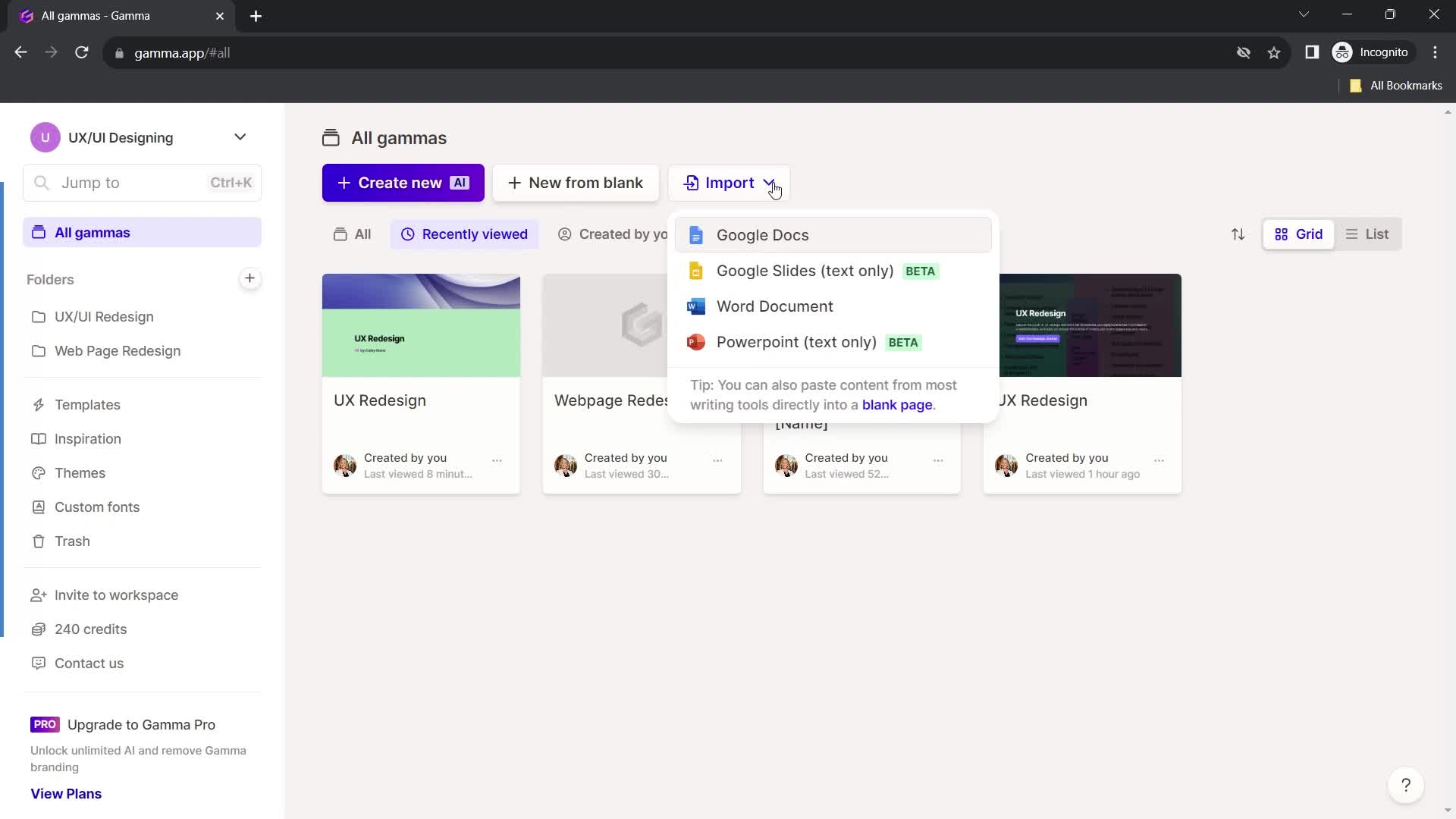
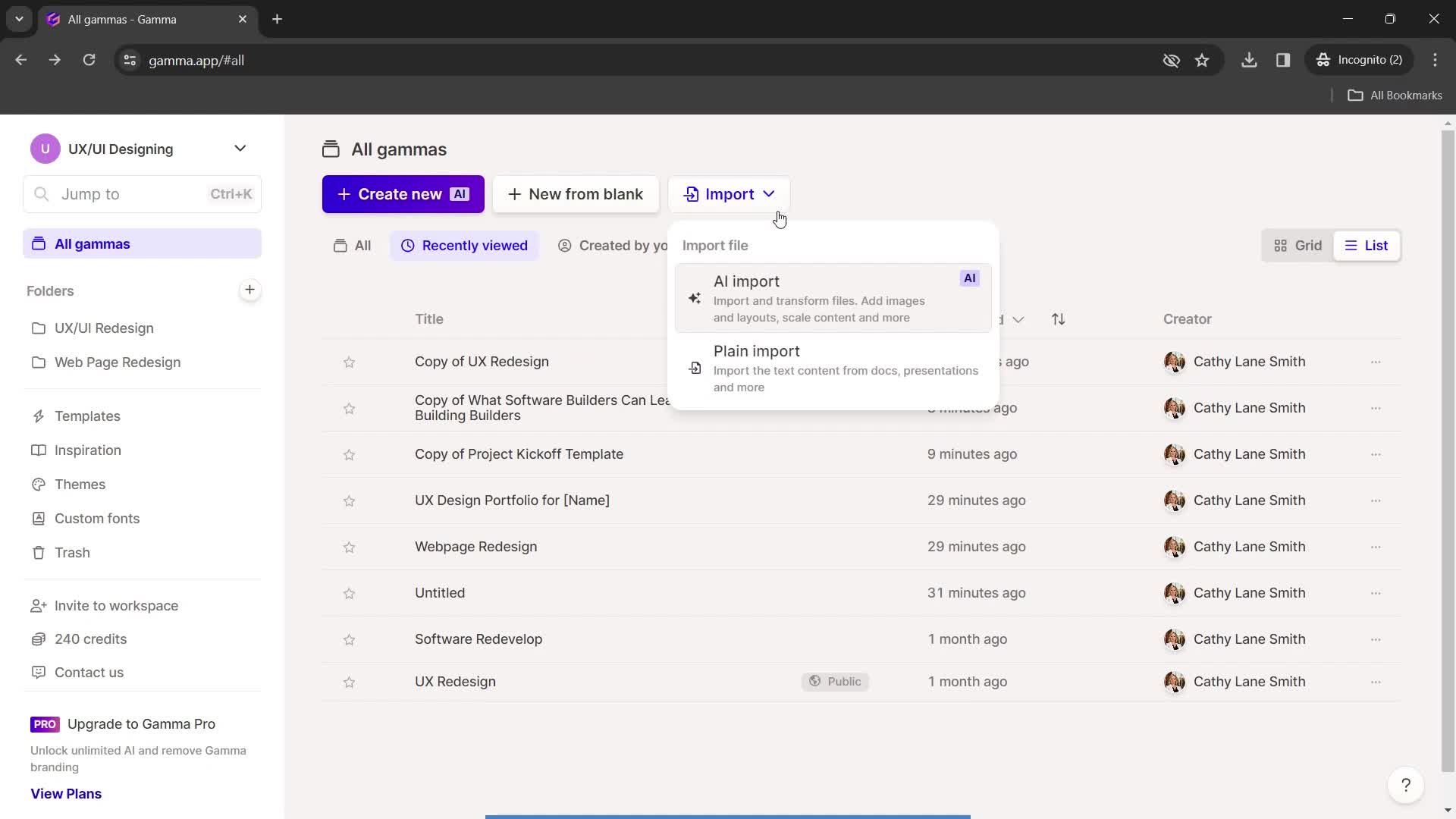
Import
this is title
Home
this is title
List view
this is title
Grid view
this is title
Dashboard
this is title
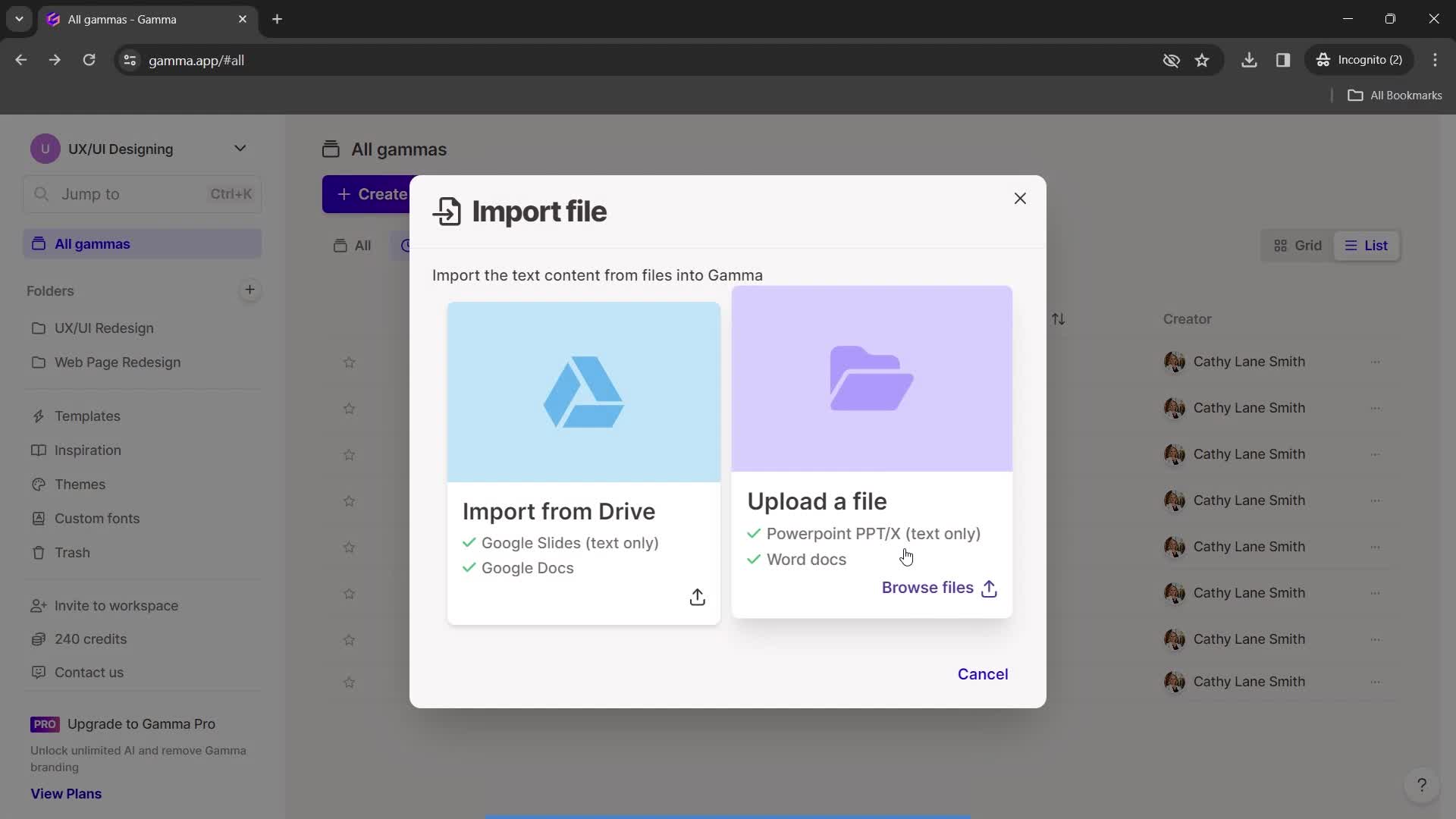
Import
this is title
Upload file
this is title
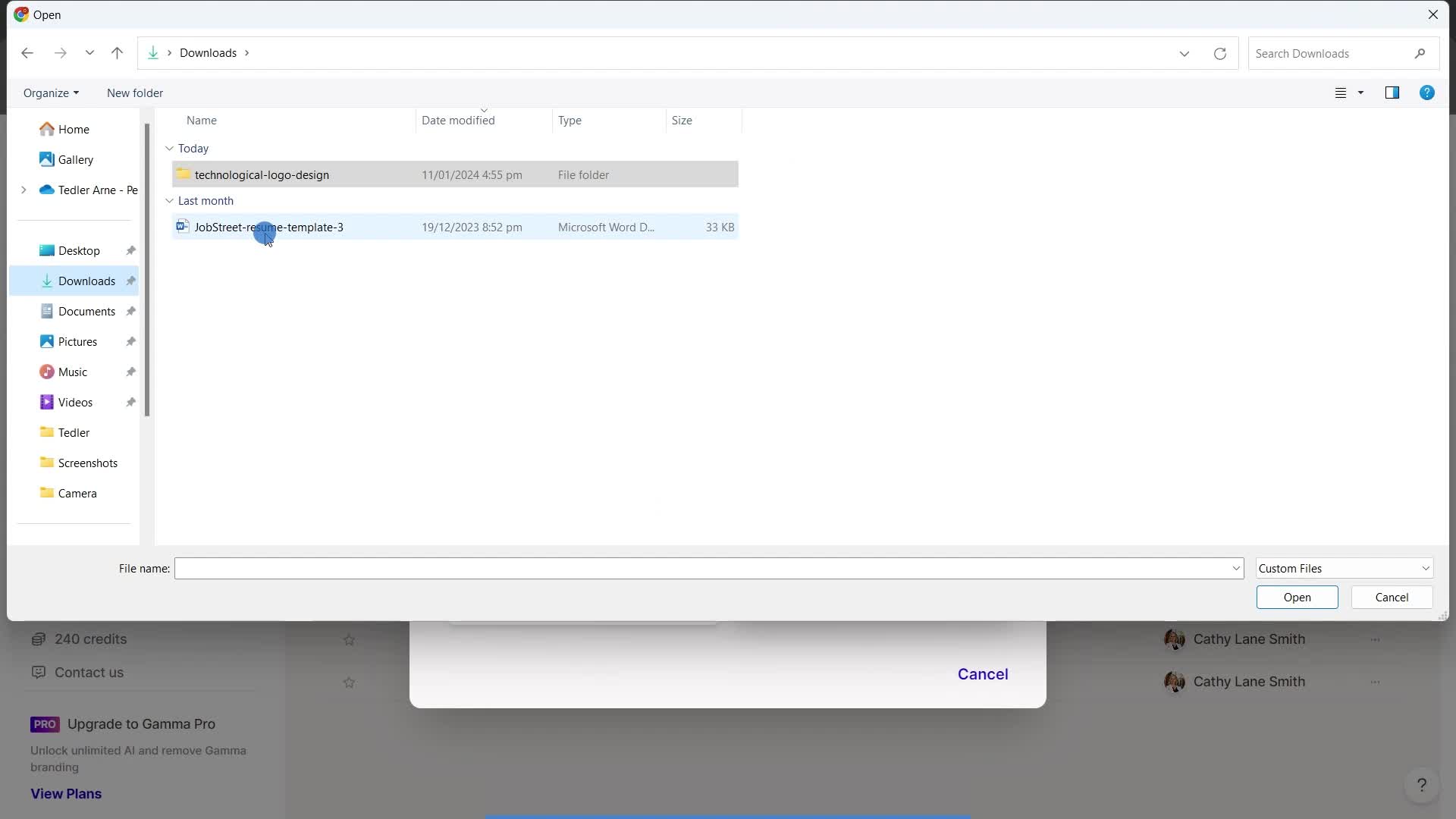
Select file
this is title
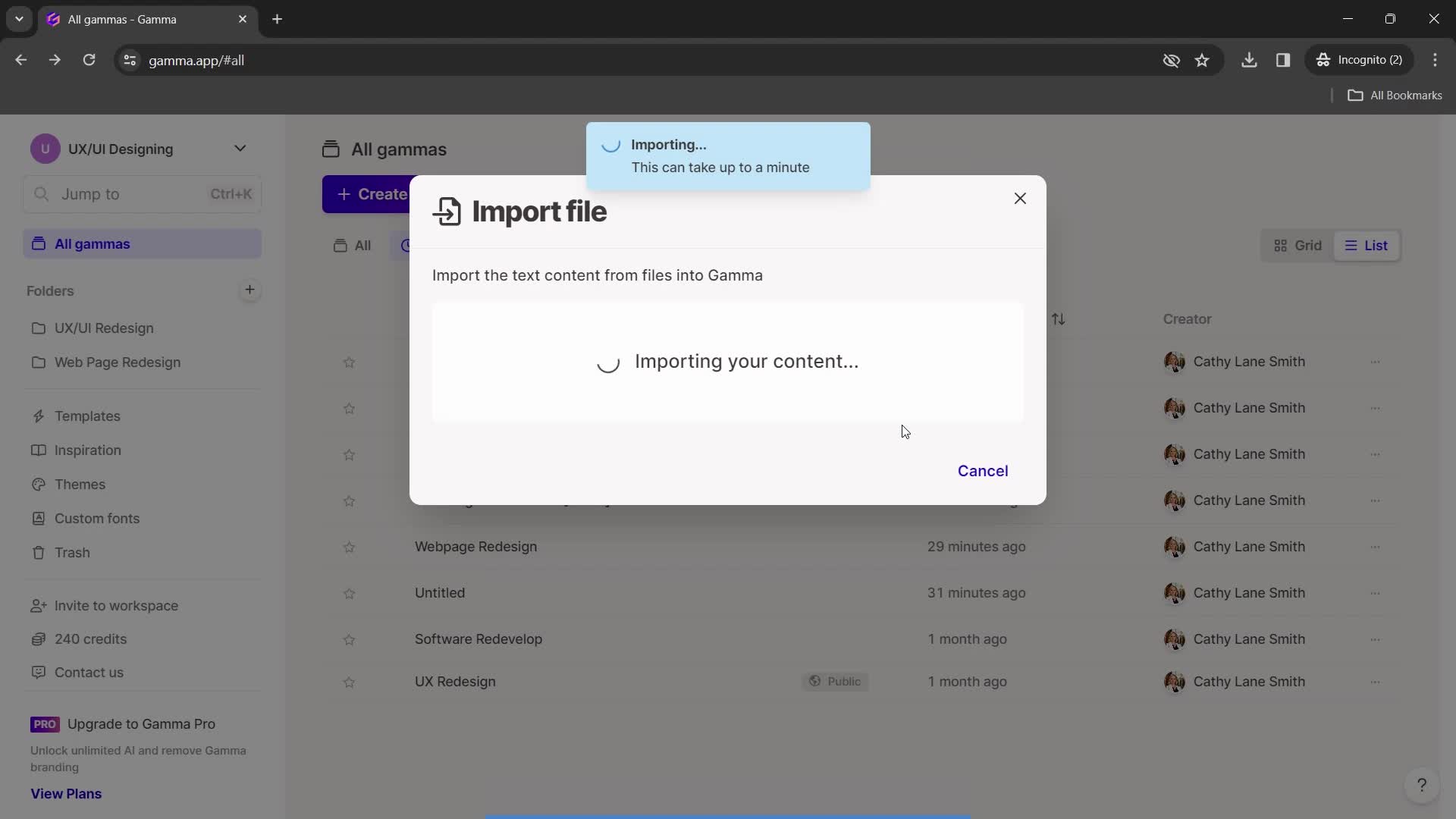
Import in progress
this is title
Import complete
this is title
Home
this is title
Enter email
this is title
Send invite
this is title
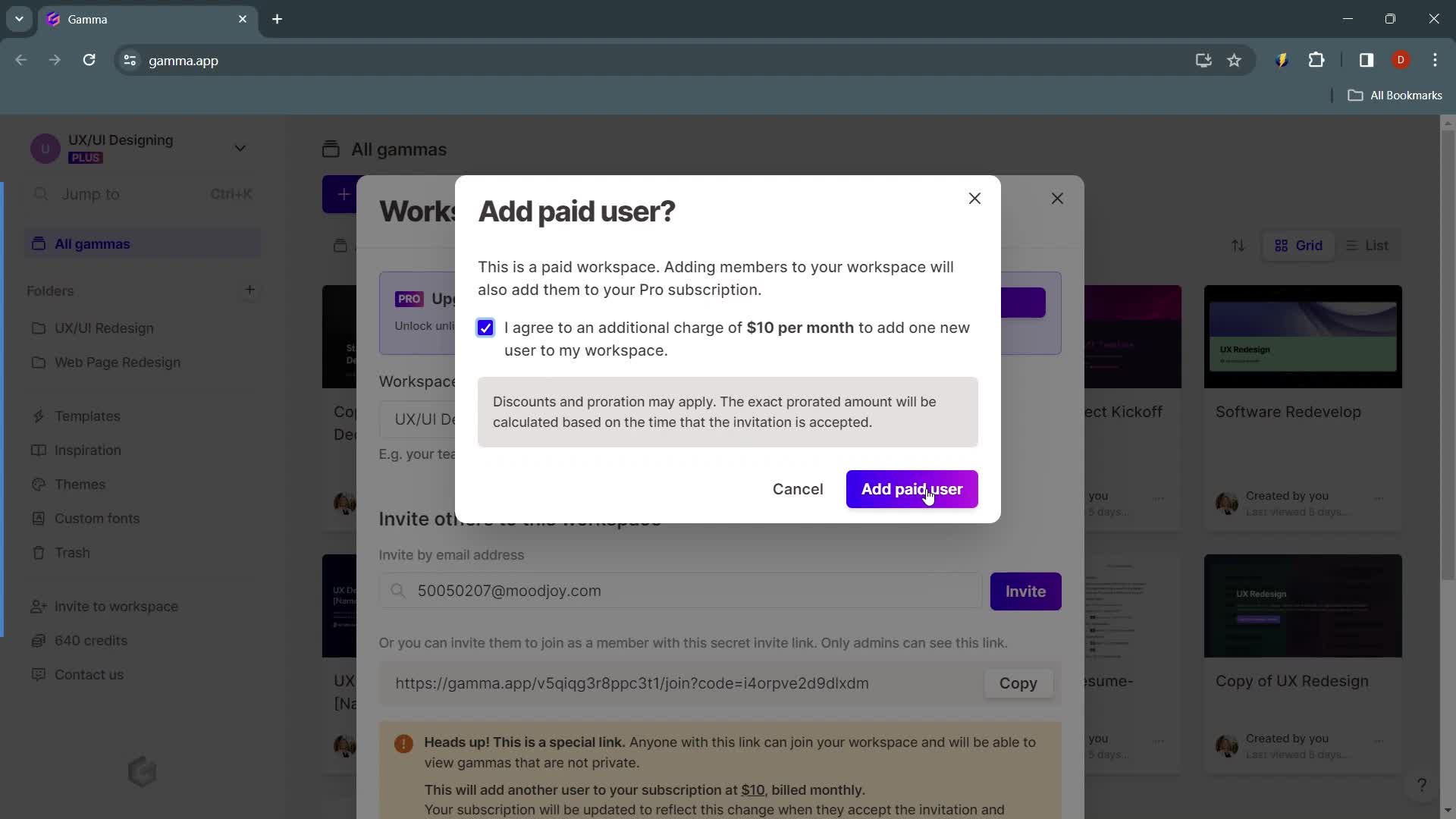
Agree to terms
this is title
Continue
this is title
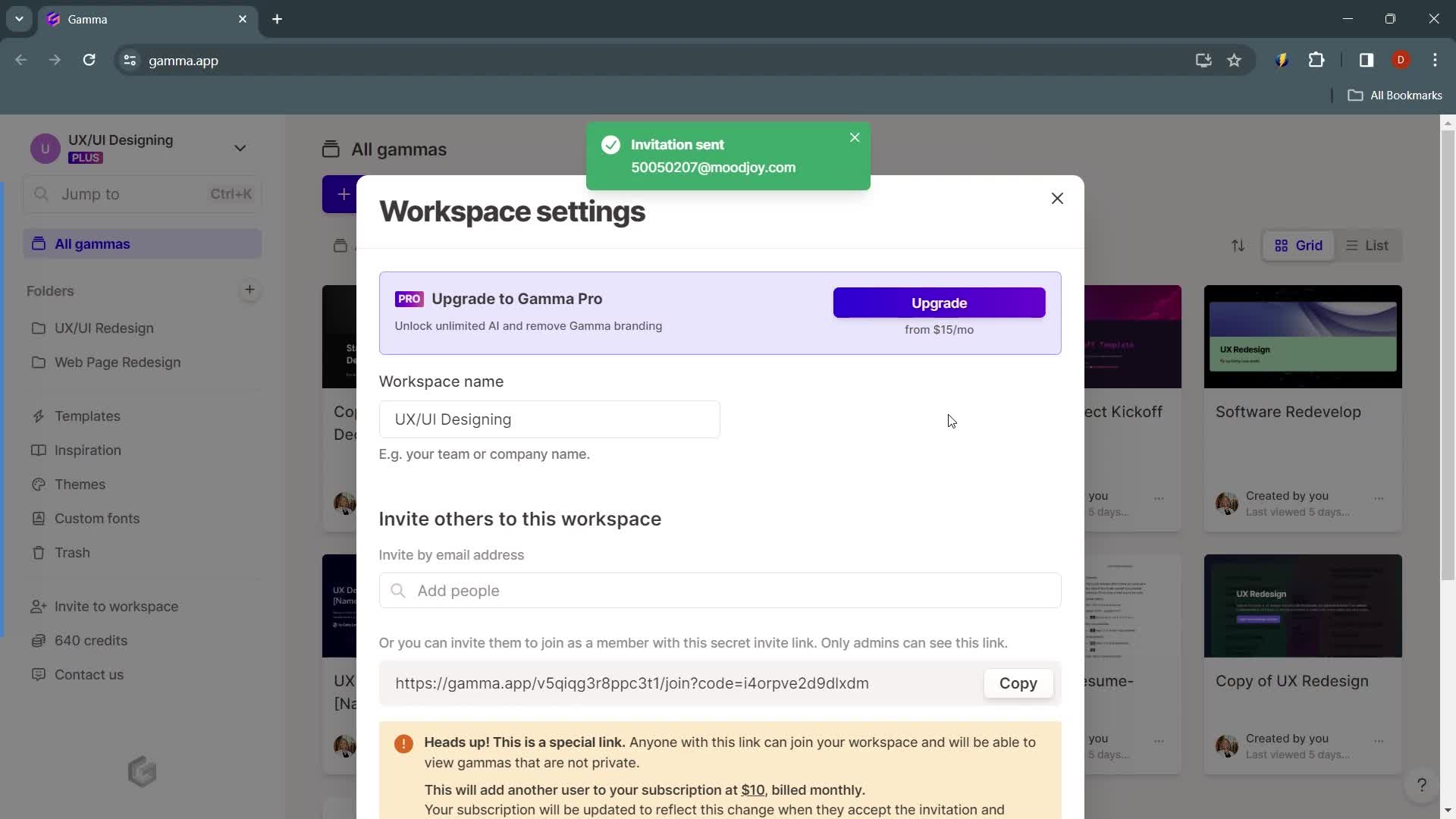
Invite sent
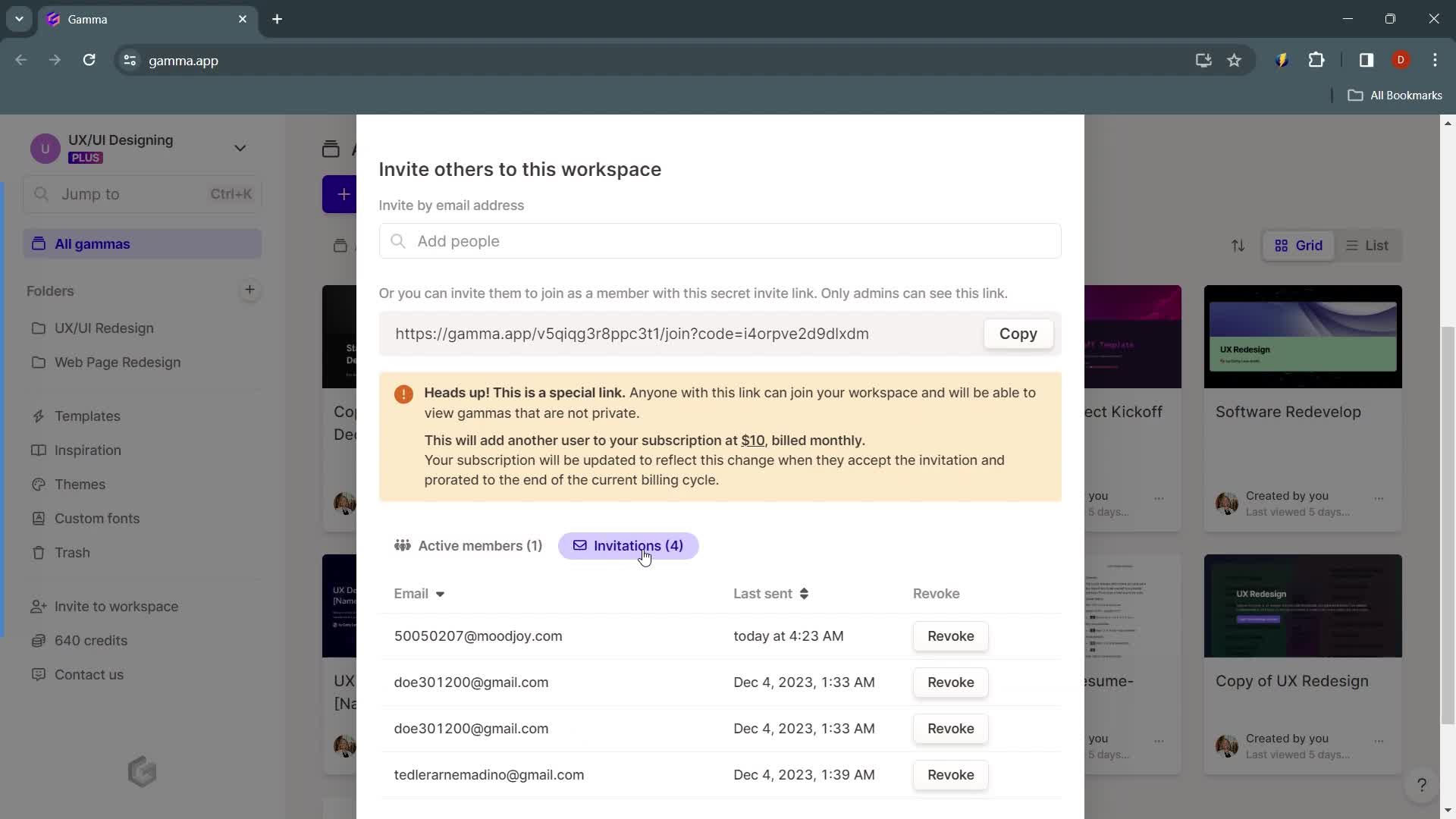
this is title
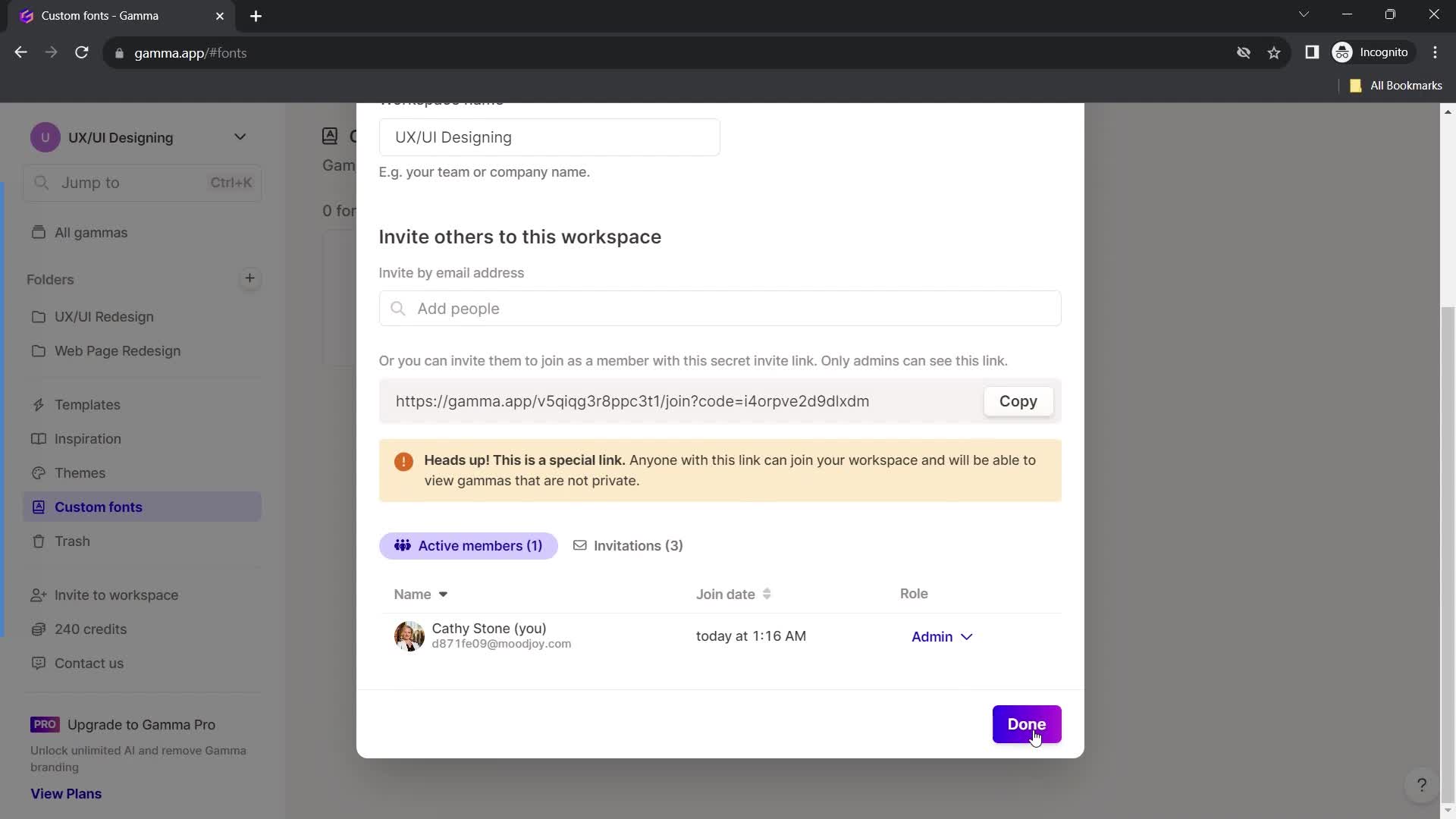
Workspace settings
this is title
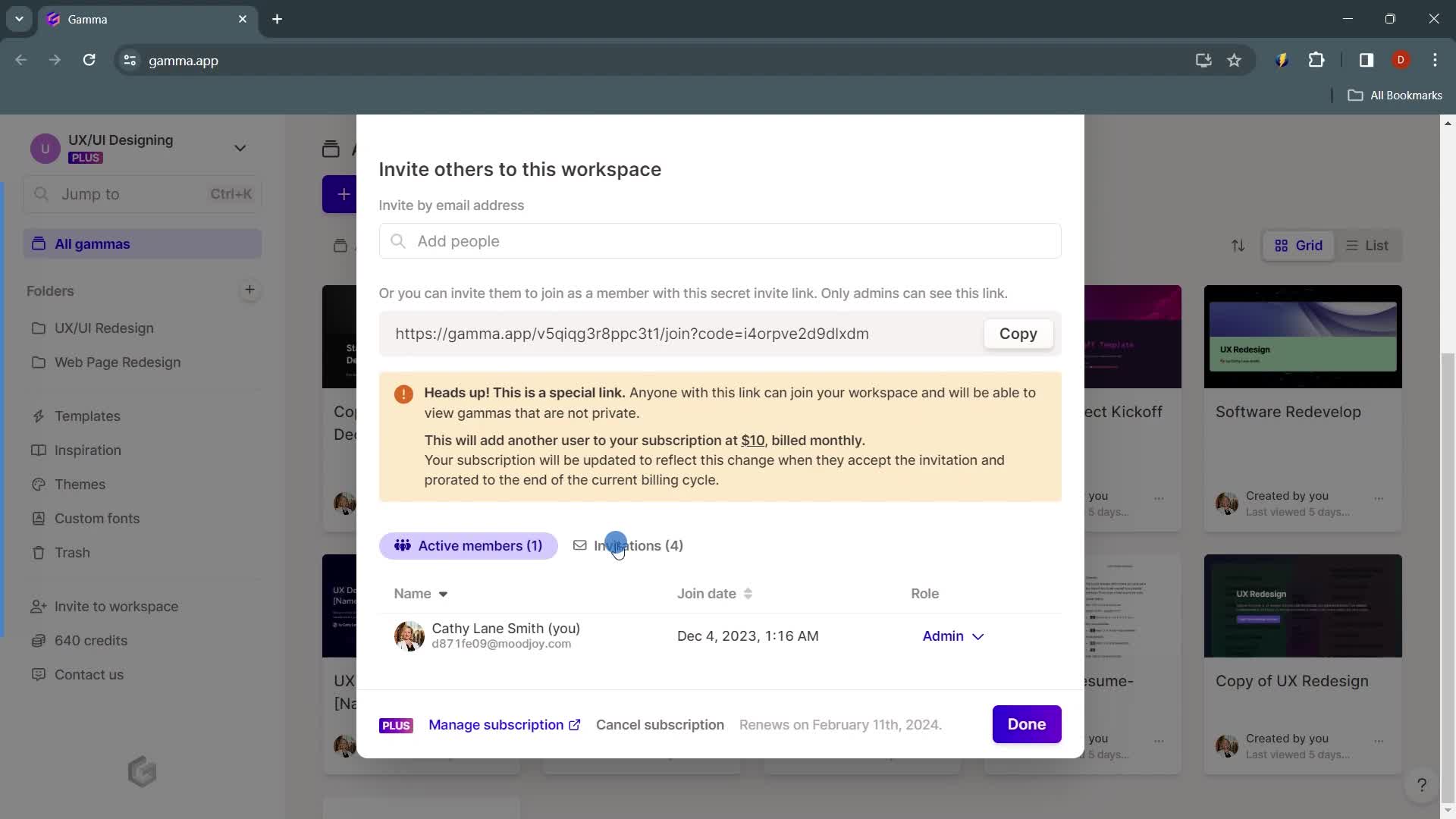
Invites
this is title
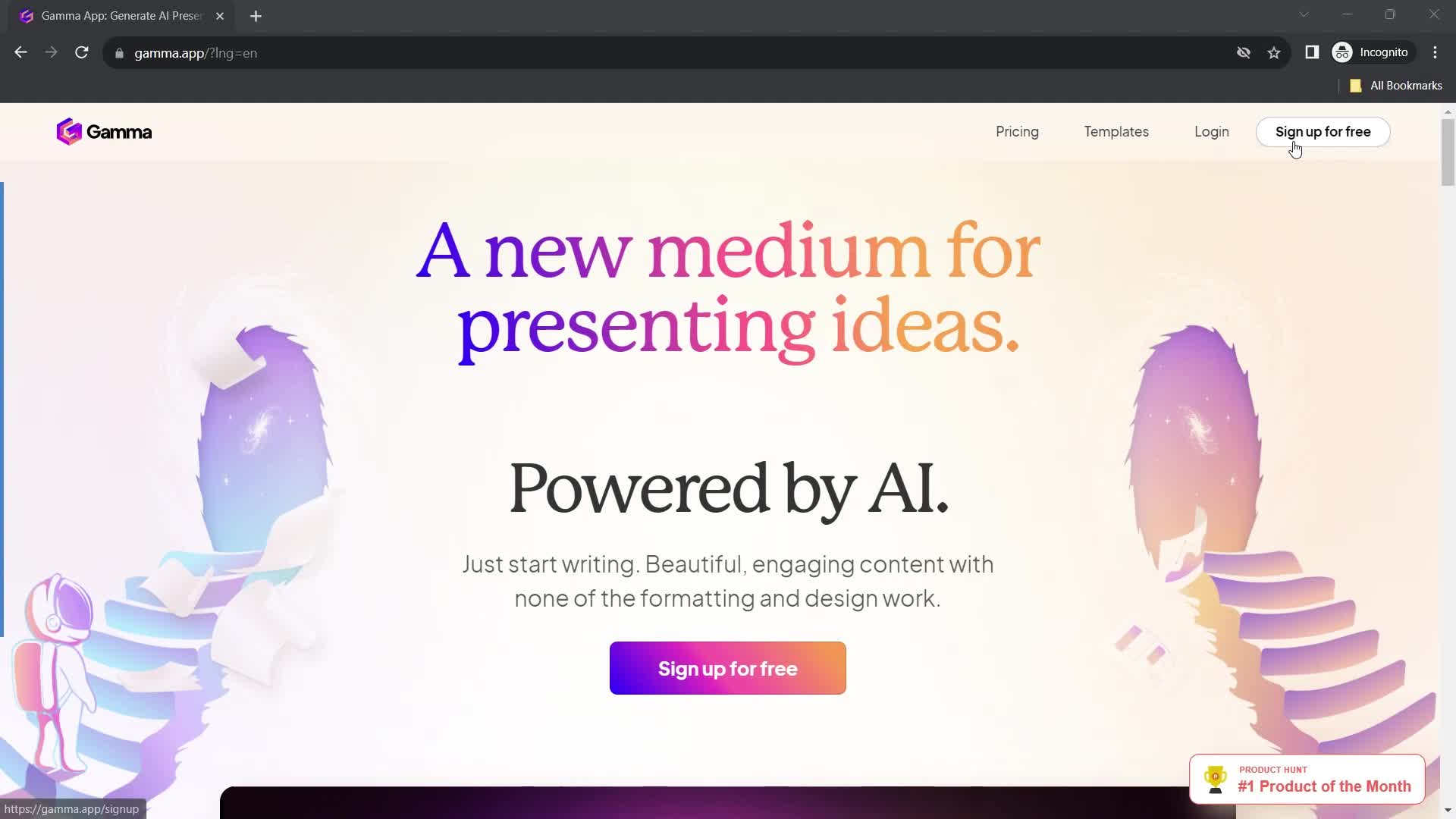
Homepage
this is title
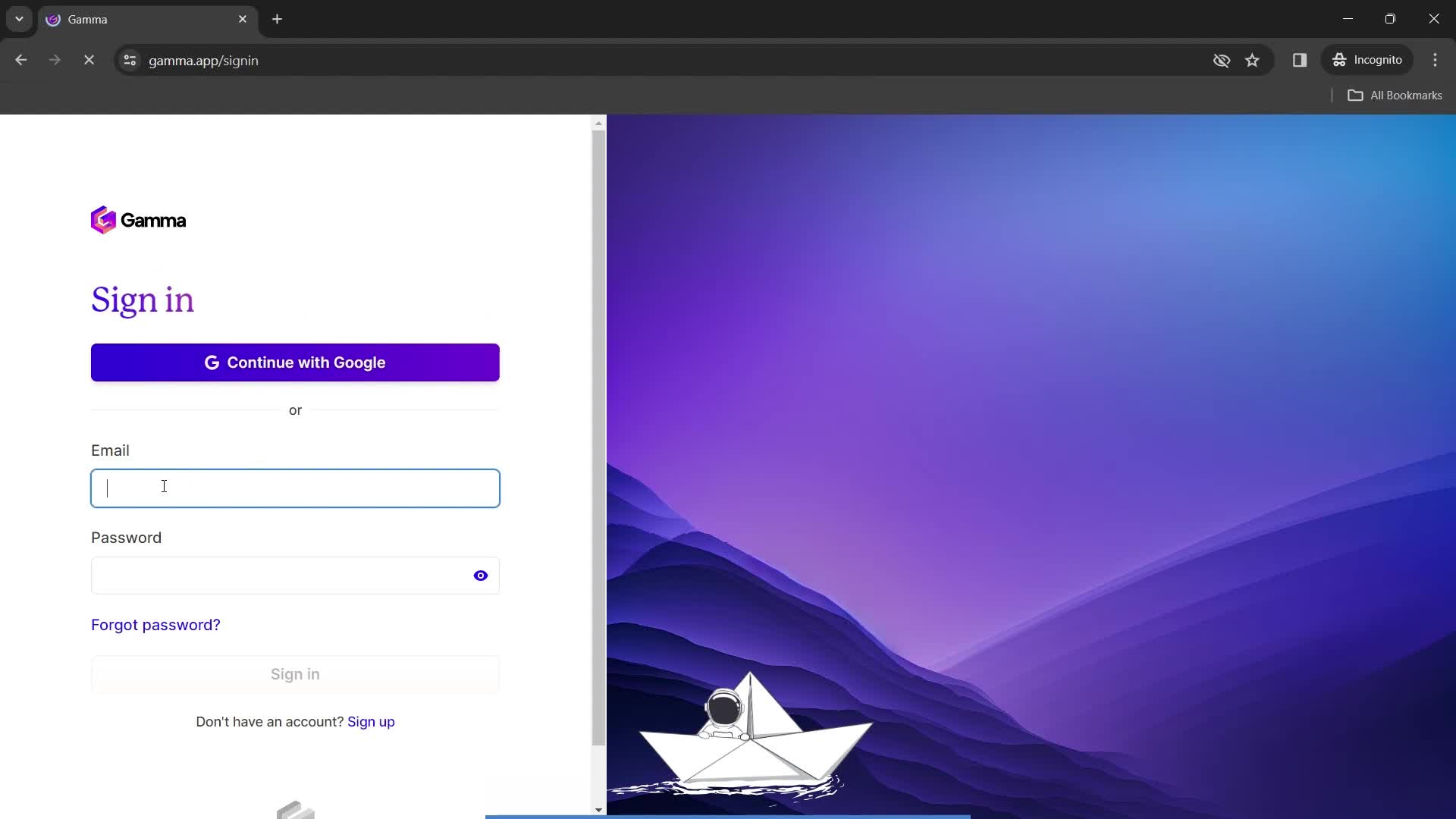
Enter email
this is title
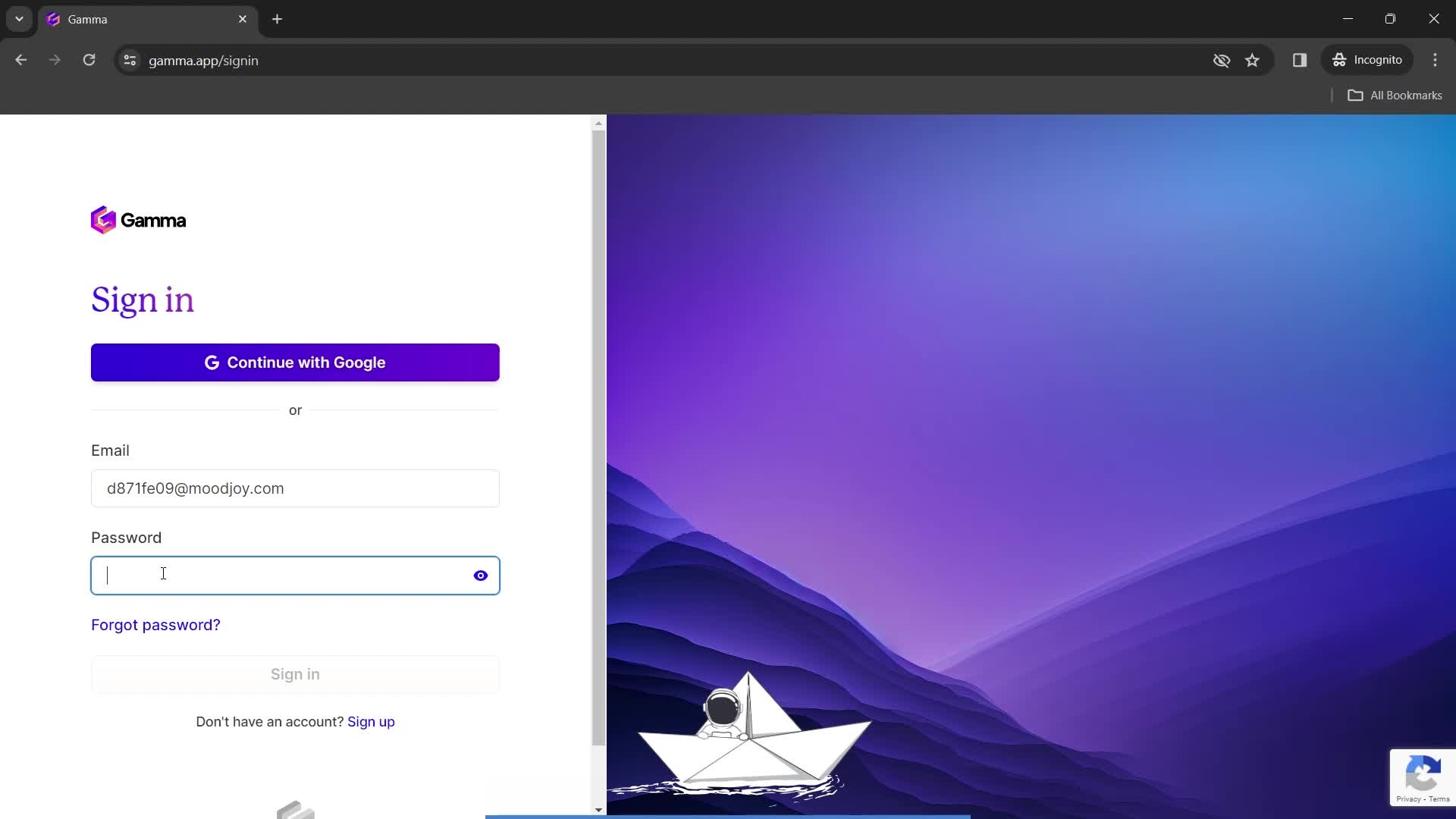
Enter password
this is title
this is title
Dashboard
this is title
Account menu
this is title
Dashboard
this is title
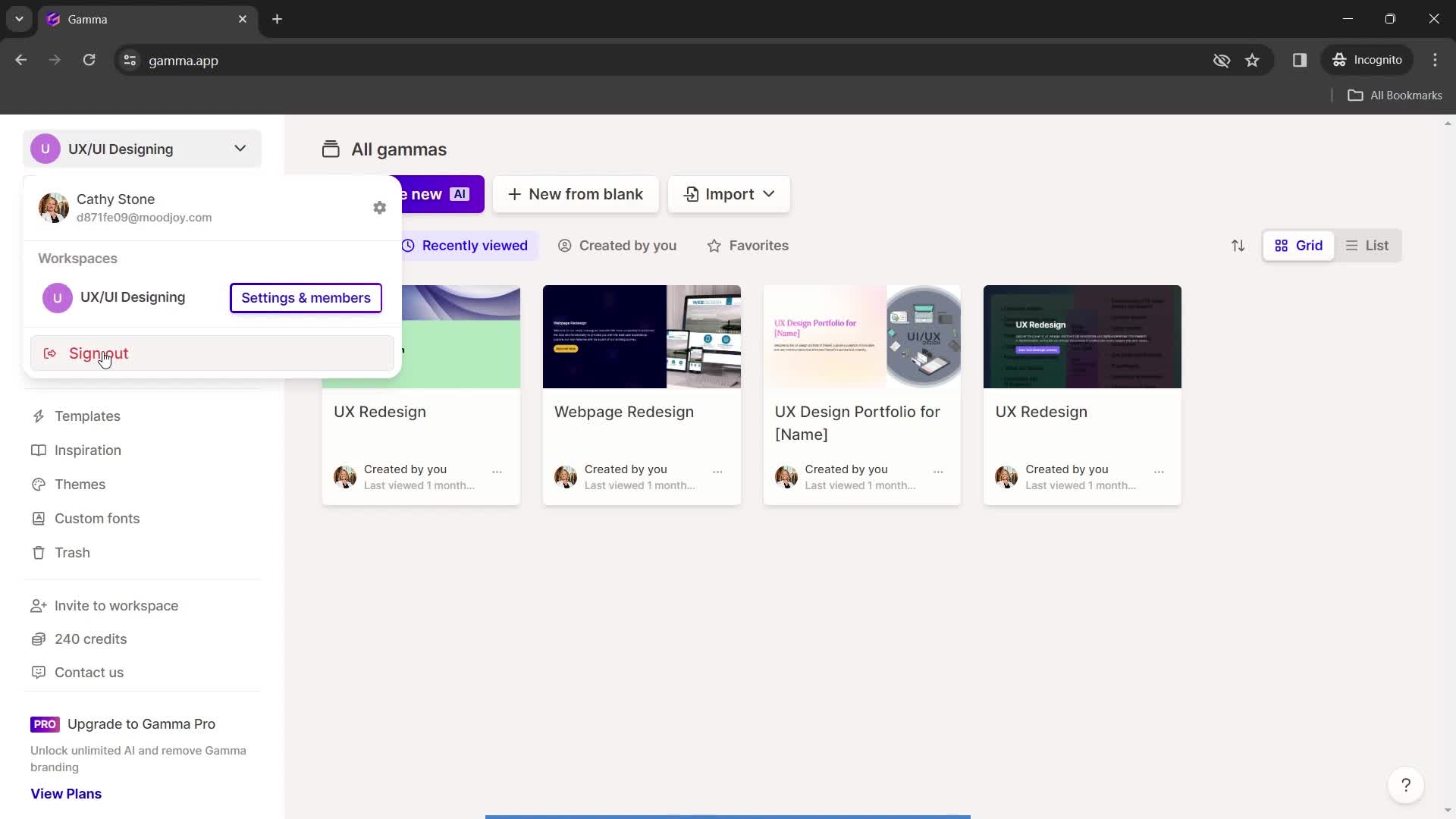
Account menu
this is title
Sign out
this is title
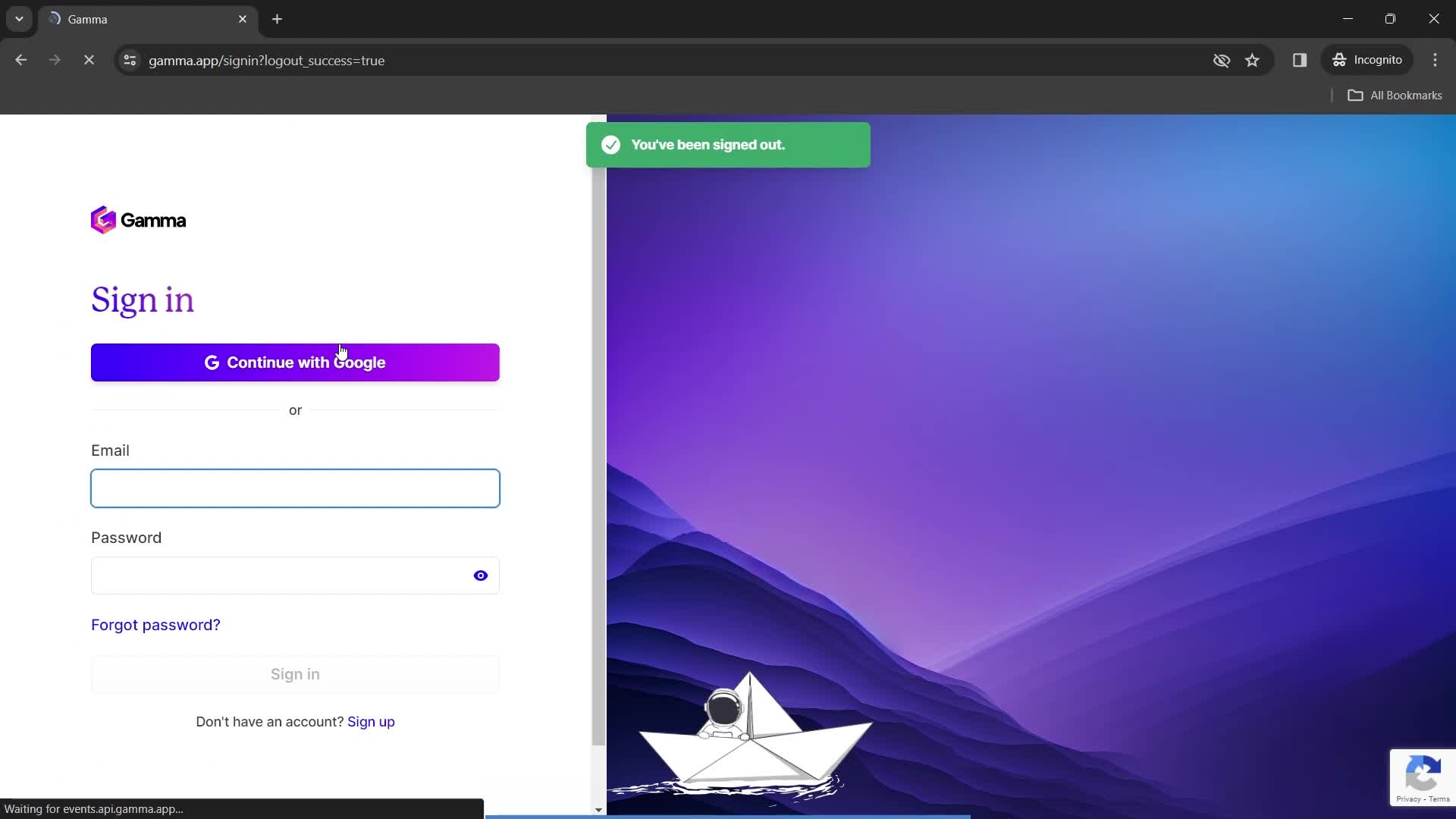
Sign in
this is title
Homepage
this is title
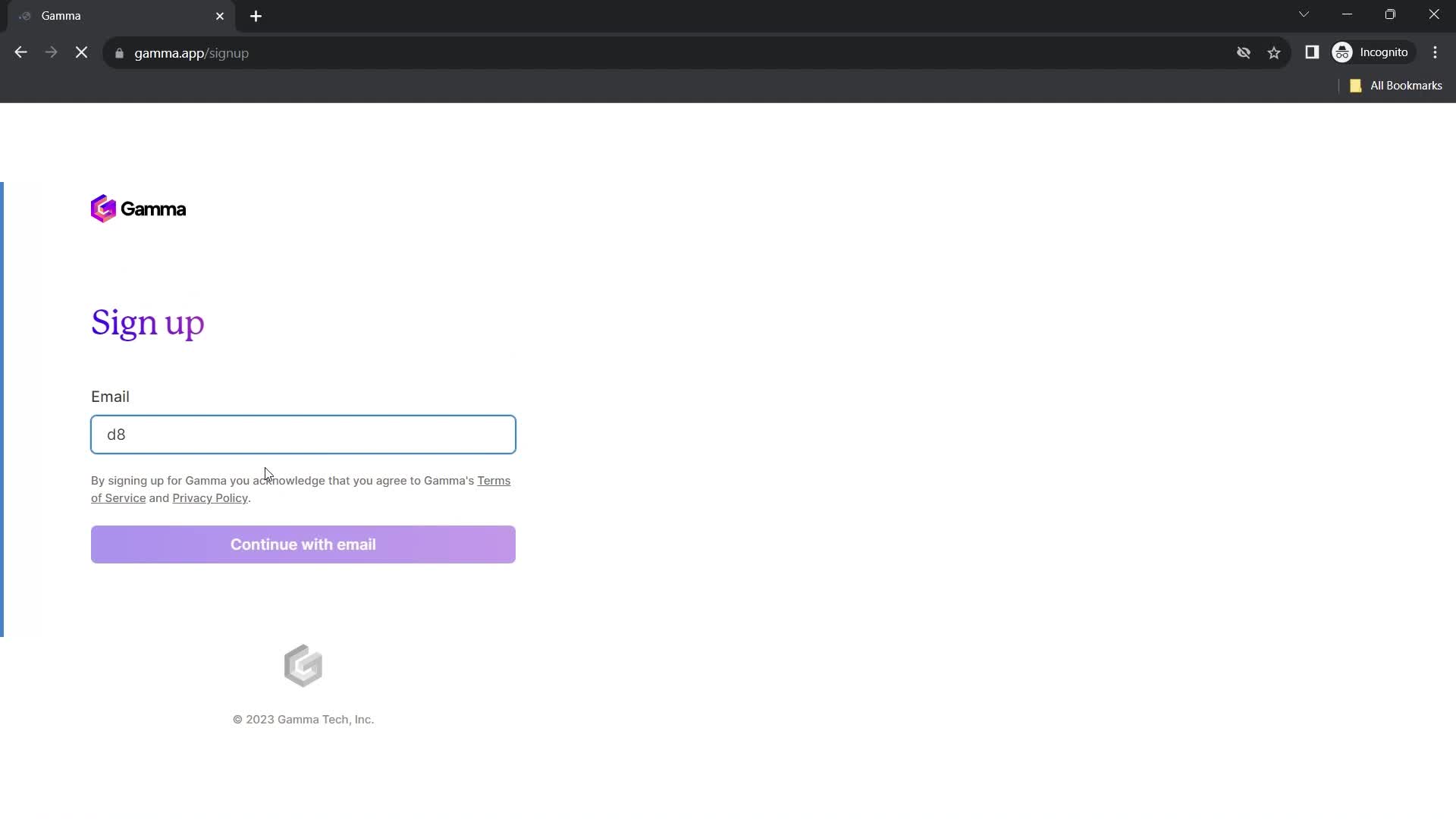
Enter email
this is title
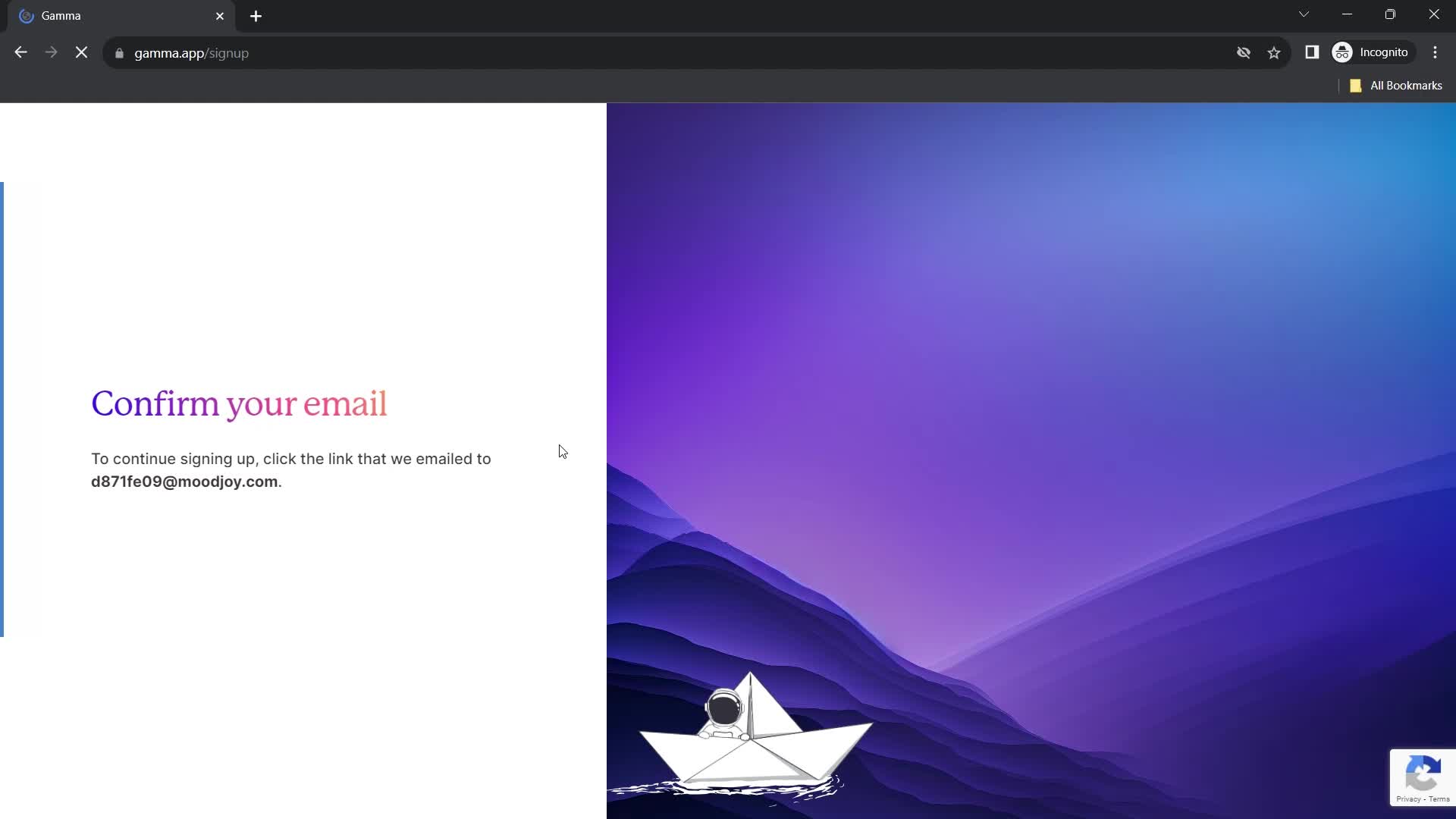
Confirm email
this is title
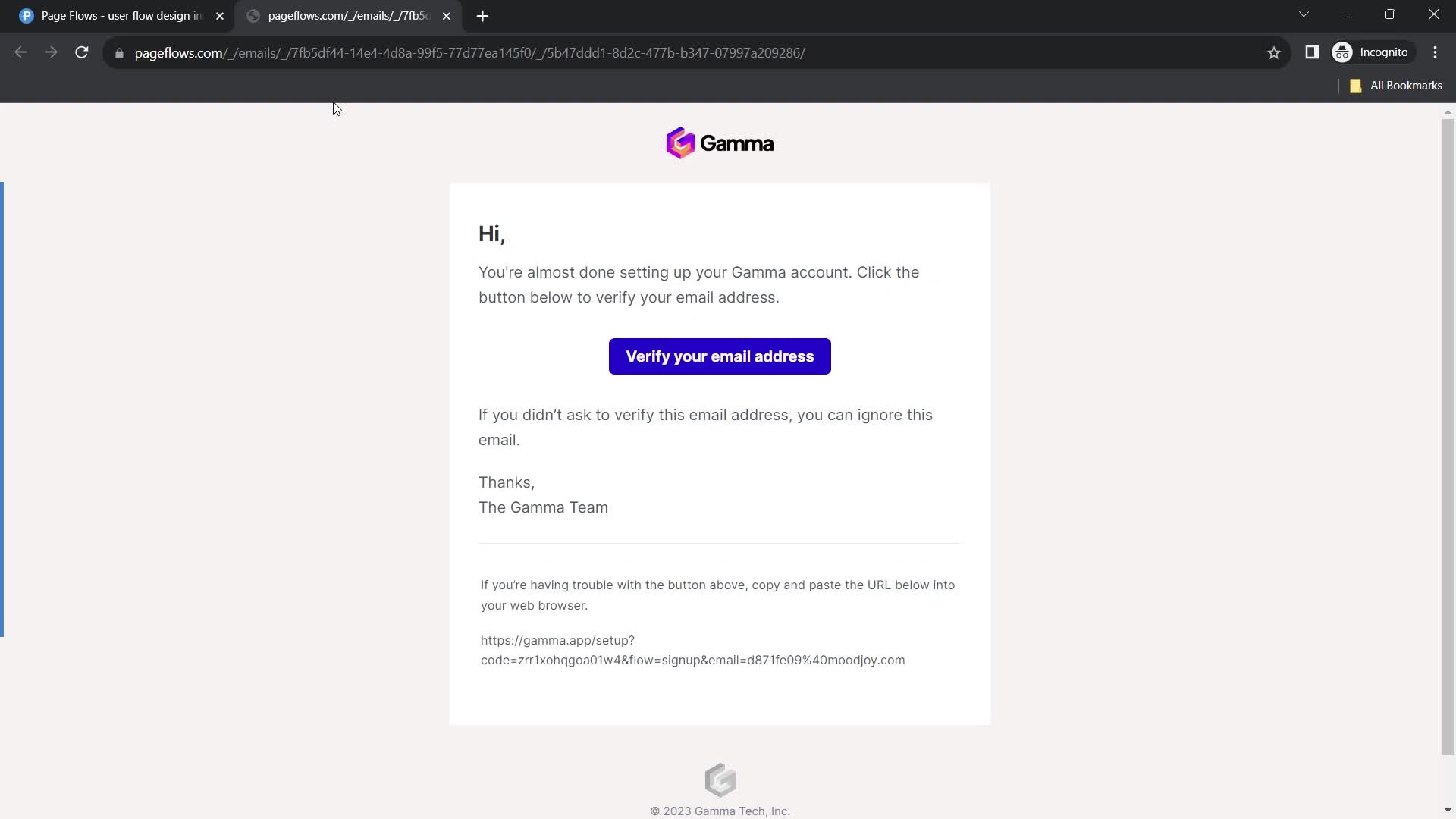
Verify email
this is title
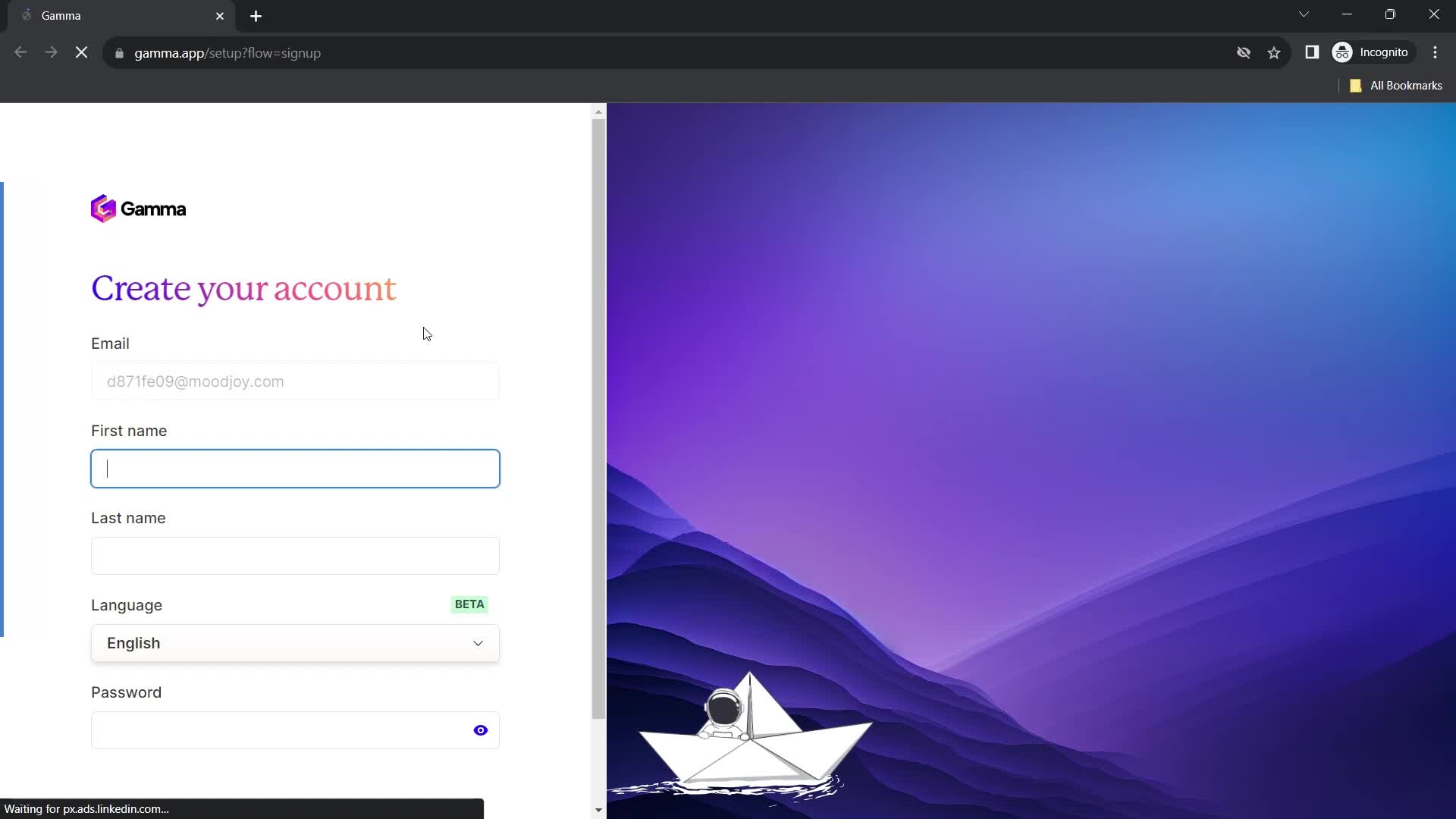
Create account
this is title
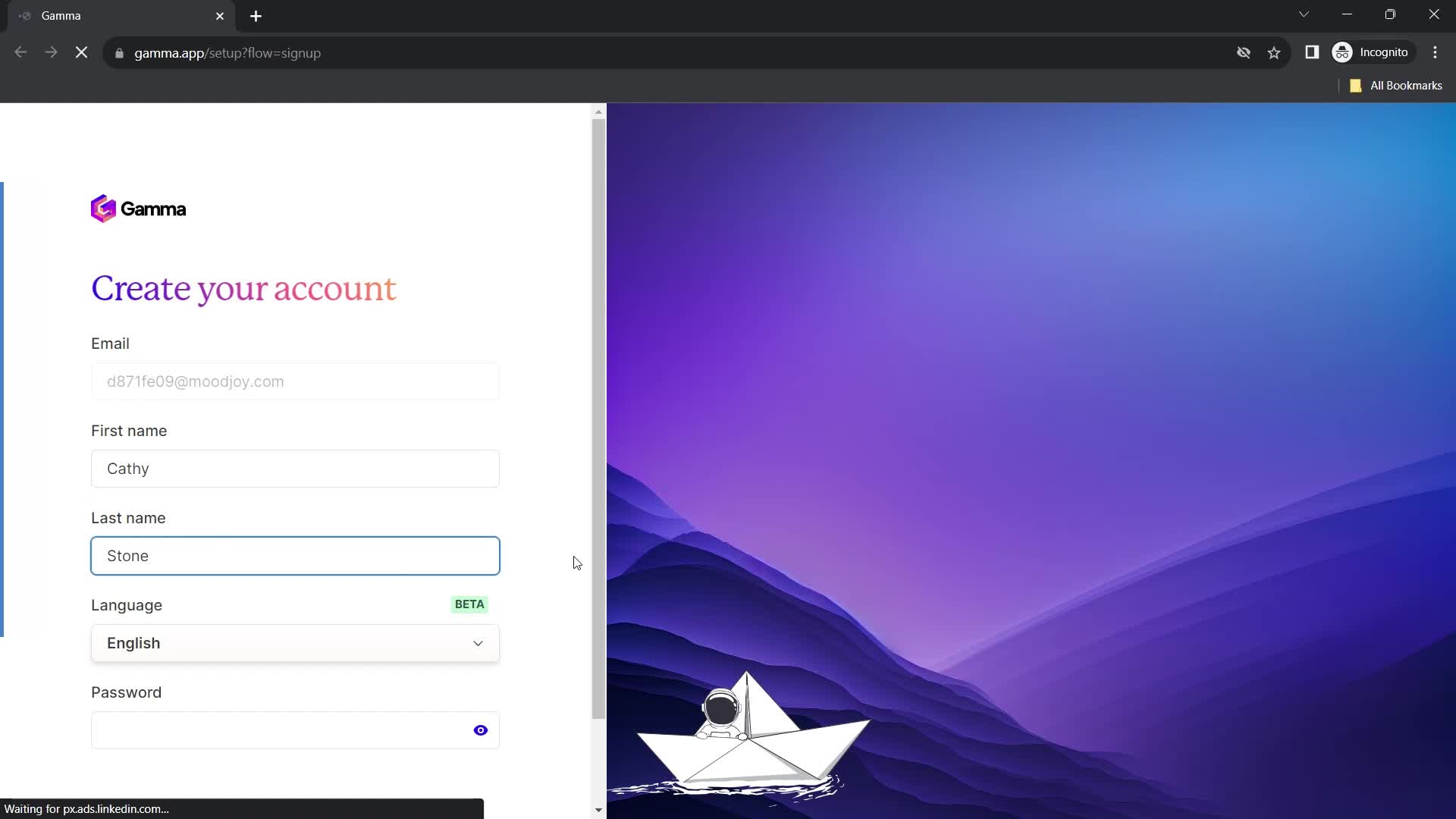
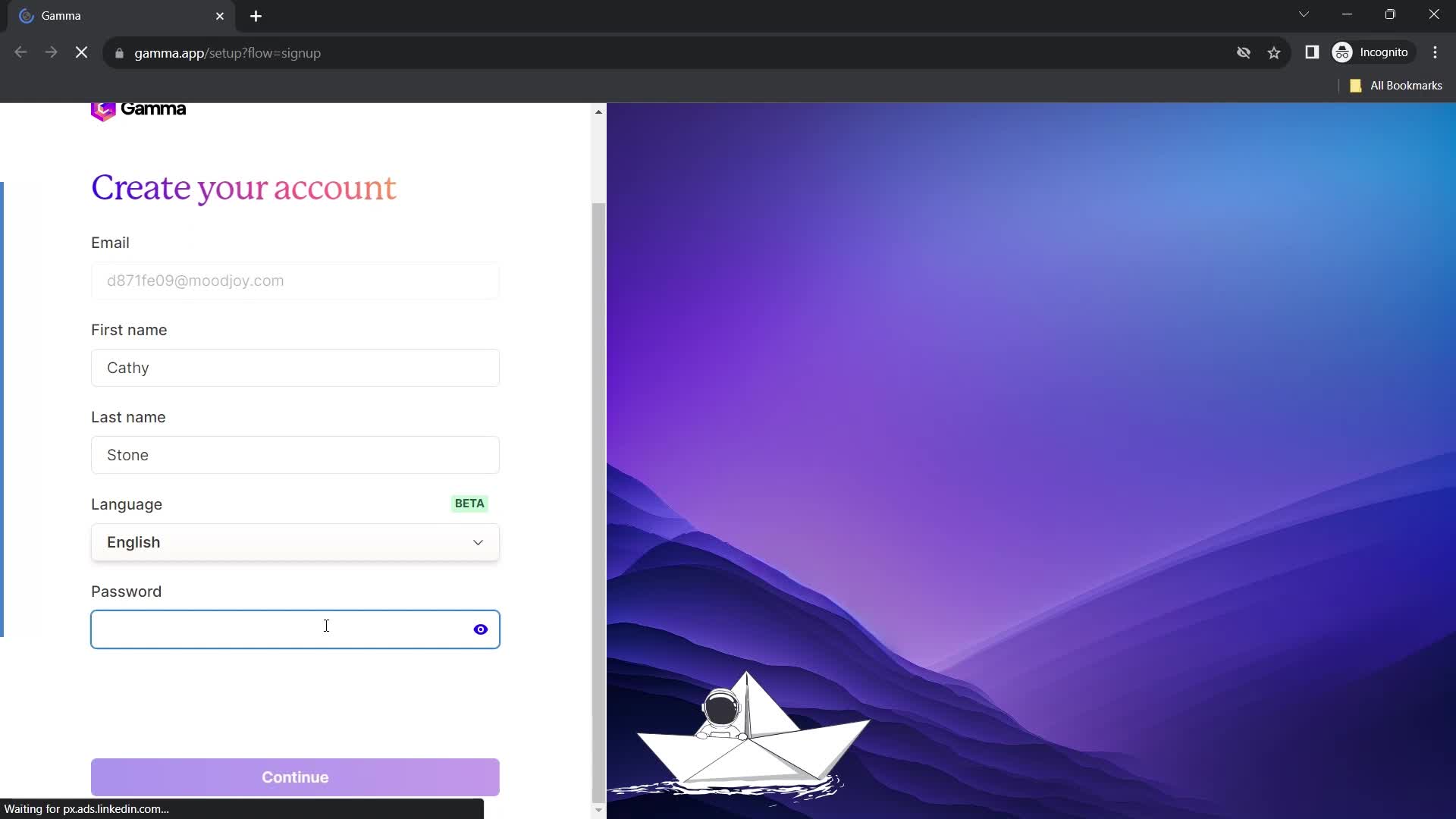
Enter name
this is title
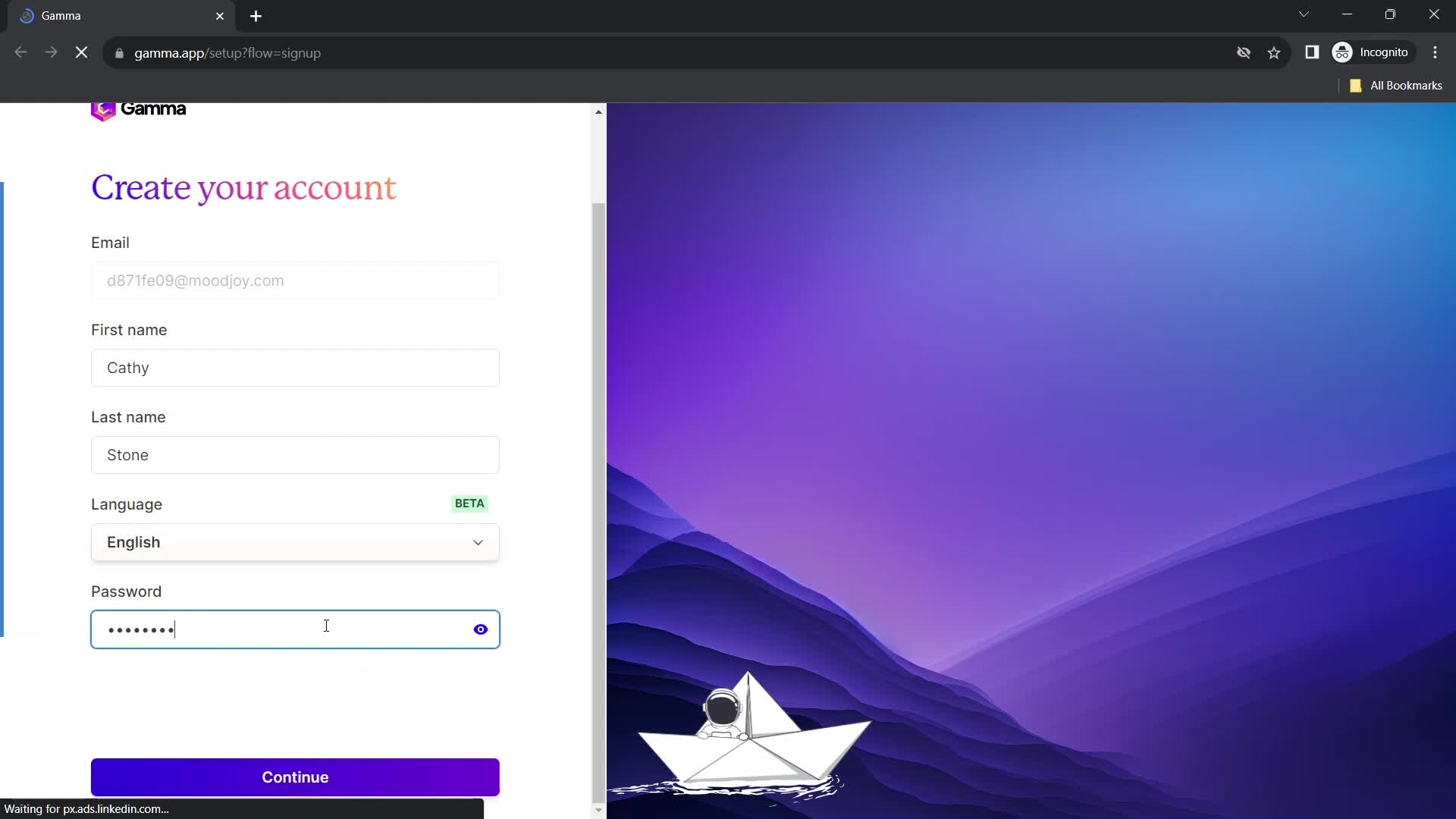
Set password
this is title
Continue
this is title
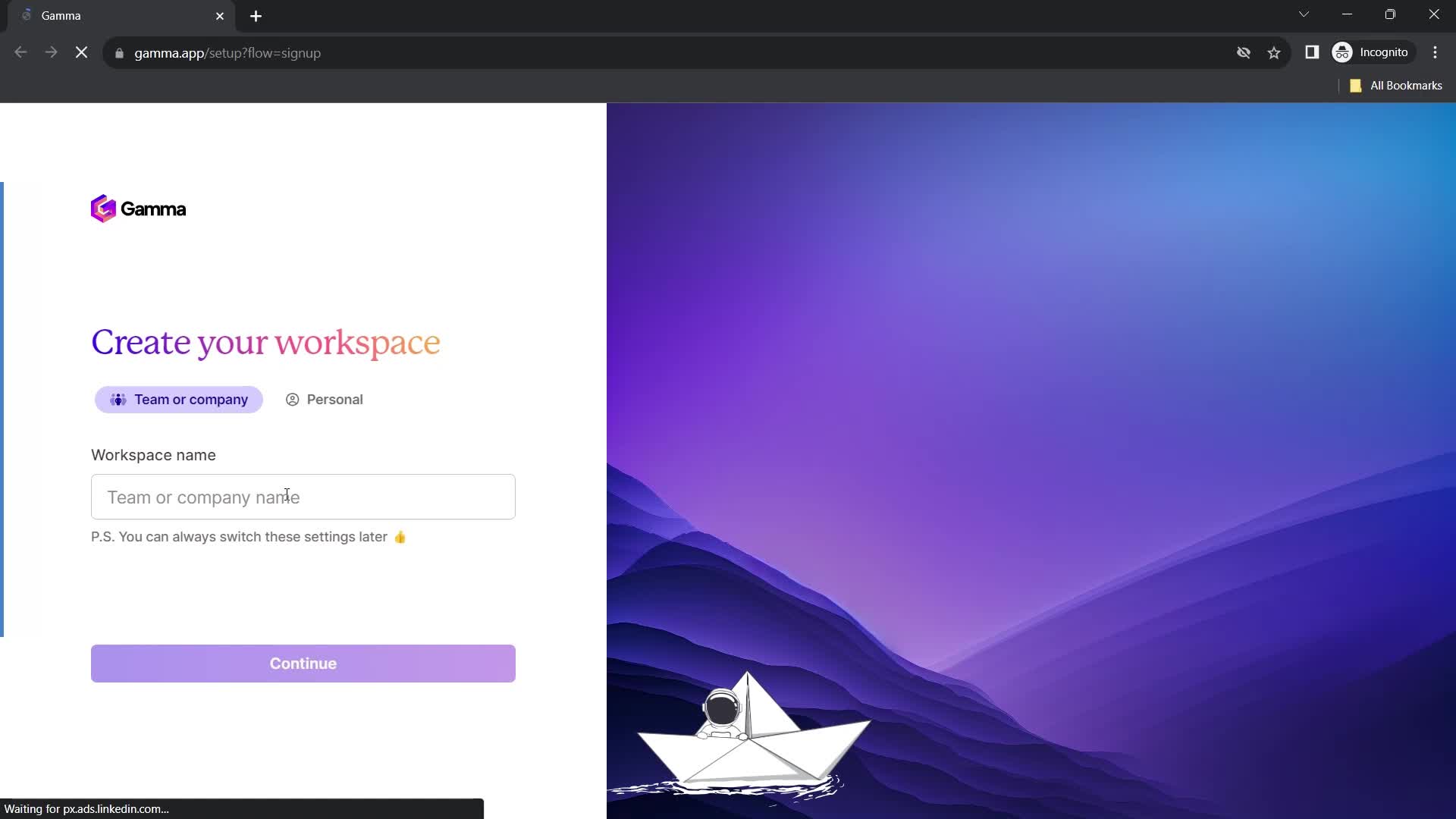
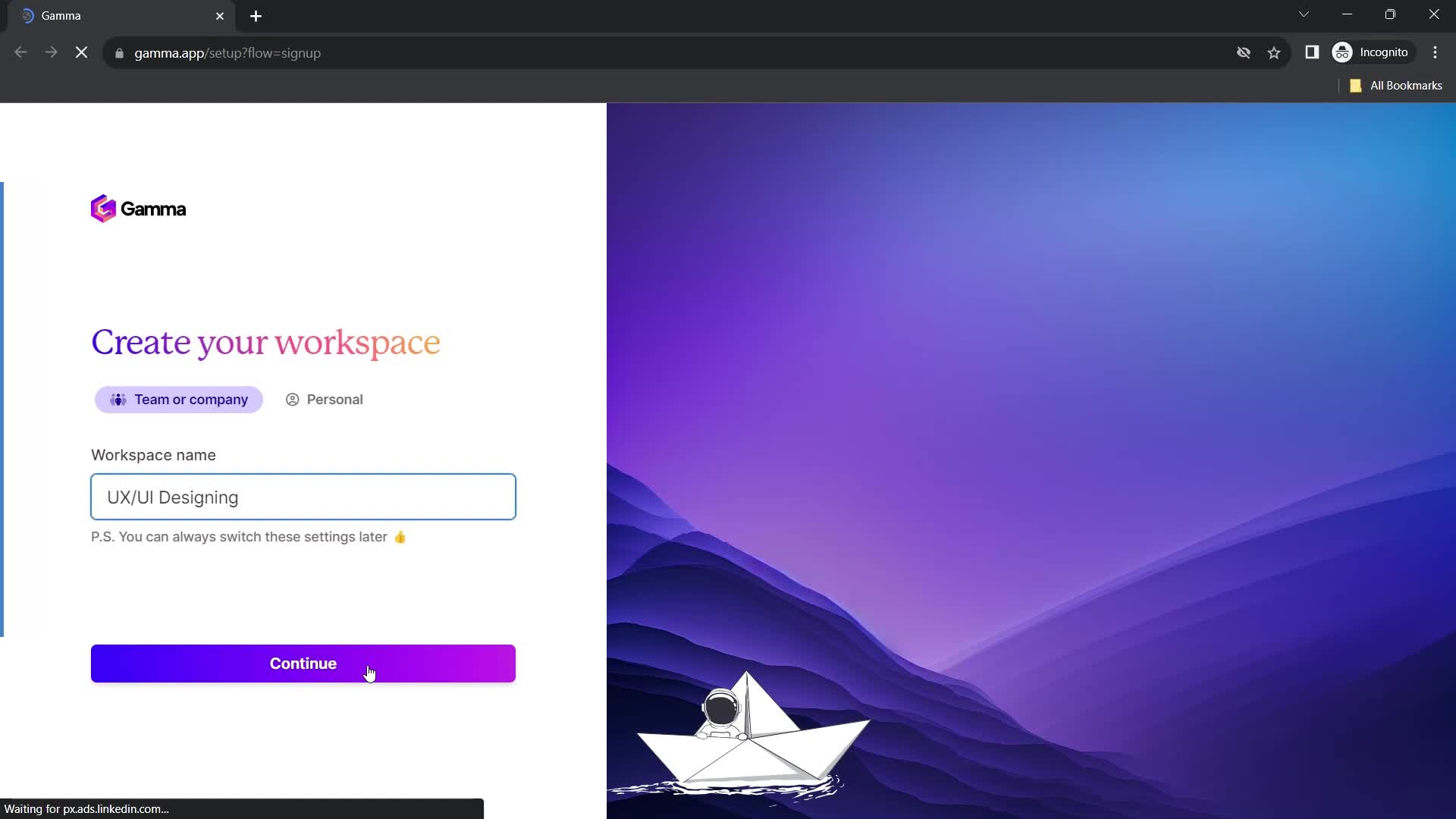
Set workspace name
this is title
Continue
this is title
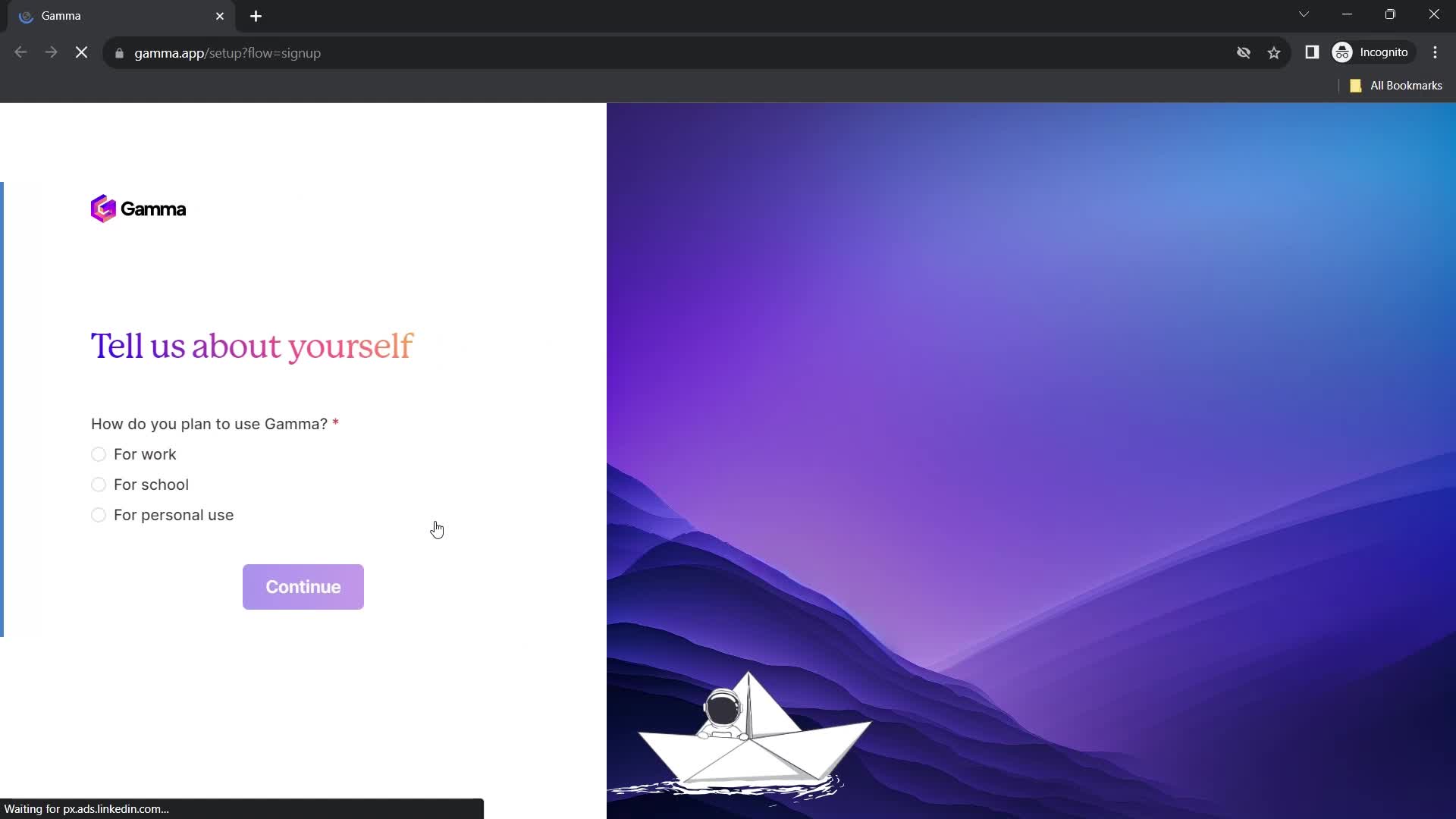
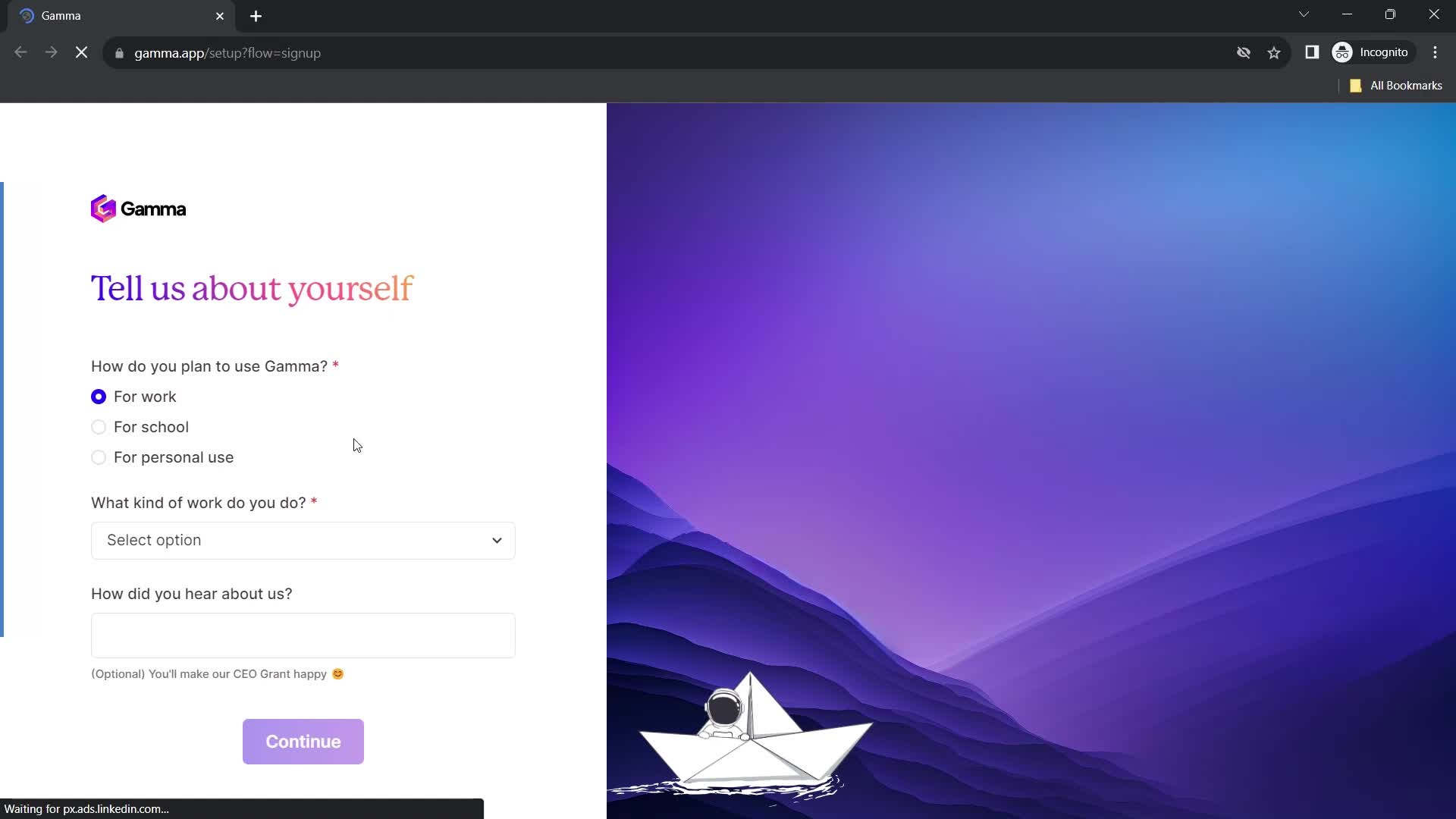
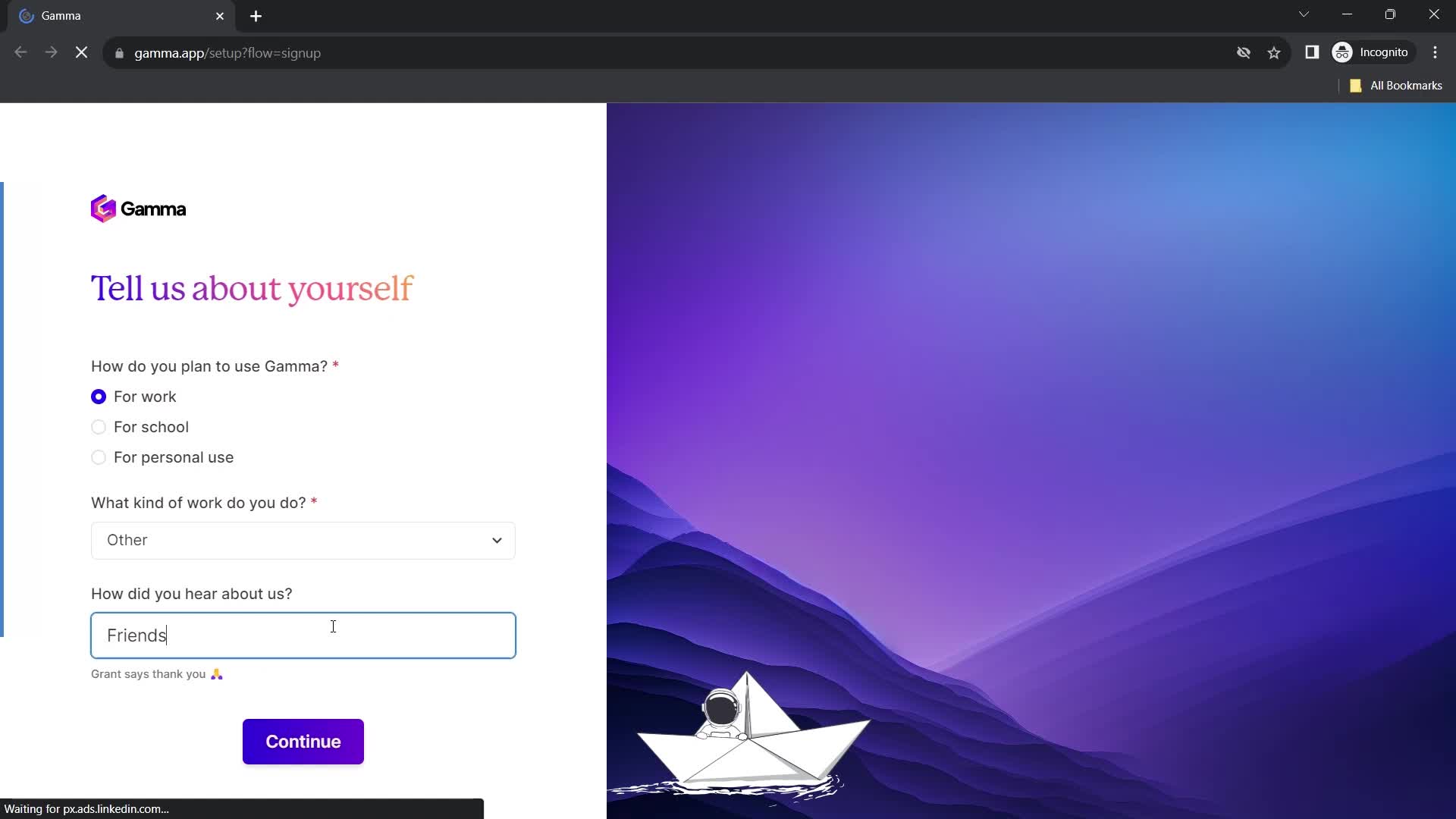
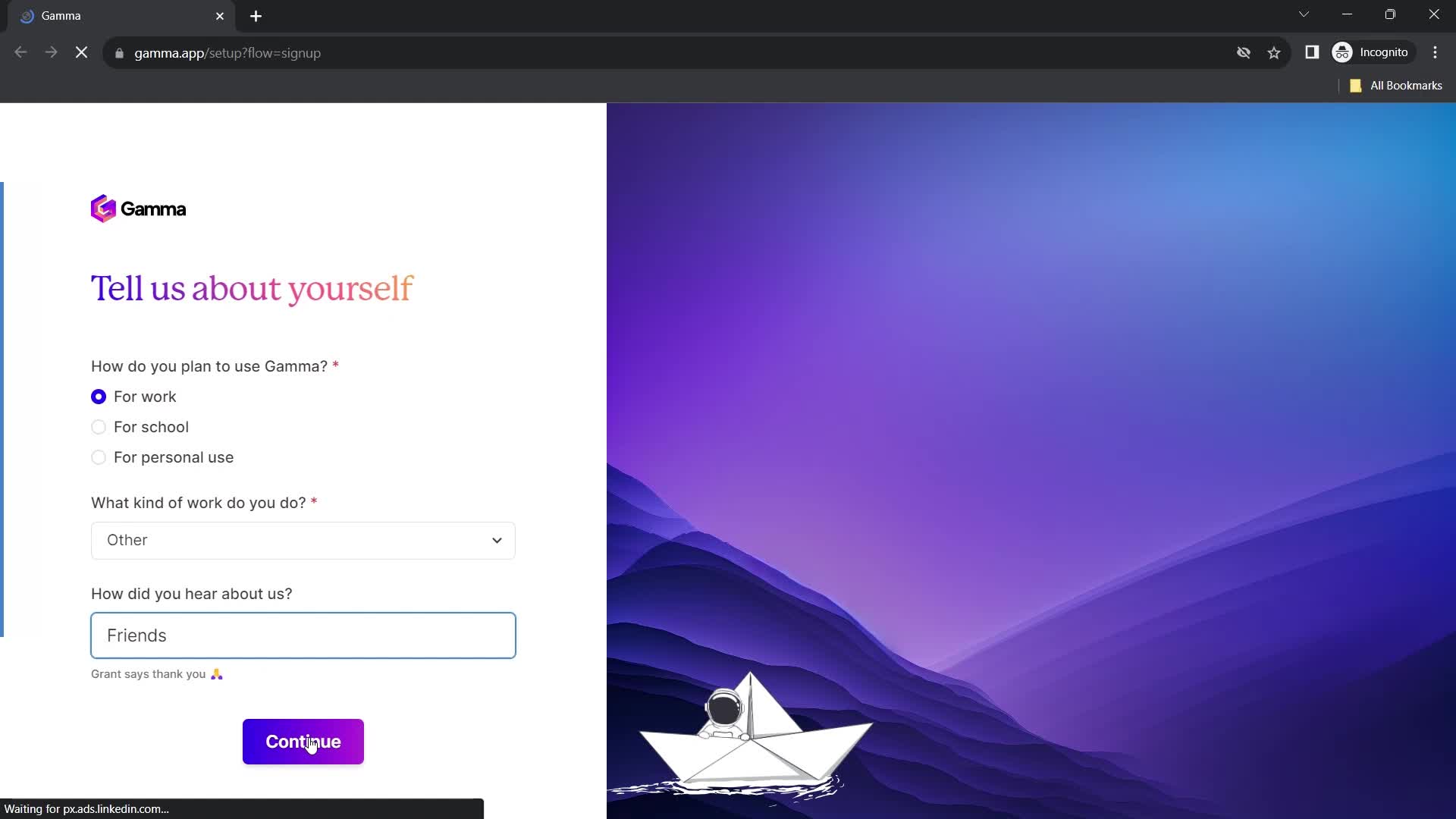
Tell us about yourself
this is title
this is title
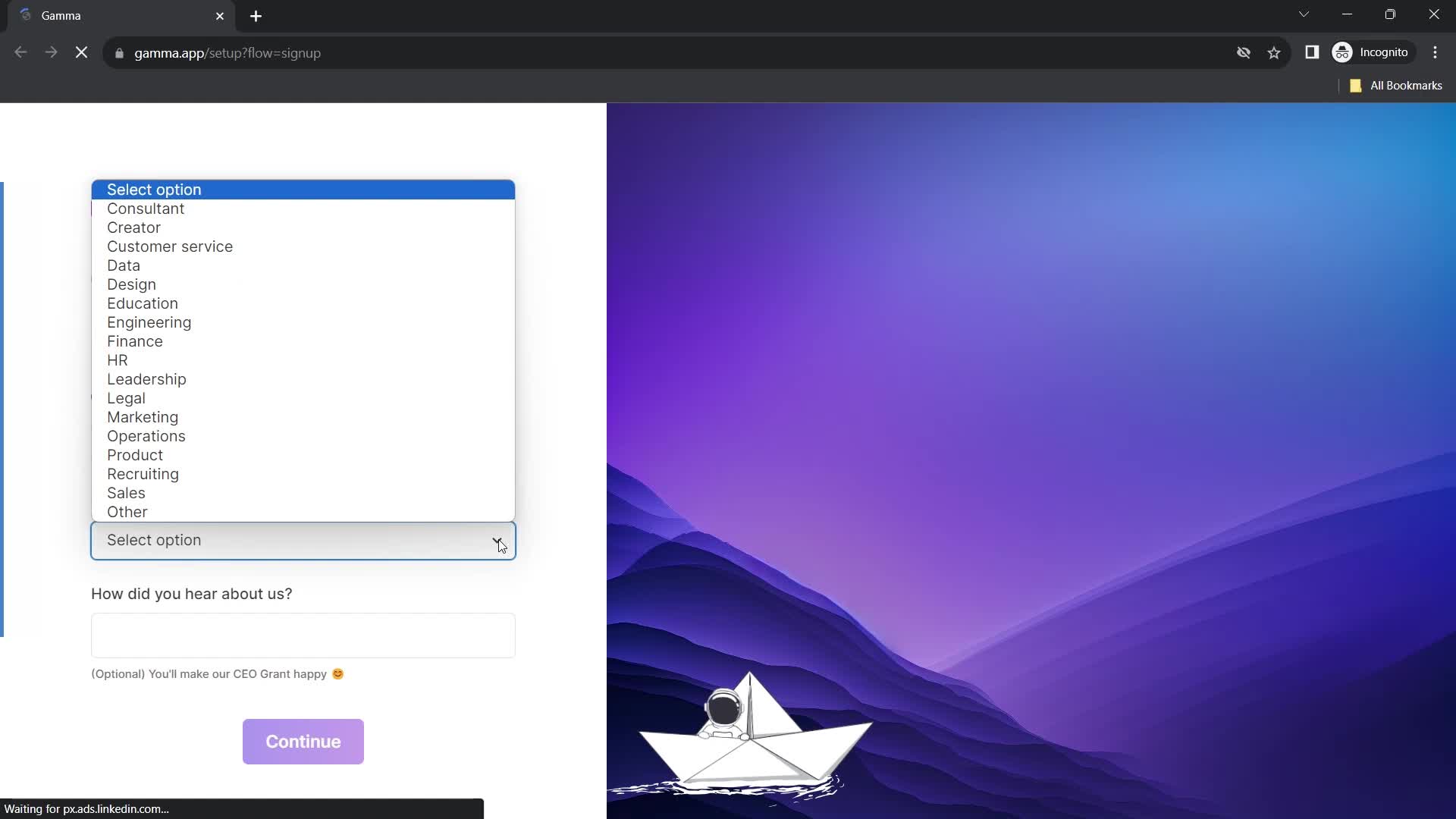
Select options
this is title
How did you hear about us?
this is title
Continue
this is title
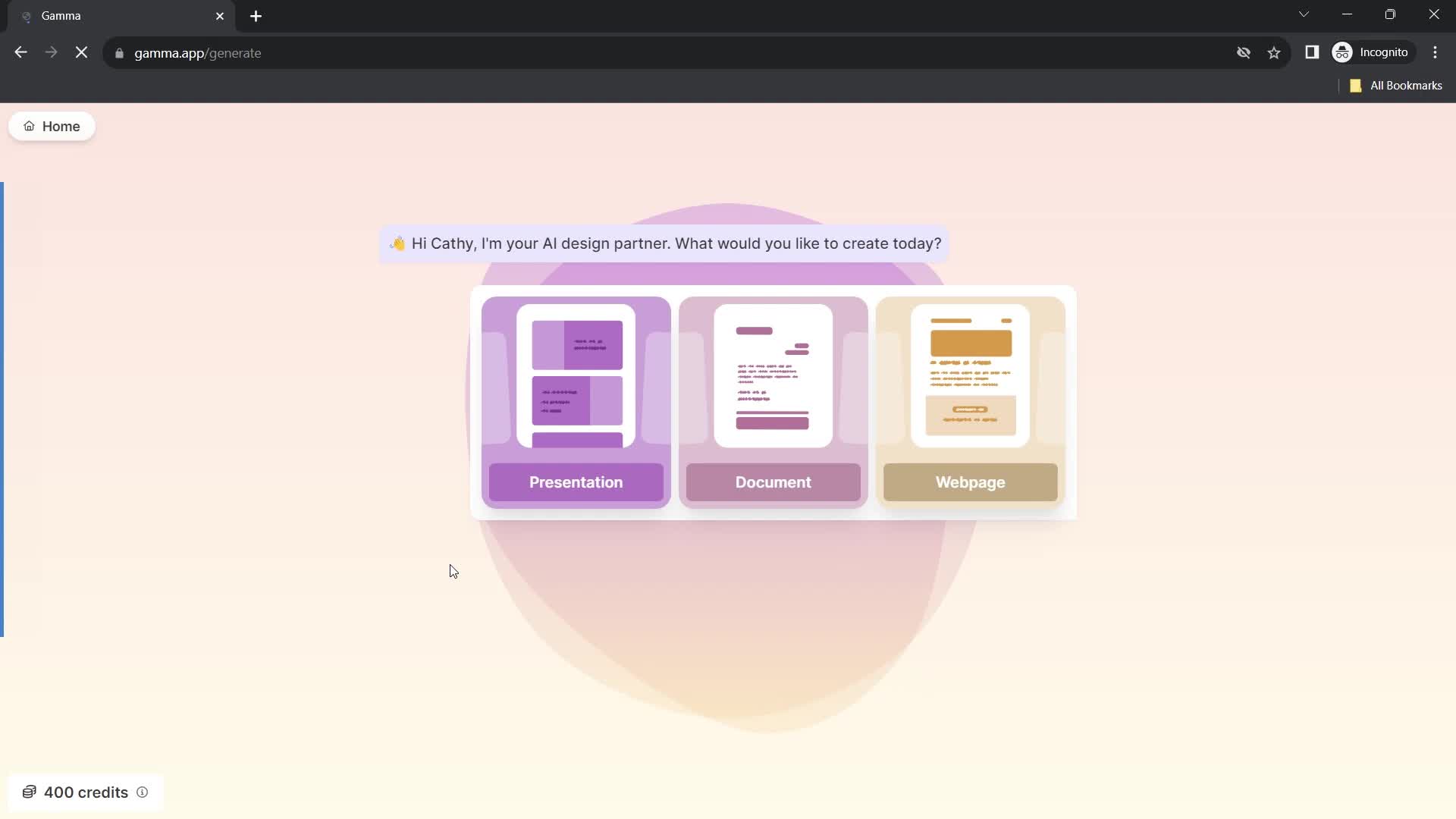
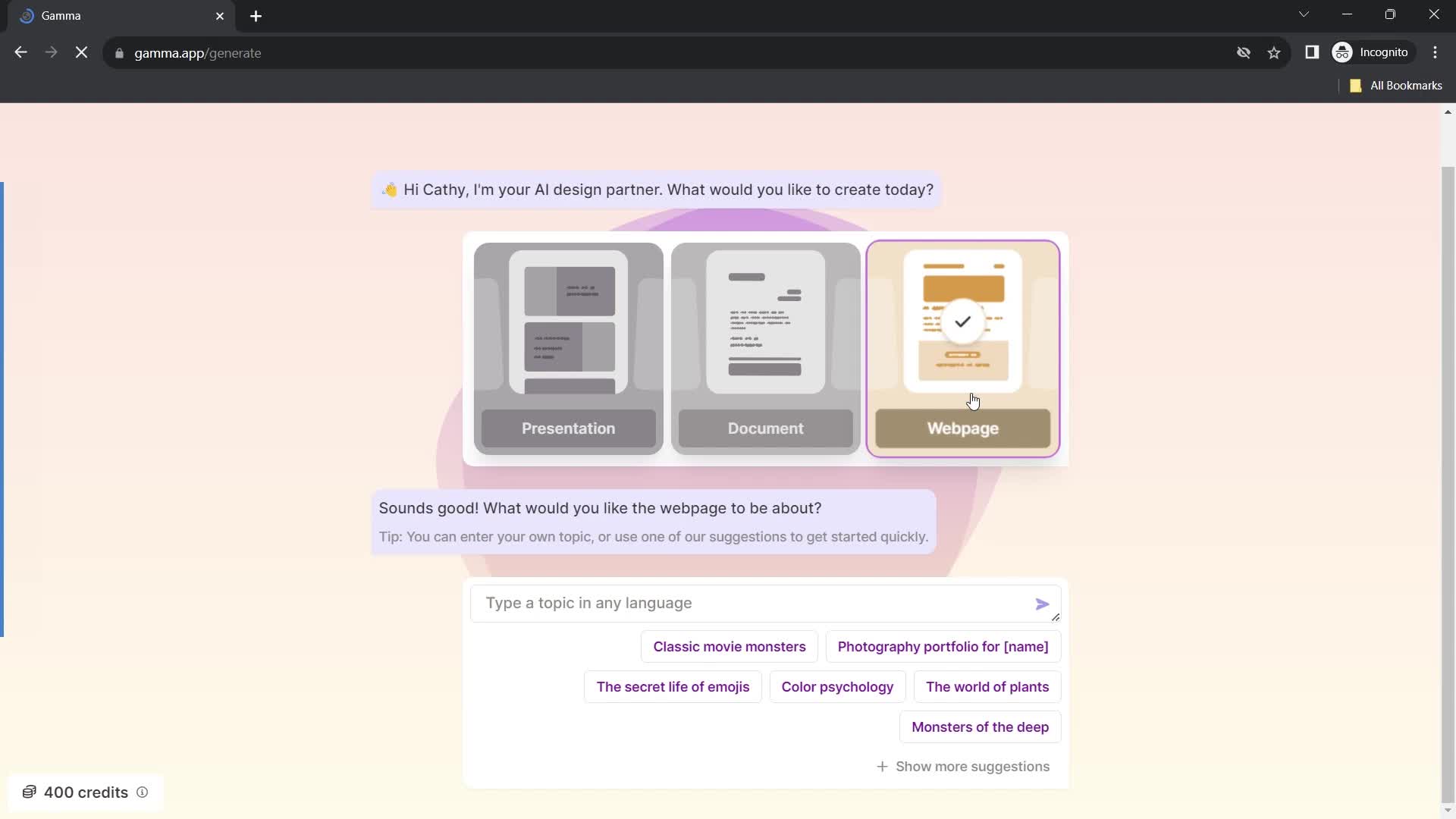
Select type
this is title
this is title
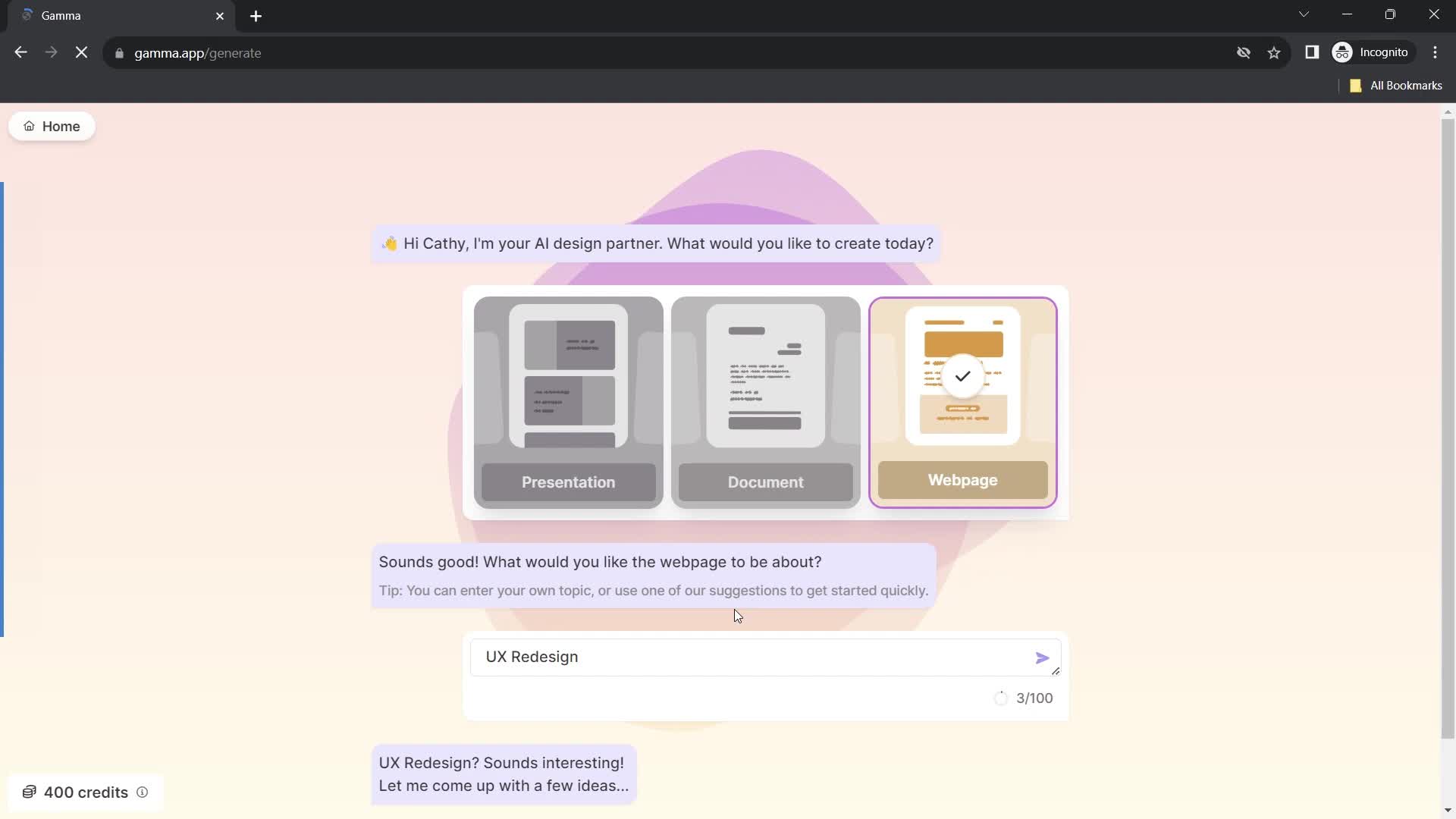
Set topic
this is title
Continue
this is title
Select theme
this is title
Continue
this is title
Home
this is title
Account menu
this is title
Workspace settings
this is title
this is title
Continue
this is title
Home
this is title
Presentation editor
this is title
Action menu
this is title
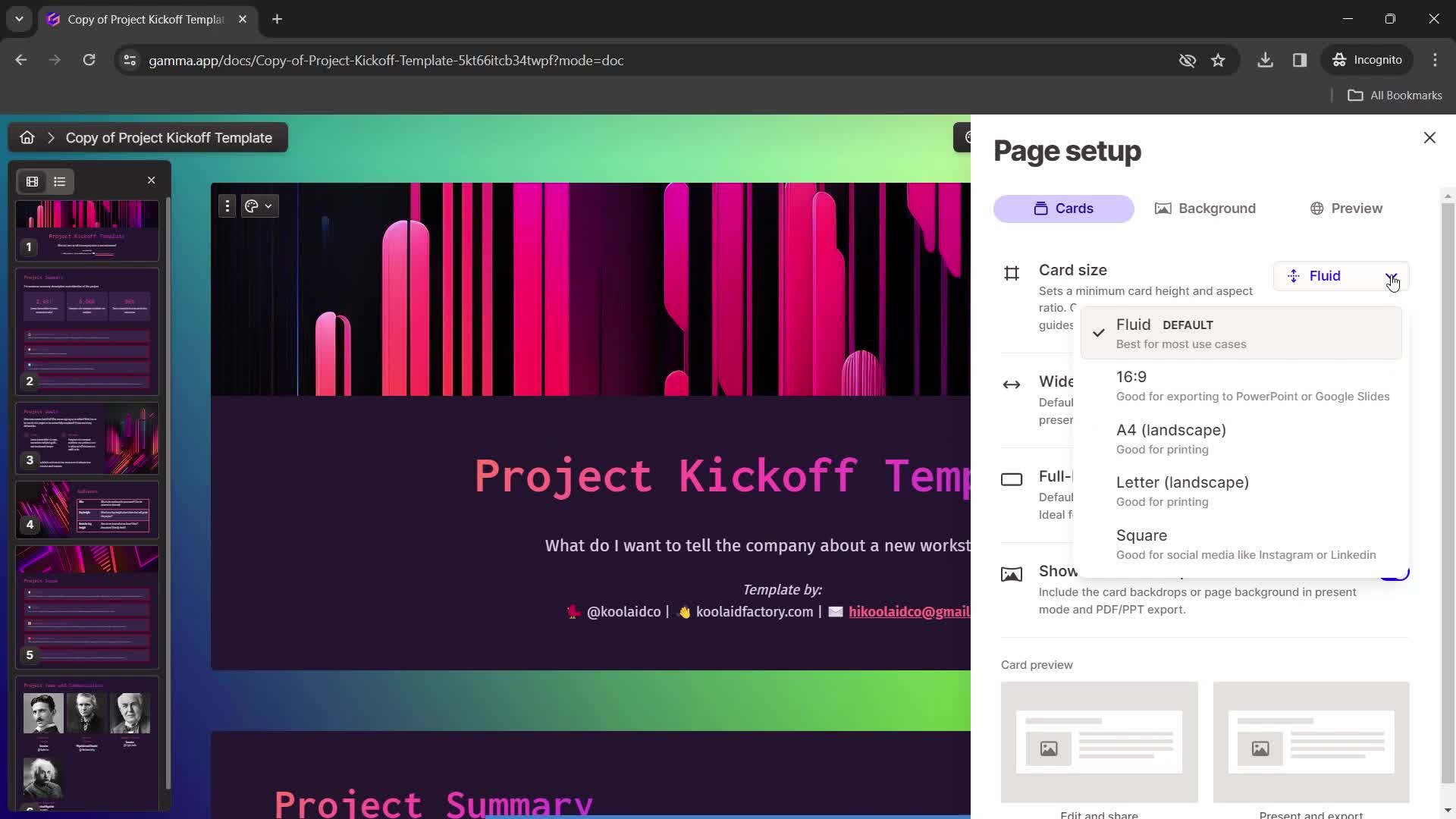
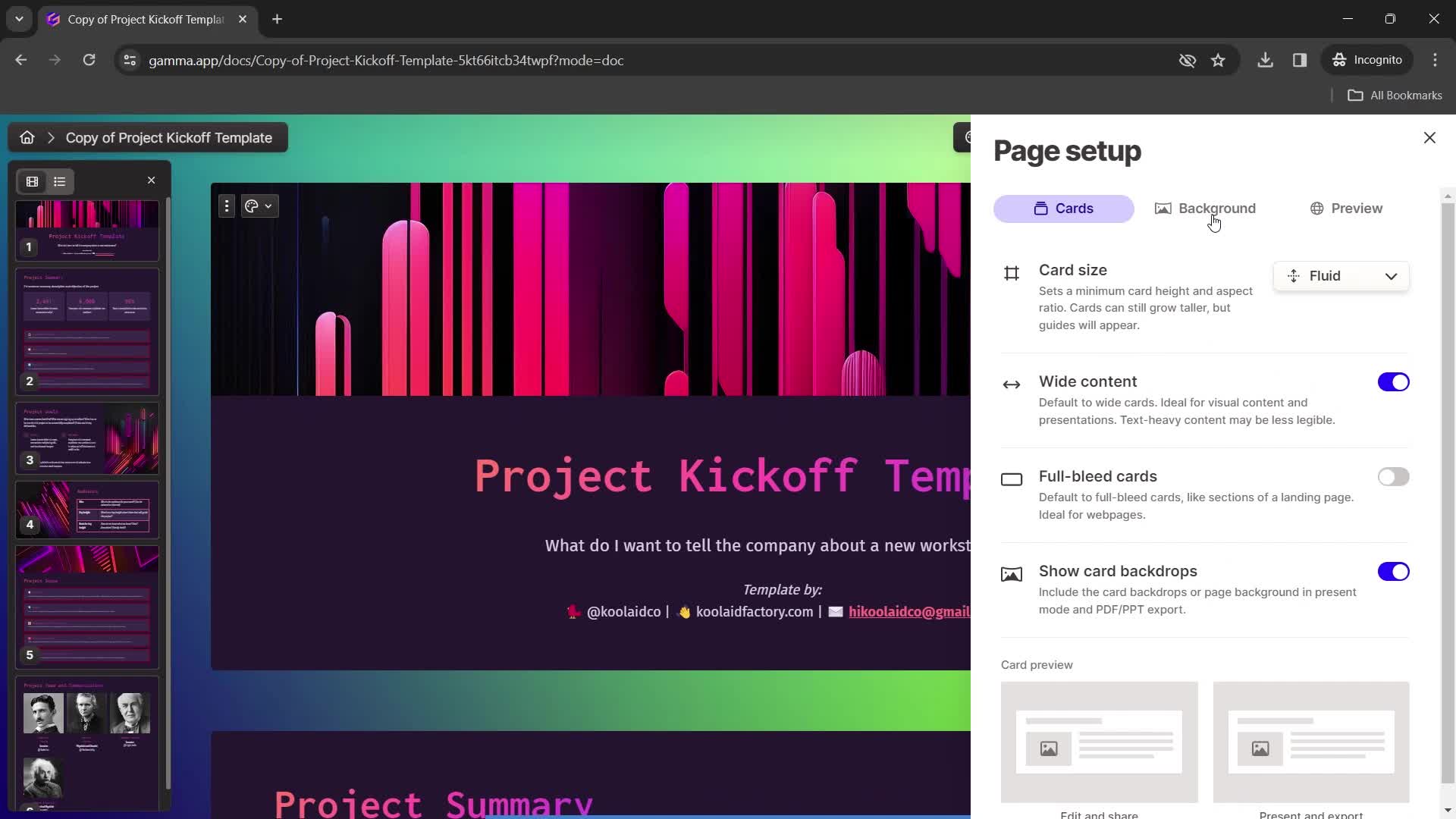
Page settings
this is title
Set aspect ratio
this is title
Page settings
this is title
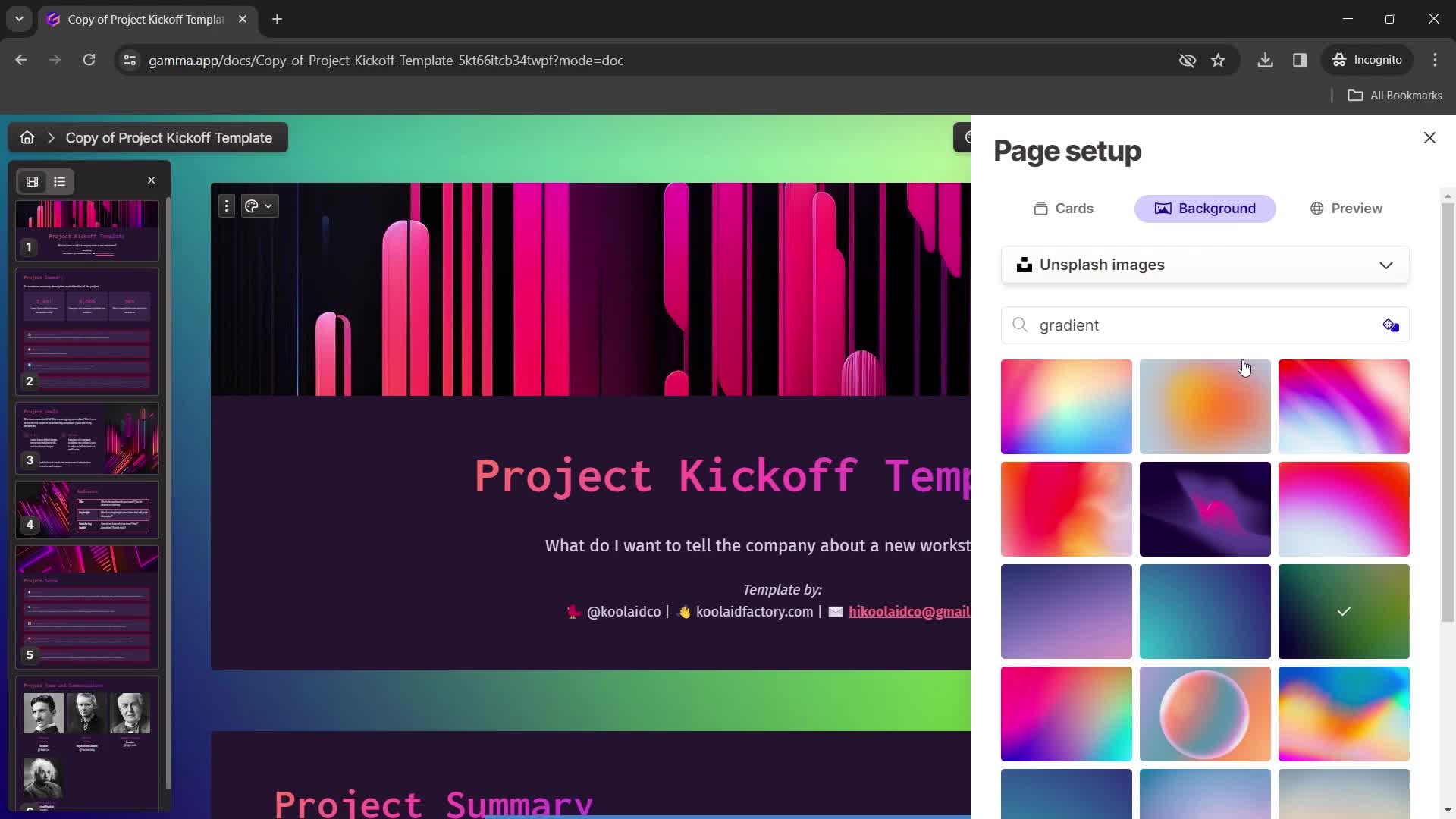
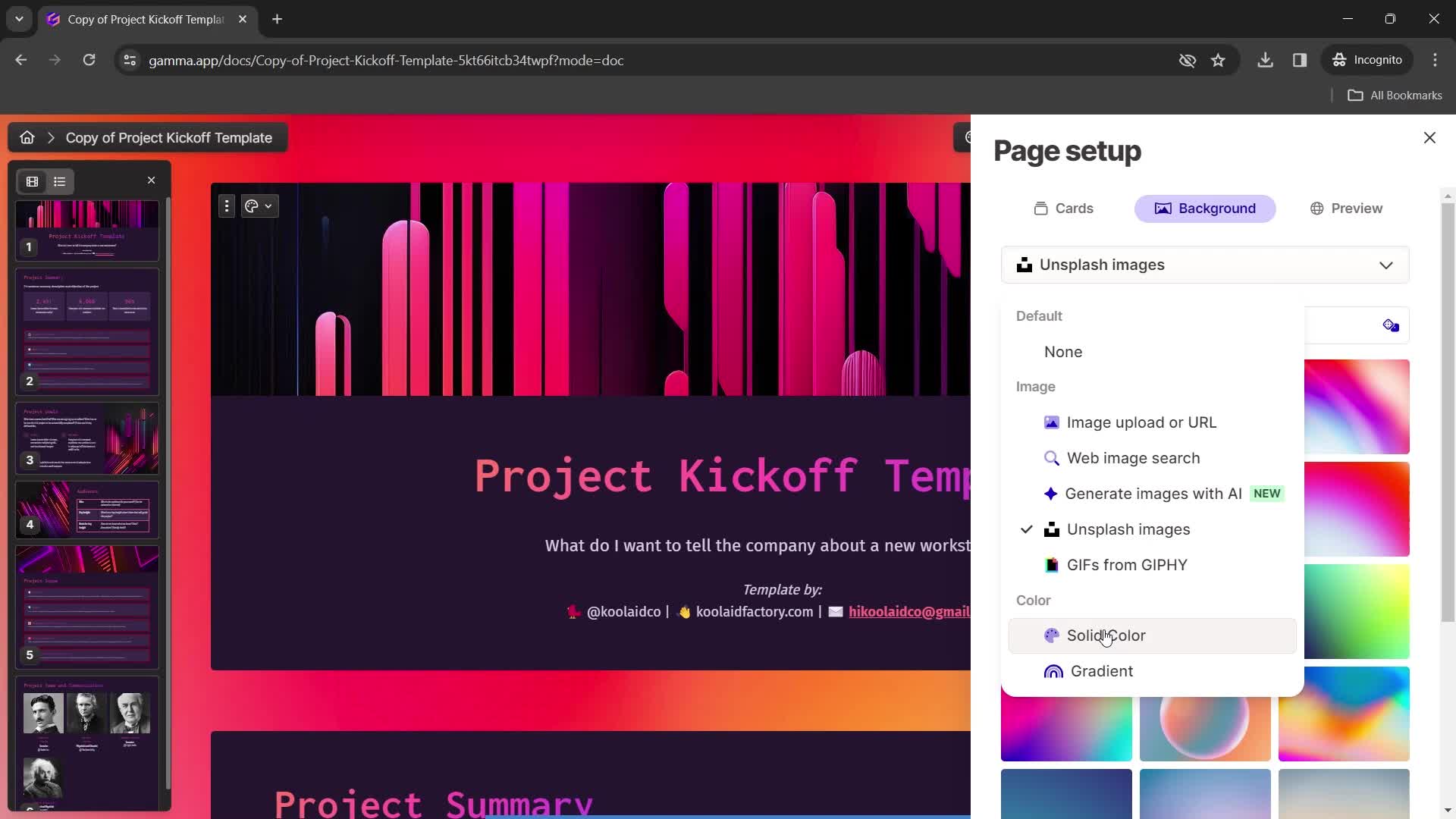
Choose background color
this is title
Action menu
this is title
this is title
Set colors
this is title
Action menu
this is title
this is title
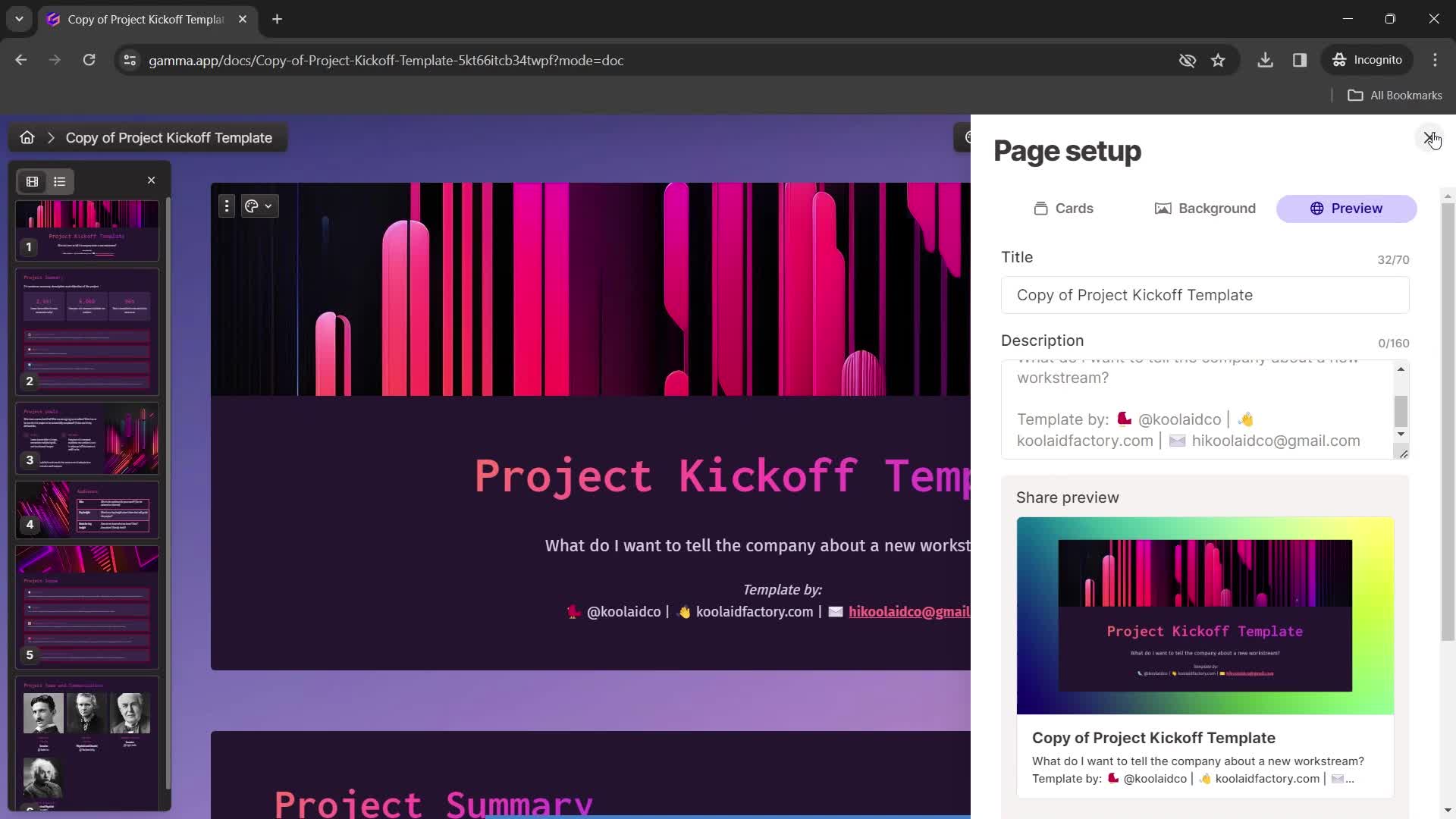
Preview
this is title
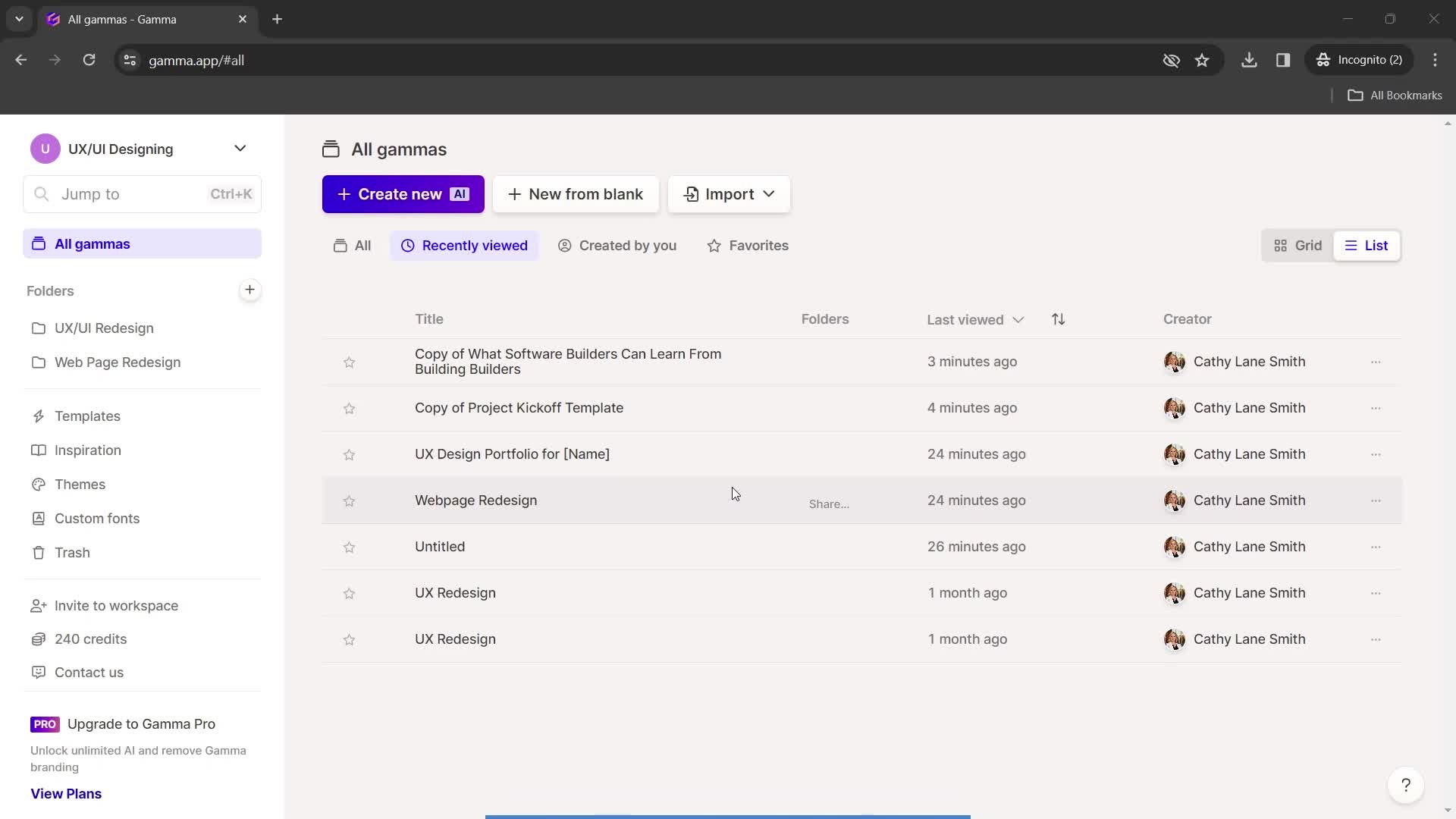
Dashboard
this is title
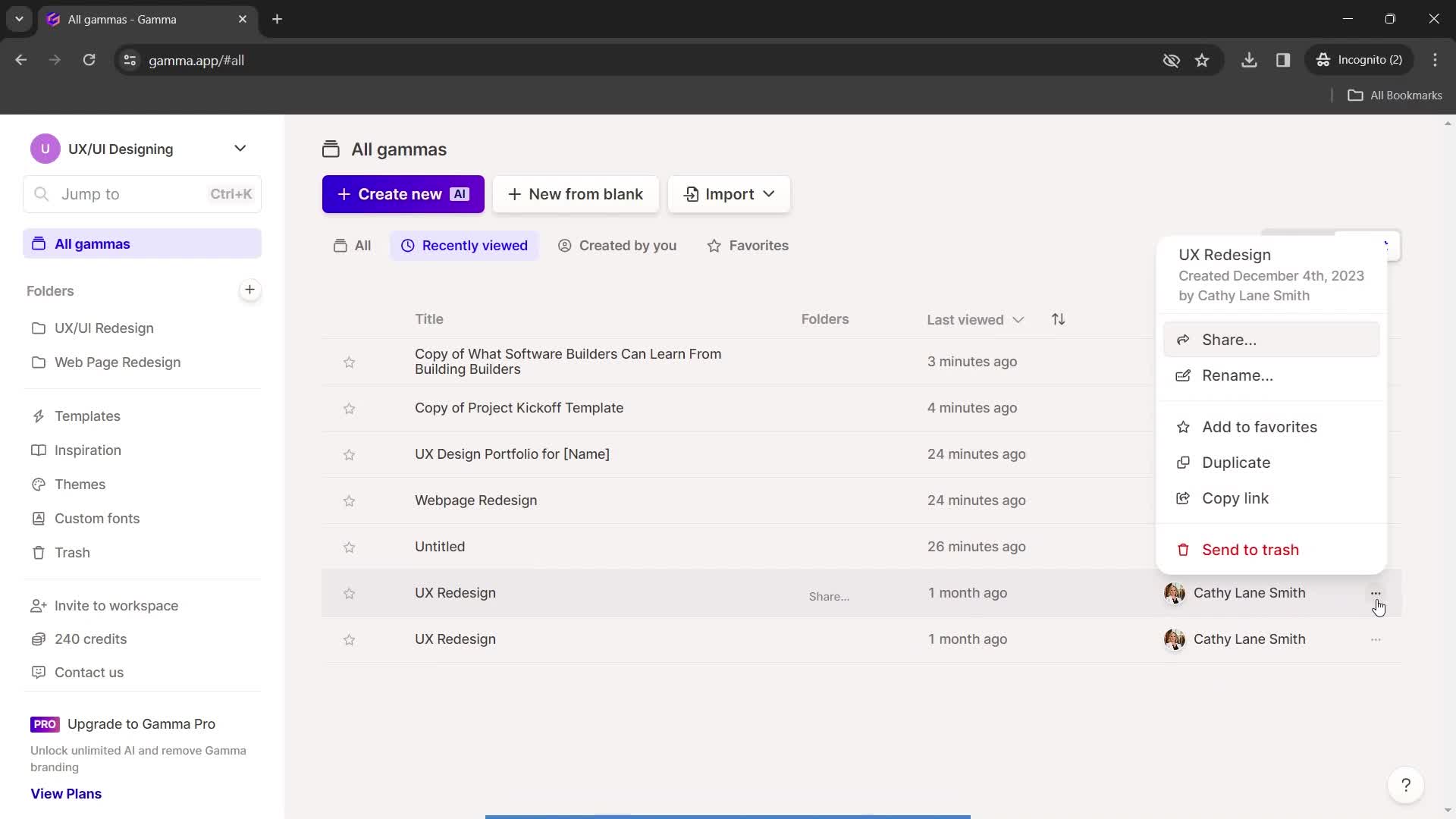
Action menu
this is title
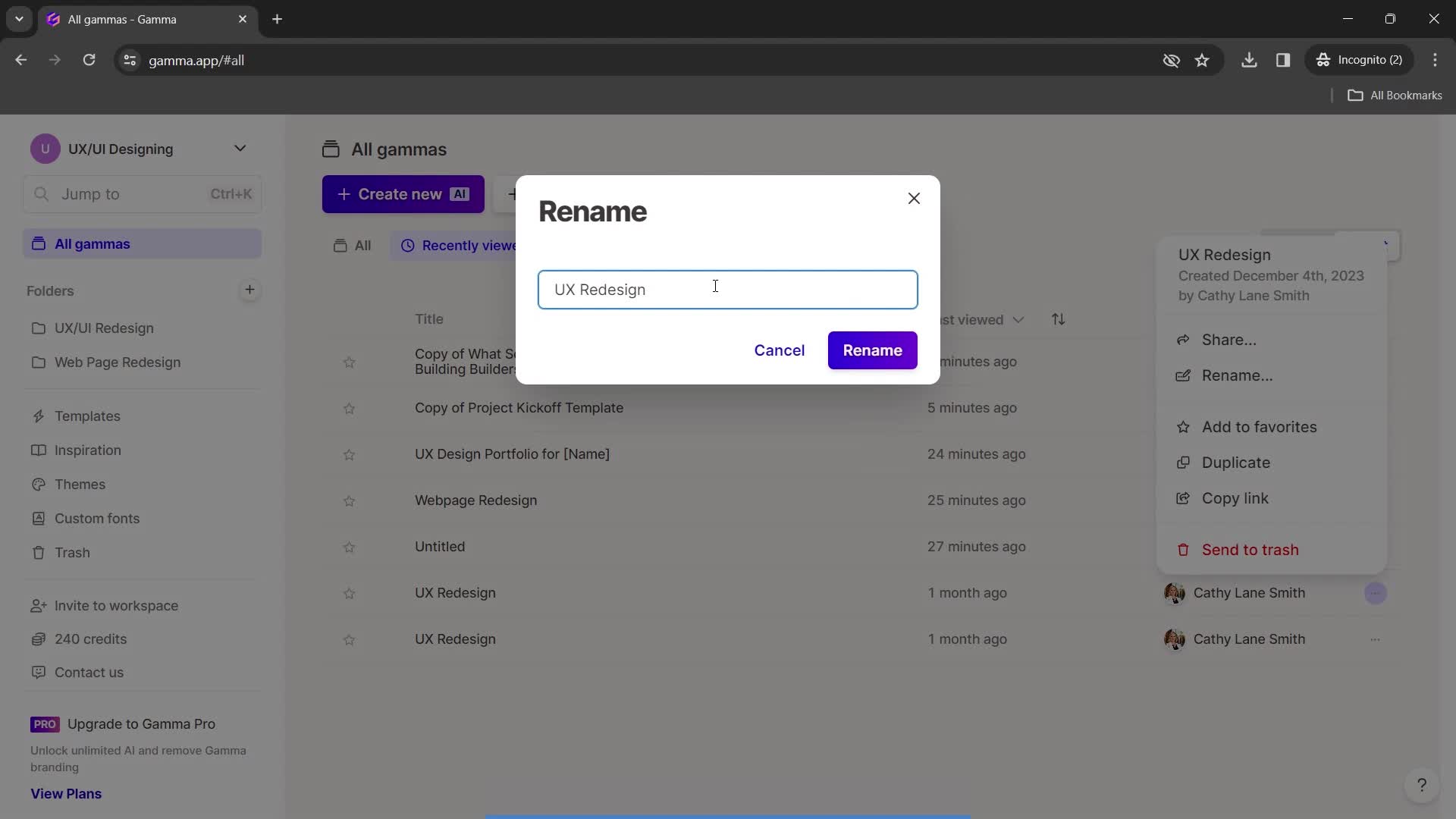
this is title
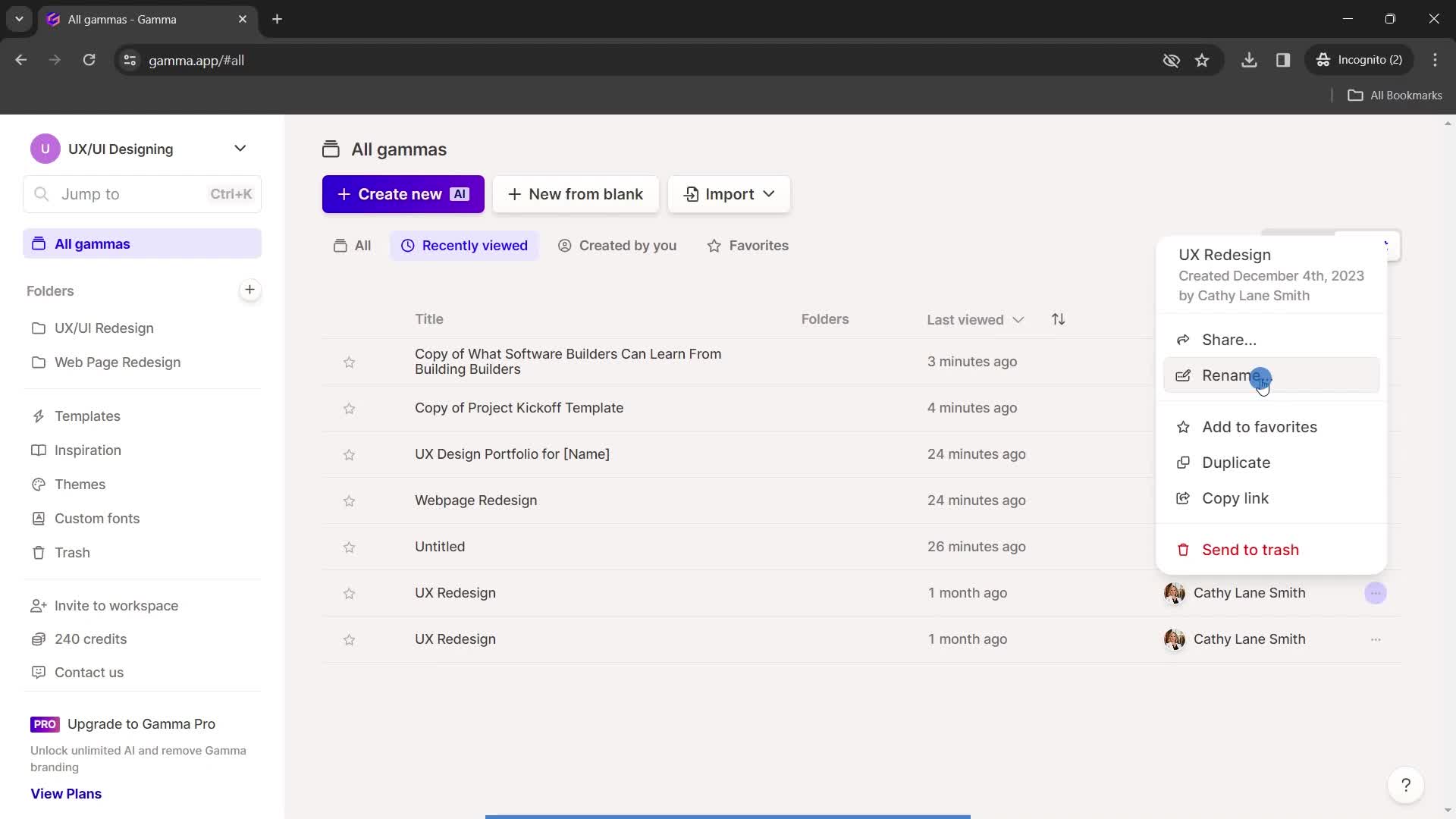
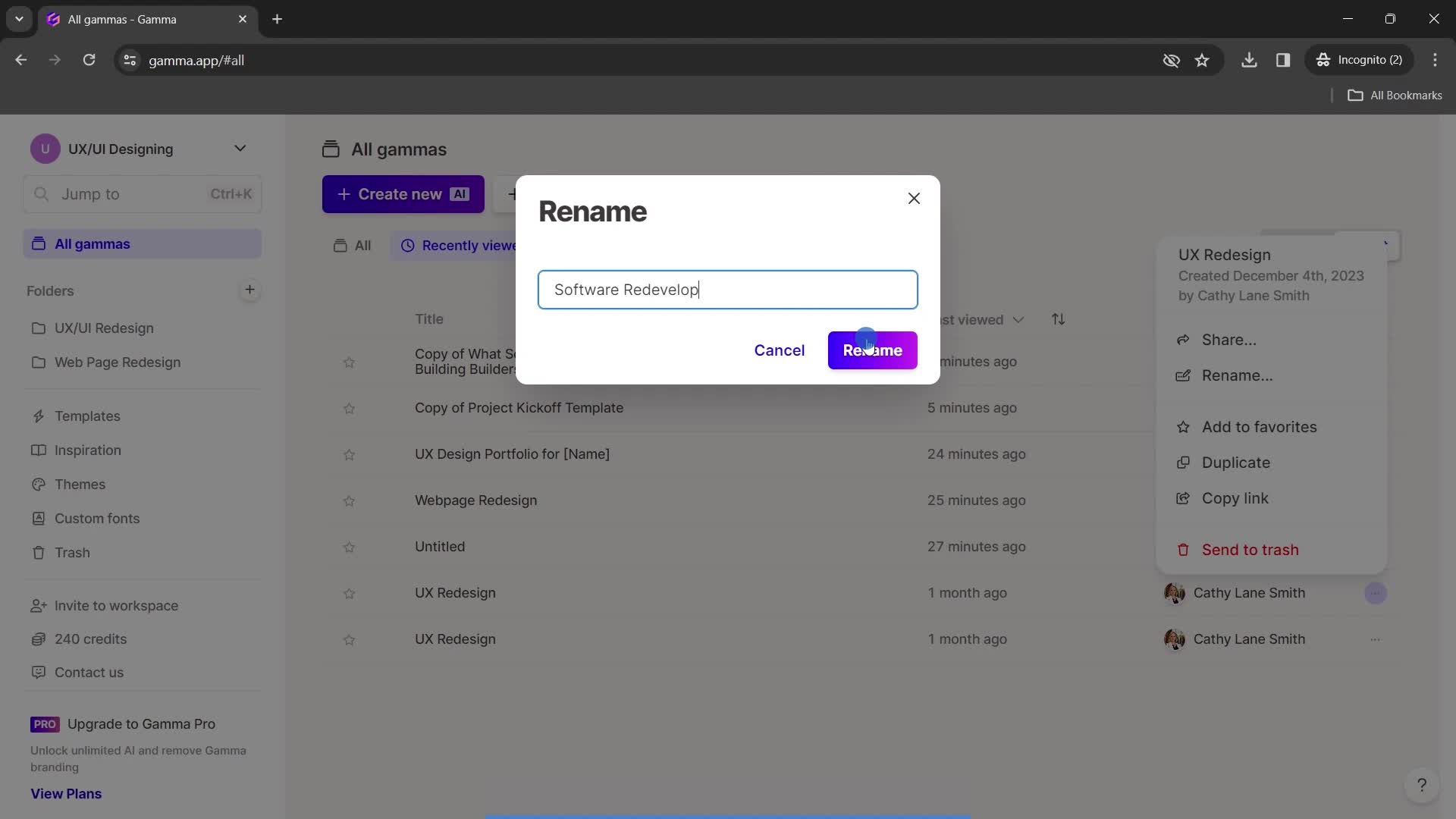
Rename
this is title
Continue
this is title
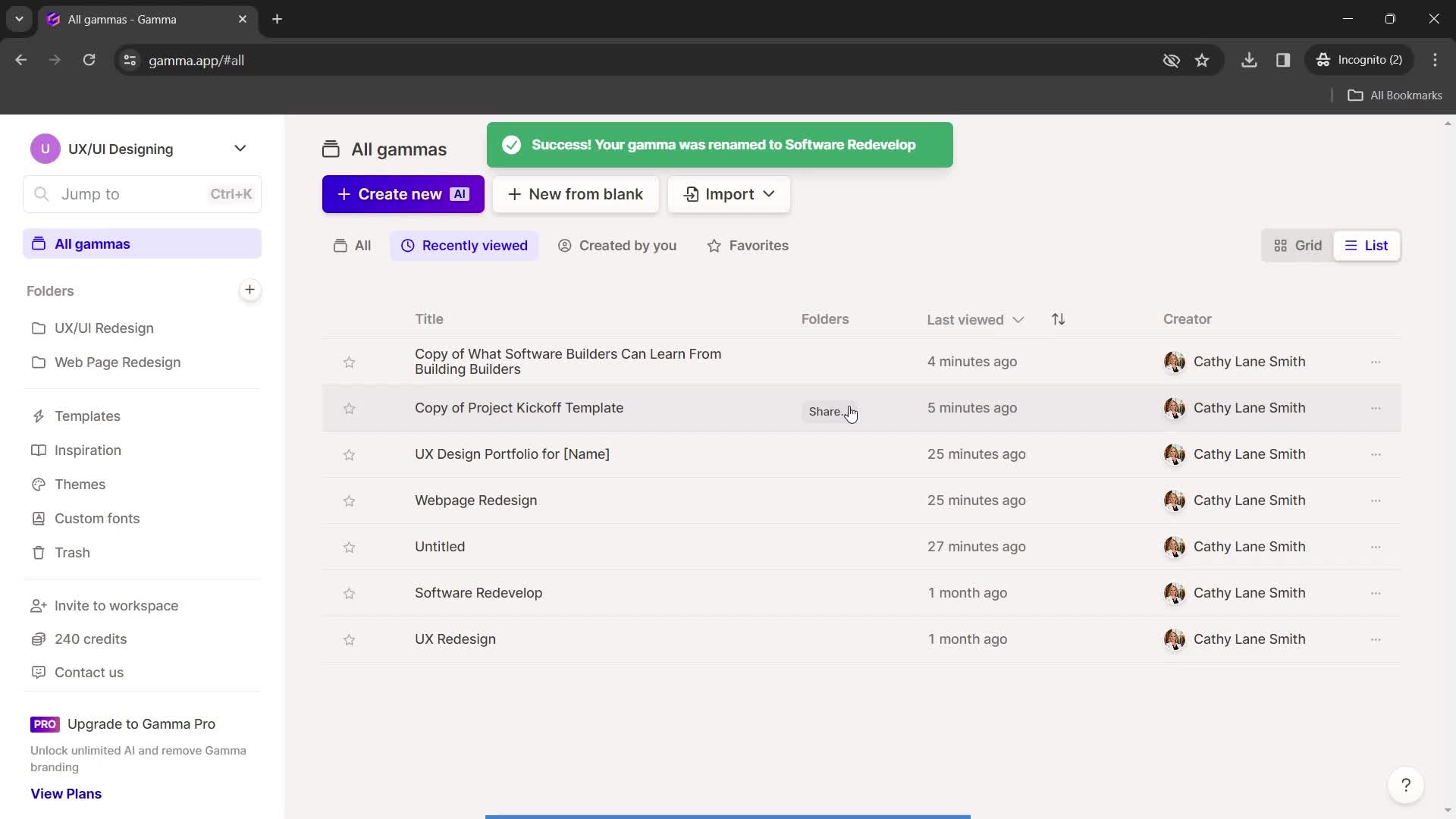
Changes saved
this is title
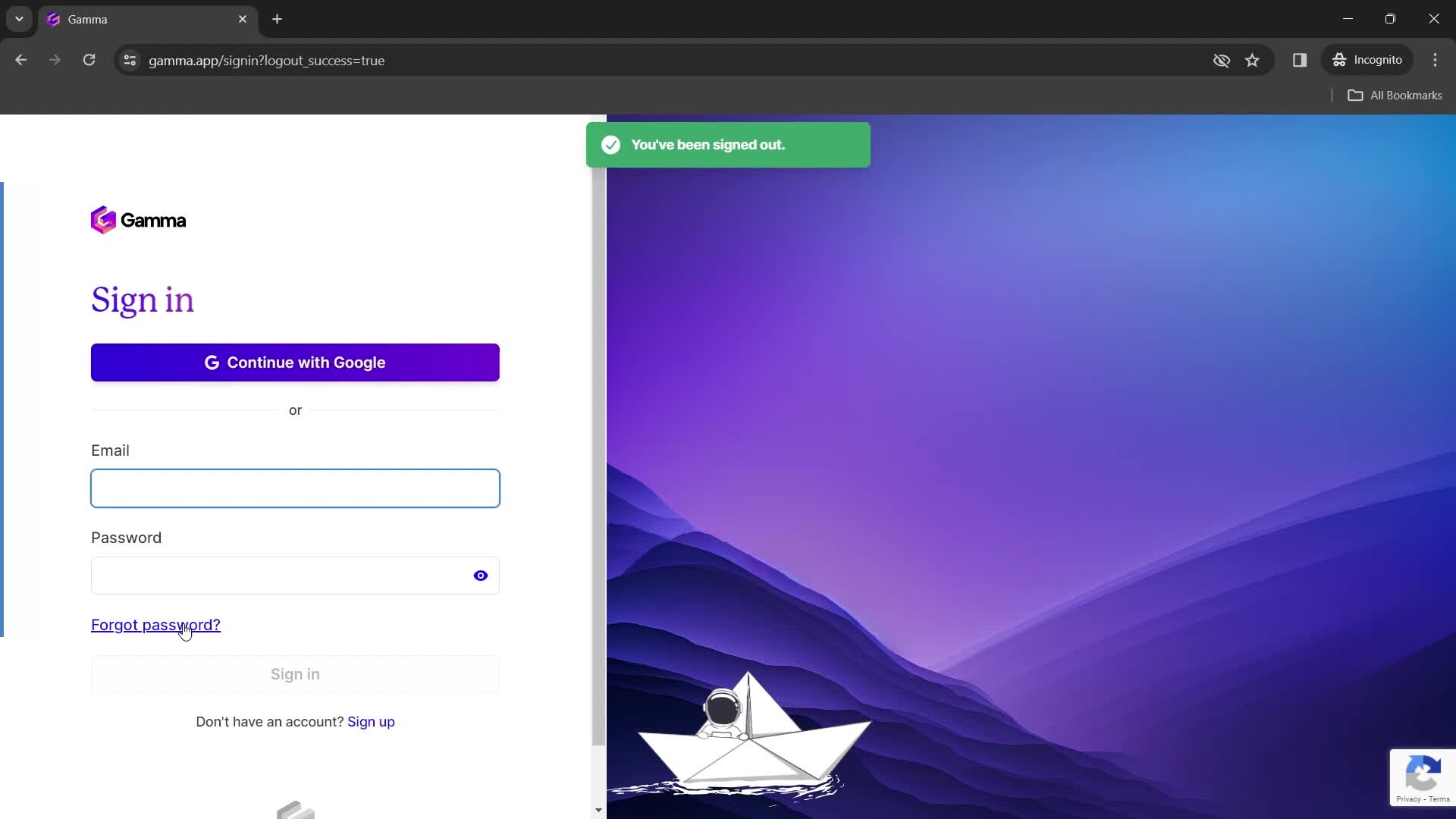
Sign in
this is title
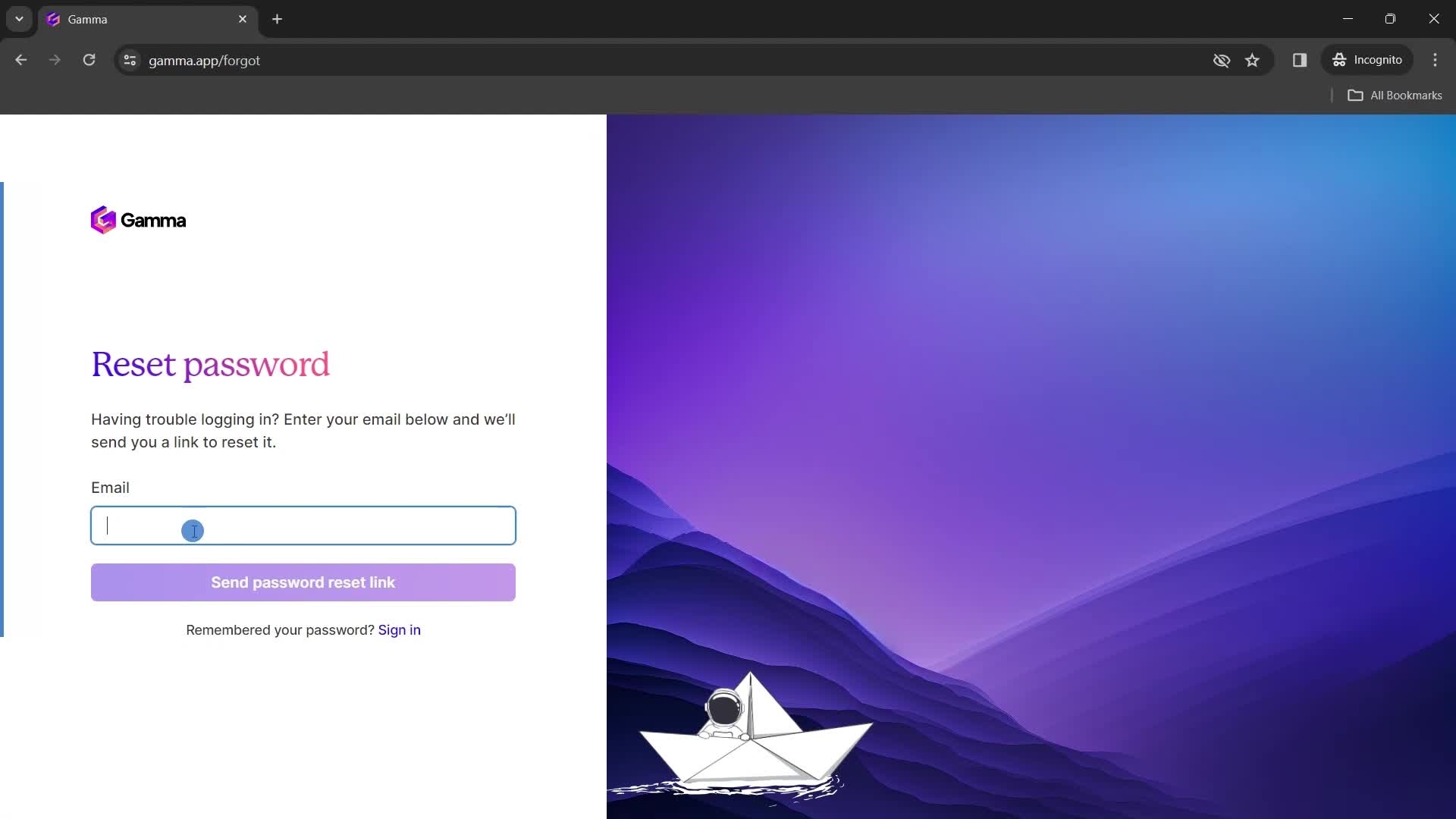
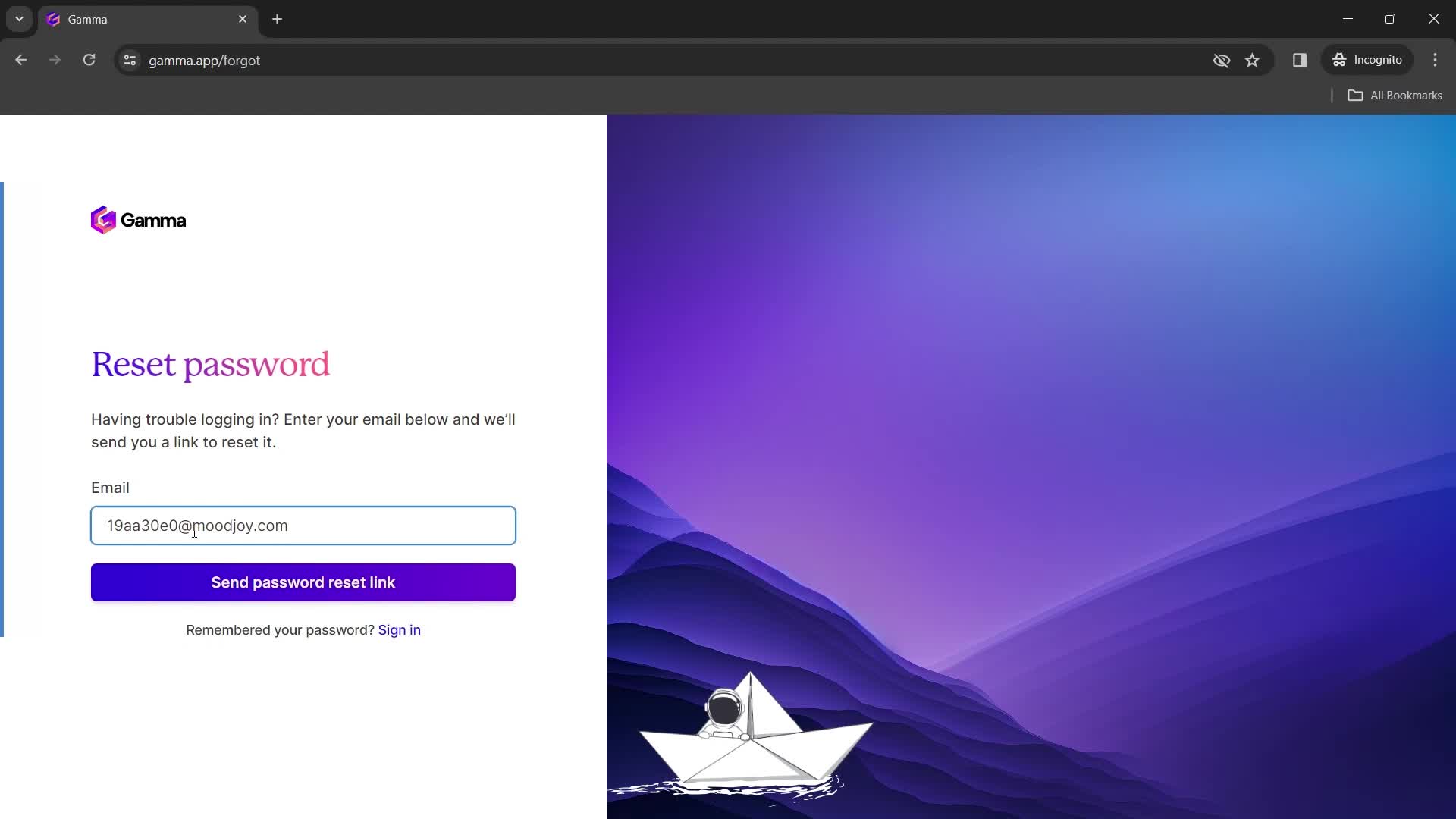
Reset password
this is title
Enter email
this is title
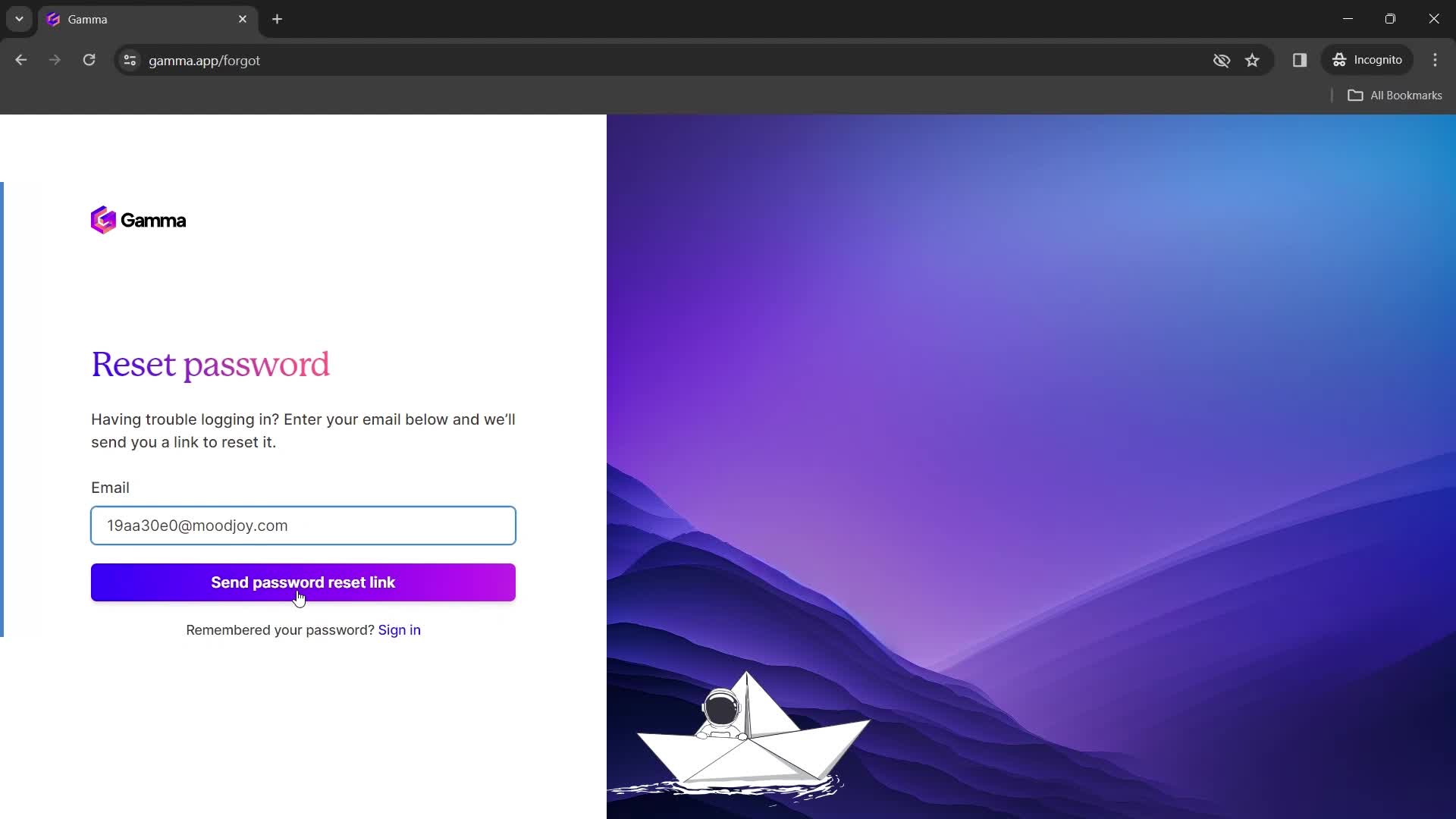
Continue
this is title
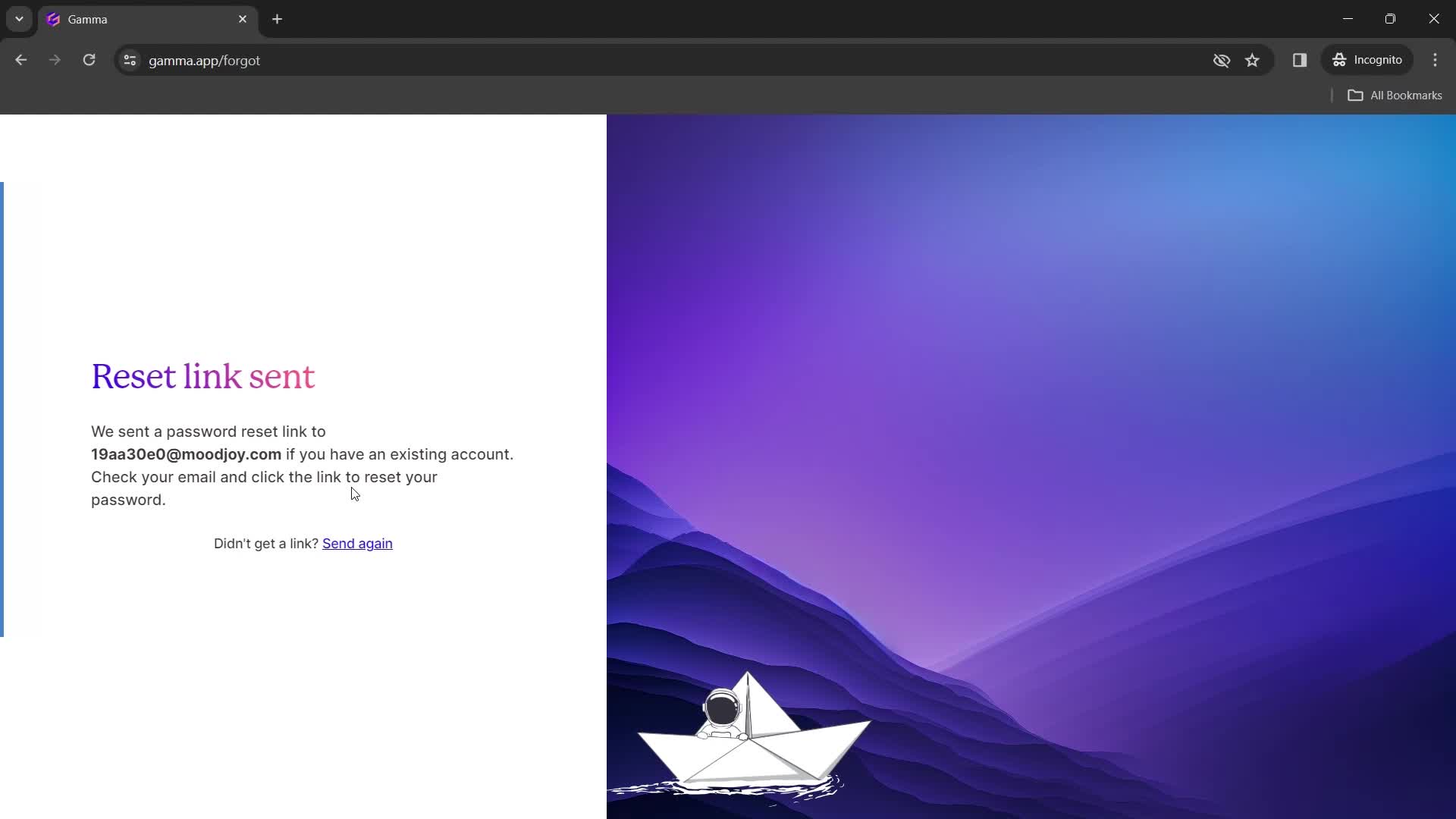
Email sent
this is title
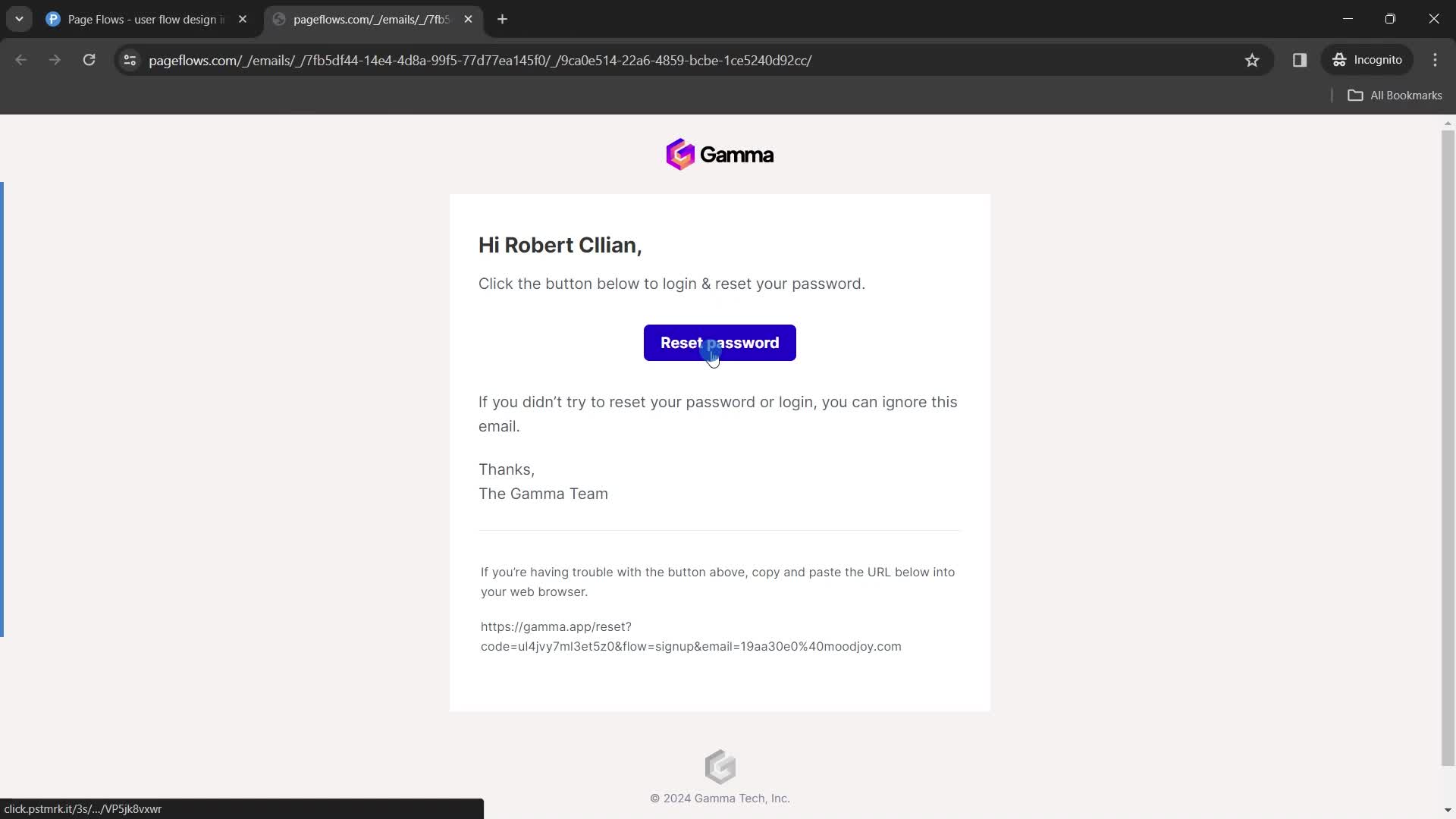
Password reset email
this is title
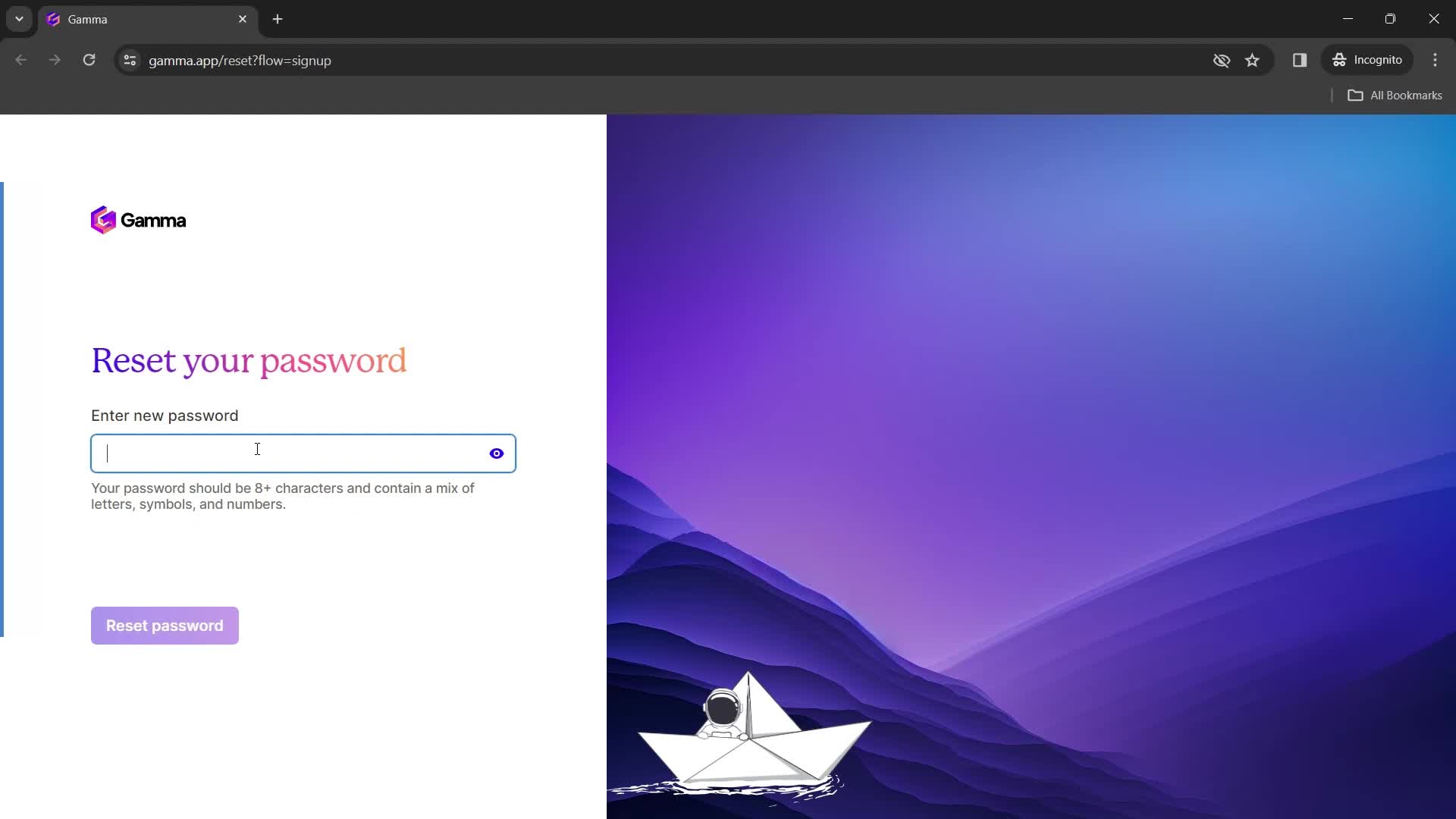
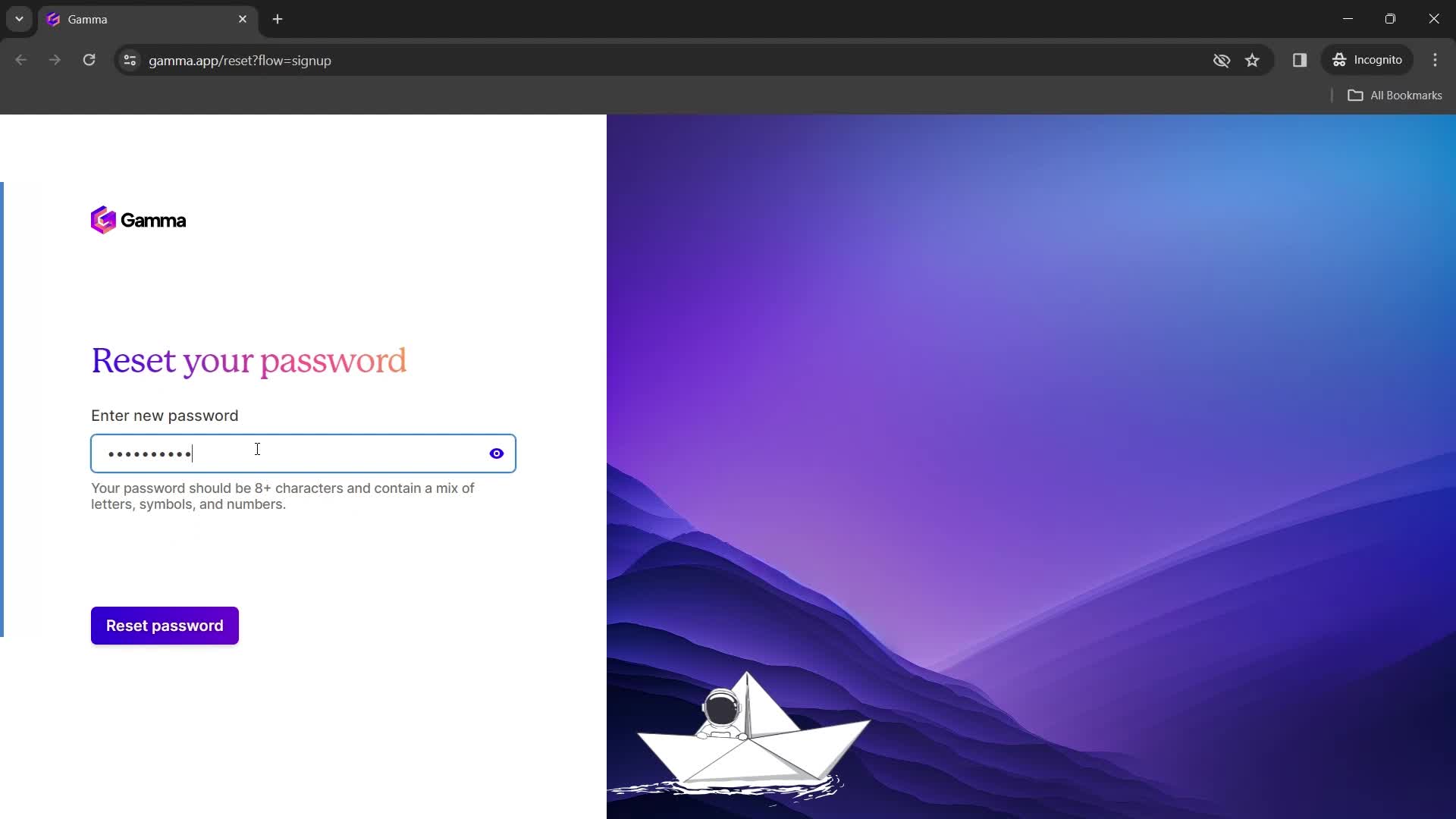
Set new password
this is title
this is title
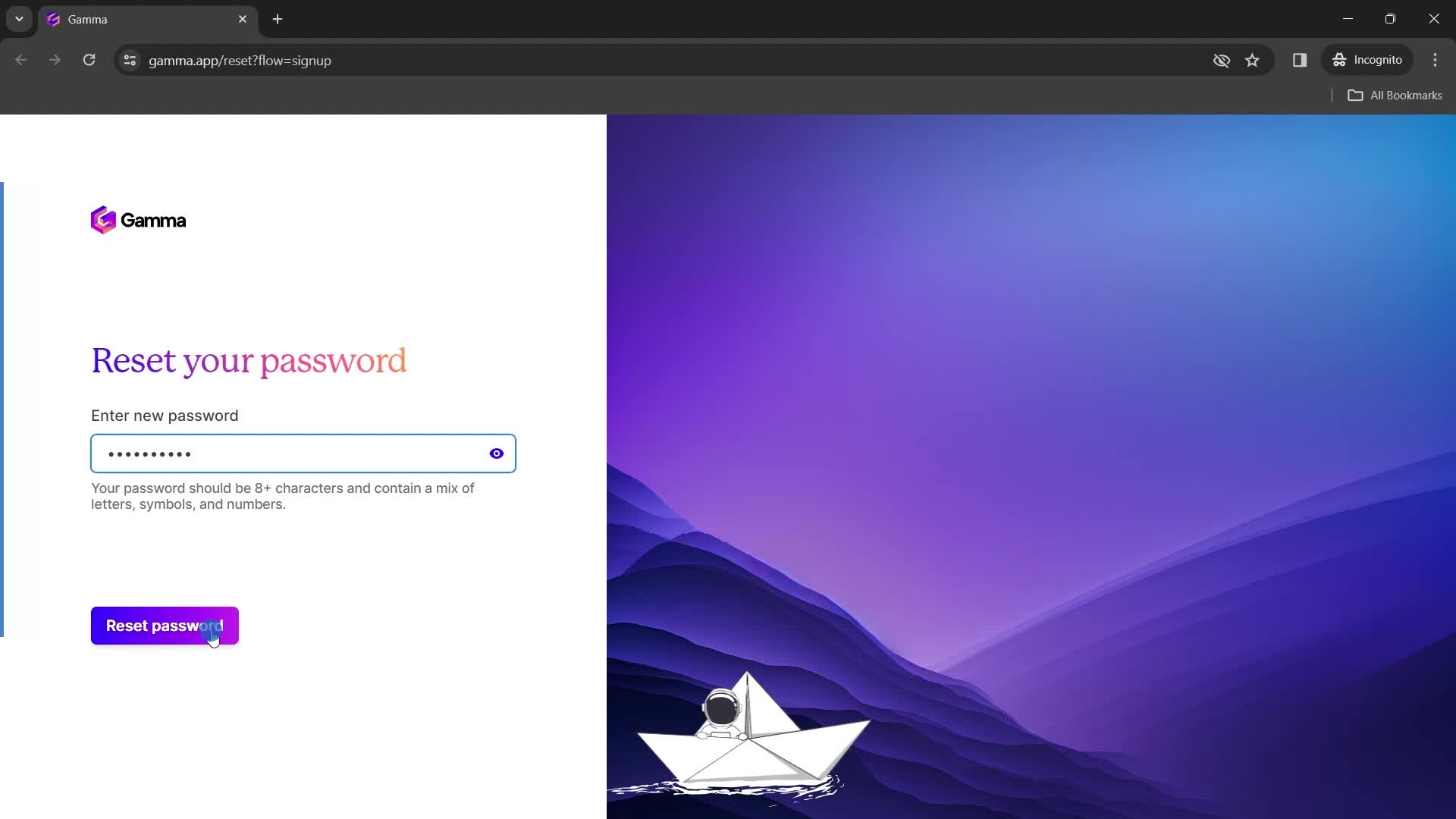
Continue
this is title
Home
this is title
Dashboard
this is title
Action menu
this is title
Added to favorites
this is title
this is title
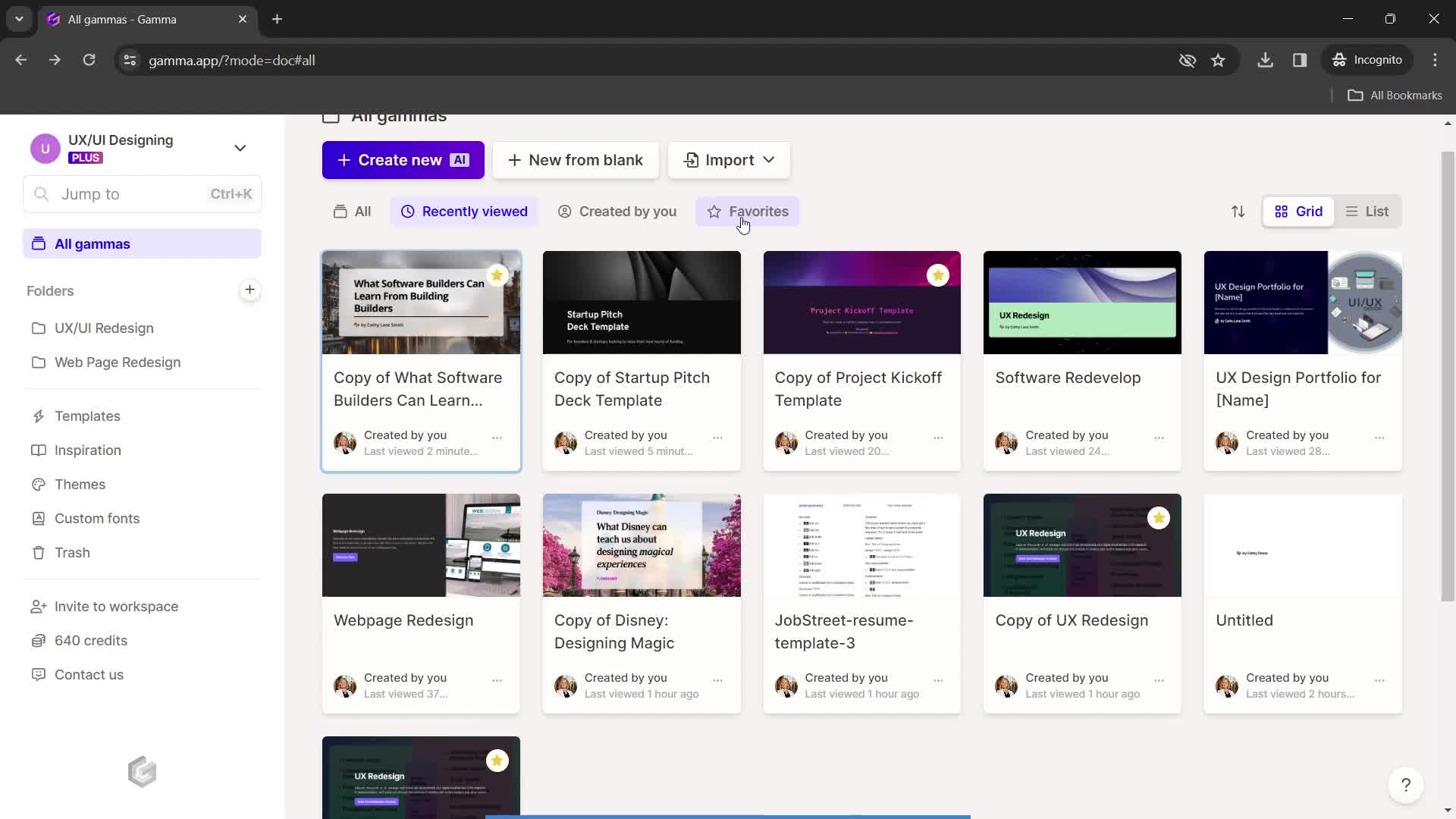
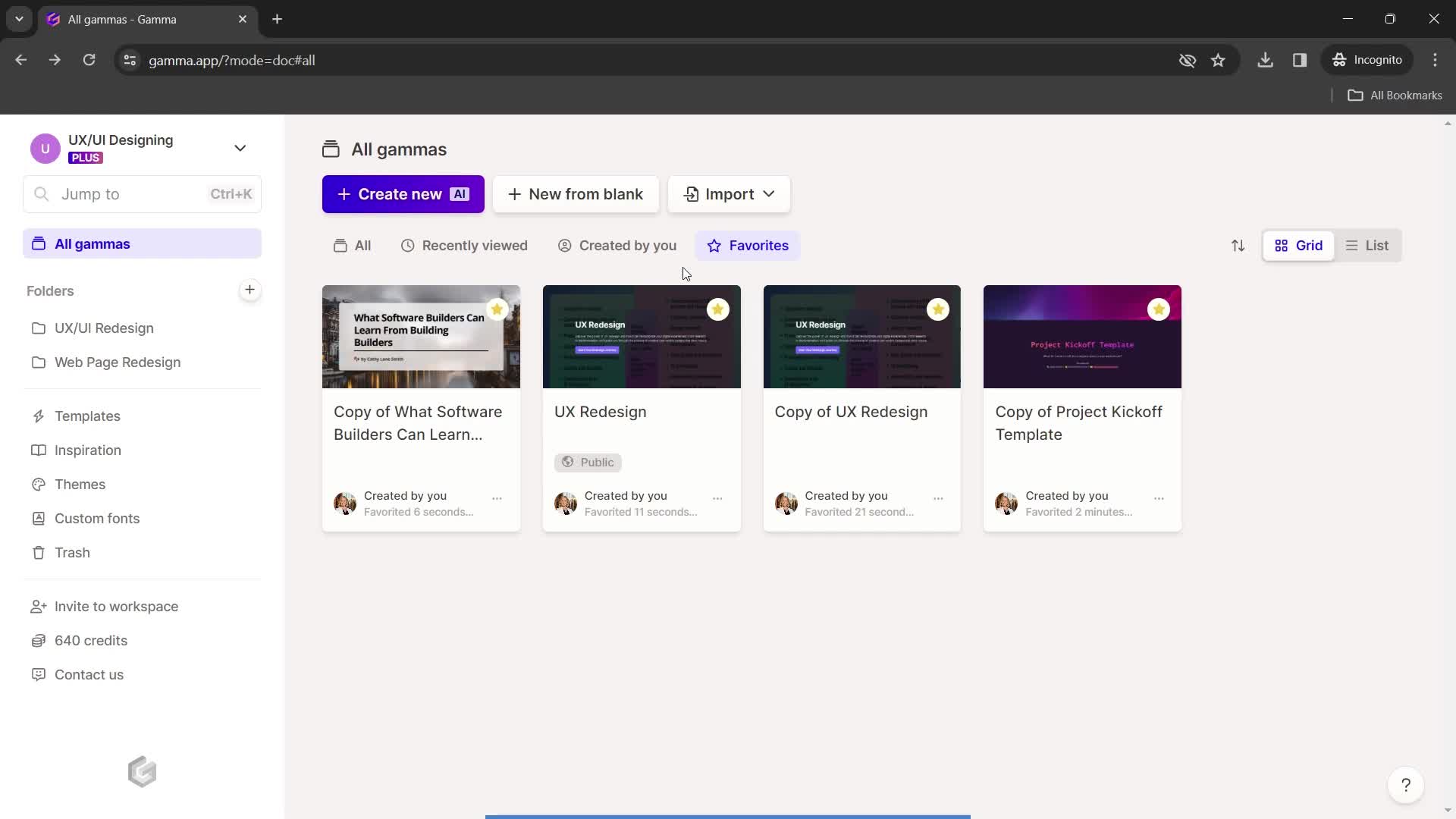
Favorites
this is title
Dashboard
this is title
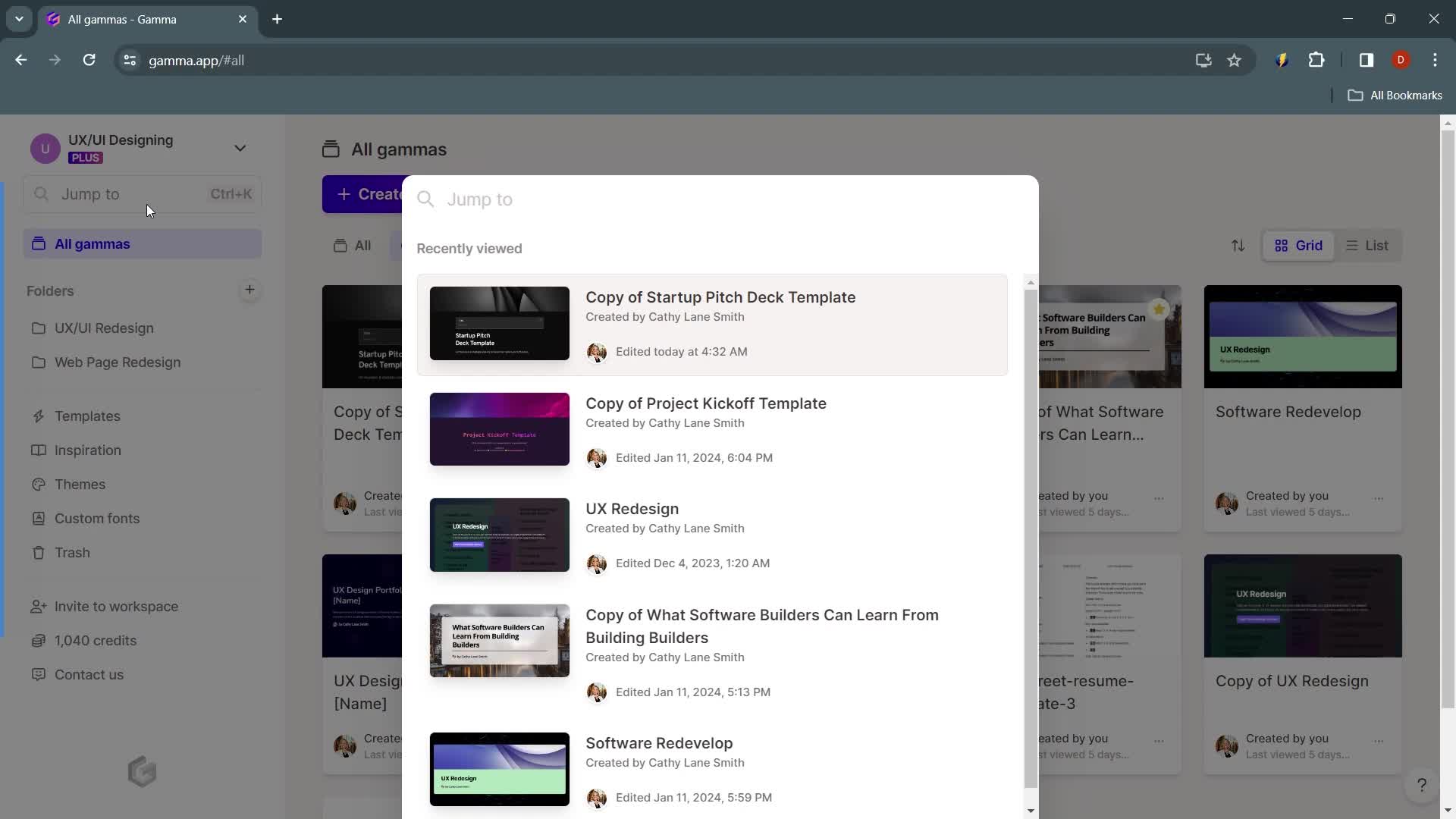
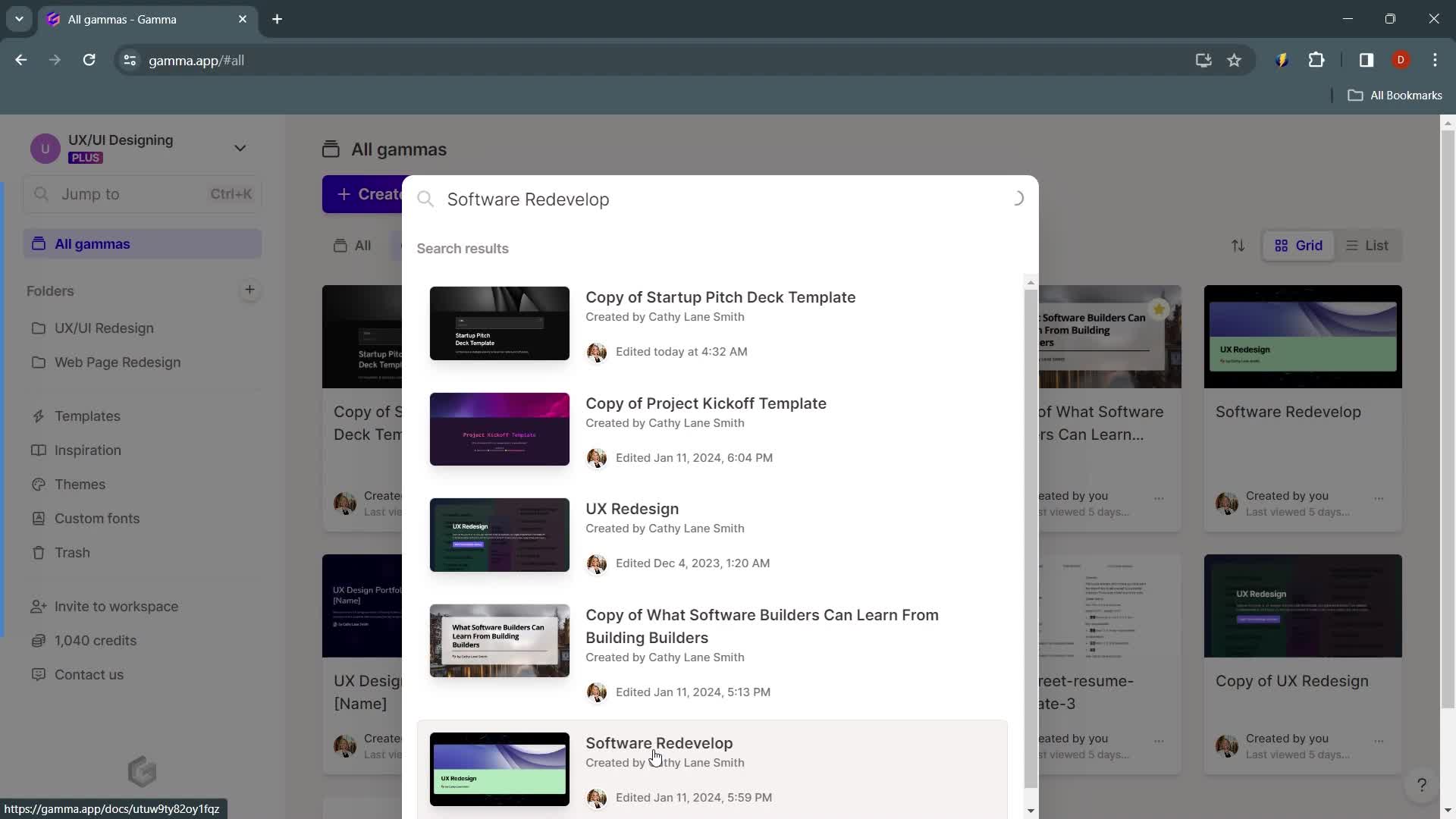
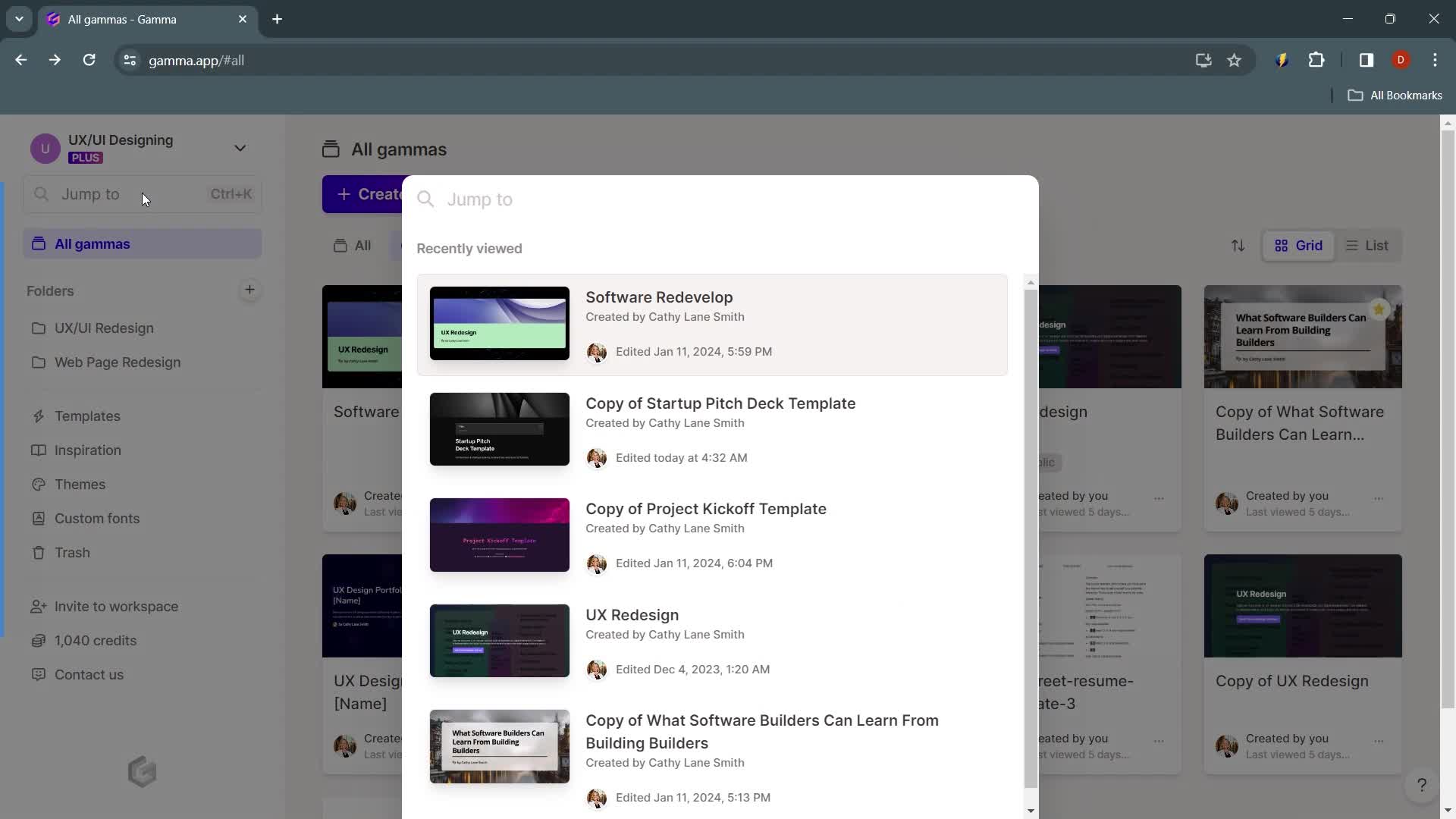
Search
this is title
Search results
this is title
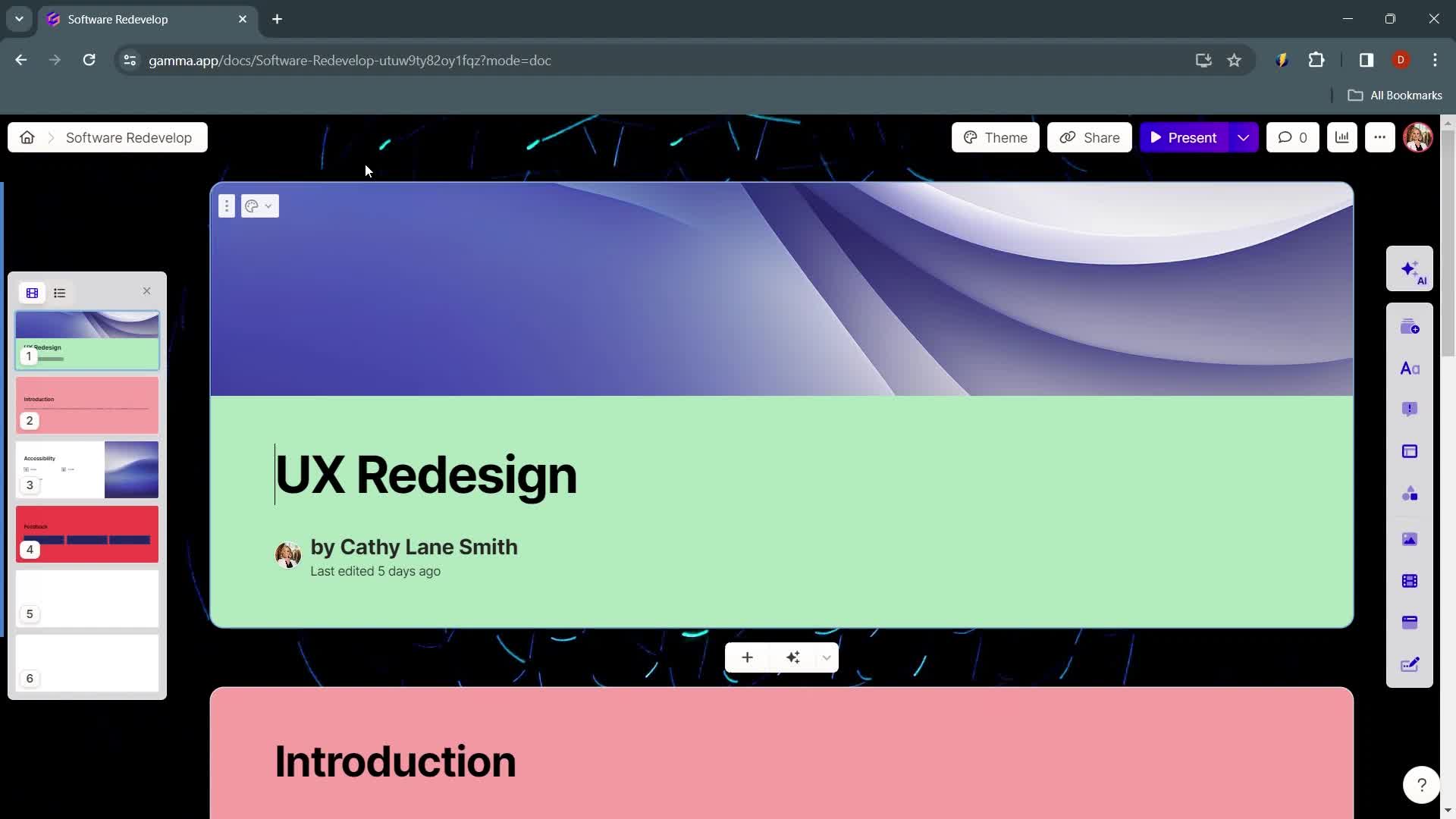
Presentation editor
this is title
Search
this is title
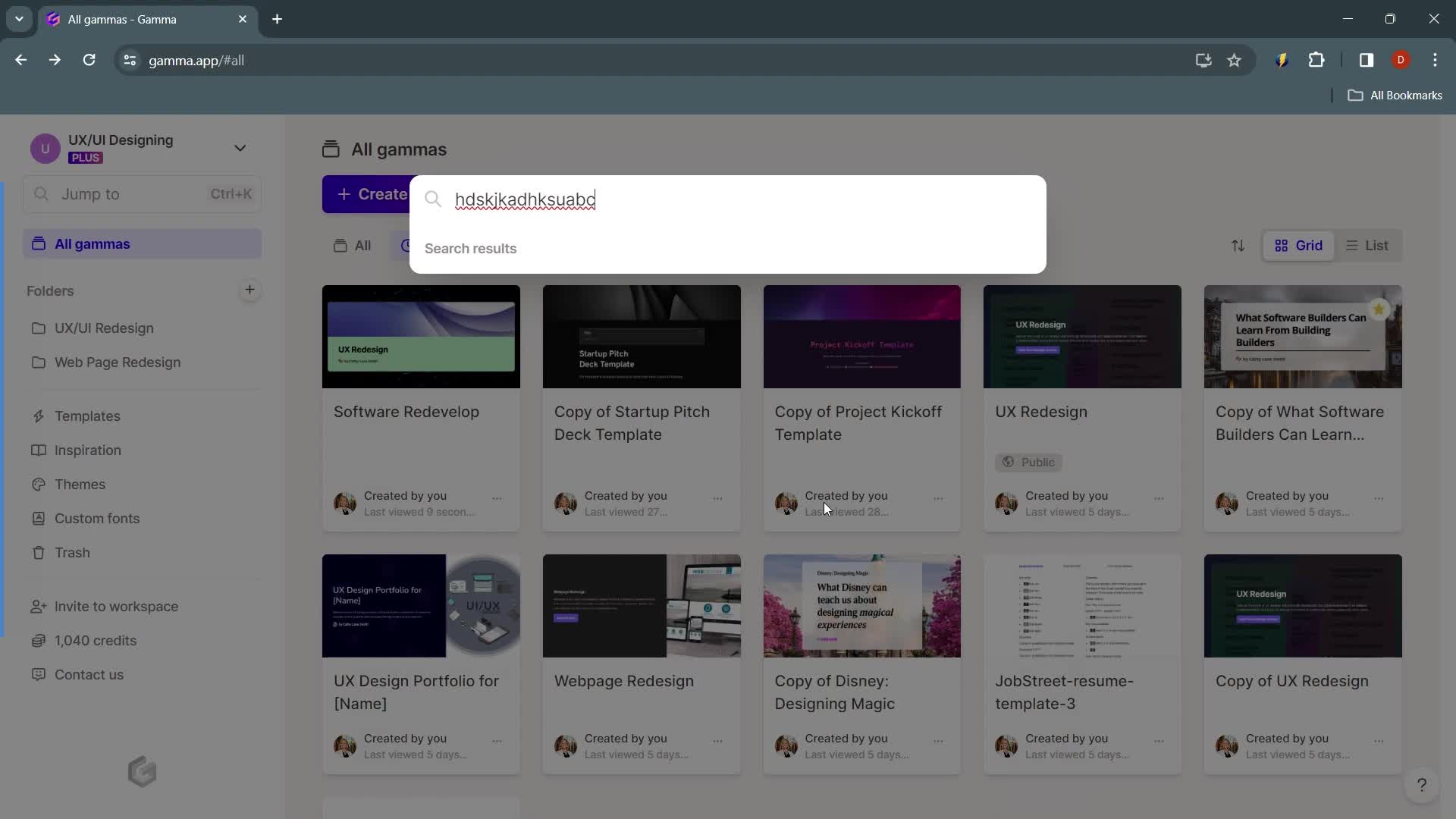
No search results
this is title
Home
this is title
Action menu
this is title
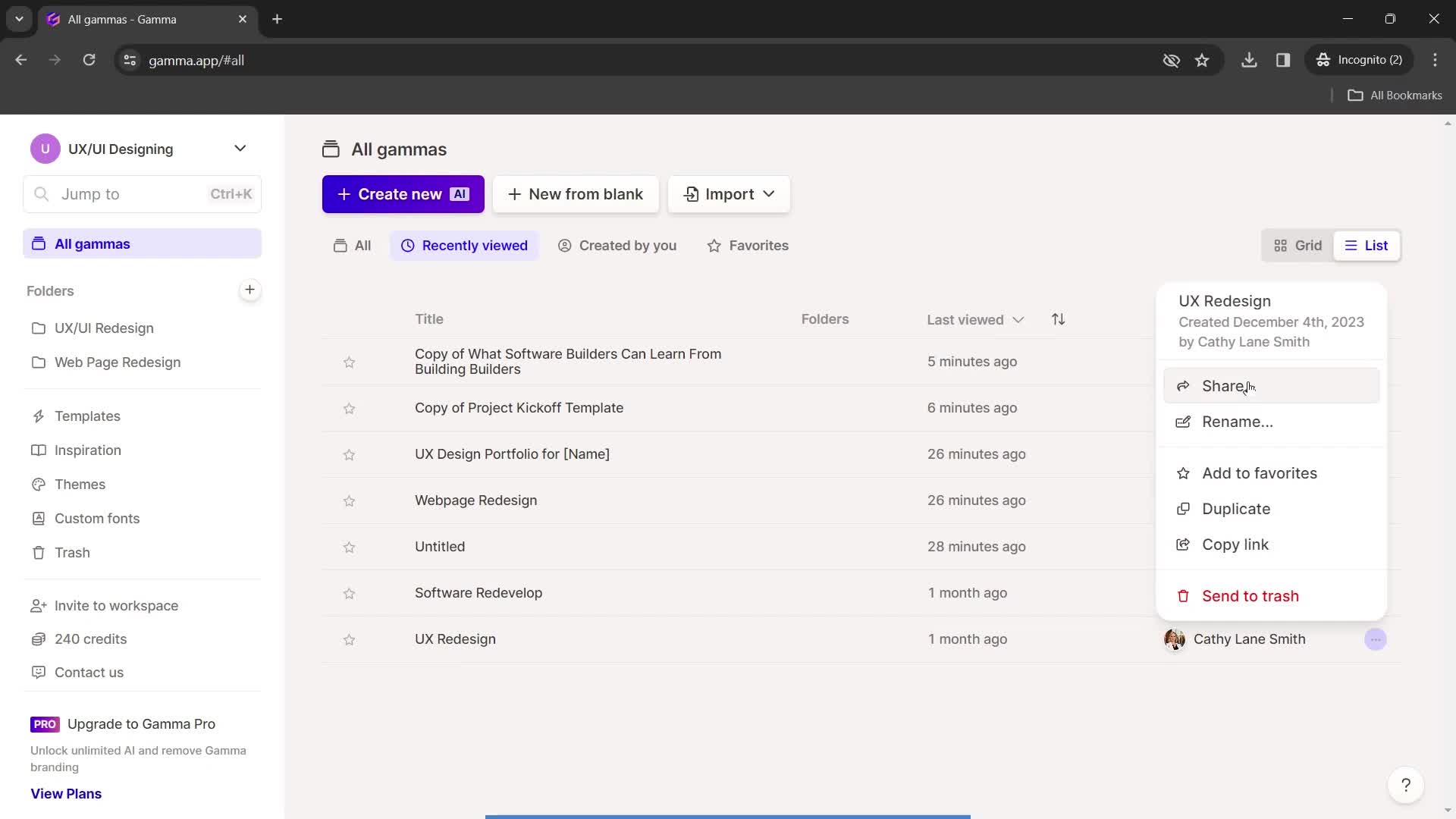
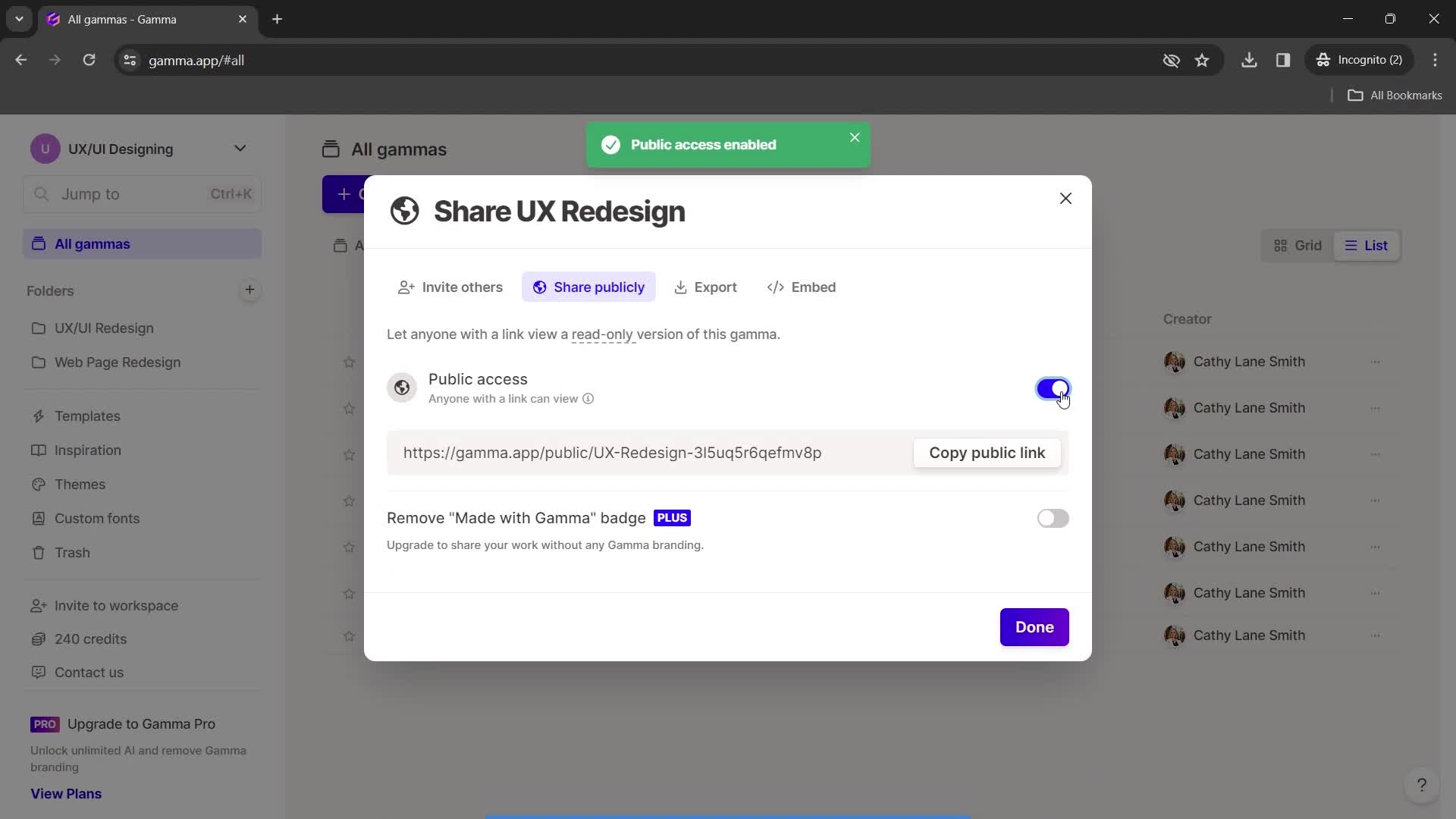
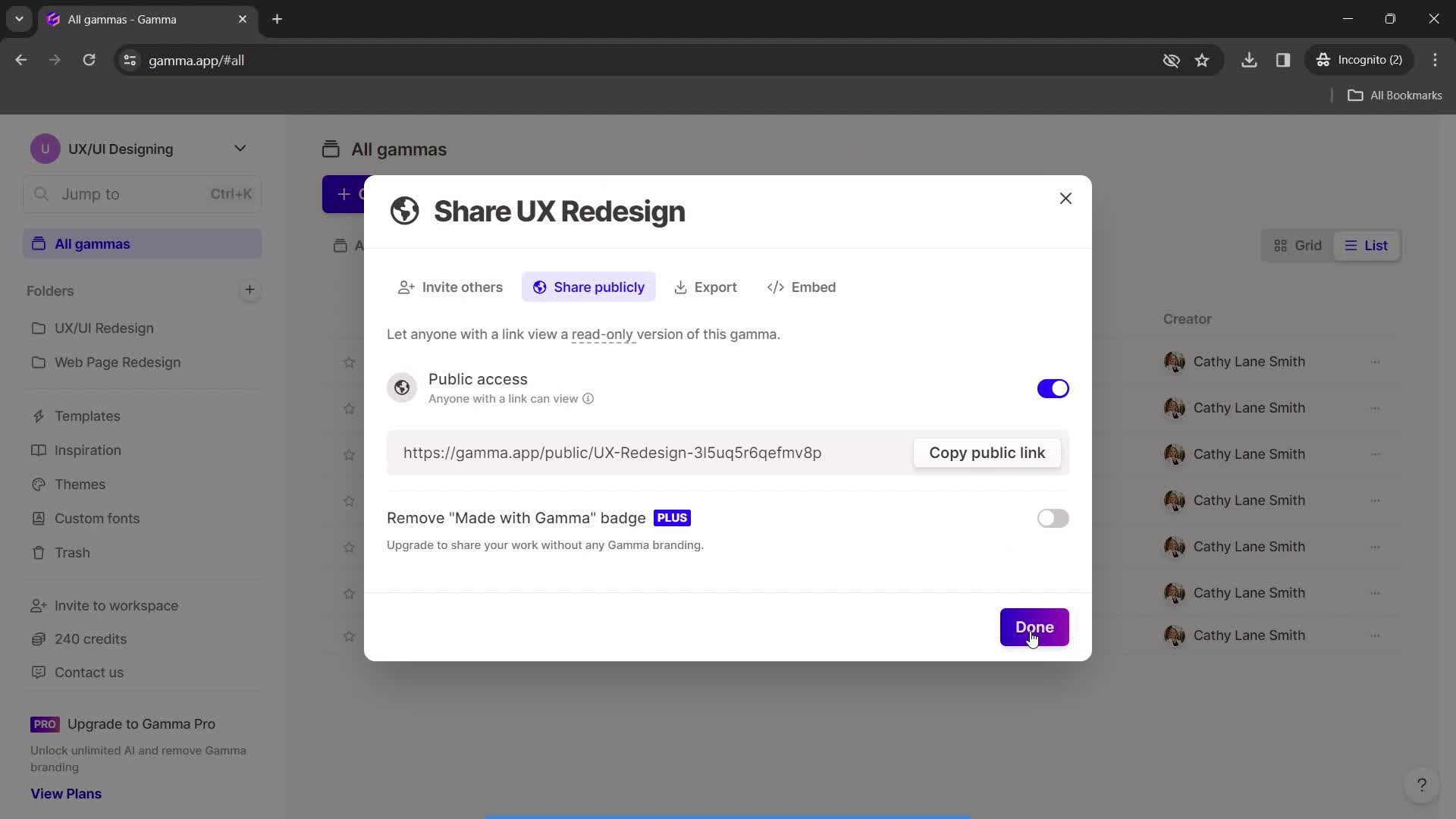
Share
this is title
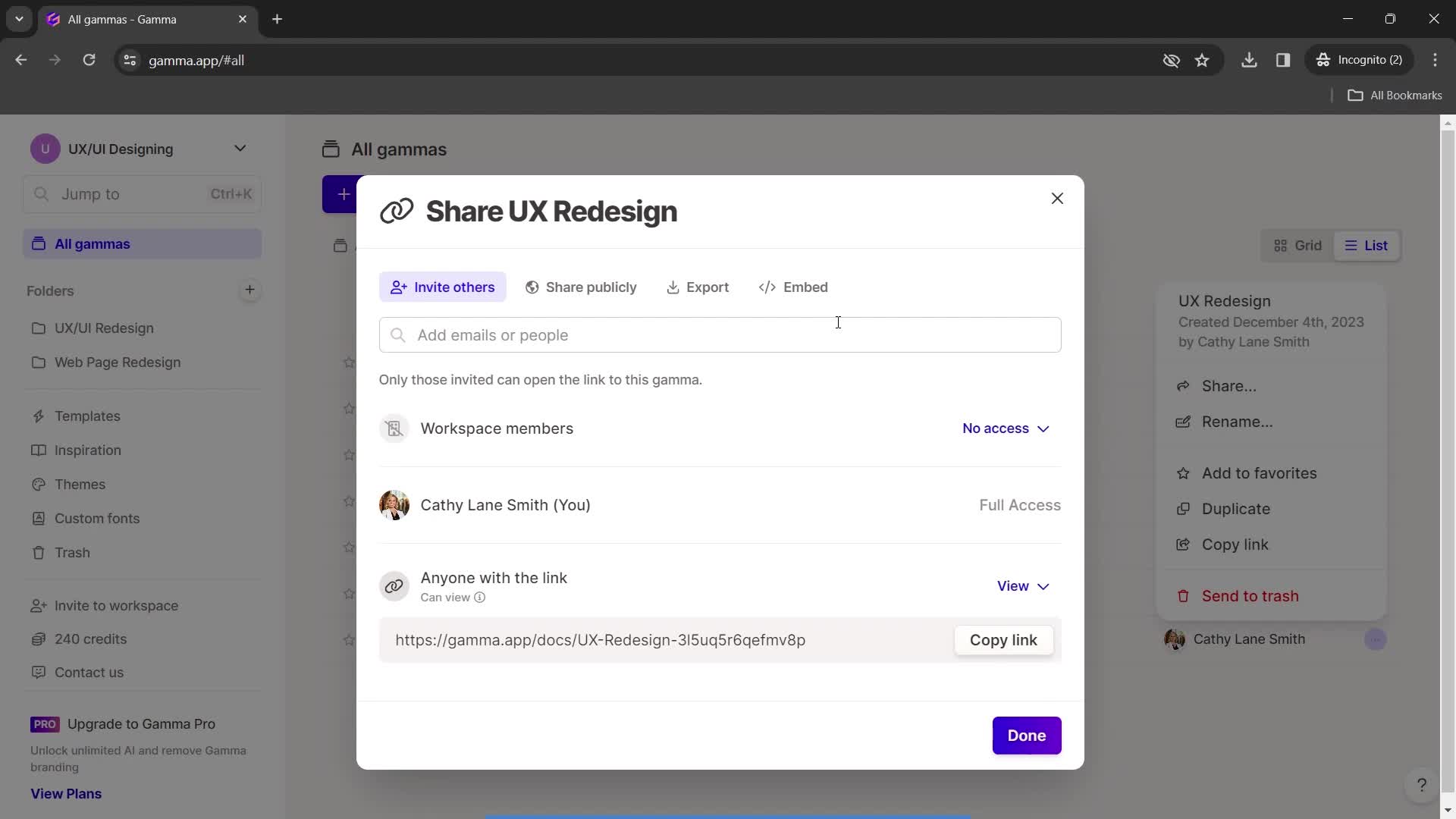
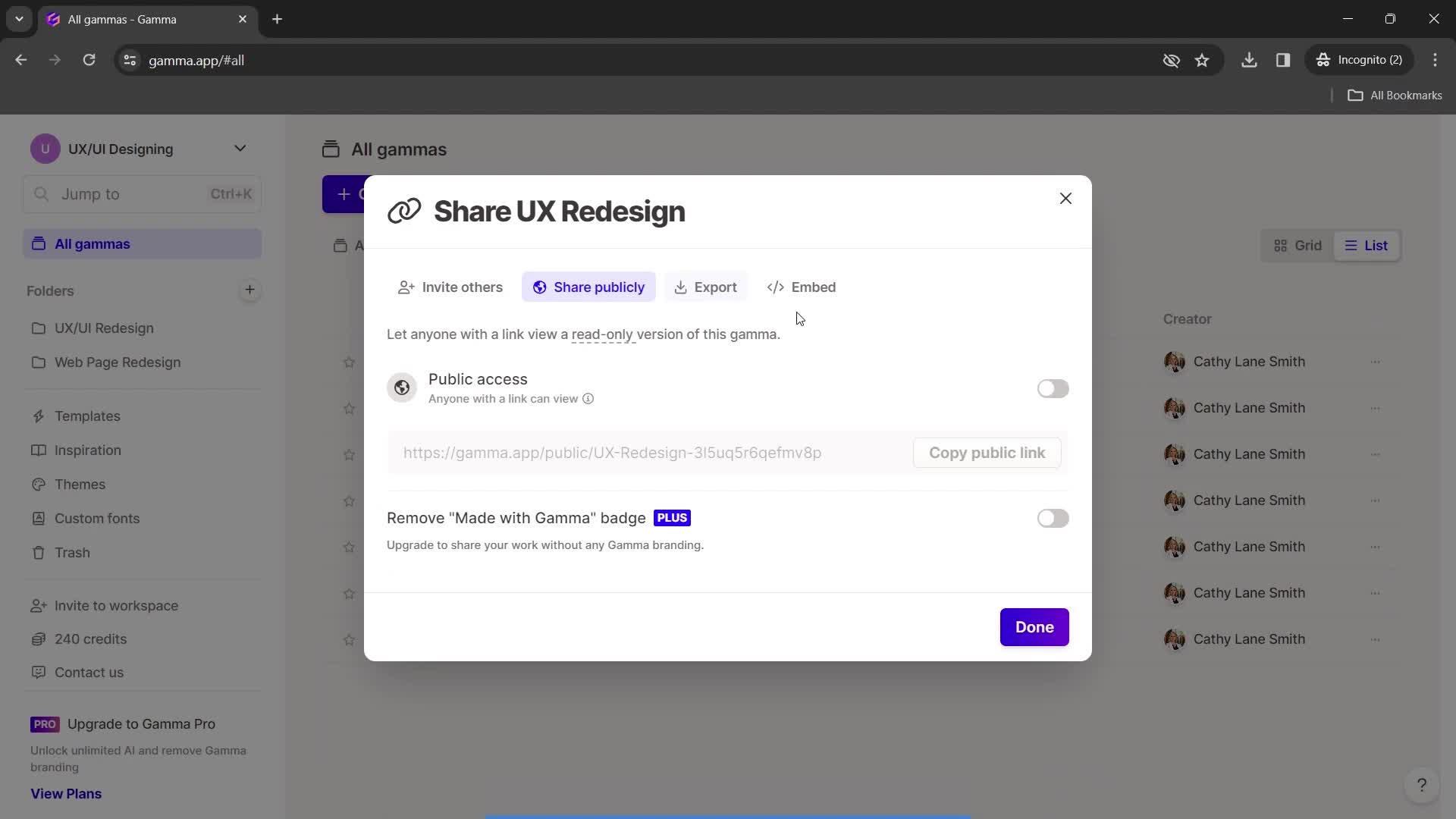
Share settings
this is title
this is title
Continue
this is title
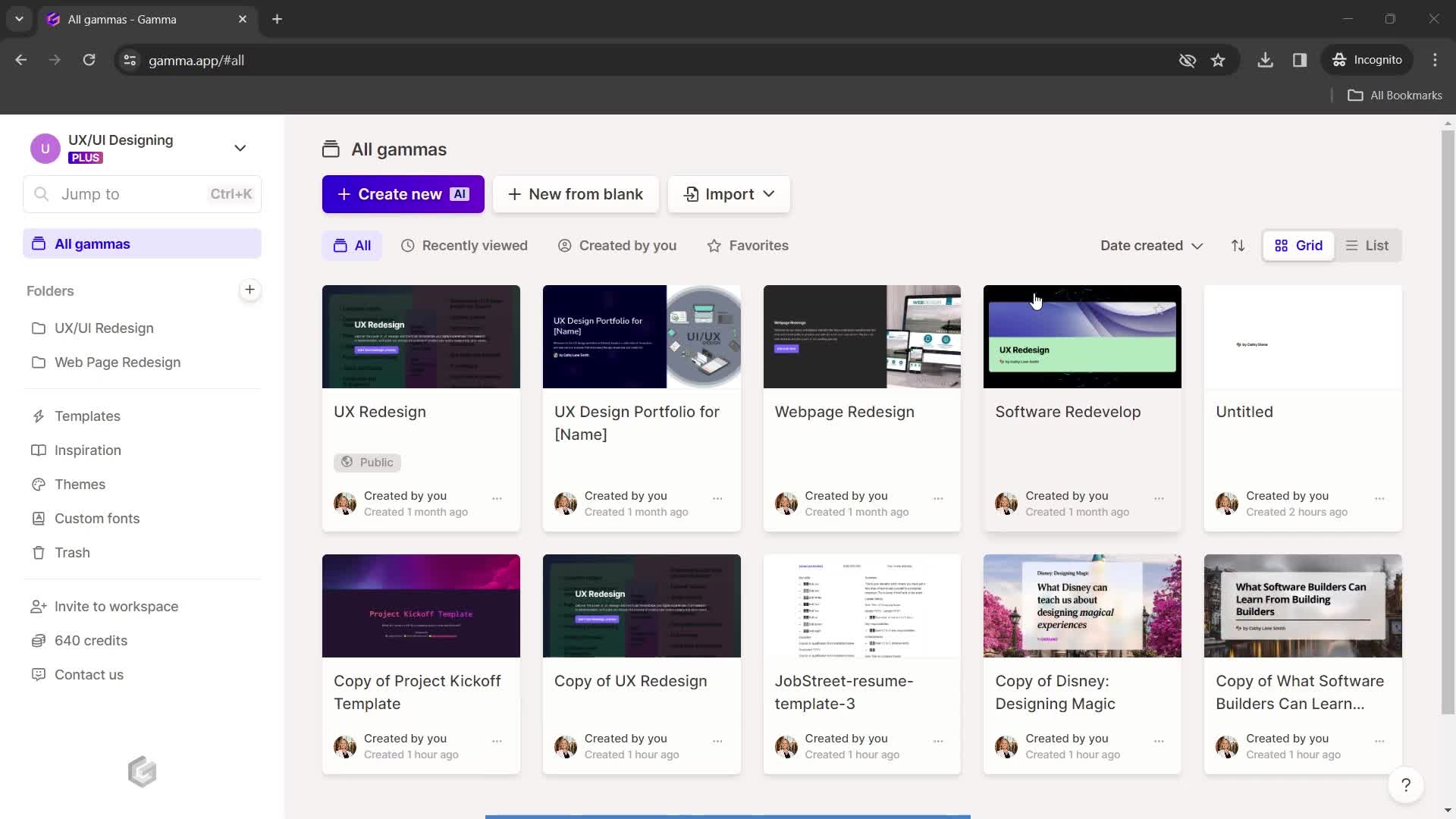
Dashboard
this is title
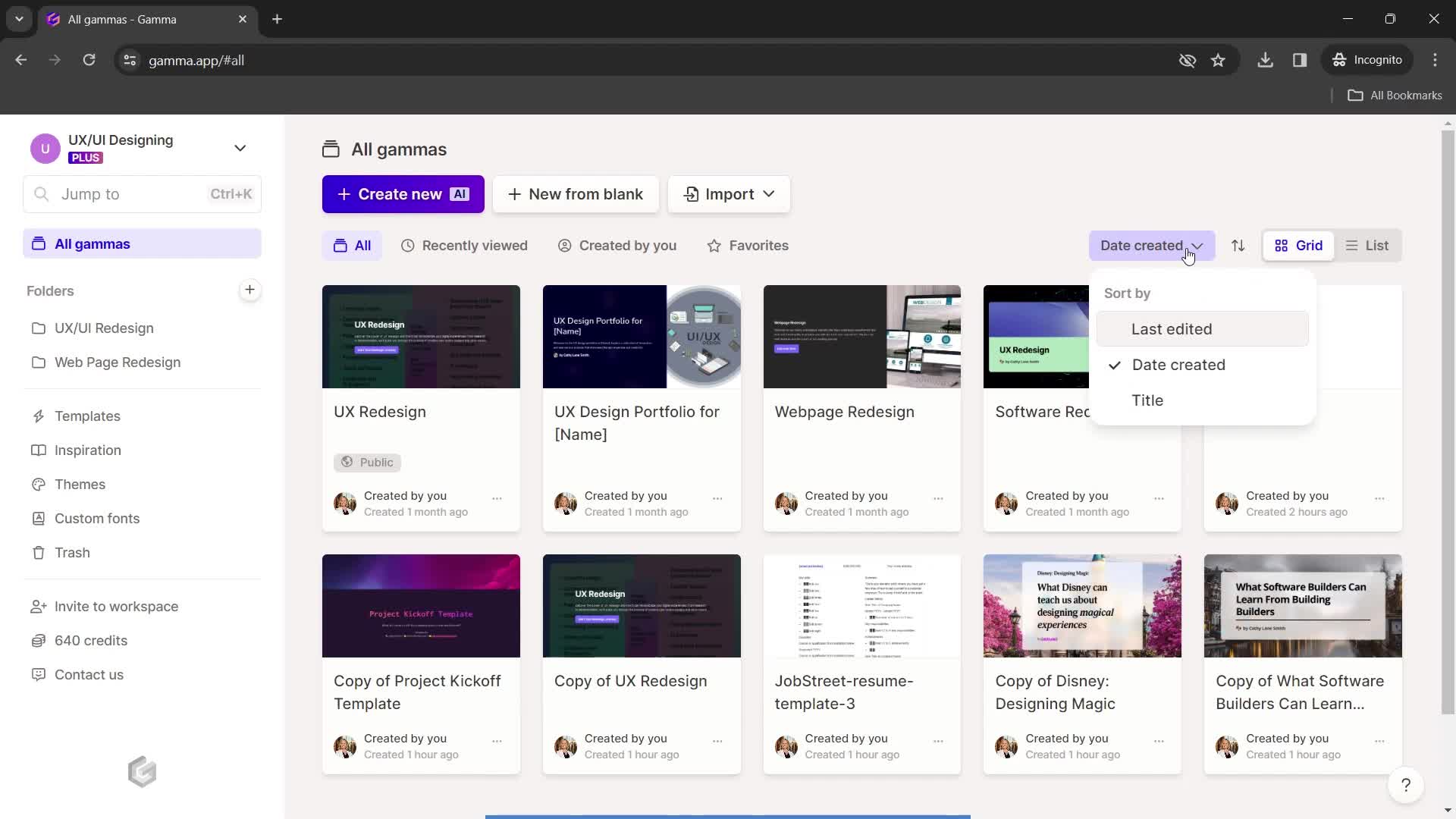
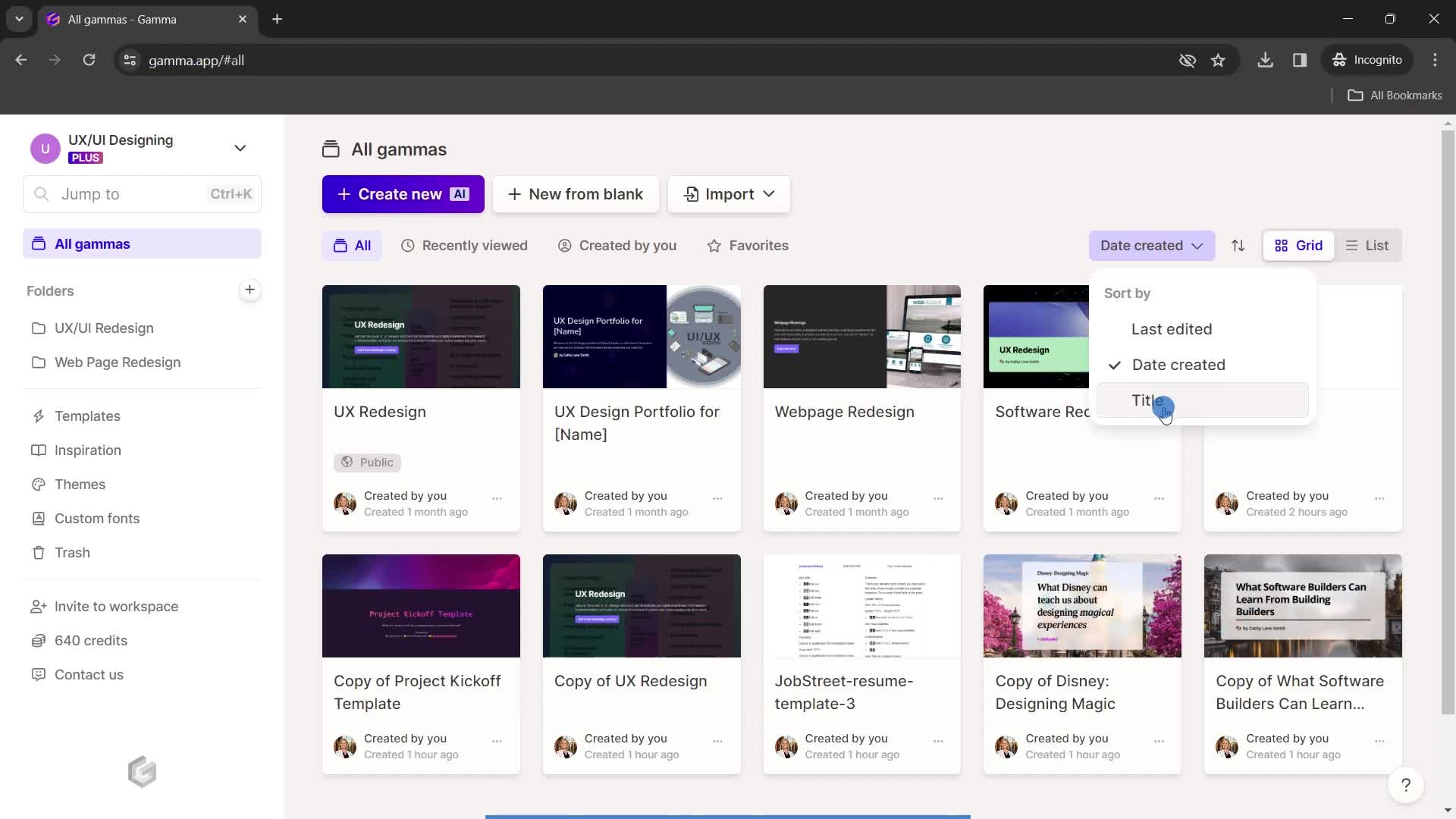
Sort
this is title
this is title
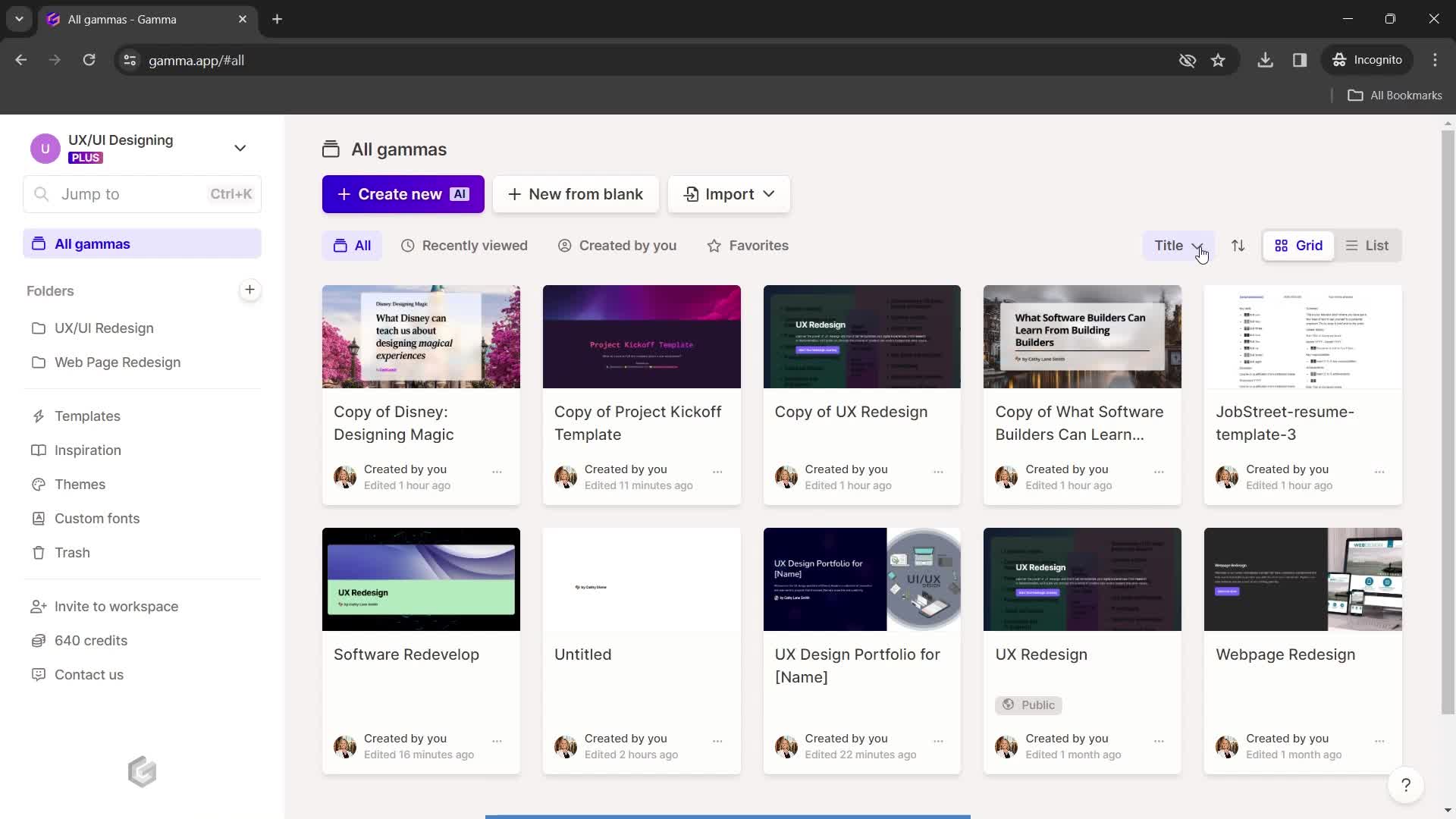
Filtered results
this is title
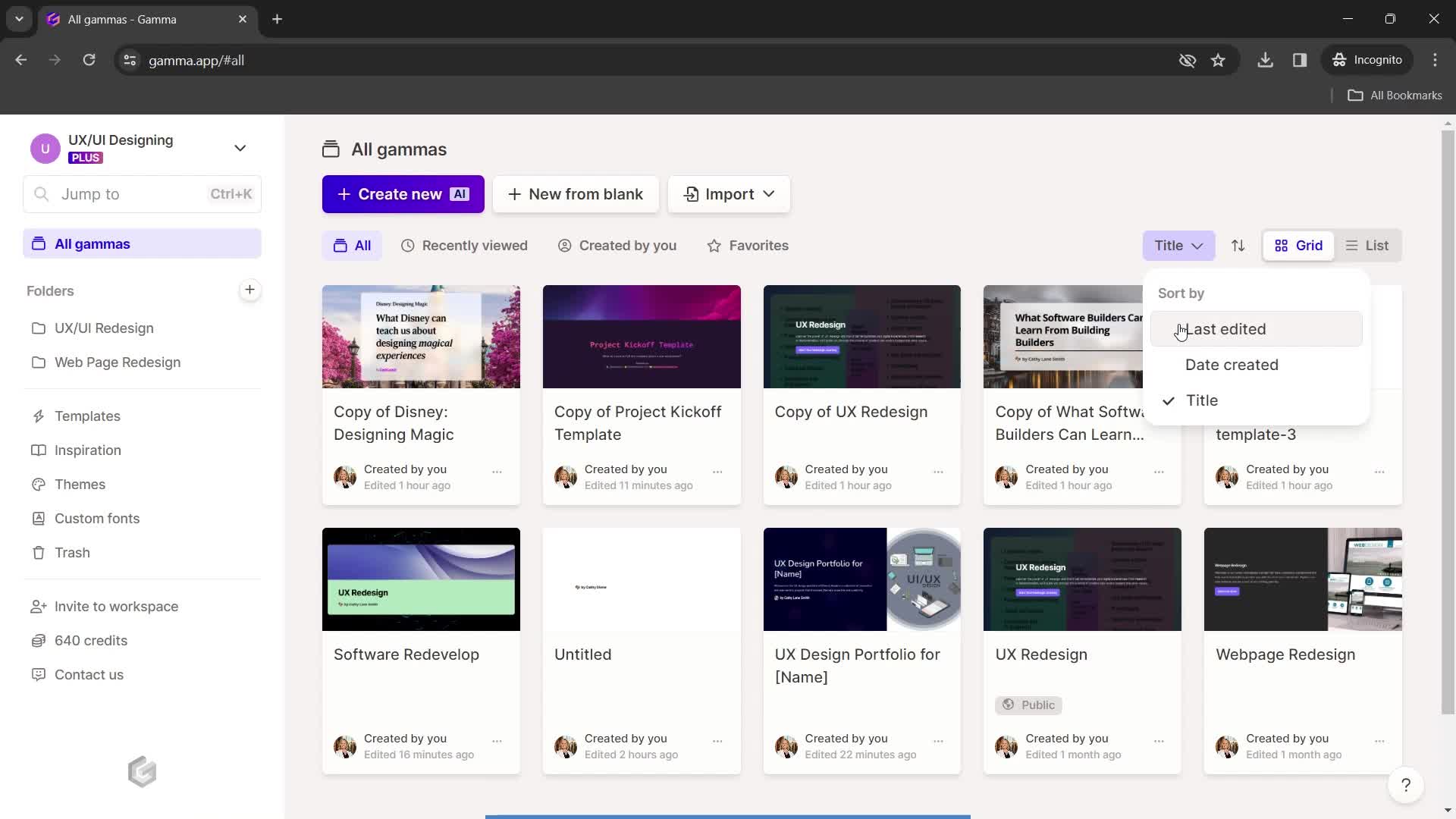
Sort
this is title
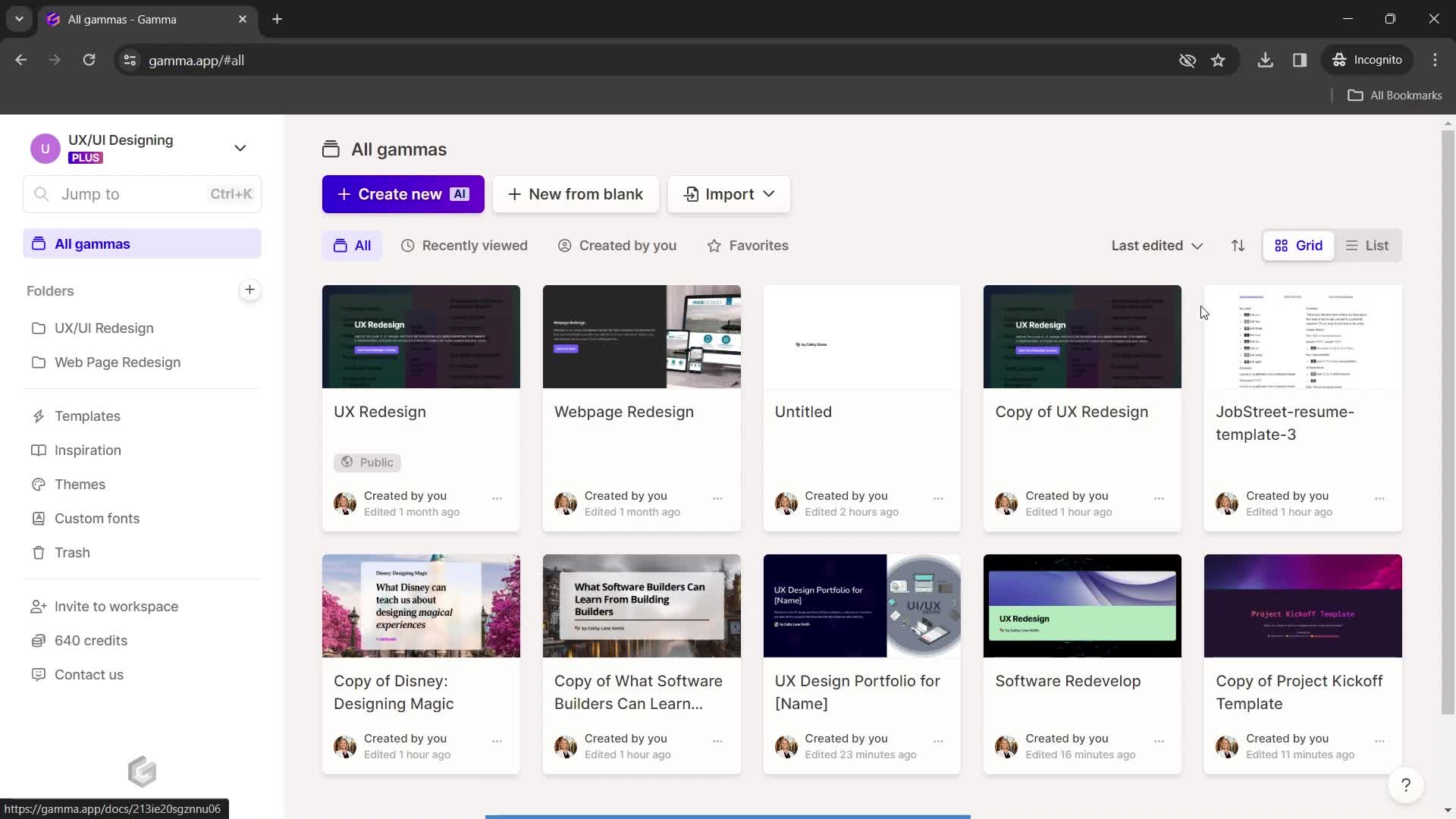
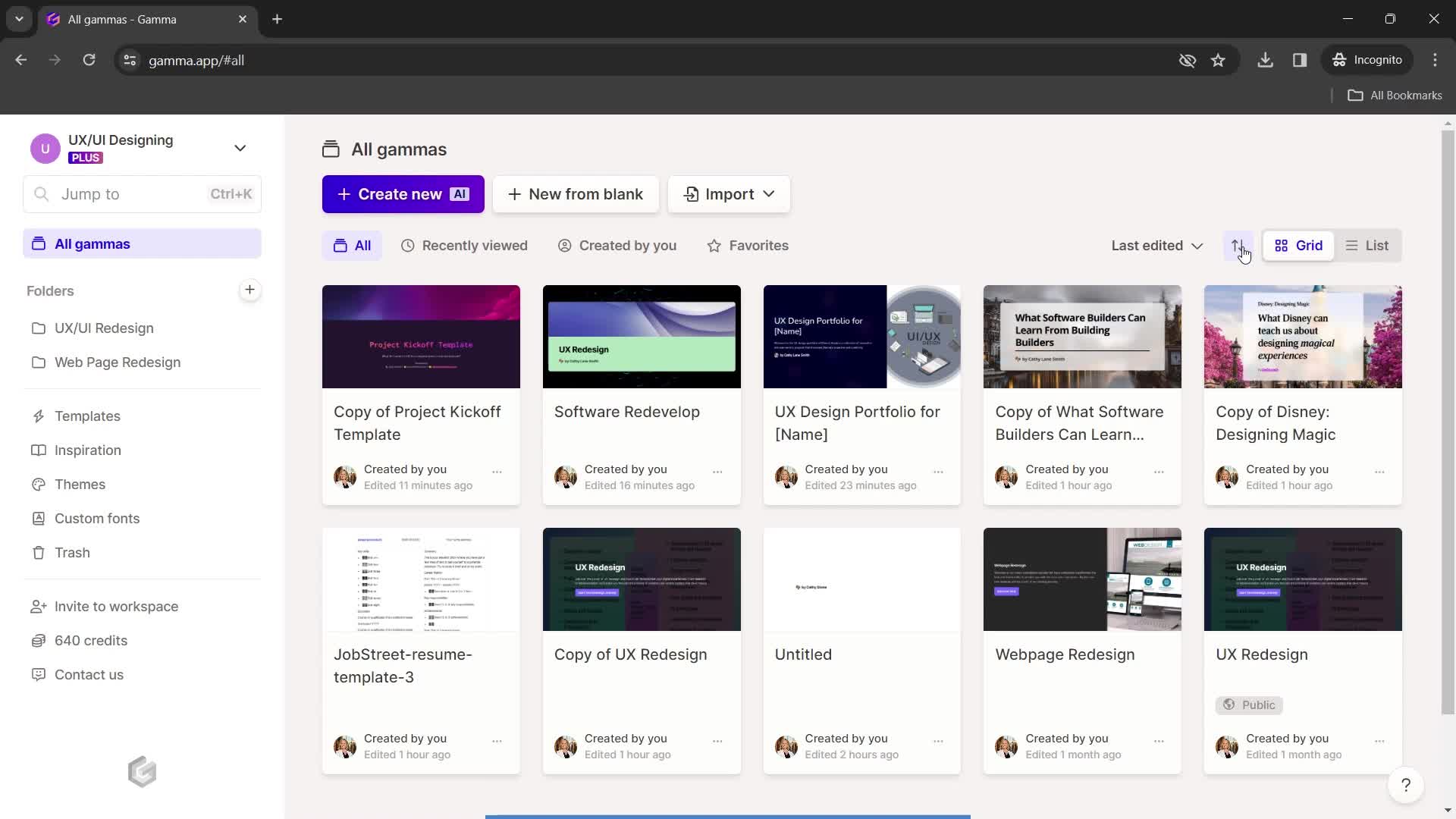
Filtered results
this is title
List view
this is title
Grid view
this is title
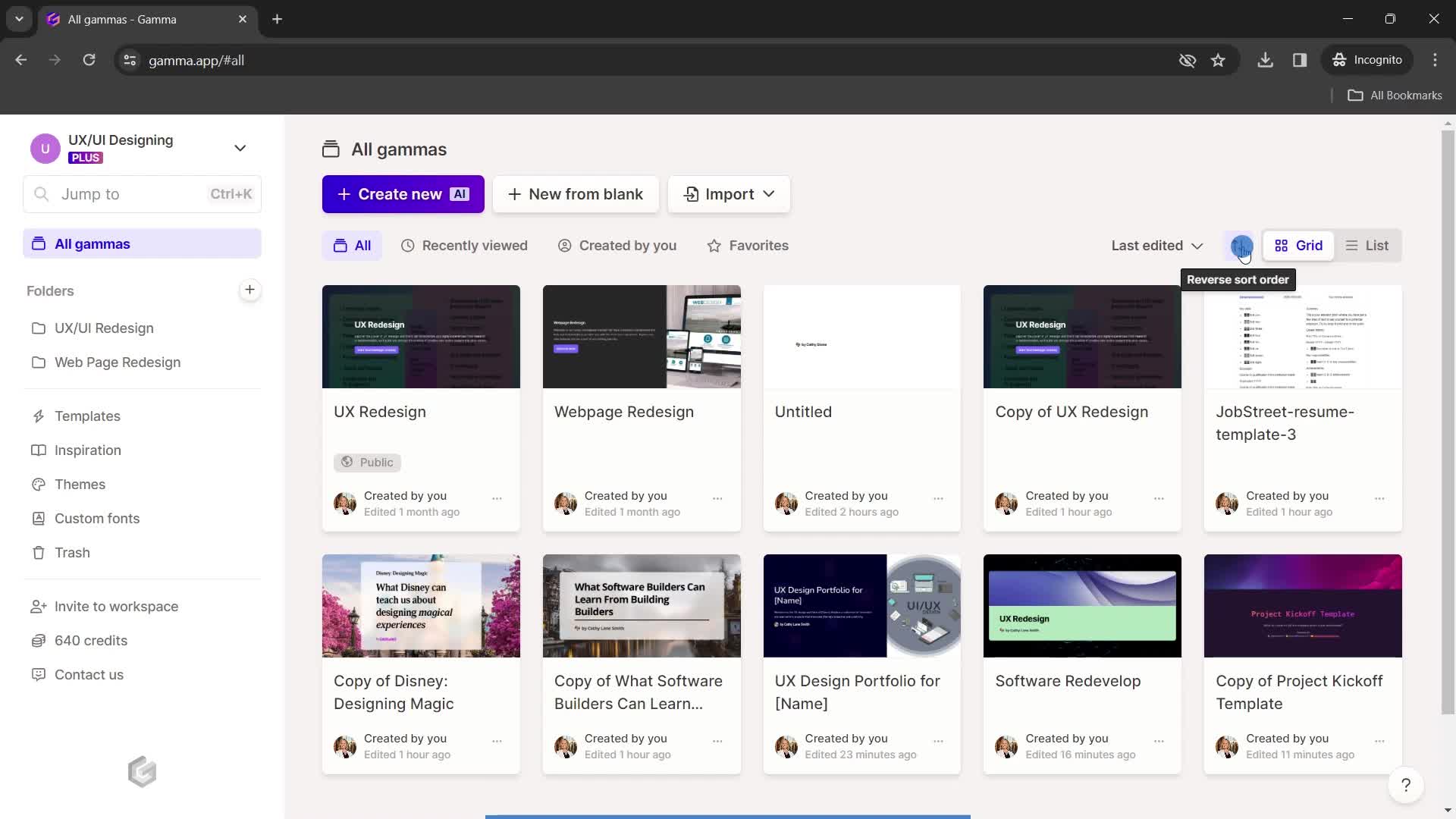
Sort order
this is title
Filtered results
this is title
Home
this is title
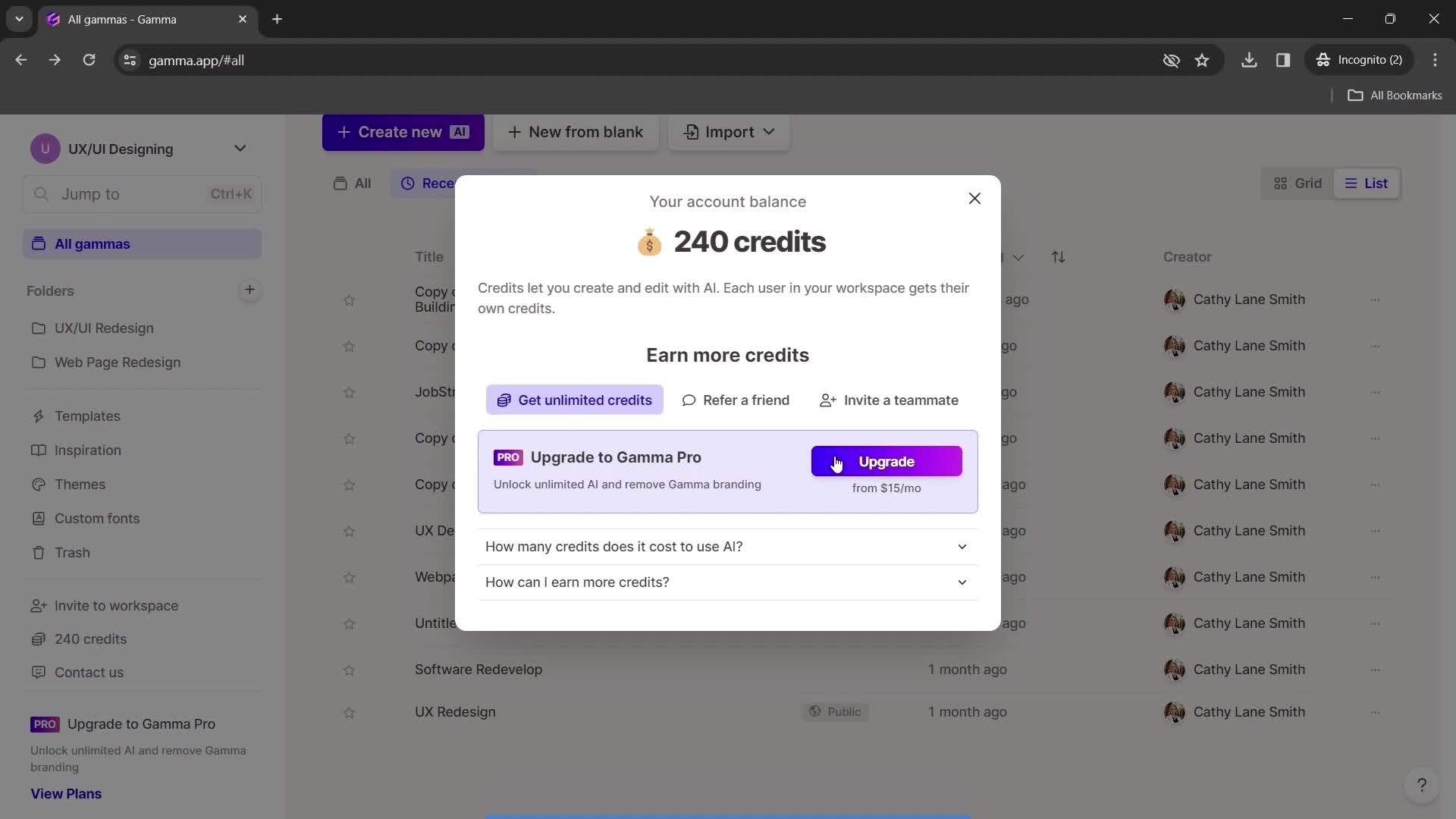
Credits
this is title
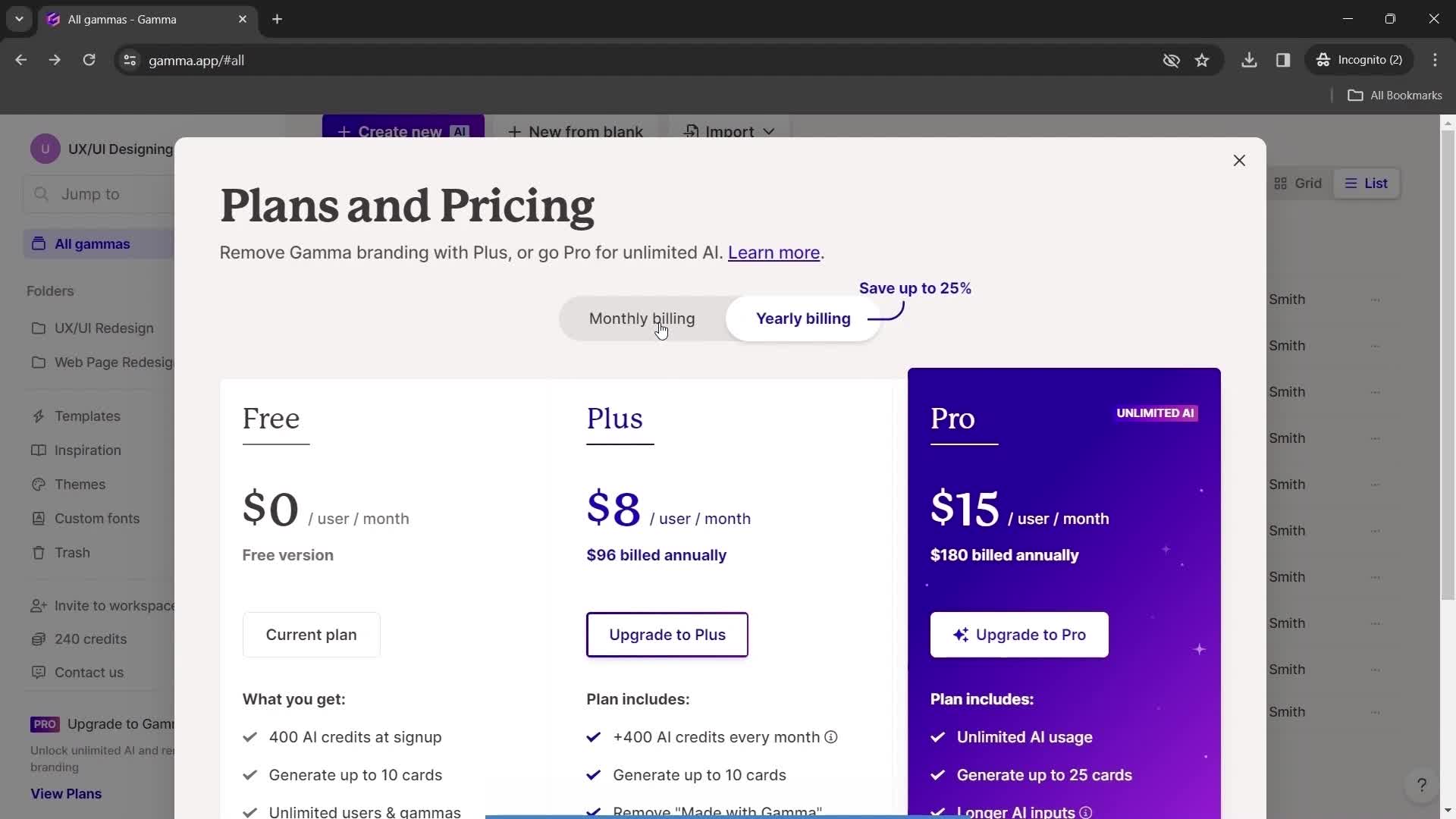
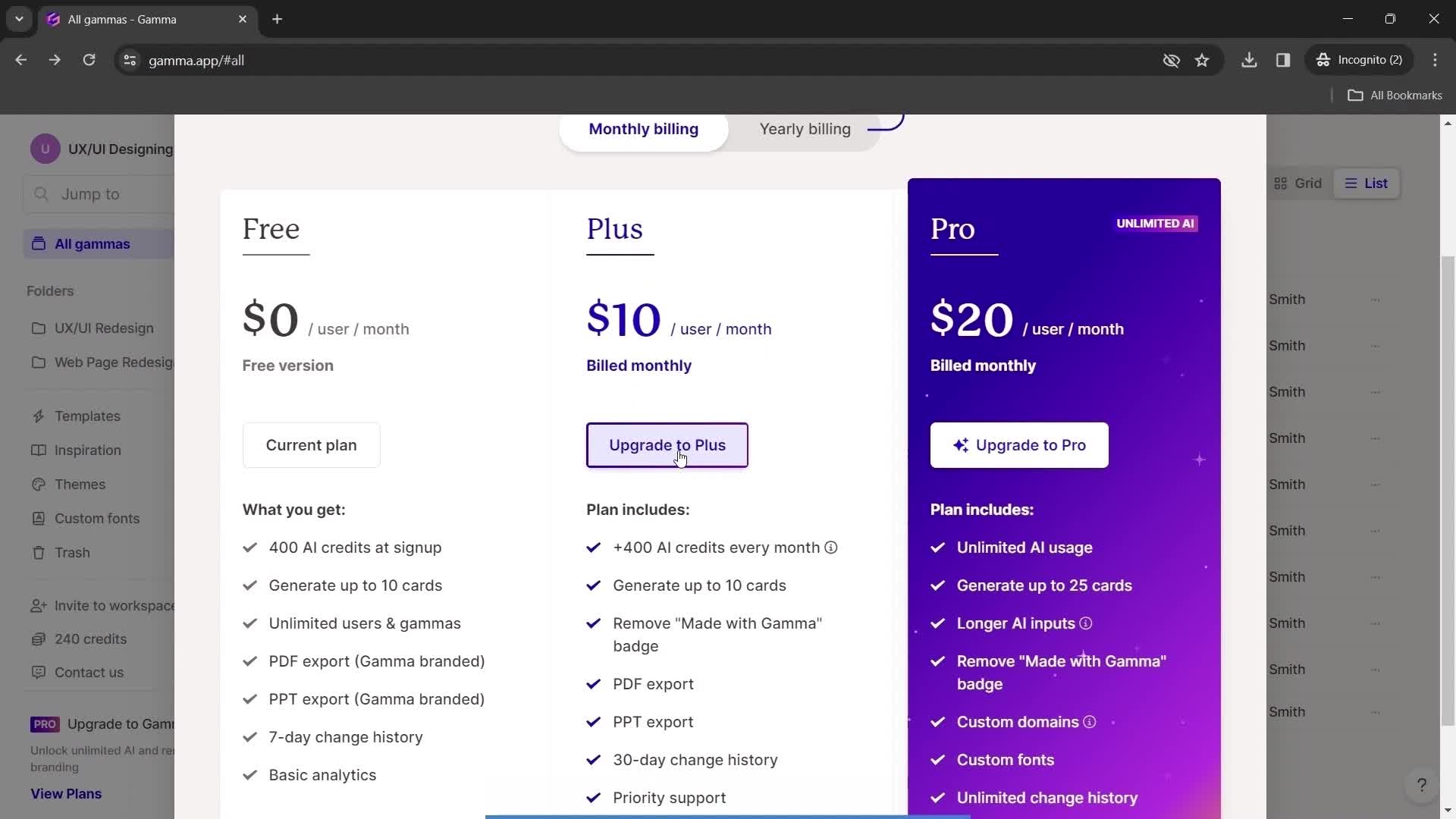
Pricing & plans
this is title
Upgrade plan
this is title
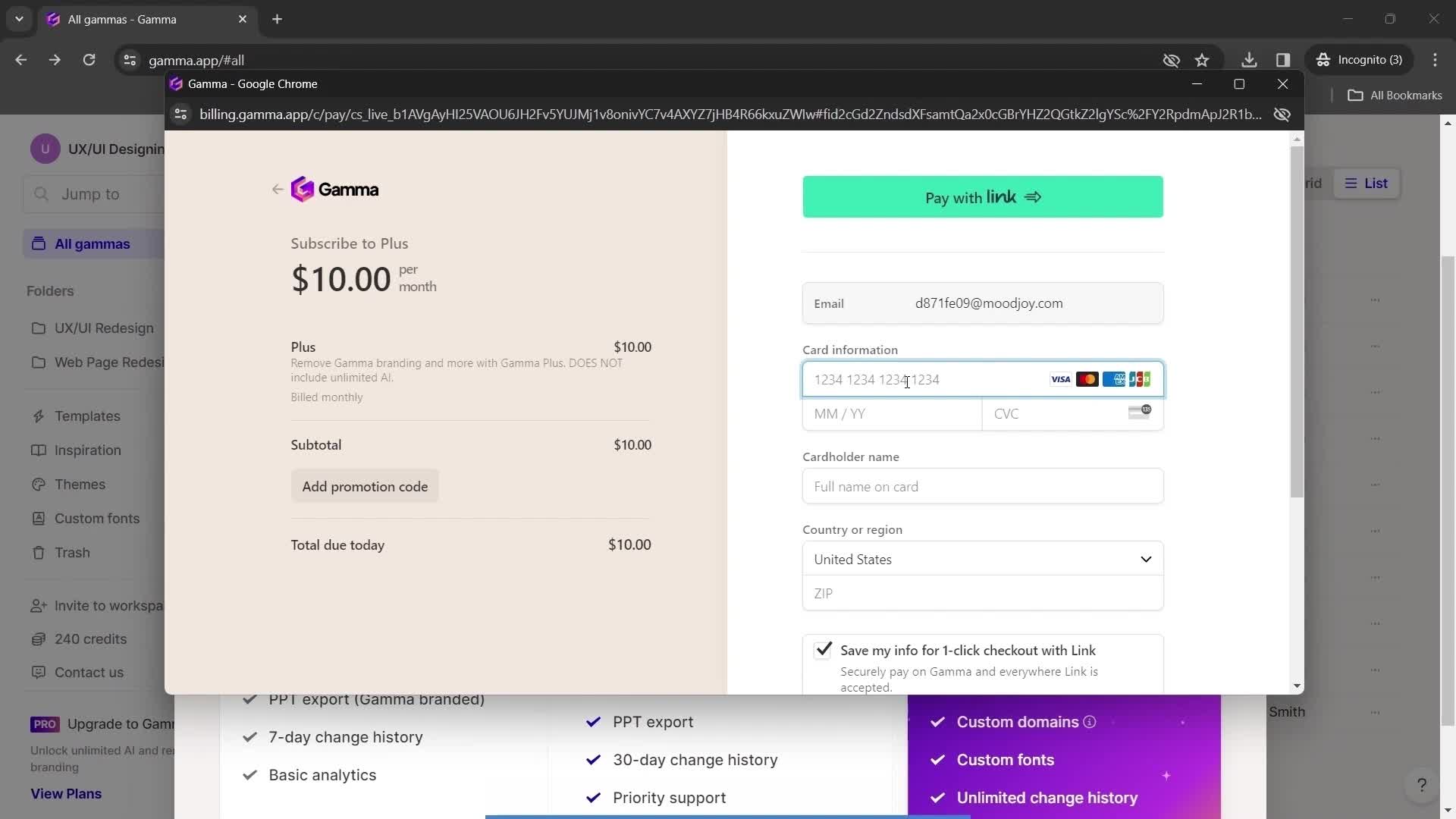
Add payment details
this is title
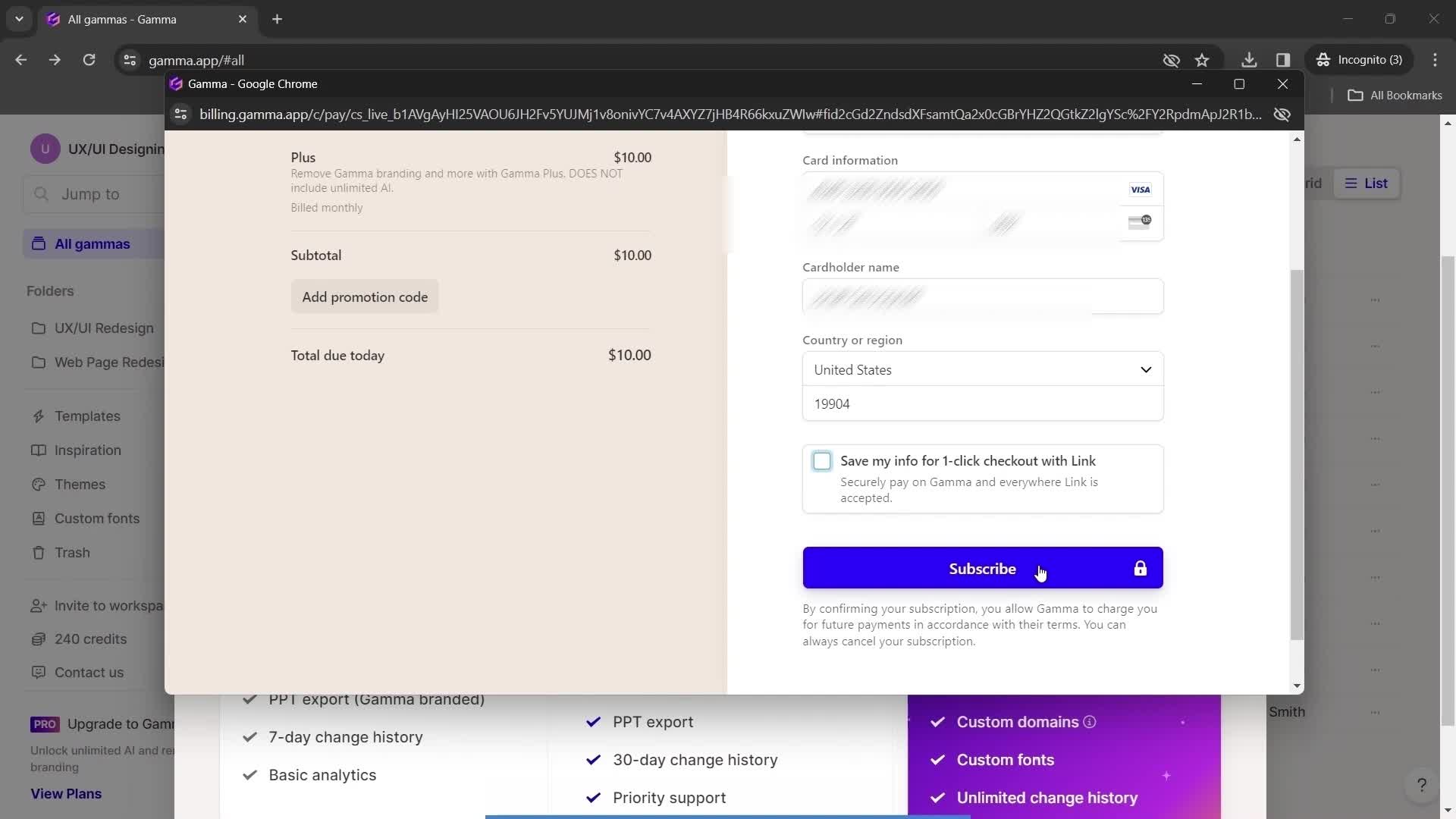
Subscribe
this is title
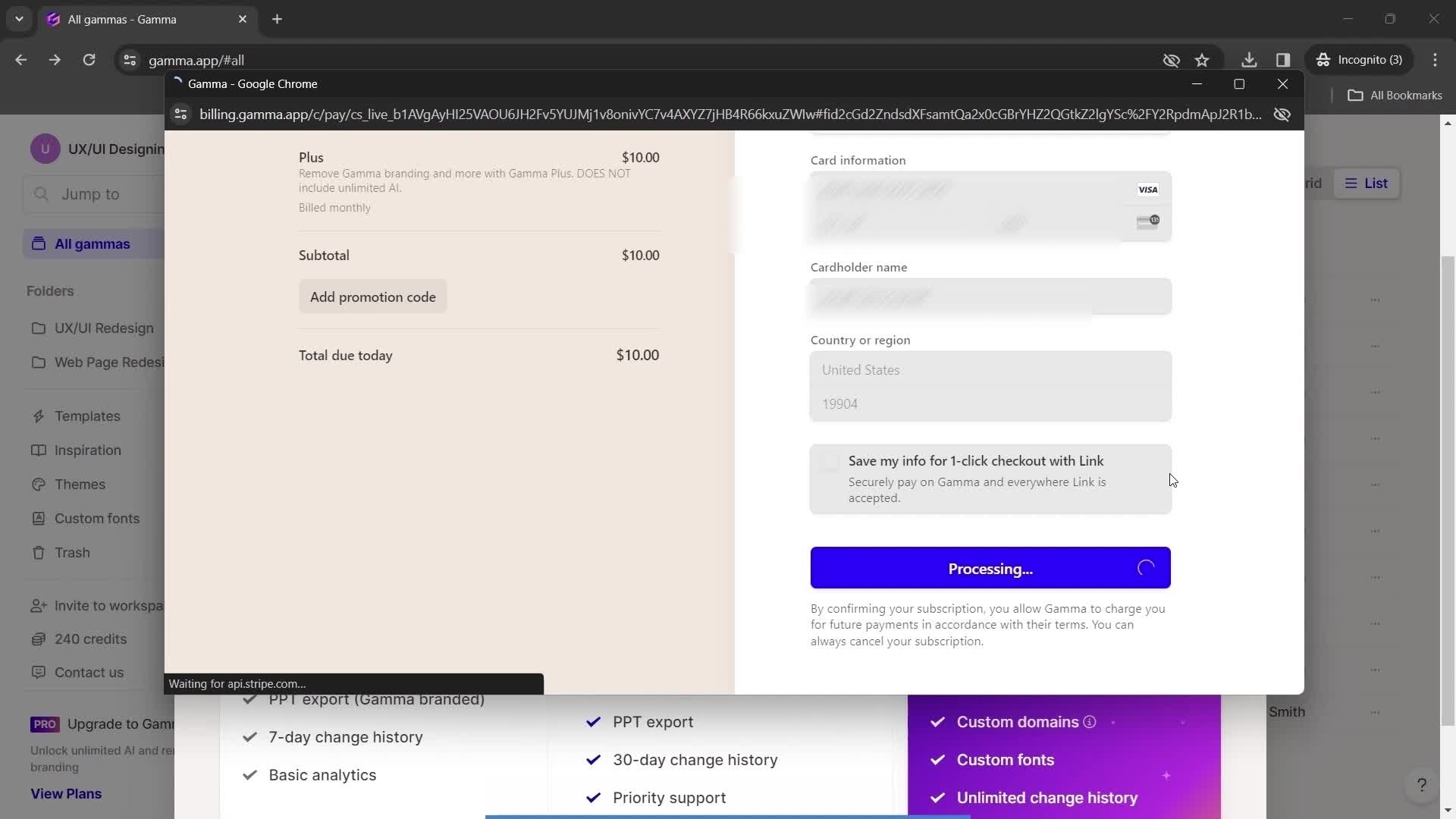
Processing
this is title
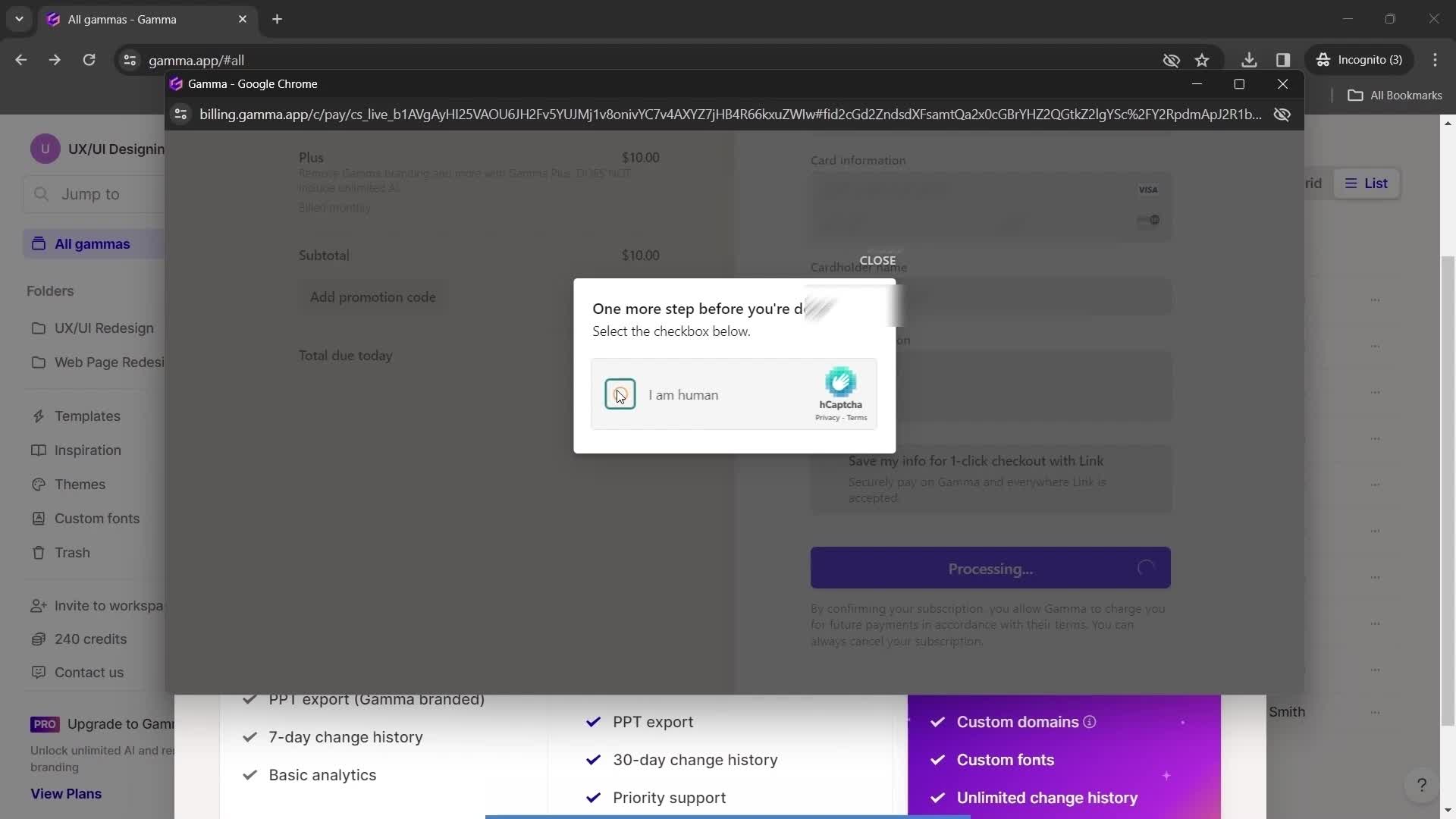
Confirm you're human
this is title
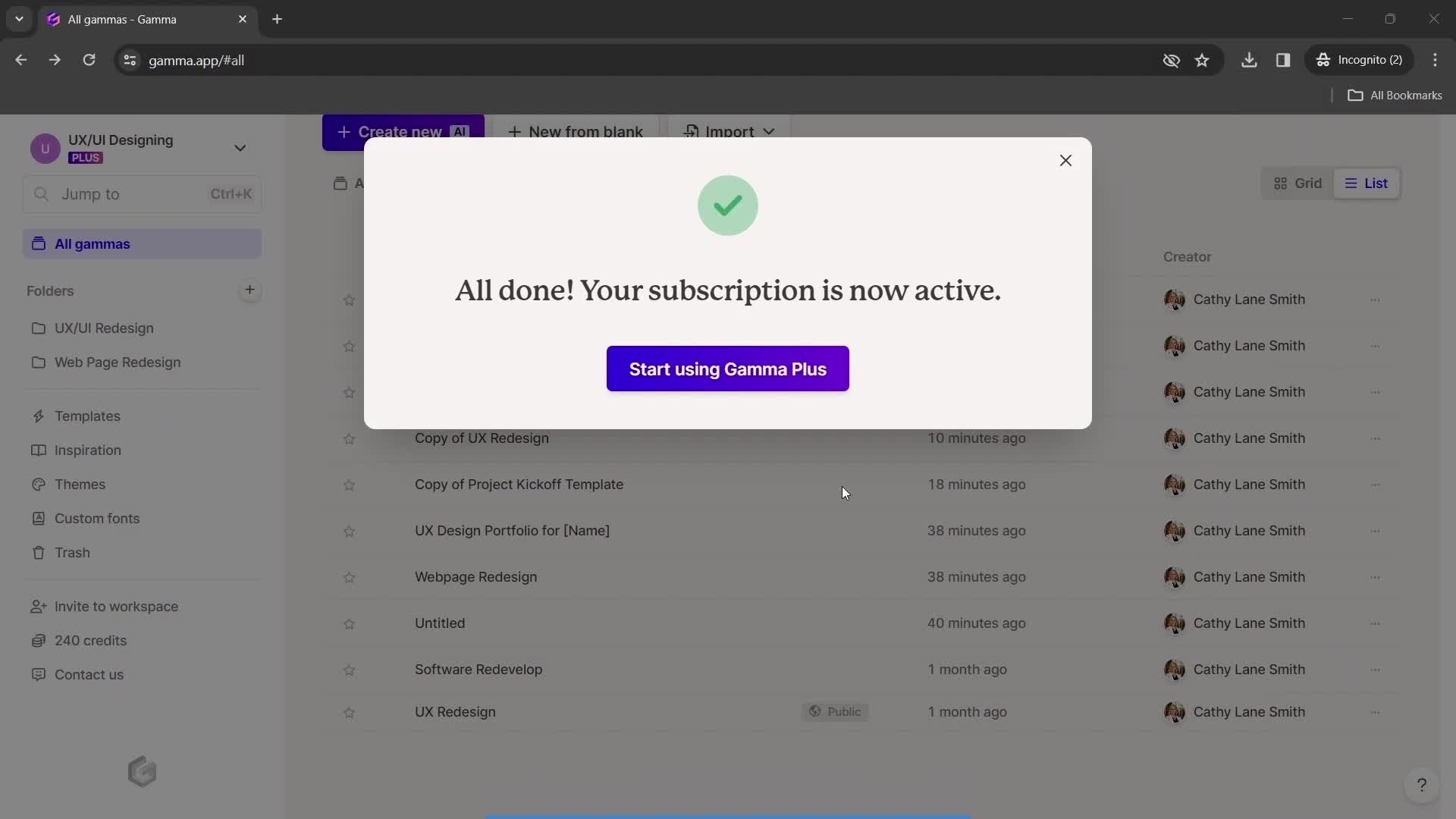
Subscription successful
this is title