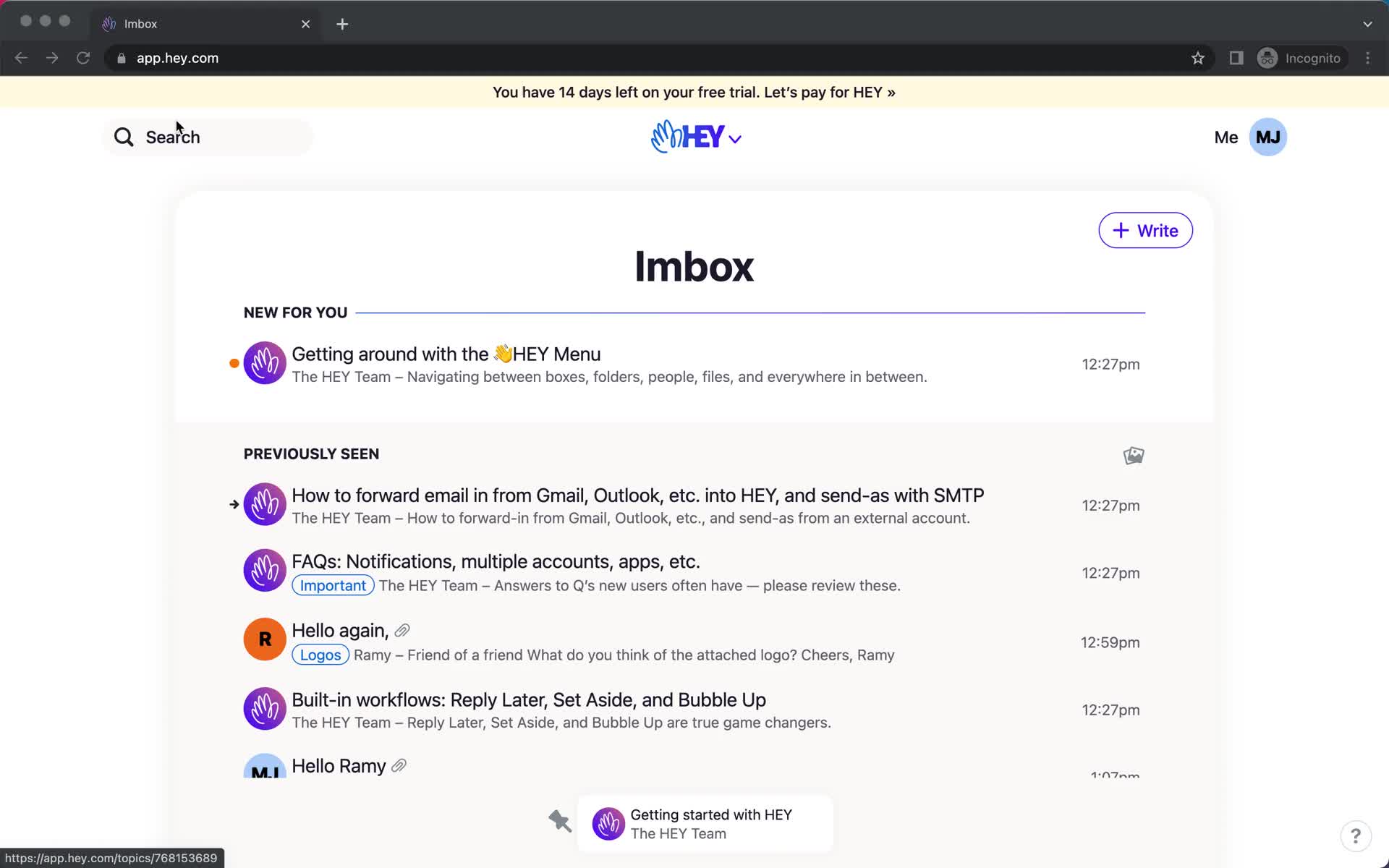
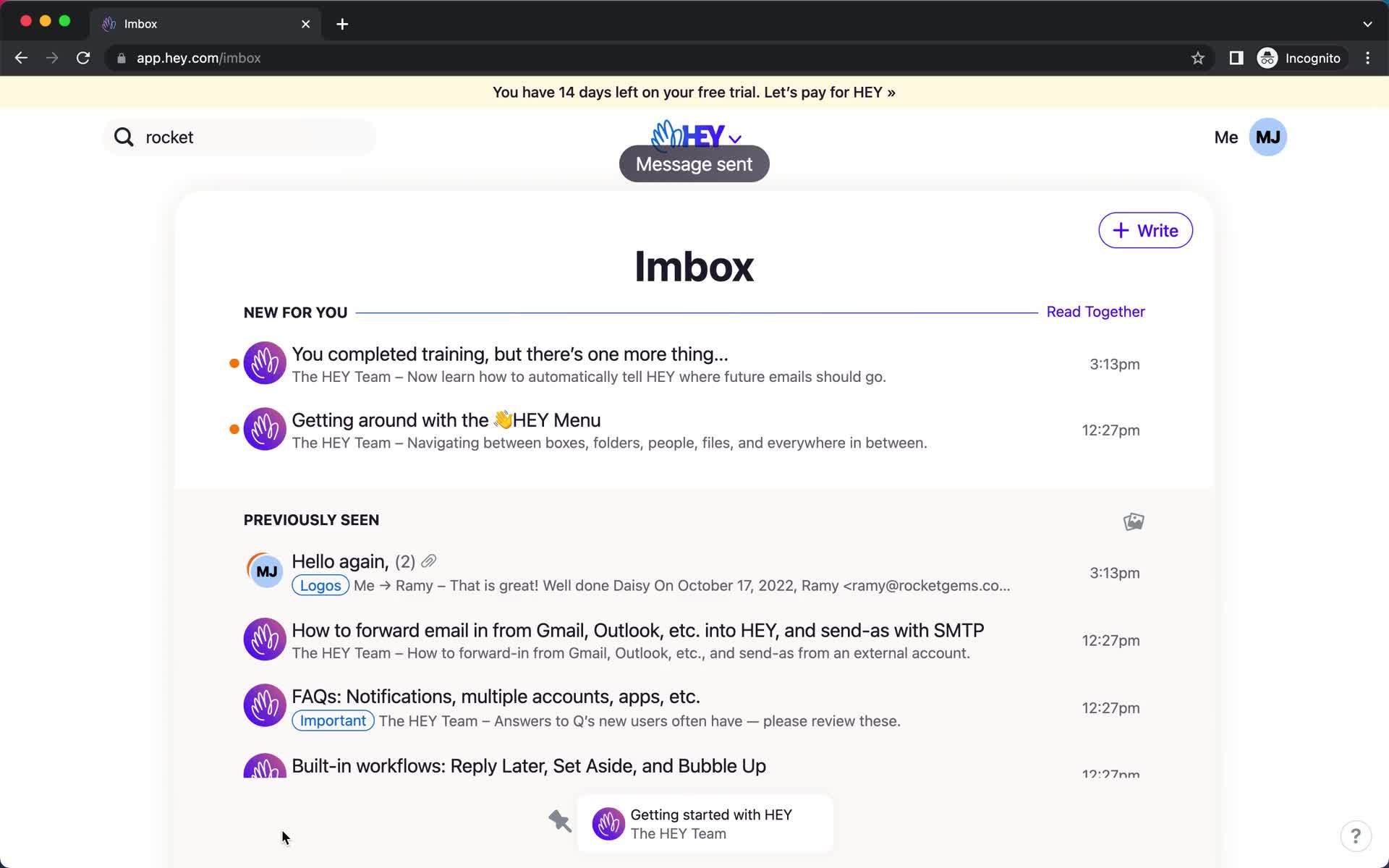
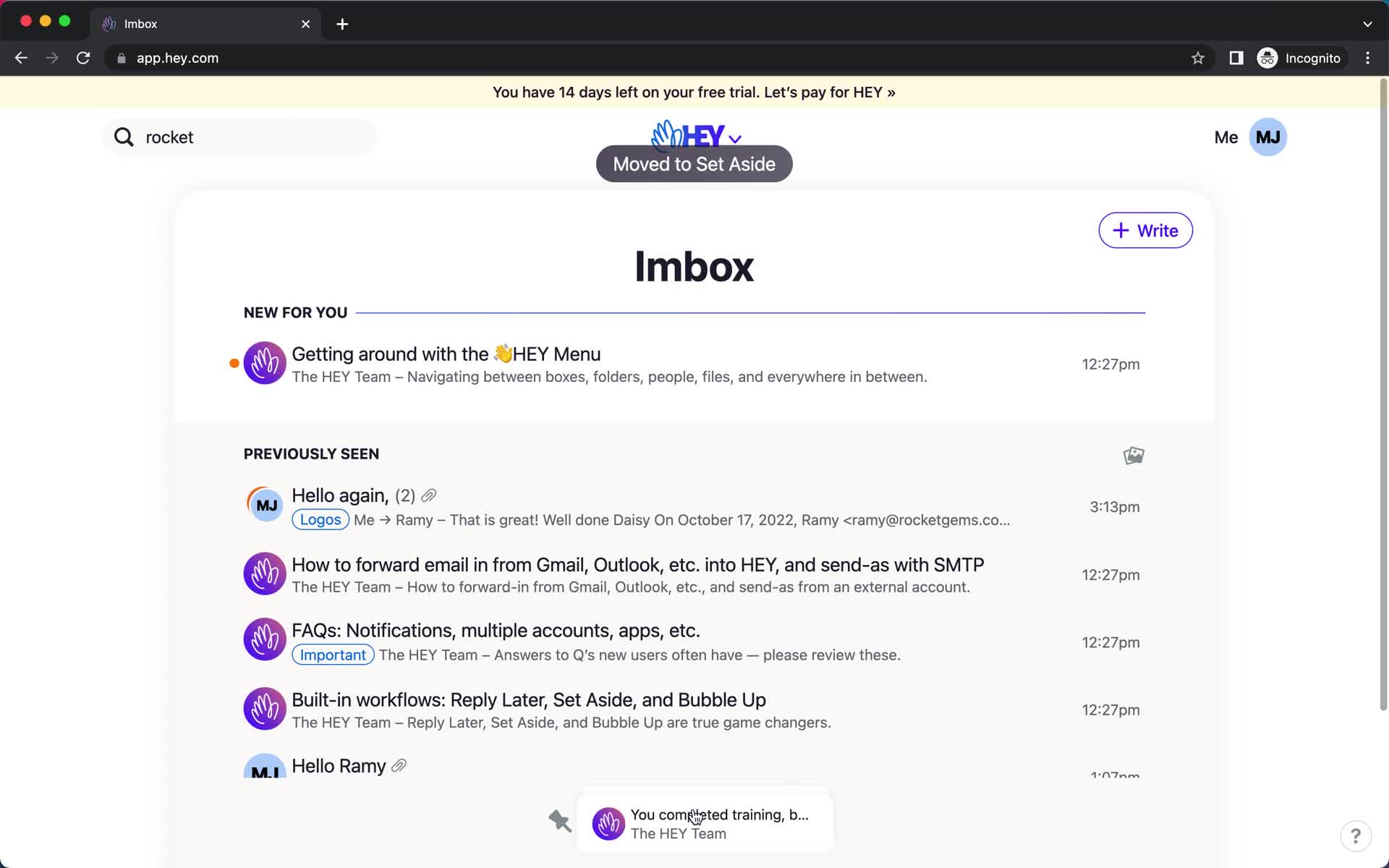
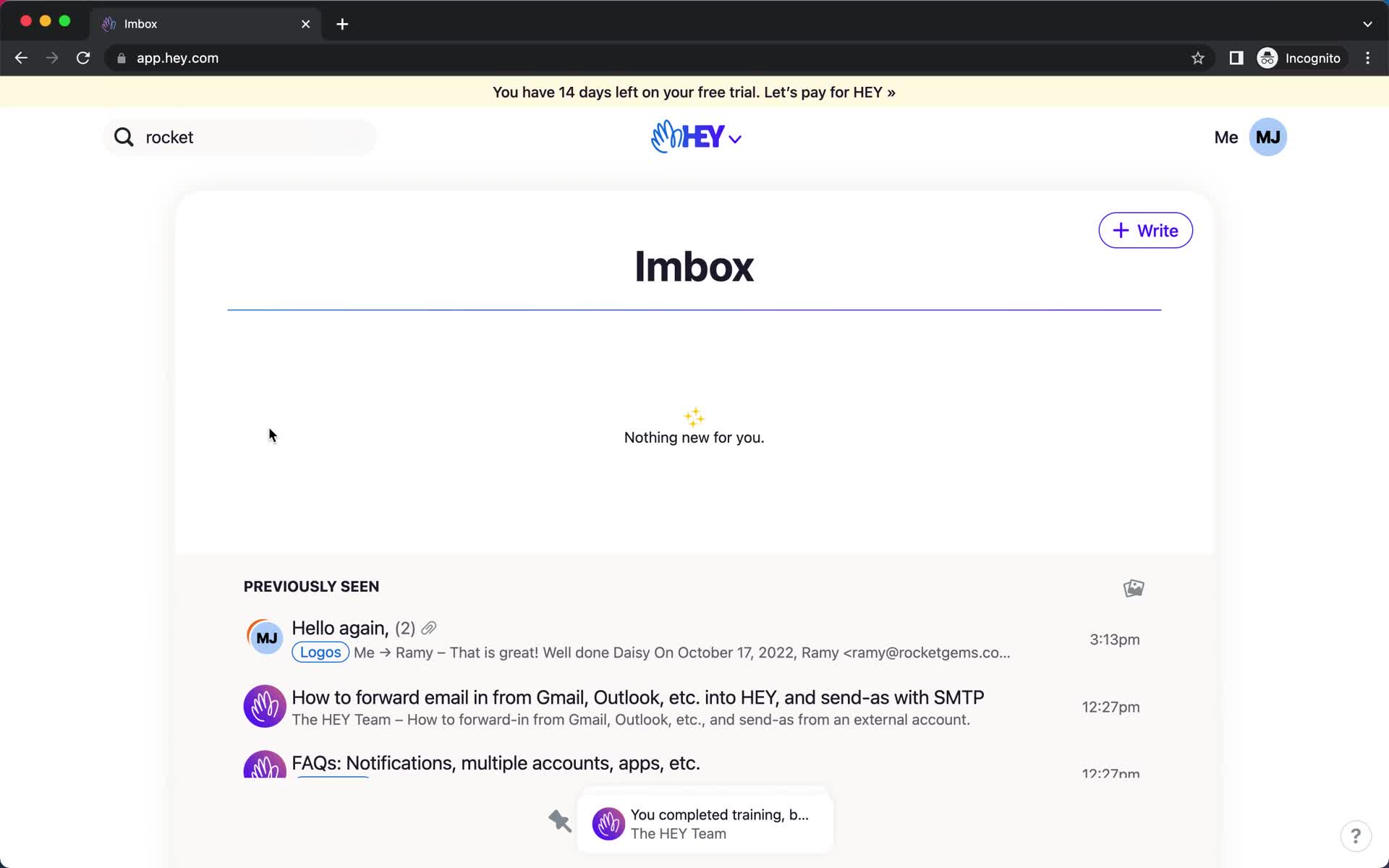
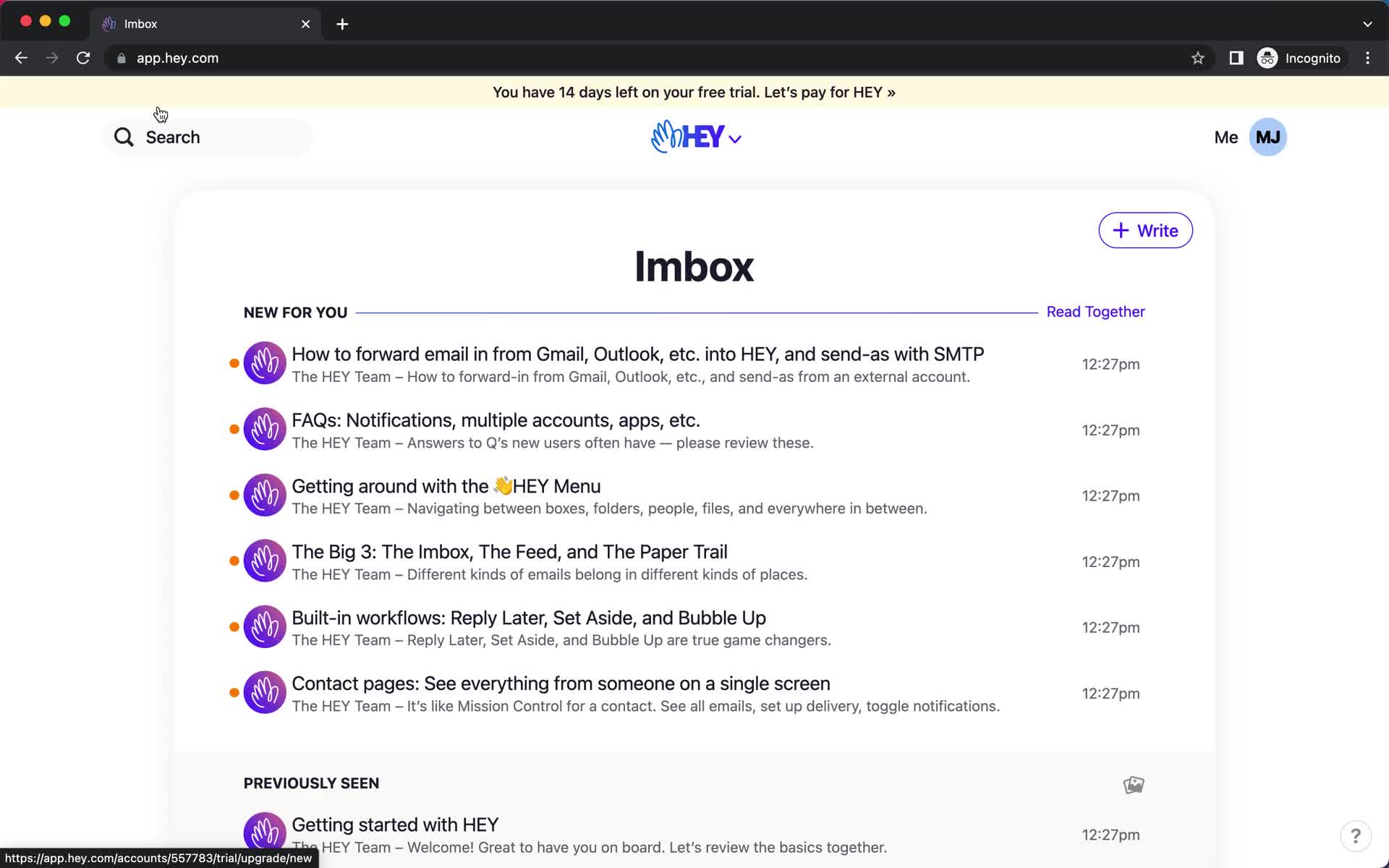
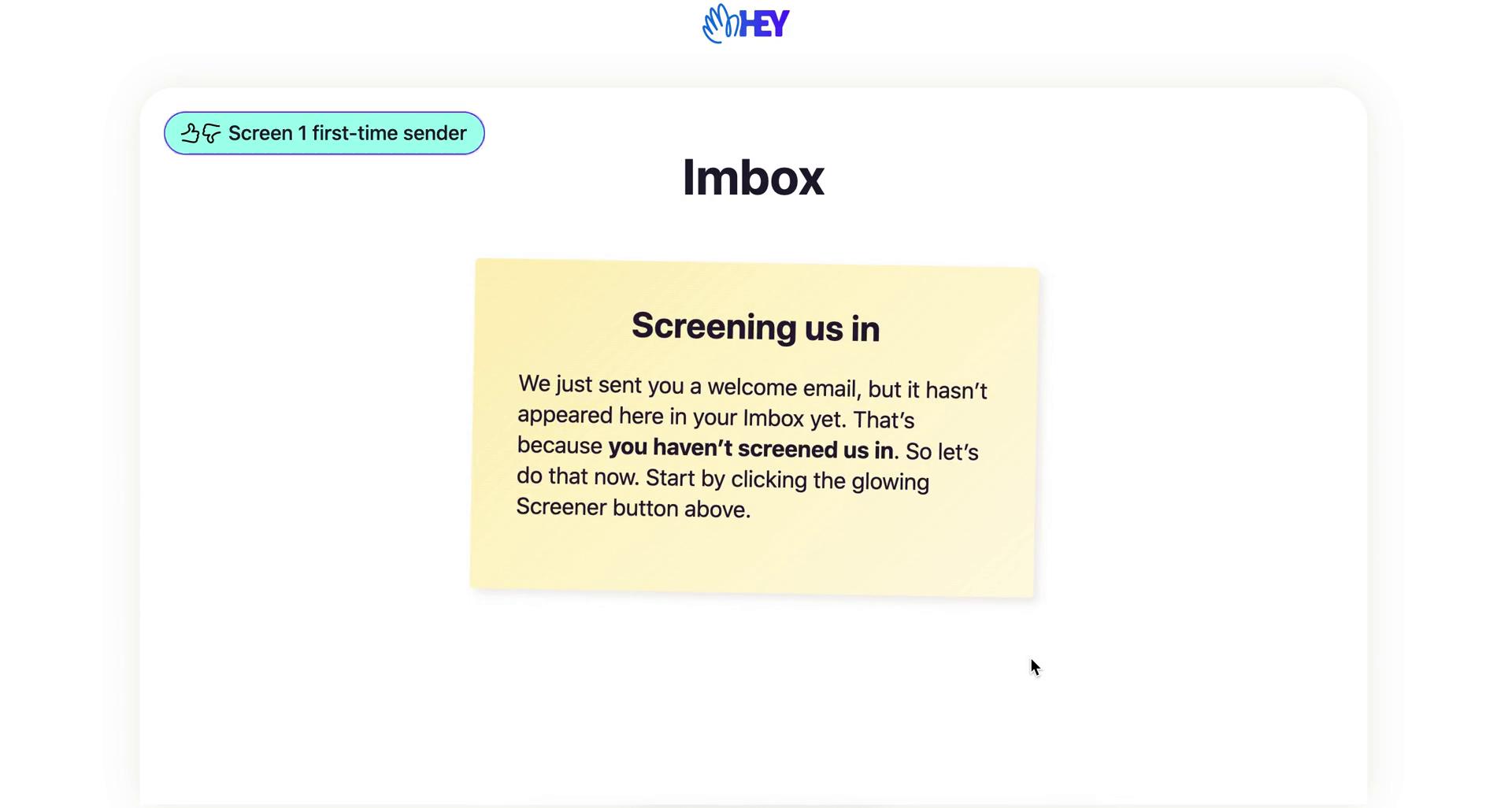
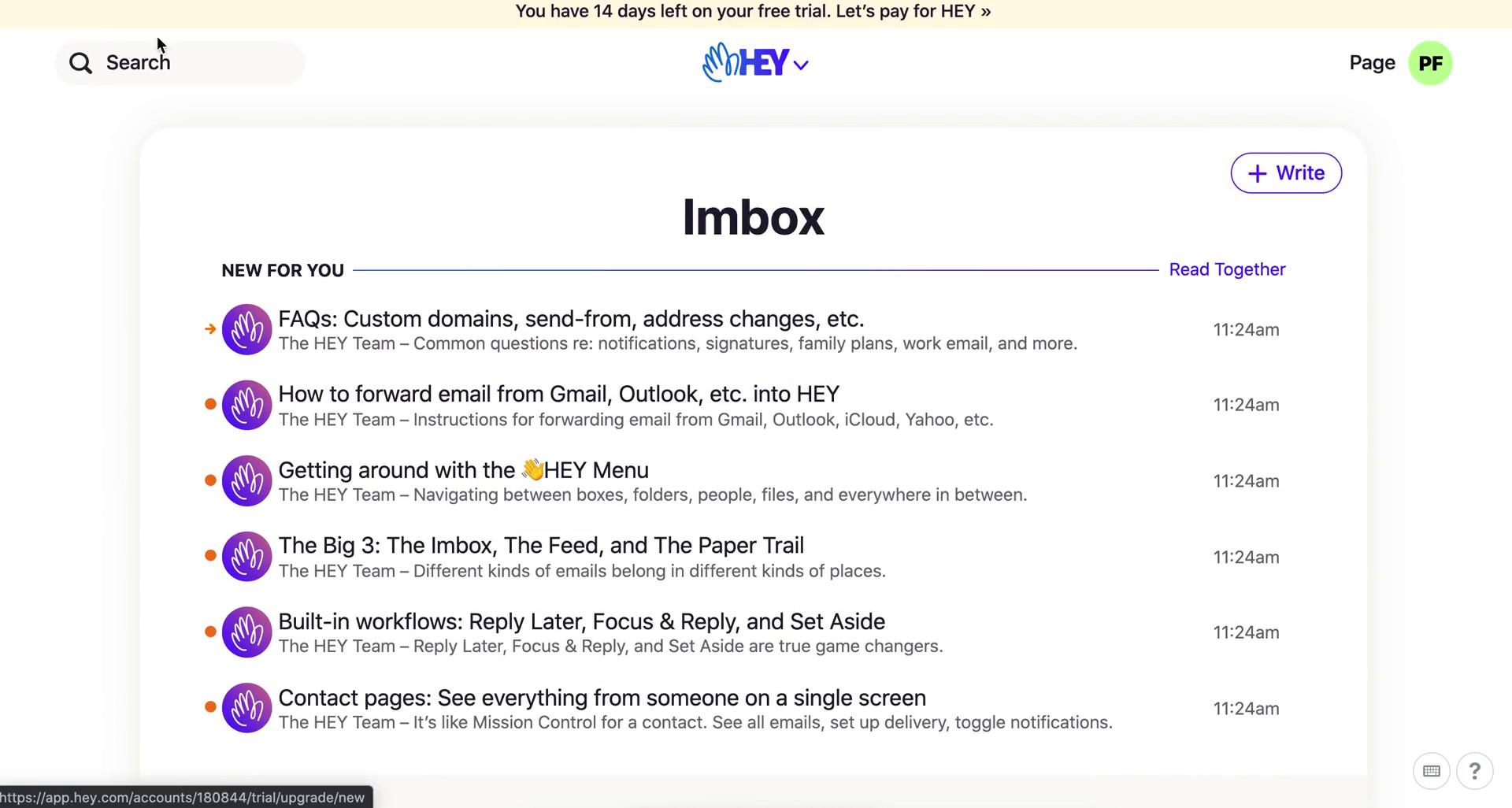
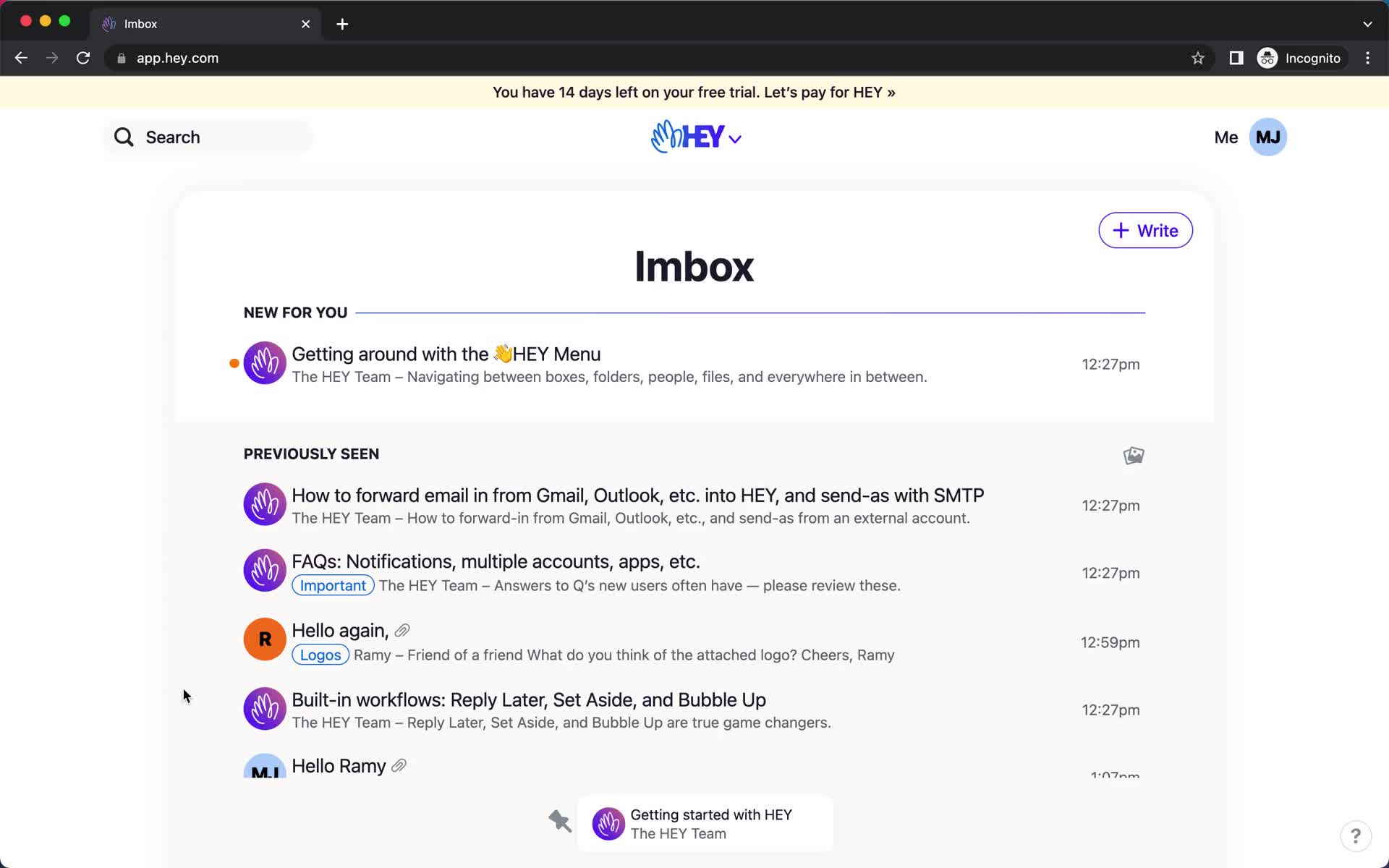
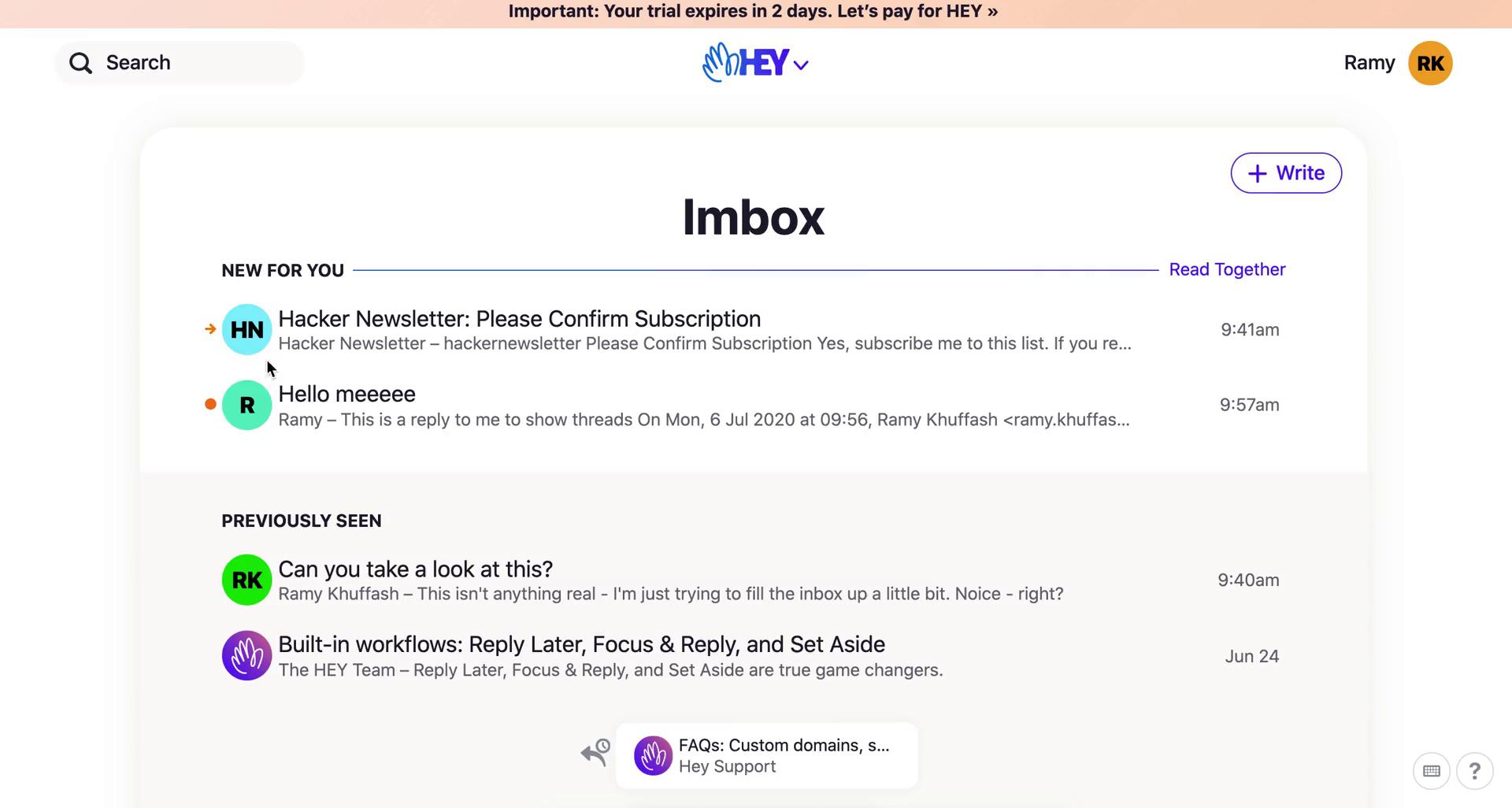
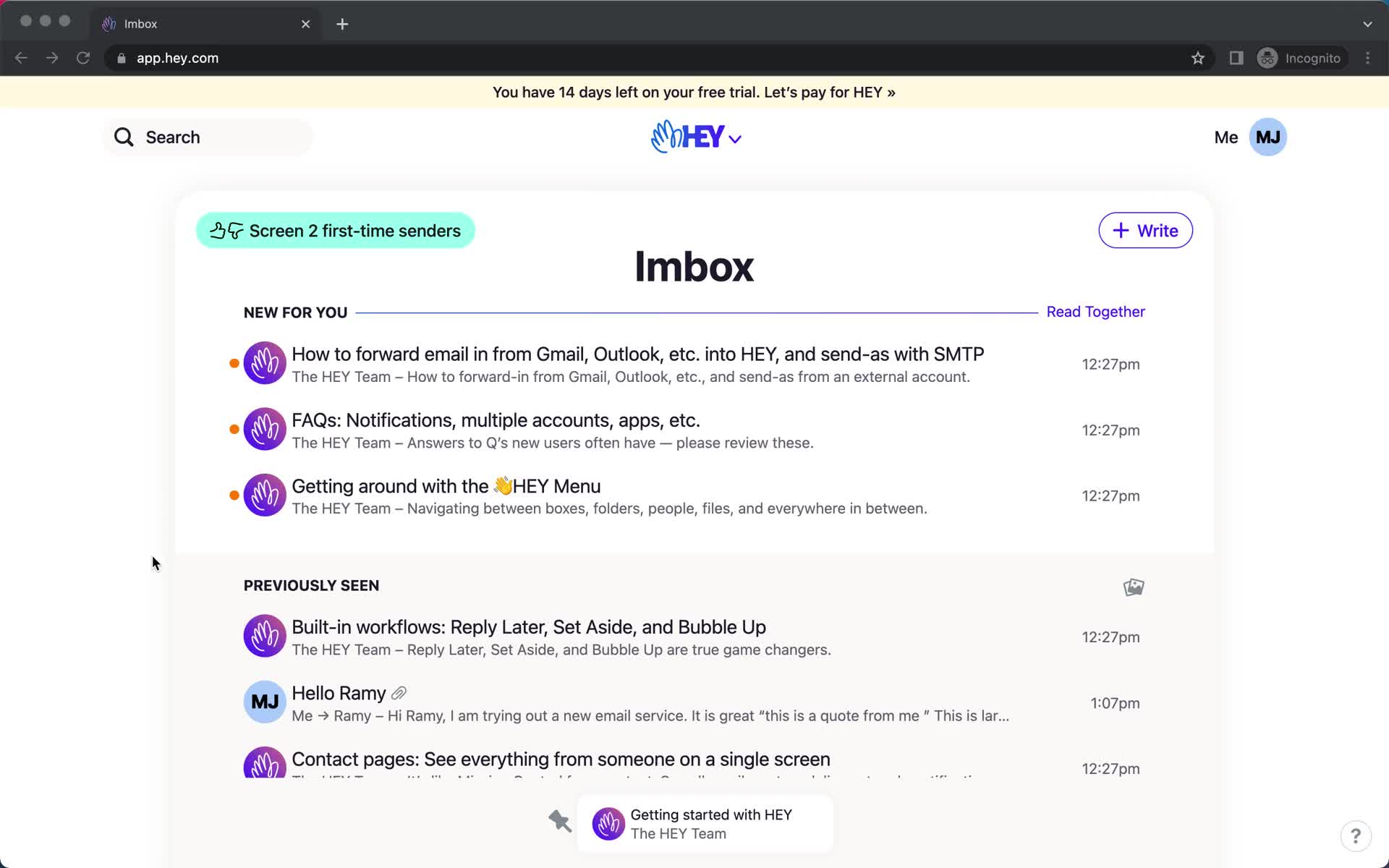
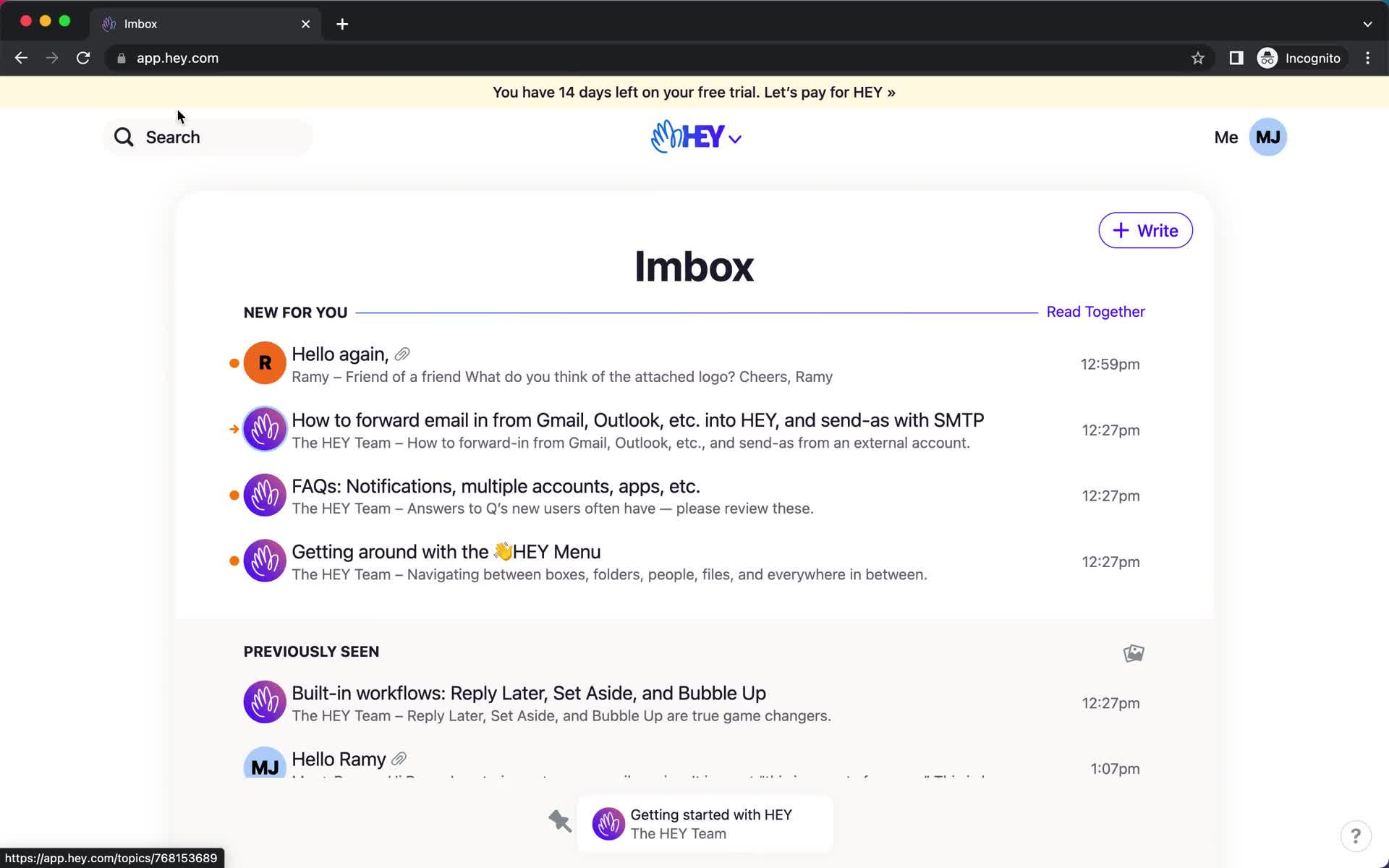
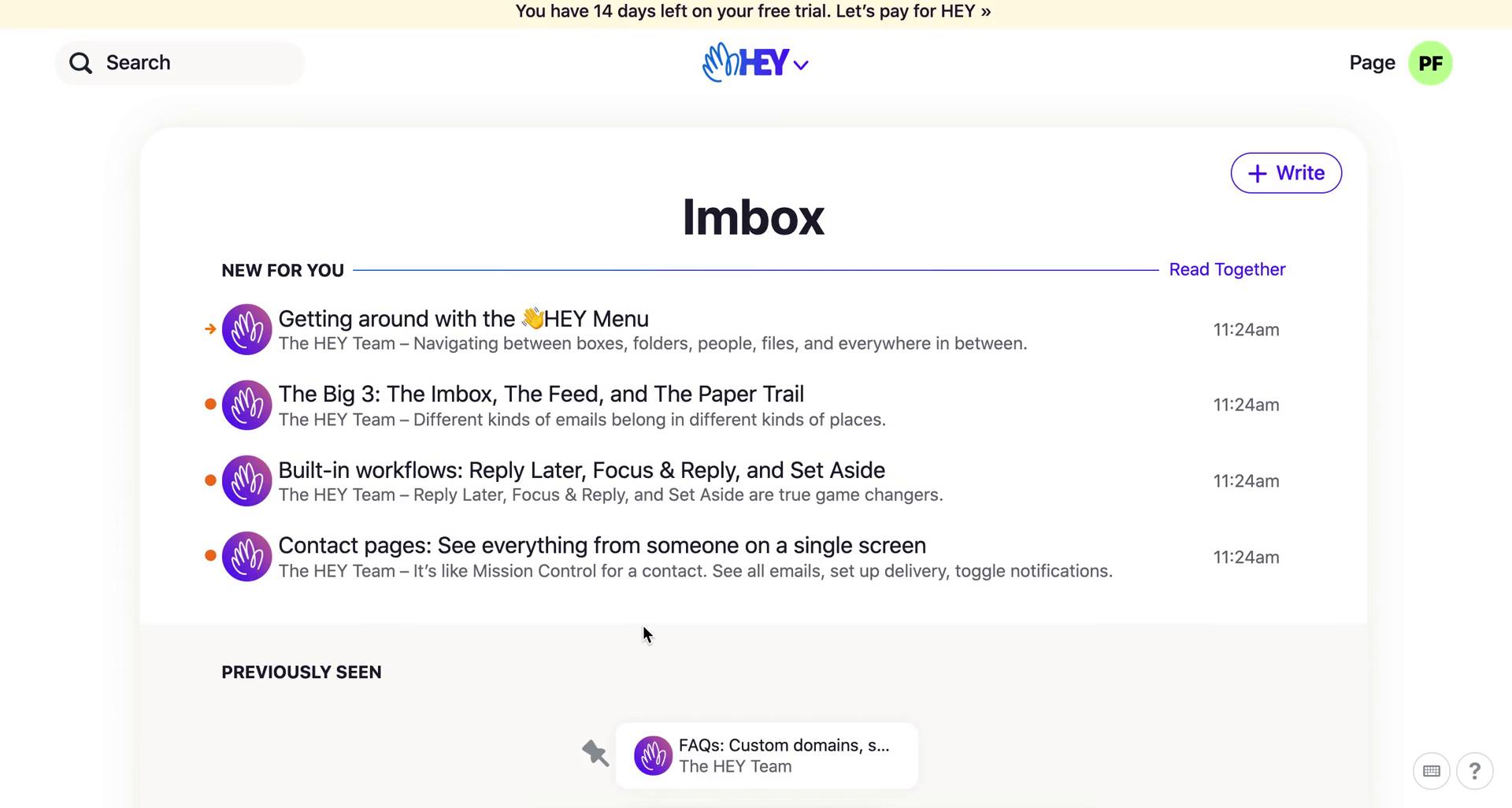
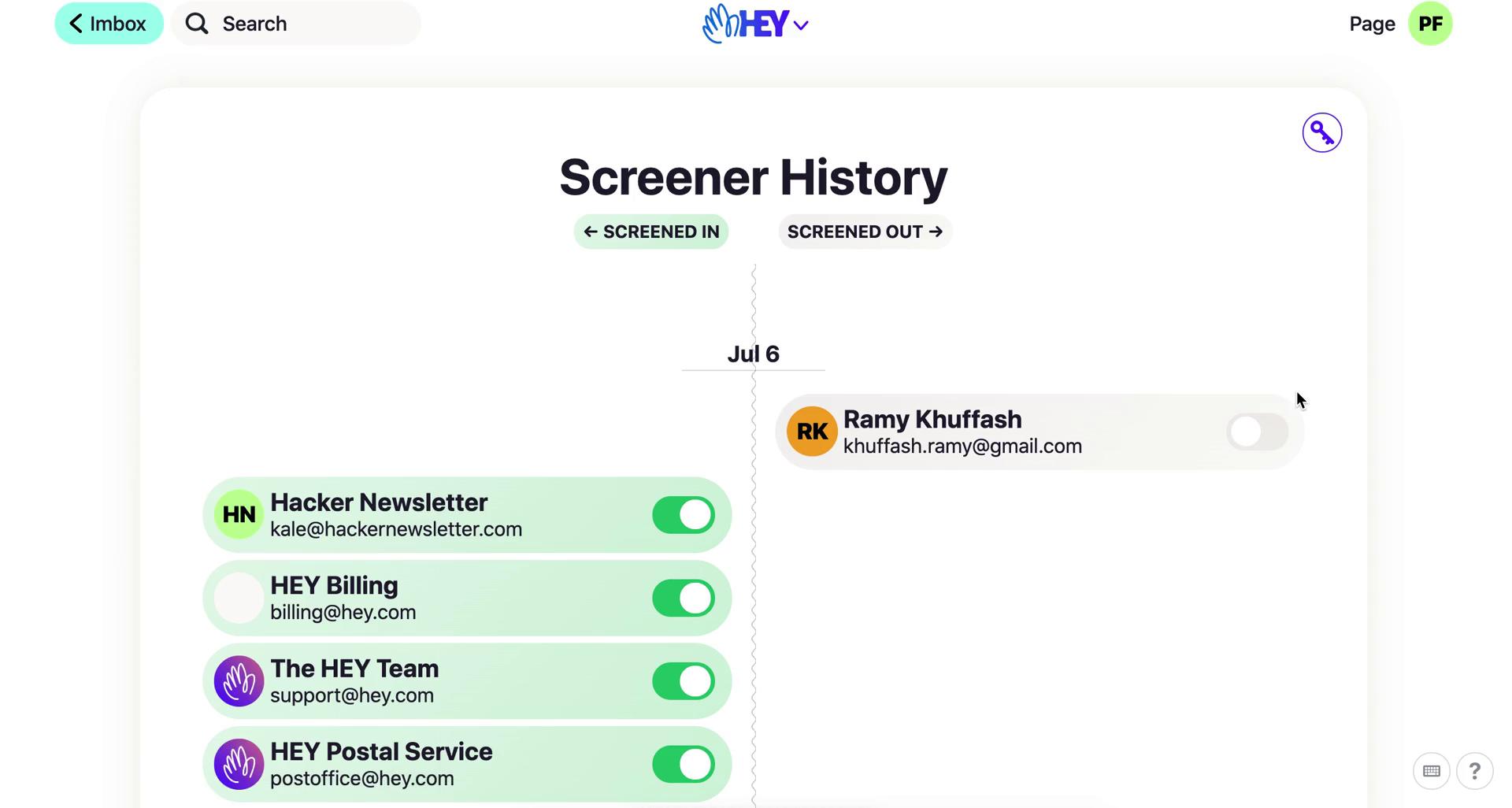
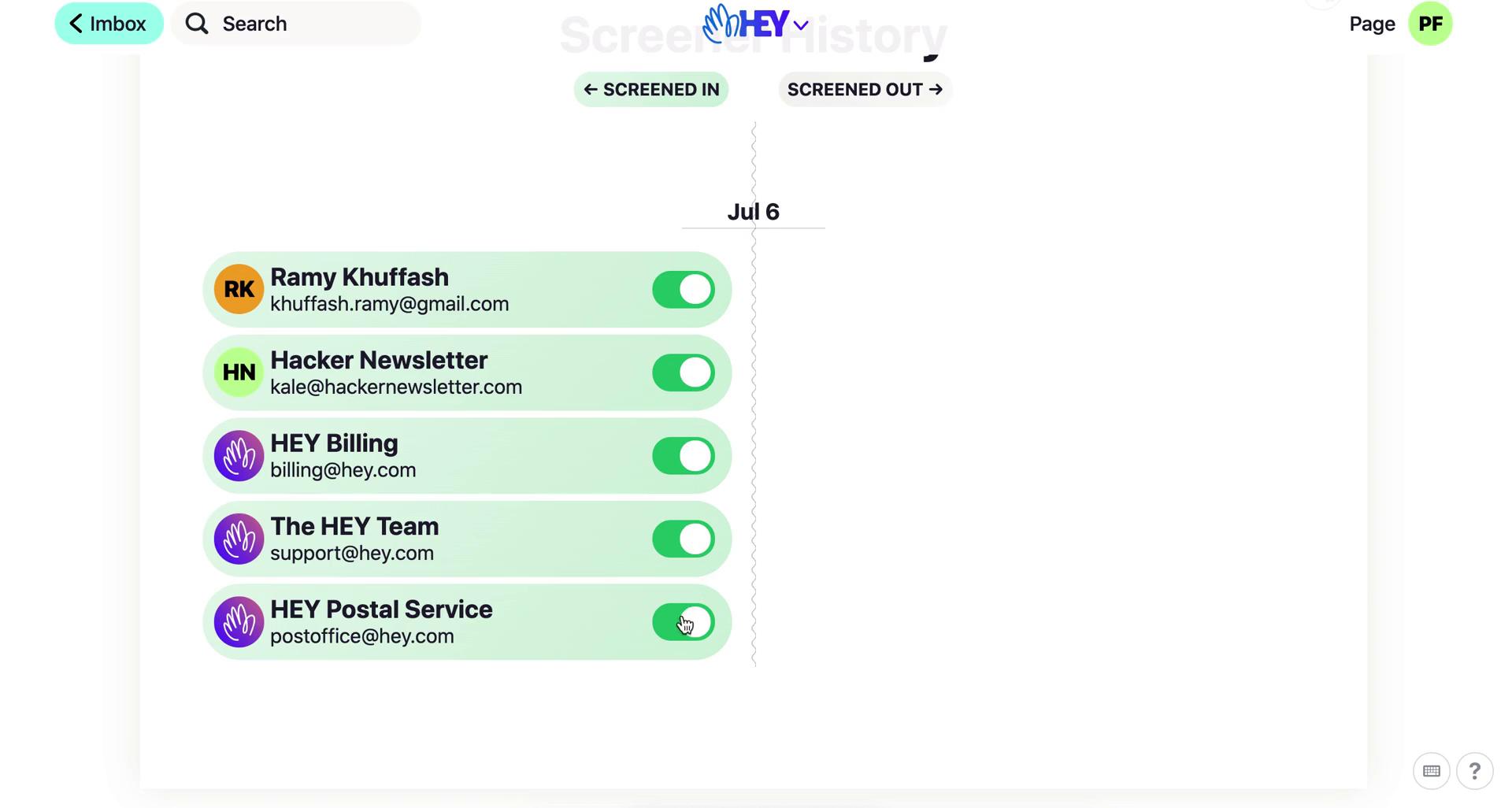
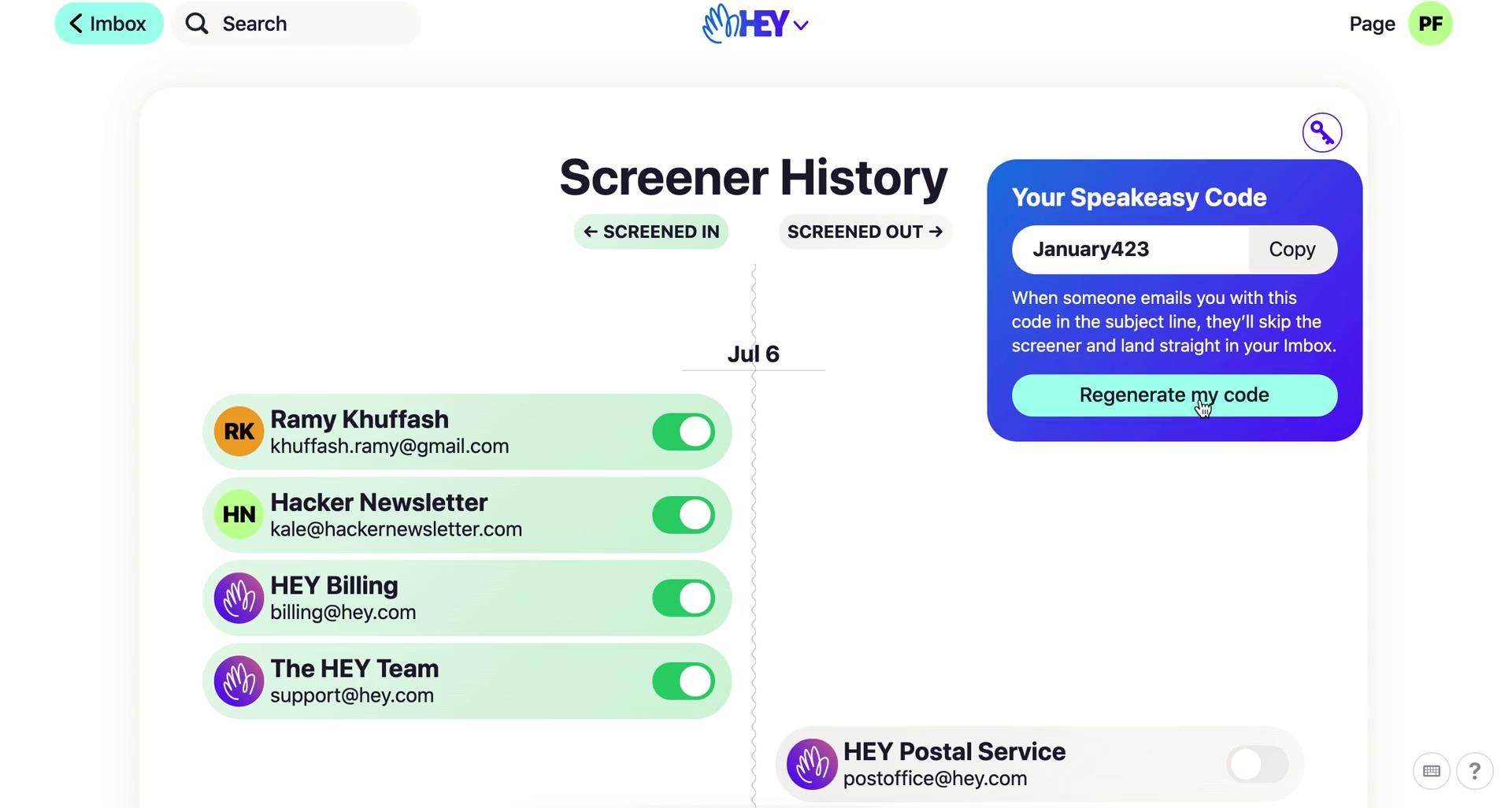
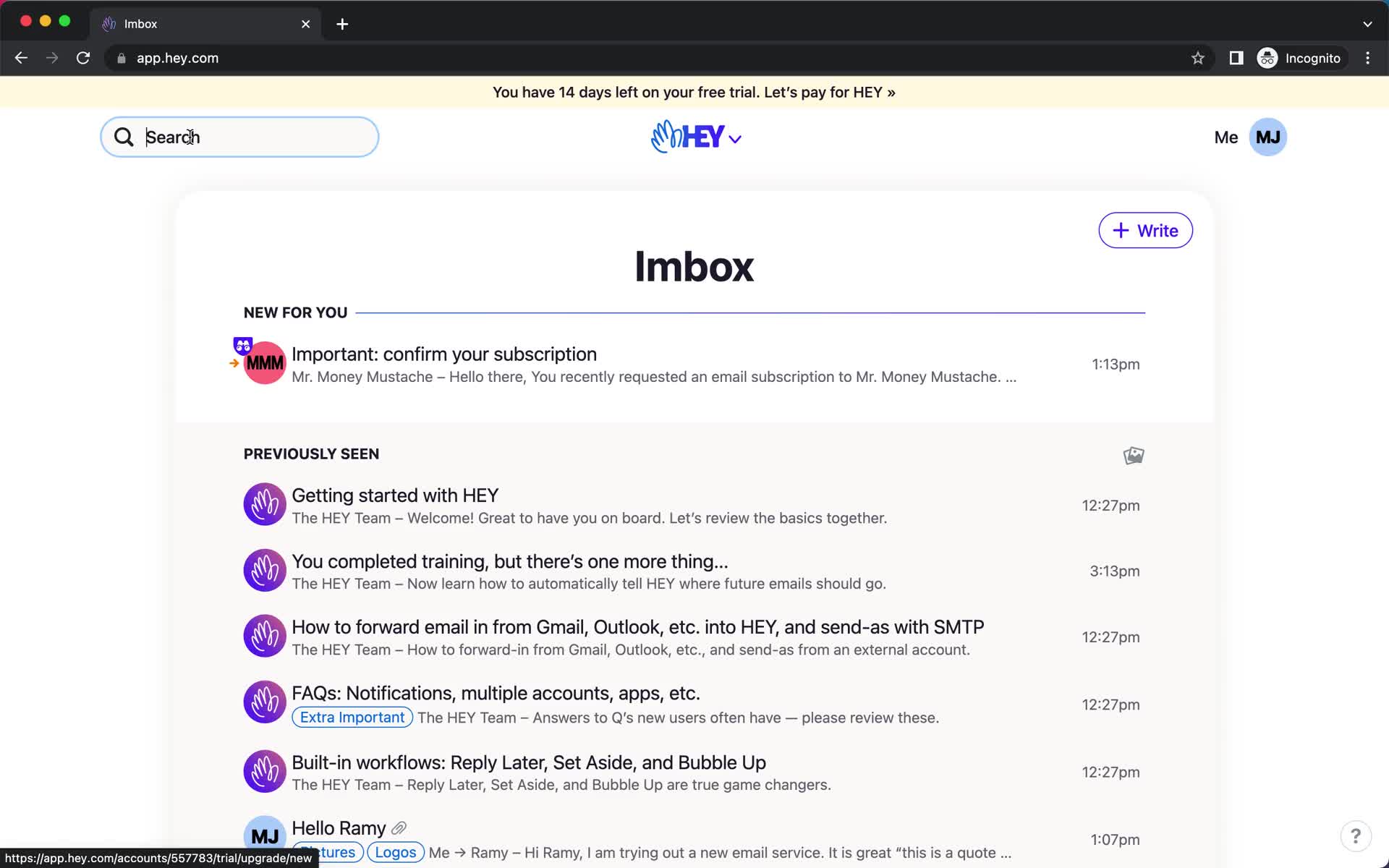
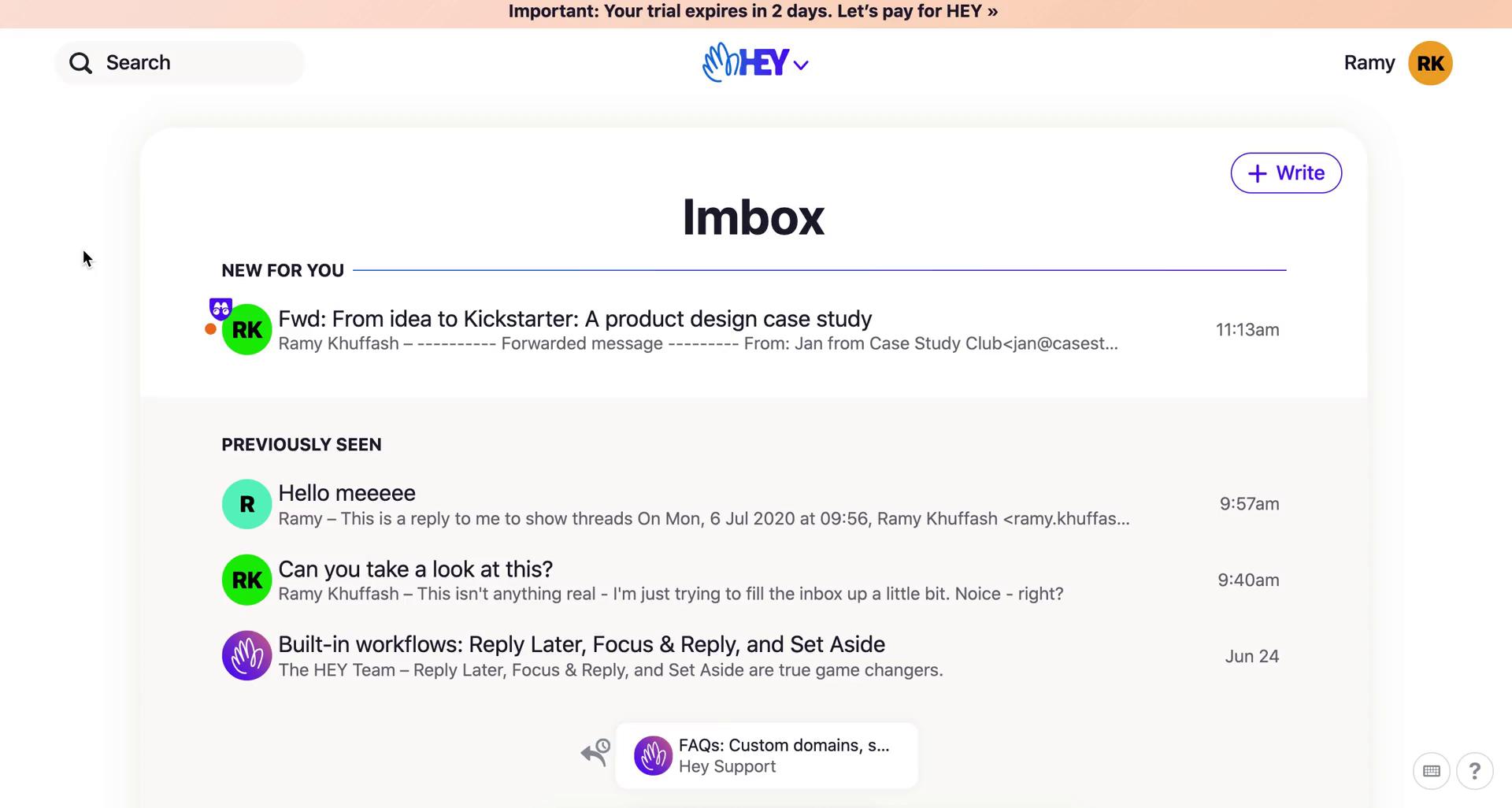
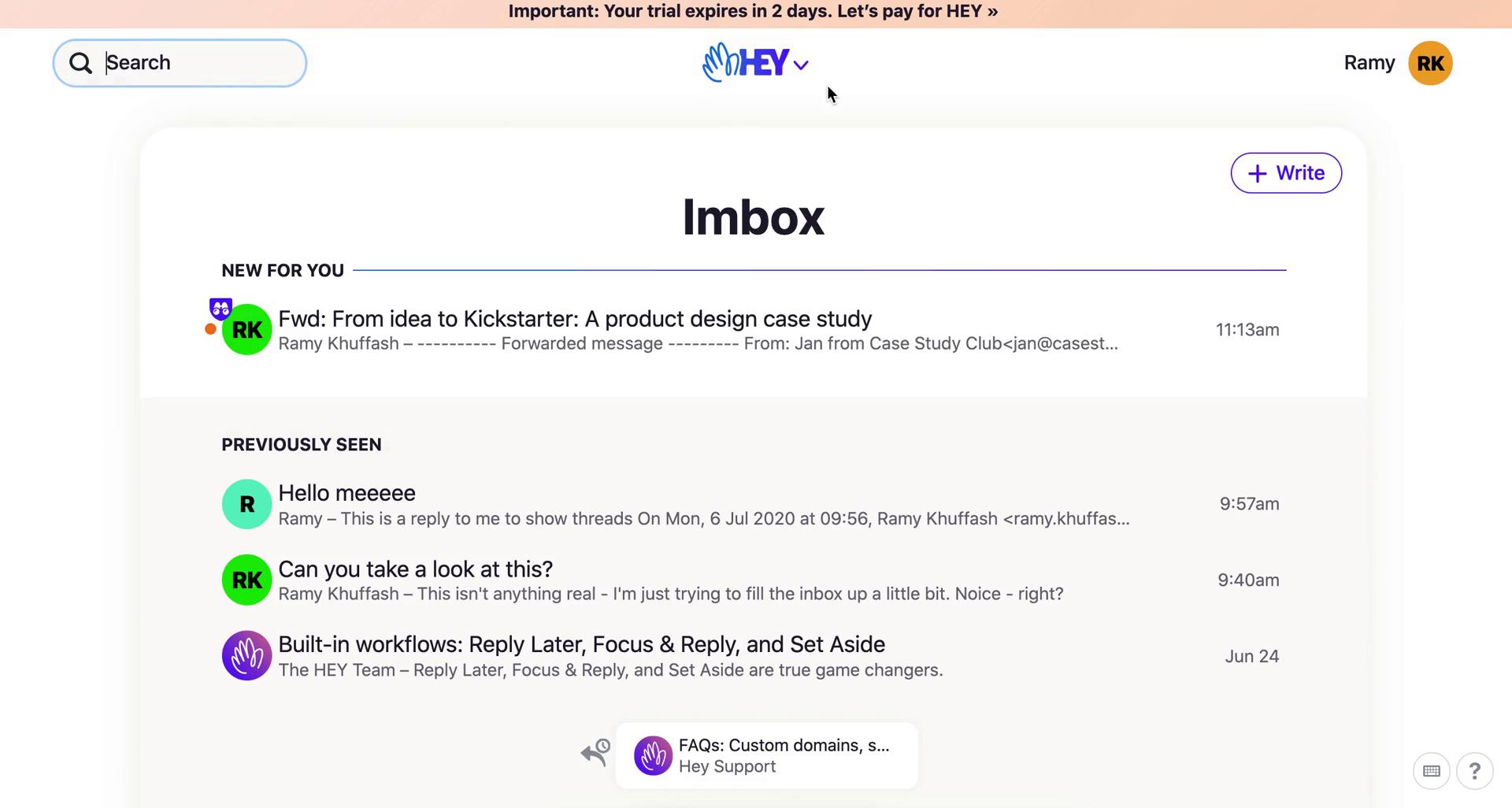
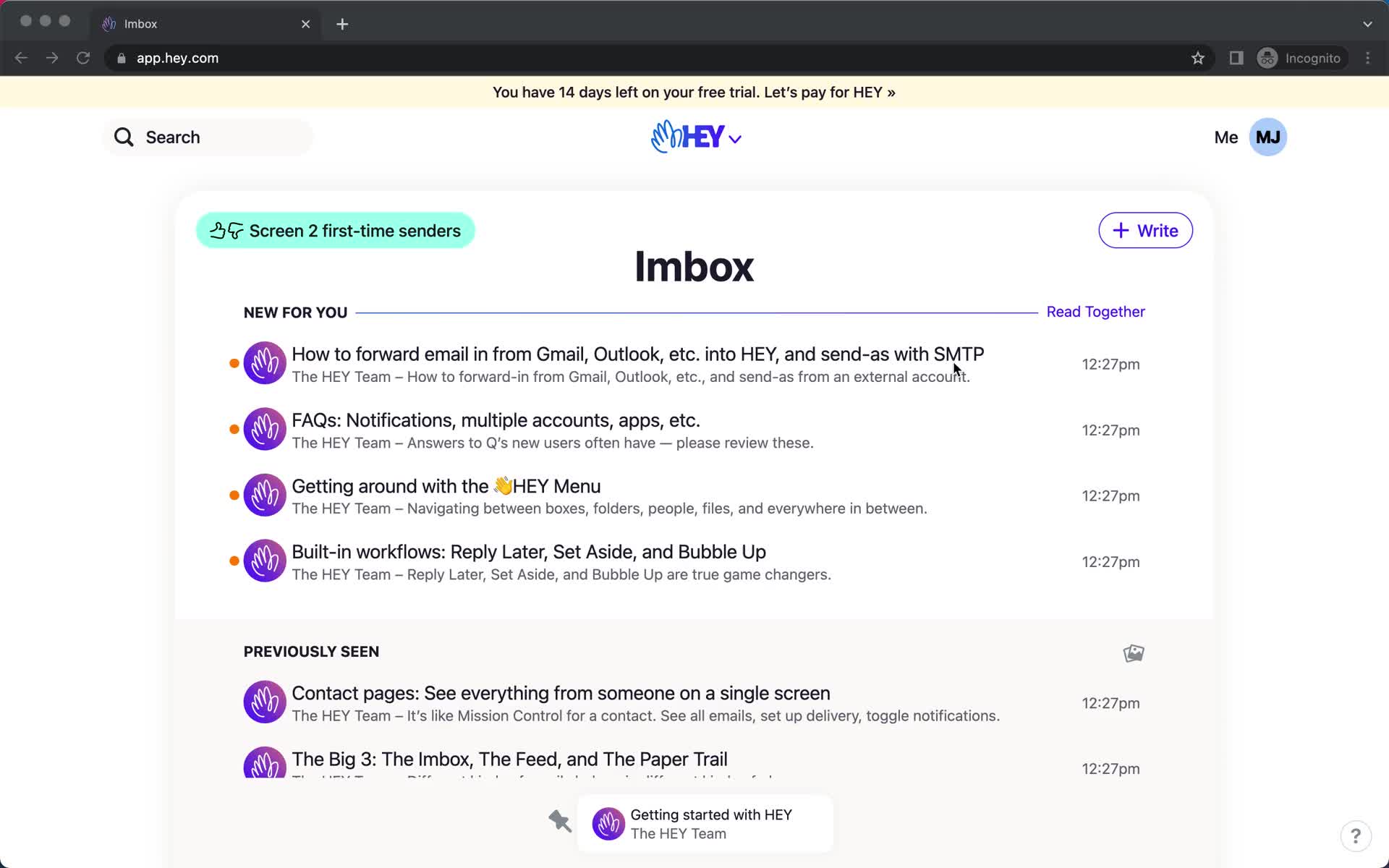
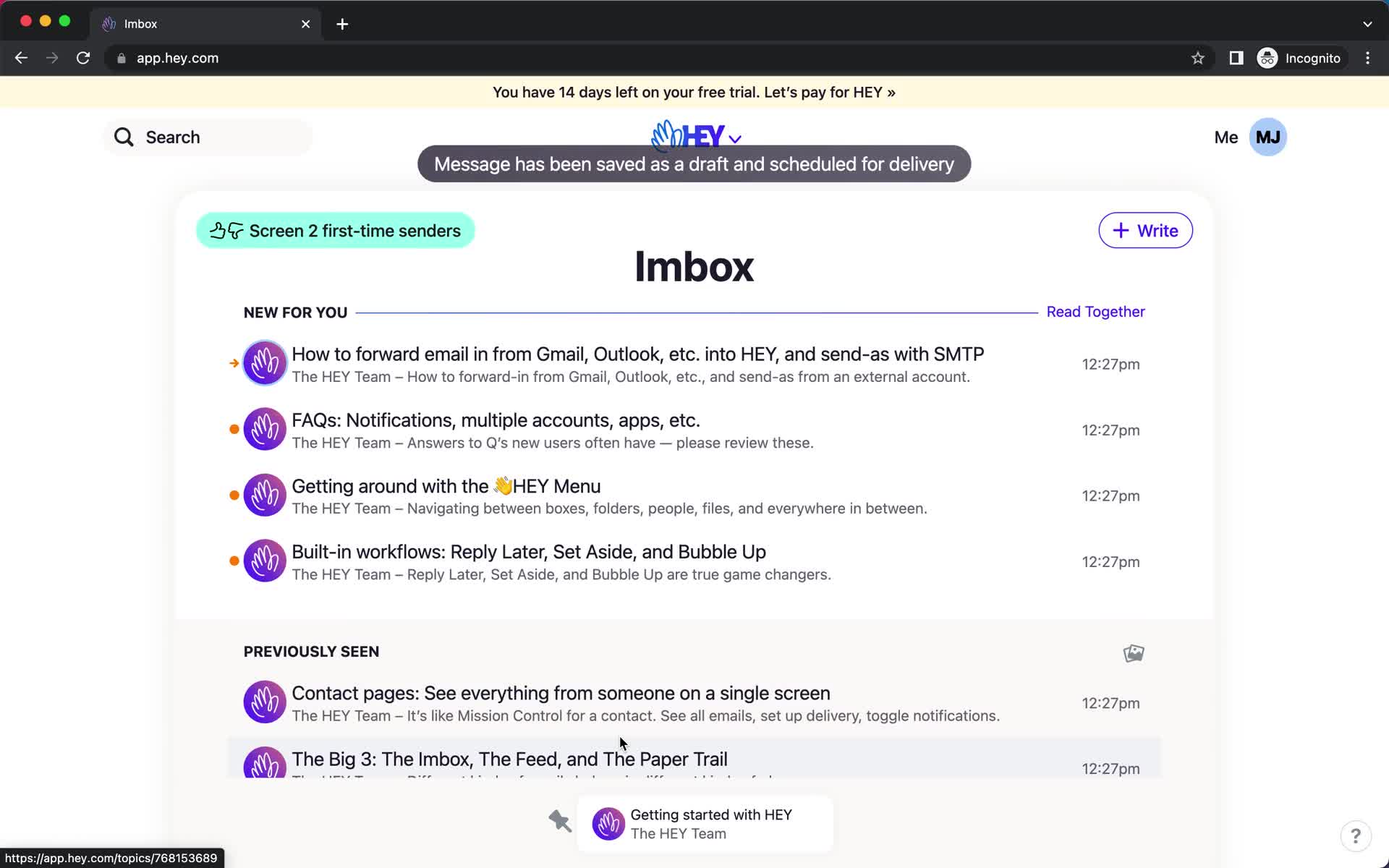
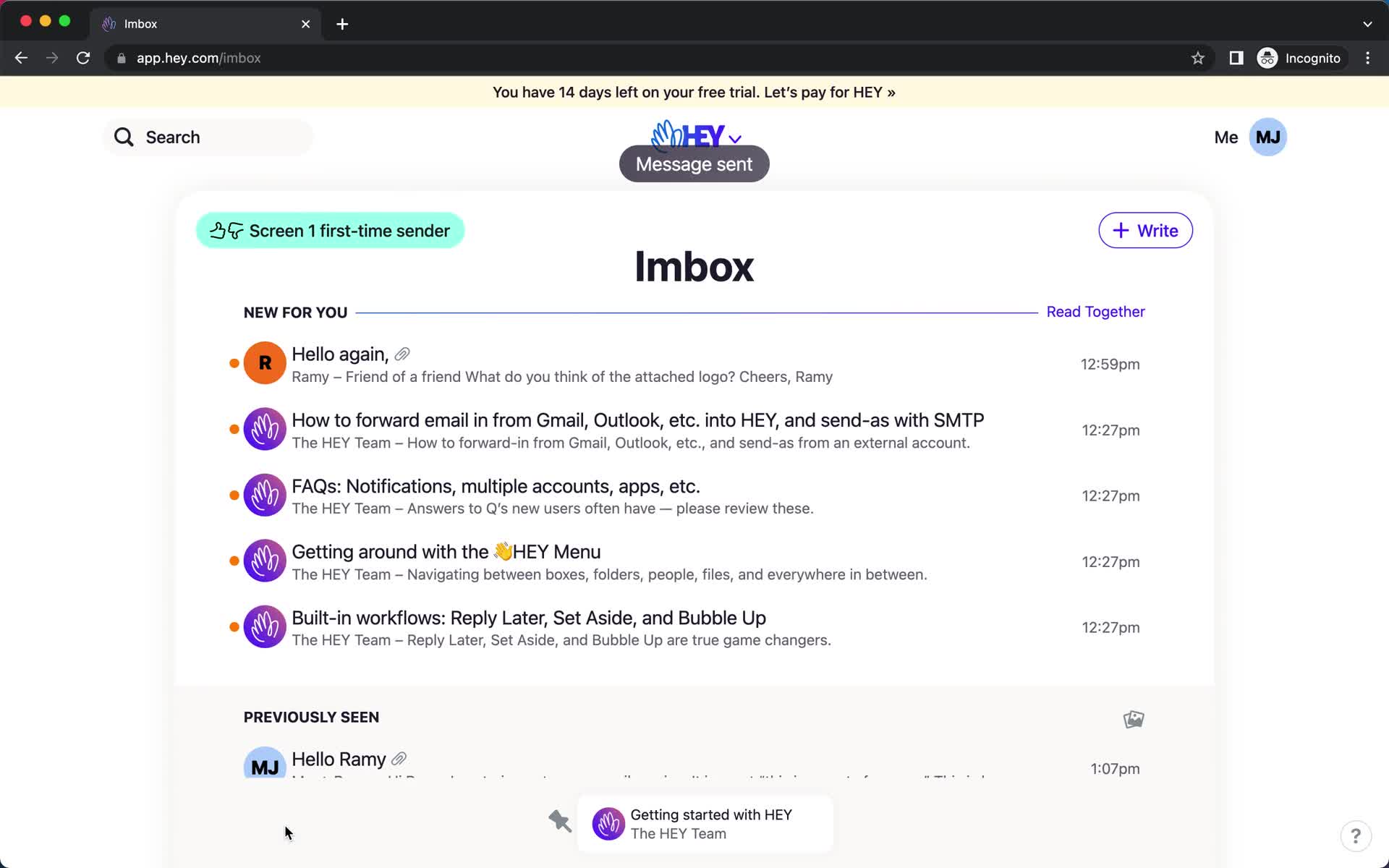
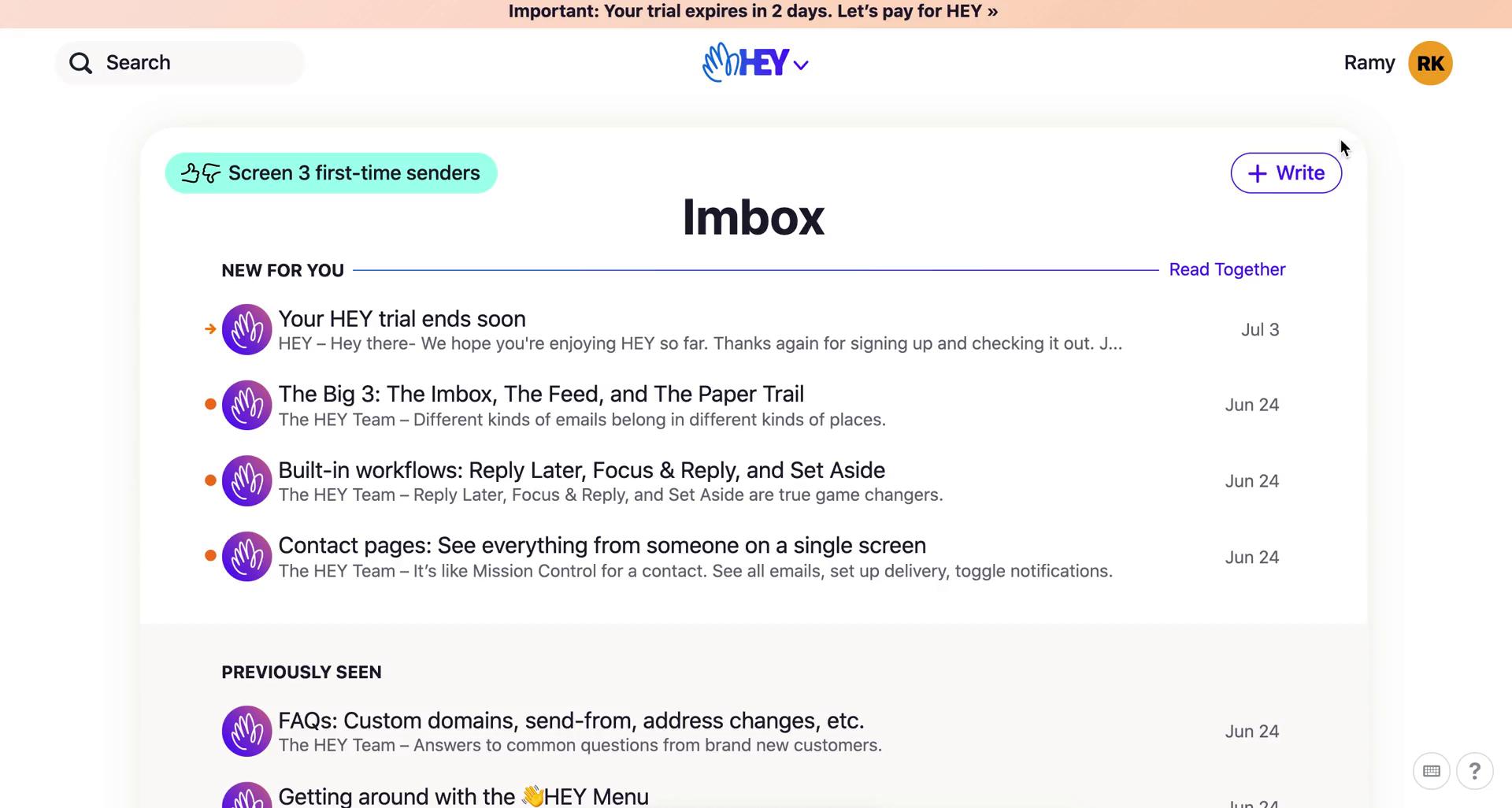
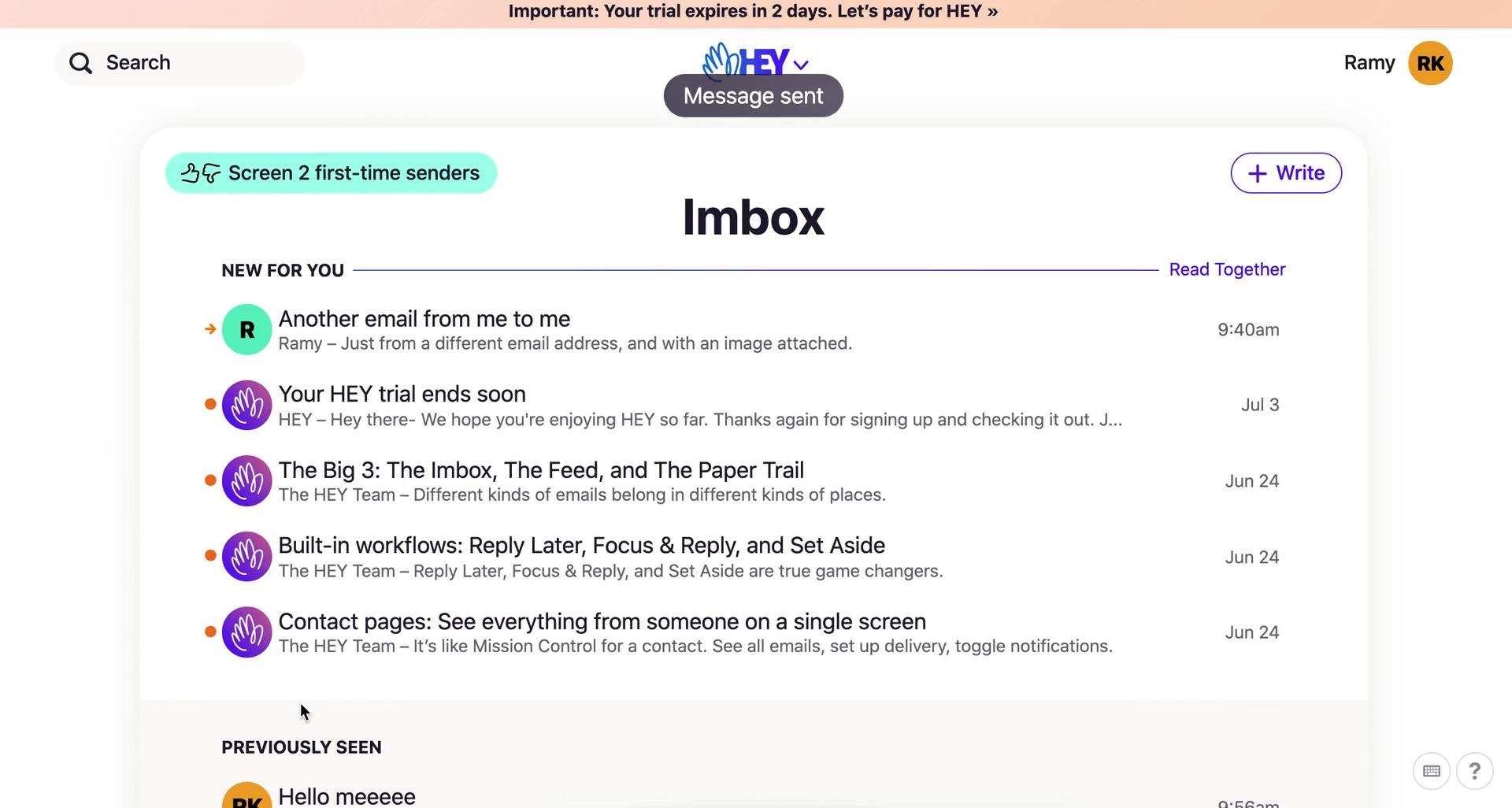
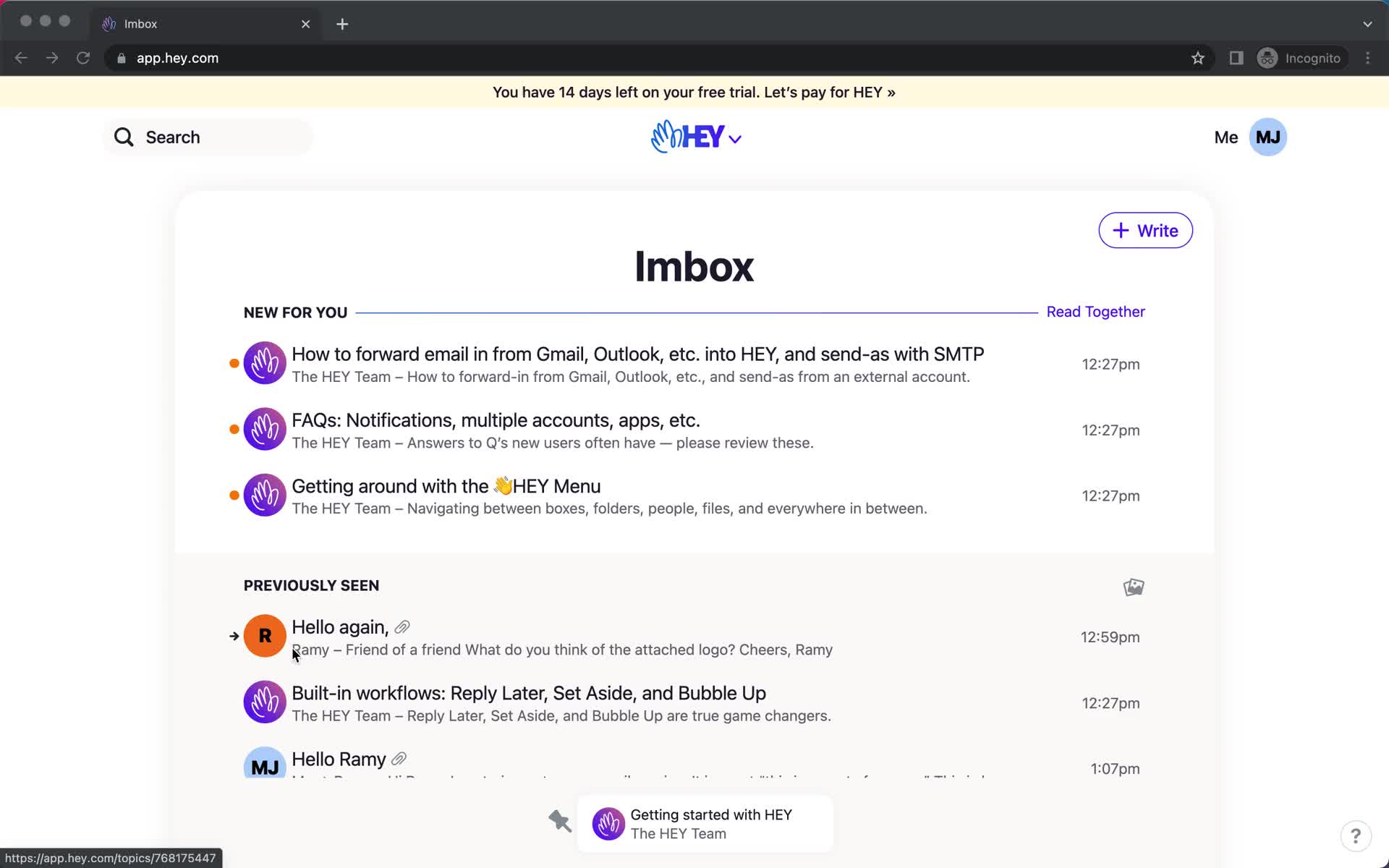
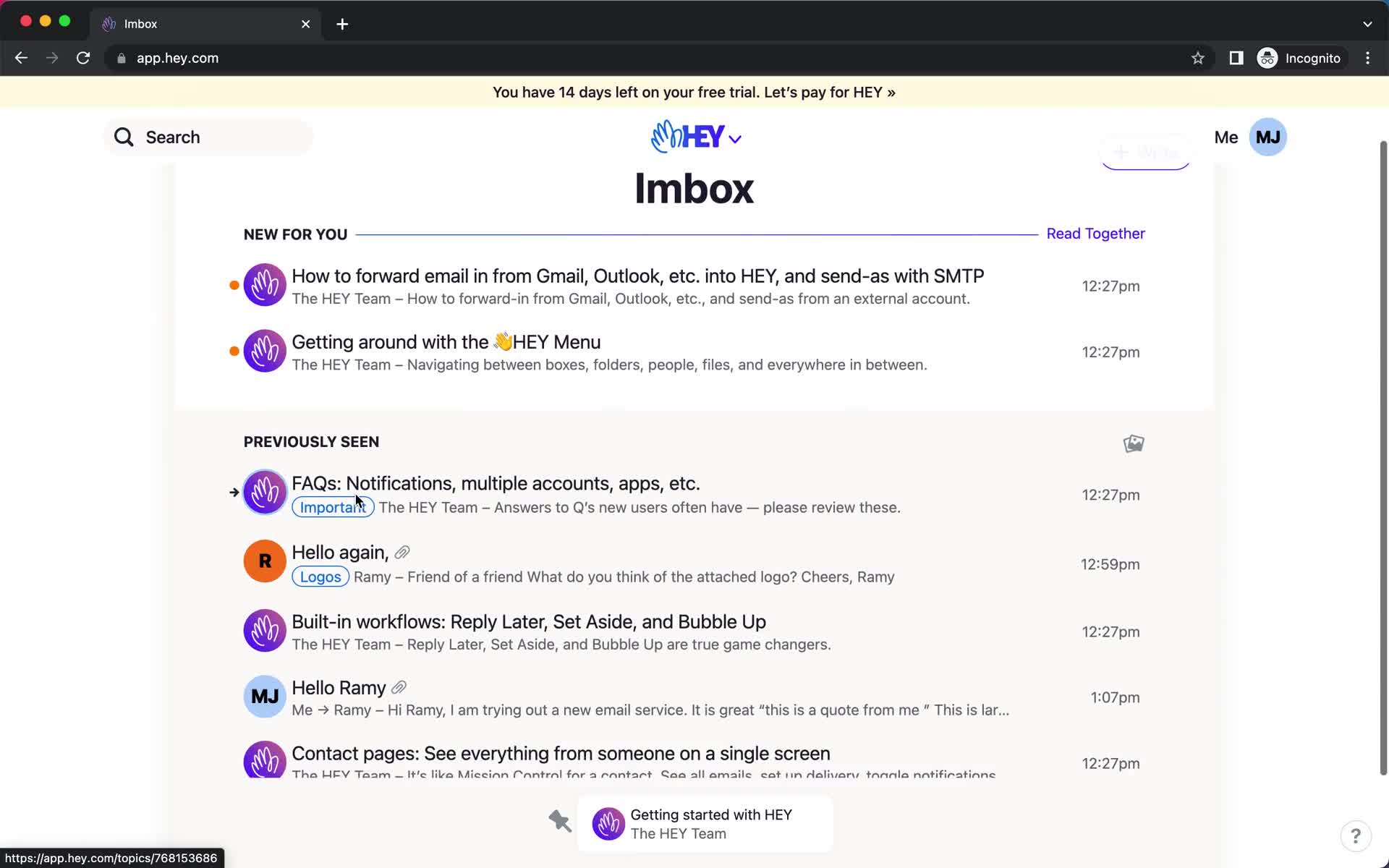
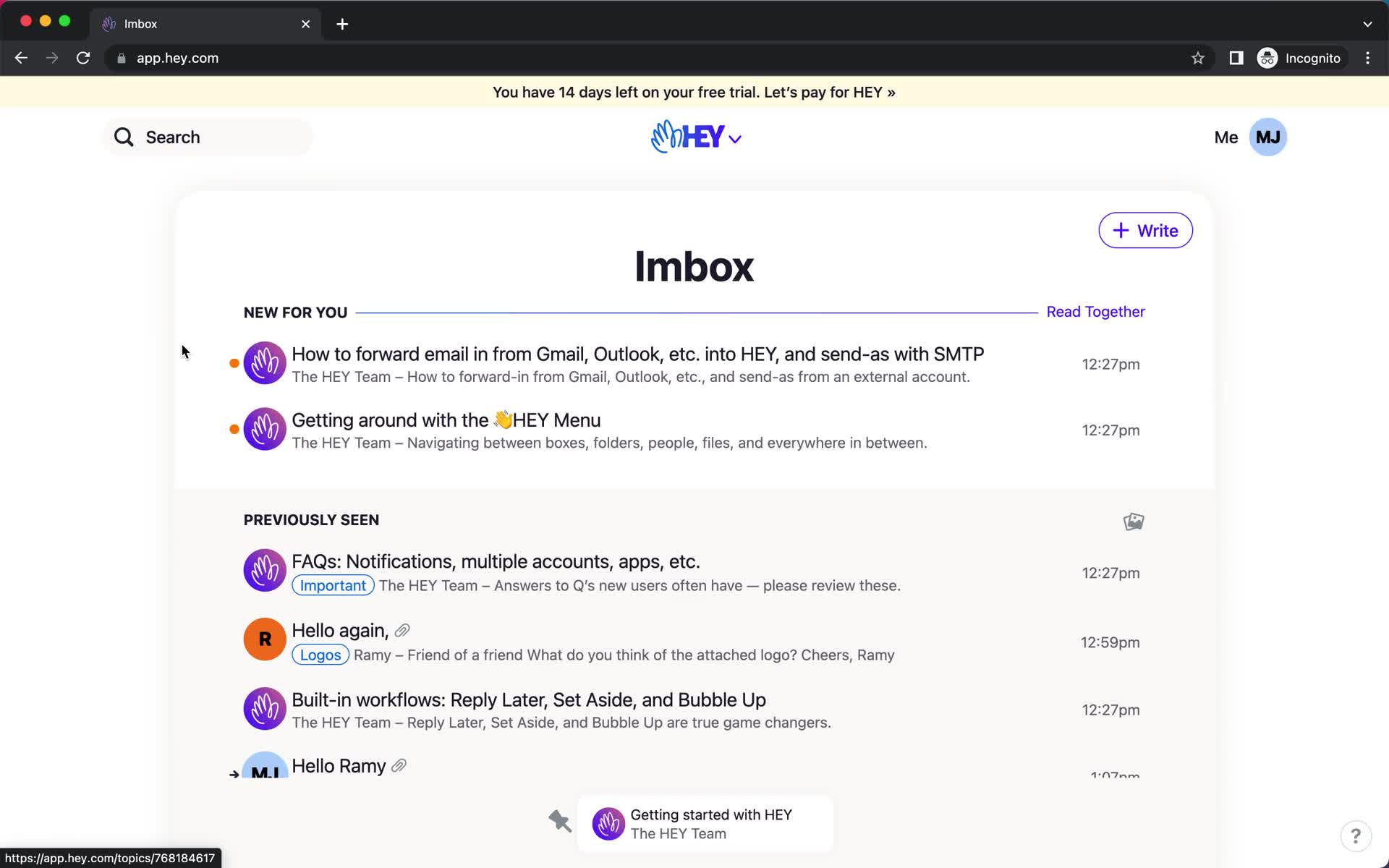
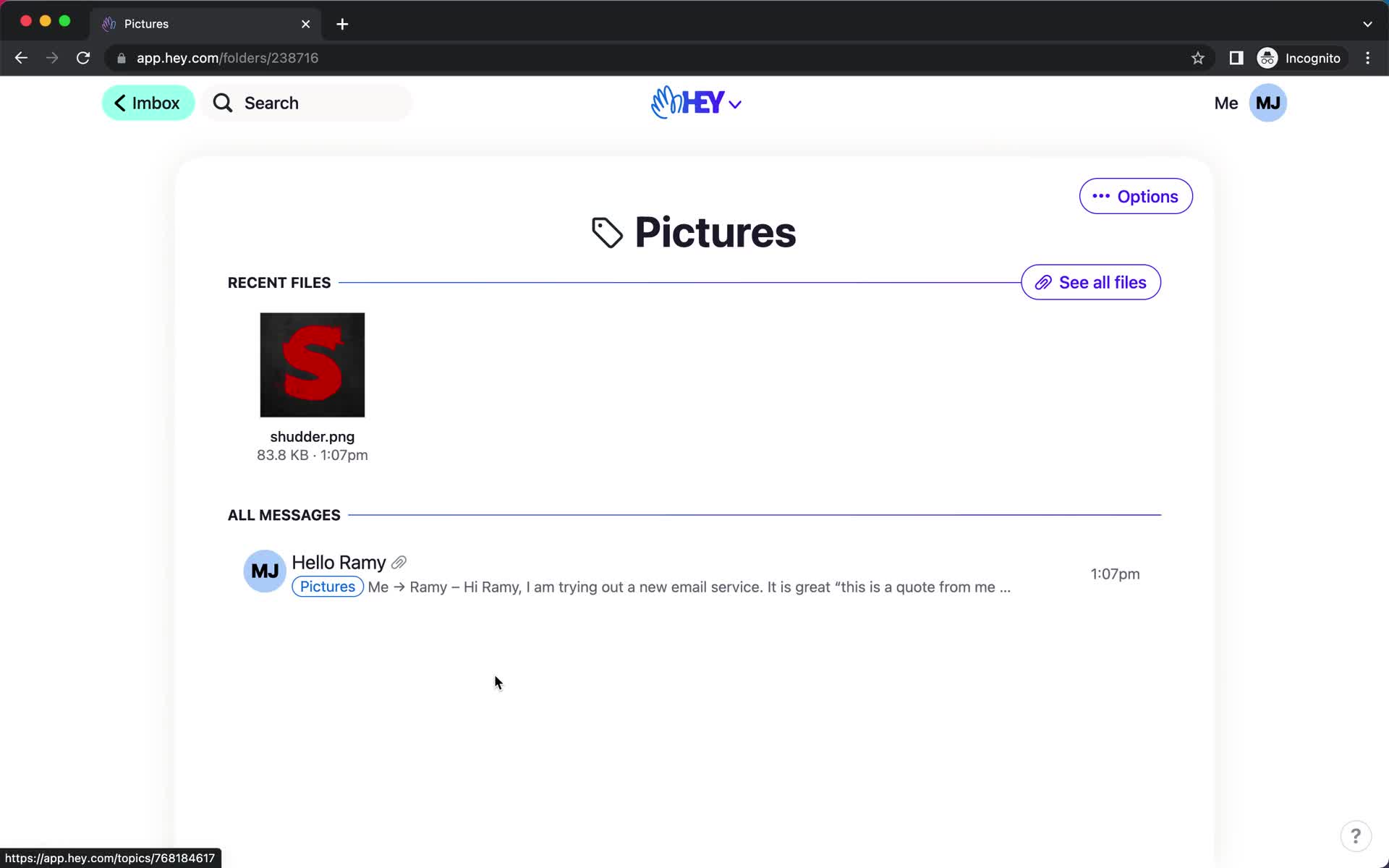
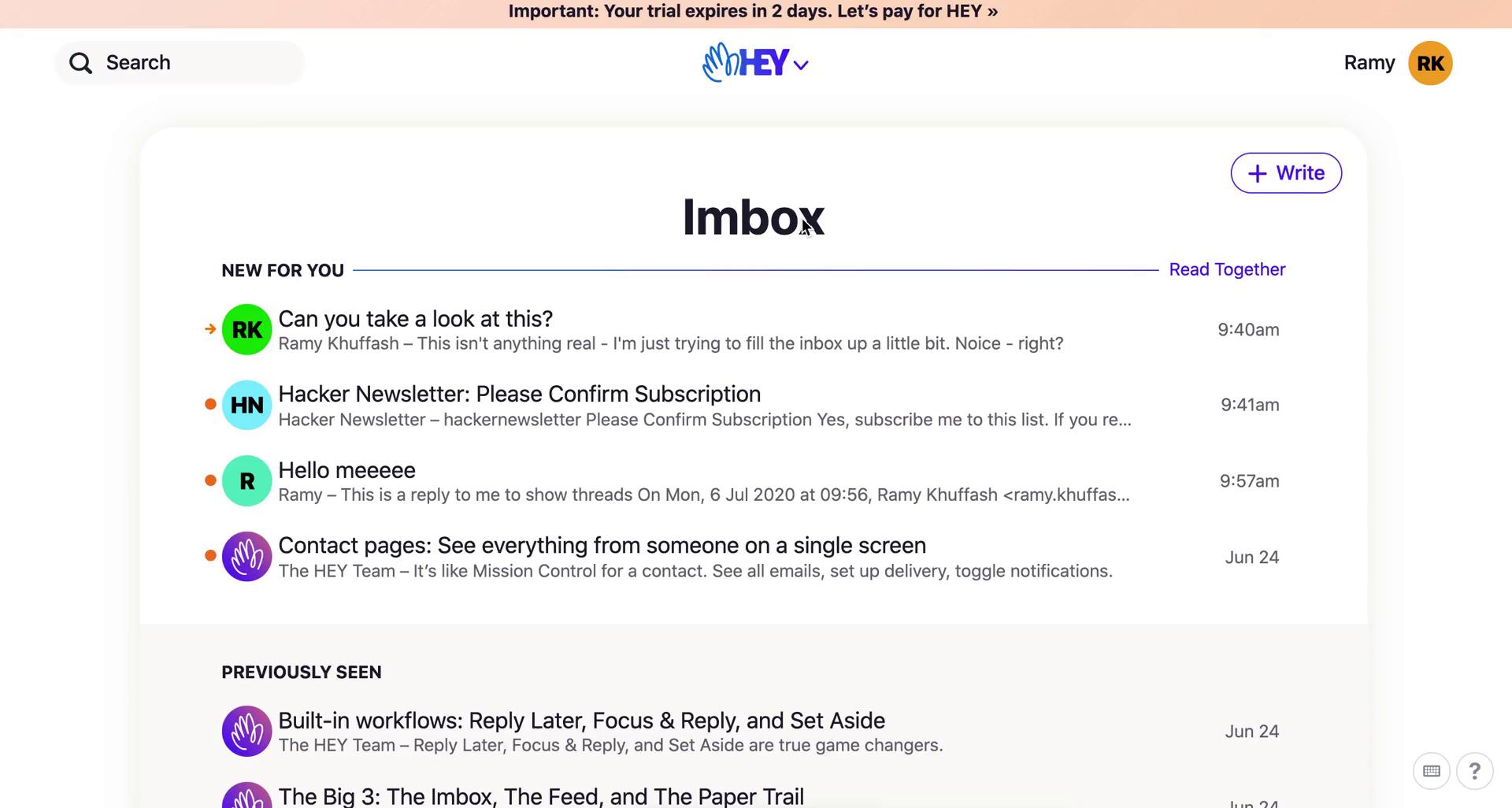
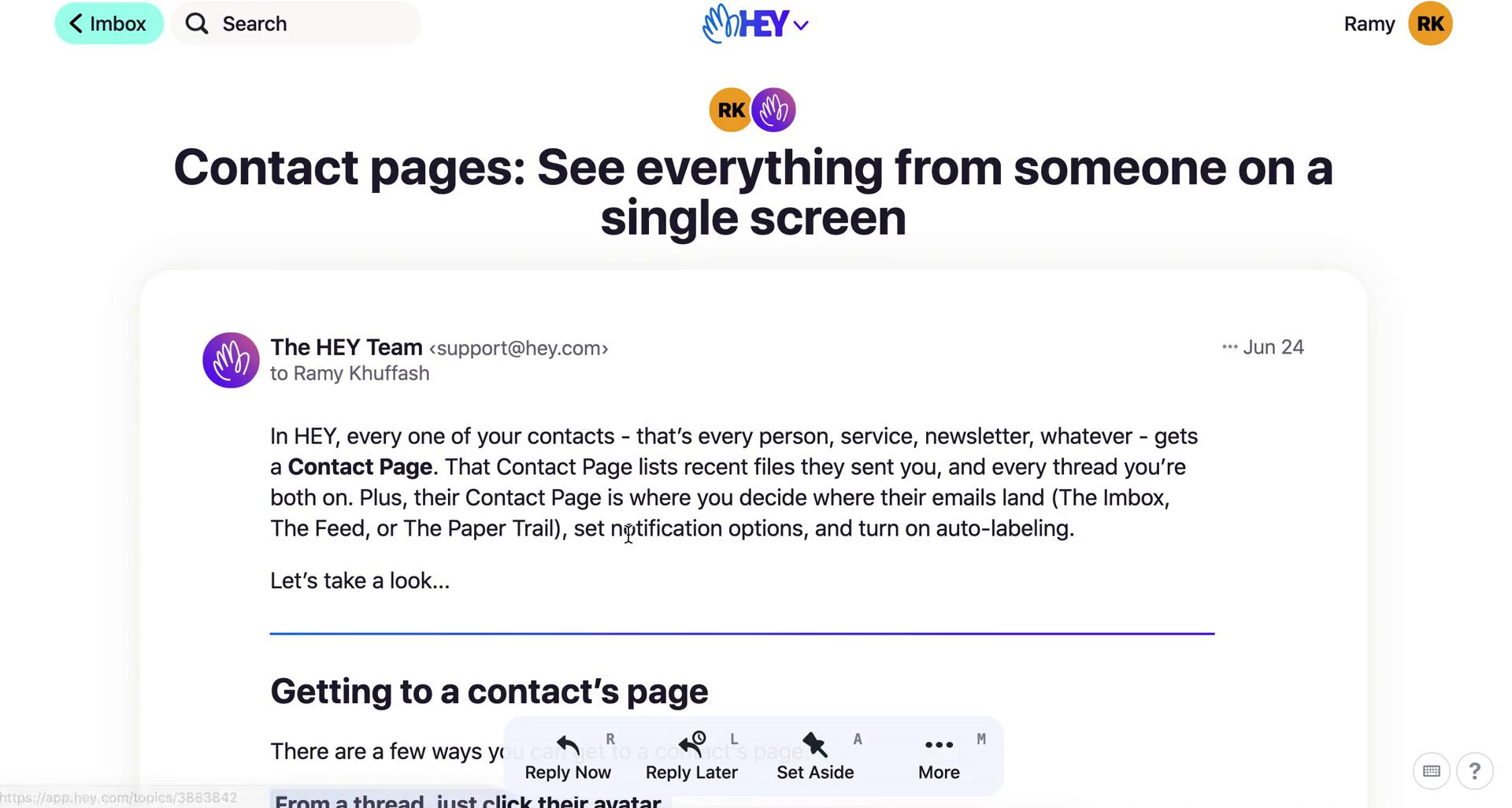
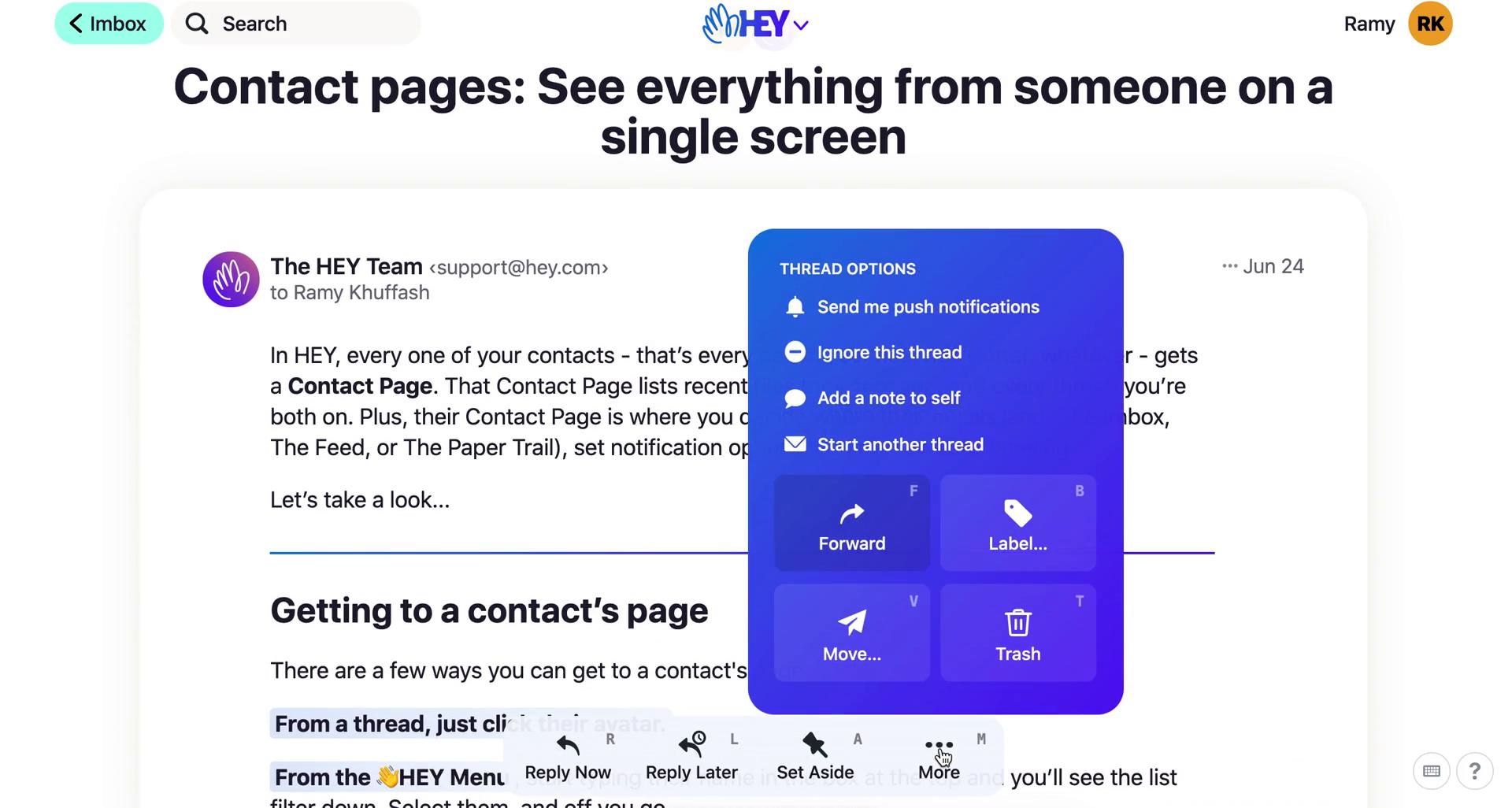
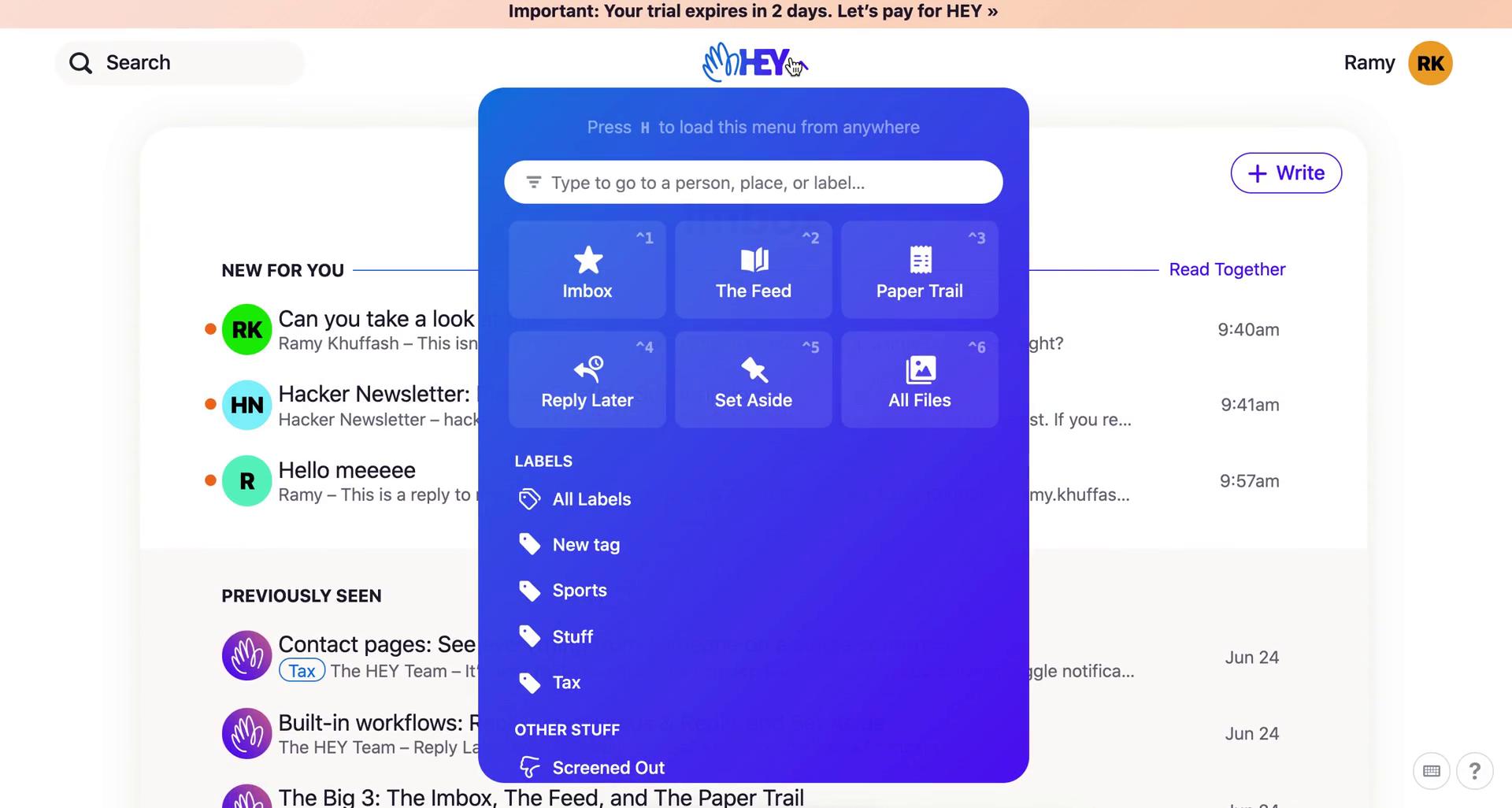
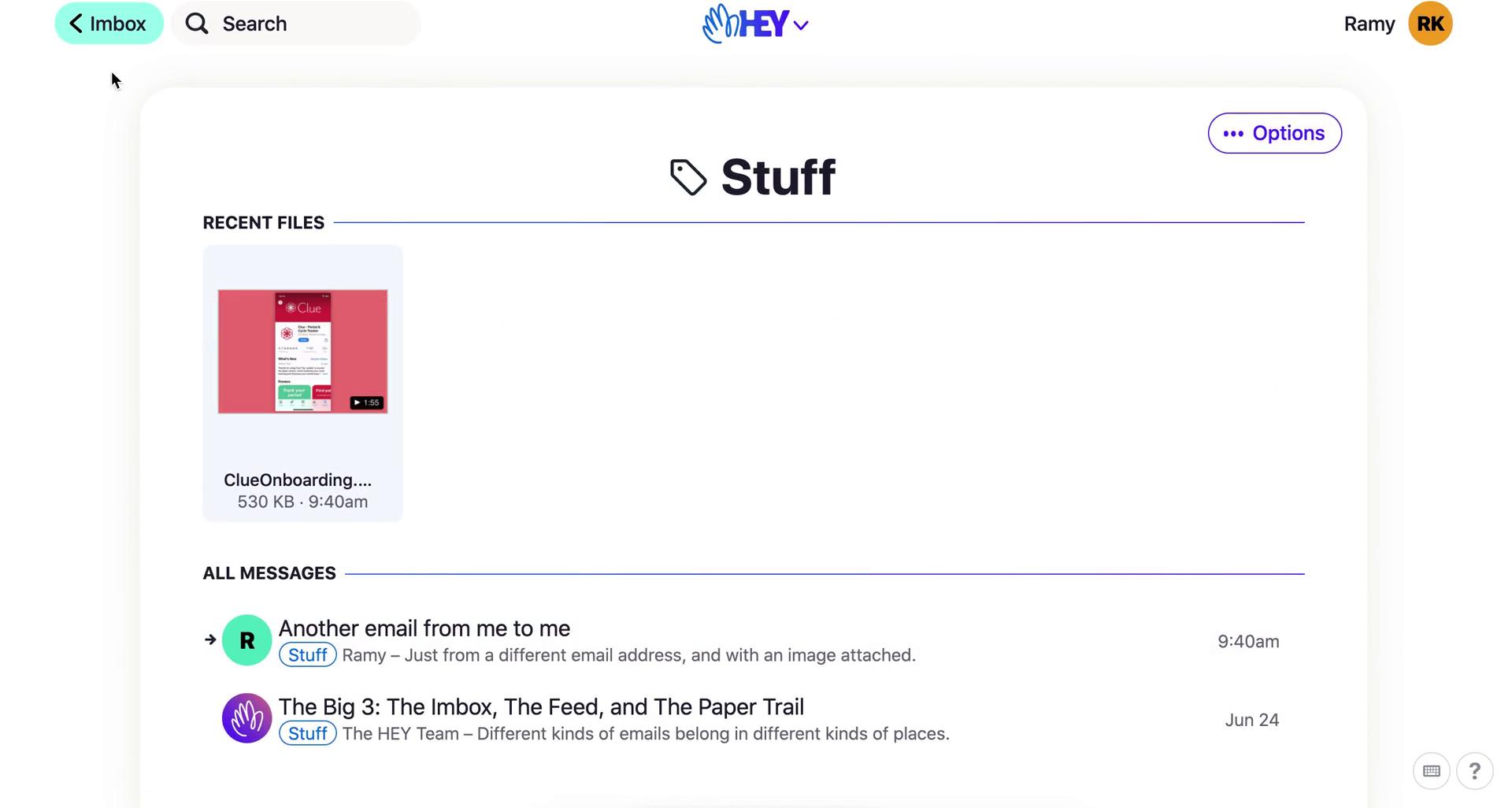
Inbox
this is title
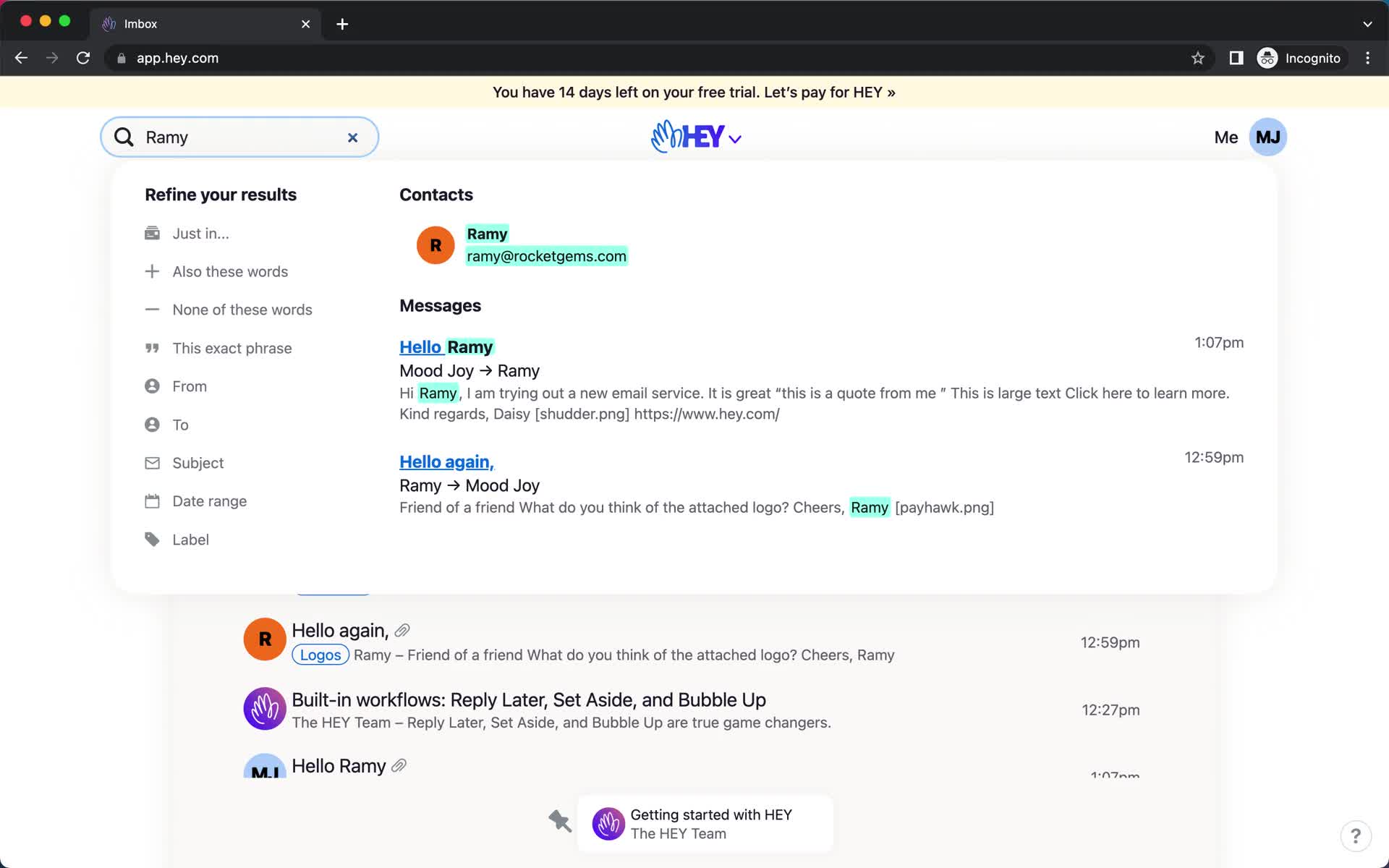
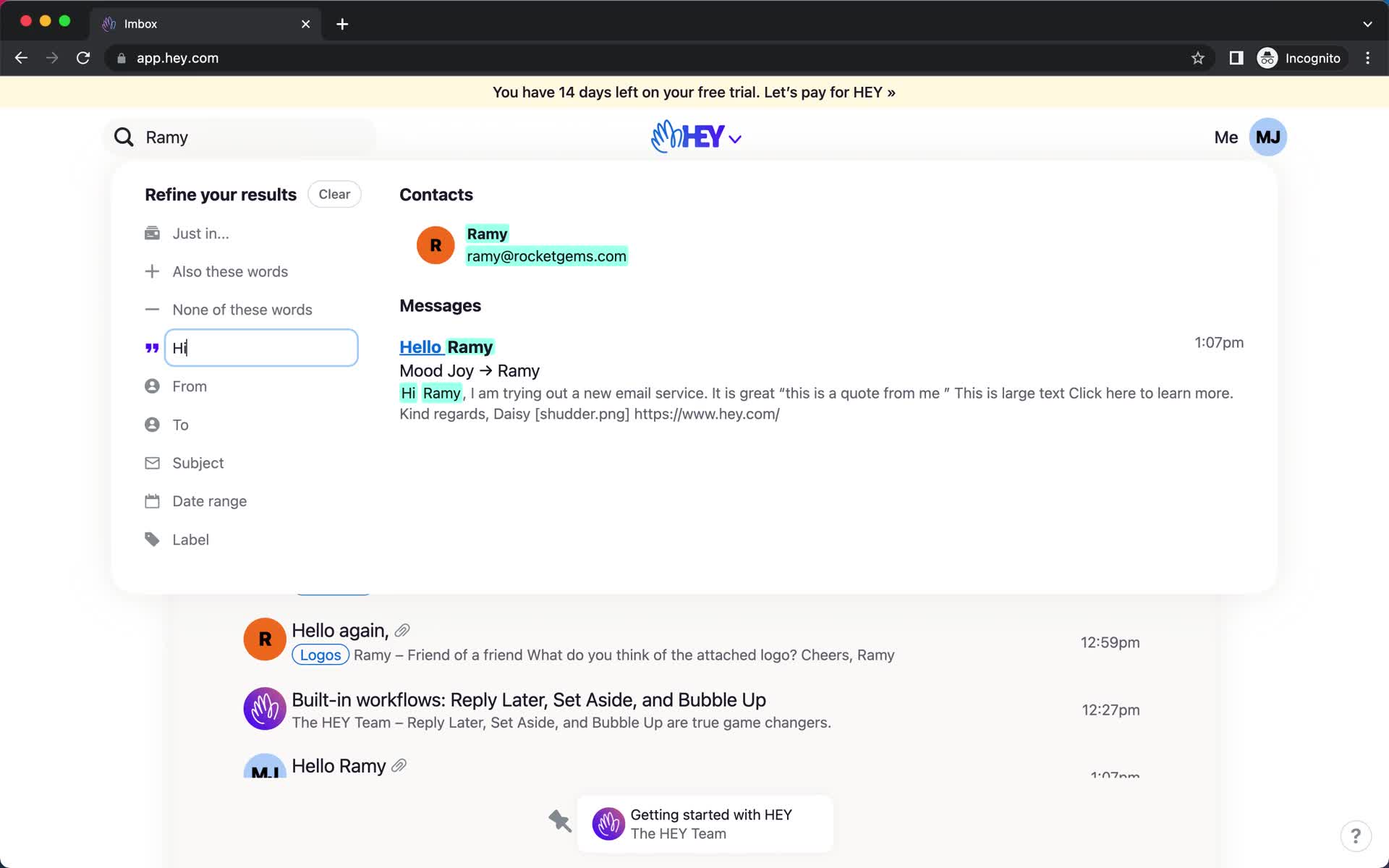
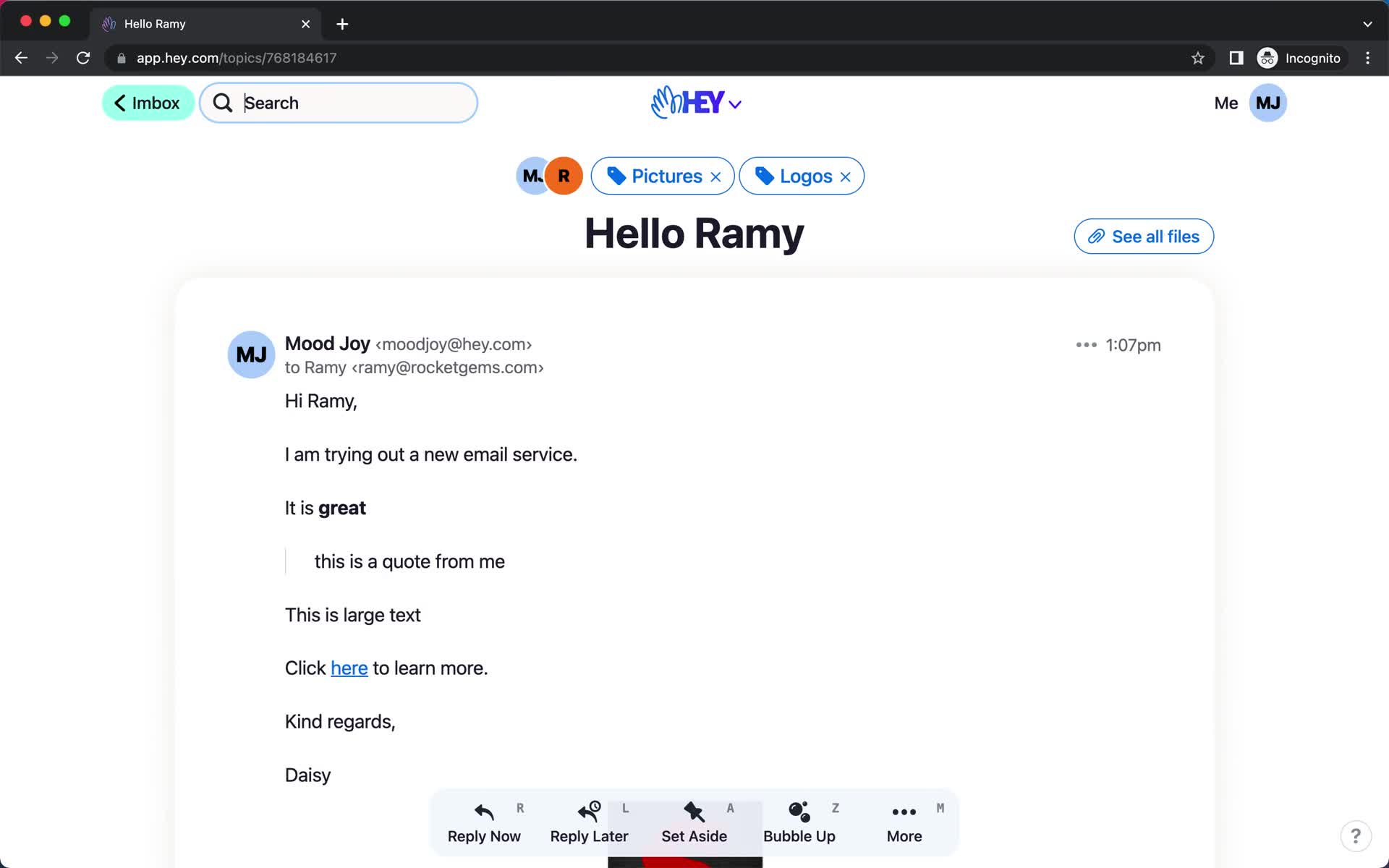
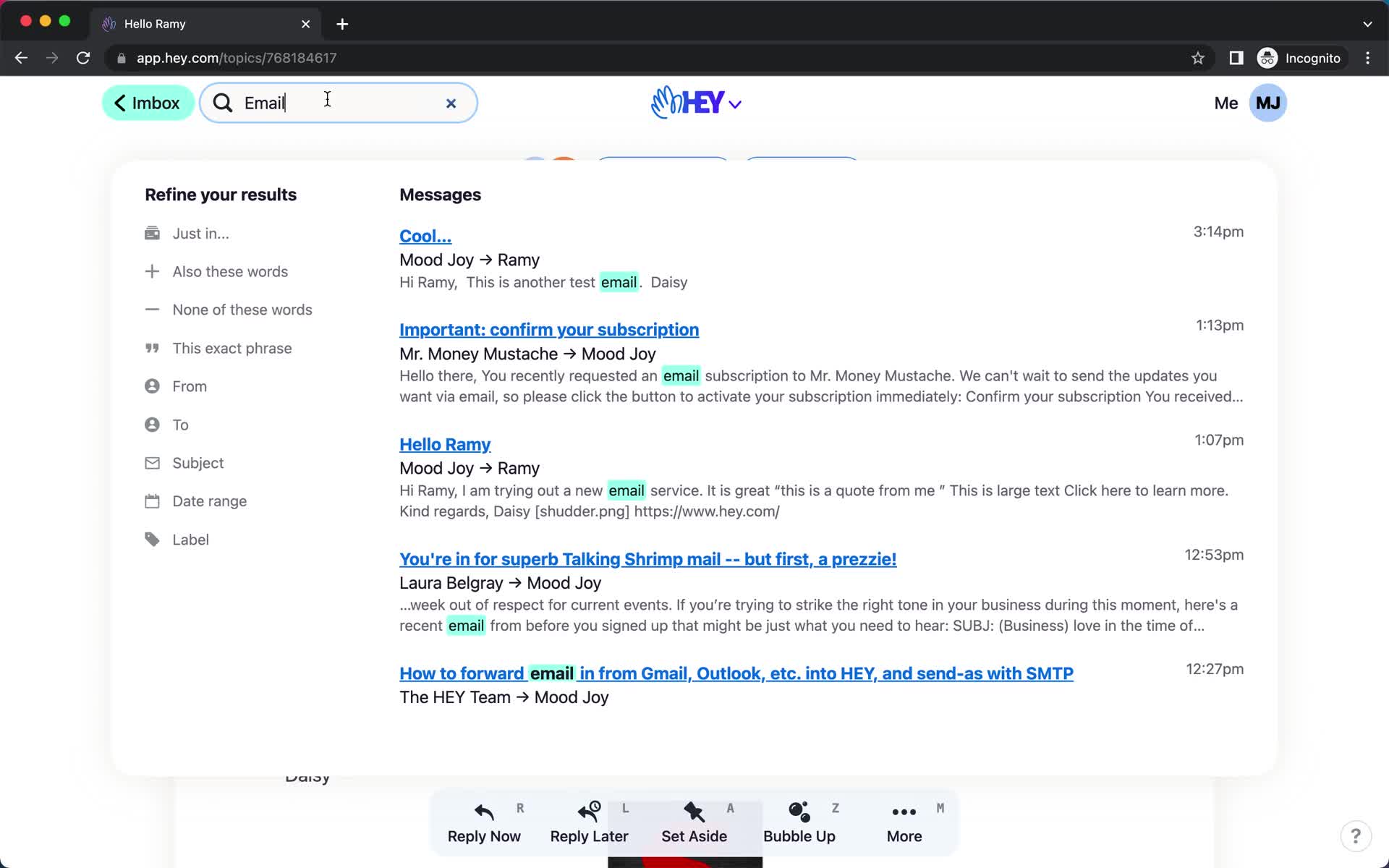
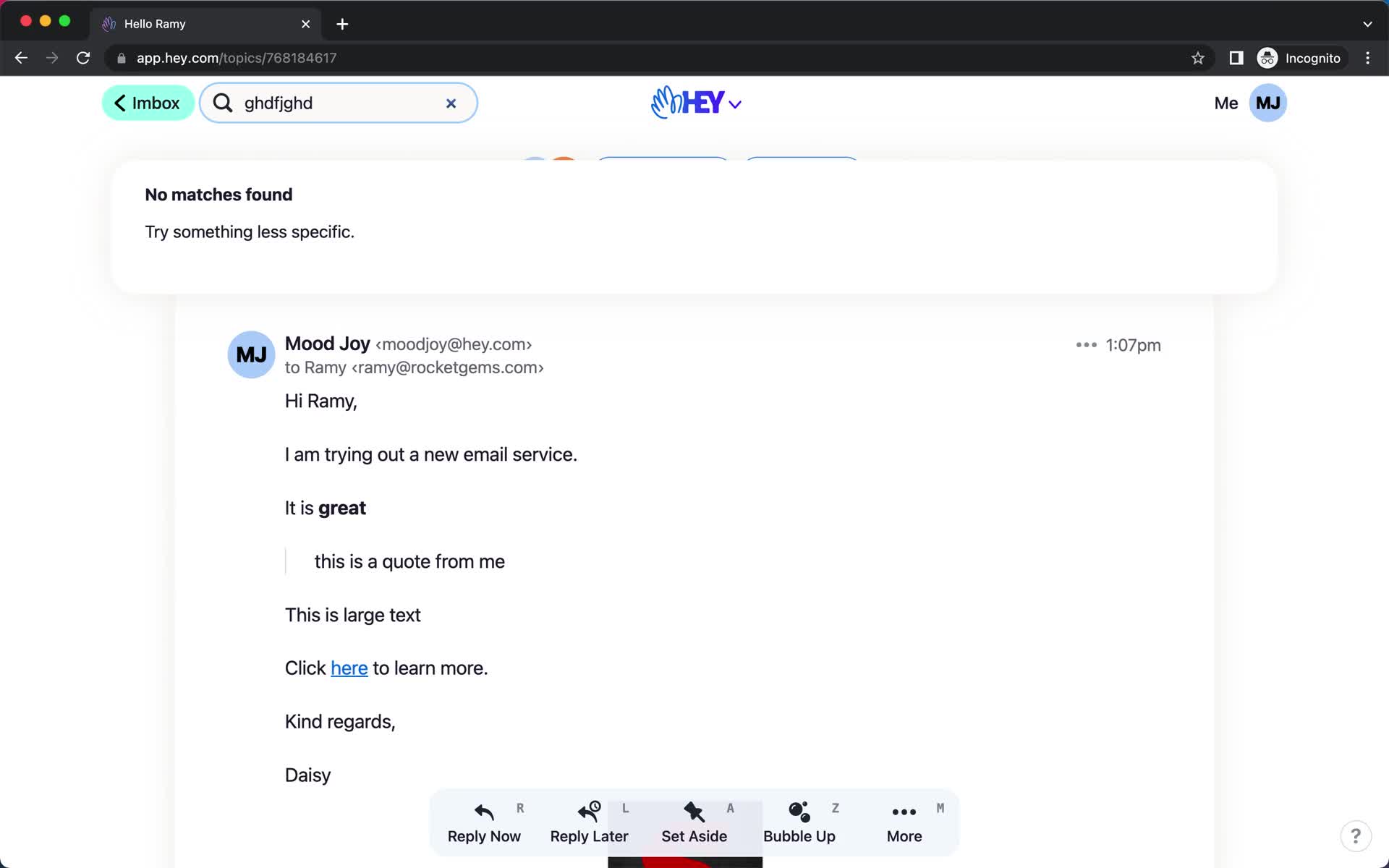
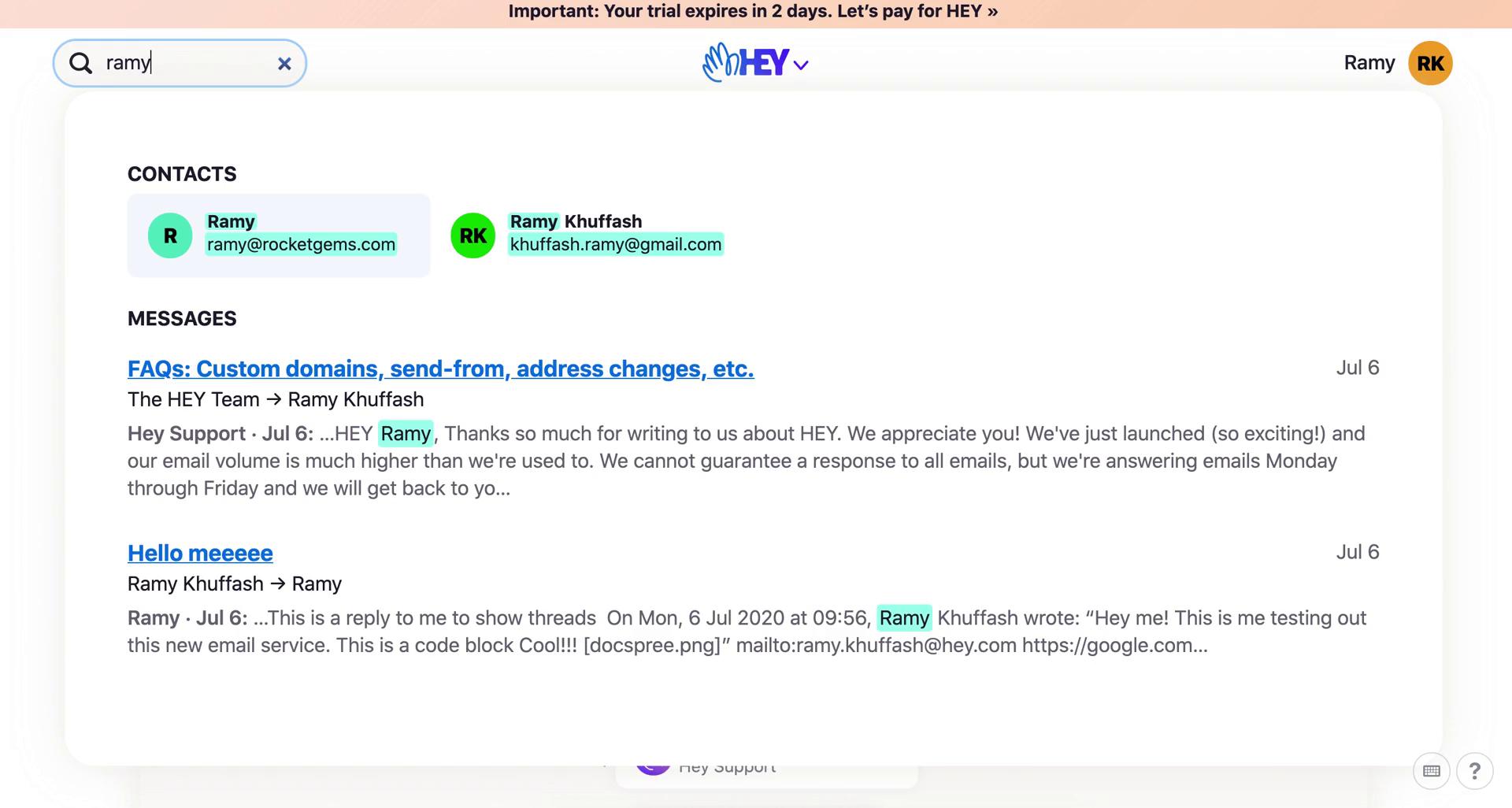
Search
this is title
Search
this is title
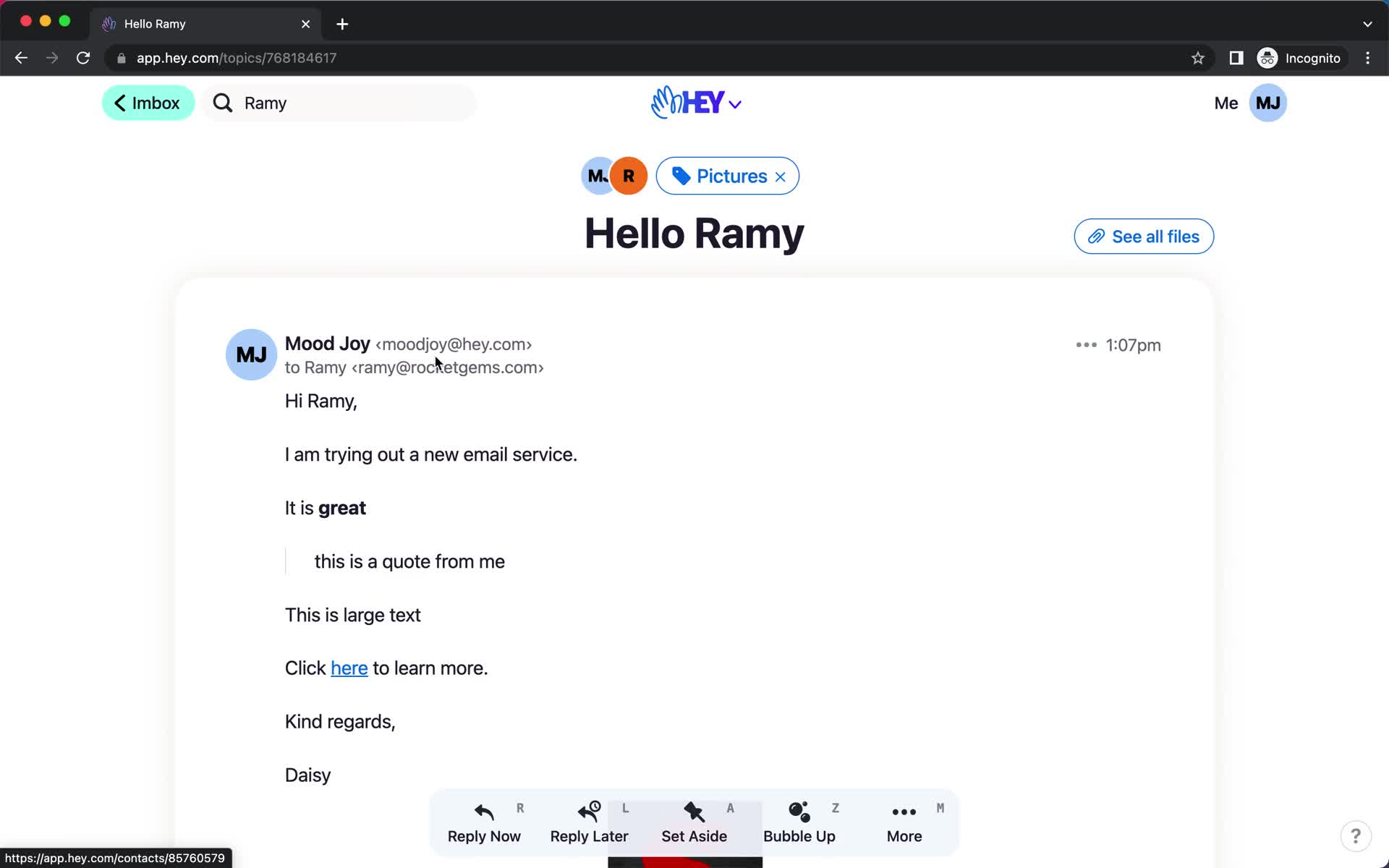
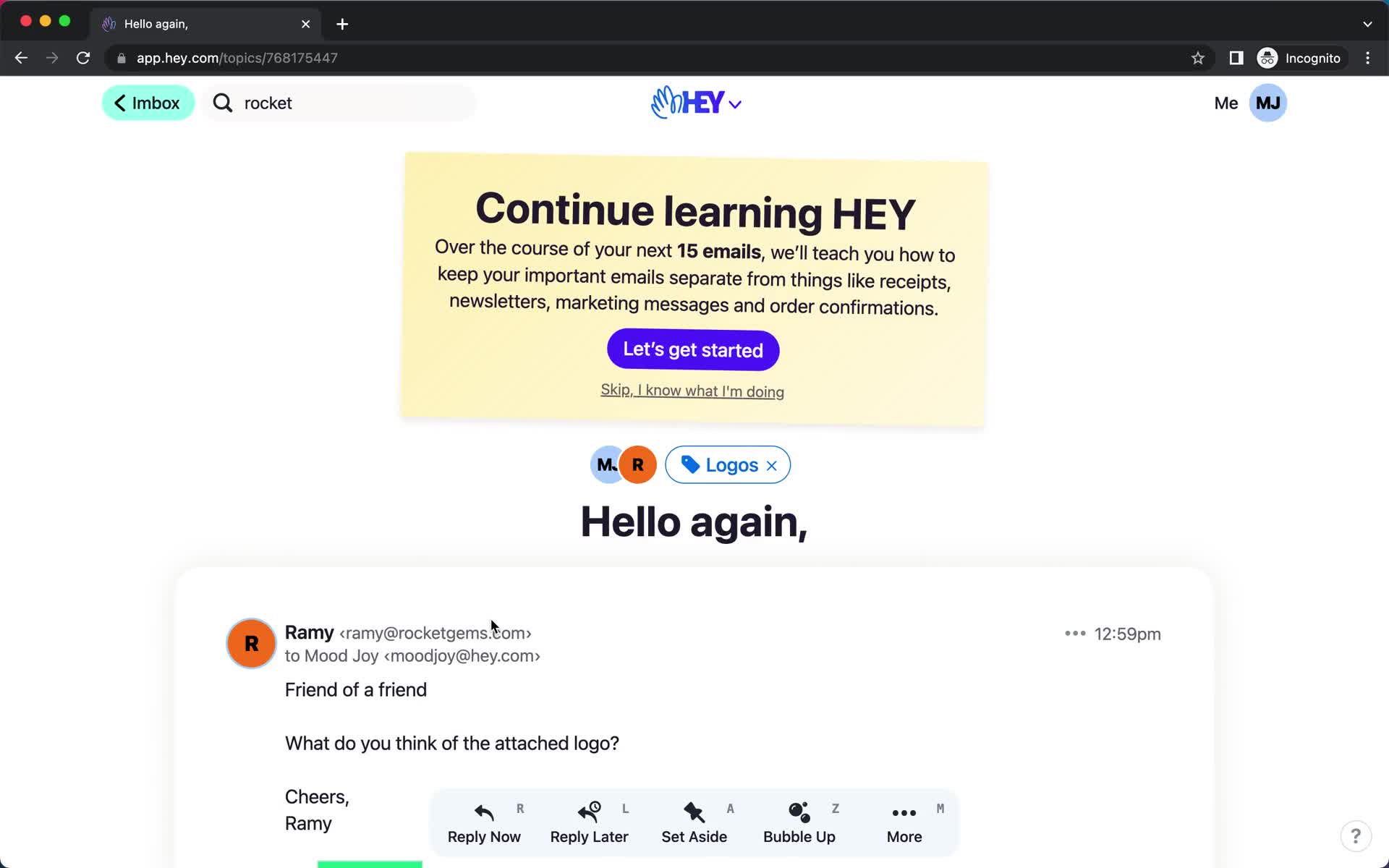
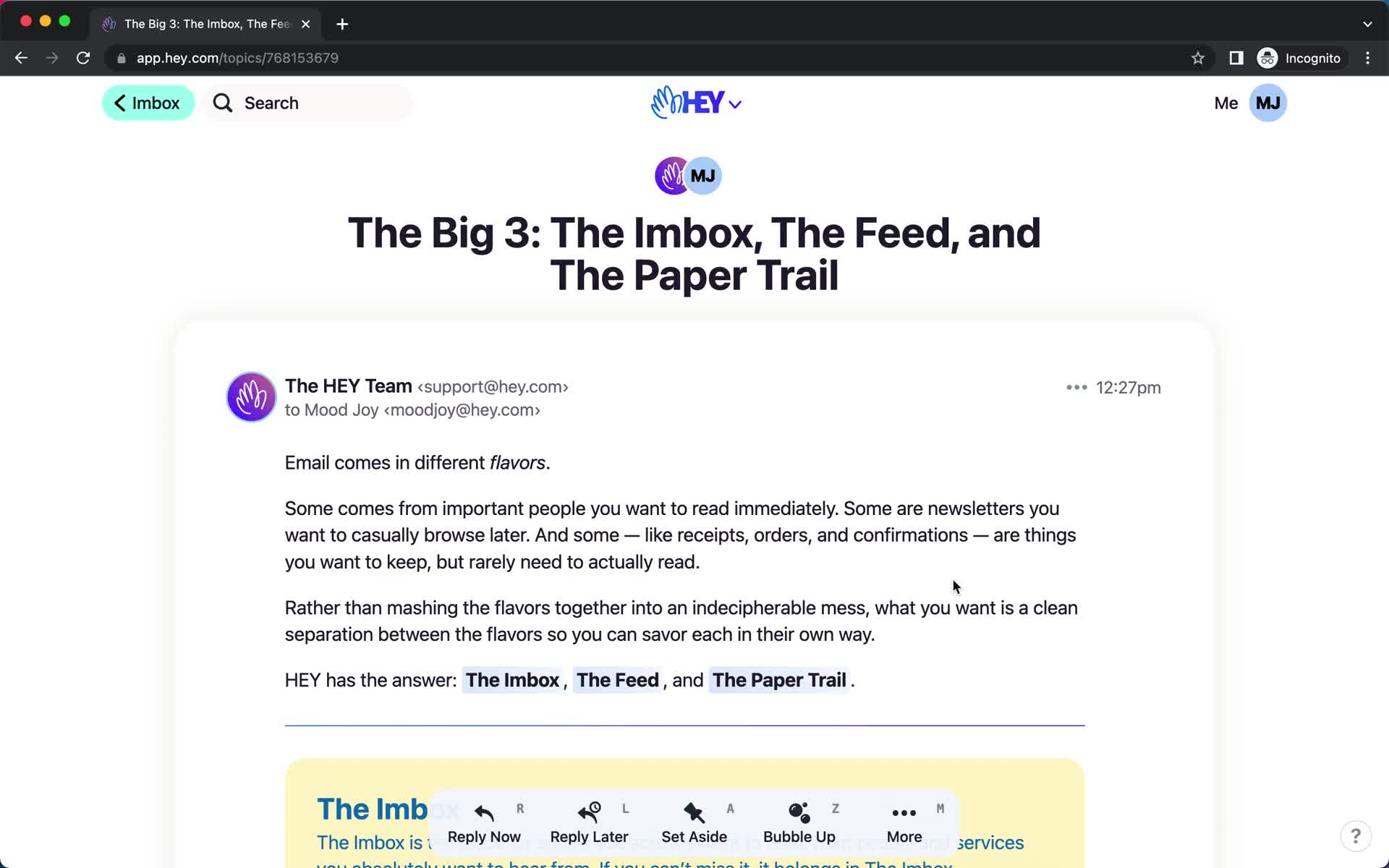
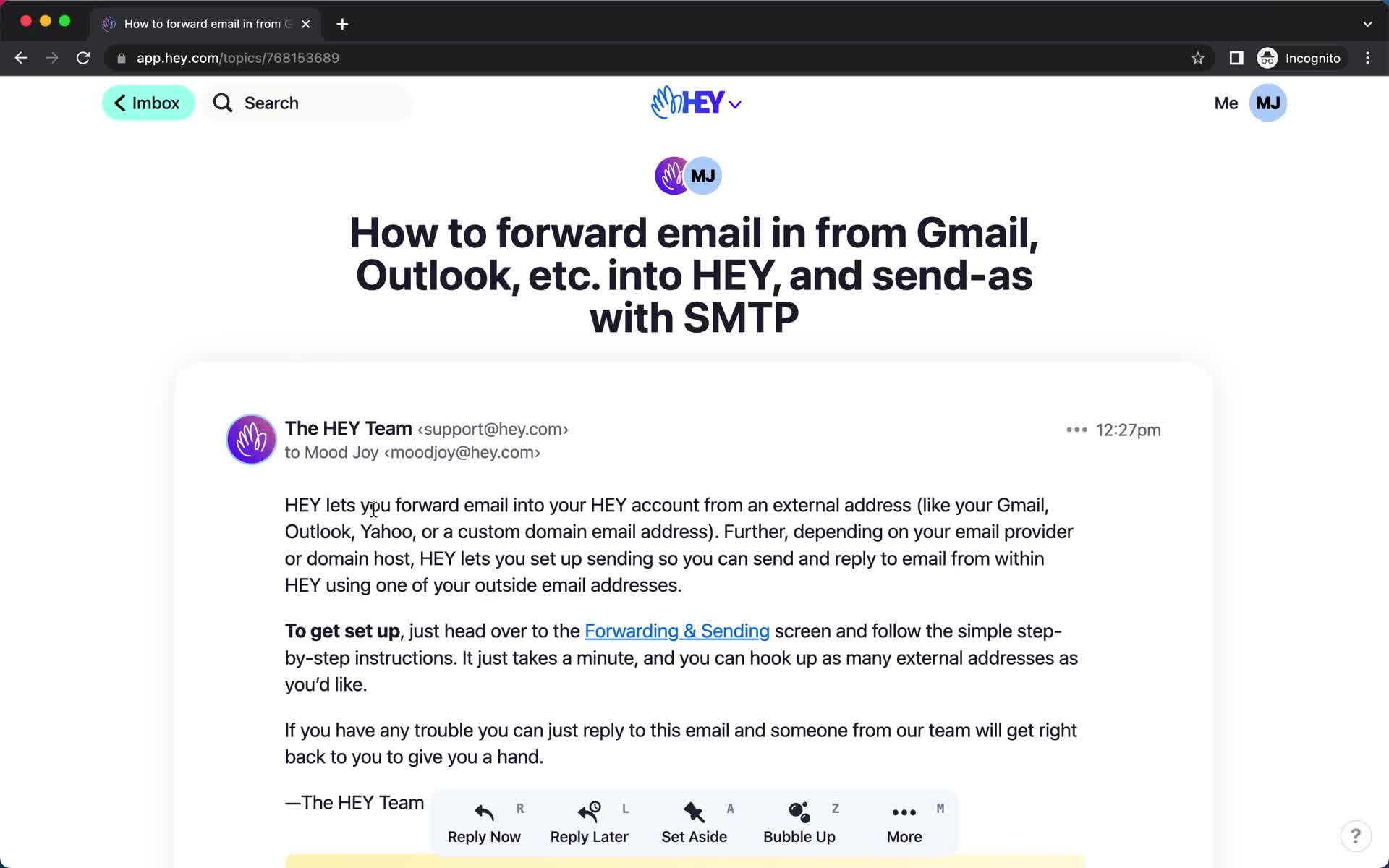
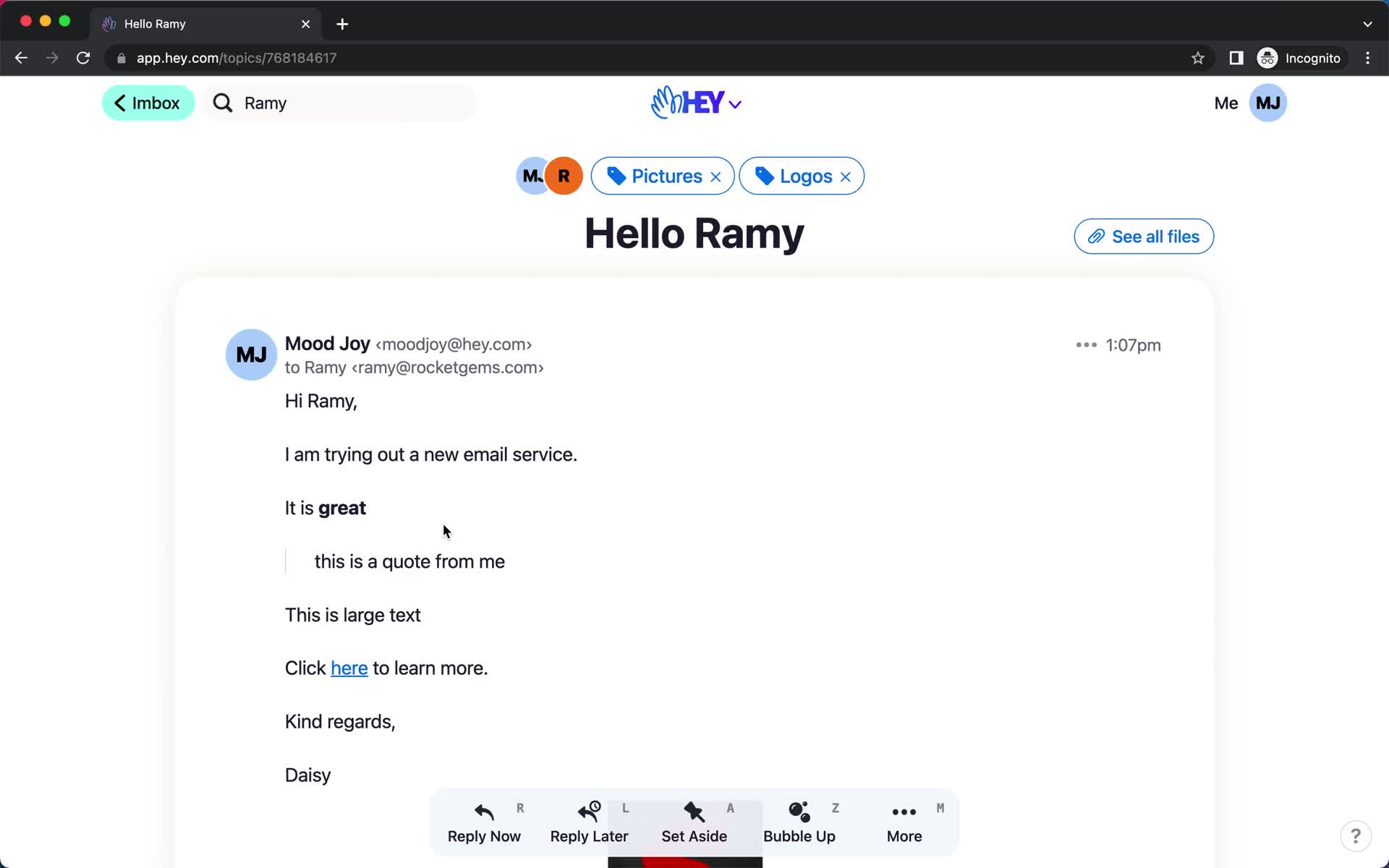
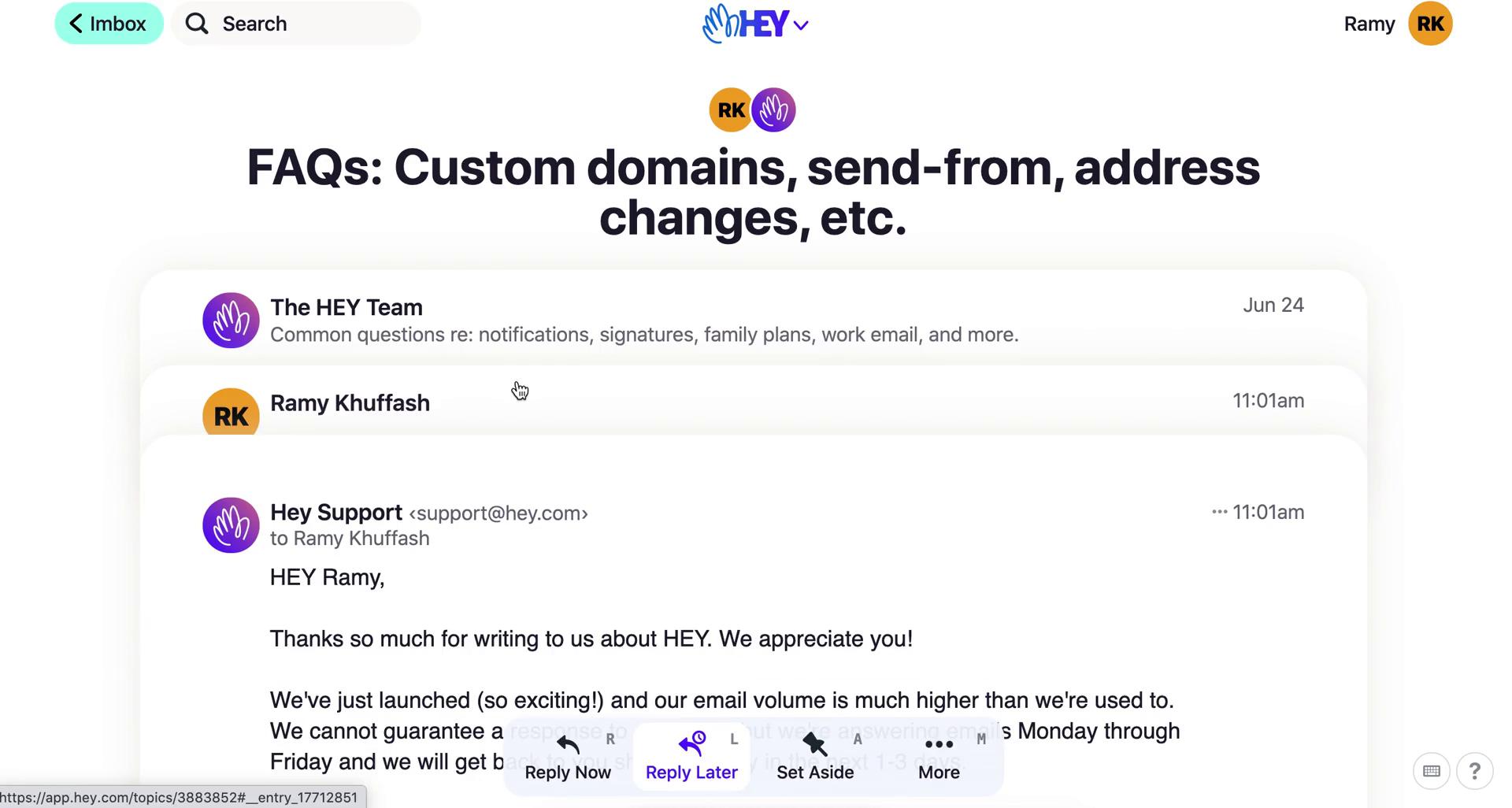
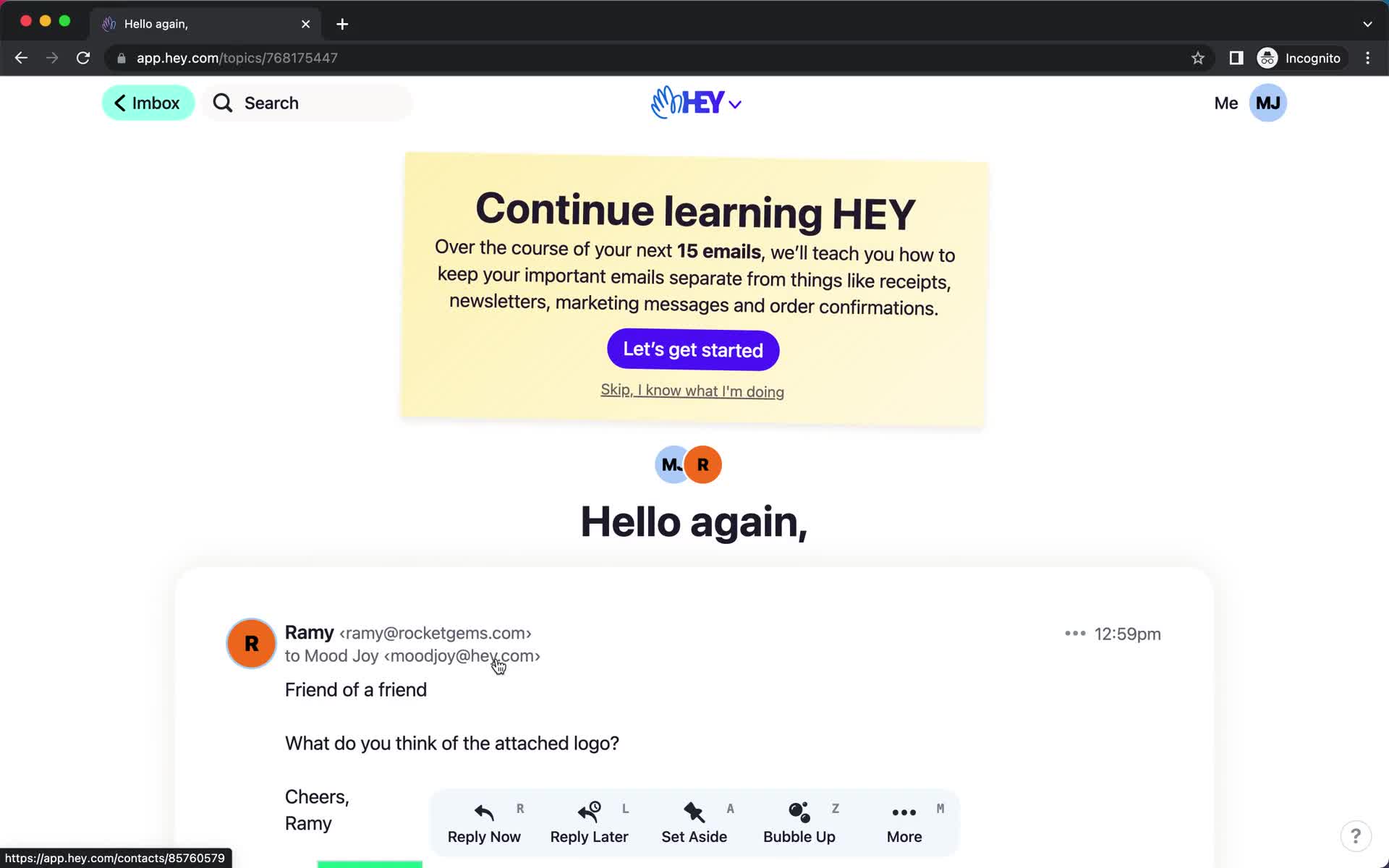
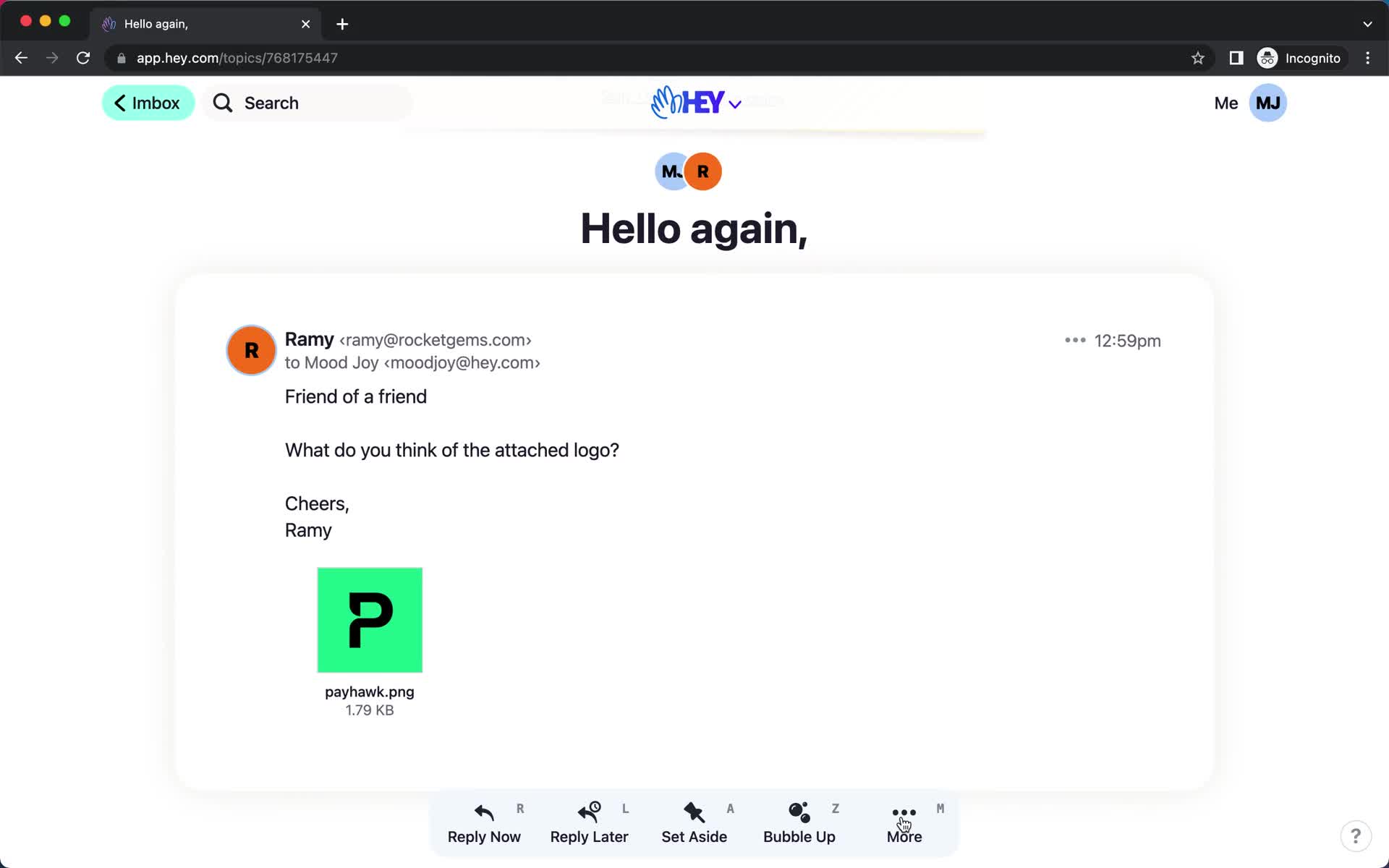
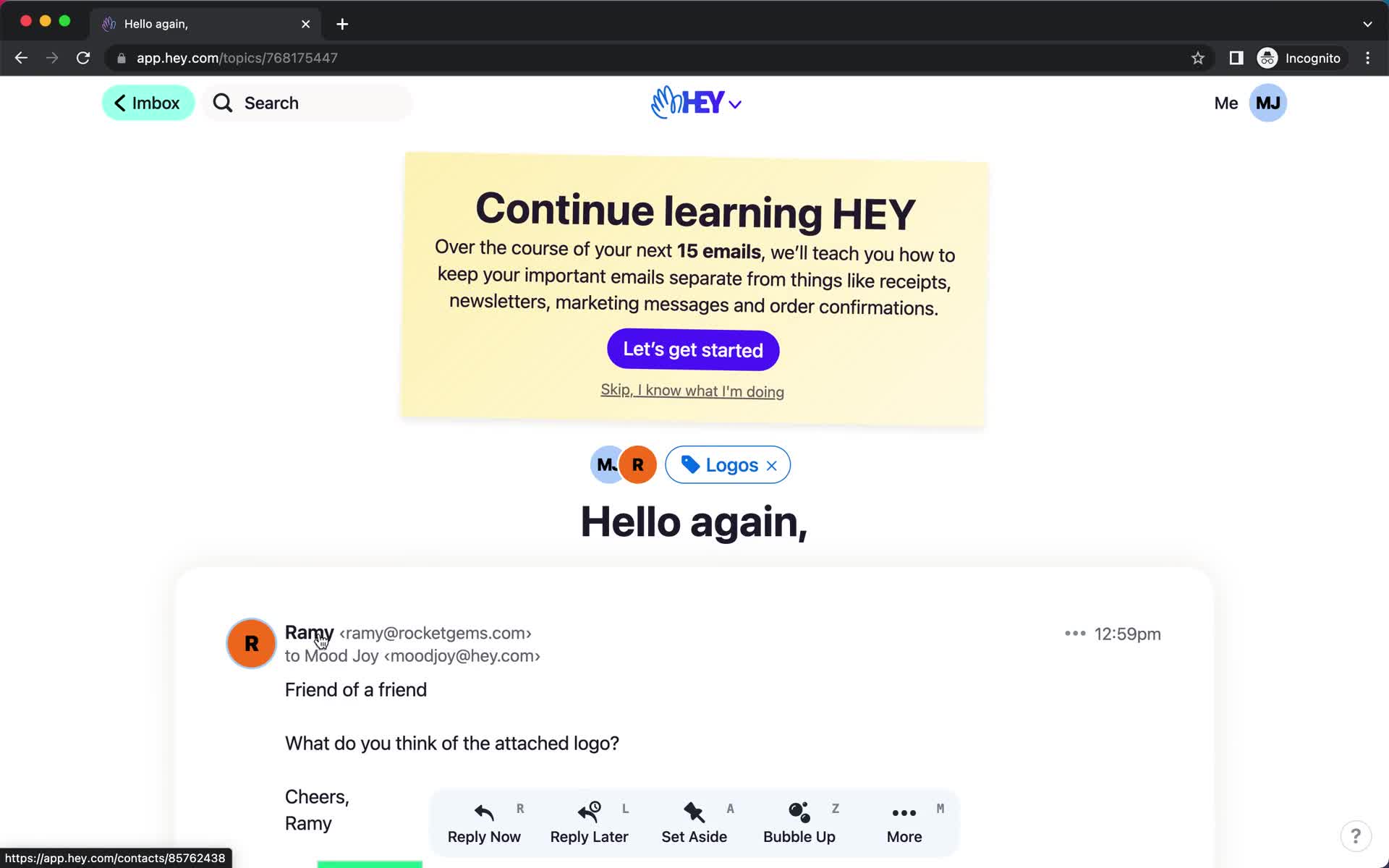
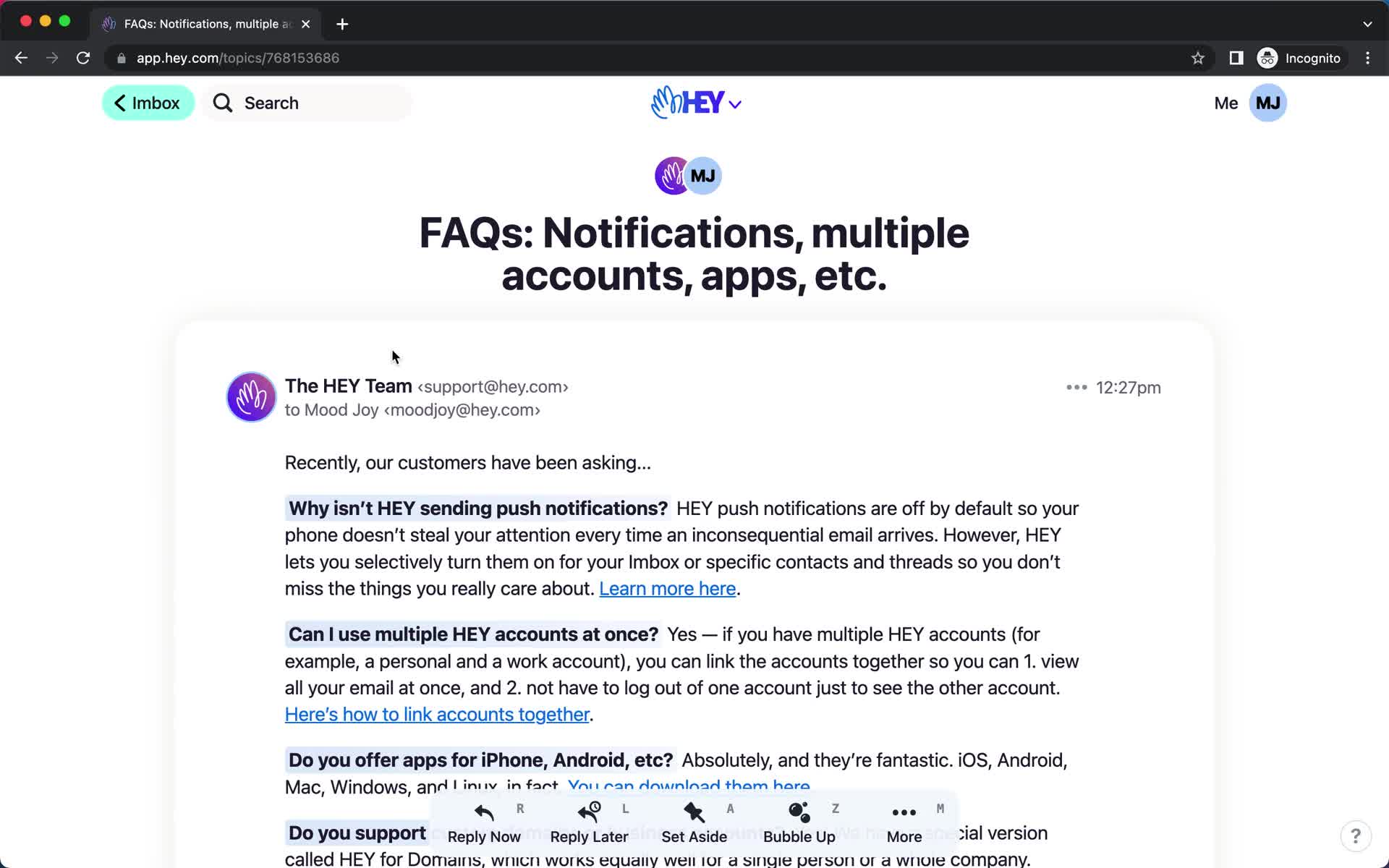
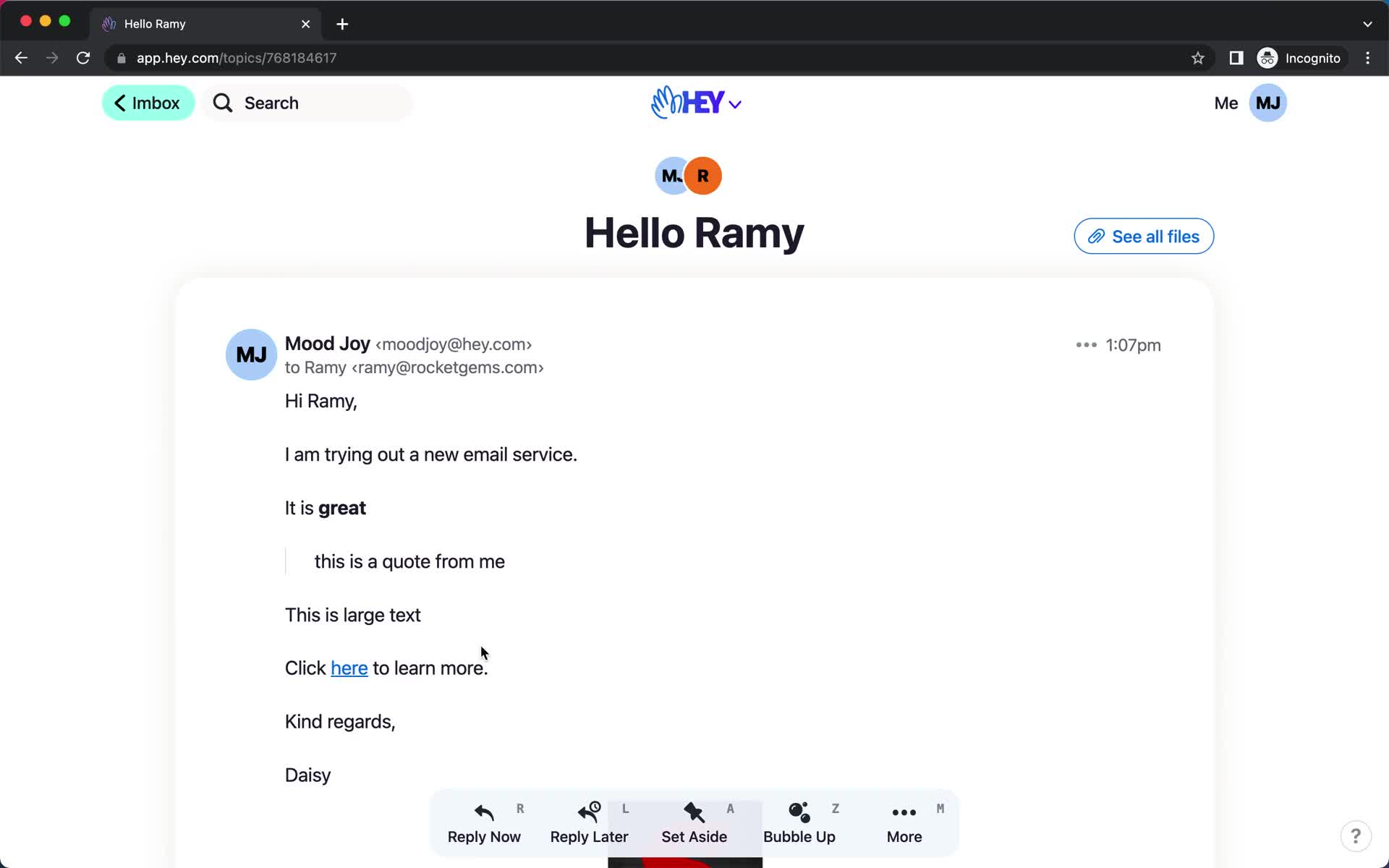
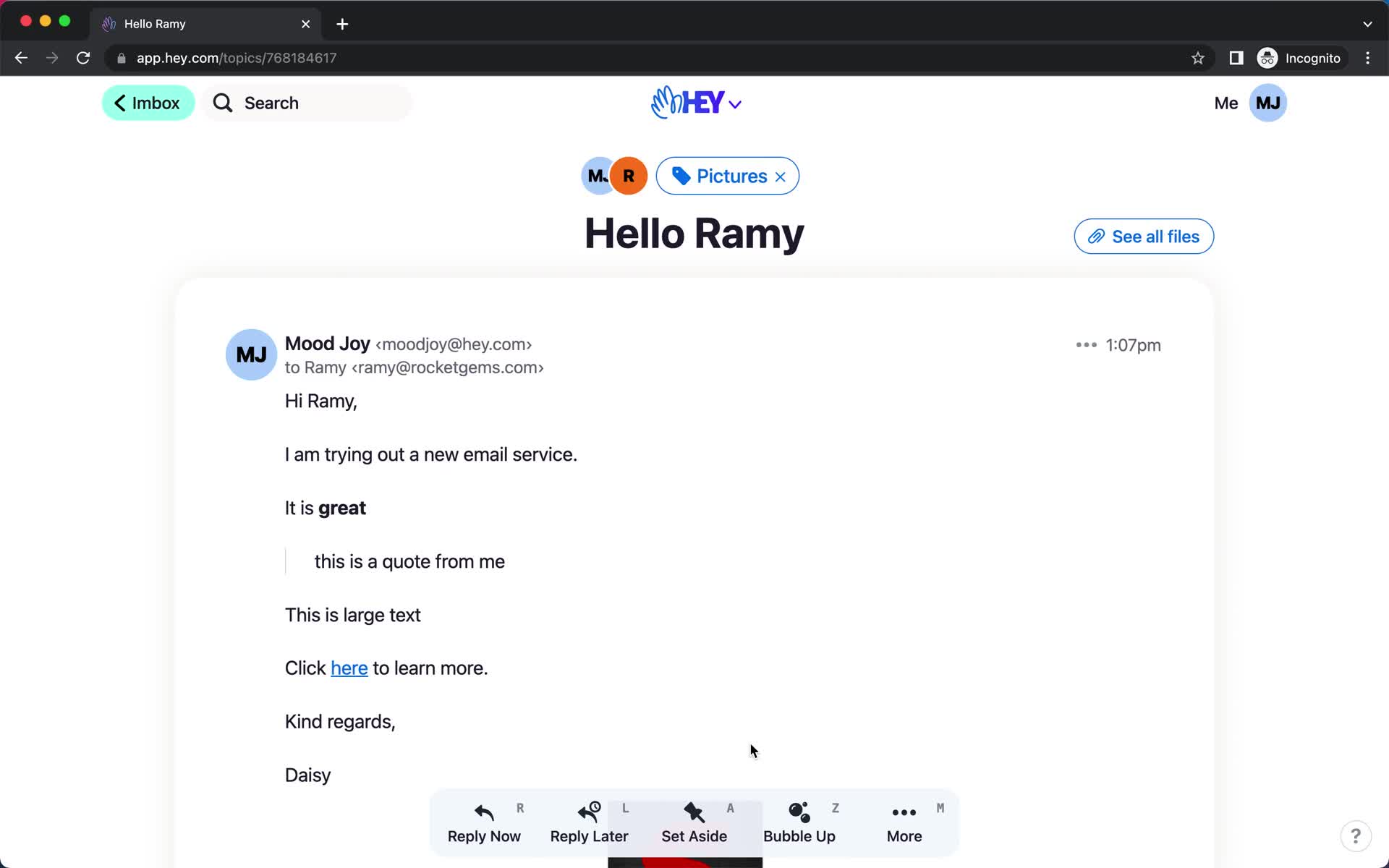
Email details
this is title
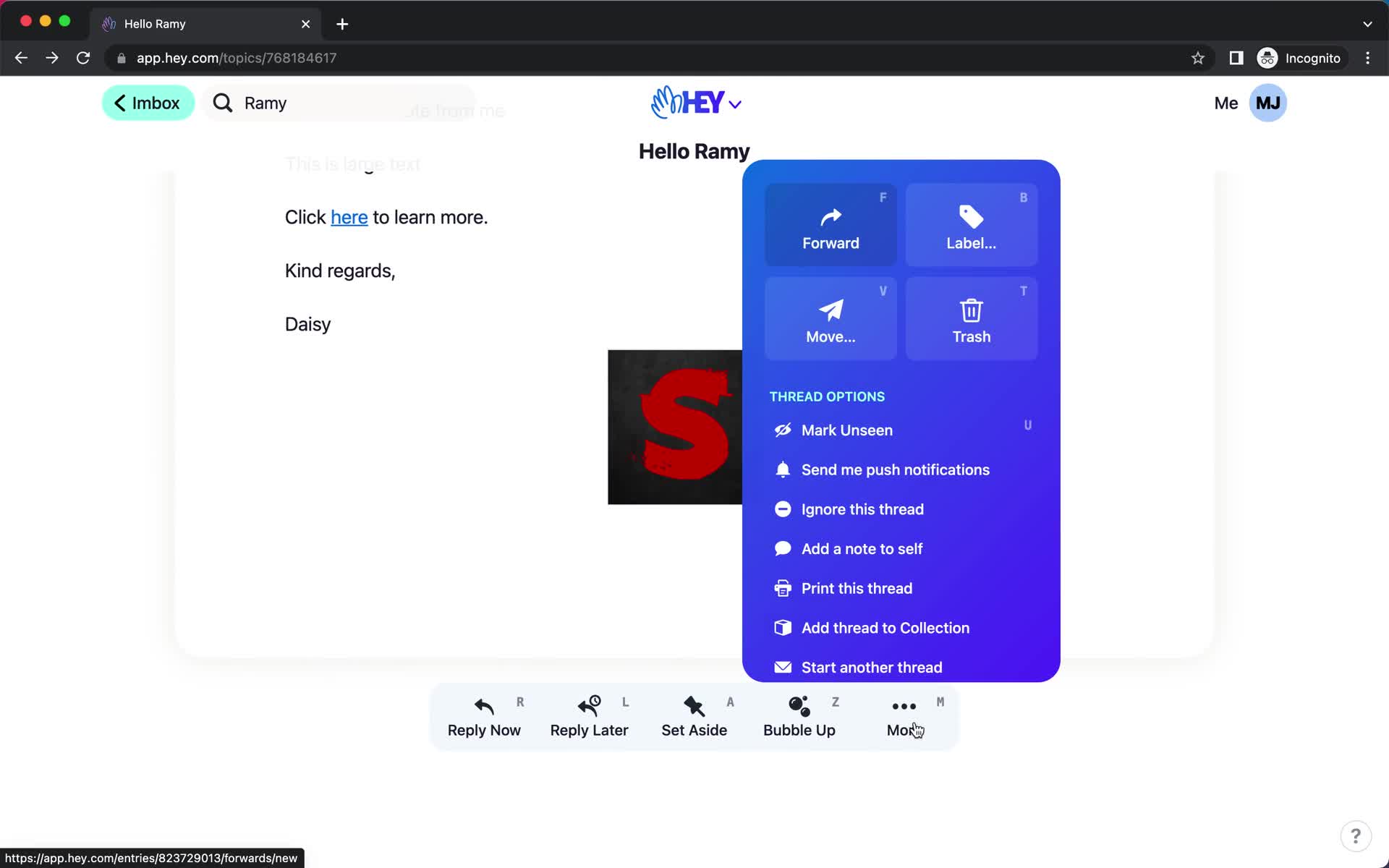
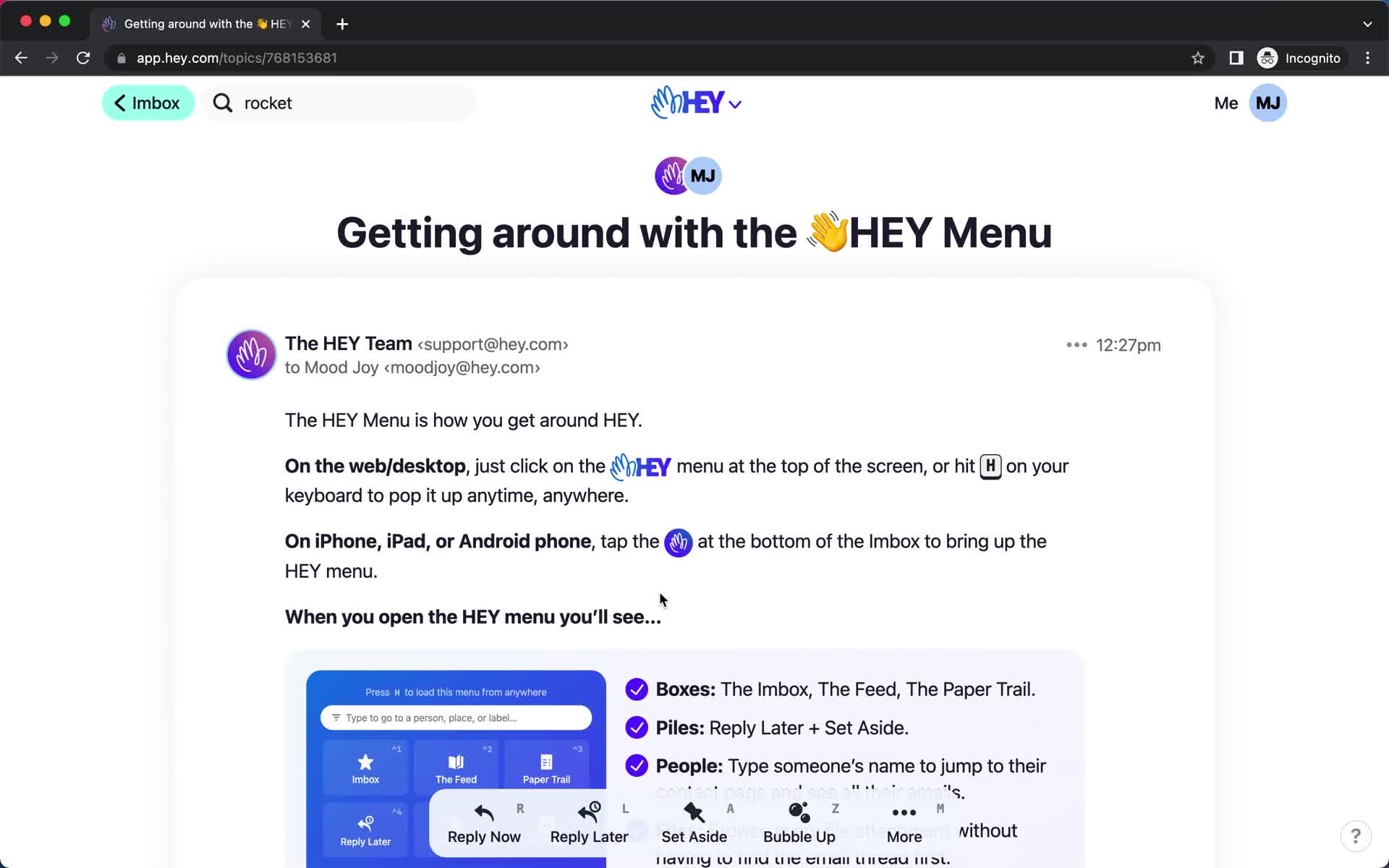
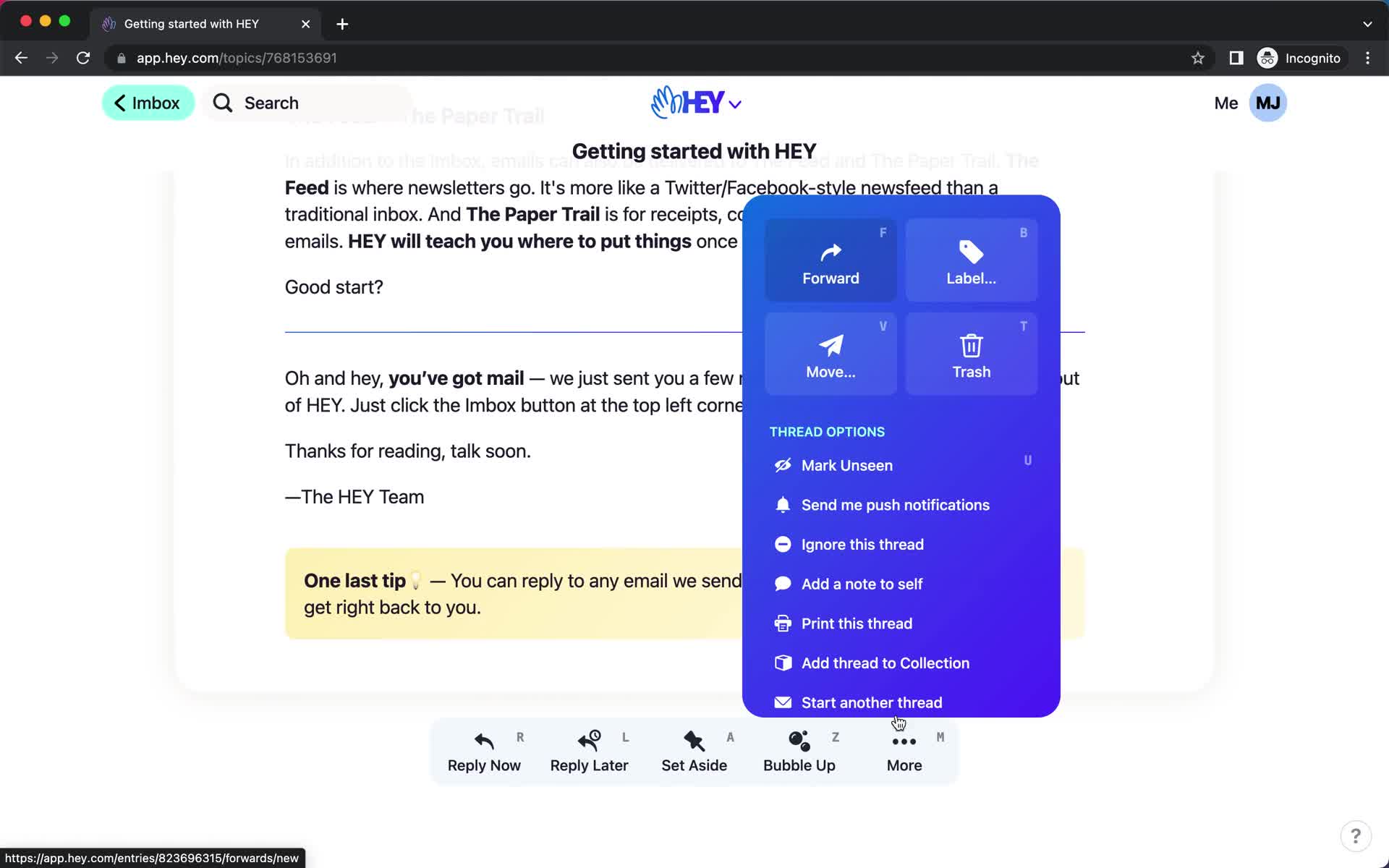
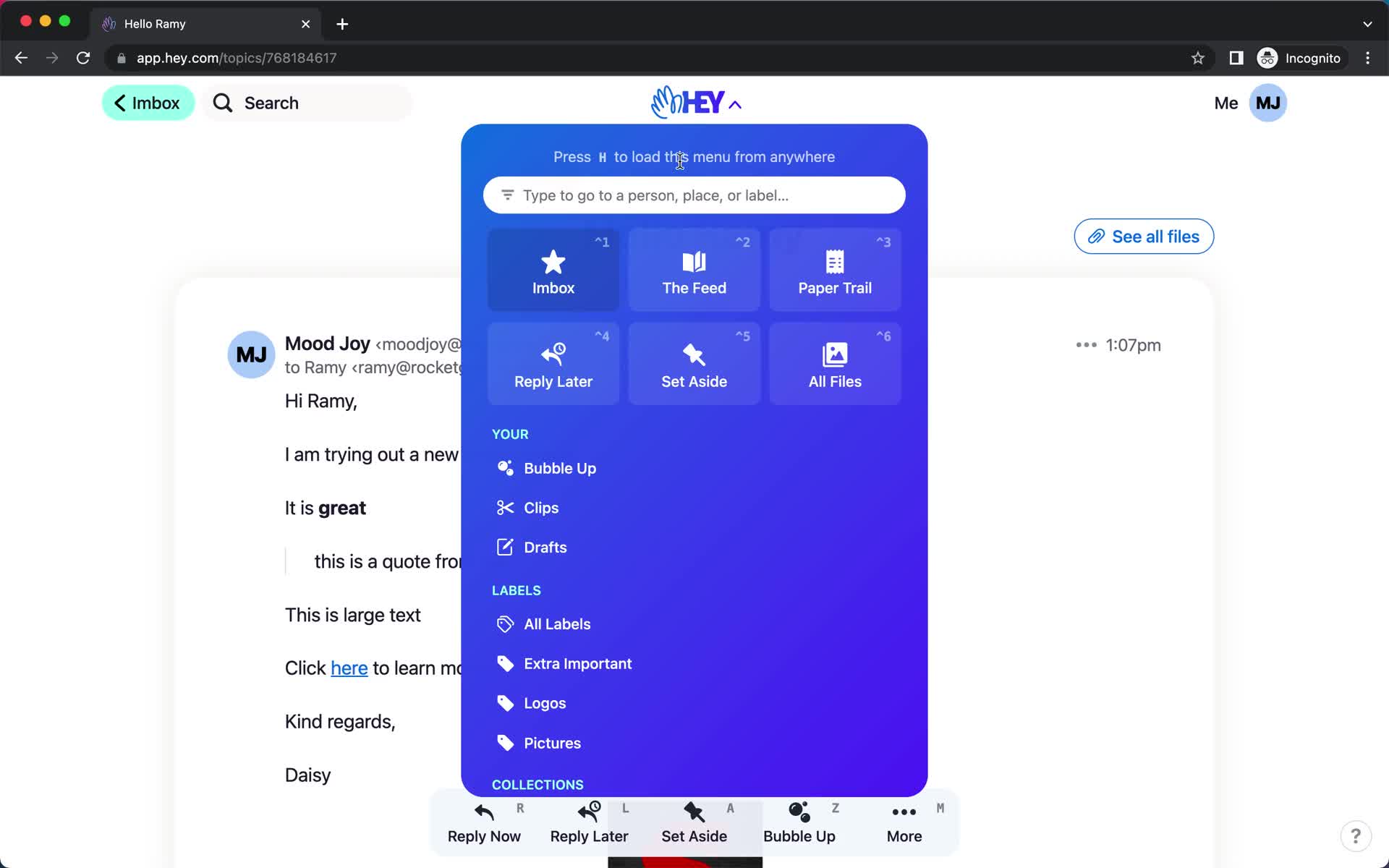
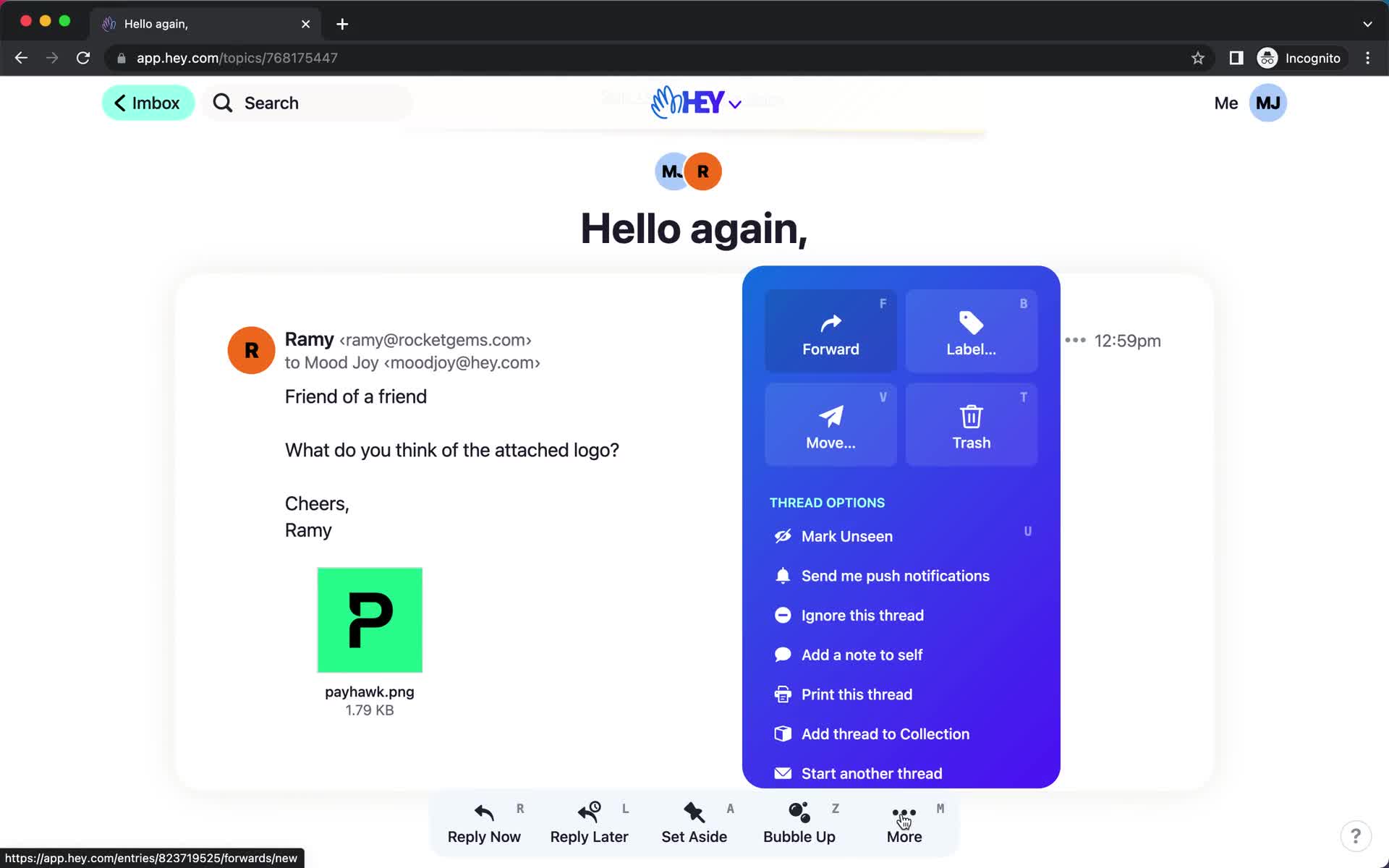
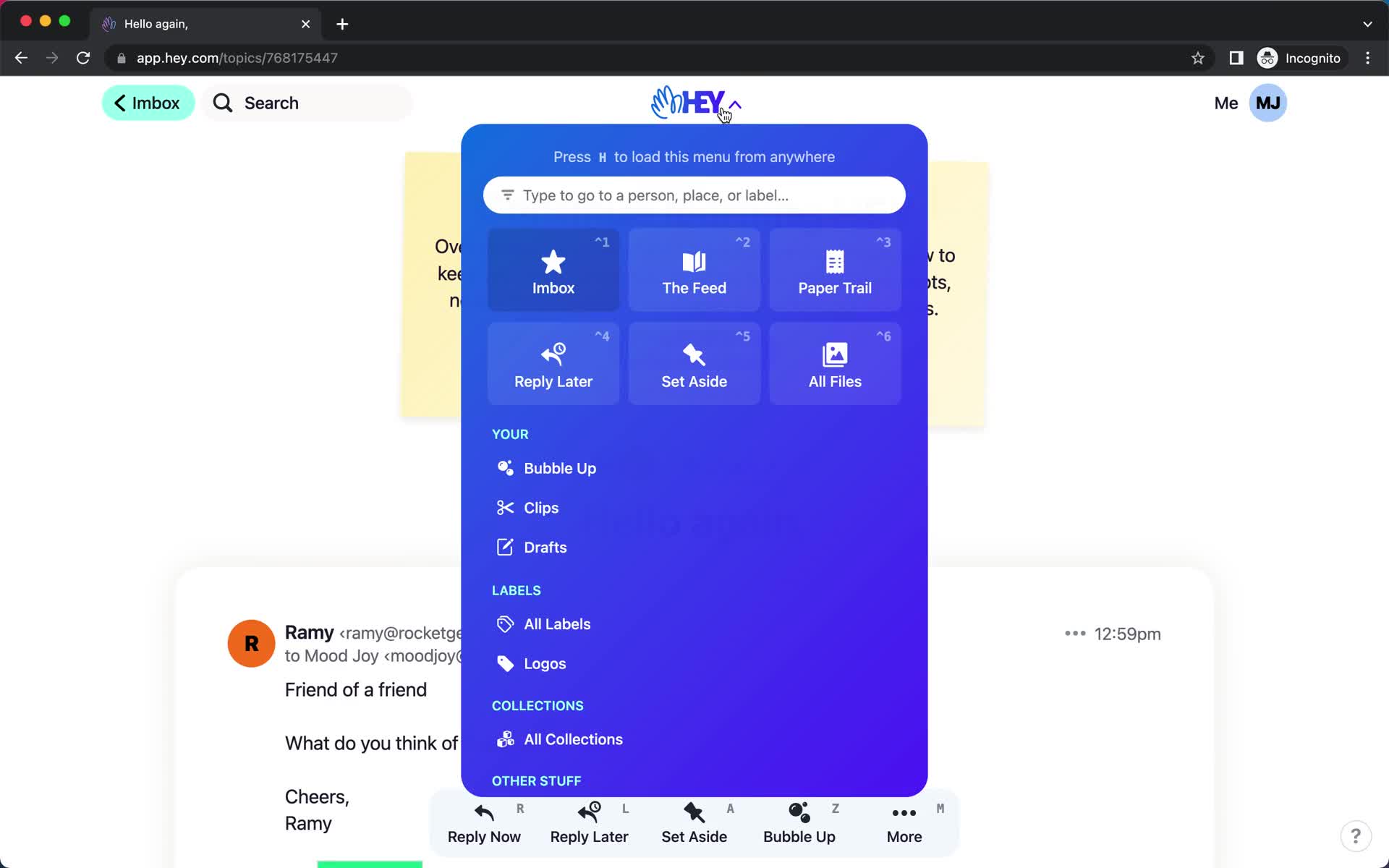
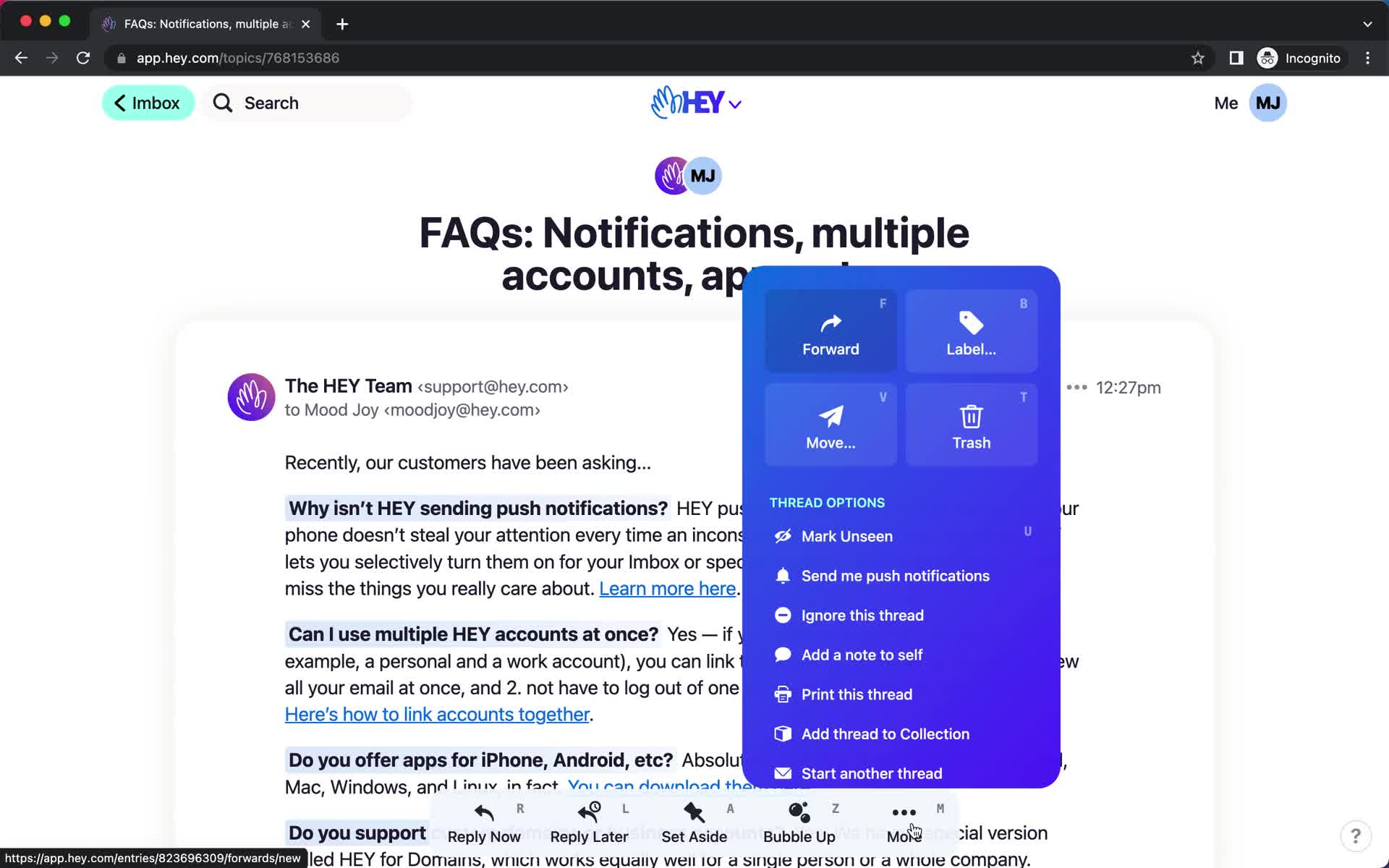
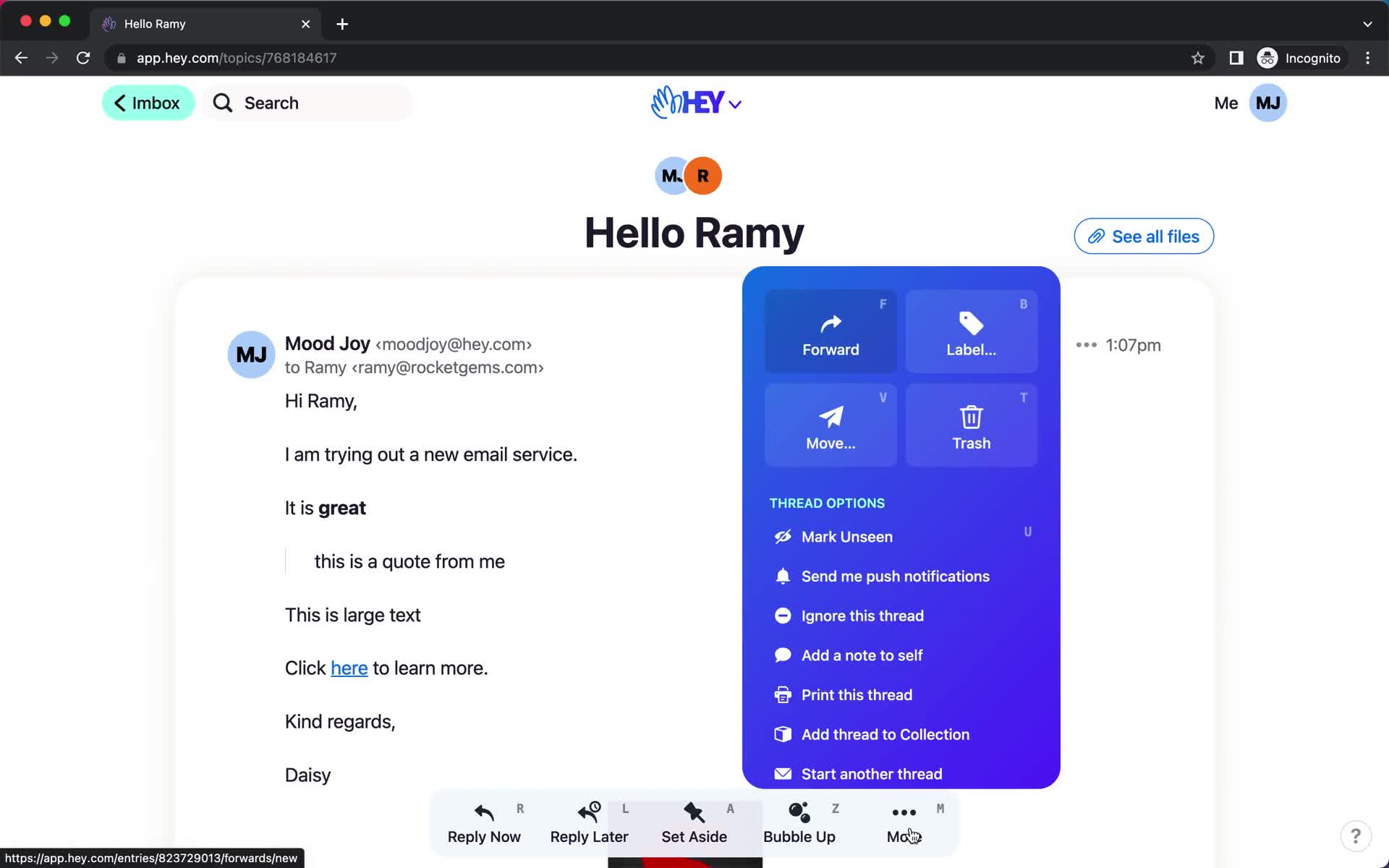
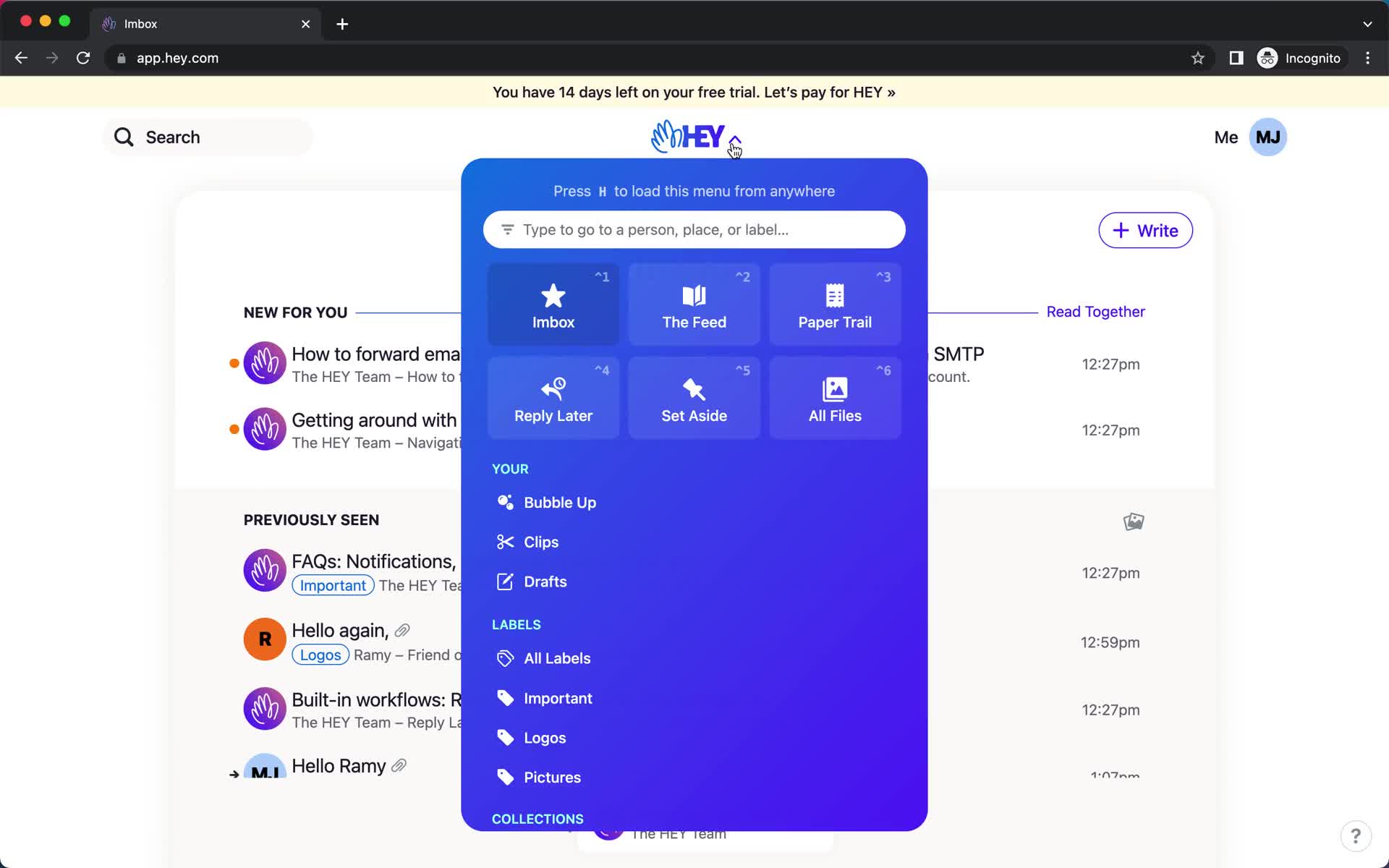
Action menu
this is title
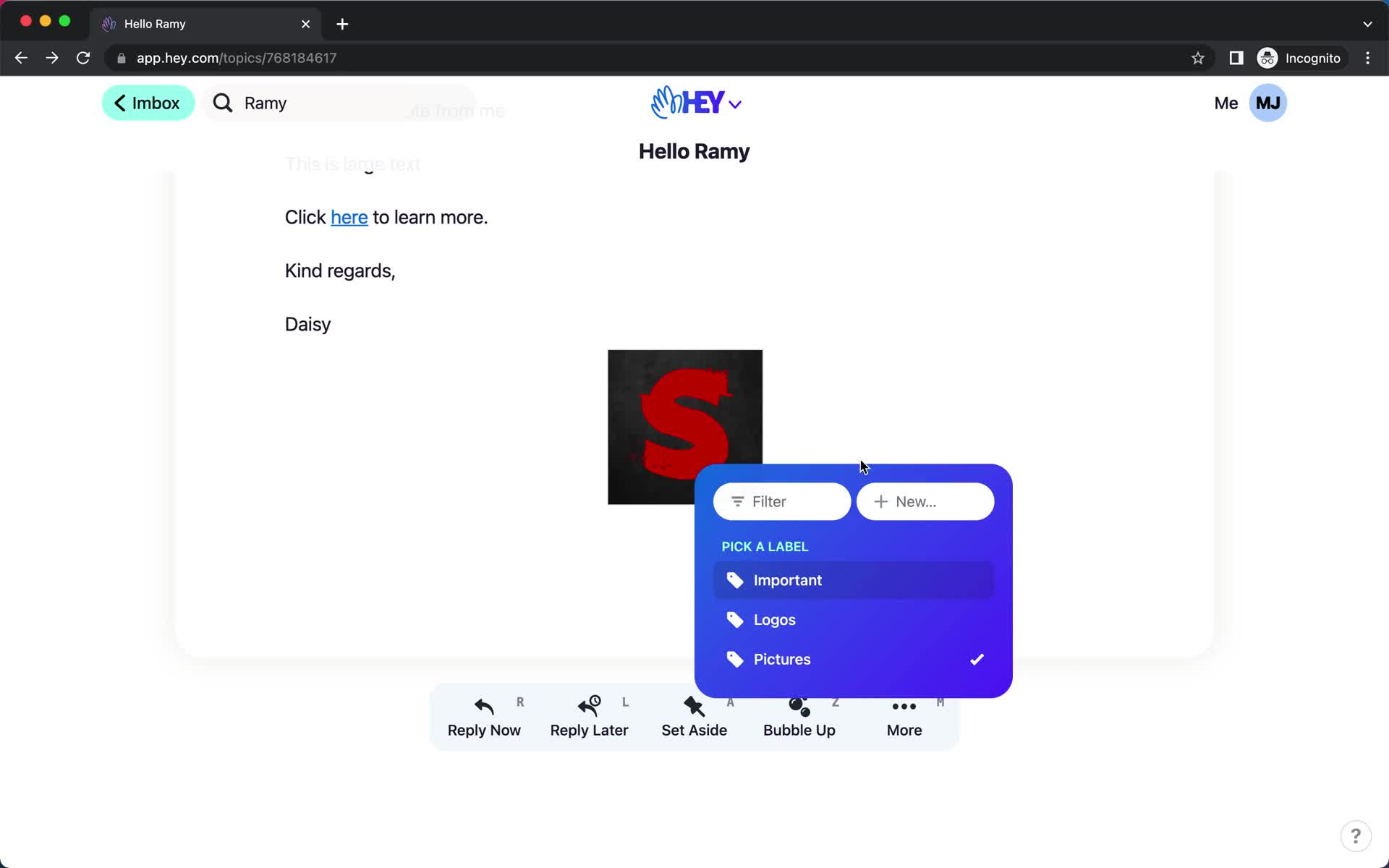
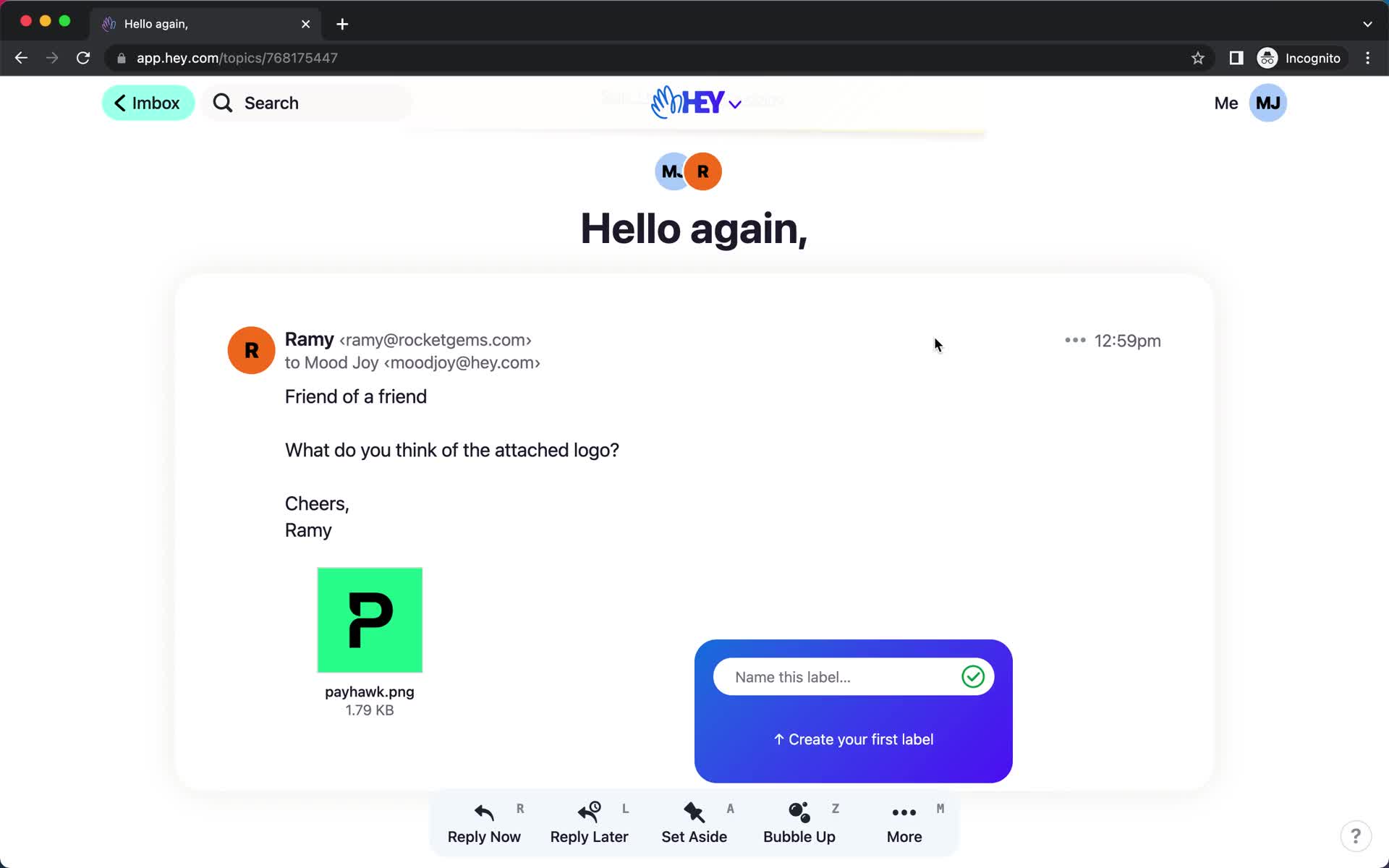
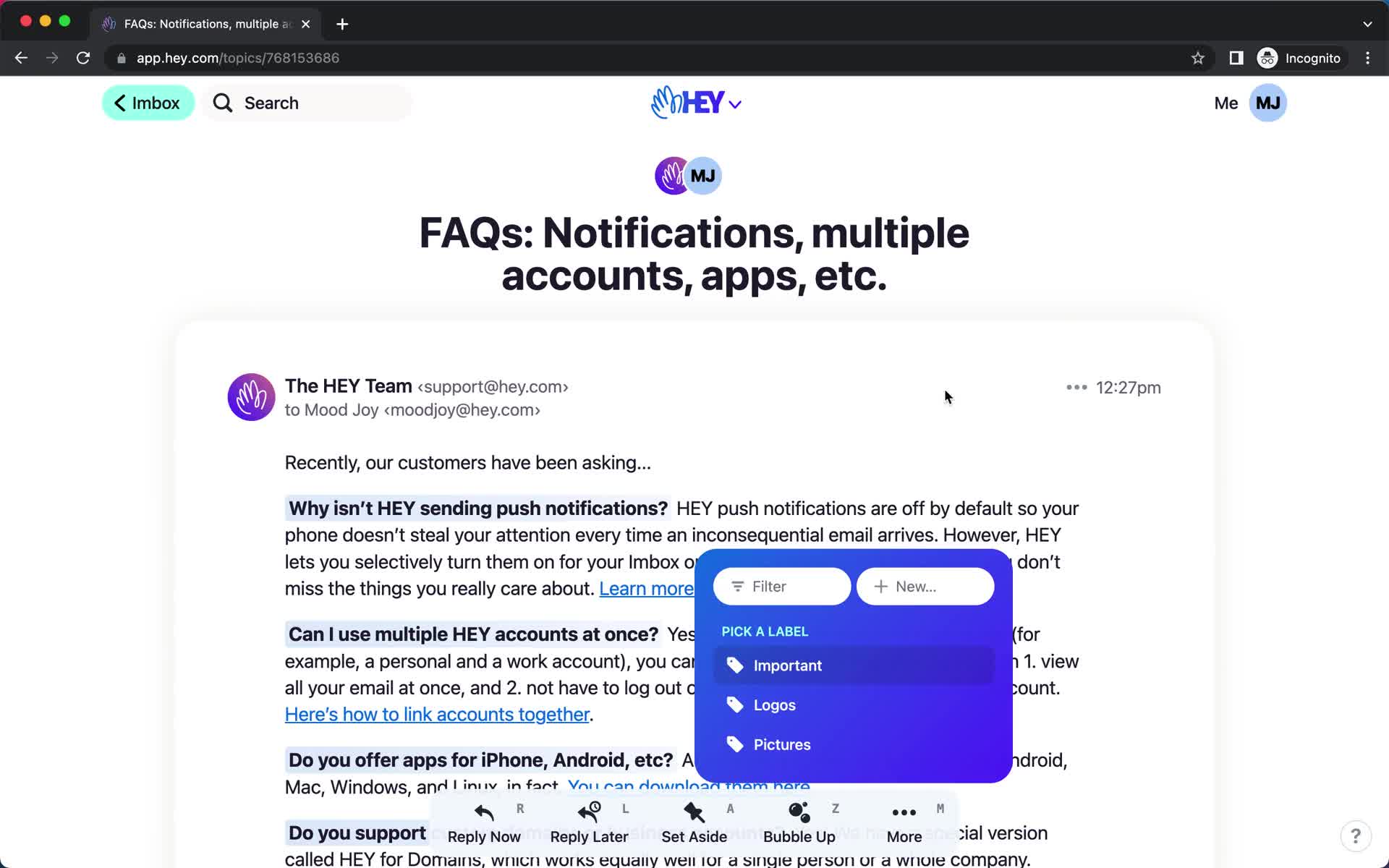
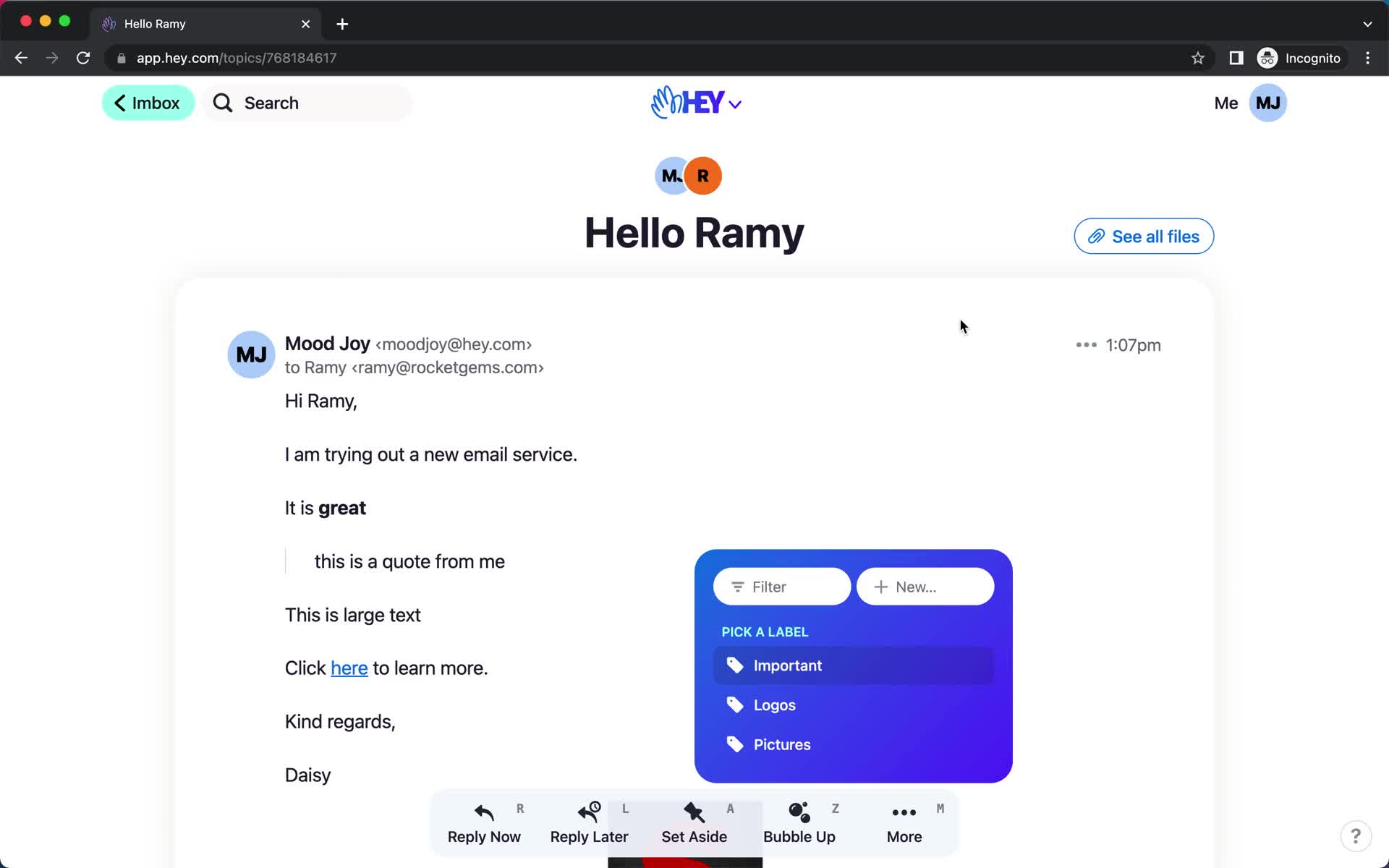
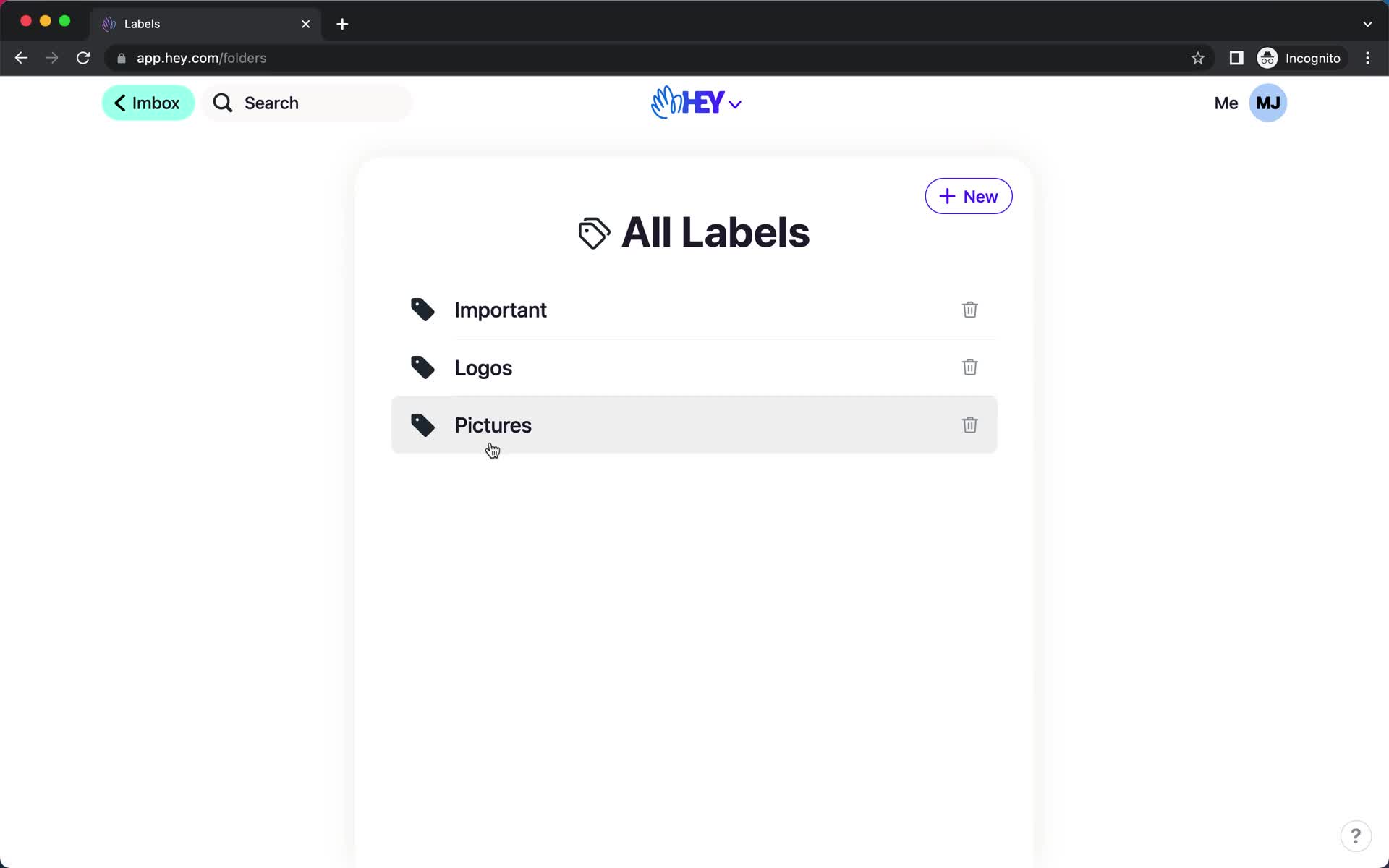
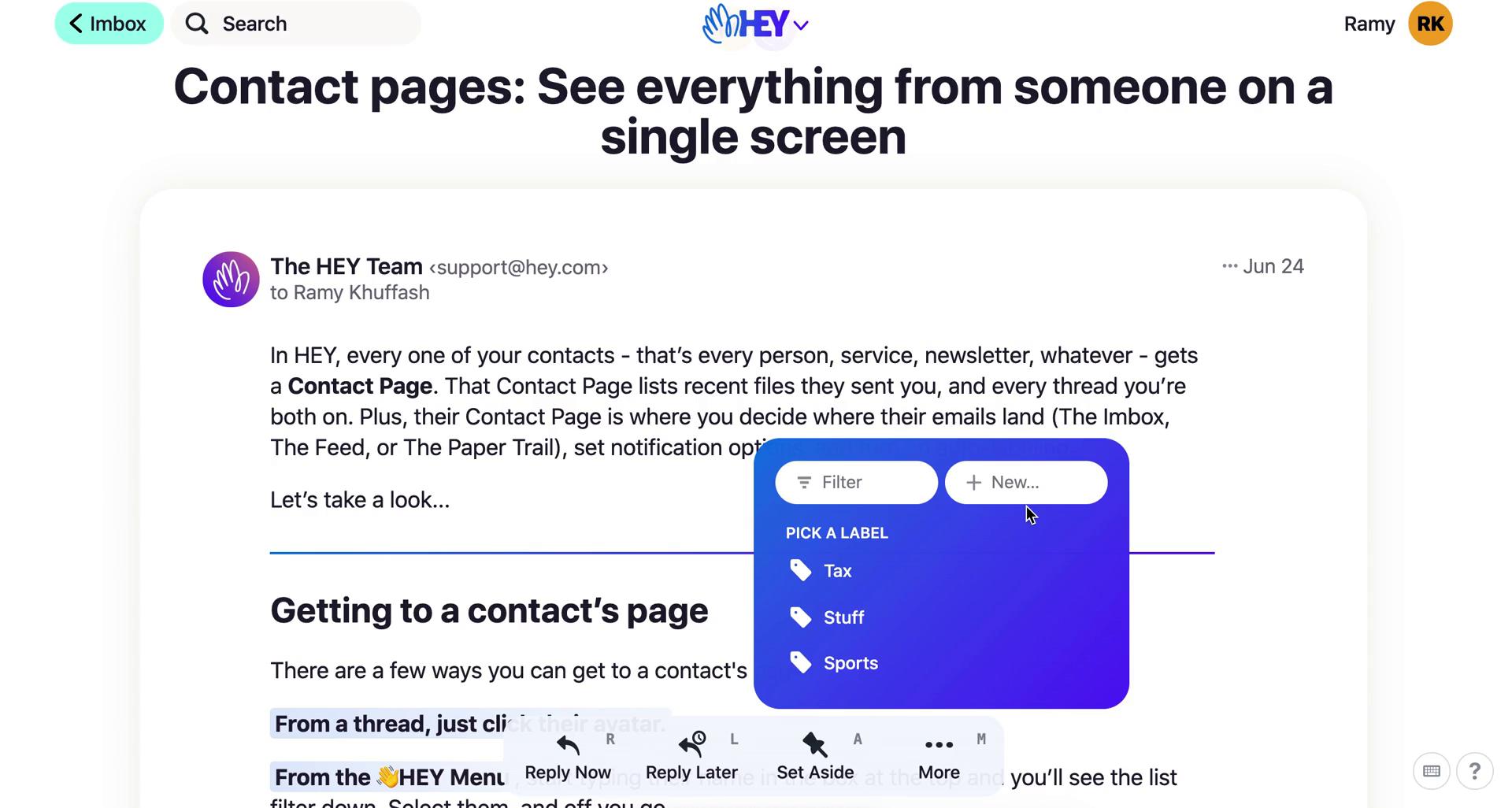
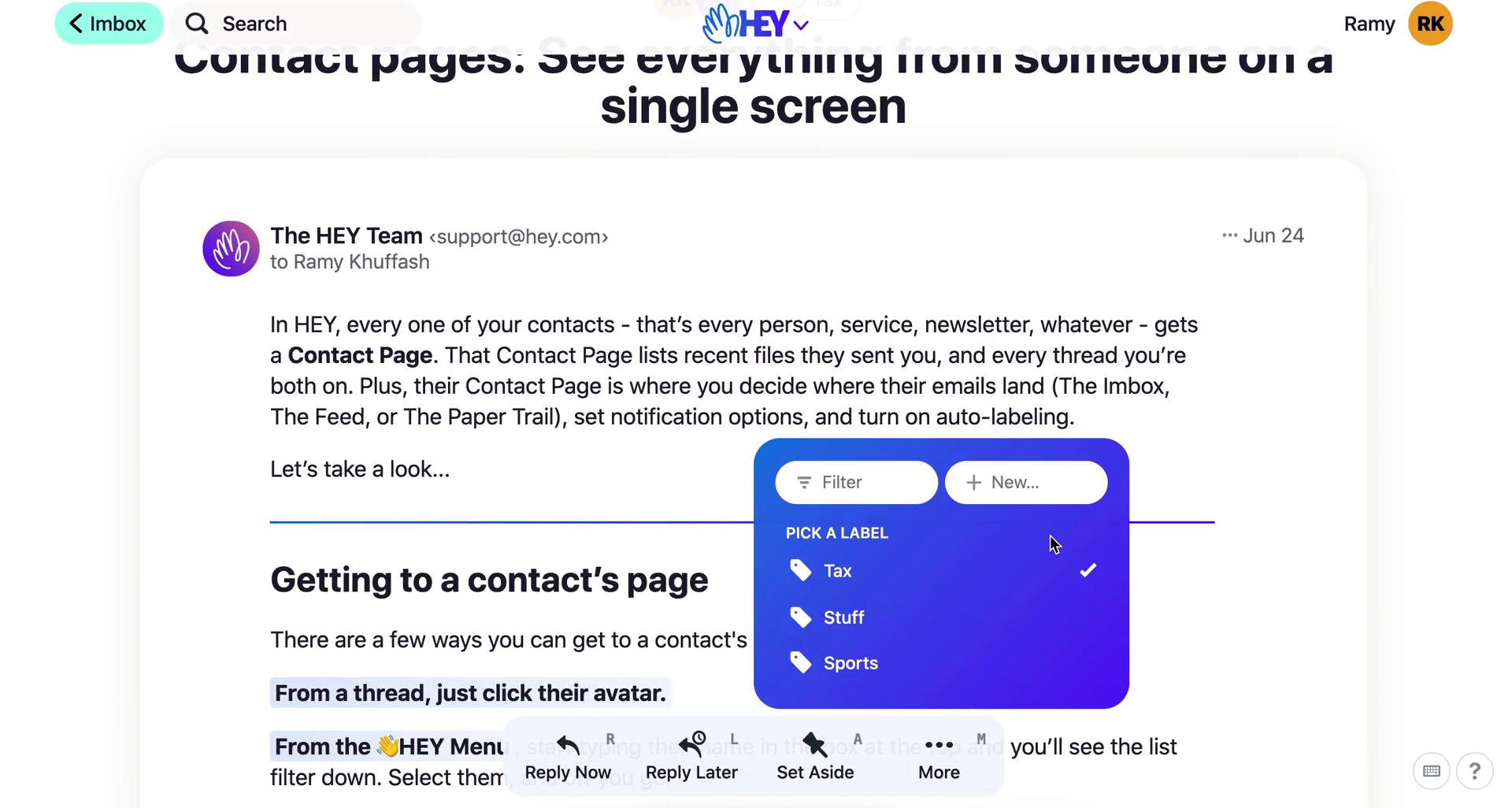
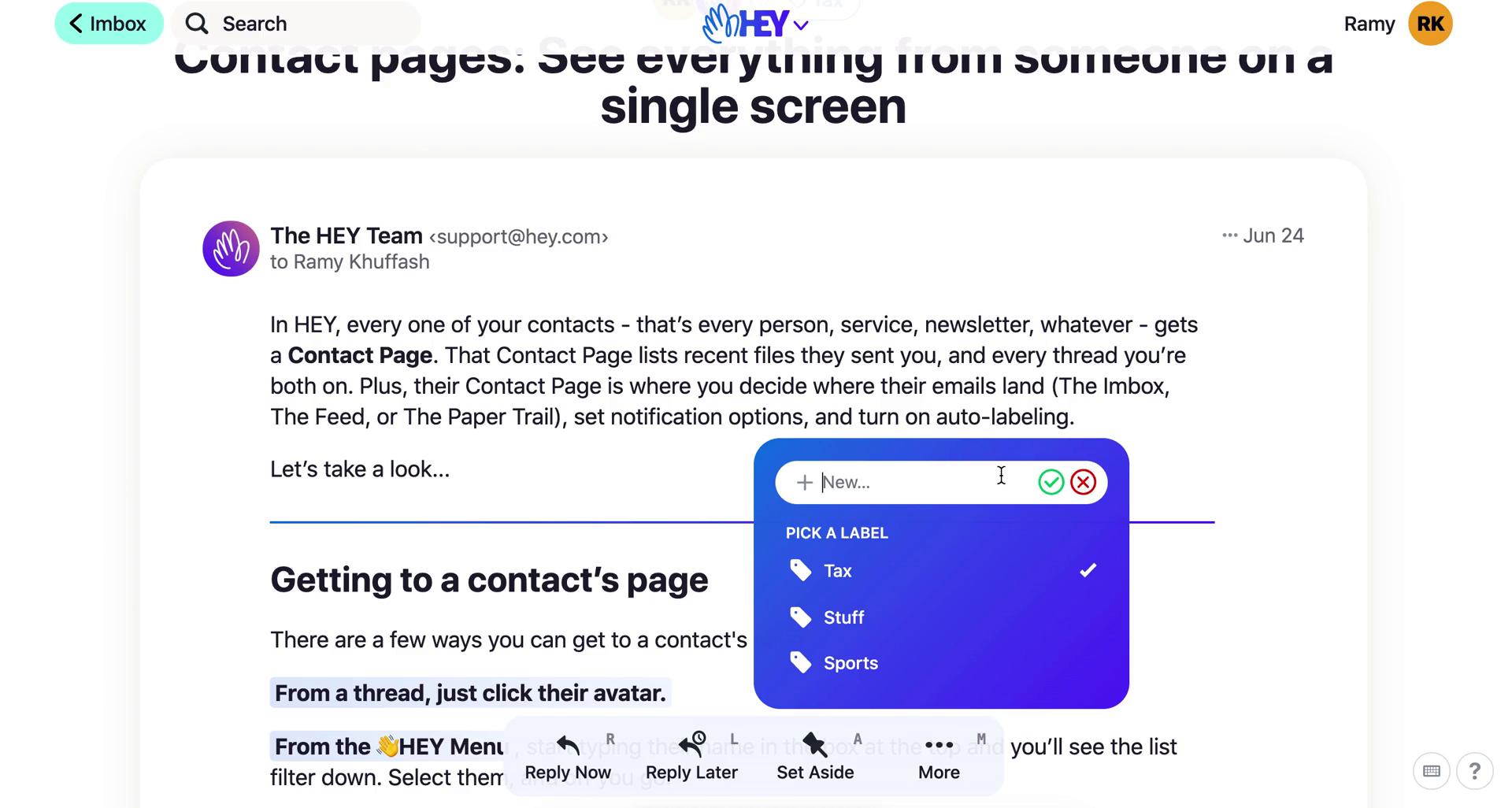
Add label
this is title
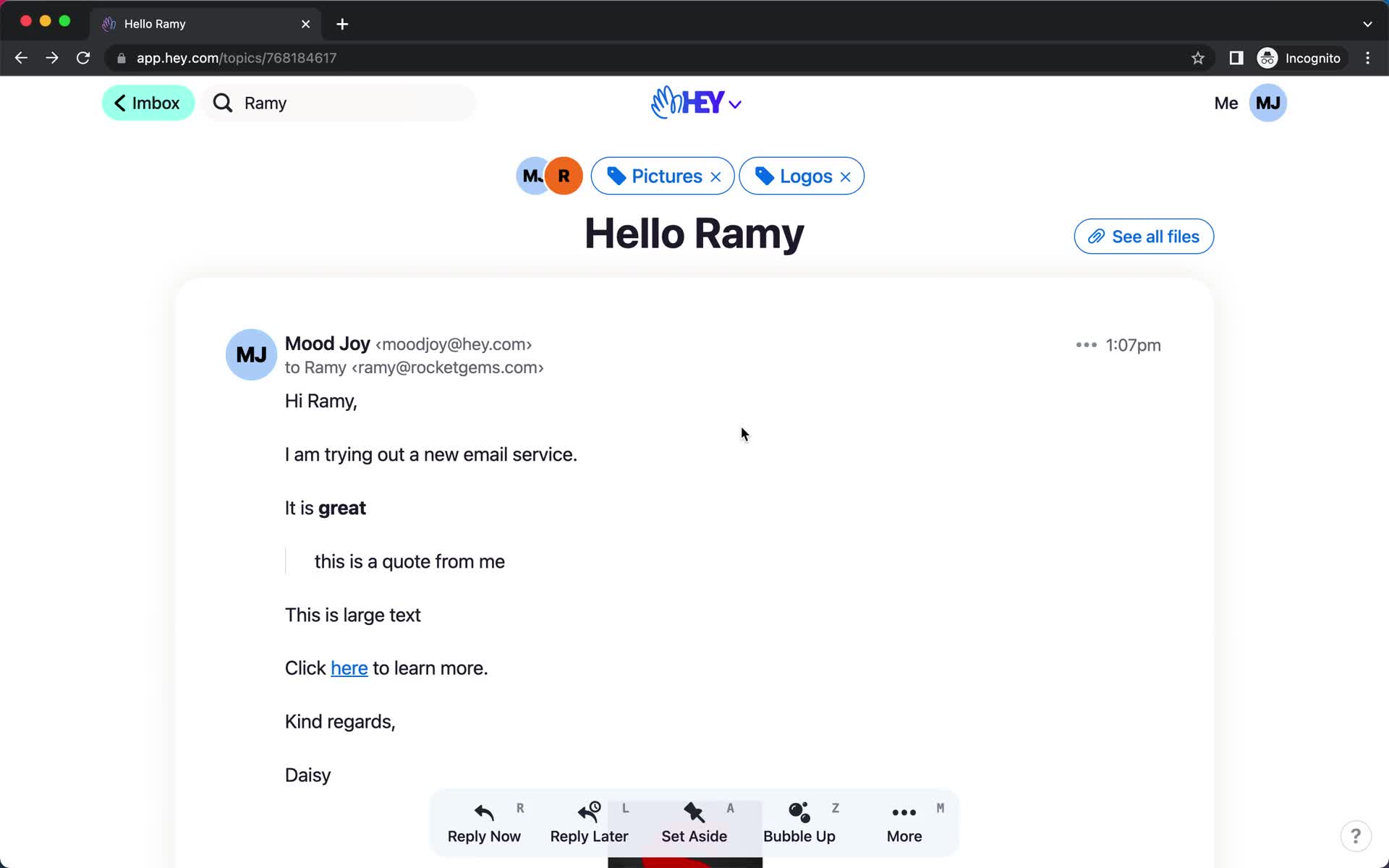
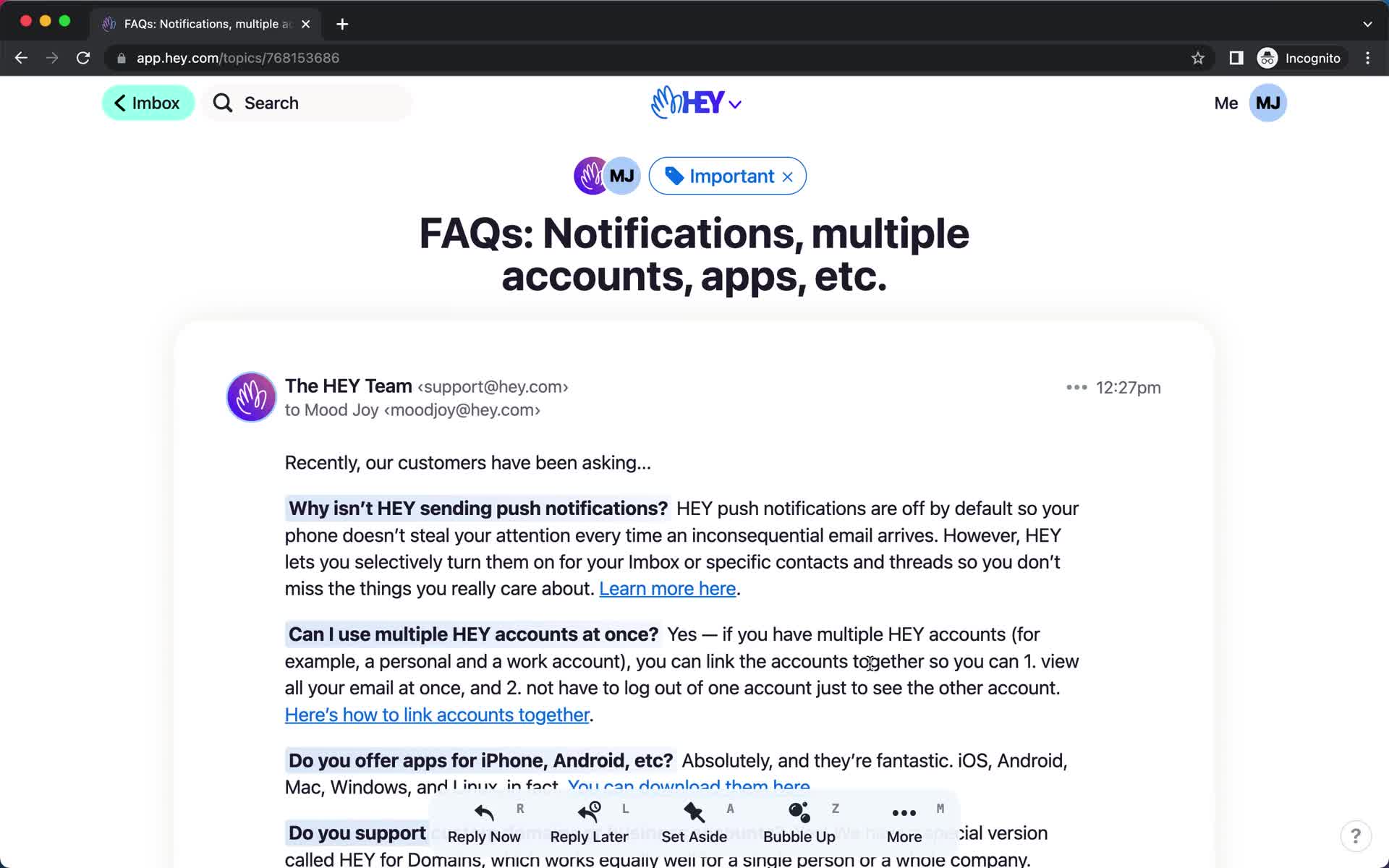
Email details
this is title
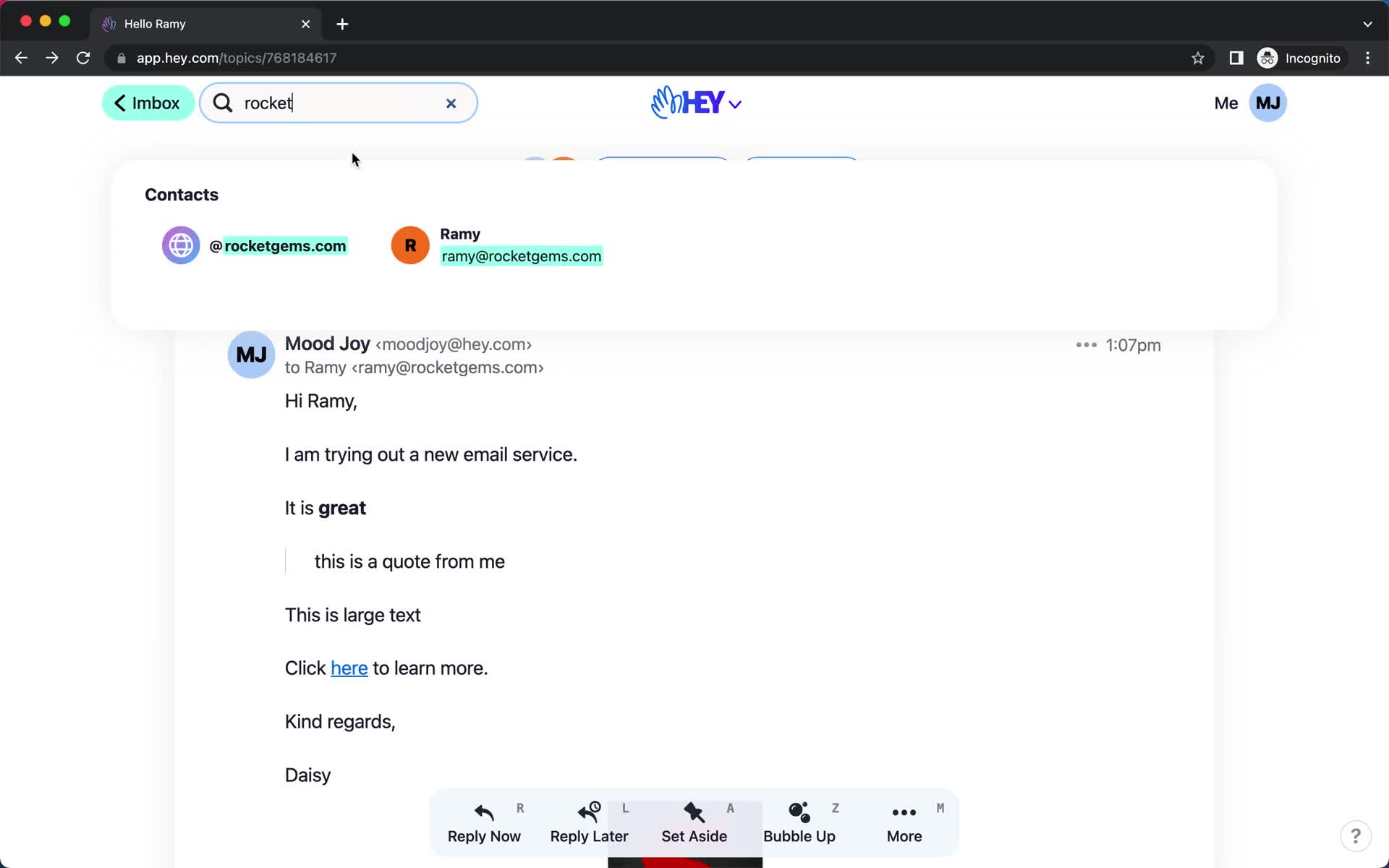
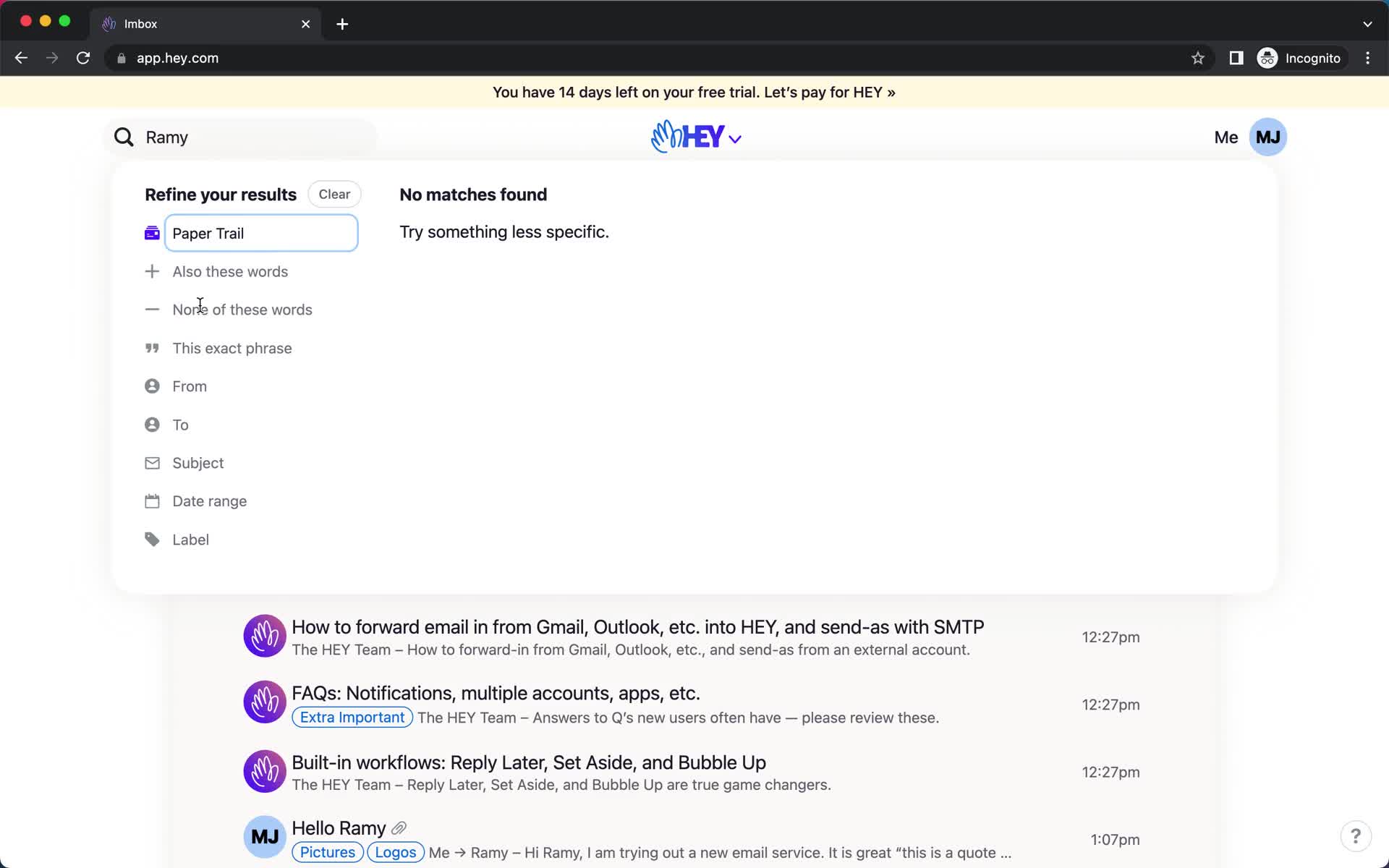
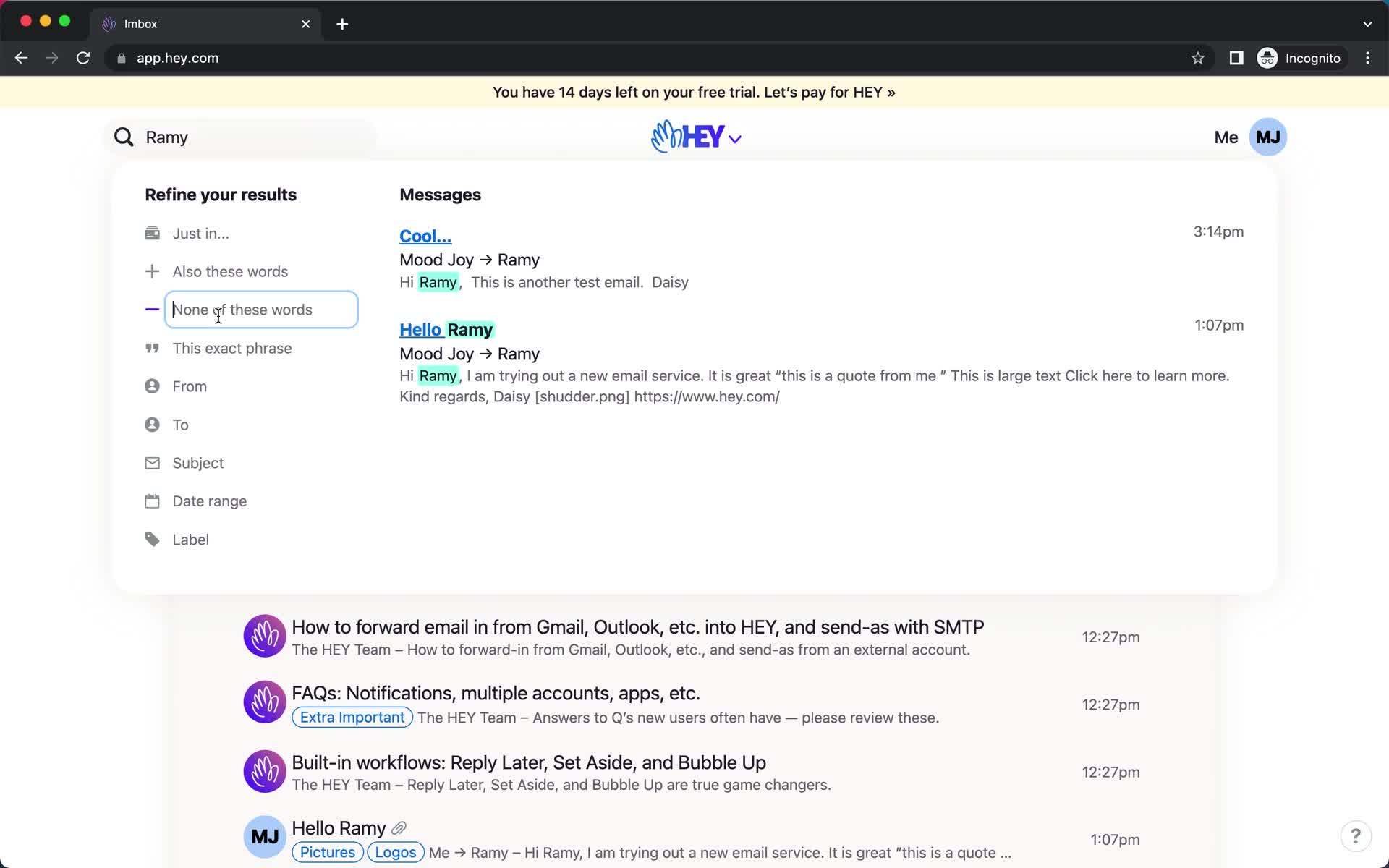
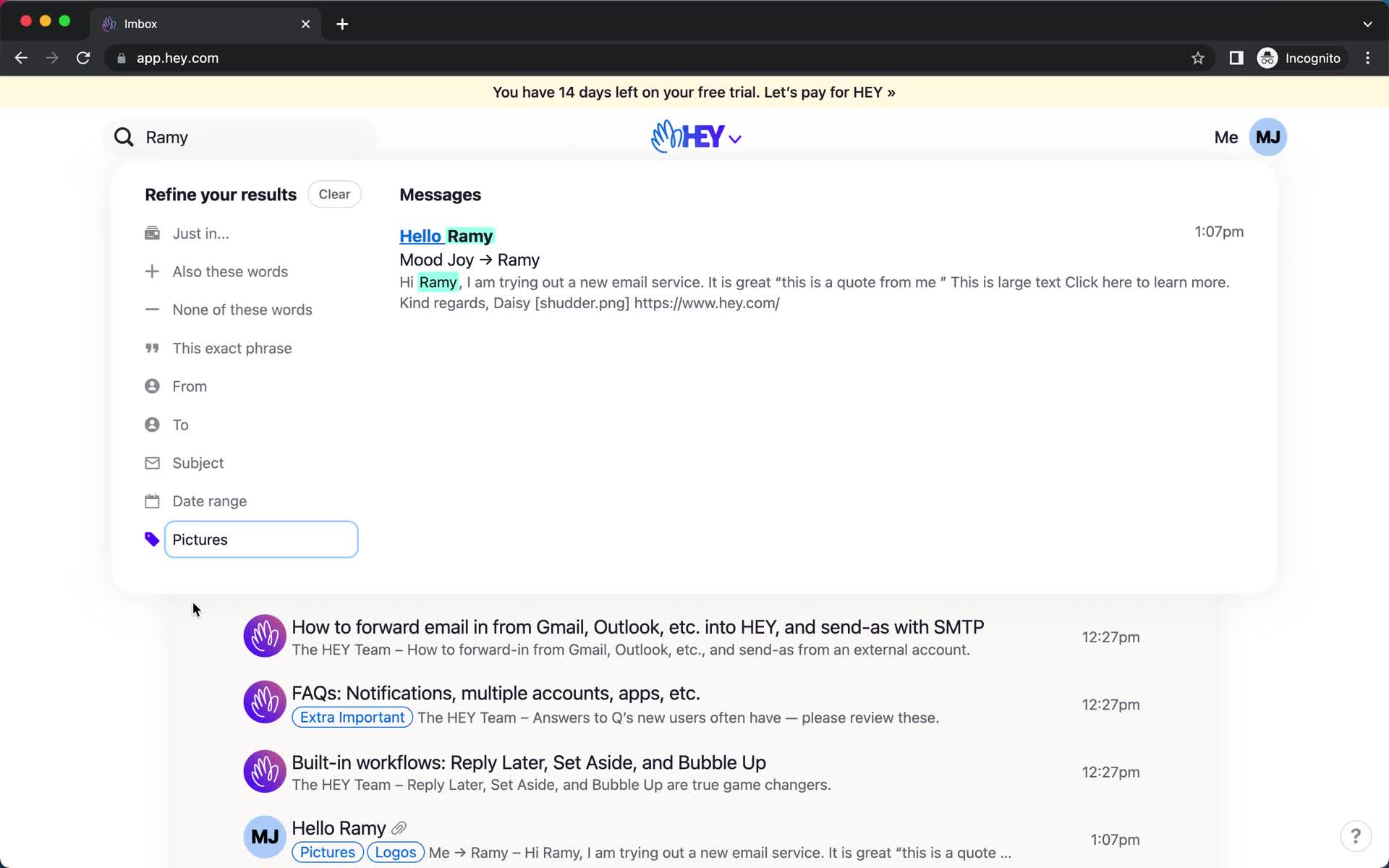
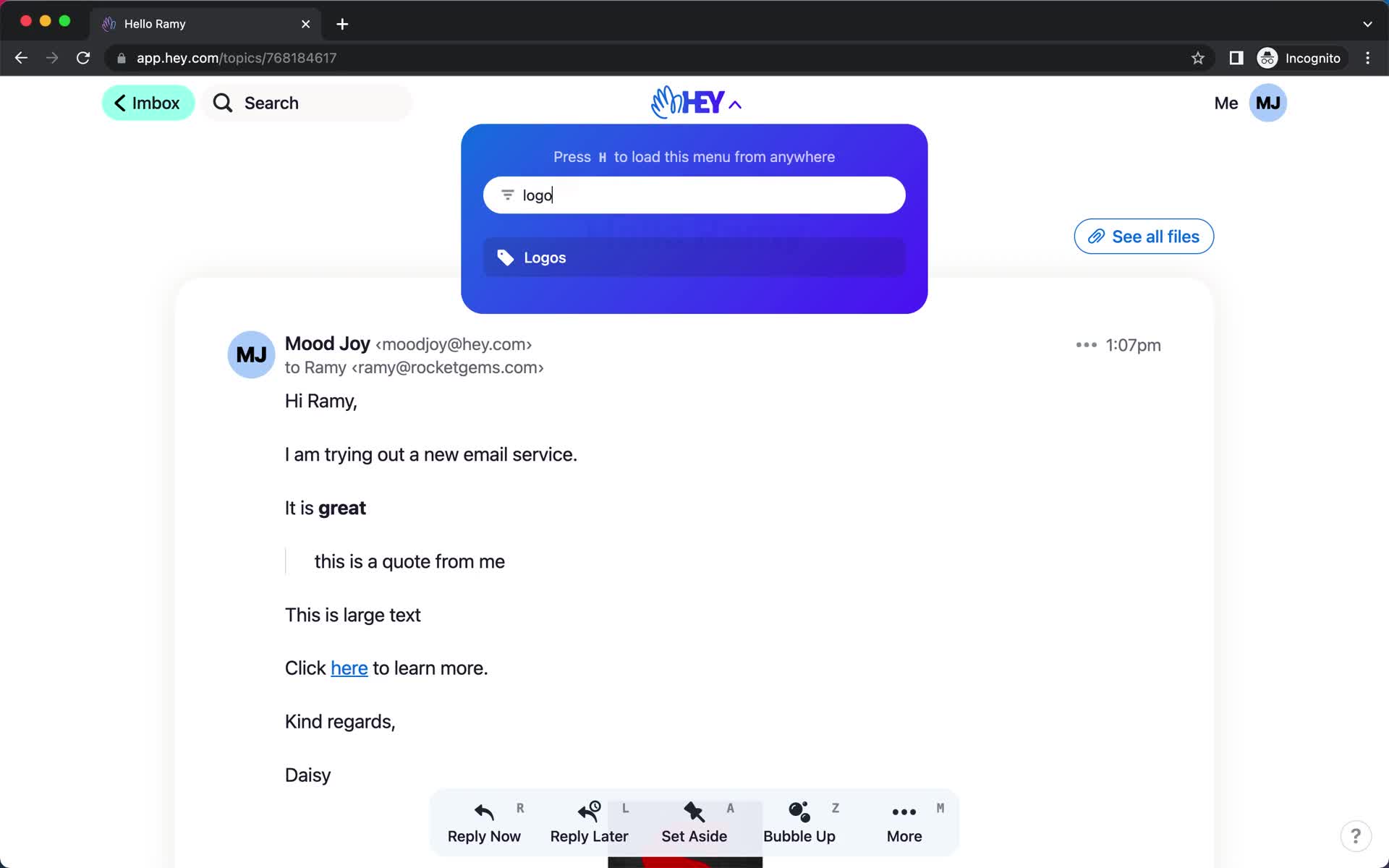
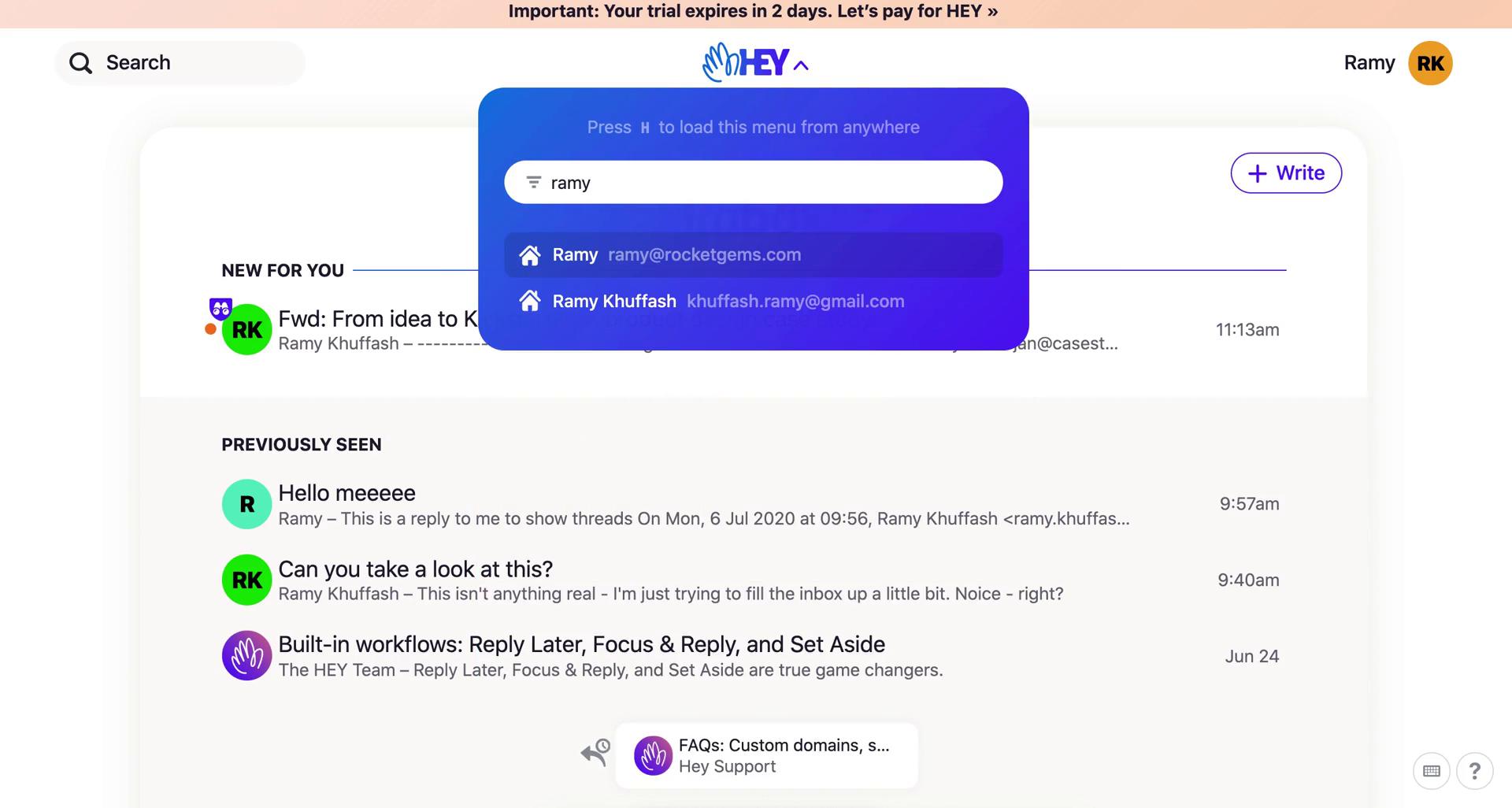
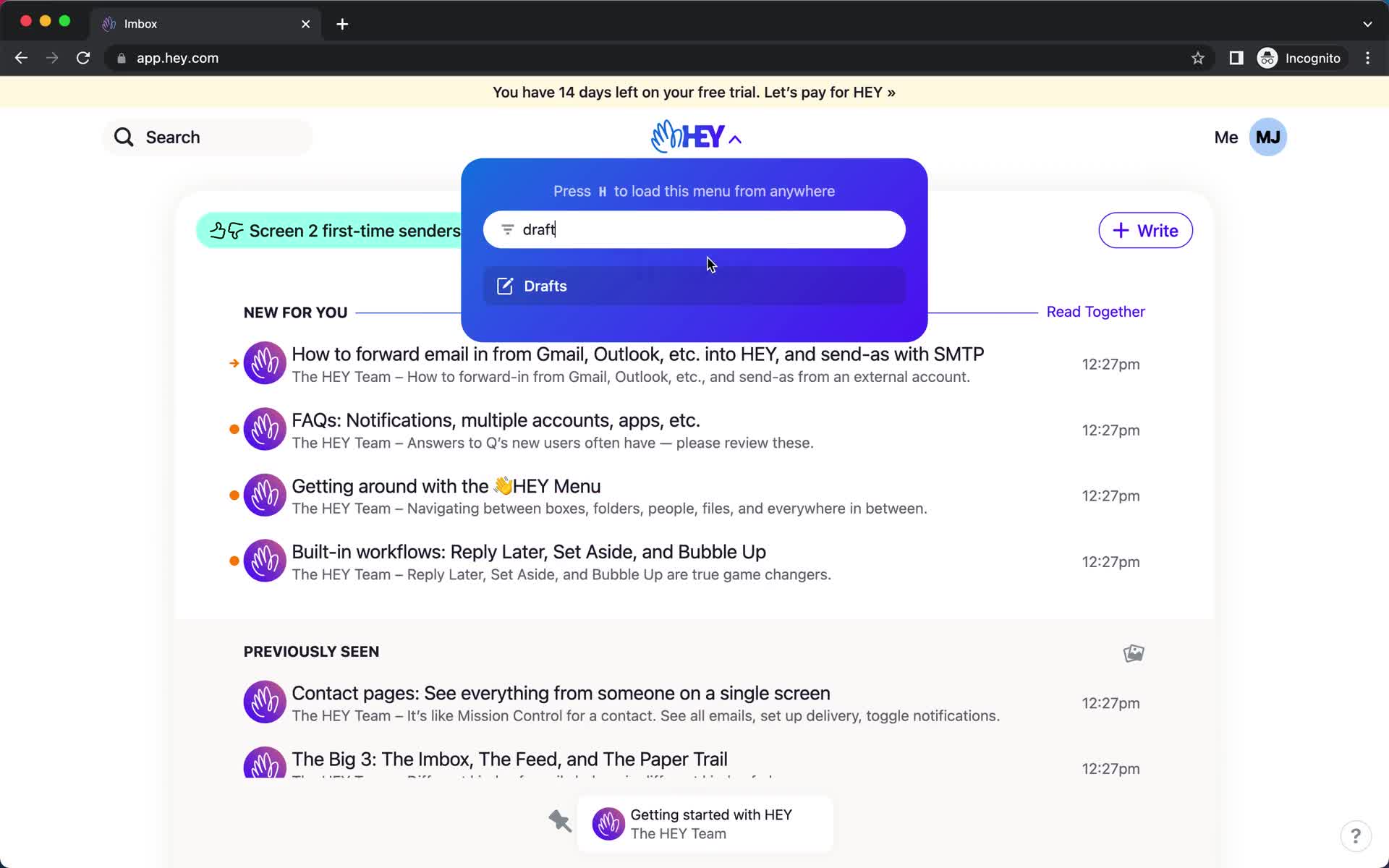
Search
this is title
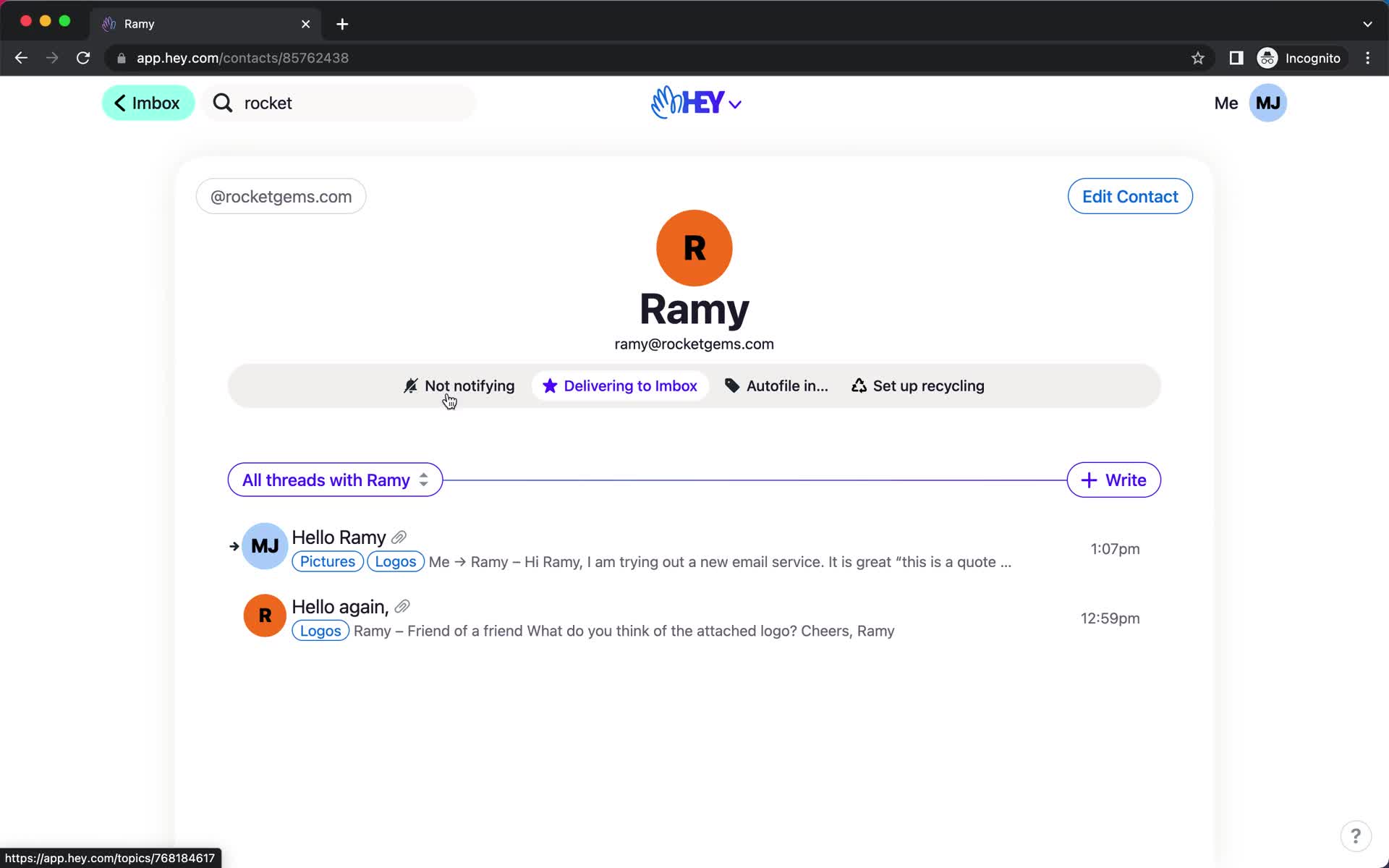
Contact details
this is title
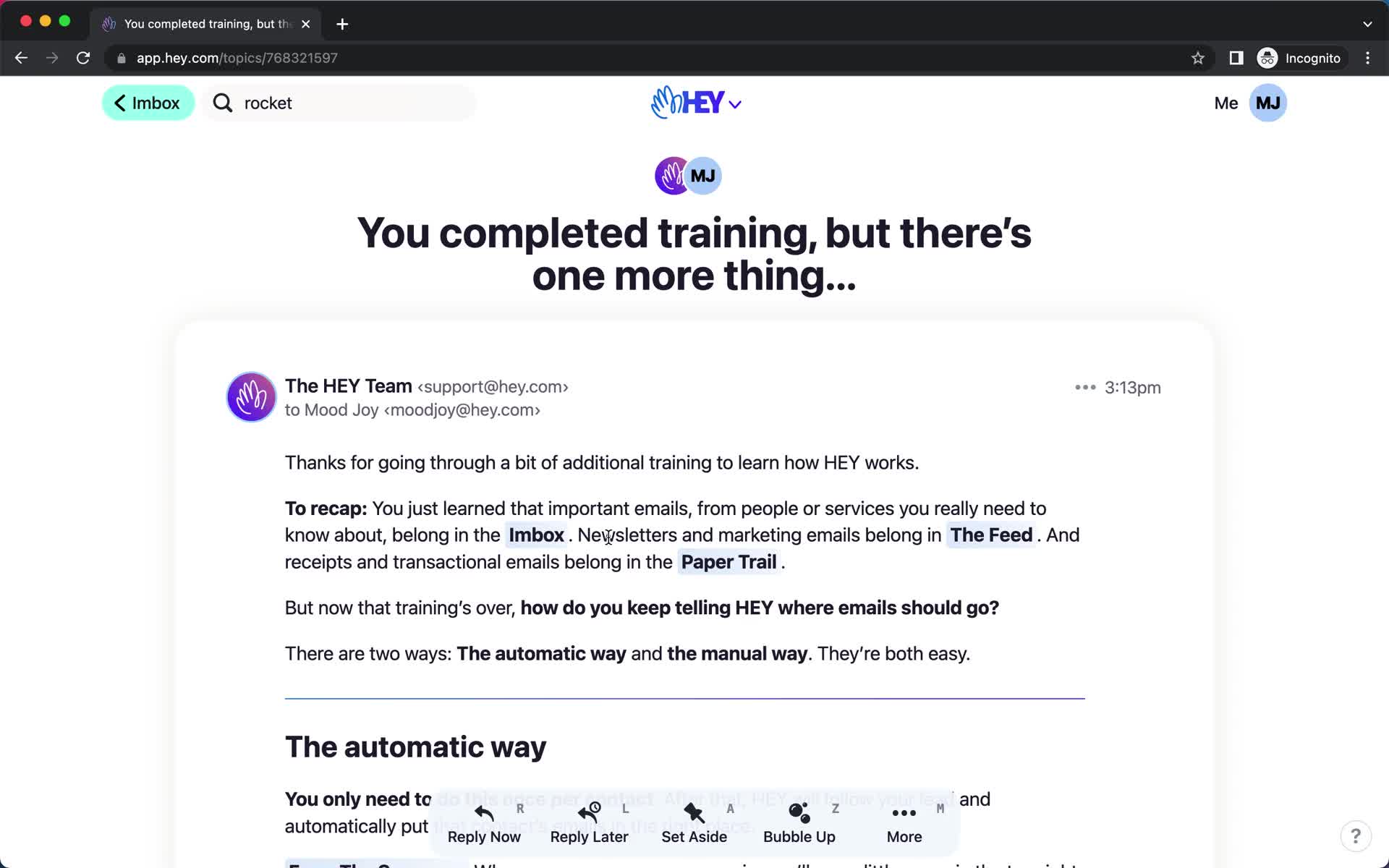
Product tour
this is title
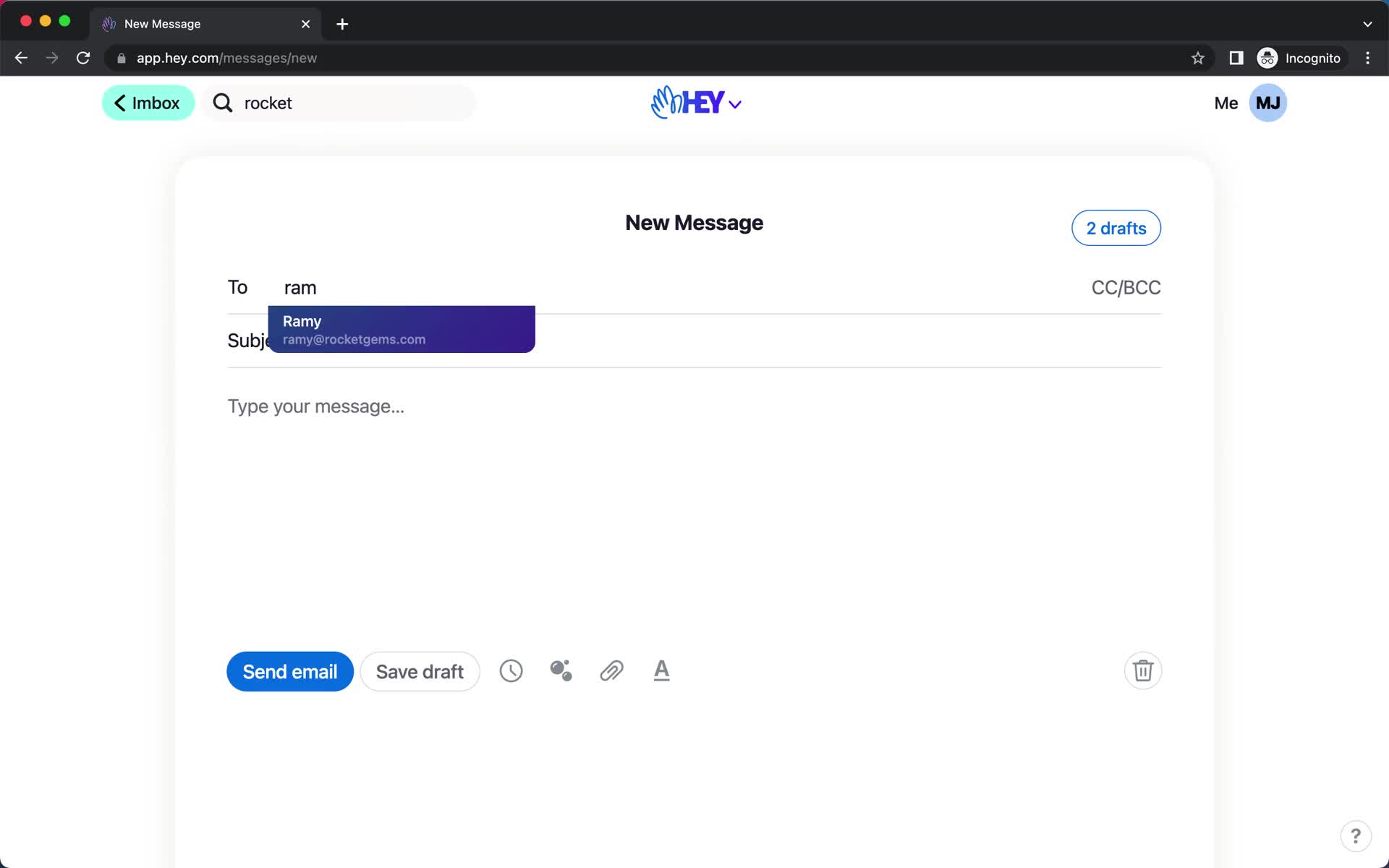
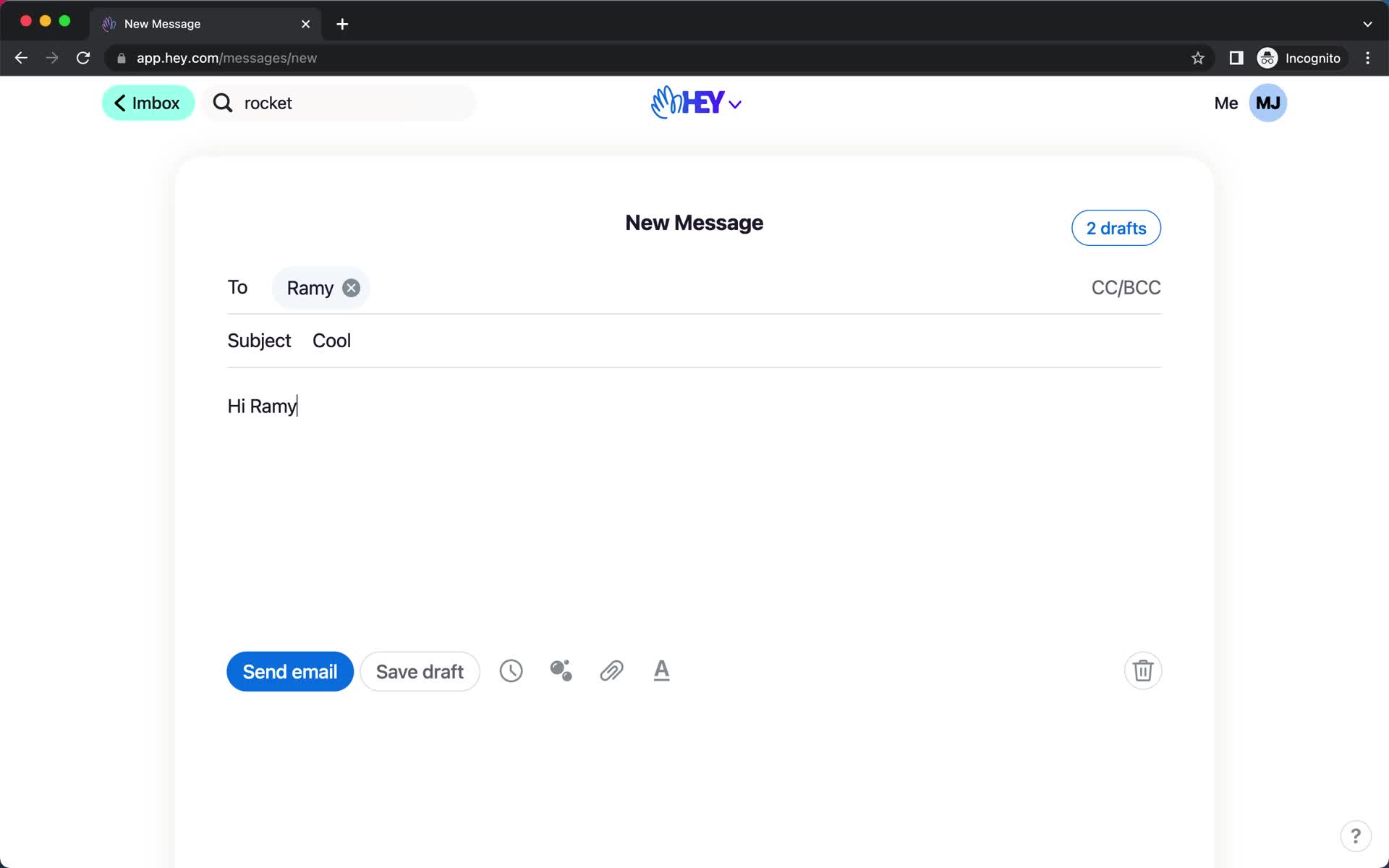
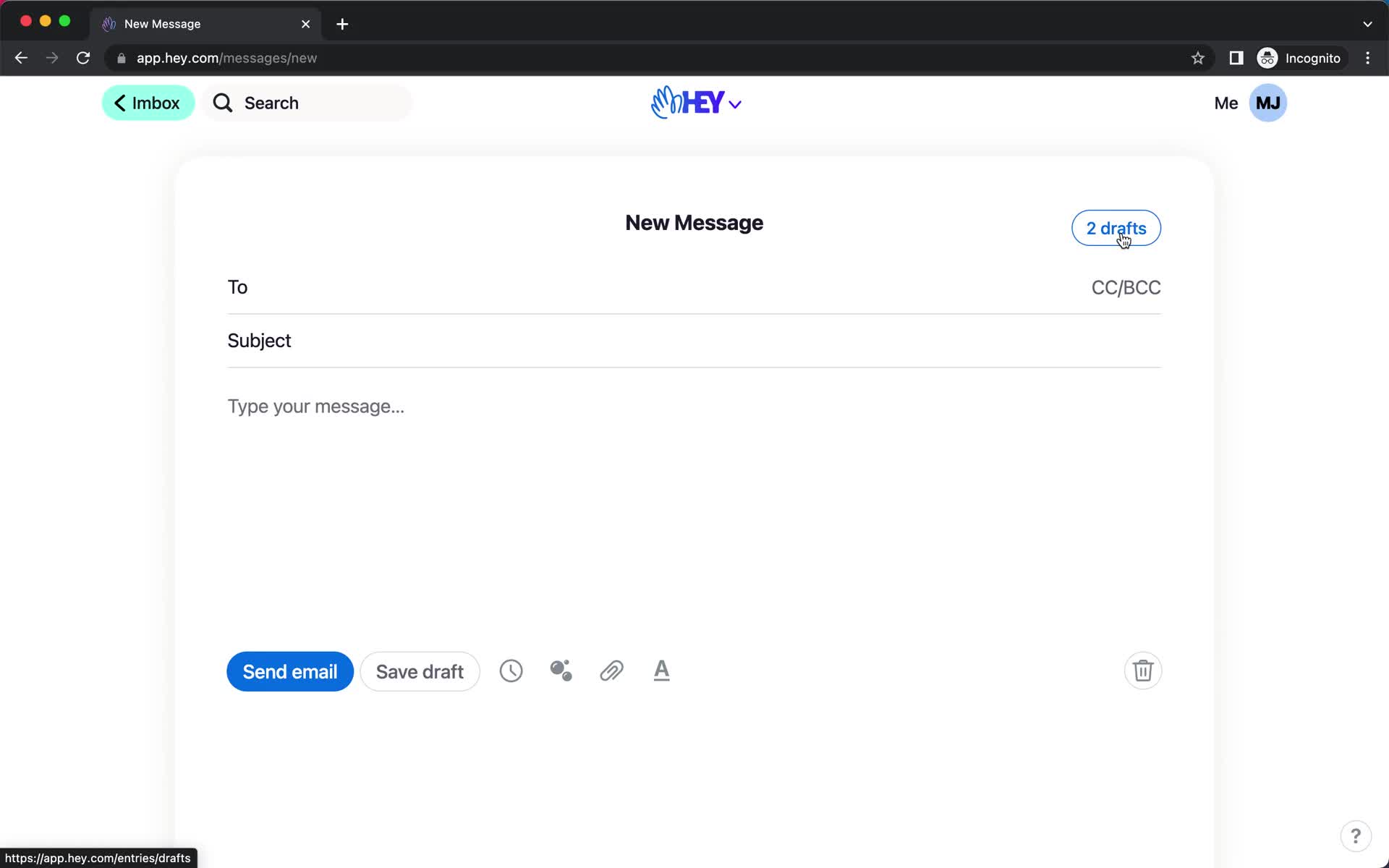
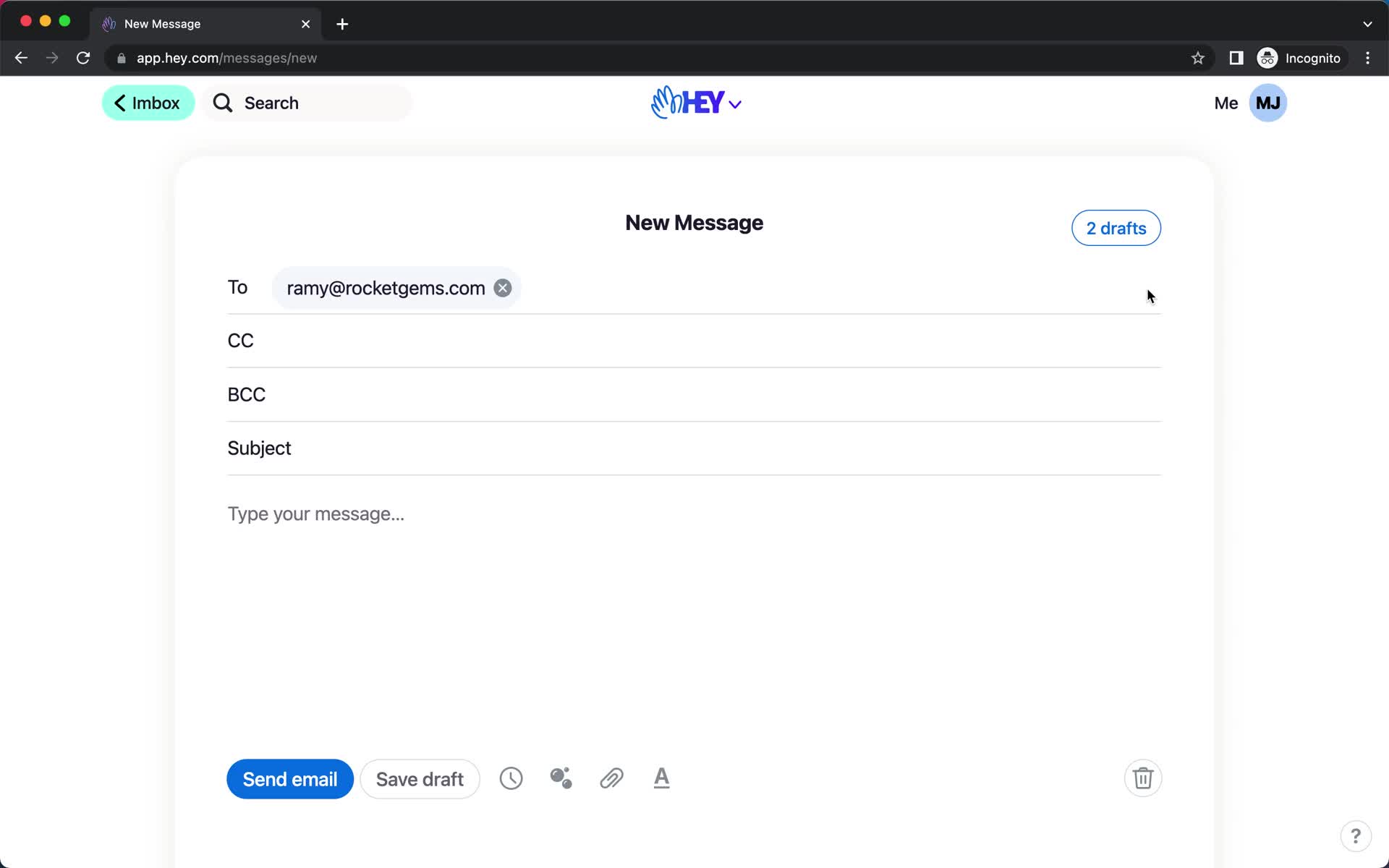
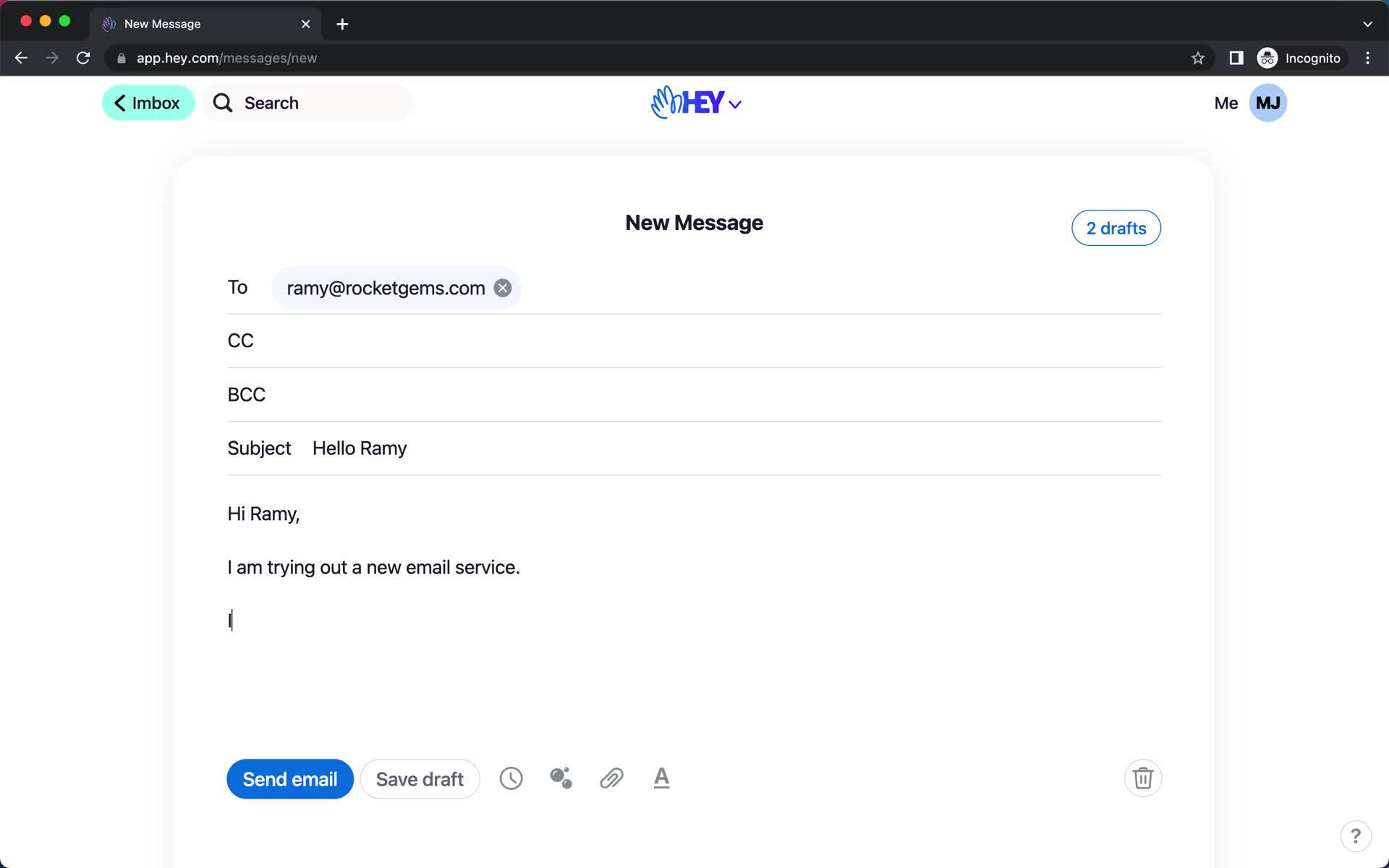
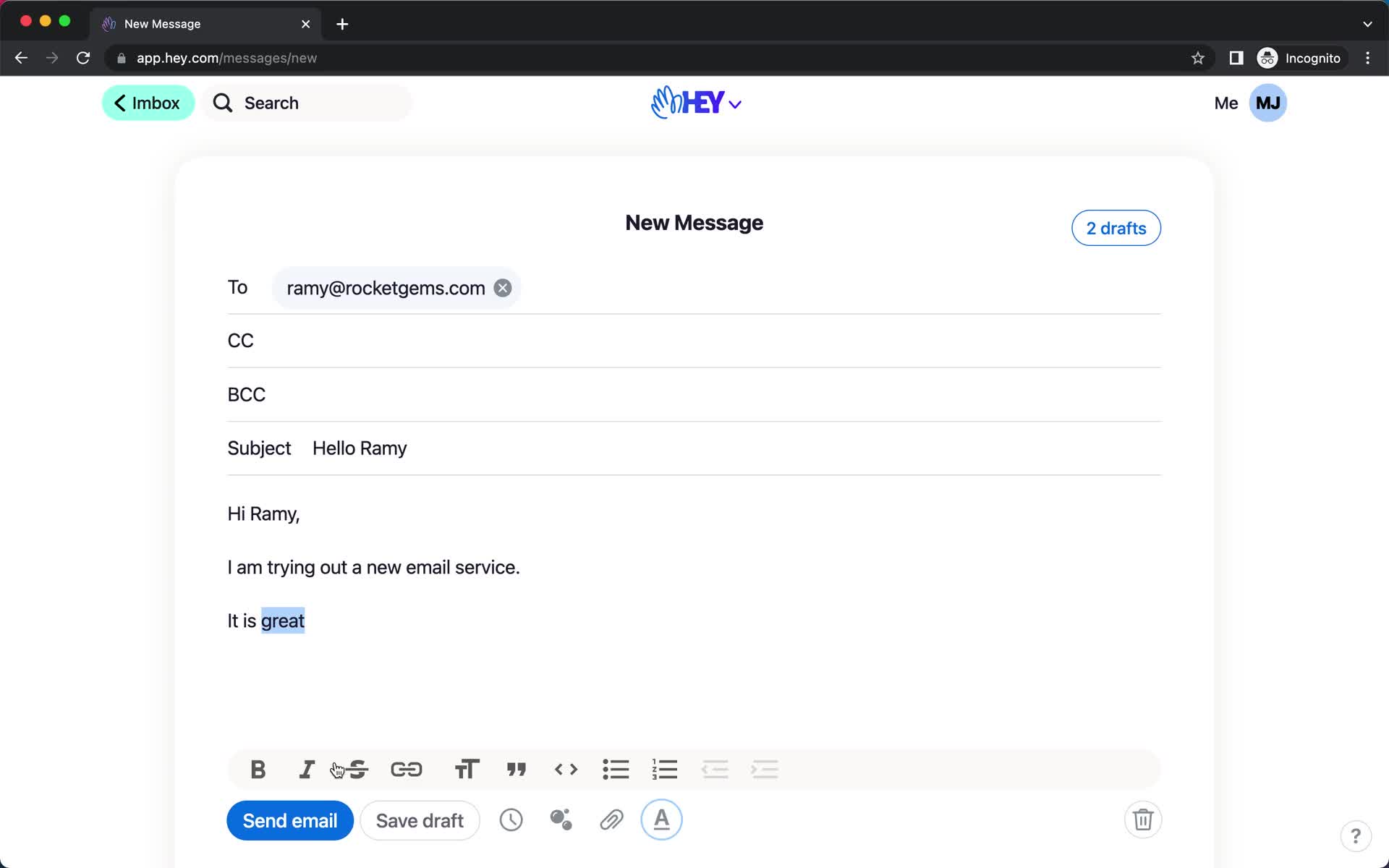
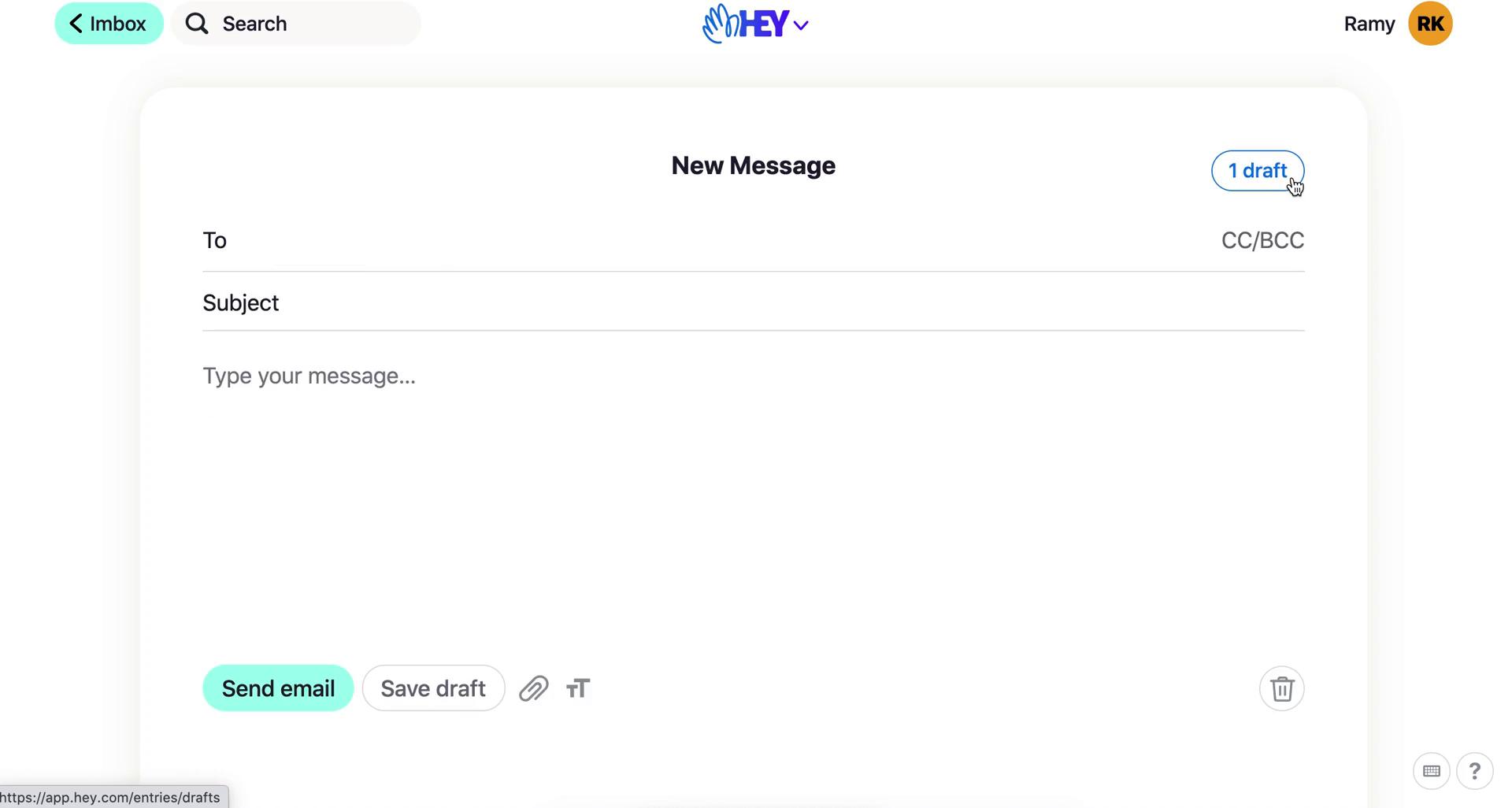
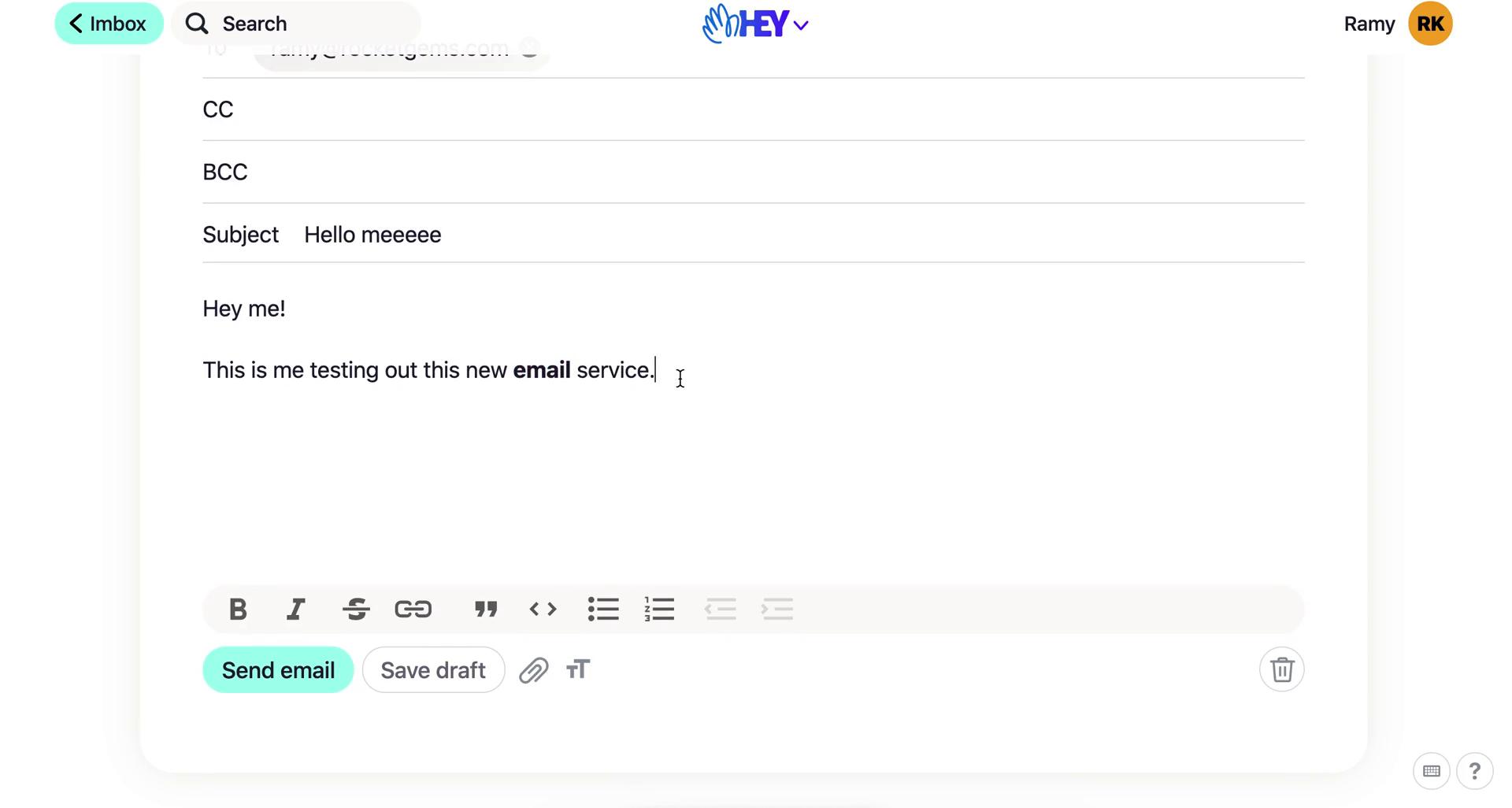
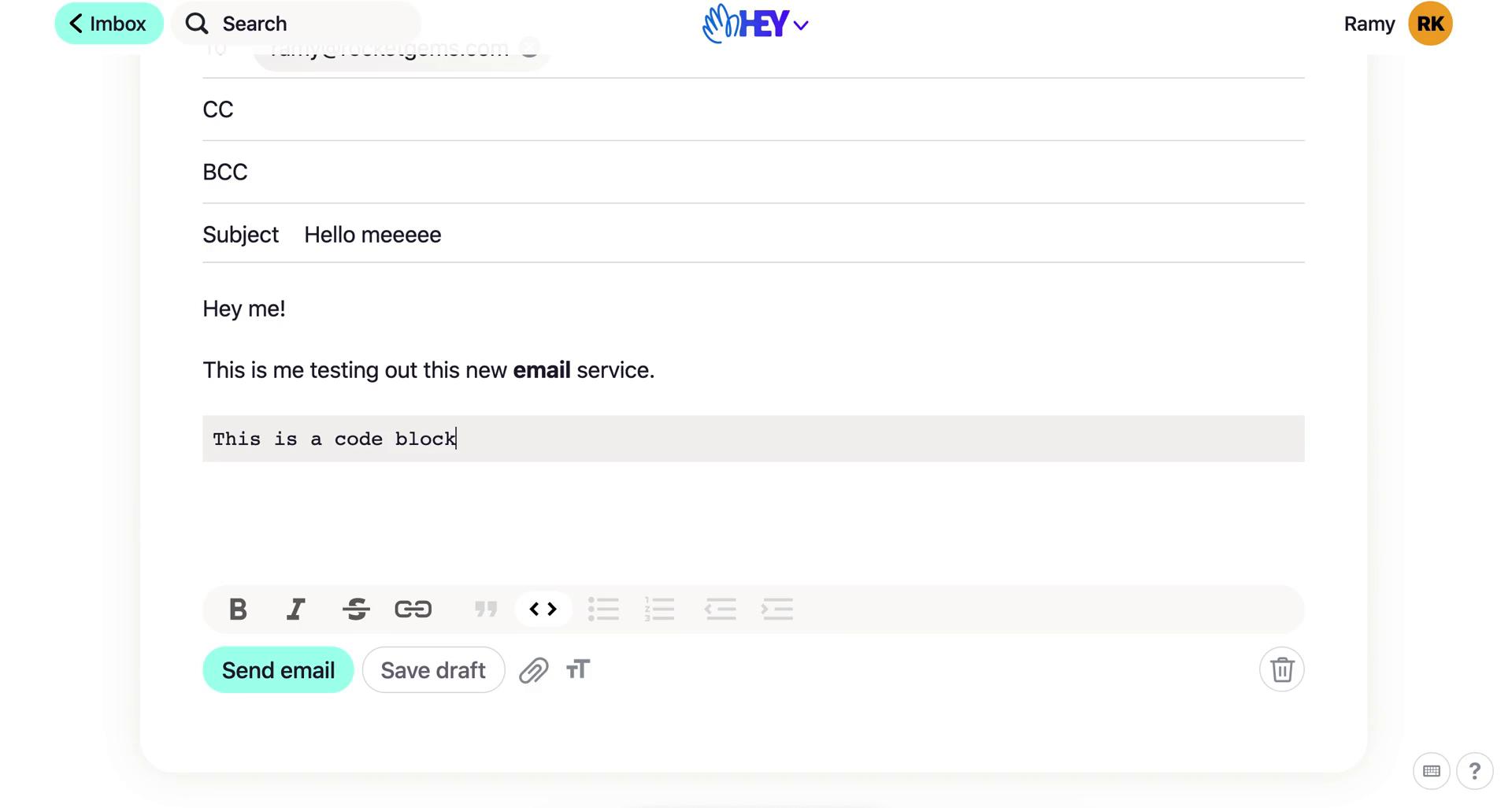
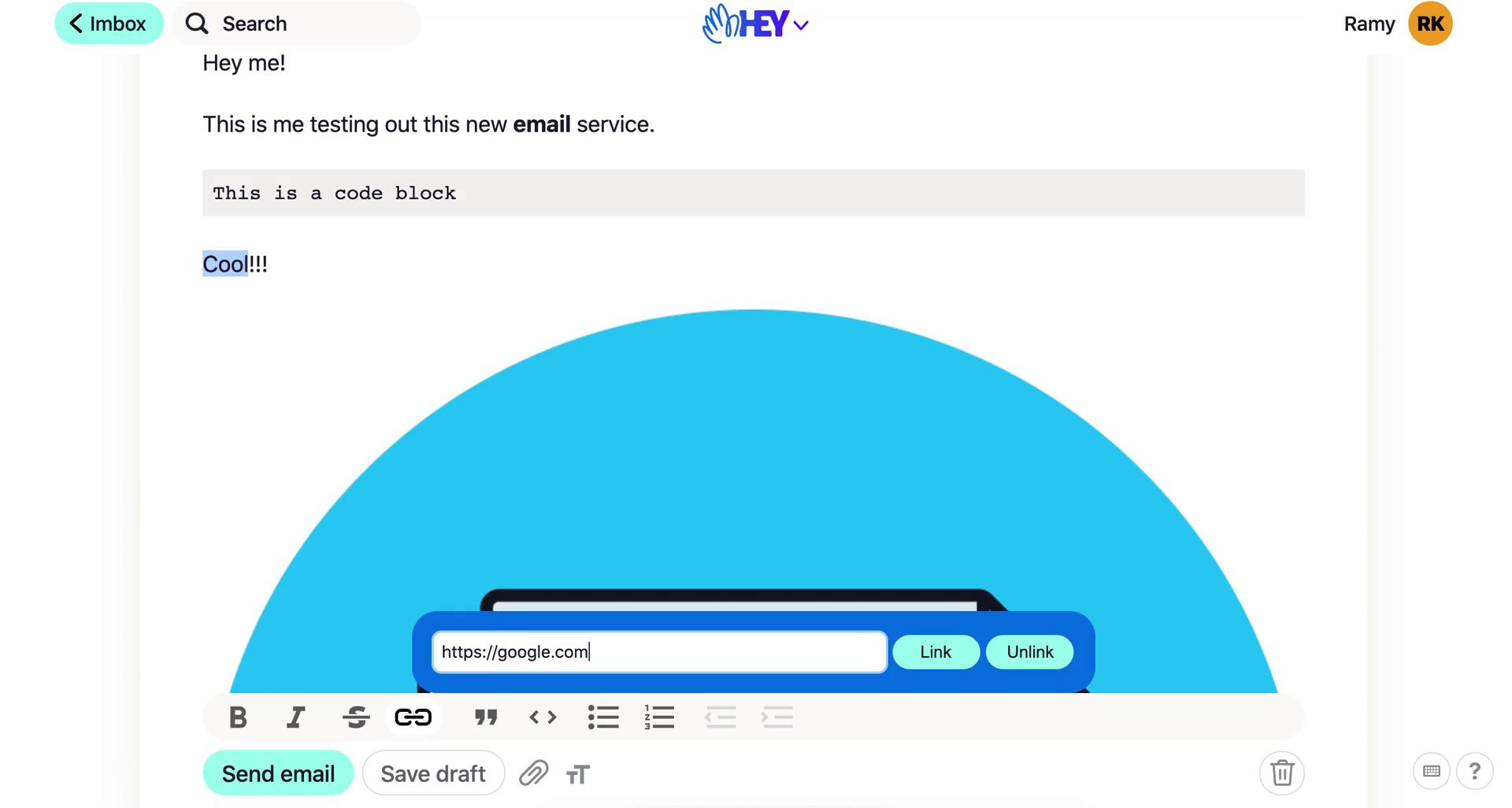
Compose email
this is title
Email sent
this is title
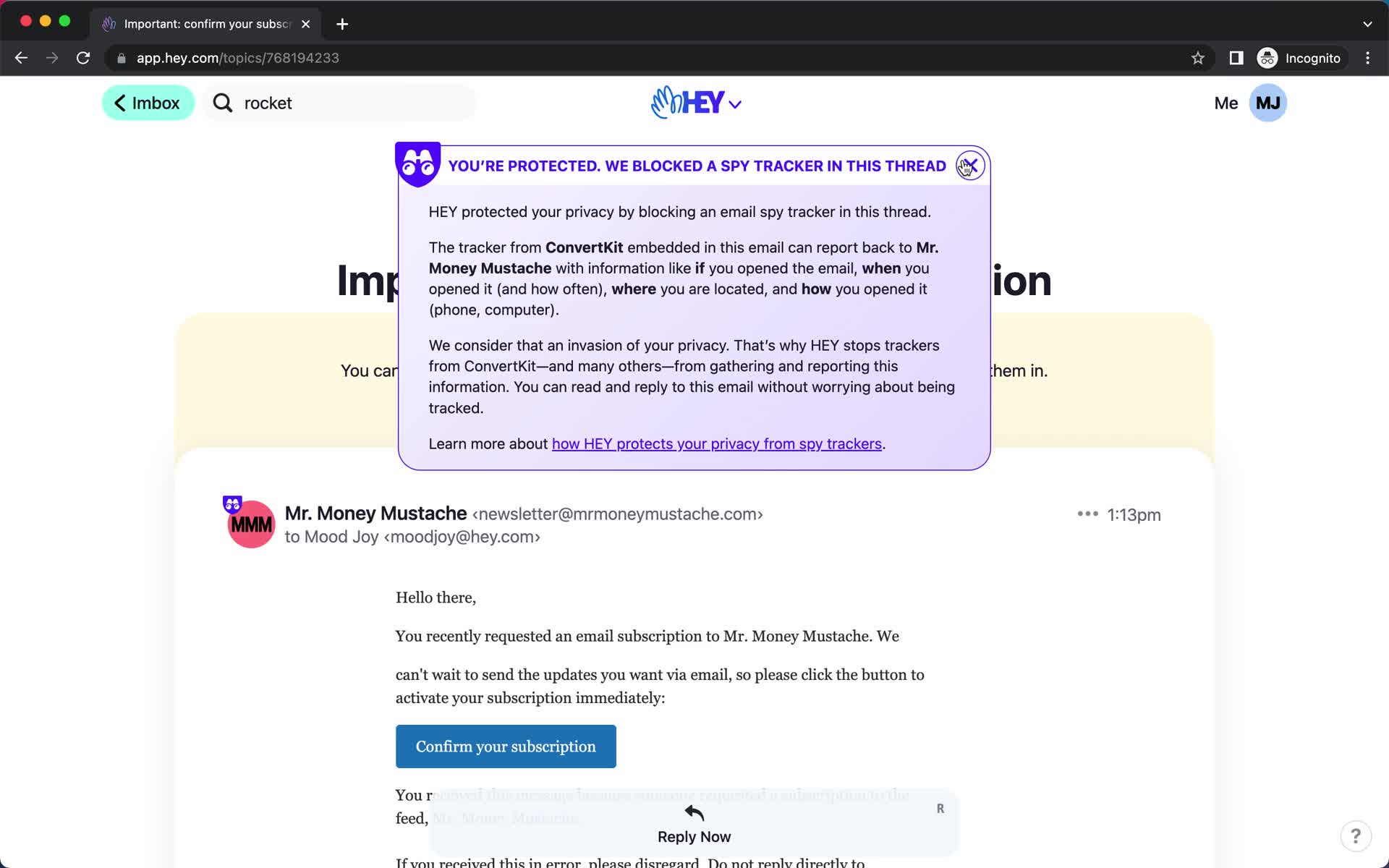
Email details
this is title
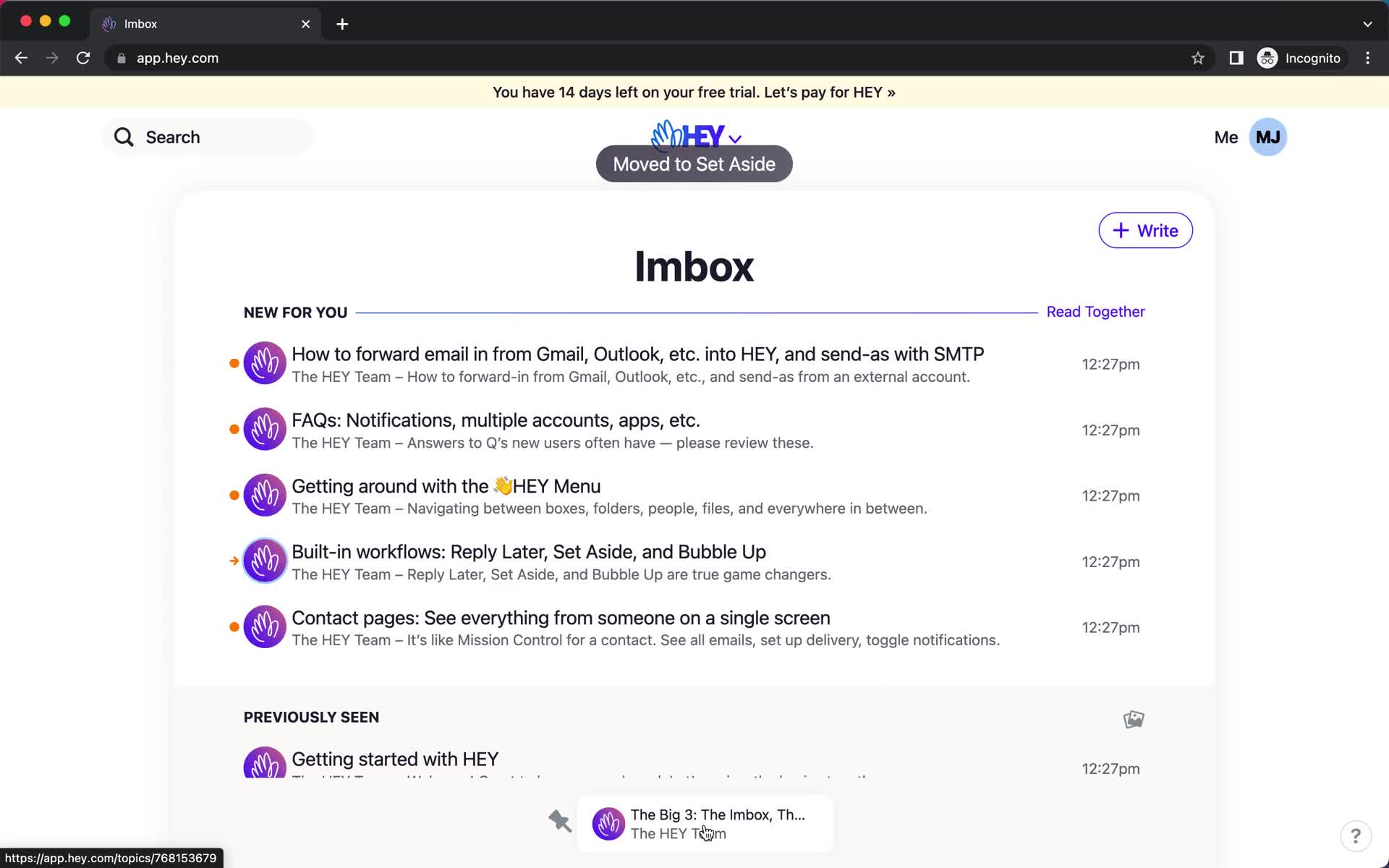
Item moved
this is title
Email details
this is title
Compose email
this is title
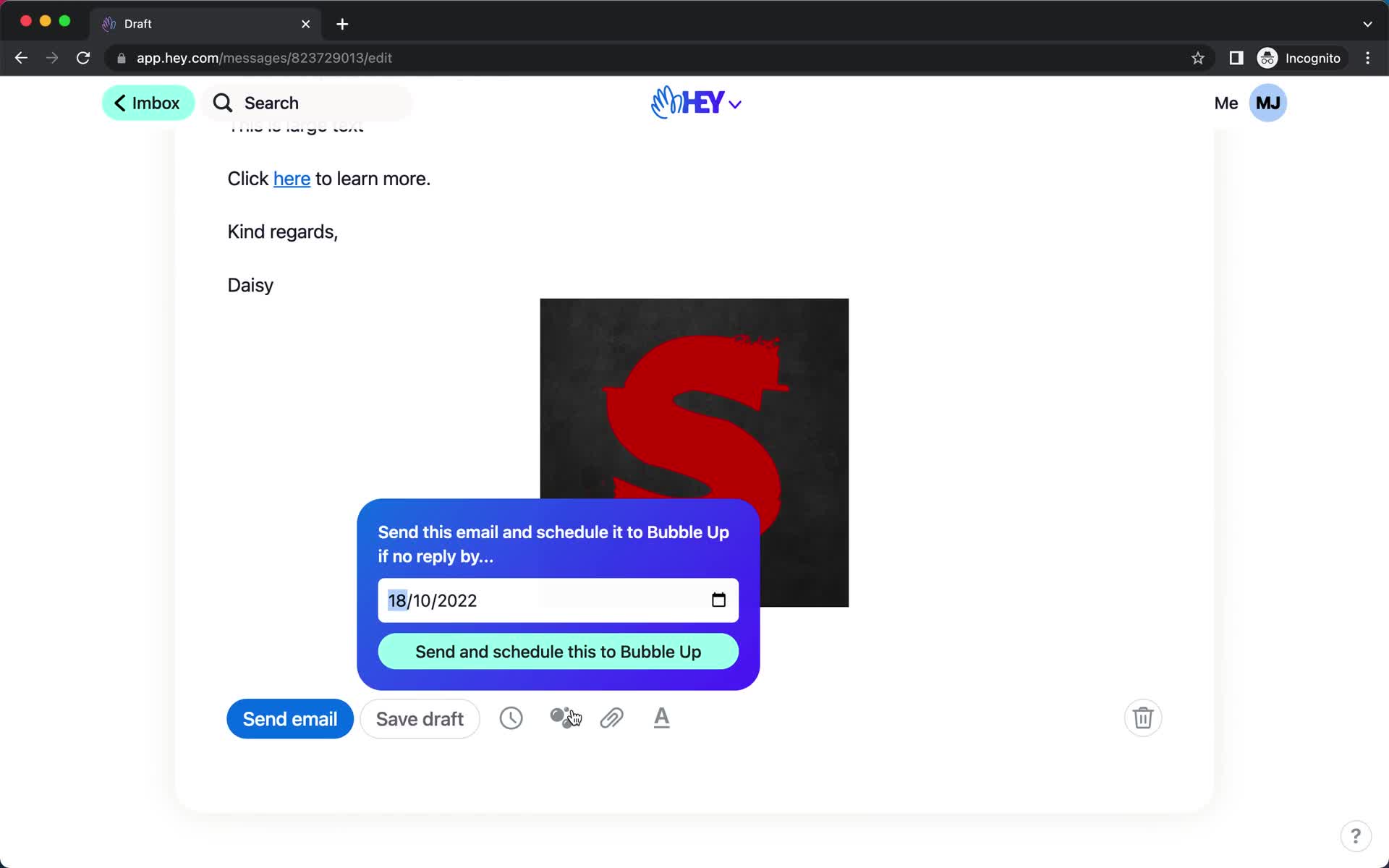
Compose email
this is title
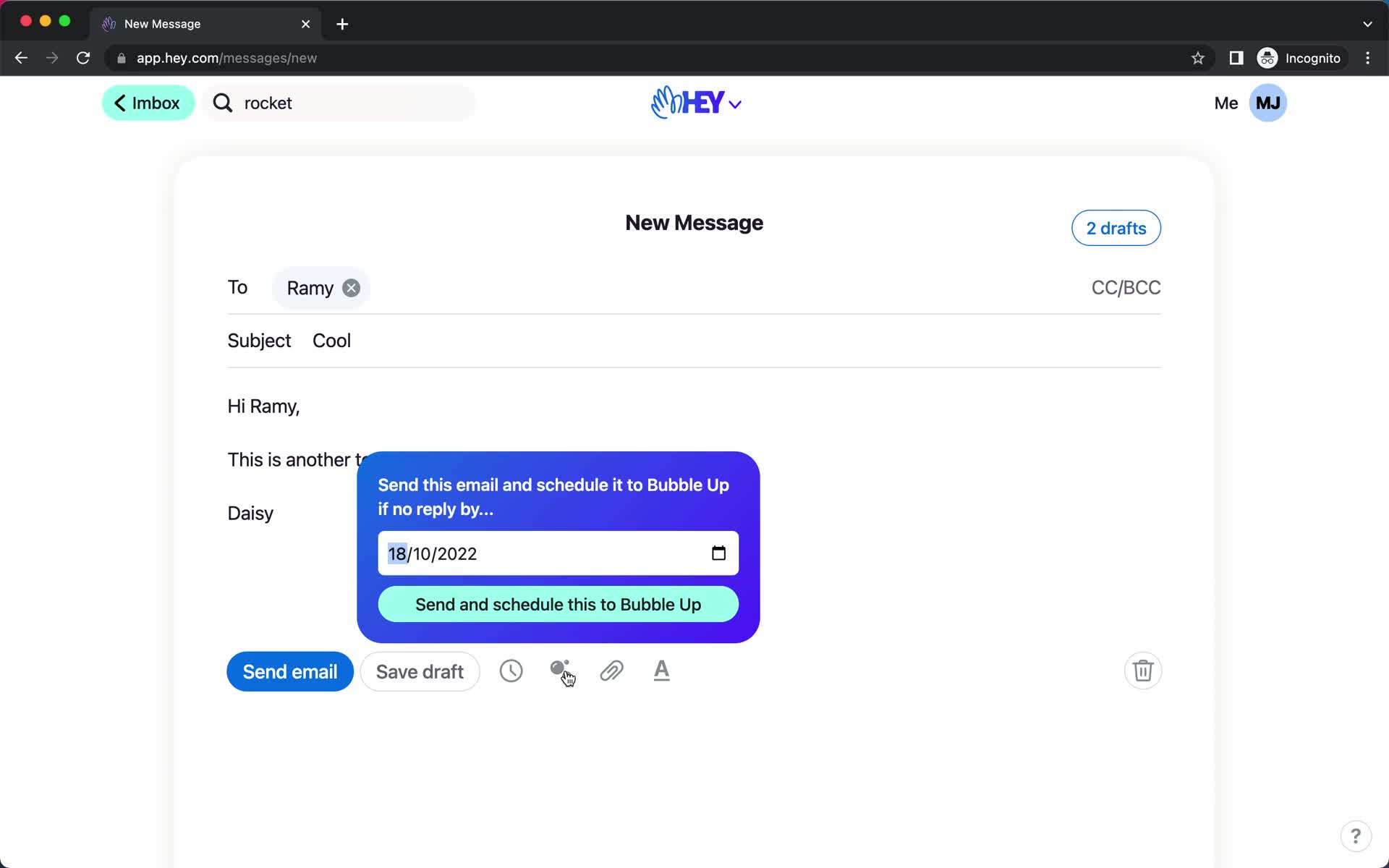
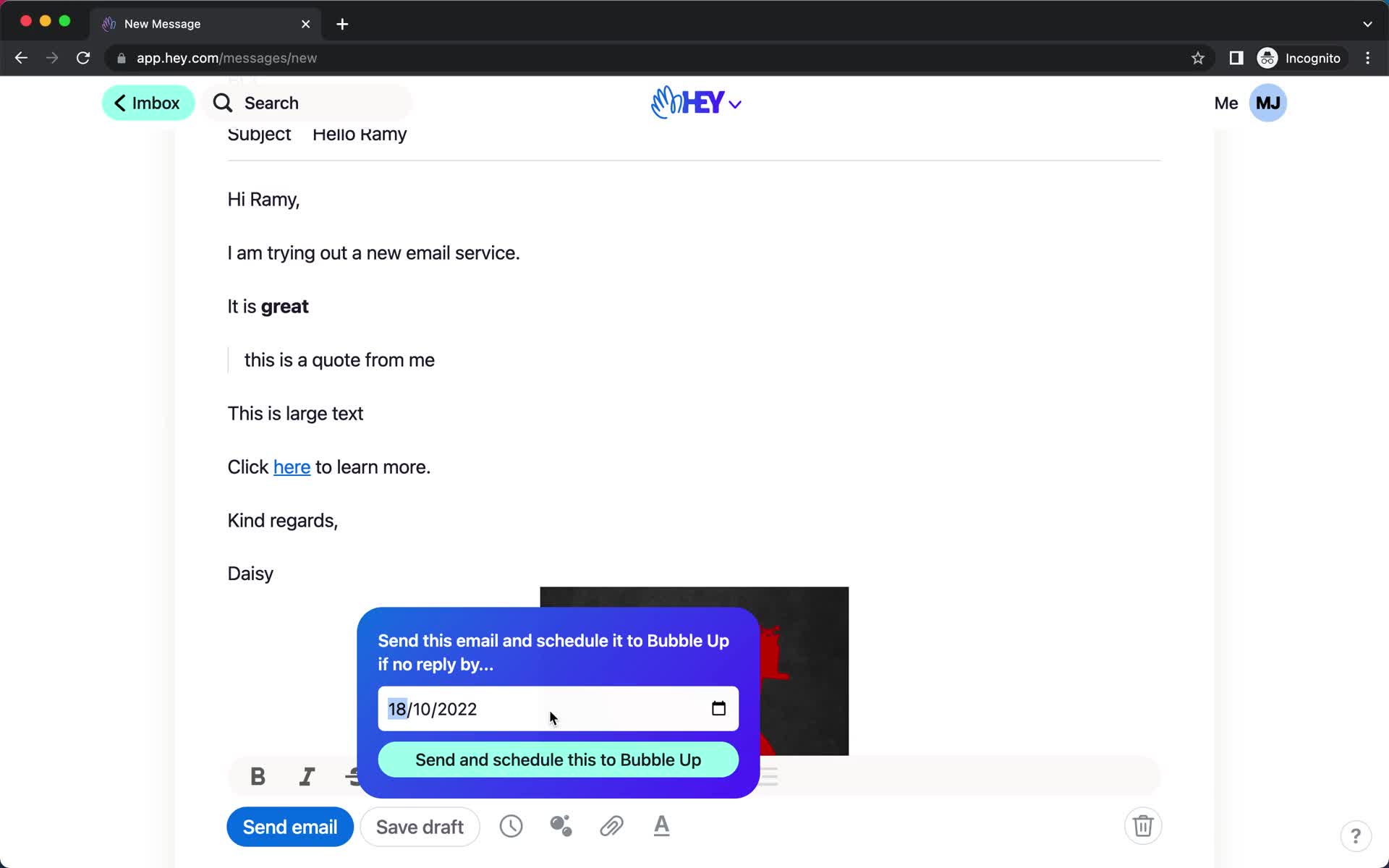
Schedule
this is title
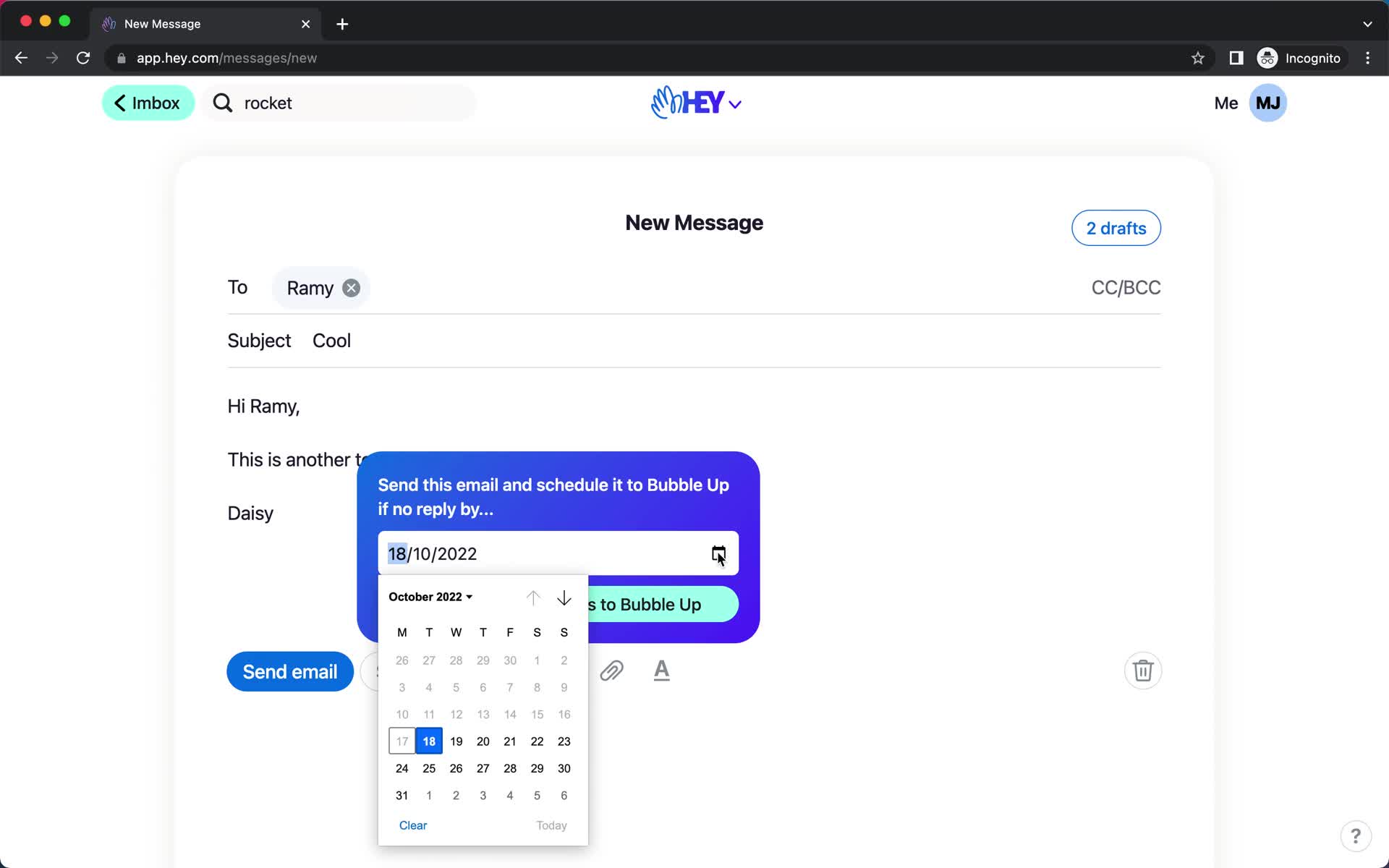
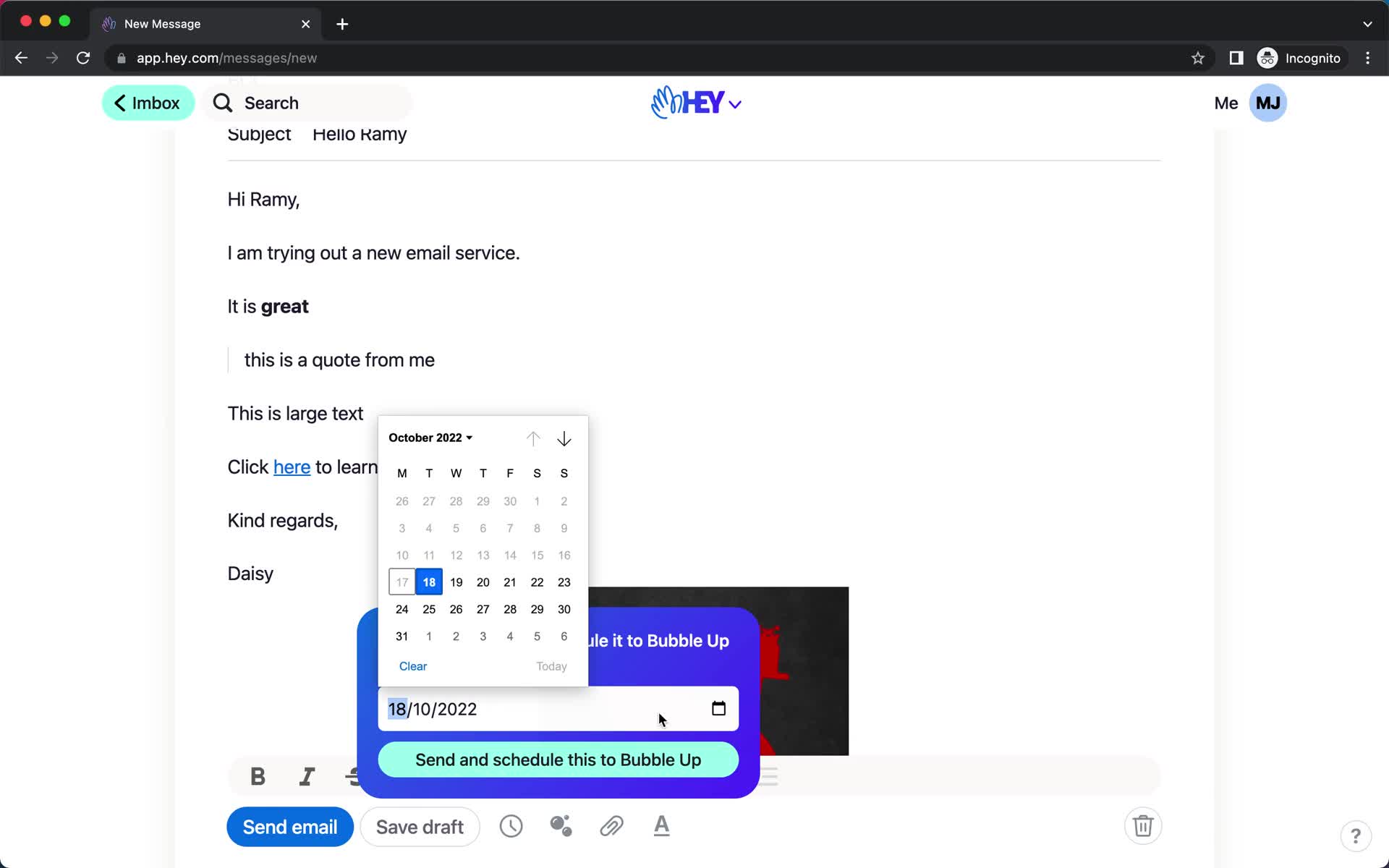
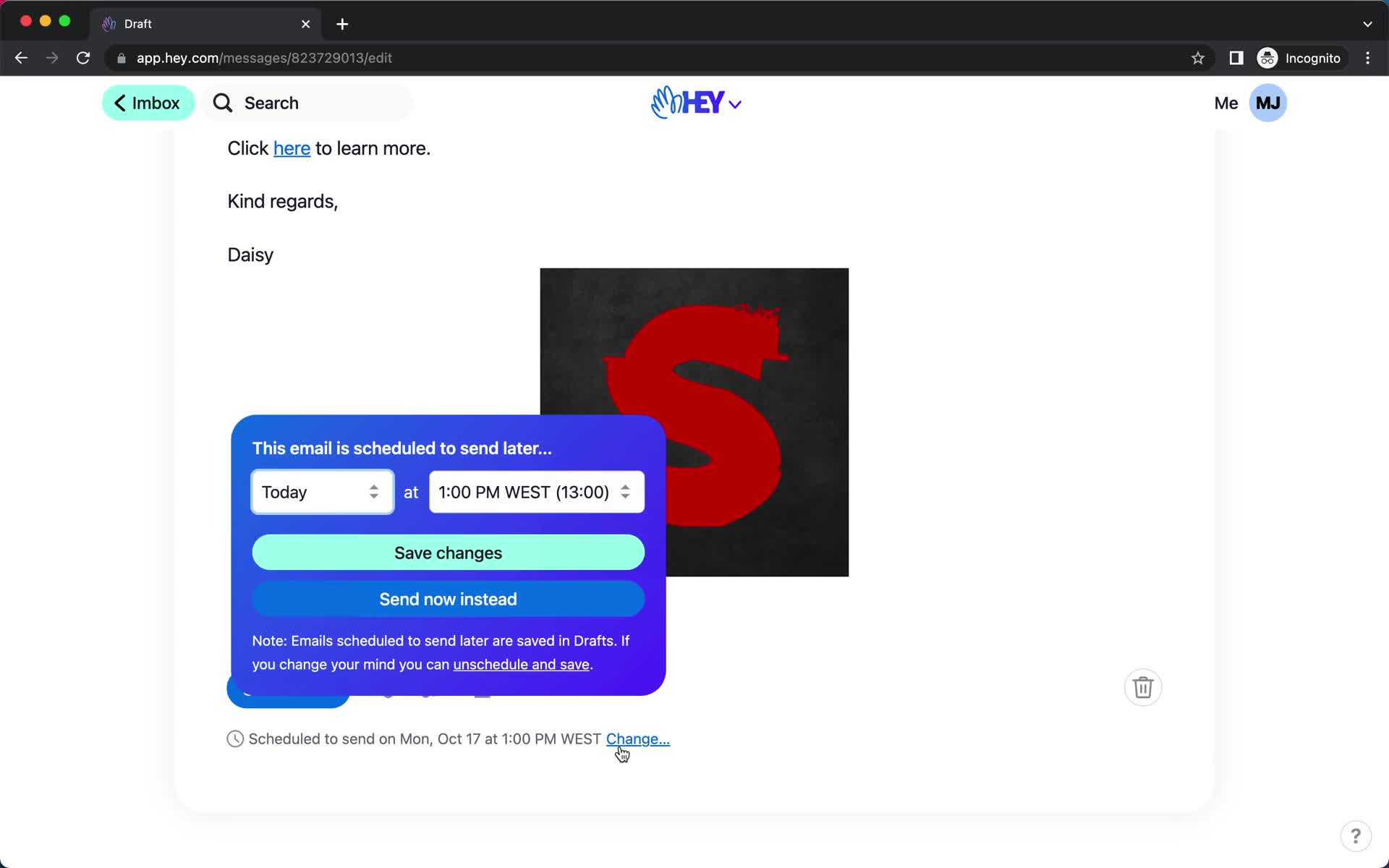
Schedule
this is title
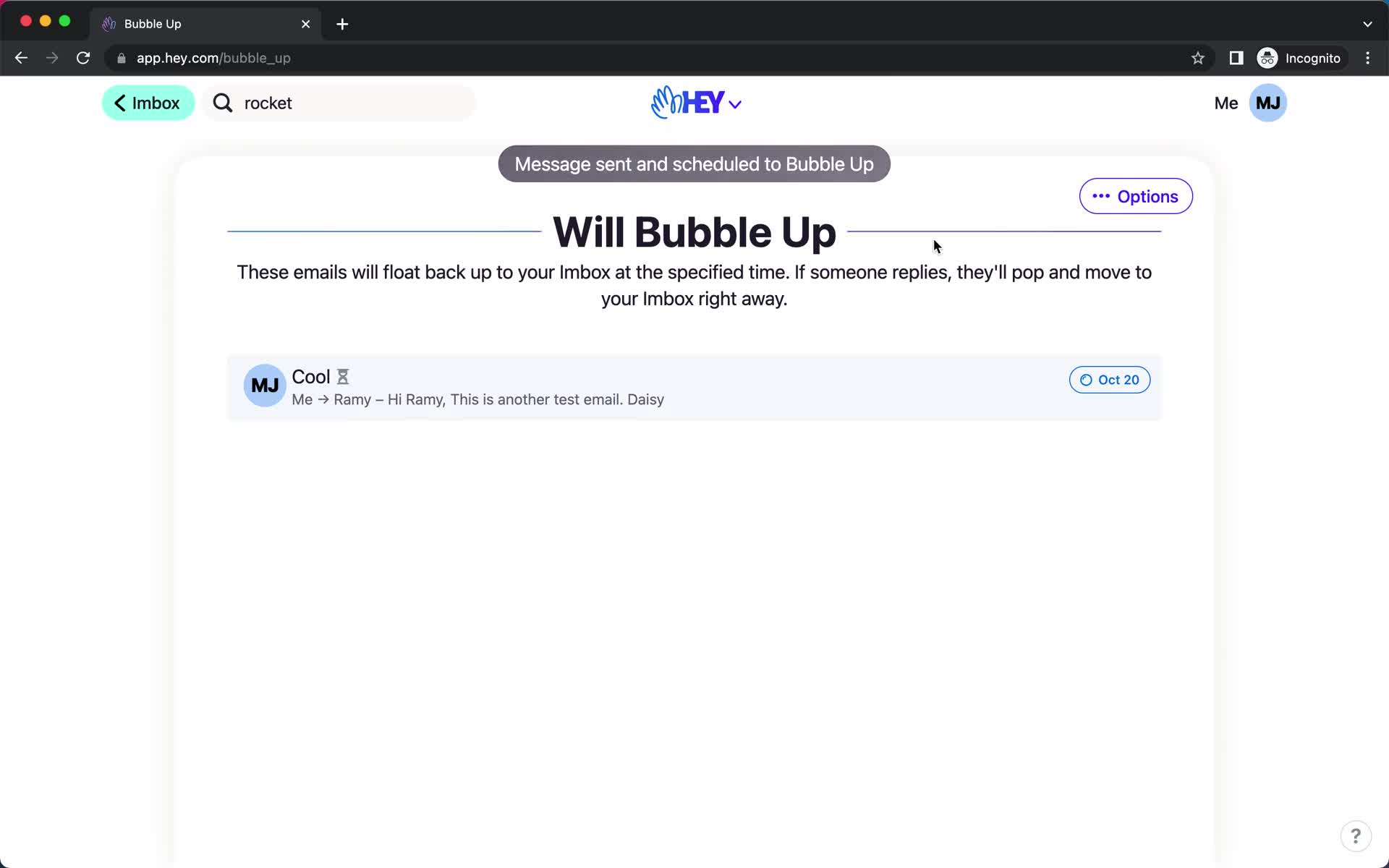
Scheduled
this is title
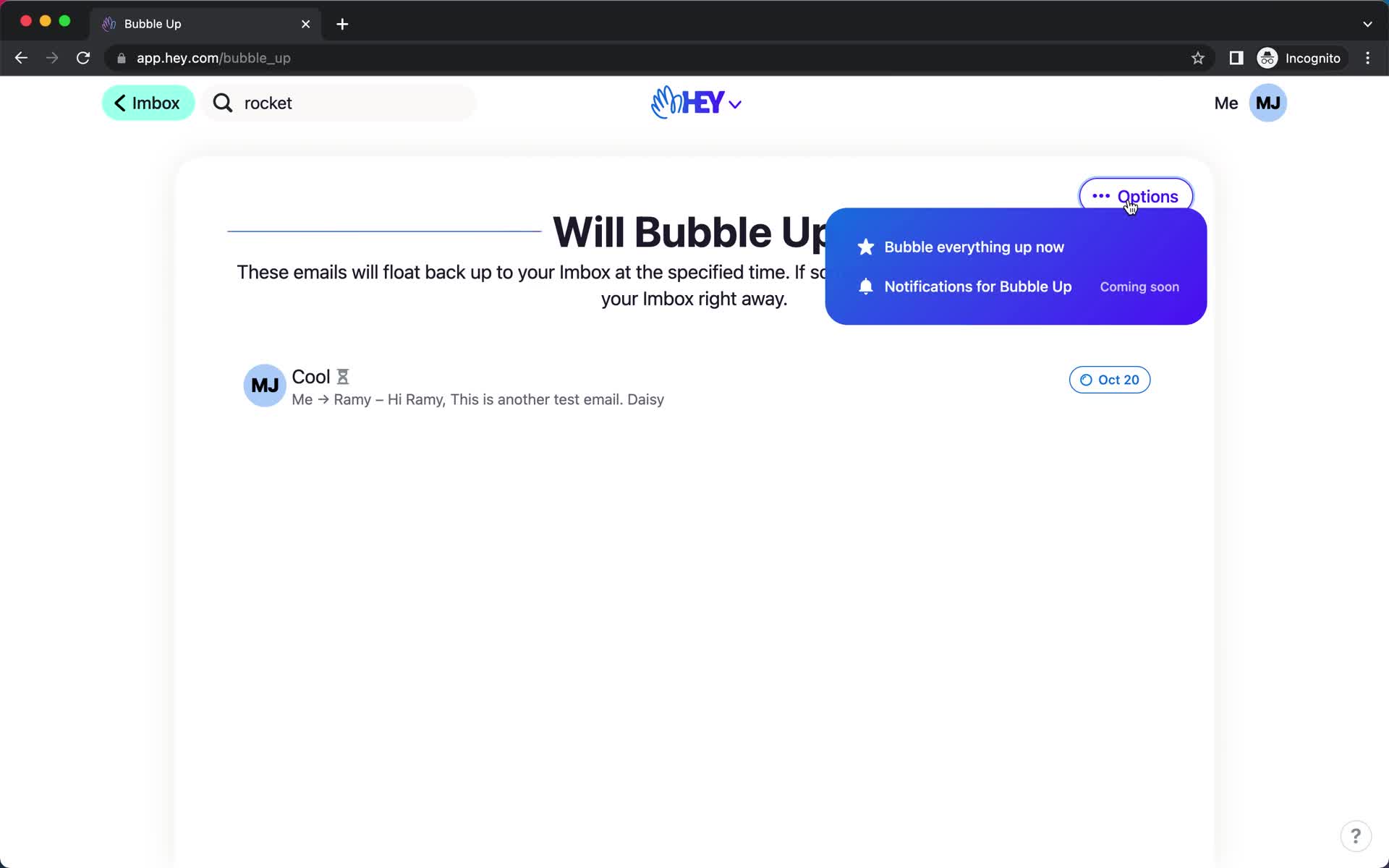
Action menu
this is title
Inbox
this is title
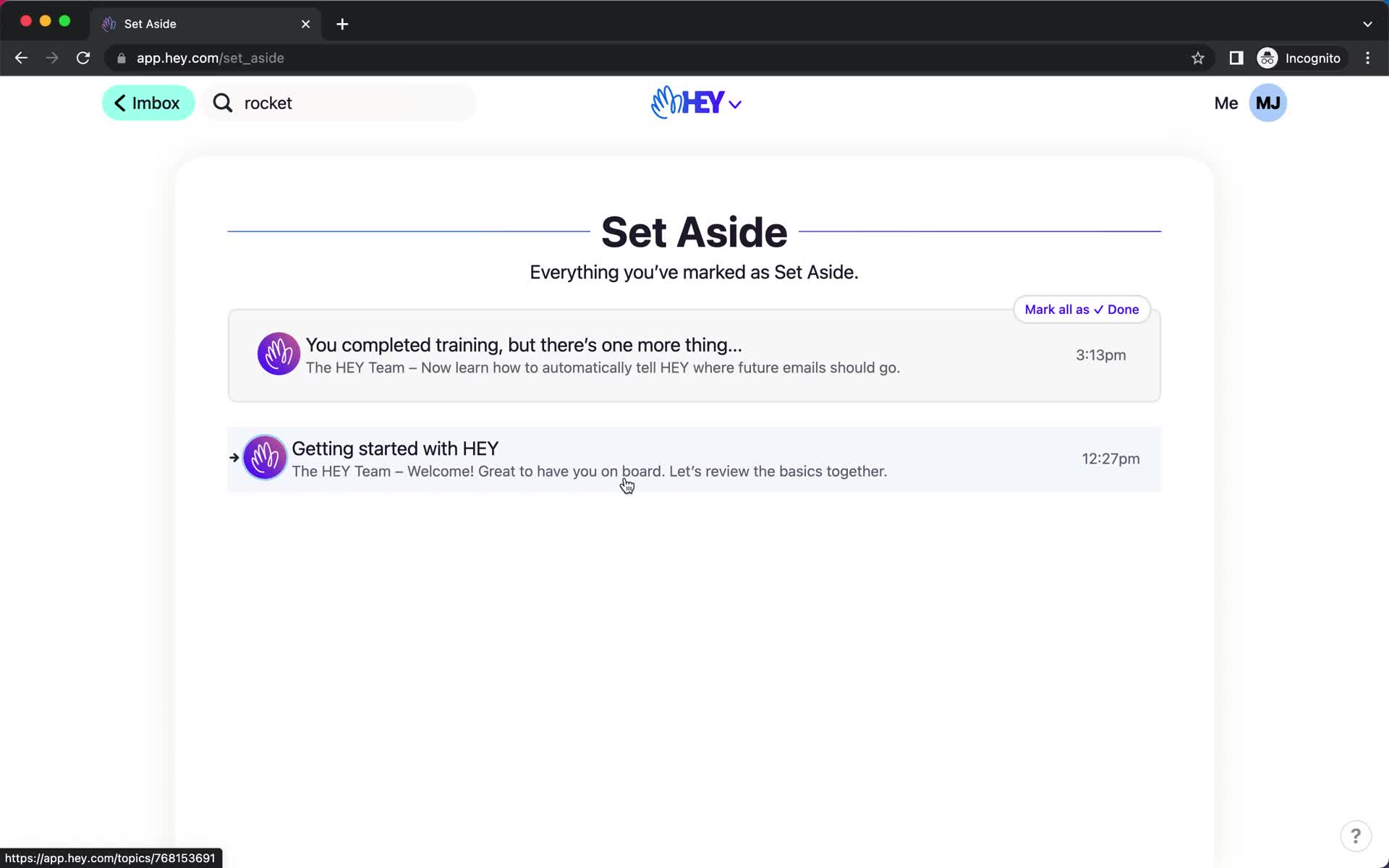
Set aside
this is title
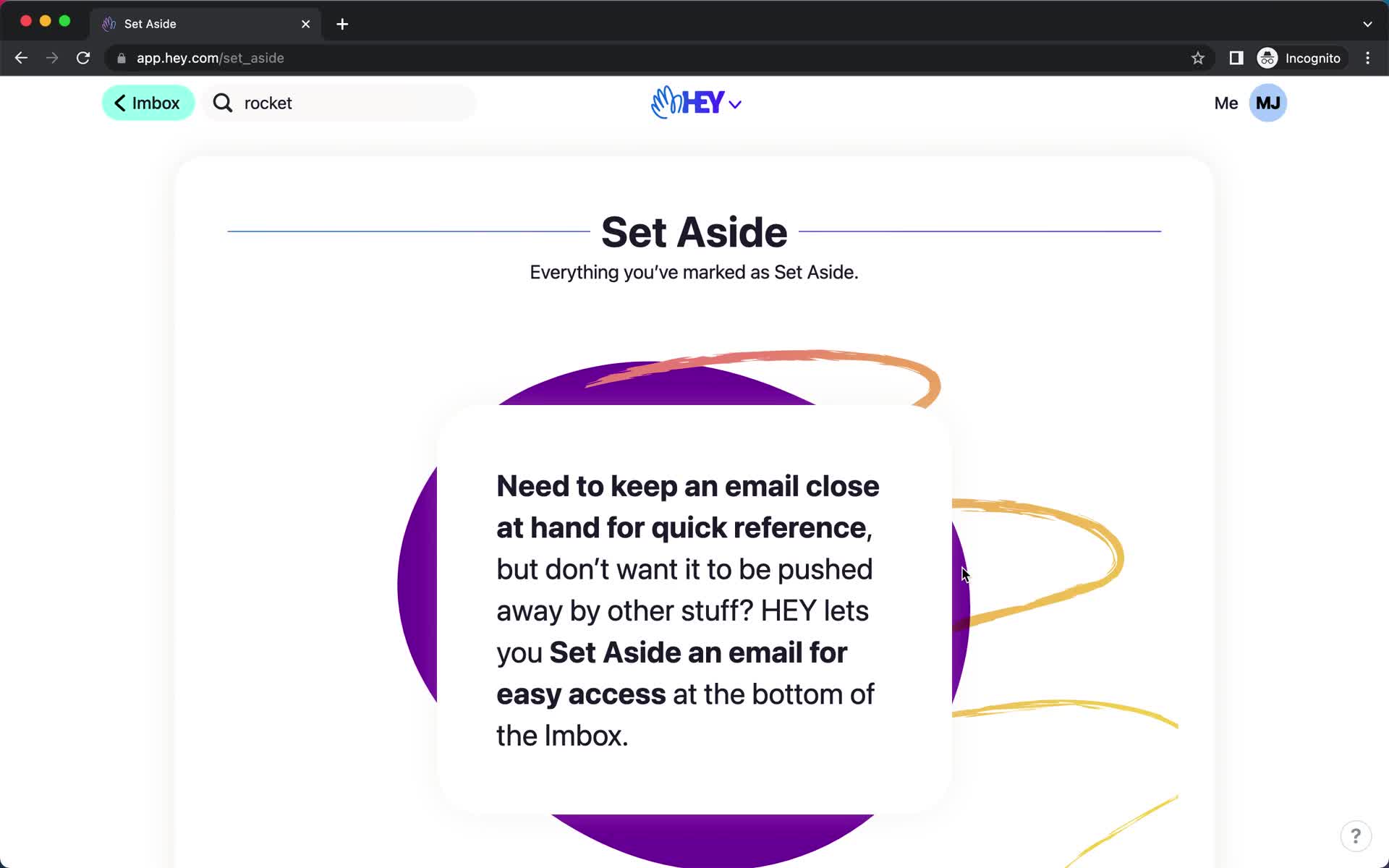
Set aside
this is title
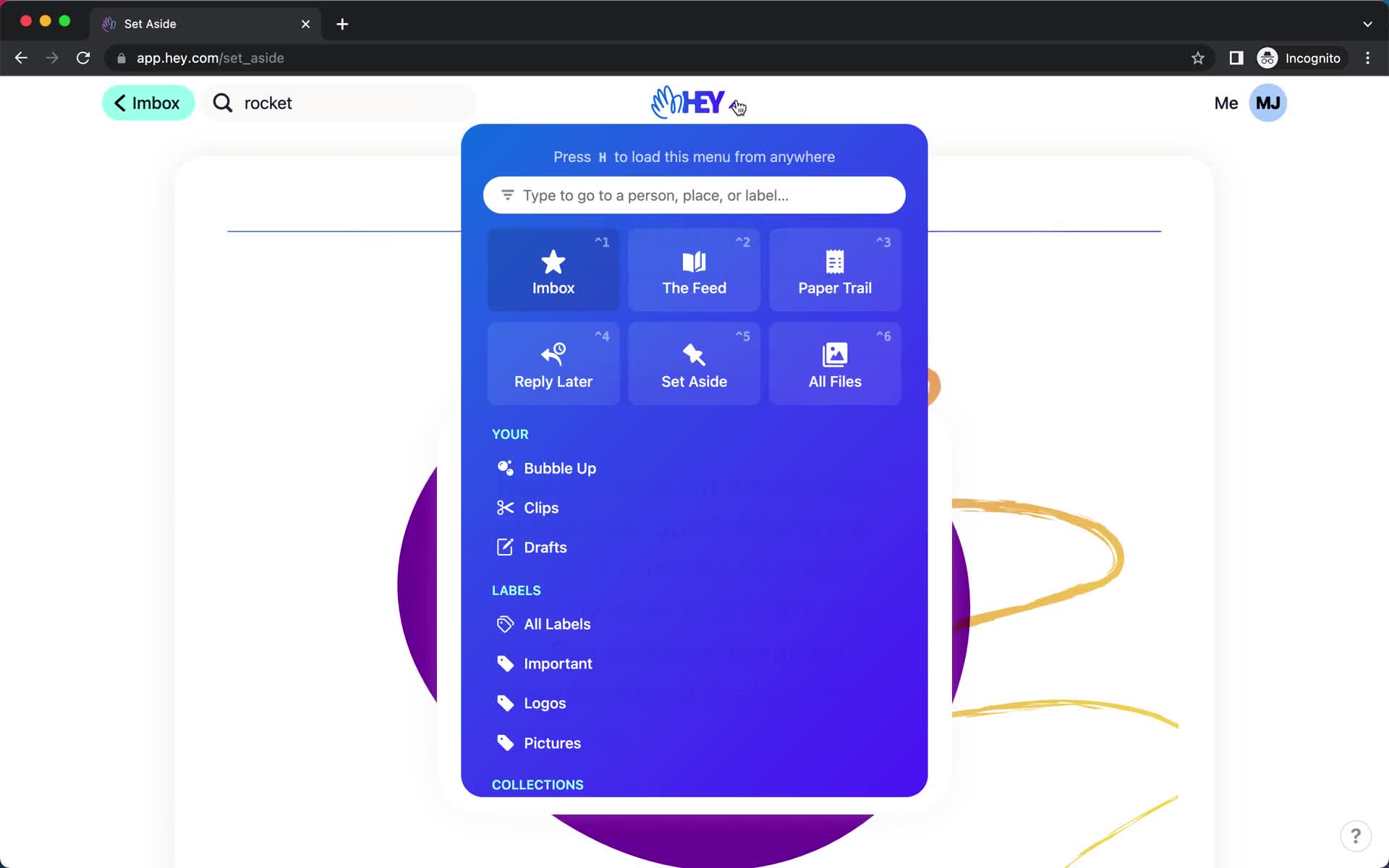
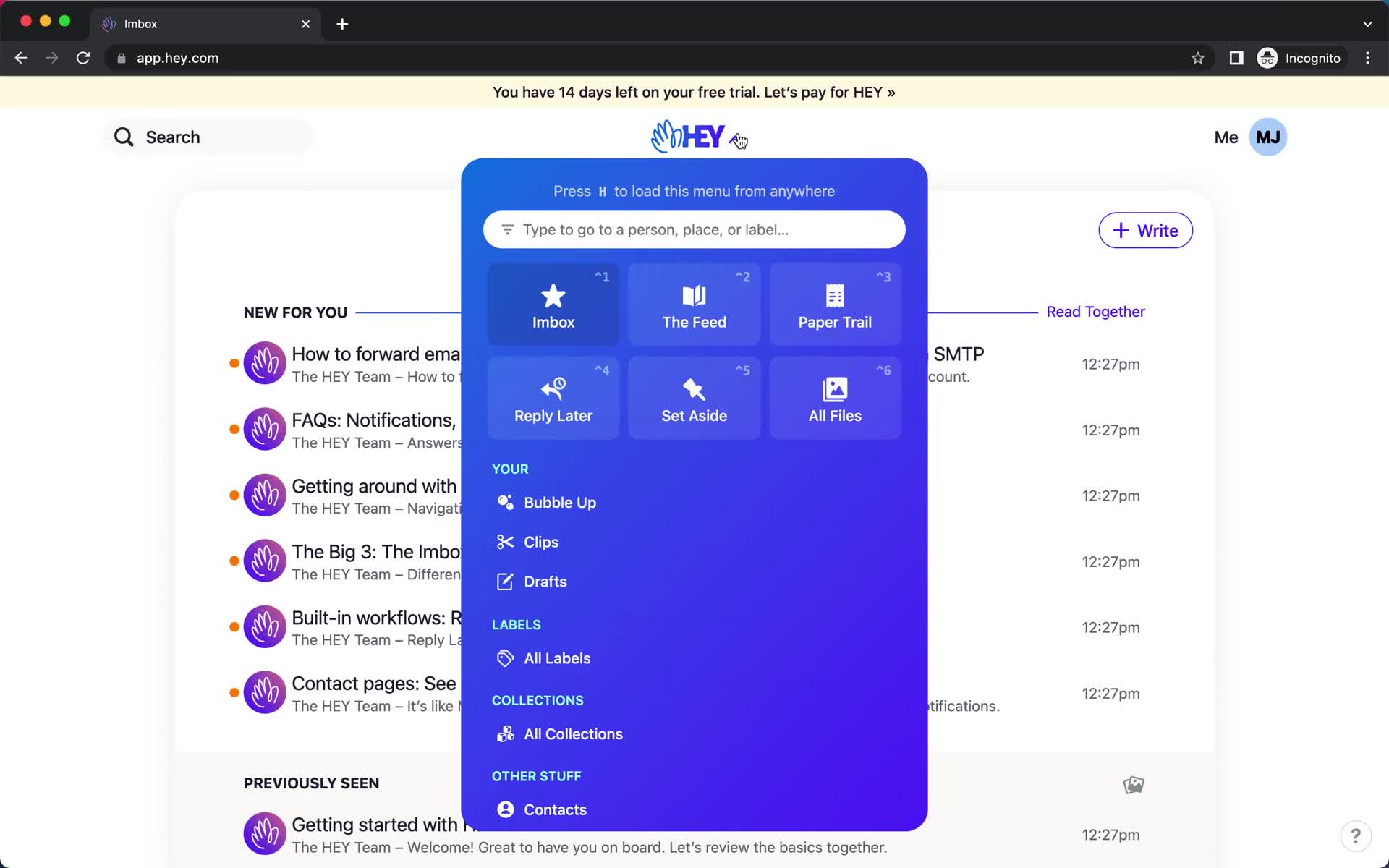
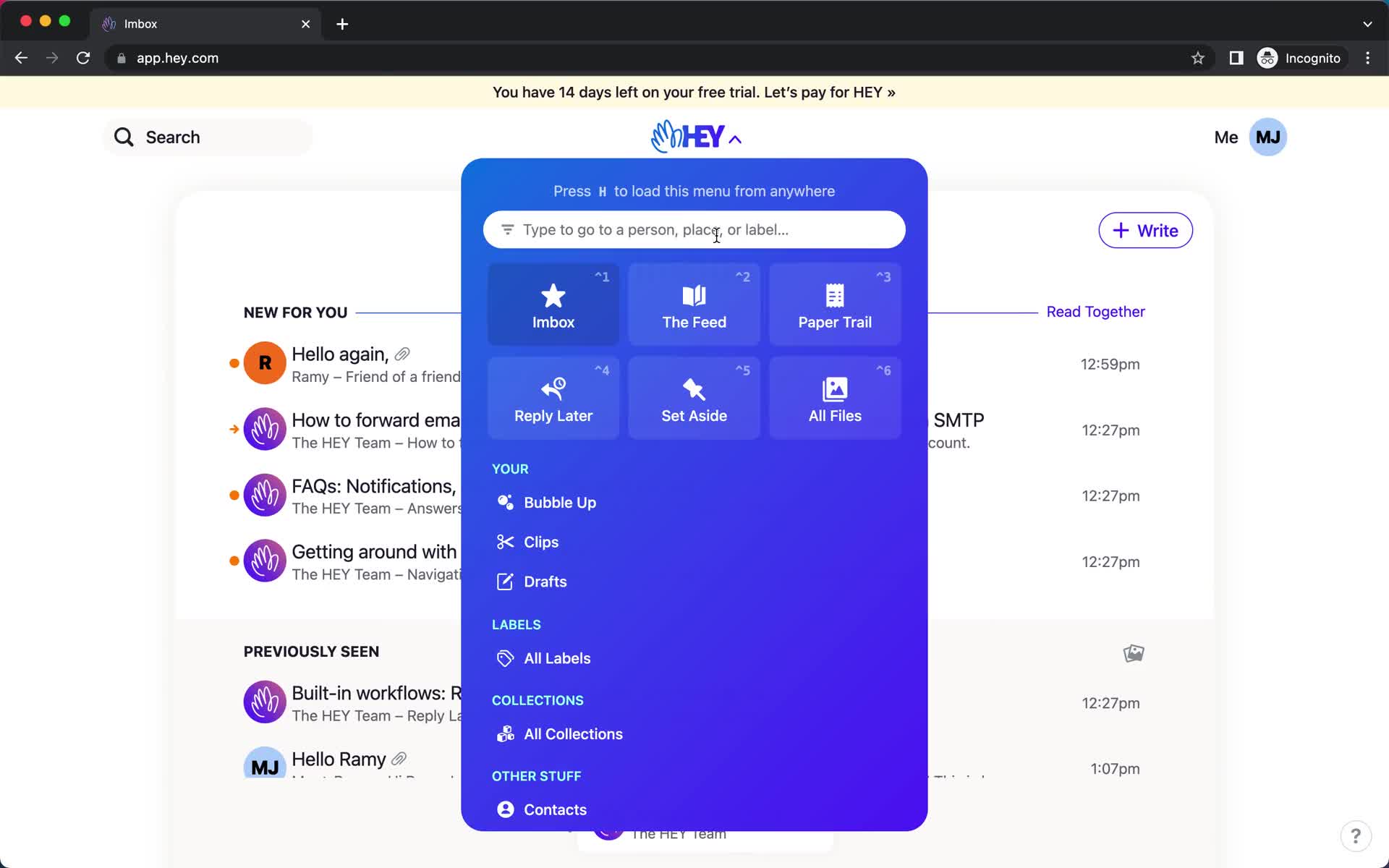
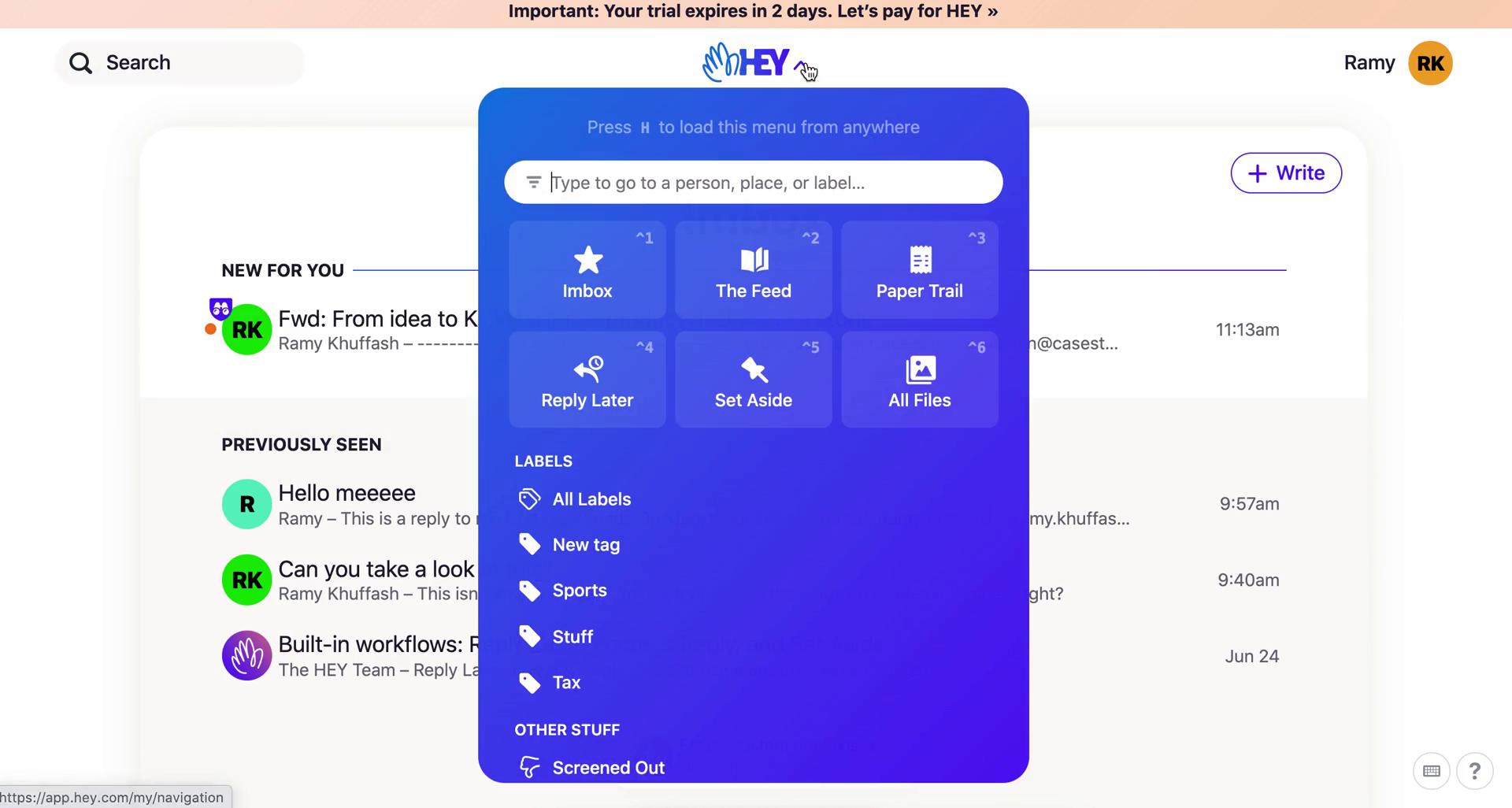
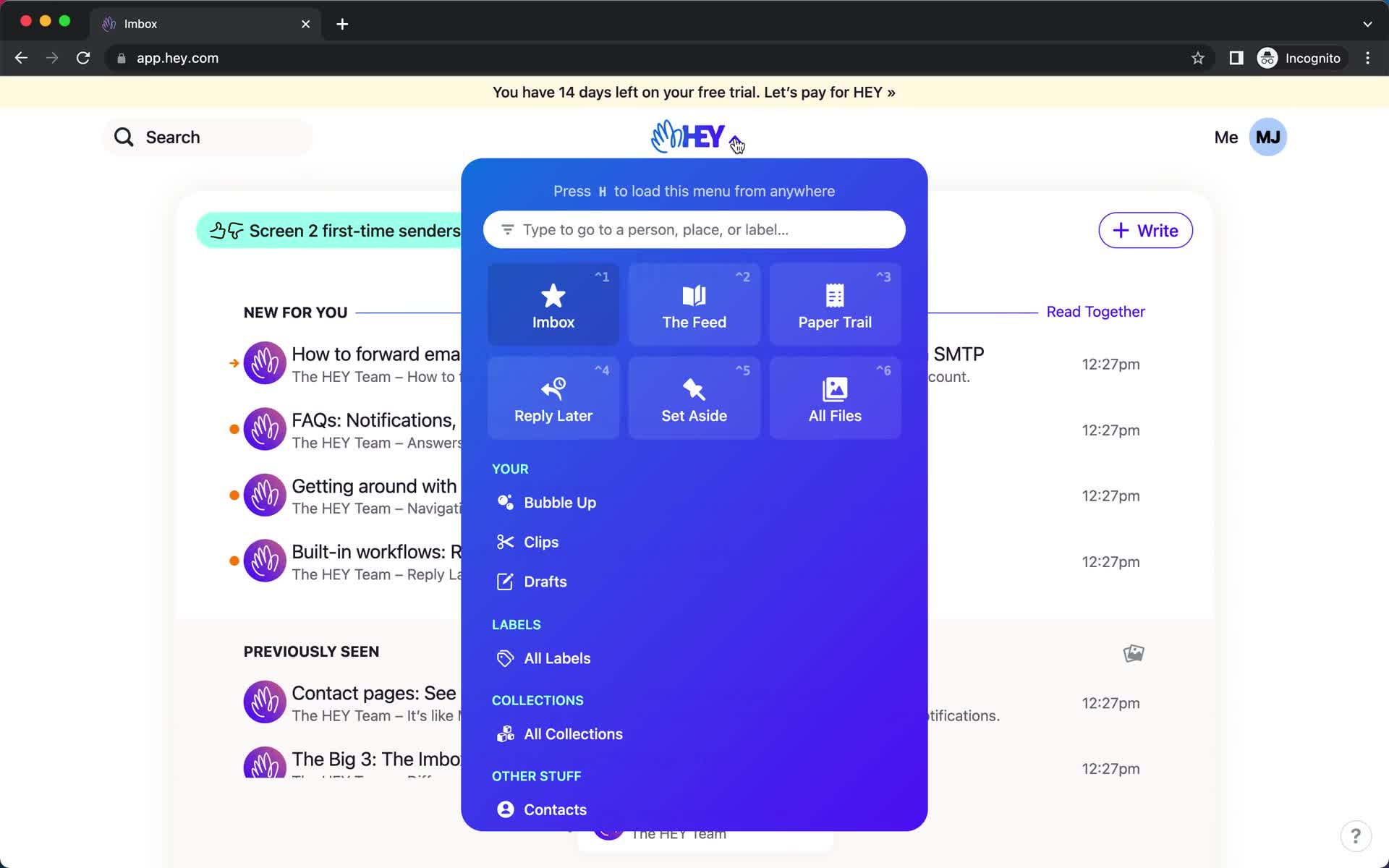
Navigation menu
this is title
Product tour
this is title
Product tour
this is title
Product tour
this is title
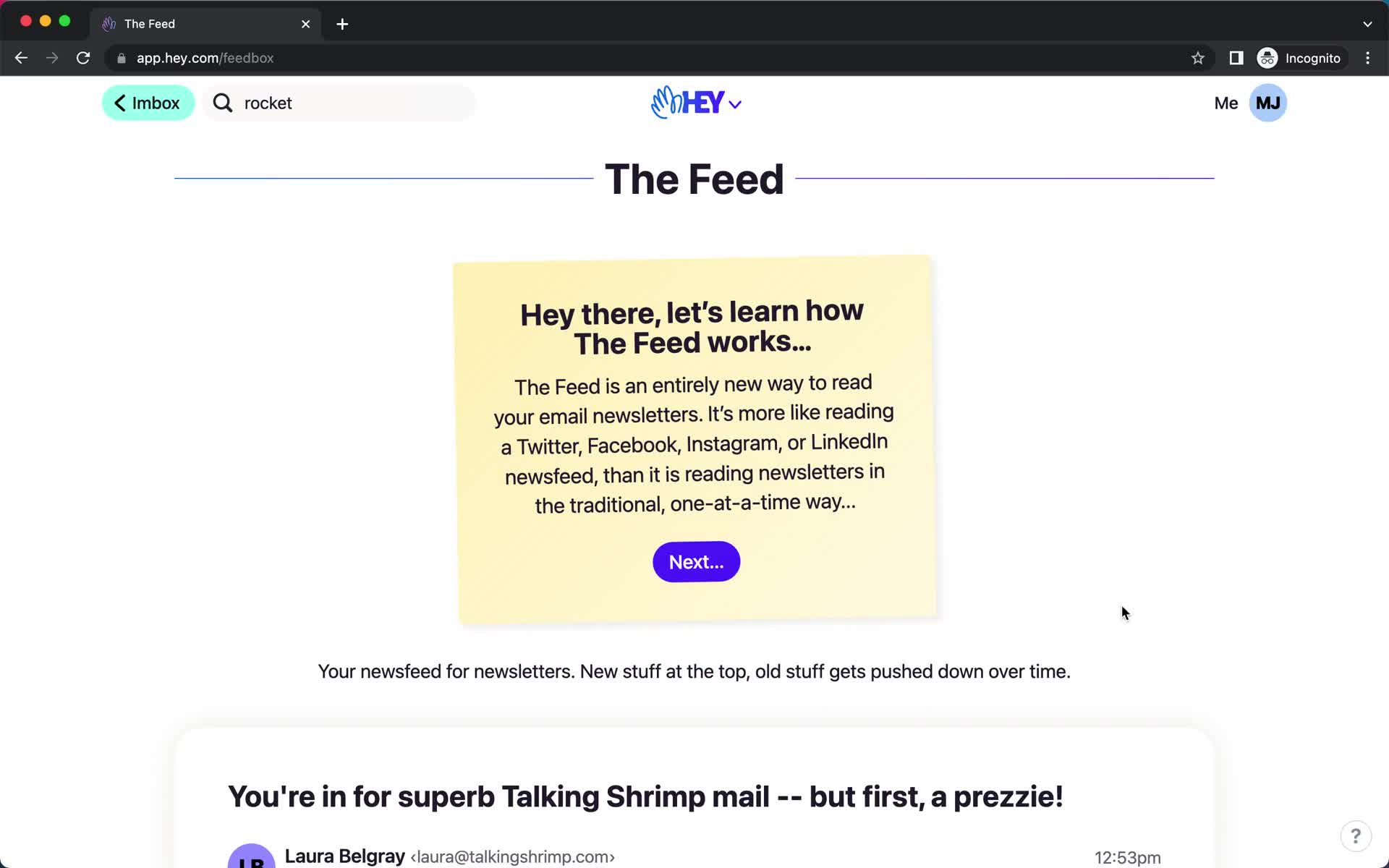
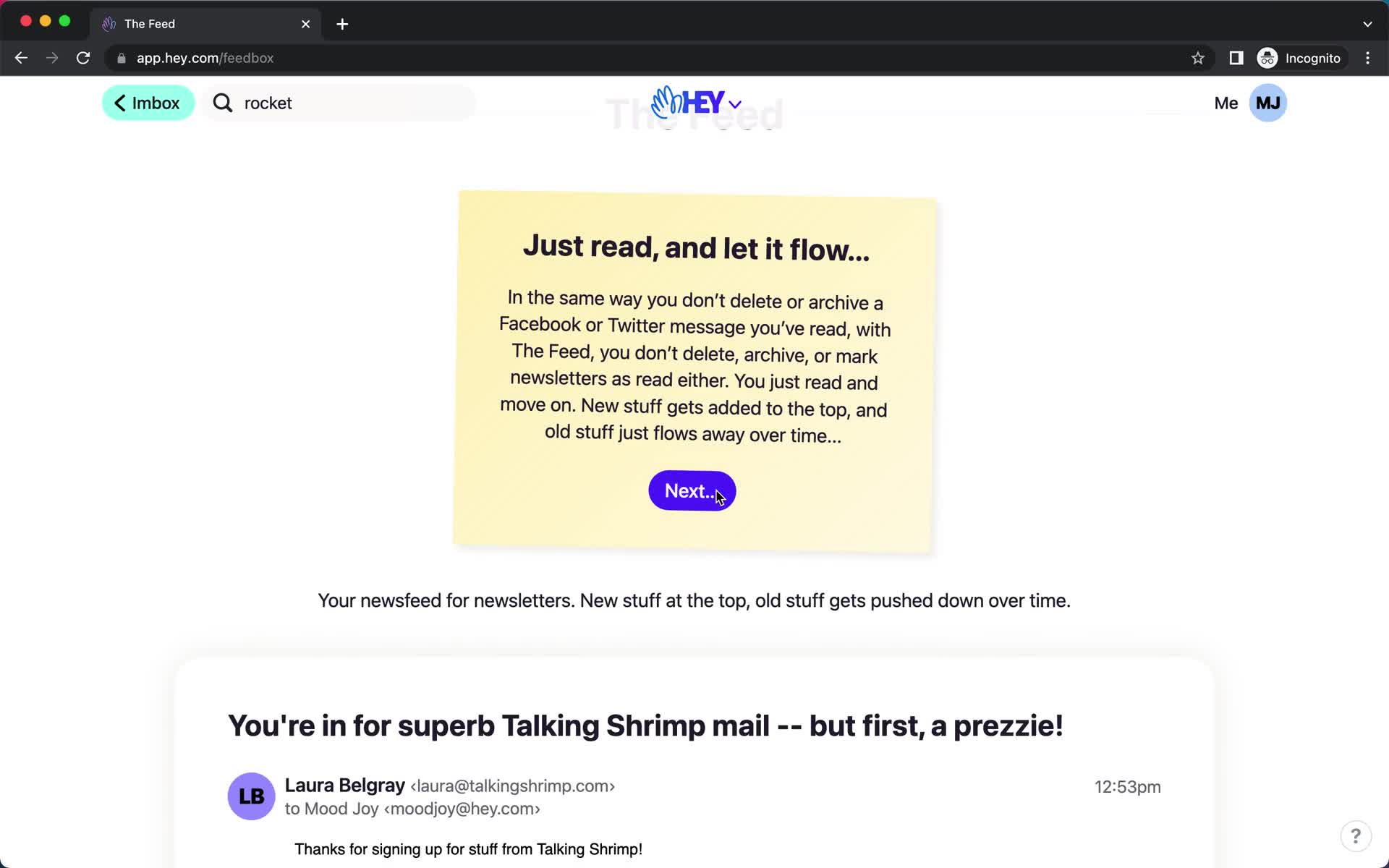
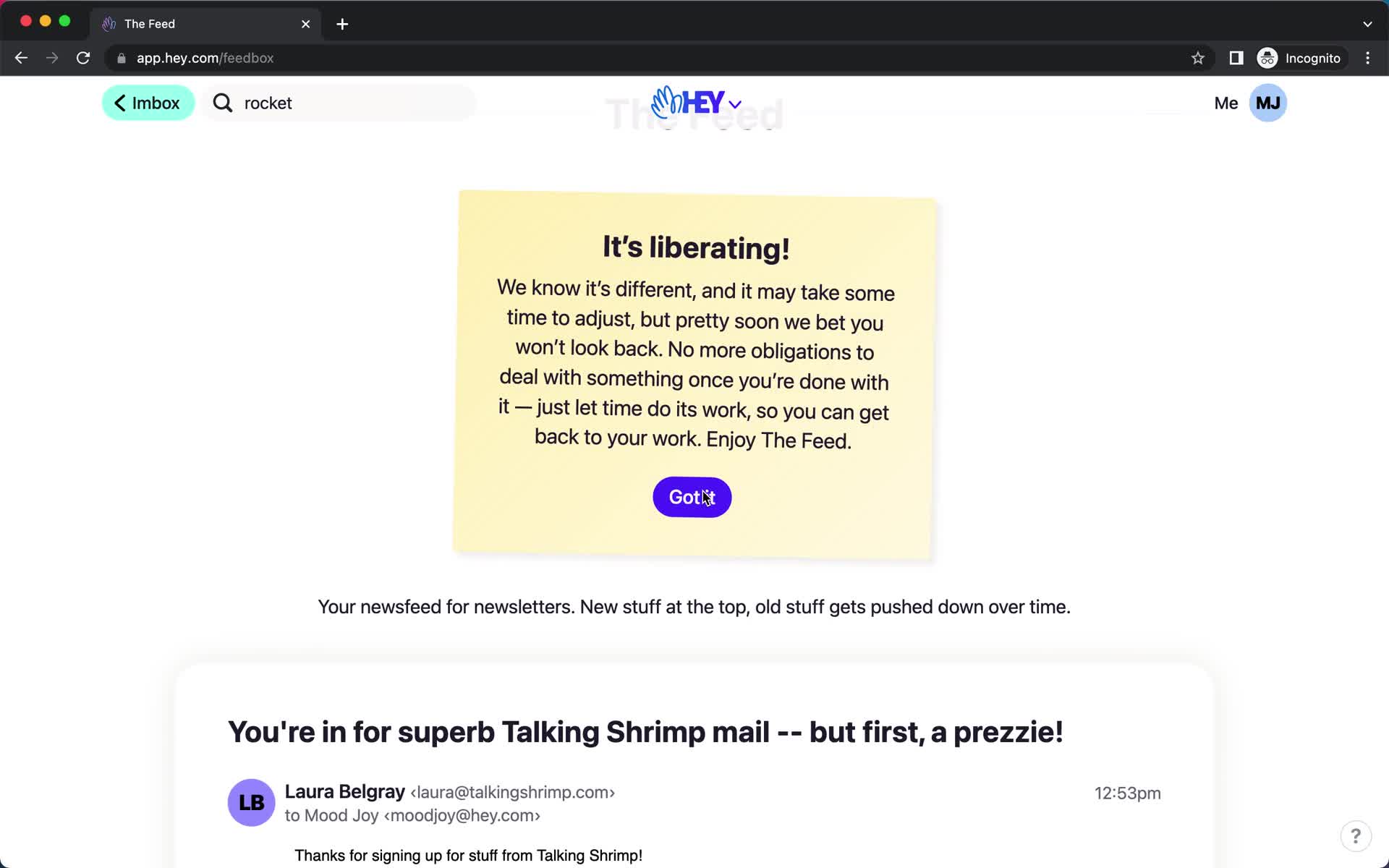
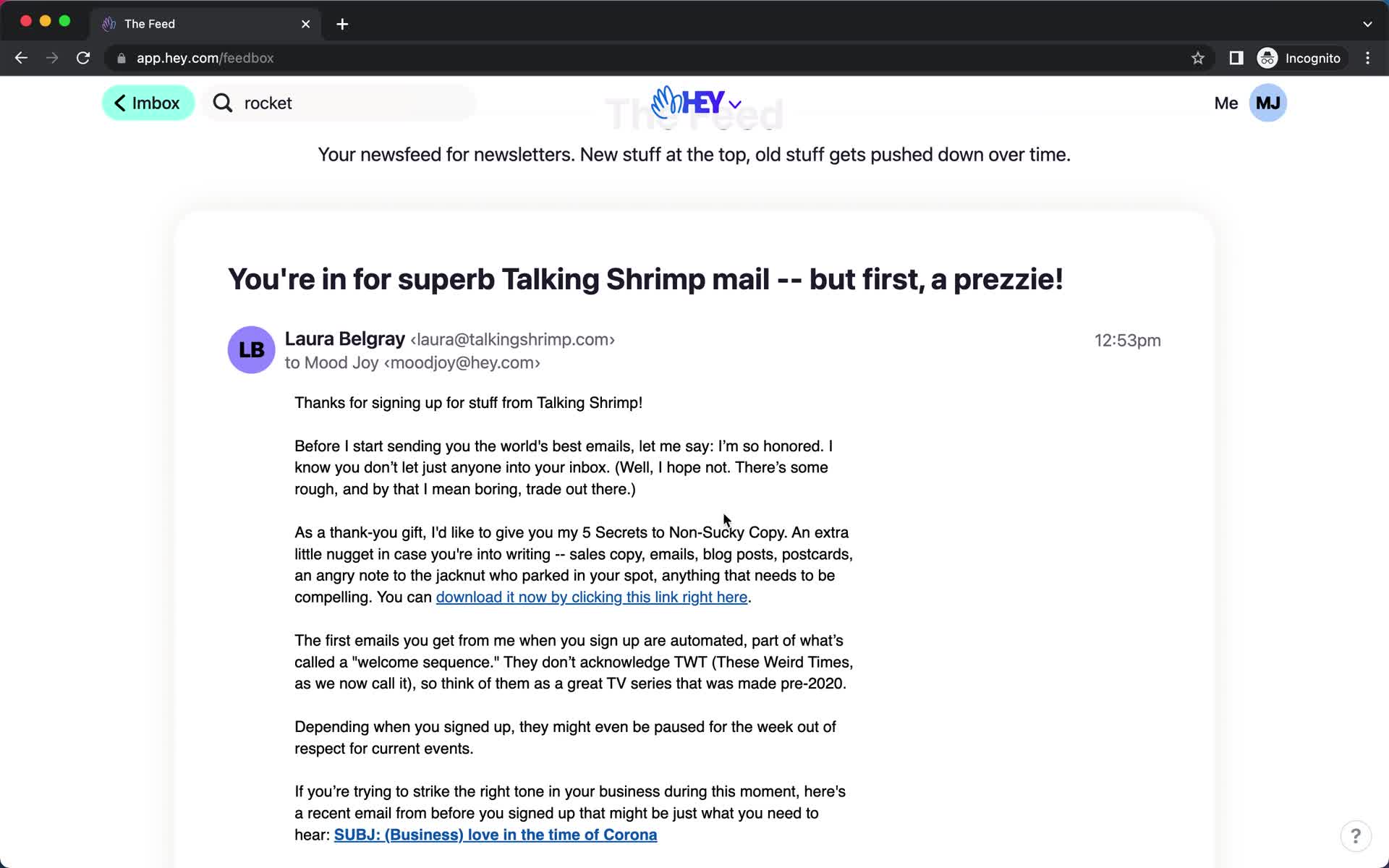
Feed
this is title
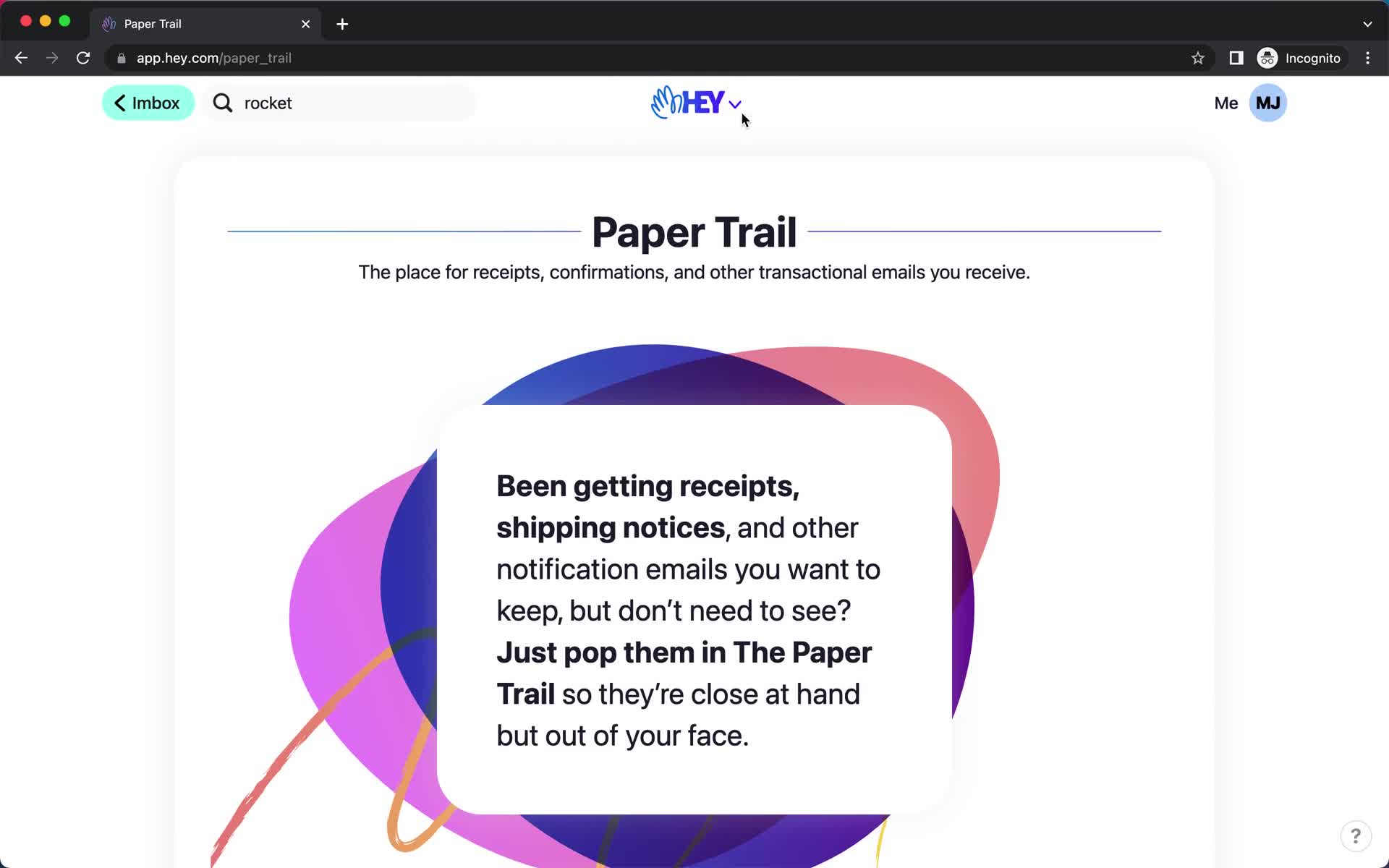
Paper trail
this is title
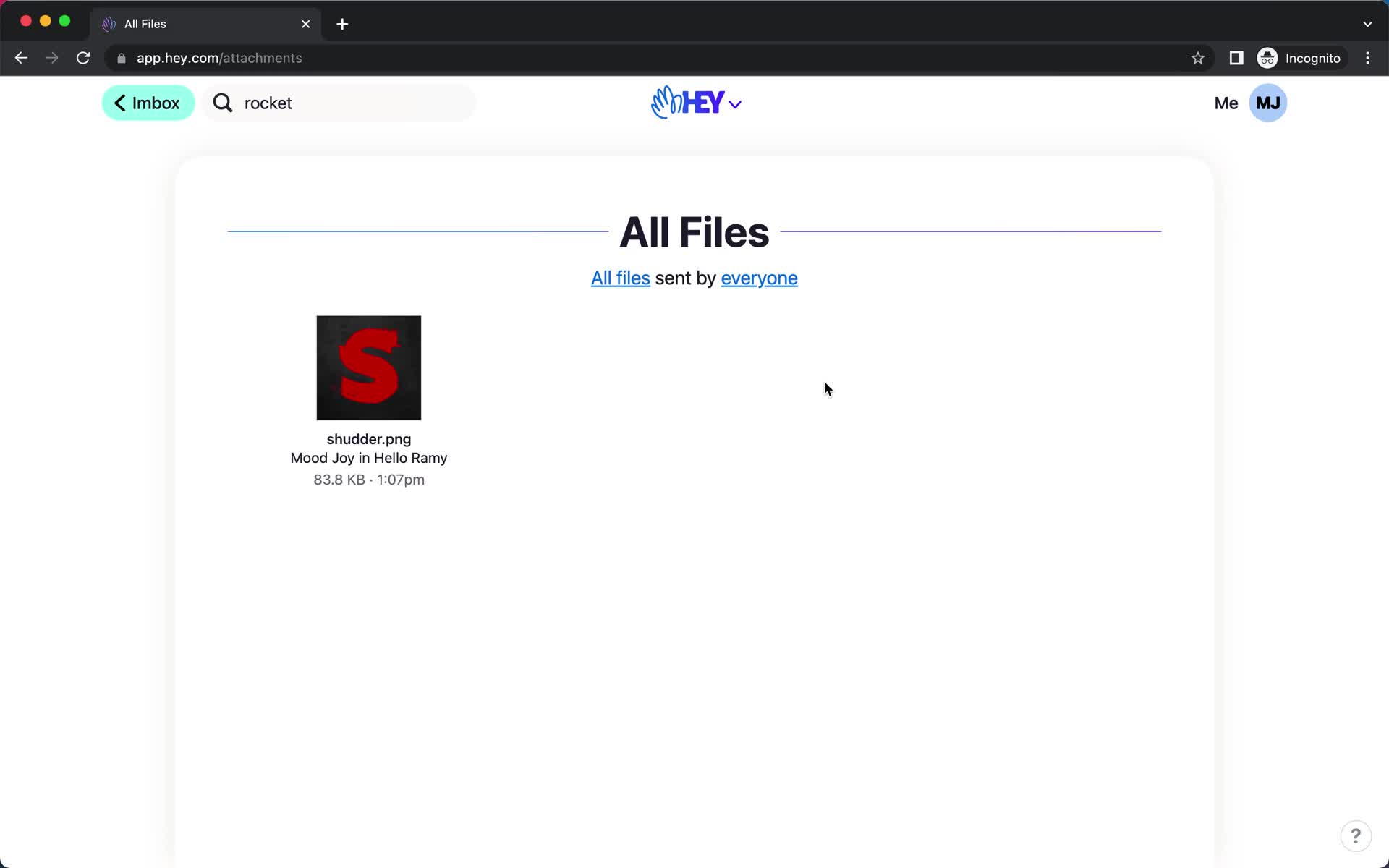
Files
this is title
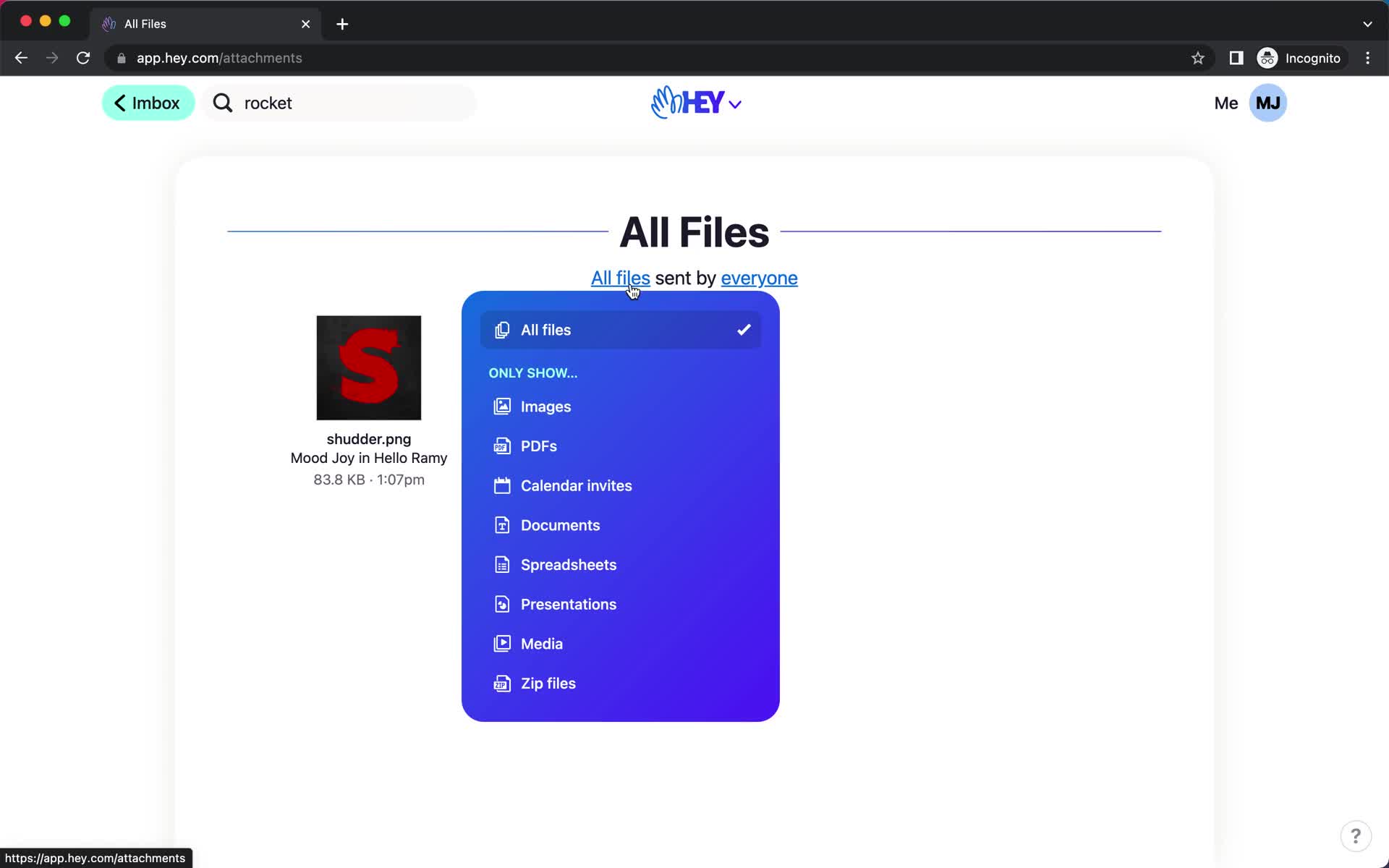
Filter
this is title
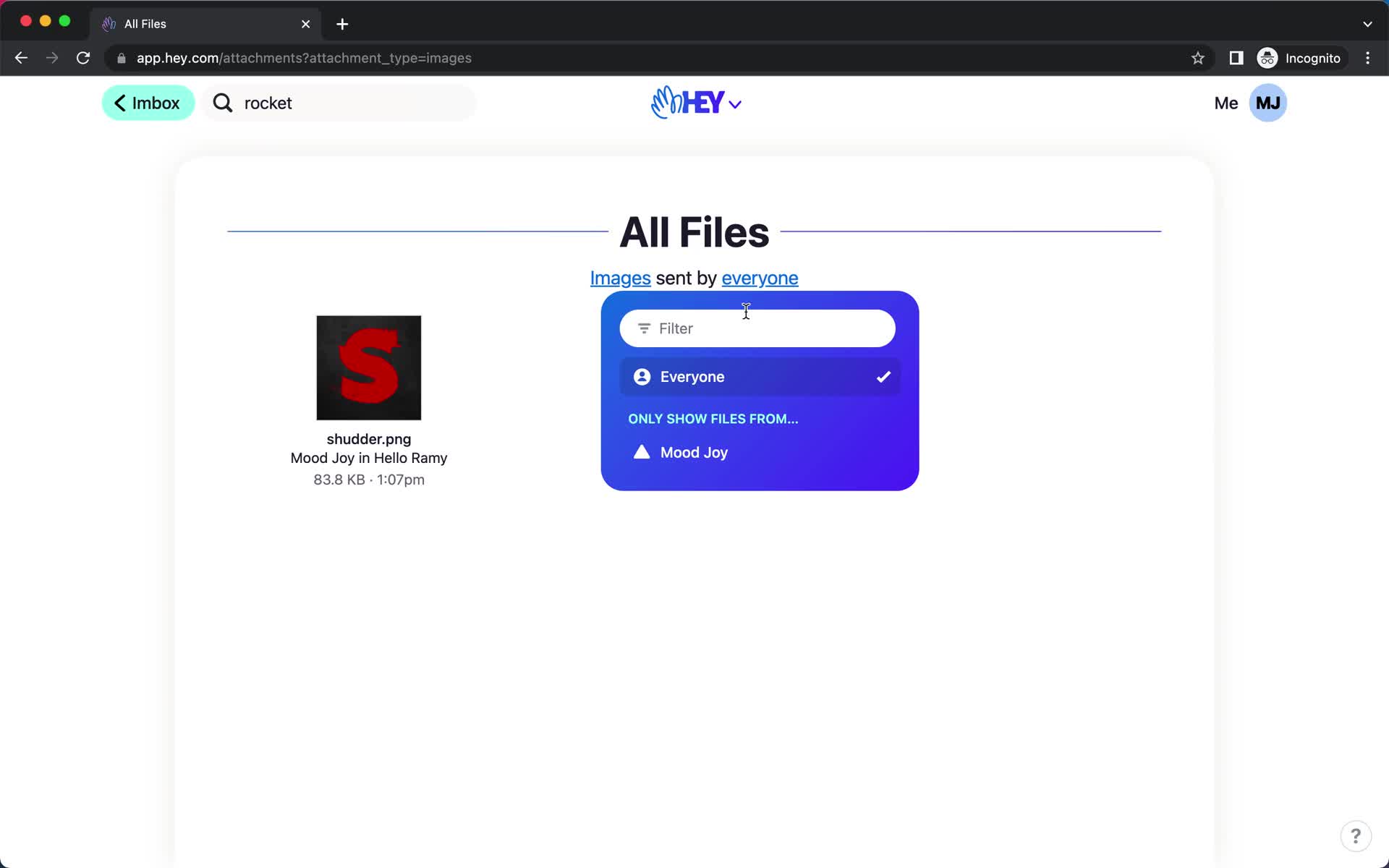
Filter
this is title
File detail
this is title
Files
this is title
Rename
this is title
Action menu
this is title
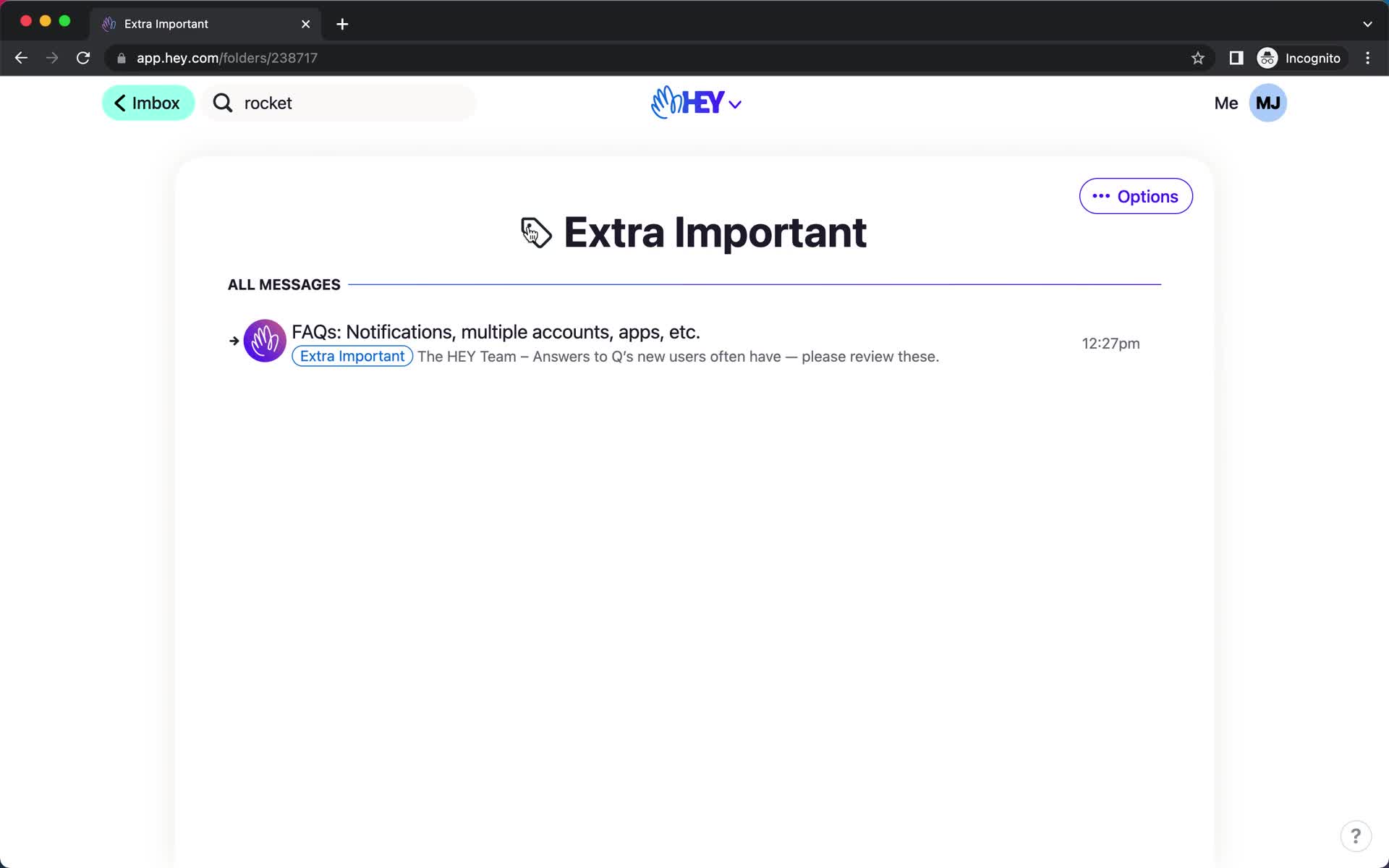
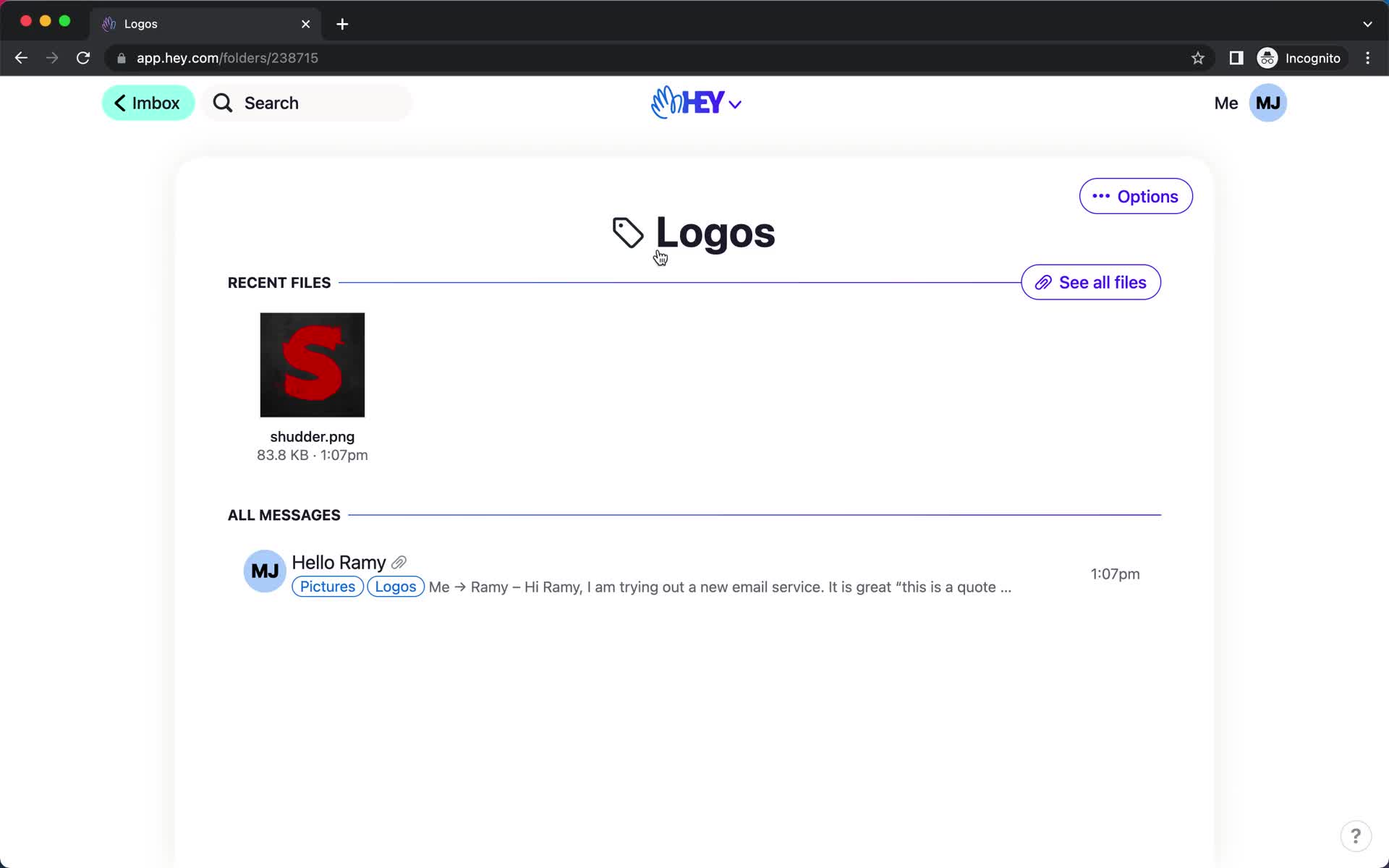
Label
this is title
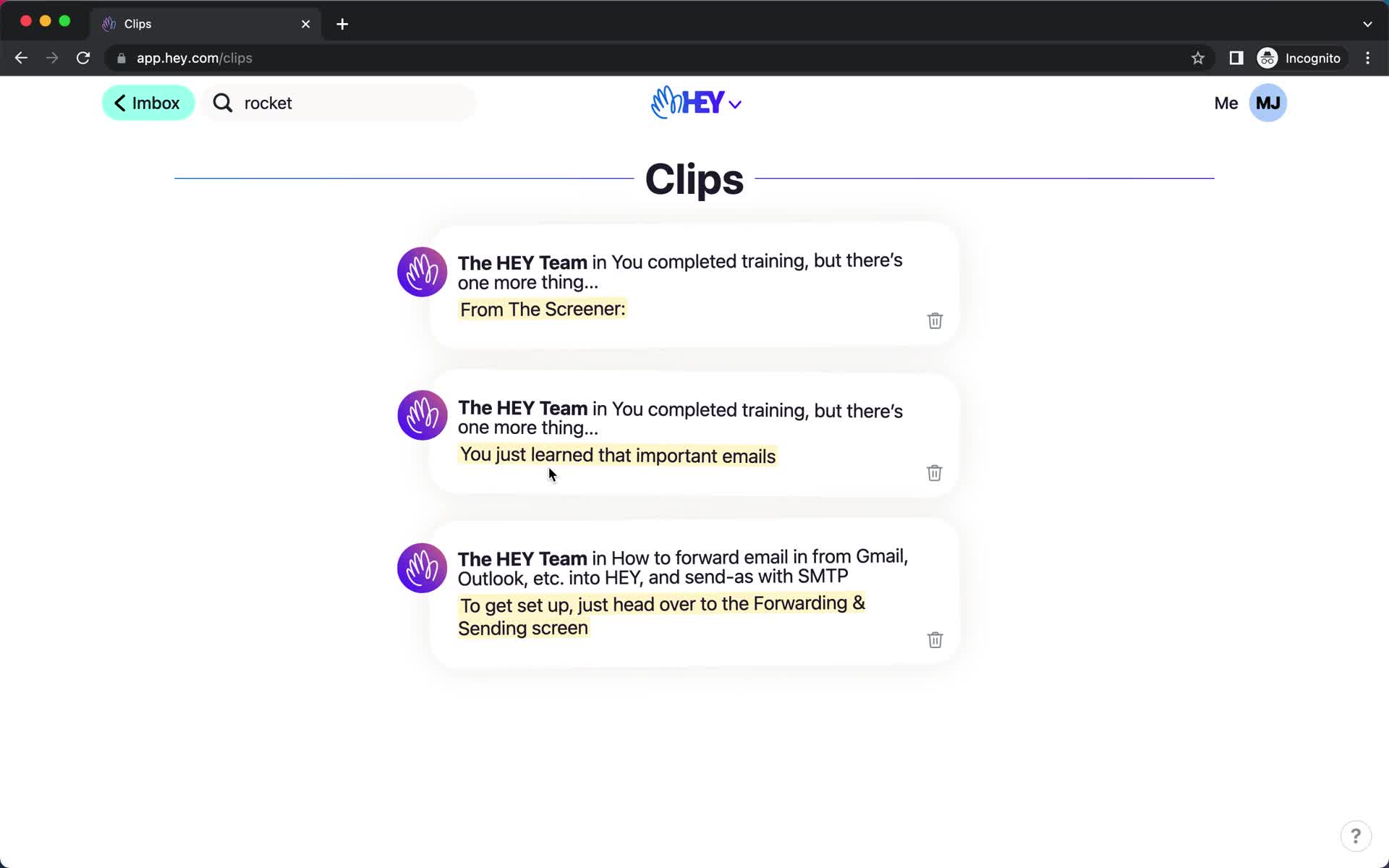
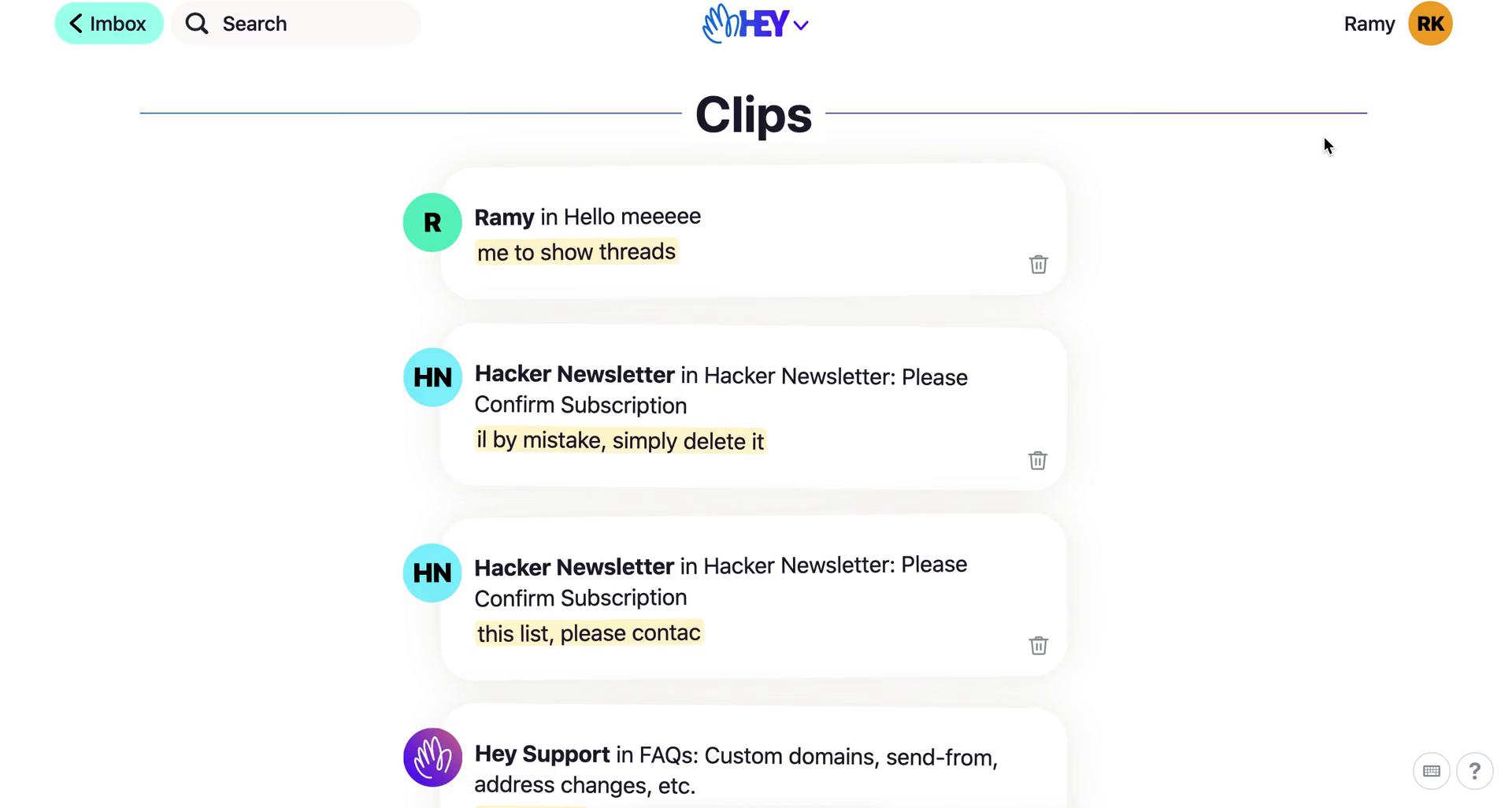
Clips
this is title
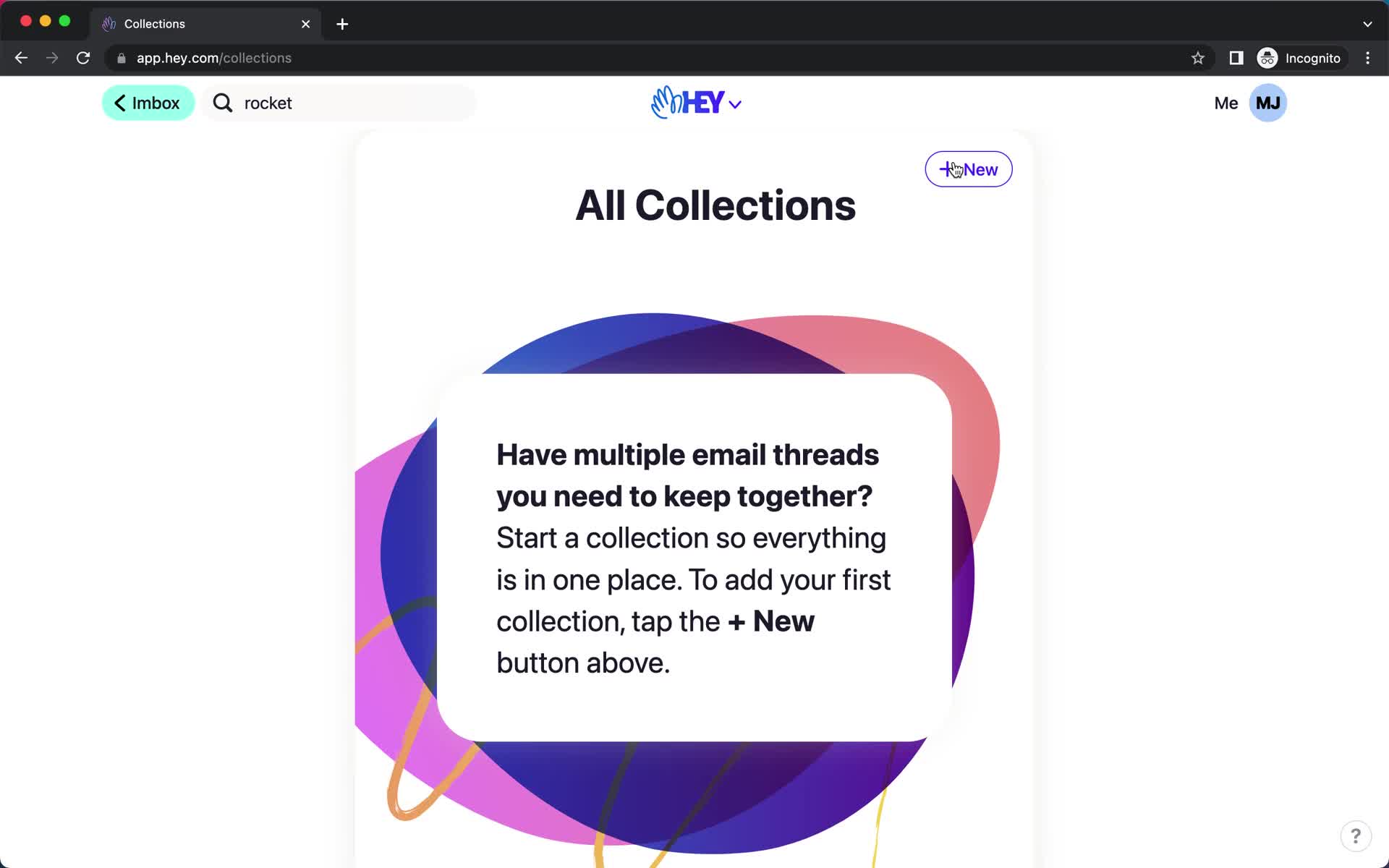
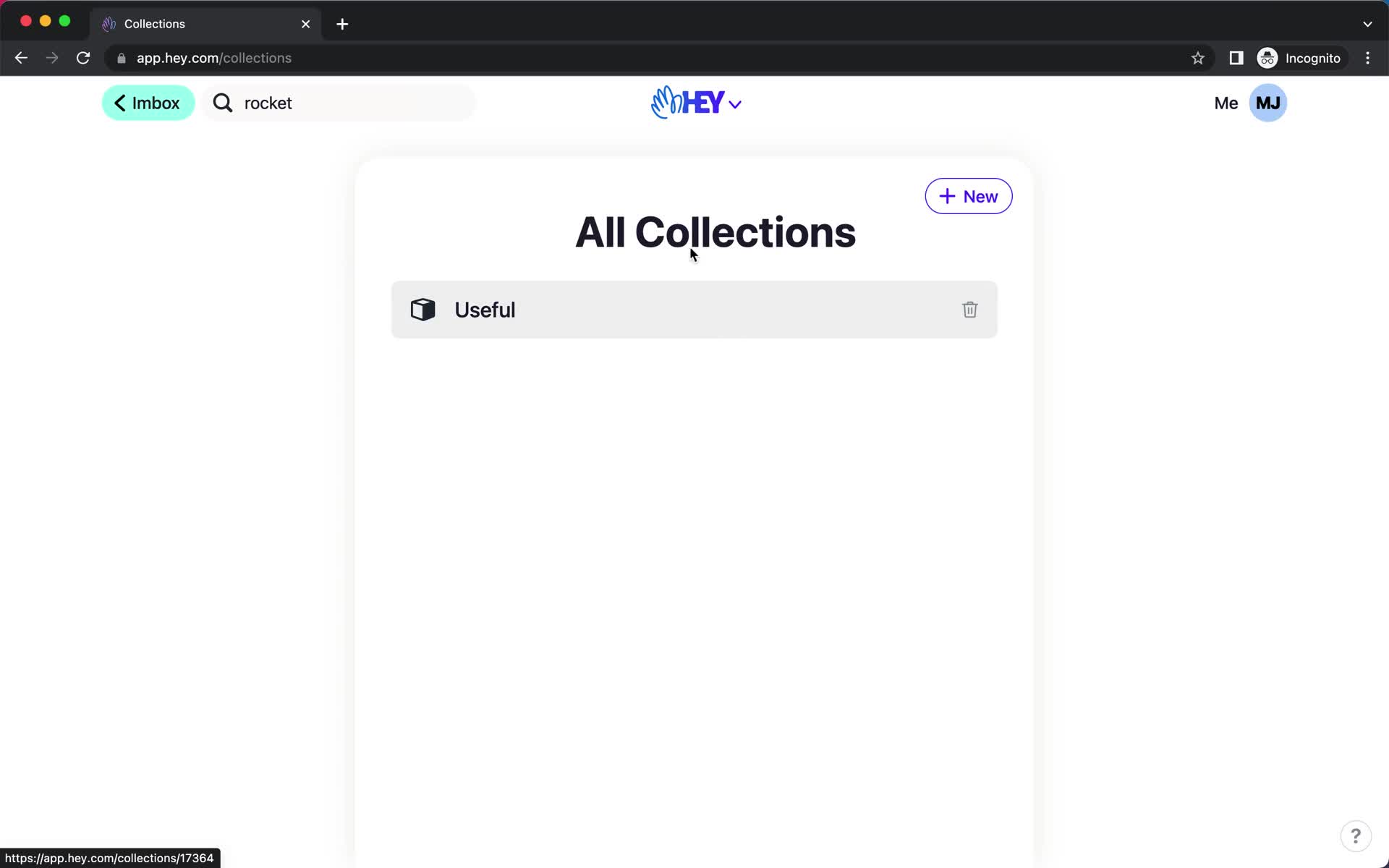
Collections
this is title
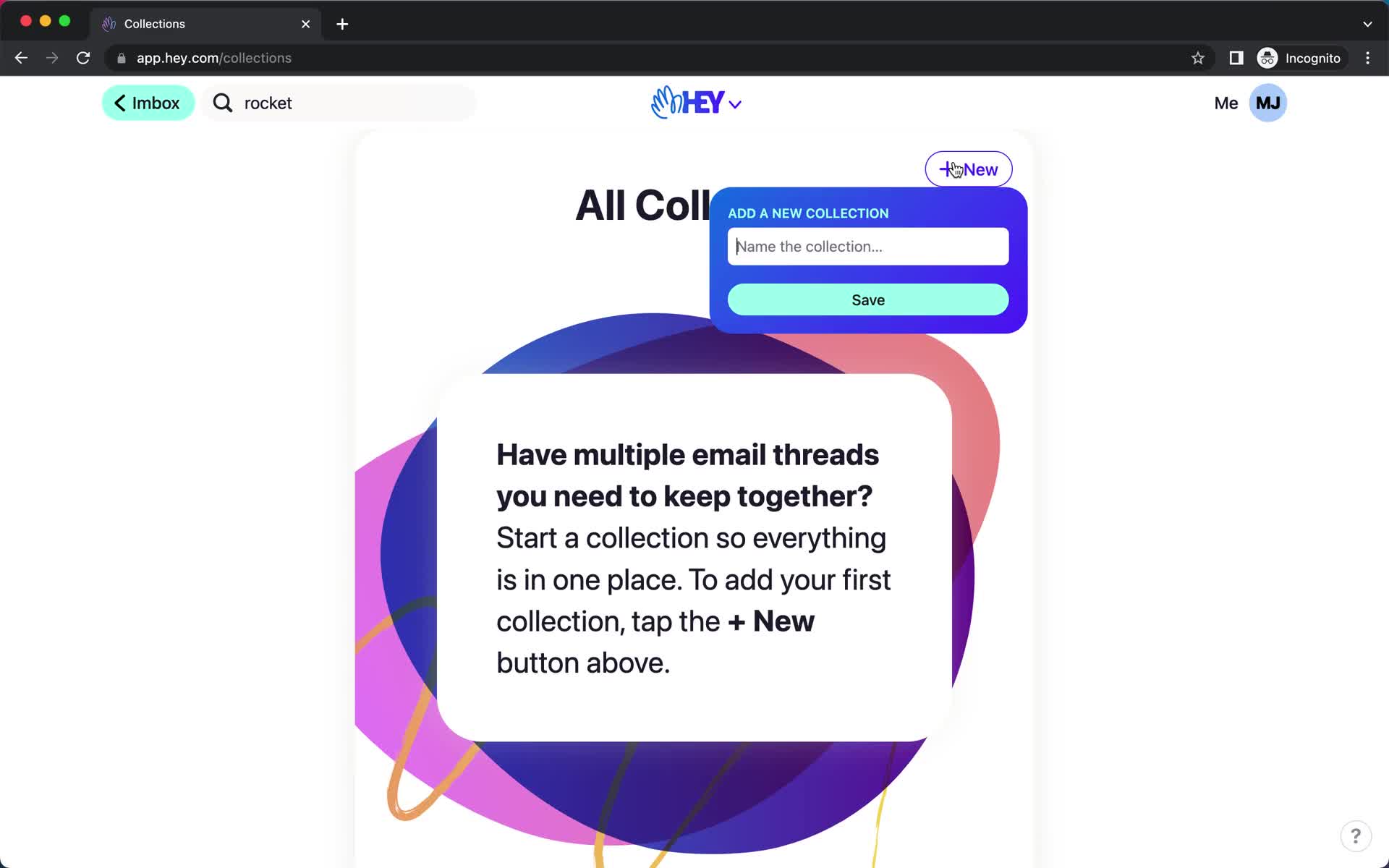
Create collection
this is title
Collections
this is title
Guide modal
this is title
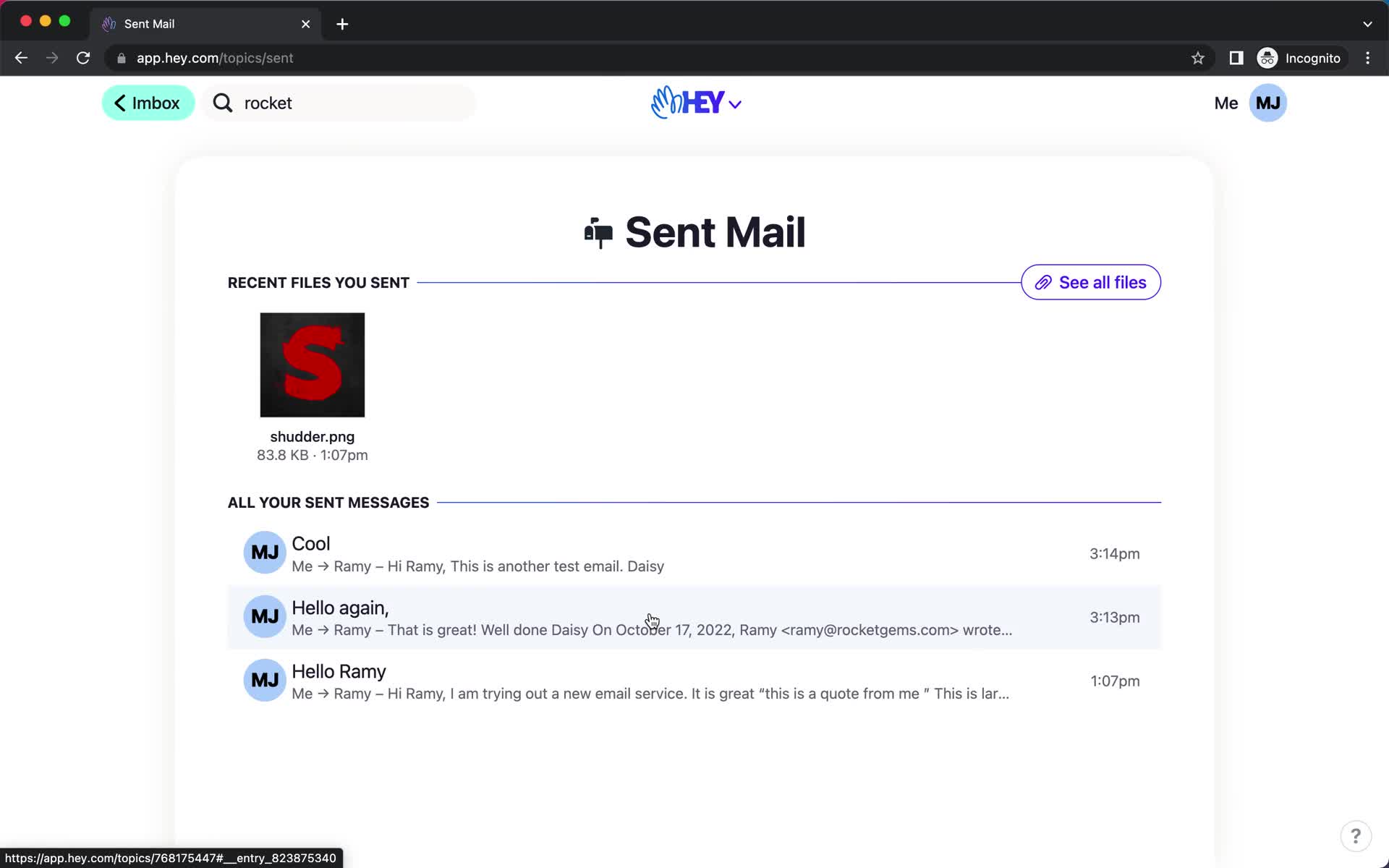
Sent
this is title
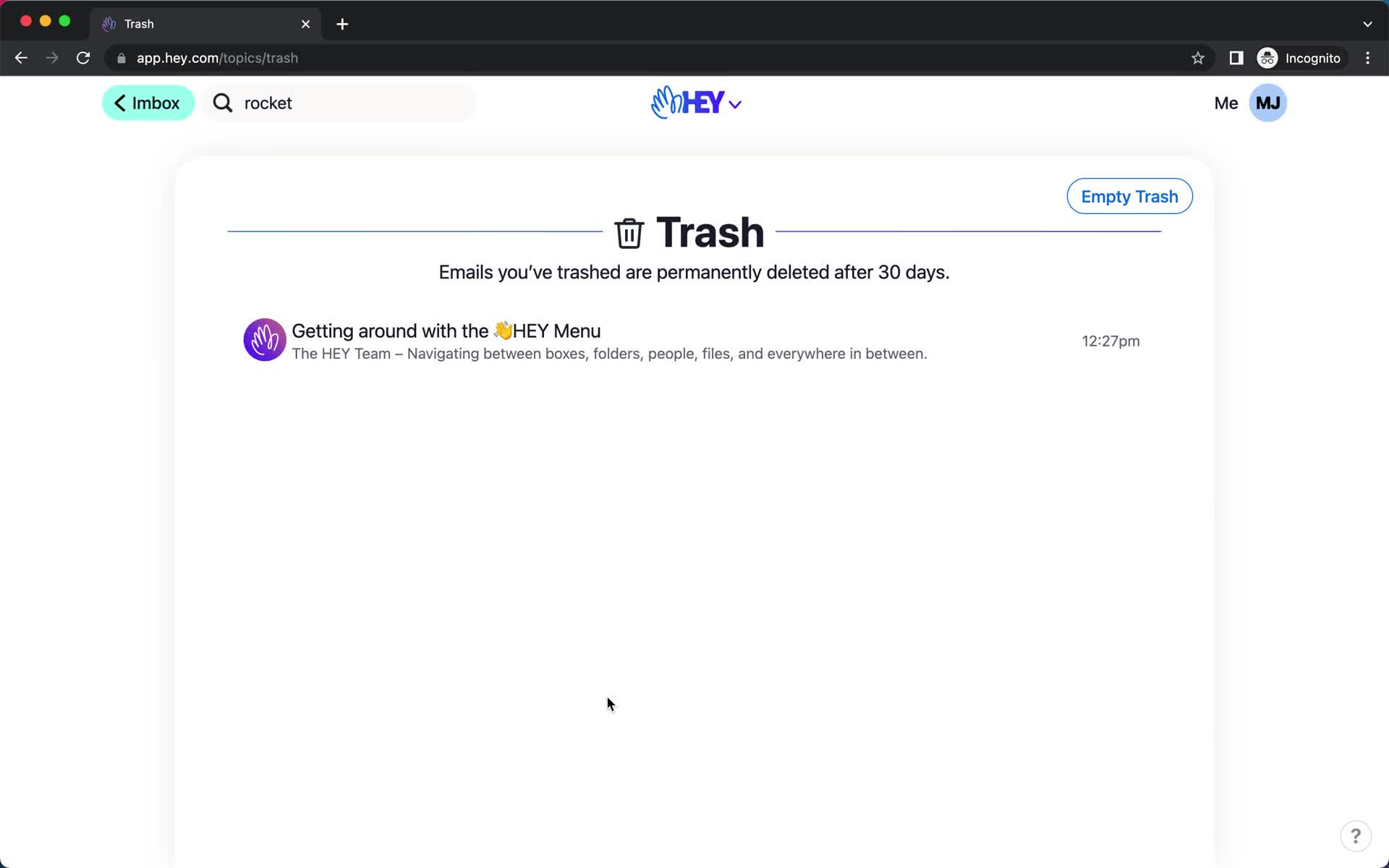
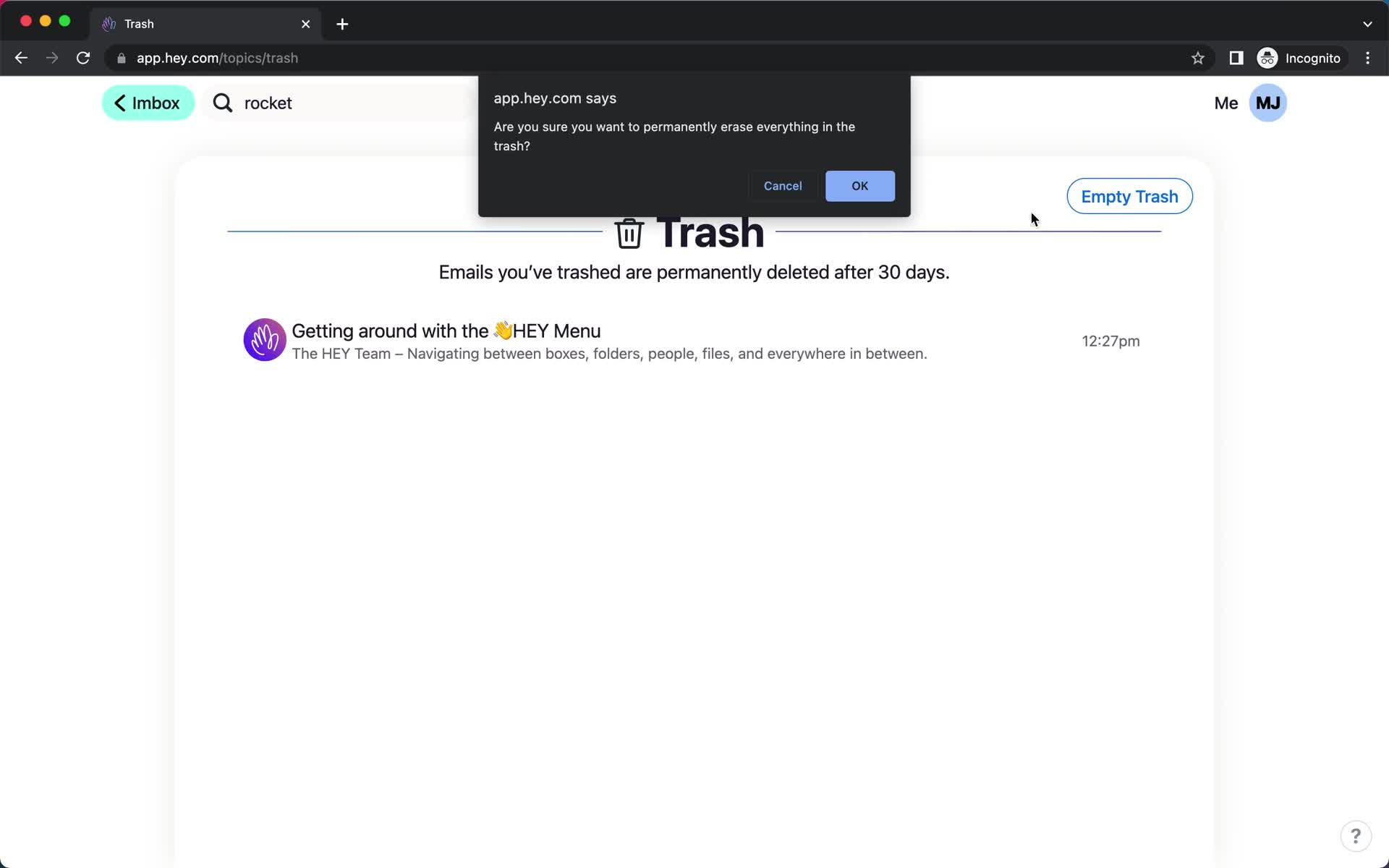
Trash
this is title
Confirm delete
this is title
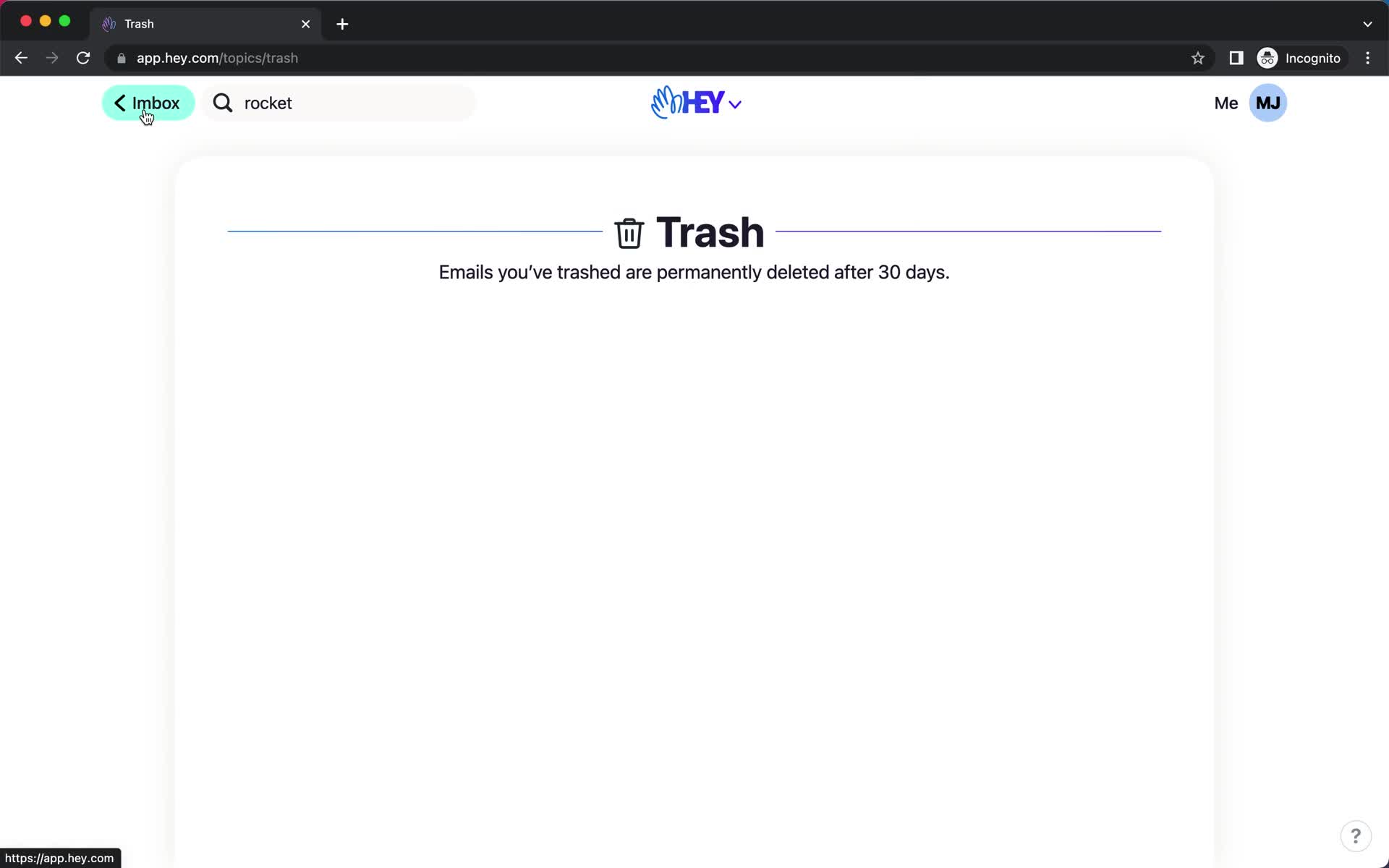
Trash
this is title
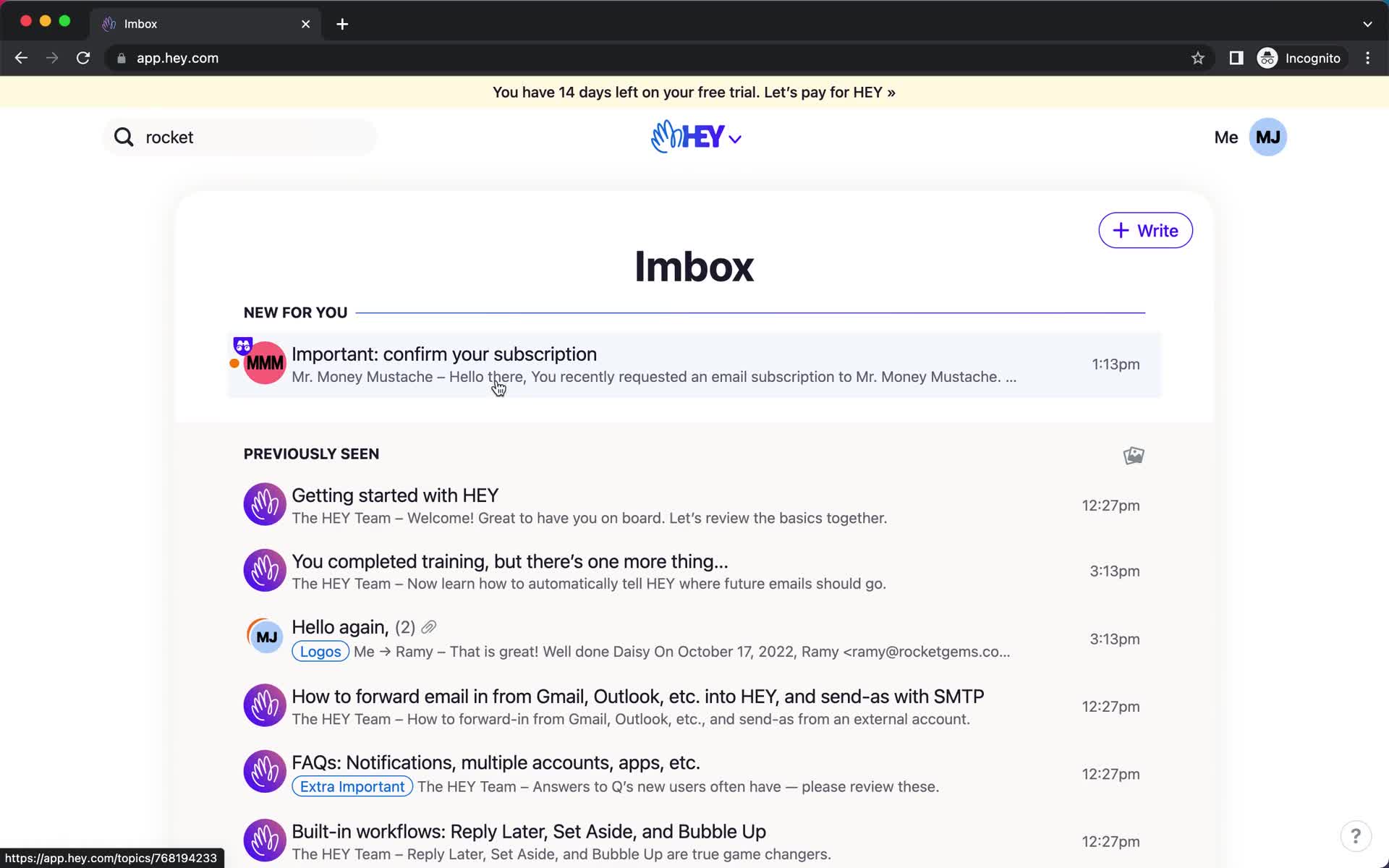
Inbox
this is title
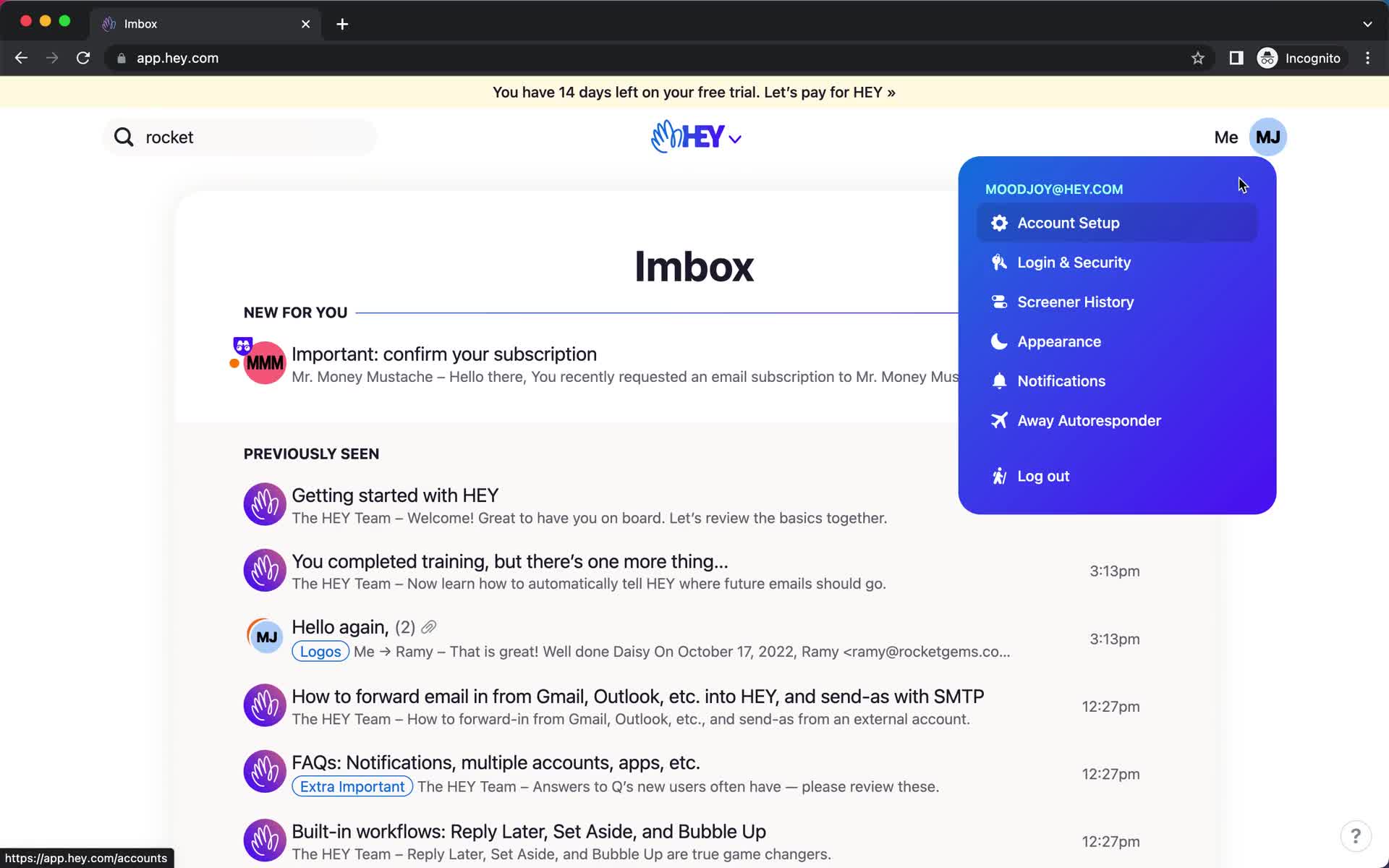
Account menu
this is title
Activity history
this is title
Account menu
this is title
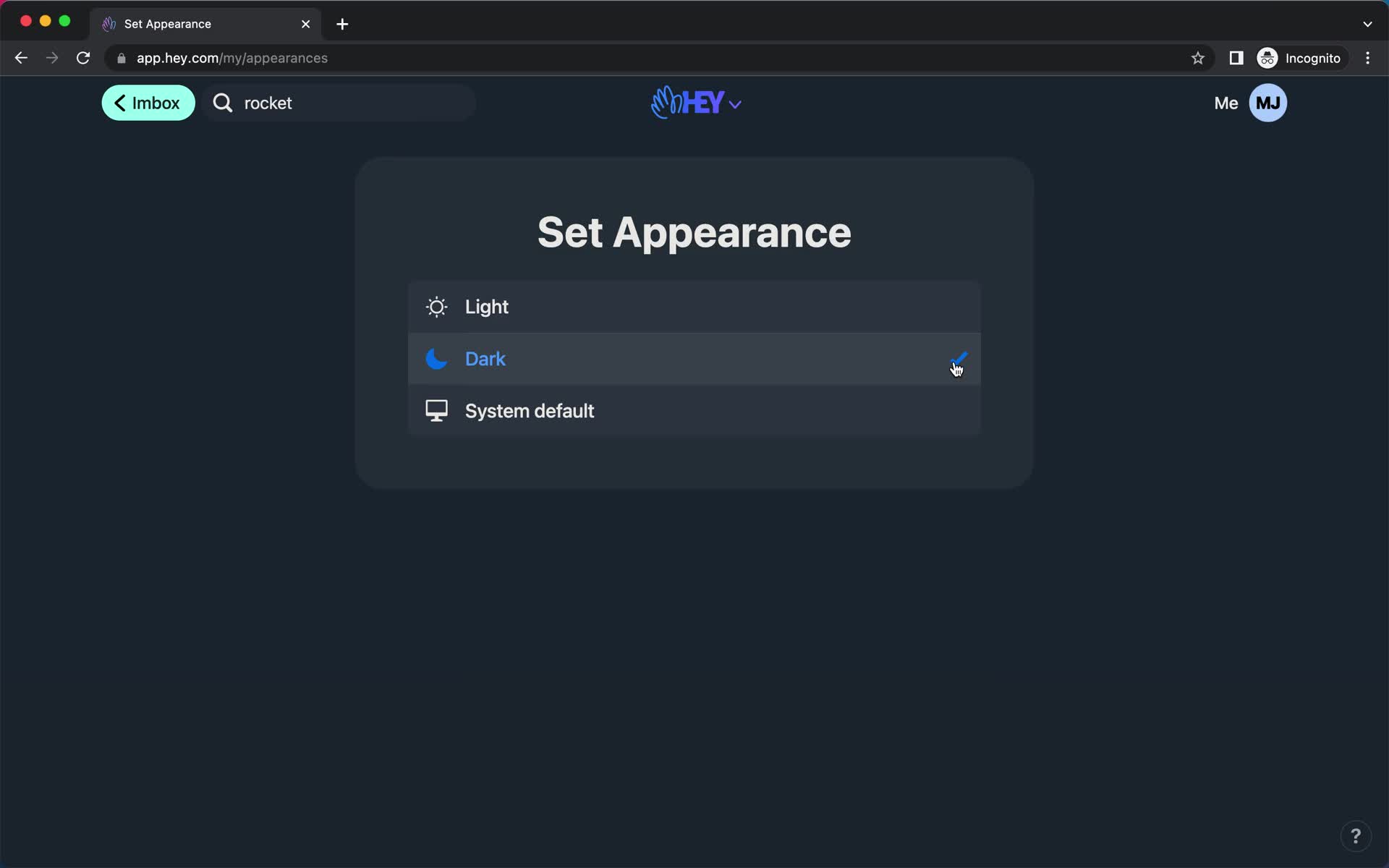
Dark mode
this is title
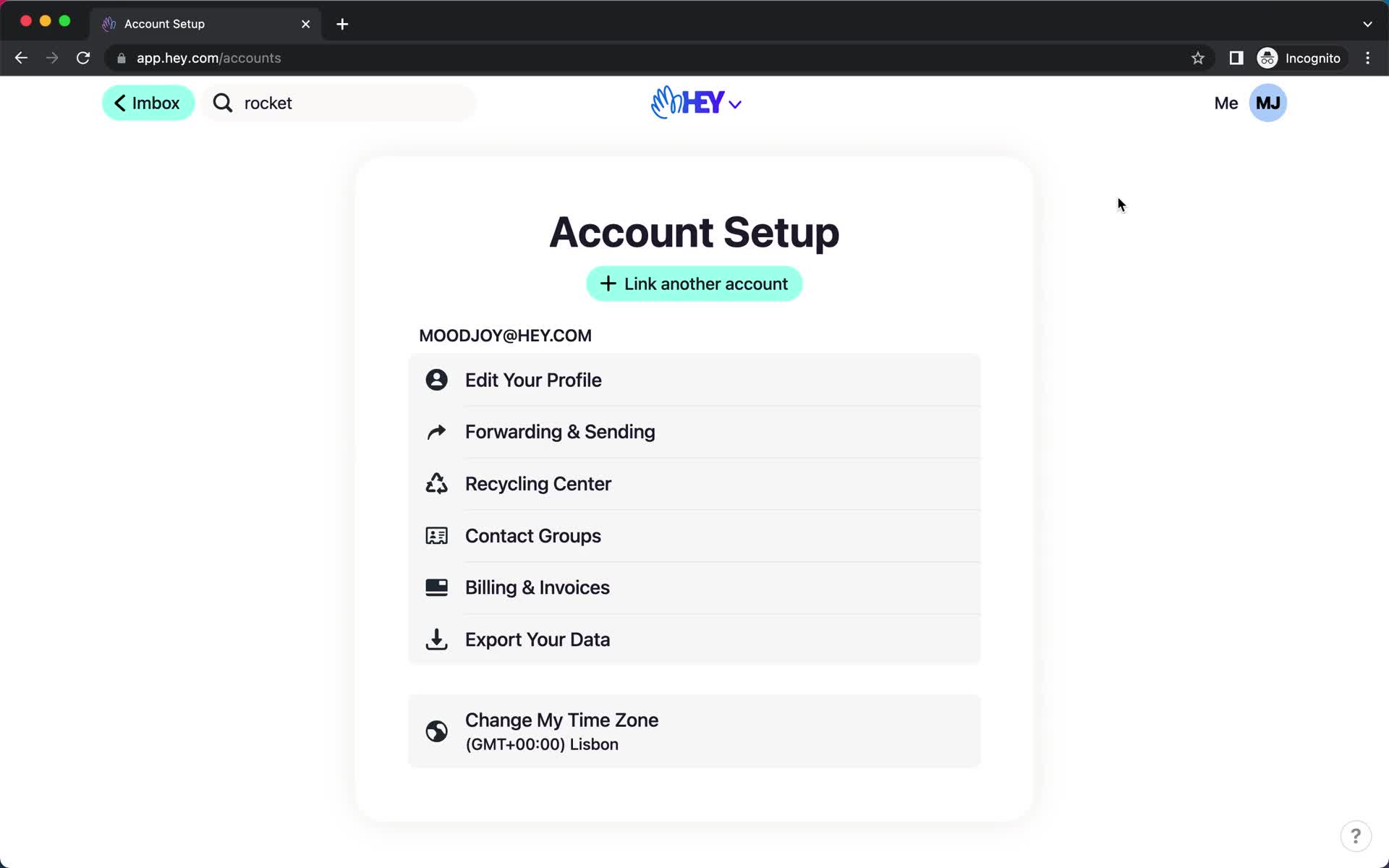
Account settings
this is title
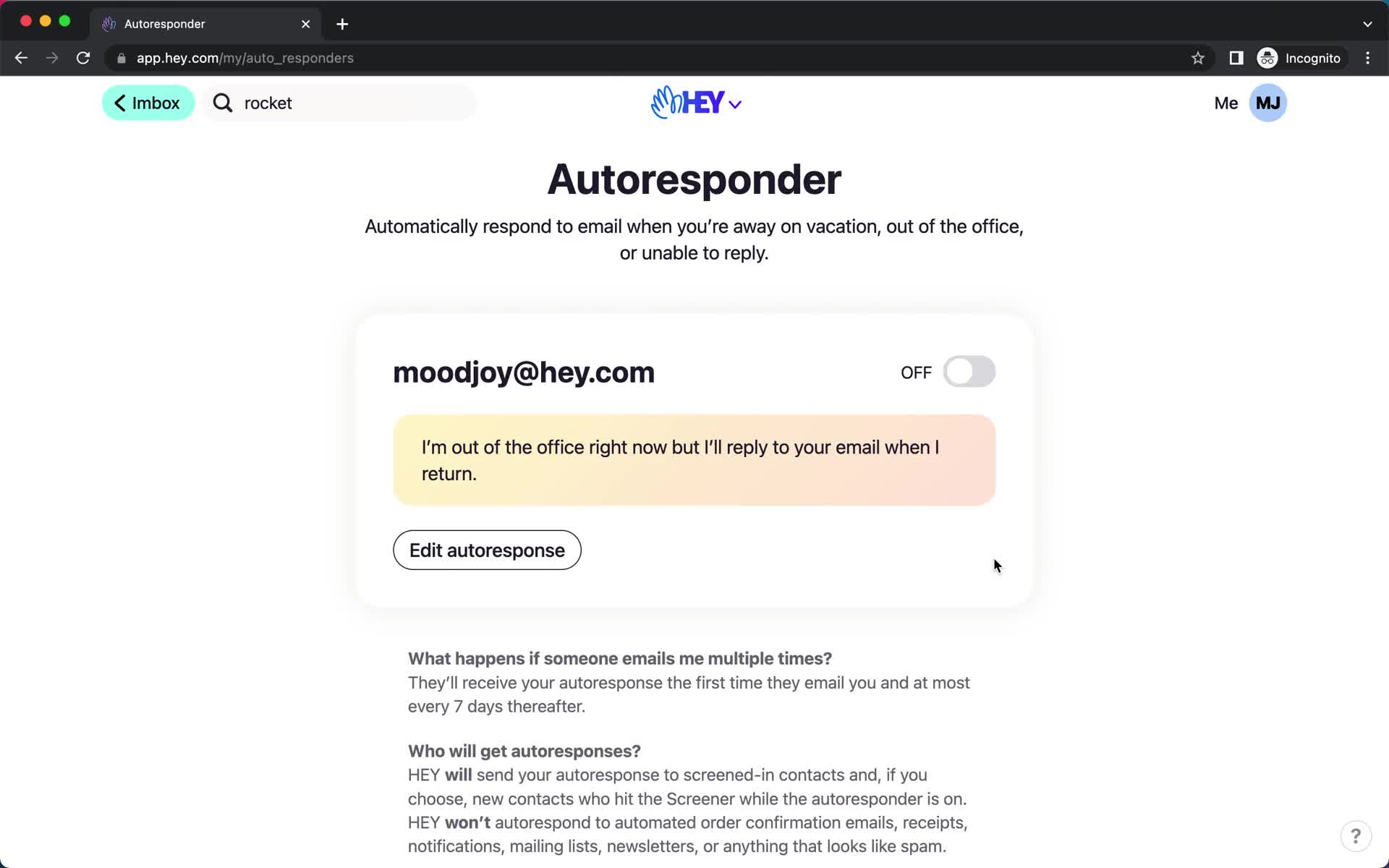
Autoresponder
this is title
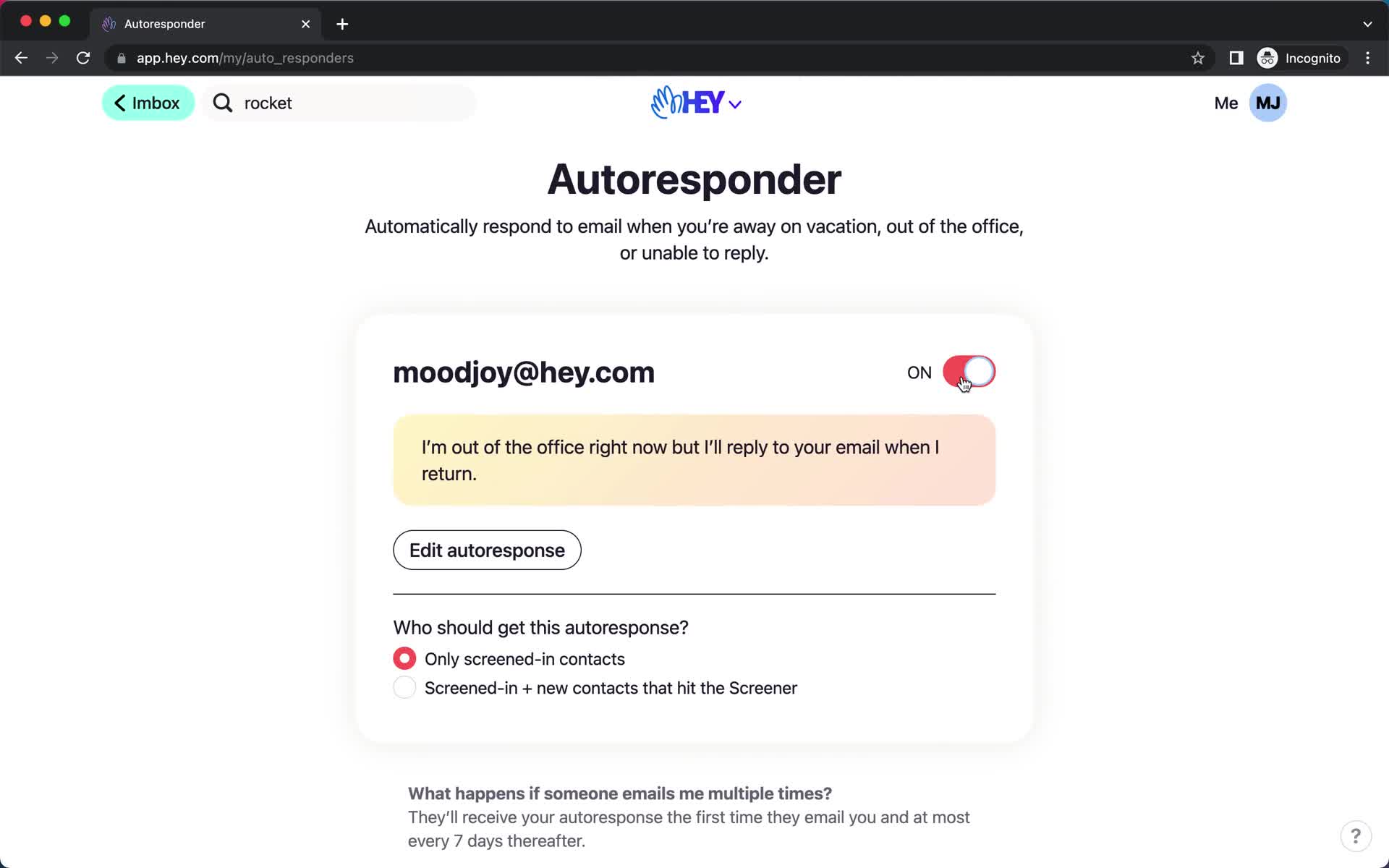
Autoresponder
this is title
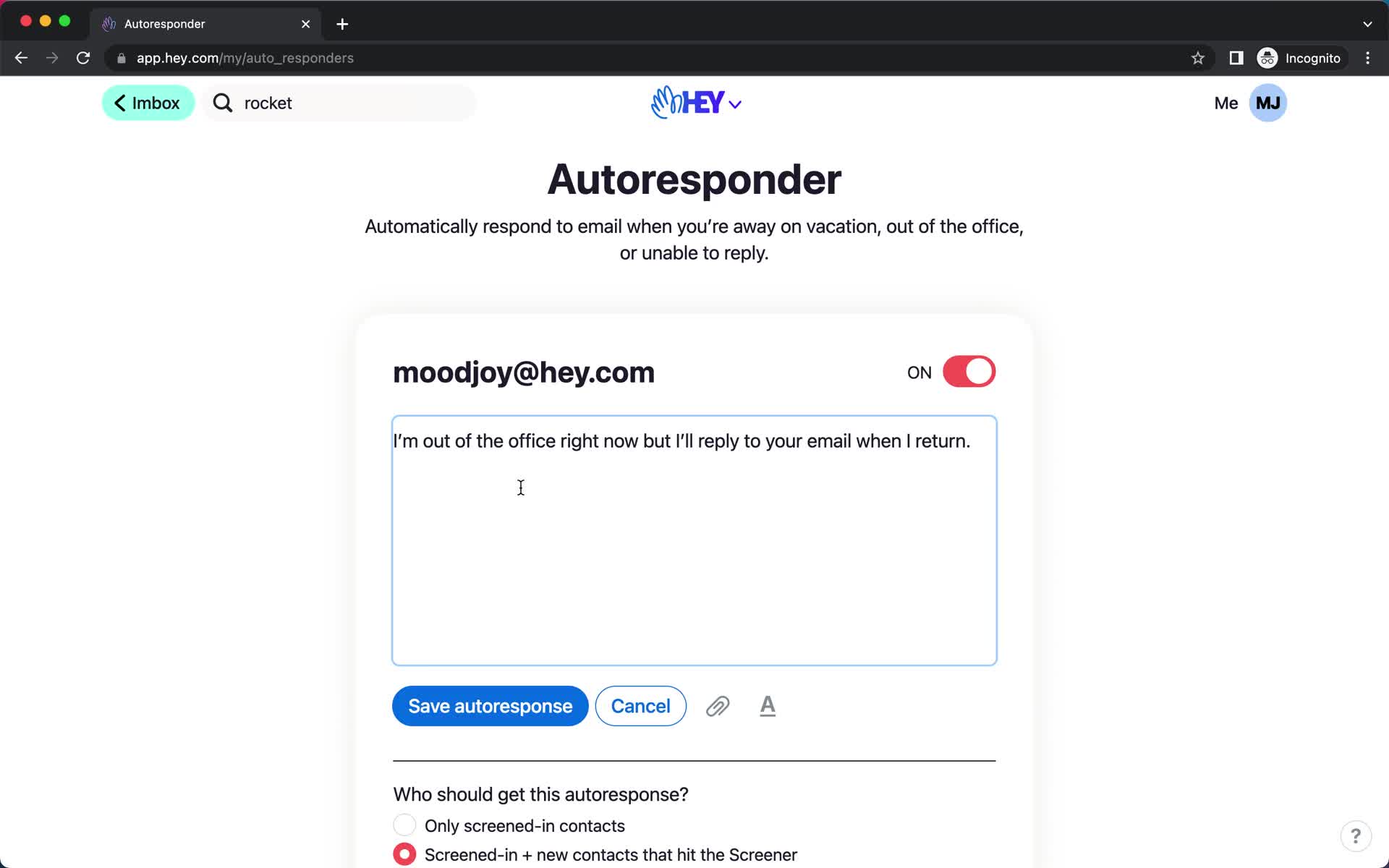
Autoresponder
this is title
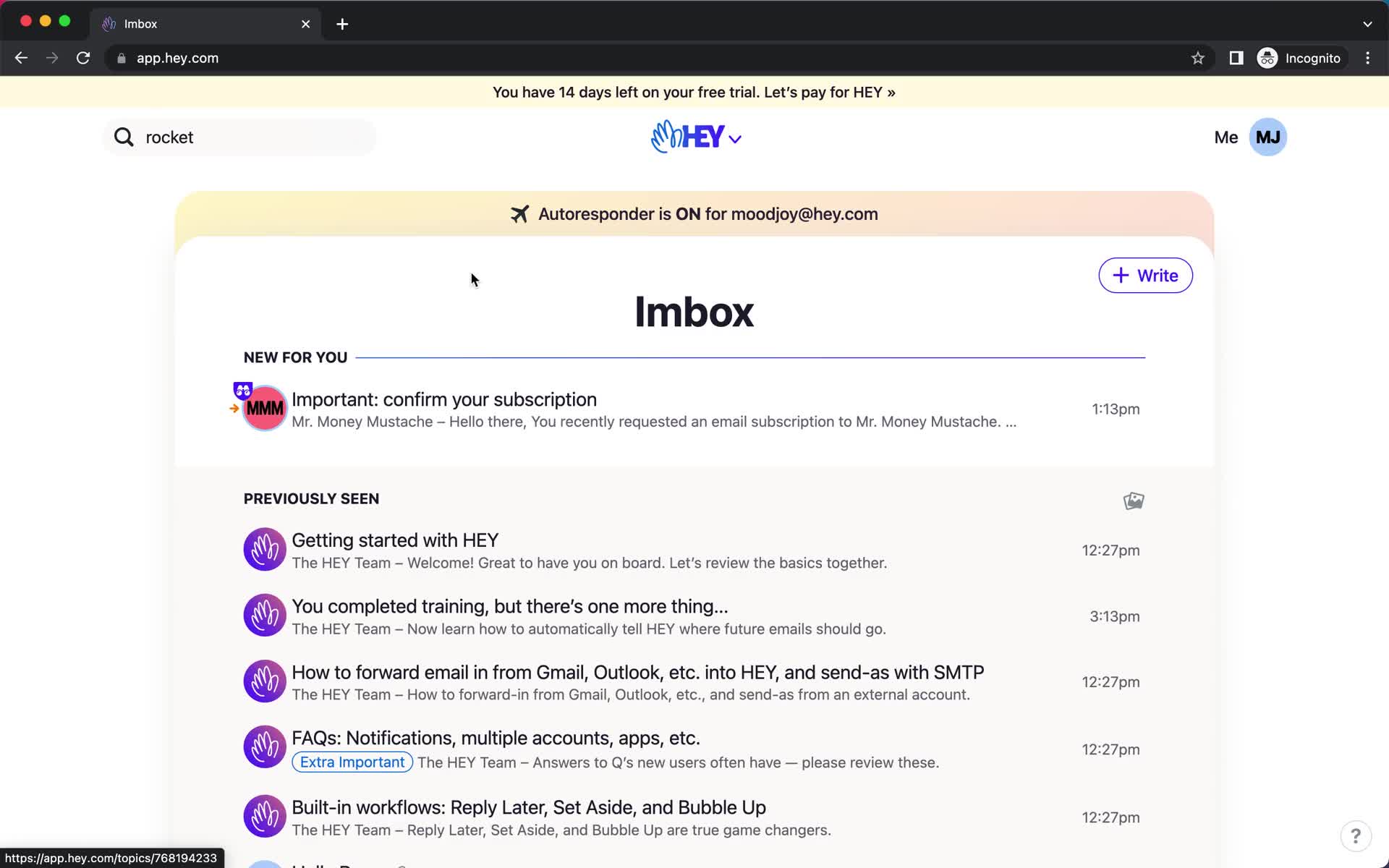
Inbox
this is title
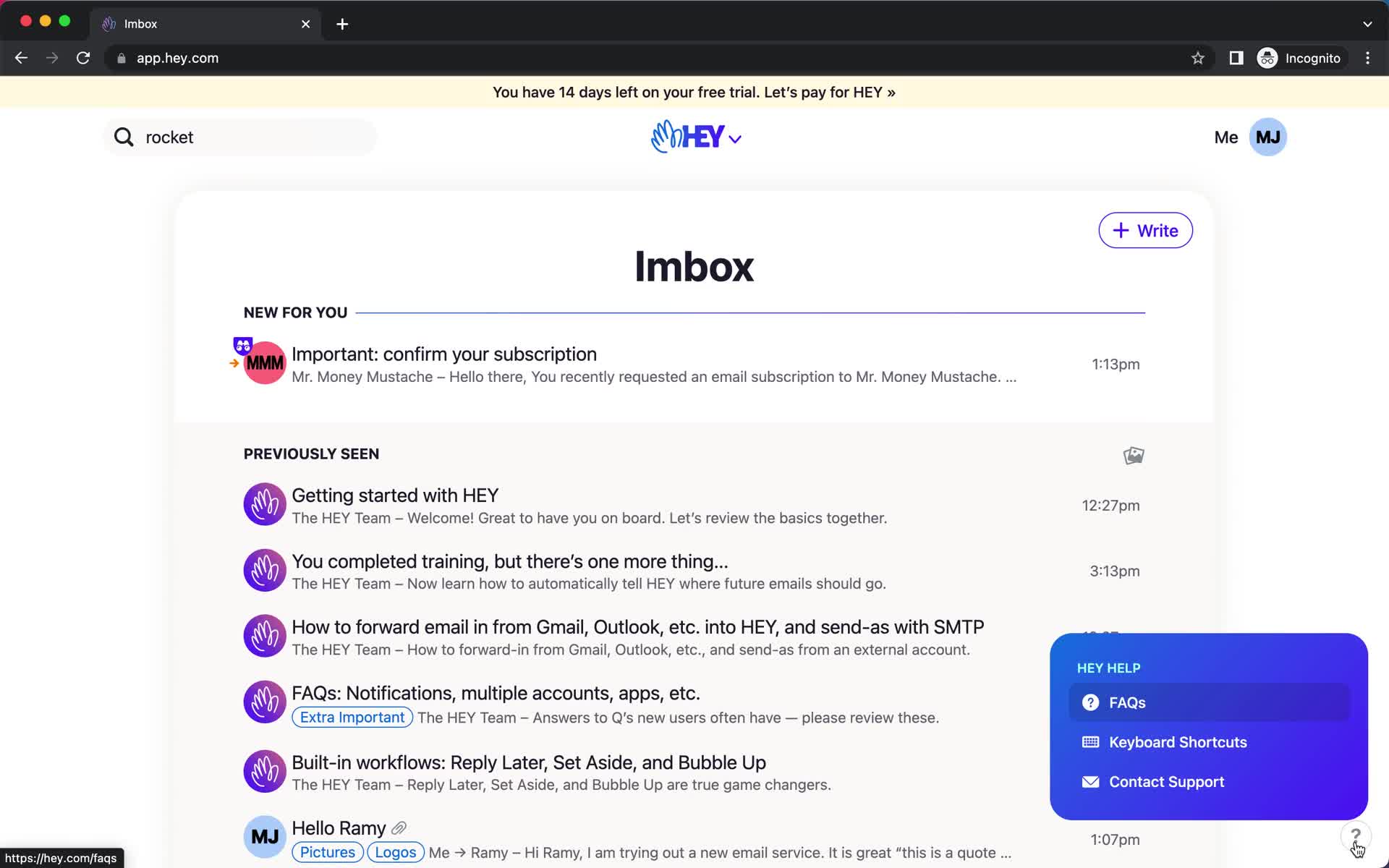
Help widget
this is title
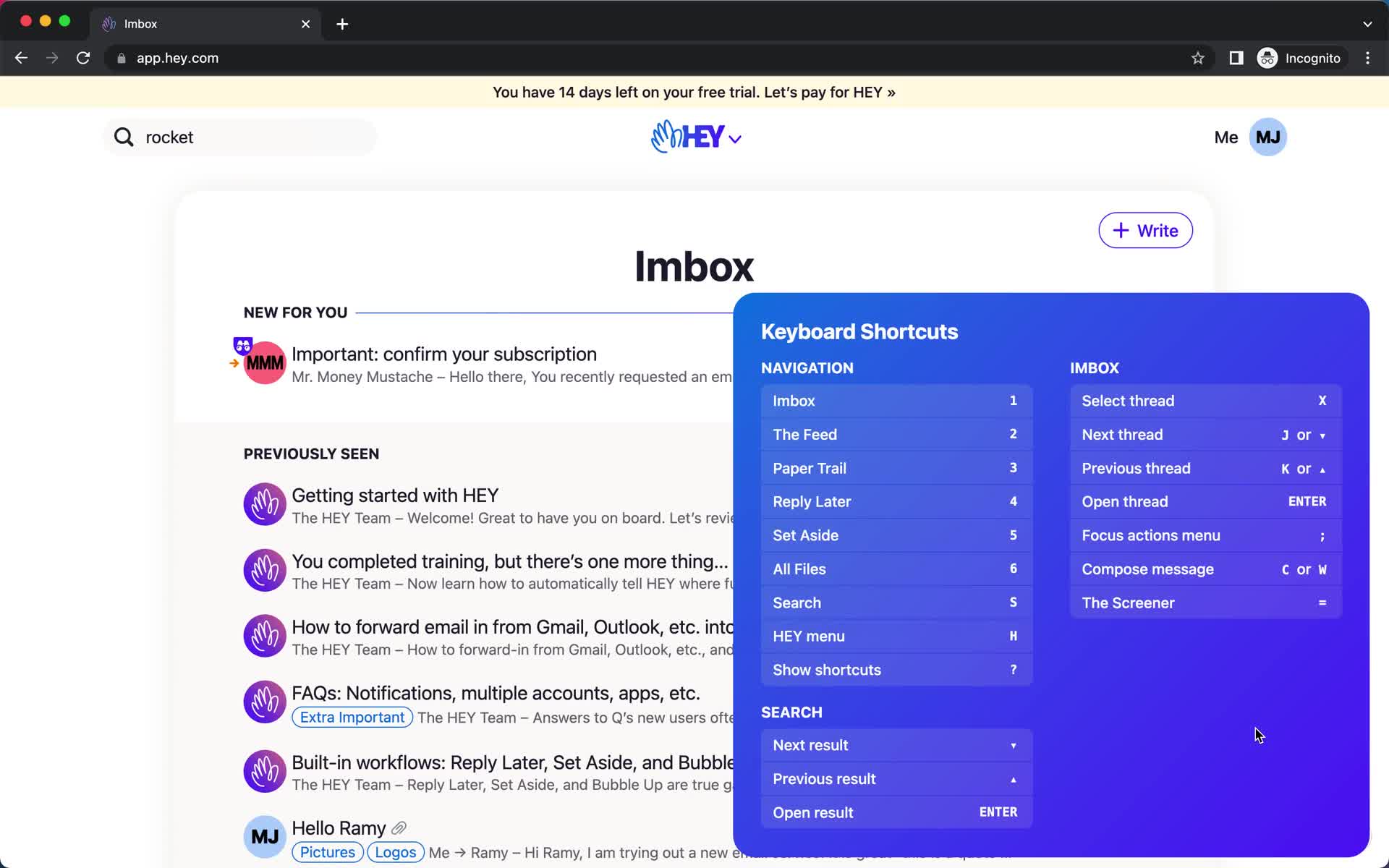
Keyboard shortcuts
this is title
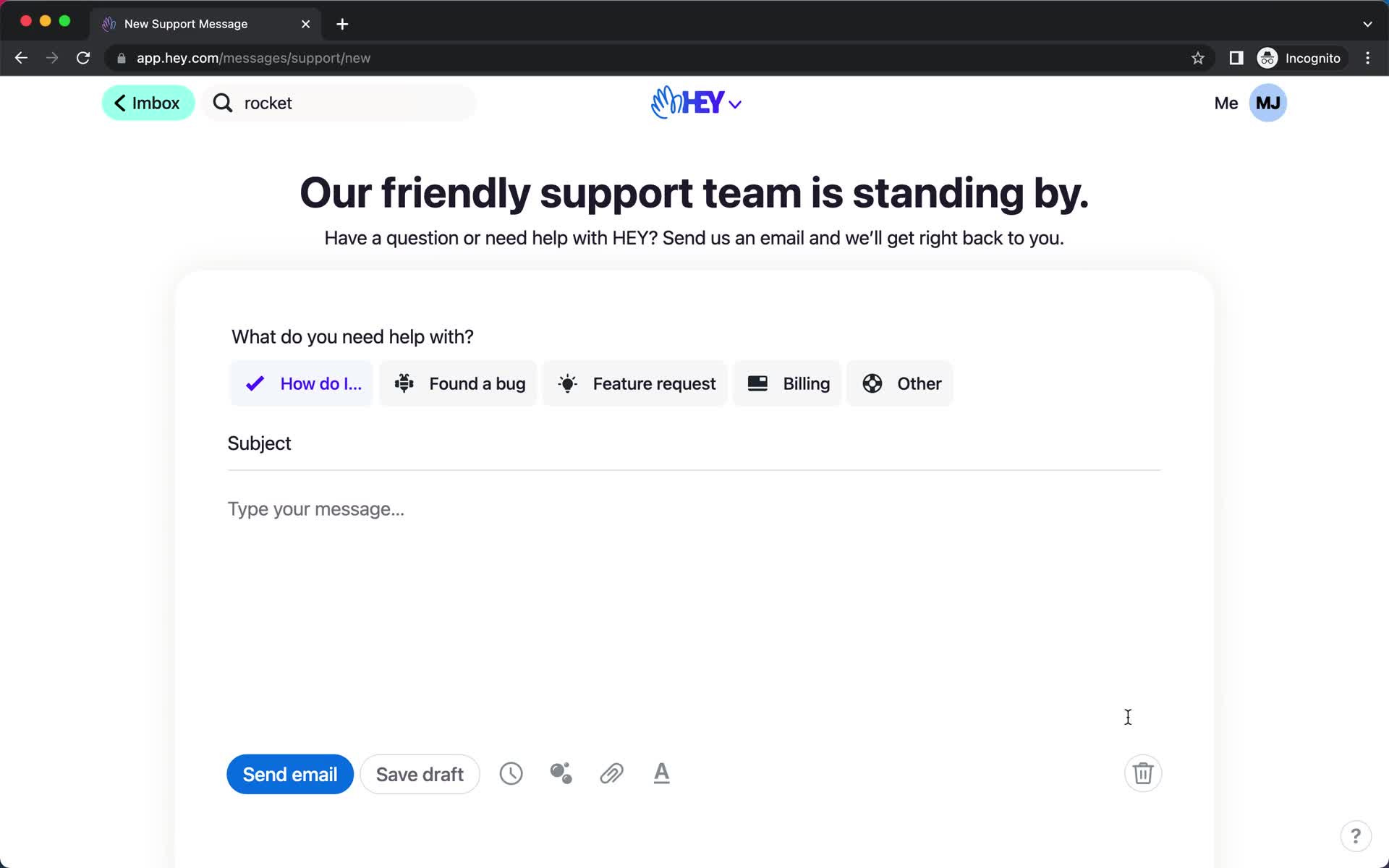
Contact support
this is title
Inbox
this is title
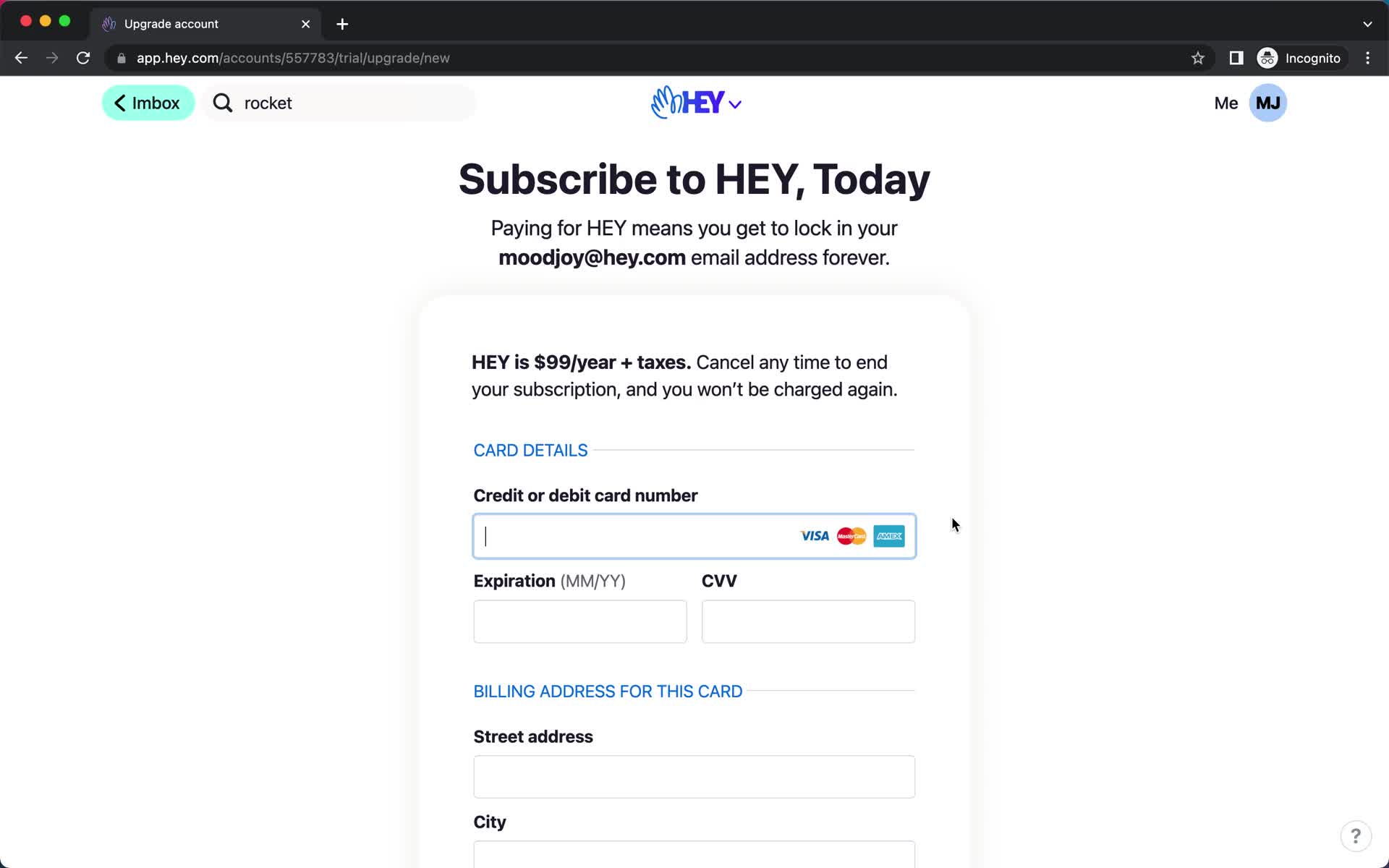
Upgrade
this is title
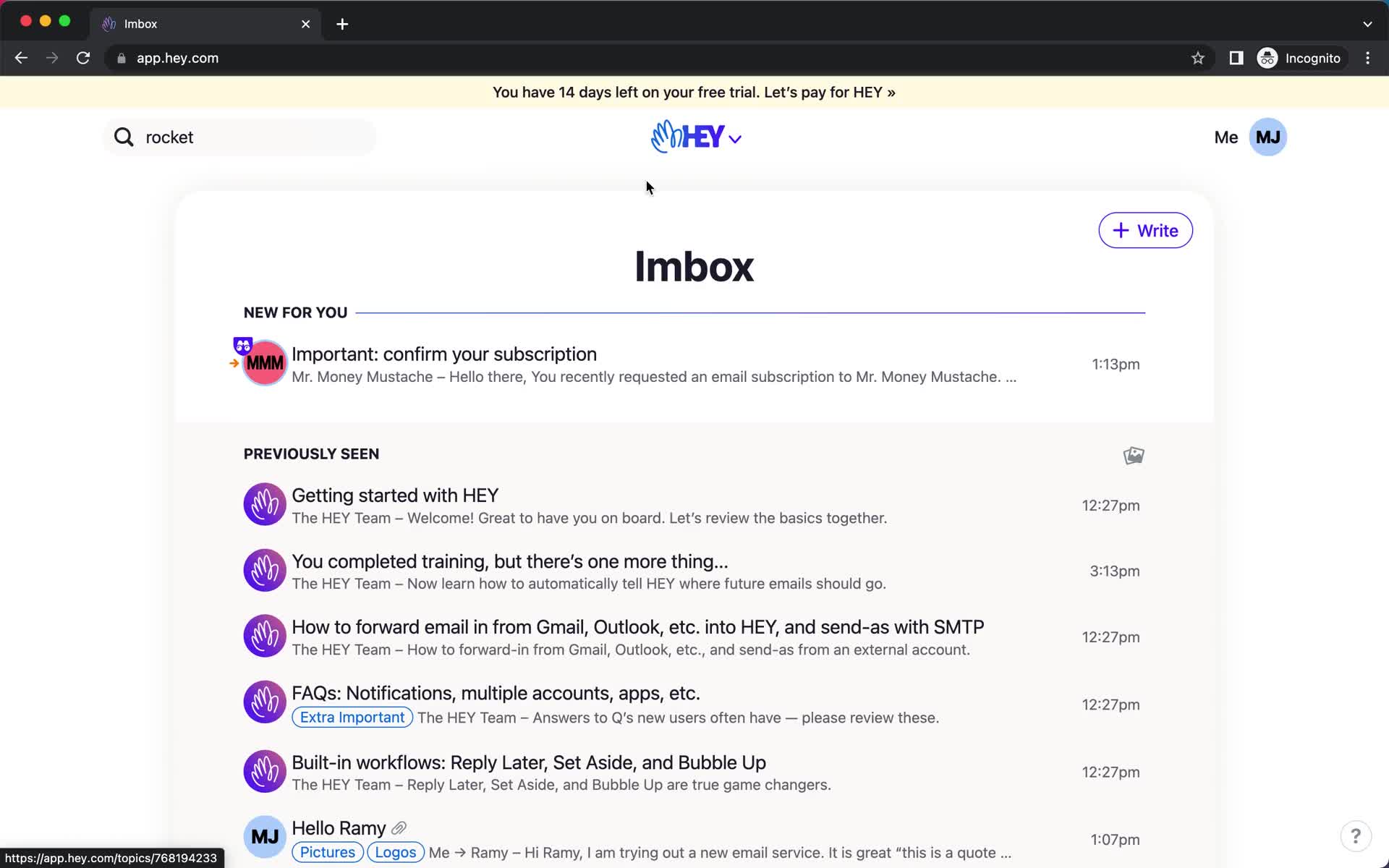
Inbox
this is title
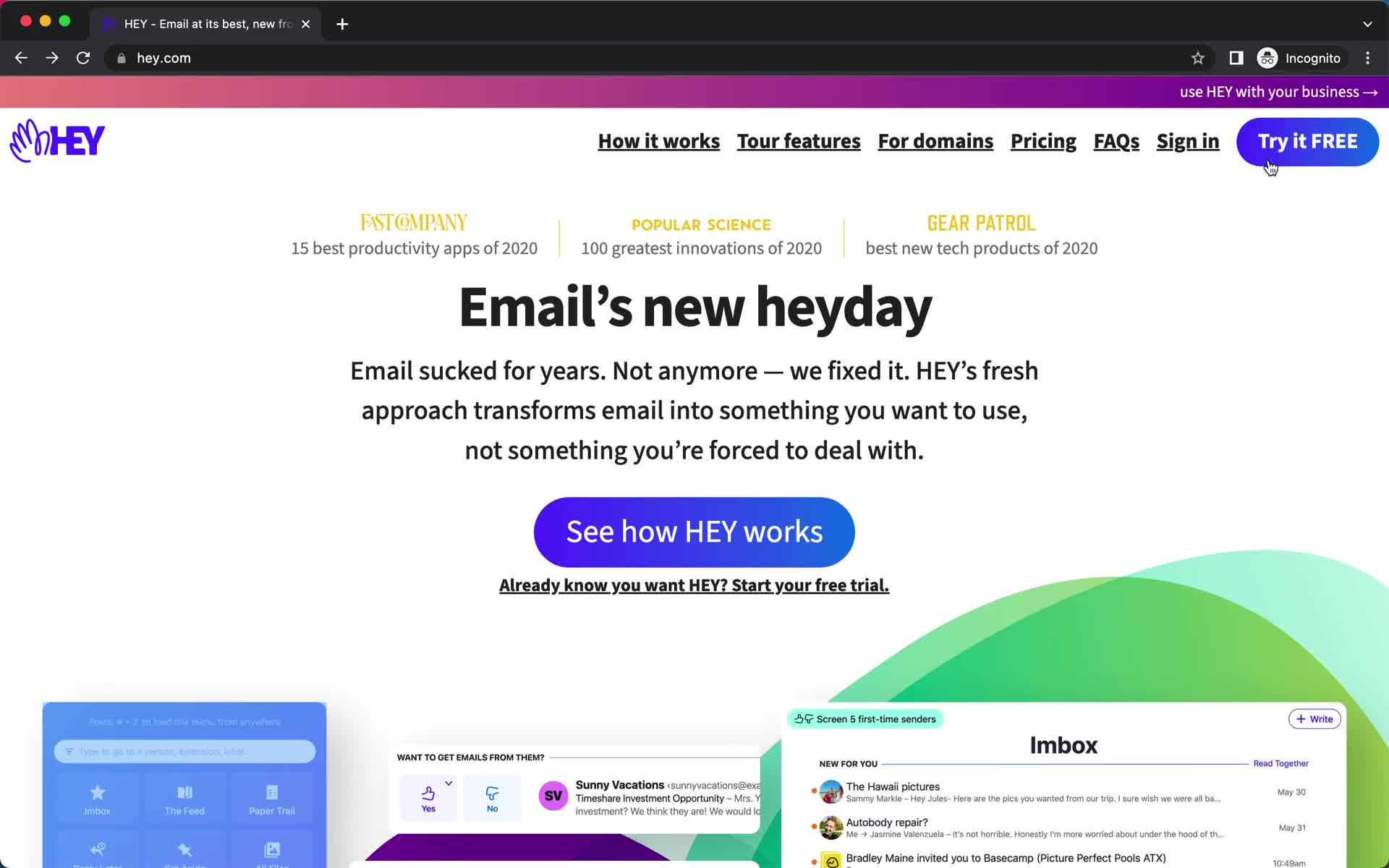
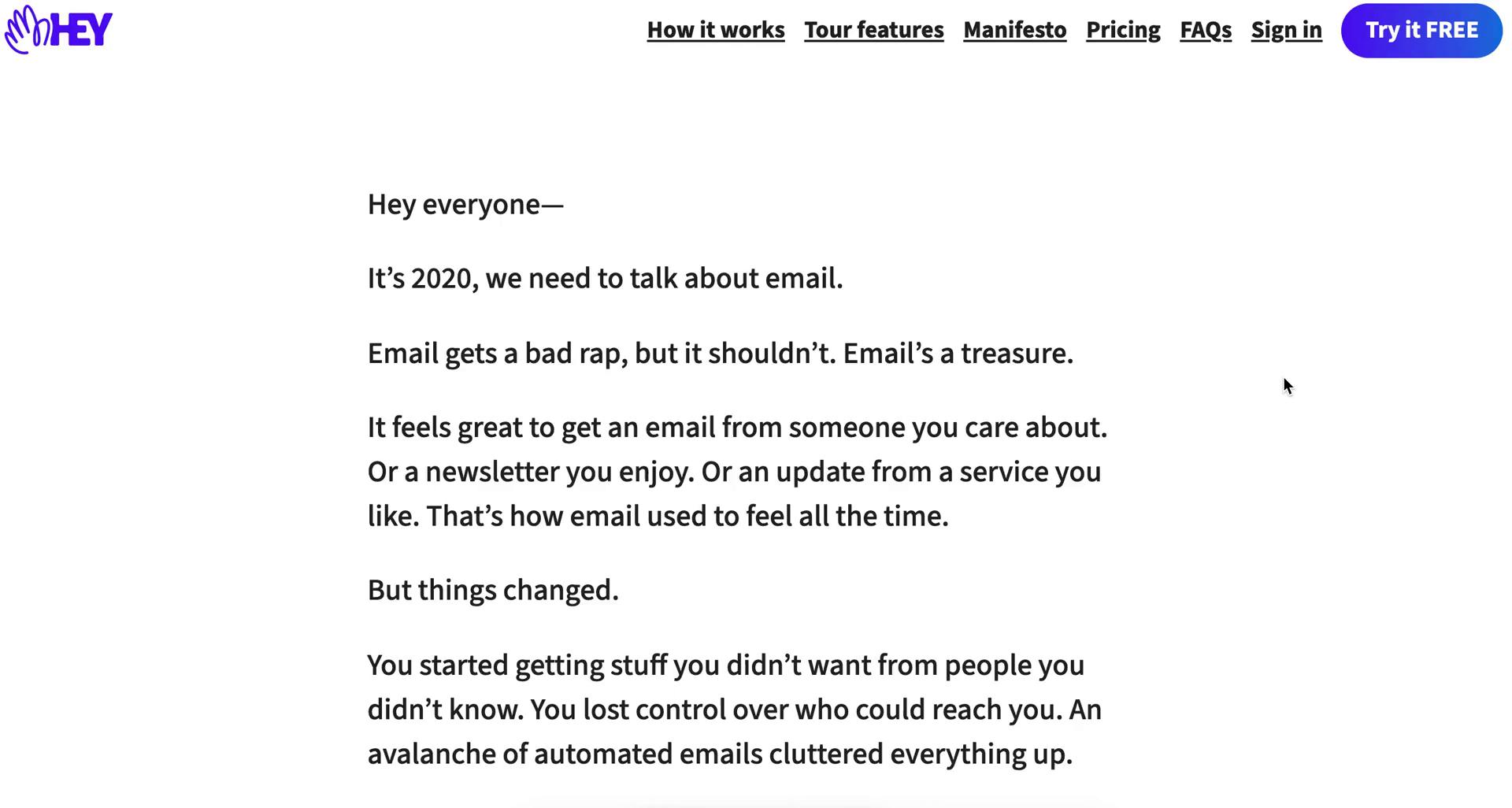
Homepage
this is title
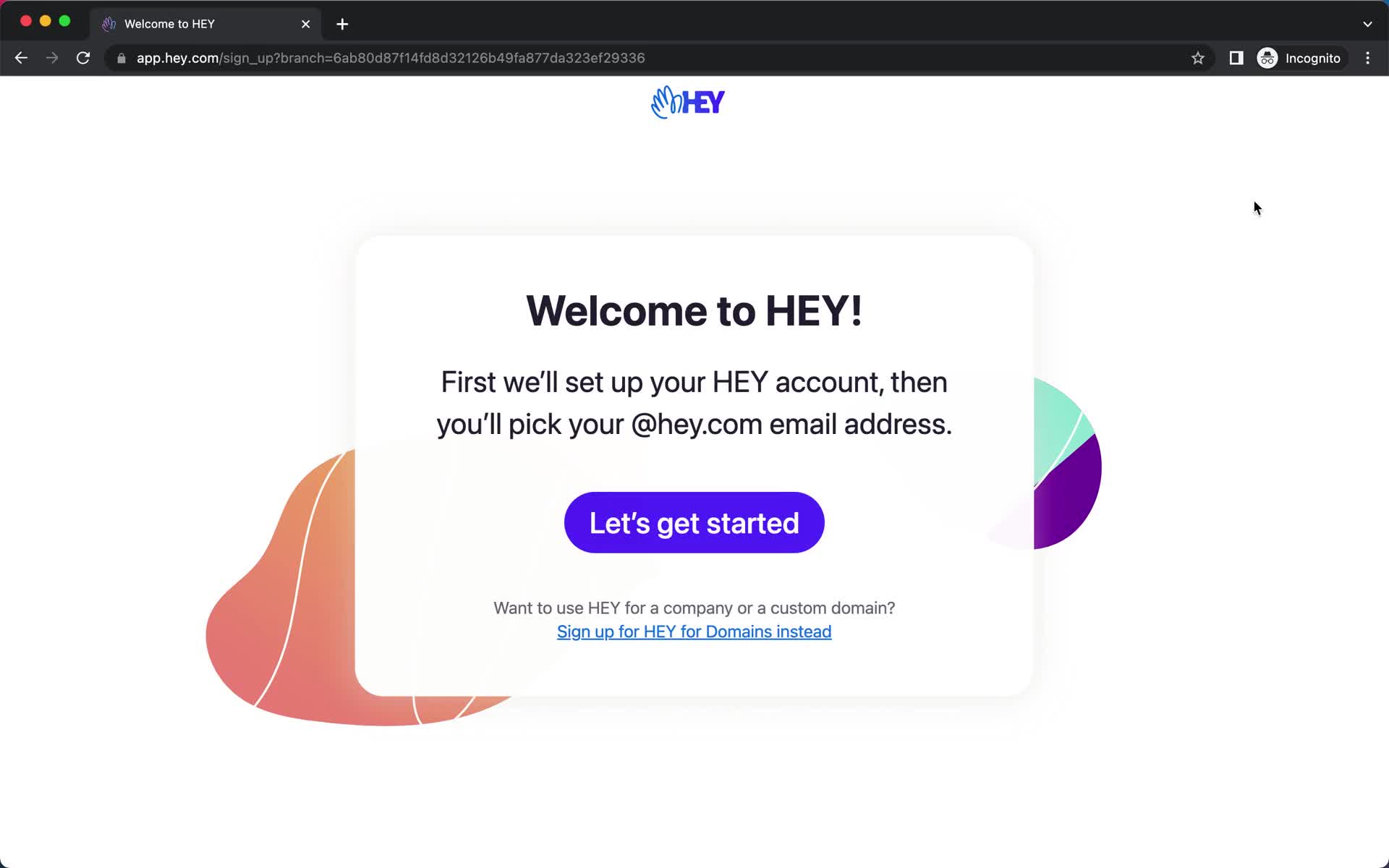
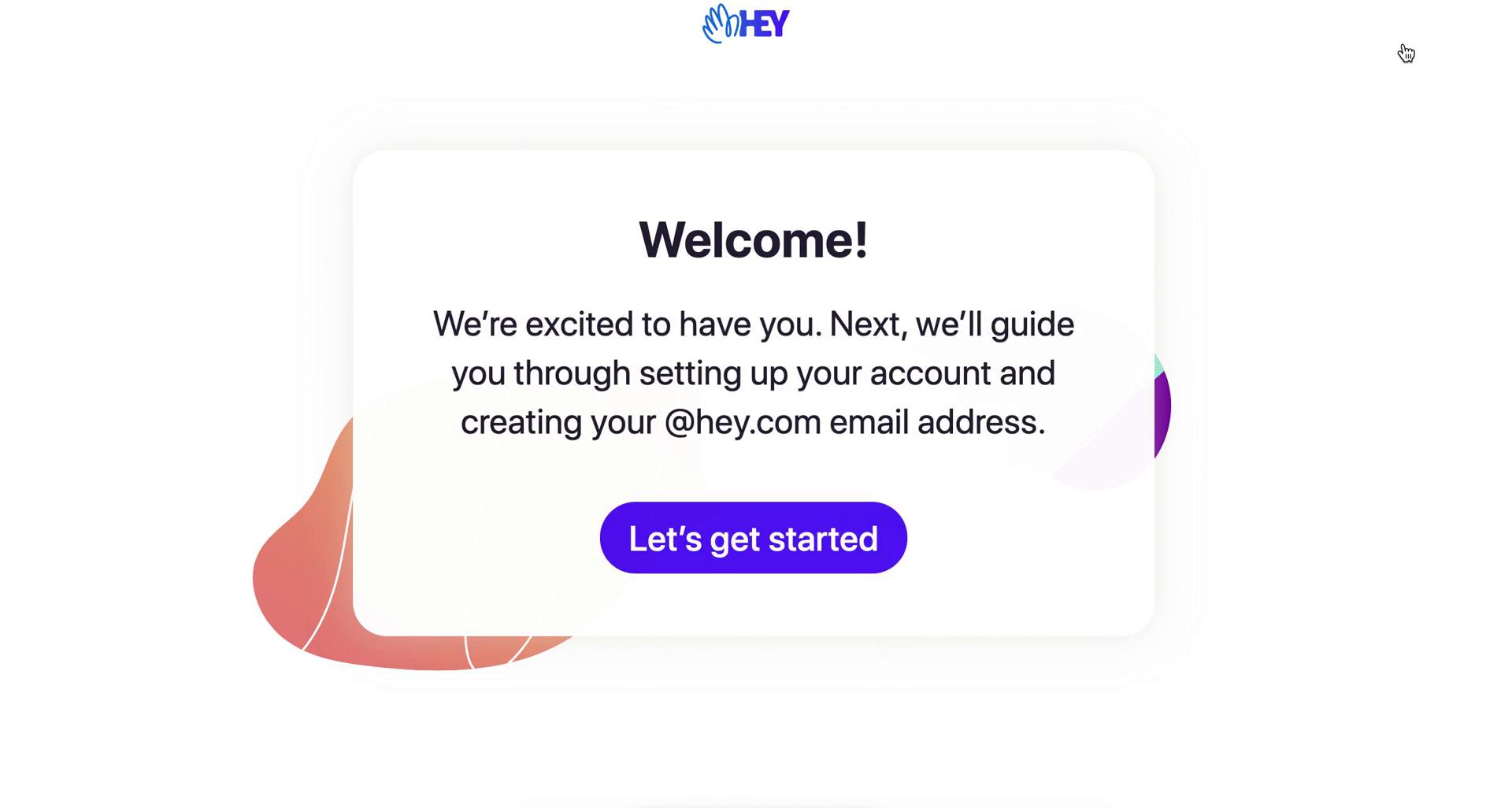
Start screen
this is title
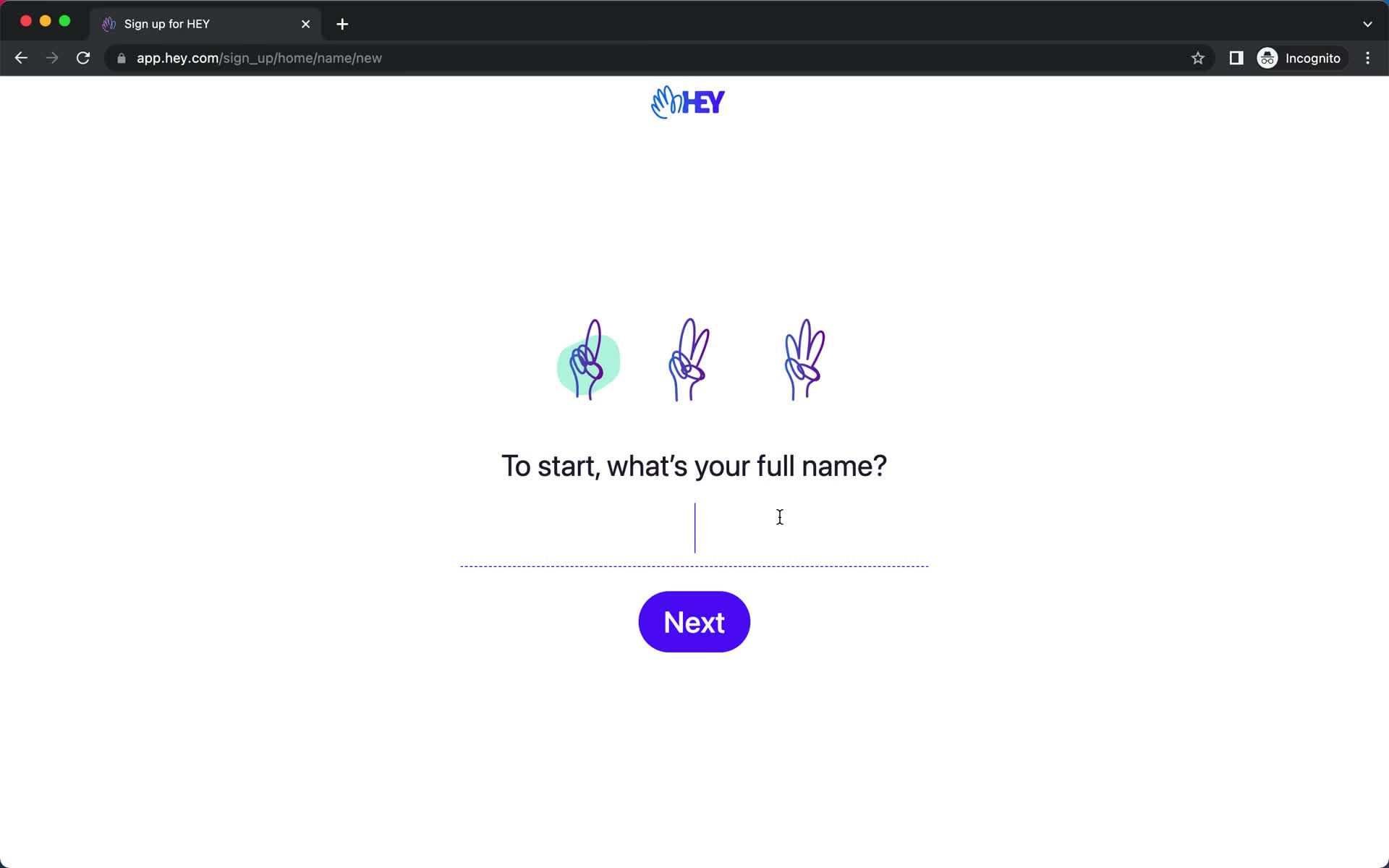
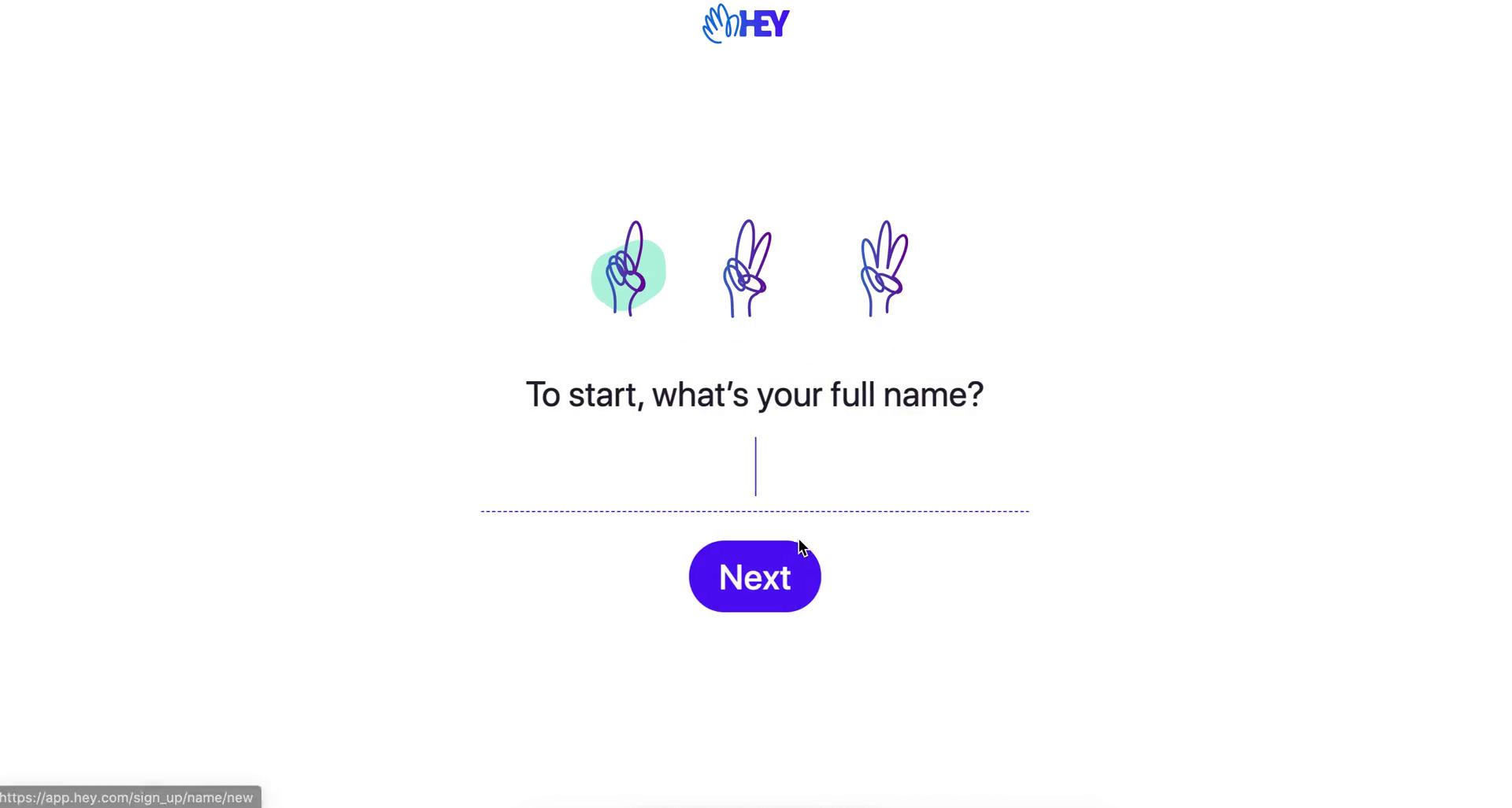
Enter name
this is title
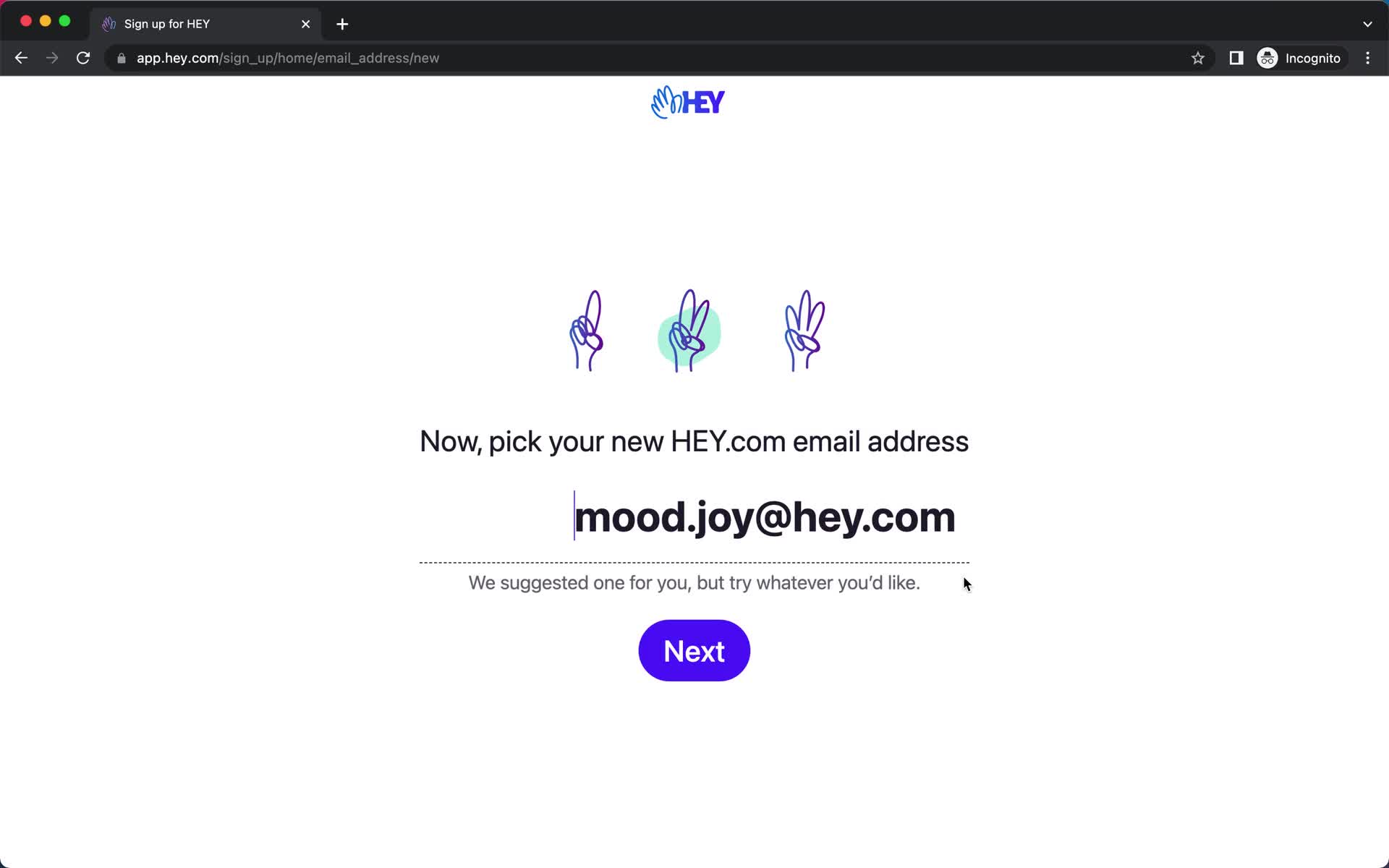
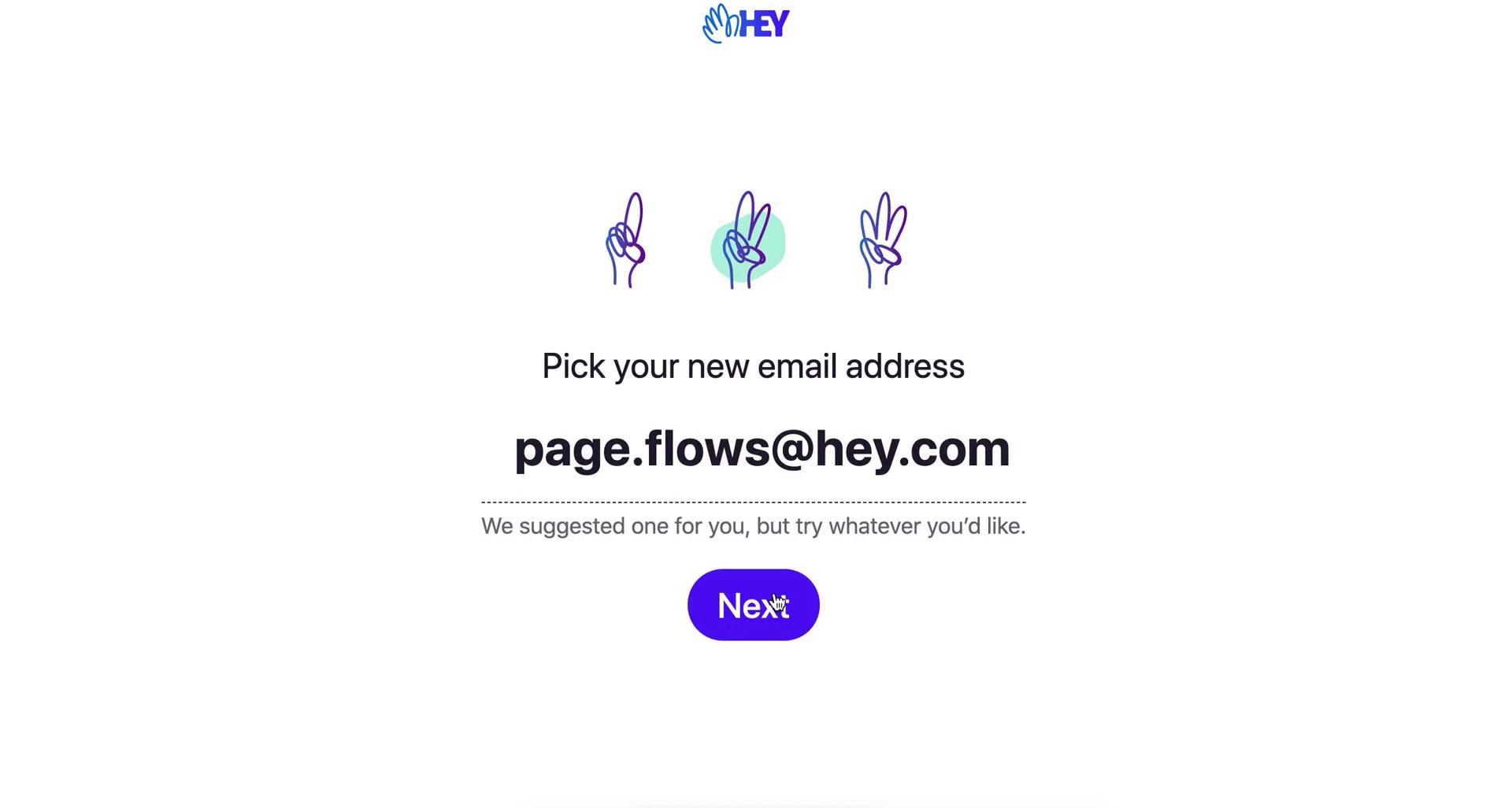
Pick new email address
this is title
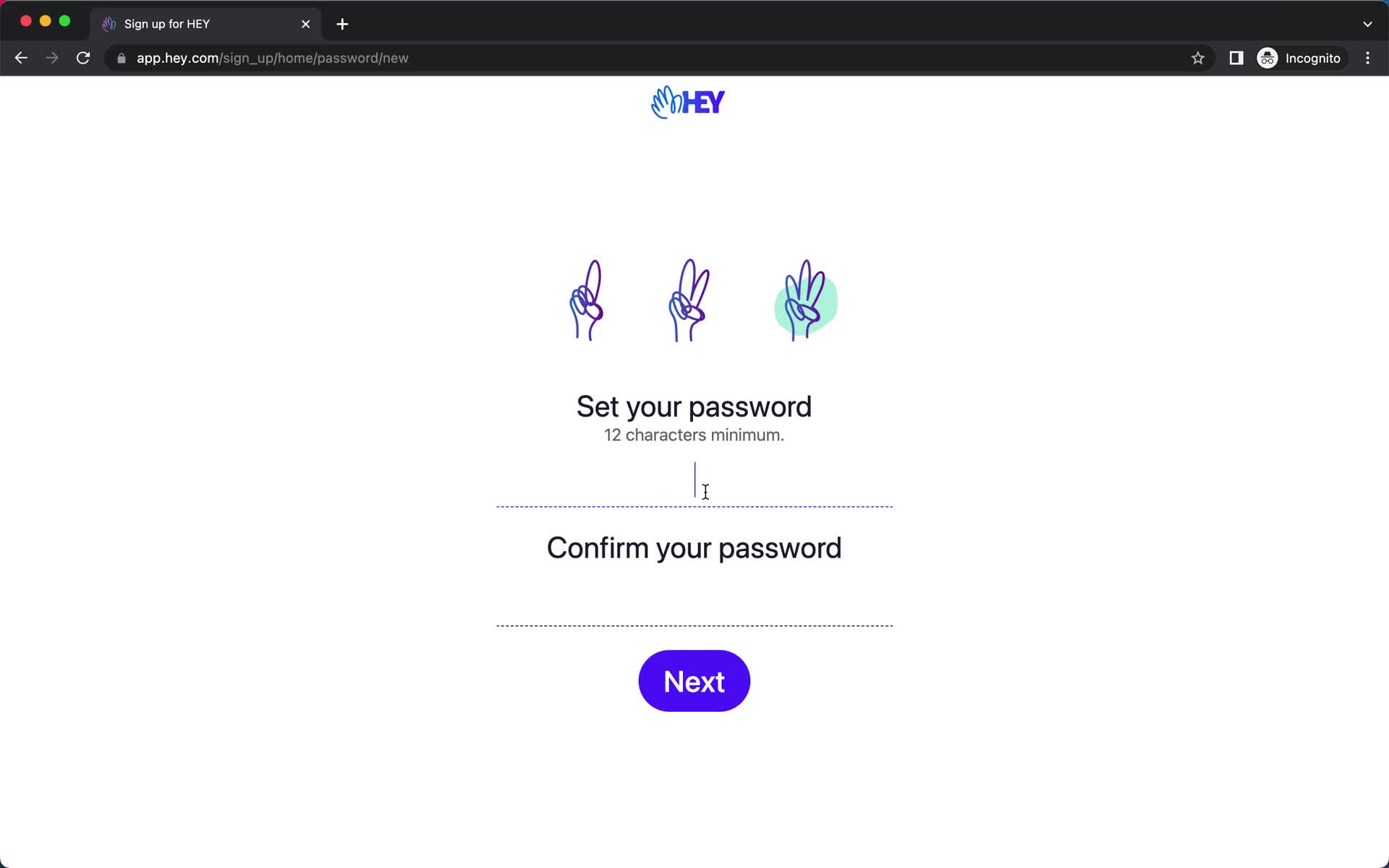
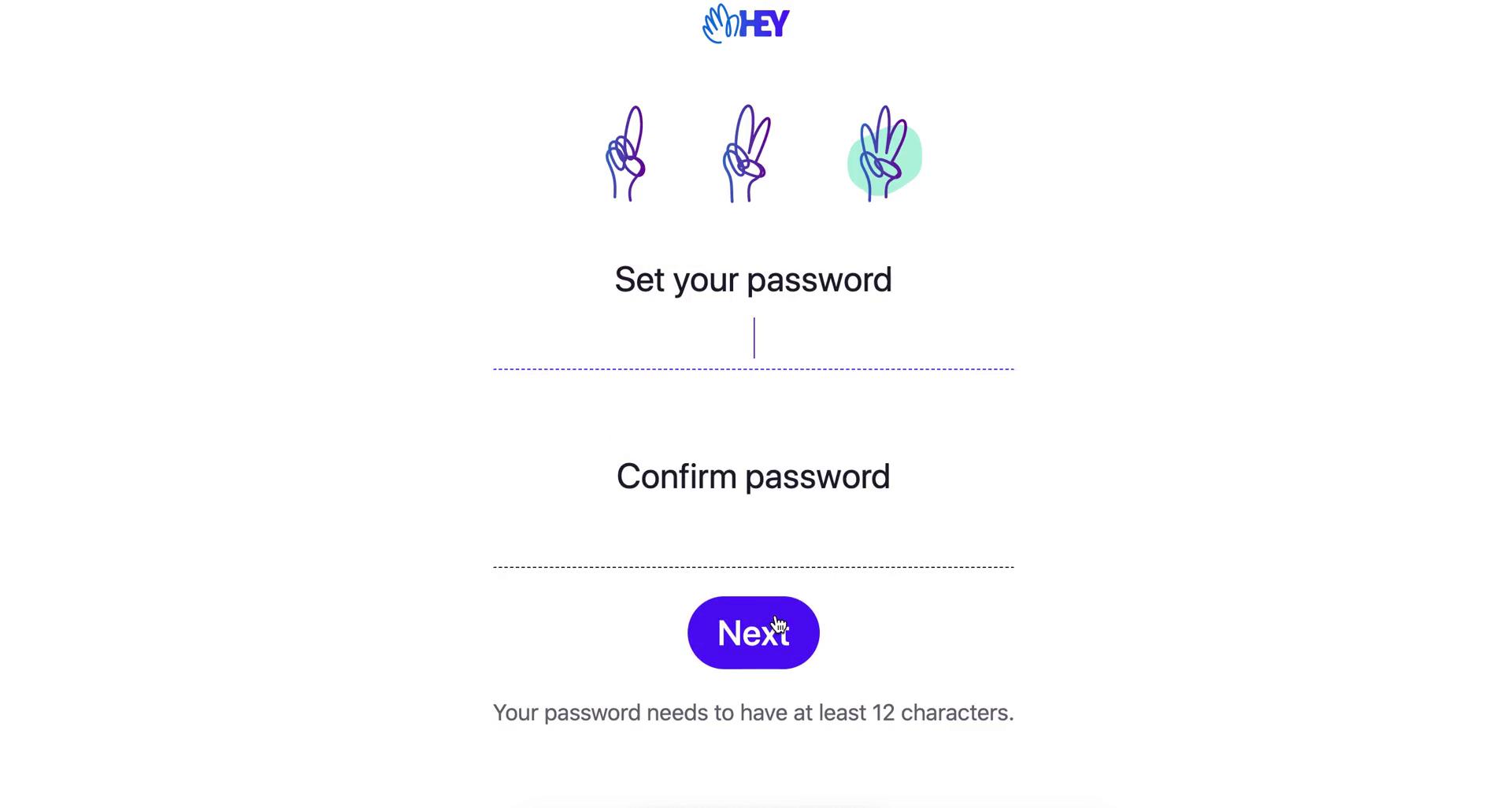
Set password
this is title
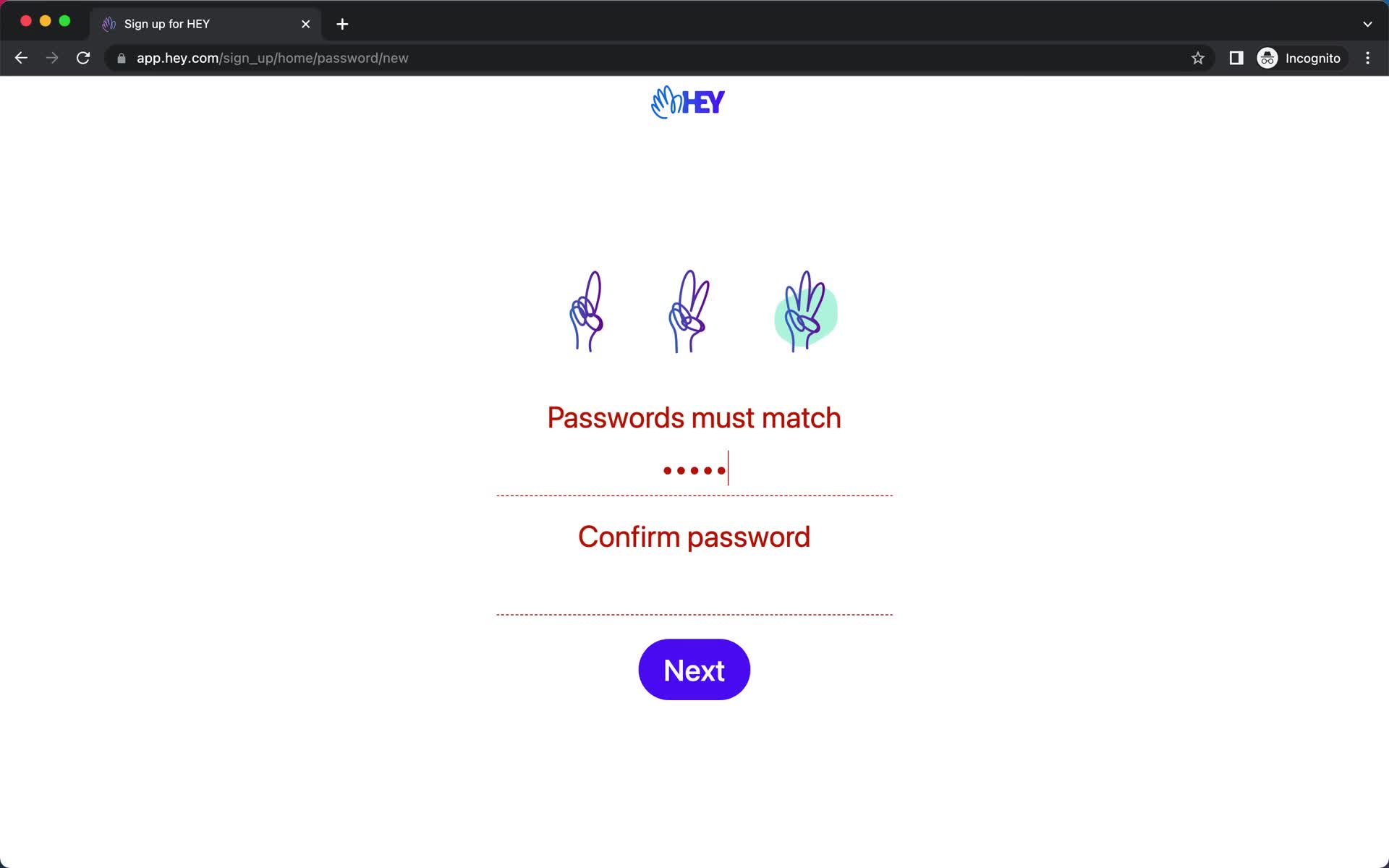
Password error
this is title
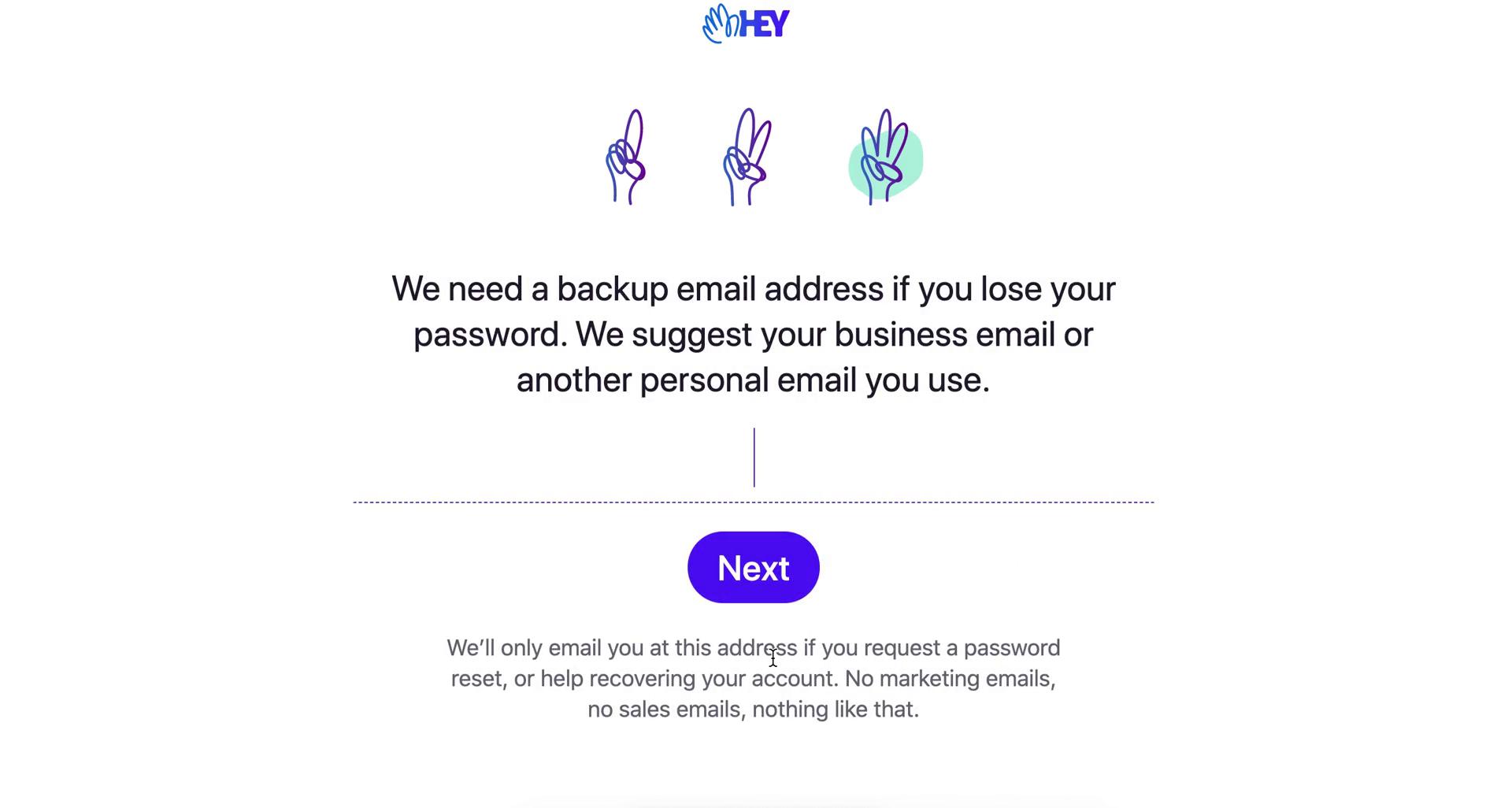
Set backup email
this is title
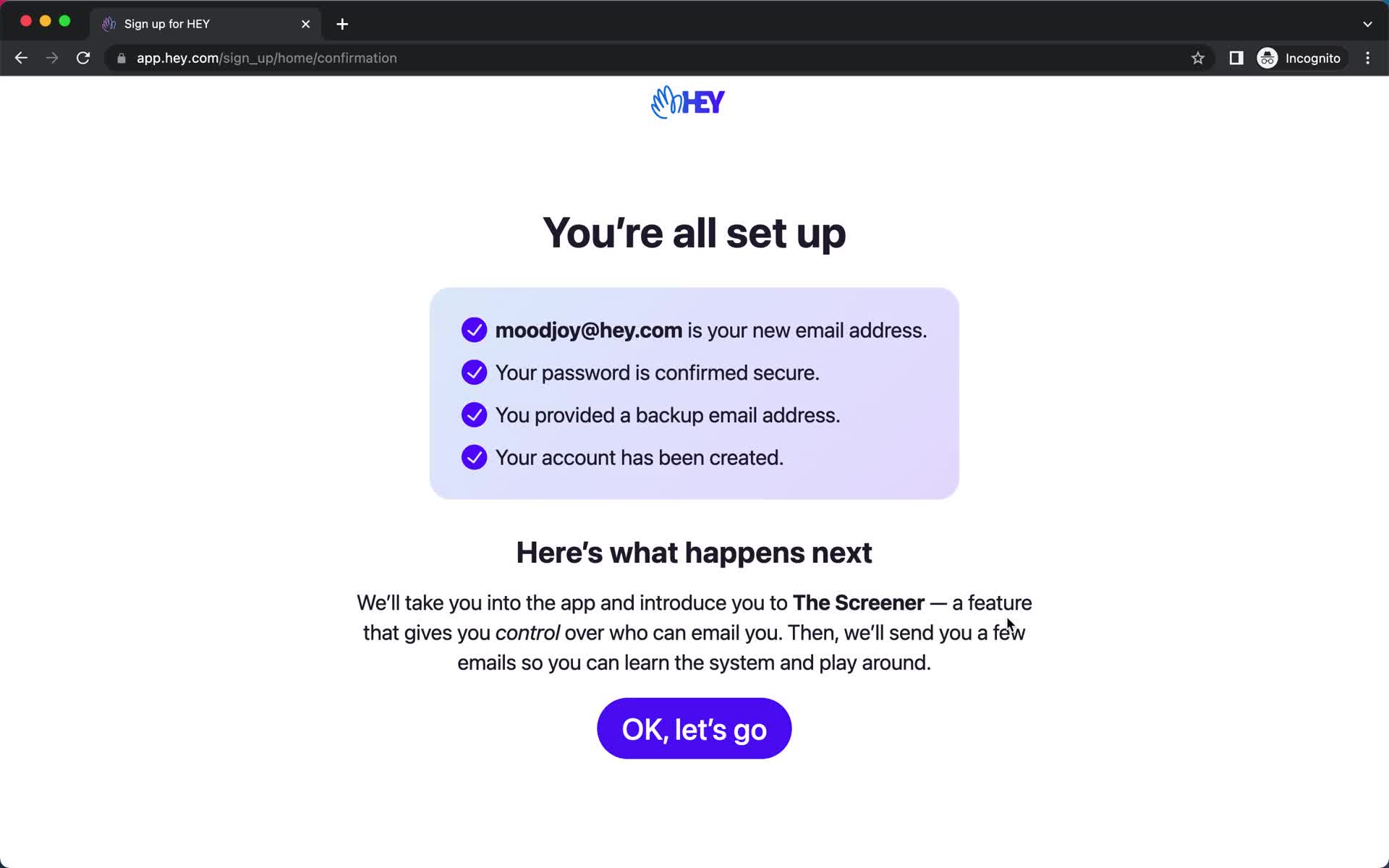
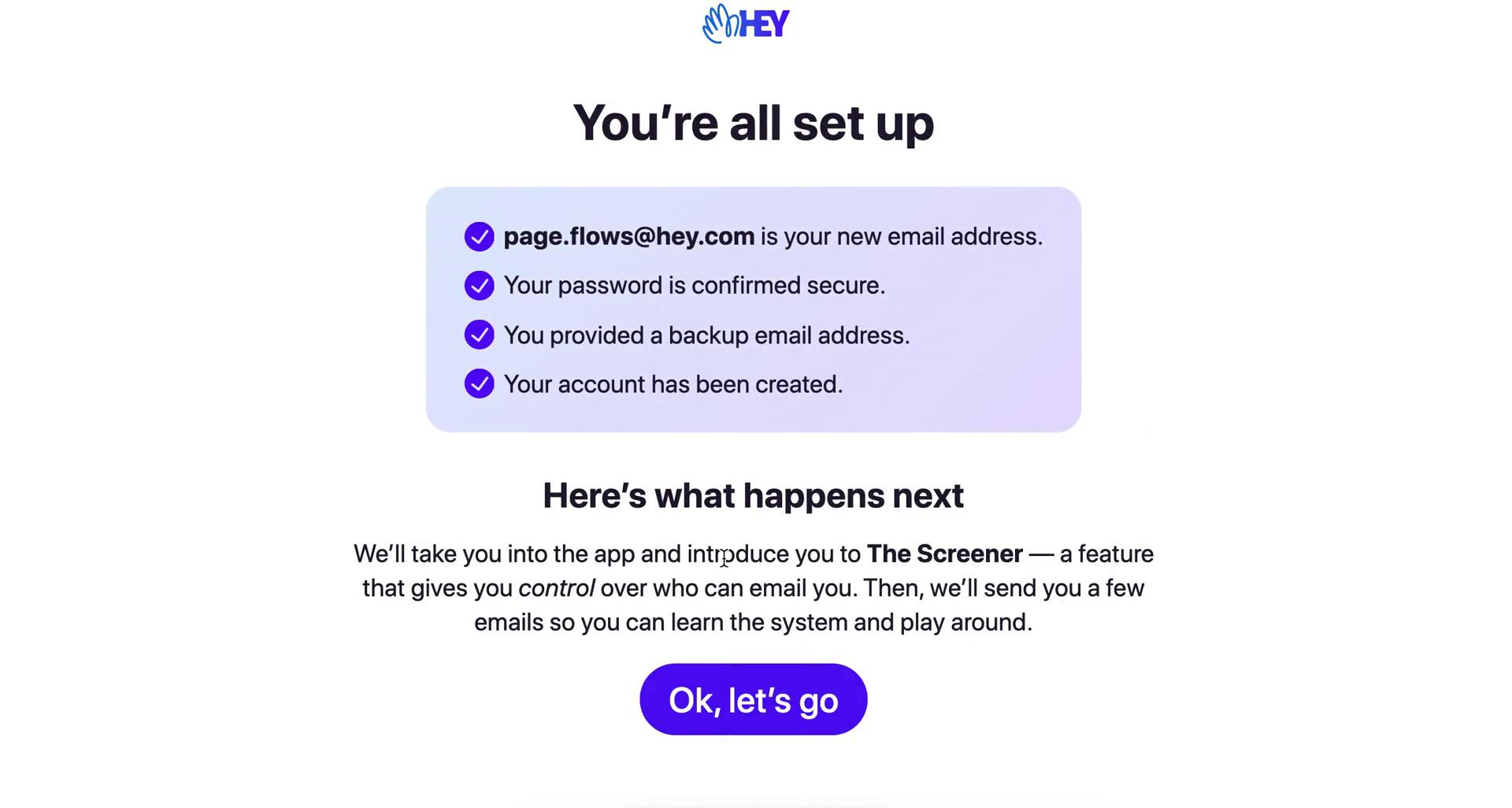
Setup complete
this is title
Product tour
this is title
Product tour
this is title
Product tour
this is title
Product tour
this is title
Guide
this is title
Navigation menu
this is title
Inbox
this is title
Navigation menu
this is title
Email details
this is title
Item moved
this is title
Homepage
this is title
Get started
this is title
Enter name
this is title
Pick new email address
this is title
Set password
this is title
Set backup email
this is title
Set up complete
this is title
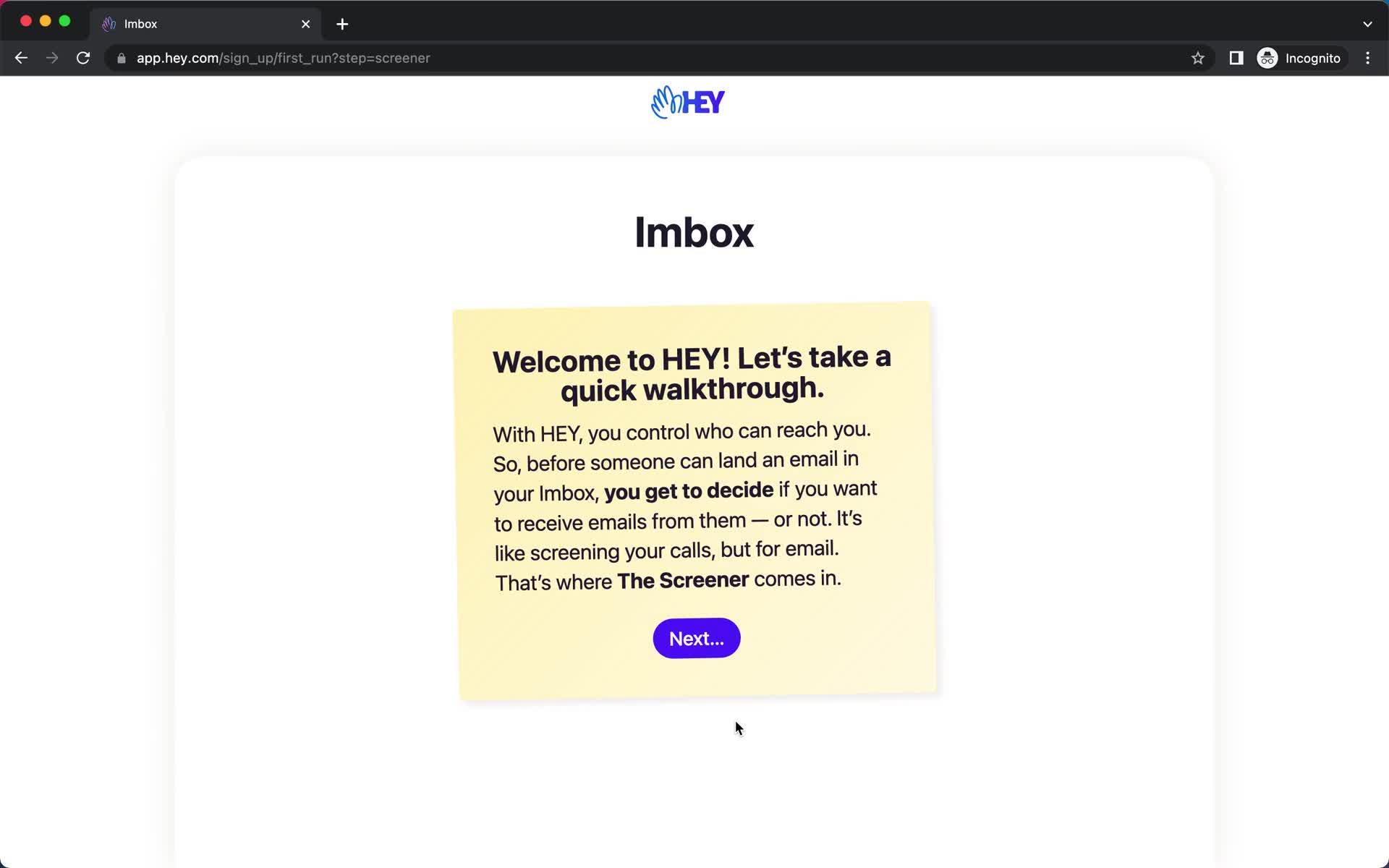
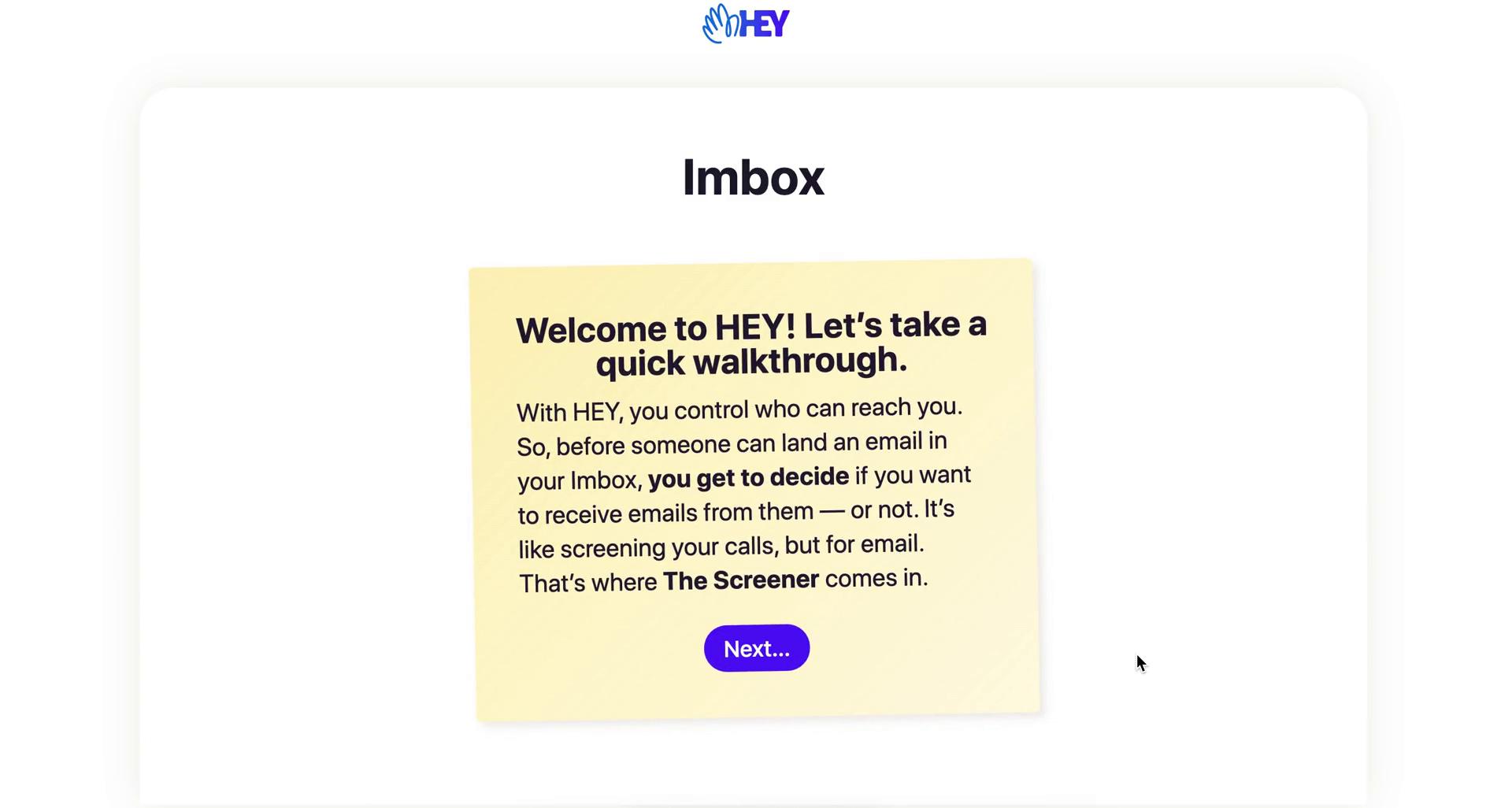
Walkthrough
this is title
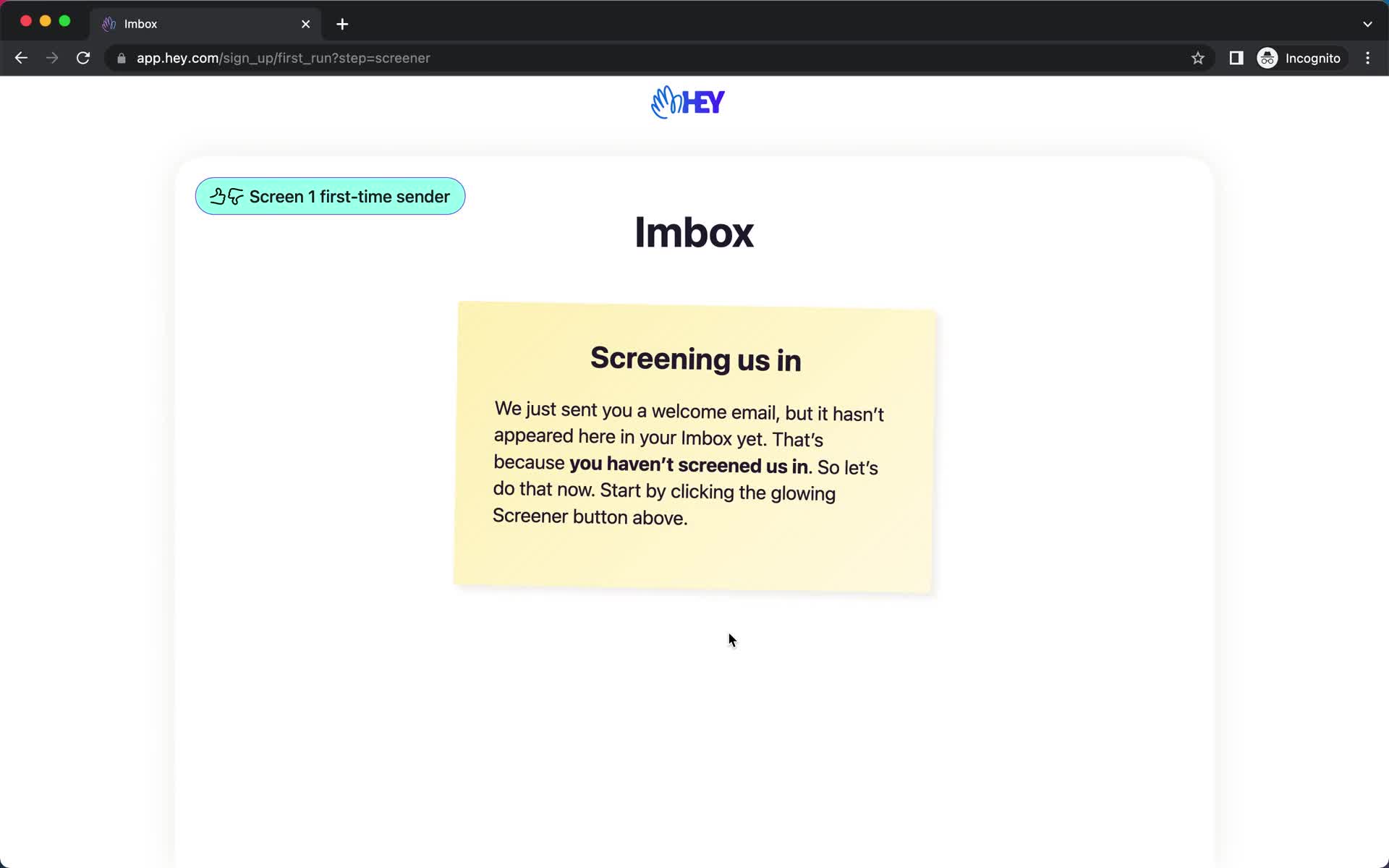
Walkthrough
this is title
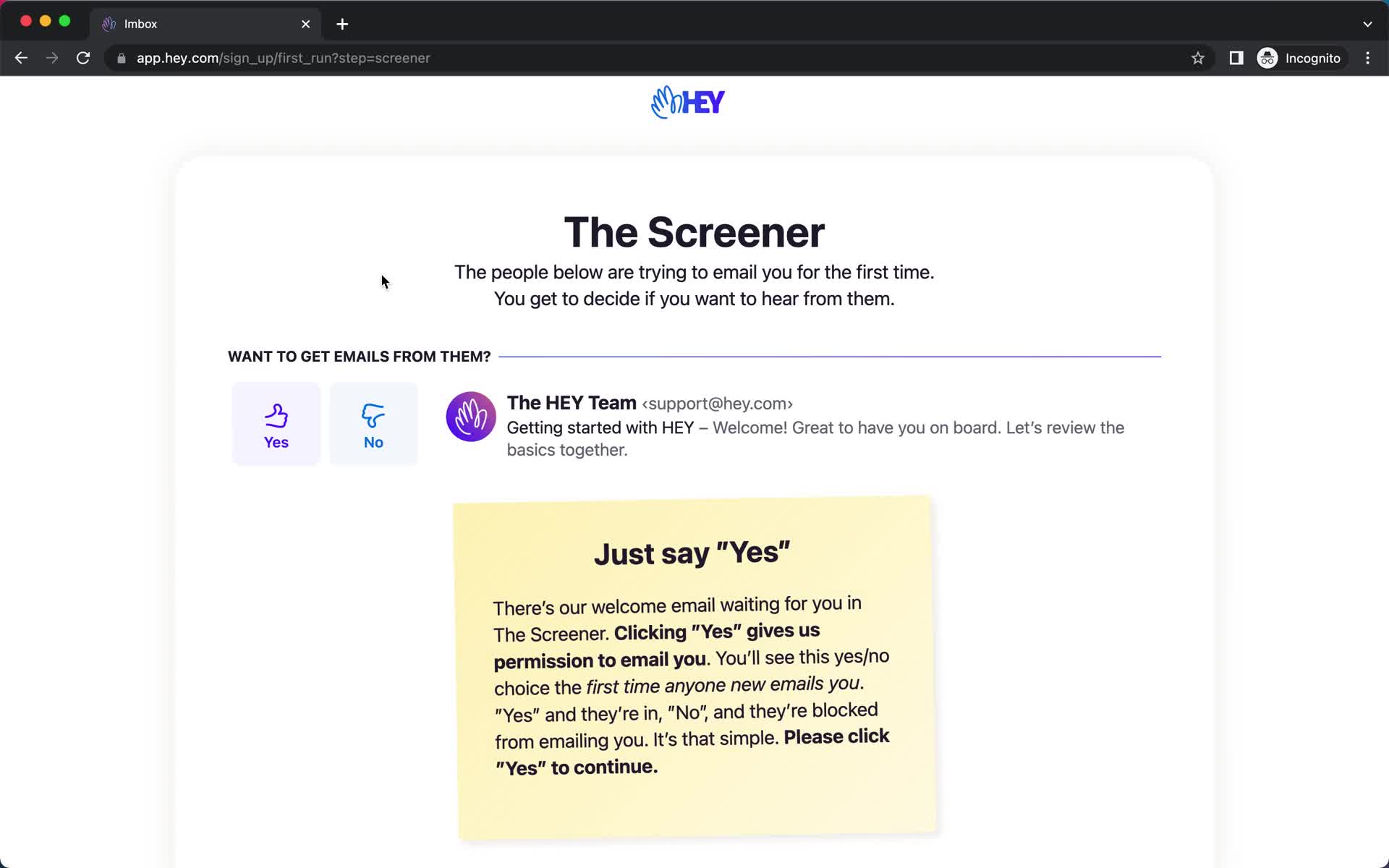
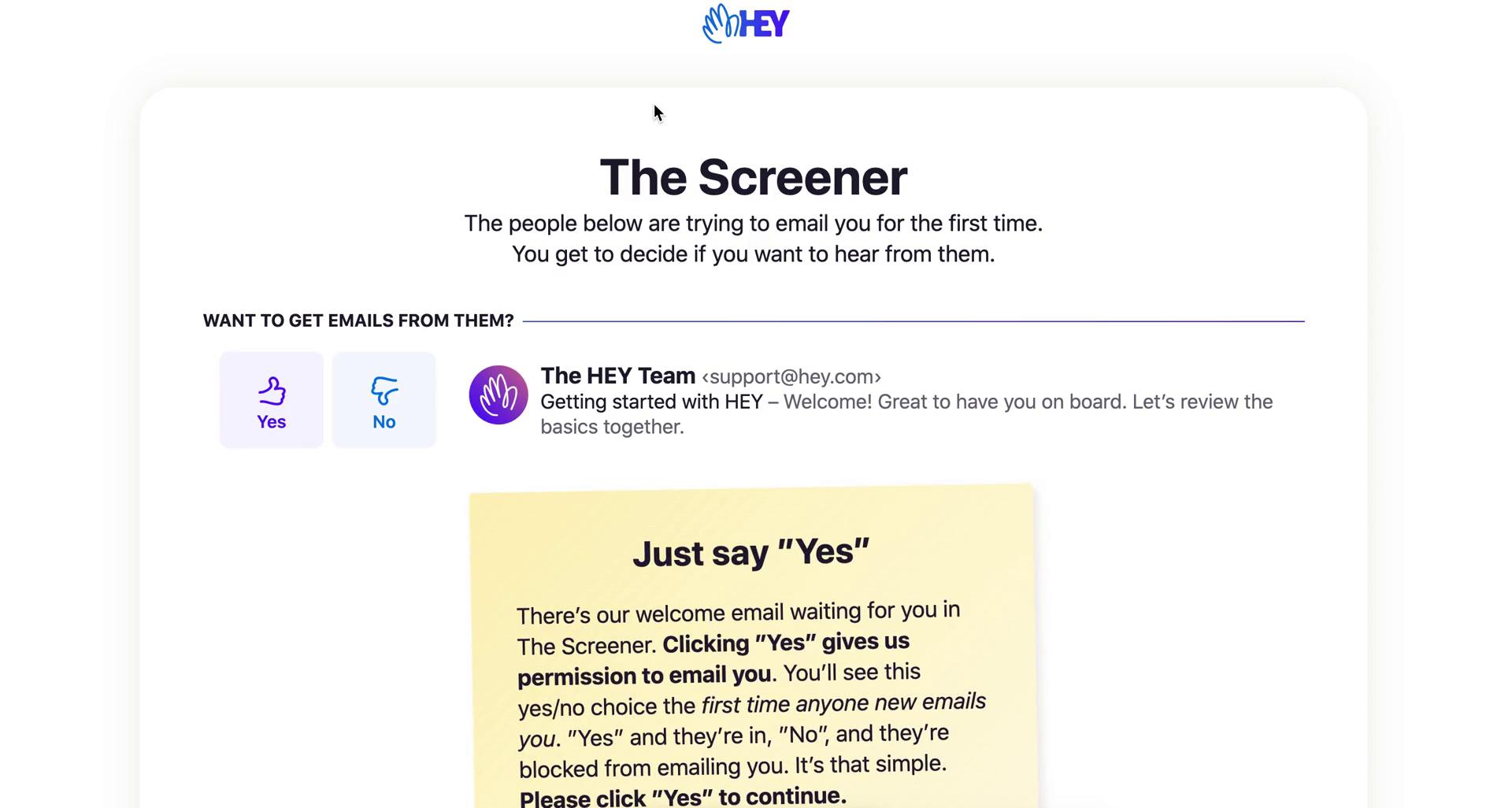
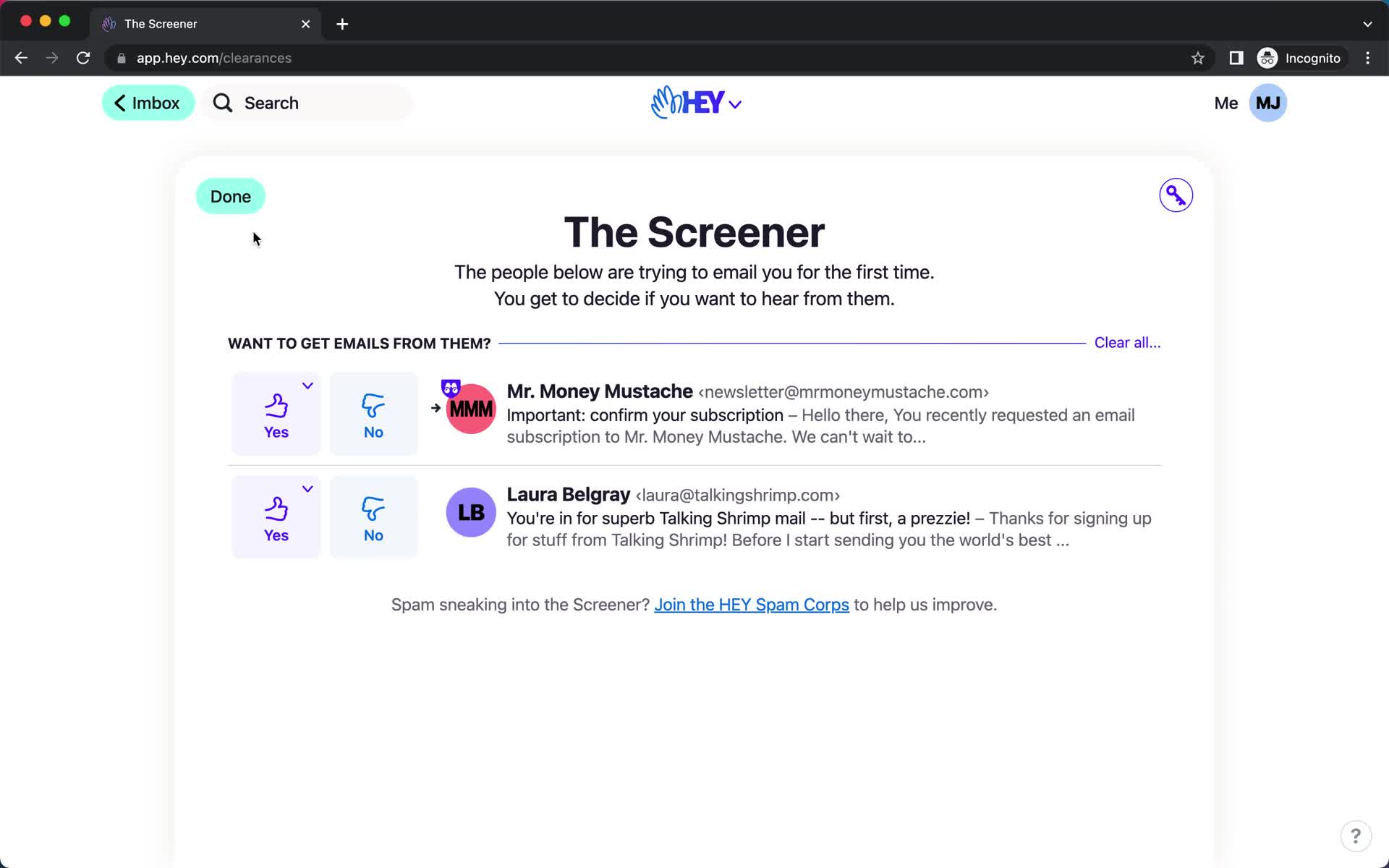
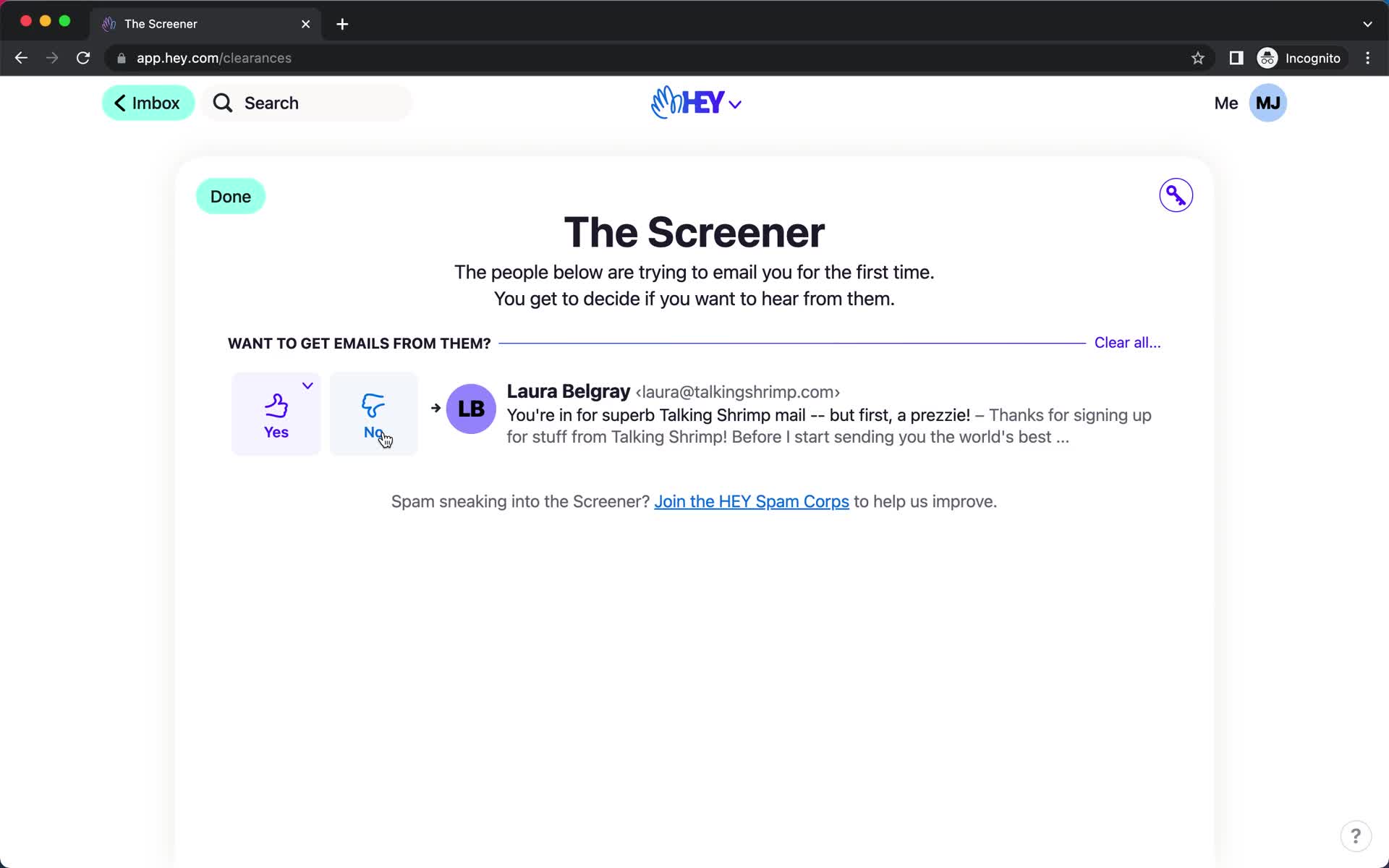
The Screener
this is title
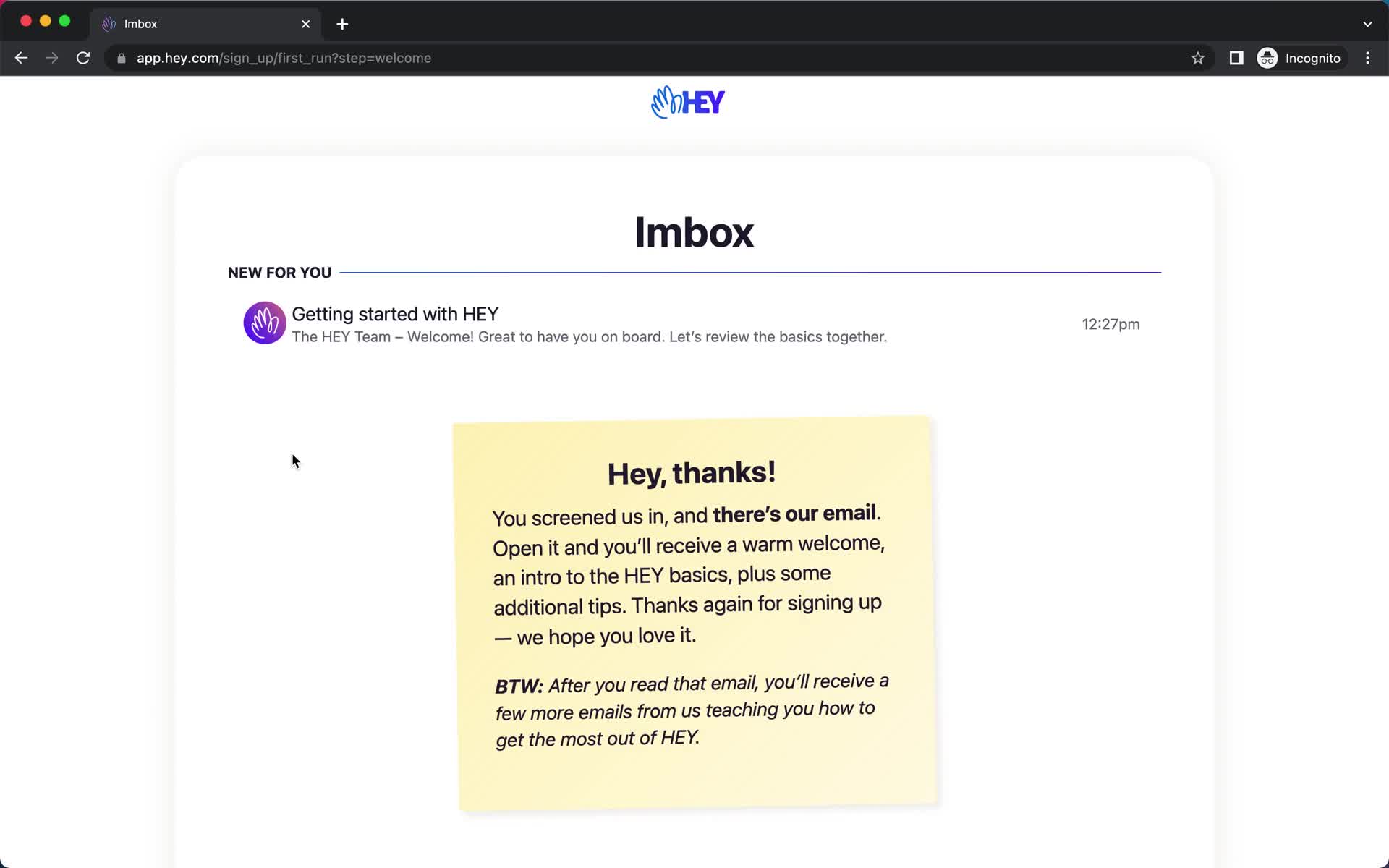
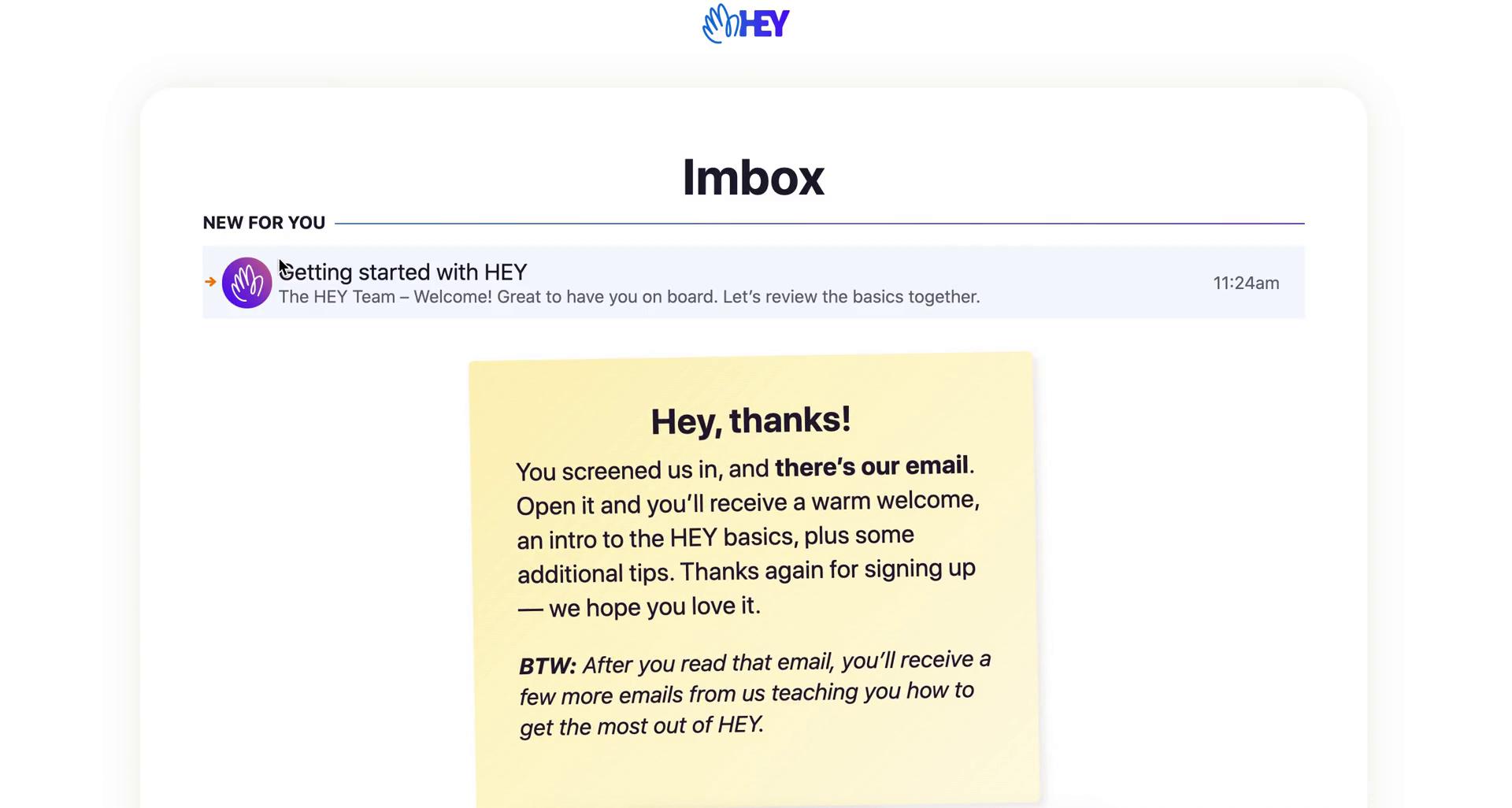
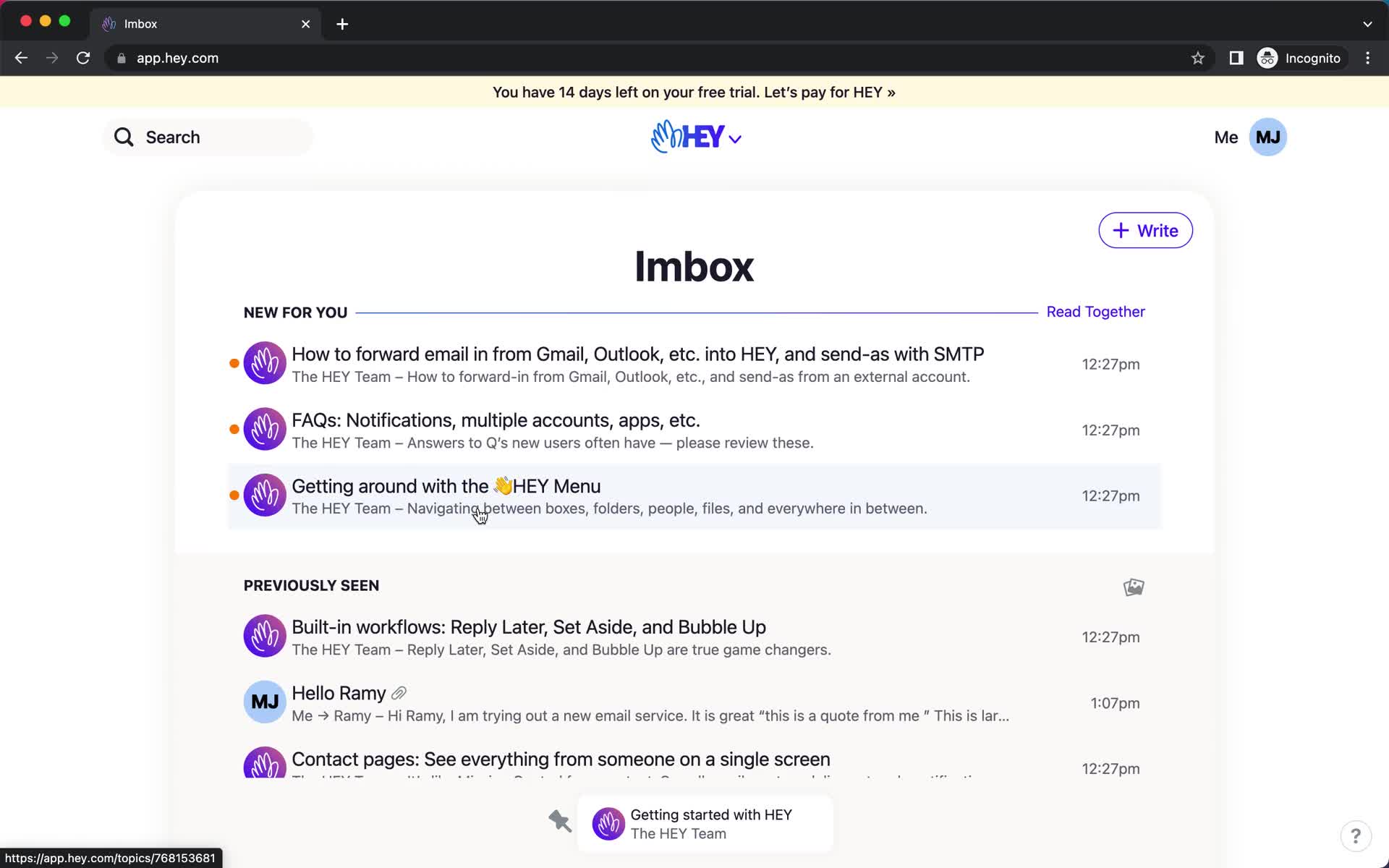
Imbox
this is title
Message
this is title
Imbox
this is title
Inbox
this is title
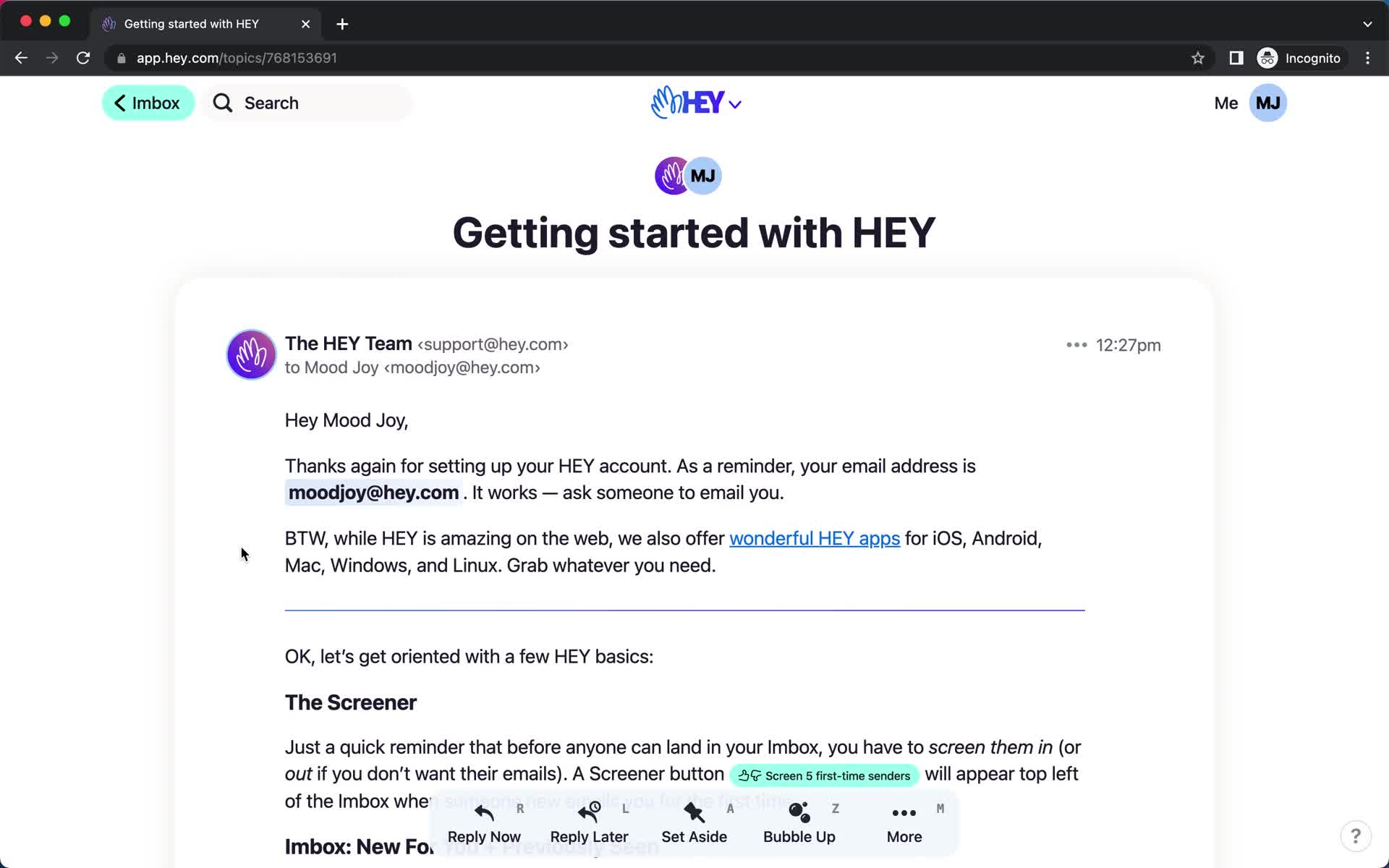
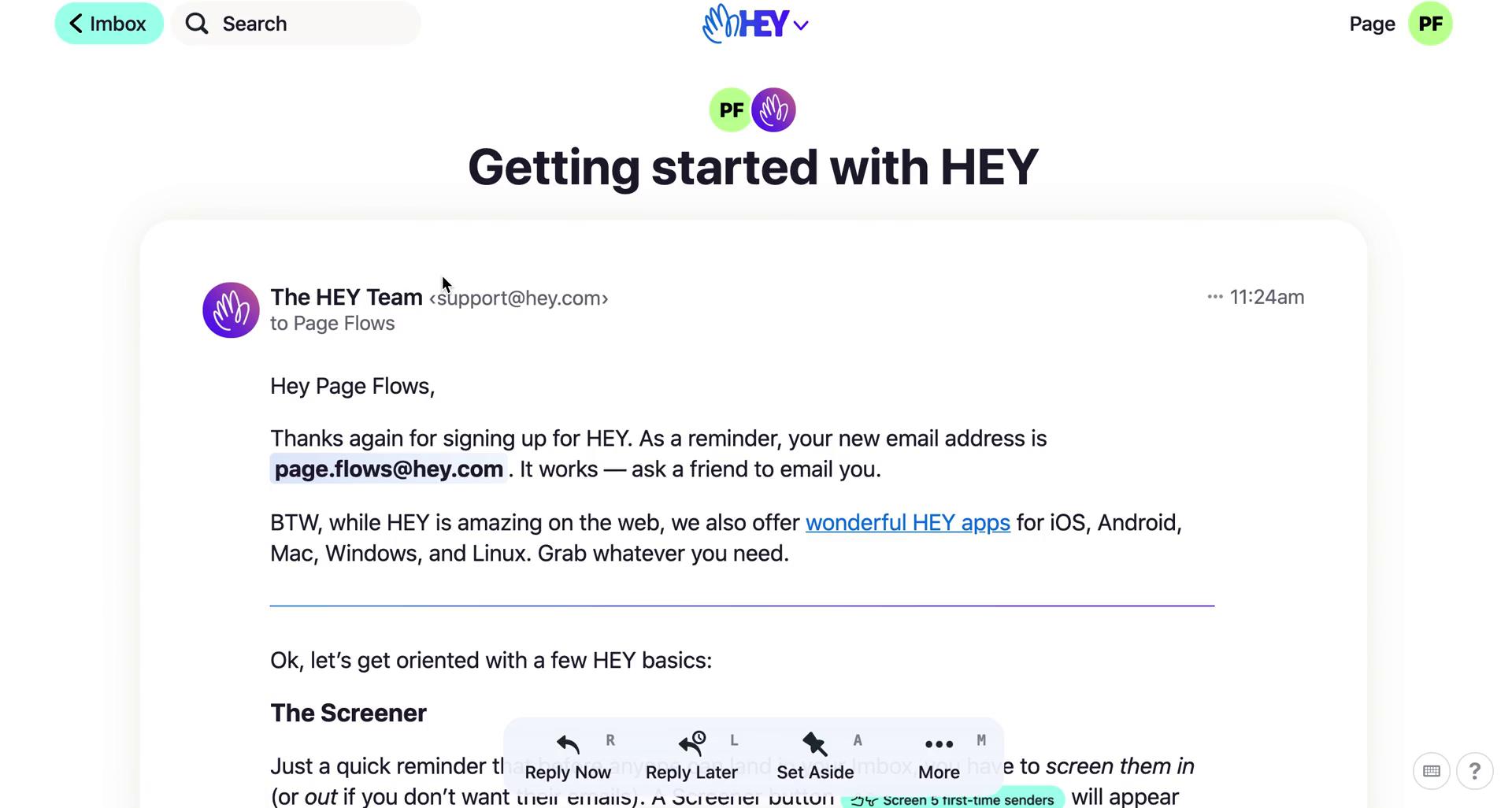
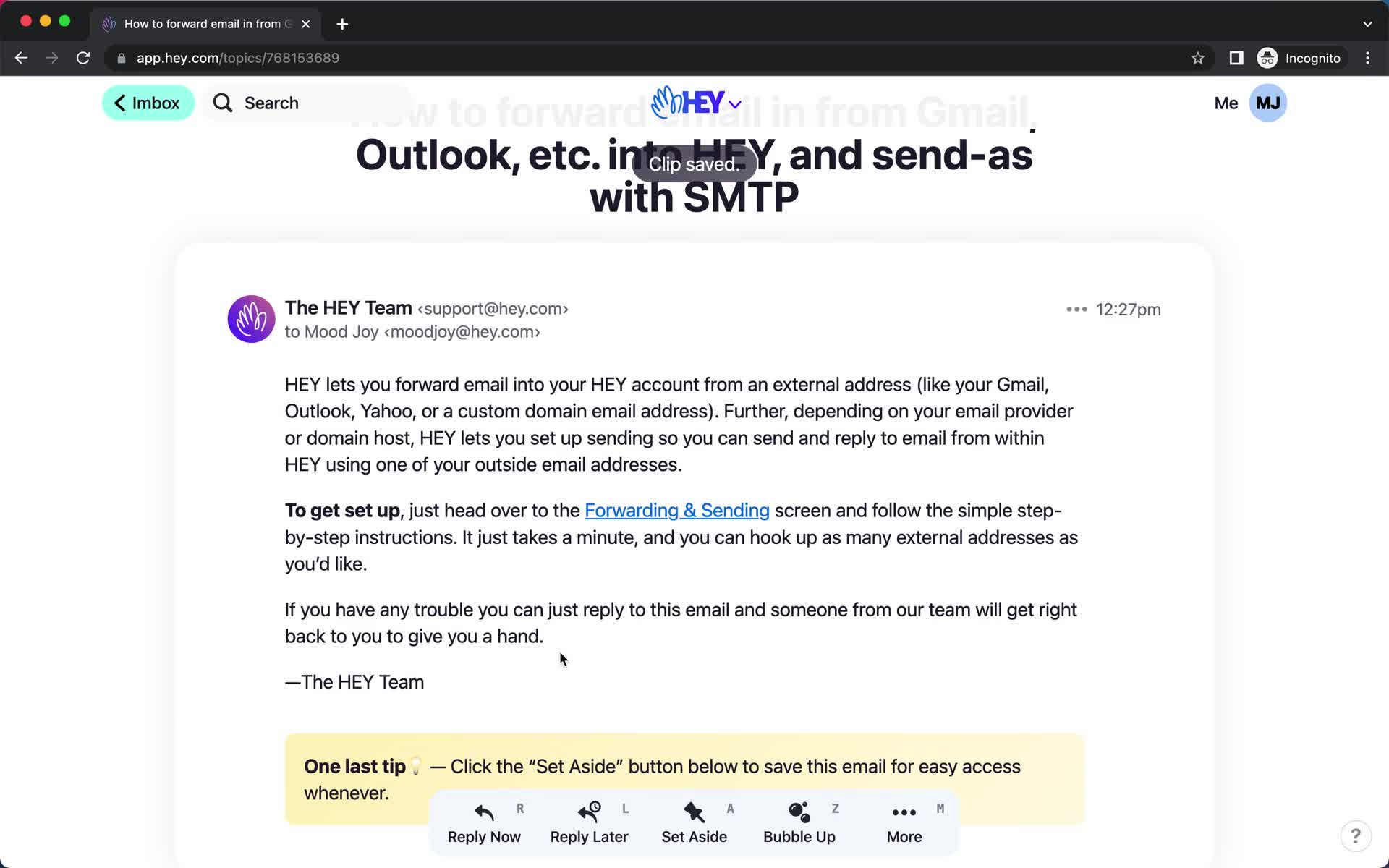
Email details
this is title
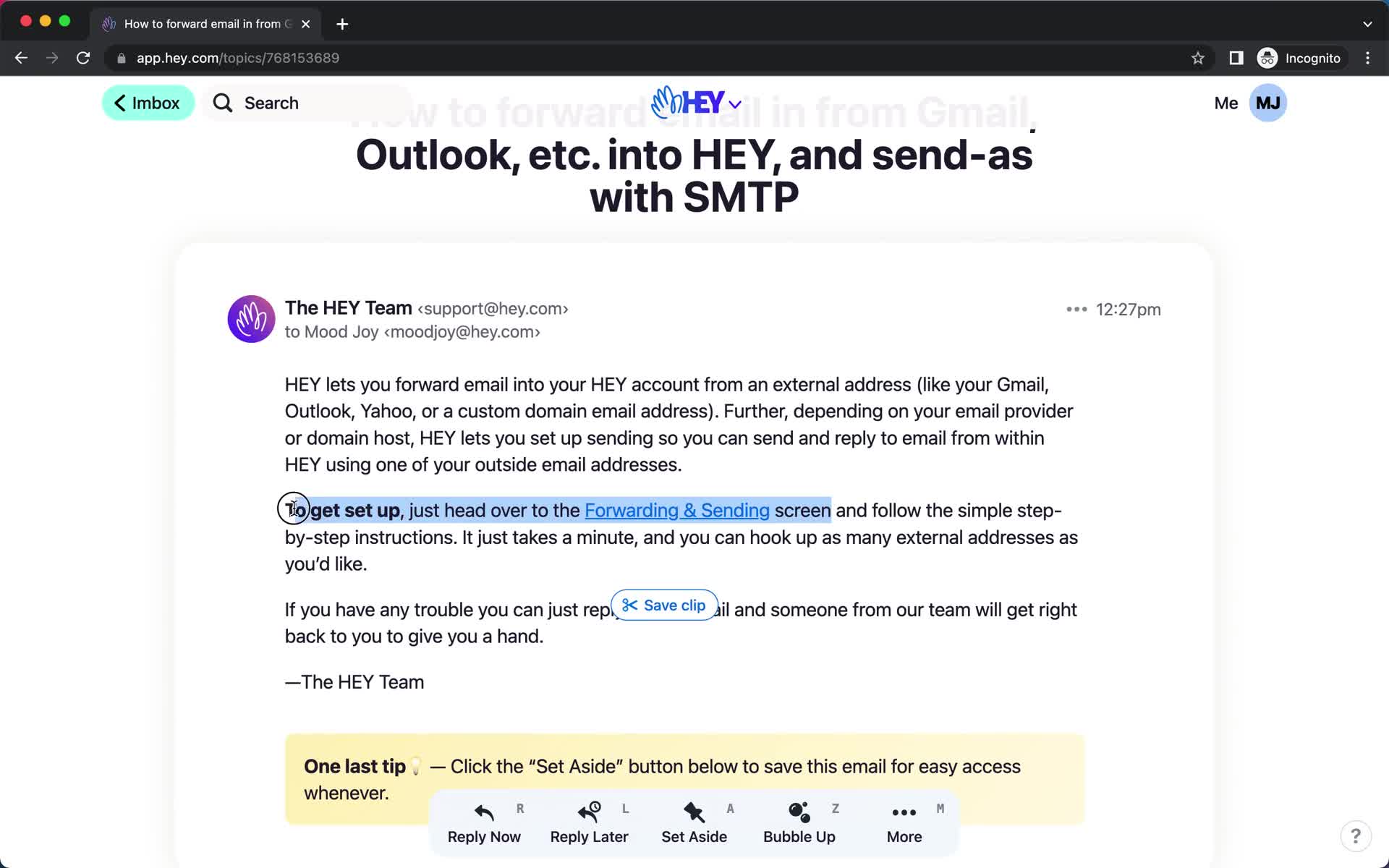
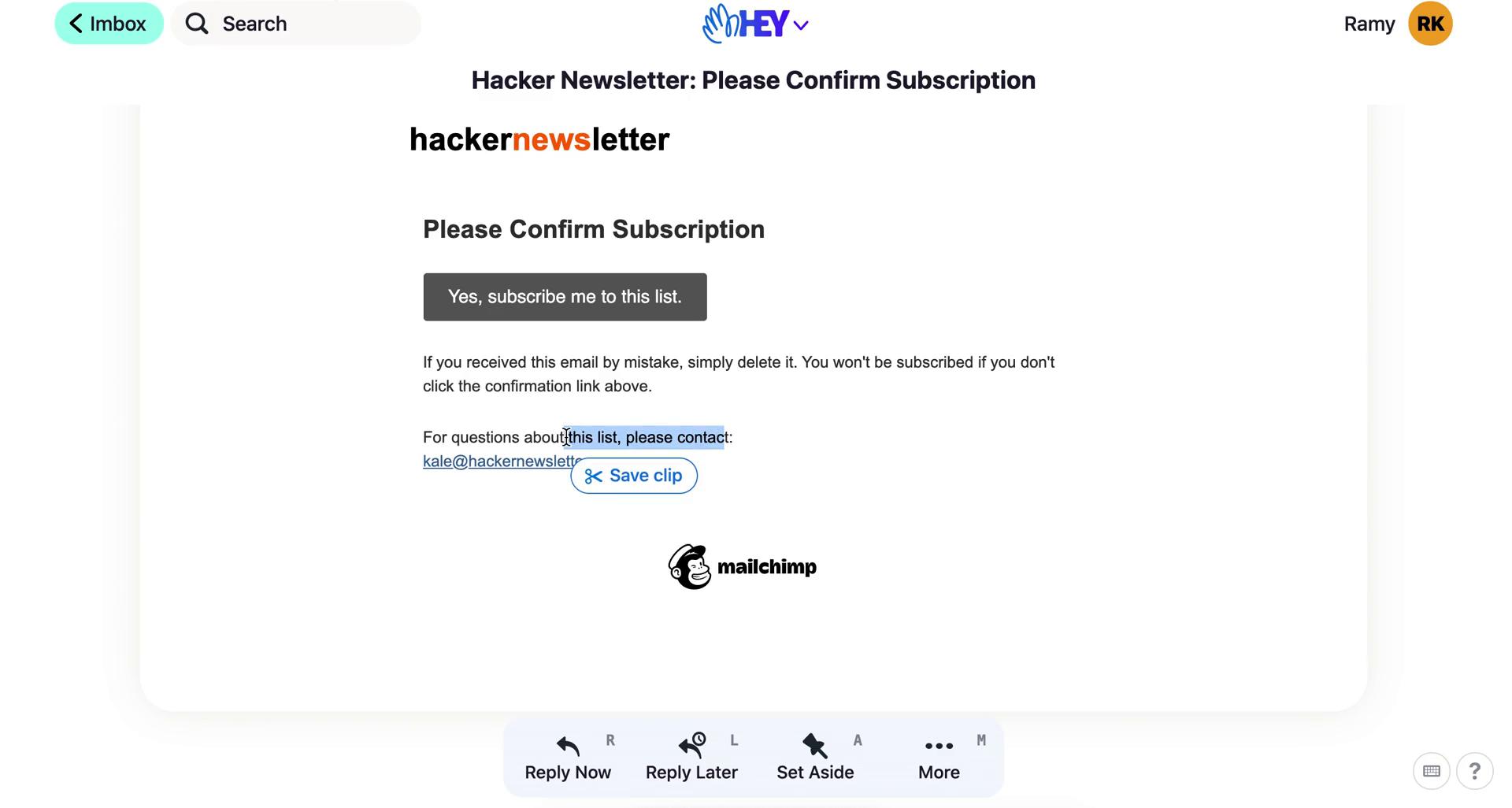
Save clip
this is title
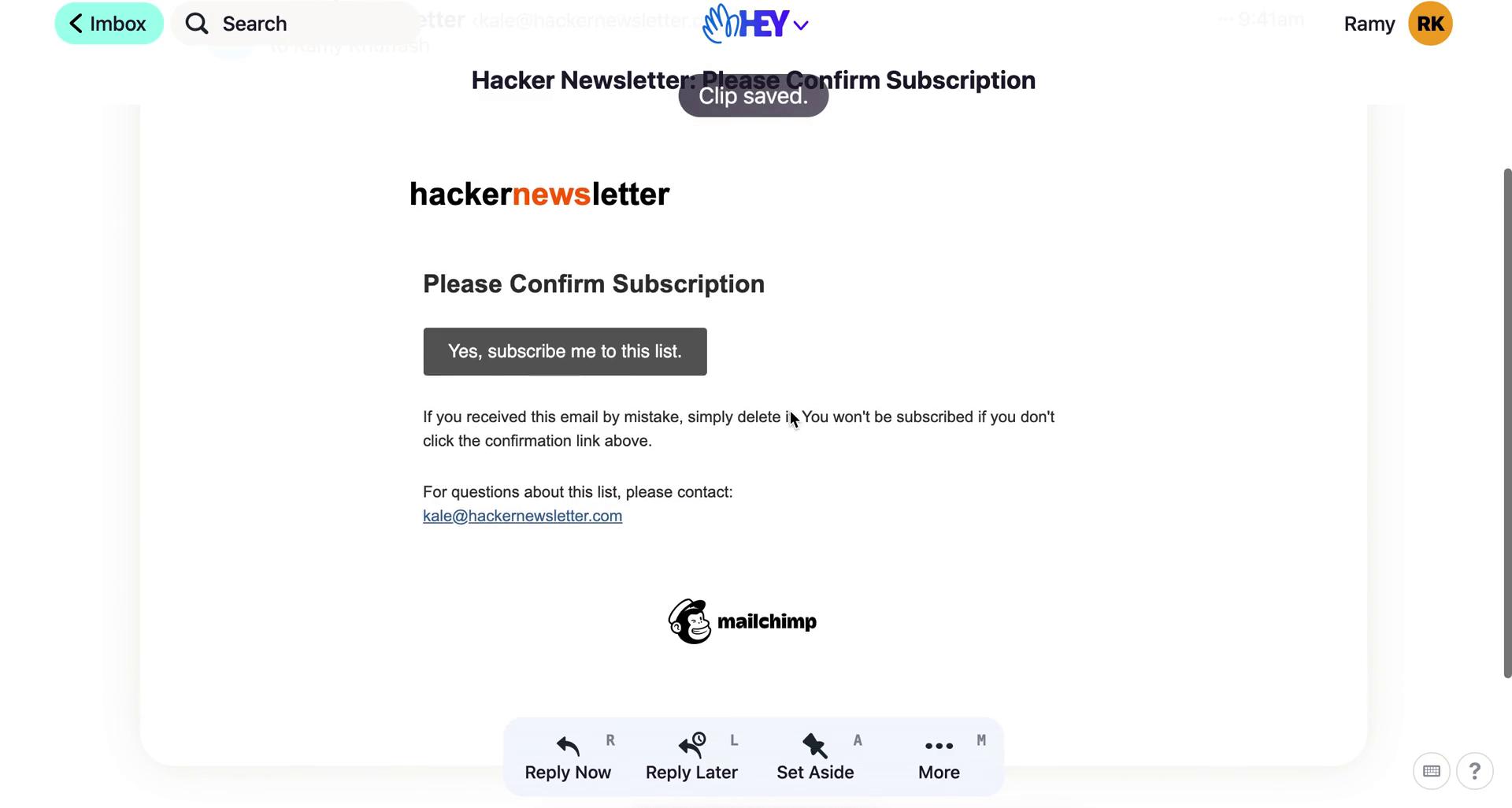
Saved
this is title
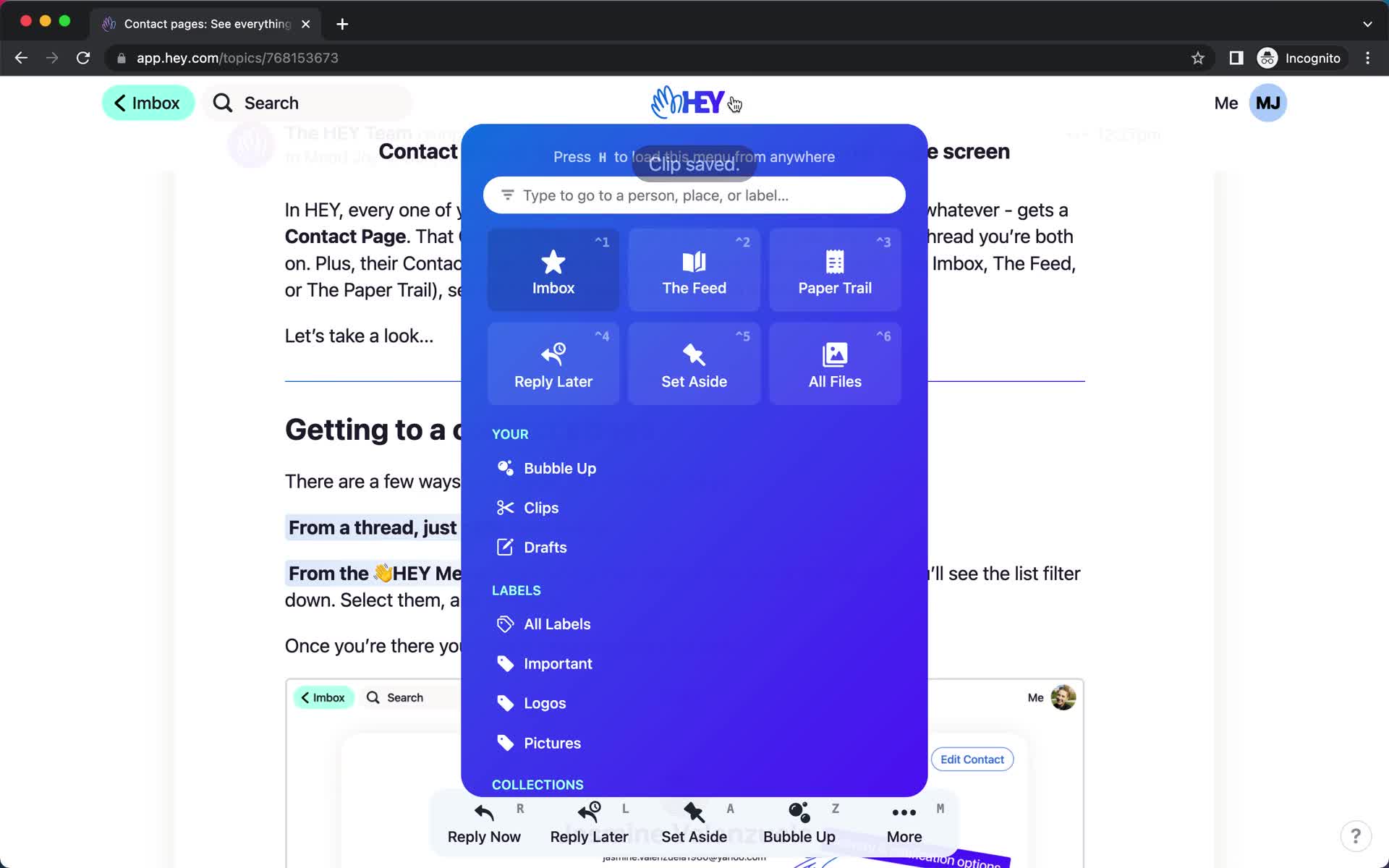
Navigation menu
this is title
Saved items
this is title
Email details
this is title
Imbox
this is title
Categorize email
this is title
Email categorized
this is title
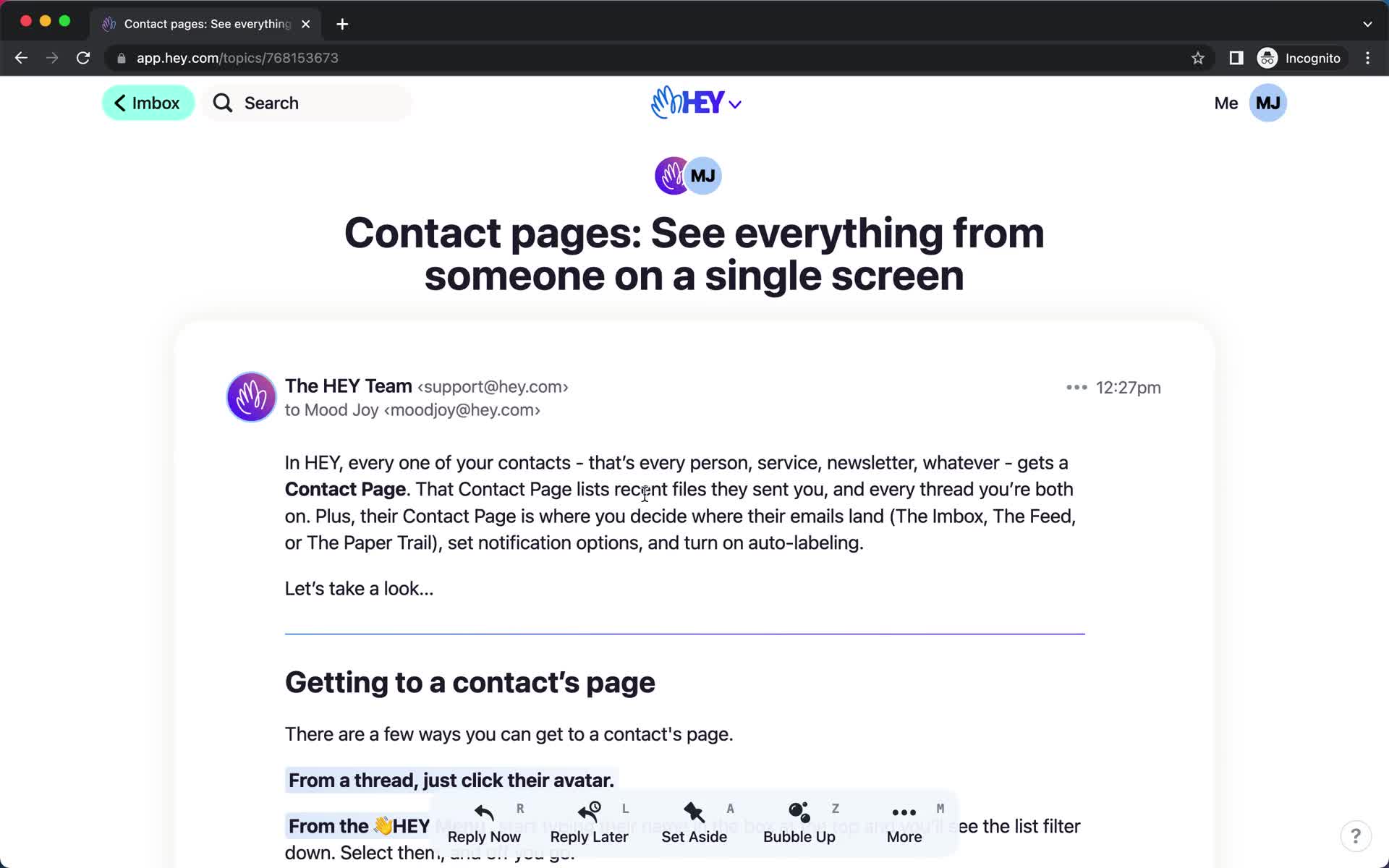
Message
this is title
Save clip
this is title
Clip saved
this is title
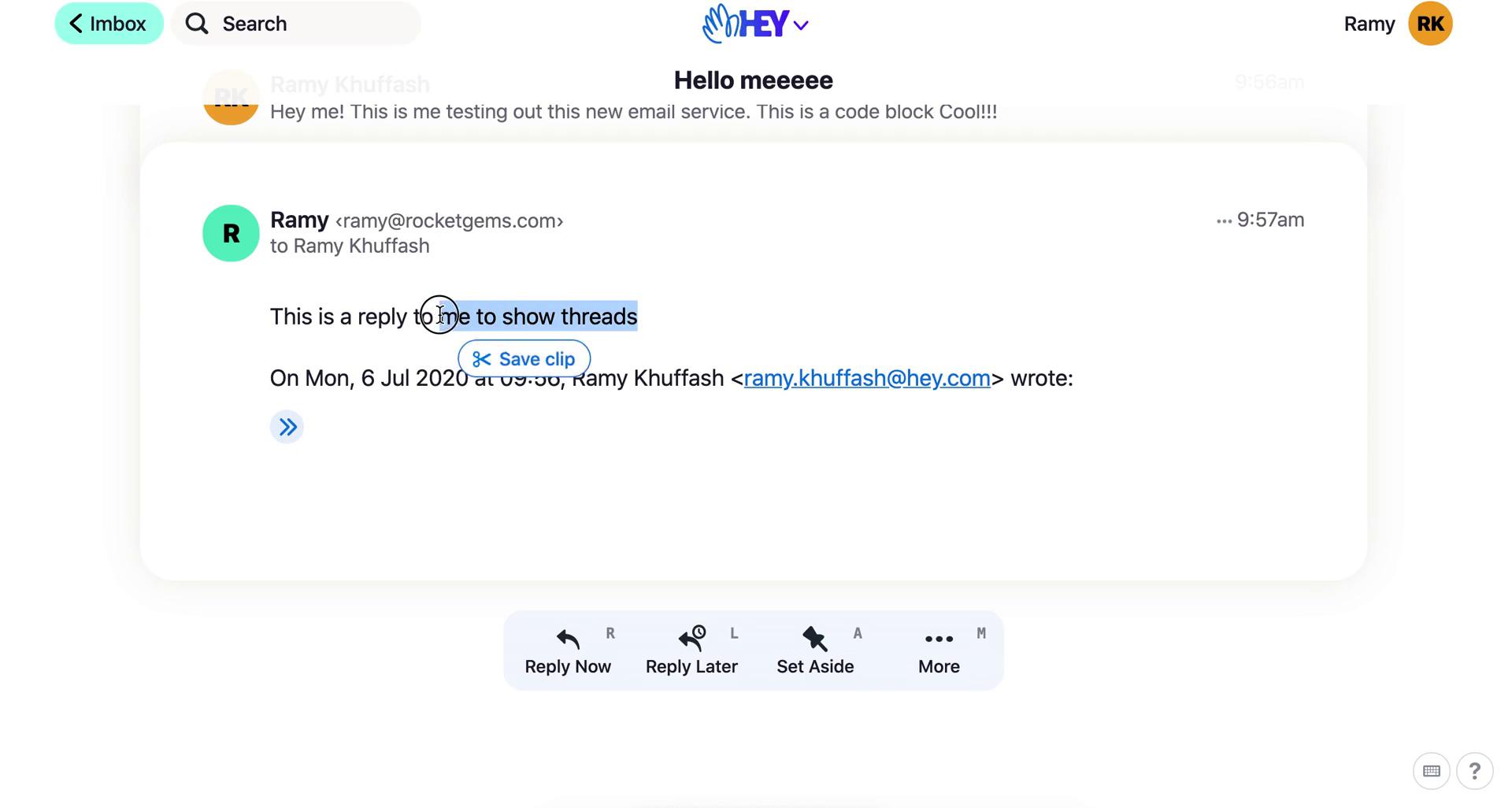
Save clip
this is title
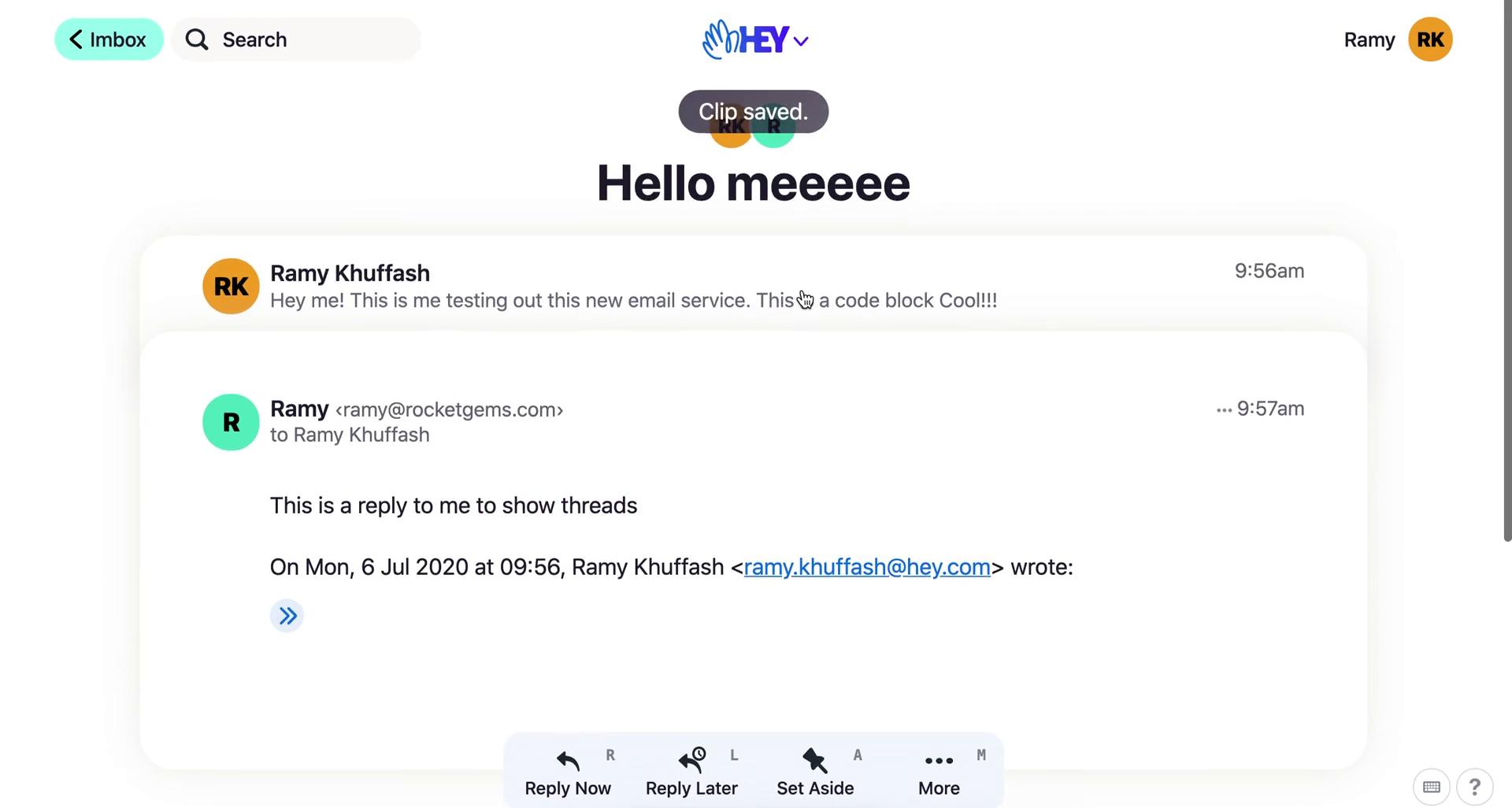
Clip saved
this is title
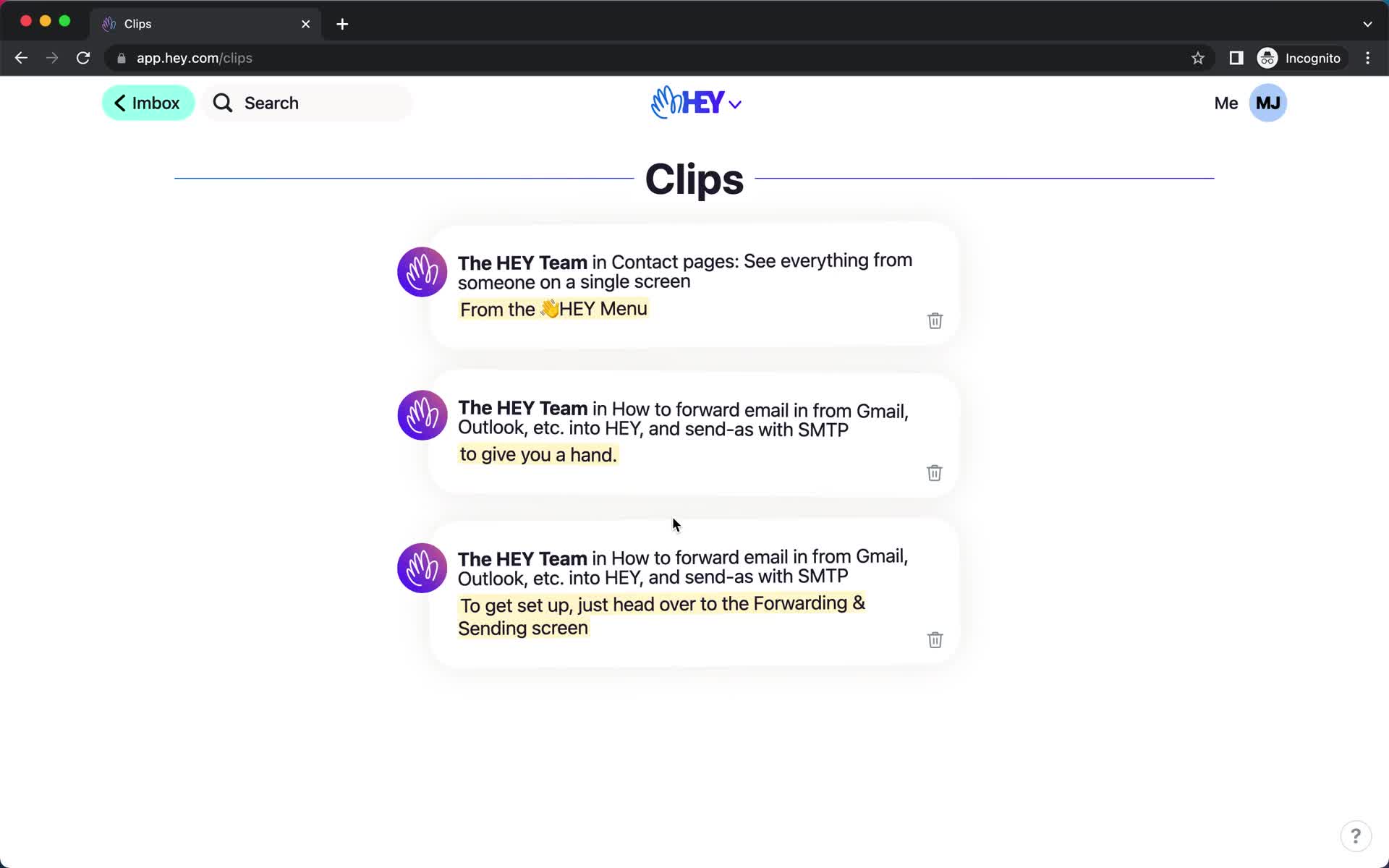
Clips
this is title
Inbox
this is title
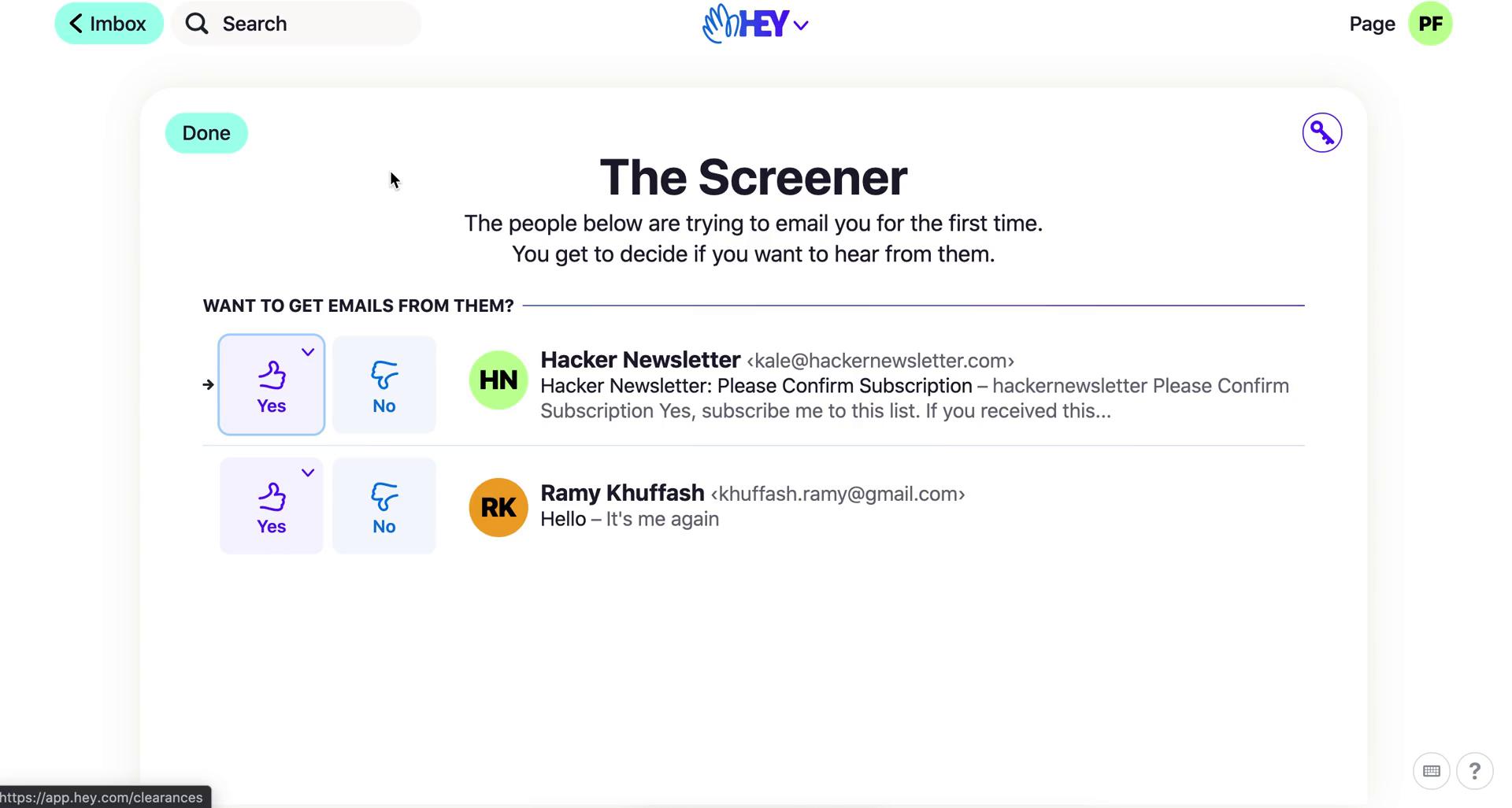
The Screener
this is title
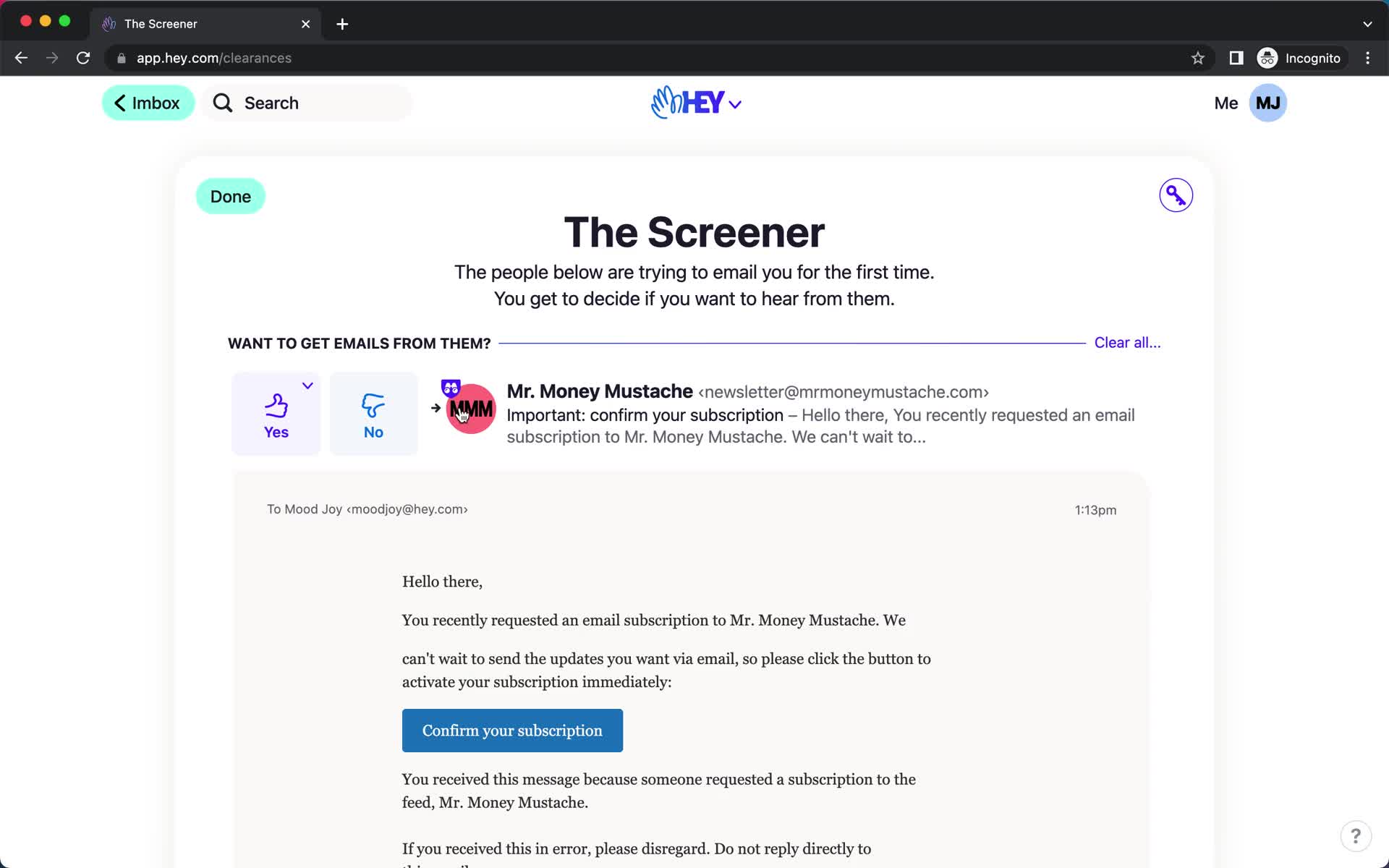
Preview email
this is title
The Screener
this is title
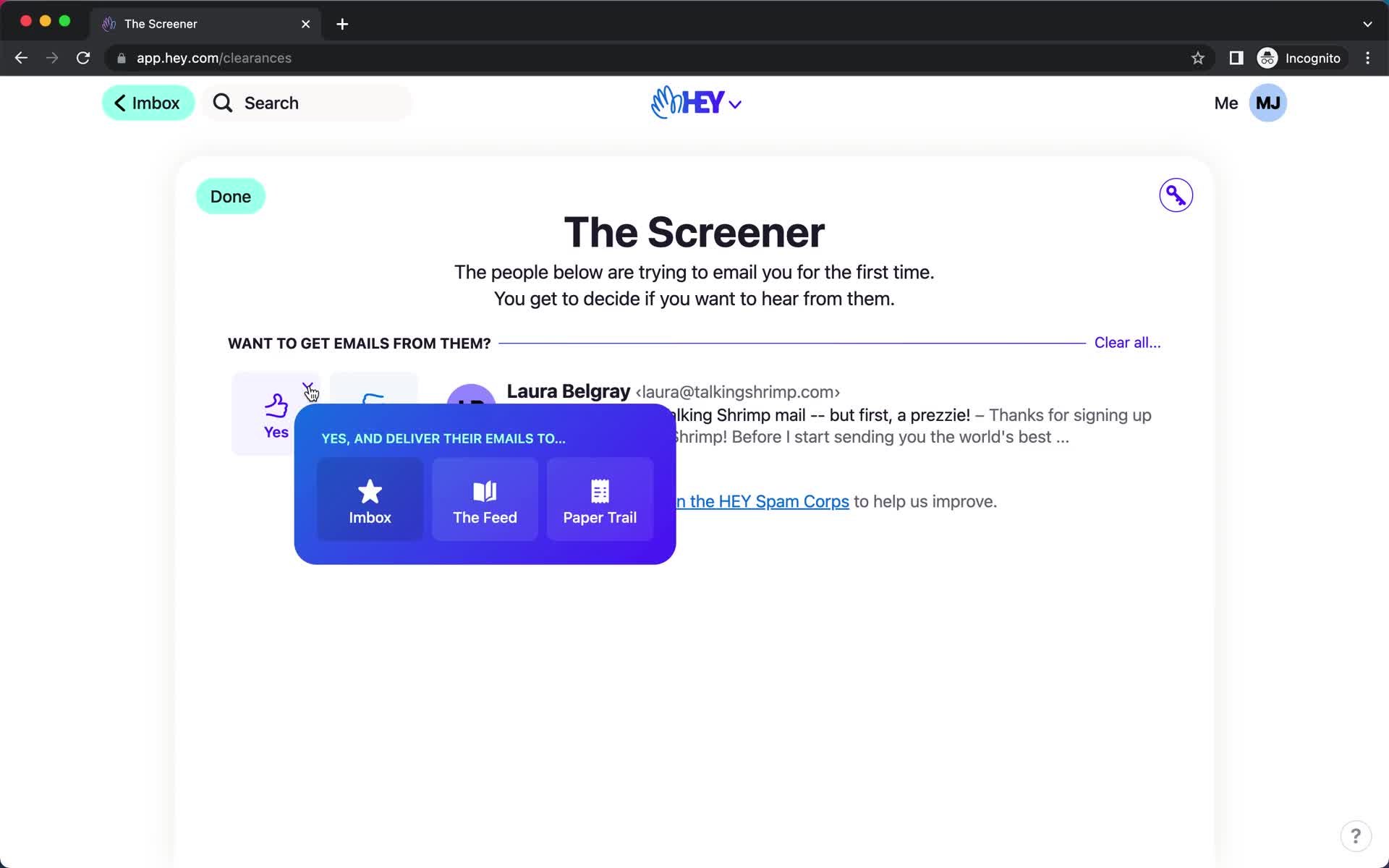
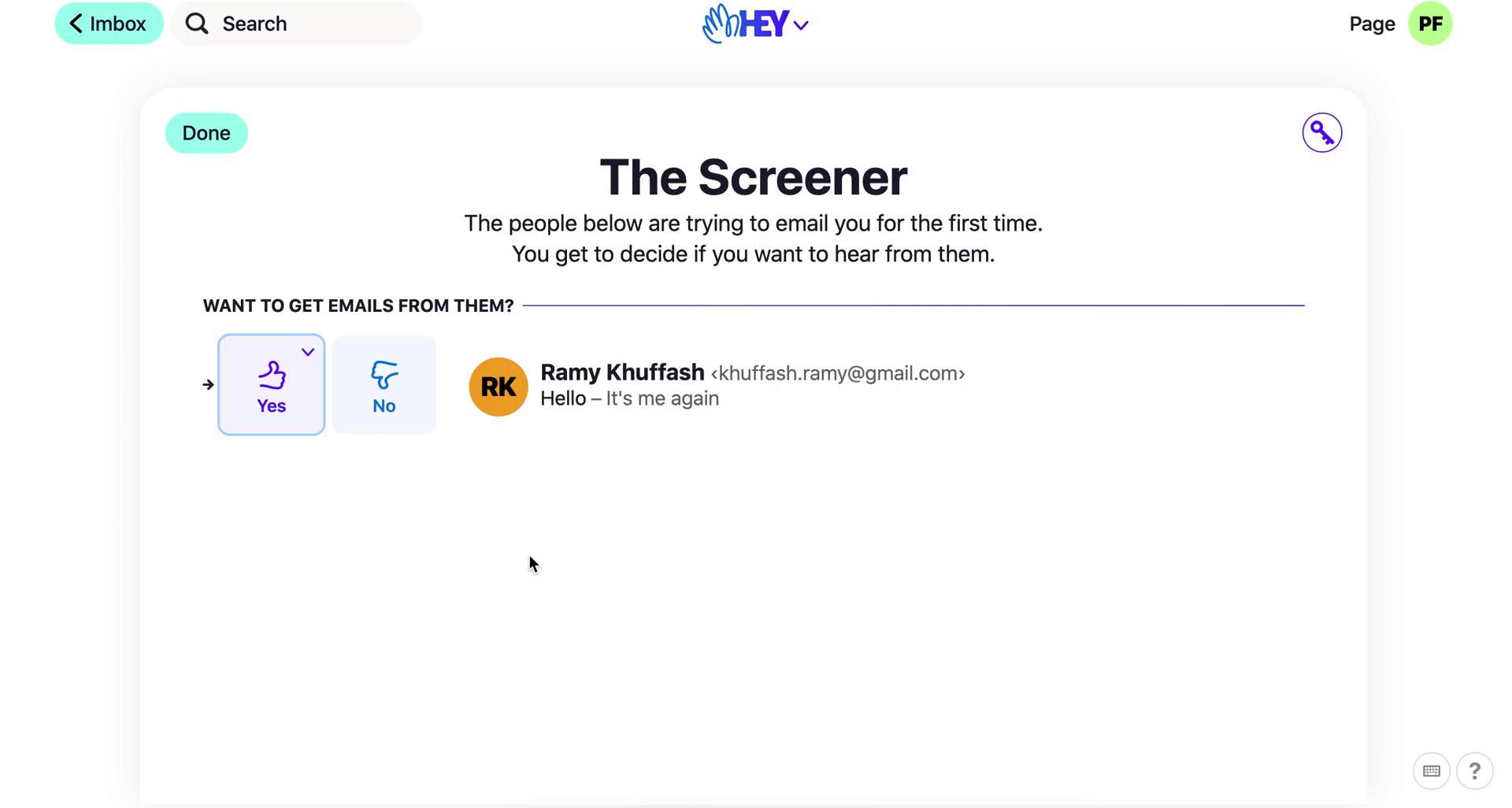
Screen email
this is title
Inbox
this is title
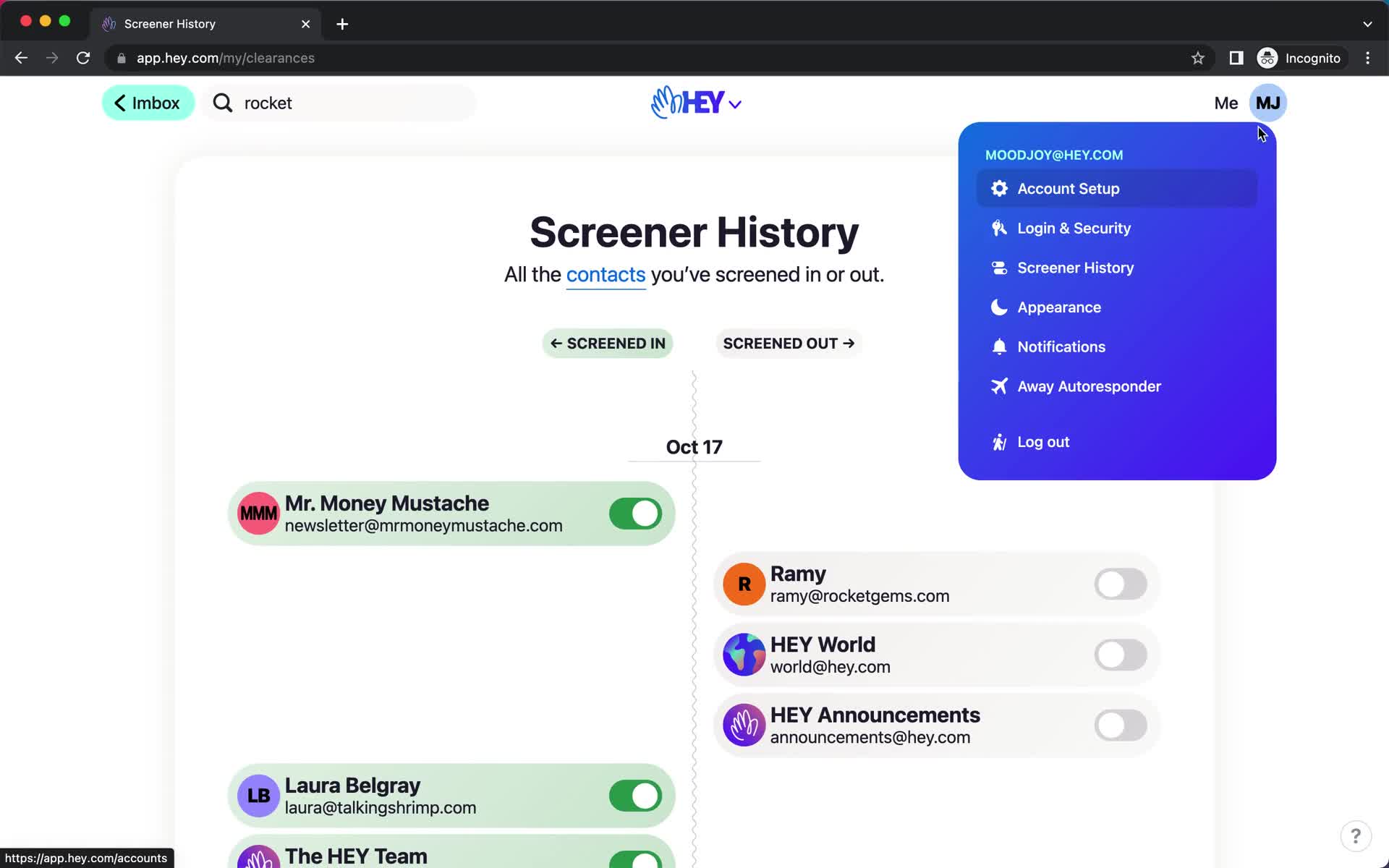
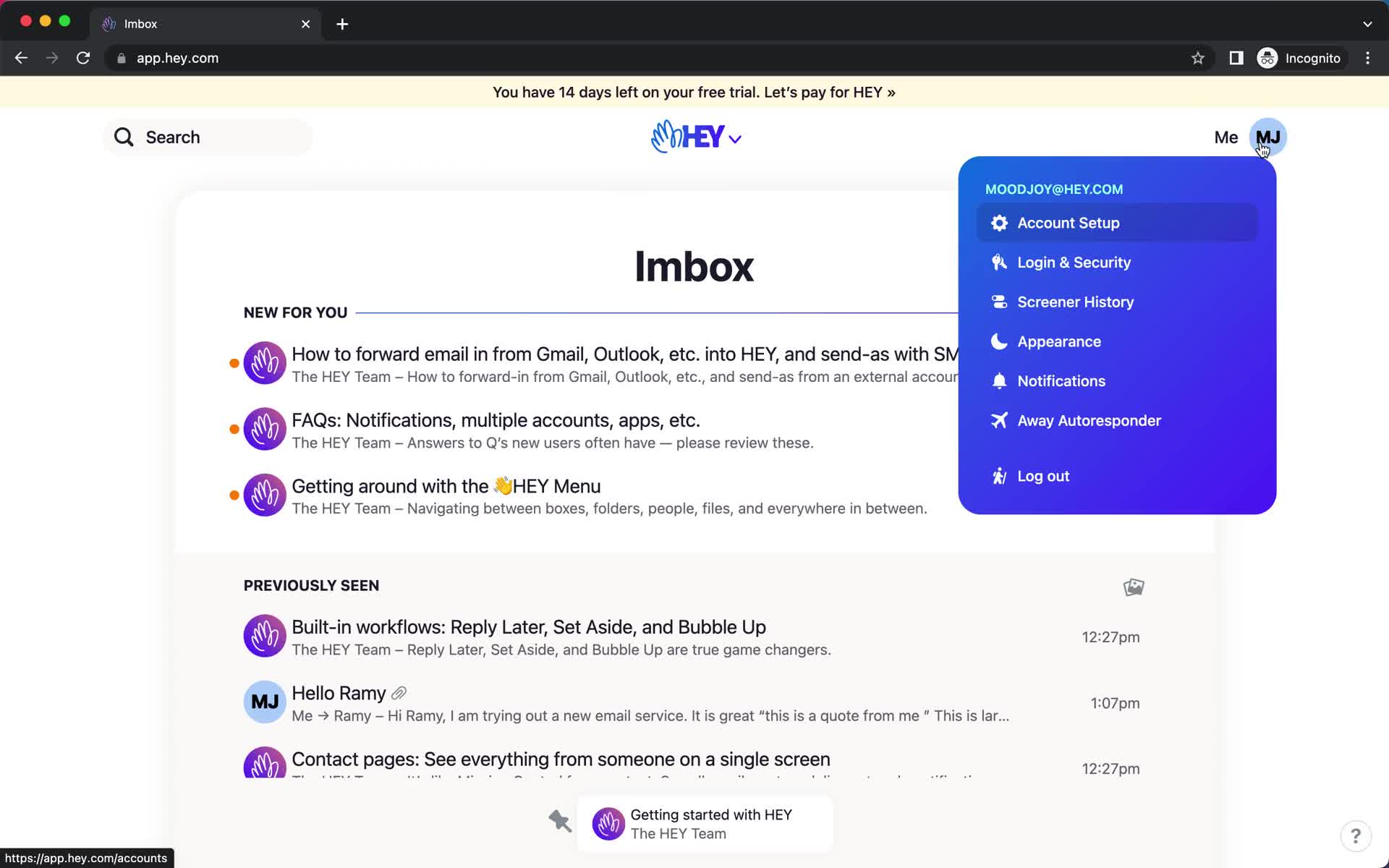
Account menu
this is title
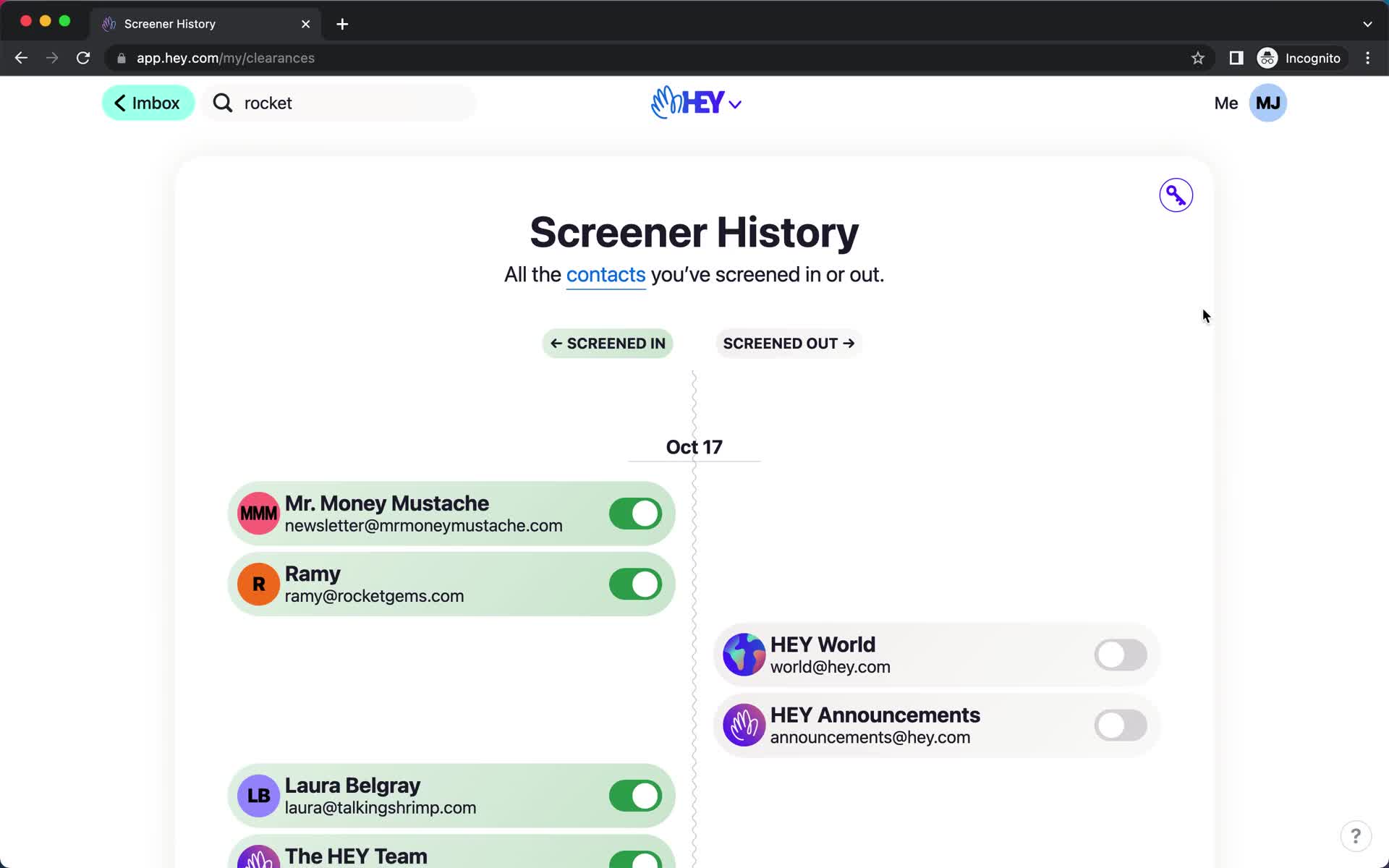
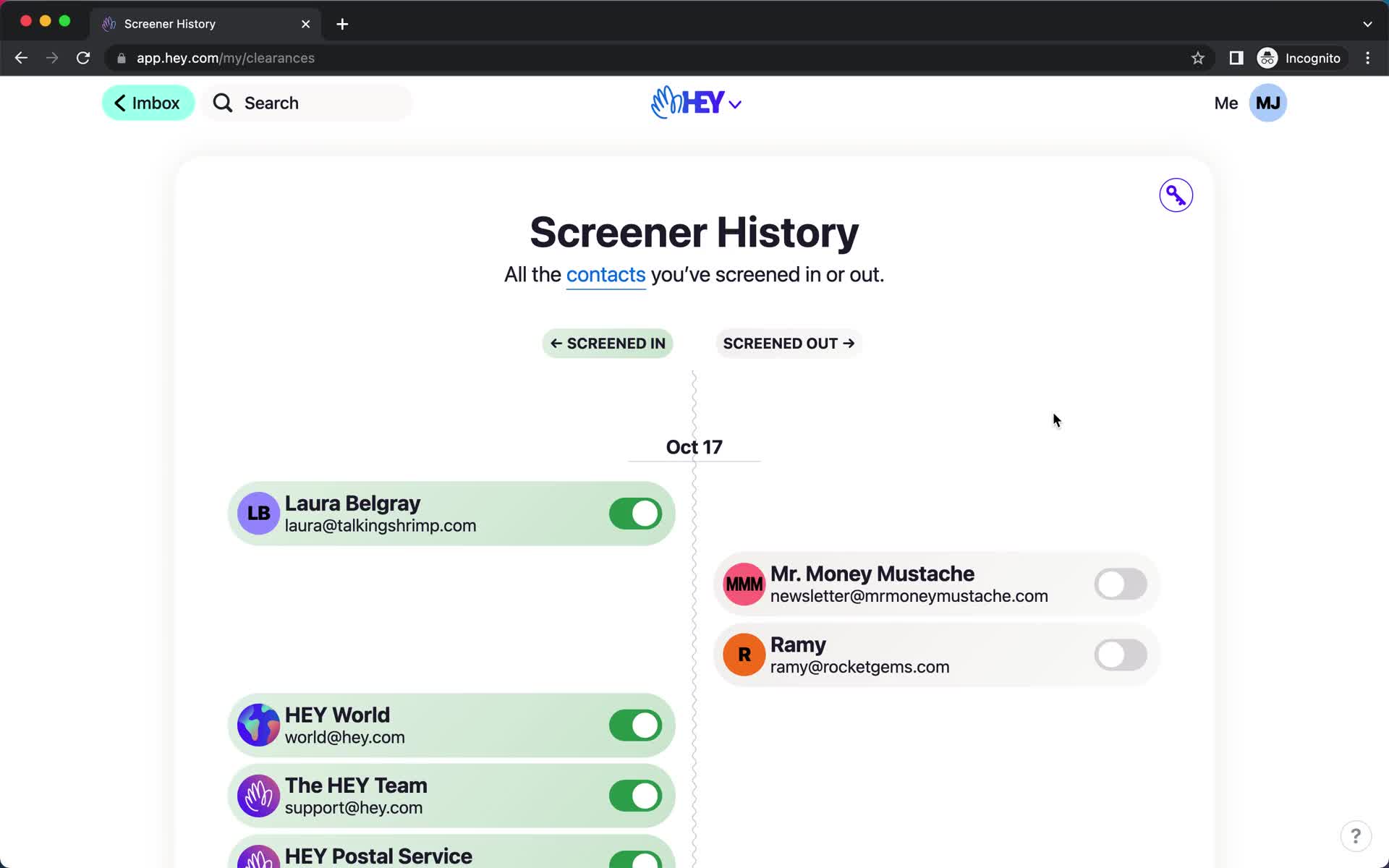
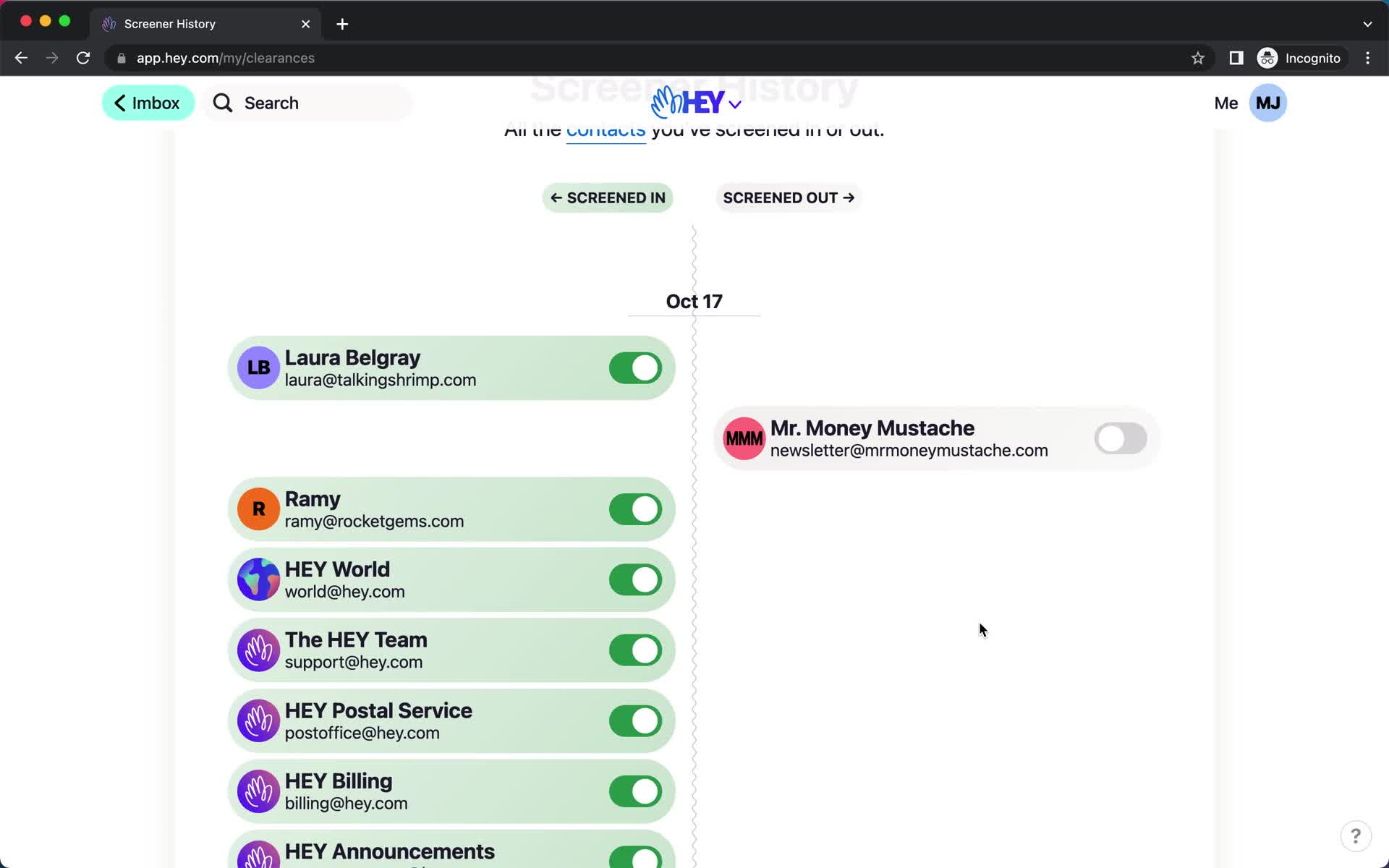
Screener history
this is title
Screener history
this is title
Inbox
this is title
Navigation menu
this is title
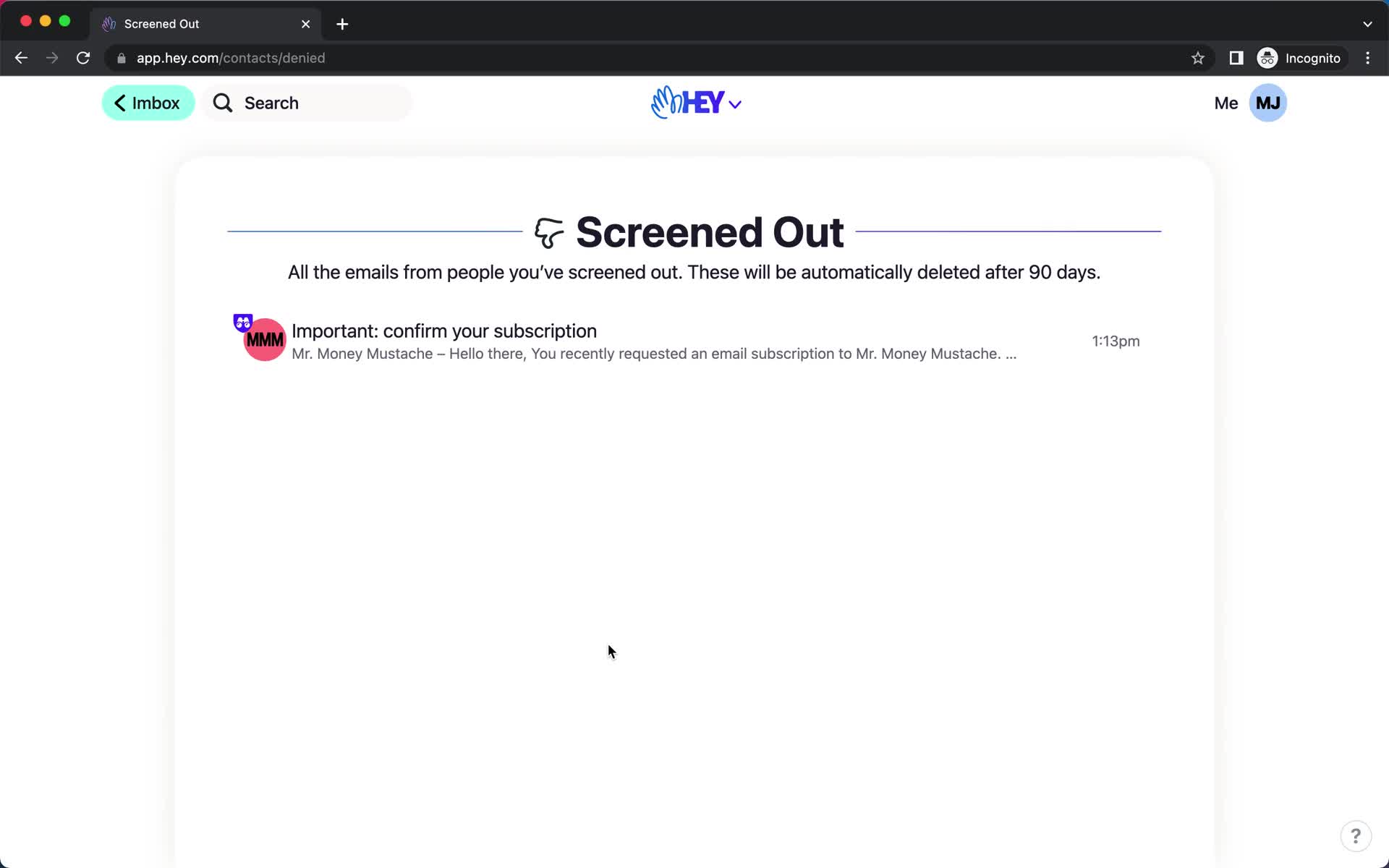
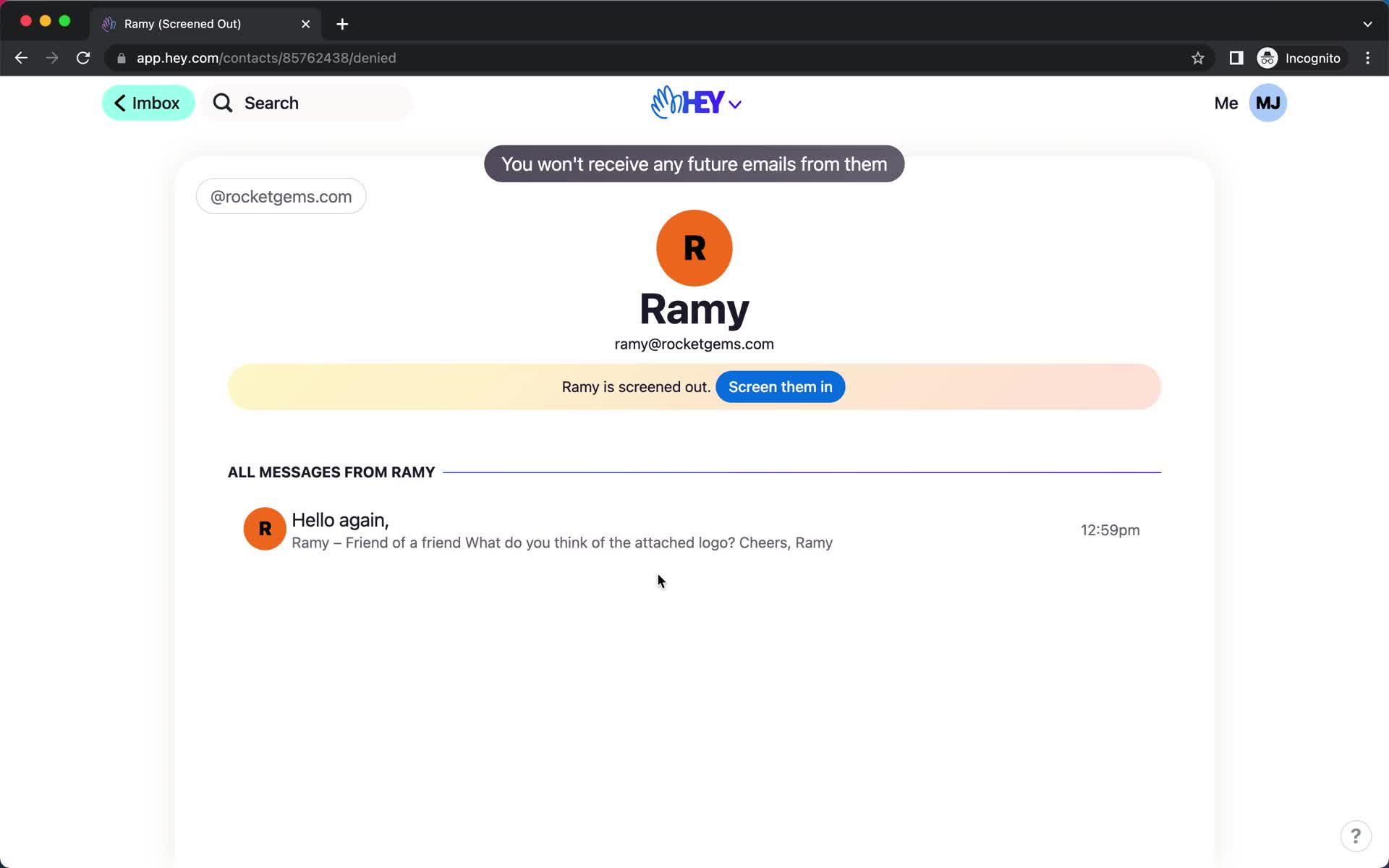
Screened out
this is title
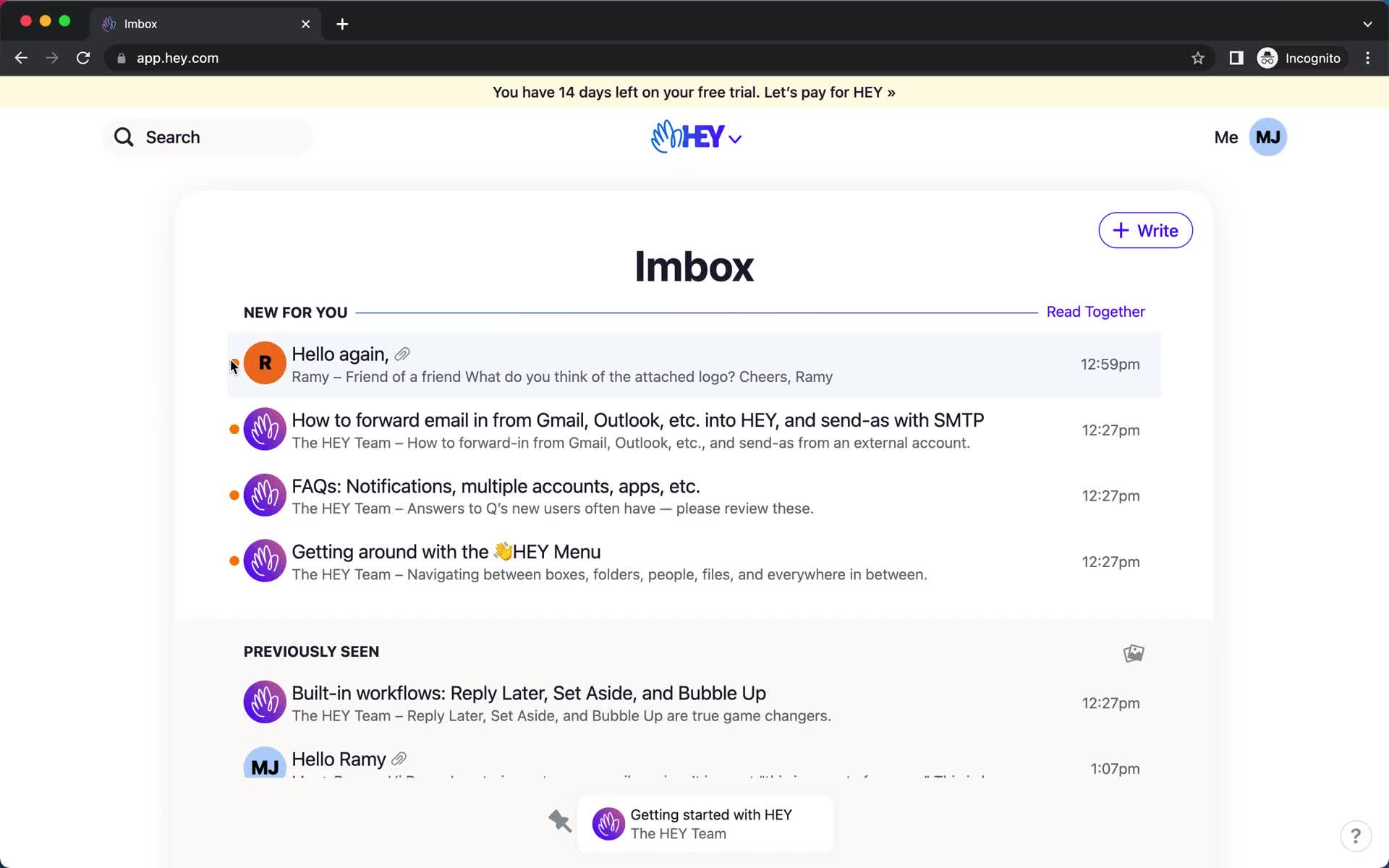
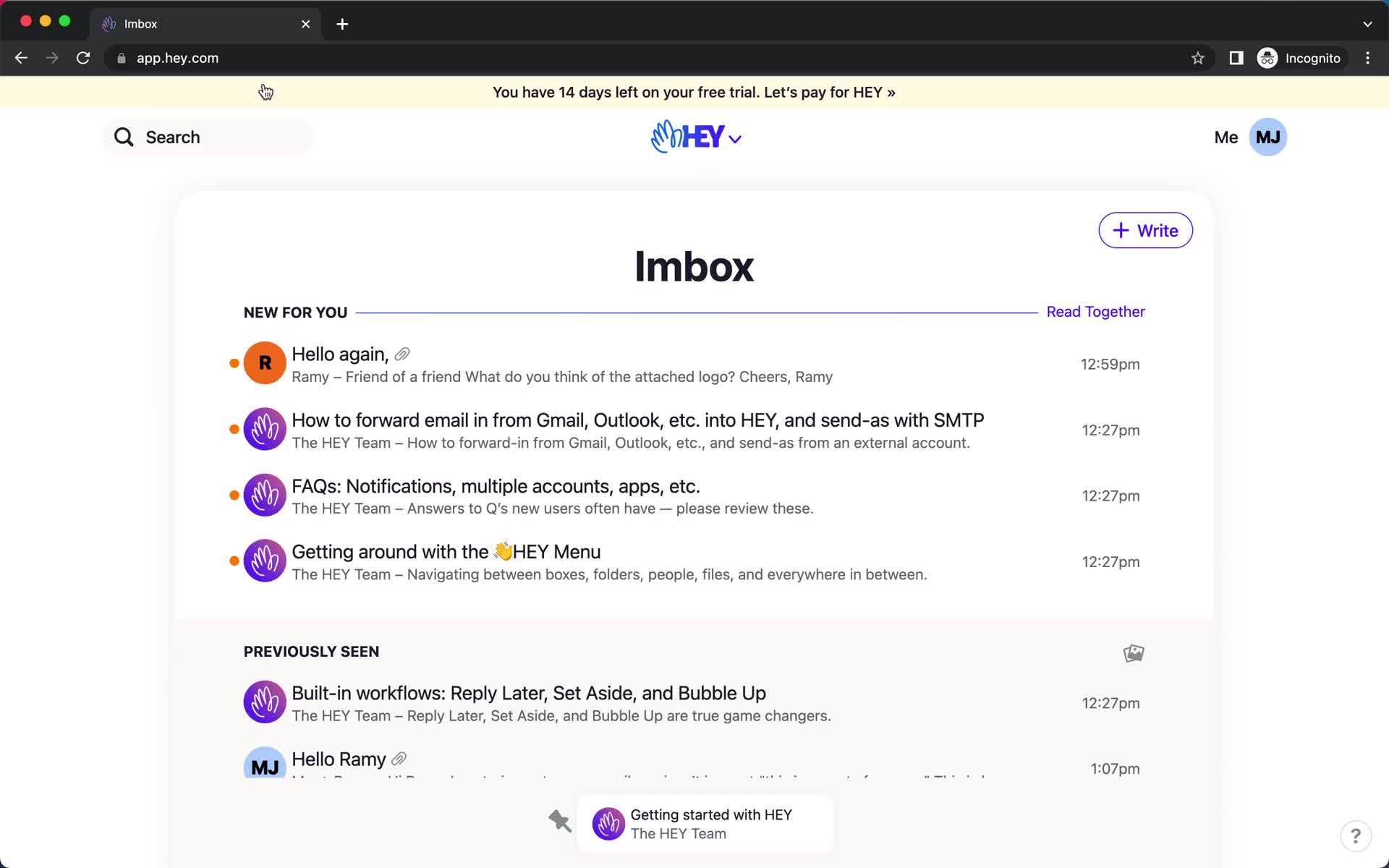
Inbox
this is title
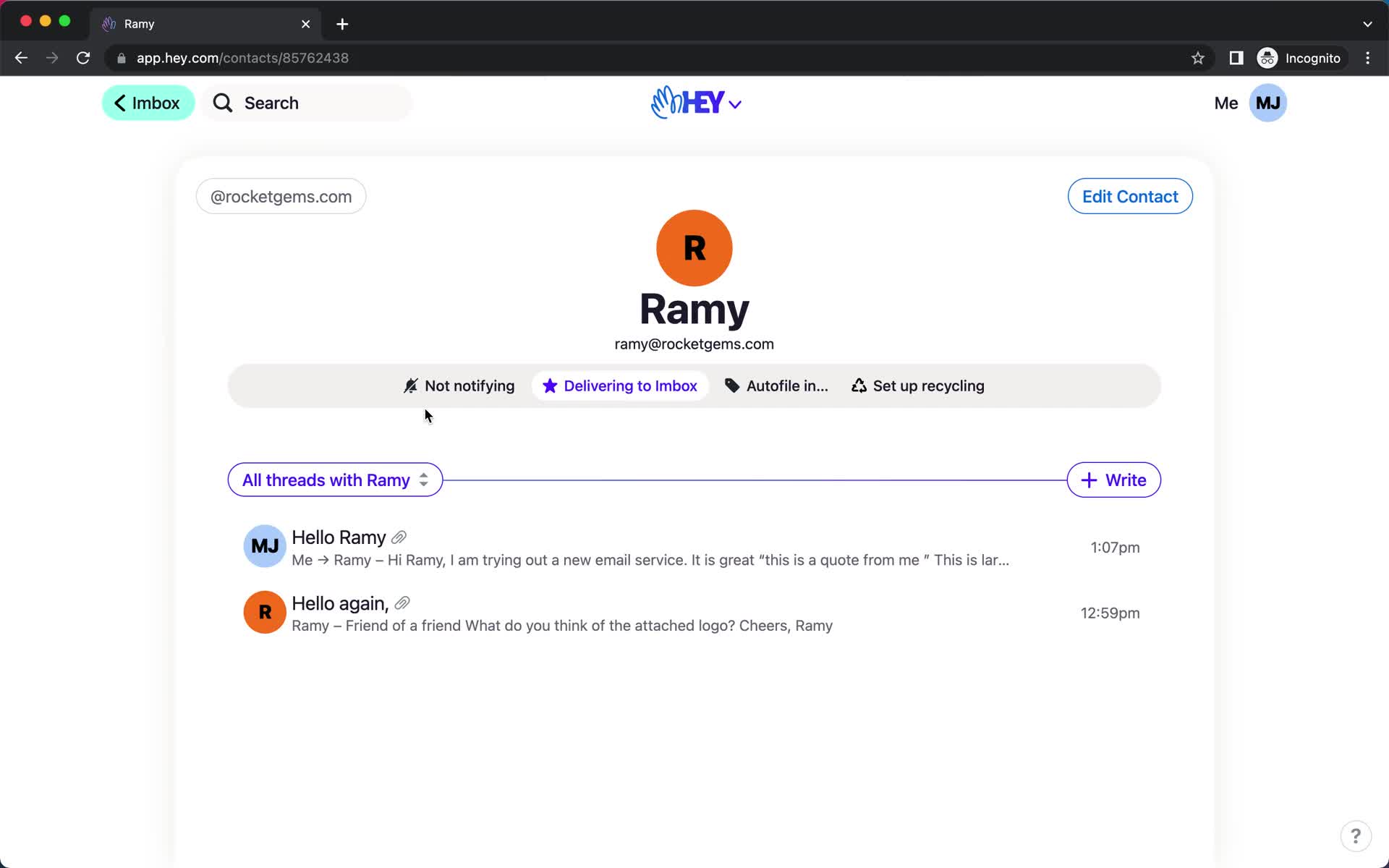
Contact details
this is title
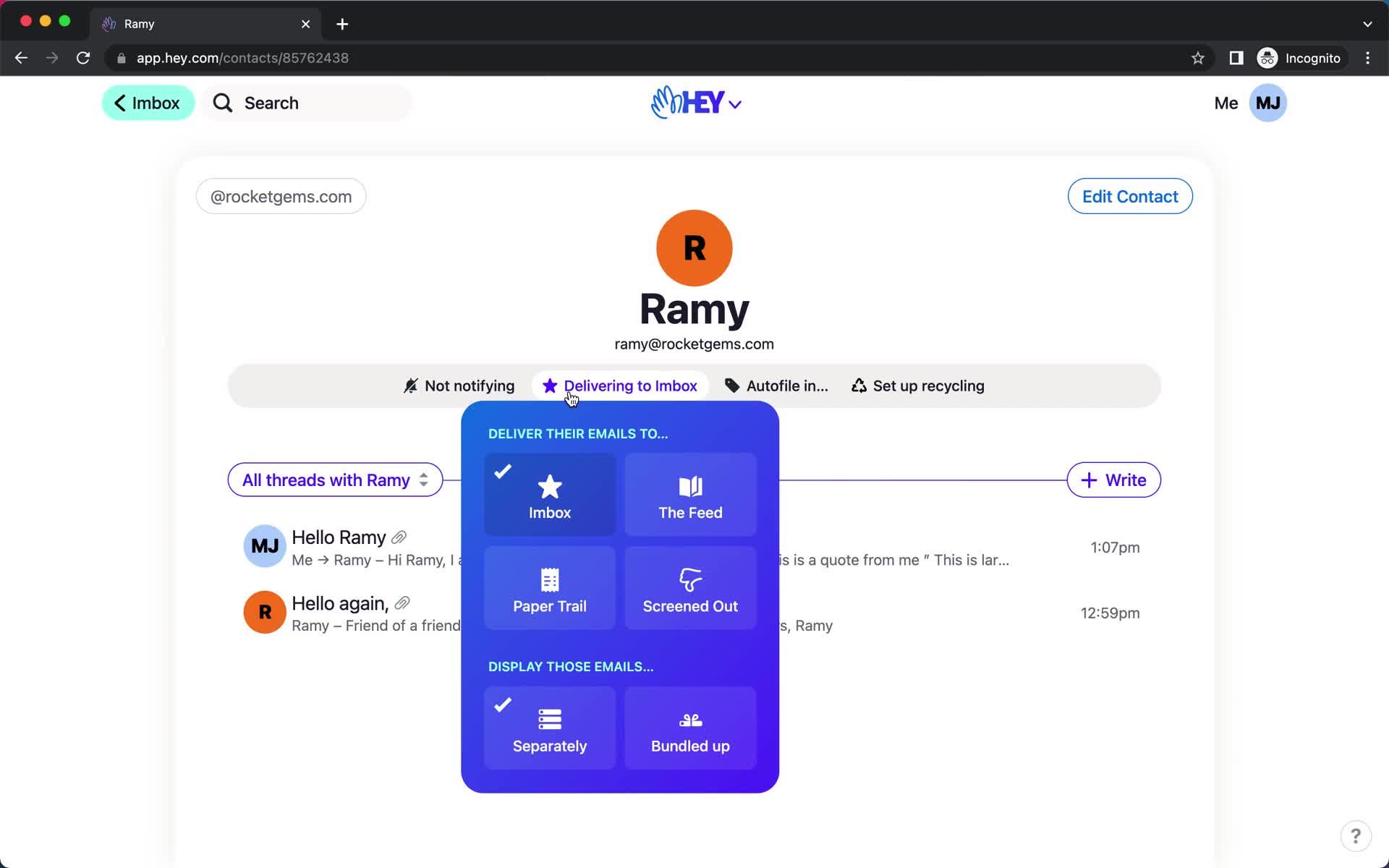
Action menu
this is title
Changes saved
this is title
Inbox
this is title
Imbox
this is title
The Screener
this is title
Screen contact
this is title
The Screener
this is title
Imbox
this is title
Screener history
this is title
Screener history
this is title
Speakeasy code
this is title
Search
this is title
Search results
this is title
Search results
this is title
No search results
this is title
Search results
this is title
Filtered results
this is title
Email details
this is title
Search
this is title
Search results
this is title
No search results
this is title
Navigation menu
this is title
Quick search
this is title
Folder
this is title
Imbox
this is title
Search
this is title
Message thread
this is title
Imbox
this is title
Navigation menu
this is title
Quick search
this is title
Inbox
this is title
Compose email
this is title
Add subject
this is title
Compose email
this is title
Compose email
this is title
Schedule
this is title
Schedule
this is title
Scheduled
this is title
Navigation menu
this is title
Quick search
this is title
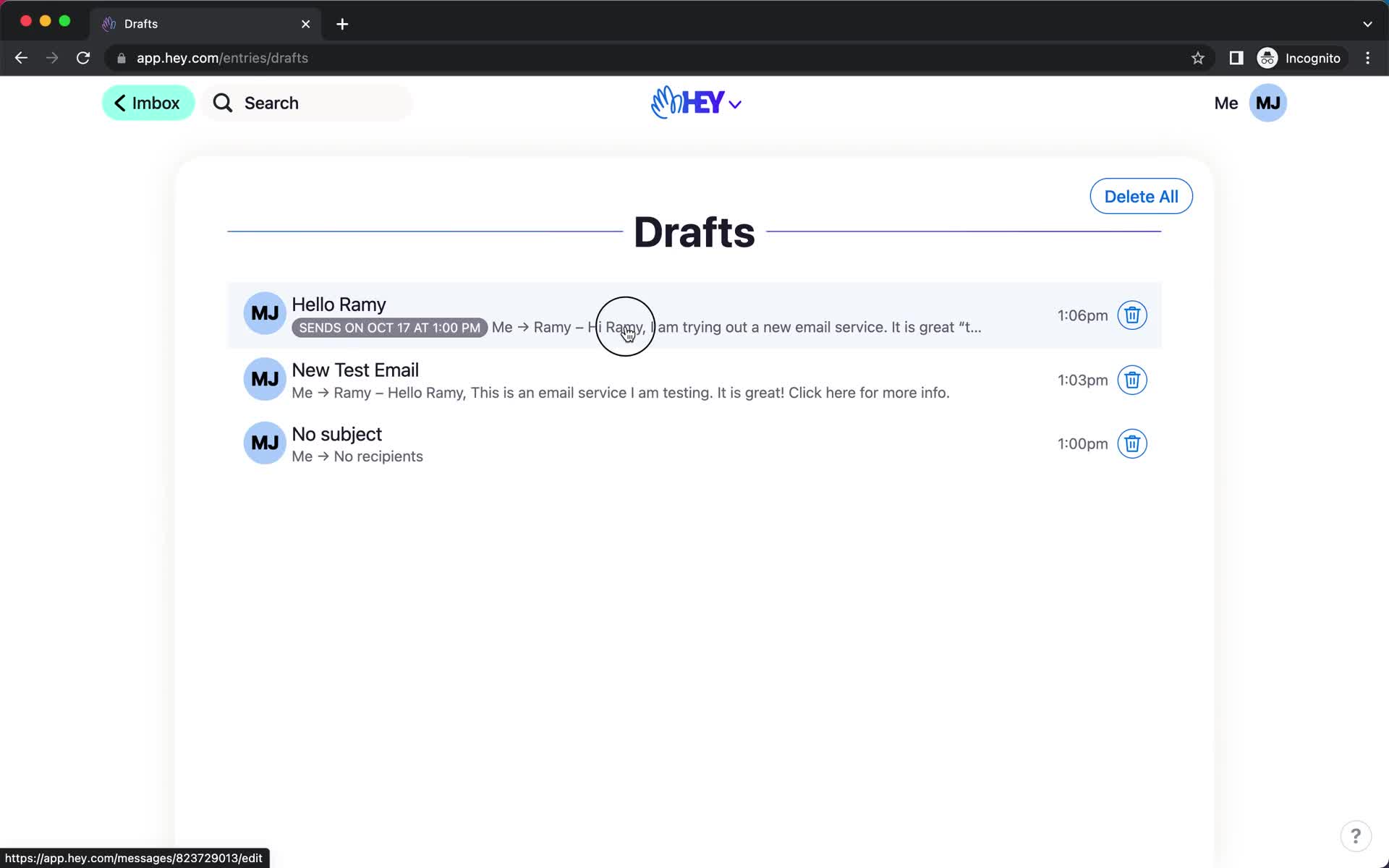
Drafts
this is title
Schedule
this is title
Send email
this is title
Email sent
this is title
Imbox
this is title
Compose email
this is title
Compose email
this is title
Compose email
this is title
Compose email
this is title
Set url
this is title
Message sent
this is title
Inbox
this is title
Product tour
this is title
Email details
this is title
Action menu
this is title
Add label
this is title
Product tour
this is title
Inbox
this is title
Product tour
this is title
Navigation menu
this is title
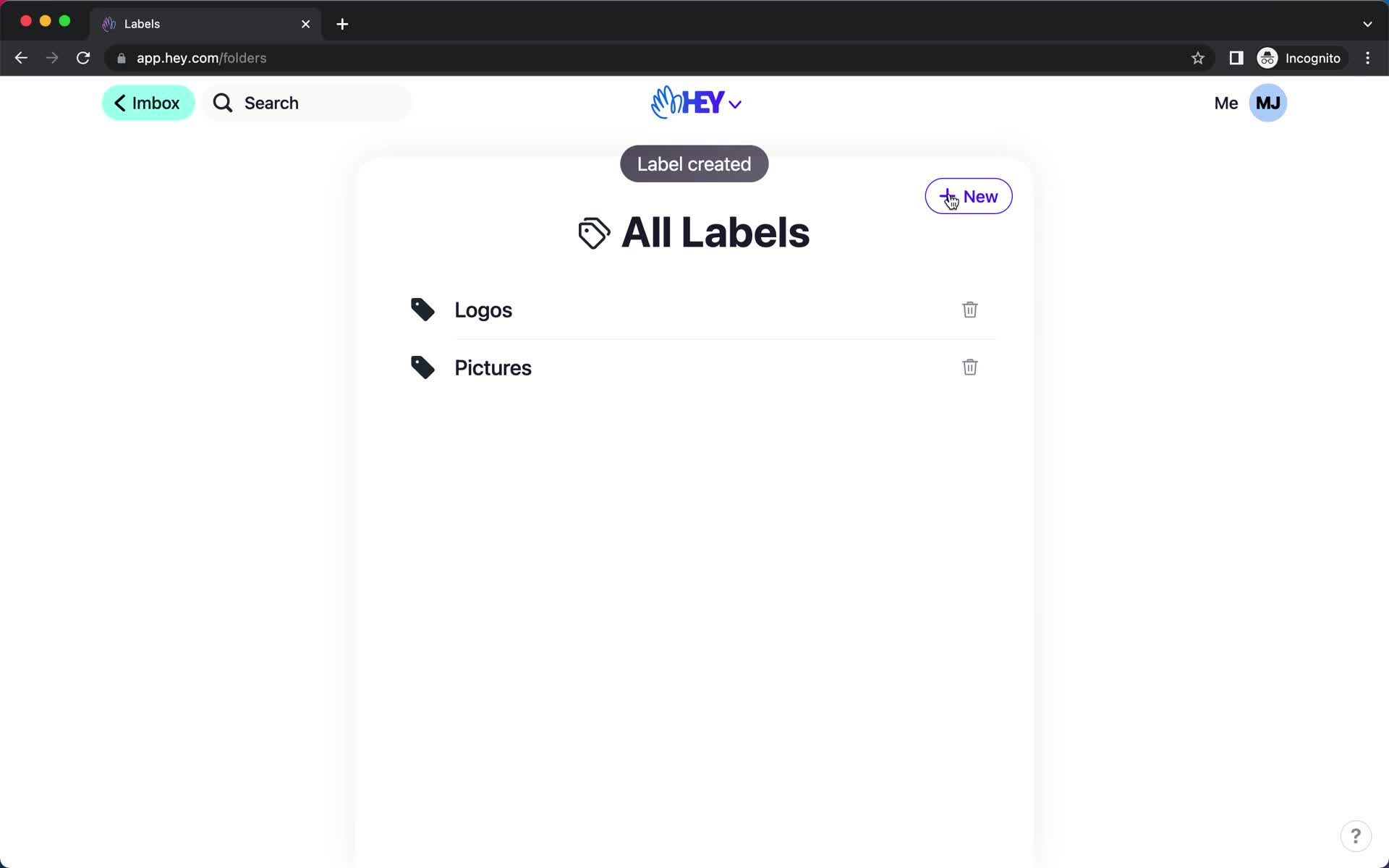
Labels
this is title
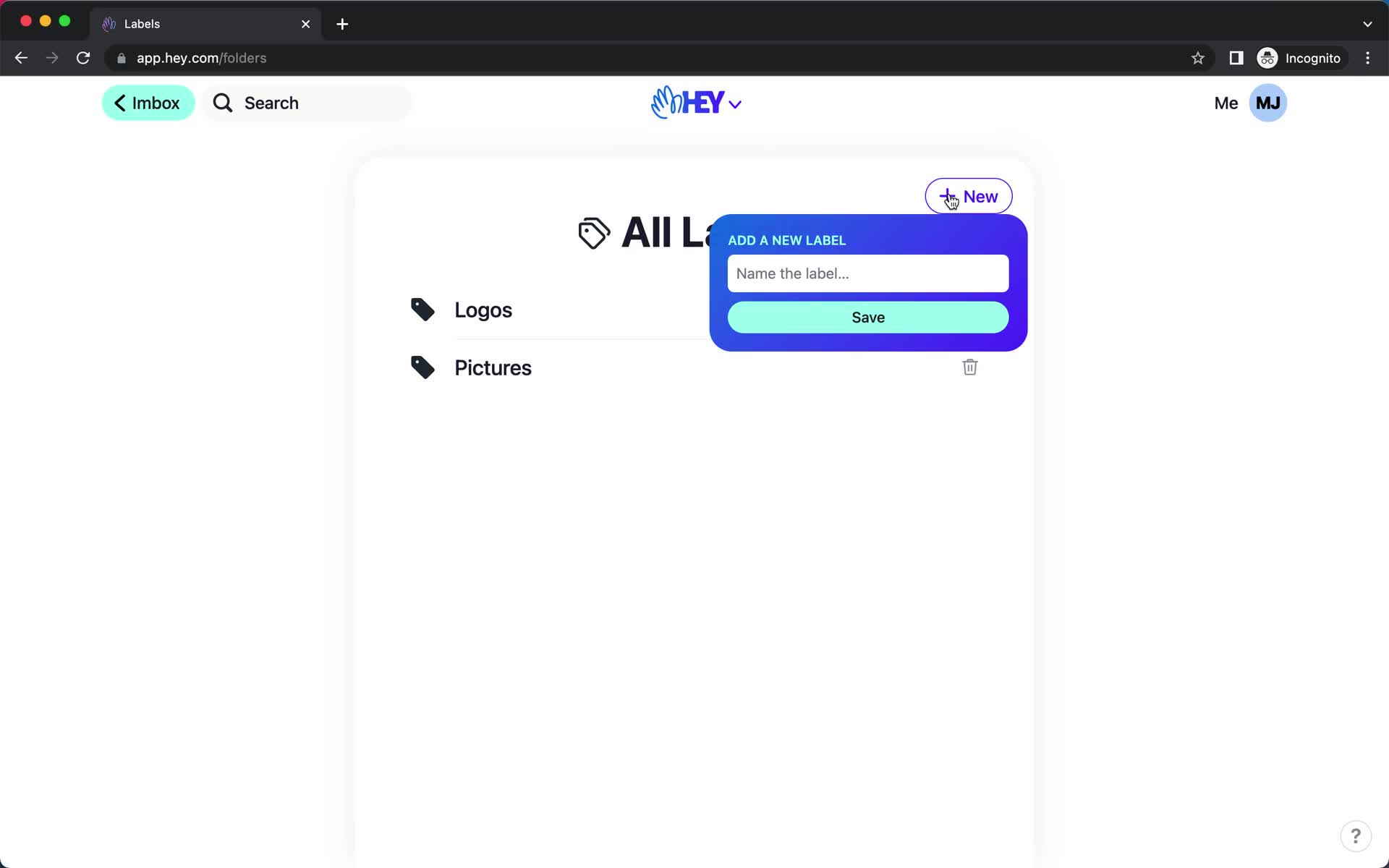
Add label
this is title
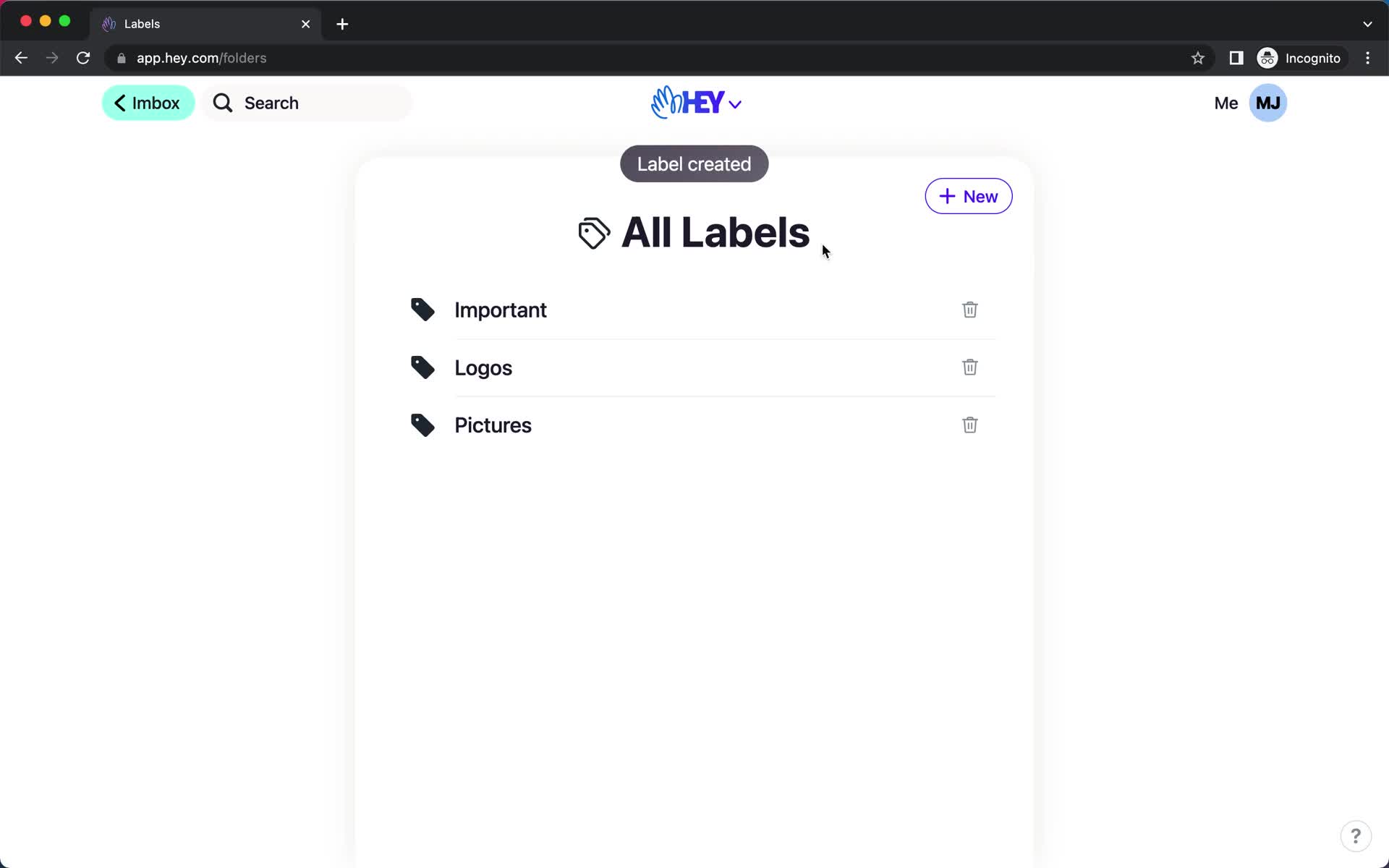
Labels
this is title
Add label
this is title
Changes saved
this is title
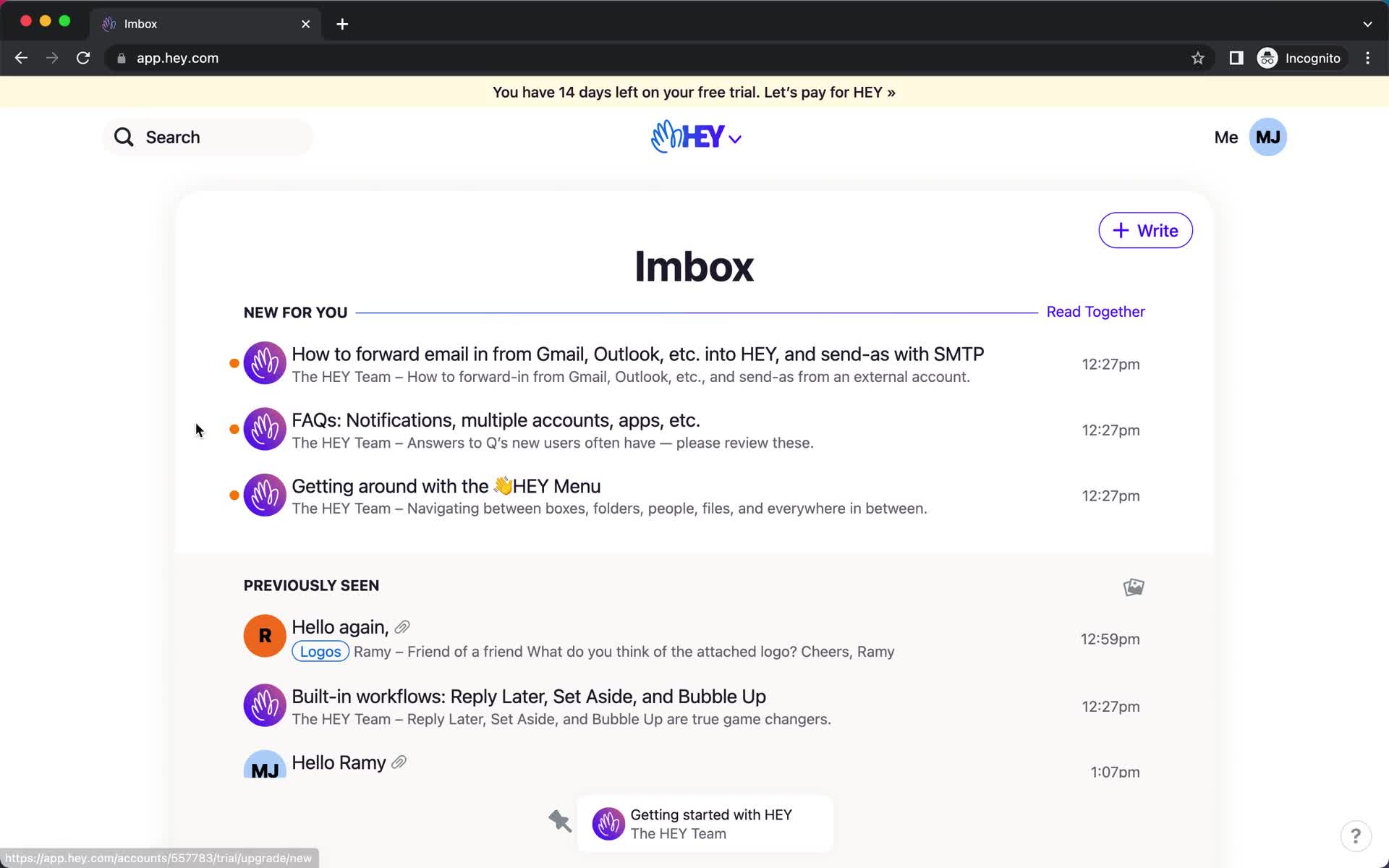
Inbox
this is title
Email details
this is title
Action menu
this is title
Labels
this is title
Email details
this is title
Inbox
this is title
Email details
this is title
Action menu
this is title
Labels
this is title
Email details
this is title
Inbox
this is title
Navigation menu
this is title
Labels
this is title
Label
this is title
Imbox
this is title
Message
this is title
Thread options
this is title
Labels
this is title
Message
this is title
Labels
this is title
Create label
this is title
Navigation menu
this is title
Label
this is title