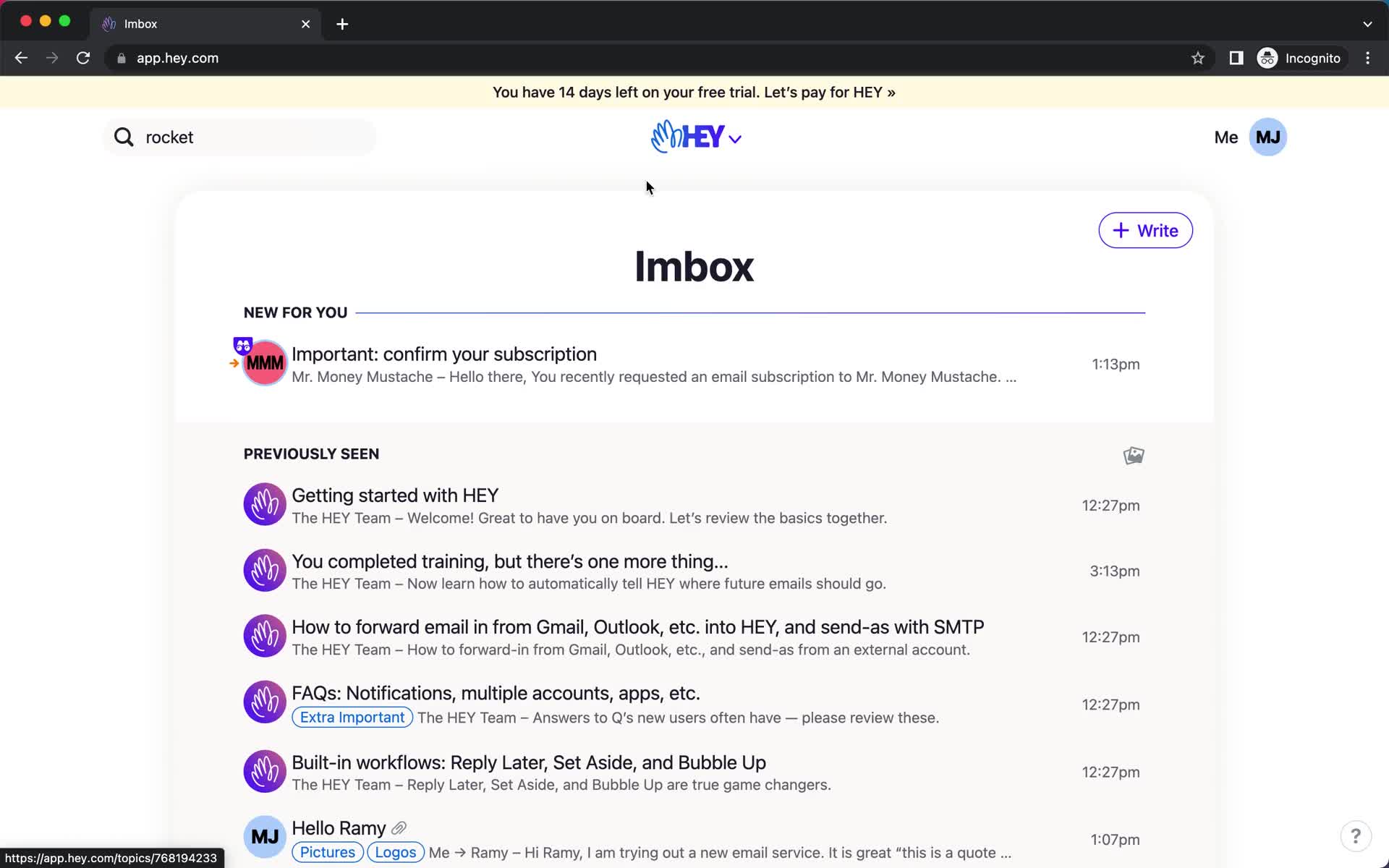
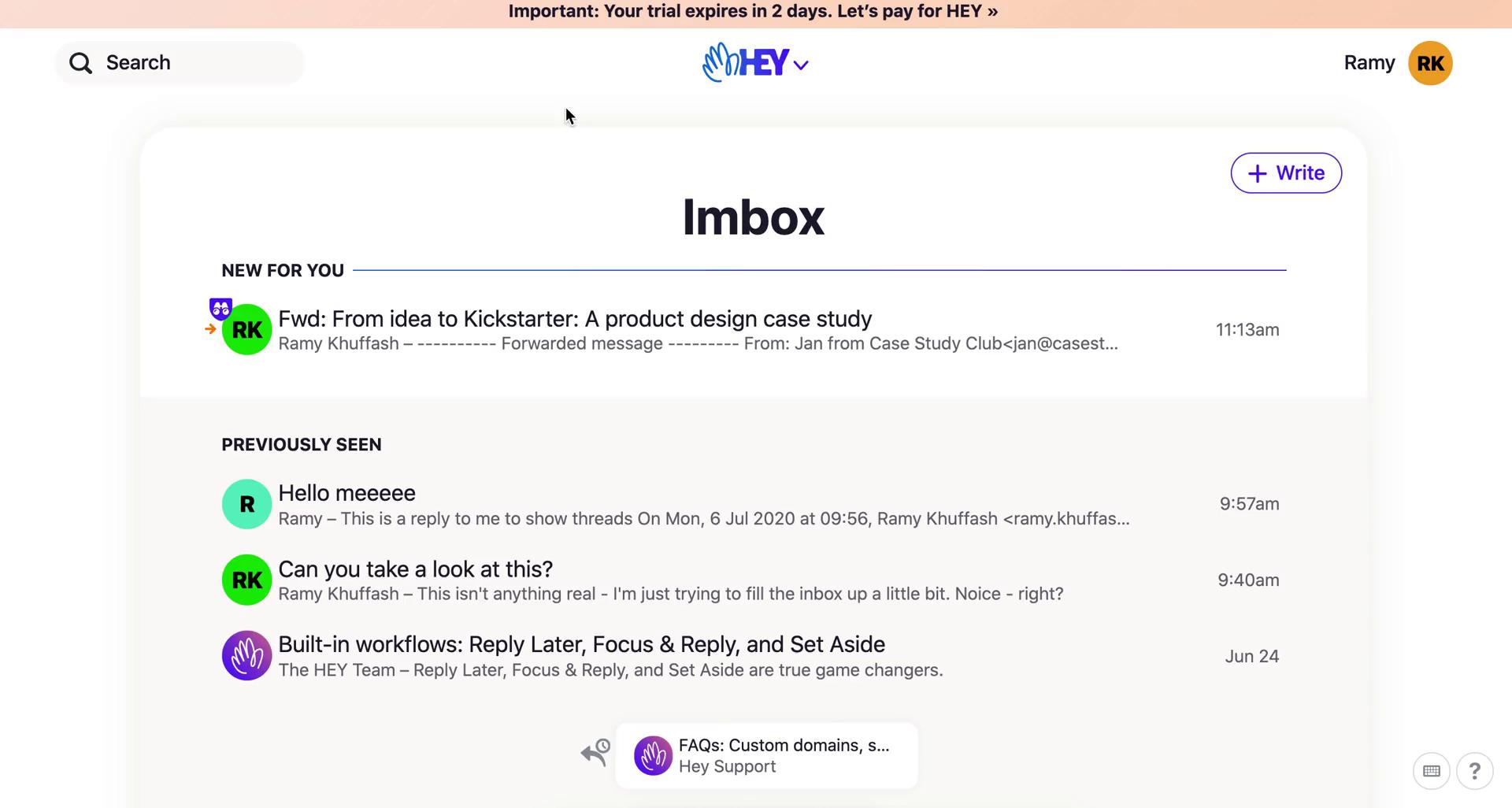
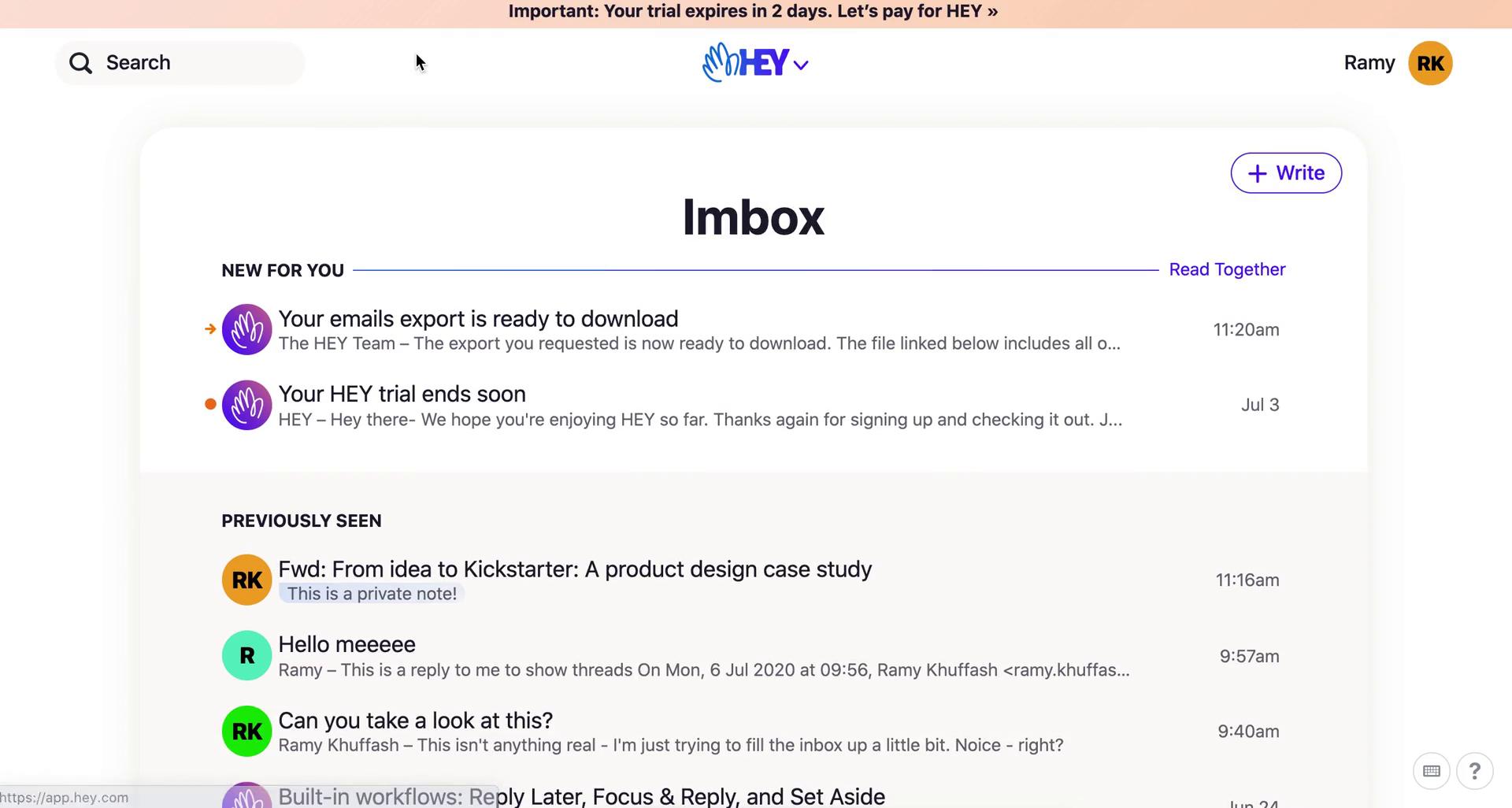
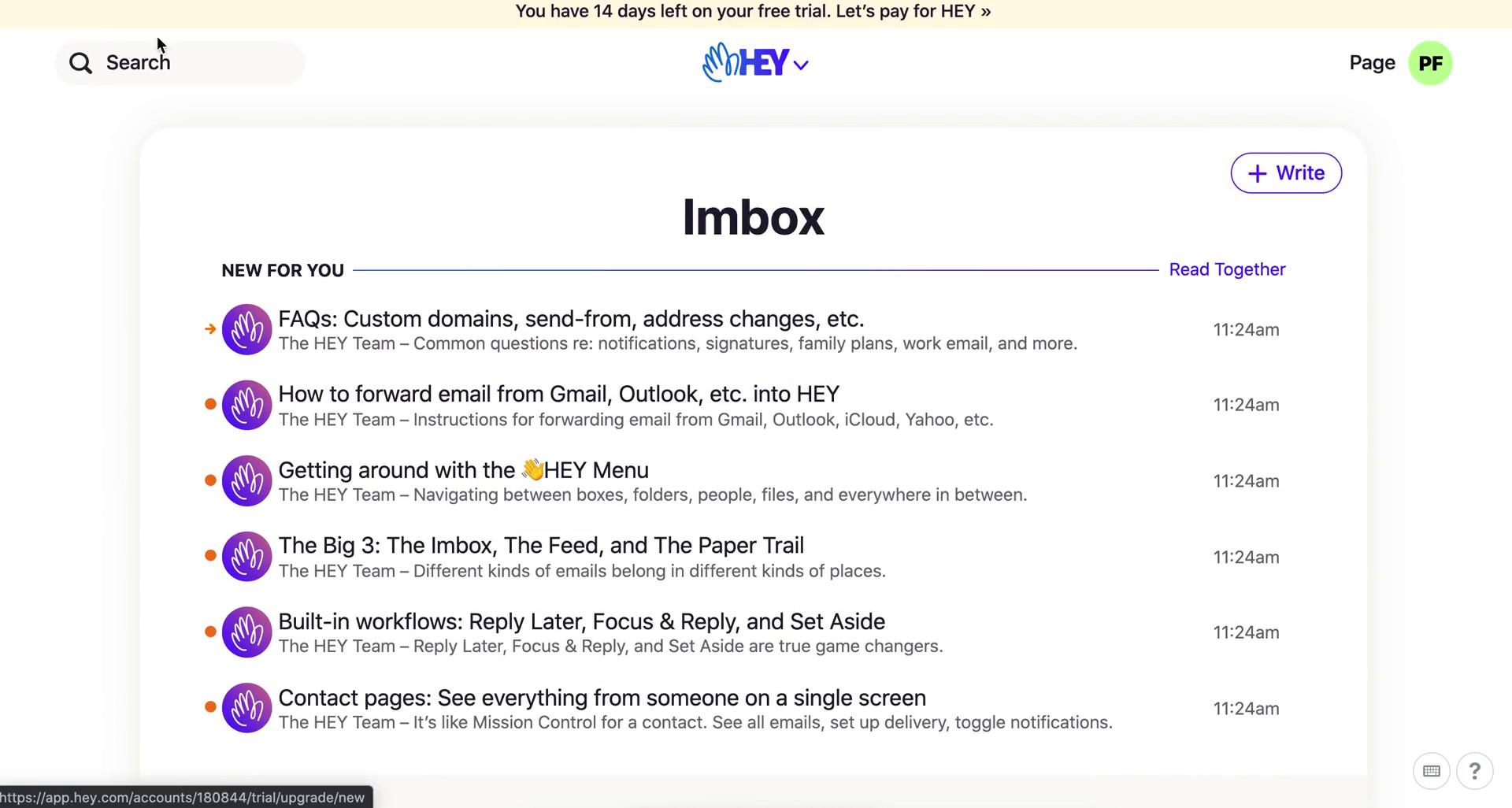
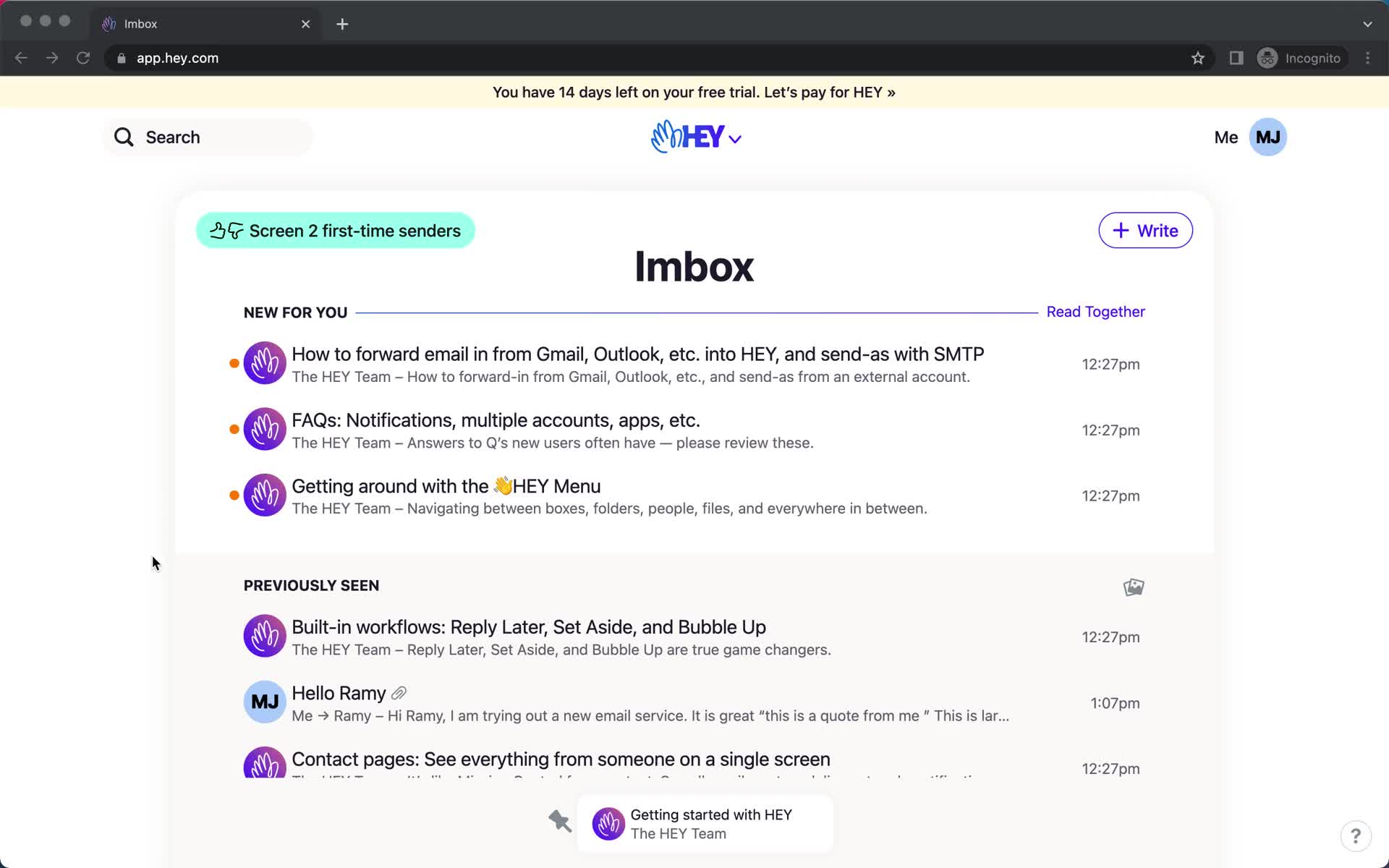
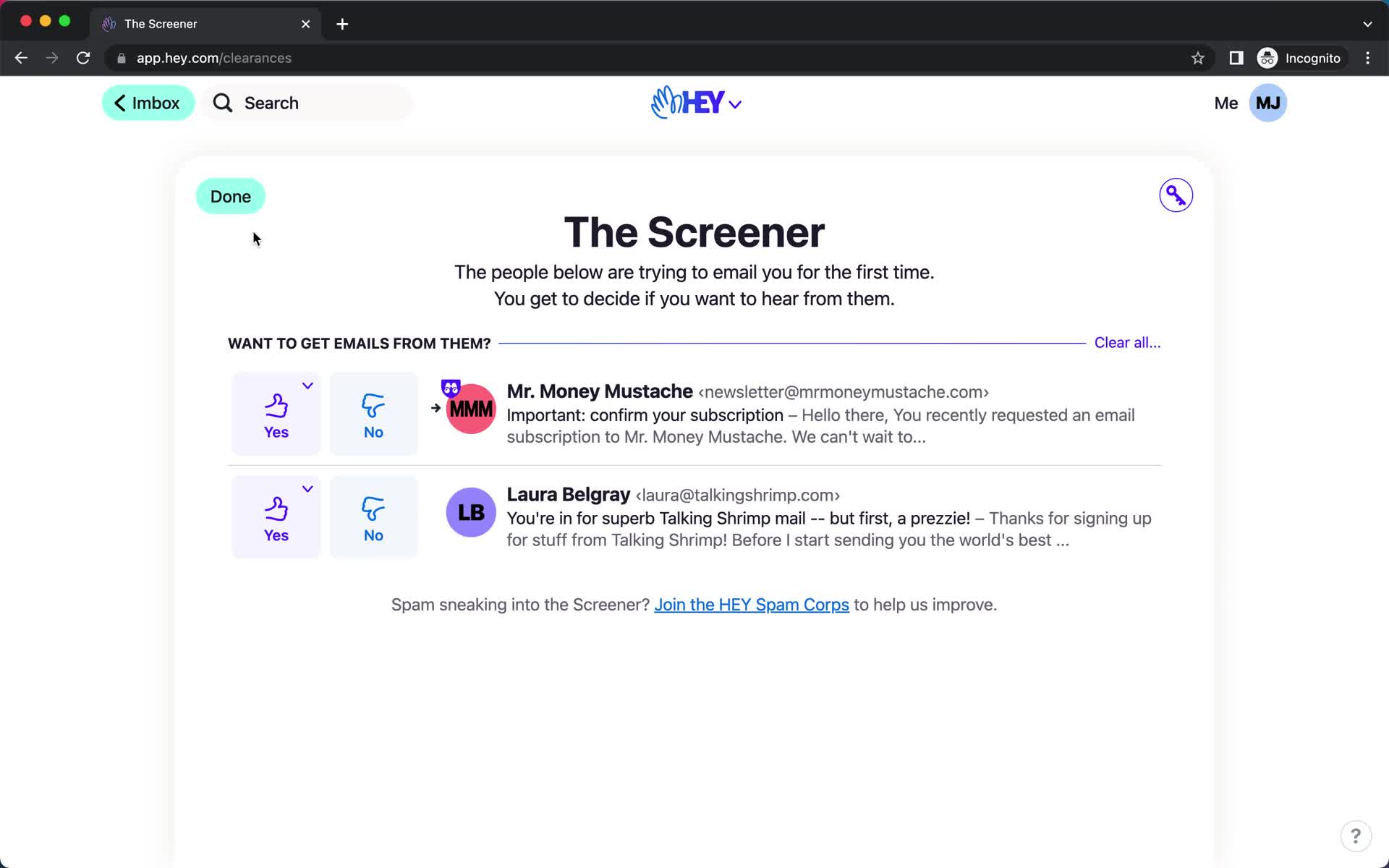
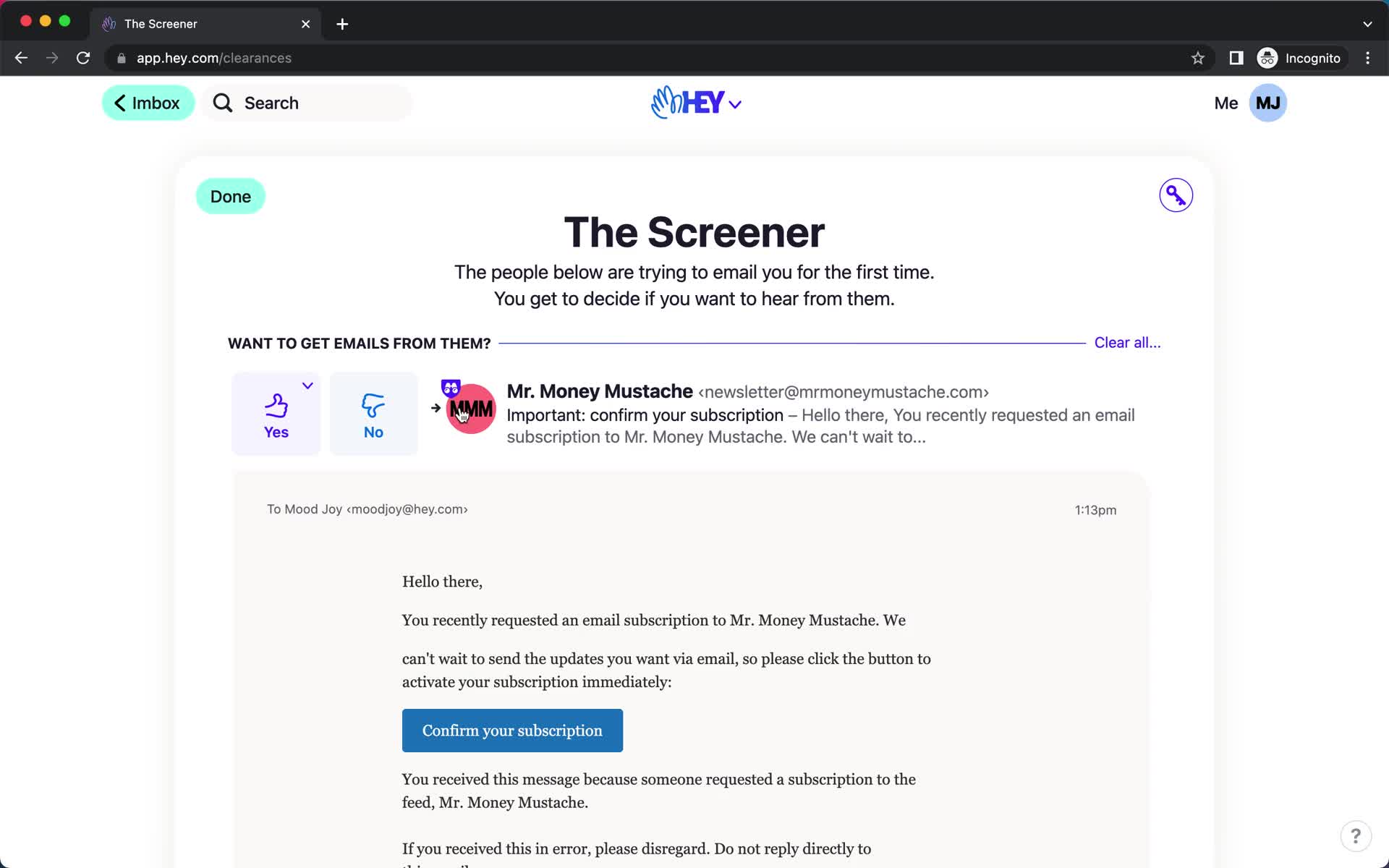
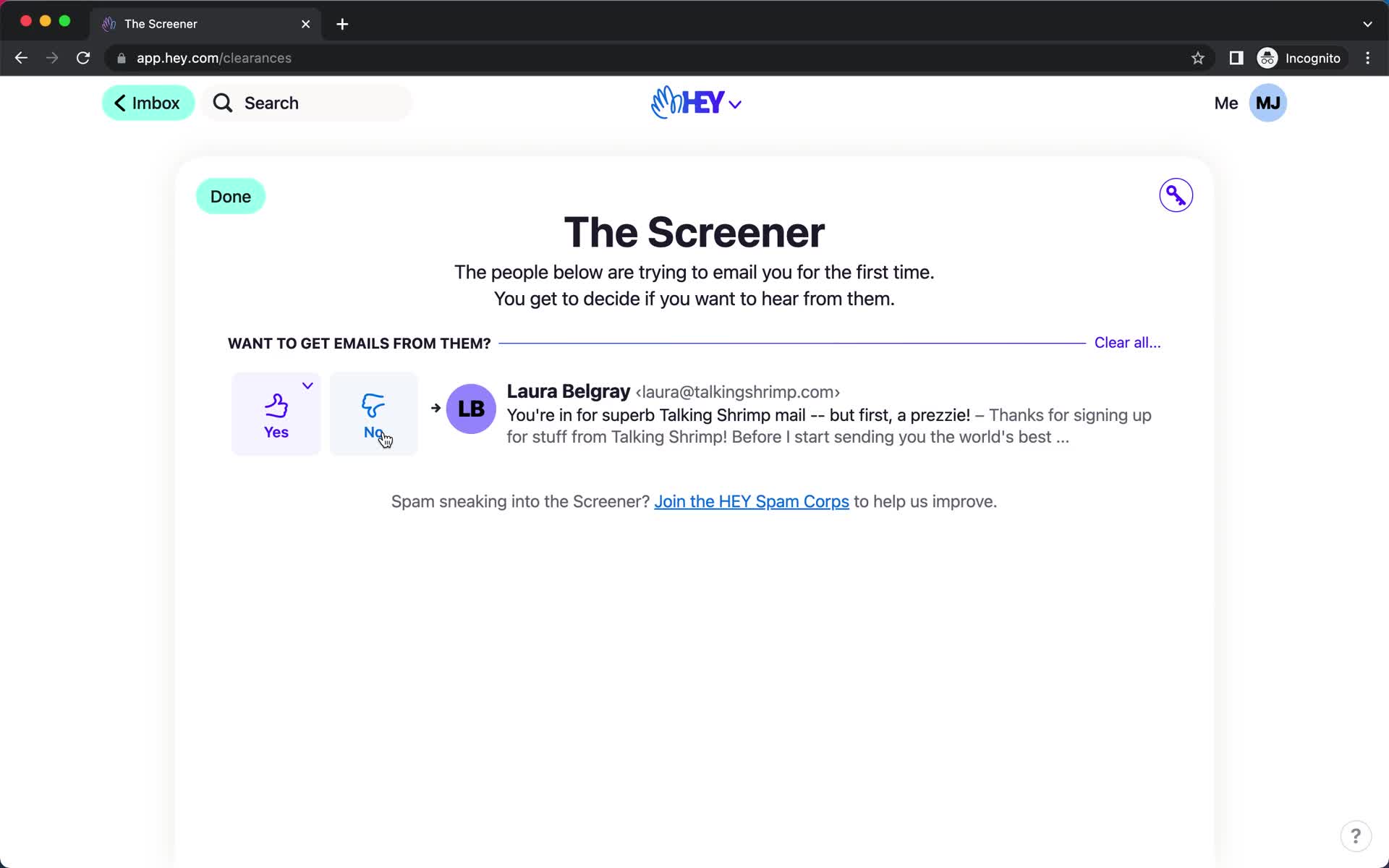
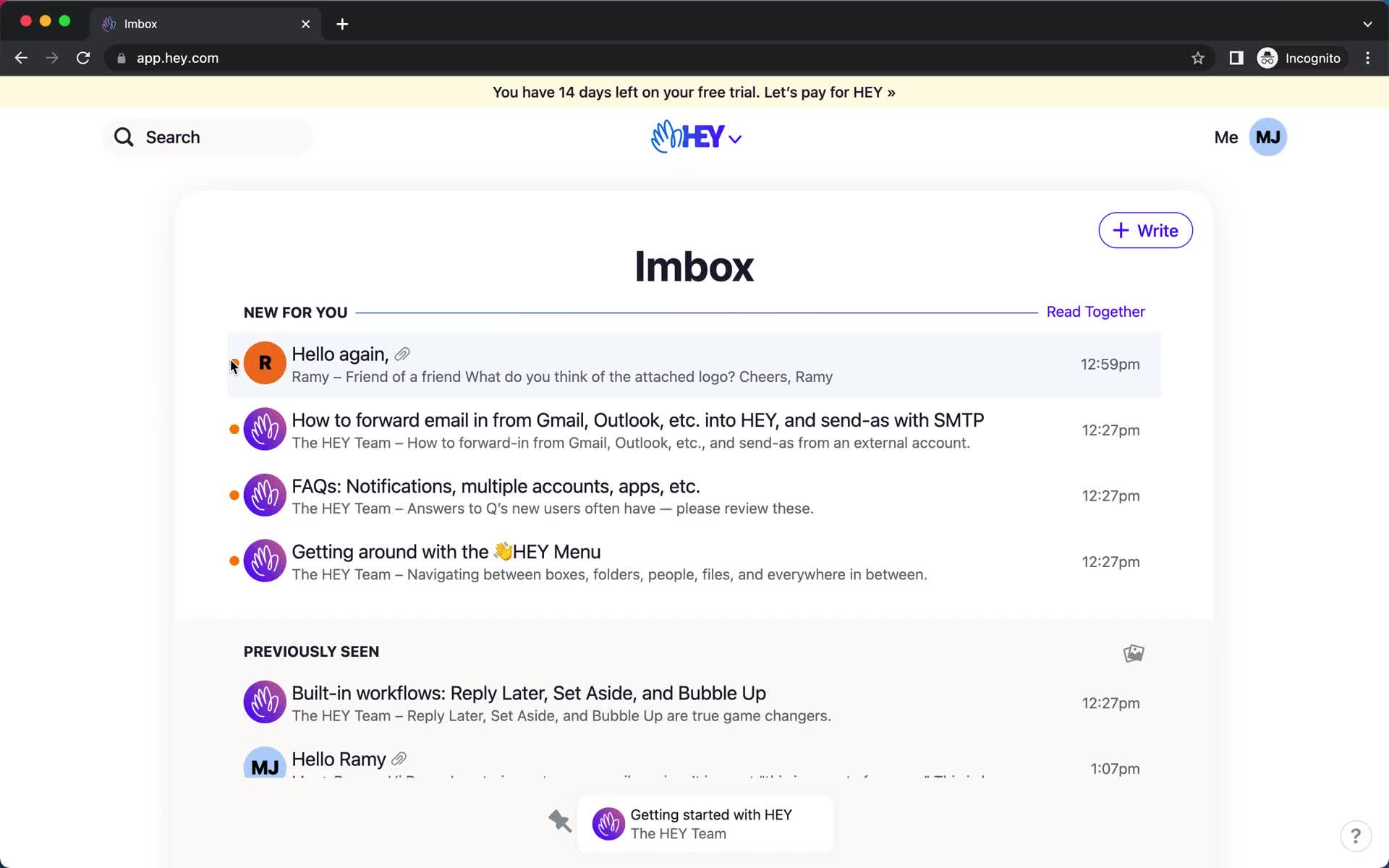
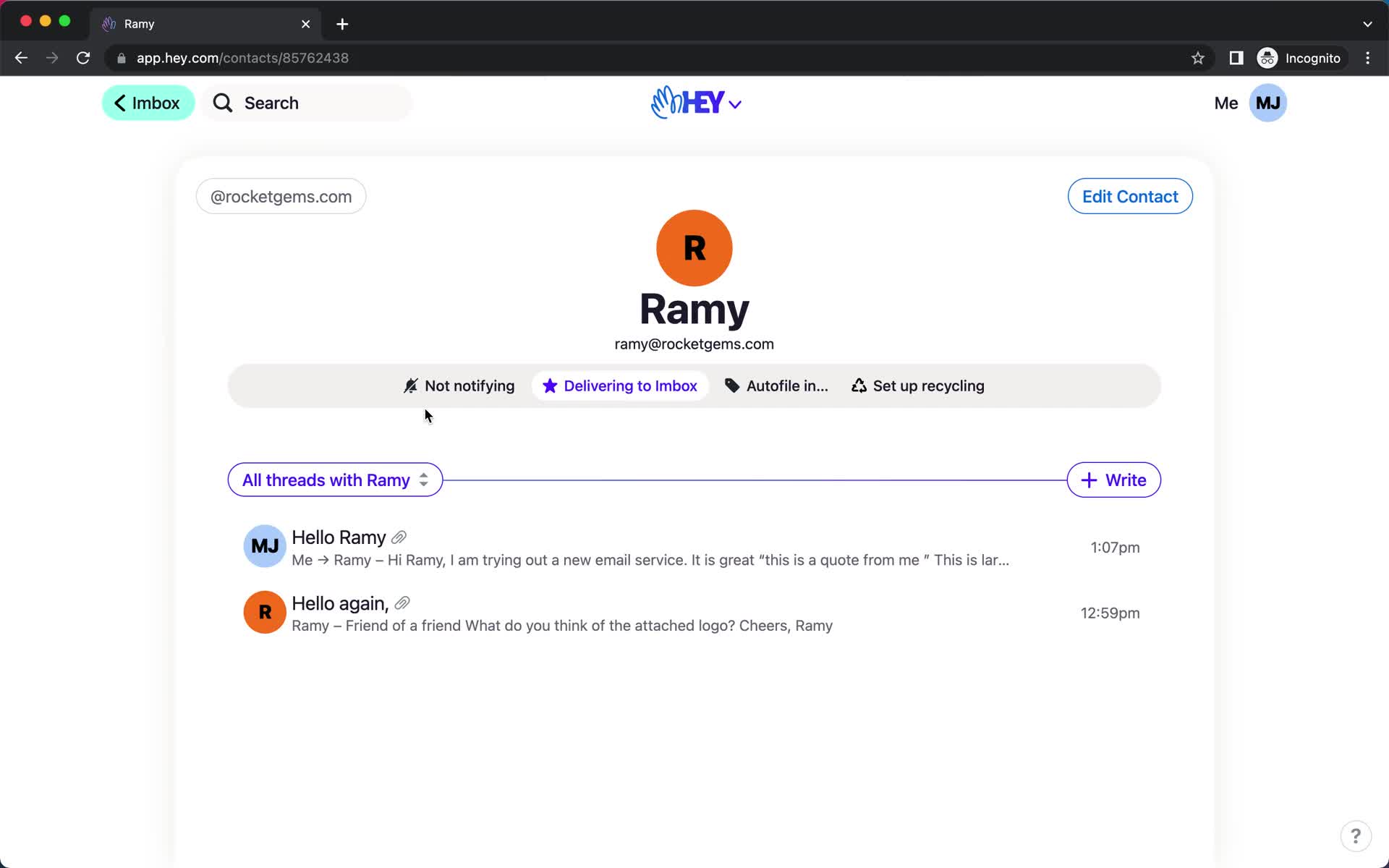
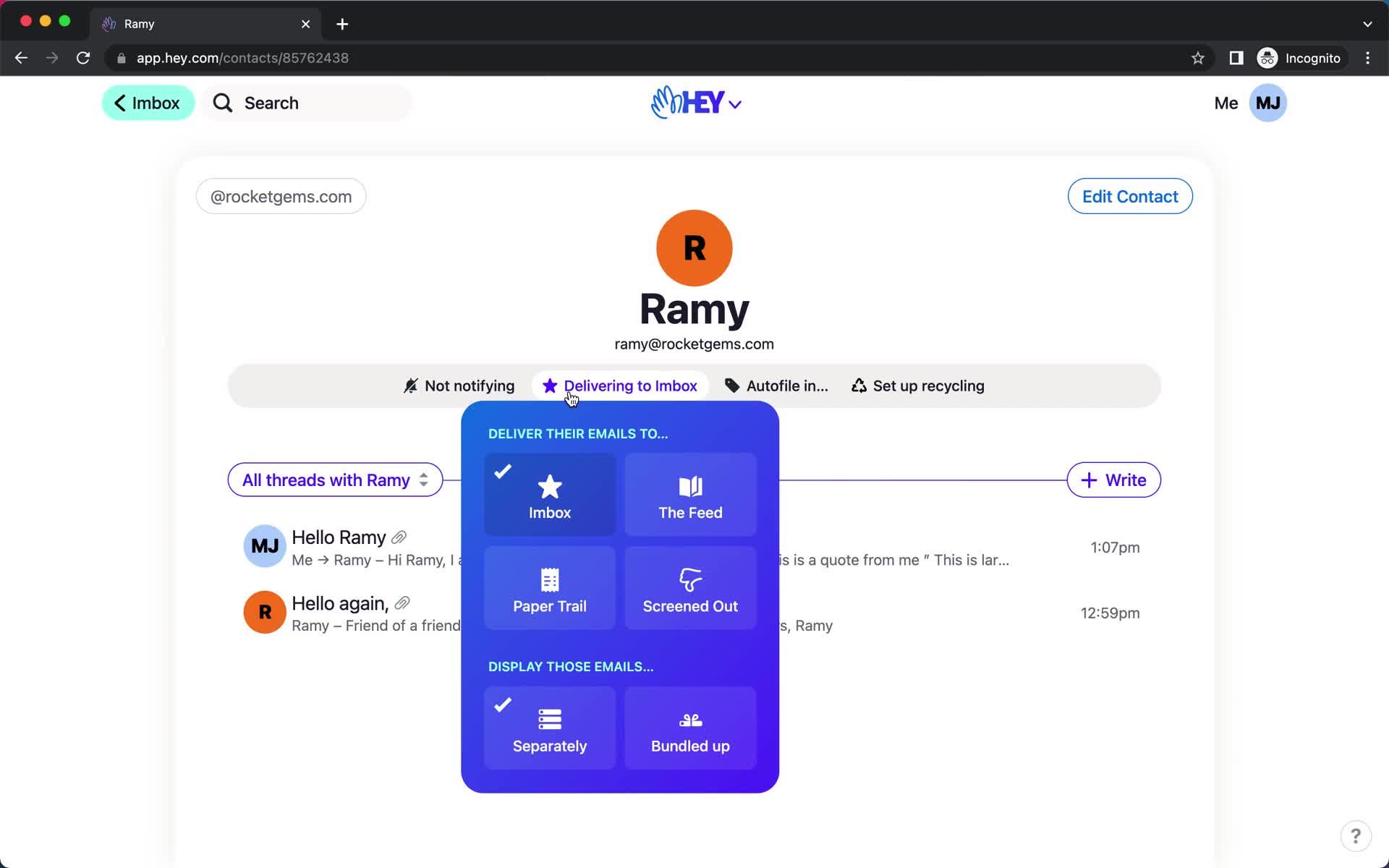
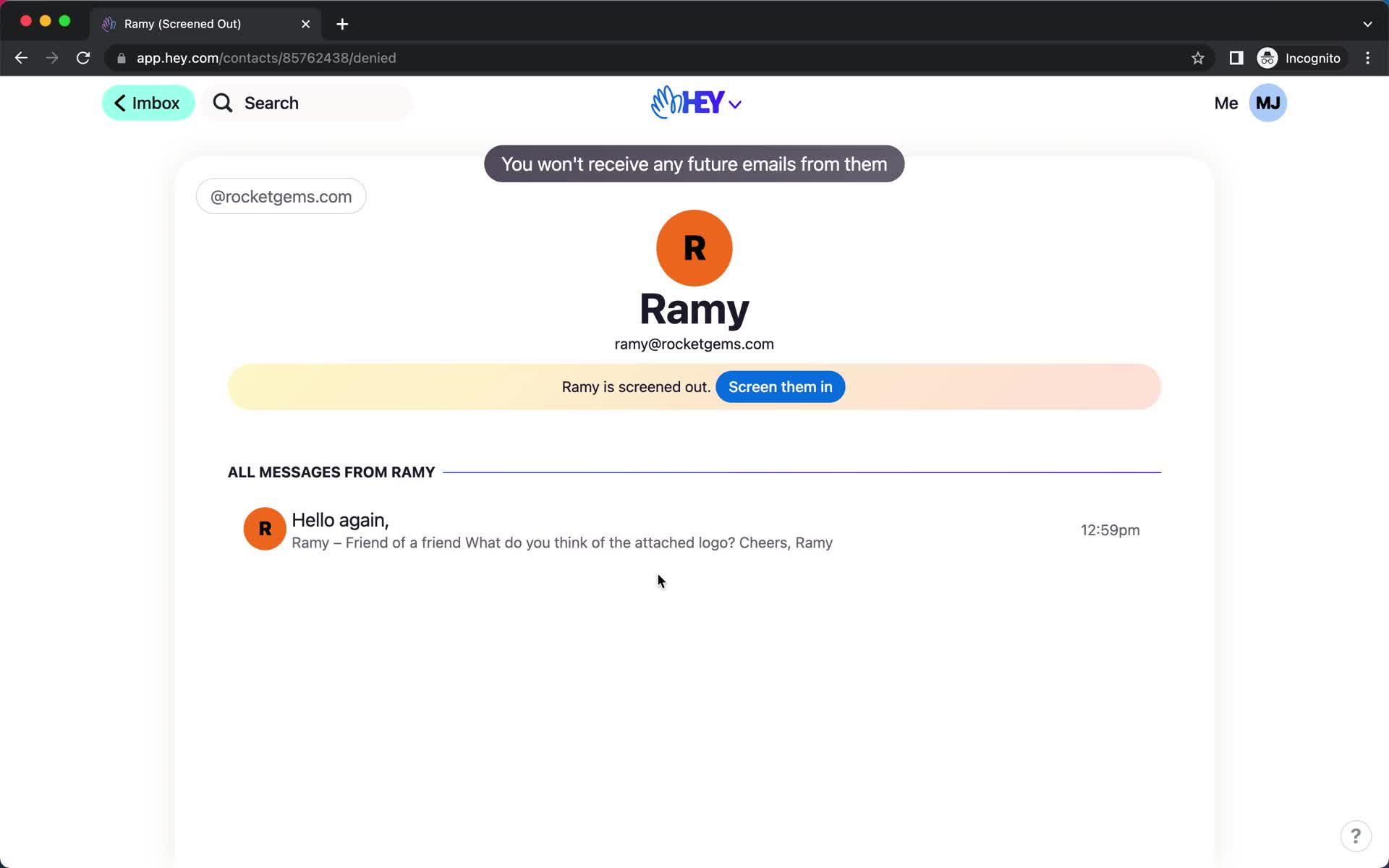
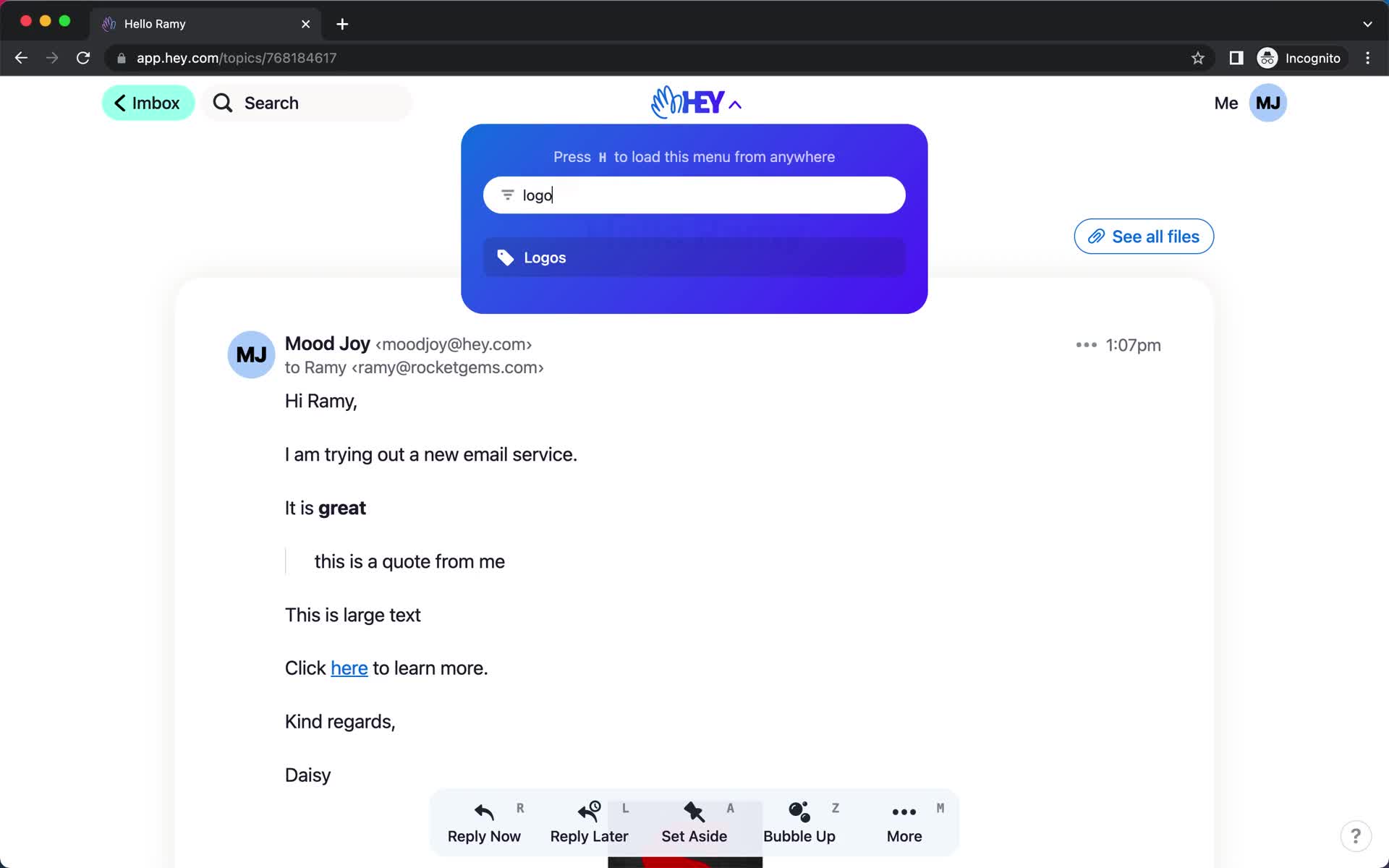
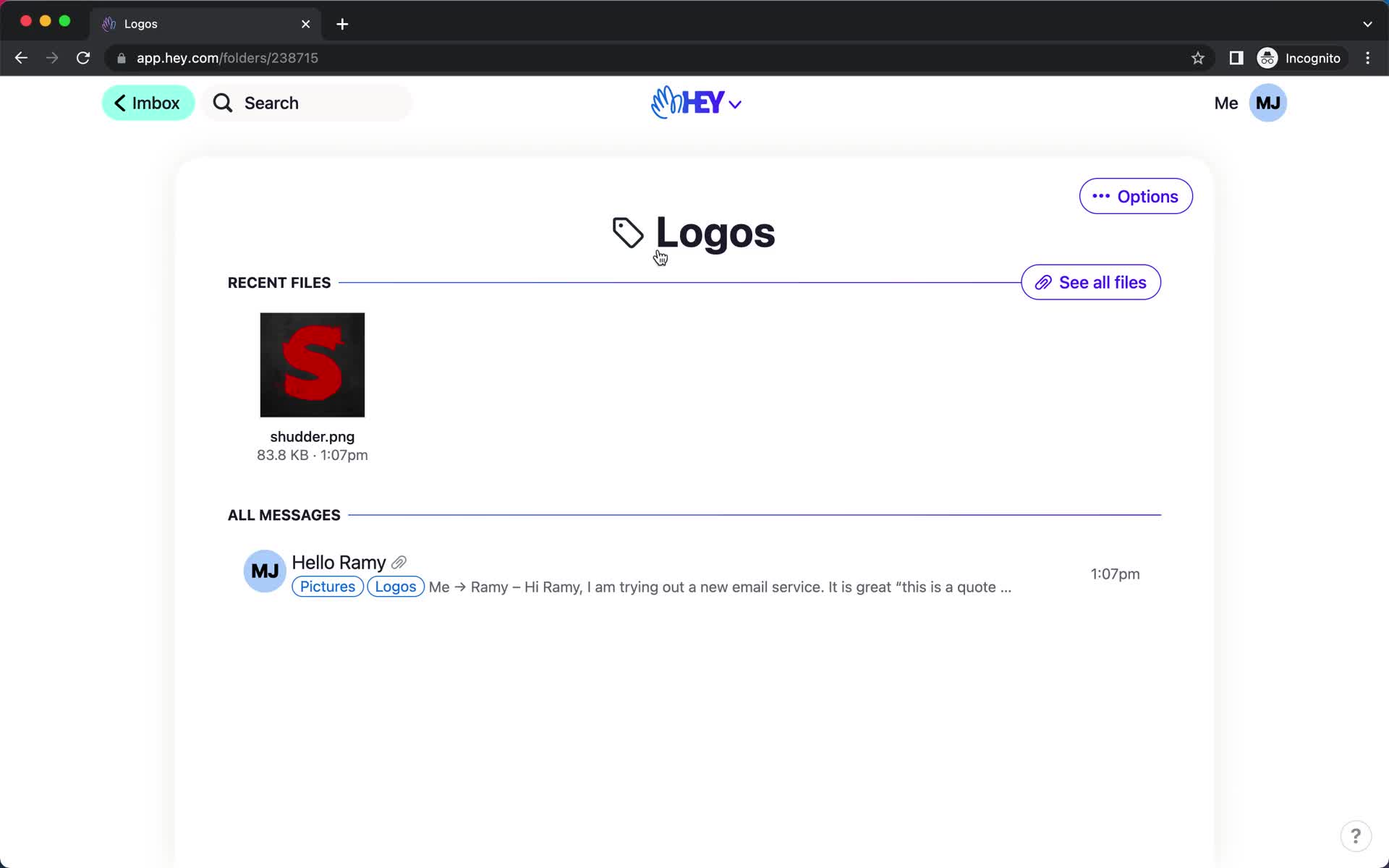
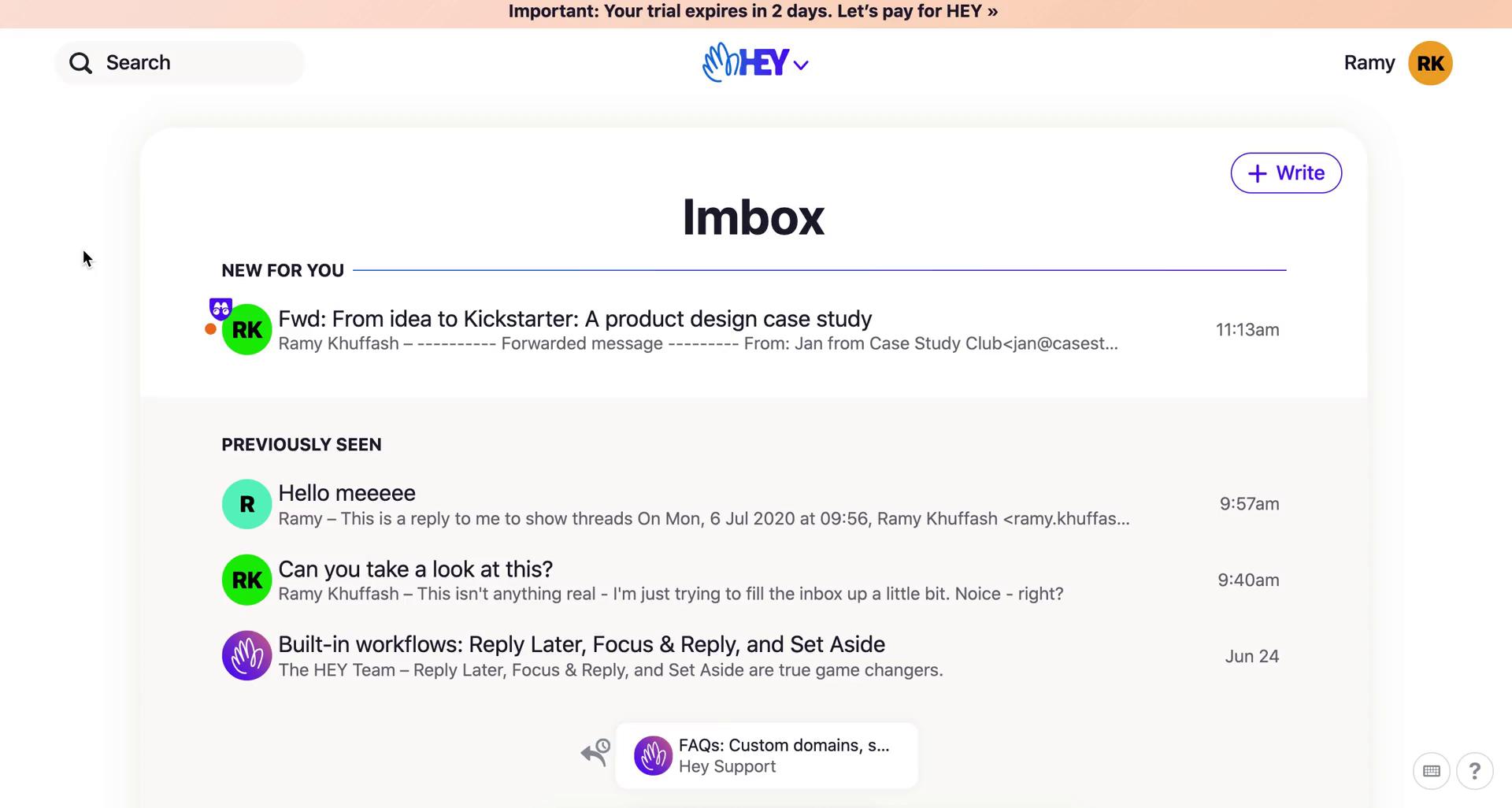
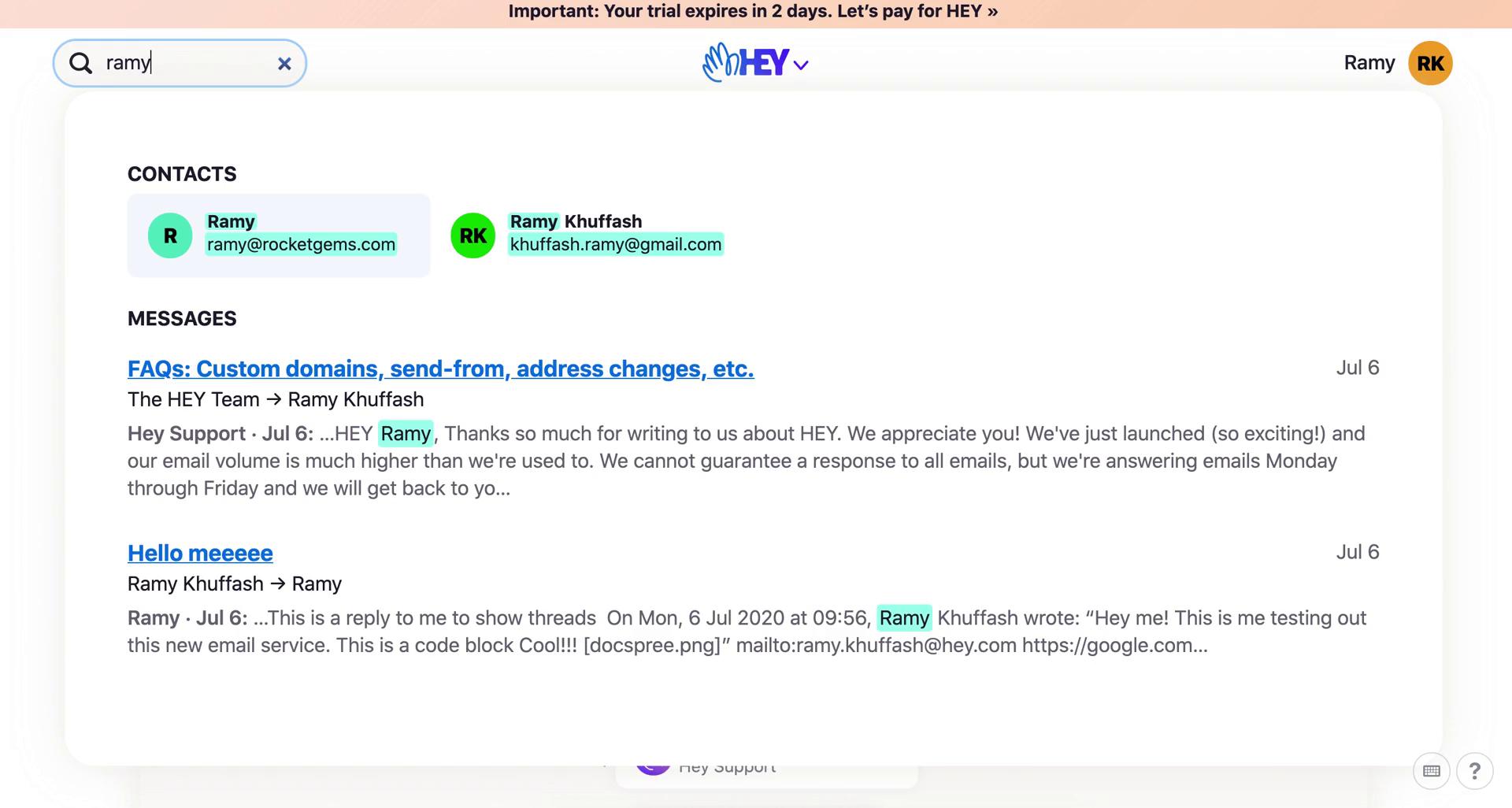
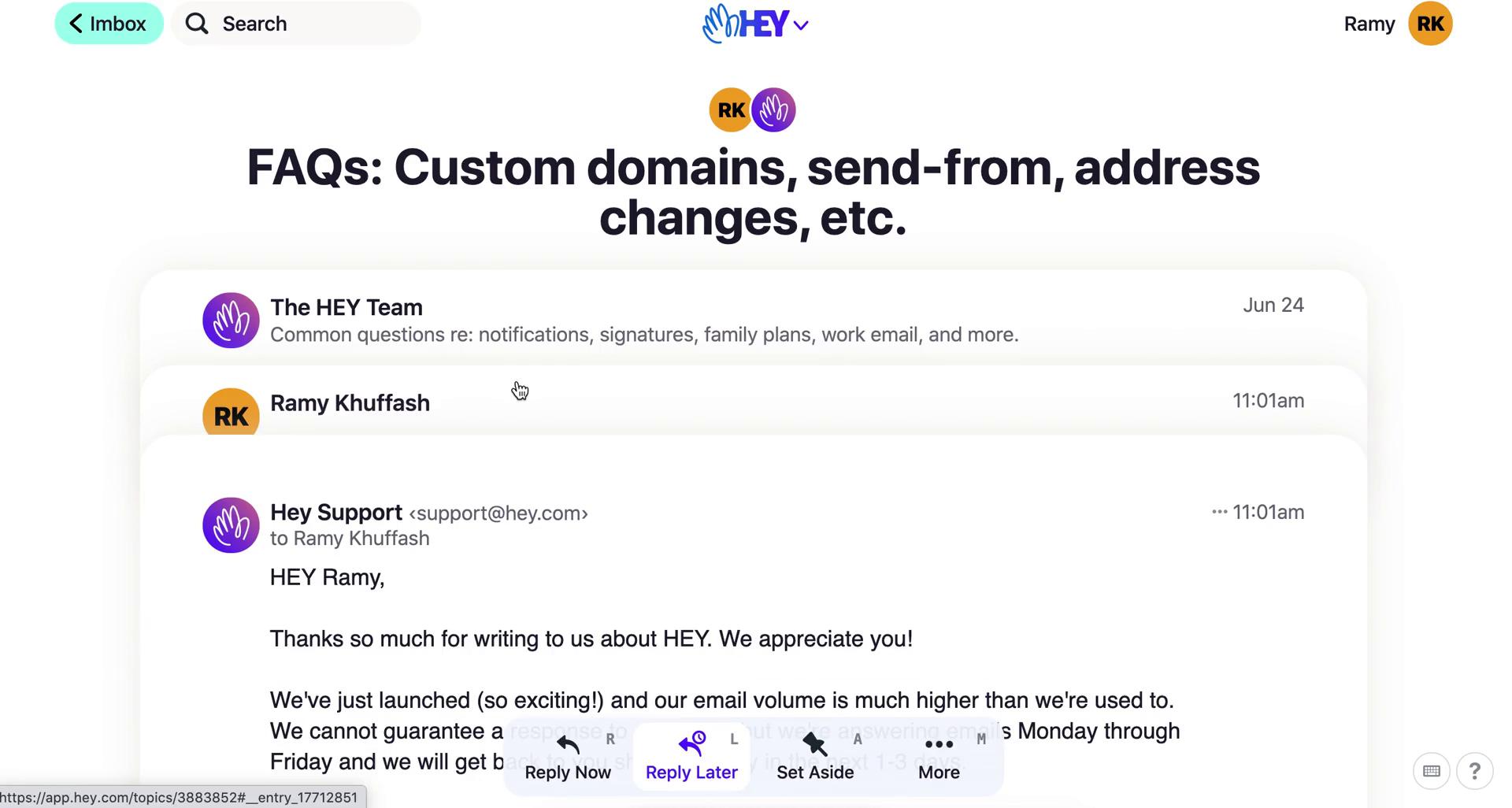
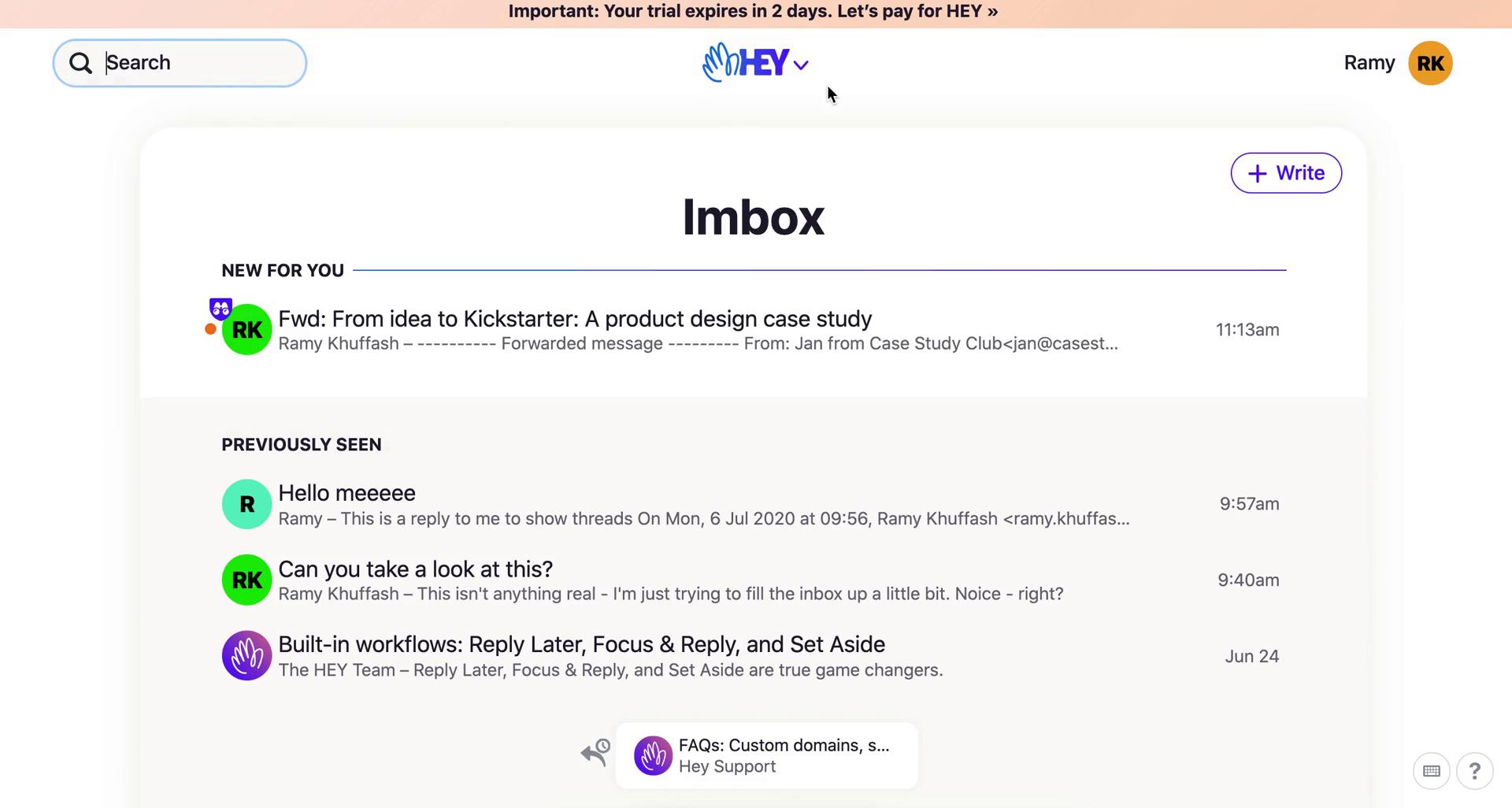
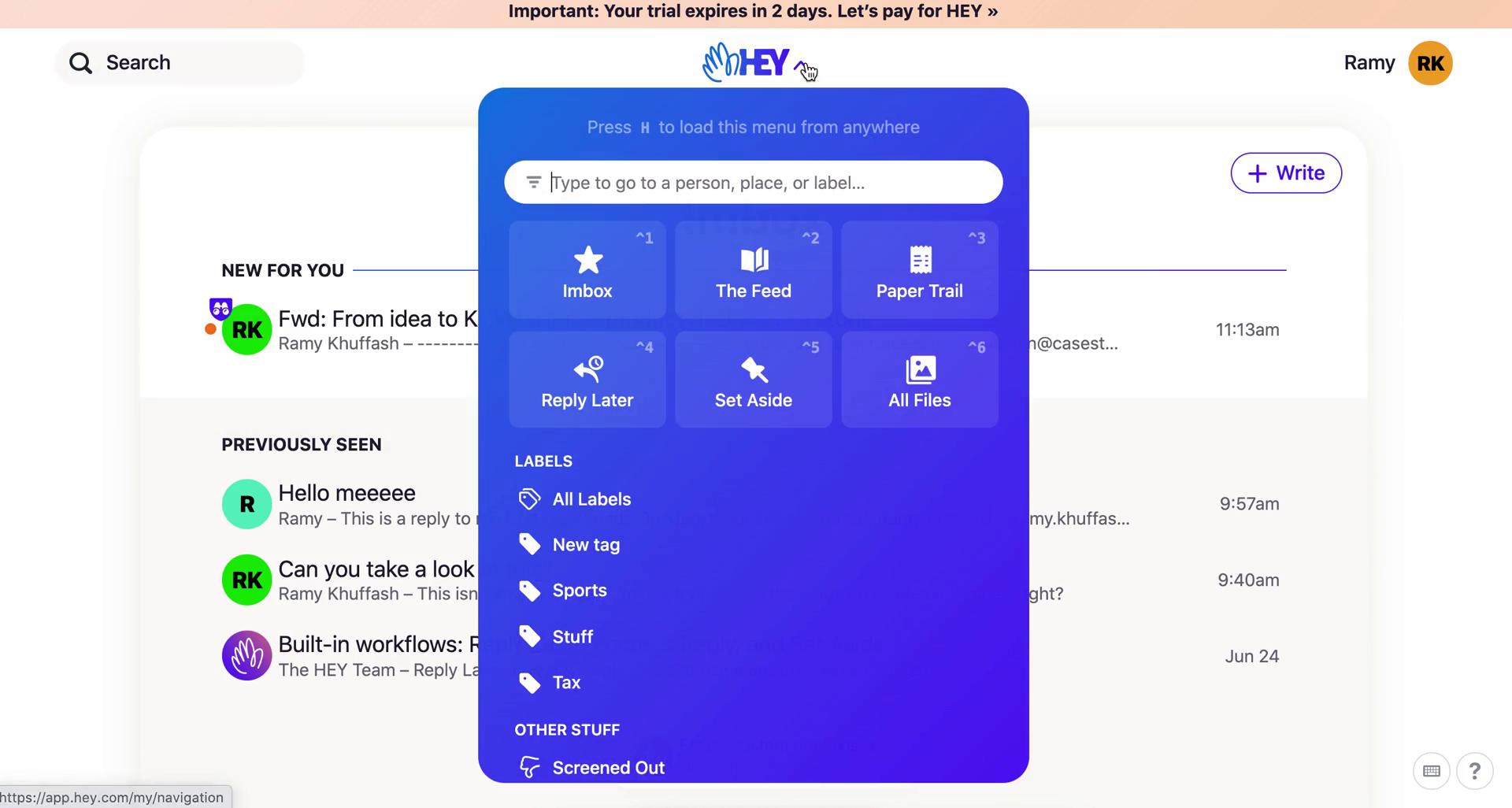
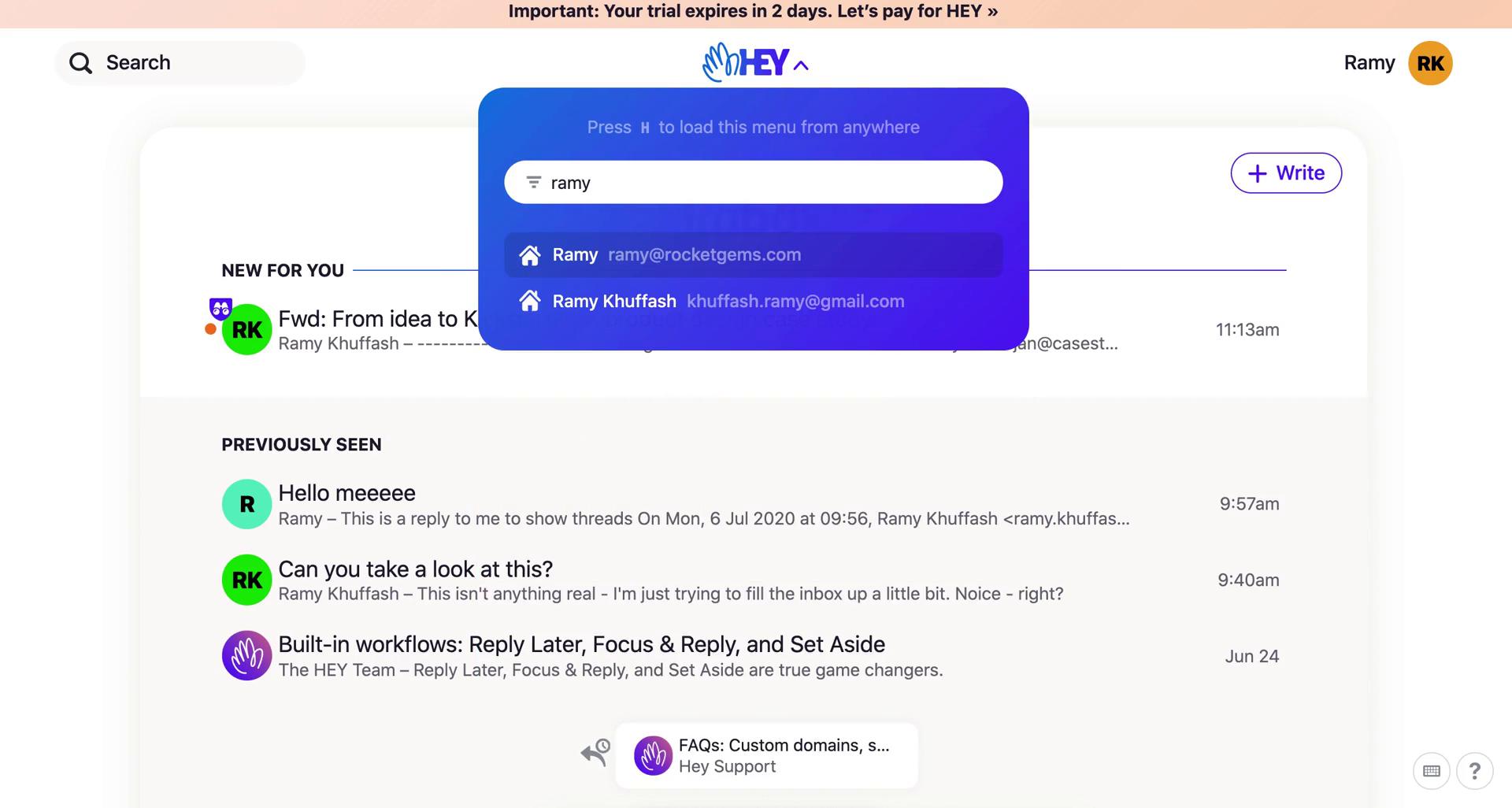
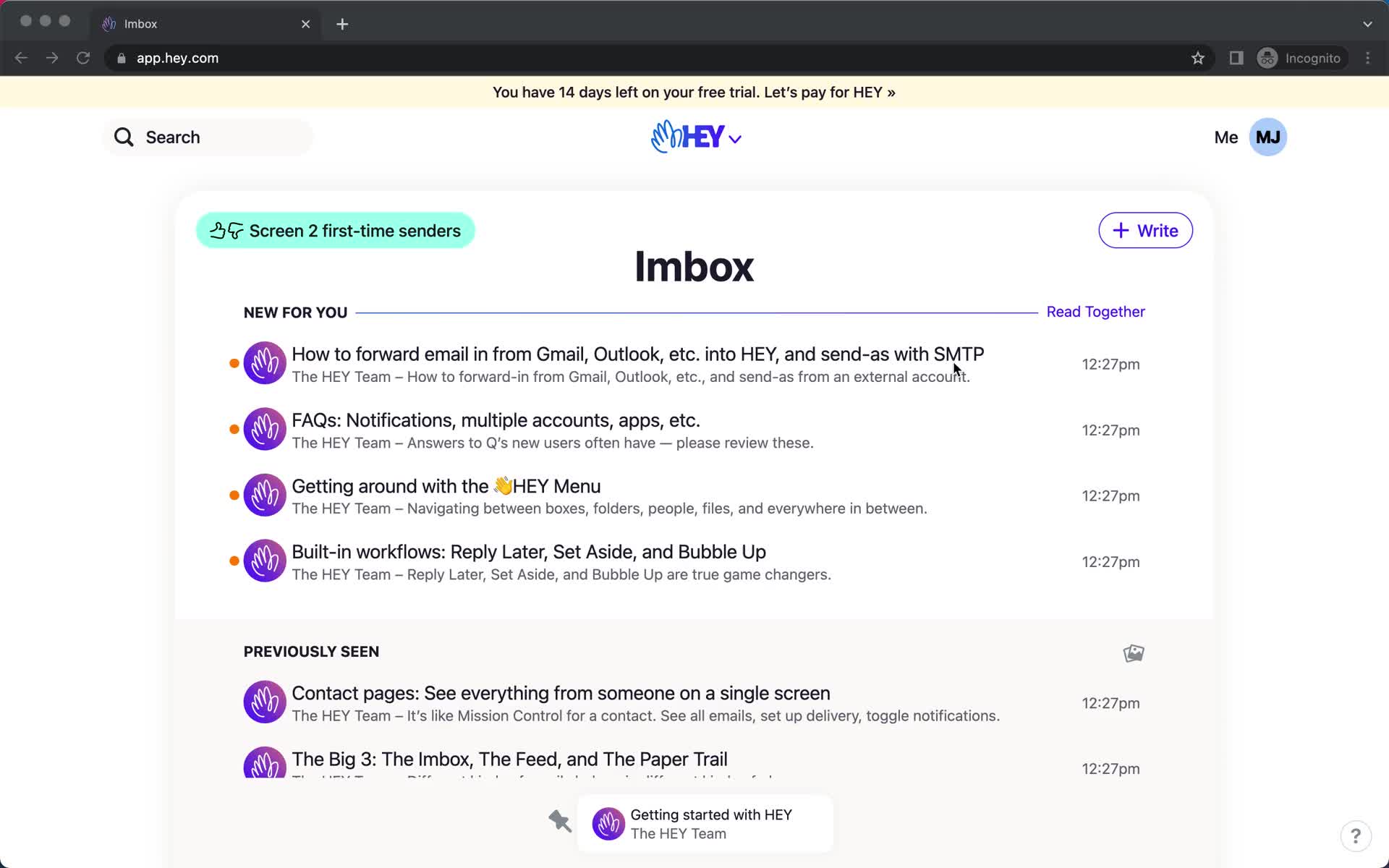
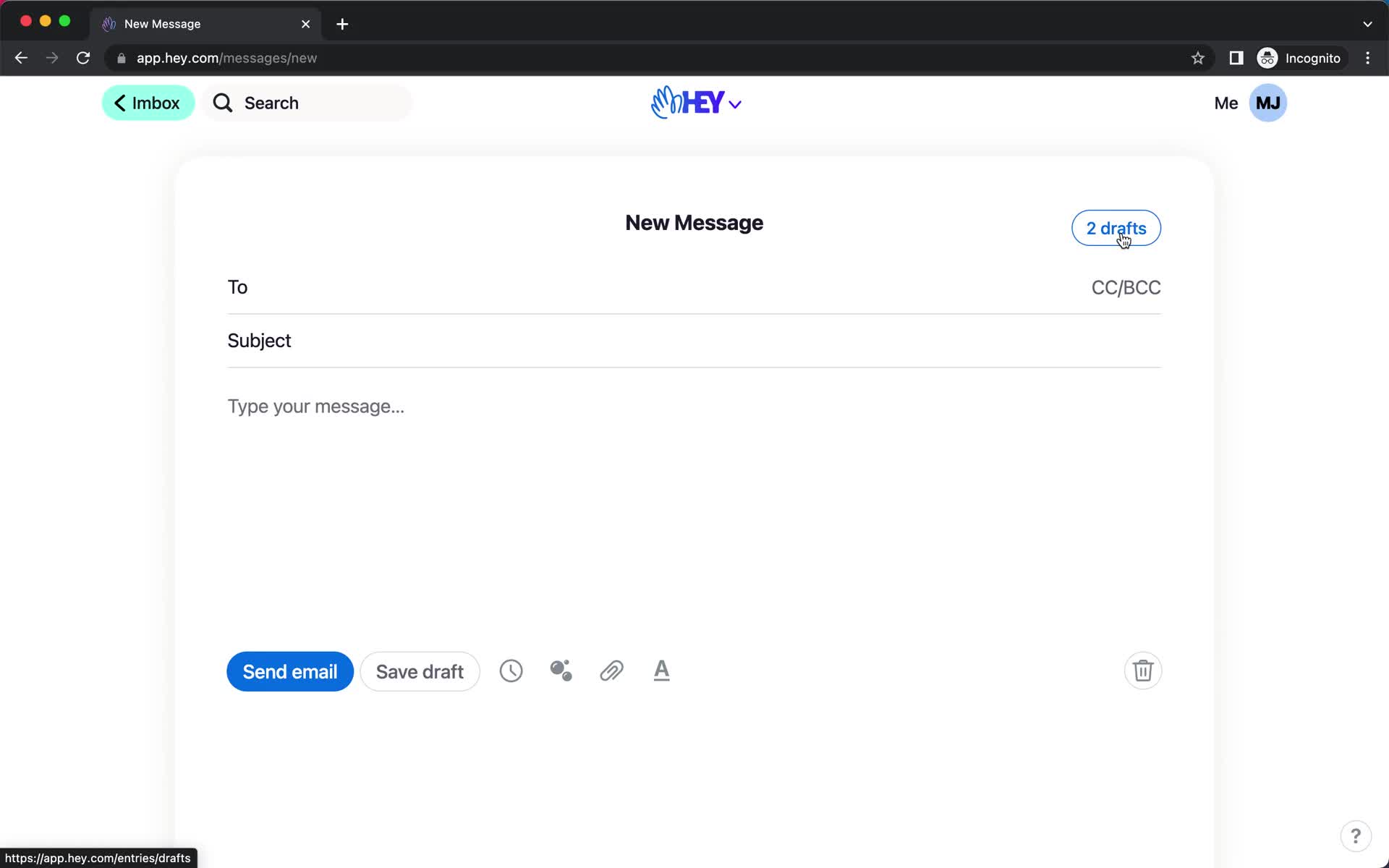
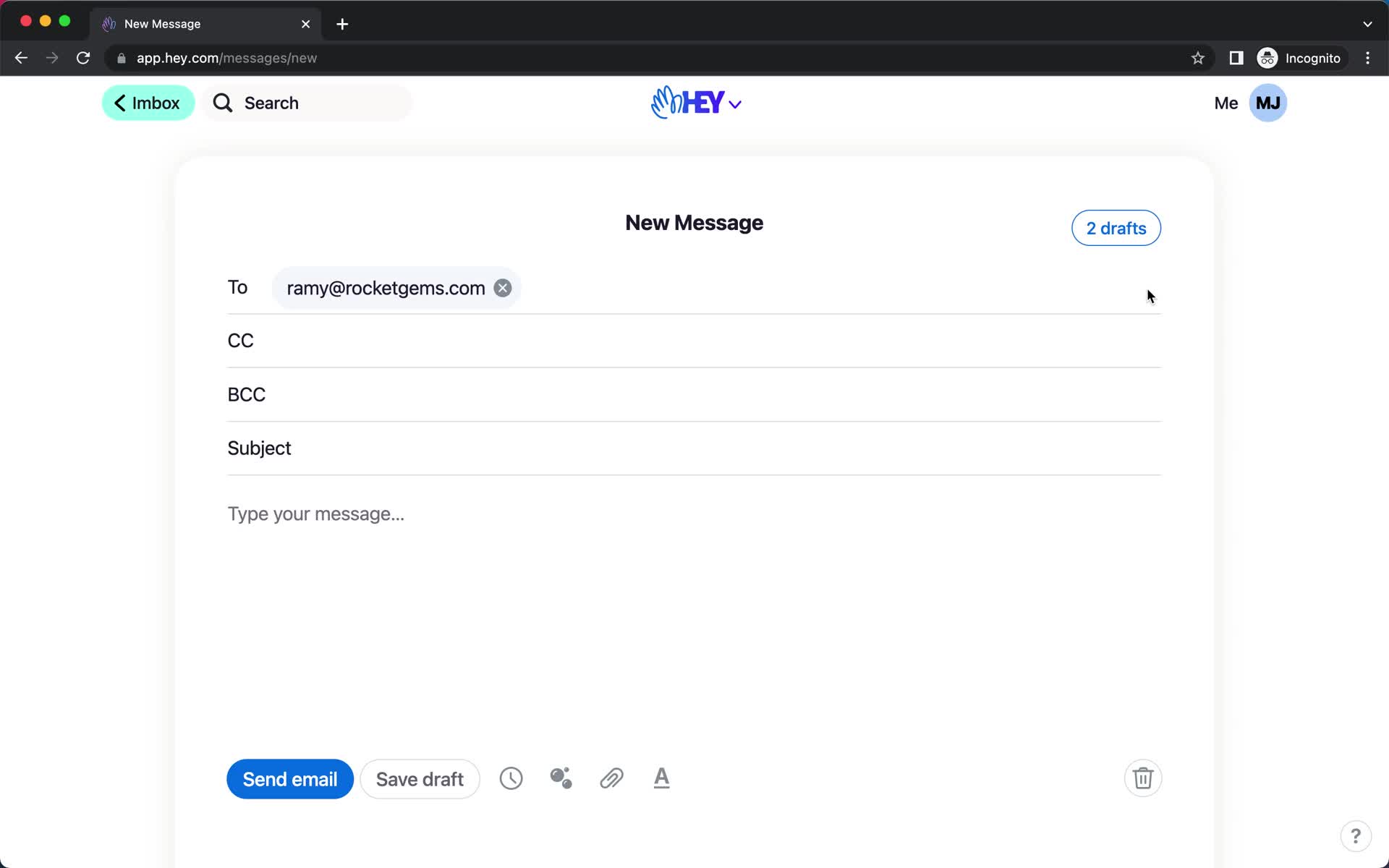
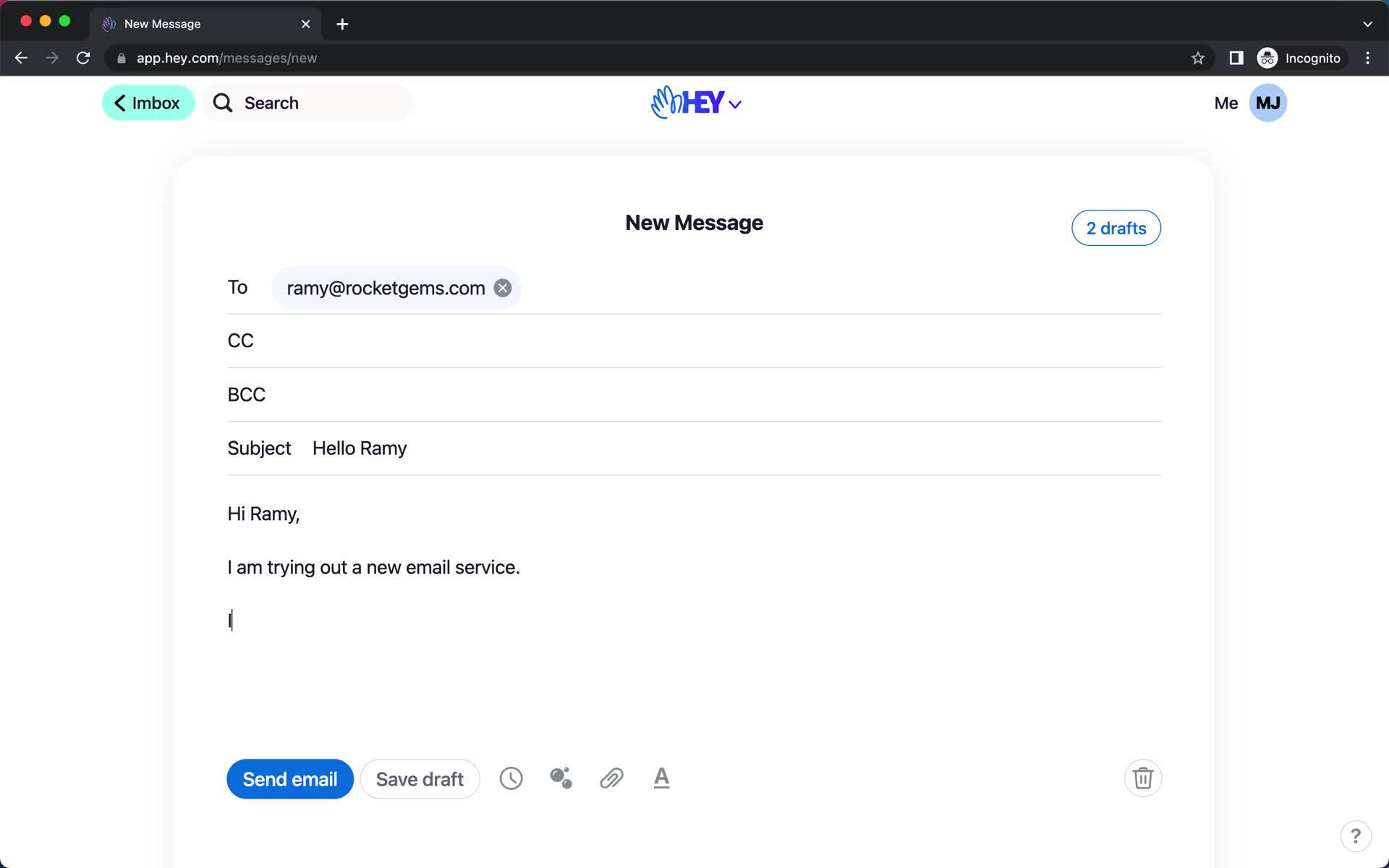
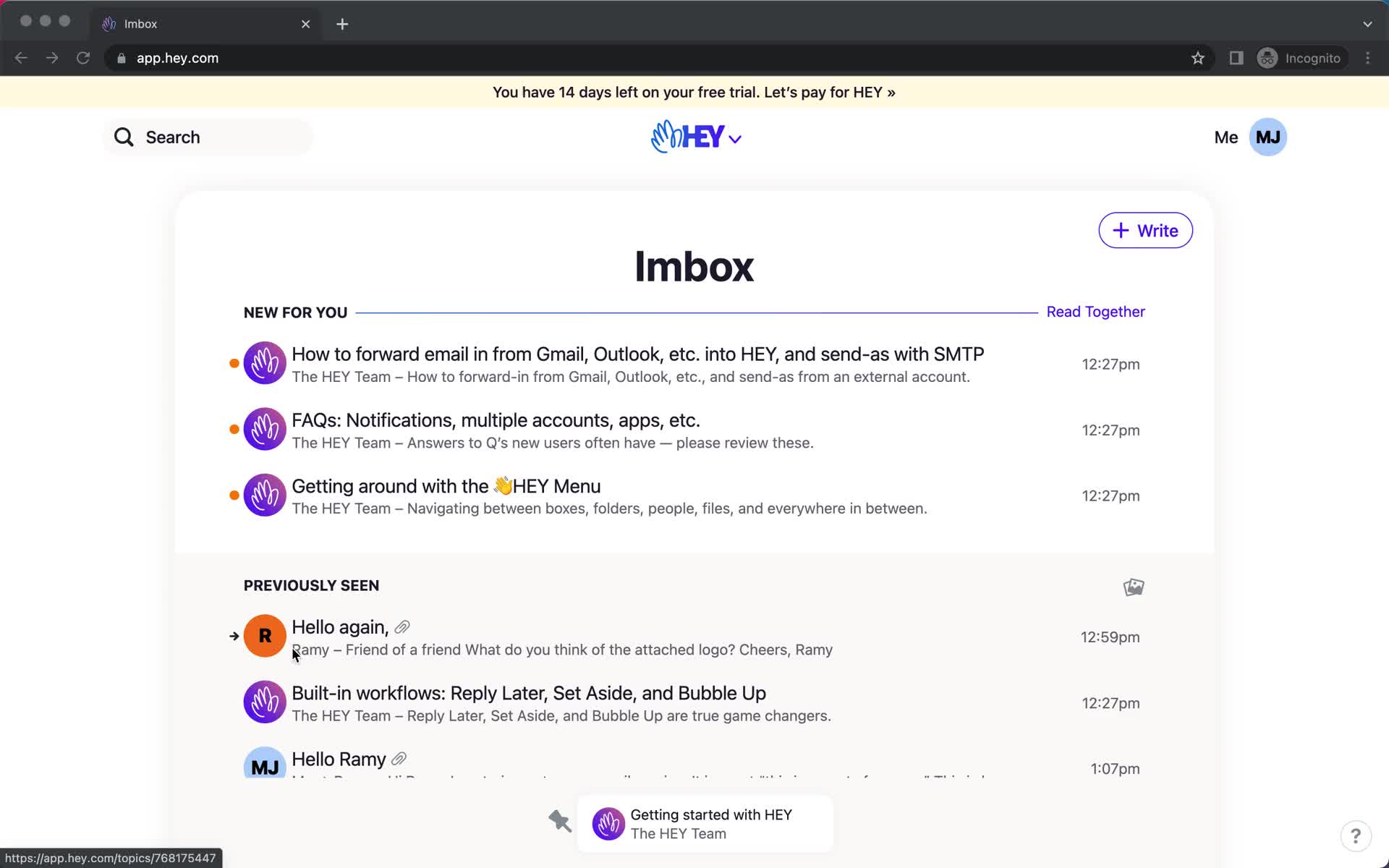
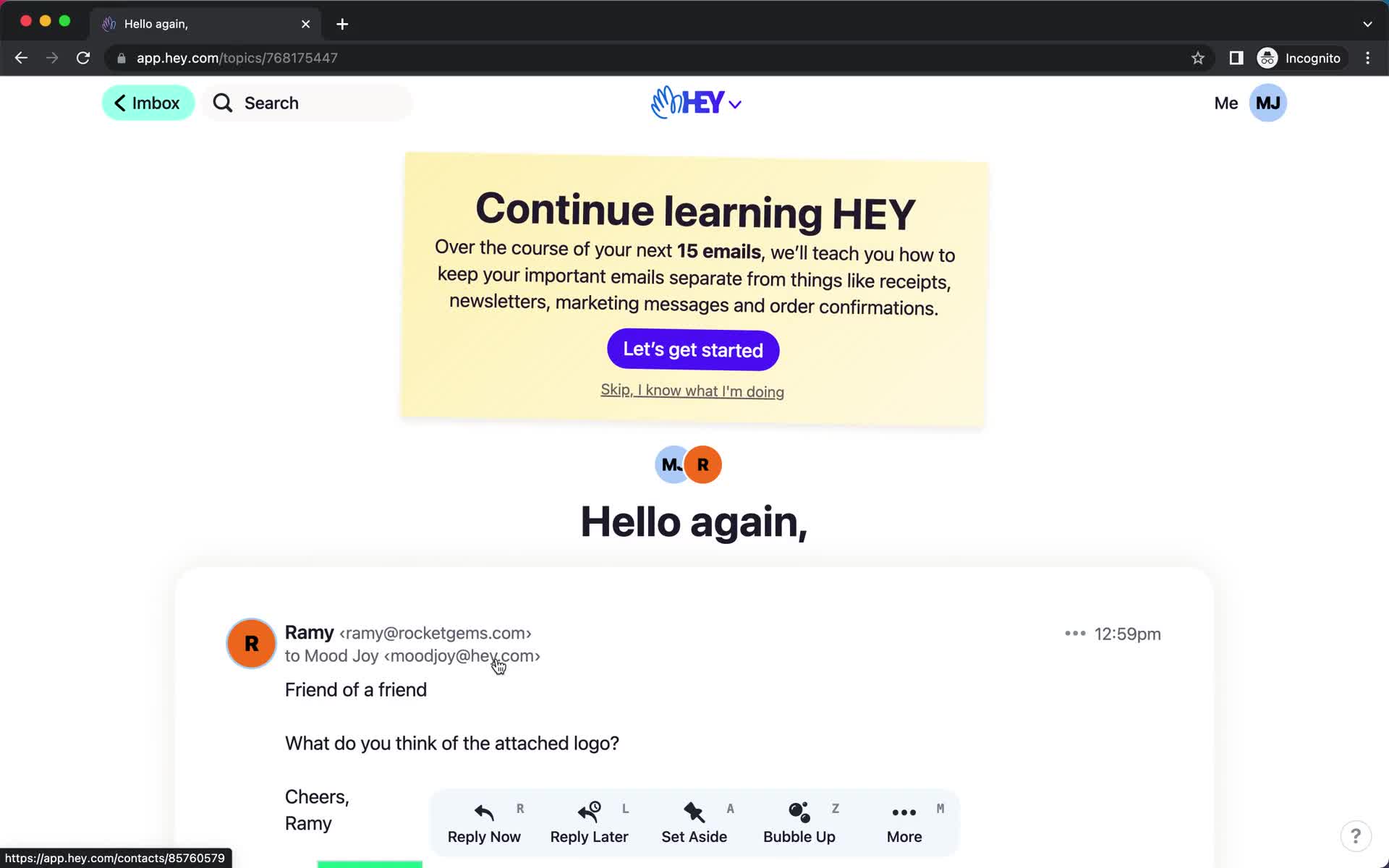
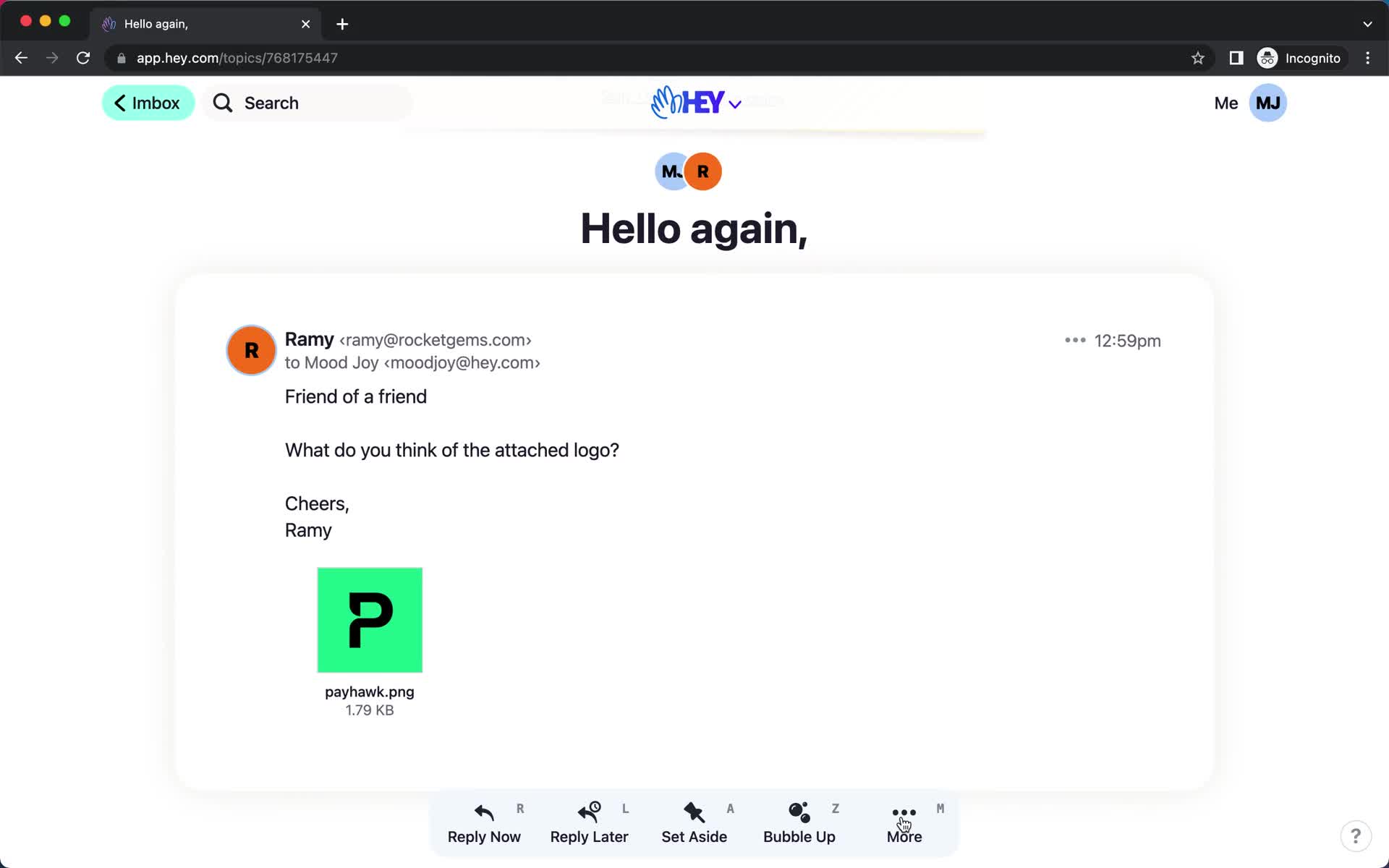
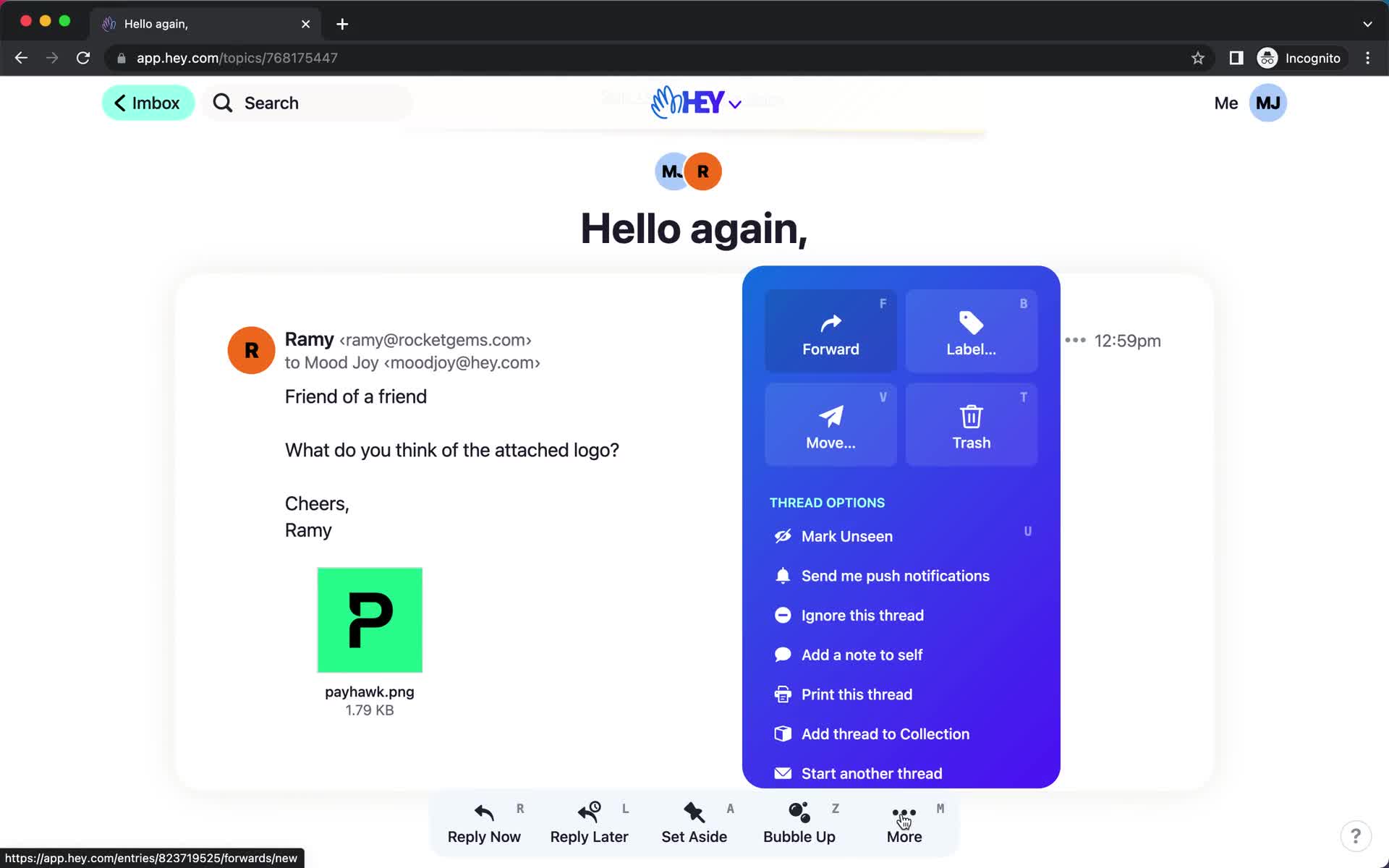
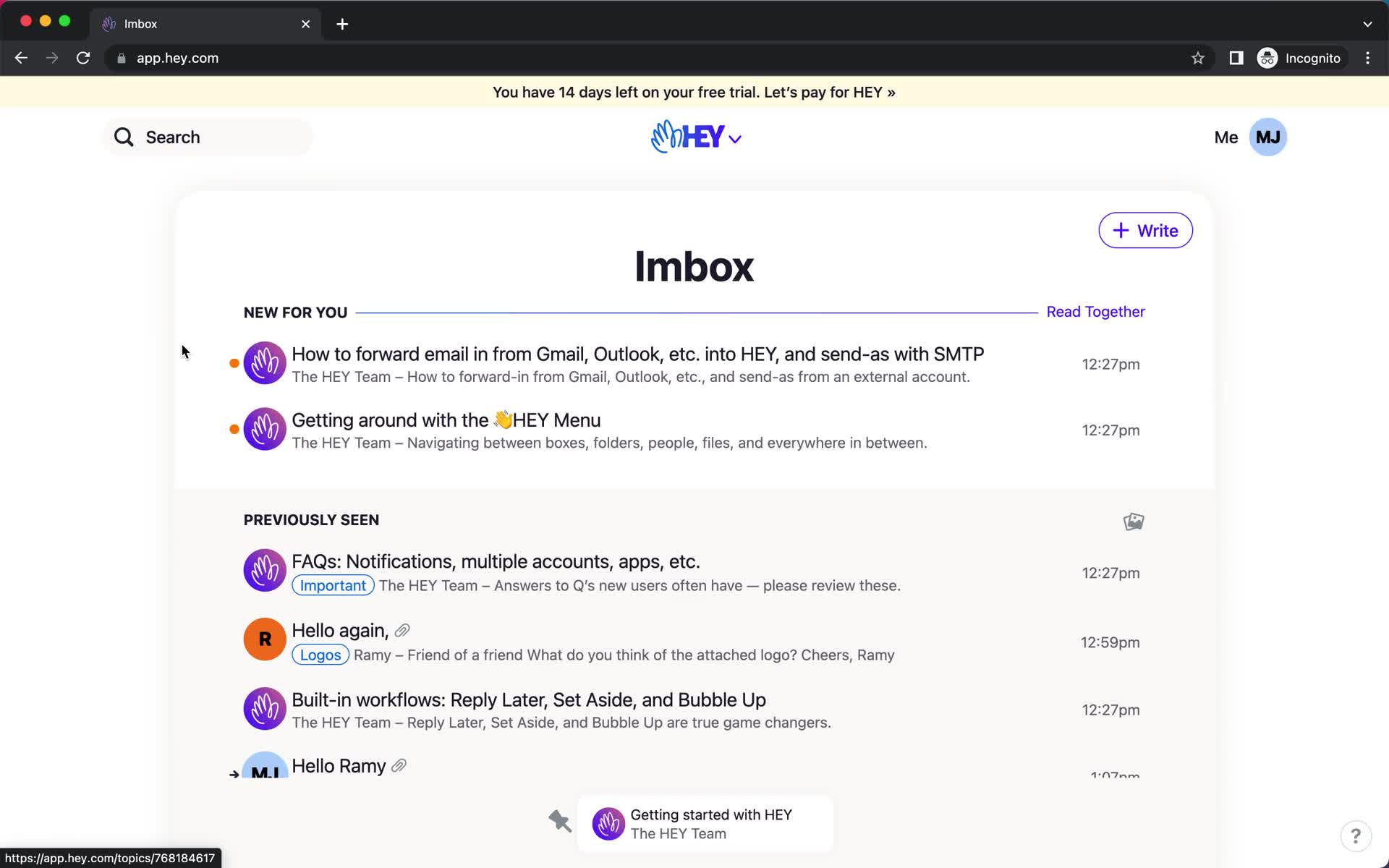
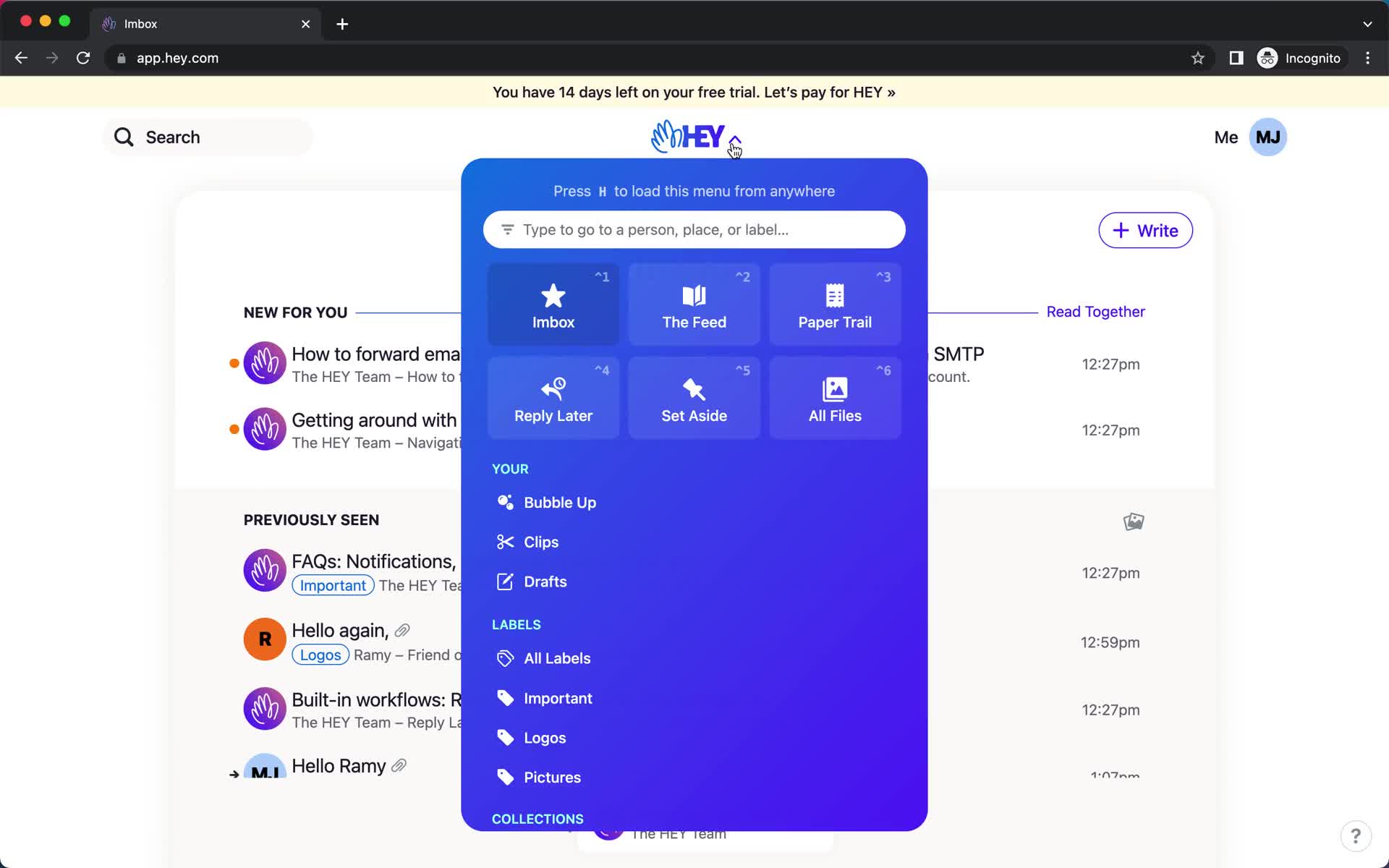
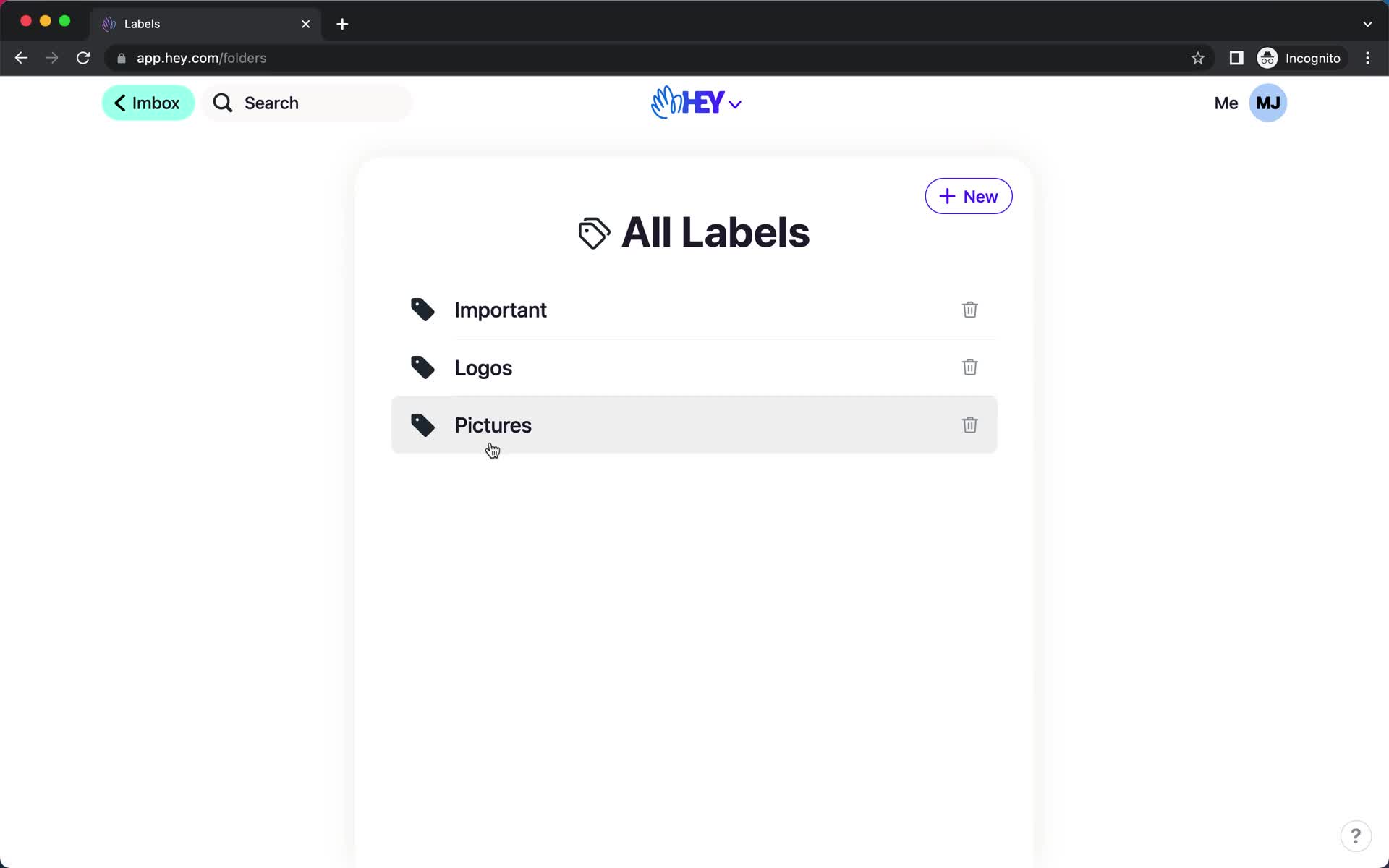
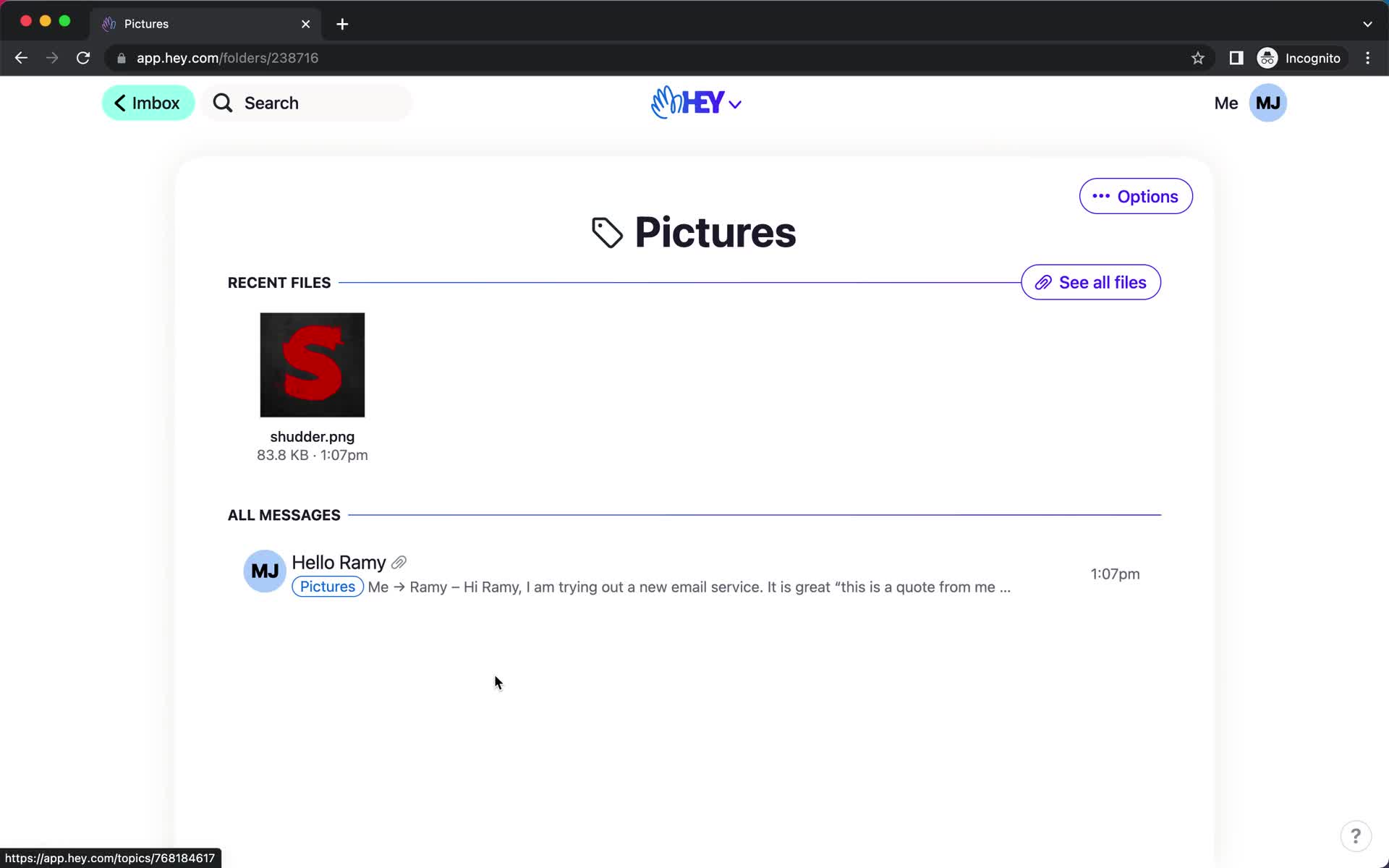
Inbox
this is title
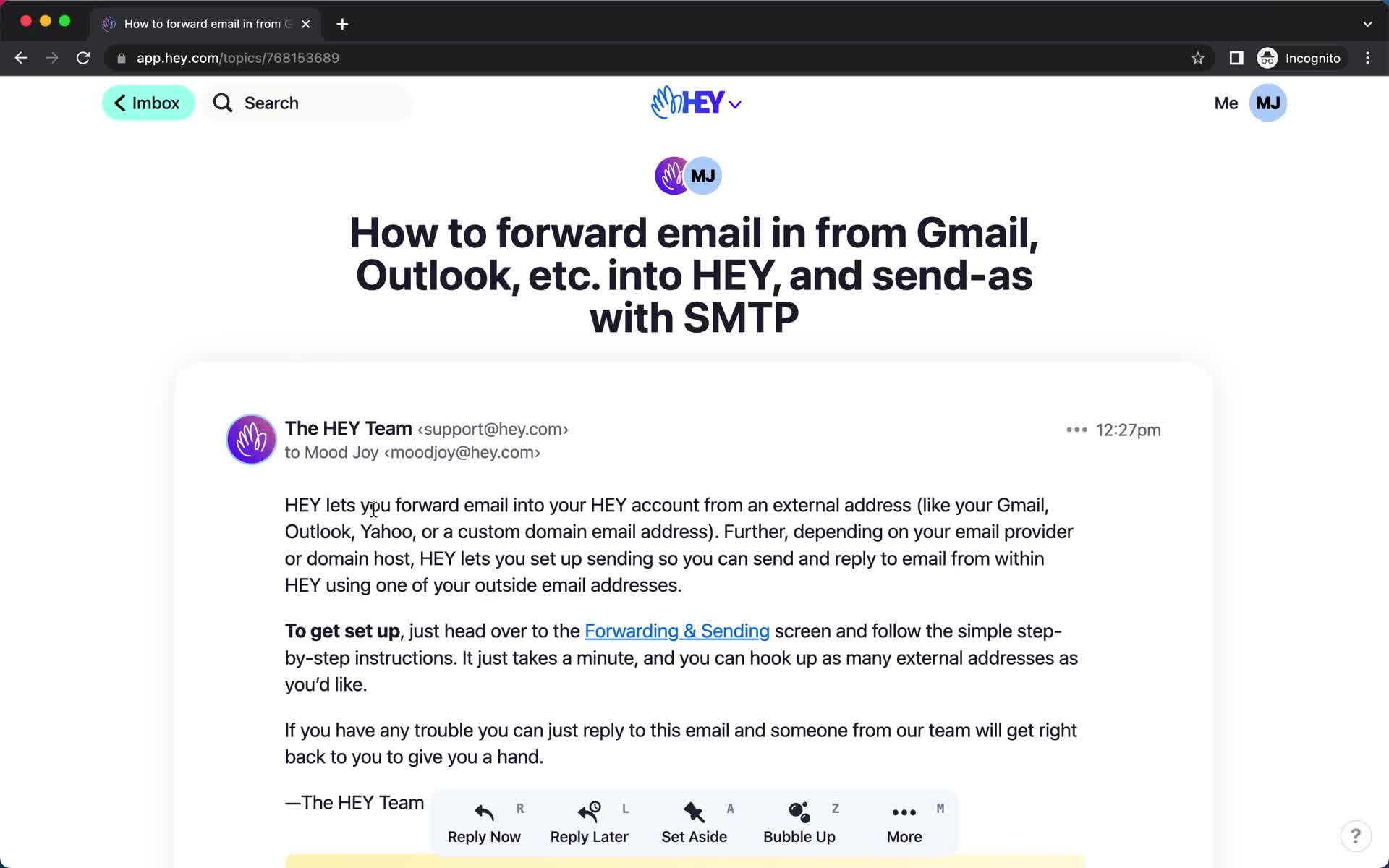
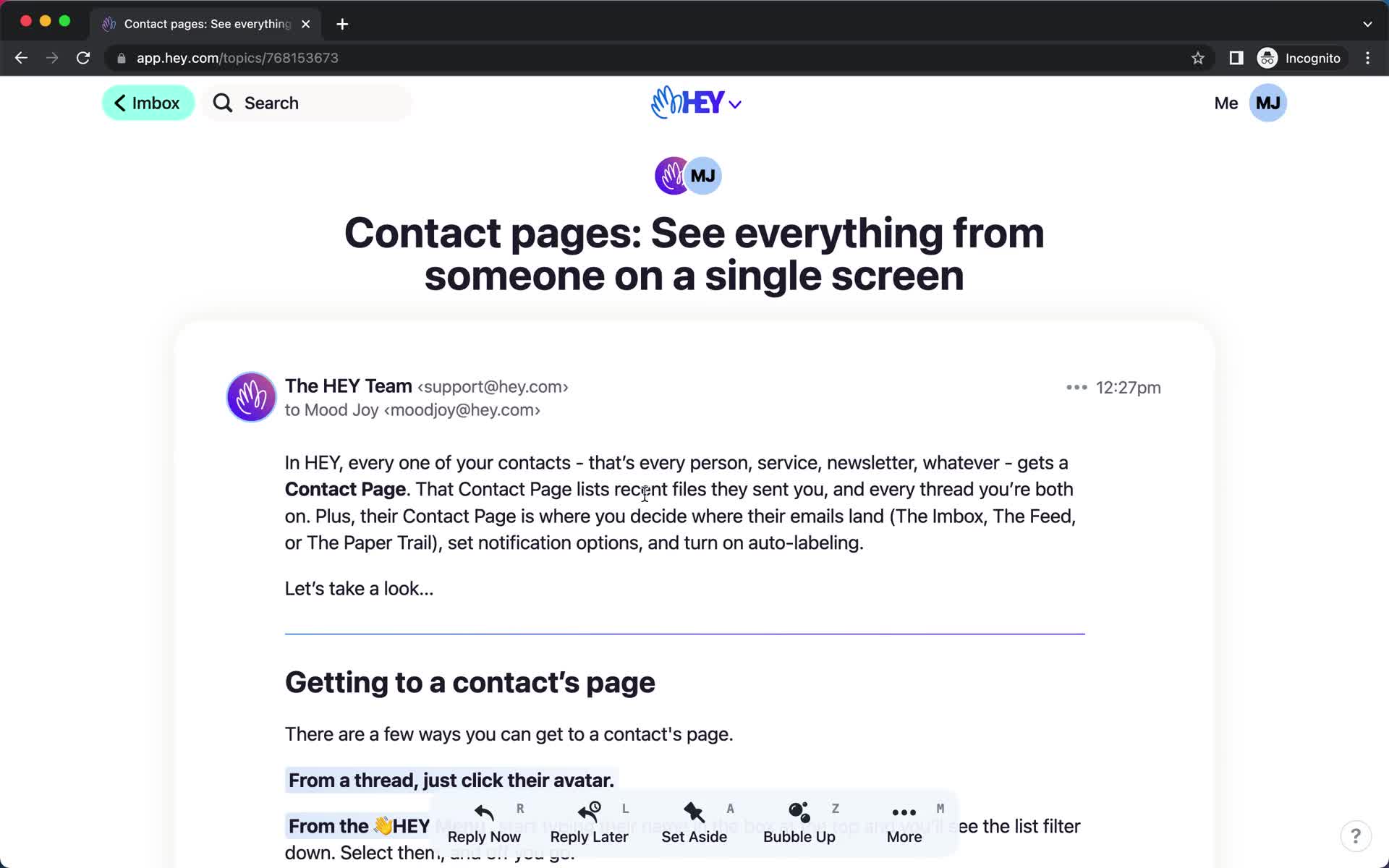
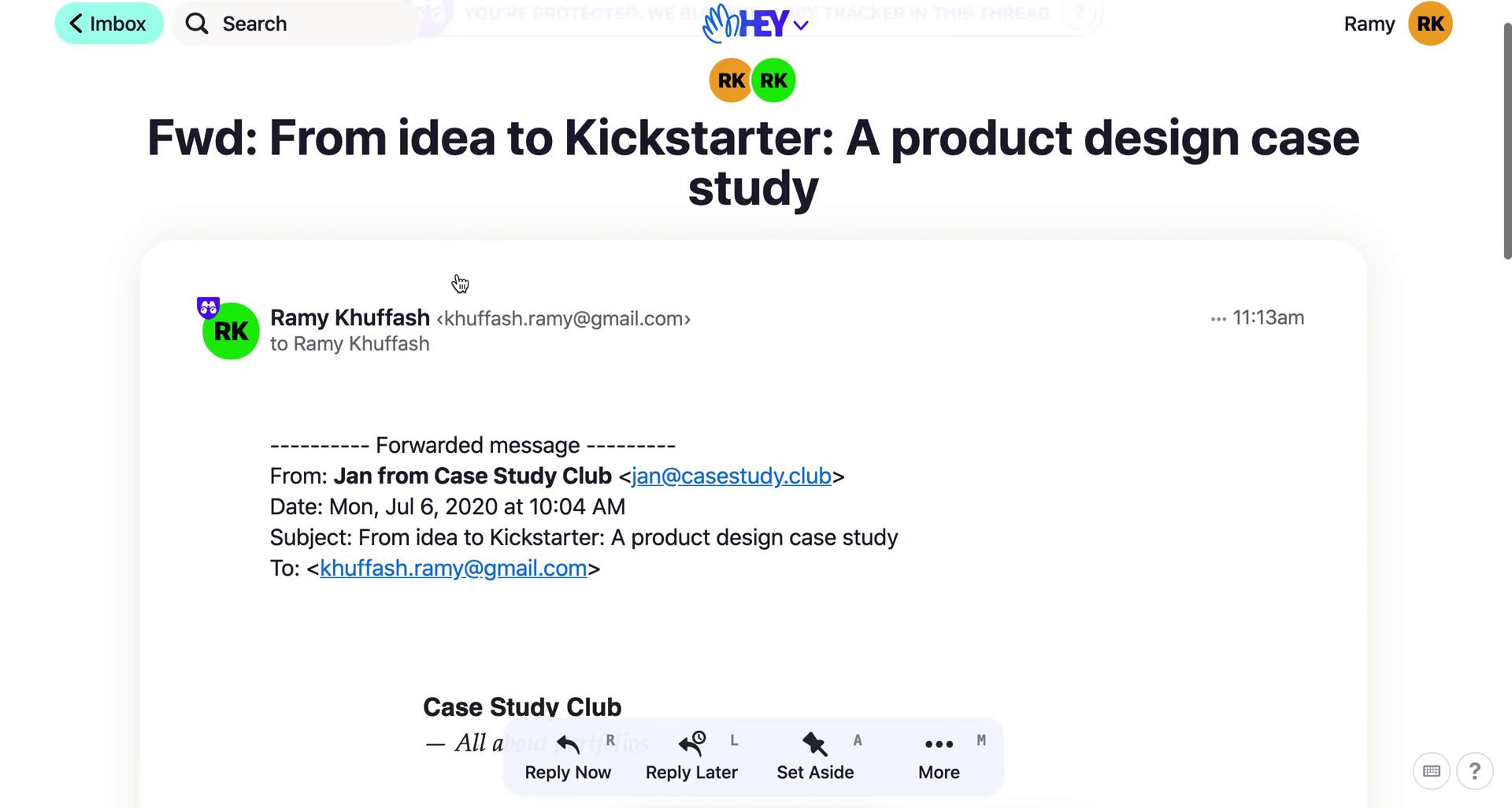
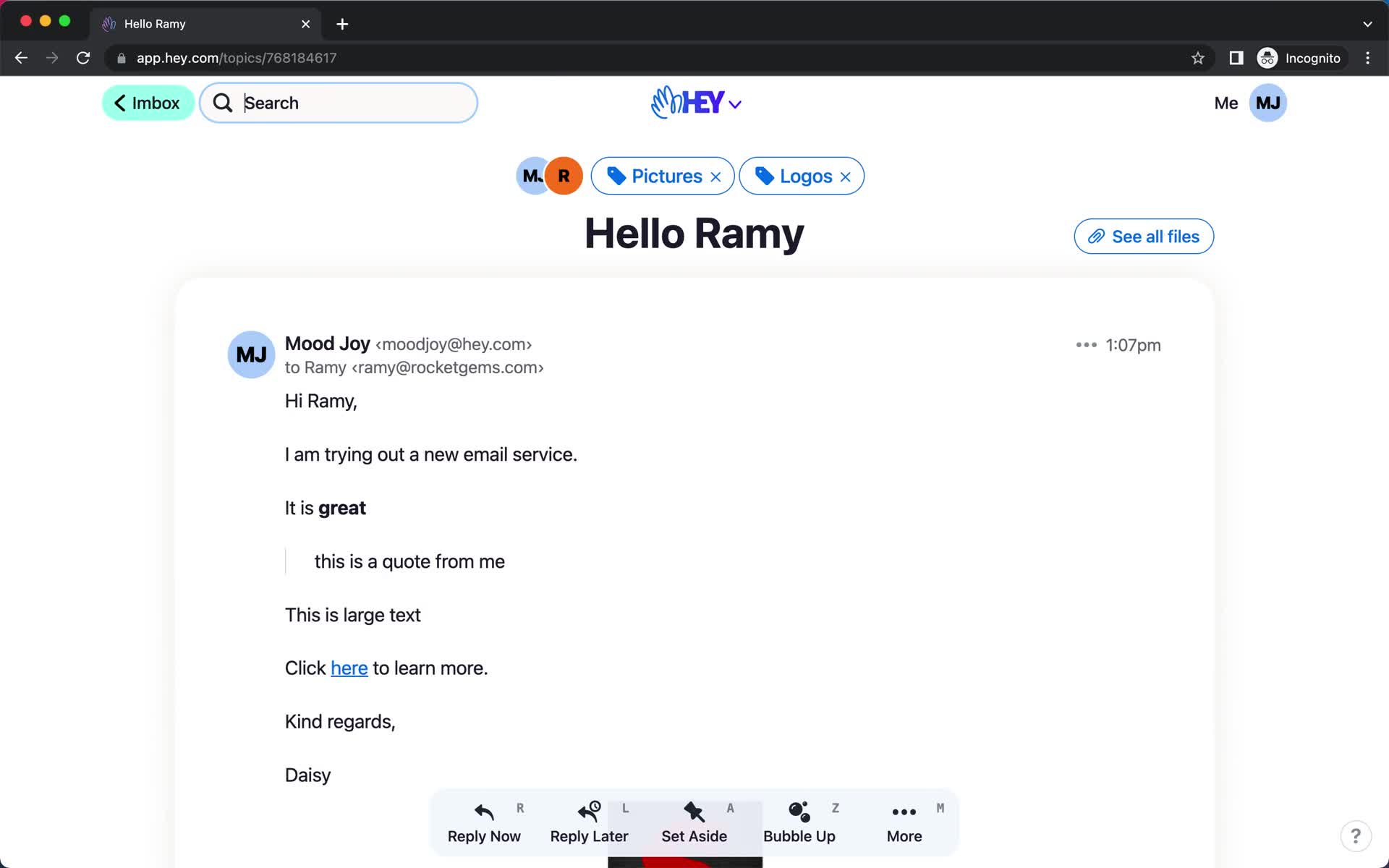
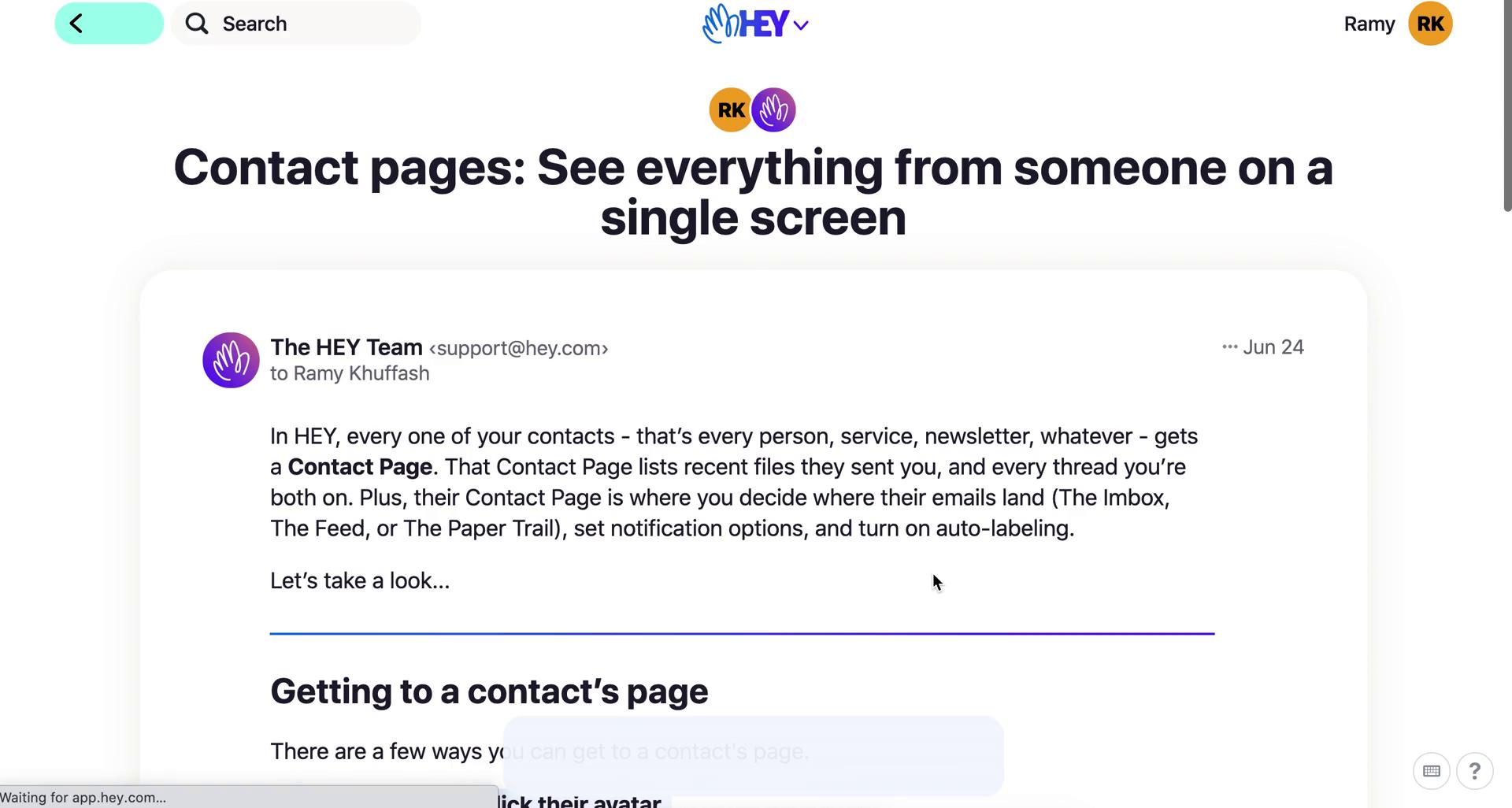
Email details
this is title
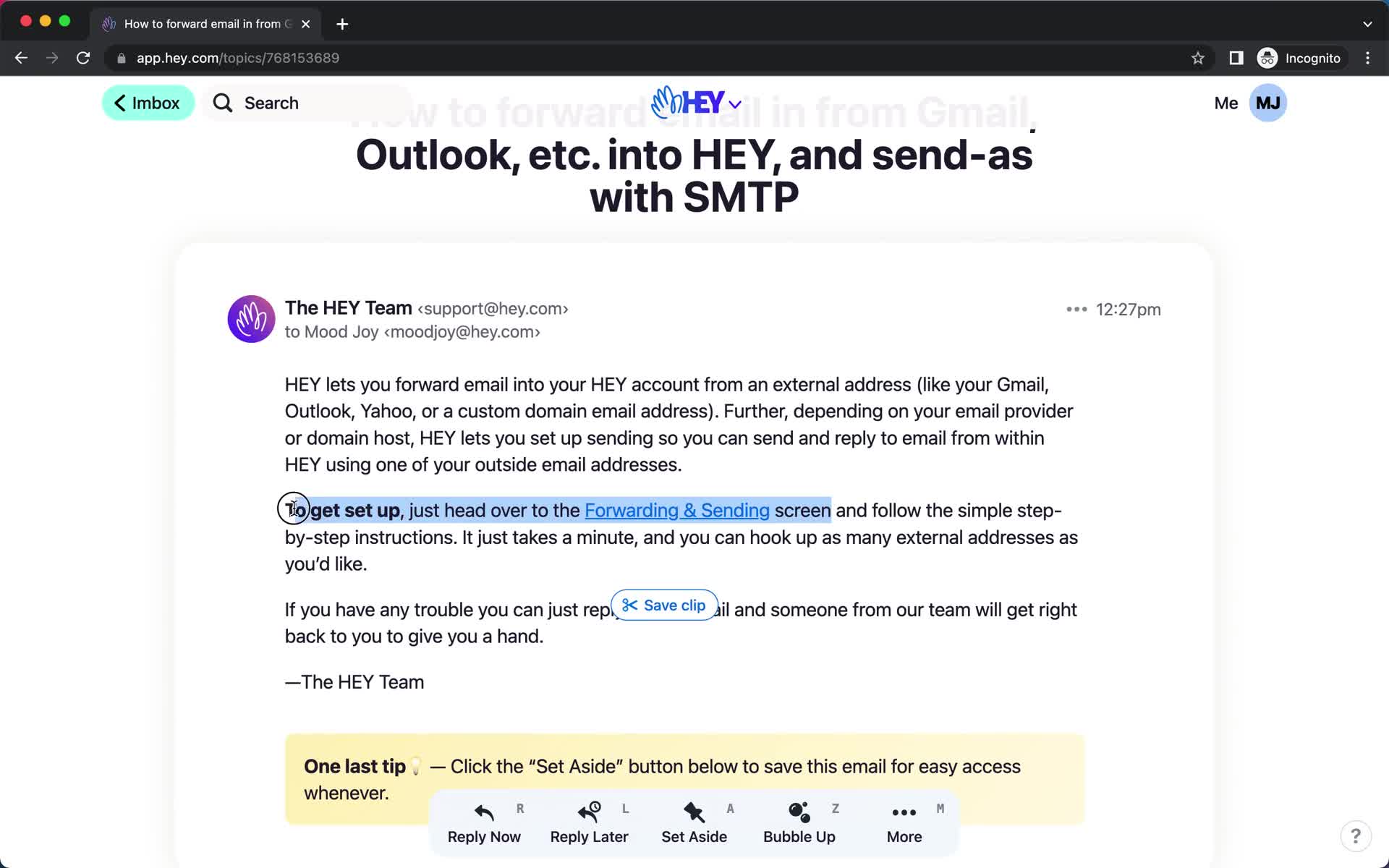
Save clip
this is title
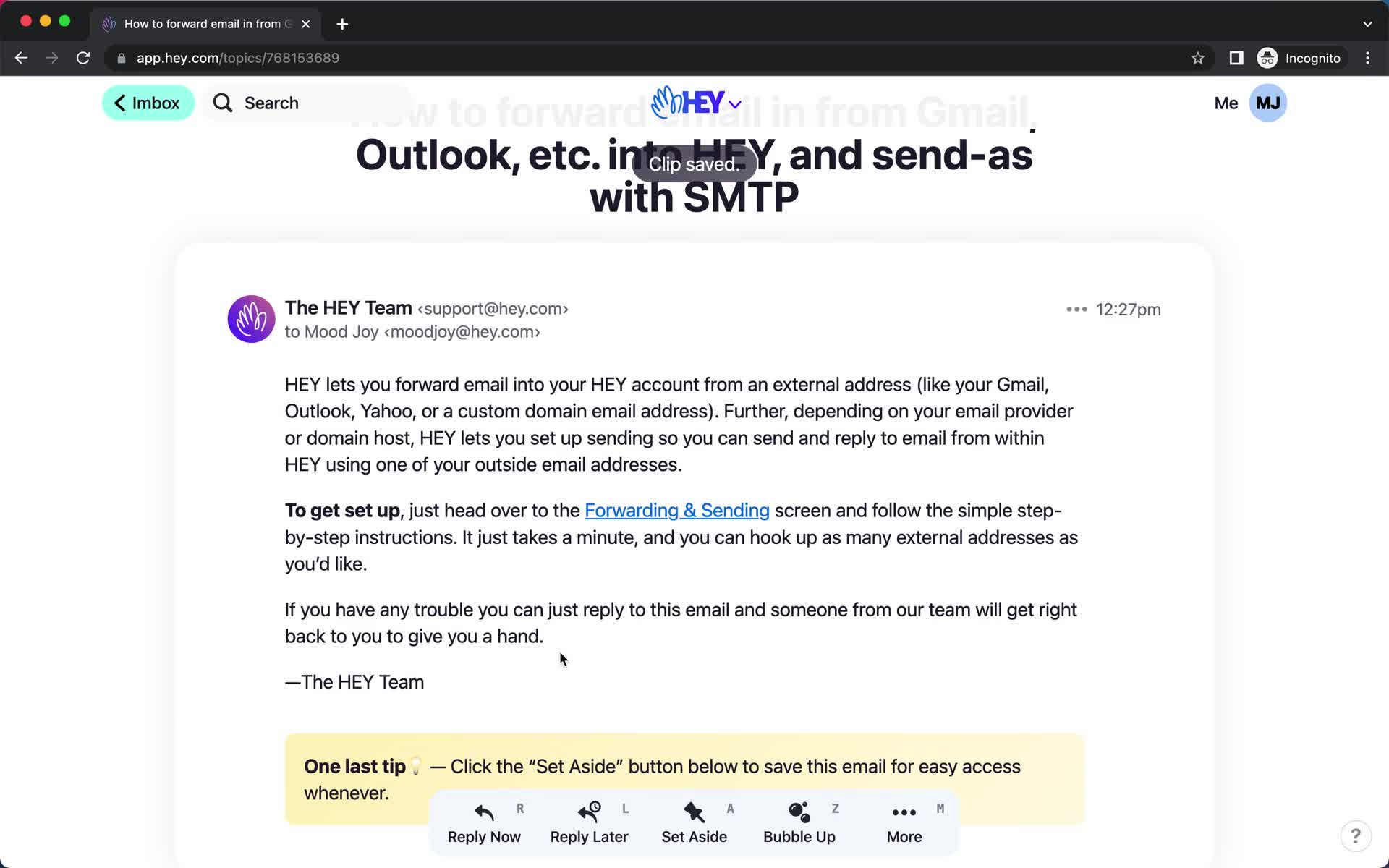
Saved
this is title
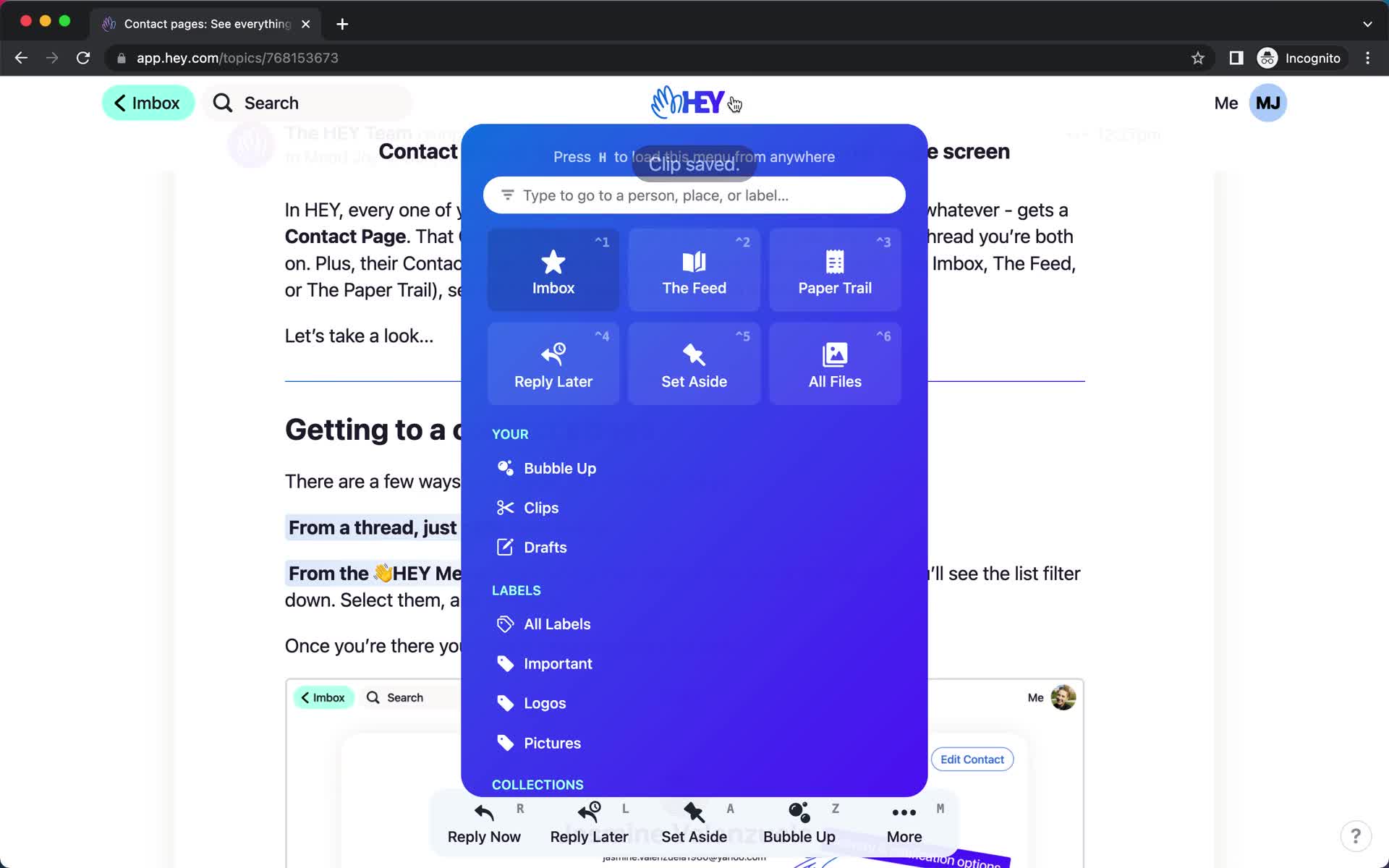
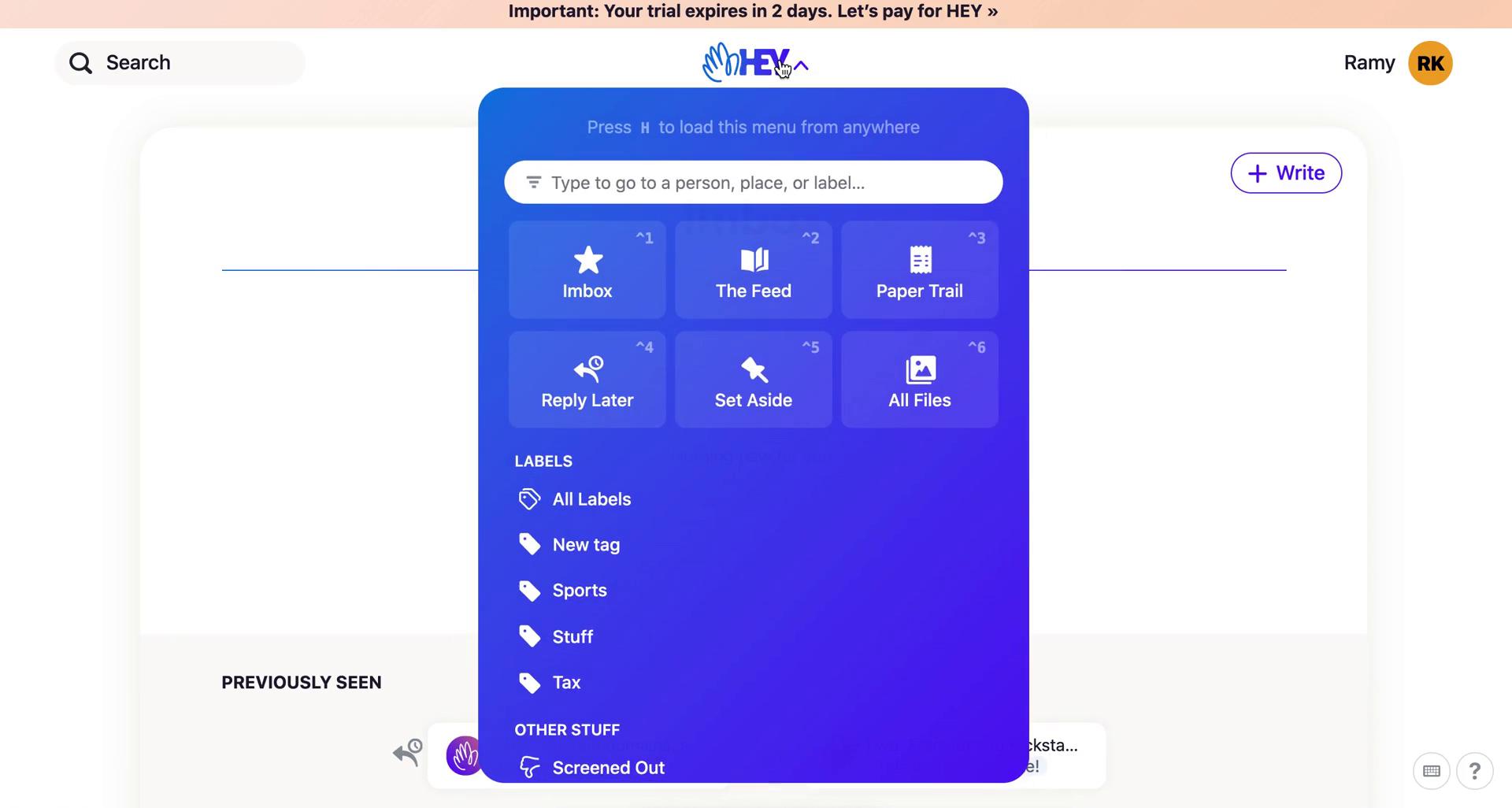
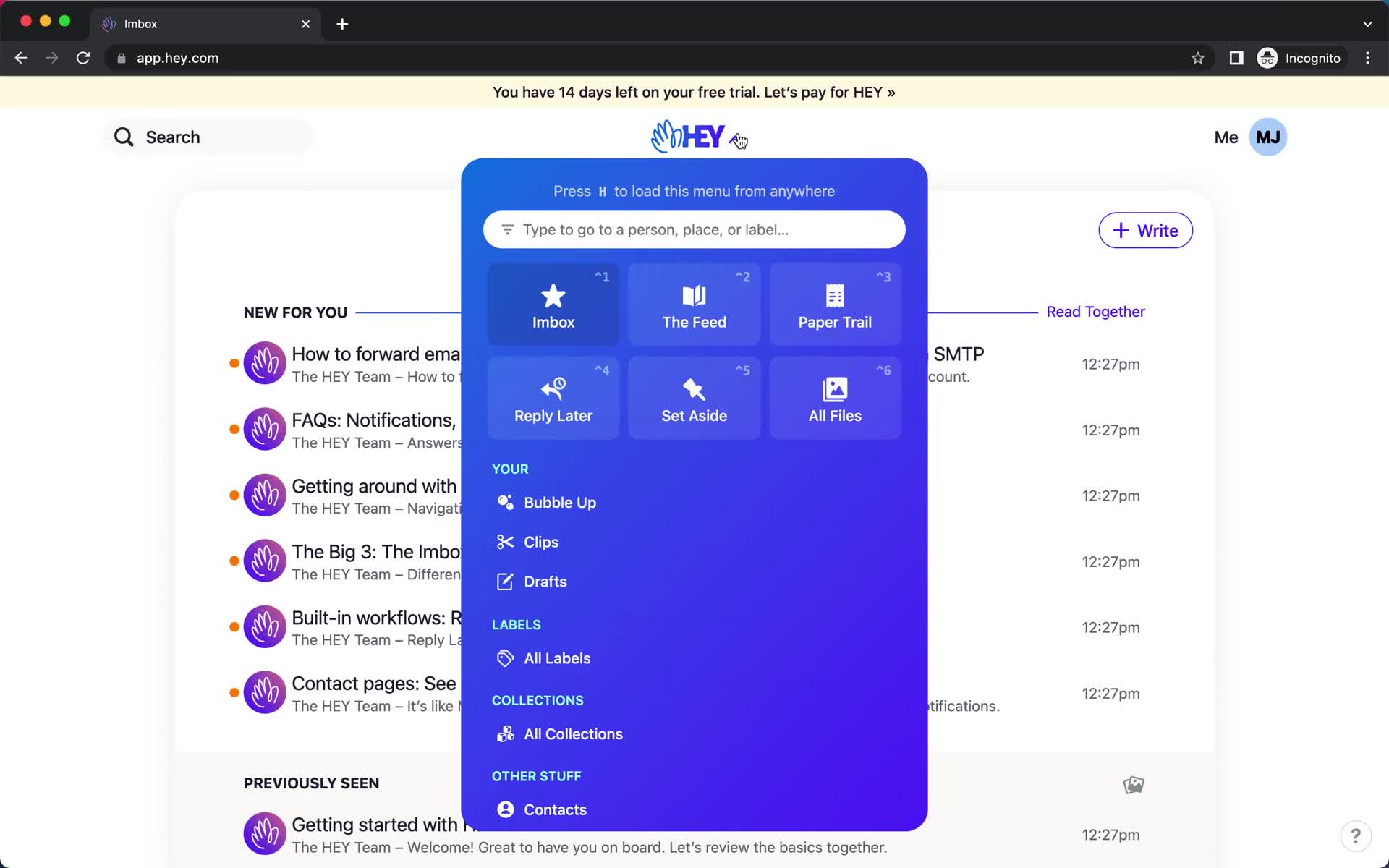
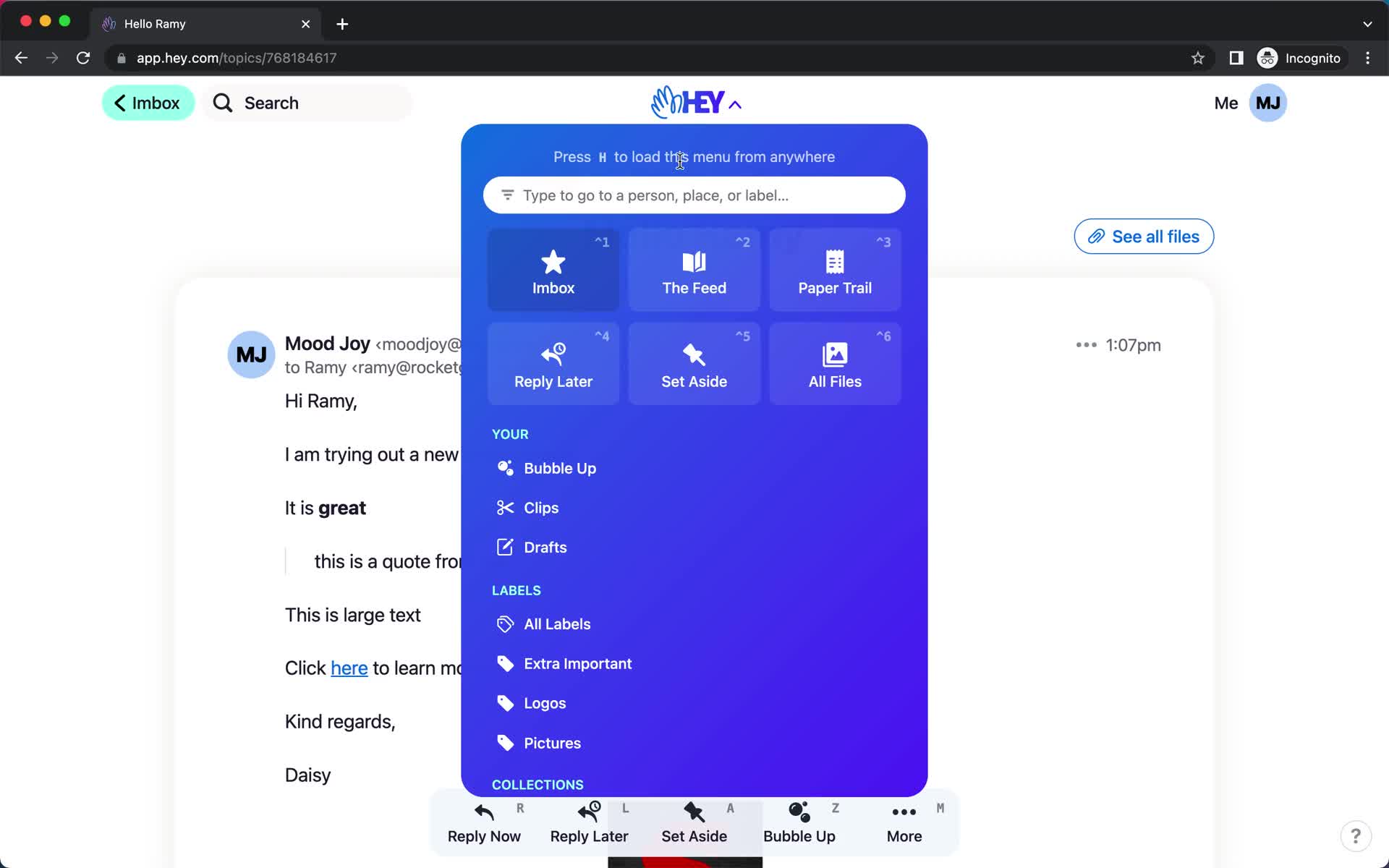
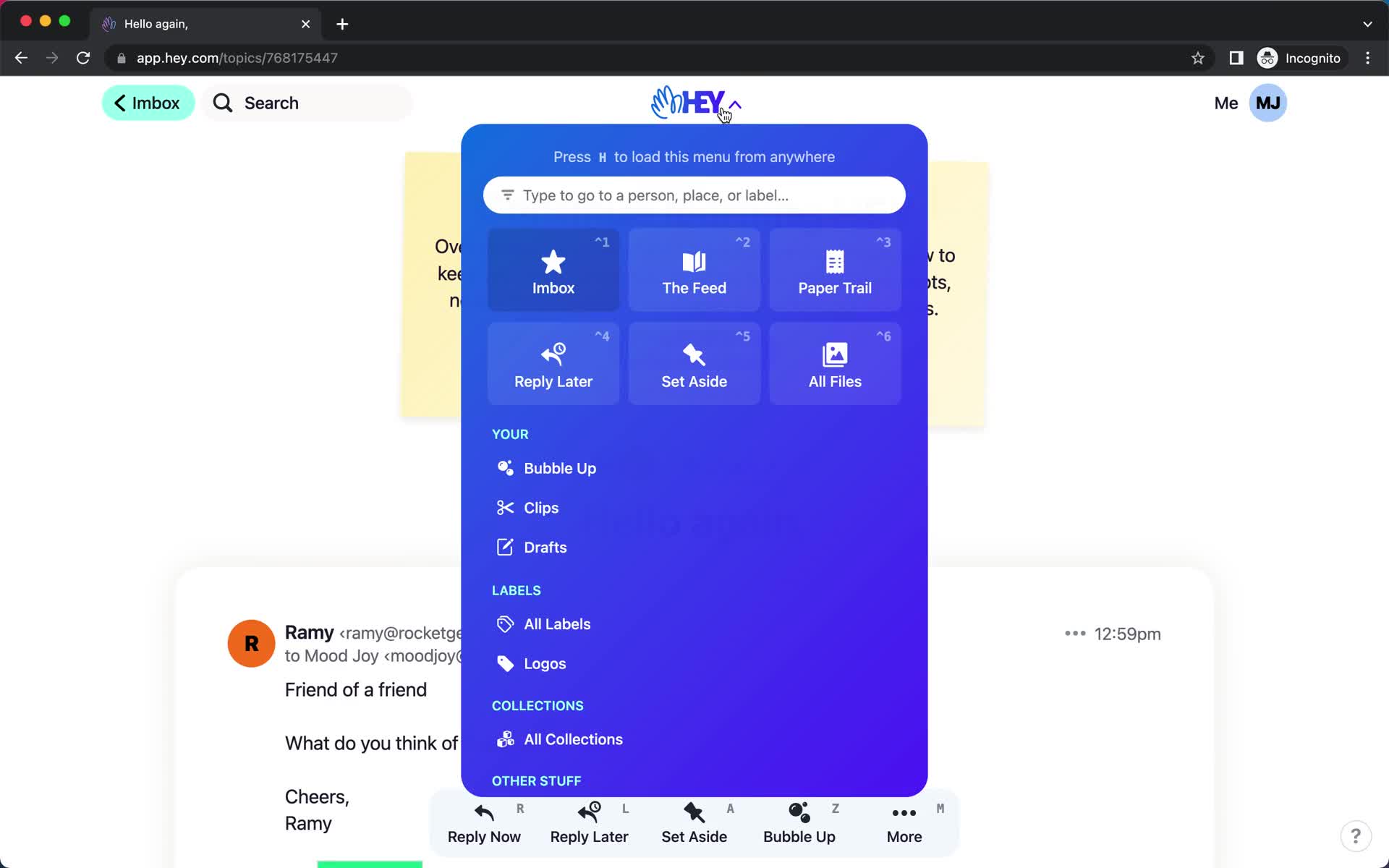
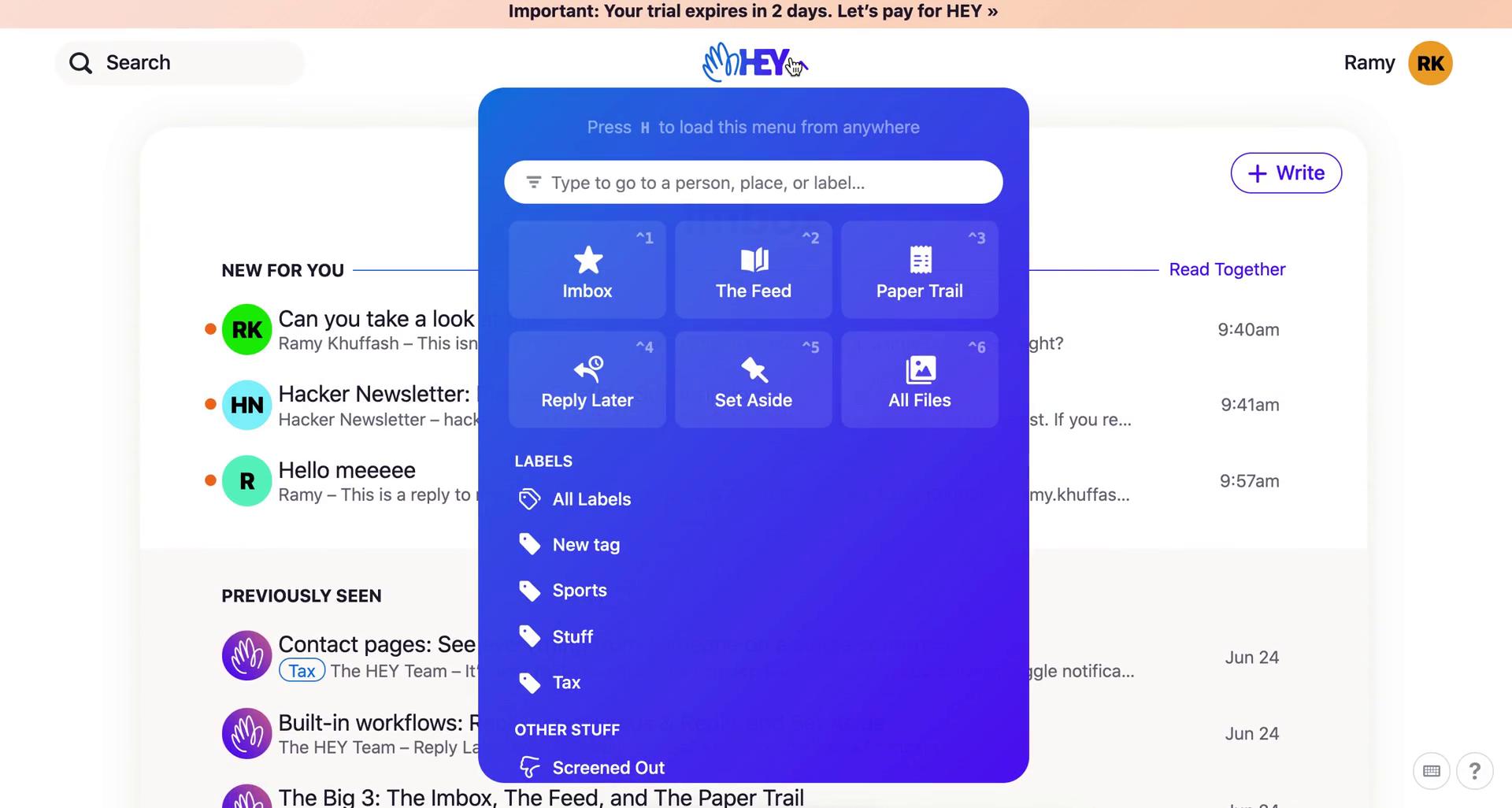
Navigation menu
this is title
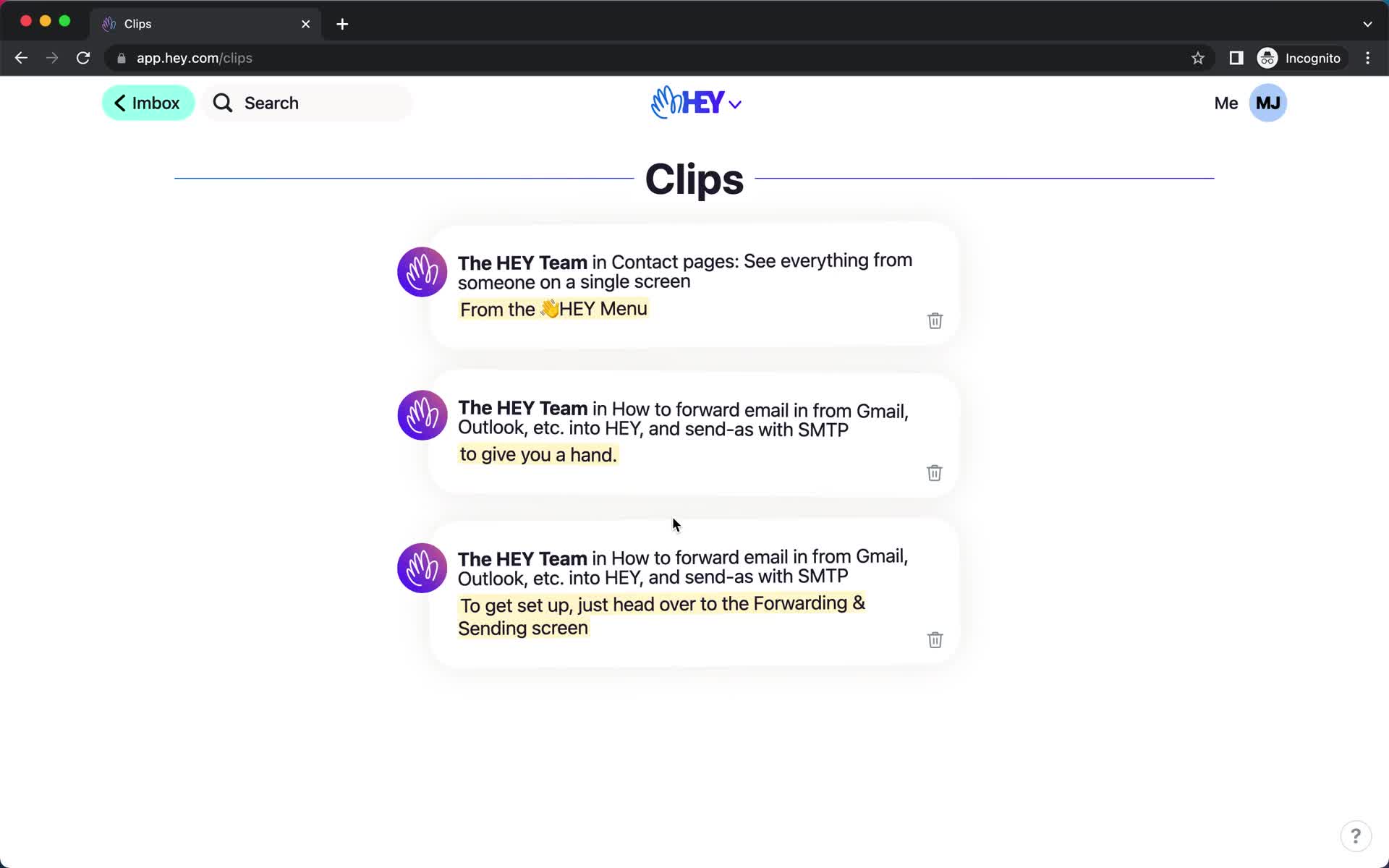
Saved items
this is title
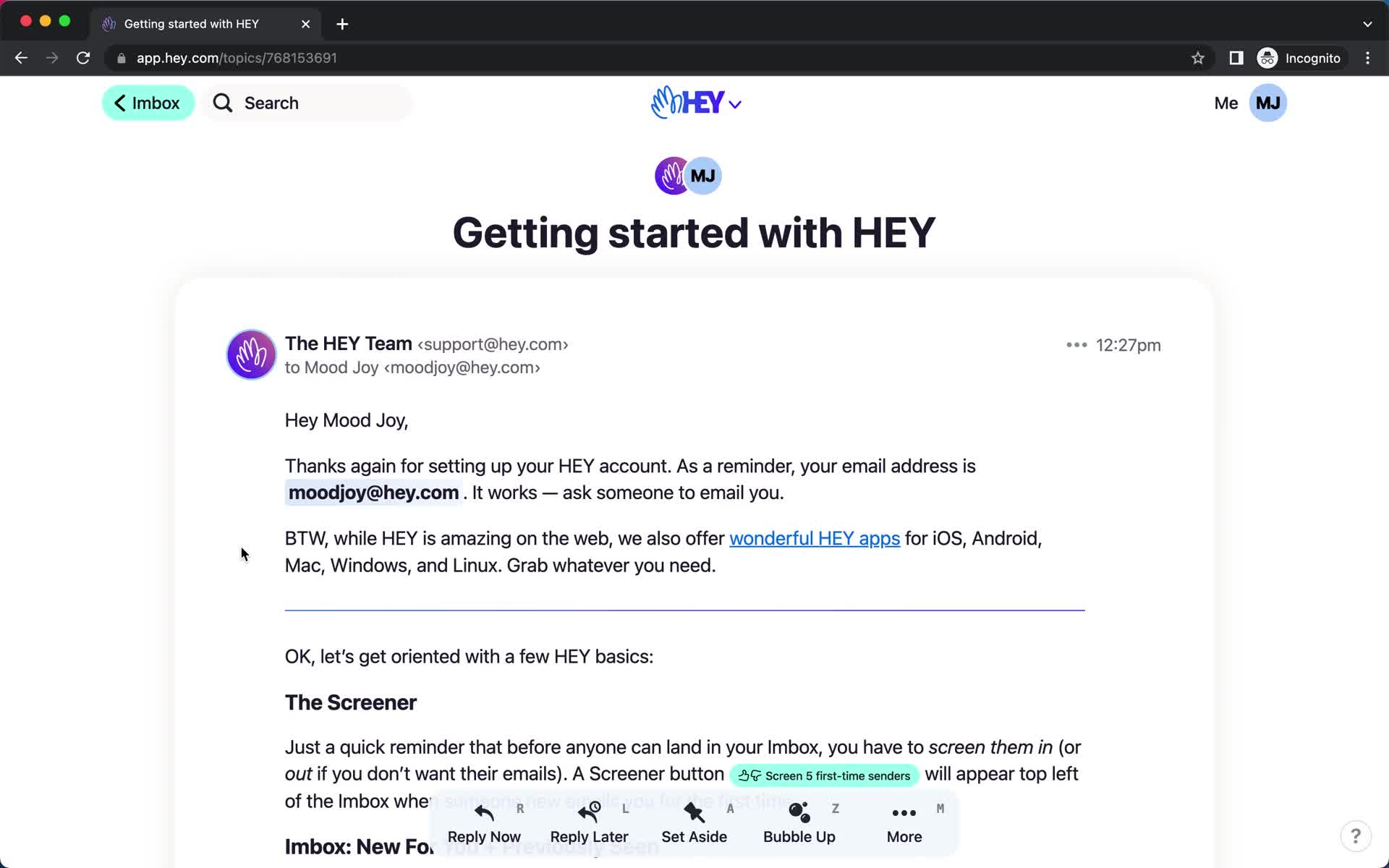
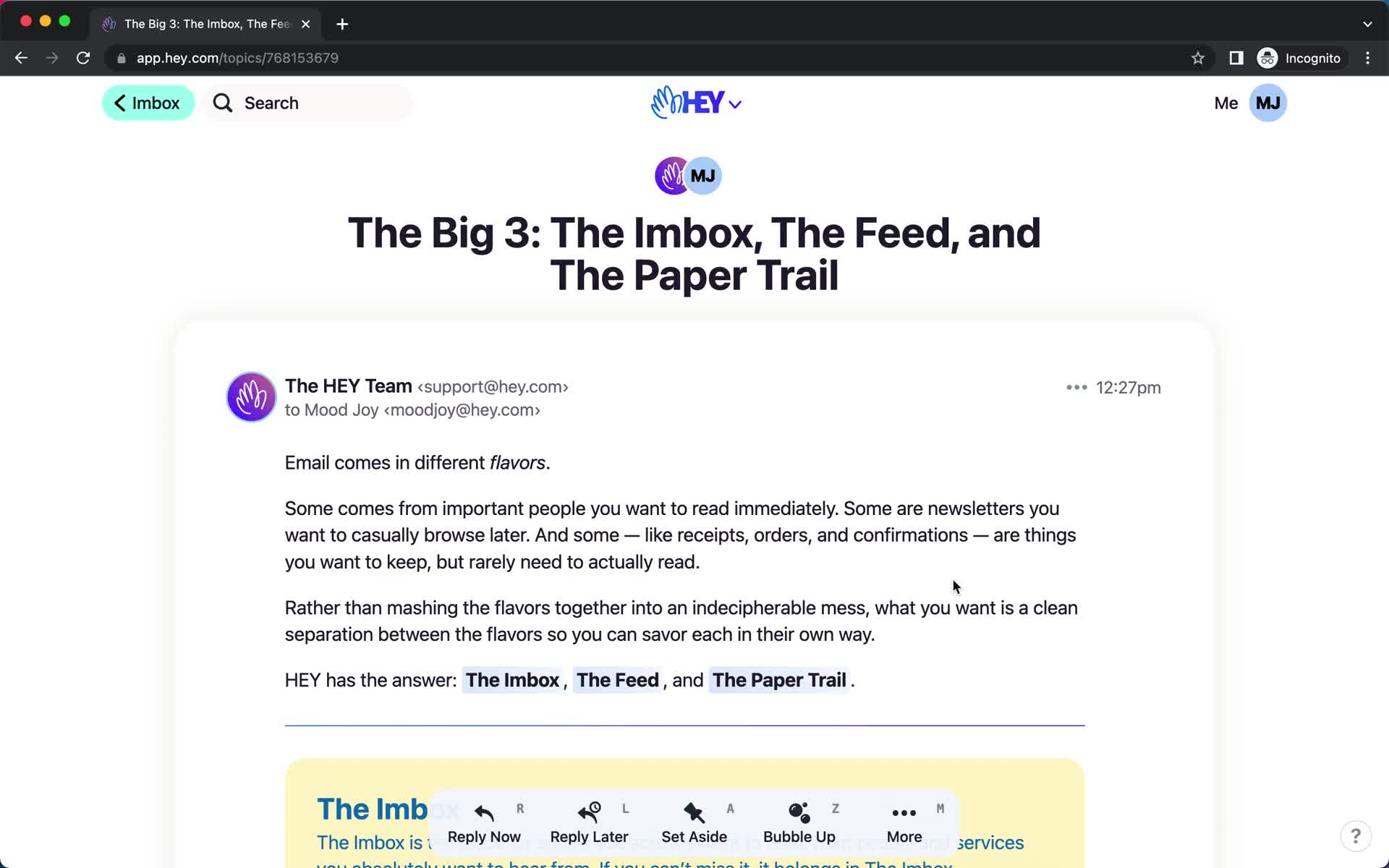
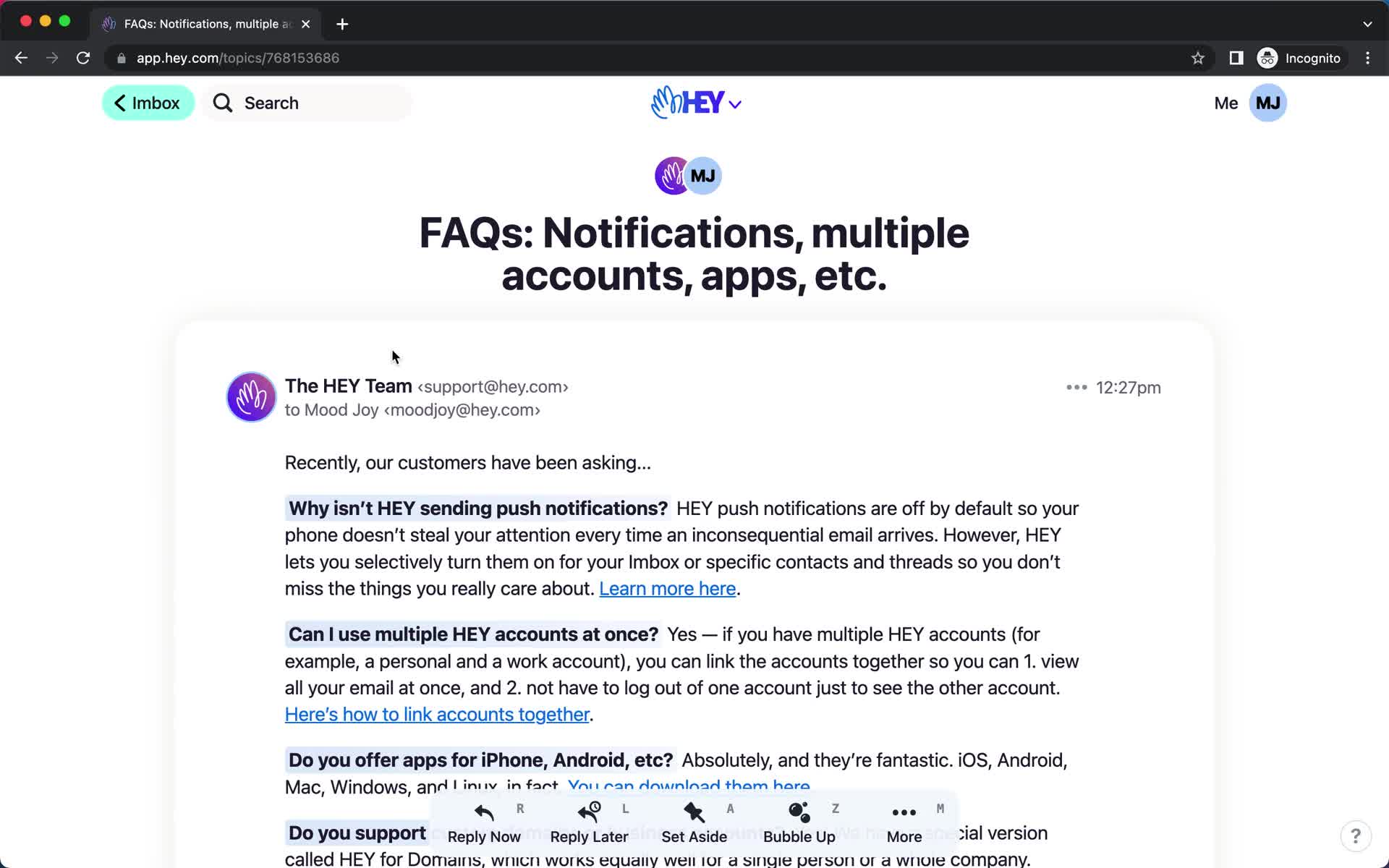
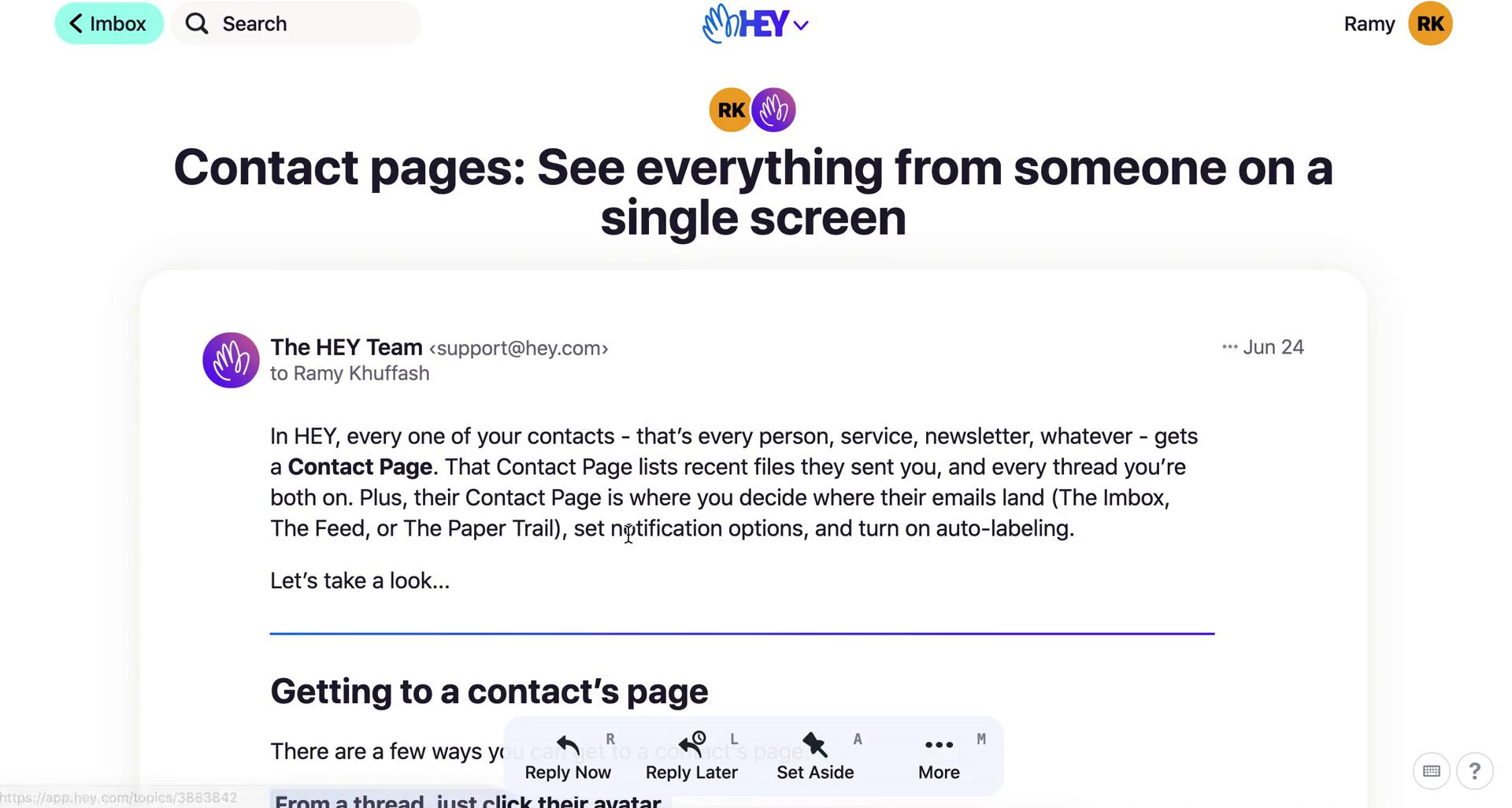
Email details
this is title
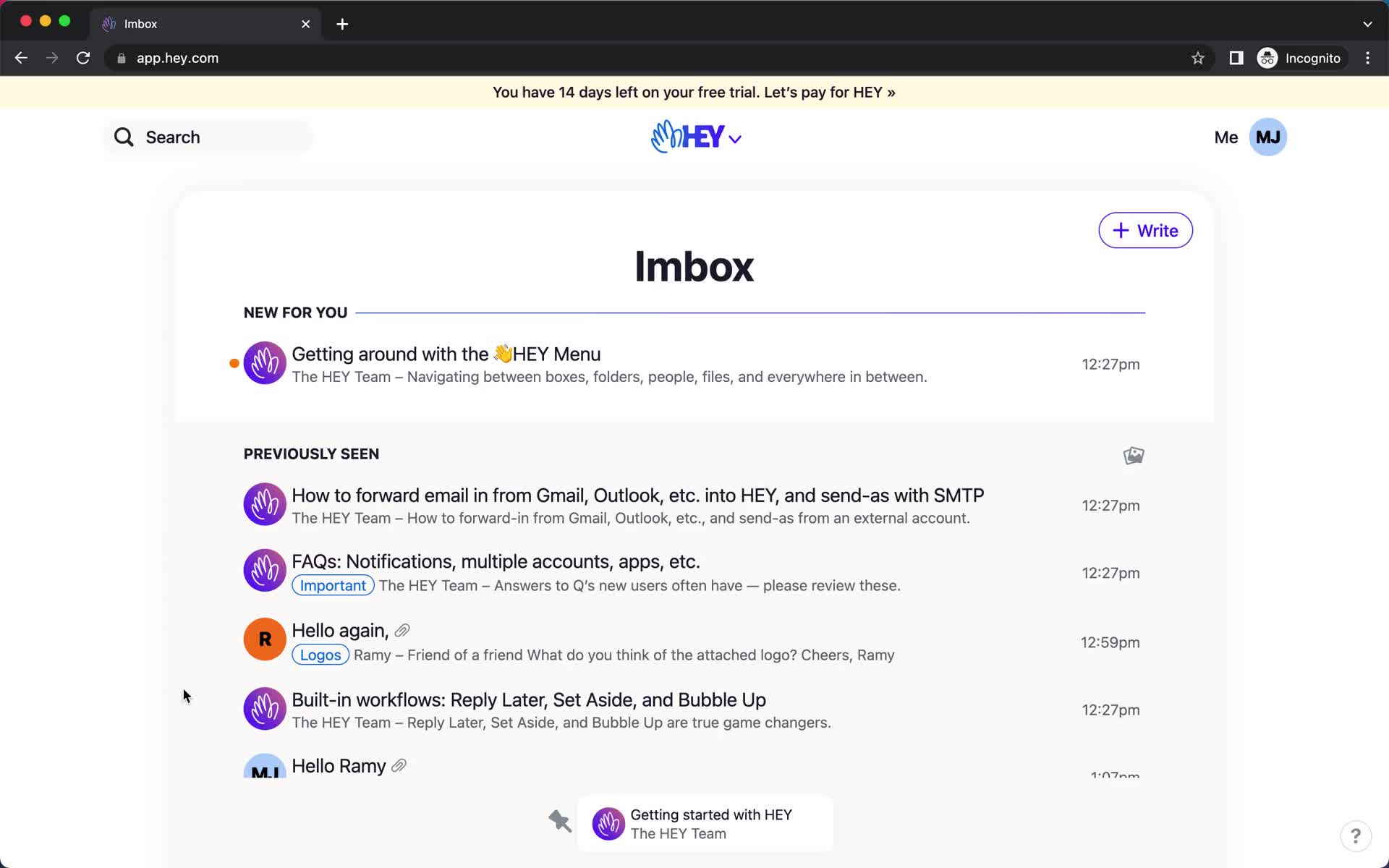
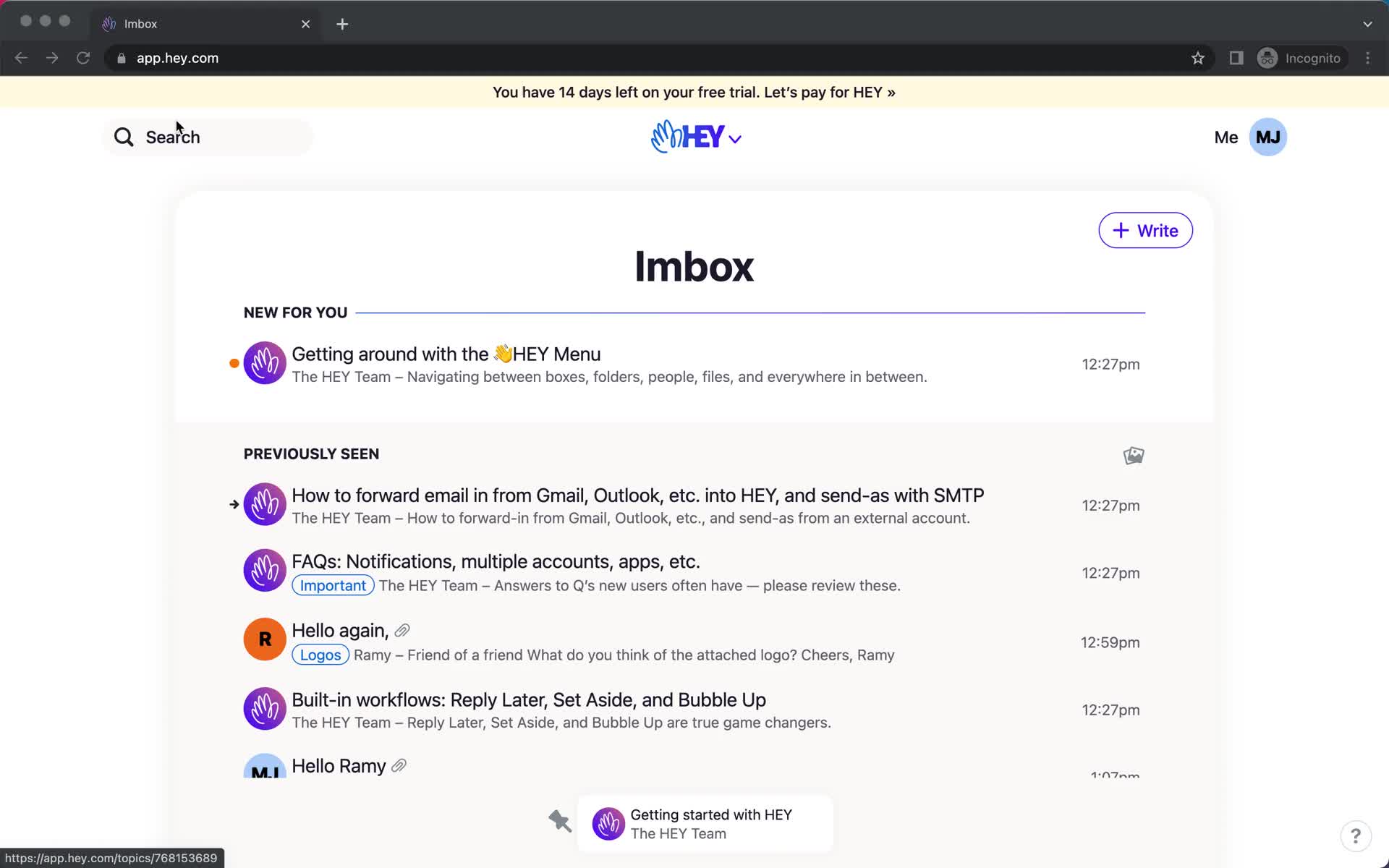
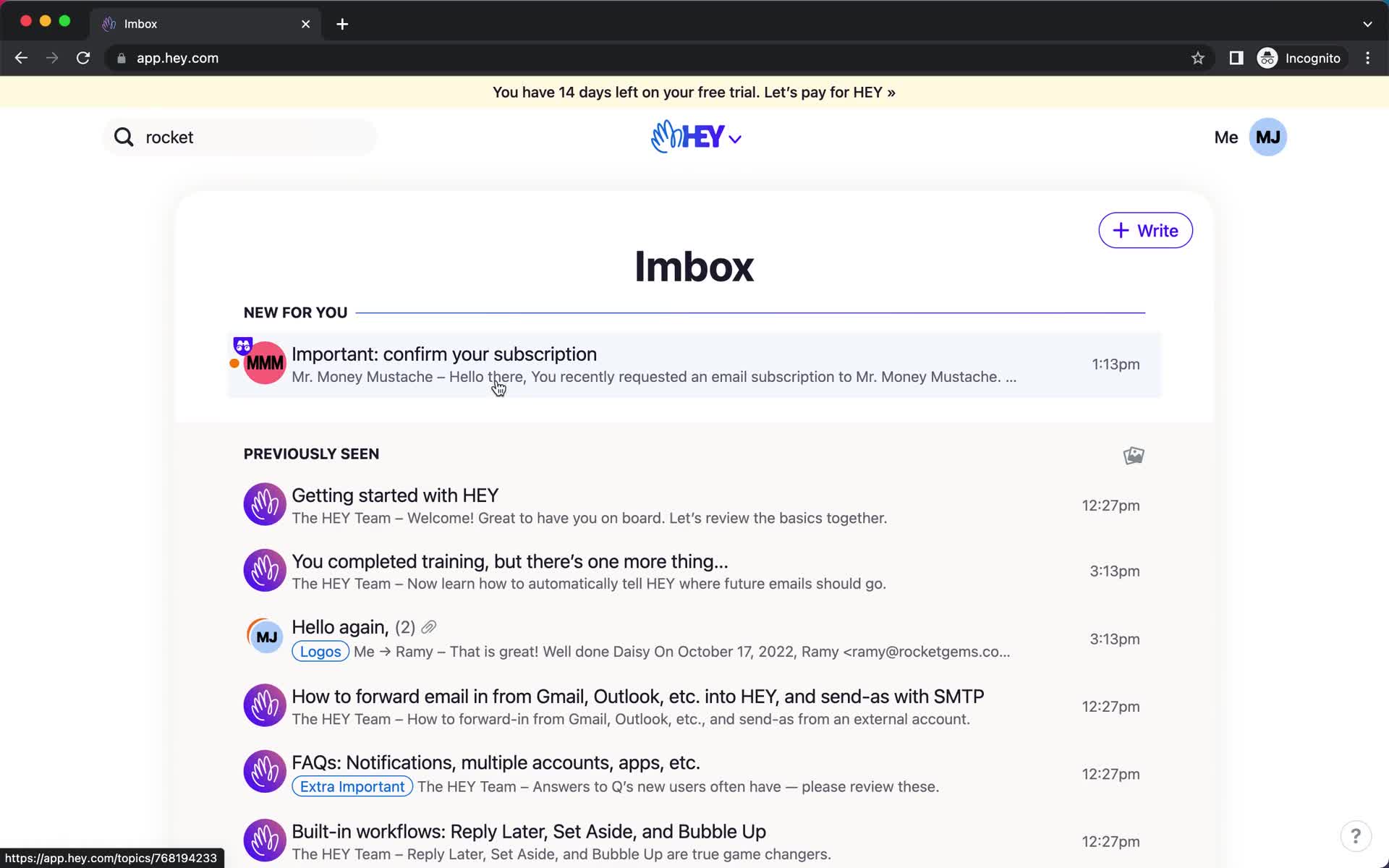
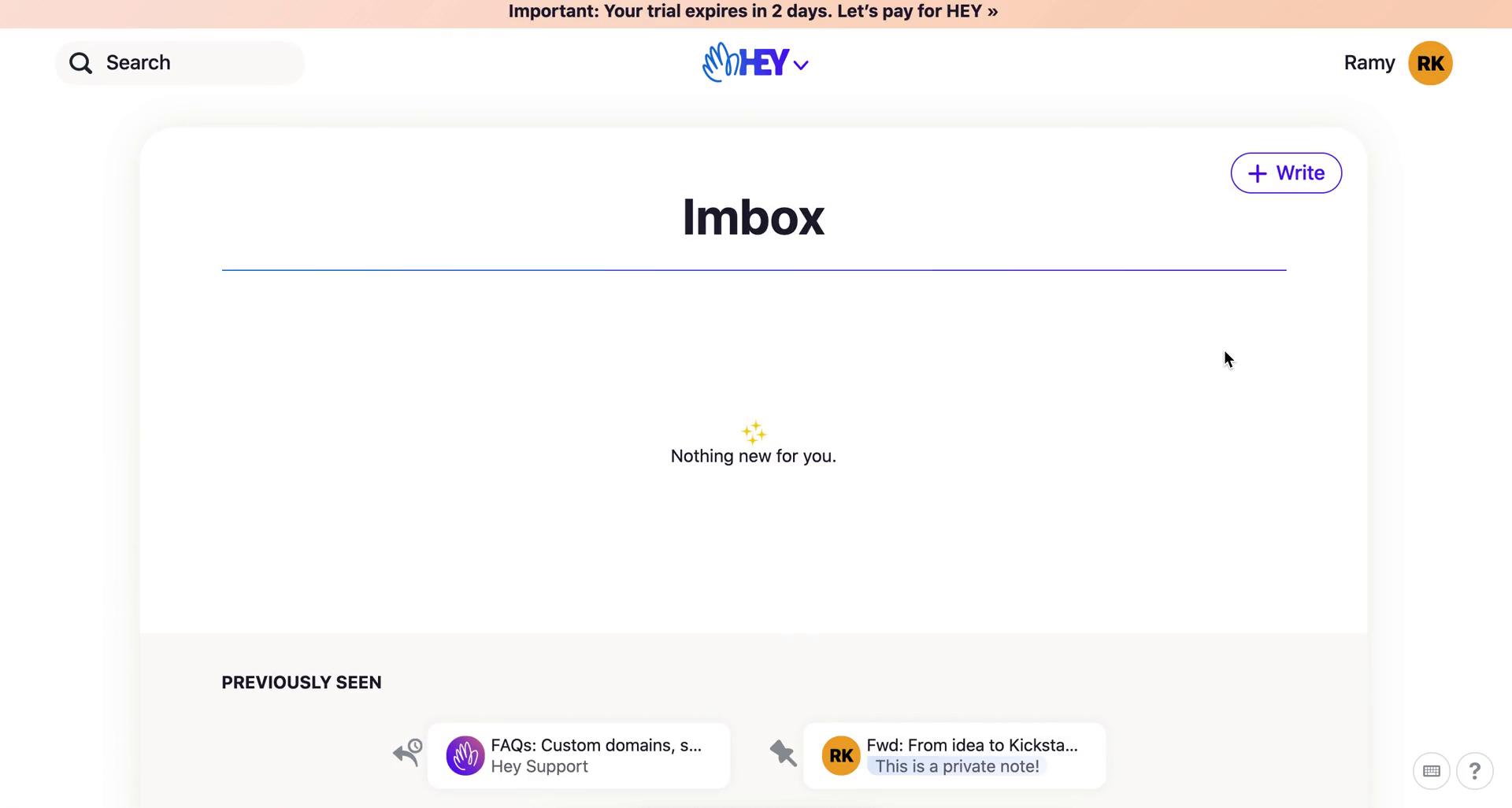
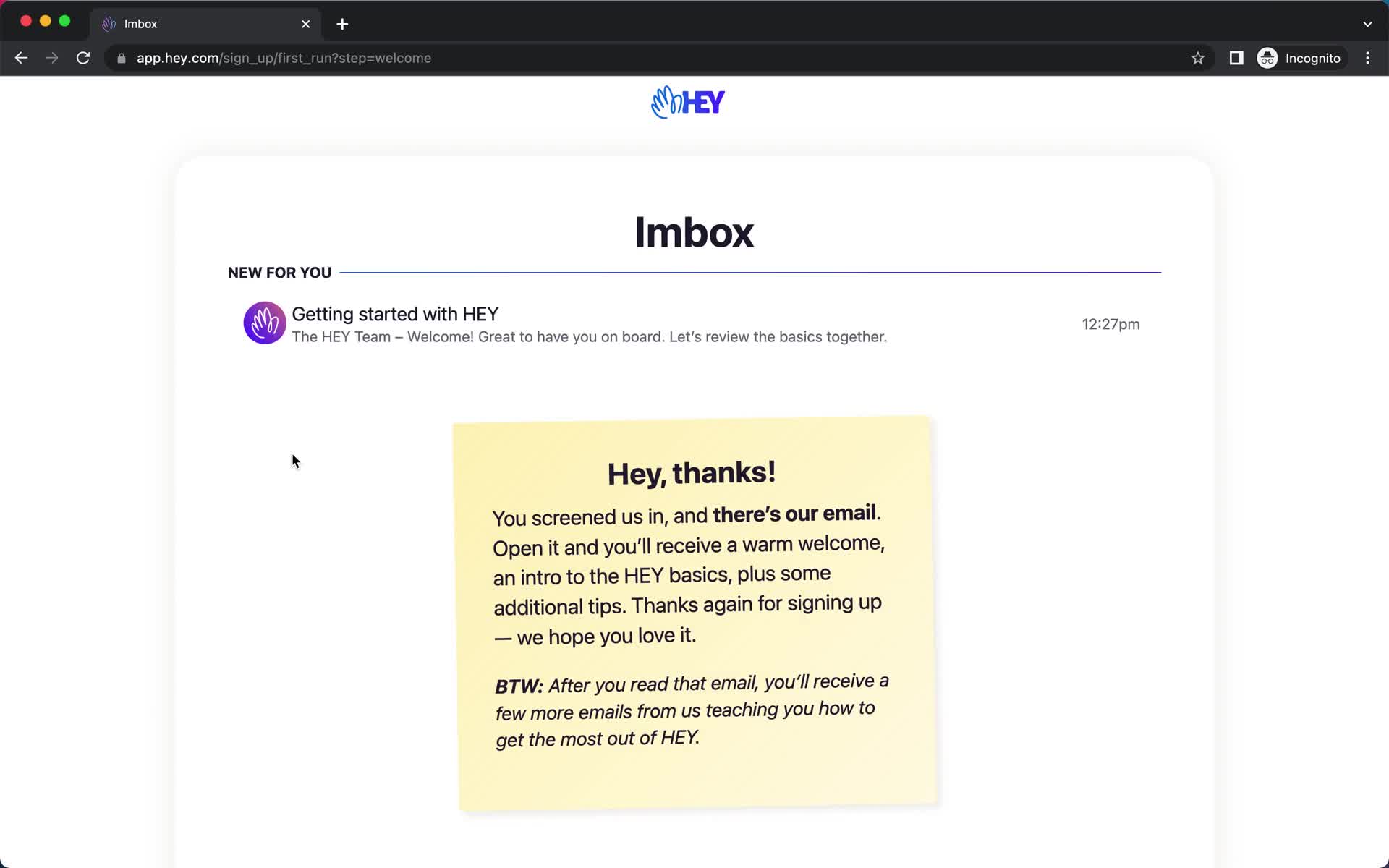
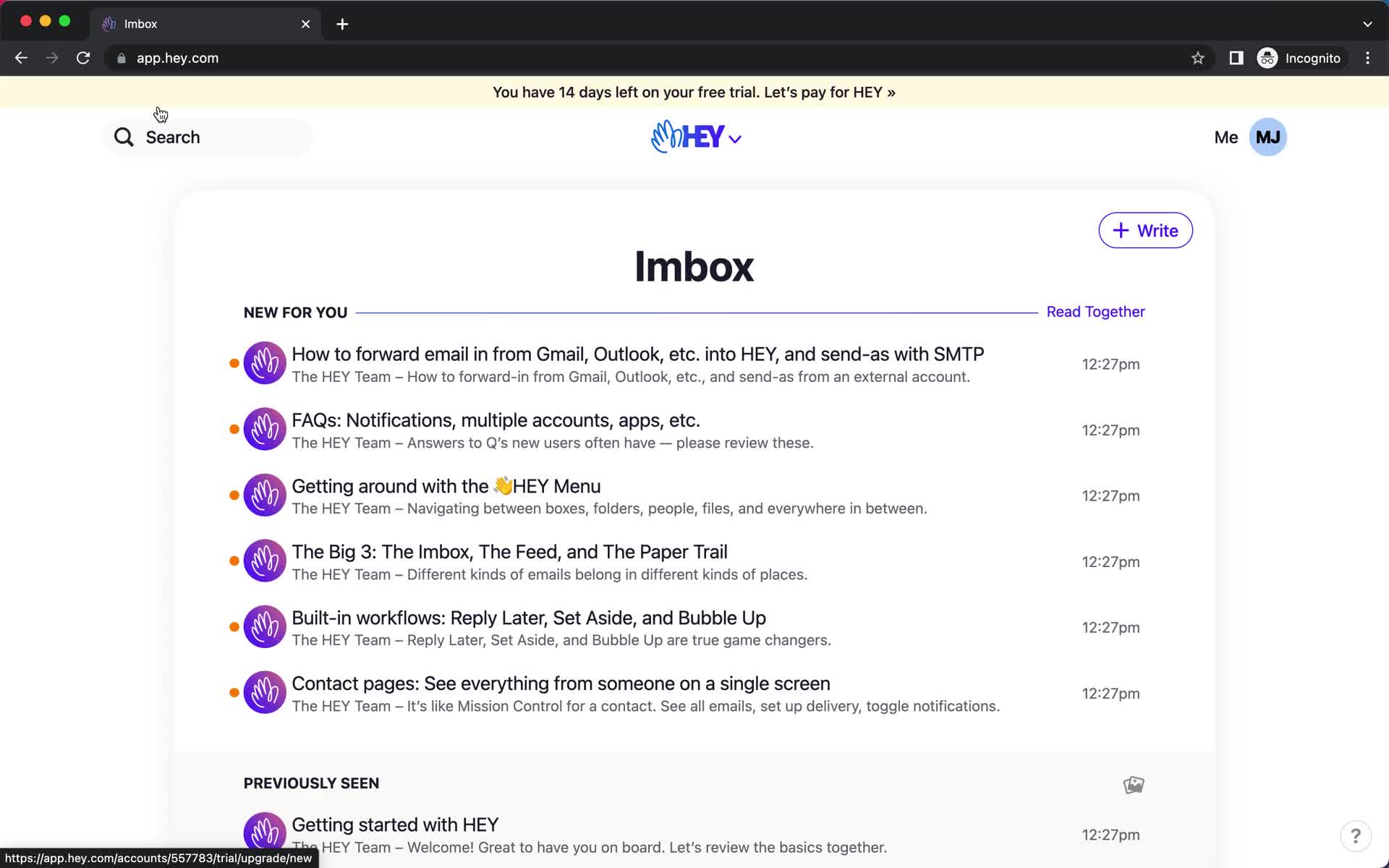
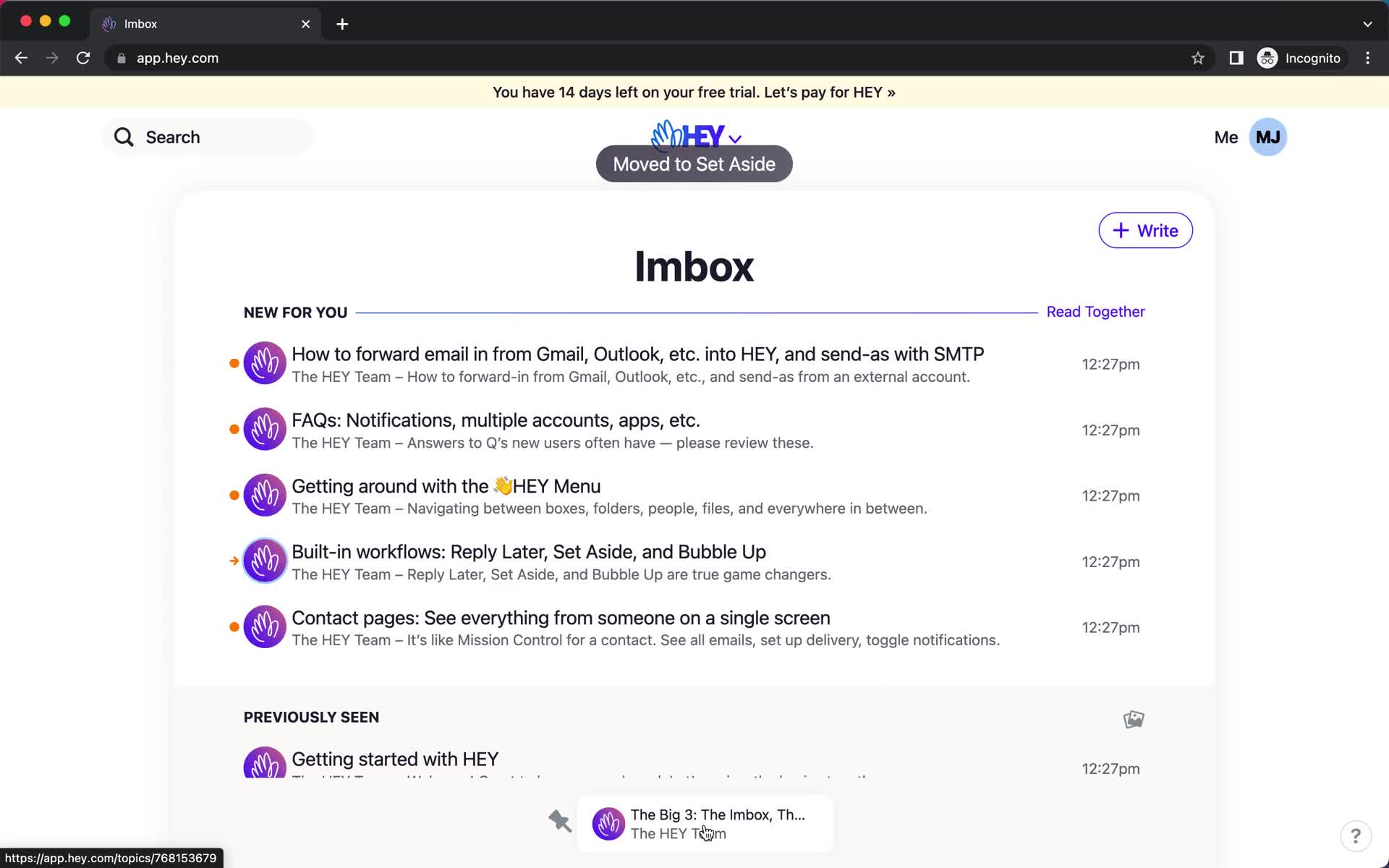
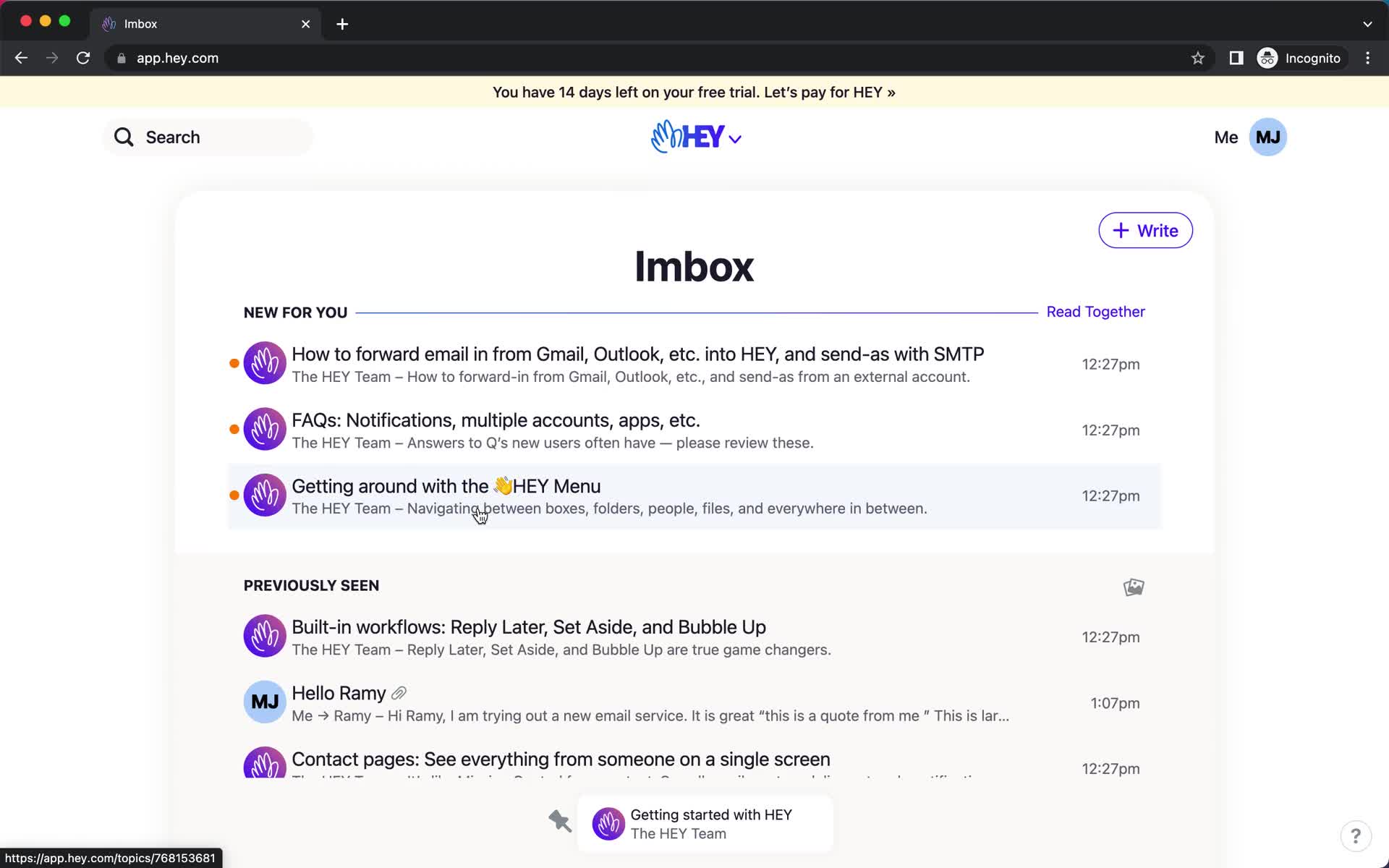
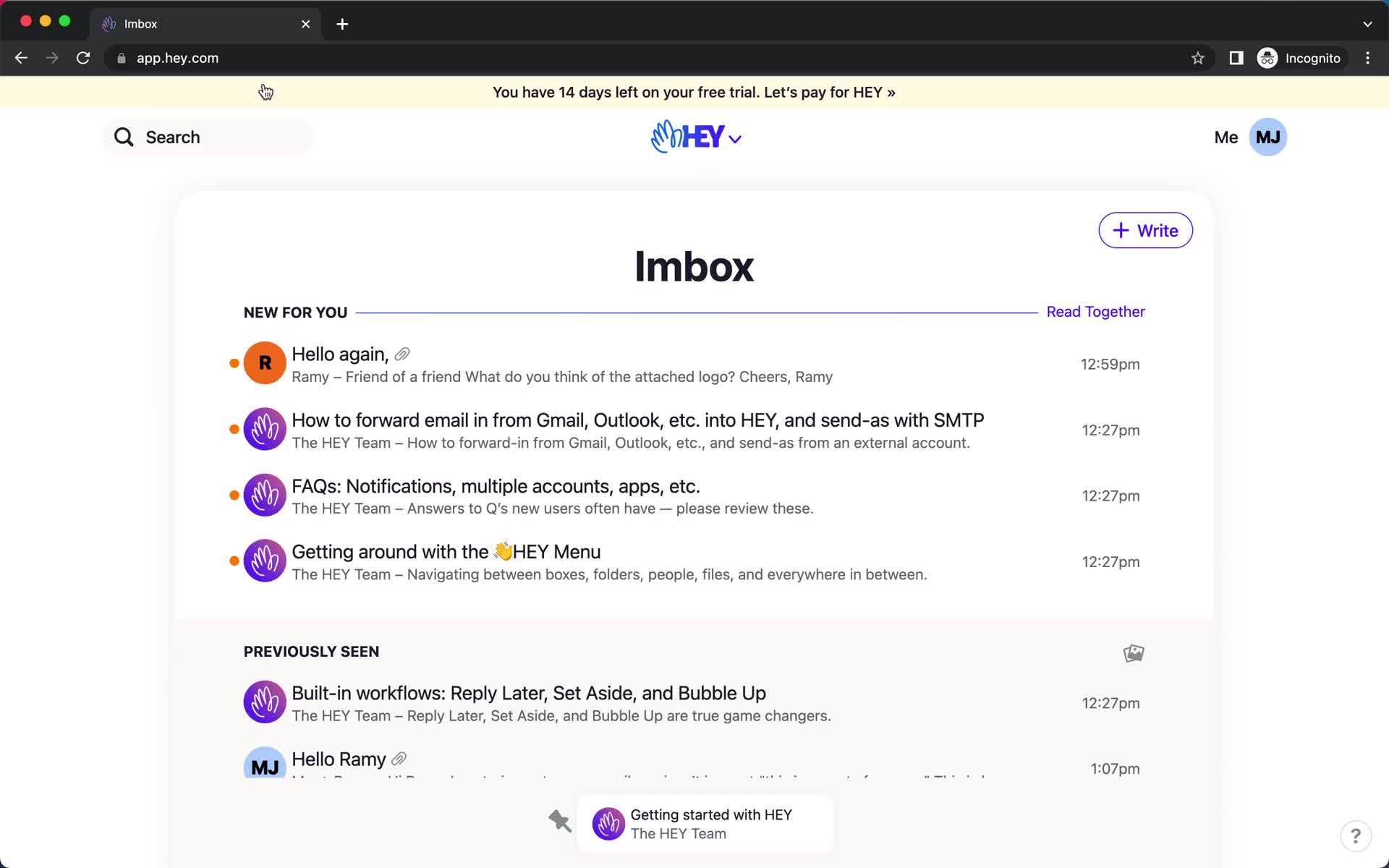
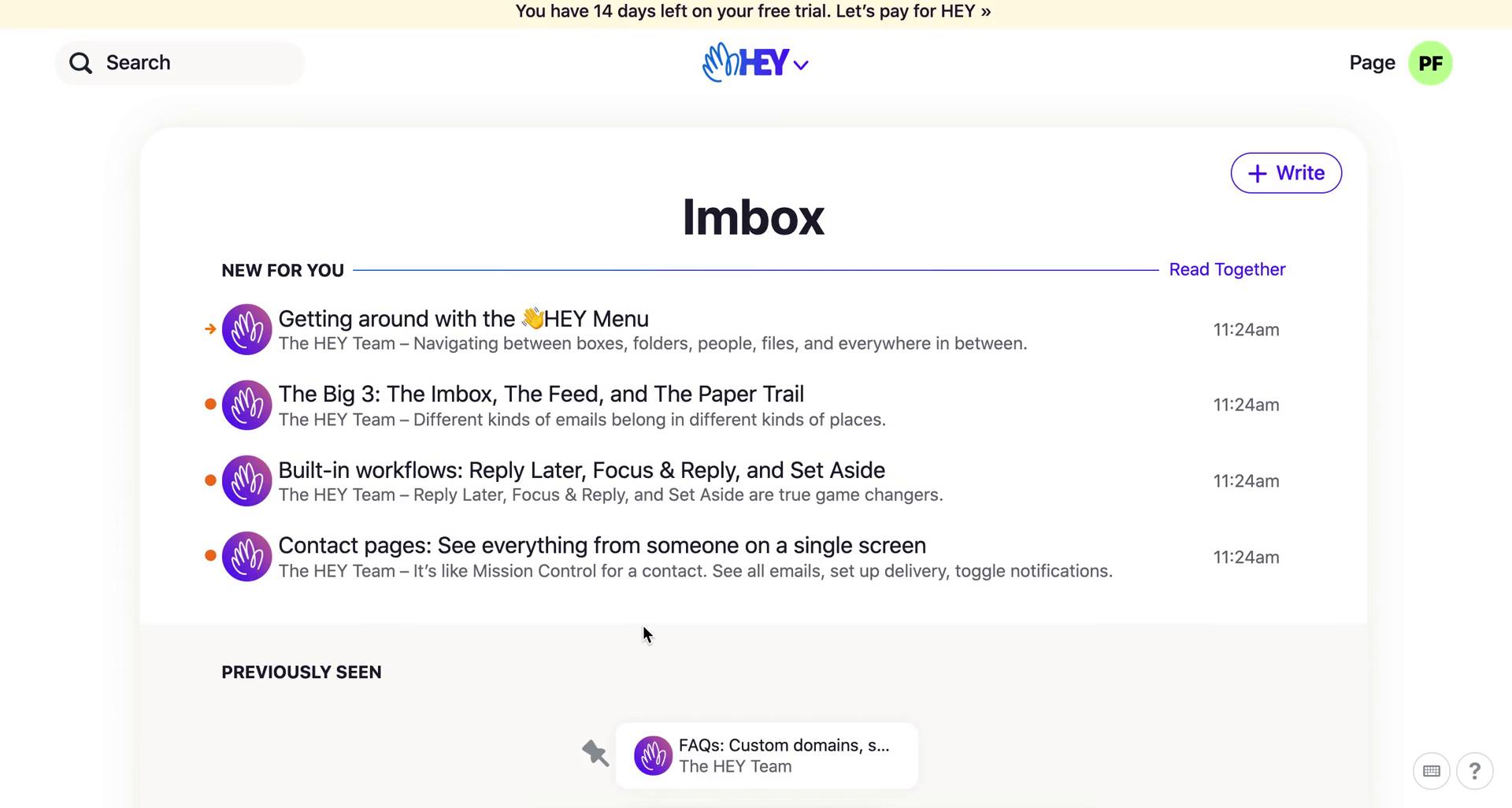
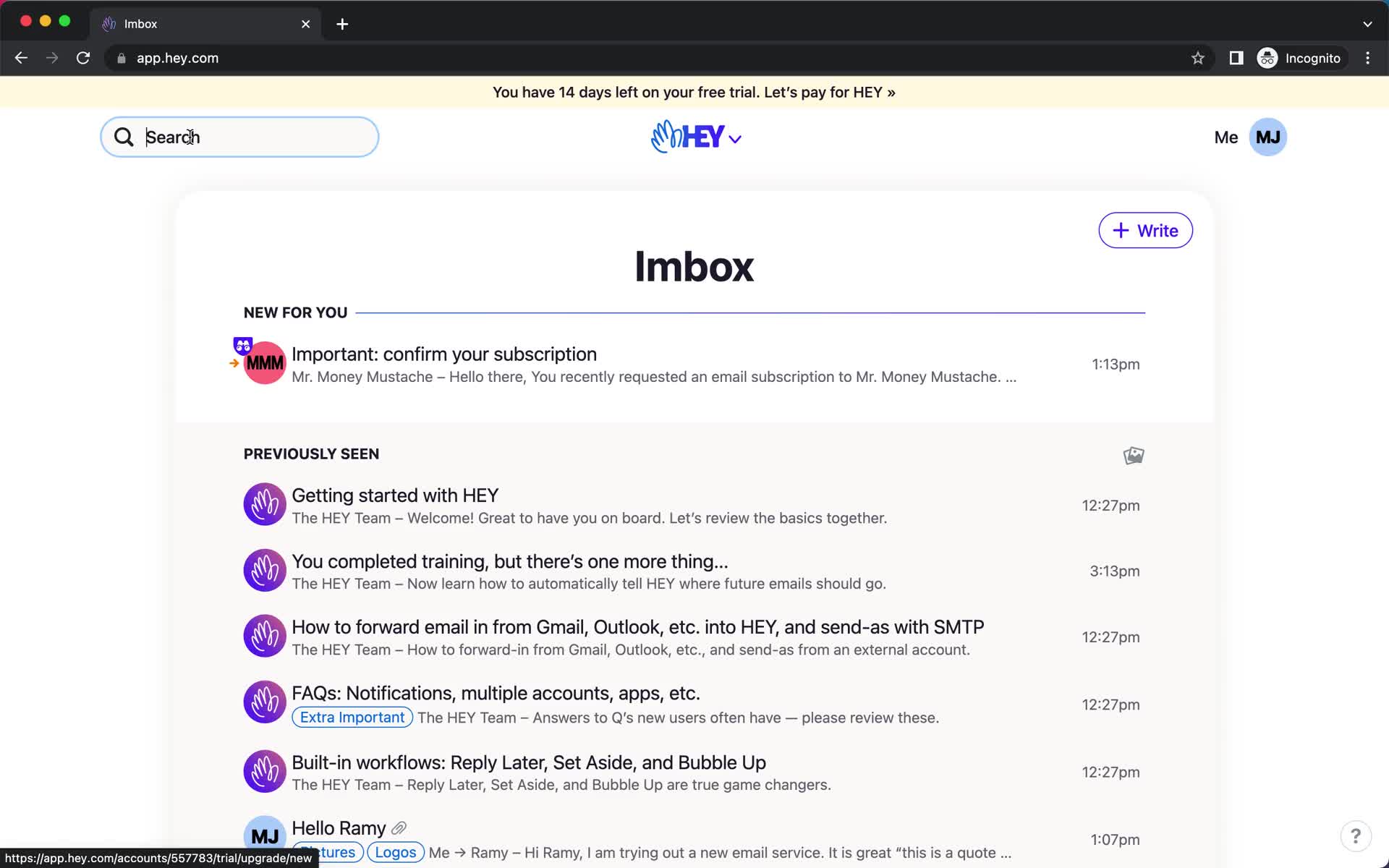
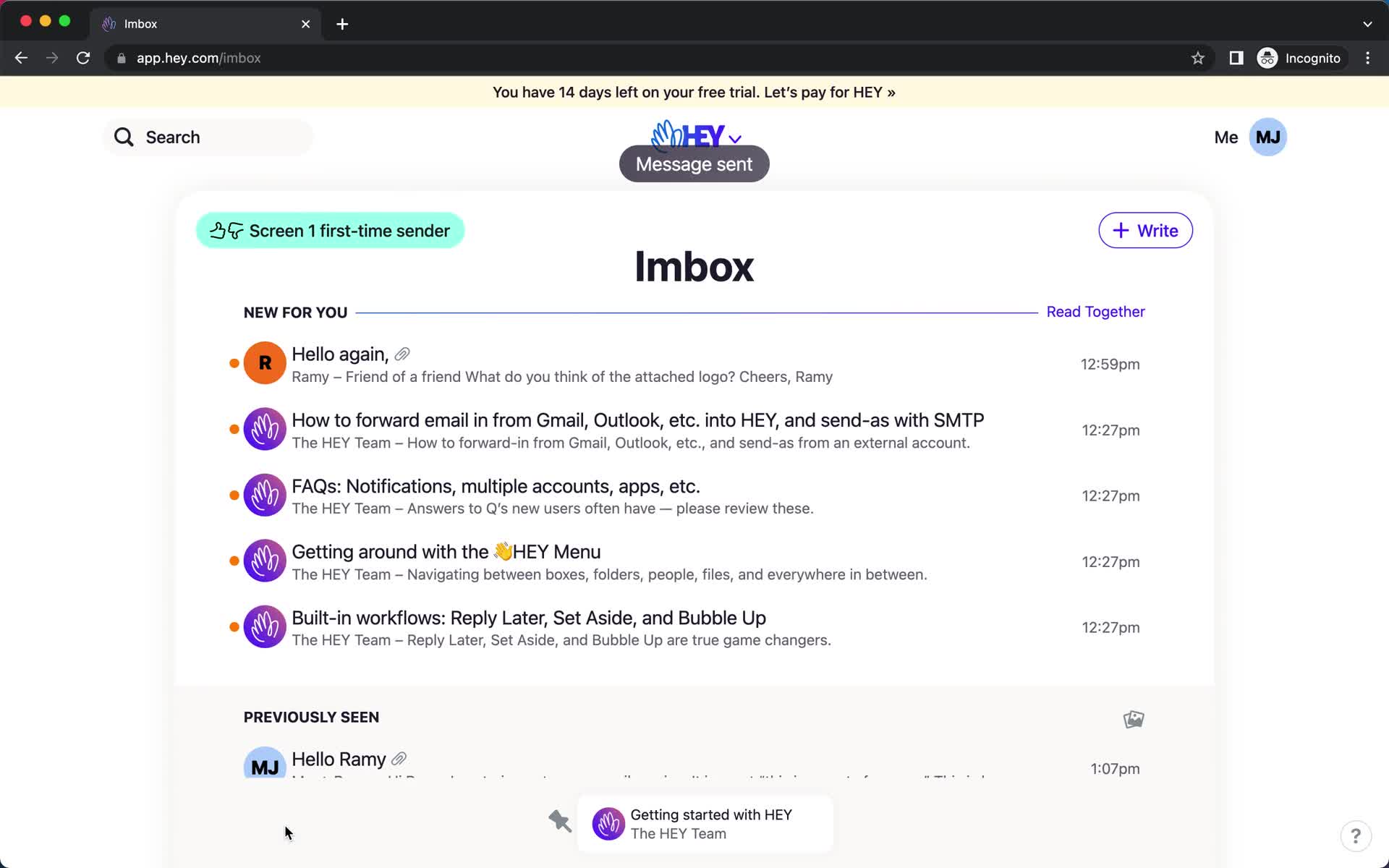
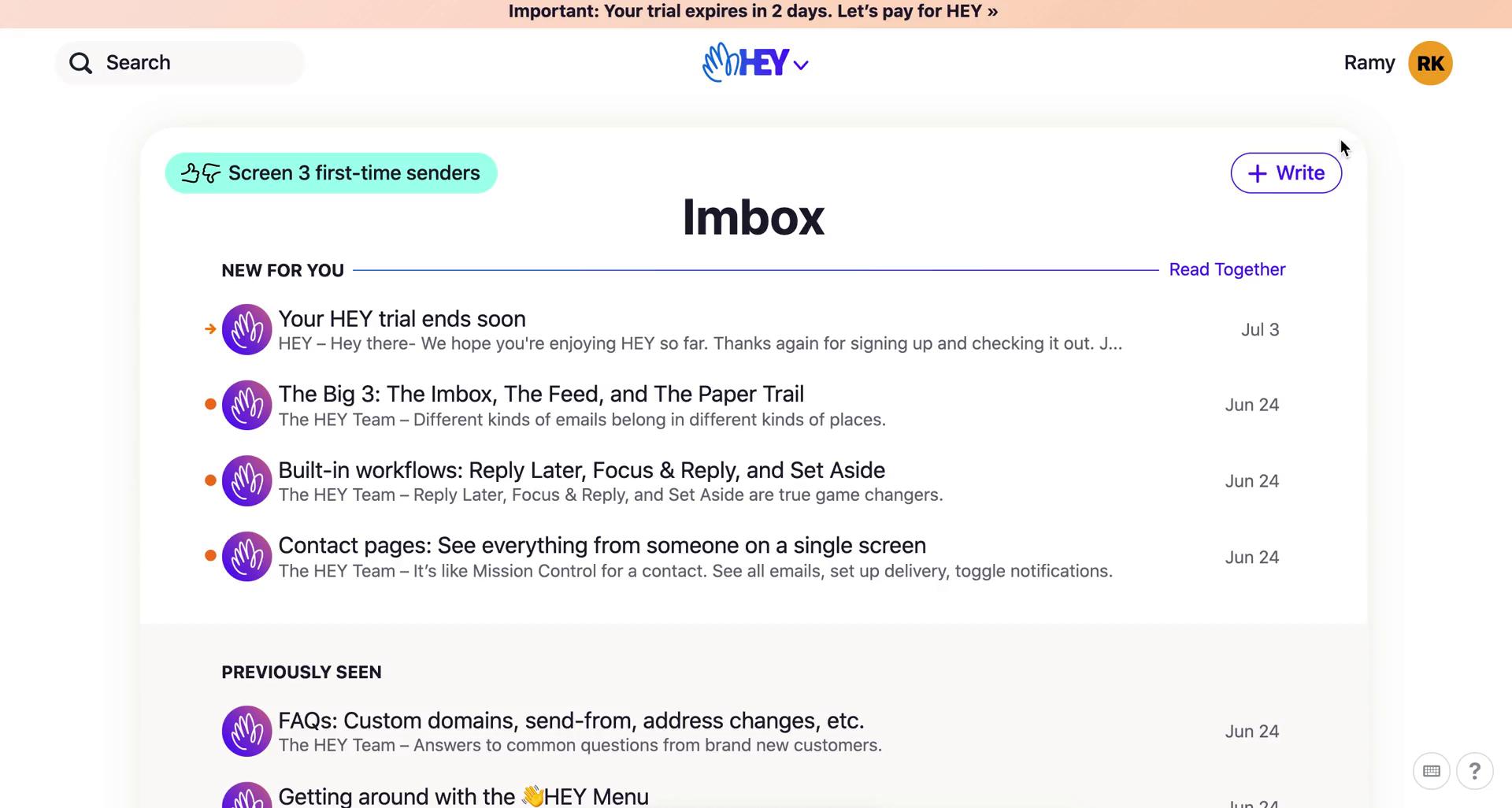
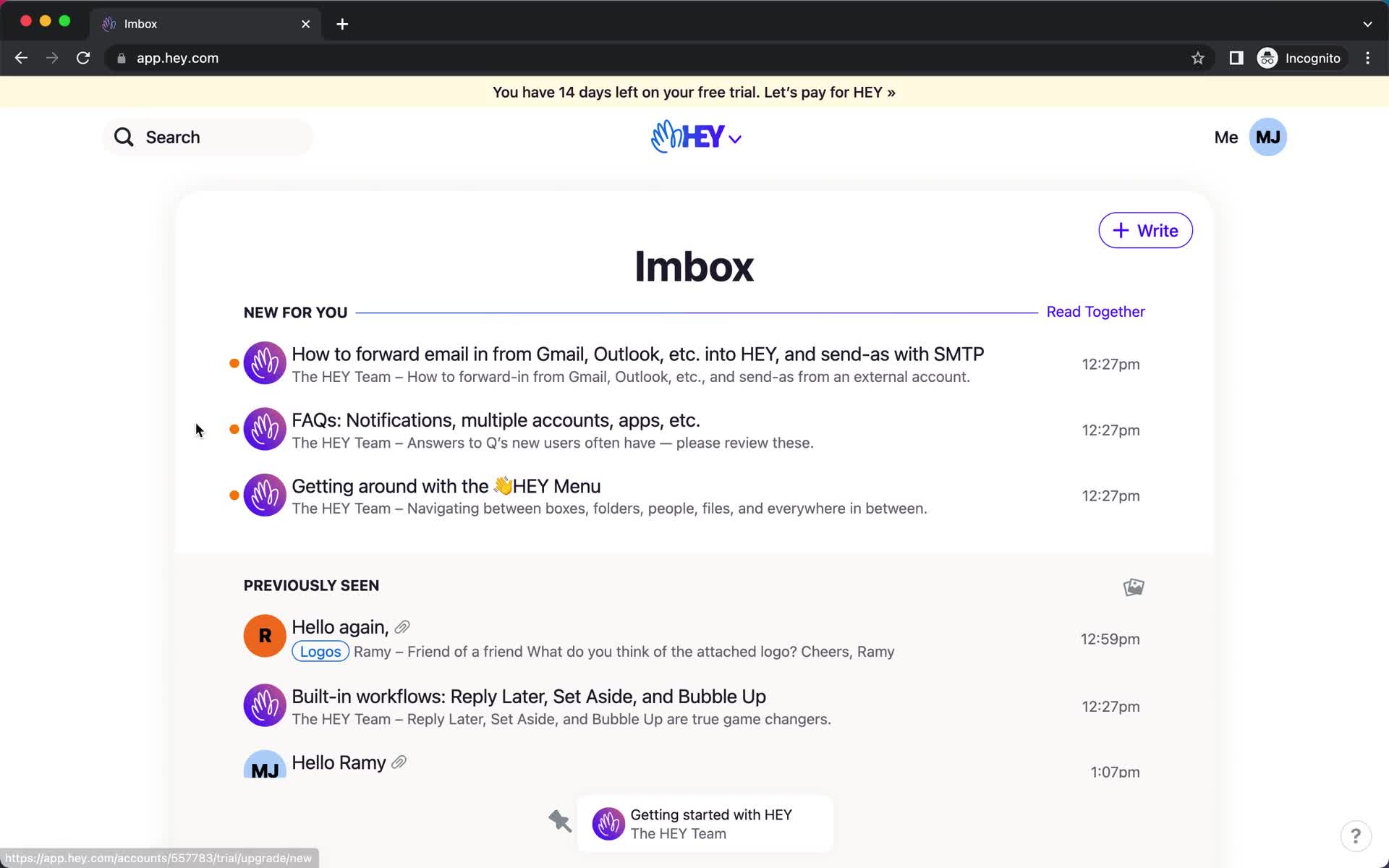
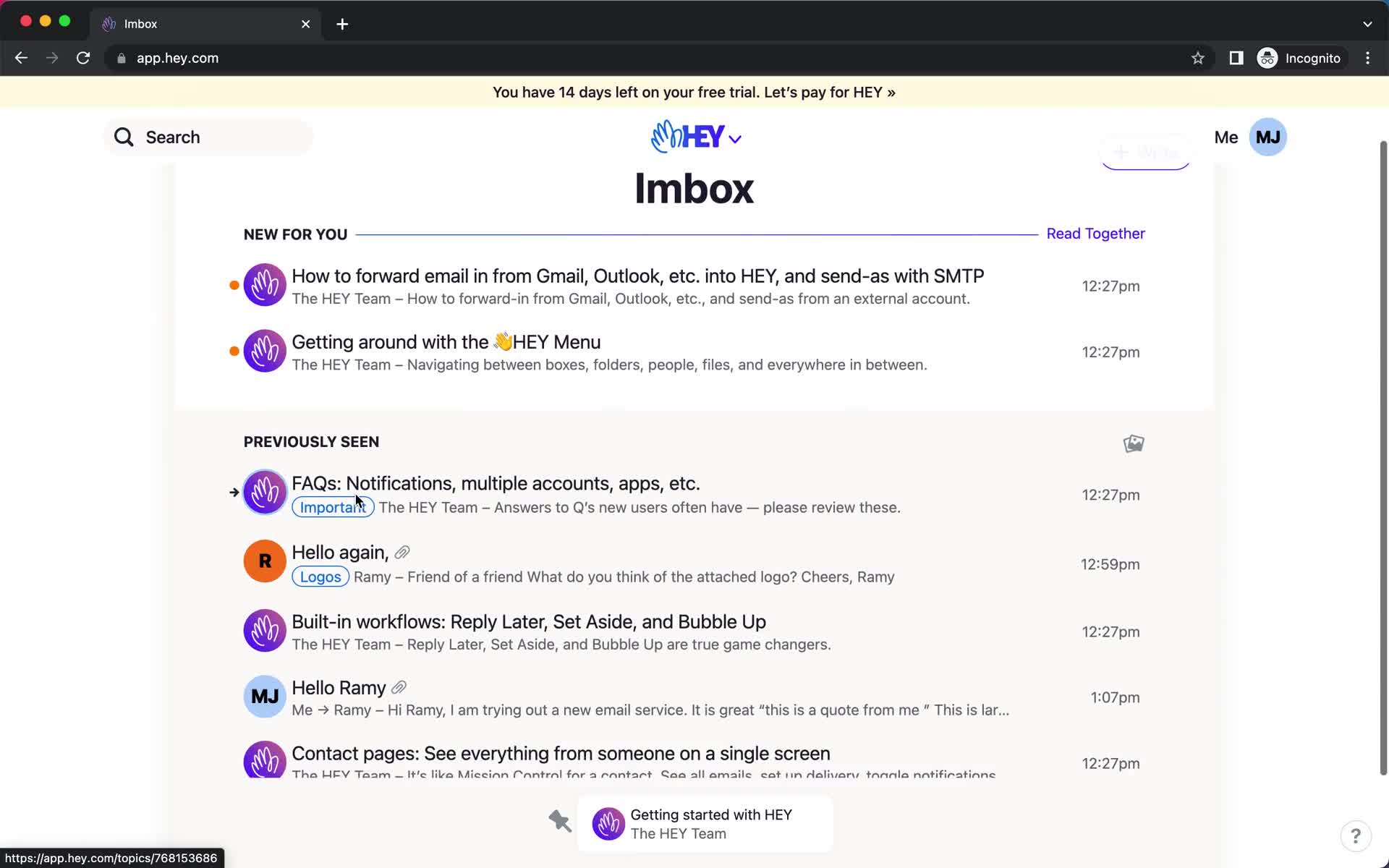
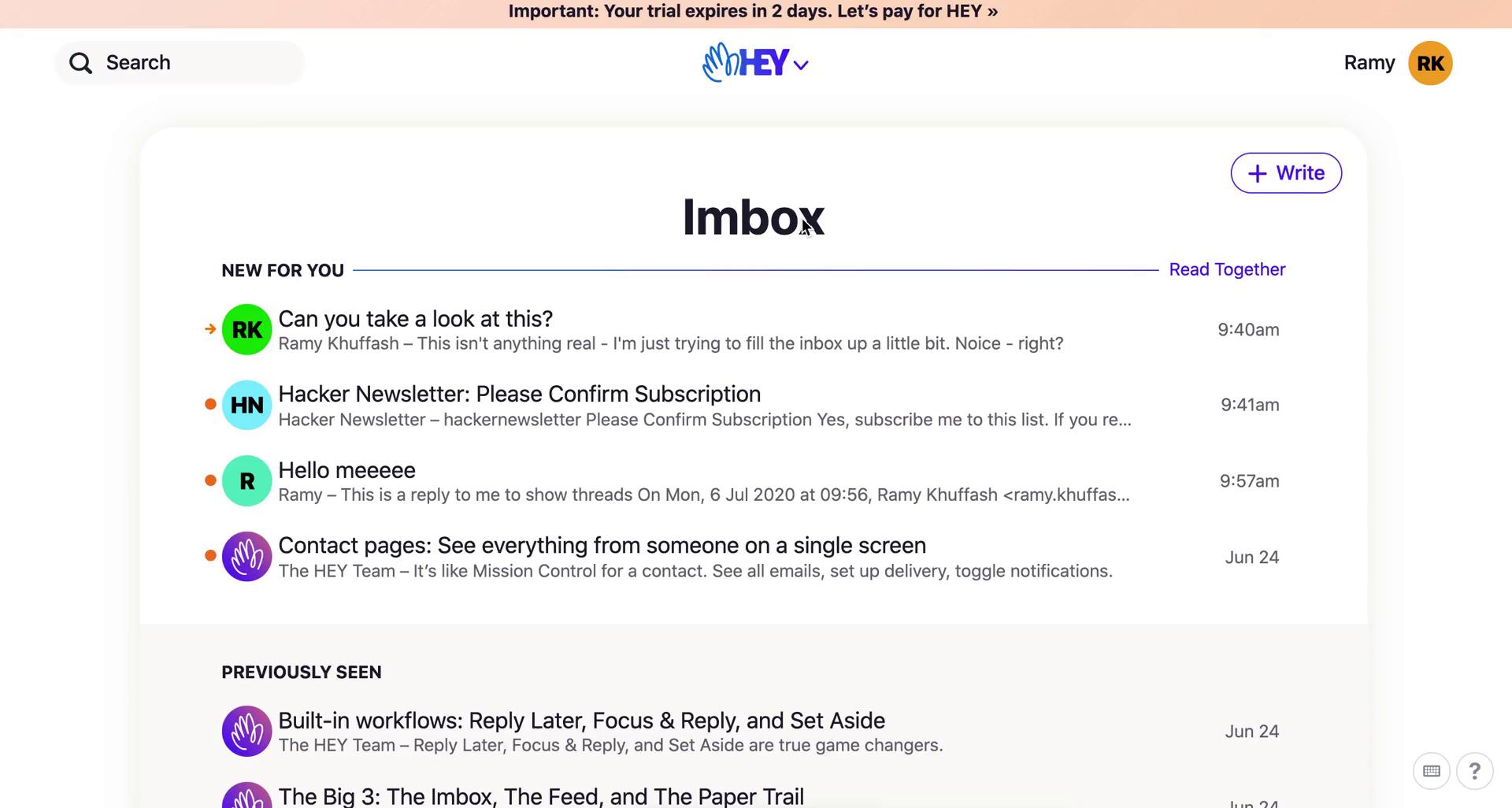
Inbox
this is title
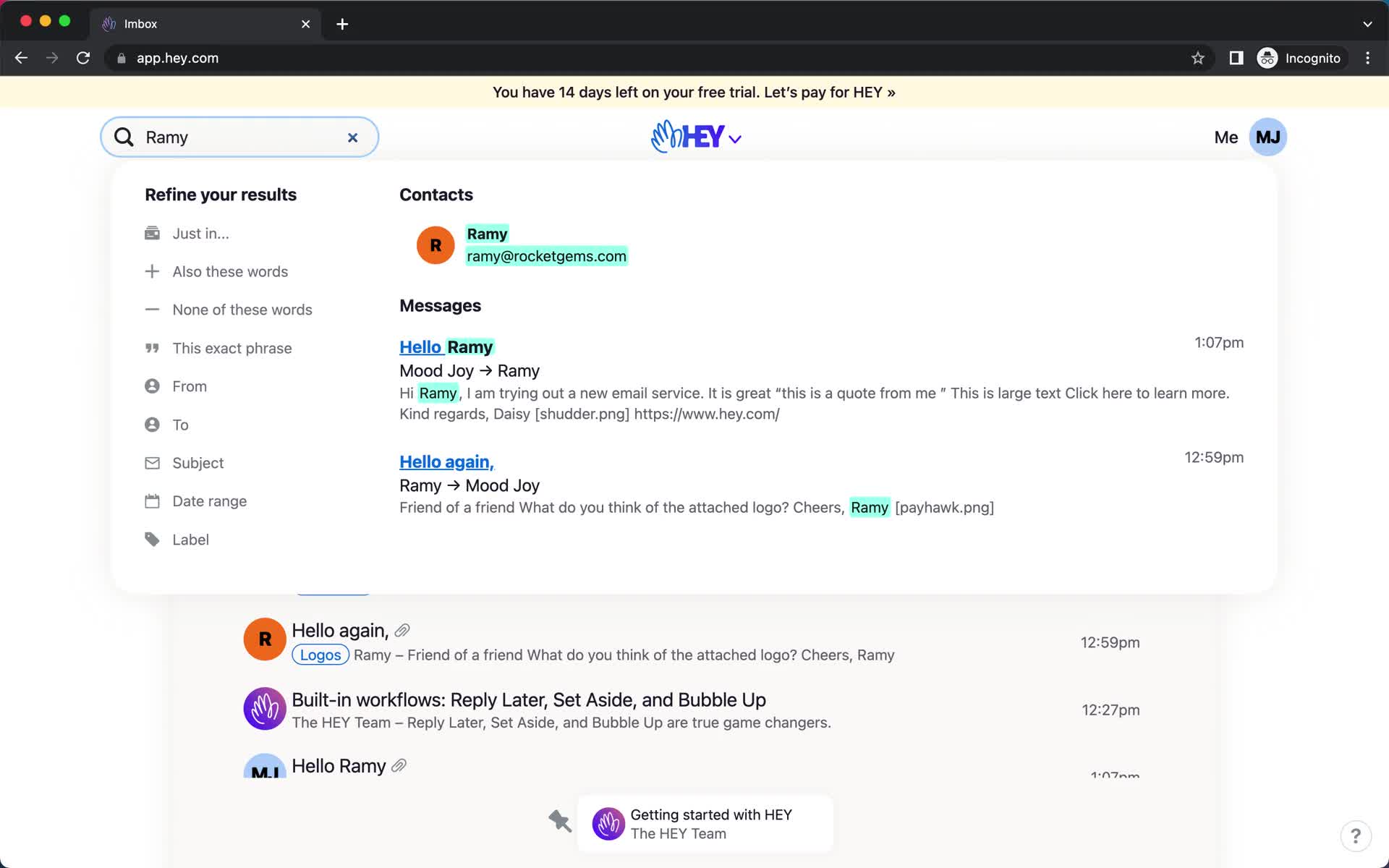
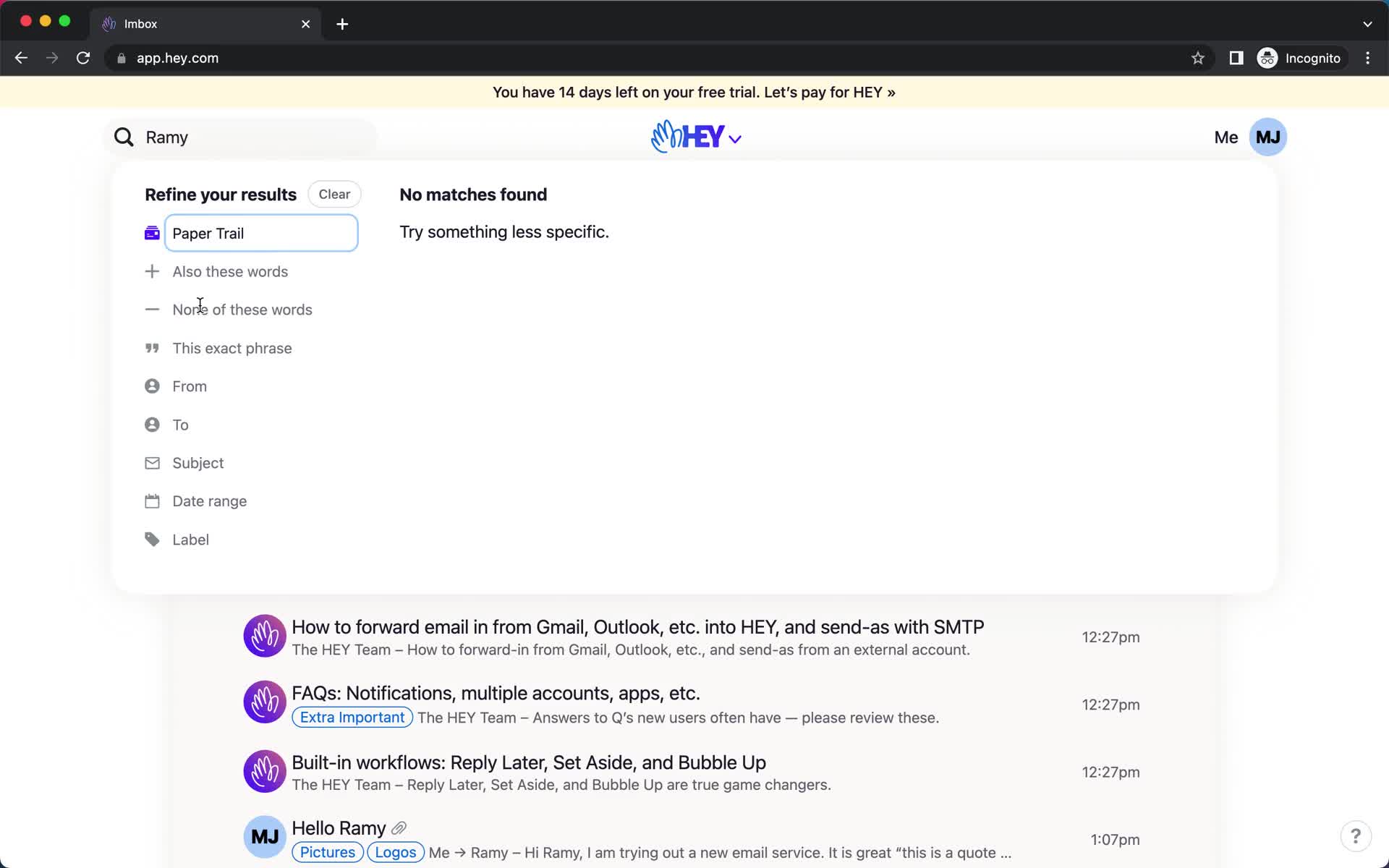
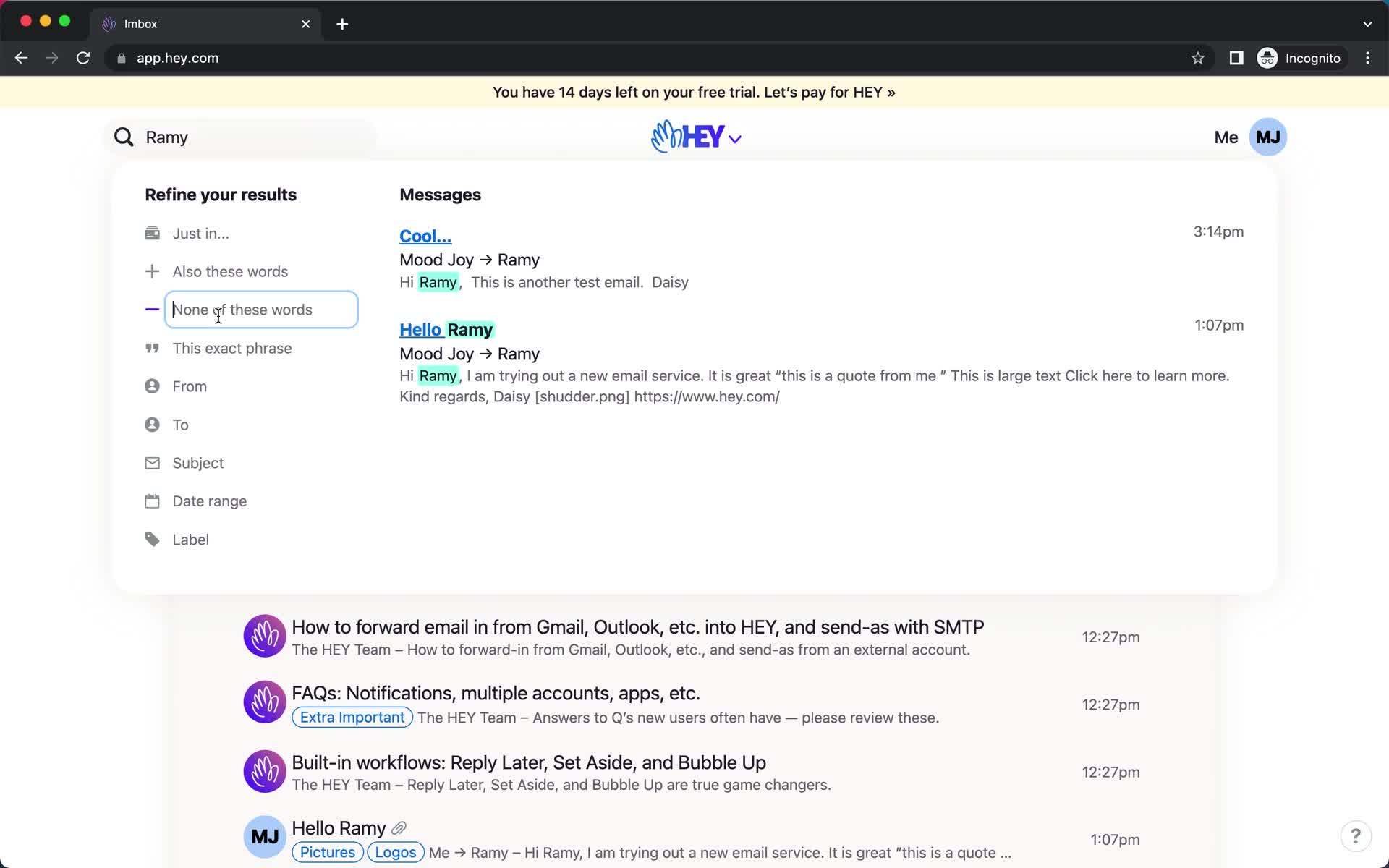
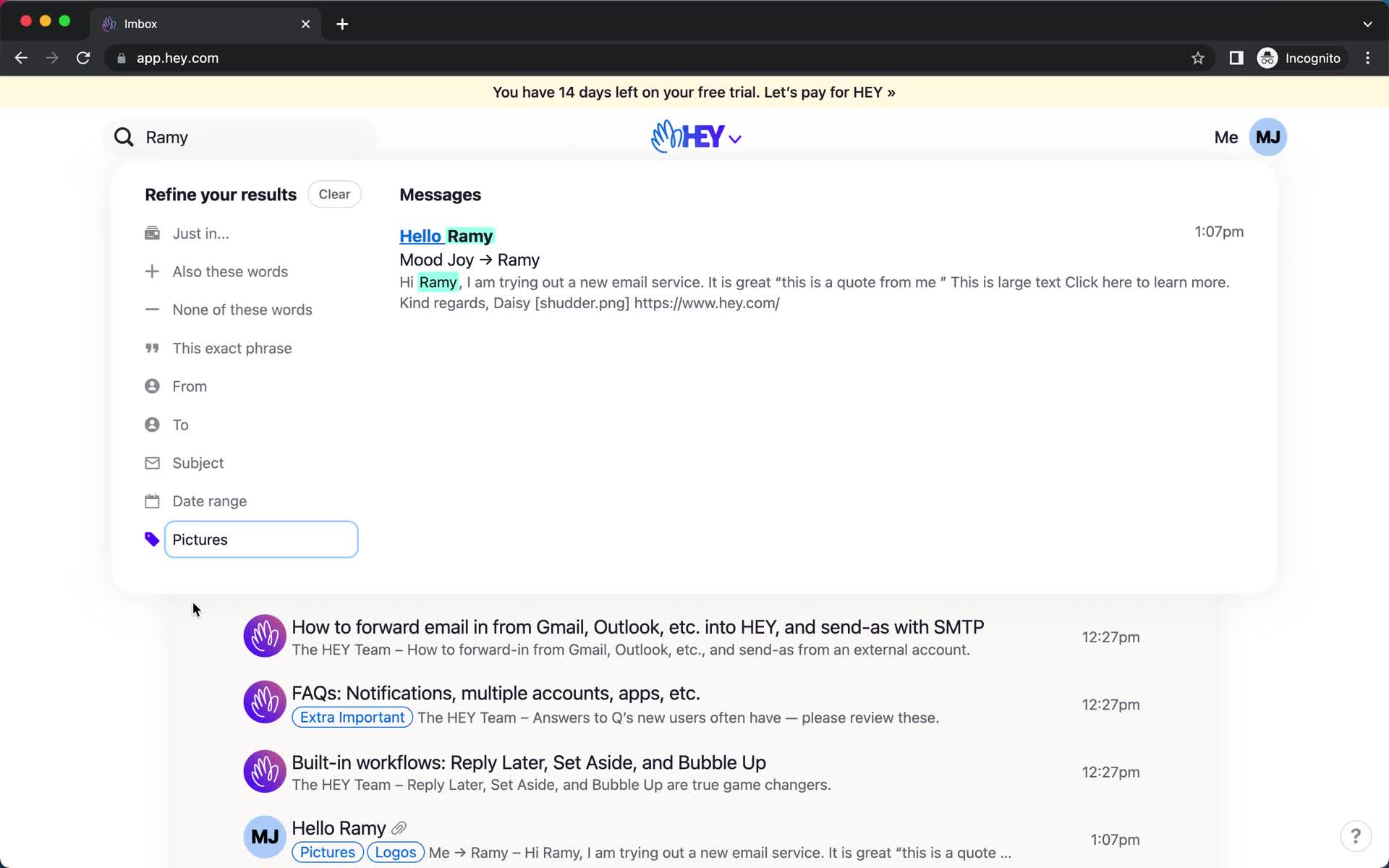
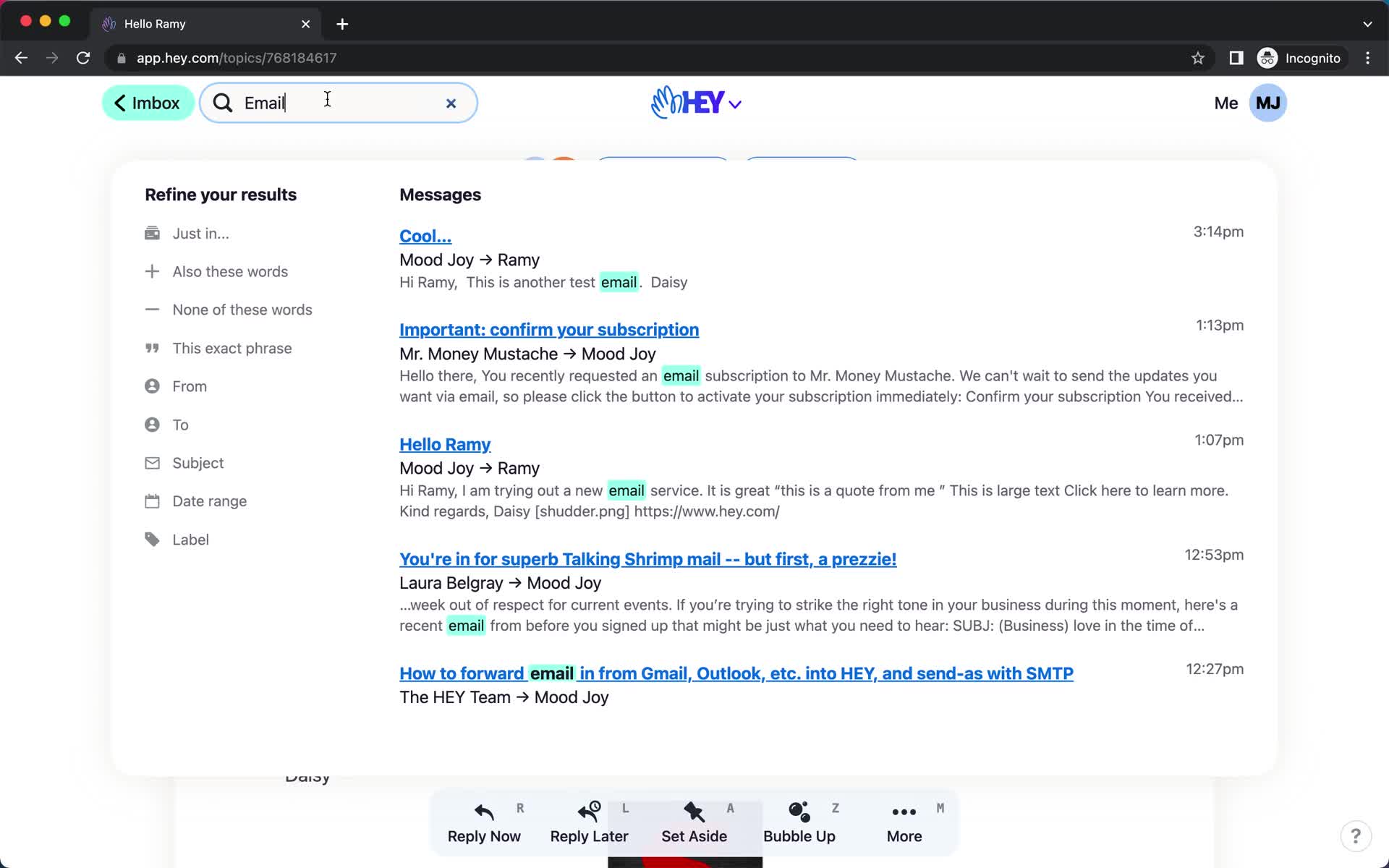
Search
this is title
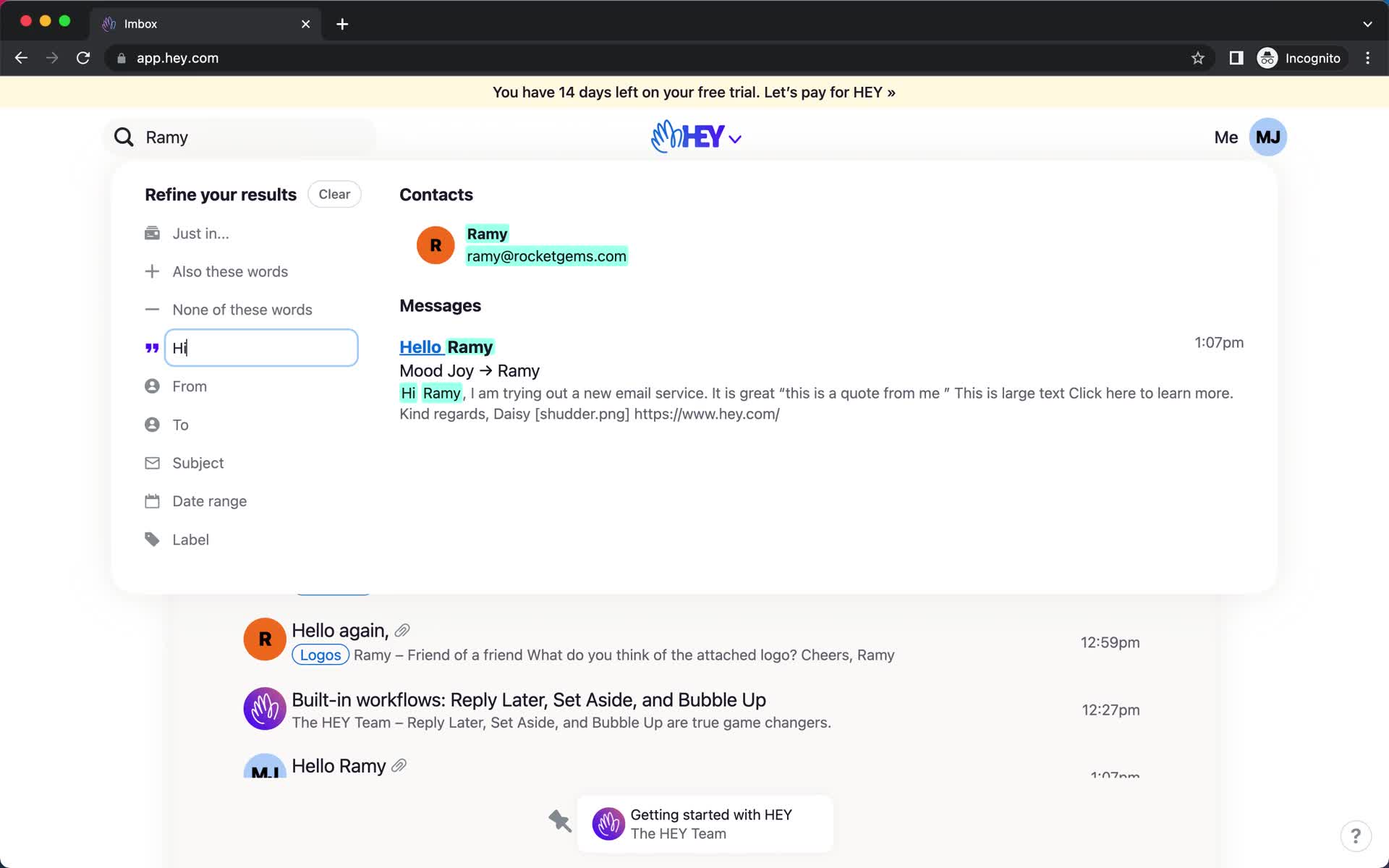
Search
this is title
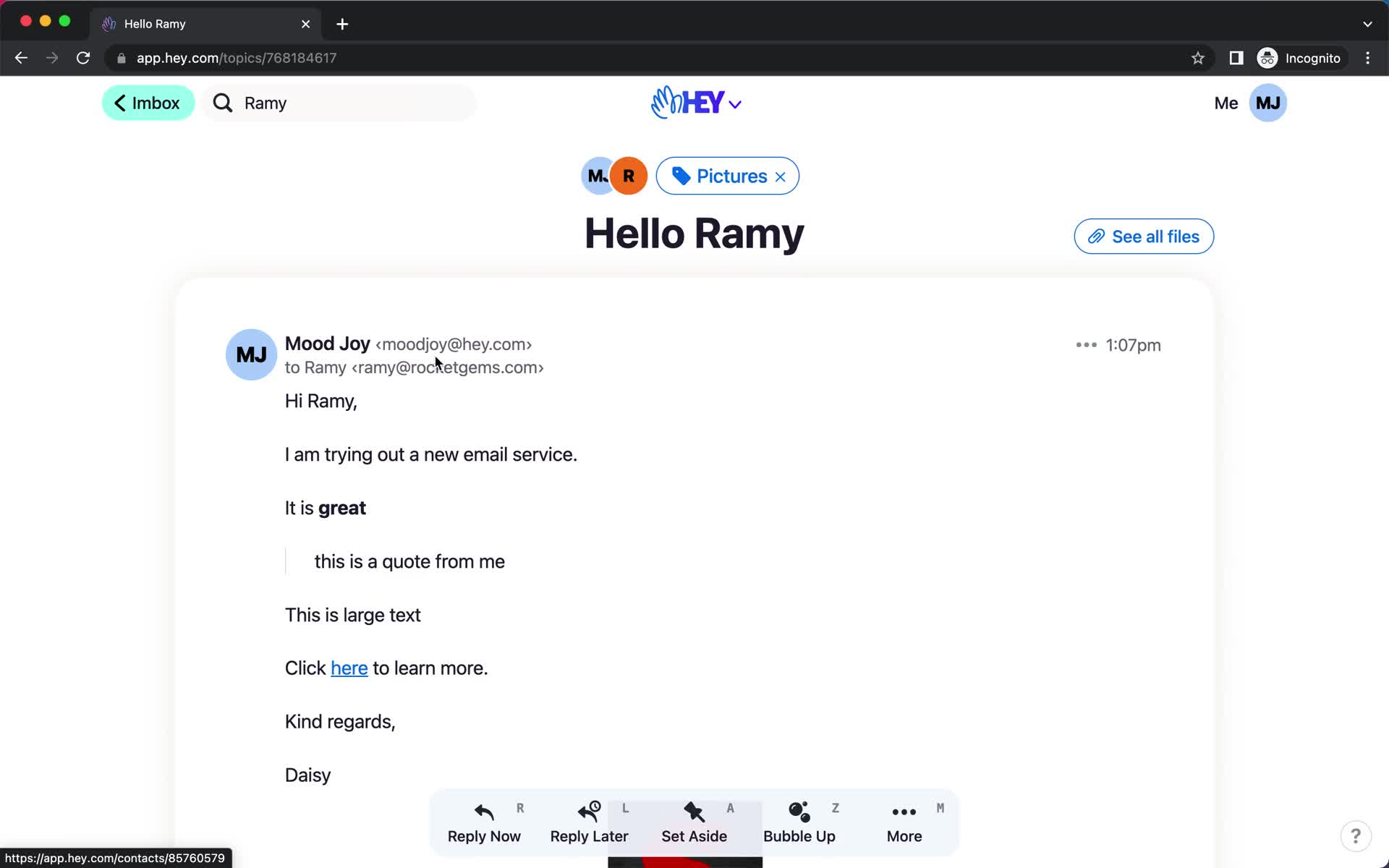
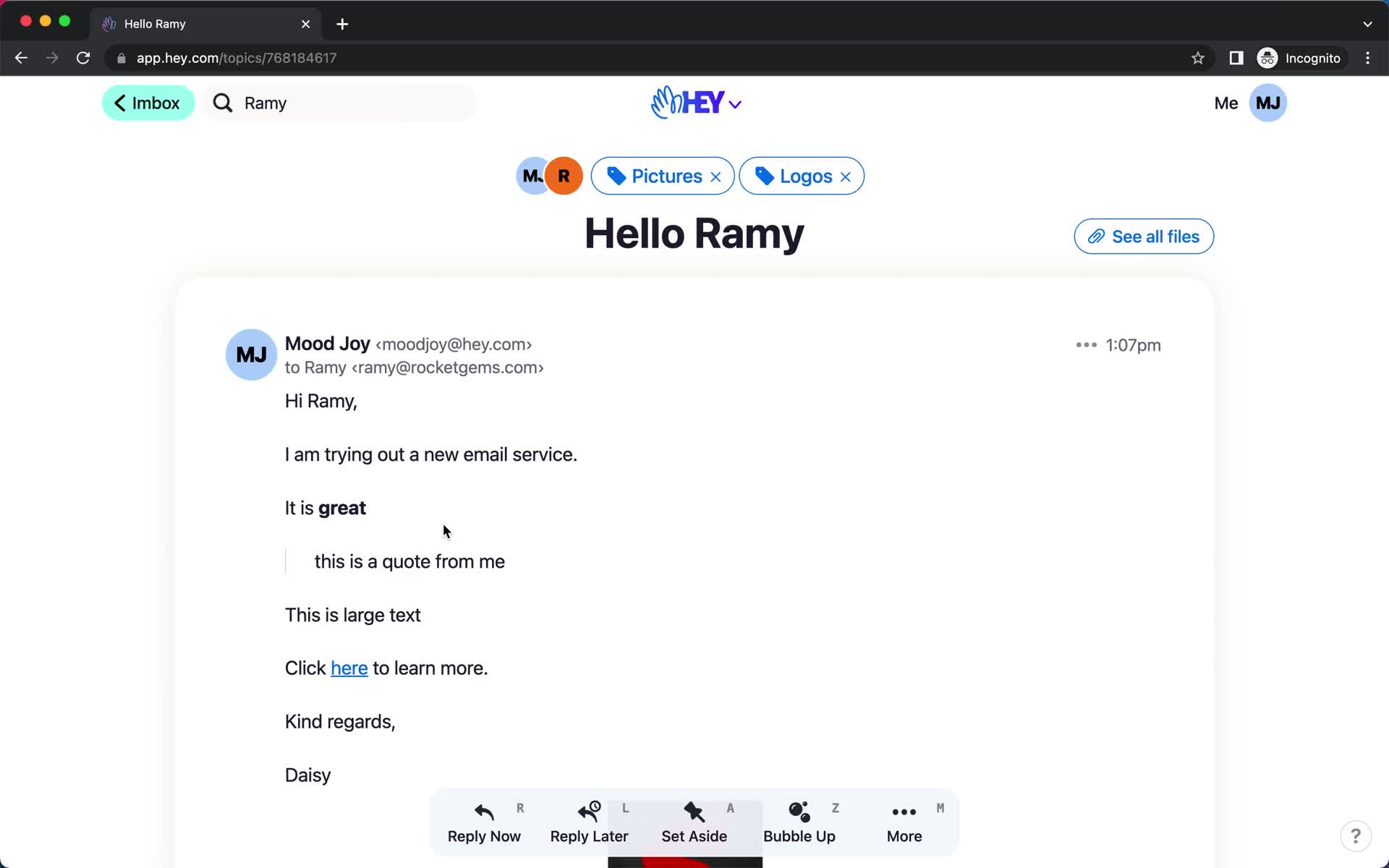
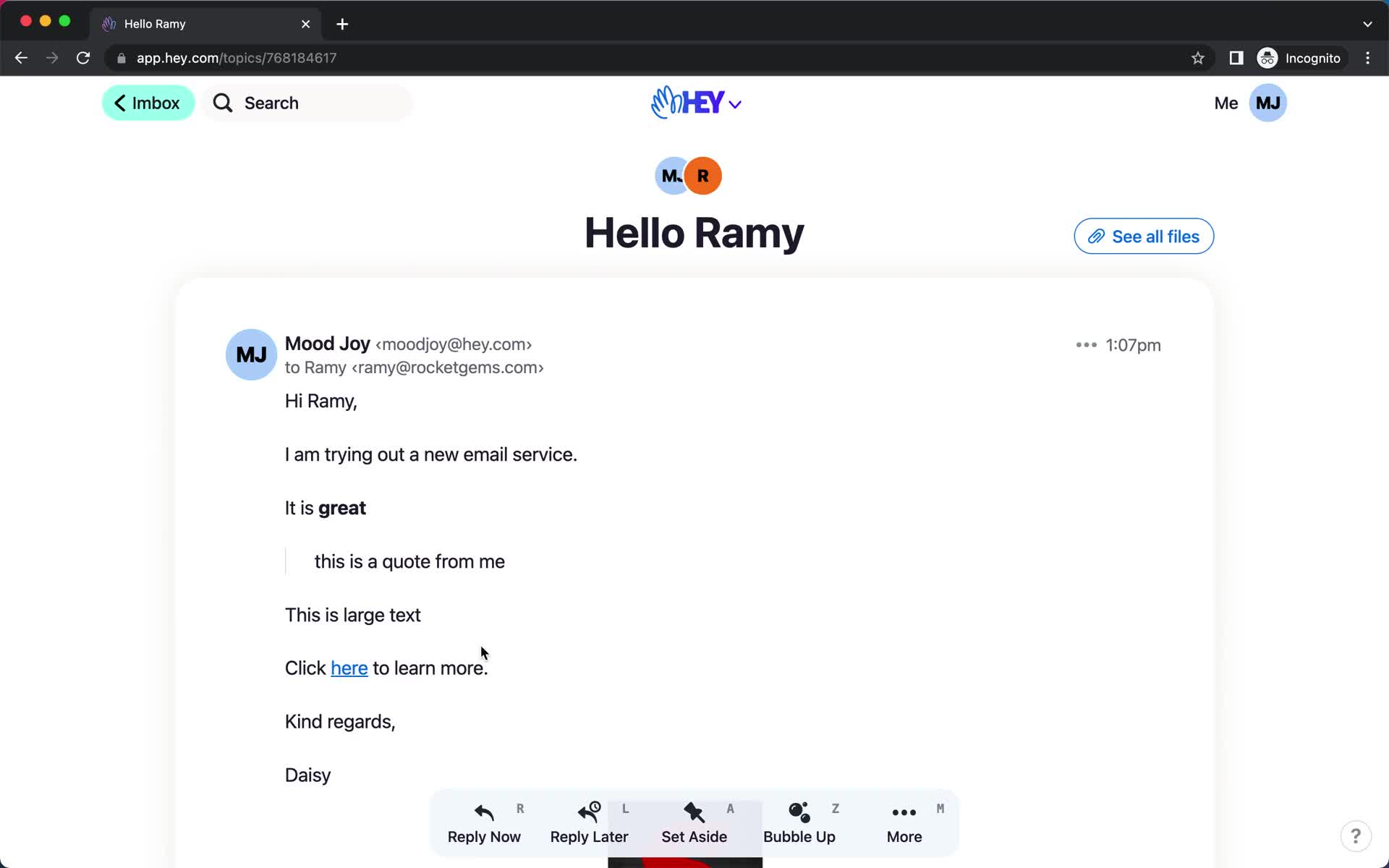
Email details
this is title
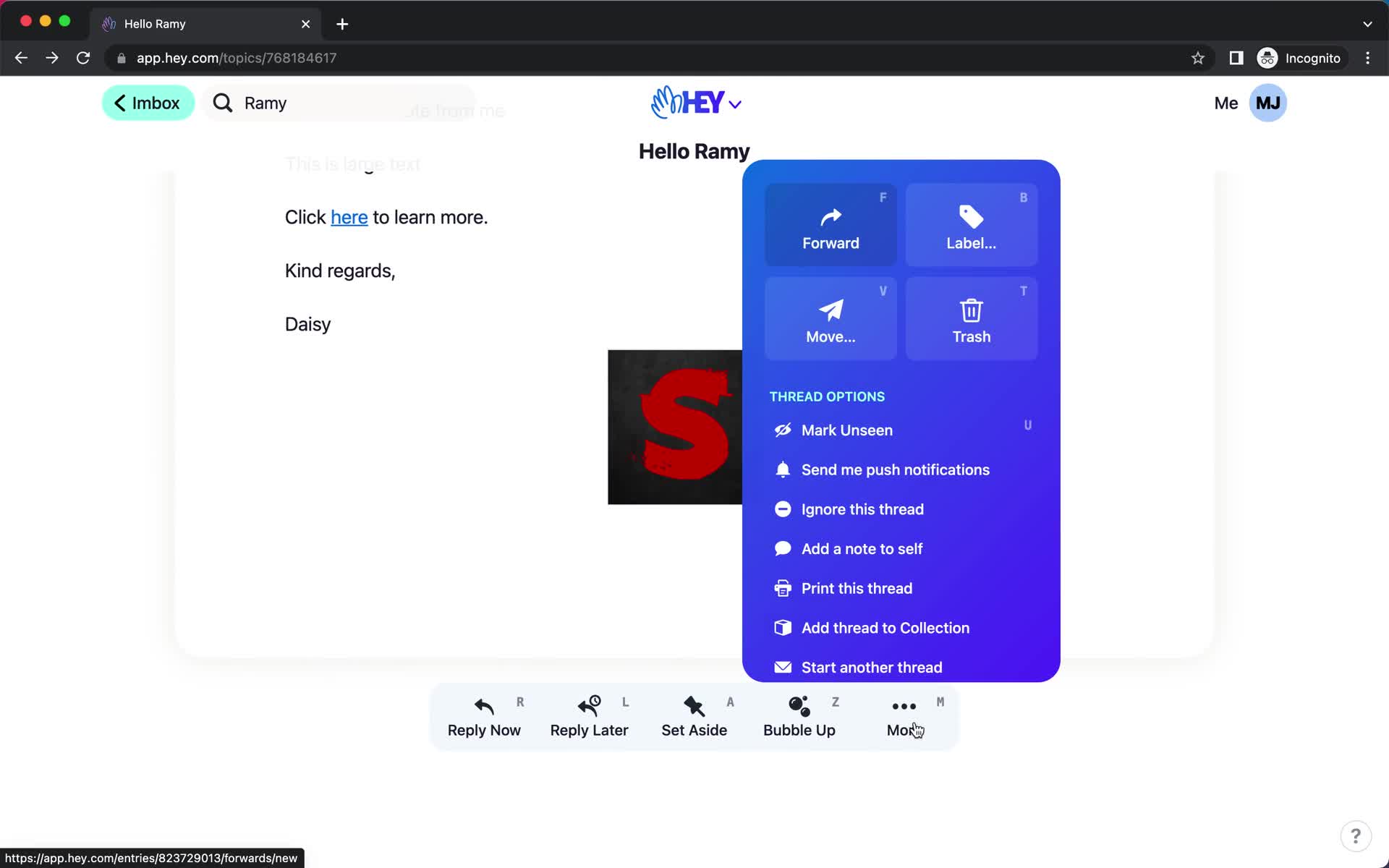
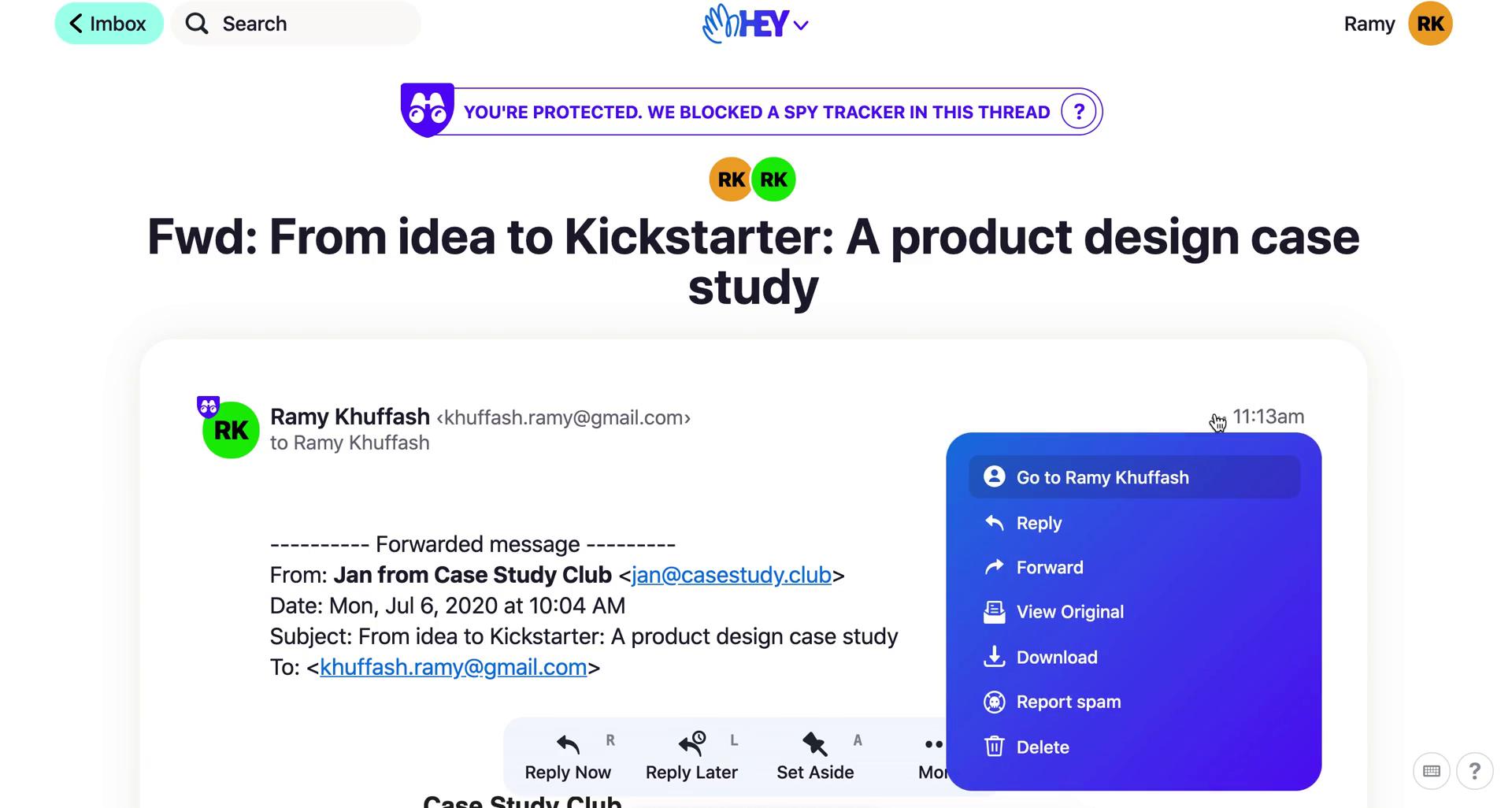
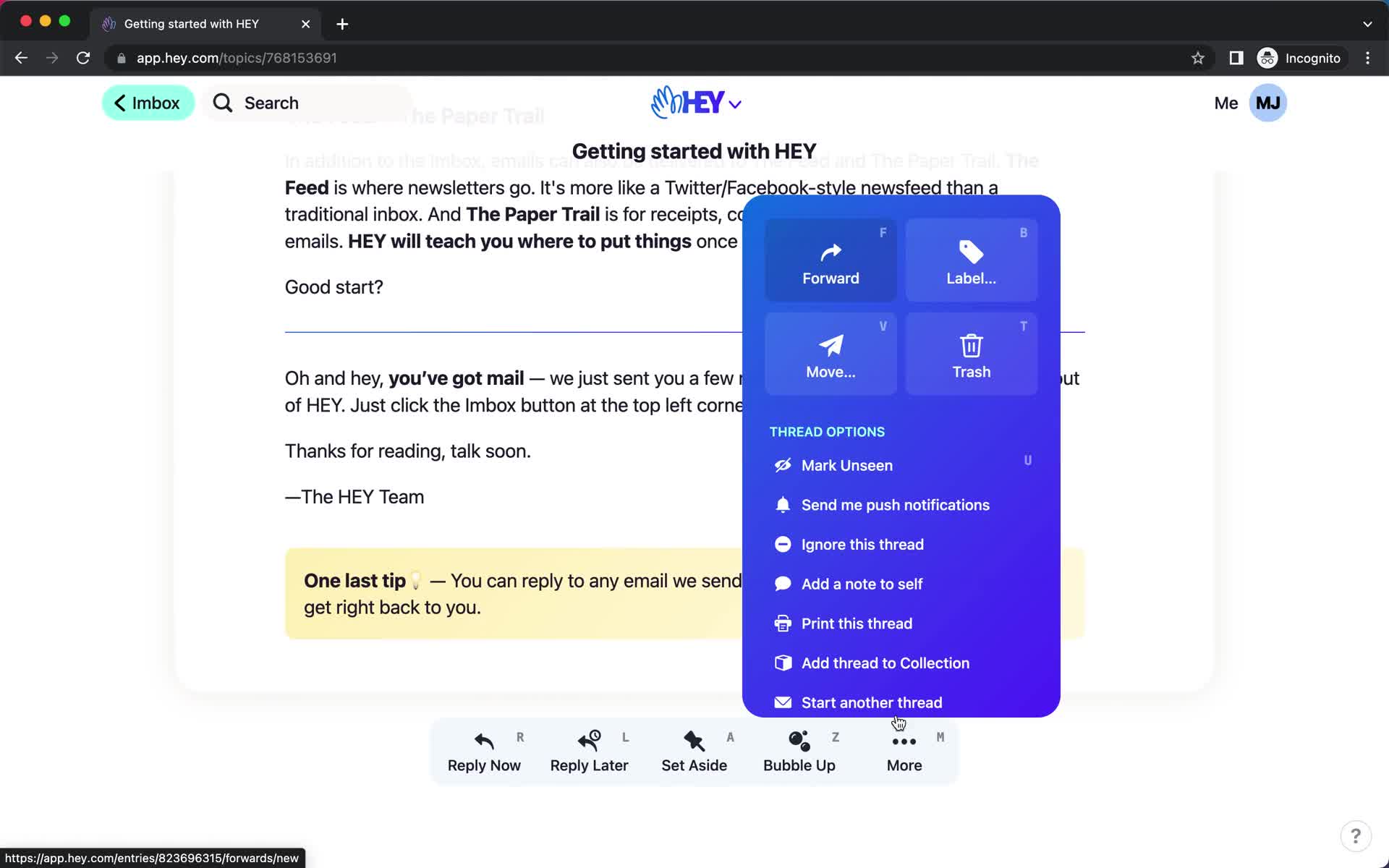
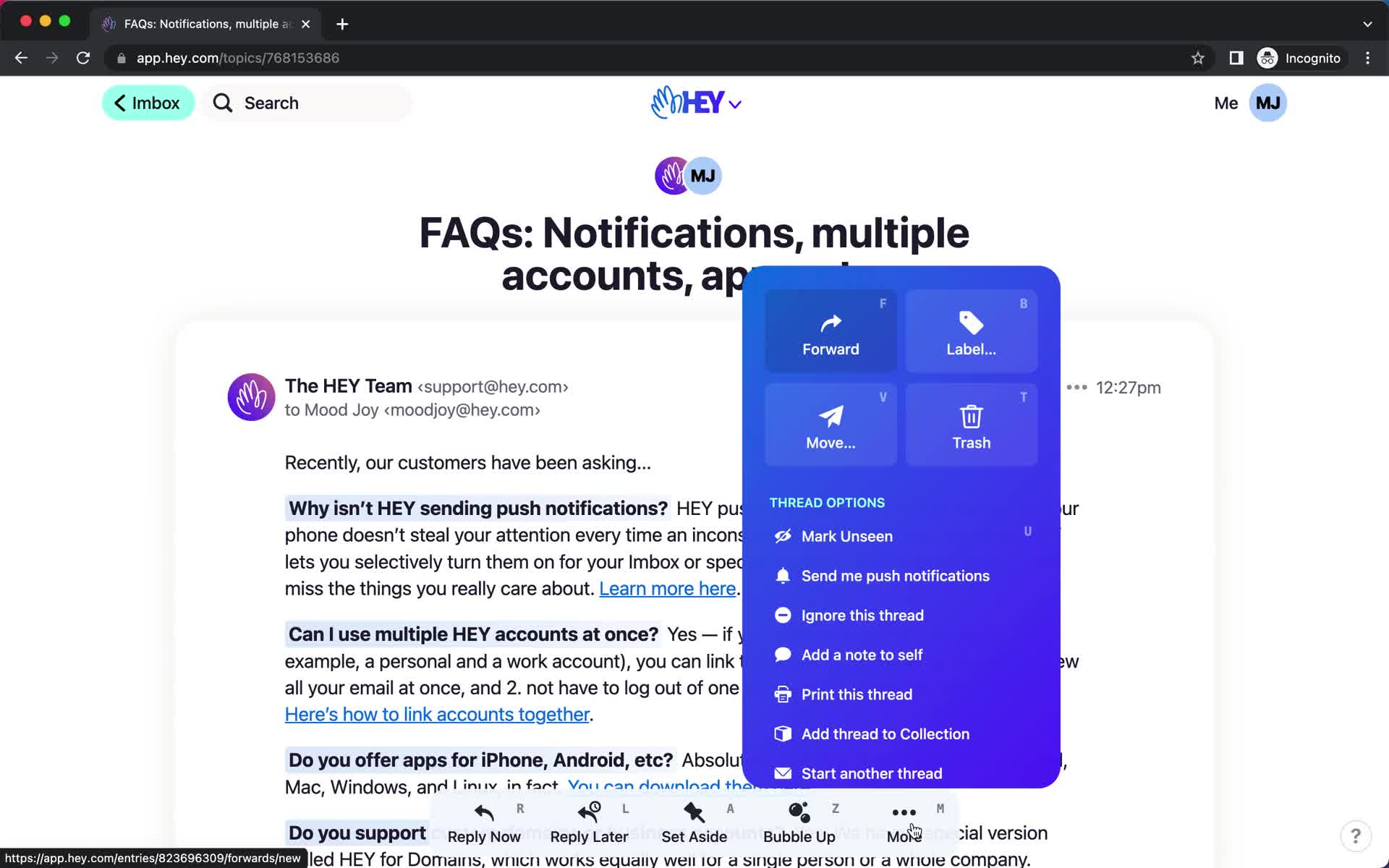
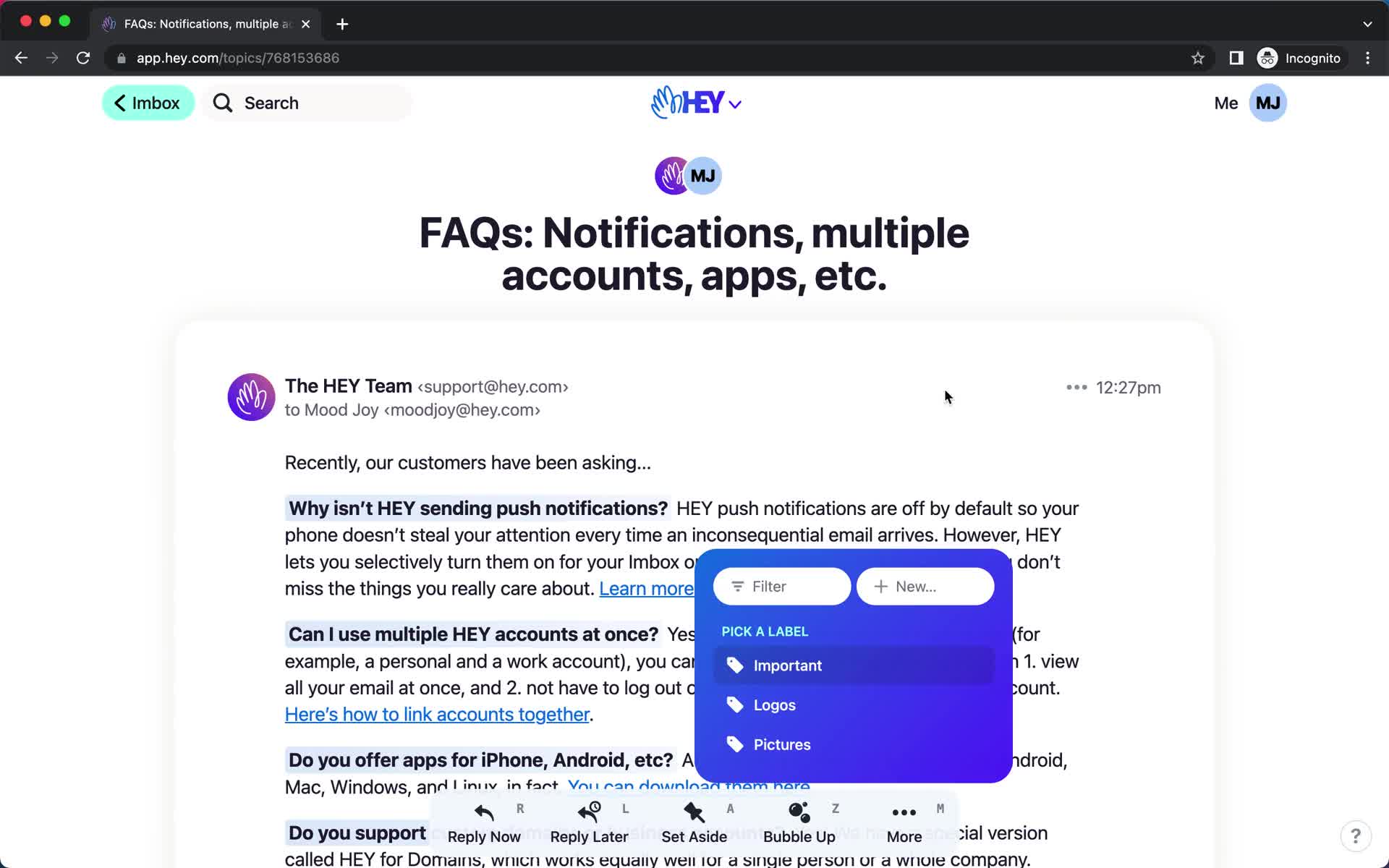
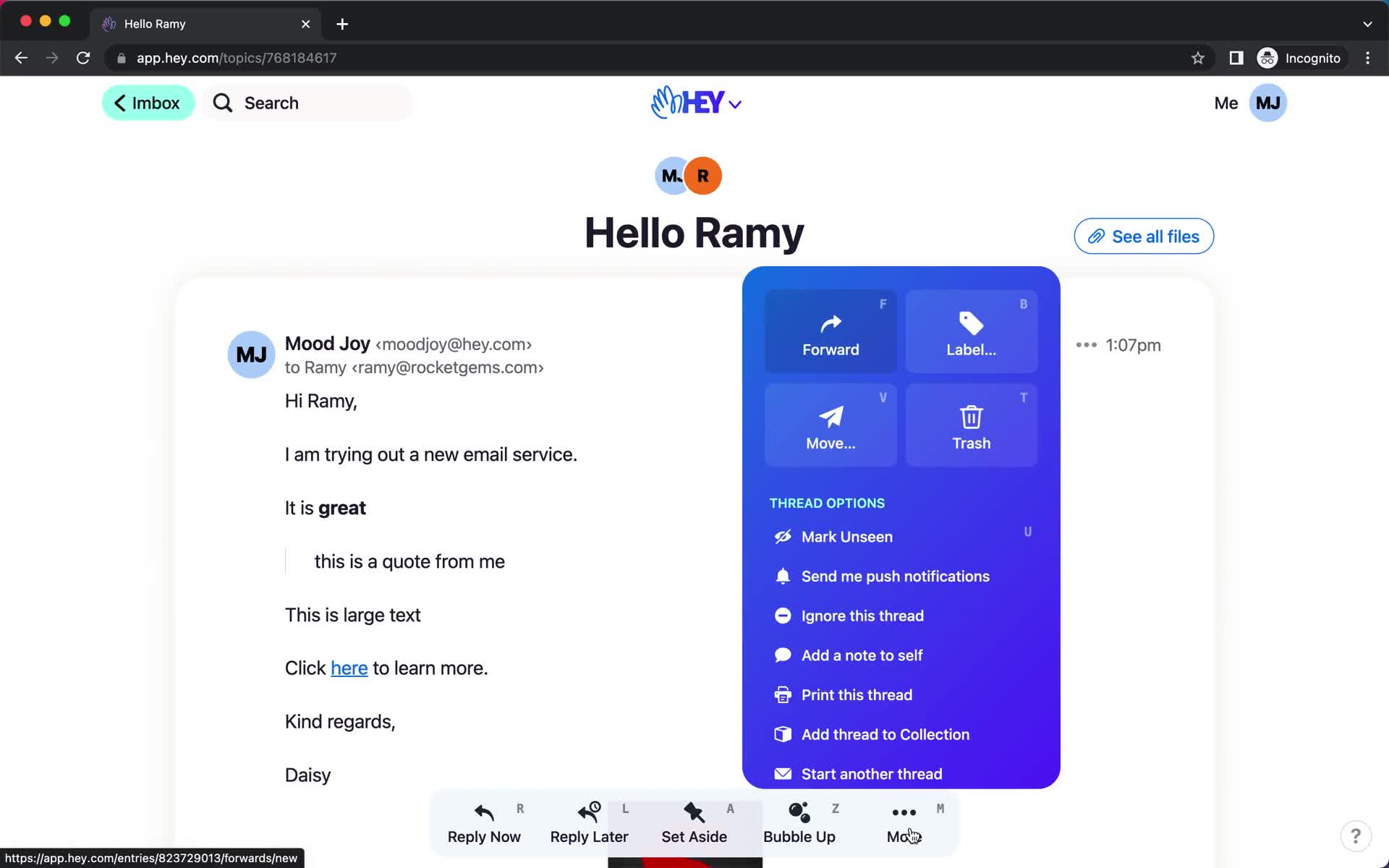
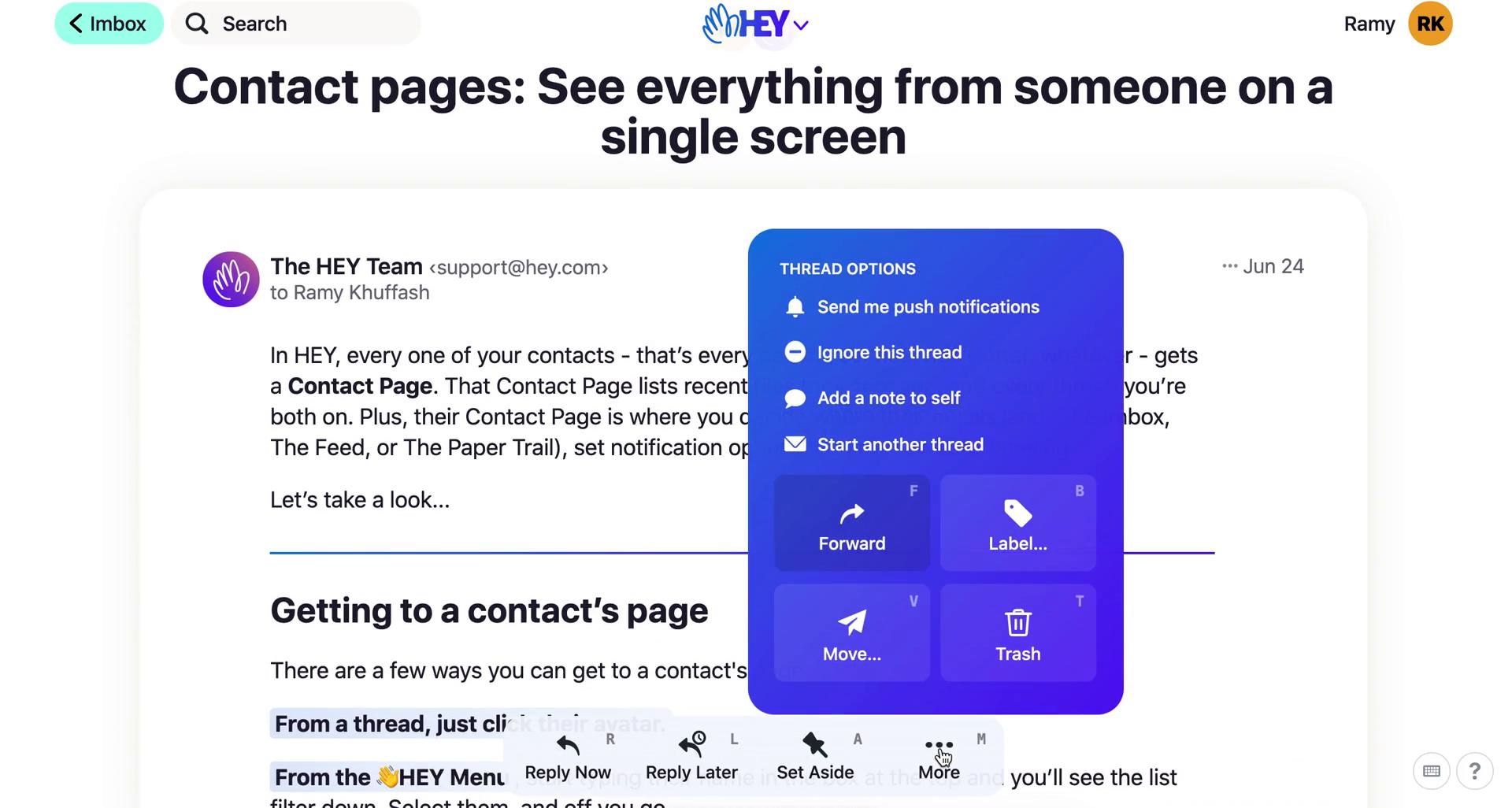
Action menu
this is title
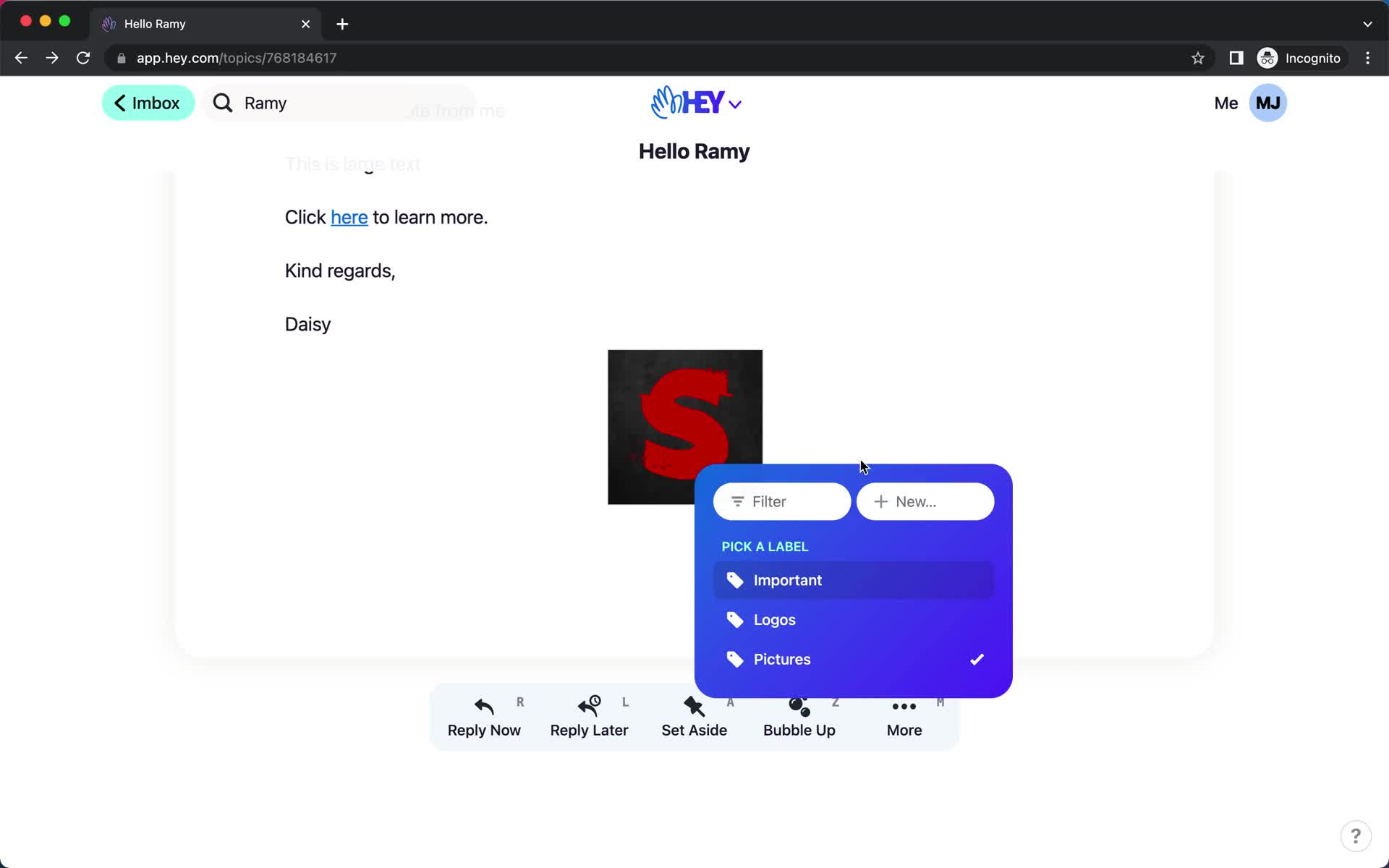
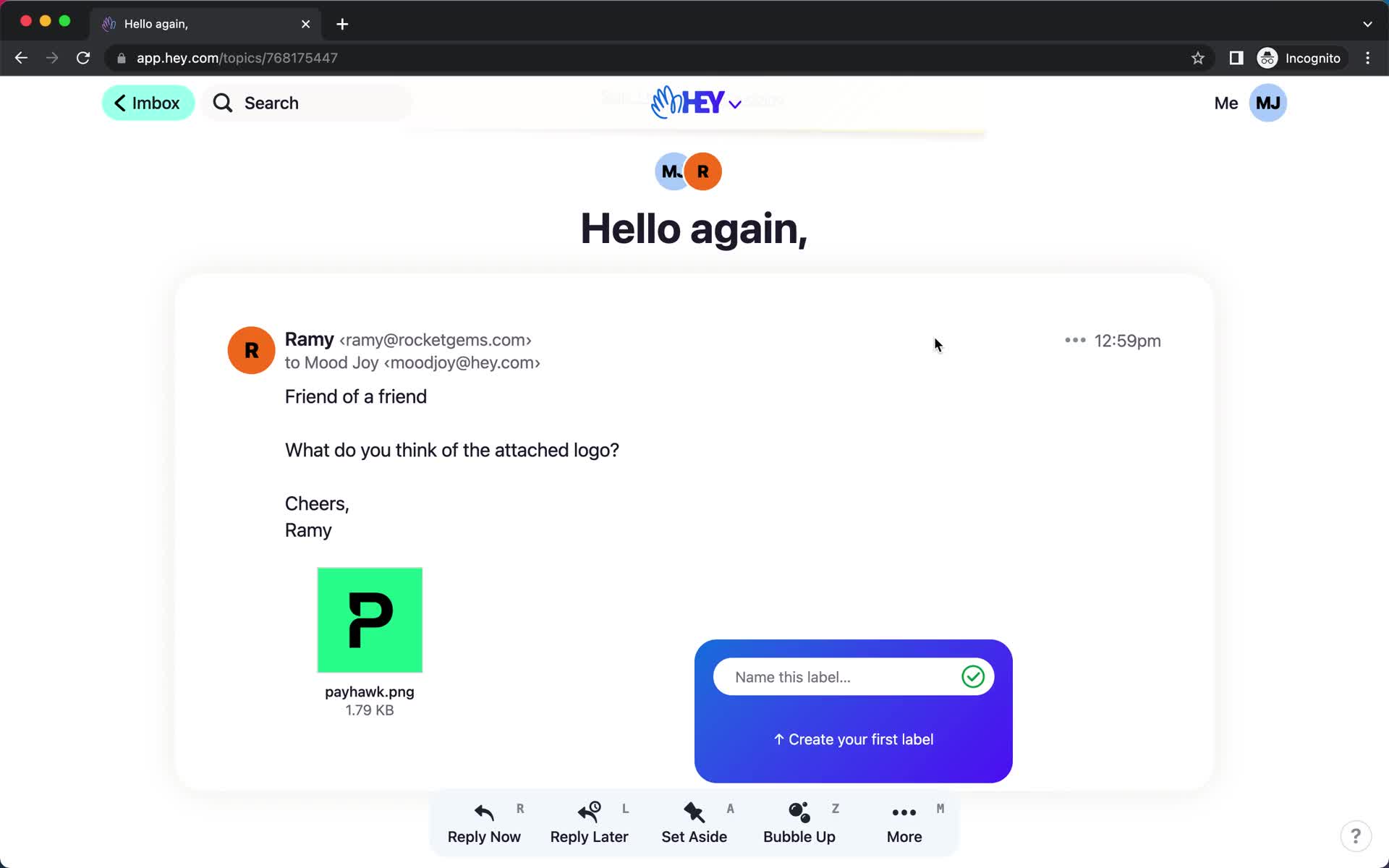
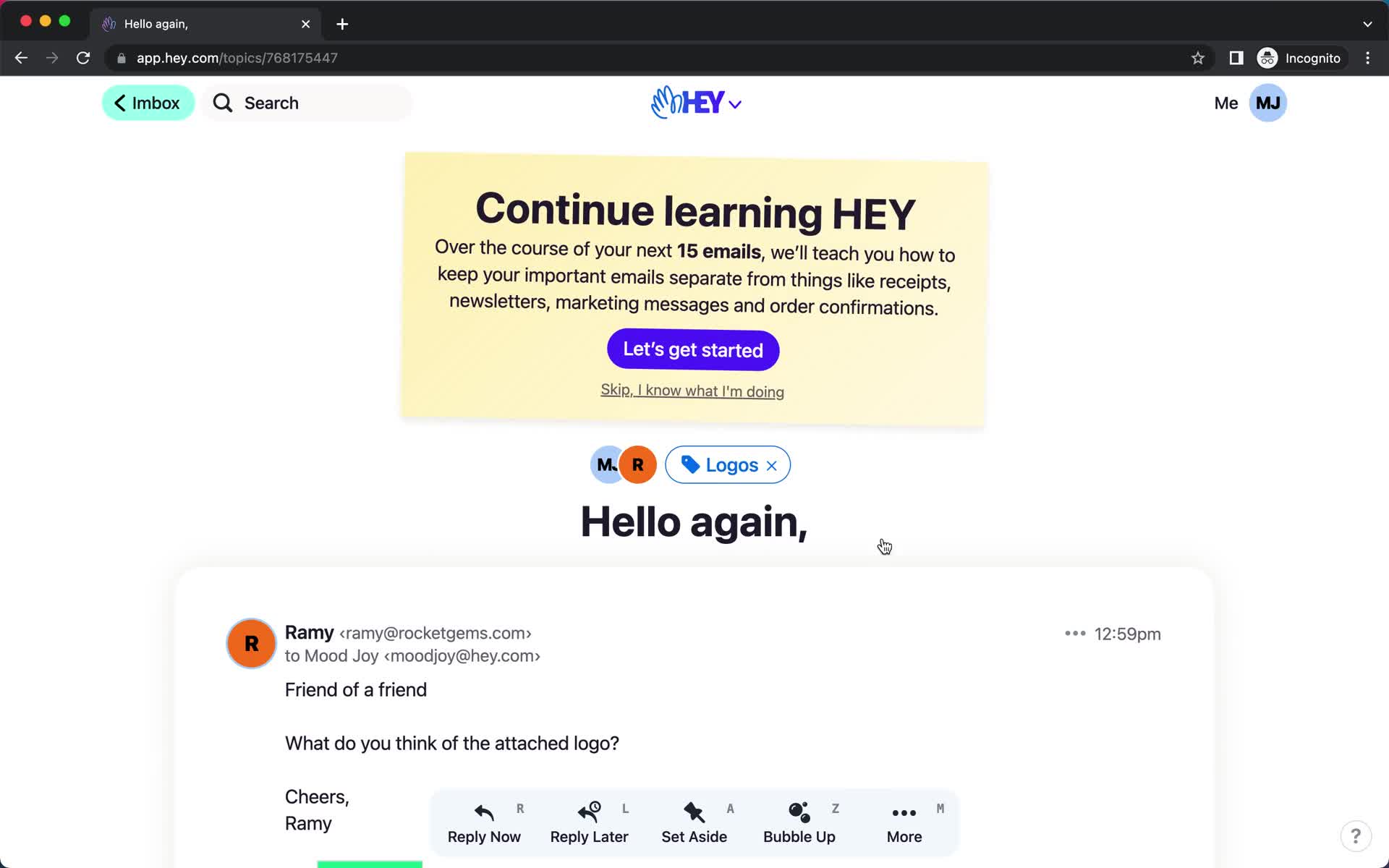
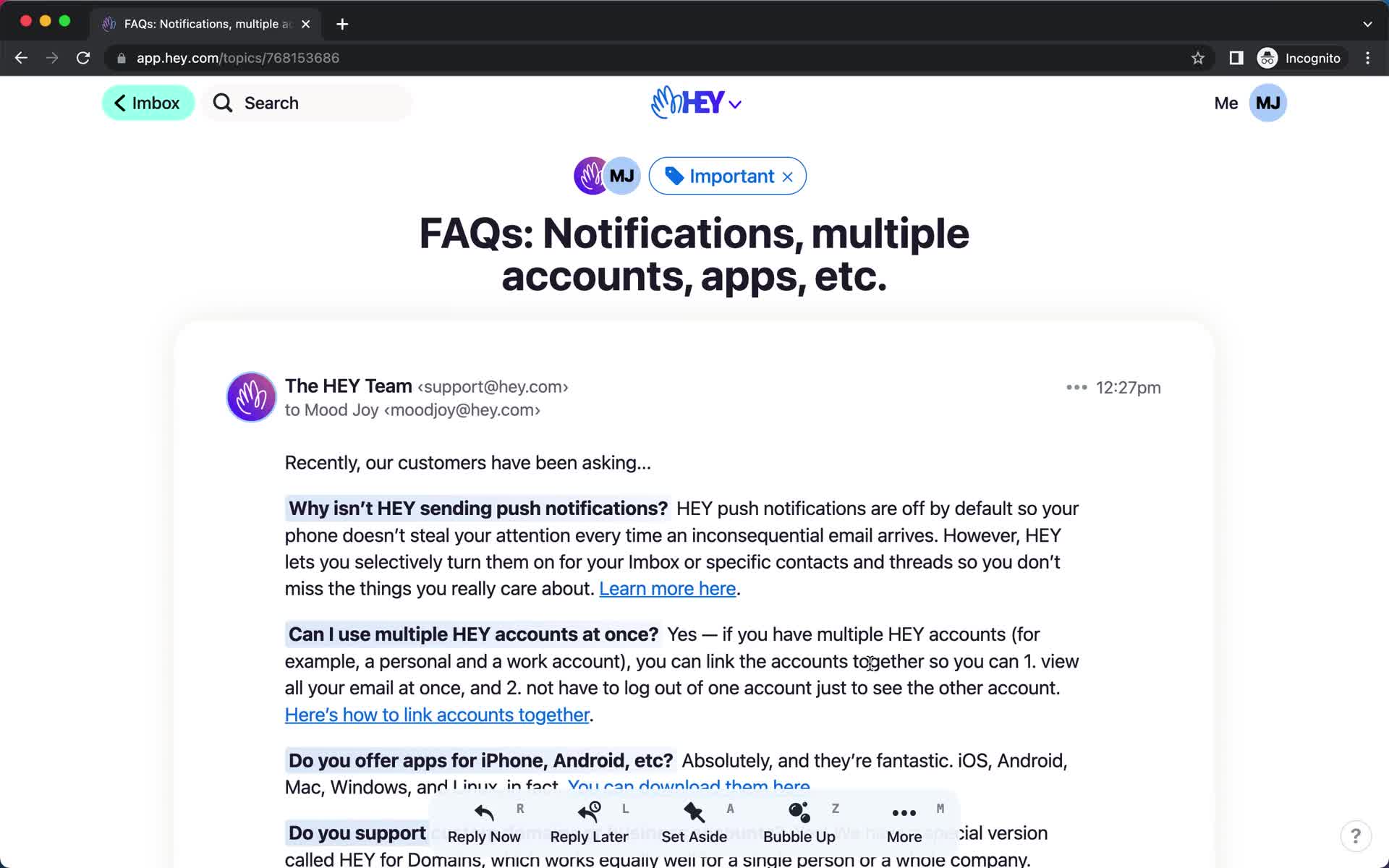
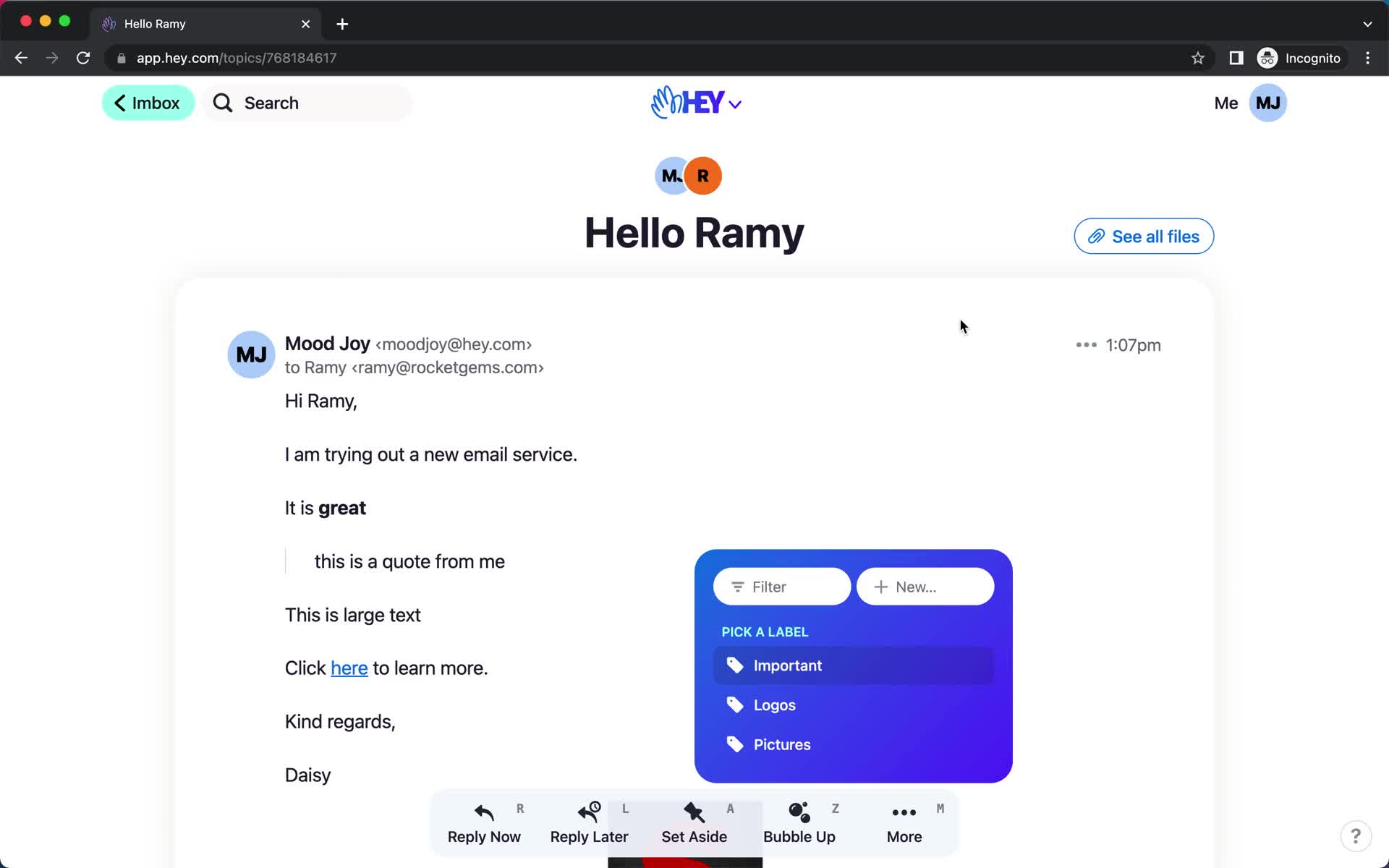
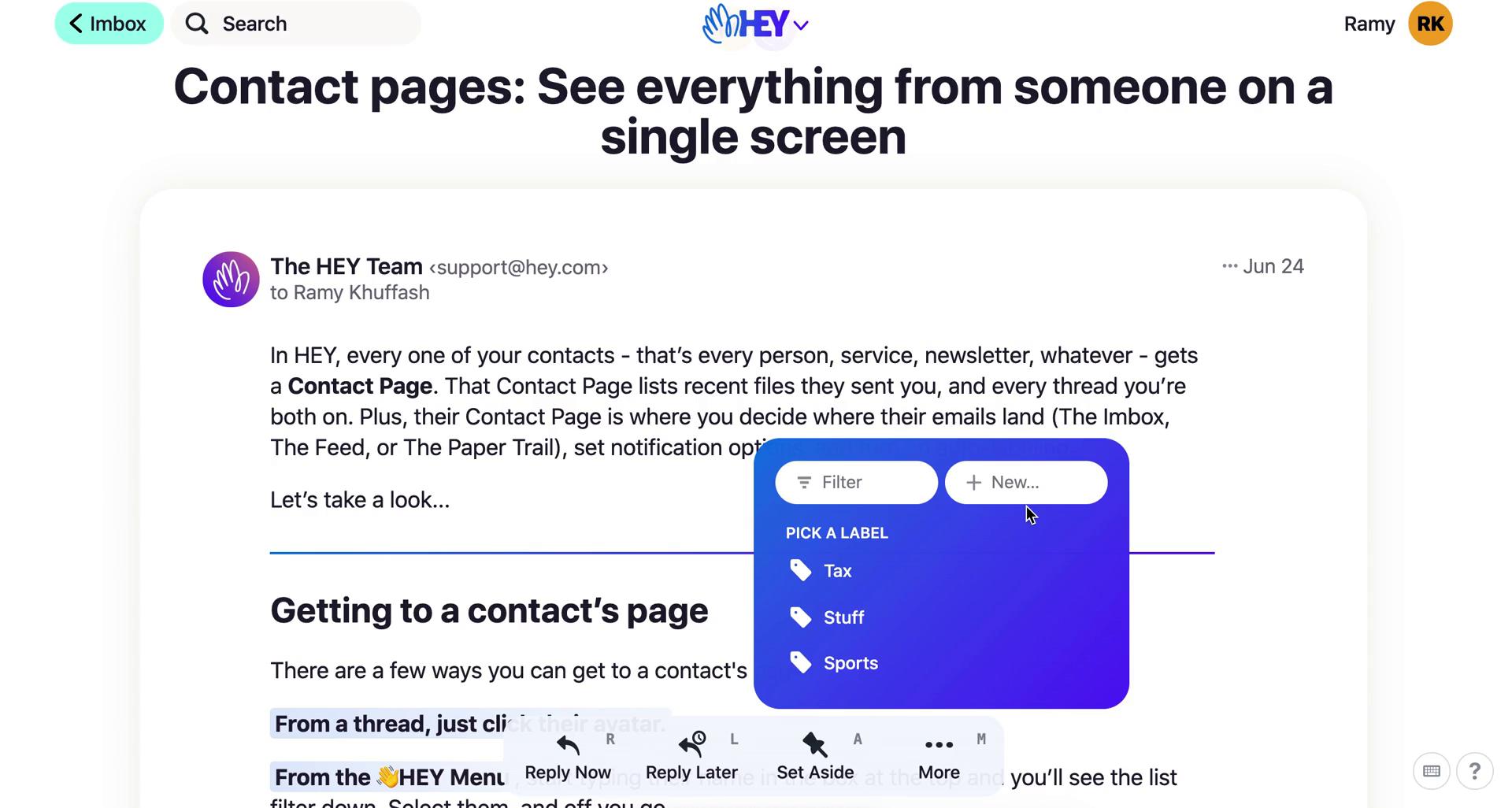
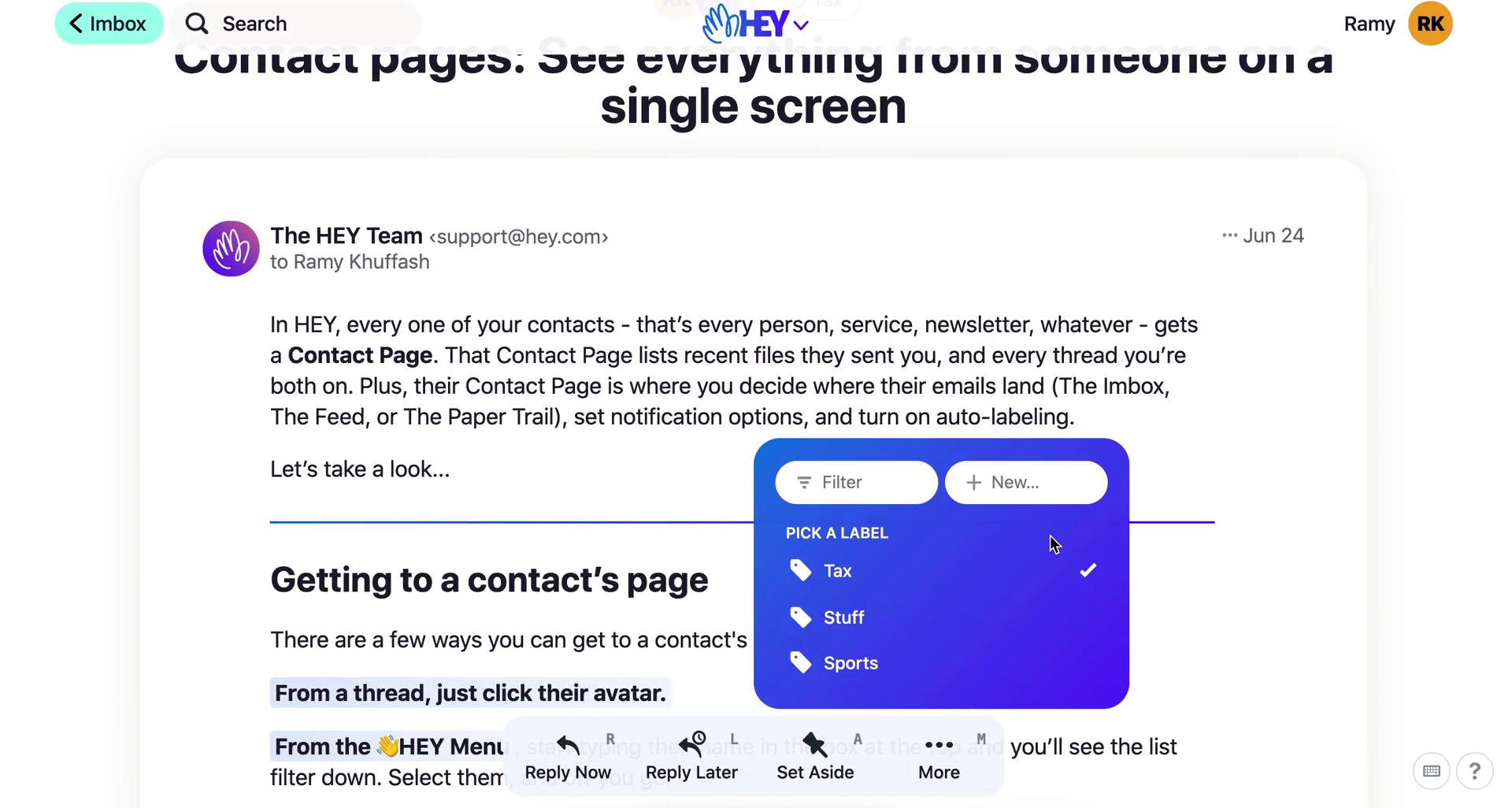
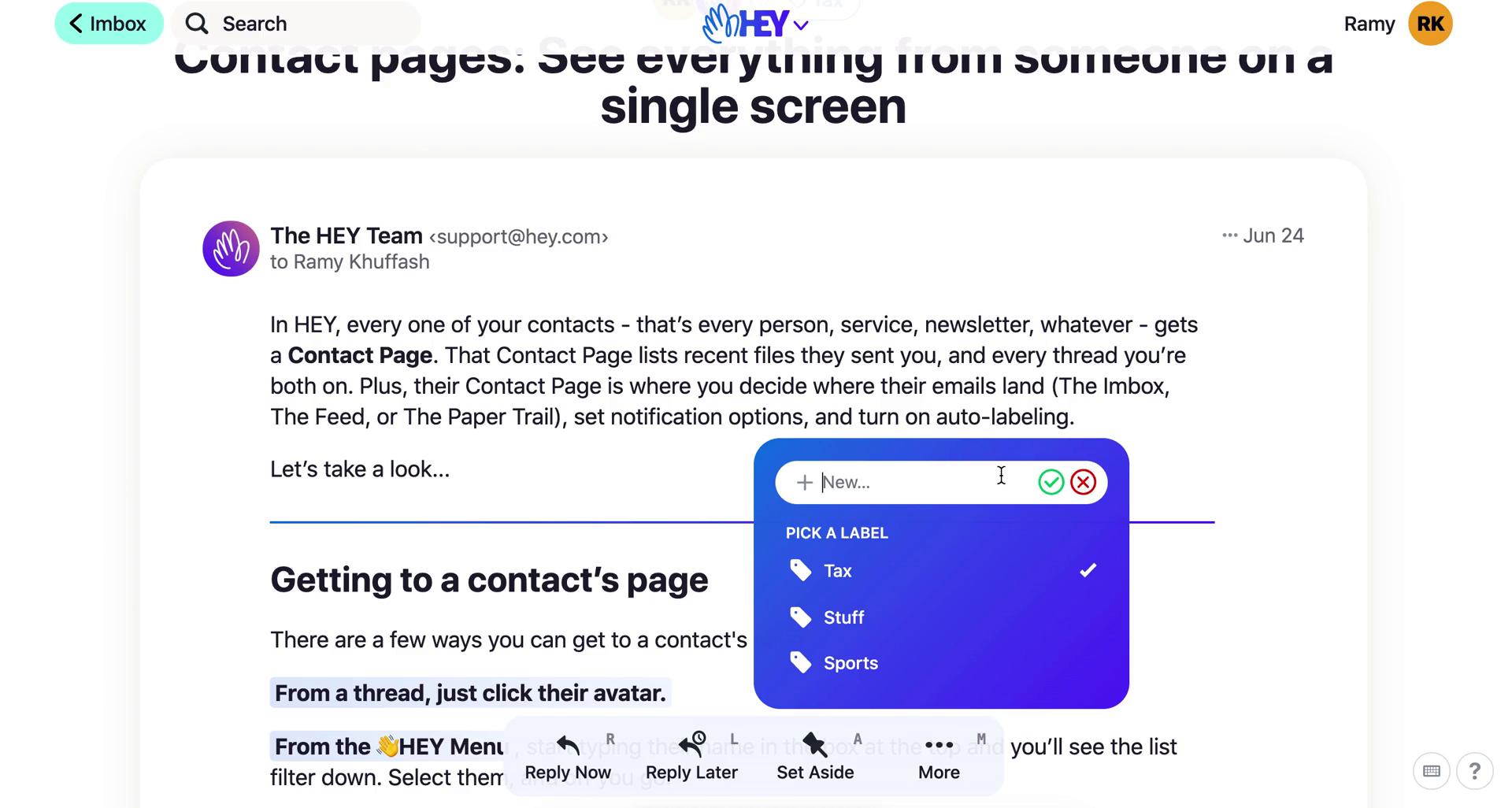
Add label
this is title
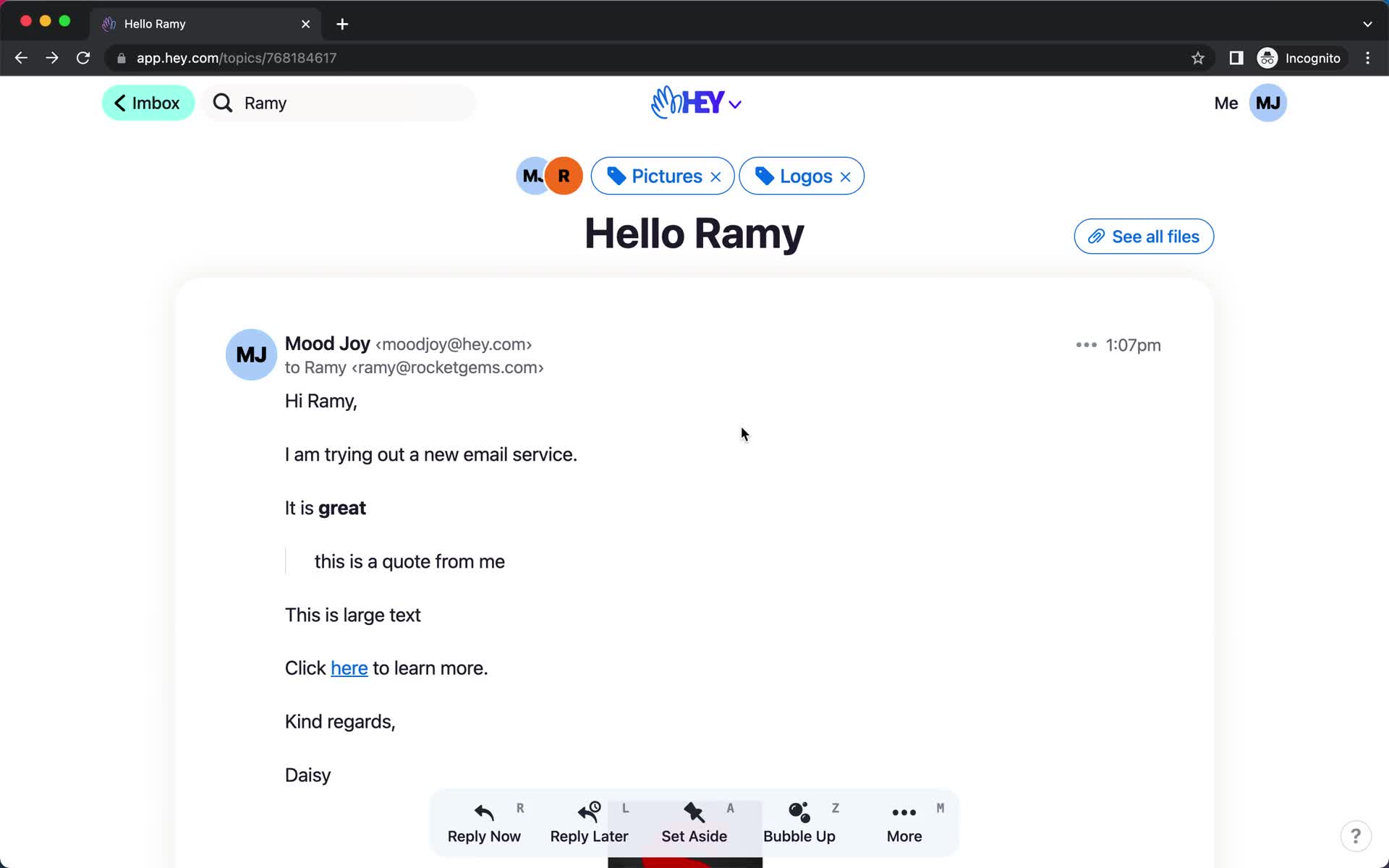
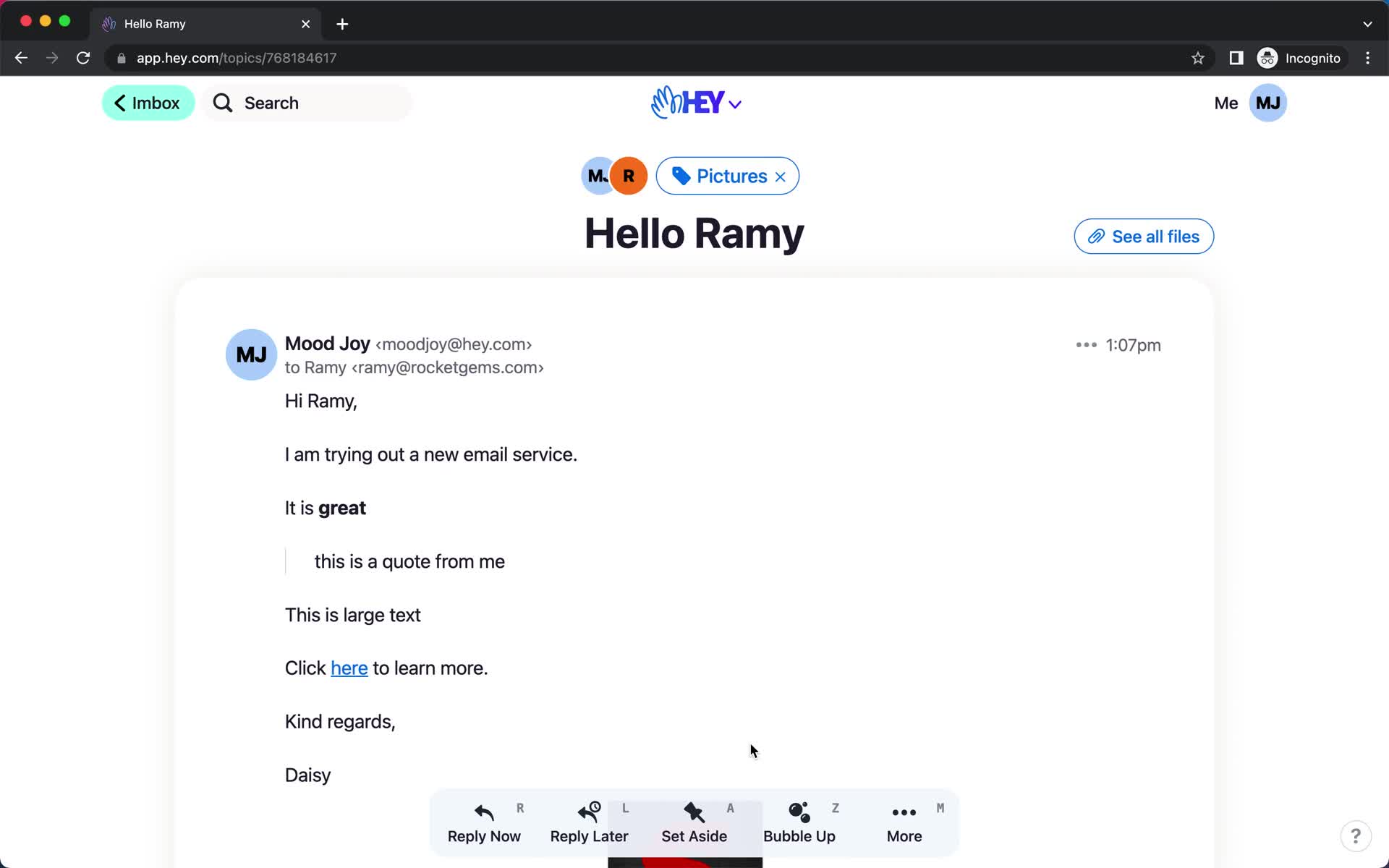
Email details
this is title
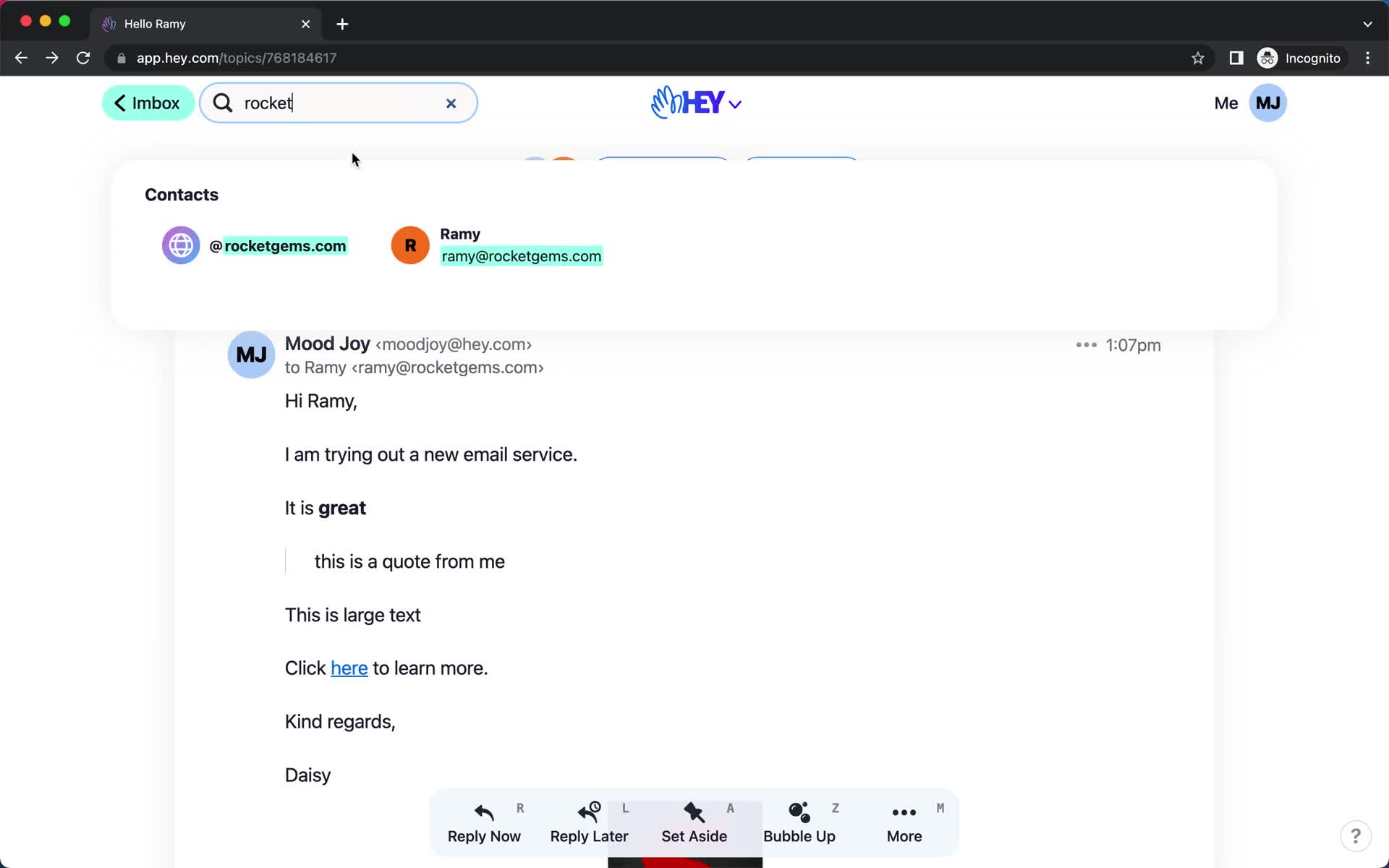
Search
this is title
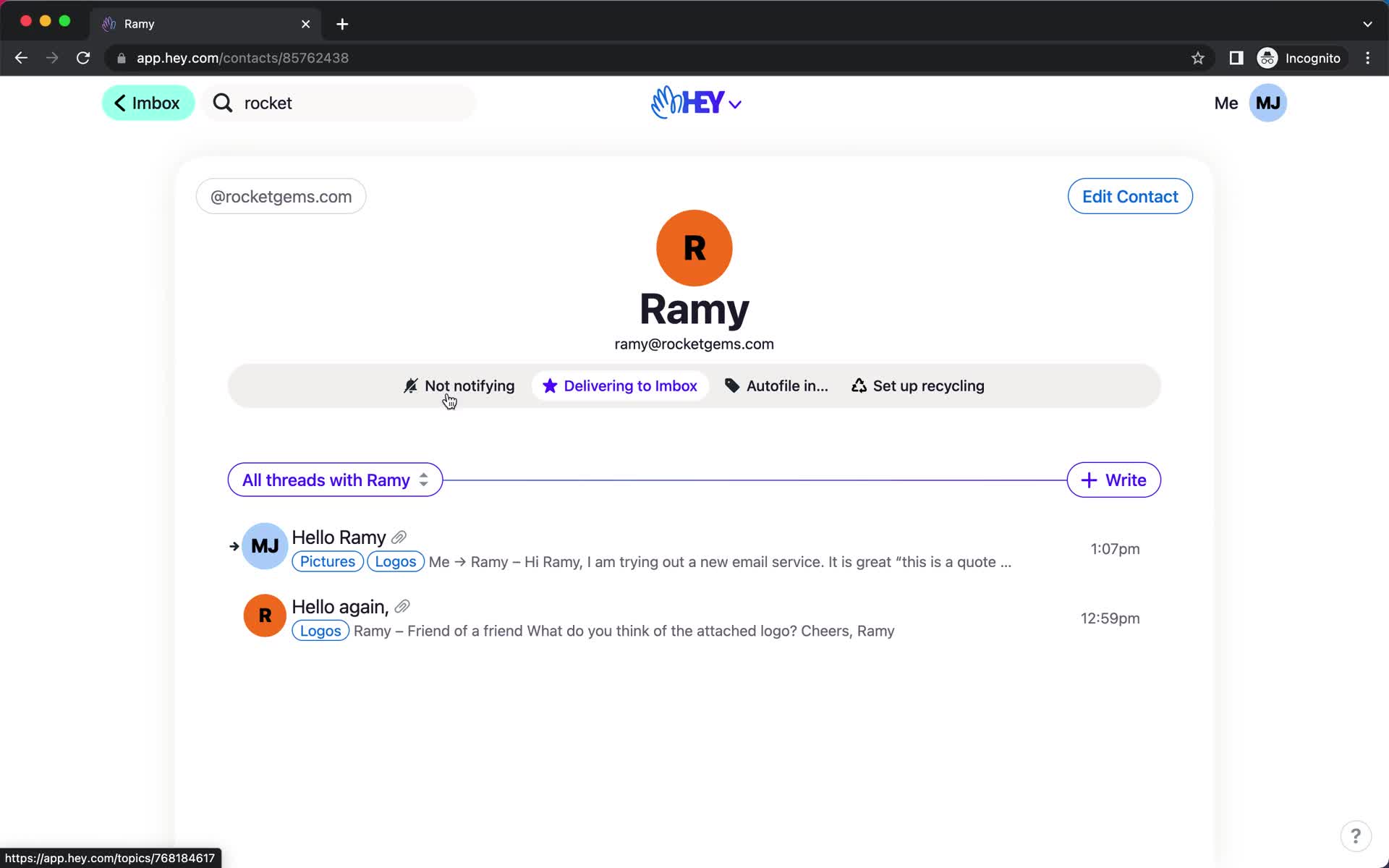
Contact details
this is title
Product tour
this is title
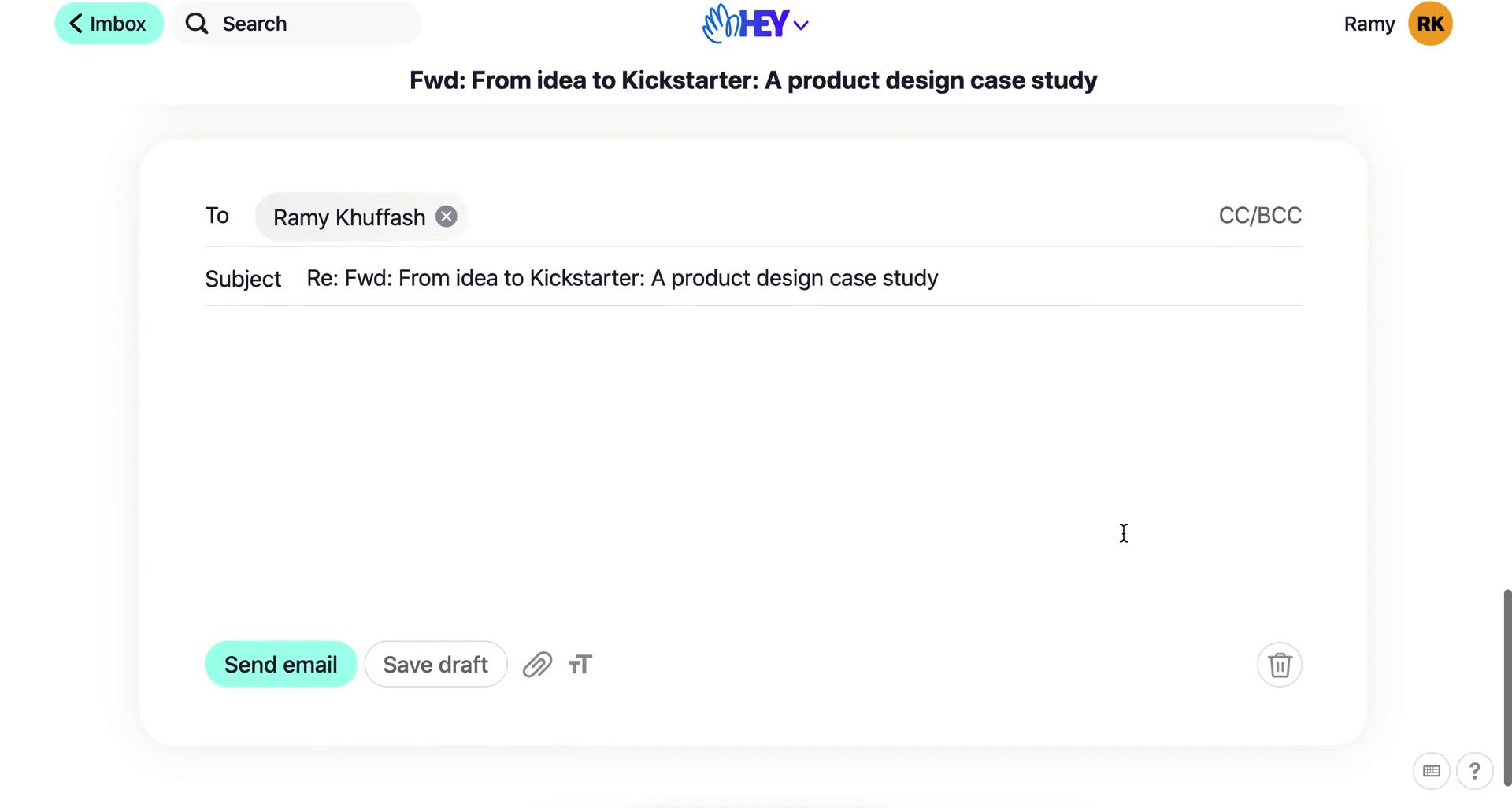
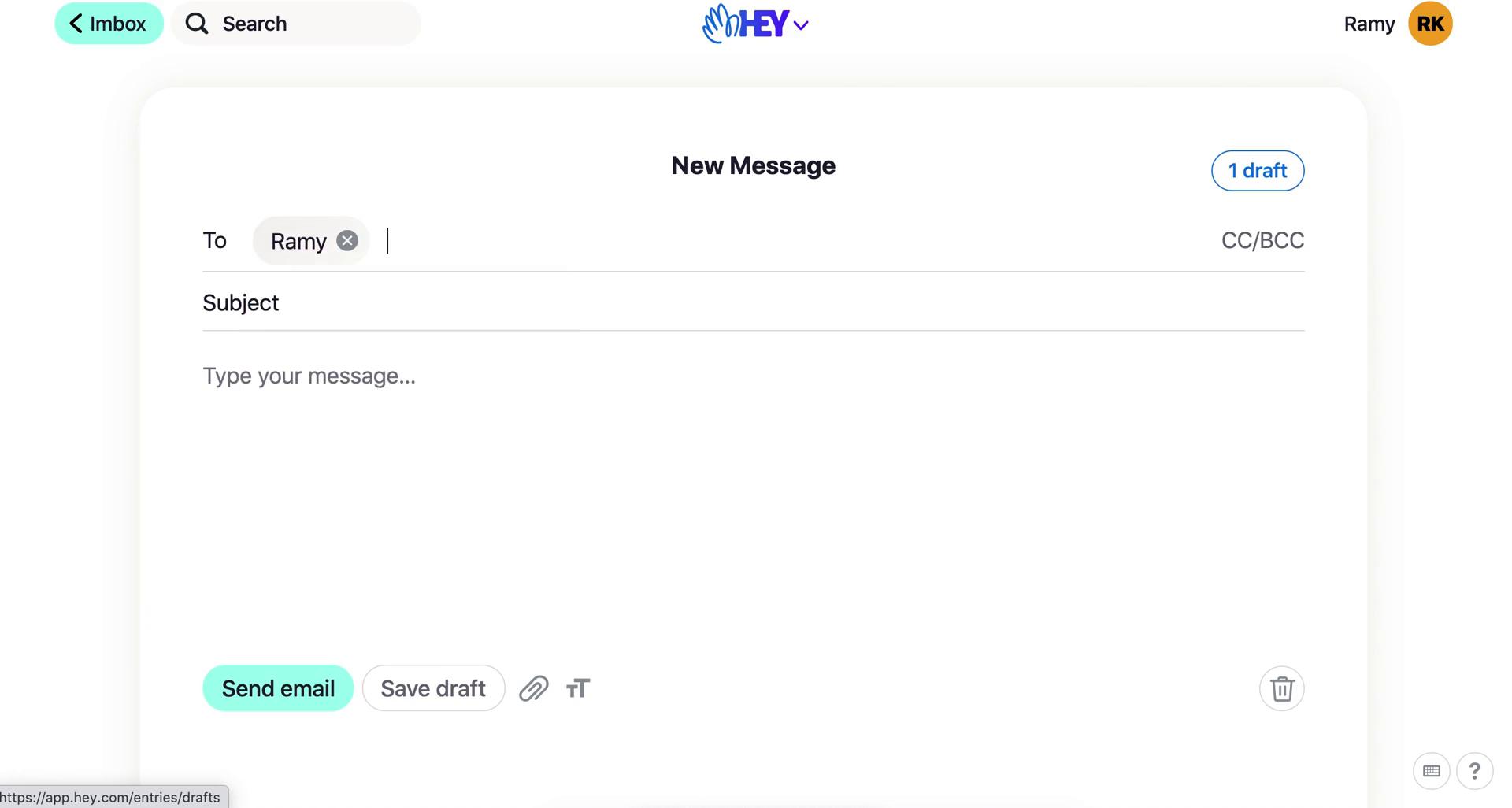
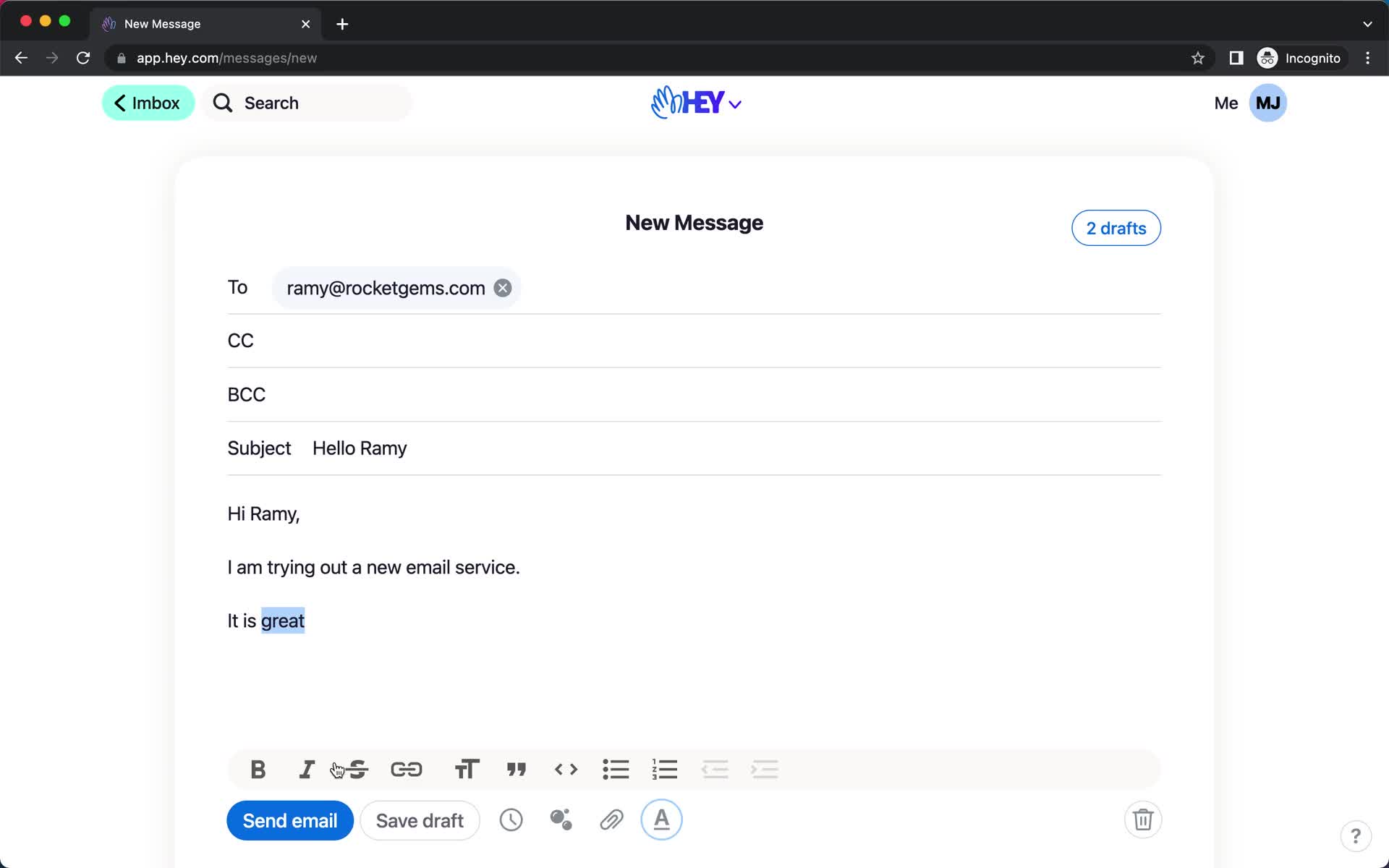
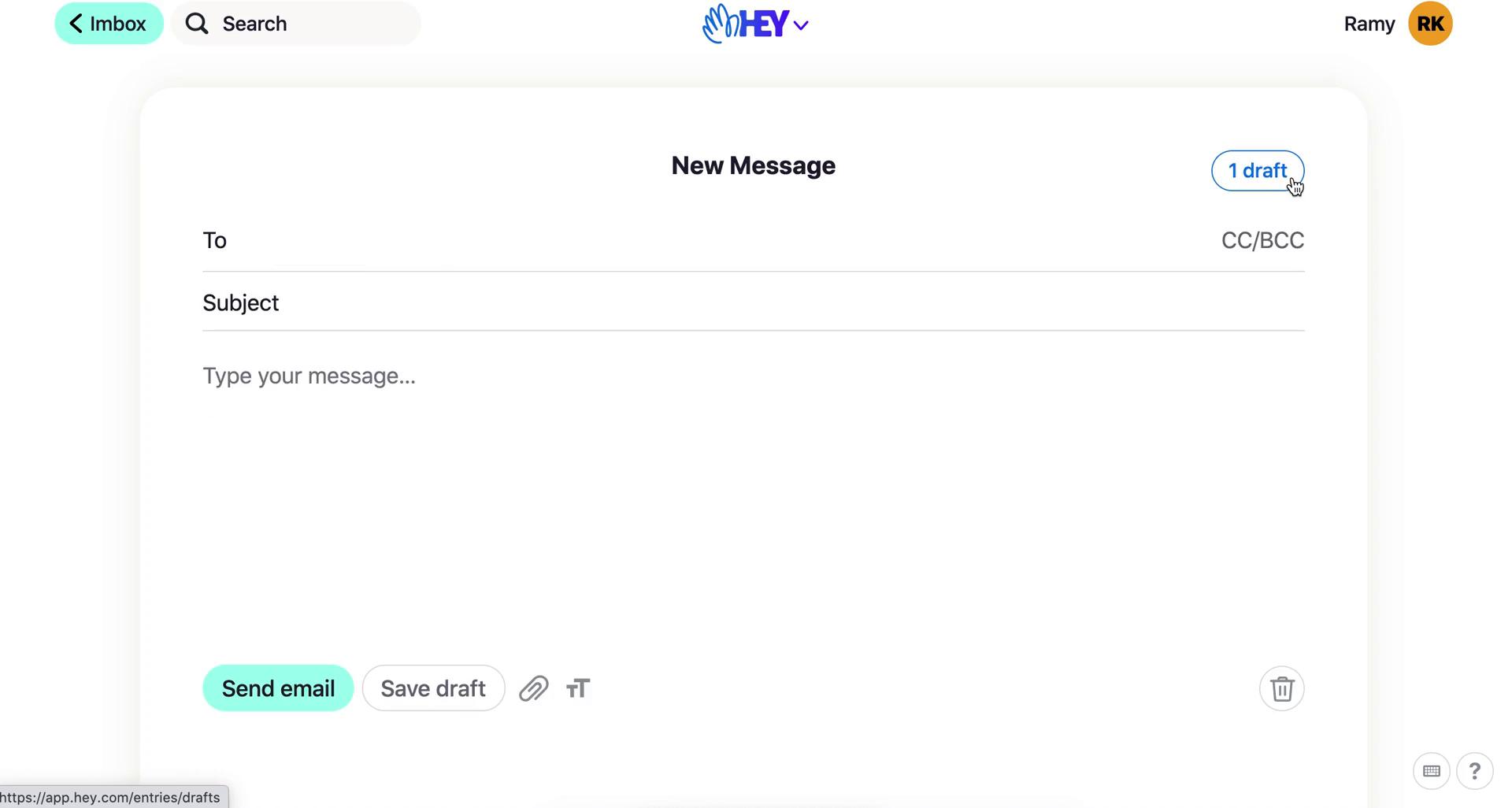
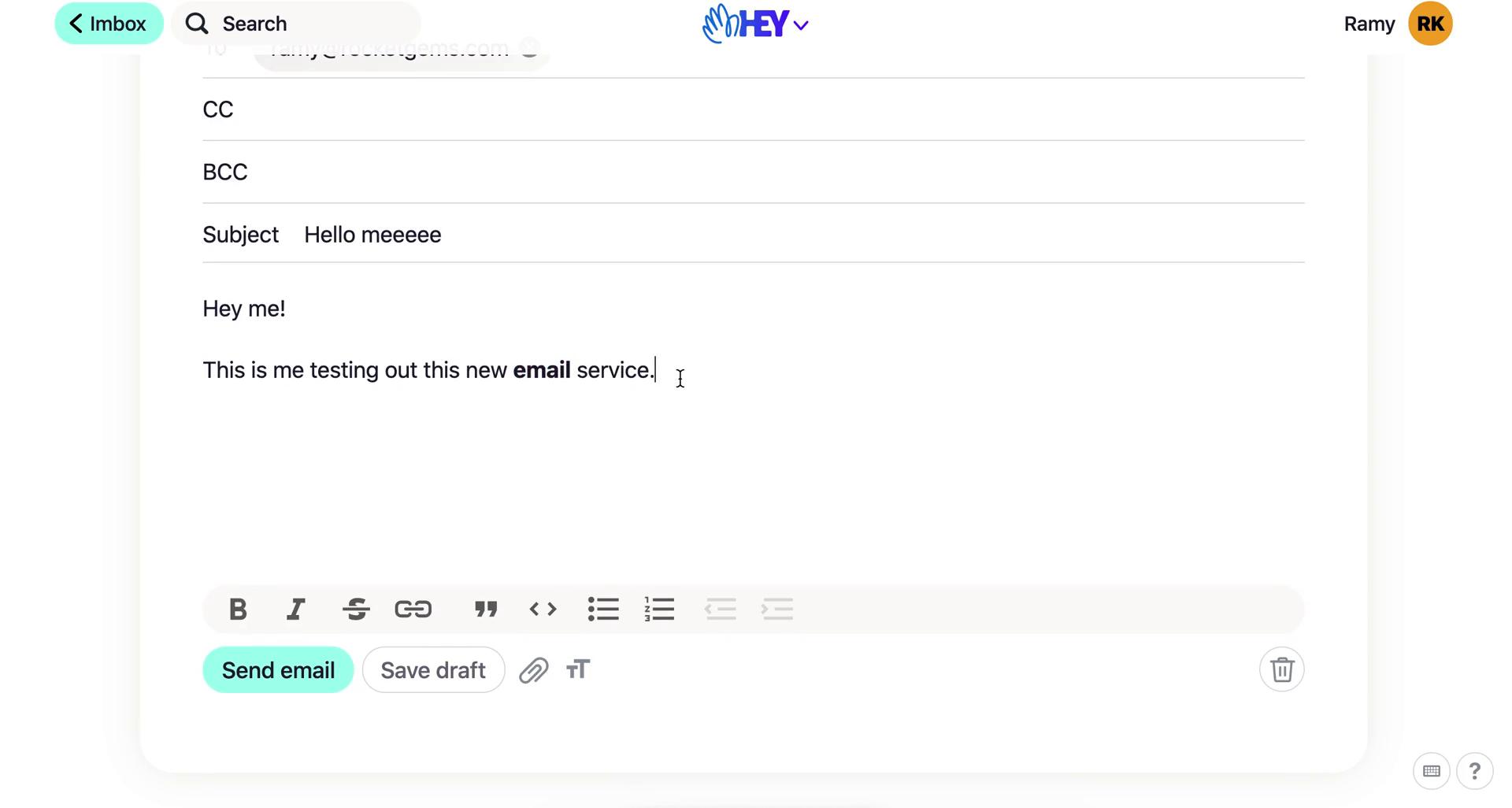
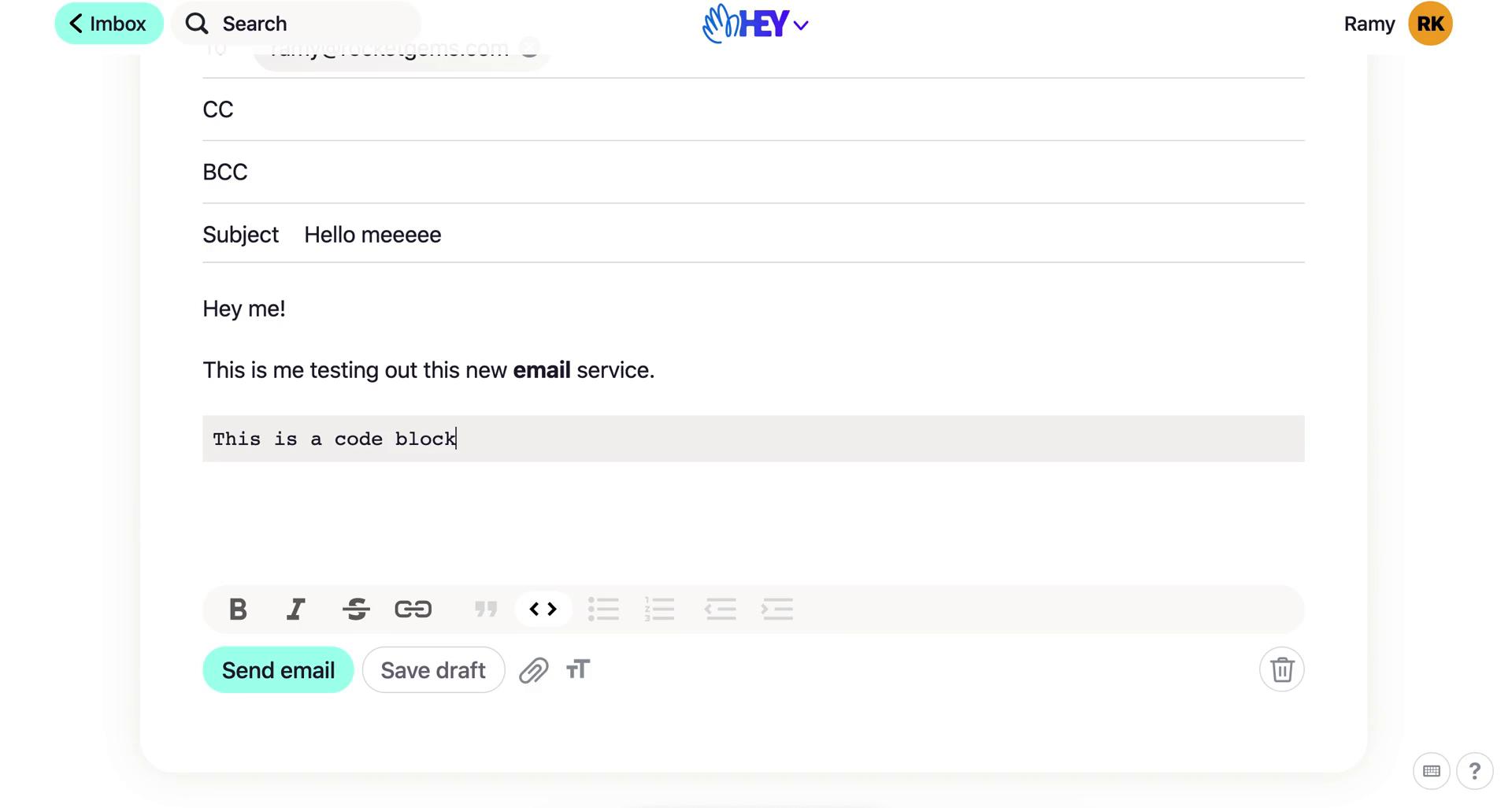
Compose email
this is title
Email sent
this is title
Email details
this is title
Item moved
this is title
Email details
this is title
Compose email
this is title
Compose email
this is title
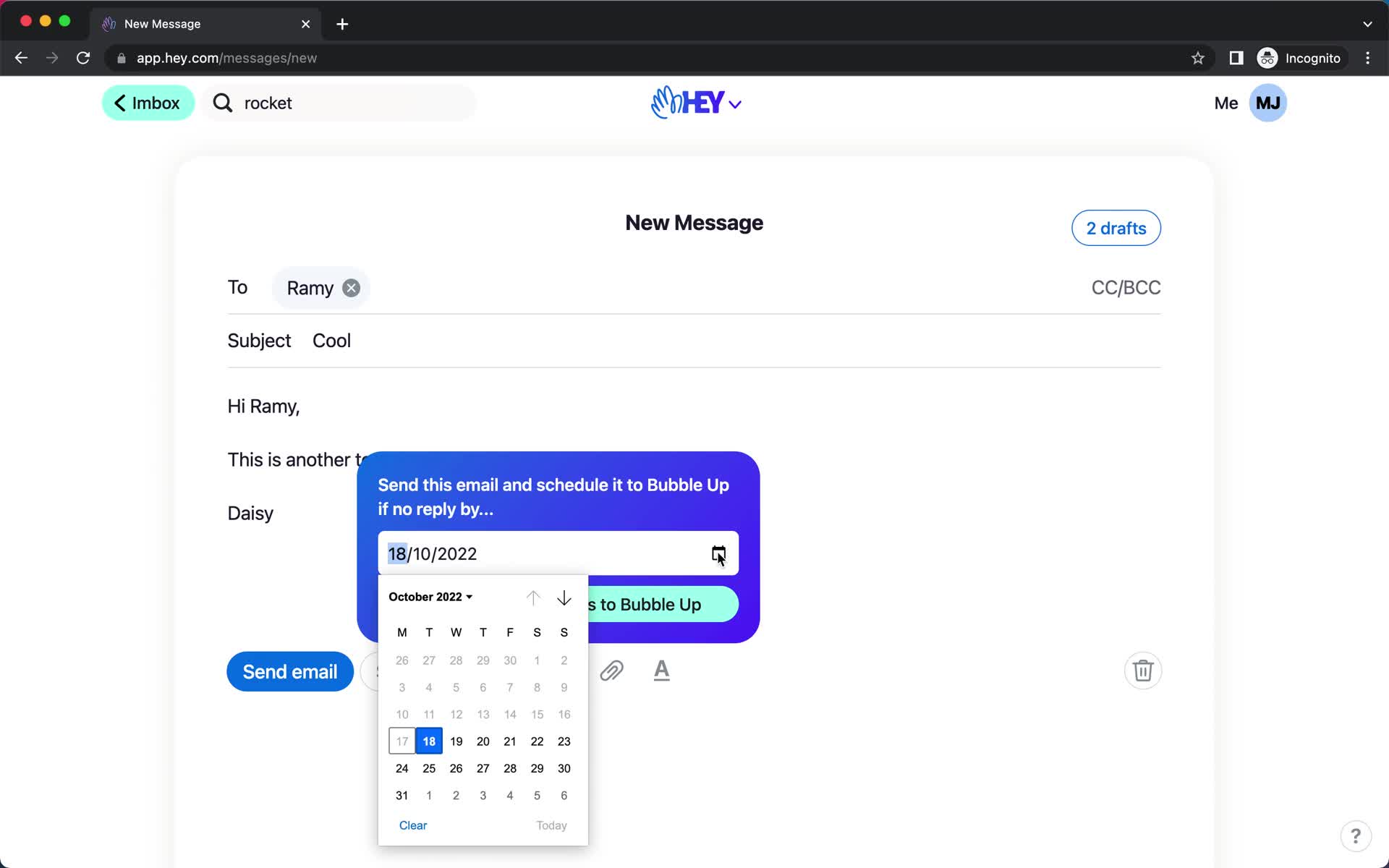
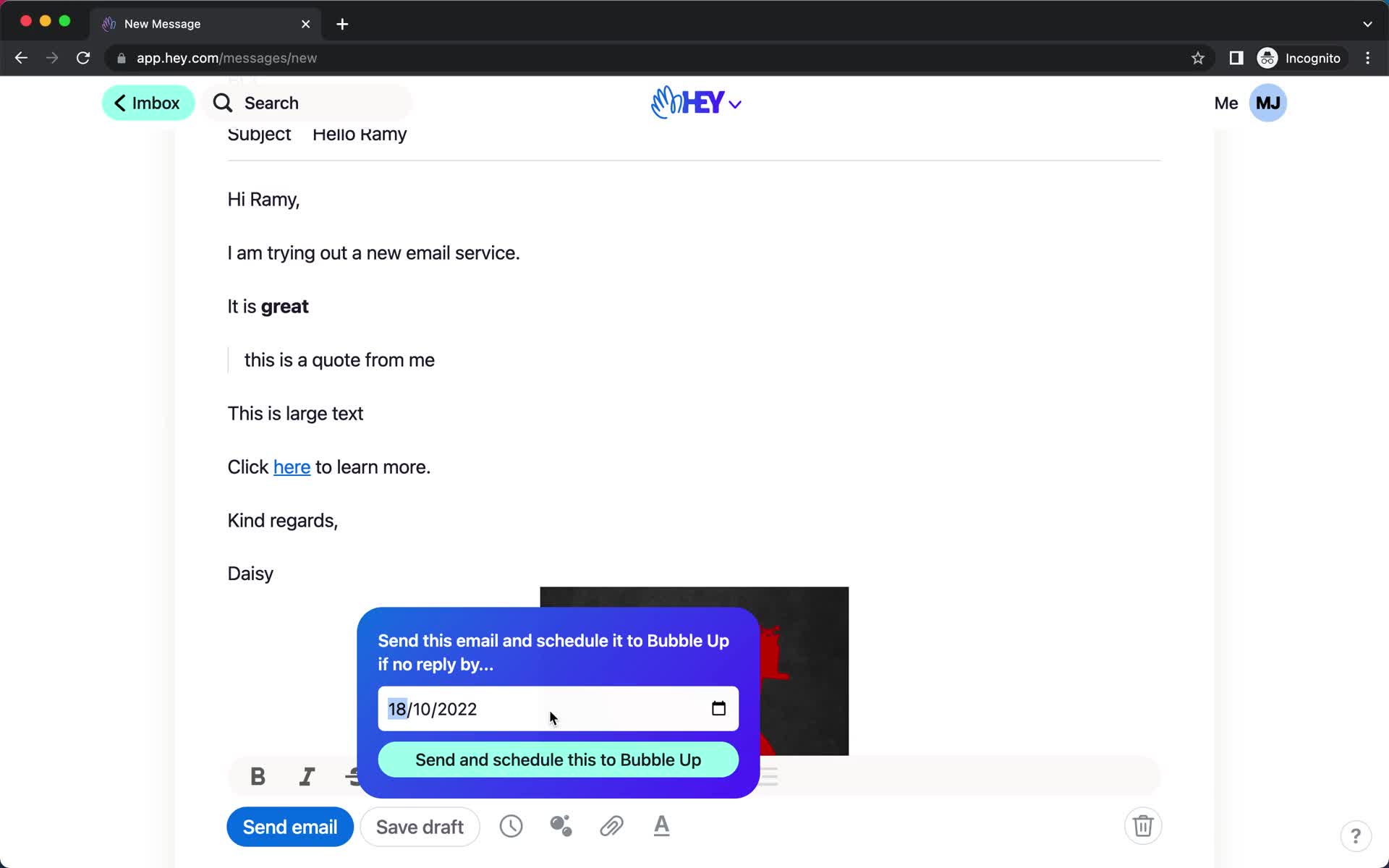
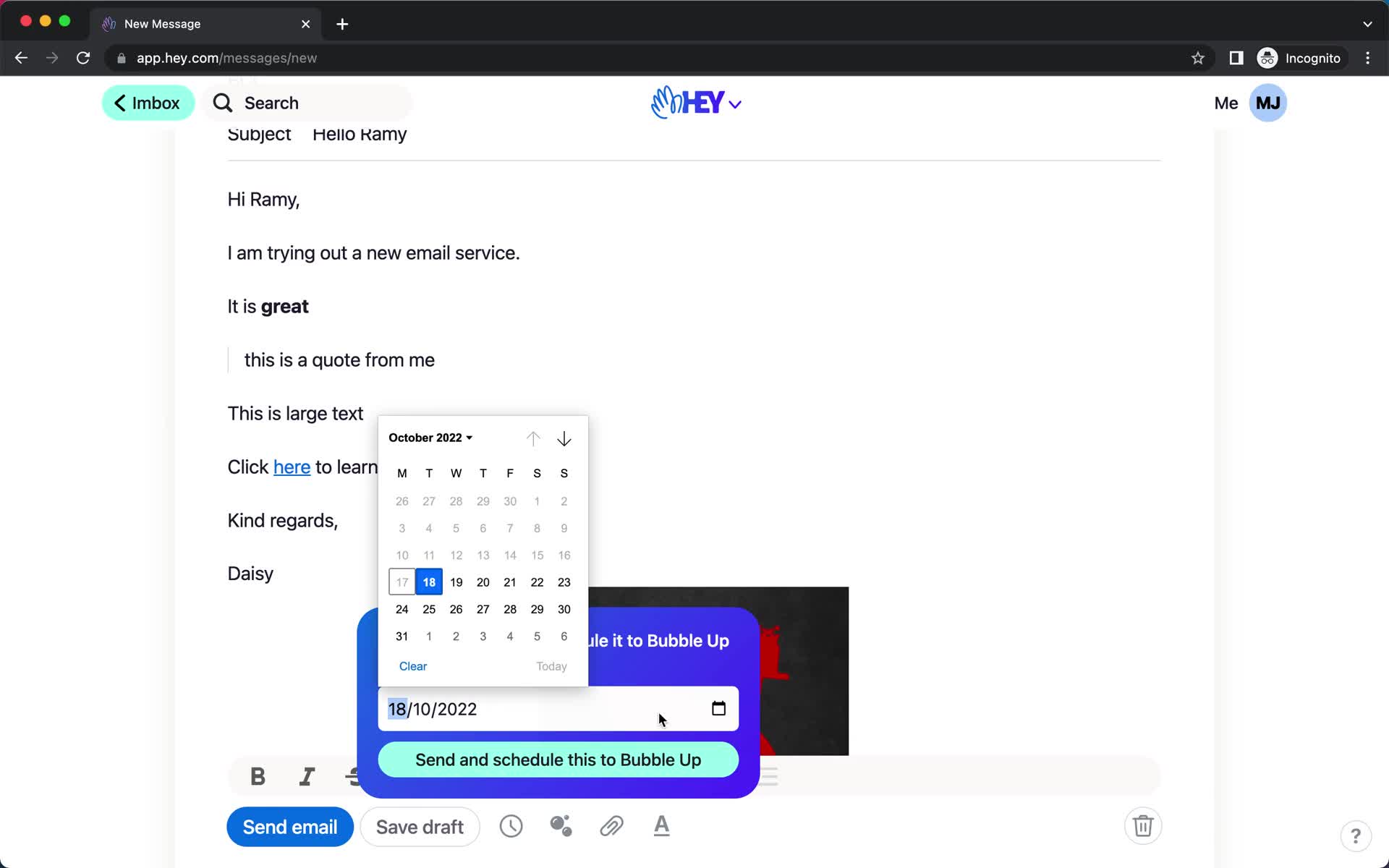
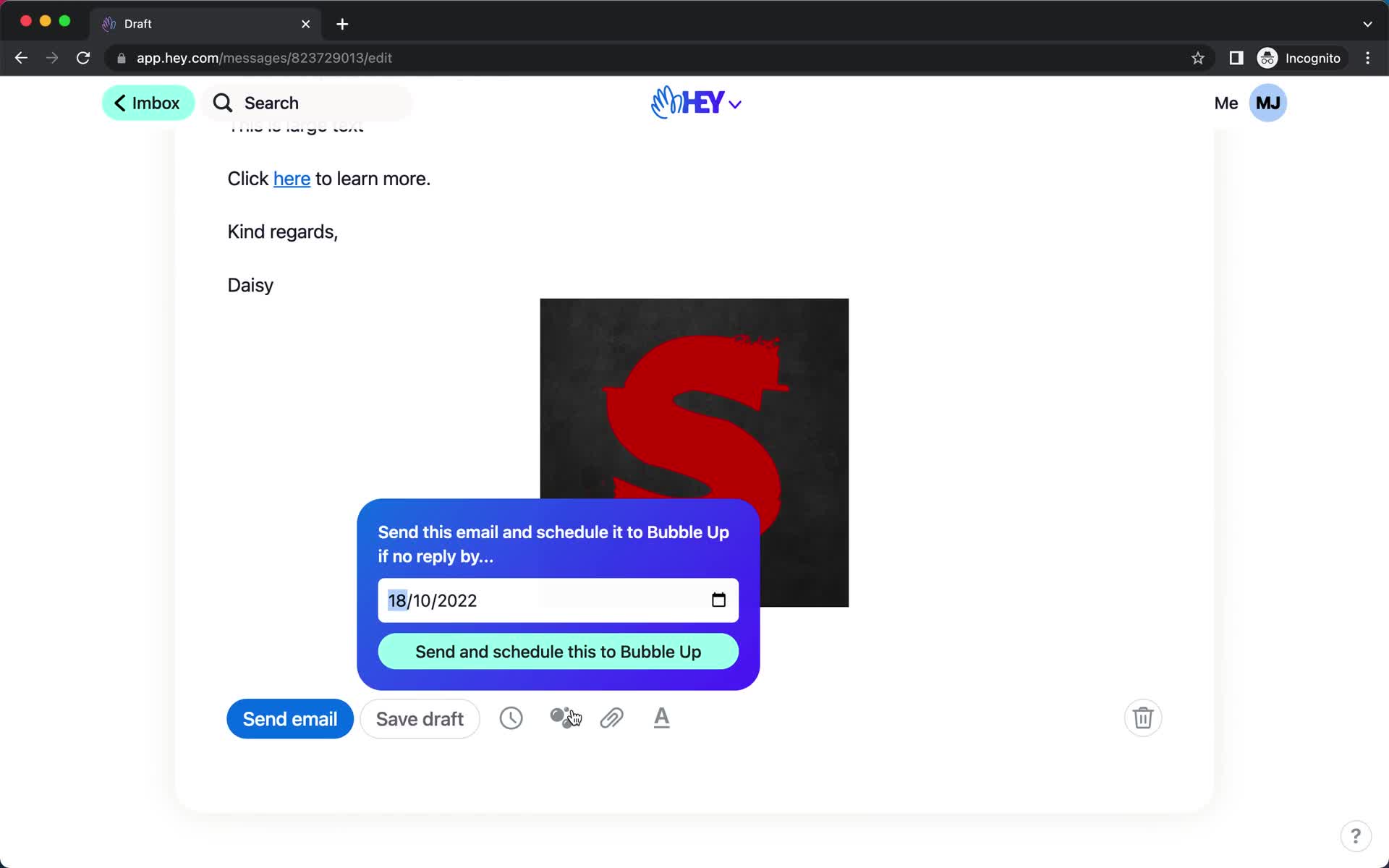
Schedule
this is title
Schedule
this is title
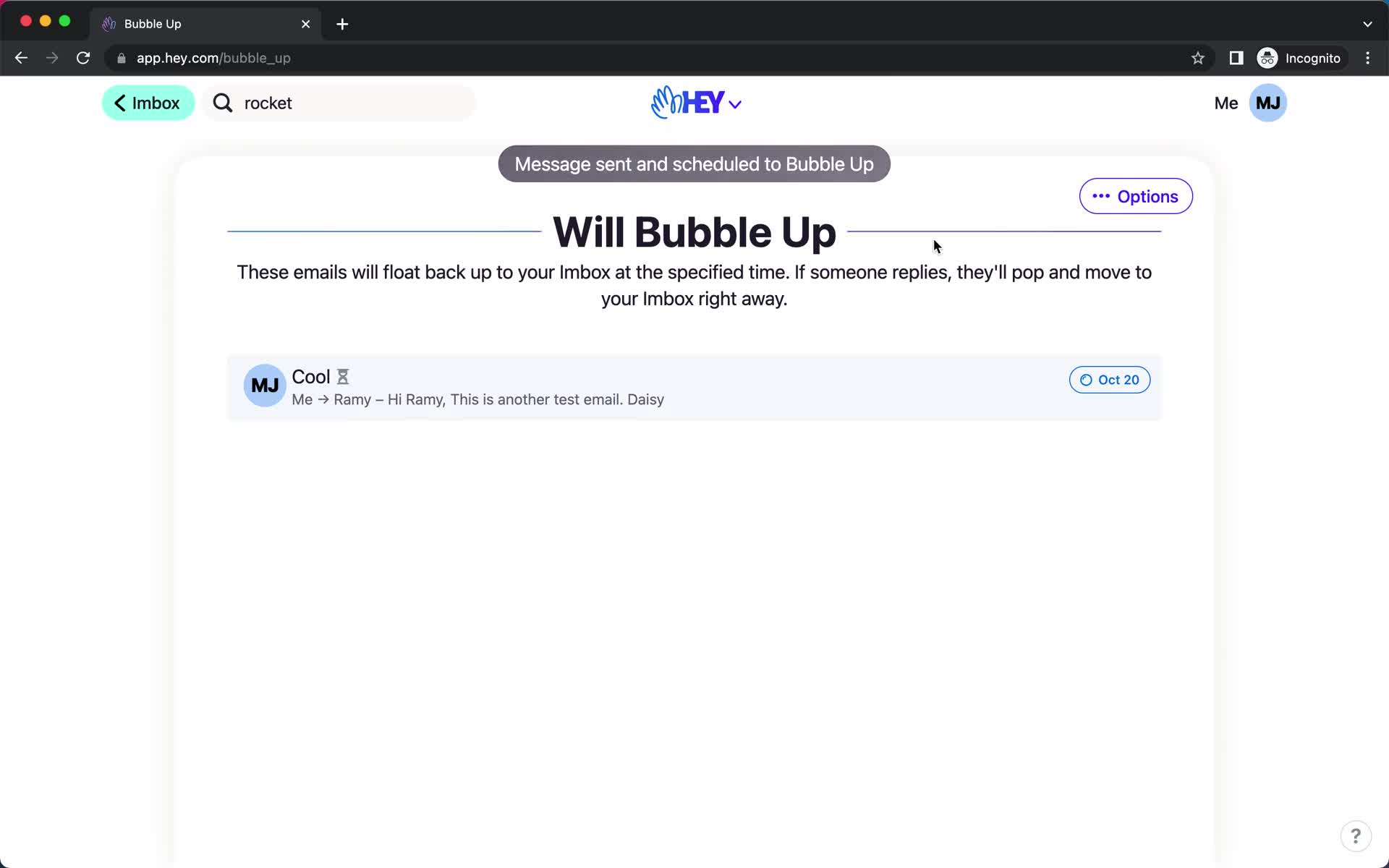
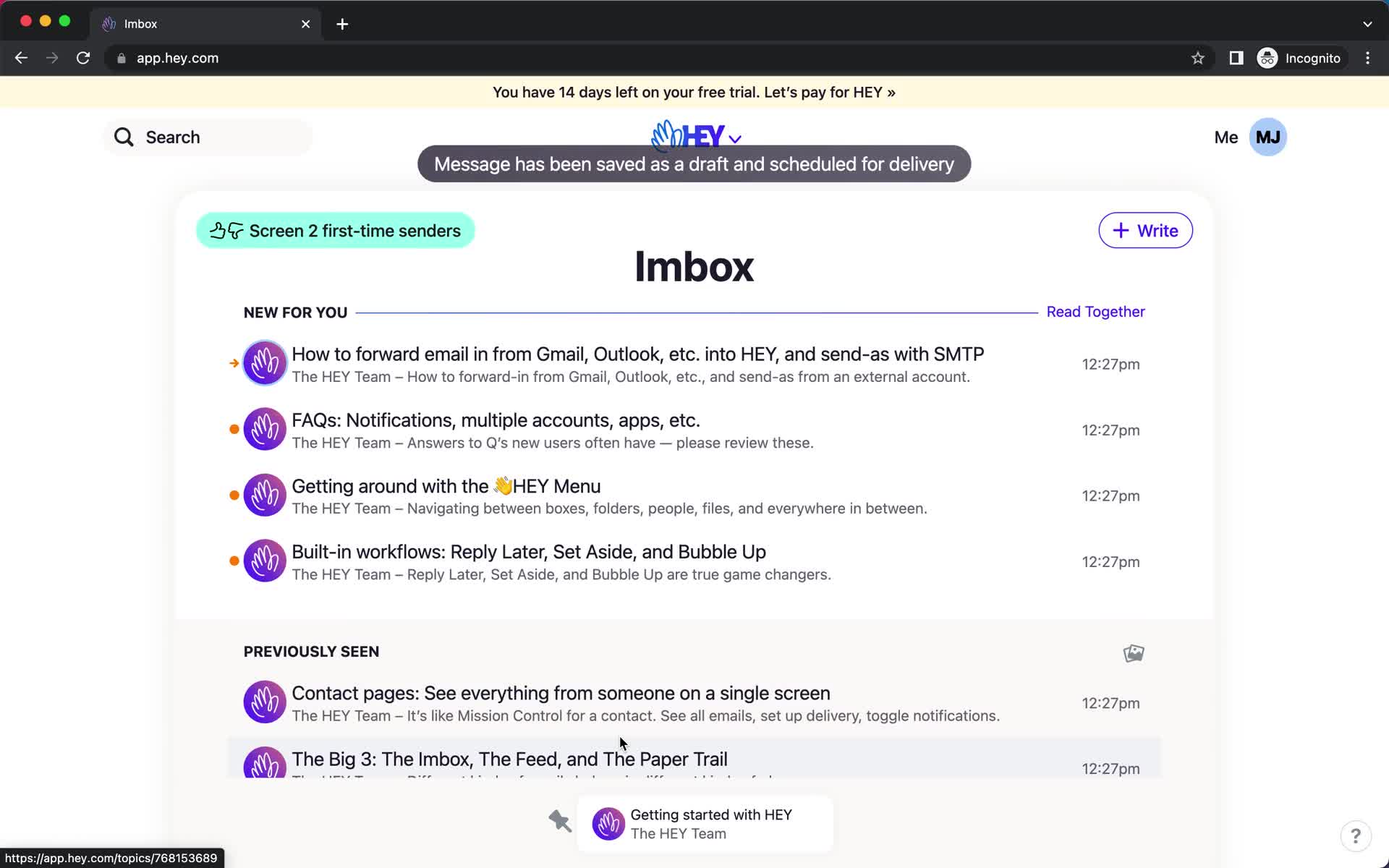
Scheduled
this is title
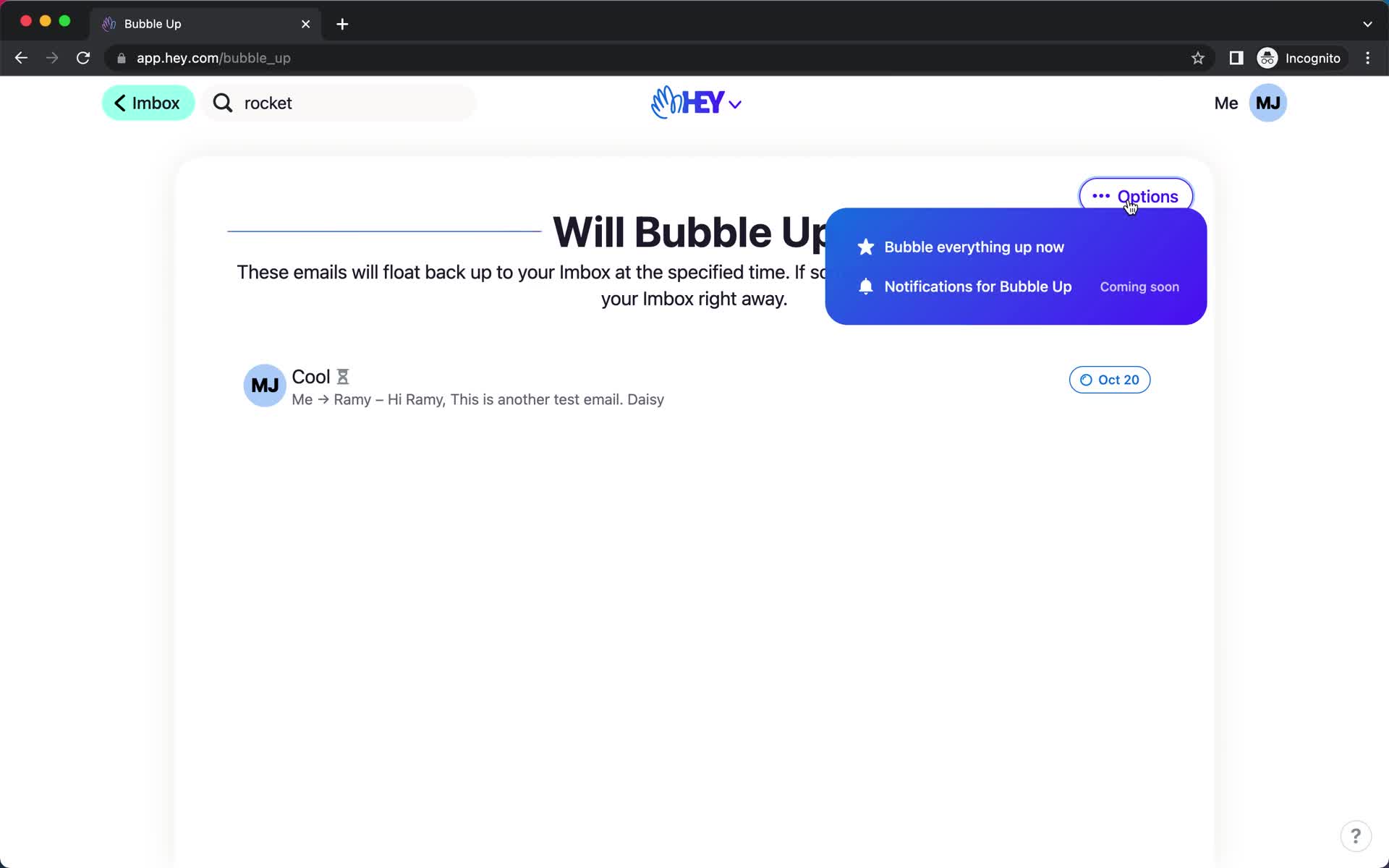
Action menu
this is title
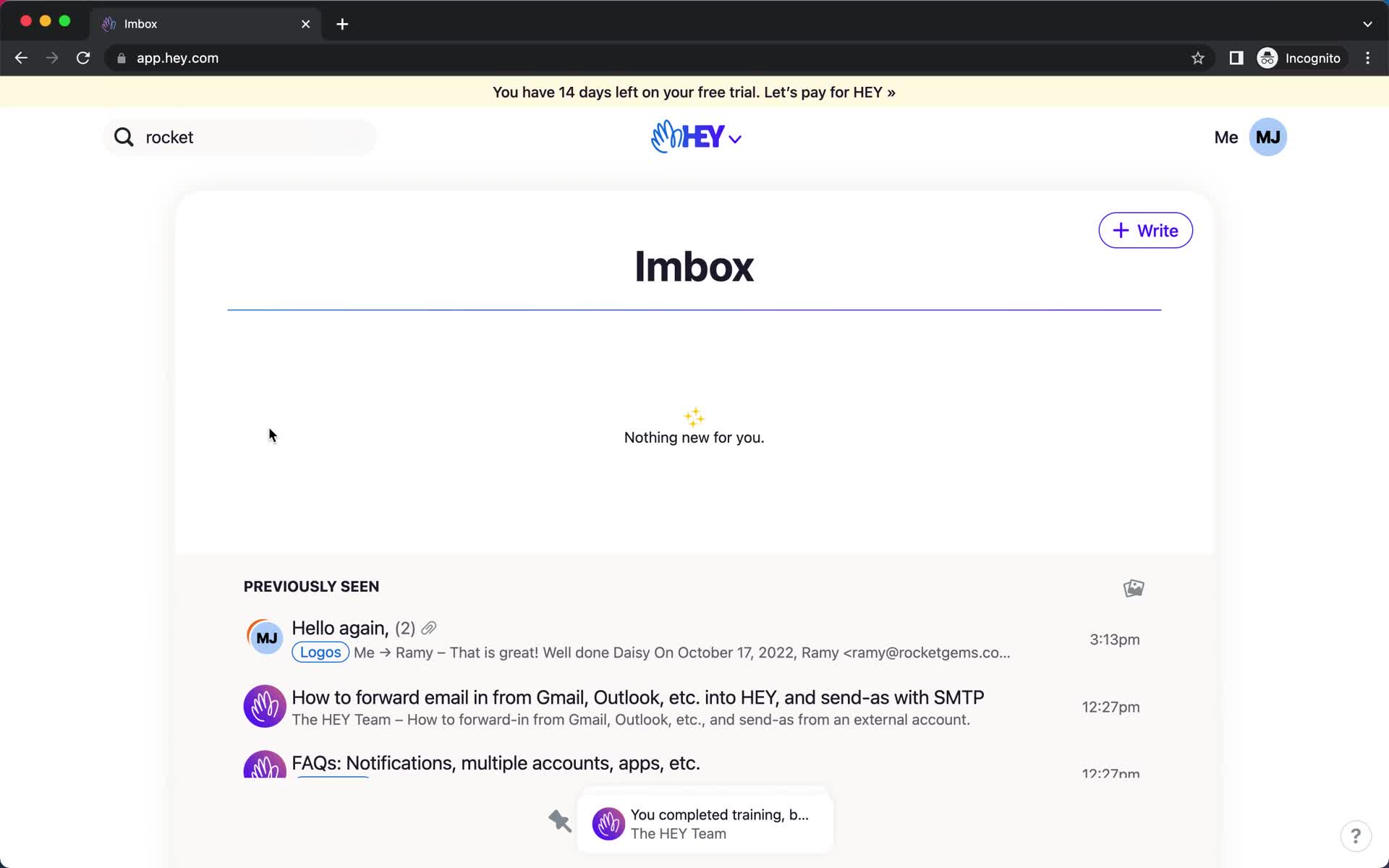
Inbox
this is title
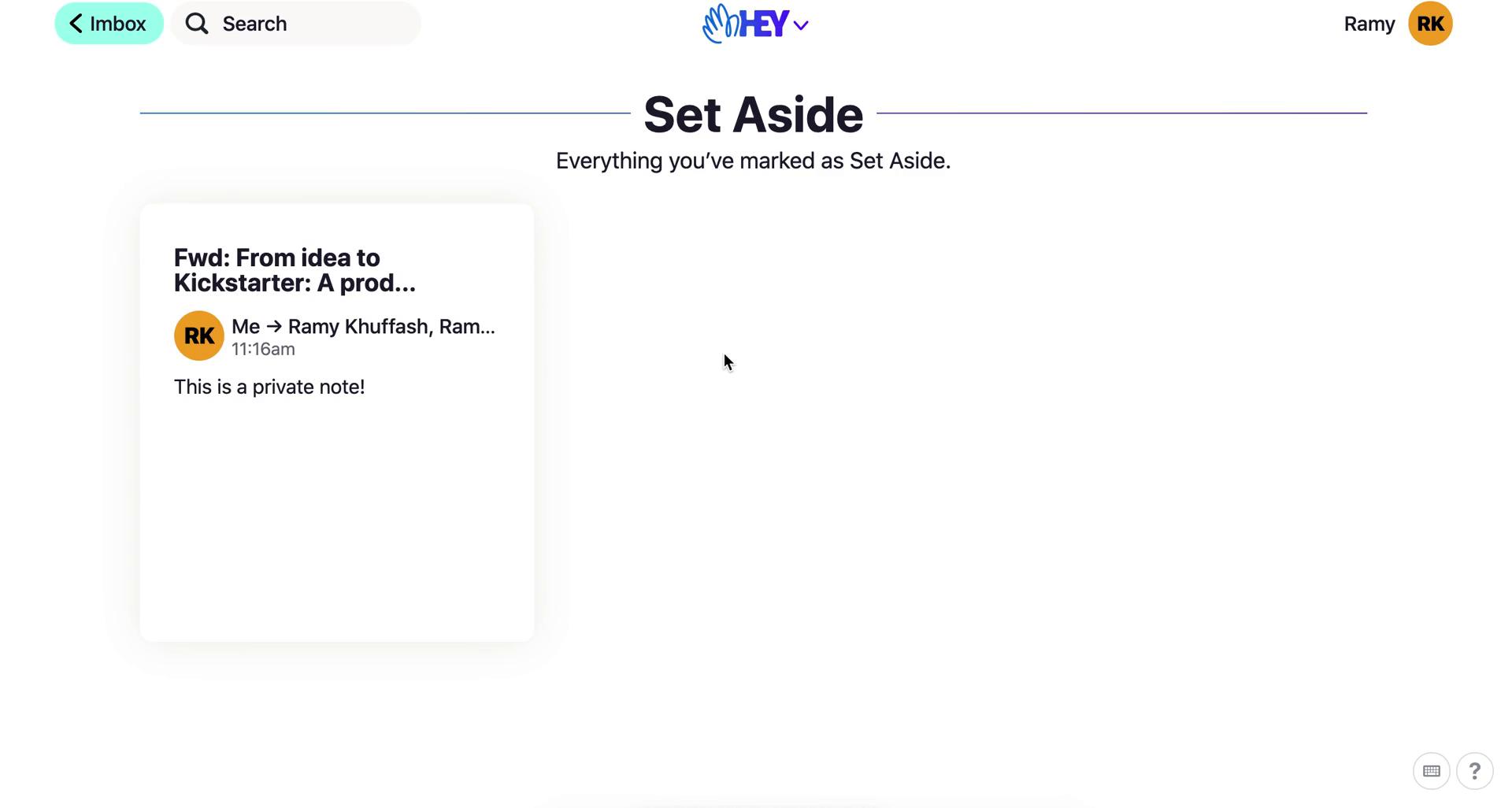
Set aside
this is title
Set aside
this is title
Navigation menu
this is title
Product tour
this is title
Product tour
this is title
Product tour
this is title
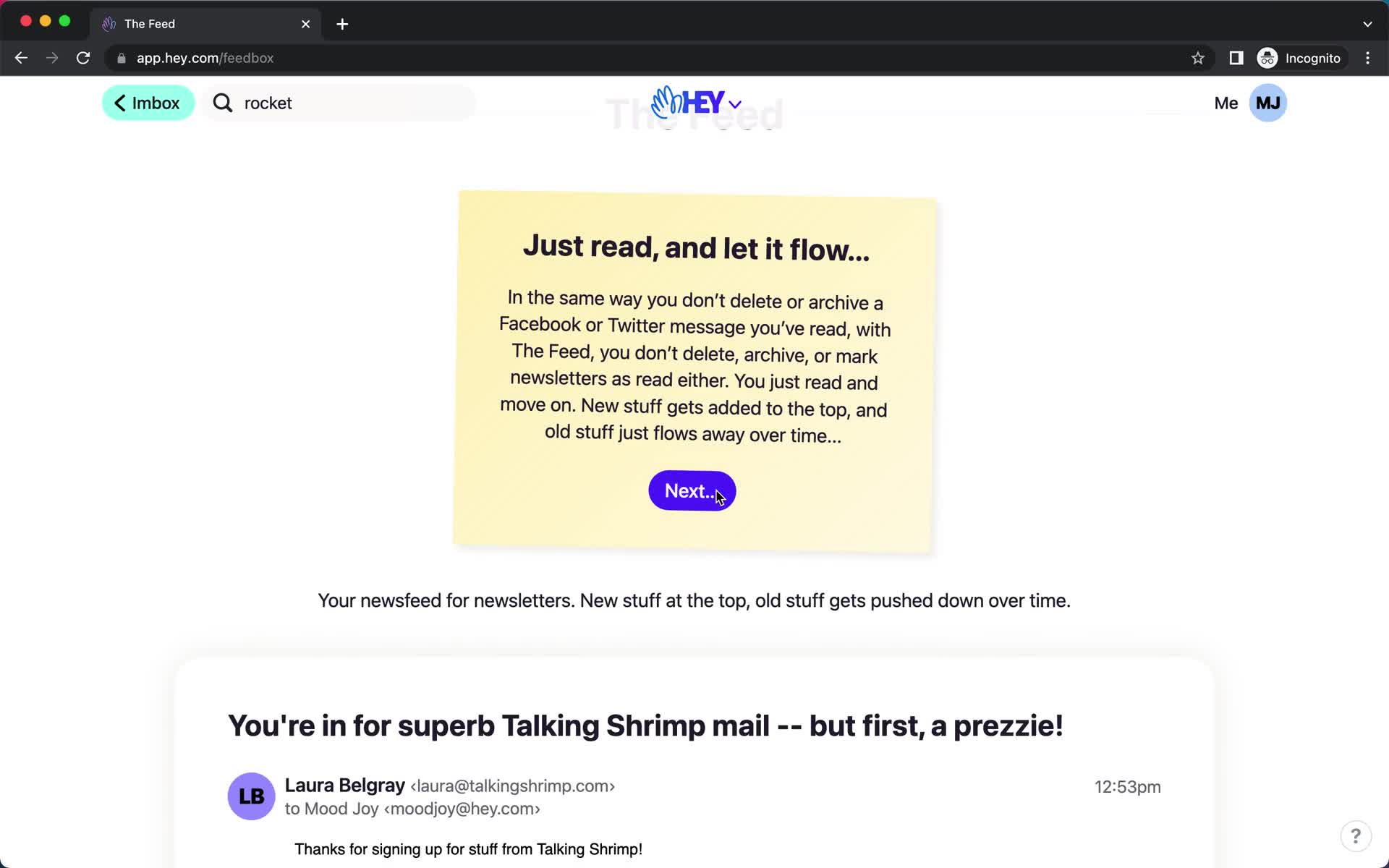
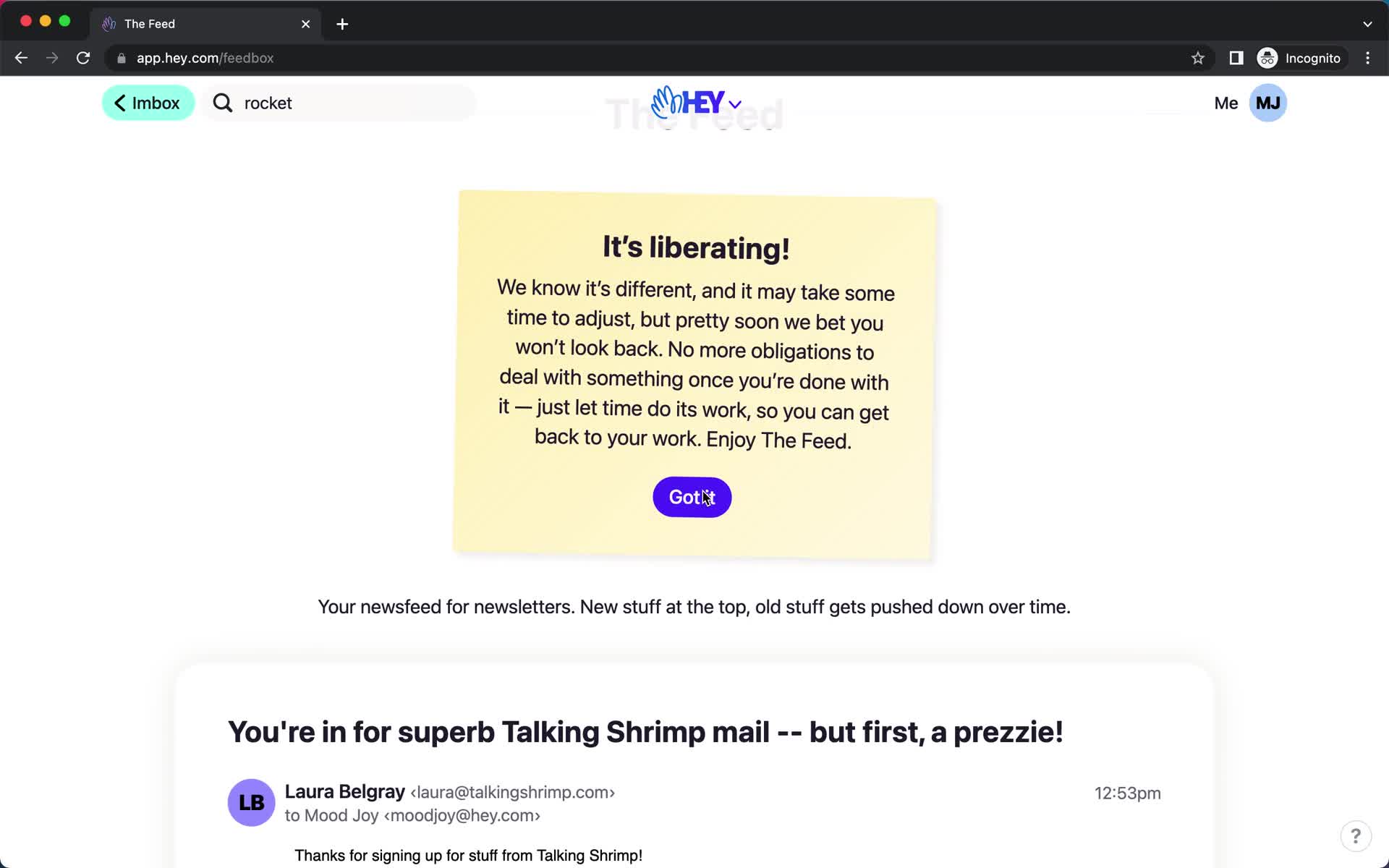
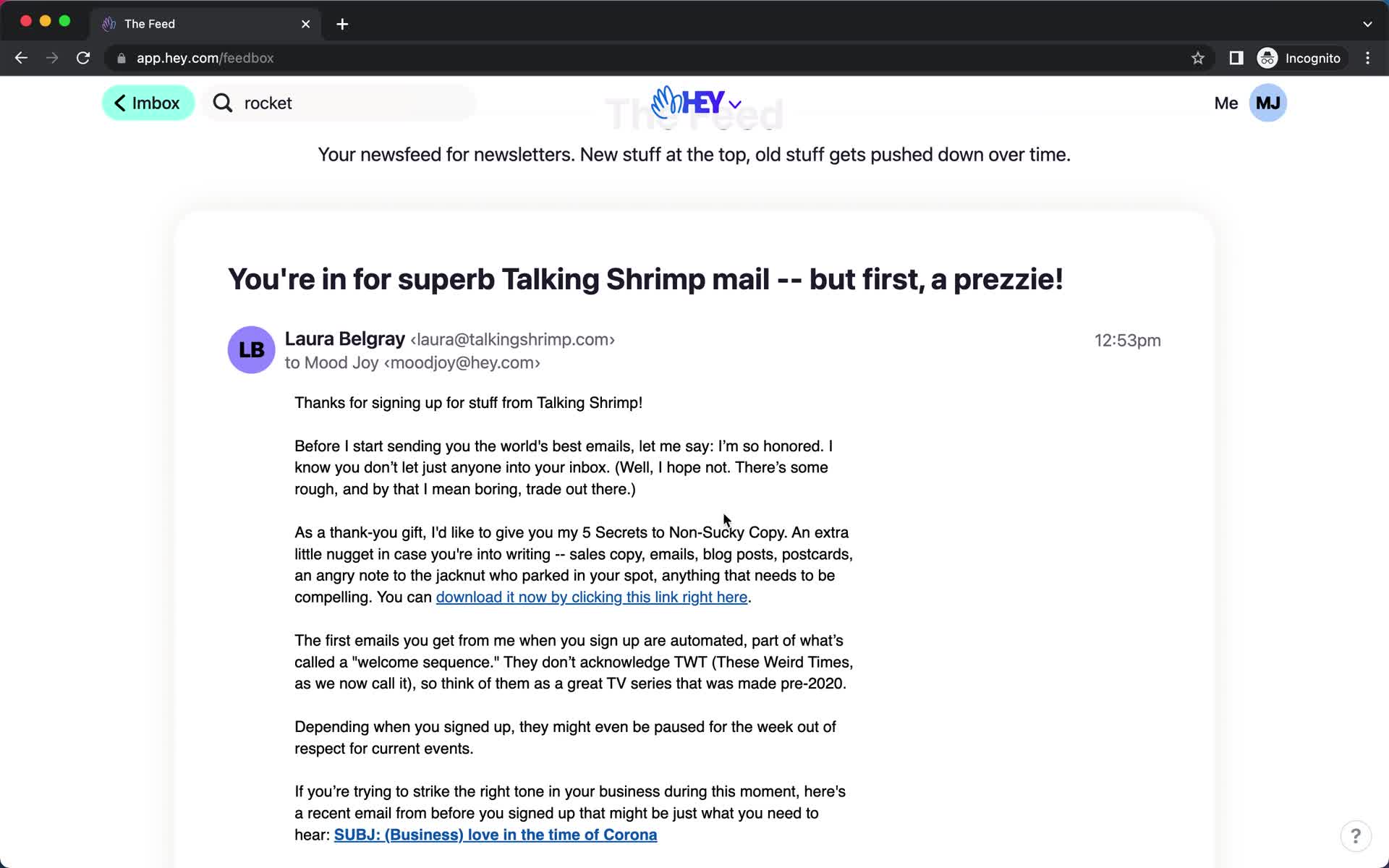
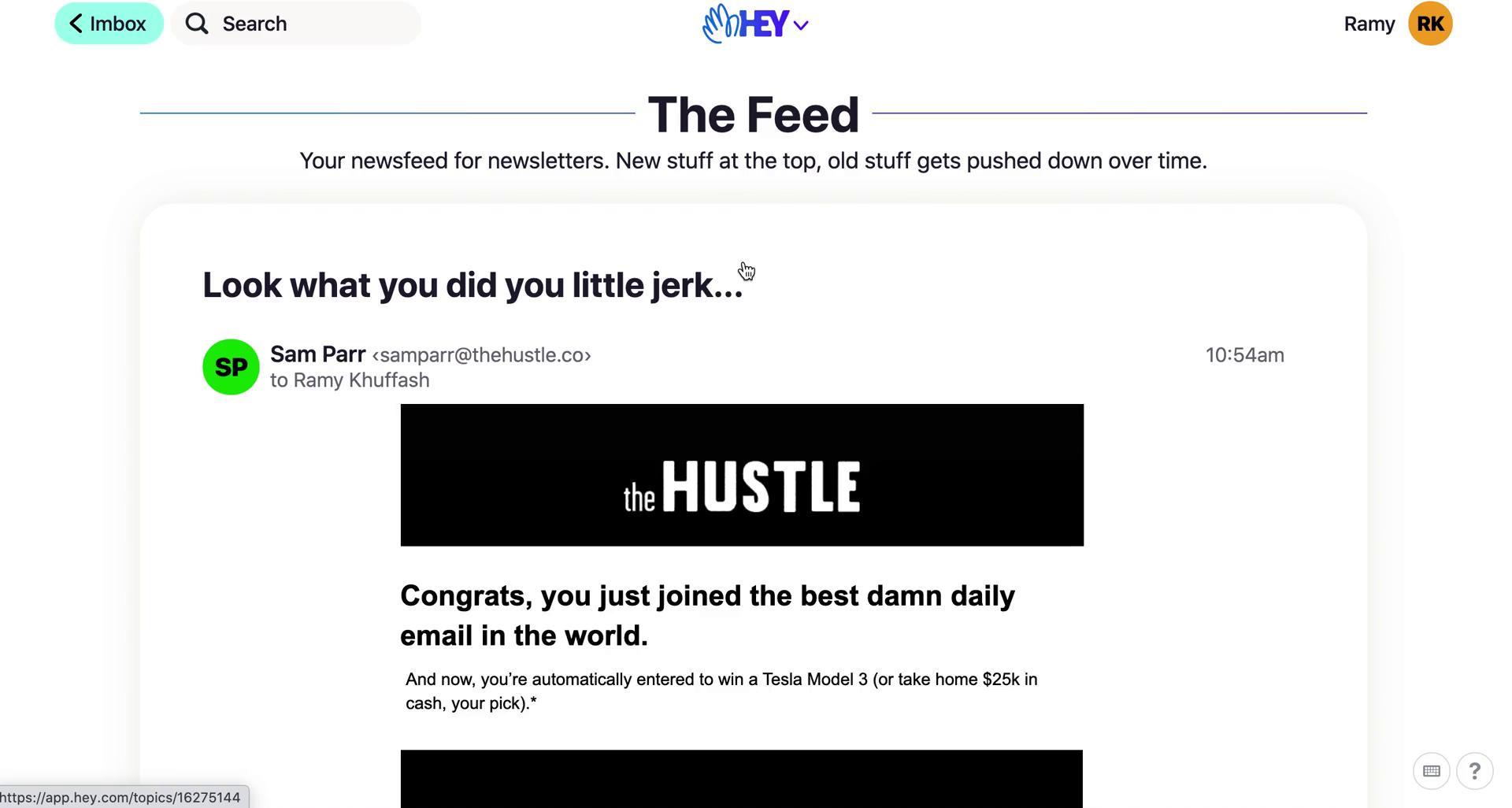
Feed
this is title
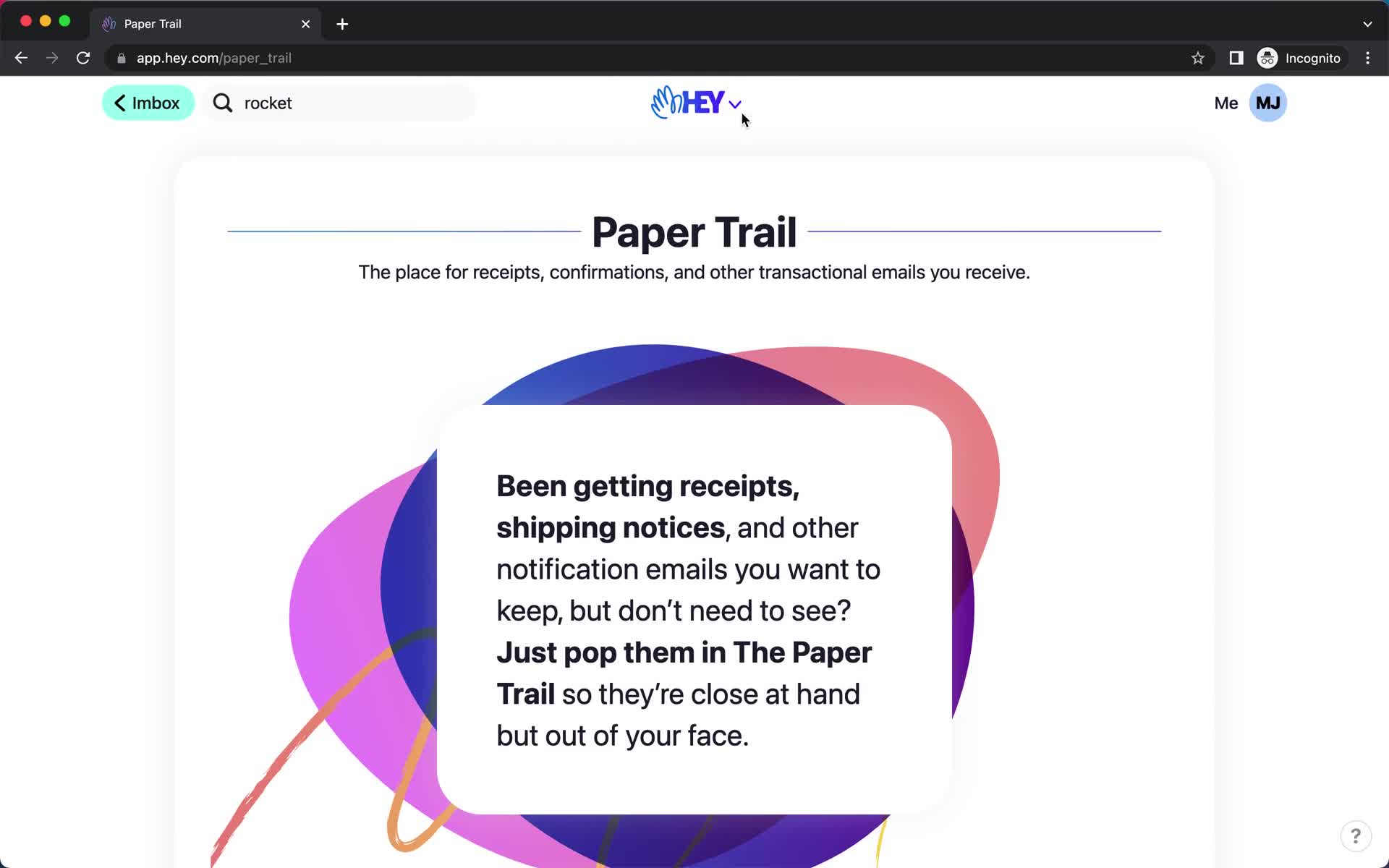
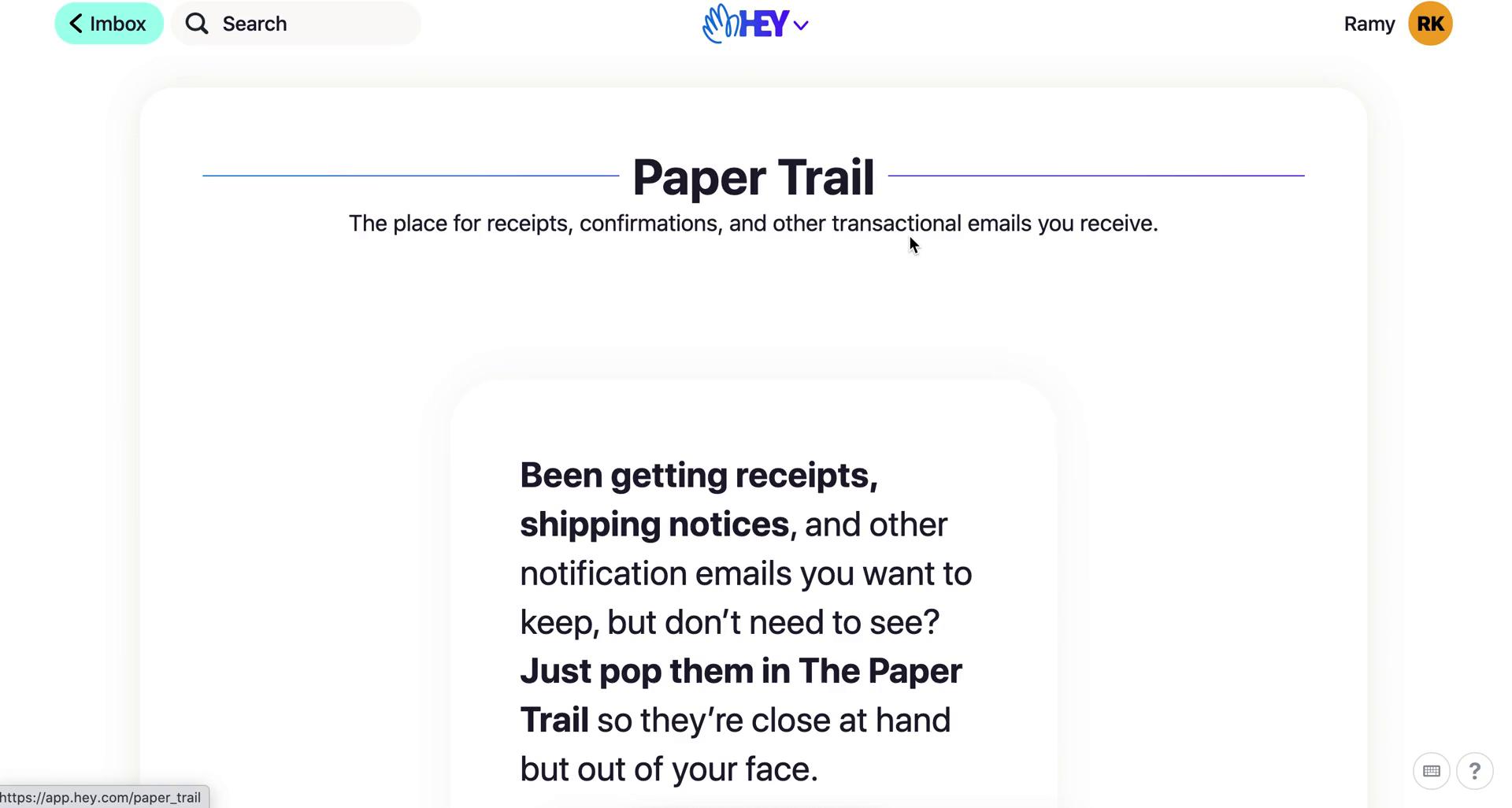
Paper trail
this is title
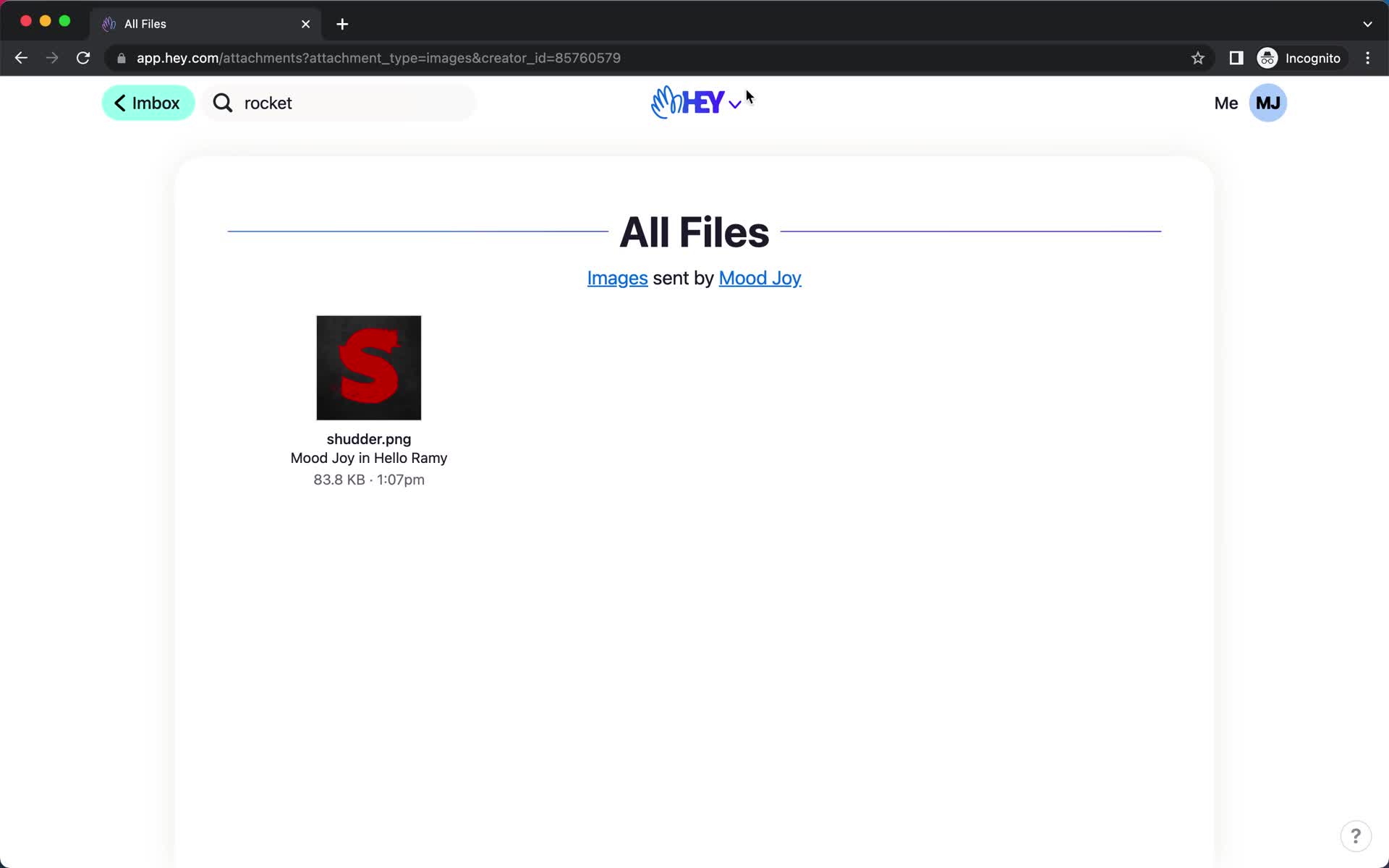
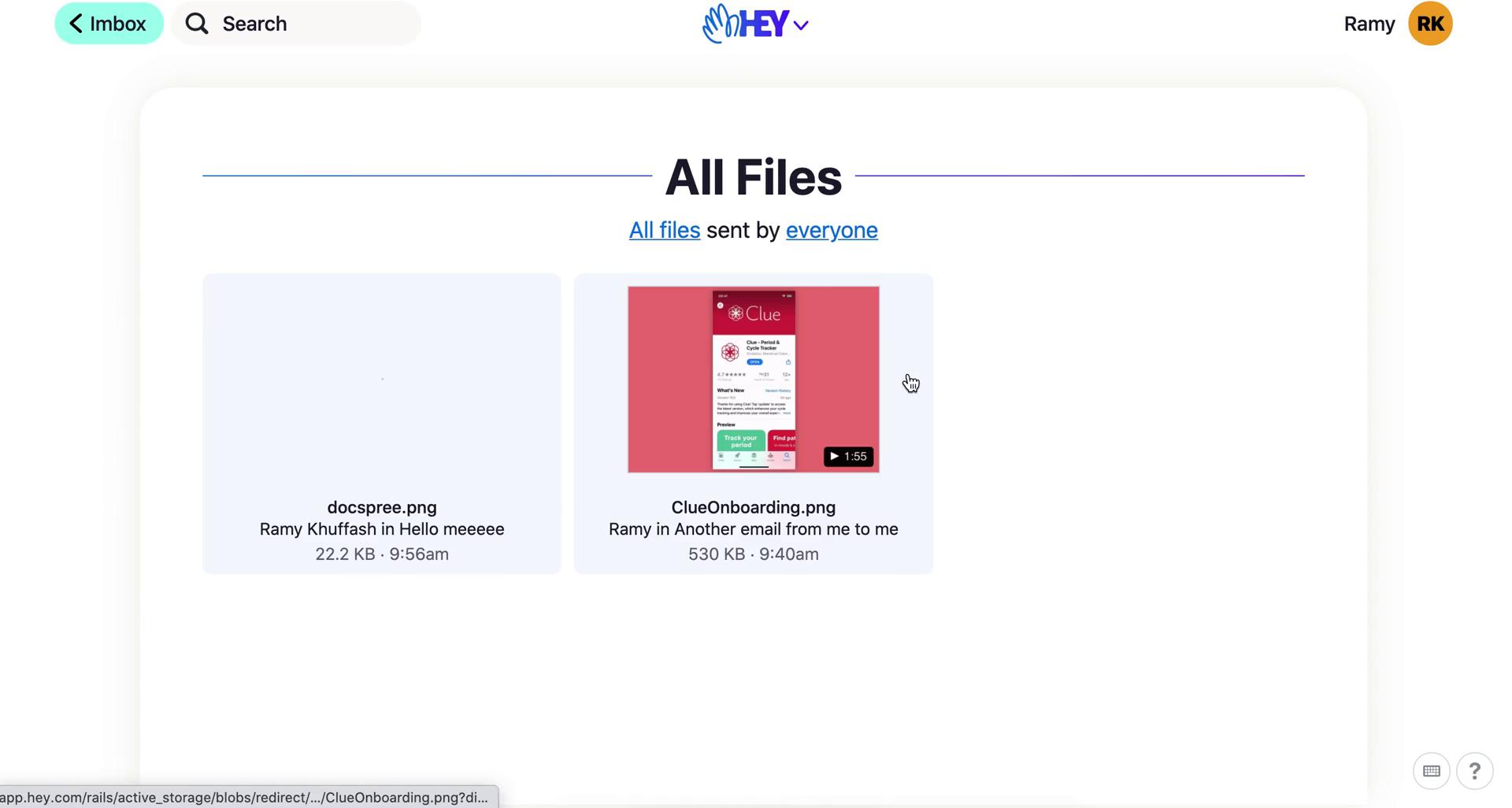
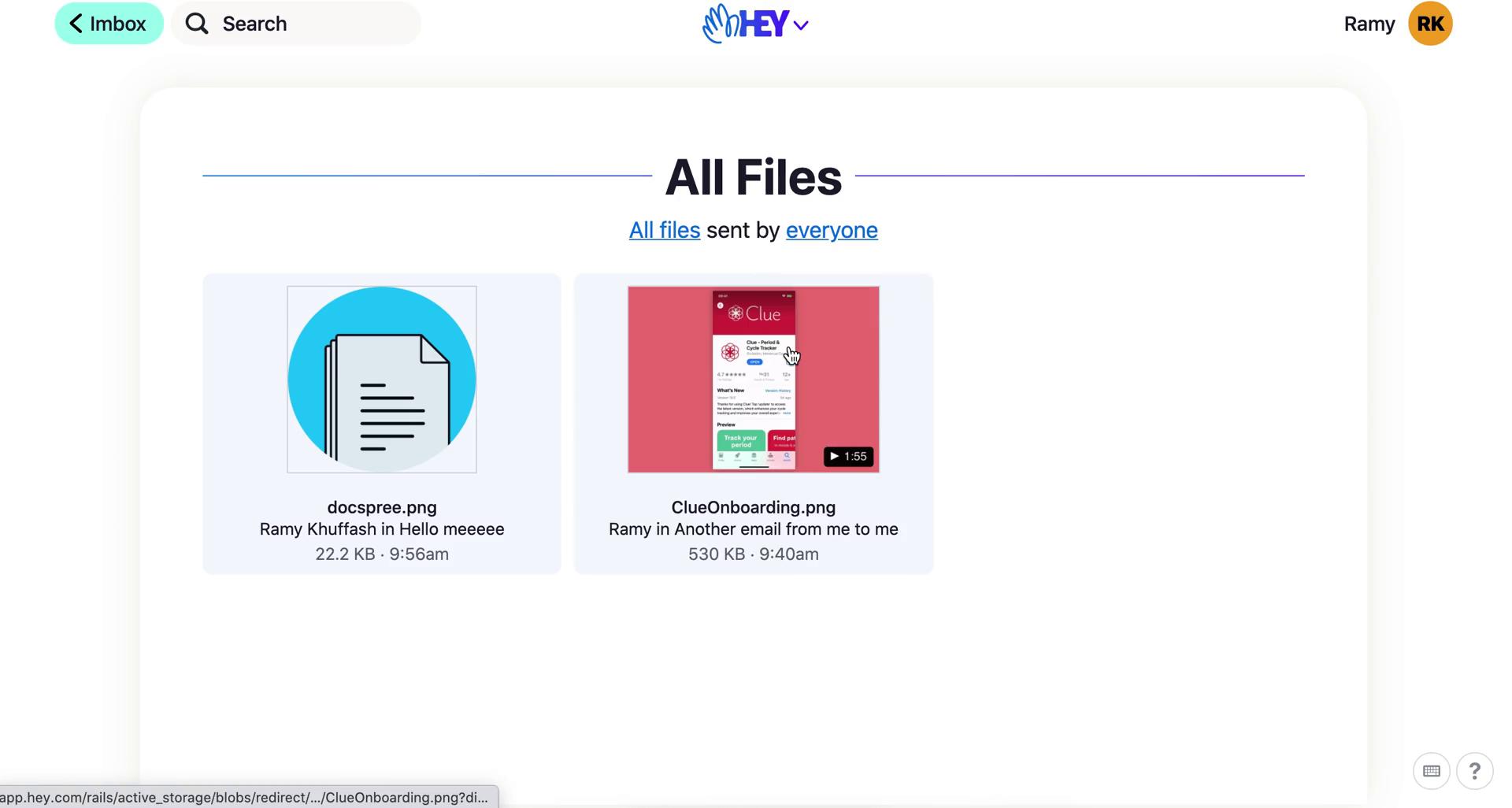
Files
this is title
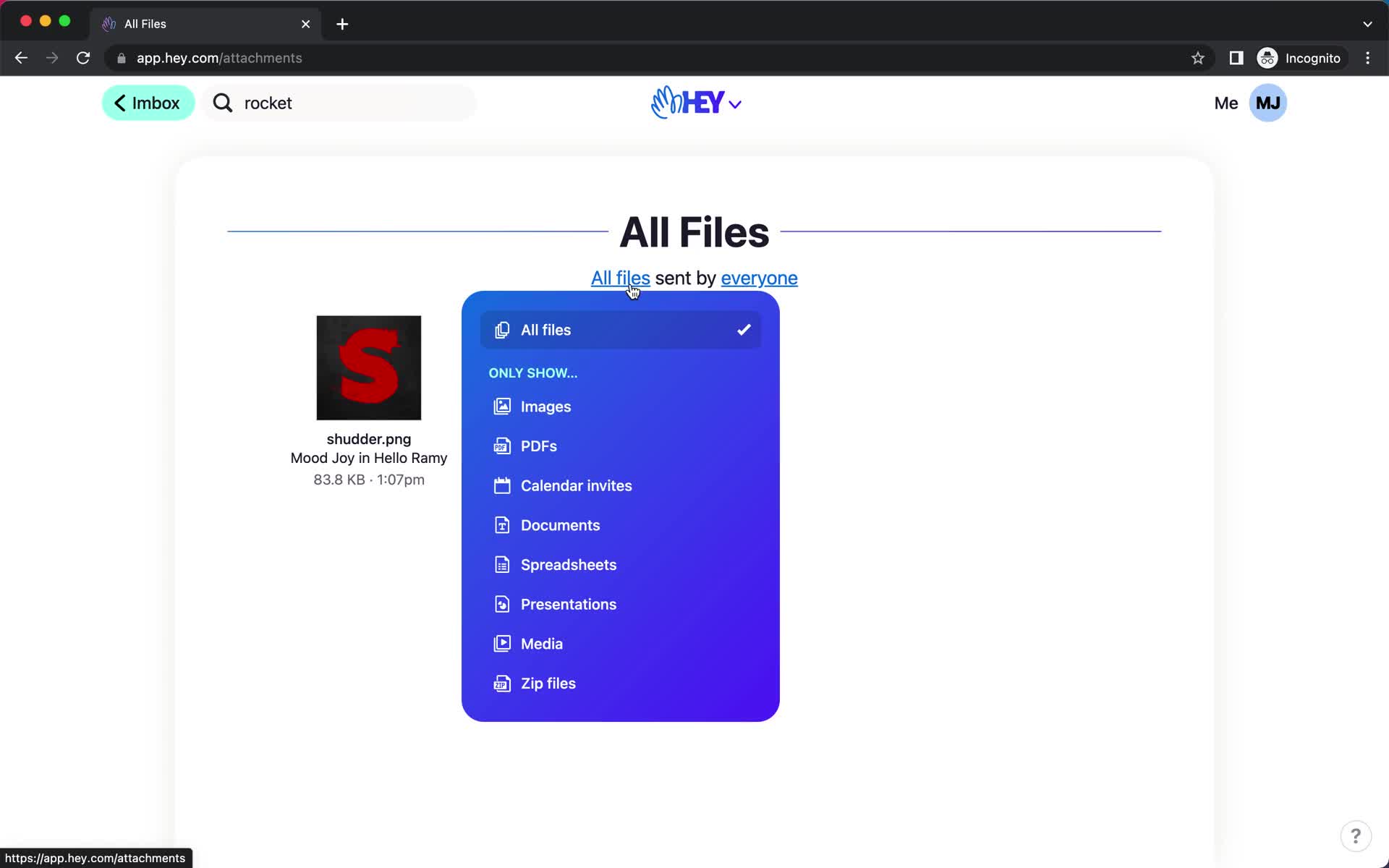
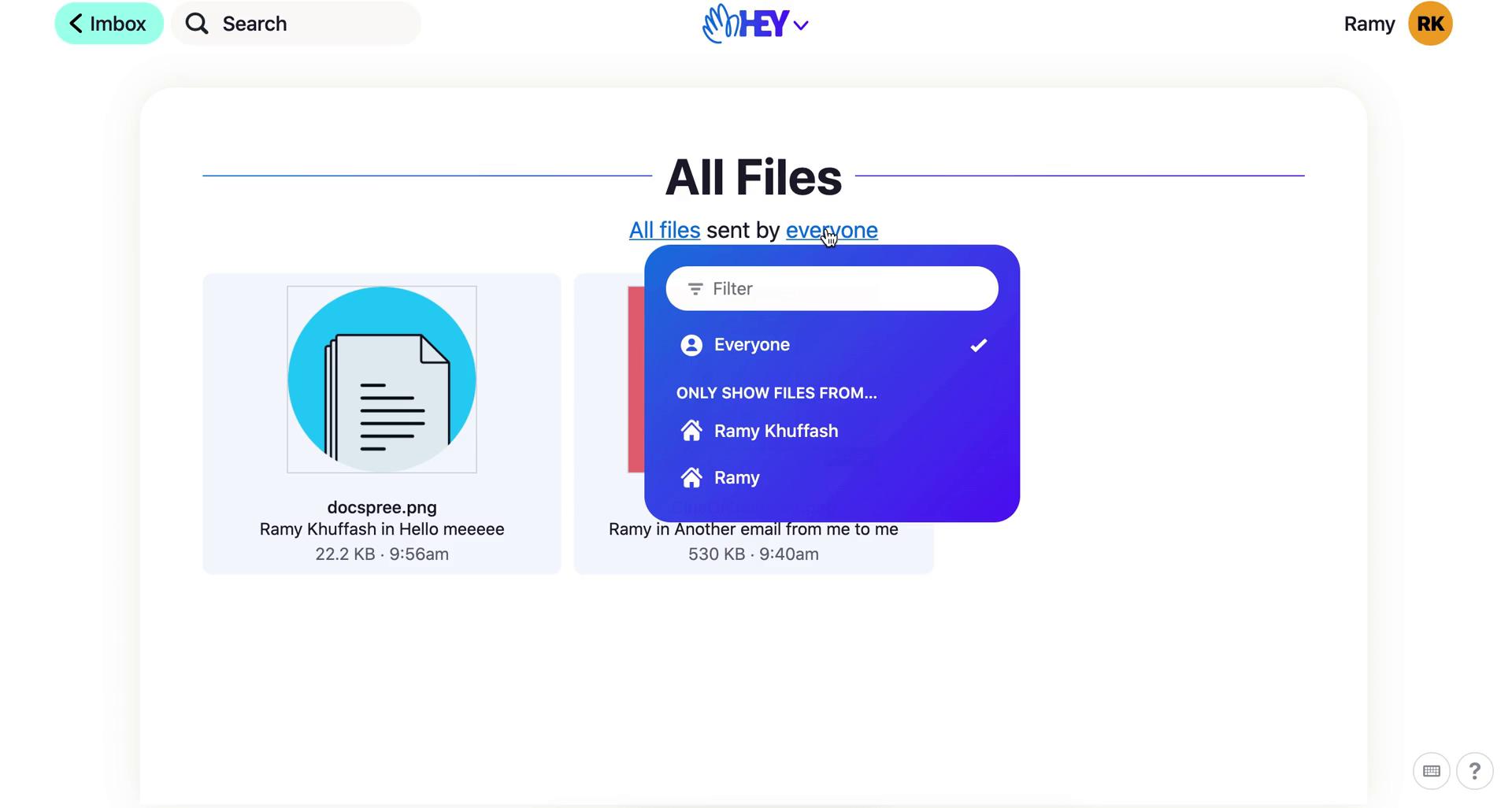
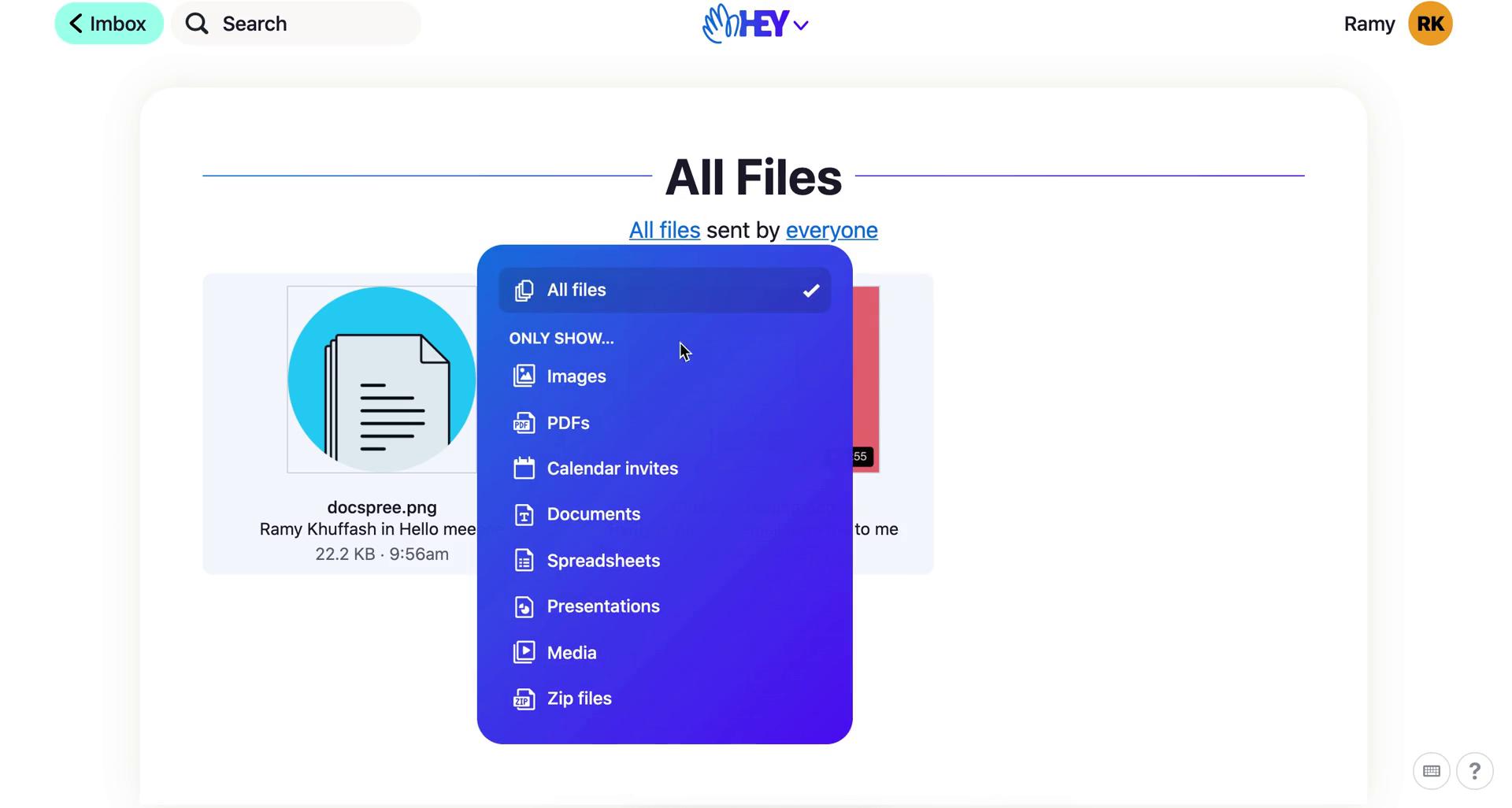
Filter
this is title
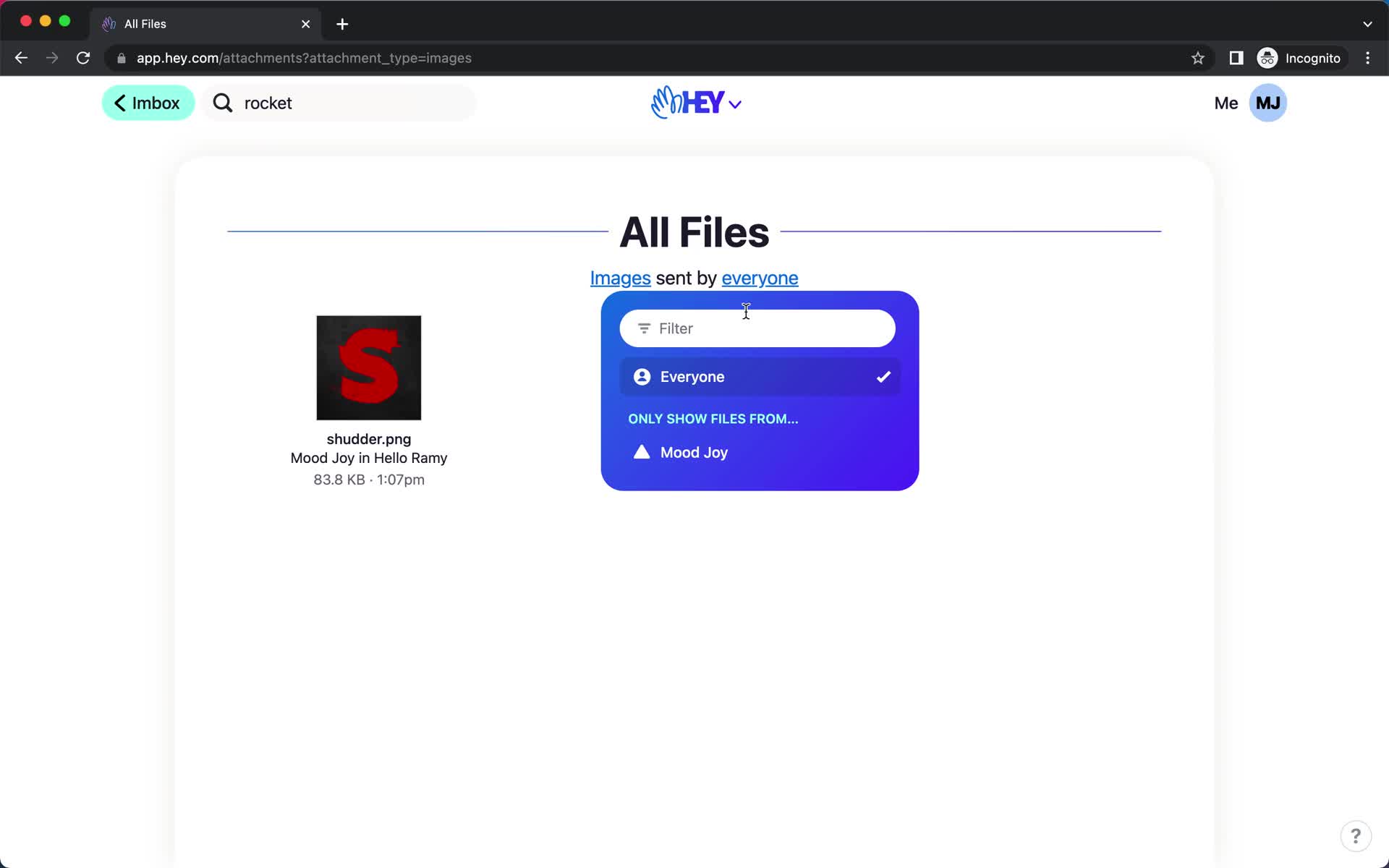
Filter
this is title
File detail
this is title
Files
this is title
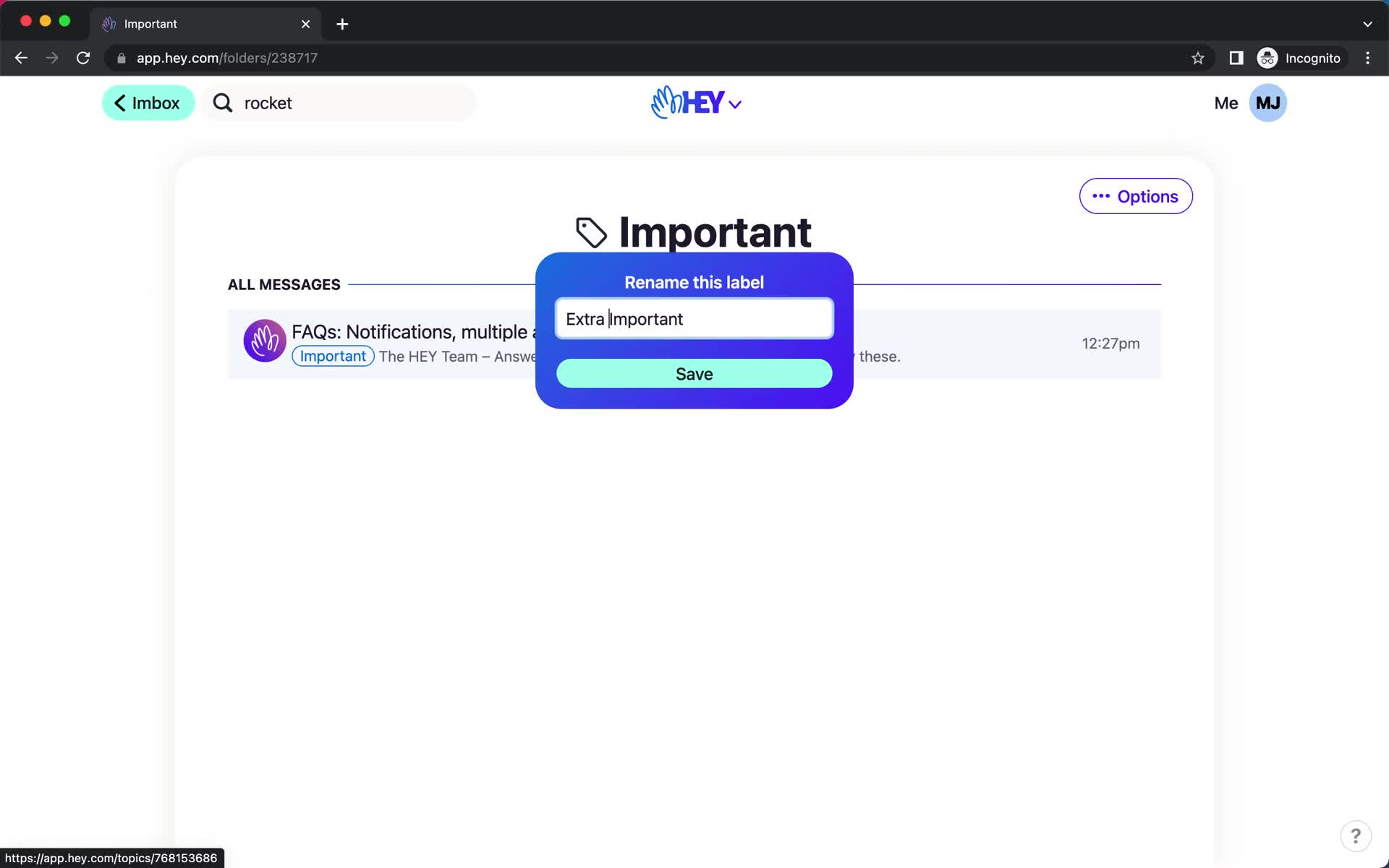
Rename
this is title
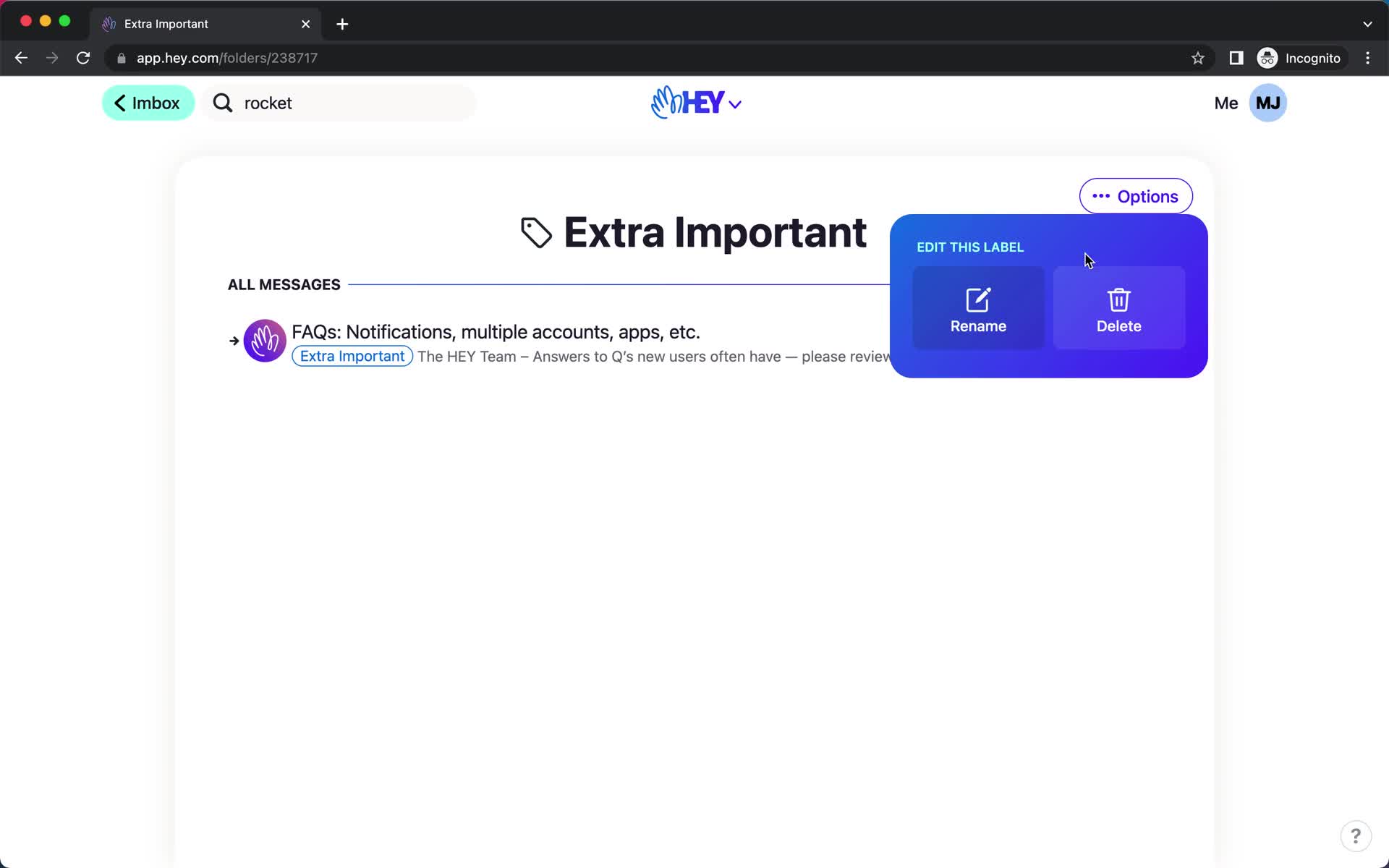
Action menu
this is title
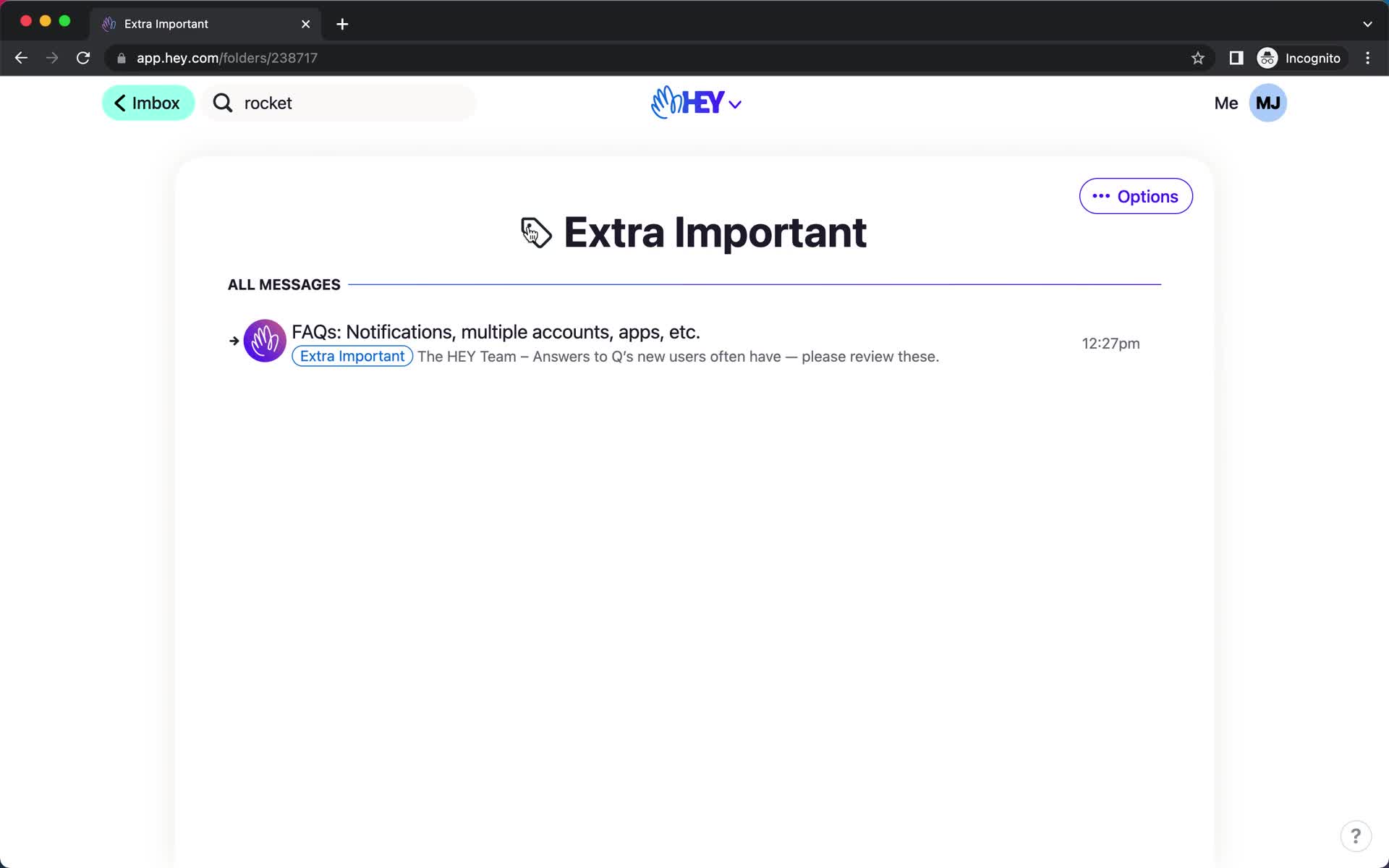
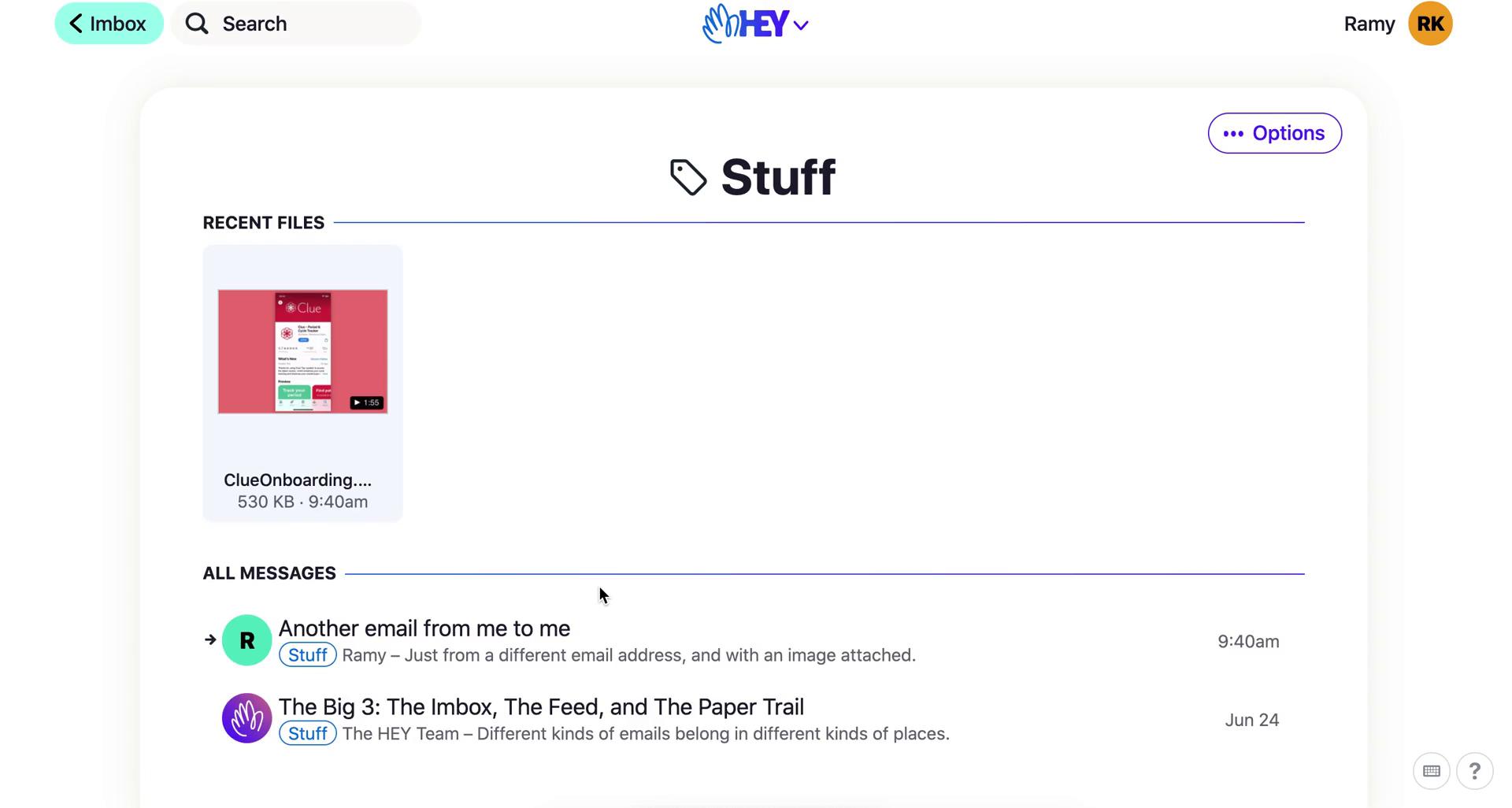
Label
this is title
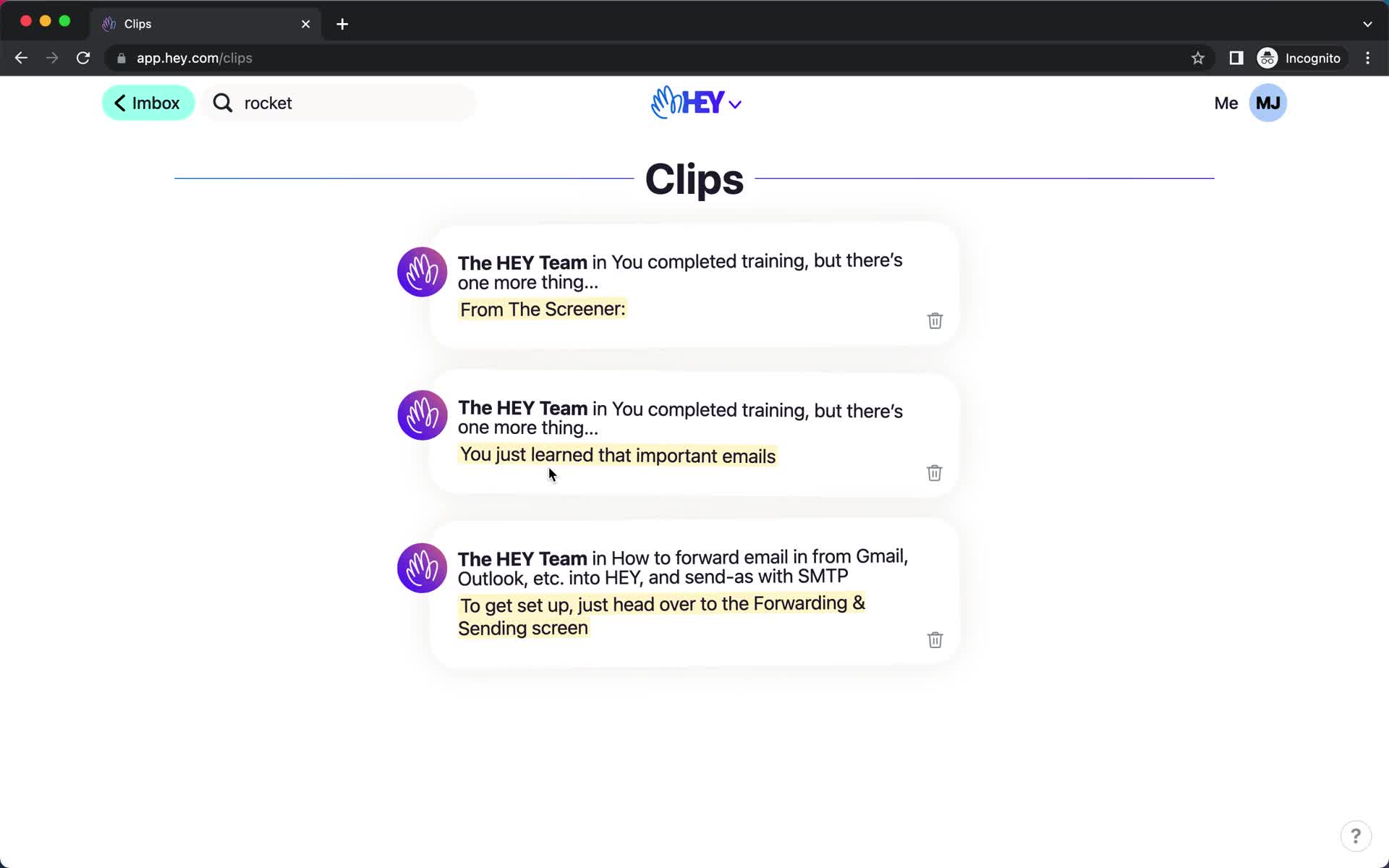
Clips
this is title
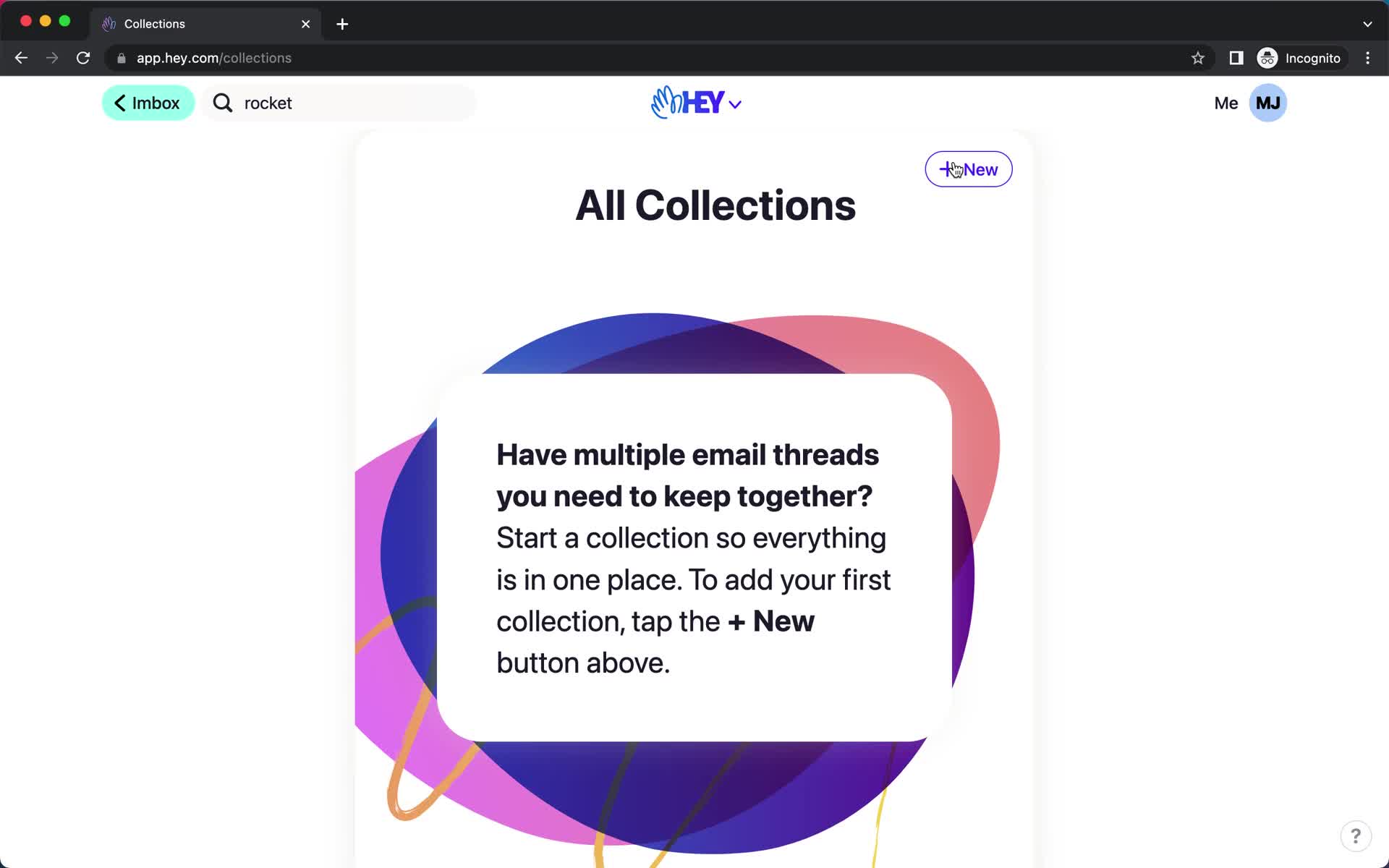
Collections
this is title
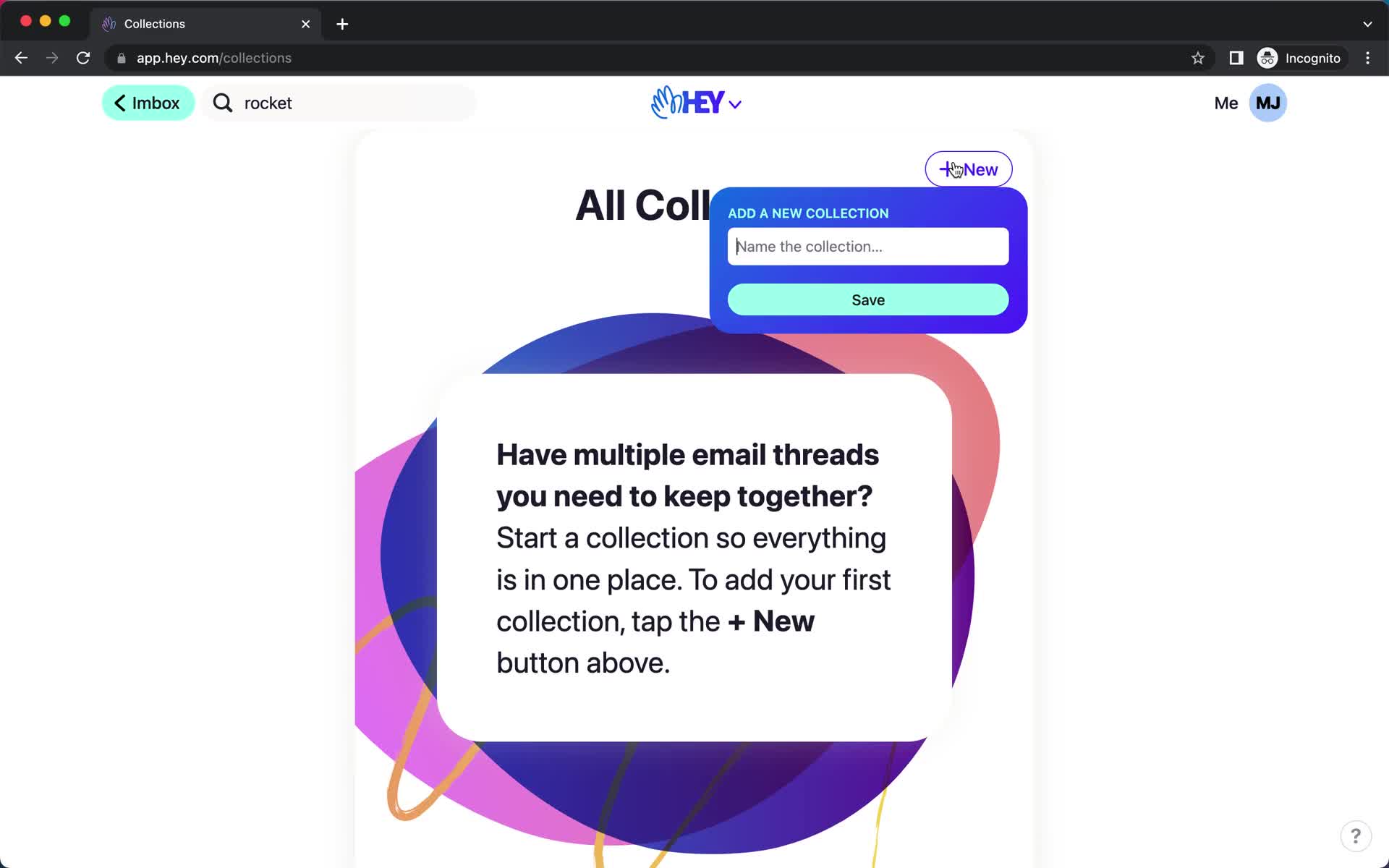
Create collection
this is title
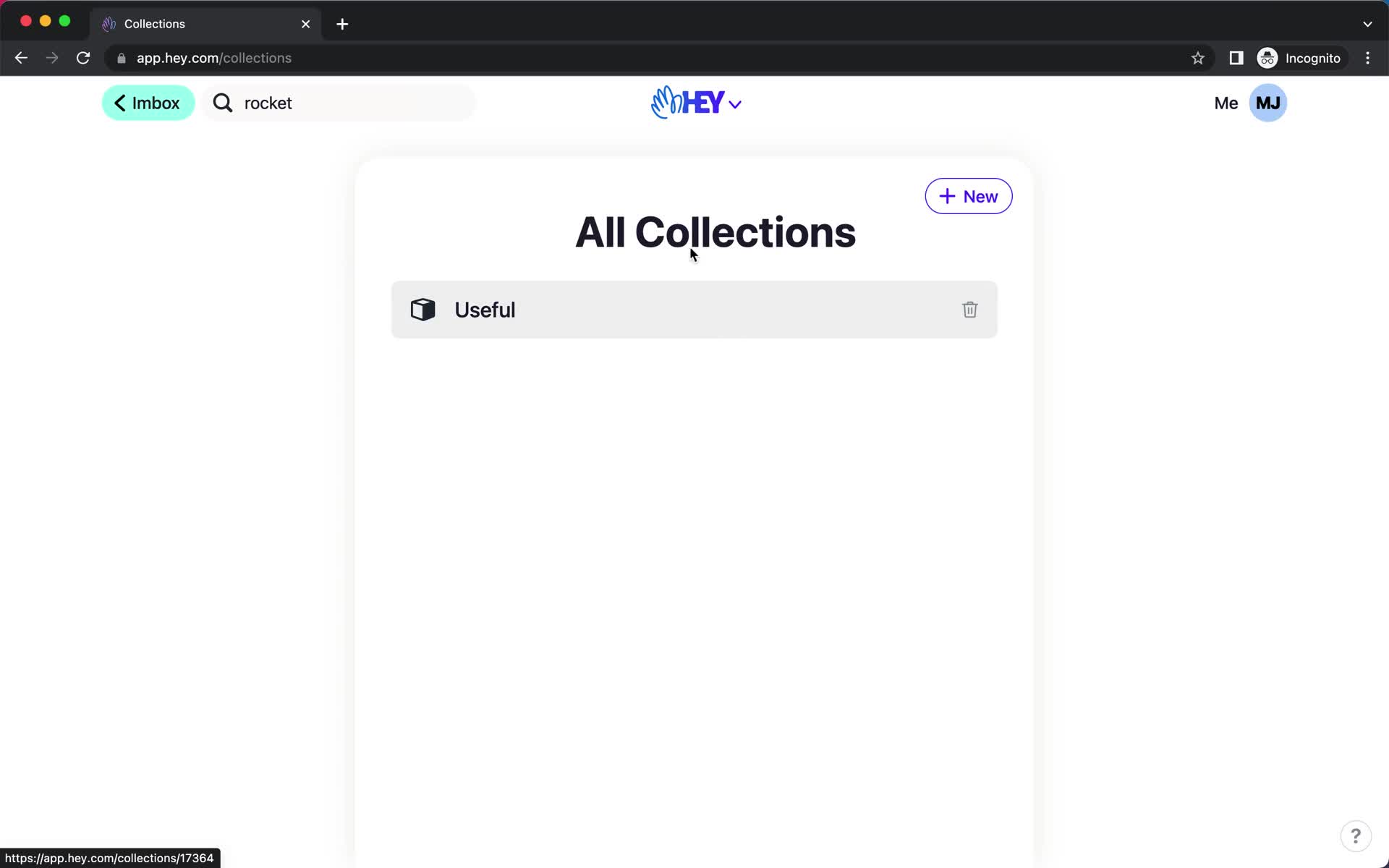
Collections
this is title
Guide modal
this is title
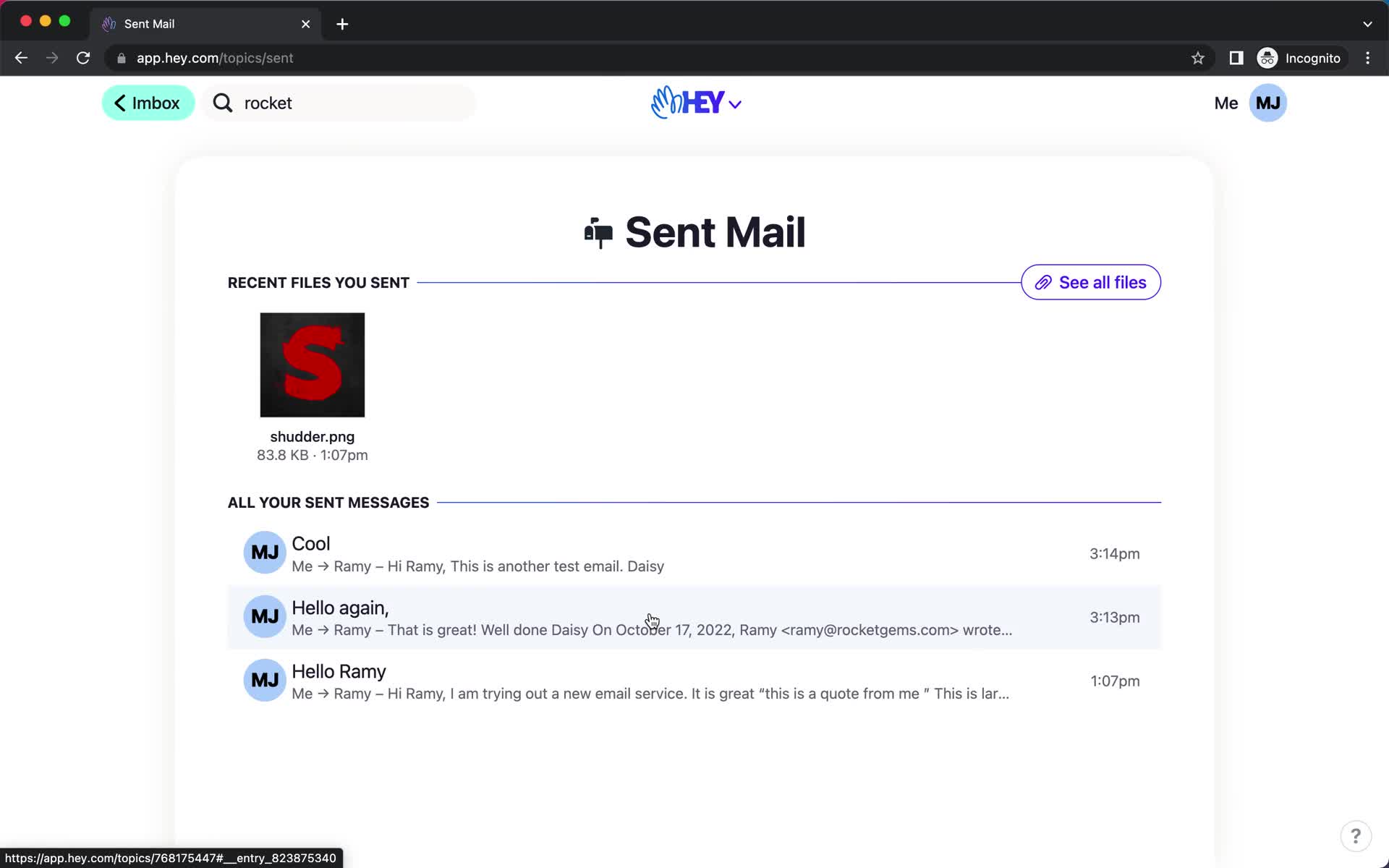
Sent
this is title
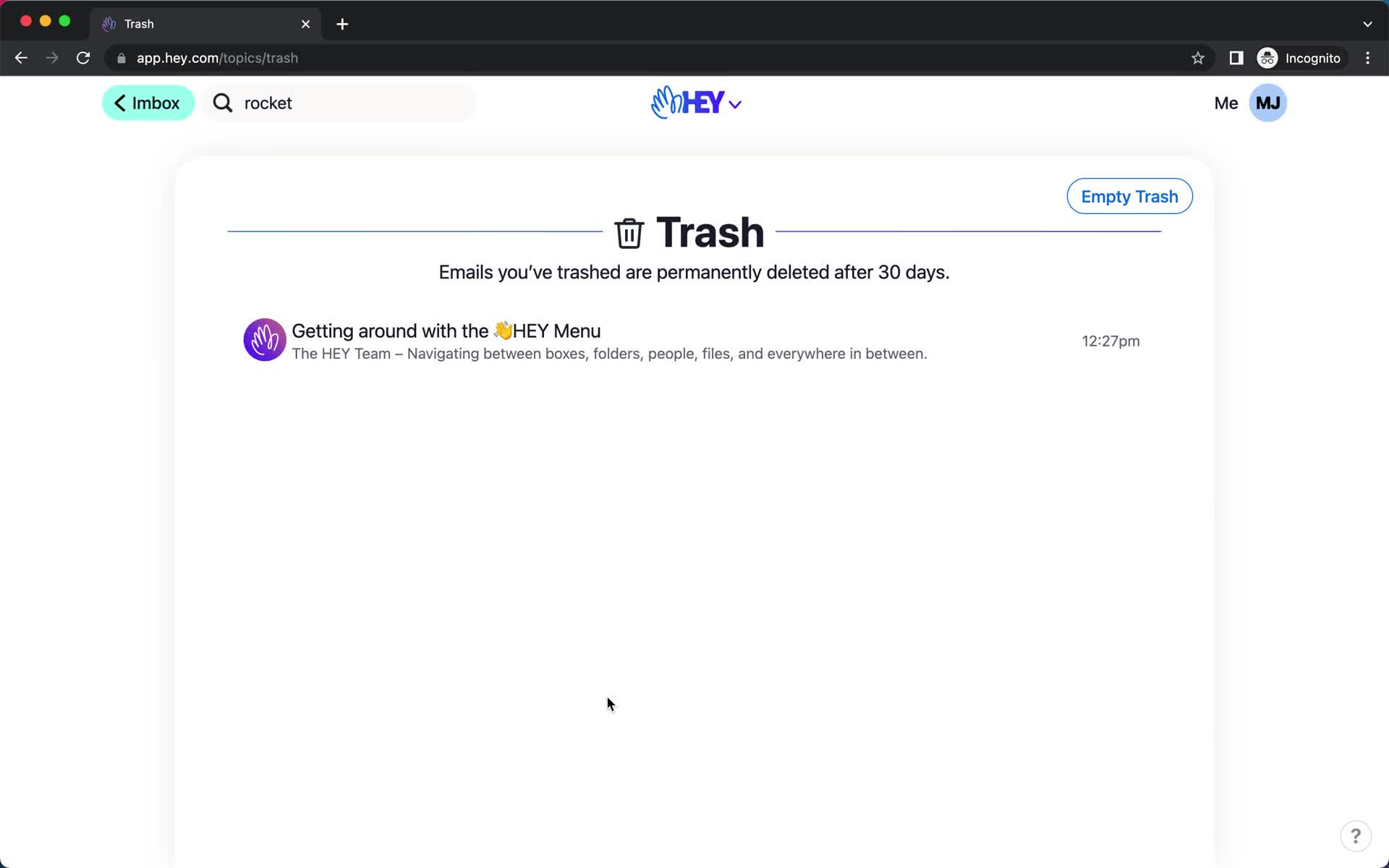
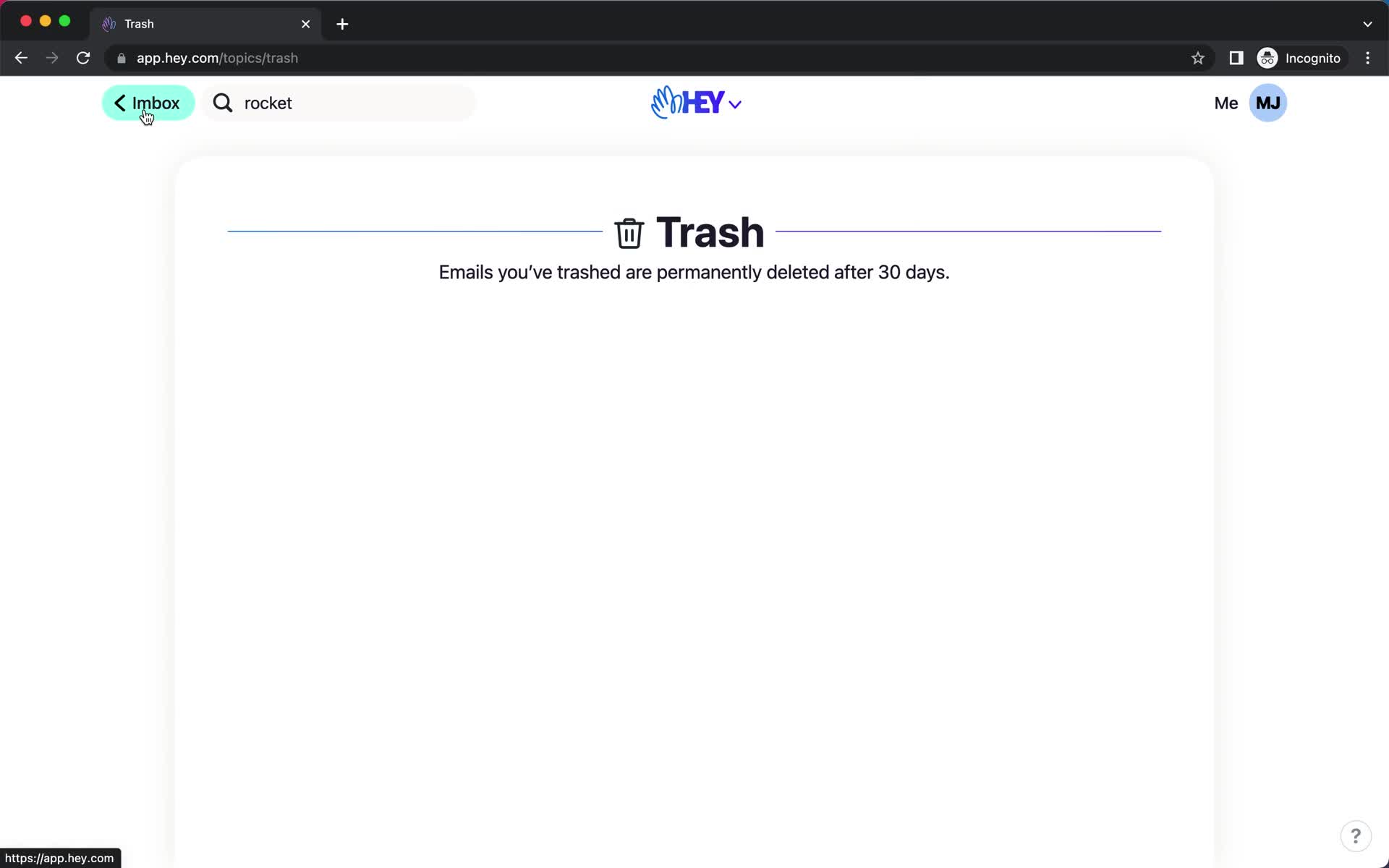
Trash
this is title
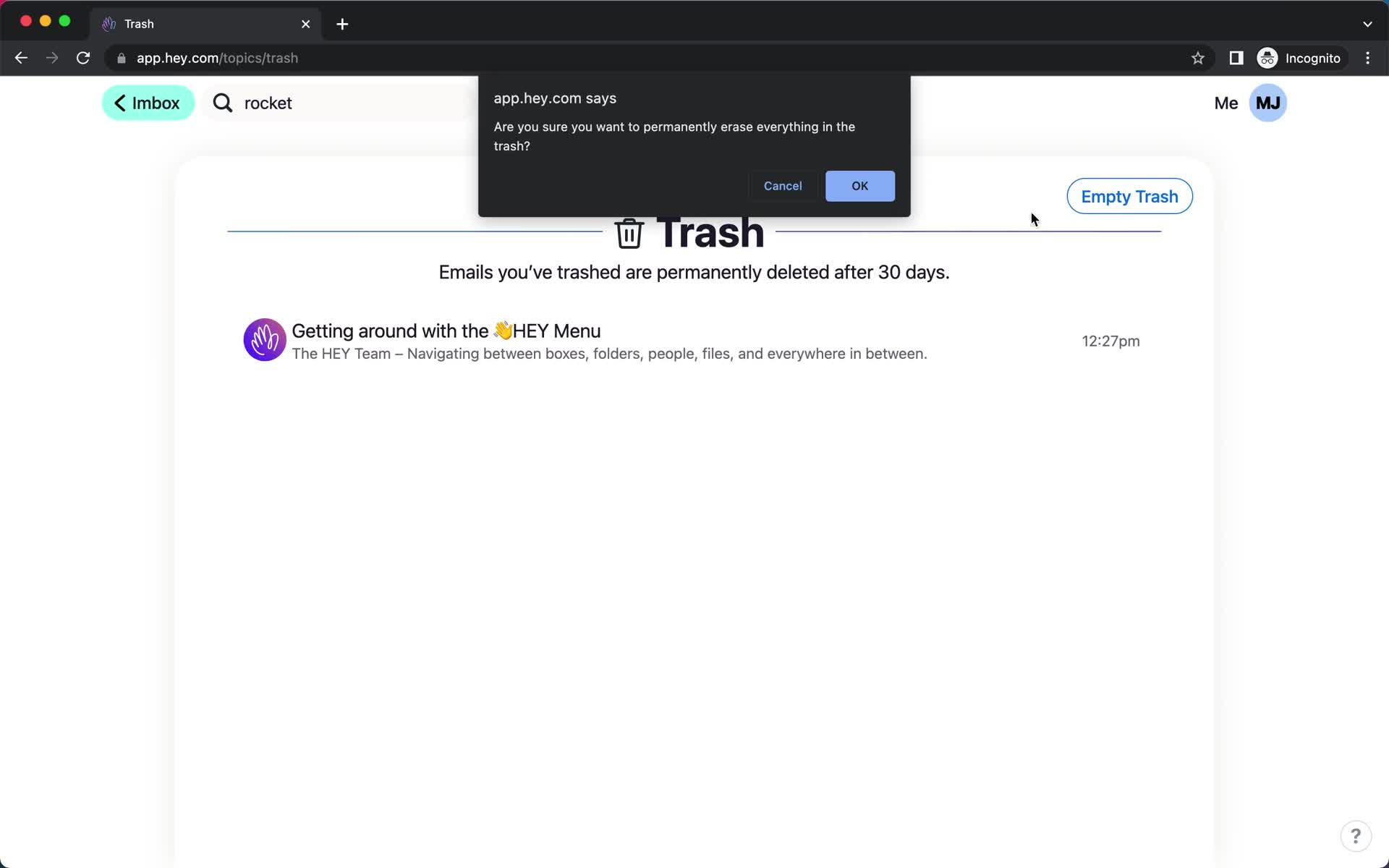
Confirm delete
this is title
Trash
this is title
Inbox
this is title
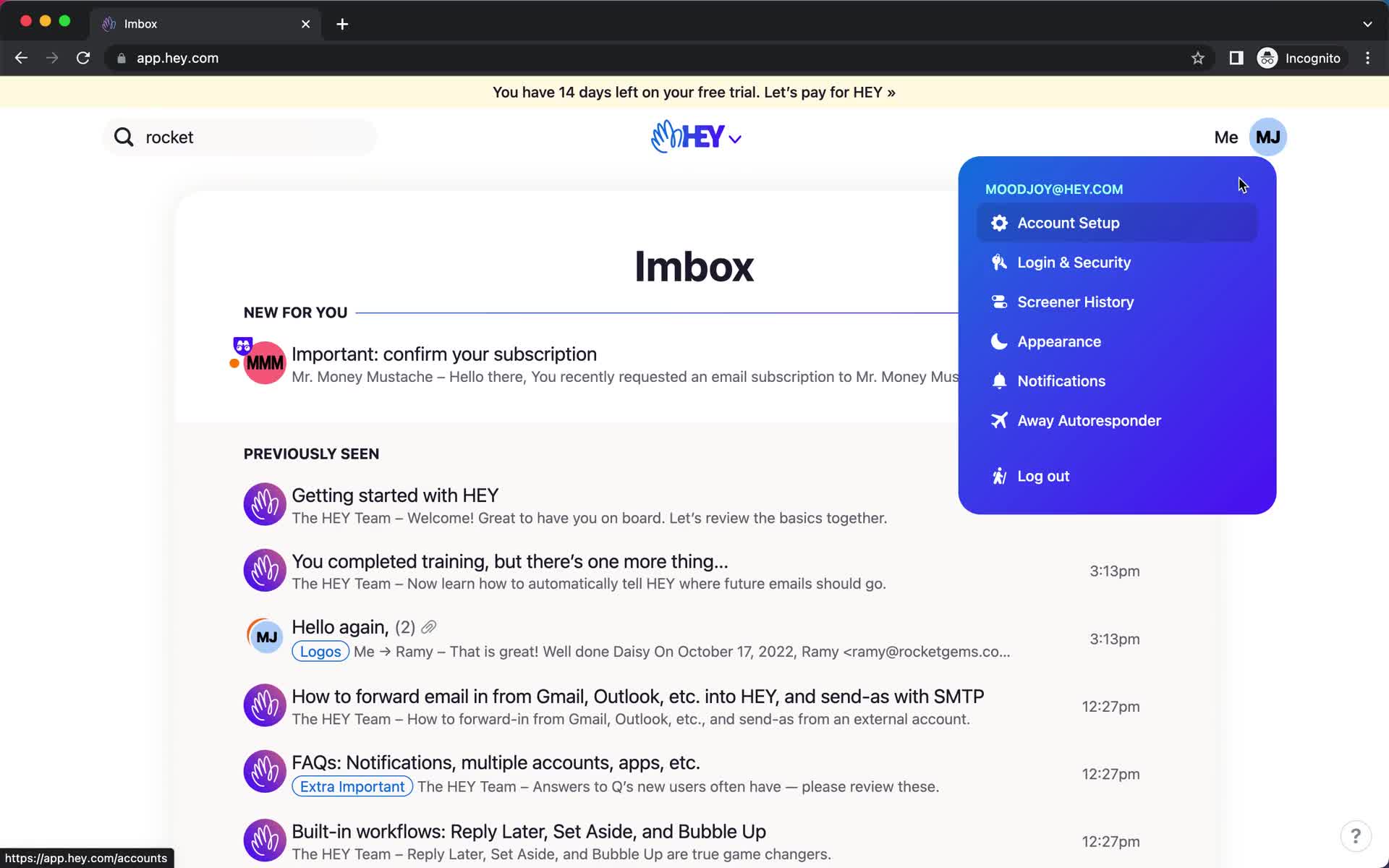
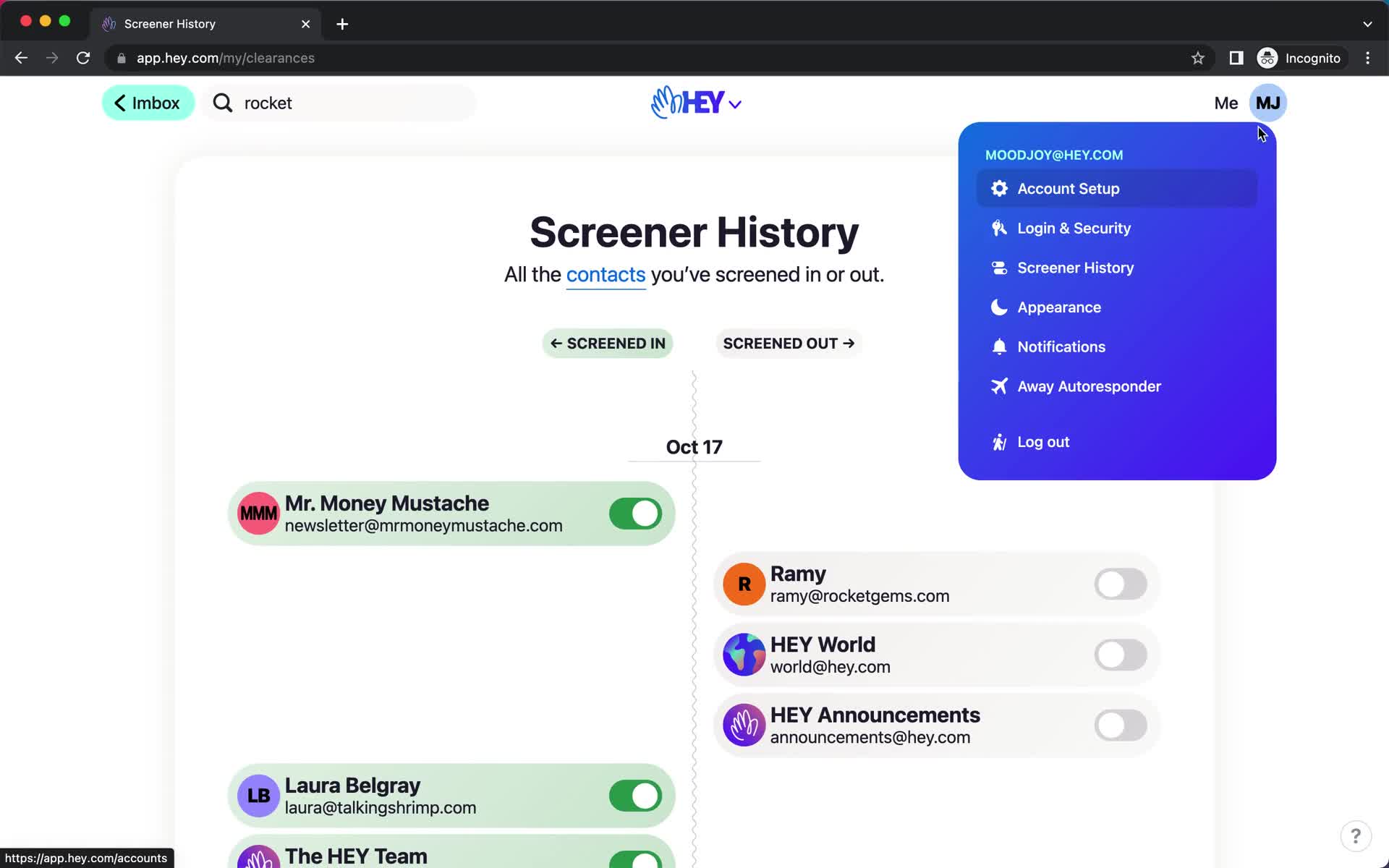
Account menu
this is title
Activity history
this is title
Account menu
this is title
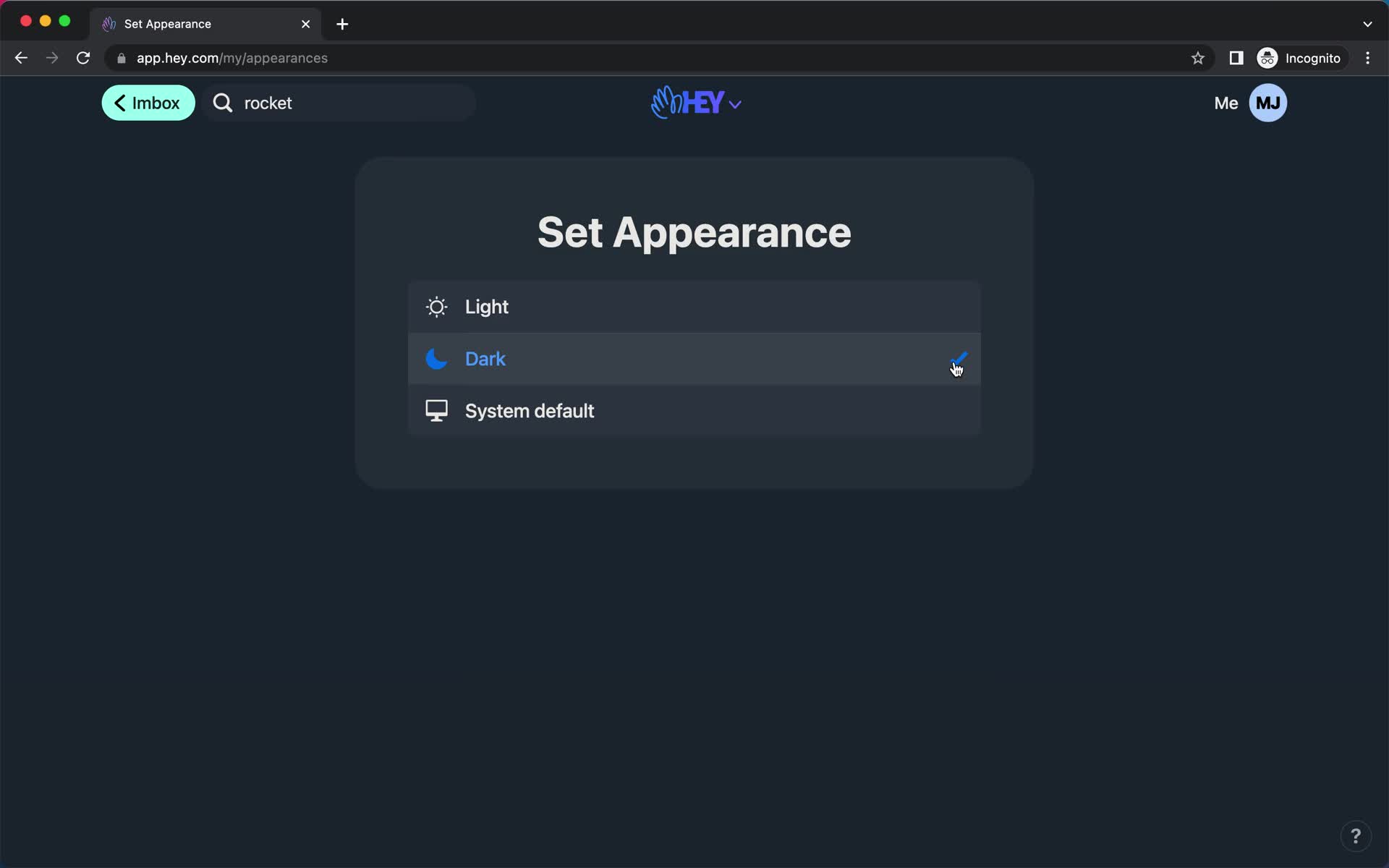
Dark mode
this is title
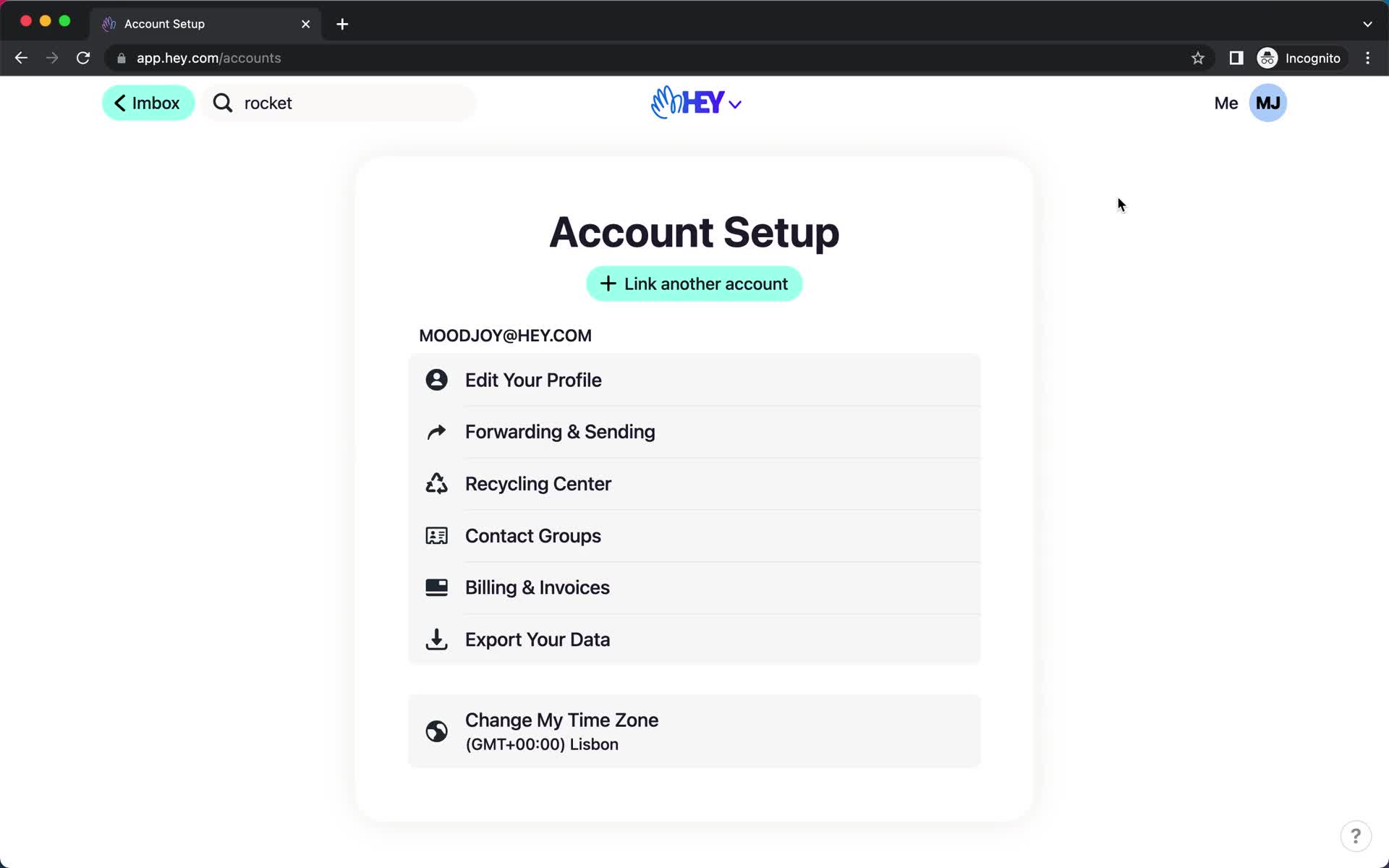
Account settings
this is title
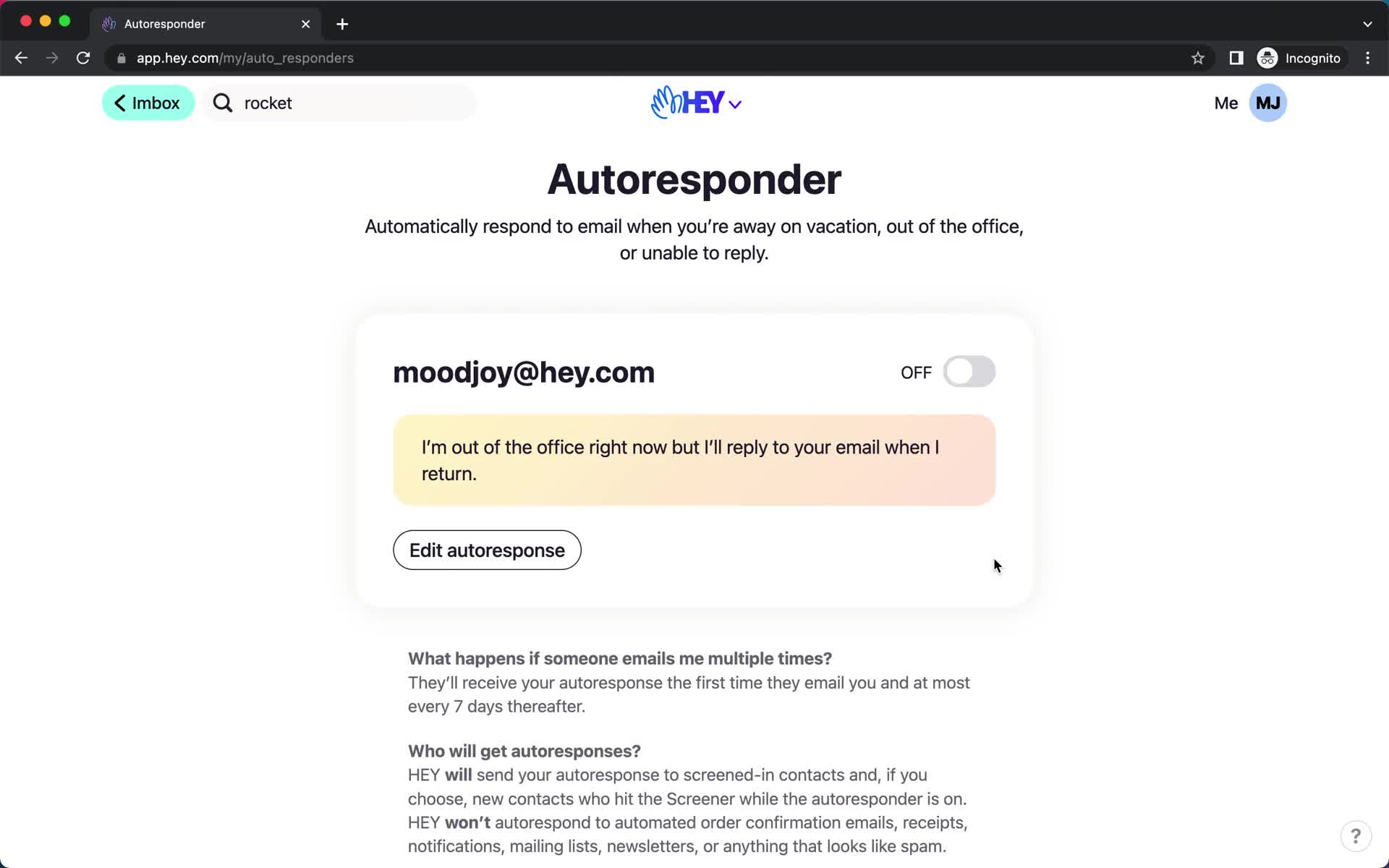
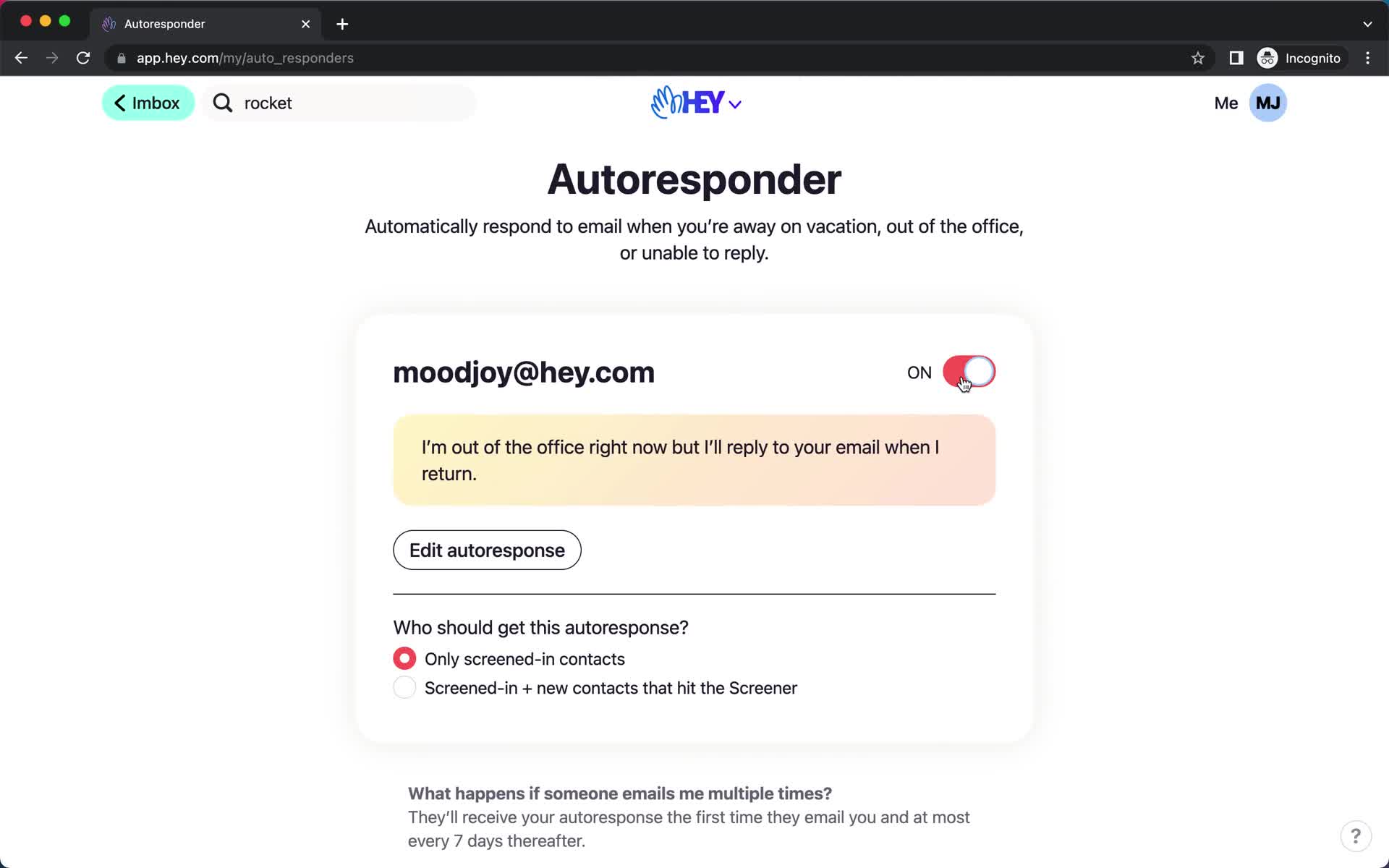
Autoresponder
this is title
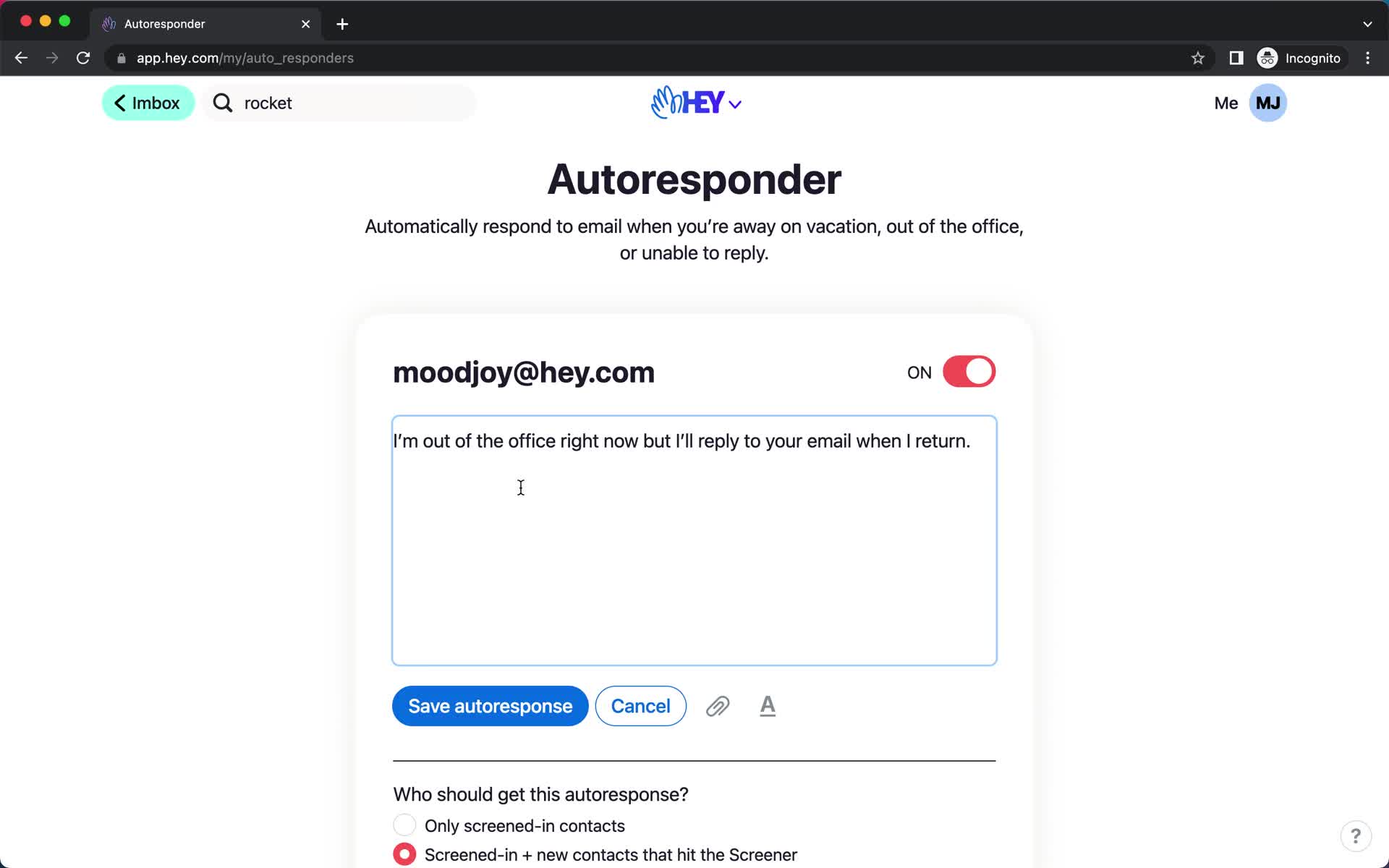
Autoresponder
this is title
Autoresponder
this is title
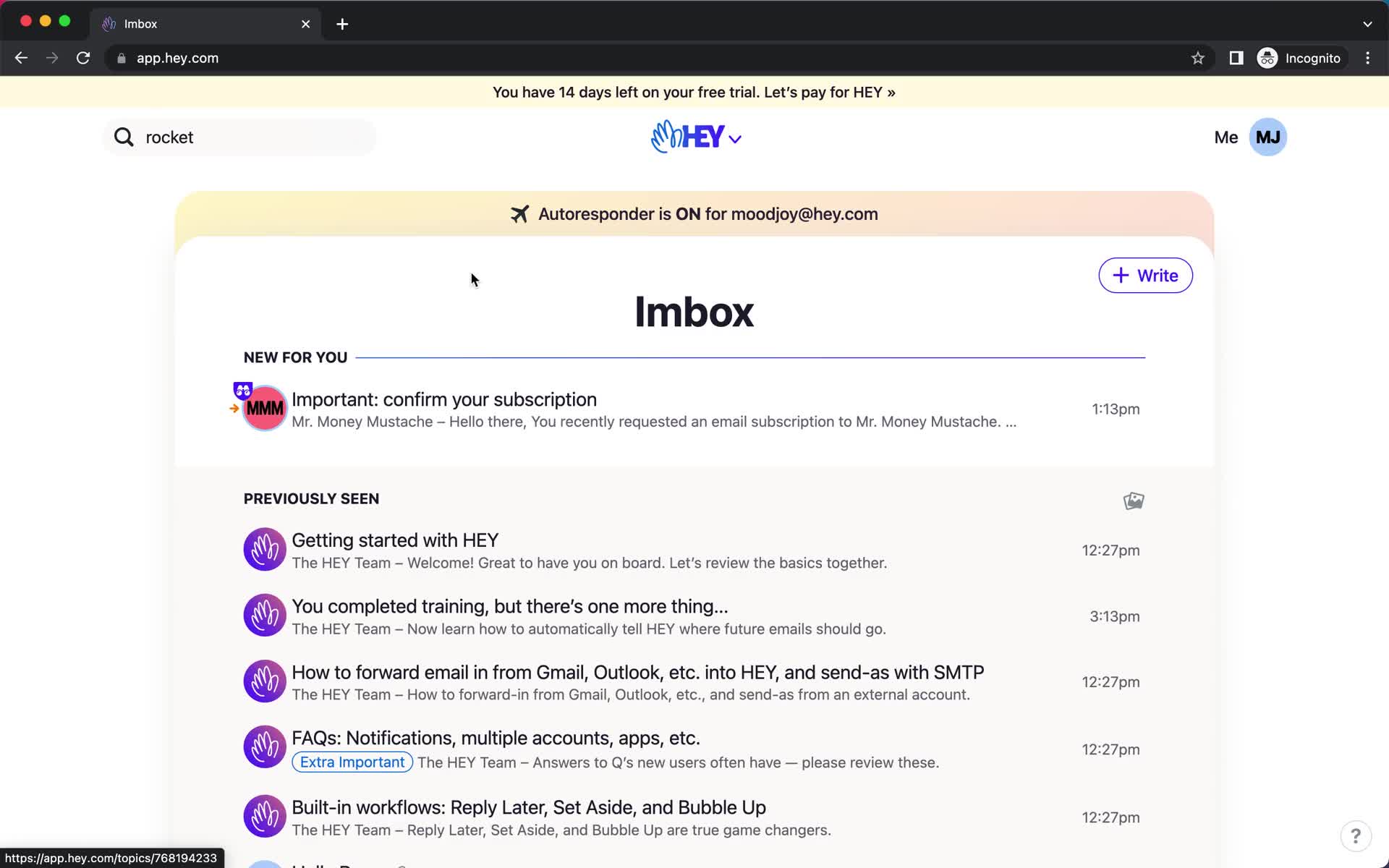
Inbox
this is title
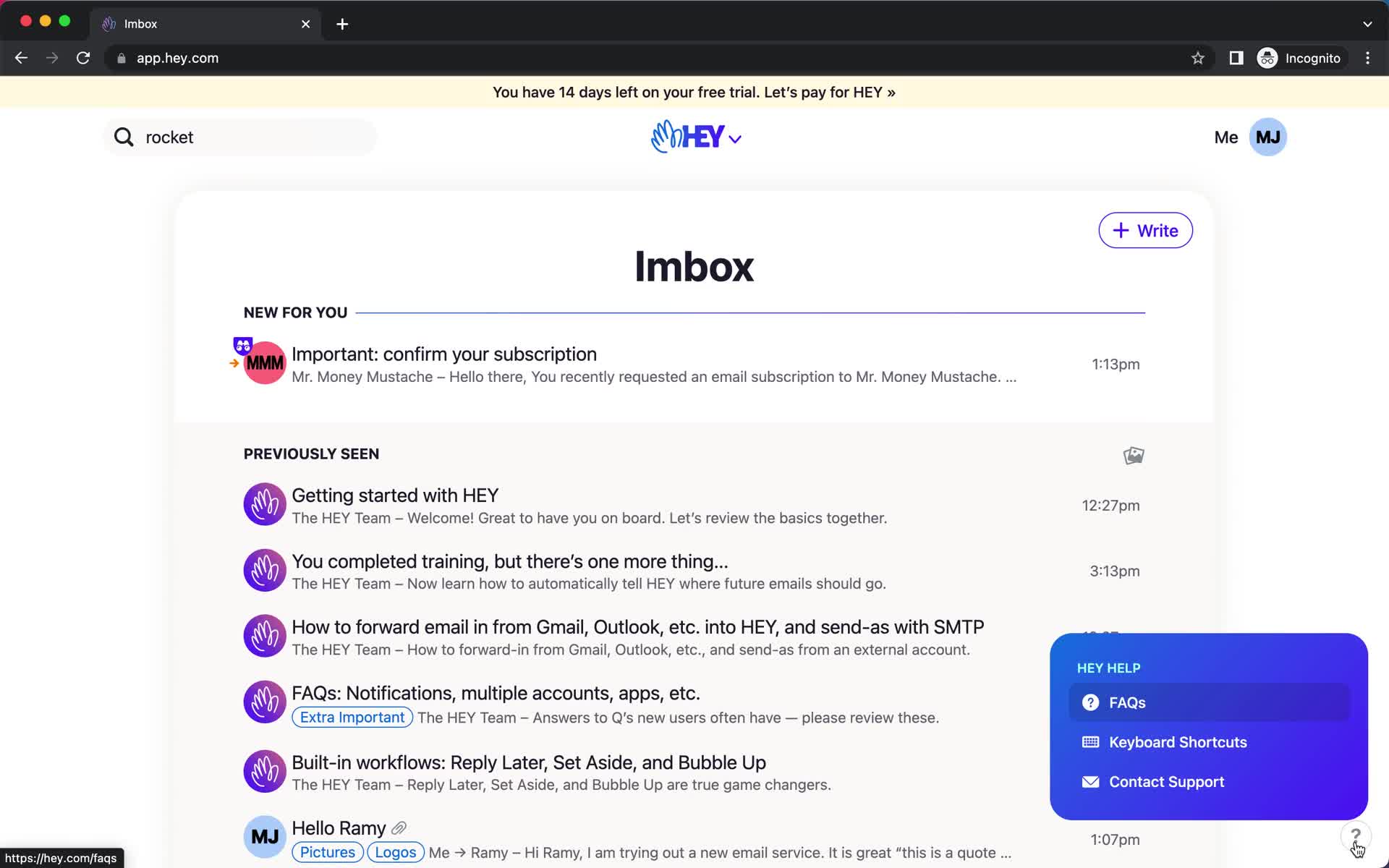
Help widget
this is title
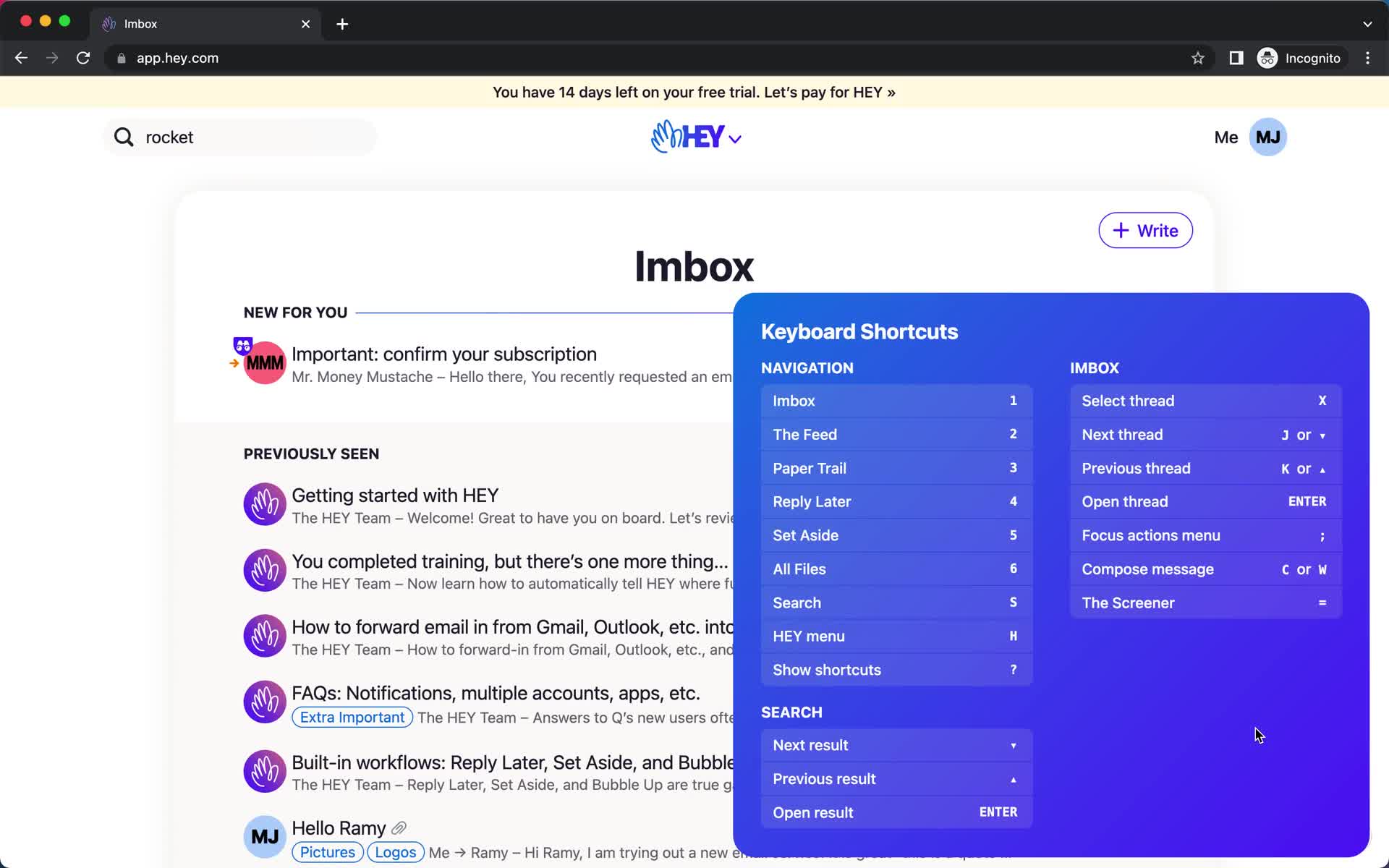
Keyboard shortcuts
this is title
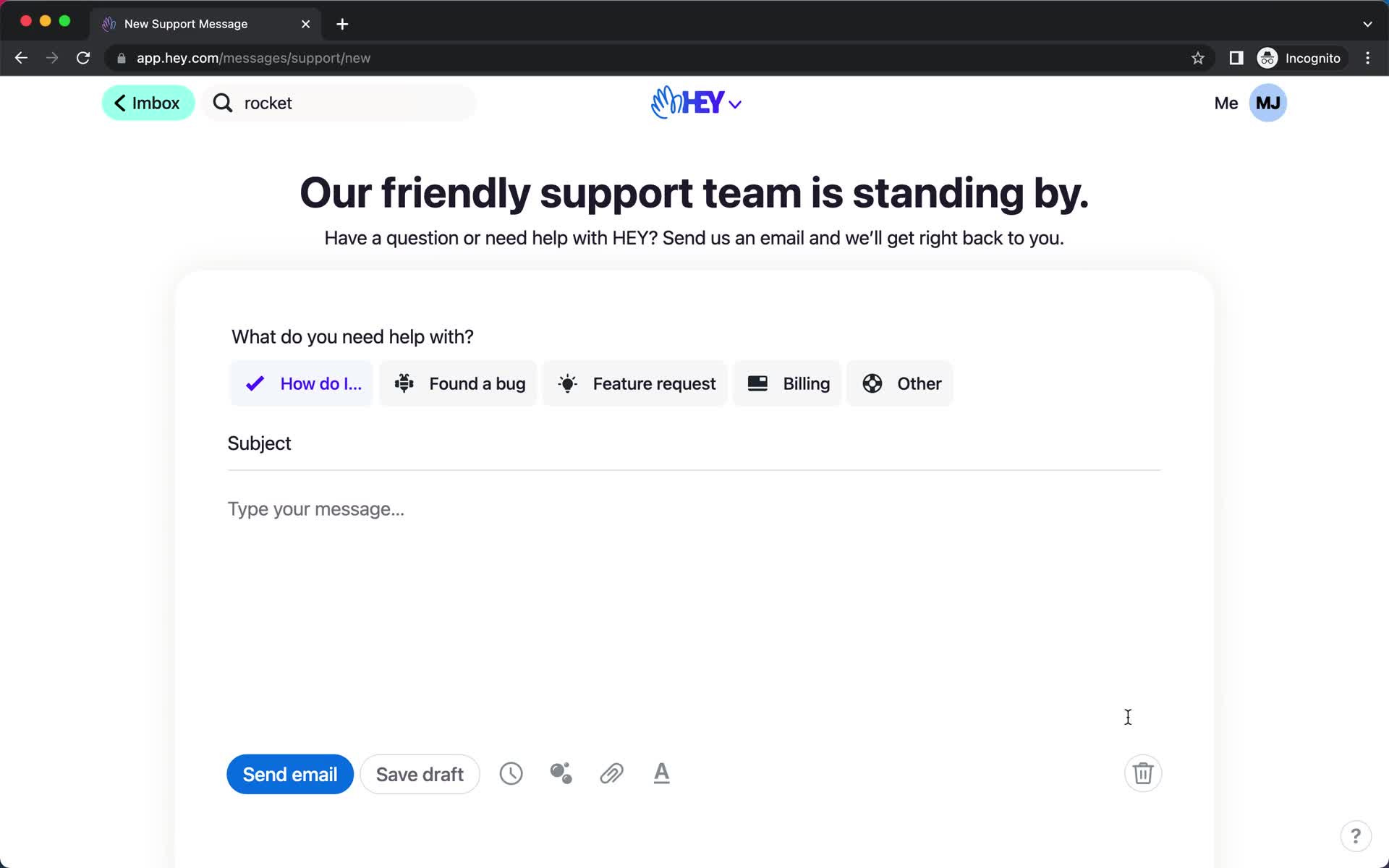
Contact support
this is title
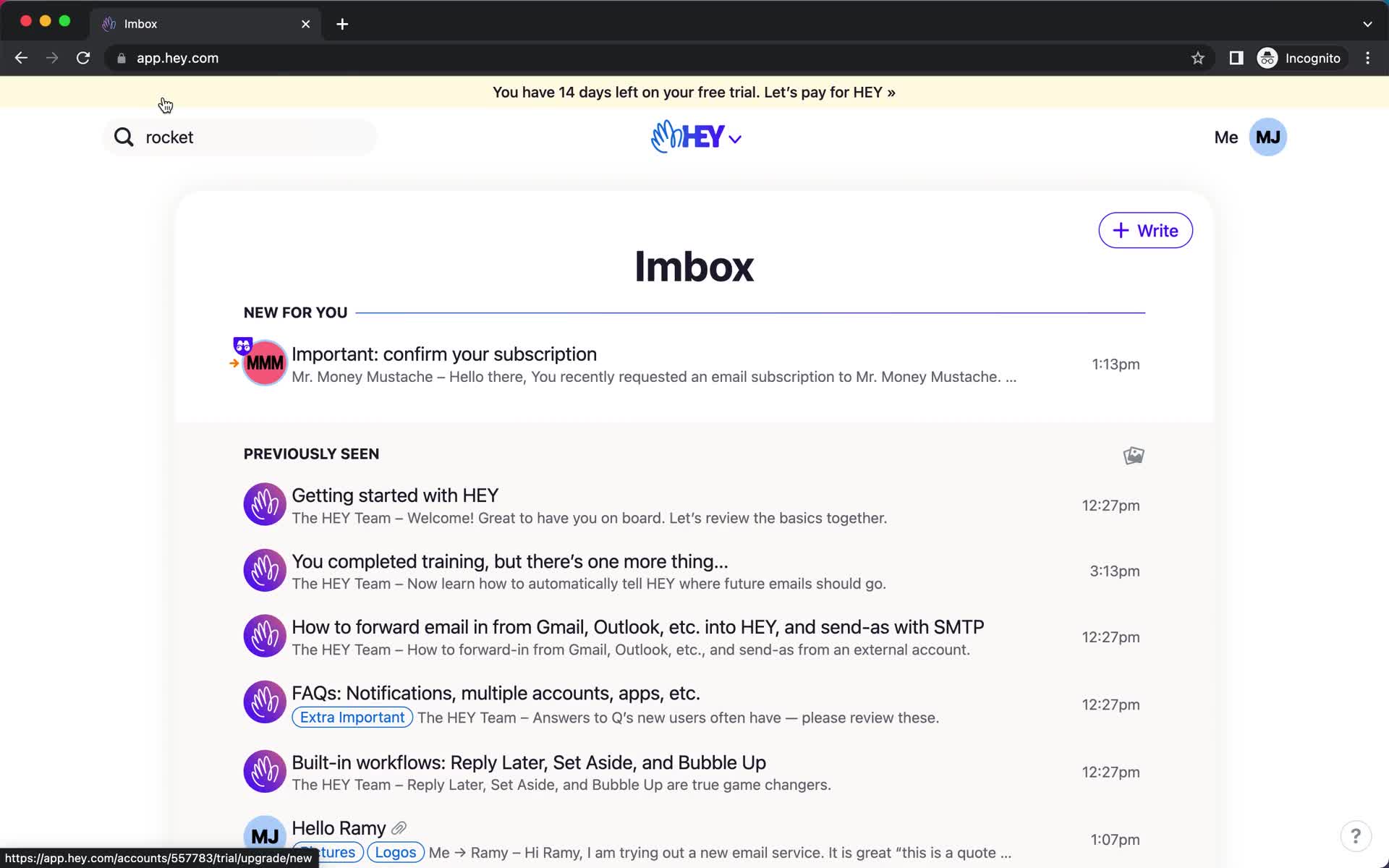
Inbox
this is title
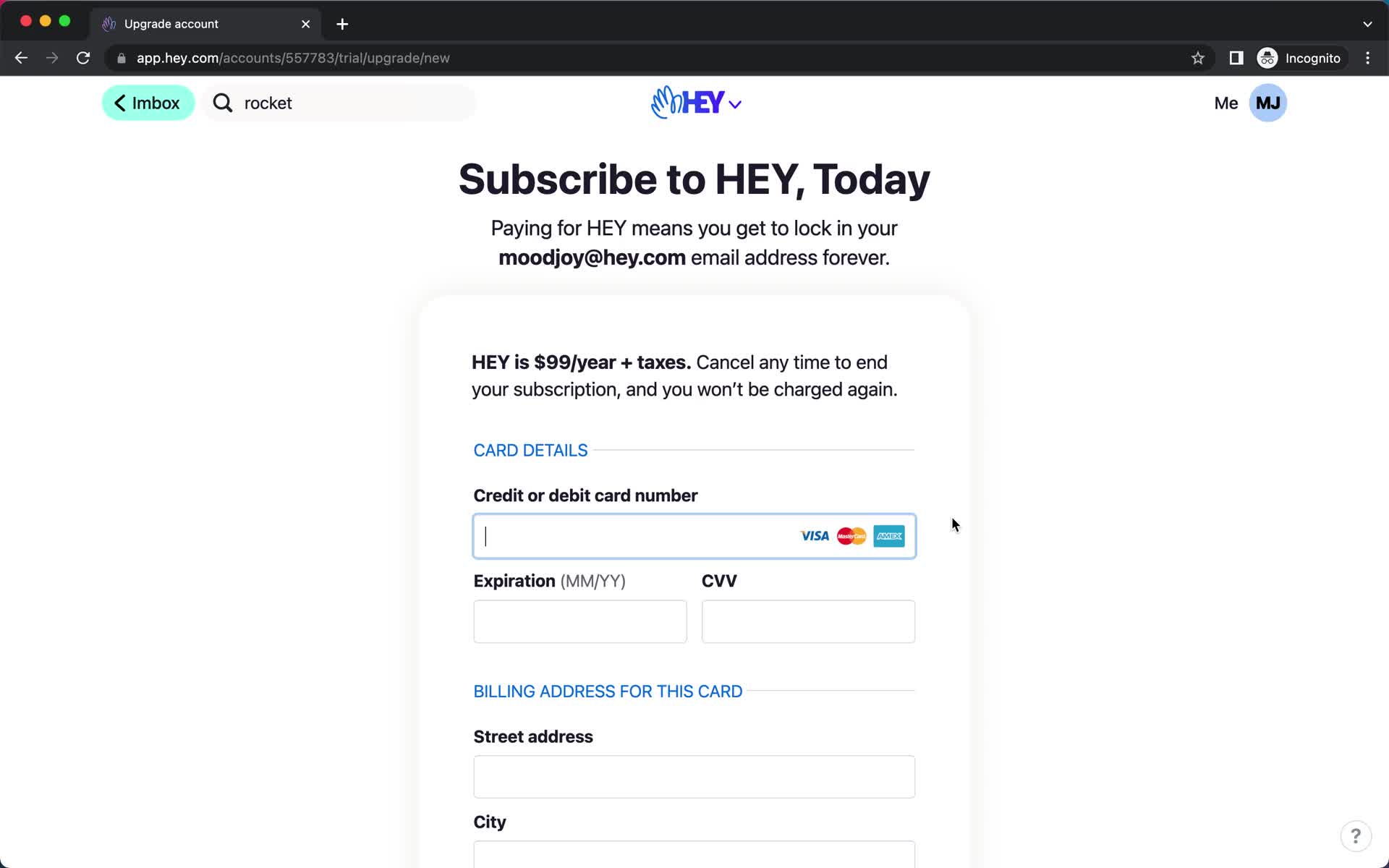
Upgrade
this is title
Inbox
this is title
Landing page
this is title
Product
this is title
Features
this is title
Pricing
this is title
Imbox
this is title
Search
this is title
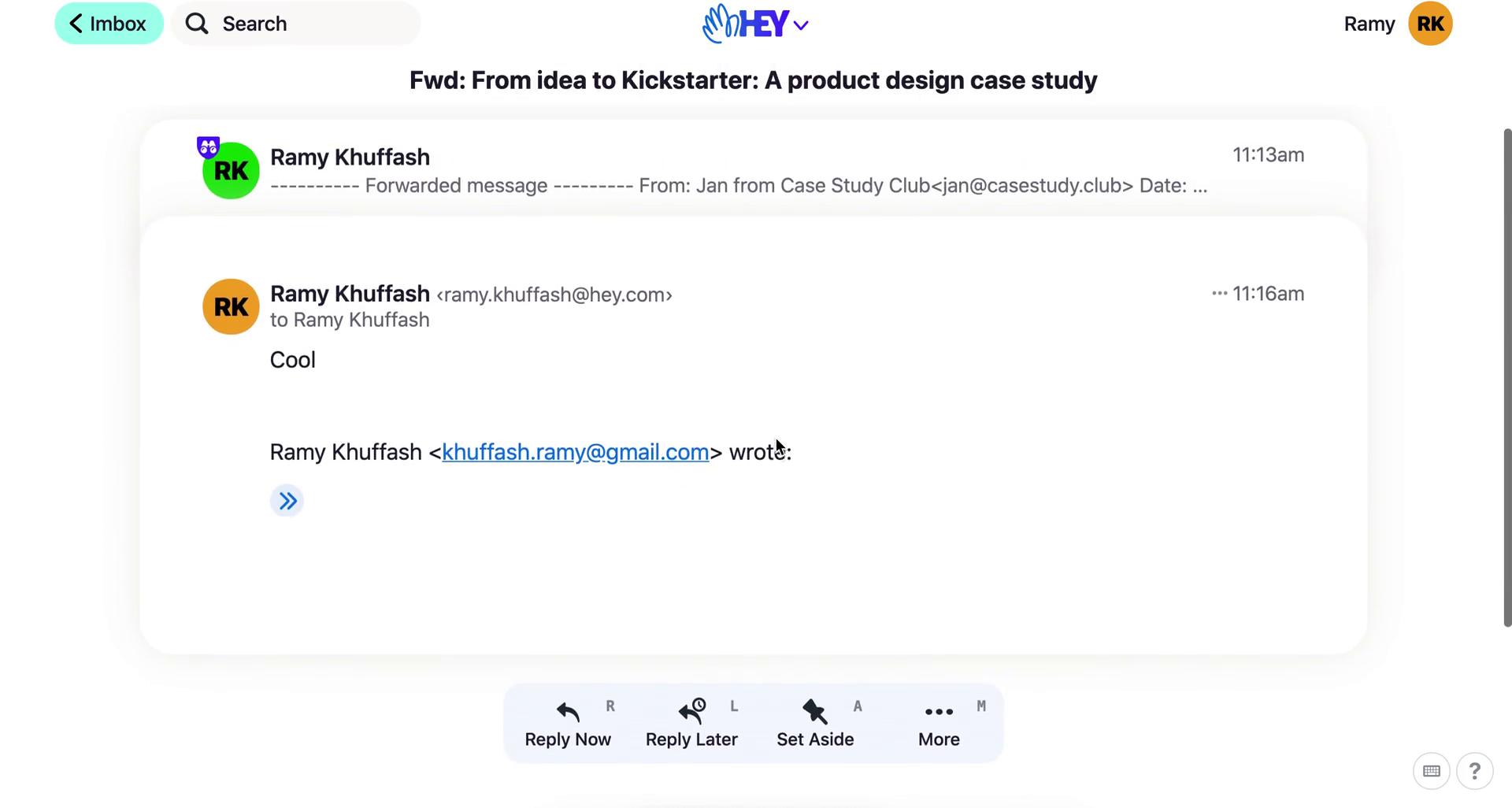
Message
this is title
Message options
this is title
Reply to message
this is title
Message sent
this is title
Message thread
this is title
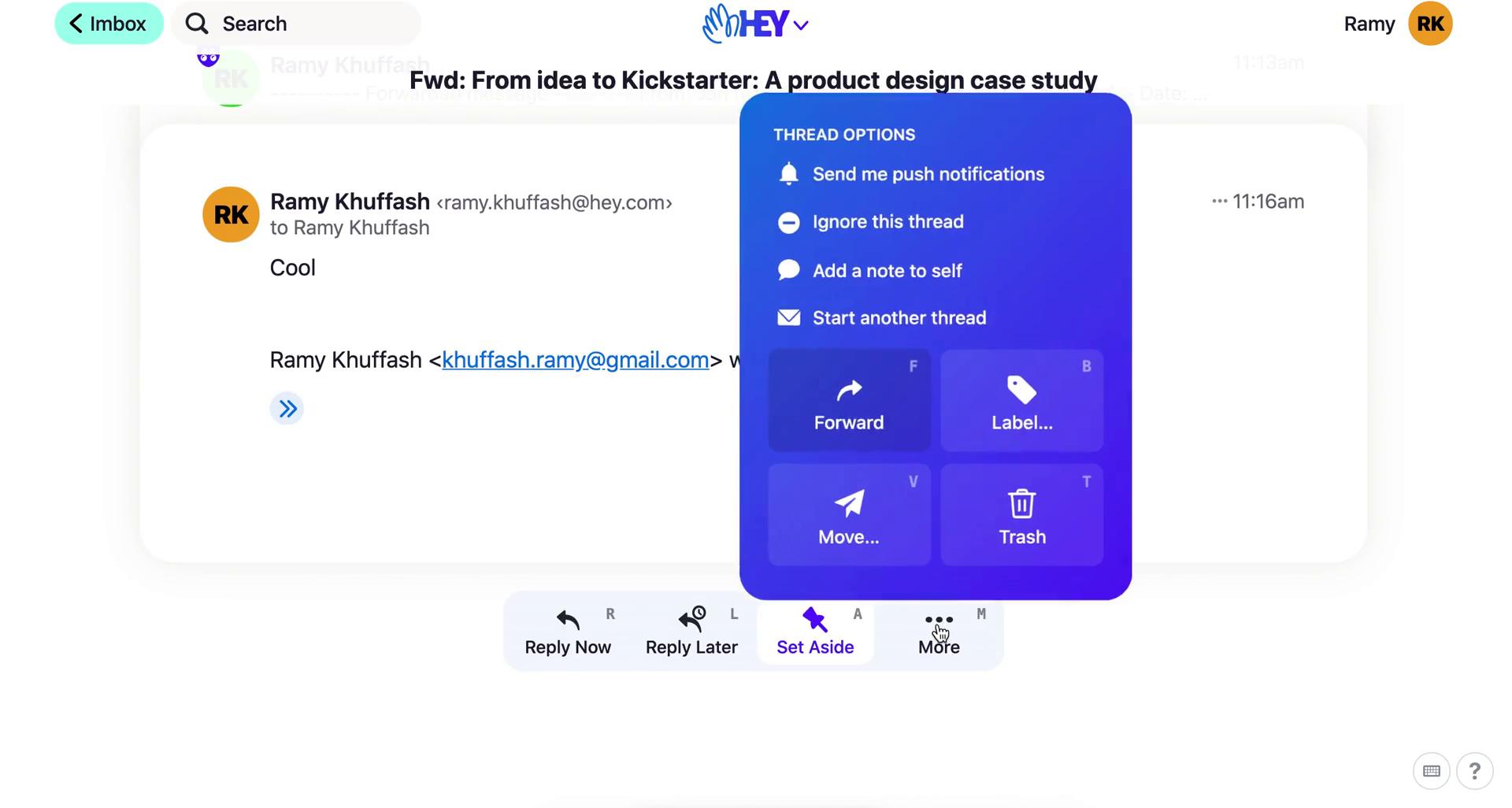
Thread options
this is title
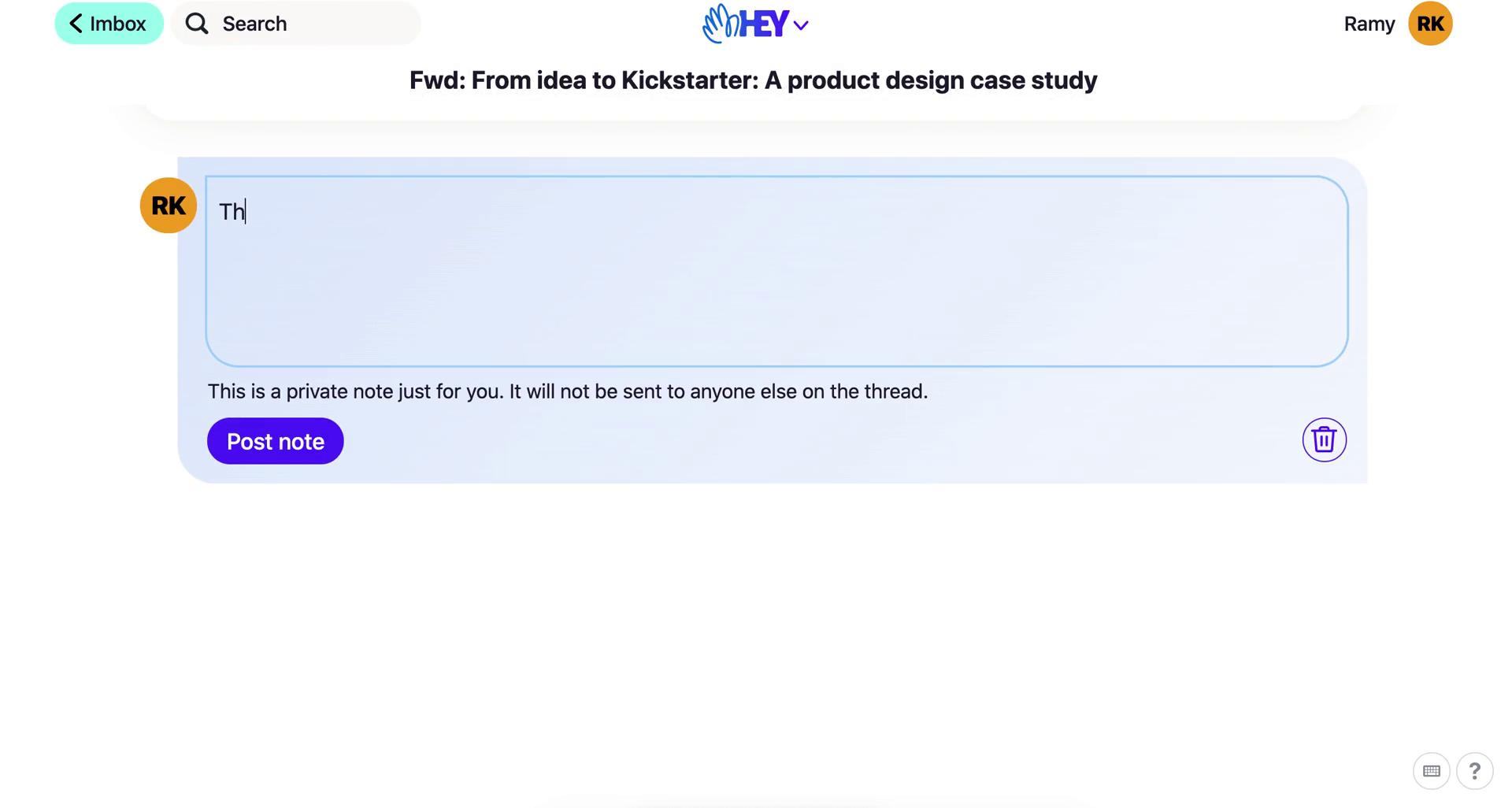
Add note
this is title
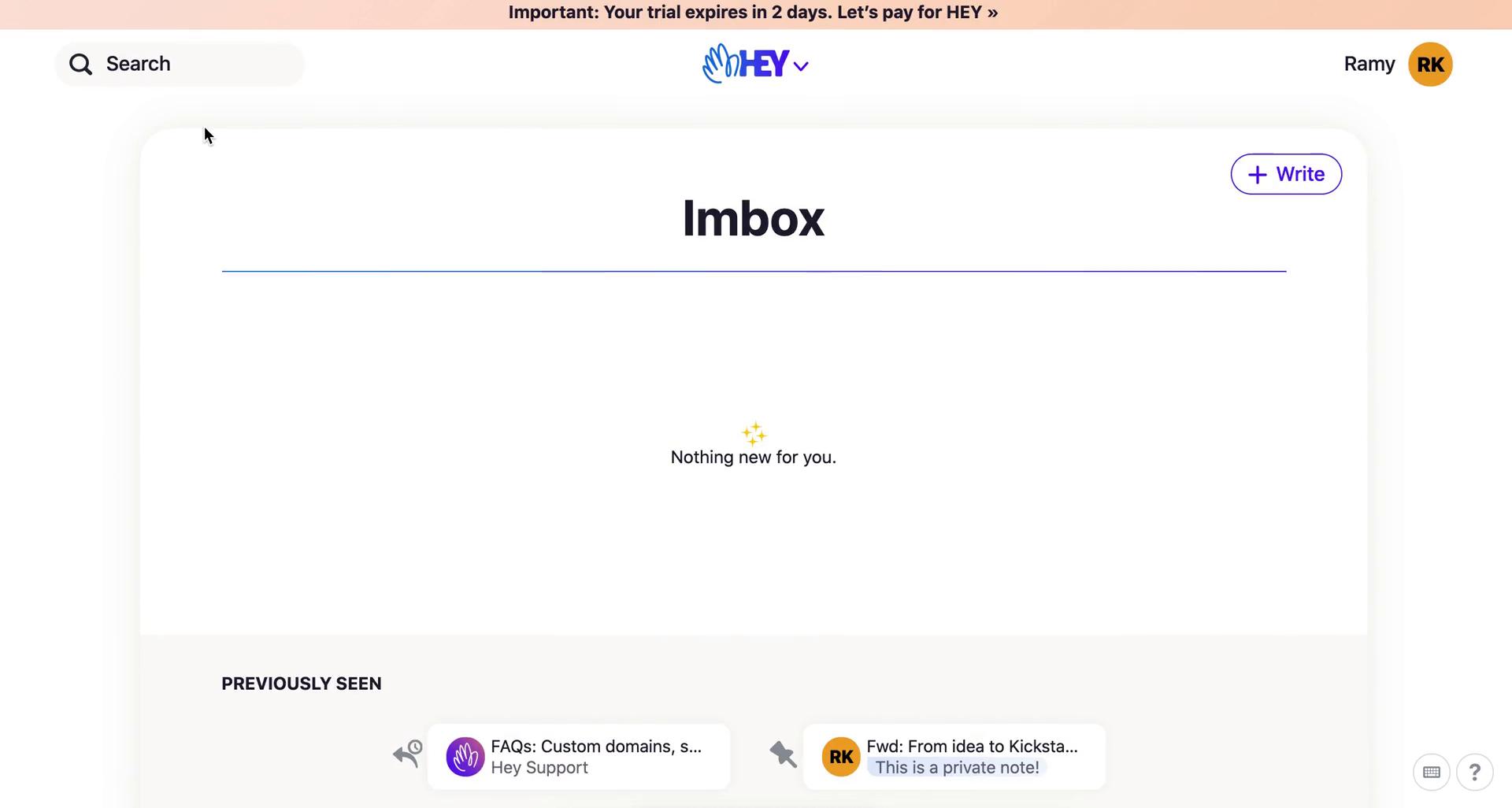
Imbox
this is title
Compose email
this is title
Imbox
this is title
Navigation menu
this is title
The feed
this is title
Paper trail
this is title
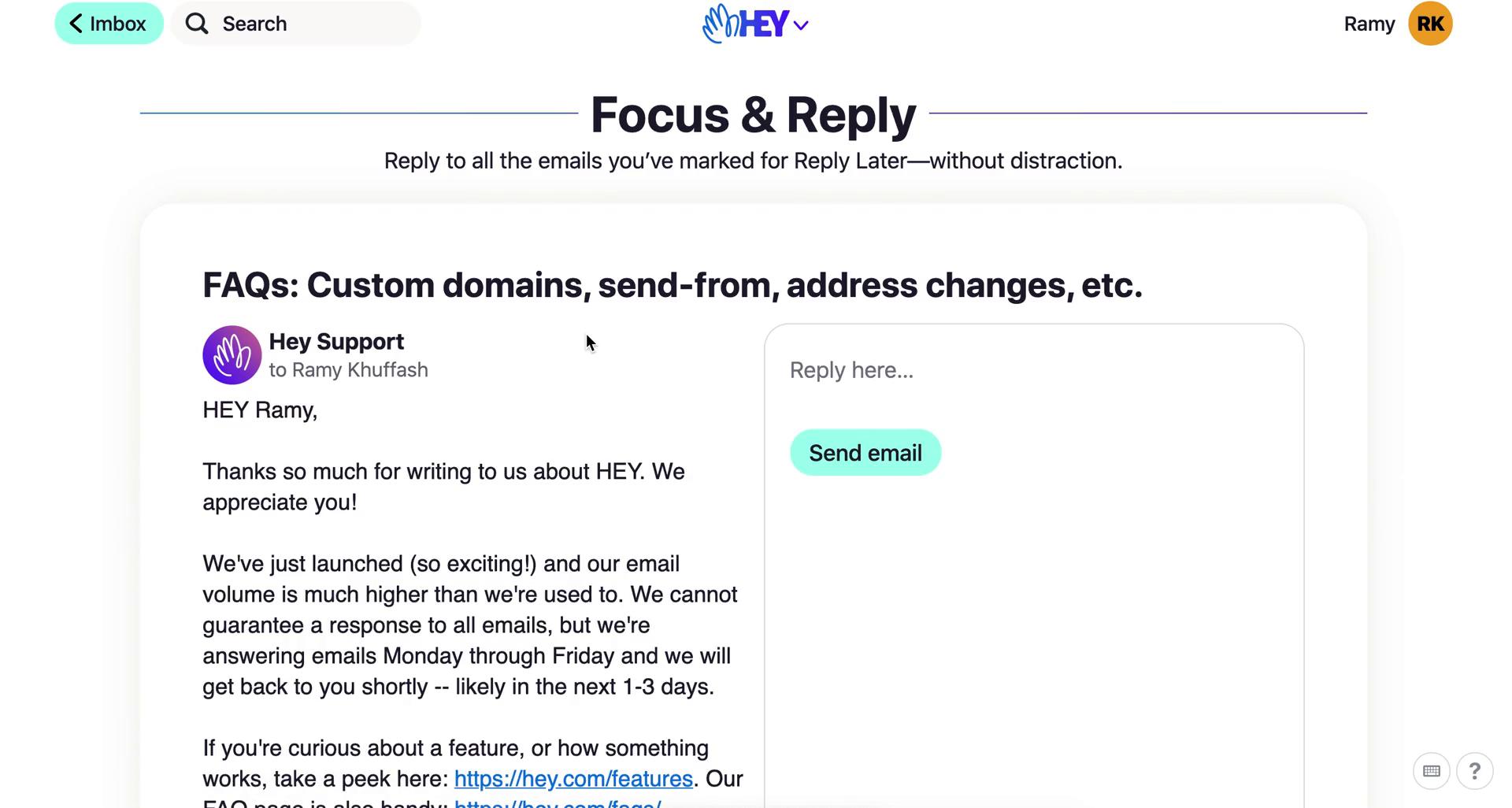
Focus & Reply
this is title
Set aside
this is title
Files
this is title
Filter
this is title
Files
this is title
Select file type
this is title
Label
this is title
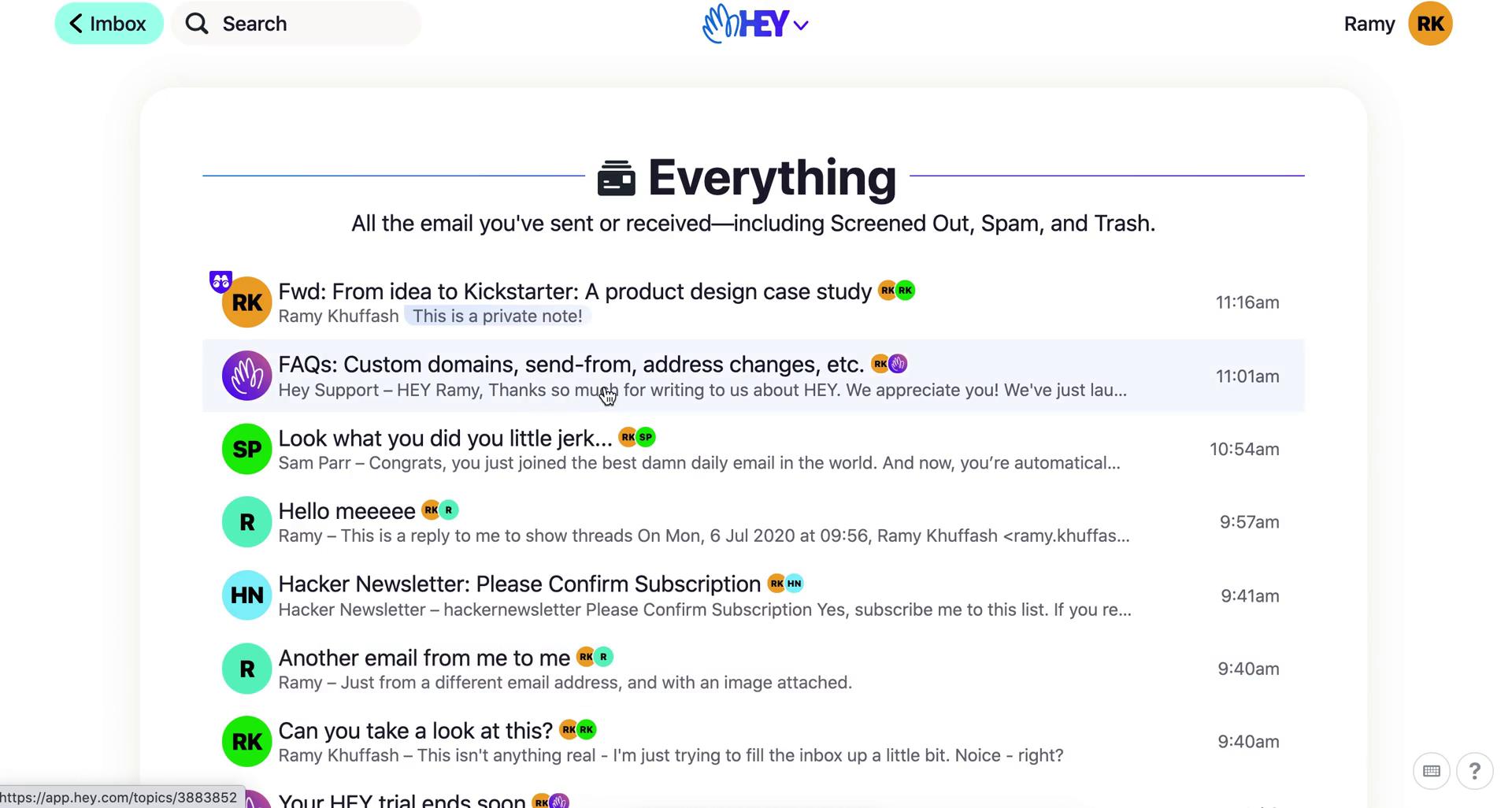
Everything
this is title
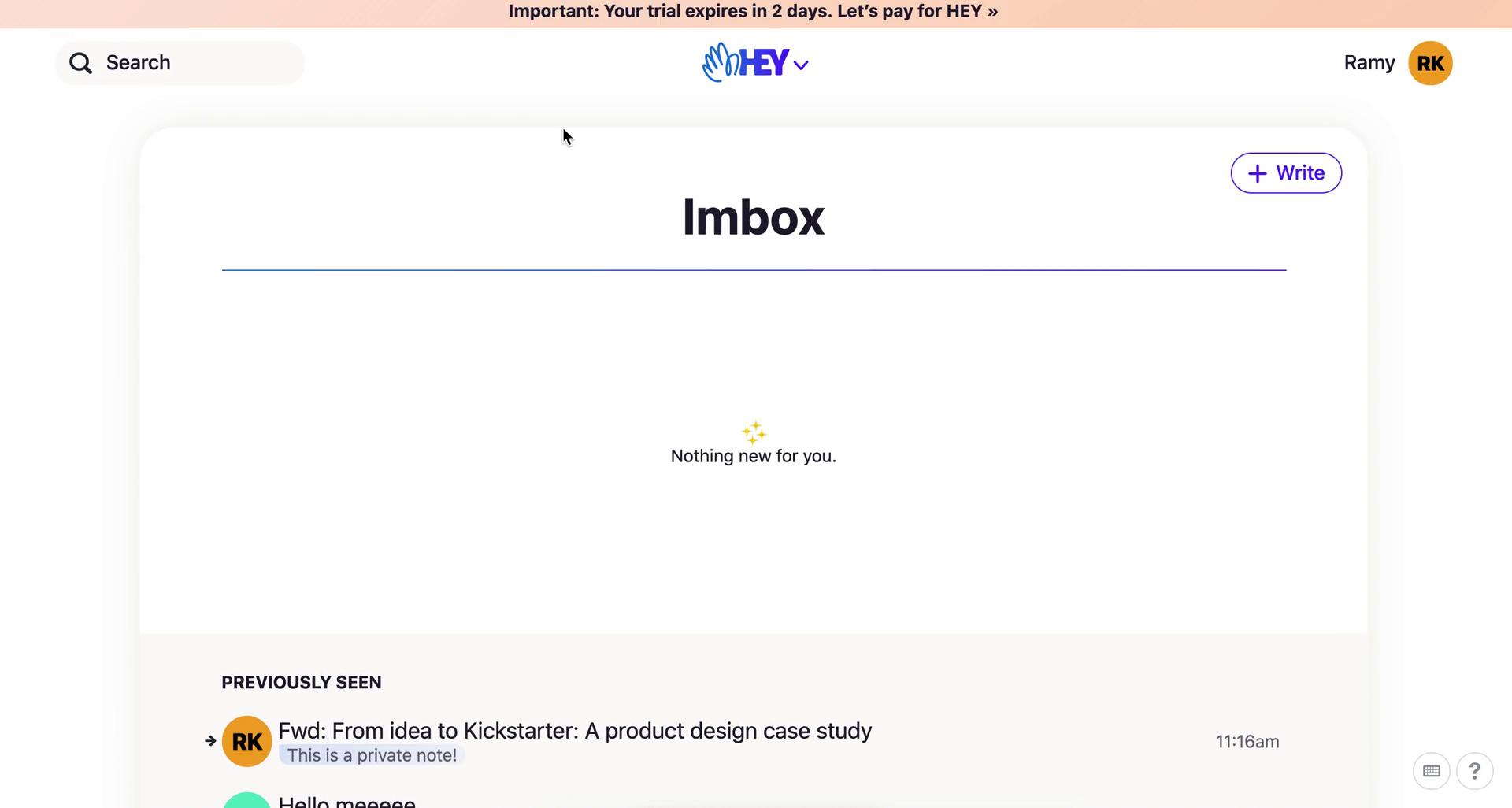
Imbox
this is title
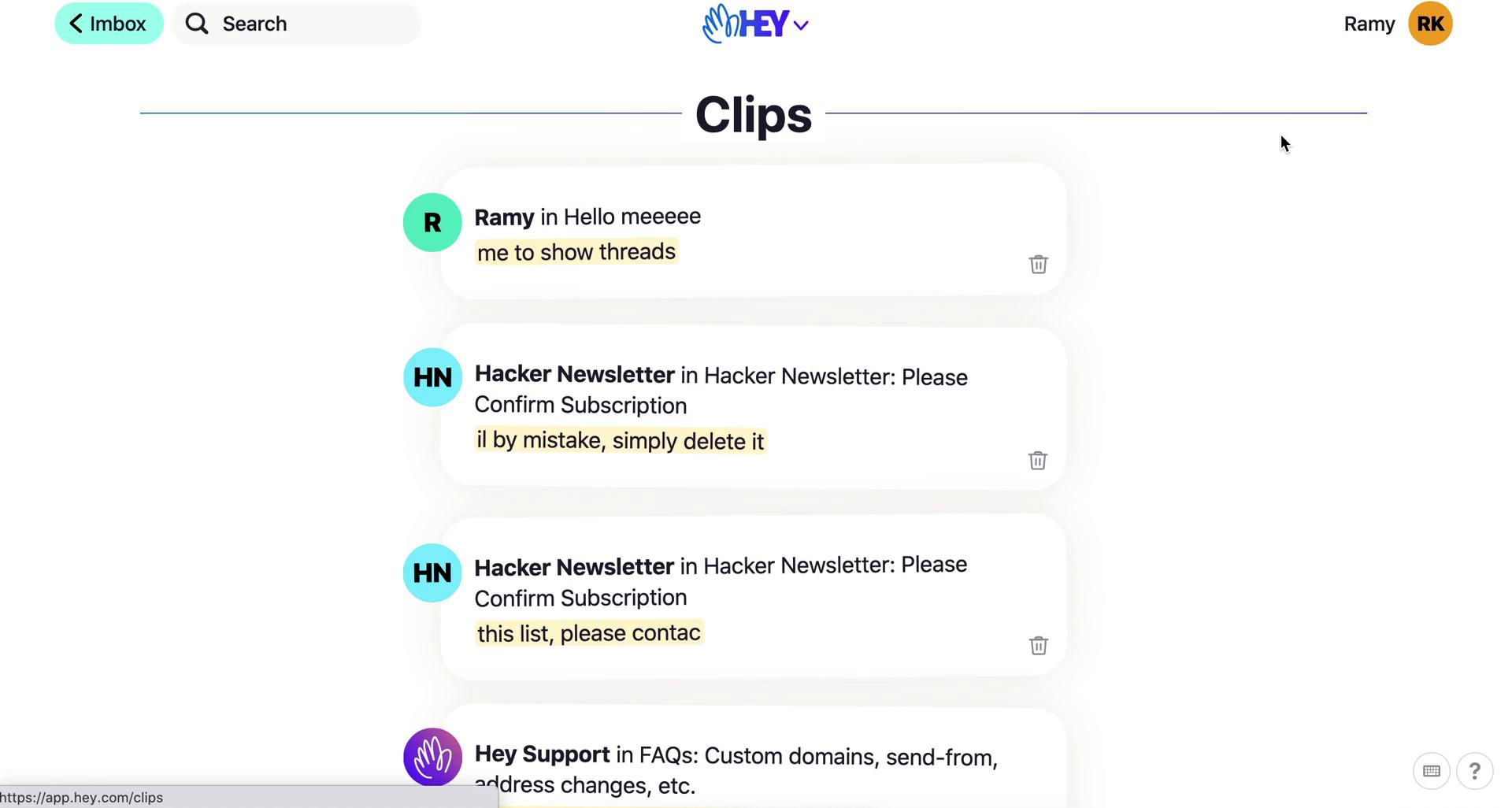
Clips
this is title
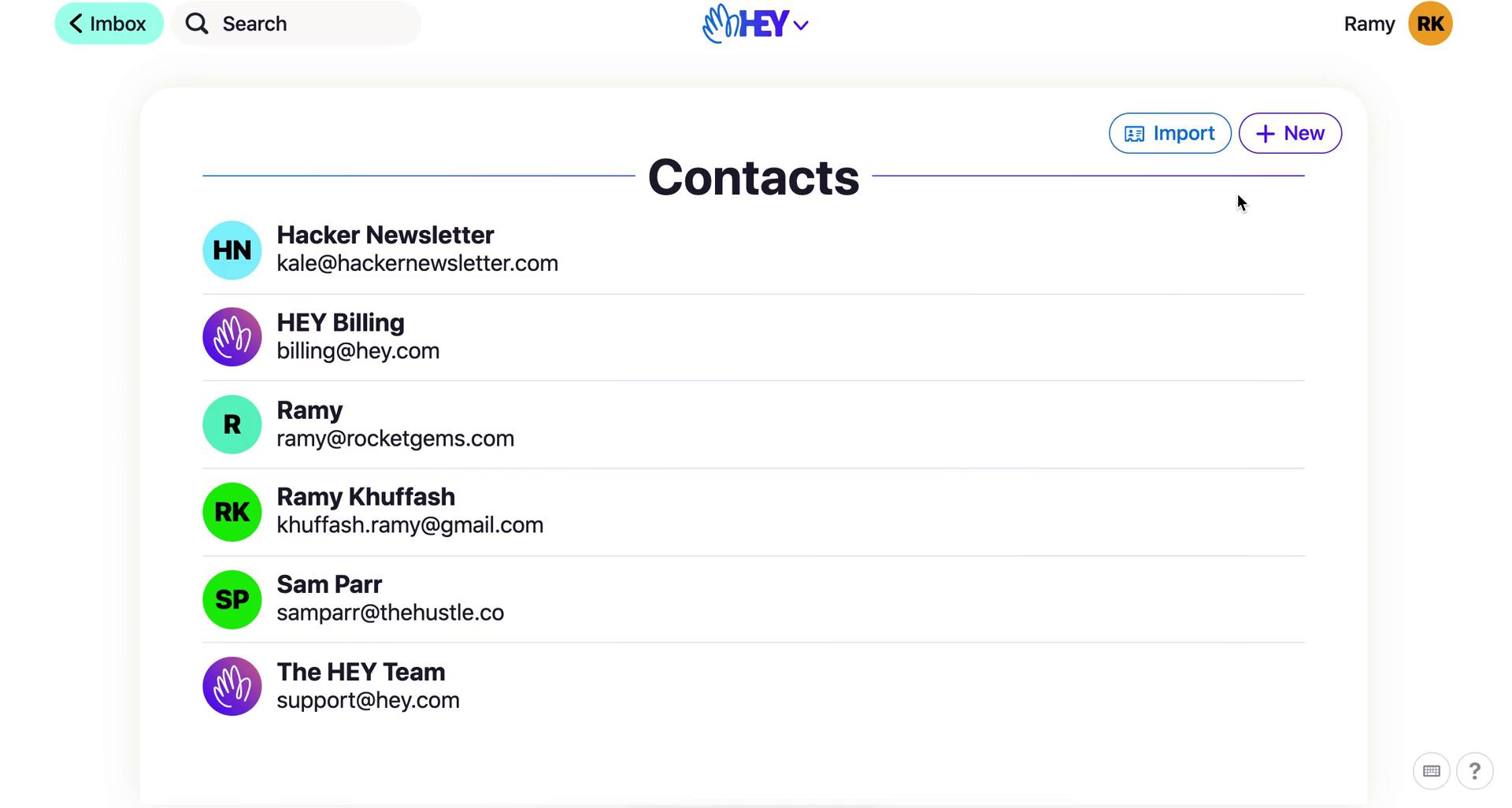
Contacts
this is title
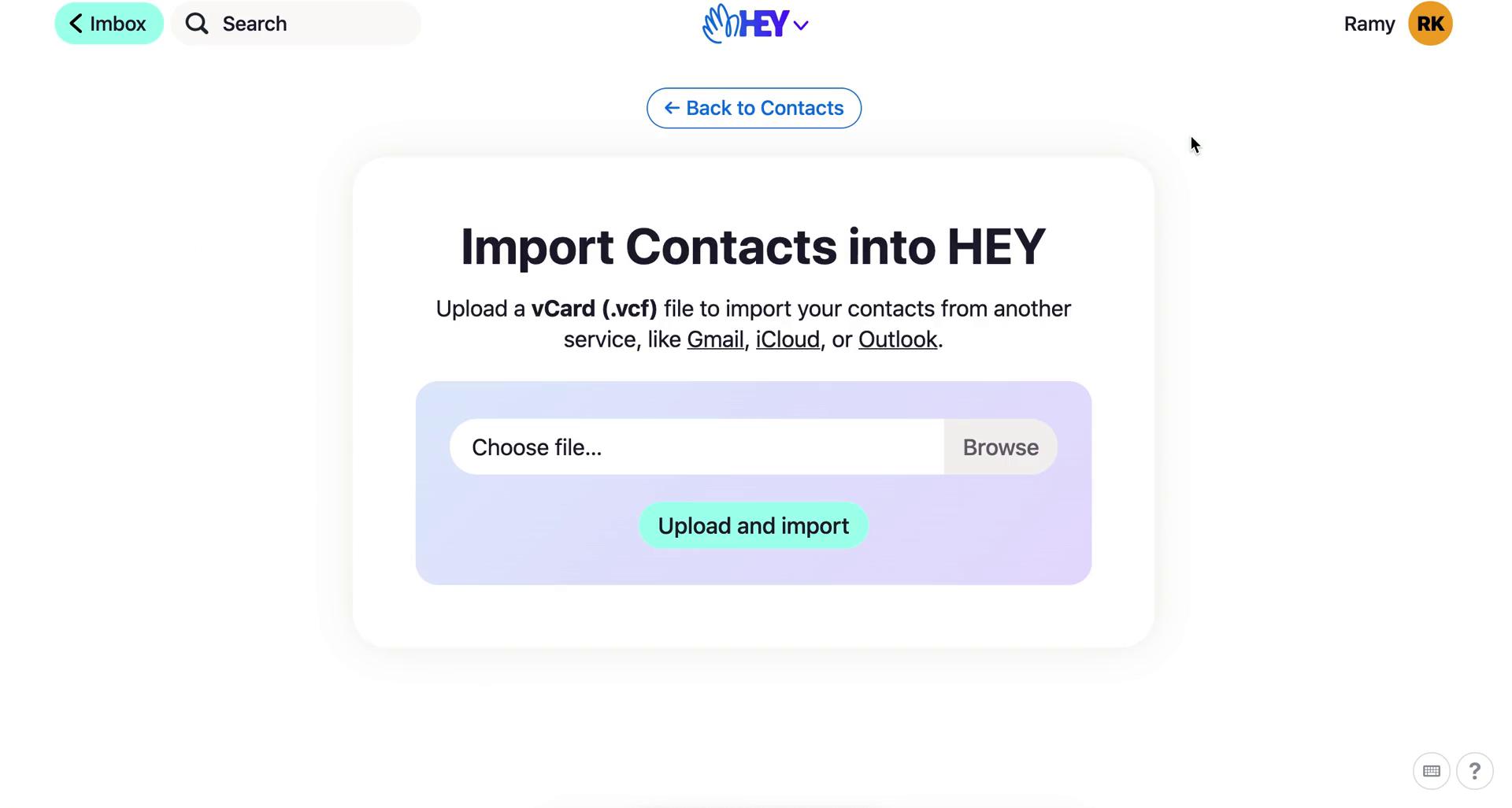
Import contacts
this is title
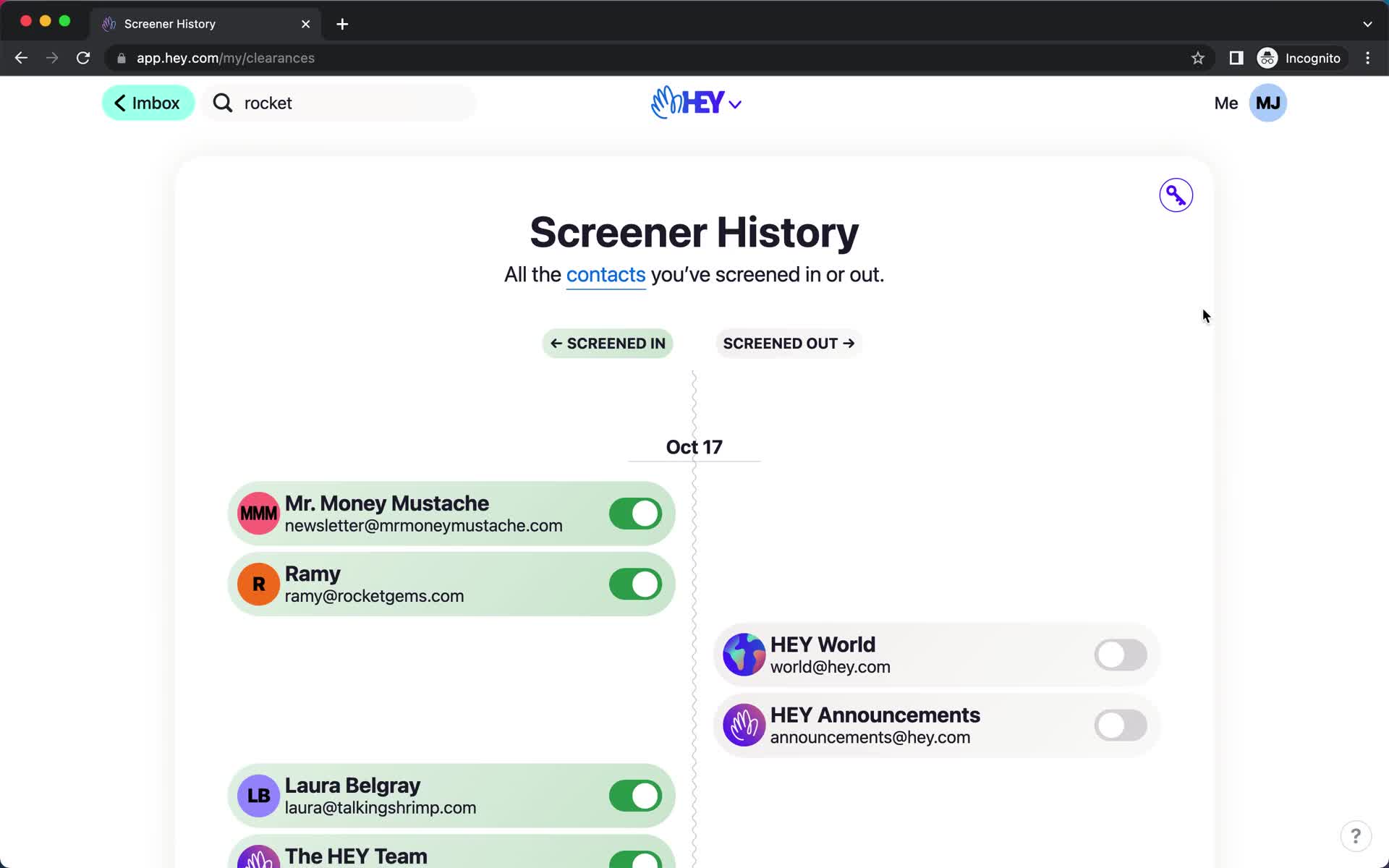
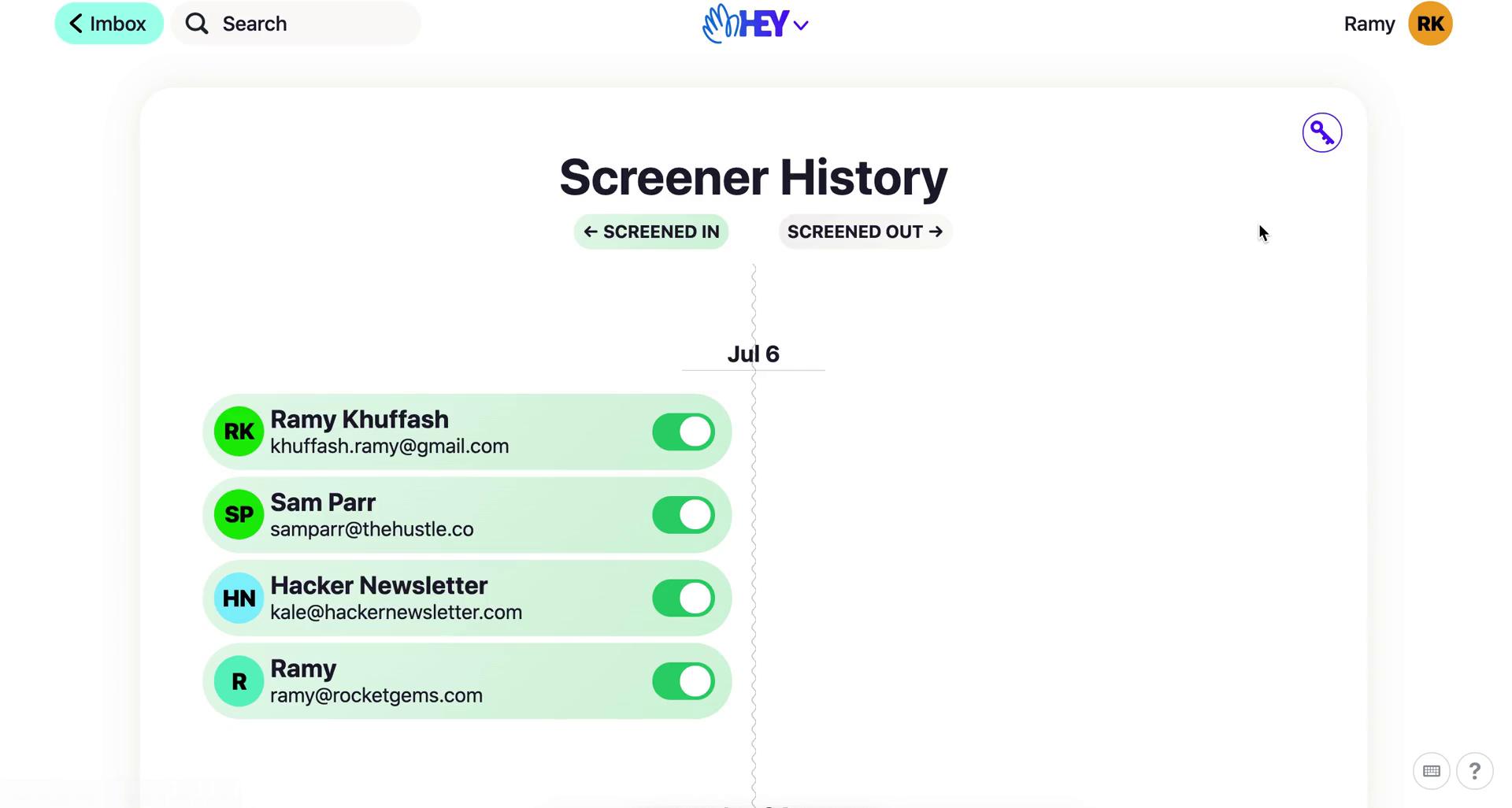
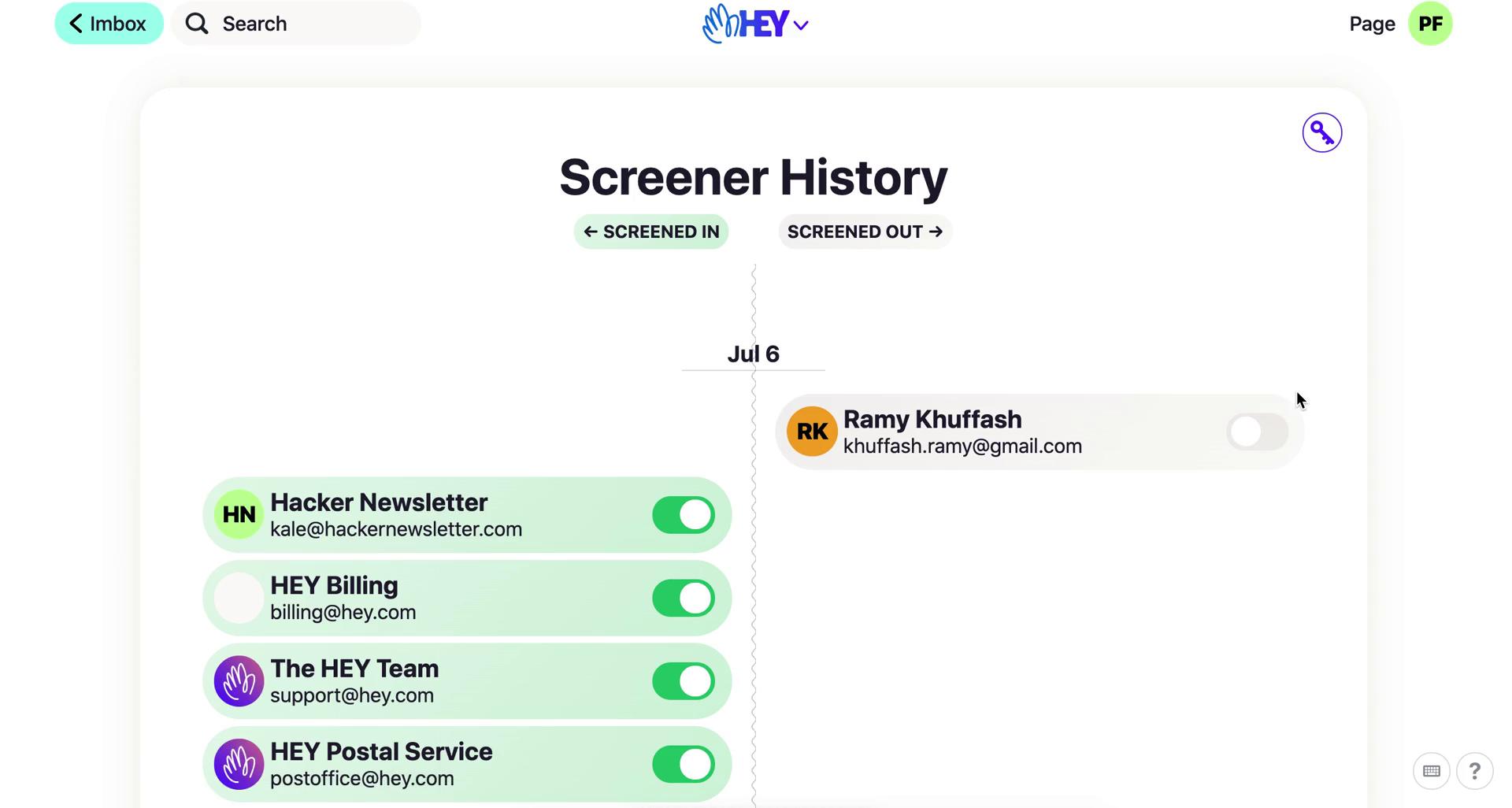
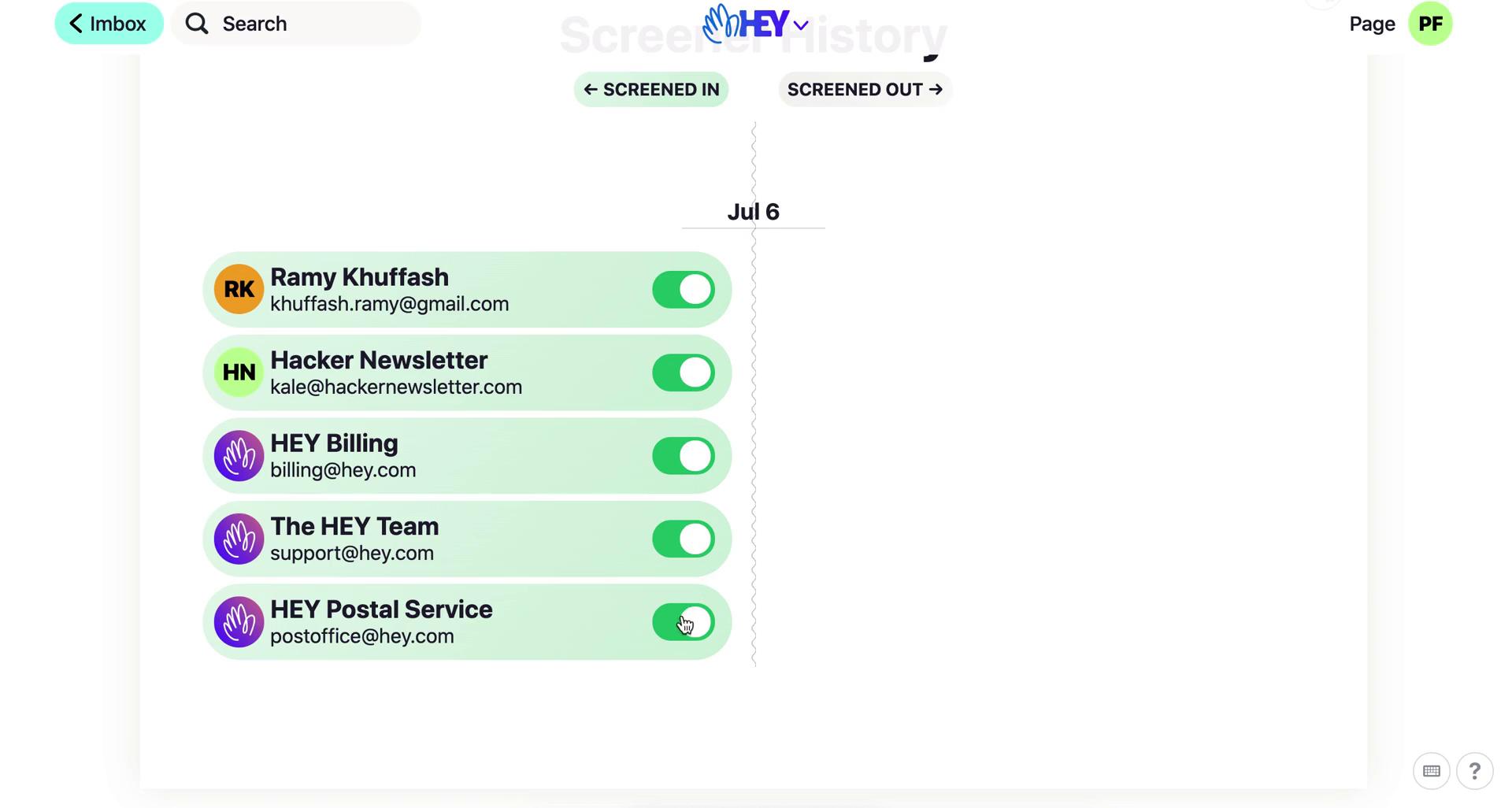
Screener history
this is title
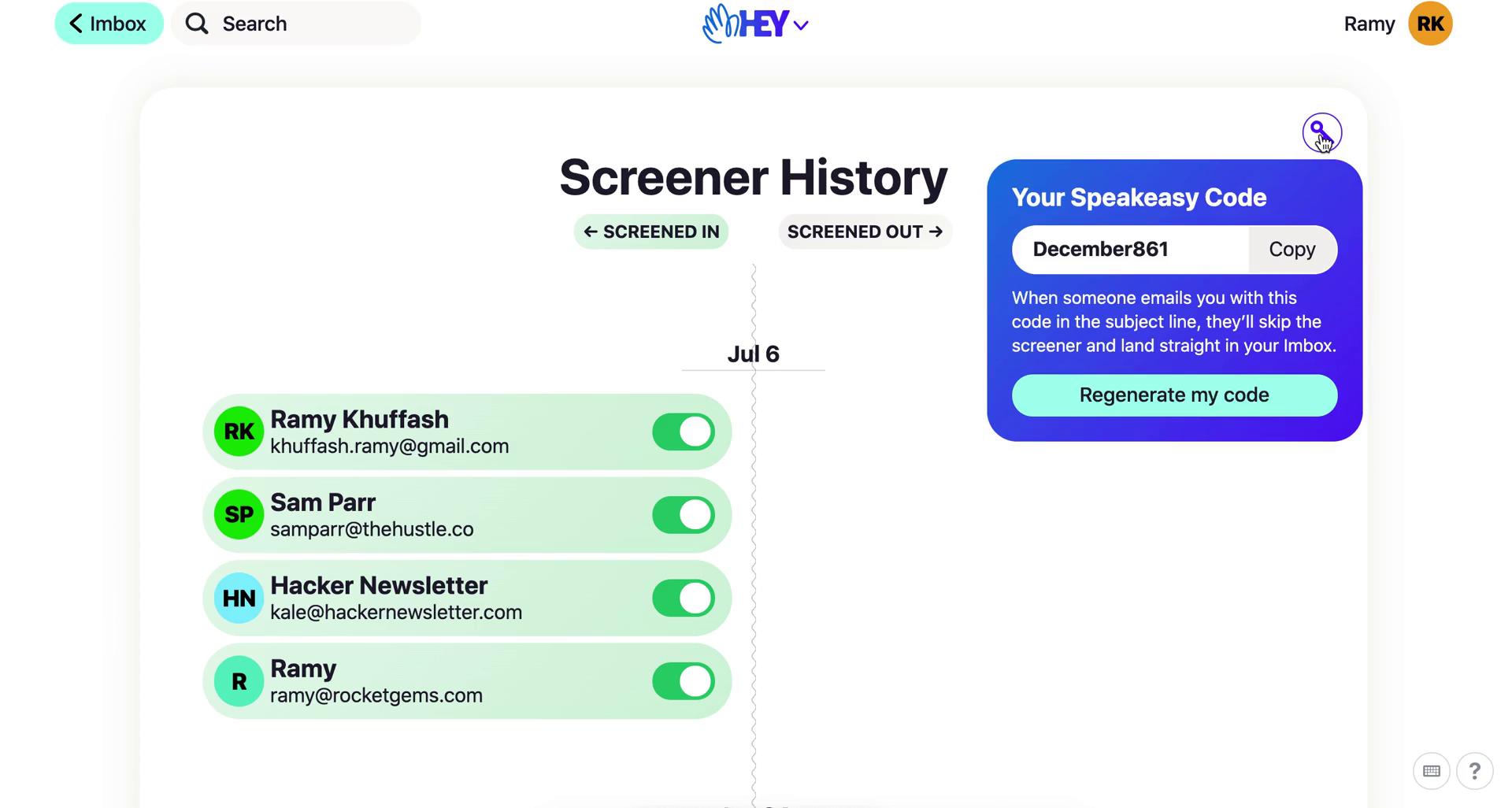
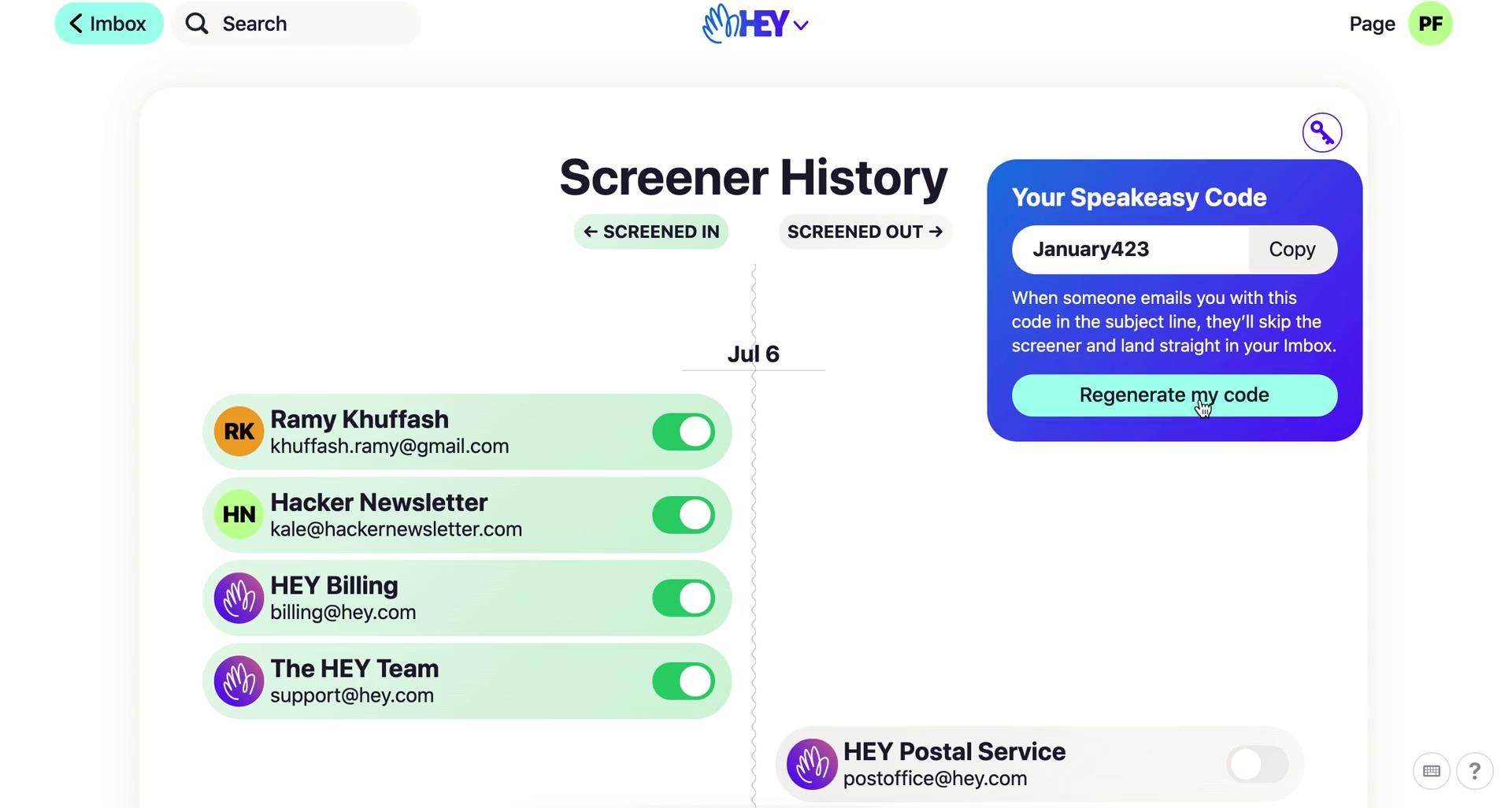
Speakeasy code
this is title
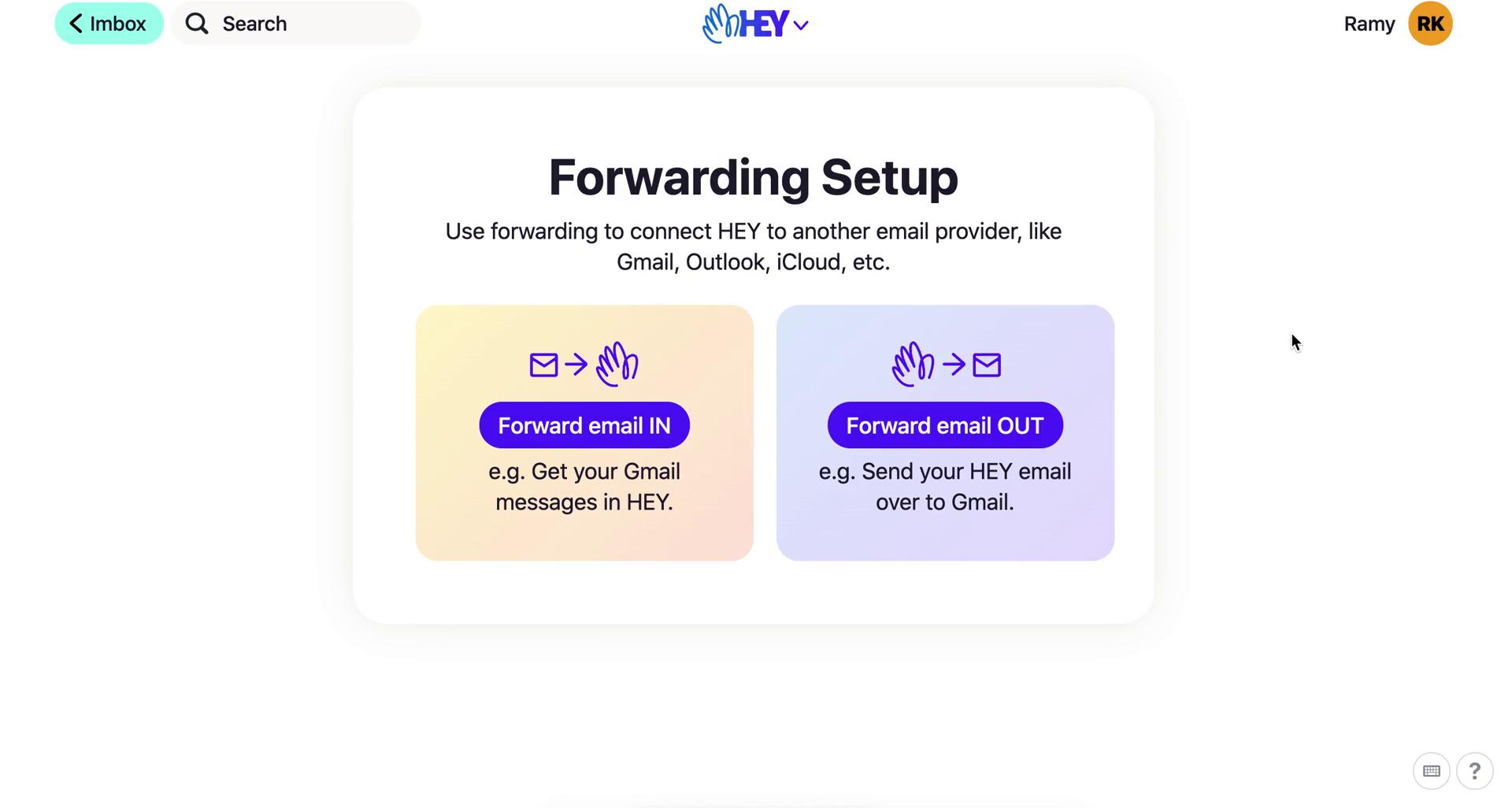
Forwarding
this is title
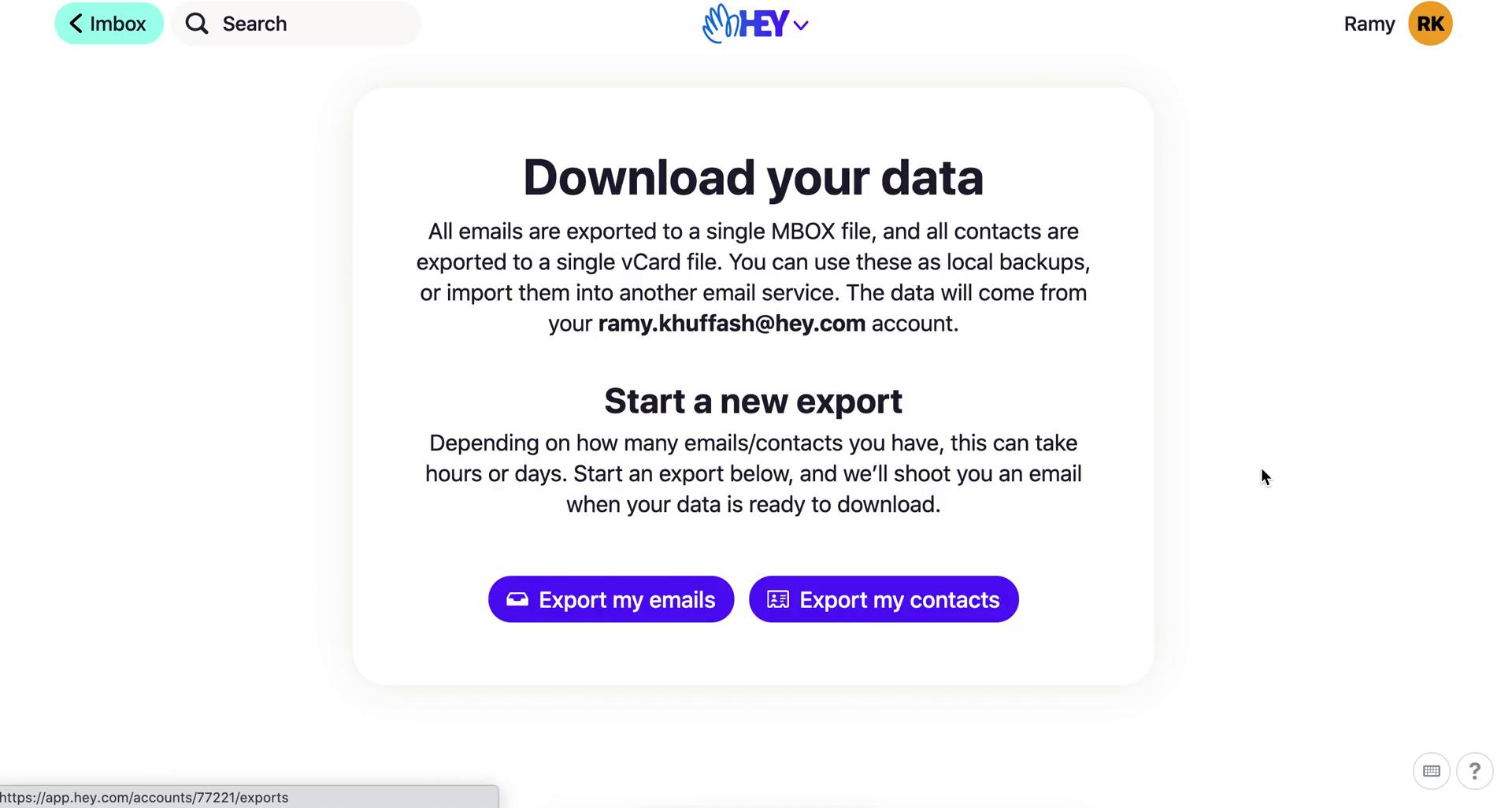
Export data
this is title
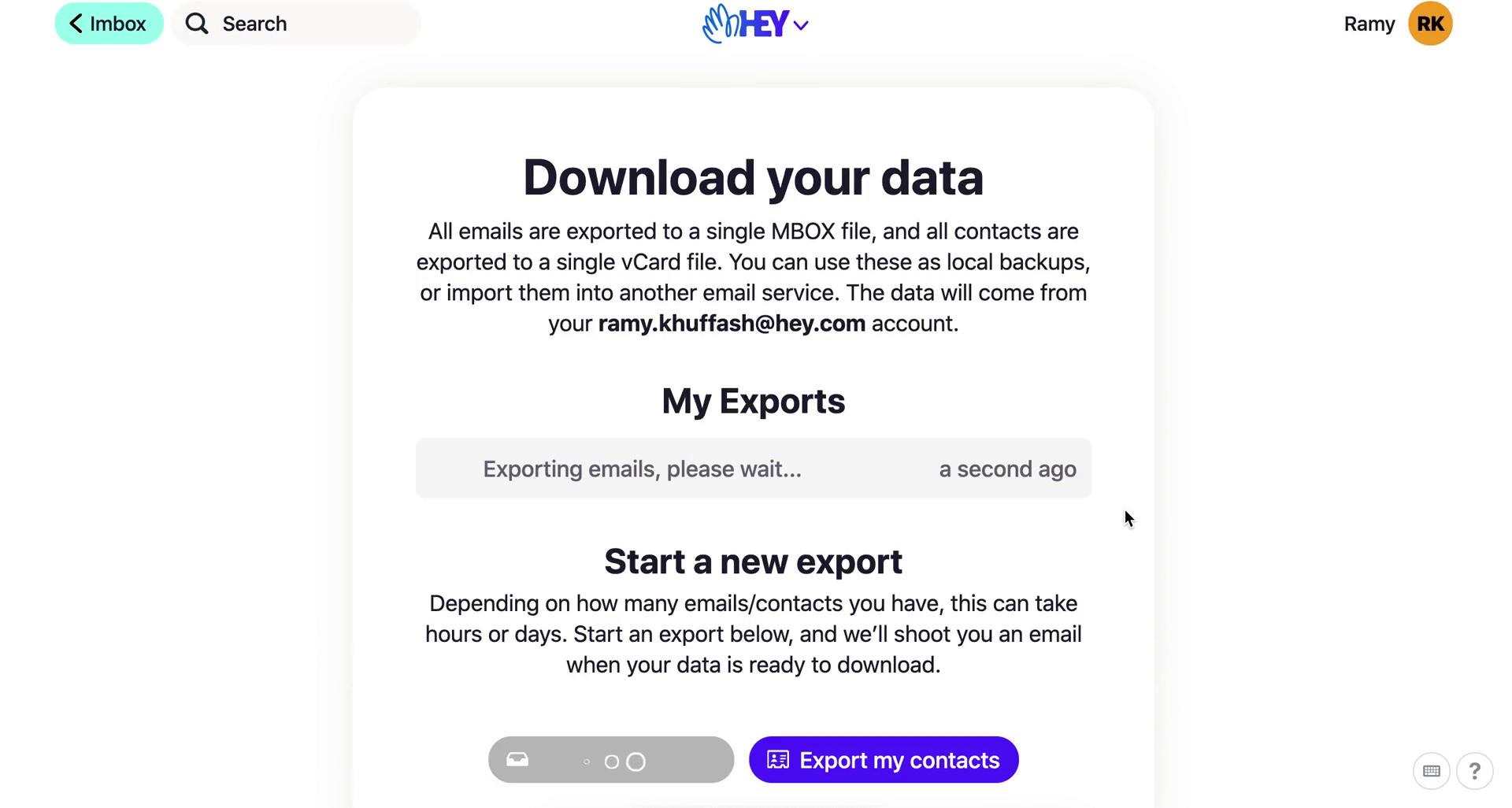
Export in progress
this is title
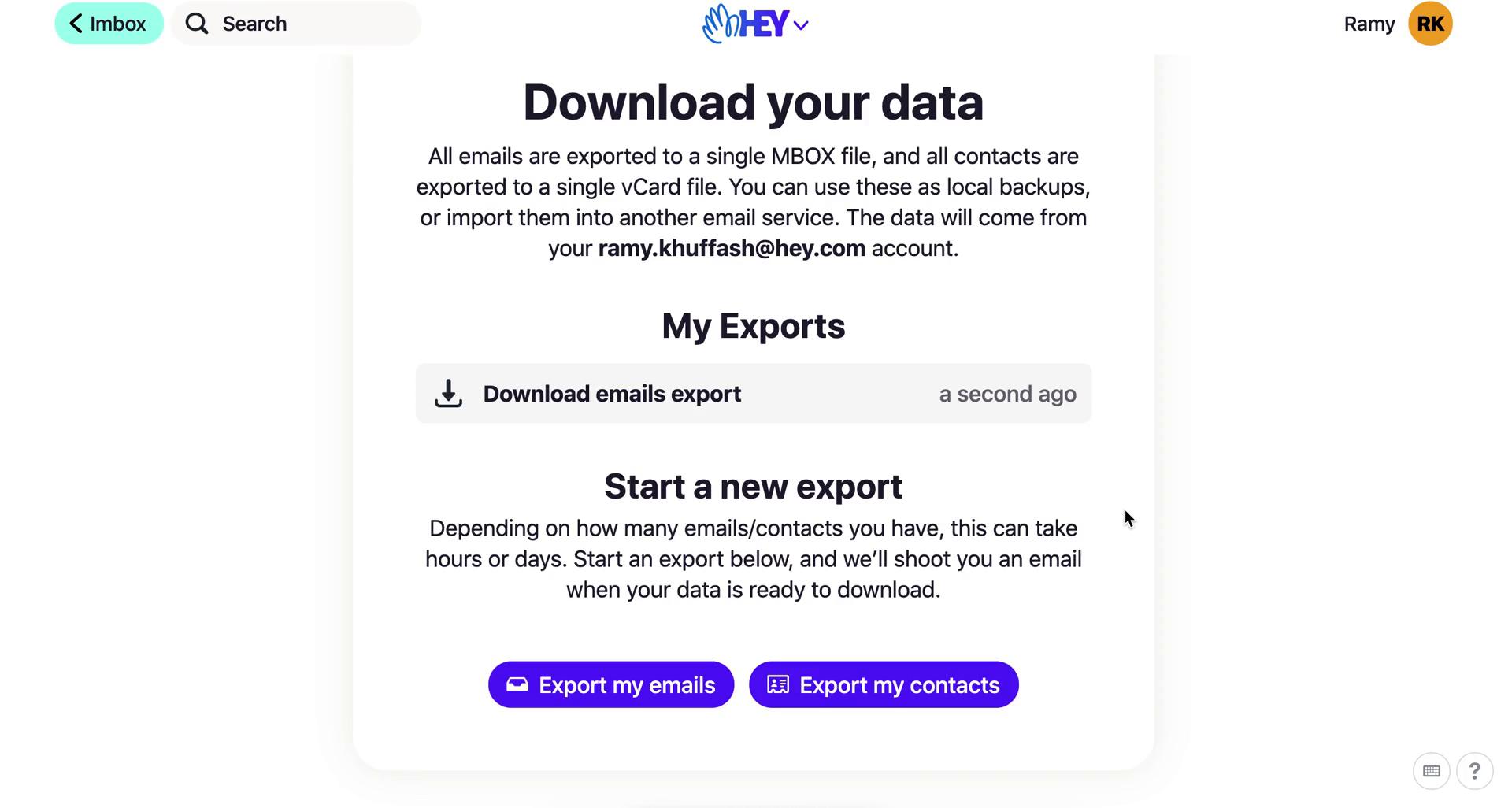
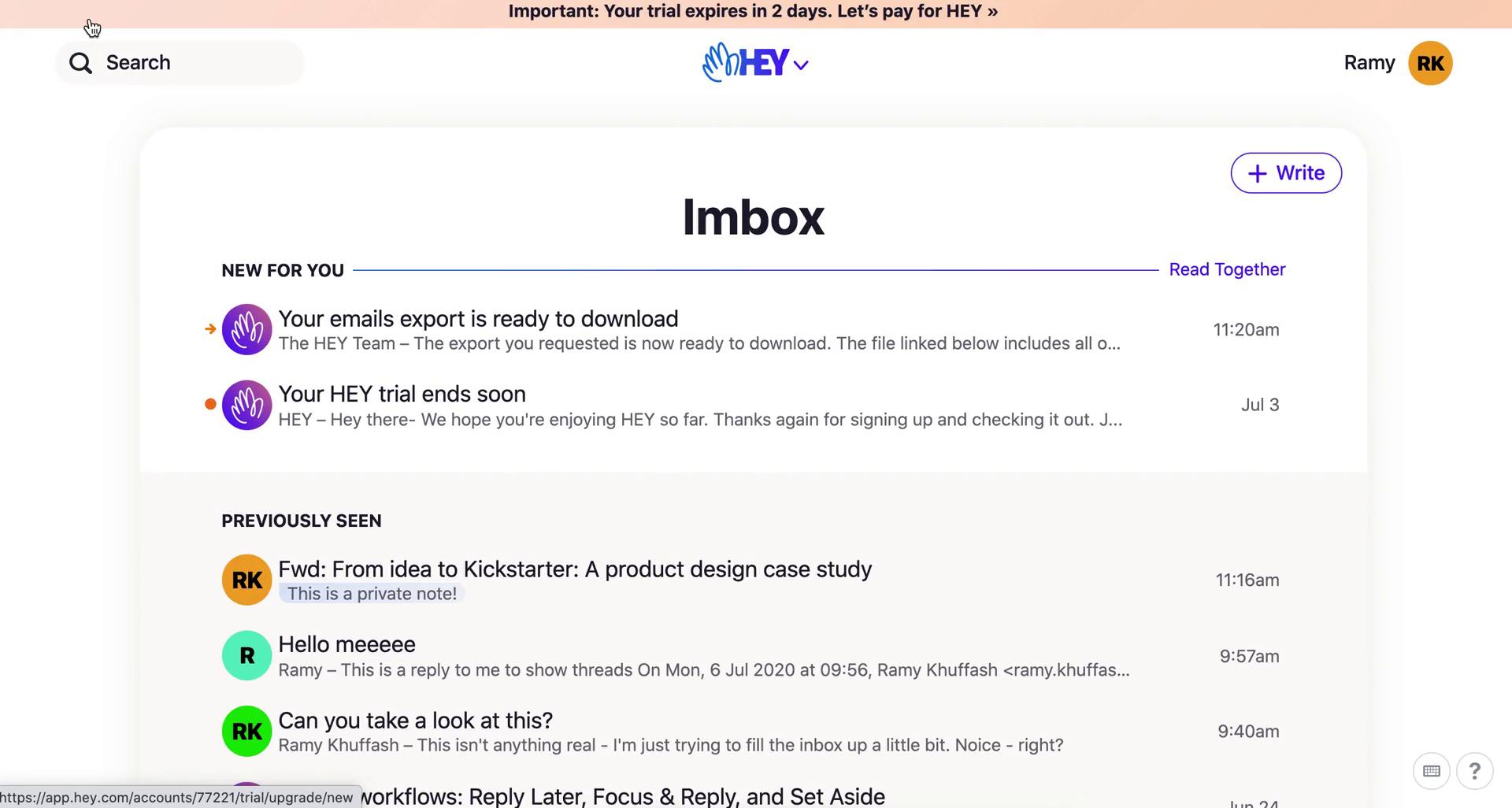
Export complete
this is title
Imbox
this is title
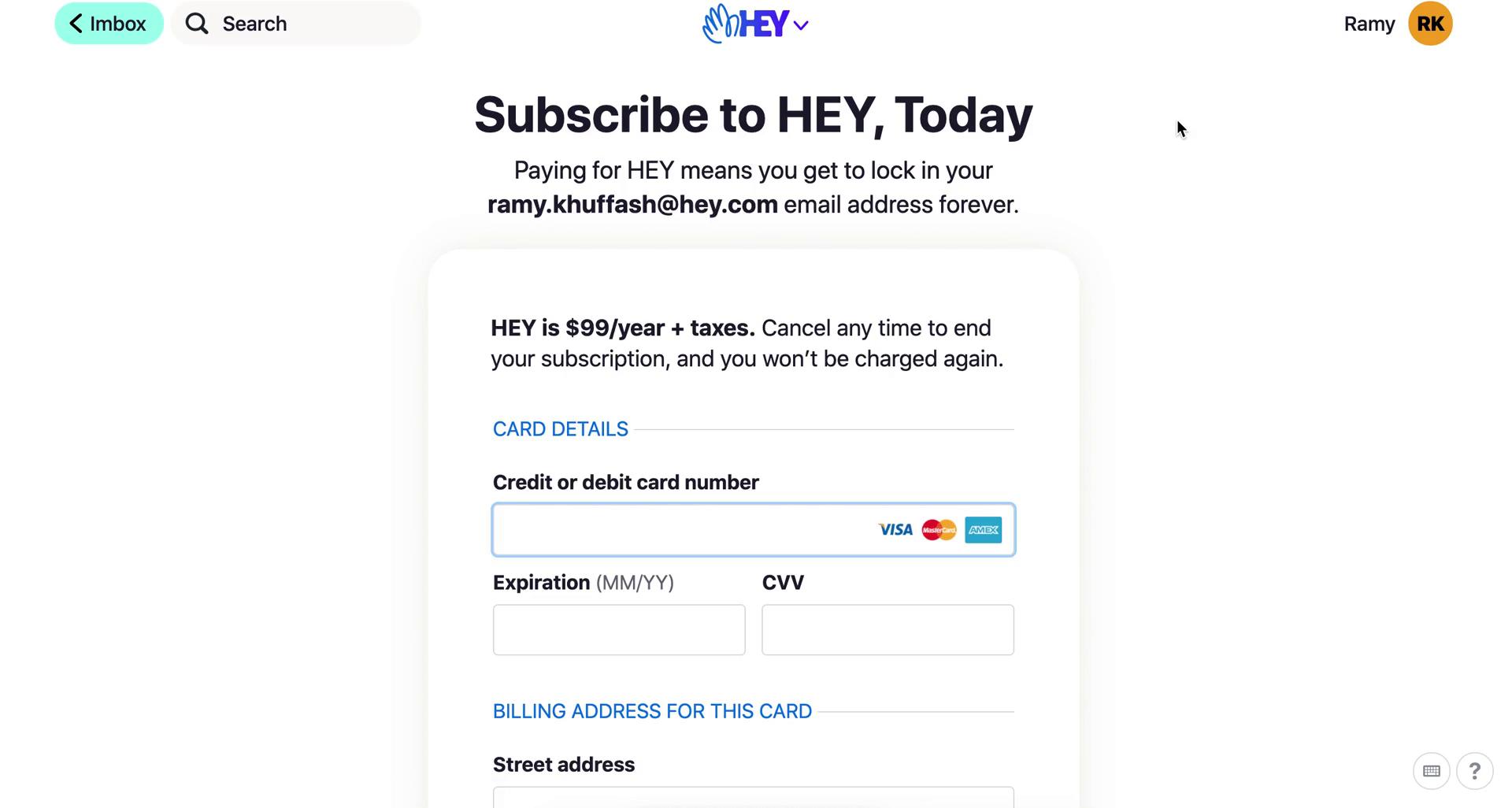
Subscribe
this is title
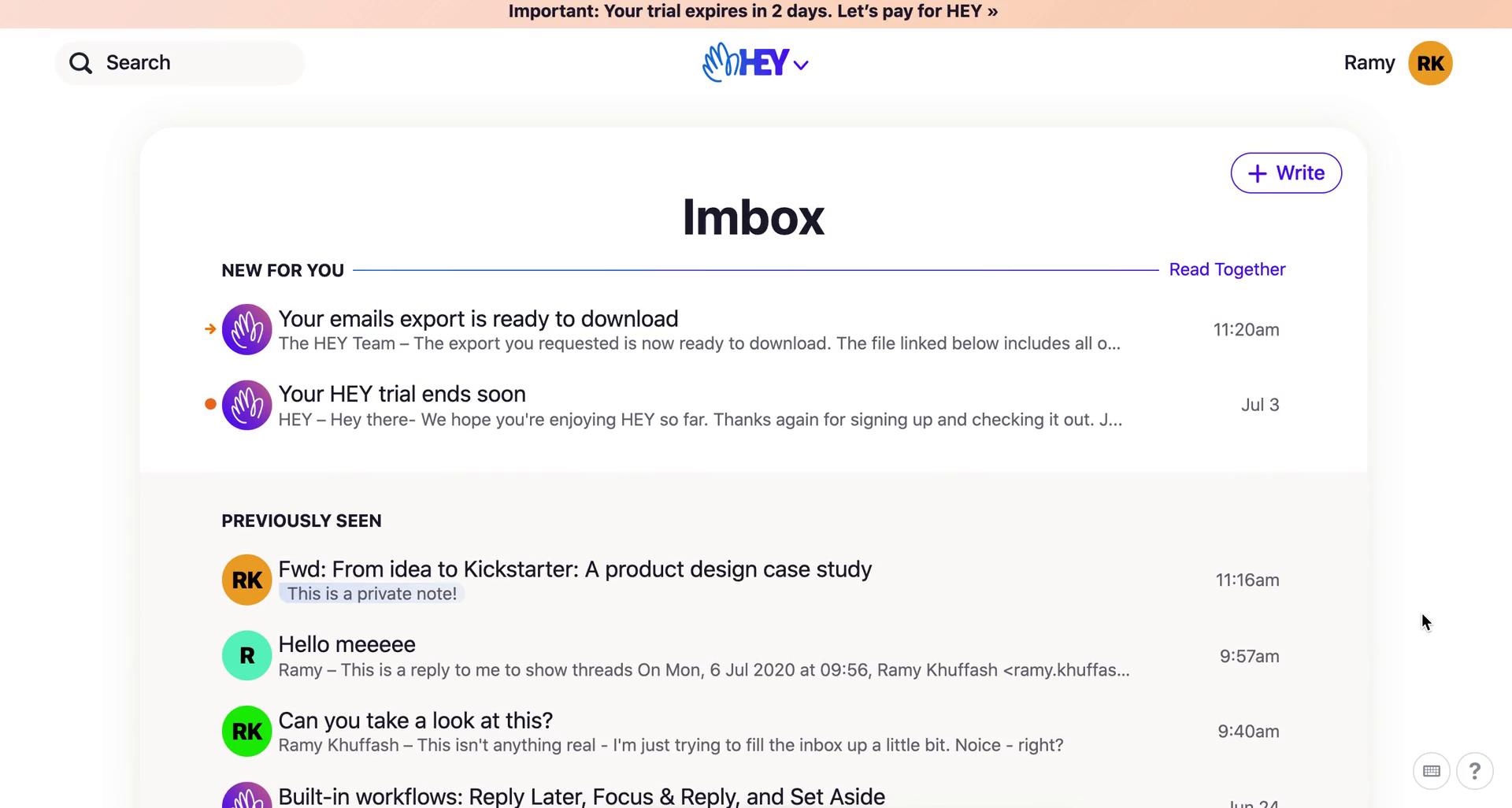
Imbox
this is title
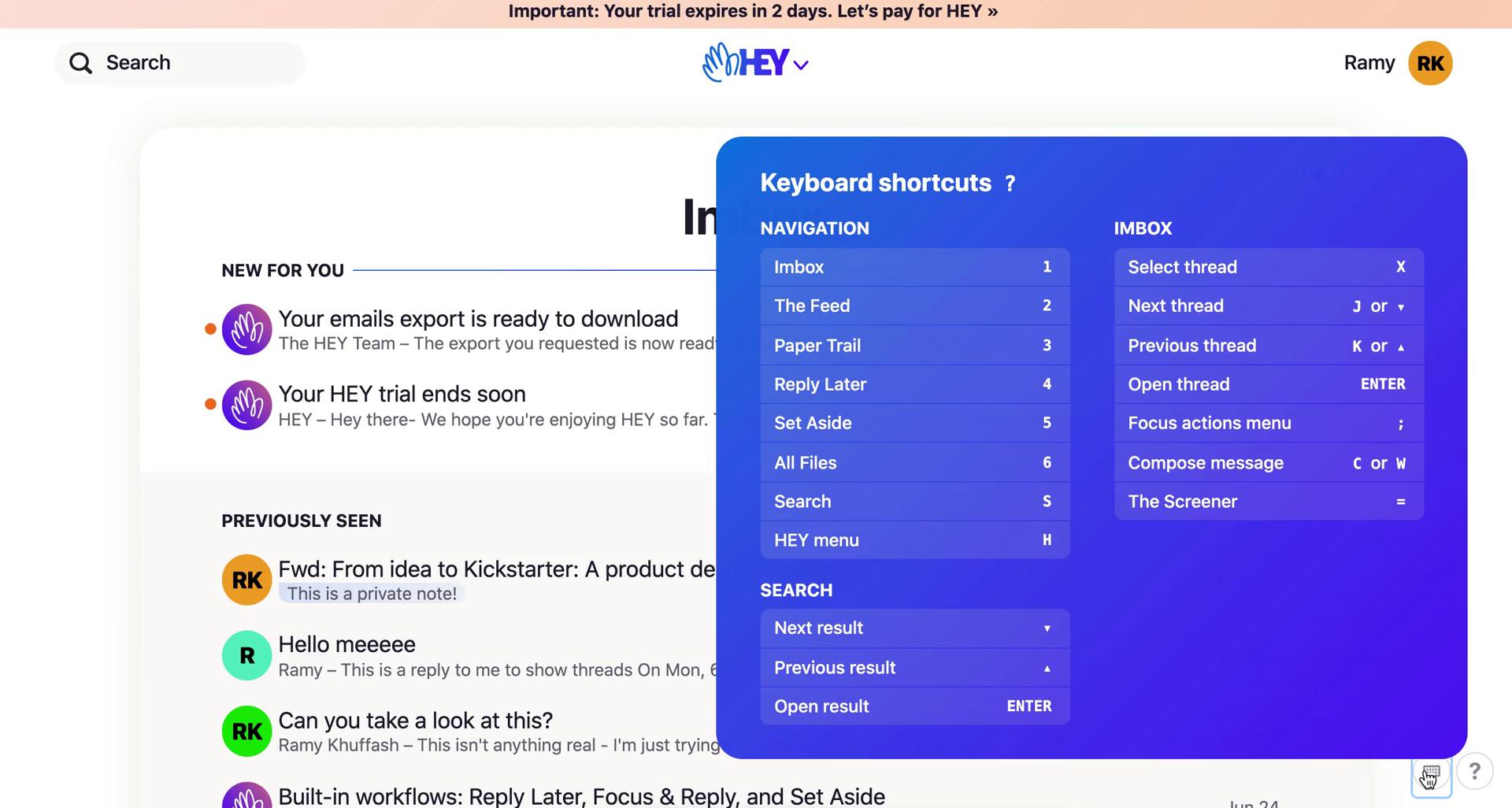
Keyboard shortcuts
this is title
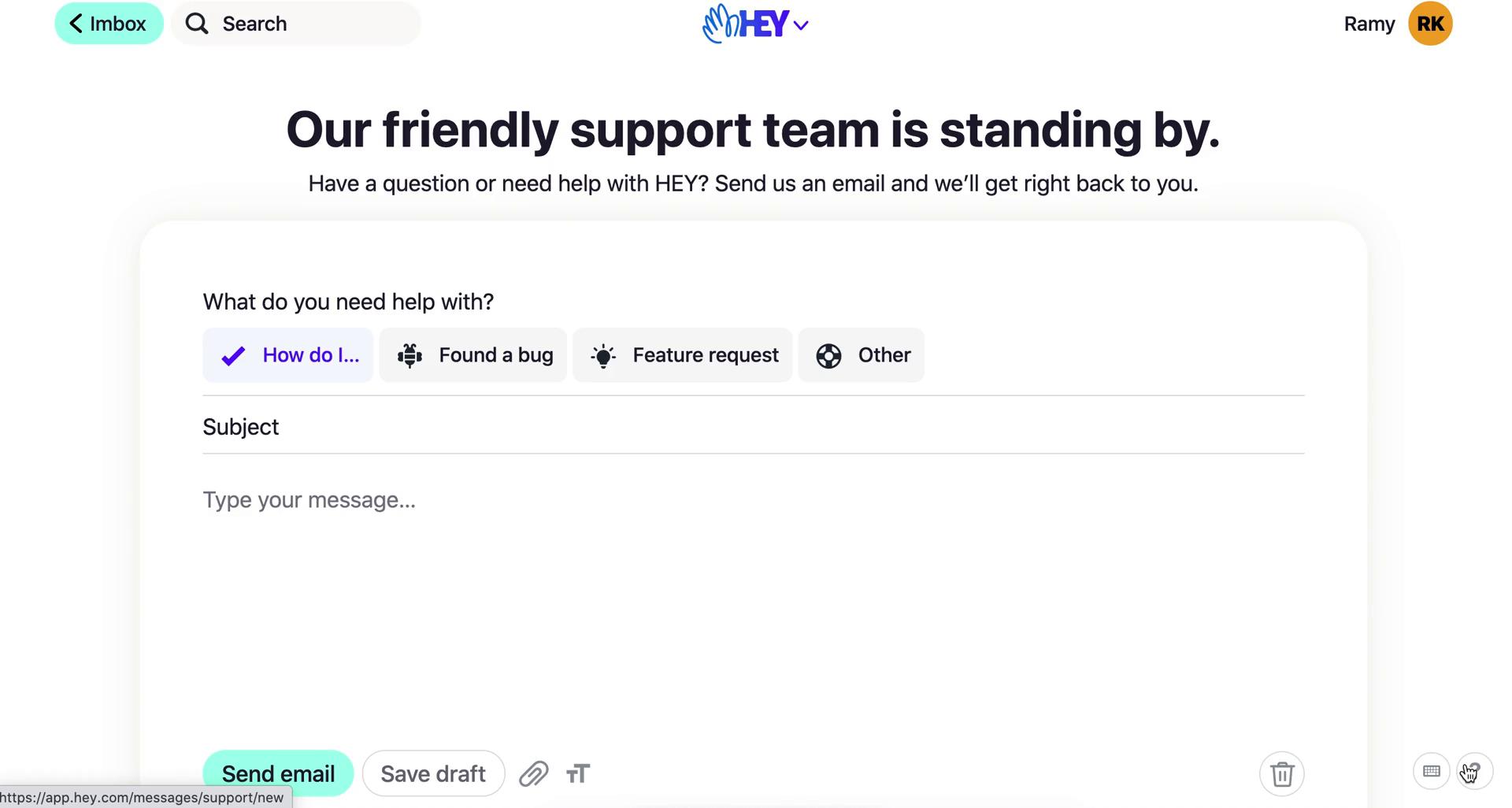
Contact support
this is title
Imbox
this is title
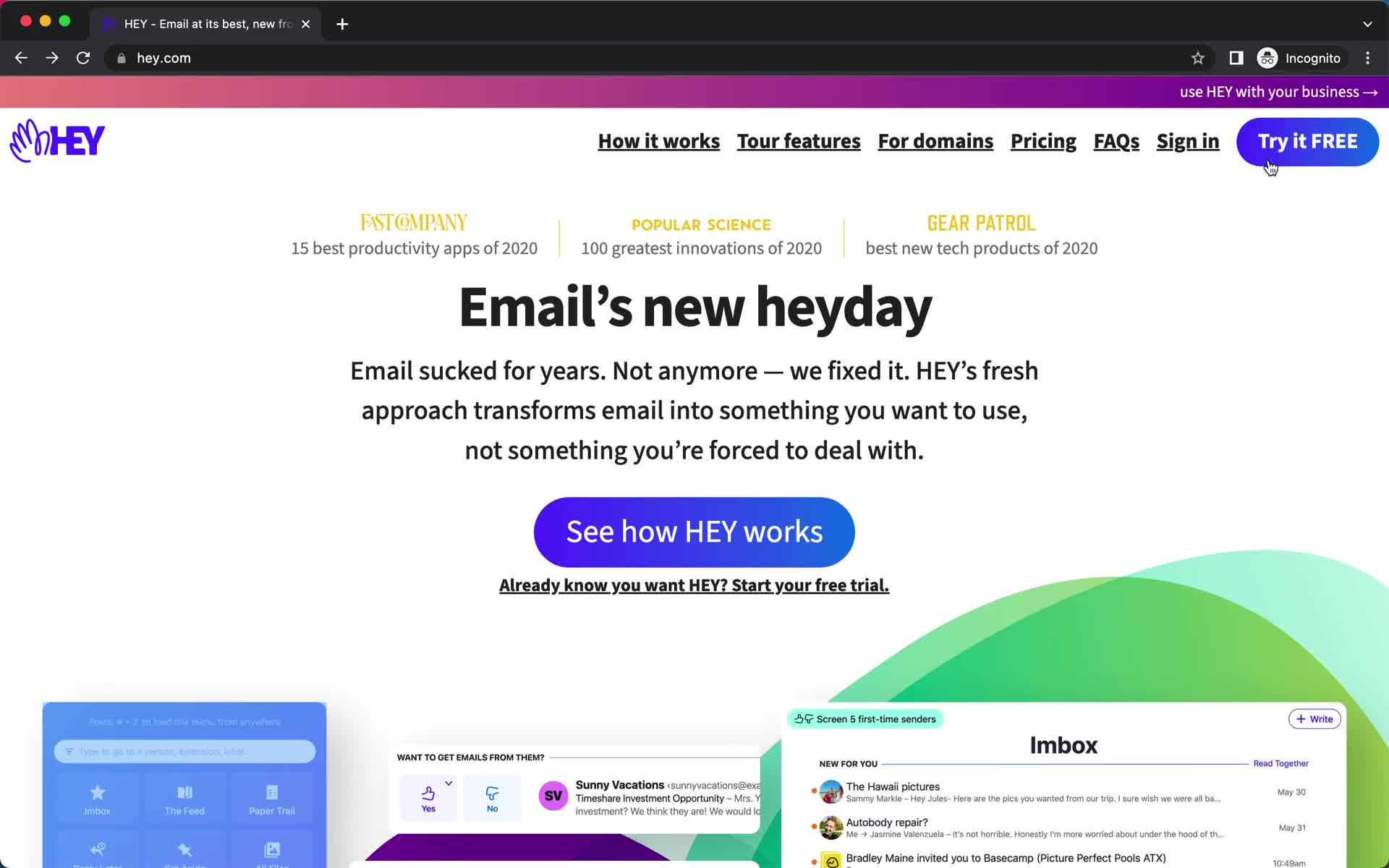
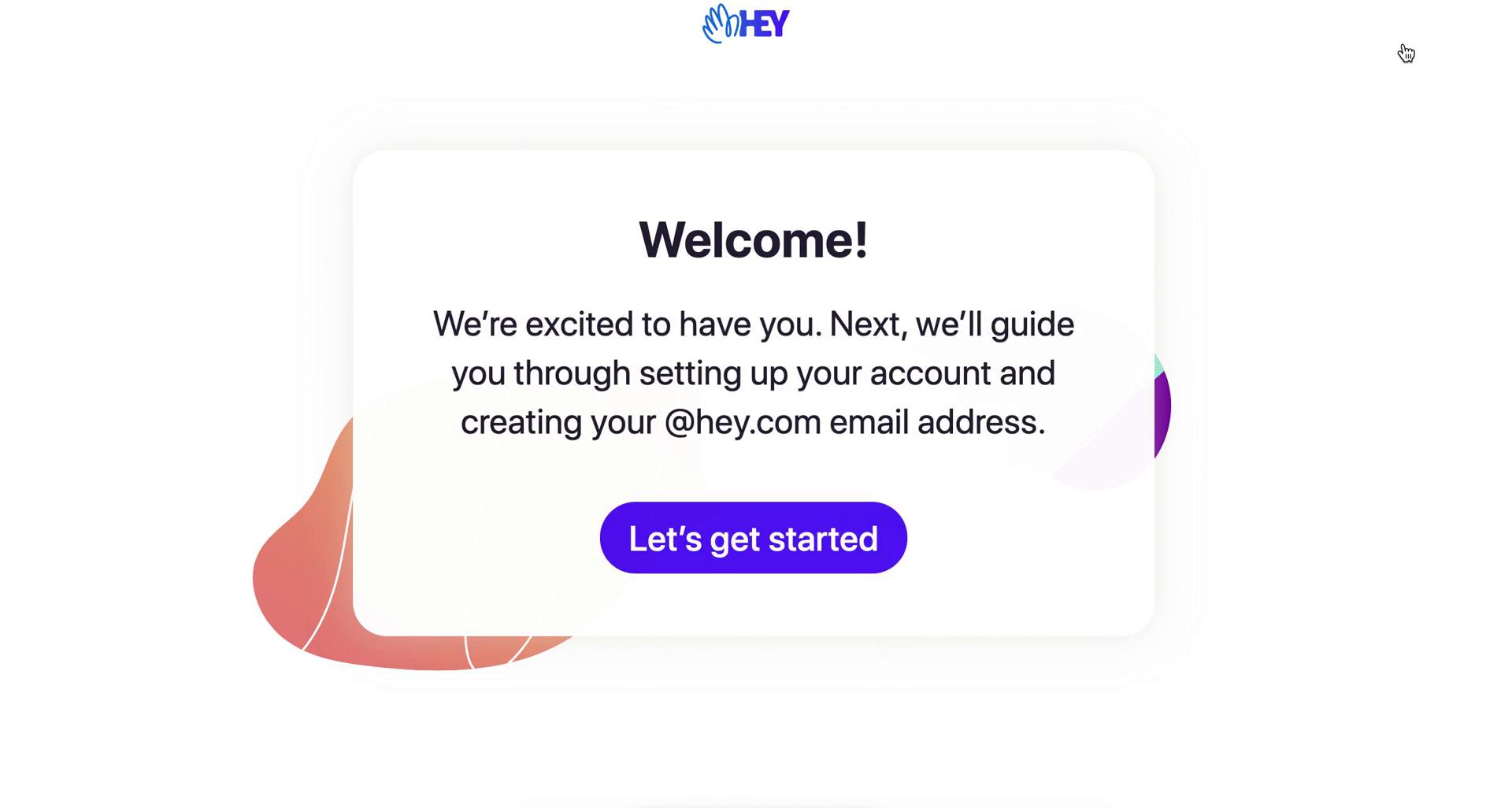
Homepage
this is title
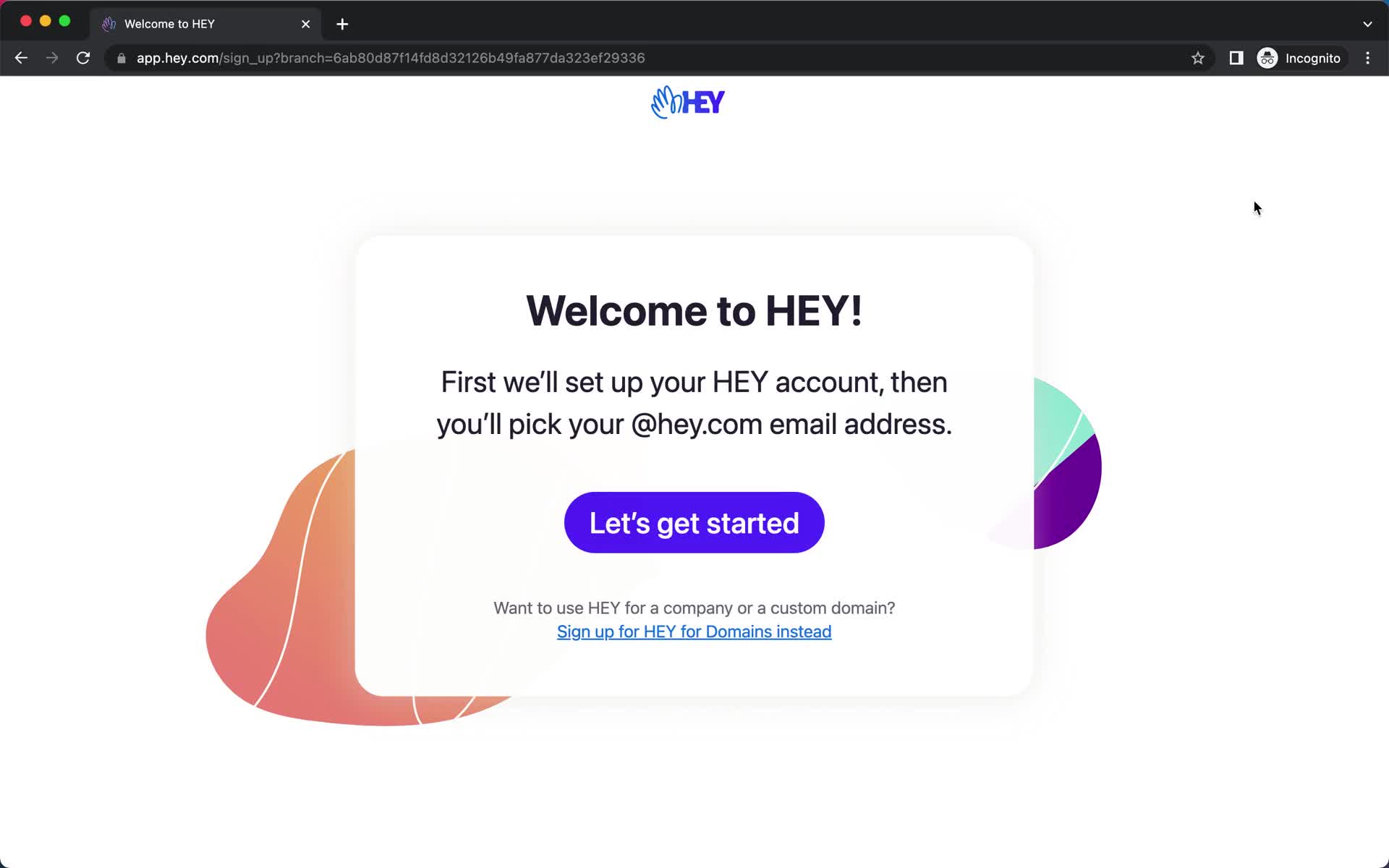
Start screen
this is title
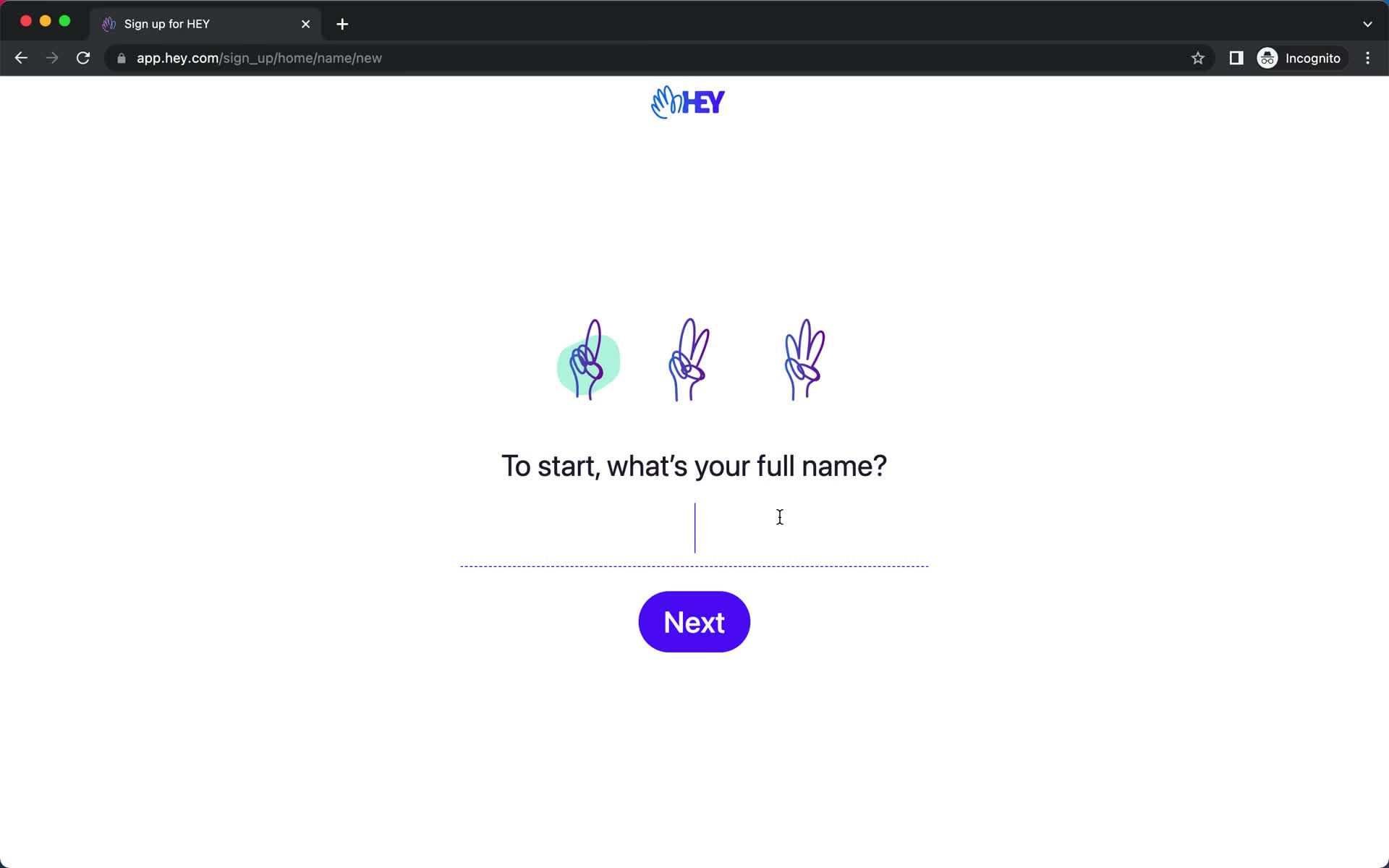
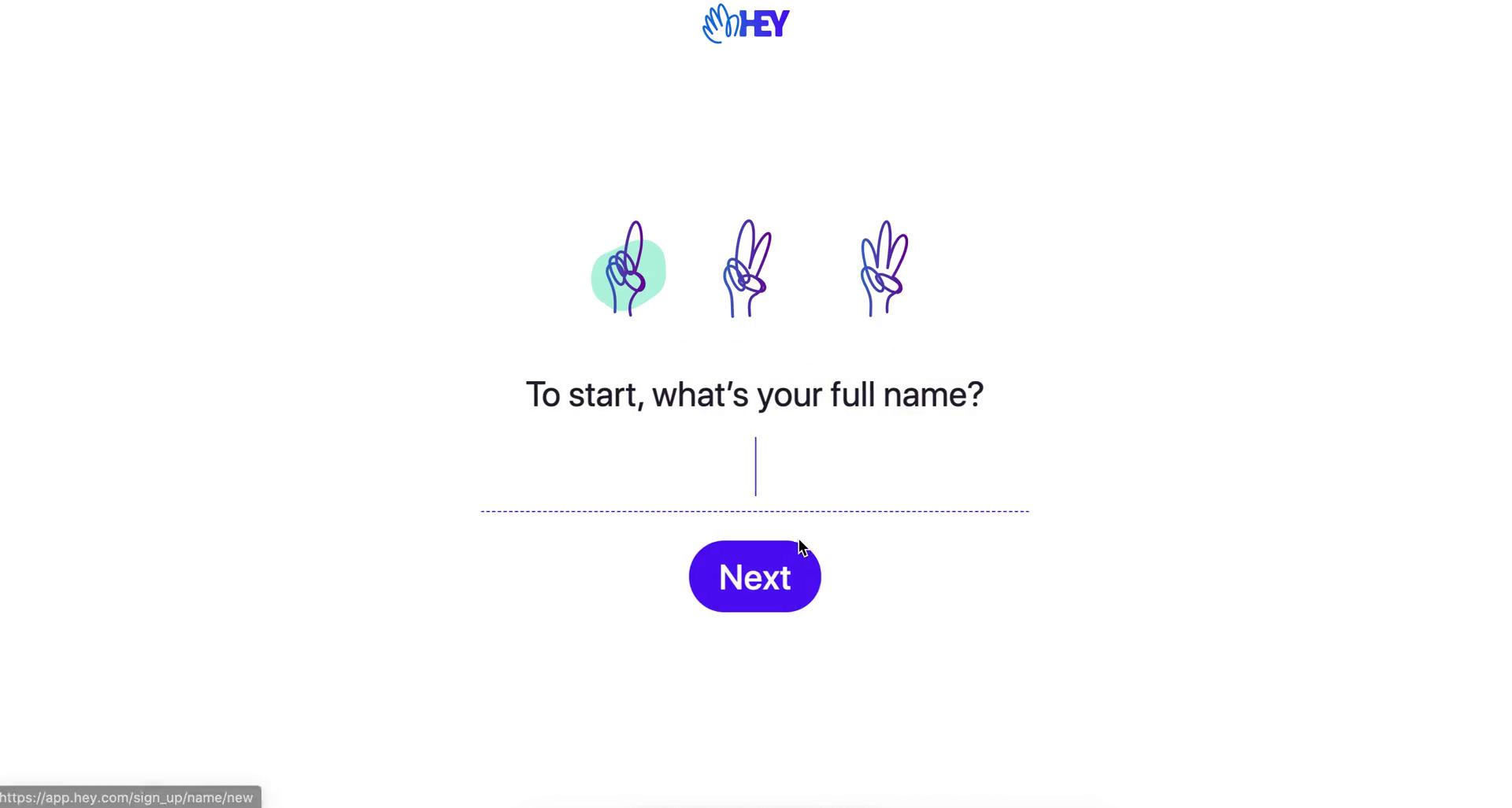
Enter name
this is title
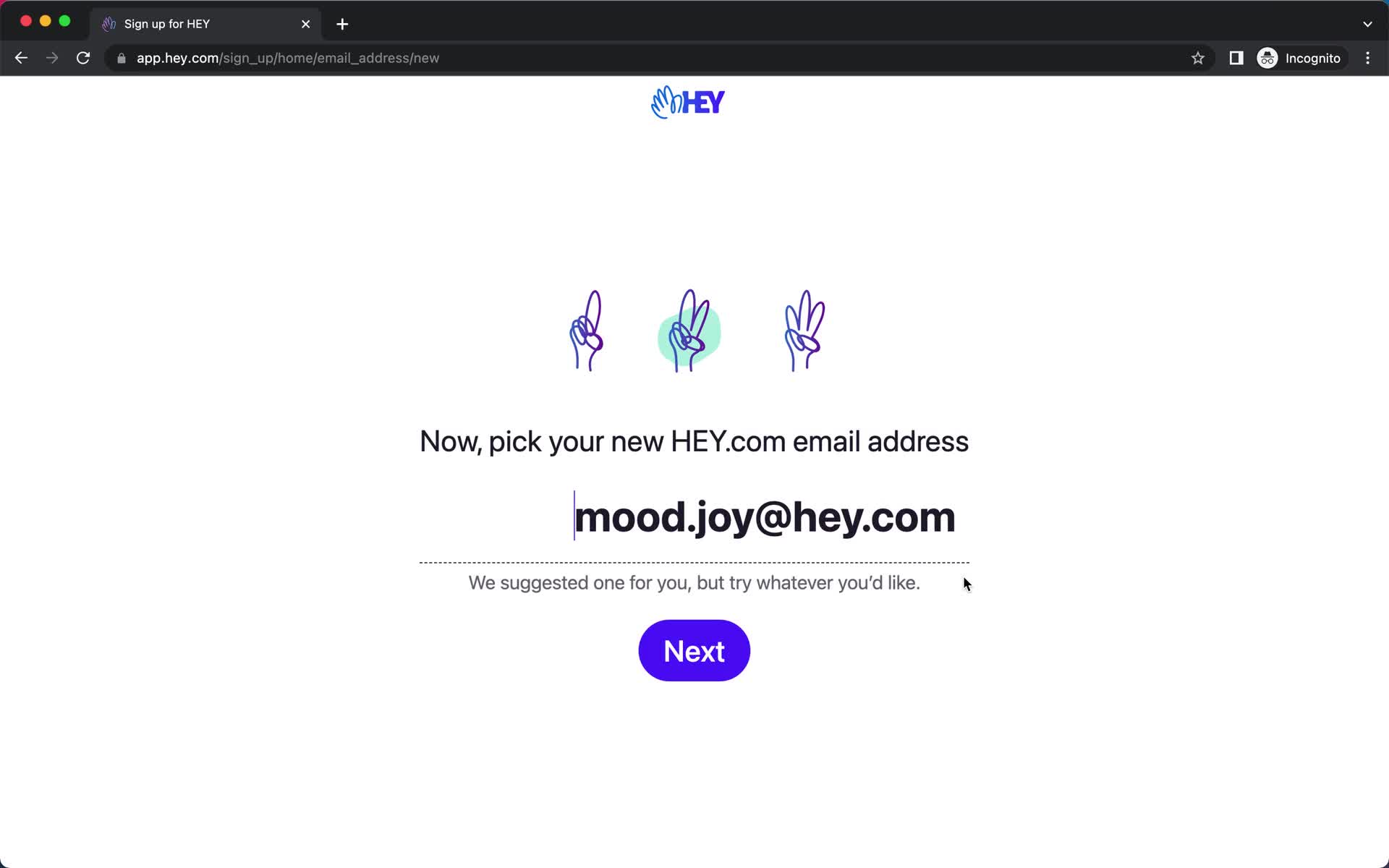
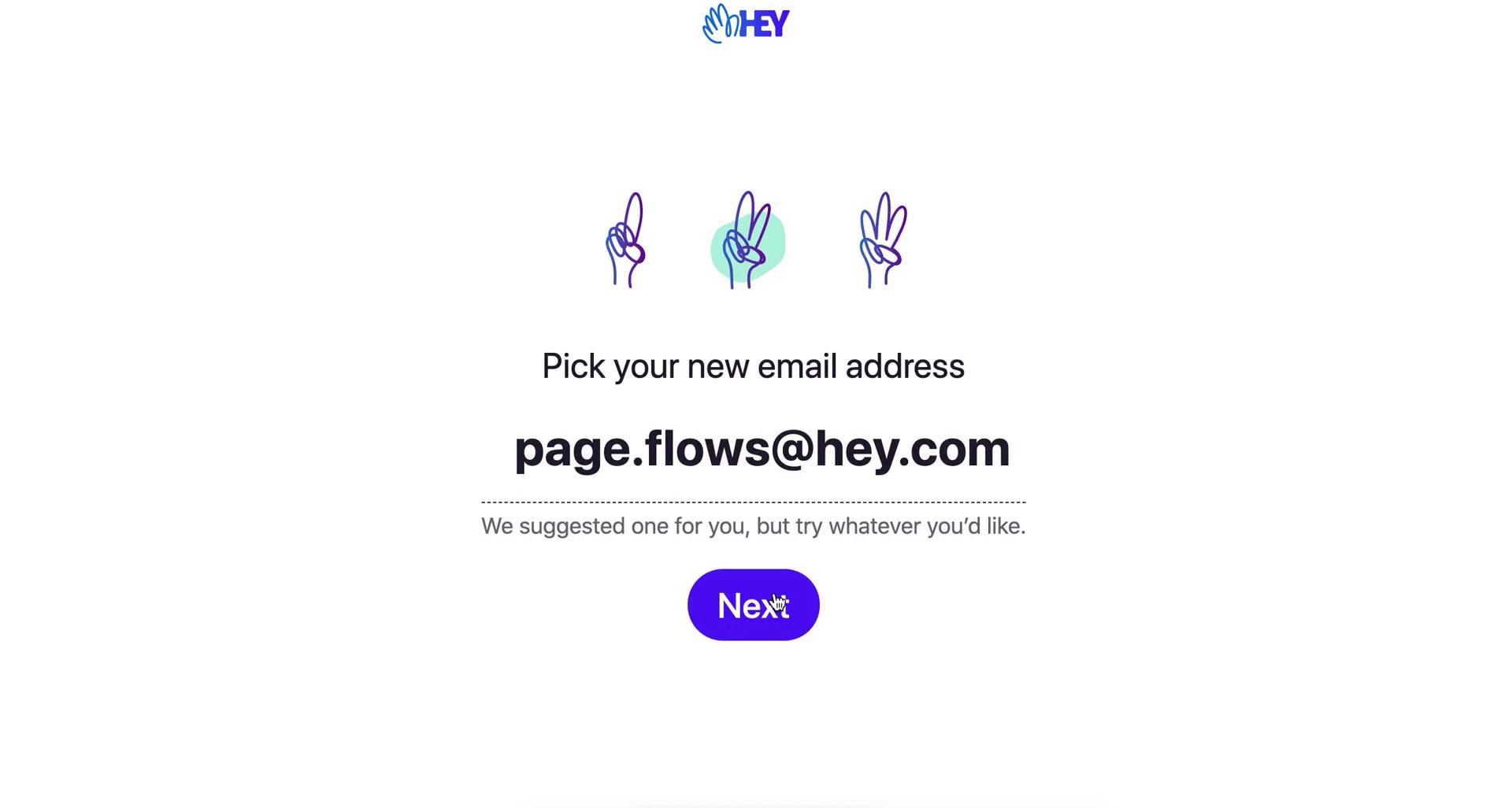
Pick new email address
this is title
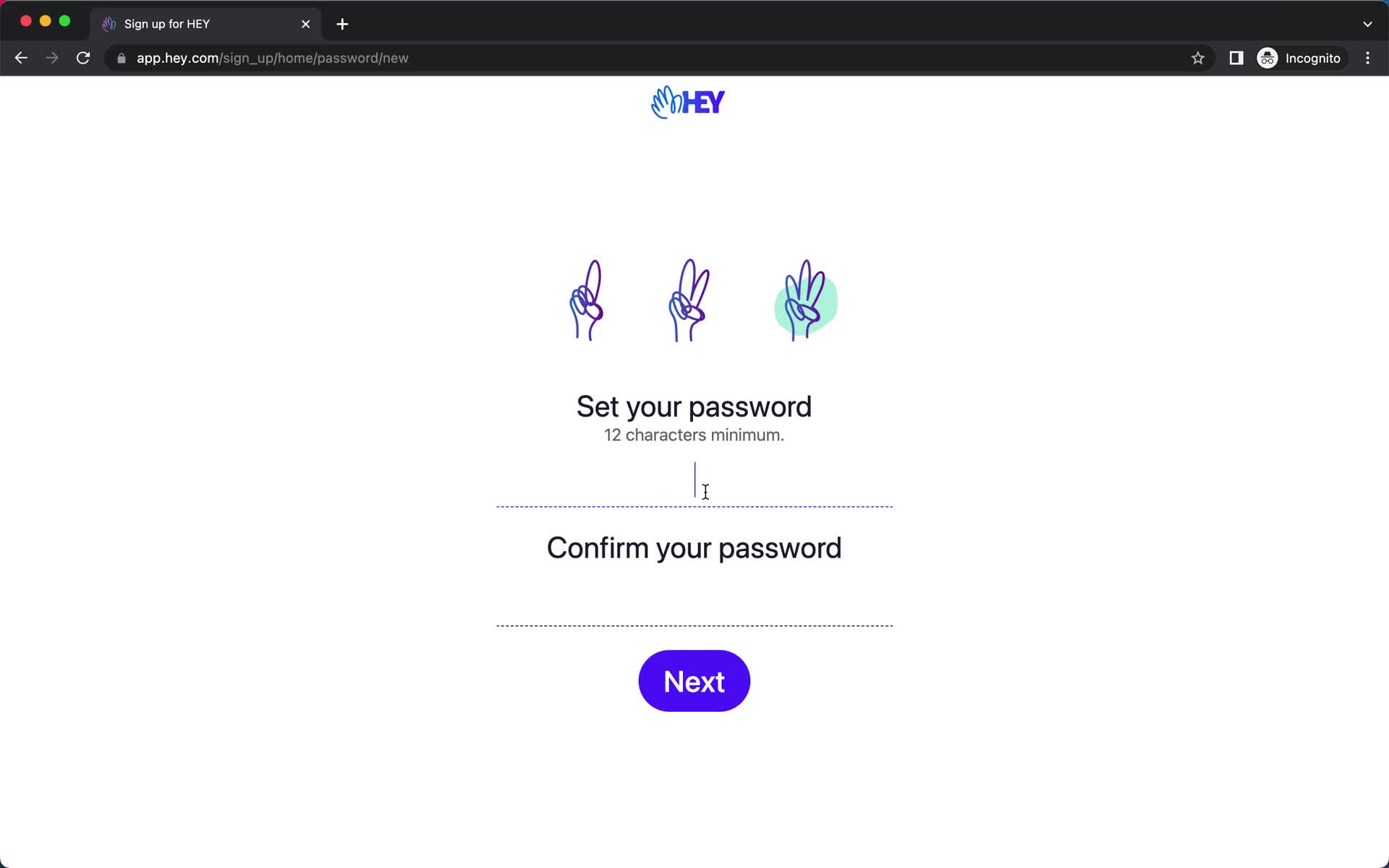
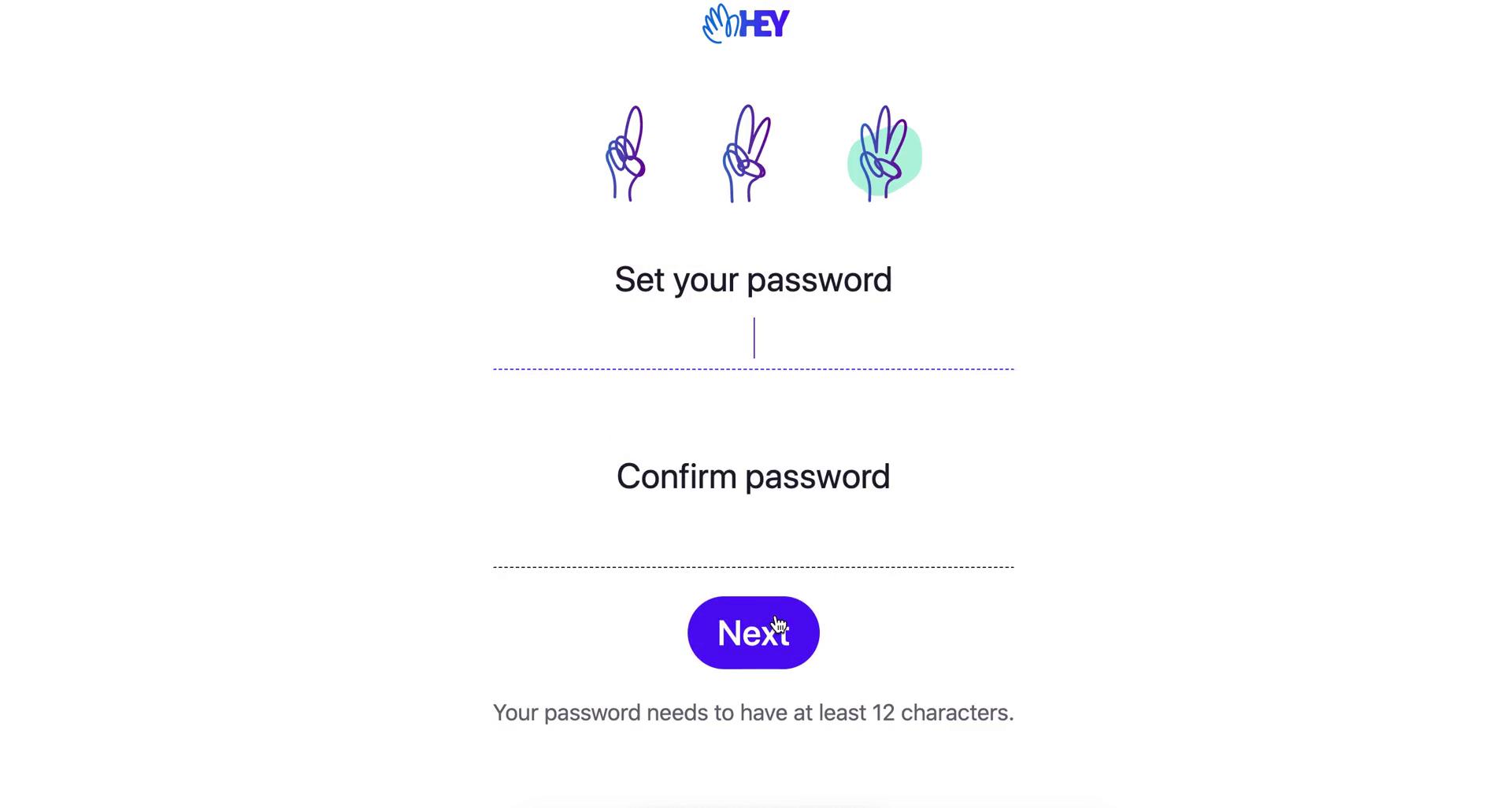
Set password
this is title
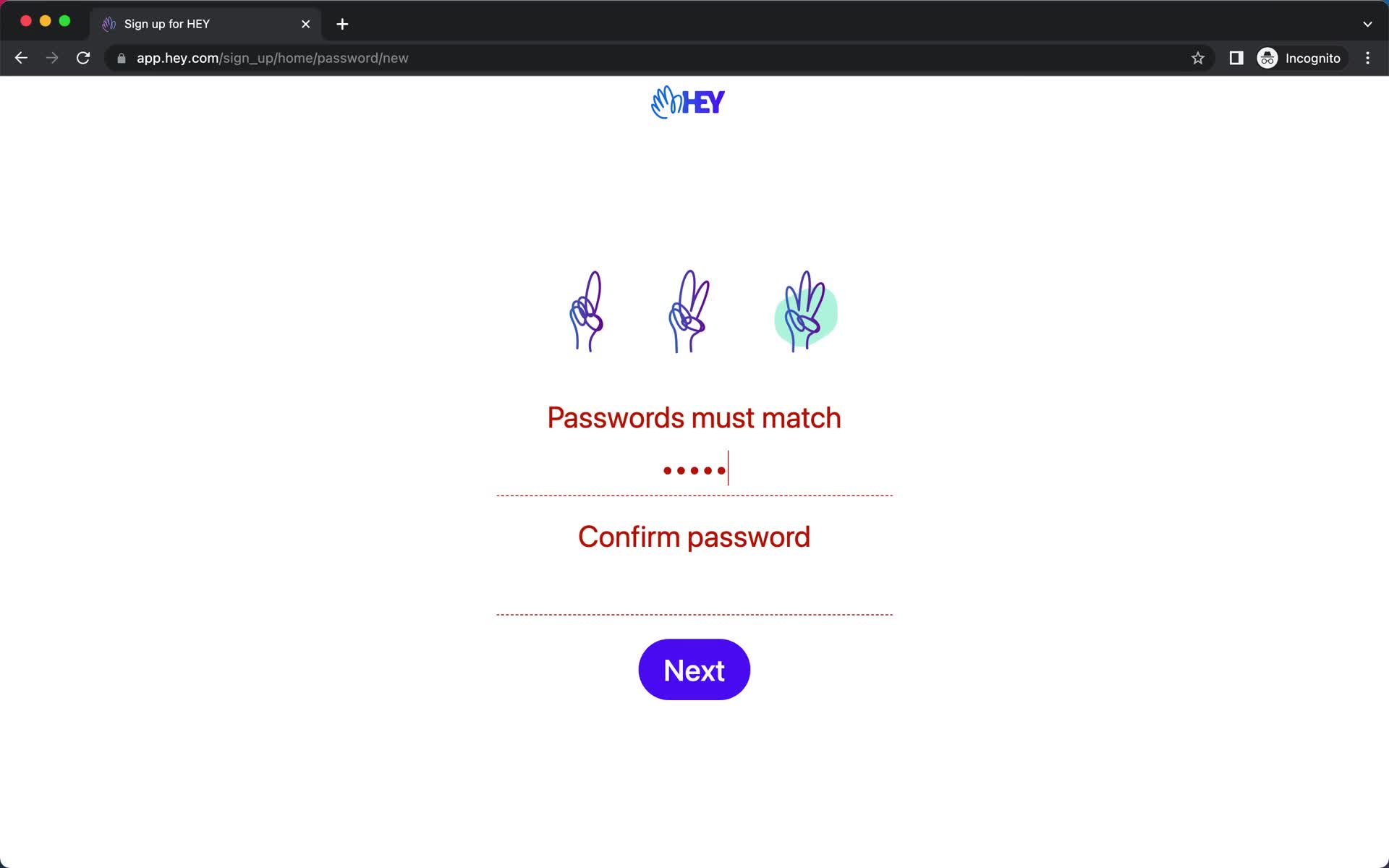
Password error
this is title
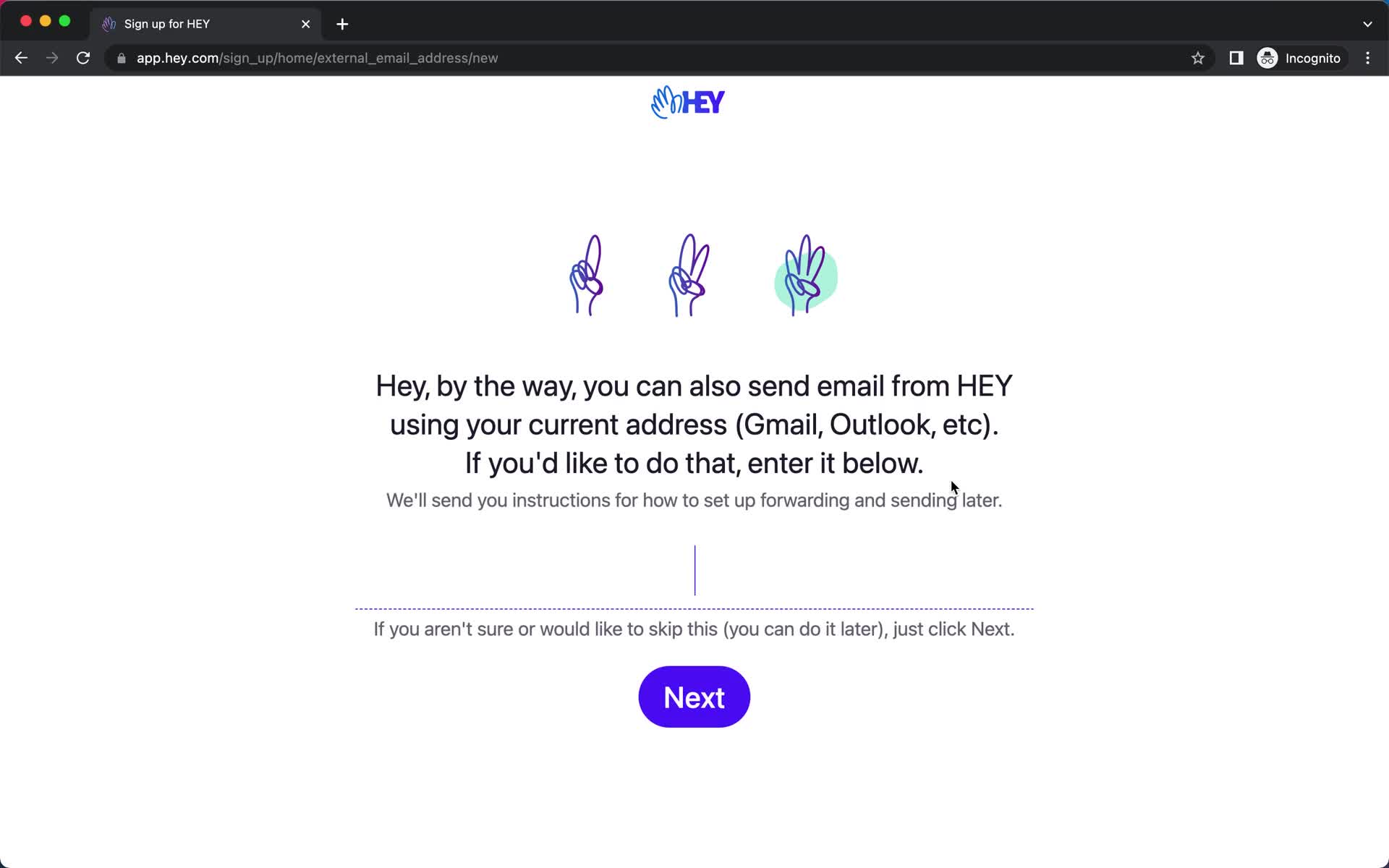
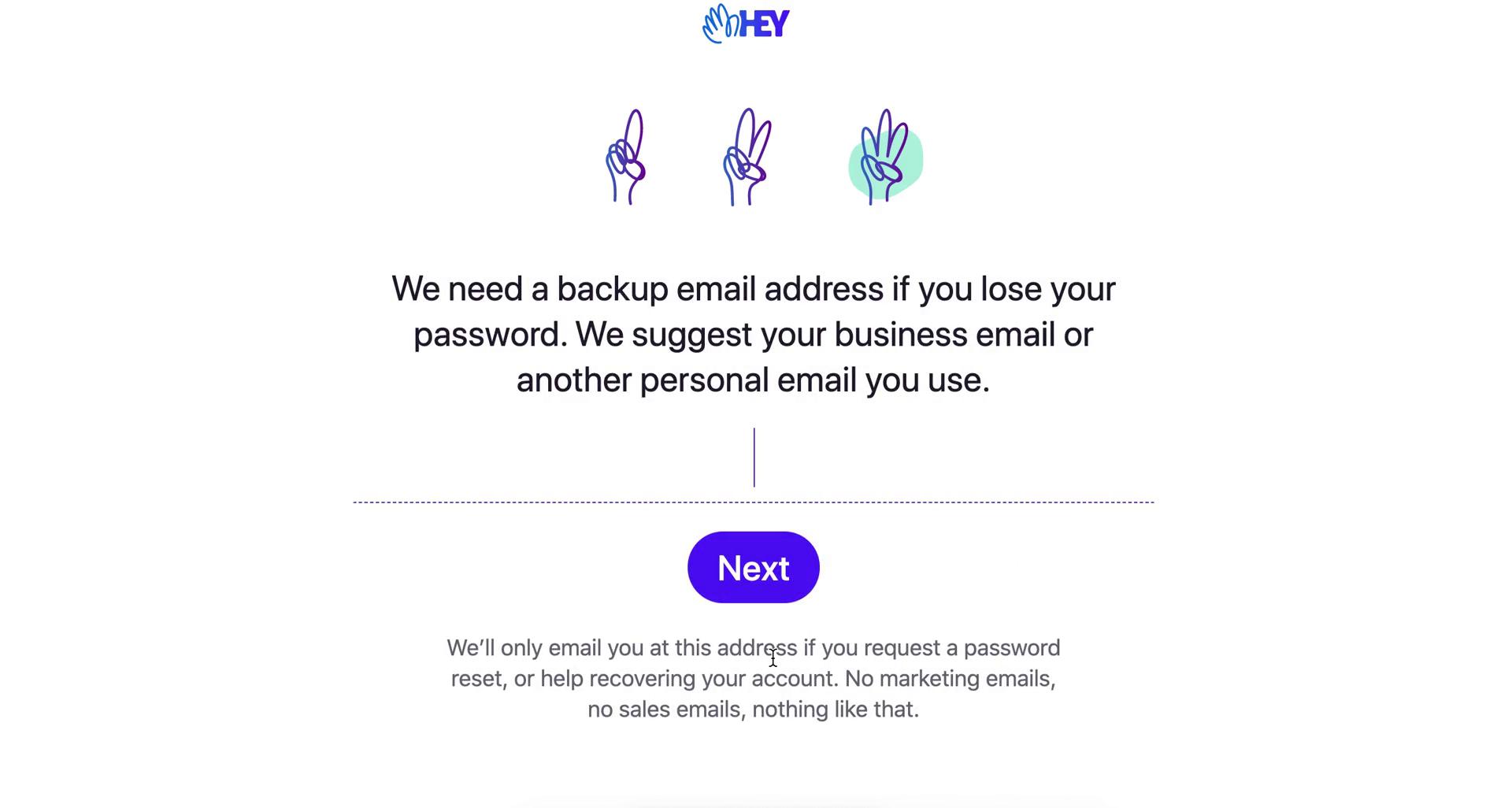
Set backup email
this is title
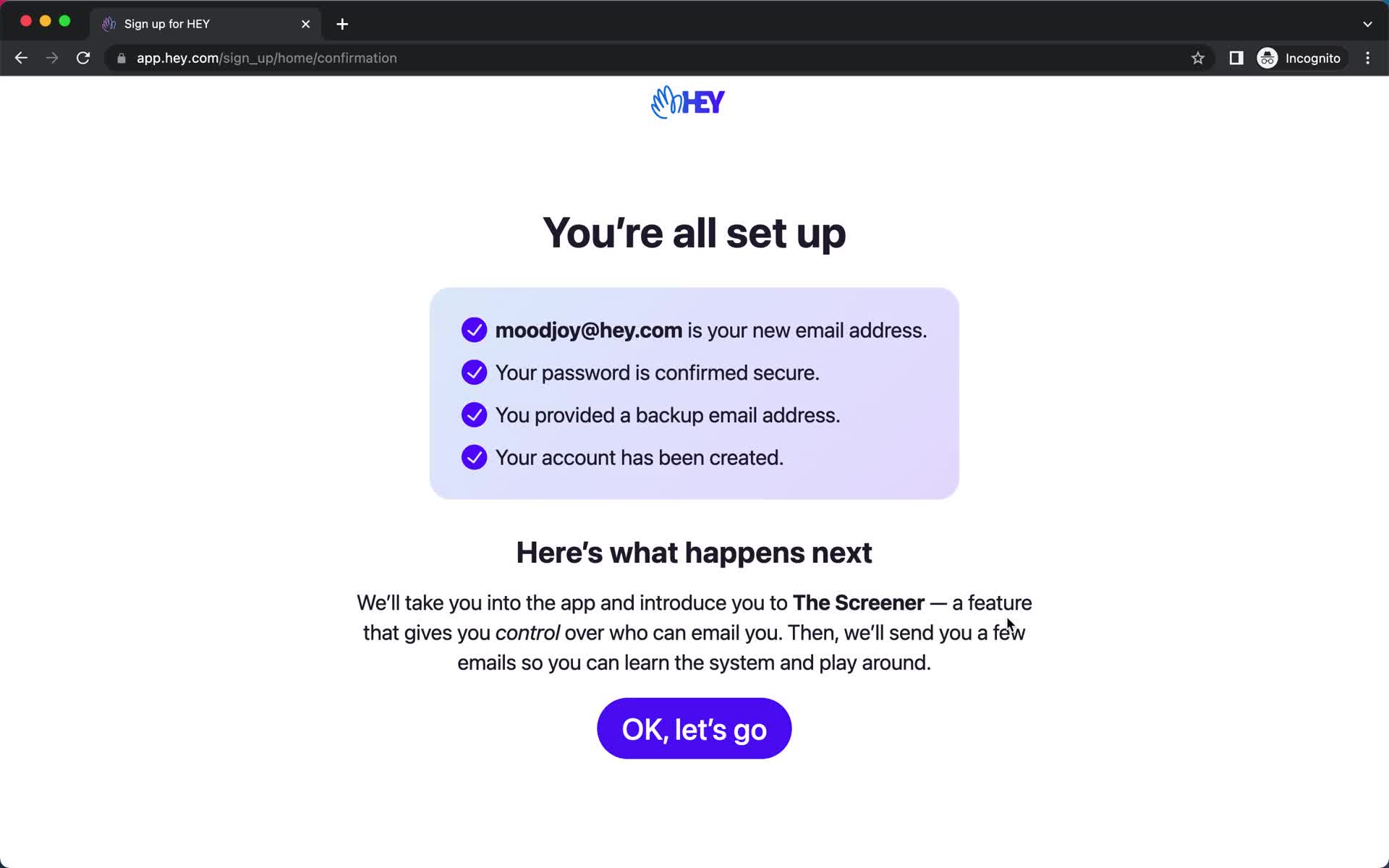
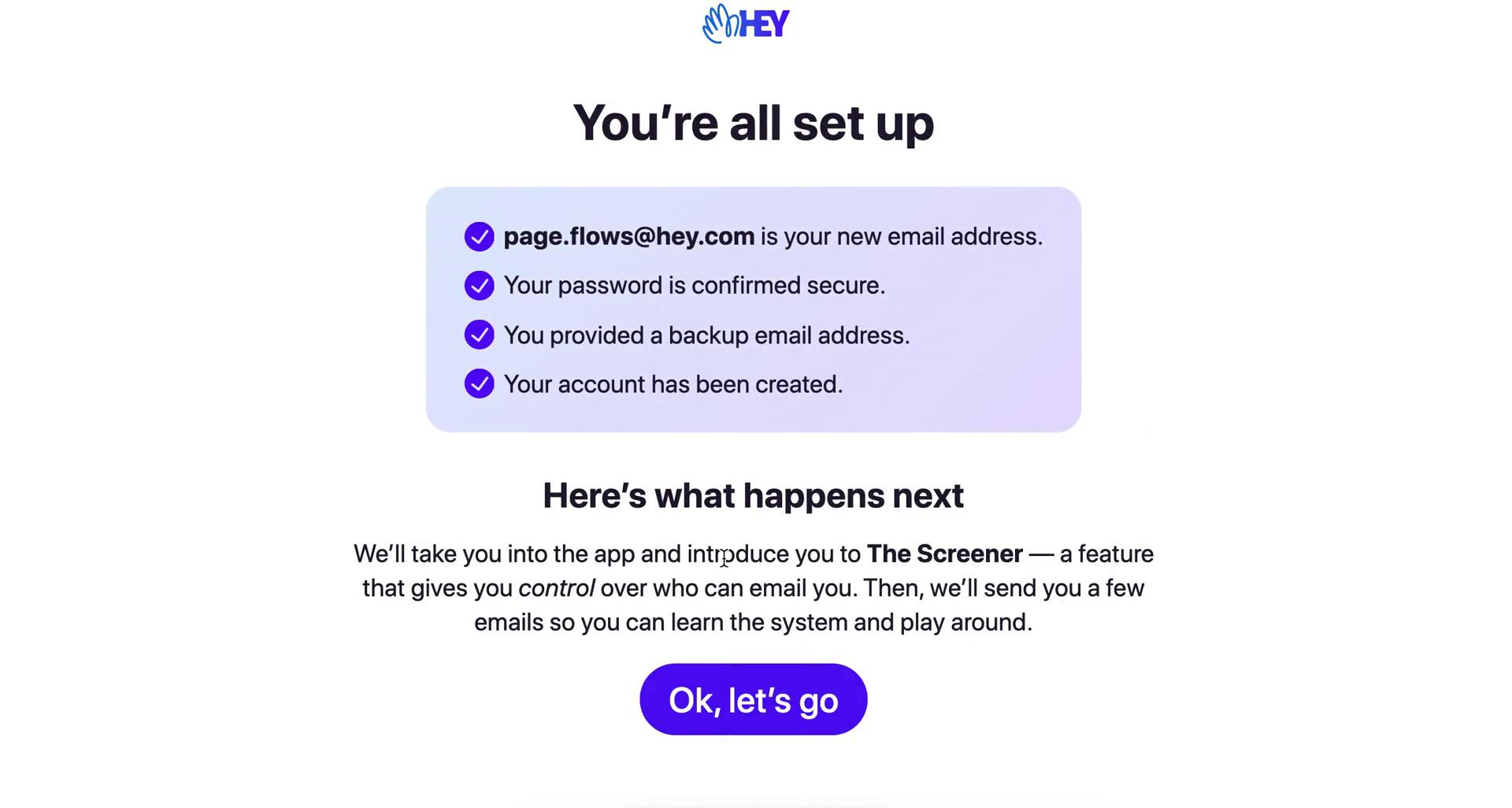
Setup complete
this is title
Product tour
this is title
Product tour
this is title
Product tour
this is title
Product tour
this is title
Guide
this is title
Navigation menu
this is title
Inbox
this is title
Navigation menu
this is title
Email details
this is title
Item moved
this is title
Homepage
this is title
Get started
this is title
Enter name
this is title
Pick new email address
this is title
Set password
this is title
Set backup email
this is title
Set up complete
this is title
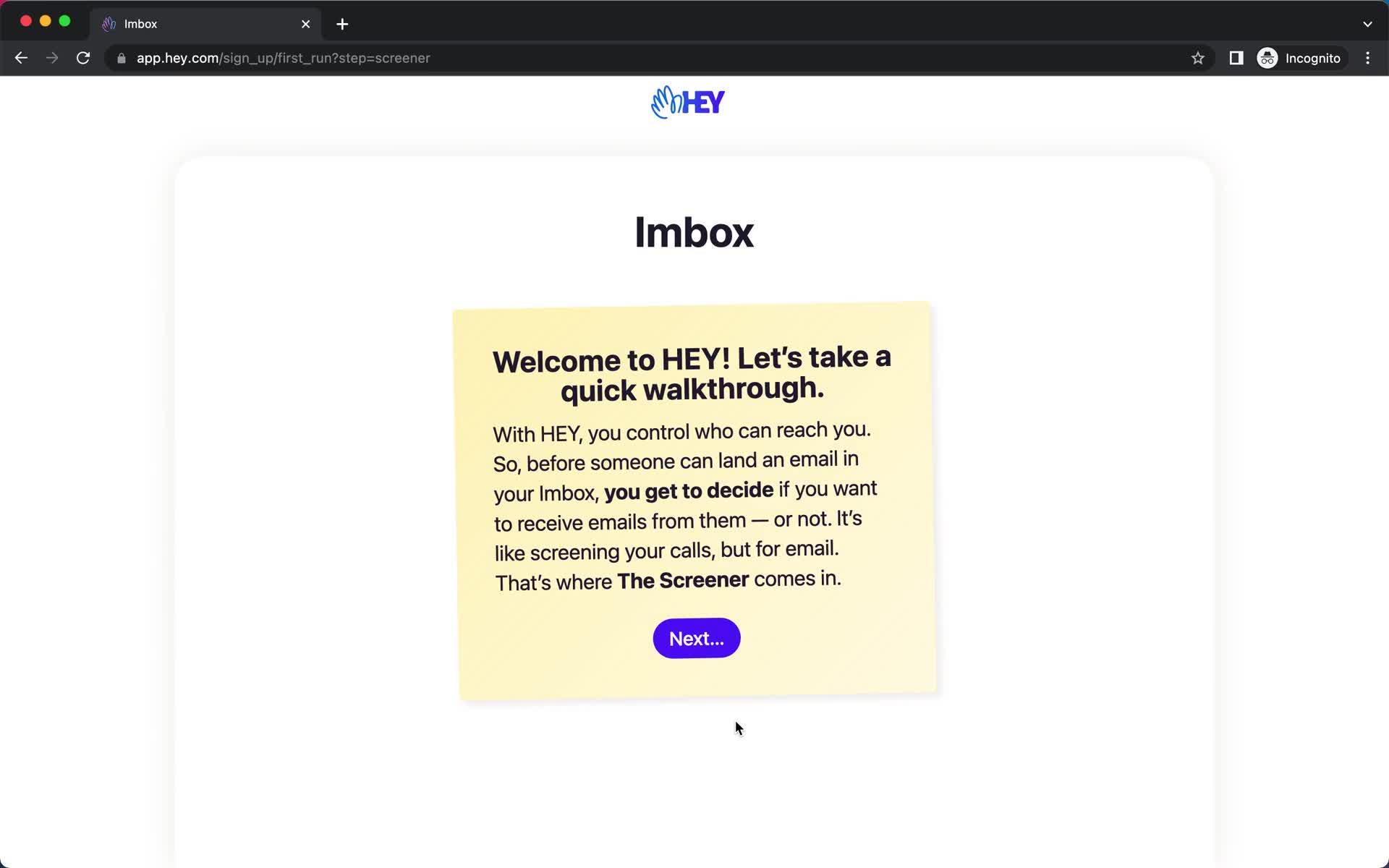
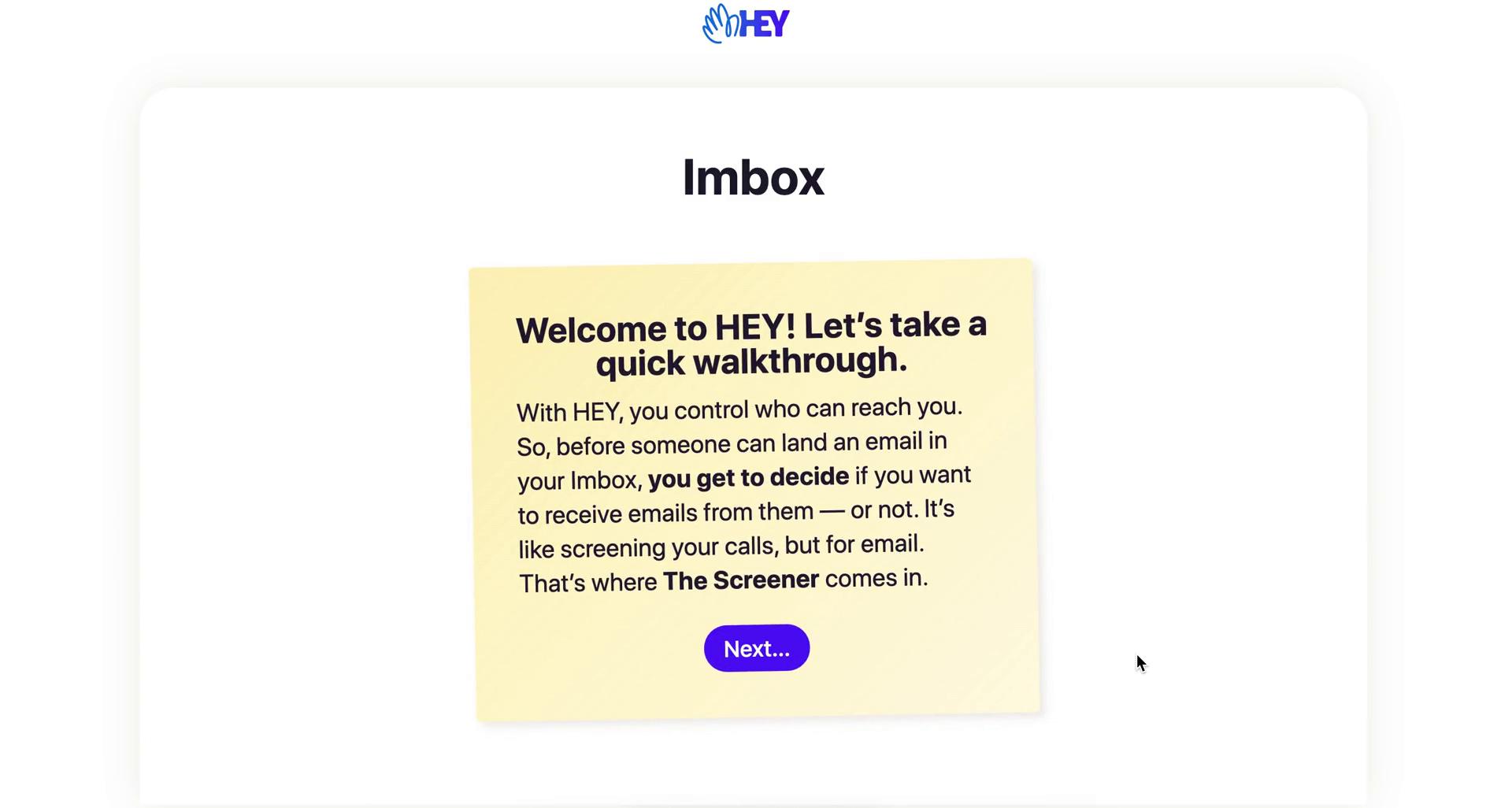
Walkthrough
this is title
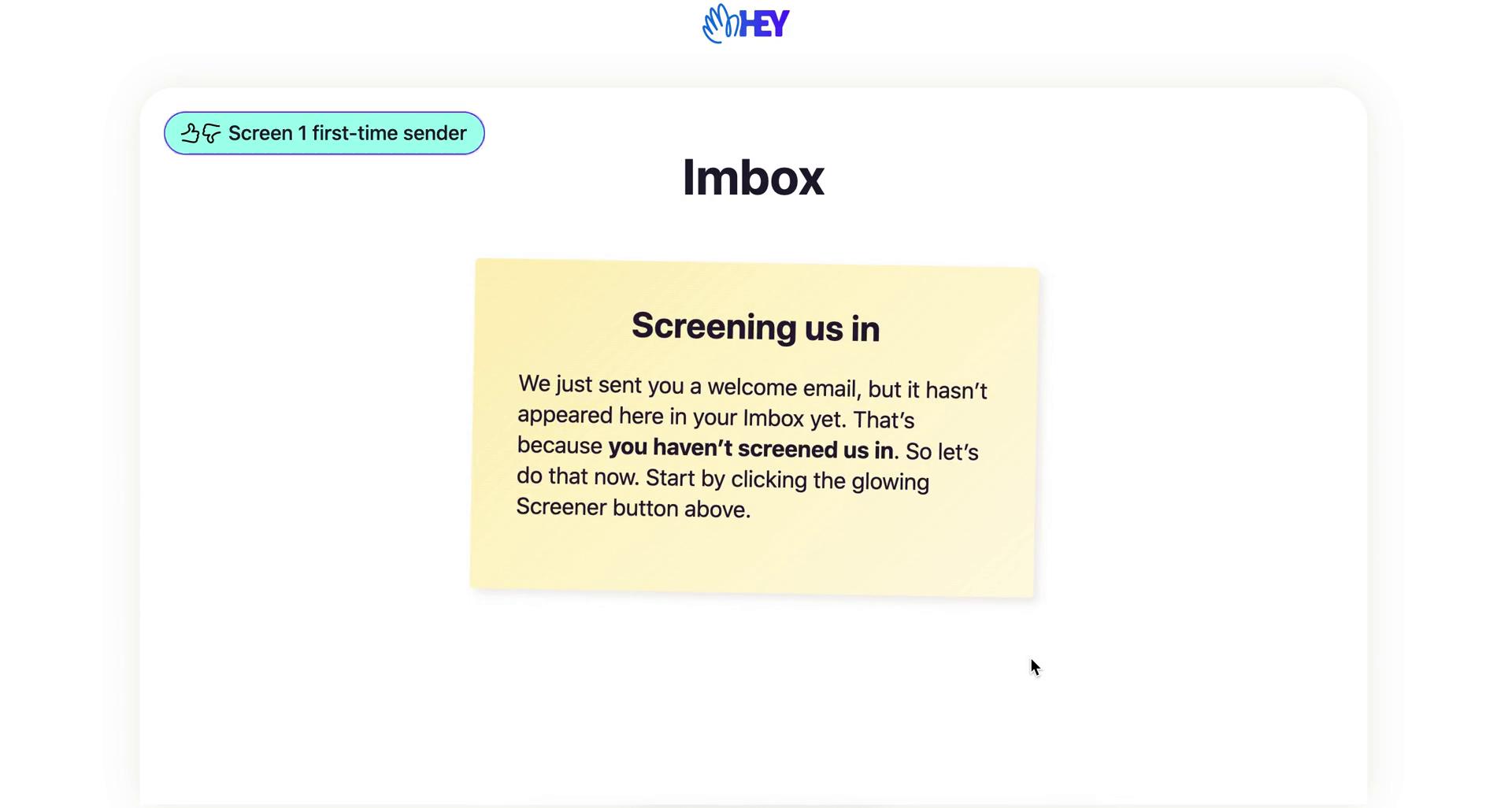
Walkthrough
this is title
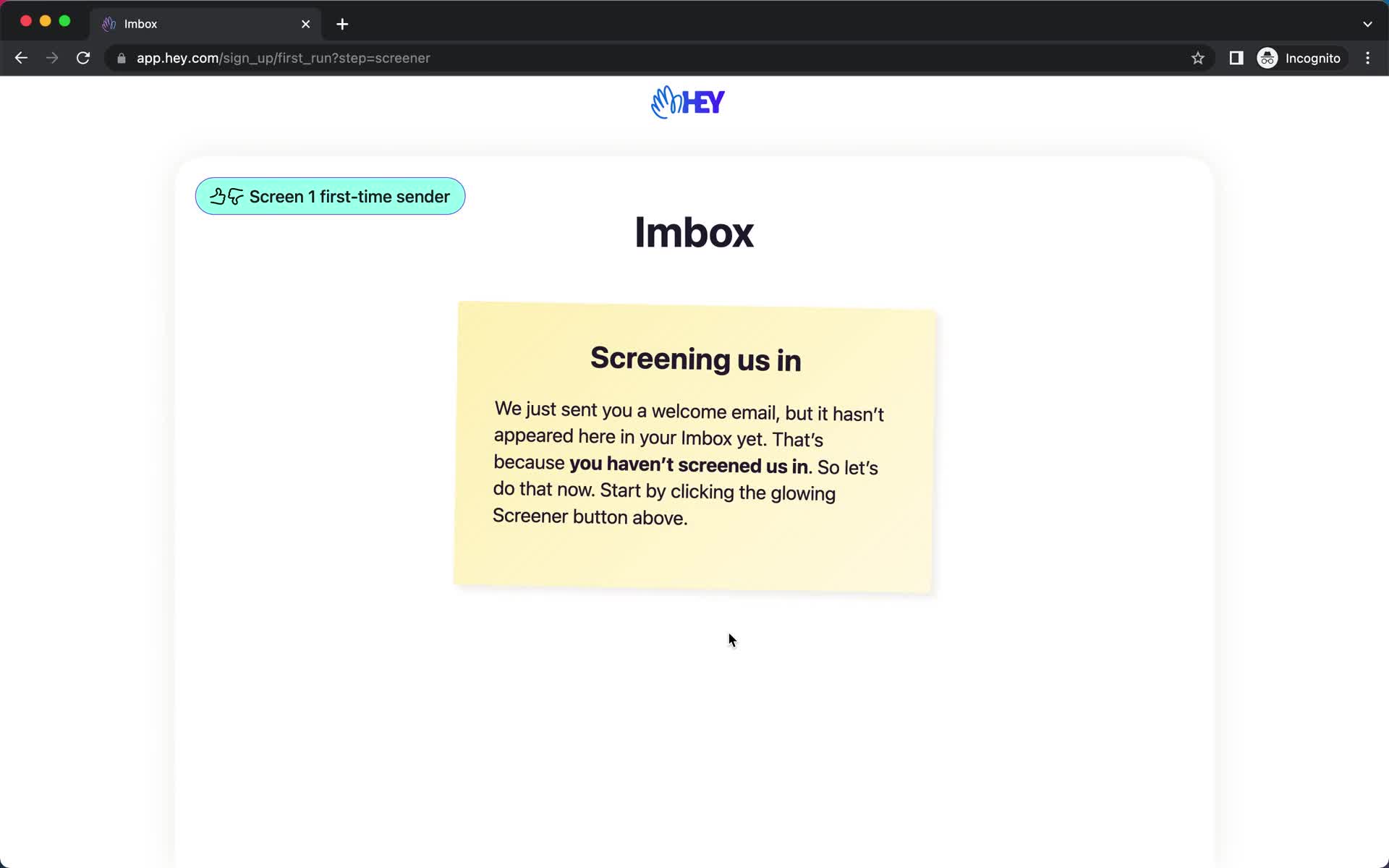
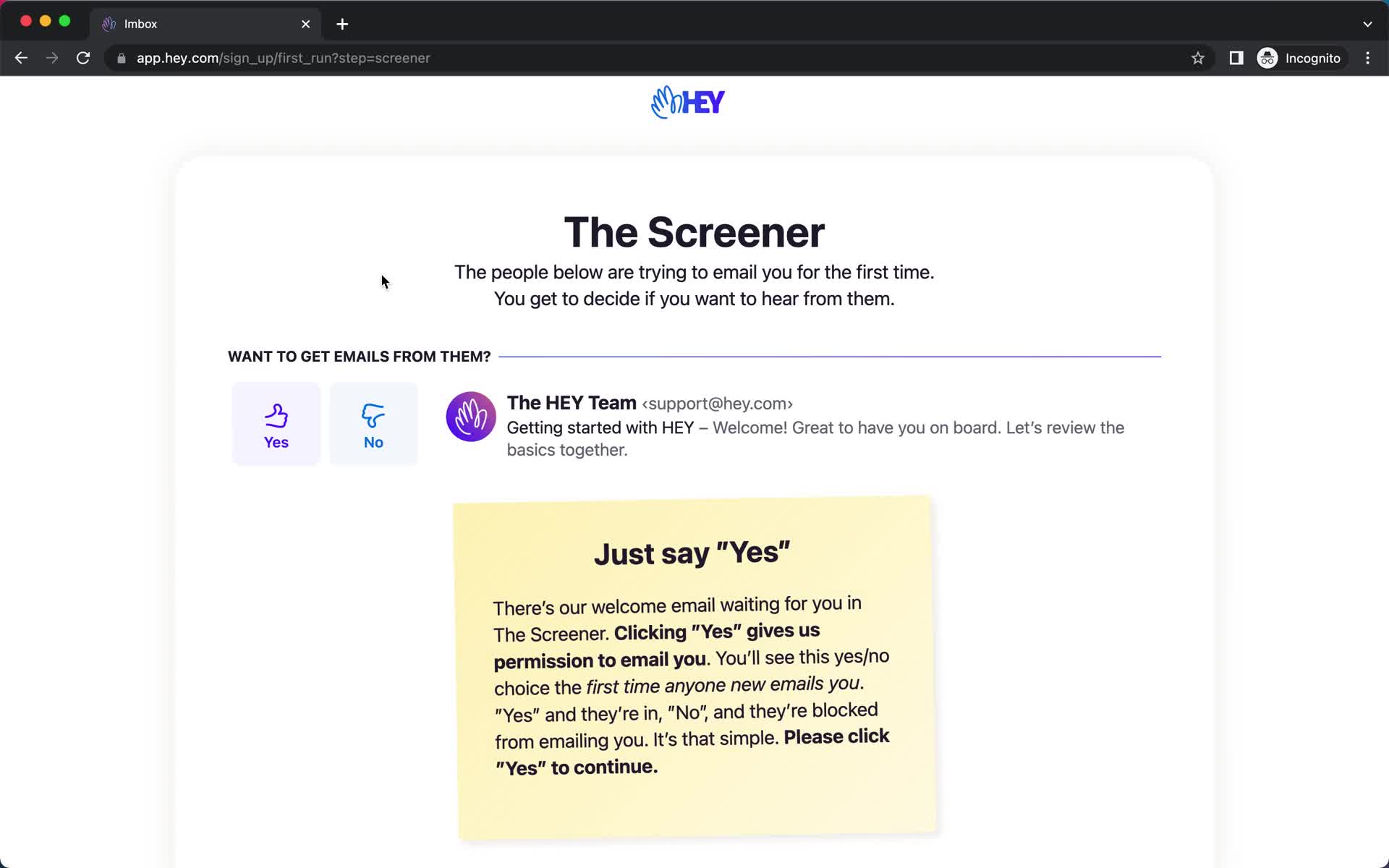
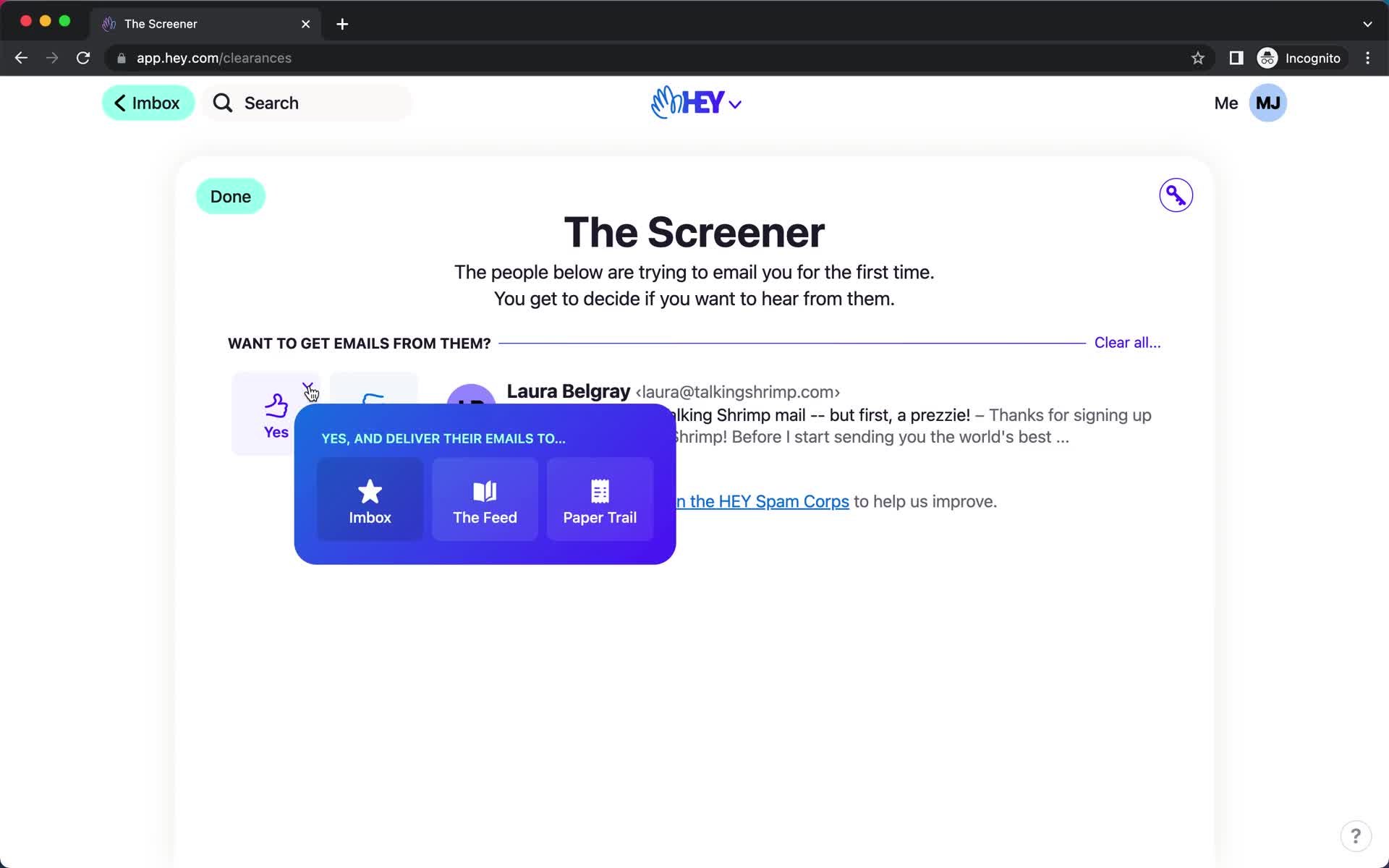
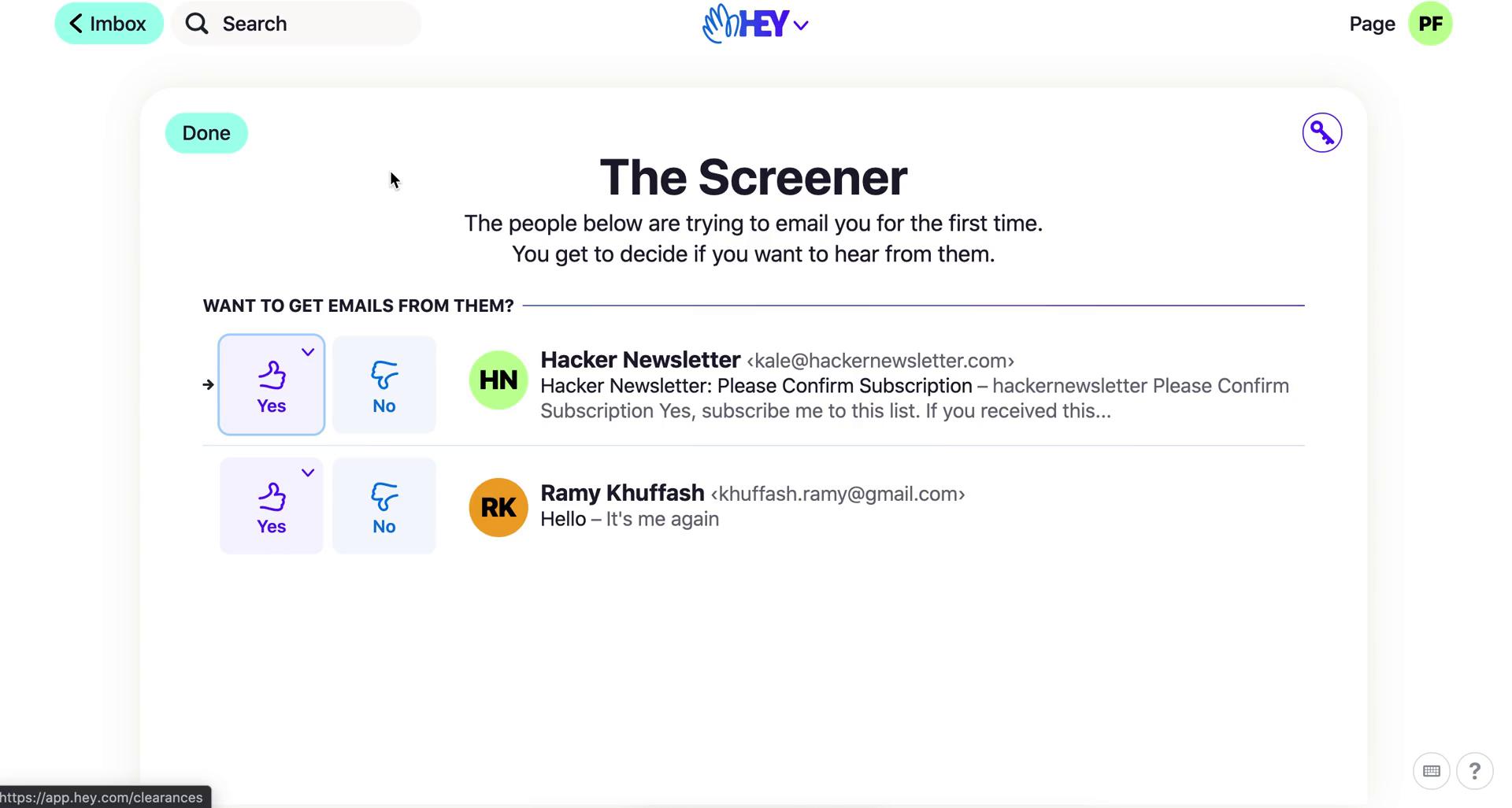
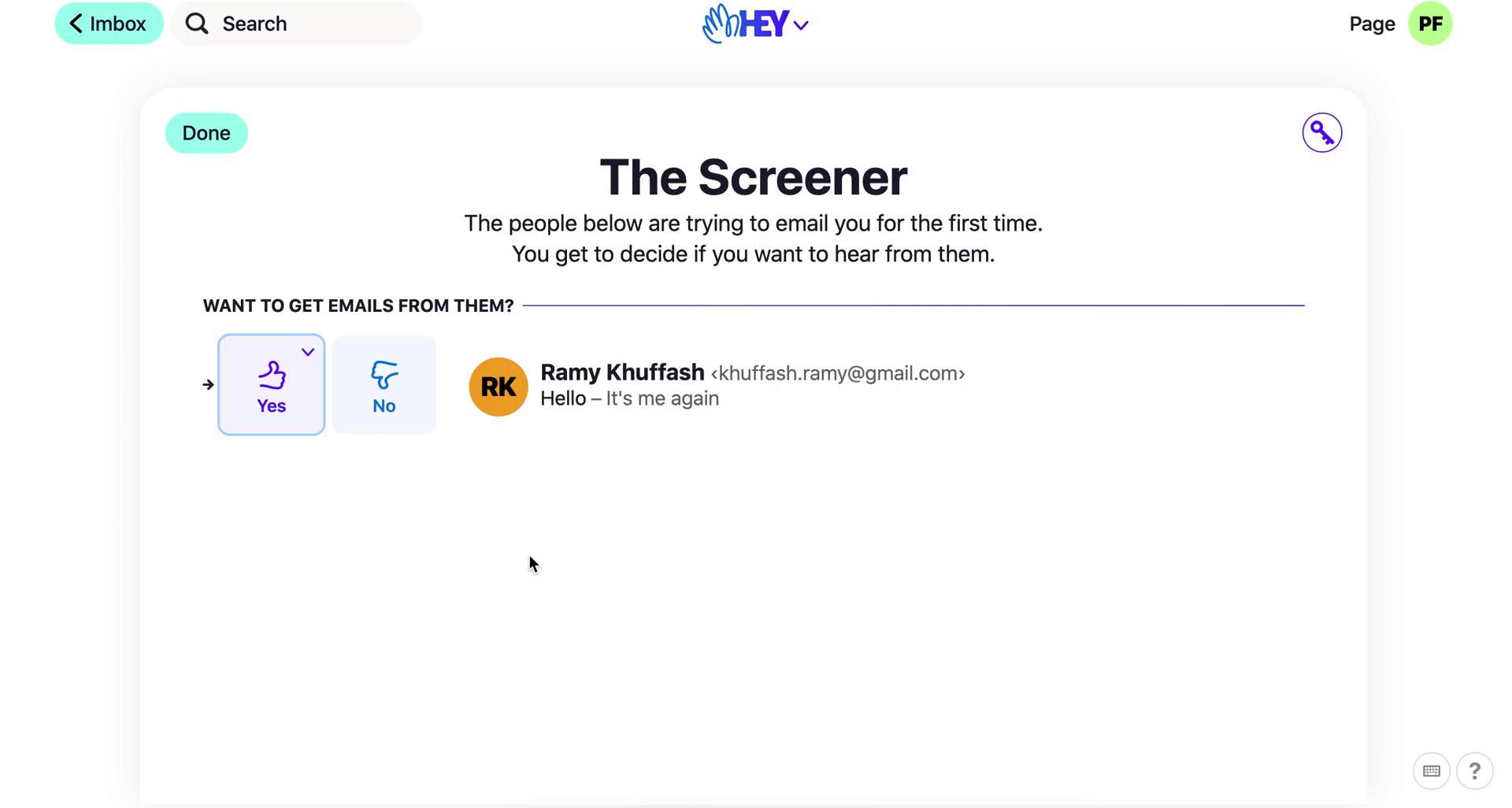
The Screener
this is title
Imbox
this is title
Message
this is title
Imbox
this is title
Inbox
this is title
The Screener
this is title
Preview email
this is title
The Screener
this is title
Screen email
this is title
Inbox
this is title
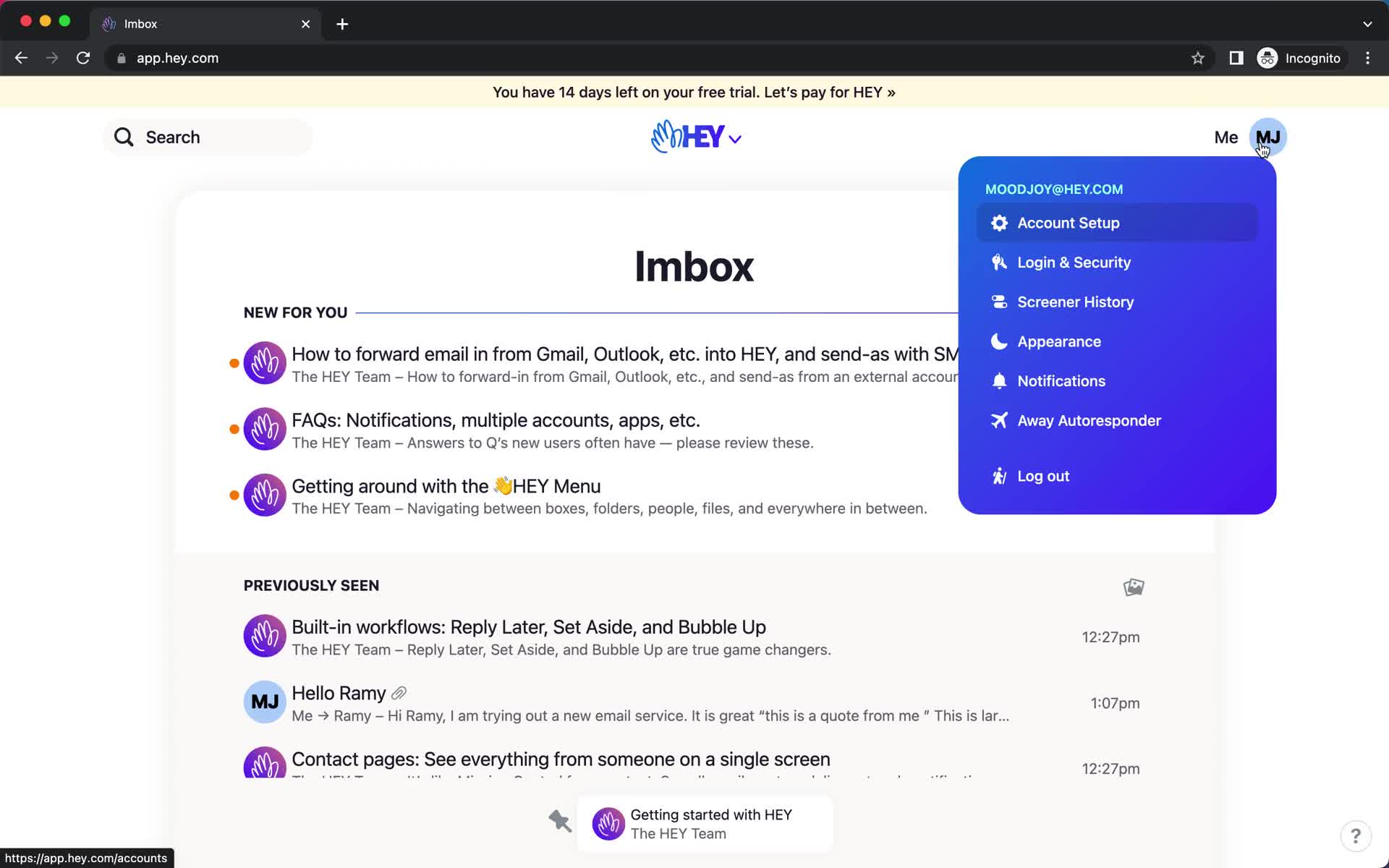
Account menu
this is title
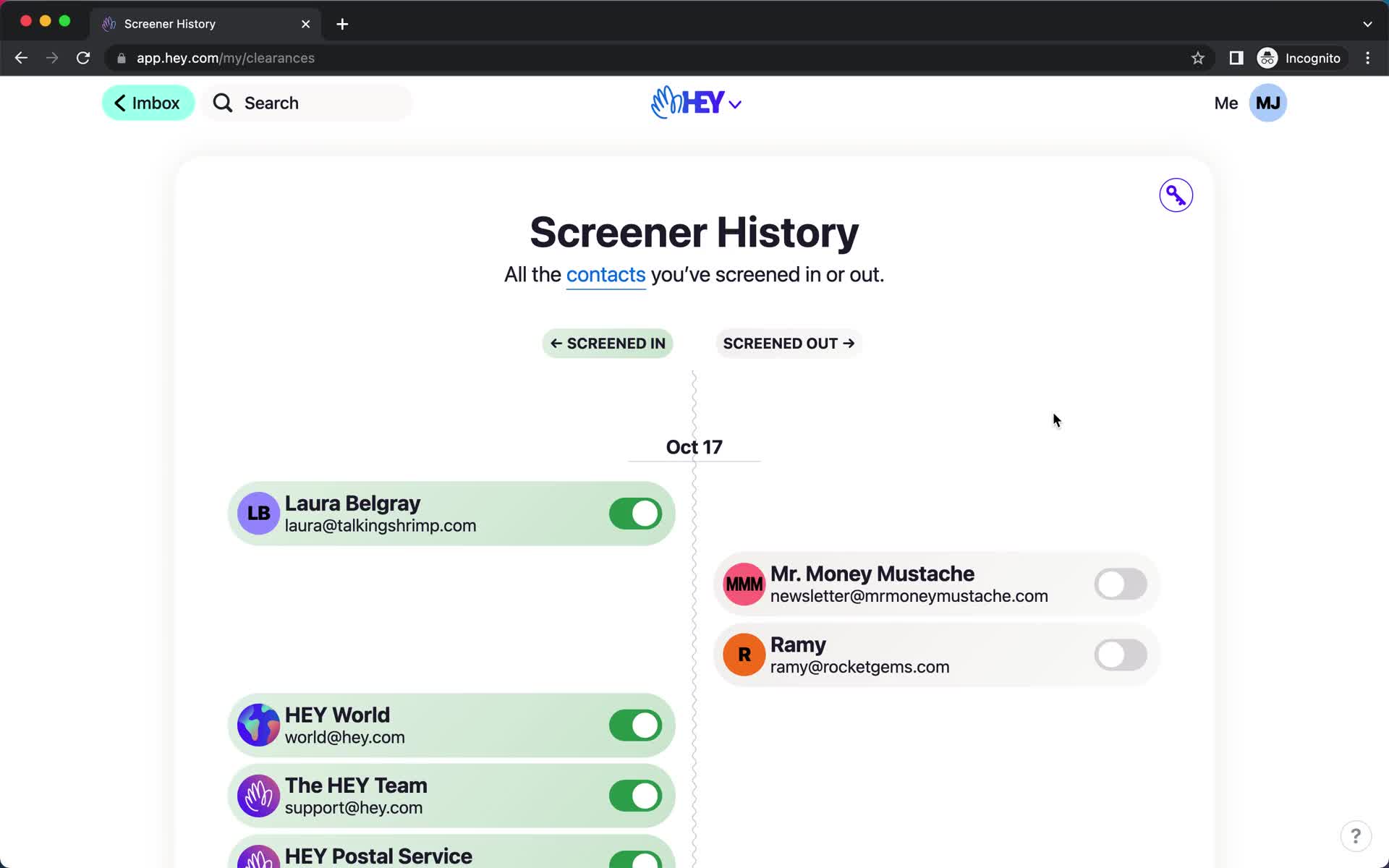
Screener history
this is title
Screener history
this is title
Inbox
this is title
Navigation menu
this is title
Screened out
this is title
Inbox
this is title
Contact details
this is title
Action menu
this is title
Changes saved
this is title
Inbox
this is title
Imbox
this is title
The Screener
this is title
Screen contact
this is title
The Screener
this is title
Imbox
this is title
Screener history
this is title
Screener history
this is title
Speakeasy code
this is title
Search
this is title
Search results
this is title
Search results
this is title
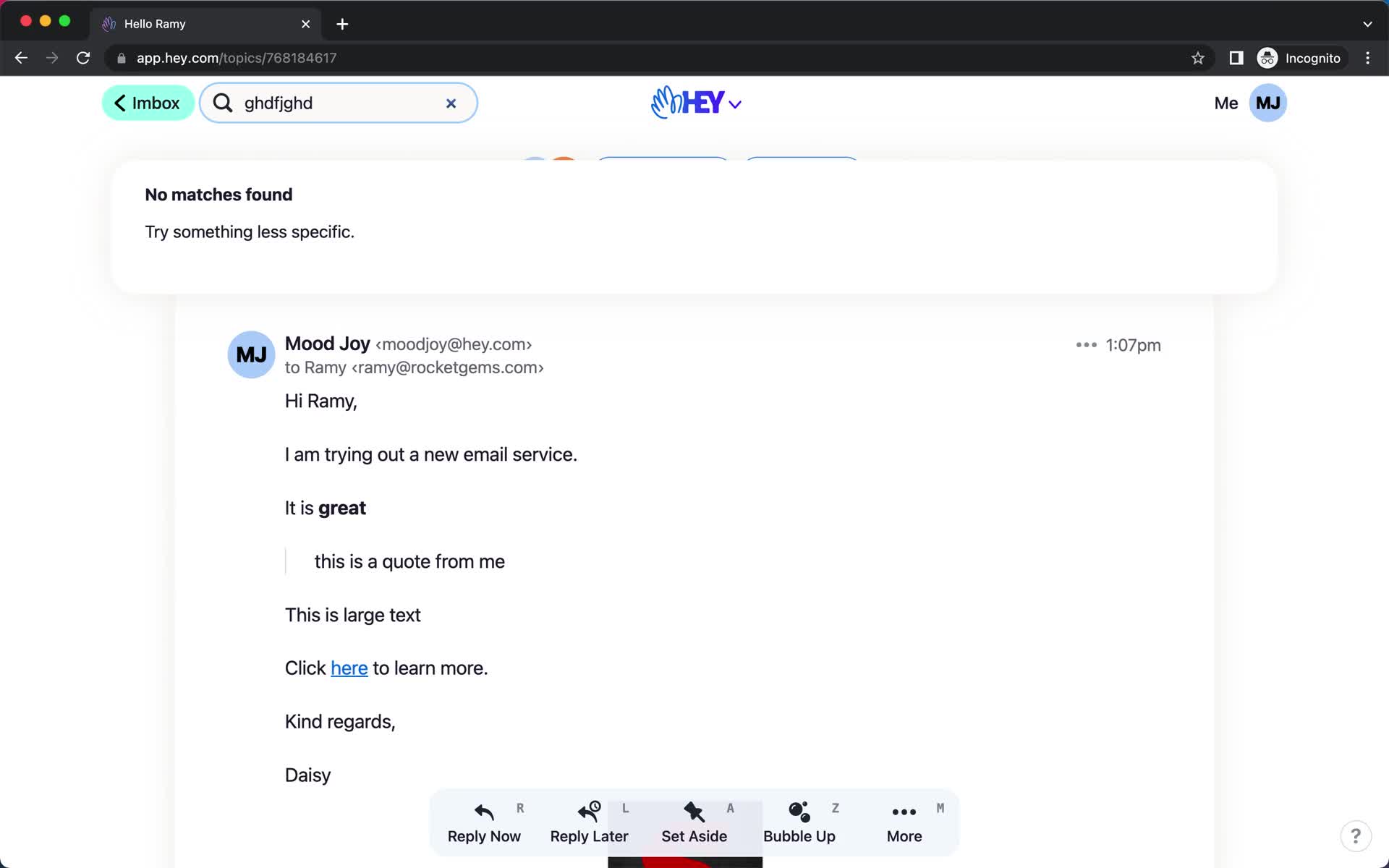
No search results
this is title
Search results
this is title
Filtered results
this is title
Email details
this is title
Search
this is title
Search results
this is title
No search results
this is title
Navigation menu
this is title
Quick search
this is title
Folder
this is title
Imbox
this is title
Search
this is title
Message thread
this is title
Imbox
this is title
Navigation menu
this is title
Quick search
this is title
Inbox
this is title
Compose email
this is title
Add subject
this is title
Compose email
this is title
Compose email
this is title
Schedule
this is title
Schedule
this is title
Scheduled
this is title
Navigation menu
this is title
Quick search
this is title
Drafts
this is title
Schedule
this is title
Send email
this is title
Email sent
this is title
Imbox
this is title
Compose email
this is title
Compose email
this is title
Compose email
this is title
Compose email
this is title
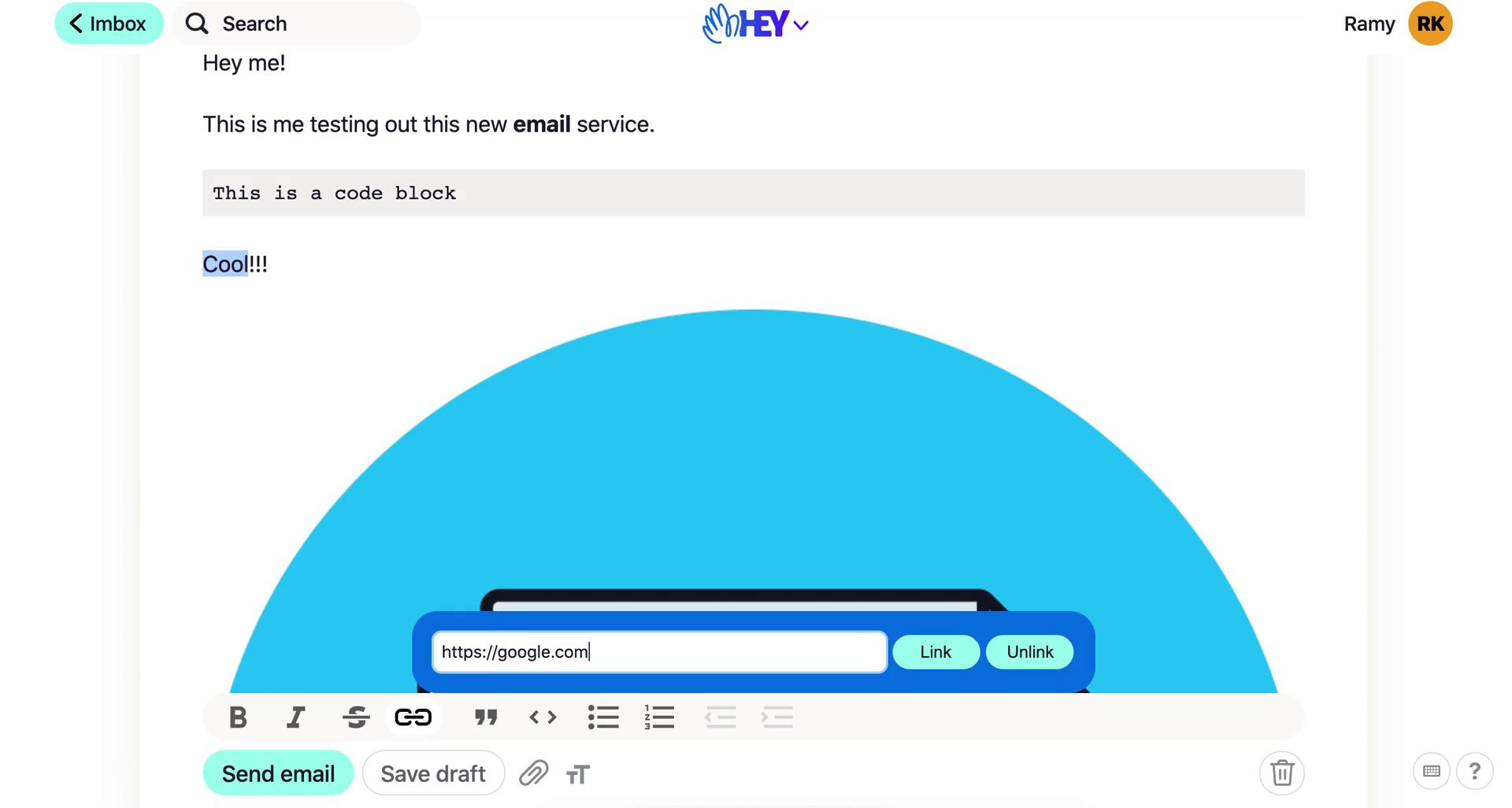
Set url
this is title
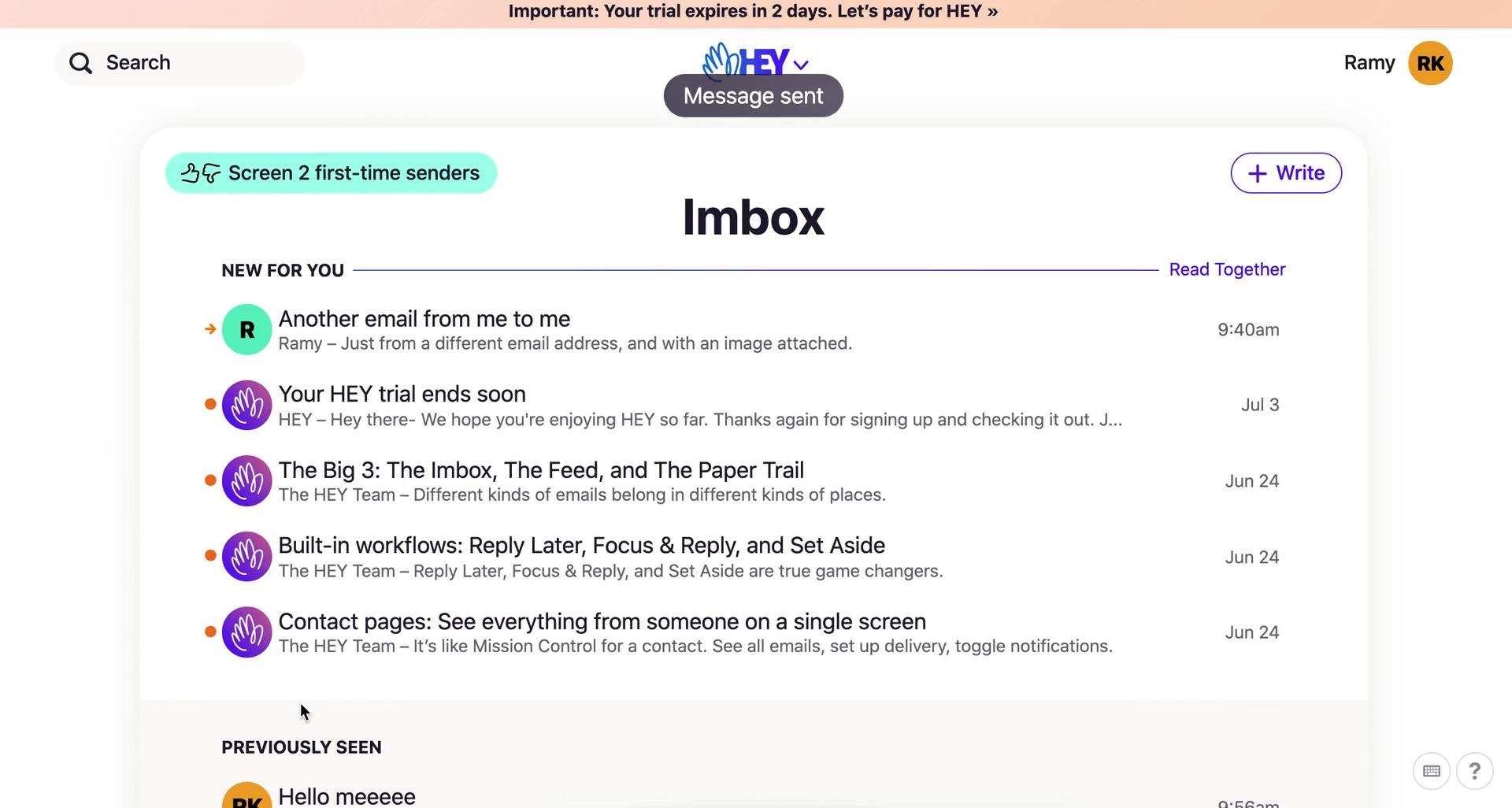
Message sent
this is title
Inbox
this is title
Product tour
this is title
Email details
this is title
Action menu
this is title
Add label
this is title
Product tour
this is title
Inbox
this is title
Product tour
this is title
Navigation menu
this is title
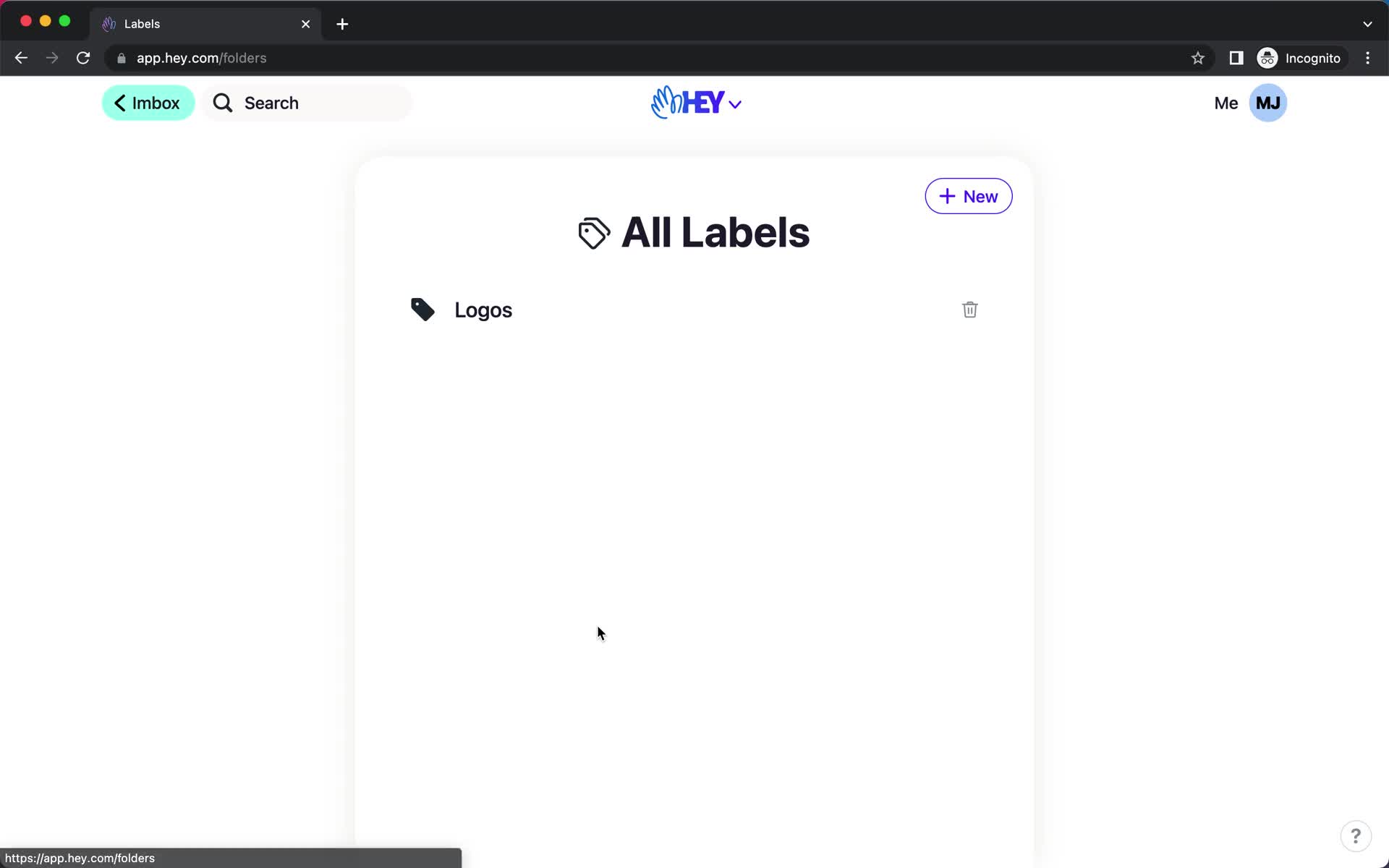
Labels
this is title
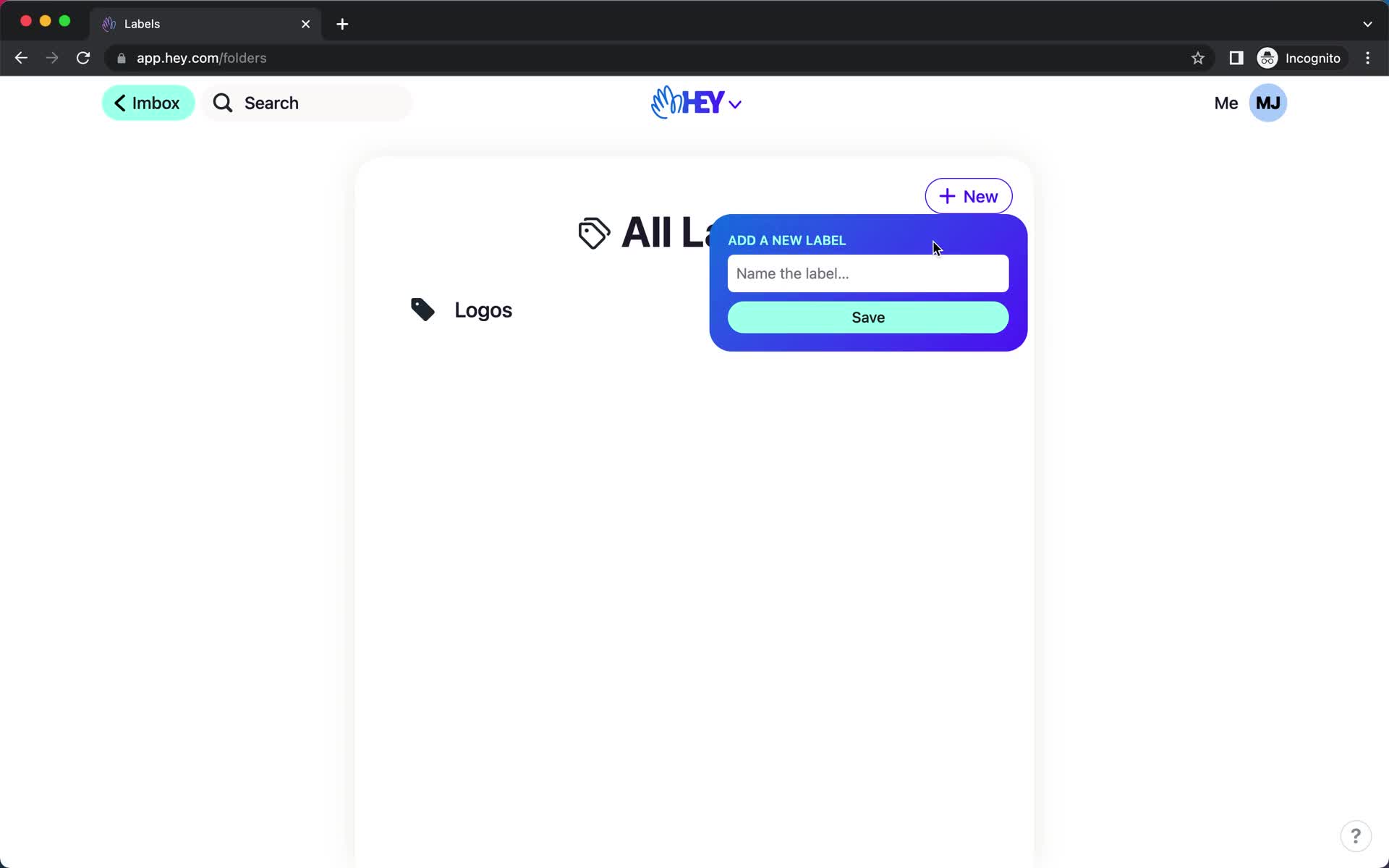
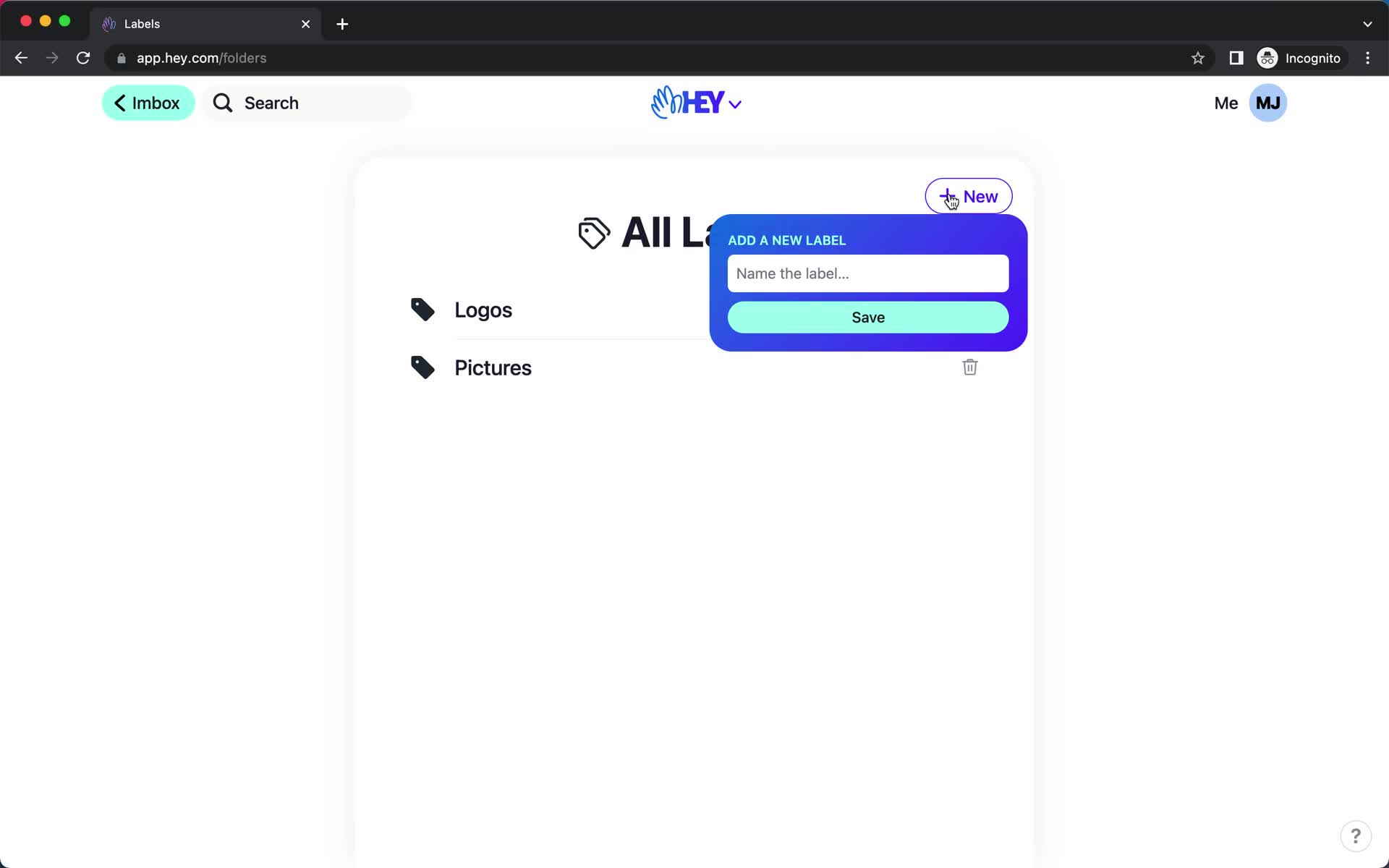
Add label
this is title
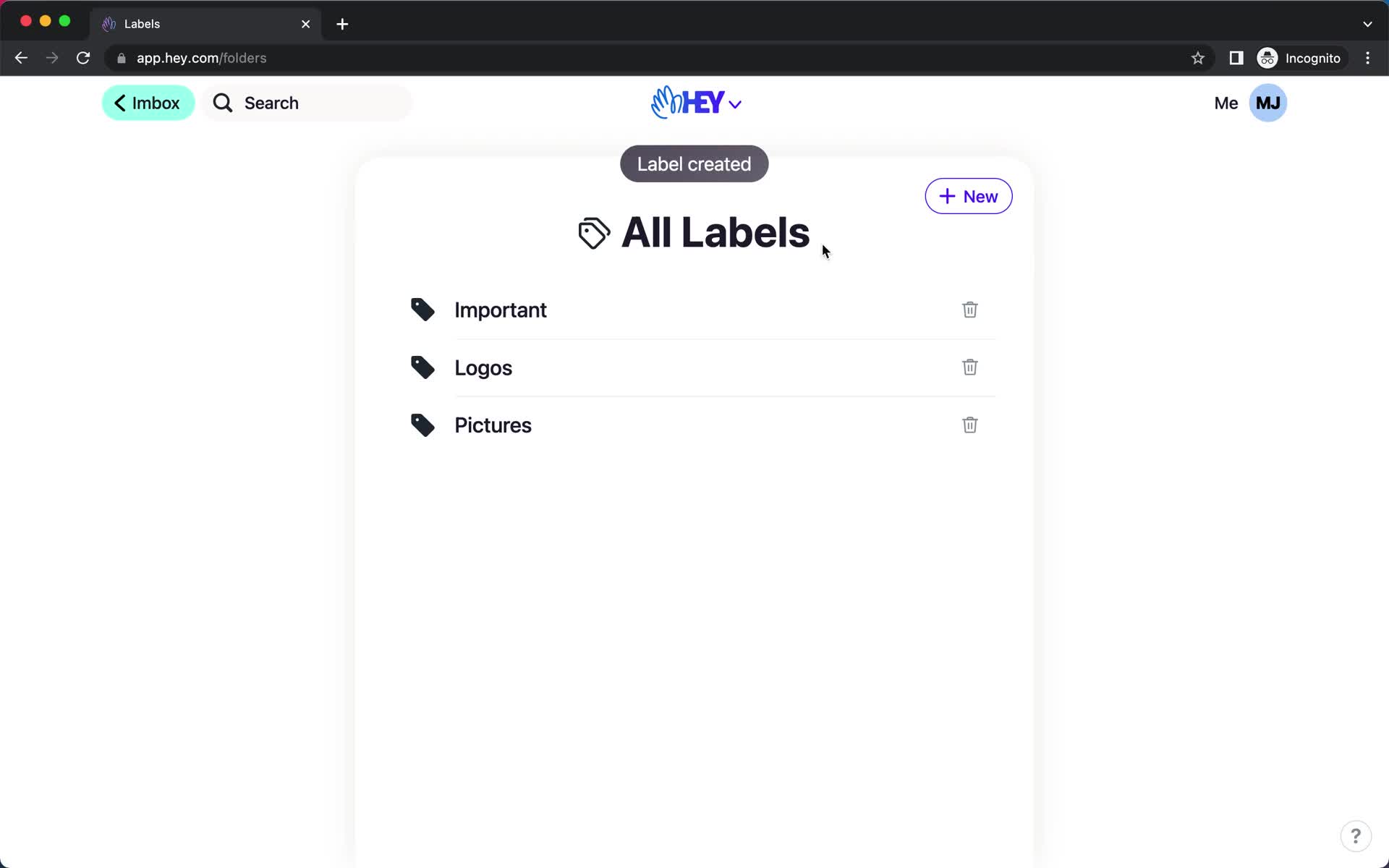
Labels
this is title
Add label
this is title
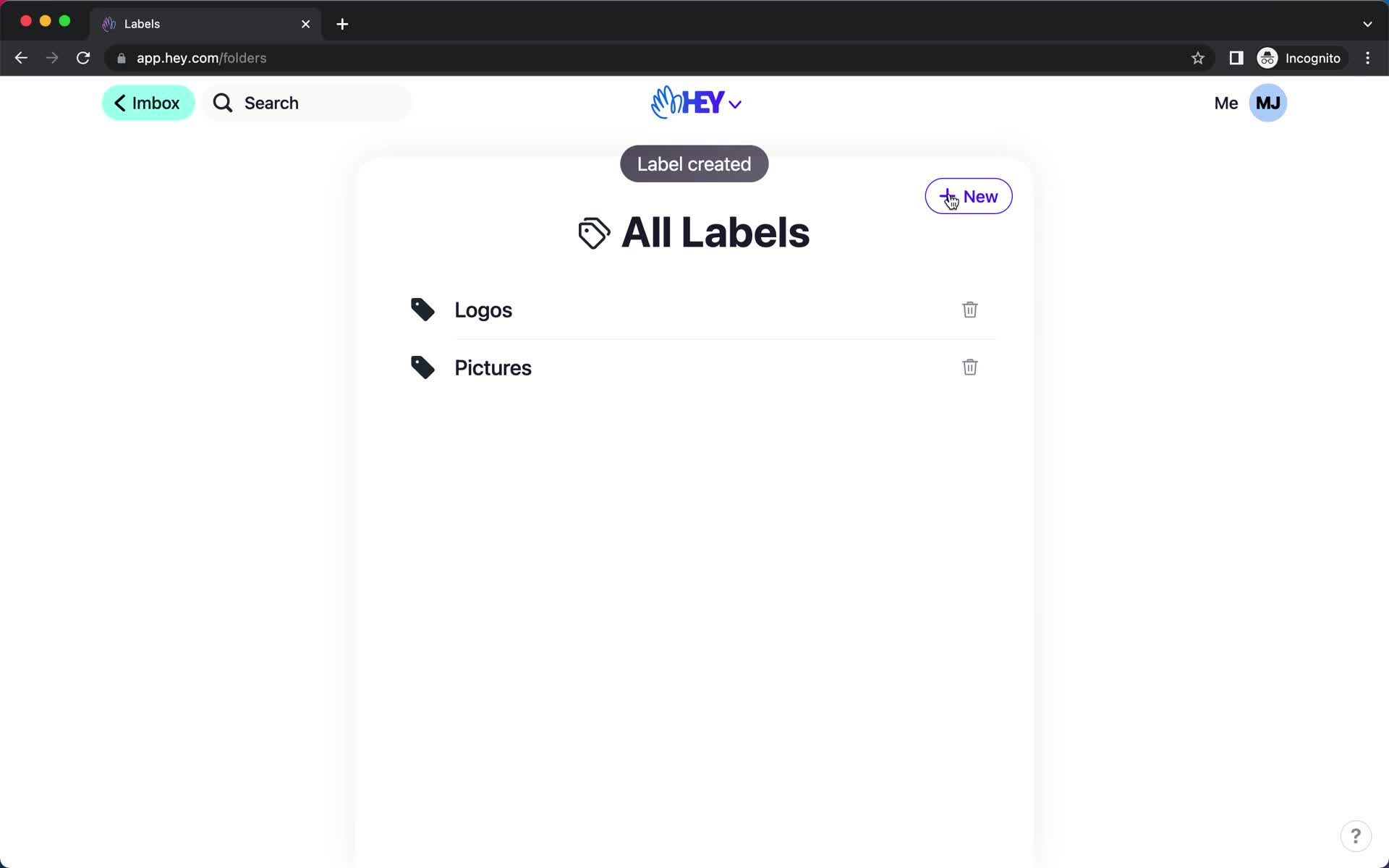
Changes saved
this is title
Inbox
this is title
Email details
this is title
Action menu
this is title
Labels
this is title
Email details
this is title
Inbox
this is title
Email details
this is title
Action menu
this is title
Labels
this is title
Email details
this is title
Inbox
this is title
Navigation menu
this is title
Labels
this is title
Label
this is title
Imbox
this is title
Message
this is title
Thread options
this is title
Labels
this is title
Message
this is title
Labels
this is title
Create label
this is title
Navigation menu
this is title
Label
this is title