
























Web Settings in folk

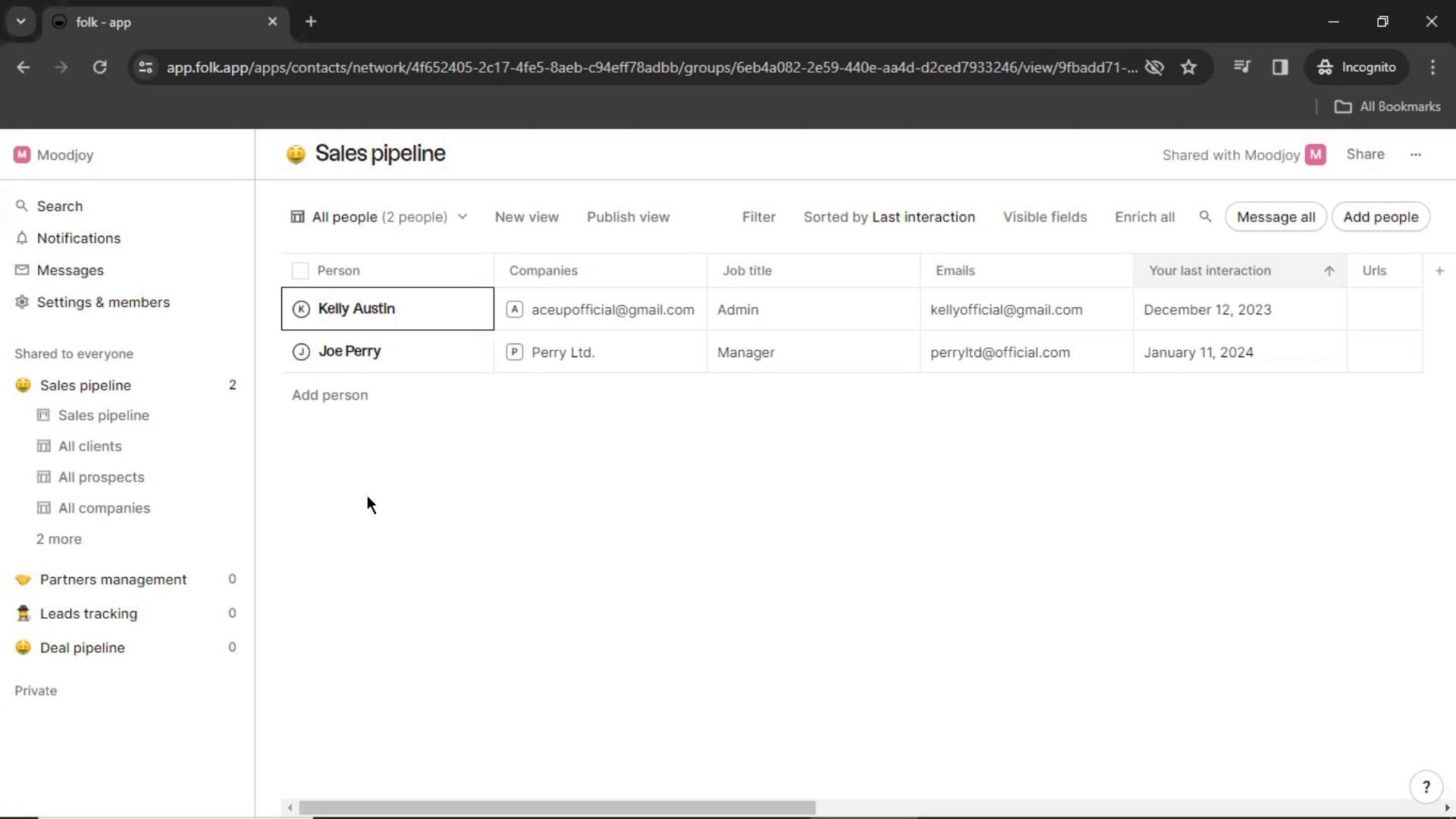
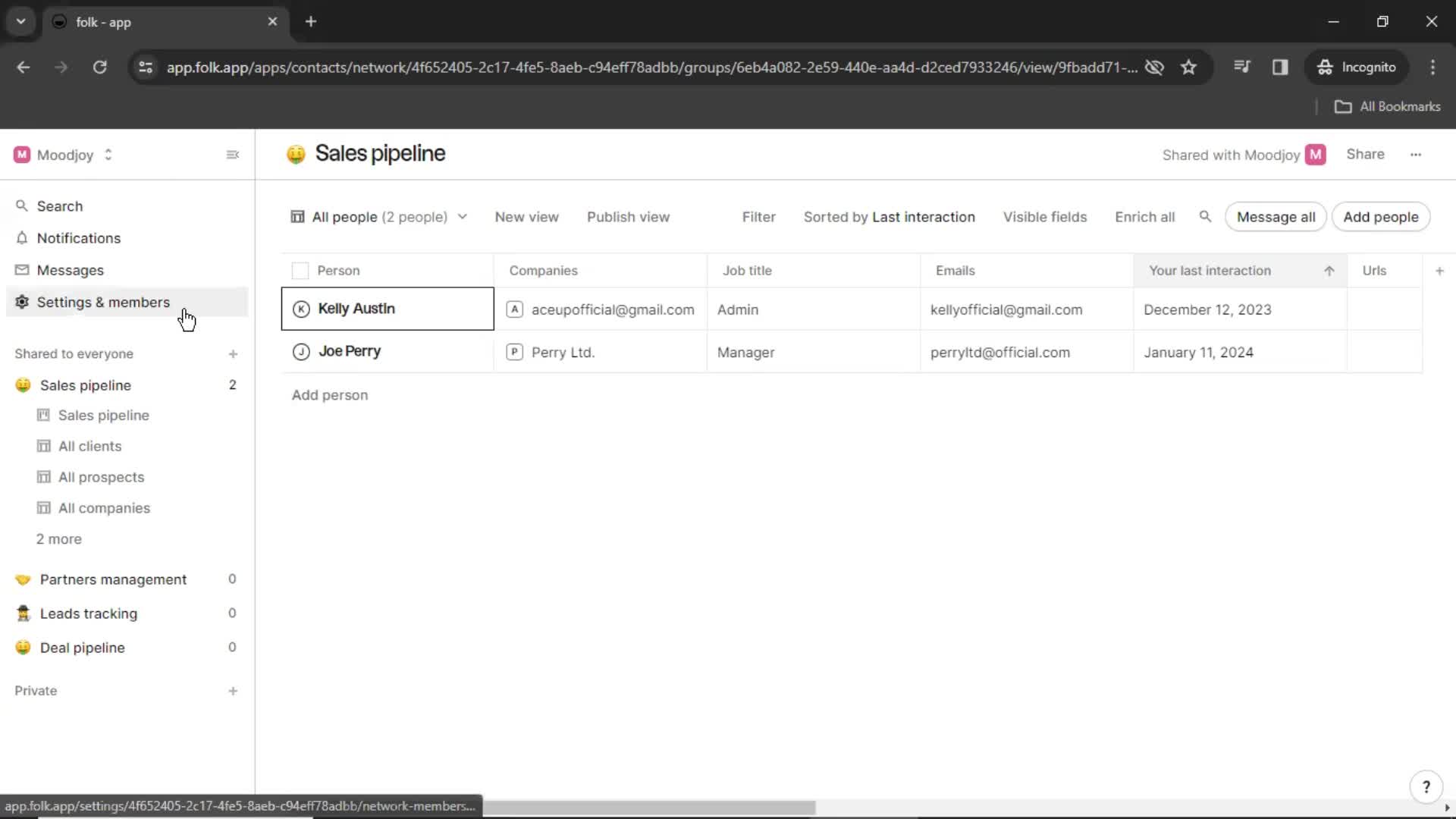
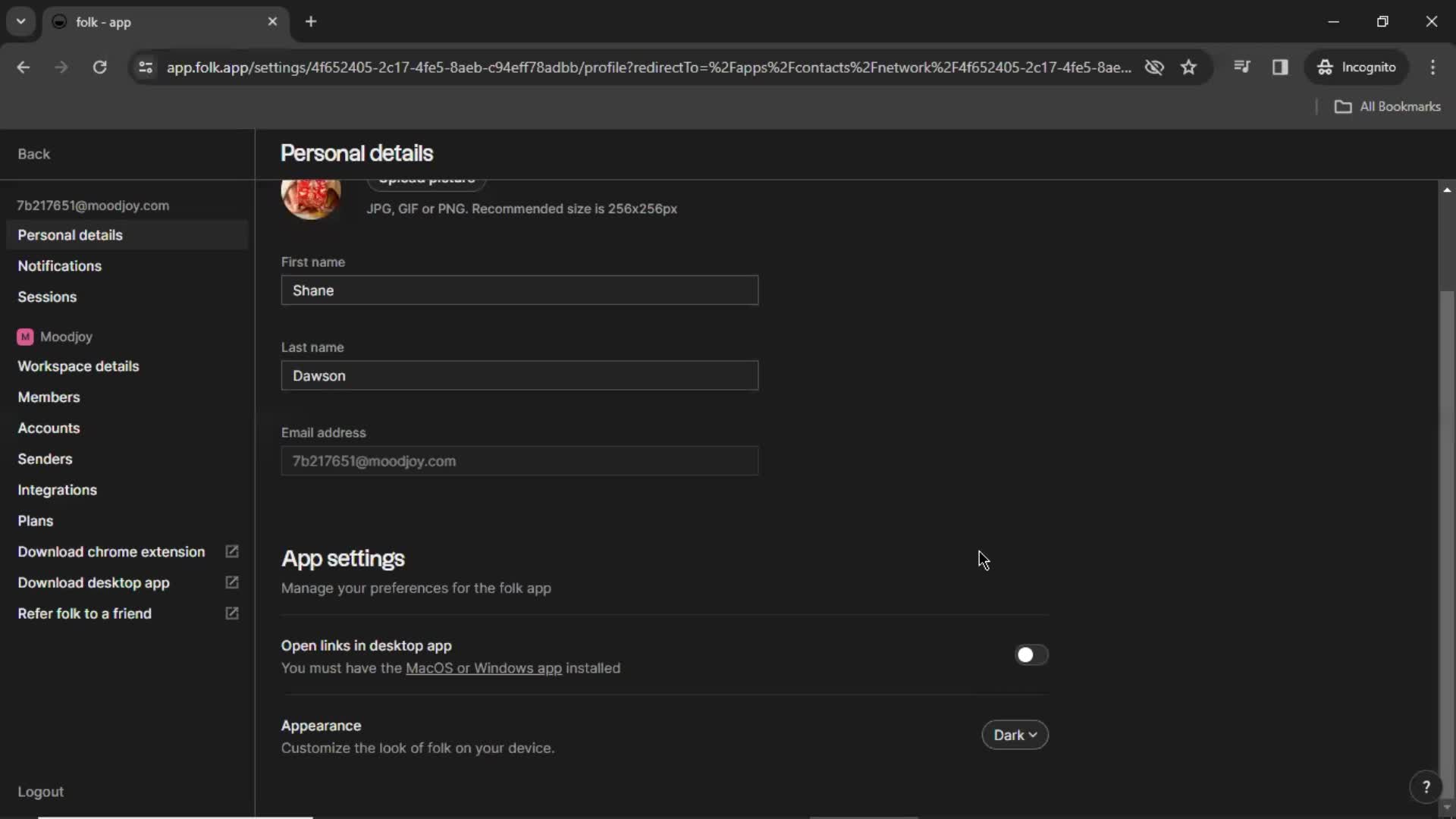
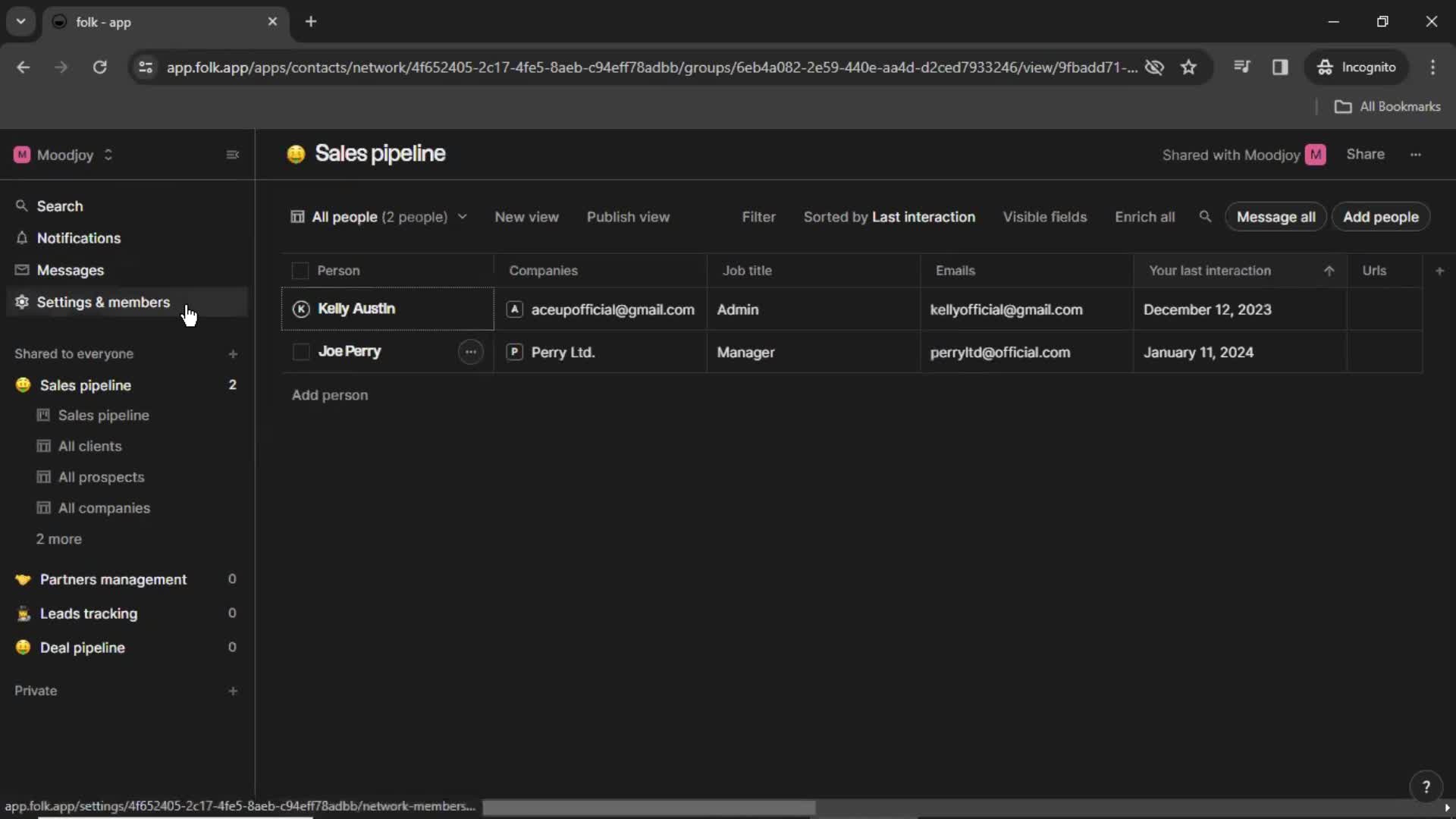
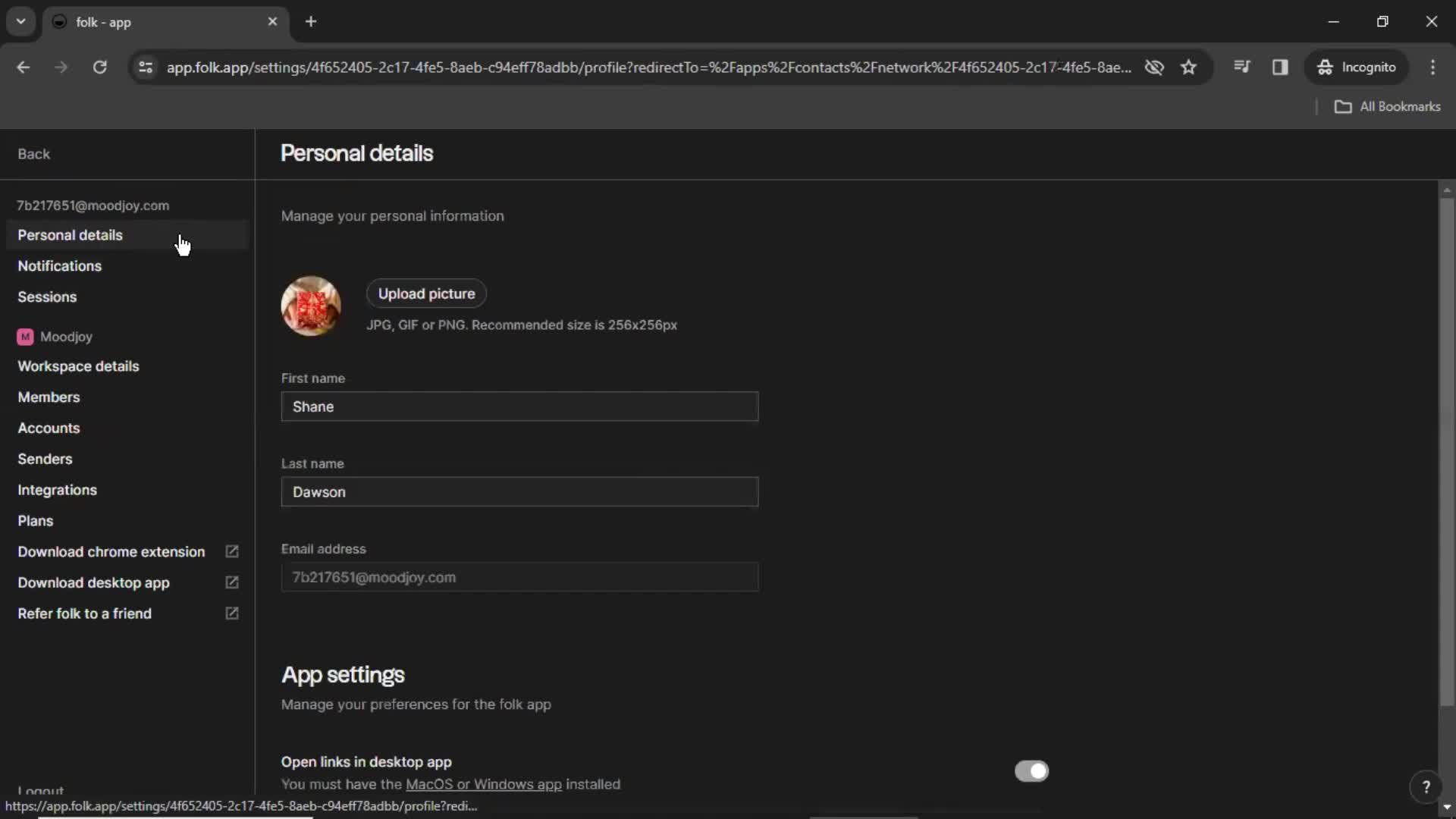
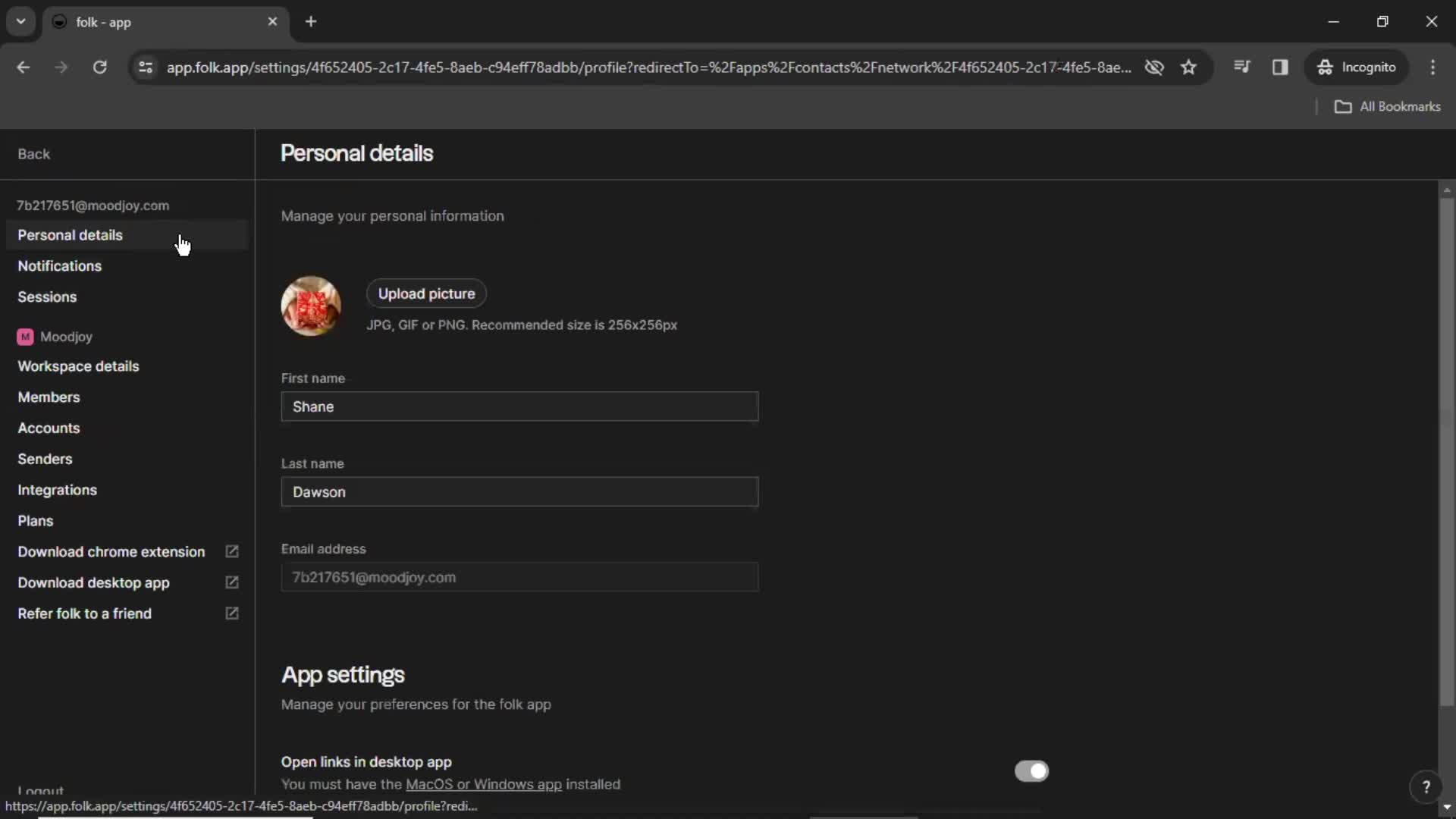
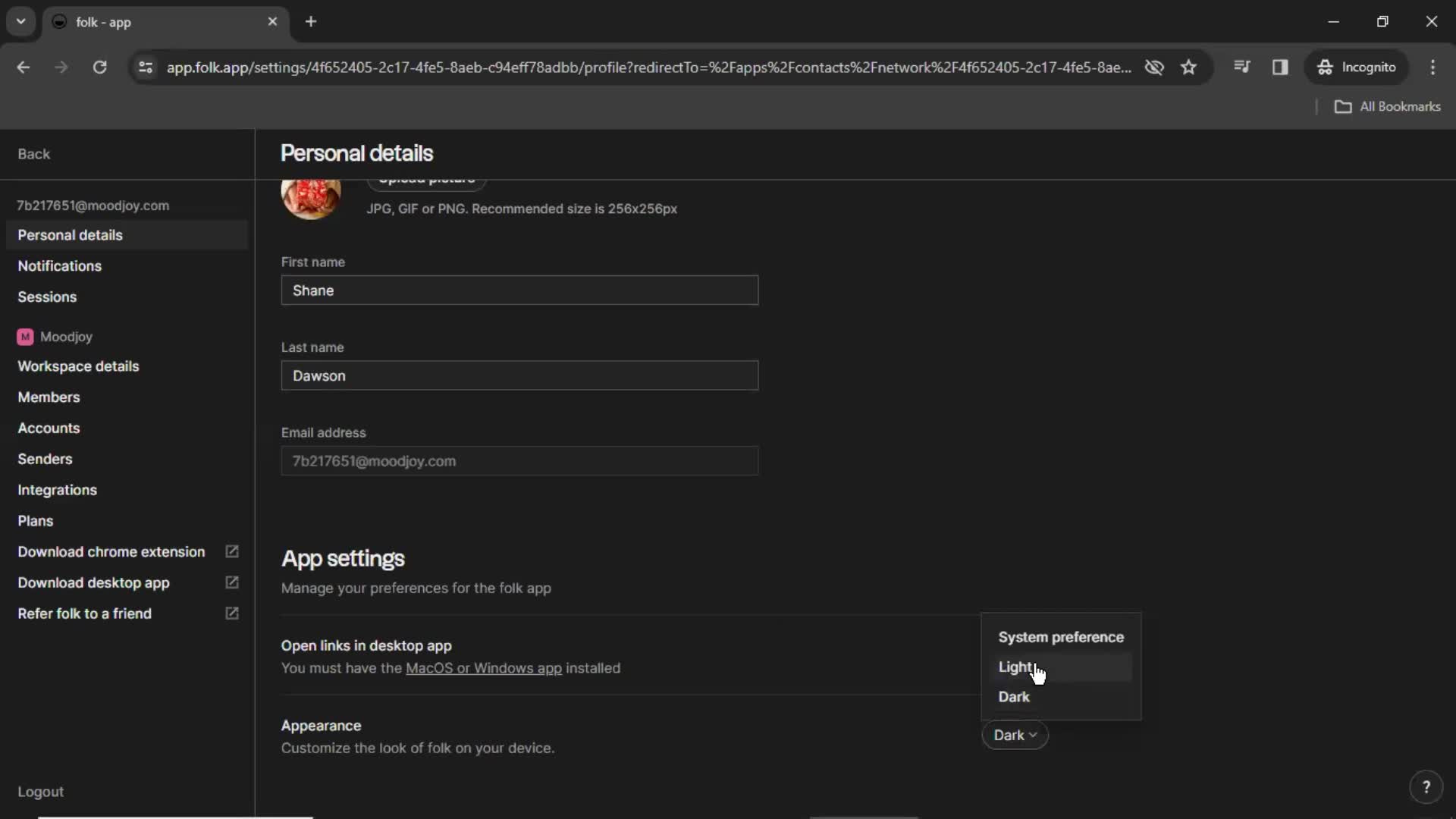
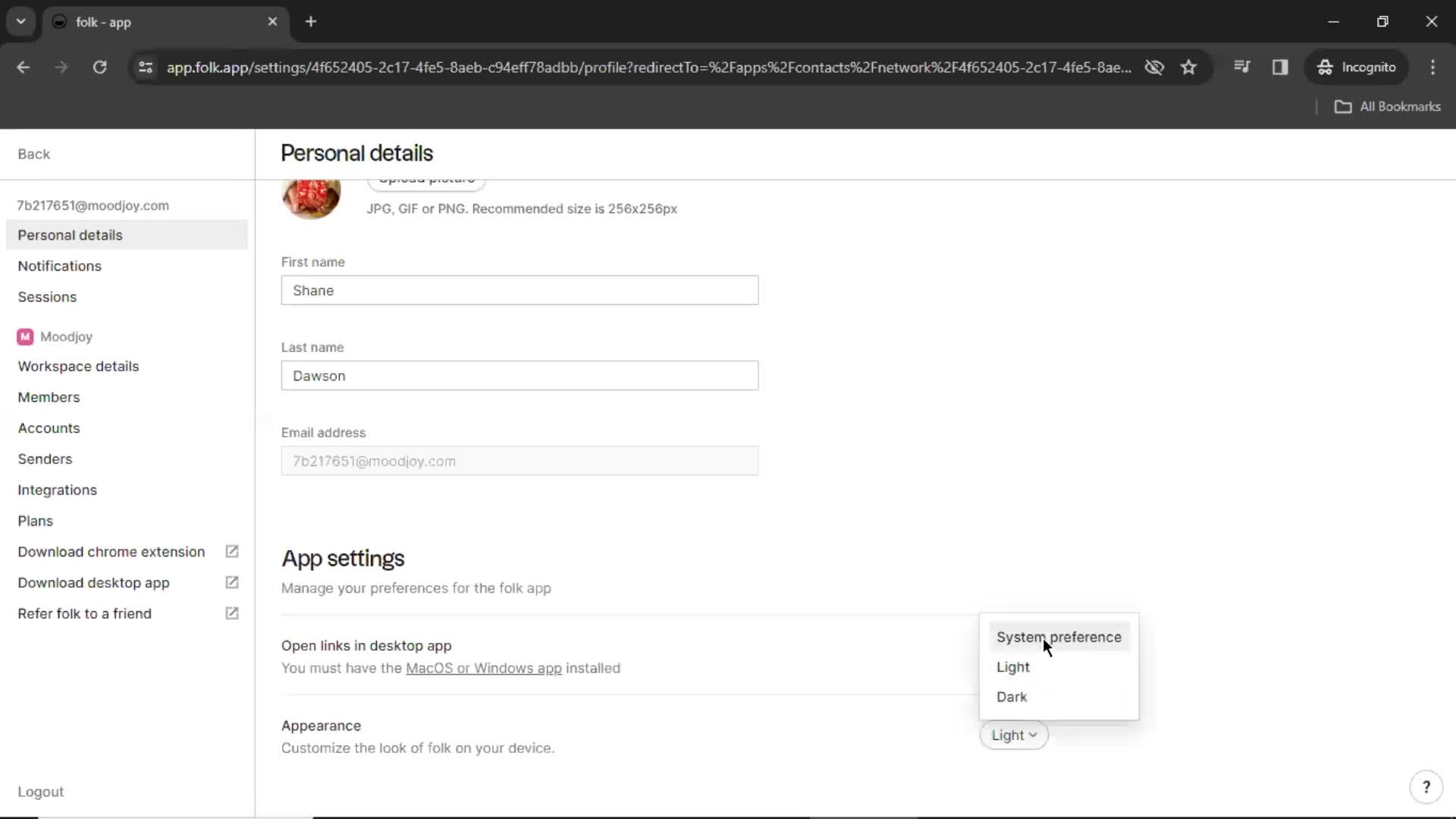
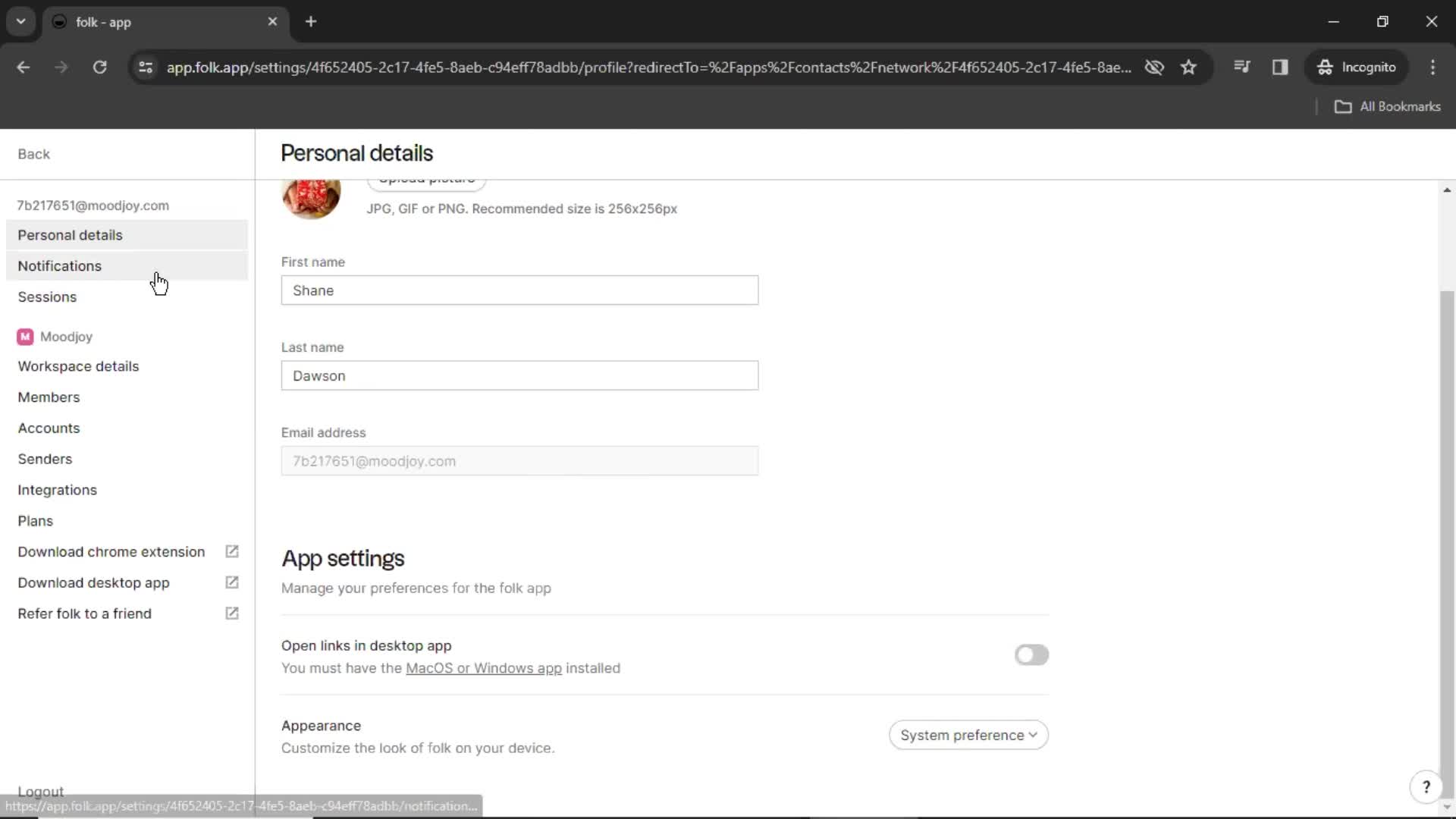
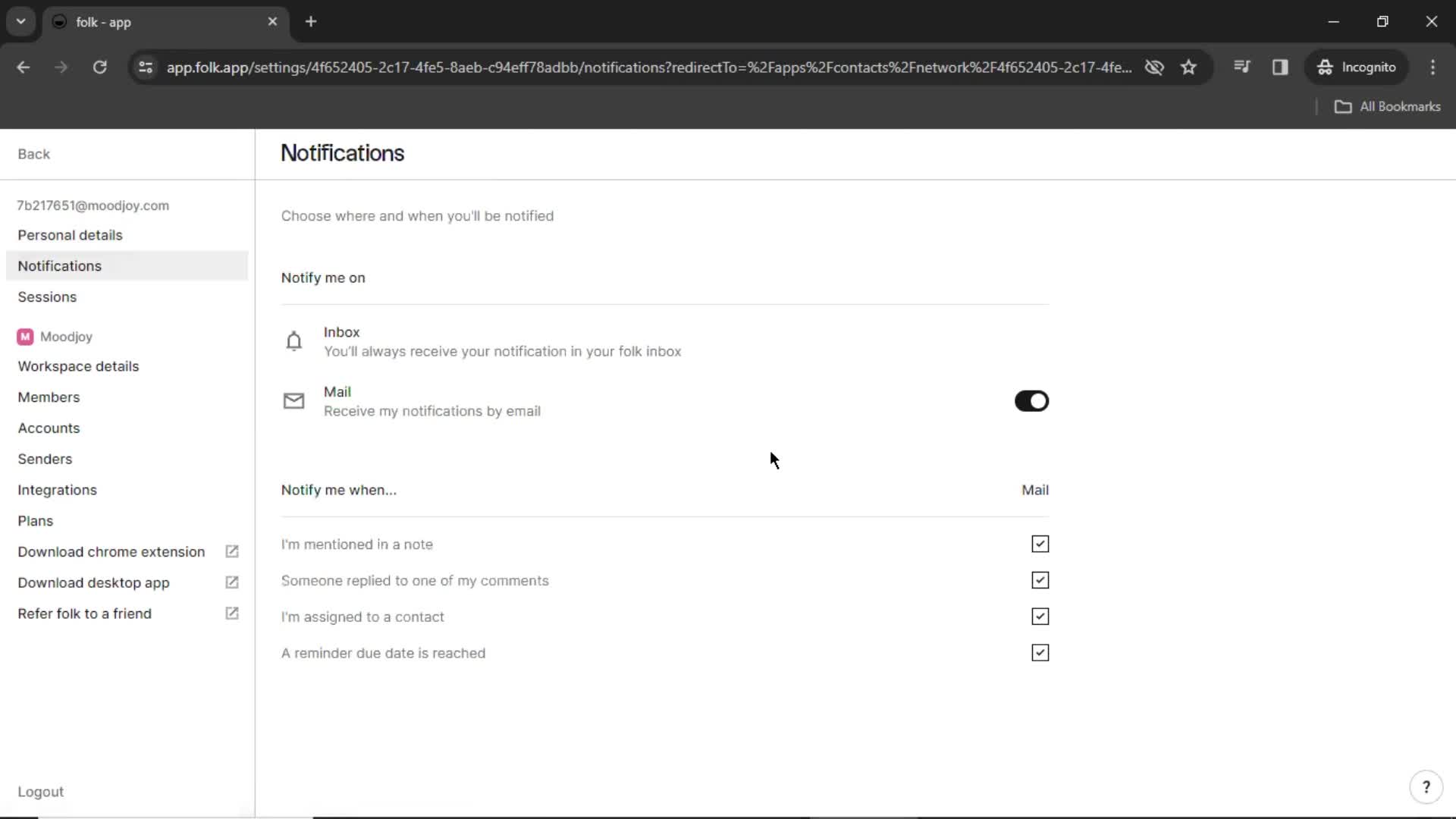
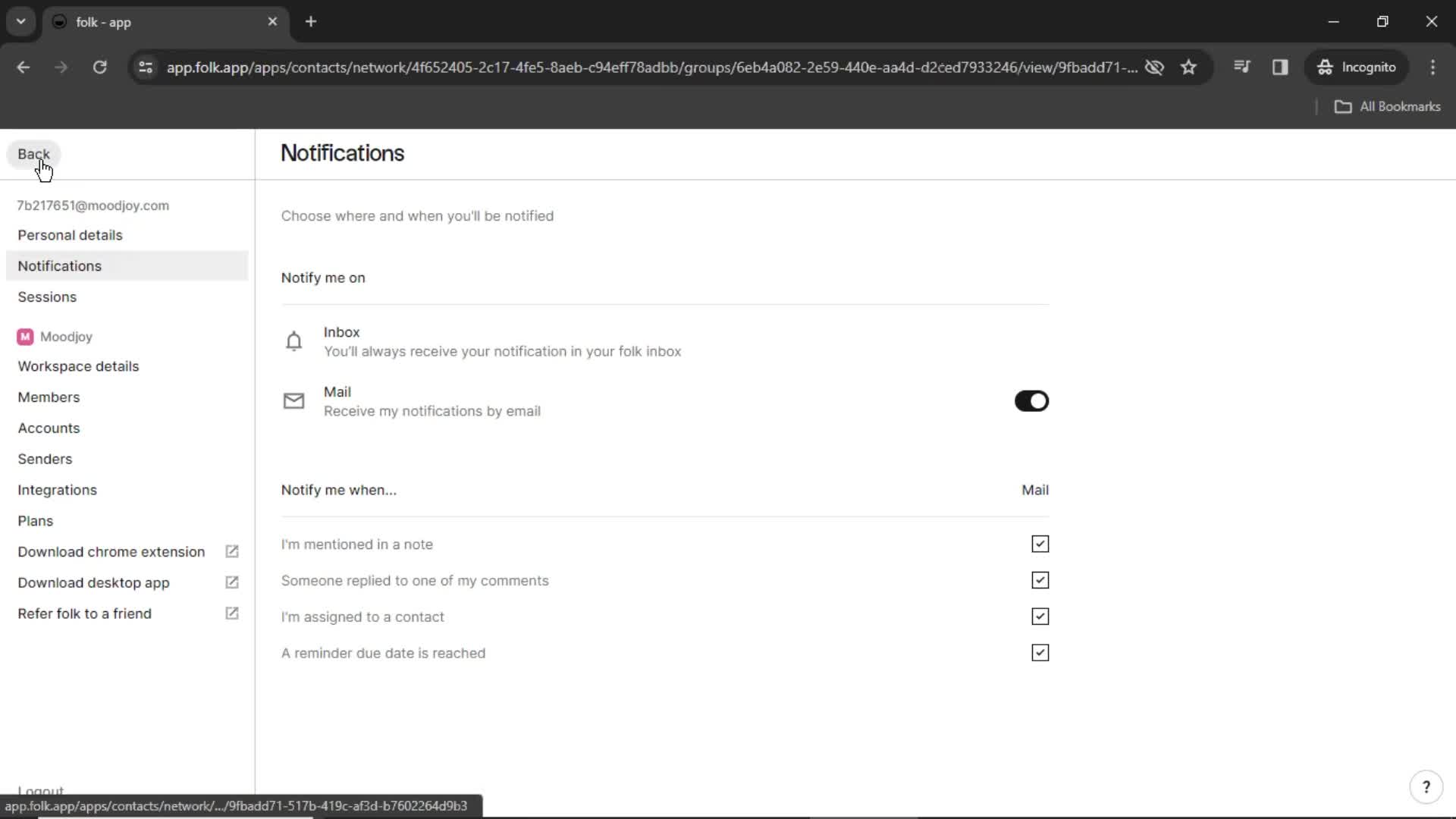
Watch a recorded Settings flow inside folk on desktop web. Every screen and interaction is captured step by step — see exactly how folk designs the Settings experience for web users.

CRM

Folk is an all-in-one CRM tool designed to help teams centralize, organize, and manage client relationships more efficiently. It enables users to streamline their workflow by syncing contacts from various platforms, automating follow-ups with personalized messages, and tracking interactions within shared pipelines. This app is particularly useful for sales teams, agencies, and startups, offering integrations with over 6,000 tools to facilitate smoother outreach and decision-making.

  • Web
Video preview
In this video
  • Dashboard
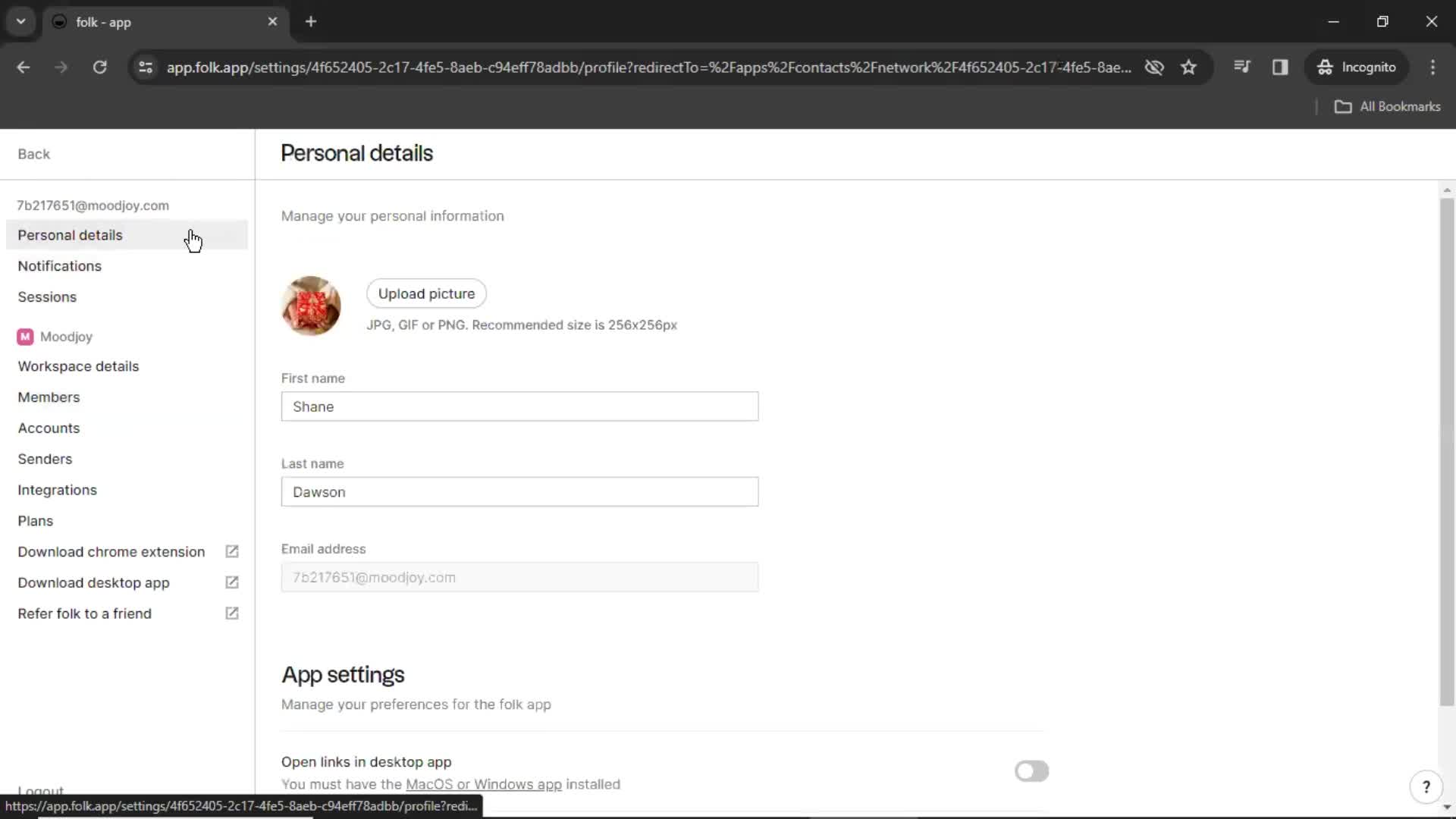
  • Personal details
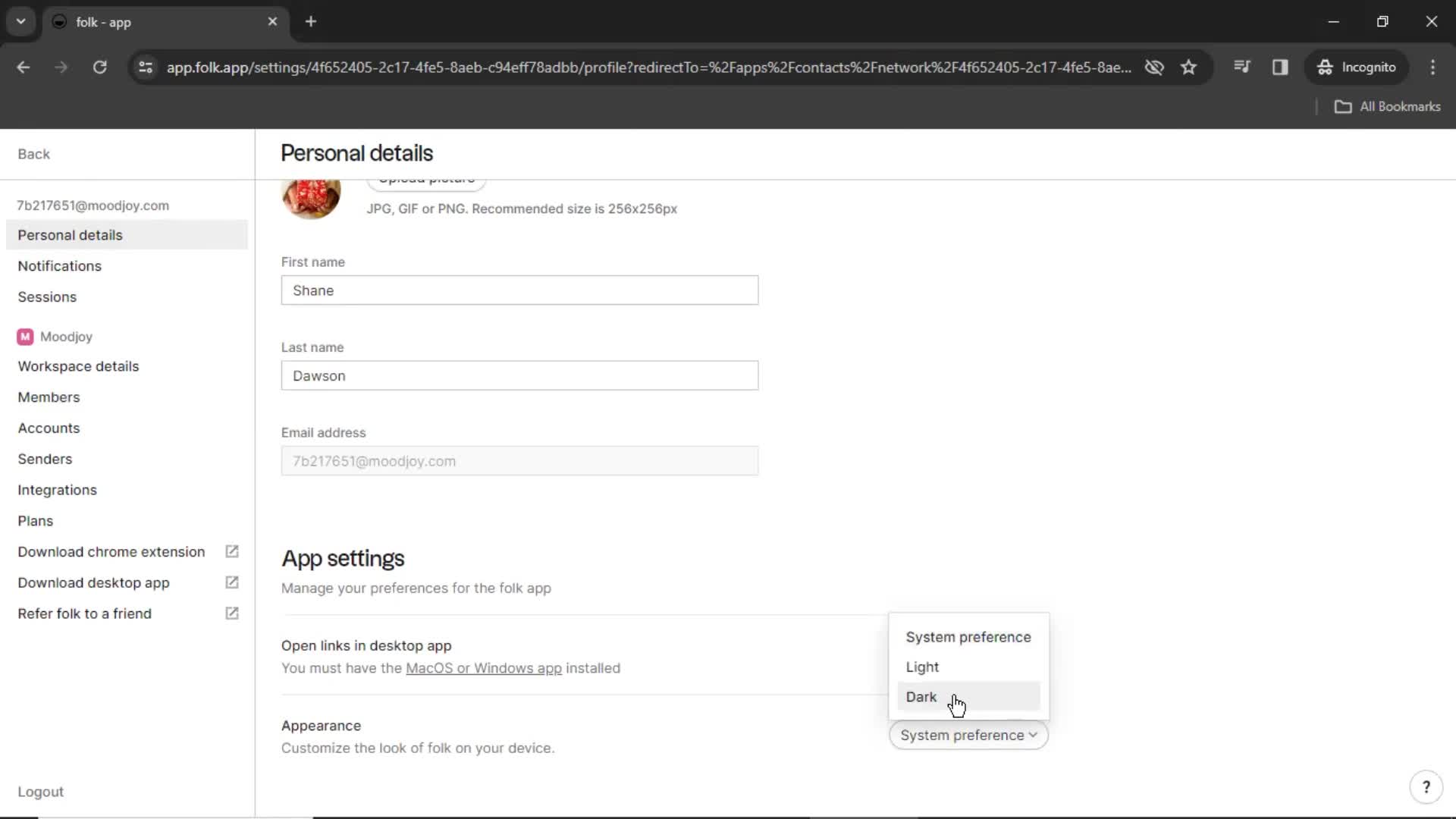
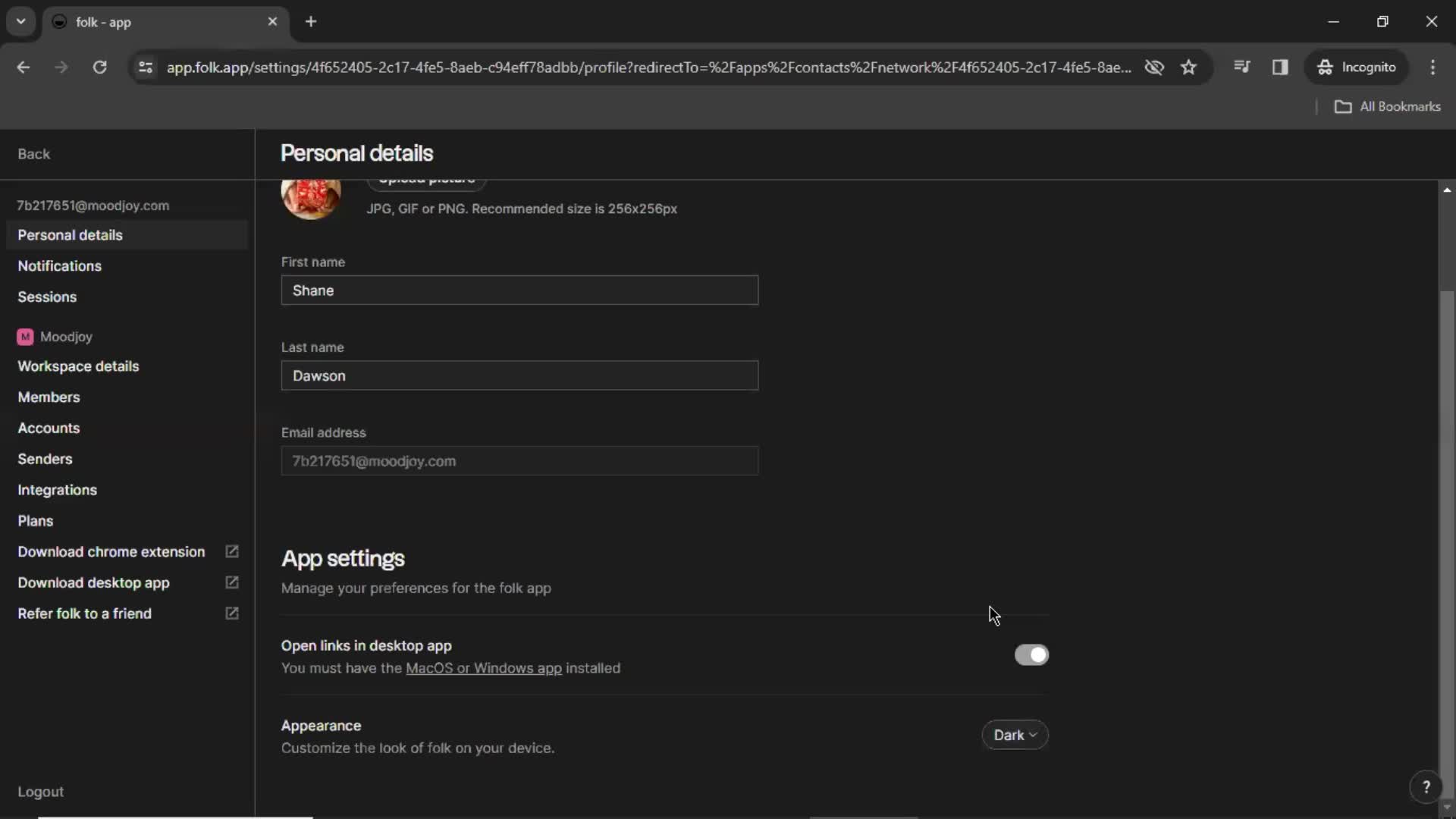
  • Set preferences
  • Dark mode
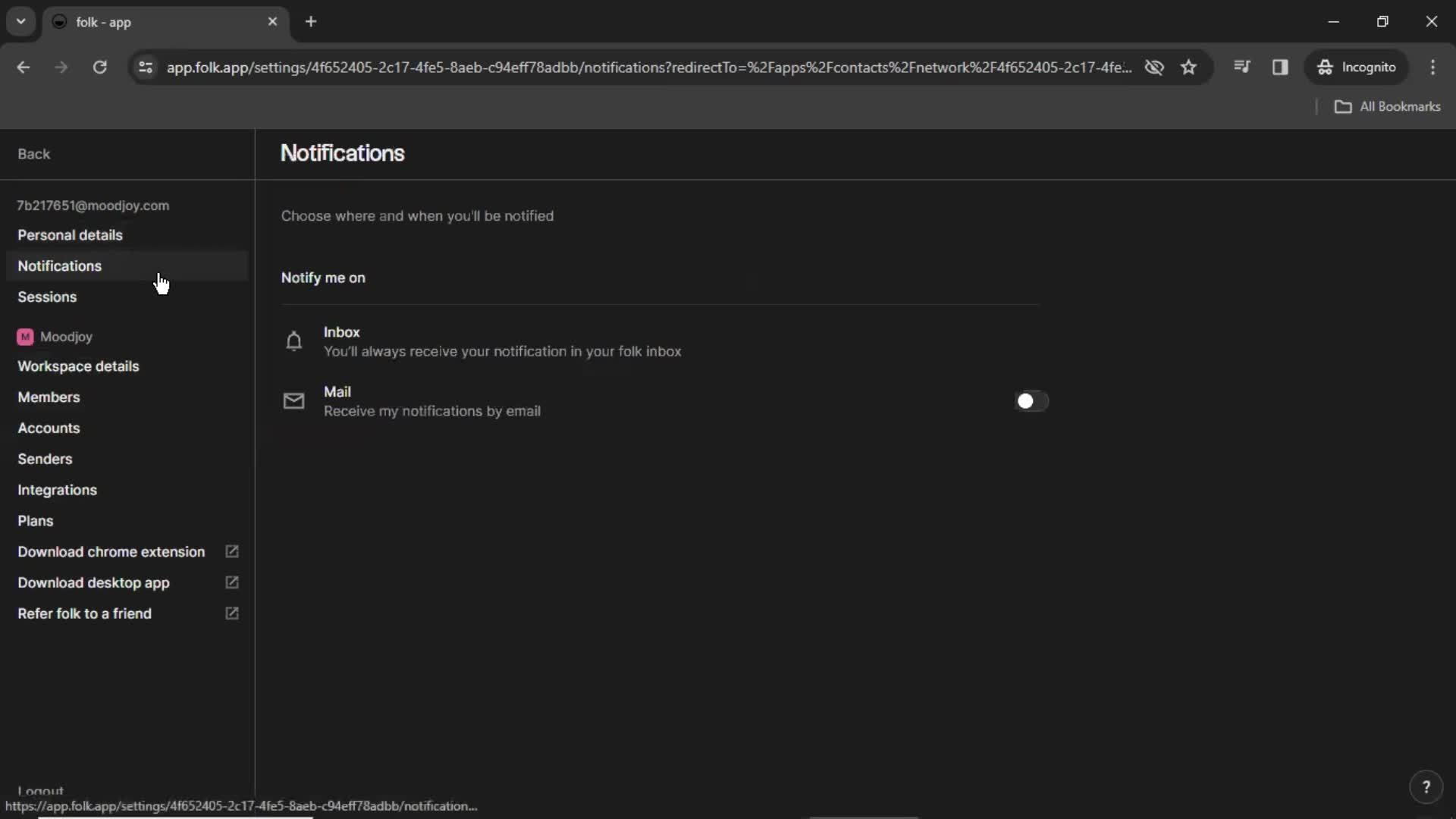
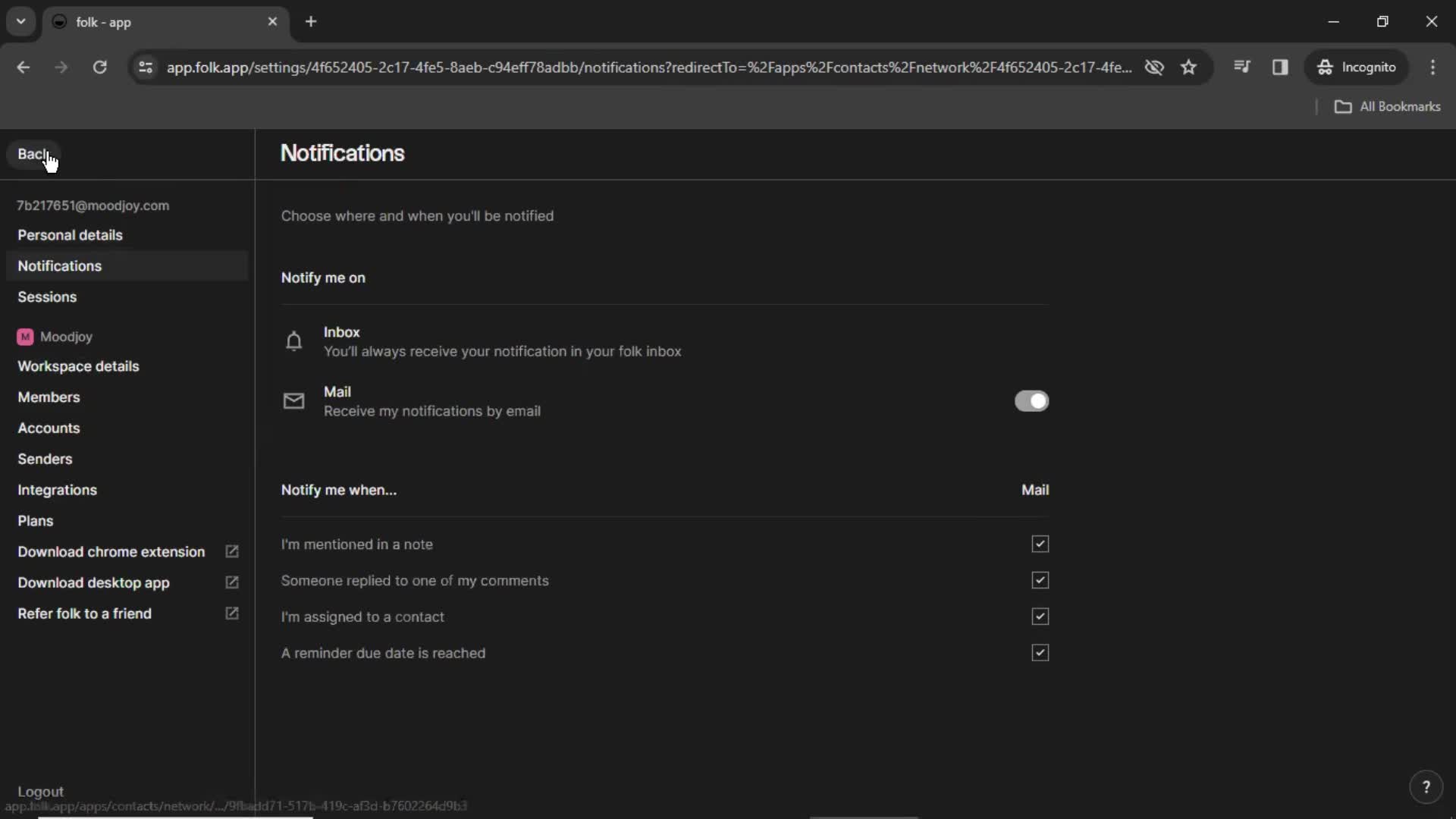
  • Notifications
  • Dashboard
  • Settings
  • Personal details
  • Set preferences
  • Notification settings
Settings 15 Screens
Settings screenshot
Dashboard
Settings screenshot
Personal details
Settings screenshot
Set preferences
Settings screenshot

Sign up to unlock this user flow

Try 3 Days
Dark mode
Settings screenshot

Sign up to unlock this user flow

Try 3 Days
Settings screenshot

Sign up to unlock this user flow

Try 3 Days
Notifications
Settings screenshot

Sign up to unlock this user flow

Try 3 Days
Settings screenshot

Sign up to unlock this user flow

Try 3 Days
Dashboard
Settings screenshot

Sign up to unlock this user flow

Try 3 Days
Settings
Settings screenshot

Sign up to unlock this user flow

Try 3 Days
Personal details
Settings screenshot

Sign up to unlock this user flow

Try 3 Days
Set preferences
Settings screenshot

Sign up to unlock this user flow

Try 3 Days
Settings screenshot

Sign up to unlock this user flow

Try 3 Days
Settings screenshot

Sign up to unlock this user flow

Try 3 Days
Notification settings
Settings screenshot

Sign up to unlock this user flow

Try 3 Days
Unlock 23 hidden flows

Log In or Sign Up to See All
folk Flows

  • Dashboard
  • Personal details
  • Set preferences
  • Dark mode
  • Notifications
  • Dashboard
  • Settings
  • Personal details
  • Set preferences
  • Notification settings

Other CRM apps you might like

HubSpot CRM screenshot
Drip screenshot

folk Settings Flow on Web — Full Sequence

This recording documents the Settings flow inside folk's web experience, captured from the live desktop product. Rather than showing summarized highlights, it preserves the full flow — every screen, hover state, transition, and UX decision — so you can study the real experience, not a press-ready version.

Web-Specific Settings Design Considerations

Settings on the web comes with different constraints than mobile: larger screens, multi-column layouts, keyboard shortcuts, and richer interaction possibilities. folk's approach to Settings on web reflects those realities, and seeing it in full makes it easy to understand the design decisions behind the flow.

A Reference for Settings Research on the Web

For growth teams, designers, and PMs researching Settings patterns on the web, this recording provides a direct reference to a production implementation. For teams benchmarking against folk specifically, it's a detailed look at how the brand handles this moment of the experience.

Frequently Asked Questions

What does the folk Settings flow cover?

The recording captures the full Settings sequence inside folk on desktop web — every step, every transition, and every significant design decision from start to finish.

How does folk's web Settings differ from its mobile versions?

Web Settings flows typically use more screen real estate, richer hover interactions, and keyboard-friendly patterns that don't work on mobile. If folk also has iOS or Android entries, you can cross-reference to see the platform differences.

Can I see Settings flows from other web products?

Yes. The web Settings flows category gathers the same flow type from many different web products, so you can compare folk's approach against competitors and alternatives.

How up to date is the folk Settings recording?

Recordings are refreshed when folk ships notable redesigns, so the Settings flow reflects the current web experience.