Web Deactivating user in Salesforce

Watch a recorded Deactivating user flow inside Salesforce on desktop web. Every screen and interaction is captured step by step — see exactly how Salesforce designs the Deactivating user experience for web users.

Salesforce is a leading customer relationship management (CRM) platform designed to streamline business operations across sales, service, marketing, and commerce. It offers an integrated suite of tools, including AI-powered solutions and real-time data analytics, that enable businesses to foster stronger customer relationships and enhance productivity. With features like customizable dashboards and the Customer 360 view, Salesforce connects teams, providing a comprehensive and collaborative approach to managing customer journeys.

  • Web
Video preview
In this video
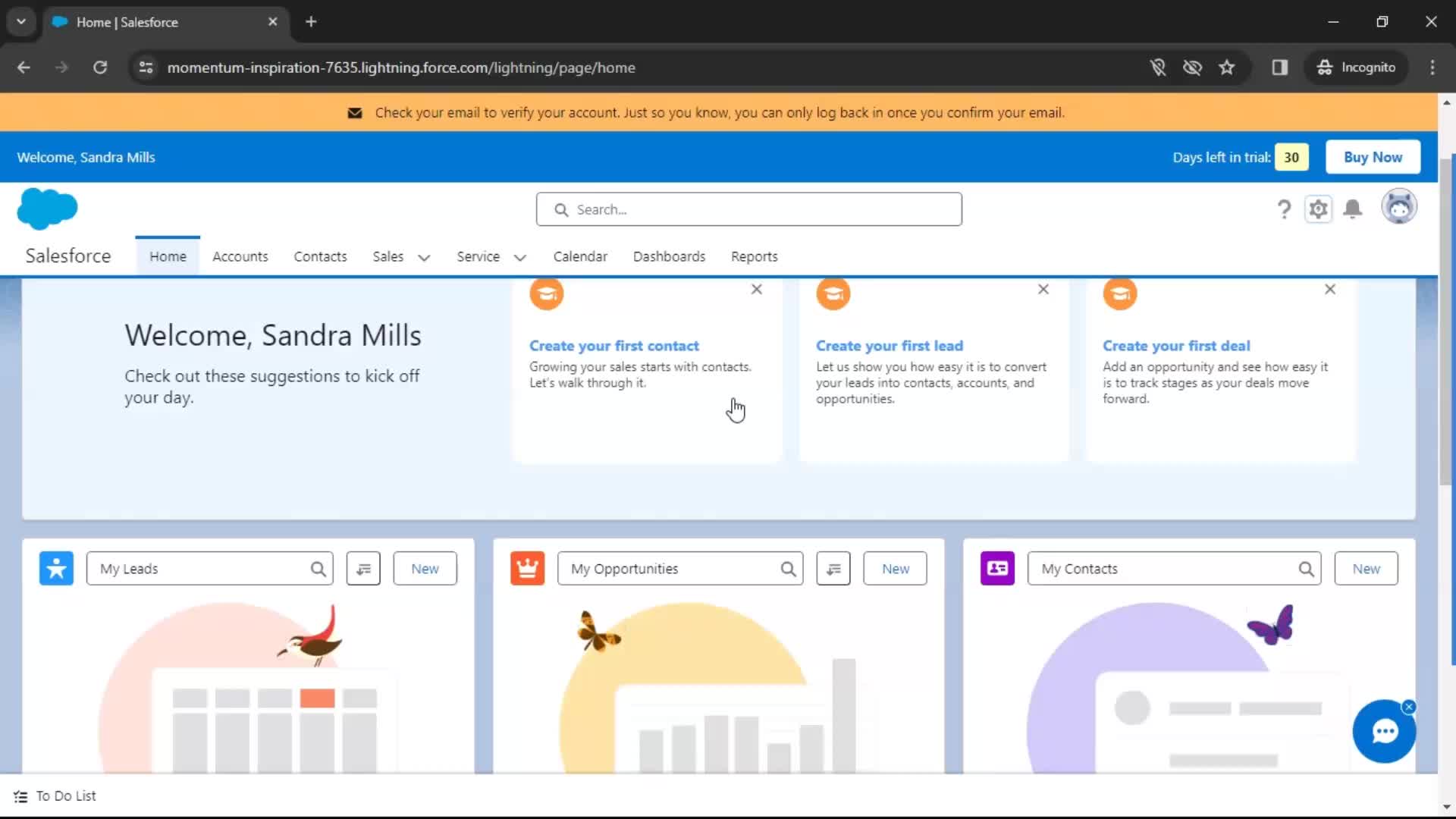
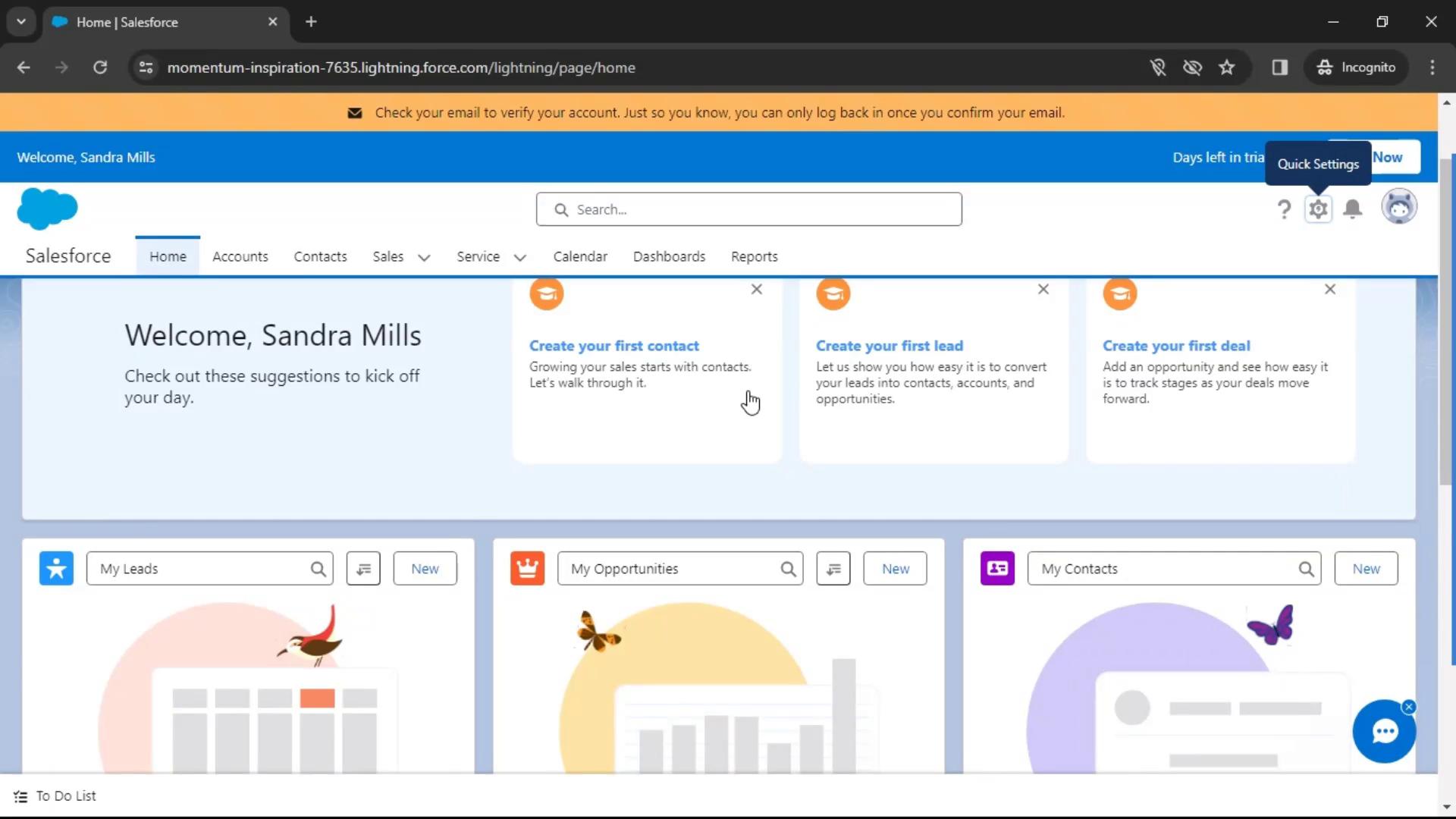
  • Home
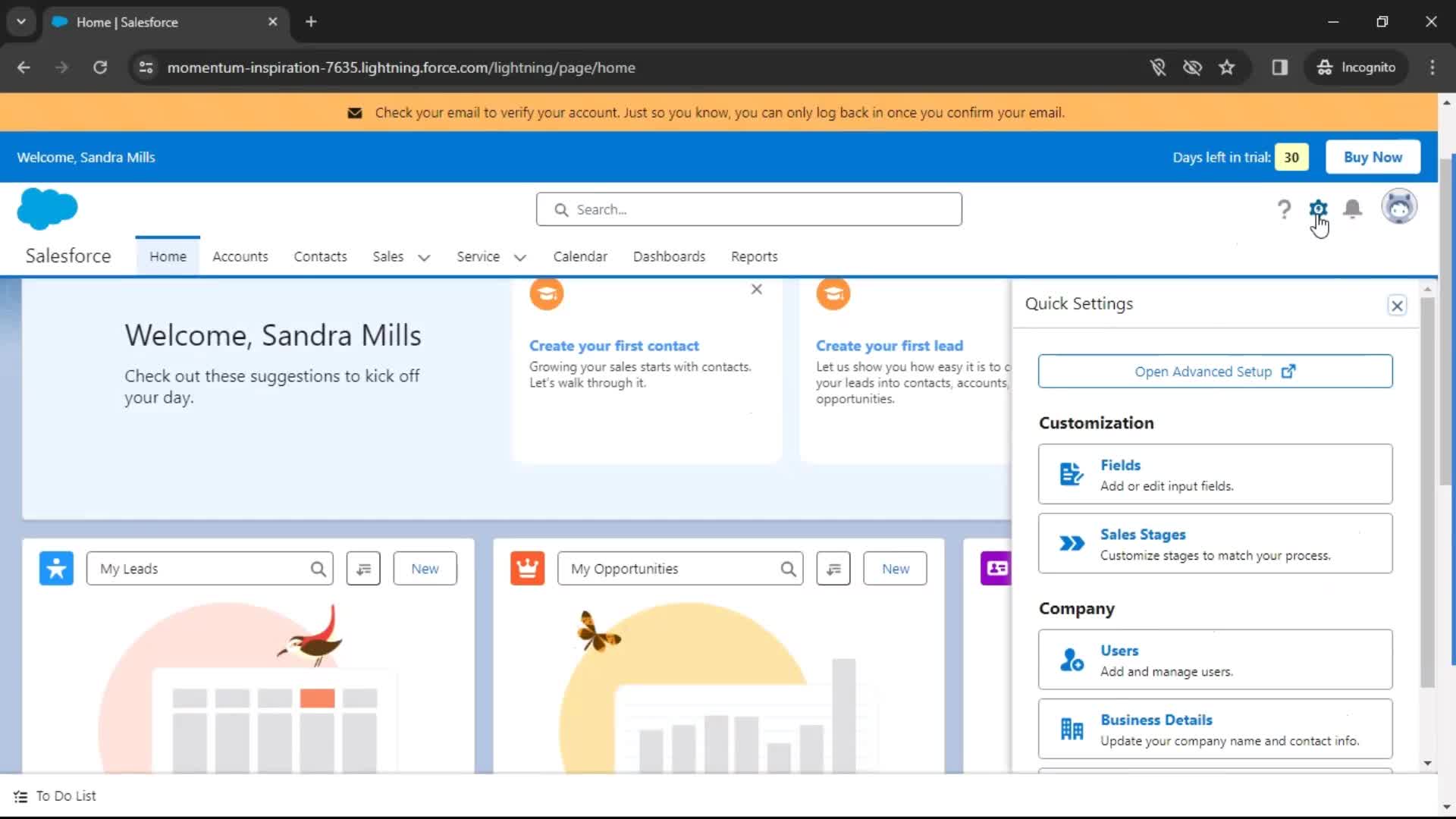
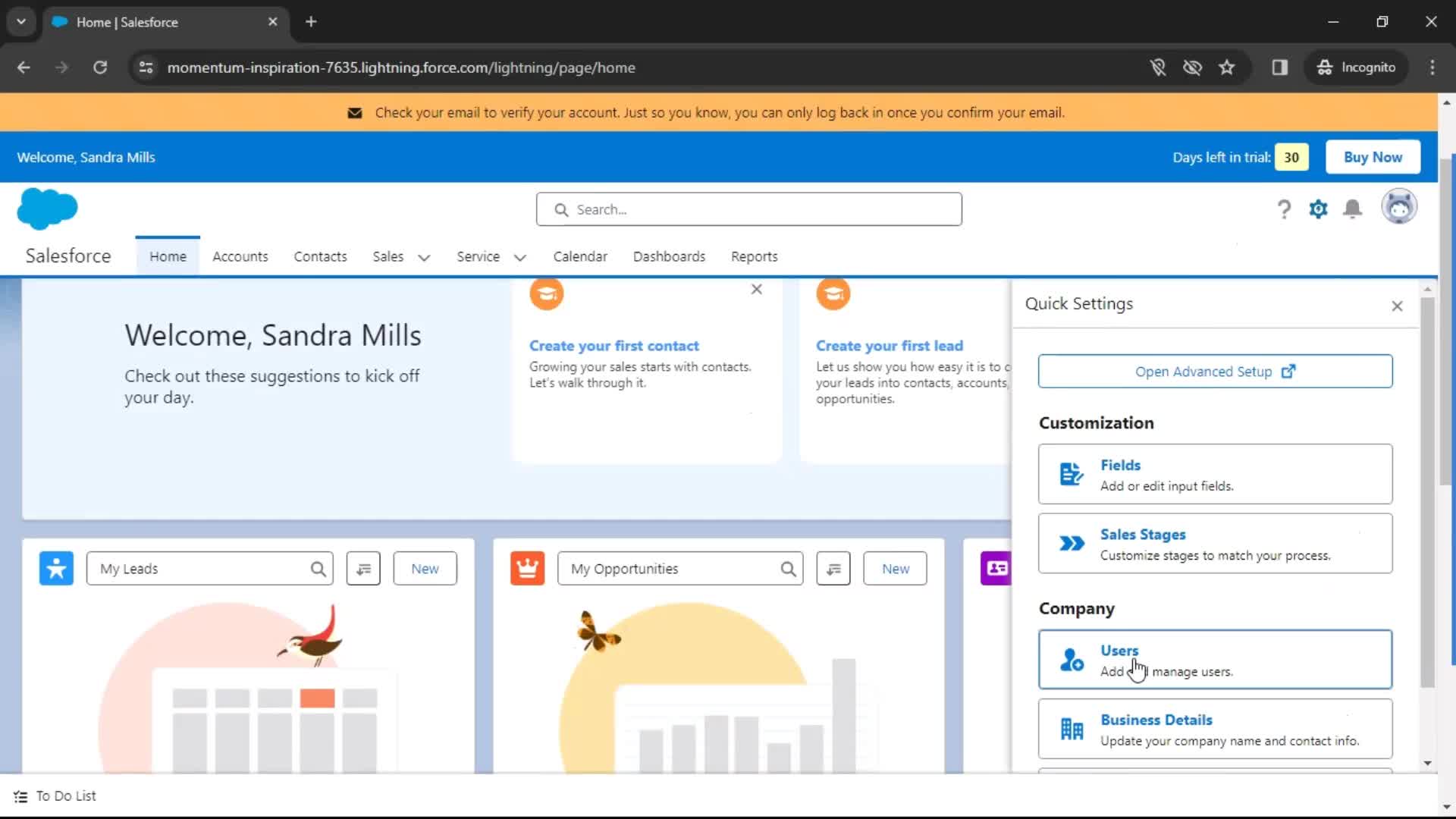
  • Quick settings
  • Invite team
  • Deactivate user
  • User deactivated
Deactivating user 8 Screens
Deactivating user screenshot
Home
Deactivating user screenshot
Quick settings
Deactivating user screenshot

Sign up to unlock this user flow

Try 3 Days
Invite team
Deactivating user screenshot

Sign up to unlock this user flow

Try 3 Days
Deactivating user screenshot

Sign up to unlock this user flow

Try 3 Days
Deactivate user
Deactivating user screenshot

Sign up to unlock this user flow

Try 3 Days
Deactivating user screenshot

Sign up to unlock this user flow

Try 3 Days
User deactivated
Unlock 25 hidden flows

Log In or Sign Up to See All
Salesforce Flows

  • Home
  • Quick settings
  • Invite team
  • Deactivate user
  • User deactivated

Other Business apps you might like

Eventbrite screenshot
Intercom screenshot
Mailchimp screenshot

Salesforce Deactivating user Flow on Web — Full Sequence

This recording documents the Deactivating user flow inside Salesforce's web experience, captured from the live desktop product. Rather than showing summarized highlights, it preserves the full flow — every screen, hover state, transition, and UX decision — so you can study the real experience, not a press-ready version.

Web-Specific Deactivating user Design Considerations

Deactivating user on the web comes with different constraints than mobile: larger screens, multi-column layouts, keyboard shortcuts, and richer interaction possibilities. Salesforce's approach to Deactivating user on web reflects those realities, and seeing it in full makes it easy to understand the design decisions behind the flow.

A Reference for Deactivating user Research on the Web

For growth teams, designers, and PMs researching Deactivating user patterns on the web, this recording provides a direct reference to a production implementation. For teams benchmarking against Salesforce specifically, it's a detailed look at how the brand handles this moment of the experience.

Frequently Asked Questions

What does the Salesforce Deactivating user flow cover?

The recording captures the full Deactivating user sequence inside Salesforce on desktop web — every step, every transition, and every significant design decision from start to finish.

How does Salesforce's web Deactivating user differ from its mobile versions?

Web Deactivating user flows typically use more screen real estate, richer hover interactions, and keyboard-friendly patterns that don't work on mobile. If Salesforce also has iOS or Android entries, you can cross-reference to see the platform differences.

Can I see Deactivating user flows from other web products?

Yes. The web Deactivating user flows category gathers the same flow type from many different web products, so you can compare Salesforce's approach against competitors and alternatives.

How up to date is the Salesforce Deactivating user recording?

Recordings are refreshed when Salesforce ships notable redesigns, so the Deactivating user flow reflects the current web experience.