Deleting your account Flow in Yuka for iOS

Watch a recorded Deleting your account flow inside Yuka for iOS. Every screen, tap, and transition is captured step by step — see exactly how Yuka designs the Deleting your account experience on iPhone.

Yuka is a mobile application designed to help users make healthier choices by analyzing food and cosmetic products. By scanning a product’s barcode, the app provides a detailed health score and highlights potential concerns such as additives, allergens, or harmful ingredients. It also offers healthier alternatives and maintains an independent approach by not allowing brands to influence its recommendations.

  • iOS
Video preview
In this video
  • Overview
  • Help center
  • Search
  • Search results
  • Help center article
  • Delete account
  • Account deleted
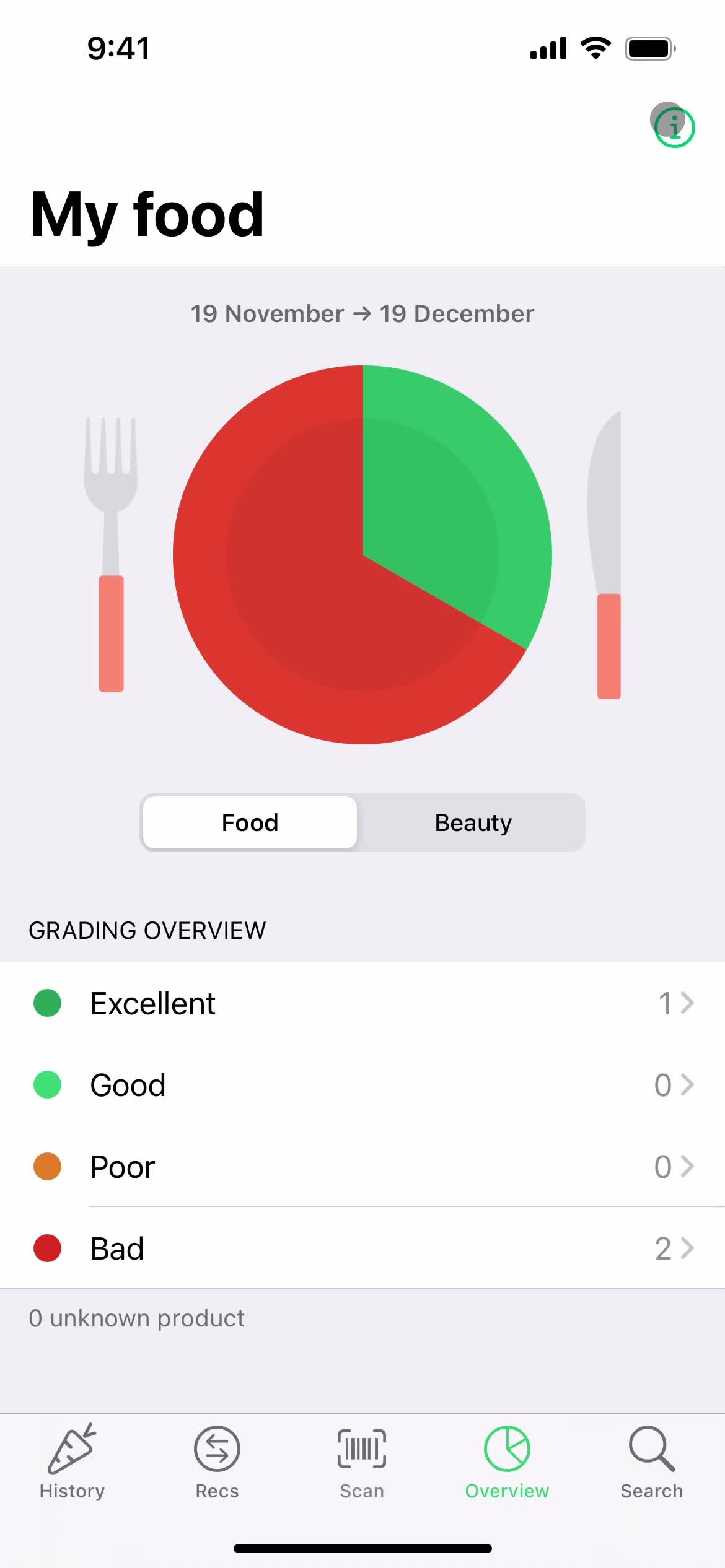
Deleting your account 8 Screens
Deleting your account screenshot
Overview
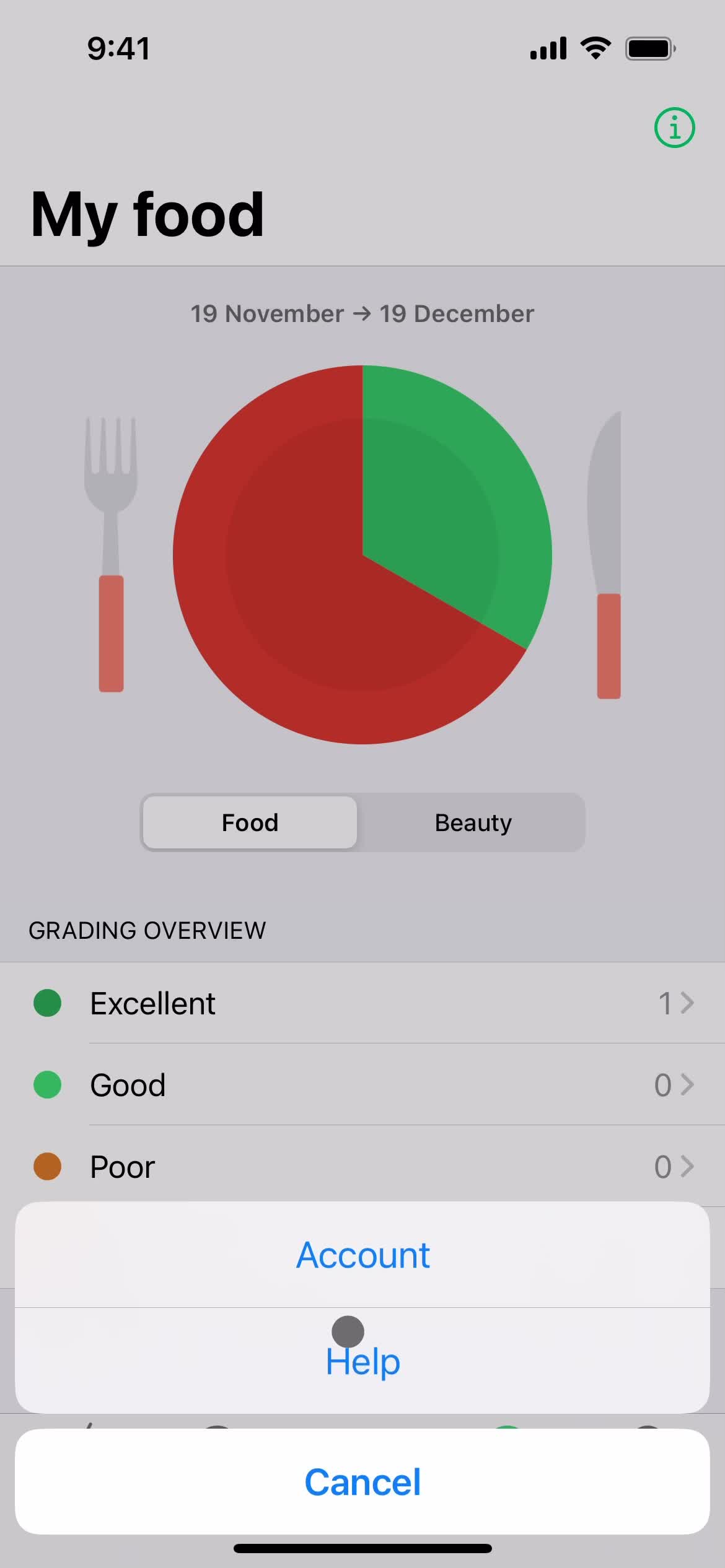
Deleting your account screenshot
Help center
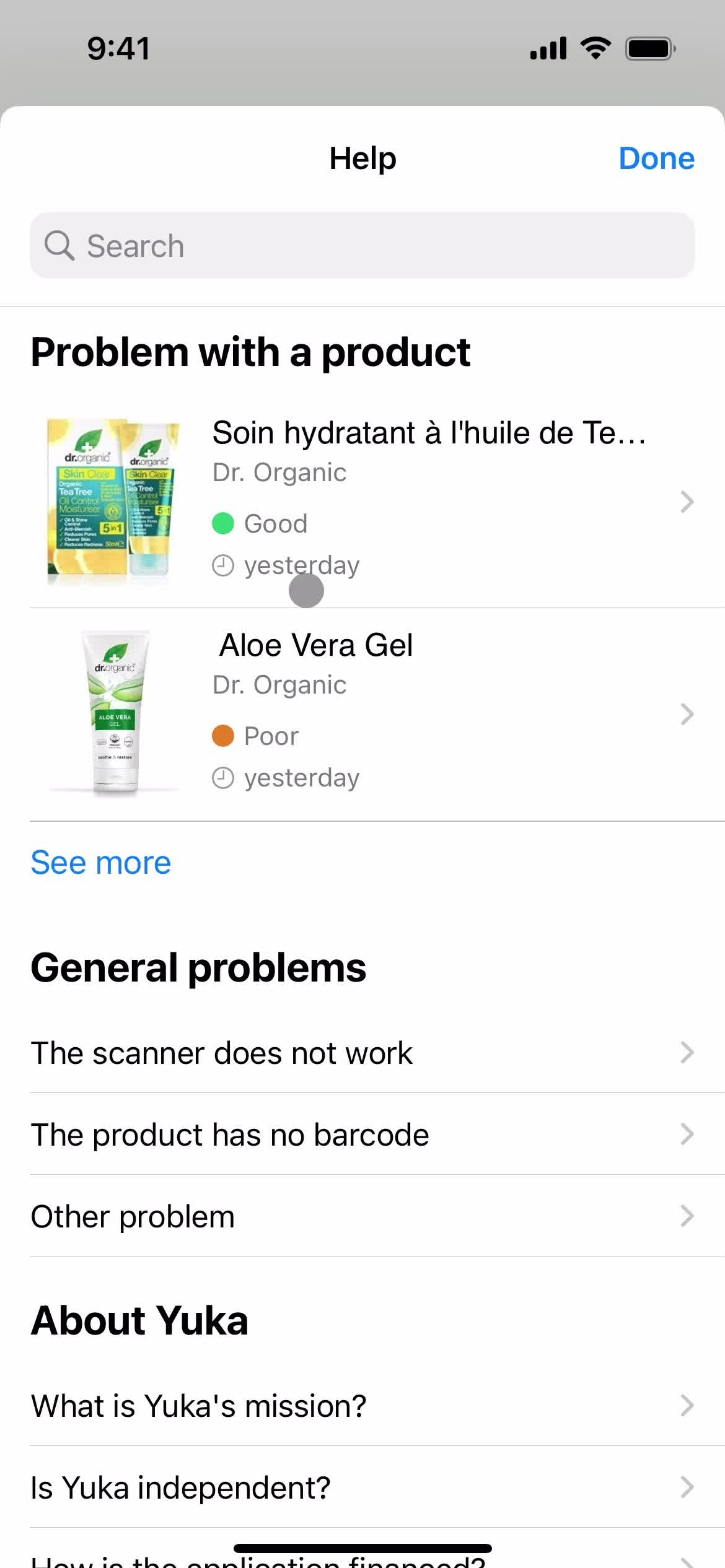
Deleting your account screenshot
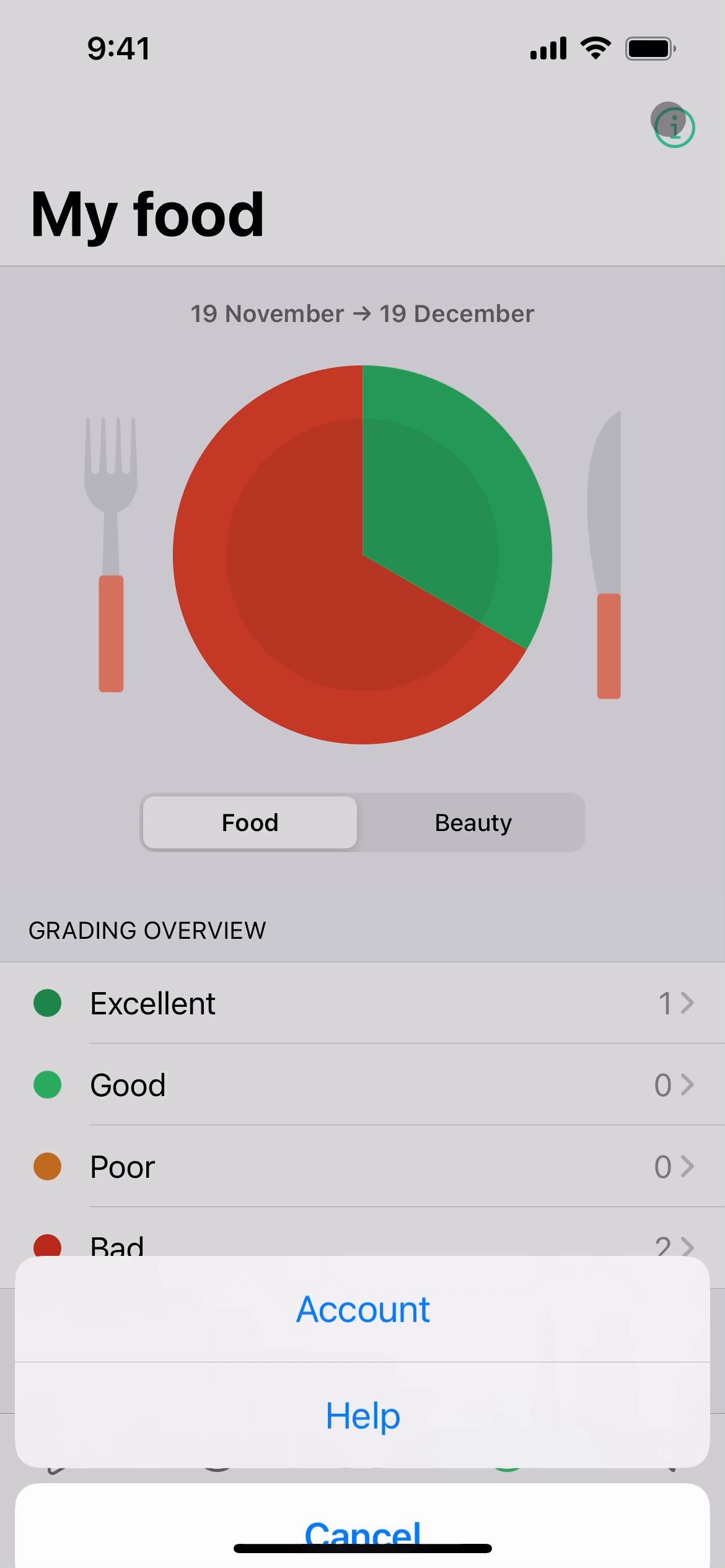
Help center
Deleting your account screenshot

Sign up to unlock this user flow

Try 3 Days
Search
Deleting your account screenshot

Sign up to unlock this user flow

Try 3 Days
Search results
Deleting your account screenshot

Sign up to unlock this user flow

Try 3 Days
Help center article
Deleting your account screenshot

Sign up to unlock this user flow

Try 3 Days
Delete account
Deleting your account screenshot

Sign up to unlock this user flow

Try 3 Days
Account deleted
Unlock 11 hidden flows

Log In or Sign Up to See All
Yuka Flows

  • Overview
  • Help center
  • Search
  • Search results
  • Help center article
  • Delete account
  • Account deleted

Other Health & Fitness apps you might like

Foodvisor screenshot
Sweatcoin screenshot
Gyroscope screenshot
Headspace screenshot

Yuka Deleting your account Flow on iOS — Screen by Screen

This recording documents the Deleting your account flow inside Yuka on iOS, captured screen by screen from the live app. Rather than showing a static screenshot or a summarized case study, it preserves the full sequence — every transition, microcopy change, and UX decision — so you can study what Yuka actually ships, not what they describe.

How Yuka Structures the Deleting your account Experience

The Deleting your account flow is a specific moment inside the Yuka experience, and studying it in isolation (while still showing it in the context of a real product) makes it easier to extract patterns you can apply elsewhere. Notice how Yuka structures the flow: what it shows first, how it builds momentum, where it places friction, and how it handles completion.

A Real Reference for Deleting your account Research

For designers researching Deleting your account patterns, this recording gives you a direct, real-world reference. For Yuka enthusiasts or competitors, it's a detailed look at how the brand approaches this specific user journey on iOS.

Frequently Asked Questions

How was this Deleting your account flow in Yuka recorded?

The flow was captured directly from the live iOS version of Yuka, preserving the full sequence of screens and interactions exactly as a real user would experience them.

How long is the Deleting your account flow in Yuka?

Length depends on how Yuka has designed the flow — some Deleting your account sequences are intentionally brief, others include multiple steps. Watch the full recording to see the complete timing.

How often is the Yuka Deleting your account flow updated?

Recordings are refreshed when Yuka ships significant redesigns, so the documentation reflects the current iOS experience rather than an outdated version.

Can I see Deleting your account flows from other iOS apps to compare?

Yes. The iOS Deleting your account flows category collects the same flow type from many different iOS apps, so you can benchmark Yuka against competitors and alternative approaches.