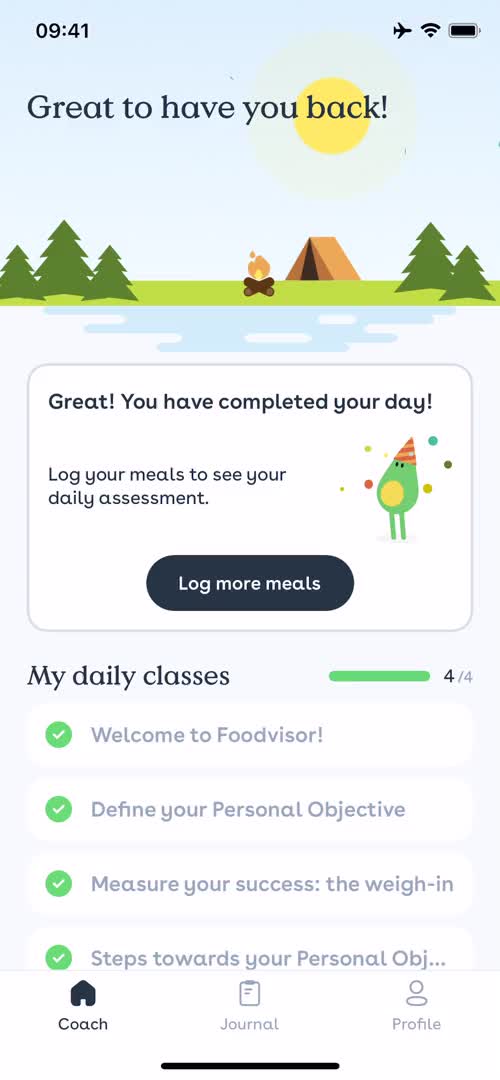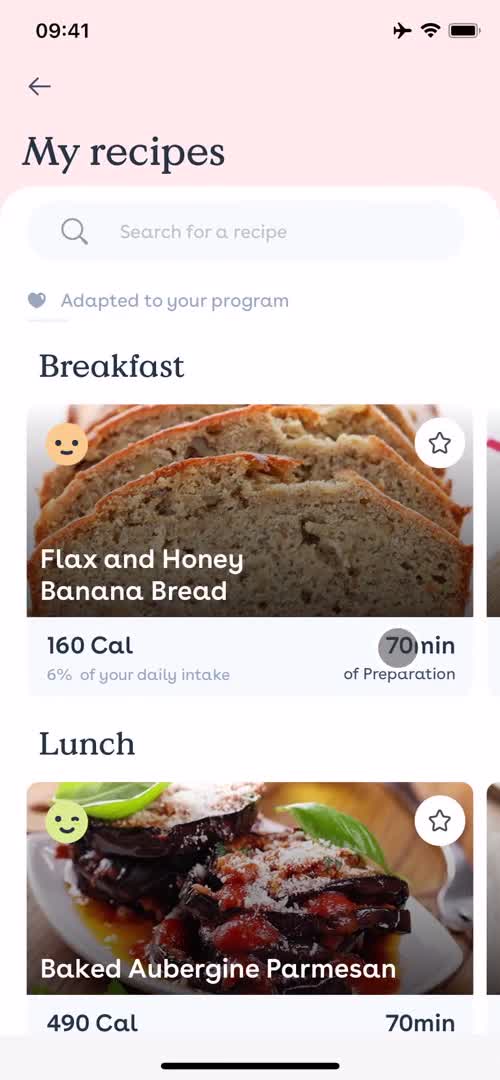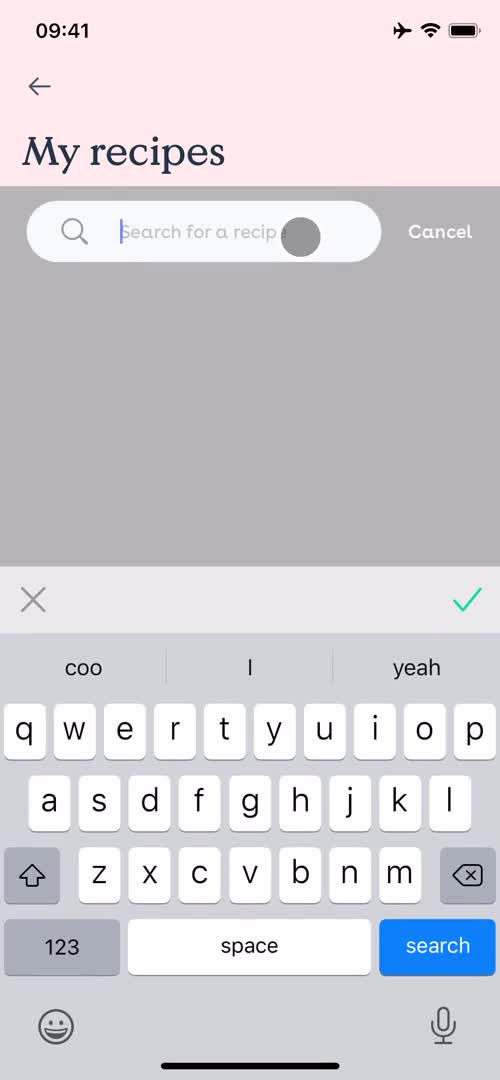
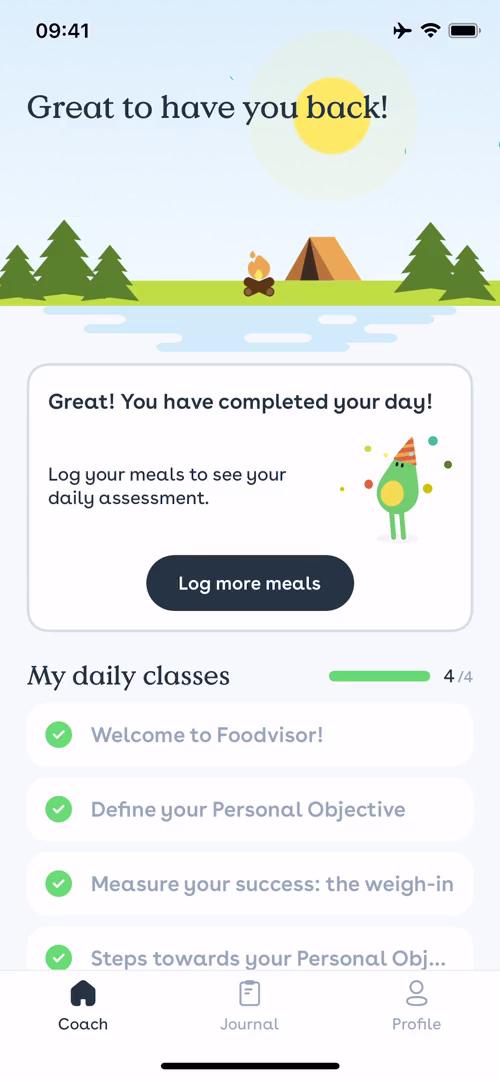
Finding a recipe Flow in Foodvisor for iOS

Watch a recorded Finding a recipe flow inside Foodvisor for iOS. Every screen, tap, and transition is captured step by step — see exactly how Foodvisor designs the Finding a recipe experience on iPhone.

"Foodvisor is a pocket-nutrition coach that will help you eat healthier and reach your goals. Just snap a picture of your plate and you will receive its nutrition facts!"

  • iOS
Video preview
In this video
  • Coach
  • Recipes
  • Search
  • Search results
  • Guide overlay
  • Recipe details
  • Nutrition
  • Recipes
  • Recipe details
  • Coach
Finding a recipe 10 Screens
Finding a recipe screenshot
Coach
Finding a recipe screenshot
Recipes
Finding a recipe screenshot
Search
Finding a recipe screenshot

Sign up to unlock this user flow

Try 3 Days
Search results
Finding a recipe screenshot

Sign up to unlock this user flow

Try 3 Days
Guide overlay
Finding a recipe screenshot

Sign up to unlock this user flow

Try 3 Days
Recipe details
Finding a recipe screenshot

Sign up to unlock this user flow

Try 3 Days
Nutrition
Finding a recipe screenshot

Sign up to unlock this user flow

Try 3 Days
Recipes
Finding a recipe screenshot

Sign up to unlock this user flow

Try 3 Days
Recipe details
Finding a recipe screenshot

Sign up to unlock this user flow

Try 3 Days
Coach
Unlock 7 hidden flows

Log In or Sign Up to See All
Foodvisor Flows

  • Coach
  • Recipes
  • Search
  • Search results
  • Guide overlay
  • Recipe details
  • Nutrition
  • Recipes
  • Recipe details
  • Coach

Other Food & Drink apps you might like

Uber Eats screenshot
Postmates screenshot
Hype screenshot
Deliveroo screenshot

Foodvisor Finding a recipe Flow on iOS — Screen by Screen

This recording documents the Finding a recipe flow inside Foodvisor on iOS, captured screen by screen from the live app. Rather than showing a static screenshot or a summarized case study, it preserves the full sequence — every transition, microcopy change, and UX decision — so you can study what Foodvisor actually ships, not what they describe.

How Foodvisor Structures the Finding a recipe Experience

The Finding a recipe flow is a specific moment inside the Foodvisor experience, and studying it in isolation (while still showing it in the context of a real product) makes it easier to extract patterns you can apply elsewhere. Notice how Foodvisor structures the flow: what it shows first, how it builds momentum, where it places friction, and how it handles completion.

A Real Reference for Finding a recipe Research

For designers researching Finding a recipe patterns, this recording gives you a direct, real-world reference. For Foodvisor enthusiasts or competitors, it's a detailed look at how the brand approaches this specific user journey on iOS.

Frequently Asked Questions

How was this Finding a recipe flow in Foodvisor recorded?

The flow was captured directly from the live iOS version of Foodvisor, preserving the full sequence of screens and interactions exactly as a real user would experience them.

How long is the Finding a recipe flow in Foodvisor?

Length depends on how Foodvisor has designed the flow — some Finding a recipe sequences are intentionally brief, others include multiple steps. Watch the full recording to see the complete timing.

How often is the Foodvisor Finding a recipe flow updated?

Recordings are refreshed when Foodvisor ships significant redesigns, so the documentation reflects the current iOS experience rather than an outdated version.

Can I see Finding a recipe flows from other iOS apps to compare?

Yes. The iOS Finding a recipe flows category collects the same flow type from many different iOS apps, so you can benchmark Foodvisor against competitors and alternative approaches.