



























Lucidchart Web App — Full User Experience
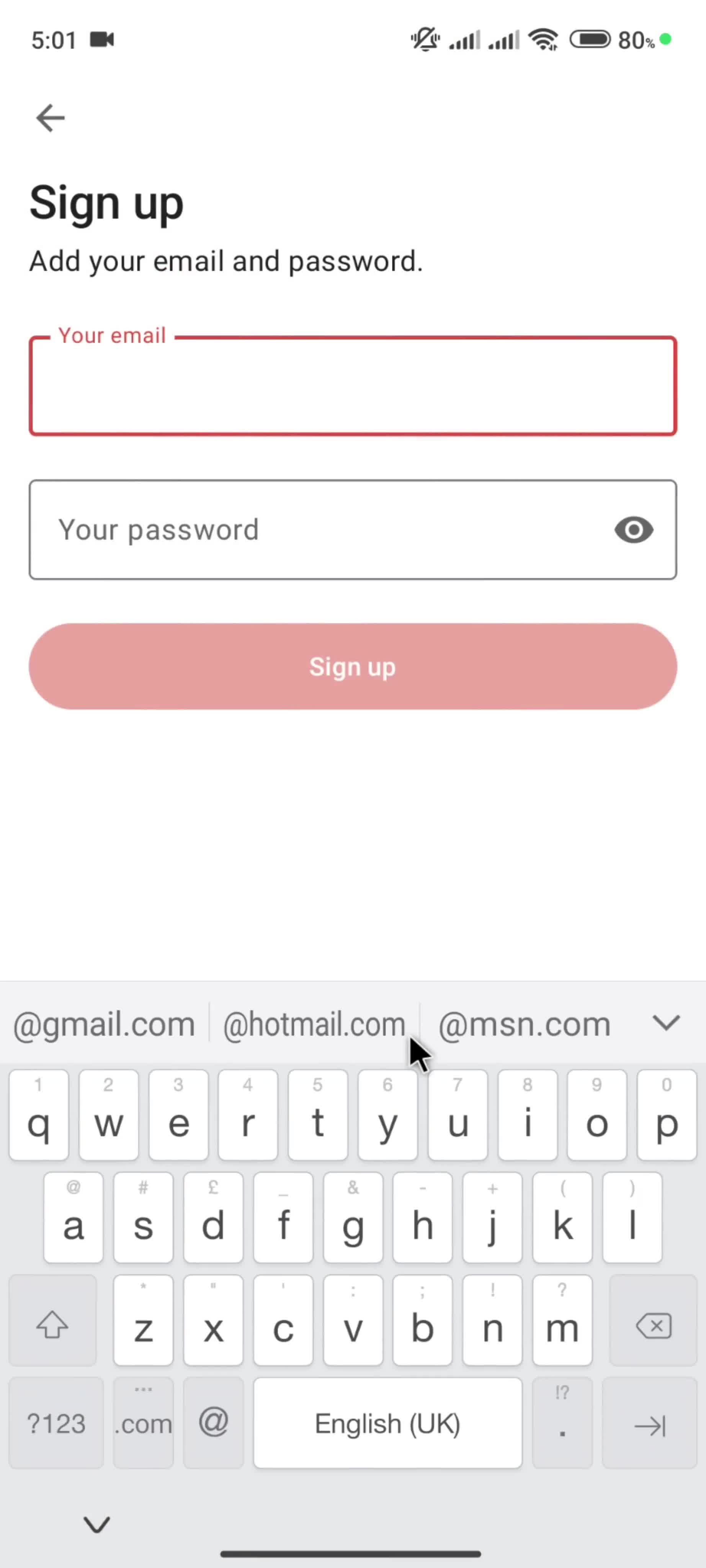
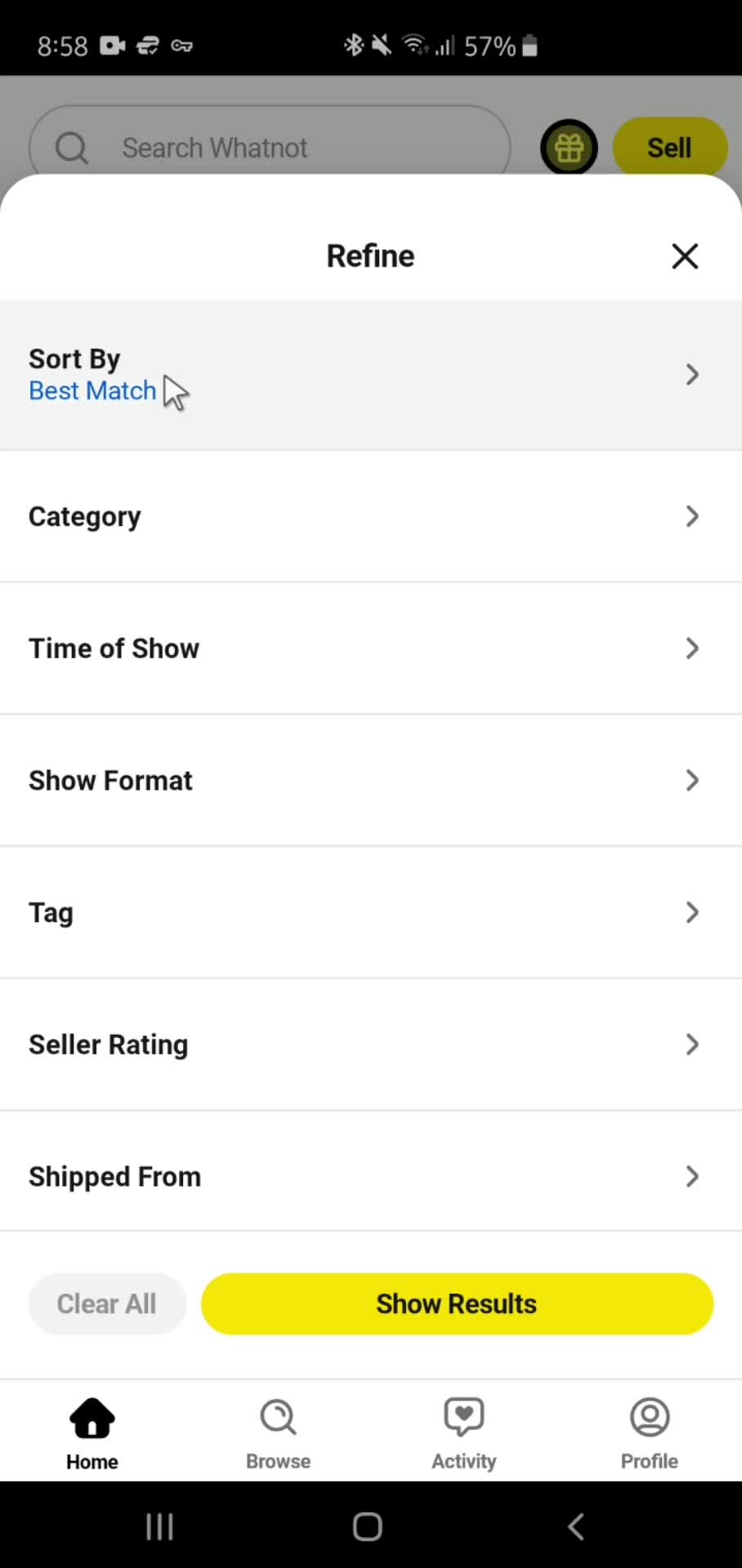
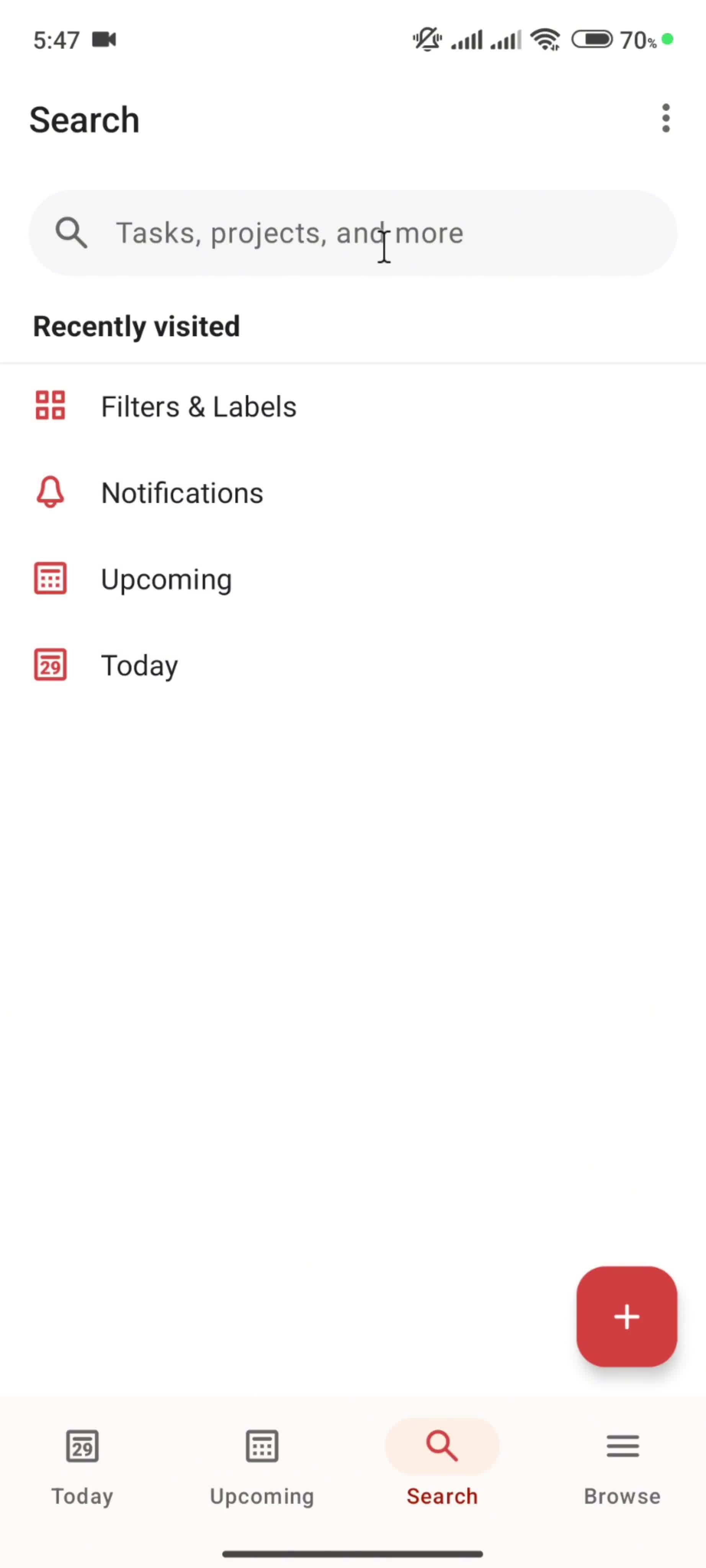
The Lucidchart web app is documented across its full user experience in the Page Flows library. On this page you'll find recordings of how Lucidchart presents itself on the marketing site, onboards new users, and structures its core product interface — all captured from the live web experience.
Complete Lucidchart Flows, from Landing to Dashboard
Web products are complex: a landing page has different design goals than a dashboard, and a signup flow has different success metrics than a settings screen. Rather than showing Lucidchart as a collection of isolated screenshots, this library preserves flows end to end, so you can study the full arc of design decisions across different surfaces.
Who Uses the Lucidchart Web Reference
Designers benchmarking against Lucidchart, PMs evaluating its UX, and researchers building competitive analyses all use this reference. Every recording is current and organized by flow type, so you can get to the moment you need without scrolling through unrelated screens.
Frequently Asked Questions
What surfaces of the Lucidchart web app are documented?
The Lucidchart web page typically documents the marketing site, signup flow, onboarding, and in-product experience — the full journey from first visit to active use.
How detailed are the Lucidchart web recordings?
Each recording captures the full flow end to end — every screen, interaction, and transition — so you can study the complete design decision, not just hero shots.
Can I compare Lucidchart web UX to its mobile app versions?
If Lucidchart also has iOS or Android entries in our library, you can cross-reference them to compare design decisions across platforms.
Are the Lucidchart web flows kept up to date?
Yes. Flows are refreshed when Lucidchart ships significant redesigns, so the library reflects the current web experience rather than a snapshot from months ago.