
















































Why the iOS Product detail Screen Matters
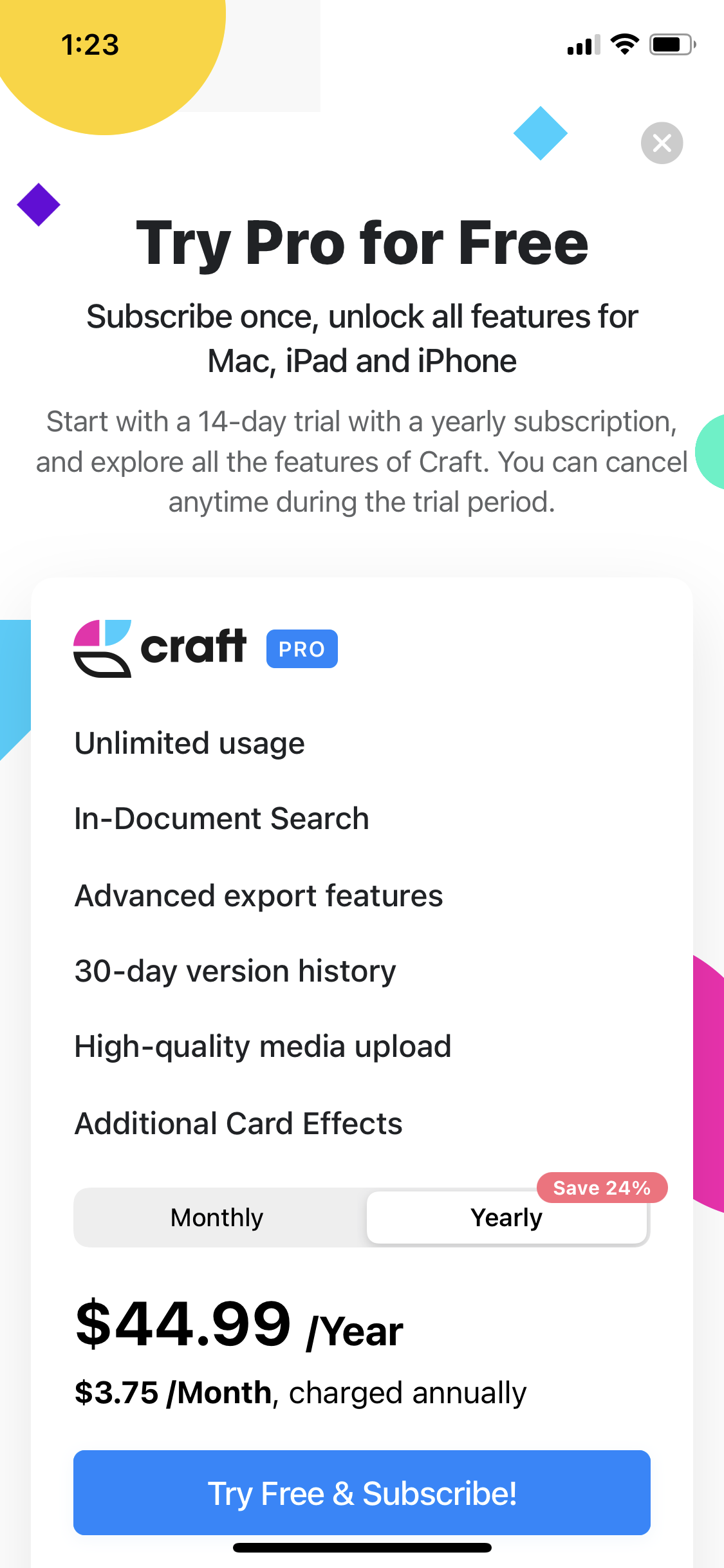
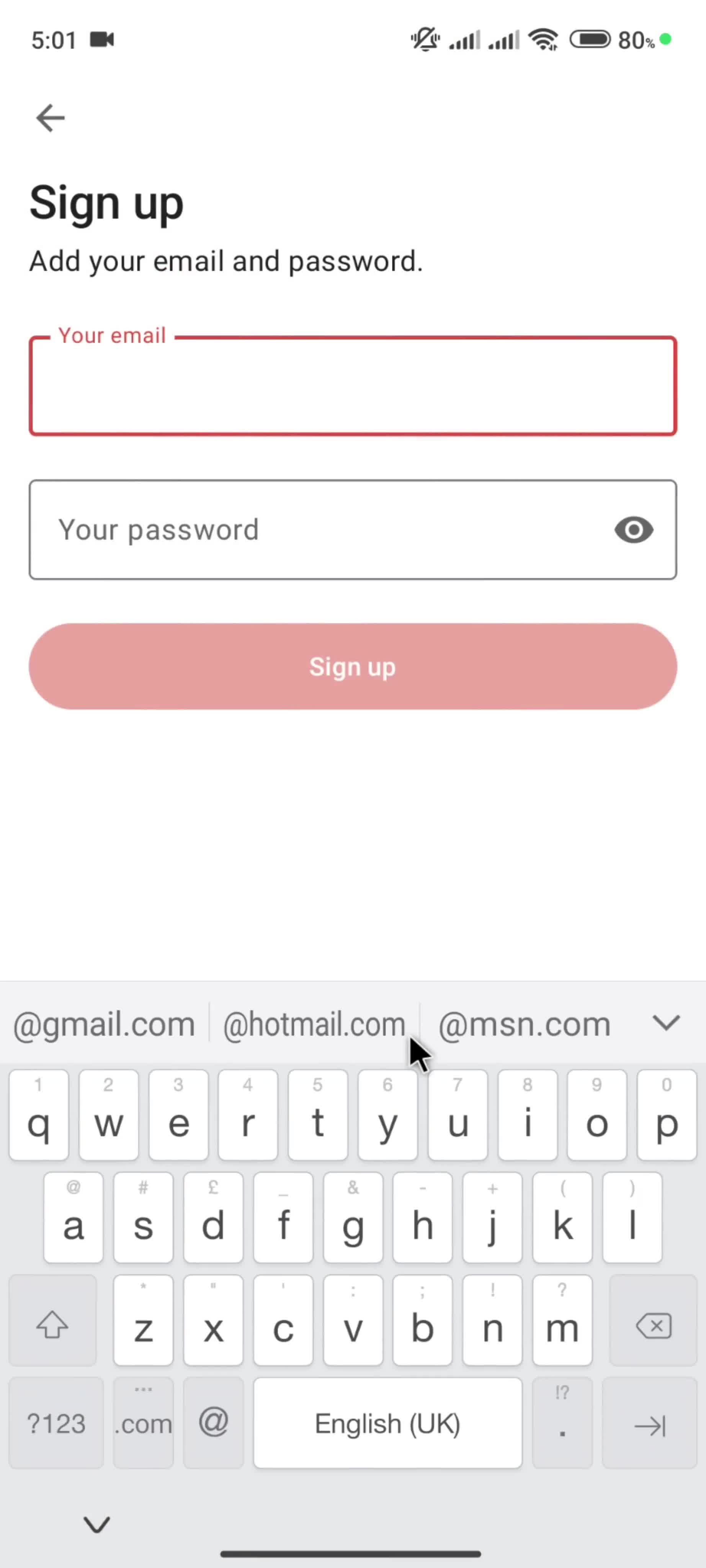
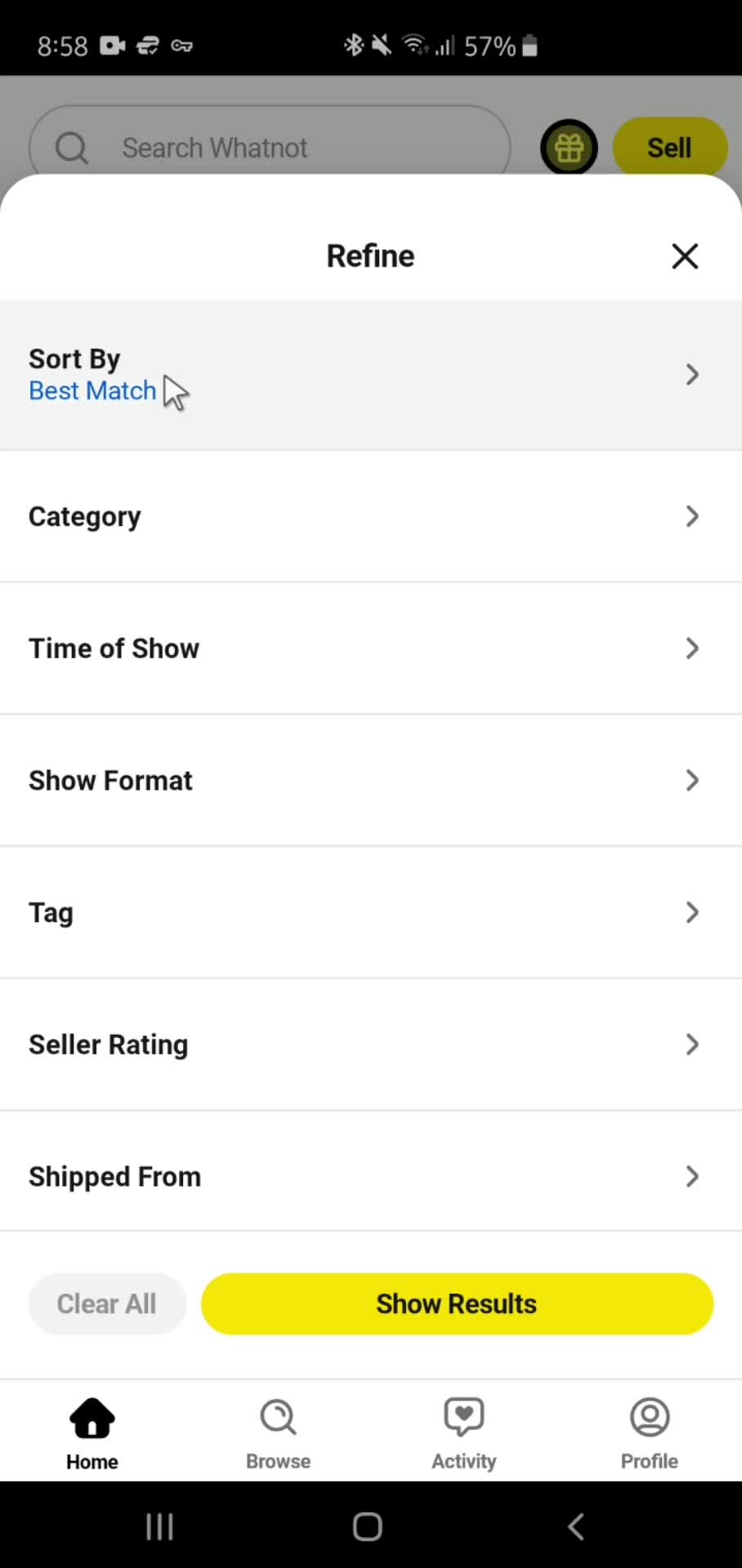
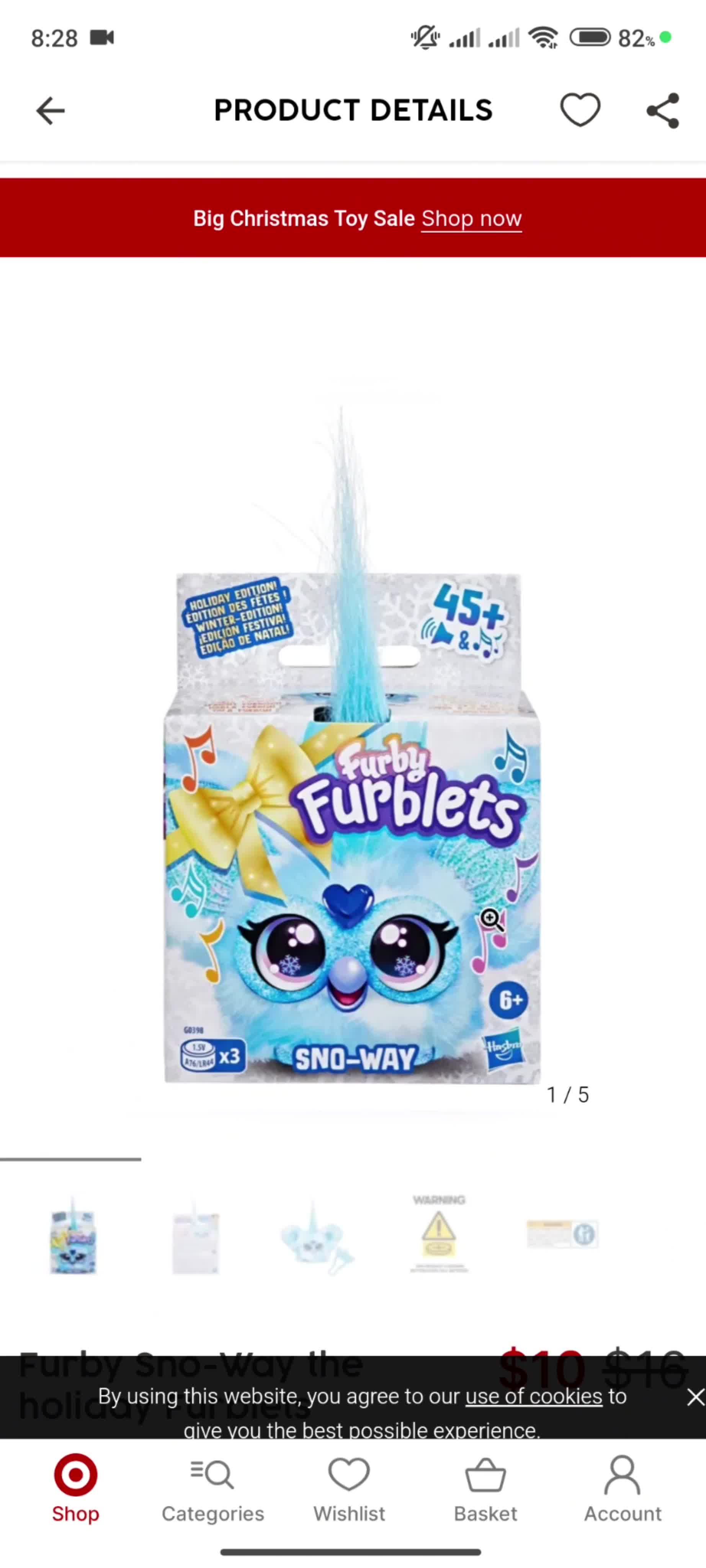
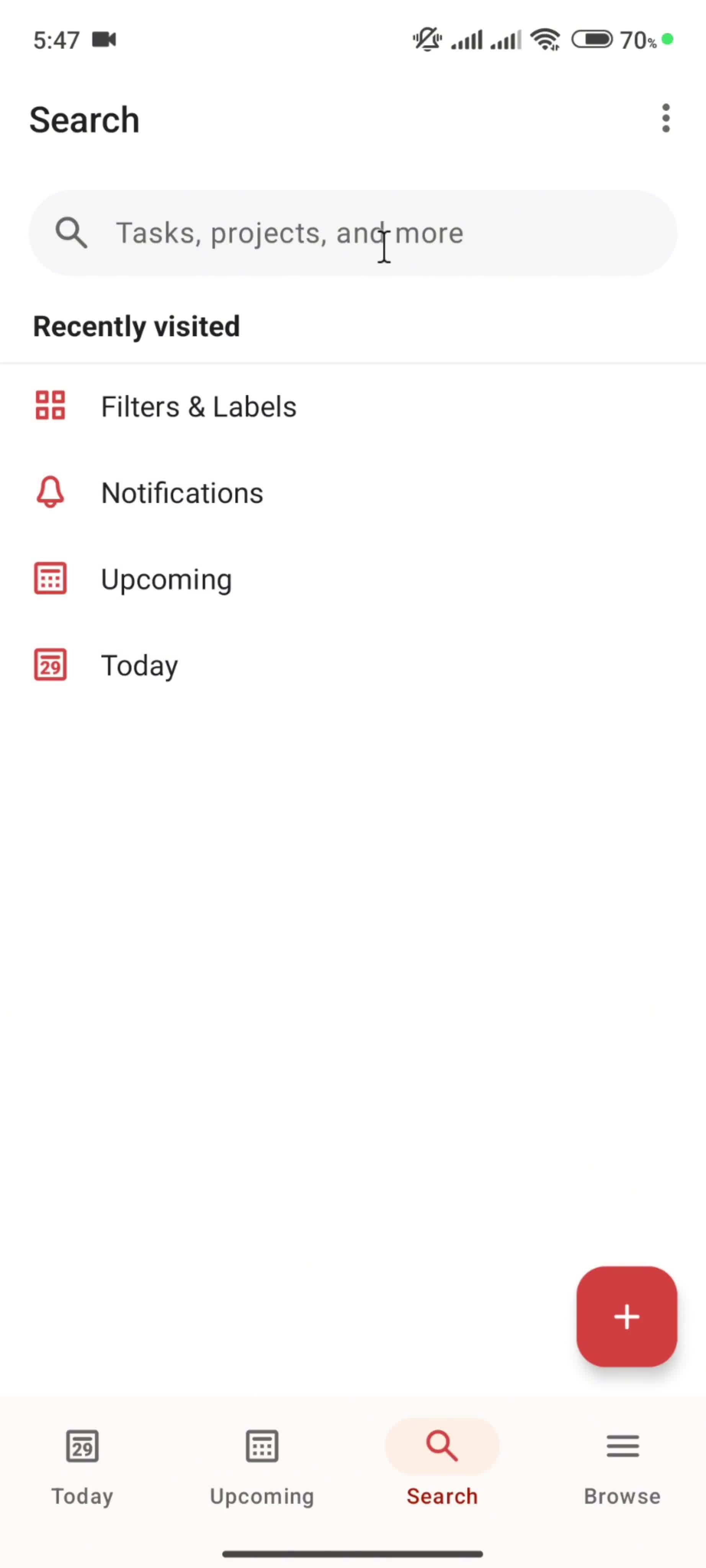
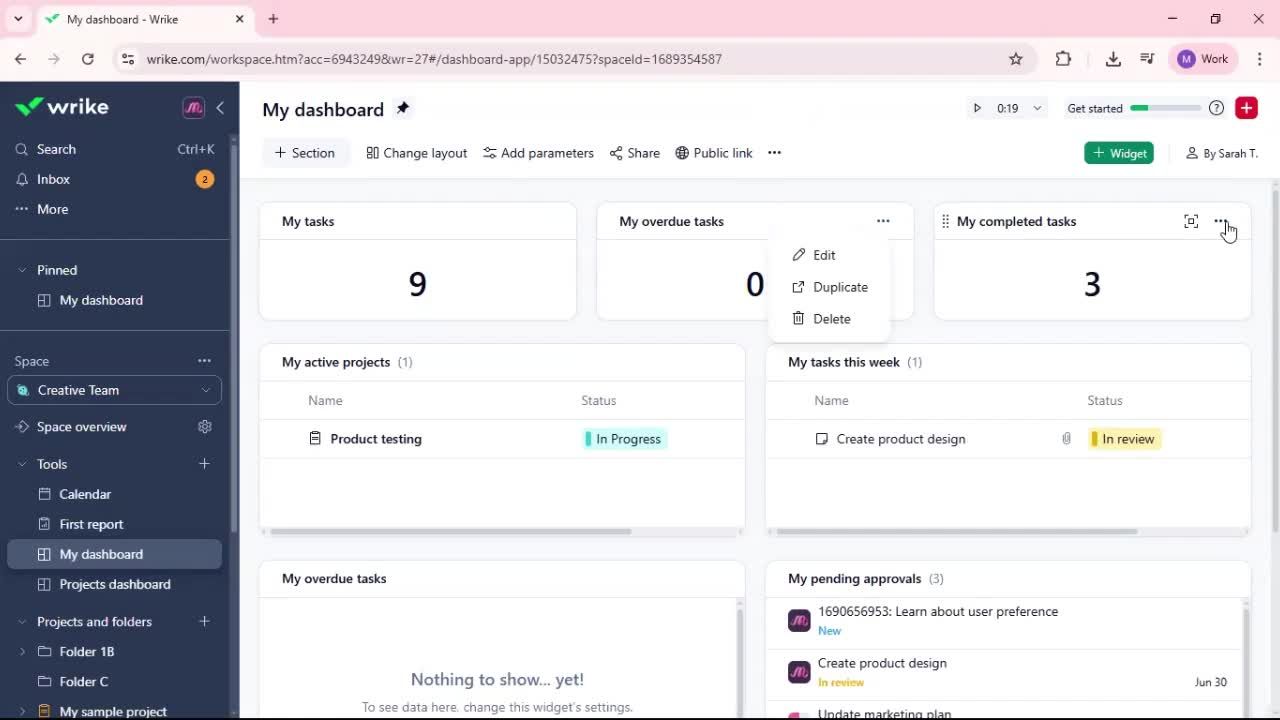
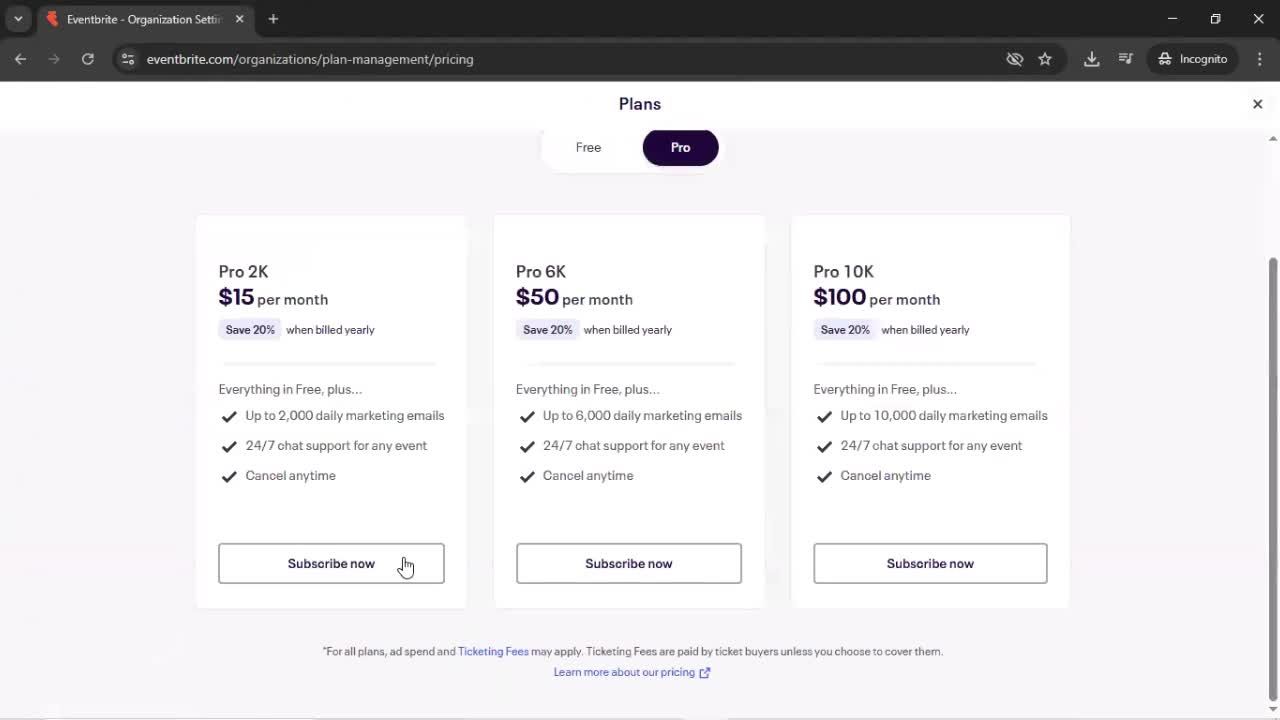
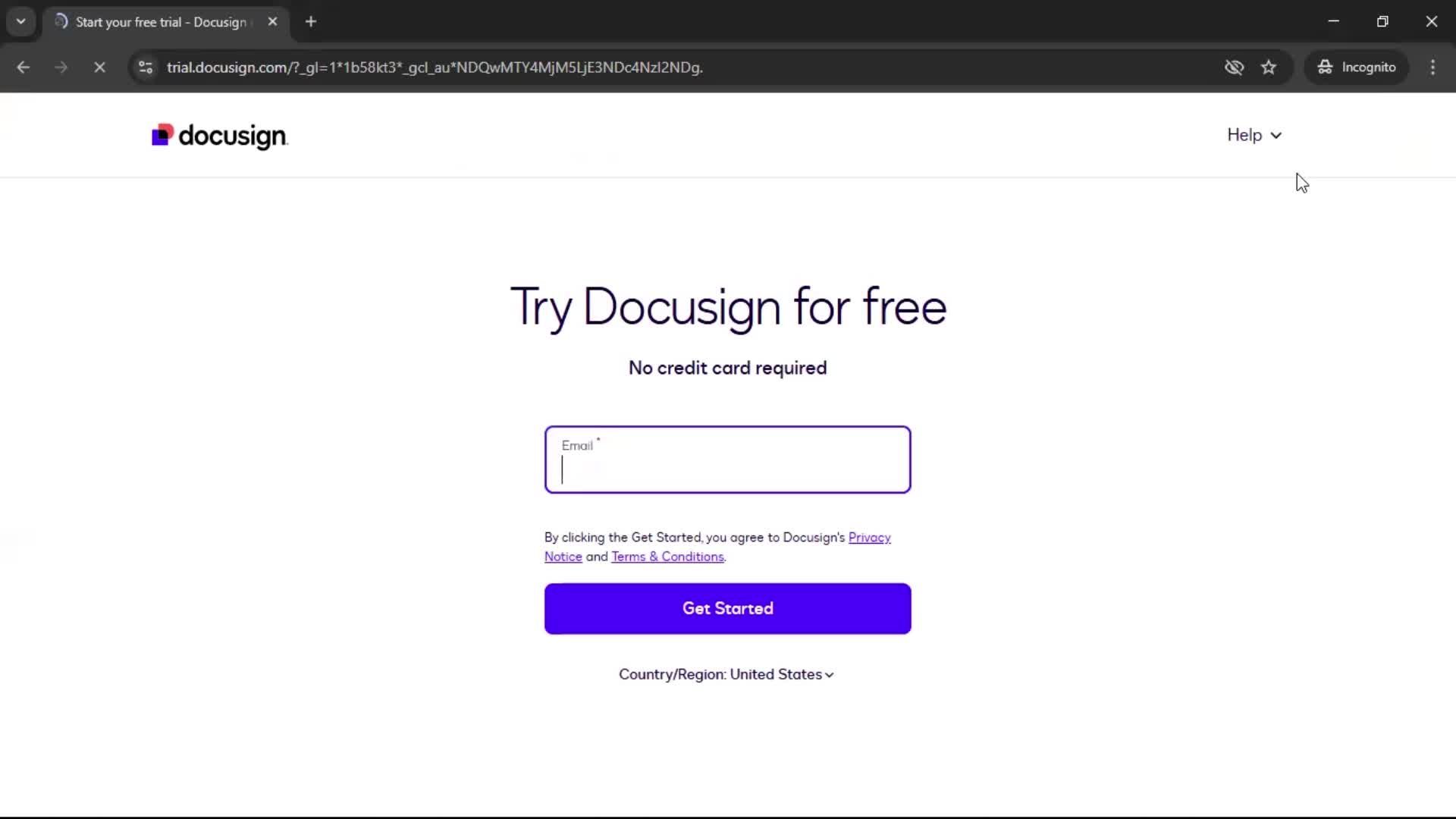
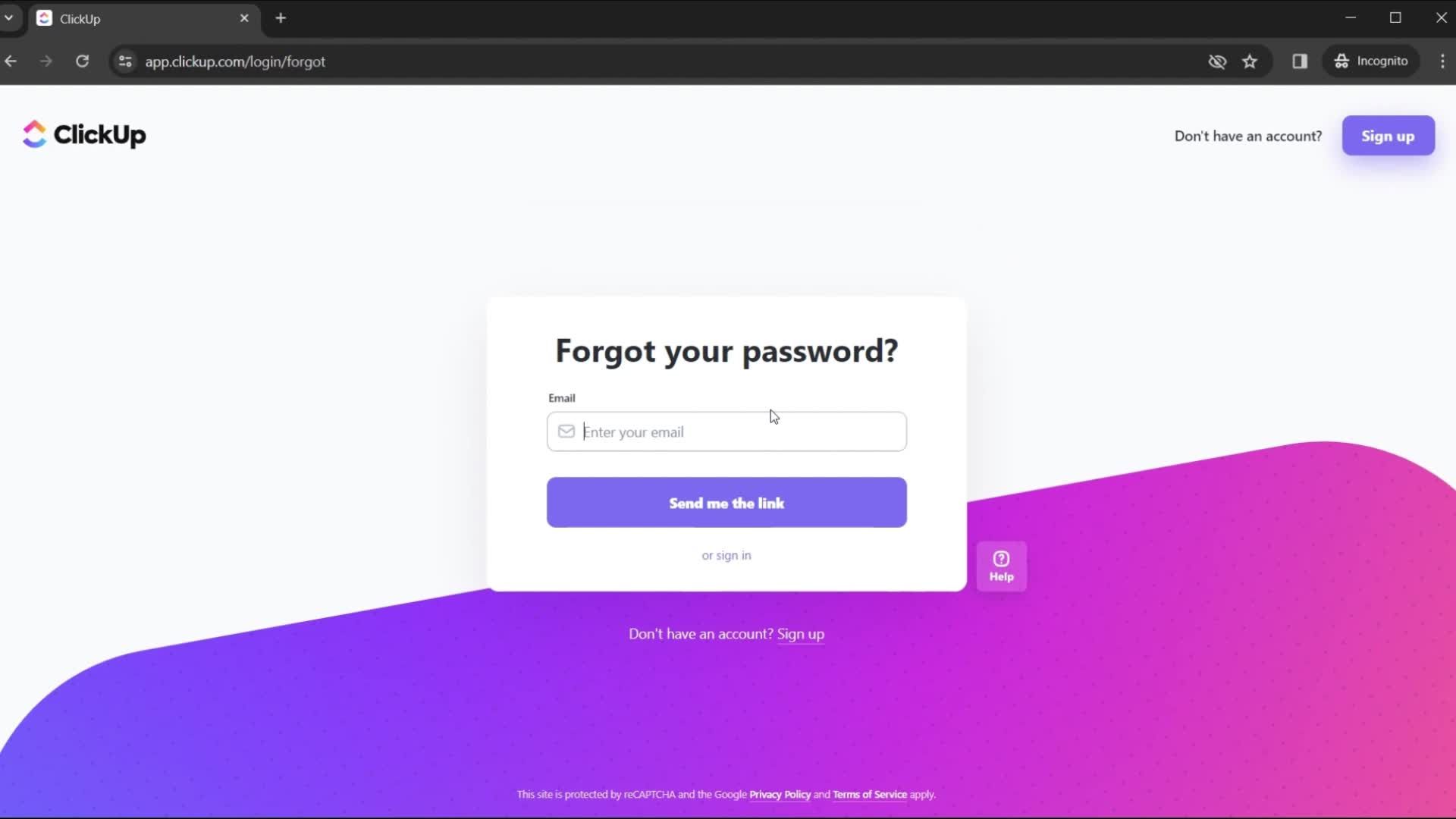
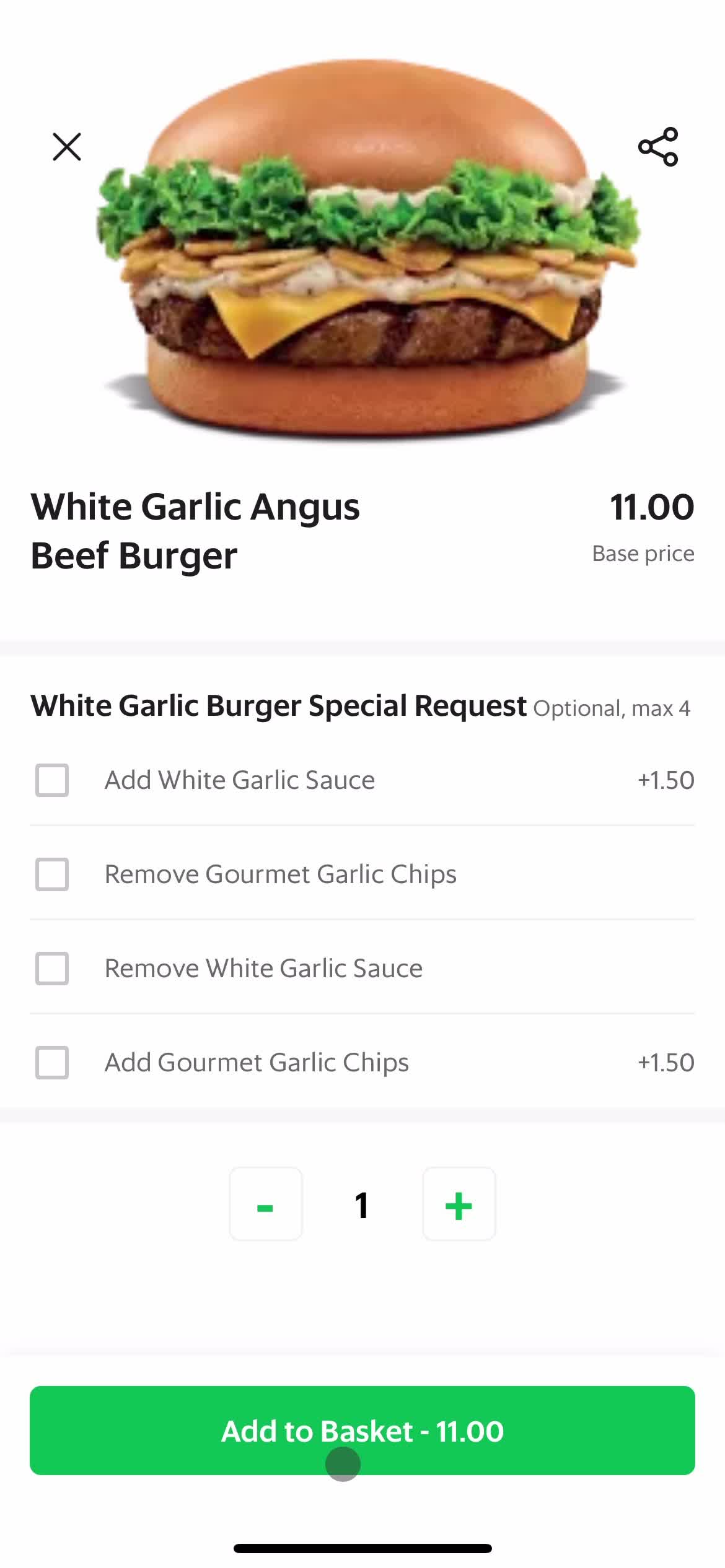
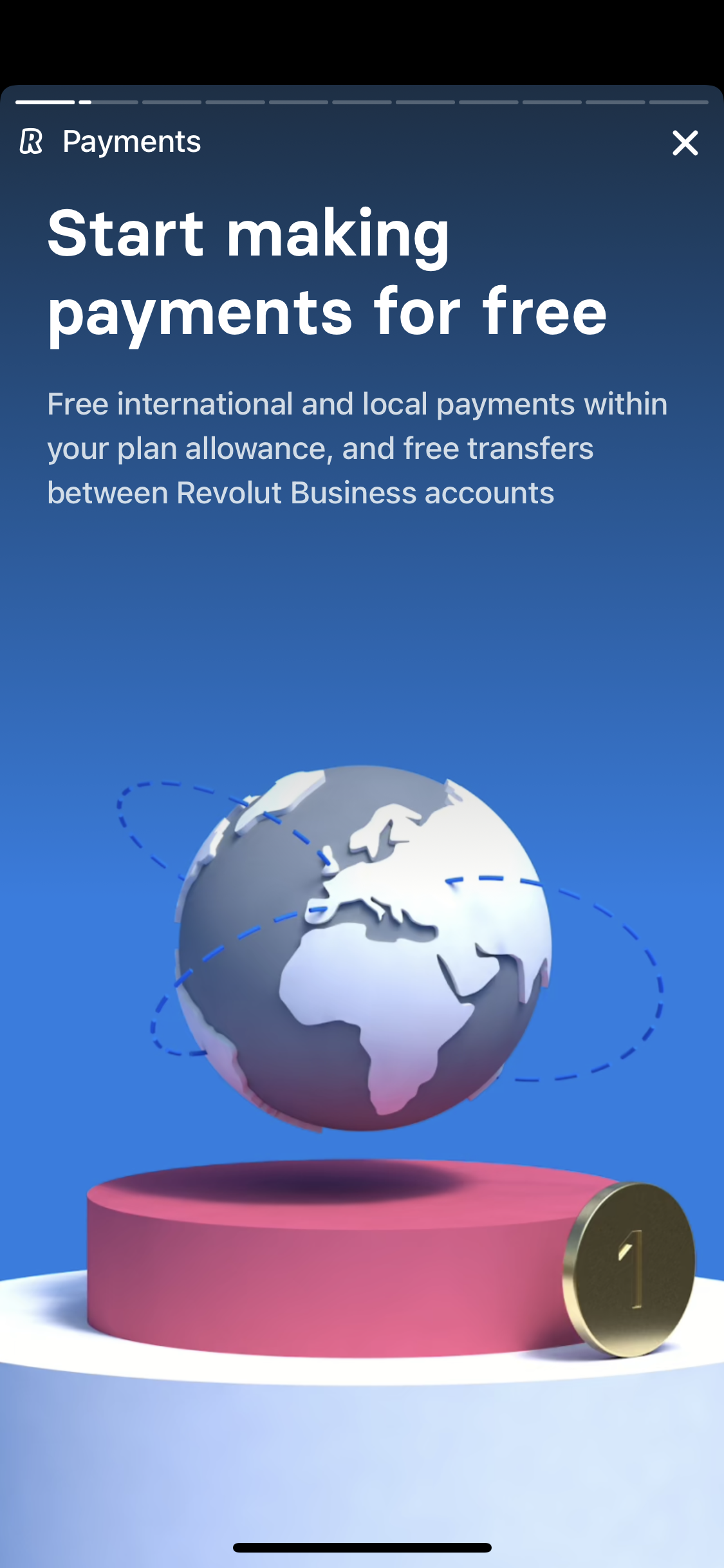
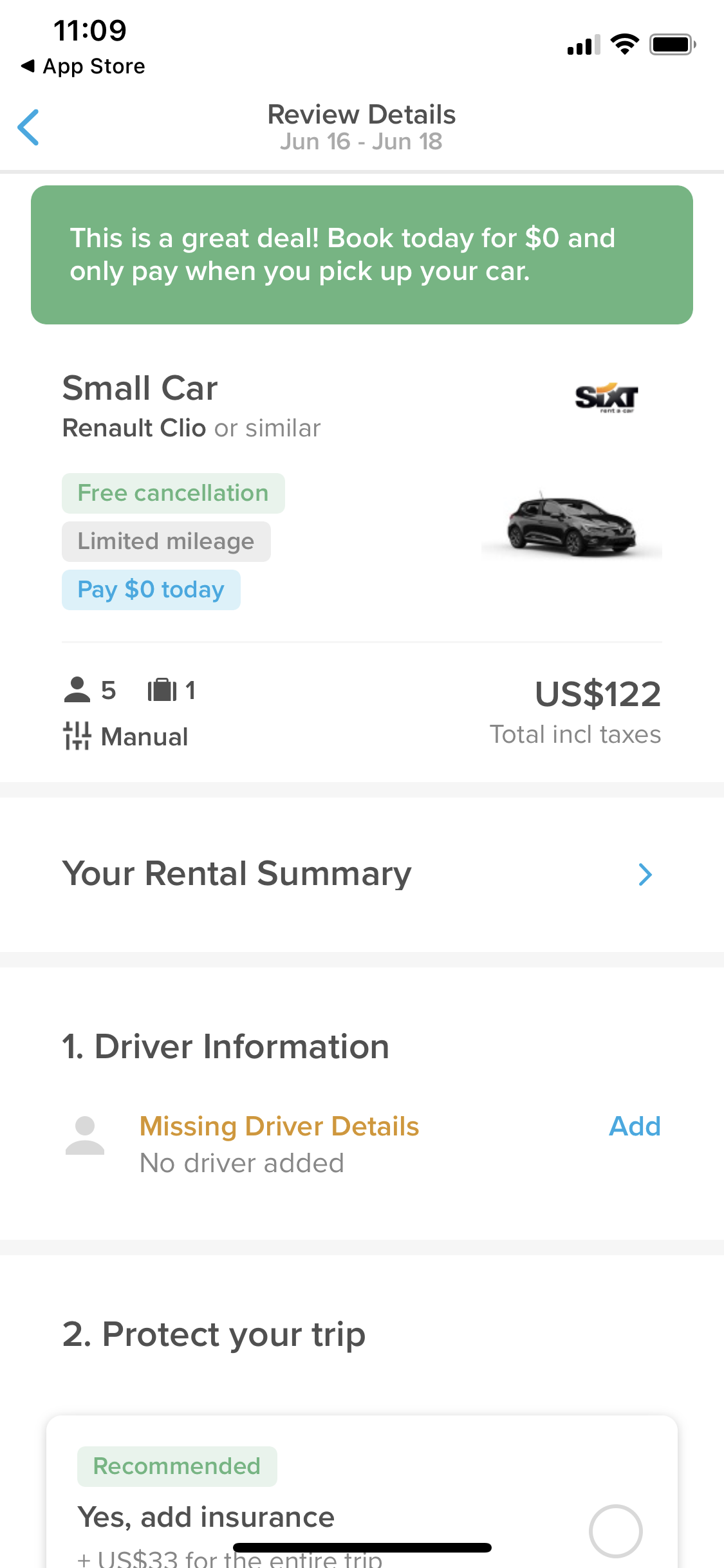
The Product detail screen is a high-stakes surface in many iOS apps — often the moment where a user either engages or drops off. This page collects Product detail designs from across the iOS library, letting you compare fifty approaches to the same design problem in one view.
Real iOS Product detail Examples, Tagged by Brand
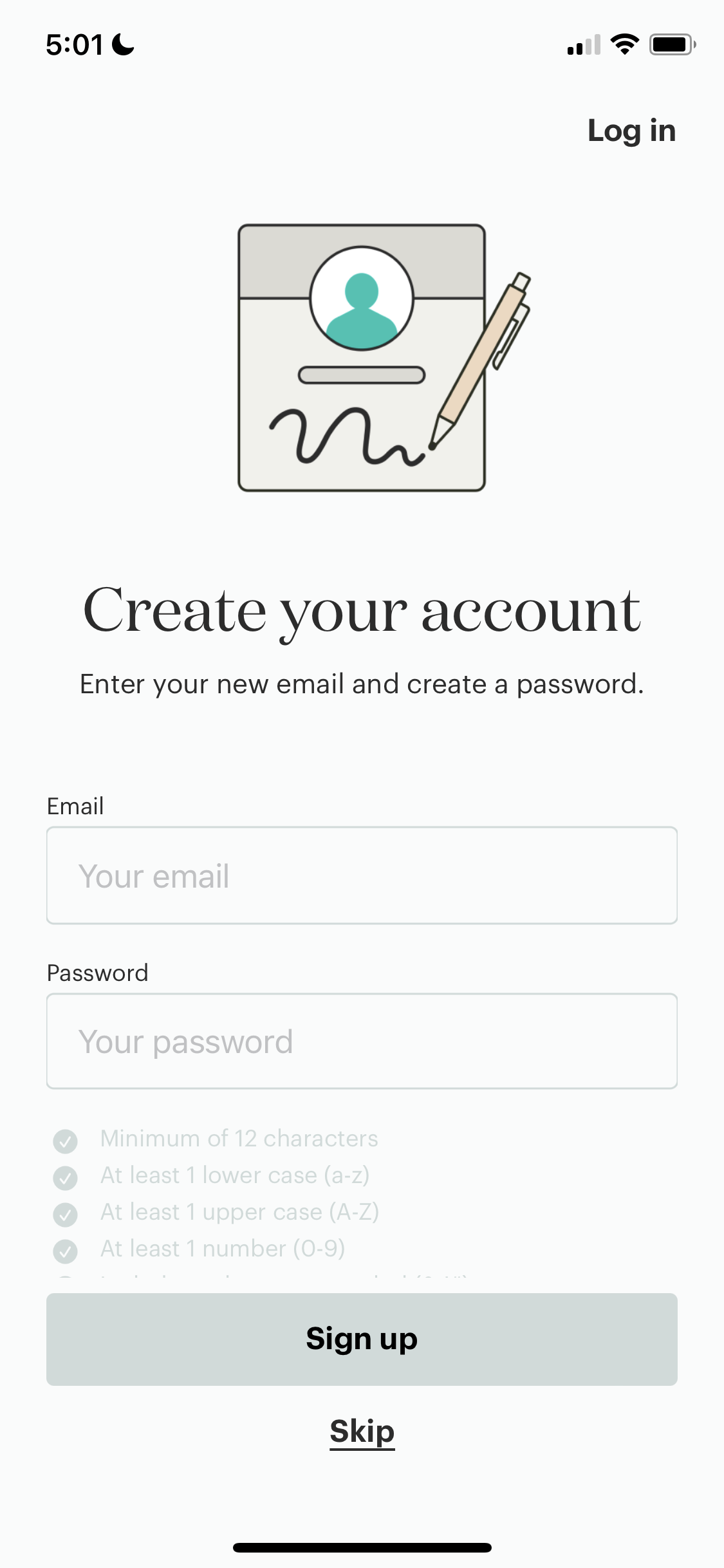
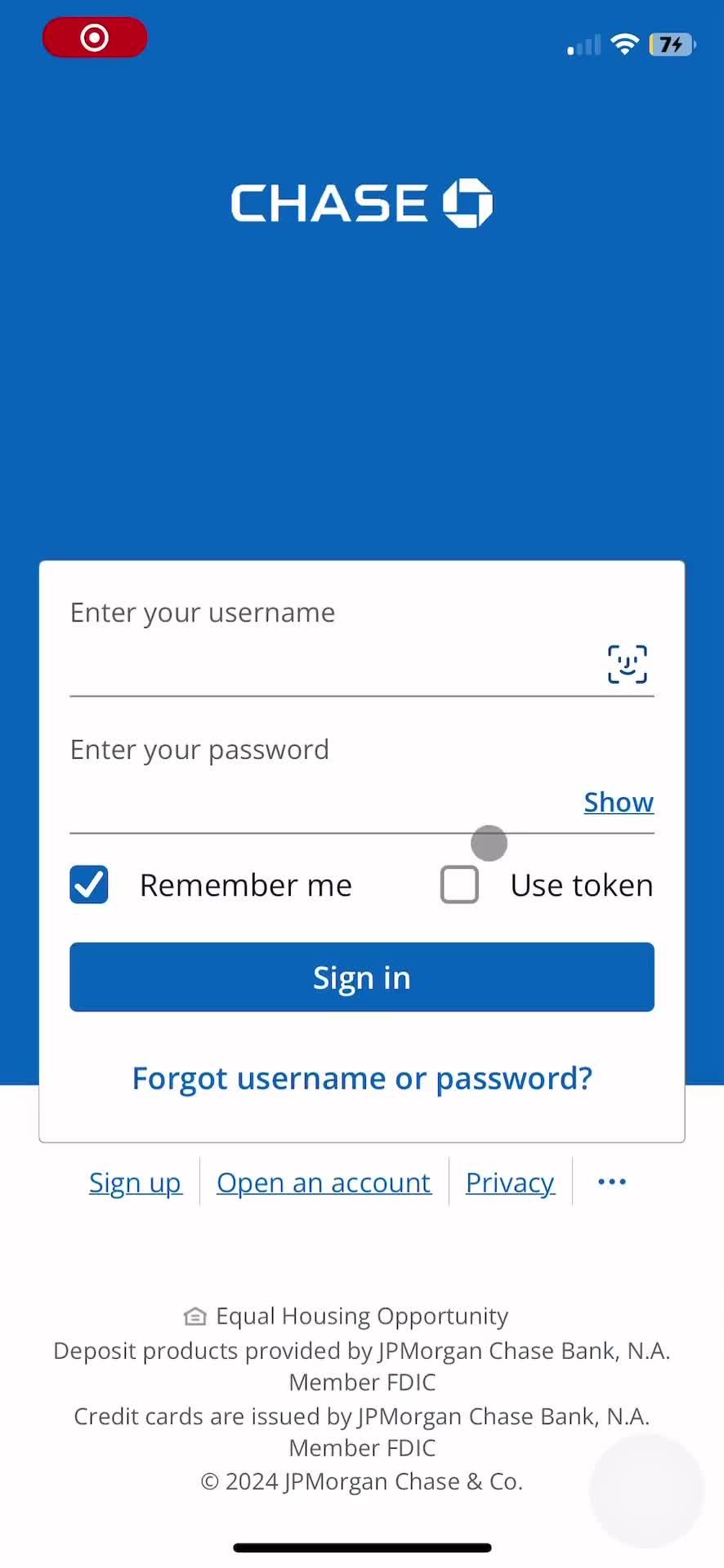
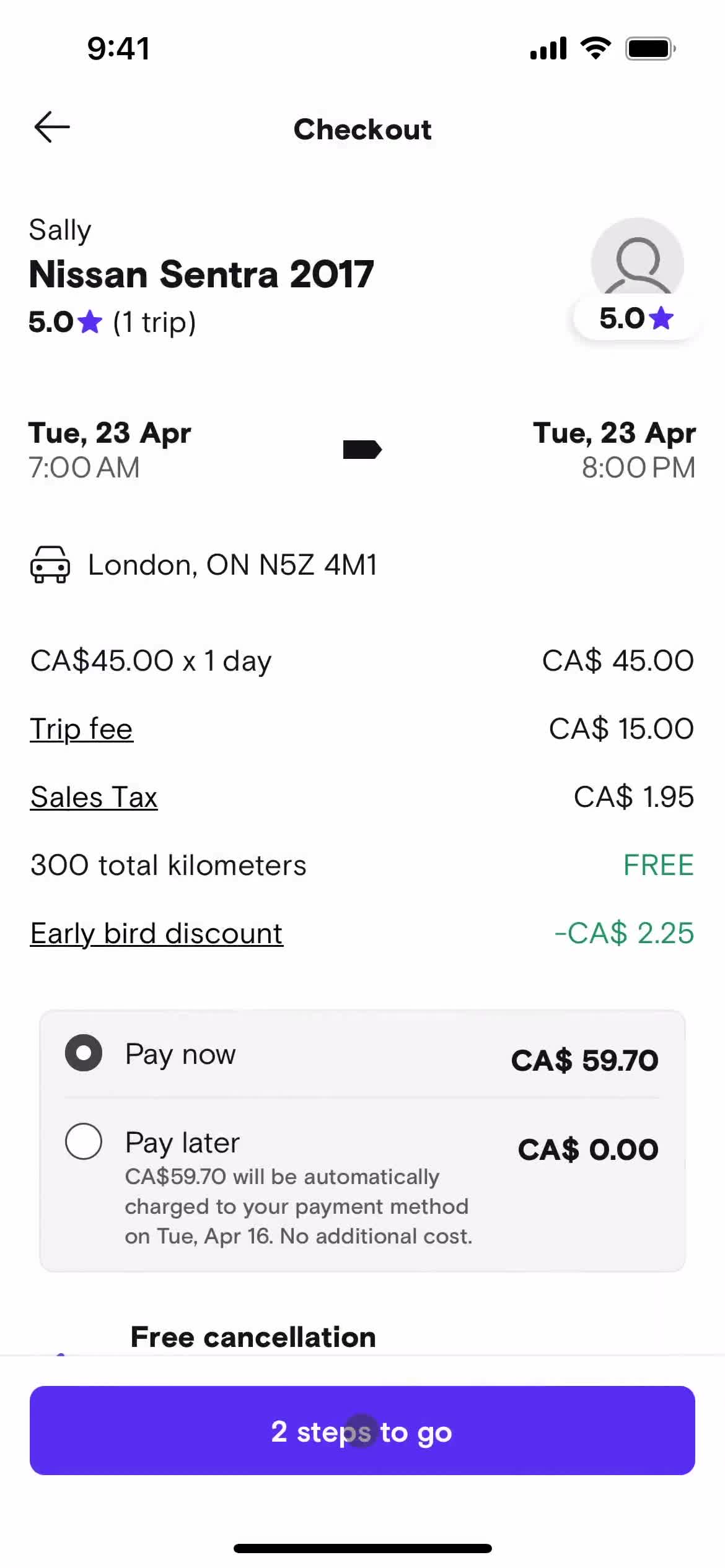
Each example is a real screen from a live iOS app, tagged with the brand and context it comes from. You can see how apps in completely different categories — fintech, entertainment, productivity — approach their Product detail screens, and spot the conventions that work as well as the bold breaks from convention.
Ground Your Product detail Design in Production Patterns
This view is especially useful early in a project, when you're defining what "good" looks like for your own Product detail screen. Rather than sketching from imagination, you can ground your work in real, production-validated patterns.
Frequently Asked Questions
How many iOS Product detail screen examples are available?
The library contains real Product detail screen captures from many of the leading iOS apps in our database, with new examples added as apps ship redesigns.
Can I filter Product detail screens by app category?
Yes. You can narrow to Product detail screens from specific industries (fintech, social, health, etc.) to find the most relevant examples for your use case.
Are the Product detail screens shown in context of their flow?
Each screen is captured within its full user flow, so you can click through and see how users actually arrive at and leave the Product detail screen in the broader experience.
How does the iOS Product detail screen differ from Android?
iOS Product detail screens often follow Human Interface Guidelines, with specific gestures, safe-area handling, and visual patterns that differ from Material Design on Android. You can compare them by visiting the Android equivalents.