























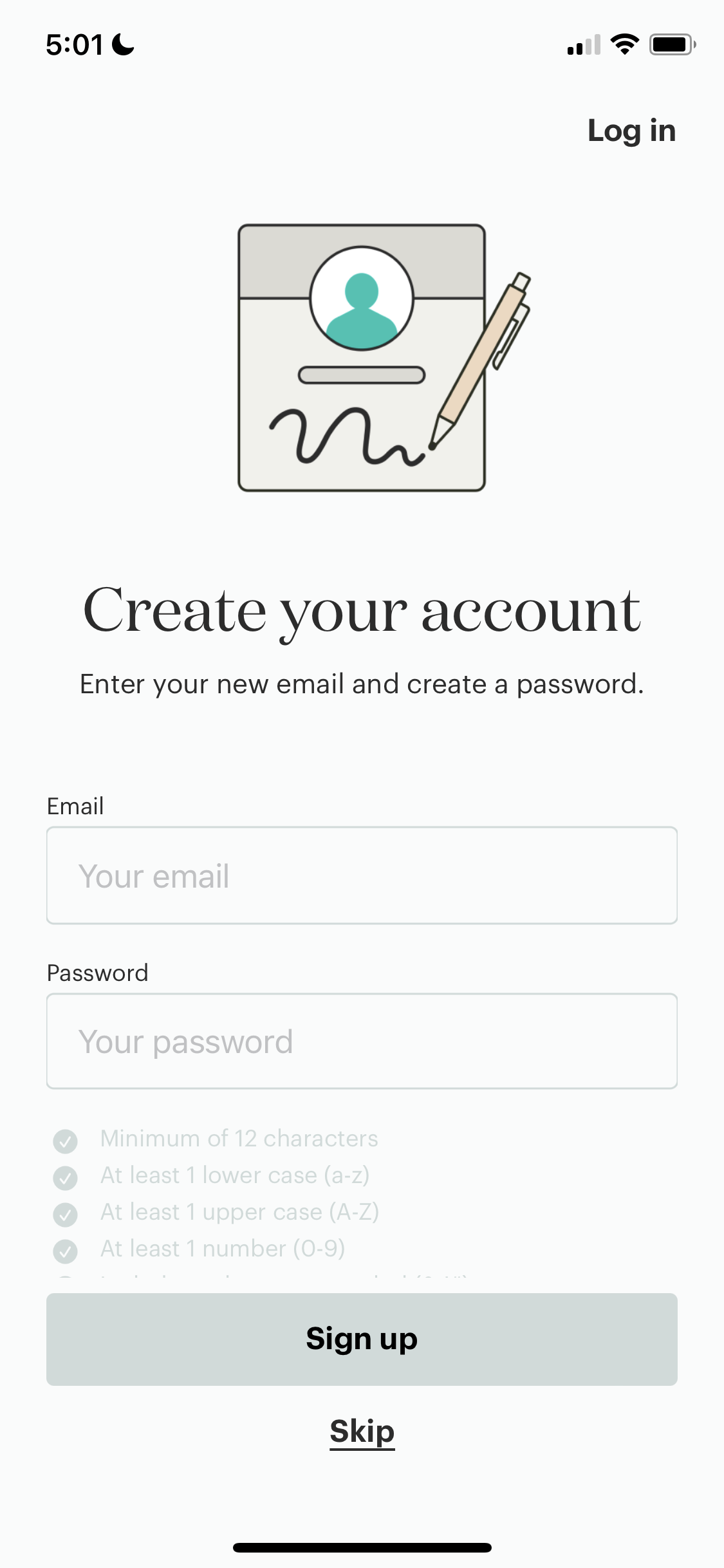
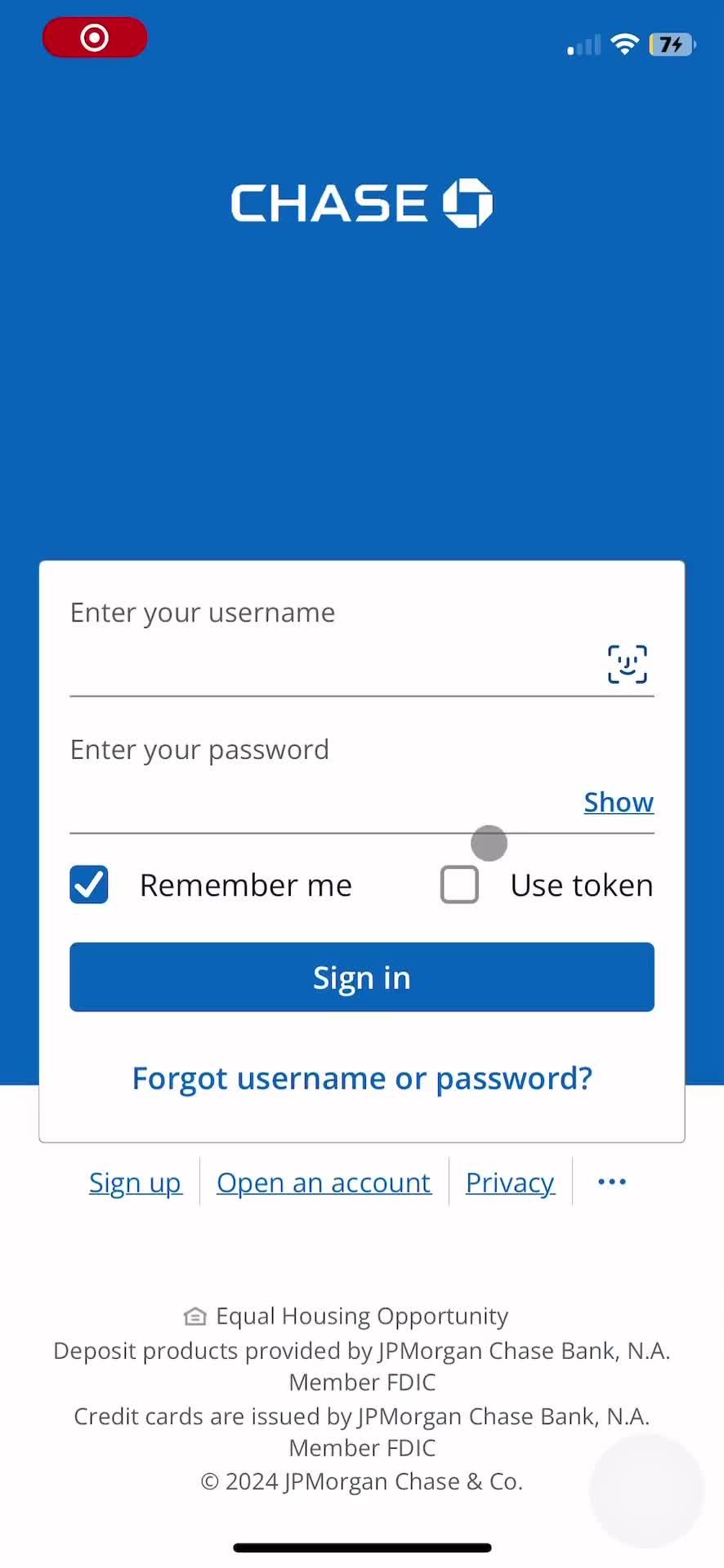
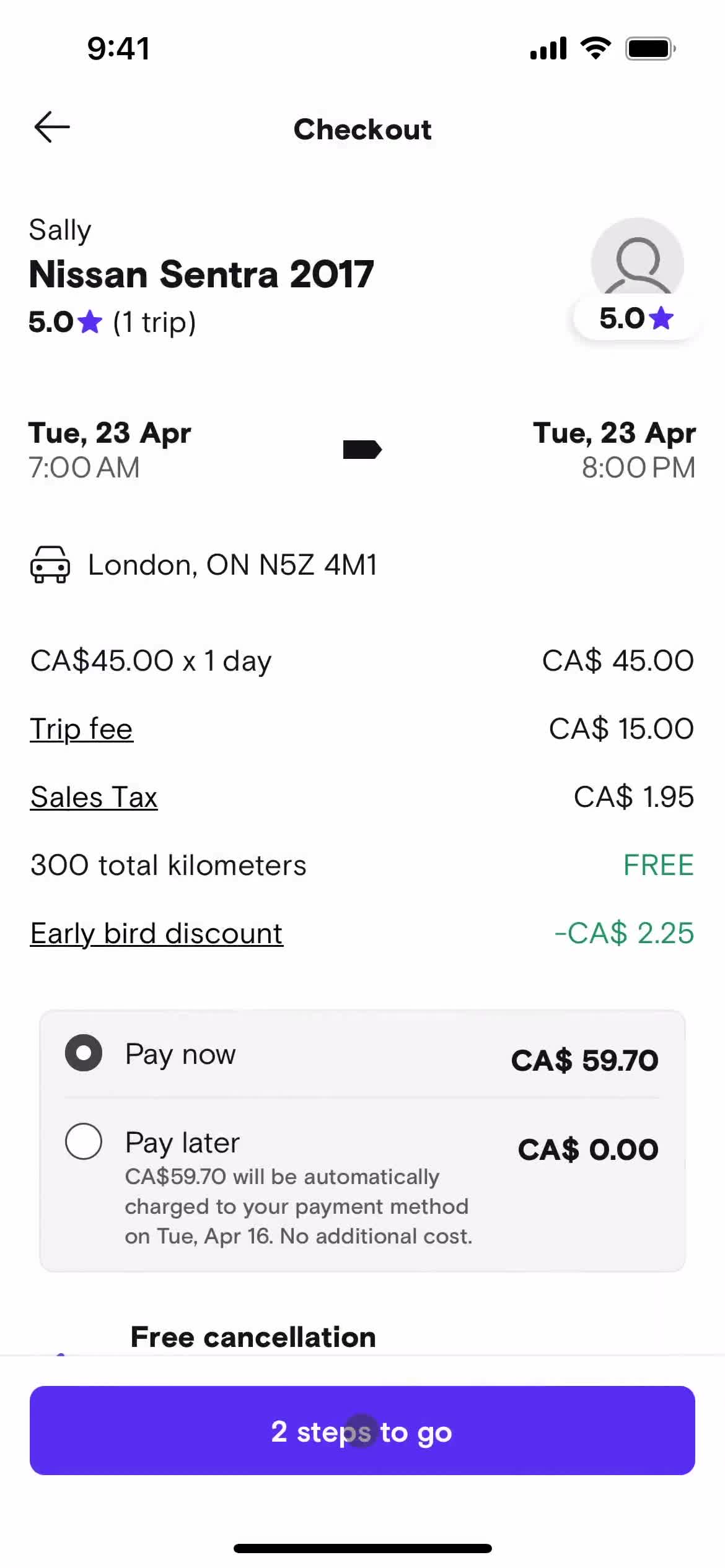
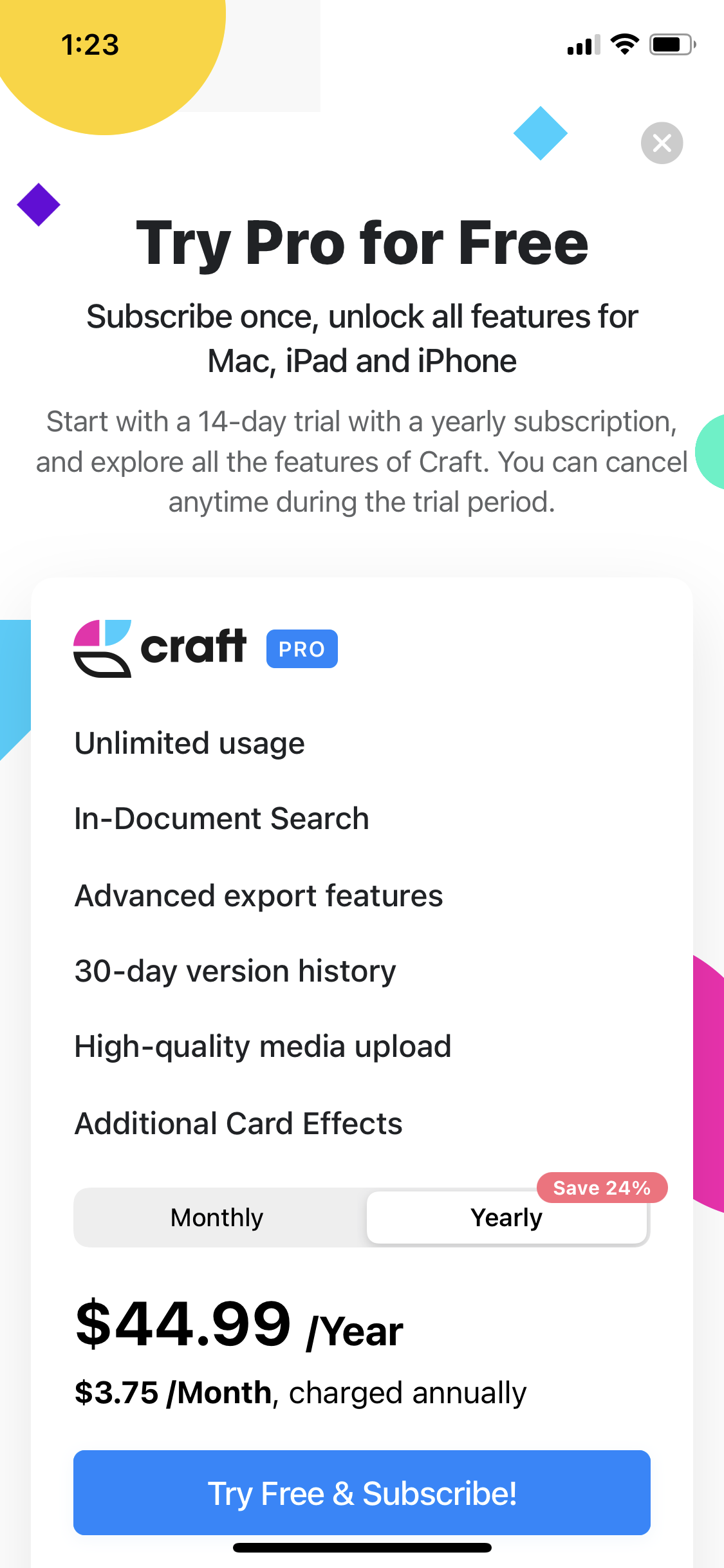
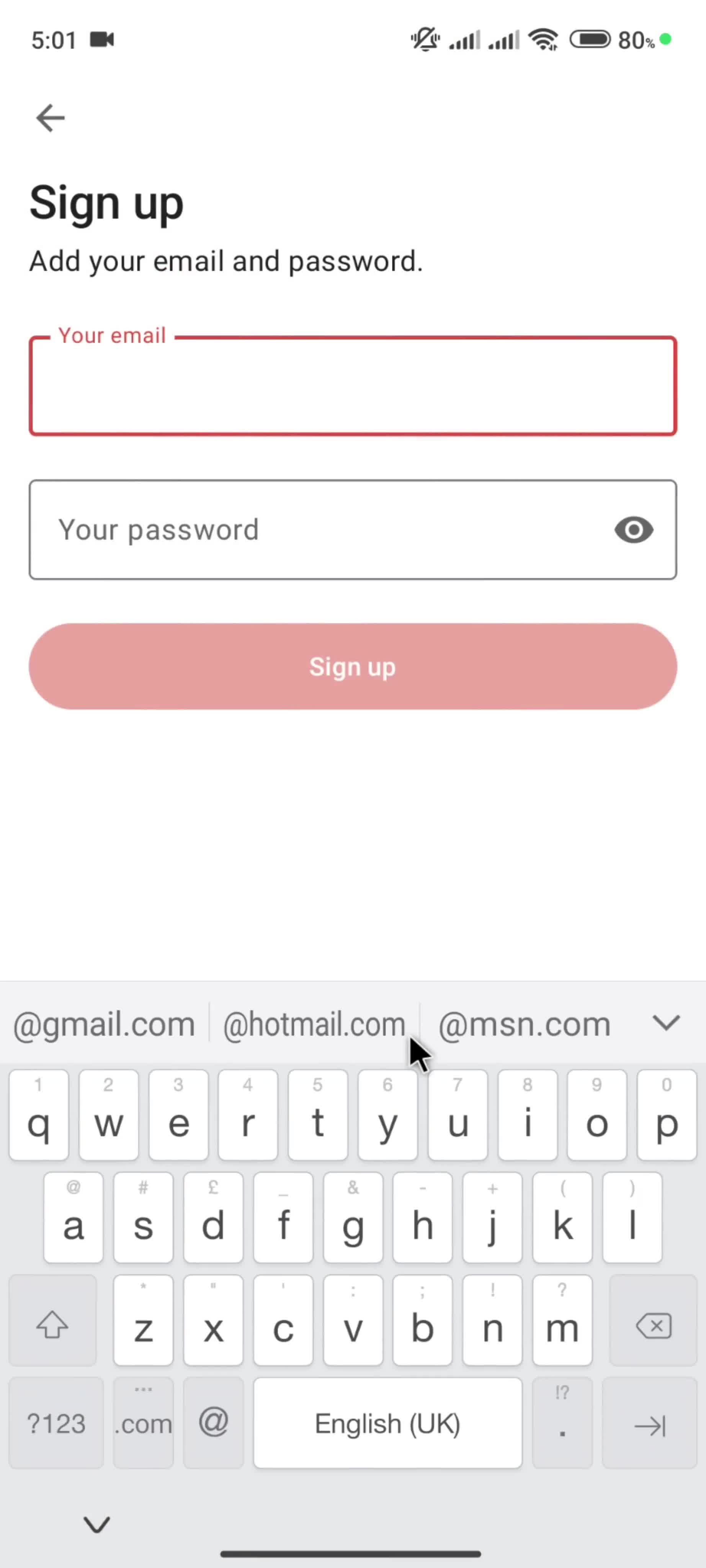
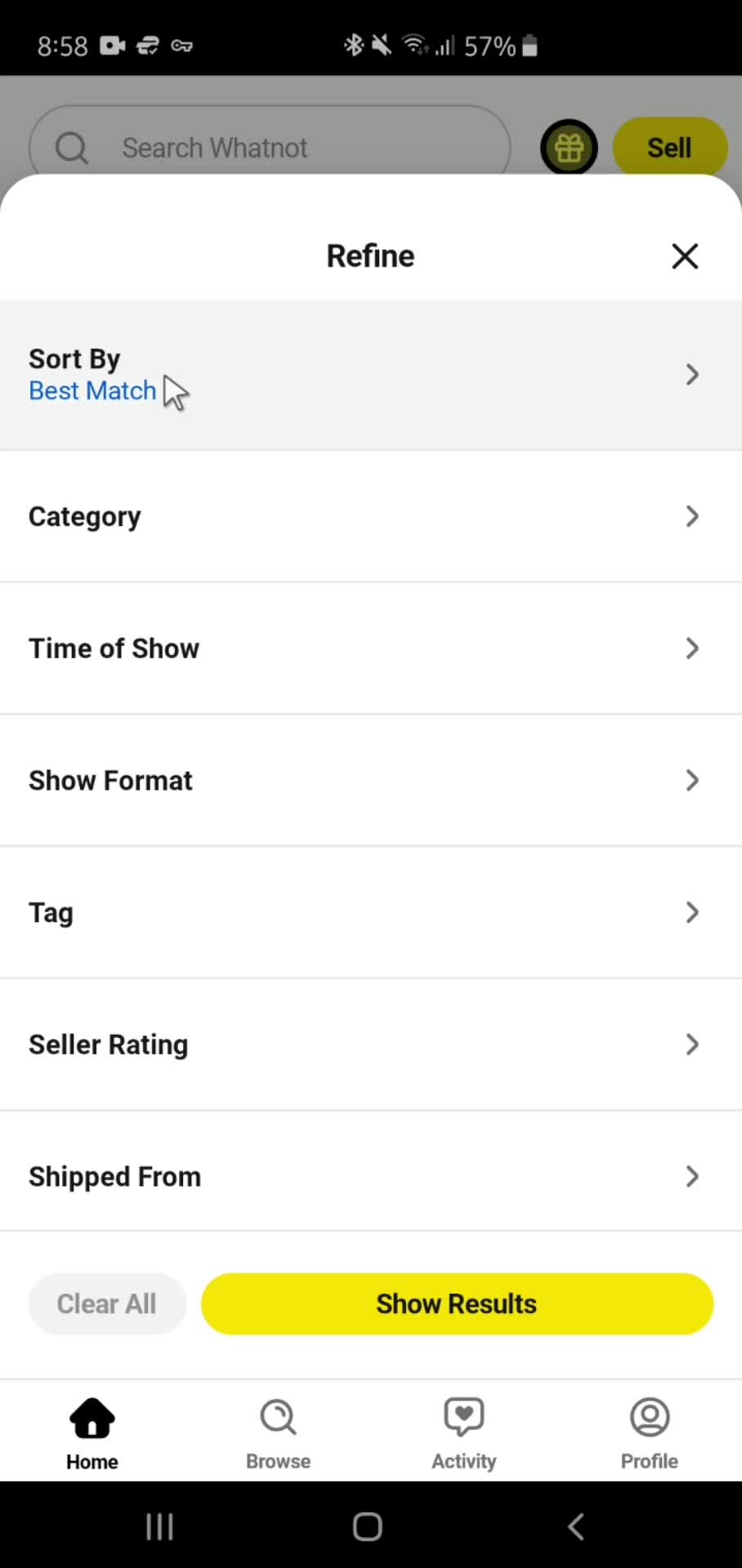
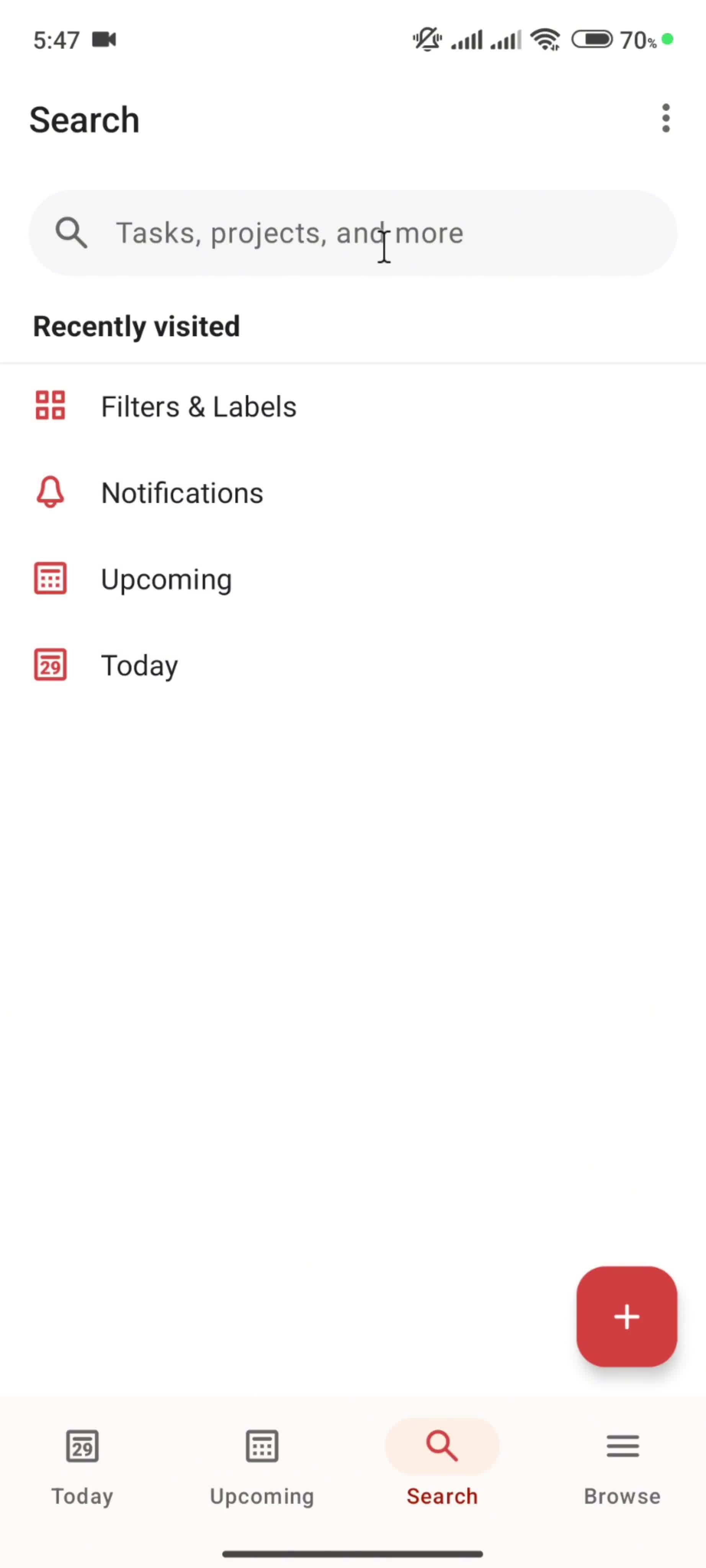









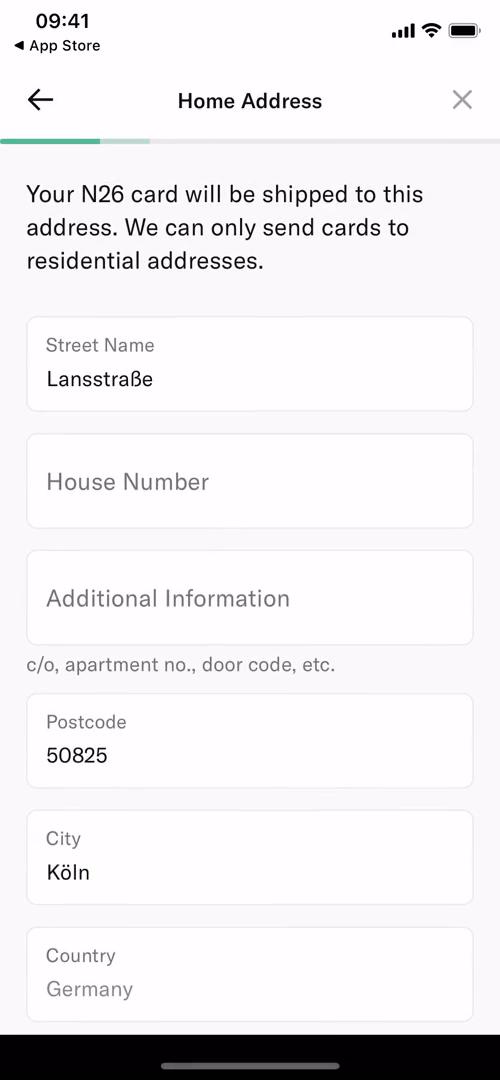
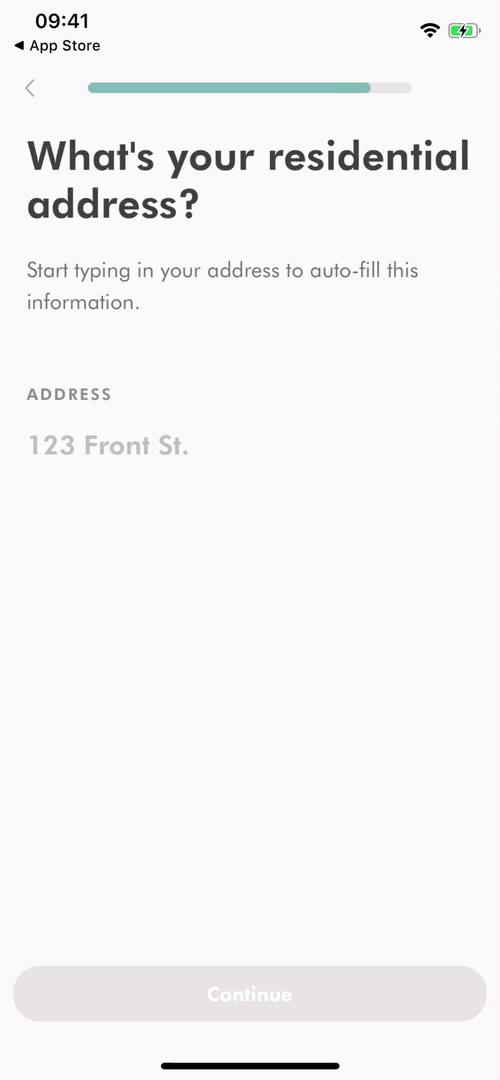

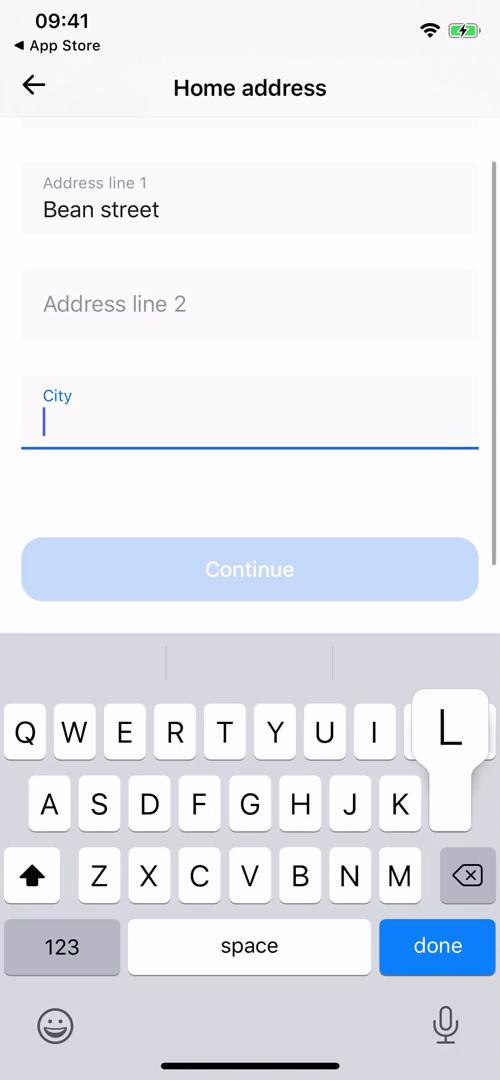

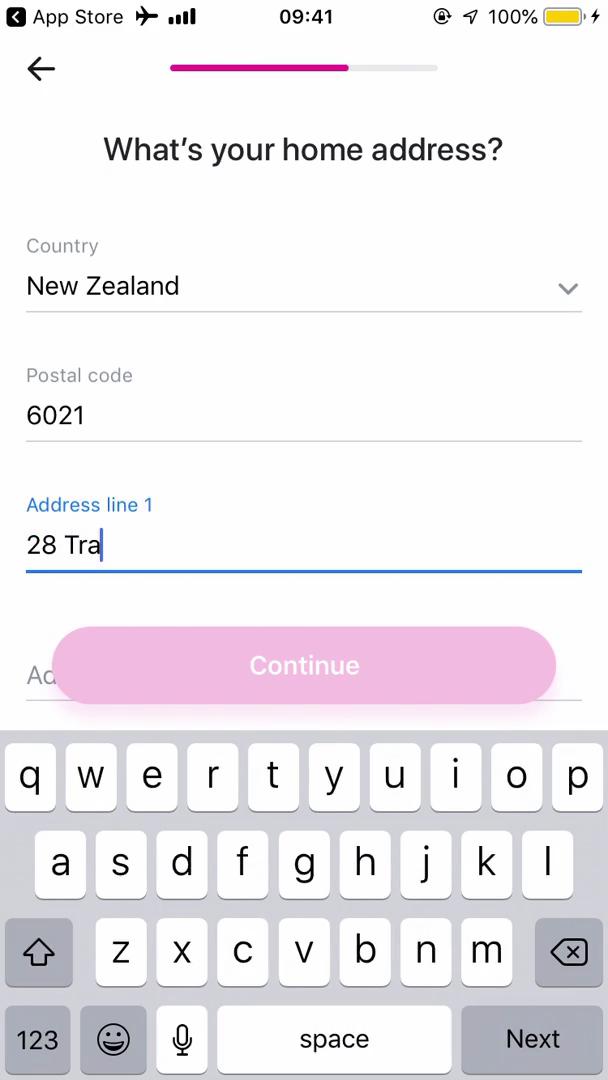
The iOS Add address in Real App Interfaces
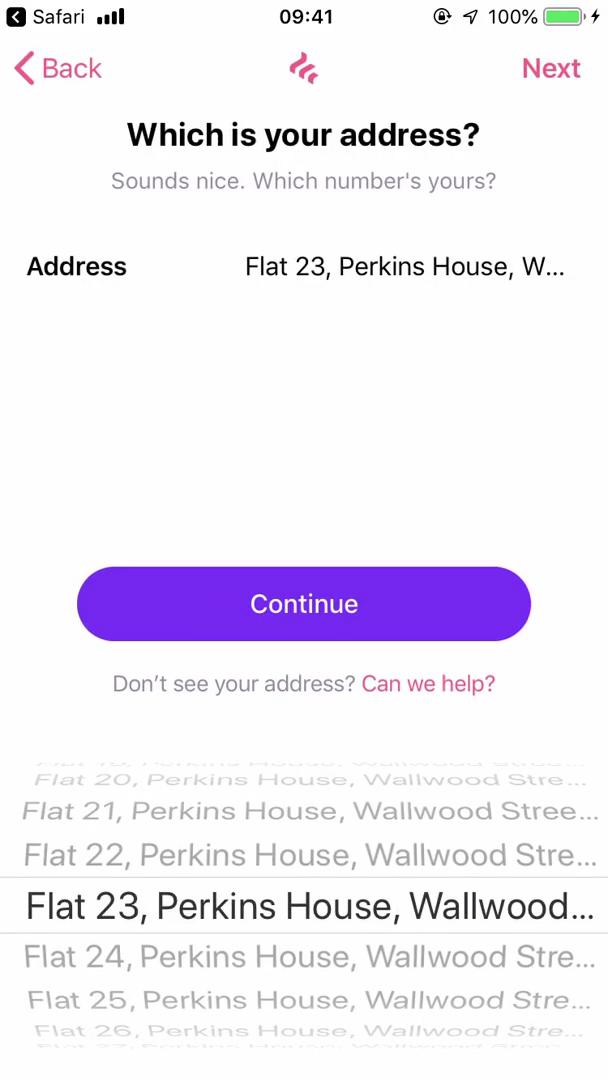
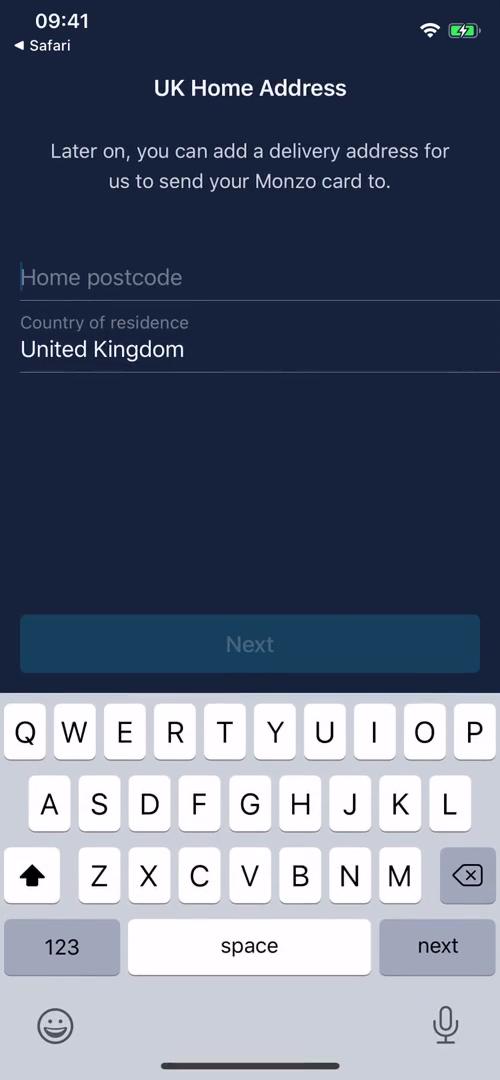
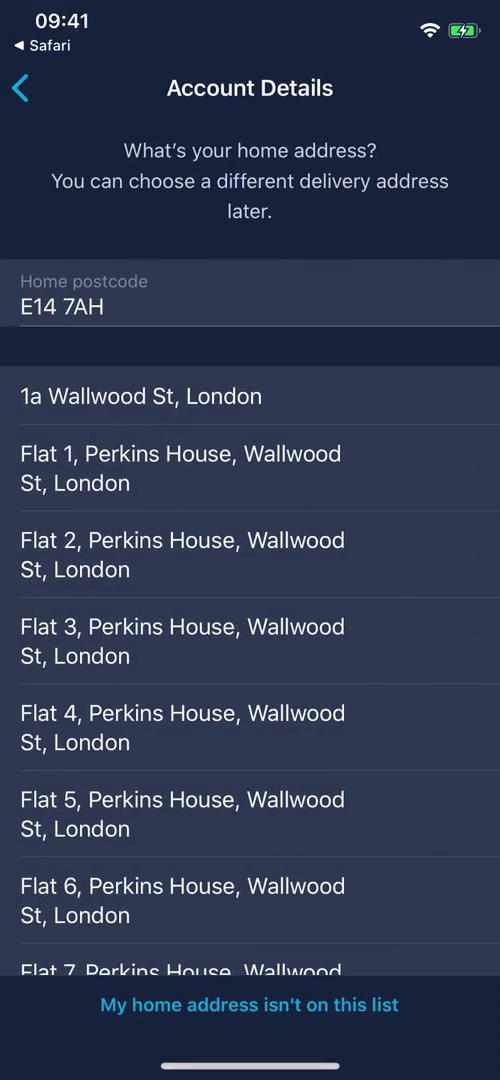
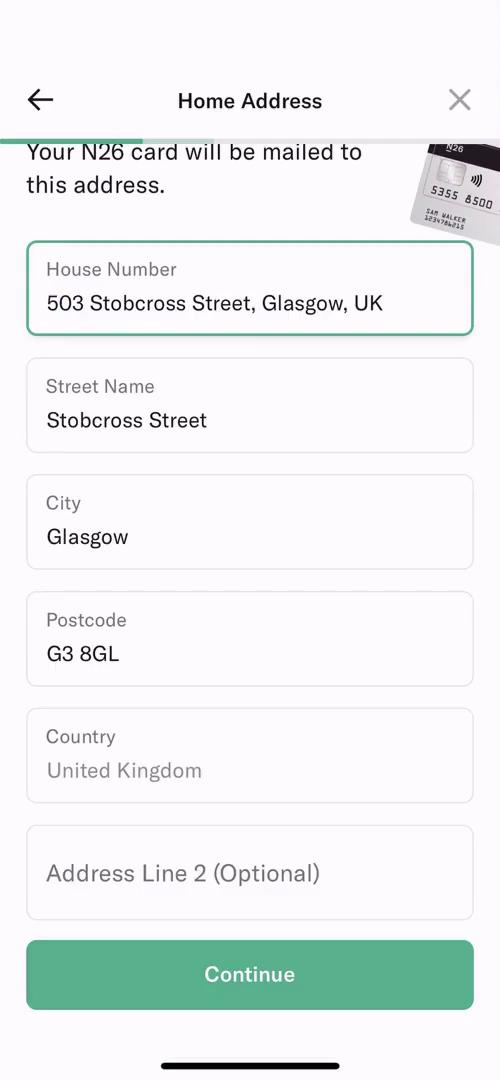
The Add address is one of iOS design's most important building blocks, and how an app implements it often defines how polished the whole experience feels. On this page you'll find every documented example of Add address from the Page Flows iOS library, captured inside the actual user flows they belong to.
Why Seeing Add address in Context Matters
Studying Add address in context matters — you'll see when it's triggered, how it's styled, what content it contains, and how it exits. These details rarely show up in isolated component libraries, but they're what separates good Add address implementations from ones that feel clunky or out of place.
Browse Add address Patterns by Brand
Browse by brand to study a specific app's approach, or scan across examples to build a mental library of Add address patterns you can draw from when designing your own interface.
Frequently Asked Questions
What counts as a Add address in the iOS library?
The Add address category includes every documented instance of this component across the library, from classic iOS implementations to custom variants used by leading apps.
Are Add address examples shown alone or in context?
Always in context. Each example is tagged inside a full user flow, so you can see exactly when Add address appears, what triggers it, and how users interact with it.
How do I find Add address examples from specific brands?
Each example is tagged with its brand, so you can filter or search for Add address implementations from the apps most relevant to your work.
Can I find iOS Add address patterns across different app categories?
Yes. Because Add address appears across many app types (fintech, social, productivity, etc.), you can compare category-specific conventions and cross-category patterns.