




































The iOS Wysiwyg in Real App Interfaces
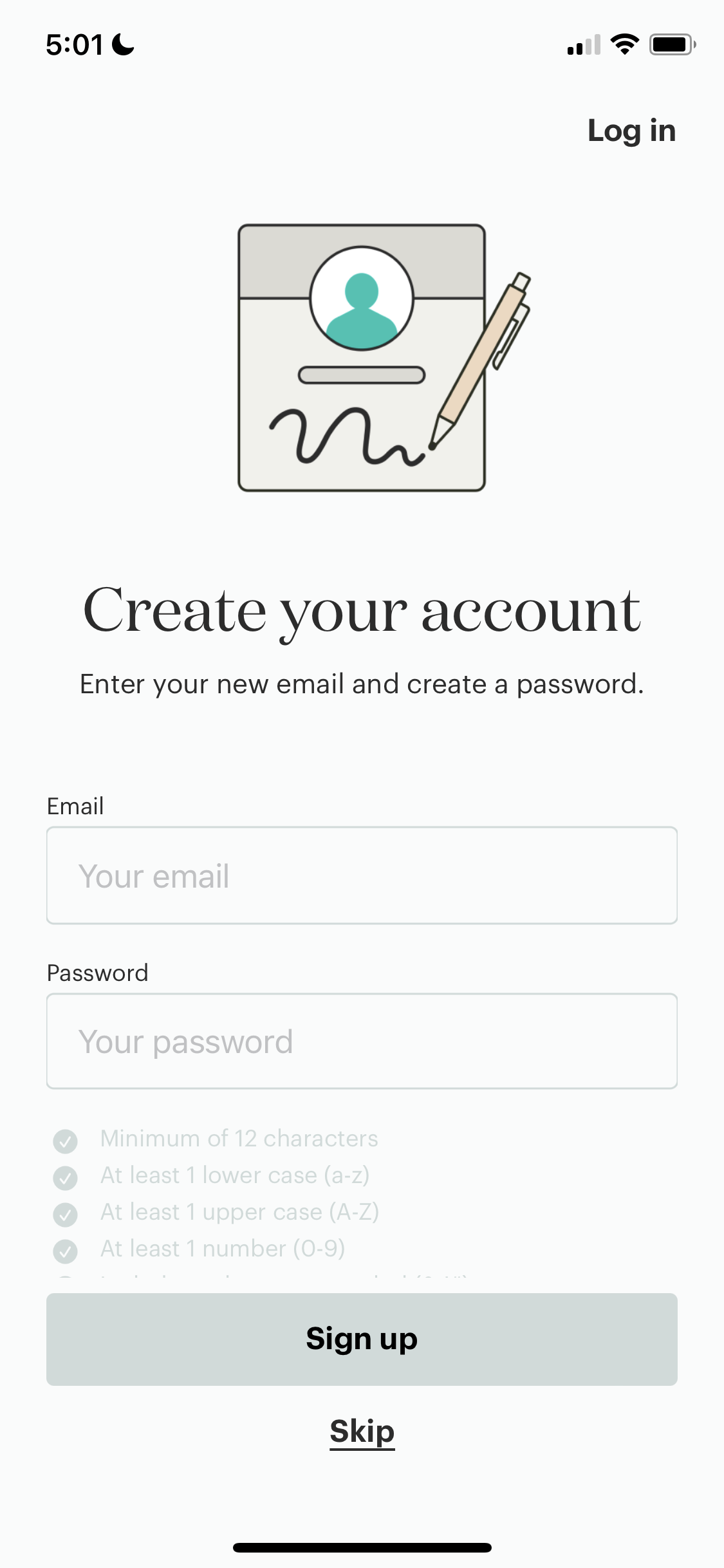
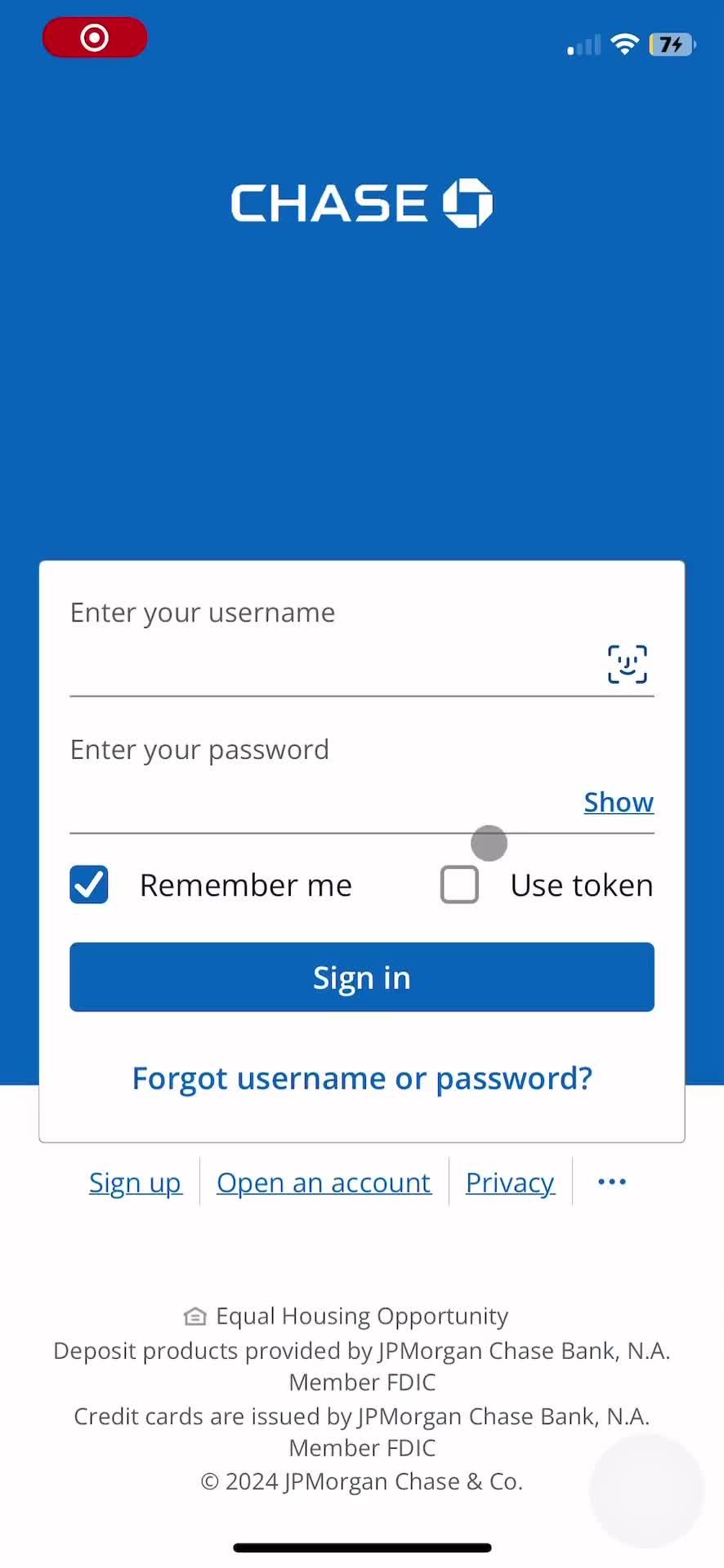
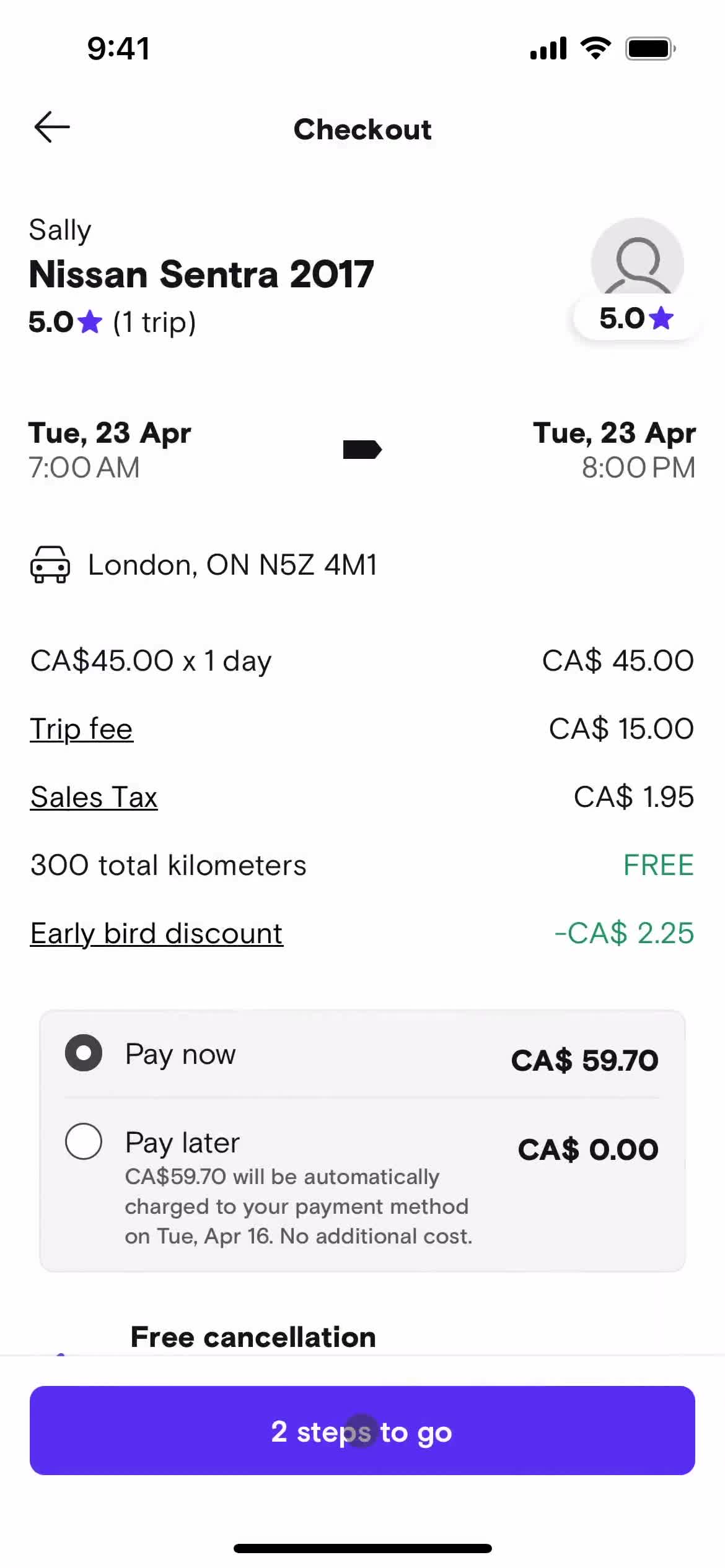
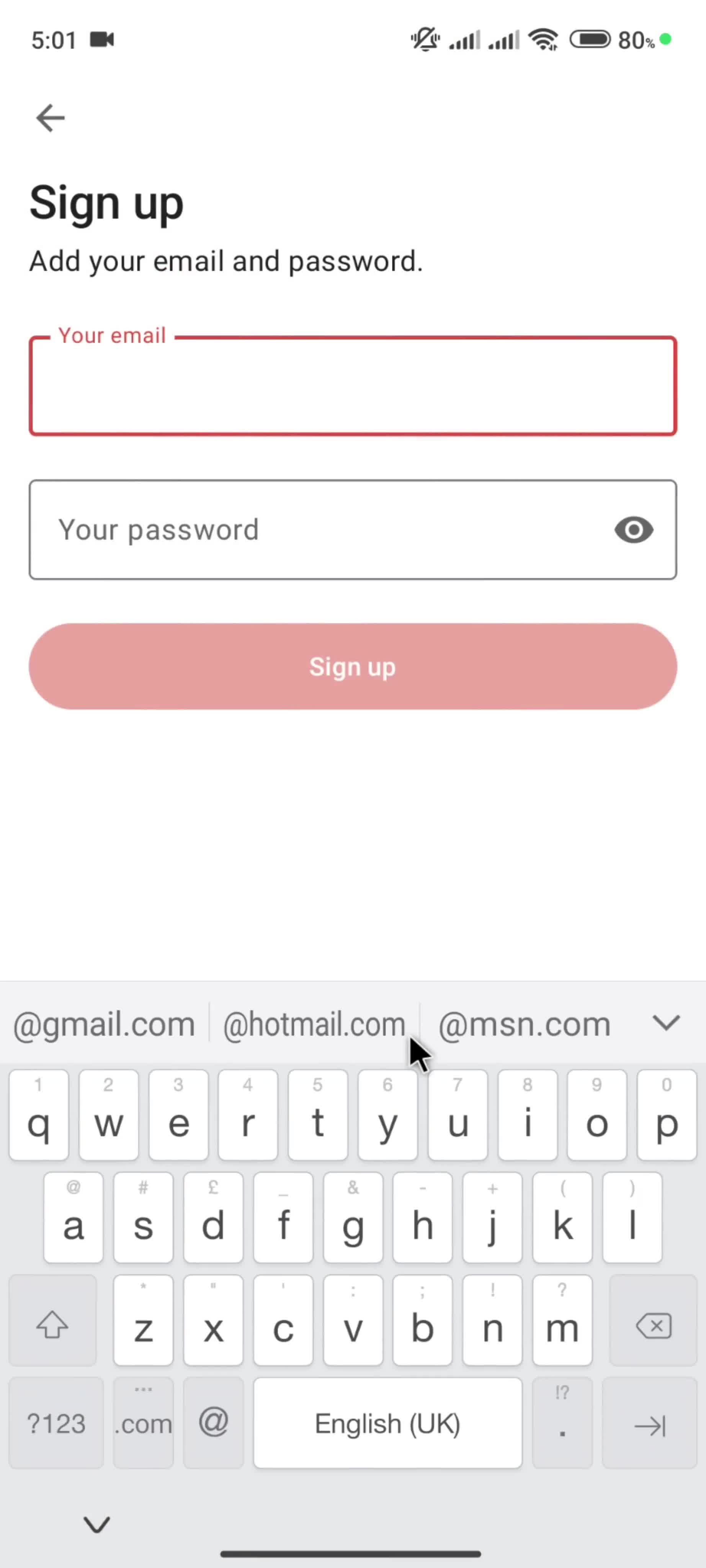
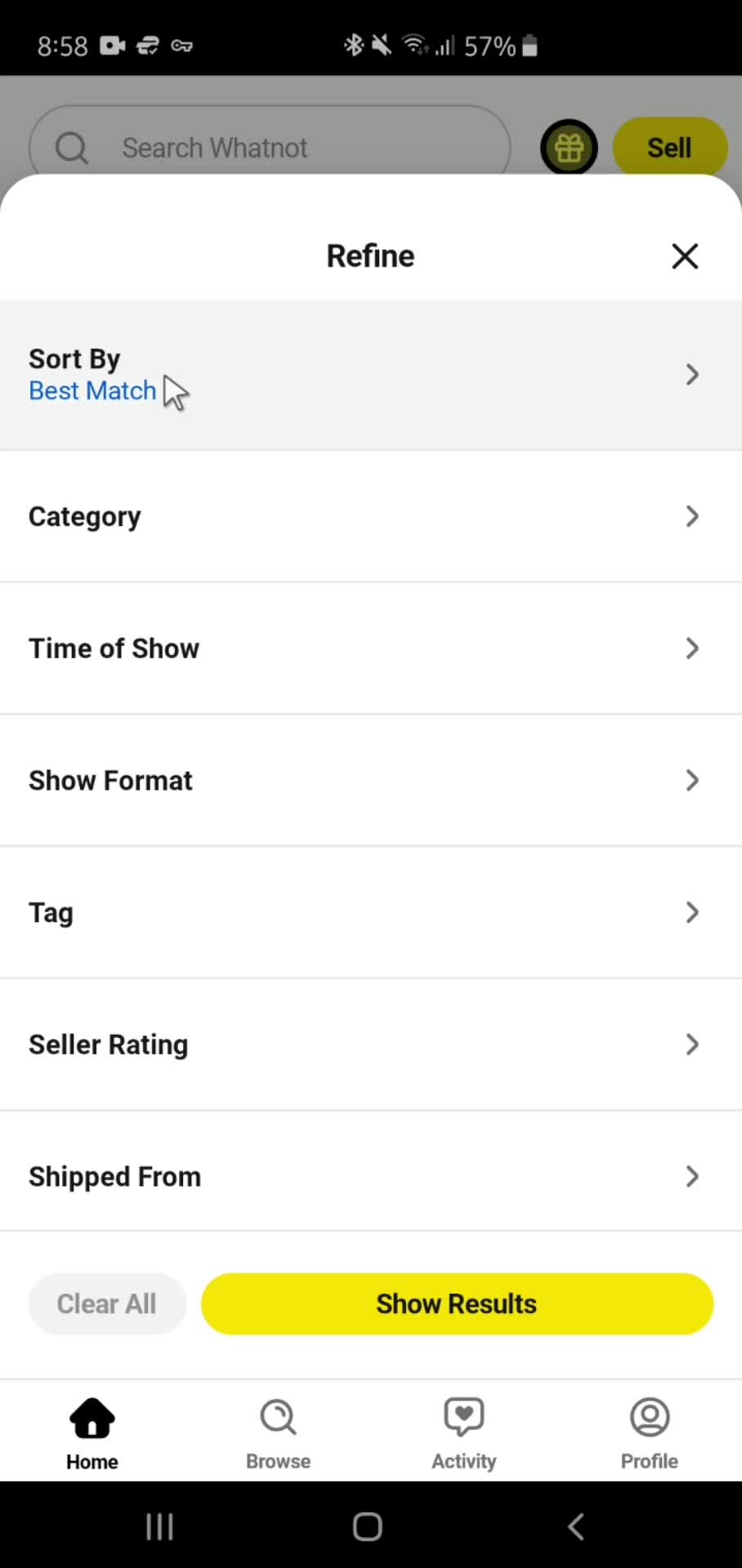
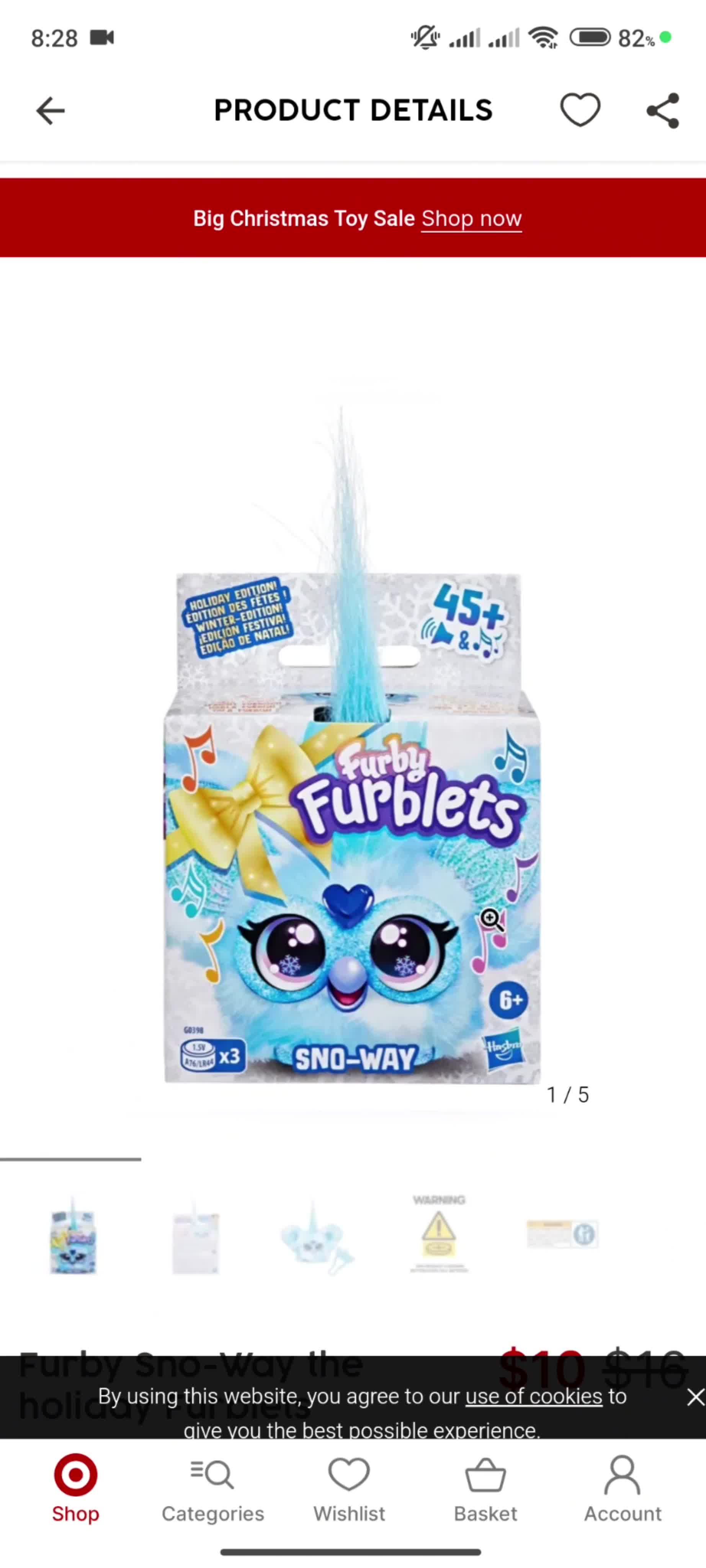
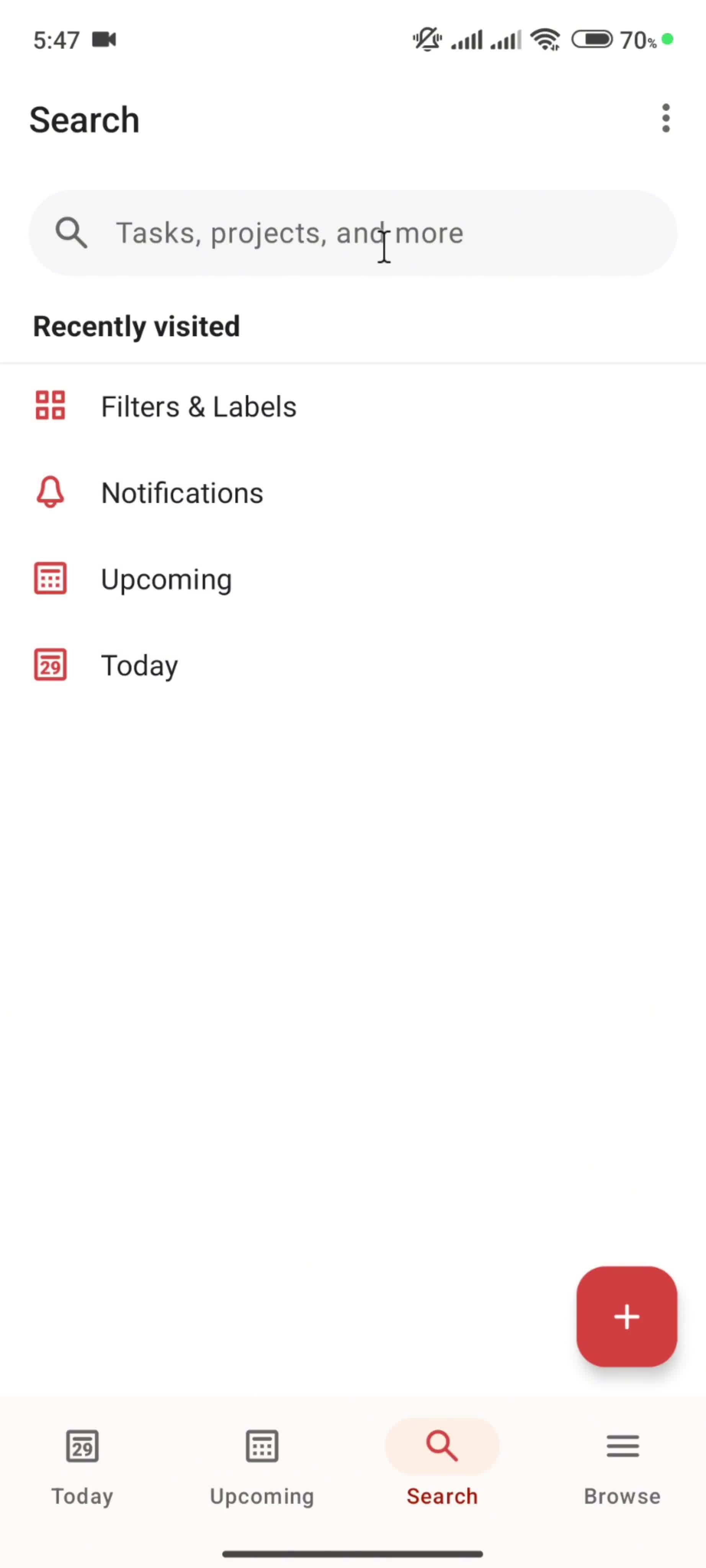
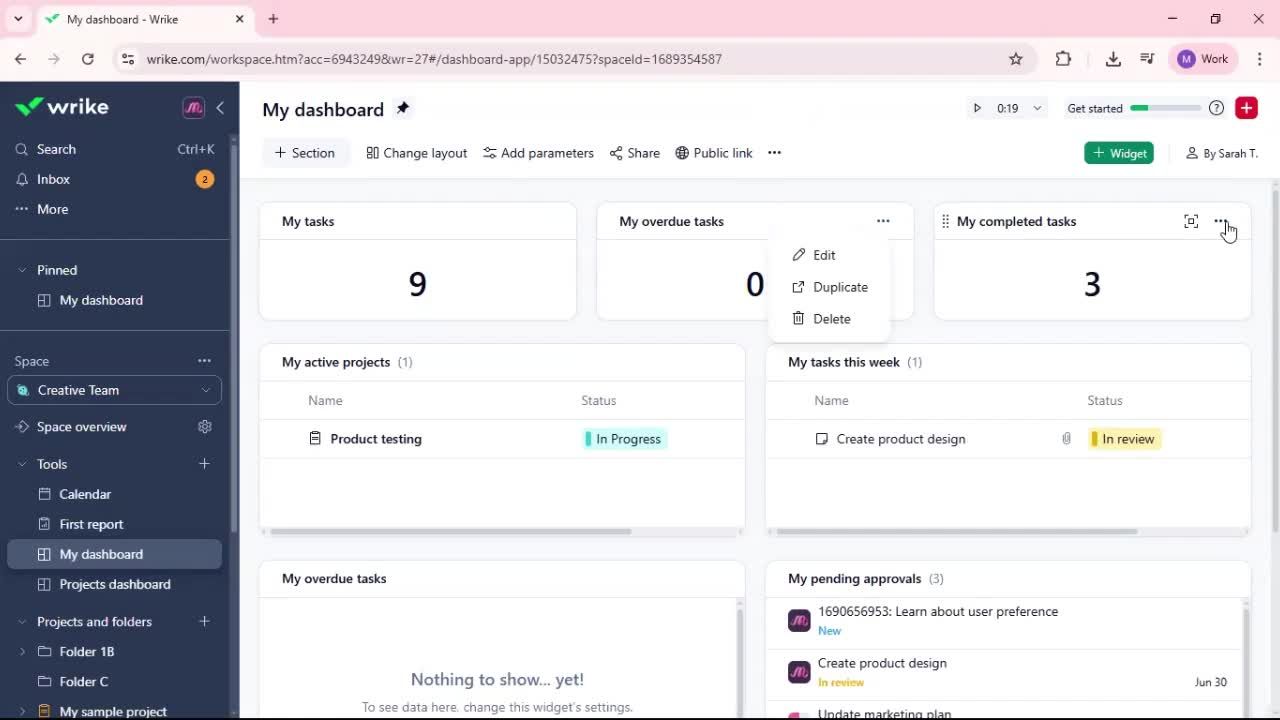
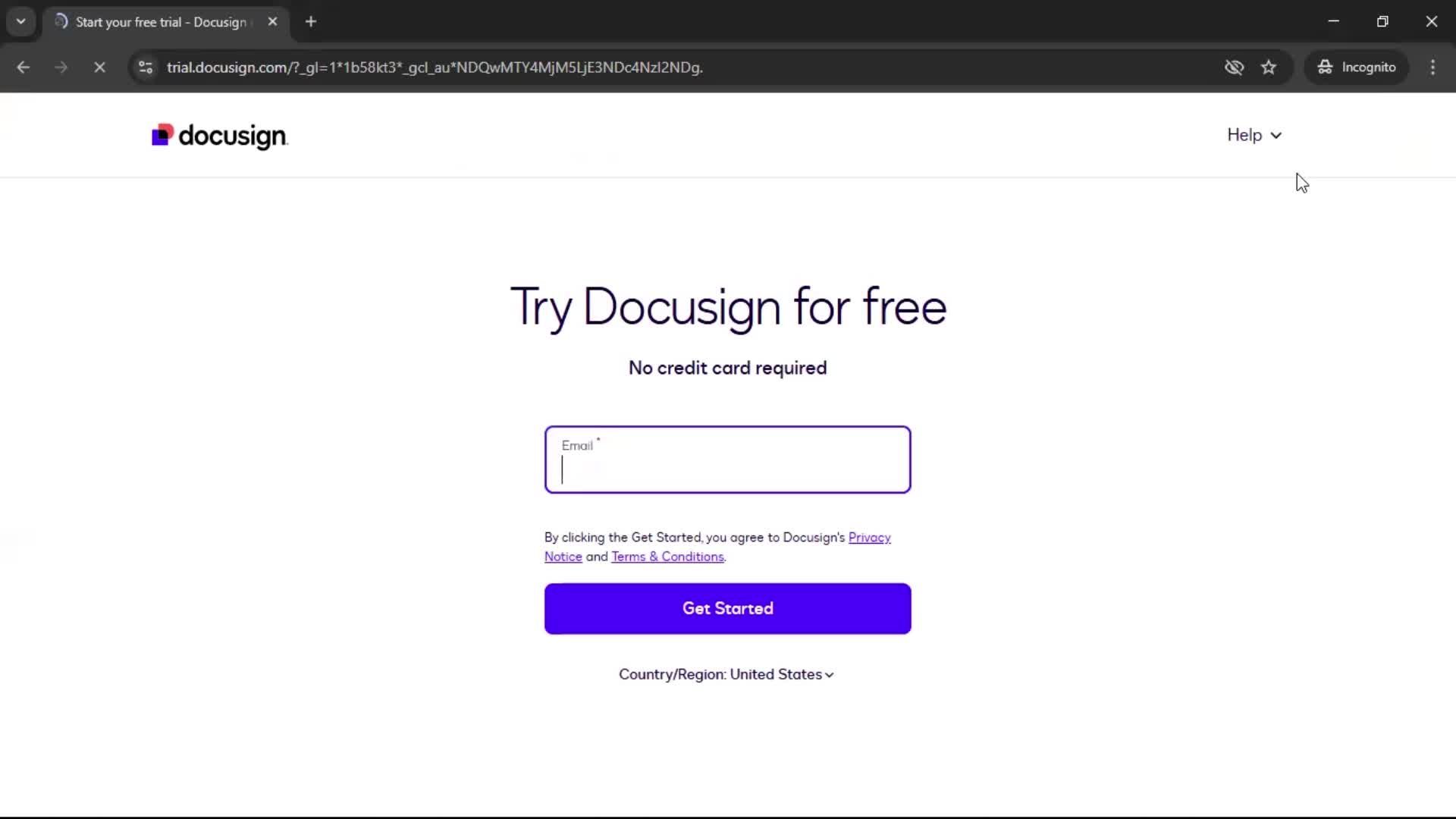
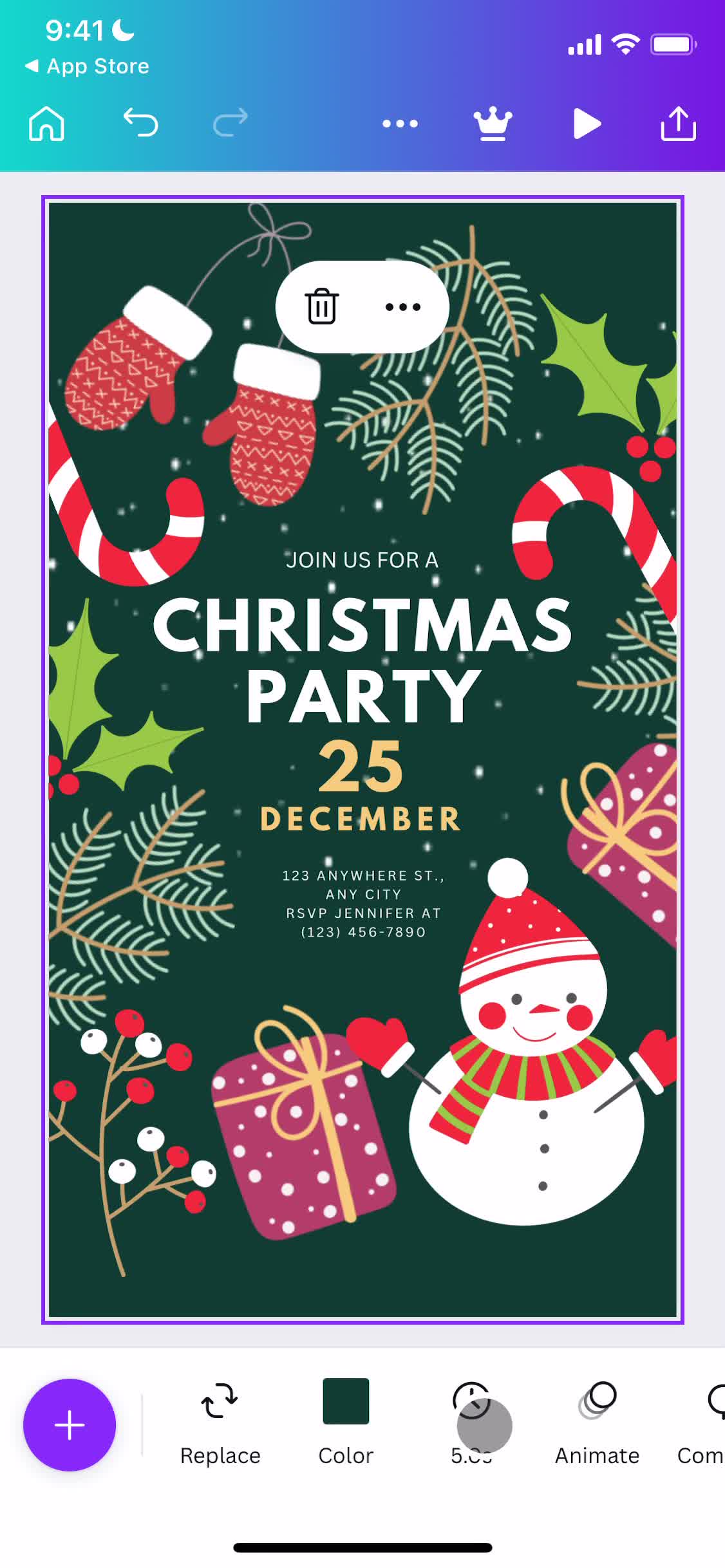
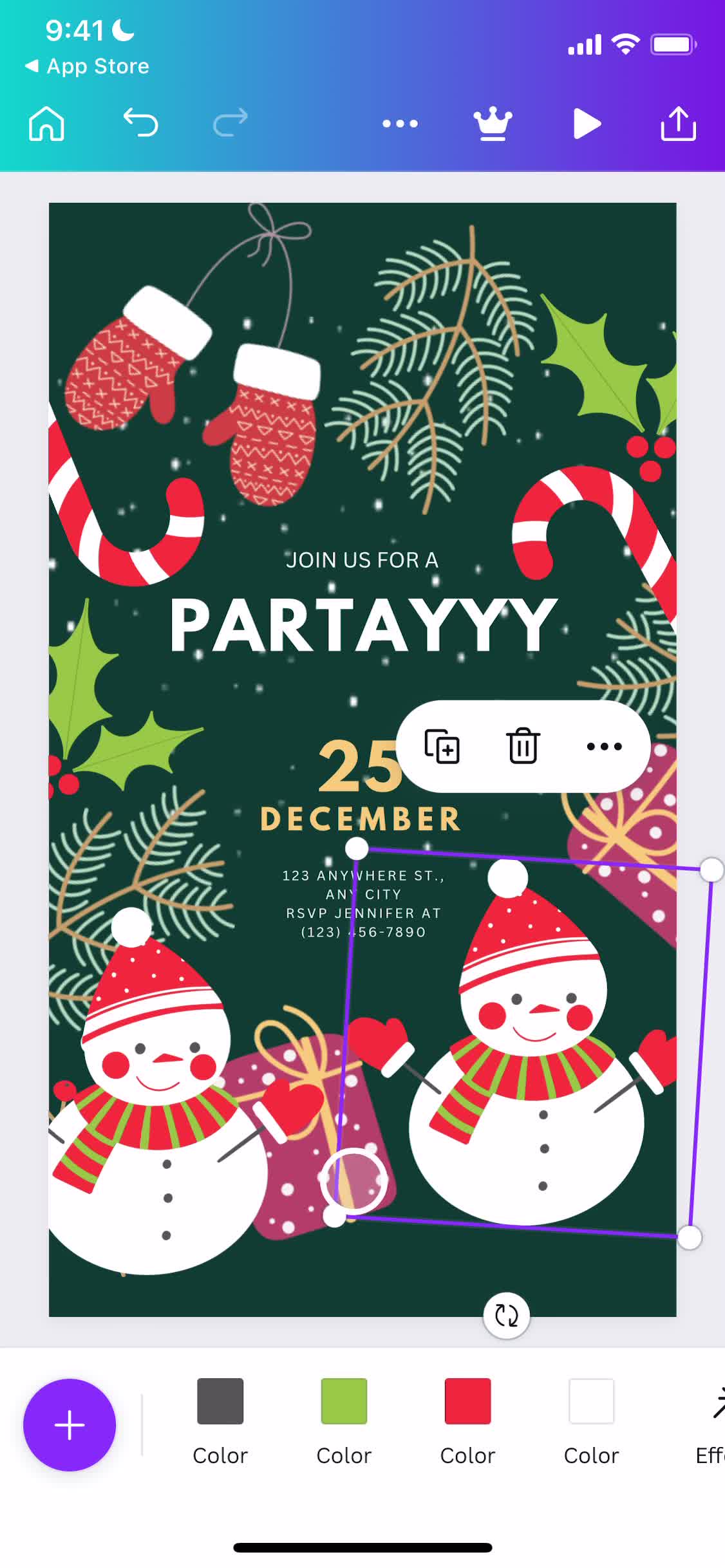
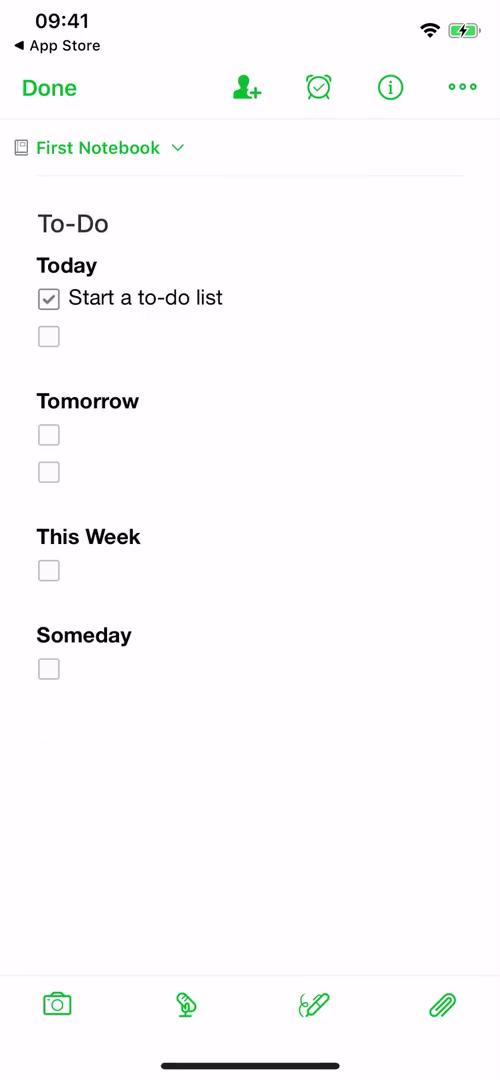
The Wysiwyg is one of iOS design's most important building blocks, and how an app implements it often defines how polished the whole experience feels. On this page you'll find every documented example of Wysiwyg from the Page Flows iOS library, captured inside the actual user flows they belong to.
Why Seeing Wysiwyg in Context Matters
Studying Wysiwyg in context matters — you'll see when it's triggered, how it's styled, what content it contains, and how it exits. These details rarely show up in isolated component libraries, but they're what separates good Wysiwyg implementations from ones that feel clunky or out of place.
Browse Wysiwyg Patterns by Brand
Browse by brand to study a specific app's approach, or scan across examples to build a mental library of Wysiwyg patterns you can draw from when designing your own interface.
Frequently Asked Questions
What counts as a Wysiwyg in the iOS library?
The Wysiwyg category includes every documented instance of this component across the library, from classic iOS implementations to custom variants used by leading apps.
Are Wysiwyg examples shown alone or in context?
Always in context. Each example is tagged inside a full user flow, so you can see exactly when Wysiwyg appears, what triggers it, and how users interact with it.
How do I find Wysiwyg examples from specific brands?
Each example is tagged with its brand, so you can filter or search for Wysiwyg implementations from the apps most relevant to your work.
Can I find iOS Wysiwyg patterns across different app categories?
Yes. Because Wysiwyg appears across many app types (fintech, social, productivity, etc.), you can compare category-specific conventions and cross-category patterns.