Web Creating a document in Dropbox

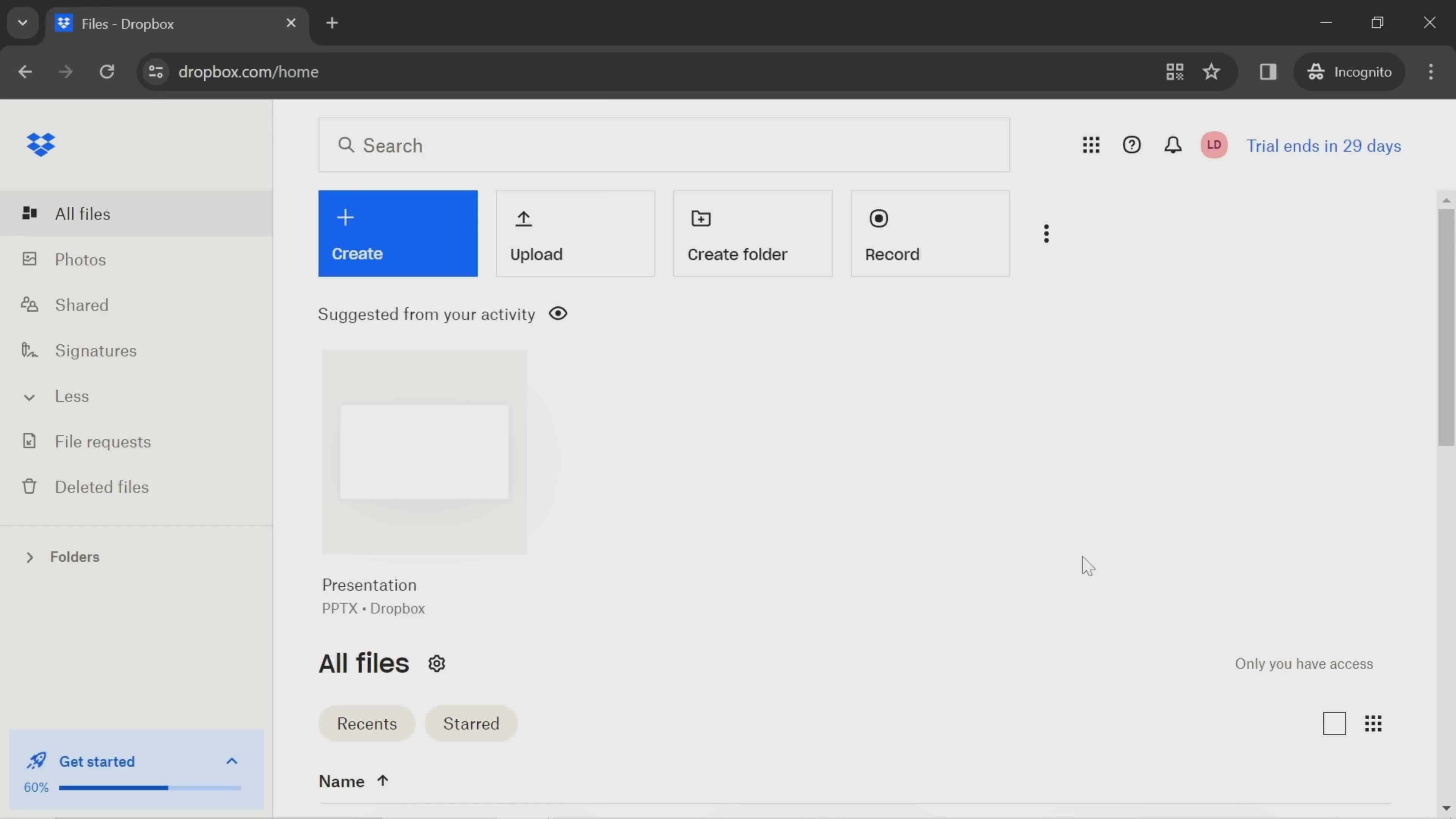
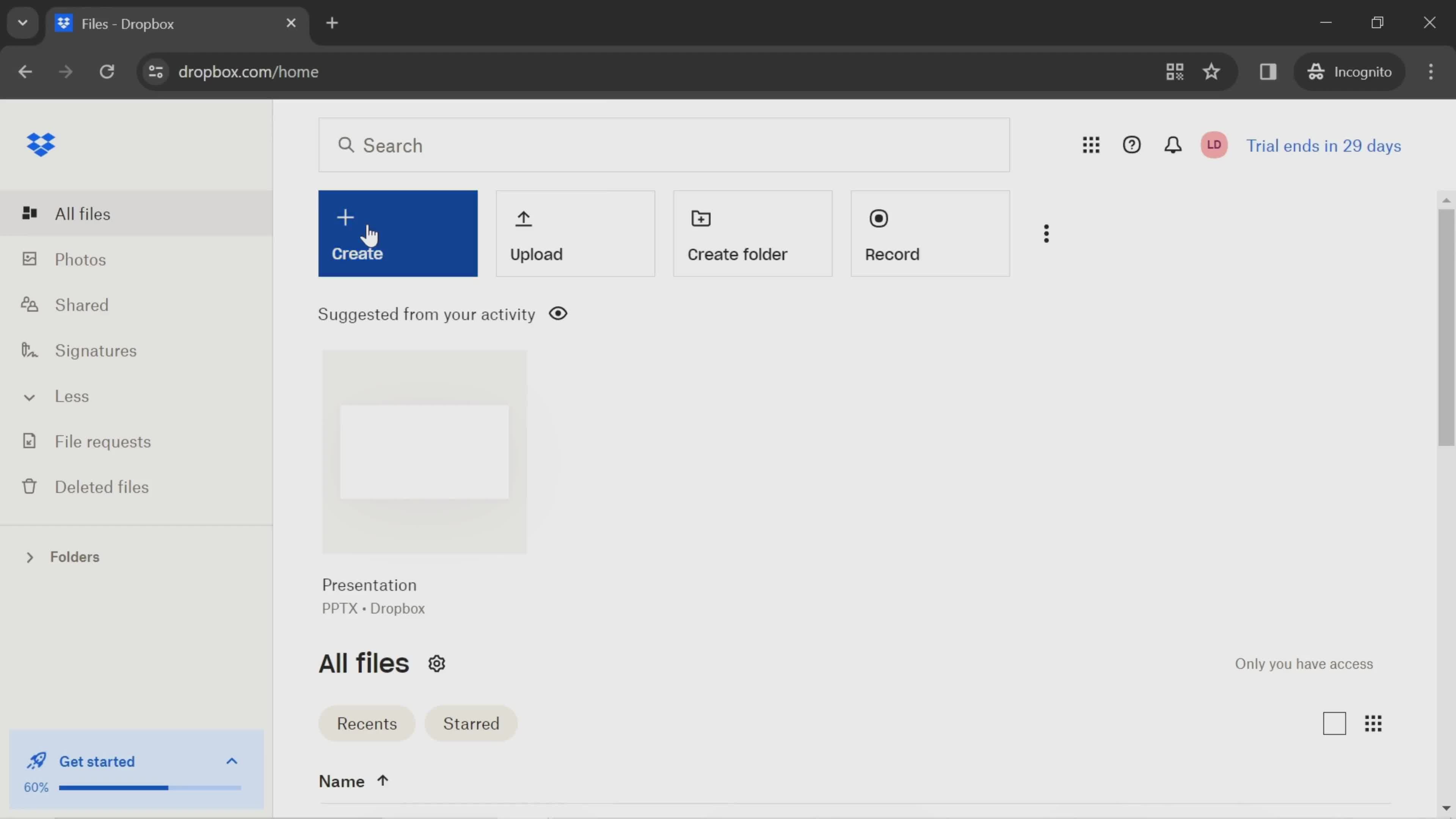
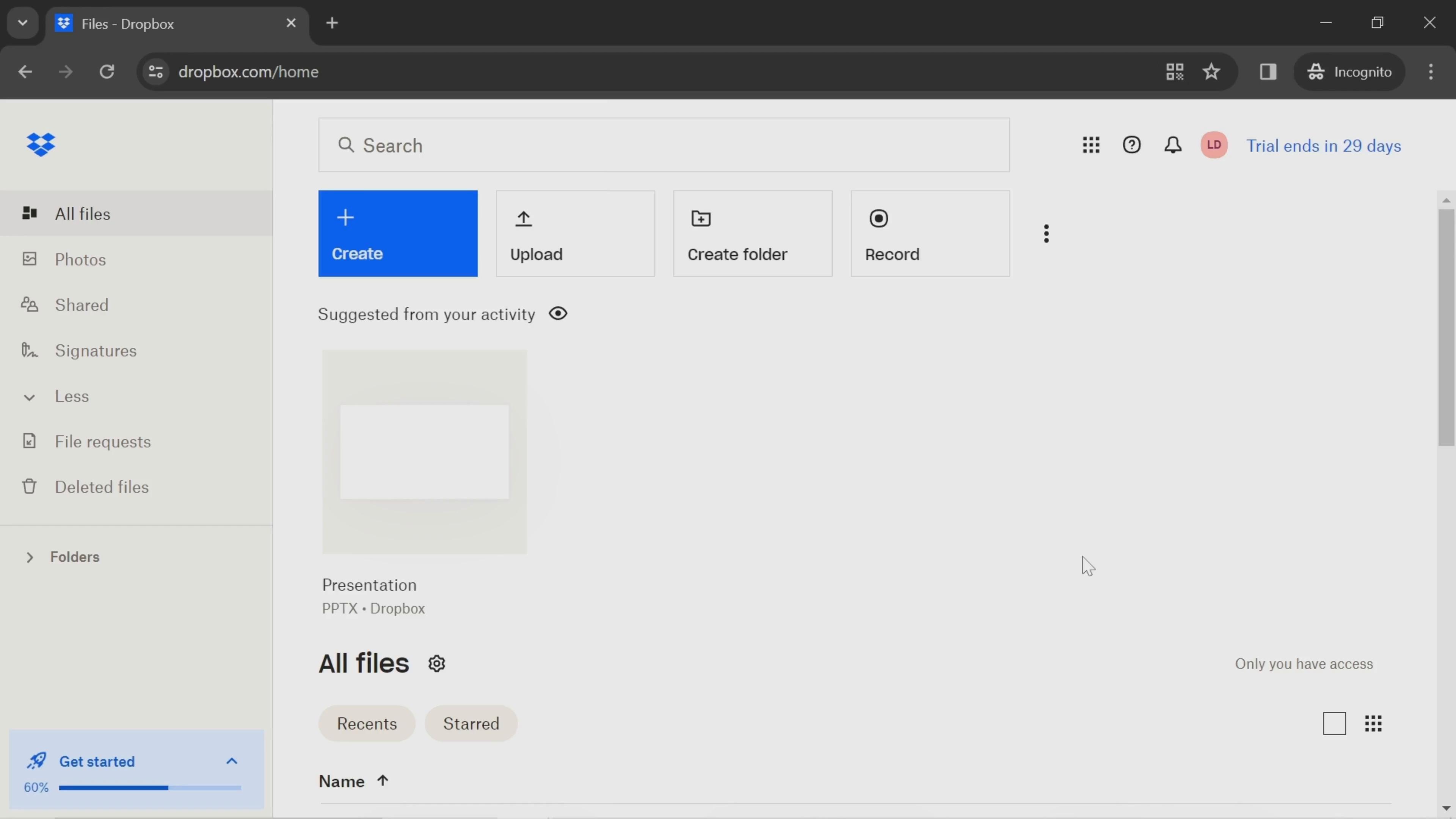
Watch a recorded Creating a document flow inside Dropbox on desktop web. Every screen and interaction is captured step by step — see exactly how Dropbox designs the Creating a document experience for web users.

Dropbox is a versatile cloud storage service designed to simplify file management and collaboration. It allows users to store, sync, and share files across devices, ensuring seamless access from desktops, mobile phones, or web browsers. With features like automatic backups, secure file sharing, and integration with popular tools, Dropbox supports both personal and professional use, enhancing productivity while keeping data secure.

Video preview
In this video
  • Dashboard
  • Create menu
  • Document editor
  • Add text
  • Format text
  • Dashboard
  • Document details
  • Share
Creating a document 11 Screens
Creating a document screenshot
Dashboard
Creating a document screenshot
Create menu
Creating a document screenshot

Sign up to unlock this user flow

Try 3 Days
Document editor
Creating a document screenshot

Sign up to unlock this user flow

Try 3 Days
Add text
Creating a document screenshot

Sign up to unlock this user flow

Try 3 Days
Format text
Creating a document screenshot

Sign up to unlock this user flow

Try 3 Days
Dashboard
Creating a document screenshot

Sign up to unlock this user flow

Try 3 Days
Creating a document screenshot

Sign up to unlock this user flow

Try 3 Days
Document details
Creating a document screenshot

Sign up to unlock this user flow

Try 3 Days
Creating a document screenshot

Sign up to unlock this user flow

Try 3 Days
Share
Unlock 27 hidden flows

Log In or Sign Up to See All
Dropbox Flows

  • Dashboard
  • Create menu
  • Document editor
  • Add text
  • Format text
  • Dashboard
  • Document details
  • Share

Other Business apps you might like

Eventbrite screenshot
Intercom screenshot
Mailchimp screenshot

Dropbox Creating a document Flow on Web — Full Sequence

This recording documents the Creating a document flow inside Dropbox's web experience, captured from the live desktop product. Rather than showing summarized highlights, it preserves the full flow — every screen, hover state, transition, and UX decision — so you can study the real experience, not a press-ready version.

Web-Specific Creating a document Design Considerations

Creating a document on the web comes with different constraints than mobile: larger screens, multi-column layouts, keyboard shortcuts, and richer interaction possibilities. Dropbox's approach to Creating a document on web reflects those realities, and seeing it in full makes it easy to understand the design decisions behind the flow.

A Reference for Creating a document Research on the Web

For growth teams, designers, and PMs researching Creating a document patterns on the web, this recording provides a direct reference to a production implementation. For teams benchmarking against Dropbox specifically, it's a detailed look at how the brand handles this moment of the experience.

Frequently Asked Questions

What does the Dropbox Creating a document flow cover?

The recording captures the full Creating a document sequence inside Dropbox on desktop web — every step, every transition, and every significant design decision from start to finish.

How does Dropbox's web Creating a document differ from its mobile versions?

Web Creating a document flows typically use more screen real estate, richer hover interactions, and keyboard-friendly patterns that don't work on mobile. If Dropbox also has iOS or Android entries, you can cross-reference to see the platform differences.

Can I see Creating a document flows from other web products?

Yes. The web Creating a document flows category gathers the same flow type from many different web products, so you can compare Dropbox's approach against competitors and alternatives.

How up to date is the Dropbox Creating a document recording?

Recordings are refreshed when Dropbox ships notable redesigns, so the Creating a document flow reflects the current web experience.