Artificial intelligence is everywhere, and no one knows it better than UI, UX, and graphic designers. The question is, is AI a godsend for human designers, or is it actually more of an obstacle for them?
We’ll help you decide the answer to that question by exploring the relationship between AI and graphic design. In this guide, we’ll reveal the effects – both good and bad – that AI has on the graphic design industry.
Exploring the AI and Graphic Design Controversy
Before we explore the synergy between graphic design and AI, you should be aware of the controversy surrounding the topic.
The AI and graphic design controversy relates to generative AI, which responds to prompts to create text, images, and videos. While generative AI can streamline such workflows, many designers find the growing reliance on AI a detriment to human creativity.
There’s also the issue of copyright protection. As it stands currently, you can’t copyright AI-generated artwork, which diminishes the value and originality of anything AI creates.
Ultimately, some graphic and UI designers perceive AI as the end of the creative aspects of the product design process. As you can imagine, this poses daunting questions about a graphic designer’s future prospects and job security.
Fortunately, AI is not a threat to a graphic designer’s work but rather an accelerant resource. AI’s suggestions may spark ideas for designers, but they can’t replace the human touch that enhances every creative process.
The Benefits of Using AI for Your Graphic Designs
You know that AI won’t threaten your career; let’s start discussing how it can benefit you.

1. Enhanced Personalization
Thanks to machine learning (ML), AI can analyze copious amounts of data, which can help you create more personalized content.
Specifically, ML excels at analyzing patterns in user behavior and user preferences. In this sense, like AI in UX design, graphic designers can use AI as a UX research assistant. With a tool that can reveal how users react to specific visual elements, graphic designers can make design decisions effectively.
Best of all, AI can even analyze your user’s browsing history, location, and demographic details. So, you can leverage AI to personalize not only your designs but also your marketing campaigns. Given how AI reveals such insights about your users, it can successfully foretell design trends that they will resonate with.
Ultimately, AI is the gateway to enhanced personalization, which is a crucial component of modern user engagement.

2. Time Efficiency
Arguably, what’s most compelling about AI is its ability to automate repetitive tasks like resizing images and font pairing.
With this free time, graphic designers can focus on other aspects that require a human touch, like user experience design. Not only is this more enjoyable for graphic designers, but it also can boost their productivity.
Designers who use AI will be able to produce deliverables quicker, meeting deadlines with ease. In turn, this enables designers to work on more projects and simultaneously further their professional development.
Of course, this benefits individual graphic designers, so you can imagine how it would benefit entire design agencies.
3. Improved Creativity
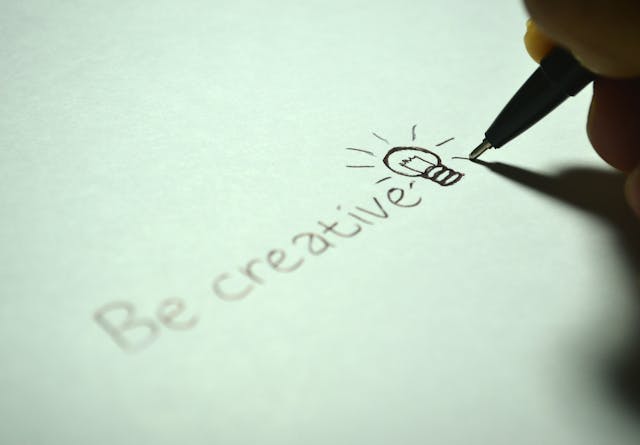
There isn’t a designer across the globe who never experiences creative block at some point in their career. Although it’s common, when this happens, it can hinder the progression of the creative process.
But with AI’s suggestions, graphic designers have access to an innovative, outside-of-the-box perspective that can reignite that creative spark. This goes beyond color palette and layout recommendations; you could even use AI to experiment with opposing design styles.
What’s more, you can apply AI’s suggestions to any type of product, including websites, mobile apps, and even business cards. With AI’s analysis of your users, you’ll rest easy knowing that its recommendations aren’t just shots in the dark either.
The Drawbacks of Combining Graphic Design With AI
At this point, AI probably looks like an extremely valuable resource to you, but that doesn’t mean it’s flawless. It’s important that you understand AI’s flaws before you use it to reshape your design processes.
For that reason, you’ll find how AI can negatively impact the graphic design industry below.
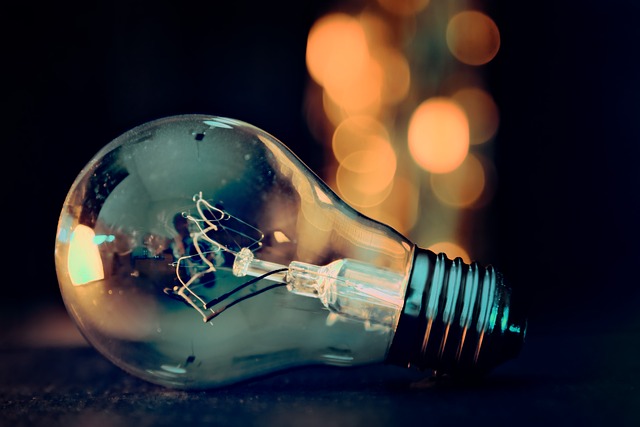
1. Lackluster Originality
While AI can inspire your creativity and originality, you should never rely on it to reinvent the wheel.
AI algorithms can only work with predefined patterns and data that already exist. This means that they can only learn from someone else’s original ideas rather than creating their own.
So, an over-reliance on AI will prevent you and your agency from tapping into the intuition that pioneers leading-edge designs. Needless to say, this will make it all the more difficult for you to stand out among your competitors.
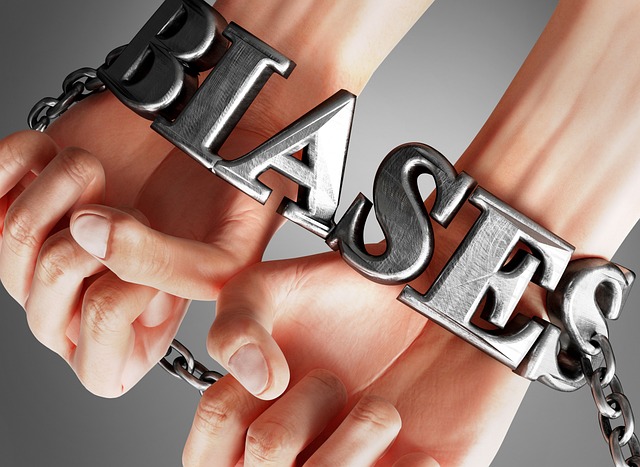
2. Biases
AI uses the data that humans provide, which makes it susceptible to human biases.
Unchecking these biases in AI’s suggestions could result in graphic designers using stereotypical or discriminatory AI-generated outcomes. This not only diminishes AI’s accuracy, but it can also tarnish your brand’s reputation if you don’t catch such biases.
3. Limited Customization
You know that large datasets govern AI’s outcomes, which can actually be a limitation in itself. AI can only utilize the data it knows, which can make things difficult for designers who require specific designs.
Let’s say you’re using AI to help you with a complex project with specific requirements. AI will struggle to enhance your decision-making because it lacks the emotional intelligence and contextual understanding to do so effectively.
To create customized designs for specific clients, you need user empathy and knowledge of the user’s context. If you depend too heavily on AI, your designs won’t showcase these crucial components. The result: you create designs that your users don’t need and that your clients aren’t happy with.
Graphic Designers and AI: What Will the Future Look Like?
AI is only going to assimilate further into the world of graphic design. You only need to see how popular design tools are now celebrating AI-driven features like Adobe Firefly to know this. Adobe Firefly is a generative machine learning model for creating visual content in Adobe Photoshop and Illustrator.
But AI isn’t just impacting the evolution of graphic design tools; it’s also shaping the future of graphic design trends. To help you stay ahead of the curve, we’ve discussed these AI-powered trends below.
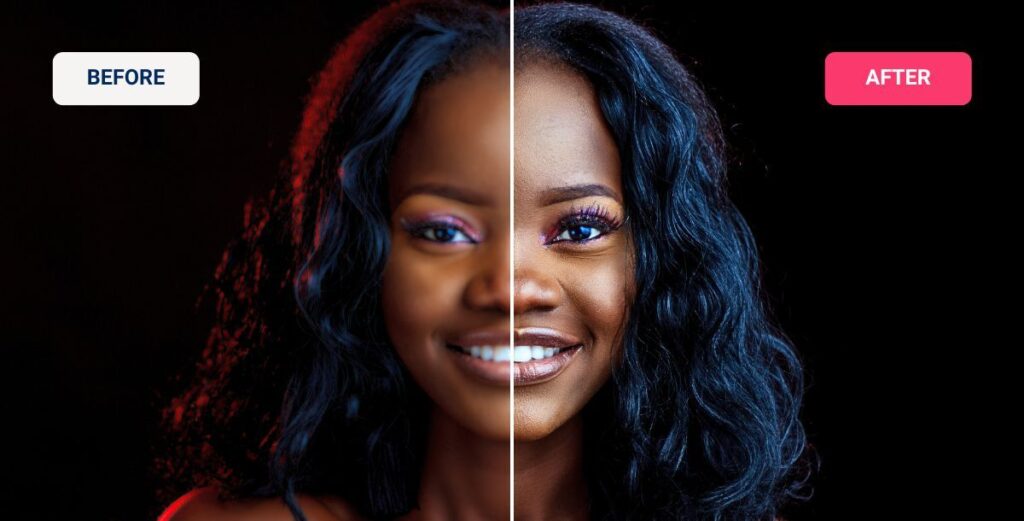
1. Image Enhancement
Nowadays, anything less than a crisp, high-quality image will stick out like a sore thumb. For that reason, it’s likely that more and more graphic designers will depend on AI-powered image enhancement.
With AI image enhancers, graphic designers can easily sharpen, de-noise, and even restore the images they use. What’s more, with AI, graphic designers can remove backgrounds or undesirable objects and even move objects within the image.
Slapping on filters and adjusting things like an image’s contrast is a thing of the past. The future will see AI take high-quality photography to the next level.
2. Experimental Typography
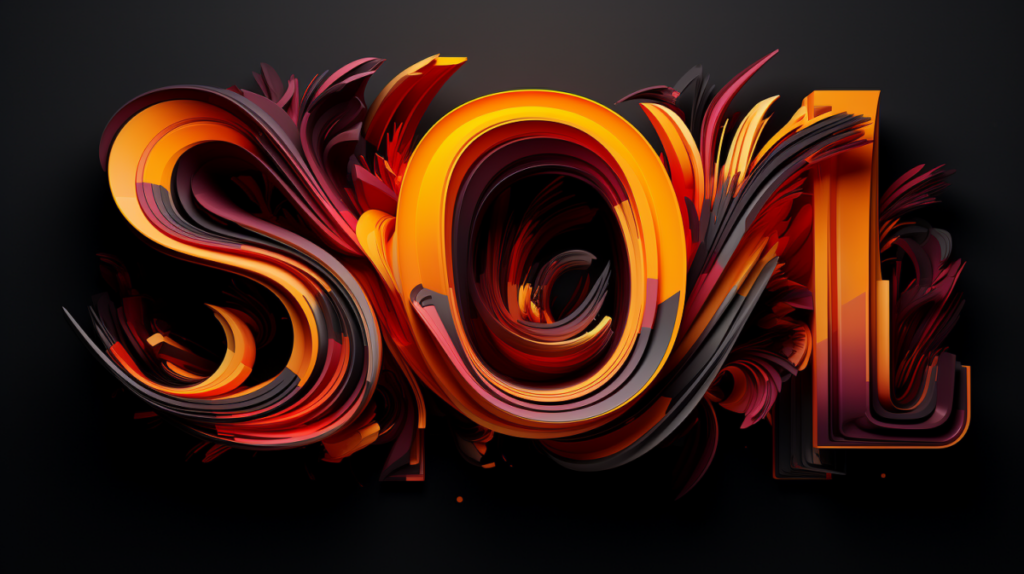
Given how cost-effective AI tools are, you can expect to see brands unleashing their creativity with typographic elements.
AI is capable of instantly adjusting several typographic characteristics, including kerning, line heights, stroke widths, and font sizes. Not only is AI capable of doing this, but it does so to optimize your website or mobile app’s readability.
AI is also proficient in style transfer techniques, which will undoubtedly lead to brand-new, innovative fonts that inspire visual intrigue.
For graphic designers, this could mean that minimalist typography takes a back seat in favor of experimental, hyper-personalized fonts.
3. Immersive Motion Graphics
AI can already generate high-quality static images, so naturally, its evolution will focus on motion graphics.
For a two-year-old technology, text-to-video models are incredibly impressive, producing hyper-realistic graphics instead of what was once noisy visuals. Like with image enhancement, AI will most likely set a new benchmark for high-quality videos and motion graphics.
Since 89% of customers want more video content from brands, generative AI in motion graphic design will become more popular.
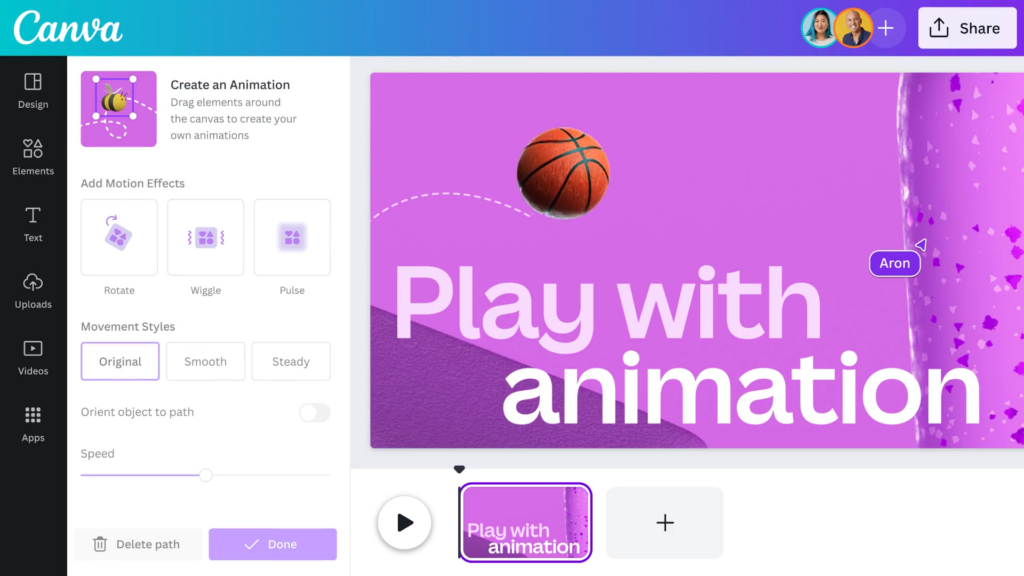
Signs of this trend are already emerging in tools like Canva’s AI-powered animated video creator. With this feature, graphic designers can animate entire user interfaces or even specific elements to engage users with dynamic movement.
As a graphic designer, these AI-driven features will help you create more immersive, enjoyable user experiences.
FAQ
How is AI used in graphic design?
Some graphic designers use artificial intelligence to generate art, illustrations, or even realistic photography. They can also leverage AI to automate particular tasks like resizing visual elements and removing the background from images.
Is AI art going to replace graphic designers?
Given that AI-generated art is still in its infancy, it’s unlikely that it will replace graphic designers. Judging by trends like VR/AR, the future will actually rely on the synergy between graphic designers and AI.
Can ChatGPT do graphic design?
ChatGPT can help you create graphic designs since it can respond to your textual prompts with design ideas and suggestions. It will even generate illustrations that reflect your prompt’s criteria.
Ultimately, ChatGPT is more of an inspirational resource than a graphic design tool that is capable of building exceptional designs.
AI and Graphic Design: Find Inspiration With Page Flows
Artificial intelligence stands at the prow of a very exciting future in the graphic design industry. That said, you should never forget the fundamental quality that all great designs share: user-centricity.
As great as AI is, it has yet to emulate the user-focused, human touch that your users resonate with. For that reason, you need tools in your arsenal that will inspire your own user-centricity as you build user journeys. Page Flows can accommodate those needs.
What makes our services so valuable is our dedication to helping designers master intuitive, compelling user navigation. That’s why we document tens of thousands of screenshots and recordings that reveal exceptional user flows.
User flows are the building blocks of seamless in-product navigation. Think onboarding, verification, and general browsing; these are flows that every web/mobile product has, and we collect them all. Best of all, our flows come from immeasurably successful brands and industries, from Disney to digital printing.
We encourage every designer to take inspiration from the flows within our vast library. After all, you can’t be the best without learning from the best.
While AI and graphic design may still be an unpredictable duo, Page Flows and graphic design will always go hand-in-hand. Go to the Page Flows site to find the inspirational resources you need to improve your products’ navigation!