Designers and developers have to be on the same page when building a program. This requires a thorough, effective design handoff process. However, they need to use the right tools and stay in constant contact to make sure everything goes smoothly.
Here’s a full guide to the handover process — with plenty of tips on how to pull it off!
What Is Design Handoff in UX Design?
When designers finish making an app interface, they’ll then have to give it to the dev team. This handover process is hard to get right but can really affect a launch. Your goal as a designer is to make sure developers understand your interface. This is what will let them translate it into an actual working program.
In practice, this means giving full reports on the user roadmap and design specifications. Even a minor miscommunication could easily lead to a disaster at this stage. For example, the final result could look massively different from how the designers envisioned it. This means the teams must work together if they want to get it right.
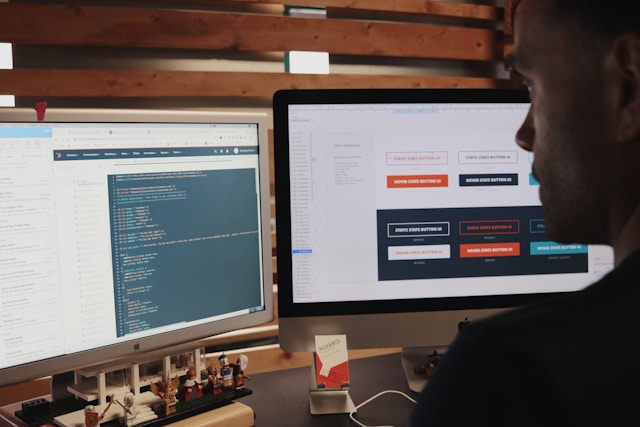
How Design Handoff Helps Developers
Good handovers will make everything easier for the development team. At its core, this process is all about creating a cohesive design that everyone agrees upon. Here are the main benefits of an effective and robust UX design handover.
1. Stronger Vision
When every team has the same vision for a product, the end result is better. This means they’re on the same page about major design decisions. Clear UX specs will outline the reasons for the app’s layout, for example. The developers can carry the designers’ attention to detail into every part of the finished product.
2. Better Communication
A strong handoff process can bring the teams closer together. You may even use special design tools to facilitate this. Figma, for example, offers real-time collaboration. A meeting between the teams will also clarify any concerns. Designers should have access to the early prototypes so they can offer feedback as soon as possible.
3. Overall Efficiency
The more information the developers have, the quicker they can put everything together. This is the key to an effective developer/designer handoff. If the devs have to spend time deciphering a designer’s approach, this massively slows down the project. This extends to making sure every file and folder has a clear, descriptive name.
4. Fewer Product Errors
Any mismatch between the devs and designers may lead to a final product that doesn’t work as intended. Consistent handoff documents will help standardize this process throughout the entire business. This limits errors that might otherwise crop up. Developers should also check with the designers if they aren’t sure how to implement something.
Tips To Improve the Developer/Designer Handoff Process
No company has a perfect handover on their first project. However, there are plenty of rules the teams should follow to make everything run as it needs to. Here are some tips that can guarantee a helpful handoff:
- Clear documentation: If the company doesn’t have a standard format for its handover documents, there’s no time like the present! Make sure this project and any others follow a clear style guide.
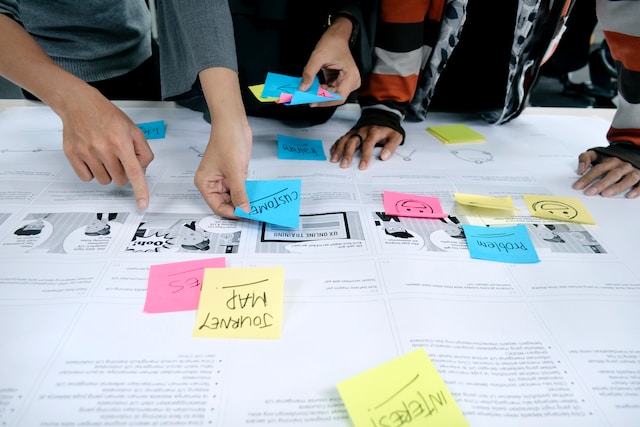
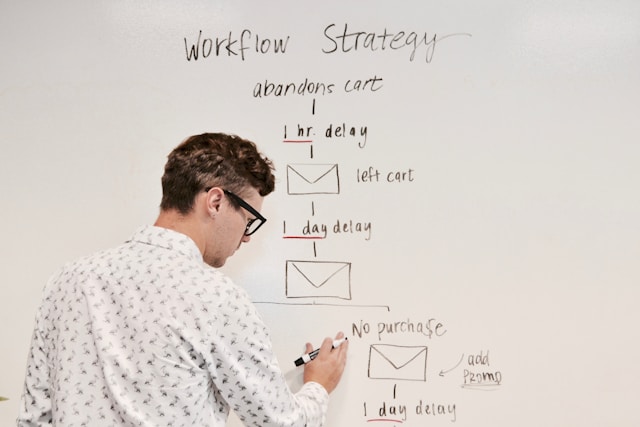
- Flowcharts: A good flowchart serves as a bridge between design and development. This is a basic rundown of how users engage with an app — one that should appeal to both teams.
- Handover meetings: Giving the teams space to talk about the design before the actual development would be very helpful. This is an opportunity for developers to ask as many questions as they have.
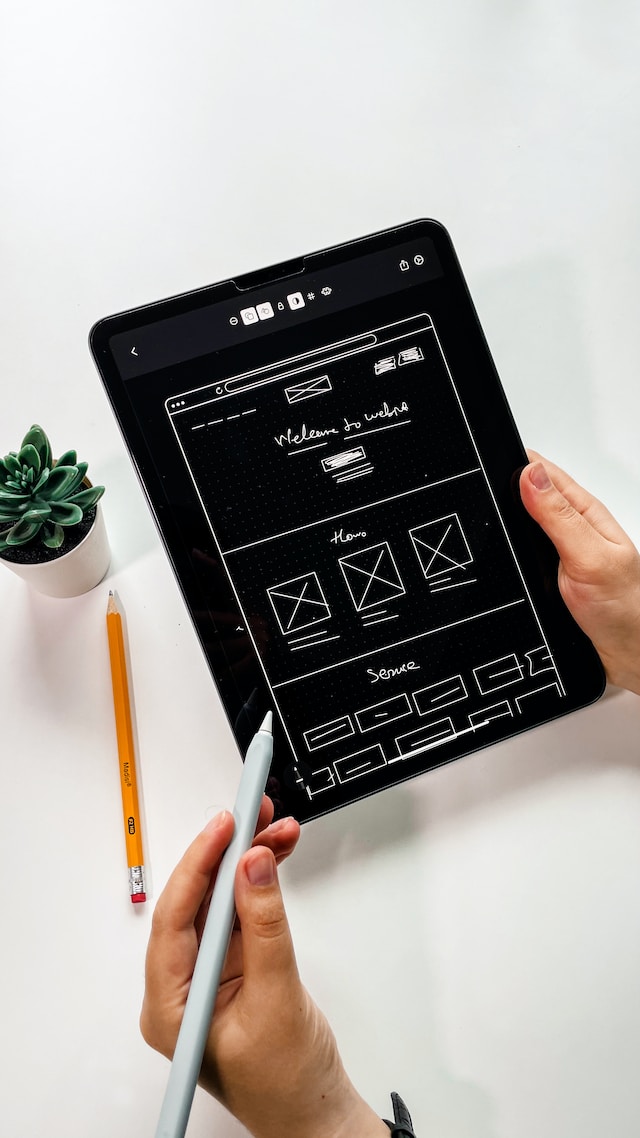
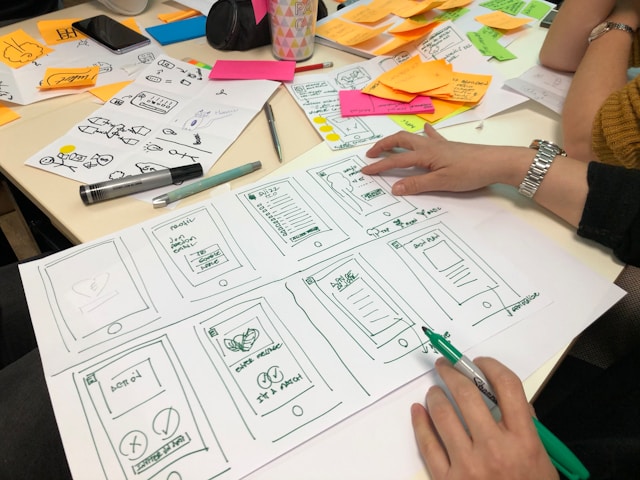
- Annotated wireframes: Design teams can never over-explain the features they put into the project. If you’re making a wireframe for an app, use all the space at your disposal to justify your choices.
- Detailed user stories: Similarly, designers may develop user stories to place the above annotations into a practical context. This will make sure everyone knows exactly how the features help end users.
- No last-minute changes: Designers must only give the final designs to the dev team. A change after the developers begin their work can have a knock-on effect that throws out their current progress.
- Collab tools: Design handoff tools can make it easier to put together documents or share cross-team feedback. This lets devs and designers stay in constant contact about any deadlocks they run into.
How Figma Can Help: A Design Handoff Example
App designers and developers alike use Figma to make compelling interfaces and experiences for every user. In a handoff, this begins with creating detailed prototype designs. This highlights the main interactions users will have with the product. Figma’s Inspect panel will help guarantee communication between designers and developers.
To elaborate, this feature shows the names of each component in the program’s design library. If the devs are using style guides, this makes it easier to line their work up. On top of this, Figma’s commenting system lets anyone flag up an issue that might affect development.
Communication is important for a successful development process. This is why Figma also has an audio chat and “cursor chat,” which shows messages beside individual cursors. Beyond this, the platform also makes it easy to build case studies. There’s even a specific user-designed handoff template that you might find useful.
When building an app, the developers can also compare different versions. This heavily reduces the usual back-and-forth that often slows prototyping down. Designers can even flag up which screens have their final design. This makes it easier for developers to identify which parts of the app they can work on.
What Are the Best Design Handoff Tools?
Sometimes, the handoff process is at the mercy of the tools the teams are using. Each one has a place in design handovers; you may even mix and match them for different projects. With this in mind, here are the best tools that help guarantee a great UX design handoff.
1. Figma
This platform offers real-time collaboration through different chat formats. Figma is about finding a balance between developers and designers. When using this tool, collaboration starts with the first design.
As a web-based software as a service (SaaS) experience, Figma is accessible to companies of all sizes. It also allows developers to build working interactive prototypes that perfectly suit the design handoff checklist requirements.
2. Zeplin
This app can automatically generate specs that fit the final stages of the design process. It does this by “locking in” designs that are already complete and ready for development.
Zeplin also integrates with Slack, Trello, Figma, and Adobe XD to ensure a holistic development strategy. This allows it to act as a single source for seamless design delivery.
3. Mockplus
With a focus on prototyping, Mockplus integrates the demand, design, and development stages into one program. For example, devs can use Mockplus to import graphics from Photoshop and Sketch.
Mockplus Cloud makes it easier to share design files with team members and other parts of the company. They can even export designs as links that automatically update with every change.

Key Items for Your Design Handoff Checklist
Beyond the basics, there are still plenty of extra considerations you should be mindful of before a handoff. Every detail matters when even small design shifts could make or break an app. Here is a simple checklist the lead product designer should look over before their handoff:
- Involve the developers in user interviews so they can understand what the users want from the app.
- Work with the dev team to create user stories that highlight the reasons behind every major product feature.
- Get a copywriter to review on-screen text and verify that users will understand how to use the app’s features.
- Create prototypes that account for every interaction to show how it all fits together in a design context.
- Stay 1-2 sprints ahead of development so you have plenty of time to change the app’s design if necessary.
- Design for the smallest and largest screen sizes so developers know the dimensions they need to work within.
- Add bullet points of insights to every user test so the dev team can implement their feedback correctly.
- Delete any unimportant layers before handing designs to developers, ensuring they’re only working with the final product.
- Rename design documents to their version number. Designers should never leave the doc name as “New” or “Latest.”
- Consult the dev team about technical limitations — or else the UX they have in mind might be impossible.
- Follow company style guides on naming conventions and other details to ensure each and every document is consistent.
- Work with developers to audit the final build and make sure that every single design solution stays intact.
Making the Most of Your Mockups
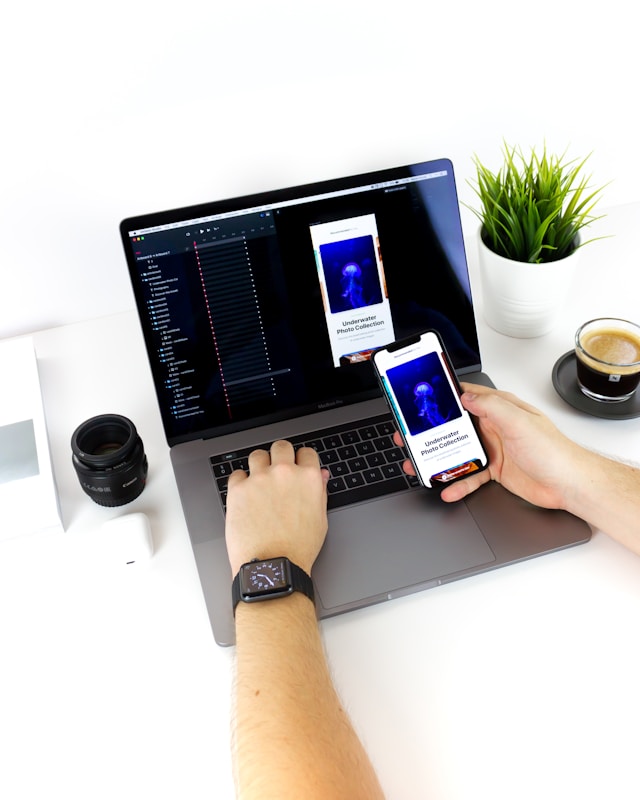
The handoff process can only succeed if there’s a workable and compelling UX design for devs to work with. But what is design handoff without an excellent prototype process? This is the only way designers can showcase their vision. To this end, the UX mockup needs to be fully interactive.
Every graphical element should be the final version. If designers try to make changes during the actual development process, it slows everything down. Detailed annotations are paramount at this stage, also. This includes full specs for colors, typography, spacing, assets, and every user interaction that’s likely to happen.
Component design libraries are at the heart of any great design handoff example. This even lets developers reuse components from other projects if they’re applicable to this one. Designers will also have to highlight accessibility options. This ensures they’re part of the project from the very beginning of development.
We can’t say this enough: high-quality handoffs only happen with collaboration. This could mean using special collab tools and making sure developers stay involved in the design stage. For example, devs can attend user interviews and give their opinions before the designers decide on a final look.
Design Handovers: Getting Everyone on the Same Page
A robust design handoff guarantees that even the best mockups can translate seamlessly into real apps and programs. However, your team might need some inspiration from the best UX and UI examples in your sector.
At Page Flows, we have full-screen recordings of different app interfaces across a wide range of platforms. If you require great user flow examples to take your UX designs to the next level, visit our online catalog today.