The cost of UX can mount up. And fast. There’s paying for designers, resources, research, and, of course, tools. Now, there are ways to reduce the costs of these tools. Indeed, there are some free UX design tools that can cover at least part of the process.
Predominantly, free tools cover wireframing and prototyping. These allow you to create a visual representation of a product. It helps you hone it before you turn to the costly tools used to create it. Having said that, there are also some tools for researching, testing, and more.
Here are Page Flows’ top 10 picks if you are looking for free tools to help you during your design process.
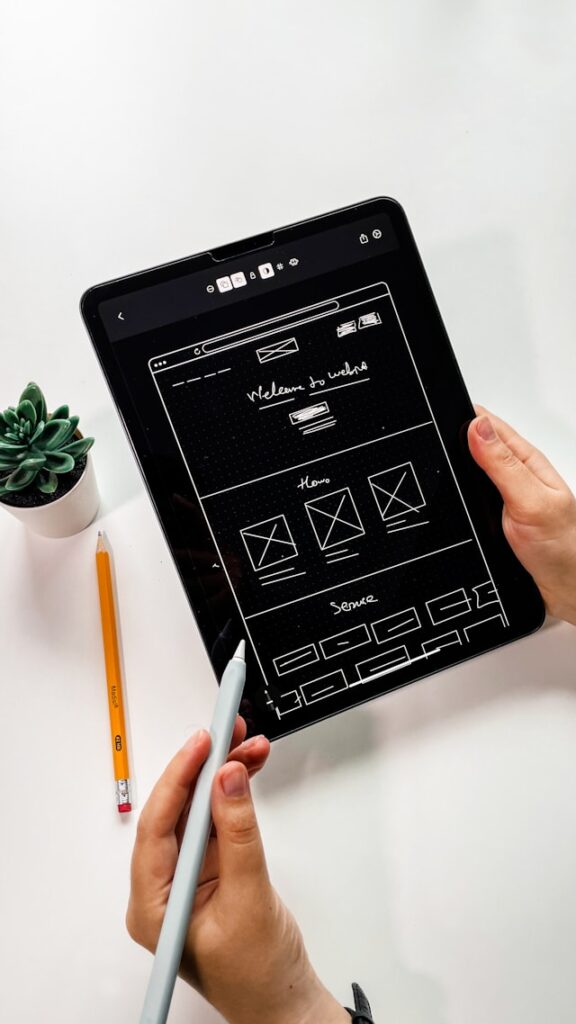
10 Top Free UX Design Tools
As mentioned above, most of the best free UX design tools are for wireframing and/or prototyping. However, one other thing to note is that they aren’t always “free.”
In fact, all of the top free UX design tools have paid plans. Some of the features might be free, or you might get a free trial. However, if you want access to the best of the best, you’ll have to pay at some point. With this in mind, check out our list of some of the best tools for creating successful UX designs.
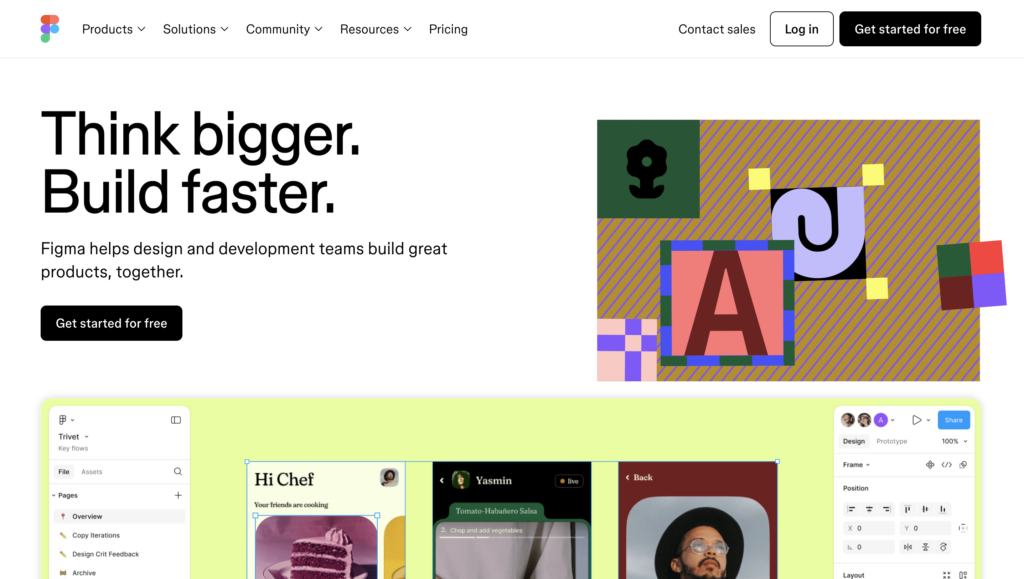
1. Figma
Figma is perhaps the most famous prototyping tool. It’s semi-free, with access to three Figma boards and three FigJam files. This includes:
- Unlimited personal files
- Unlimited collaborators
- Opensource plugins and templates
- Access to the mobile app
Handy elements include collaboration features that allow multiple designers to edit in real time. In fact, the community, with message boards and updates, is one of the best parts of this app.
Figma is perfect for making high-fidelity prototypes. It’s also easy to use, with a short learning curve. According to WifiTalents, Figma has a 98% satisfaction rate among designers who use it.
For agencies and those who need paid features, paid plans start at $15 per editor per month.
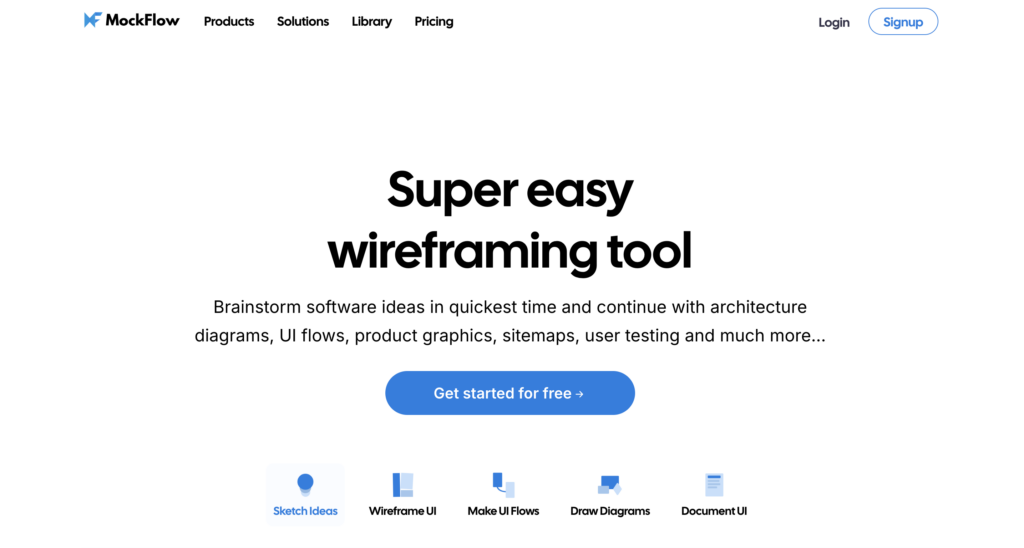
2. MockFlow
This web-based app makes it easy to speed up the UX design process. The drag-and-drop editor is remarkably easy to use, which means you can make wireframes in minutes. The feature and template library makes this even easier, too.
It has tons of features, including:
- Wireframe creation
- Collaboration features
- Presentation tools
- Feedback management
The free plan is pretty generous, too, which means you don’t really need to pay for the upgrade. Unless, perhaps, you’re an agency. If you do decide to pay, plans start at $14 per user per month.
And by the way, it even integrates with Microsoft Teams, Trello, Slack, and Confluence.
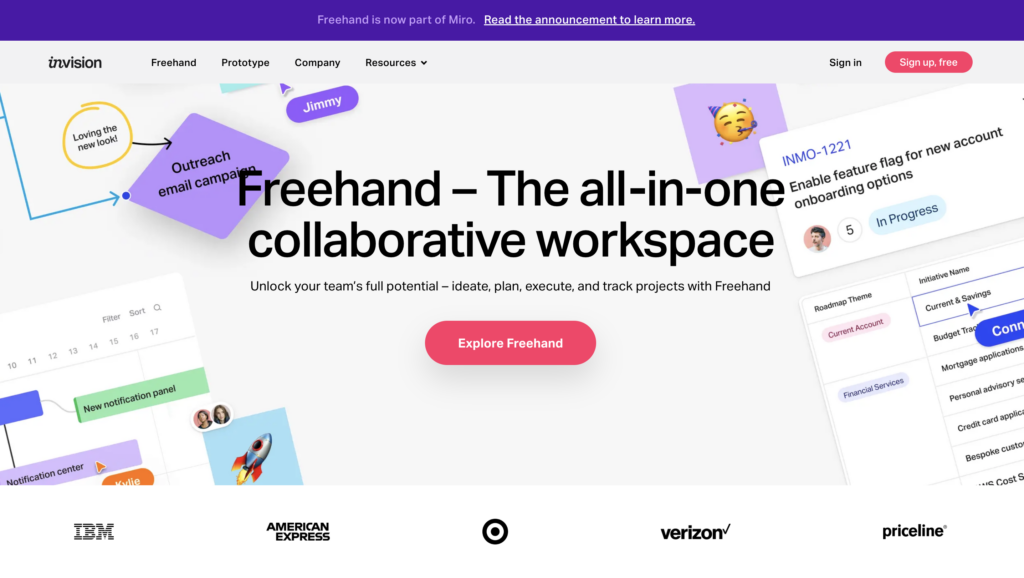
3. inVision
Another popular option is inVision, which is great for powerful prototyping. Its innovative features allow you to design interactive prototypes and really map out your user interfaces. This applies to Android, iOS, macOS, and Windows devices, too.
The interface is easy to use to create designs. And when you’re done, you can share it with other members of your team. It integrates with Slack, Dropbox, Sketch, Adobe XD, Asana, and many more. Testers can then simulate the user’s experience by clicking through the prototype.
It’s easy to add comments and feedback to make quick improvements, too.
It’s free for up to 100 members, including three freehands. Paid plans are available upon request.
4. UXPin
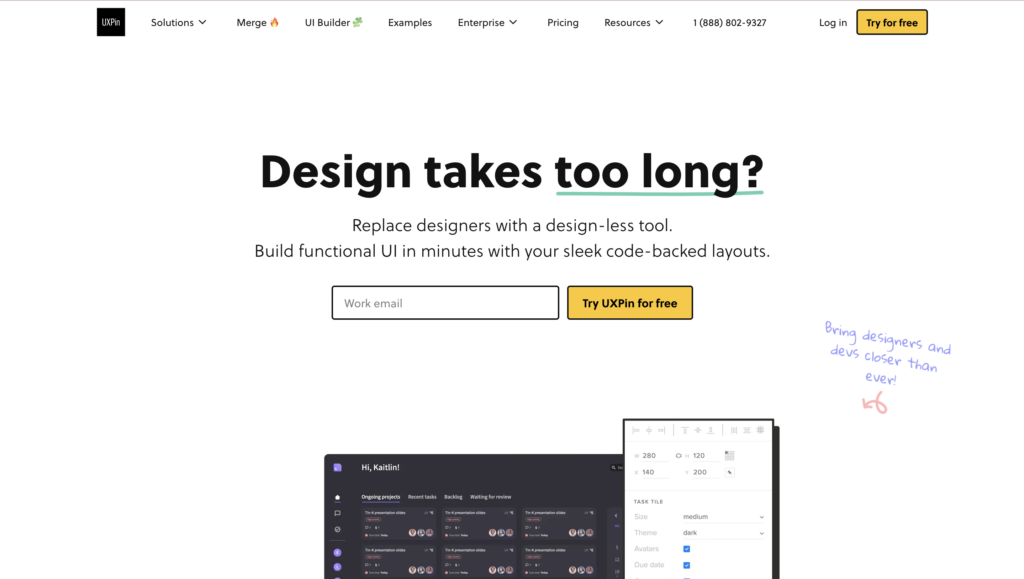
If coding is more your style, don’t overlook UXPin. This powerful prototyping tool helps you design high-fidelity prototypes. However, it’s different from other tools because it relies on code. So the development team can later implement these prototypes into their designs with ease.
UXPin integrates with many useful tools, from Storybook to JIRA. Its clean interface also makes it easy to learn.
The free version is limited, but it still includes:
- Design editor
- Prototyping
- Merge integration
- Collaboration
There’s also a 14-day free trial of the full plan. After that, it’s $6 per user per month.
5. Vectr
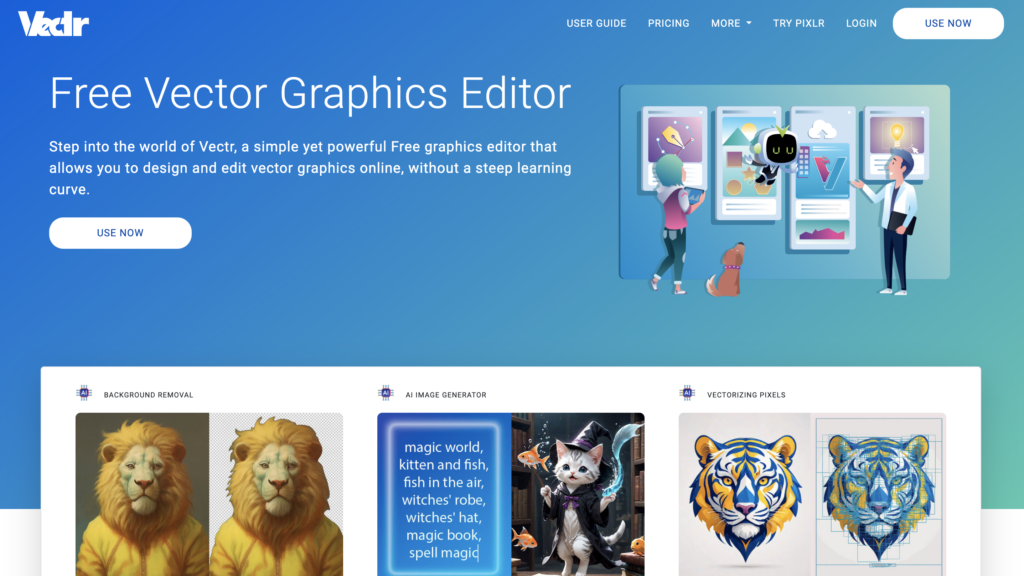
If all you need are simple wireframes, then Vectr is the one for you. This free graphics editor is ideal for low-fidelity prototypes and mockups, but it won’t get you much further than that.
There are plenty of free tools to use, from canvas options to vector pens, background removal, and even freehand pencils. All of this is free to use, and there are no paid plans or hidden costs to worry about.
When your design is complete, you can export it to various high-resolution image formats, including PNG, JPG, or SVG.
6. Wireframe.cc
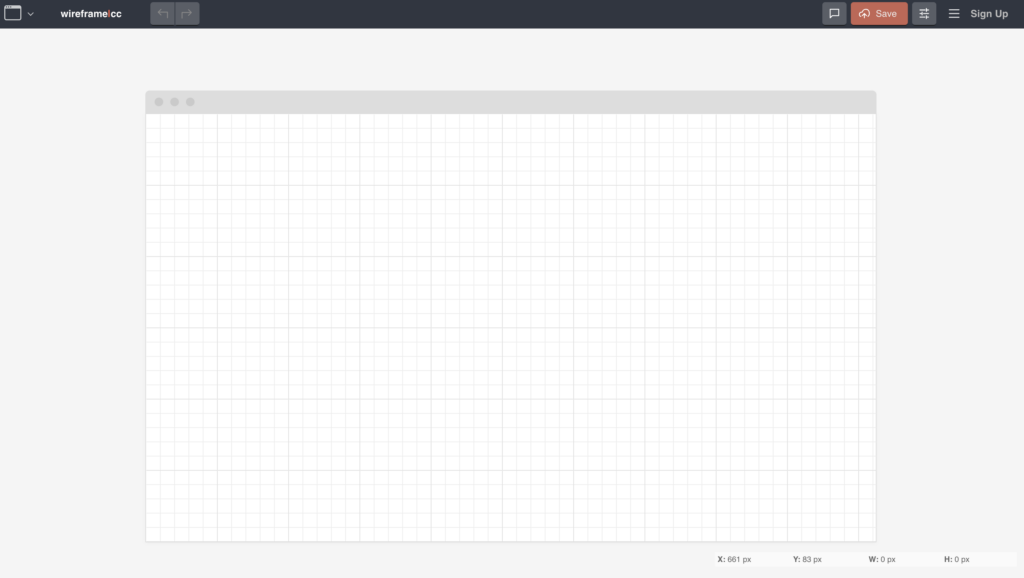
This web-based software is another fairly simple one. However, you can still add interactive elements that make your design more “real.”
Each wireframe board has a unique URL that you can share and bookmark. On the board, you can click and drag to add various elements to your design. From there, you can annotate, comment, and edit.
By the way, there are options for both desktop and mobile interfaces.
The best feature, in our opinion, is the Revision History. If you need to go back to a previous version, you can!
7. FluidUI
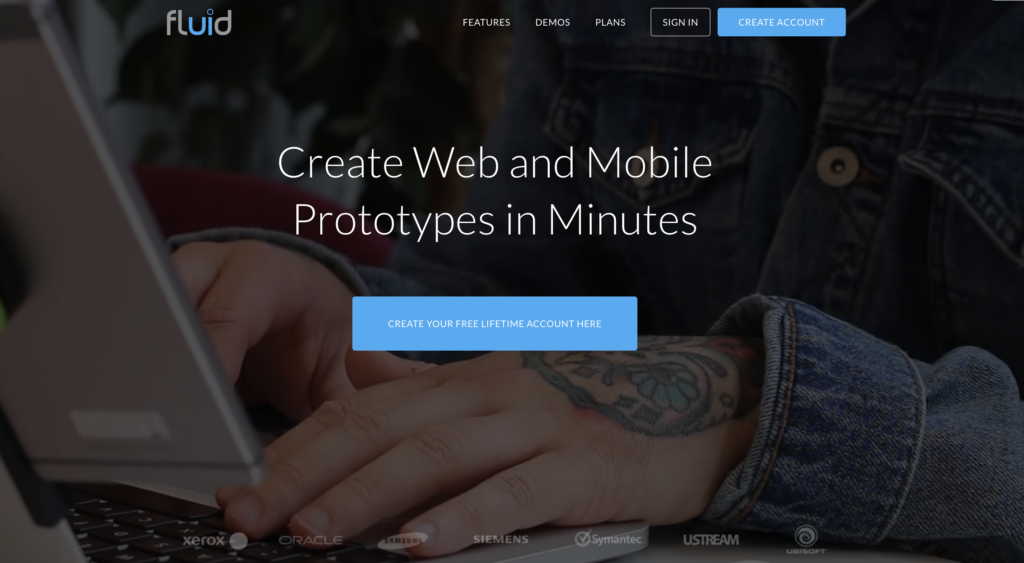
Like many of the other tools, FluidUI is for designing wireframes, prototypes, and mockups. It’s great for real-time collaboration with your colleagues, and it has tons of great features. These include:
- Wireframe creation
- Drag and drop interface
- Revision history
- Screen capture
- Prototyping
- Usability testing
- Adding interactive elements
- Mobile interfaces
- Page linking
- Feedback management
This is a great tool if you want to enhance communication among the team. Its other standout feature is the clean interface, which makes it easy to learn and use.
It’s not the most powerful tool on the market, but it gets the job done.
8. Moqups
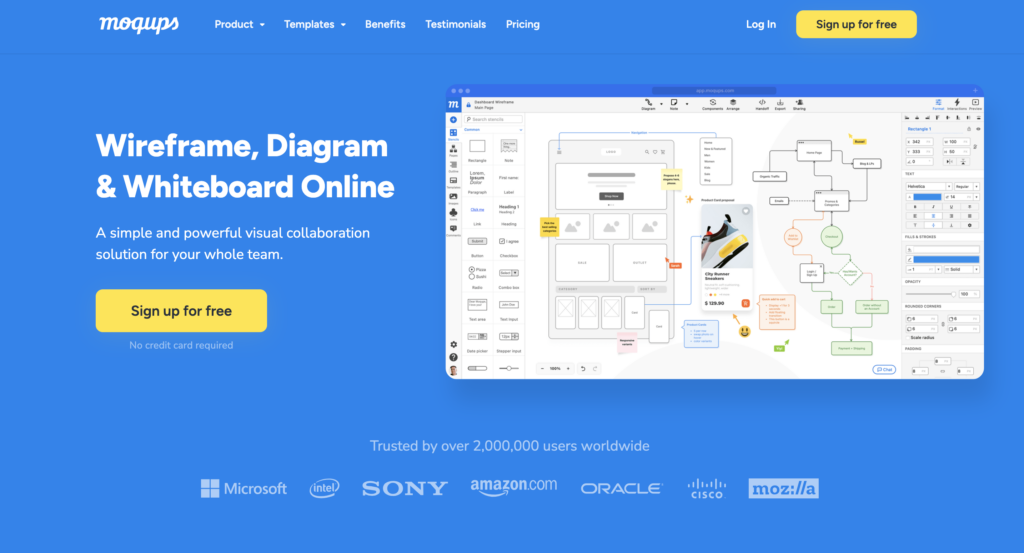
This is another web app, which means anyone can use it, even if your team members use different operating systems. The streamlined app makes it easy to create and collaborate on wireframes. However, you can even create pretty good prototypes.
Moqups goes beyond that, though, with diagramming and flowchart tools. It means you can essentially do everything you need to in one place.
Some reviewers have noted that the learning curve is a little steep, especially with the advanced version. That’s just because it’s hard to find what you need. But once you know the interface, it’s clean enough to use quickly. The drag-and-drop system makes it super easy to use after that.
9. GTmetrix
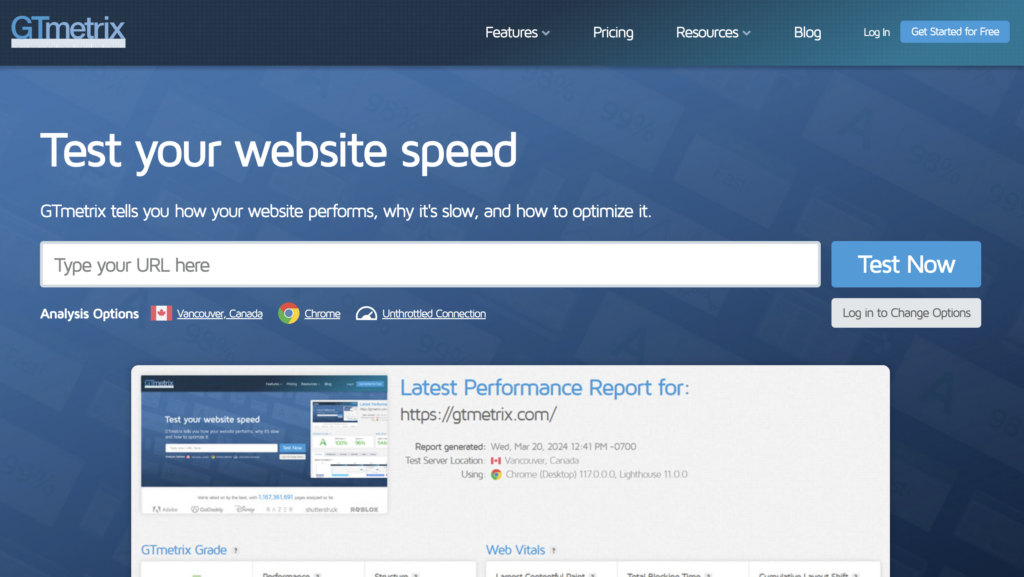
Moving away from prototyping, what about user testing? GTmetrix is a handy free tool that helps you identify how slow your website is. It can pinpoint slow-loading areas of the site, showing you script and CSS errors.
You’ll get comprehensive performance scores and detailed insights into your site’s performance. There’s even a timelapse feature to show how your site loads.
Yes, it’s simple, but don’t underestimate the importance of loading speeds. Your users will thank you!
GTmetrix is mostly free, with paid plans starting at $4.25 per month.
10. FiveSecondTest
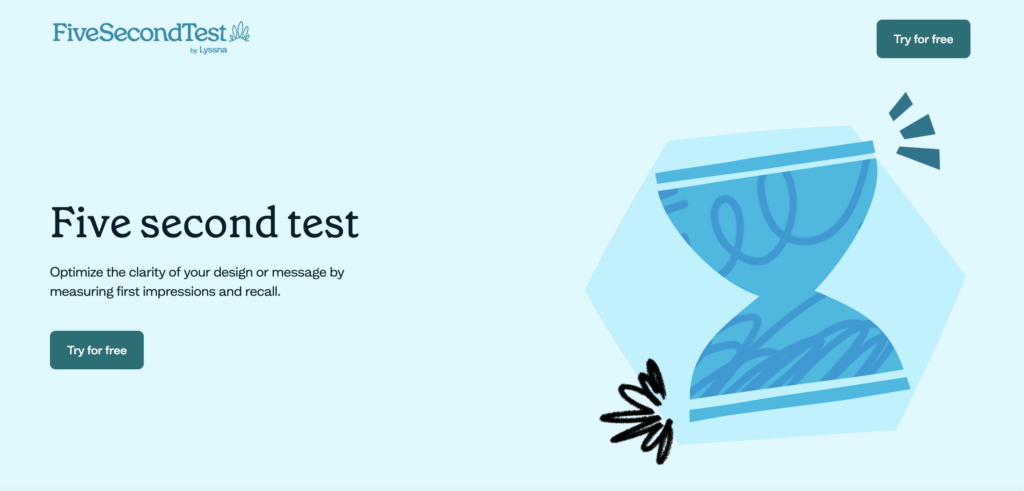
This is a UI tool that measures how effectively you’re communicating with your users. It works on a crowdsourcing basis. You submit your page, and community users report on what they remember about your site. The catch? They can only look at it for five seconds.
You can also get simple comparisons to see how your site stacks up against others.
This is all about first impressions because, in UX, they count. It’s a super simple tool, but one that you can benefit from using.
Free AI Tools for UX Design
With the rise of artificial intelligence (AI), it’s no wonder that UXers are on the hunt for the appropriate tools. The right software can:
- Automate tasks
- Analyze user data
- Generate polished UI designs
And it can do all that in seconds.
There are tons of free AI tools for UX design, but again, most of them only have free trials, such as:
- Uizard: A tool for rapidly wireframing and converting hand-drawn sketches into digital designs. Free for two projects.
- Miro Assist: Organizes research, summarizes, and visualizes content. Unlimited free plan with a single workspace.
- Neurons: Advanced behavior analytics to predict user behavior. Custom pricing depends on team size and requirements.
You can also use completely free tools like ChatGPT. This versatile AI software can help you ideate, conceptualize, generate plans, kick-start research, analyze competitors, and much more! The list is virtually endless.
UX is inherently creative, so it’s best not to get carried away with AI. That said, it can be a useful tool to streamline the design process.
Get Design Inspiration with Page Flows
Now that we’ve covered the best free UX design tools, you’re well on your way to creating top designs. However, you’ll still need some inspiration to kickstart your project.
Where can you find it? Page Flows! Our growing library of user flow recordings will certainly inspire you. Plus, it provides an easy way to stay up-to-date with the latest design trends. Get started with Page Flows today to unlock a new world of UX.