Graphic design is incredibly versatile. Designers often work with a medley of design styles and formats. However, transitioning into the online landscape can prove a challenge for graphic designers with little digital practice.
That’s why, today, we’ll reveal the best graphic design websites for valuable inspiration, tools, and resources. We’ll also address how you can create your own online portfolio to successfully turn potential clients into paying customers.
The Best Graphic Design Sites for Inspiration
We’ll start where every designer starts – finding the right inspiration. Below, we’ve discussed some of the best websites for all the graphic design inspiration you could ever need.
Behance
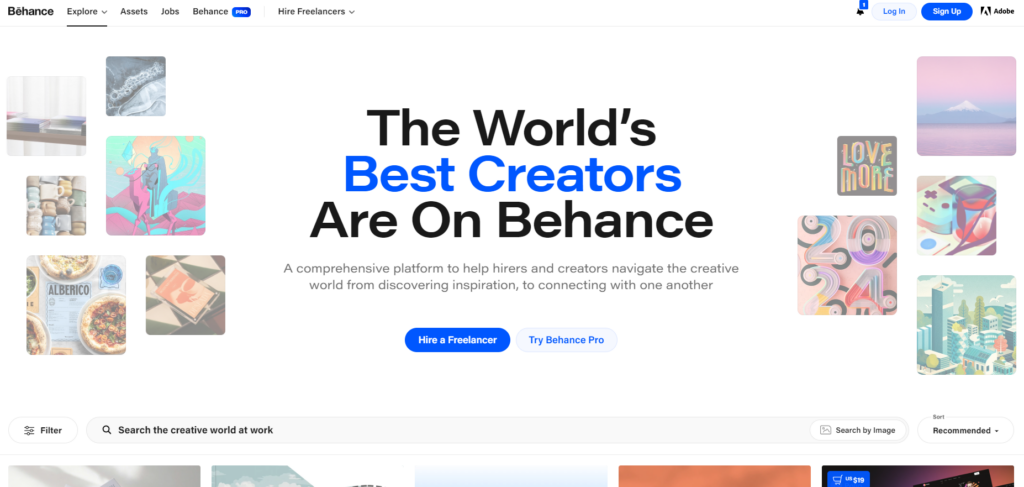
Behance is a social media platform for artists to showcase their work and discover the work of others. What we like most about Behance is its versatility. Exploring Behance’s graphic design section will lead you to a wealth of intriguing modern designs from amazingly talented graphic designers.
Best of all, Behance can accommodate your needs regardless of your design project. If you need inspiration for logo designs, illustrations, typography, packaging, or even posters, Behance is definitely worth checking out.
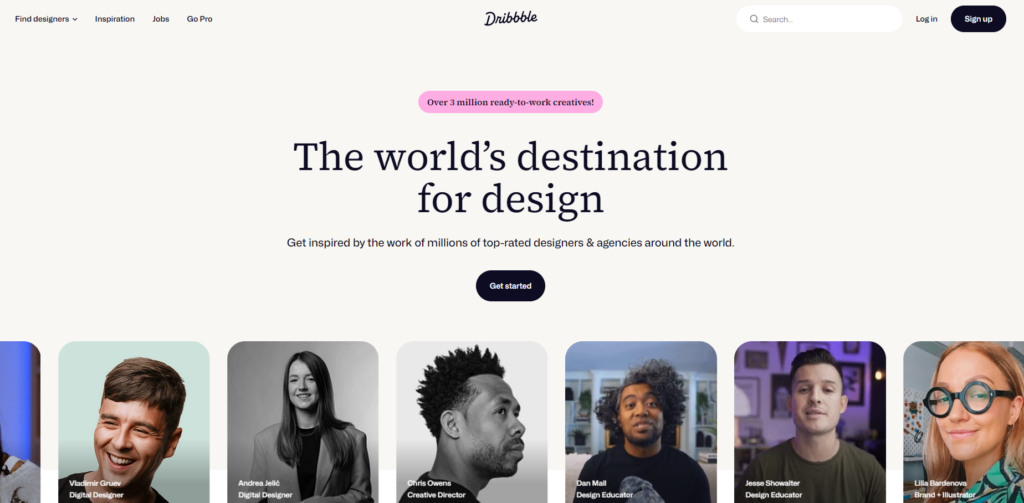
Dribbble
Like Behance, Dribbble is a social space for innovative designers. On Dribbble, you’ll find an abundance of stunning animations, engaging web designs, and mobile-optimized visuals.
You can also peruse a range of trending design styles, including Y2K graphic design and minimalism. In other words, you’ll never miss out on the latest and most popular design trends with Dribbble.
Great Websites That Contain Must-Have Graphic Design Tools
Let’s shift focus to design websites that host valuable graphic design tools.
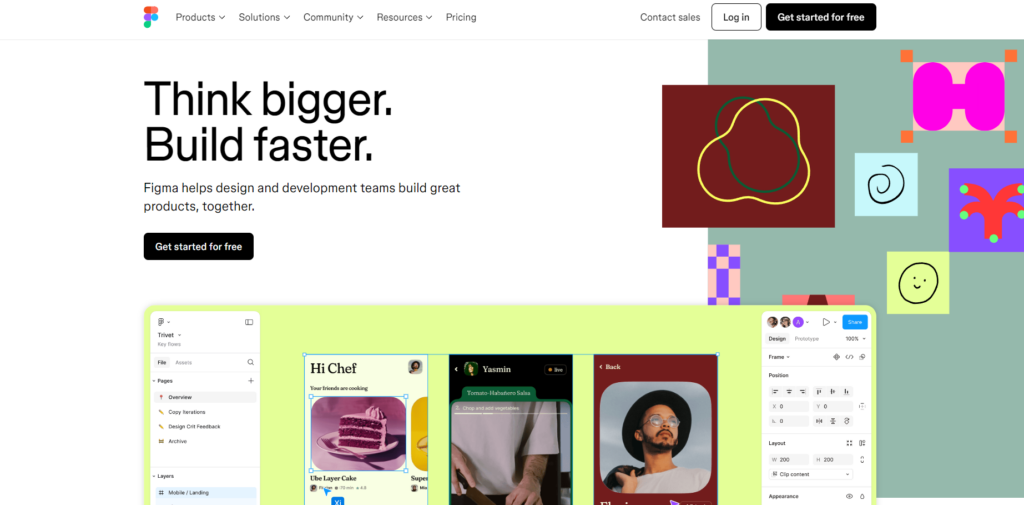
Figma
Figma is one of the most comprehensive, collaborative graphic design tools out there.
With Figma, you can leverage standardized design elements, create vectors, customize typography elements, and streamline your workflows with templates.
Best of all, Figma will provide you with an intuitive digital whiteboard that makes collaboration a breeze. You and your fellow designers can make edits at the same time, allowing for rapid product iterations and creative alignment.
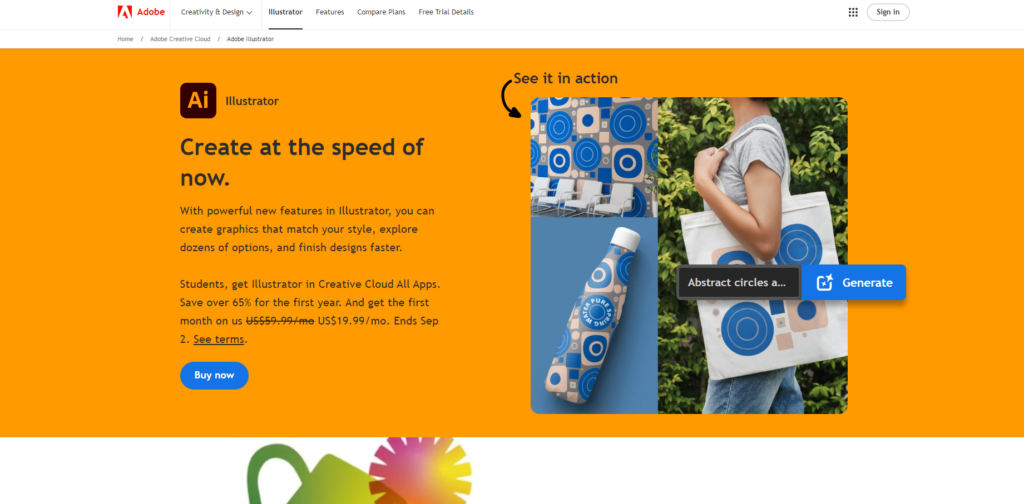
Adobe Illustrator
Adobe Illustrator is one tool every graphic designer should use at some point or another.
Think prompt-generated color palettes, customizable patterns, realistic mockups, eye-catching three-dimensionality, versatile vector design tools, and a wealth of integrations. This is what you can expect from using Adobe Illustrator.
Furthermore, Adobe Illustrator supports a wide range of file formats, making sharing work with your clients effortless. If that doesn’t sell you on Adobe Illustrator’s flexibility, you can also create print designs to accompany your web graphics.
Websites That Offer Valuable Graphic Design Resources
Last but not least, we’ve explored some websites that provide useful resources for graphic designers.
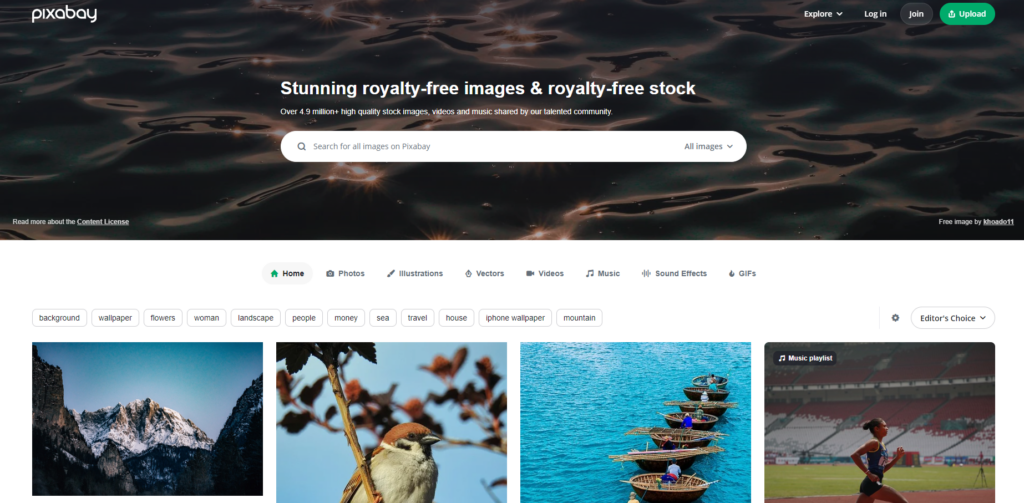
Pixabay
Pixabay is a royalty-free media library comprising a community of talented creatives. As you can imagine, it’s perfect for designers on a budget.
What sets Pixabay apart from other stock photo sites is that it offers more than engaging photography. You can also peruse aesthetic illustrations, GIFs, vectors, and video content.
If you’re looking for audial flourishes to complement your visuals, you can also utilize Pixabay’s music and sound effects.
Beyond this, you can also sift through the best of the bunch in Pixabay’s handy “Editor’s Choice” category.
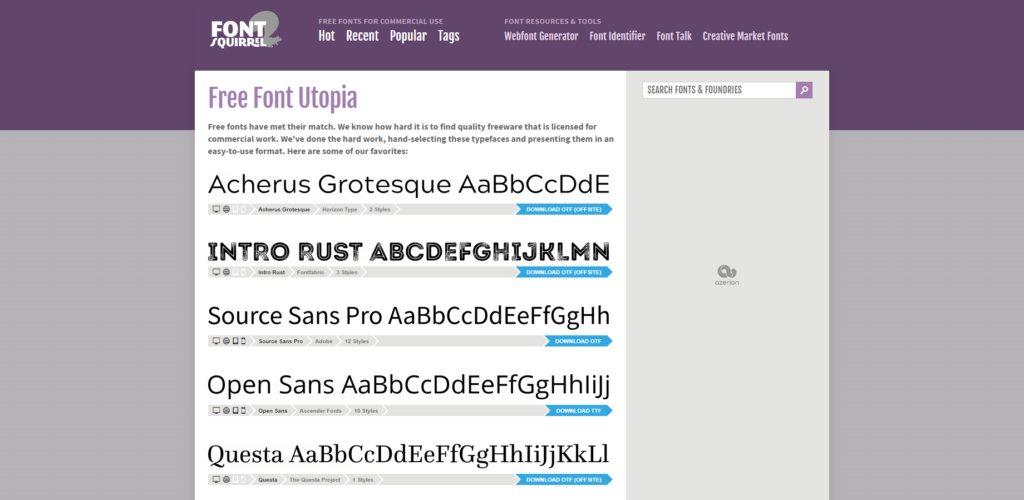
Font Squirrel
The look of your typography can either elevate or damage your design’s textual content. With Font Squirrel, you don’t have to worry about the latter.
On its website, you’ll find a helpful list of Font Squirrel’s top picks for trendy fonts. You’ll also encounter a variety of font categories that are sure to meet your typographic needs. From comic to calligraphic fonts, Font Squirrel will accommodate your needs.
What’s impressive about Font Squirrel is that you can also take advantage of its webfont generator and font identifier!
Do Graphic Designers Create Websites?
With all of this talk of graphic designers’ websites, you’re probably wondering, “Do graphic designers create websites themselves?”
Simply put, there are graphic designers who can and can’t apply their creative process to web design. Creating websites requires an understanding of programming, file sizes, and load times; graphic designers predominantly focus on visual communication.
Additionally, if a graphic designer deals primarily with print materials, they may lack the necessary digital experience to create websites.
That said, graphic designers who have web design-related competencies can often make for talented web designers. Best of all, with the help of their visual design skills, these websites will nearly always be visually compelling.

How Much Do Graphic Designers Charge for a Website?
Knowing what you now know, the question now is, “How much do graphic designers charge for a website?”
Again, there is no definitive answer to this question. The amount a graphic designer may charge will depend on certain factors, including the following:
- The designer’s skill/experience level
- The complexity of the website you want them to design
- The timeframe of your project
- The current rate of the graphic design market
- The number of revisions your project requires
While we can’t give you a solid answer, we can give you a general idea of the costs. According to Dynamic Sales Solutions, graphic designers typically charge between £500 and £5,000 for website design. This translates to a range of approximately $650 to $6,502 USD.
How To Create a Graphic Design Portfolio Website
It’s time to take everything you know and apply it to your own must-have website.
To learn how to create a graphic design portfolio website effectively, follow the instructions below.
1. Choosing Your Platform
Your first job is to select the platform you’ll use to build your website. Of course, there are many ways to do this.
To emphasize your professionalism, we recommend purchasing a custom domain for your website. You can do this on hosting platforms like Wix, WordPress, and Squarespace.
You can also use the customizable templates you’ll find on sites like Canva, Behance, and Pixpa. Needless to say, using a portfolio template will streamline your workflow, but it can also prove more limiting.

2. Introducing Yourself
Prospective clients need to know how to contact you and why they should choose you over your competitors.
So, make sure contact details like your professional email address and your relevant social media accounts are easy to find.
You should then work on your bio, letting your potential clients know what you specialize in and why. Talk about what motivates and inspires you, as well as what makes you stand out among other designers.
Don’t shy away from letting your clients know more about you as a person, too. With a simple profile picture and a few lines that detail your personal interests, your clients can relate to you. You never know that could make the difference between losing or winning your client.
Remember to keep your bio short, sweet, and impactful.
3. Showcasing Your Work
At this stage, it boils down to quality over quantity. So, you need to curate a selection of your best projects, making your selections as diverse as possible.
After all, showcasing a selection of different projects will help you demonstrate your versatility and adaptability.
For each of your chosen projects, make sure that you include high-quality photography, project descriptions, wireframes, mockups, and prototypes. You should also explain the goal of your project, your creative process, and the outcome of your design solutions.
This is a perfect opportunity to discuss any problems that arose during the design process and how you overcame them. Remember to include your user research, too, as this will play a significant role in your design decisions.
Tip: If users got to experience your final outcomes, you could even add data that relates to your success metrics. For instance, you could clarify the positive impact your designs had on the overall user experience through user surveys.
4. Designing Your Portfolio
After adding the relevant content to your portfolio, you need to optimize its design using the UX design principles.
Make sure that your clients can intuitively navigate your content using a solid visual hierarchy that emphasizes important details. Segment your portfolio logically and provide navigational aids (like search bars) that will be familiar to the client.
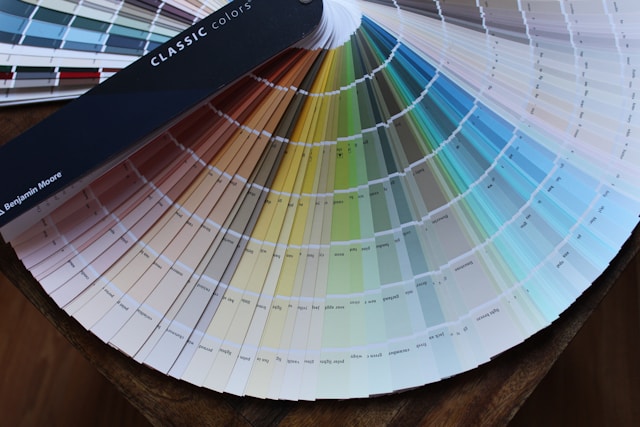
Designing your portfolio is also a chance to reinforce your brand’s visual identity. Use color schemes/color palettes, typography elements, tone of voice, and design styles that accurately reflect your brand.
With seamless navigation, brand-centric visuals, compelling copy, and logical structures, your portfolio will stand out for all the right reasons.
Bonus: Tips and Tricks
To optimize your portfolio, consider using the following tips and tricks:
- Seek out feedback from fellow designers or mentors before publishing your portfolio.
- Share your users’ testimonials; this will help you appear as credible and trustworthy.
- Consider who your ideal client is when selecting which projects to include in your portfolio.
- Don’t neglect responsive design, especially since some of your clients may come across your work on their phones.
- Mention the tools, resources, and methods that you found helpful during your projects.
- Always explain the rationale behind your design decisions.
- Choose a domain name that reflects your brand’s identity.
- Prioritize visual consistency and clarity.
- Share your portfolio across the digital landscape, including your social media platforms, blogs, and design communities.
- Keep updating your portfolio.
FAQ
What services do graphic design websites offer?
Your typical graphic design site will offer a great amount of services, including the following:
– Social media graphics
– Logo design
– Web design
– Print design
– Packaging design
– Business card design
Can I do graphic design on my phone?
Yes, you can use your phone to create graphic designs. We recommend using mobile apps like Canva and Adobe Illustrator Draw.
Where can I make graphic designs for free?
DesignWizard, Adobe Spark, Canva, Blender, Inkscape, and Krita are all examples of valuable, free graphic design tools.
Graphic Design Websites: Get Great Ideas With Page Flows
Whether you’re leveraging or creating a graphic designer website, we hope you feel more confident after reading our guide.
The main thing is that you should always showcase a variety of high-quality work and their behind-the-scenes processes. For instance, you wouldn’t demonstrate your ability to craft seamless navigational experiences without creating user flows.
Speaking of user flows, why not learn how successful products tackle intuitive user navigation? To do that, you’ll need the invaluable resources that Page Flows offers.
With Page Flows, you have access to a vast supply of user flow recordings and screenshots from immensely successful brands.
We document a diverse range of flows for desktop and mobile digital products. From onboarding to analyzing stats, we cover every flow from which you could ever take inspiration.
Our resources know no bounds, spanning countless design solutions and brands, including Bumble and Bolt.
Like the best inspirational graphic design websites, we’re here to help you elevate your designs.
Check out Page Flows now to learn how the best designers approach user-centric navigation!