Over the years, many people have explored the distinctions between UX design and a number of different things. UX design vs UI design and UX design vs graphic design, for instance.
But, surprisingly, it’s less common to see others discussing the differences between the user experience and a product’s digital design.
In today’s guide, we’ll settle the matter of design vs. user experience by exploring their differences. We’ll also show you how you can harmonize those differences to create more user-centric products.
What Is the Difference Between Design and User Experience?
It’s only fitting that we start our exploration of UX design and the user experience by discussing their differences.
However, in order to do that, we first need to define user experience and UX design. Let’s start with the user experience.
What Is a User Experience?
A user experience comprises all of a user’s interactions with a digital product or service. It also relates to the user’s feelings, thoughts, and perceptions as they carry out these interactions.
It’s worth noting that a true user experience goes beyond satisfying what the user says they want. It also encompasses how compelling/helpful users perceive a product to be and how easy it is to use.
Many aspects of a product affect the user’s experience, including its navigational ease, visual design, accessible features, and its relevance.
What Is UX Design?
UX design is a process that design teams utilize to add depth, meaning, and relevancy to user interactions. In other words, product designers harmonize every element of a product to offer their users high-quality experiences.
These elements include the visual appeal of the product’s user interface, the ease of navigation, high-quality branding, and relevant content.
As you can imagine, there are many principles and subsets of UX design, including UI design and interaction design.
By unifying these principles and subsets, UX designers can create products that satisfy the user’s needs and solve their problems.
The Difference Between UX and UX Design
The difference between design and user experience is that the user’s experience is the final outcome. The UX design process is the behind-the-scenes blueprint for that final outcome.
The foundation of an exceptional user experience consists of usability, aesthetics, accessibility, and emotional impact.
In contrast, the foundation of UX design involves rigorous user testing, in-depth user research, and iterative designs. Ultimately, you can’t create superior user experiences without UX design.
The Importance of Design vs User Experience
So, you know the difference between the user’s experience and UX design. The question is, why is it so important for you to know the difference?
Below, we’ve revealed the importance of design vs user experience as two separate entities.
Clarifying Your Team’s Roles & Duties
Separating design from user experience is like holding up a magnifying glass to both.
With this deeper clarity, you can better allocate roles to members of your design team for maximum productivity. For instance, if visual design is extremely important to your product, you can assemble a strong team of UI designers.
What’s more, this clarity helps more than just product managers. It also helps individual team members understand how their work will influence the user’s experience.
The result is that you increase employee engagement because your team members know they are producing meaningful deliverables.

Solving Problems with Accuracy
Not every poor user experience is the result of bad design, which is another reason to separate the two.
Sometimes, factors like negative brand reputation or inadequate customer service can turn users off your product. In cases like this, creating a design-based solution would be futile.
Ultimately, by separating UX from UX design, you can accurately solve problems that exist outside the design’s scope. Best of all, you can avoid wasting valuable design resources and your design team’s time.
Scalability
Another benefit of separating the user experience from UX design is scalability.
On the one hand, your business can expand by anticipating and accommodating your users’ future needs, desires, and expectations. After all, as your business grows, your users are likely to expect more from your products.
Conversely, your product’s UX design techniques may evolve to keep up with the latest design trends and technologies.
Separating the two will actually reveal opportunities to merge the two more effectively in the future.
Design vs UX: Harmonizing the 7 Main Differences
Now, knowing the differences between the user’s experience and UX design and their importance, it’s time for the next step.
Specifically, you need to know how to harmonize those differences. Below, we’ve revealed how you can do just that.
1. User-centricity
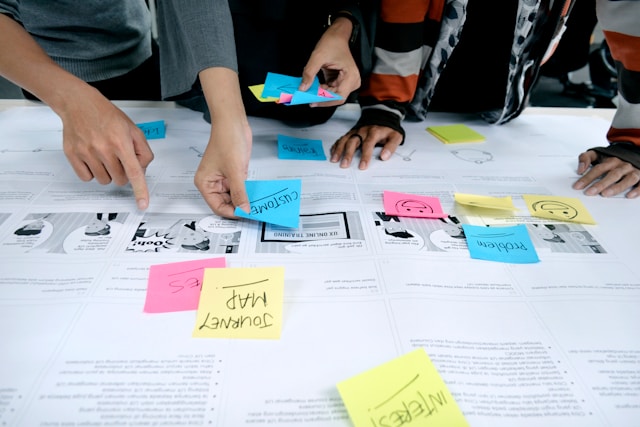
Great user experiences occur when designers ensure every element contributes to resolving the user’s problems. Put differently, every element must focus solely on optimizing the user’s experience; this is what we know as user-centricity.
So, to combine user-centricity with your designs, you need to fully understand the user’s needs, desires, expectations, and pain points. To achieve this empathy, you need to conduct thorough user research.
Base and conduct your user research methods in accordance with the user’s problems and your prospective resolutions. By doing this, you’ll determine the best ways of acquiring the data you need to deliver meaningful UX.
Tip: Consider conducting user interviews, diary studies, user surveys, and field studies. A good mix of qualitative and quantitative research methods will tell you what users do and why.
2. Aesthetics
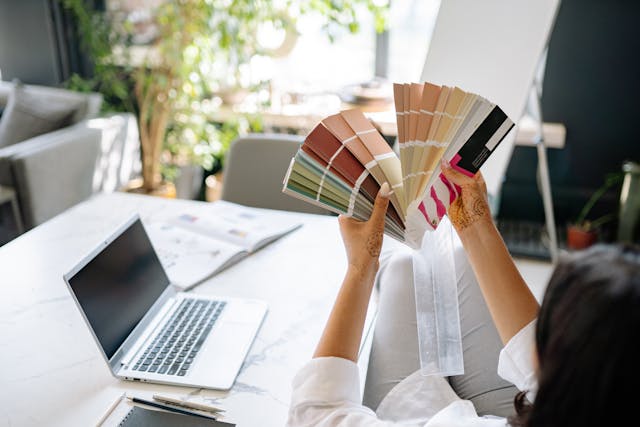
If your designs are visually engaging, you’ll find that your users have better experiences with your product. But this goes beyond simply creating pretty user interfaces.
Your visual designs can either enhance or diminish the emotional impact your product has on its users. With that in mind, you should revisit your brand’s identity and your users’ expectations.
This will help you create color schemes, icons, textures, rhythms, and patterns that resonate with users. It will also help you establish a unique brand personality that users trust.
For example, consider romantic mobile apps like Love Nudge. Its UI design utilizes a purple color scheme to represent the magic within love, eliciting feelings of excitement from users.

3. Accessibility
User experiences should be universal, meaning that all user types should be able to access, use, and enjoy your products.
In the context of accessibility, a poor user experience involves no consideration for users with physical and cognitive impairments.
To avoid this, we recommend implementing customizable settings for your visual elements’s color and size. This will give the user more control over their experience and accommodate the needs of all users.
You should also use high-color contrasts, subtitles/transcripts for videos, adjustable volume, and keyboard navigation features.
Additionally, we strongly advise that you consult the Web Content Accessibility Guidelines (WCAG) 2.2.
4. Structure & Navigation
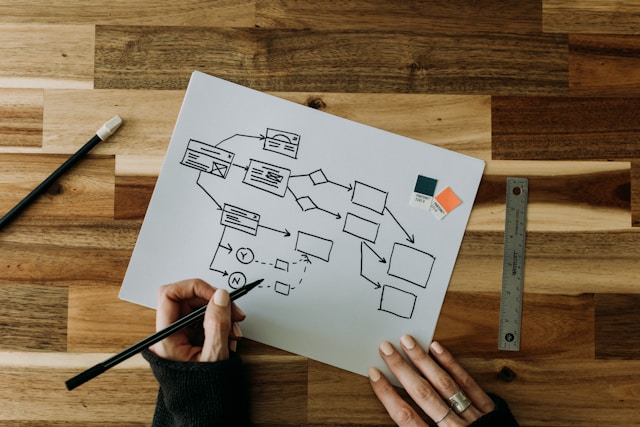
Your product’s structure and navigation are essential to a seamless, intuitive user experience. Without them, users would find your products incredibly difficult to use and are much more likely to abandon them altogether.
You can ensure your product’s structure and navigational aids contribute to the user’s experience by doing two things. The first revolves around front-end development.
Front-end developers focus on creating and optimizing interactive elements like buttons and sliders. You can improve the navigational quality of such elements by revisiting your user research.
The data from your research will clarify what users expect from your product’s structure. By knowing what your users expect, you can design with familiarity and consistency in mind, resulting in smoother user navigation.
Tip: Think about the standard ways designers implement interactive elements like buttons, links, menus, and search functions.
The second thing you can do is invest in a strong visual hierarchy. Visual hierarchy relates to the way you arrange visual elements to communicate their importance.
Important visual elements are often bigger, bolder, and brighter than less important ones. Leverage this design convention to simplify your user’s navigation, and in turn, you’ll improve your users’ experiences.
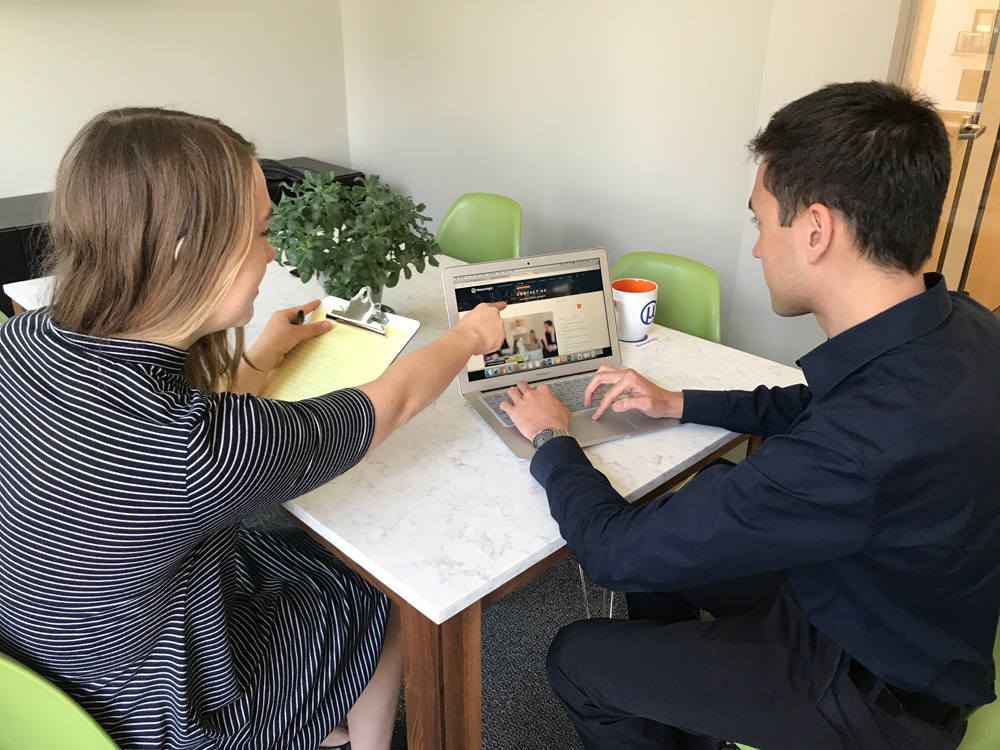
5. Usability
Everything we’ve discussed contributes to a product’s usability. That said, those design aspects alone do not make a product usable.
What makes a product truly usable is the addition of thorough usability testing methods and user feedback.
So, we recommend conducting usability tests during and after the design process. By conducting usability tests during the design process, you can validate your research data. You can also potentially avoid making costly mistakes and resource wastage.
By conducting usability tests after your product’s launch, you’ll demonstrate your commitment to delivering superior user experiences. This, in itself, improves the user’s experience because it establishes your brand as one of credibility.
The main thing is that you use the feedback from your usability tests to identify and refine areas of improvement.

6. Content
With all of this talk of design, it’s easy to forget the power of your product’s copy/content.
In the midst of interactive elements, UX writing is a great way to give your product a human touch.
With compelling copy, you can reveal more about your brand’s values and story, allowing users to resonate with it. Needless to say, when users can form a connection with your brand, they are more likely to trust/enjoy it.
Your product’s content can also be informational; you can use it to guide your users through the onboarding process. This can reduce the user’s reliance on customer support and remove moments of friction from their interactions.

7. Responsiveness
Think back to when we said that user experiences should be universal. Not only does this apply to users, but it applies to the devices that your users utilize.
In essence, you should always consider how your product’s design and structure will translate to other devices. This is responsive design, and it will offer your users a well-rounded experience, regardless of their chosen device.
To create a responsive design effectively, we recommend designing for the smaller screen first.
You have limited screen real estate to work with, and this is a perfect opportunity to prioritize your visual elements. In other words, you can only use the design elements that will impact the user’s experience the most.
This limitation will then help you as you design for larger devices than mobile phones.
Tip: Create and test wireframes and prototypes for every device your users will use to access your product.
FAQ
Can a product have good design but poor user experience, or vice versa?
Yes, a product can have a good UI/UX design while still delivering a poor user experience. Let’s say your product has a good UX but poor UI design. It may solve the users’ needs, but if your product has a cluttered or unengaging UI, users won’t enjoy it.
Let’s also entertain the opposite scenario. Your product’s UI could enhance user navigation, celebrate accessibility, and engage your target users. However, if it doesn’t appeal to the user’s behaviors, preferences, and expectations, the result will be a bad user experience.
Is the user experience a design?
Yes, and many refer to it as user experience design. The user experience design process focuses on offering meaningful, relevant, and enjoyable experiences to the users of a digital product.
What is the difference between user experience research and design?
The primary difference between user experience research and design boils down to their goals.
A UX researcher aims to understand, contextualize, and empathize with target users by using a range of different research methods. A UX designer leverages the empathetic insights from UX research to deliver meaningful, engaging products to said target users.
Design vs User Experience: Final Thoughts
Hopefully, you now see the value in going back to the basics and harmonizing the differences between design and UX.
The main thing is always to prioritize your target user base as you carry out the UX design process. To implement such user-centricity, it’s always best to start by taking inspiration from tried-and-tested, successful products.
That’s where Page Flows comes in. With Page Flows by your side, you’ll never lack valuable inspiration for seamless user navigation. That’s because we document a vast wealth of recordings and screenshots detailing a wide range of crucial user flows.
From signing up to resetting passwords to purchasing and everything in between, we cover every flow you could possibly need. What’s more, we collect our resources from many reputable brands and popular industries, like AI and analytics.
Like the discussion of design vs user experience, we aim to harmonize exceptional user experiences with intuitive user navigation.
Check out Page Flows today to learn how to take your user flows to the next level!