























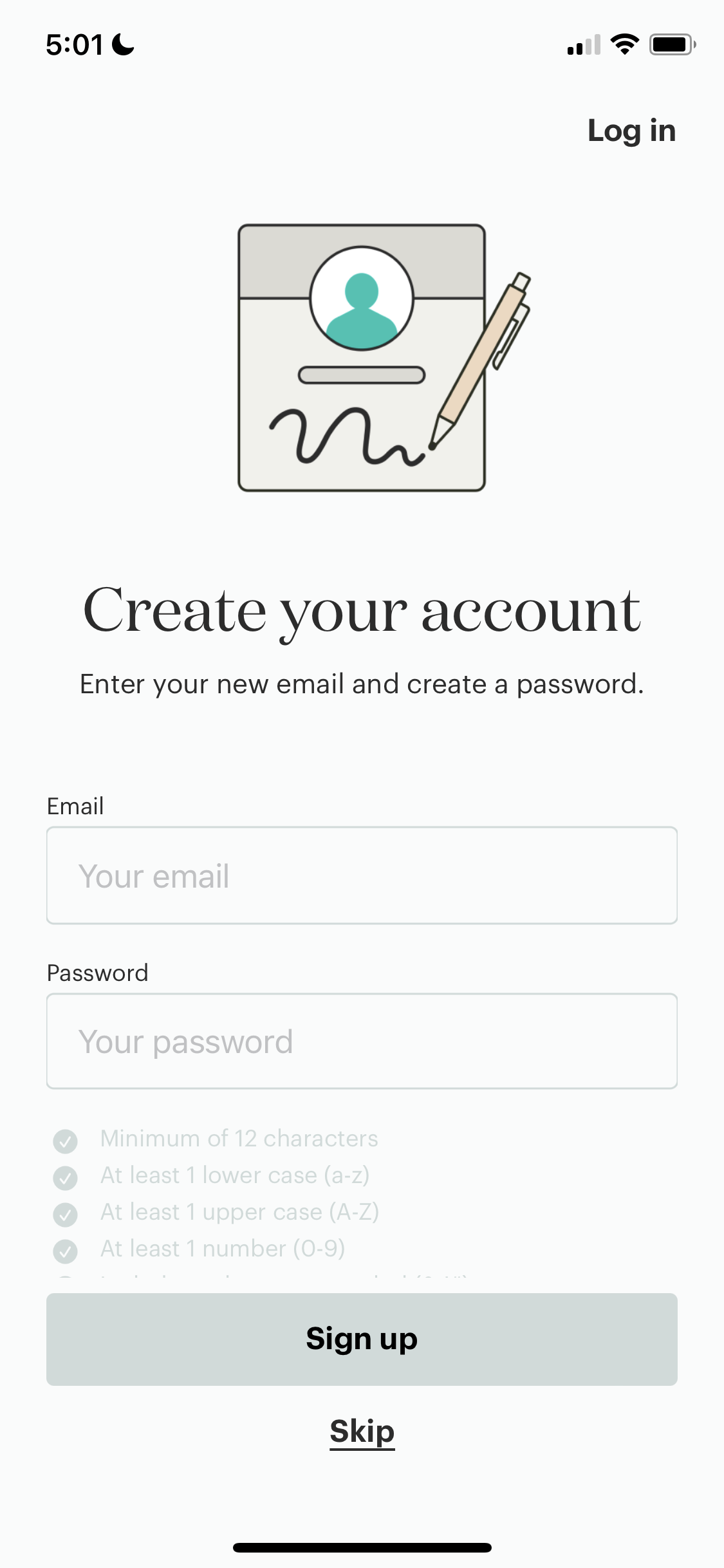
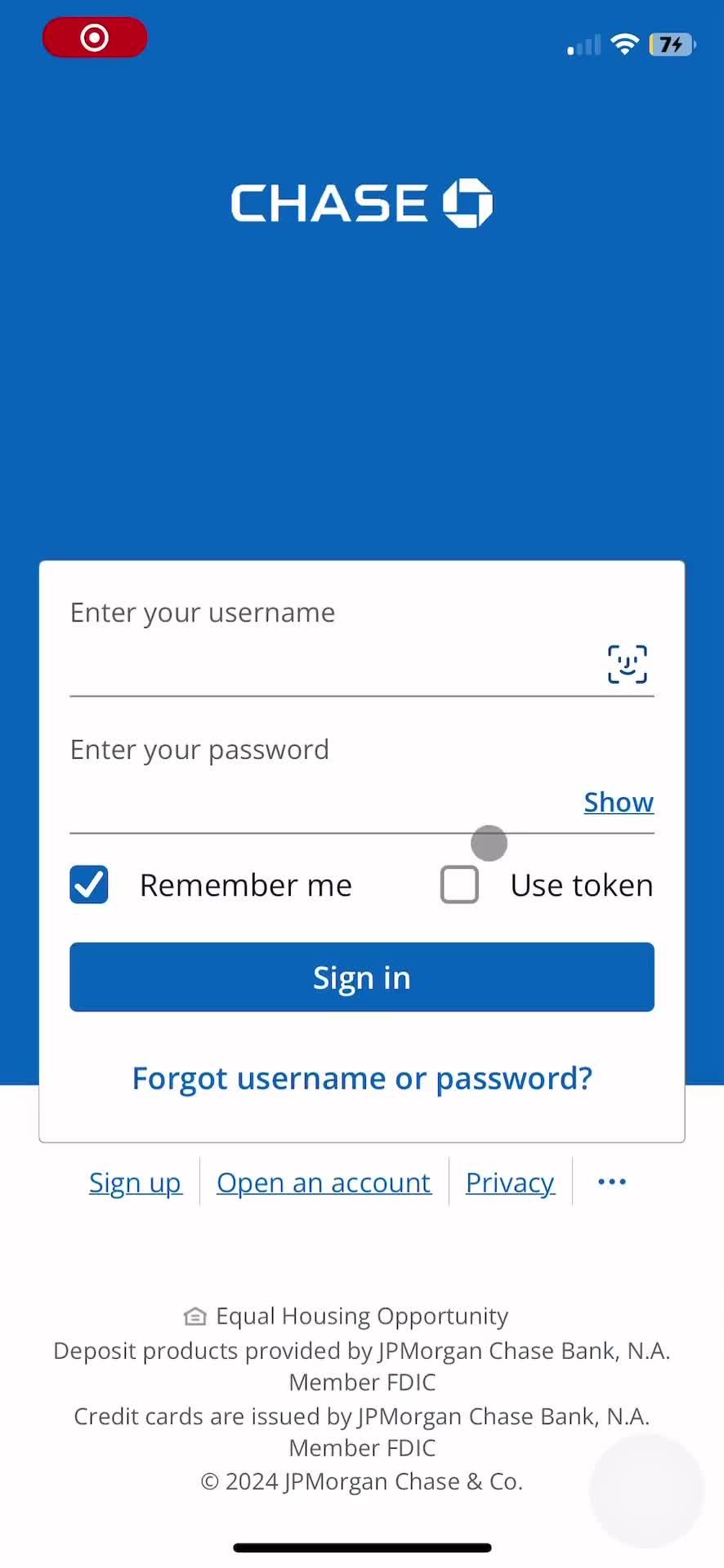
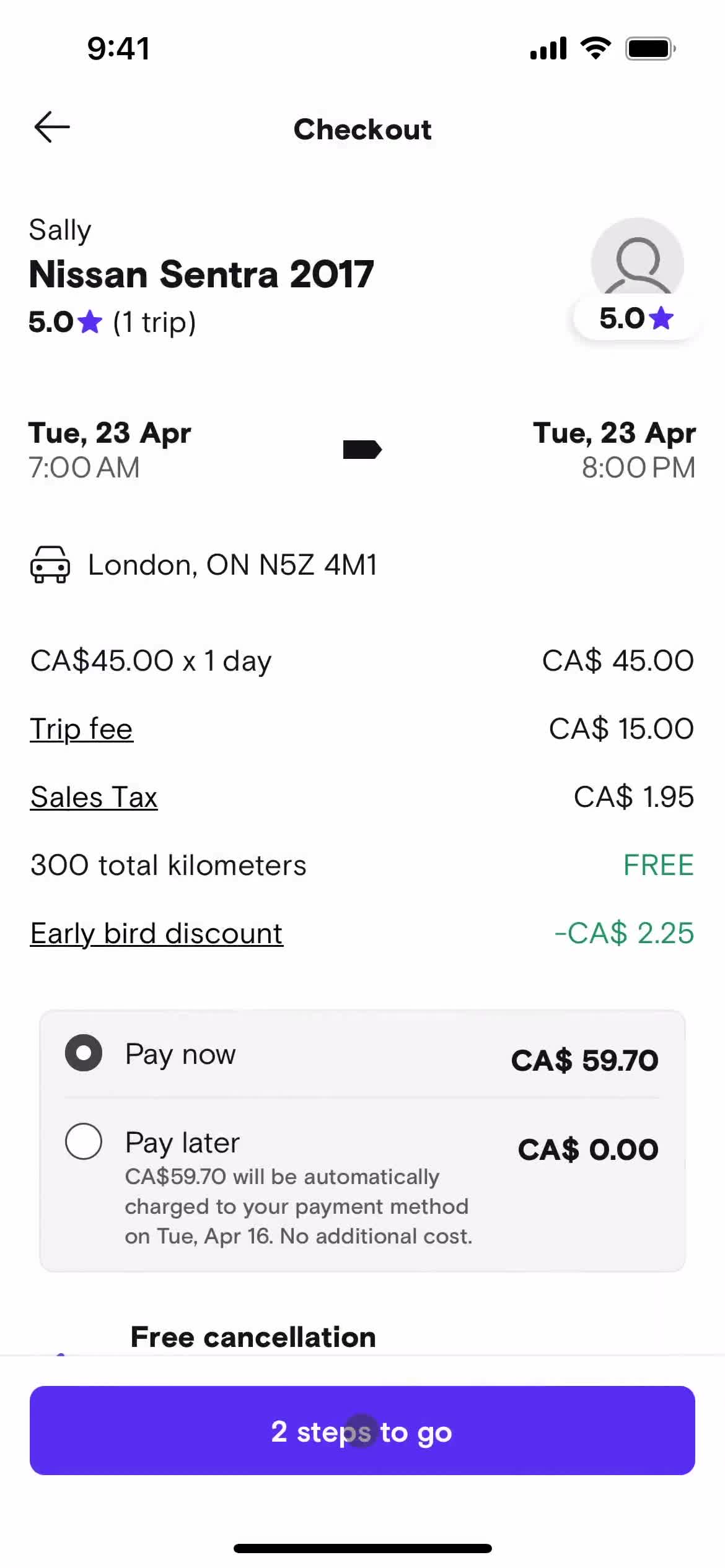
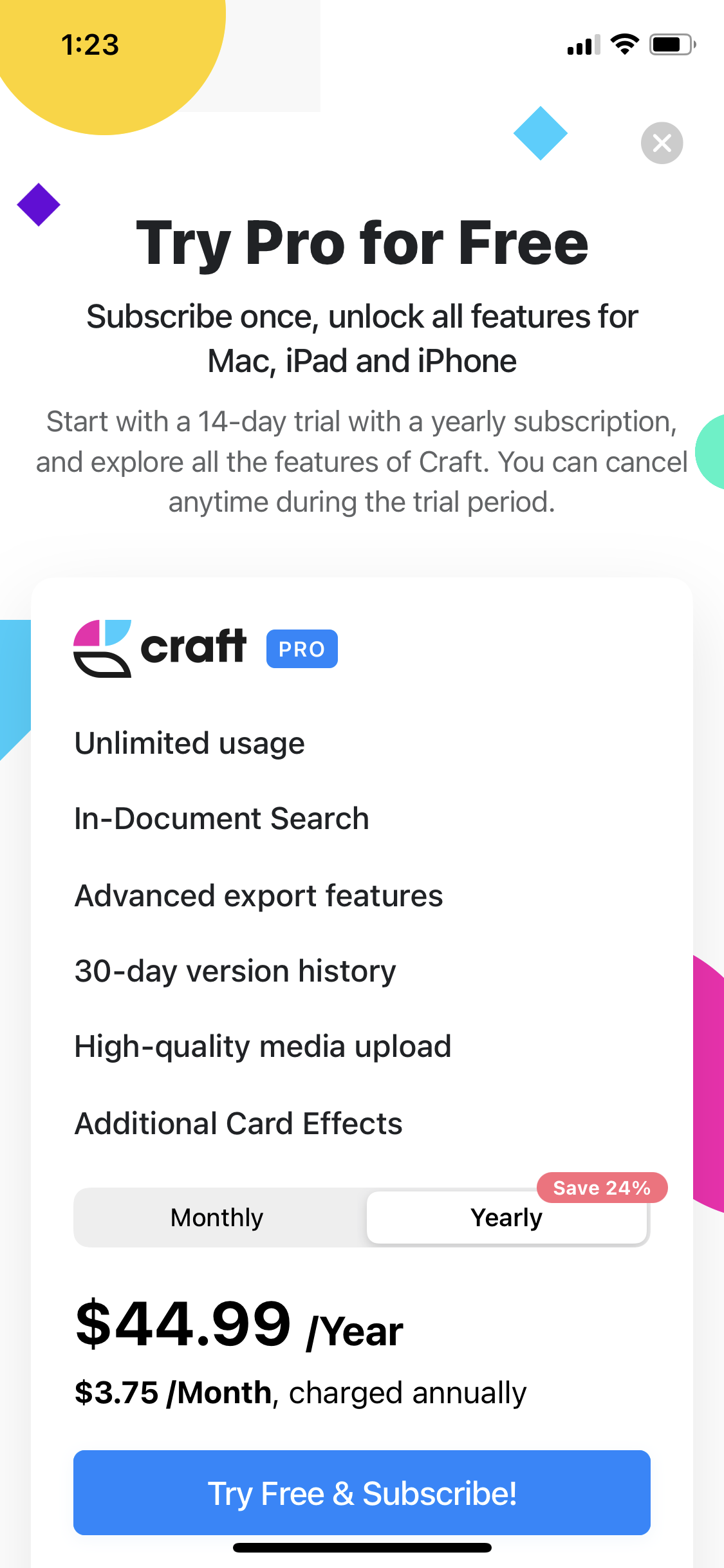







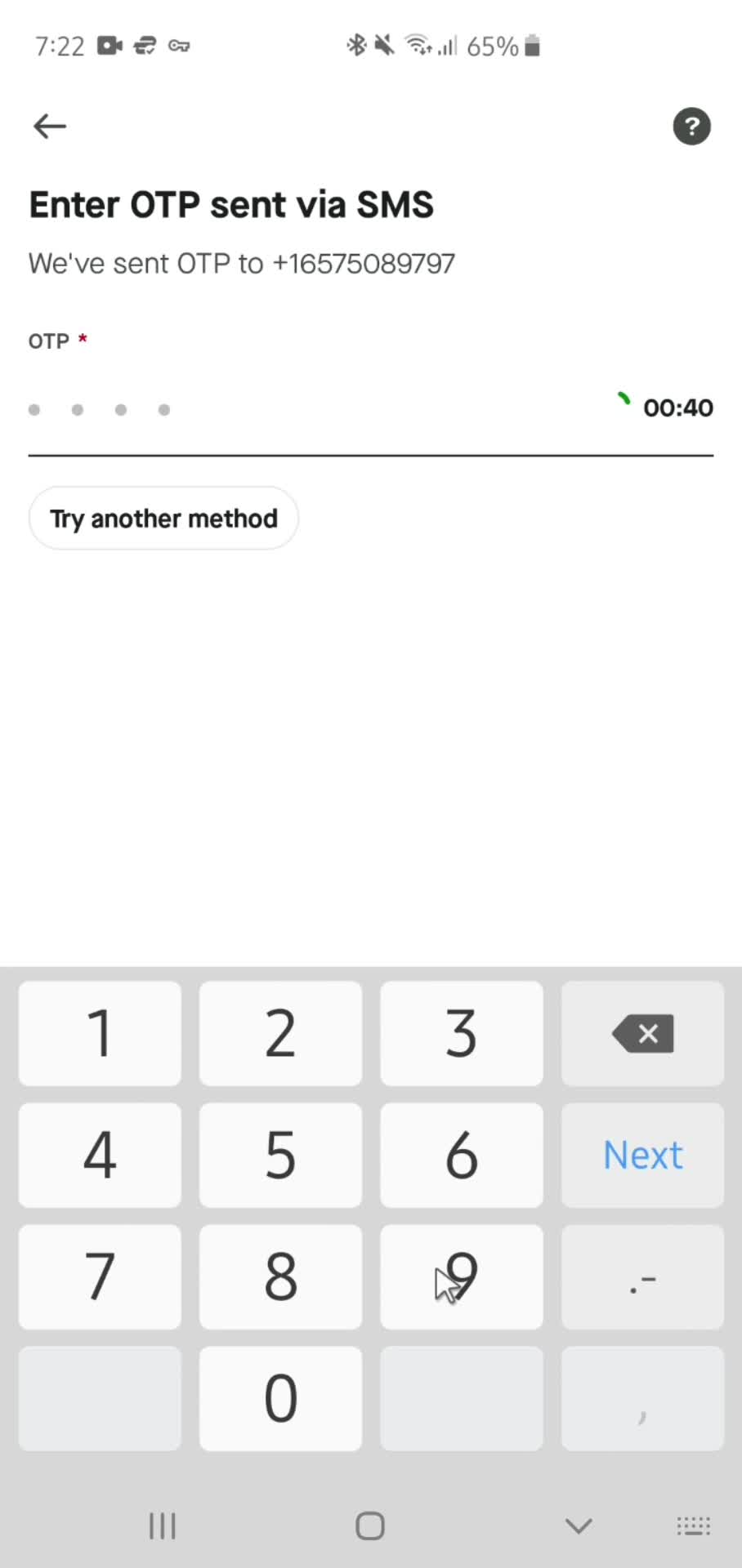

The Timer Component in Android Apps
The Timer is a core part of Android UI, and thoughtful implementations often define whether an app feels polished or sloppy. This page collects real Timer examples from the Page Flows Android library, documented inside the user flows they appear in.
Material Design vs Custom Timer Patterns
Seeing Timer in context matters on Android especially, where Material Design provides guidance but leaves plenty of room for brand-specific adaptations. You'll see how apps implement Timer across different app categories — some using classic Material patterns, others pushing the component in custom directions.
A Reference for Android Designers
For Android designers building a design system, evaluating a new interaction, or researching how Timer behaves in practice, this library shortcuts days of manual research into a browsable, current reference.
Frequently Asked Questions
What does a Timer look like in Android apps?
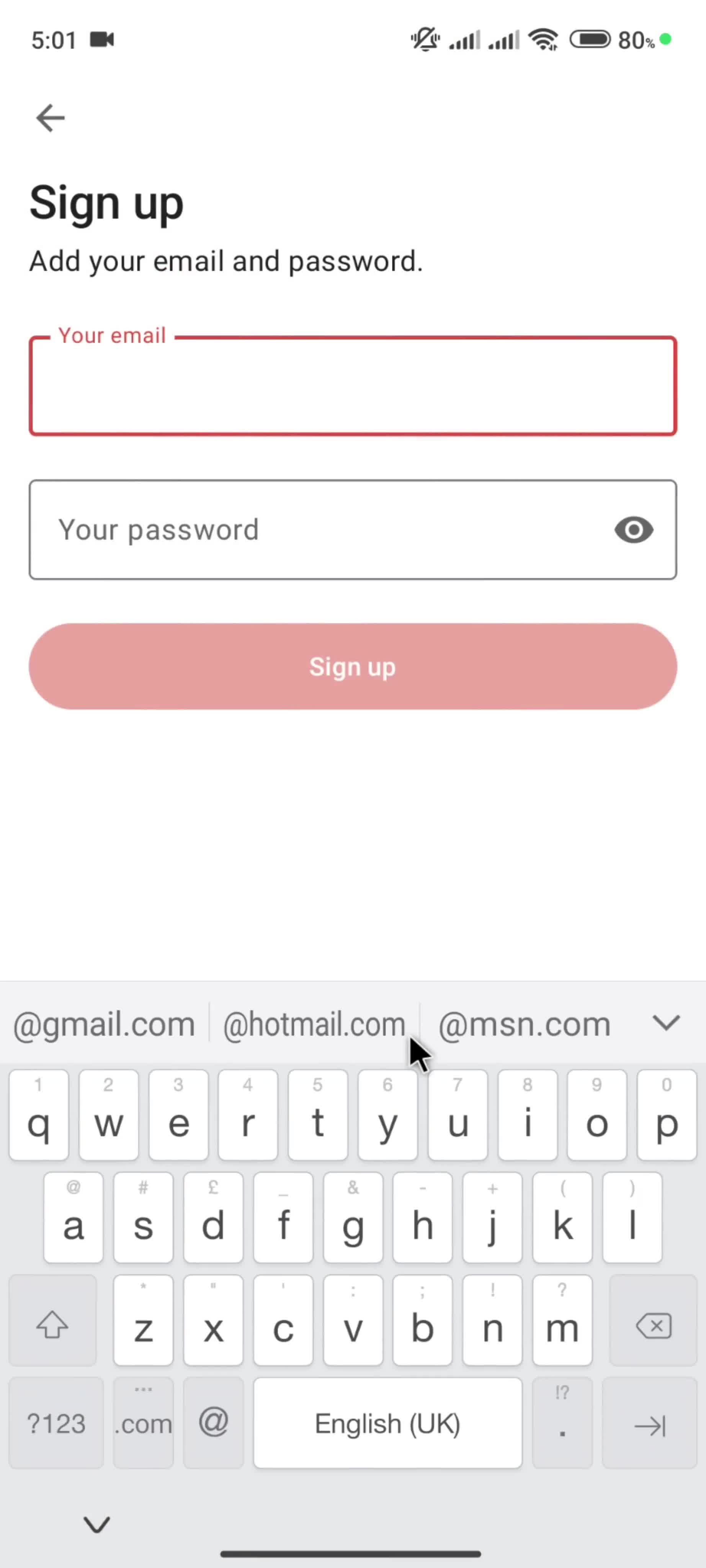
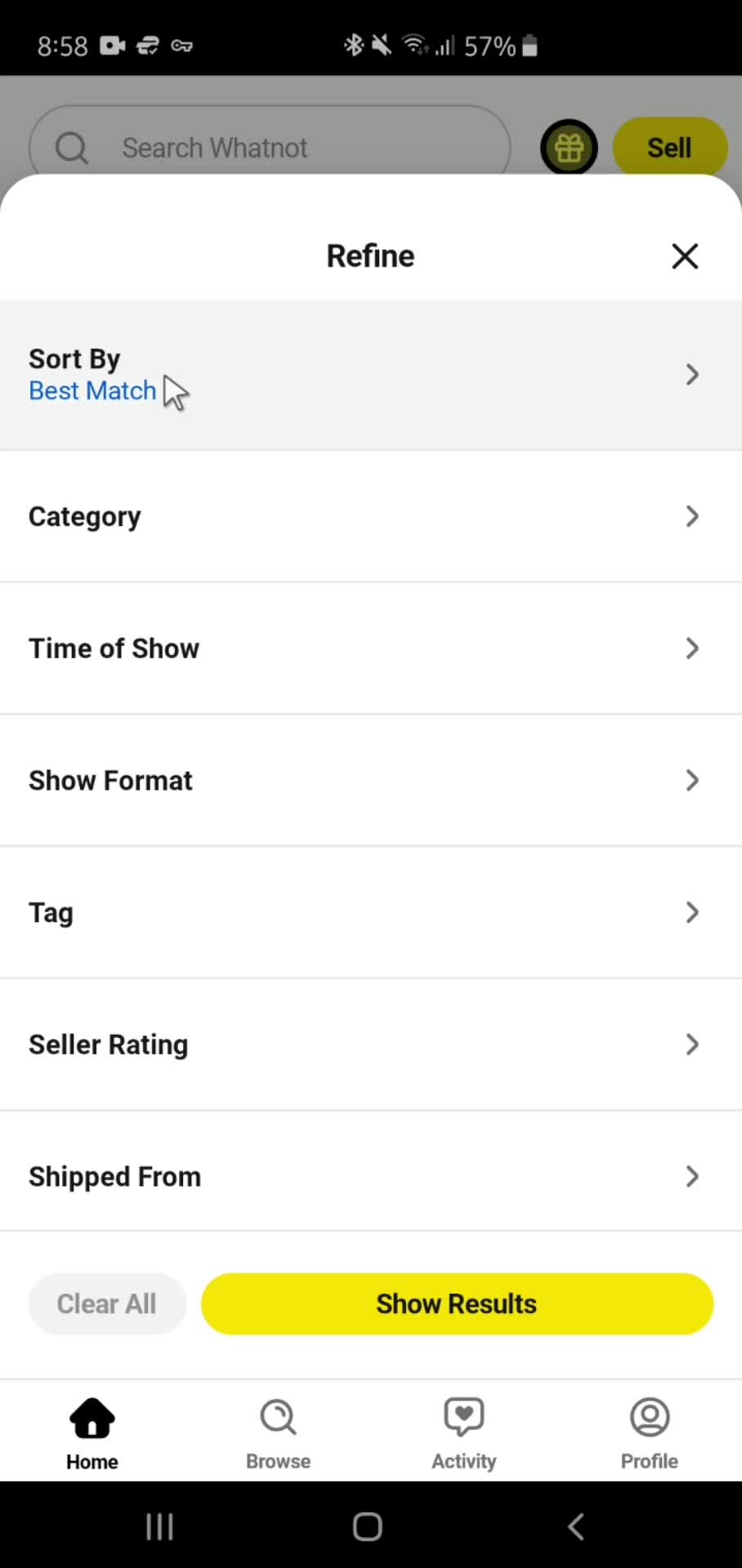
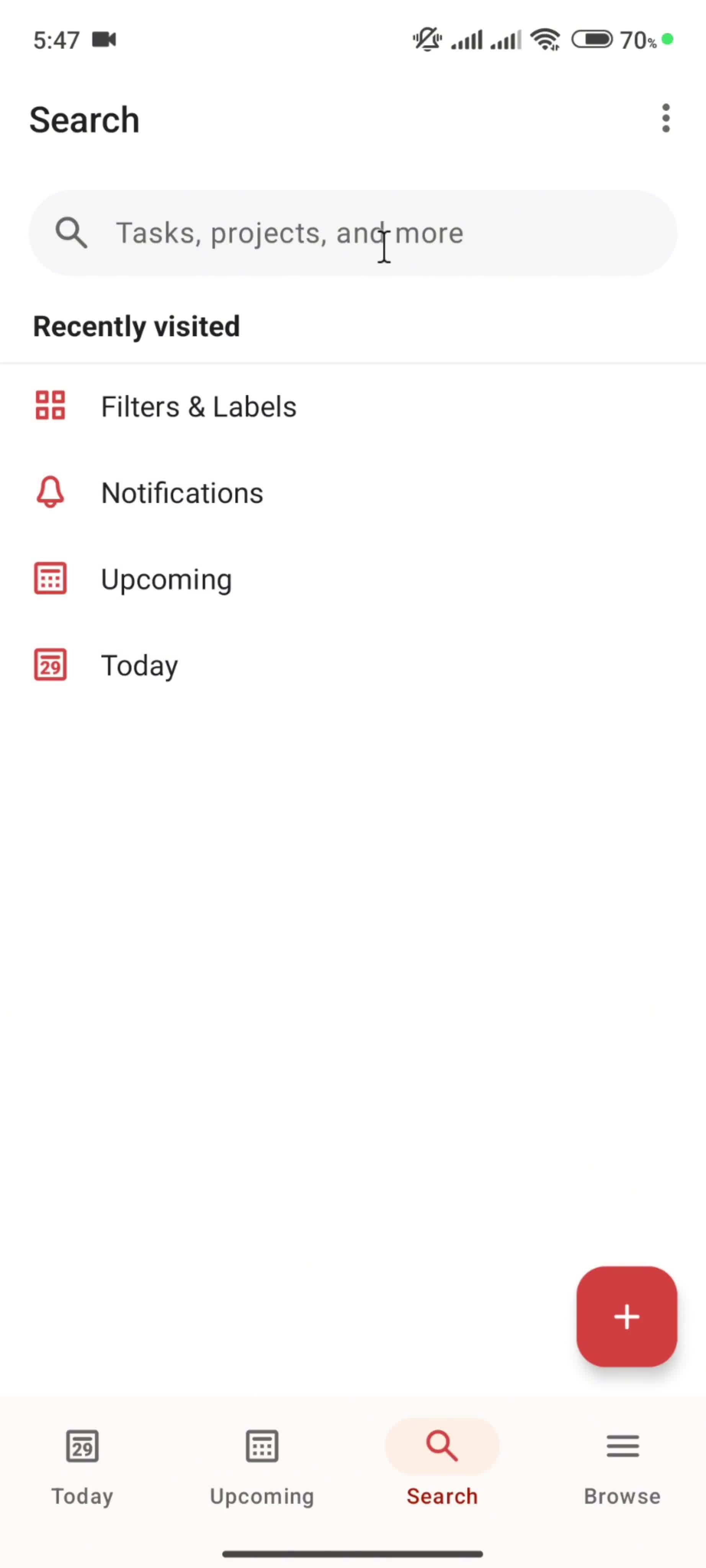
Implementations vary — some follow Material Design guidelines strictly, others adapt the Timer for custom design systems. The library shows both approaches side by side.
Can I see Timer examples across different Android app categories?
Yes. Timer appears across app types, and each example is tagged by brand and category so you can compare implementations across fintech, social, productivity, and other spaces.
Are Timer examples captured with Material Design 3?
Many are. As apps migrate to Material Design 3 (Material You), the library captures those updates, so you can study modern Android Timer patterns.
How does the Android Timer differ from iOS?
Android Timer components often have Material-specific behaviors — different triggers, transitions, and visual conventions — that don't translate from iOS. Comparing them across platforms is a common research use case.